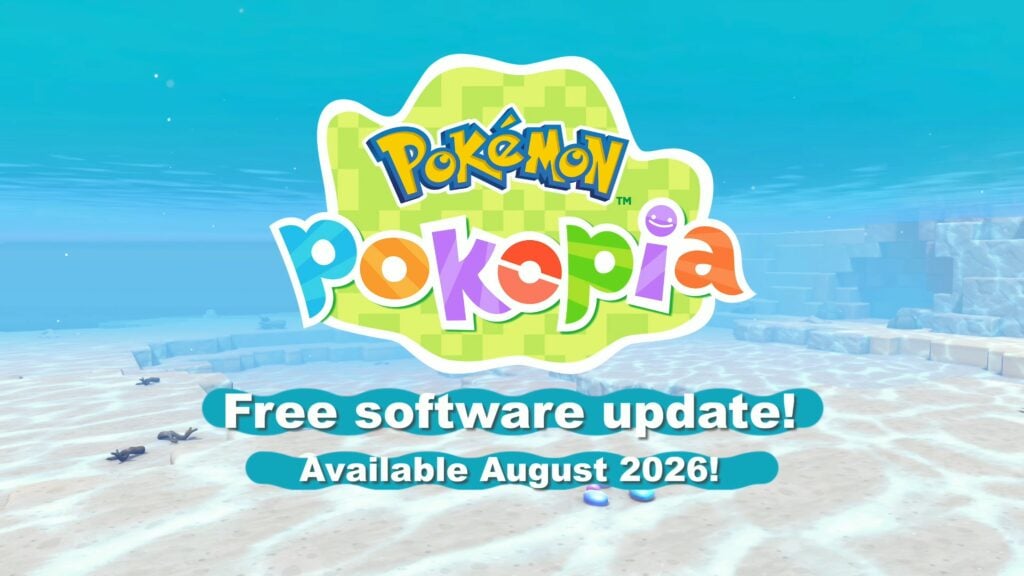
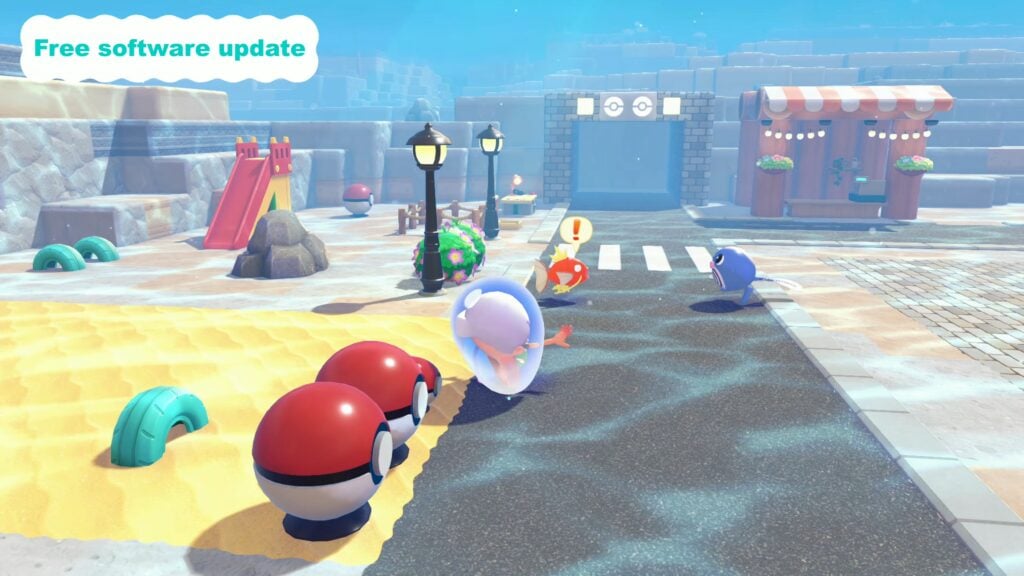
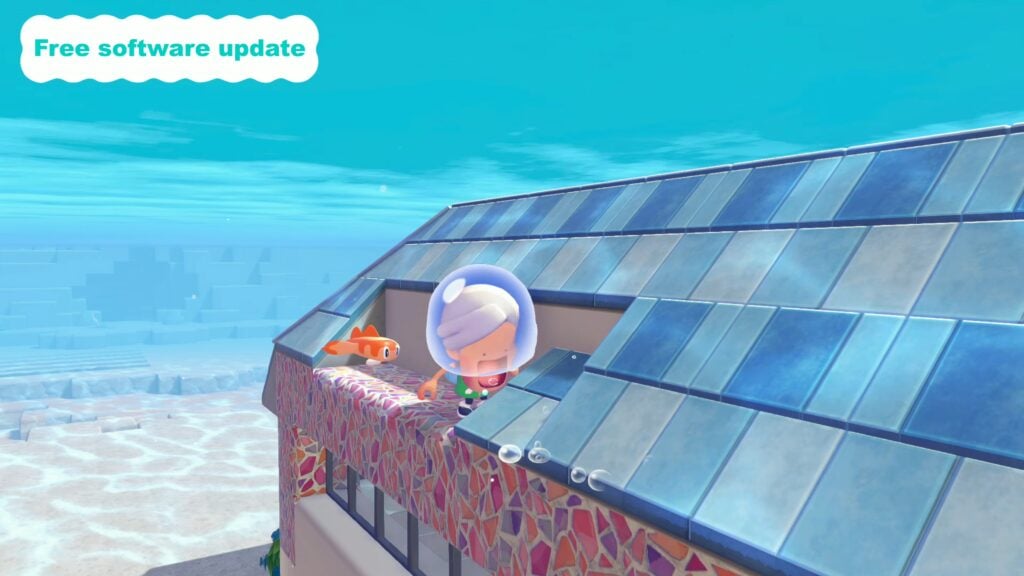
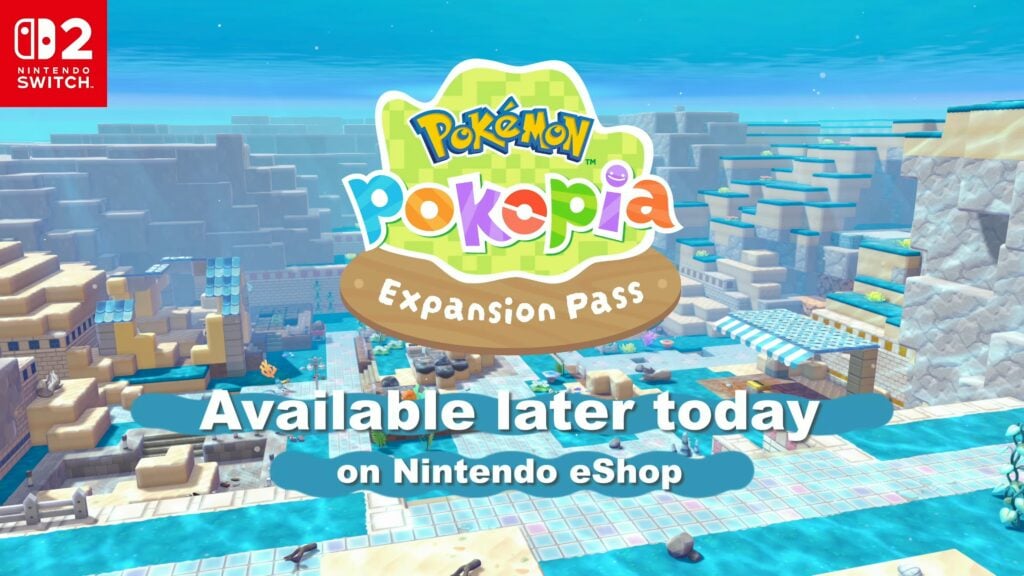
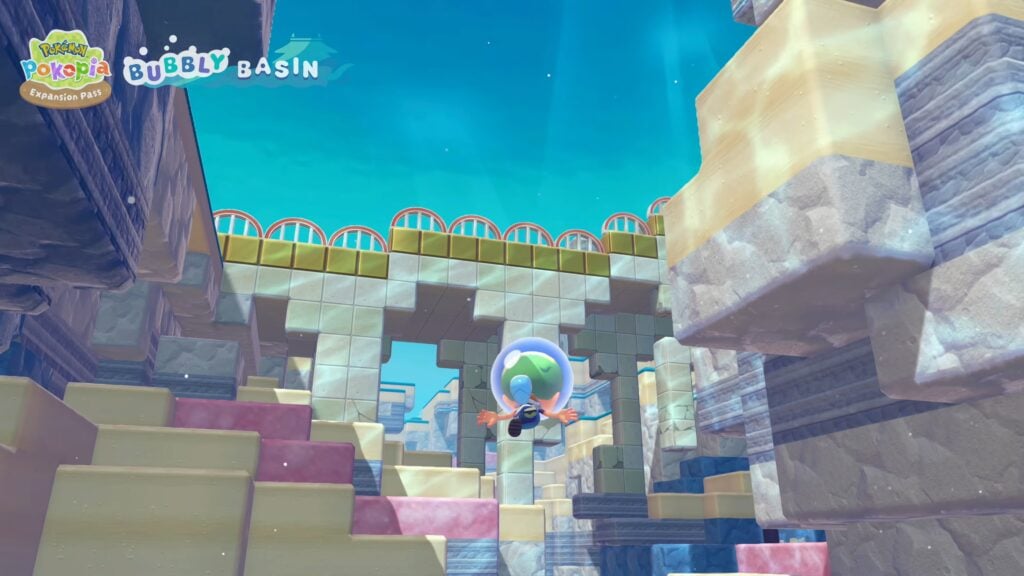
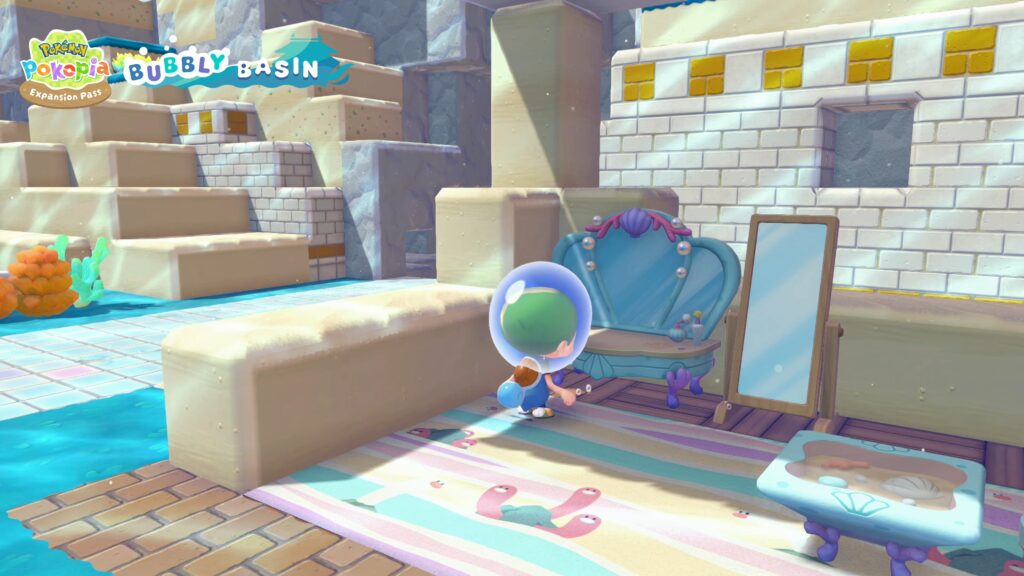
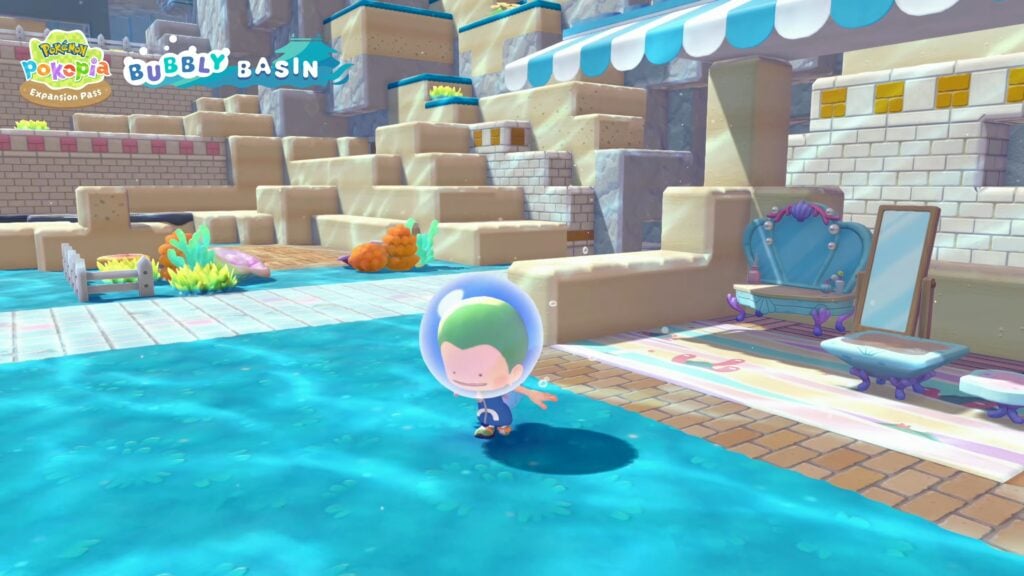
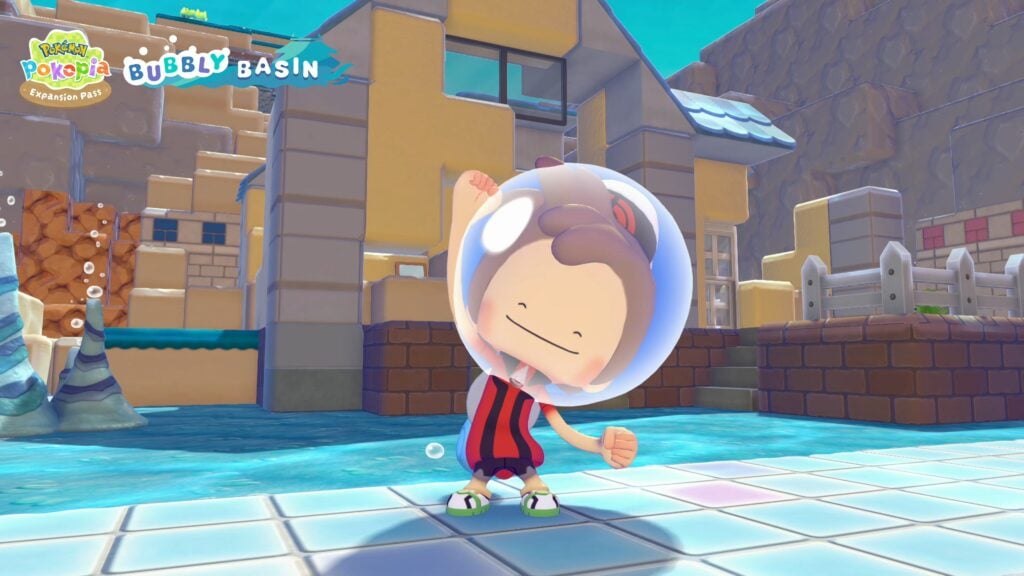
The Nintendo Direct for June 2026 aired today with tons of new games expected to arrive over the next few months, with a major point for Life Simulation game players being that Pokémon Pokopia is getting an update and paid expansion! The Pokémon Pokopia Update will release August 2026 with new features being added to compliment what is being added by the new Pokémon Pokopia Paid Expansion Pass, with Part 1 releasing TODAY, June 9th 2026.
FREE Pokémon Pokopia Update & NEW Expansion Pass Announced on Nintendo Direct June 2026!
Pokémon Pokopia Free Software Update
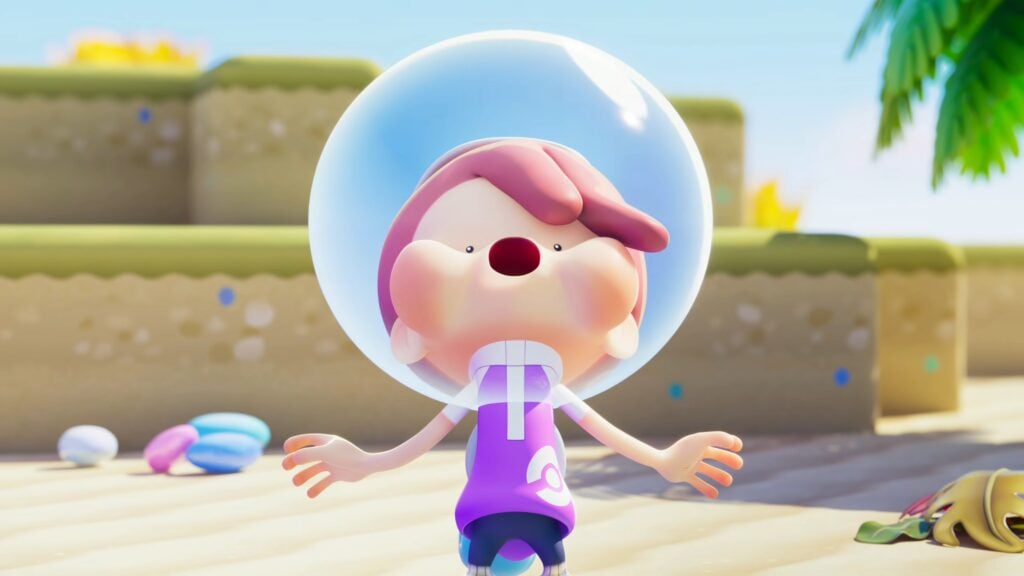
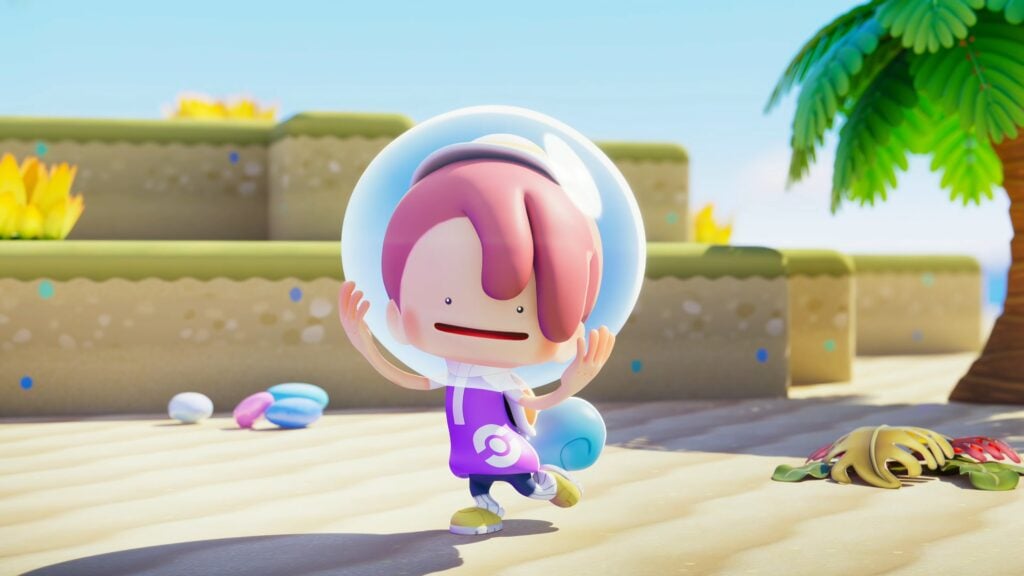
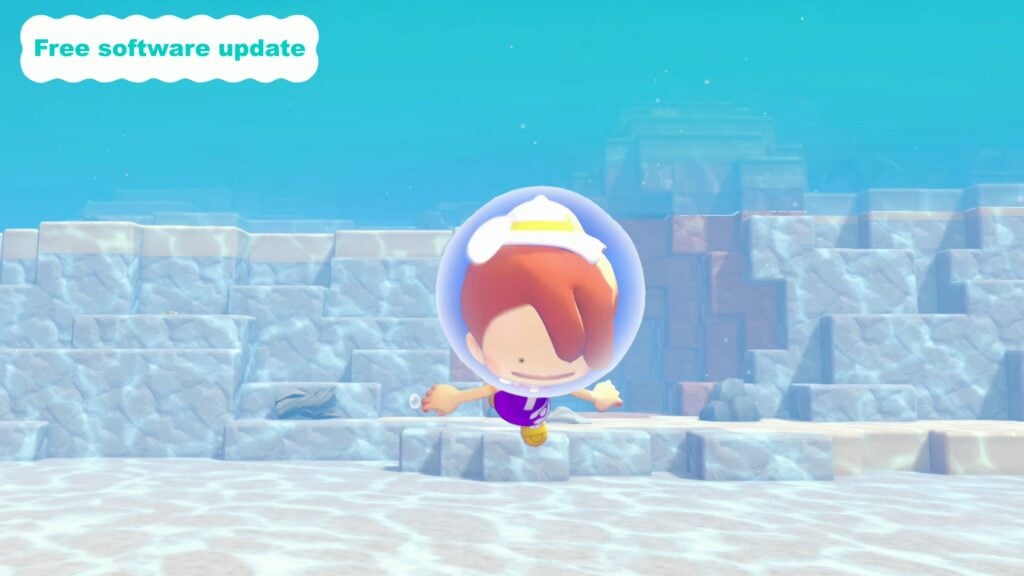
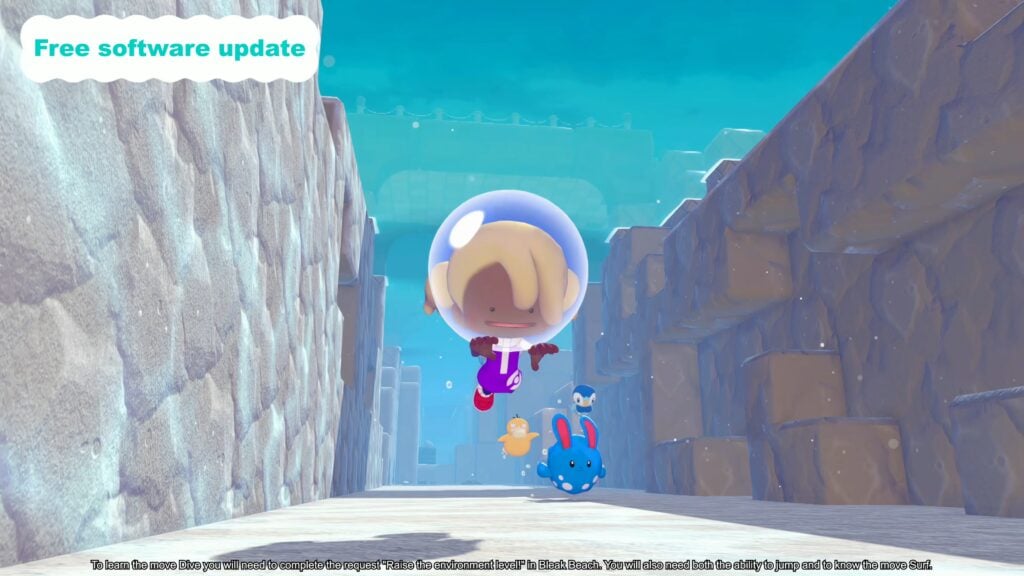
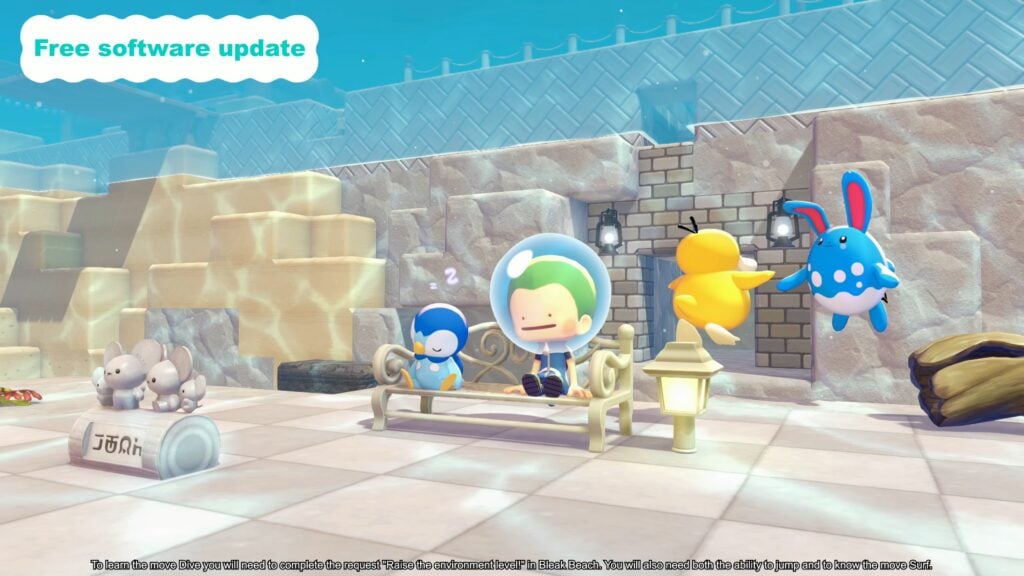
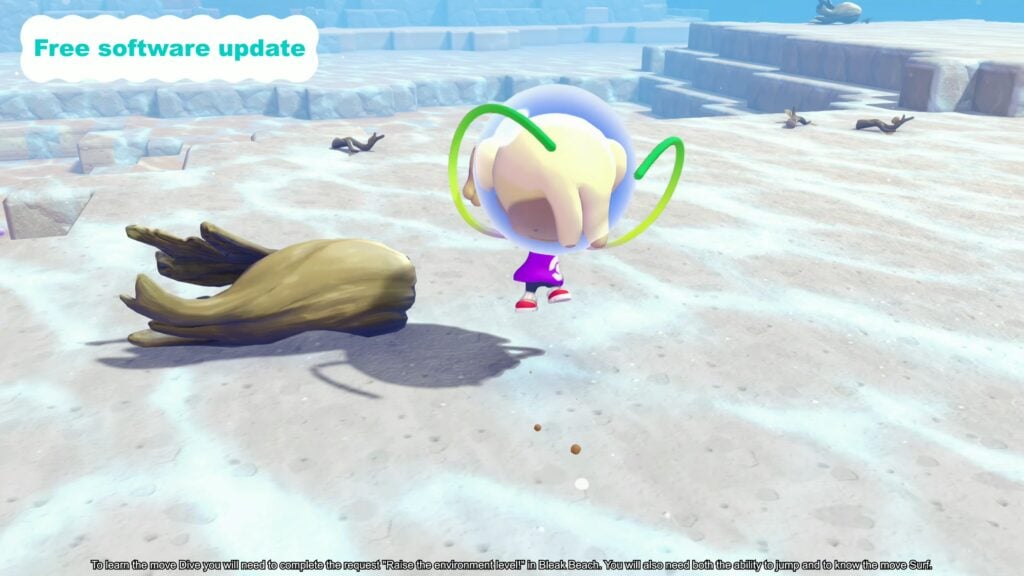
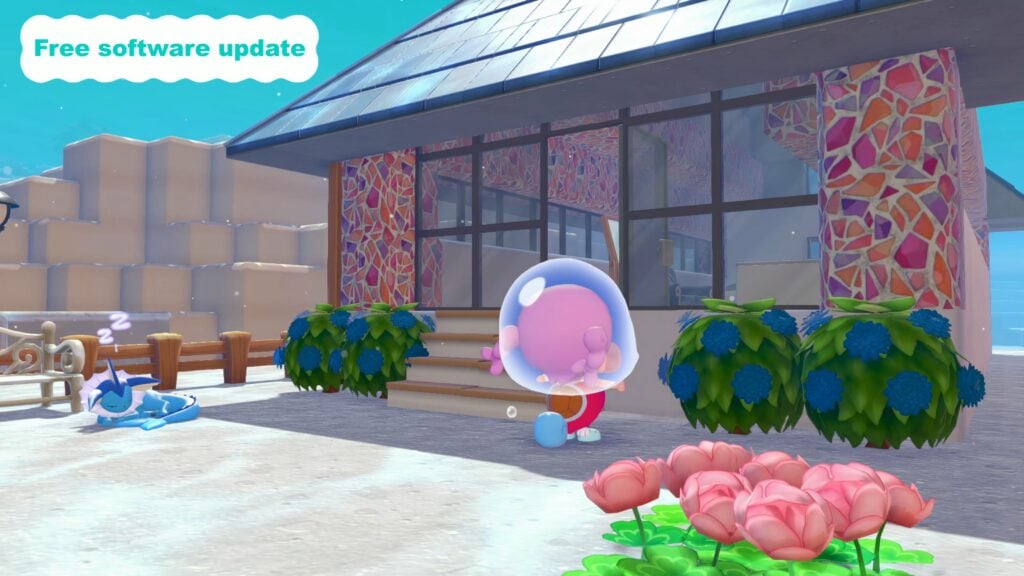
In the existing area of Bleak Beach, you will now have a new move titled Dive after completing a request titled Raise the Environment Level, and also while knowing Jump and Surf. Once you have this ability, you can dive into a new under the sea area where you can plant grass, build new structures, and fully expand your town underwater.
We don’t yet know an exact release date for this free software update, but it is slated to release August 2026.
Pokémon Pokopia Expansion Pass Paid DLC
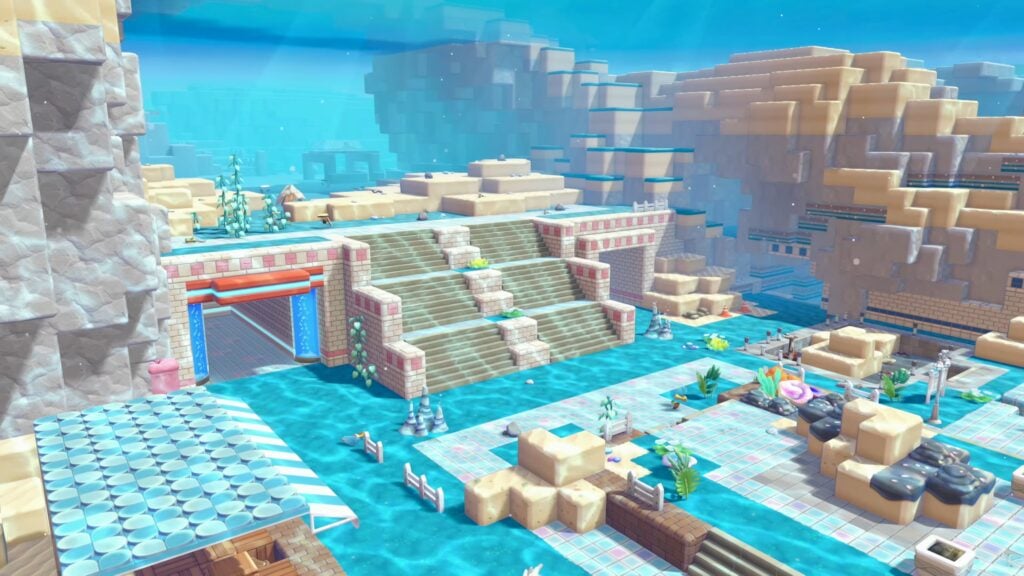
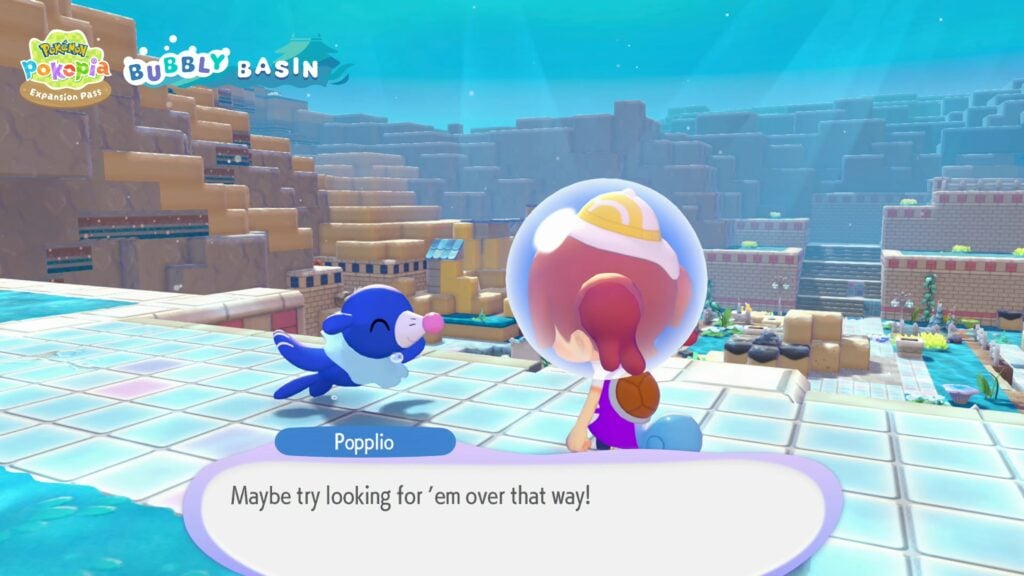
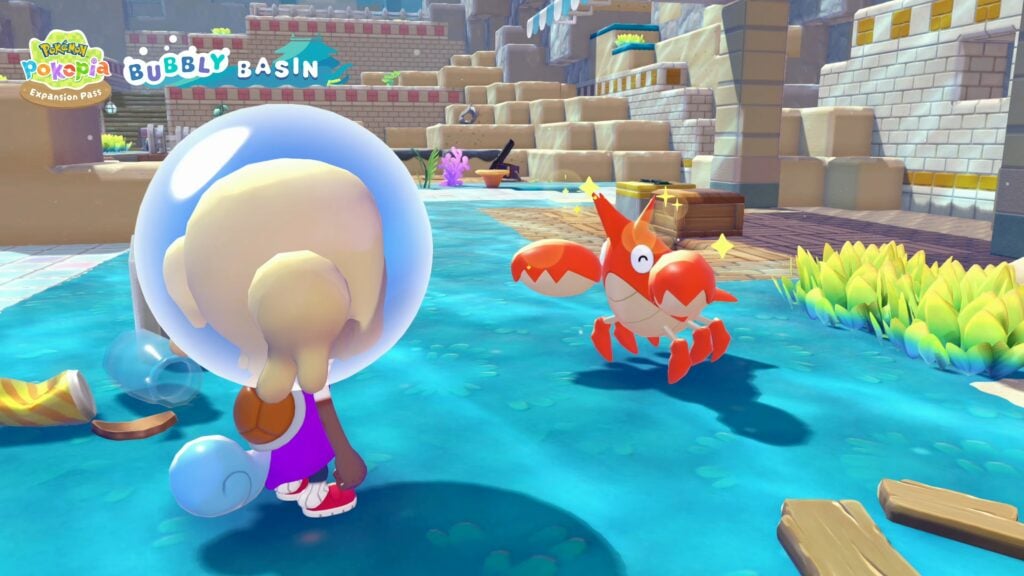
The bigger announcement is that, along with the free software update to allow for underwater areas and such, a paid expansion pass is releasing LATER today, with two additional parts planned for later. The Pokémon Pokopia Expansion Pass releases today and will include a new town called Bubbly Basin. You can place new furniture, try on new outfits, and meet and befriend new pokémon!
Bubbly Basin is a fully underwater town, where players can use the new Dive ability that will be added for all players in the free software update in August 2026 to explore underwater, including decorating and changing their underwater town, and interacting with additional underwater pokémon.
The pokémon teased in the trailer are primarily water-breathing Pokémon like Popplio, Mudkip, Corphish, and a final teaser shot showed a very murky and distant Manaphy.
An additional Part 2 with content not yet revealed is expected in late 2026, and the final Part 3 is slated to release in 2027 with no specific date yet. While we are not for certain, we will likely see updates over the next two quarters of 2026 showcasing what to expect from Part 2 and Part 3 of the Pokémon Pokopia Expansion Pass.
Per the Pokopia Official Website and the roadmap for the Pokopia Expansion Pass from the Nintendo Direct, the descriptions of these next two parts are…
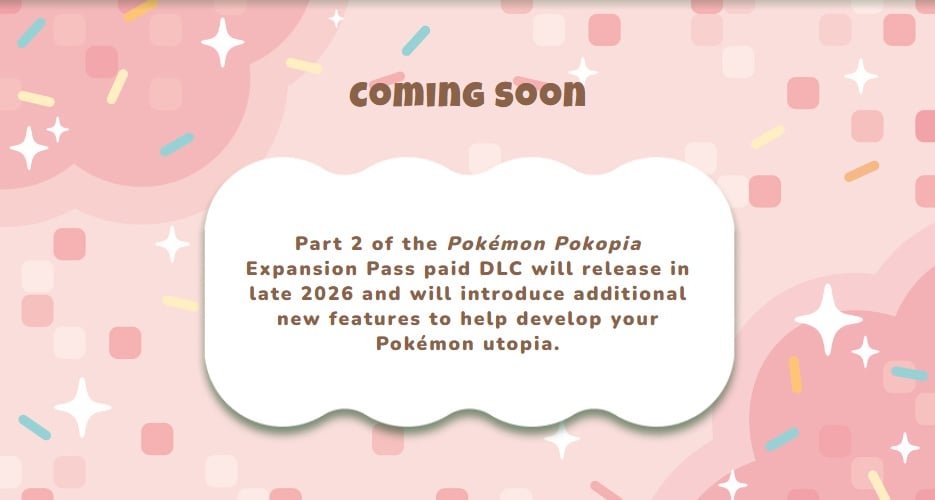
Part 2 of the Pokémon Pokopia Expansion Pass paid DLC will release in late 2026 and will introduce additional new features to help develop your Pokémon utopia.
Pokémon Pokopia Expansion Pass Part 2 Roadmap Description
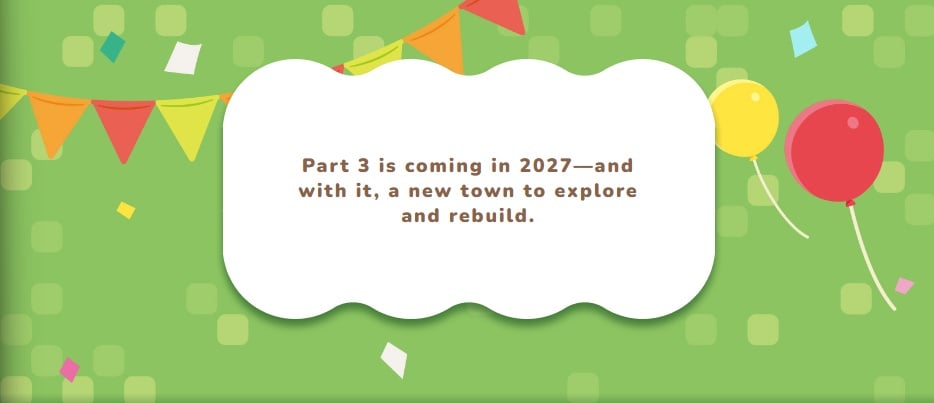
Part 3 is coming in 2027—and with it, a new town to explore and rebuild.
Pokémon Pokopia Expansion Pass Part 3 Roadmap Description
Additional Paid Content & Bonus Content
For getting your hands on the Pokémon Pokopia Paid DLC, you will receive bonus content in-game. These items are claimable once you’ve progressed to certain points in the game when the features they can be accessed through are unlocked, specifically Workbenches and Mystery Gifts.
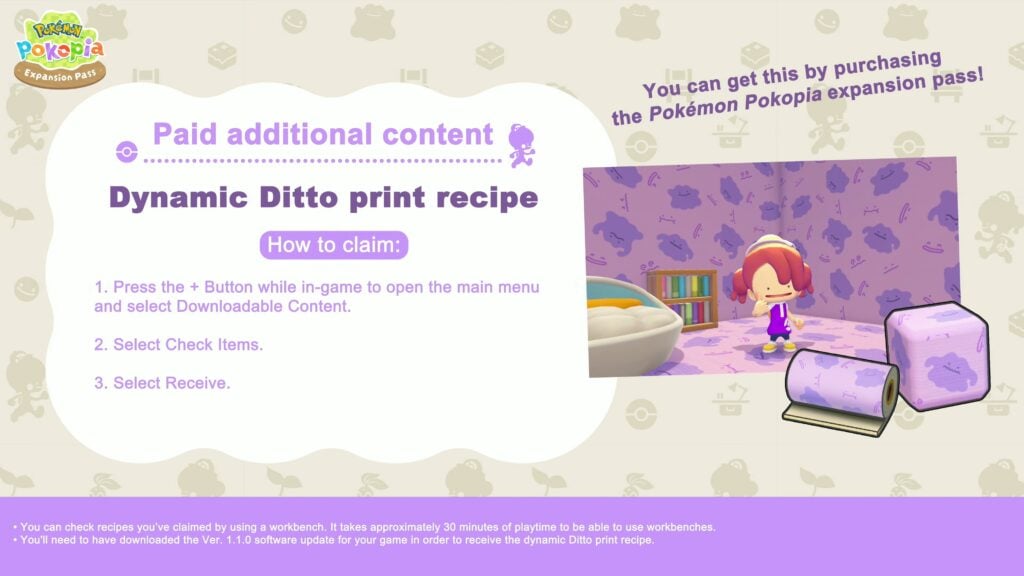
Dynamic Ditto Print Recipe
A new purple Ditto pattern for walls and floors is available and claimed from purchasing the Pokémon Pokopia Expansion Pass. It will only show if the newest software update, Ver. 1.1.0, is downloaded. It is also noted that recipes you’ve collected can be checked at the workbench, and if you’re starting fresh, it takes approximately 30 minutes of gameplay to unlock workbenches.
Claiming the Dynamic Ditto Print Recipe
Press the + button while in-game, which opens the main menu.
Select Downloadable Content.
Select Check Items.
Select Receive.
You should then receive the Dynamic Ditto print recipe as long as you’ve purchased the expansion pass, and it can be found at your workbenches.
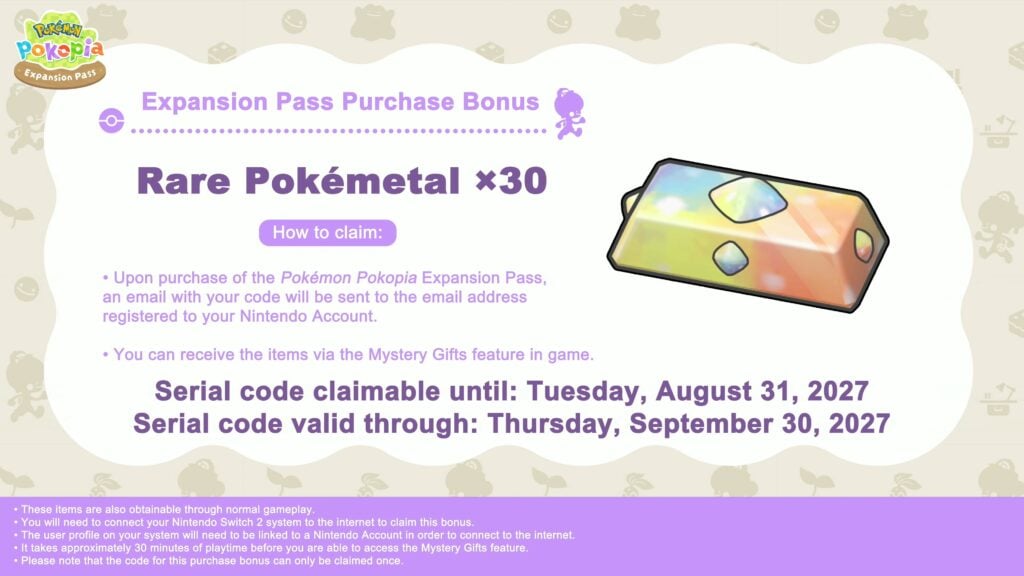
Expansion Pass Purchase Bonus
Another bonus for purchasing the Expansion Pass for a limited time is getting 30x Rare Pokemétal. It is under the Mystery Gifts feature in-game, and the items are obtainable through normal gameplay, though this is just a bonus including this extra resource.
Claiming the 30x Rare Pokémetal Bonus
Once you’ve purchased the Pokémon Pokopia Expansion Pass, you should receive an e-mail with the code. The code is sent to the e-mail registered to your Nintendo account.
Once you have access to the Mystery Gifts feature in-game, available after approximately 30 minutes of gameplay, you can access the Rare Pokémetal bonus.
Serial codes for this bonus can be claimed until Tuesday, August 31st, 2027.
All claimed serial codes are valid through Thursday, September 30th, 2027.
The Nintendo Switch 2 must be connected to the internet.
The user profile on the Nintendo Switch 2 must have a linked Nintendo Account.
The code for purchase can only be claimed once.
Are you excited for the free Pokopia Update coming August 2026? Have you, or do you plan to, scoop up the Paid Expansion Pass for Pokémon Pokopia soon? Do you want to wait until later parts, and why or why not? Let us know down below! Make sure to follow The Sims Community and we’ll keep you in the loop with all things Life Simulations!
Paralives Studio has released a brand new Paralives Update across PC and Mac Platforms through the Steam Launcher.
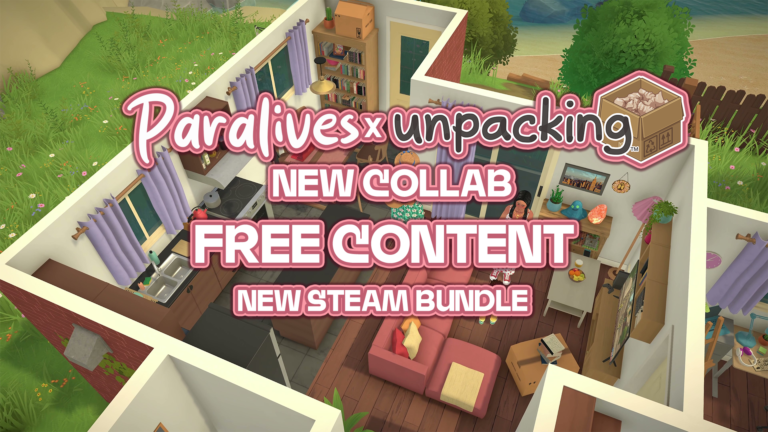
This update brings a brand new collaboration with fellow indie game Unboxing, as well as a multitude of new bug fixes, changes, and updates to existing known issues that are being worked on.
The newest Paralives Patch is around 49.3MB.
Completed Paralives Update on Steam
A brand new Paralives Patch has been released on Steam!
Paralives Update: Official Patch Notes
Patch Notes 0.1.3
New
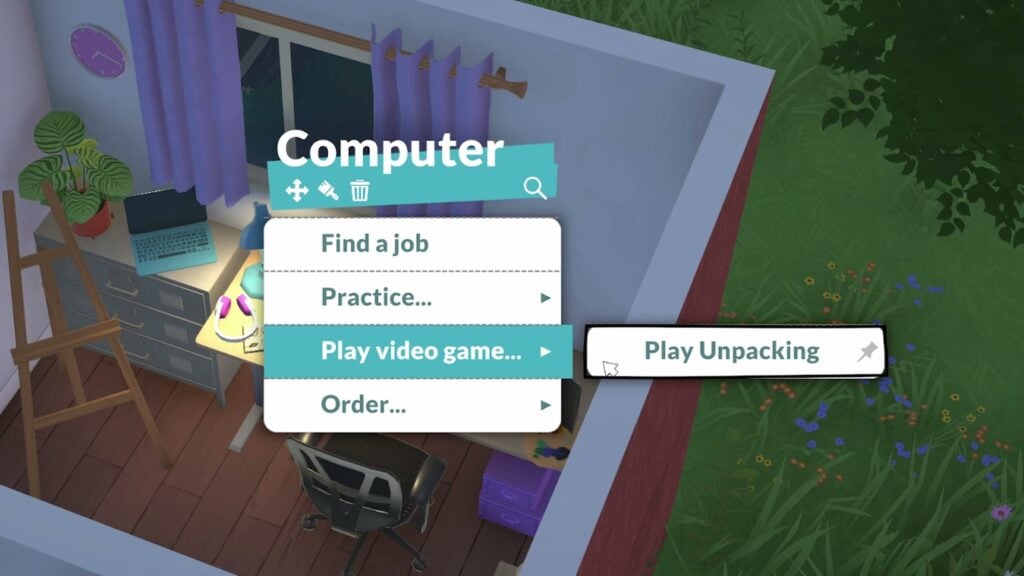
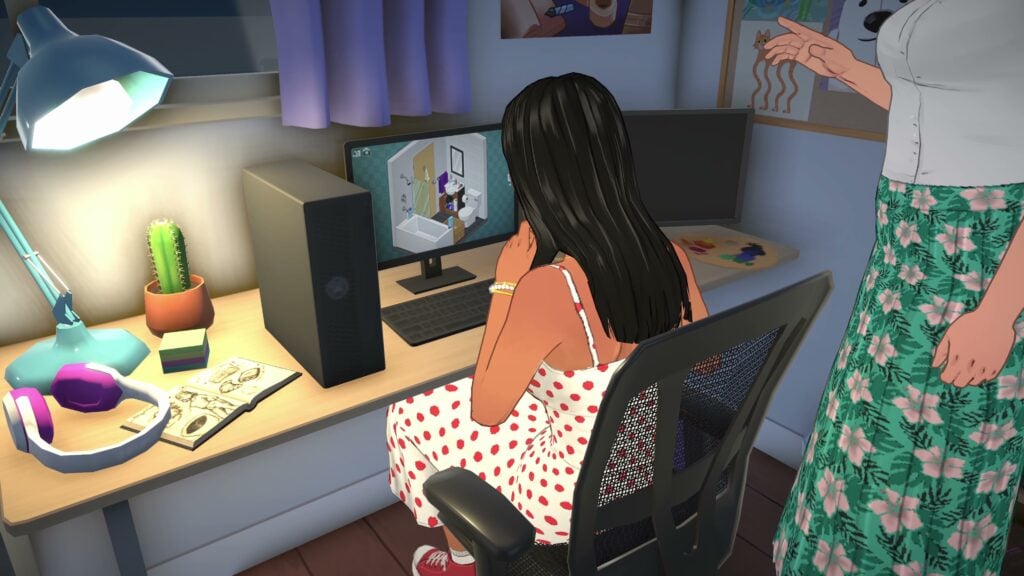
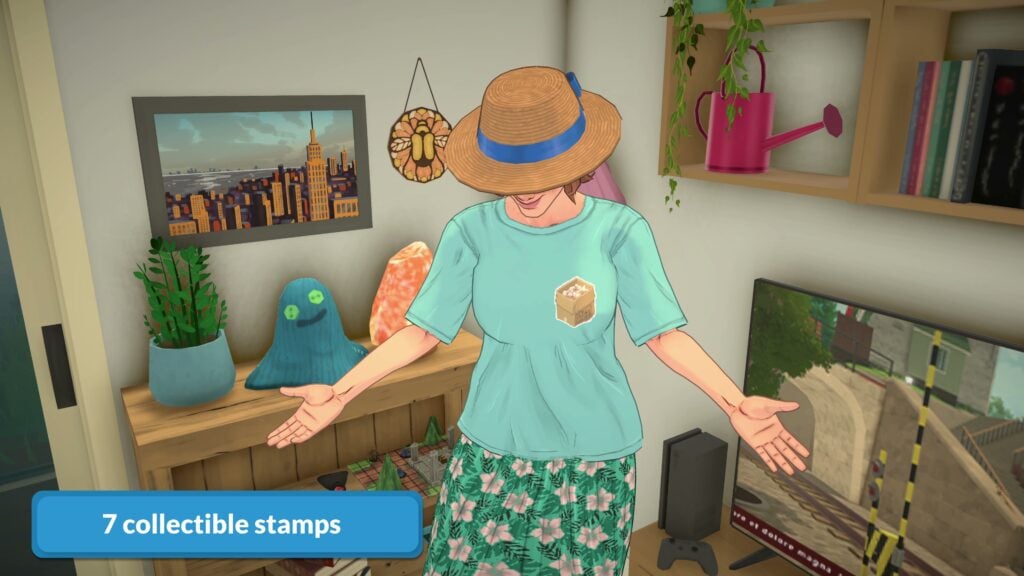
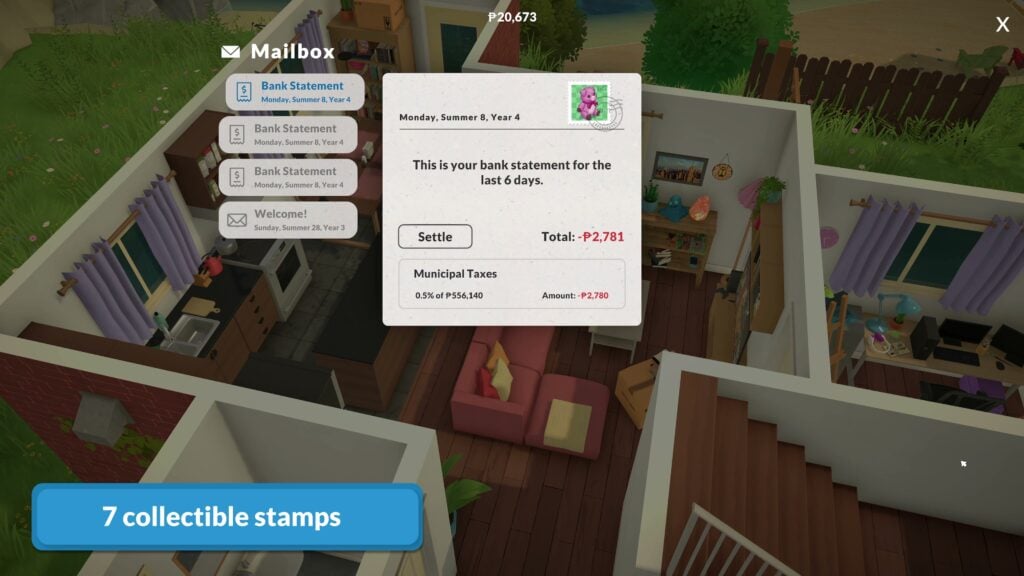
Paralives x Unpacking collab: Have your Parafolks play Unpacking on the computer, collect Unpacking stamps or elevate rooms with Unpacking plushies and objects!
Eat as a group: Each Para will now grab and eat a portion when doing this interaction as a group.
Teen romance: Teenagers can now flirt and be in a romantic relationship with other teenagers.
Accessibility option: Added an option to change the speed at which items like trees and buildings fade out when blocking the view to help players with photosensitivity.
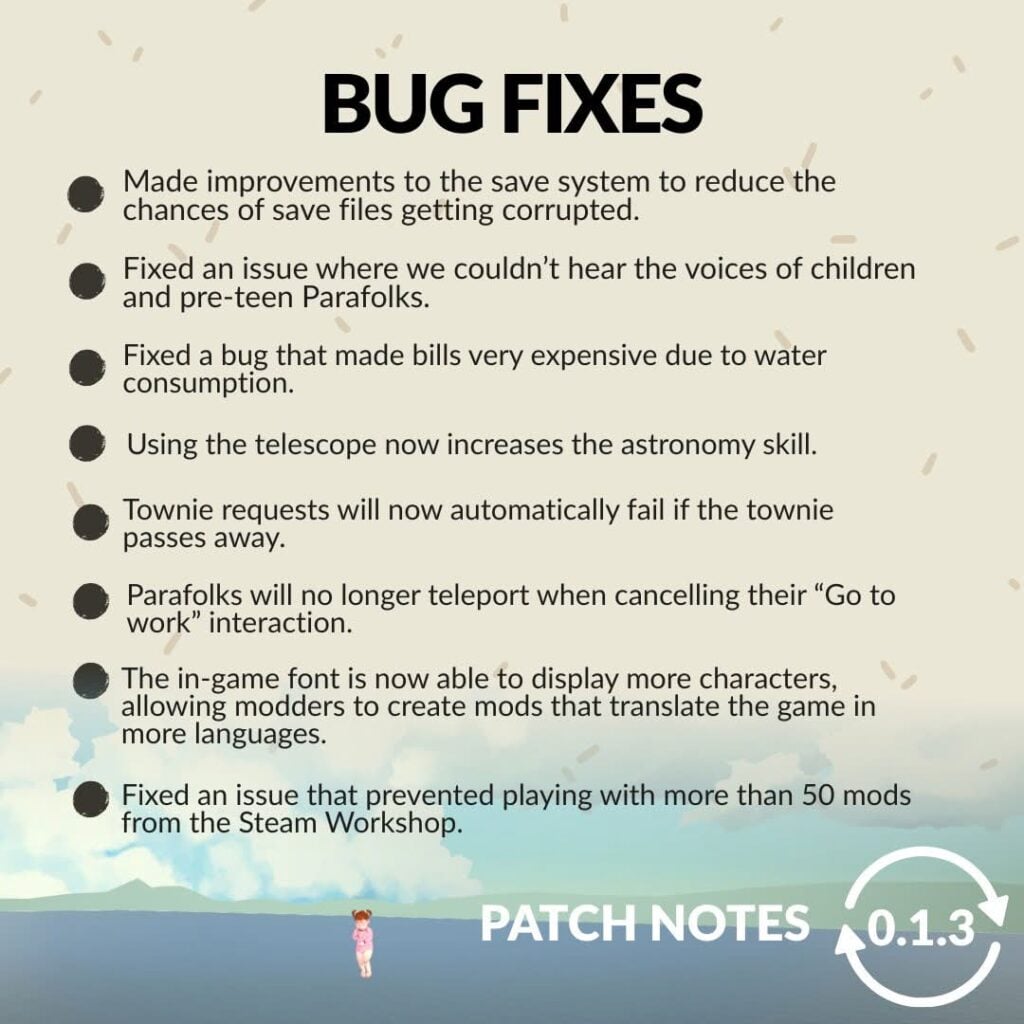
Bug Fixes
Made improvements to the save system to reduce the chances of save files getting corrupted.
Fixed an issue where we couldn’t hear the voices of children and pre-teen Parafolks.
Fixed a bug that made bills very expensive because of the water consumption.
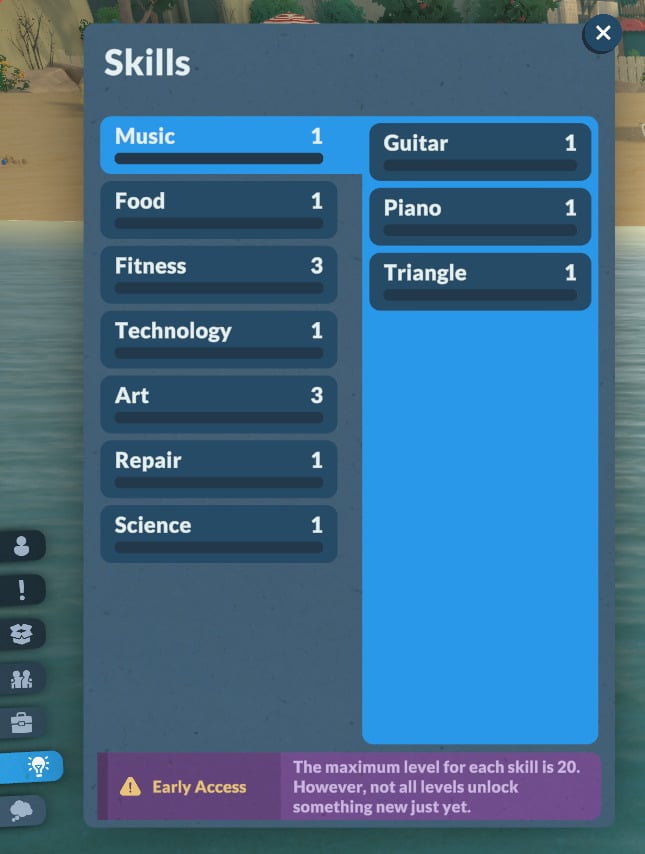
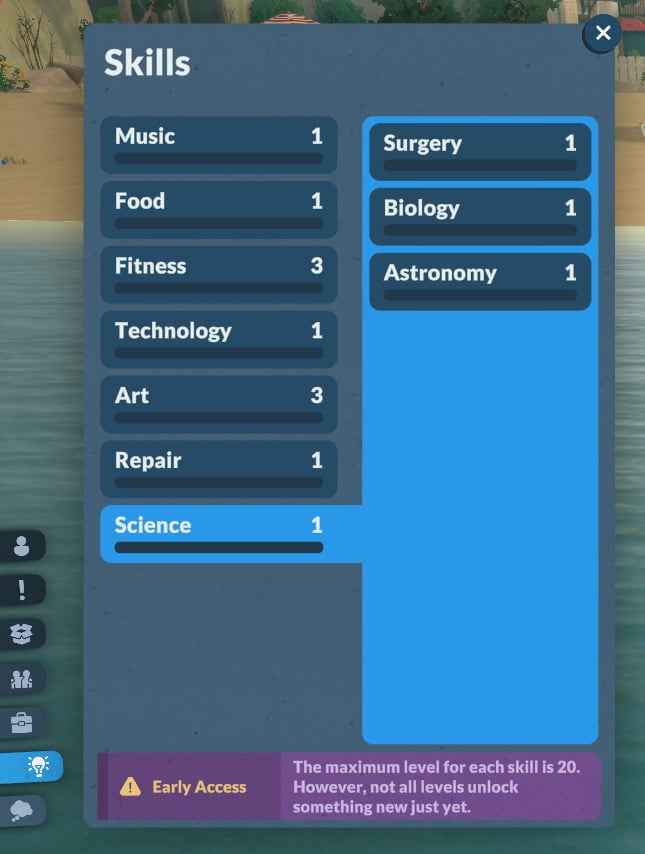
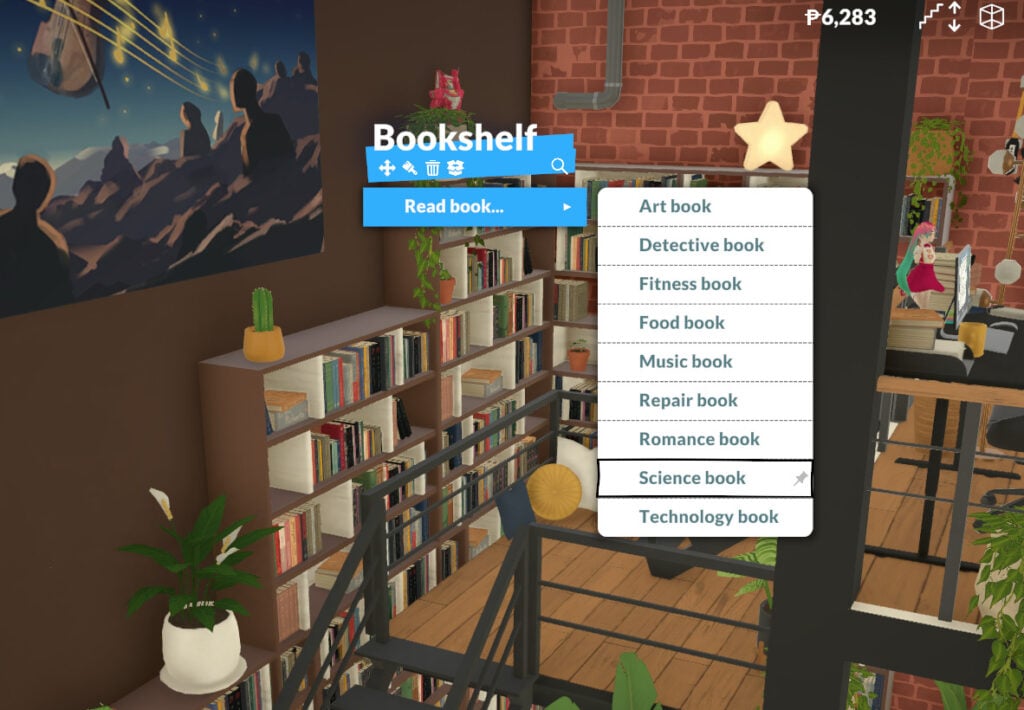
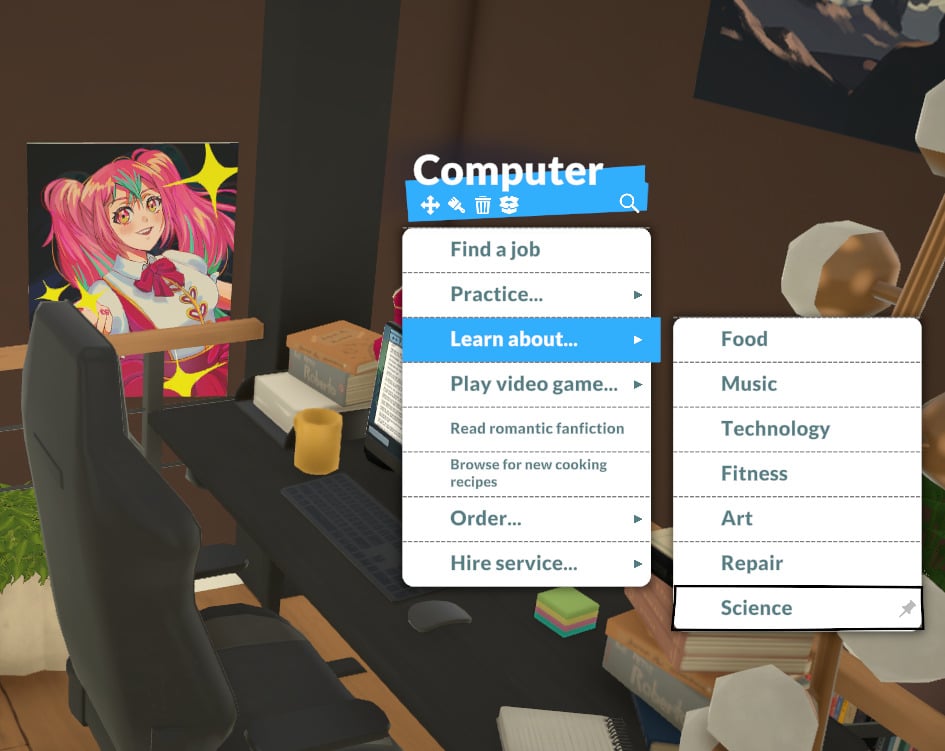
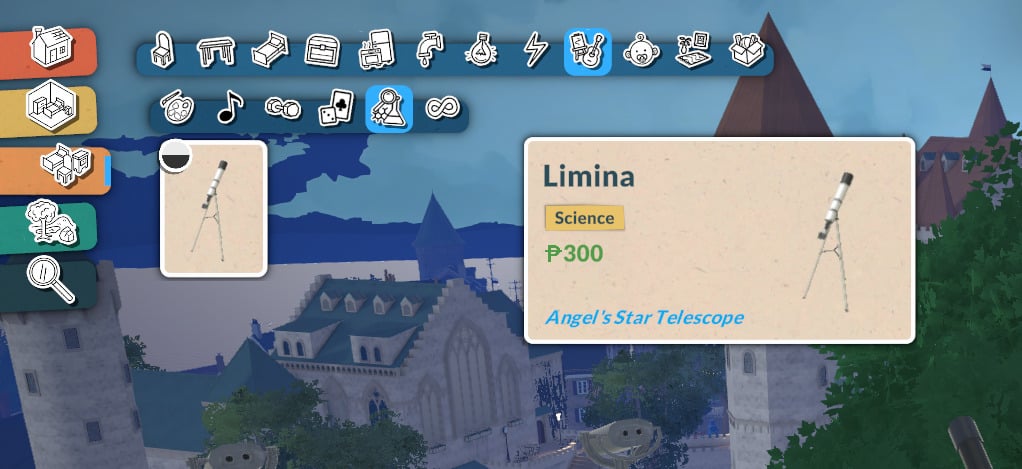
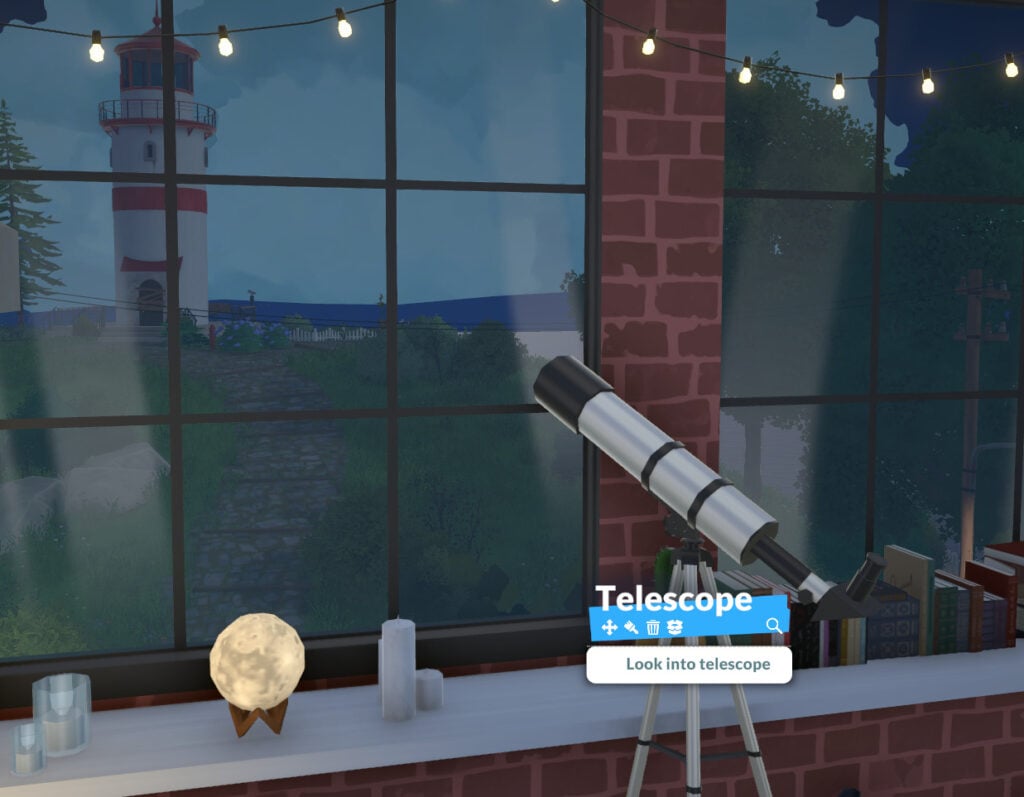
Using the telescope now increases the astronomy skill.
Townie requests will now automatically fail if the townie passes away.
Parafolks will no longer teleport when cancelling their “Go to work” interaction.
The in-game font is now able to display more characters, allowing modders to create mods that translate the game in more languages.
Fixed an issue that prevented playing with more than 50 mods from the Steam Workshop.
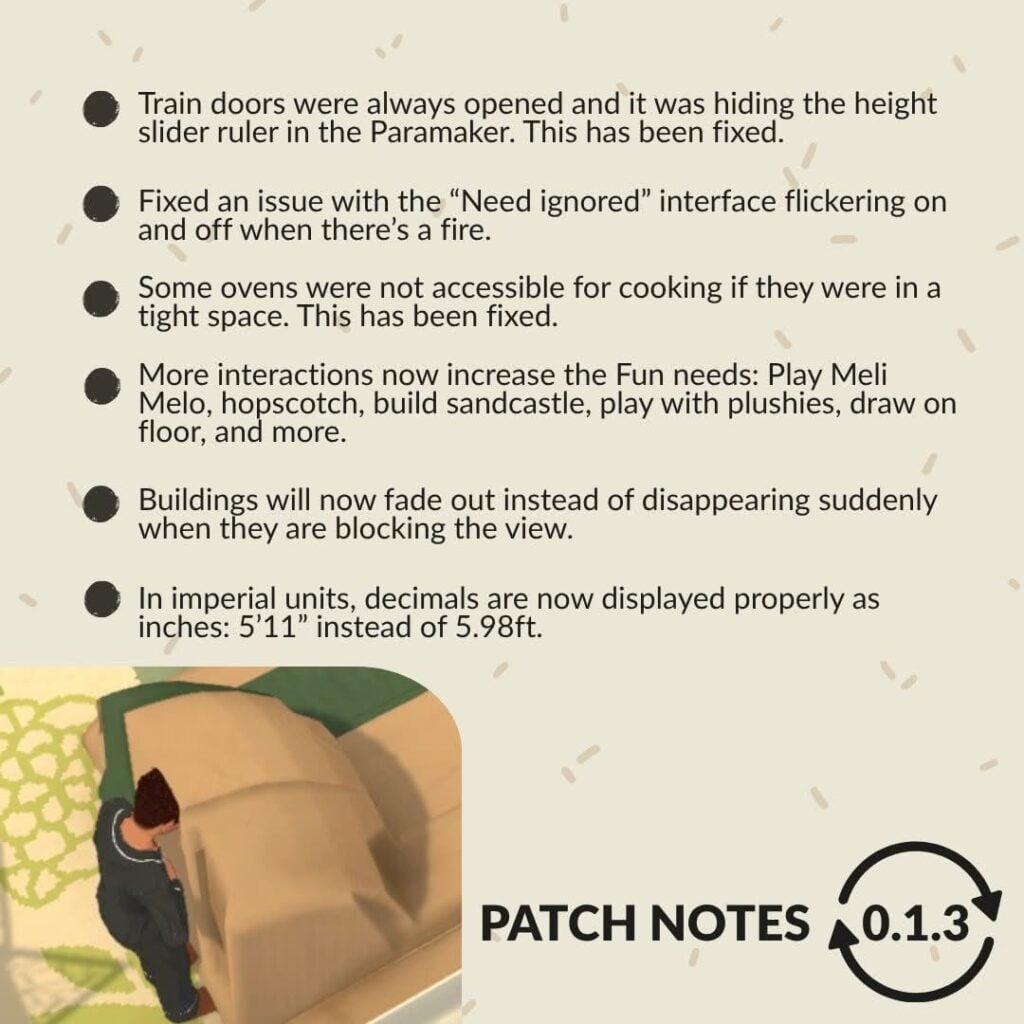
Since patch 0.1.2, the train doors were always opened and it was hiding the height slider ruler in the Paramaker. This has been fixed.
Fixed an issue with the “Need ignored” interface flickering on and off when there’s a fire.
Some ovens were not accessible for cooking if they were in a tight space. This has been fixed.
Fixed a pathfinding issue in Anisa’s apartment that prevented Parafolks from walking down the stairs from the top floor.
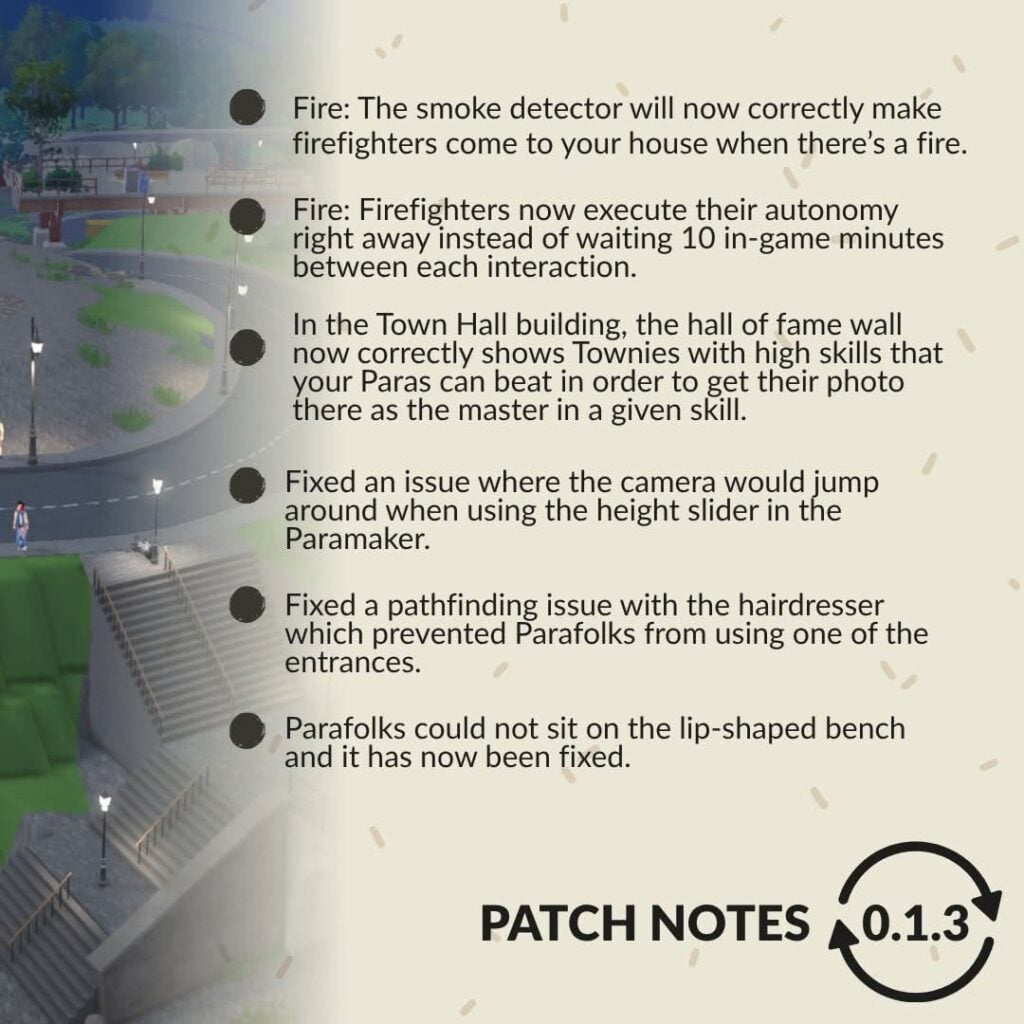
Fixed a pathfinding issue with the hairdresser which prevented Parafolks from using one of the entrances.
Floor graffitis seen across town no longer block players from opening the interaction menu when clicking on the floor.
Fixed an issue where moving a painting from an easel in build mode would get the mouse cursor stuck.
Buildings will now fade out instead of disappearing suddenly when they are blocking the view.
Fixed glitches and flickering issues when cooking frozen pizza with an NPC.
Small flag items will no longer appear when using vending machines and doing other interactions.
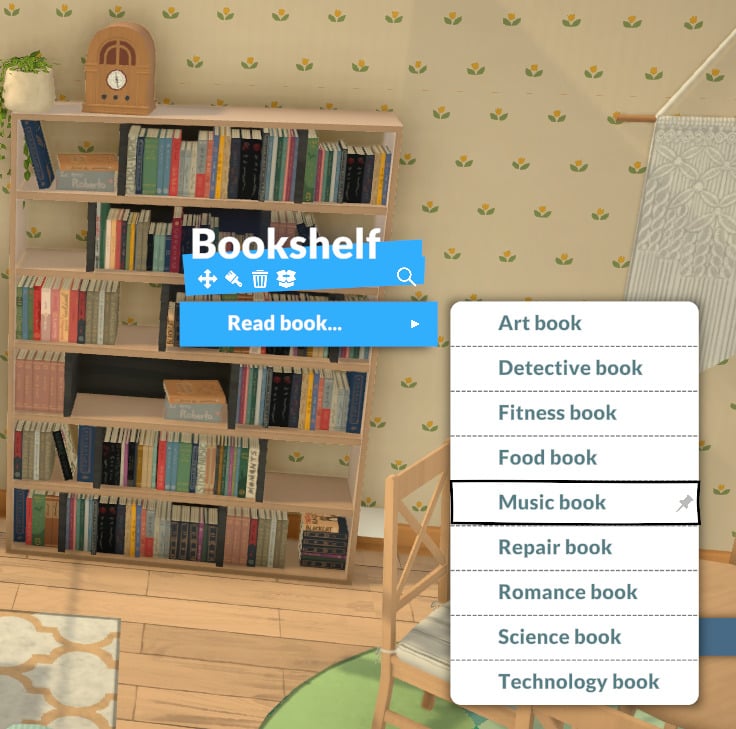
The empty bar shelves at the Story Nook will no longer have the “Read book” interaction.
Parafolks could not sit on the lip-shaped bench and it has now been fixed.
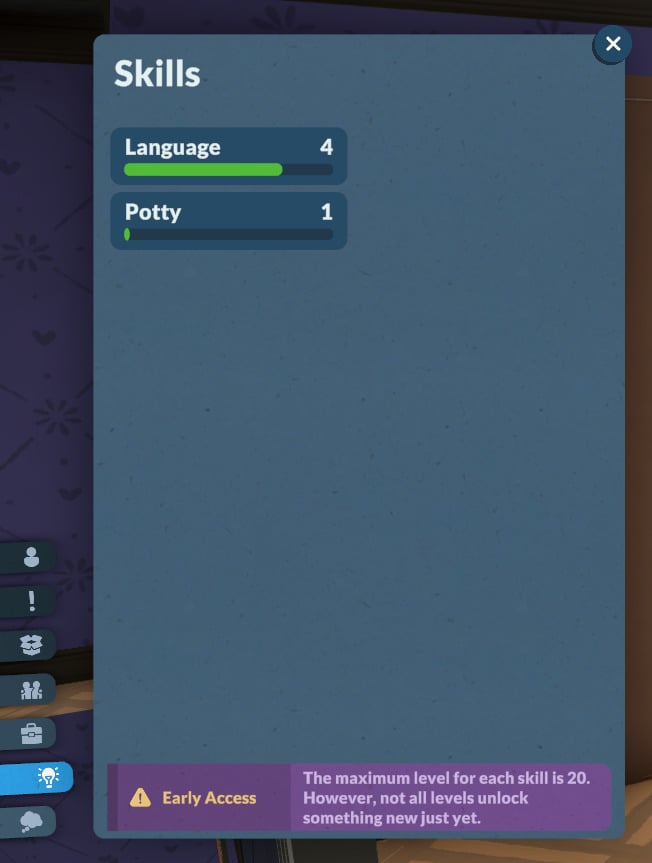
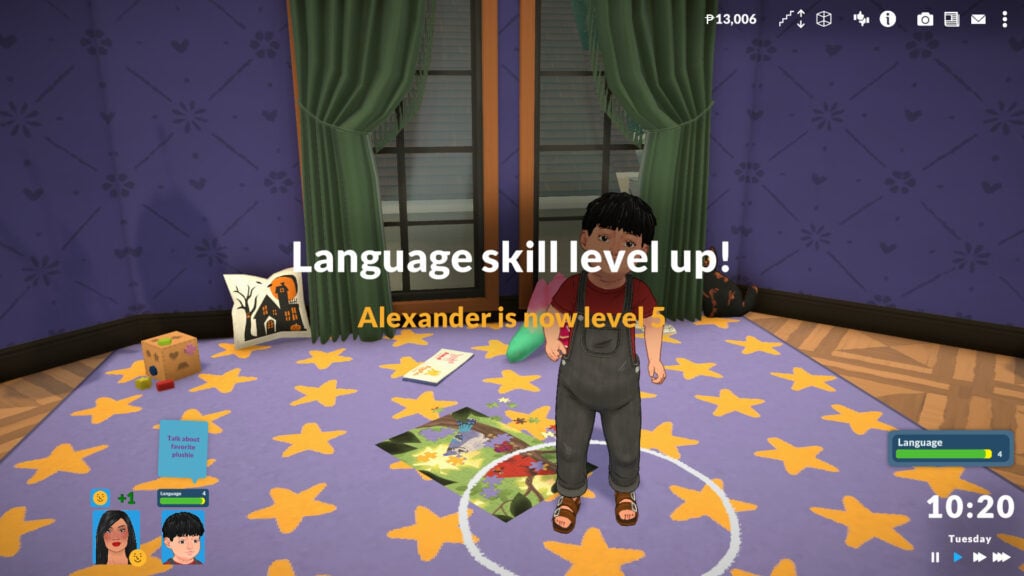
More interactions now increase the Fun needs: Play Meli Melo, hopscotch, build sandcastle, play with plushies, draw on floor, dance, slow dance, get intimate, check social media, read book, read newspaper, play video games on phone or computer, watch TV, vandalize.
Fixed an issue where the camera would jump around when using the height slider in the Paramaker.
Parafolks will now correctly sit on nearby couches when doing the Watch TV interaction.
Fixed a bug that happened when duplicating the same save file too many times. Its name would become too long, causing issues when attempting to load the save file.
In imperial units, decimals are now displayed properly as inches: 5’11” instead of 5.98ft.
Fixed an error with the lot surface calculation when playing with imperial units.
Updated and added the names of some Patreon supporters in the credits.
Fire: It will no longer spread to areas of a house that are not accessible to Parafolks, ensuring fire can always be extinguished.
Fire: The smoke detector will now correctly make firefighters come to your house when there’s a fire.
Fire: Fixed an issue where many many firefighters could come to your house at the same time.
Fire: Fixed a bug where firefighters didn’t always have their firefighter outfit on.
Fire: Firefighters now execute their autonomy right away instead of waiting 10 in-game minutes between each interaction.
In the Town Hall building, the hall of fame wall now correctly shows Townies with high skills that your Paras can beat in order to get their photo there as the master in a given skill.
“Clean the beach” Townie request: Trash bags immediately spawn on the beach after accepting the request instead of having to wait the next day and the request can now be completed. Also, these trash bags are now always visible even when zoomed out with the low object rendering distance video option.
The Modino wall sink is now functional.
Known Issues
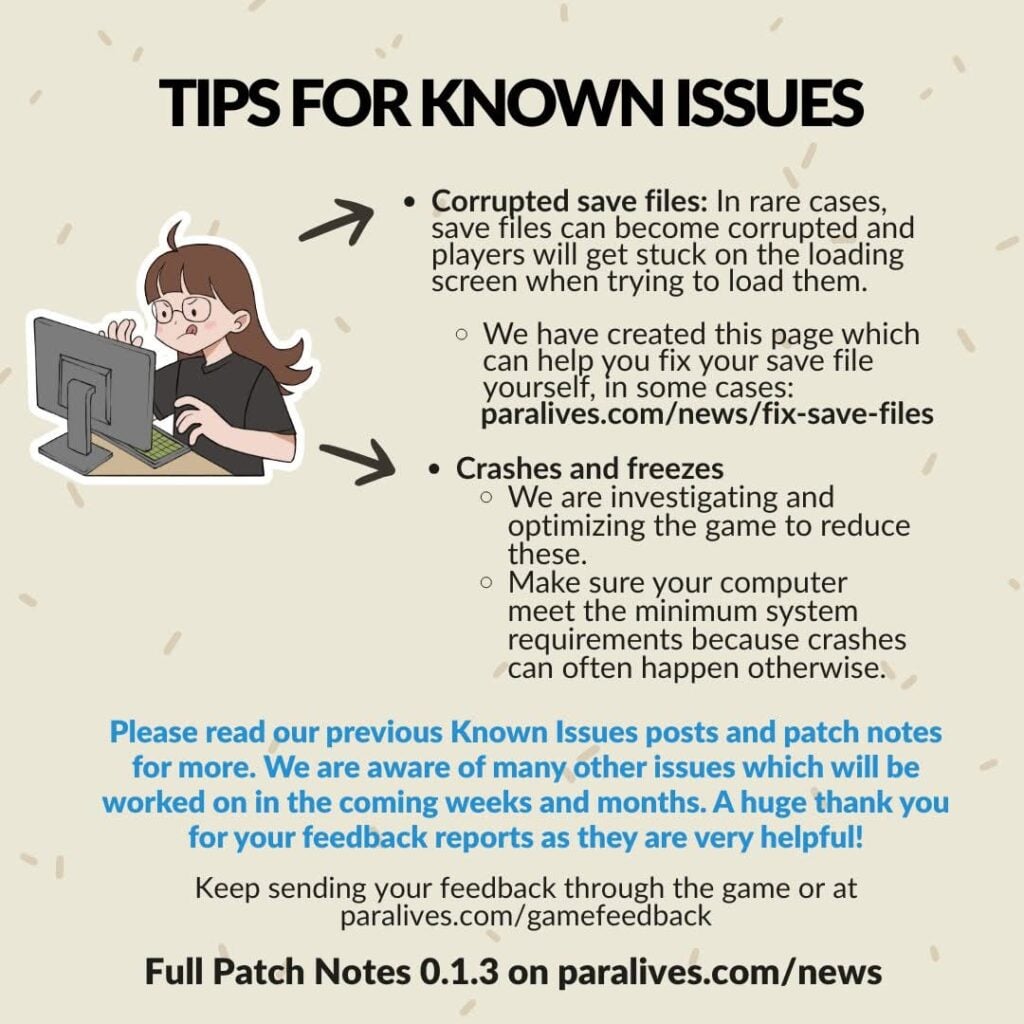
Corrupted save files: In rare cases, save files can become corrupted and players will get stuck on the loading screen when trying to load them.
We are sorry about these issues and we are investigating them to prevent this from happening in the future.
You can backup your saves from time to time by duplicating them in the Load Game menu.
You can save your household and your lots to the library to keep a backup and be able to use them in future save files.
We are investigating and optimizing the game to reduce these.
Make sure your computer meets the minimum system requirements because crashes can often happen otherwise.
Please read our previous Known Issues posts and our previous patch notes for more known issues. We are aware of various other issues on which we will be working in the coming weeks and months. A huge thank you for your feedback reports as they are very helpful!
What are your thoughts on the latest Paralives update? How do you feel about the new collaboration with Unpacking? Let us know in the comments down below and stay tuned to Sims Community for the latest Paralives Updates!
Unpack New FREE Assets for Your Paras With The New Paralives Unpacking Update!
Unpack new stories and brand new assets with the offical Paralives Unpacking collab! Initially revealed at the Wholesome Direct, today June 6th, this update comes with…
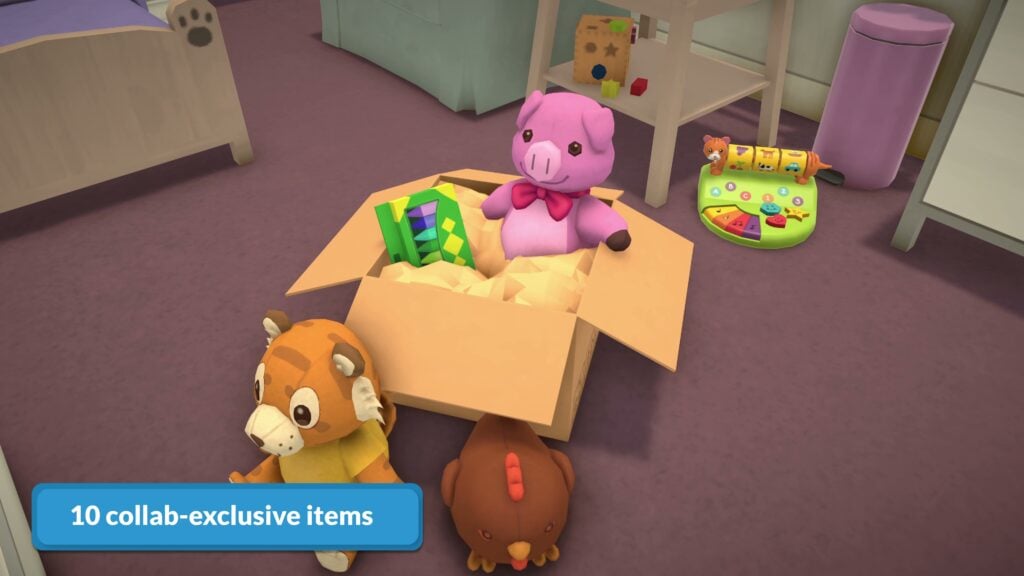
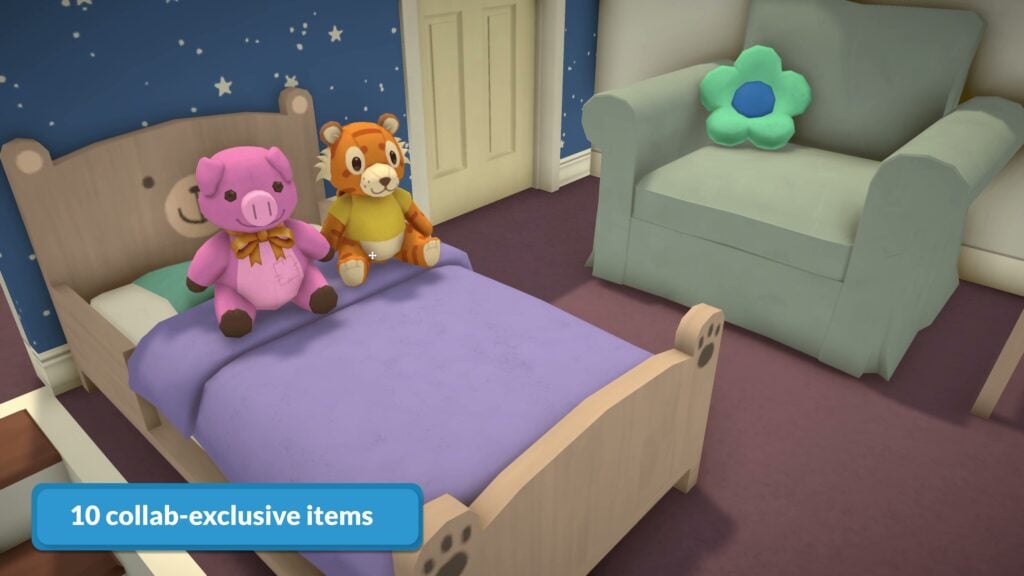
NEW ASSETS: Recreations of iconic items from Unpacking!
NEW GAME: Your Paras can now play Unpacking on their computer!
NEW SHIRT: A new Unpacking t-shirt with the logo on the chest!
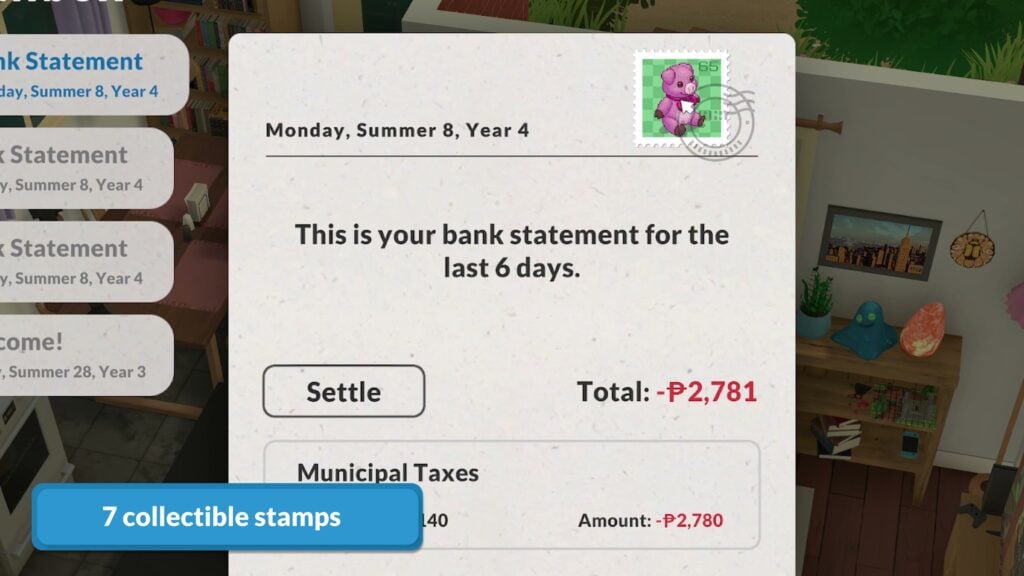
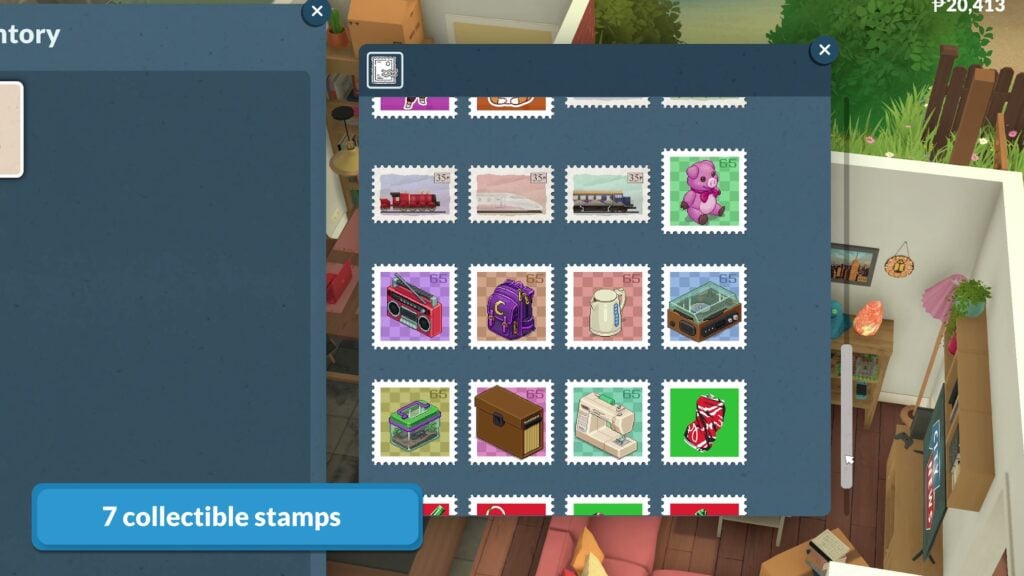
NEW STAMPS: Your stamp collecting just got a little more expansive with multiple new Unpacking themed stamps!
This comes at a great time, just after multiple other collabs released not too long ago with Among Us, Outbound, Dwarf Fortress, and Boyfriend Dungeon. Since the May 25th release into Early Access, Paralives has officially sold over 800,000 Steam Copies!
Paralives Unpacking Collab: Free Update OUT NOW!
Table of Contents
What is Unpacking?
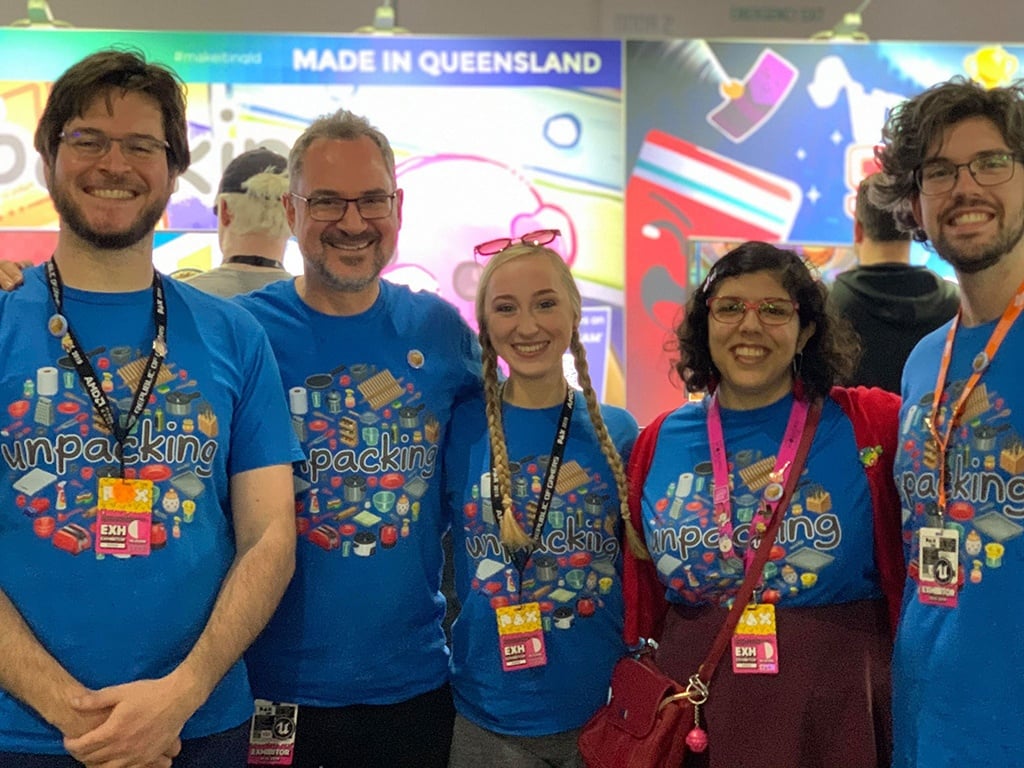
Unpacking is a game developed by Witch Beam and published by Humble Games. It originally released in November 2021, and is a well-known cozy puzzle game. The name Unpacking stems from the gameplay itself; Unpack a character’s belongings and their life, from a single bedroom to an entire home. Find where things truly fit and unravel a story as you do. You follow the same character through eight moves and eight major life changing points and start to really understand them, without ever seeing their face, reading their name, or hearing their story.
Unpacking is a zen game about the familiar experience of pulling possessions out of boxes and fitting them into a new home. Part block-fitting puzzle, part home decoration, you are invited to create a satisfying living space while learning clues about the life you’re unpacking. Over the course of eight house moves, you are given a chance to experience a sense of intimacy with a character you never see and a story you’re never told.
Tim Dawson, Sanatana Mishra, and Jeff van Dyck first worked together at Sega Studios Australia. Tim and Sanatana left their jobs to pursue independent game development, they contacted Jeff for advice on audio design and he ended up joining the team. After shipping Assault Android Cactus, Wren Brier joined as a long term collaborator and the original creator of the team’s second project, Unpacking.
Unpacking’s Press Kit Official History of Developers
What’s Included?
Play Unpacking in Paralives!
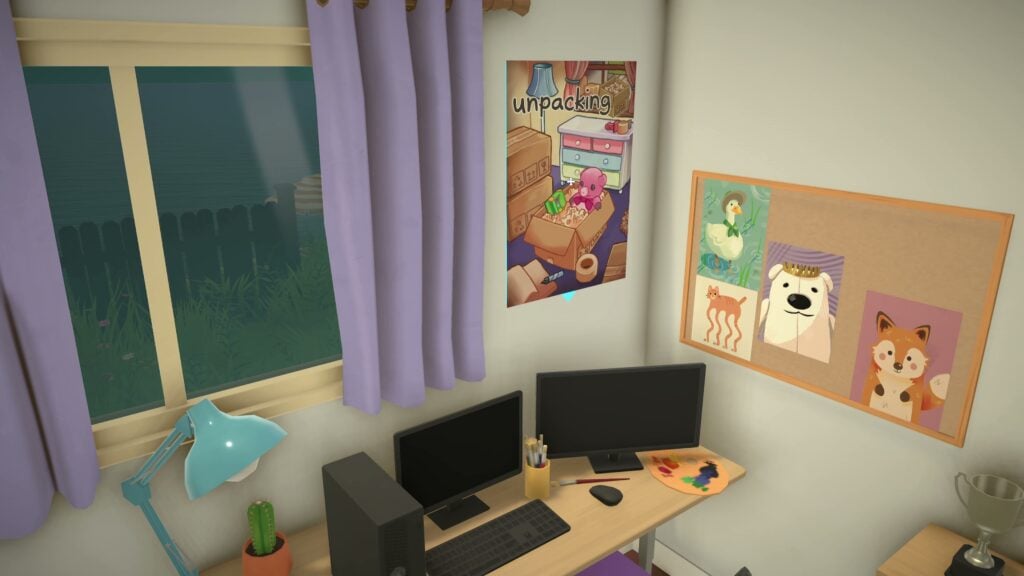
Similarly to the previous collabs we saw earlier in Paralives Early Access period, your Paras Steam library just expanded a little more, with Paras now able to play Unpacking on any computer! This is alongside other games added from prior collaborations, including Among Us, Boyfriend Dungeon, Dwarf Fortress, and Outbound!
10 New Items!
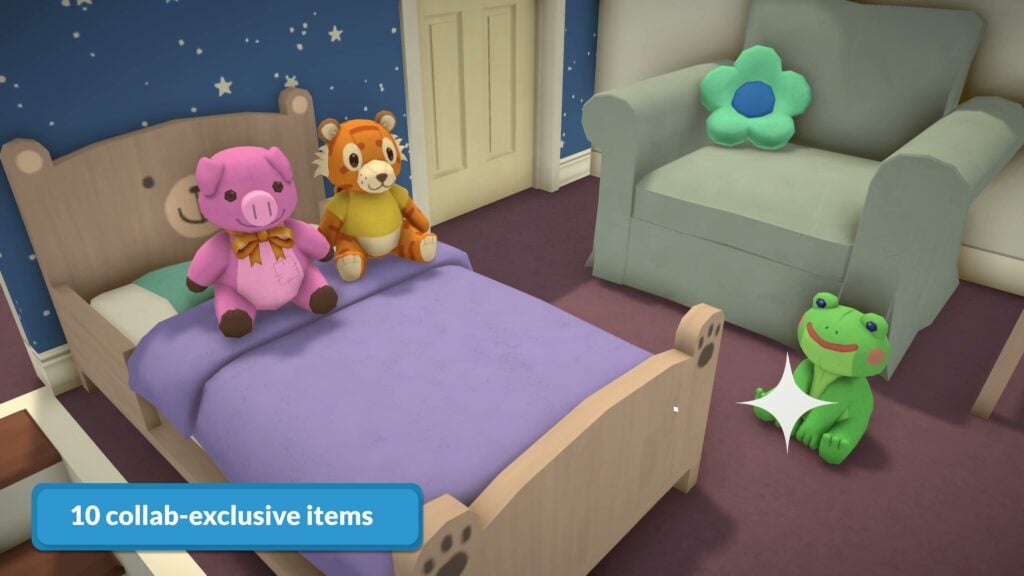
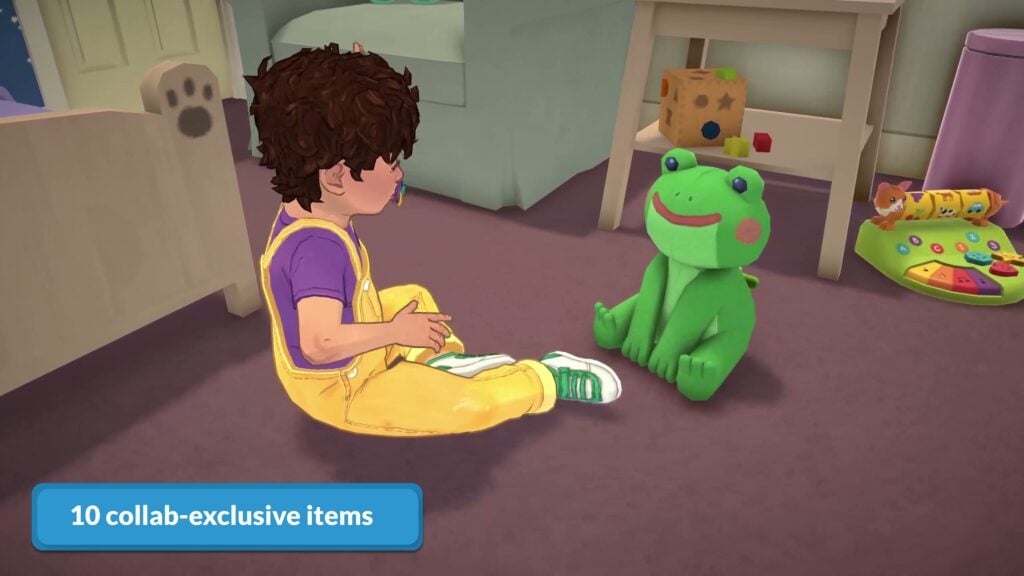
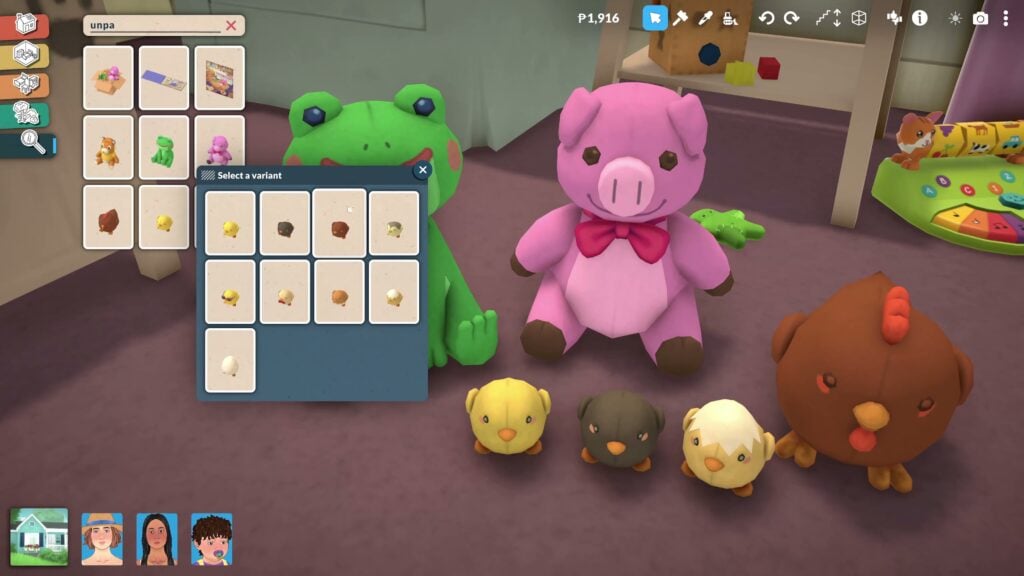
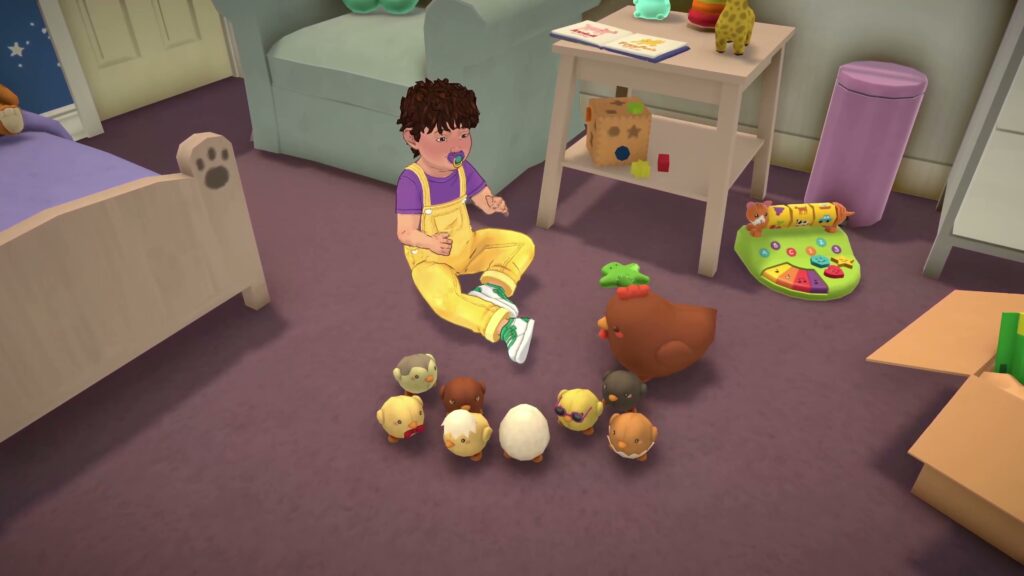
10 Collab-Exclusive items in the form of plushies and a decorative moving box. The plushies are inspired by iconic items found in Unpacking, and have interactions for younger Paras!
An Unpacking Shirt!
A new loose-fitting graphic t-shirt has been added with the Unpacking logo on the chest!
Unpacking Stamps!
If you’ve been someone to collect stamps while playing, making sure to pull them off of your Para’s weekly bills, then you’ll be excited to learn that more stamps are being added for this collaboration! 8 New Stamp Collectibles themed around items from Unpacking!
The Steam Bundle
A discounted Steam Bundle including Paralives and Unpacking is now available for $43.18 USD. This bundle includes both full games and a discount of 20%!
Paralives Unpacking Collab Release Video
What is your favorite collab seen with Paralives so far? Are there any other brands, games, or companies you’re hoping to see next? Brainstorm below, and make sure to follow The Sims Community for all things Life Sim Games!
Here are 10 Bizarre Mods That People are Still Talking About in The Sims 2
The Sims 2 was released on September 14th, 2004 in North America. Since then, the Maxis team with EA released iconic expansion packs based on reality and the surreal. In tandum, brilliant fans and modders have spent decades crafting custom content ranging from gameplay improvements to premade homes — especially for The Sims 4 if you want to see some good mods, check out our article on 20 Essential The Sims 4 Mods to Transform Your Gameplay: 2026 Edition. But what about the more bizzare? Everything from uncanny body mods to disturbing decor can be found in this list. Here are ten bizarre mods that Sims 2 players are still talking about to this day:
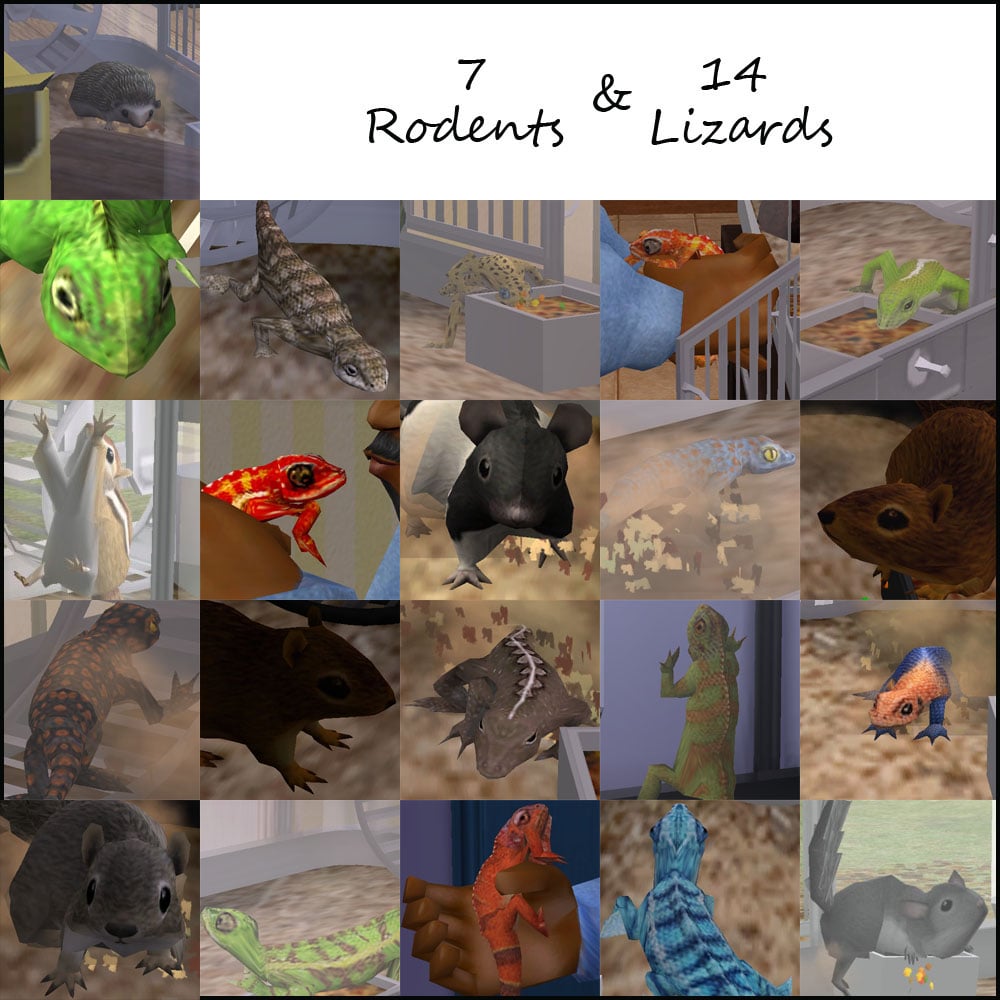
Originally uploaded by Bienchen83, and then later updated by the user Leesester, this mod adds pets found in the Sims 3 into the Sims 2. Admittedly, not the craziest mod on our list (don’t worry, we’ll get there), but it is rather interesting.
Seeing your polygon pet playing in their cage and interacting with your sim as one of the family is rather fun. What makes this mod bizarre is that you can get pets like squirrels, chipmunks, and very, very small chinchillas. You can see them breathing, kicking up dirt as they run, and drinking from their sipper water bottle. You may even catch them trying to escape their cage by climbing up the wall and, defeatedly, falling back down again.
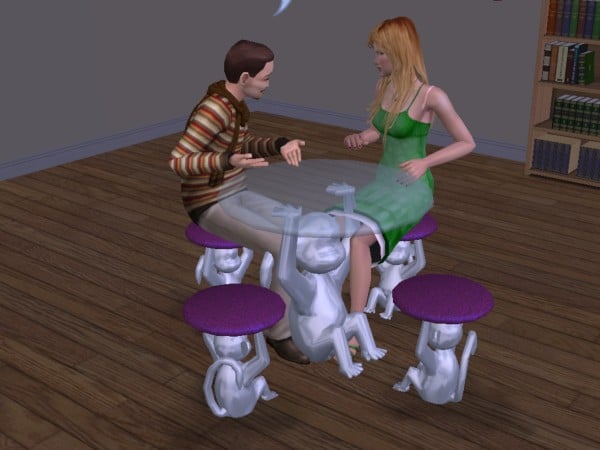
Only the trendiest of designers can fathom having this item in their home. The Silver Monkey dining table has to be one of the wildest pieces of furniture in the gallery. As your sim’s dinner guests are held up by five silver simians, they will feel a level of elevated elegance they’ve never experienced before.
Uploaded by crocobaura as homage to the original gracious silver monkey, your sims can enjoy a lovely night in without losing that fabulous jungle experience.
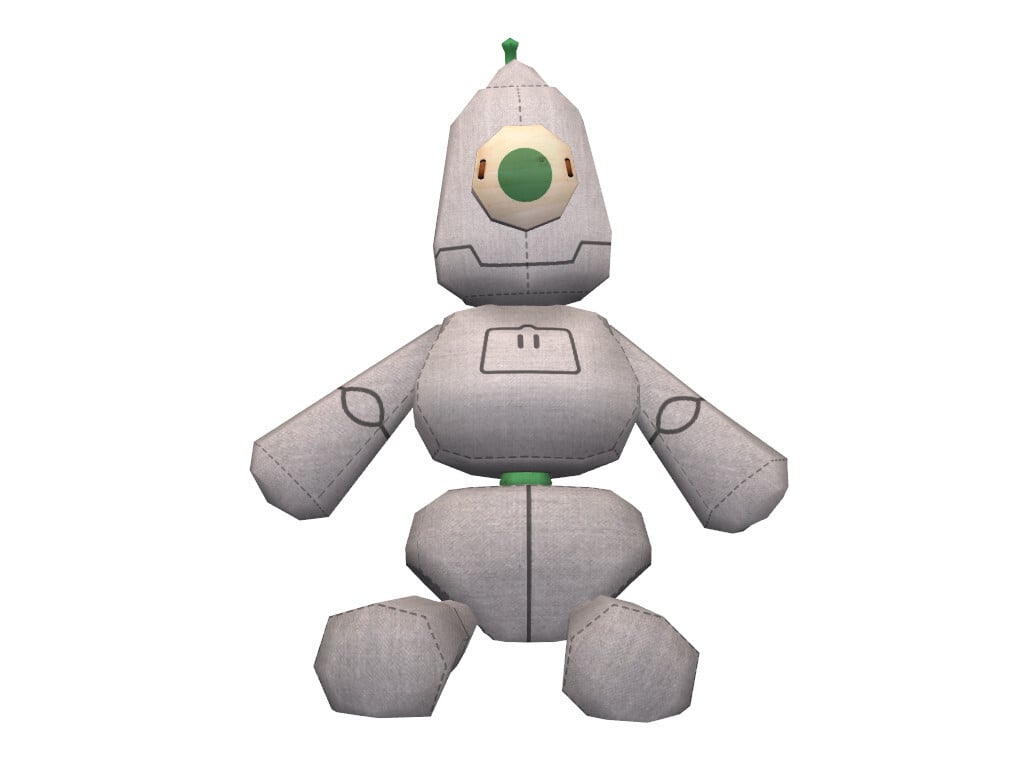
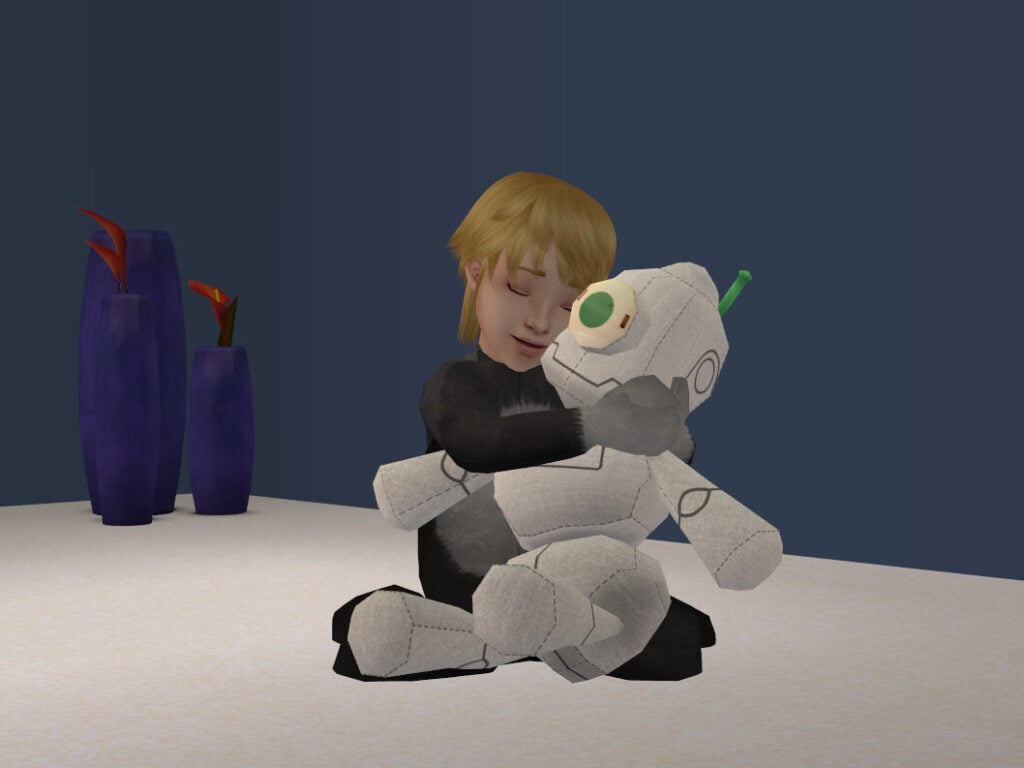
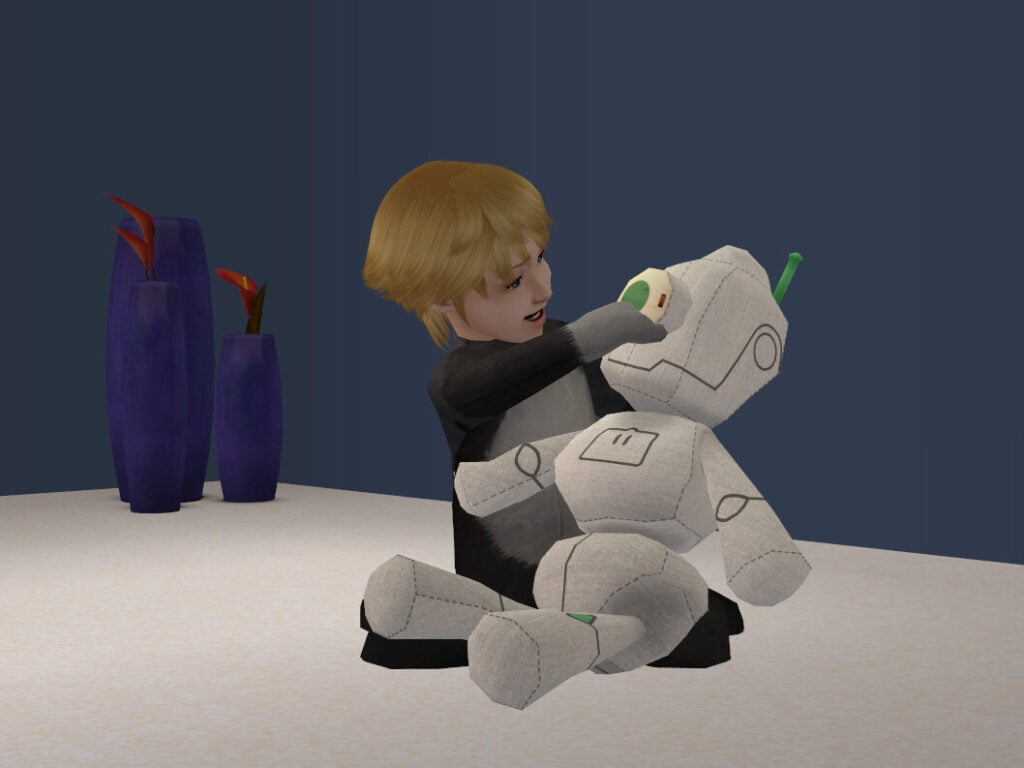
If you were around during the height of emo core and modding for The Sims 2, then you remember Garden of Shadows, a forum for custom content that specialized in the unusual, gothic, and fantastical. Despite the precarious nature of this forum, which has disappeared and resurfaced several times over the years, some users were able to pluck a few gems from the site to share on modthesims.com . One of those gems was The Little Hal the Servo Plushie.
Uploaded by a user named Queen of France, they describe the servo plush an educational toy that instills “respect towards their future robot overlords…so it [the child] may arrive to adulthood a healthy and capable worker for their androidic betters.” The modder comedically claims that the doll is “made with wood, non-toxic rubber, and 100% natural cotton”.
Uploaded by Psychosim, the eerie feeling of the 1950s bomb tests can be available in your sims home with this little mod. It turns your Y2K tv channels into a post-apocalyptic nightmare. You’ll get to choose from eight different channels, giving you plenty of options of scary static sounds.
The best part is that you’ll get drill sirens to remind your sims that it’s time to head to the vaults for the impending bombs (there are no bombs in this mod, but it’s a good idea to stay alert just in case).
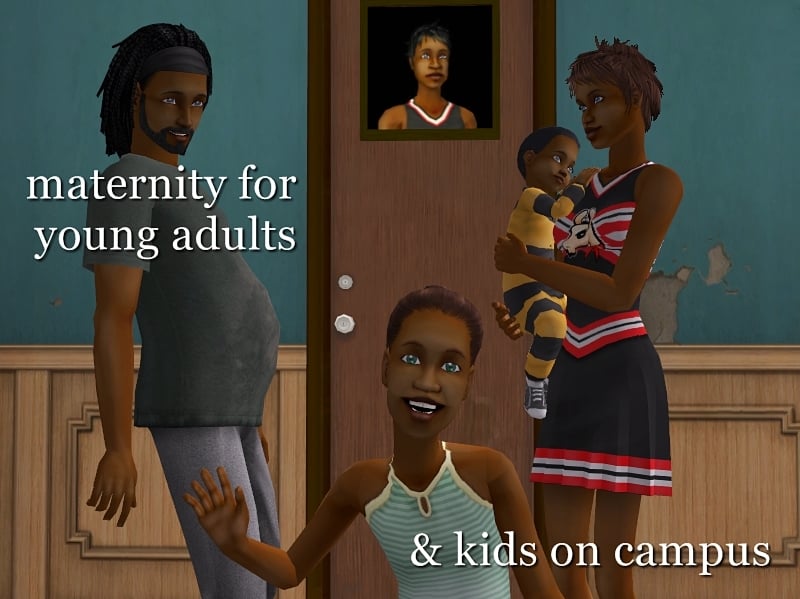
Amongst all the exams, studying, cheer memorization, and being harassed by that one guy in a cow costume, have you ever thought to yourself, “Man, this would be so much better if my Sim had a baby too.”? Well, now you can!
Uploaded by a user named Lamare, this mod is chockful of different ways to obtain and raise a baby while in college. You can adopt, become pregnant, and it allows male sims to become pregnant through alien abduction. Another fun feature of this pack is that if your sim has a baby, that baby will continue to grow up while your young adult sim stays the same age. In theory, you could end up graduating with your own offspring – now that is bizarre.
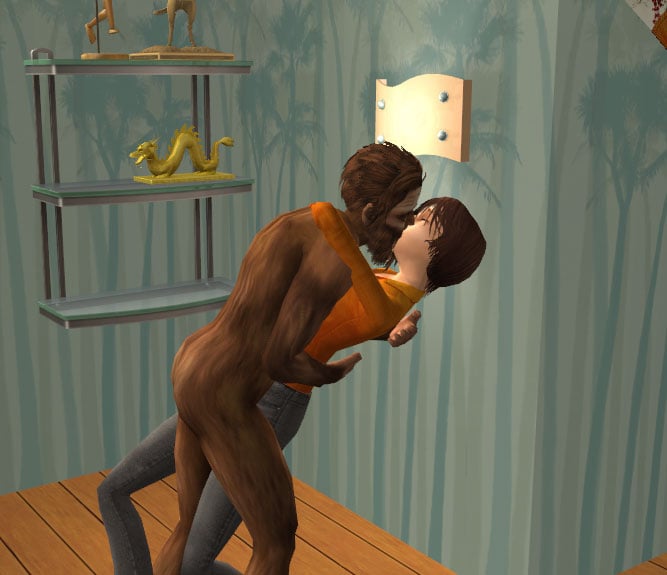
Some sims are looking for that special someone. But what if that special someone just so happens to be a cryptid?
With the BigFoot Romance mod, uploaded by Treeag, your sim can romance this sought after Sasquatch. You can do nearly everything with Big Foot that anyone else can and he can even get your adult female sims pregnant. But there’s a catch…
To romance Big Foot, you’ll have to use a cheat or mod to make them lovers. You may be missing some romance options and you may have to choose Big Foot’s aspirations. As NymoiraVT will prove, that is all a footnote when it comes to finding love.
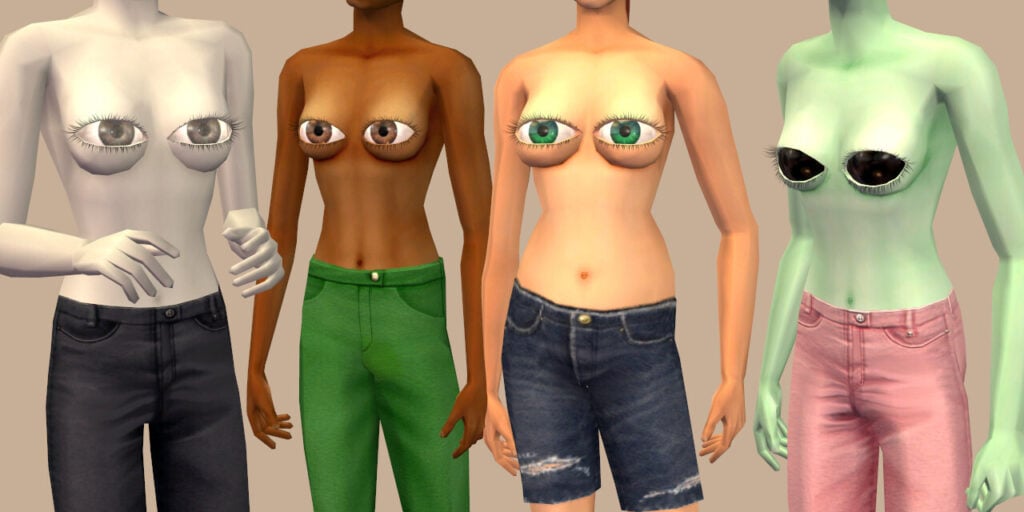
To answer all of your questions: Yes, they blink regularly and naturally (or as naturally as eyes on your chest can). Yes, they come in different eye colors. No, they do not tear up when your sim cries. No, they do not read when your Sim is reading. They just stare hauntingly at the player.
These eyes are available exclusively for female sims as a top option. But you can wear them as any clothing type (regardless of weather), for any body type, and they are functional during maternity.
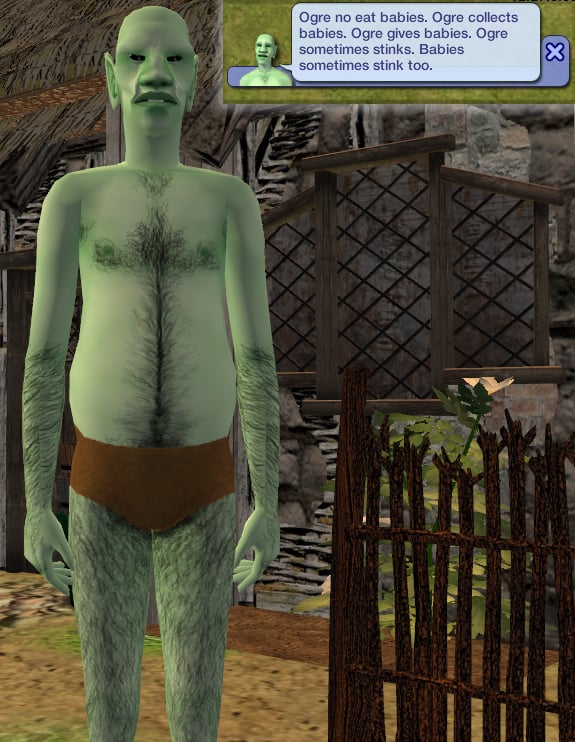
Most Sims players are familiar with fairies, mermaids, and vampires, but what about ogres?
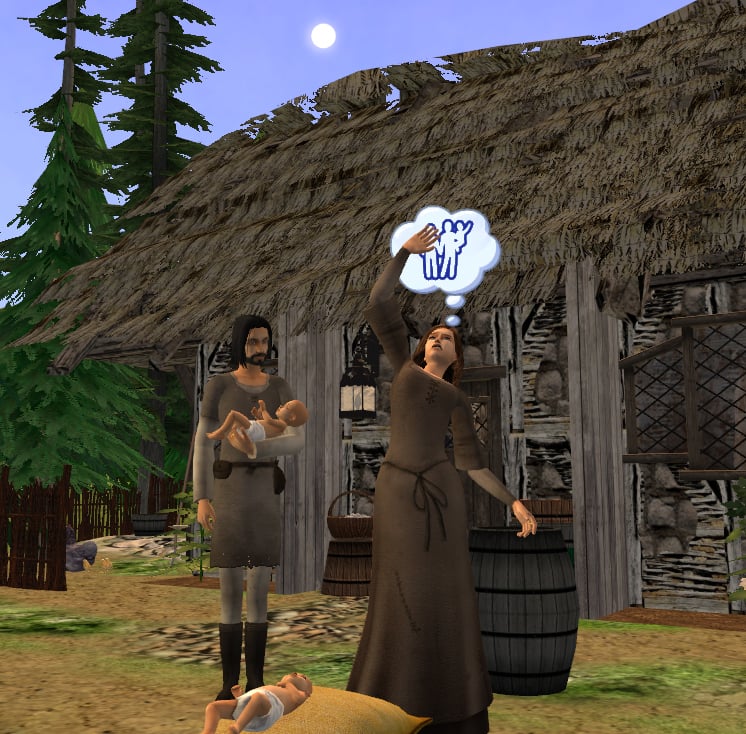
Uploaded by maybesomethingdunno, the Cenotaph of the Tribal Covenant mod allows Sims to sell or purchase babies. As barbaric as this mod seems (and is), there were no “social services” during medieval times, so those players out there who want to do historically accurate gameplay often use this mod.
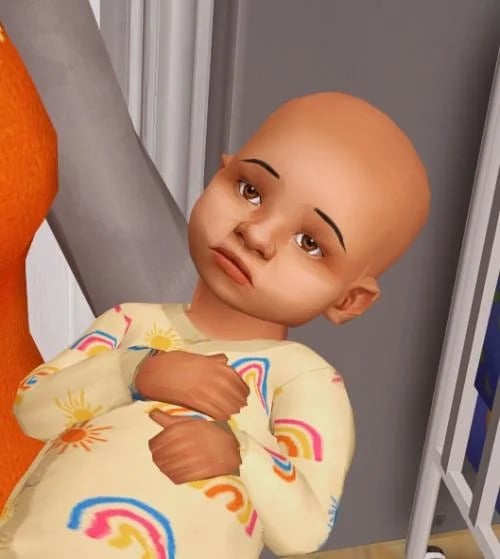
When a prospective entrepreneurial parent decides to give up their child for the greater good (their wallet) they simply purchase the Cenotaph of the Tribal Covenant for fifty simoleons. To use it they just take the horn off the helm and blow. Just like that, Gunk the Ogre will appear, allowing you to either give up, sell, or acquire a baby. Thankfully, Gunk does not want to eat your little bundle of joy. Rather, rehome him in exchange for an opportunity to make some money himself. Sometimes, you may even get to compete in a farting contest with Gunk…yes, I’m serious.
To use this mod, you will need to install The Sims 2: Nightlife
9. OMGWTFBBQ
Originally, called the OMGWTFBBQ by Pescado, it has become one of the most memed and horrific mods of The Sims 2 zeitgeist. What is this mod about? Let’s just say that this is a mod where you turn a sweet little baby into an appetizer for the whole family to enjoy. This mod is very hard to find, but we know that it exists because of how viral it went and the fact that simmers are still using it for storytelling to this day. If you find it, please use it responsibly.
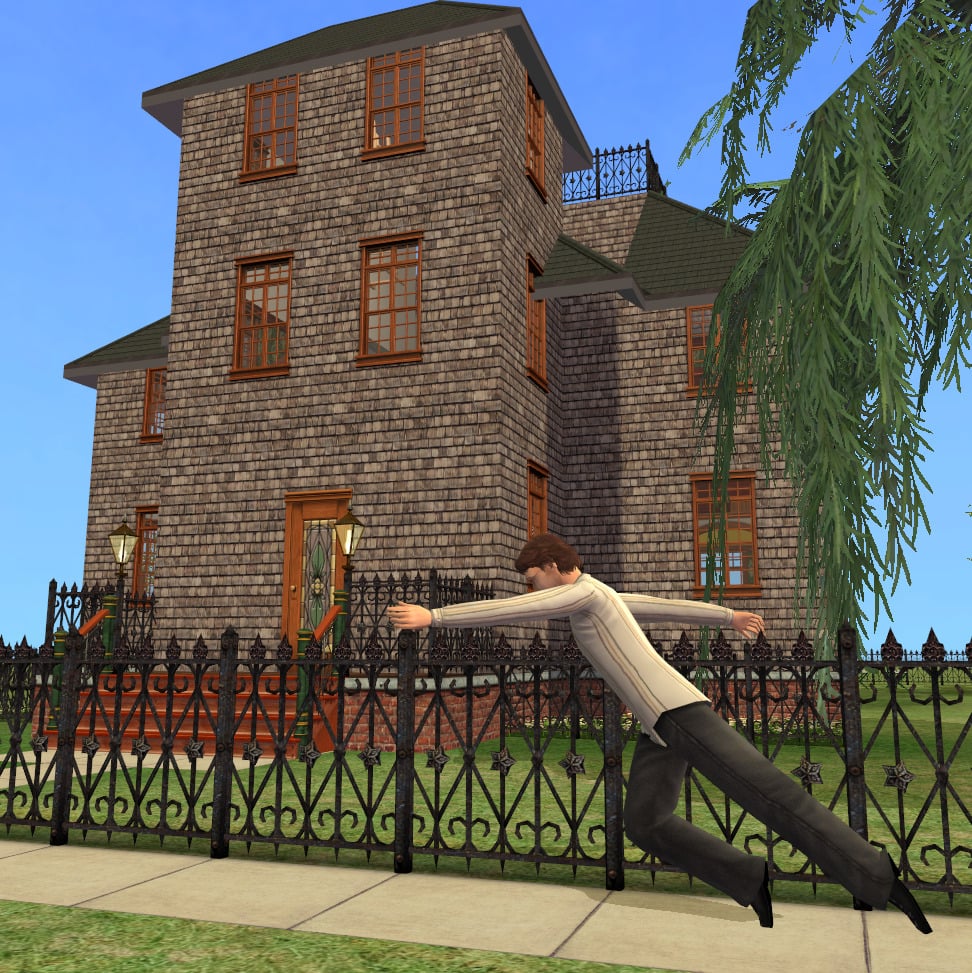
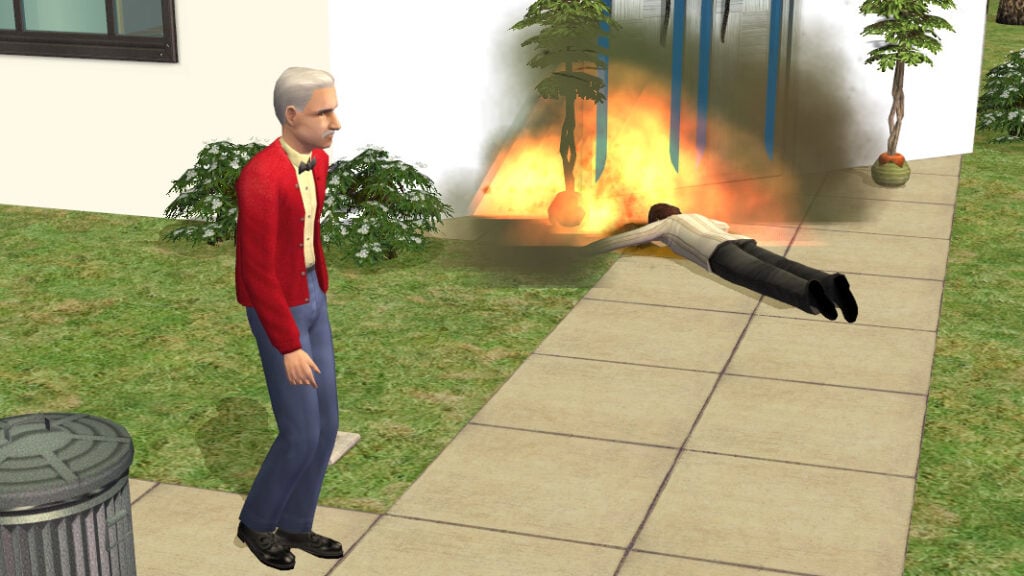
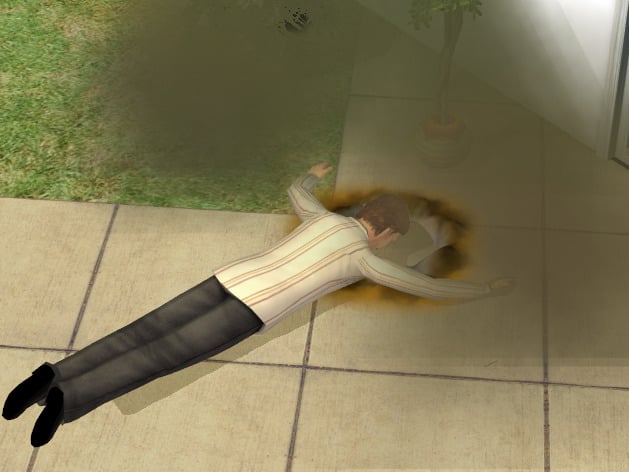
Some Simmers are satisfied with the No Humble mod to prevent him from coming, or the better Rod Humble mod that charges you for his computer. But what if you just want to watch the world burn? Then check out this bizarre mod called “Rod Humble Trips on the Sidewalk and Dies”. Not only does this mod come with explosions Michael Bay would adore, but the original uploader added a little bit of lore too.
According to Riperiperi, the original uploader, Rod is so overwhelmed by his responsibility of delivering the latest Sims 3 game and the brand new computer, he accidently makes a one way trip to visit the Grim Reaper. Riperiperi has informed readers that any time Rod clips through a wall, it is a feature and not a bug.
To use this mod, please install The Sims 2: Free Time & The Sims 2: Apartment Life Expansion Packs.
You can share your own bizarre mod and gameplay, too! Tag us on socials (@TheSimCommunity), or submit via Gallery/Reddit spotlights – we’d love to feature you next!
Paralives has been officially in Early Access for about one week, since May 25th, and it comes as no surprise that there are fairly widespread bugs for the current build of the game. However, Paralives Studio has, time and time again, pushed for transparency on the state of the game and their plans with it moving forward. Today, June 3rd 2026, Paralives Studio released a list of Paralives Issues currently known and being investigated or worked upon, including what we can see fixes for sooner rather than later.
Known Paralives Issues As Of June 3rd, 2026
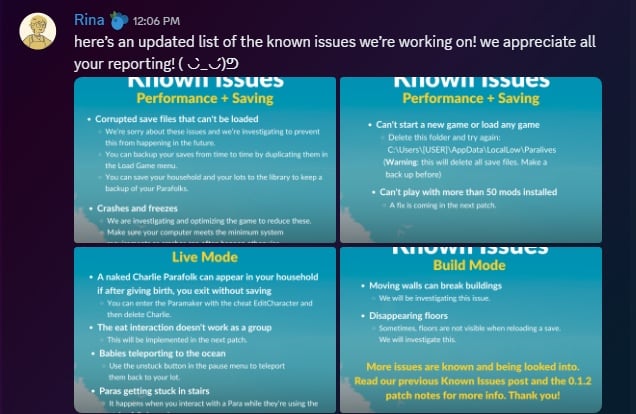
On June 3rd, 2026, the Paralives Studio Development team released a few graphics on their official Discord server to explain the current state. Posted by Paralives Studio Developer Rina, they read as follows…
here’s an updated list of the known issues we’re working on! we appreciate all your reporting! ( ◡̀_◡́)ᕤ
Paralives Studio Developer Rina on June 3rd, 2026
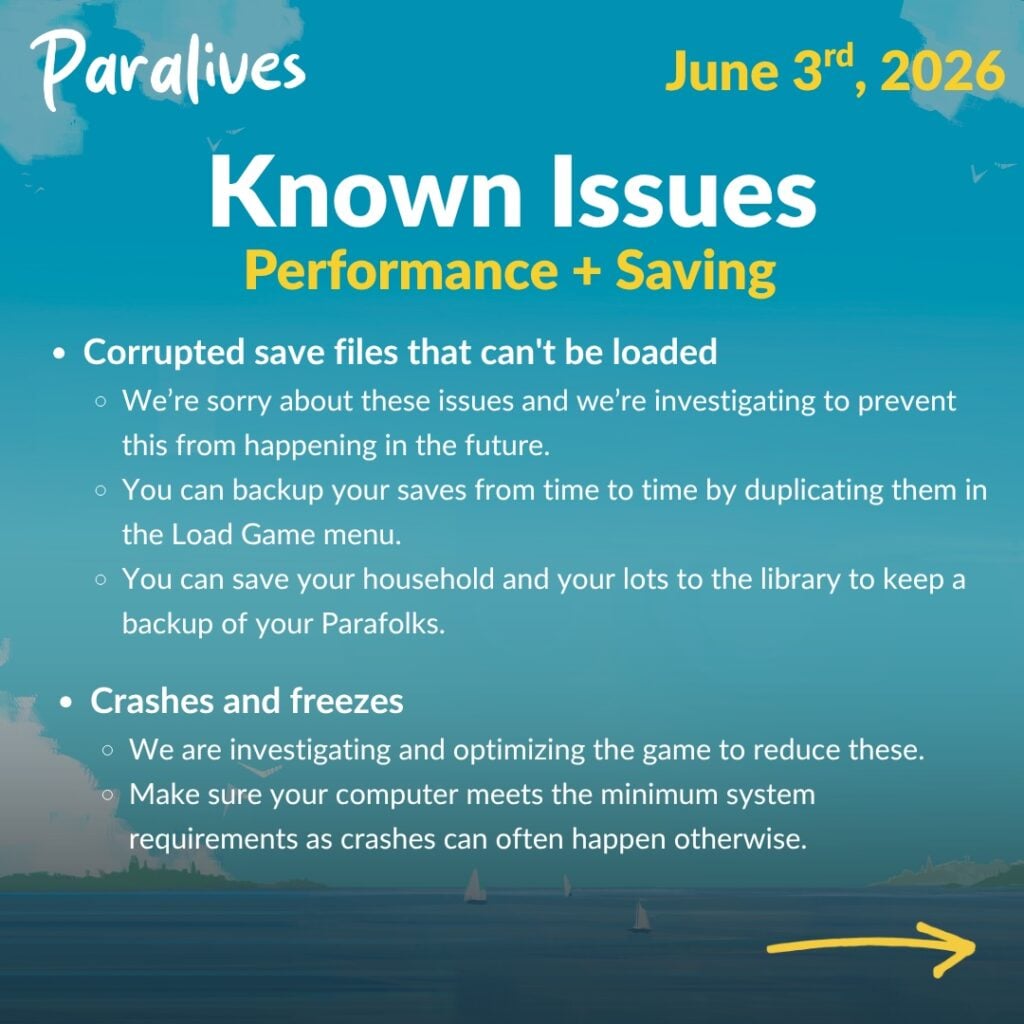
Paralives Issues: Performance & Saving
Corrupted save files that can’t be loaded
○ We’re sorry about these issues and we’re investigating to prevent this from happening in the future.
○You can backup your saves from time to time by duplicating them in the Load Game menu.
○ You can save your household and your lots to the library to keep a backup of your Parafolks.
Crashes and freezes
○We are investigating and optimizing the game to reduce these.
○Make sure your computer meets the minimum system requirements as crashes can often happen otherwise.
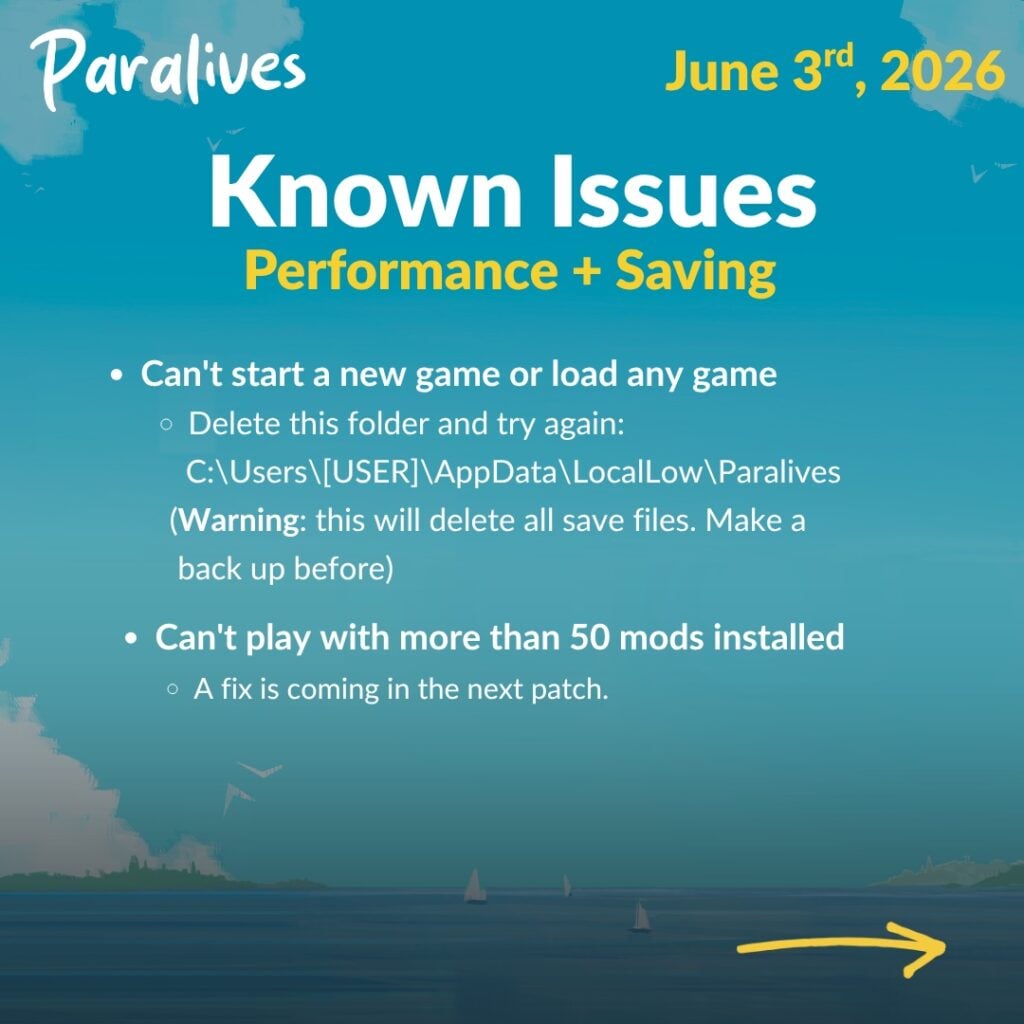
Can’t start a new game or load any game ○ Delete this folder and try again: C:\Users[USER]\AppData\LocalLow\Paralives
○ (Warning: this will delete all save files. Make a back up before)
Can’t play with more than 50 mods installed ○ A fix is coming in the next patch.
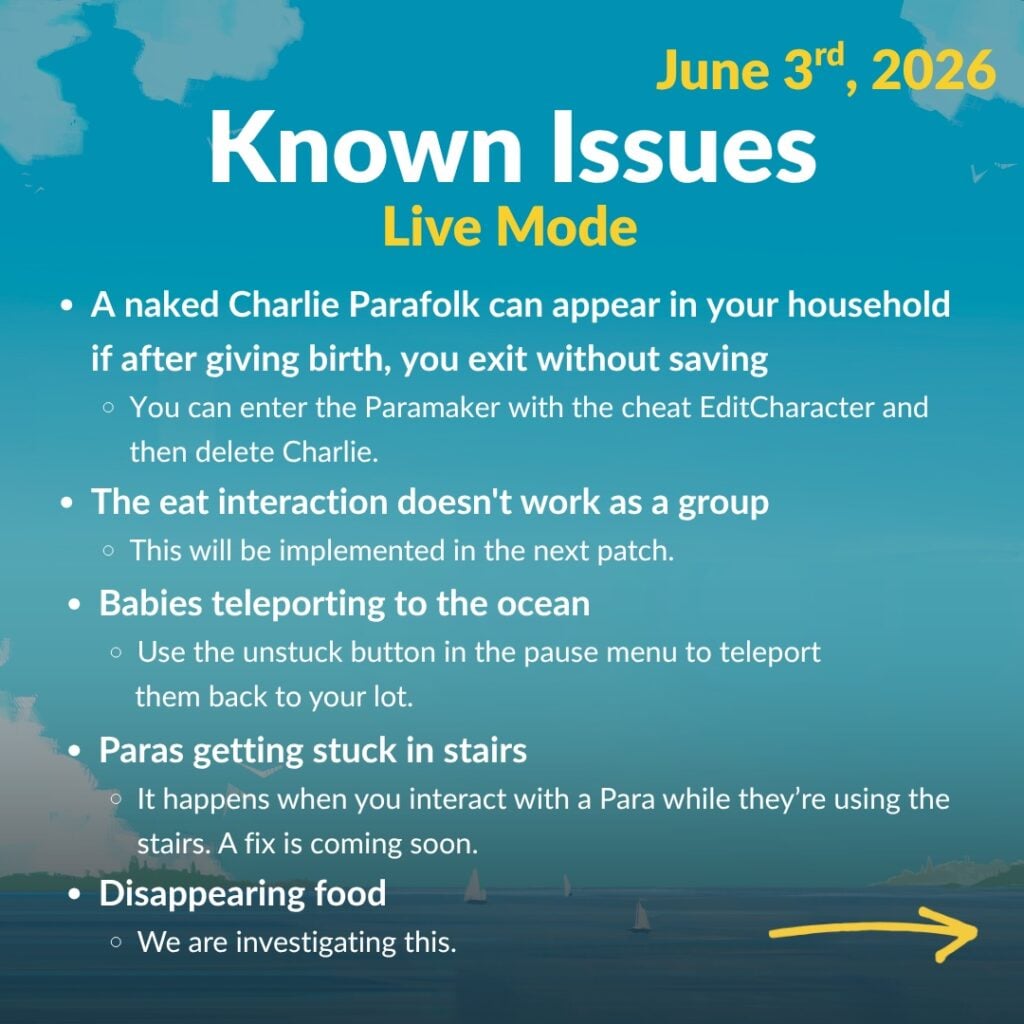
Paralives Issues: Live Mode
A naked Charlie Parafolk can appear in your household
○ if after giving birth, you exit without saving
○ You can enter the Paramaker with the cheat EditCharacter and then delete Charlie.
The eat interaction doesn’t work as a group
○ This will be implemented in the next patch.
Babies teleporting to the ocean
○ Use the unstuck button in the pause menu to teleport them back to your lot.
Paras getting stuck in stairs
○ It happens when you interact with a Para while they’re using the stairs. A fix is coming soon.
Disappearing food
○ We are investigating this.
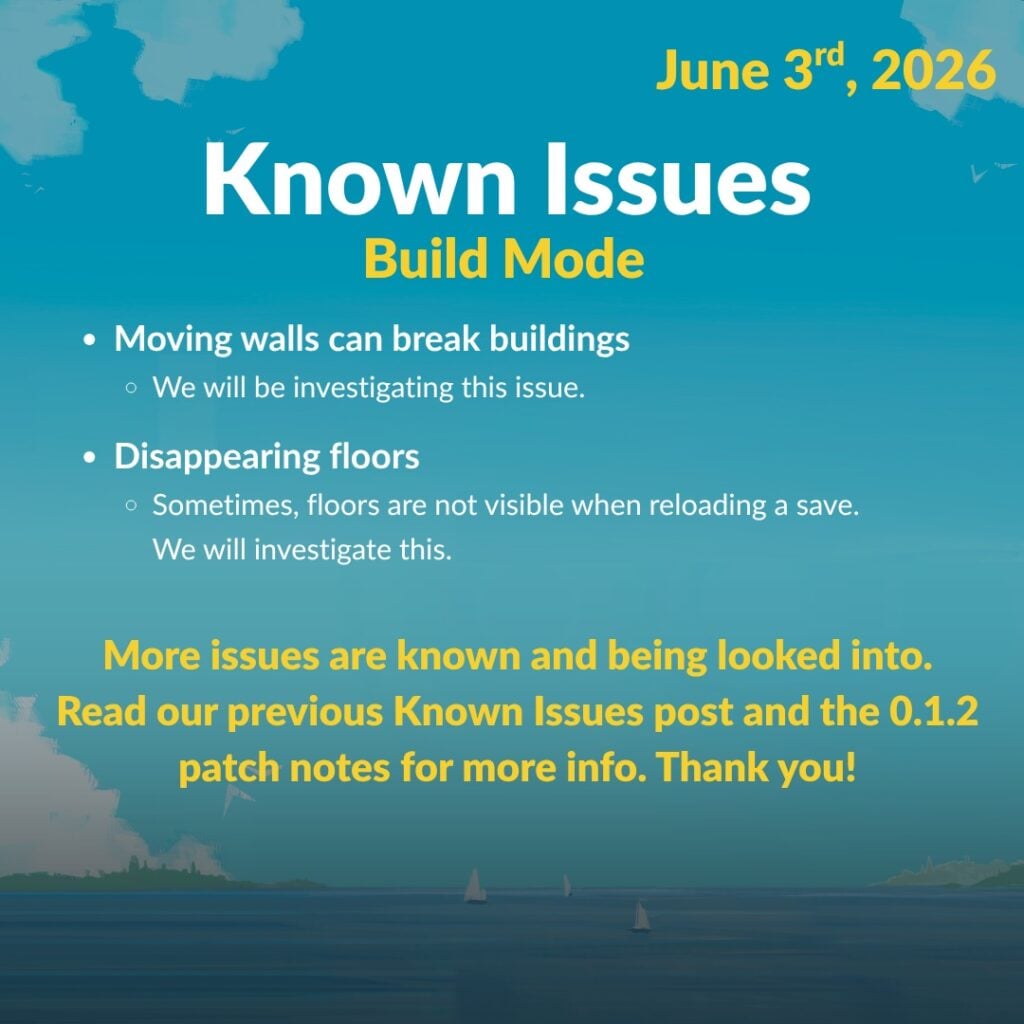
Paralives Issues: Build Mode
Moving walls can break buildings
○ We will be investigating this issue.
Disappearing floors
○ Sometimes, floors are not visible when reloading a save. We will investigate this.
More issues are known and being looked into.
Read our previous Known Issues post and the 0.1.2
patch notes for more info. Thank you!
Are there any other bugs popping up in your Paralives save file that have yet to be mentioned or listed elsewhere? Let us know! Make sure to follow The Sims Community and we’ll keep you up to date on everything Life Sim Games and more!
One of the fantastic things about Paralives is its building features and endless customisation. But if you are not a natural builder, it can be a struggle to find somewhere to begin. Thankfully, there is a world of real-life examples for you to pull inspiration from out there, and modders have come through to make them even easier to implement.
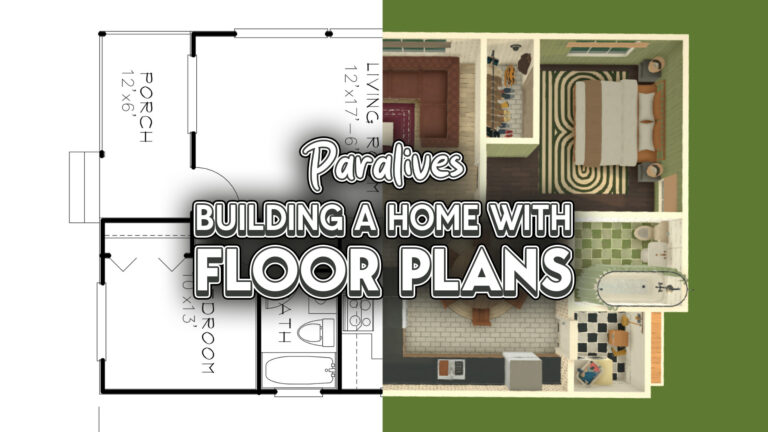
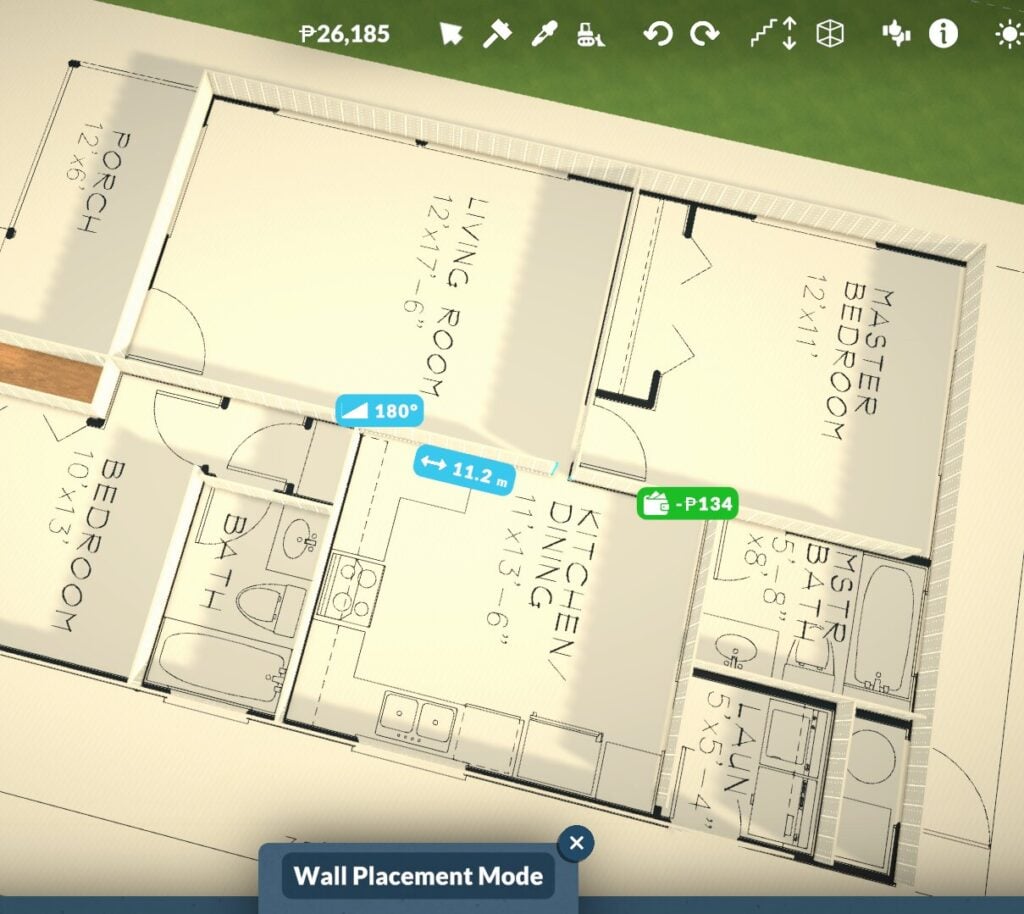
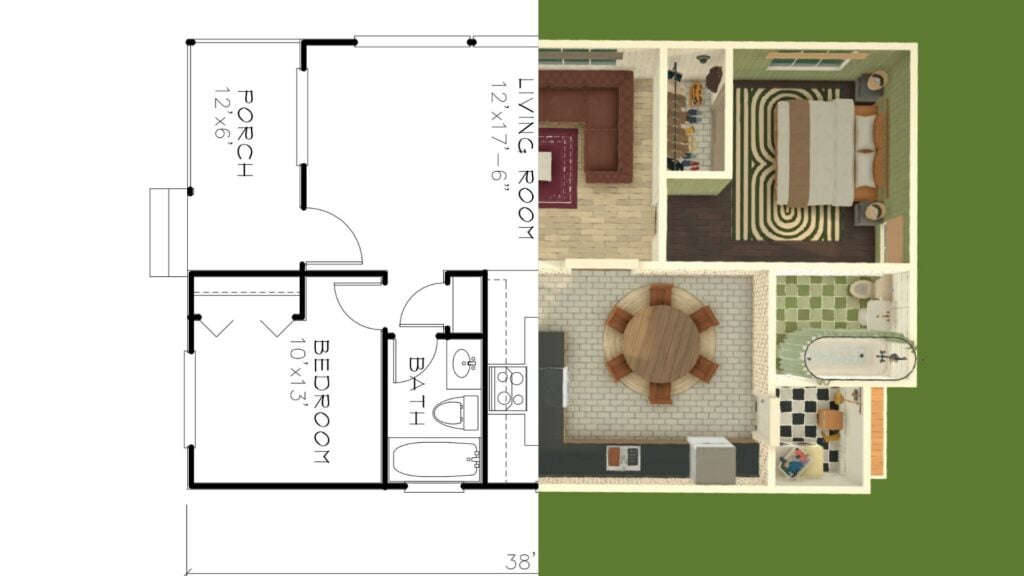
With this customisable flooring mod, it’s never been easier to build, as you can build a home in Paralives using a real floor plan as inspiration! Here’s a step-by-step guide to follow to build your own Paralives home.
We have lots of guides for you to browse, covering all known Paralives features, which you can read here.
Paralives Building From Floorplans
Building Realistic Floorplans
There are lots of real estate websites which have floor plans you can view and save for inspiration.
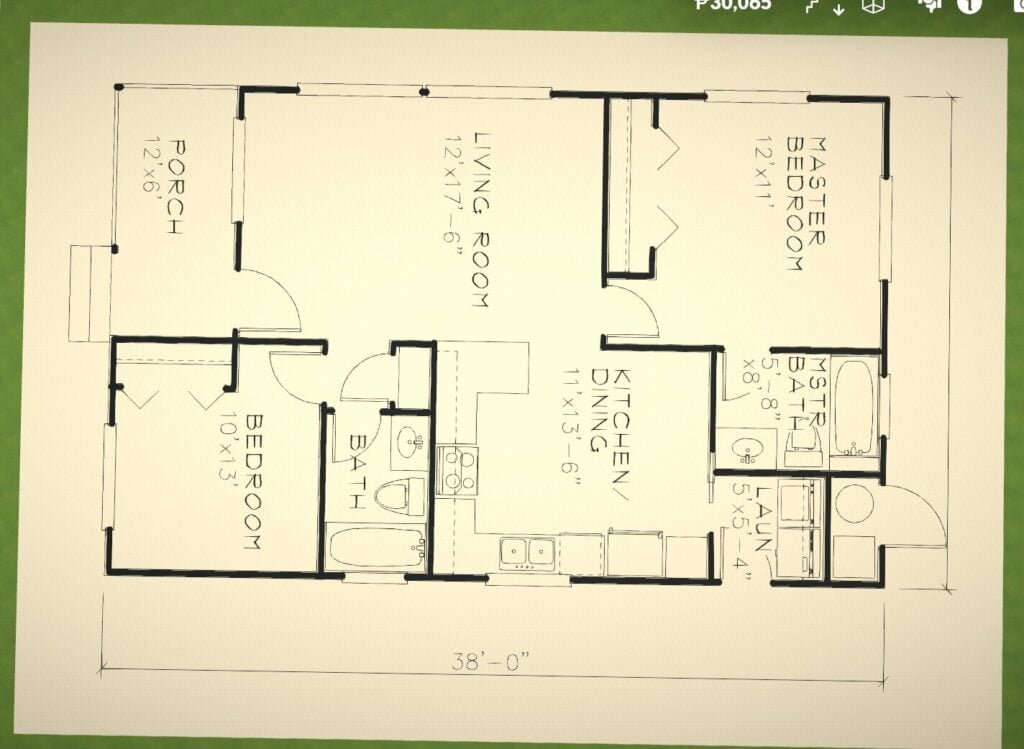
Once you’ve chosen your floorplan, save it to your computer and get ready to import it into the game.
Importing & Using Custom Images
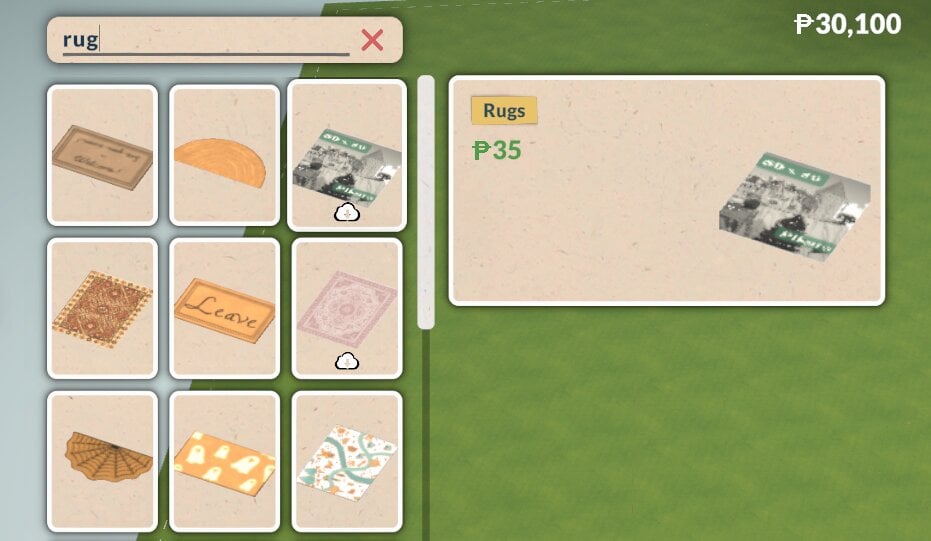
Once you have downloaded the modded rug, you can find it by using the search function in build mode or by looking in the decor category.
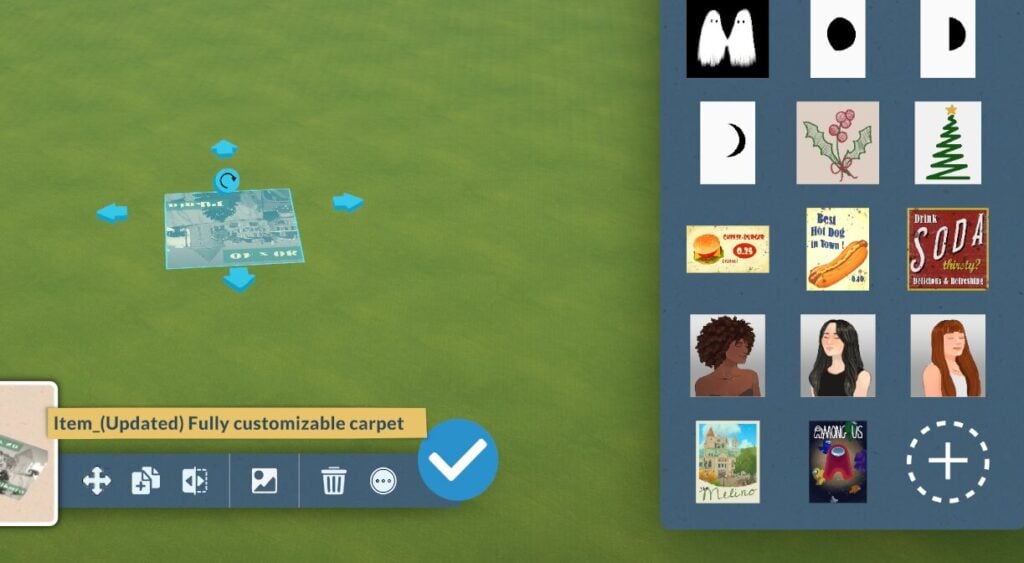
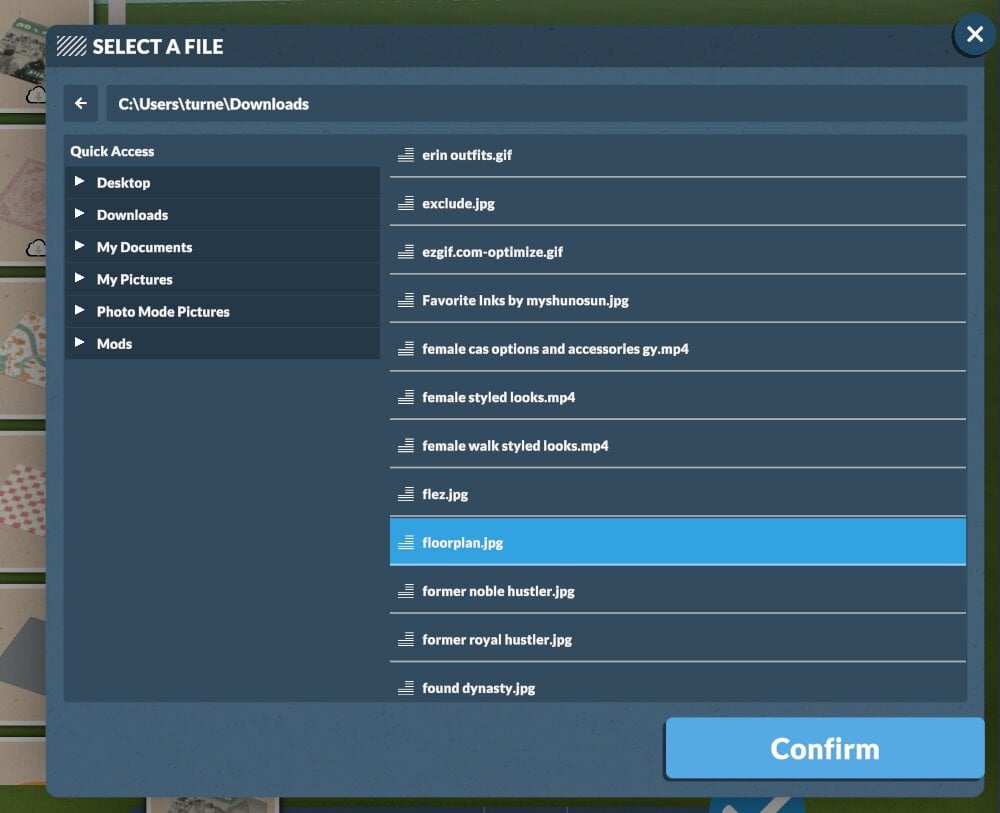
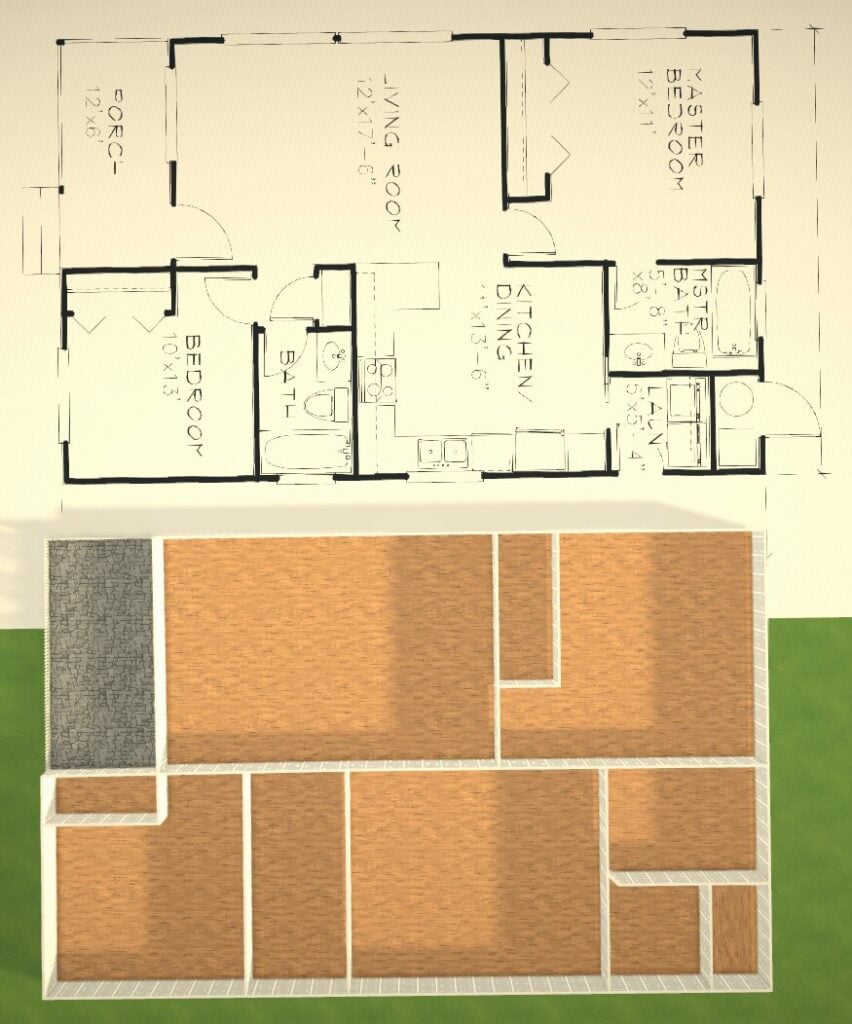
Once you place it, click the image icon in the options, then click the plus to import your own images.
Then size it up as big as you need to make each room.
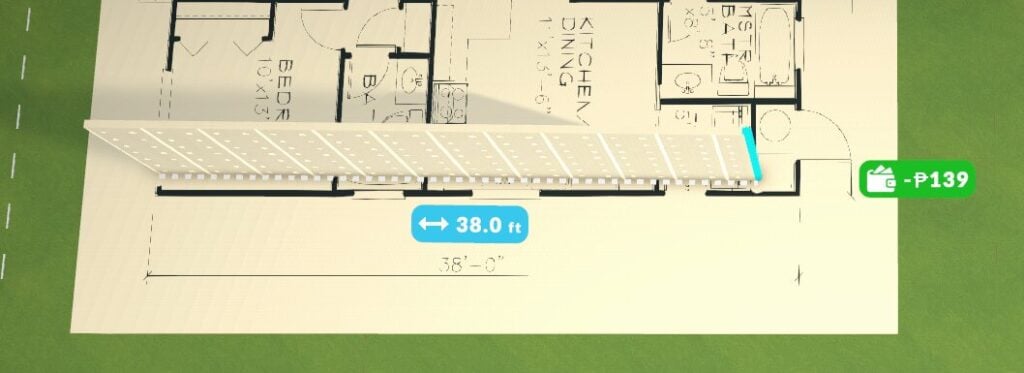
A quick tip: make sure your measurement settings match the ones used in the floor plan; otherwise, you will end up with a huge house!
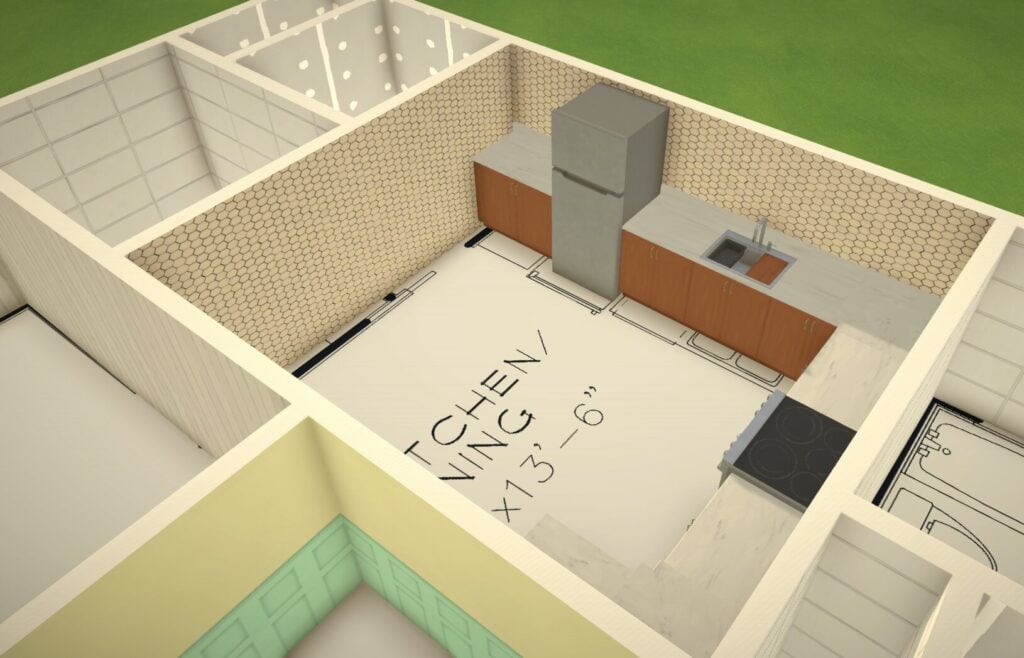
Building Homes In Paralives Using Floorplans
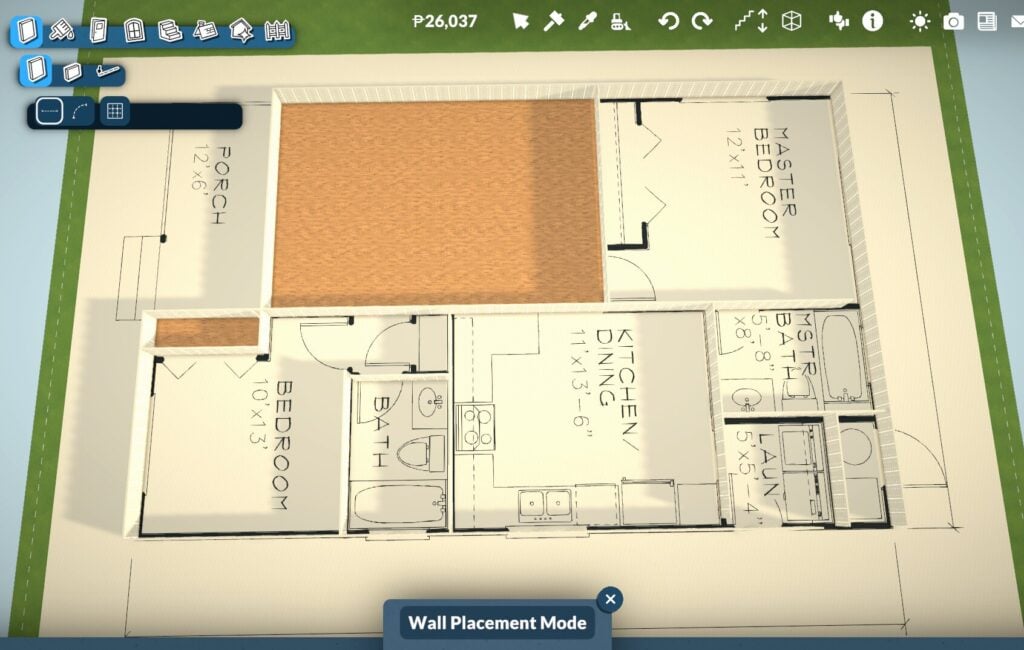
Once you have got your floor plan sorted, start building the outside walls of your home. Then once you’ve got the basic outline sorted then start building the interal walls and structures.
To make it easier to see the floor plan details, leave a small gap in the dividing walls until you are almost done. This will stop it from turning the walls into a room and covering up the rug with the auto-placed floor.
Then, once you have built the main structure, you can start placing all of your appliances, furniture, and fixtures.
Unwanted Furniture Sticking To The Floor Plan
Because this is a customised rug, the game recognises it as flooring and lets you place items directly onto it.
Whilst that is handy, the downside is that once you delete your floor plan guide, the furniture you placed will also be removed.
To get around this, move your floor plan guide out of your main house structure, then drag it back into place to double-check door, wall, or furniture placement if needed.
Before long, you’ll have a fully furnished, realistic home, developed straight from a real-life floor plan.
No Mods? No Problem
Given that Paralives is still in early access and mods can at times be tempromental in ay game, its possible that you might encounter bugs or glitches which mean that you aren’t able to use the custom flooring to build from your floor plan you downloaded.
If that is the case, you can build homes using floor plans without this mod, but it is more fiddly.
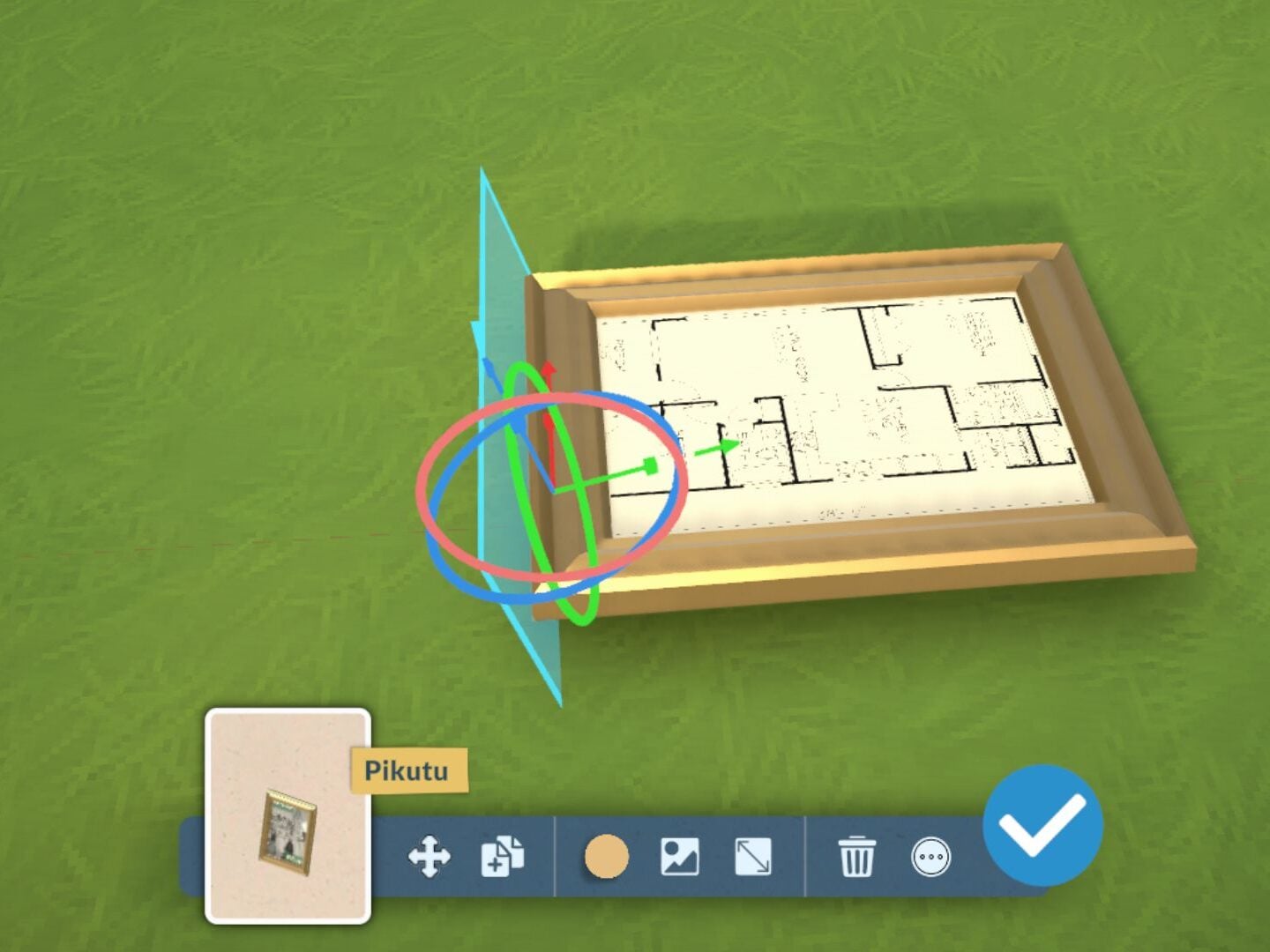
Instead of using custom flooring, you can use a photo frame and then make it lie flat with advanced transformation tools.
Follow the same directions above to build using the floor plan; the only difference is that this uses a framed photo instead of a rug.
You will have to be really precise and have to work around the frame, but it is doable.
Have you managed to build any homes using this method in Paralives yet? Let us know below or on social media.
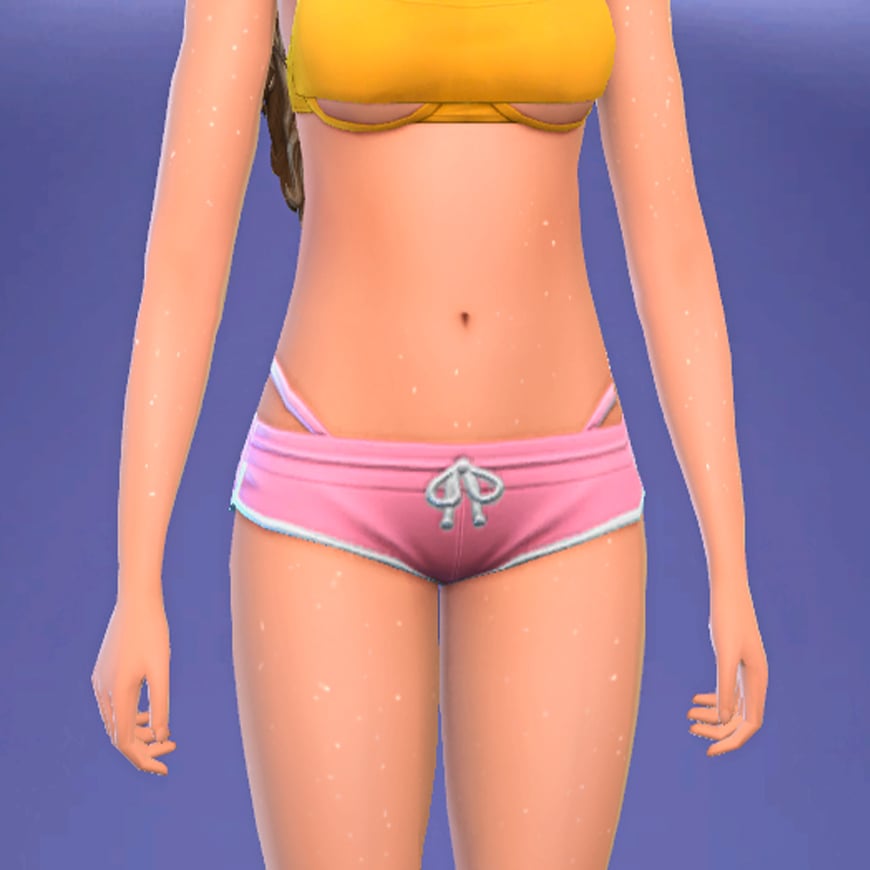
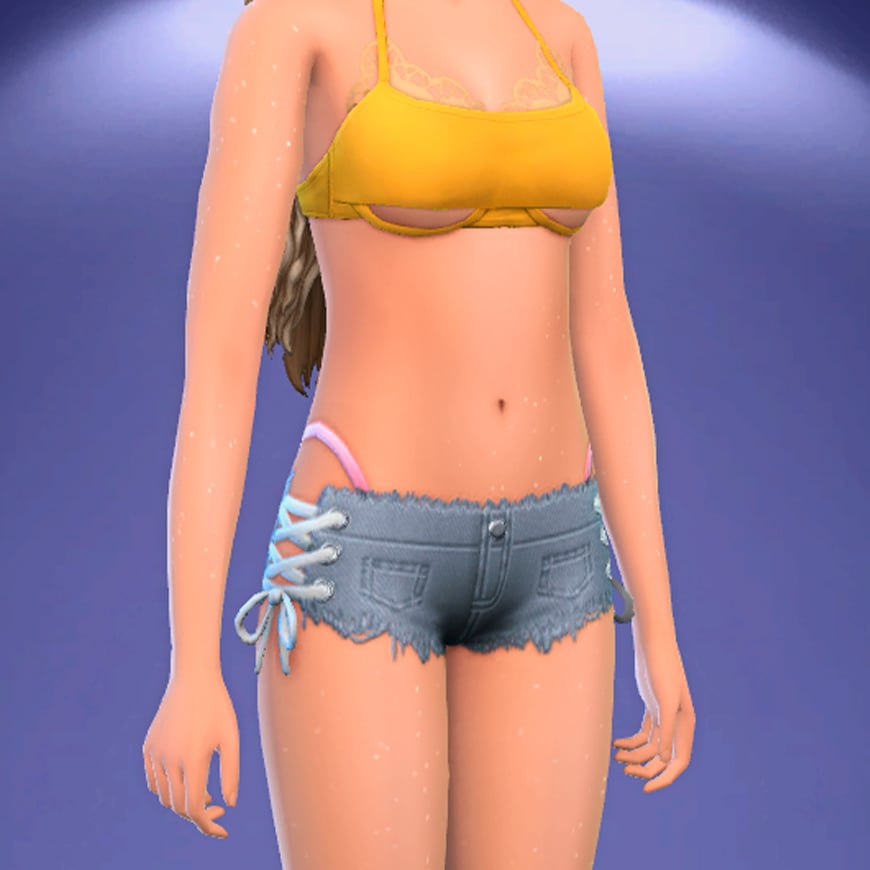
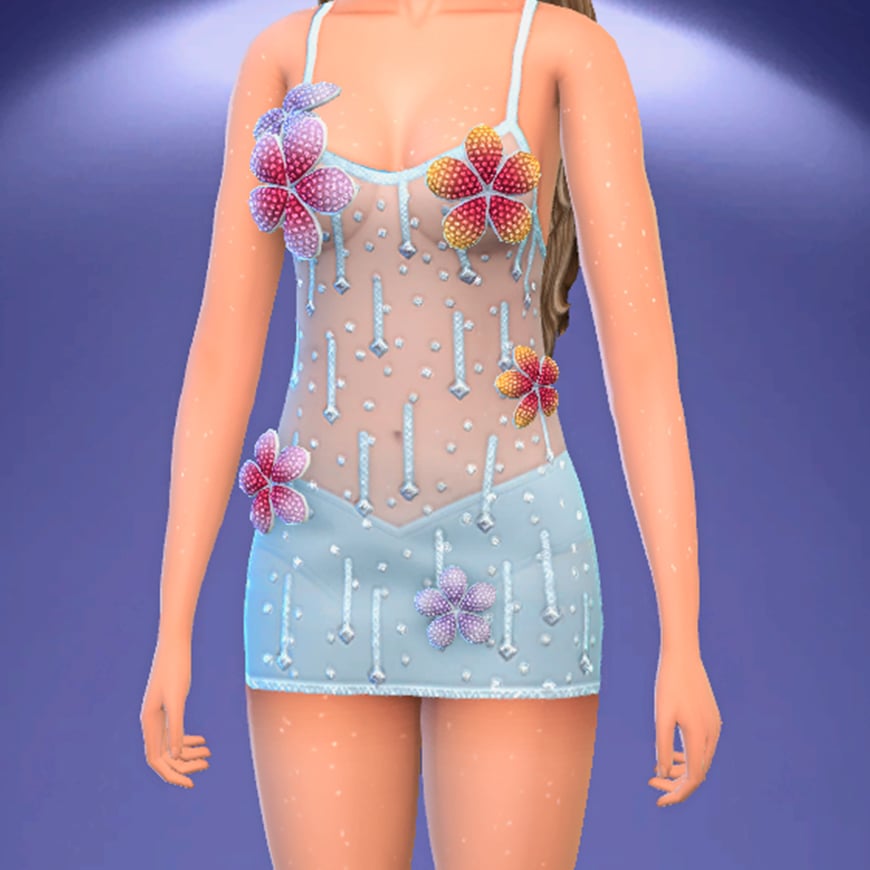
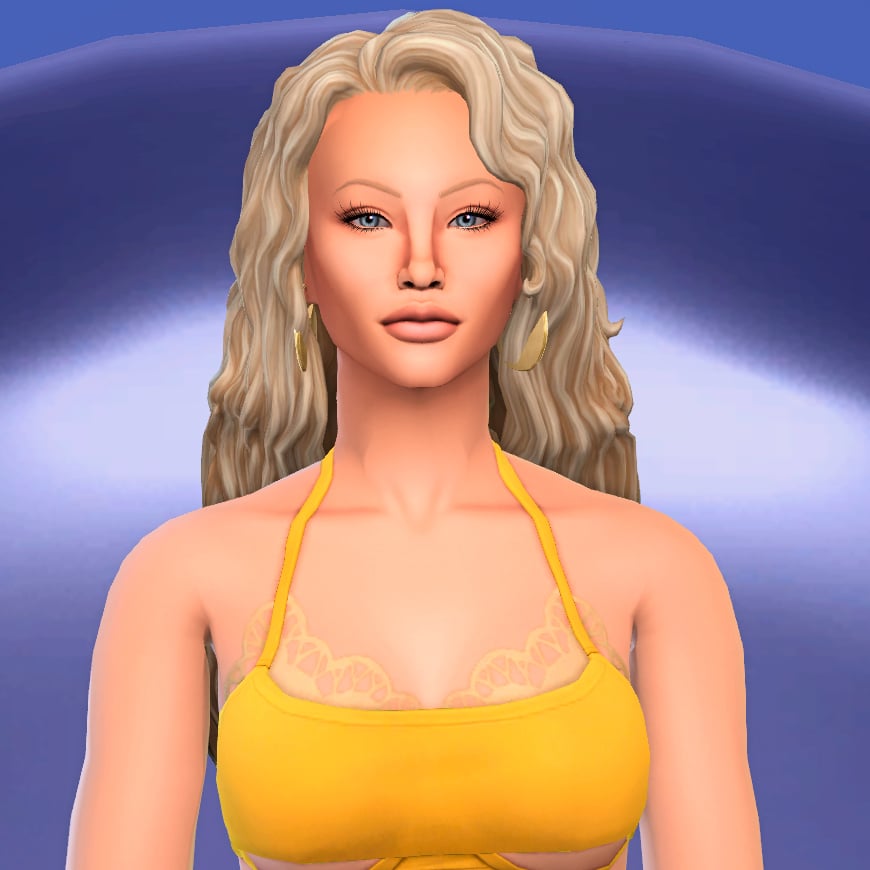
(Euro)Summer is coming, and with it, the best styles for your Sims!. If you have been following the latest pop music trends, Zara Larsson’s Midnight Sun is probably one of the most talked-about albums on social media right now. With its dreamy visuals, vibrant colors, Y2K-inspired fashion, and tropical aesthetic, the era feels almost made to inspire new custom content for The Sims 4.
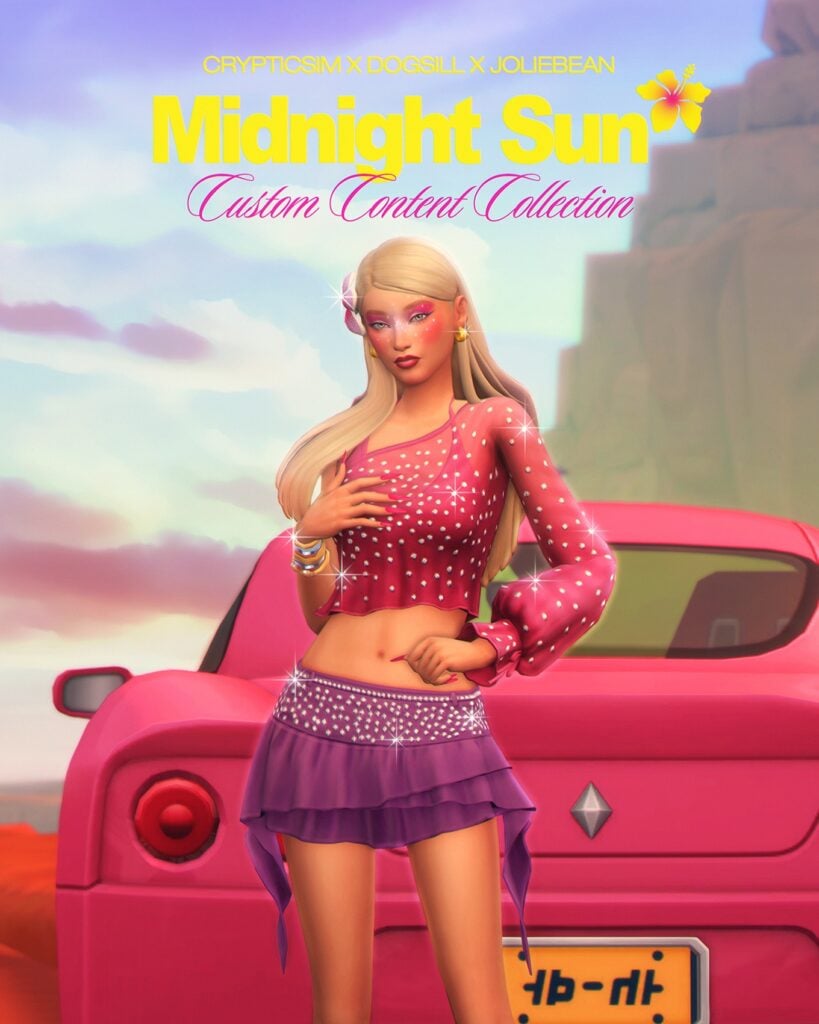
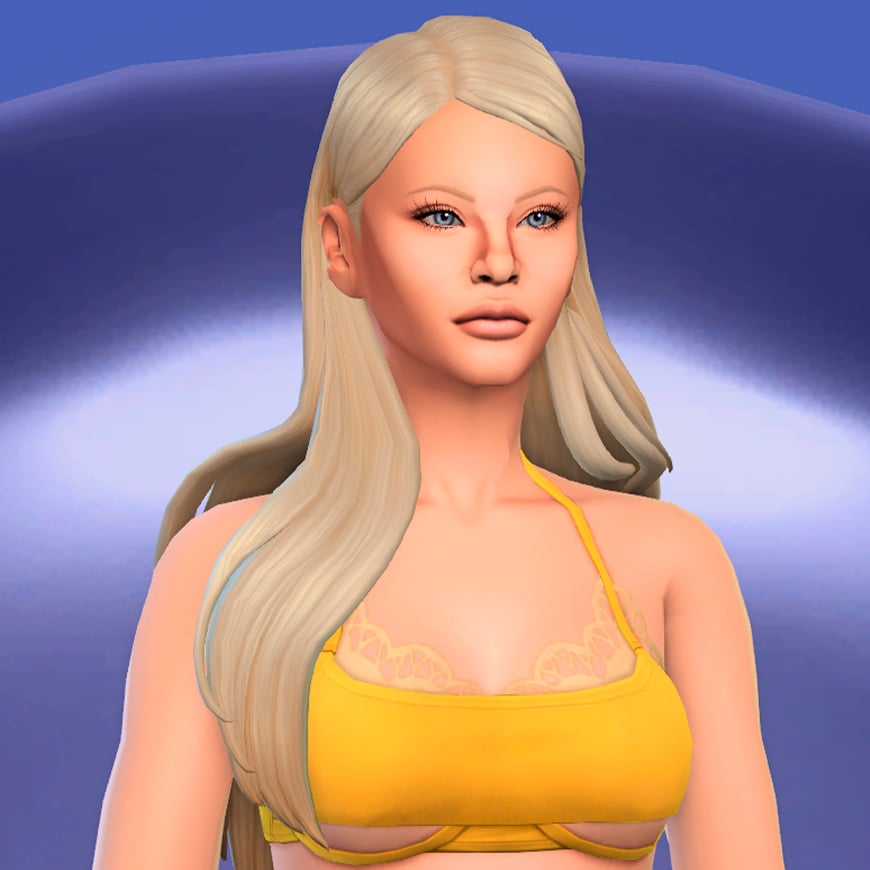
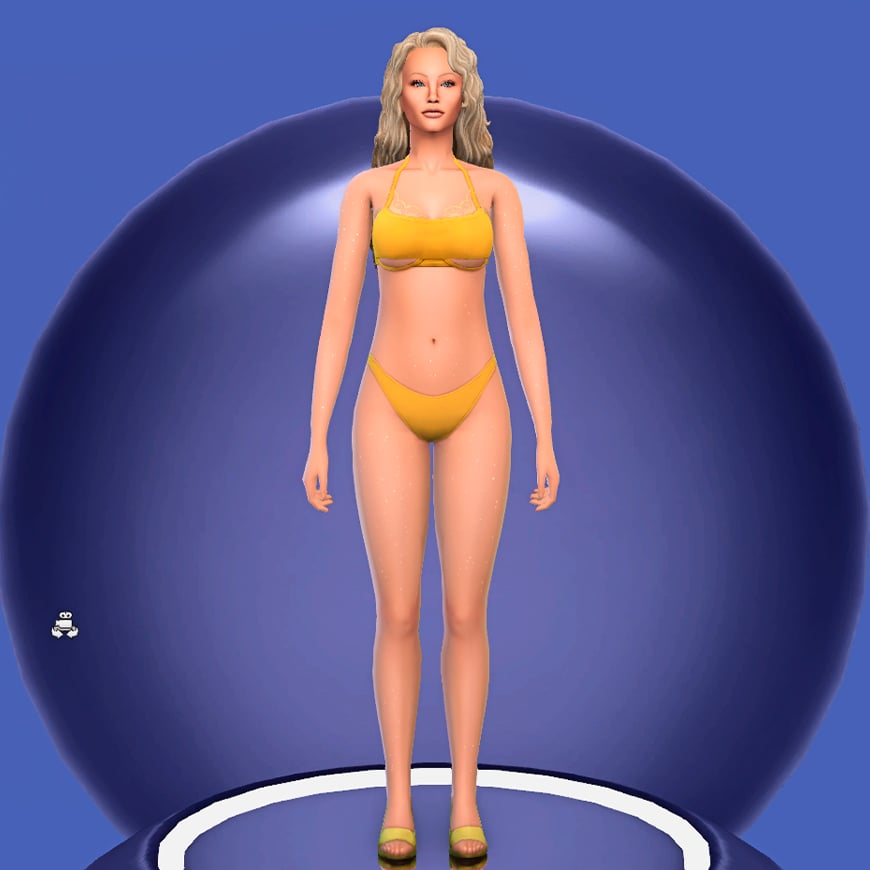
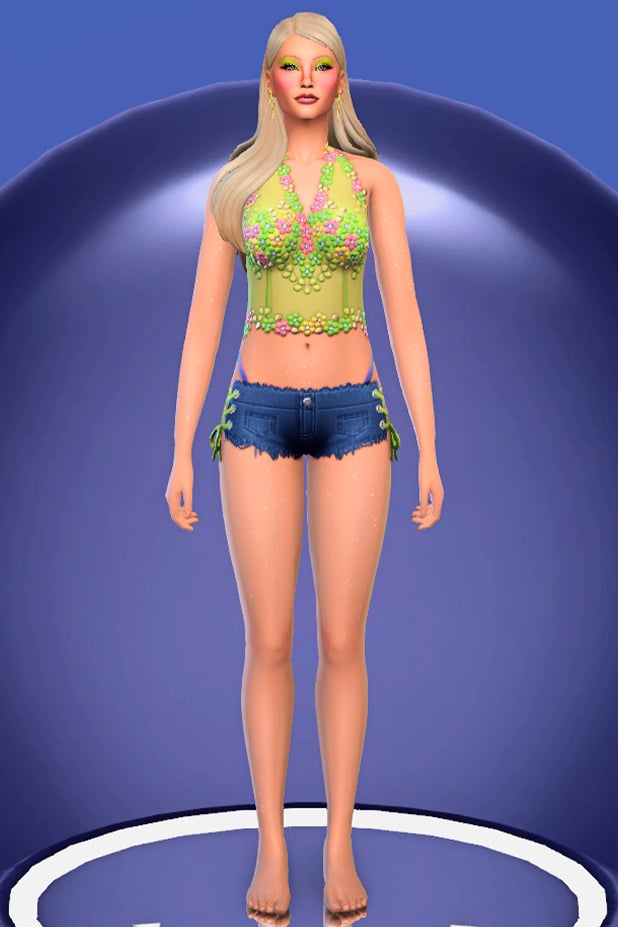
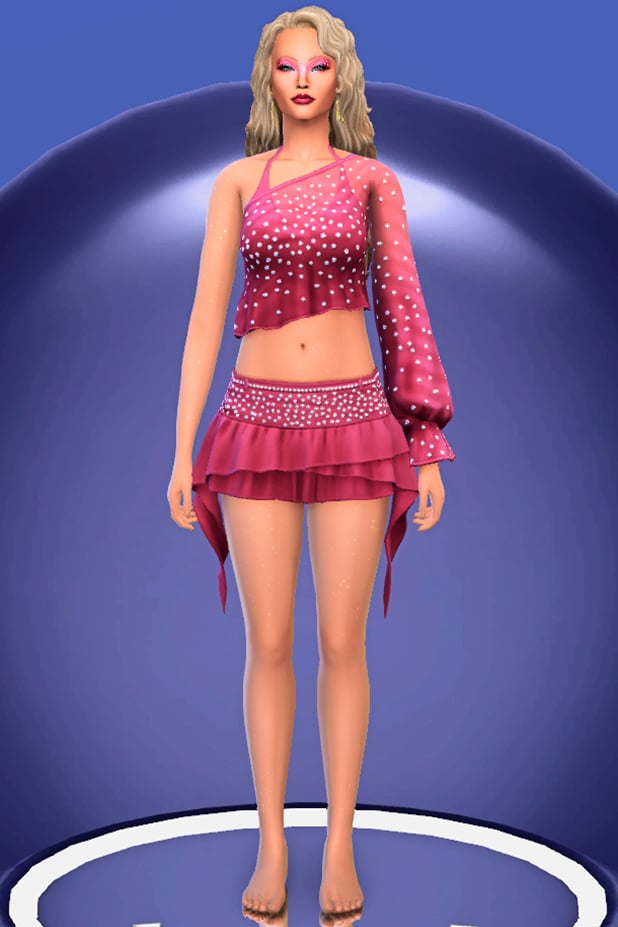
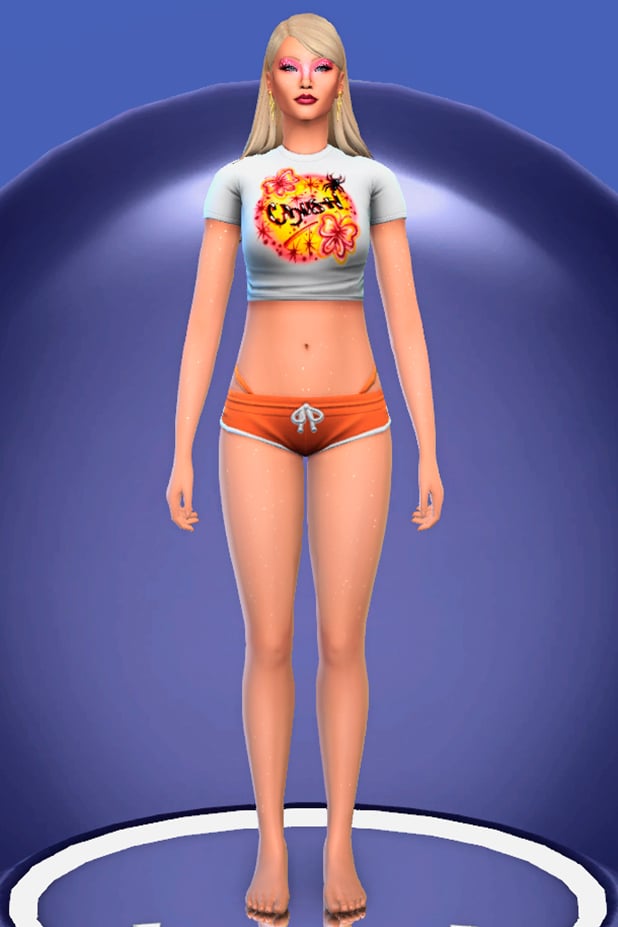
Created by Crypticsim, Dogsill, and Joliebean, The Sims 4 Midnight Sun CC collection brings Zara’s summery aesthetic directly into Create-A-Sim. Inspired by the album’s vibrant visuals, the collaboration includes trendy clothing pieces, sparkling makeup details, and stylish hairstyles that perfectly match the carefree energy of the era. From glittery outfits and colorful beauty looks to soft beach-inspired hair, the collection captures the nostalgic pop aesthetic that has made Midnight Sun so recognizable online.
Whether you want to recreate Zara Larsson herself or simply give your Sims a bright summer makeover, this collection is packed with stunning pieces that feel straight out of a music video. All three parts of this collaboration are currently available in Early Access and will be released publicly on June 6th.
Table of Contents
Let’s Take a Look at Joliebean’s Part
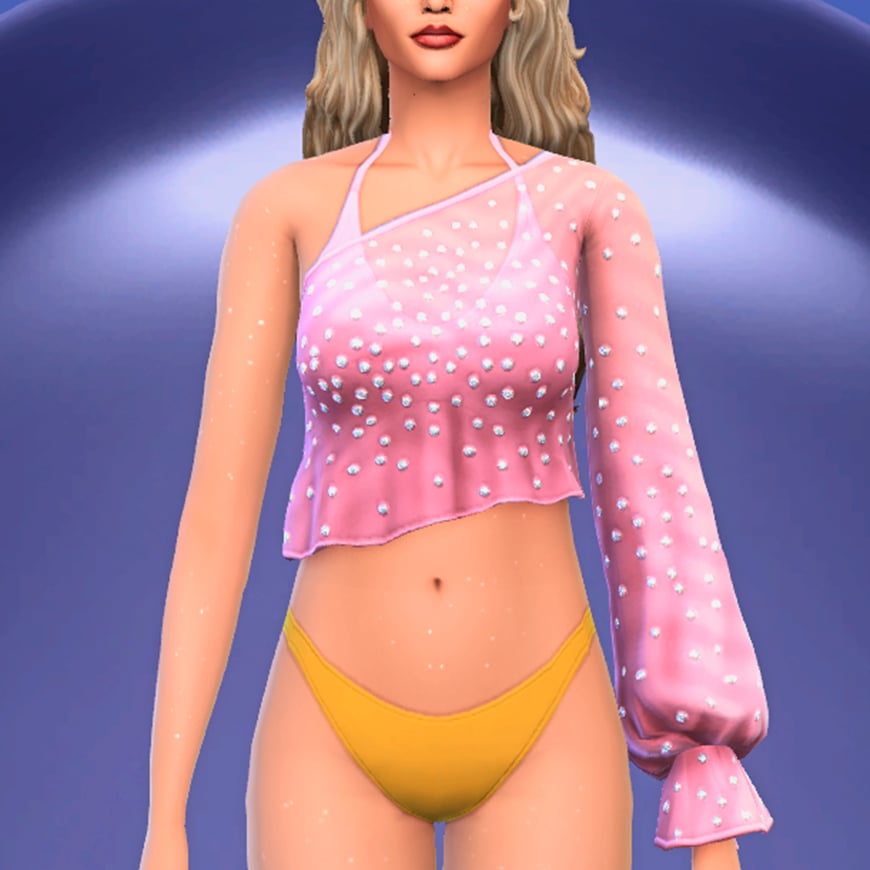
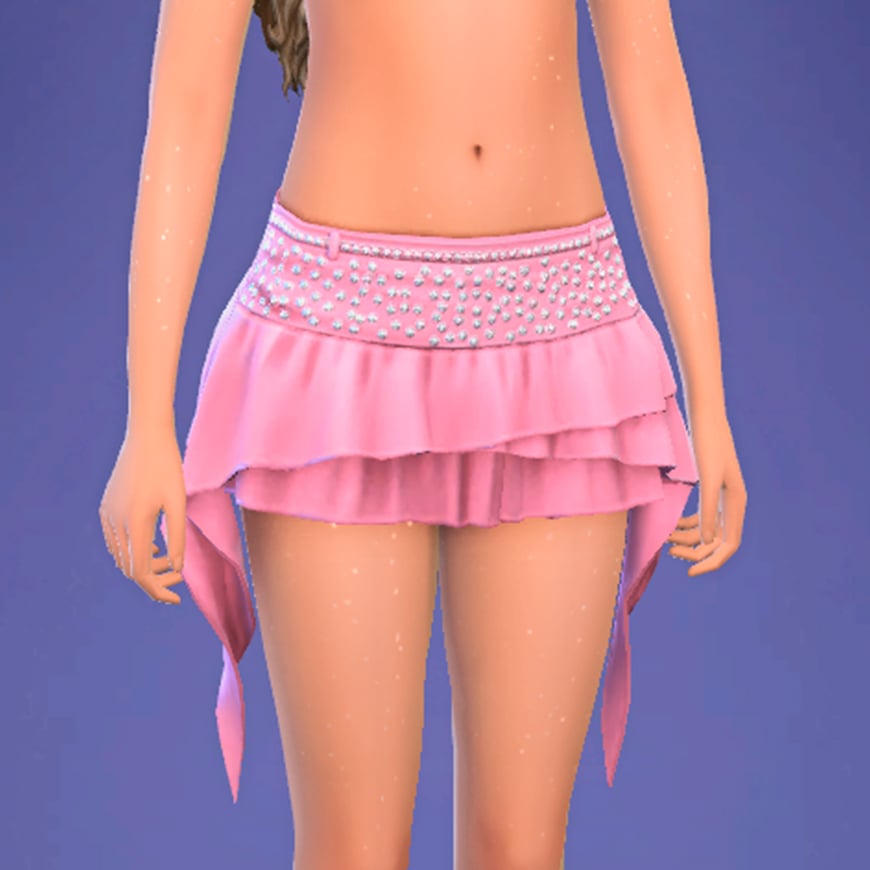
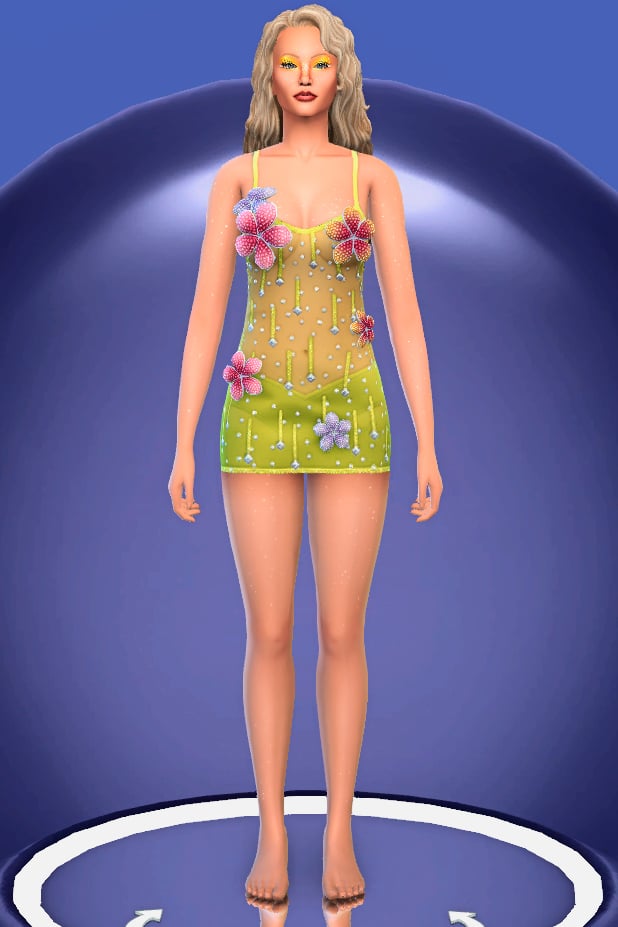
Created by Joliebean, the fashion side of this collaboration is all about recreating the playful, colorful, and slightly nostalgic aesthetic that defines Zara Larsson’s Midnight Sun era. Drawing inspiration from the singer’s recent promotional looks, music videos, and album visuals, the collection introduces eight new CAS items that can be mixed and matched to create the ultimate summer wardrobe.
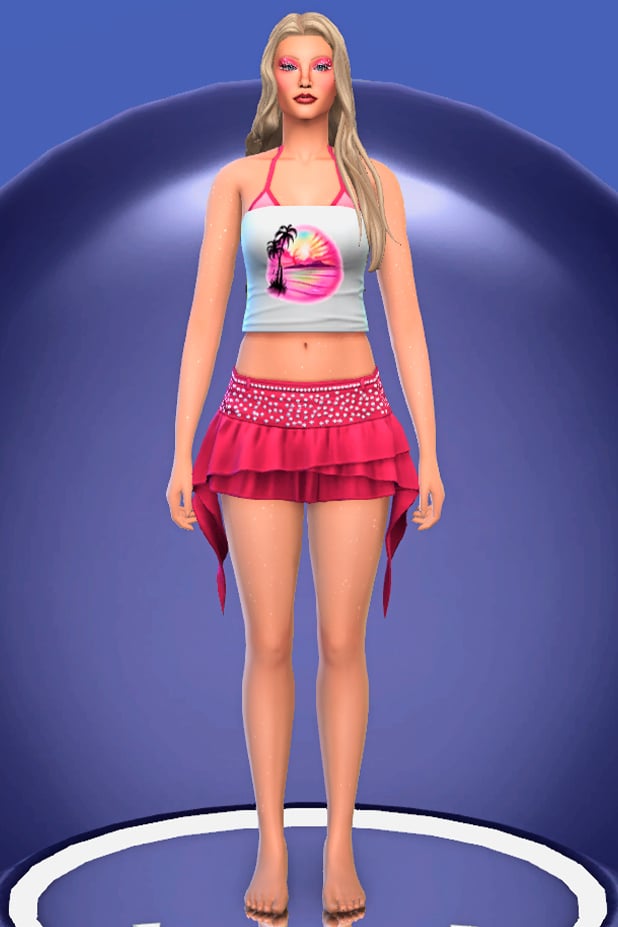
The set includes a variety of tops, bottoms, and full-body outfits that embrace bright colors, sparkly details, and Y2K influences. From graphic baby tees and beach-ready crop tops to layered mini skirts, denim shorts, and delicate floral dresses. What makes these items particularly appealing is how easily they work together. Whether you’re recreating Zara’s iconic Midnight Sun outfits or simply looking to give your Sims a fresh summer makeover, Joliebean’s creations offer plenty of styling possibilities.
All T-shirts share the same graphic design concept, with nine unique prints inspired by songs from Midnight Sun. The artwork combines colorful Y2K-inspired visuals with references to the album’s themes and imagery, while recurring dolphin motifs pay homage to the aesthetic many fans associate with Zara Larsson’s rise to international fame during the Symphony era.
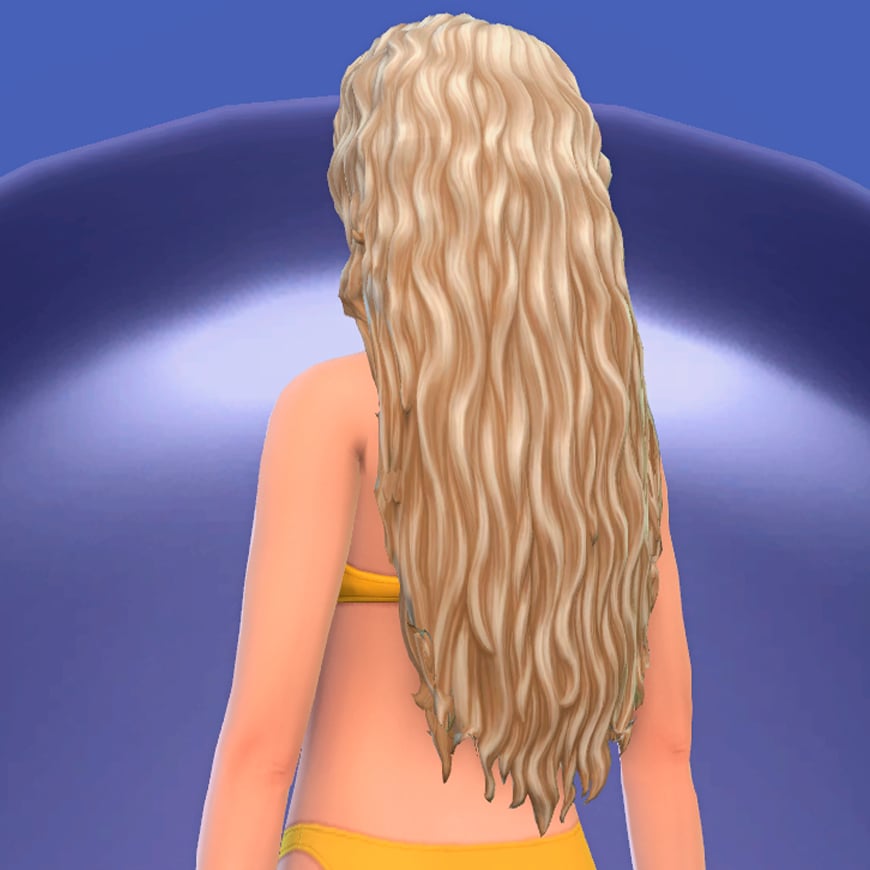
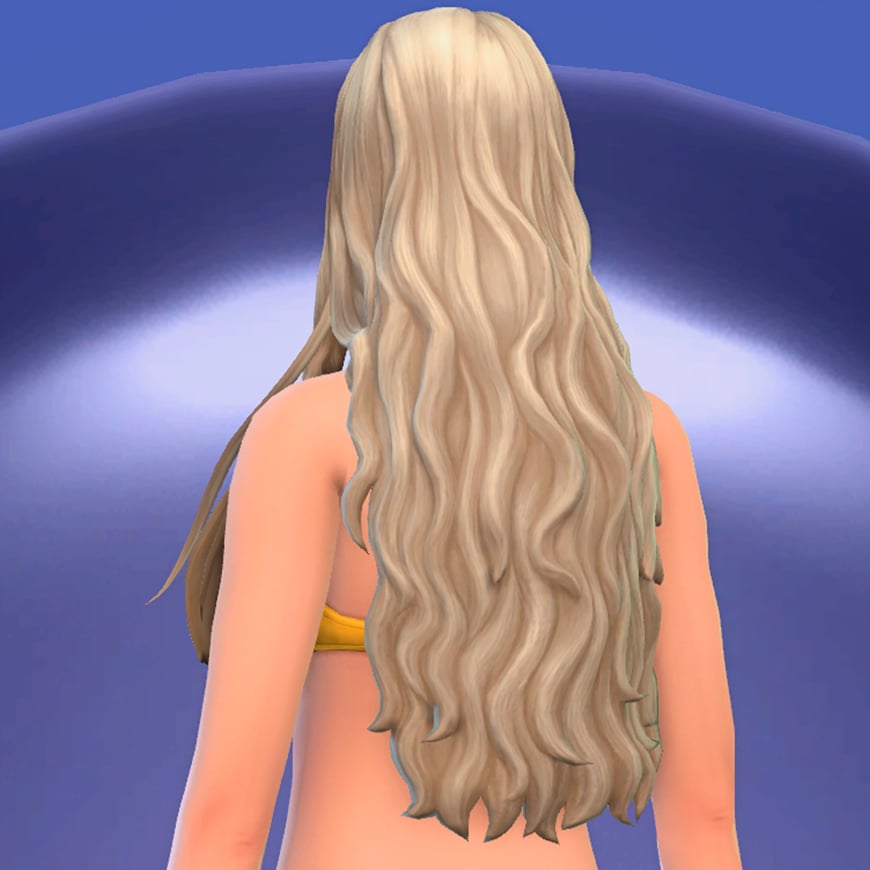
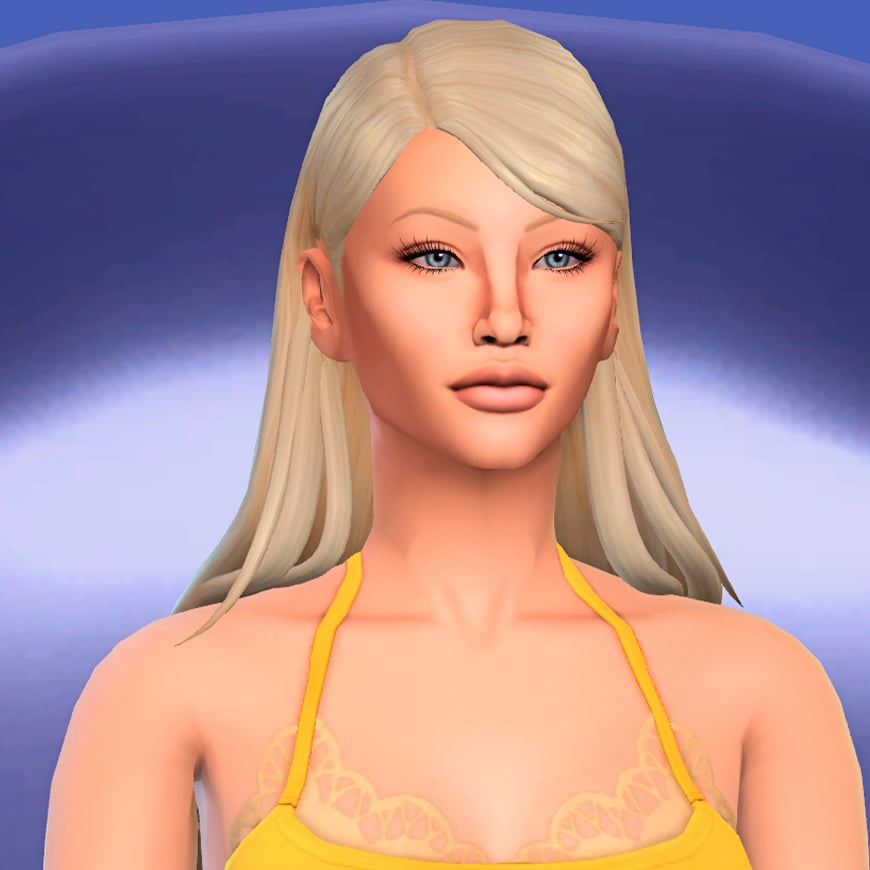
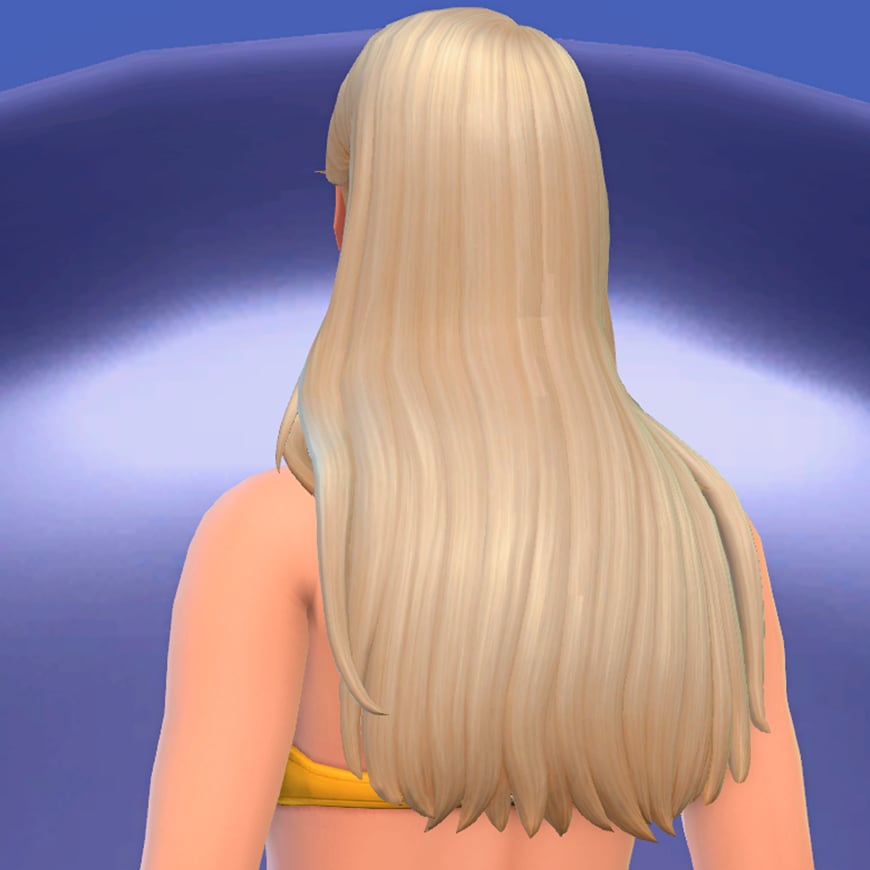
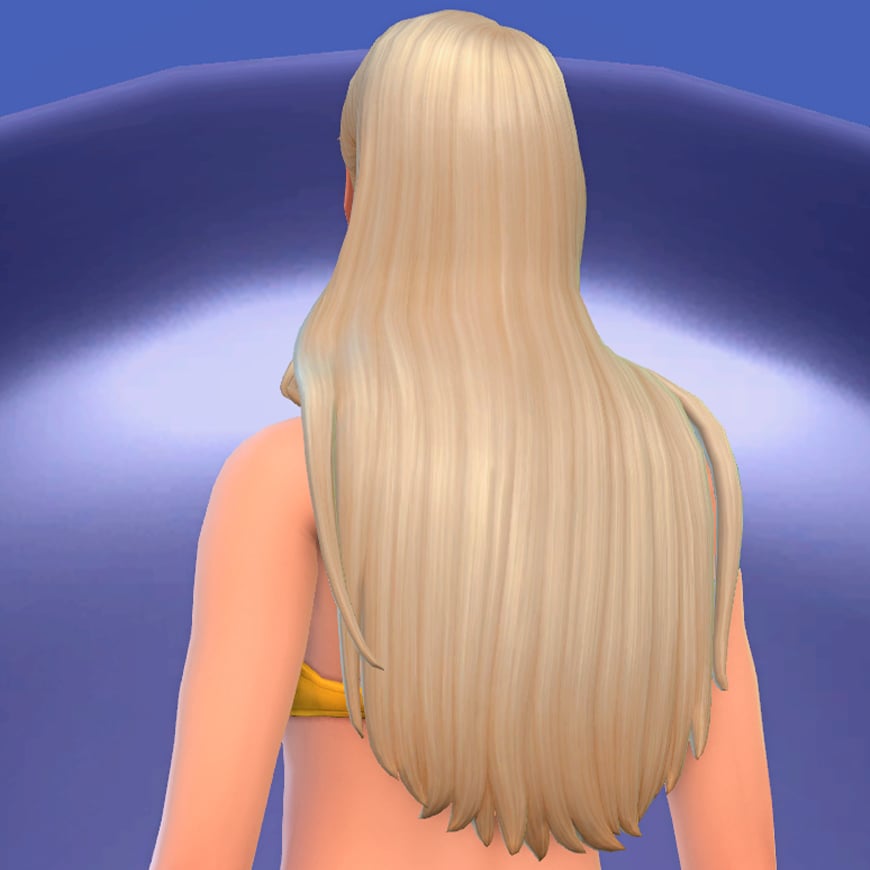
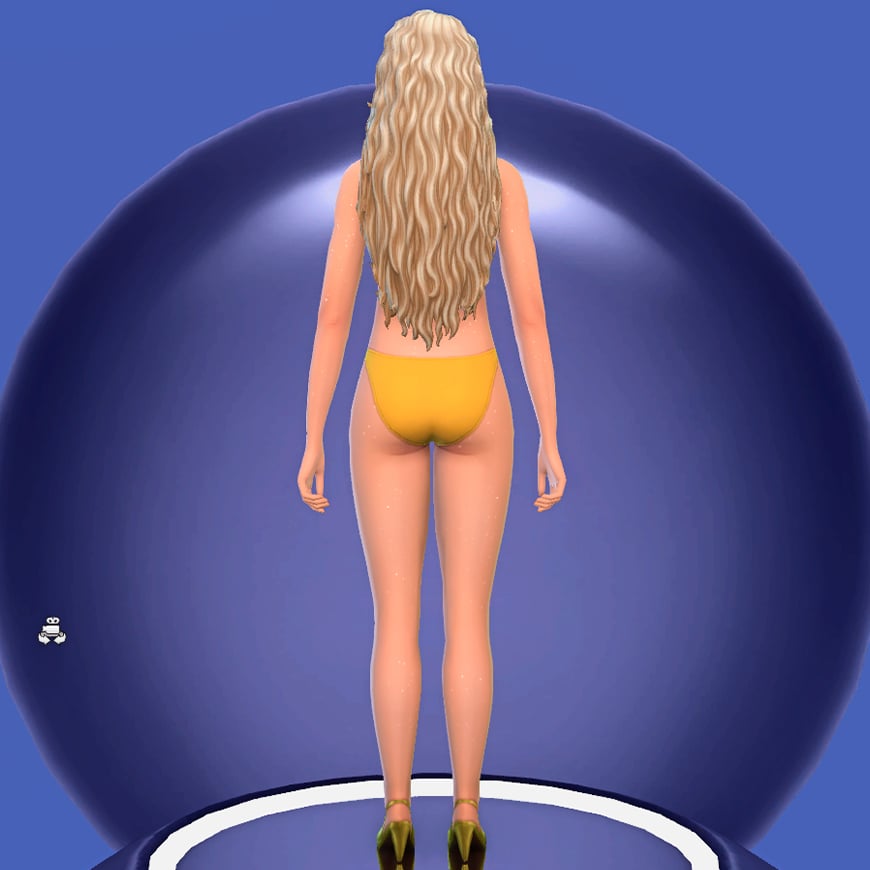
Dogsill contributes four new hairstyles that perfectly complement the collection’s vibrant summer aesthetic. All of them share a similar philosophy: long hair, relaxed textures, and slightly tousled finishes that capture that effortless, just ‘spent the day at the beach’ look.
The selection includes both wavy and straighter styles, offering enough variety while maintaining a cohesive visual identity. Their loose silhouettes pair especially well with the collection’s colorful outfits and makeup, helping create Sims that feel stylish without looking overly polished.
As an extra detail, the set also includes the iconic flower hair accessory seen throughout the collection’s promotional imagery.
The final part of the collaboration comes from Crypticsim, who takes inspiration from one of the most recognizable elements of Zara Larsson’s current image: her makeup. Much of the singer’s recent visual identity has been shaped by makeup artist Sophia Sinot, whose work combines modern beauty trends with strong Y2K influences to create colorful, playful, and instantly recognizable looks.
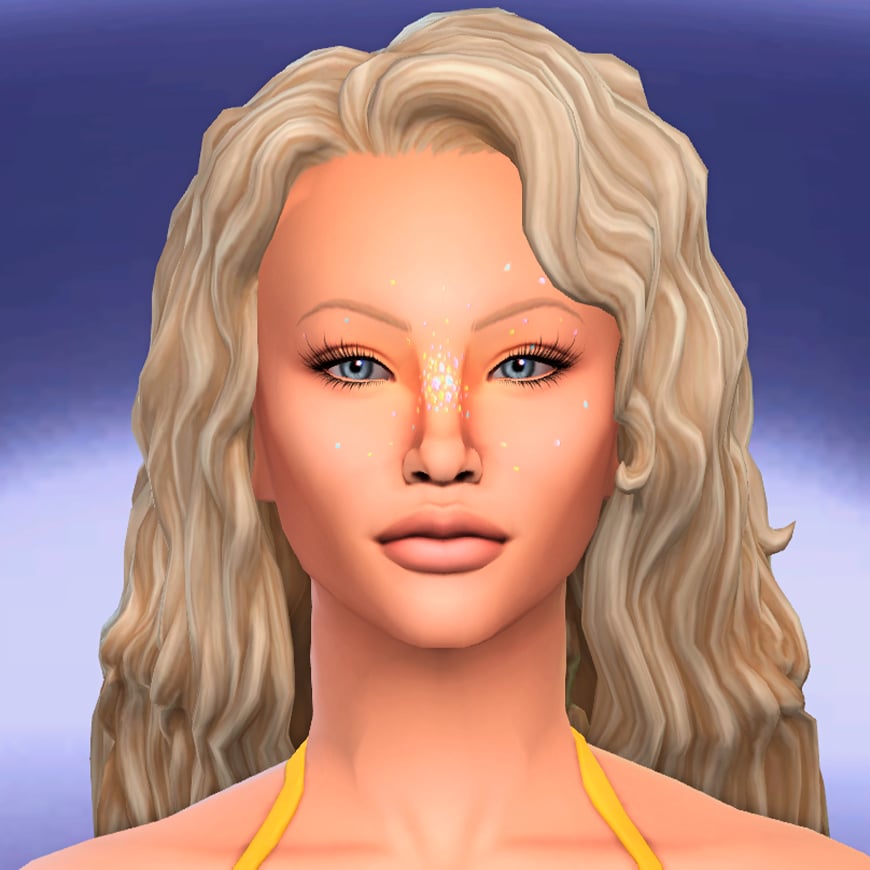
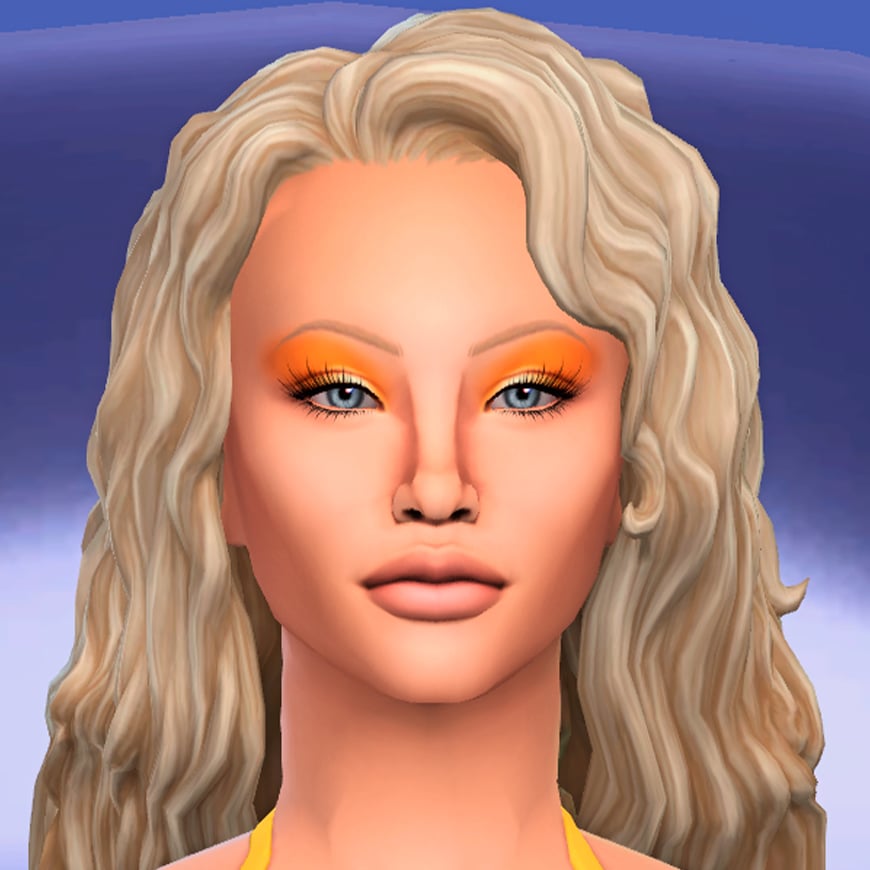
This influence is evident throughout the CC collection’s makeup selection, which focuses on bright colors, glossy finishes, and glittery details. The set includes three blushes, two eyeshadows, an eyeliner, a lipstick, and a body glitter overlay to recreate the radiant and sun-kissed look often seen in her recent photoshoots and performances. Together, these pieces make it easy to capture the bold beauty aesthetic that has become closely associated with Zara’s current era.
My Thoughts on The Sims 4 Midnight Sun CC Collection
I think this collaboration arrives at the perfect time. As we head into summer, the simmer community is naturally looking for fresh seasonal content, and few aesthetics feel as relevant right now as the one surrounding Zara Larsson’s current era. Pop culture has always influenced how players create Sims, tell stories, and customize their worlds, so seeing creators bring contemporary fashion and beauty trends into the game feels like a natural evolution of the community’s creativity.
What impresses me most about this collection is how cohesive it feels. Every item, from the clothing and hairstyles to the makeup and accessories, follows a clear artistic direction. Crypticsim, Dogsill, and Joliebean spent time researching the visual identity behind this era rather than simply creating generic summer-themed content.
My favorite part is undoubtedly the makeup. Sophia Sinot’s work has become one of the defining elements of Zara Larsson’s current image, and seeing that influence translated into The Sims 4 is incredibly exciting. The body glitter, face gems, colorful blushes, and bold eye looks don’t just work for recreating Zara herself; they’re versatile enough to become staples in many players’ CAS libraries for all kinds of summer-inspired Sims.
The clothing is another highlight. The cropped baby tees, ultra-short shorts, layered mini skirts, and playful graphics perfectly capture the carefree spirit of the collection. I especially love how the T-shirt designs reference bothsongs from the album and some of Zara’s most recognizable visual motifs.
If I had to point out one thing I would have loved to see, it would be a few more accessories. A pair of sandals, an anklet, additional bracelets, or even a wearable version of the towel Zara has used during some of her Eurosummer performances could have beenfun additions. That said, this is a very minor criticism in what is otherwise an incredibly complete collaboration.
Ultimately, I can see The Sims 4 Midnight Sun collection becoming a staple for many players, even beyond those who are fans of Zara Larsson. The pieces fit perfectly in worlds such as Sulani, Tartosa, and Ondarion, but their versatility means they can be used almost anywhere. The Sims 4 Midnight Sun CC Collection releases publicly on June 6, though players can already access it through the creators’ Patreon pages during the Early Access period.
What do you think about this amazing collaboration? Are you planning to dress your Sims using the iconic imagery of Zara Larsson’s Midnight Sun era? Let us know, and don’t forget all about CC in Sims Community!
More to Explore: Mermaid Content in The Sims 4 Island Living
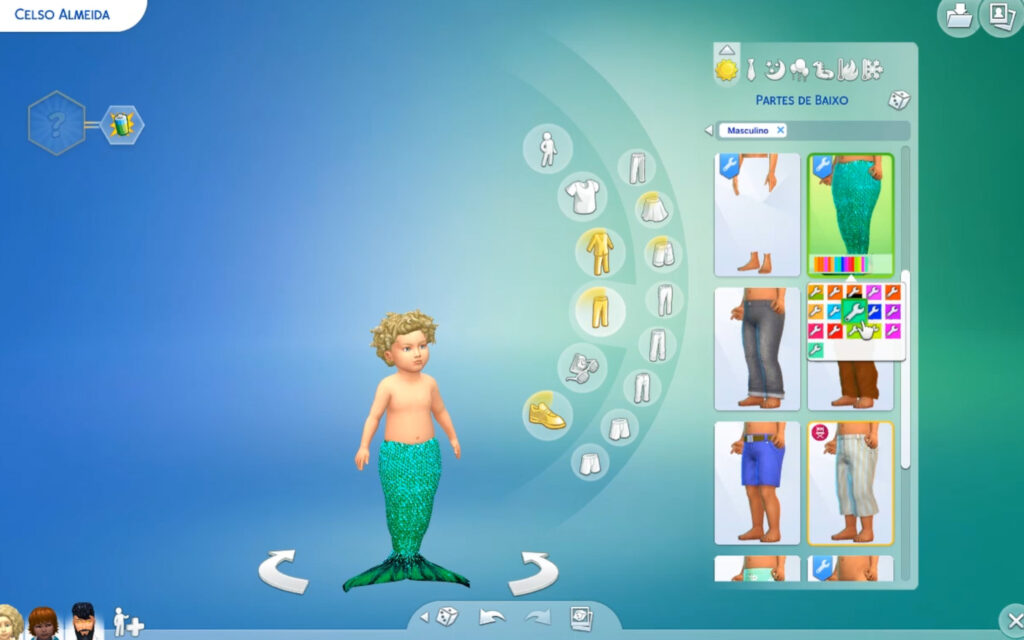
It’s Mermay my fellow Simmers, and by celebrating that I will share a few good additional The Sims 4 mermaids content for The Sims 4: Island Living and our merfolk in the game. Let’s dive in and see what treasures we can find!
Table of Contents
Expanded Mermaids Mod
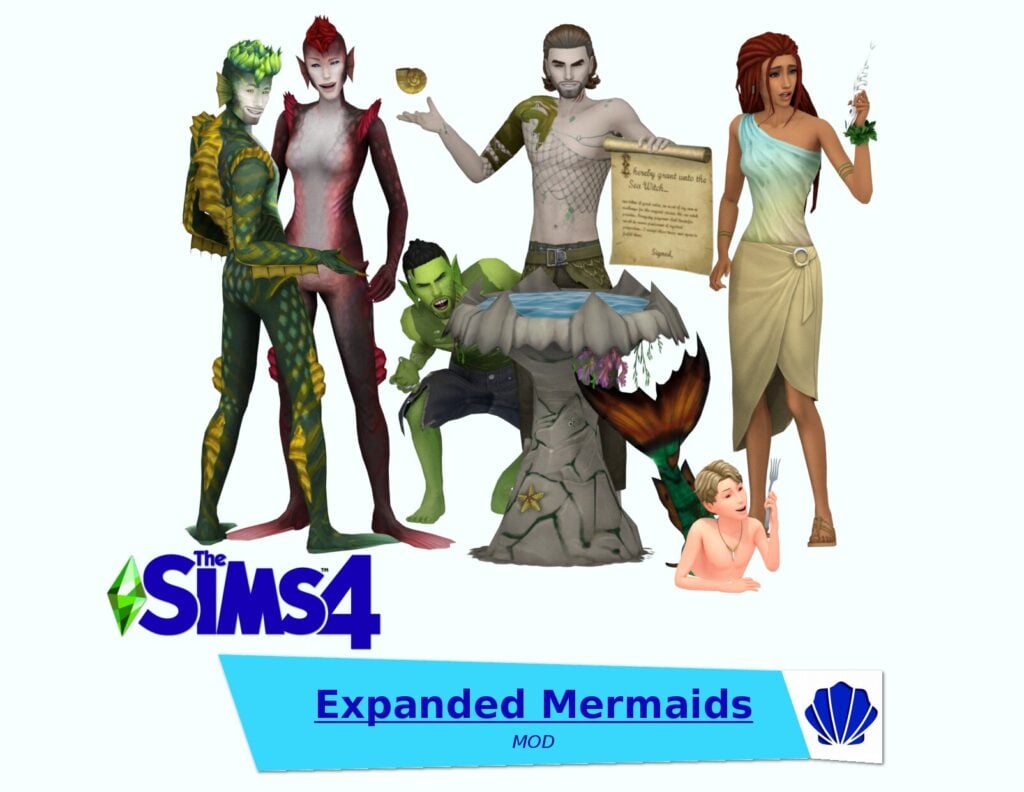
This Expanded Mermaids Mod 2.0 by SpinningPlumbobs is one of the biggest mermaid mods out there for sure. It’s now compatible with The Sims 4: Royalty and Legacy pack, which would make it fun to make royal merfolks. In this mod you’ll find mermaid mythology, sea witches, child mermaids, and more! See our guide on Expanded Mermaids Mod here.
Sadly, we don’t have enough mermaid themed decorations in the game. So if you want to decorate your ocean home with a cute mermaid theme, these paintings created by Ethacrea would make your Sim happy, and hopefully you too.
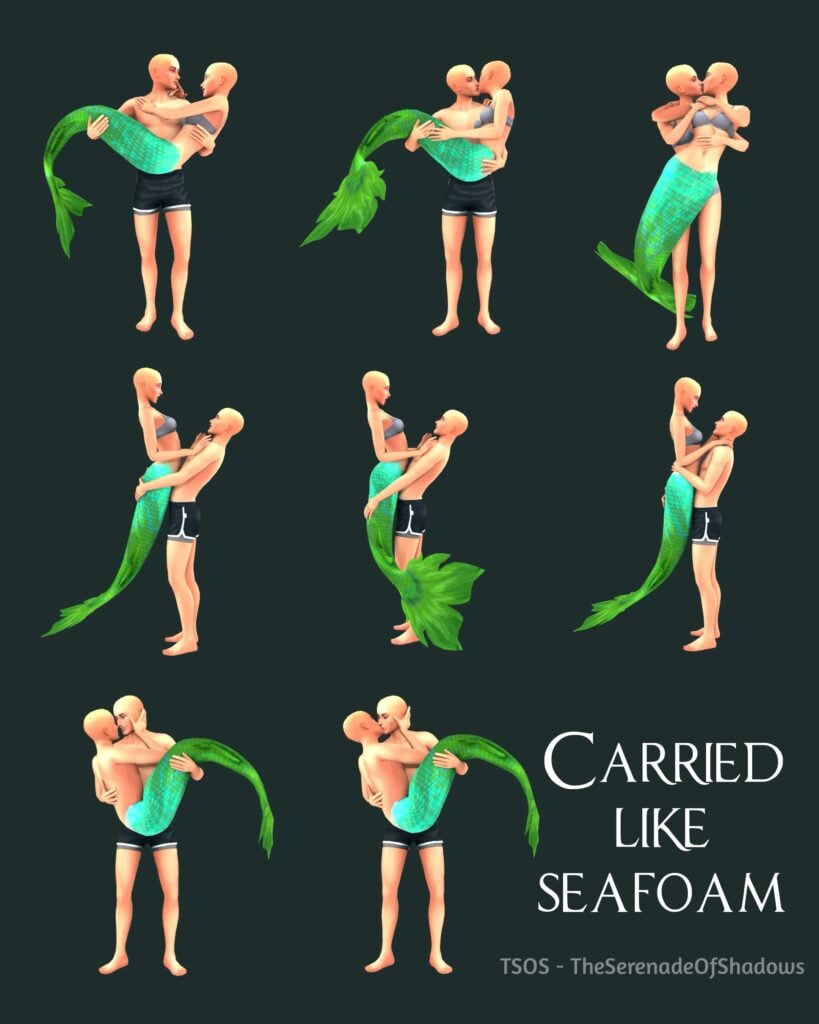
If you want to have a photoshoot with your mermaid who may have a secret romantic relationship with a human on land… this pose pack made by The Serenade Of Shadows is a perfect option.
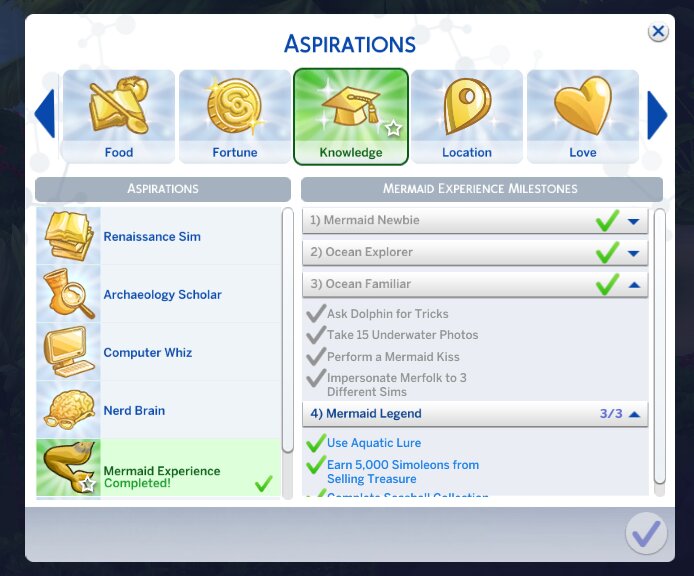
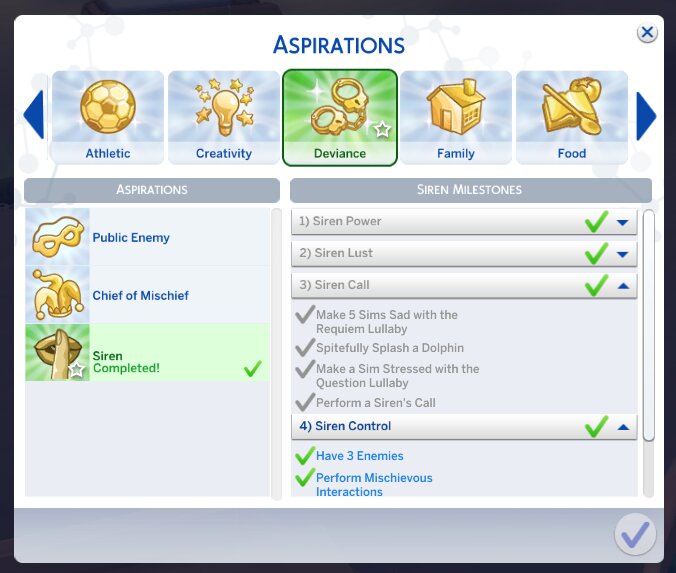
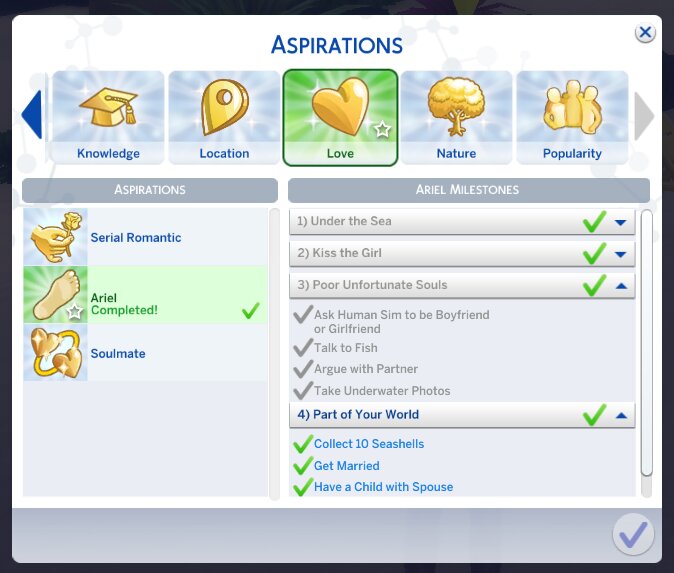
Three aspirations, three different stories, made by Marlynsims. There’s one called Mermaid Experience, then Ariel, and lastly Siren. All of them have 4 aspiration levels, new buffs, and in the end you’ll earn a reward trait. The Mermaid Experience aspiration is about knowledge and become united with nature. The Ariel aspiration is about learning how to live between two worlds on land, and in the ocean. The last one, Siren is about romance and having Sims wrapped around your finger.
Taken by MarlynsimsTaken by MarlynsimsTaken by Marlynsims
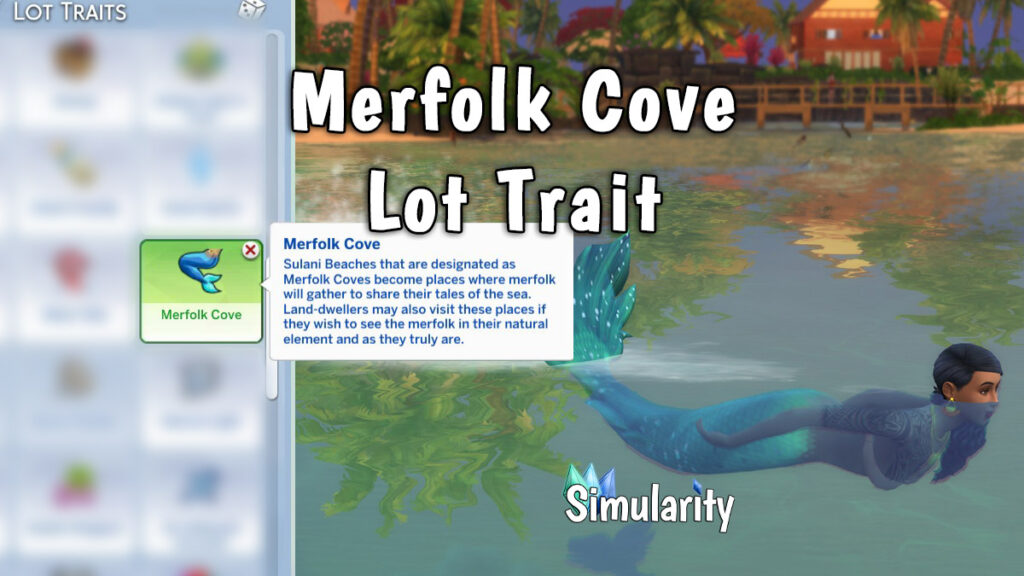
Simularity makes it possible for you to add mer-glory to your game. This Merfolk Cove lot trait will spawn more merfolk to the lot you apply the trait on. They will gather there and if you interact with them you can get different buffs. There’s also an option to ask for Mermaidic Kelp, and if they’ll give it to you, your Sim can eat it and become one of them.
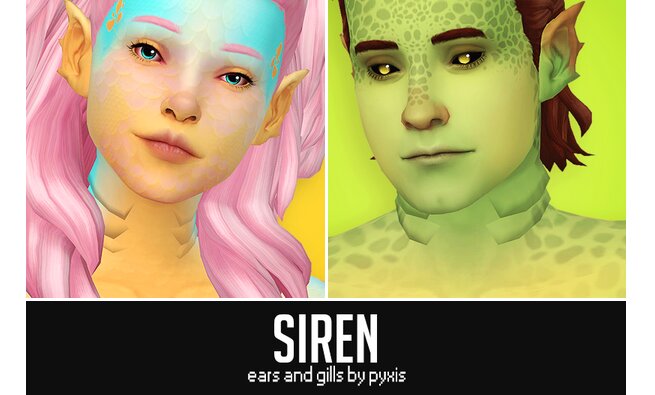
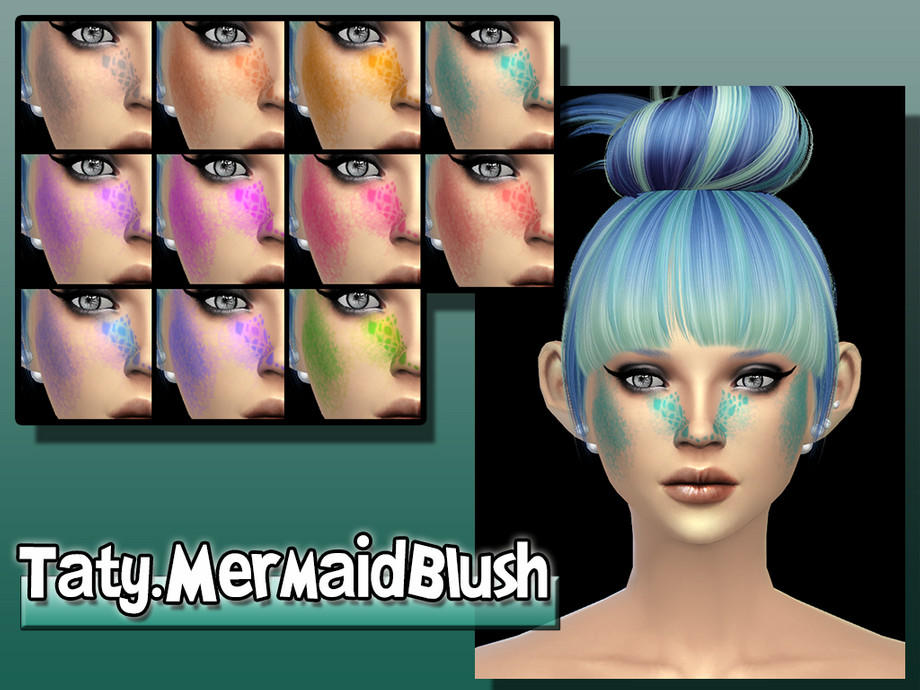
These mermaid siren accessories by Pyxis will add an even more realistic merfolk look. The ears are for all ages/genders, as for the gills they’re only for teens/adult/elders.
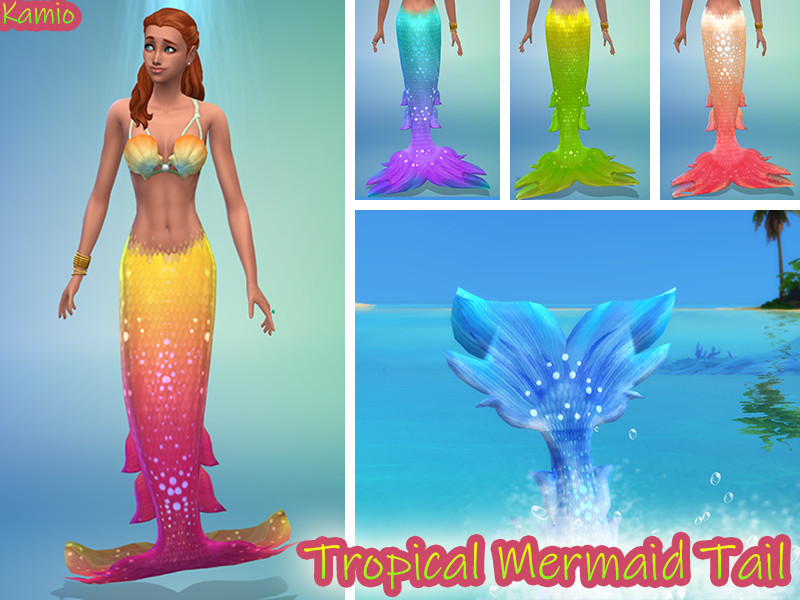
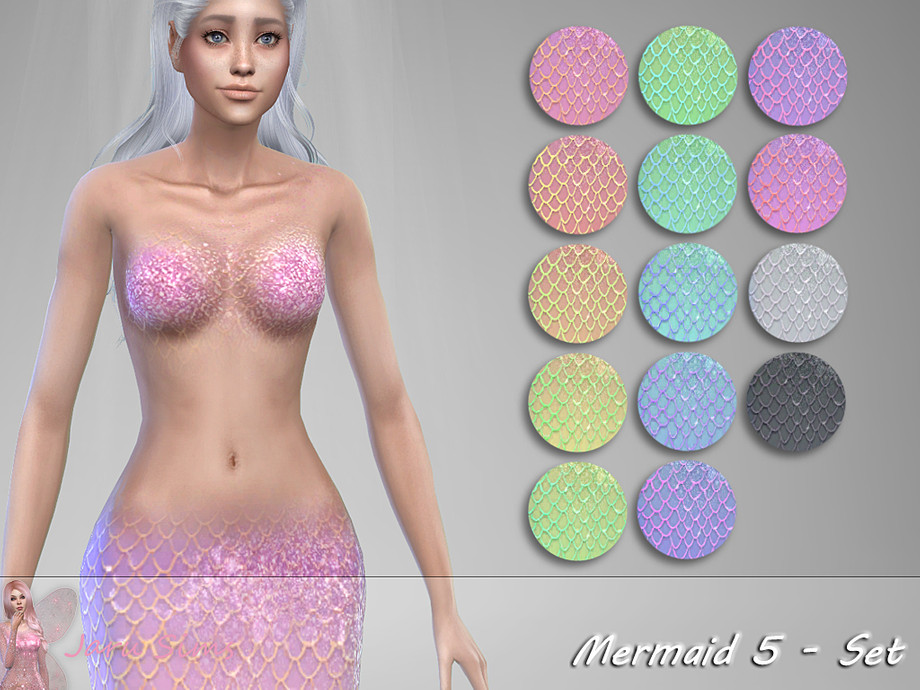
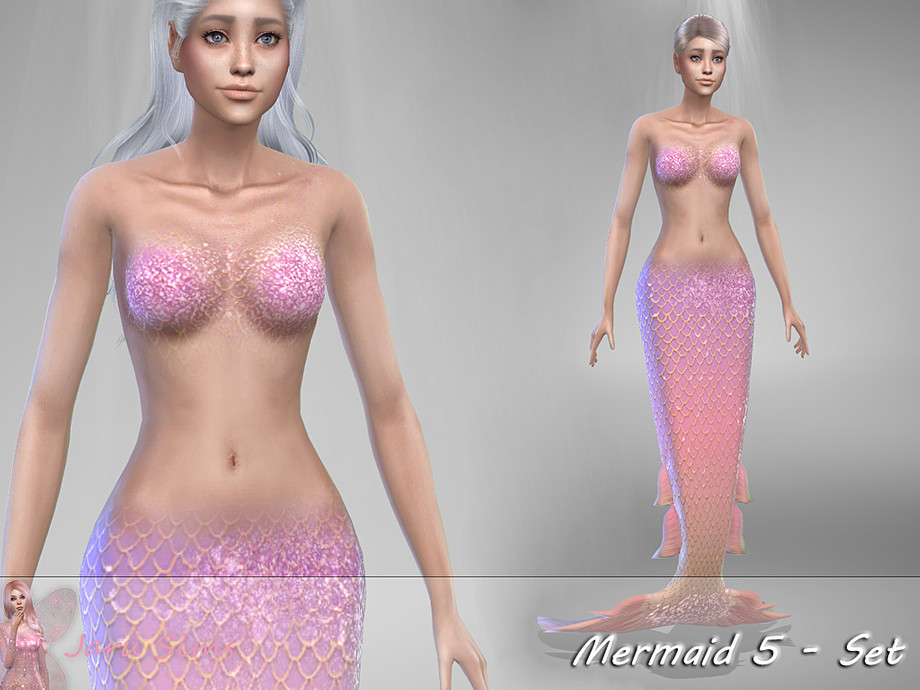
Lastly, this mermaid tail by Jaru Sims. You can choose from a few different pastel-neon colors with extra spark. It definitely gives a fantasy mermaid look.
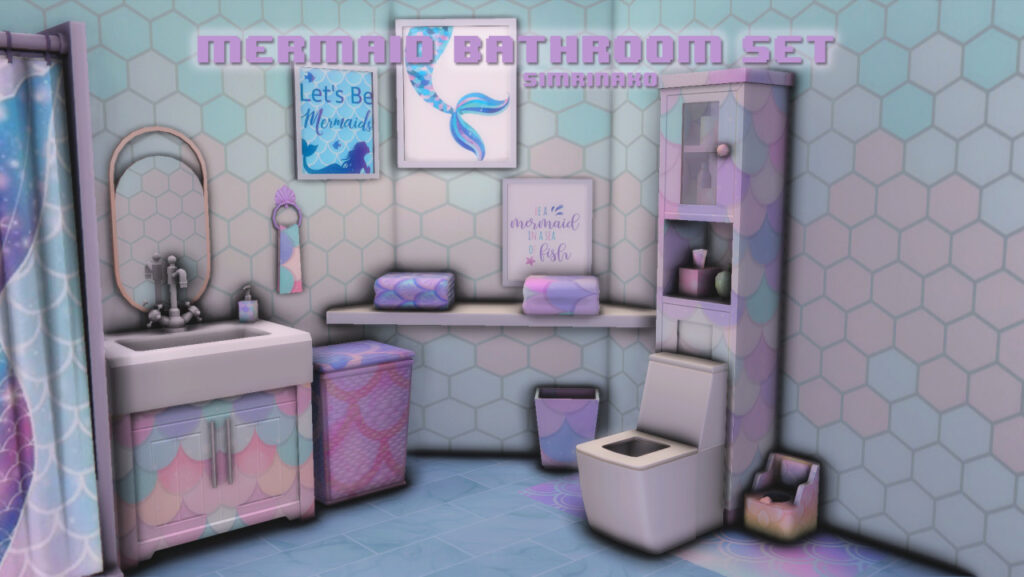
We can not forget build buy objects so that you can also decorate your home in a mermaid theme. This mermaid bathroom set is created by Simrinaxo. There is a total of 15 objects and I believe your Sim will love it.
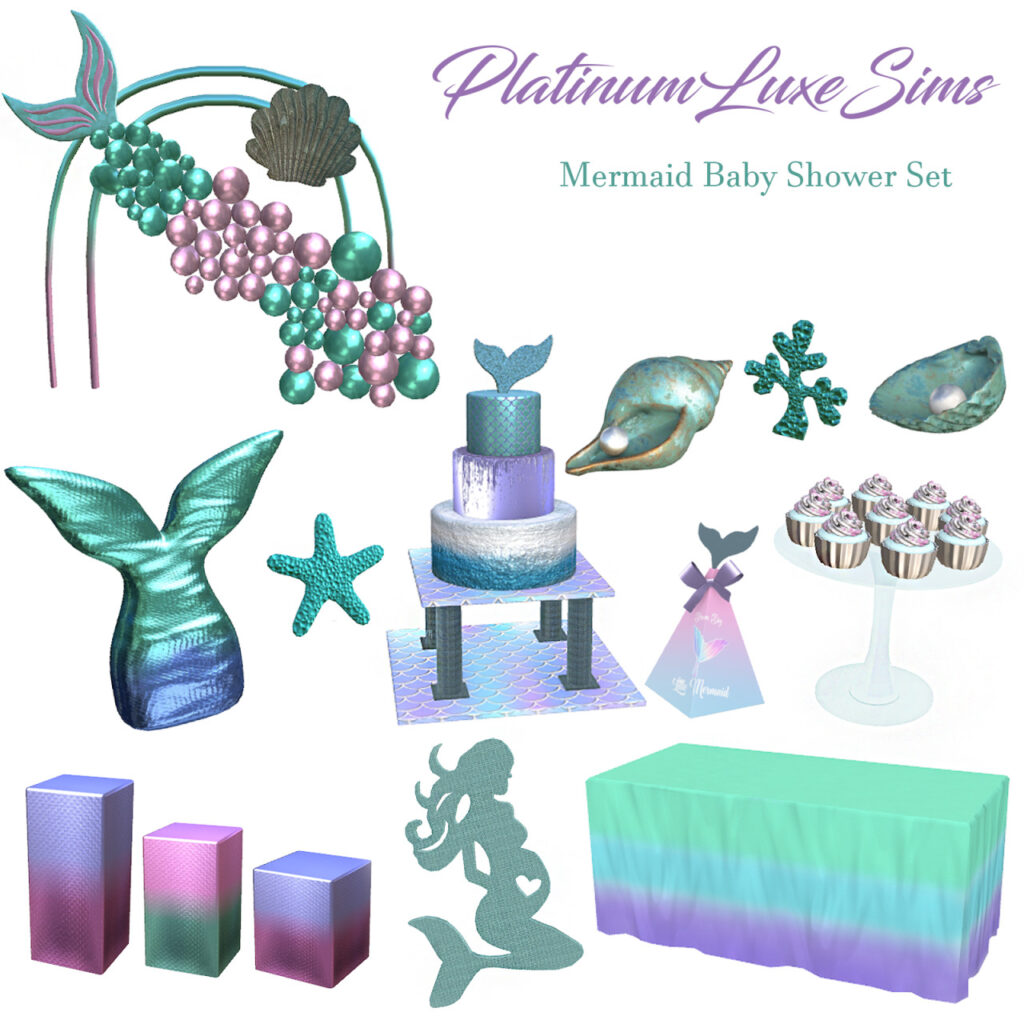
How does a mermaid celebrate a baby shower? With this mermaid baby shower set you don’t have to worry about that any more. Platinumluxesims got you covered! It includes 14 different objects like a mermaid tail balloon, cupcakes, and so many different decorations.
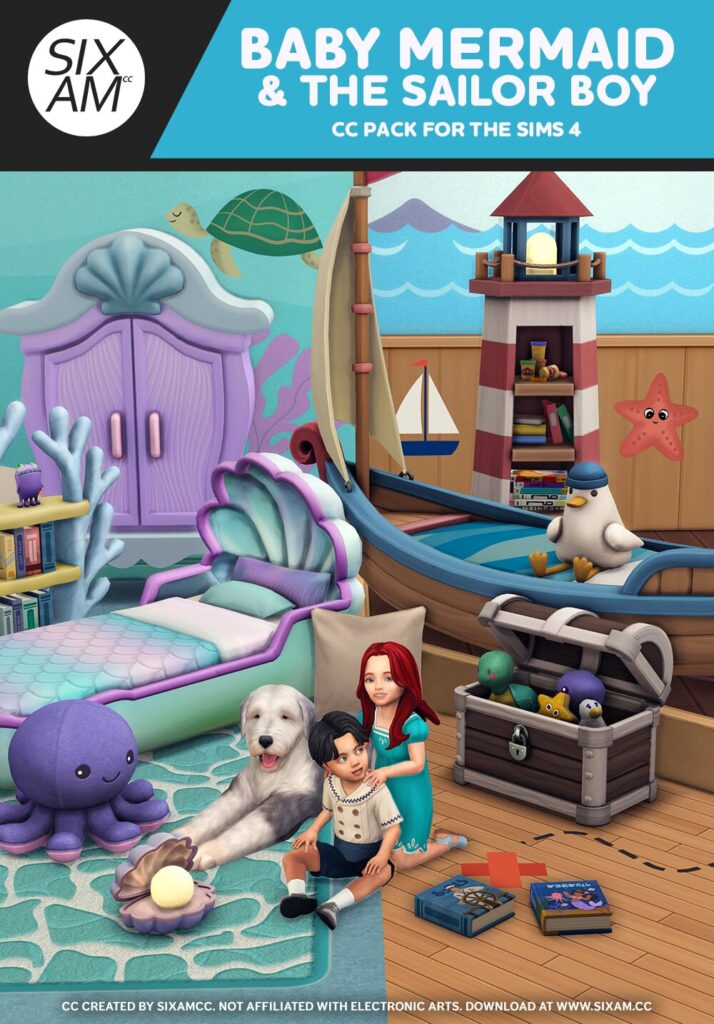
Lastly, the Baby Mermaid & The Sailor Boy CC pack by SixamCC. It’s inspired by the famous Ariel and her prince Eric. While the aesthetics of the baby mermaid set is under the sea the sailor boy is above the it. These two combined gives your toddler the dreamiest room possible, and there are a total of 27 build buy objects.
What is your favourite occult in The Sims 4? Let me know in the comments bellow. Mine is for sure mermaids. Don’t forget to keep up with the latest news here on Sims Community.
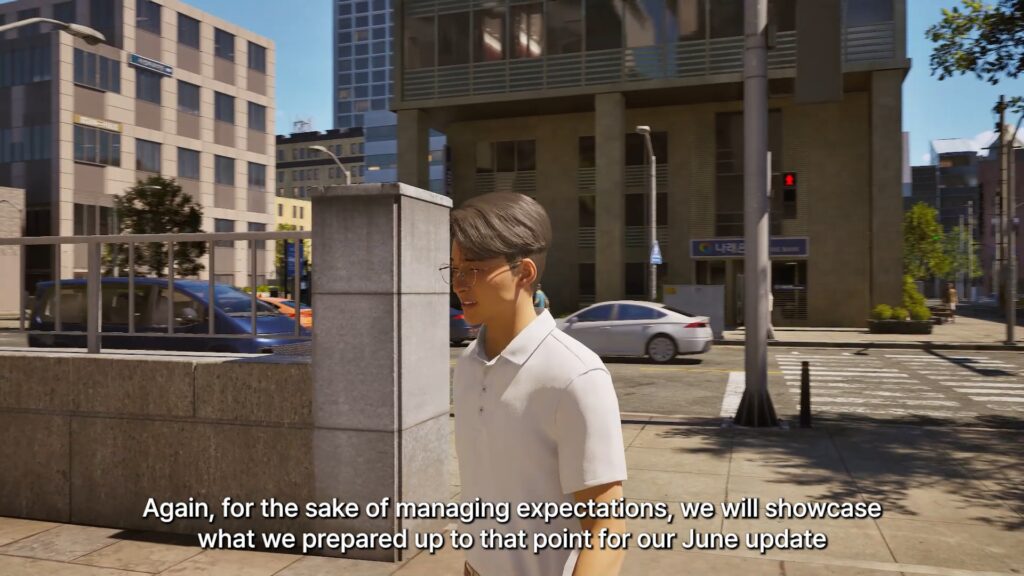
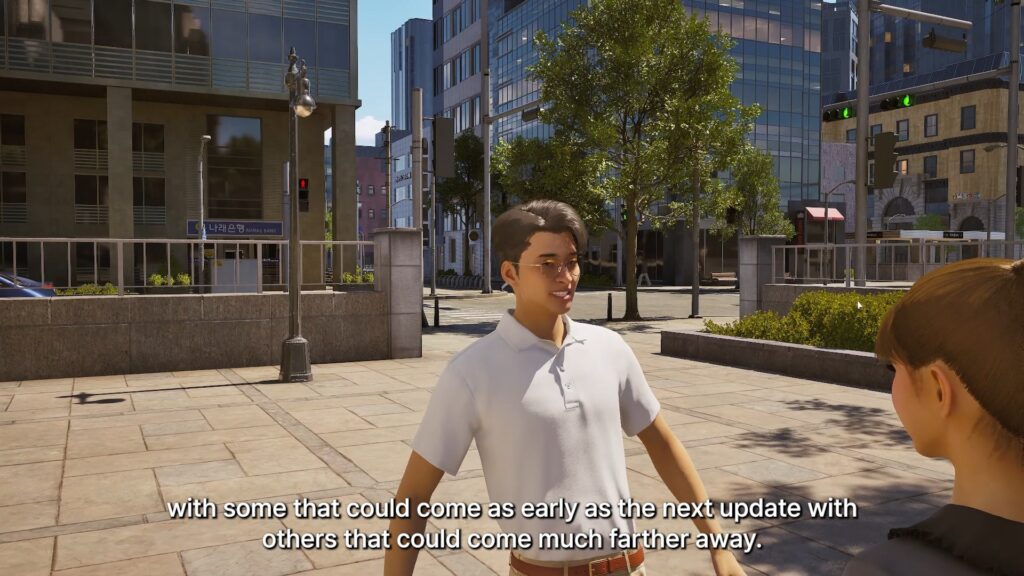
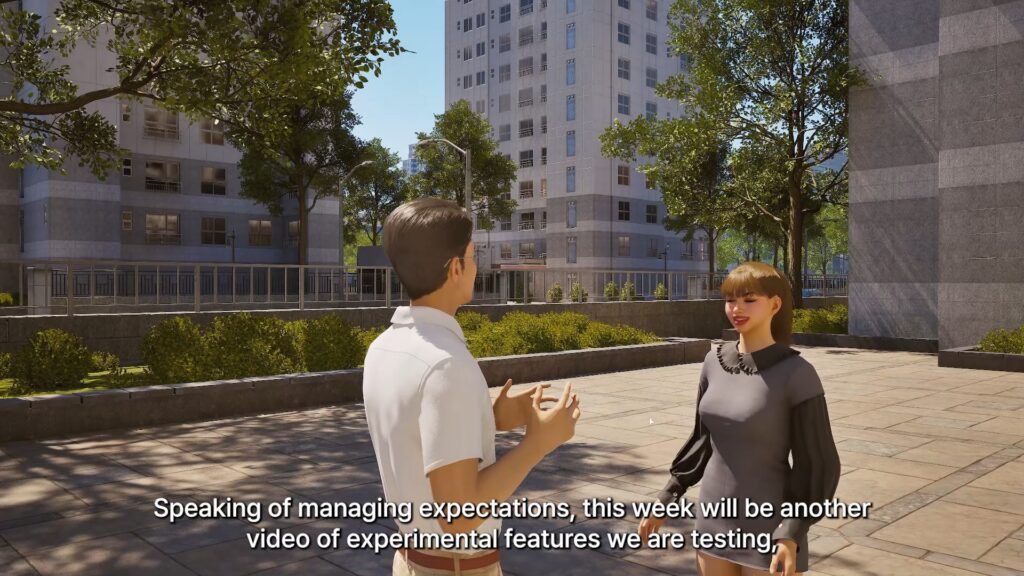
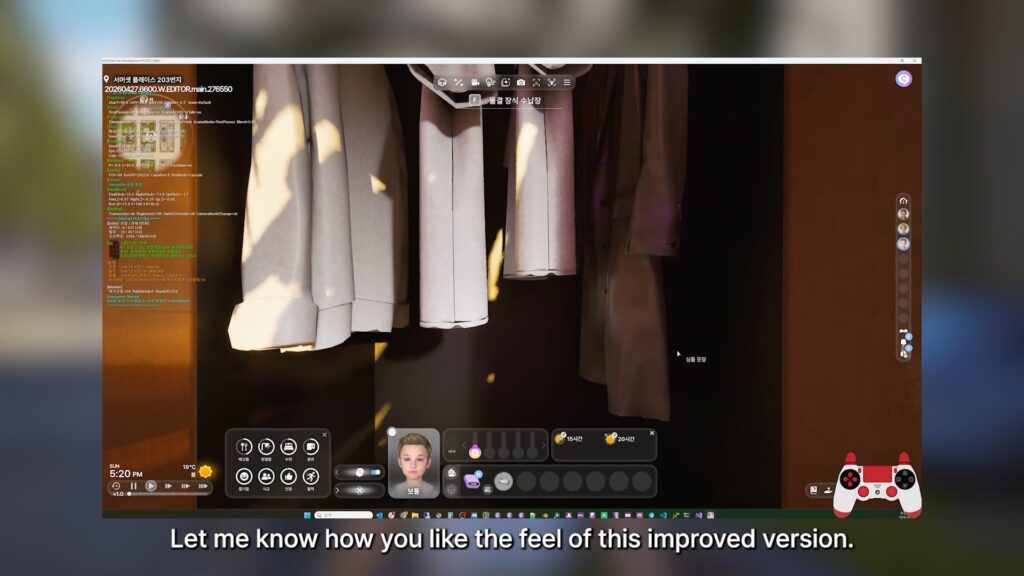
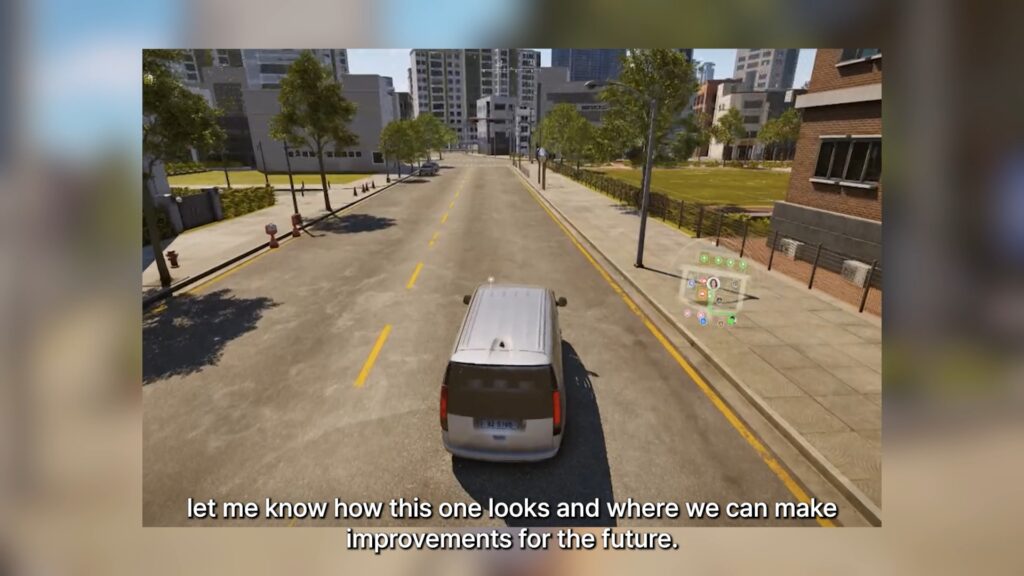
As per usual, it never takes long for the InZOI developers to release a new video showcasing the work they’re putting in for the next update to engage with the community and receive feedback. After the voiceless High School Update previews we received last week, the next InZOI update is likely to feature the addition of active schooling and some other additions not yet fully confirmed.
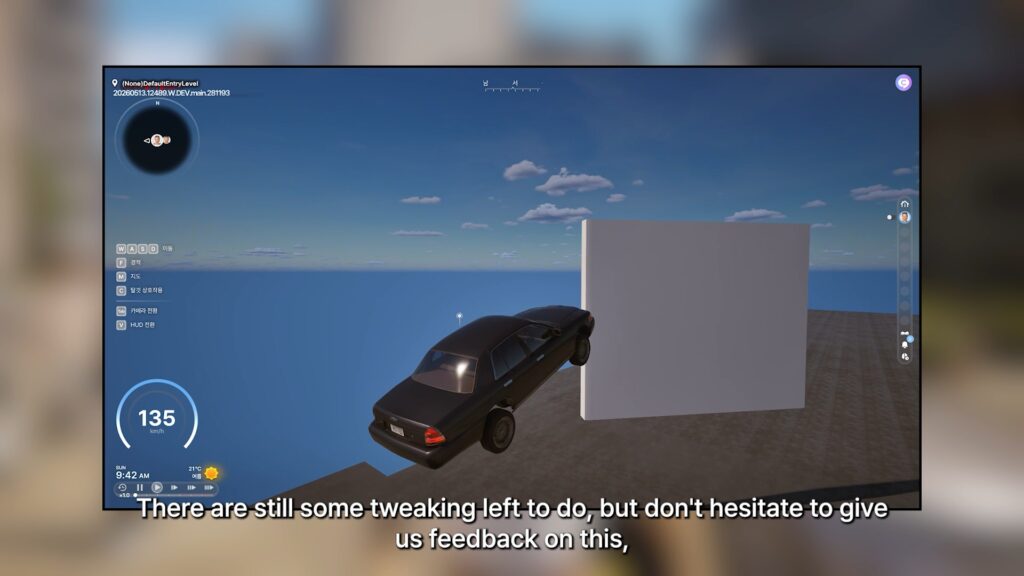
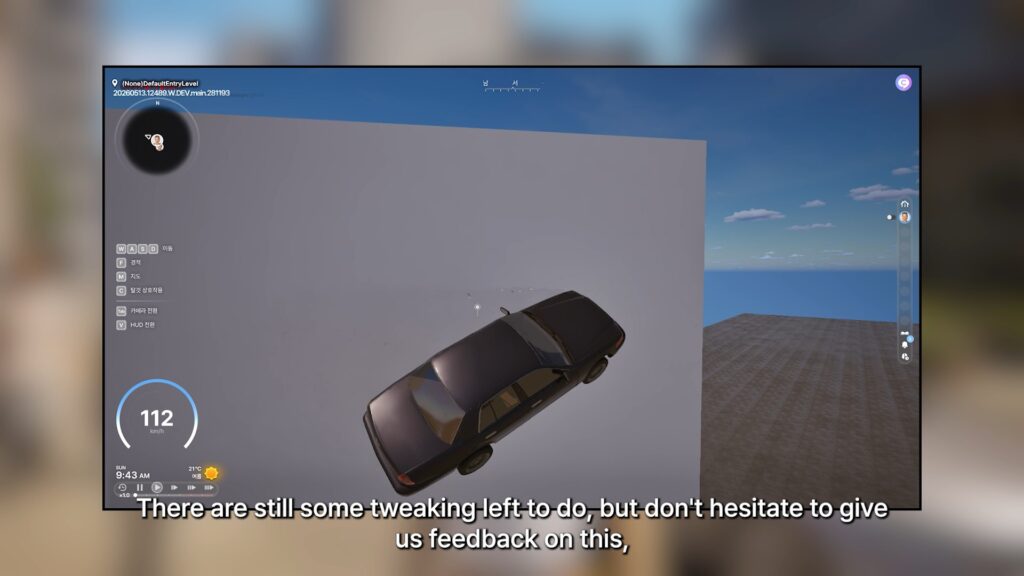
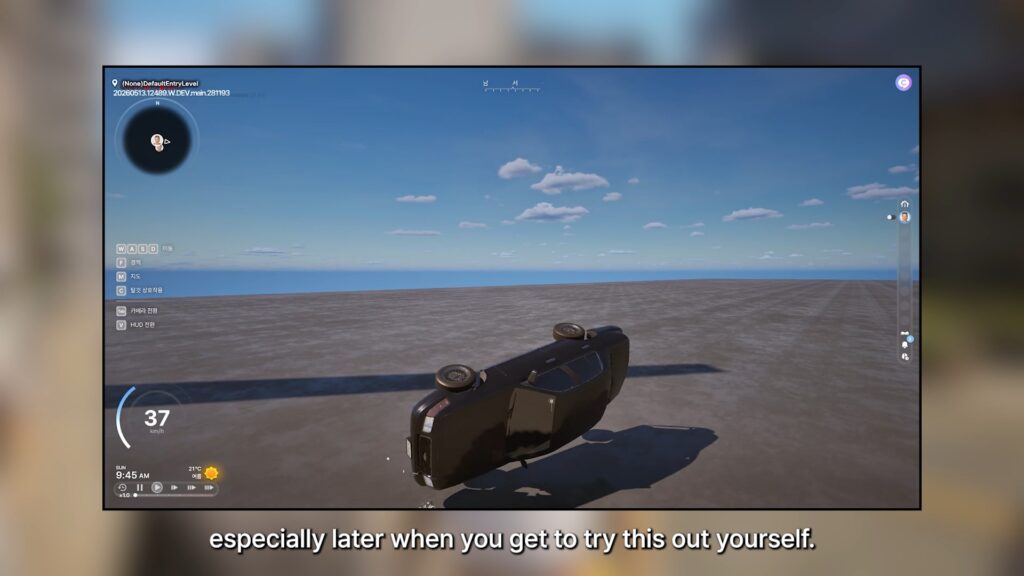
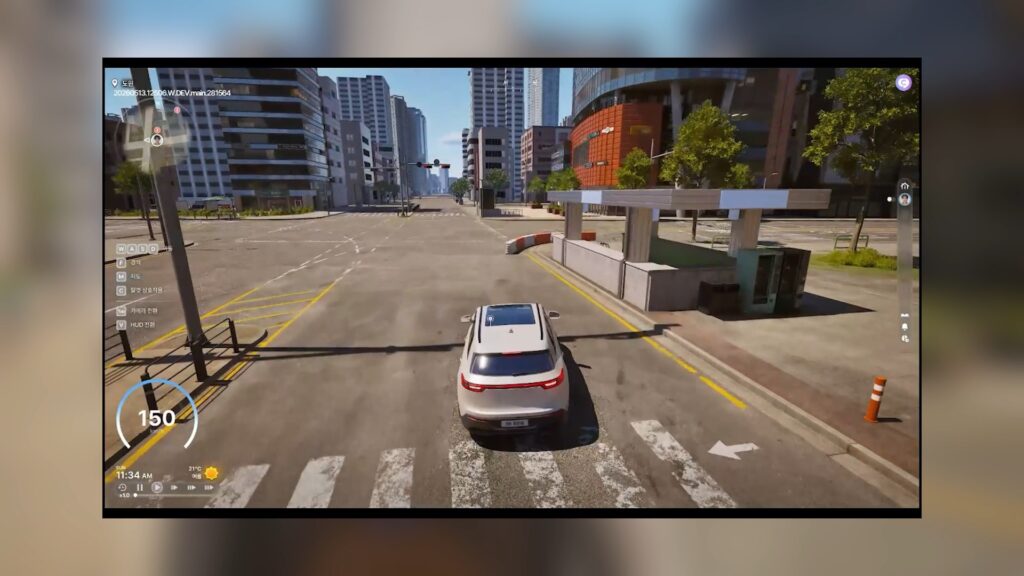
InZOI Producer and Director Hyungjun ‘Kjun’ Kim spent the video
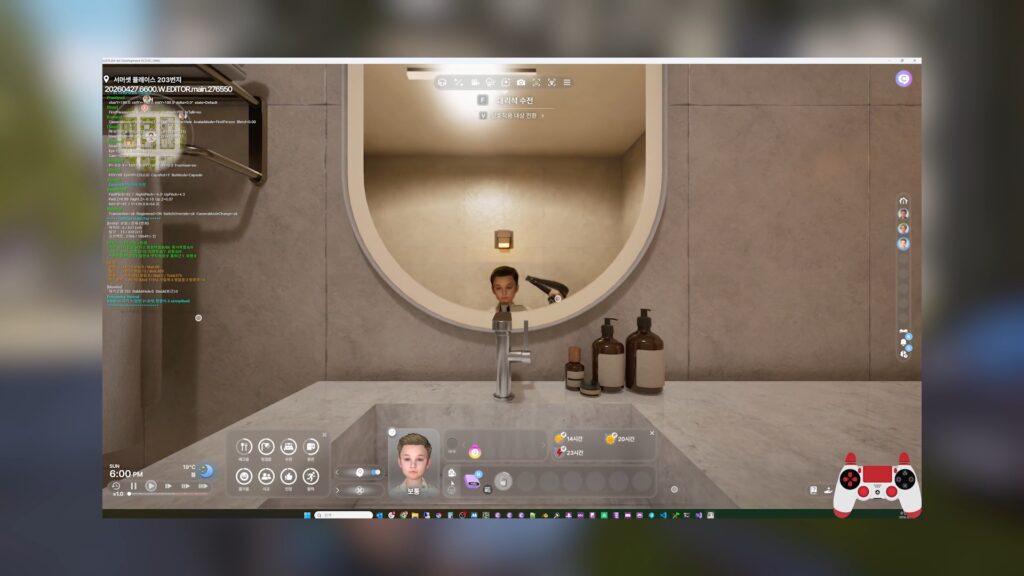
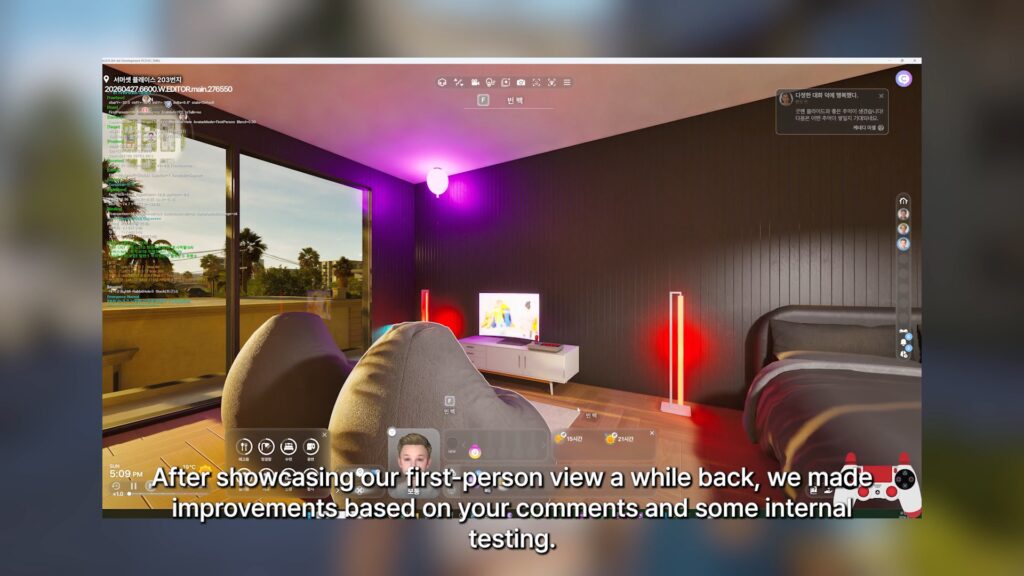
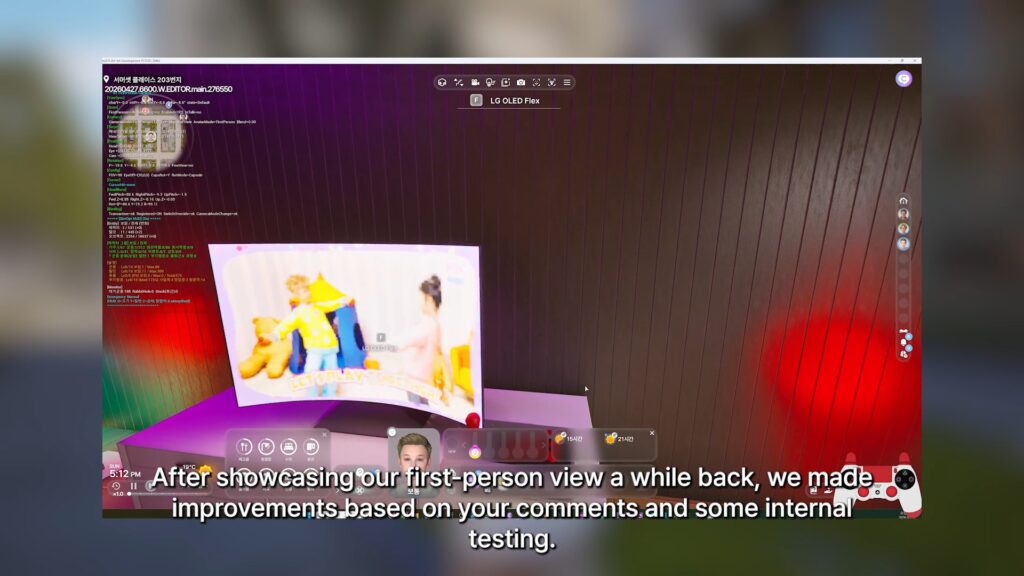
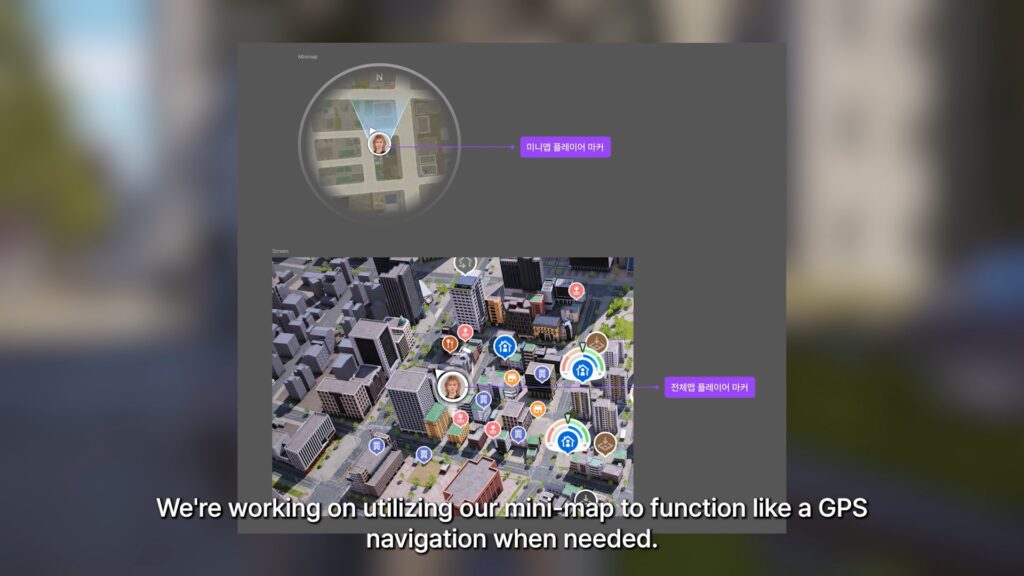
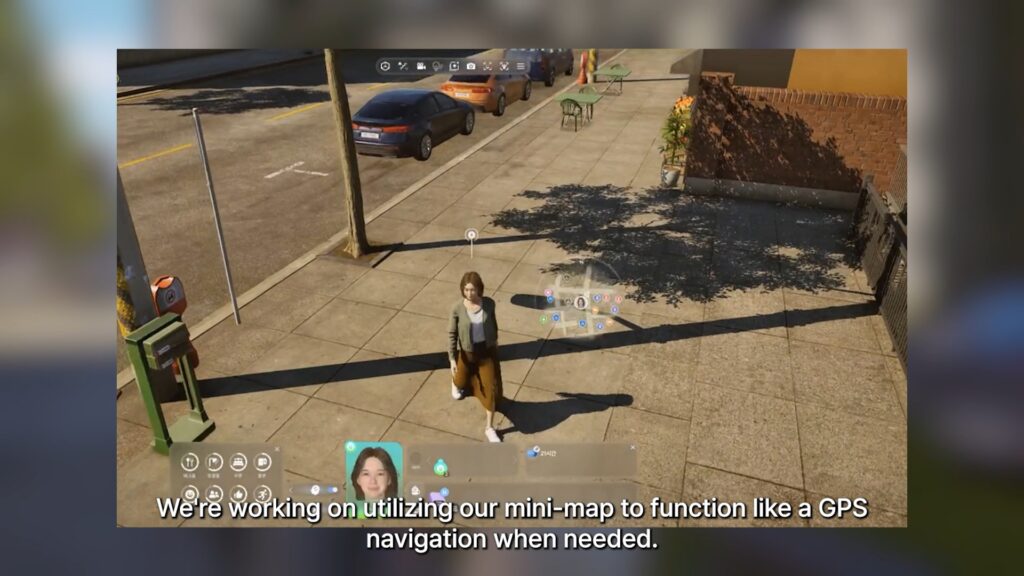
Upcoming InZOI Updates: Basement, Car Physics, and First Person!
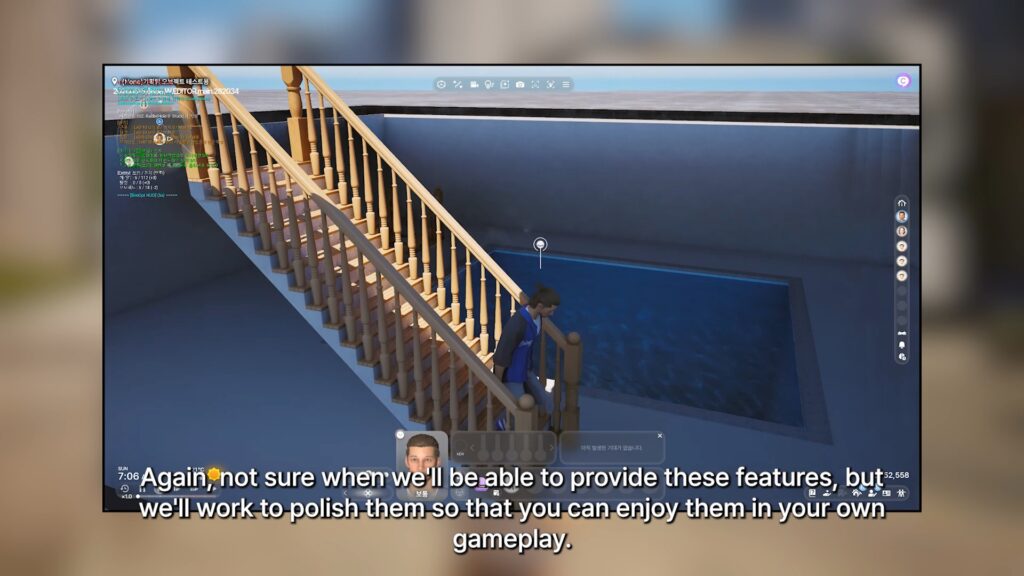
○ This video was a showcase of what is prepared for the June Update up to this point, but development will continue based on feedback from community.
○ This video also included experimental features being tested. Some will come in the June update, some will come later.
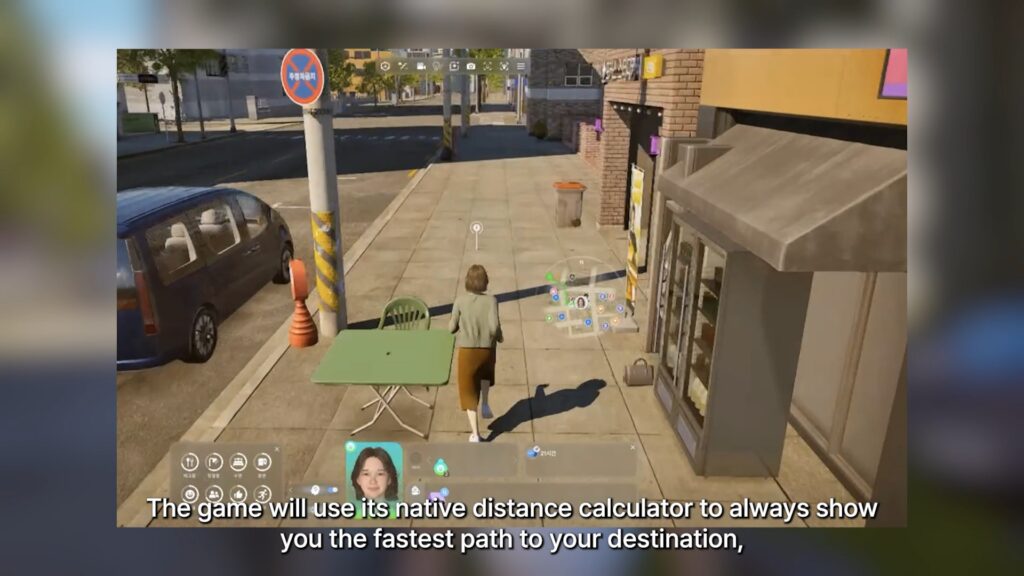
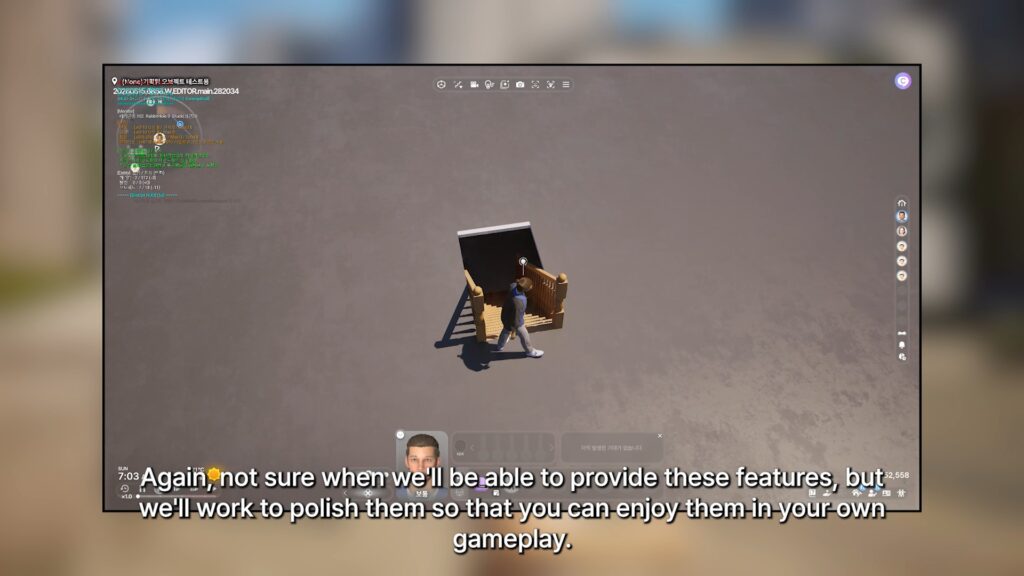
○ Improvements made to the First-Person view feature teased a while back.
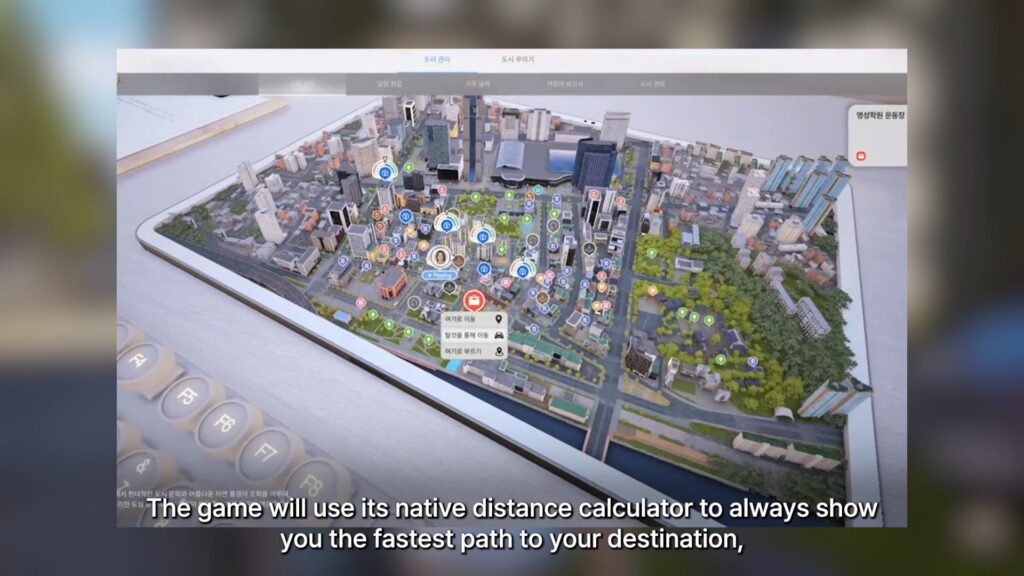
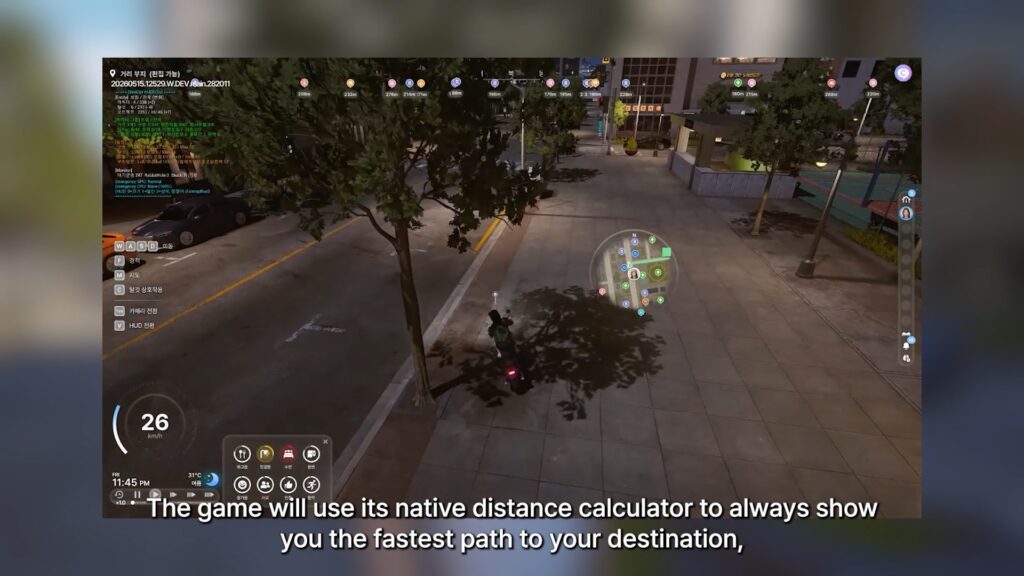
○ Changes to the mini-map to utilize it as a GPS and show you the fastest route to a chosen destination.
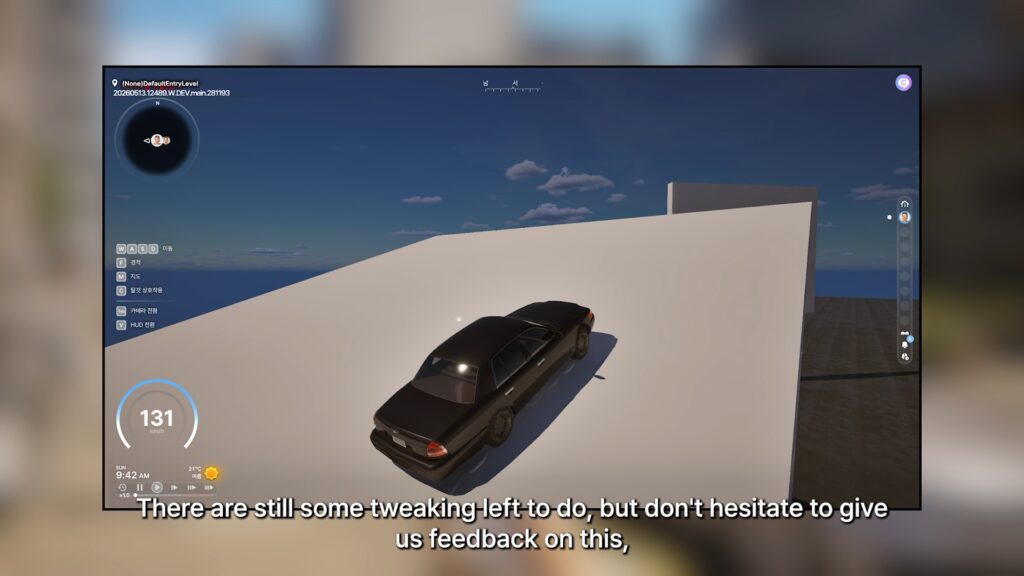
○ More progress being added for realistic car physics.
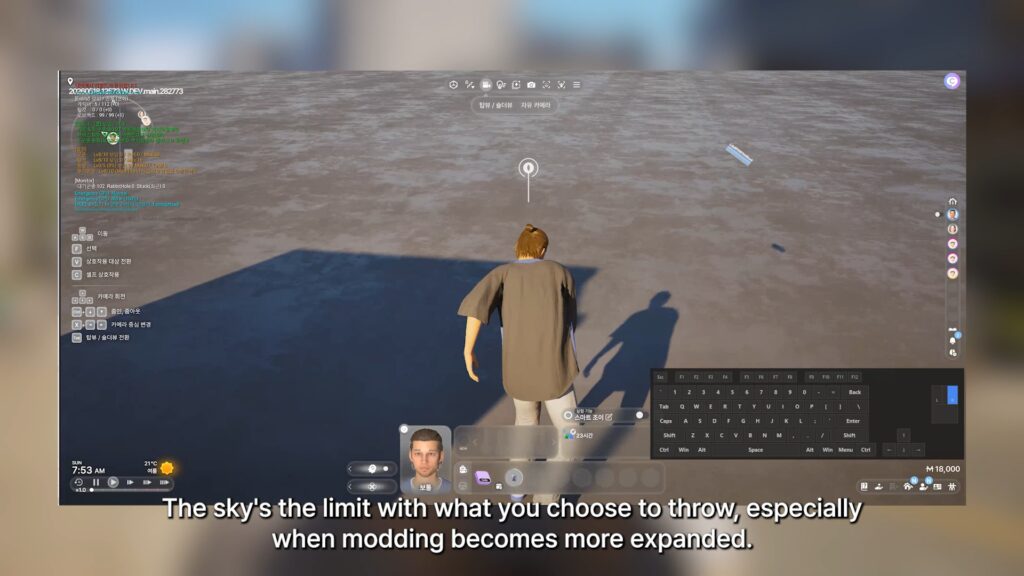
○ The ability to throw any held objects is being worked on, expanded upon from the pan slap interaction showcased a few months back.
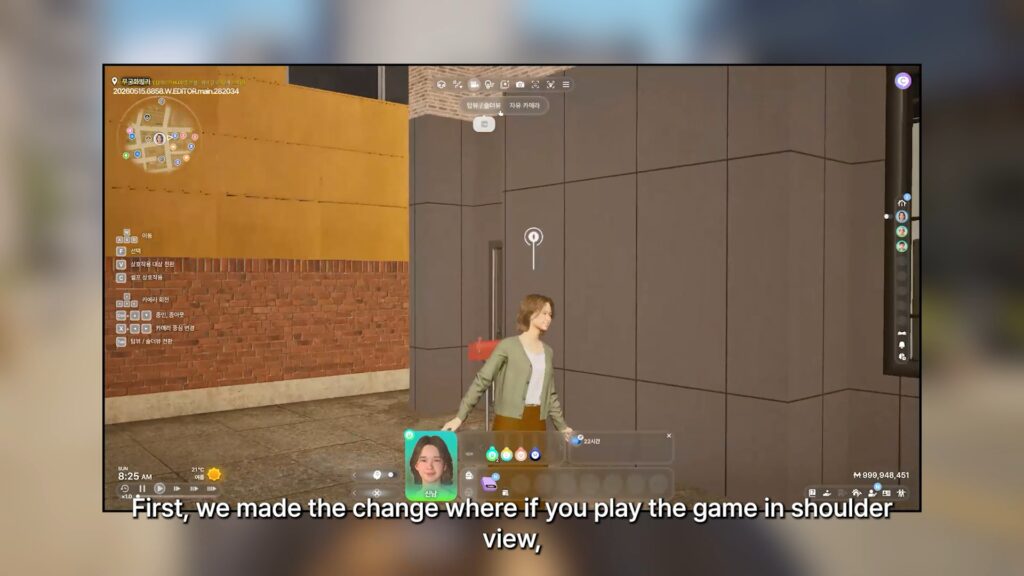
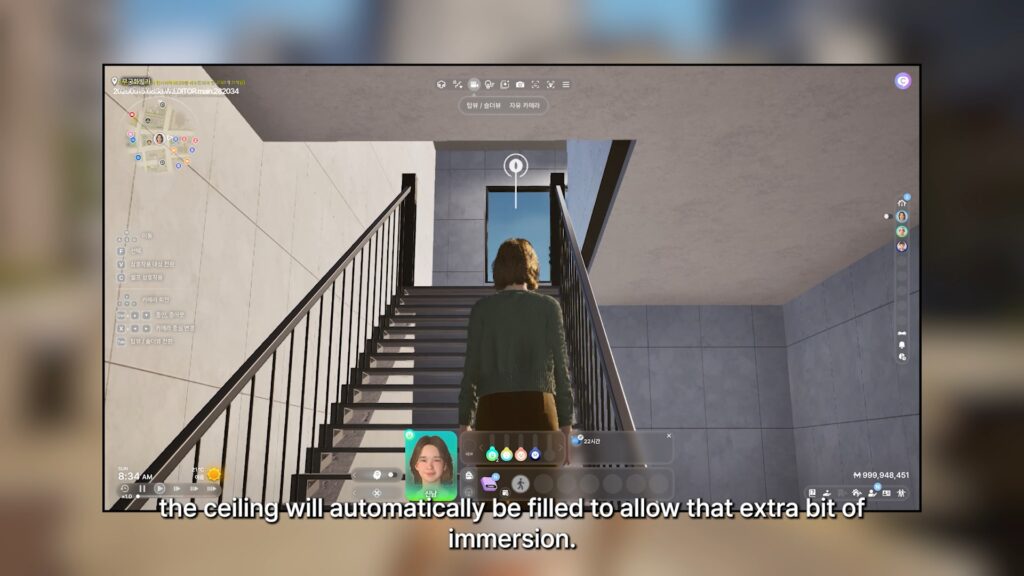
○ If you’re playing in shoulder view, meaning right behind and slightly looking up at your Zoi, the ceiling will be filled in now.
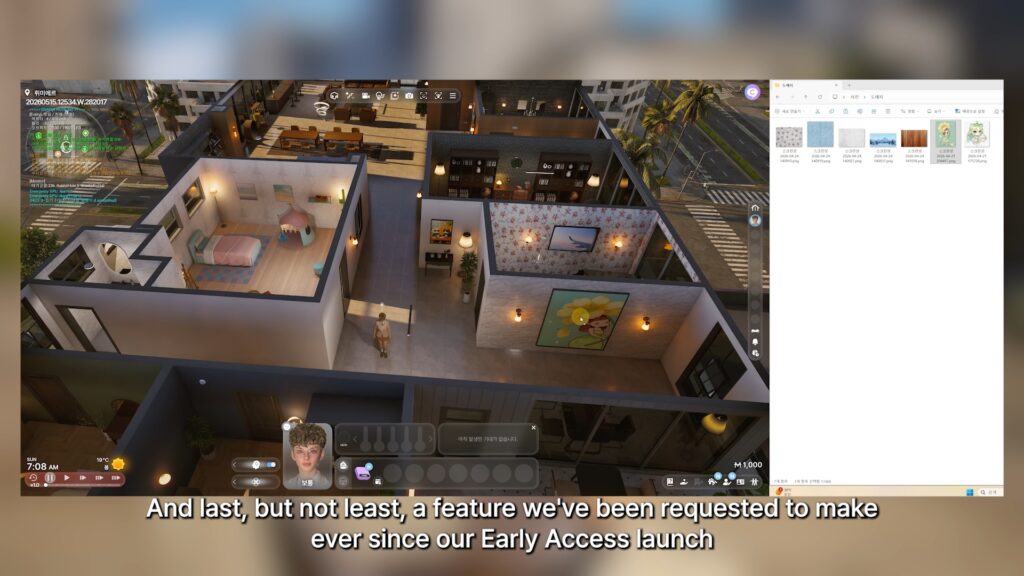
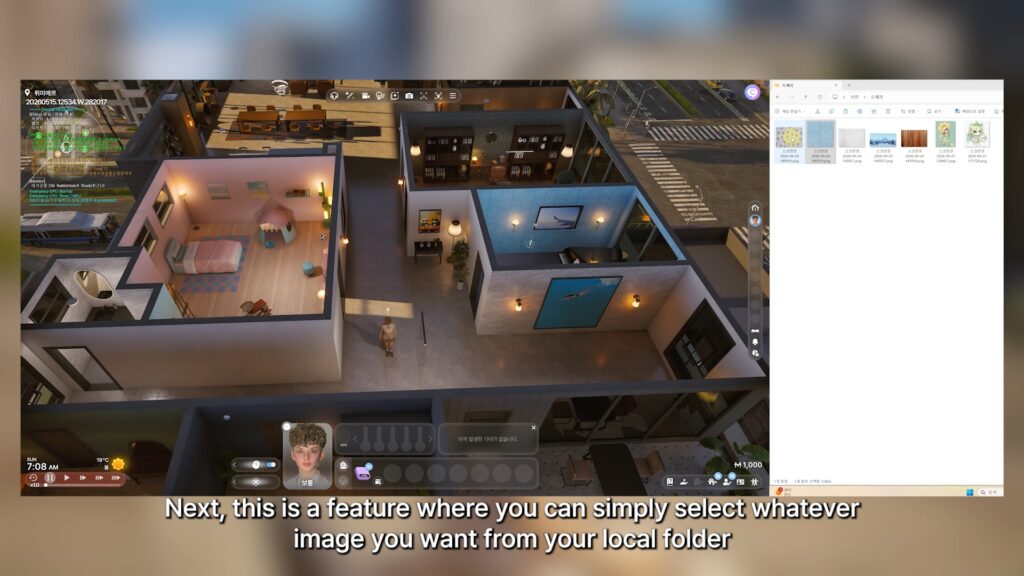
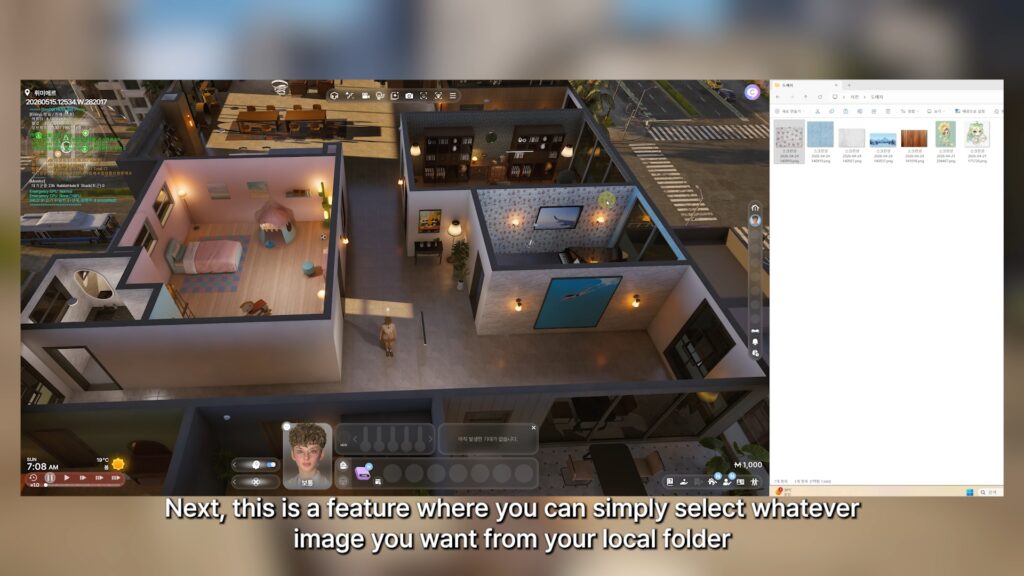
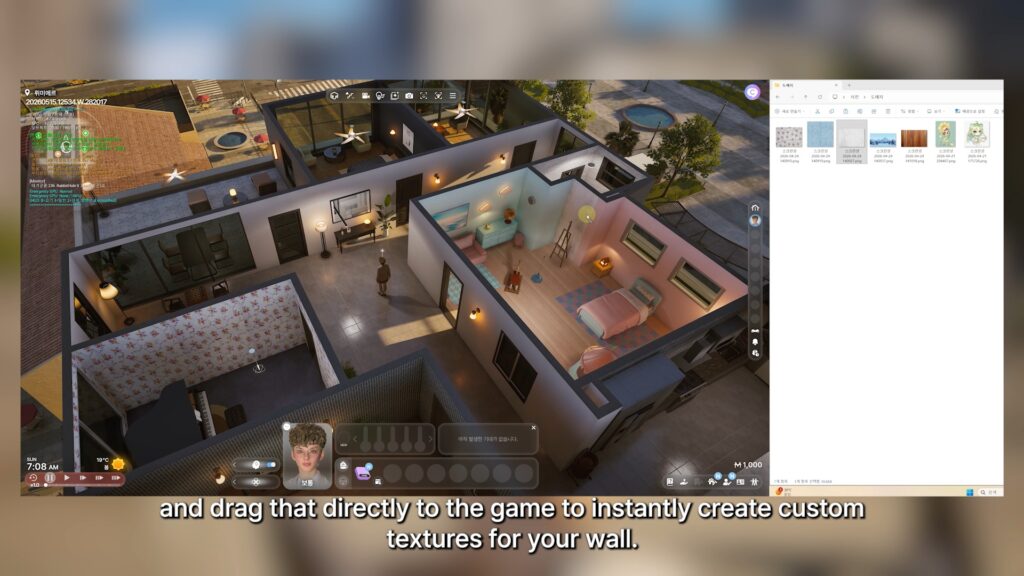
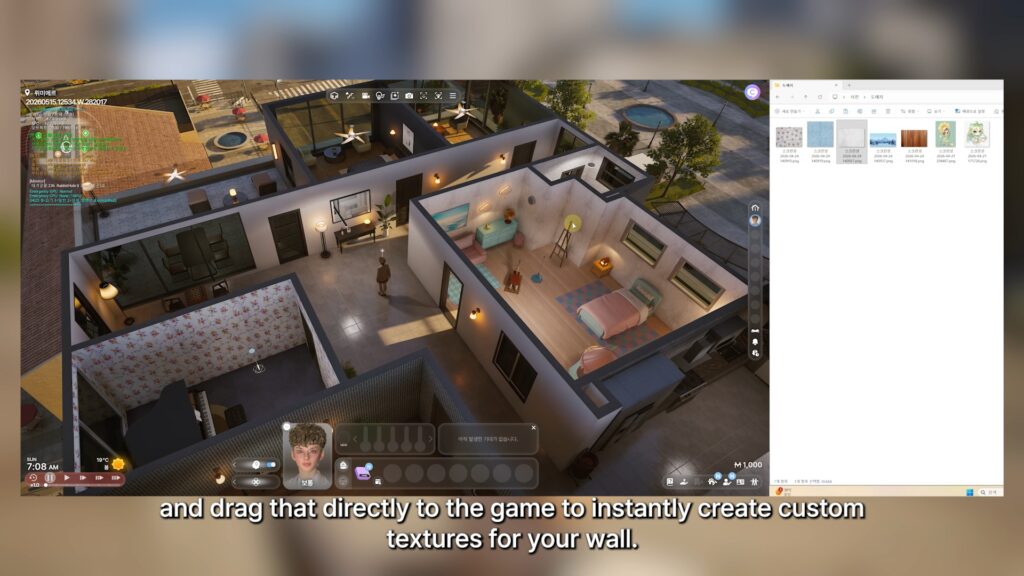
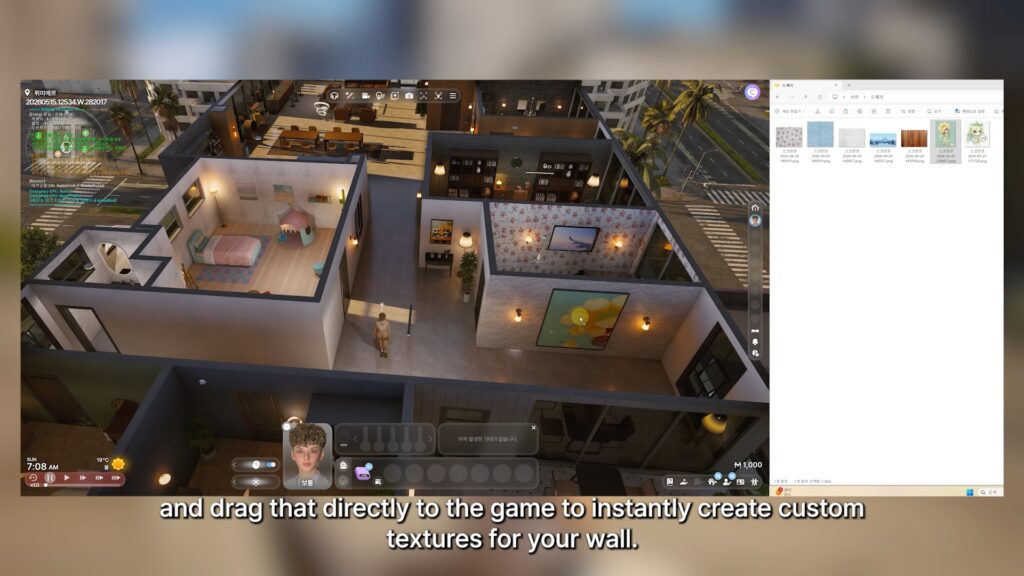
○ Custom wall textures will be implemented by just dragging images from a local folder to the wall in-game directly.
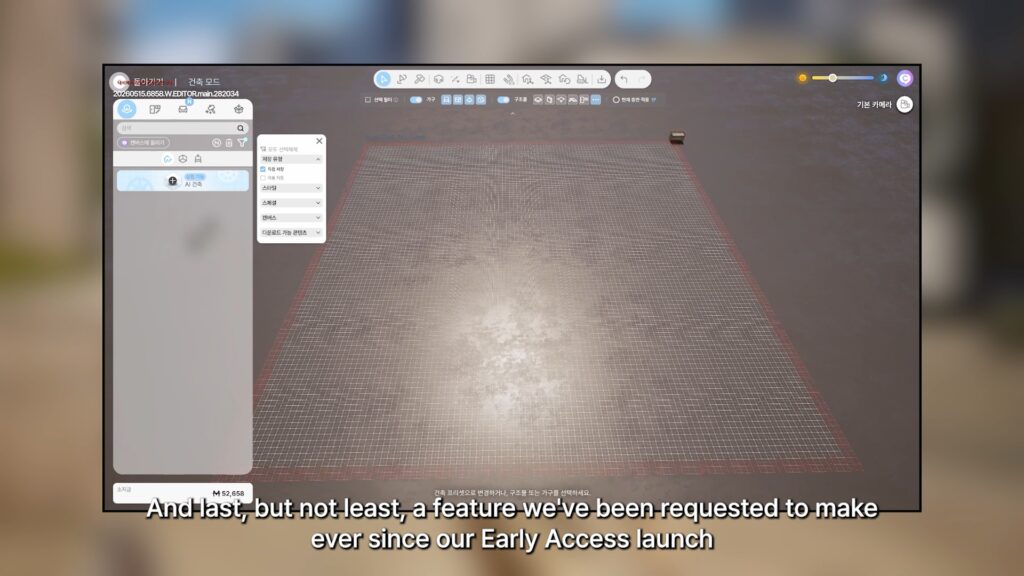
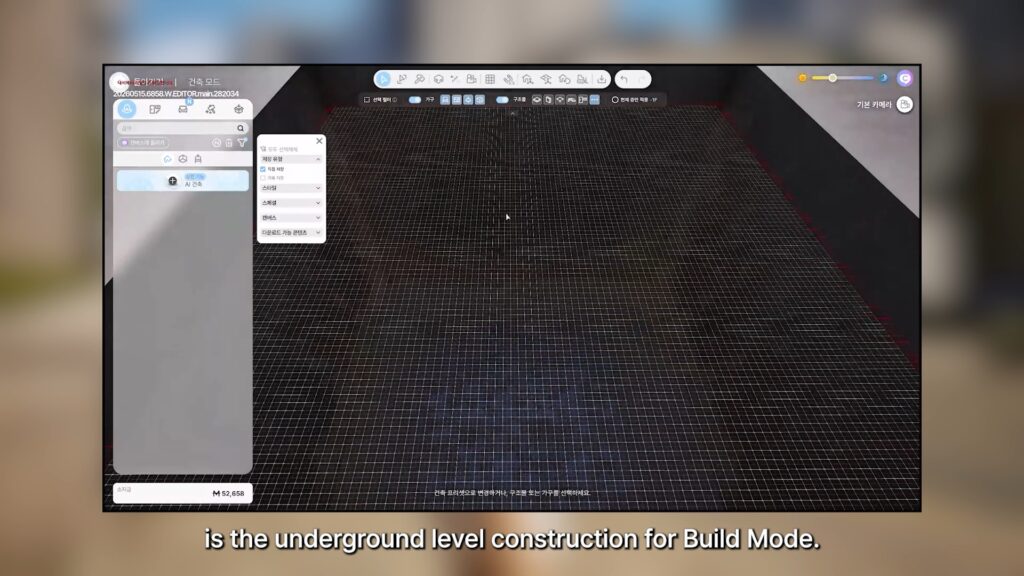
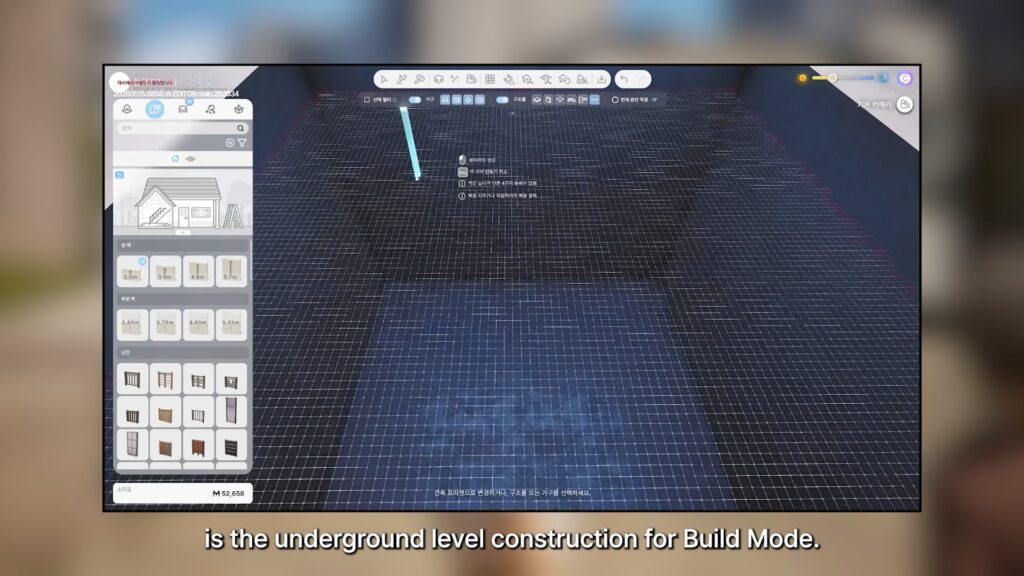
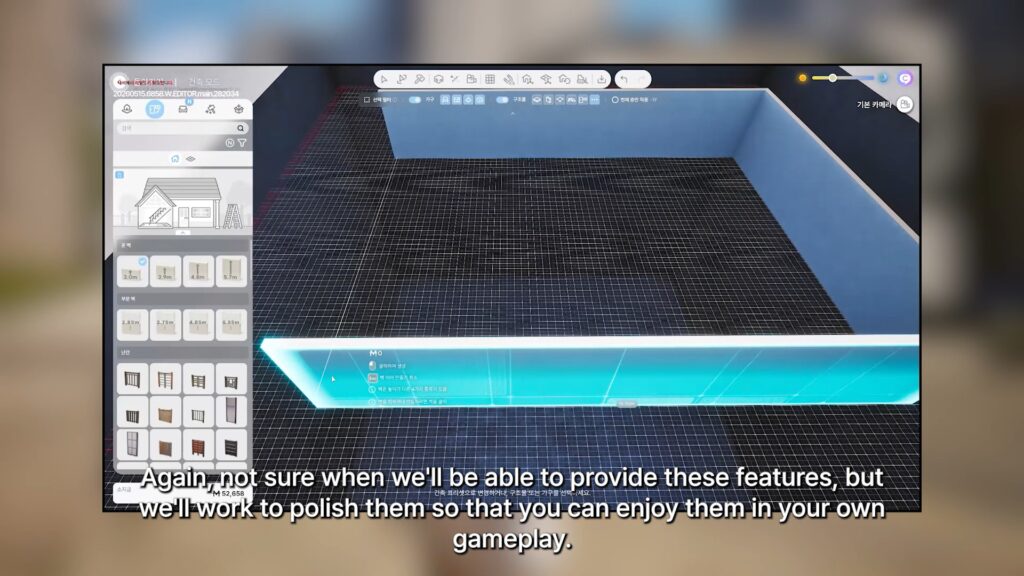
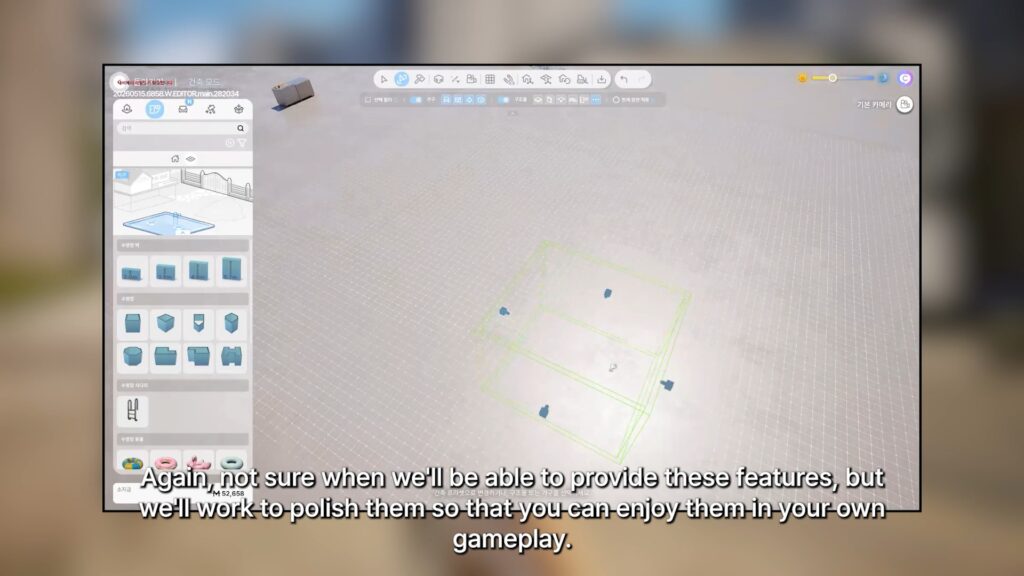
○ Underground Level/Basement construction for Build Mode is now in-progress.
Hello everyone.
For some reason, I feel especially happy to see you all today.
Our team worked incredibly hard again this week. But when I arrived at the office this morning and checked the latest build, I was reminded that there is still so much left to improve. Lately, there are times when I feel overwhelmed and wonder whether the game I’m making is truly heading in the right direction. Reading through your feedback from the recent survey reinforced something important for me. Our highest priority is to create clear goals for players to pursue, build interactions and situations that feel natural rather than awkward, and ensure that our various systems and content have enough depth and work together organically. Of course, improving stability and reducing awkwardness remain essential challenges as well. Even so, I think I’m fortunate. I genuinely love making games. This week, there were moments when looking at the build left me feeling exhausted, but then an idea would suddenly come to mind—something that could dramatically improve Zoi’s interactions and conversations—and before I knew it, I’d be completely absorbed in development, forgetting about lunch for a while. Still, I believe things will work out because all of you are here with us, and because everyone on the team is giving their best. Working hard doesn’t guarantee that everything will go perfectly. We all have things we cannot do, and we all make mistakes. But as the saying goes, the darkest hour comes before dawn. Who knows? Maybe everything will come together like a movie, and inZOI will become a game loved by even more people around the world. There is one truth about life that I firmly believe in: life is always changing. Even when things are difficult today, better days can arrive tomorrow. Today’s post ended up sounding a little like a personal reflection. I suppose I’ve become more comfortable talking with all of you on Discord. I still vividly remember the first day I had to write a post here. I couldn’t even log in properly and had to ask a colleague sitting next to me for help. I also remember trying to reply to every individual comment because I wasn’t sure how to respond, only to be amazed by the sheer number of messages coming in. Over time, that naturally evolved into the format I use today. I guess that, too, is something that changed with time. Thank you, everyone.
I’ll see you again next week. Thank you. kju
Are you still actively playing InZOI, and are any of these features something you’re looking forward to? Do any of these features make you more interested in InZOI? Let us know down below, and follow The Sims Community as we’ll keep you updated on everything life simulation games!
For the current 2026 Roadmap, make sure to check out InZOI’s official form to get a peek at what might be coming up next!
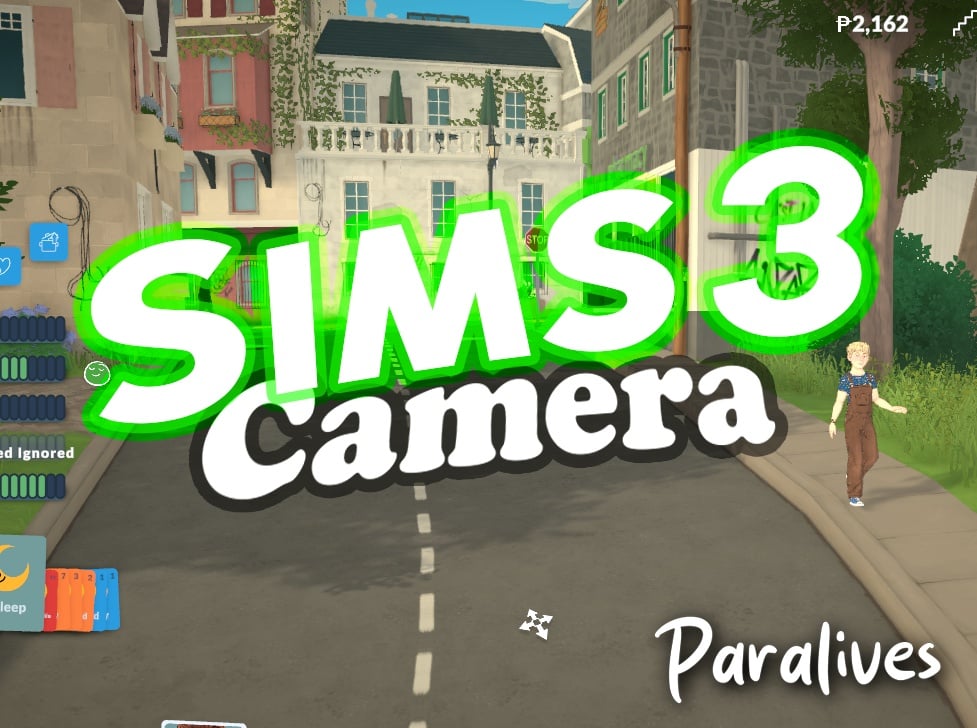
Two mods for Paralives bringing the same Camera Solution from a 2009 game!
The Paralives Mods have exploded with the game’s first launch week. Ranging from funny “twerking” dance animations to useful solutions – like the latest Sims 3 Camera for Paralives Mods!
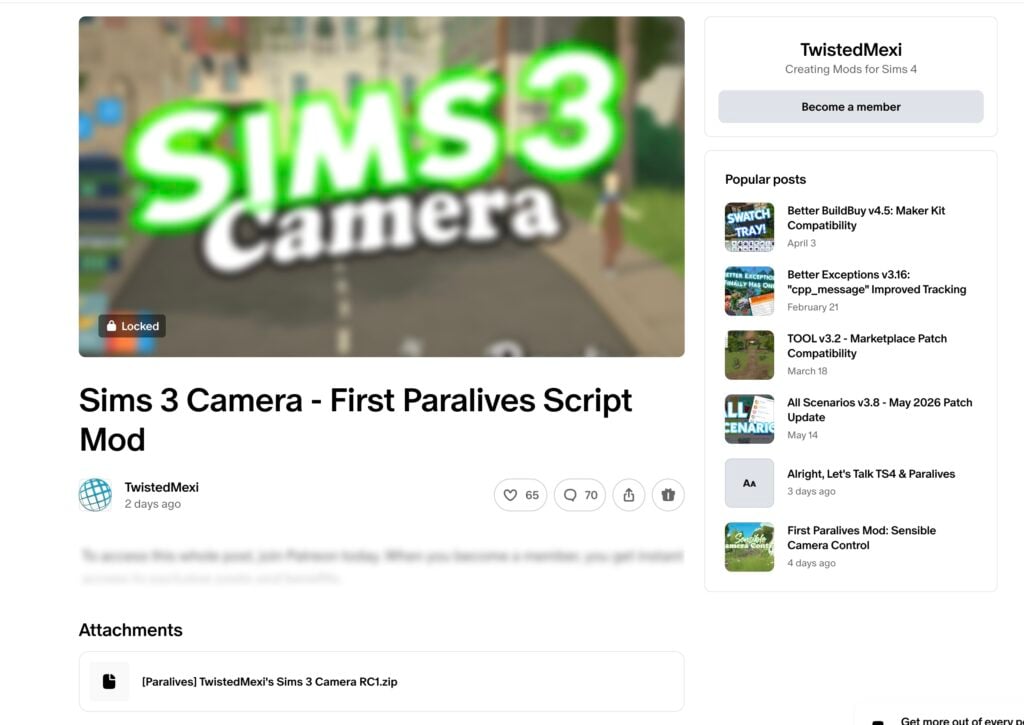
There are currently two Mods available: the first one was released by TwistedMexi titled “Sims 3 Camera – First Paralives Script Mod” from the same longtime Sims 4 .package and script modder who brought expanded Mod solutions like Better Build / Buy, T.O.O.L. and many more! The second mod titled by a longtime Sims 3 Modder ArroNow – who brought Sims 3 Mod solutions and even Expanded CAS UI to the 2009 entry – released a mod called “Paralives Sims 3 Camera”.
In this review we’re going to talk about the pros and cons of both Paralives mod solutions and what they bring to the table!
Table of Contents
Sims 3 Camera – First Paralives Script Mod by TwistedMexi
The first Sims 3 Camera mod that was released is titled “Sims 3 Camera – First Paralives Script Mod” released by Twisted Mexi two and a half days ago. According to the modder, it’s also the “First Paralives Script Mod” released by them.
The public statement on social platform X states the following:
First Paralives Script Mod is out!
Sims 3 Camera: Swaps camera controls out for Sims 3 Camera controls we all know and love.
We tried to access the Sims 3 Camera mod content and files for review but unfortunately it was hidden behind a first-tier $5 dollar paywall. We’ll make sure to update the article with new information and mod usabilty after the Mod goes public in twenty five days.
The Paralives Sims 3 Camera by ArroNow released more than two days ago, with what I’m guessing a similar principle and delivery of game camera controls from The Sims 3. This one was uploaded with the same dependency on script modding Paralives, except it links to the source of the first script mod released 5 days ago.
Installing BepInEx
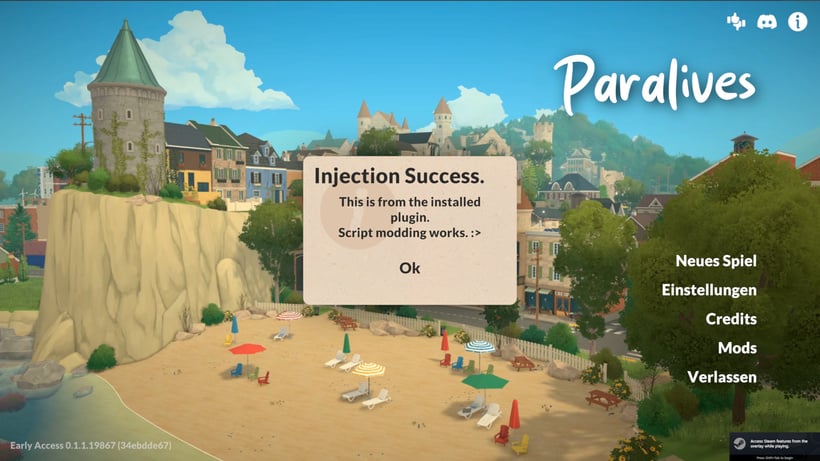
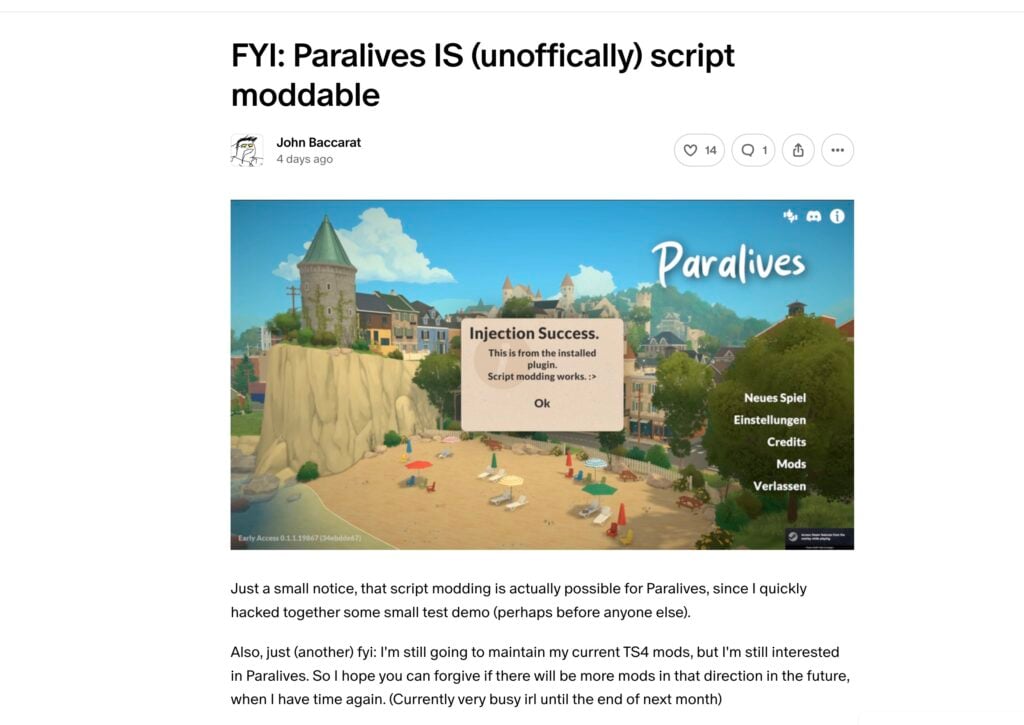
Before installing The Sims 3 Camera Mod for Paralives by ArroNow, the player has to download and setup the new “BepInEx” script modding system first discovered by John Baccarat and posted just hours after Paralives Early Access release.
Just a small notice, that script modding is actually possible for Paralives, since I quickly hacked together some small test demo (perhaps before anyone else).
Also, just (another) fyi: I’m still going to maintain my current TS4 mods, but I’m still interested in Paralives. So I hope you can forgive if there will be more mods in that direction in the future, when I have time again. (Currently very busy irl until the end of next month)
The same modder who discovered Paralives script modding also provided a video and install instructions, along with the file that allows for script modding. All within a public Patreon post released first May 25th, 2026:
0. A WARNING – READ ME Do NOT install random script mods on a whim, but make sure that the creator is trustworthy first. Mod plugins are just .dll files, which are program libraries that can contain viruses or other malicious code.
With that said…
1. Download BepInEx This is a modloader that basically works with pretty much all Unity games. Download “BepInEx_win_x64_5.4.23.5.zip” from here: https://github.com/BepInEx/BepInEx/releases
2. Extract to Paralives directory: From the downloaded .zip file extract: – winhttp.dll – doorstop_config.ini – BepInEx (The whole folder) into the same folder as where Paralives.exe is
3. Run the game once and then close the game when at the main menu This is so that BepInEx creates its own directories.
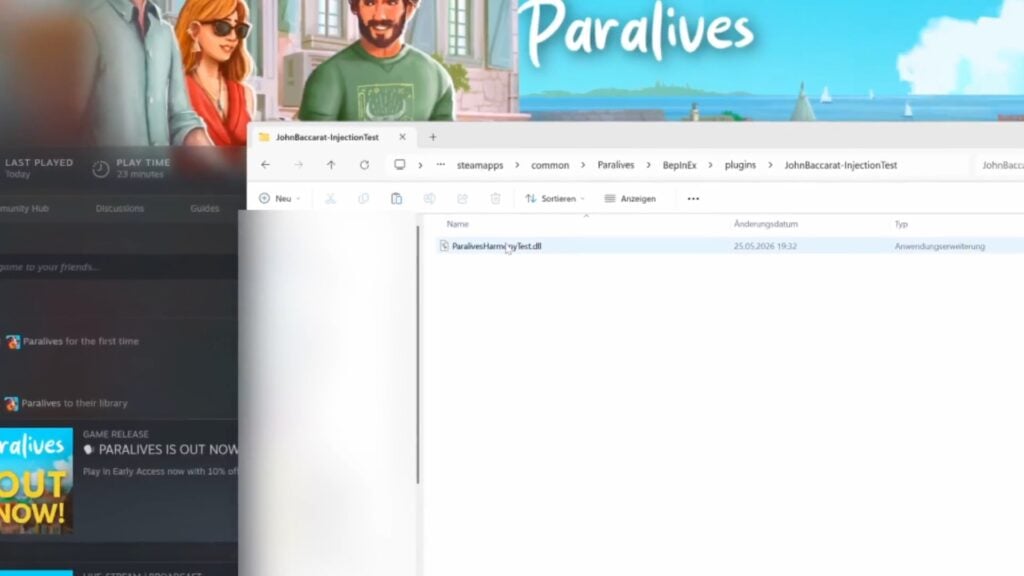
5. Go to the right directory Go to: Paralives -> BepInEx -> plugins
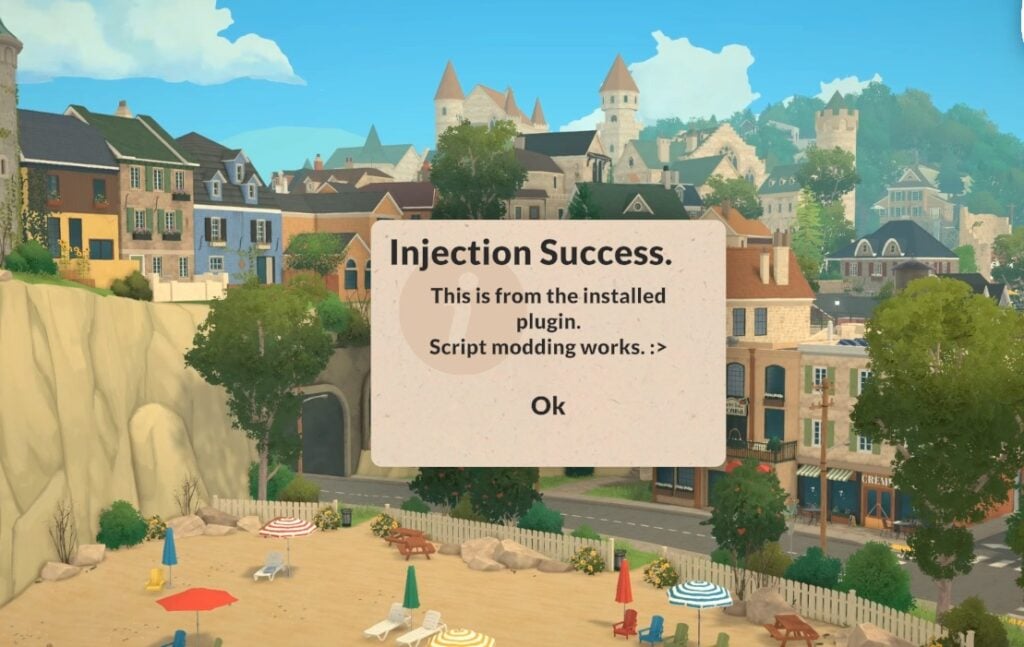
6. Extract the contents of “TestDemo.zip” into the plugins folder. So that “JohnBaccarat-InjectionTest” exists in the plugins folder and in that folder is “ParalivesHarmonyTest.dll”
7. Start the game It should now show you the prompt when at the main menu.
After following the instructions on Paralives script modding, posted publicly just hours from game’s first release, I was able to continue downloading the free Paralives Sims 3 Camera Mod by ArroNow.
Here are the modder’s instructions posted for their Camera Mod:
Installation instructions 1. Make sure you have BepInEx installed. Great guide! 2. Place “Arro_ParalivesSims3Camera.dll” inside *\Paralives\BepInEx\plugins (create a “plugins” folder if you don’t have it).
A small note: The information about script modding test file has been removed as you only require one mod file after installing BepInEx – and that’s Arro_ParalivesSims3Camera.dll!
In-Game Impressions
After injecting the script Mod released shortly after the game’s early access launch, I also installed the Sims 3 Camera Mod by ArrowNow released 2 days ago. The game immediately recognized the Paralives script Mod solution from John Baccarat and recognized the camera Mod by ArrowNow behind the scenes.
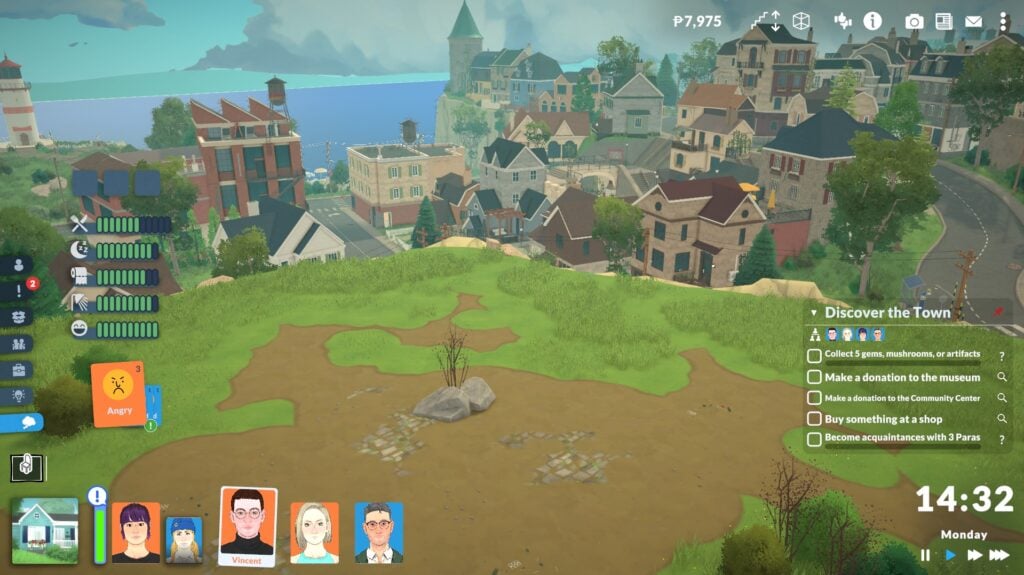
I clicked, dragged and moved the camera using the WASD key combinations alongside regular mouse controls like right click and mouse wheel rotation. It felt nostalgic coming back to old controls on a new Early Access game release!
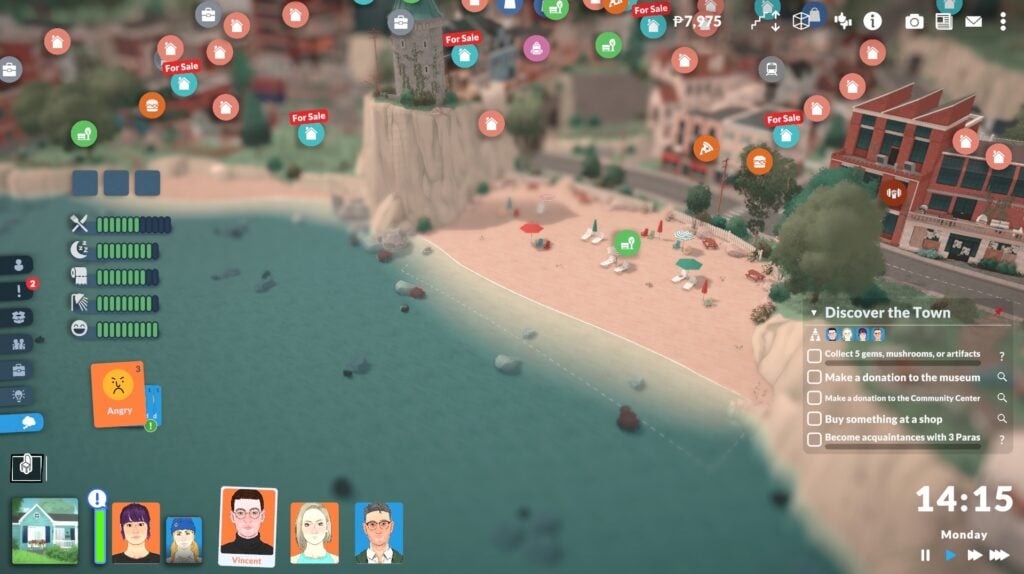
There are definitely some bugs to be considered such as the focal point effect happening when moving around town, objects being hidden when they shouldn’t be at certain camera angles and more. But that’s the joy of exploring new game mechanisms together, first week into the game’s release!
Final Verdict
We decided to wait for the public release of TwistedMexi’s First Script Mod released almost 3 days ago, considering the mod is going public later next month. We will update the article with in-game overview, functionality and install instructions from them once it goes public June 23rd!
For The Sims 3 Camera Mod by ArroNow released 2 days ago I was impressed how similar it felt to Sims 3 Controls, down to the full zoom out effect and checking up what my Parafolks are up to more up close.
John Baccarat, who first tested script modding for Paralives publicly also posted a great new mod titled “Scroll to change Floor” which uses a special keyboard + mouse functionality. Read more and download here!
Both mods are great solutions for Simmers and all those players who want to know what controlling The Sims 3 felt like, and it’s great to see efforts in making a new Life Sim game entry as moddable as possible.
What are your thoughts on The Sims 3 Camera Mods released in the Launch Week of Paralives Early Access? Let us know your thoughts in the comments down below and stay tuned for the latest Life Sim Games coverage reports on Sims Community!
A brand new Paralives Patch has been released on Steam!
The Paralives indie team has just released a brand new Paralives update across PC and Mac platforms through the Steam launcher.
The latest Paralives Update brings a ton of new bug fixes and game improvements to the existing game systems. Within the Patch Notes they’ve also included a list of Known Issues that the Paralives team aims to fix in the next couple of updates.
The current Paralives Patch is estimated to be around 460MB.
Paralives updating on Steam.
You can download the latest Paralives Update by opening up your Steam launcher. If you don’t have automatic updates enabled make sure you check for an update!
Table of Contents
Paralives Update: Official Patch Notes
Bug Fixes
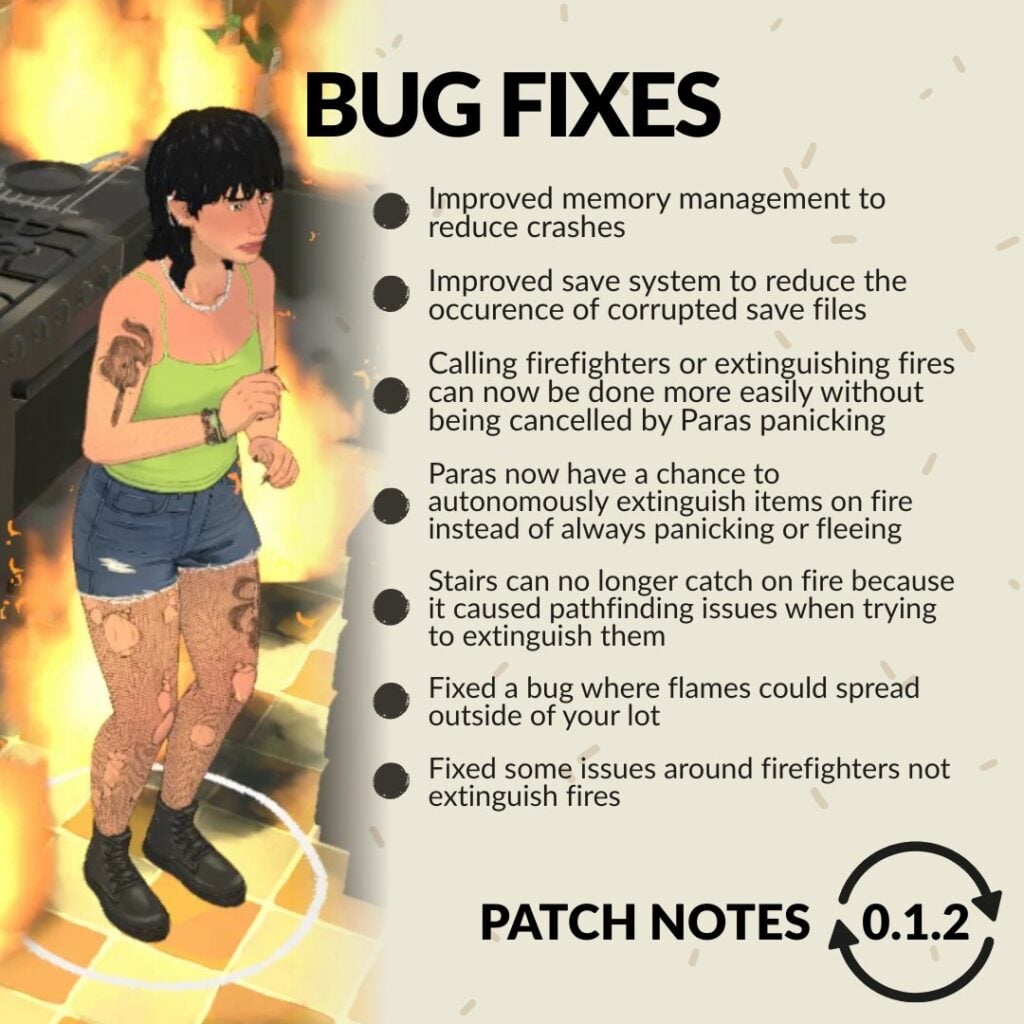
Made improvements to memory management to eliminate a memory leak and reduce crashes.
Fixed a bug where some interface windows could not be closed.
Fire: Parafolks now have a chance to autonomously extinguish items on fire instead of always panicking or fleeing.
Fire: Stairs can no longer catch on fire because it caused pathfinding issues when trying to extinguish them.
Fire: Fixed a bug where flames could spread outside of your lot.
Fire: Fixed some of the issues around firefighters not extinguishing fires.
Fire: Calling firefighters or extinguishing fires can now be done more easily without being always cancelled by Parafolks panicking.
Chinese localization: Players should now be able to type Chinese characters for their Paras’ name in the Paramaker and in the other text fields as well.
In a new save file, players will now correctly receive an in-game letter from the devs.
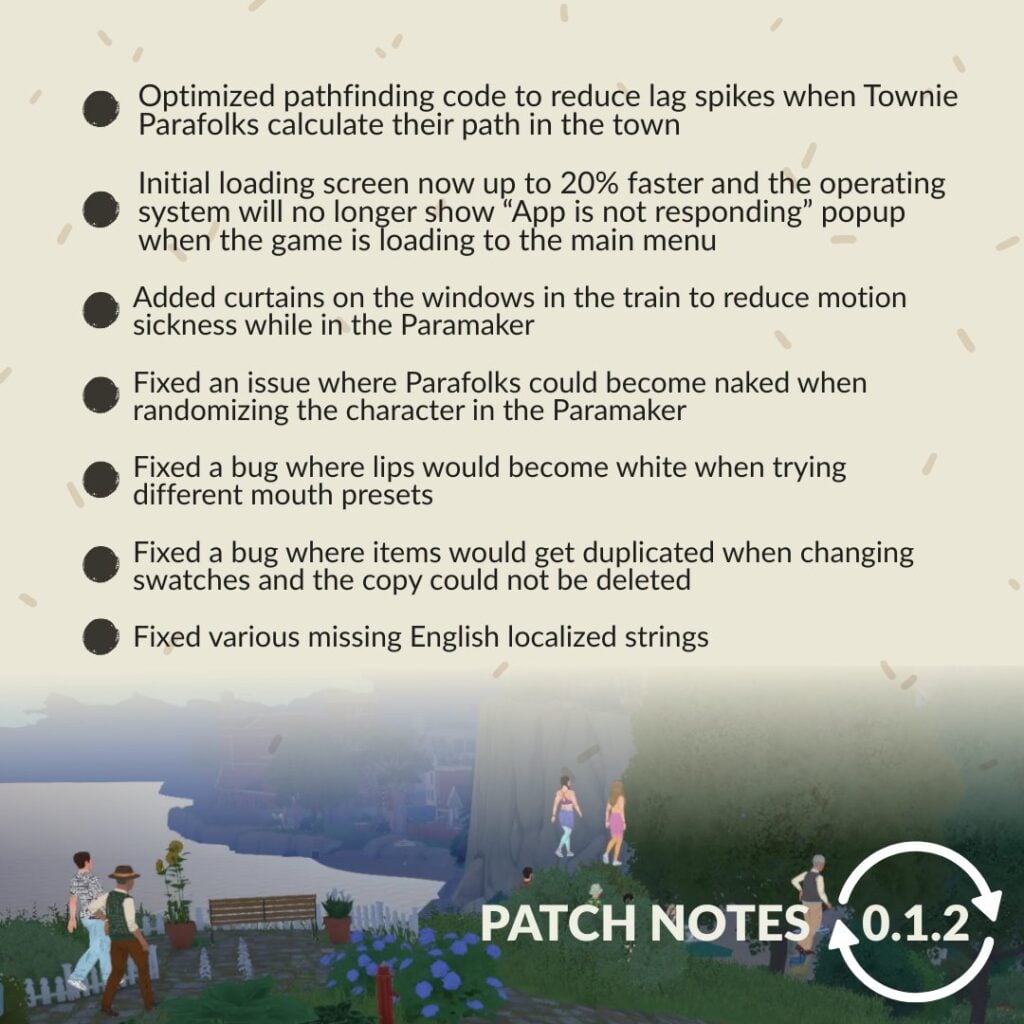
Fixed a bug where lips would become white when trying different mouth presets.
Updated and added the names of some Patreon supporters in the credits.
Fixed the default angle of the grid on certain empty lots to make sure it’s aligned with the street (this fix will only be applied to new save files).
Added a divider to cover the windows in the train to reduce motion sickness while in the Paramaker.
Fixed an issue where Parafolks could become naked when randomizing the character in the Paramaker.
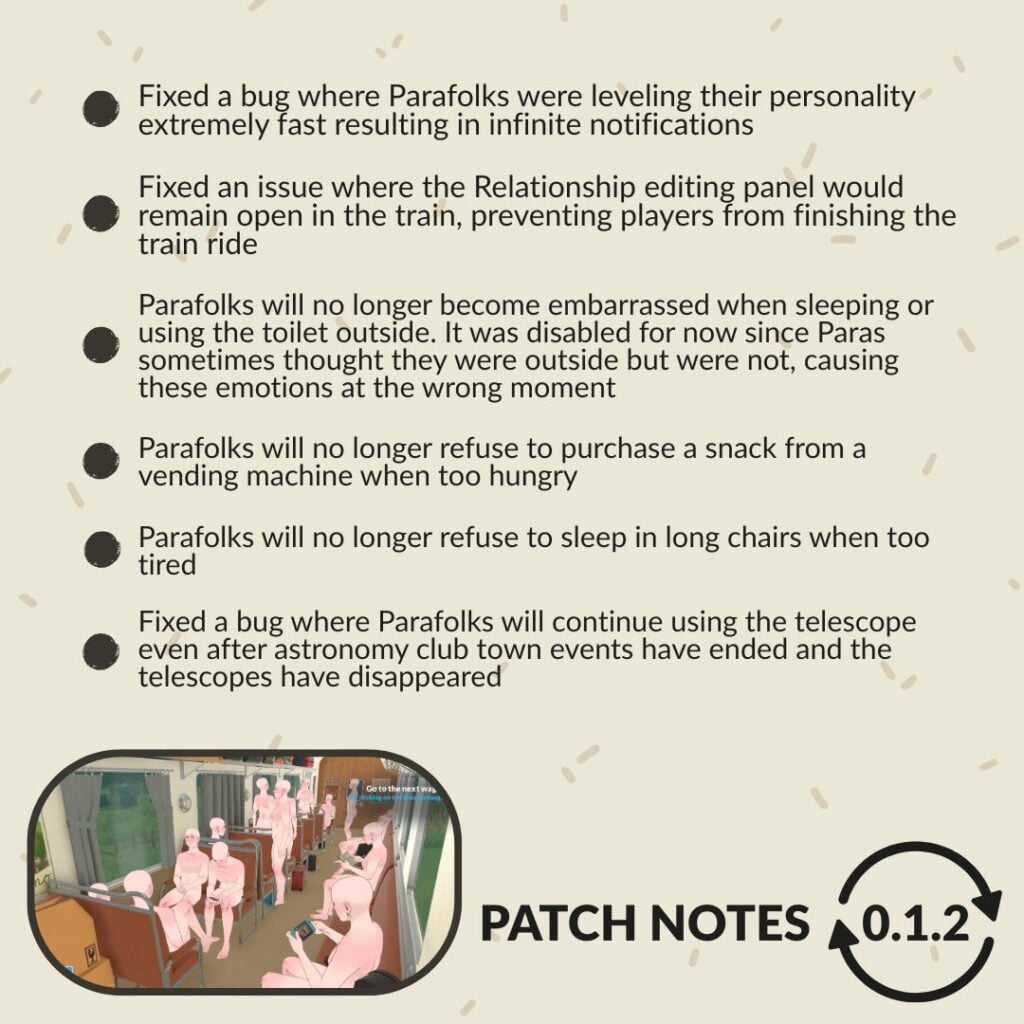
Parafolks will no longer become embarrassed when sleeping or using the toilet outside. It was disabled for now since Paras sometimes thought they were outside but were not, causing these emotions in the wrong moment.
Fixed a bug where Parafolks were leveling their personality extremely fast resulting in infinite notifications.
Made improvements to the save system to reduce occurrences of corrupted save files.
Fixed a bug where items would get duplicated when changing swatches and the copy could not be deleted.
Fixed an issue where the Relationship editing panel would remain open in the train intro, preventing players from finishing the train ride.
Optimized one aspect of the pathfinding code to reduce lag spikes when Townie Parafolks calculate their path in the town.
Fixed various missing English localized strings.
Parafolks will no longer refuse to purchase a snack from a vending machine when too hungry.
Parafolks will no longer refuse to sleep in long chairs when too tired.
Fixed a bug where Parafolks will continue using the telescope even after astronomy club town events have ended and the telescopes have disappeared.
The operating system will no longer show the “App is not responding” popup when the game is loading to the main menu. Also, this initial loading screen now takes up to 20% less time.
Known issues
*We are aware of many other issues but we will only list some of them here.
Crashes and freezes
Today’s patch should reduce crashes and freezes.
Make sure your computer meets the minimum system requirements listed on our Steam page.
Stutters in live mode
We will be working on more optimizations to reduce these lag spikes over the next few months.
Save files not loading
We are investigating and working on fixing these issues. Today’s patch might reduce the chances of future save files getting corrupted.
Build mode: Advanced widget
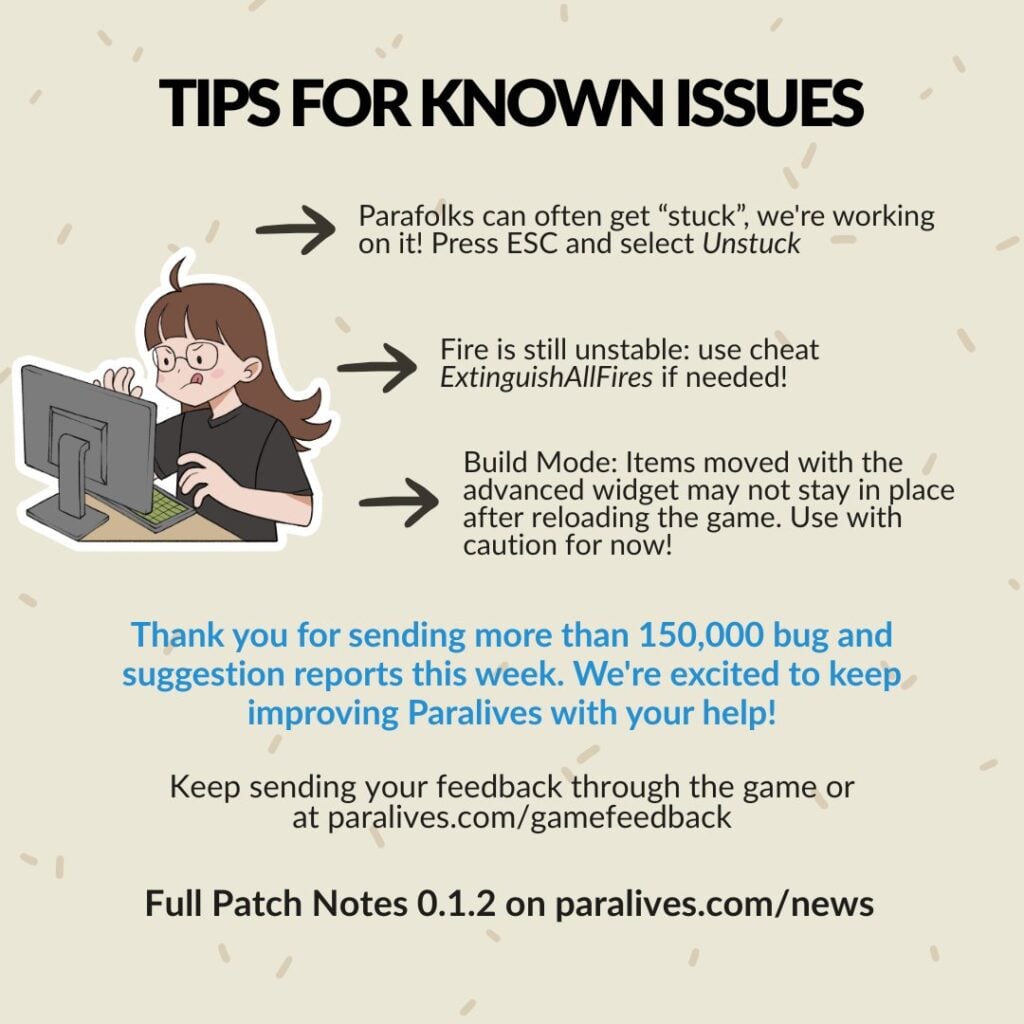
If you move or rotate items using the advanced widget, these items might not remain at their position when reloading the save file. Use this widget with caution until we can fix it (no timeline for that yet).
Parafolks get stuck and can’t do anything
Press the “Unstuck” button in the ESC menu.
Fire is hard to take control over
We did some improvements in today’s patch but please use the cheat ExtinguishAllFires if other fire-related problems persist for you.
Parafolks thumbnails do not always update
We are investigating and working on a fix.
Mac inputs
Some Mac users have trouble with clicks and rotating the camera.
We will be working on that issue. In the meantime, playing with a mouse instead of the trackpad could help.
Thanks for your patience with these issues and for the feedback you send us! We received over 150 000 bug and suggestion reports so far! It’s a great tool for us to identify the issues that get reported the most and fix them in priority. Thank you for helping us improve Paralives during Early Access!
What are your thoughts on the latest Paralives update? Have you managed to test out some of the fixes listed above? Let us know in the comments down below and stay tuned to Sims Community for the latest Paralives Updates!
*Update: The Paralives development team has clarified their stance on Early Access and Paywalling Mods as of May 29th, 2026.
If you’re someone who is involved in or who keeps up with The Sims mods and custom content communities, you’ve likely heard of “Early Access” as a concept in mods and custom content. This is also used in the gaming industry in general, like with Paralives being in Early Access release. This means that you pay to receive access before something is available to the public, even if it is an unfinished or testing stage.
Table of Contents
Early Access Modding Culture Explained
Early Access is when a creator makes content and releases it to paid members, often through platforms like Patreon, for a limited time before it is openly available to the public. There are also creators who are Perma Paywallers, meaning they will put their items behind a paywall forever and do not plan on releasing them to the public.
While this is a familiar topic for many The Sims 4 players, it was not really present in any major capacity prior to The Sims 4. While there were websites and individual creators from prior mainline entries that thrived off of donation and paid content, it was largely not engaged with by the community since so much content was available without having to pay. The communities were largely fostered by players modding and adding custom content as a hobby and sharing that with others.
While nowadays, some modding communities have paywalled or paid mods, most modding communities mod as part of the hobby and for, frankly, the love of the game. Most games do not police this if it does happen, rather allowing the community surrounding the game to do any policing and to socially decide what is acceptable and what is not. EA is one of the only companies to have made a specific statement and developed a policy surrounding it,
. . . Mods must be non-commercial and distributed free of charge. Mods can’t be sold, licensed, or rented for a fee, and they can’t contain features that would support monetary transactions of any type.
We recognize that creating Mods takes time and resources. To offset these development costs, Mod developers may:
offer an early access incentive for a reasonable amount of time. After a reasonable early access period, all players must be able to access the Mods in full for free regardless of whether they donate.
run passive advertisements and requests for donations so long as they are limited to the Mod website or distribution site, and don’t appear within the Mod itself.
UPDATE: Paralives Developers Stance on Paralives Mods being Paywalled or Early Access
On May 29th 2026, after this article had been published, some did wonder what the actual stance was from the Paralives Developers. While they did make a statement quite a while back during a Dev Chat before the game was available, their stance has been reinstated. Although they plan on keeping DLC free for the life of the game, especially while it is in early access, their stance on paywalling mods and early access is a bit different.
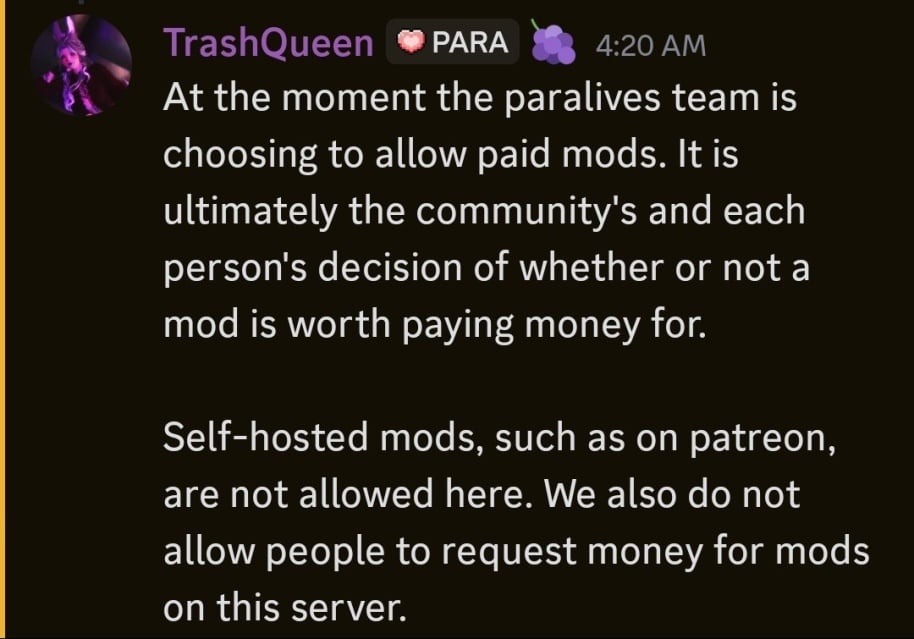
At the moment the paralives team is choosing to allow paid mods. It is ultimately the community’s and each person’s decision of whether or not a mod is worth paying money for. Self-hosted mods, such as on patreon, are not allowed here. We also do not allow people to request money for mods on this server
TrashQueen, a Helper/Mod of the Paralives Official Discord on May 29th, 2026
The Paralives team, which is a fairly small team with only 15 developers and no plans on tons of expansion currently, decided against policing paid mods. They will not allow advertisements of paywalled mods or self-hosted mods on the Paralives Official Discord server, as they are not supported like Steam Workshop mods, but they will not stop modders from doing so.
Paralives Mods And The Fast Coming Early Access Culture
Only a few days post release of Paralives Early Access period, making it available to the public, the first few script mods have begun to trickle in. Since script mods are not officially supported through the Steam Workshop, where the vast majority of Paralives Mods and Custom Content are uploaded, those building script mods have had to upload them on separate platforms since they often require additional external programs, similar to XML injectors for certain The Sims mods.
Two modders well known for their The Sims 4 mods are TwistedMexi and Plumlace. TwistedMexi is best known for utility mods like BetterExceptions, BetterBuildBuy, and T.O.O.L (Take Objects Off Lot). Plumlace is best known for gameplay mods like Immersive Social Bunny, SimFi, and SimCare.
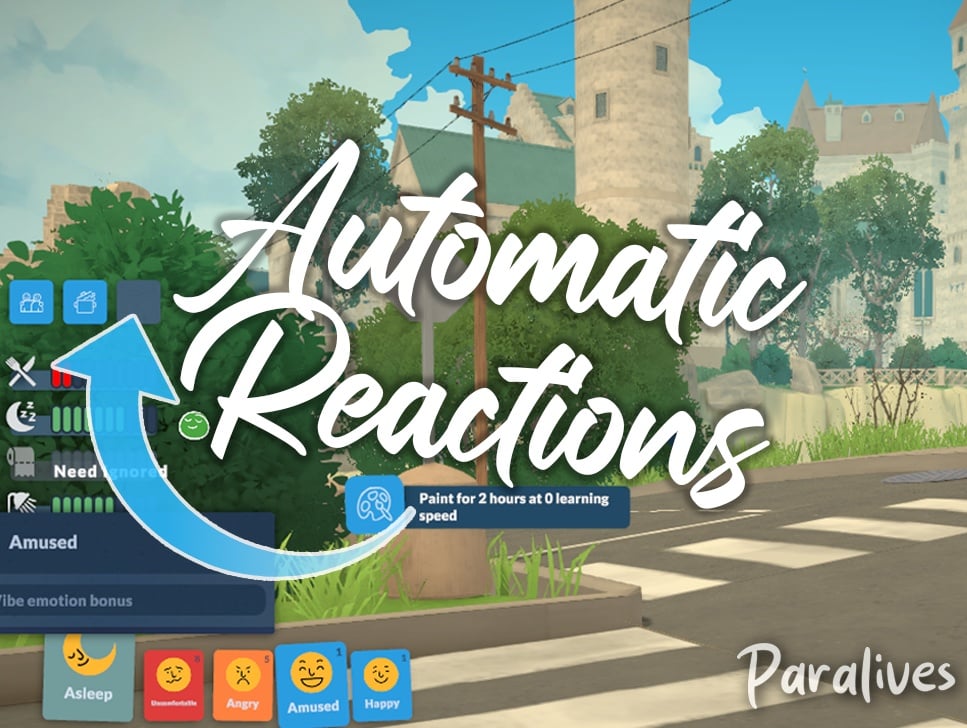
TwistedMexi claimed the title for the first Paralives Script mod when they released TwistedMexi’s Sims 3 Camera, and soon after, released TwistedMexi’s Automatic Reactions for Paralives. The prior changes the camera controls to best reflect the camera from The Sims 3, which players are typically familiar with since it is also a popular camera setting option in The Sims 4. The latter will automatically pick wants/reactions from Parafolks emotions, adding a randomization aspect instead of players having to manually pick their wants over and over again.
Both mods are currently in Early Access. TwistedMexi’s Sims 3 Camera will publicly be available on June 23rd, 2026, and their Automatic Reactions mods will be publicly available on June 18th, 2026.
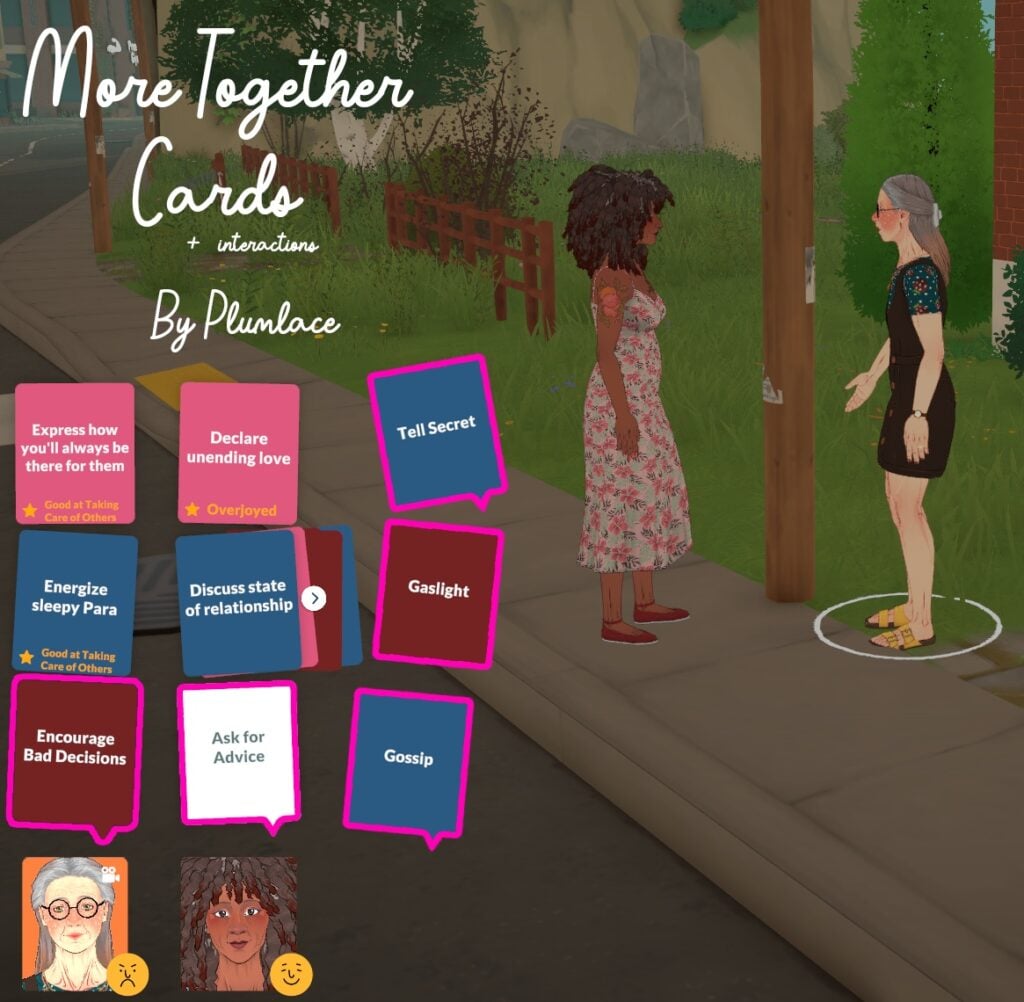
Plumlace’s first mod for Paralives is More Together Cards + Interactions. This mod specifically adds more phone interactions, as well as new together cards, which are the interactions used to influence Para relationships while they are having a conversation. This mod will be publicly available on June 3rd, 2026.
Community Reaction & Feedback
Reddit
From a thread by Reddit User u/Spare_Conclusion_861 titled Paywalling mods for Paralives on the subreddit r/HighSodiumSims,
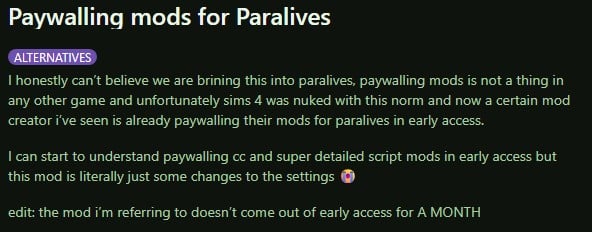
I honestly can’t believe we are bringing this into paralives, paywalling mods is not a thing in any other game and unfortunately sims 4 was nuked with this norm and now a certain mod creator i’ve seen is already paywalling their mods for paralives in early access.
I can start to understand paywalling cc and super detailed script mods in early access but this mod is literally just some changes to the settings
edit: the mod i’m referring to doesn’t come out of early access for A MONTH
I’ve always hated how it has become so normalized. Thats so infuriating to hear that people are making paywalled mods days after the game was made available. Don’t pay these creators
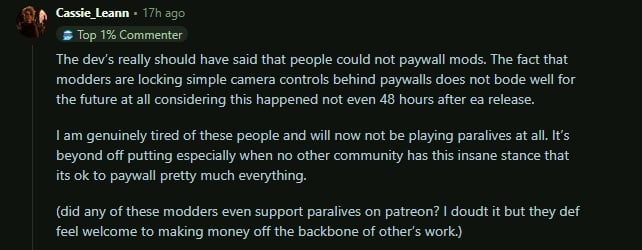
The dev’s really should have said that people could not paywall mods. The fact that modders are locking simple camera controls behind paywalls does not bode well for the future at all considering this happened not even 48 hours after ea release.
I am genuinely tired of these people and will now not be playing paralives at all. It’s beyond off putting especially when no other community has this insane stance that its ok to paywall pretty much everything.
(did any of these modders even support paralives on patreon? I doubt it but they def feel welcome to making money off the backbone of other’s work.)
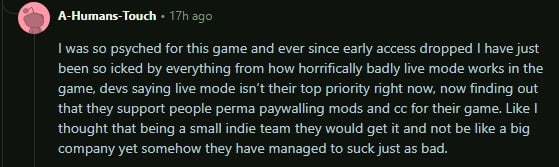
I was so psyched for this game and ever since early access dropped I have just been so icked by everything from how horrifically badly live mode works in the game, devs saying live mode isn’t their top priority right now, now finding out that they support people perma paywalling mods and cc for their game. Like I thought that being a small indie team they would get it and not be like a big company yet somehow they have managed to suck just as bad.
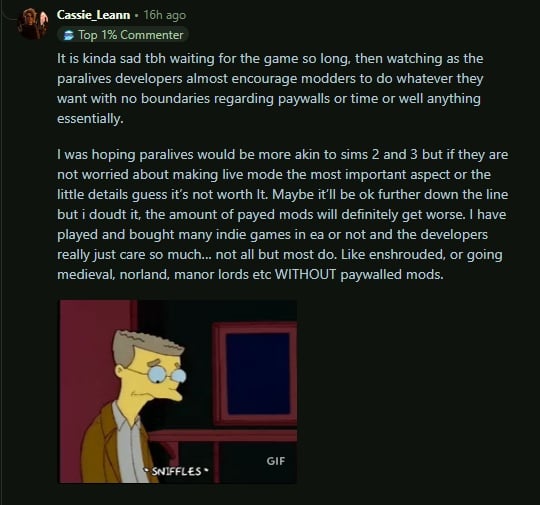
It is kinda sad tbh waiting for the game so long, then watching as the paralives developers almost encourage modders to do whatever they want with no boundaries regarding paywalls or time or well anything essentially.
I was hoping paralives would be more akin to sims 2 and 3 but if they are not worried about making live mode the most important aspect or the little details guess it’s not worth It. Maybe it’ll be ok further down the line but i doudt it, the amount of payed mods will definitely get worse. I have played and bought many indie games in ea or not and the developers really just care so much… not all but most do. Like enshrouded, or going medieval, norland, manor lords etc WITHOUT paywalled mods.
im not understanding the point in “early access” for paralives MODS. am i tripping and being entitled? like, the para team themselves don’t even wanna charge us for DLC. why are are mods being early accessed??
User @missmani09 on X
im not understanding the point in "early access" for paralives MODS. am i tripping and being entitled? like, the para team themselves don't even wanna charge us for DLC. why are are mods being early accessed??
I didn’t wanna say nothing but- yeah it’s crazy to bring your EA antics over here to a different community especially where the game devs not even co opting off of their own game in that manner. This let’s me know this is something strictly unique to the sims community.
User @agustmehhh on X
I didn't wanna say nothing but- yeah it's crazy to bring your EA antics over here to a different community especially where the game devs not even co opting off of their own game in that manner. This let's me know this is something strictly unique to the sims community. https://t.co/UelXOJiEuIpic.twitter.com/ZffuFyIoe4
Paralives is an indie game from a team that rejected paid dlc and refused to exploit their community, yet now their work is being held hostage by greedy people foaming at the mouth to cash in on it. I’d feel absolutely sick being on that team.
User @billypereke on X
Paralives is an indie game from a team that rejected paid dlc and refused to exploit their community, yet now their work is being held hostage by greedy people foaming at the mouth to cash in on it. I’d feel absolutely sick being on that team. pic.twitter.com/C2IiwwoSFz
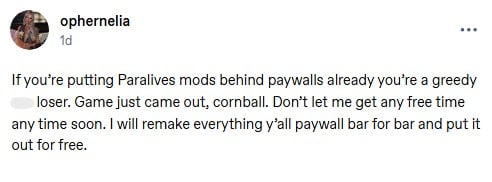
If you’re putting Paralives mods behind paywalls already you’re a greedy a** loser. Game just came out, cornball. Don’t let me get any free time any time soon. I will remake everything y’all paywall bar for bar and put it out for free.
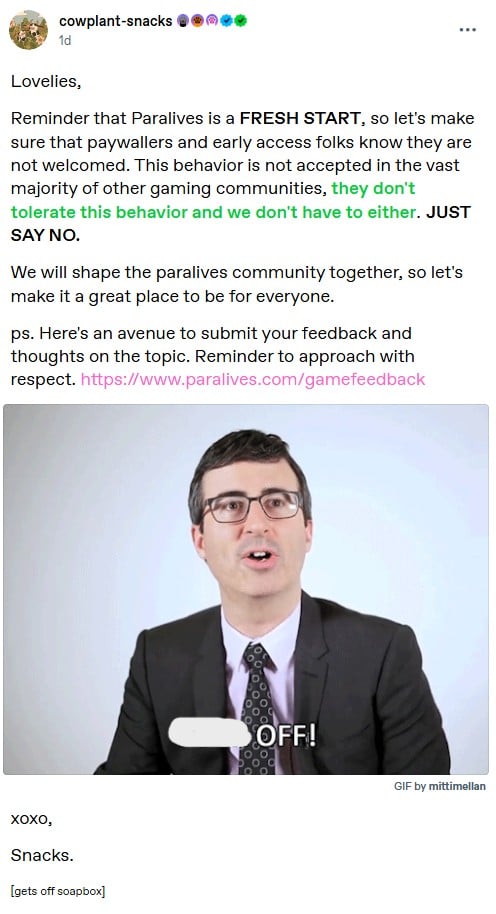
Reminder that Paralives is a FRESH START, so let’s make sure that paywallers and early access folks know they are not welcomed. This behavior is not accepted in the vast majority of other gaming communities, they don’t tolerate this behavior and we don’t have to either. JUST SAY NO.
We will shape the paralives community together, so let’s make it a great place to be for everyone.
ps. Here’s an avenue to submit your feedback and thoughts on the topic. Reminder to approach with respect. https://www.paralives.com/gamefeedback
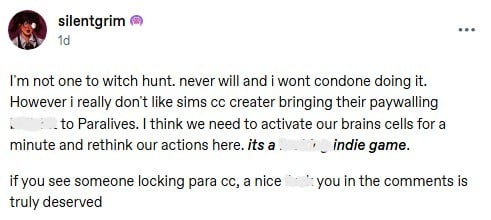
I’m not one to witch hunt. never will and i wont condone doing it. However i really don’t like sims cc creater bringing their paywalling b******* to Paralives. I think we need to activate our brains cells for a minute and rethink our actions here. its a F****** indie game.
if you see someone locking para cc, a nice f*** you in the comments is truly deserved
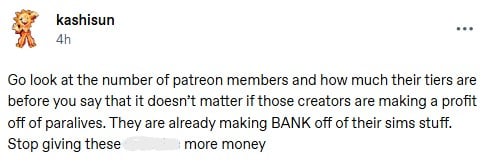
Go look at the number of patreon members and how much their tiers are before you say that it doesn’t matter if those creators are making a profit off of paralives. They are already making BANK off of their sims stuff. Stop giving these a******* more money
We’re doing early access mods/cc for an INDIE game that has been out for no more than 3 DAYS?
If you’re gonna be a bunch of greed driven m************, keep it in the sims 4 and leave that newly started community of players alone… holy F***, dude.
What are your opinions on paywalling custom content and mods in general, and how do you feel about that sprouting up in the Paralives Mods and Custom Content Community? Let us know! Make sure to follow us on The Sims Community and we’ll keep you up to date on all things Life Simulation games and the communities surrounding them!
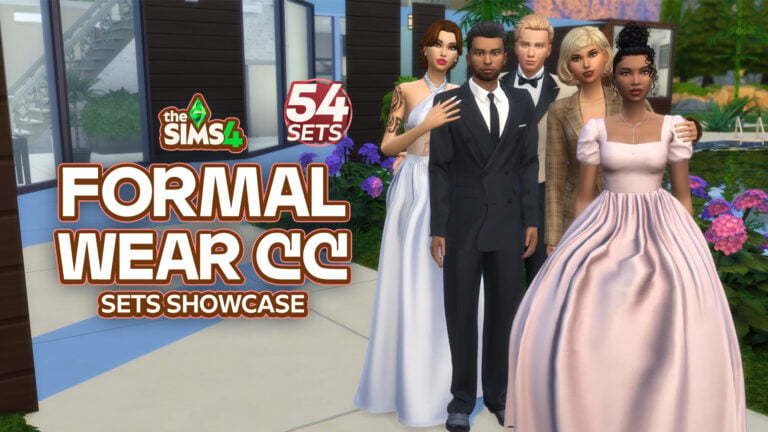
When creating elegant Sims in The Sims 4, nothing upgrades your gameplay quicker than high-quality Formal Wear CC CAS downloads! Whether your Sim is headed off to a friend’s wedding, prom, a fancy dinner, or a celebrity event, these Sims 4 CC Formal Wear CAS pieces will have your Sim looking runway-ready. From glamorous gowns and handsome tuxedos to trendy hairstyles and luxury accessories, these picks will provide all the glam your Sim needs!
54 Sims 4 Formal Wear CC CAS Finds
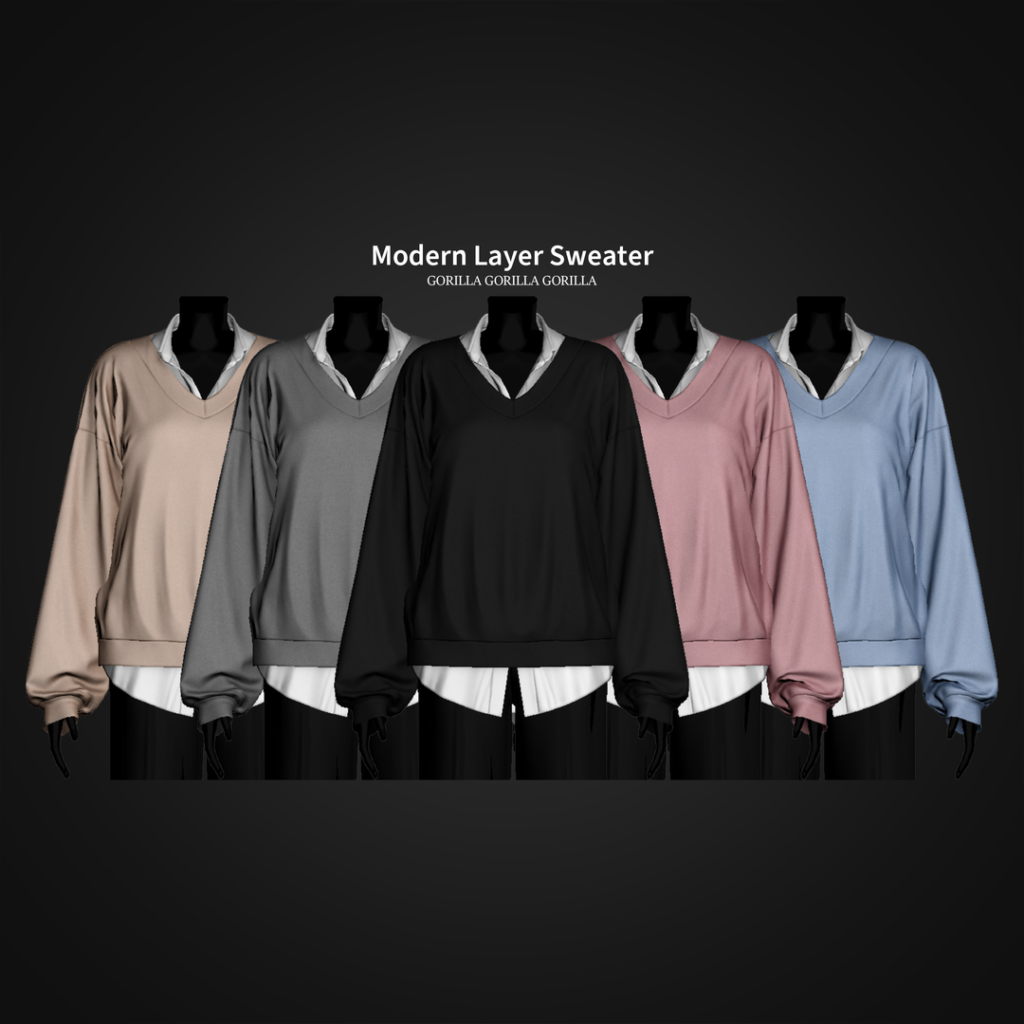
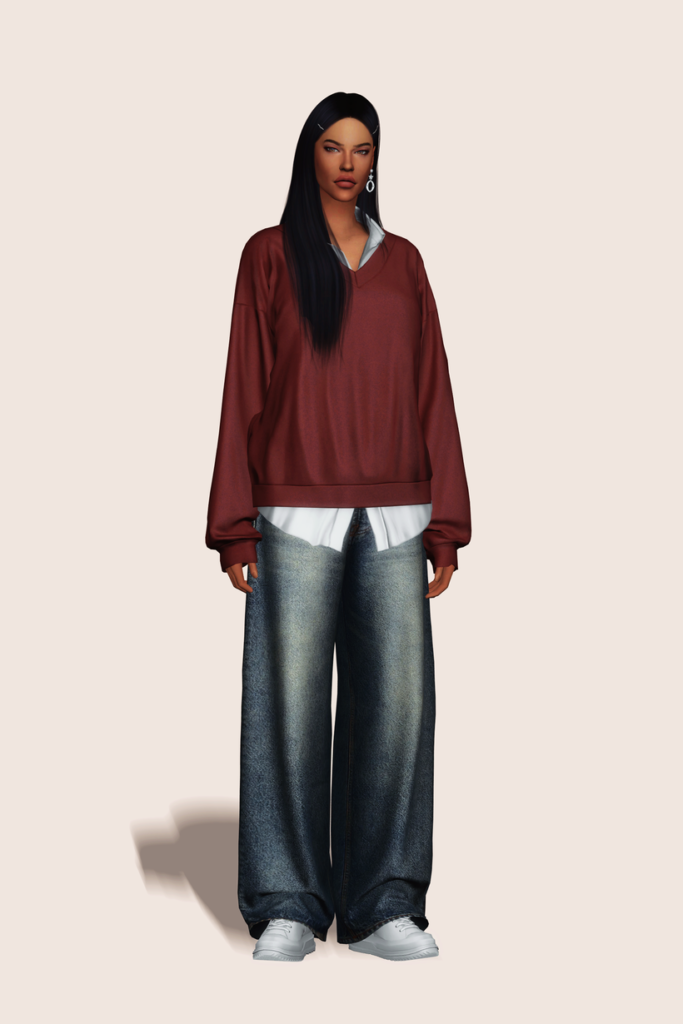
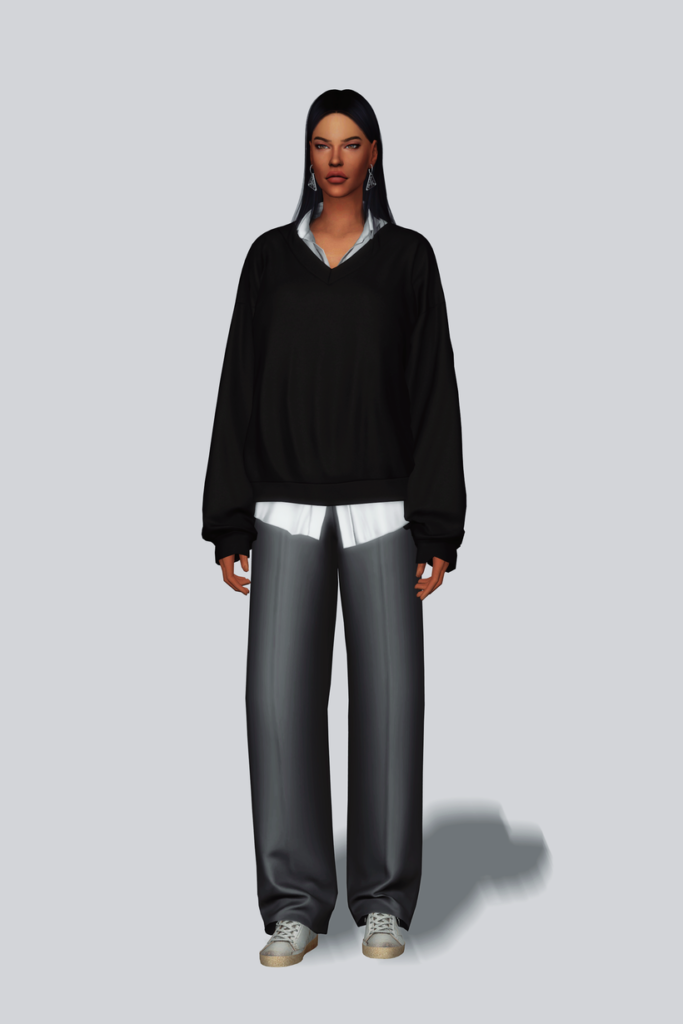
Modern Layer Sweater by Gorilla Gorilla Gorilla
Modern Layer Sweater by Gorilla Gorilla Gorilla gives off serious CEO vibes! This Sims 4 Formal Wear CAS CC sweater features a collared, long-sleeved, buttoned undershirt, with a cozy, V-neck sweater layered over top. Perfect for the office or stepping out for an upscale lunch – available in 25 sleek swatches.
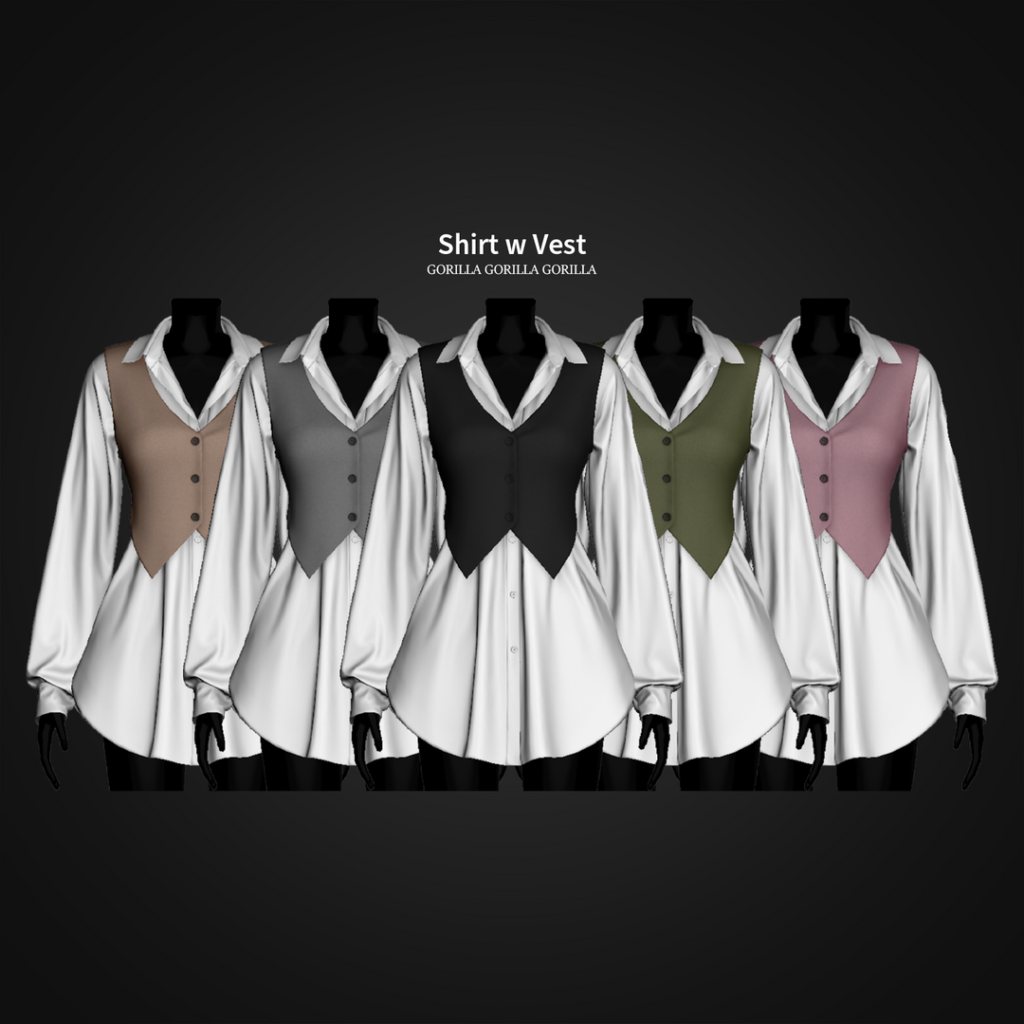
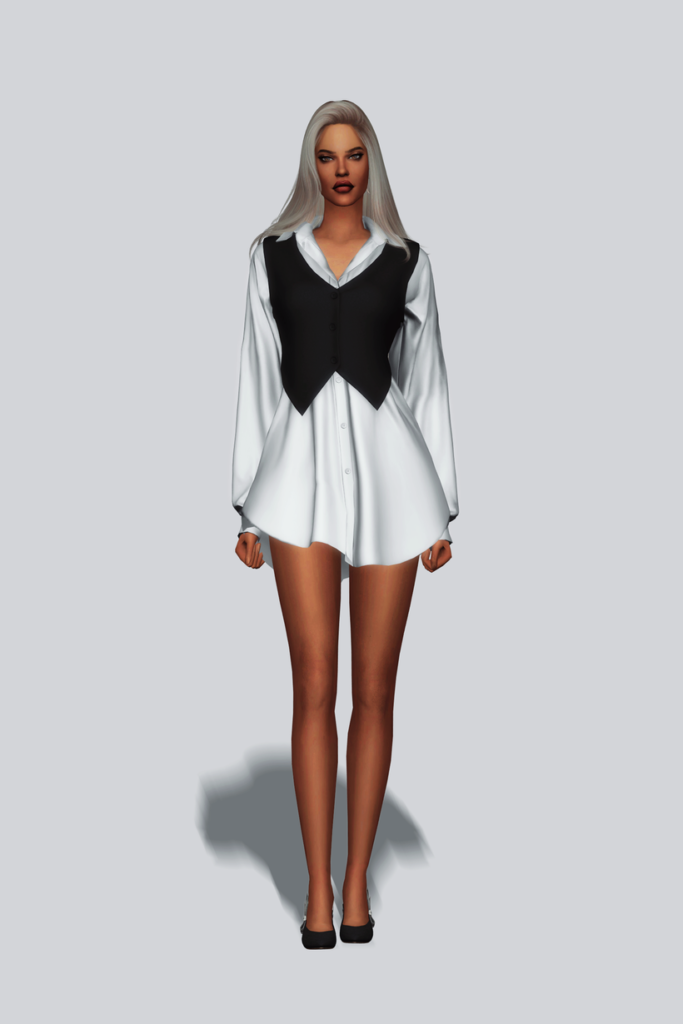
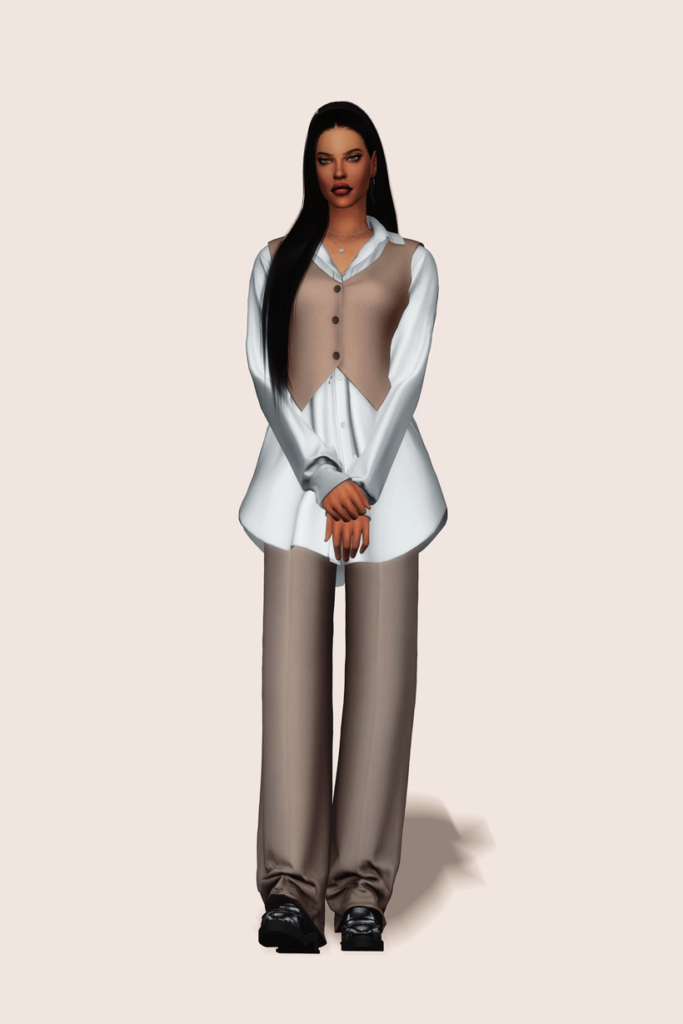
Corporate cutie! Shirt With Vest by Gorilla Gorilla Gorilla features a detailed, long-sleeve, buttoned top with a cropped vest layered over top, creating a sleek office style look – available in 20 swatches.
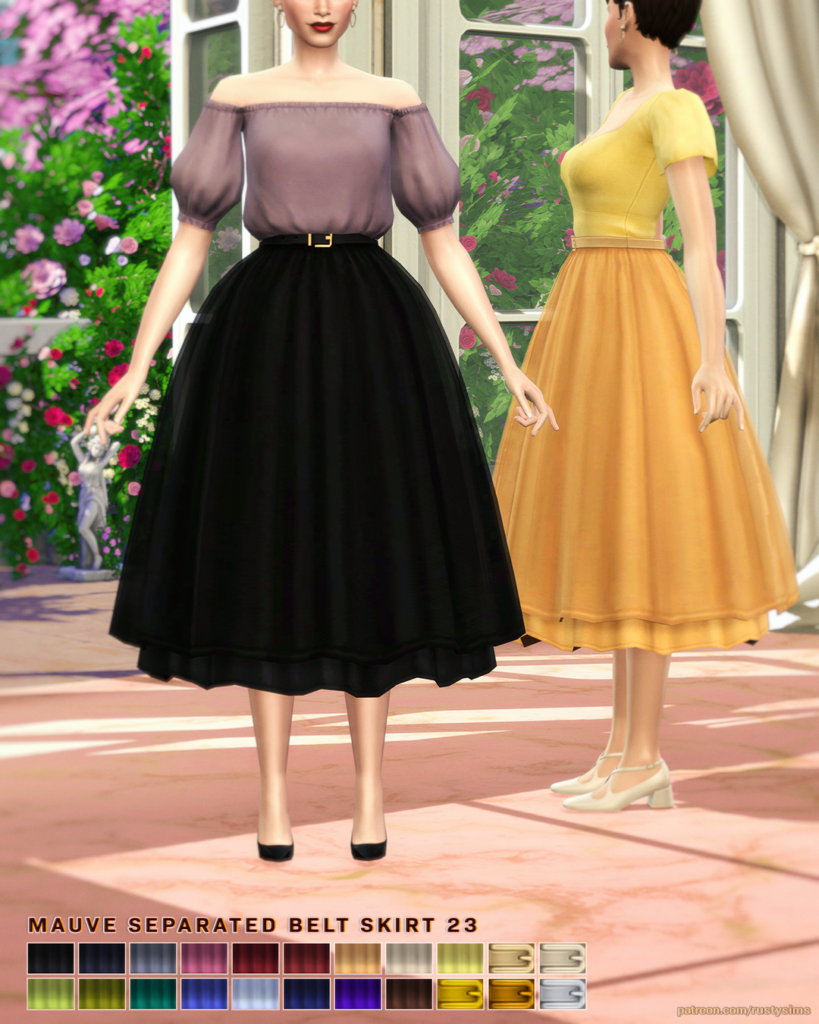
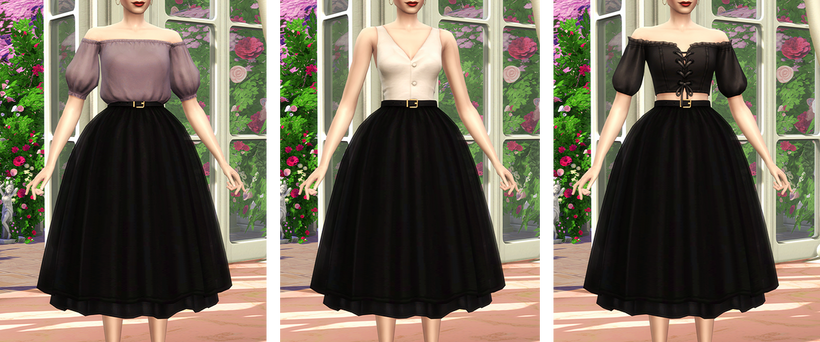
MAUVE Seperated Belt Skirt by Rusty’s will have your Sim looking elegant in every step with its long, flowing, puffed style and simple belt – available in 22 lovely swatches.
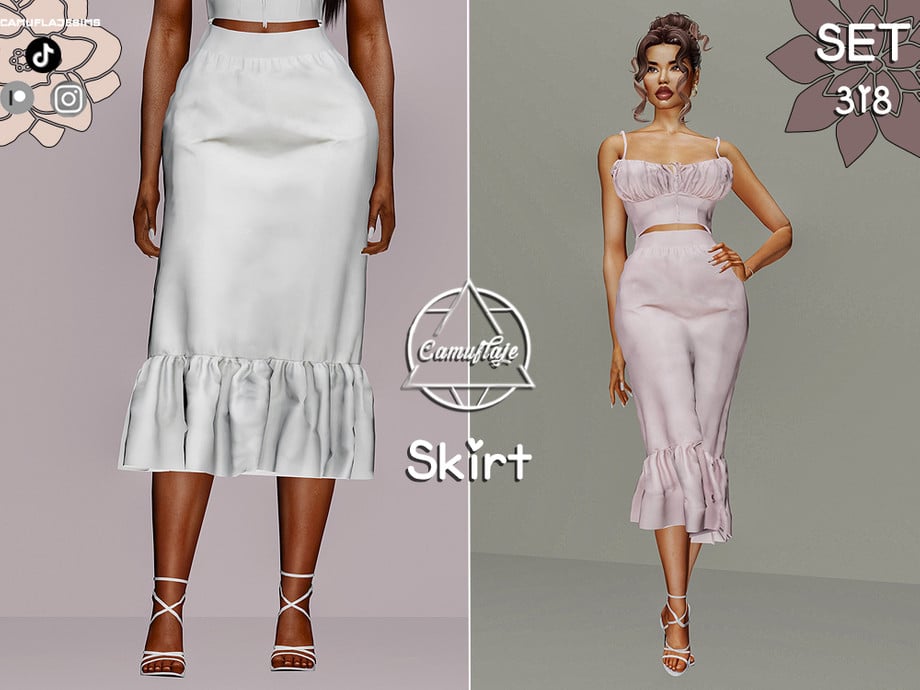
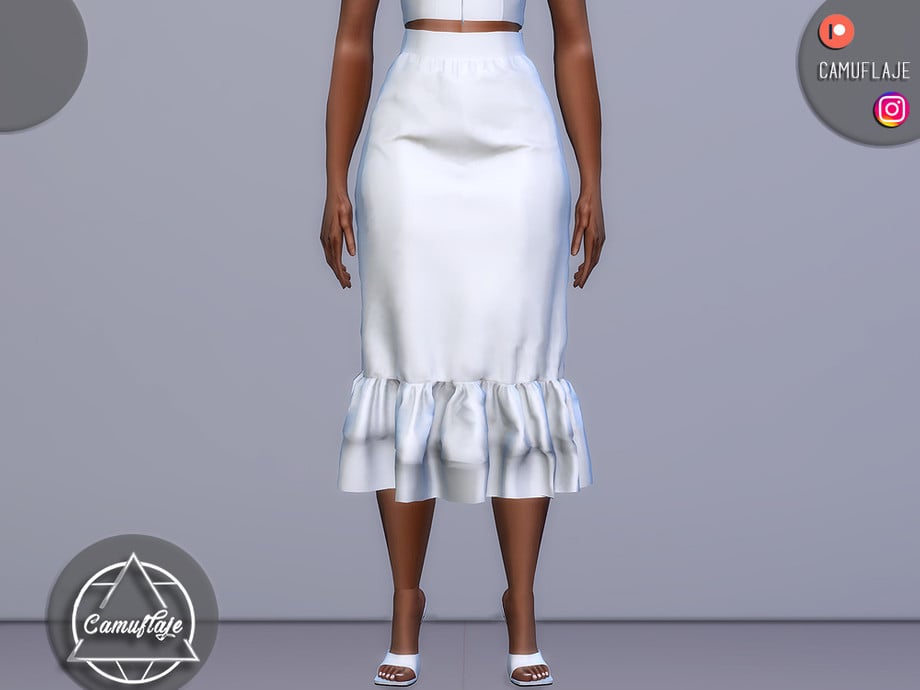
Skirts can be the ultimate, classy staple to any elegant outfit, and this skirt by Camuflaje definitely fits the bill! This lovely, formal wear, CC skirt hangs just below the knees and features a small ruffle at the bottom with a sleek waistline. A perfect addition to a soft tank top or fitting top, to create a classy, modern, and elegant outfit – available in 6 swatches.
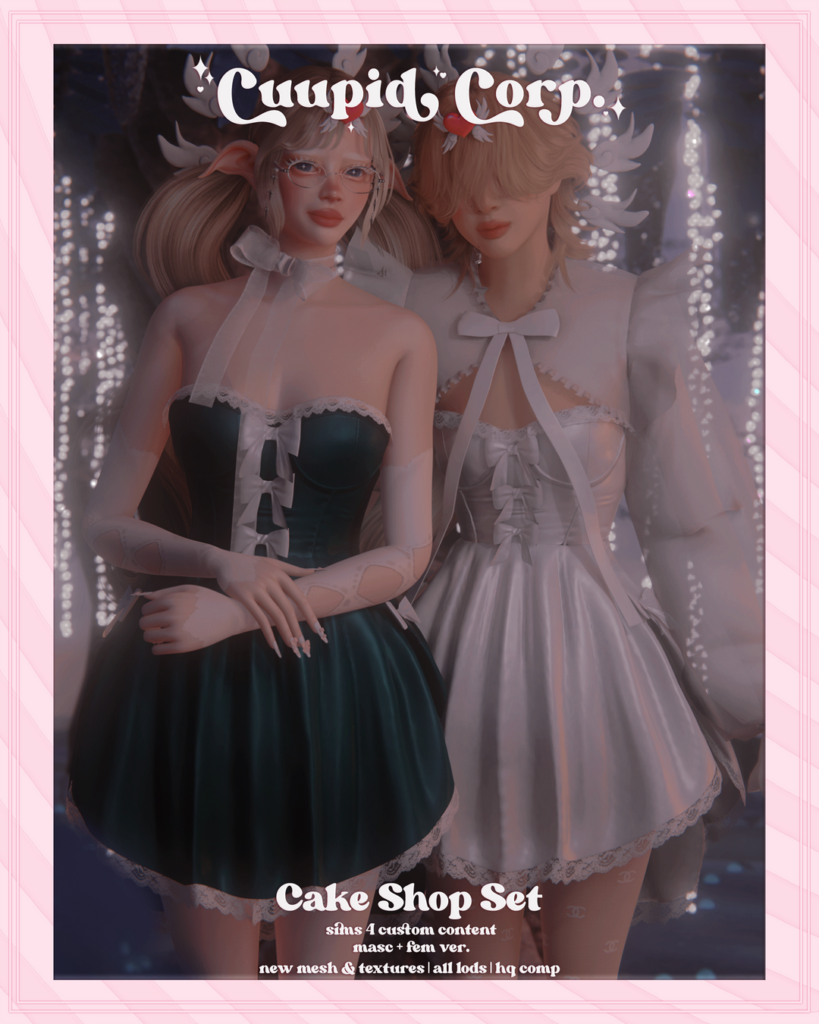
Elegant with a touch of sweetness, Cake Shop Set by 1-800-CUUPID includes a short, sleeveless dress with small lace details and bow ties. This amazing CC creator has also included a bolero featuring large, puffy sleeves, with lace details, and a large bow to tie the top together. The dress is available in 13 swatches, and the bolero in 11 swatches.
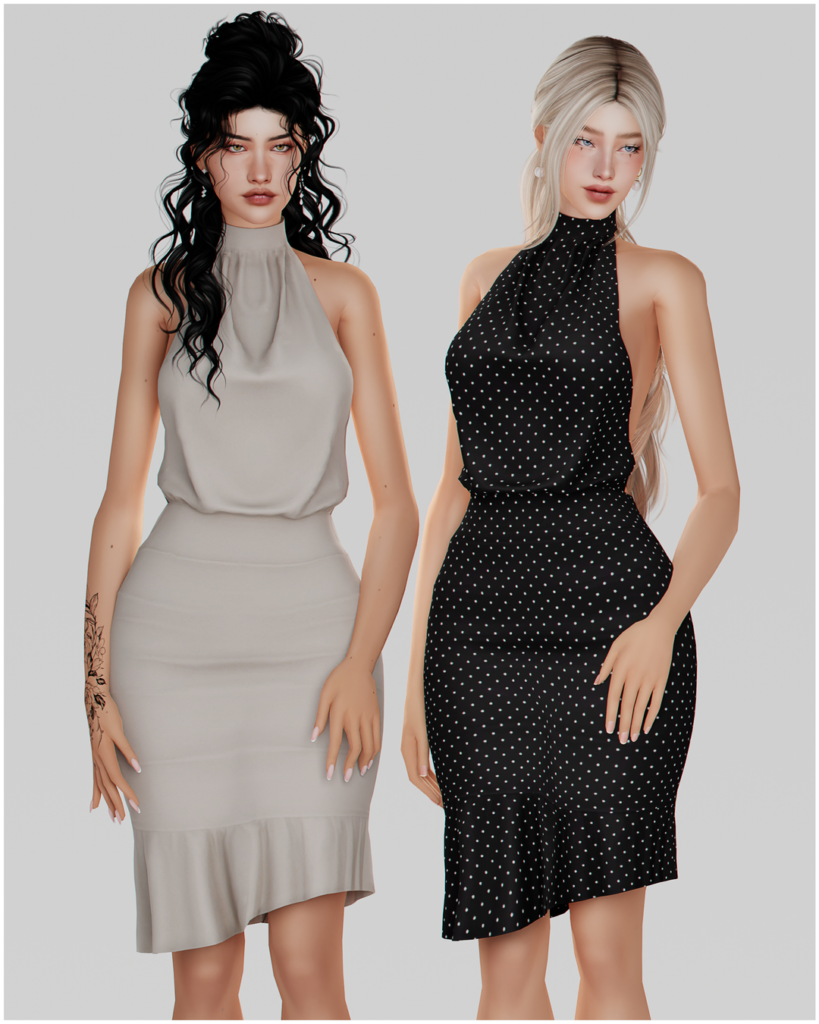
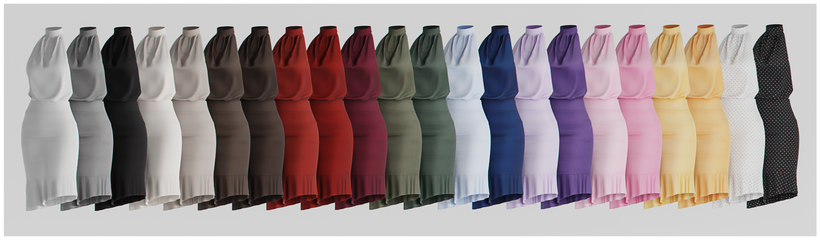
Sophisticated and stylish! Halter Open Back Dress by korkassims is an Alpha formal wear dress with an open back and a slight fringe at the bottom. Whether your Sim wants to turn heads at dinner or be in the spotlight during a “Red Carpet Moment,” this dress will have your Sim looking their best! Available in 22 beautiful swatches.
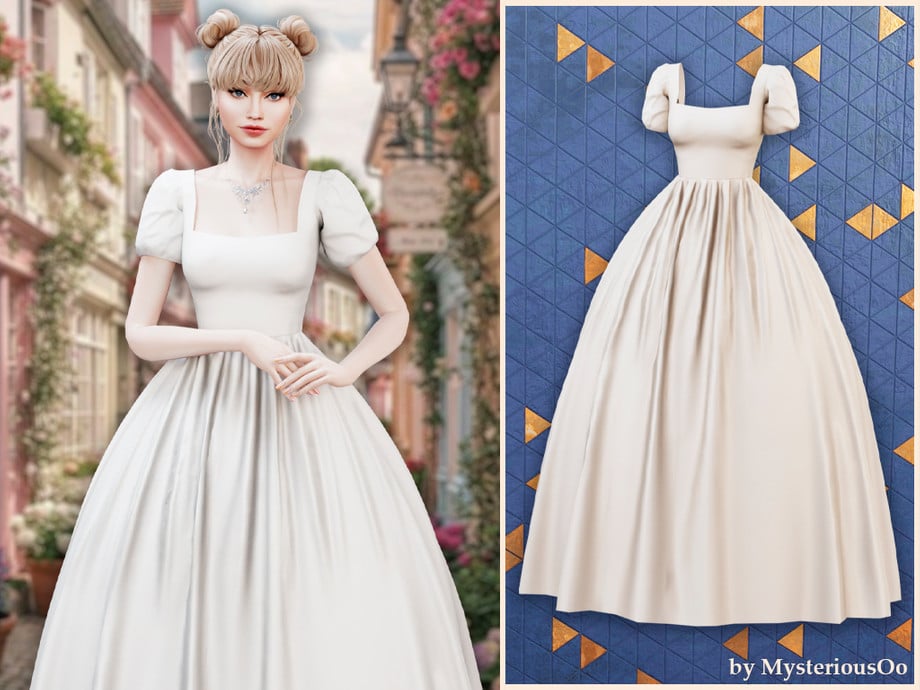
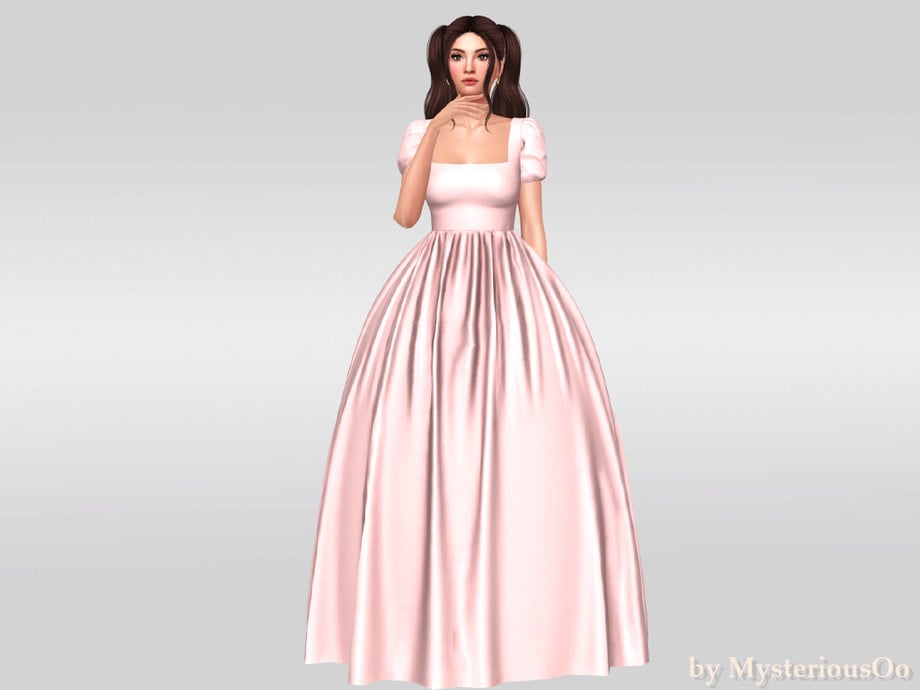
Fairytale fashion at its finest! This gorgeous, formal wear, CC dress by MysteriousOo is a classic ball gown in Alpha style, with puffy sleeves, a fitted top, and a lovely, flowing bottom, with small fabric wrinkles.
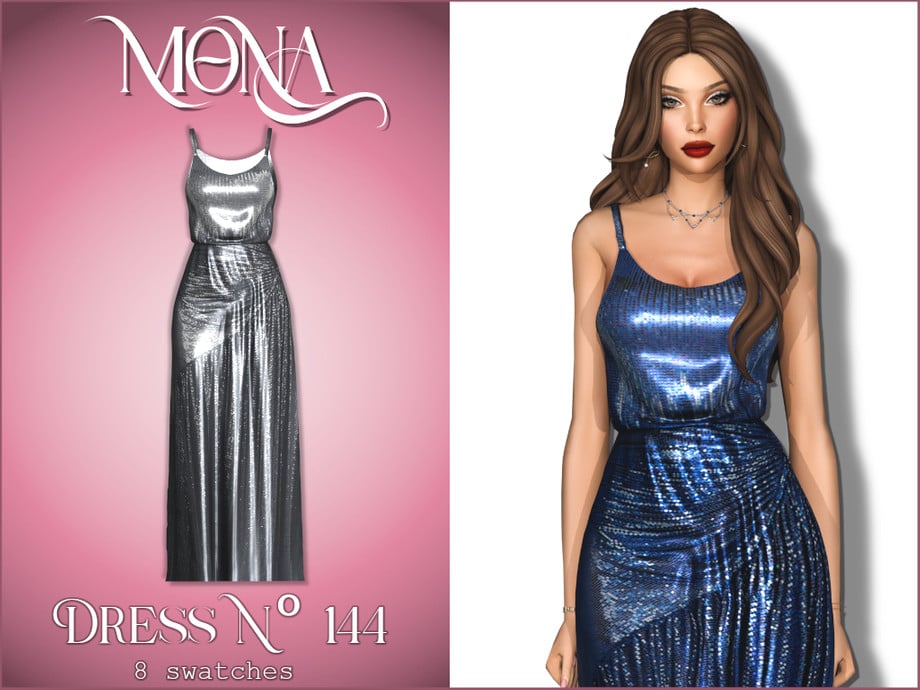
Straight from the runway! This glamorous and commanding dress by Mona is inspired by the “Devil Wears Prada 2” film and features shiny sequins, with a wrapped bottom, and a fitted, spaghetti-strap top – available in 8 eye-catching swatches.
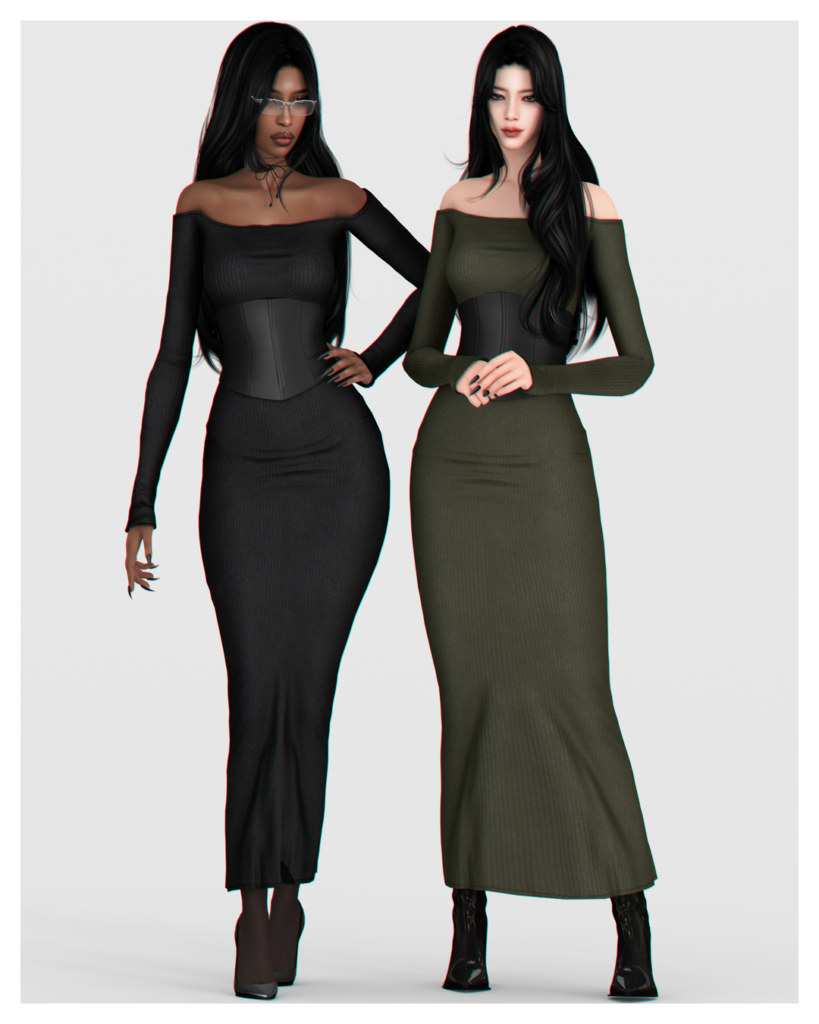
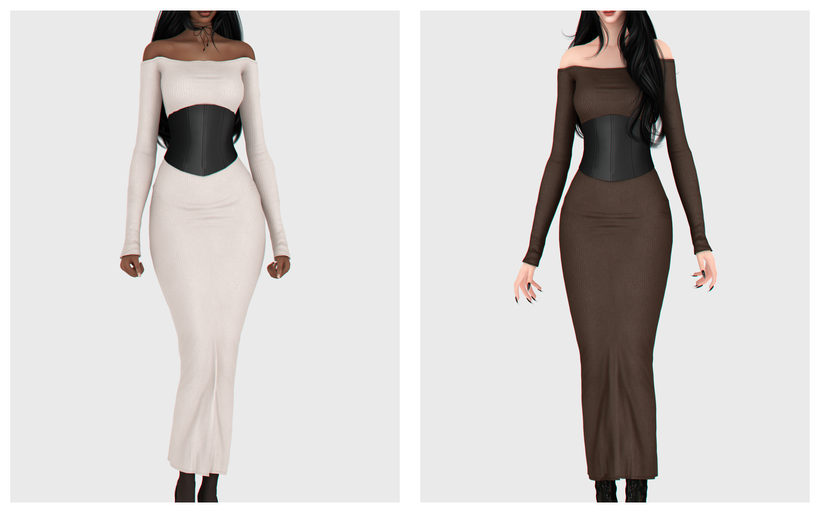
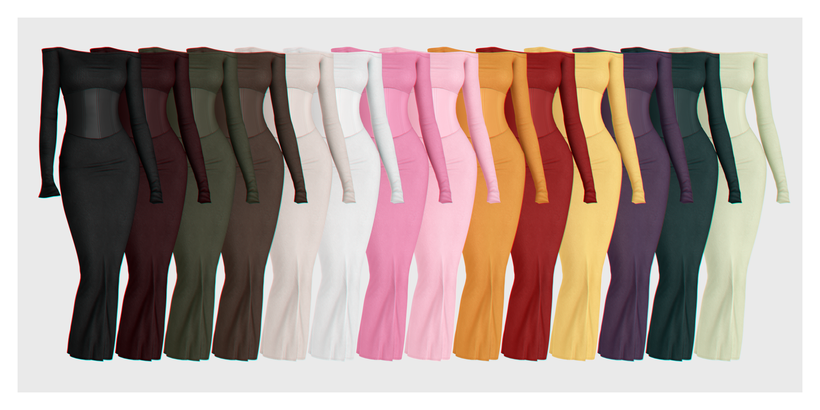
Rosa Dress by BackTrack is definitely a classy, CAS essential! This fitted, Formal Wear, CC dress features off-shoulder, long sleeves, with a fitted look, and a black corset adorned at the waist. Elegance at its finest! Whether your Sim wants a darker look or something brighter and eye-catching, the 14 swatches will have you covered.
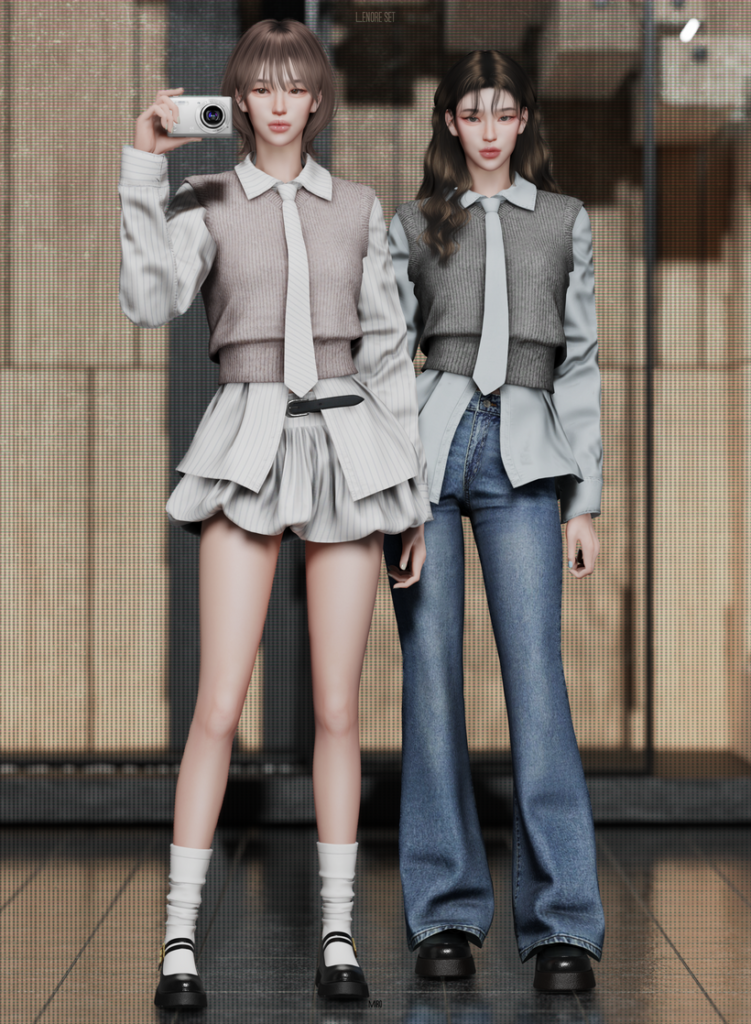
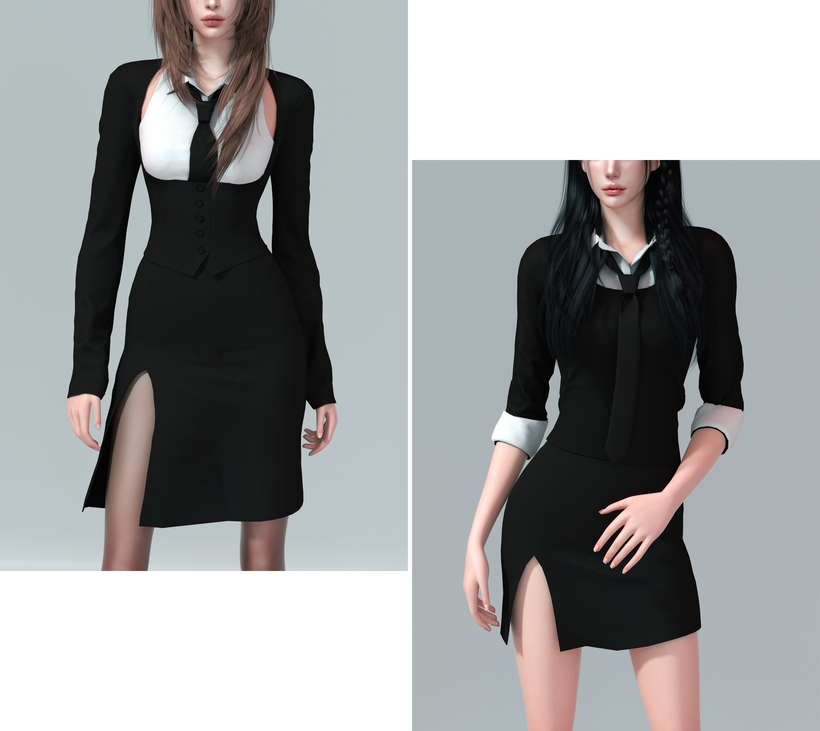
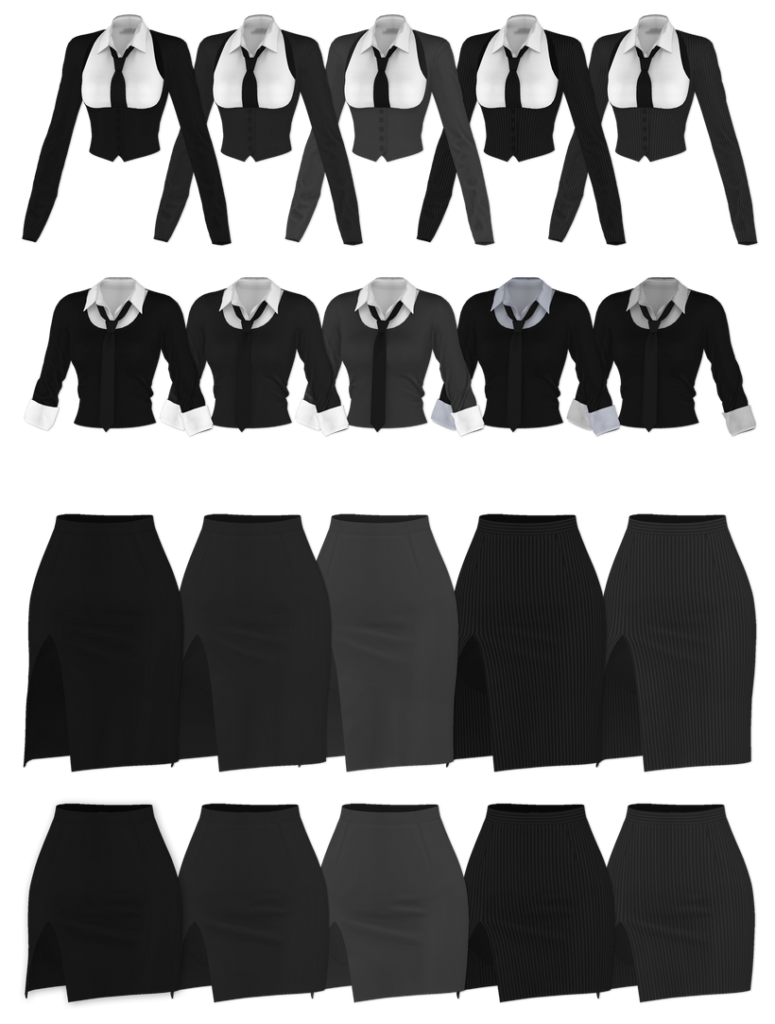
Looking for a more casual, business-ready look for your feminine-frame Sims? Check out this CC pack by MIRO. Included is a long-sleeved, collared button-up, with a cropped sweater layered over it, and an adorable tie. Pair it with the adorable, matching, ruffled skirt with a simple belt or the tight-fitting, boot-legged jeans for a more casual vibe – each item is available in multiple swatches as well for the perfect mix and match, CC pack!
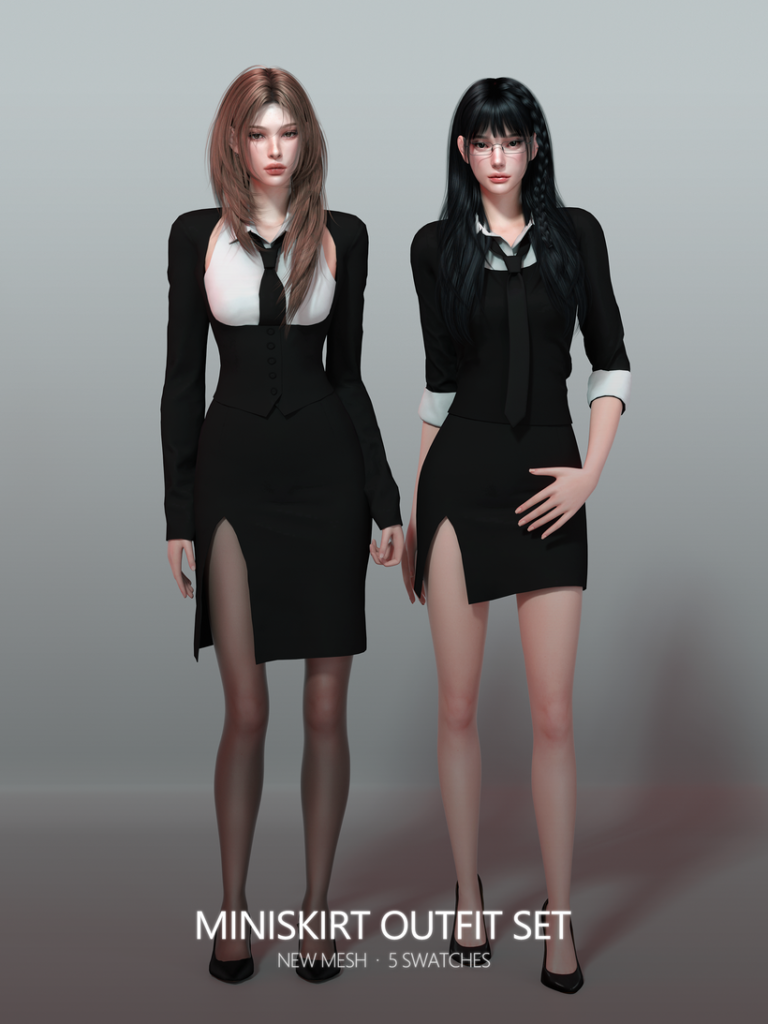
Simple, chic, and stunning! Miniskirt Outfit Set by RONA_SIMS includes 2 different Formal Wear outfits that provide the same business-ready energy but in different styles. A day in the office or for a date afterwards, this CC pack will have your Sim looking their best – available in 5 swatches each.
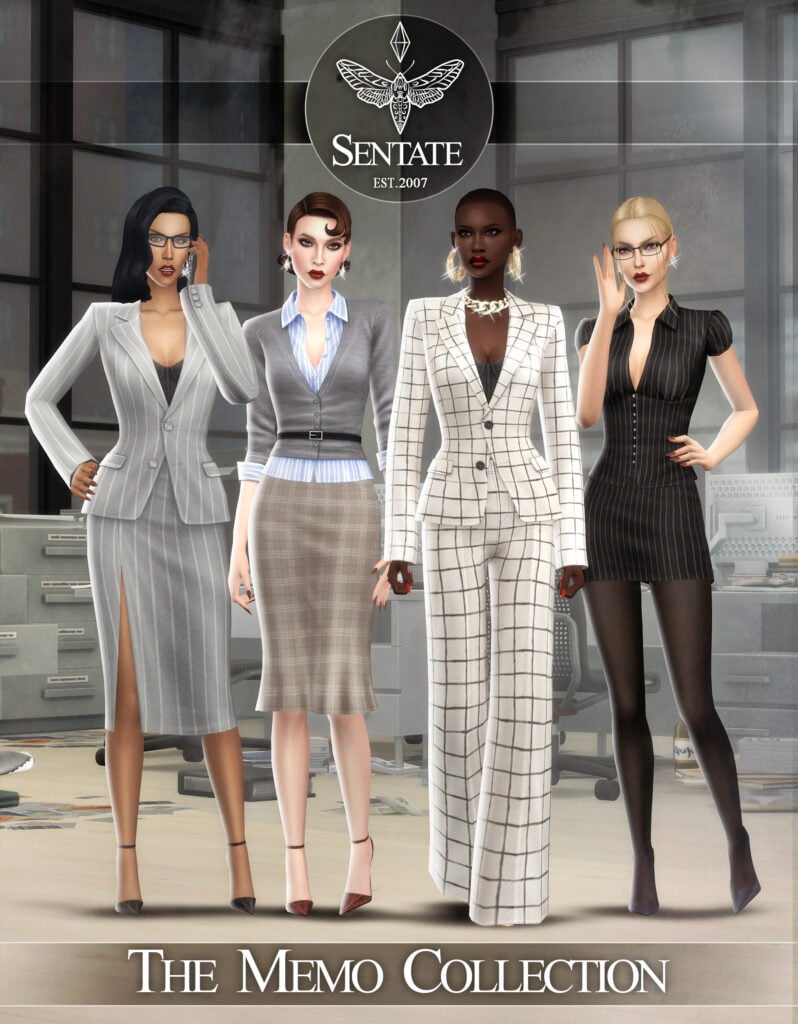
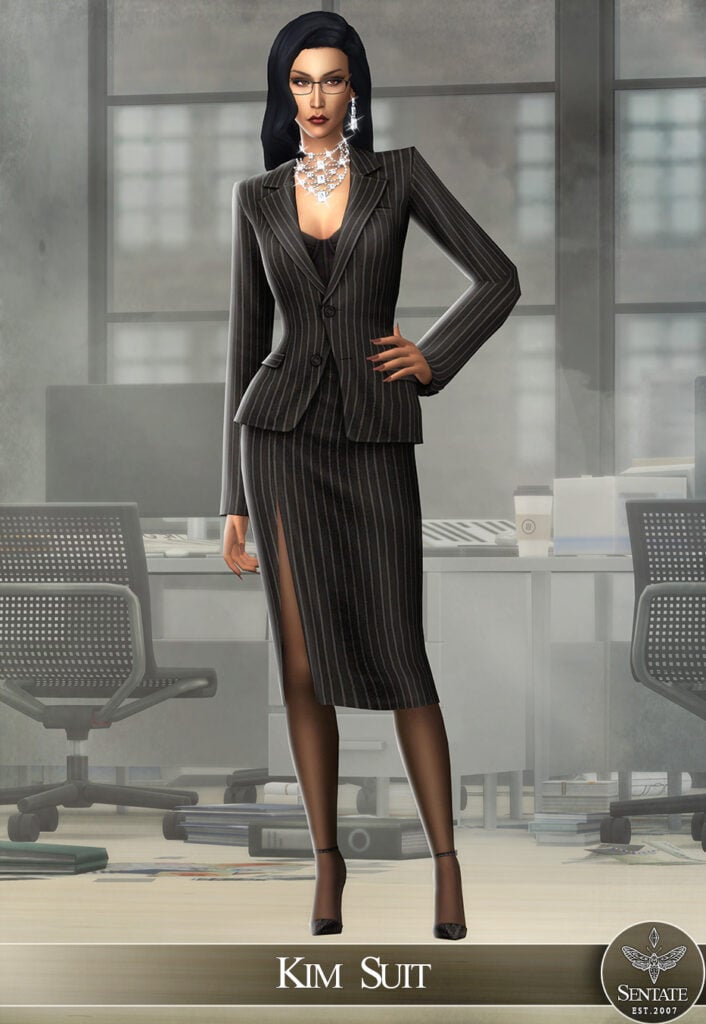
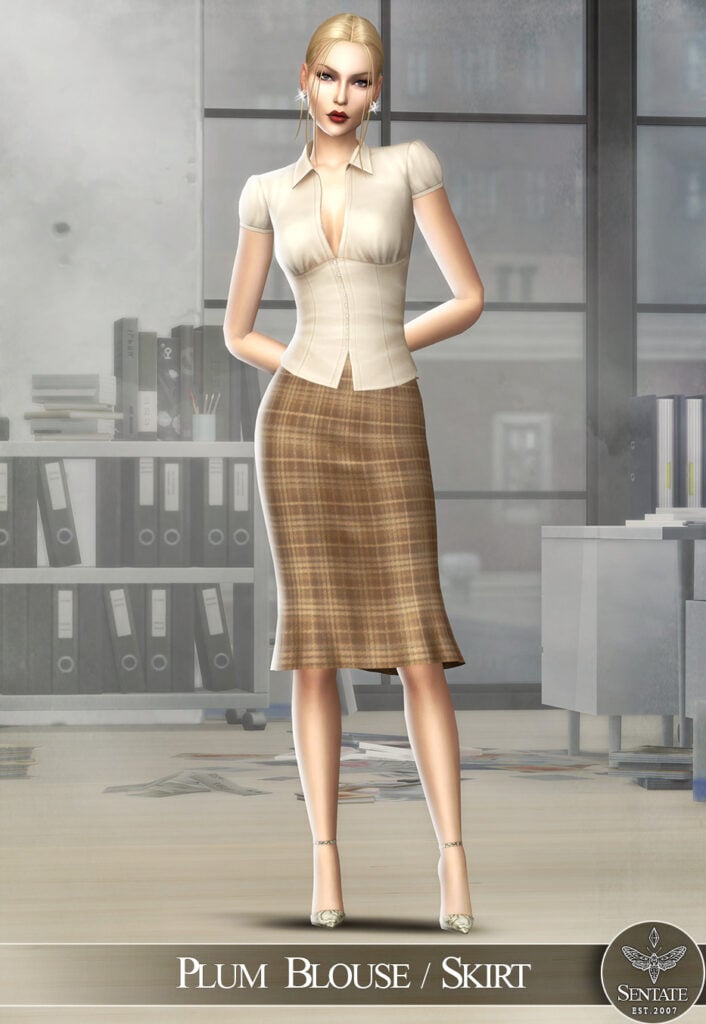
Sentate never fails to impress with their realistic and beautiful CC packs! The Memo Collection is no different, with 8 stunning items that make 4 different Formal Wear outfits that are modern, sleek, and flawless. Some of the items included are a pair of Monique Pumps that go with all of the outfits, the Kim Pant Suit – a gorgeous, flowing outfit, A Plum Blouse with a matching skirt, and more!
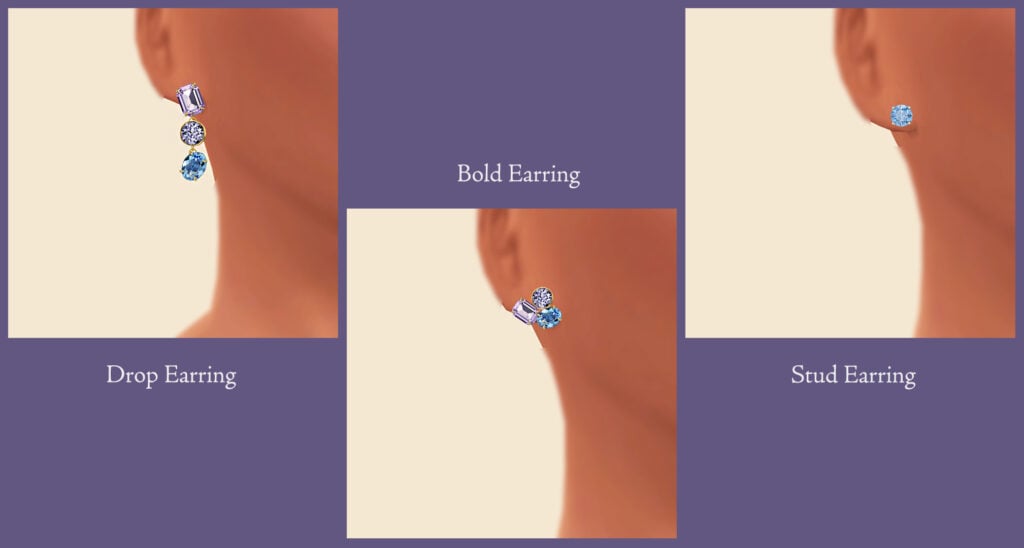
Your Sim will be a total show-stopper in any of these amazing, Formal Wear, CC, CAS dresses by RIMINGS! Included are 3 different sleeveless dresses and 3 pairs of gorgeous earrings to go with them. These would be perfect for prom or a fancy ball! Available in multiple swatches each, this CC pack is a must-have, and I can see myself using this in multiple saves!
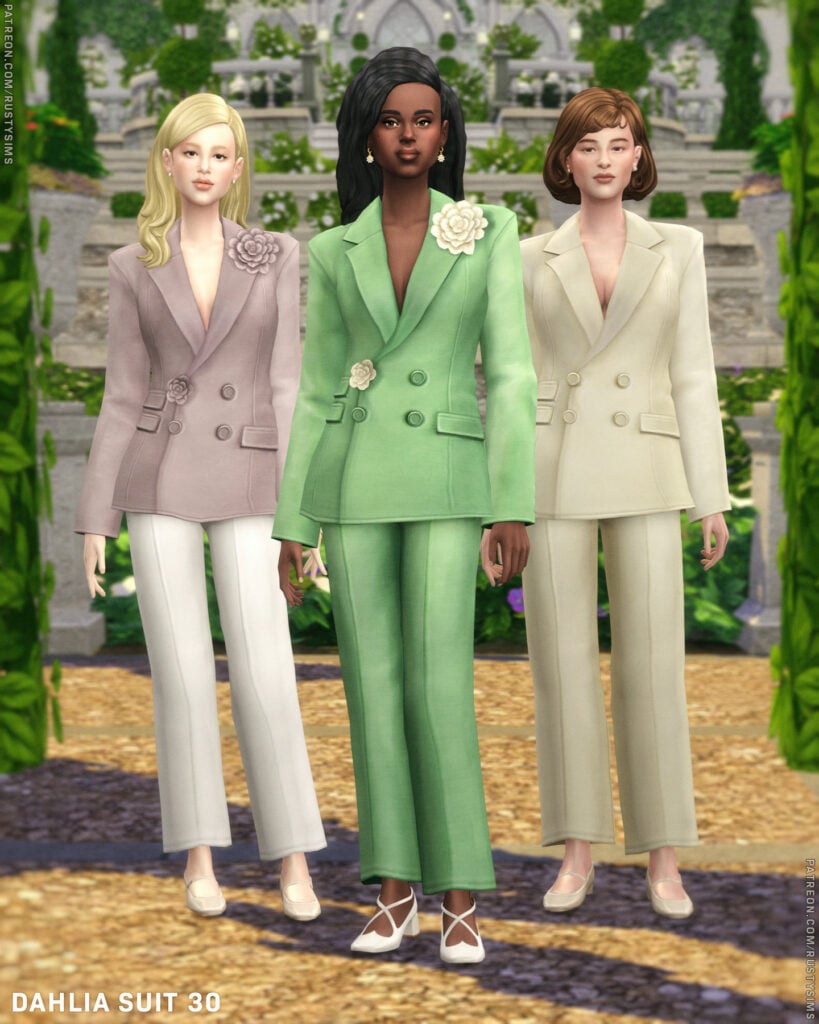
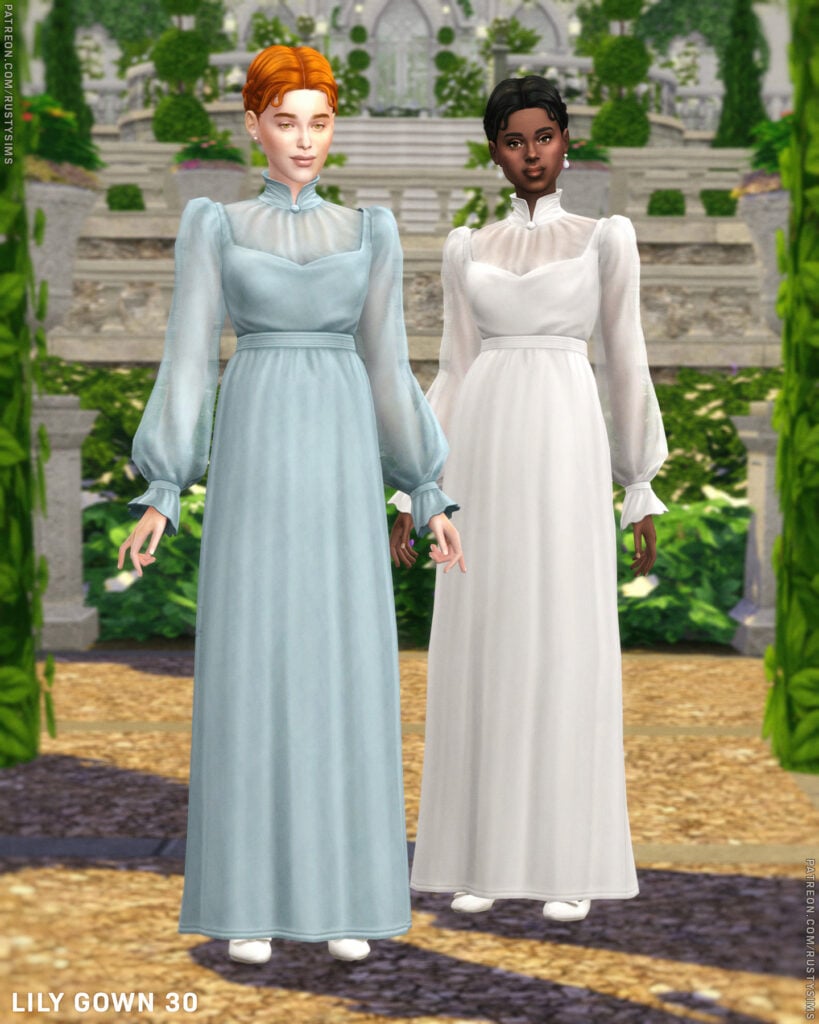
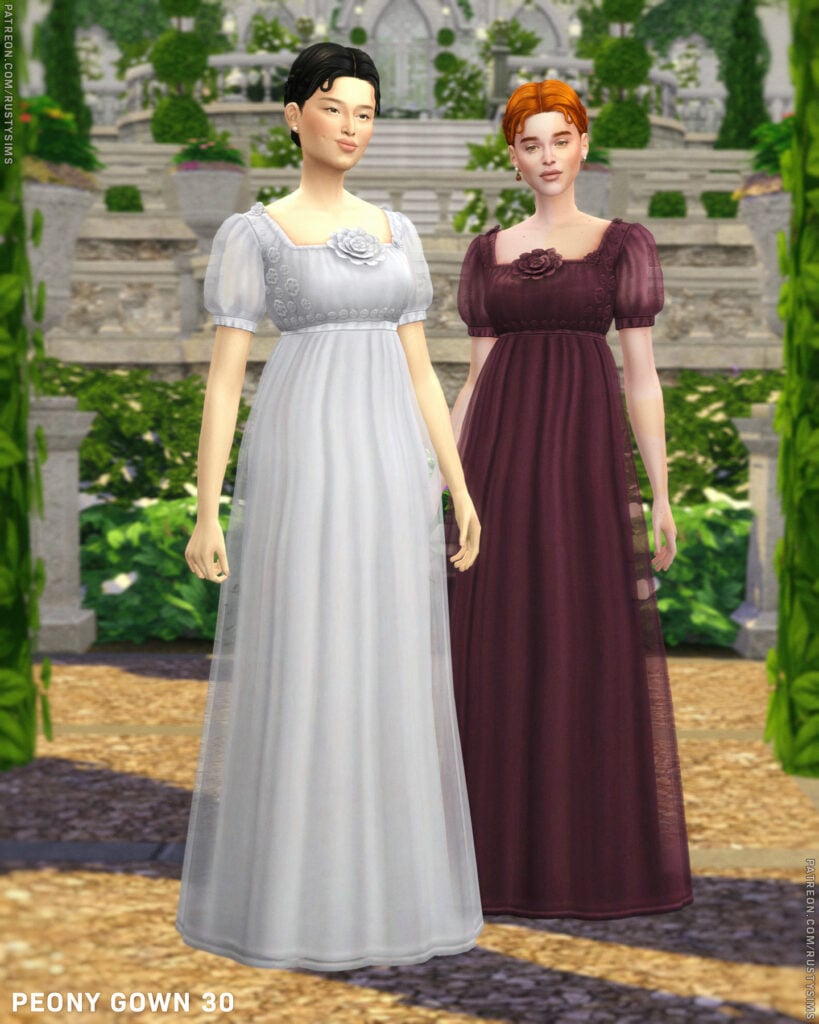
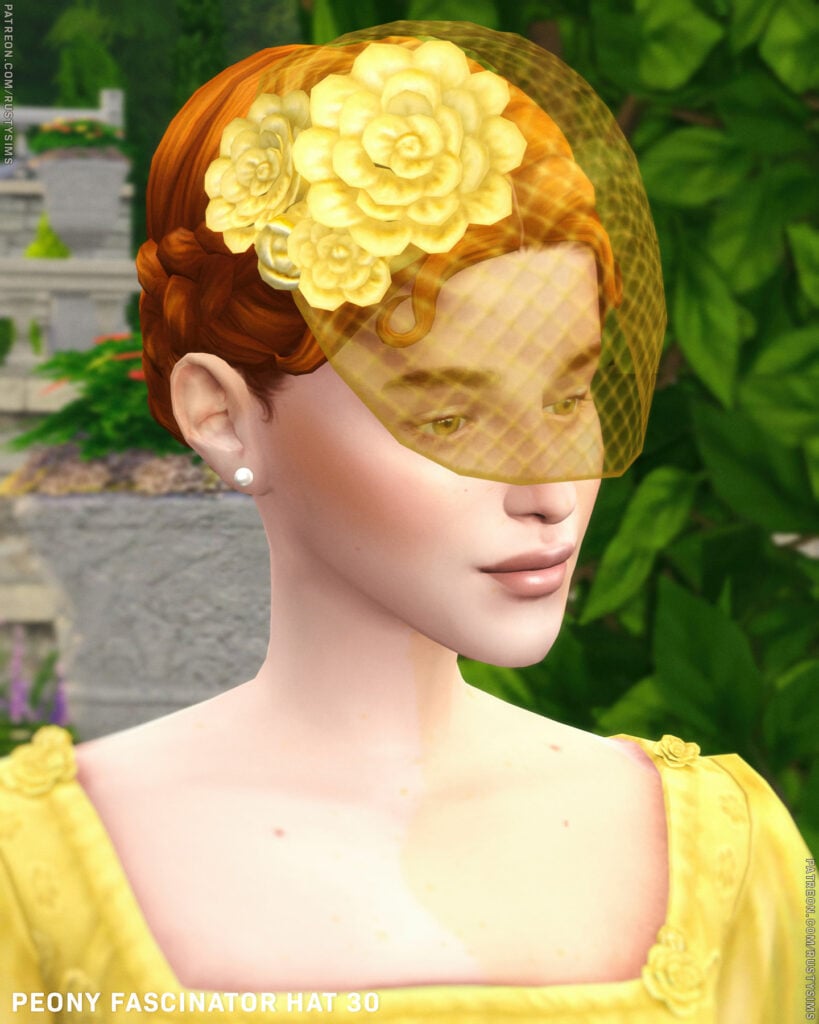
Blooming with style and springing in elegance, 2026 White Garden by Rusty’s is a gorgeously done Formal Wear, CC pack that includes 4 different, feminine-frame, Sims outfits, an accessory veil with matching gloves, and an elegant, multi-generational, CC hairstyle. Some of the outfits included are a lovely, fitting pantsuit, adorned with flower accents, as well as a long, flowing dress with puffy sleeves and a flower at the top.
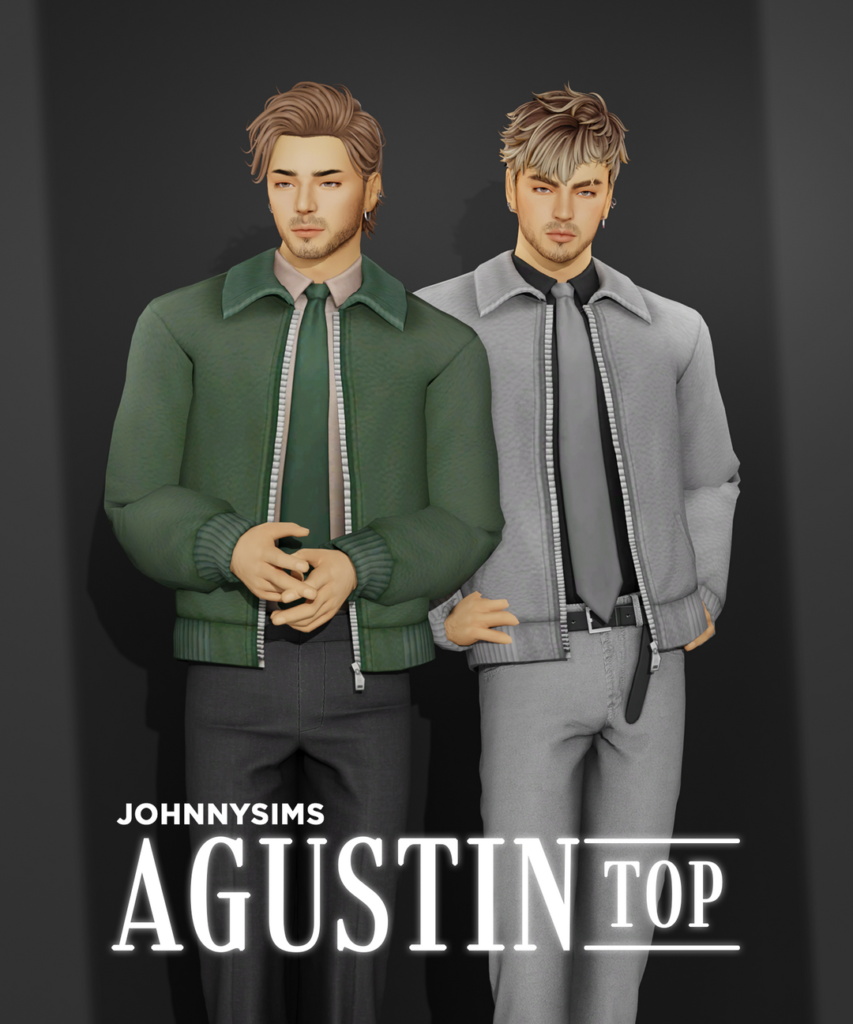
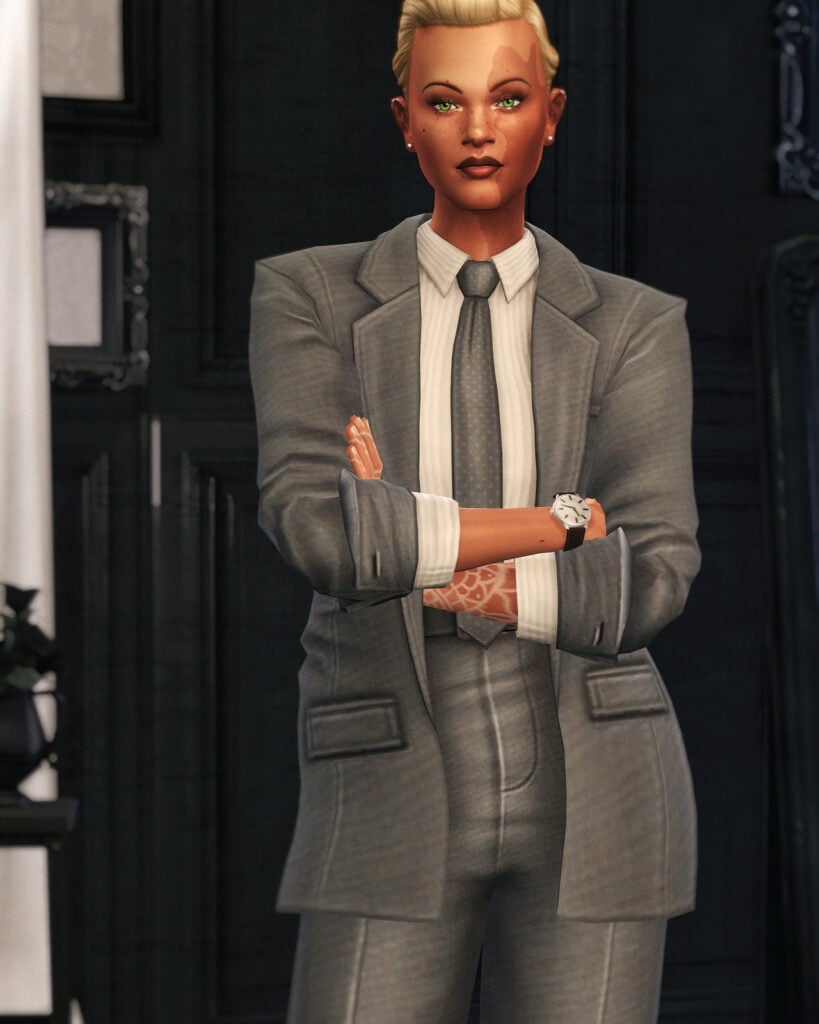
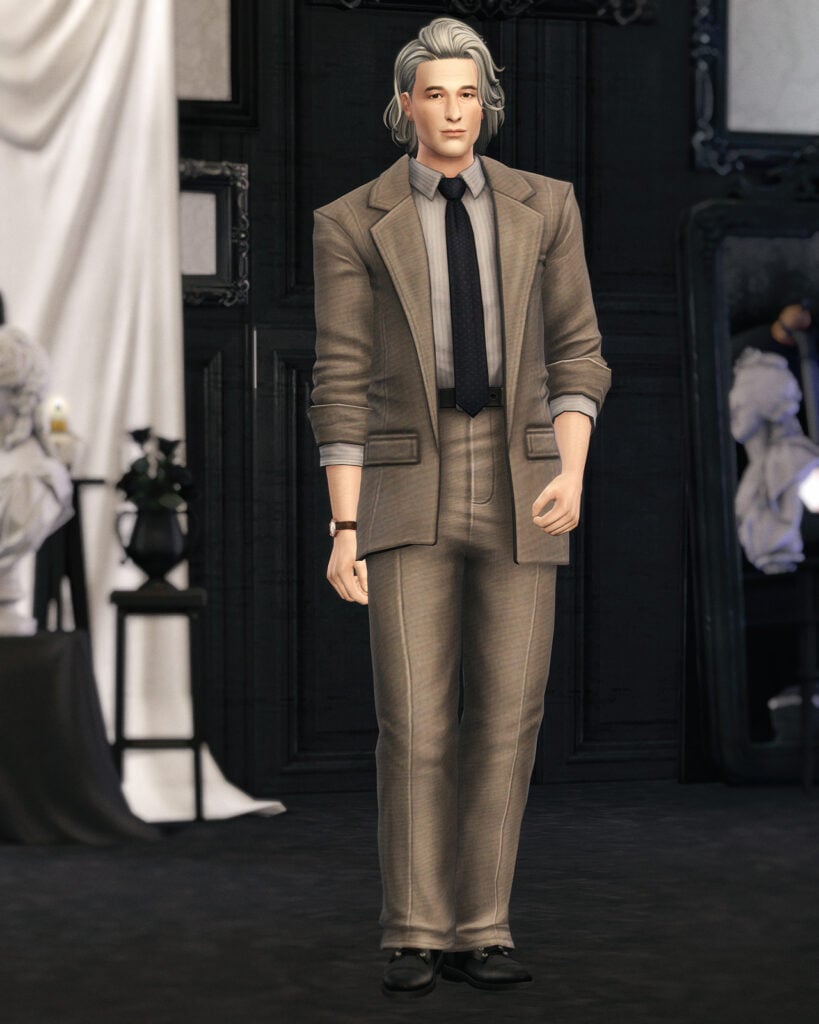
Formal made simple with Agustin Top by JohnnySims! This masculine-frame, Formal, CC top features a casual overcoat with zipper details, and a clean, collared undershirt, paired with a long, well-done tie – available in 21 handsome swatches.
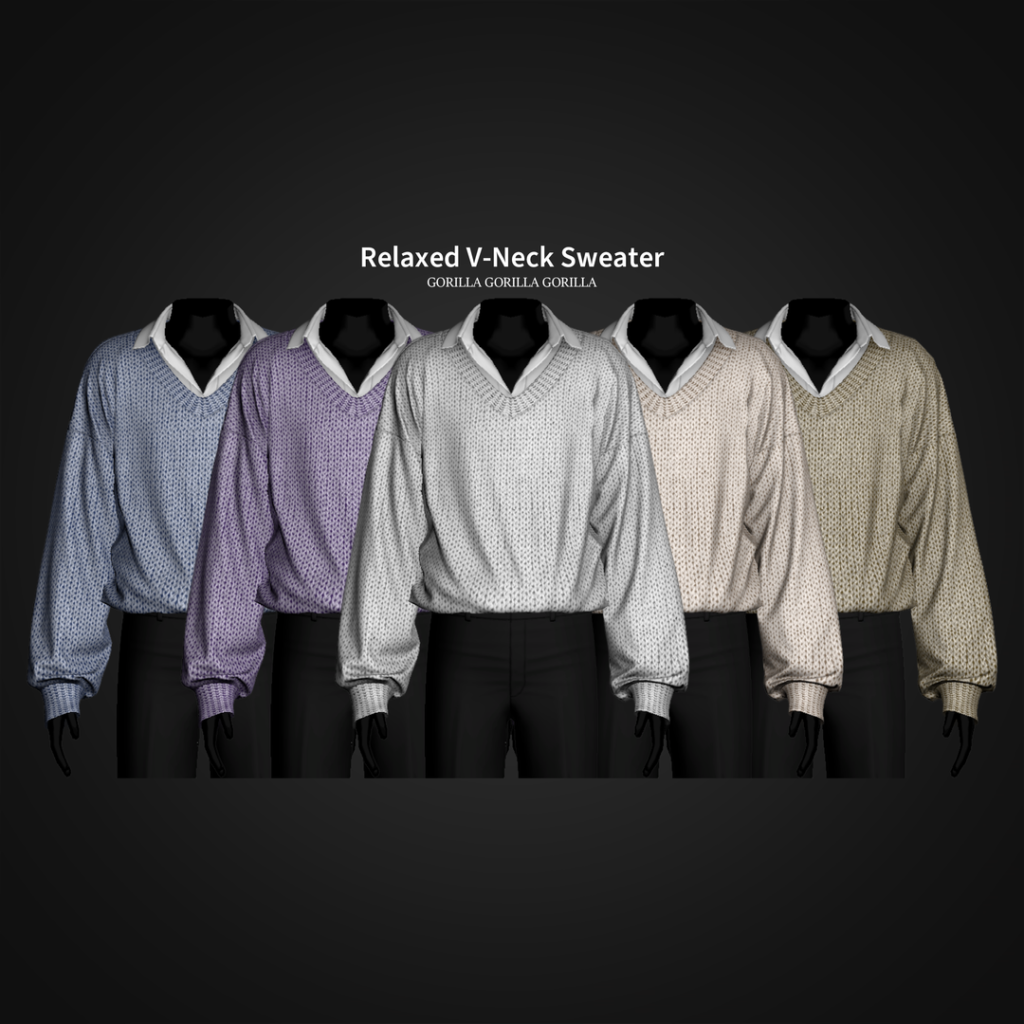
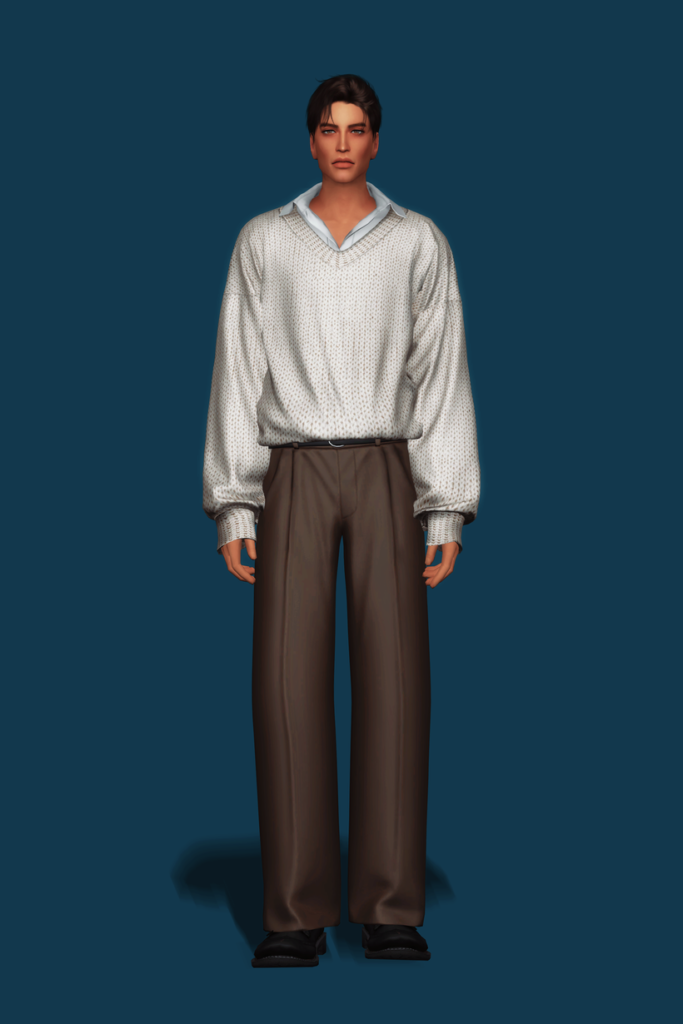
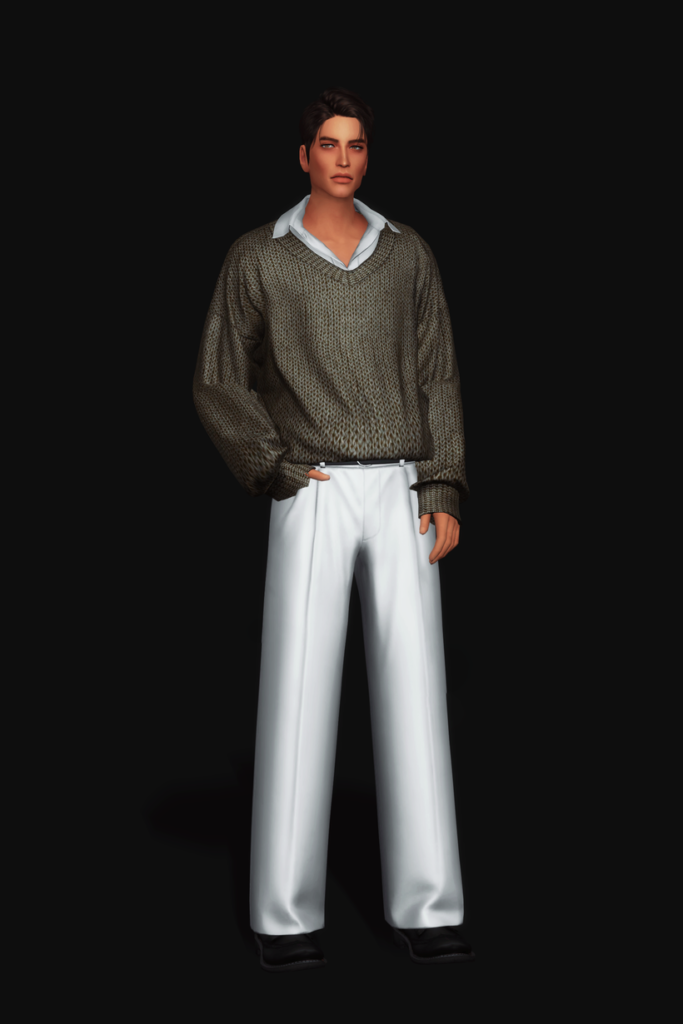
Relaxed V-Neck Sweater by Gorilla Gorilla Gorilla is a polished and professional CC top for your masculine-frame Sims that features a collared undershirt, with a slight open at the top of the chest, and a textured, V-neck sweater overtop with fabric details and loose sleeves – available in 20 swatches.
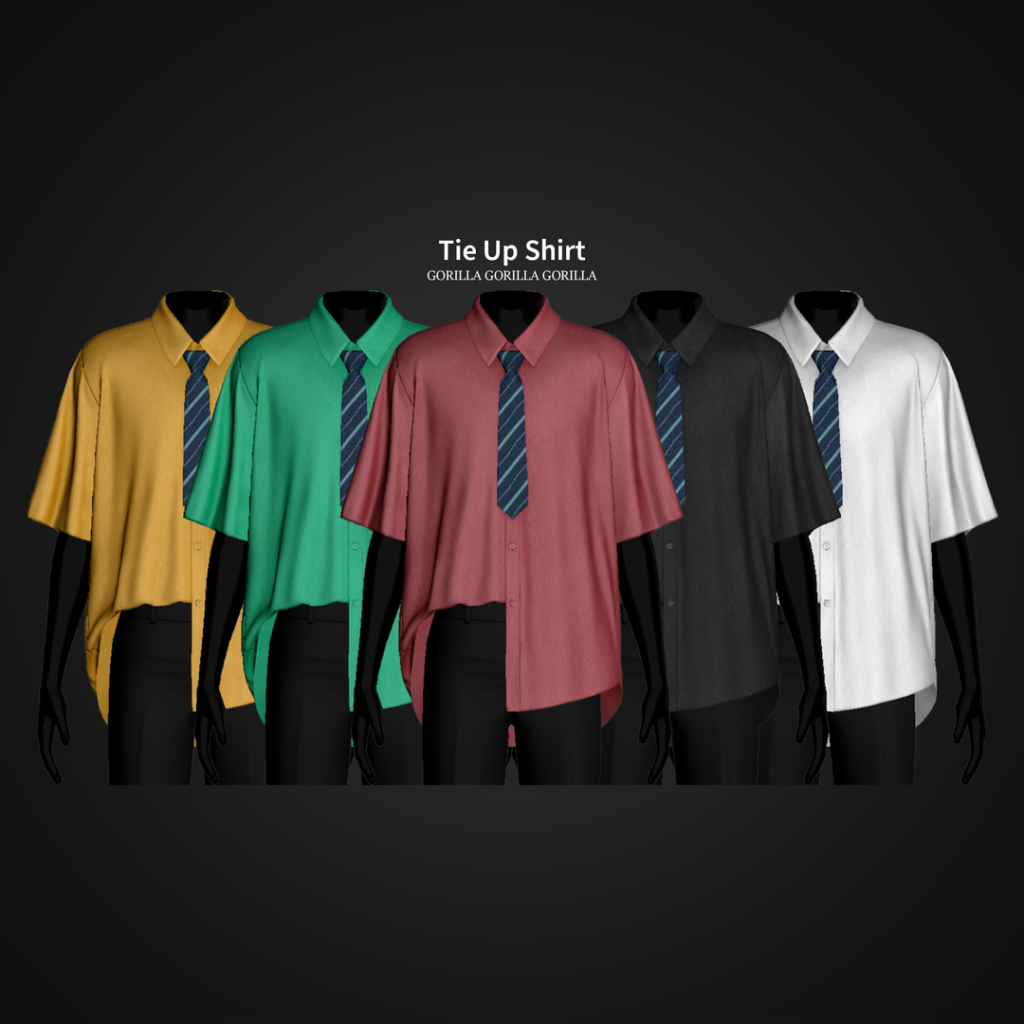
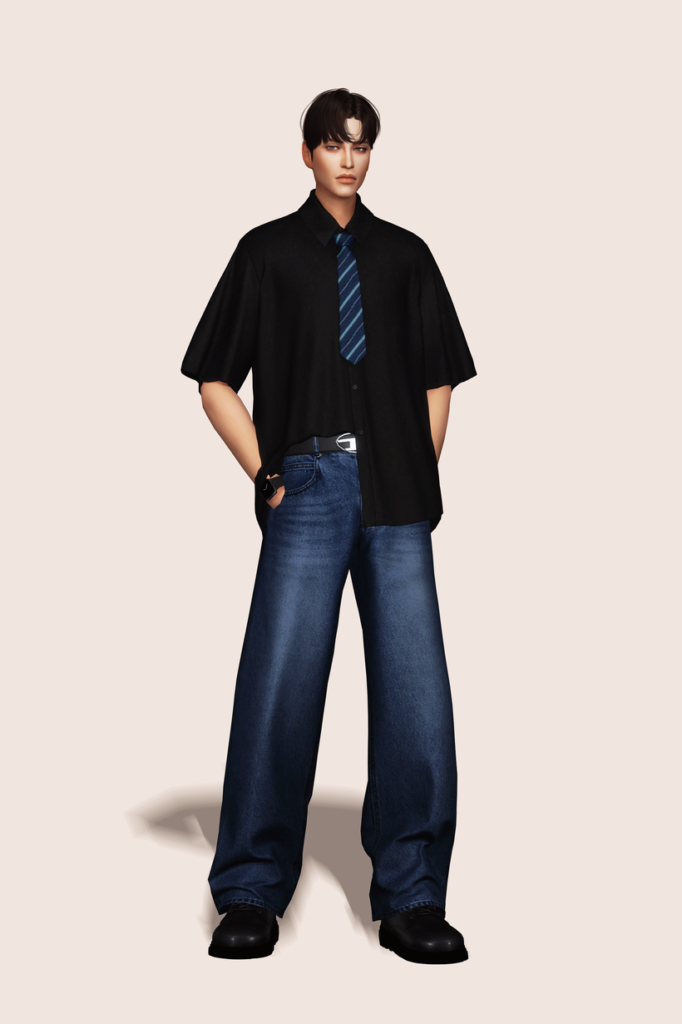
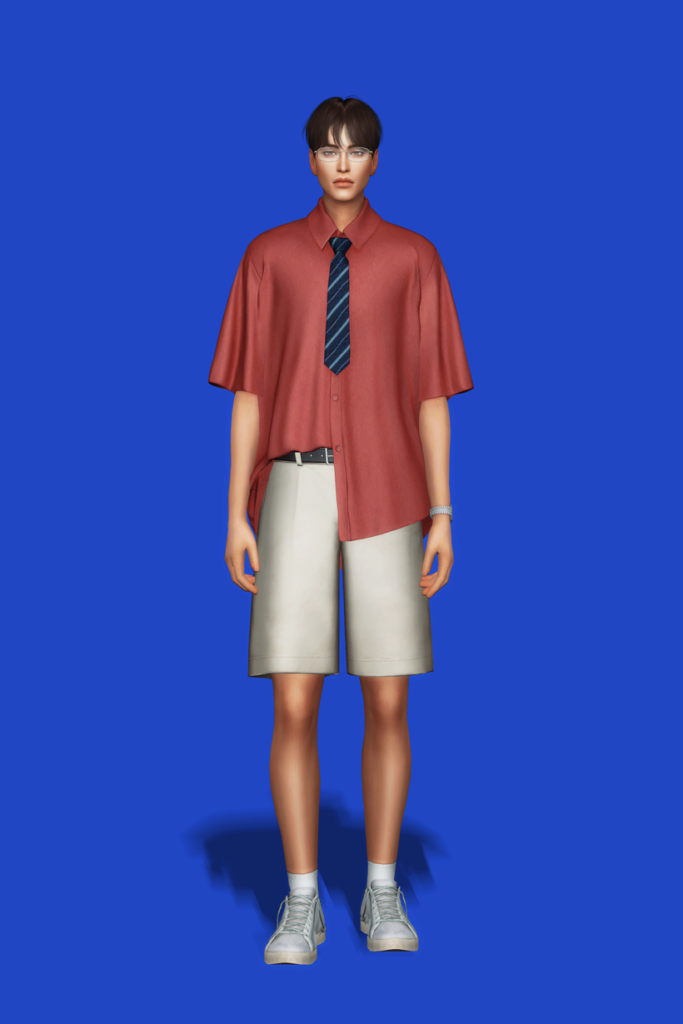
Chill but classy! Tie Up Shirt by Gorilla Gorilla Gorilla features a short-sleeved, buttoned-up top, with one side tucked in and one side tucked out, adorned with a handsome tie – available in 25 swatches.
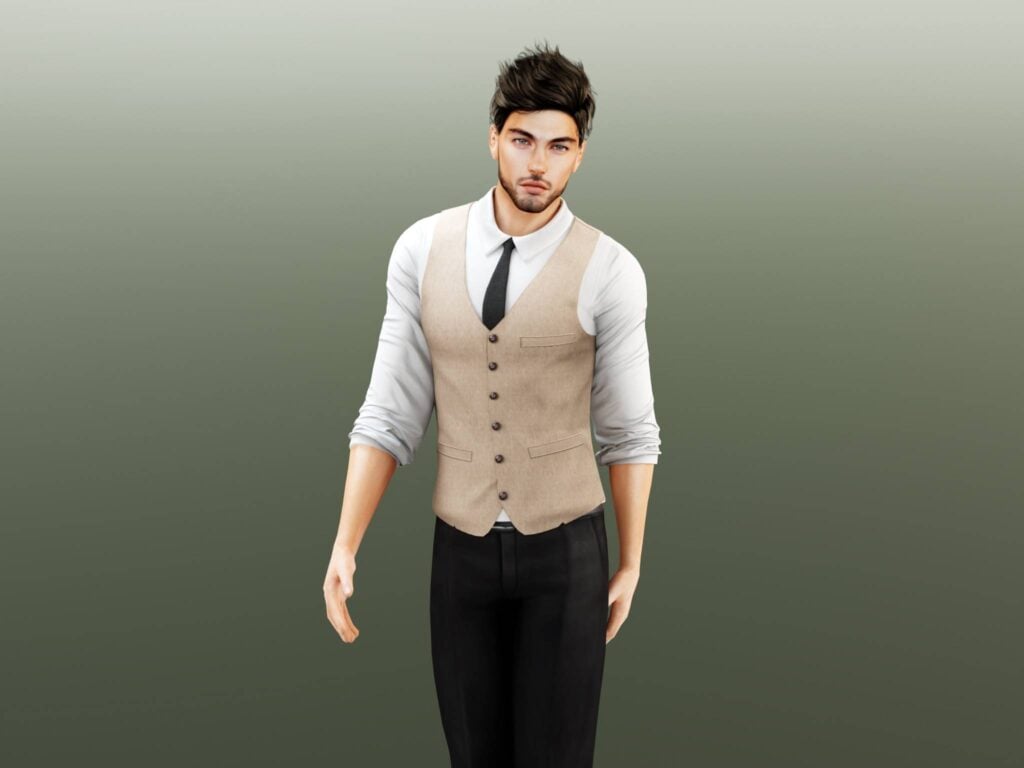
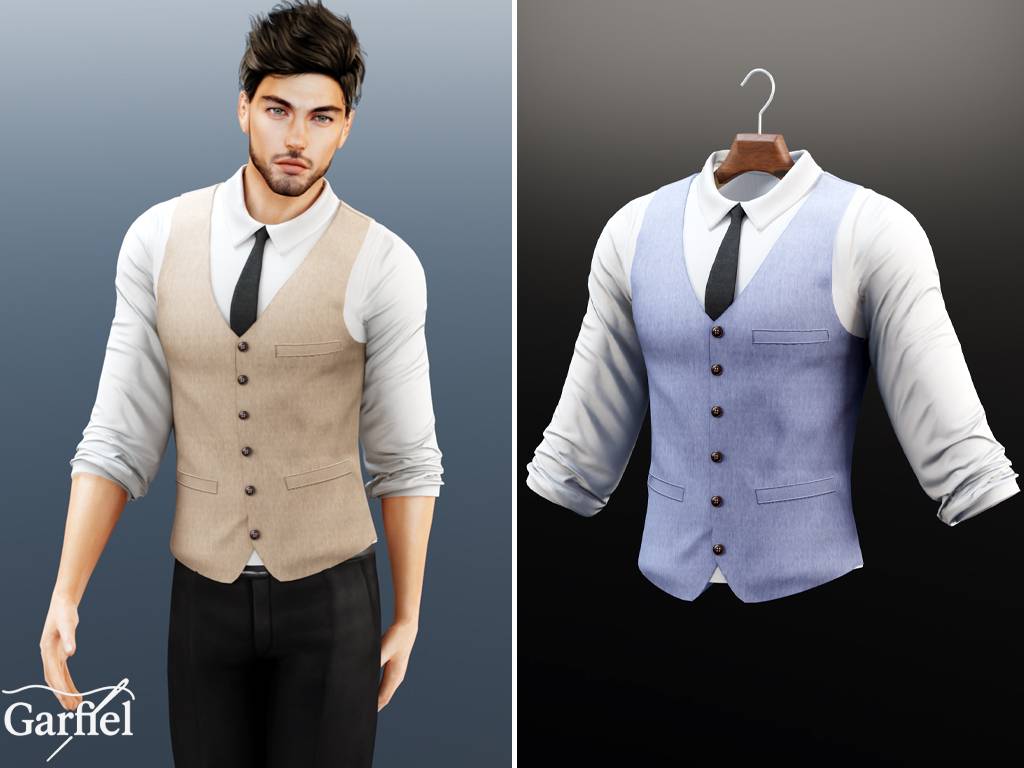
Your Sim will be dressed to impress in this stunning, CC top by Garfiel for your masculine-frame Sims! This top features a long-sleeved undershirt, with its sleeves rolled up, a simple vest over the top, and a matching tie. A must-have download for your Formal Wear CC folder!
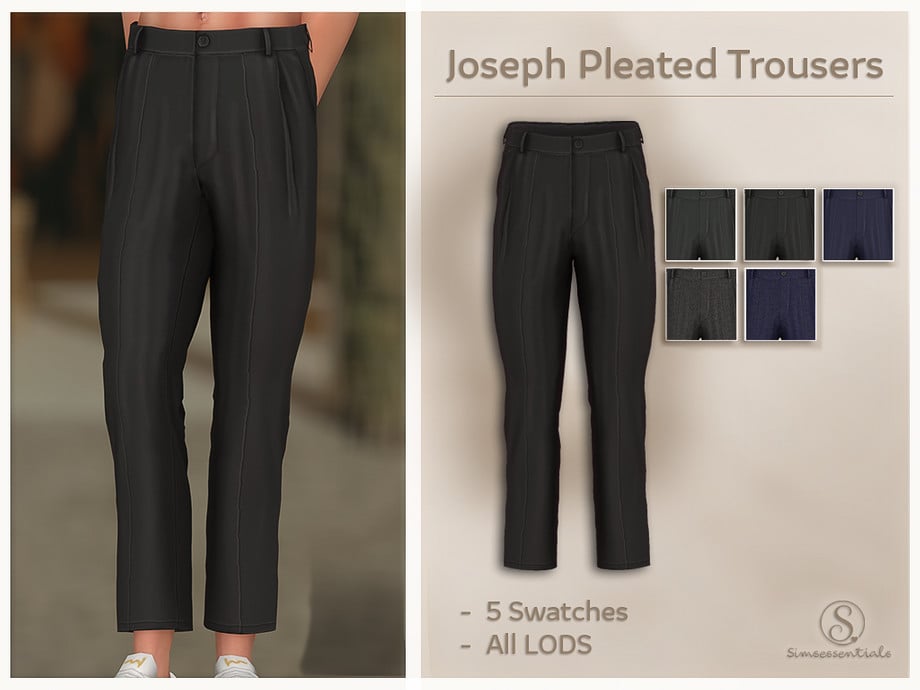
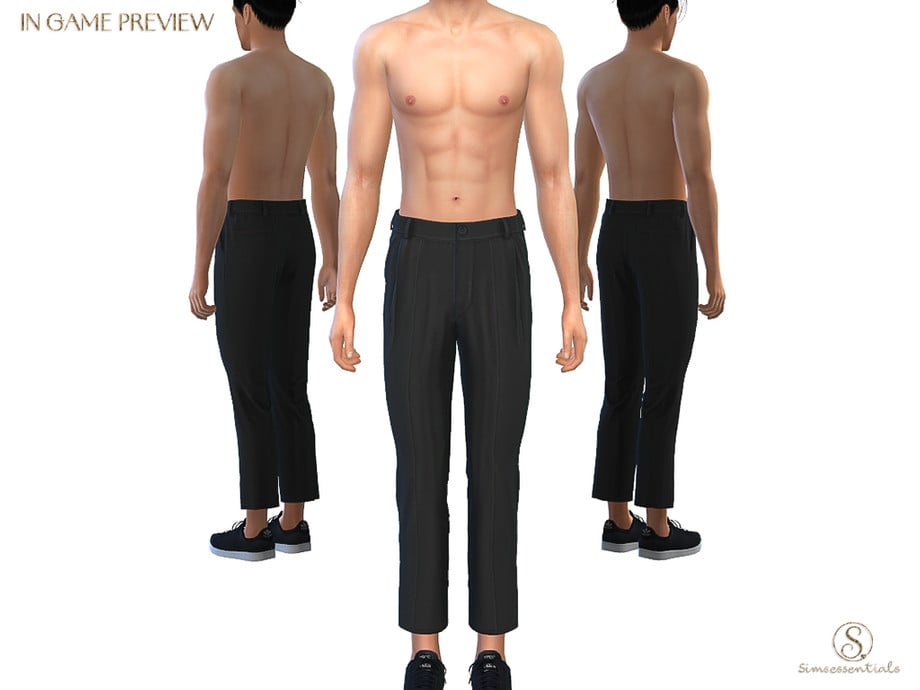
Sharp, simple, and timeless – Joseph Pleated Trousers by Simsessentials is a Formal, CC bottom that features simple cleats and a tailored waistline – available in 5 swatches.
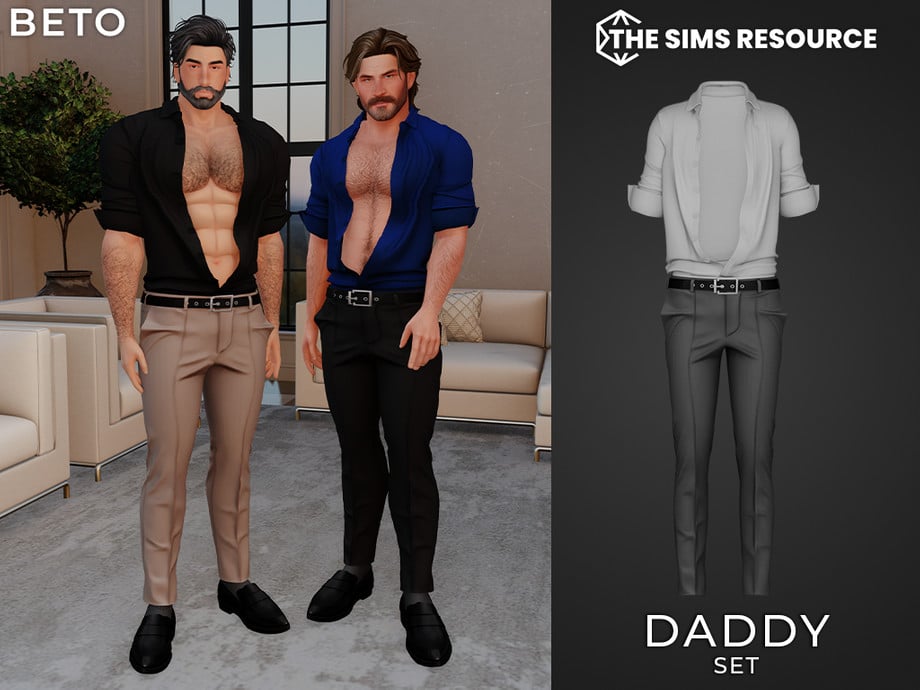
Need a tighter, more modern CC bottom for your Formal wear? Daddy Pants by Beto_ae0 are a pair of pleated, skinny-legged pants for your masculine-frame Sims, and it is also available as an entire outfit set. If you love these, make sure you check out the matching shirt, found on the download page as well.
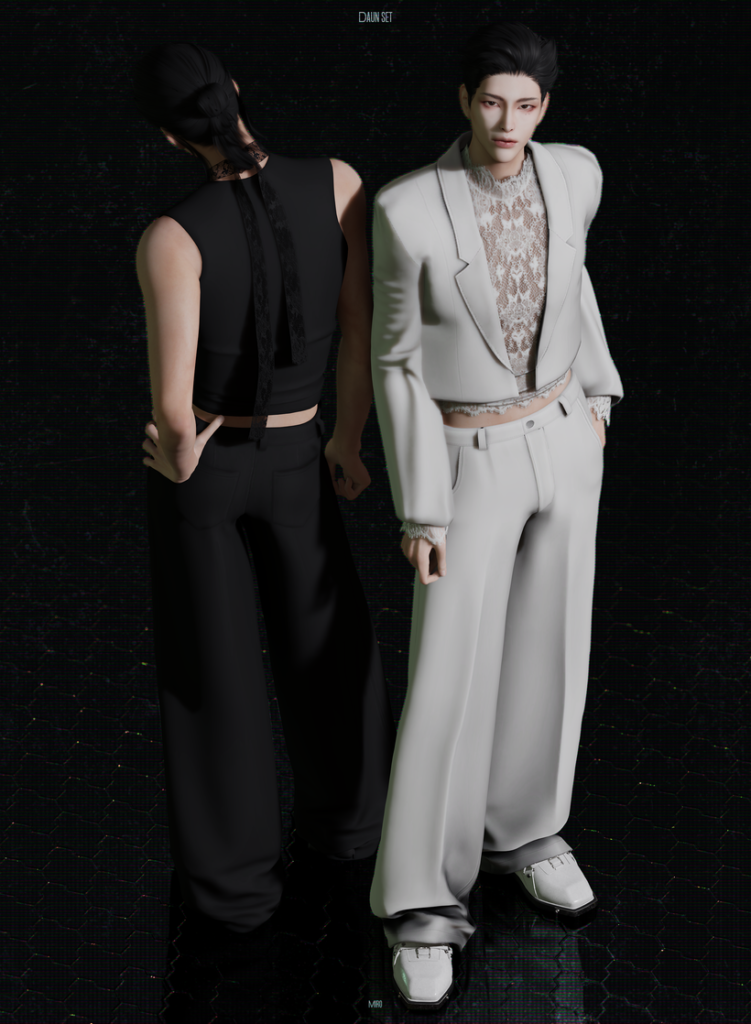
Daun Set by MIRO offers head-to-toe sophistication with its loose, pleated pants, sheer, lace undershirt, and matching suit jacket to bring it all together. Wear with or without the jacket for a more elegant or casual look. The 2 tops included are available in 28 swatches each, while the bottom is available in 18 swatches.
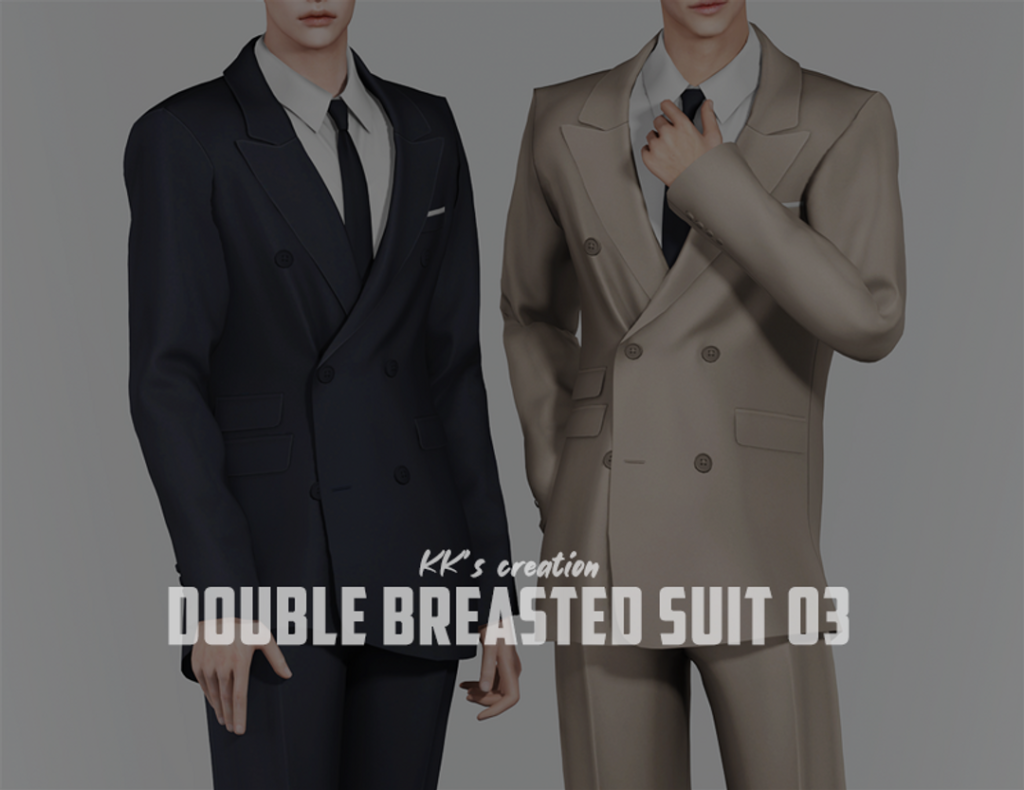
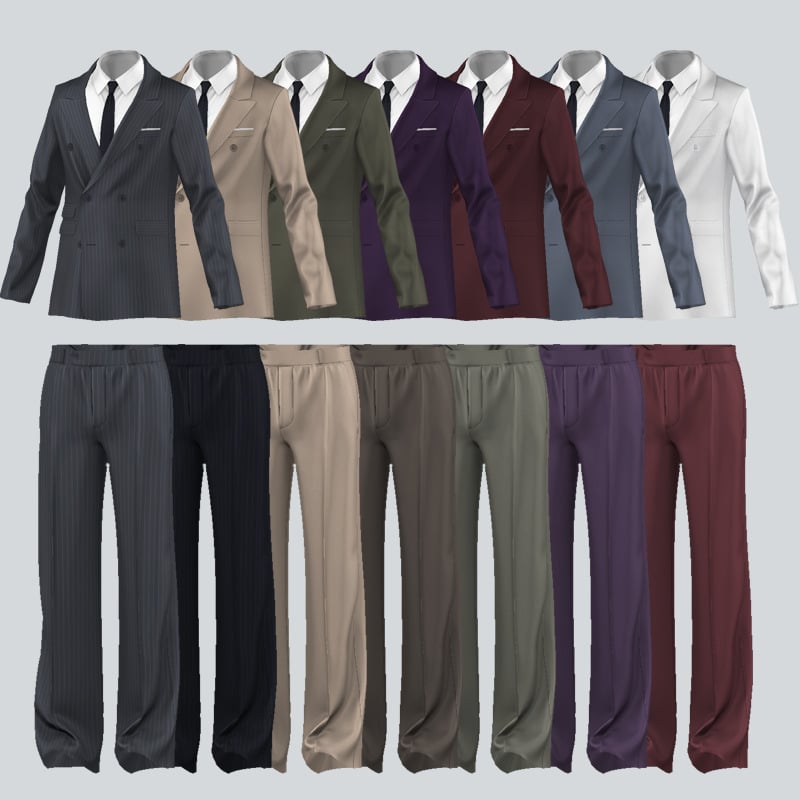
Suits are the ultimate classy, formal look, and thanks to KK’s creation, you can bring a bit more of that to your game with their Double-Breasted Suit 03. Included is a sleek suit top, with a white undershirt, tie, and matching suit bottoms – available in 25 swatches each.
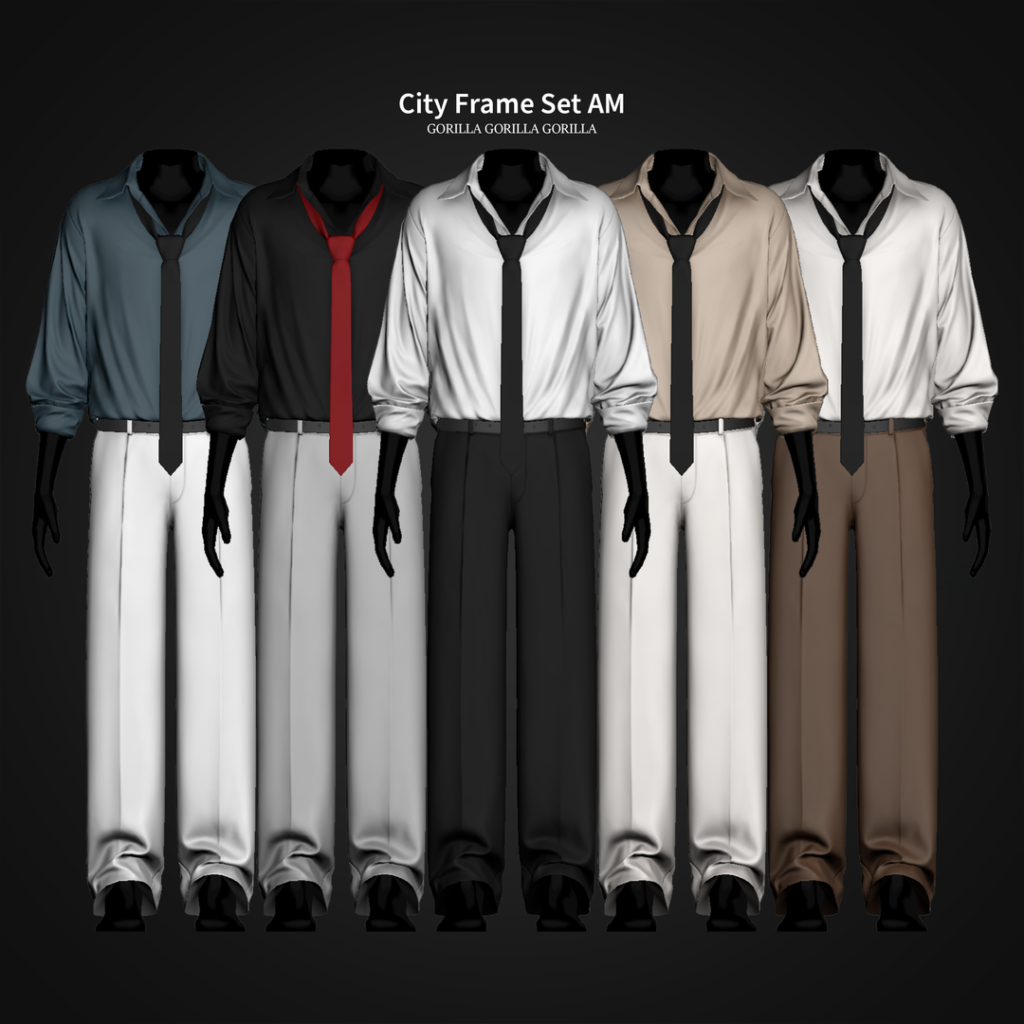
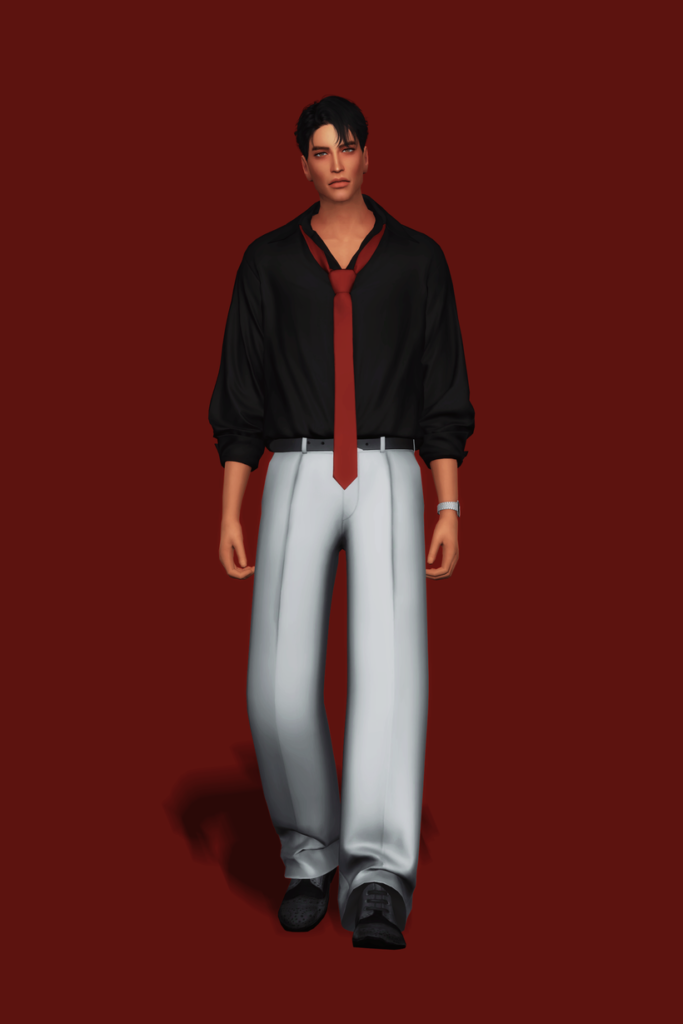
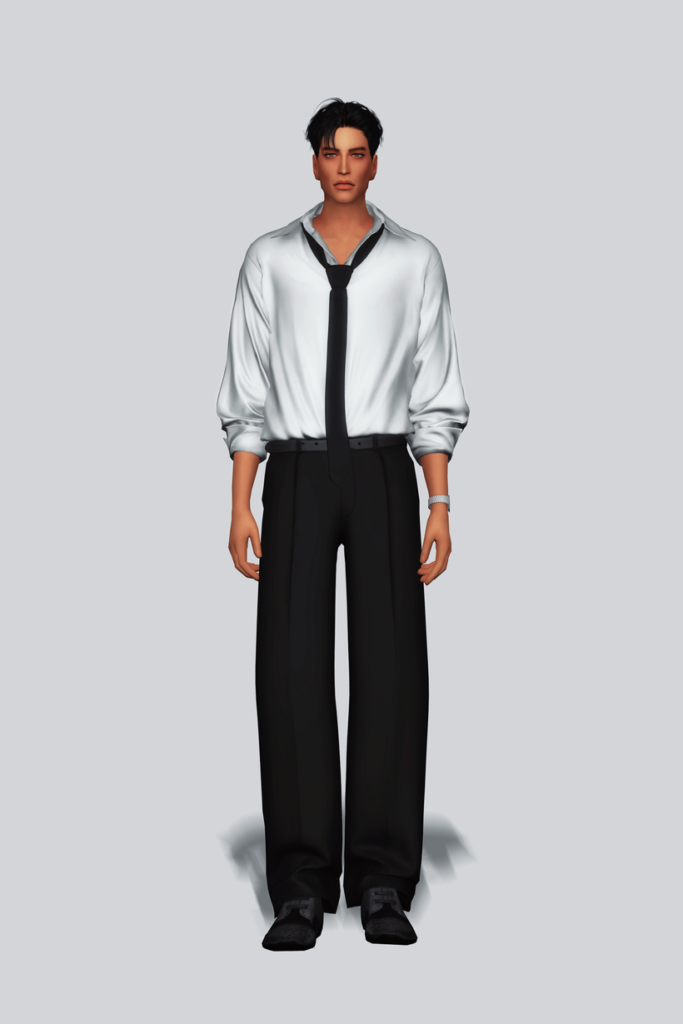
Polished but without overdoing it, City Frame Set AM by Gorilla Gorilla Gorilla is a relaxed, Formal, CC outfit for your masculine-frame Sims that features a plain, loose, long-sleeved undershirt that is slightly undone at the top, a loose tie, and a pair of suit bottoms – available in 20 swatches.
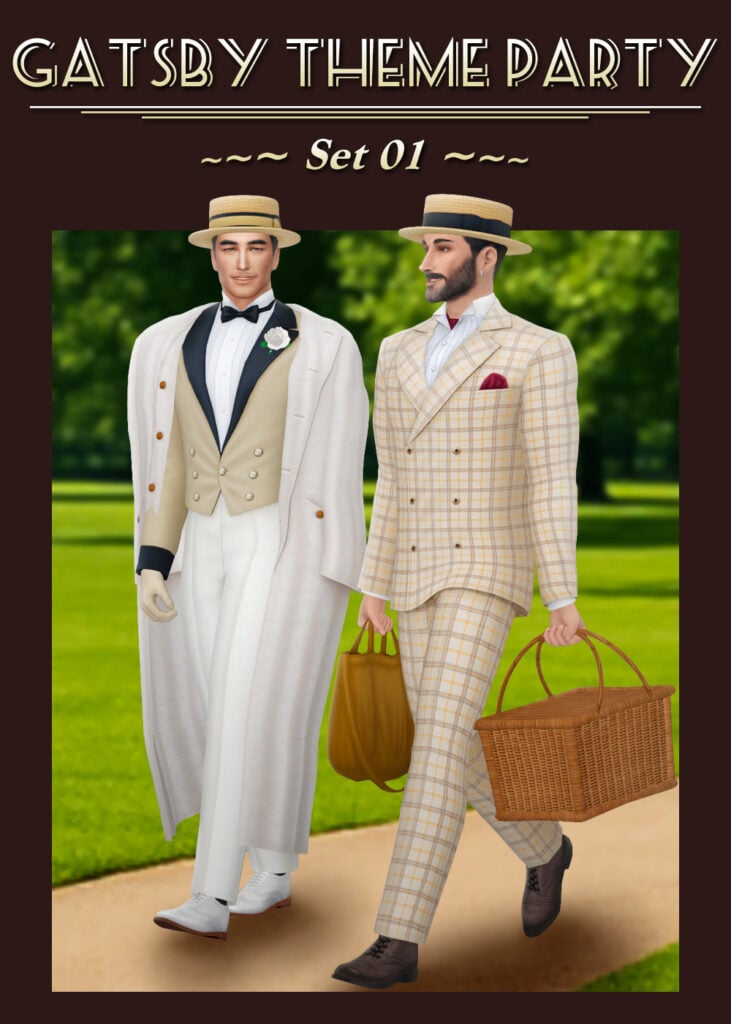
A perfect blend of vintage luxury and timeless sophistication, this Gatsby-inspired formal set by HappyLifeSims brings serious roaring twenties energy to CAS. From the sharp tailoring to the elegant details, everything about this look feels rich, refined, and effortlessly classy with its 3 stunning outfits and accessories! Whether your Sim is attending a lavish mansion ball or a glamorous garden party, this CC outfit set delivers pure old-money elegance with a touch of vintage charm – a must-have download for your Formal Wear CC folder.
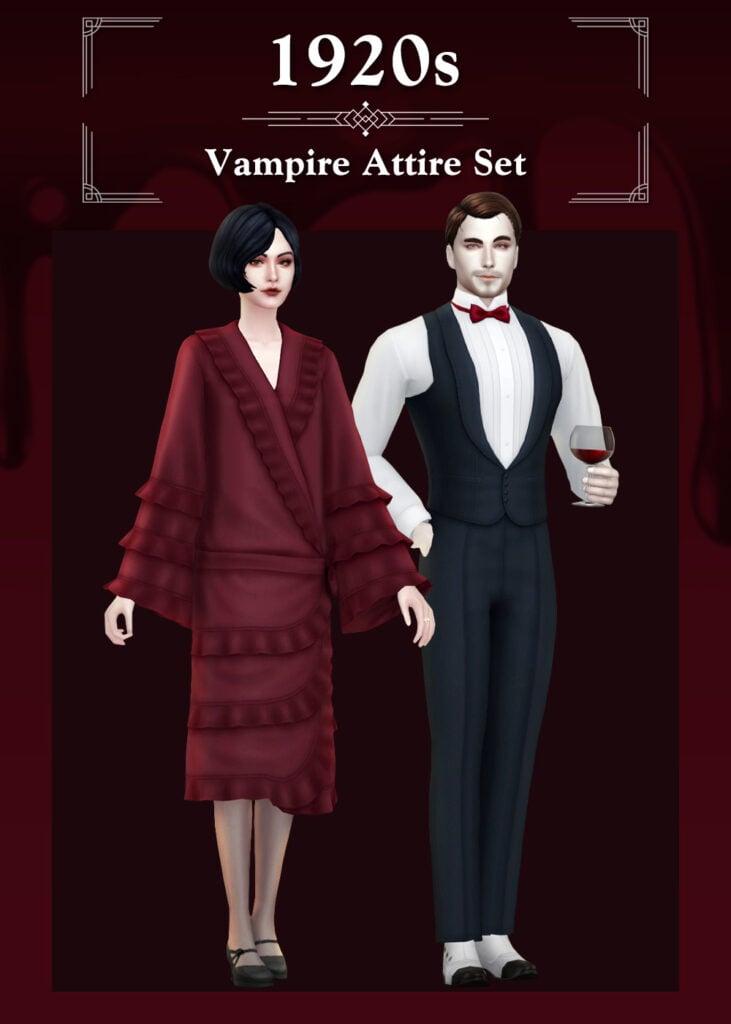
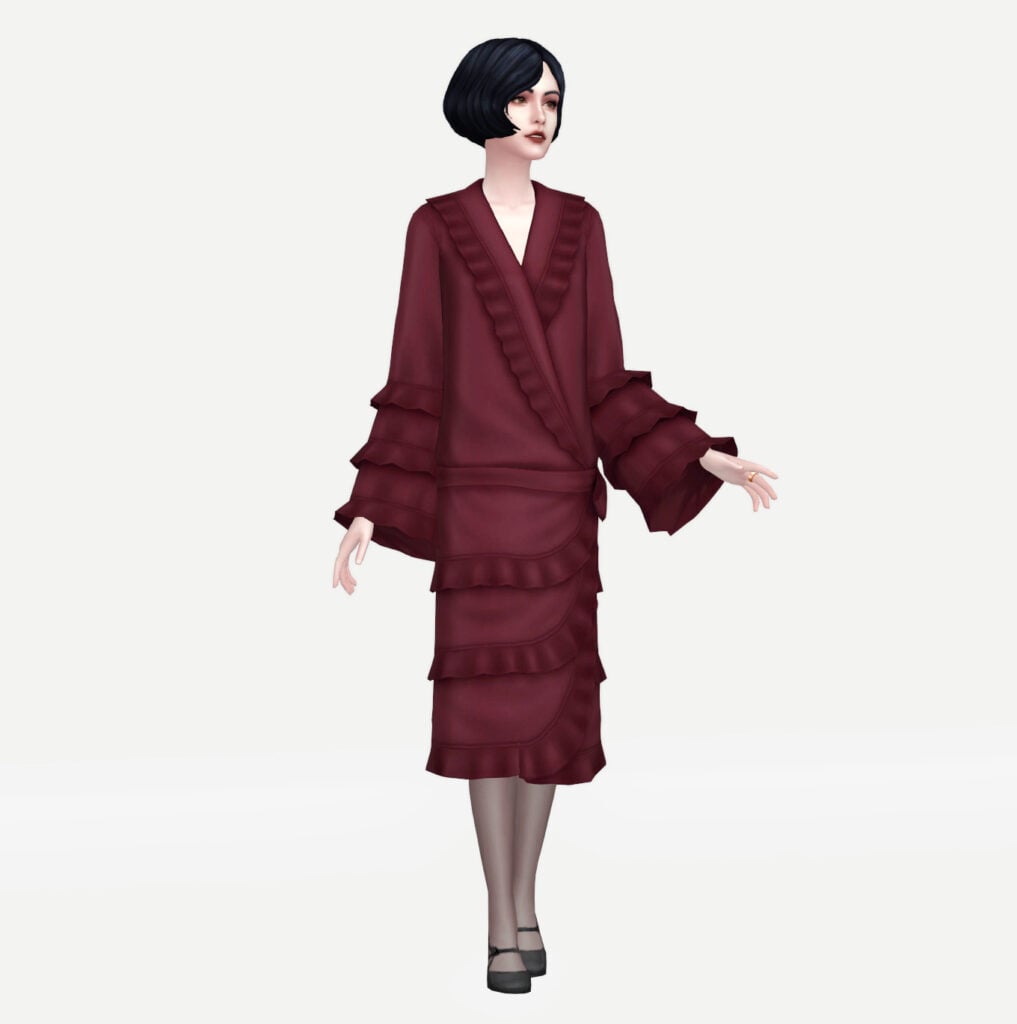
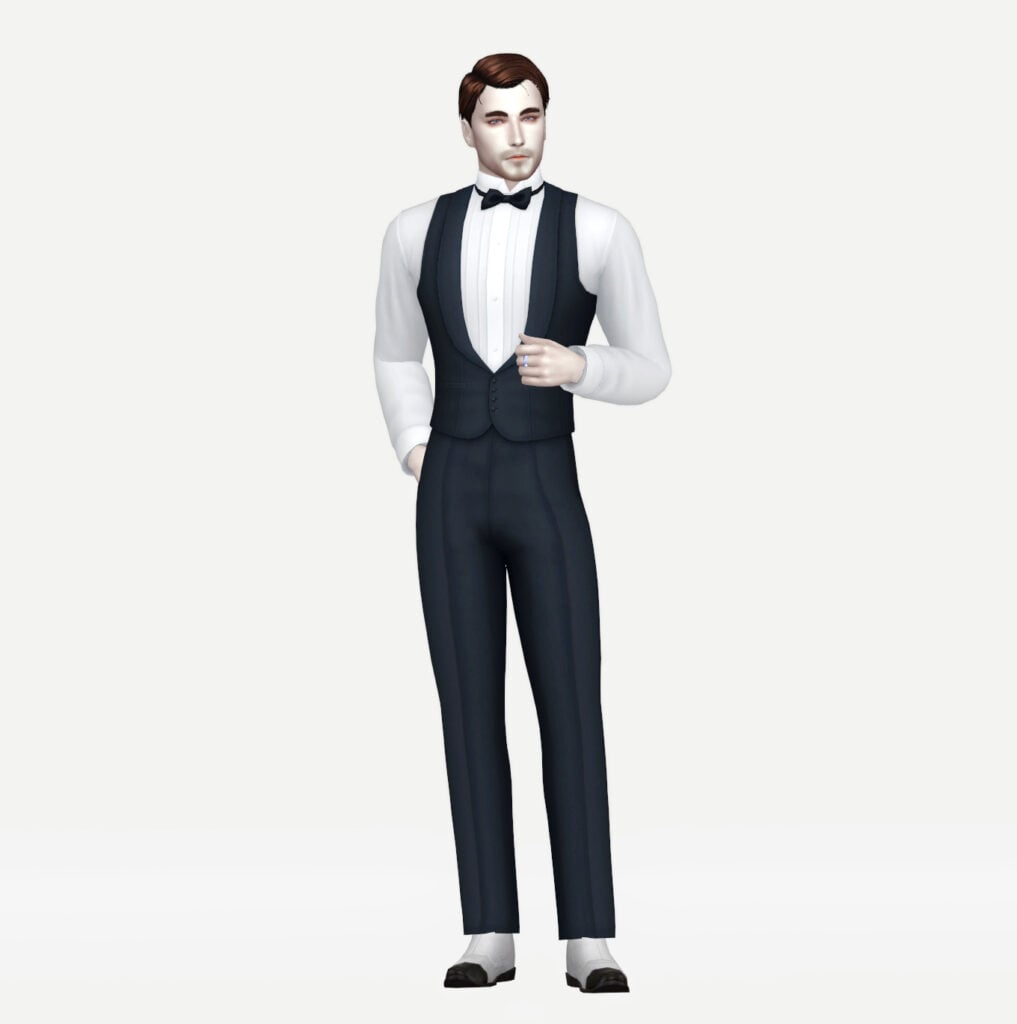
Dark, elegant, and effortlessly dramatic, this vampire-inspired formal outfit set by HappyLifeSims brings gothic luxury straight into your game! Included are 2 formal outfits for your Sims that have a vintage, classy charm and are available in over 8 swatches each.
Rusty’s has all of your Sims’ formal wear/business attire needs with Tailored Collection II CC, CAS pack! Included are 5 different formal outfits, from entire suits to casual looks, to business skirts. This CC pack has it all and is available for both feminine and masculine-frame Sims!
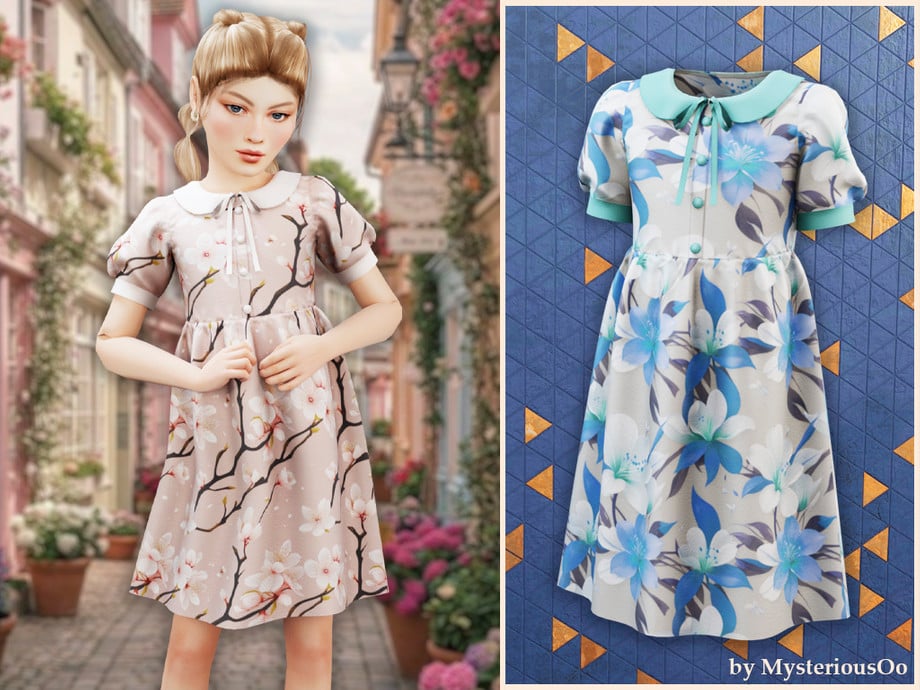
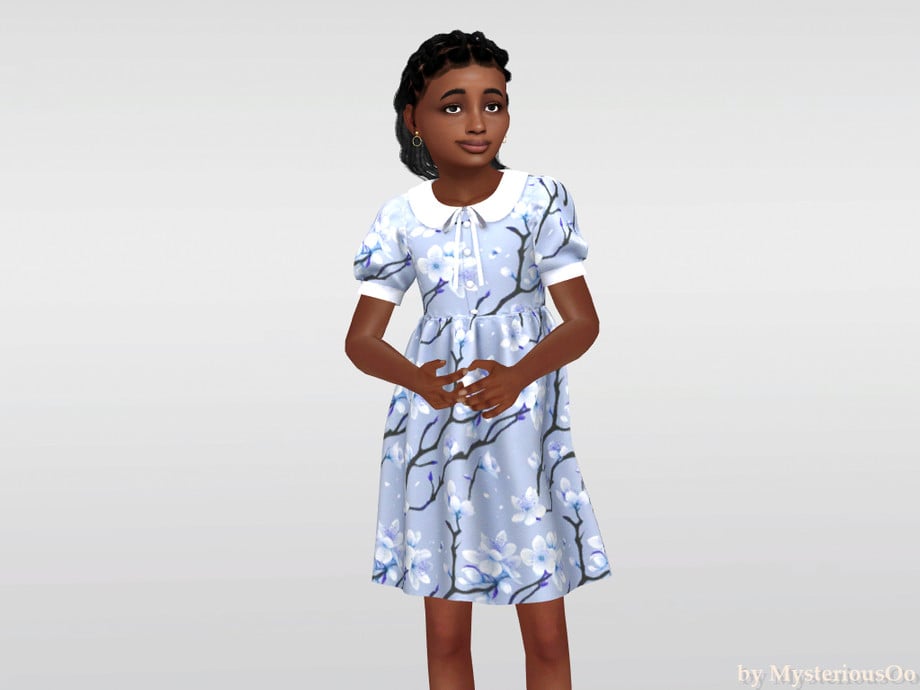
Your Sim will be adorably elegant in Floral Collar Dress by MysteriousOo. This CC for feminine-frame, child Sims features a mid-length, flowing cut with puffed sleeves, and a cute collar with a small ribbon. Perfect for tea parties or small formal get-togethers!
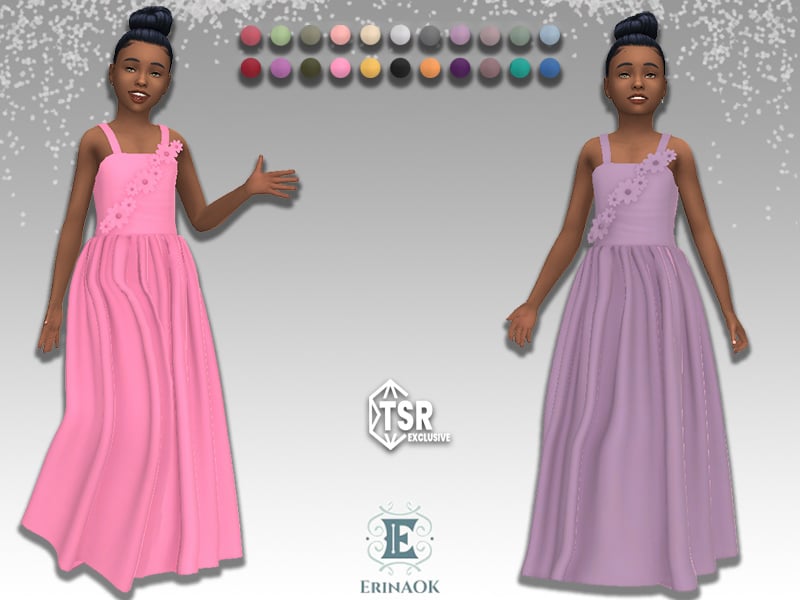
Formal wear made extra sweet! Girls’ Gown 062025 by ErinAOK is a long, flowing, CC, formal dress that features spaghetti straps, small fabric wrinkles, and flowers that stretch from one hip to a shoulder in a diagonal pattern – available in 22 cute swatches!
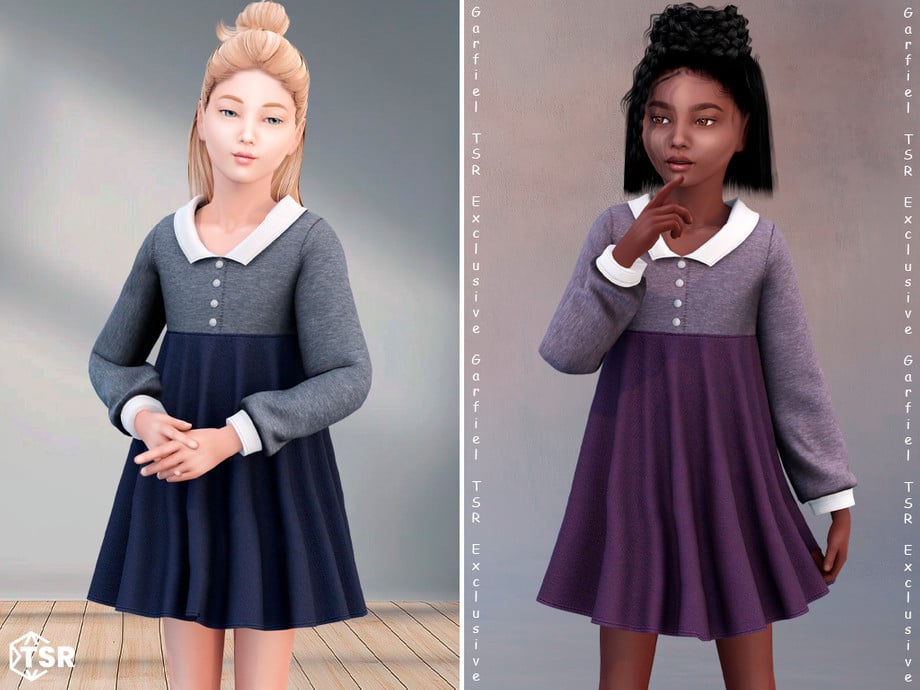
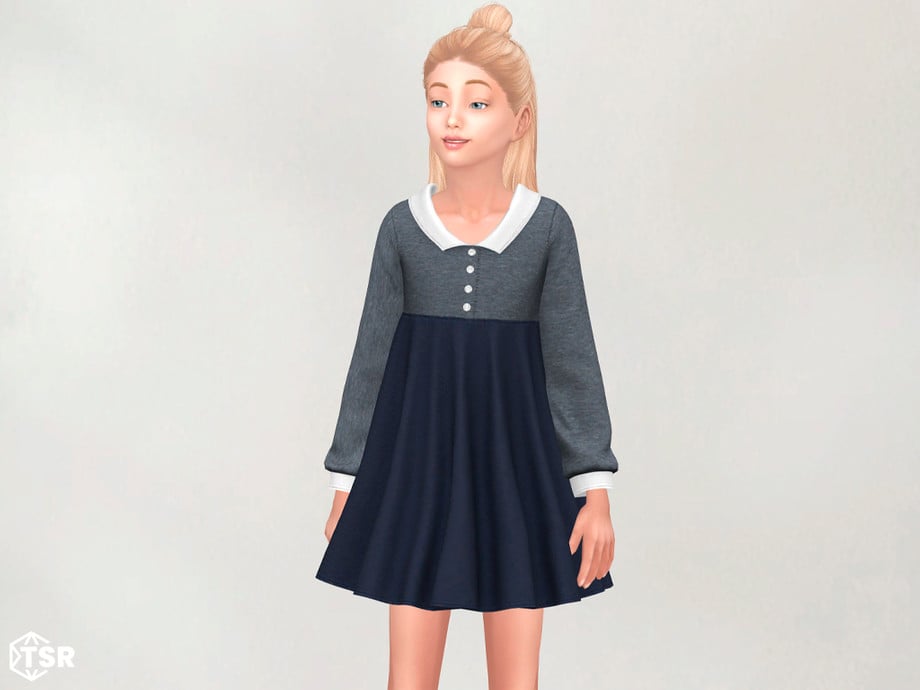
Edeline – Cozy Long Sleeve Dress With Collar by Garfiel
This CC dress by Garfiel is twirl-worthy cuteness with its shorter cut, fabric wrinkles, long sleeves, and simple collar that give off serious classy, vintage vibes. Available in multiple swatches, this dress is perfect for fancy dinners or to show off a little class in school!
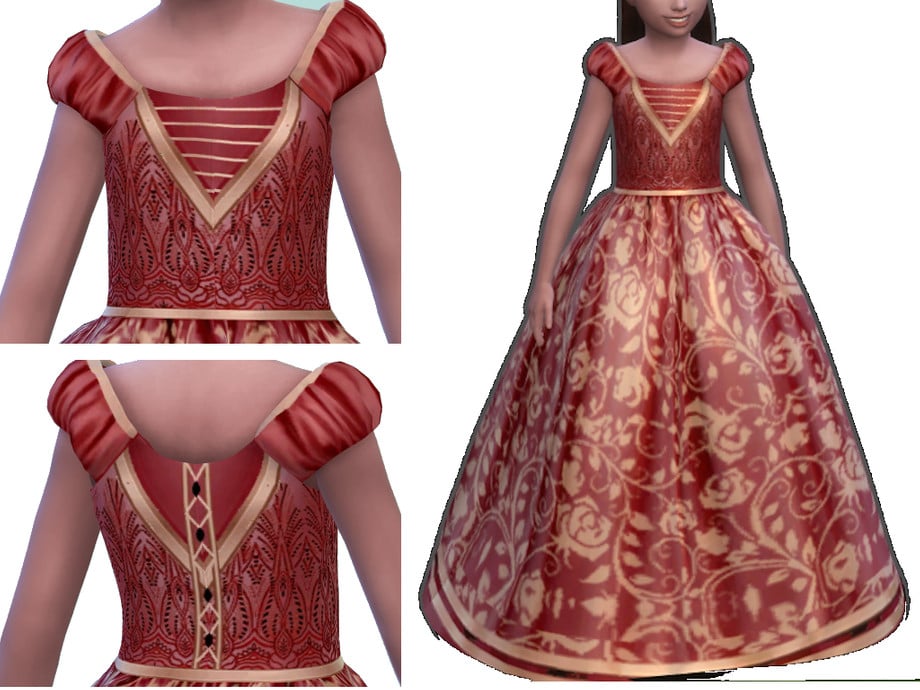
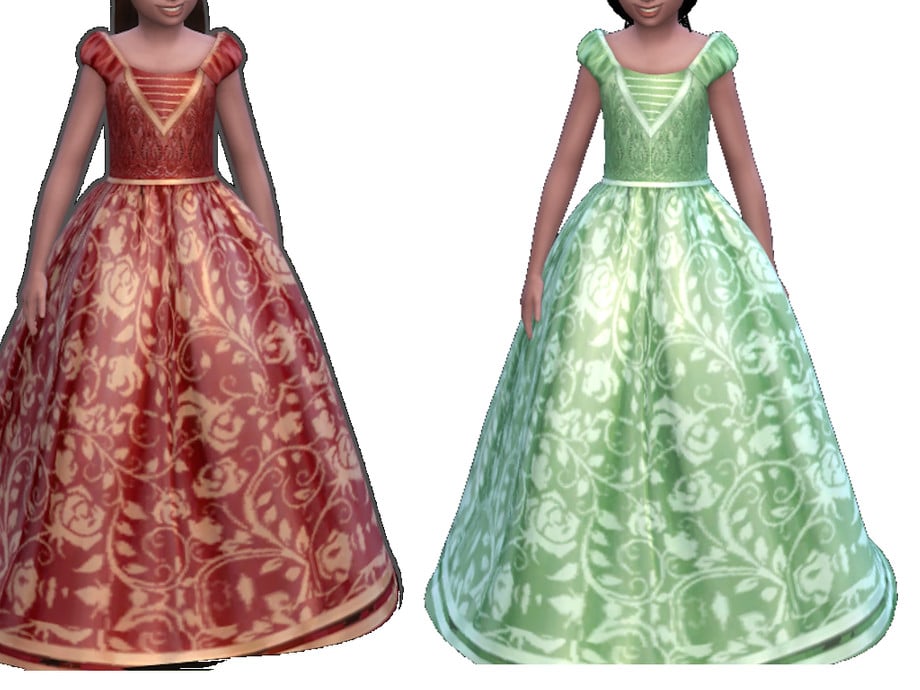
Made for magical moments, Regal Brocade Girl Ball Gown by ayshala is a recolored CC dress that features a long, puffy bottom, short, puffed sleeves, and comes with beautiful lace, beads, and ribbons! You will need to download the original CC dress named “Melody Dress” by Sifix for this to work. An absolute must-have for your Sims’ first gala or ball!
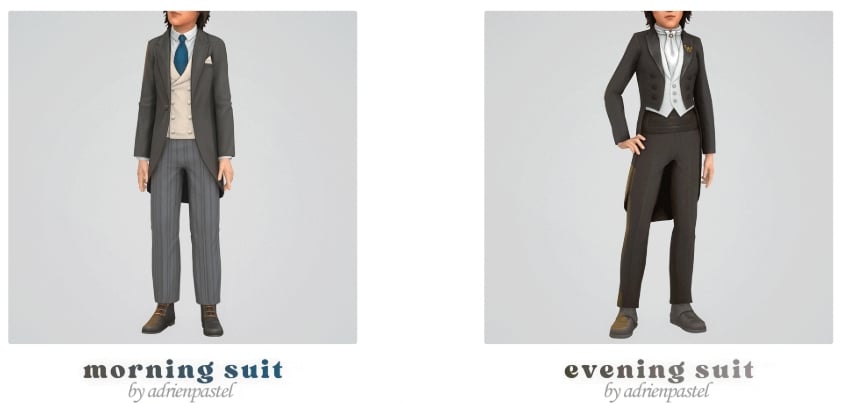
Formal wear for future gentlemen! Morning & Evening Suit by adrienpastel includes 2 formal, CC suits for your masculine-frame, child Sims. Morning Suit features a looser fit and a tailored jacket. While the Evening Suit features a tighter look with a flared suit top, these outfits are also boot compatible.
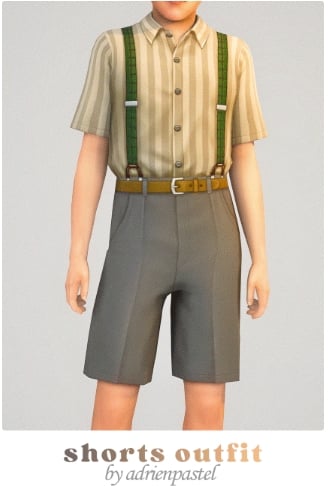
Classic formal wear done right! High Shorts Outfit by adrienpastel is a full formal, CC outfit that includes a pair of high-waisted, pleated shorts, a short-sleeved, buttoned-up, collared shirt, and suspenders to complete the vintage vibe – available for both feminine and masculine-framed, child Sims.
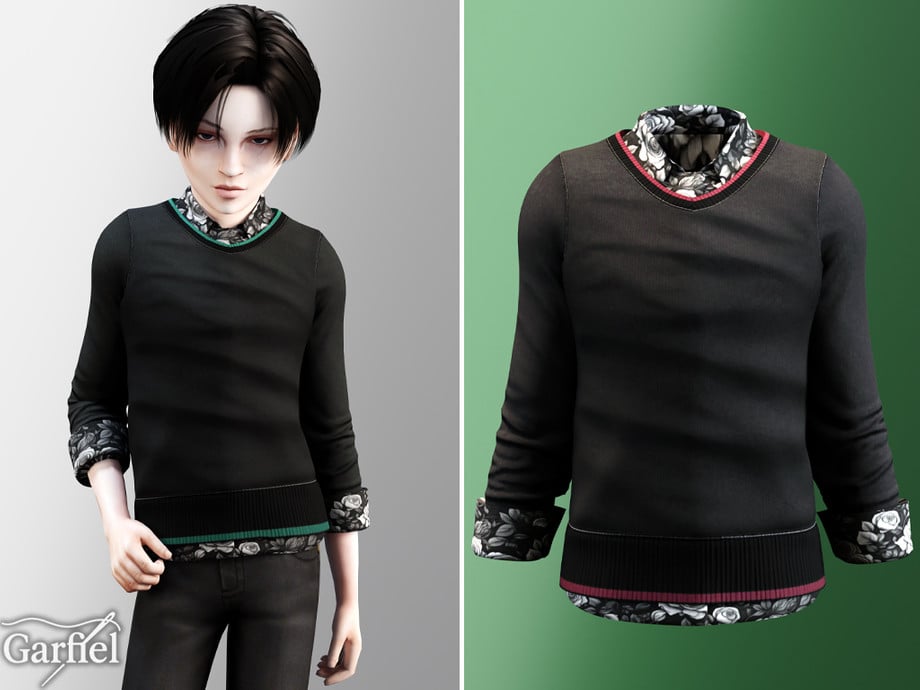
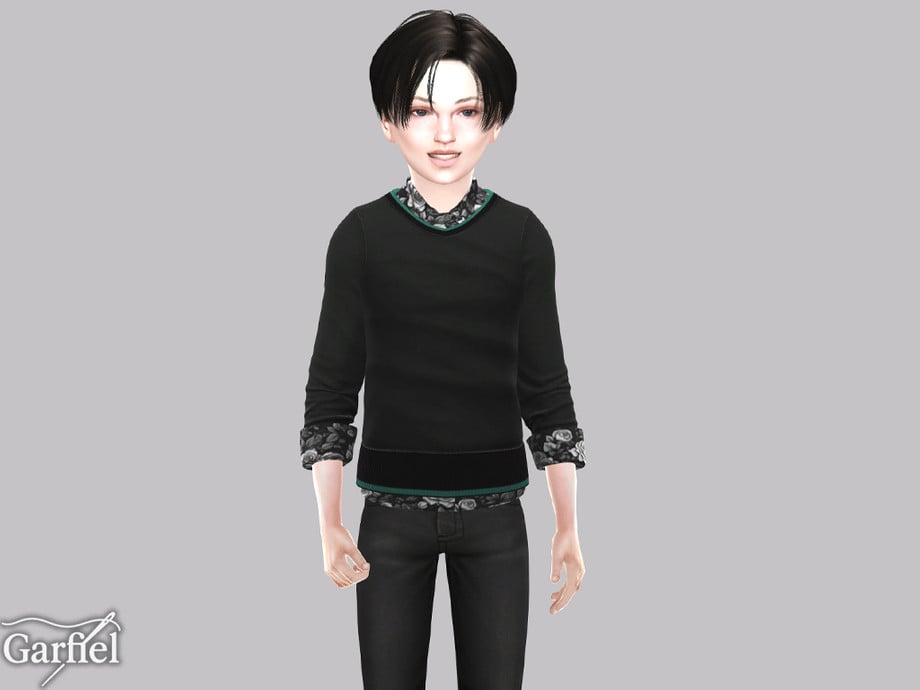
Casual Sweater With Floral Shirt Underneath Details by Garfiel
Your Sim will look sharp and adorable in this CC top by Garfiel! This quarter-sleeved top features a floral undershirt and a plain sweater with colored lines, layered over top to create the perfect party-ready formal wear!
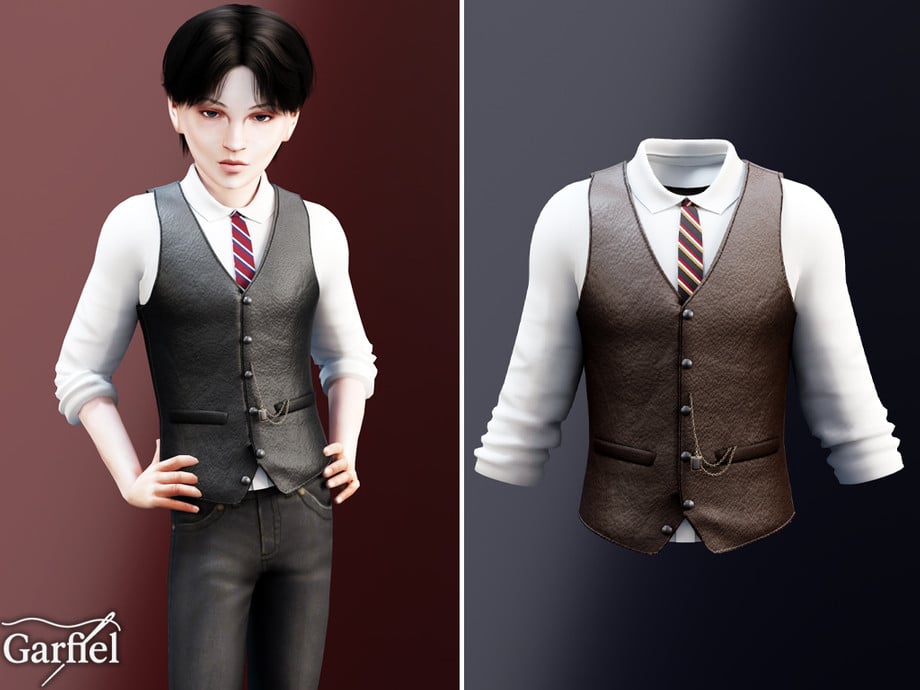
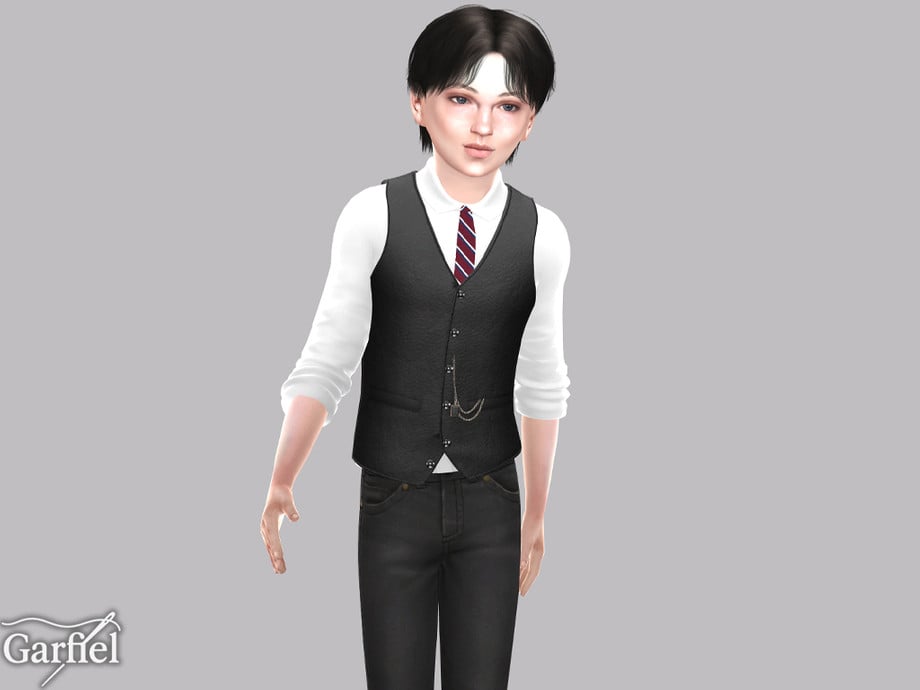
Leather Waistcoat Outfit With Tie & Chain Accent by Garfiel
This formal, CC top by Garfiel gives off serious little gentleman energy! This top features a plain undershirt, with its sleeves rolled up a quarter of the way, a leather waistcoat, and is adorned with a tie and a metal chain. The perfect formal, modern touch to any outfit!
Tailored Straight Pants With Belt by MysteriousOo are the ideal finishing touch for any masculine-frame child Sim’s formal outfit! Its pleats provide a tailored look, and it also comes with a simple, leather belt to help elevate your Sims business-ready vibe.
Delicate yet eye-catching, these formal accessories by arethabee add a polished and luxurious feel to any Sim. Beatrice Jewellery Set includes an elegant necklace, ring set, bracelet, and double earring set. These pieces are available in silver or gold, and the swatches come with different gem colors as well.
Eclat Jewlery Collection by Serenity-cc is the perfect watch-and-jewelry combo for a refined, classy finish. This set is available in 4 different swatches, as well as 4 different styles and a bonus accessory ring!
Chic and sophisticated, these accessories by Rusty’s are perfect for weddings, galas, and upscale events. CELIA Jewelry Set includes a sparkling necklace with a gem and a pair of matching earrings, available in 2 different versions. The gems are available in 16 swatches, and the jewelry set is available in gold, silver, and bronze.
Gold Pearl Clover Triple Necklace by Glitterberryfly
Designed to elevate every formal outfit instantly, the Gold Pearl Clover Triple Necklace by Glitterberryfly is a triple-layered, gold necklace set with pearls and a clover pendant.
Step into elegance with these beautifully detailed formal shoes by MIRO. Ruffle Slingback is a small heel with a double ruffled top, and small bows to create a soft, elegant look – available in 20 cute swatches.
Cassia Shoe Set by Serenity-cc is designed to complete your Sim’s look with subtle, elegant flair with 3 different, CC shoes. You will find a mid-height, simple heel with a bow adorned on top, the same heel but with an elegant ankle strap, and a tall heeled boot version – available in 12 swatches each.
Insomnia Shoes by Madlen is a chic footwear choice that brings polish and sophistication to your Sim with its tall heel, caged look, and metal accents. Perfect for walking the red carpet in! Available in 10 swatches, and there is a second version that includes socks, which is mentioned on the download page as well.
Boots are a must for any Formal CC closet; they add sophistication, modernism, and elegance. Omens V2 Seer by Madlen is an over-the-knee, chunky, platform style boot with a leather look.
Loafers work well for formal looks in The Sims 4 when you want something neat and understated, giving an outfit structure without drawing too much attention. These Alpha, CC loafers by Charonlee SIMS feature a realistic look with a small heel – available in 51 swatches.
Elegant updo perfection with Sarah Hair by GoAmazons! This lovely, CC, formal hair features a tight, tall, curly updo, with some loose curls hanging at either side. Perfect for your Sims’ next dance or upcoming date!
Ruby Hair by Rusty’s gives off serious old-school glamour vibes. This short hairdo features short bangs with the hair pulled behind one ear – available in 30 different swatches.
Neat, modern, and clean, Svitlan Male Hair by Wistful Castle is a staple formal CC hairdo for masculine-frame Sims that features a flowing look, pulled back into a business-ready vibe.
Simple but sharp, Sherry Male Hair by Wistful Castle is a clean, modern, formal, CC hair that has short sides but with a longer top pulled back for a more elegant, handsome look – available in 32 EA swatches for masculine-frame Sims.
With so many stunning Sims 4 formal CC options available, it’s easier than ever to create elegant, stylish, and sophisticated looks in CAS. Whether you’re dressing your Sims for weddings, galas, prom nights, or red carpet events, the right CC can completely transform their style and bring your CAS outfits to life. Don’t forget to mix and match pieces to create unique looks that match your Sims’ personalities and story. If you loved this CC list, be sure to check out some of our other amazing CC finds!
Paralives skills are similar to the skills in other games of the genre, but at the same time, they have a completely new system. Even though the game is still at the beginning of early access, it already has many skills that your Para can learn as a hobby or to help them in their career. In this guide, we’ll talk about each skill and how to learn them.
Let’s get started!
Table of Contents
How to Learn Skills in Paralives
Paralives skills work similarly to learning skills in other games of the genre. The main difference, though, is that in Paralives, you also gain ‘knowledge’ while learning a skill, and you can also learn a ‘knowledge’ skill by itself.
For children to elders, the knowledge skills available are: Music, Food, Fitness, Technology, Art, Repair, and Science. Toddlers can learn Language and Potty skills, and babies can only learn the Language skill.
Let’s take a look at how to learn each of them and how they work!
Music
First on the list is the Music knowledge skill. The official description reads:
In-game description: The knowledge of instruments, songs, and rhythm. Improve it by learning about it on the computer. This is a knowledge skill — improving skills under it will improve it as well. Improving your knowledge will also increase the learning seep of the skills under it.
Currently, you can learn Music while your Para is playing any instrument (guitar, piano, or triangle), searching for information about it on the computer, or reading at the bookshelf. It’s also possible to unlock a perk to learn it at work.
Guitar Skill
In-game description: Your skill level in guitar. Improve it by practicing and playing songs on the guitar.
Your Para will develop the Guitar skill while practicing guitar. There are currently two guitar options in the game:
The guitar has two interaction options: “Practice guitar” and “Play song…”:
The songs available will depend on your Para’s current Guitar skill. If they are below level 5, they will be able to play “The Riddle Song”, “Greensleeves”, and “Maple Leaves”. After reaching level 5, they will also be able to play “From the Mountains”, “Dance of the Dragon”, and “Valse des Cygnes”:
Your Para can also improve their Guitar skill by discussing it with other Paras:
The higher your level in the Music skill, the faster your Para will learn guitar. The higher your Guitar skill, the more confident your Para will look while playing.
Piano Skill
In-game description: Your skill level in piano. Improve it by practicing and playing songs on the piano.
Your Para will develop the Piano skill while practicing piano. There are currently three piano options in the game:
If your Para’s Piano skill is below level 3, they will be able to play “Für Elise”, “Gymnopédies”, and “Moonlight Sonata 3rd Movement”. When your Para reaches Piano level 5, they can also play “Rondo Alla Turca”, “Clair de Lune”, and “Nocturne in E-flat Major”. To unlock the final piece, “Flight of the Bumblebee”, your Para must have the Piano skill at level 7.
The higher your Para’s skill level, the more confident they will look while playing. They will also learn the Piano skill faster the higher their Music skill is.
Triangle Skill
In-game description: Your skill level in triangle. Improve it by practicing and playing songs on the triangle.
There is currently one triangle available in Buy Mode:
The game technically allows you to learn the triangle, but the animation isn’t implemented yet, so your Para stops playing right away. We’ll update this guide when new patches arrive, so keep an eye on our Paralives section!
Food
The next topic on Paralives knowledge skills is Food.
In-game description: The knowledge of taste, ingredients, and cooking techniques. Improve it by learning about it on the computer. This is a knowledge skill — improving skills under it will improve it as well. Improving your knowledge will also increase the learning seep of the skills under it.
In Paralives, Food knowledge and recipe learning are independent. You can learn recipes through computers or bookshelves, but your Cooking skill level doesn’t affect recipe discovery. Your Para could know all recipes but be unable to cook them due to low skill, or have max skill yet miss certain recipes they never studied.
You can check the list below for all the recipes available and what level they require to be successfully cooked:
Cooking Skill
In-game description: Your skill level in cooking. Improve it by learning about it on the computer.
The Cooking skill, as you can imagine, is strongly tied to the Food skill. The higher your Food skill, the faster your Para will learn Cooking. At the moment, the available snacks don’t change regardless of the Cook or Food skills.
As your Cooking skill increases, you’ll have a better chance of cooking high-quality meals and a lower risk of starting a fire with the stove.
Fitness
In-game description: The knowledge of improving one’s body. Improve it by learning about it on the computer. This is a knowledge skill — improving skills under it will improve it as well. Improving your knowledge will also increase the learning seep of the skills under it.
The Fitness knowledge skill in Paralives has two related skills: the Exercise skill and the Dance skill. You can learn about Fitness by reading about it on the computer or at a bookshelf, and you can also gain this knowledge skill by doing yoga, exercise, running, jogging or dancing.
Exercise Skill
In-game description: Your skill level in exercise. Improve it by doing floor exercises or using exercise machines. Running and jogging also improves it.
Learning the Exercise skill in Paralives doesn’t require any expensive gear. You can click on the floor anywhere to run, jog, or do exercises. That said, Buy Mode also offers some items that let you practice and improve the skill:
To exercise, you can use a workout machine, a treadmill, or a yoga mat. If you don’t have room at home, you can find all of this equipment at the gym. As always, the higher your Fitness skill level, the faster your Para will learn exercises!
Dance Skill
In-game description: Your skill level in dance. Improve it by dancing, which can be done anywhere.
Learning to dance in Paralives doesn’t currently require any items. When you click on the floor anywhere, you’ll see the option to “Dance Here”, and your Para will immediately start dancing. The higher your Dancing skill level, the more confident and proficient your Para will look while dancing.
Technology
In-game description: The knowledge of all things technological. Improve it by learning about it on the computer. This is a knowledge skill — improving skills under it will improve it as well. Improving your knowledge will also increase the learning seep of the skills under it.
Your Para can learn the Technology knowledge skill by reading about it on the computer or at a bookshelf. Your Para will also gain Technology knowledge when learning Programming or Graphic Design.
Programming Skill
In-game description: Your skill level in programming. Improve it by learning about it directly on computer.
To learn Programming, go to a computer and choose the “Practice…” interaction. Your Para can also gain the Programming skill through certain job perks, and the higher their Technology skill, the faster they will learn to program.
Graphic Design Skill
In-game description: Your skill level in graphic design. Improve it by learning about it directly on computer.
Similar to the Programming skill, Graphic Design can currently be learned by interacting with the computer and clicking “Practice…”. The more your Para knows about Technology, the faster they will learn Graphic Design.
Art
The next knowledge skill is Art. Your Para can learn about Art by reading about it on a computer, at a bookshelf, or by creating paintings on an easel, as you might have guessed.
In-game description: The knowledge of visual arts and painting. Improve it by learning about it on the computer. This is a knowledge skill — improving skills under it will improve it as well. Improving your knowledge will also increase the learning seep of the skills under it.
Painting Skill
In-game description: Your skill level in painting. Improve it by learning about it by painting on an easel.
To start learning how to paint, your Para will need an easel. You can buy one for your home lot or use one at certain locations around Melino.
The type of art your Para can create depends on their Painting skill level. If they are below level 3, they can paint small paintings in the Illustrative, Studies, and Abstract categories. At level 5, they can paint small and medium paintings in the categories mentioned earlier, and can also paint Contemporary, Landscape, and Portrait. After reaching level 10, your Para can also paint large paintings in all previously mentioned categories and unlock two more categories: Surrealism and Impressionist.
Repair
In-game description: The knowledge of fixing broken items. Improve it by learning about it on the computer. This is a knowledge skill — improving skills under it will improve it as well. Improving your knowledge will also increase the learning seep of the skills under it
The next knowledge skill is Repair. It doesn’t have any related skills right now, but it’s one of the skills you can practice almost all the time. You can learn it by reading about it on the computer, by using a bookshelf, or by repairing any broken item.
Your Para can repair any vandalized item around town, and they can also vandalize items themselves to then fix them right after! I’m just saying.
Science
In-game description: The knowledge of different sciences. Improve it by learning about it on the computer. This is a knowledge skill — improving skills under it will improve it as well. Improving your knowledge will also increase the learning seep of the skills under it
The Science knowledge skill is a very promising one! At the moment, it is linked to Astronomy, Biology, and Surgery. Unfortunately, it is not possible to easily learn any of them yet, but we’ll leave the official in-game descriptions here. When the patch fixing these skills is released, we’ll update this article to keep it up to date.
But even if the related skills cannot be learned yet, the Science skill can be increased by reading about it on the computer or at a bookshelf!
Astronomy Skill
In-game description: Your skill level in astronomy. Improve it by learning about it on the computer.
As said before, your Para is not able to learn Astronomy right now. However, by using the telescope, you can improve your Science knowledge skill!
Biology Skill
In-game description: Your skill level in biology. Improve it by learning about it on the computer.
Surgery Skill
In-game description: Your skill level in performing surgery.
Babies and Toddlers Skills
Babies and toddlers also have specific skills they can learn. They aren’t fully implemented, but they are already present in the game!
Language (for babies and toddlers)
In-game description: Babies and toddlers need to learn how to talk. Use Together Cards in a group with them and see how far they go!
Babies and toddlers can gain Language skills by interacting with other Paras, so don’t forget to include them in group activities so they can learn it faster!
Potty (for toddlers)
Toddlers can increase their Potty skill on their own. Currently, they don’t require adult supervision.
In-game description: Your skill level in using the potty.
Final thoughts
Those are all the skills in the game right now. Even though they aren’t fully implemented yet, there’s plenty to learn about them, and additional skills are on the way!
Now we want to hear from you! What do you think about the skills in the game? Which ones are you hoping will be added? Let us know in the comments!
A unique twist to the life simulation genre, the Paralives Storytellers system, allows you to tailor your game difficulty and settings to your liking. While there are three default options to choose from, all three of these can be further refined to your exact specifications with more options coming as game development continues.
Let’s take a look at all of the Paralives Storytellers settings you can define.
Table of Contents
Paralives Storytellers
When you first boot up the game and start a save file, you’ll be greeted with a lovely train intro tutorial that is reminiscent of your first moments in the OG Animal Crossing. Here you will create or choose your first Paras and be introduced to the Paralives Storytellers.
The three default Paralives Storytellers are Ricardo Castello III, Maxence, and Stella the dog. The predefined difficulty levels of the three has Ricardo as the most difficult, Maxence as a balanced experience, and Stella as the easiest.
ScreenshotScreenshotScreenshot
Now that we’ve been introduced to the three Paralives Storytellers, let’s have a closer look at their default configurations.
Default Configurations
At the game’s launch, there are a total of thirteen aspects to the Paralives Storytellers system that affects your game in various ways. These aspects are separated into four categories: Time, Pregnancy, Careers, and Money.
ScreenshotScreenshot
Time
Setting
Ricardo Castello III
Maxence
Stella
Household Paras Age
Yes
Yes
Yes
Non-Household Paras Age
No
No
No
Duration of Life Stages
Normal
Normal
Normal
Minutes Per Real-Life Seconds
.66
.66
.66
Pregnancy
Setting
Ricardo Castello III
Maxence
Stella
Trimester Duration
0 Days, 21 Hours, 0 Mins
0 Days, 21 Hours, 0 Mins
0 Days, 21 Hours, 0 Mins
Labor Duration
0 Days, 2 Hours, 0 Mins
0 Days, 2 Hours, 0 Mins
0 Days, 2 Hours, 0 Mins
Chance to Get Pregnant When Attempting
50
50
50
Chance to Have Twins
5
20
5
Chance to Have Triplets
1
10
1
Careers
Setting
Ricardo Castello III
Maxence
Stella
Job Performance Threshold for Strikes
10
10
10
Automatically Eat At Work
No
Yes
Yes
Automatically Use Toilet At Work
No
Yes
Yes
Money
Setting
Ricardo Castello III
Maxence
Stella
Starting Funds
30,000
30,000
35,000
As you can see from the charts above, not too much changes between the default configurations for each of the Paralives Storytellers. The good news, however, is that you’re able to fine-tune each of these settings to your heart’s content.
While you can choose short, normal, or long for the duration of life stages, it doesn’t clarify how long each of these settings actually are. Hopefully in the future this will be rectified. Never fear, however, as we have a chart of life stage durations for your convenience!
Changing Storytellers
As Paralives is a game all about customization, it’s no wonder they allow you to change Paralives Storytellers on the fly, whenever you’d like. Not only can you choose a new default storyteller, but you can still edit all of their settings or create a new one entirely at any time.
To change Paralives Storytellers, go the to pause menu (… in the top right corner) and choose “Storyteller.” Here you’ll be able to switch back and forth as you fancy. All settings are able to be changed anytime no matter how long you’ve been playing a save file.
It’s this dedication to player choice that Paralives excels at already even from the very beginning. I personally cannot wait to see what options will be added to the Paralives Storytellers system in the future.
Storytellers Gameplay
The effects of which of the Paralives Storytellers you choose does not end with the aforementioned settings options. They also play a large part in your gameplay as each night while your Paras are sleeping, your chosen storyteller will appear and allow you to choose a Story Card.
Screenshot
You’ll be given several options each night and it’s up to you which to choose depending on what you’re prioritizing for your Paras. For the tutorial, it has you choose a Life Goals Pack. Once you do, you’ll then be given another option between three different life goals.
Screenshot
These life goals vary drastically so you can choose the type of life you want for your Paras. Each goal is also specific to different Paras, so make sure you select the right goal for the right one if you have an idea in mind for them.
Screenshot
Occasionally when your Paras are socializing you’ll also get a visit from your chosen storyteller who will give you a special dialogue action with a bigger benefit than the others. It’s unclear what causes them to appear and how often they do, but it’s in your best interest to choose their option for the boost given.
Screenshot
The Paralives Storytellers is one of the biggest standout differences between any other life simulation game out there. It’s a unique system unlike any I’ve seen before and I cannot wait to see it grow and develop alongside the game.
For all things Paralives, follow along with our full game coverage for a steady stream of articles, guides, and news.