Home Blog Page 227

The Sims 4 Console is getting improved Controls User Interface

Porting a whole life simulation game onto a console is a tricky thing to do – especially with having to memorize all of the controls on your controller.

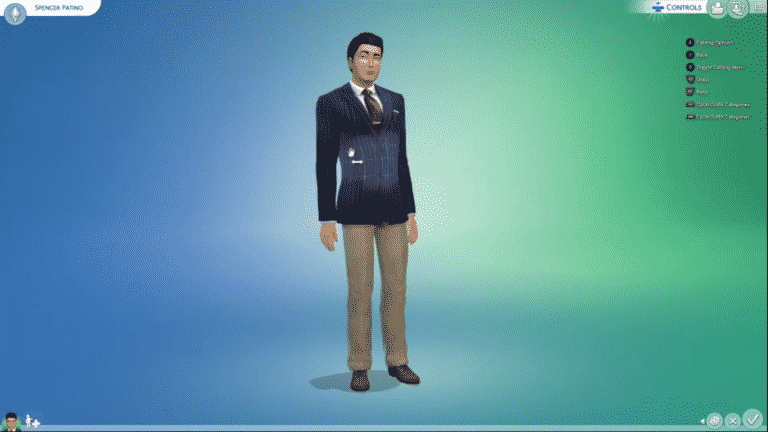
Luckily, The Sims 4 for Consoles will have an improved Controls User Interface with the next update!

As shown in the latest official livestream, The Sims 4 Console will now have a Controls User interface in the top right corner letting you know all the options you have for a selected Sim, object or a certain part of the User Interface!

This will also definitely come in handy for memorizing hundreds of options and abilities that there are in Build Mode – as each segment in that mode will now have controls in the corner letting you know exactly what you can do!

The team has also shown the ability to disable this User Interface overlay in the Game Options menu.

Screenshot 130

Screenshot 131

Screenshot 128

This update is expected to come out for Consoles on June 2nd – just 3 days before the release of The Sims 4 Eco Lifestyle for all ports!

The Sims 4 Content Update coming June 2nd!

137

A huge update for The Sims 4 Base Game is upon us and now we finally know the date!

SimGuruJill confirmed on Twitter that the upcoming patch for The Sims 4 is set to release on June 2nd – 3 days before the release of The Sims 4 Eco Lifestyle Expansion Pack.

Some of the features that have been confirmed to arrive in this update are:

They’ve showcased all of these features (and more) in their latest livestream. You can catch up to the replay down below!

Free Window and Door Placement is coming to The Sims 4

10

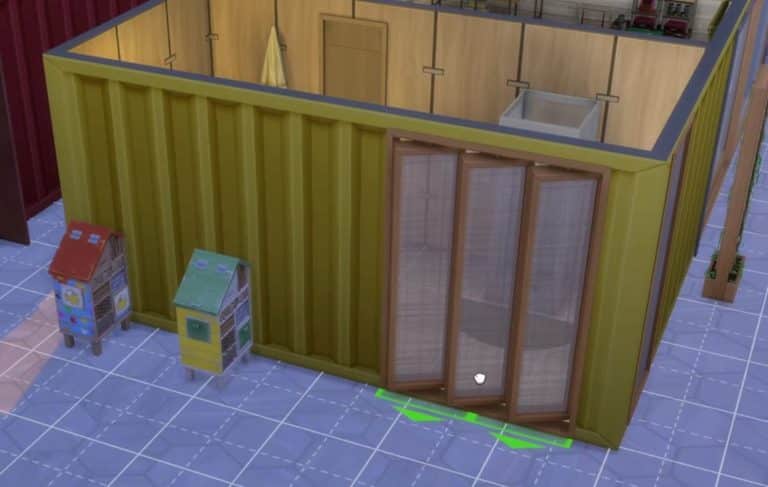
Builders rejoice – free Window and Door placement is finally coming to The Sims 4 Base Game!

You’ve probably already gotten used to placing some of the objects in the game freely by pressing ALT and dragging the object to any place on the grid that you want. However, there was a restriction for Windows and Doors that only allowed you to place them along with the grid.

With the upcoming update you’ll be able to use ALT on your keyboard and place Windows and Doors wherever you want!

However, SimGuruGeorge confirmed that this type of feature won’t allow windows to be stacked one on top of another:

The Sims Team has shown off more in their livestream. You can check out the full recap in the video below – the moment where they showcase free placement will automatically start after you press play:

The Sims 4 Nifty Knitting: Plopsy Deep Dive

6

SimGuruConor has released the fourth part of The Sims 4 Nifty Knitting Deep Dive series over on The Sims forums. This week it is all about Plopsy!

via The Sims Forums

Welcome back to another Nifty Knitting Deep Dive! This is part 4 of our ongoing series where we take a peek behind the curtain (of yarn?) to discuss in depth upcoming gameplay features, and have a little Q&A with members of the development team. Today, let’s talk about Plopsy!

spjm5satld0y.png

Plopsy is an online arts and crafts marketplace to buy and sell goods. It’s sort of an amalgamation of real life online stores, but the themes should feel familiar. For a pack centered around knitting, this felt like a really good add. Afterall, there are only so many times you can gift your significant other a sweater…and yet so many sweaters to knit!

The flow for Plopsy is relatively straightforward – once you’ve crafted an object the List on Plopsy interaction becomes available. Listing an item on Plopsy costs a small fee, and will remain listed on Plopsy for several days. You can keep track of your listed items in your inventory, where you will see the current duration of the item and if there are any interested buyers.

5d2ncsd83liw.png
(it’s that easy!)

If someone is interested in buying your item, you’ll be notified with a message. If you agree to the buyer’s offer, you can use the Ship on Plopsy action to ship the object in the mail. You’ll be paid immediately and get a thank you message from the buyer when they receive your package. Alternatively, you can ignore a buyer’s offer and relist the object for sale again.

5hx7bxns02is.png
(Ship it!)

Plopsy offers a higher payout than selling things the old fashioned way, at the cost of some general maintenance and patience. The goal is to offer a better selling experience for both the stay-at-home crafting professional and the fairweather crafting hobbyist. Plopsy isn’t tied down to a career or a gig, so anyone is free to try it!

10volhflfhmw.png

Sims can also purchase things on Plopsy through their phones or computers. This storefront will rotate in random crafted items throughout the day, so even non-crafty Sims have a chance at some cool stuff (including the new knitted clothing!).

We plan for Plopsy to be available for things like paintings, woodworking statues, potions, knitted items, flower arrangements, and more. Hoping to wrap future arts and crafts under Plopsy too!

Without further ado here’s Rick Rodgers, engineer extraordinaire here on our Stuff Pack team, here to talk a bit about coding, UI, and all the bits between.

Conor: Can you tell us what it means to be Gameplay Engineer on The Sims 4?

Rick: To understand what a GPE is (we always say GPE), you need to understand a bit about how The Sims 4 works. The Sims 4 uses a client-server architecture, which means it is essentially composed of two separate programs that talk to each other. The first program we call “the client”, and it is responsible for displaying the game to the player. It handles things like graphics, audio, and the user interface (it’s relatively important!). The second program we call “the server” and it manages what we call gameplay systems like autonomy, interactions, relationships, aspirations, skills, and careers. The server keeps track of those systems and condenses them down into operations the client understands, like “play this animation on this object” or maybe “put this cat on top of this vacuum”. As a GPE, my job is to build (and fix) the gameplay systems on the server and make sure designers have the options they need to create features using them. (Disclaimer: I am simplifying a bit)

Conor: You also work on UI Engineering. How is it different from Gameplay Engineering? How is it the same?

Rick: To me, gameplay engineering is about solving abstract problems like “where and how should a Sim put down the object they are holding?” while UI engineering is usually about solving much more concrete problems like, “What do we do if the Russian word for Tiny Home is too long for this button?”. UI engineering can be really satisfying because the changes we make are usually immediately visible. There is also something fun about changing-up the interface of the game that we stare at all day long. At the end of the day though, code is code. I like to work on both because it means I get to implement the gameplay and UI components of a single feature.

Conor: Is there one thing in Nifty Knitting that you’re really excited to be working on?

Rick: Plopsy – I think partly because the idea of selling things I make at home has always appealed to me in real life. Also, Plopsy breaks some of the assumptions we had previously made about how we would use the crafting system, and it’s been fun to find and solve the problems that have come up.

Conor: What is your favorite feature you have ever worked on in The Sims 4?

Rick: Can I pick two?
Favorite feature to make:
I had a lot of fun adding Freelancer Careers to the game. We had done something similar to Freelancer with the Acting Career in The Sims 4 Get Famous, and we wanted to figure out a way to use some of the things we liked about the Acting Career to make other careers. When we added another Freelancer Career for Fashion Photography in The Sims 4 Moschino Stuff Pack, I felt like my baby was all grown up.
Favorite feature to play:
I really enjoyed working on the Murphy Bed in The Sims 4 Tiny Living Stuff Pack. It’s convenient design, but sometimes prickly exterior, make it the perfect combination of sensible and a little nefarious. You might say I identify with it a bit. I didn’t hook-up the object itself, that was our design team. But I worked on it because we needed gameplay support in code for a bed that was also a loveseat. We had never made anything like that before.

Conor: Thanks Rick!

That’s all I have for this week, Simmers, but never fear, we have one more design deep dive to share with you. I saved the best, and my personal favorite, for last. So be sure to join us next time for the Knitting Deep Dive!

Until then….

~ SimGuruConor

LIVESTREAM RECAP: Everything we learned about The Sims 4 Eco Lifestyle

In case you missed it, The Sims Team hosted a deep dive Livestream of the upcoming Eco Lifestyle expansion pack for The Sims 4. When they said deep dive, they really meant a deep dive! The two-hour Livestream was jam-packed with so much information that us Sims Community staff members could hardly keep up!

In the end, we managed to gather up absolutely every new juicy tidbit of information revealed in the Livestream. We’ve taken the liberty of organizing all this new info into condensed categories for easy reading.

CAS

  • CAS was not covered in great detail but most of CAS was showcased during the deep dive Livestream
  • The new CAS items are described as eco-chic but there are also some CAS items that are upcycled/handmade
  • Lots of new full-body, tops and bottoms for both male and female Sims
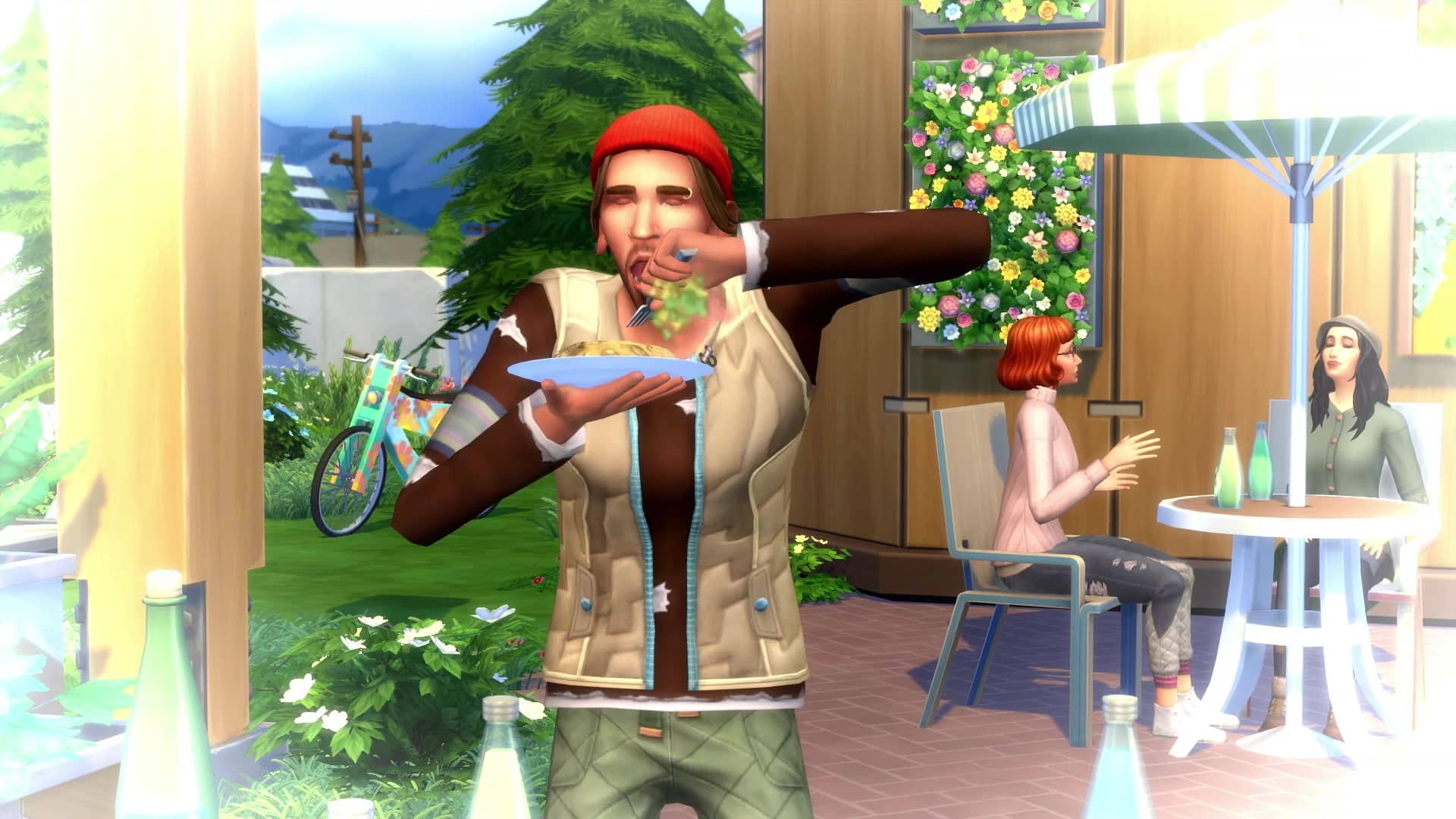
  • At least ten new hairstyles for male and female Sims
  • New piercings including eyebrow rings, new nose studs & hoops, septum hoops and plugs
  • One new pair of glasses
  • Three new full-body outfits for female child Sims
  • New toddler outfits including tops, bottoms and full-body
  • New Traits – Maker, Green Fiend, Recycle Disciple and Freegan
  • New Aspirations – Eco Innovator & Master Maker
  • New CAS outfits are unlockable from the new Freelance Crafter career.

Build Buy Mode

  • New Lot Trait – Reduced and Recycle
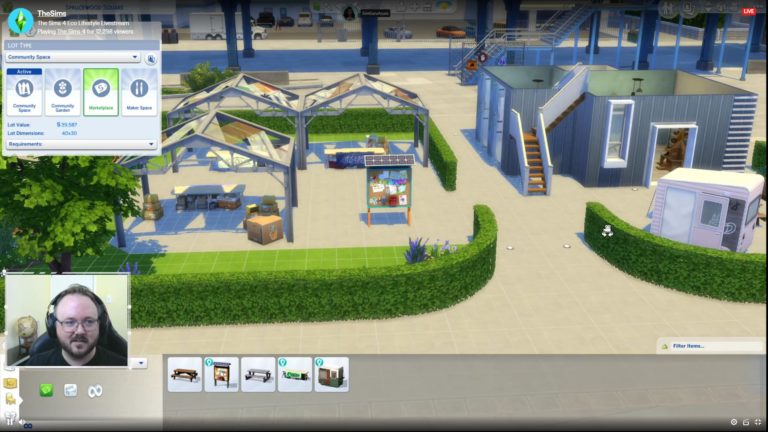
  • New Lot Type – Community Space (will work in all worlds)
  • The community space can become a Marketplace, Maker Space, Community Garden or keep it as generic community space. Depending on the one you choose will vary the impact it has on the neighbourhood.
  • You can build up to four different areas on the one lot.
  • There is a new bike that doesn’t require Discover University.
  • New vertical garden planter. Works inside and outside.
  • New Off The Grid category in build mode
  • Windows can now be freely placed now.
  • Doors can also now be freely placed.
  • Ladders are being added. Base Game will also receive ladders in the next update.
  • Children can use ladders however toddlers and pets can’t. If you have stairs placed as well as a ladder they will go to the stairs instead.
  • You can also slide down ladders too but it is totally optional.
  • There are a variety of different solar panels, wind turbines and dew collectors.
  • Two new roof paints that can produce either water or power depending on the one you choose.
  • Fabricated objects can be dyed.
  • Dumpster Deal items include beds, televisions, tables, chairs and more.
  • Community Boards can be placed anywhere.
  • Flooring can have different flammability ranging from low to high.

Live Mode

  • There are several playable pre-made Sims who are exclusive to Evergreen Harbor and replace the traditional fruit-cake Welcome Wagon. They introduce players to the Neighbourhood Action Plans. In other worlds, you will still have the normal welcome wagon. You will be able to vote via the mailbox instead.
  • Bess and Knox are exclusive to Evergreen Harbor.
  • New Neighbourhood Action Plans User Interface. Tells you about Voting and your Sims influence points. Features from other packs i.e fame from Get Famous will also help you earn more influence points.
  • Each vote requires ten influence points.
  • Some of the neighbourhood action plans include Free Love, Tech Support, Foodies Unite!, We Wear Bags, Power Conservation. Water Conservation and more.
  • You can vote for as many Neighbourhood Action Plans as you want.
  • You can influence other Sims to vote.
  • There is no limit to how many times you can vote but there are only certain times you can vote.
  • You can only vote on Neighbourhood Action Plans for the world your Sim lives in.
  • The Tinker family is one of the families in Evergreen Harbor which is made up of  Tina, Yasmin and their daughter Olive.
  • New Freelance Crafting Career.
  • Some items you create in the fabricator are only obtainable from the fabricator.
  • You can track how many Bits and Pieces you have by hovering over your household funds.
  • Dumpsters – You can dive for deals, dive for meals, dumpster woohoo and more. There are items that are only obtainable from diving for deals.
  • New Civil Engineer career
  • You can grow cruelty-free meat and you can name it too. Squeamish and Vegetarian Sims also do not like being near it.
  • Insect Farms – Beetles, Worms and Crickets. They can be harvested or be used as an edible ingredient. Compostables can be fed to the insects too.
  • New NPC – Eco Inspector. They can come and check out your Sims eco-footprint, give you a review and let you know any improvements.
  • New NPC – Civic Inspector. They will come and check on if your Sim is following the Neighbourhood Action Plans
  • New NPC – Firefighter
  • New NPC – Repo Man
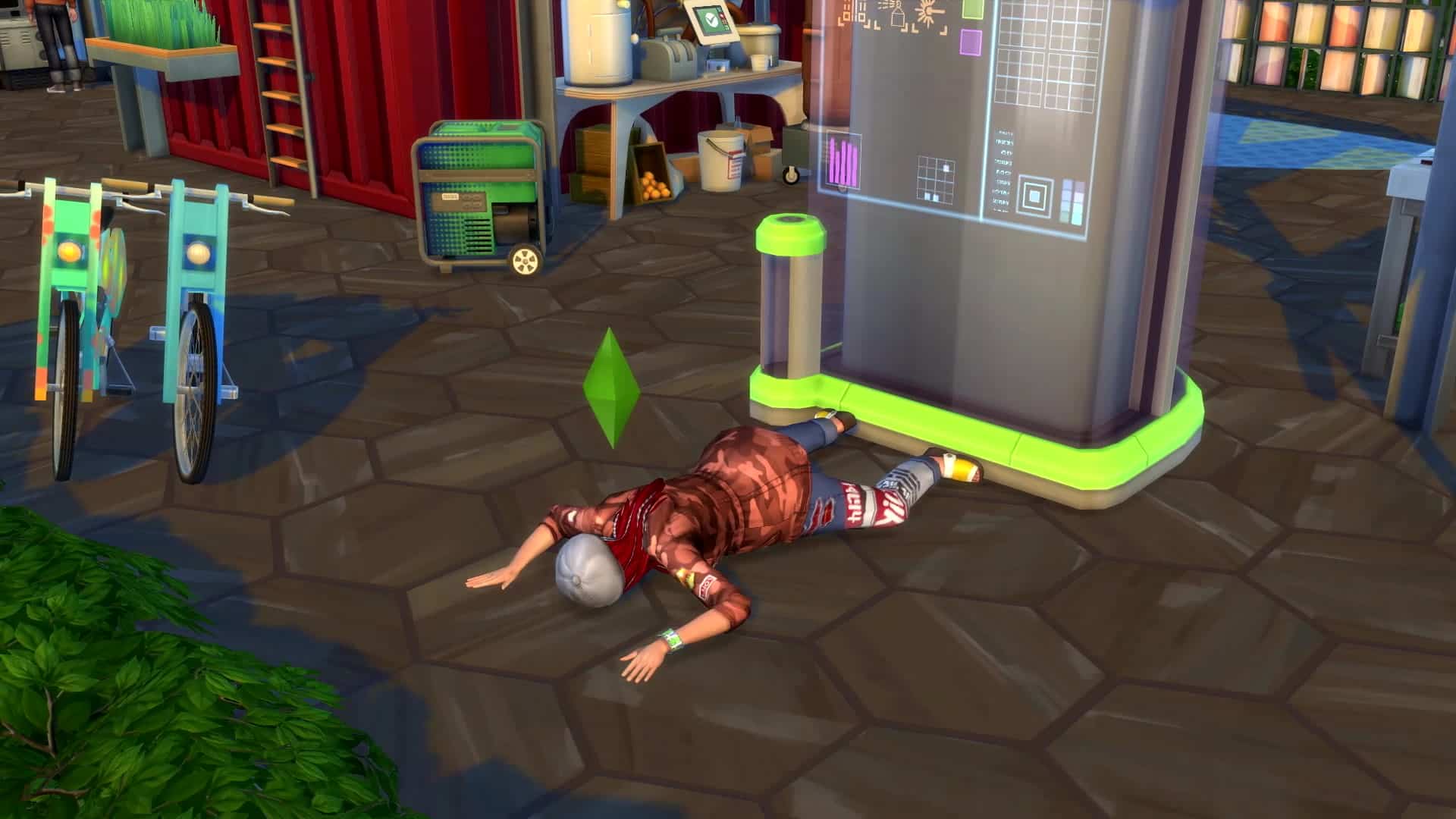
  • New Death – Death by flys
  • Depending on what you  Eco Footprint is, will depend on the type of gameplay you have.
  • If you have The Sims 4 Seasons, you can experience acid rain.
  • One of the neighbourhood action plans can cause your Sims to become embarrassed about Evergreen Harbor and will wear paper bags on their head.
  • The Eco Footprint is unique to each neighbourhood.
  • Base game worlds will all start in neutral.
  • In settings, under Eco Lifestyle,  you can enable/disable NPC voting and Eco Footprint gameplay.

Evergreen Harbor

  • There are three neighbourhoods – Port Promise, Conifer Station, Grims Quarry
  • Each of the three neighbourhoods in Evergreen Harbor will start in either negative, neutral (how we currently experience The Sims) or green.
  • Depending on the eco-footprint of the neighbourhood will depend on the overlay.
  • Eco-footprint mode allows you to see more in-depth information
  • There are eleven lots in the world.  There are also two apartment lots with two liveable apartments within each. In total there will be fifteen lots in Evergreen Harbor.
  • Each neighbourhood also has a community lot
  • There is also a new bar community venue
  • The train station over time will turn into an area your Sims can visit and will turn into a bit of a park.

Apartments

  • City Living is not required to play with the new apartments.
  • The gameplay is almost identical but you don’t have landlords or noisy neighbours.
  • You do still pay rent with the new apartments.
  • The new apartments are not like the ones featured in City Living. They are more modest and one of the apartment buildings does not have an elevator.

Candle Making

  • New Skill – Fabrication
  • There are four different candle types.
  • Dipped candles can be made by children.
  • You can infuse candles to give different moods.
  • The candles do melt but there is also a cheat that allows you to stop them from melting.
  • They work on a different system compared to normal lights.
  • You can either buy wax or harvest wax.
  • Candles are an Off the Grid item.

Juice Fizzing Machine

  • New Skill – Afizzinado
  • You can make Kombucha, Seltzer and more.
  • Depending on the ingredient depends on what you create.
  • Almost every ingredient in the game can be used with the Juice Fizzing Machine.
  • You can name your drinks and also have it evaluated depending on your skill.

Inventory 2.0

  • This update will be added to the Base Game in the next patch.
  • You can now filter your inventory by using the different categories.
  • You can sell items directly from your inventory.

Household Bills Breakdown

  • Clicking on the mailbox will allow you to see information about bills for your household in more detail. This is an update that will be coming to the base game in the next patch too.
  • If you make extra power and water you’ll be able to sell and profit off of it. You can also store it if you want too.
  • You can live off the grid with your own generated power and the new bill information feature will allow you to track your usage of both.

Other

  • Upcoming feature update for Console Players – new key button call outs are being added to the game.
  • The cheats shown in the live stream will be available for all via testingcheats true.

LIVESTREAM REPLAY

The Sims 4 is getting an Inventory 2.0

26

The livestream for The Sims 4 Eco Lifestyle was full of fun reveals not only for this Expansion Pack but for the upcoming FREE Base Game update for The Sims 4 as well!

They’ve revealed in the stream that The Sims 4 will be getting a complete redesign of the Inventory.

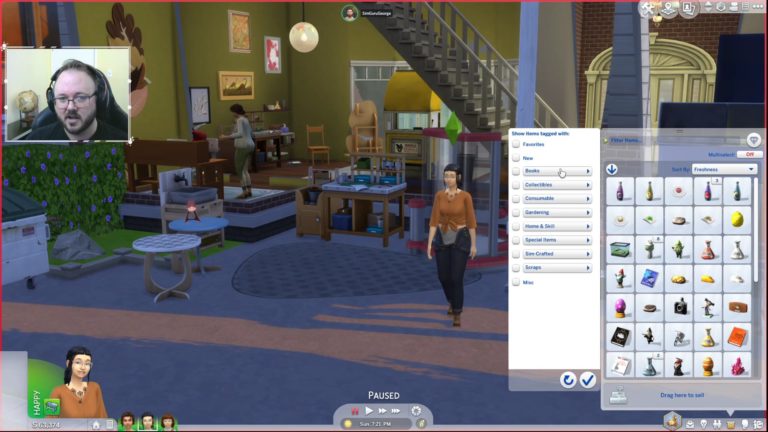
With the new inventory you’re now able to Multiselect multiple objects and drag to sell. There’s also an ability to sort items by Name, Price, Filter, Crafted Quality, Gardening Quality, Freshness and Rarity. However, that’s not all…

The Sims 4 is getting an Inventory 2.0

If your inventory is FULL of items and you only want to see certain categories of inventory items, you have filters such as Favorites, New, Books, Collectibles, Consumables, Gardening, Home & Skill, Special Items, Sim-Crafted, Scraps and Miscellaneous.

The Sims 4 is getting an Inventory 2.0

The update is expected to come out shortly before the release of Eco Lifestyle – which is on June 5th.

The Sims 4 is getting a revamped Bills & Utilities System

82

Have you ever wondered what are the “bills” that you’re actually paying for in The Sims 4? Well, worry no more!

The upcoming update for The Sims 4 is set to deliver a full estimate of how much you’re spending, including:

  • Lot Taxes
  • Power
  • Water
  • Other Taxes
  • Tax Breaks & Penalties

The new User Interface that The Sims Team has shown off in the stream has a Billing Estimate on the left and Power and Water consumption levels on the right. If you have Eco Lifestyle installed you’ll be able to store that extra power and water and choose to go off-the-grid with your own supply or choose to sell the extra amount you’re producing!

The update is expected to come out shortly before the release of Eco Lifestyle – which is on June 5th.

The Sims 4 is getting a revamped Bills & Utilities System

The Sims 4 is getting Firefighters and Repomen in a FREE Update

During the livestream for The Sims 4 Eco Lifestyle The Sims Team has done a clever reveal for Firefighters, as well as revealed that Repomen are coming to The Sims 4 Base Game!

First off – Repomen. Although they haven’t shared much details about them, they did reveal that if you don’t take care of your bills for a few days they’ll come to your home to snag certain objects that are somewhat equal to what you’re due. Repomen were originally introduced with Discover University but they would only show up if you owe a college tuition.

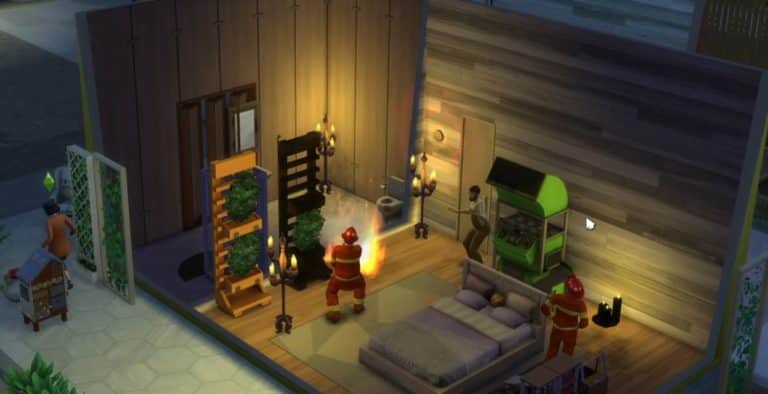
They haven’t said much about Firefighters except shown them off in a sneaky way. After starting a fire, a new alarm sounded off that called two Firemen to put out the fire on the lot. During the stream an option was also revealed to “Call Fire Department”.

You can catch the moment Firefighters appear in the replay below (press play to jump to the Firefighters preview):

The update is expected to come out shortly before the release of Eco Lifestyle – which is on June 5th.

The Sims 4 is getting Firefighters and Repomen in a FREE Update

The Sims 4 Eco Lifestyle: First Look at the Evergreen Harbor World Map

32

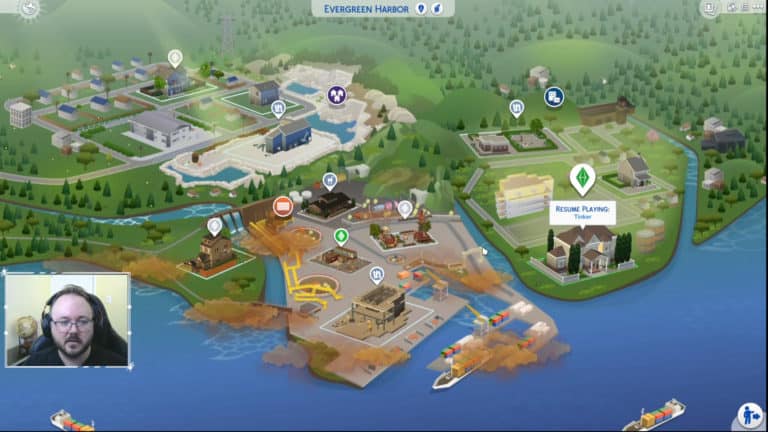
The Sims Team is currently doing an official livestream for The Sims 4 Eco Lifestyle Expansion Pack and during the stream they’ve quickly showcased the new world map for Evergreen Harbor!

They’ve also confirmed in the stream that there are 11 lots and 2 apartments that have 2 residental lots each – totalling up to 15 lots in Evergreen Harbor!

The Sims 4 Eco Lifestyle: First Look at the Evergreen Harbor World Map

LIVESTREAM REPLAY: The Sims 4 Eco Lifestyle + Base Game Deep Dive

UPDATE #2: If you’re having issues with the Twitch replay you can catch the YouTube version down below:

UPDATE: The livestream has ended! You can catch the official Twitch replay down below!


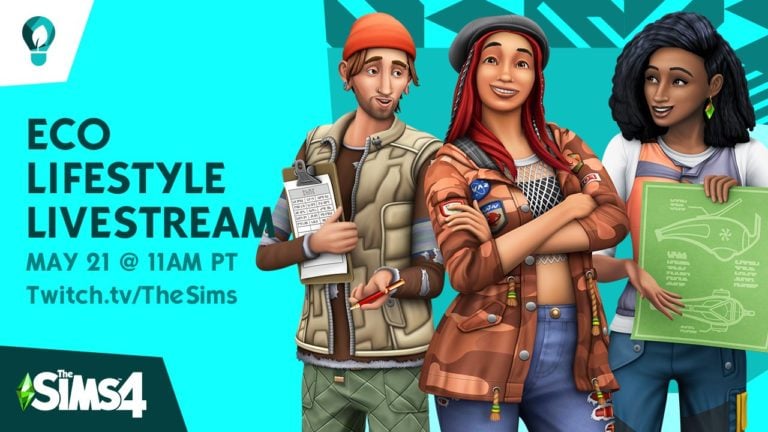
The Sims Team is hosting an official livestream for The Sims 4 Eco Lifestyle Expansion Pack where they’ll be doing a full rundown of new CAS, Build, World and Features for the pack! Along with that they’ll also be doing a showcase of some of the upcoming features coming in the upcoming content update for The Sims 4 Base Game!

The stream begins at 8PM CET / 11AM PT / 7PM BT. We’ve also included a countdown below that counts to the exact beginning of the livestream!

[janky target_time=”1590084000″ color=”#0aa6b6″]


Sims Community turns 7 years!

6

It’s been 2555 days since I’ve written my first post here – also marking the beginning of the Sims Community website!

The Sims has been a huge part of my life and this website was the perfect outlet to express myself, share news and bring content to simmers who want to know more about the game itself and what’s coming. I’m not ashamed to say that this outlet helped me develop so many amazing skills – from Graphic Design and Social Media management to English (since it’s not even my native language). If you go back to some of my first posts you’ll see for yourself that my grammar and spelling was…cringeworthy to say the least. I’ve grown up from my teen to young adult years writing posts, recording videos and sharing the excitement (and concerns) with you on here and on our social networks. Throughout this journey I’ve met some amazing people (both online and in real life) that helped me in many ways – from support to valuable critiques. It’s needless to say that I wouldn’t have it any other way.

I’d first like to thank Sims4Thoddy who stepped up with amazing support when it comes to managing the backend of the website over the last few years; Krista and SnarkyWitch who are basically the right-hand to all things Sims Community and our amazing Team Members who have contributed some amazing content over the years!

I also want to thank SimGuruFrost, SimGuruMegz and all the previous Community Managers at EA who supported us these last few years and have given us some amazing opportunities. Huge thanks also goes to the folks in the development team who have listened to my ramblings about the game – both positive and negative.

Last, but certainly not the least, a huge THANK YOU to all of you who read our content, watch my videos and interact with us on social networks. Without you this experience just wouldn’t be the same.

Don’t worry – I am planning a giveaway to celebrate this amazing milestone and you’ll know the details soon enough!

Thanks for these amazing 7 years and here’s to 7 more,

– Jovan

Sims Community turns 7 years!

11 Details we spotted in The Sims 4 Eco Lifestyle Gameplay Trailer!

The Sims 4 Eco Lifestyle has a brand new trailer and with it came some interesting details that we’ve spotted in the trailer! Check out what we’ve noticed:

Analogue TVs

Sims will be able to take a trip back in time and watch channels on this old-timer!

11 Details we spotted in The Sims 4 Eco Lifestyle Gameplay Trailer!

Trash WooHoo

“To dump someone” just got a whole new meaning.

11 Details we spotted in The Sims 4 Eco Lifestyle Gameplay Trailer! 11 Details we spotted in The Sims 4 Eco Lifestyle Gameplay Trailer!

New Build Items

Grass & solar roof patterns, angled windows, vertical gardens and more!

11 Details we spotted in The Sims 4 Eco Lifestyle Gameplay Trailer!

Neighborhood Action Plans

The trailer revealed that you can ask for petitions and help collect votes for certain neighborhood action plans. One of them is Water Shut-Off Day!

11 Details we spotted in The Sims 4 Eco Lifestyle Gameplay Trailer!

Bug Food

Bon apple teeth.

11 Details we spotted in The Sims 4 Eco Lifestyle Gameplay Trailer!

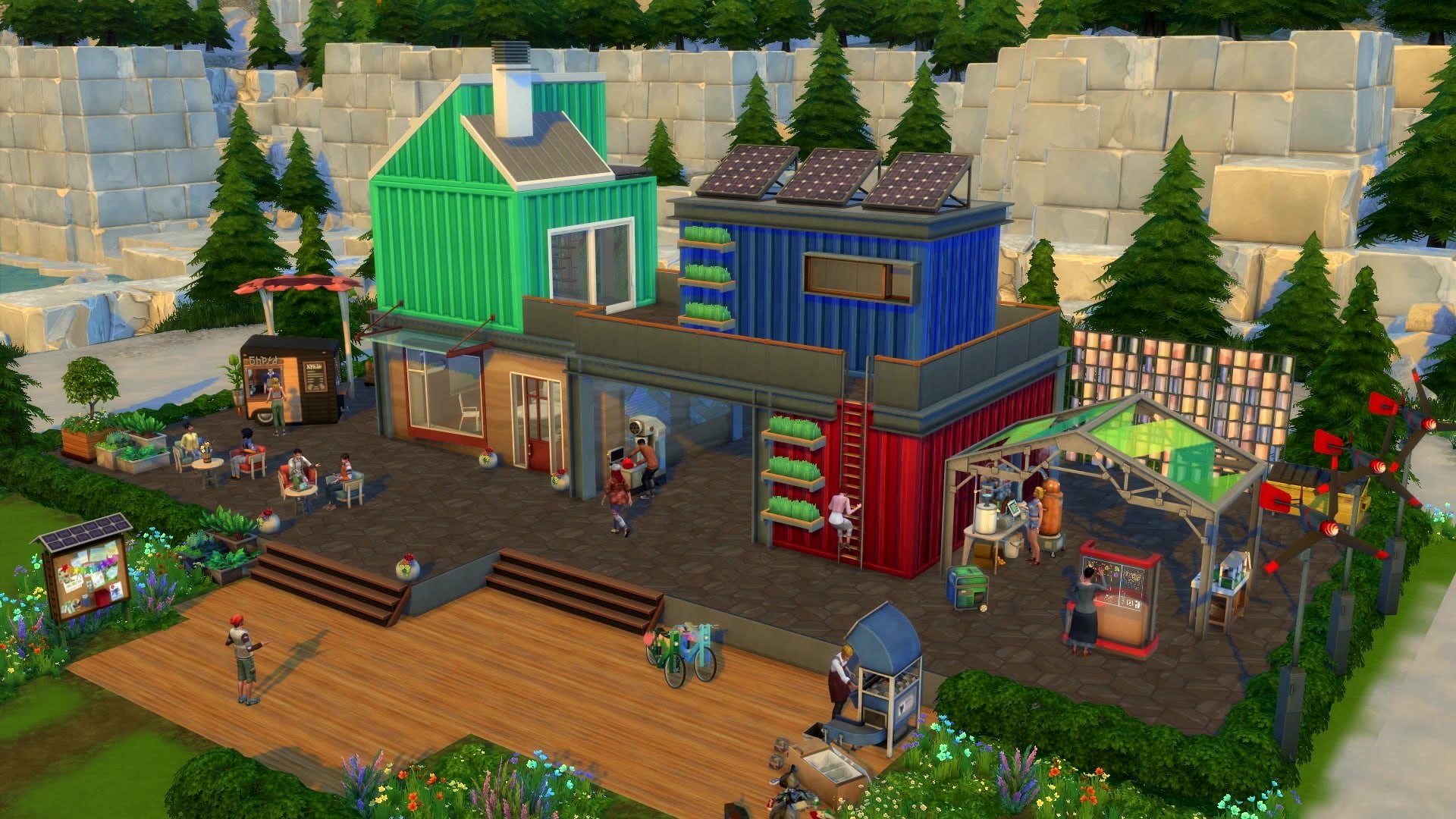
Community Maker Space Venue

This venue seems to have all the tools you’ll need to craft new unique objects that come with this pack!

11 Details we spotted in The Sims 4 Eco Lifestyle Gameplay Trailer!

home grown ultra organic fresh farmed fizzy juice

home grown ultra organic fresh farmed fizzy juice home grown ultra organic fresh farmed fizzy juice home grown ultra organic fresh farmed fizzy juice home grown ultra organic fresh farmed fizzy juice home grown ultra organic fresh farmed fizzy juice home grown ultra organic fresh farmed fizzy jui-

11 Details we spotted in The Sims 4 Eco Lifestyle Gameplay Trailer!

New Craft Stalls!

With these you’ll be able to sell anything you create to other curious Sims!

11 Details we spotted in The Sims 4 Eco Lifestyle Gameplay Trailer!

BIKES!

It seems that bicycles are no longer exclusive to The Sims 4 Discover University!

11 Details we spotted in The Sims 4 Eco Lifestyle Gameplay Trailer!

Hydroponic Planters

These planters will probably help enrichen the quality of your plants and make them grow faster!

11 Details we spotted in The Sims 4 Eco Lifestyle Gameplay Trailer!

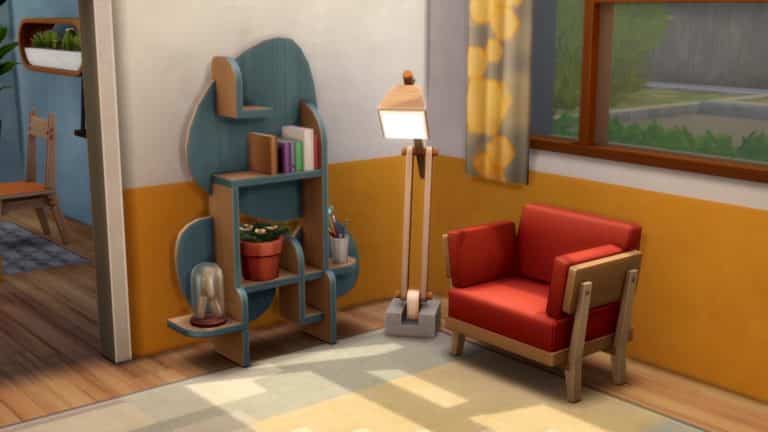
Craftable objects

Bookshelves, lights and armchairs seem to be just some of the objects you’ll be able to craft by yourself!

11 Details we spotted in The Sims 4 Eco Lifestyle Gameplay Trailer!

The Sims 4 Eco Lifestyle: 130 HQ Gameplay Video Screens

3

The Sims Team has dropped a brand new gameplay trailer for The Sims 4 Eco Lifestyle Expansion Pack!

We’ve extracted 130 high quality screenshots from the trailer for your viewing pleasure. There are a lot of frames with interesting details in the latest trailer so this breakdown will help you out find something new in each screenshot!

To zoom in an image simply click on it!

Official Blog Post: Take Sustainability to the Next Level

7

The Sims team has just released a brand new blog post for The Sims 4 Eco Lifestyle Expansion Pack as well as a brand new gameplay trailer that you can check out here!

via EA.com

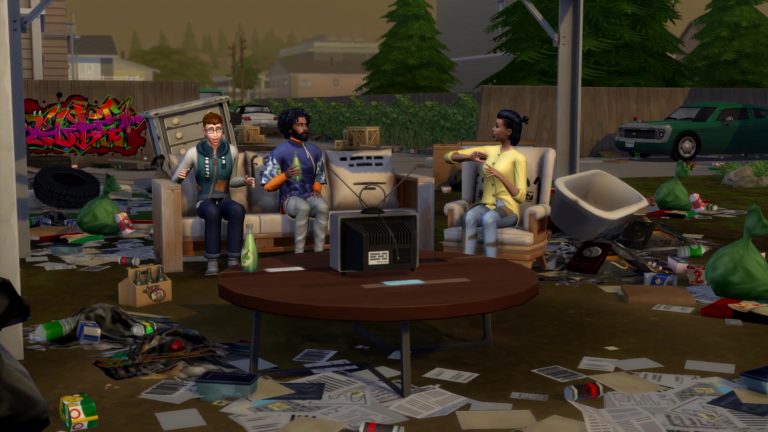
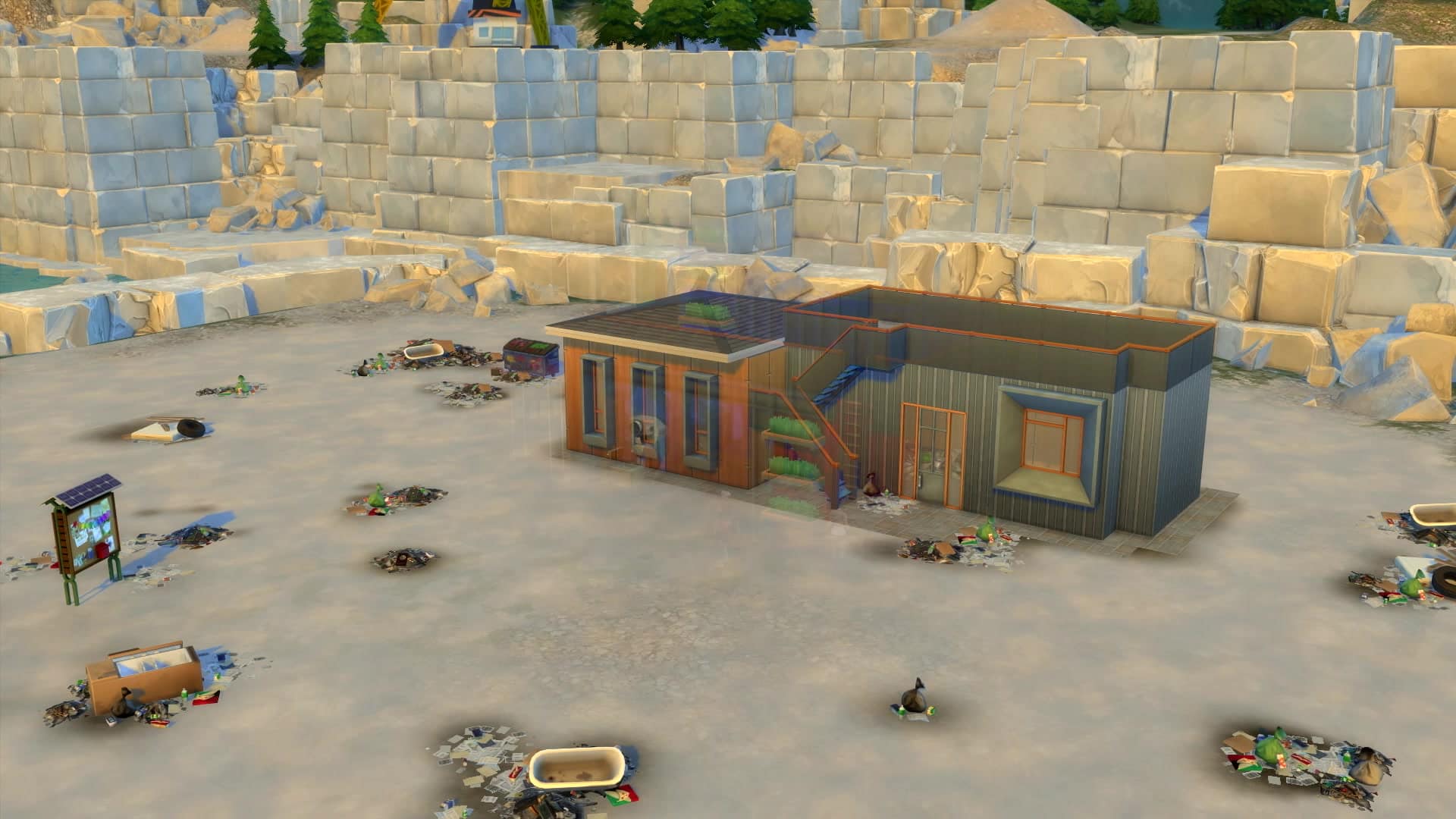
Nestled up against a quarry by the water, Evergreen Harbor has a long history of natural beauty marred by pollution. Over the years, it has become… well, not so green at all. Smog and dirty air cloud the skies, junk has accumulated in empty lots, and trash litters the docks of the harbor—it’s maybe not the best fishing environment. But in The Sims™ 4 Eco Lifestyle Expansion Pack*, it’s up to your Sims to return it to its former glory! (Or they can just party it up in filthy style. We won’t judge!)

Official Blog Post: Take Sustainability to the Next Level

Move It, Move It

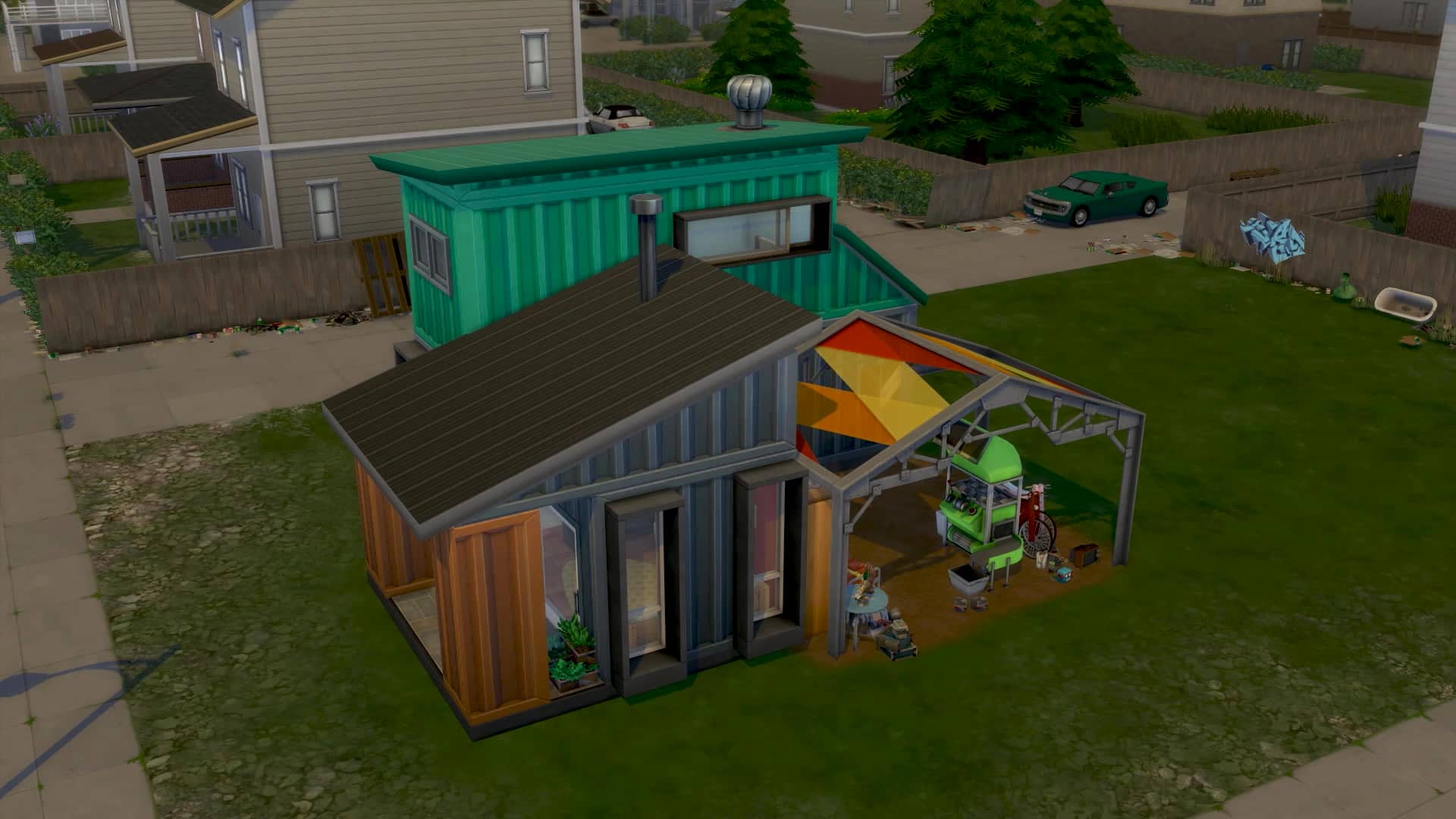
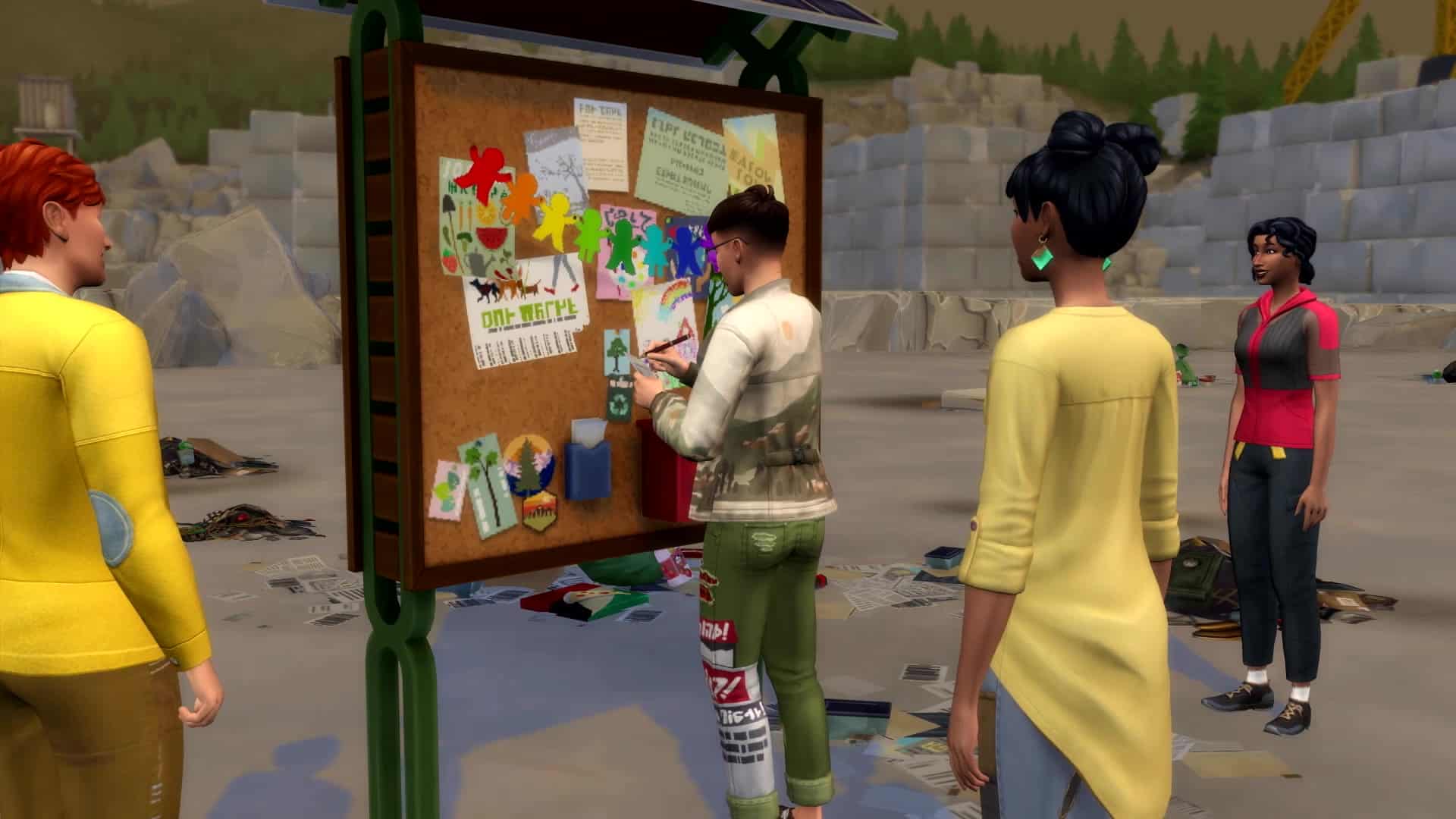
Sims arriving in Evergreen Harbor have their choice of three different neighborhoods. The community of Grims Quarry is best off, environmentally speaking, though grimy and cluttered with waste. Still, its clean air accentuates its appeal when compared to the middling Conifer Station and rundown Port Promise. Once Sims start making an effort, though, each of these neighborhoods transforms. Go all-in on the industrial-chic aesthetic by turning an old shipping container lot into your new home in Port Promise, or take a leisurely stroll atop of the old train station’s parkway in Conifer Station when Evergreen Harbor finally lives up to its name.

Sims also reap the rewards of living either the green or industrial lifestyle even beyond Evergreen Harbor. Check your impact in almost any neighborhood or world of your choosing—excluding Strangerville and Destination Worlds—or pause the eco-footprint effects from the game options menu. You decide where and when it matters to you.

Hit the Dump(ster)

Need a TV, a table, or even a mattress? Check the dumpster! A lot of the things you find in the trash aren’t junk at all. That first-generation TV is a nostalgic but functional throwback! Sure, the mattress might have a coffee stain and a tear or two, but you can fix it up—or just use it as-is. And that singed oven is perfectly fine after you wipe it down. There’s no reason to buy new when you can basically furnish your house without spending a single Simoleon. Just make sure the dumpster’s not already occupied by any other Sims getting frisky…. You’ve been warned.

Official Blog Post: Take Sustainability to the Next Level

Waste Not, Want Not!

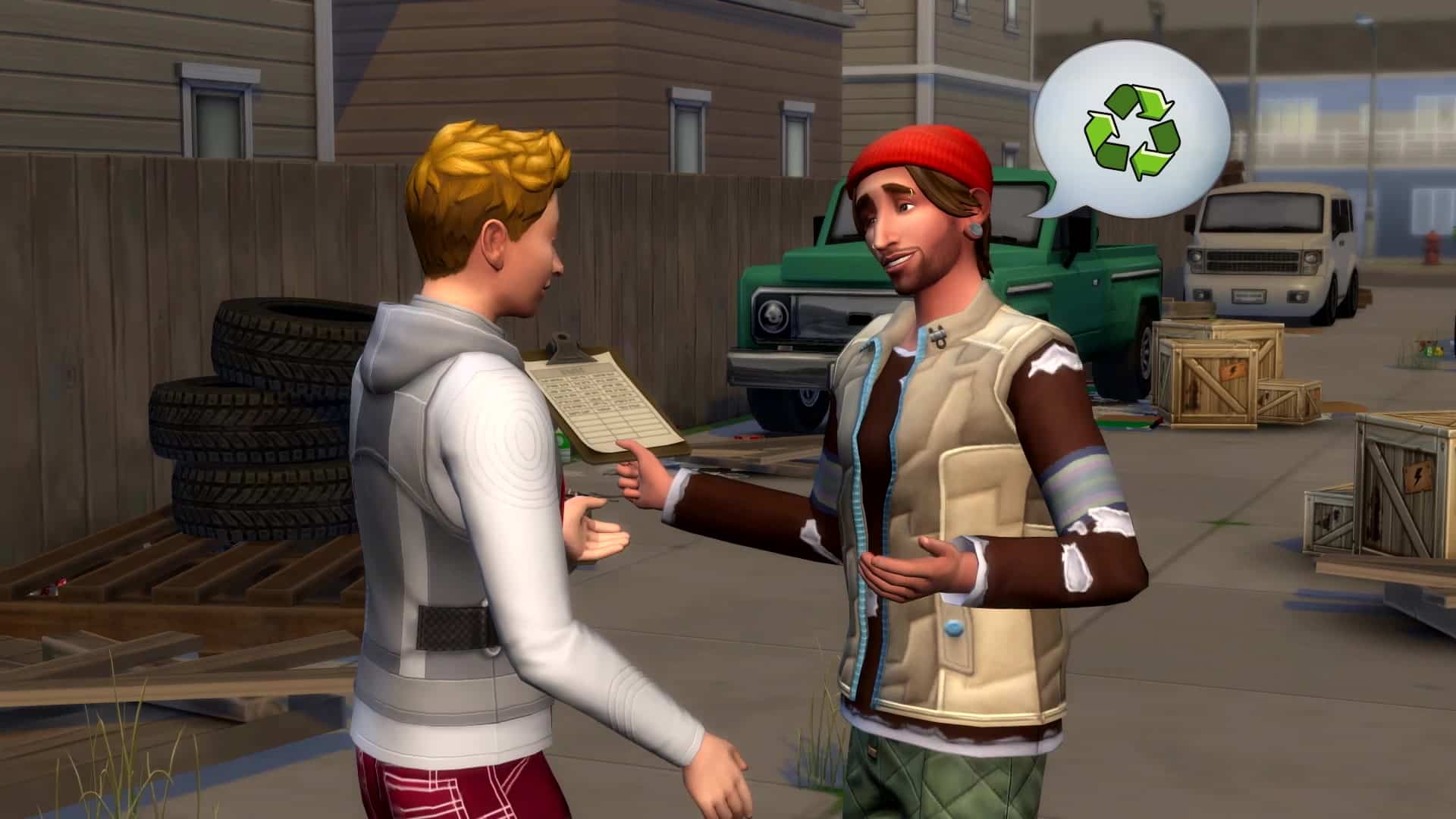
So, your Sim just bought a new couch and needs to get rid of the old one. You can sell it, of course, but why not turn it into something new? With the Recycler, you can break that old couch down into reusable components for your next invention. To get the rest of the materials, keep an eye out for Bits & Pieces while you’re scrounging around in the dumpster. Once you’ve collected enough, you can create your own items in the amazing new Fabricator!

You Have the Power

What power? The power of sustainable resources! Who do? You do! From wind turbines to solar panels, generate your own electricity at home. Whether you place them on your roof or in your yard, they offset your bills and take you off the grid—literally, they expand off-the-grid functionality. Sims might choose to gather their own water with a dew collector too. Who needs infrastructure now? Of course, you could always go for a traditional power generator if green energy isn’t your thing.

Work Hard, Play Hard

Explore two new careers in The Sims 4 Eco Lifestyle. As a Civil Designer, it’s your job to fix this town up—with help, of course. Once you get your Eco Inventions up and running, your neighbors are sure to take notice. On the other hand, if you’re more of a creative soul, why not turn a profit on the stuff you’re making? Perhaps you’re a Fizzy Juicer, a furniture maker, or a candlemaker. Once you’ve gathered your resources, like ingredients or repurposed dyes, you can get to work and fill orders through the computer as a Freelance Crafter! You can also sell your goods with an Entrepreneur’s Table at the Community Space on your own time.

Official Blog Post: Take Sustainability to the Next Level

Come Together

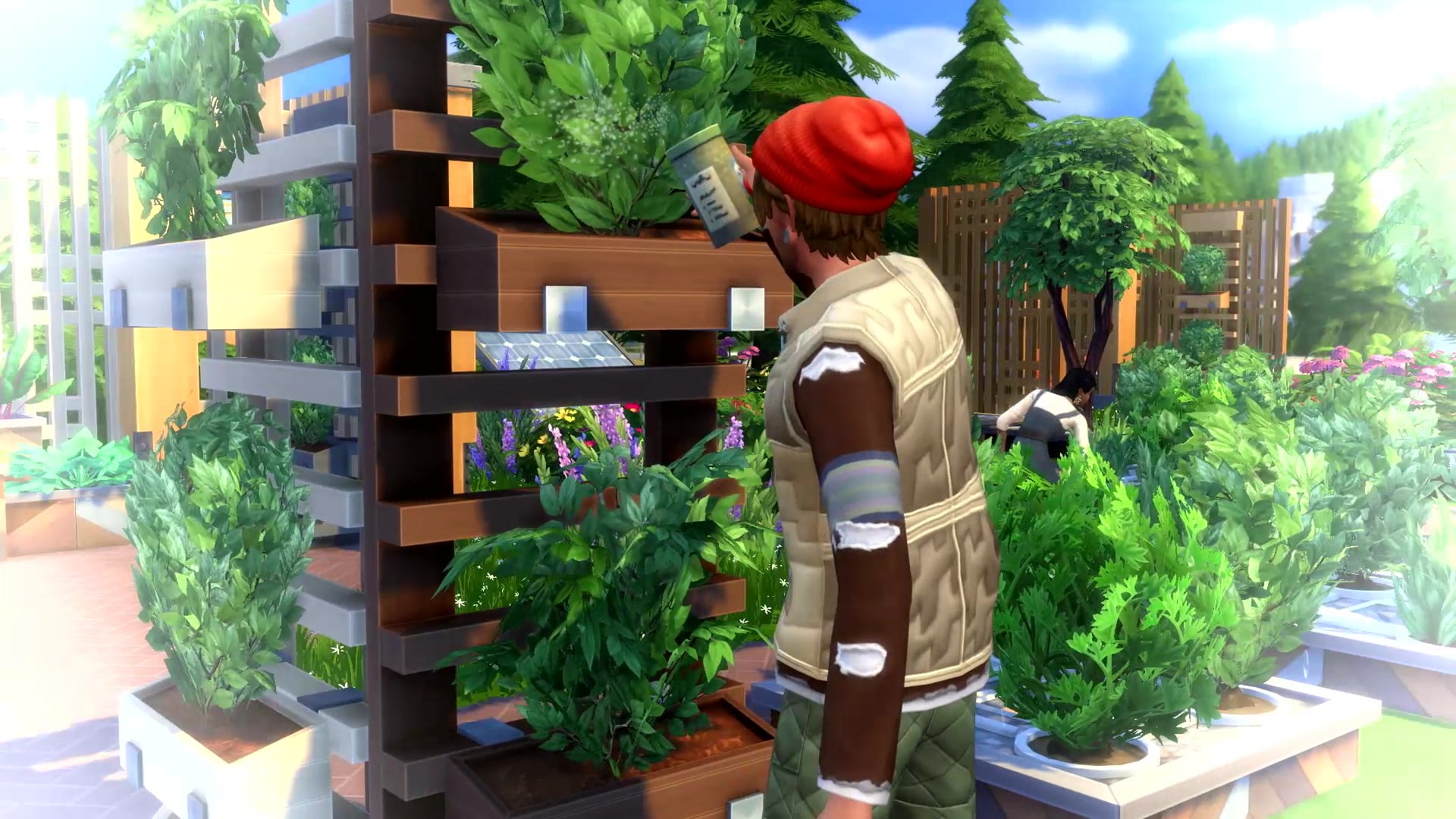
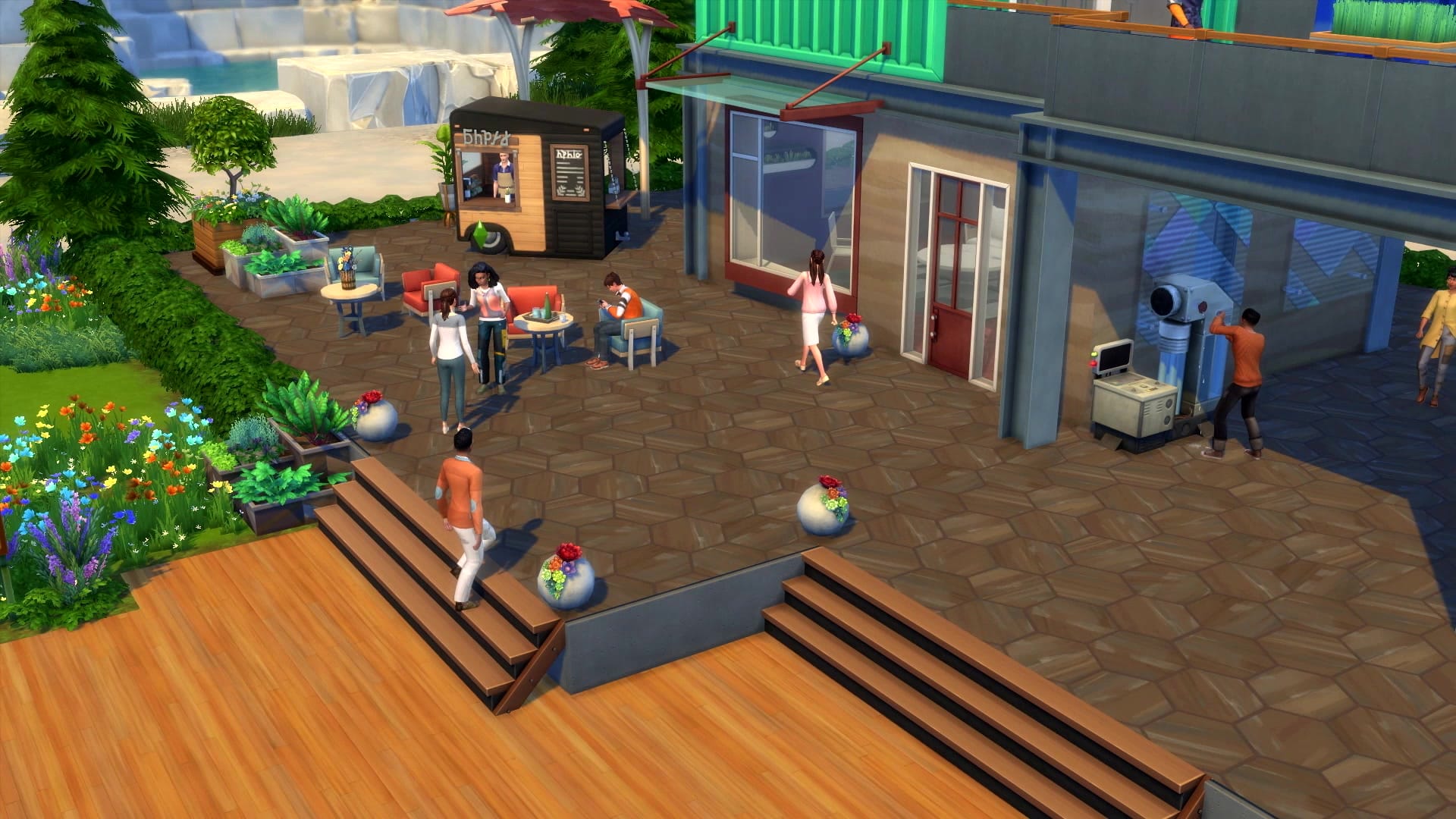
Every week, you and your neighbors can vote on a Neighborhood Action Plan like funding Green Initiatives, supporting Self-Sufficiency, or encouraging Free Love. You can also designate a purpose for the Community Space. Transform it into a shared garden, a maker space, or a marketplace for everyone to enjoy. You get to build it in nearly any world in The Sims 4! Bring Sims together around vertical gardens and hydroponic planters in Brindleton Bay; learn from other craftspeople in the workshop of Willow Creek; or sell your goods and peruse other offerings at the market in Evergreen Harbor. It’s up to you—and your neighbors. Don’t forget to convince them to vote your way!

Bug Out

Bees aren’t the queen bees in The Sims 4 anymore (though they do produce wax!). The new Insect Farm introduces a plethora of bugs. While toddlers and children can play with grubs and crickets, bombardier beetles provide biofuel for the power generator. Or, if you’re feeling adventurous, treat your Sims to a healthy, crunchy, protein-filled meal. Just don’t let them smile at anyone afterward or they might see beetle legs stuck in their teeth. Gross.

Preorder The Sims 4 Eco Lifestyle Expansion Pack today for Mac, PC, and Xbox One! You can start building your sustainable future on June 5, 2020, on those platforms and PlayStation®4, too!

Start thinking about your new eco projects with your fellow players on The Sims Forums; catch up with us on Twitter, Instagram, and TikTok; like us on Facebook; and subscribe to our YouTube channel. You can also sign up for The Sims 4 newsletter to get all the news as soon as it’s announced.

*Requires The Sims 4 game (sold separately) and all game updates to play. For PC/Mac, see minimum system requirements for this pack.

The Sims 4 Eco Lifestyle: Gameplay Trailer has dropped!

9

The Sims Team has released the official gameplay trailer for The Sims 4 Eco Lifestyle Expansion Pack. Check it out!