The Sims Team has announced that they’ll be doing a special livestream for The Sims 4’s upcoming content update that’s coming out this Thursday, August 16th.
Please join us for a short livestream, this Thursday, August 16th, at 11 AM PT, to check out some cool free content that is coming in this week’s patch! Click “Remind Me’ on the this link to see what time that is in your local timezone! https://t.co/BAnnVGef7R
The update will feature “cool new content”, including new objects and clothing as confirmed by SimGuruGrant:
We want to make new stairs and they have been researched. This update is not a new game system or feature, so it is not stairs. It is content, i.e. objects, clothing. https://t.co/klrnhqFCKt
We can probably expect more bug fixes to be included with this update.
Stay tuned to our website for all the latest news and information about this content update. We’ll be providing you with facts and information from the stream that The Sims Team will be holding as well as overviews and an in-depth look of the new update.
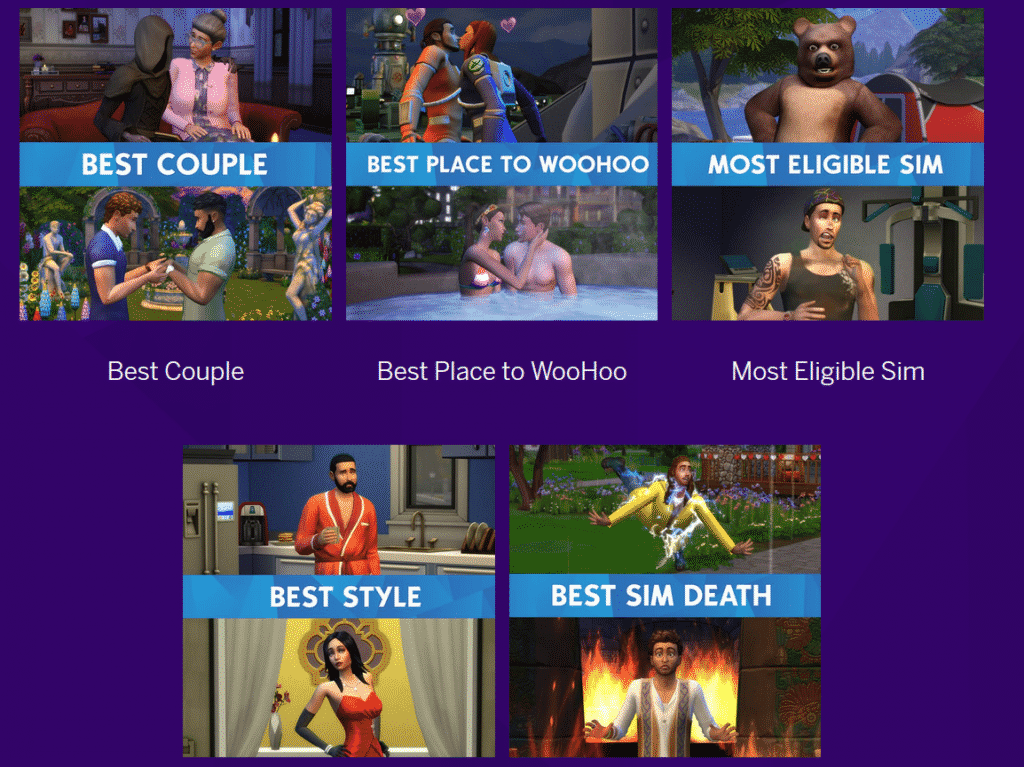
That’s right! The Sims team will be live from the pink carpet at this weekend’s Teen Choice Awards from 4pm PT! Vote on either Twitter or Instagram for your favourite Sims in a variety of catergories including Best Place to WooHoo and Best Sim Death!
Click the image to find out more!
Don’t forget you can also save 50% on The Sims 4 Base game (PC/MAC) by using the code CHOICESIMS on Origin until 15th August 2018!
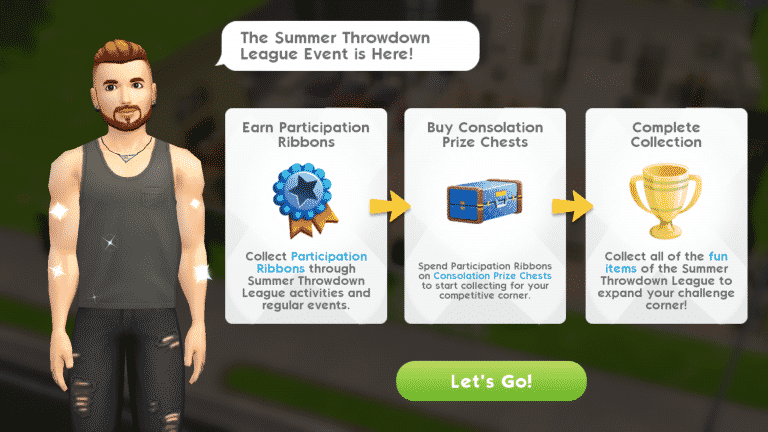
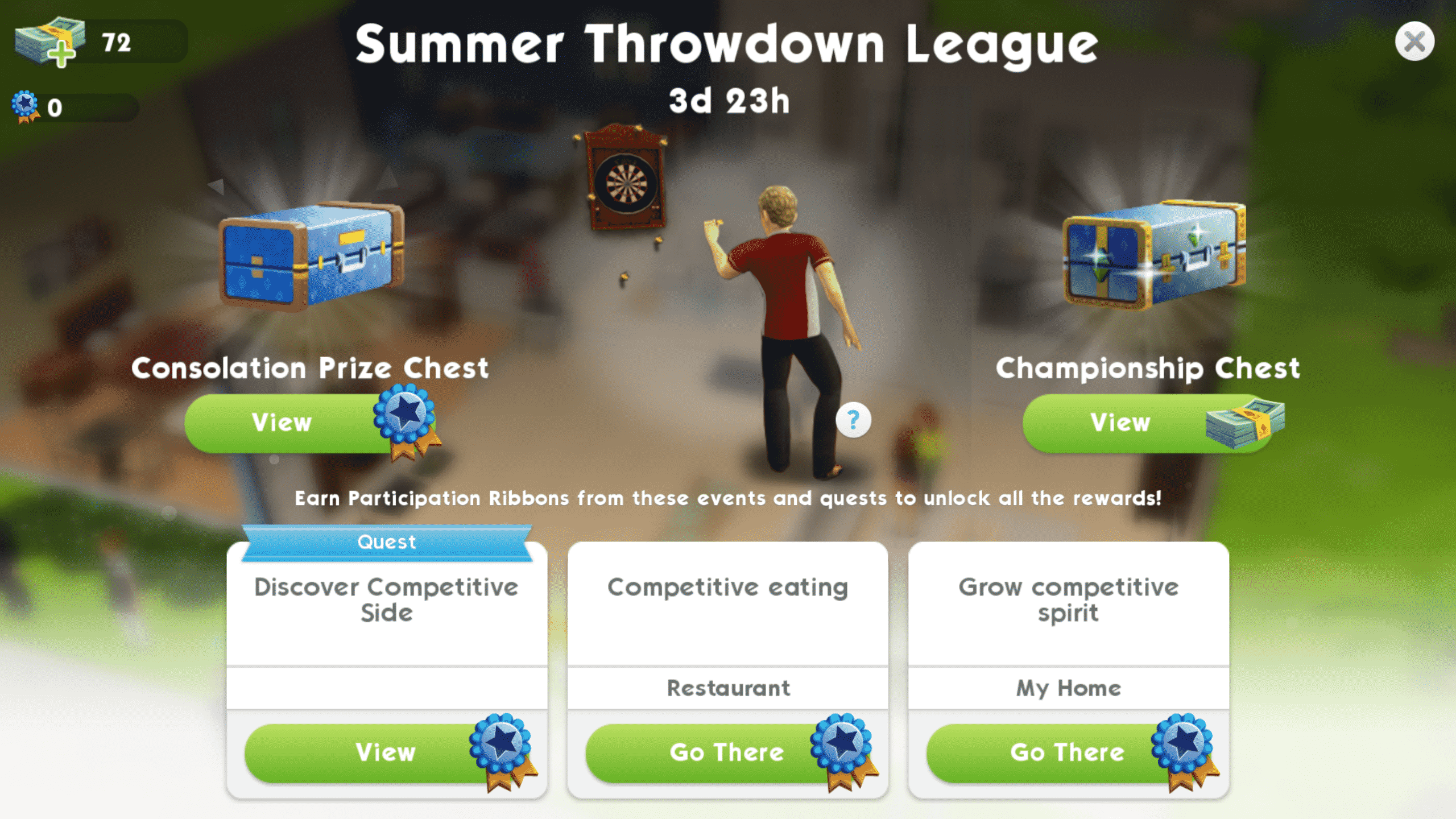
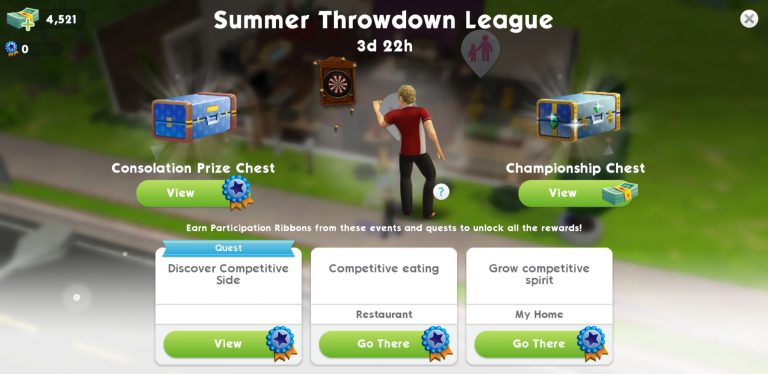
The Sims Mobile has just launched its latest event: the Summer Throwdown League Event! What on earth is that, you ask? This event is all about friendly competition. Your Sims will have to complete time-limited goals that revolve around competing with other Sims. Doing event quests and actions will reward your Sims with Participation Ribbons, which you can then redeem for Consolation Prize Chests to purchase cool rewards for your Sims. The grand prize? A nifty dartboard! So what are you waiting for? Get out there and prove that your Sim is the ultimate bar game champion!
Feeling overwhelmed by so much fierce competition? No worries, we’re here to help get you started.
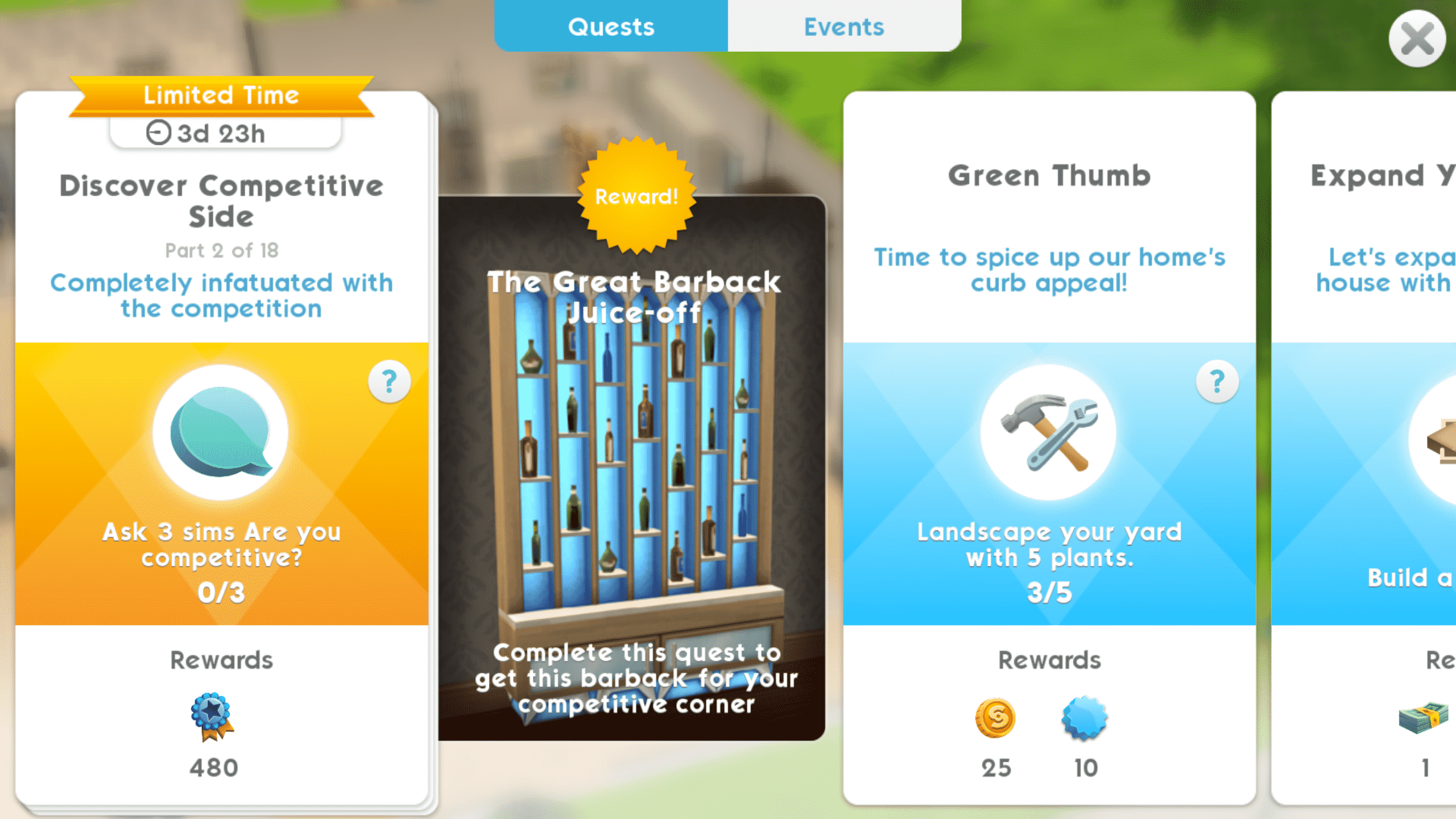
After updating your game, you’ll see that there are new quests available. Tap your quest log to see the new event quests. These quests have a gold ribbon and background and will disappear when the event ends so don’t dawdle on them. Completing the event quests in time will reward you with a swanky new barback.
Part 1: Work up a cool sweat arguing with appliances
Screenshot 20180809 134618
Screenshot 20180809 135159
To get started, follow the quests. Your first task is to argue with 3 household appliances. I had my Sim argue with the fridge, coffee maker, and television set to complete this goal. It only took a minute to complete.
Screenshot 20180809 135319
Screenshot 20180809 135328 1
Screenshot 20180809 135337
Screenshot 20180809 134646
Screenshot 20180809 134710
Screenshot 20180809 135358
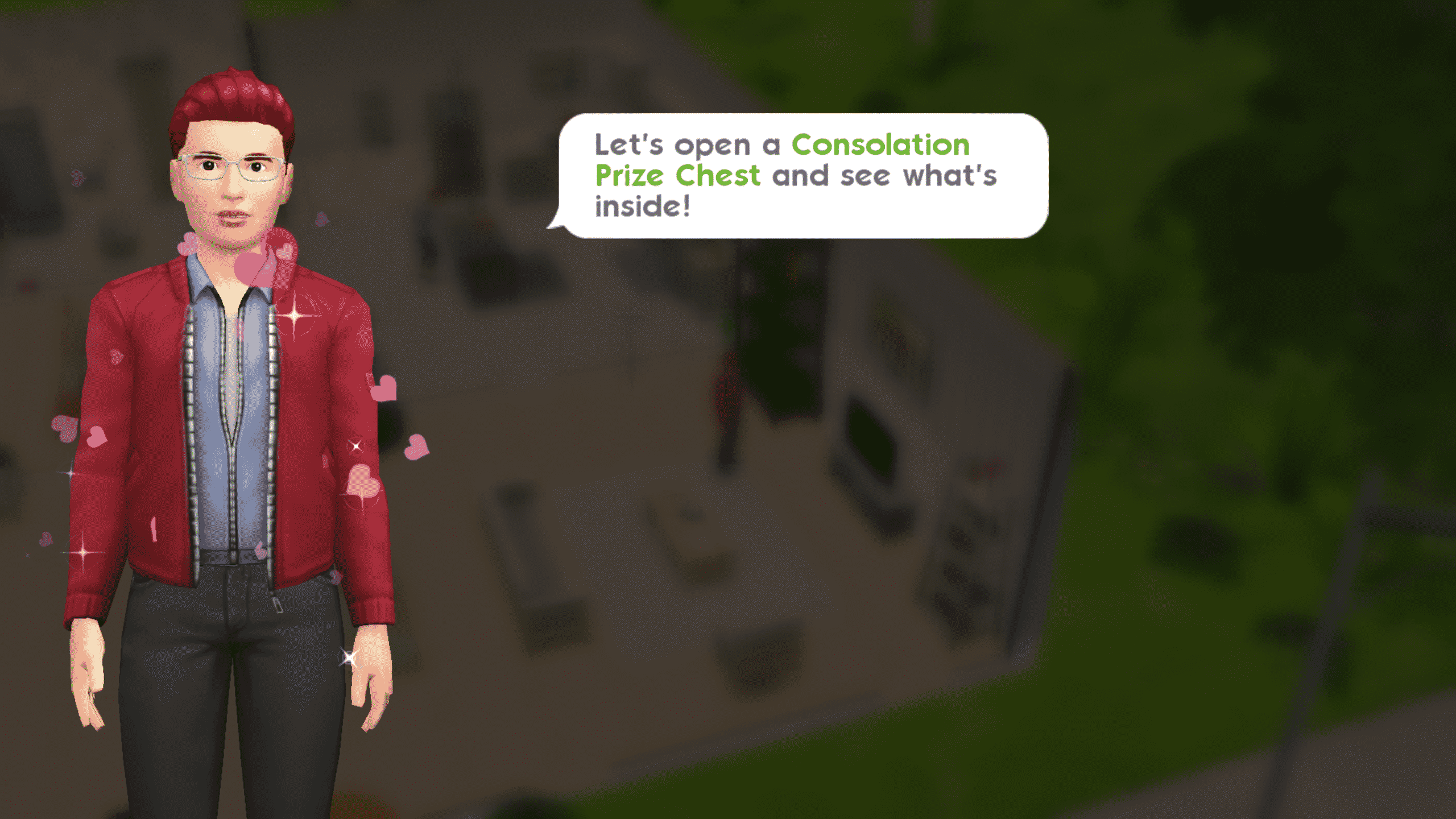
After completing the first task in your event quest, you’ll be rewarded with some Participation Ribbons as a gift. You’ll be prompted to spend them. Tap the trophy icon in the upper right-hand corner of your screen to be taken to the event page. You can see all the available limited-time events here along with chests you can buy for Participation Ribbons or SimCash. Tap the Consolation Prize Chest on the left side of the screen to spend your Participation Ribbons and get your first reward. You can see all the available prizes when you tap the chest icon.
Part 2: Completely infatuated with the competition
Screenshot 20180809 135303
Screenshot 20180809 135439
Task number two was to ask three different Sims if they’re competitive. My Sim happens to have a big family so he had no trouble finding Sims to ask, but you can ask any Sim you see around the world. This is a quick and easy task to complete.
Part 3: Find a rival in disguise
Screenshot 20180809 135516
Screenshot 20180809 135548
Screenshot 20180809 135648
The third task is also simple enough; start a rival story. Just find any Sim your Sim does not yet have a relationship with and use a confrontational introduction to open up the option to start a rival event. These initial first events can be completed easily in just 3 or 4 actions. When the event finishes, pick any rival story the game offers you to complete this quest. You do not have to finish this story to complete the quests and earn the rewards. You just need to start it.
Part 4: Seek out rival revelry among party goers
Screenshot 20180809 140046
Screenshot 20180809 135808
Screenshot 20180809 140023
Part four of the event quest asks your Sim to earn three stars at a party. This is another easy task that you’ve likely done many times before on any old regular day. Just open up the party tab, select Find Parties and pick a party to attend. Once you’re there, perform party actions to fill up your purple progress bar and earn three stars.
TIP: Perform actions that reward you with 50 or more party points to get 3 stars without needing to consume any cake.
Part 5: Prove to rival that you can earn more
Now we’re starting to get into some more time-consuming goals. Your Sims will have to earn 650 simoleons, but don’t panic. Your Sims earn money every day from their careers and hobbies so just do what you always do and bring home that dough until you’ve stashed away a crisp 650 simoleons.
TIP: If you have the time to check back with the game frequently, it’s best to put your Sims on short shifts and practice sessions. They’ll earn more money faster in the long run as long as you’re playing through these events as much as you can and checking back to put them on another short cycle as soon as they finish.
Part 6: Prove superiority in maintaining relationships
This might sound like a tough, time-consuming goal to complete, but it really isn’t. You don’t need to complete 3 relationship stories. Just 3 relationship events. This is incredibly easy to do with a Sim who does not have a relationship story with your Sim. Have your Sim introduce themselves to a stranger and select Begin Friendship/Rivalry/Romance. Like Part 3 of the event quest, your first relationship event with a new Sim will take no time at all.
TIP: When your event finishes and the game prompts you to select a relationship story, do not select one! Tap Choose Later, instead. This will let you repeat the super easy first event two more times with your chosen Sim. The quest only requires 3 events to be completed, not stories. If you just repeat your quick introductory event three times with the same Sim without selecting a story, you’ll be finished with this step in minutes without running out of energy.
Part 7: Prove capacity to consume more than rival
Screenshot 20180809 143135
Screenshot 20180809 143157
This part of the event quest will introduce you to the new events it brings. These new time-limited events will reward you with Participation Ribbons. You’ll be asked to complete the Competitive Eating event, which takes place at the restaurant. To get there, you can go to the restaurant via map mode or just tap the Competitive Eating tab on the event page.
Once your Sim is at the restaurant, tap the pink trophy icon to begin the event. This event works the same way as all other events you’re already accustomed to; perform event actions to fill up your progress bar or just put the game down for a while and come back in a few hours to collect your rewards. Playing through the event is more beneficial since you can complete it faster and move on to the next part of the quest.
Now that we’ve explained the basics and provided you with some helpful tips, we think you can handle the rest on your own. It won’t be a problem as long as you remember to follow the quests, do the new events as often as you can, and redeem your Participation Ribbons for Consolation Prize Chests.
I FINISHED THE QUESTS, WHAT NOW? Don’t give up on the event! Even after completing the main quest and earning the barback, you can still play through the new Summer Throwdown League events to earn more Participation Ribbons. If you’re still searching for that elusive dartboard when you’ve finished the quests, continuing to do events as often as you can is your ticket to claiming the grand prize before the Summer Throwdown League ends.
The Sims Mobile has just started a brand new event! The Summer Throwdown League event lets you unlock new items, tickets and other tokens in exchange for event tokens that you earn doing multiple activities including completing the limited-time quest, competitive eating at the restaurant and growing competitive spirit at your home.
The event lasts for the next 4 days, meaning that it’ll come to an end this Sunday, August 13th.
The Sims Mobile has just started teasing their upcoming event which is supposed to arrive soon to the game.
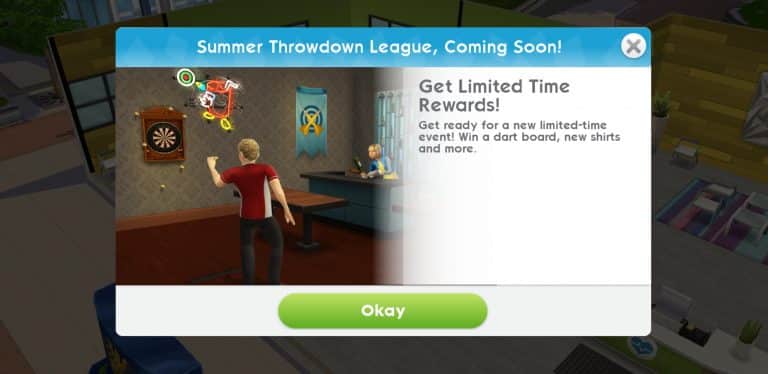
According to the teaser that they’ve provided in-game, we should be expecting the Summer Throwdown League limited-time event – letting us earn a dartboard, new shirts and some other items in the game.
We’ll keep you posted with all the latest information about this event as soon as it goes live!
From time to time everyone has issues with their game. Usually caused by out of date custom content and mods when a new update is released for the game. Sometimes you can also have errors even if you do not use custom content or mods. We are going to go over a few different ways to ensure that you have a clean and healthy game, and steps you can take to understand your errors and issues in The Sims 4.
Using ‘Save As’ instead of ‘Save’
Sometimes save files can become corrupt after saving the same file over and over again. To help prevent this problem, it is good practice to use the “Save As” feature to save your game instead of using “Save” or “Save and Exit”.
What is the difference?
“Save” and “Save and Exit” will both directly overwrite the same save file over and over.
“Save As” will prompt you to create a new save with a new name, or overwrite an existing save of your choosing.
How to Backup your Saved Games
It is a good idea to occasionally create backups of your Saved Games. So that if the save file you are using becomes corrupt in the future, you still have a working backup.
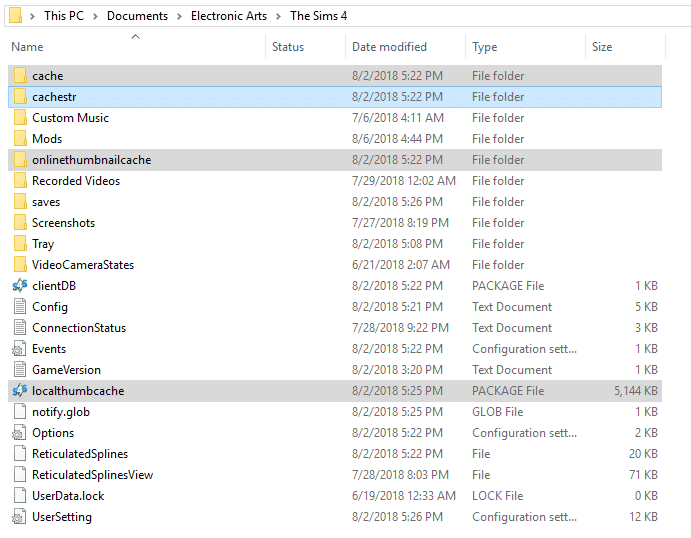
The Sims 4 game cache is located in: Documents/Electronic Arts/The Sims4/ (as pictured below)
Once you have found your “Saves” folder, right click and select “copy”.
Go anywhere outside of your Sims 4 Folder (example: Desktop, Documents, etc) and right click any blank area and select paste. (as pictured below)
You now have a backup of your saves file that you can use later if needed.
Clearing your Cache in The Sims 4
Cleaning up the cache files for your game can help the performance of your game as well as fix many issues you could be experiencing. The “Cache” files are the games way of saving information about your current game. From time to time these files need to be deleted and regenerated by the game. It is best to do this quite often, especially after a new game patch or after adding/removing lots of custom content or mods.
The Sims 4 game cache is located in: Documents/Electronic Arts/The Sims4/ (as pictured below)
Step 1: Delete the localthumbcache.package file in the main directory in the The Sims 4 document folder.
Step 2: Open up the Cache folder, and delete all of the files that end in .cache.
Step 3: Open up the Cachestr folder, and delete all the files inside.
Step 4: If you have a folder called onlinetumbnailcache, you can delete this entire folder.
Step 5: If you have any files called “LastException” or “LastUIException” or “LastCrash” you can delete them as well.
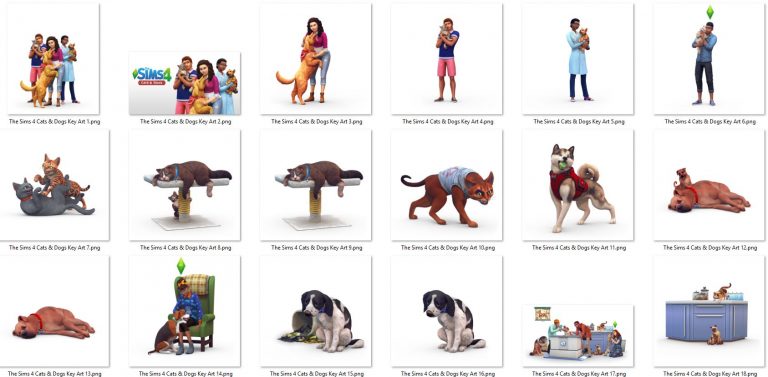
The Sims Team has released their official fan art kit for The Sims 4 Cats & Dogs Expansion Pack!
With this kit you don’t just get the box art, the logo and the screens in high quality. There’s also all versions of renders that we’ve received in previous promo material in high, transparent quality.
You can get your fan art kit by clicking the image below!
If you’re just stepping into the huge universe of The Sims 4 games then it’s probably for the best that you bundle up the packs that you want instead of purchasing them individually considering there’s a 20$ discount on the total price of the bundle. Individually Expansion Packs are 40$, Game Packs are 20$ and Stuff Packs are 10$. However, with The Sims 4 Bundles that you build (that must include 1 EP, 1 GP and 1 SP that you can’t already have in your library) you get to enjoy 3 different types of packs for a price of 50$. This offer is available using Origin’s exclusive Build Your Sims 4 Bundle feature.
As we currently have 5 Expansion Packs, 6 Game Packs and 14 Stuff Packs already available for The Sims 4 I thought it would be a good idea to create 5 different bundle combinations for those who plan on getting their packs in bundles.
Bundle #1
The Sims 4 Get to Work Expansion Pack
The Sims 4 Dine Out Game Pack
The Sims 4 Cool Kitchen Stuff Pack
Bundle #2
The Sims 4 Get Together Expansion Pack
The Sims 4 Spa Day Game Pack
The Sims 4 Bowling Night Stuff Pack
s
Bundle #3
The Sims 4 City Living Expansion Pack
The Sims 4 Vampires Game Pack
The Sims 4 Vintage Glamour Stuff Pack
Bundle #4
The Sims 4 Cats & Dogs Expansion Pack
The Sims 4 Parenthood Game Pack
The Sims 4 Kids Room Stuff Pack
Bundle #5
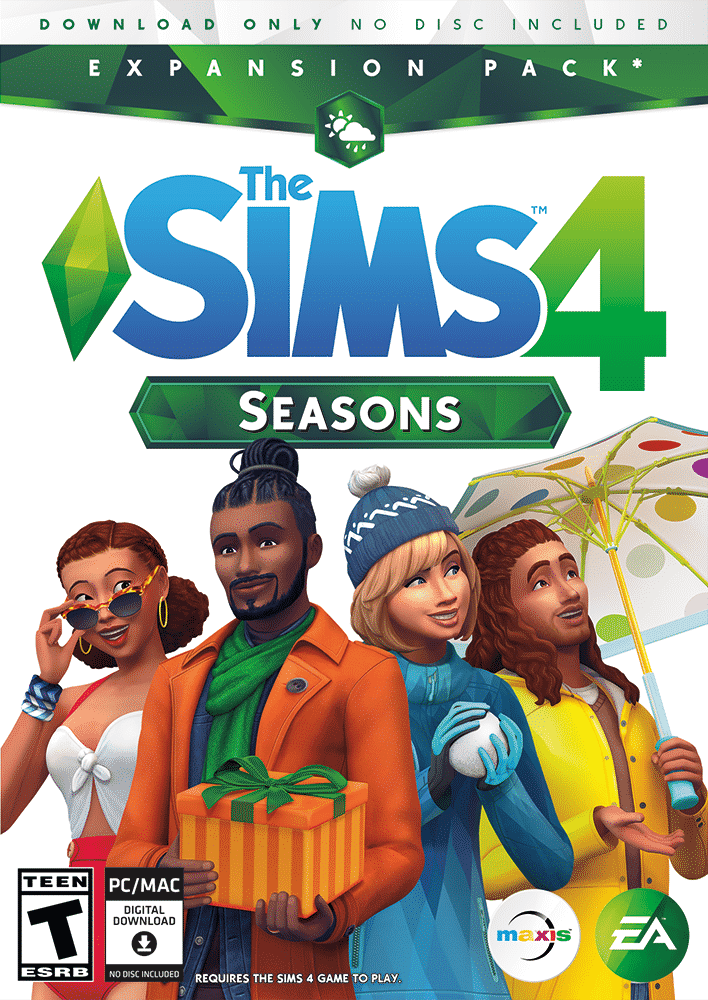
The Sims 4 Seasons Expansion Pack
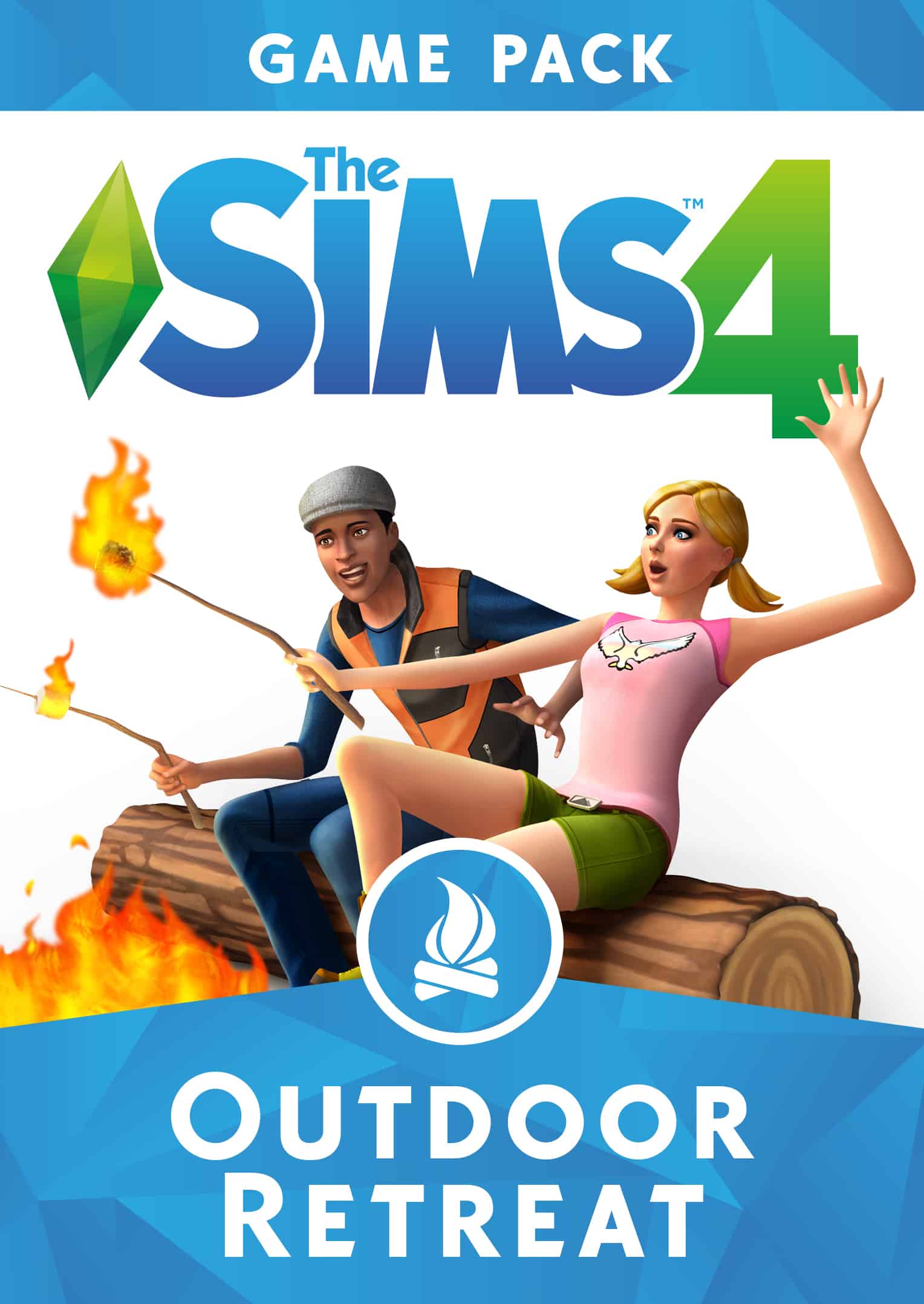
The Sims 4 Outdoor Retreat Game Pack
The Sims 4 Spooky Stuff Pack
Ready to build your own bundle? The Build Your Own Sims 4 Bundle feature is only available for PC / Mac players on Origin. A few things to note before considering building your bundle:
The Sims 4 Base Game is required first before building a bundle of 1 Expansion Pack, 1 Game Pack and 1 Stuff Pack.
Not having the base game will give you the ability to bundle up The Sims 4 Base Game + 1 Expansion Pack of your choice.
You can only build a bundle of packs that are not in your Origin Game Library.
You cannot give bundles as gifts to other players.
If you have all packs in your Origin Library you’re not able to build a bundle.
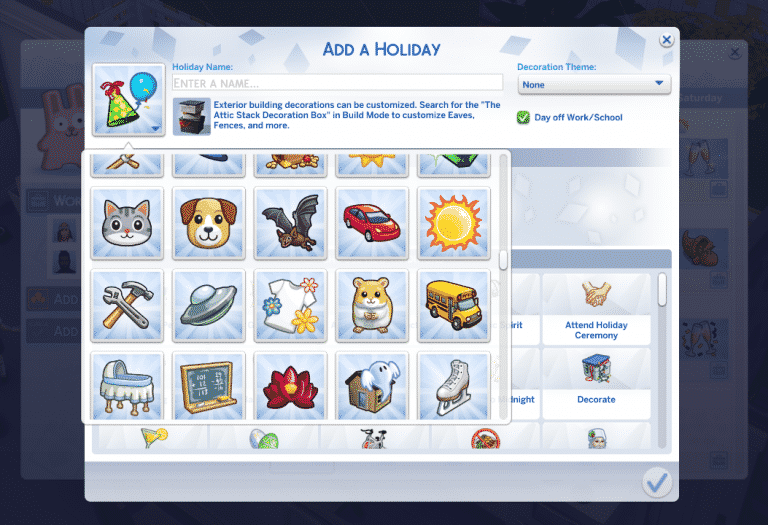
Although The Sims 4 Seasons Expansion Pack brings tons of new customization options and traditions that you can choose, there’s still things like lacking holiday icons and no traditions for cats and dogs. Luckily talented modders LittleMsSam and icemunmun have already made a solution for your holiday troubles.
The More Icons Mod by LittleMsSam allows you to choose between 200 icons which are available in the icon chooser when creating or editing an existing holiday. It brings plenty of colorful icons which are already a part of The Sims 4 universe.
One thing that everyone was hoping for is holiday integration between the Seasons Expansion Pack and the Cats & Dogs Expansion Pack. Sadly, that didn’t happen and the only tradition from a different pack that we got was “Fireworks” from City Living. Thankfully icemunmun solved that with 9 tradition for your Cats & Dogs! They’re very general and most of them apply to both cats and dogs.
There’s 9 traditions that come with this mod, including:
Feel The Love
Play With Dog
Teach Tricks
Play With Laser Pointer
Meet or Adopt
Cook for Pet
Pamper Pets
Go for a Walk
Age Up Pets
To download these mods simply click on the headings of each mod above. Installing them is pretty easy too – simply extract the .zip files to Electronic Arts > The Sims 4 > Mods folder and make sure you have Mods / CC enabled in your game options. These mods have been tested out with the current version of the game and are proved to be working.
Editor’s note: this article isn’t all that serious. However, there is some truth tea.
You’ve probably noticed that The Sims 4 for PC / Mac is going through a rough patch at the moment (no tea no shade). Screenshots which are a crucial part of storytelling have been blurry for a few days now ever since The Gallery update and The Gallery itself, although it looks great, crashes on a daily basis. I actually spent plenty of hours these last few days playing The Sims 4 on Console with all of the packs currently available and I gotta say – I’m enjoying the game a lot more, and here’s why:
1) The screenshots are crisp
Nothing better than taking a screenshot that isn’t blurry. Sure, The Sims 4 Console relies on taking screenshots using your controller but still the result of those screenshots that you take on console are perfectly clear.
The Sims 4 PC screenshots make me want to see an eye doctor.
2) No Gallery – No problem!
The Sims 4 Console players are at ease considering they’ve been met with expectations that the game won’t have The Gallery feature (at the launch of TS4 Console). Sure, the developers have said a few times that they’re working on implementing The Gallery on Console but as of right now Console players have no worries or struggles when opening up The Gallery only to find out that The Gallery is down. Seriously though, The Gallery on PC went down at the same time for the last 3 days and it’s starting to get annoying.
Console players are currently at their own mercy of creating their own Sims and Houses which is actually pretty fun. I’ve built a house last night on Console (which isn’t something I usually do) and thanks to The Gallery not currently being a thing for Console I’ve discovered all the wonderful ups (and downs) of building your own house.
My work of art (WIP)
3) The ability to appreciate previous packs all over again
You probably know already that The Sims 4 Console doesn’t have all the packs from PC currently available. However, the game is slowly getting there. With 3 Expansion Packs, 3 Game Packs and 8 Stuff Packs I’ve gotten an opportunity to appreciate all the features and gameplay we got with Cats & Dogs, Parenthood and so on without being distracted by features from packs that are currently trending.
Honestly, all I’ve ever done lately on PC ever since The Sims 4 Seasons Expansion Pack came out was create holidays and take screenshots of my neighborhoods covered in snow. It’s nice to go back to the good old days when everything seemed like a hint towards Seasons.
The Sims Mobile has finally brought a chance to win the Photography Career Heirloom after its first introduction back in April 2018 with the ASOS Fashion Event.
This opportunity will be triggered in the Quests tab when you open up The Sims Mobile. As soon as you open up the game the counter will start ticking and from that point you have 3 days to complete this limited time quest!
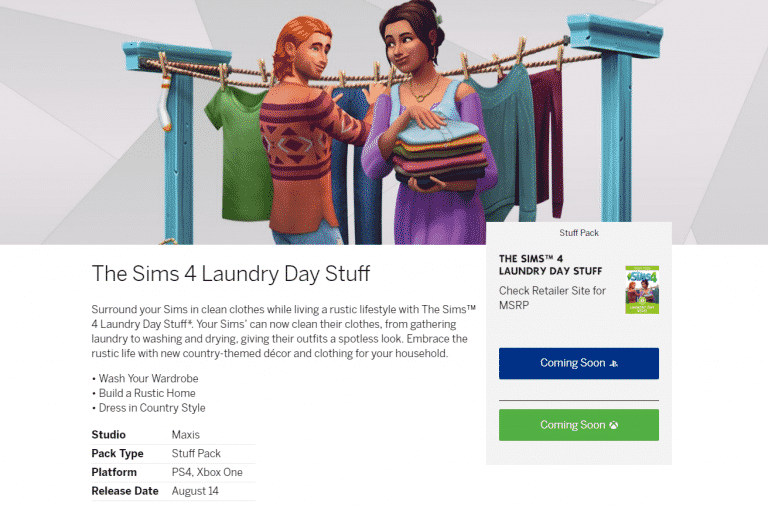
The Sims Team has officially announced that The Sims 4 Laundry Day Stuff Pack will be making its way to Xbox One and PS4 on August 14th!
Considering that Stuff Packs and Game Packs do not offer pre-orders you’ll be able to get this pack directly from the Microsoft and Playstation Stores on August 14th. For all the latest news and updates about The Sims 4 Console stay tuned to our Console News Category!
SensorTower, a trustworthy website which provides data and insight on all the apps that you can find on Google Play and App Stores has published an article regarding the earnings of The Sims Mobile. Although the game is free to download and doesn’t require you cash to unlock basic gameplay, some premium features are still locked behind SimCash and packs that you can purchase with money.
According to SensorTower and their Store Intelligence tool, The Sims Mobile has grossed over 15 million dollars since the worldwide launch of this app in March 2018. This puts The Sims Mobile as EA’s 8th best-selling app for smartphones.
Launched globally at the beginning of March, The Sims Mobile has taken in more than $15 million in worldwide player spending for publisher Electronic Arts, according to Sensor Tower Store Intelligence estimates. The game, which joined the already available The Sims FreePlay, was EA’s eighth highest earning mobile title across the App Store and Google Play for the month of June.
Approximately 59 percent of The Sims Mobile revenue has come from the United States so far, with Great Britain a distant second at just 8 percent.
Electronic Arts continues to operate The Sims FreePlay concurrently with The Sims Mobile, which still has considerable ground to cover in order to supplant that earlier title. Last month, The Sims FreePlay was EA’s third highest earning mobile game, taking in about double the revenue of The Sims Mobile worldwide.
The Sims Team has just officially teased the coming of The Sims 4 Laundry Day Stuff Pack to Xbox One and PS4!
We don’t know about the release date just yet but we can expect a full announcement with the date really soon. Make sure you stay tuned to our website for the latest updates about The Sims 4 Console!
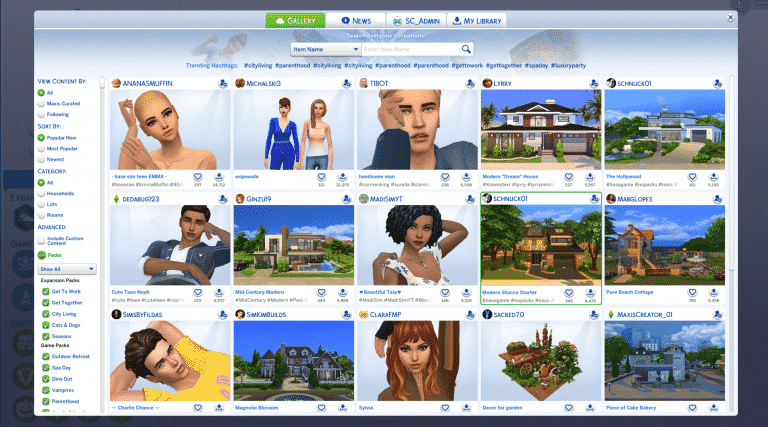
The Sims 4’s latest update has redesigned the way The Gallery looks and functions. Because of it heavily scripted mods (such as the UI Extension Mod) can affect your gameplay experience or even lead to UI errors and game crashes.
One of the things that many have reported is an issue where friends, followers and downloads on your personal profile would go “000000” and sometimes even your screen would go black after browsing through the gallery. It has been confirmed that this issue is caused by Mods (specifically UI Extension Mod) but it can be solved.
Removing the mods from your Mods folder and / or updating them to the latest verseion doesn’t always do the trick though. To fully fix The Gallery UI issues go to Electronic Arts > The Sims 4 save game folder and delete a cache file called “localthumbcache.package”. This is a cache file which regenerates after opening up The Sims 4 again so you don’t have to worry if it’s going to affect your game or not.