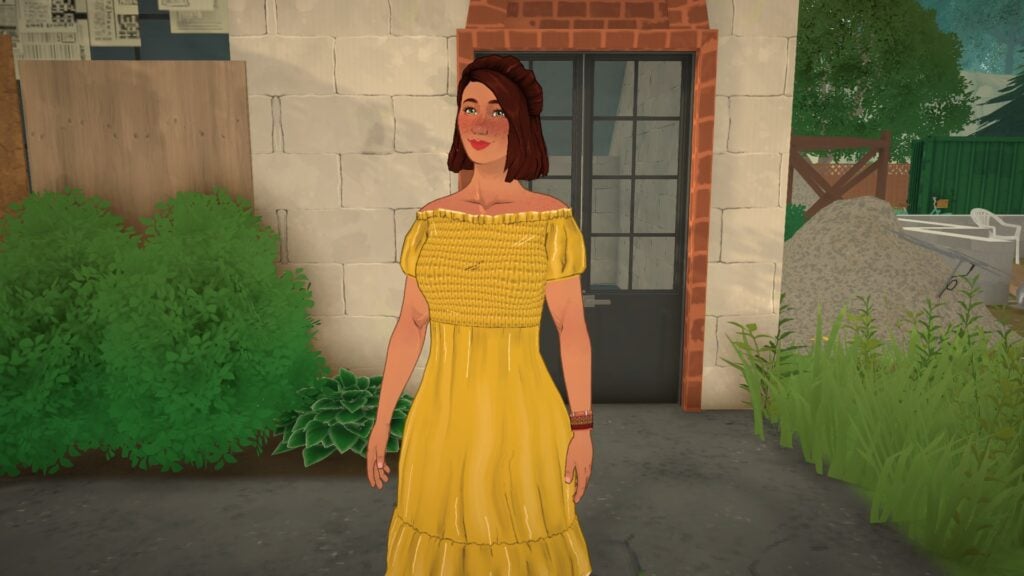
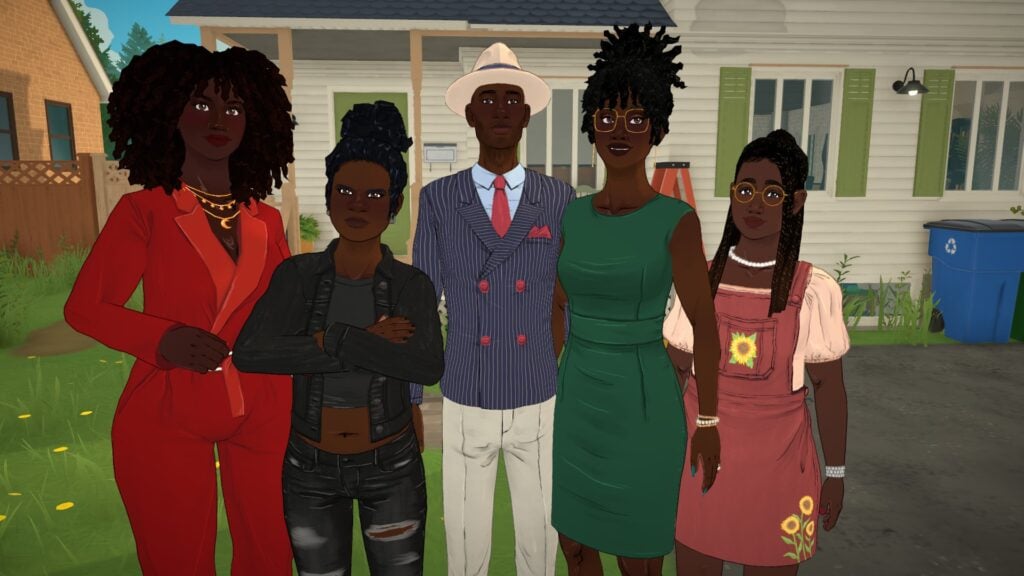
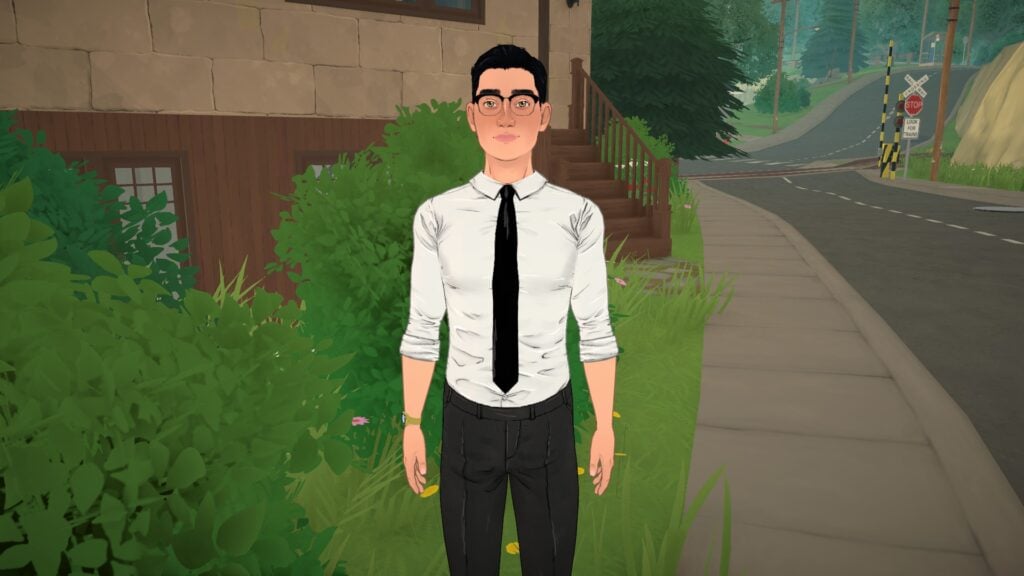
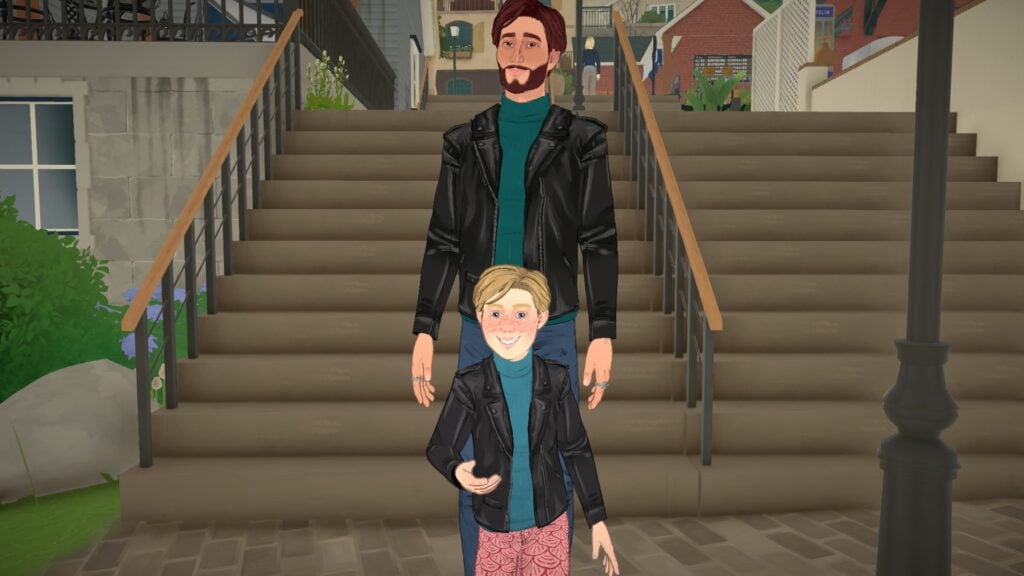
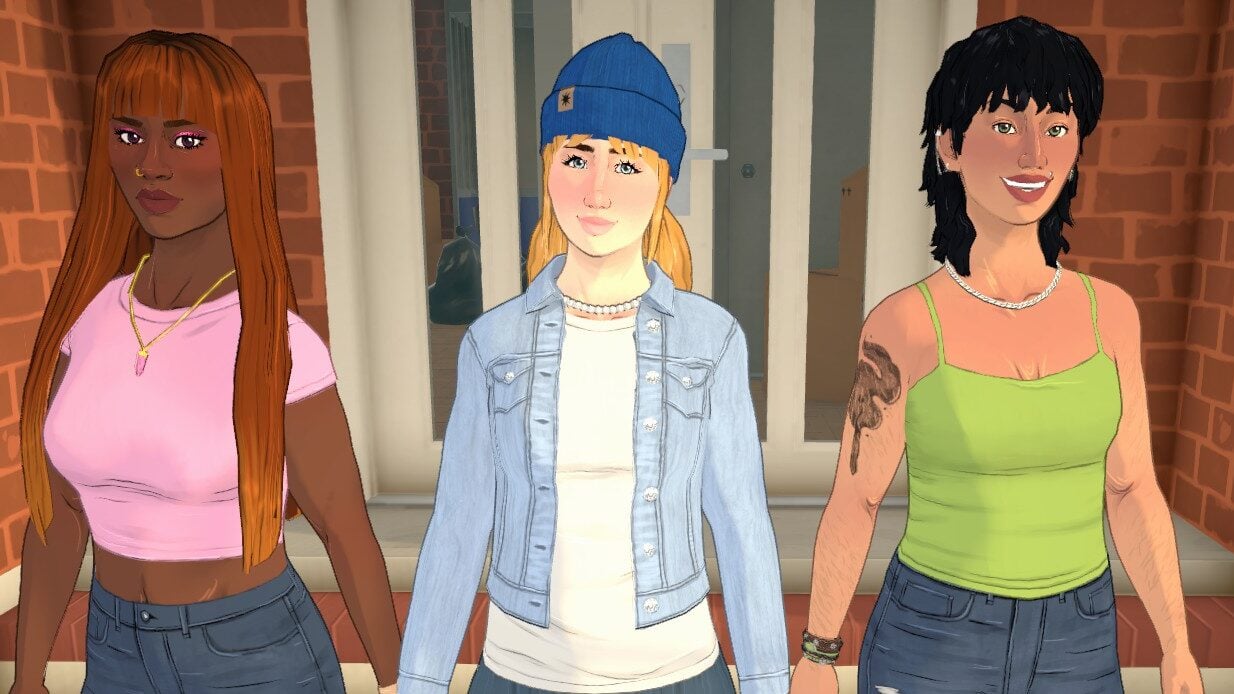
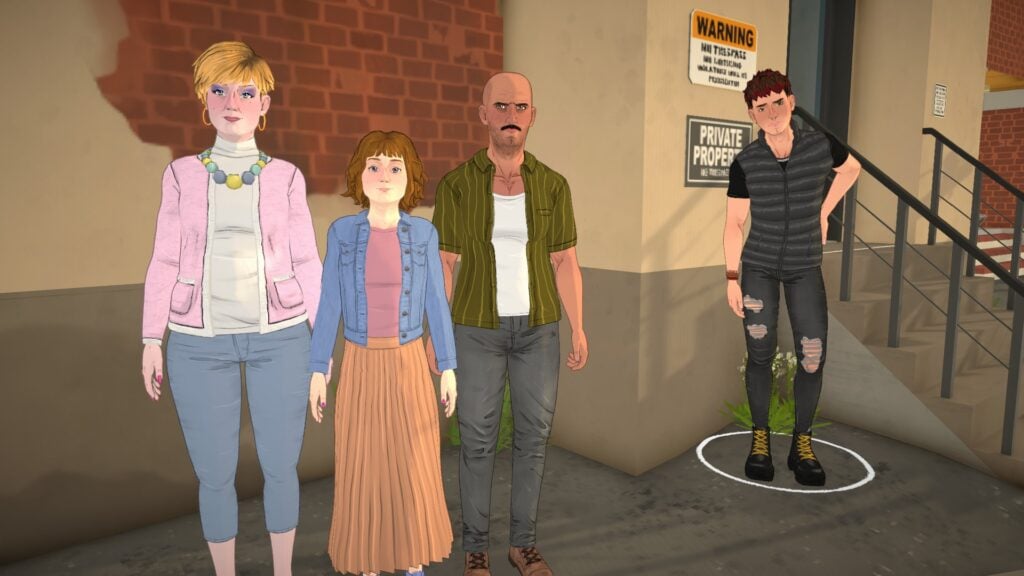
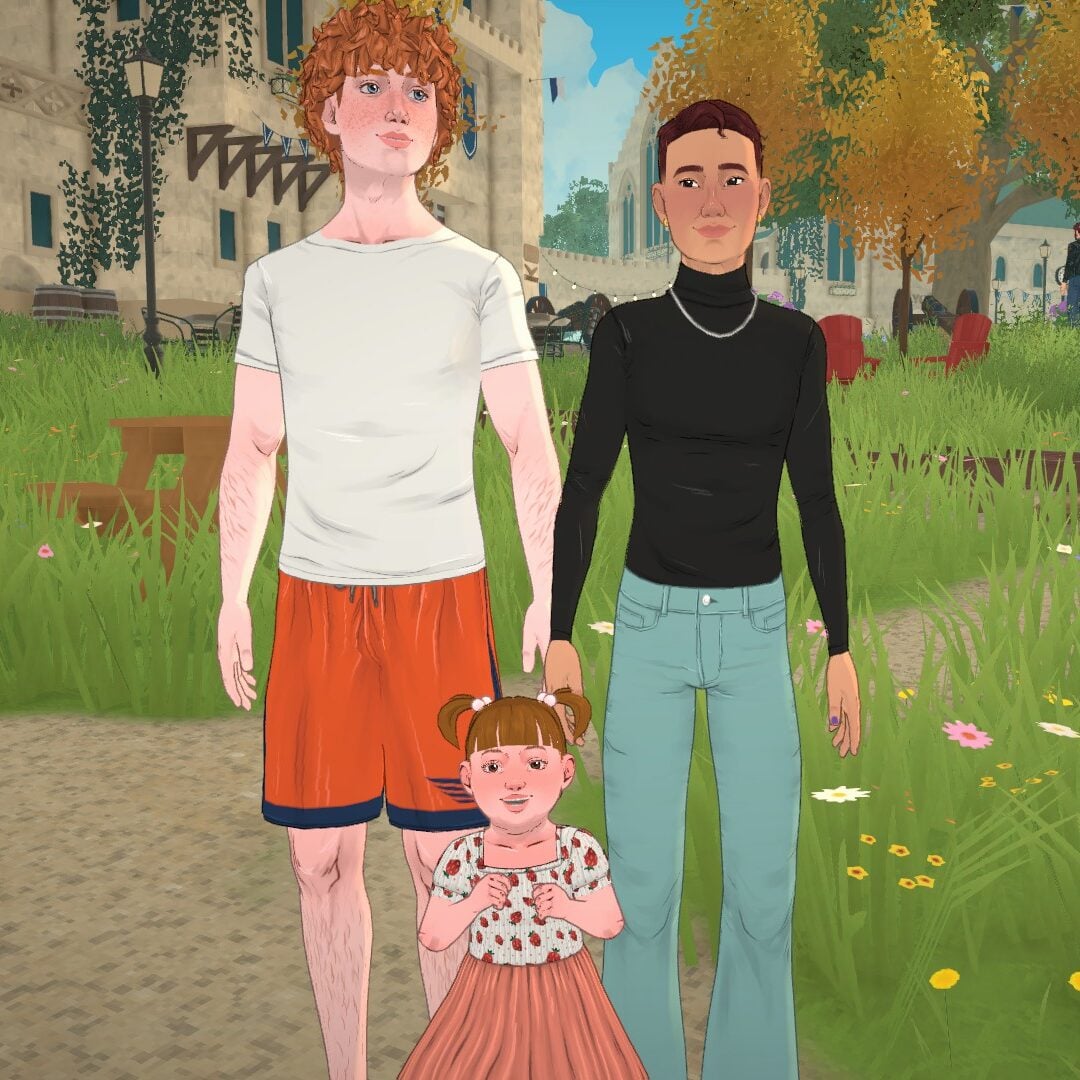
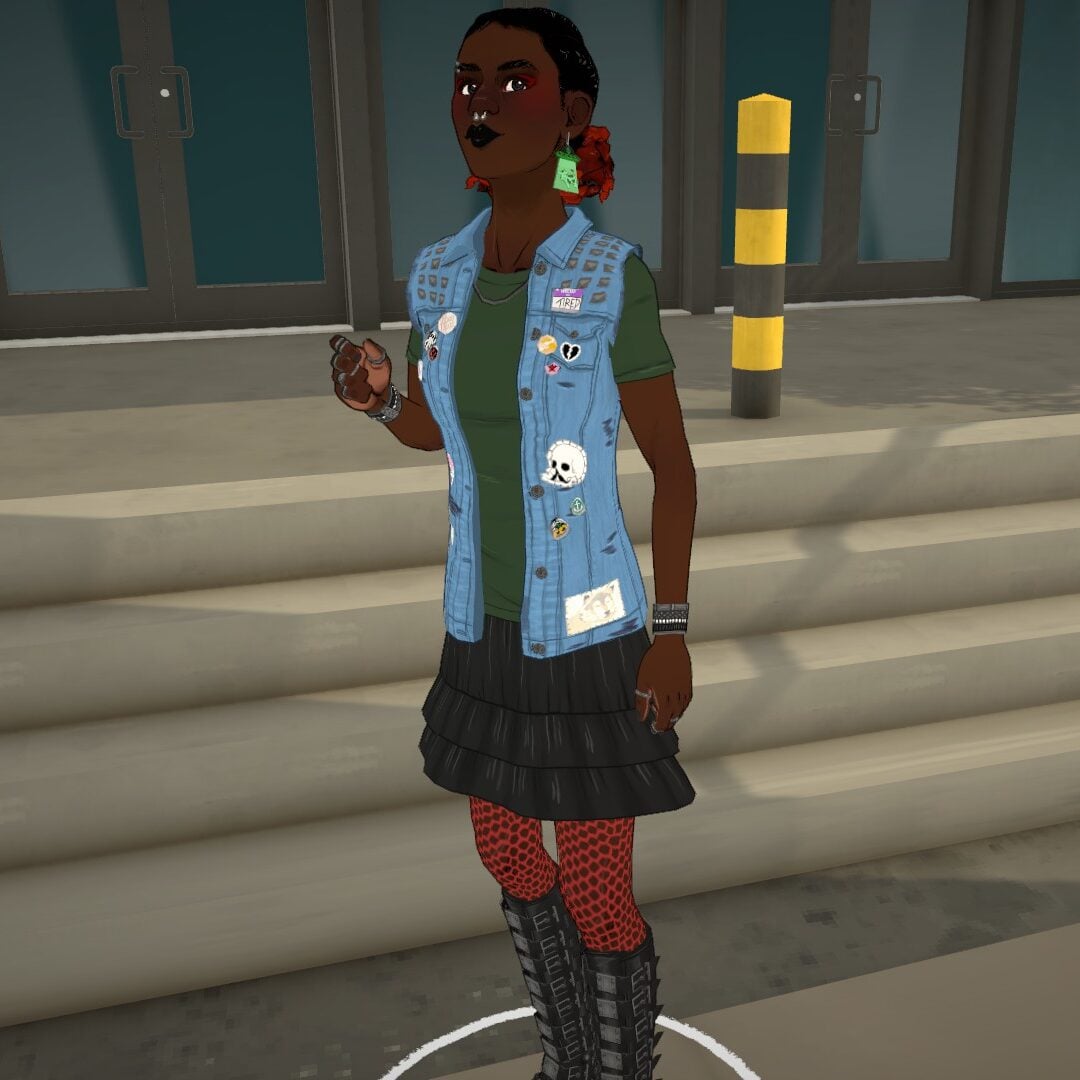
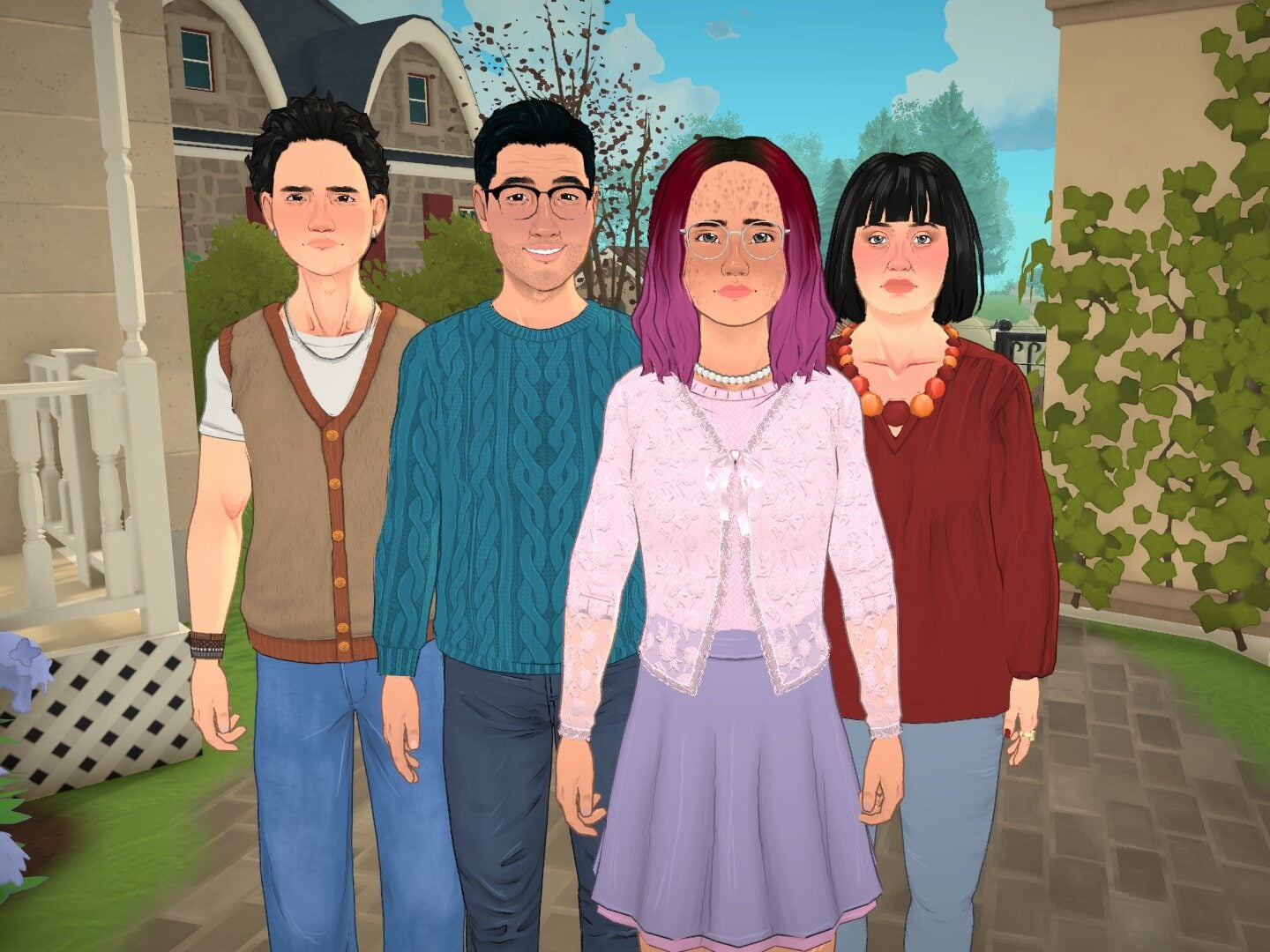
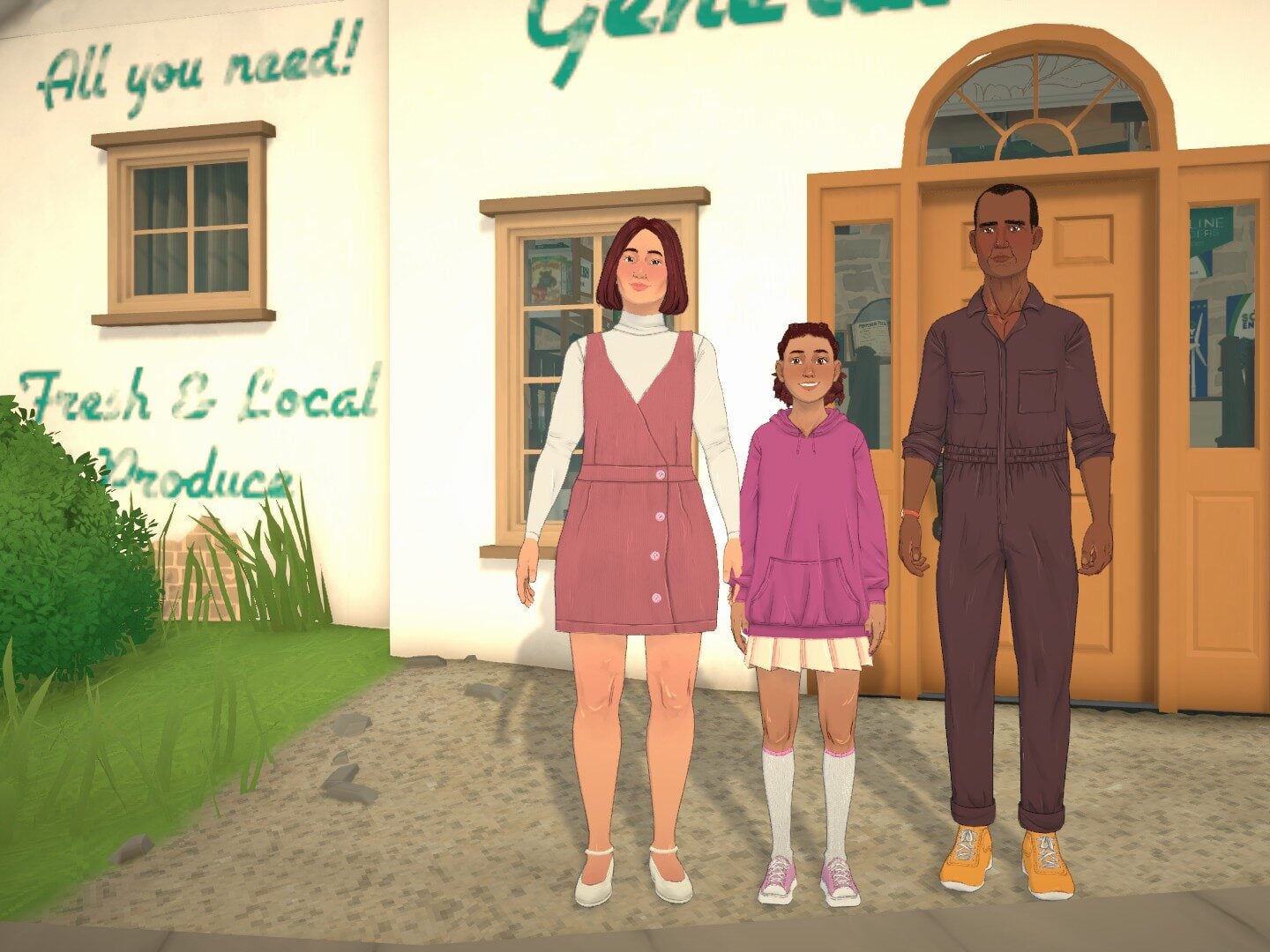
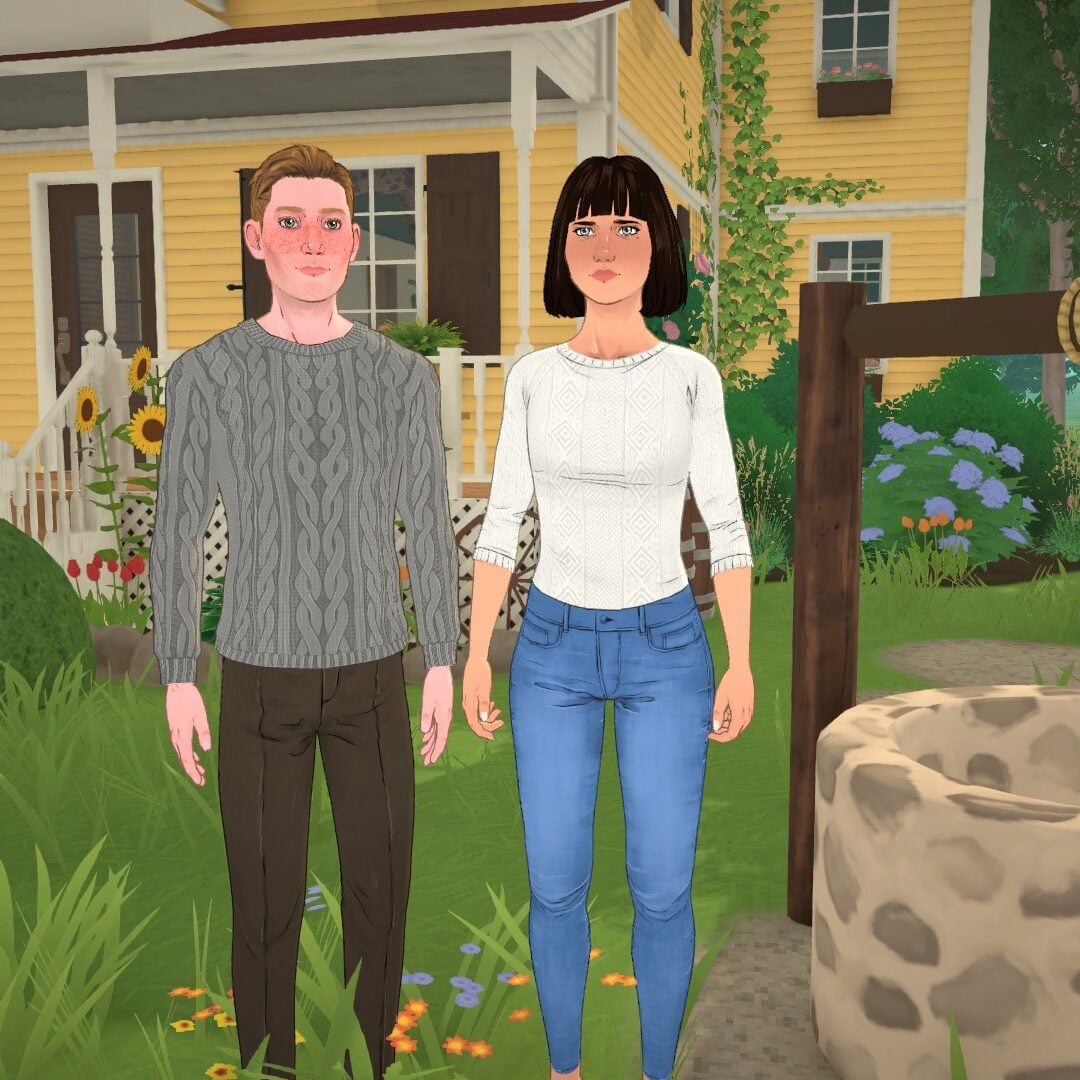
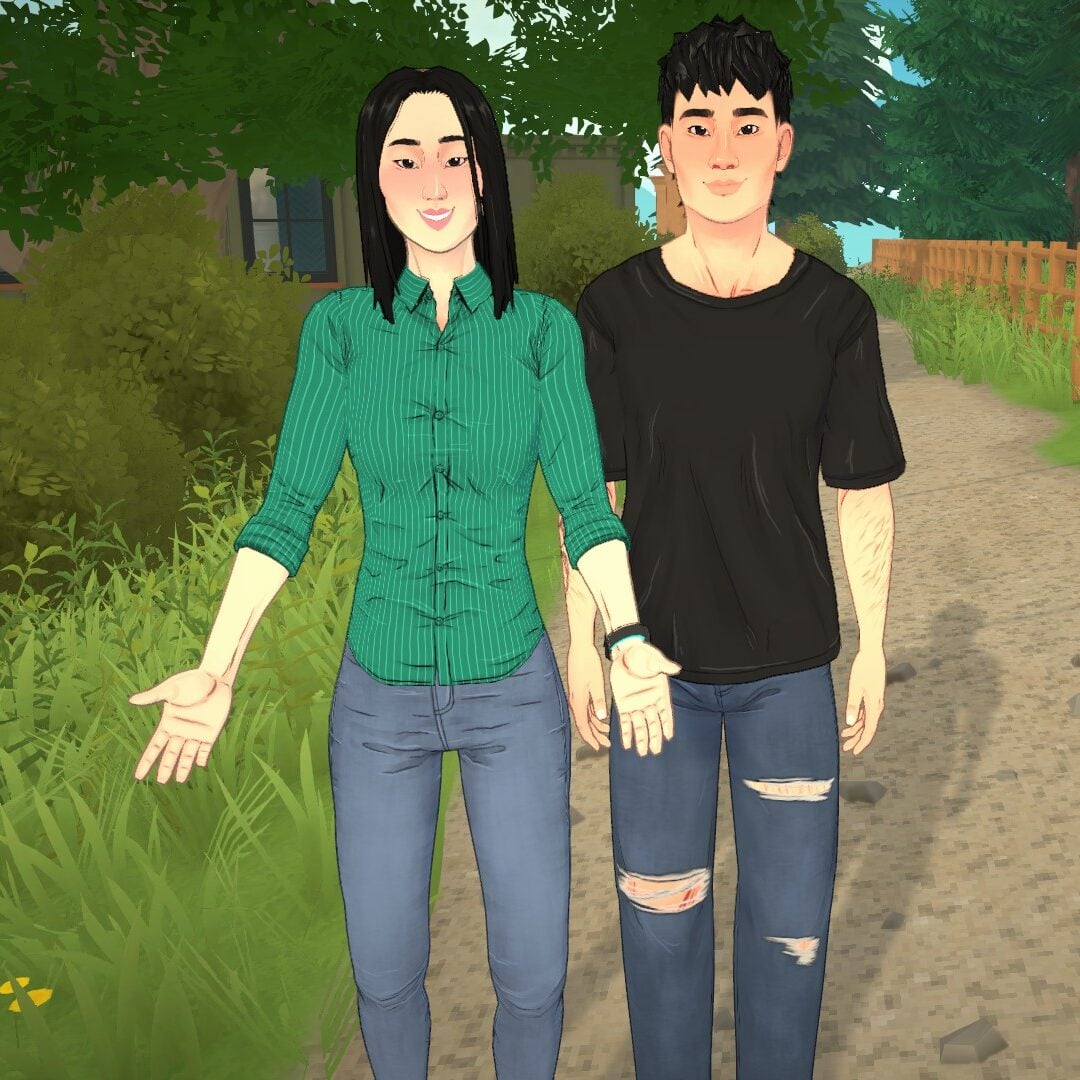
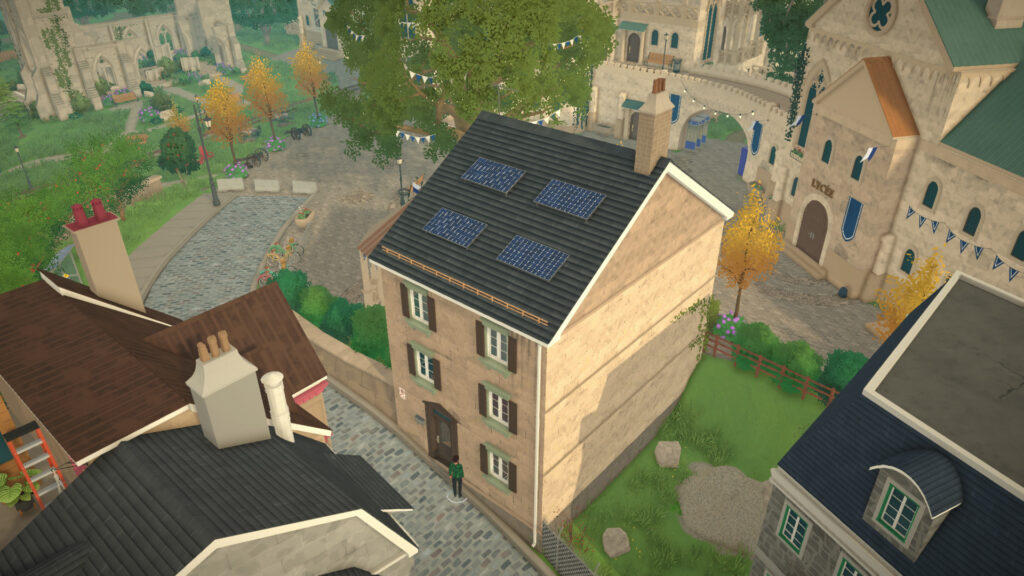
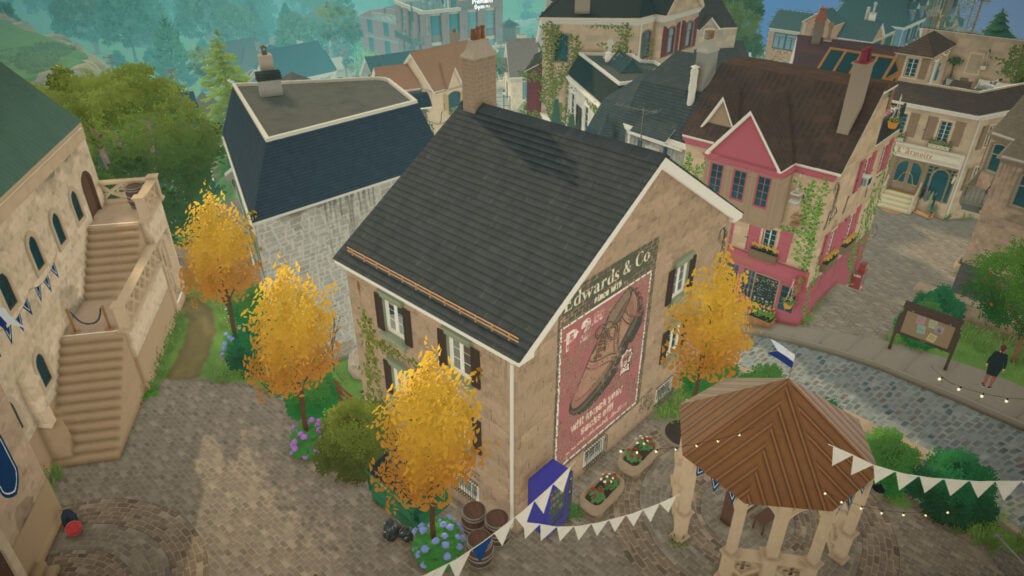
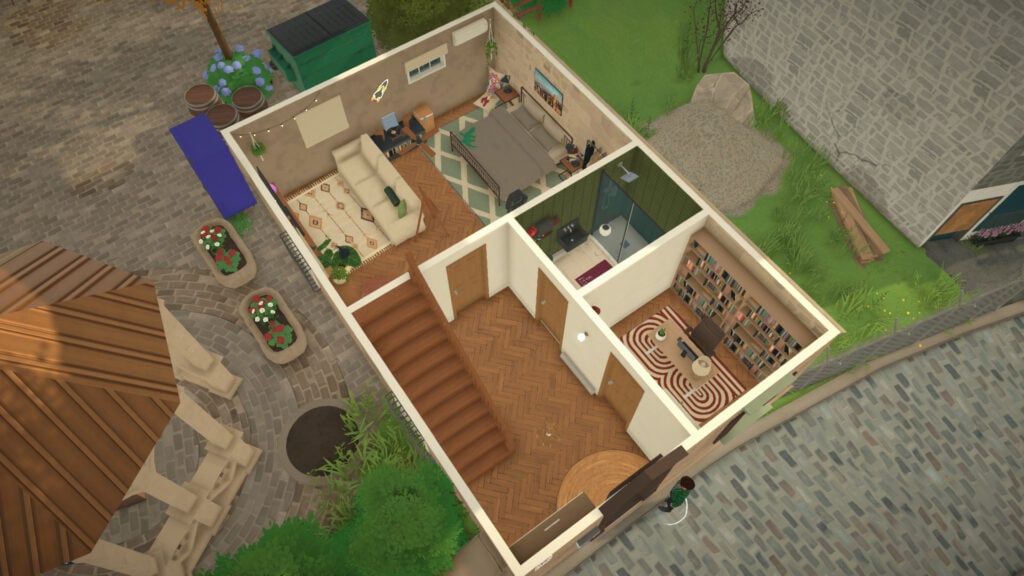
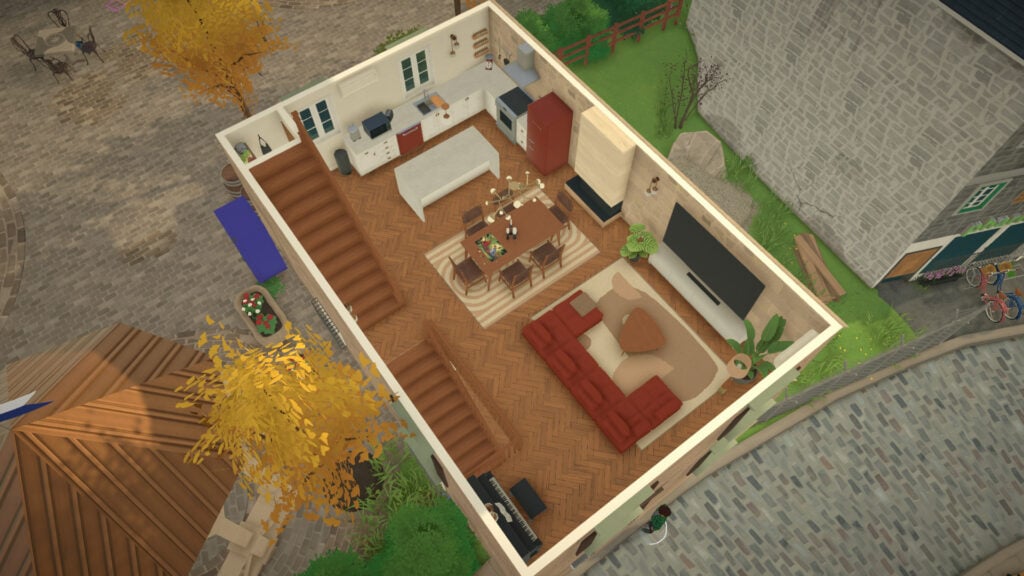
While Paralives hasn’t released its early access yet, players have already taken a look at how the game looks and works through YouTube gameplay videos and other coverage like ours (check out everything we’ve already covered here).
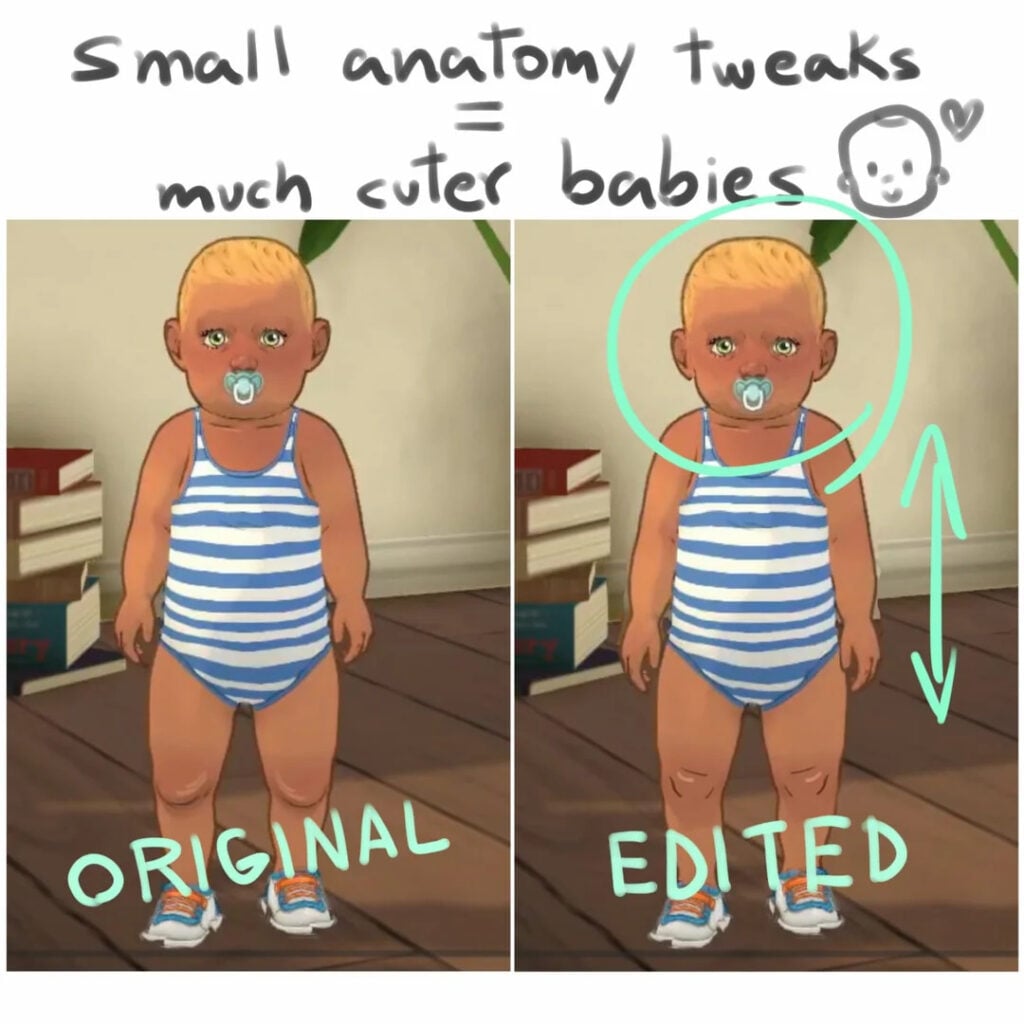
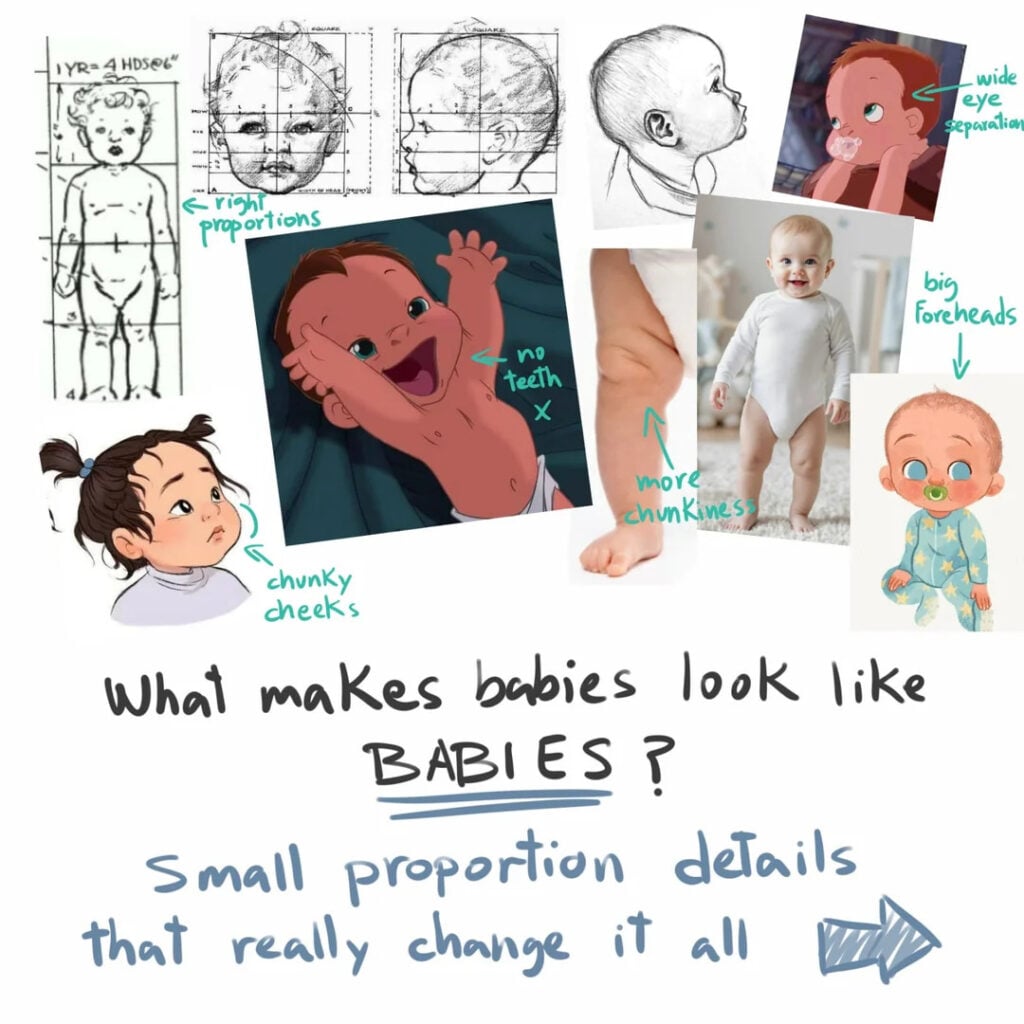
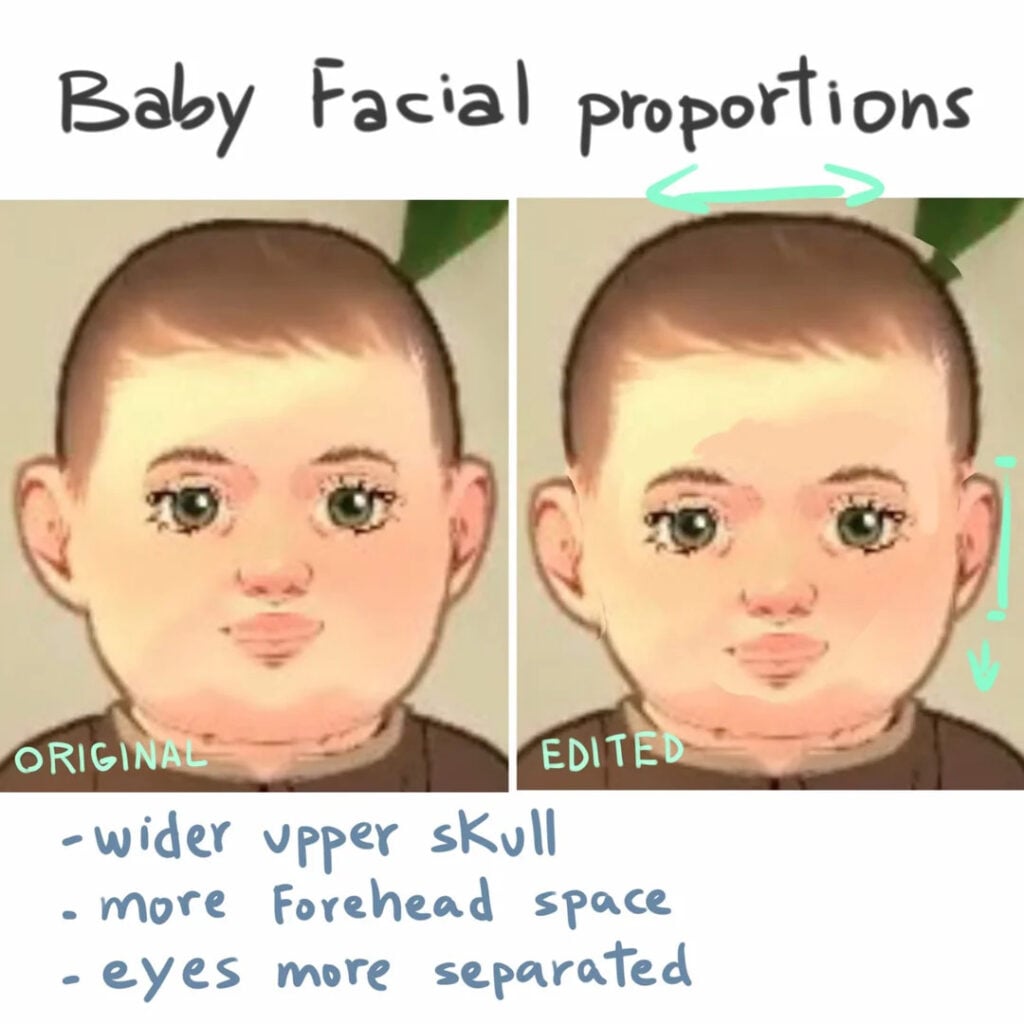
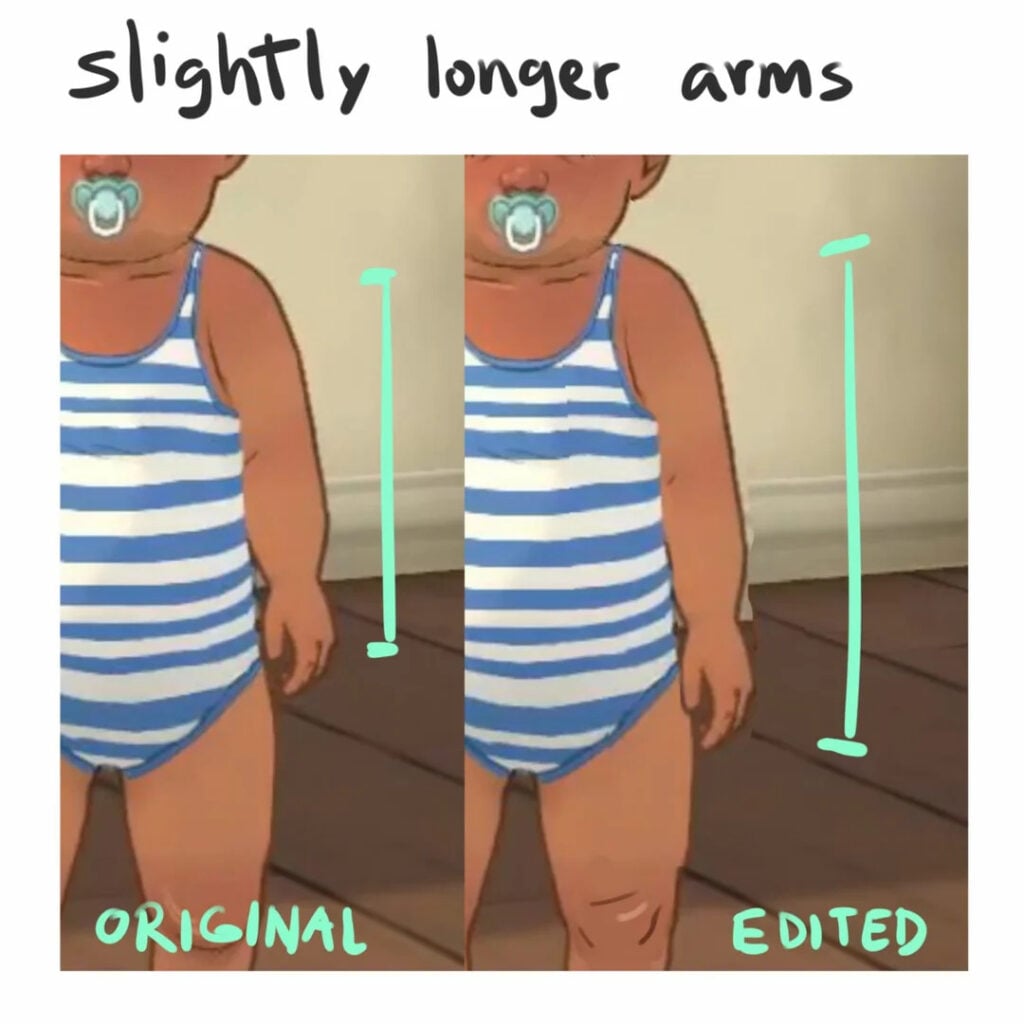
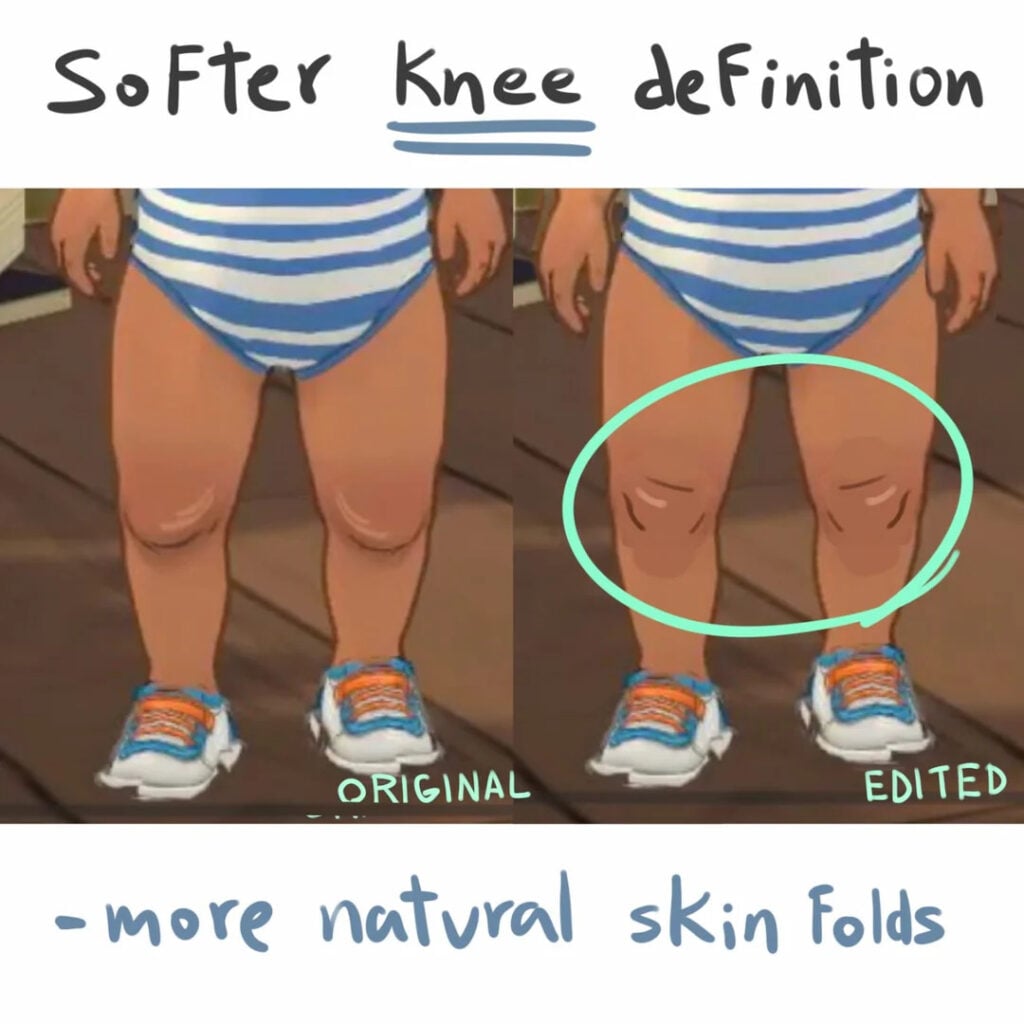
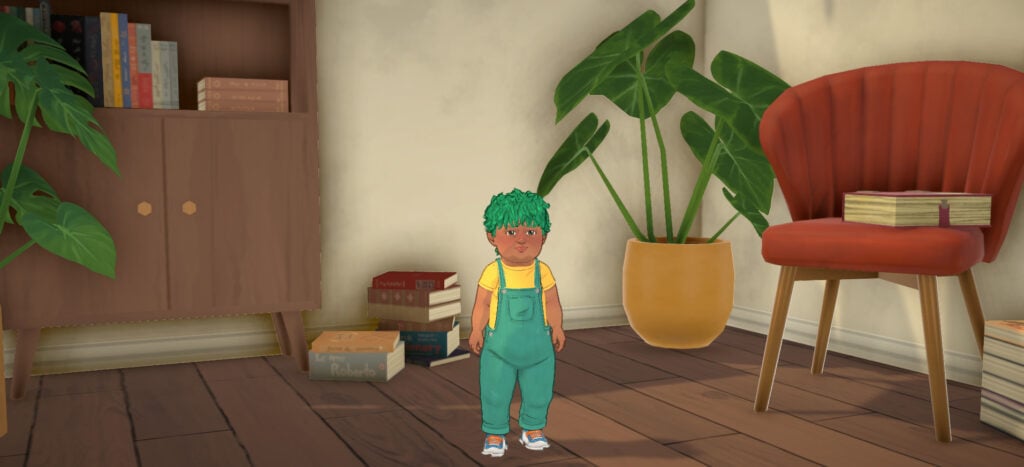
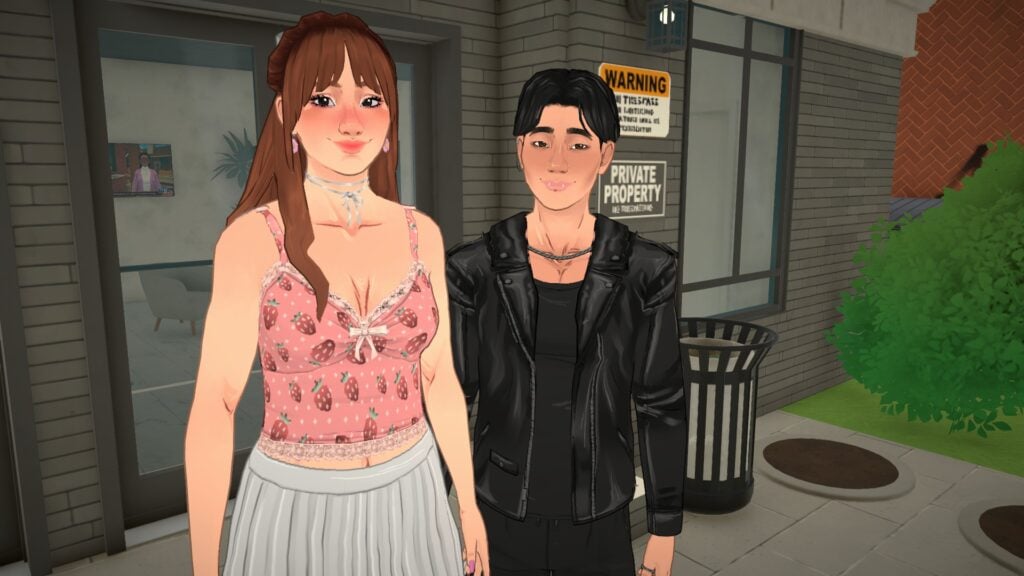
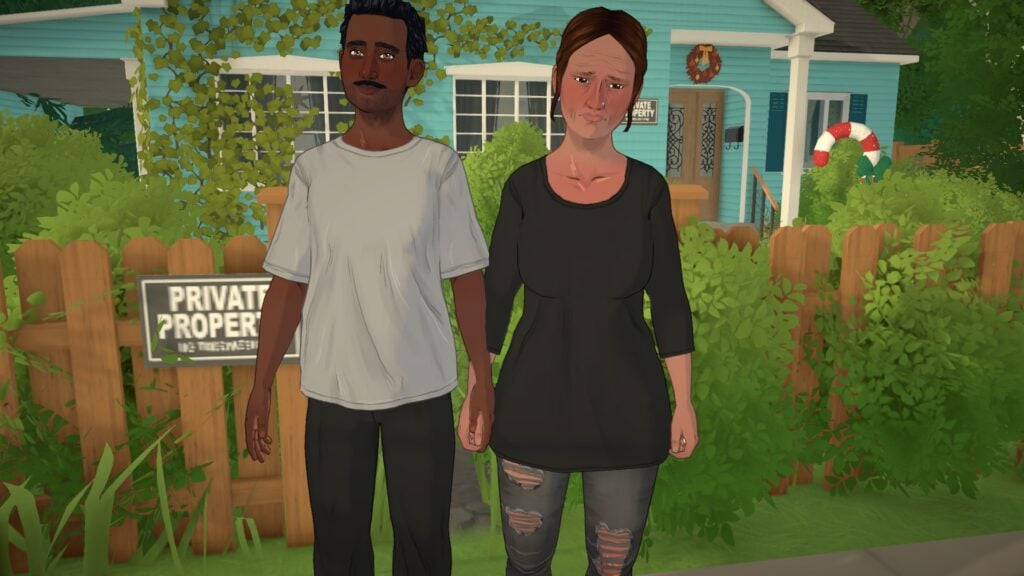
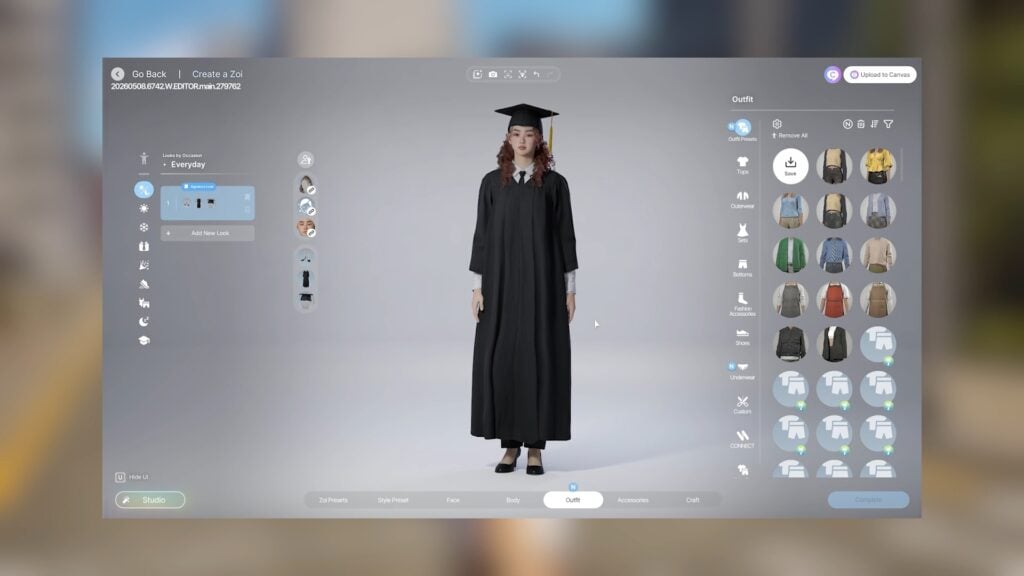
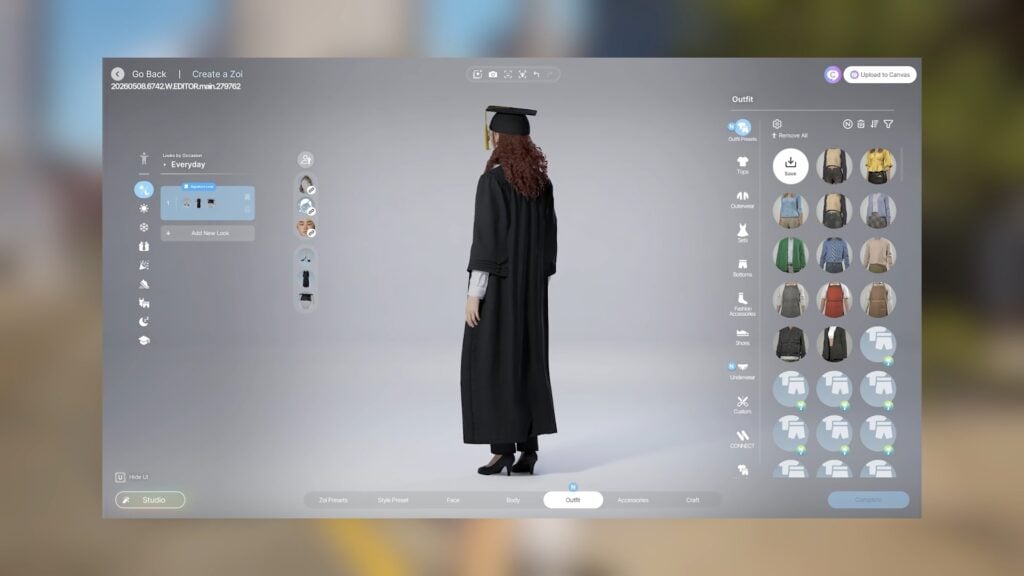
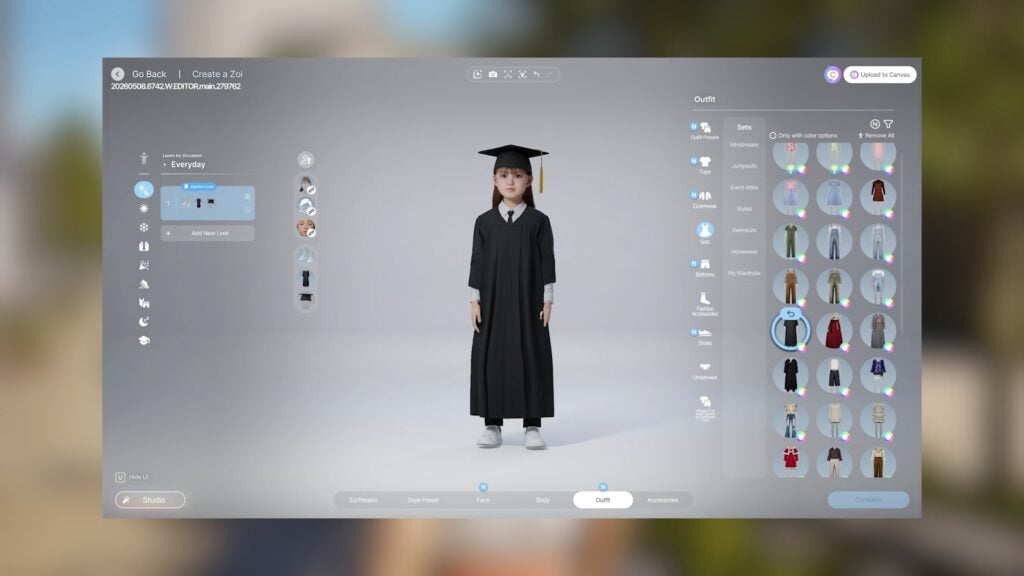
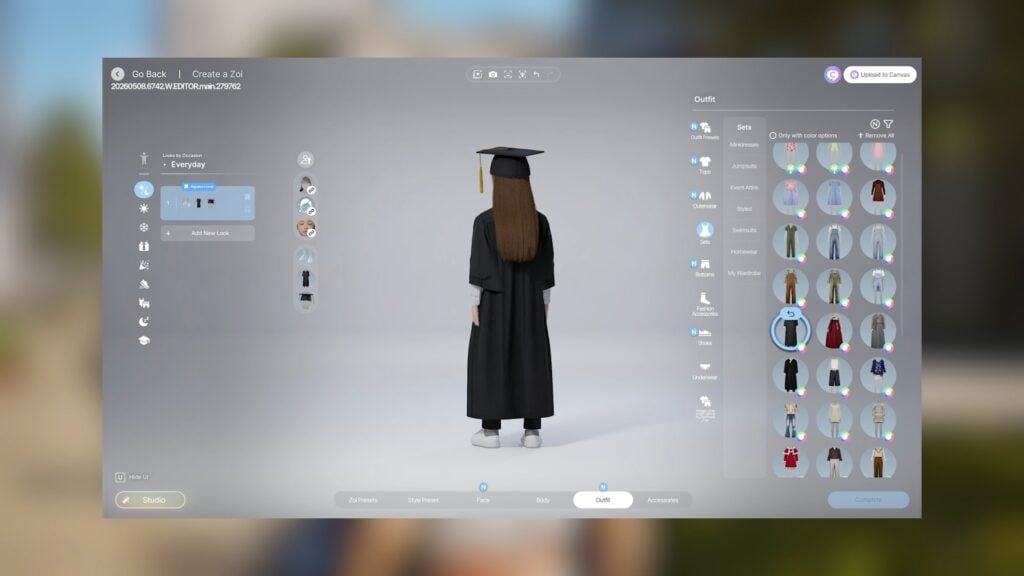
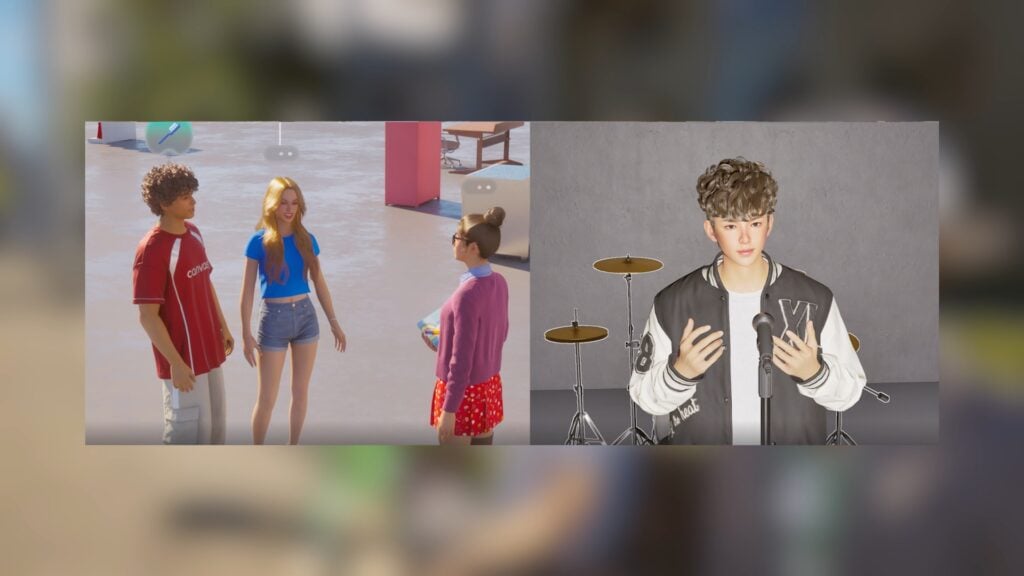
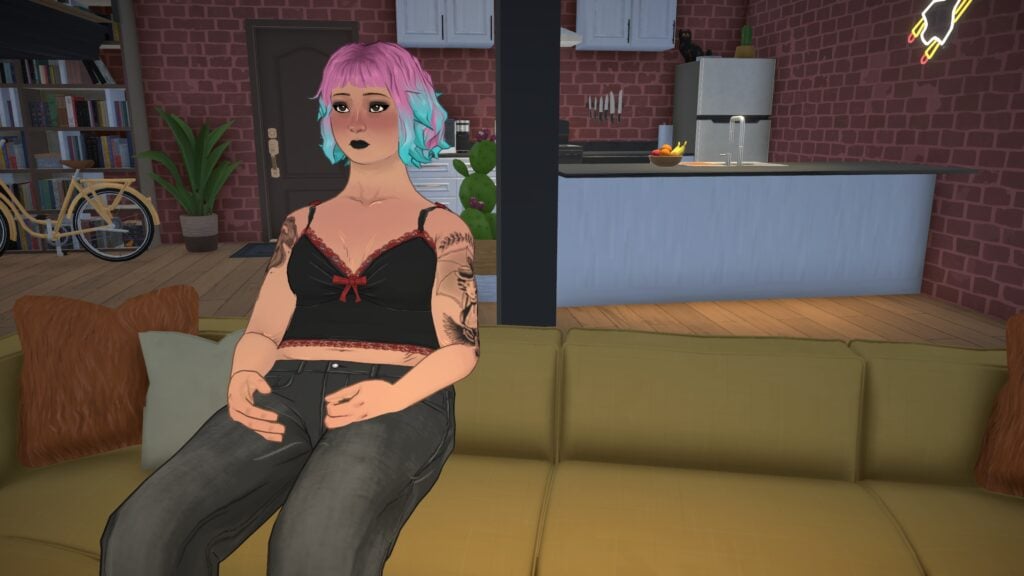
A recent hot topic in the Paralives community is the appearance of babies. One Reddit user made a post breaking down why some players find them “uncanny” and offered suggestions for how the Paralives team could enhance their design.
Let’s take a look at the post!
The Paralives Community post on Reddit
In a recent Reddit post titled “I think i figured out why Paralives Babies Feel Uncanny”, a Reddit user raised some arguments about the look of babies and how the Paralives team could make improvements to them, opening up the conversation for the Paralives community on Reddit:
I think i figured out why Paralives Babies Feel Uncanny
“I’ve seen several people mention that paralives babies feel weird looking or uncanny, i always noticed a few details here and there on the videos the devs shared but is way easier to fix that it seems, changing some base body proportions and lines makes a big difference.
I grew up playing the sims, dont play it since like 6 years ago for obvious reasons (got so boring and shallow) then i found Paralives and I fell in love with the art direction and the attention to details all the heart being put on it, im buying it on the first day and cant wait to help give shape to this amazing project with feedback, world creations and art 🤗❤️ Hopefully this post gets to the devs somehow so they can consider and adress the issues i mention. Go team good luck just 1 more day⏳️🗓🏡💫“
Paralives Community reactions to the post on Reddit
Many people agree with the author and have encouraged them to send their feedback to the Paralives team. Here are some highlights from the comments:
People in the comment section seem to agree on what they think is more important to fix for now:
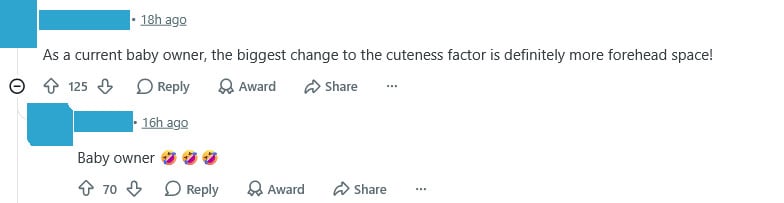
Comments about the forehead appear throughout the post:
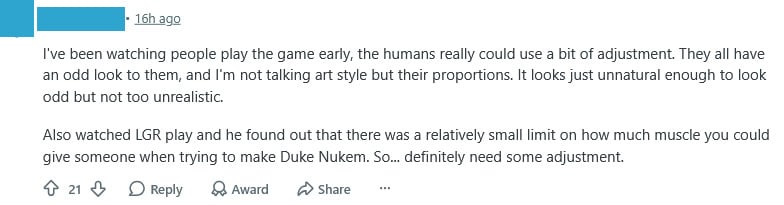
Some people shared their opinions on the proportions proposed by the author:
Some commenters are comparing the babies’ vibes in a humorous way, even comparing them to famous characters:
Some people commenting on the post agree with the author and think their illustrations were very helpful:
Commenters also mentioned that the post helped them identify something they couldn’t pinpoint alone:
Some people shared that they don’t like the design at all:
Another factor mentioned by a Reddit user is the babies’ standing posture in the Paramaker, which they believe contributes to the unnatural look:
Another Reddit user mentioned they dislike the look of the Parafolks overall:
But in the end, most people in the Paralives community seem to agree with the post and are hopeful that the author will share their feedback with the team:
Wrapping it up
The Paralives community appears to have concerns, but they express them constructively and seem genuinely interested in helping improve the game. Even though the game isn’t out yet, players have already been able to share a lot of feedback, and the team is actively engaging with it and taking it seriously.
Did you know? You can share your feedback with the Paralives team through their official form.
Now we want to hear from you. What do you think about the babies’ design? What do you think about this post on Reddit? Let us know in the comments!
A surprising free content drop is here in Paralives!
Who would’ve thought that we’d be reporting about a free content drop in Paralives just an hour into the game’s first release?
Table of Contents
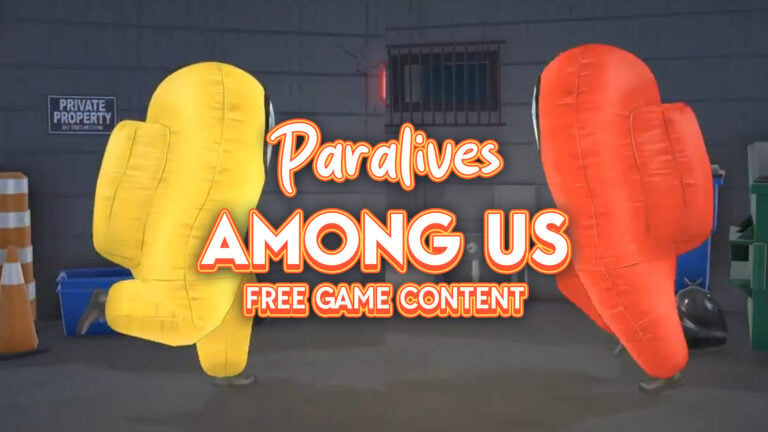
The Paralives indie team announced today a collaboration with Among Us video game franchise, bringing exclusive items and collectibles into the world of Paralives (Early Access). Check out the quick breakdown of new items that you can expect in this collaboration:
New Among Us Inspired Plushies and Figurines
Exclusive Among Us Collectible Stamps
Among Us Paramaker Costumes
Among Us Computer Video Game
New Among Us Wall Poster
See what the new items look like in the gallery preview below:
Gallery Preview
Video Trailer
If you wanted a peek at the video footage, check out the full thing released by the Paralives team:
Content Availability
The Among Us content drop has already been introduced with the Day 0 Patch for Paralives. Meaning that you won’t have to update your game again in order to access this content.
Paralives is out now in Early Access and costs 36USD – or a price equivalent to your local currency – until June 1st, 2026.
What are your thoughts on the newest Paralives brand collaboration? Let us know in the comments down below and check out our previous Paralives Articles!
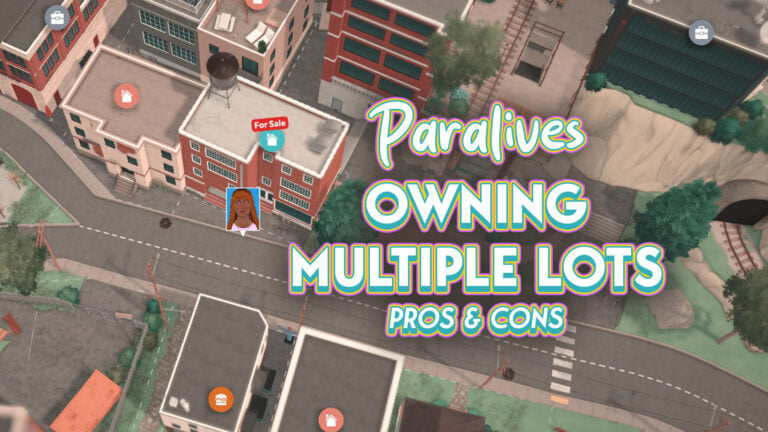
While it is not yet a fully fleshed out system with multi-family properties, rentals, etc., your Paras are not restricted when it comes to owning multiple lots outside of their main lot! Businesses cannot yet be purchased, but any empty lots or uninhabited homes are up for grabs as long as you have the household funds! You can pretty much endlessly purchase homes in Melino, as long as you’re willing to fork over the funds and the possible frame rate drops.
Table of Contents
Owning Multiple Lots in Paralives
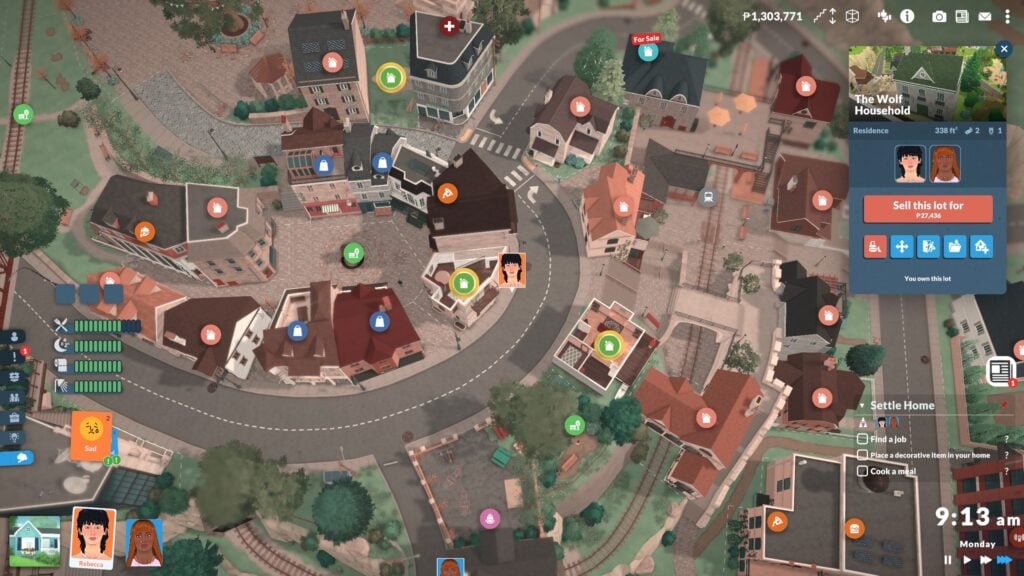
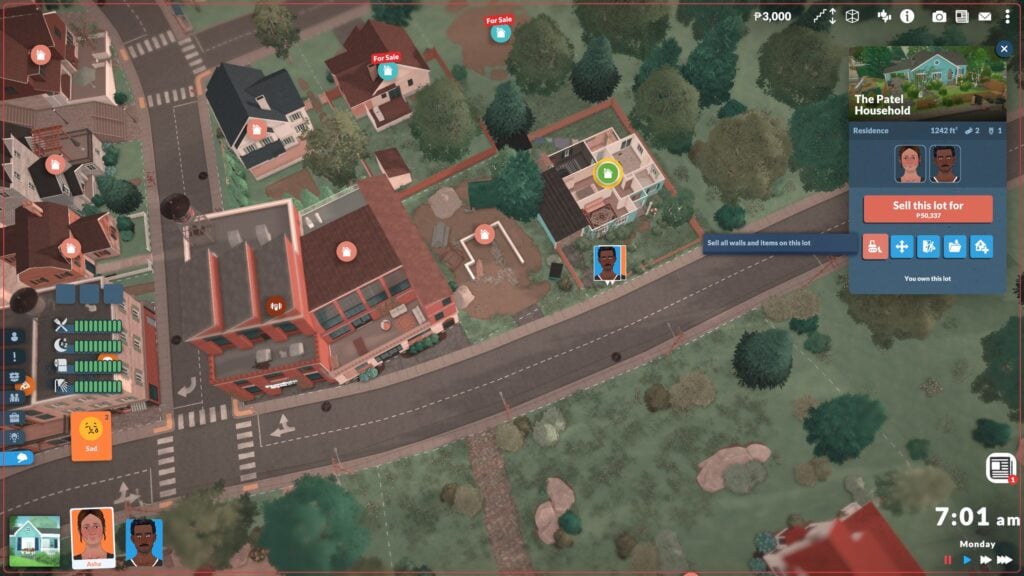
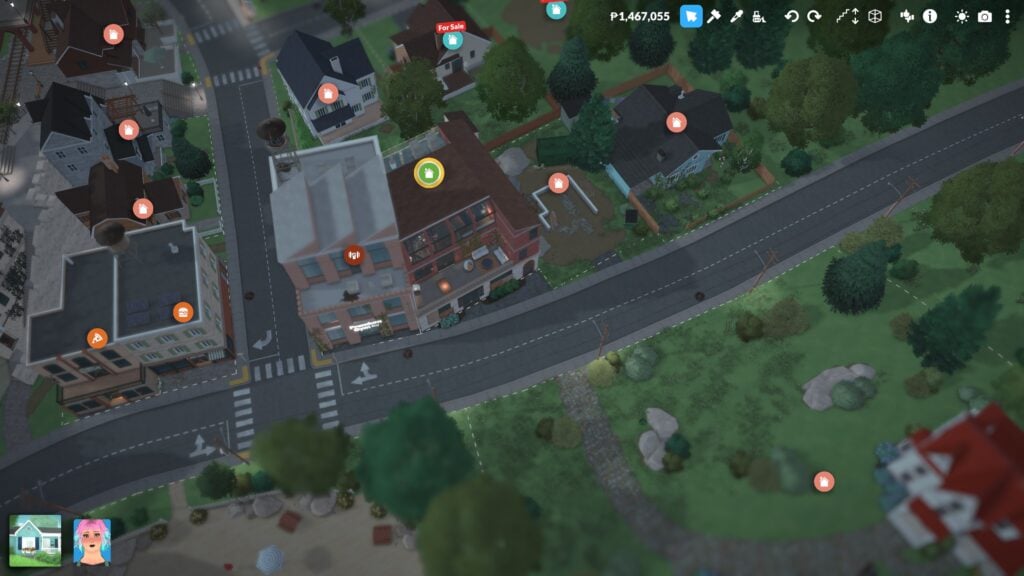
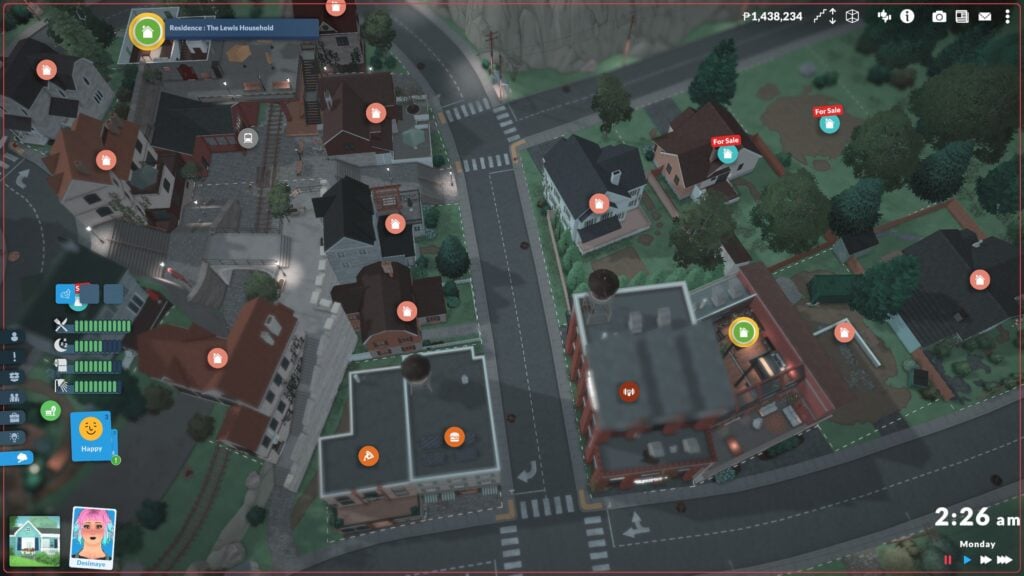
The green home icon with the yellow border signifies an owned lot.
Unlike other games where you have to sell a previous property to get a new one and therefore, your profits from the sale go towards the new home, you have to independently sell your property if you want to use its sale towards a new home. This means that you can also have multiple properties to float around to, you can purchase homes for family members and split them into their own household, and so much more! As far as I found, Paras will still treat your original/first lot as their primary home and will return to there if you opt for them to return home.
How to Purchase a Home
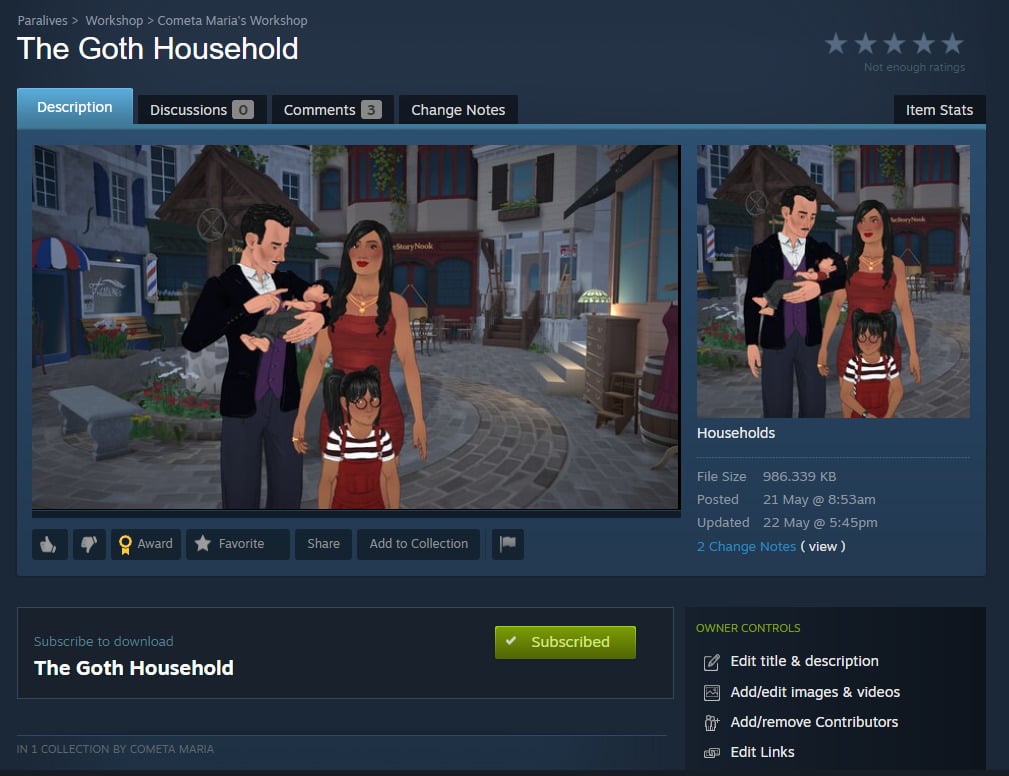
Purchasing a home is an easy part of the game, so long as you have the Paradimes for it! Whenever you create a new family, you will be asked to purchase them a home lot, so it is something the game will introduce to you straight away. Managing Lots & Households functions similarly. You can purchase properties, bulldoze them, split households into or out of properties, move lots, and save them to your library or upload them to the gallery. (If you’re looking to share your builds or households, make sure to check out our author Claire Maria’s post on the Steam Workshop!)
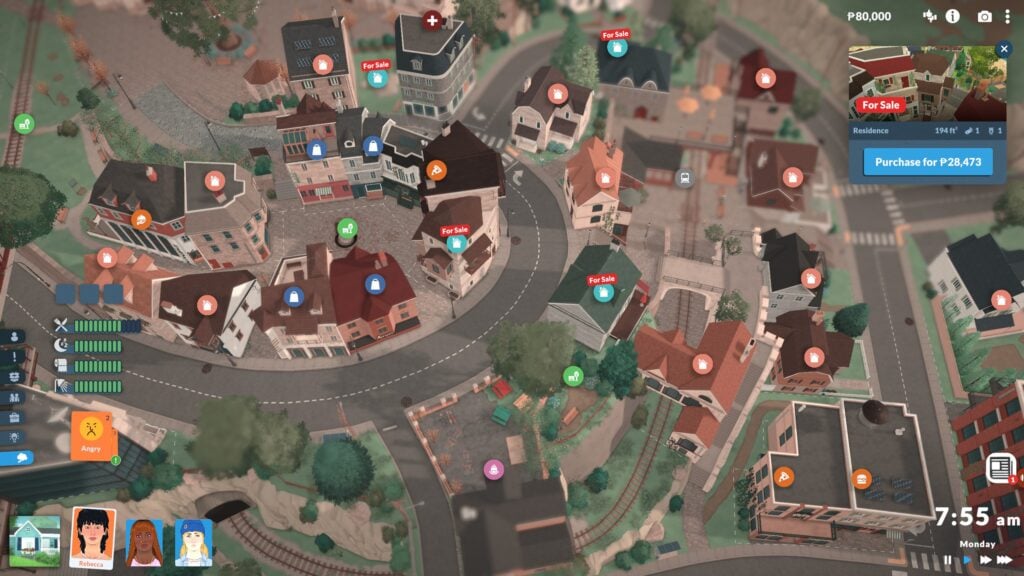
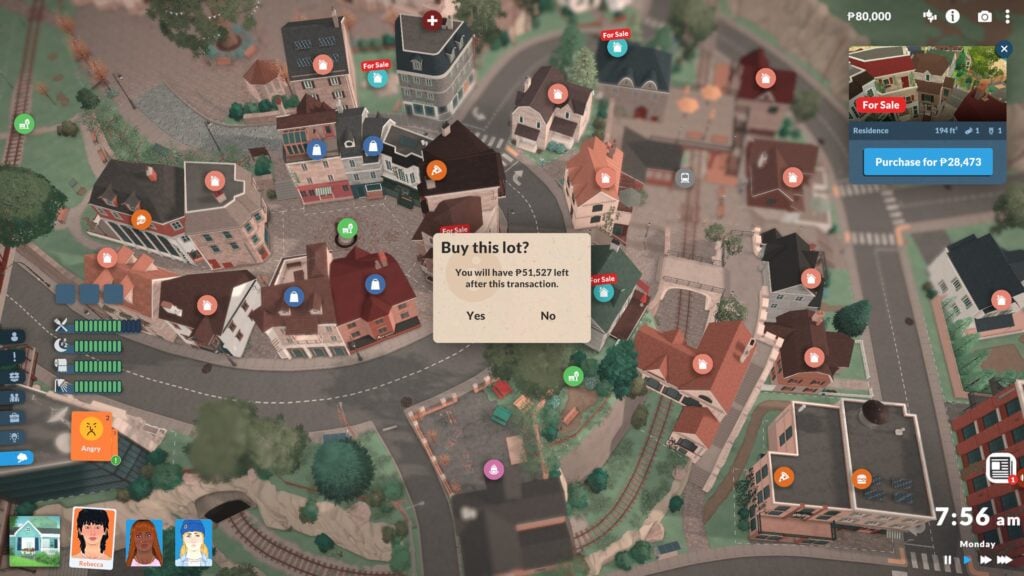
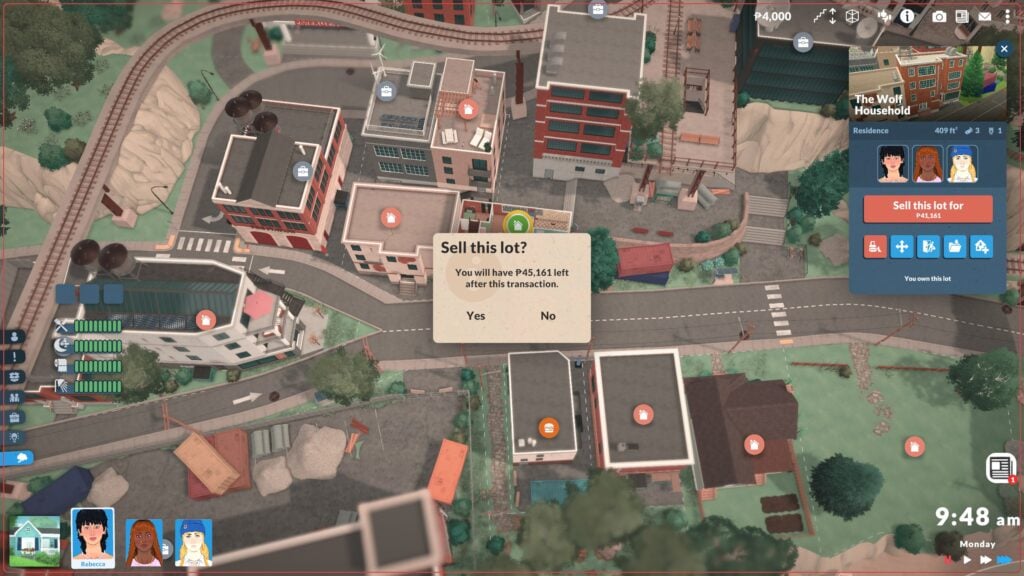
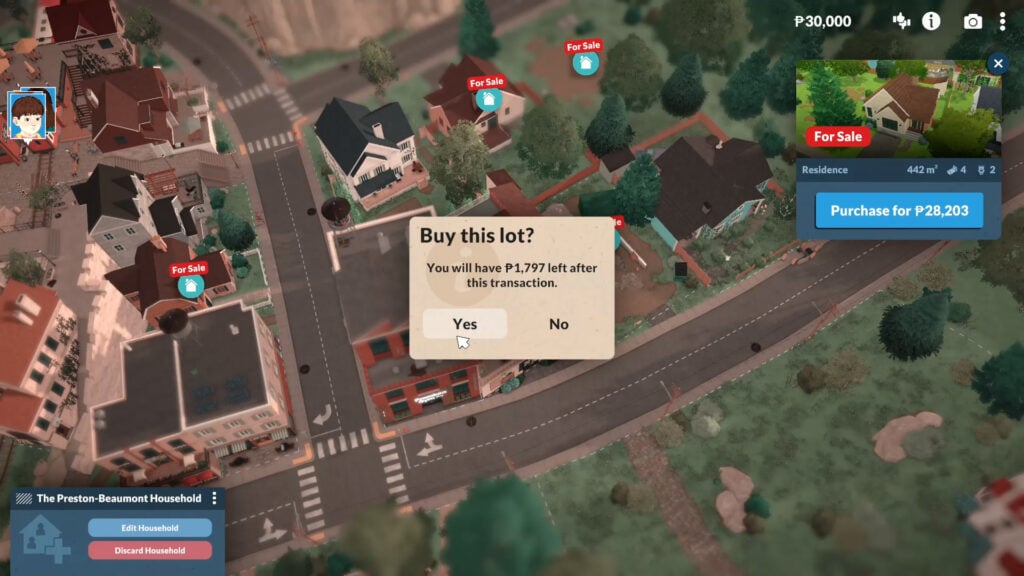
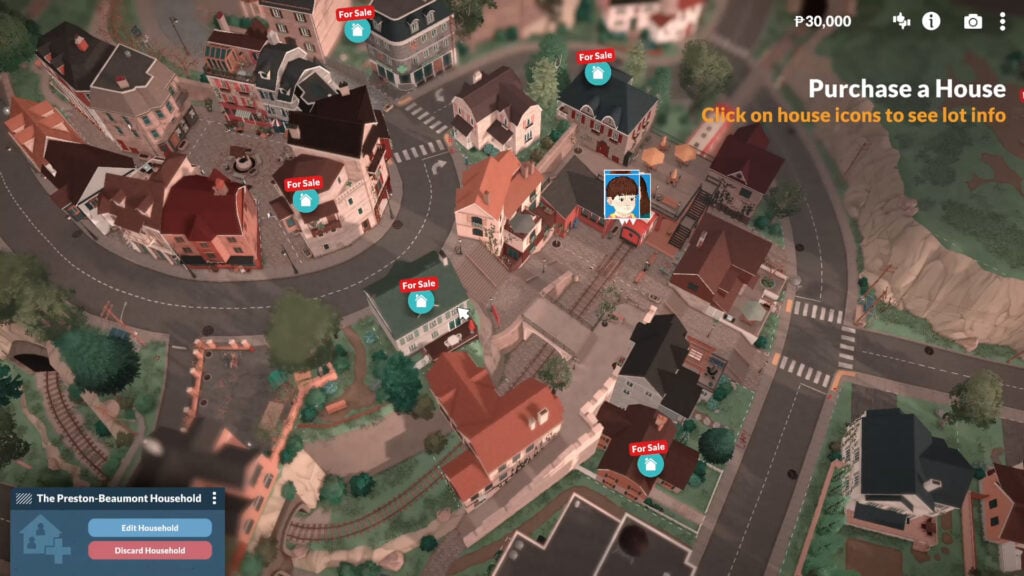
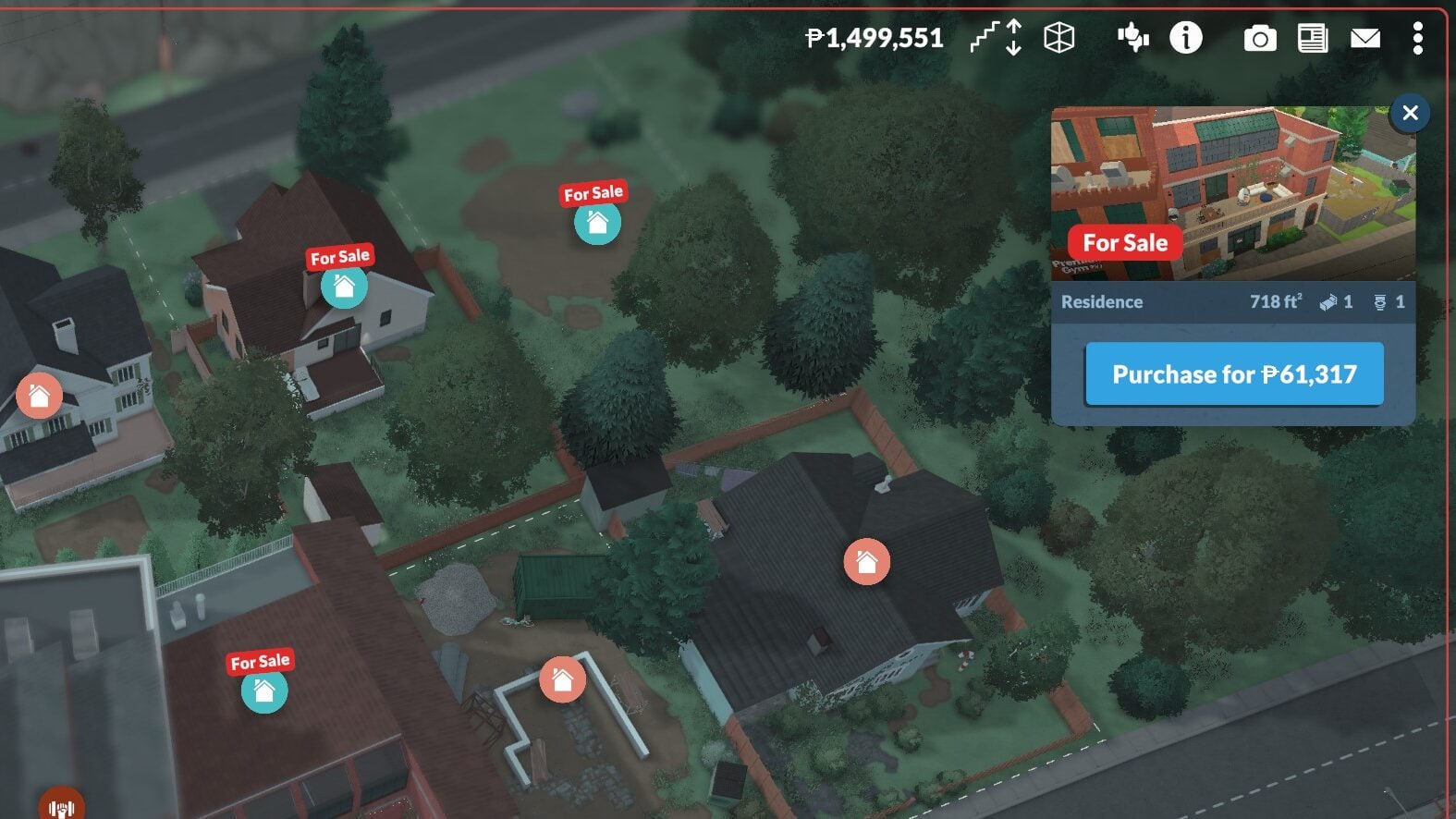
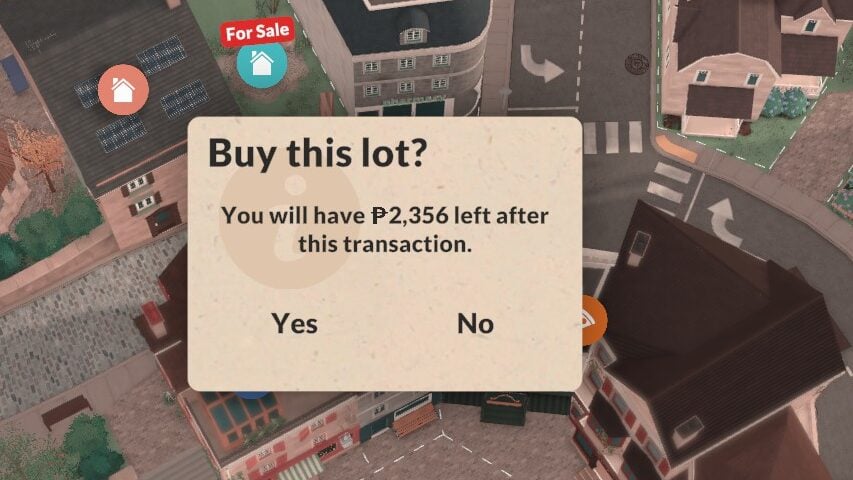
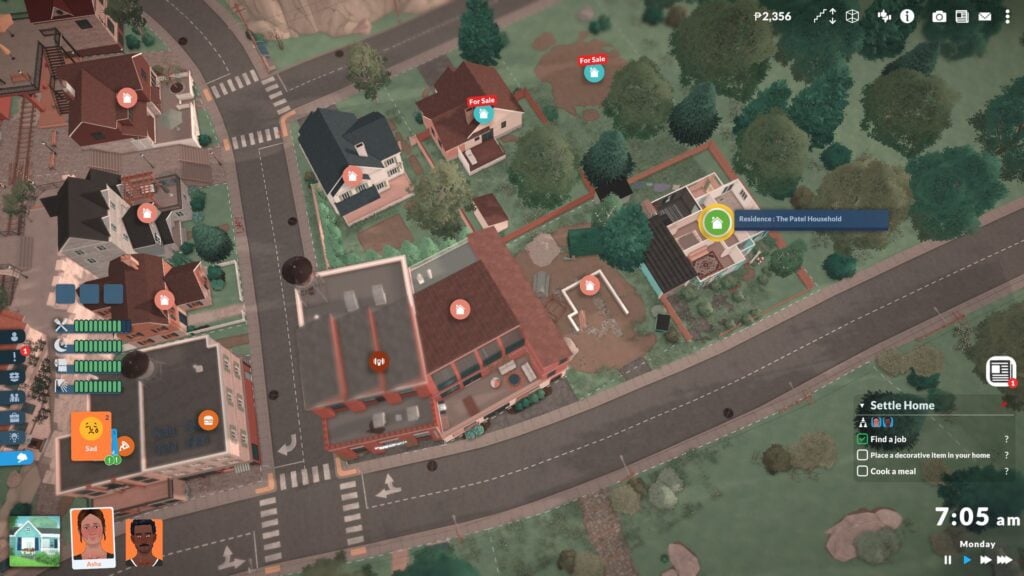
To purchase a new lot, go into the overhead town map view (Signified by a slightly hazy filter and icons popping up over each lot to tell you what they are) and click on any uninhabited home lot, which will have an icon above it telling you it is for sale. If you have the Paradimes available, you will be able to purchase the home and will get a pop up for confirmation, asking if you are sure and letting you know how much money will remain in your households funds. Once you’ve purchased the home, as previously stated, you can choose to sell any other home and use it as your primary property, move the lot, demolish the entire home, etc. The choice is yours!
Pros & Cons
Owning multiple properties can be a fun aspect of the gameplay. This lets you set any children up for success by buying them a home before they move out, or it lets you have properties in the country and in the city that you can treat kind of like a “vacation home”. It gives you a change of scenery if you have properties spread throughout the world that take different architectural inspiration and such, like a seaside cottage versus an industrial apartment.
Is it consistently bad frame rates? No. Is it painful? Yes.
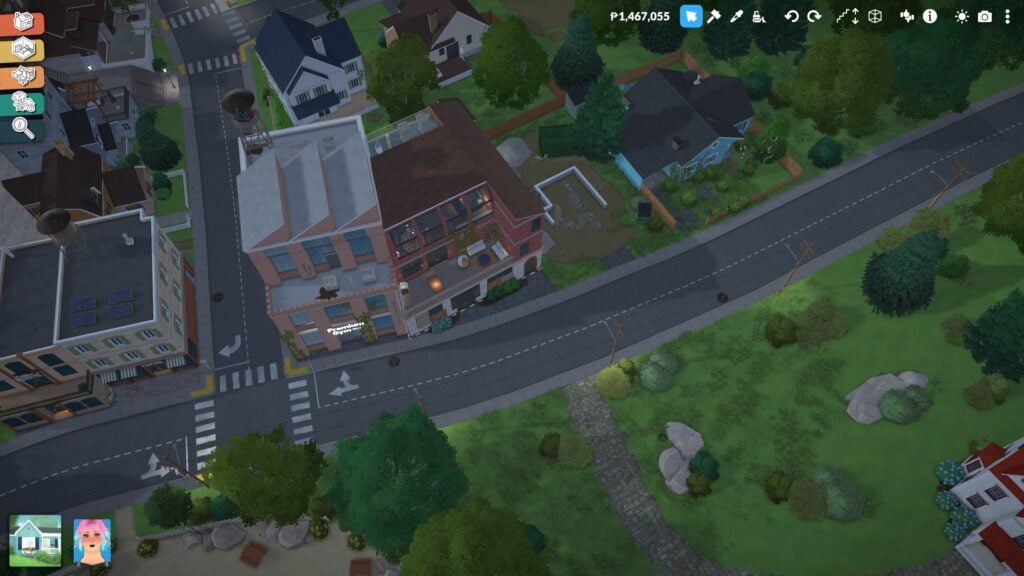
While this option is available and you can technically choose to own many properties, I could not recommend it in casual gameplay until it is possibly added as a fully fleshed out feature. This is because, unlike other lots, your home lots are always loaded. Having multiple homes loaded at once, especially once you hit 5+ properties, does cause a bit of a performance hit that can be fairly noticeable. Especially when viewing the town from overhead in the map, I found a lot of performance drops, especially when it came to my frame rate. This is also because, since the game is early access, performance optimization is still a high priority for the Paralives Studio development team.
Will you be playing with multiple lots in Paralives, or are you a one-and-done kind of player? Let us know! Paralives is out NOW in early access, retailing for $39.99 USD. Make sure to check out our guides at The Sims Community, as well as other info and news about the game’s release and early access stage!
Paralives has just launched in Early Access for a special discount!
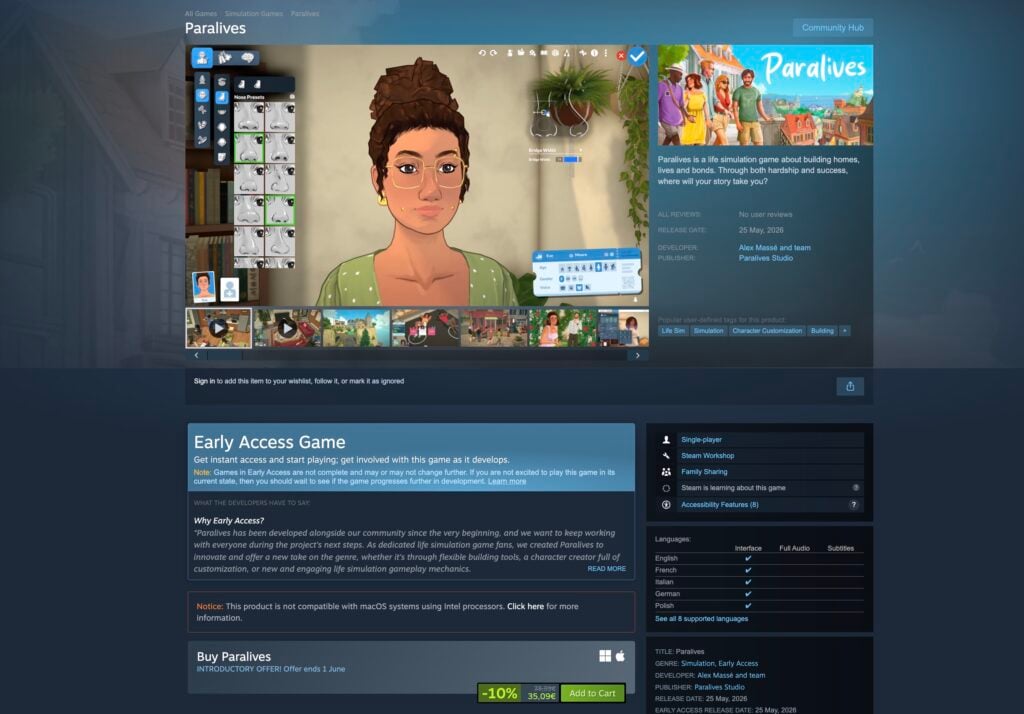
Happy Paralives launch day to all of those who celebrate today. The game has just been released on Steam for Windows and Mac supported platforms, with a special 10% off discount. Instead for paying the $39.99USD price, you’ll be paying $35.99USD – or a price equivalent to your local currency with regional pricing activated! This offer will be available for a limited time until June 1st, 2026.
Paralives have a brand new tutorial when you begin a new save to help you get to grips with how to navigate around town and interact with Parafolk.
Learn how to ace the Paralives tutorial before you load up the game in this handy guide.
We have been covering lots of Paralives news in the lead-up to the release, and you can find all of our news and guides here.
Paralives Tutorial Guide
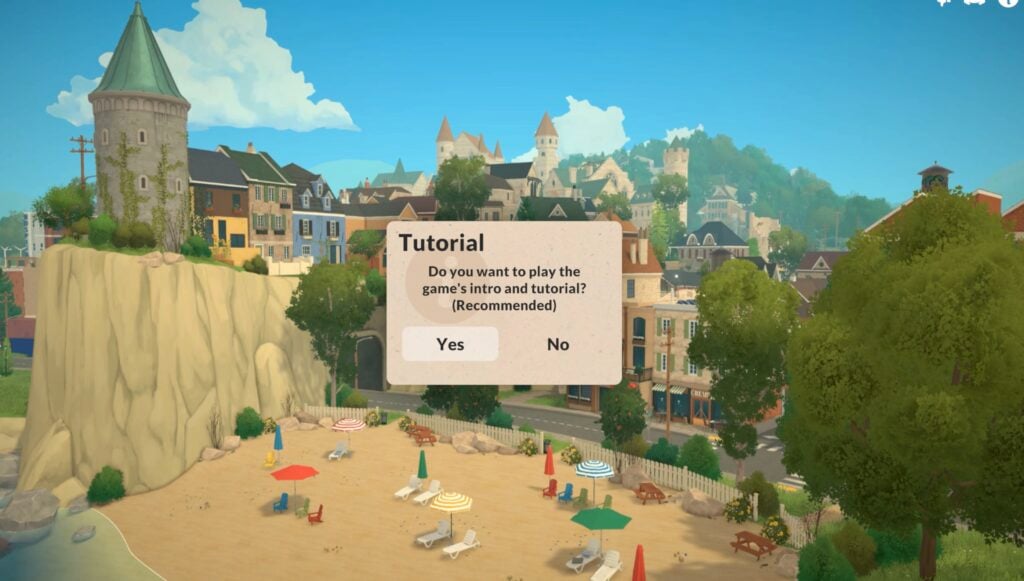
Loading up the game
You’ll have two options once you open up the game: heading to town or starting in an empty terrain.
Clicking on the option to go to town will load up the tutorial.
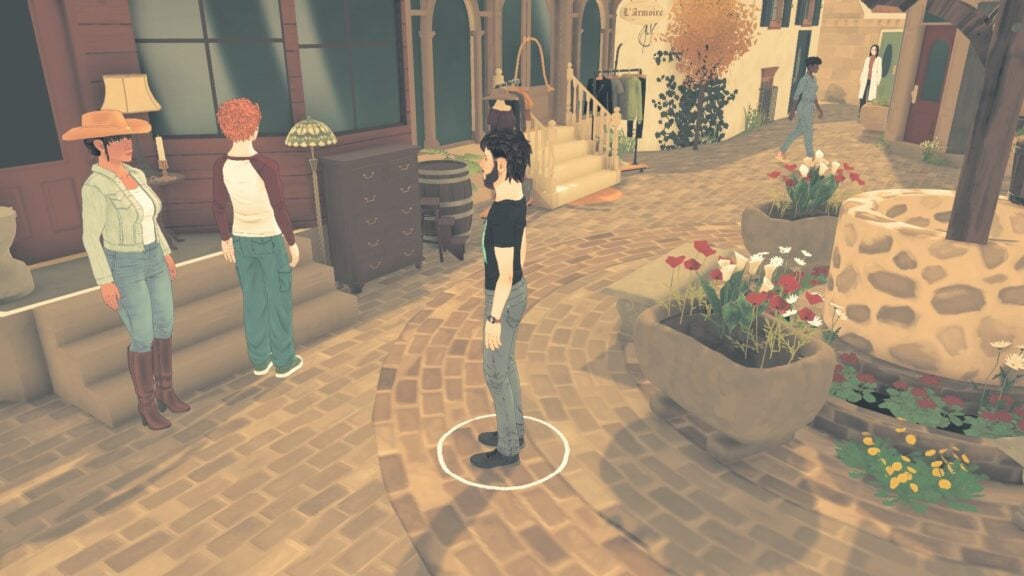
Camera controls
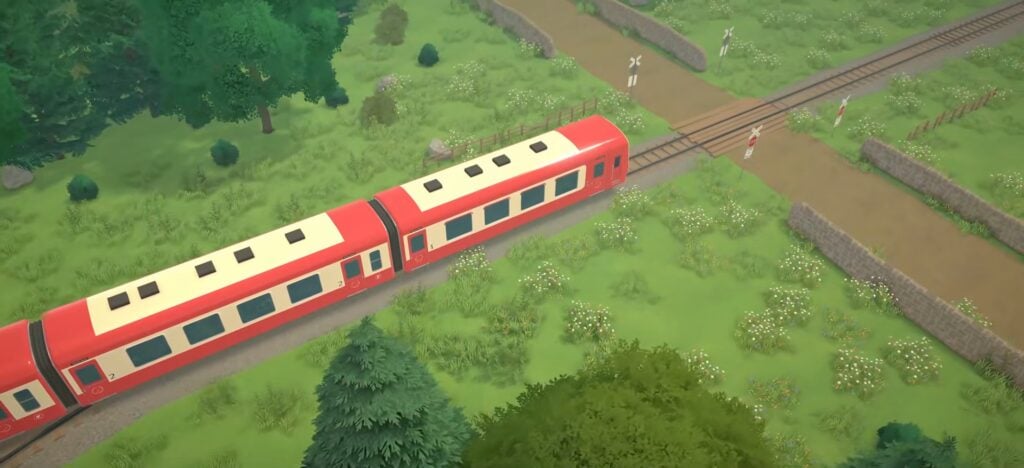
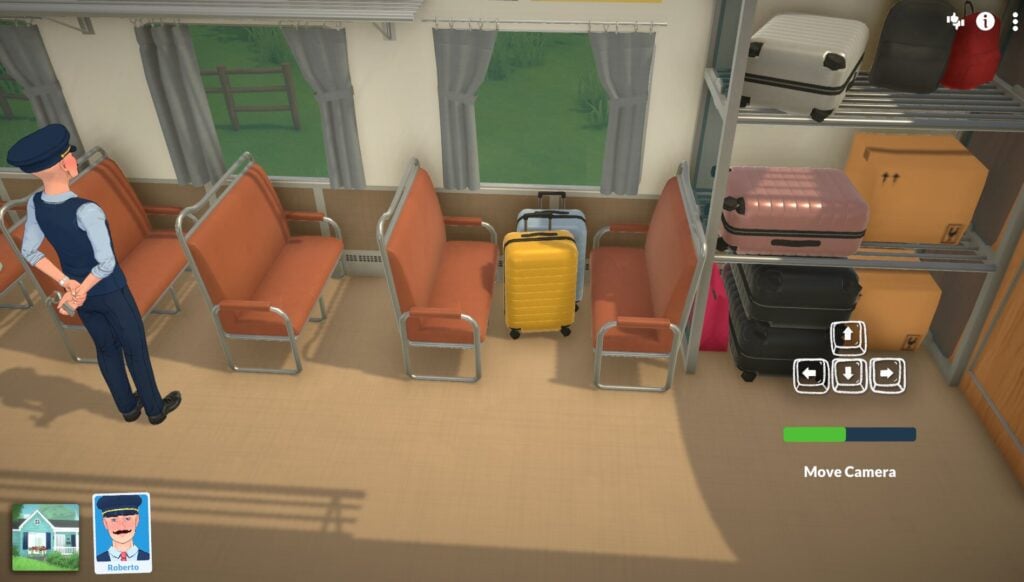
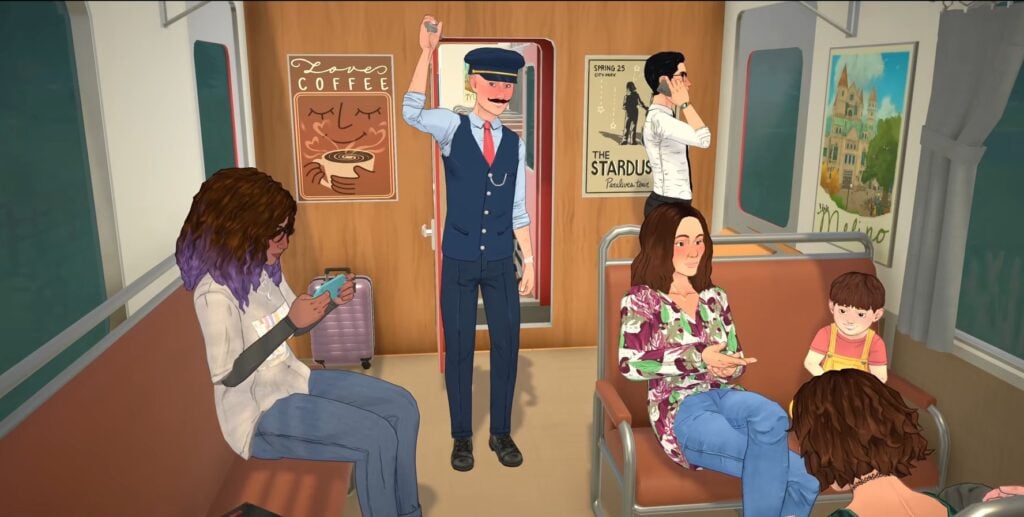
You’ll join Roberto, the train conductor, as he goes about his day checking on the train and the passengers.
Moving
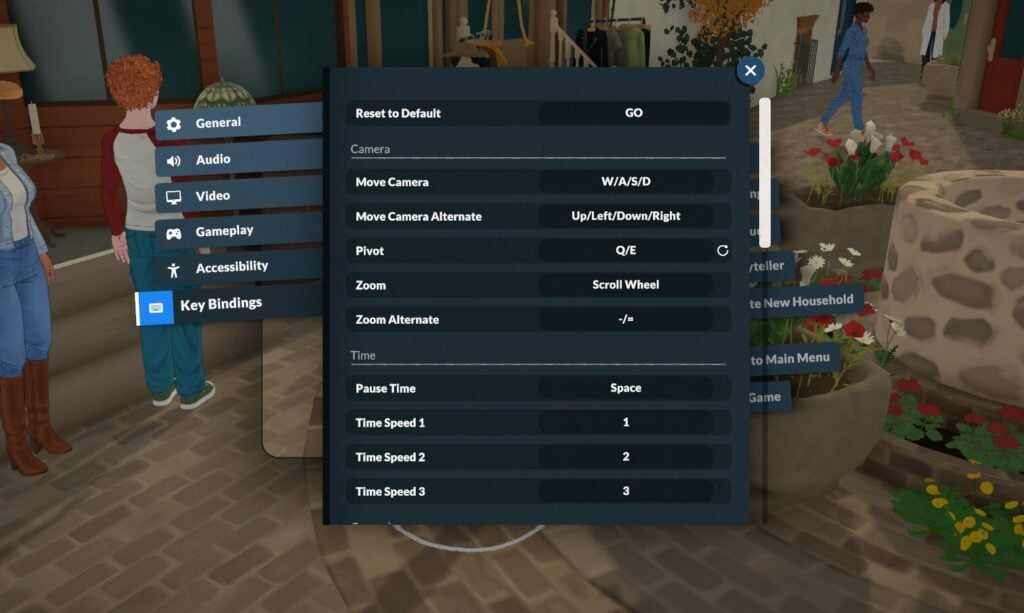
To move the camera, you can use either WASD or the arrow keys.
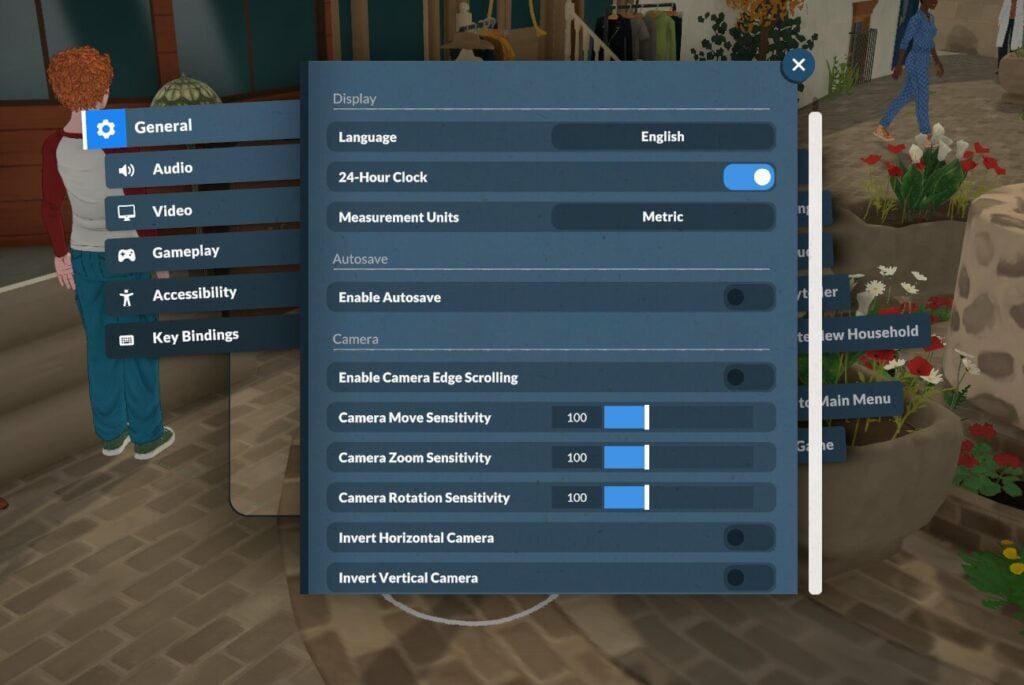
You can also turn on curser edge scrolling in the settings menu.
Rotating
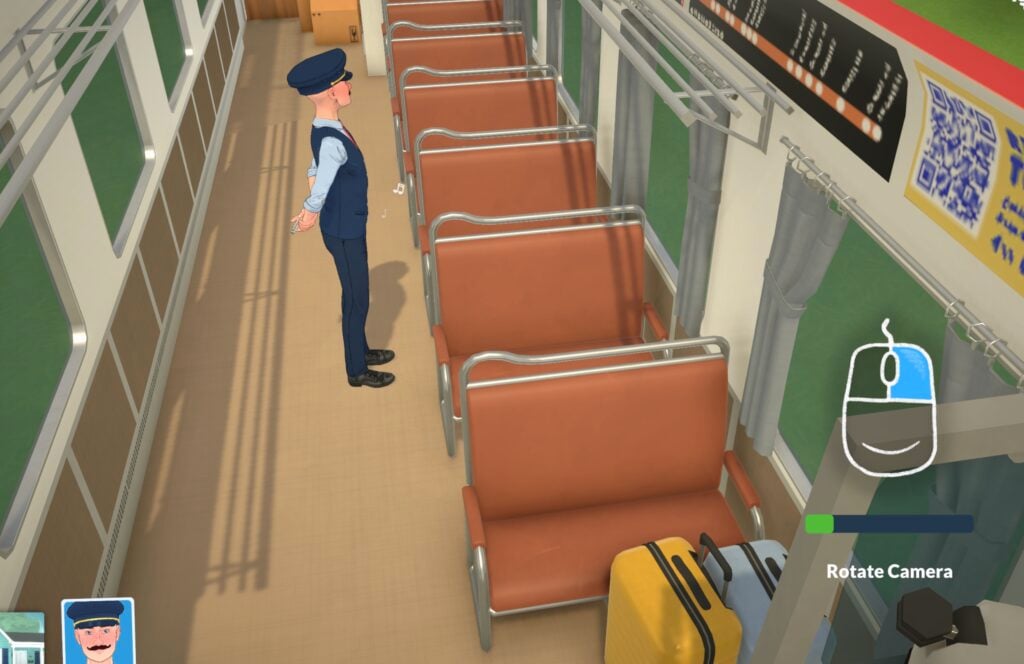
To rotate the camera, hold down the right mouse button and move the mouse in the direction you want to rotate the camera.
A quick tip: if you are on a Macbook or another laptop which doesn’t let you do this, you can also use keys Q and E to rotate, Q will rotate left and E right.
Zooming
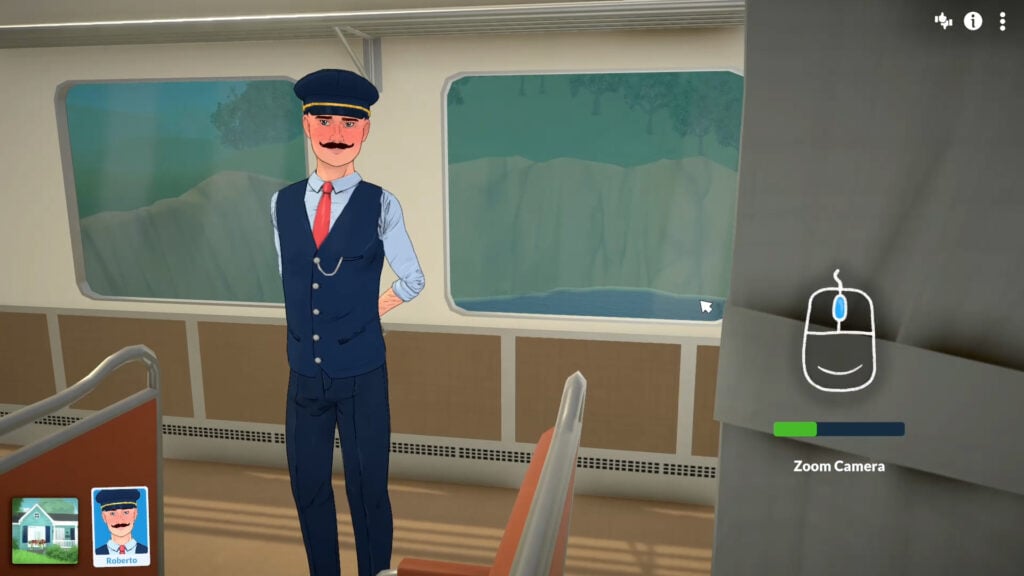
Use the wheel on your mouse, or normal zoom controls on your trackpad if you’re using a laptop, to zoom in and out.
Moving Around
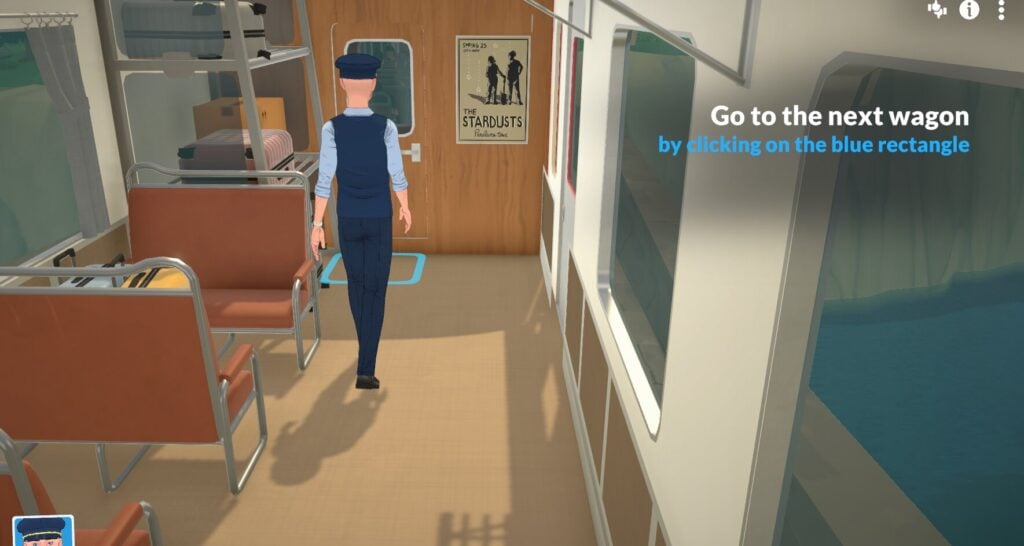
Just like other simulation games, to get from place to place, click on the floor and select go here.
Starting Your Story
From here you can either get to know one of the pre-made townies or dive into Paramaker and make your own household.
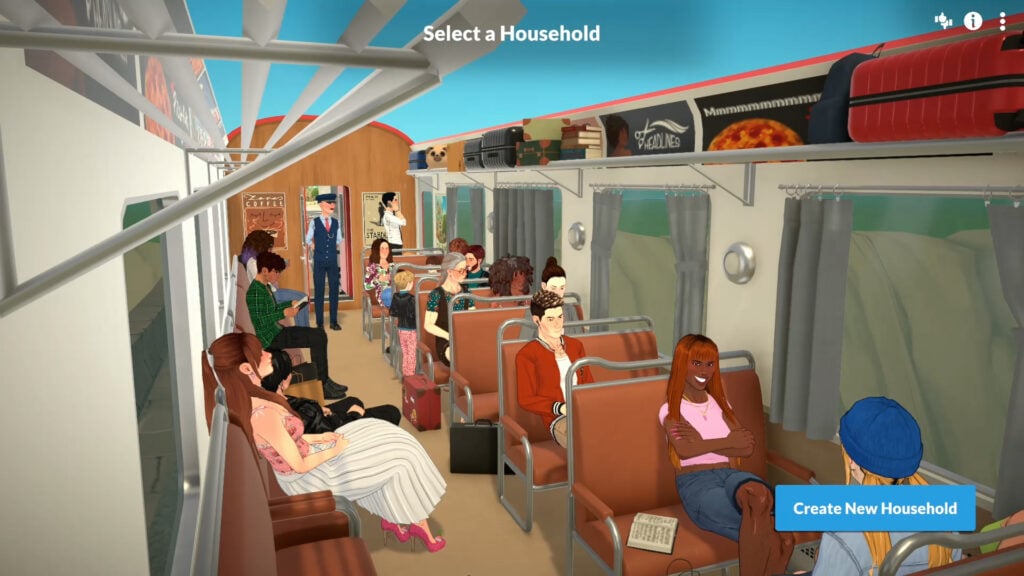
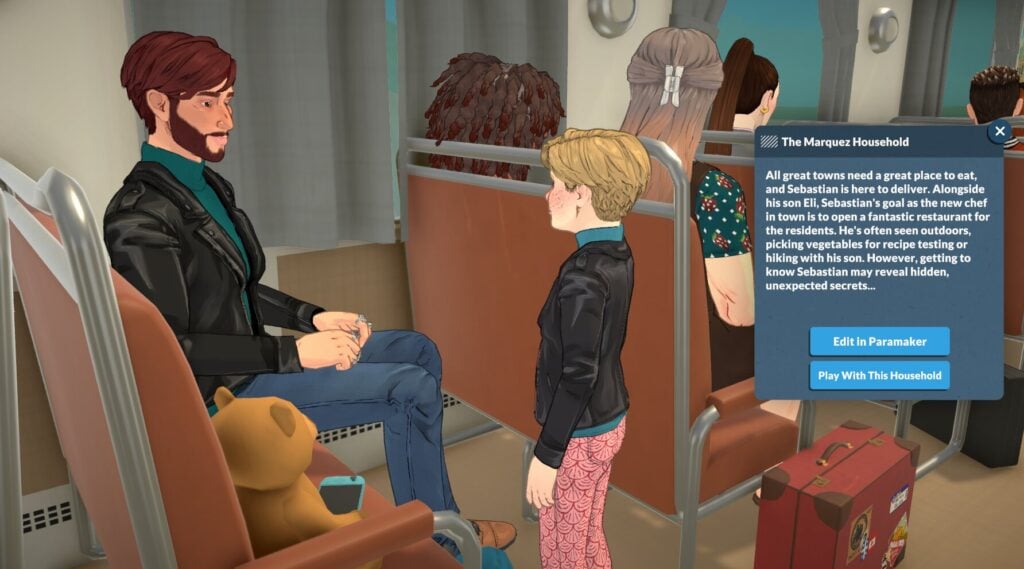
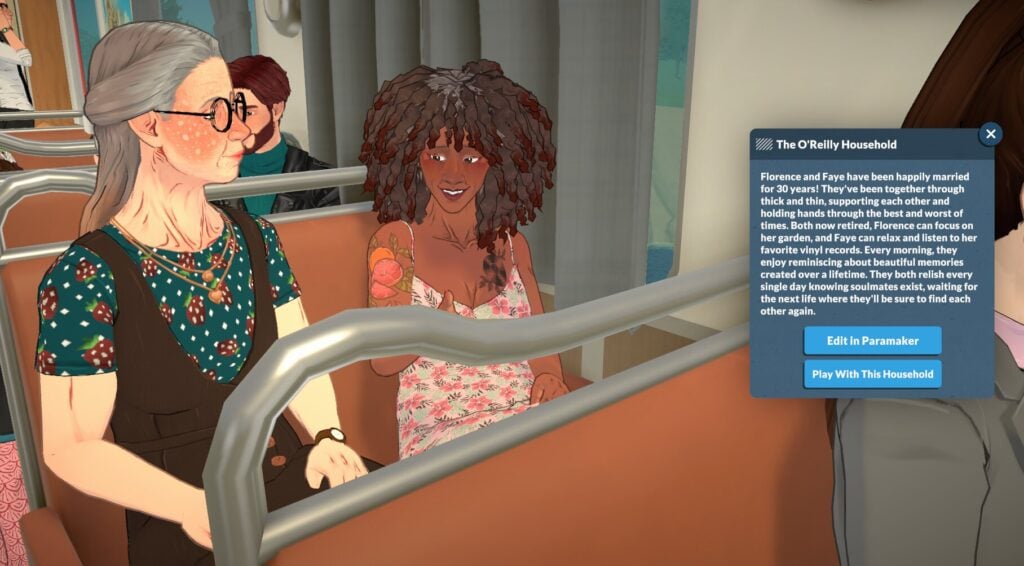
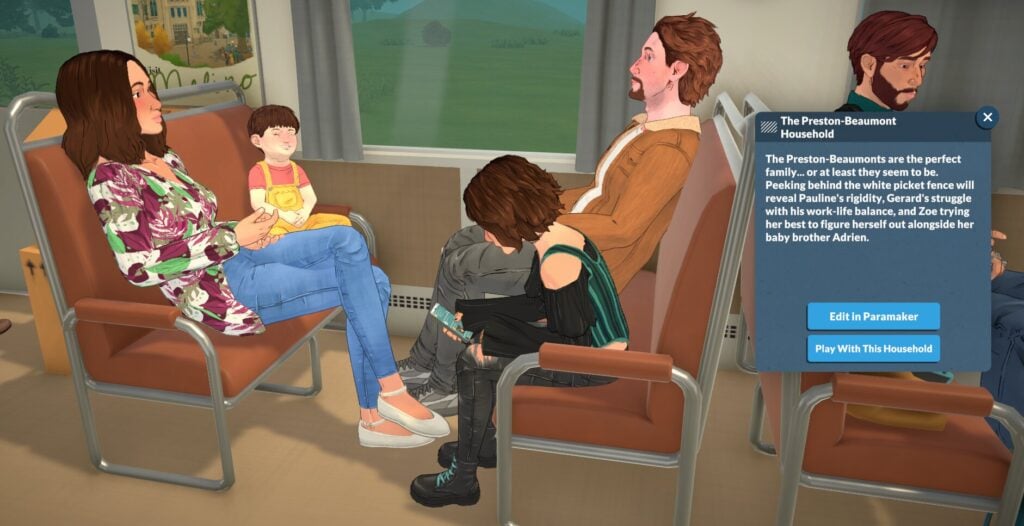
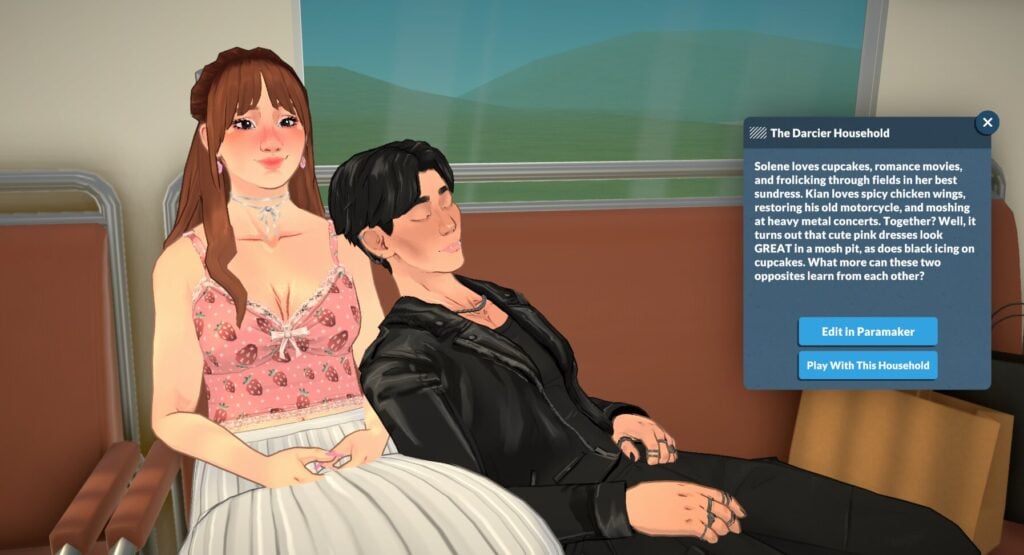
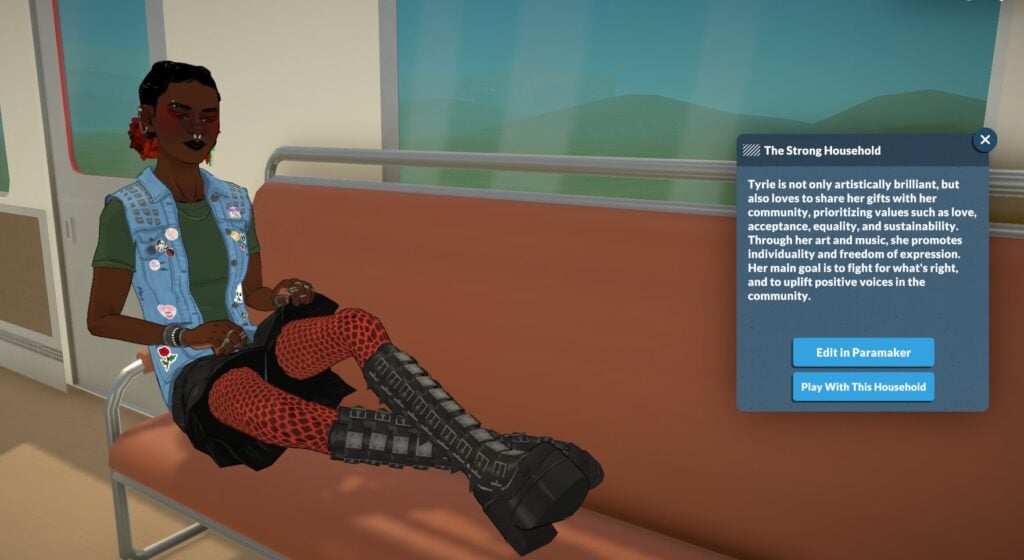
A Quick Look At The Premade Paralives Households
Once you’ve selected your family or created your own, you will continue on with the Paralives tutorial and move through the carriage.
Emotions & Wants
Next, the Paralives tutorial will walk you through navigating emotions and wants.
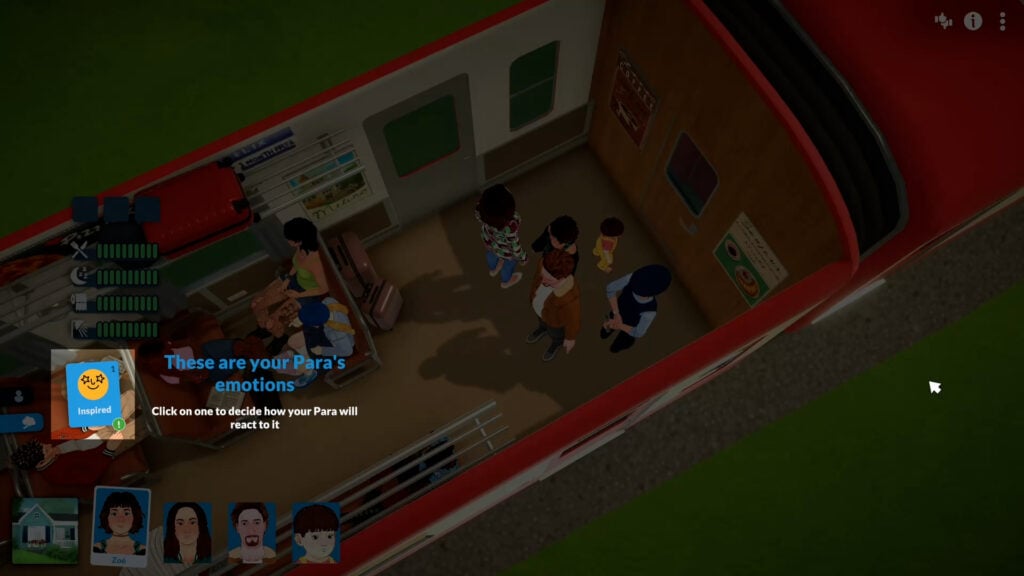
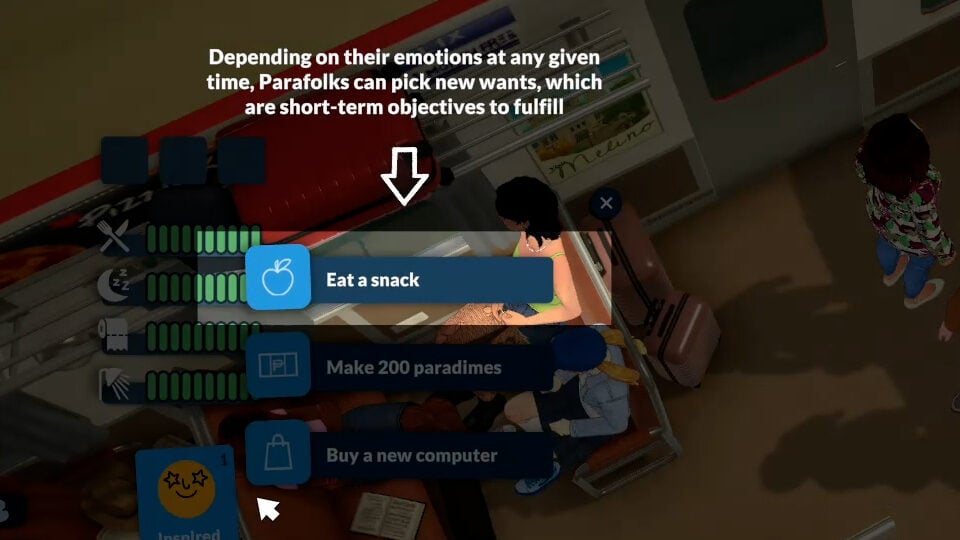
Paralives emotions work slightly differently to how other life simulation games out at the moment. Each emotion is triggered by actions or events happening around them or during activities, and you get to choose how your Para reacts to whatever emotion they’re feeling.
Clicking on the emotion card will bring up a few different wants for you to choose from. Wants are short-term goals, and will reset every night unless you pin them.
Any active wants will be in the spaces above where the needs are displayed.
Selecting Multiple Parafolk
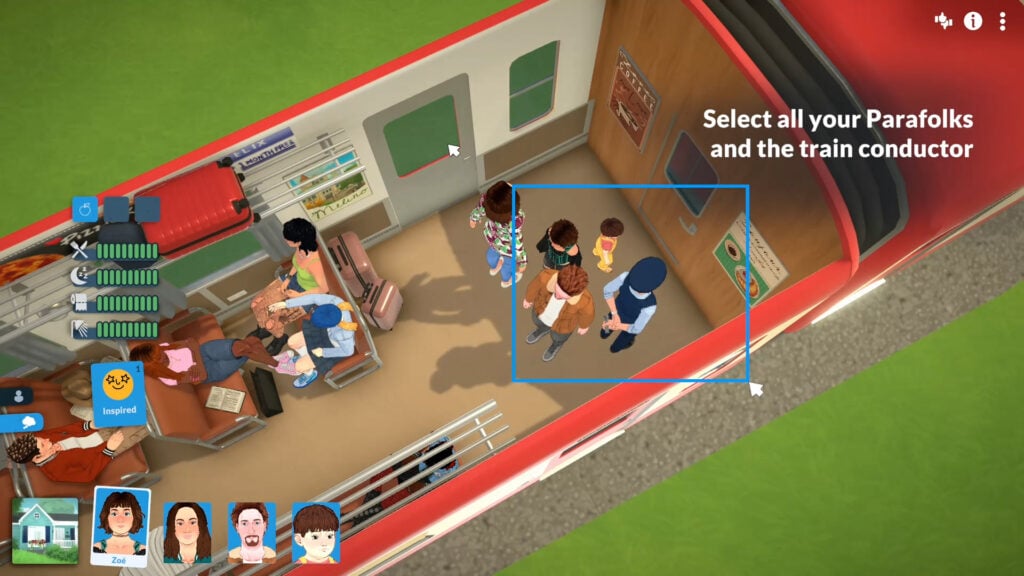
Doing activities as a group is key to building relationships and getting things done smoothly, so it seems natural that the Paralives tutorial should get you comfortable with how to do this.
To form a group, click and drag the space around your Parafolk. Any Parafolk in the blue area will be added to your group, and you’ll be able to move around and do things together.
Learning How To Socialise With Other Parafolk
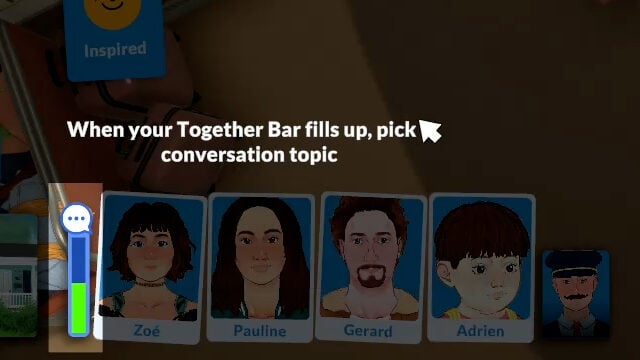
When your group of Parafolk spend time together, you’ll notice the together bar fill up slowly as time goes on.
Once the bar fills up, you’ll be able to choose a together card.
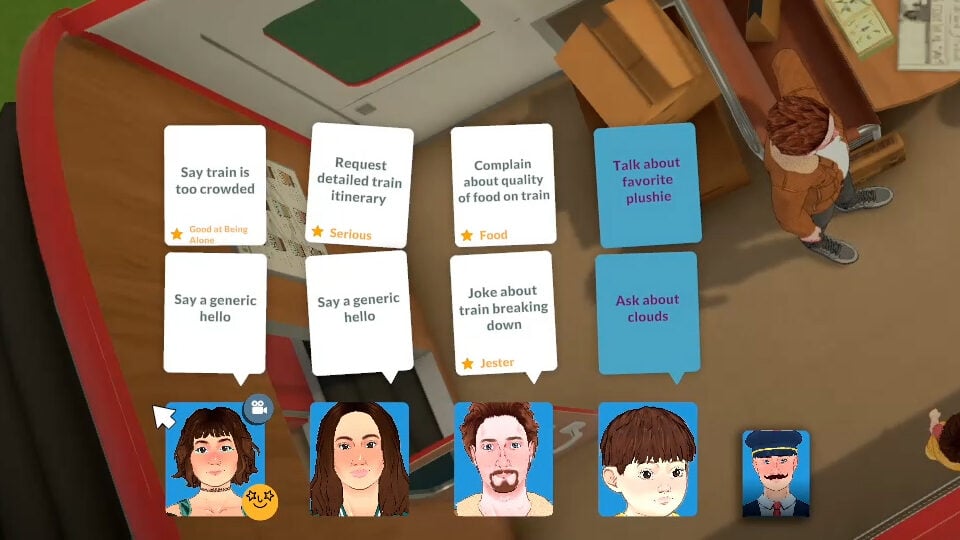
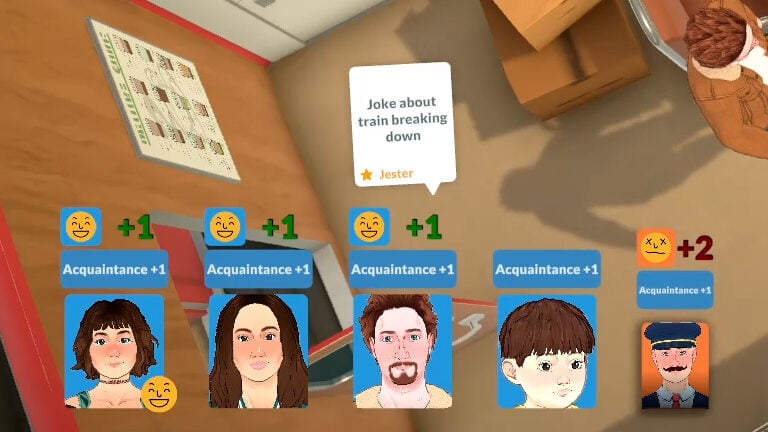
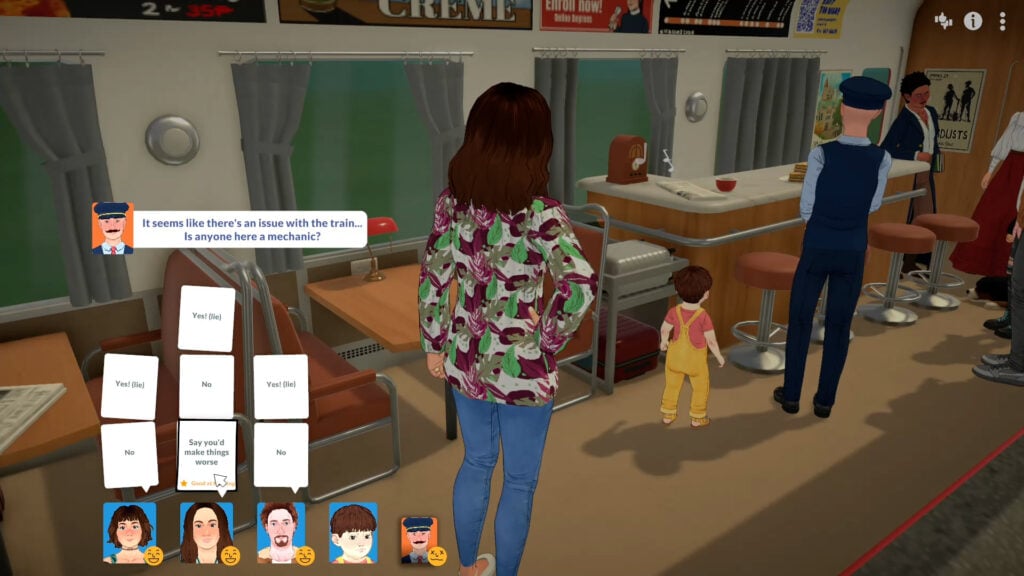
Together cards control the conversation, and the Paralives tutorial gives you a small introduction to how they work.
Selecting one of these together cards will influence the flow of conversation and the group’s mood.
The reaction to whatever is selected will differ between Parafolk. Clearly, the train conductor didn’t appreciate any jokes about the train breaking down, since it’s made him stressed!
For a more detailed overview of how together cards work, have a look at our Paralives relationships breakdown.
Managing Needs
Just like other life simulation games, Parafolk have needs which need to be looked after.
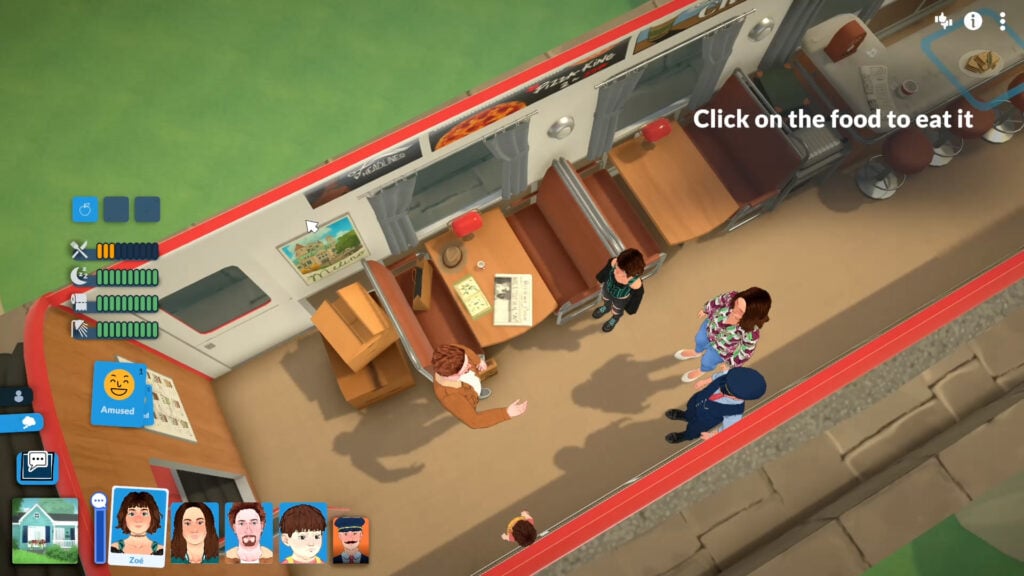
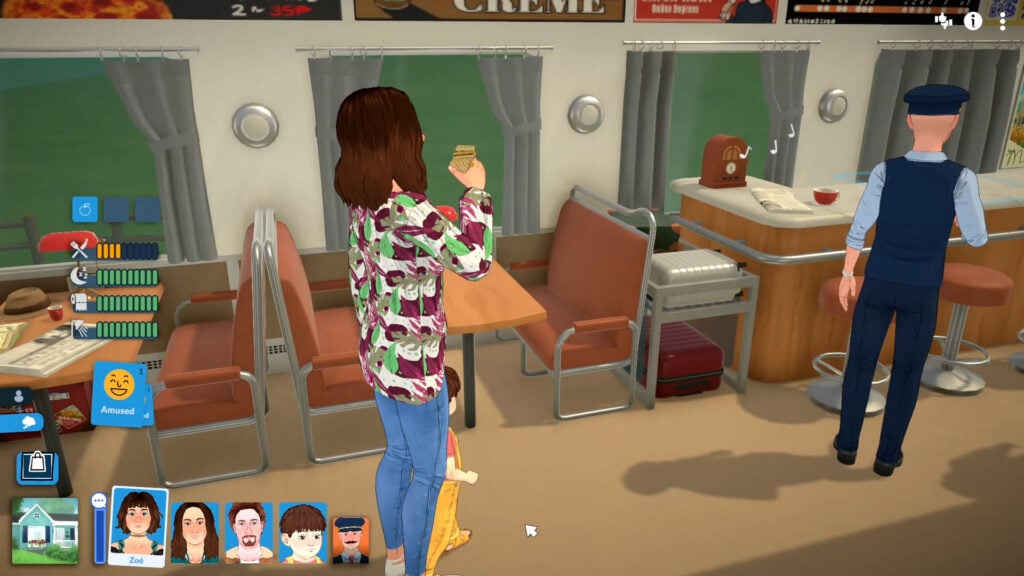
The Paralives tutorial teaches you how to manage these by having you get your Parafolk to eat some of the train food, since their hunger needs are low.
Storytellers
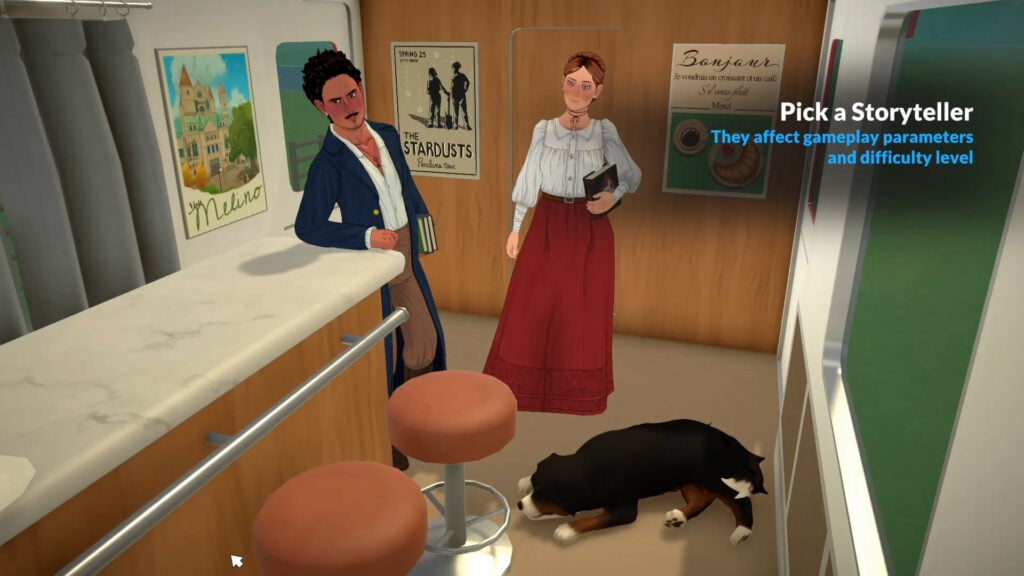
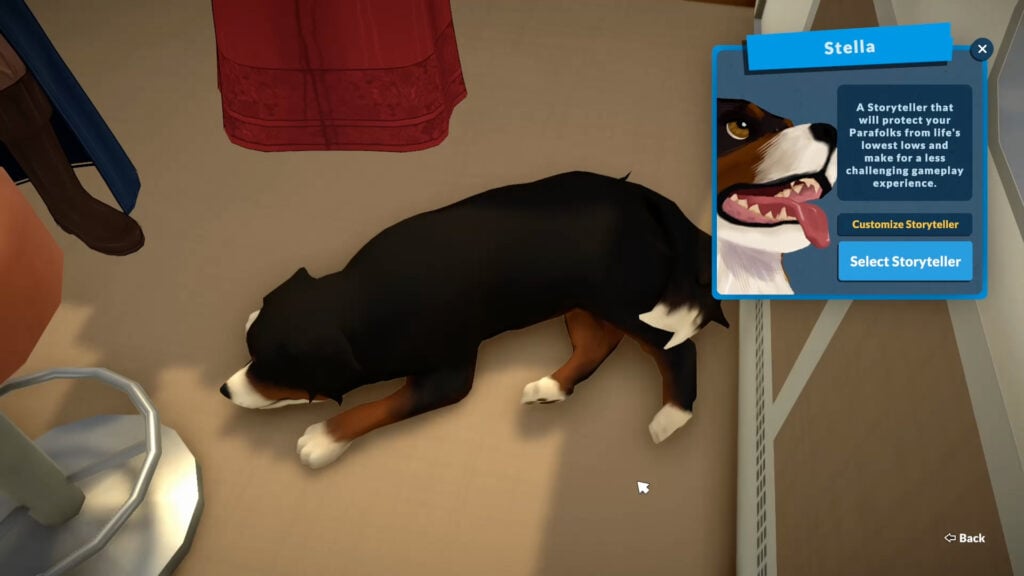
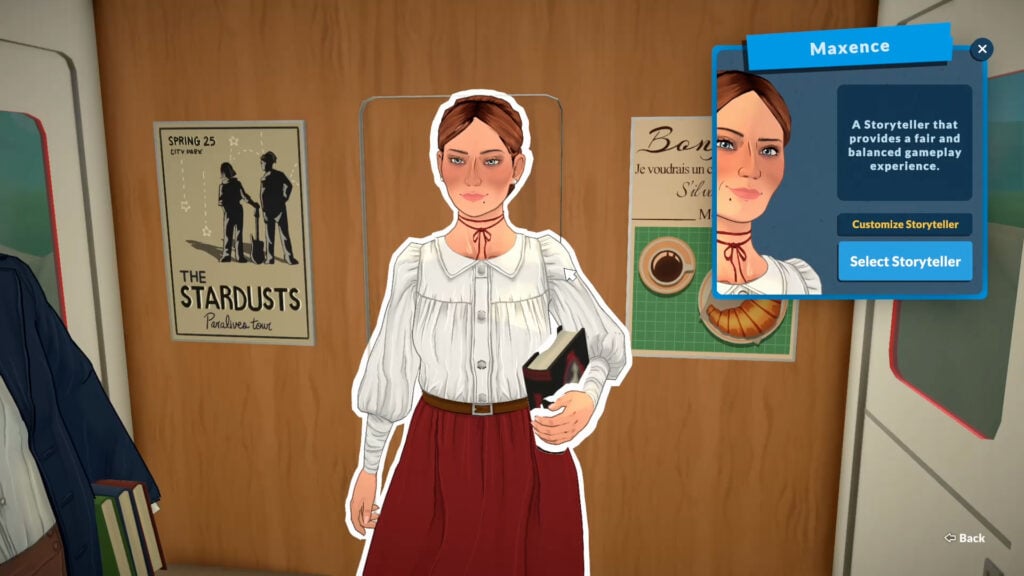
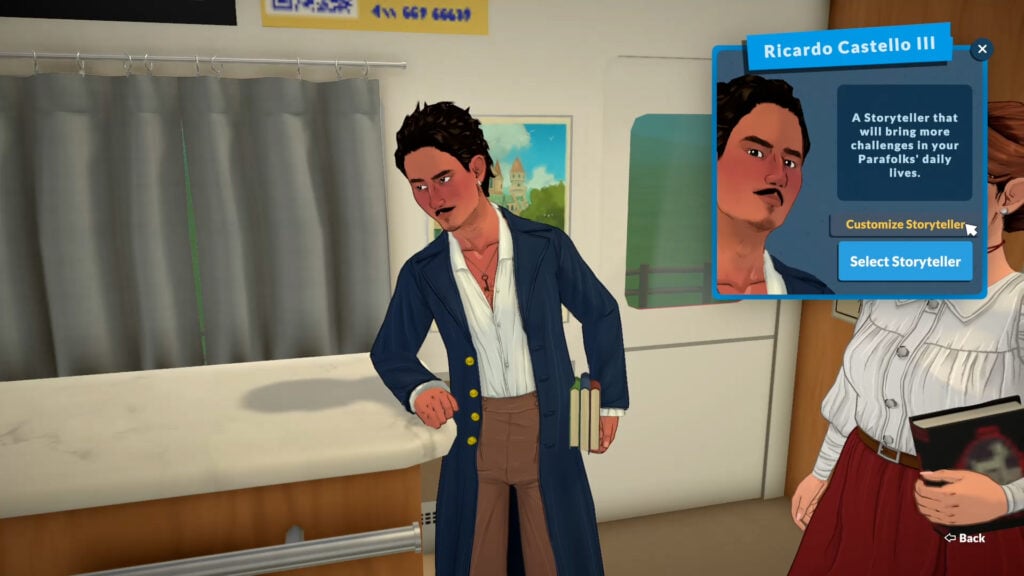
The storytellers play a huge role in Paralives, so it’s only natural that your first introduction to them is in the Paralives tutorial.
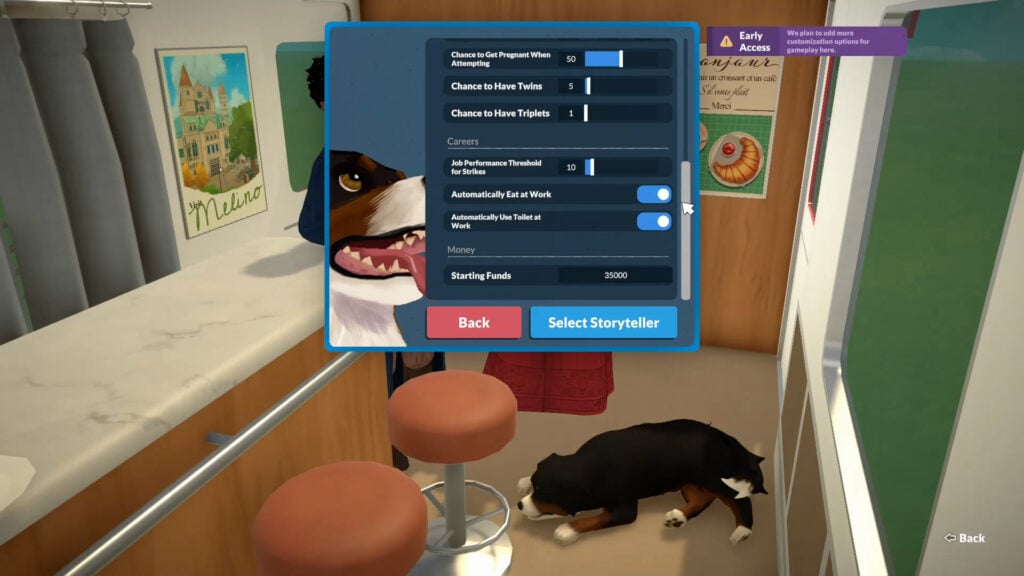
Each storyteller has different perks and difficulty levels, and each can be customised further.
Heading Into Town
Looks like the train is going to break down after all! The train conductor will confess this to you, and you’ll get to choose your response (we can assume that as early access continues, it will become fixed, so you can leave down to explore new areas and cities).
You will then finish your train journey into town and browse the town map for a new home in Melino, including plenty of empty lots if you want to jump straight into building.
Starting Goals
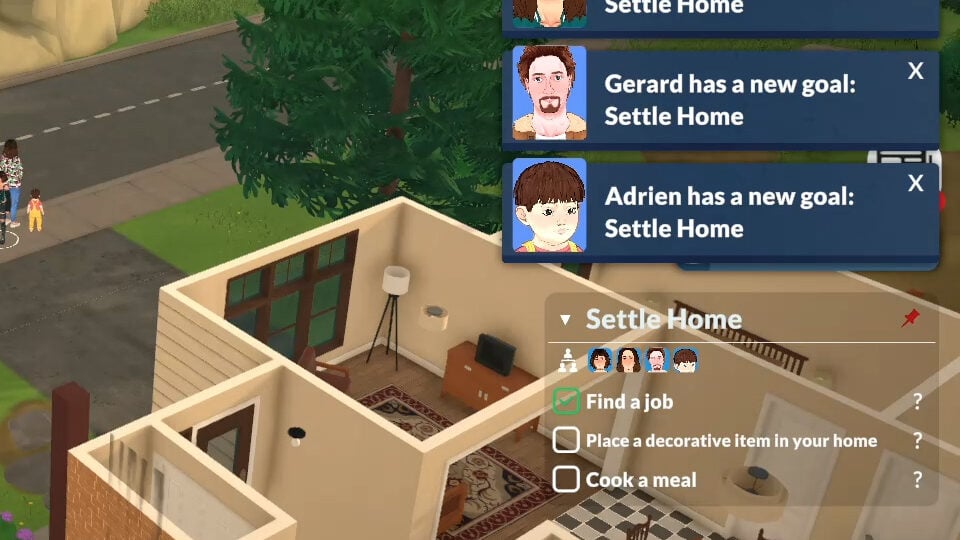
Now you’re all settled into town, your Parafolks will get their first goal: Settle Home.
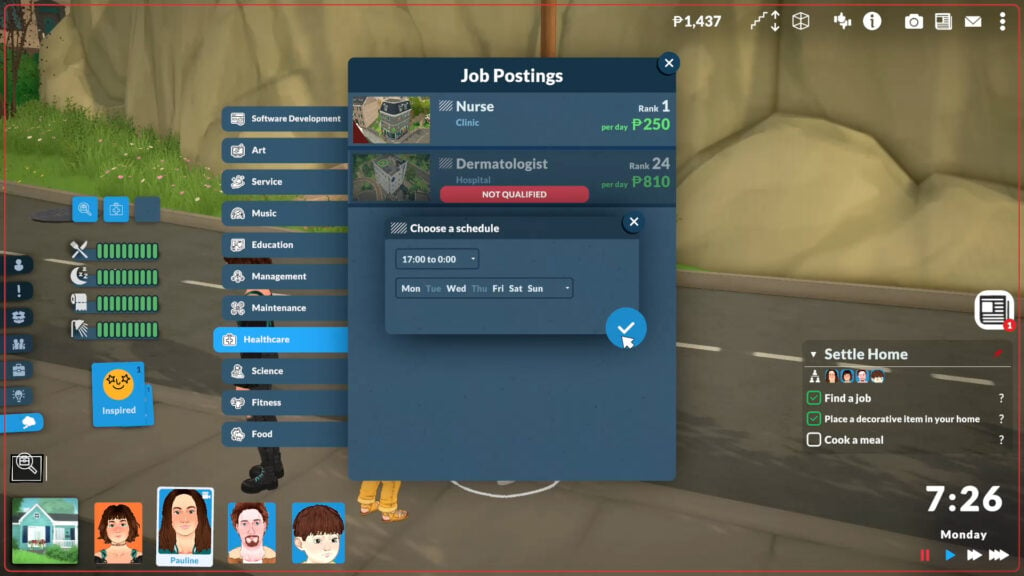
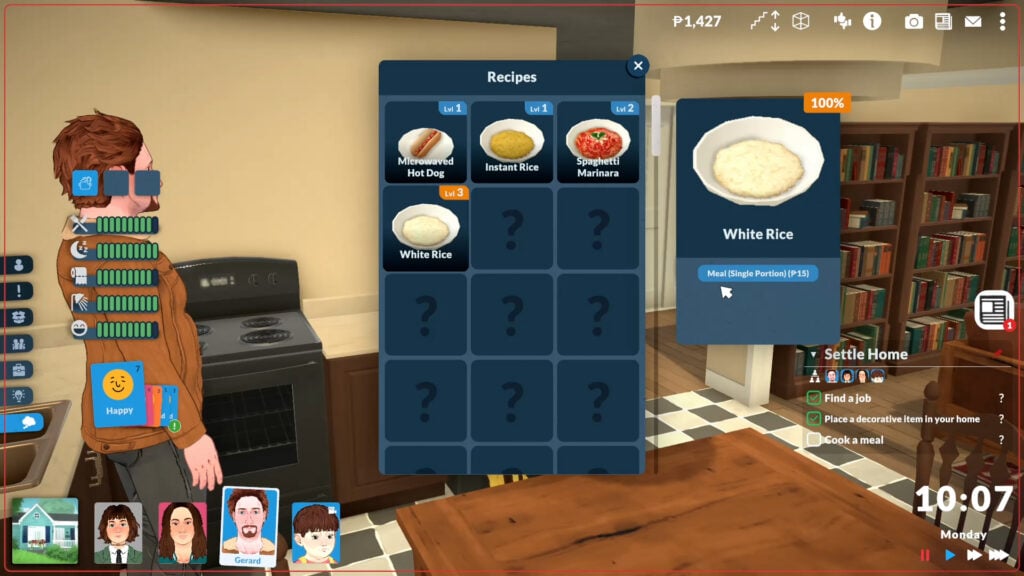
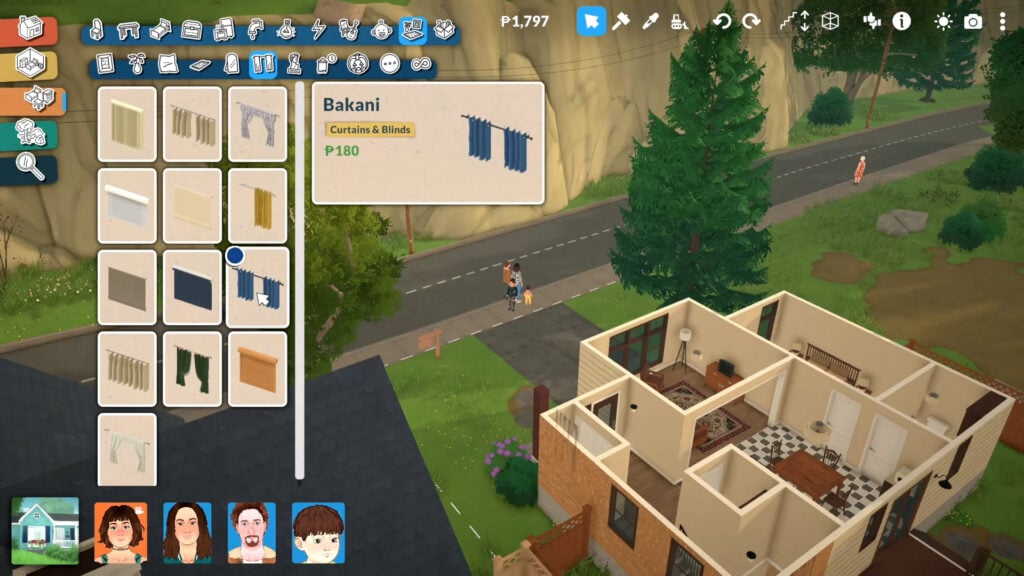
Designed to get you acquainted with the different systems in the game, to pass this goal you will need to:
Find a job
Place one decor item in your home
Cook a meal
An important thing to note is that the goal is for the entire household, as long as one Para completes each goal it will count for everyone.
By now having completed the Paralives tutorial, you should be fully acquainted with the different controls and systems needed to master the game!
Customising Your Game Experience
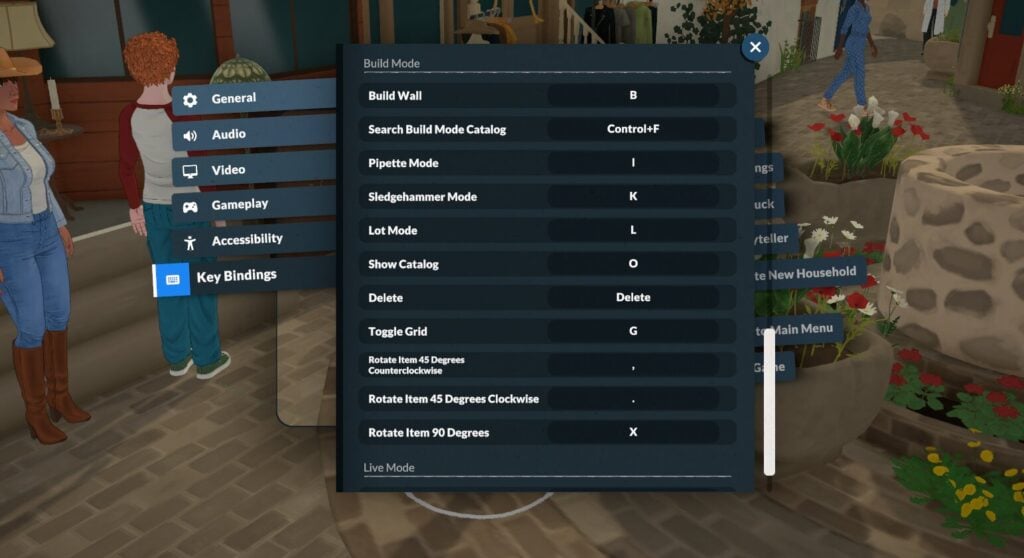
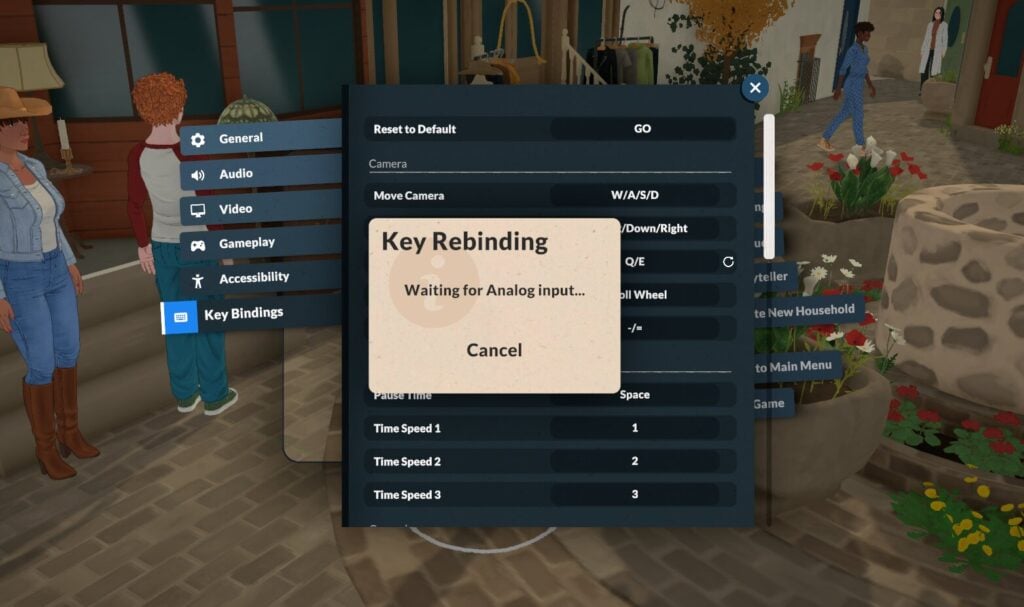
Once you’re comfortable with the basic commands and controls, you can customise them all in the Paralives settings.
General settings
Autosave
Autosave can be enabled in this menu, and once enabled your game will automatically save every few minutes. You’ll know the game is autosaving when you see this icon in the bottom right corner of the screen.
Video & Audio Settings
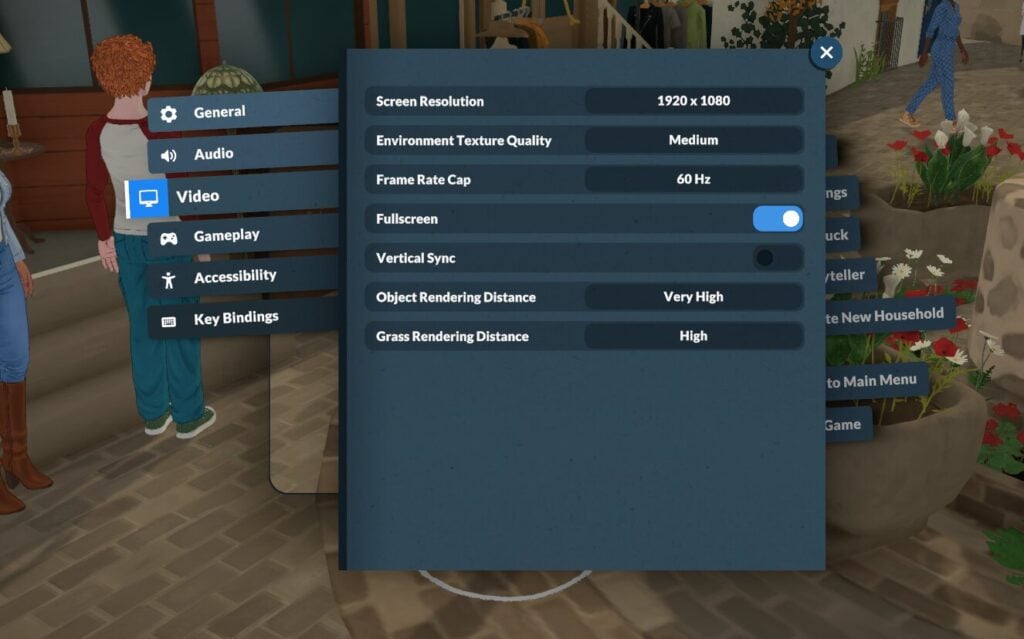
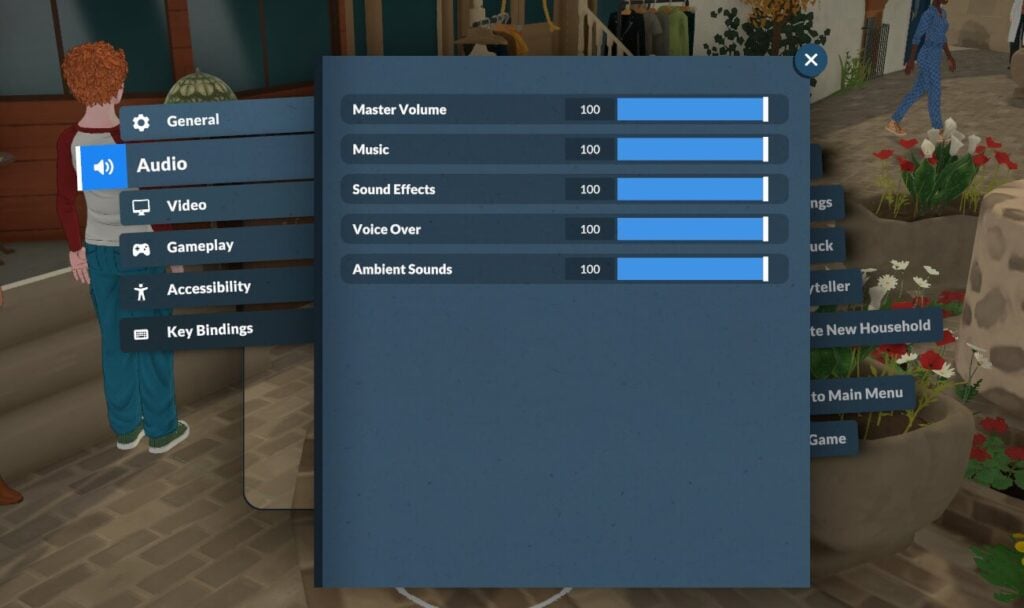
In this menu you can alter things like screen resolution and all audio settings.
Gameplay Settings
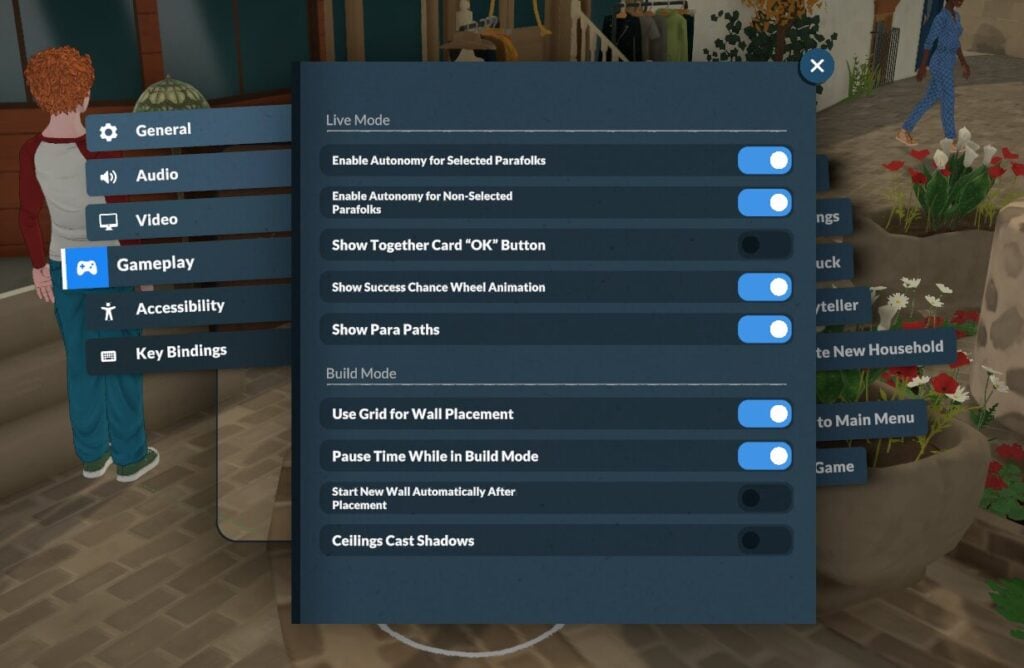
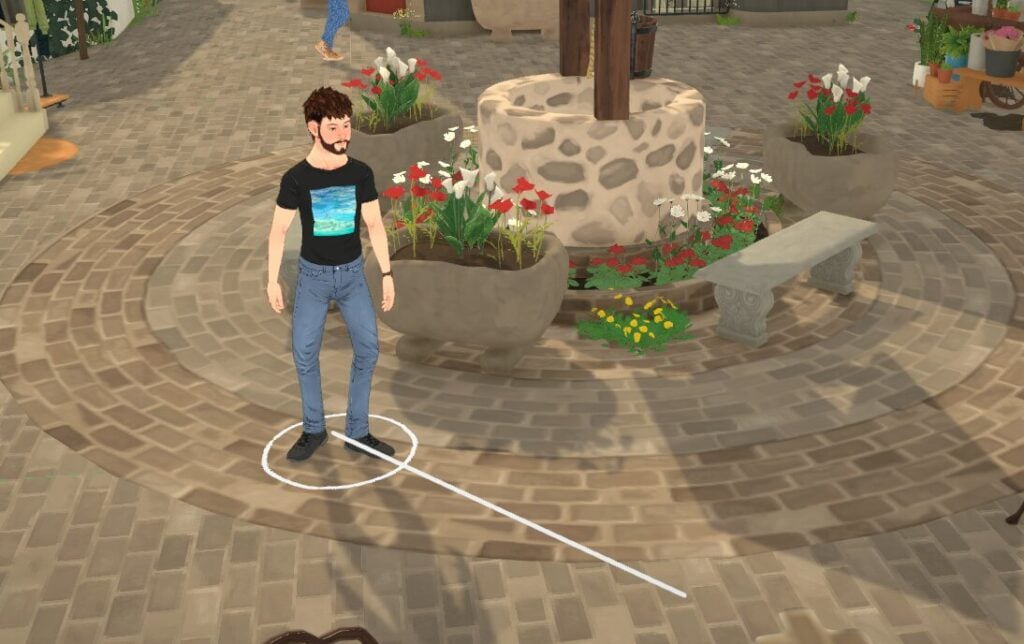
Enabling Para Paths
Enabling Para paths means you will be able to see where the Parafolk in your household are heading.
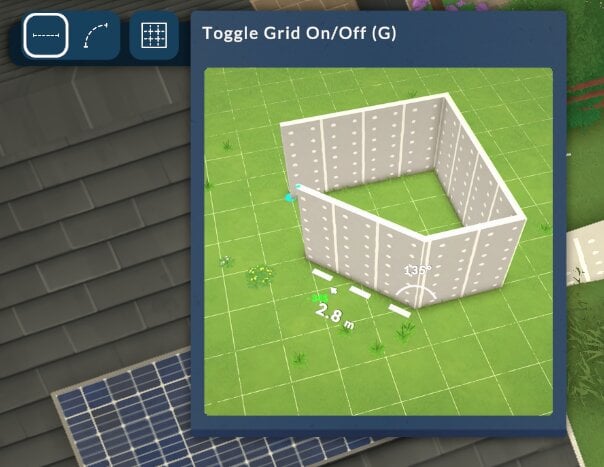
Grid Wall Placement Settings
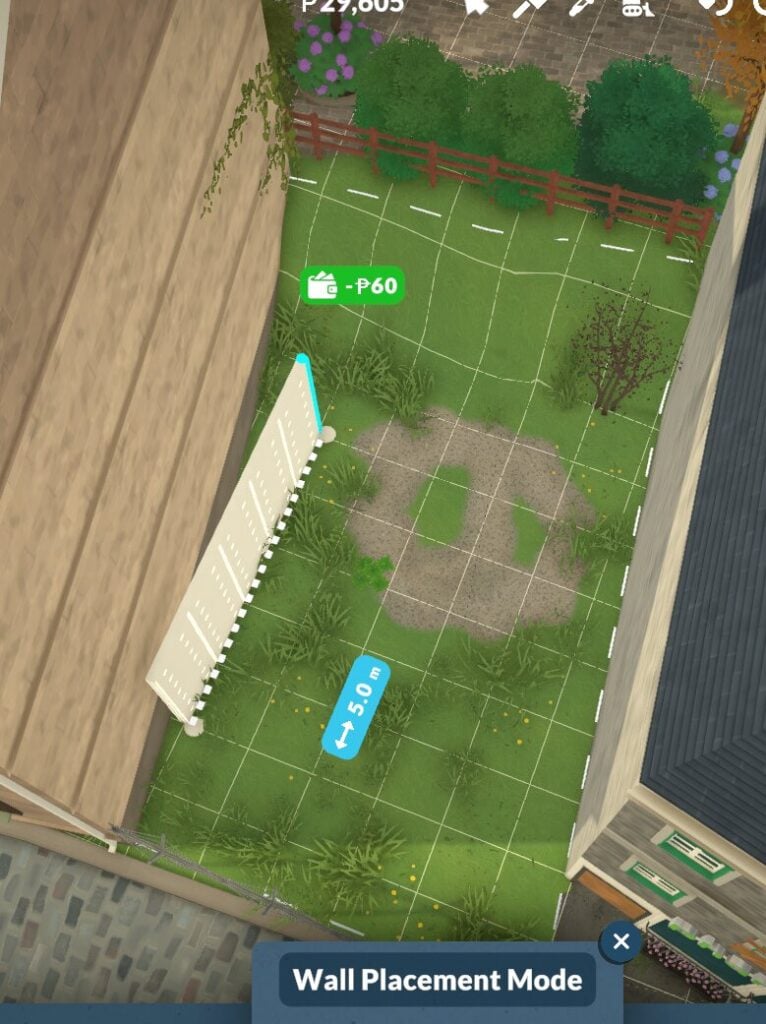
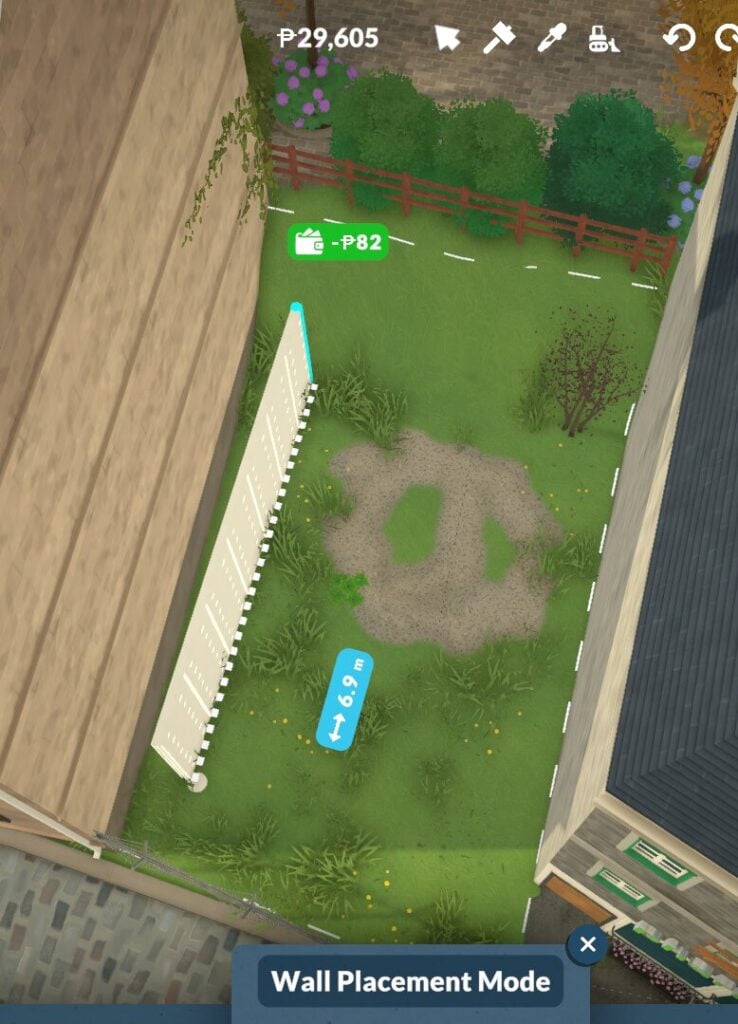
Having the grid placement turned on can be done in the Paralives settings, and also in build mode itself whilst you are placing the walls.
Grid placement onGrid placement off
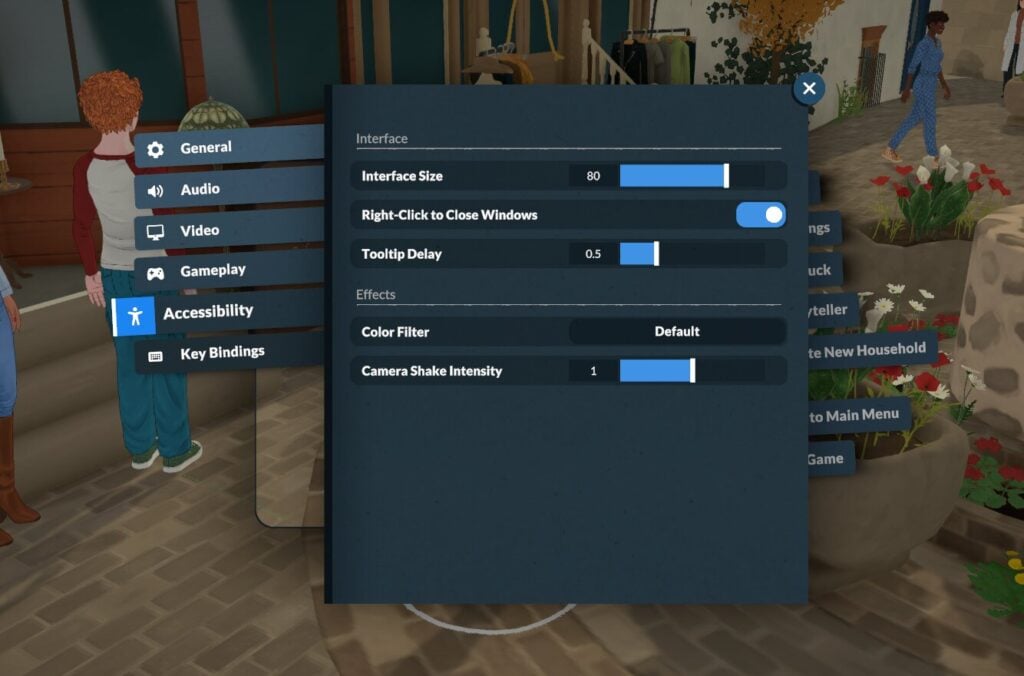
Accessibility Settings
There is a selection of accessibility options in the Paralives settings.
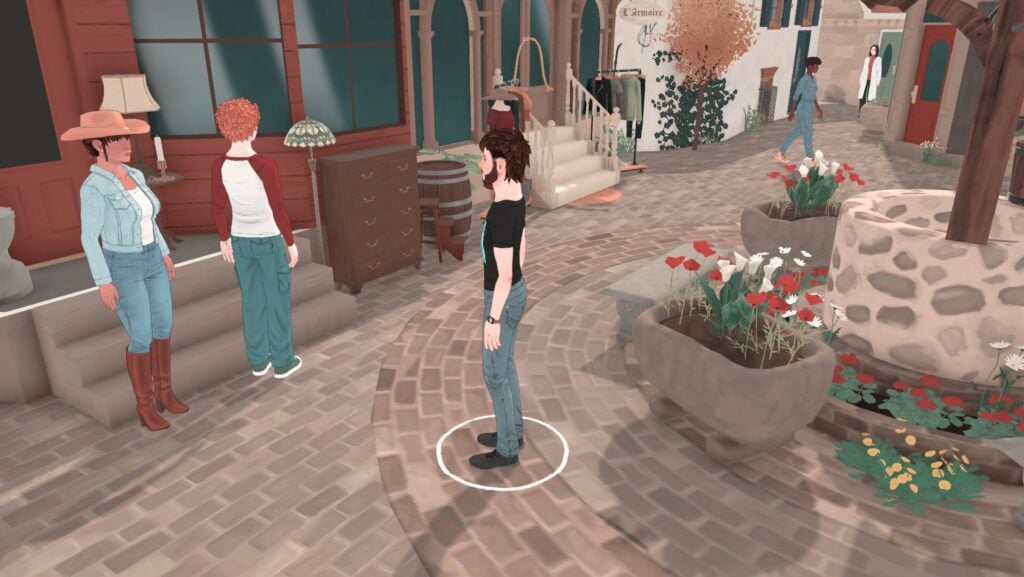
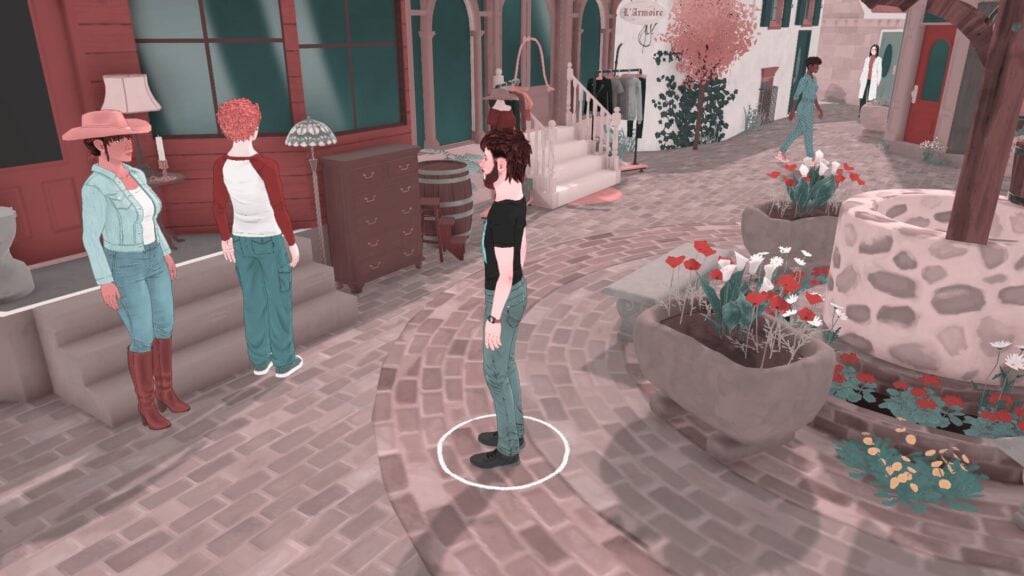
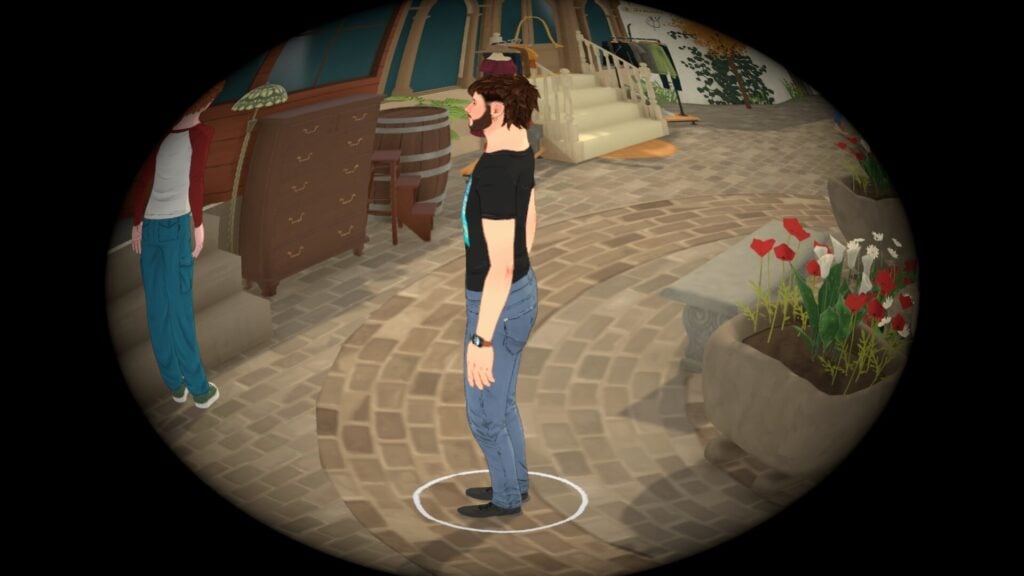
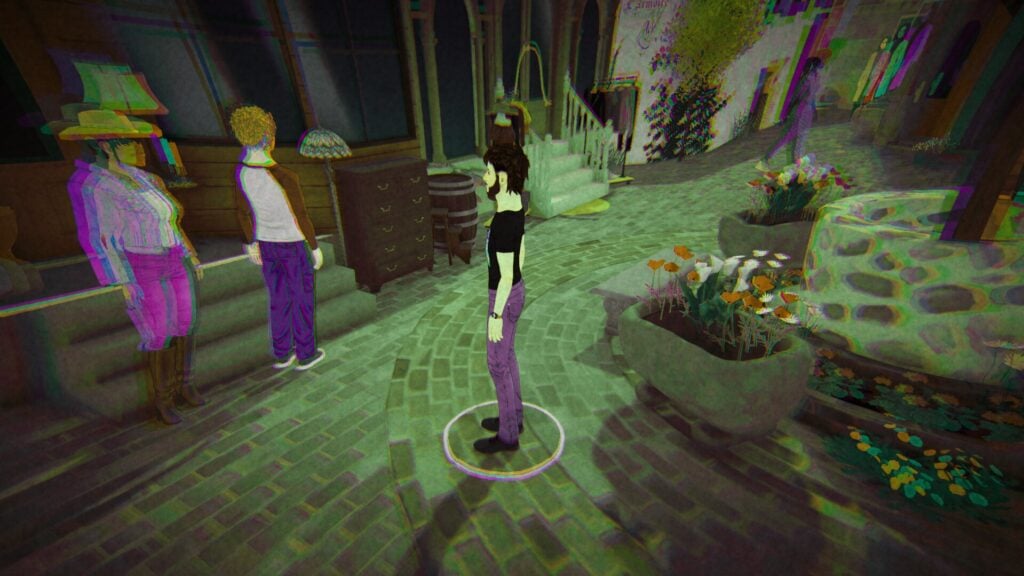
Colour Blindness & Filter Options
The colour filters offer a selection of six different filters designed to help people with colour blindness, however, these are just labelled 1-6 and don’t describe what settings they change or what kind of colour blindness it is designed to help until you click on it.
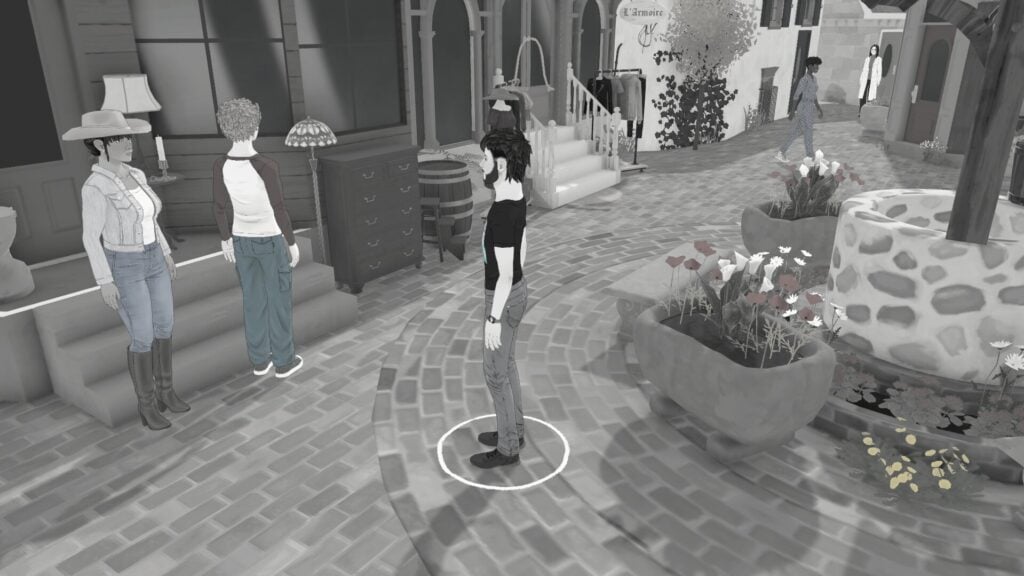
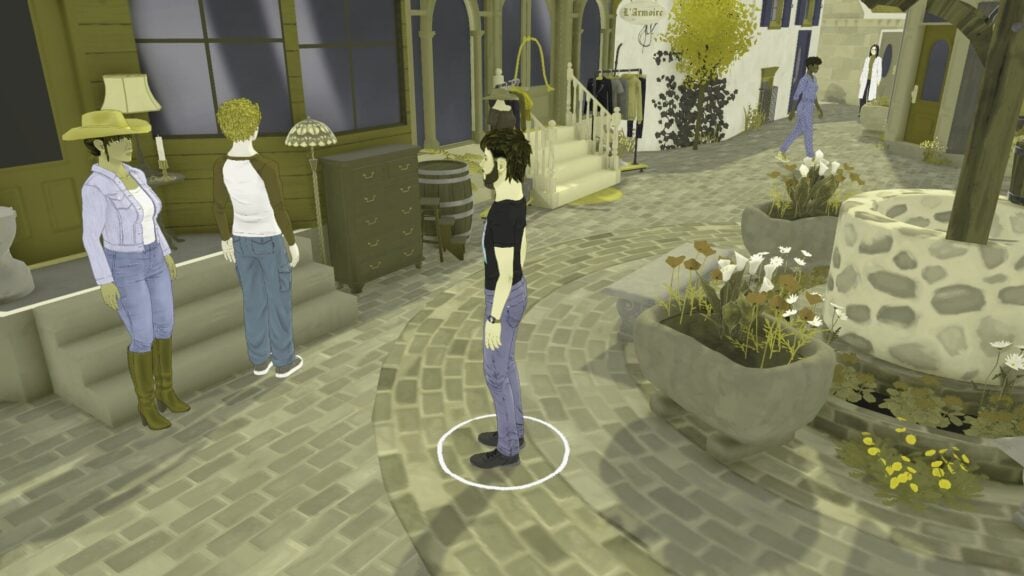
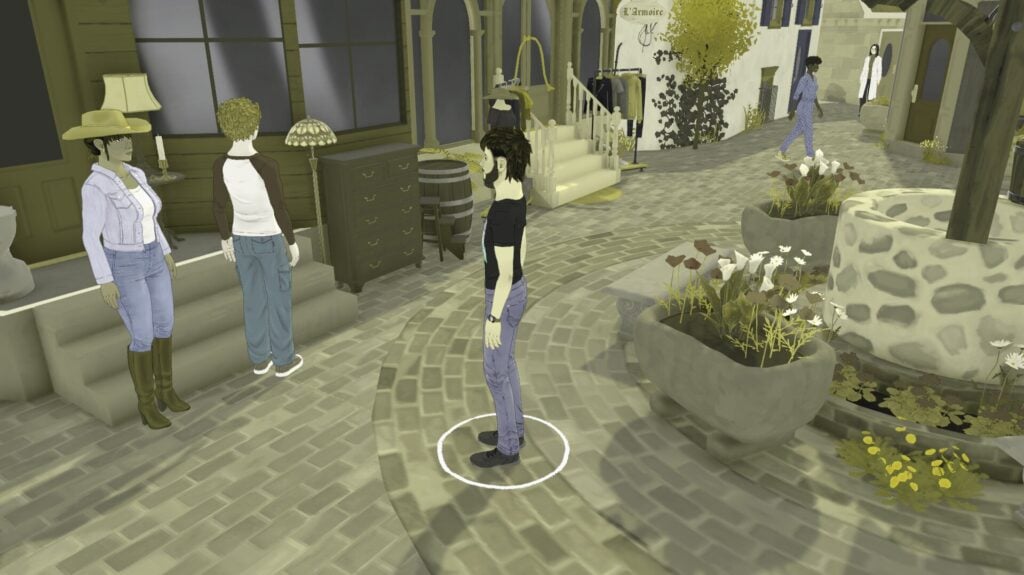
Here are all of the different filters for you to see before you load the game.
Something to note is that at the time of writing this, whilst you can change these settings in the menu as soon as you open the game, they don’t show on the home screen, so you won’t see what they look like until you start actually playing.
There are also a few fun filter options, like these ones.
Paralives is here! As of today, on May 5th, 2026, Paralives has arrived on Steam after a seven year development cycle. Now it’s come for the burgeoning Paralives community to show up and help the team in early access shape the game into something new.
Or maybe “welcome train” is more appropriate?
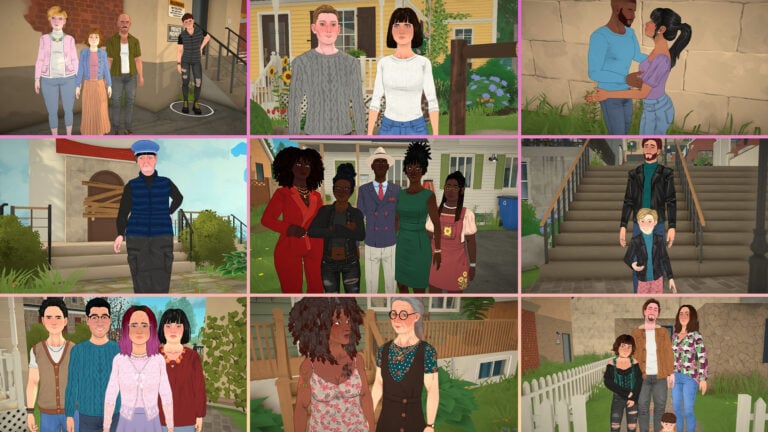
And what a better introduction to the beautiful town of Melino then with an introduction to it’s inhabitants? Our potential neighbors, lovers, friends, foes, and everything else in between.
Unfortunately, a majority of the native Parafolk of Melino don’t have personal descriptions available as of the current pre-release build. I’ve provided as much information as available to me at this time for you all to get to know your future neighbors. Hopefully we’ll learn more about our potential new friends in-game with later patches and updates.
Table of Contents
Melino’s Residents
The Darcier Household
Solene and Kian B Cross are Young Adults who live together and are Lvl. 1 Exclusive Partners, and are Lvl. 1 Lovers.
Solene is a Rank 1 Florist at the Plant Shop and Kian is a Rank 1 Cook at Chez Maurice.
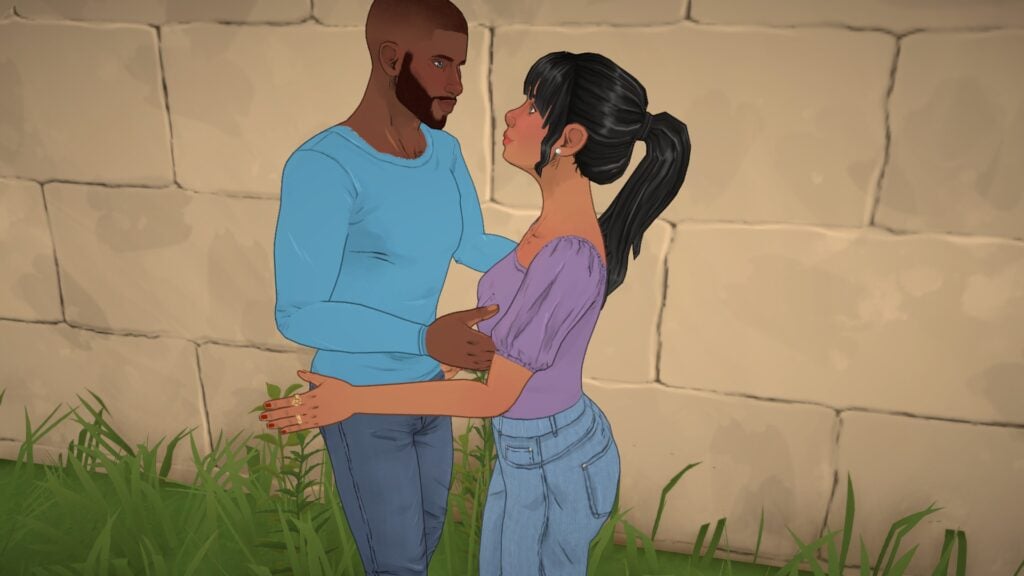
We’re all a bit familiar with Maggie! One of the promotional Paras for the game, Maggie is a Young Adult who is Rank 1 Astronomer who works for the Space Agency.
Marvin and Emilia are both Adult Paras who are Lvl. Spouses, Lvl. 1 Exclusive Partners, and Lvl. 1 Lovers. They live with their three daughters; Young Adults, Jada and Tina, and Dinah who is a Teen.
Marvin is a Rank 1 Manager of the Clothing Store L’Armoire where his daughter, Jada, is also a Rank 1 Store Clerk. and Emilia is a Rank 1 Environmental Research Supervisor at the University Research Lab. Marvin and Emilia’s other daughter, Tina, is a Rank 1 Waiter at the Italian Restaurant. Their youngest daughter Danah has a C Grade average at the local High School, better get a handle on that!
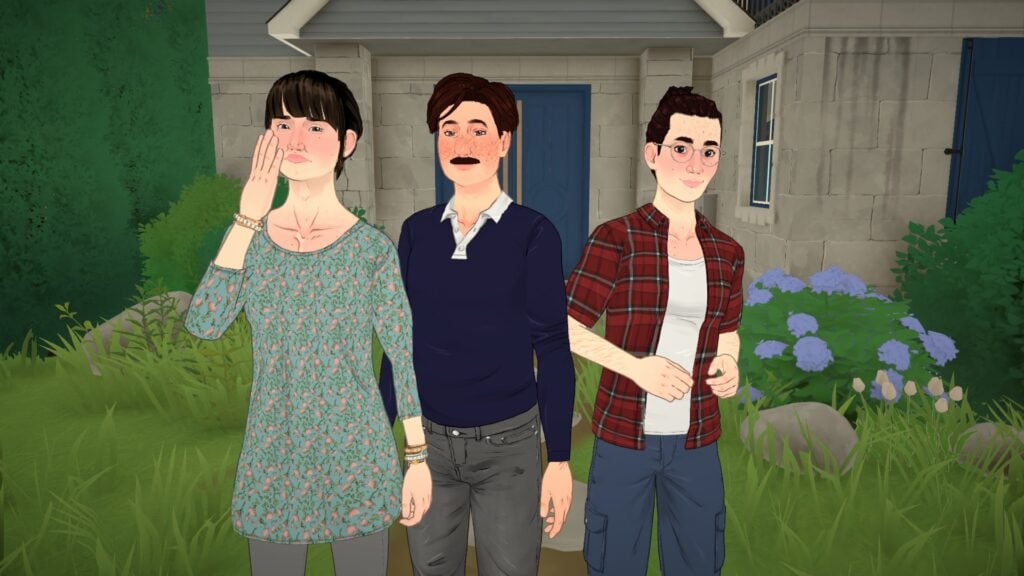
Another promotional Para, Sebastien is a Rank 1 Cook at the Italian Restaurant. His child, Eli, is a D Grade Student at the local Elementary School. Oof.
Rodger and Nataliya are both Adult Paras who are Lvl. Spouses, Lvl. 1 Exclusive Partners, and Lvl. 1 Lovers. Rodger is Rank 1 Manager at Chez Maurice and Nataliya is a Rank 2 Teacher at the Elementary School.
Noa is a D Grade Student at the local Highschool. Maybe you could help him out?
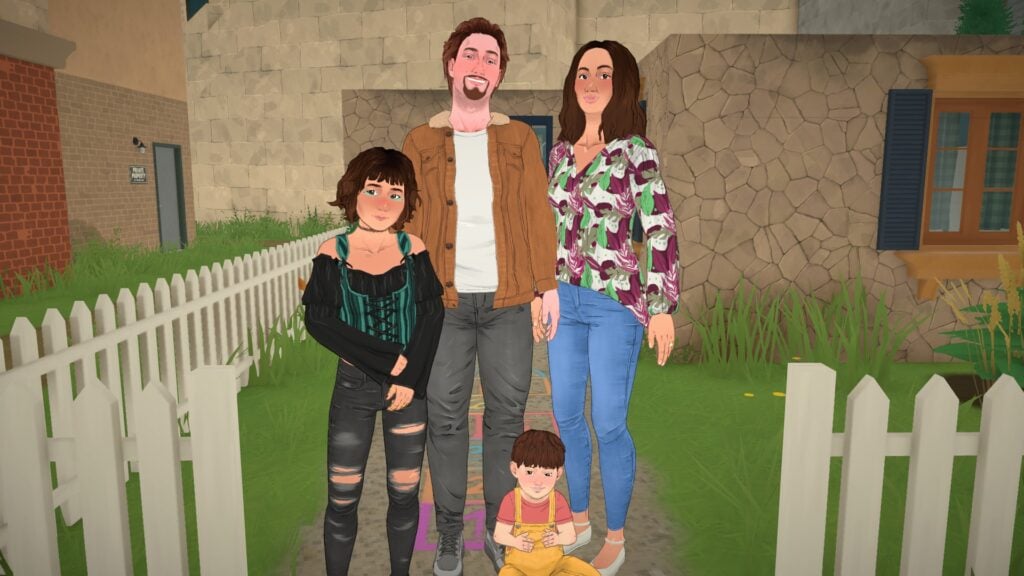
Gerard Preston and Pauline Beaumont are two Adult Paraswho are Lvl. Spouses, Lvl. 1 Exclusive Partners, and Lvl. 1 Lovers. They live with their Teen, Zoe, and their Toddler, Adrien. Pauline is a Stay-At-Home mother while Gerard is a Rank 1 Sound Engineer at the Music Production Studio. Zoe is a D Grade Student at the local Highschool. Yikes.
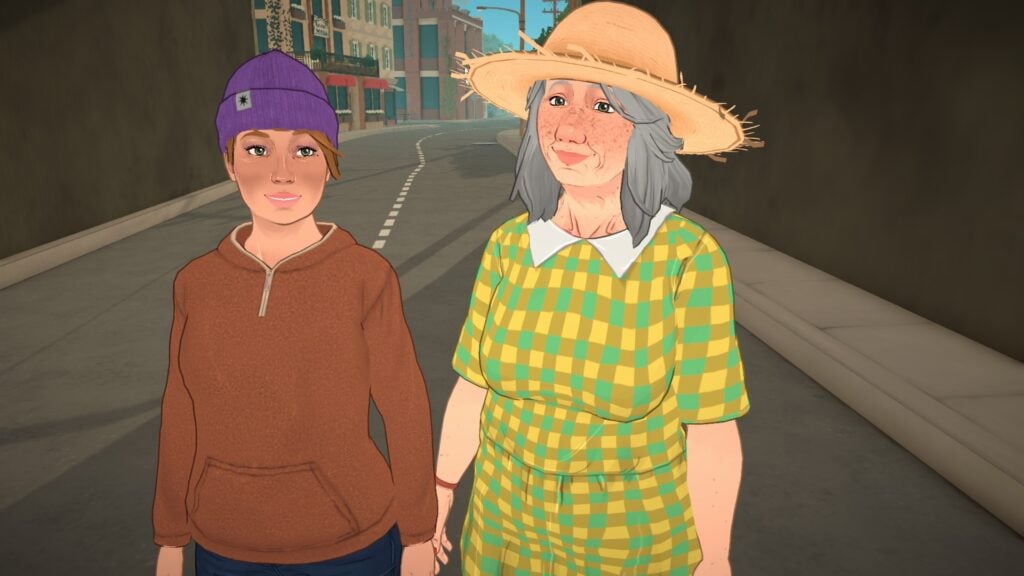
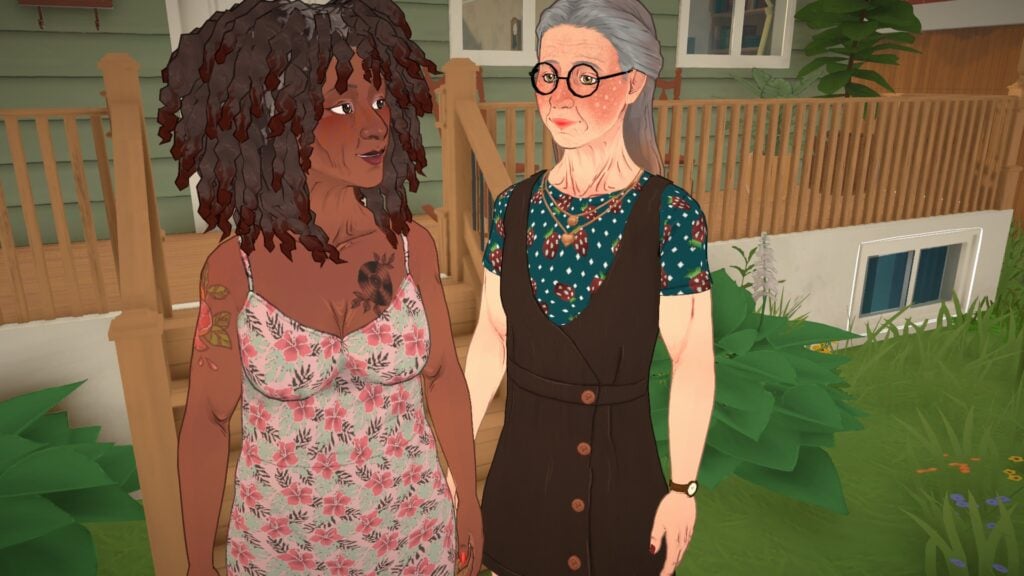
Kate and Camille are an Elder mother and Young Adult child duo who live together; Camille works as a Pianist for the Music Production Studio while Kate is retired.
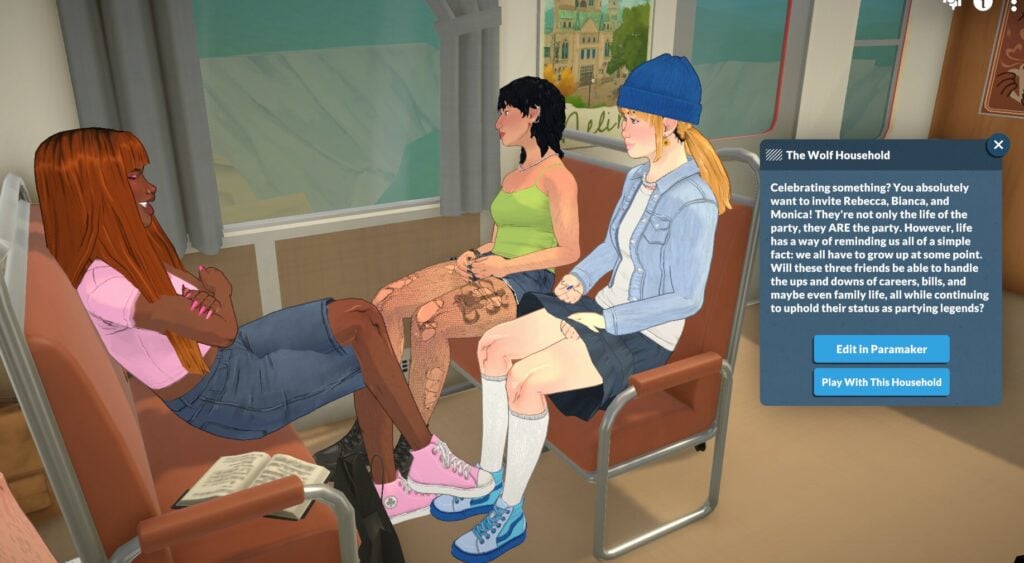
A gaggle of queer Young Adult Lvl. 1 Best Friend(s) Forever who live together and are all Store Clerks (Rebecca for the Antique Shop, Bianca for the Hair Salon, and Monica for the General Store) just trying to make rent. Sounds like a show I’d definitely stream.
Rank 1 (Museum/Library) Guard Marcus and Rank 1 Nursing Supervisor Cindy are both Adults who share a home with their Young Adult son, Jake, and their Child daughter Justine. Jake is a Rank 1 Janitor who works with his father at the Museum/Library and Justine goes to Melino’s Elementary school.
Jonathan and Armin Gibbs are Young Adult couple who’re raising their Toddler daughter, Sasha. Armin is a Rank 1 Digital Marketing Designer at ClickWork Industries while Jonathan is a Rank 1 Engine Programmer at Parallel Studios. Sasha? Well, she’s trying to master walking.
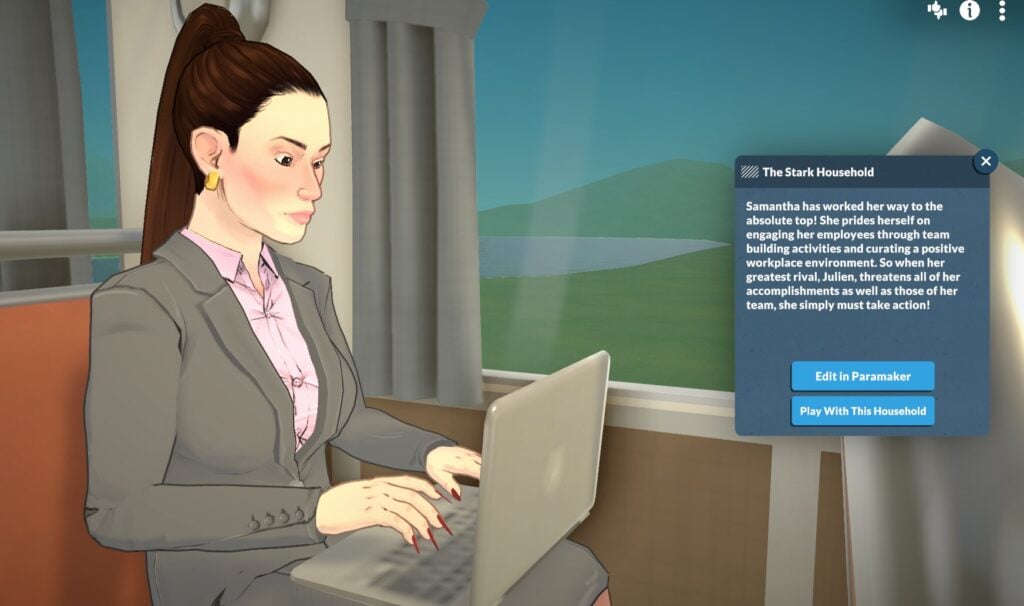
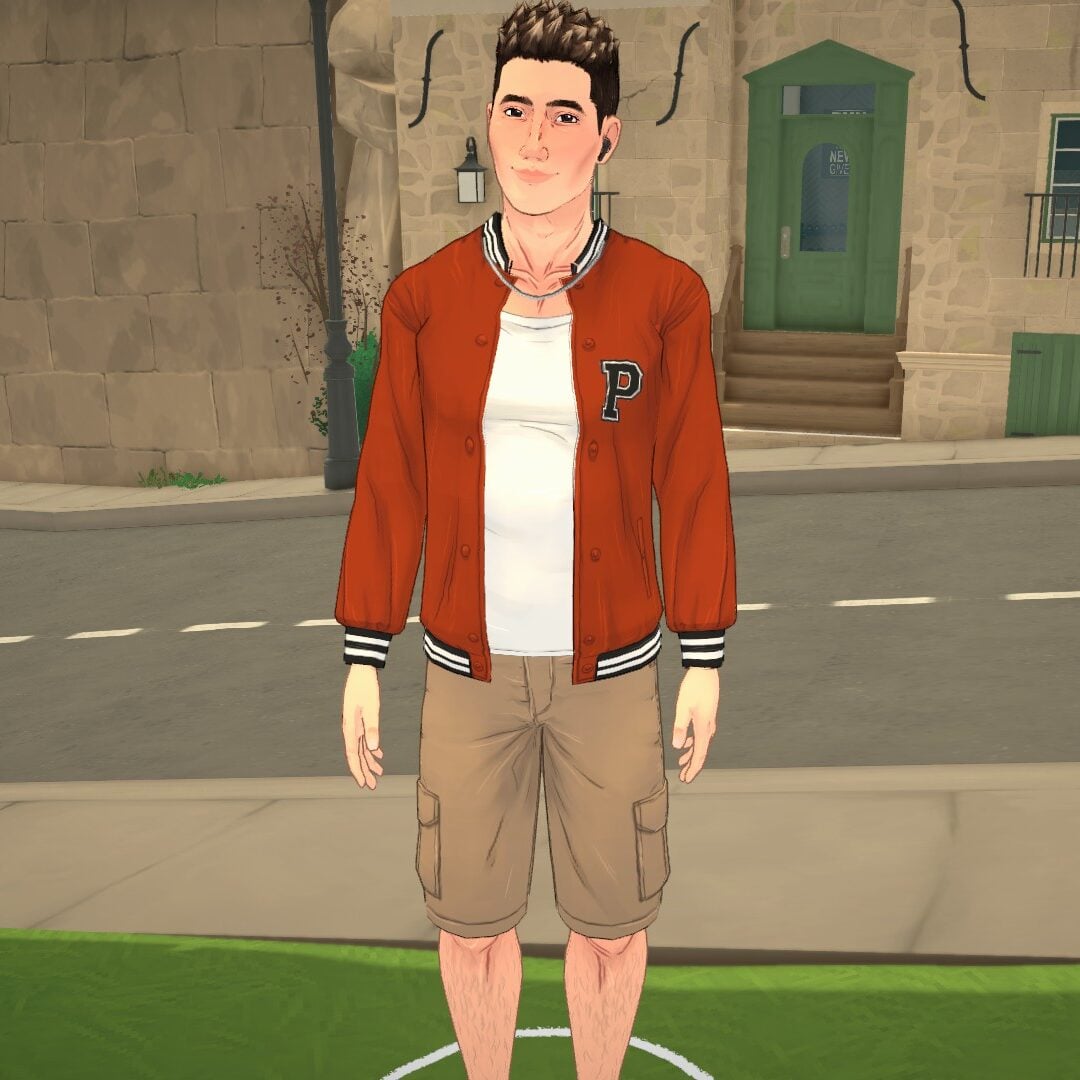
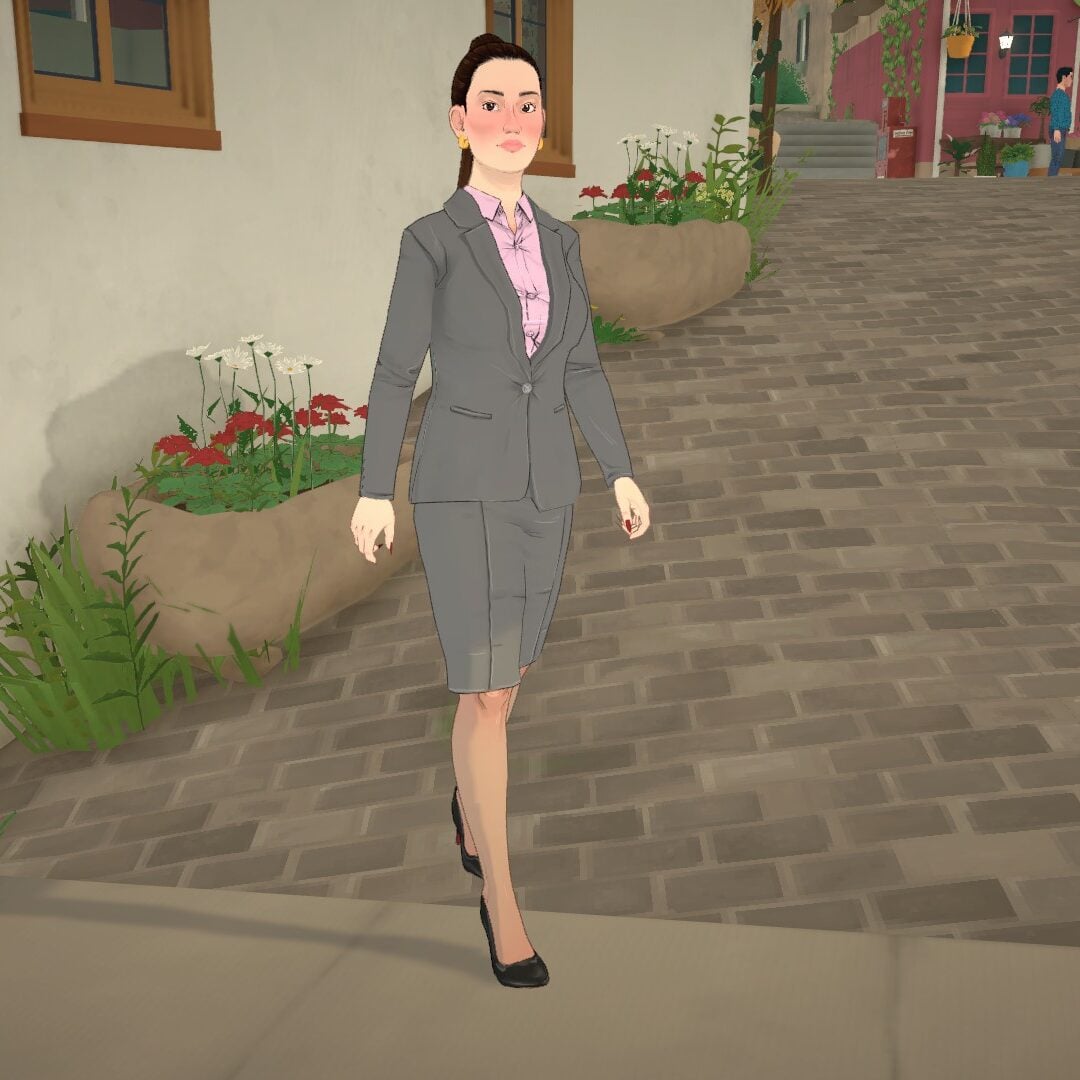
Samantha is a business baddie—working opposite of Julien as a Rank 1 Operations Director at ClickWork Industries with you play her as reciprocating his crush? Because right now…it’s not mutual.
The Chen seem to be a family of handworkers; Anne, a High School student, is Serious, but that’s not hard to be when the mother, Sharon, is a Teacher. Johan, the son, working with his father Jun at Mapple Web Inc. The younger being a Rank 1 Front-End Developer while his father works as a Rank 1 Technical Director.
An Young Adult engaged couple living on the more pastoral fringes of Melino. You could play as Rose, the Rank Environmental Artist working at Parallel Studios, or Antoine, the Rank 1 Lead Pianist at the Musical Production Studio!
The Kim siblings live on high…literally. They live on a house in the more affluent neighborhood in Melino’s hills. Which makes sense as sister Su-jin is a Rank 1 General Practitioner. I wonder if Heyon, the Rank 1 Waiter at the Fancy Restaurant in town, feels a bit jealous?
Are you excited about today’s release of Paralives! Let us know in the comment section down below, and always know that The Sims Community will bring you all the latest and greatest updates on The Sims 4, Paralives, and other great Life Simulation games! Make sure to check out our other Paralives articles to make the most out of your first playthrough.
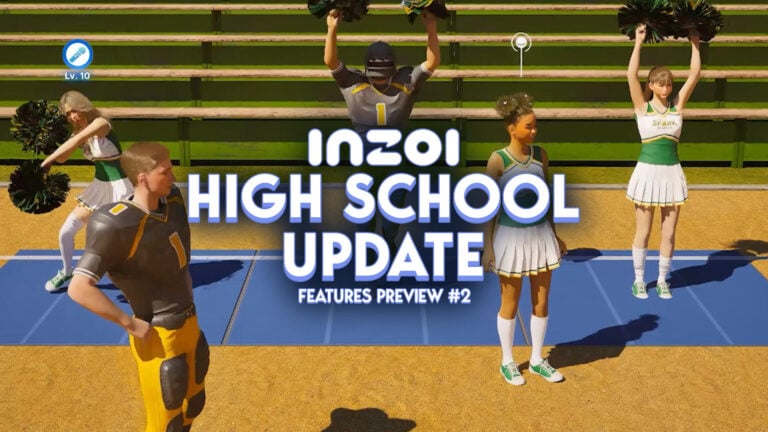
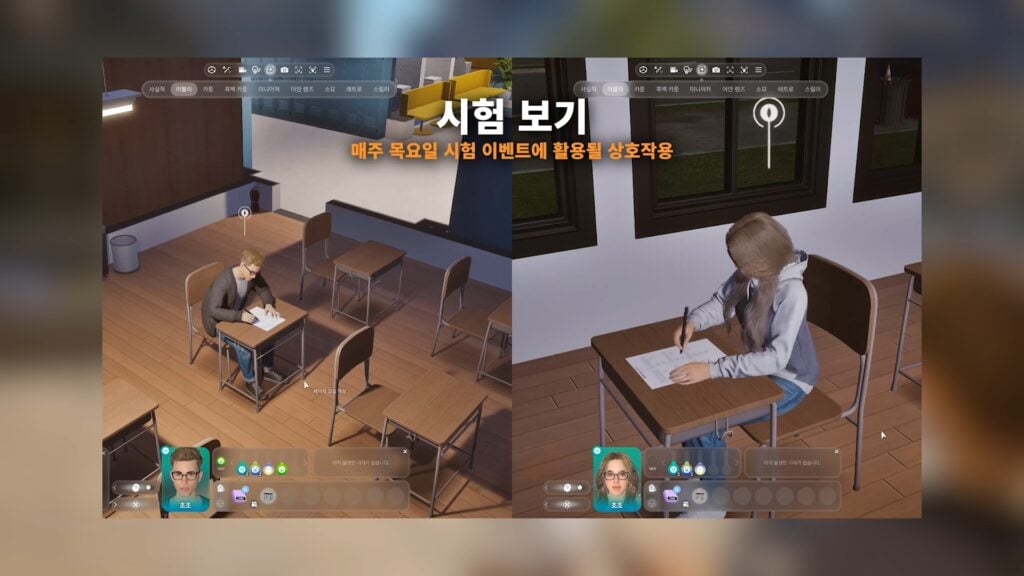
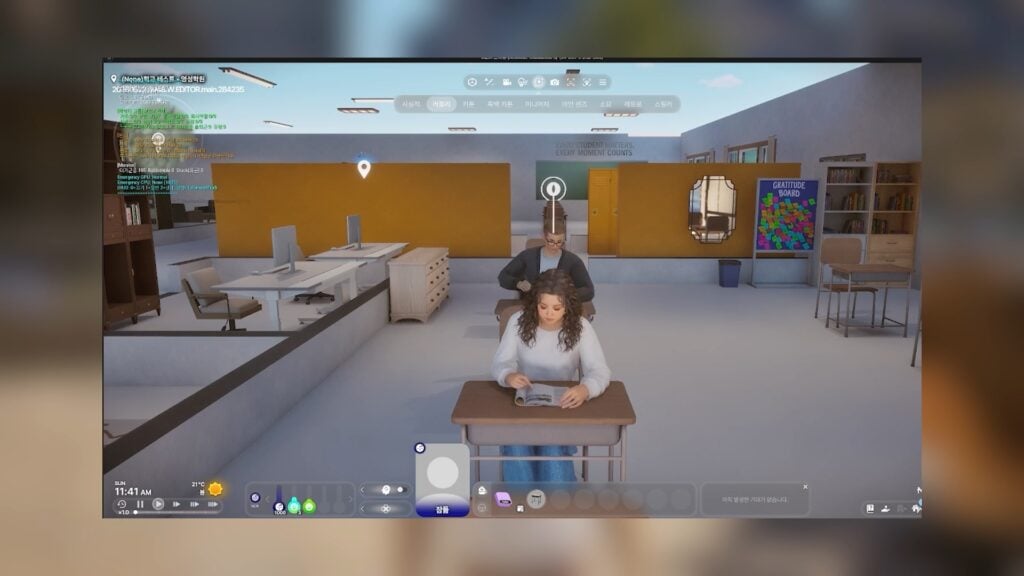
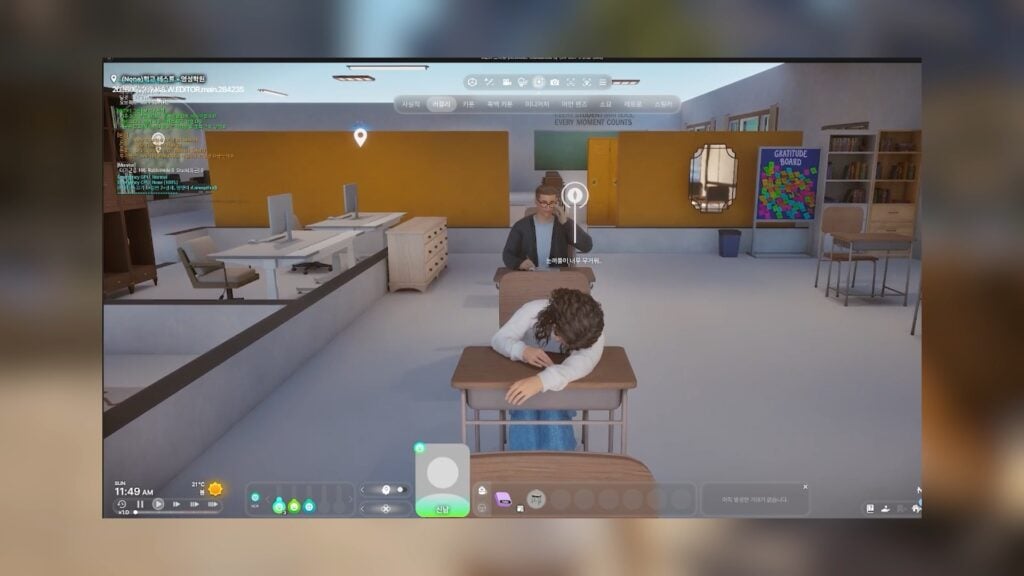
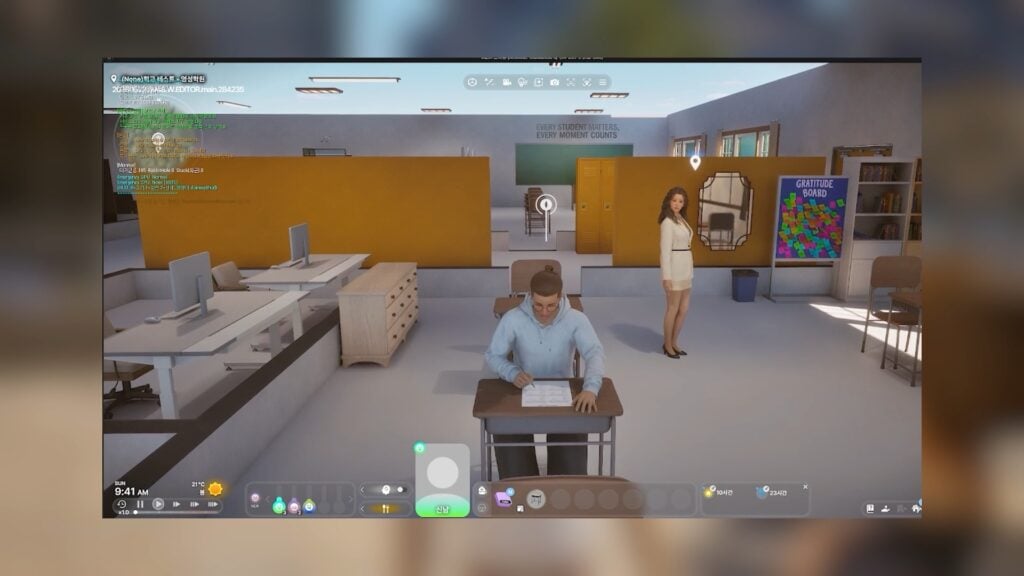
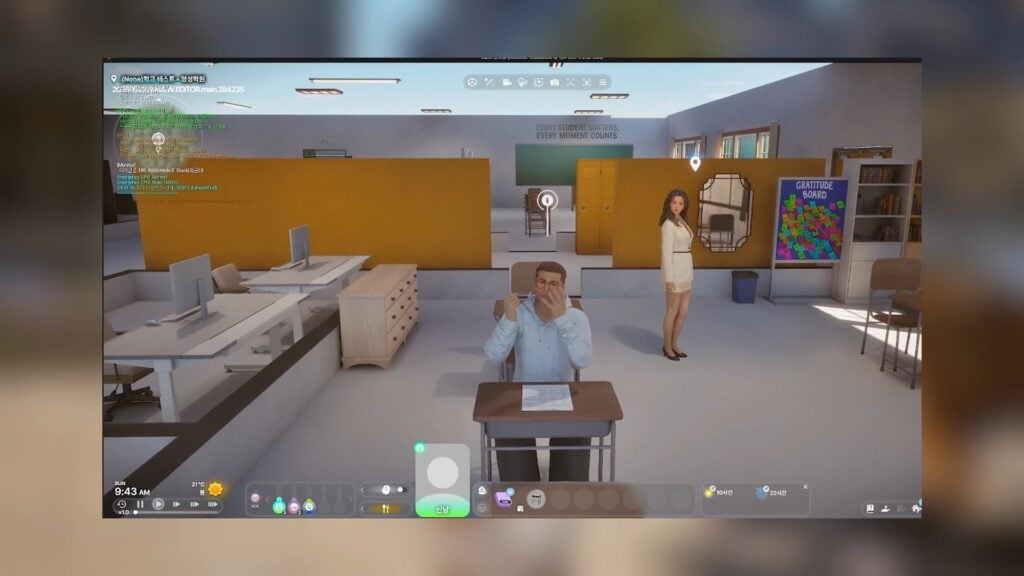
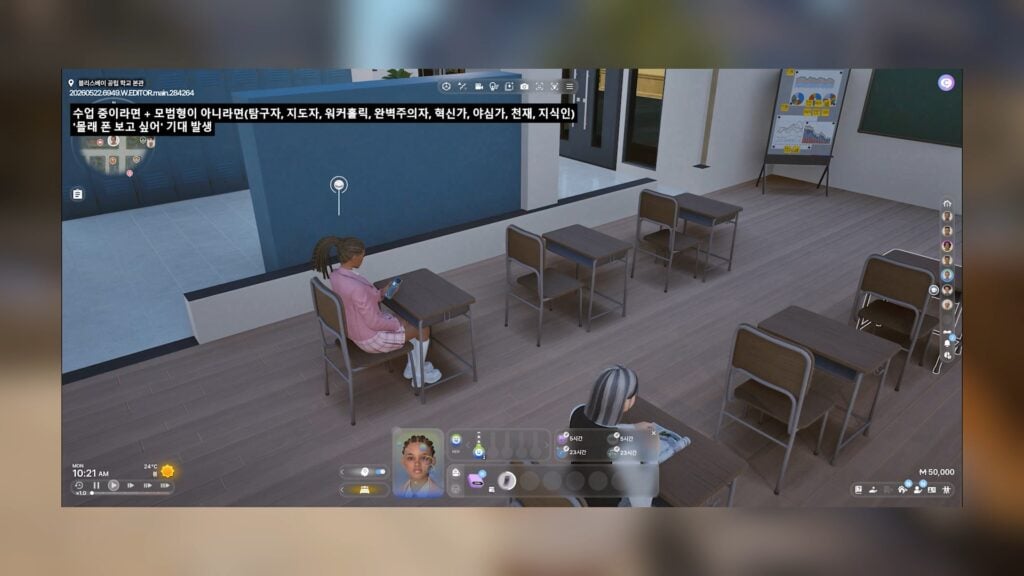
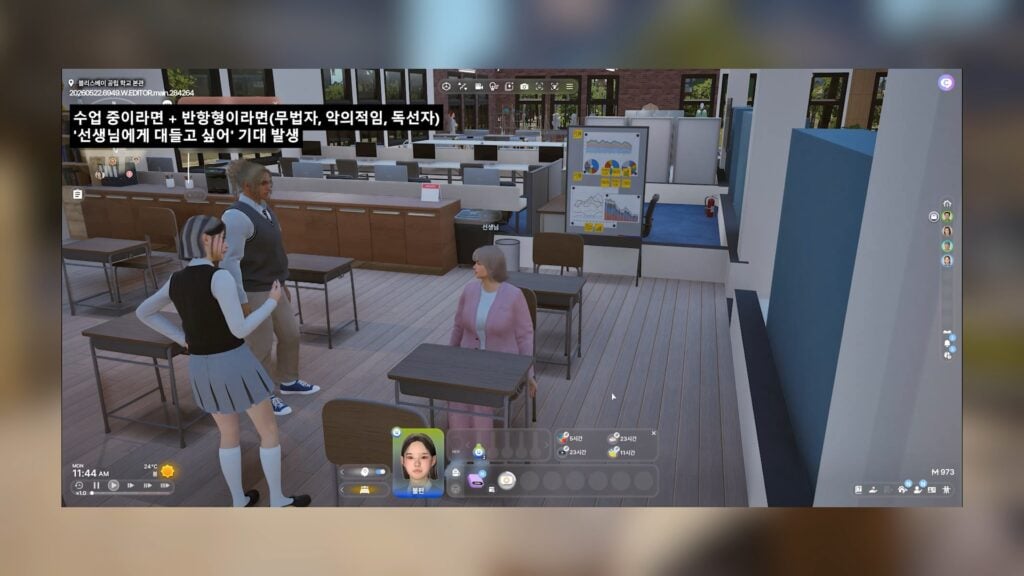
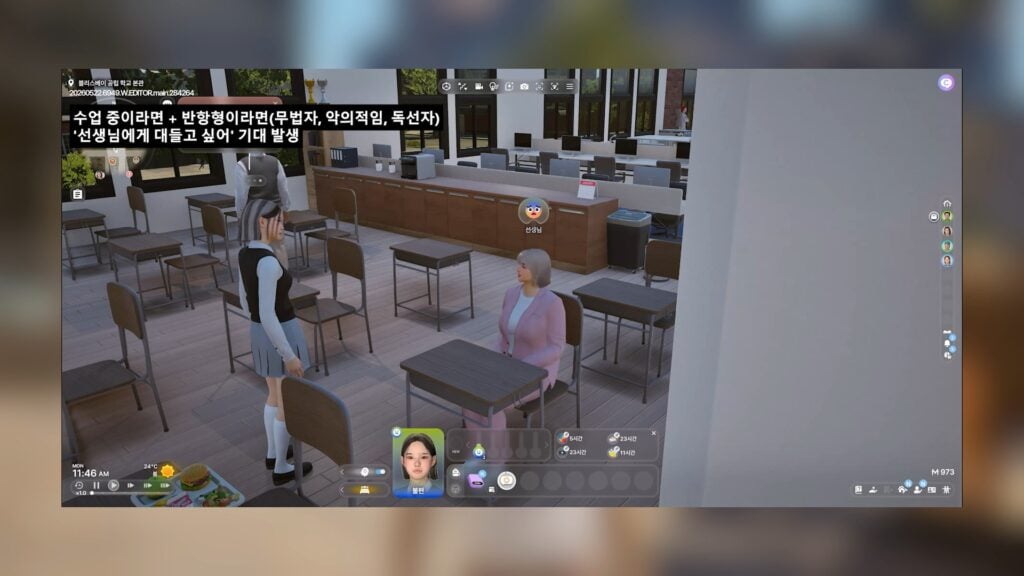
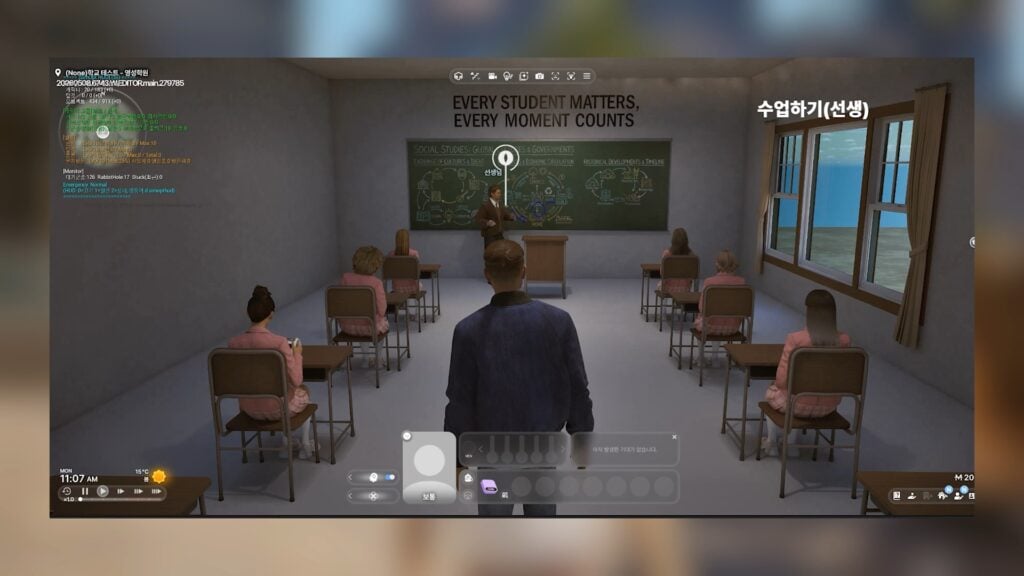
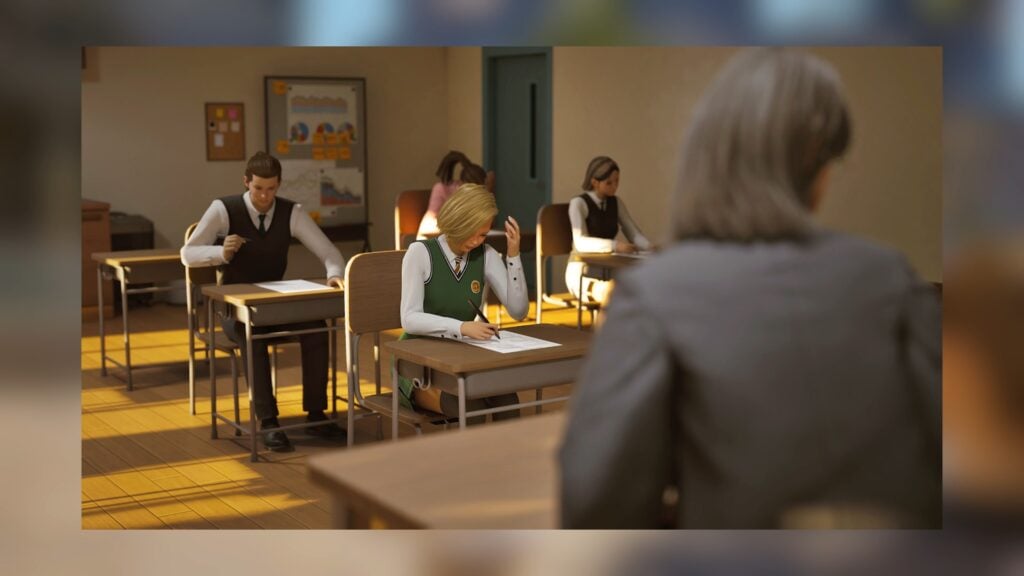
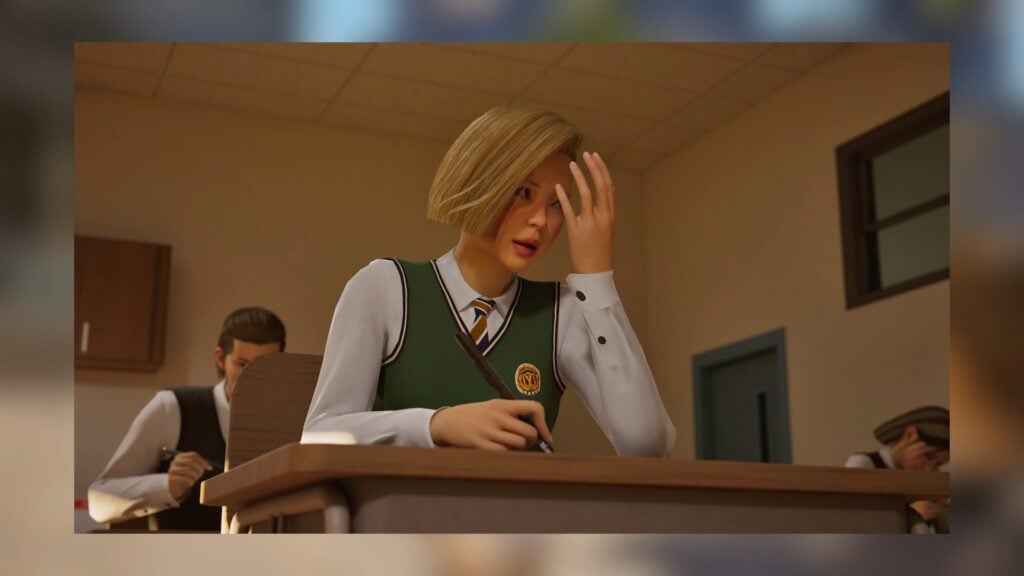
The next major InZOI Update is slated for June 2026, with many promises and new features planned for in this update surrounding active high school. Adding active high school would mean you can also follow children and older to school, enroll them in extracurricular activities and play those actively, and experience all the fun and possible drama surrounding the school experience.
While we don’t know the specifics surrounding attending school, it looks like some activities and active experiences will be available for children and adolescents, but many features will cater towards teenagers and high school. With these previews showcasing new interactions, new outfits, new areas, and so many more new items to be expected, this looks like the next InZOI update is going to be fairly expansive!
💡 Click here to see the first Dev Diary entry for the InZOI High School Update!
InZOI Update Adding High School PREVIEWS
Table of Contents
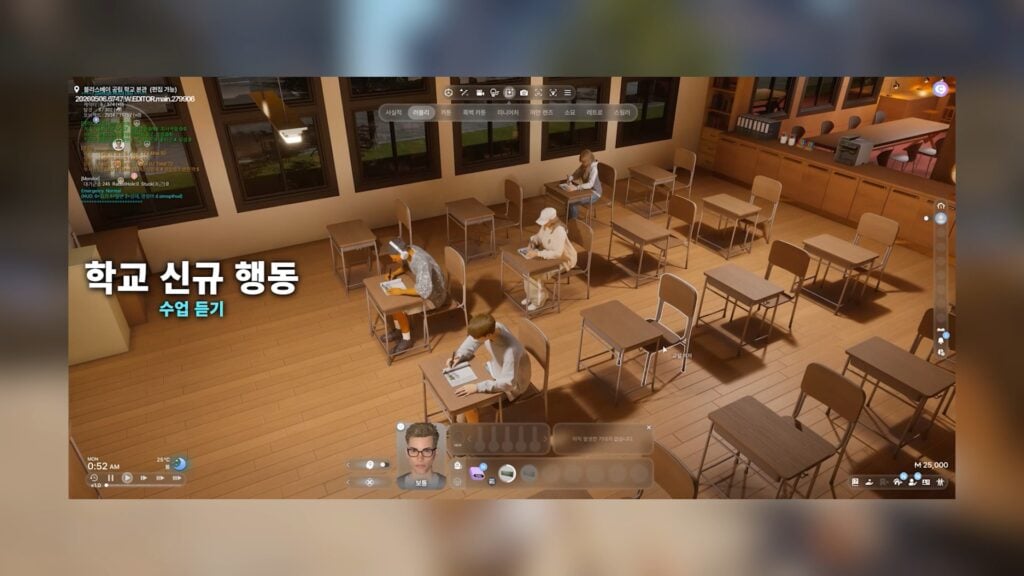
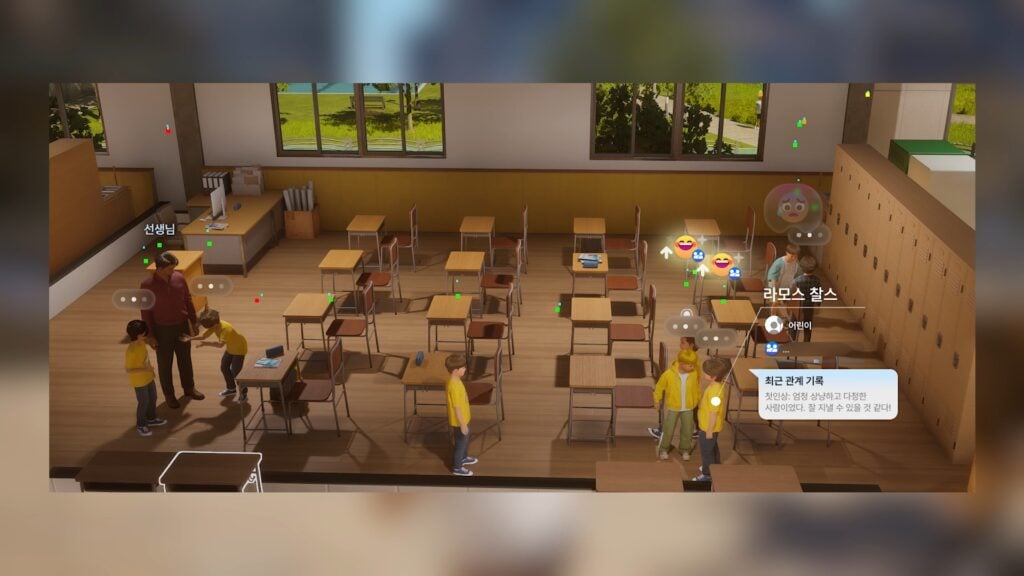
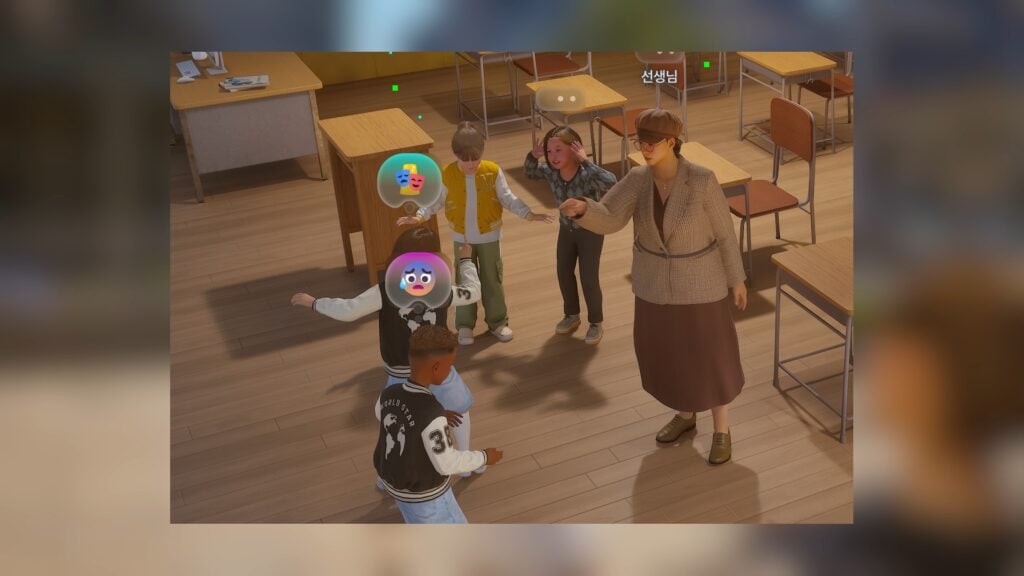
Basic Classroom Interactions
The classrooms shown in these previews may be for varying subjects, but many seem to be for plain homerooms or simple classes not requiring other activities, like art or science classes. These previews also include some instances of children and adolescents being present for an active school day.
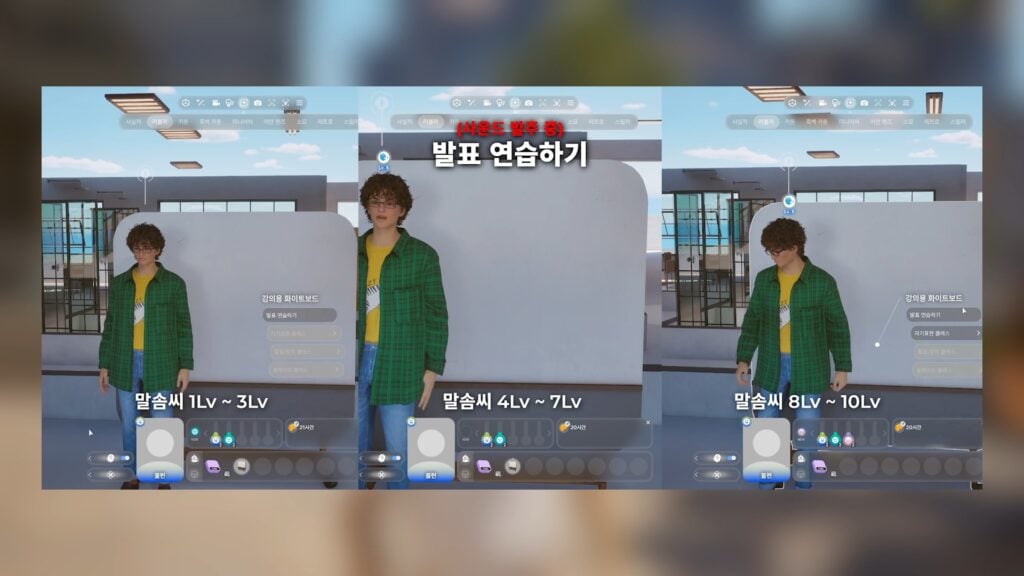
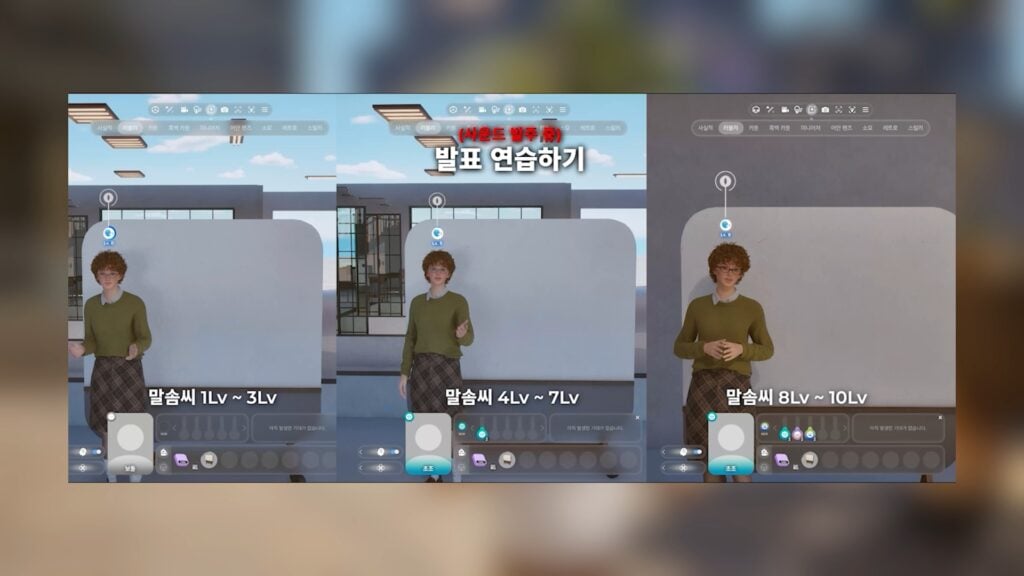
Presentation Skill
While tons of specifics were not given, Zois look to be able to develop a presentation skill, likely influencing the grade and outcome of school projects.
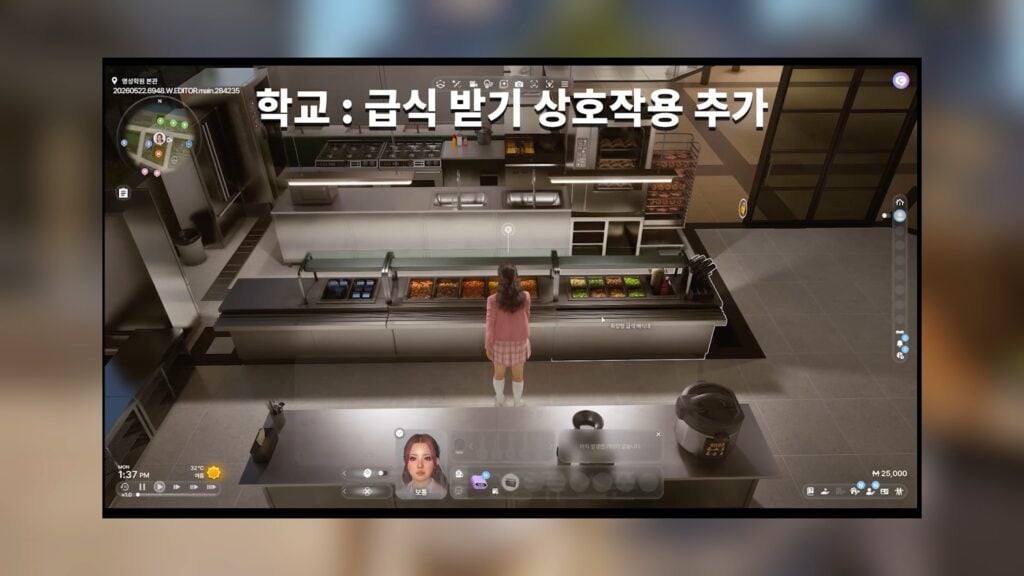
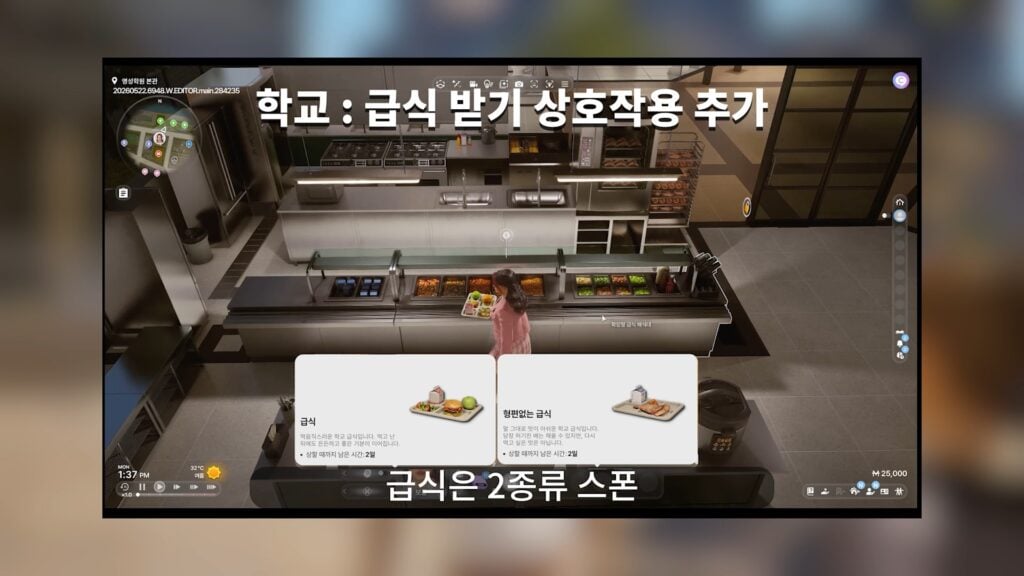
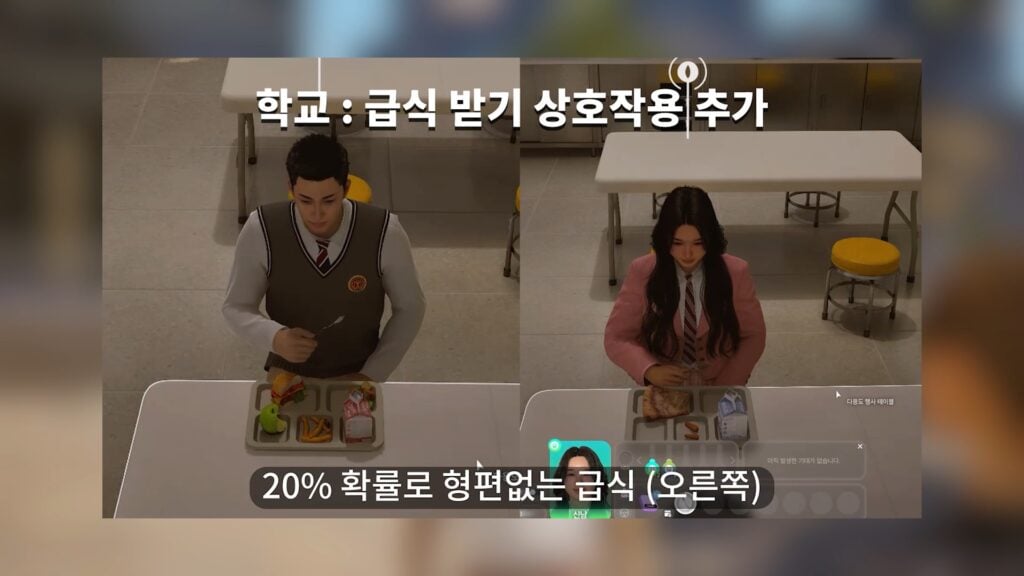
Cafeteria Lunches
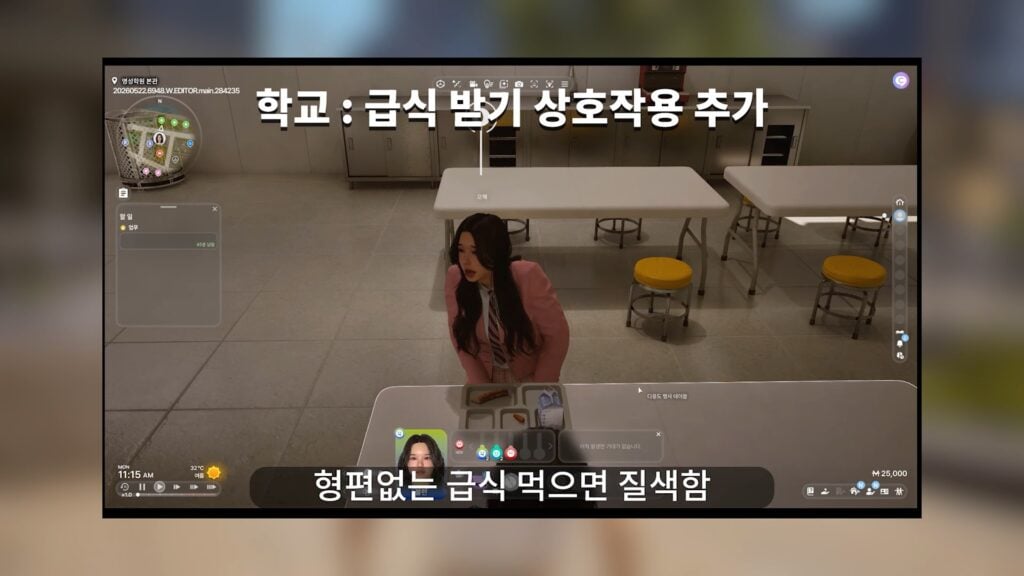
Cafeteria or canteens will be available during the school day with a small variety of lunches freely available.
Art Class
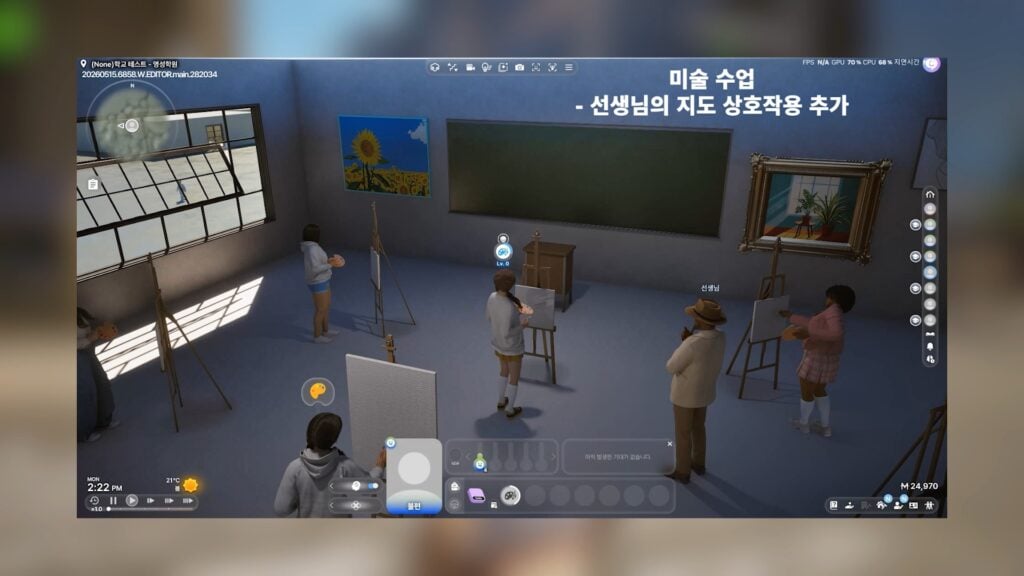
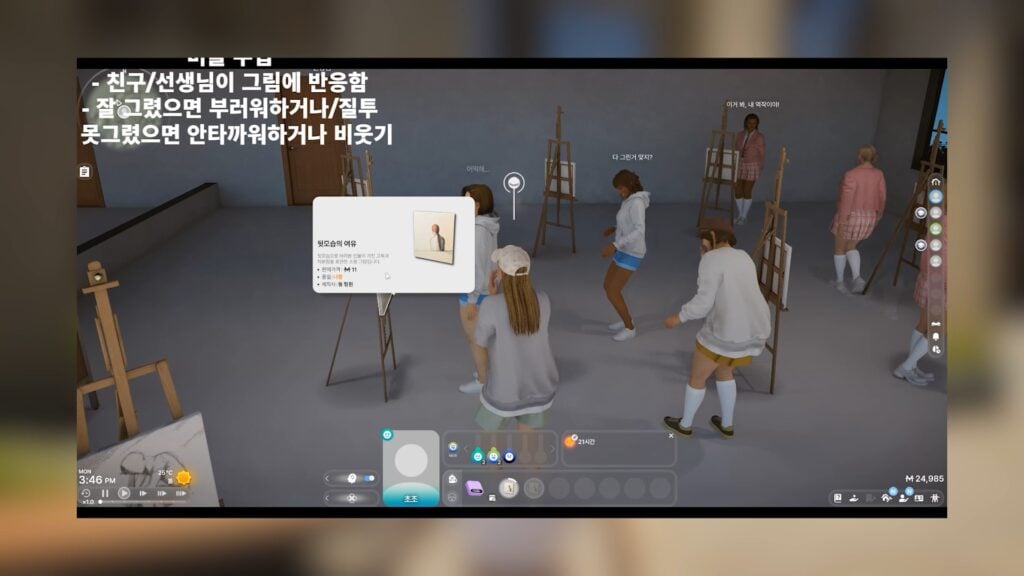
Art class will be available, with Zois practicing painting under the guidance of an instructor. It looks like, if the painting they produce is bad quality, they may be made fun of by classmates.
Science Class & Lab
A science lab looks to be just as explosive as those found in the newer Researcher career, with a student and instructor being just blown away by the results.
Cheerleading
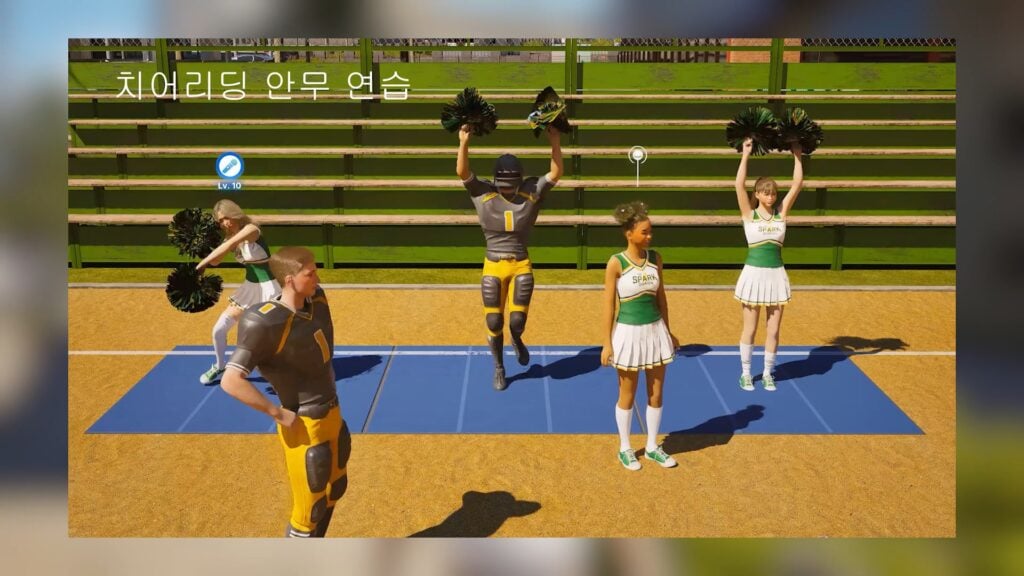
Cheerleading and cheerleading skills will be present, with Zois performing better, more concisely, and consistently well the higher the level. These activities will likely be present at sports games or other competitions.
American Football
American football as an activity is being fully added, with the school having a large football field and Zois being able to practice with each other.
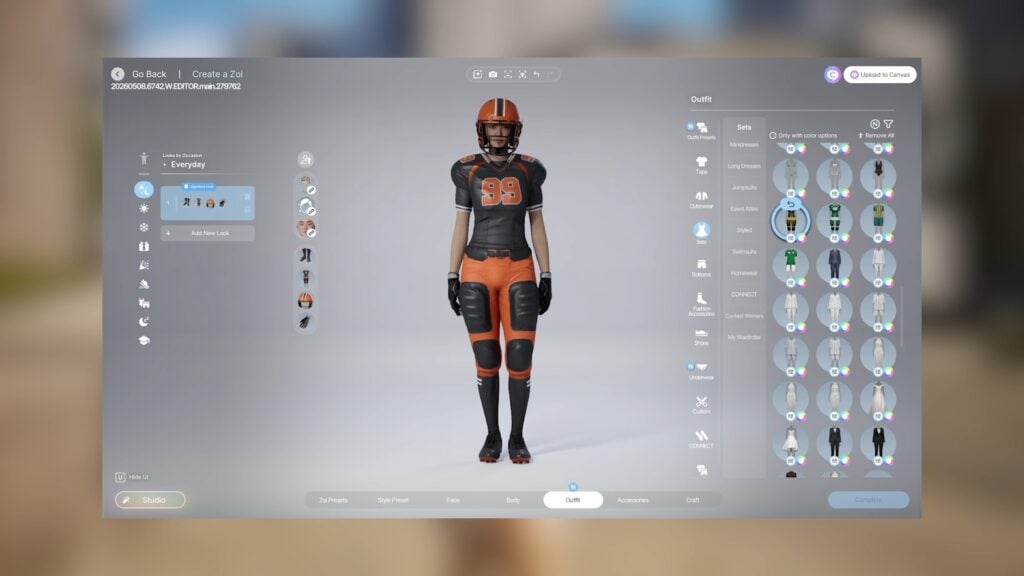
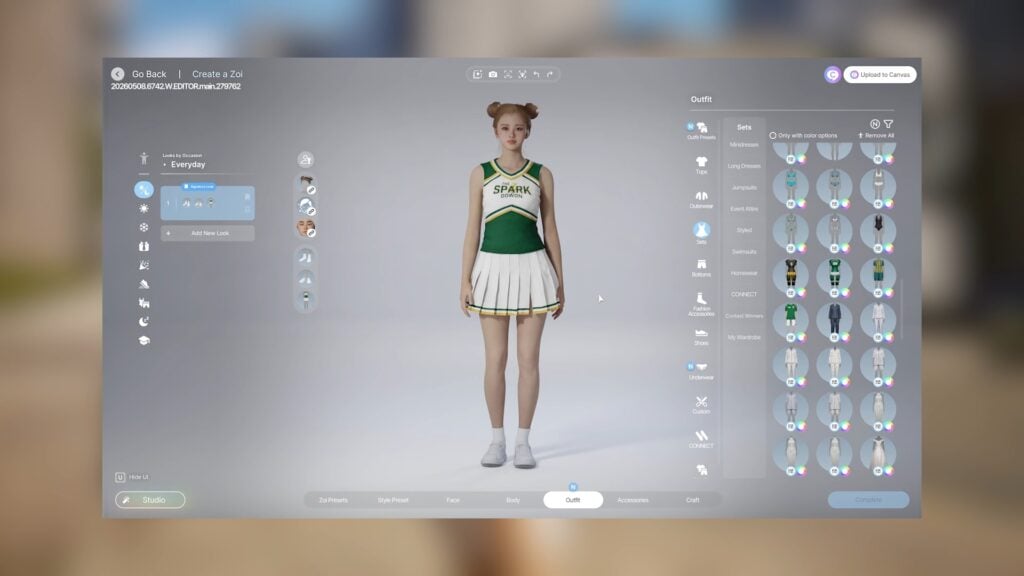
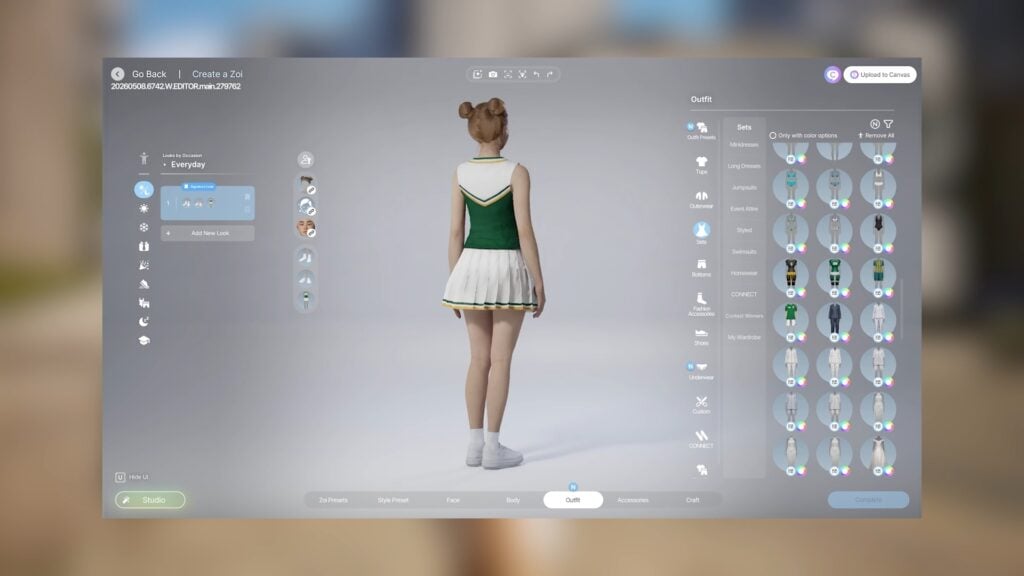
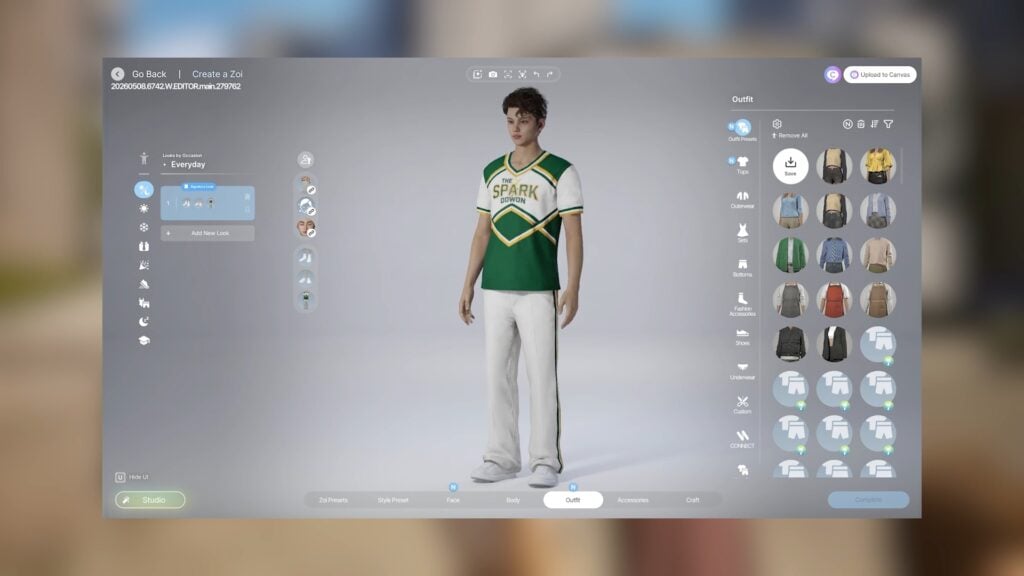
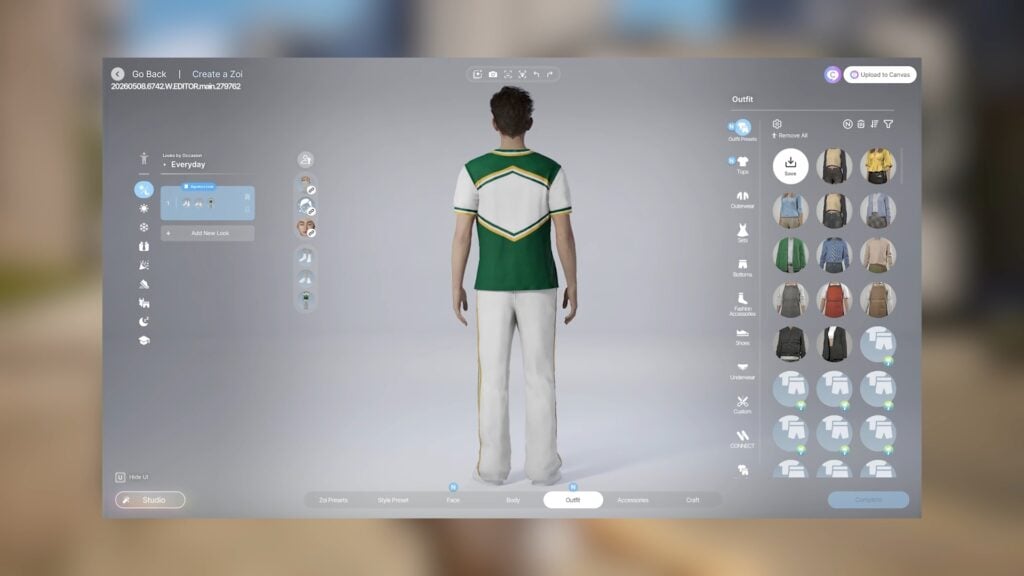
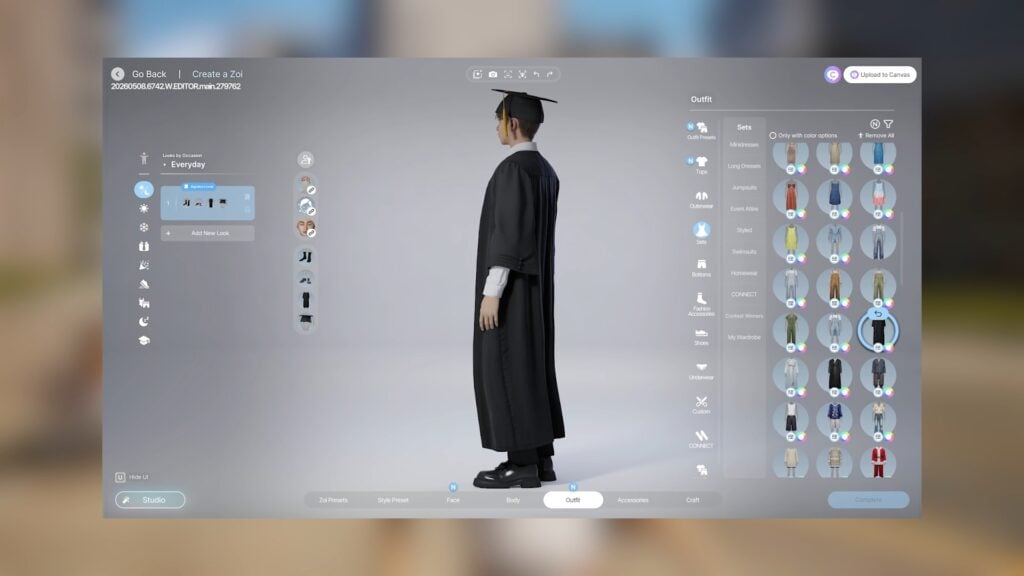
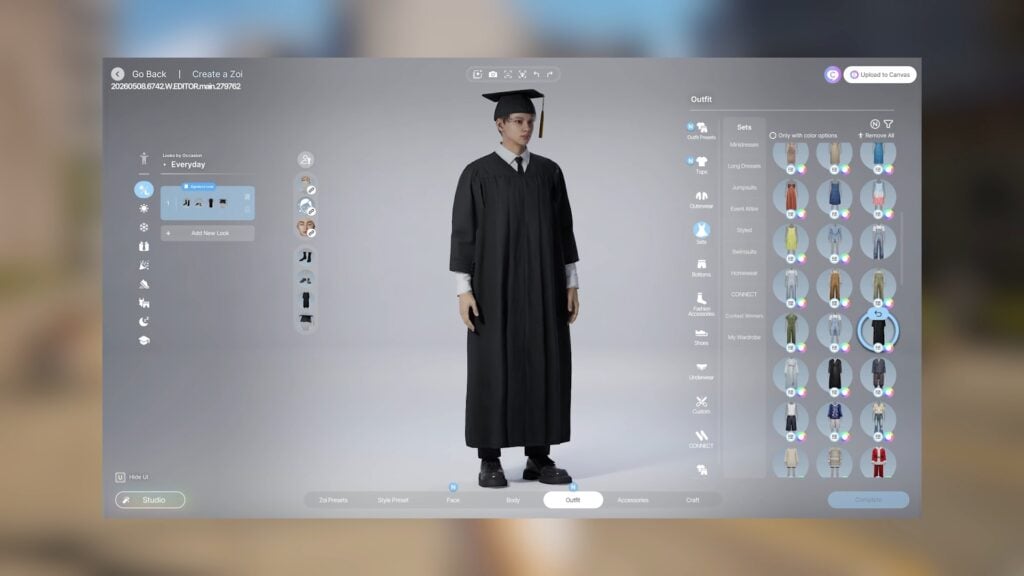
New Uniforms and Create-A-Zoi Assets
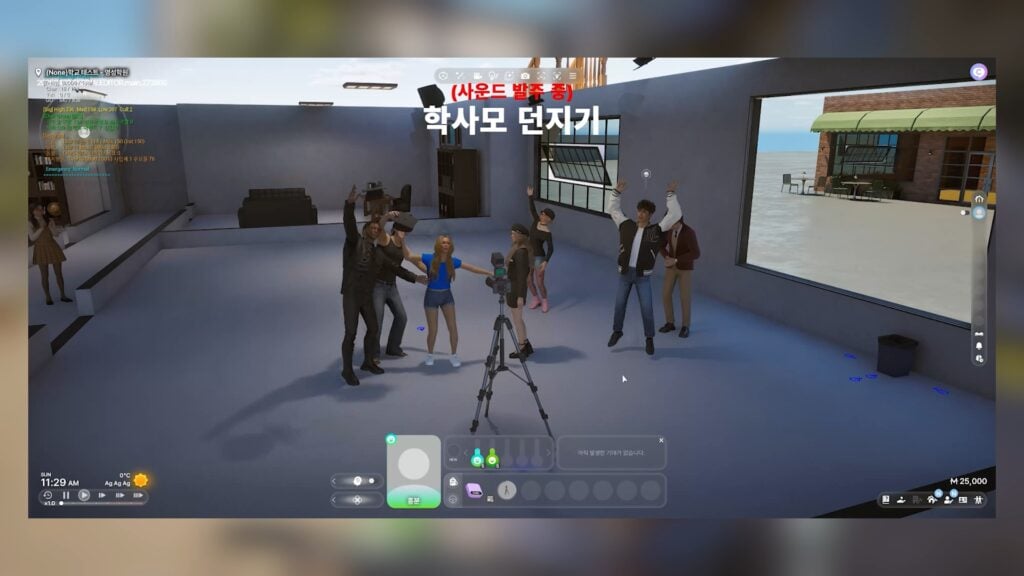
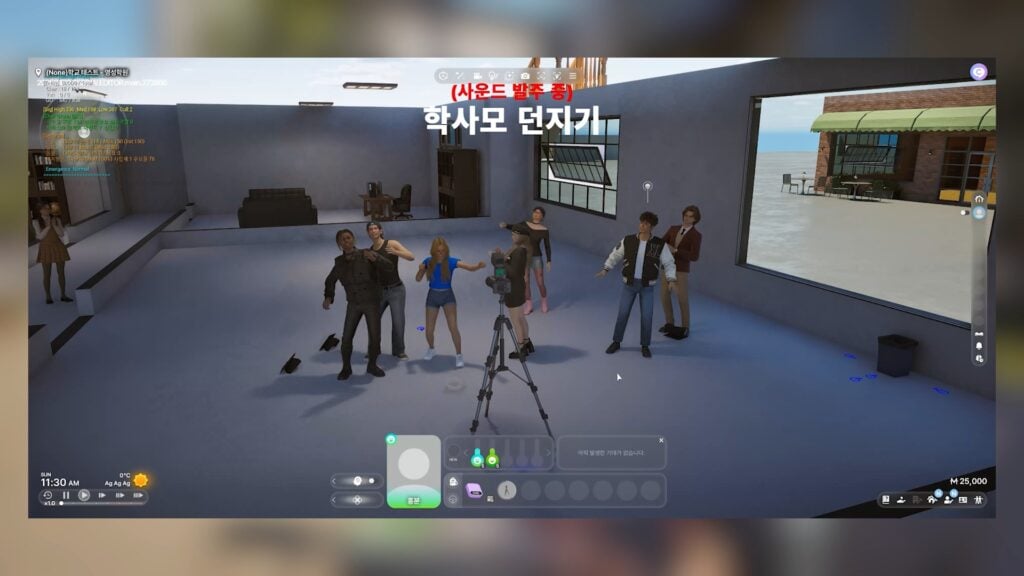
Many new uniforms for Cheerleading, American Football, and Soccer/Football are being added. Graduation caps and gowns are also being added.
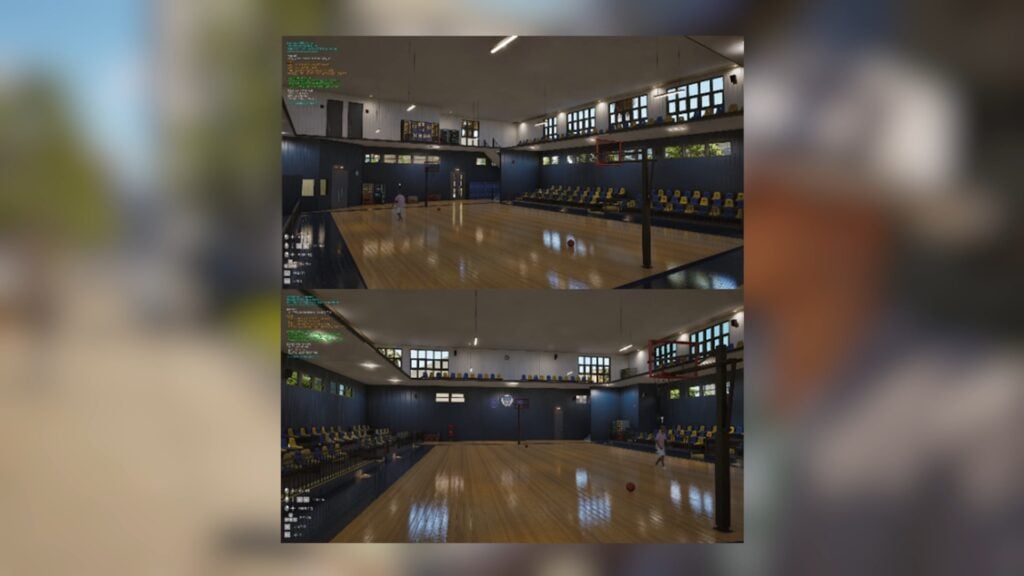
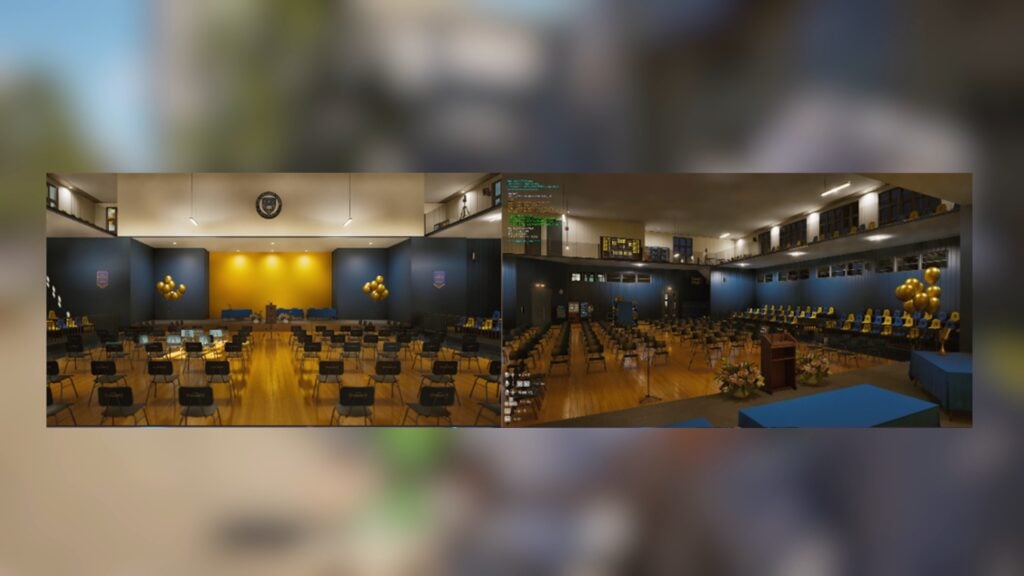
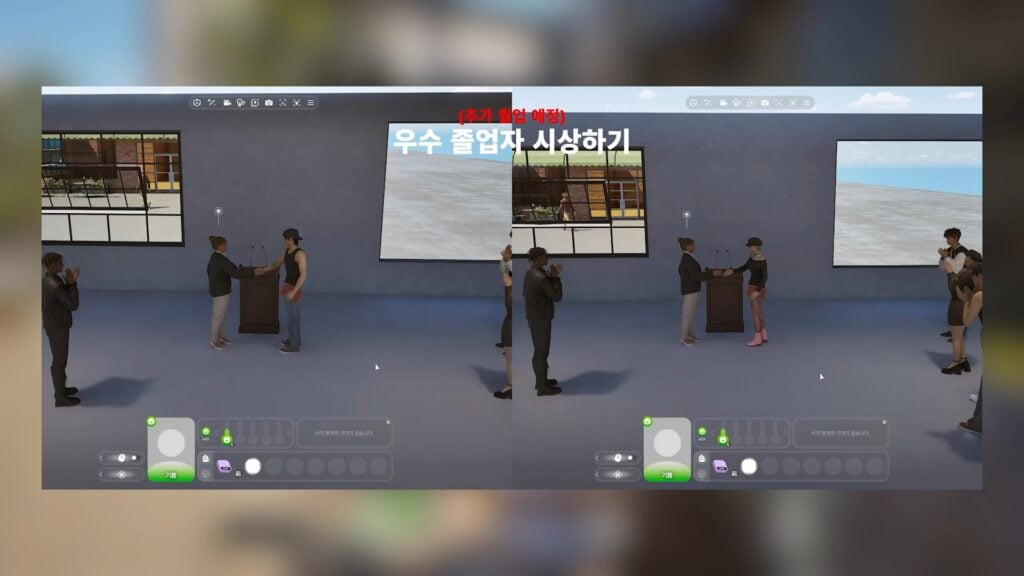
New Auditorium Previews; Sports, Prom, and Graduation
High school auditoriums look to be transformative, the decorations changing depending on the event. There is a basic look for sports events for gym classes, as well as overly decorated versions for graduation and prom.
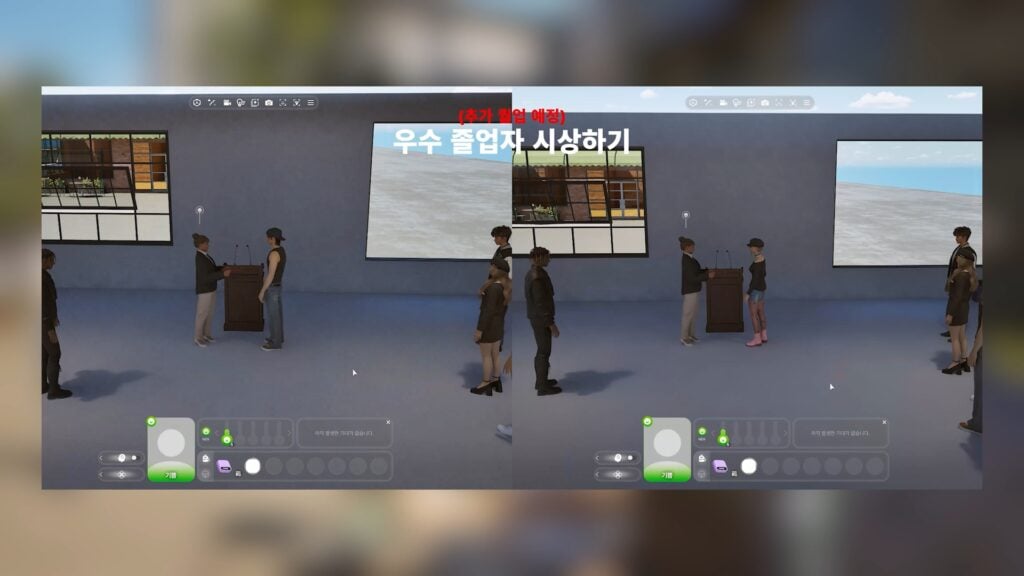
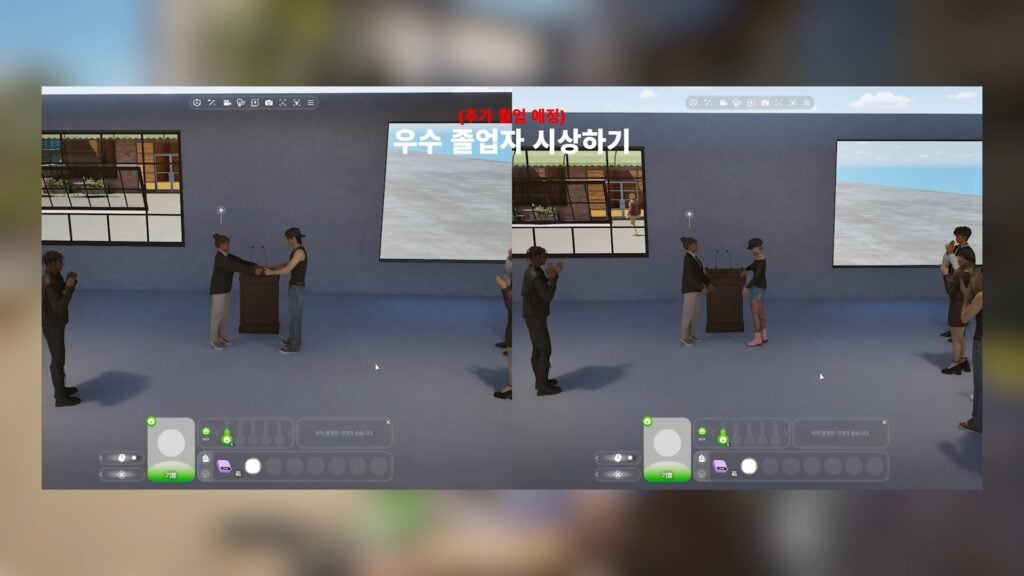
Graduation Interactions
Interactions like walking the stage, accepting a diploma, shaking hands, and performing speeches look like they will be part of graduation.
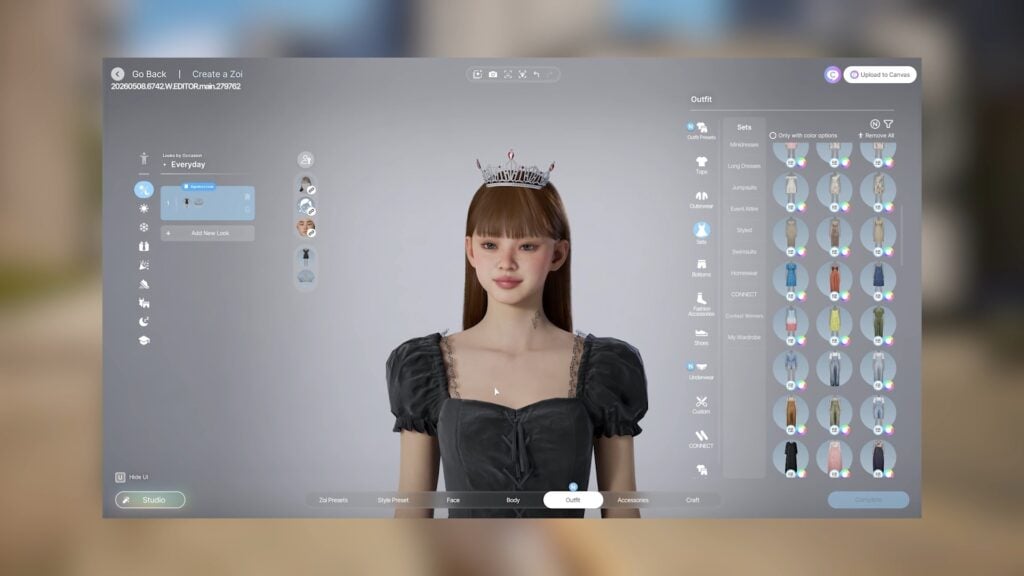
Other Various Create-A-Zoi Assets
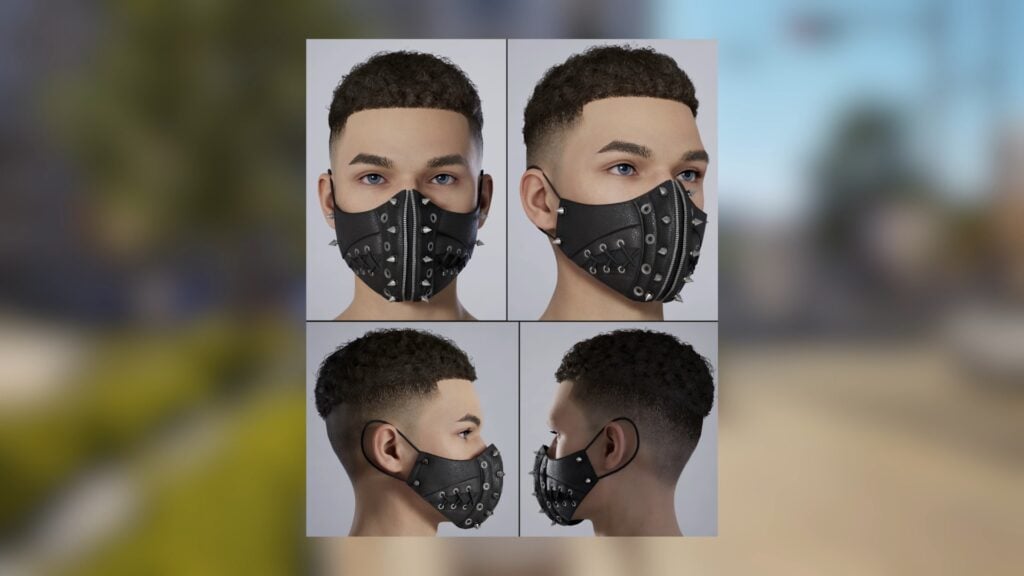
Some new unrelated assets are being added, like new crime masks and new tights/stockings.
New Couch Interactions
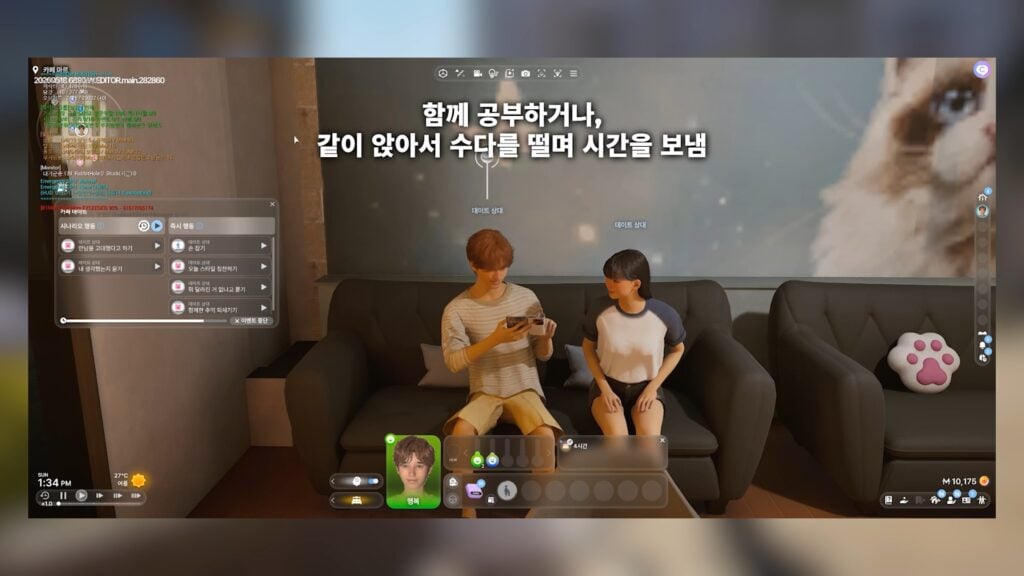
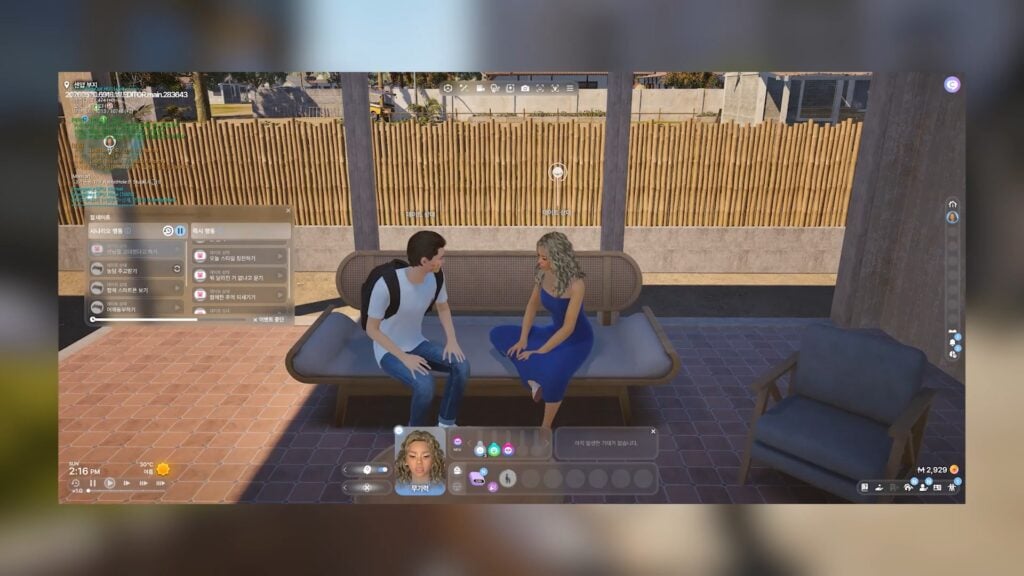
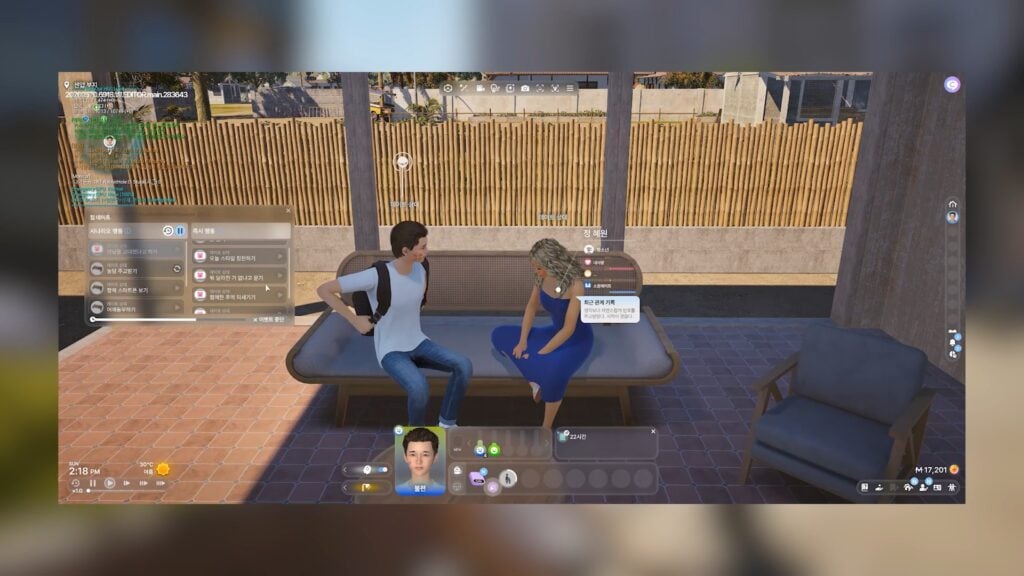
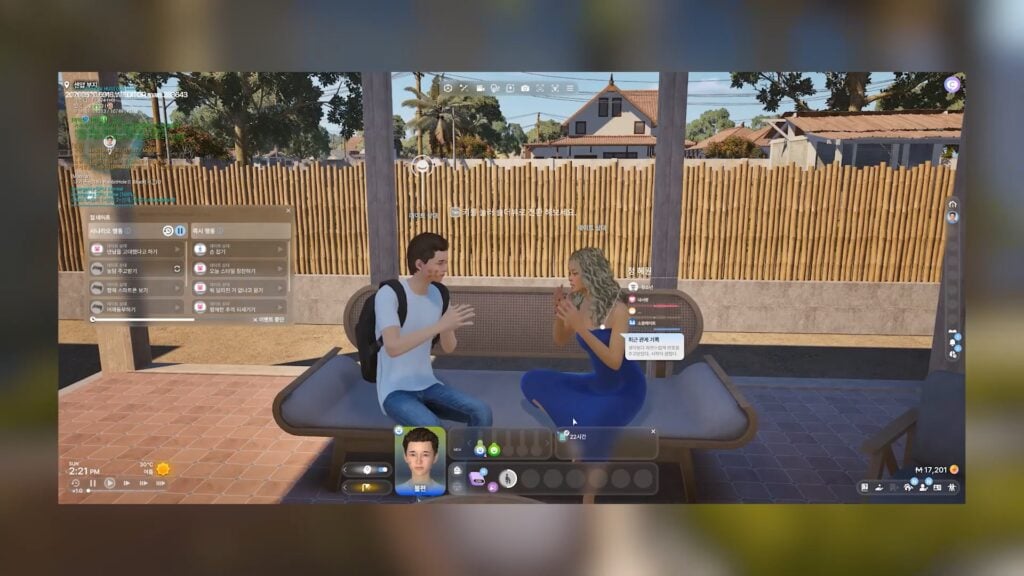
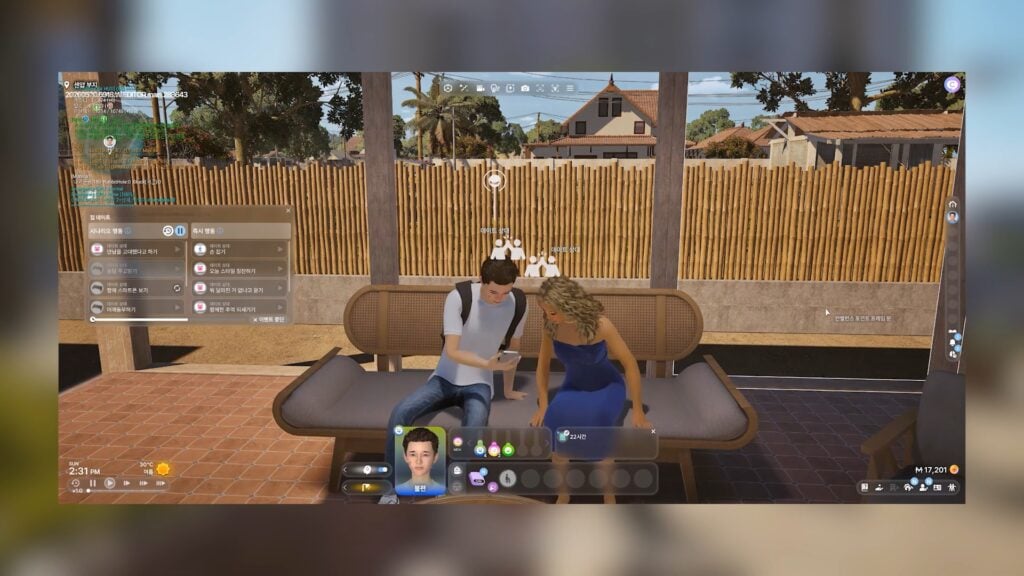
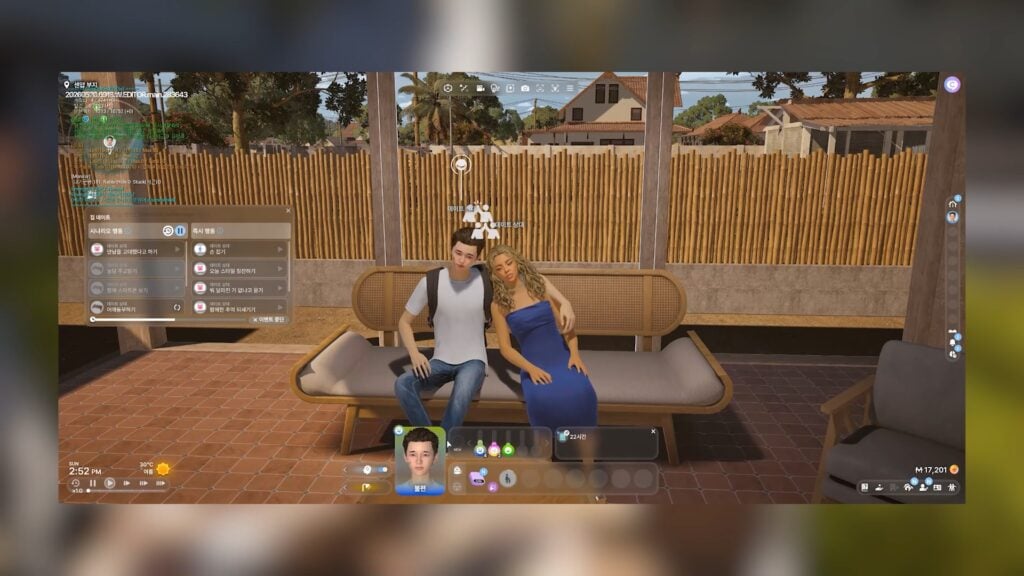
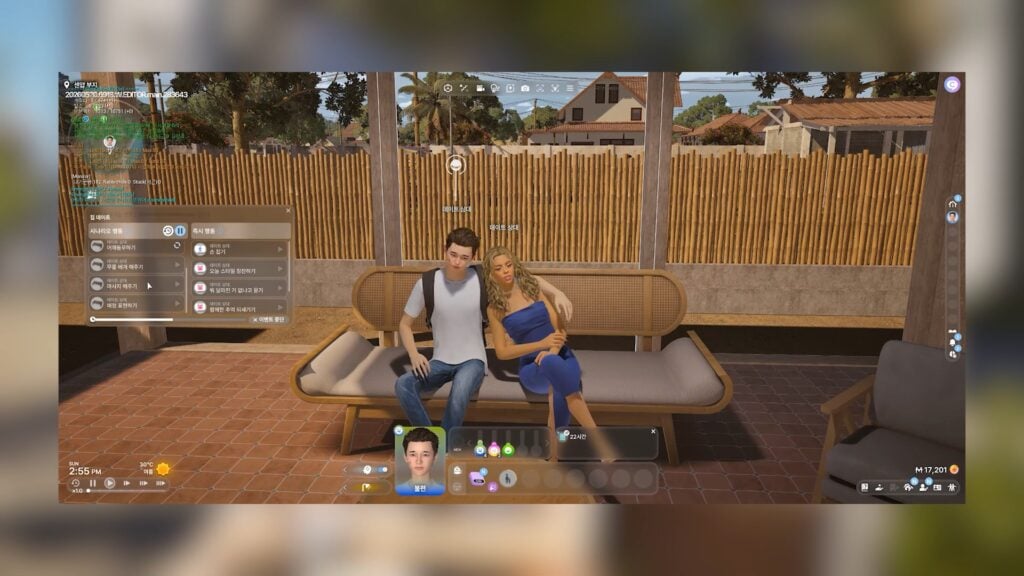
Some new couch dual interactions will be added, including hanging out and chatting, cuddling/relaxing together, and showing things to each other.
New Phone Calls & Chance Cards
New phone calls and chance card pop ups will be added.
New Outings/Social Events
New social events and outings will be added.
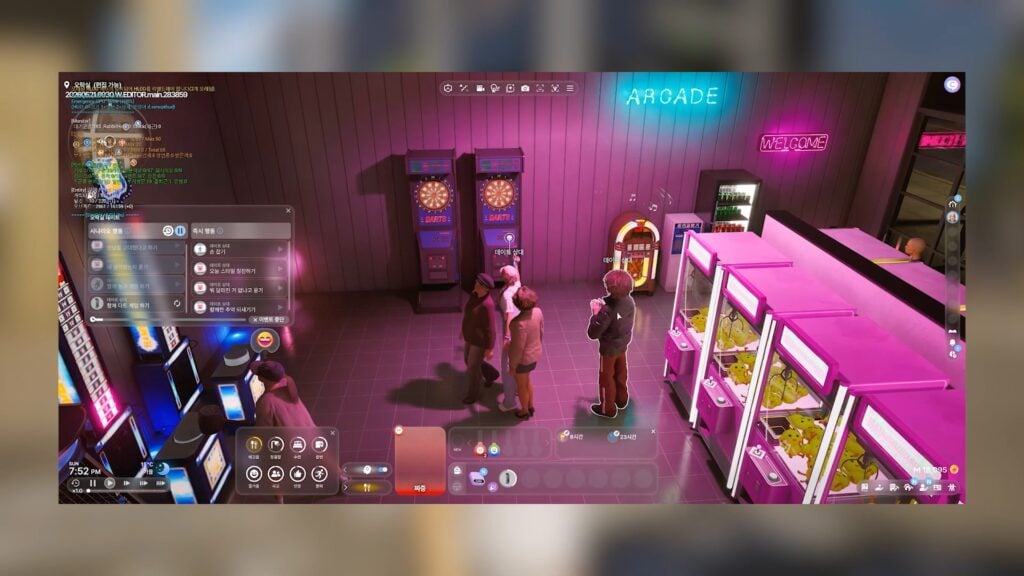
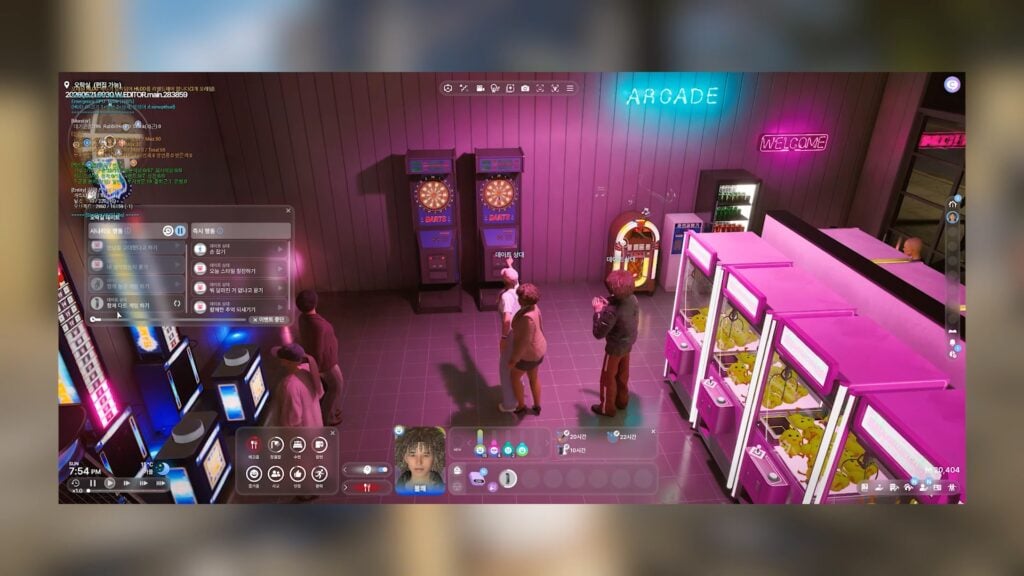
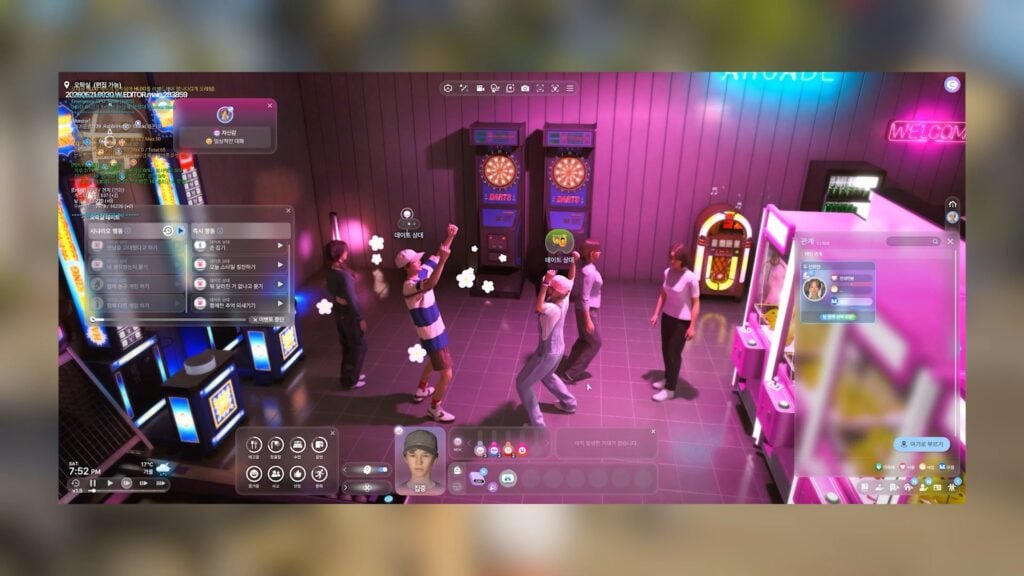
Arcade & Arcade Games
While arcades are already present in the game, they look to be more involved and active in the upcoming update.
Kjun’s Developer Diary – May 22nd, 2026
InZOI School Gameplay Part 2 – Developer Diary
Hi everyone.
It’s been a while since I first introduced our concept shots for inZOI’s school gameplay.
All the feedback you gave us helped us improve this system for a hopefully better introduction.
We have worked quite a bit since then and would like to show you our current status.
I imagine we will continue to make improvements even after its first showcase in June, so please continue to give us feedback in the comments on what looks good and what we can do to make it even better.
Just like last time, we’ll have a calming music in the background as we show some footages and screenshots of the school gameplay.
Thank you again for watching today’s video, and I hope everyone has a wonderful weekend.
I’ll see you all in my reply next week.
-Kjun
P.S. If you’re wondering why today’s video doesn’t have my voiceover, I was about to export the voice file for today’s script, but then I realized our subscription for the voice generation tool we use had not been renewed.. and since everyone has left the office for the weekend, I couldn’t get help to get our subscription renewed. We’ll have the voice tool available again next week, and you’ll get to hear my voice then. Apologies and thank you for your understanding.
Are there any additional features or changes you’d like to see with this update or other updates coming this summer? Comment below, and make sure to follow The Sims Community for more updates on the development of InZOI and other life simulation games!
The team has shared improvements and fixes coming to the game ahead of launch.
Paralives Update is happening on Day 0. Meaning that the Paralives development team took some time during press coverage (and before that) to polish some bugs and improve the game before release.
Needless to say that there’s many more updates, improvements and Quality of Life features to come from June to September this year. But it’s still impressive how you can already enjoy some features a little bit more now that certain bugs have been polished.
The Paralives team sent us full patch notes of fixes coming with tomorrow’s Early Access game release. Find out what’s been improved:
Paralives Update: Official Patch Notes For Day 0
Improvements
Interactable items can now be added to your inventory directly from the interaction menu in live mode. It was previously only possible in build mode.
All 5 restaurants in Melino now have meals for sale on their front counter. The ability to order food at your table will be added at a later time.
All collectibles like mushrooms, gems and artifacts now correctly have a sell value based on their rarity.
Rare mushrooms, rare gems and rare artifacts spawned too rarely so the odds have been increased slightly.
Accessibility menu: Players can now tone down the strength of the foliage animation (for trees, grass, flowers) to help reduce potential motion sickness.
Bug Fixes
Parafolks will no longer refuse to sleep on long chairs when too tired.
Fixed an issue where Parafolks would sometimes fail to properly perform these interactions: “First Kiss”, “Get intimate for the first time”, “Try for baby NOW”.
Fixed an issue where the Parafolks wouldn’t walk home when doing the “Go home” interaction on certain lots.
Fixed a bug where negative points were displayed in green instead of red in success chance breakdown tooltips.
Parafolks will no longer get stuck when attempting to walk out of the second floor of the Story Nook restaurant.
“Kick That Shiitake” Townie request: The mushrooms can now be kicked correctly.
“One Man’s Trash” Townie request: The trash can now be picked correctly.
“Clean the Beach” Townie request: The trash can now be picked correctly.
Fixed a bug where we couldn’t undo Eyebrow preset selection in the Paramaker.
Balanced the volume of some ambience and foley sounds.
Parafolks will now have their hygiene need increase when crying in the shower.
Fixed various missing localized texts throughout the game.
The train ticket in the Paramaker now displays the correct name for the town: “To: MELINO” instead of “To: PARALIVES”.
Fixed 2 work perks that gave $0 per day instead of the correct amount.
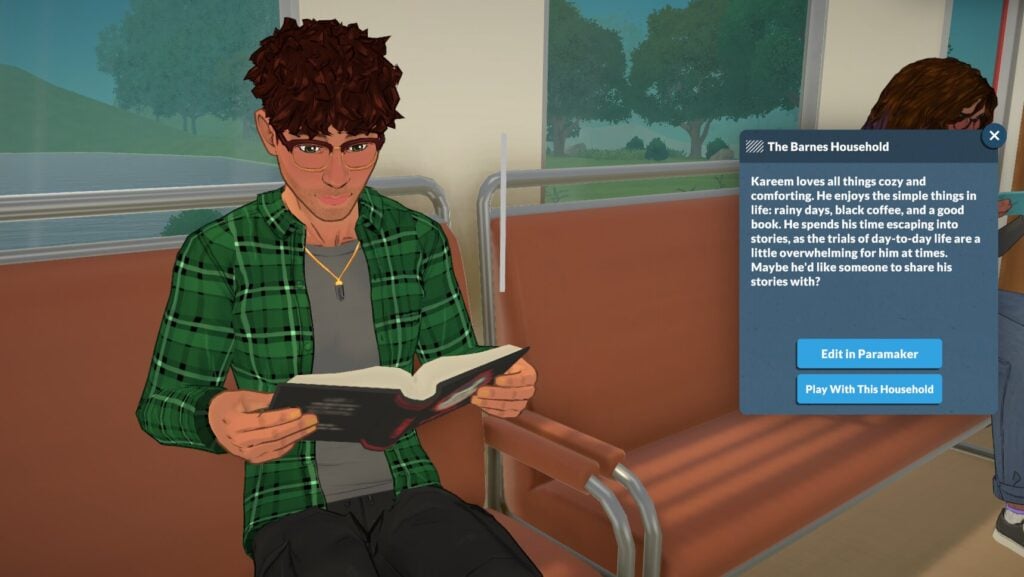
The description of some of the households in the train were displayed in English even when playing in other languages. This has been fixed.
Parafolks will no longer walk outside of their house after using the bathroom at home.
Rugs no longer block the path of Parafolks during astronomy town events.
Fixed a bug where repairing an item would charge the household 20 Paradimes more than once.
Remember that you won’t have to update your game to experience these improvements. All of the issues listed above were mostly experienced over the last couple of days during Paralives Press and Creators showcase.
What are your thoughts on the new improvements listed for the latest (and hidden) Paralives Update? Let us know in the comments down below and stay tuned for more Paralives News!
Puberty, school, and your first real job; Your adolescence is such a vital and formative part of growing up and gaining life experience, and Paralives does include three stages to progress through to reach adulthood and prepare for “the real world”. Children, Preteens, and Teens are the three stages between toddlerhood and young adulthood, and they include the trials and tribulations of school, homework, finding yourself and your personality, and even growth spurts!
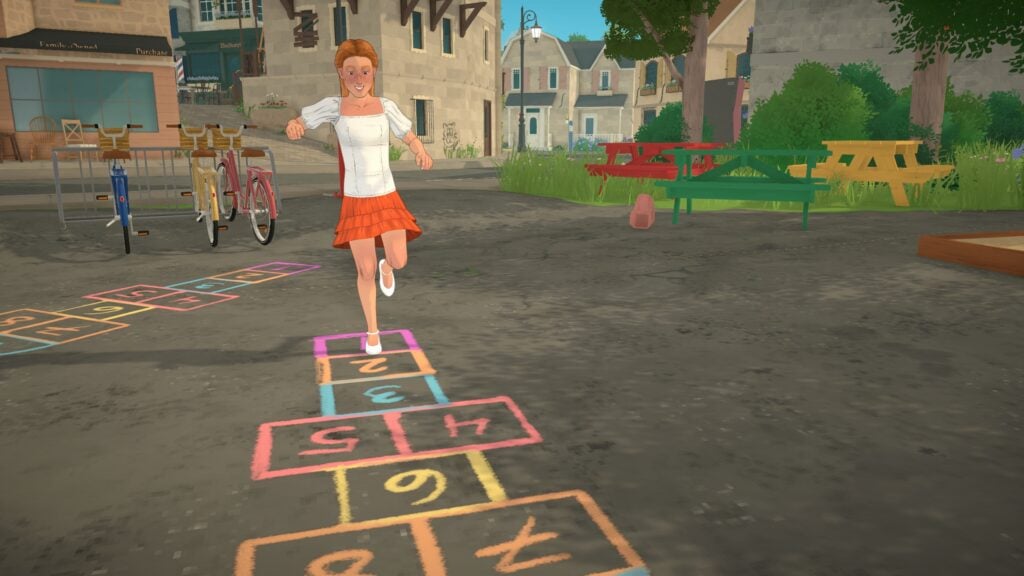
HOPSCOTCH AND HOMEWORK: Paralives Children, Preteens, and Teens Guide!
Table of Contents
Children
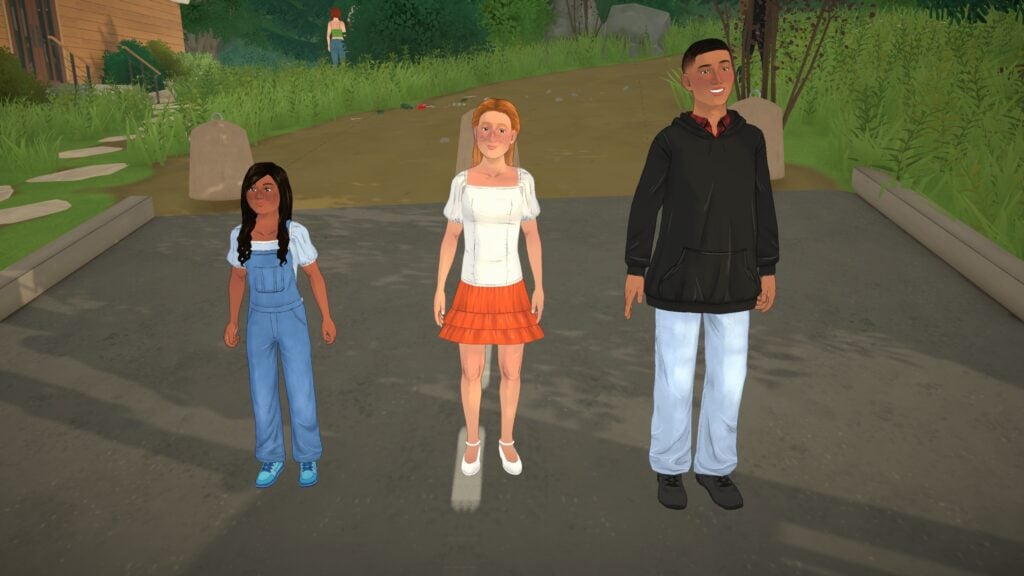
Children are the youngest of these adolescent stages, just after toddlerhood. This is where you’ll start to see more of their adult features come through, looking less “generic” than babies and toddlers. They will gain access to the full available wardrobe for Paras, and will have two personality points. Paras gain one personality point per age stage, plus extras if they have personality level ups during this period.
Preteens
The inbetween stage is Preteens, looking closer to teens but still quite on the short side with some awkward proportions. They still attend elementary school like children do, and they still do not have access to part-time jobs or electives like teens do. This is also the shortest life stage of the three, intended to be a transitionary period rather than a fully fleshed out stage. For example, on Normal lifespan, the child stage is 11 days, the preteen stage is 7 days, and the teen stage is 13 days.
Teens
Teens begin to get more variety and have more autonomy than their younger counterparts. They will look the closest to adulthood but can still have loads of variety between teens, especially when you compare those in the early stages of this period versus the end stage, since the dynamic height changes and growth spurts can really differentiate older teens and younger teens.
Teens can get hired in part-time jobs that they will still be in once they leave school, unless you choose for them to quit. They cannot drop out, but they can take up to 2-3 jobs like adults do, so long as the schedules do not conflict with school.
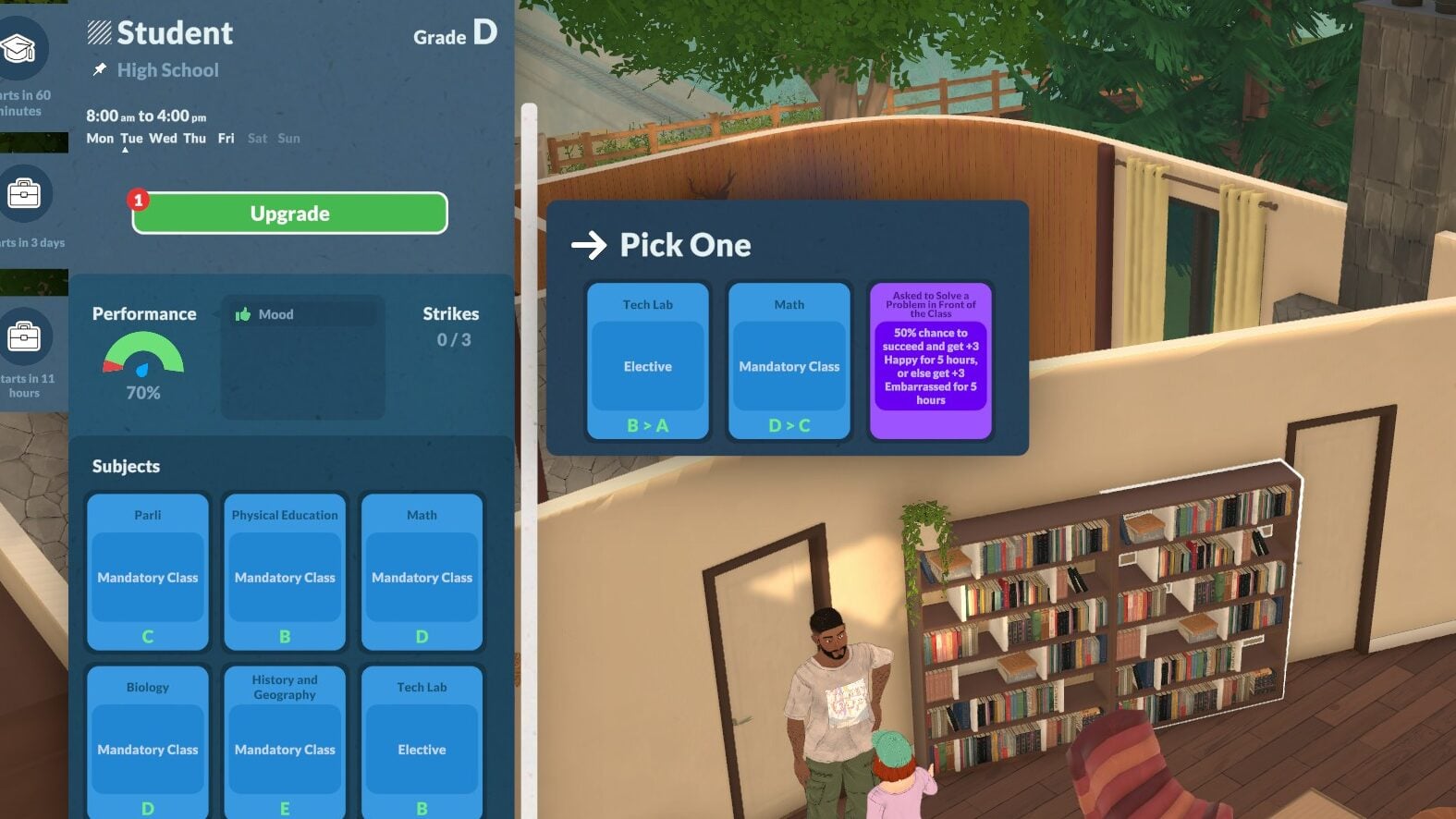
Teens also have electives, rather than solely mandatory classes like children and preteens do. These electives will appear with upgrade points at random, along with other perk cards and grade changes.
Growth Spurts
no growth spurt1st growth spurt2nd growth spurt
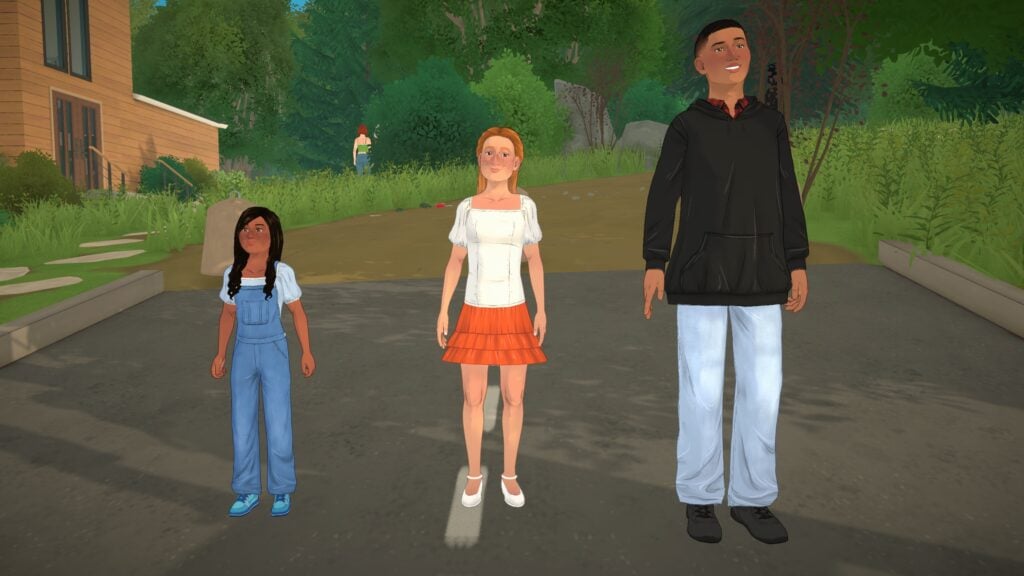
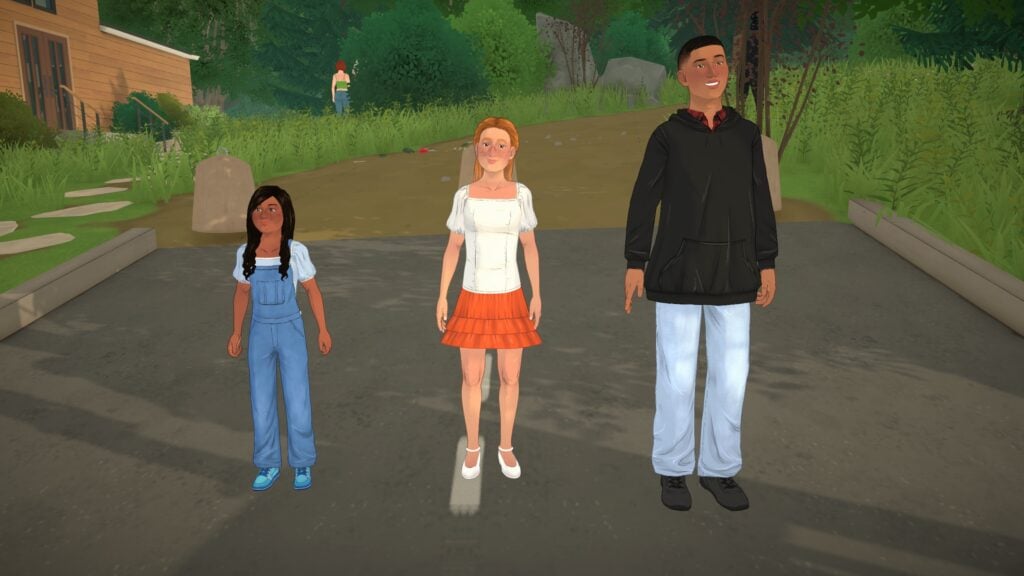
Since Paras do have height differences and carry genetics for their height, they will hit growth spurts through the children, preteens, and teens stages. Most stages have 2 growth spurts that will slowly progress the Paras to their full height at that stage, with the teen stage bringing them to their adult height. For example, these three kids are all siblings and you can see the comparisons between their existing heights and the changes with each of their growth spurts.
School
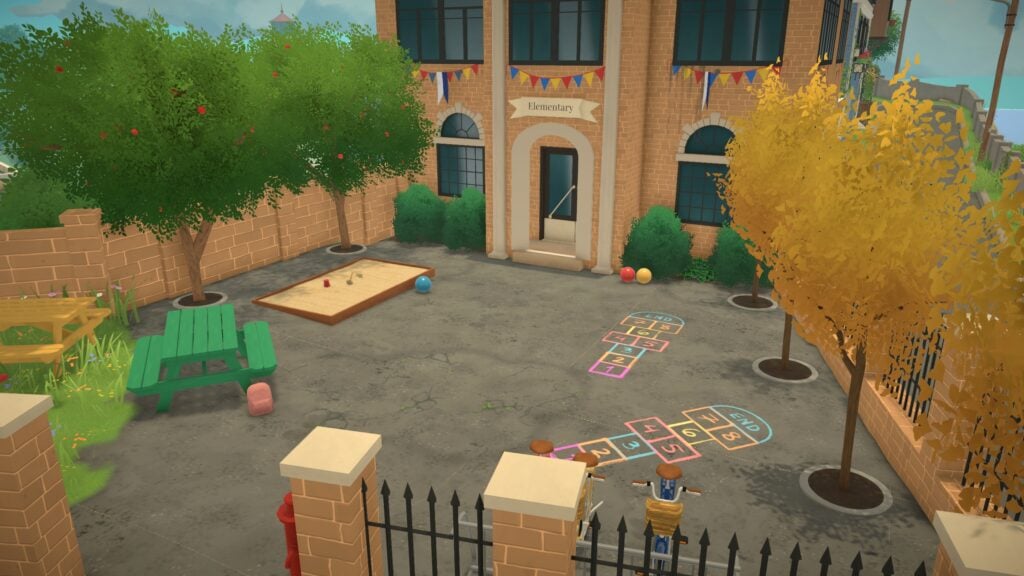
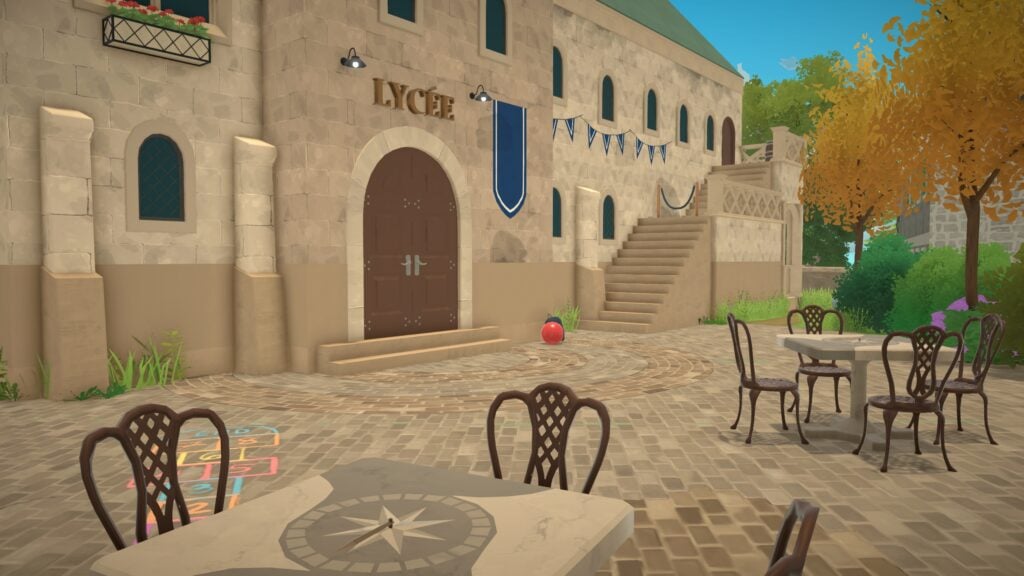
Elementary SchoolHigh School
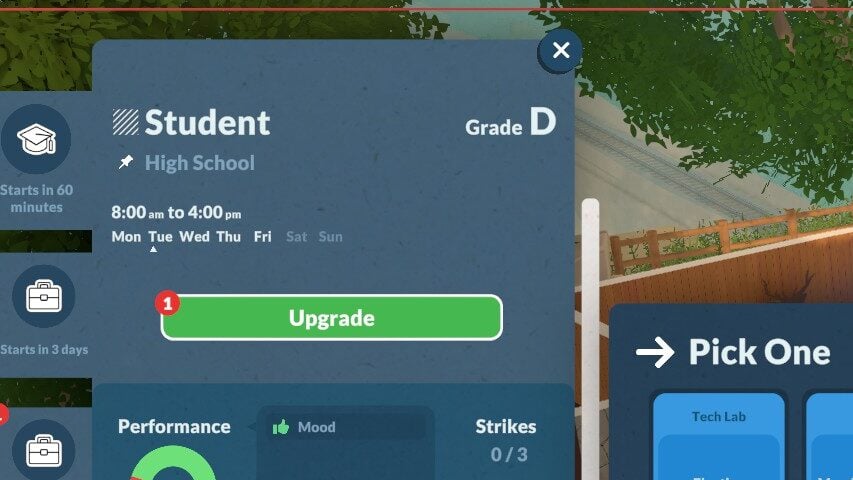
School largely dictates the success of your young Paras as it takes up so much of their day and general time in this life stage. They will begin with a set few classes as a child, gaining and losing grades for each glass individually and having an overall grade. As they progress, they will get upgrade points like adults do for careers, homework, etc. Once they hit the teen stage, they will also be able to have part-time jobs outside of school as long as the schedule does not conflict with school. Unlike adult stages, they cannot leave the student occupation for work and must balance the two.
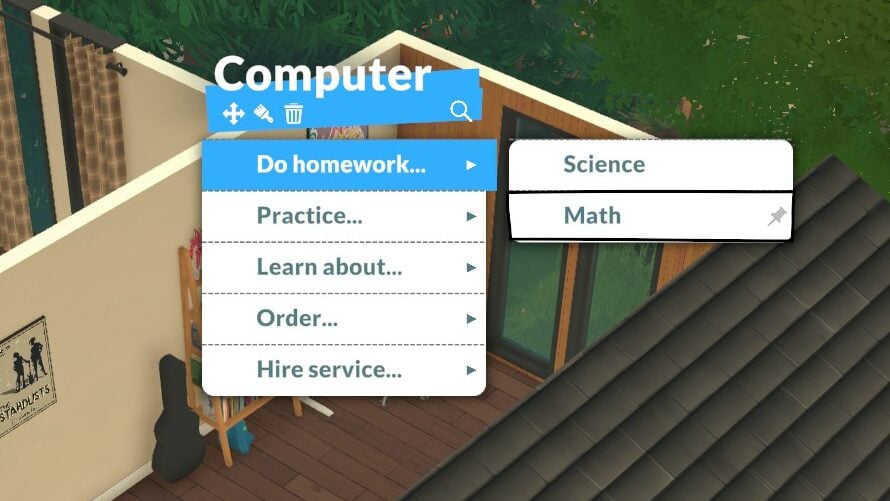
After leaving school for the day, Paras have a chance of getting a homework assignment for one of their classes. These homework assignments are important for progress and they typically must be completed within two days. To complete them, click on a computer and click Do Homework… and choose the class in question. The option will not appear if a Para does not have homework. Once they’ve completed the assignment, they will bump up a letter grade in said class.
When you have a Para in the teens stage, their schedule will adjust to start earlier and end later, and they will instead attend high school. When they get upgrade points for high school, they can still use them for perk cards and to level up their grades for their mandatory classes, but they can also upgrade to include new classes that help with leveling other skills, titled Electives. Some examples include electives for Art, Cooking, Programming, Techlabs, and Dance, though there are others!
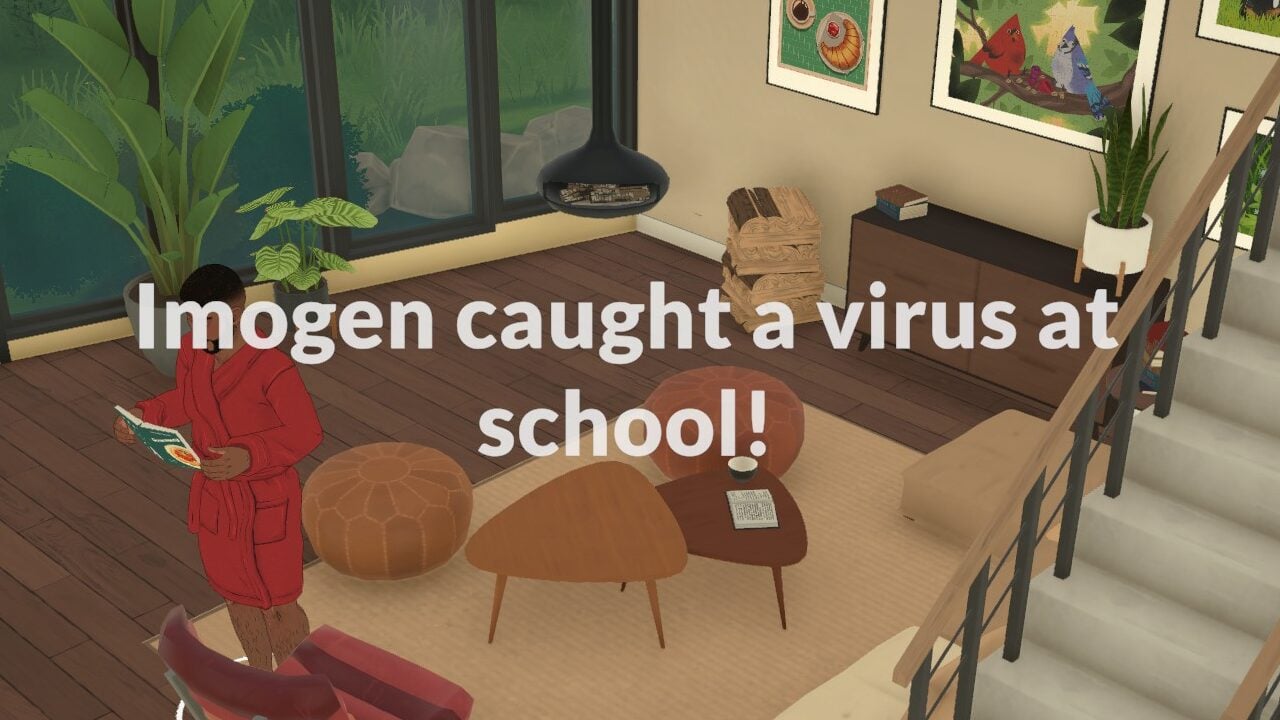
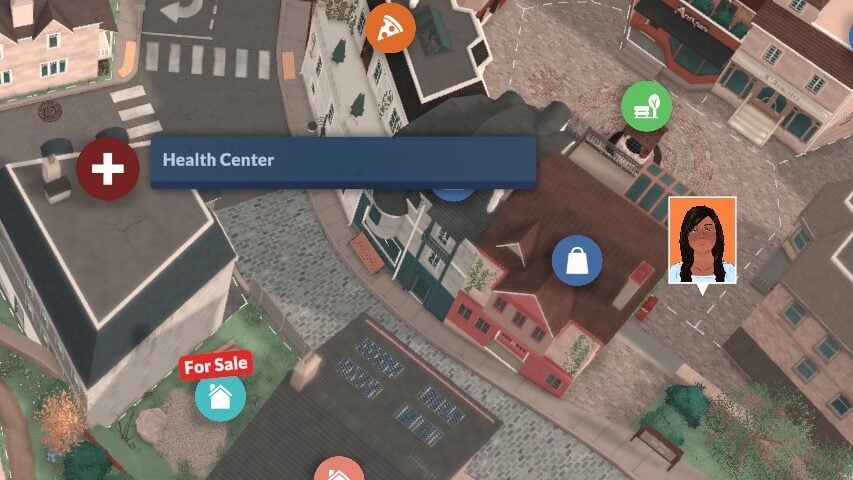
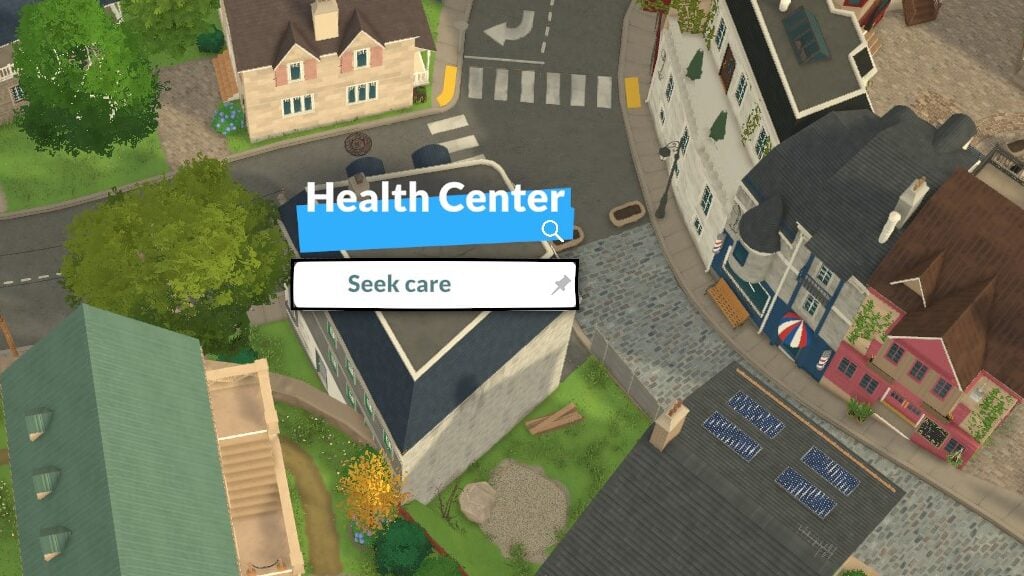
While it can also happen to adult Paras, a downside of school for all ages is the possibility of catching a virus. Paras will take a fairly severe mood hit from being sick, and it can quickly be cured by visiting one of the Health Centers around town and choosing to Seek Care. If it is successful, you will get a new pop up letting you know the Para has been cured.
Paralives will be releasing on steam TOMORROW, May 25th, 2026. It will retail for $39.99 USD with a 10% launch discount. We will continue to post information and guides surrounding Paralives and its features, so make sure to keep an eye on The Sims Community and our countdown to Paralives Early Access release!
While playing around in Paralives, it is likely you will need to delve into managing households and moving your Paras around. Swapping between households and hopping around the world to view the lives of other Melino residents can be an integral part of Paralives gameplay, especially as you progress through a save file and expand families, add new households, and move out newer generations into their own households! Managing households in Paralives early access is easy and fairly intuitive, once you know what to look for!
Once you’ve loaded into a new game, you can choose to create a new family or select one of the premade families in town, already moved into their home lots. If you want to change where a family lives, the members of the household, etc., you first have to zoom out to view the map of the town. If you’re feeling like switching to another household at any time, you can zoom out to the town map overview and select an existing moved in household and choose to swap to them. You will have a short loading screen while switching.
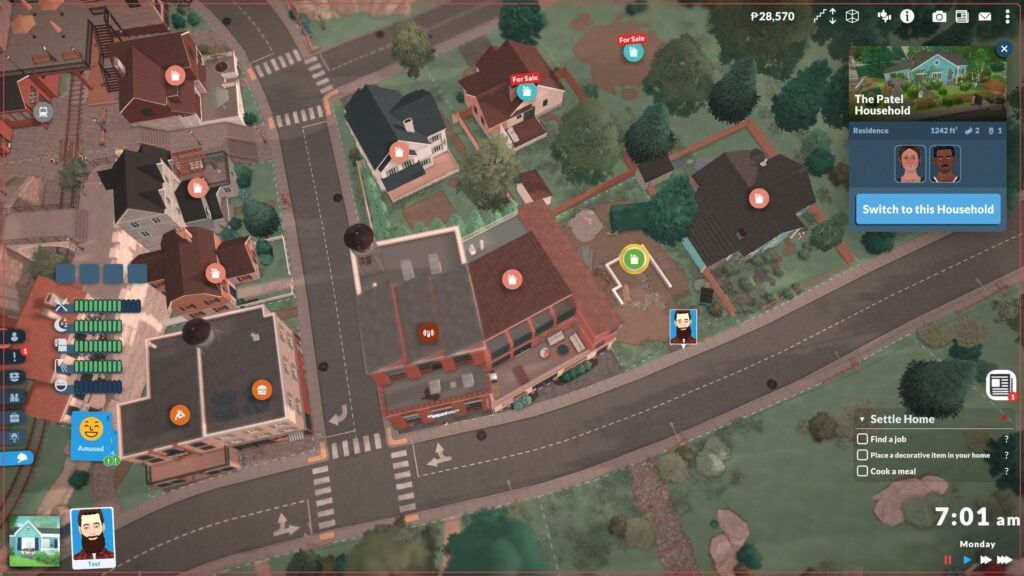
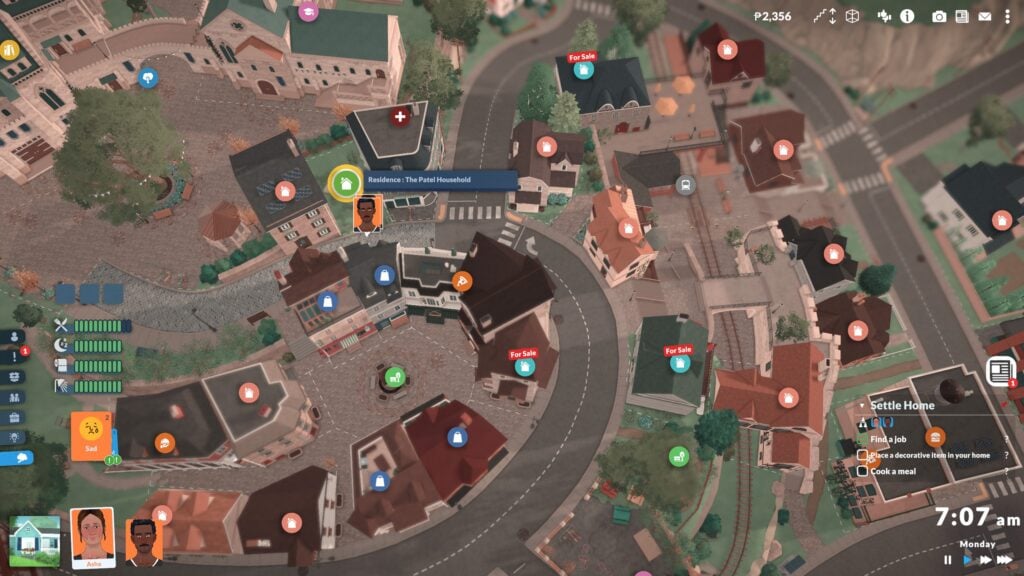
While looking at the map of the town, which the town view will be signified by the slightly hazy filter and icons popping up above each lot to describe their purpose or type, you can click on any household and multiple options will pop up. If you click a household you are not currently playing, you can choose to immediately swap to said household.
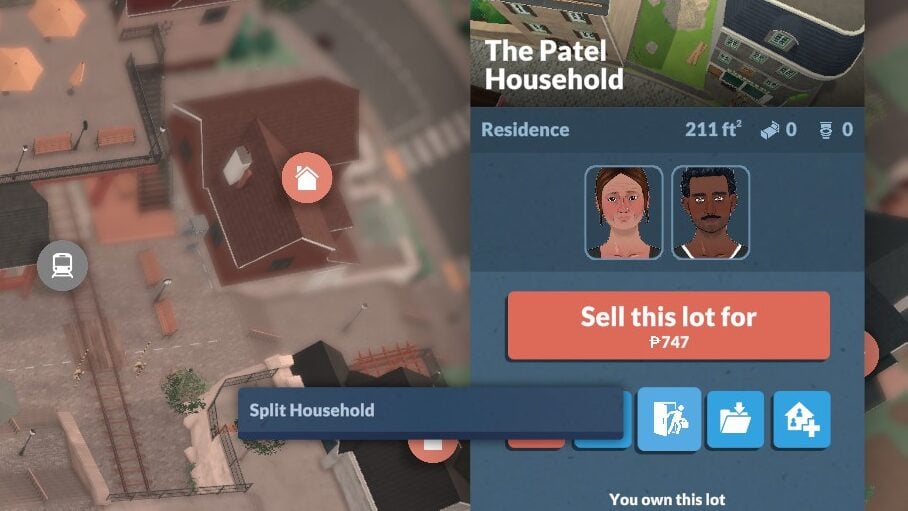
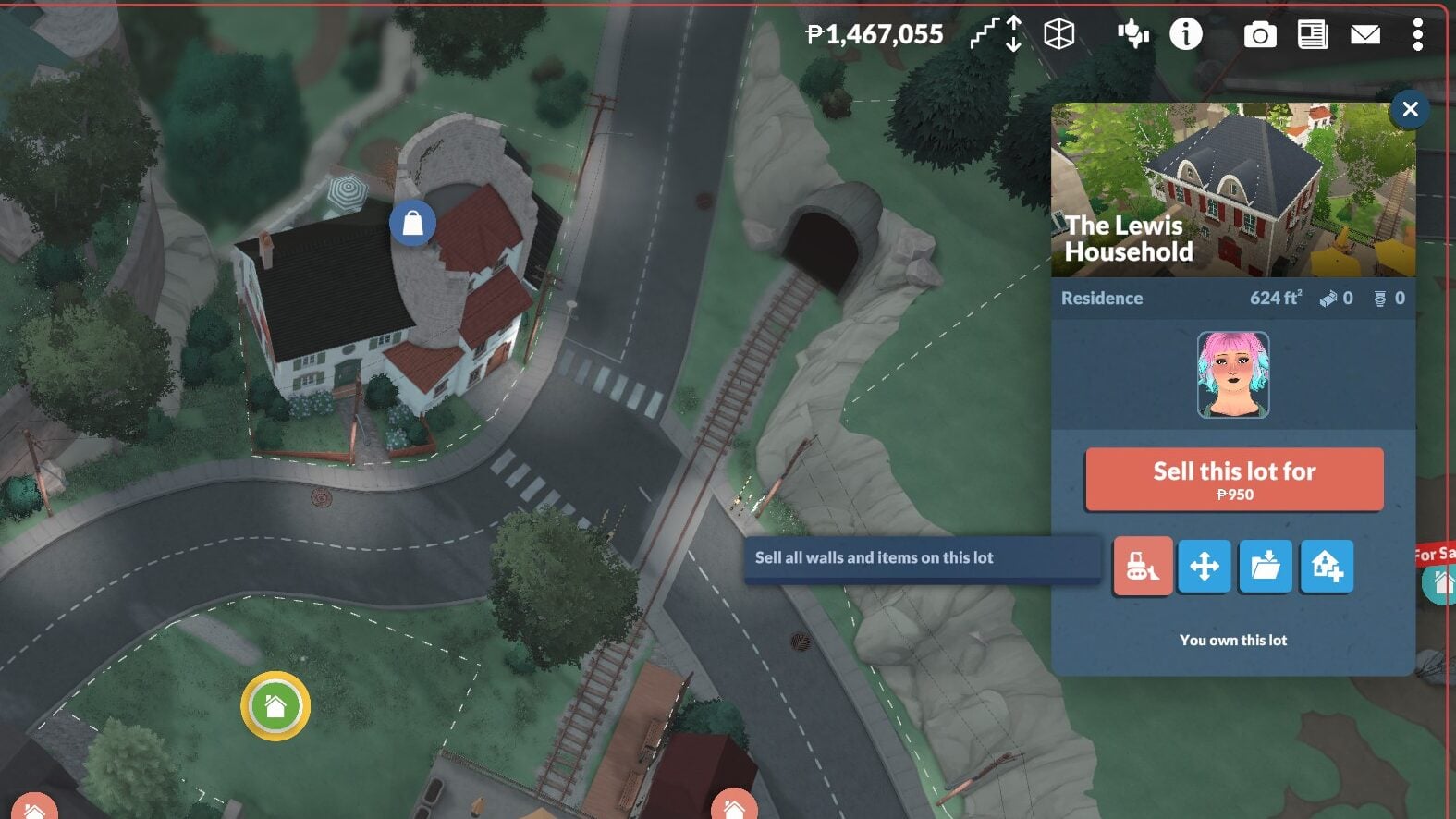
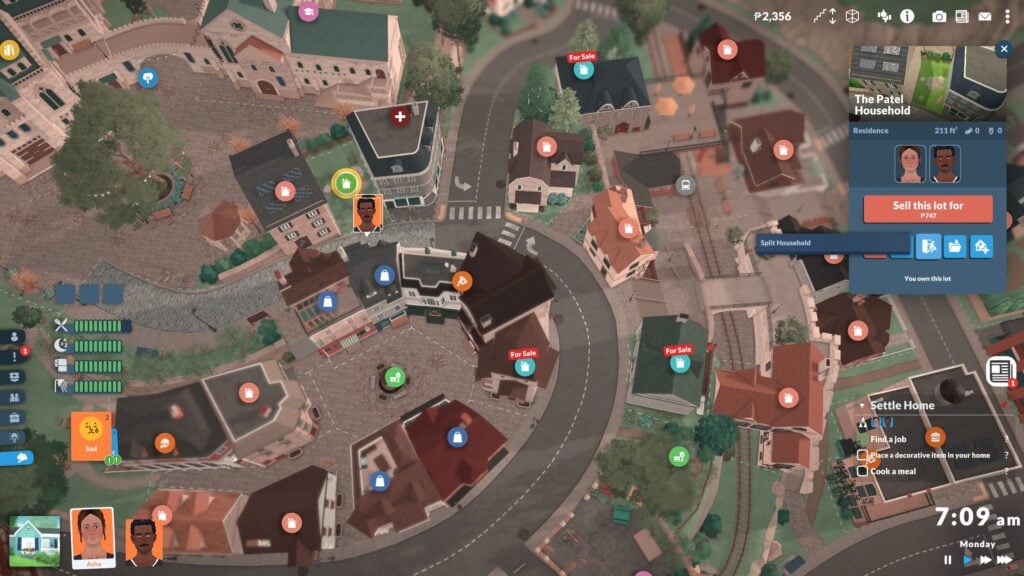
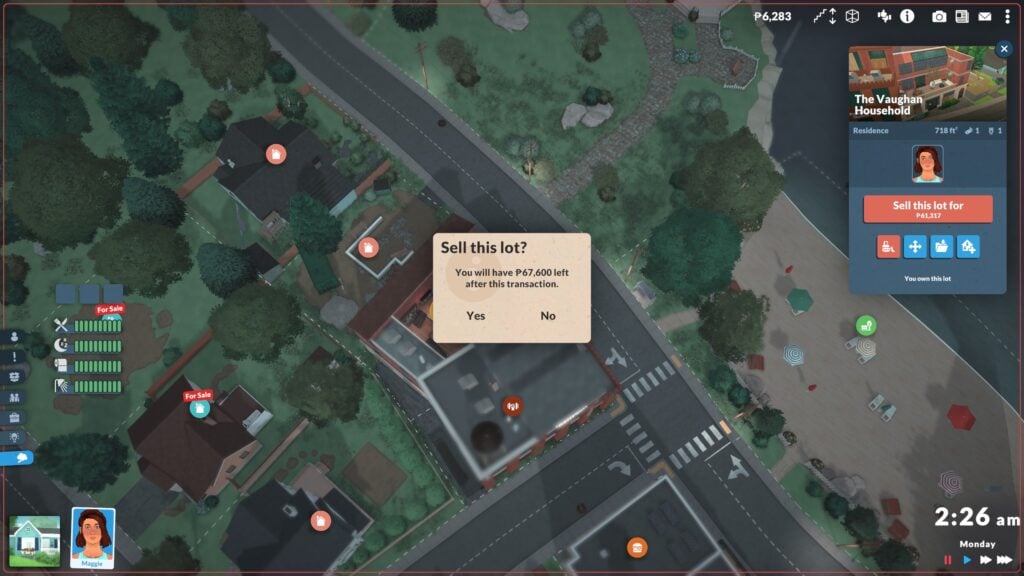
If you click on the home lot of your active family, a new menu will pop up. This menu allows you to Sell all walls and items on lot, move lot, split household, save lot to the library, and place a lot from the library. This is also where you can see the members of a household, the square footage of the lot, the amount of bedrooms and bathrooms, and you can also choose to sell the lot. You do not have to already have a new lot purchased to sell an existing one.
Buying a New Home
Showing two active household icons on two separate properties
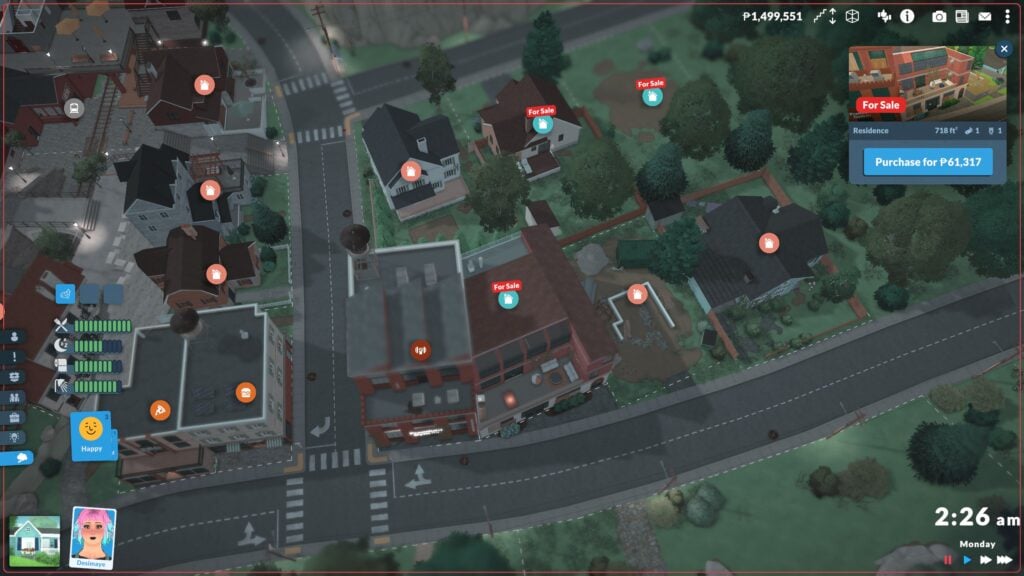
To purchase a new lot, whether you have sold your previous one or not, click on an available home in the town view and select Purchase Lot. The game will provide a popup for confirmation of the purchase, also telling you how many Paradimes (The in-game currency) you will have leftover.
Splitting Households
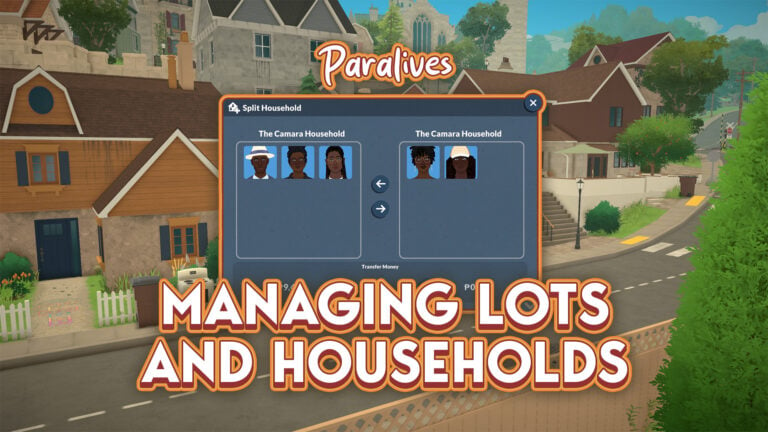
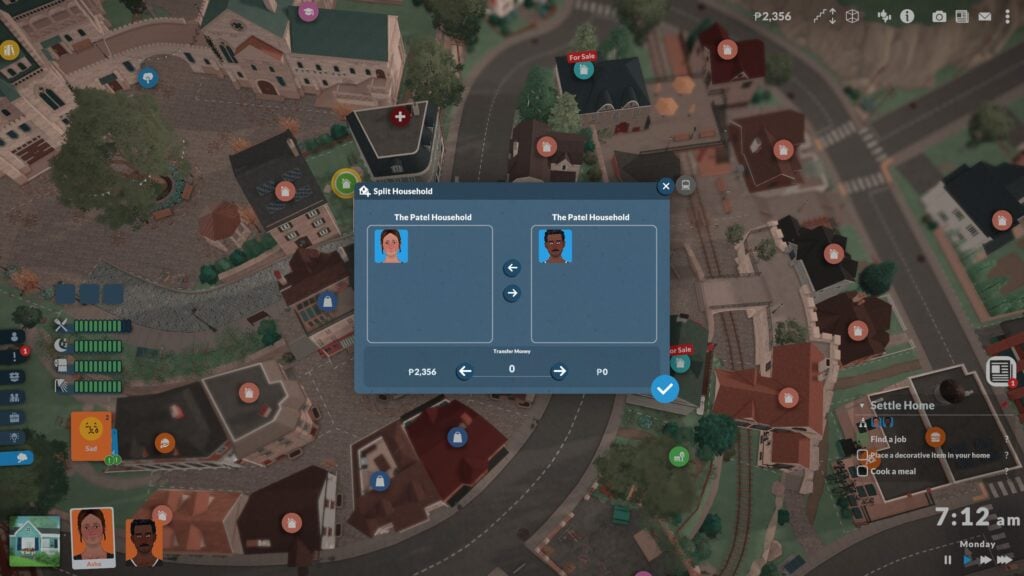
If you want to move certain Paras out of the household or split from the family and play as different members, you can purchase a new lot to move them into. After purchasing a new lot, click on the original home lot and choose Split Household.
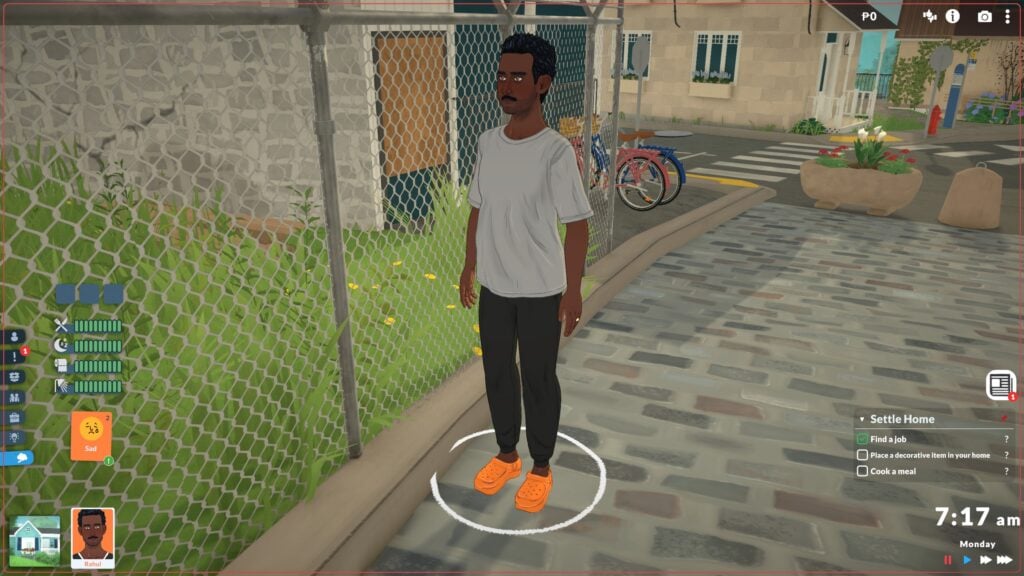
A new menu will pop up, listing the members of the original household with icons and their currently available Paradimes. Move any members you want to move out of the home on to the right side of the menu, transfer any money you want them to have (Though you don’t have to), and then choose for them to live in that secondary lot. This will split the household and you can now swap between them and play them separately.
Taking Over
Jealous of a neighbor’s advantageous lot or beautiful architecture and want it all for yourself? Living next to a rival and want to make sure they can’t live near you again? Those are easy-peasy fixes as well! Swap to said neighbor’s household and choose Sell lot. Once that lot is sold, you can easily swap back to your main household and buy that lot right up! No worries about the ramifications of the family not having an actual lot, nor any worries about having two lots all to yourself if you want to!
Are there any features with managing households or moving that you’d like to see changes to or new additions to? Let us know, and make sure to keep up with The Sims Community as we’ll be covering and creating guides for all the features you can expect to see in Paralives Early Access release on May 25th, 2026!
The use of mods in life simulation games is not a new thing. Mods, created and supported by the community, have the power to enhance or even completely change the game experience. For Paralives, the team has chosen to work with Steam Workshop to make it really easy for players to create, manage, and download mods.
Let’s explore how to use Steam Workshop with this guide!
Table of Contents
What is Steam Workshop?
Steam Workshop is a content-sharing service that developers can provide to players, created to make it easier for players to share their creations with each other. This means that Paralives players won’t need to search third-party sites for extra Paralives content, and that households, lots, and mods can be shared and installed directly on Steam.
How to access the Steam Workshop for Paralives
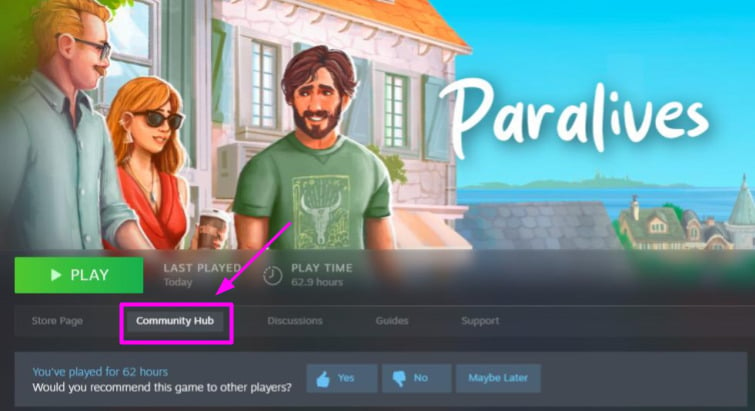
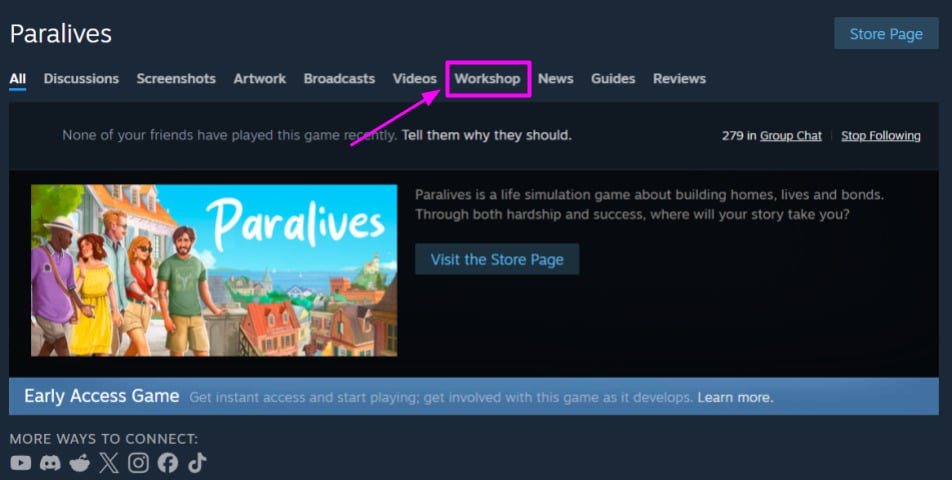
When you get your copy of Paralives on Steam, clicking on the game in your library will take you to its game page. On that page, click on “Community Hub”, and it will take you directly to the Paralives Community Hub on Steam. Then, to find the Steam Workshop, simply click on “Workshop” at the top menu.
How to download Paralives mods from the Steam Workshop
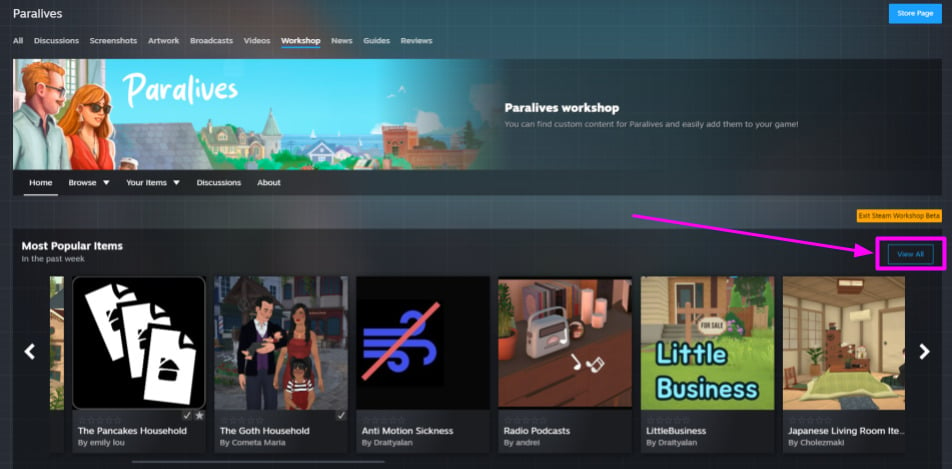
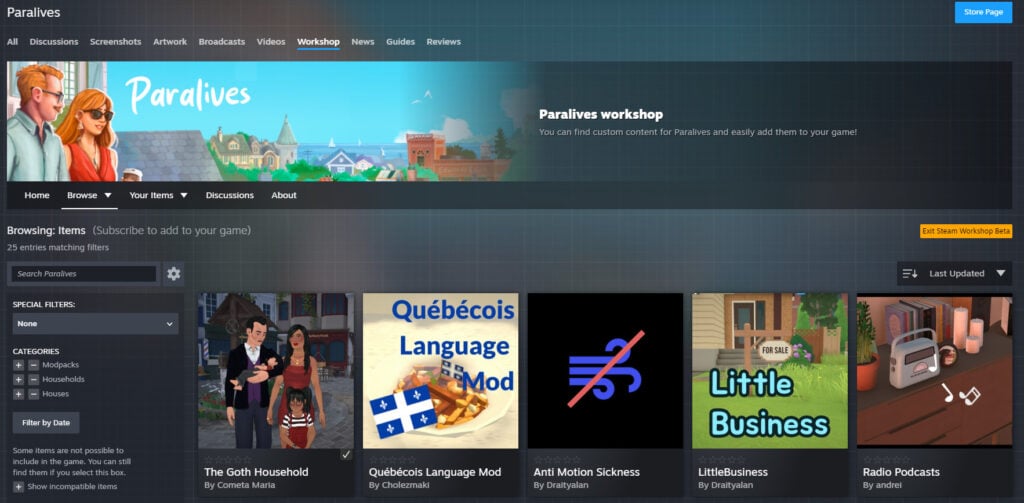
Downloading Paralives content from the Steam Workshop is pretty simple. Once you’re on the Steam Workshop page, you can already start subscribing to mods, or click the “View All” button to browse all content uploaded by other players.
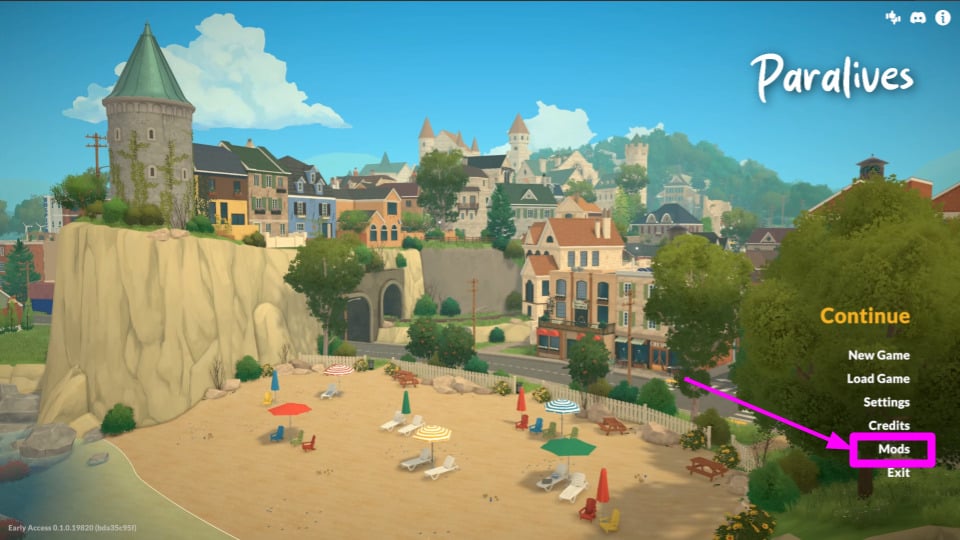
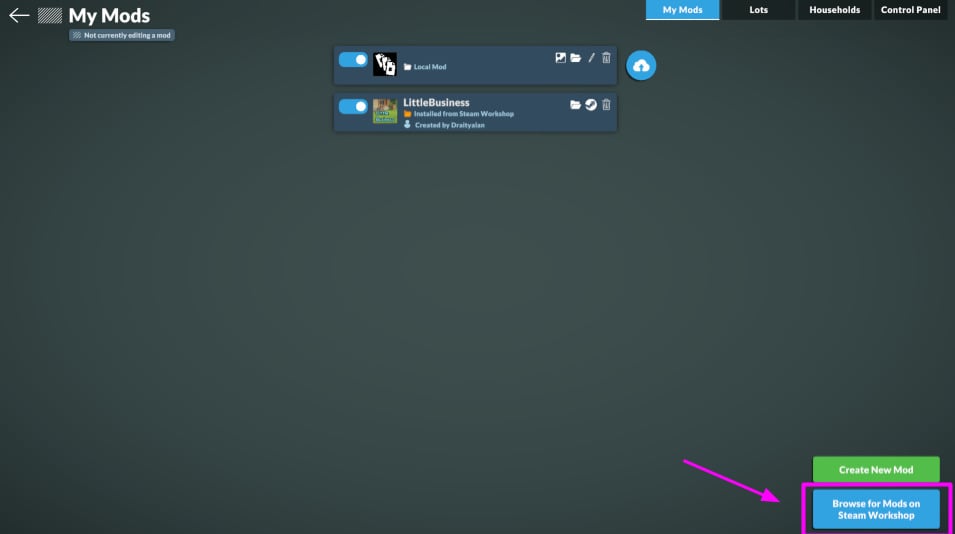
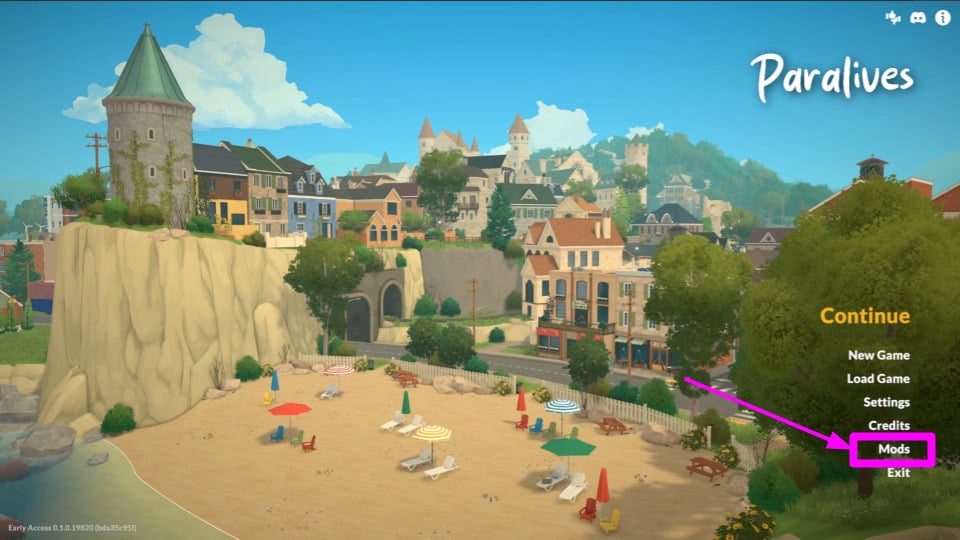
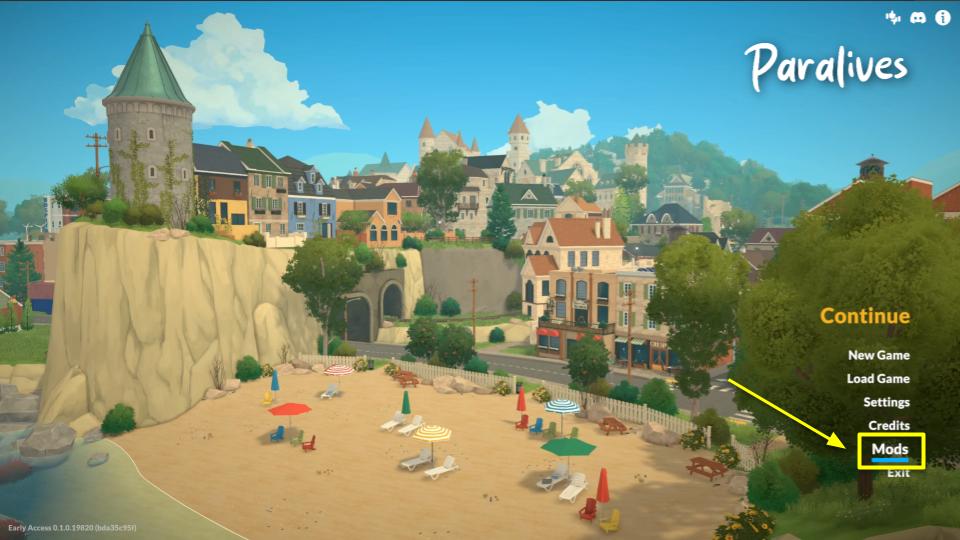
If you are already in the game, you can go to the Main Menu → Mods. You’ll notice that it contains a button that reads “Browse Mods on Steam Workshop”.
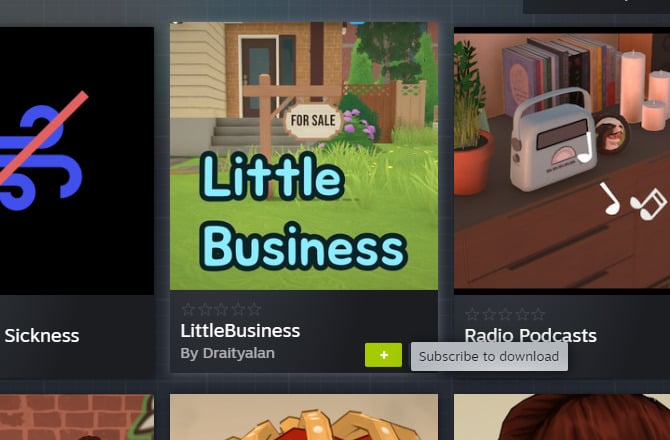
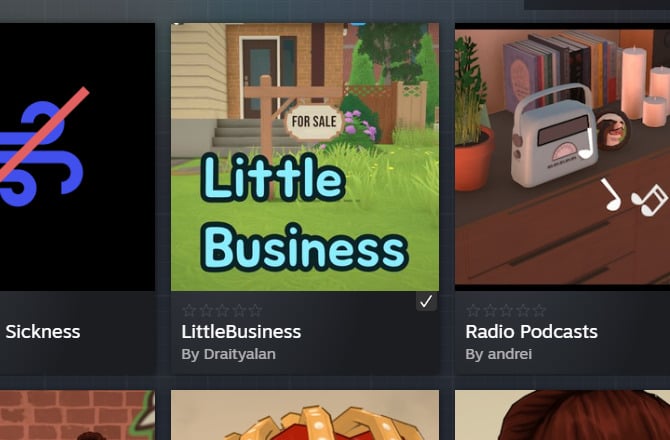
To download a mod, simply click on the + sign that appears when you hover your mouse over the item!
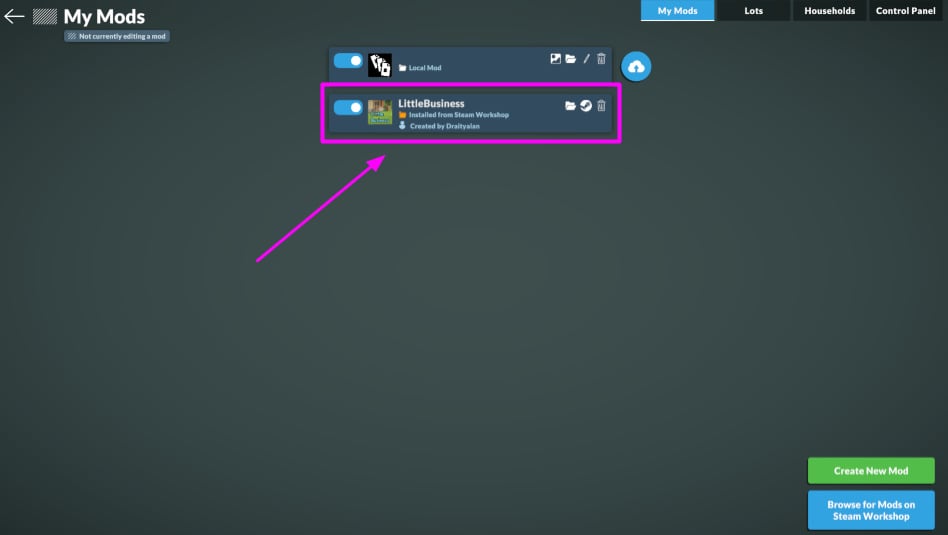
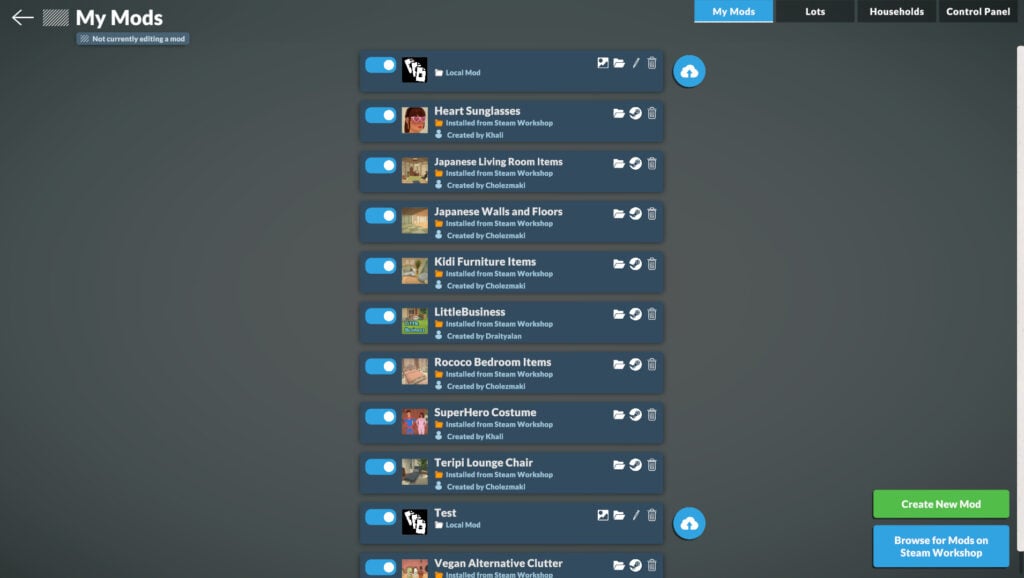
To confirm that the item has been installed, launch the game and navigate to Mods → My Mods.
The best part is that when the modder updates the mod, it will be automatically updated, and you won’t have to worry about downloading a new version!
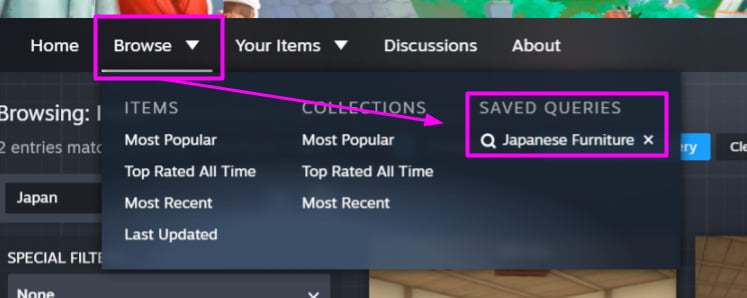
Steam Workshop Search, Categories and Filters
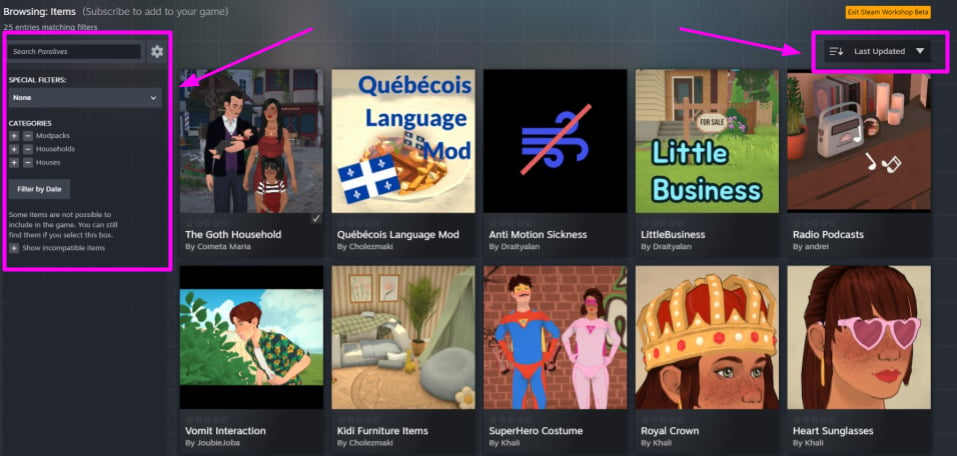
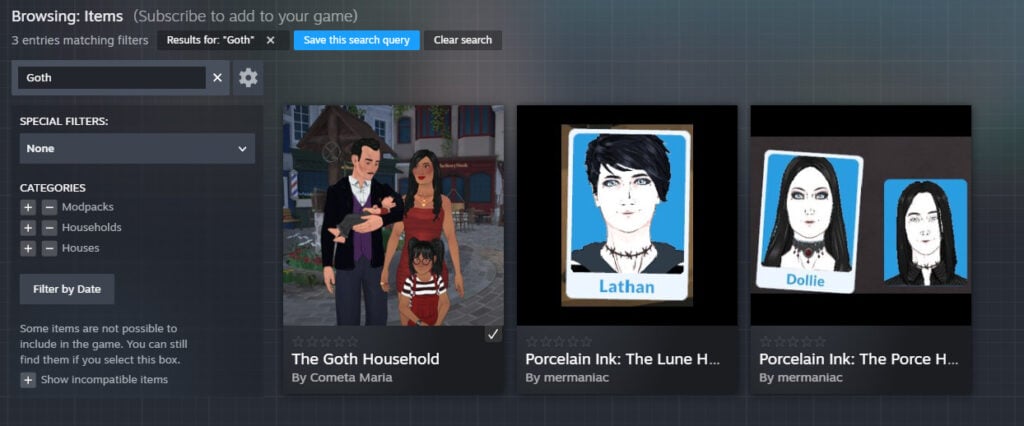
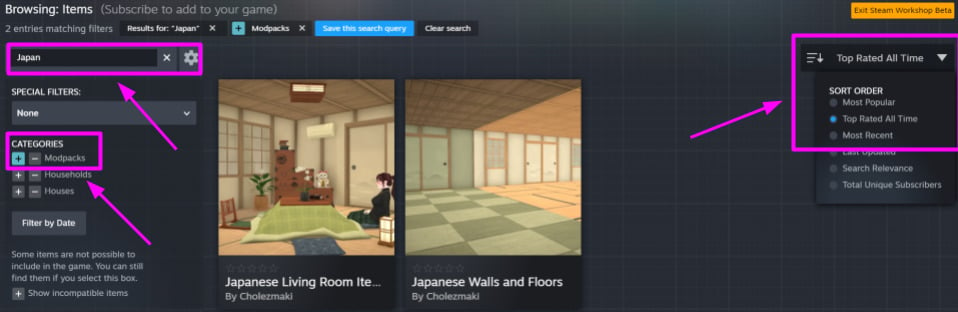
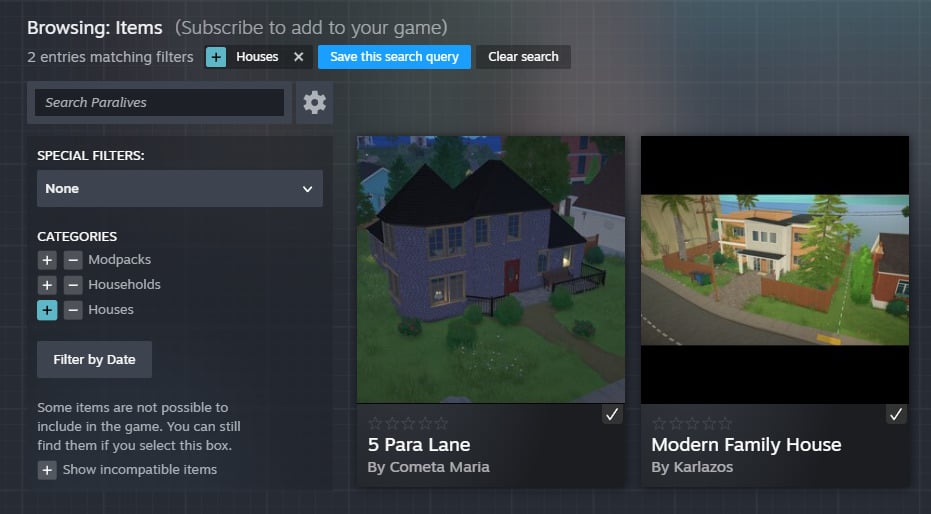
The Steam Workshop offers filters to help you find the kind of mod you want. The three main categories are: Modpacks (for furniture, new interactions, new radio stations, etc.), Households, and Lots.
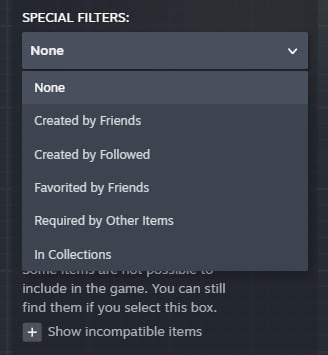
On the left menu, you’ll also have access to the search and special filters, which are: Created by Friends, Created by Followed, Favorited by Friends, Required by Other Items, and In Collections.
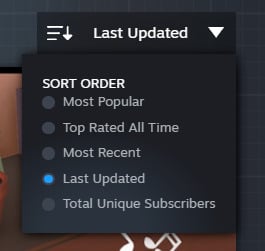
On the right, you’ll find a dropdown menu where you can select how to sort the items. The options are: Most Popular, Top Rated All Time, Most Recent, Last Updated, Search Relevance, and Total Unique Subscribers.
You can search for a specific mod:
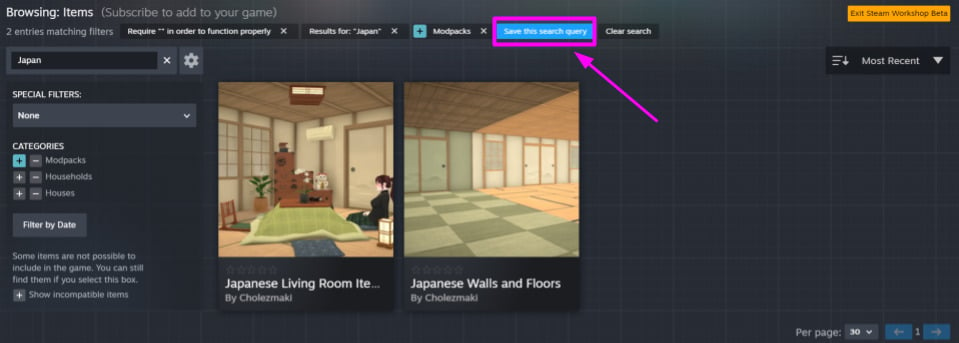
You can combine multiple filters to make your search even easier if you want!
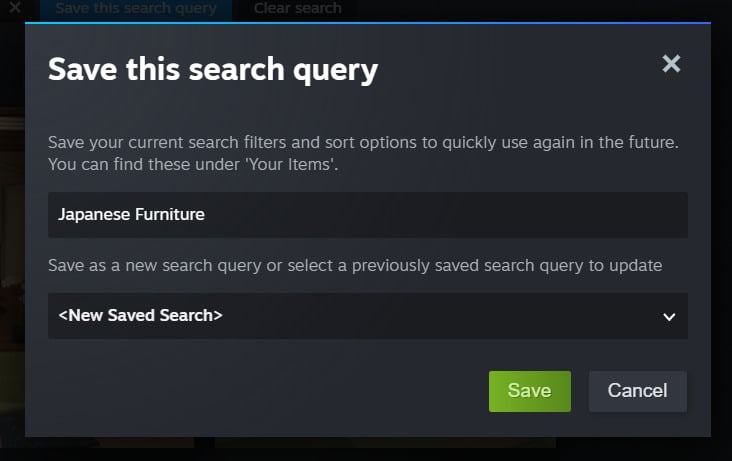
You can also save the query to make future searches even easier!
How do I find the items I subscribed to on Steam Workshop?
To manage your mods, go to the Main Menu and select Mods. On this page, you’ll be able to see everything you have installed and can easily manage and delete items.
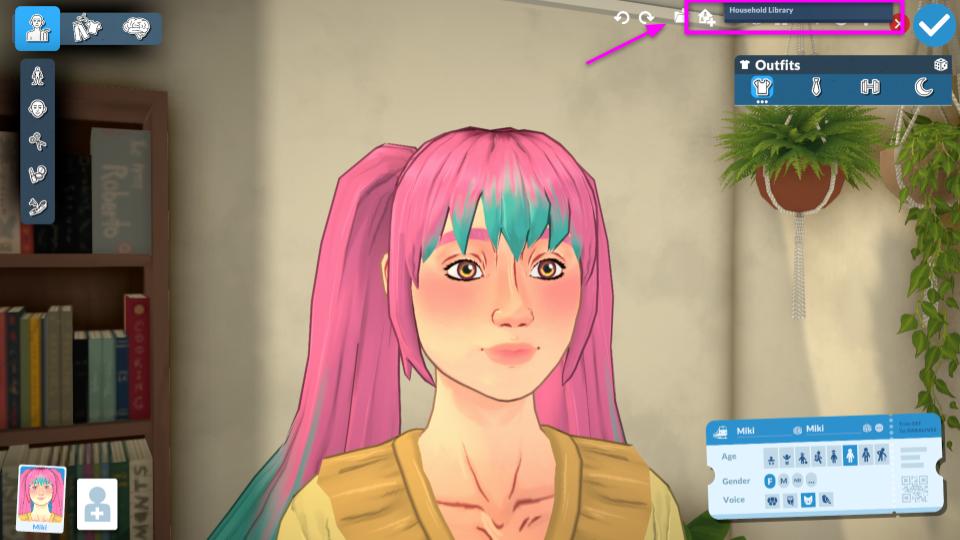
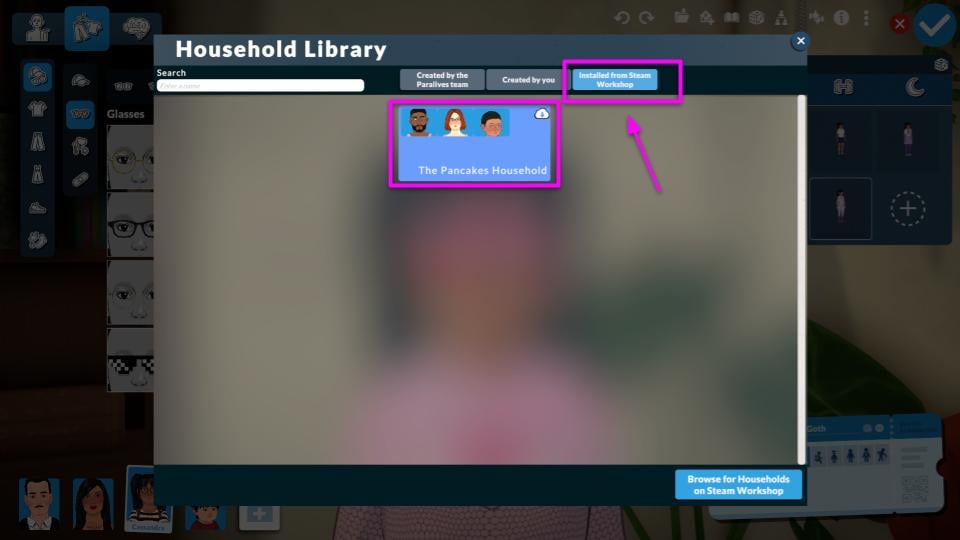
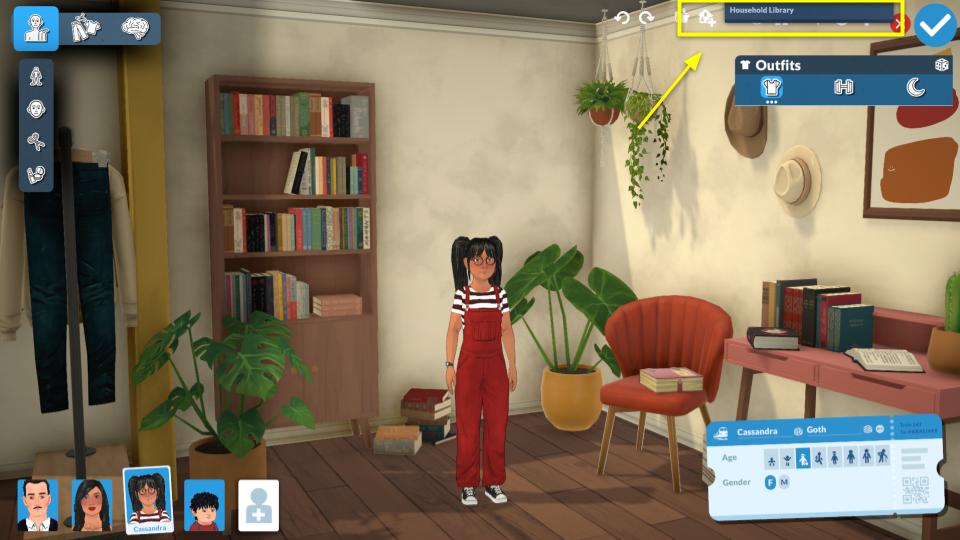
To find the households you saved, enter the Paramaker and click on “Household Library”. You can switch to the “Installed from Workshop” tab.
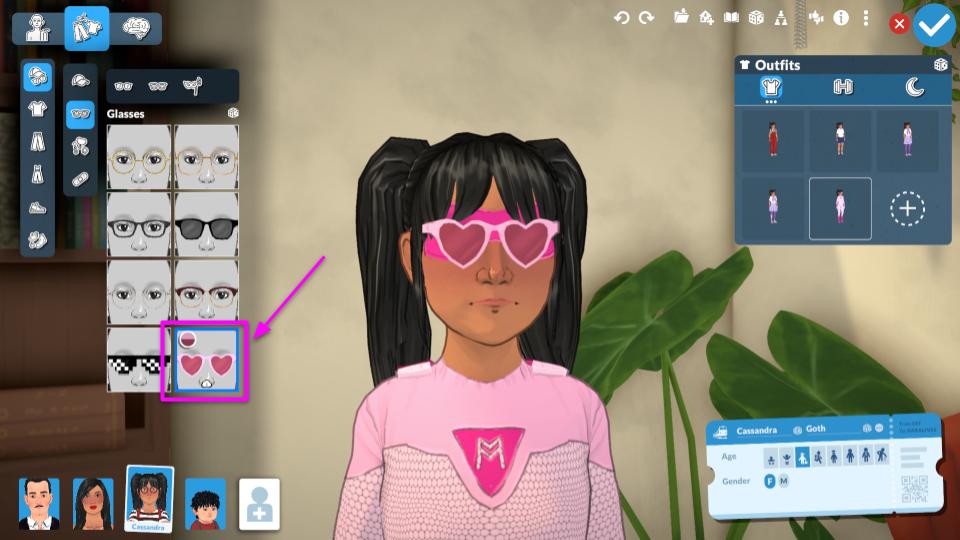
In the Paramaker, you’ll also find the items you downloaded in their respective categories. You can tell an item is a mod because it will have a cloud icon on it to make it easier to identify.
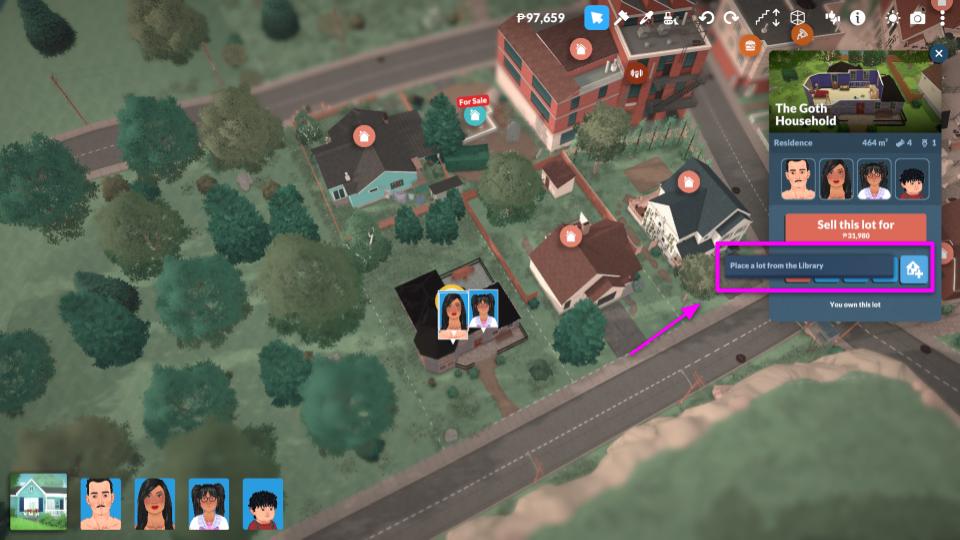
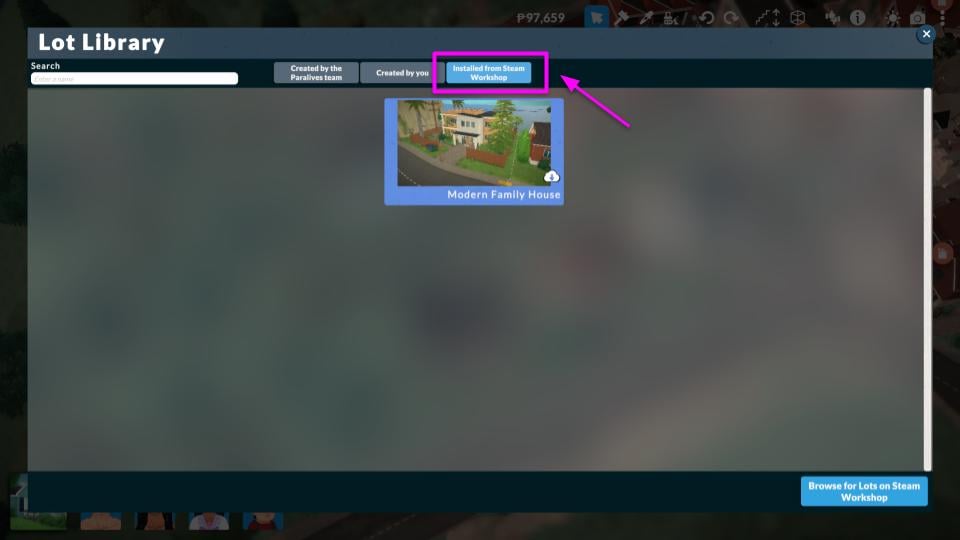
For lots, you’ll find them in the town view lot menu when you click “Place a Lot from the Library”.
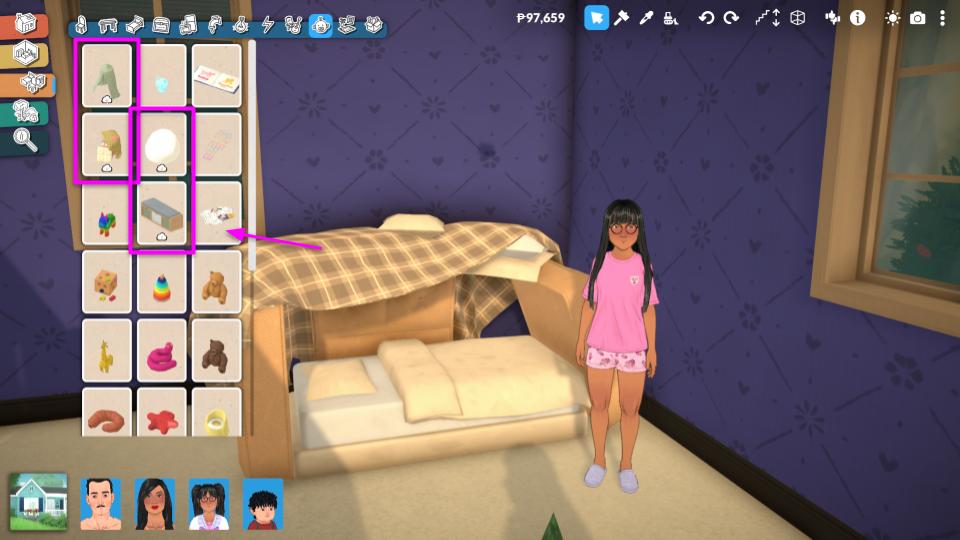
You can find Build and Buy mode items in their respective areas. The cloud icon makes them easy to identify.
How to Upload Mods to Steam Workshop
It’s very simple to upload a mod from Paralives to the Steam Workshop, as the process is already fully integrated into the game. In this part of the guide, we’ll focus on teaching you how to upload lots and households to the Steam Workshop, as well as give some tips on the process.
Uploading Lots
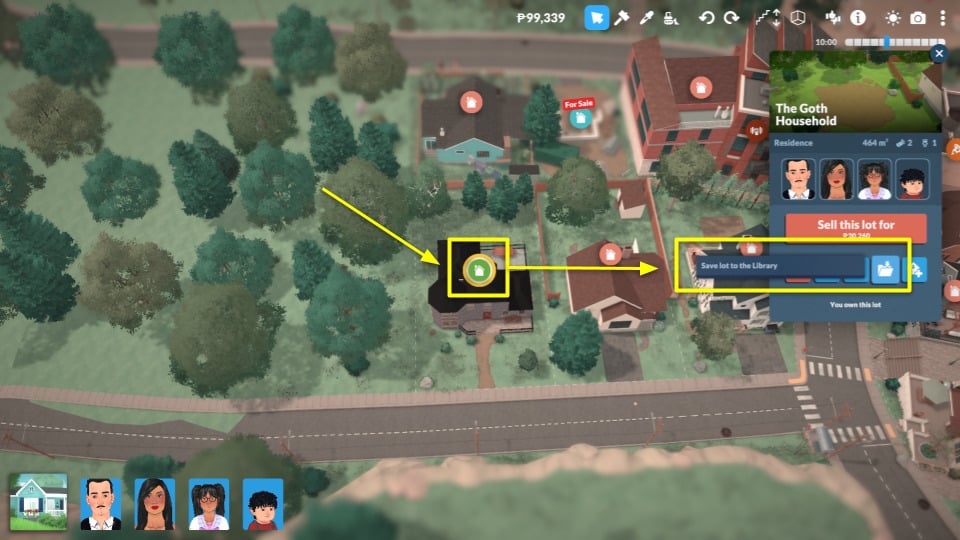
After you finish building, zoom out to reveal the lot’s town options. Then click on “Save Lot in the Library” (image below).
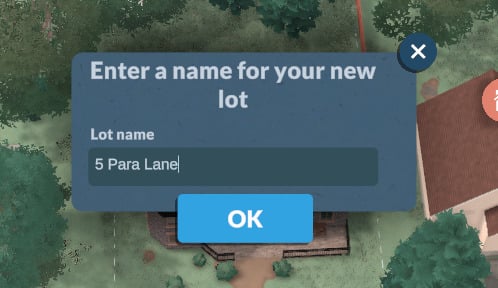
Give your lot a name and click “OK”.
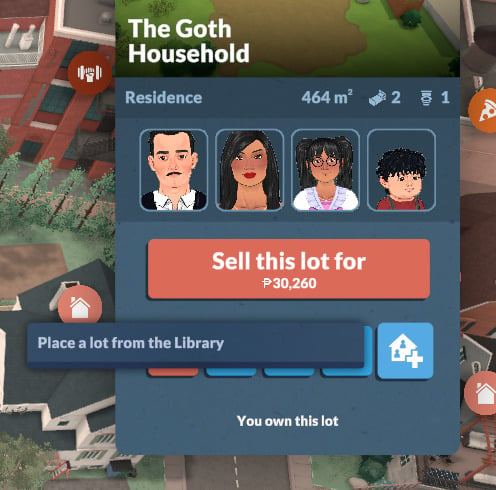
To upload the lot, go back to the lot menu and click “Place a Lot from the Library” to access your library.
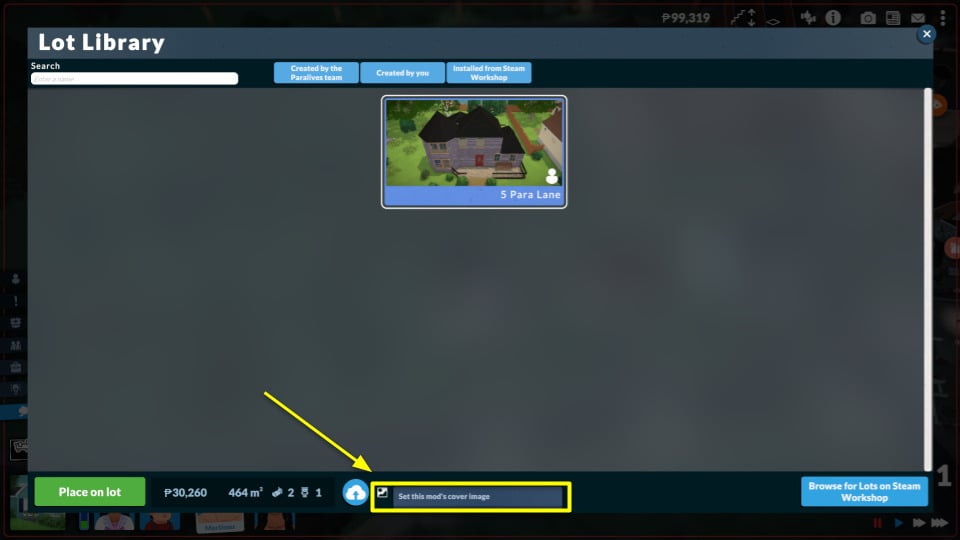
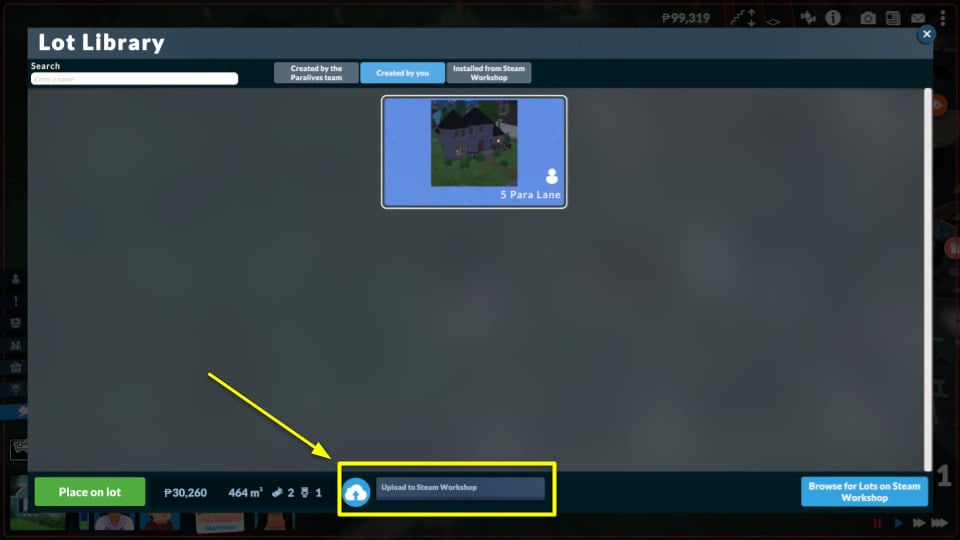
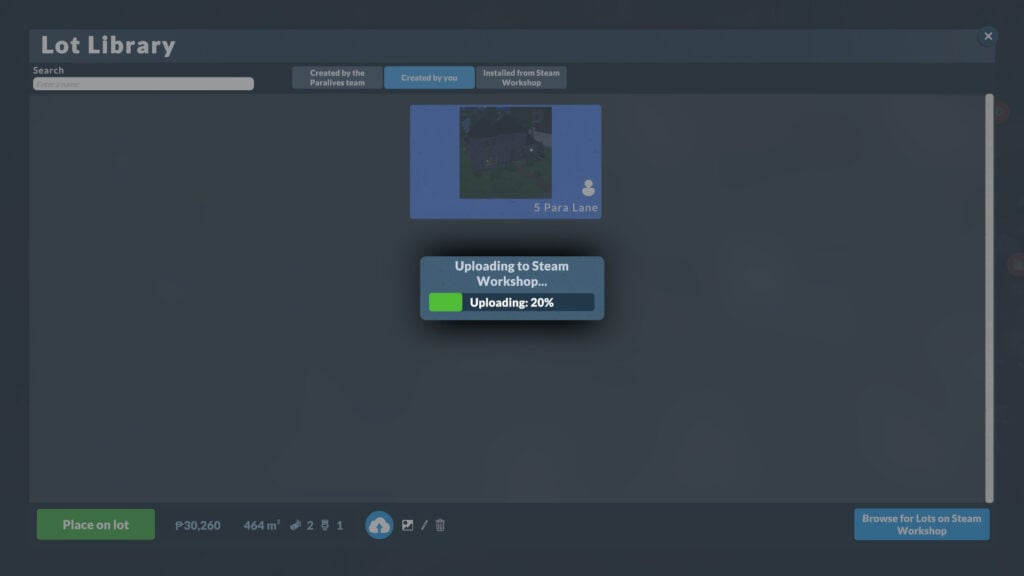
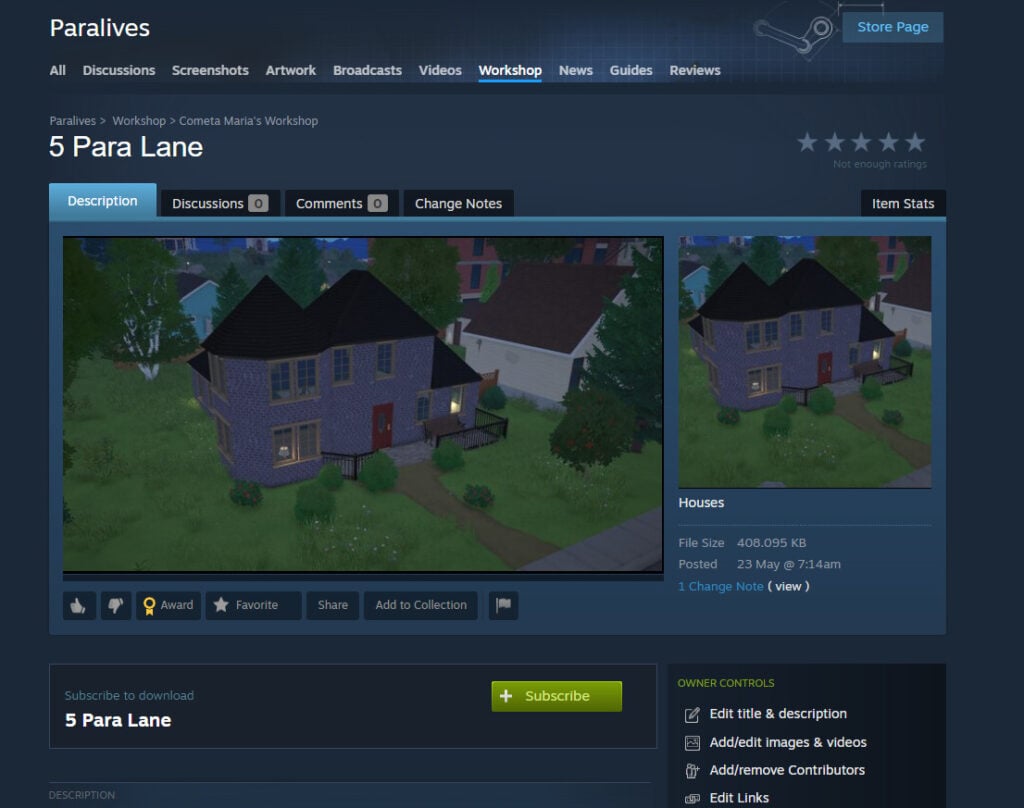
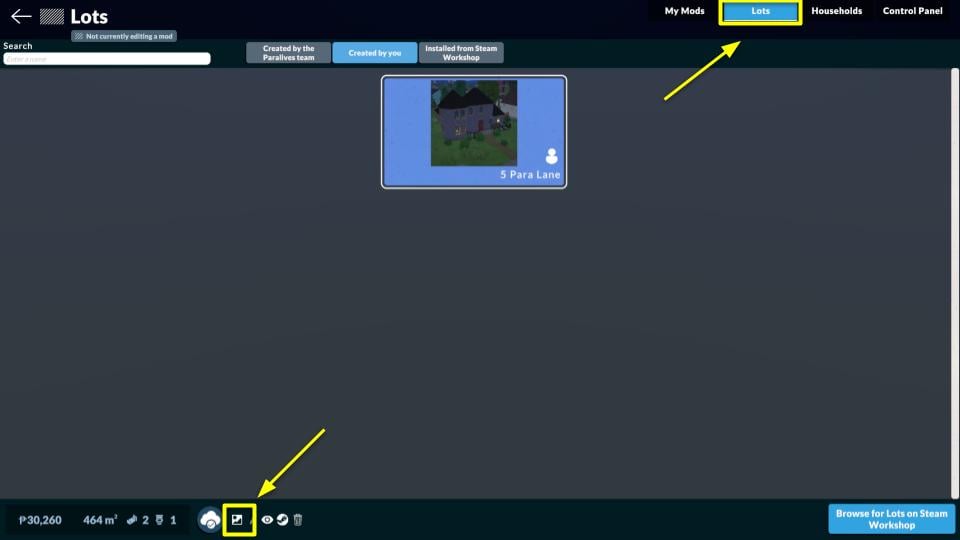
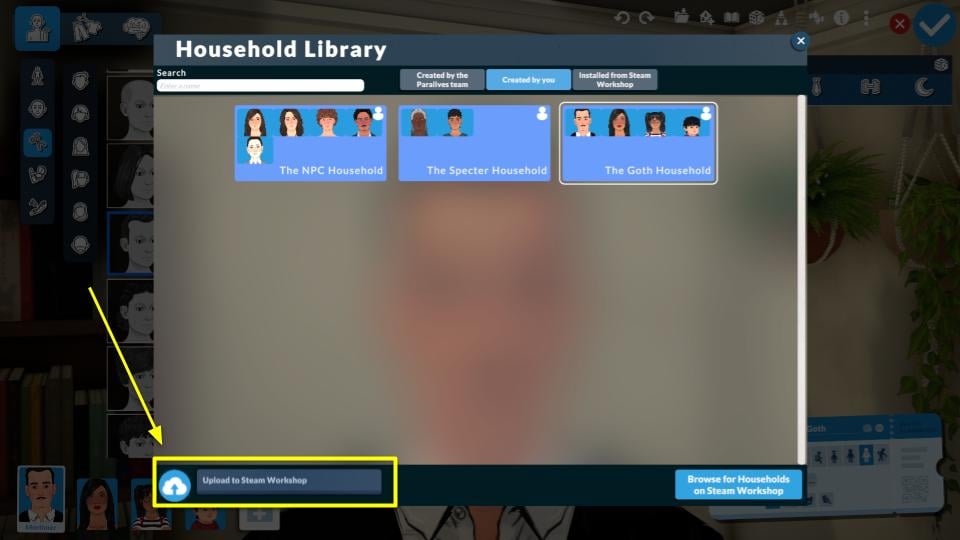
In the lot library view, you’ll find the “Upload to Steam Workshop” option. You have the option to upload a custom thumbnail and add a name and description for your mod, which will then be displayed on the Steam Workshop.
You can update your creation’s images and description directly on your Steam Workshop creation page, but changing the thumbnail requires repeating the steps described earlier or going to Main Menu → Mods → Lots, and clicking “Set This Mod’s Cover Image”.
Pro-tip: Using a 1:1 (square) image is recommended so the thumbnail displays correctly without cropping!
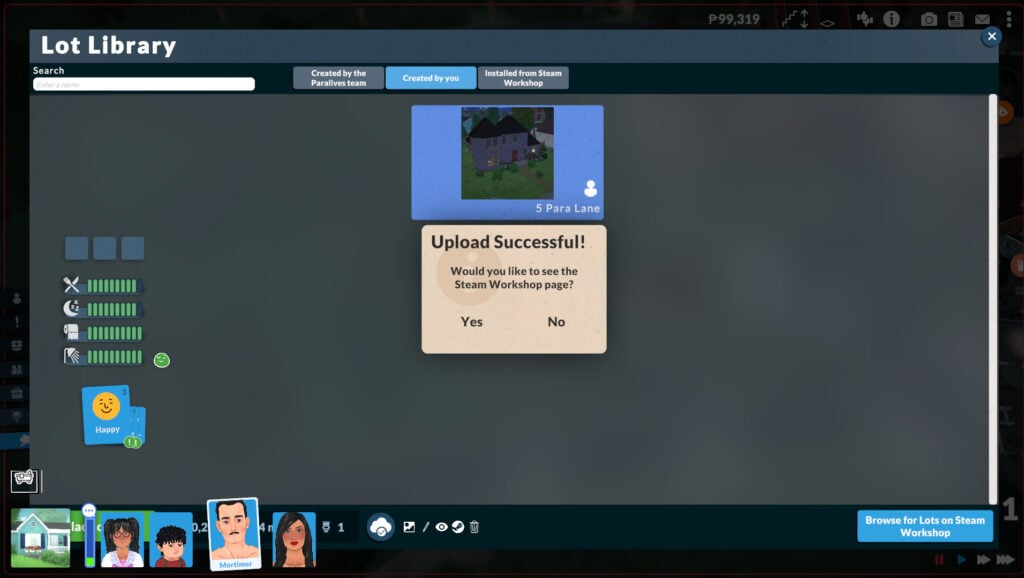
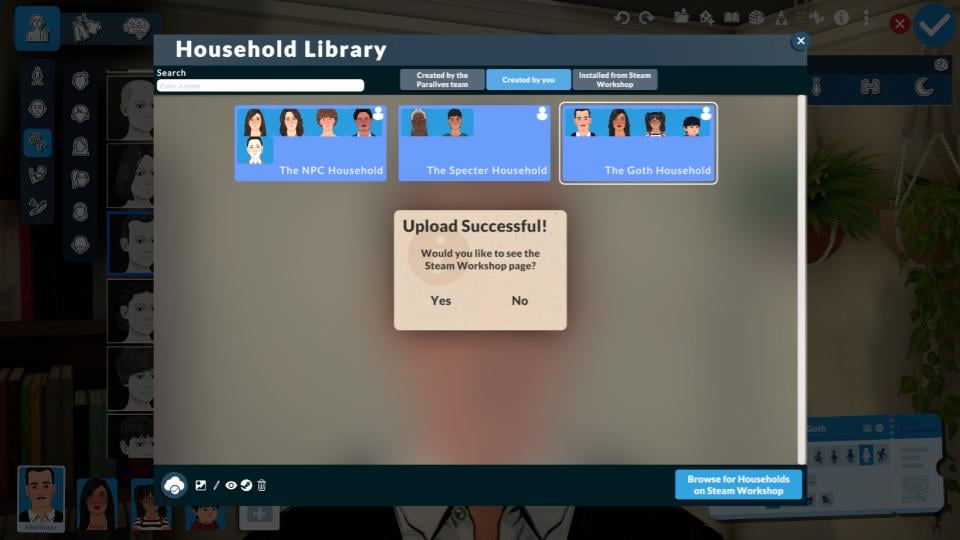
All uploads go through a moderation process from both Steam and the Paralives team, so your creation won’t appear on the Workshop right away. Once it’s approved, you should see it listed.
Uploading Households
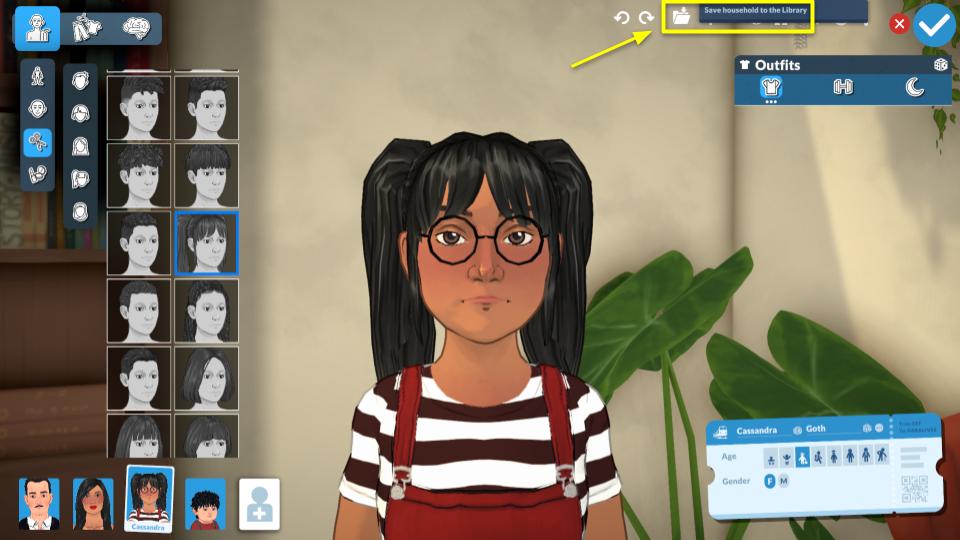
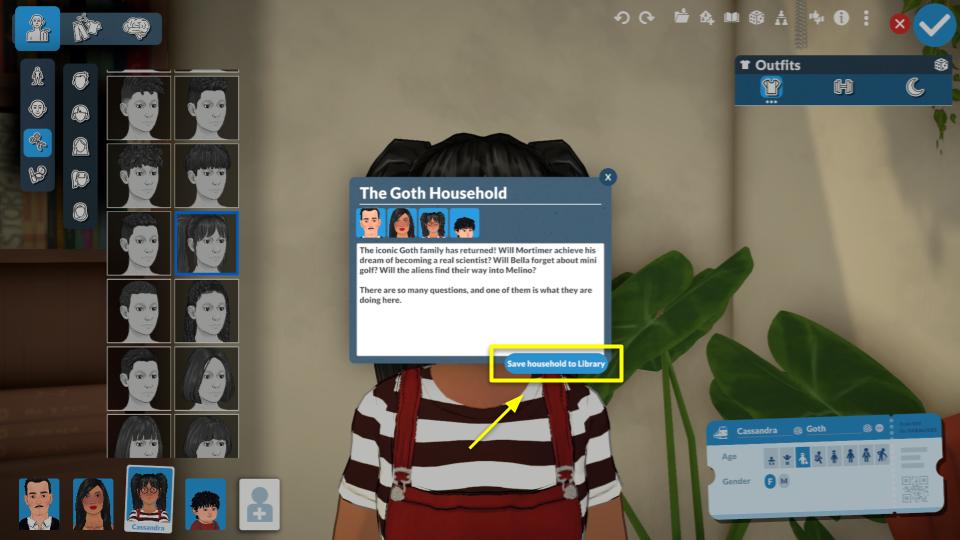
When you finish editing the household you want to upload, click “Save Household to Library”. You have the option to write a bio for your household, which will then appear as their in-game description.
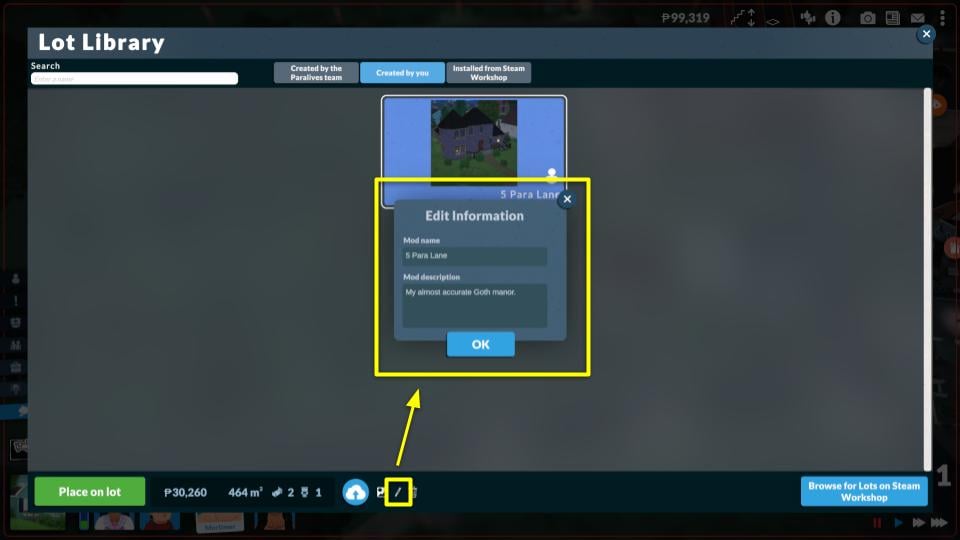
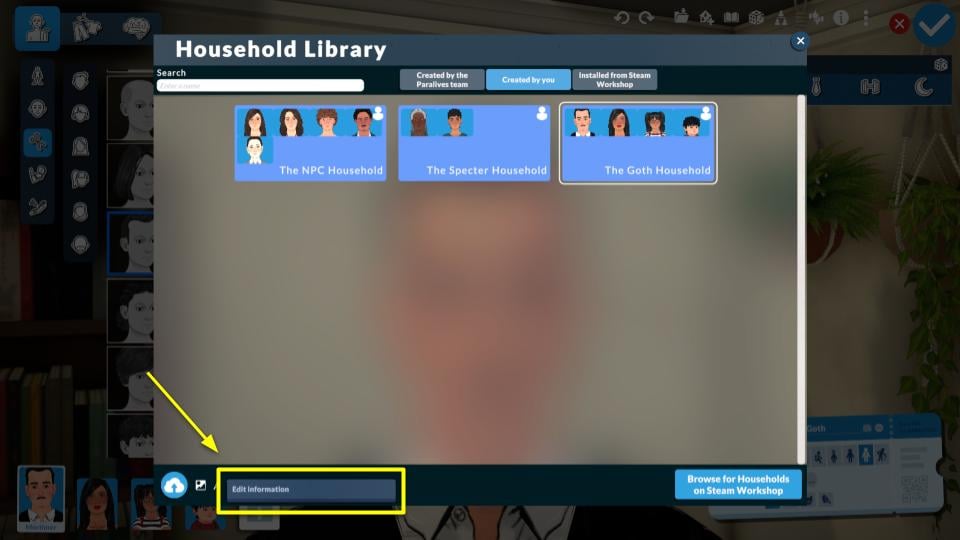
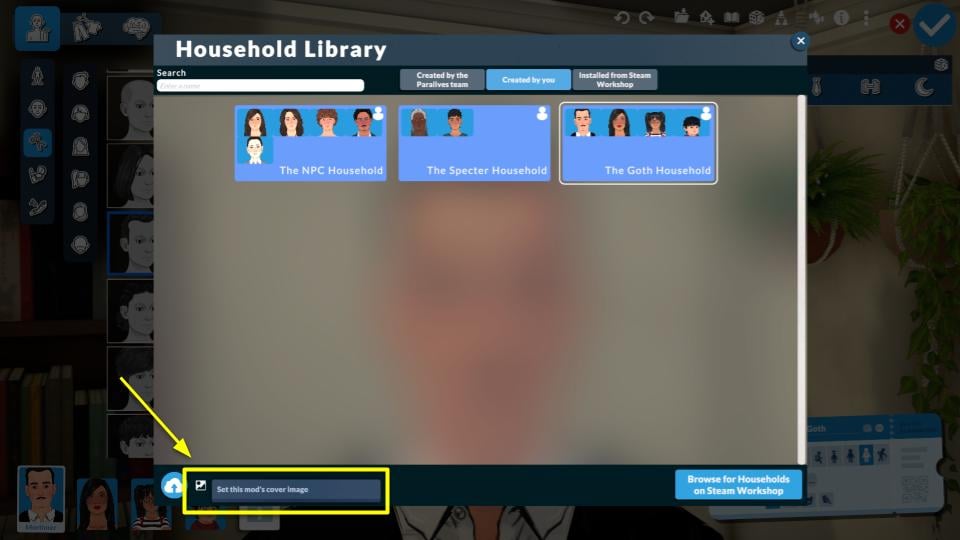
Next, go to Household Library, add a description via “Edit Information,” and select a thumbnail image with “Set This Mod’s Cover Image” for the Workshop.
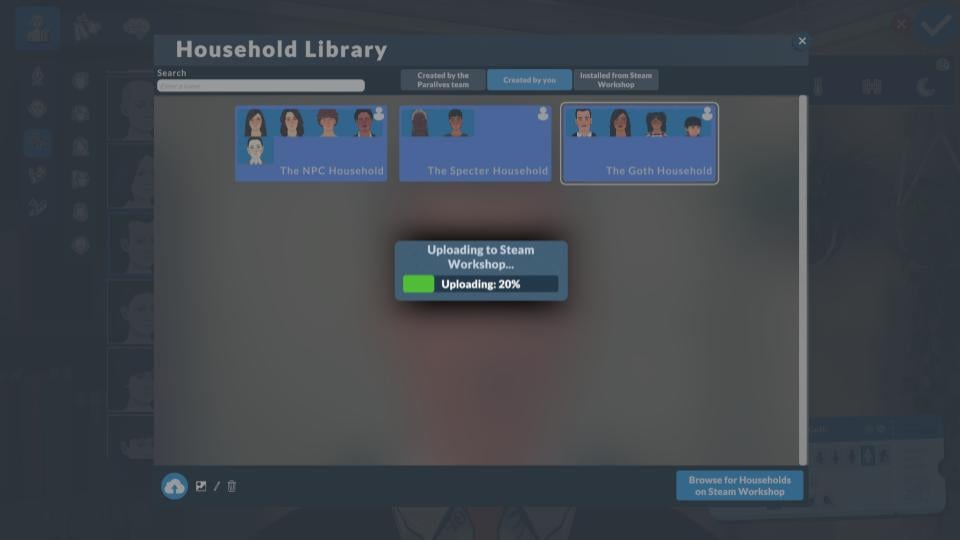
Then you’re ready to click “Upload to Steam Workshop”.
Like sharing a lot, households won’t appear right away on the Workshop due to moderation by both Steam and the Paralives team.
Final Thoughts
Past life simulation games often lacked a safe, user-friendly modding hub. Steam Workshop changes that: it’s easy for beginners, has all the essential tools, and adds a security layer with moderation from both Steam and the Paralives team. Choosing Steam Workshop as the official modding platform was a great decision!
Now we want to hear from you. What do you think about Steam Workshop? Will you use mods in your game? Let us know in the comments and check out more of our Paralives Guides.
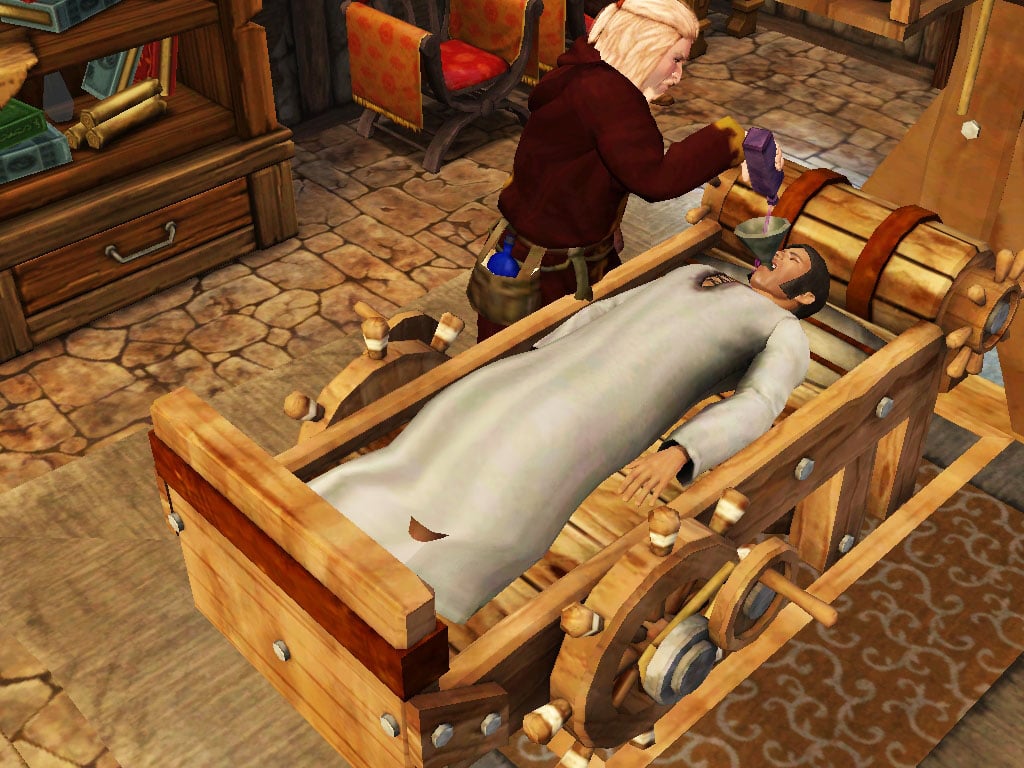
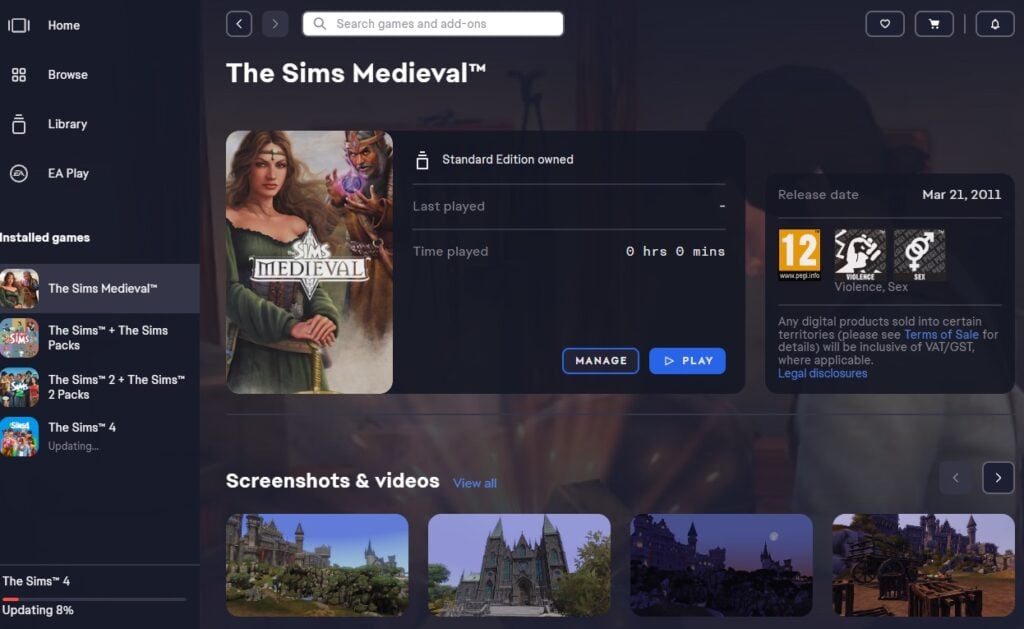
It appears that Electronic Arts has quietly retired one of the of The Sims Spin-Off titles from 2010. We’re most certainly talking about the timeless classic The Sims Medieval, which seems to have been pulled back from official stores including EA App and Steam with no prior warning or public announcement. Here’s everything we know so far:
Table of Contents
The Sims Medieval Store Page
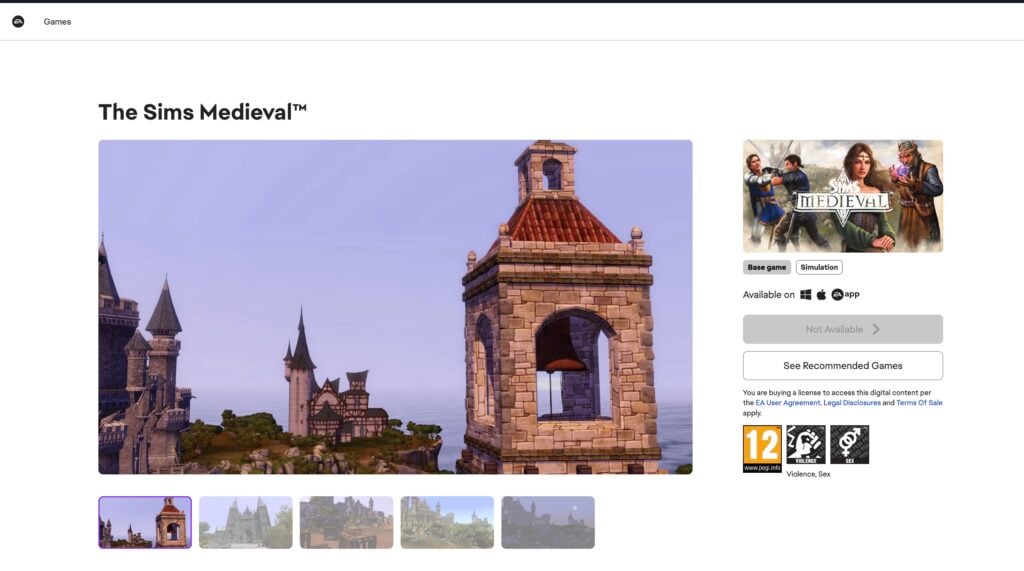
The official EA Store page for The Sims Medieval is still up. However, if you look into the right side of the page you’ll notice that the game is “Not Available” for purchase, and instead directs you to other recommended Sims games still active.
The Sims Medieval Gone From Steam
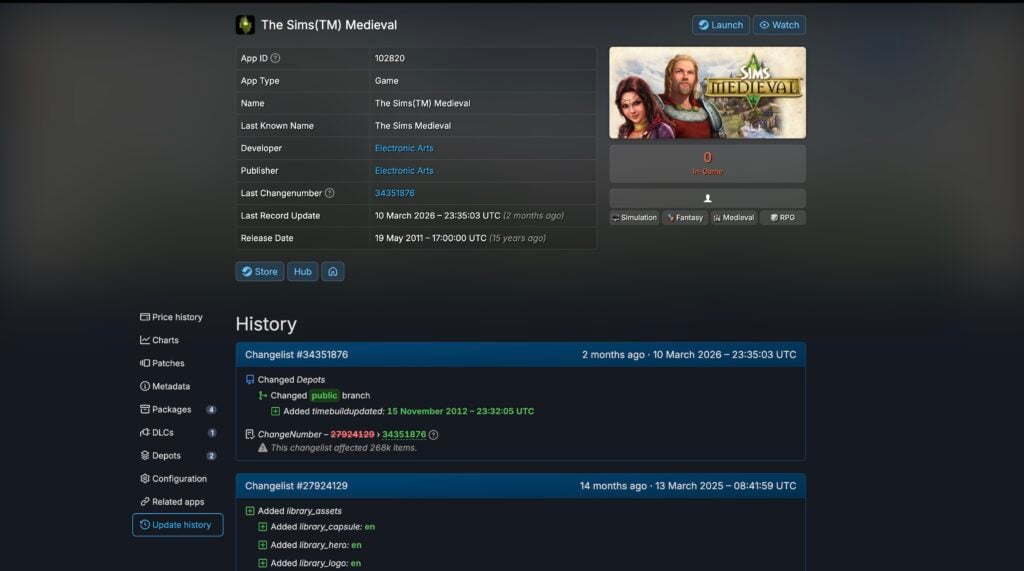
Looking into the history of The Sims Medieval’s presence on Steam, it appears it was pulled back from the Store page quietly 2 months ago on March 10th, 2026. According to the last update provided from SteamDB.
ARTICLE UPDATE: The Sims Medieval was apparently delisted from Steam back in 2016. One of our readers explained the listing above:
The game has been delisted off Steam since 2016. The March 2026 changelist was just a Steam‑wide automated update affecting about 268k items.
Source: Leo
It’s still a major novelty that The Sims Medieval was pulled back from its official EA App storefront this weekend with no prior announcement.
What now?
If you’ve previously purchased The Sims Medieval from either the EA App or Steam you’ll still be available to access the game, download and play it. However, any potential new players looking to try The Sims Medieval will no longer be able to purchase it.
The game was originally released in March 2011 for PC and Mac, several months after The Sims 3 got its 3rd Expansion Pack “Late Night”. The Sims Medieval released an additional “Pirates & Nobles” Expansion Pack which later become a part of the standard The Sims Medieval package on official EA storefronts.
Slowly but surely EA is making their list of abandoned software evergrowing. Will this be in any way related to other Sims Spinoffs announced for 2026 and beyond or are they planning to release a Remaster and call it a new thing again? We’ll know more when the time is right.
Until then, let us know what you think about EA abandoning The Sims Medieval in the comments section down below. For all the latest news and updates on The Sims Franchise (and beyond) stick around to Sims Community!
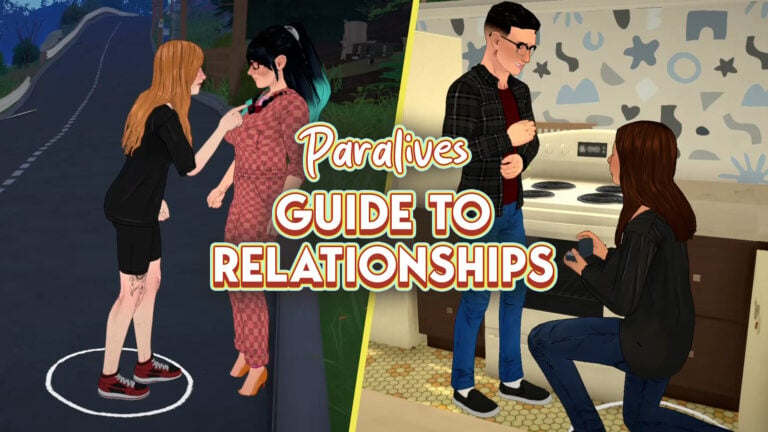
With Paralives being days away from coming out in early access, now is a great time to learn about Paralives relationships and all the different relationship levels and labels your Parafolk can have.
Paralives Relationships
Developing Paralives Relationships
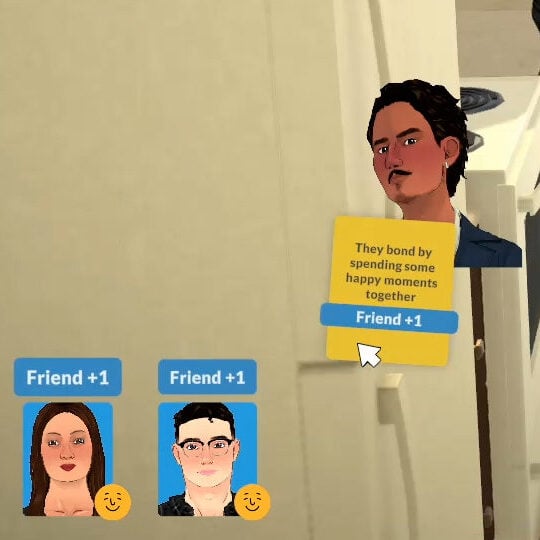
To build a relationship, you can have two or more Parafolk perform any interaction together while in a group. As they spend time together, their bond gradually changes and grows.
Instead of relying on a long queue of perfectly orchestrated and micromanaged social interactions like in other life simulation games, relationships evolve simply through shared activities and experiences, as well as together cards.
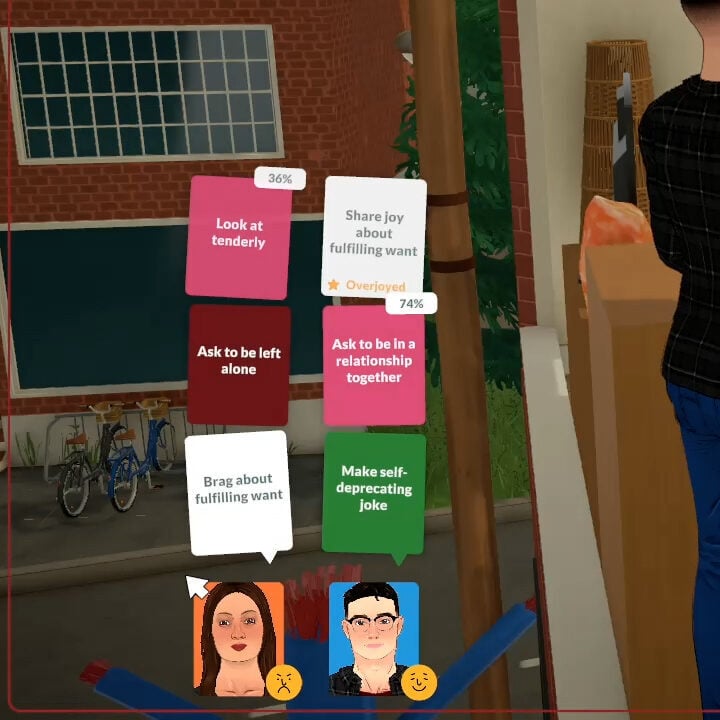
Together Cards
Together cards are how you interact with your Parafolk and control the conversation’s direction. These are the main ways you will be able to have input into your Paralives relationships.
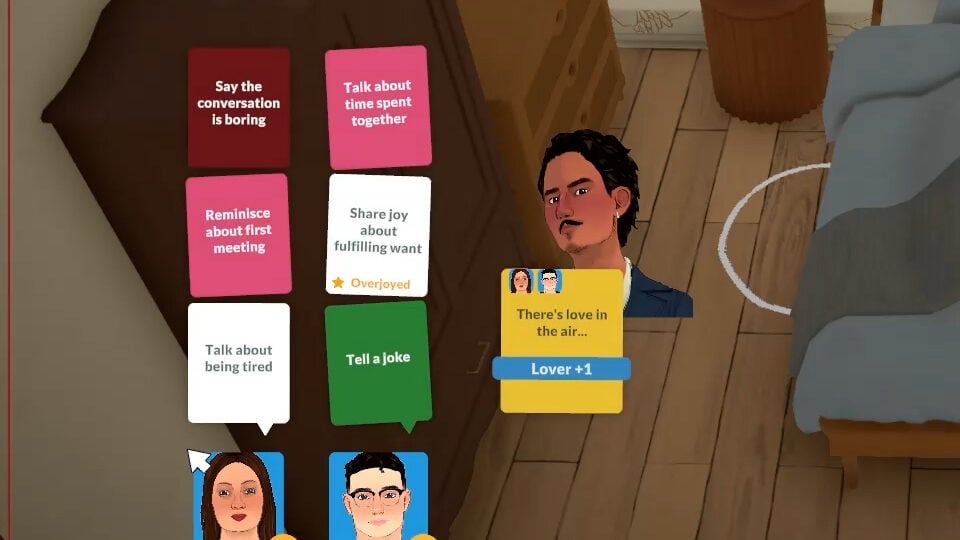
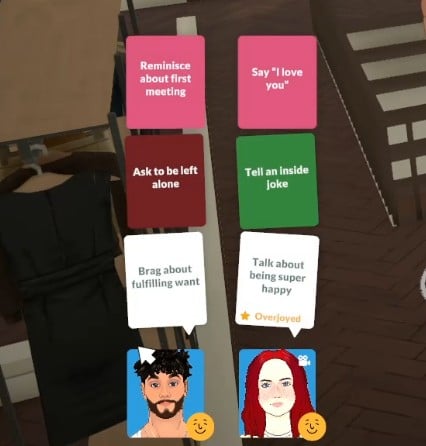
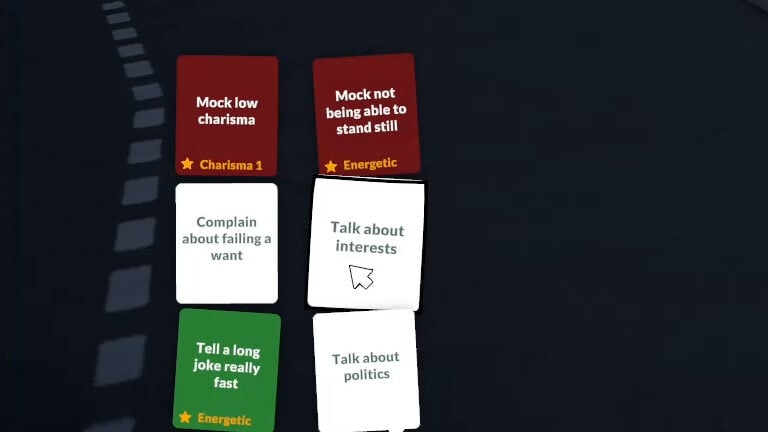
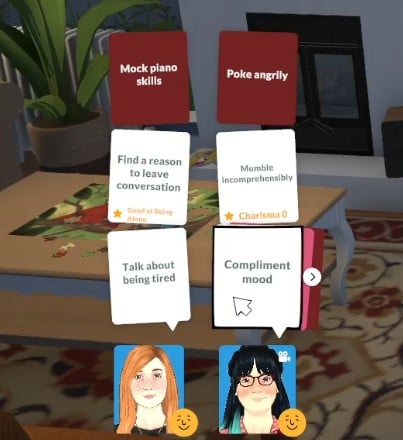
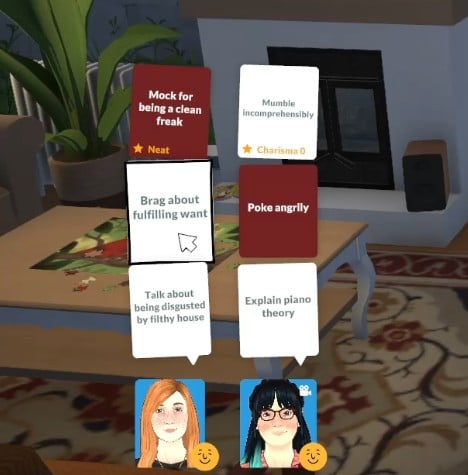
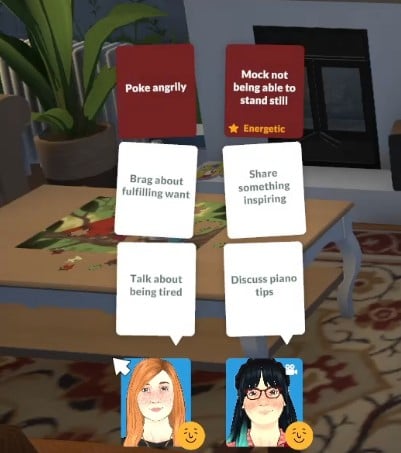
The colour of each card is linked to the direction the conversation will go.
White together cards: Neutral conversation
Pink together cards: Flirty interactions
Dark blue cards: Learn information about the person you are talking to, like their job.
Green together cards: Funny or happy interactions
Red together cards: Mean or negative interactions
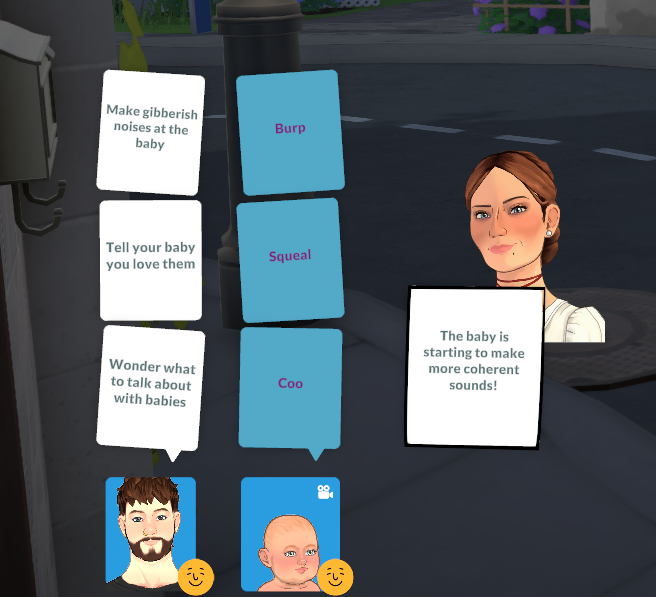
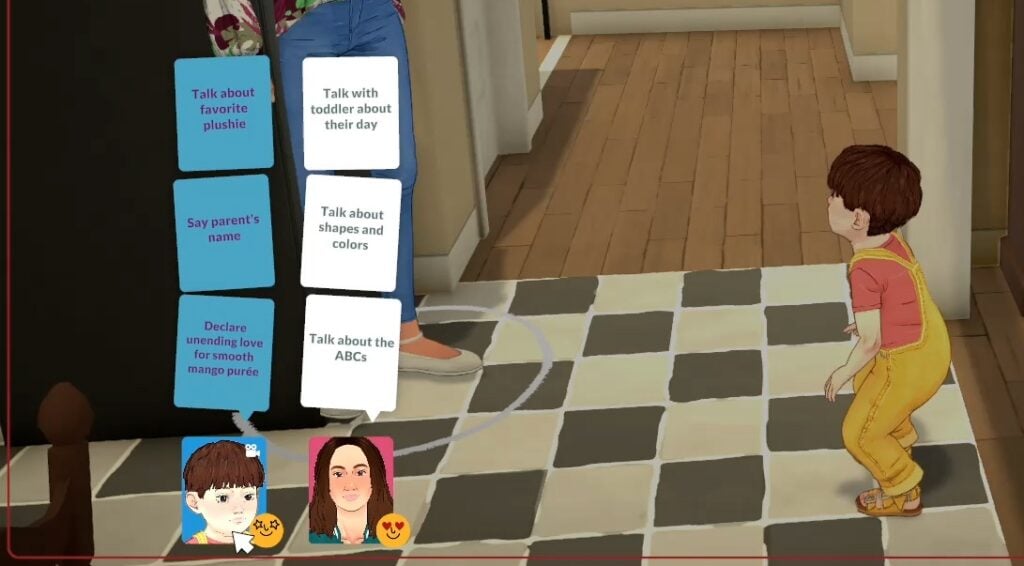
Babies and toddlers also have a unique blue card for their conversation options. Picking these in conversation will level up their language skill.
Relationship Labels
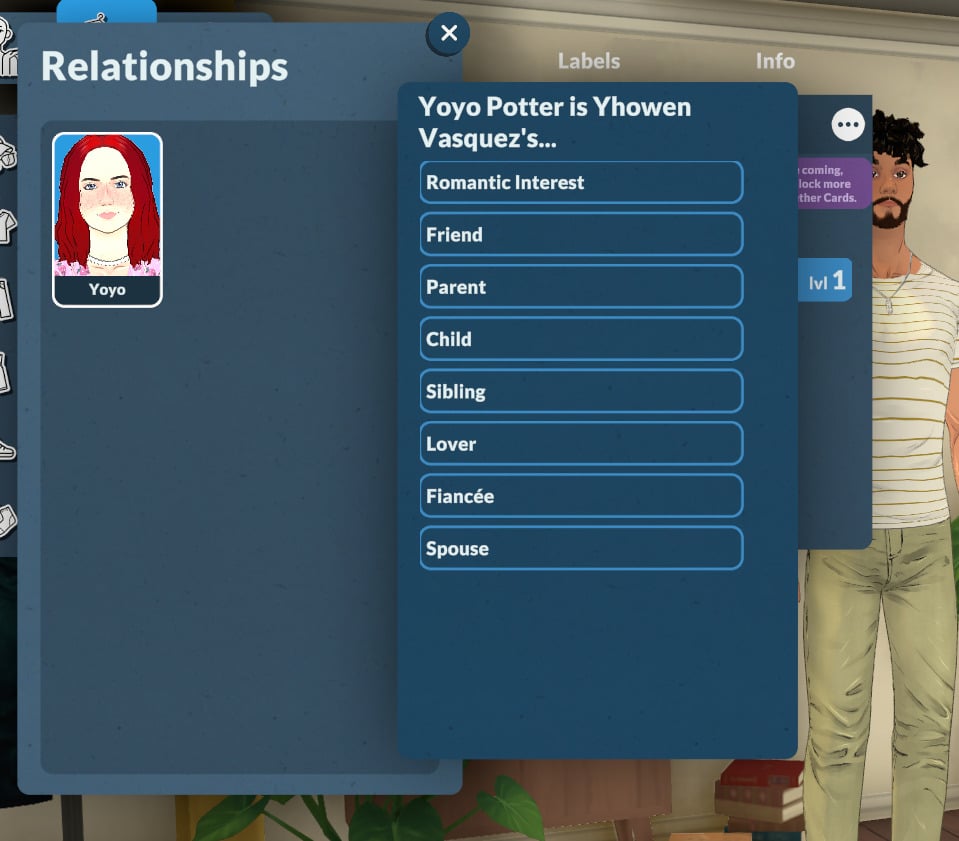
Love interest, friend, and family labels can be added in Paramaker when you create your family, and the team have confirmed that more relationship labels will become available as early access continues.
Outside of the Paramaker menus, relationship labels can only be unlocked through the storyteller and their input into the relationship.
If you perform a bunch of interactions in a row from the same type of together card, the storyteller you have chosen will pop up and give you the option to add a relationship label or level up a relationship.
Levelling up your relationship will unlock new together cards, so when they pop up it’s a good idea to take it.
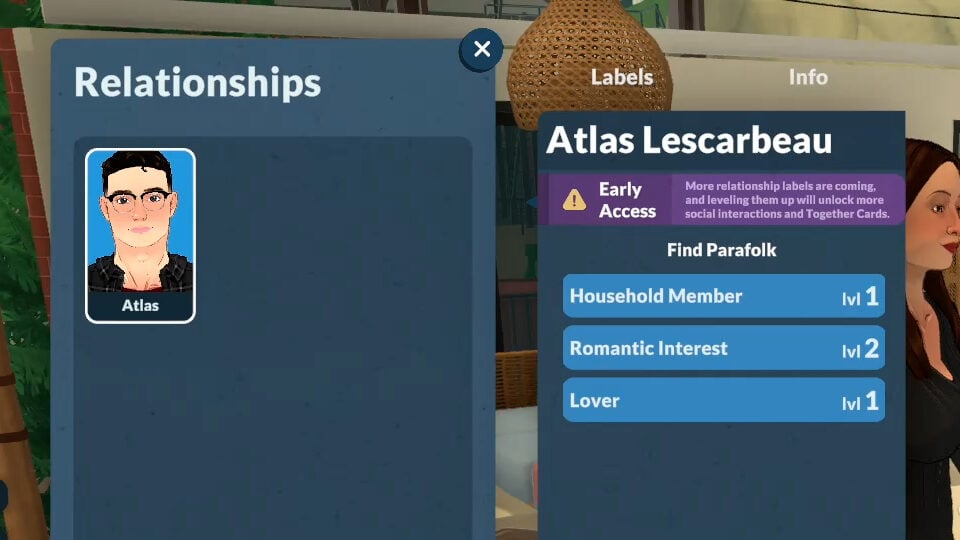
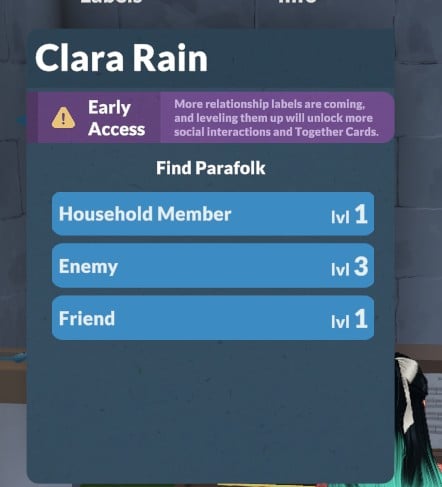
To check on the relationship labels and levels between any two Parafolk, you can find all their information in the Relationships tab.
You can also have relationship labels which might seem conflicting, like lover and enemy or friend and enemy, so relationships can be as complex as you want them to be in Paralives.
Friendship
Forming friendships in Paralives is really straightforward and doesn’t require too much input, unlike romantic and negative relationships.
As long as Parafolk spend time together in a group, whether chatting or doing an activity, they will build a positive connection.
The higher your friendship level the more dialogue options you will unlock, including things like the ability to tell inside jokes.
Romance
Building romantic relationships in Paralives involves elements of chance, as well as the together cards and activities.
Personality Impacts Romance
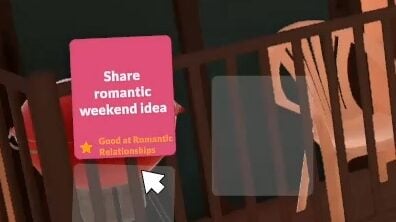
When creating your characters in the Paramaker, you can assign them specific personality traits and perks which impact socialisation. Selecting the Good at Romantic Relationships perk gives your Parafolk higher success rates and unlocks unique together cards.
Chances Of Flirtation Success
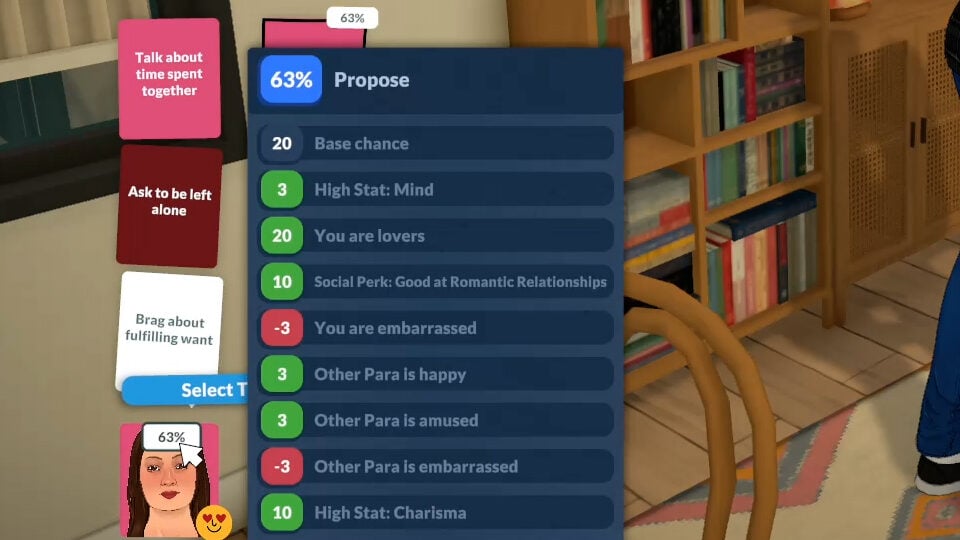
Flirtation success depends on a host of factors, including how close your Paras are, the vibe of the conversation, and how the Paras are feeling.
Hovering over the target Para’s icon will show you how likely you are to succeed and provide a more detailed breakdown of the factors influencing your chances.
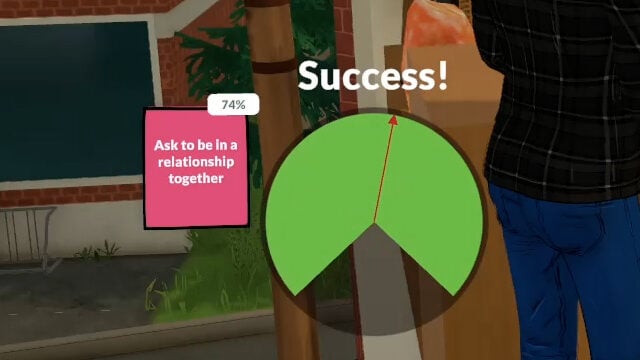
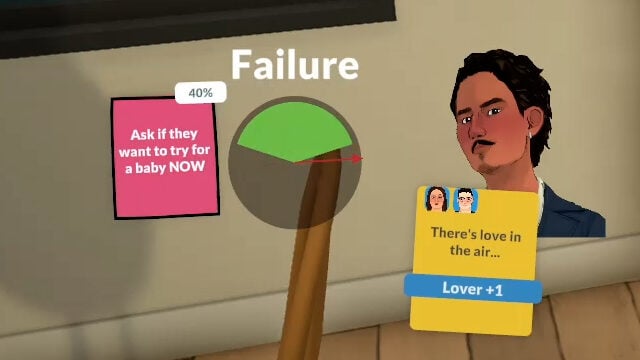
Once you select an interaction and target, a spinning wheel animation will indicate if you were successful or not.
If the flirting wasn’t successful, there is a good chance that your Parafolk will be embarrassed or sad.
Proposing
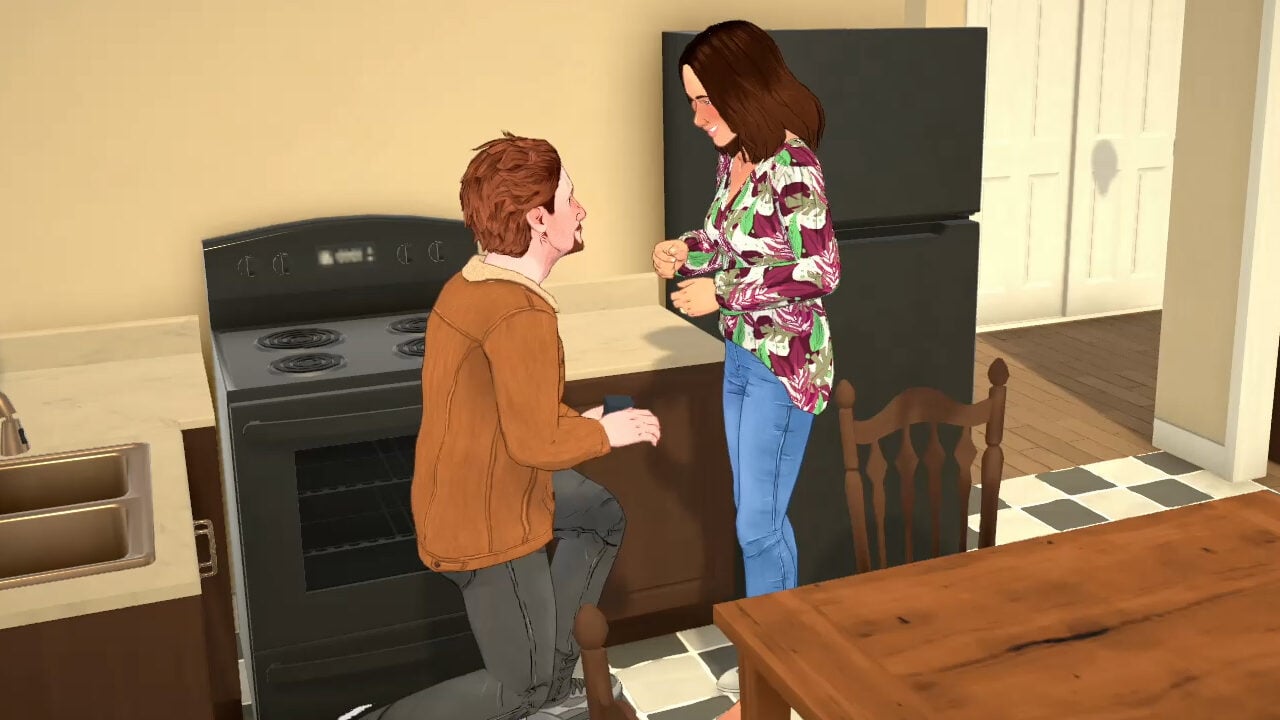
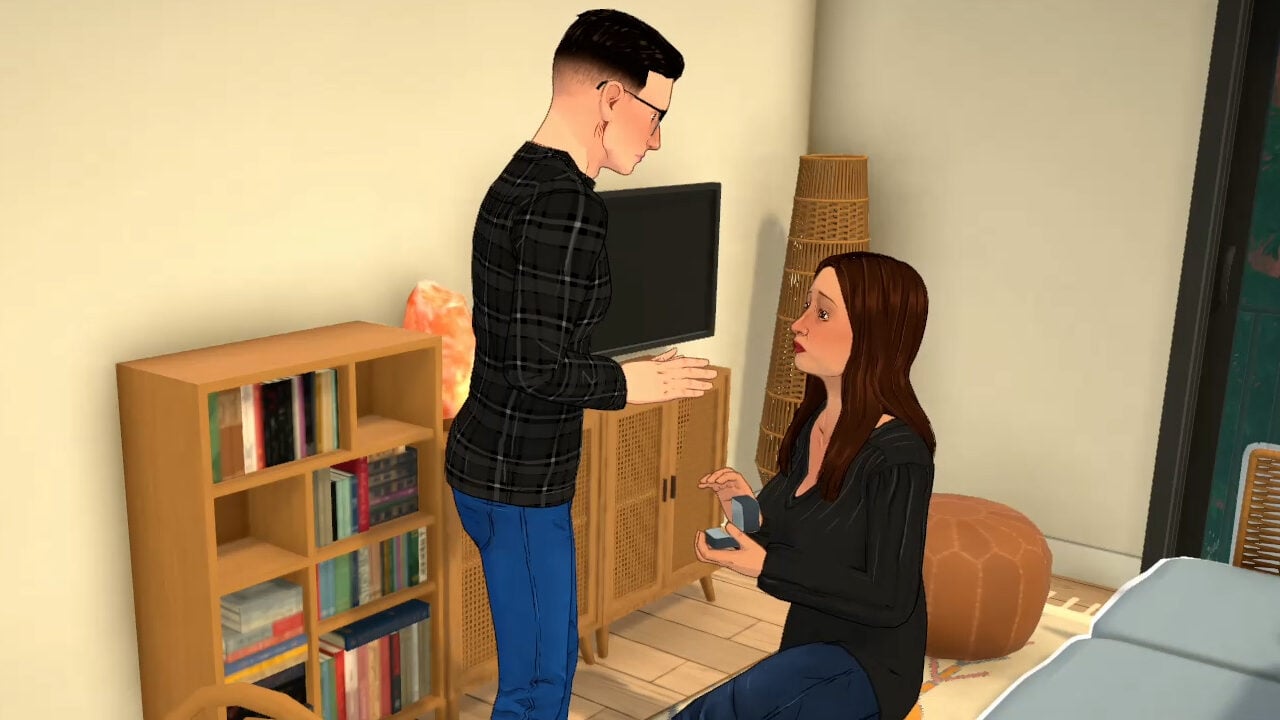
Proposing comes with a unique animation depending on if the Parafolk being proposed to agrees or rejects their partner.
Understandably, a failed proposal is going to make them feel embarrassed.
Successful proposalFailed proposal
Marriage
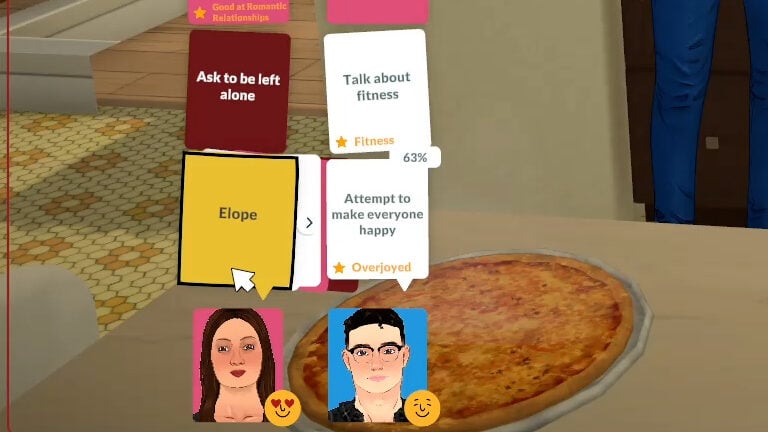
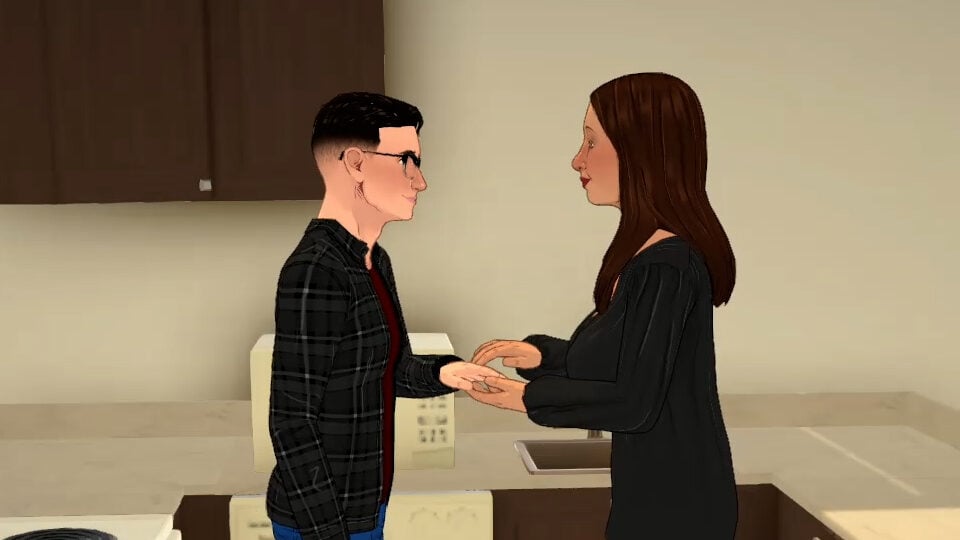
At the time of writing this guide, it’s not possible to plan a wedding, so look out for a special yellow together card in the options to elope. Selecting that will start a quick wedding sequence.
There’s something very vintage Sims about proposing and then immediately getting married in the kitchen!
Making Enemies & Fighting
Where’s the fun in a life simulation game with no enemies?
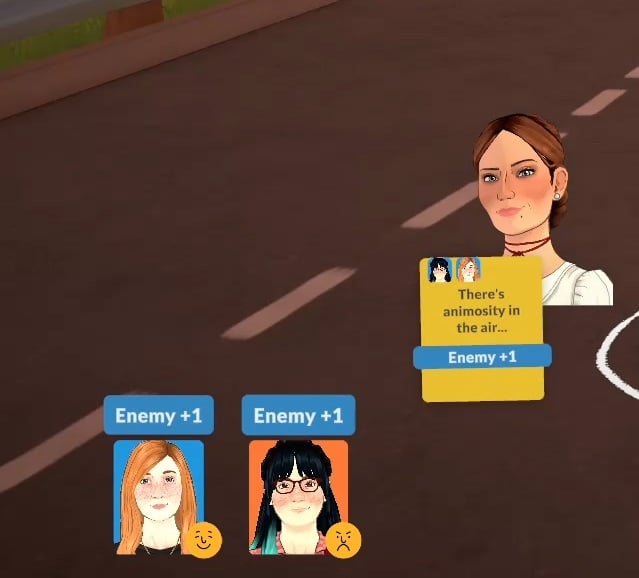
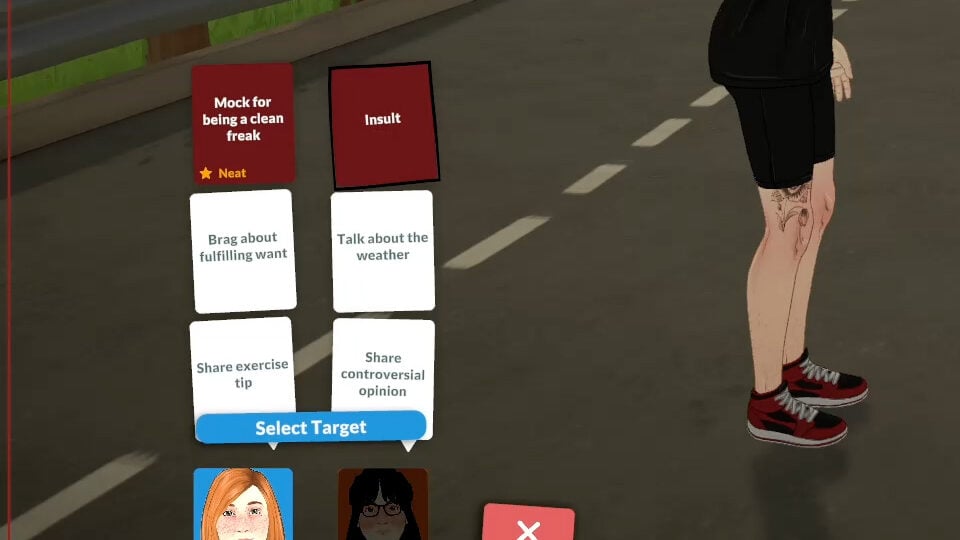
Negative relationships are just as easy to create as positive ones. If you want to make someone enemies with another Para then just select the red together cards whenever they come up.
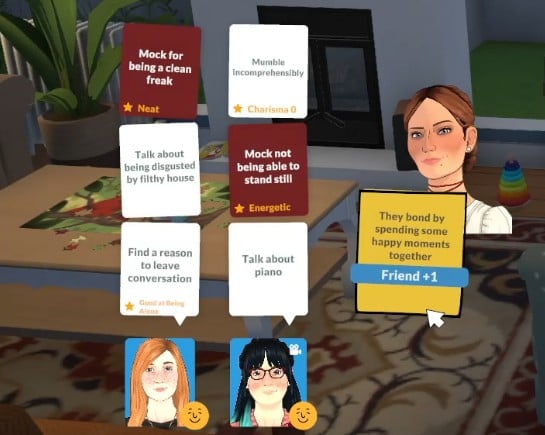
Insults have the ability to be personal, with options like “mock for being a clean freak” or “mock low charisma”, so the options you choose for your Parafolk in the Paramaker and their personality traits are all fair game.
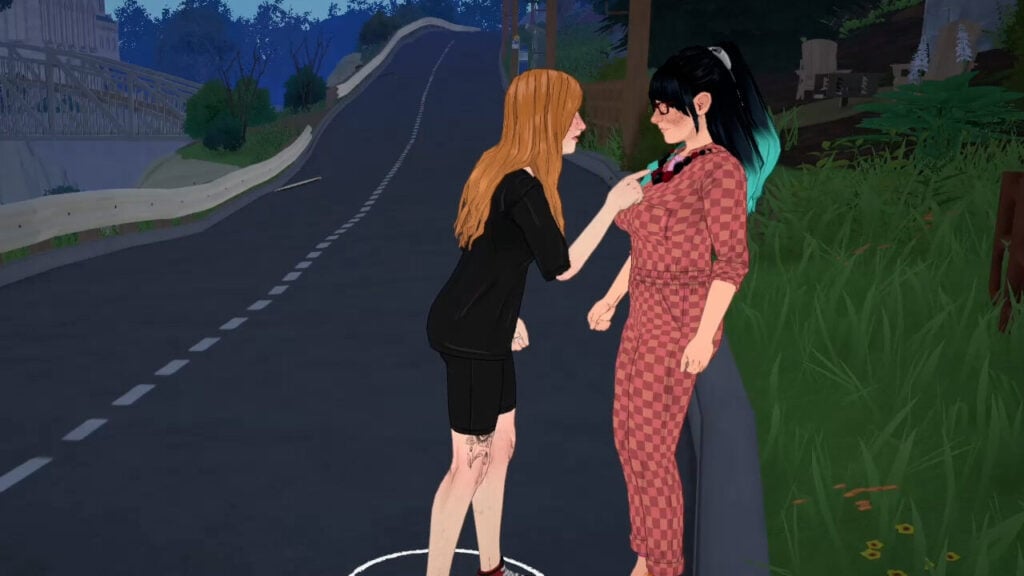
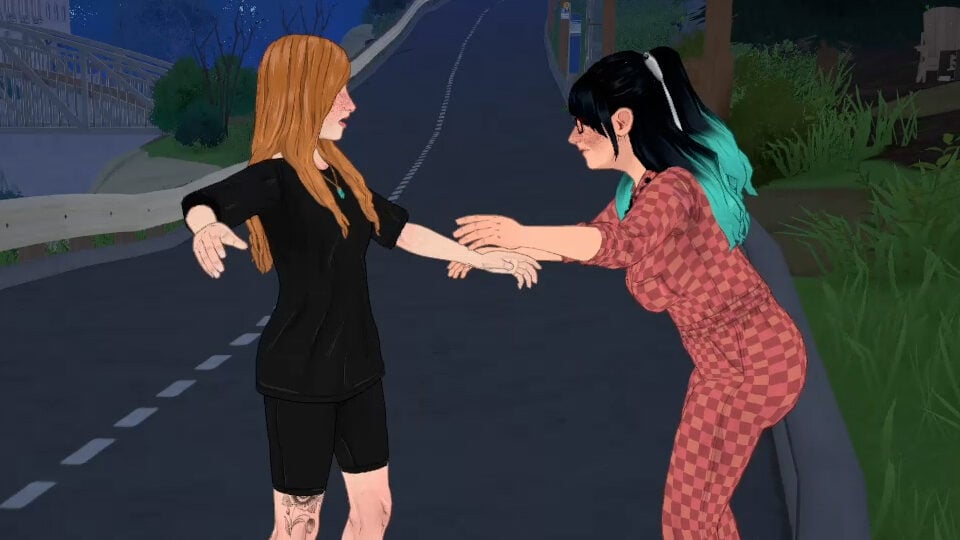
Some options, like poking, have a unique animation too. Selecting this option, you’ll see your Para square up to whoever they’re arguing with and poke their chest, before being shoved backwards.
Do enough of these negative interactions, and you’ll be sure to escalate your Parafolk’s relationship to enemies in no time.
From Enemies To Friends
Having a friendly interaction with someone you’ve made your enemy takes a bit more work.
At first all conversation options which are remotely friendly will be very surface level – my Parafolk chatted about pianos for about 4 hours – before you start getting prompts to tell jokes and compliment each other, and eventually your storyteller showing up to give you the option to become friends.
Paralives relationships are much more complex than the simple conversation style and levelling up system would lead you to believe.
The together card system also takes all the forced micromanagement out of your choices and gameplay, giving you some control but also leaving some choices up to the Parafolk and storyteller fate.
Are you looking forward to levelling up and exploring Paralives relationships and all the different dynamics? Let us know below!
We’ve also written lots of different Paralives guides, which you can find on our dedicated page here.
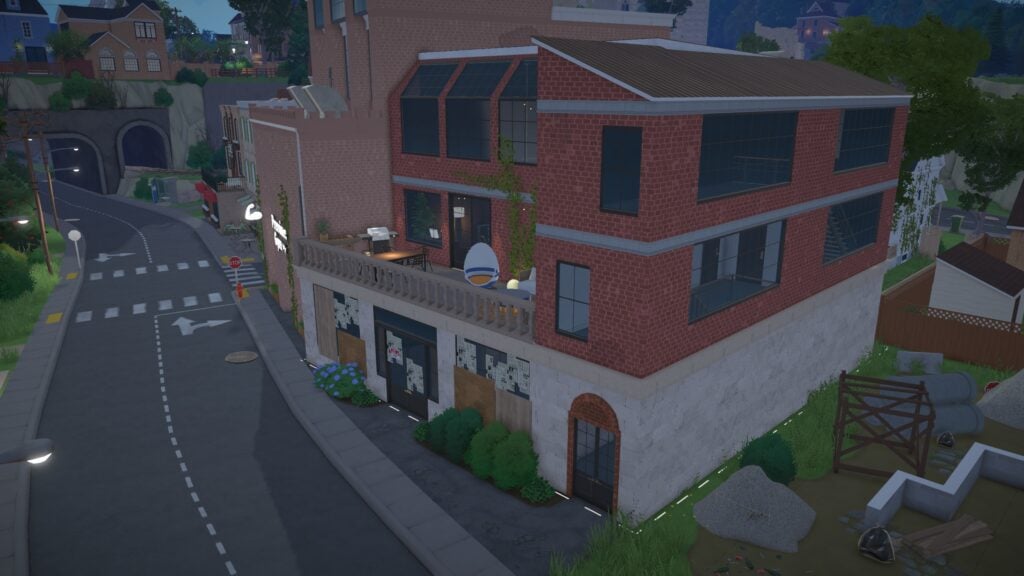
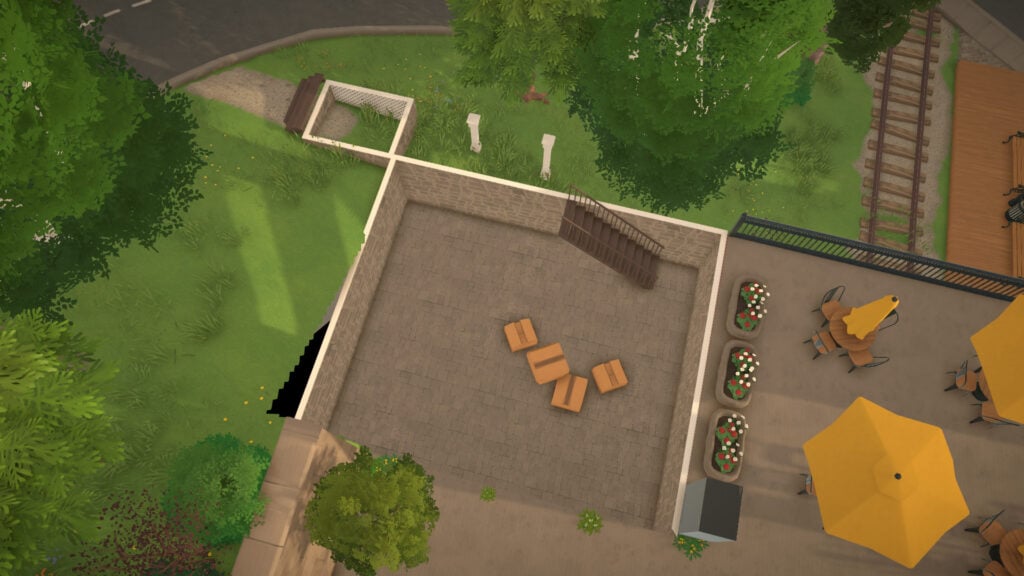
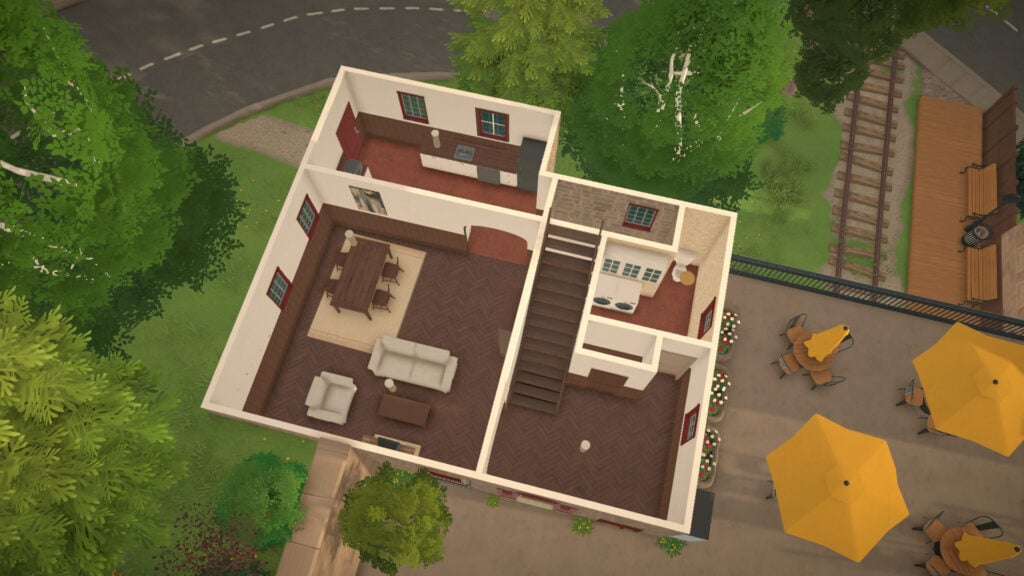
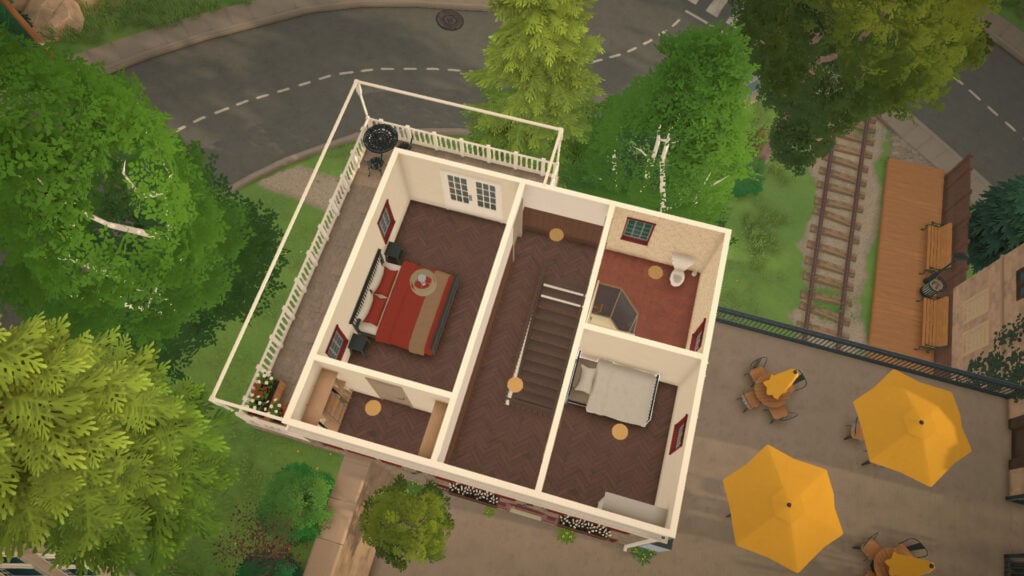
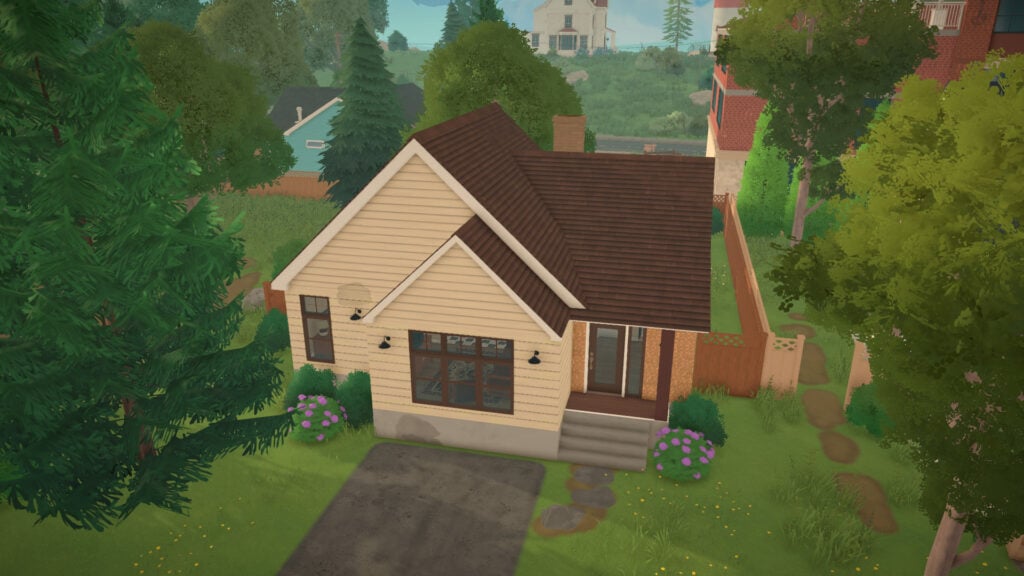
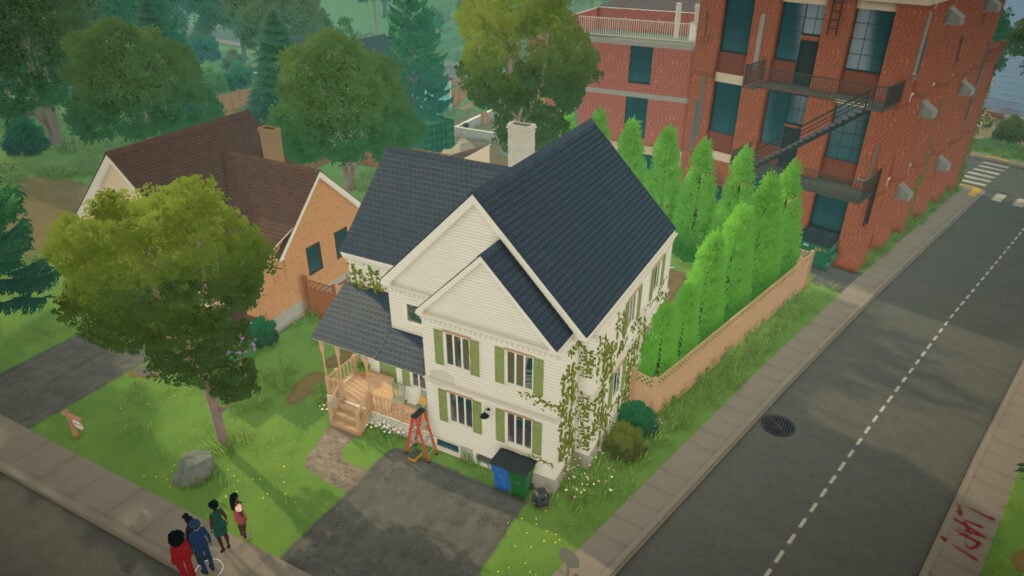
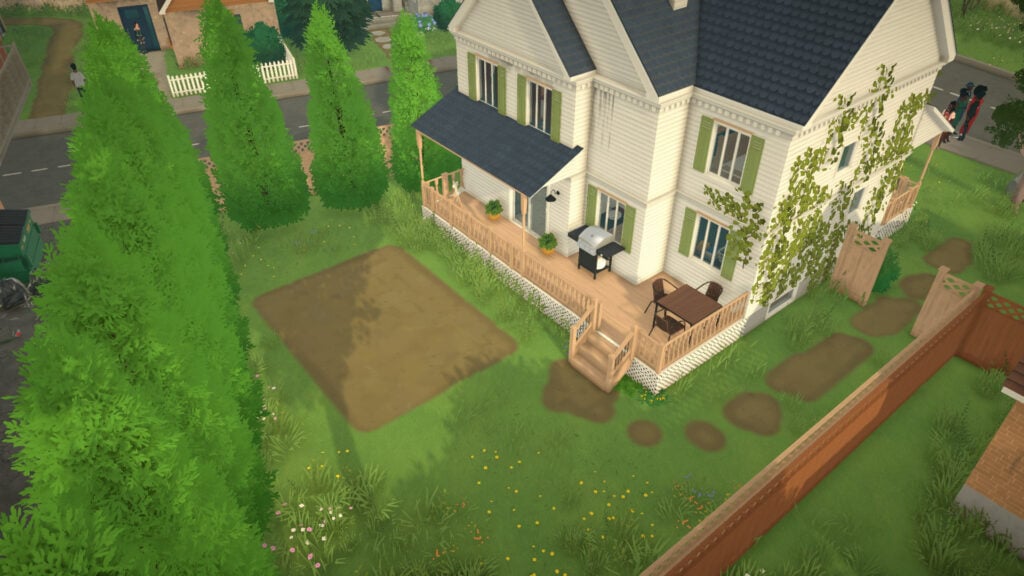
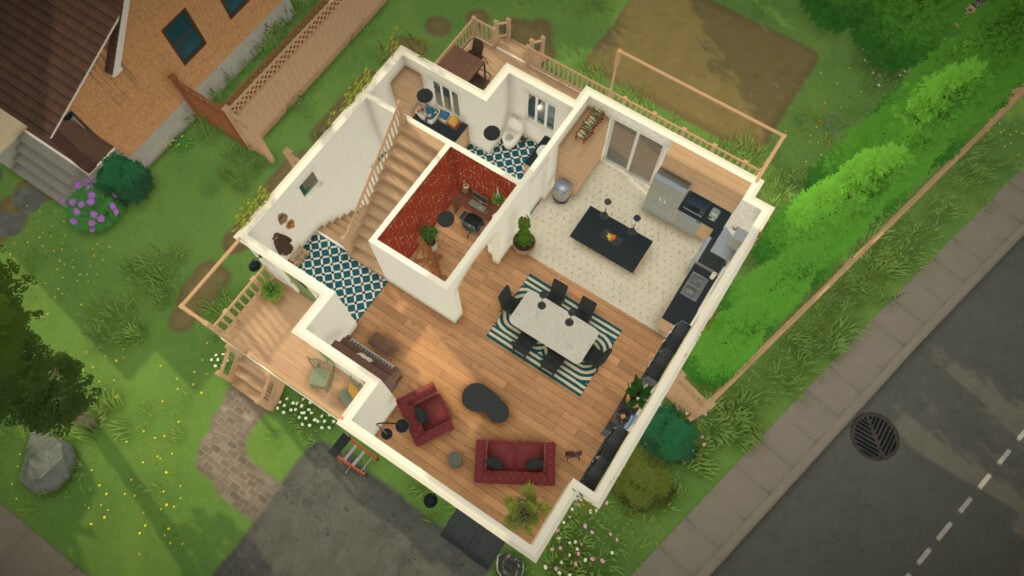
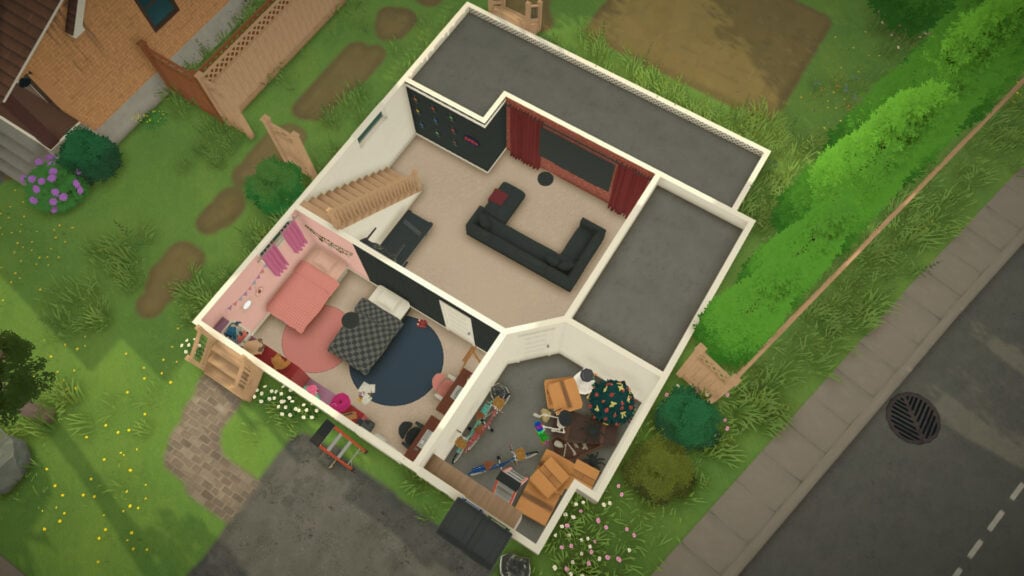
Your trip to Melino is right around the corner, and that means it’s time to start looking for the perfect place to call home. The world of Paralives includes several empty homes ready for players to move into from the very beginning, giving every new save a variety of living options depending on your budget and preferred neighborhood.
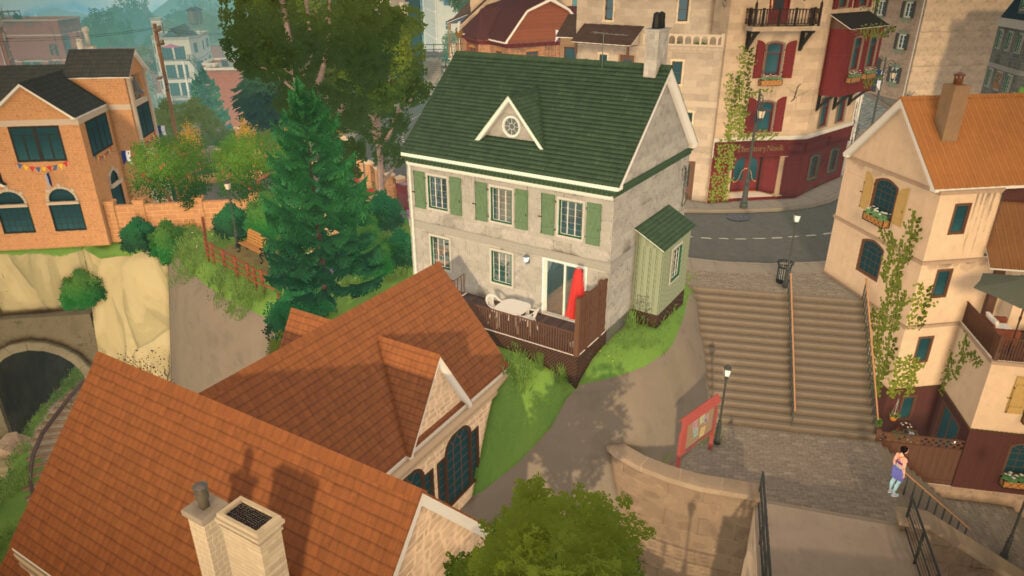
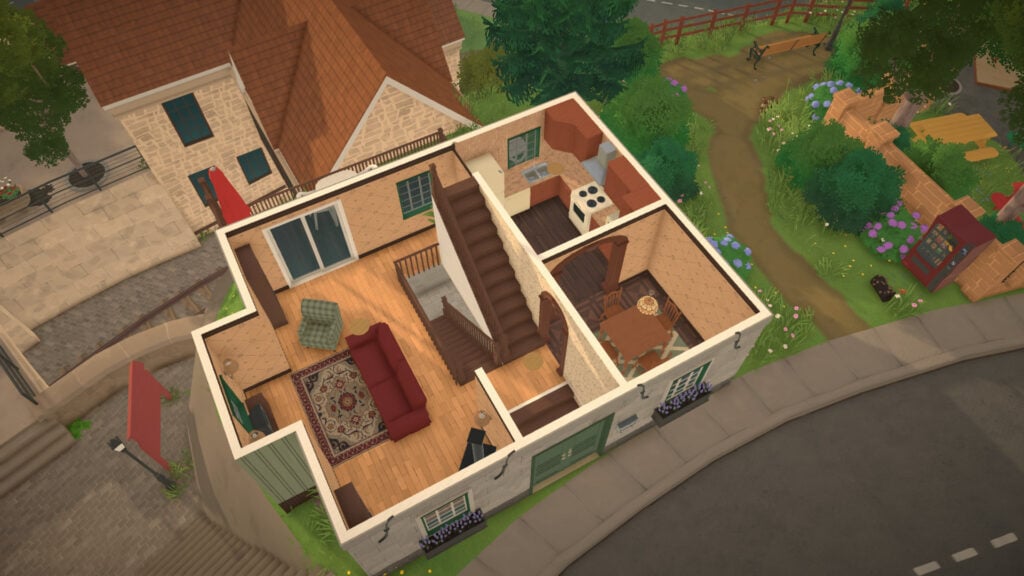
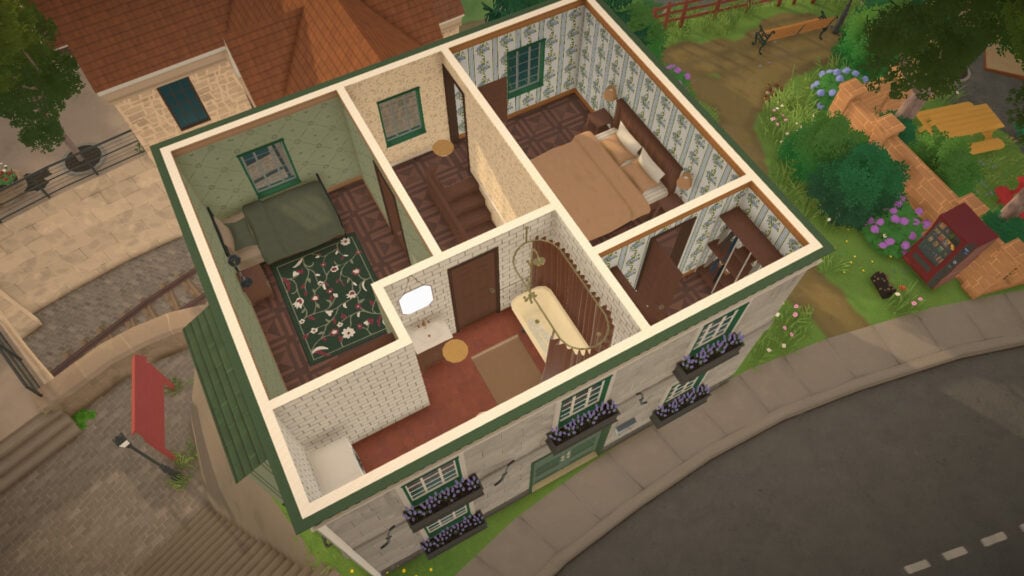
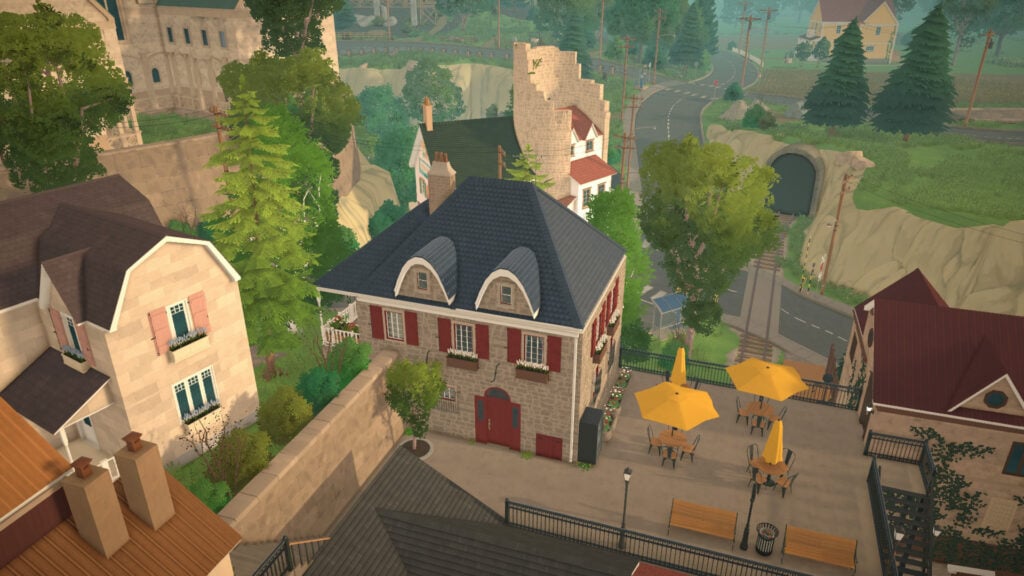
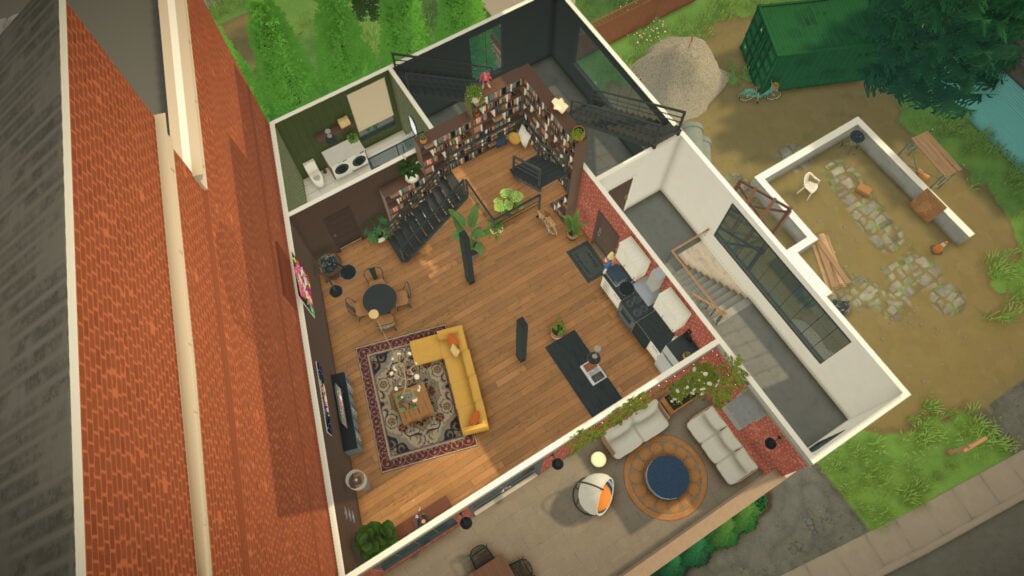
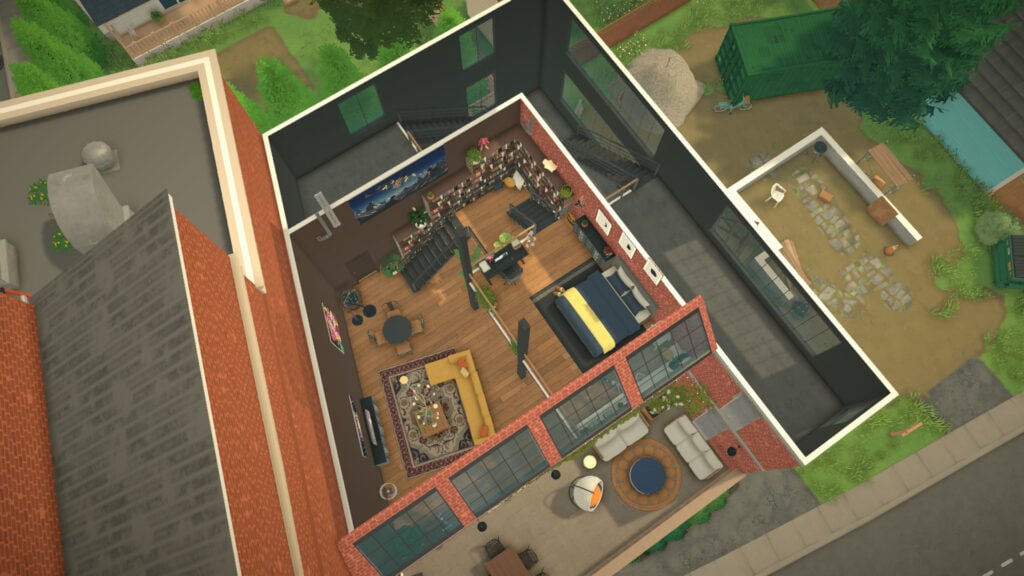
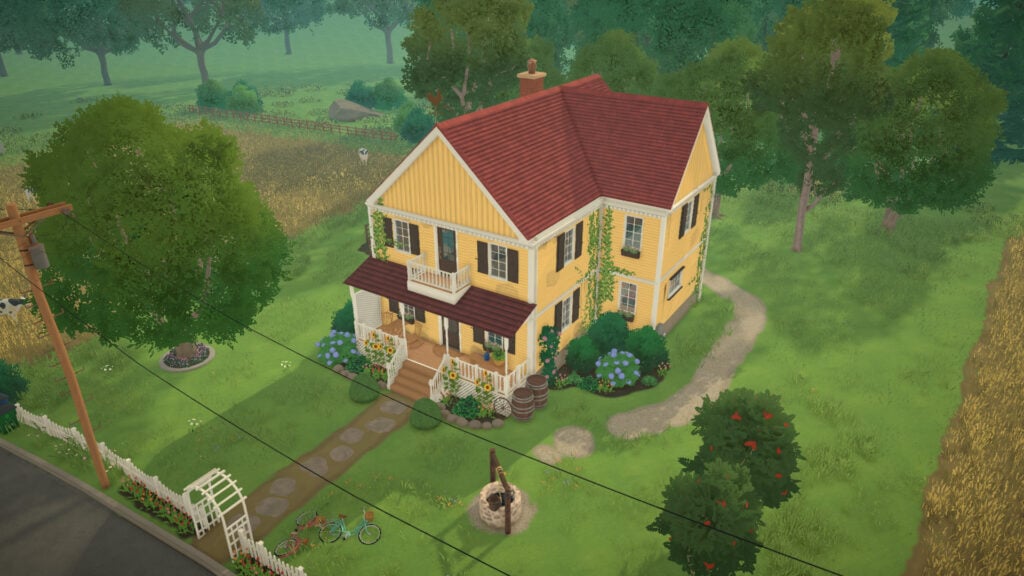
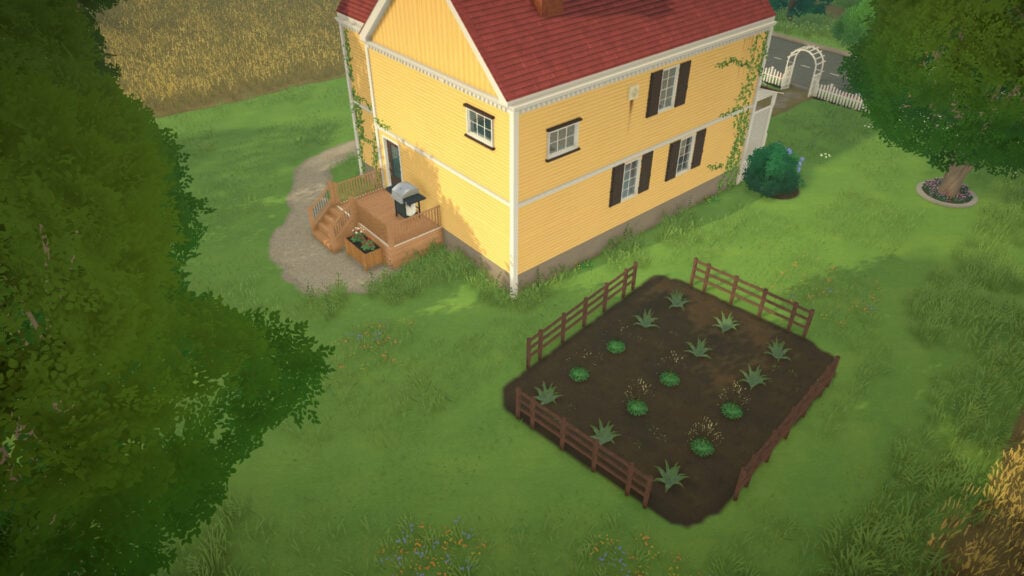
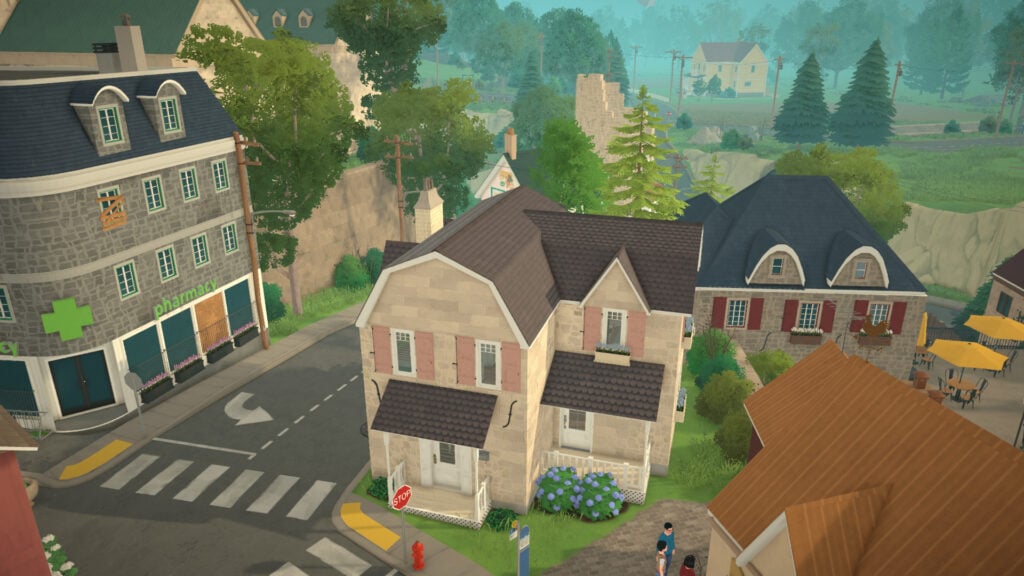
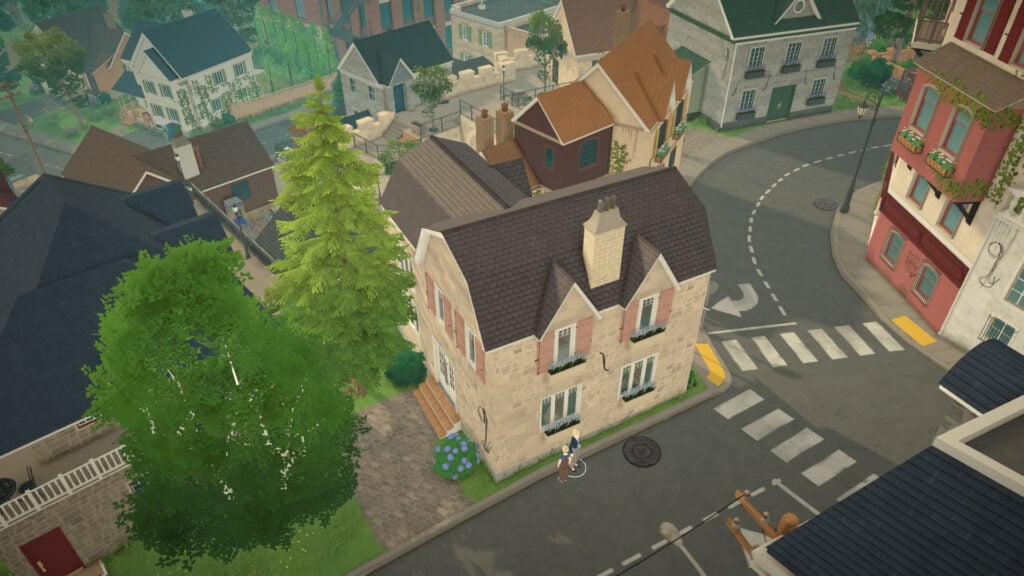
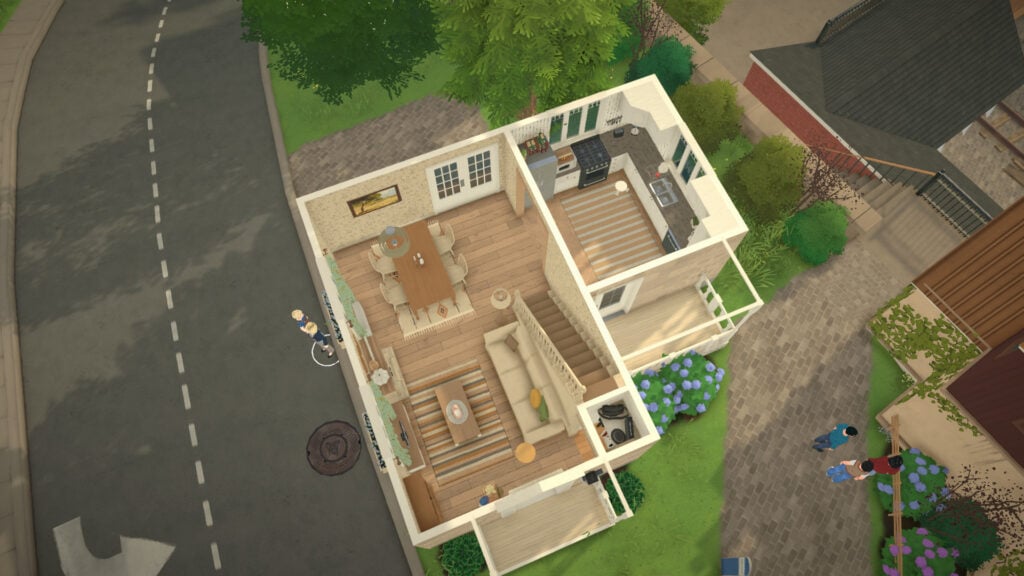
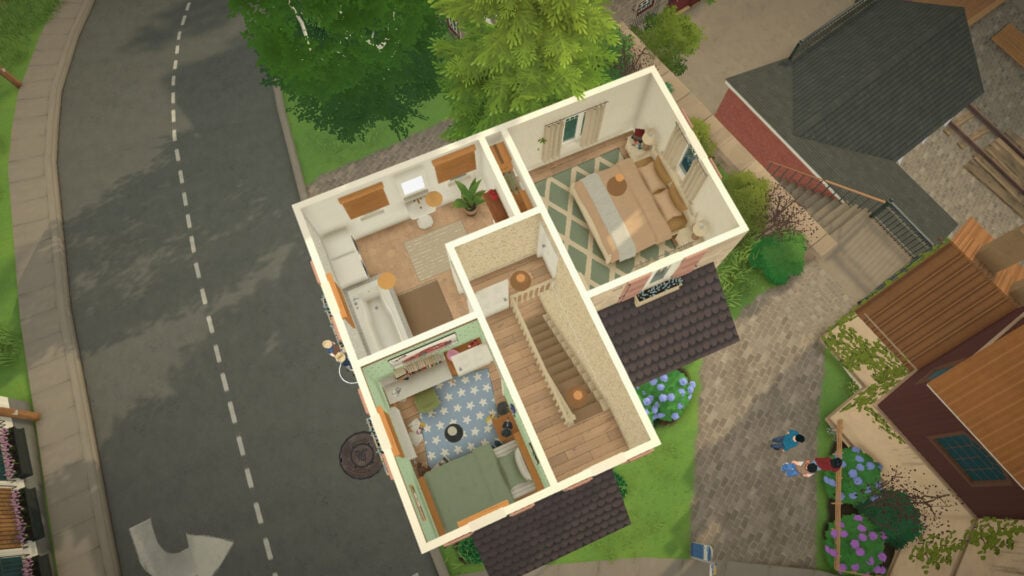
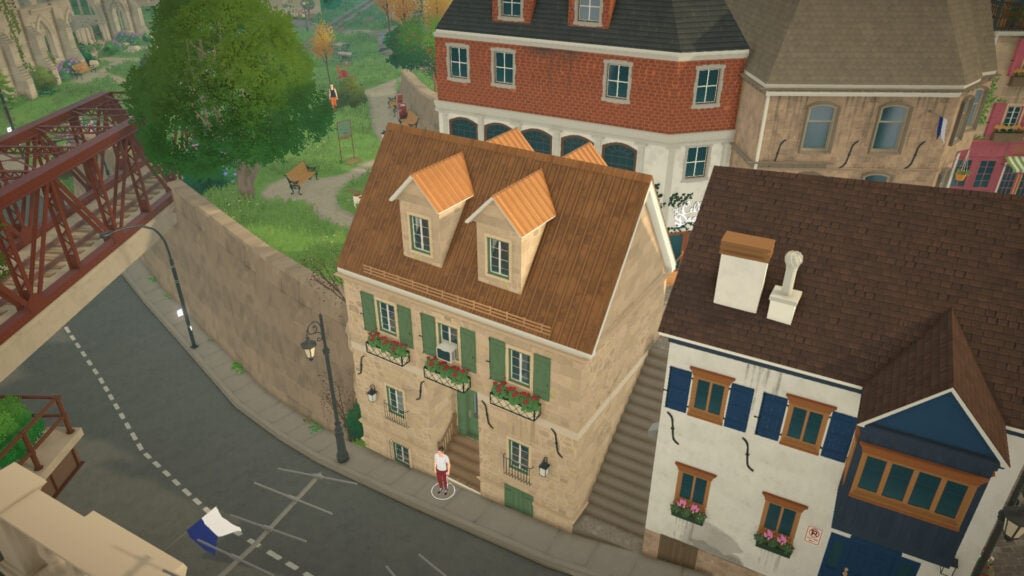
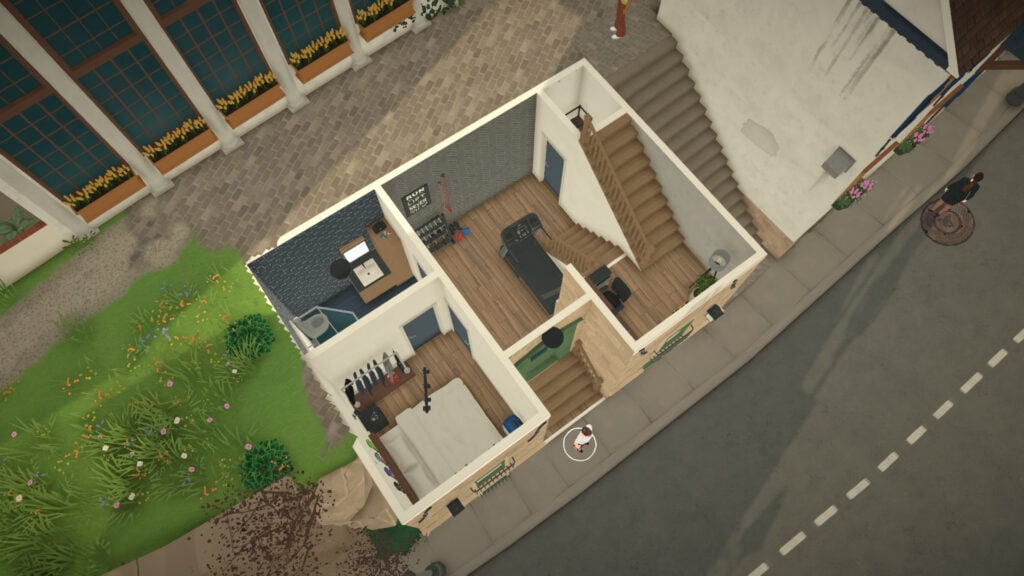
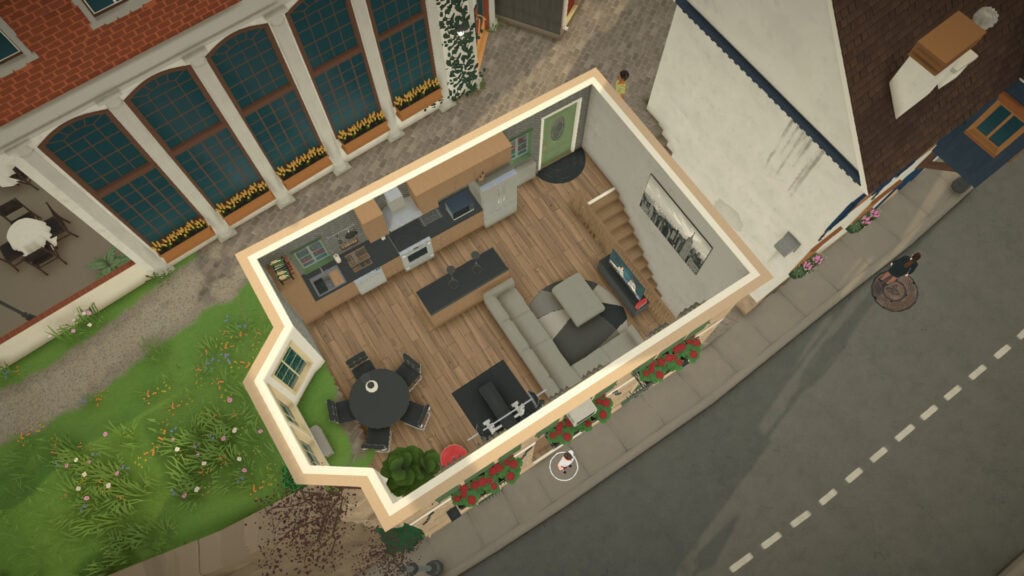
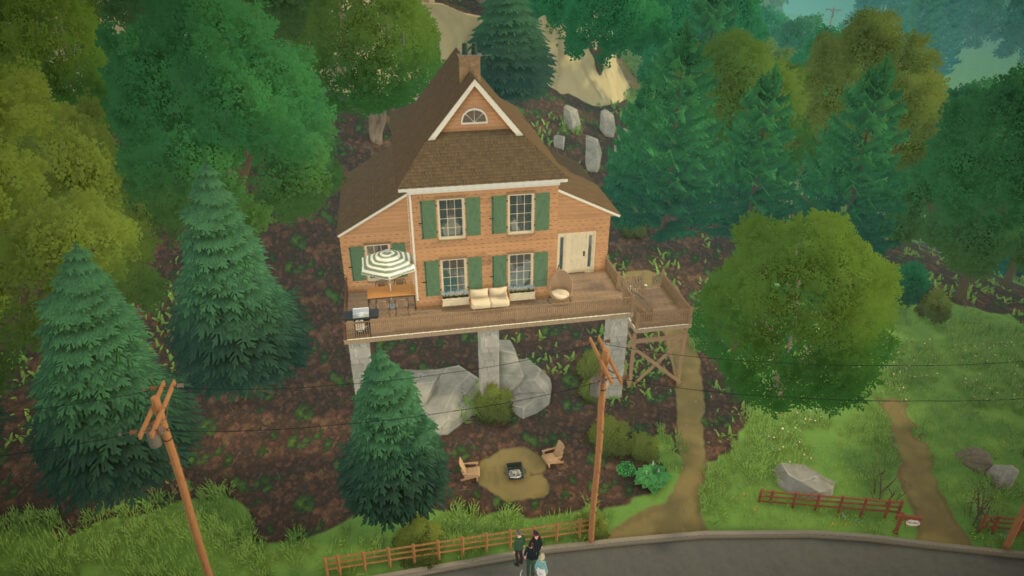
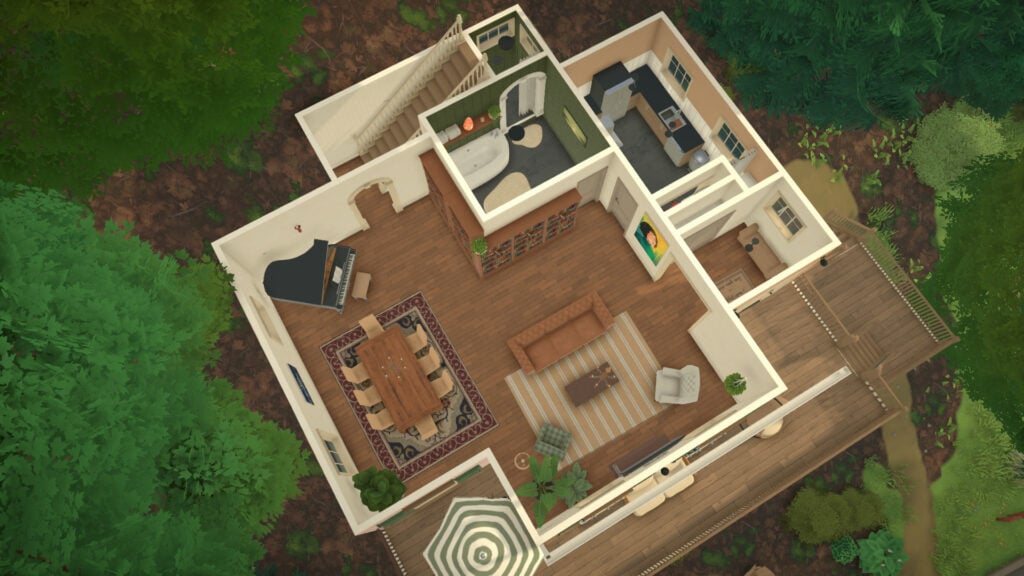
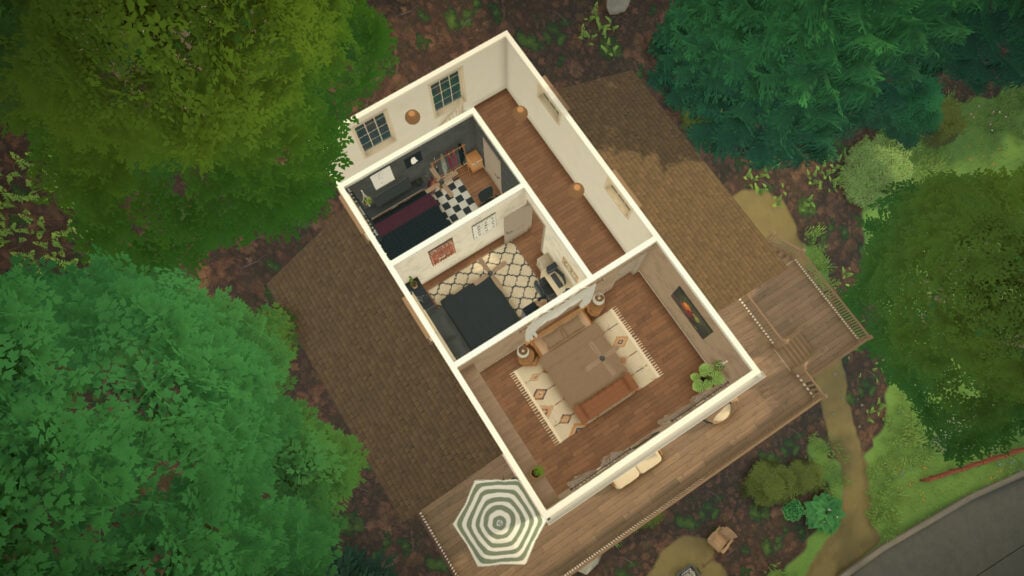
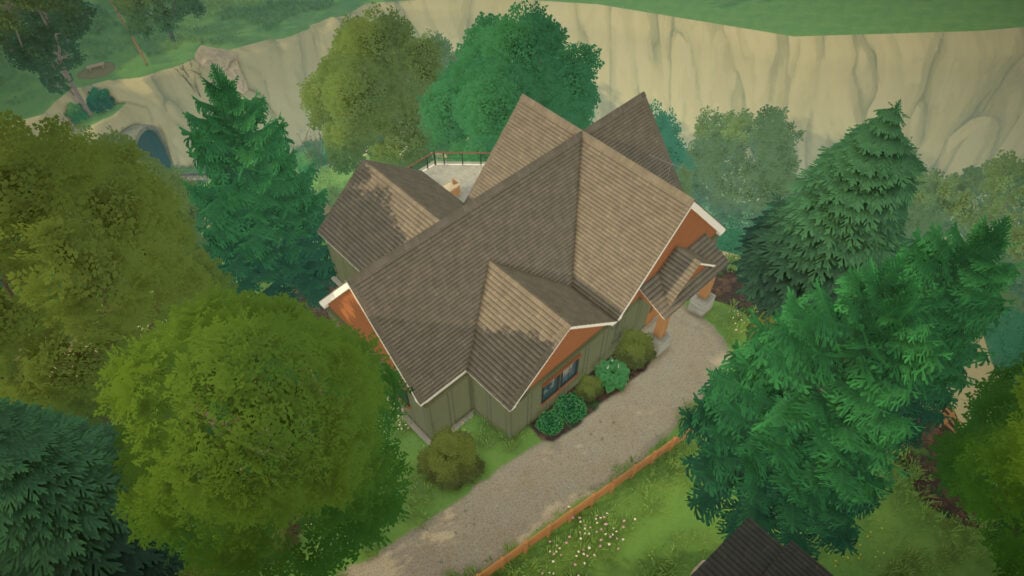
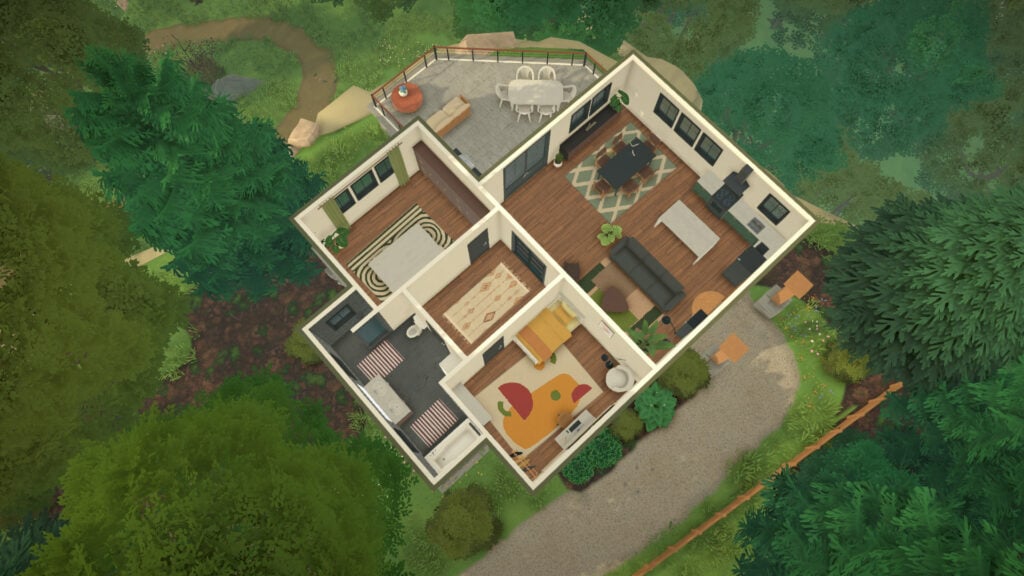
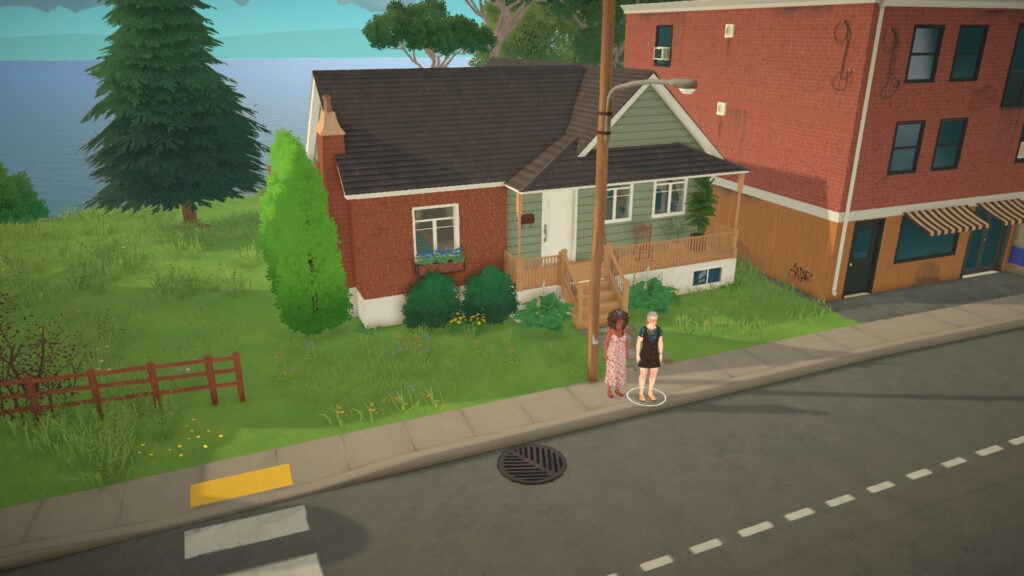
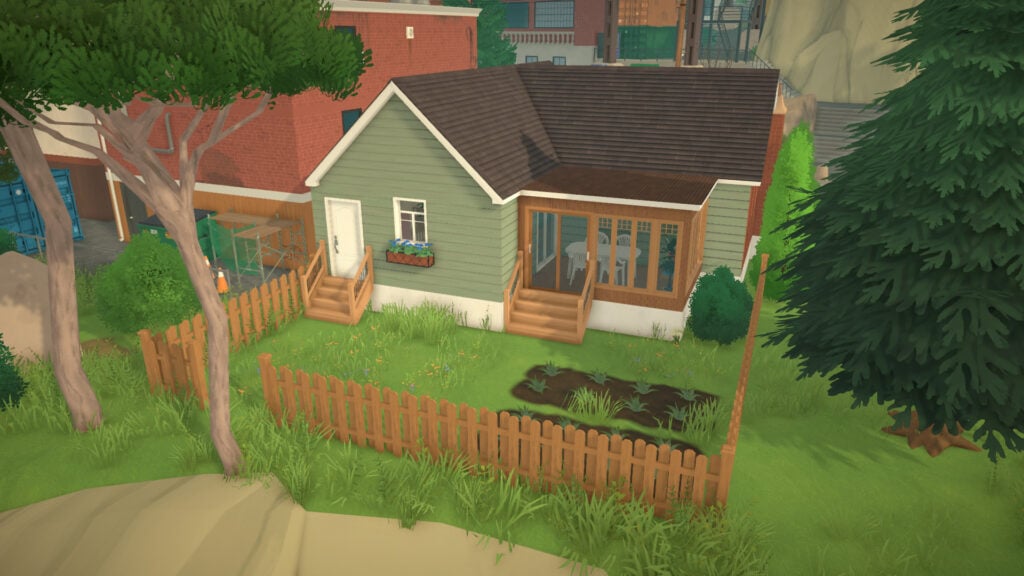
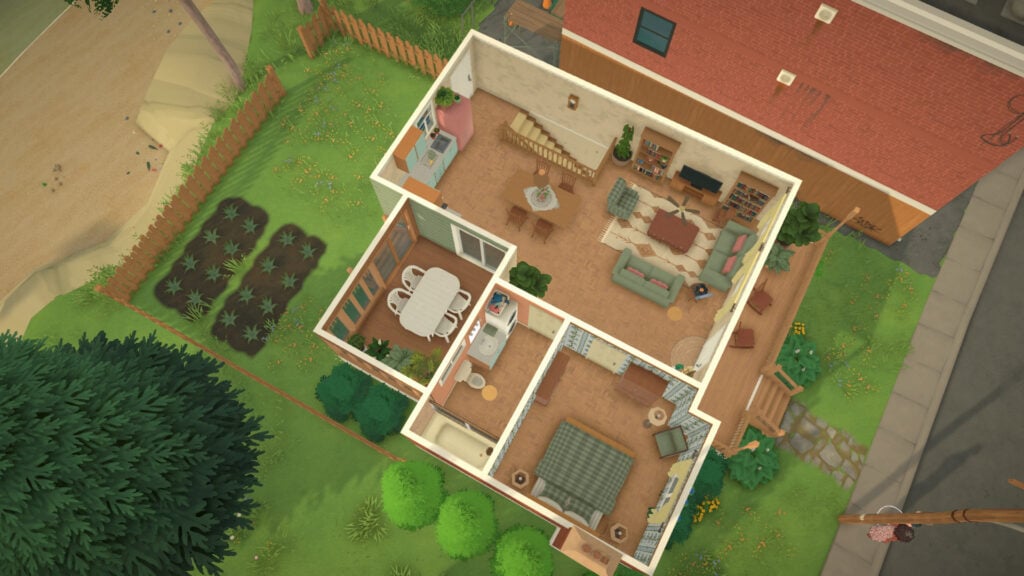
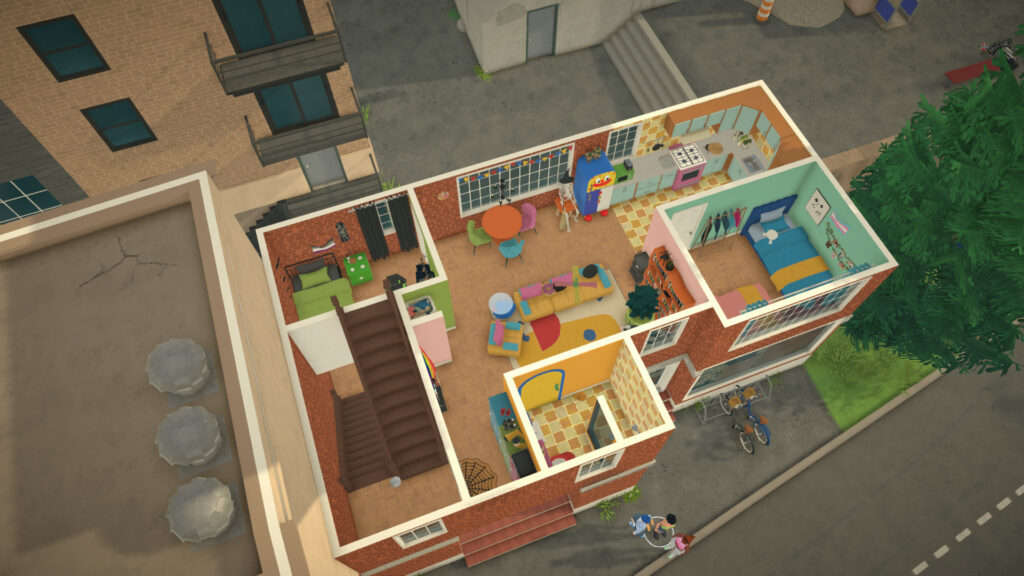
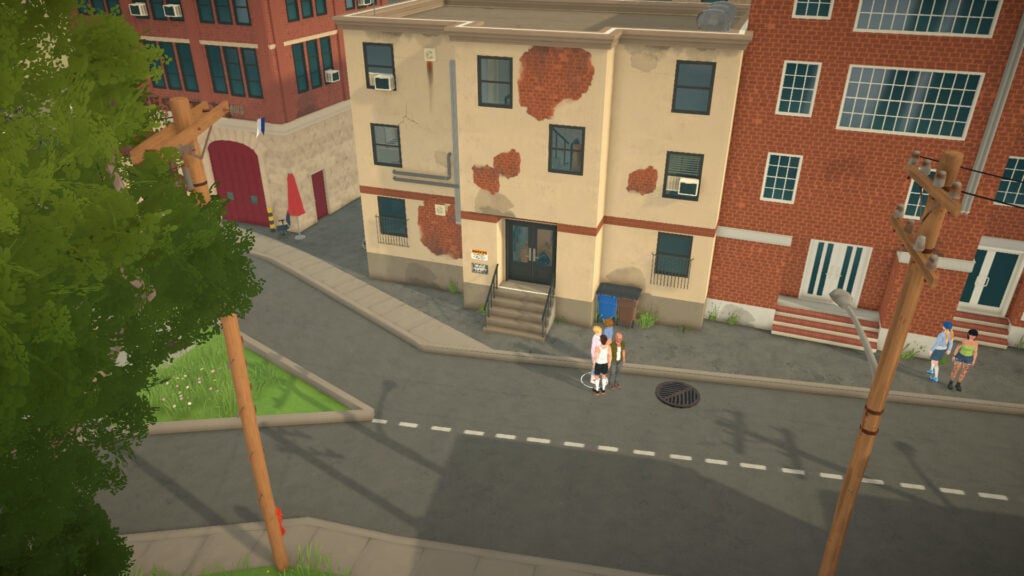
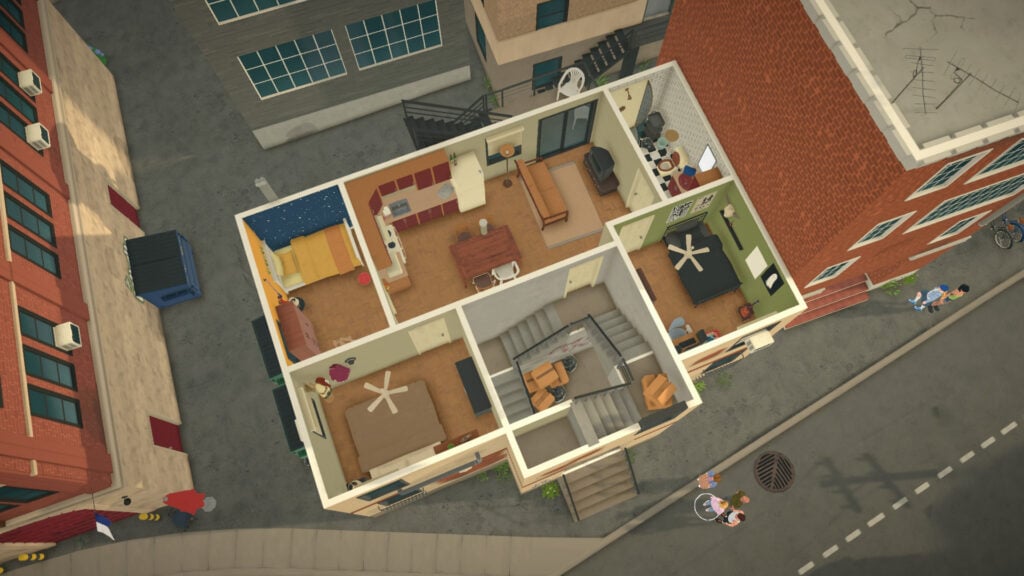
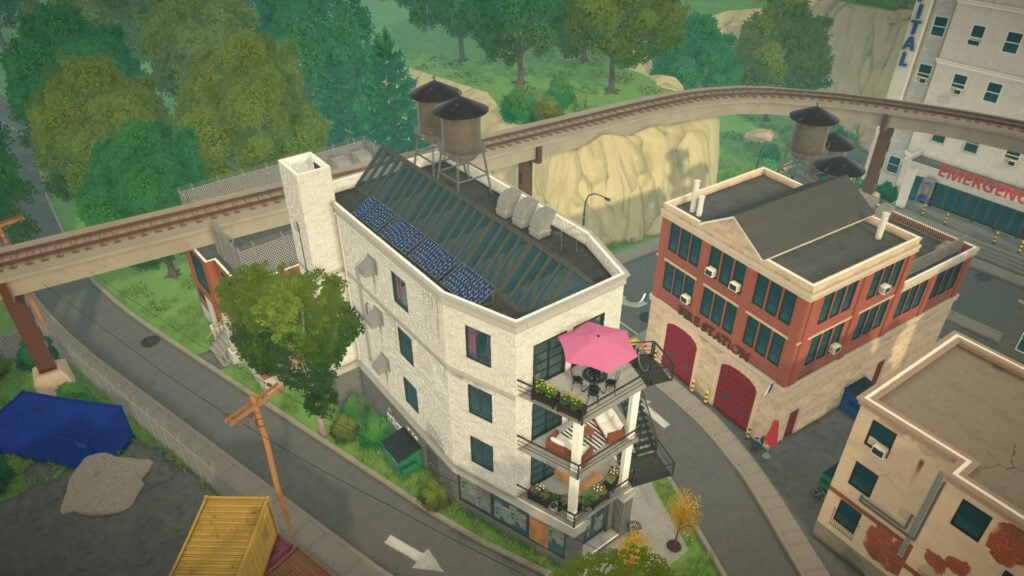
In this guide, we are taking a look at all available Paralives lots that can be purchased at the start of a new game. These are fully built homes that currently have no residents living inside, making them perfect for fresh households or players planning a new story from scratch.
We’ll also show how many Paradimes each property costs, alongside a few in-game screenshots to help you get a better idea of each home’s style, size, and overall atmosphere before choosing where your Para will live next.
Table of Contents
Homes for Purchase in Melino
Before jumping into all the available Homes for Purchase in Melino, it’s important to mention that this guide is organized from the cheapest homes to the most expensive ones. This way, you can easily find which Paralives lots best fit their starting household budget before moving into the city.
We’ll also be exploring the homes by neighborhood, beginning with Old Town, the area with the highest number of empty residential lots available at the start of a new save. From smaller and more affordable homes to larger properties with unique styles, each neighborhood in Melino offers a different atmosphere for players looking to begin their next story.
Total of Buildable Lots
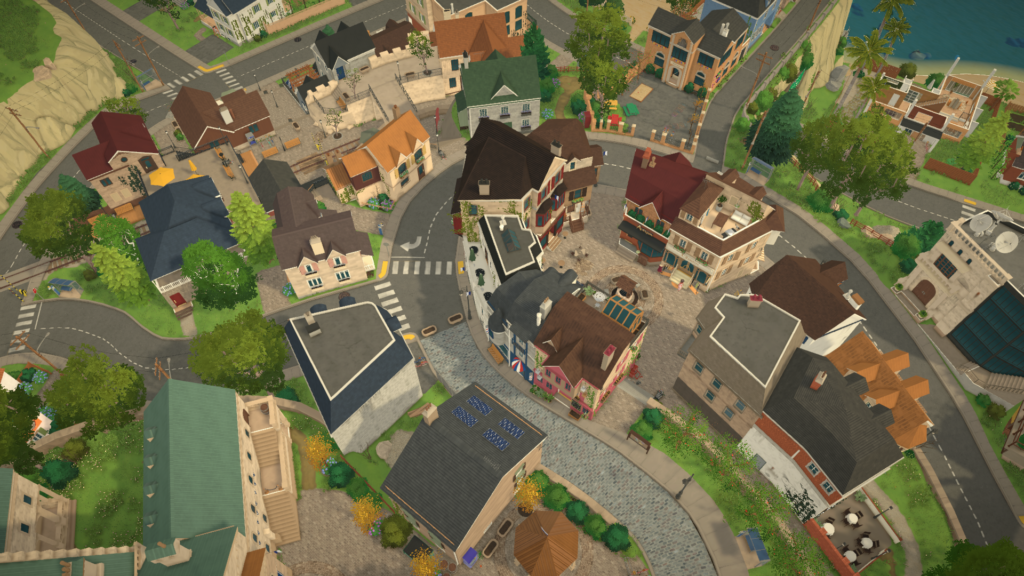
In Melino, players can find 44 available Paralives lots spread across the entire town. This includes residential homes with existing residents, empty houses ready for new households to move into, and completely blank buildable lots for players who prefer creating their own homes from scratch.
Based on our current count, Melino features around 25 occupied homes, 10 empty buildable lots, and 9 fully built houses without residents that can be purchased and lived in at any point during gameplay, whether starting a new save or moving households later on.
Available Lots in Old Town
Residence for 27,436 Paradimes
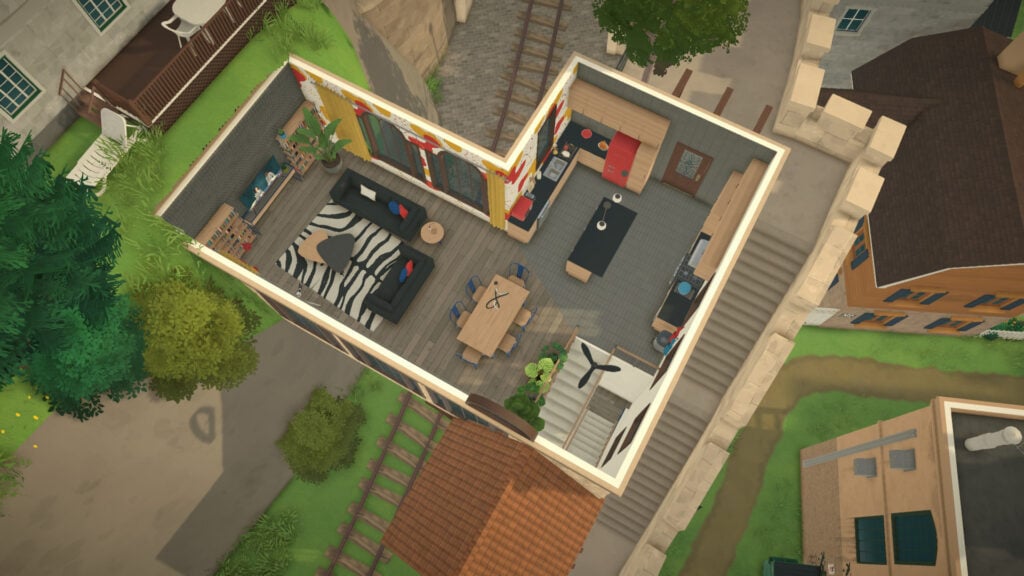
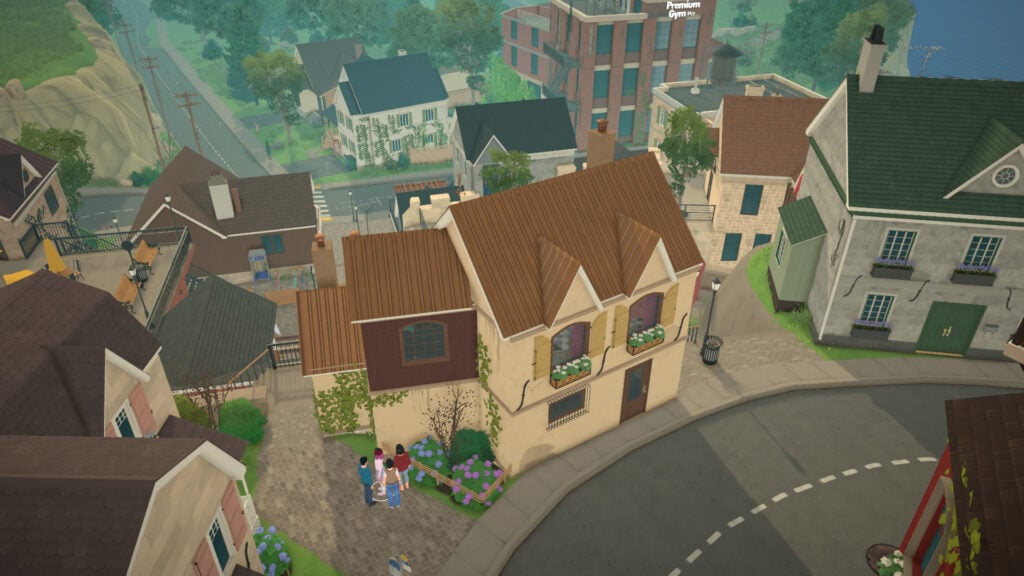
This house, besides the primary school, offers 2 bedrooms and 1 bathroom.
Residence for 27,838 Paradimes
This home in the middle of the train station offers 2 bedrooms and 2 bathrooms.
Residence for 28,203 Paradimes
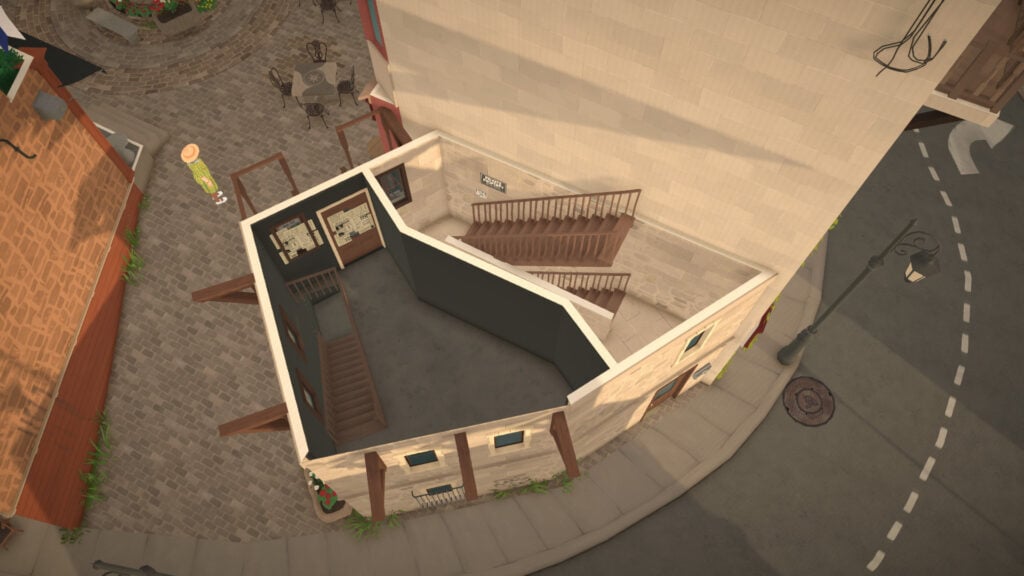
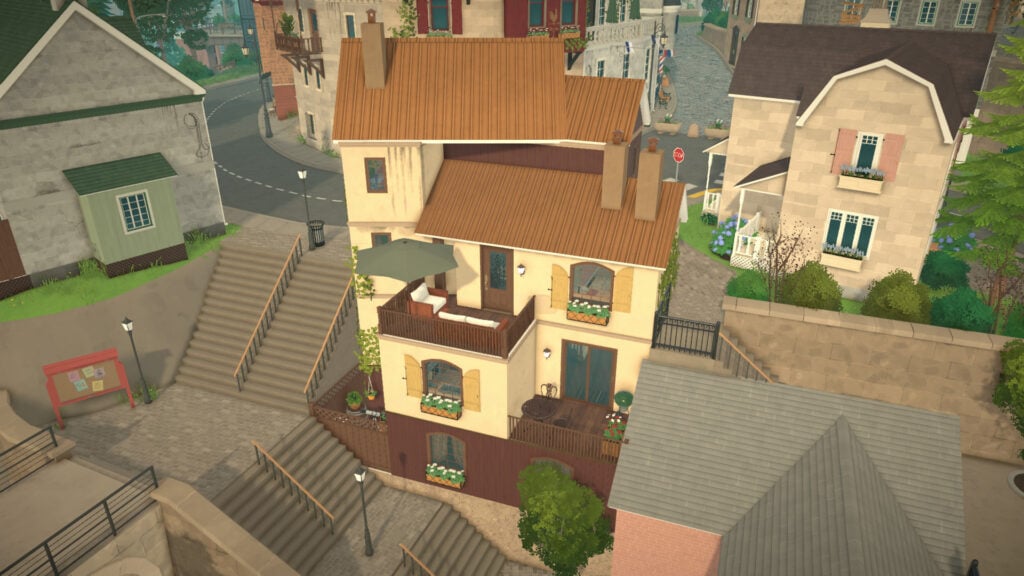
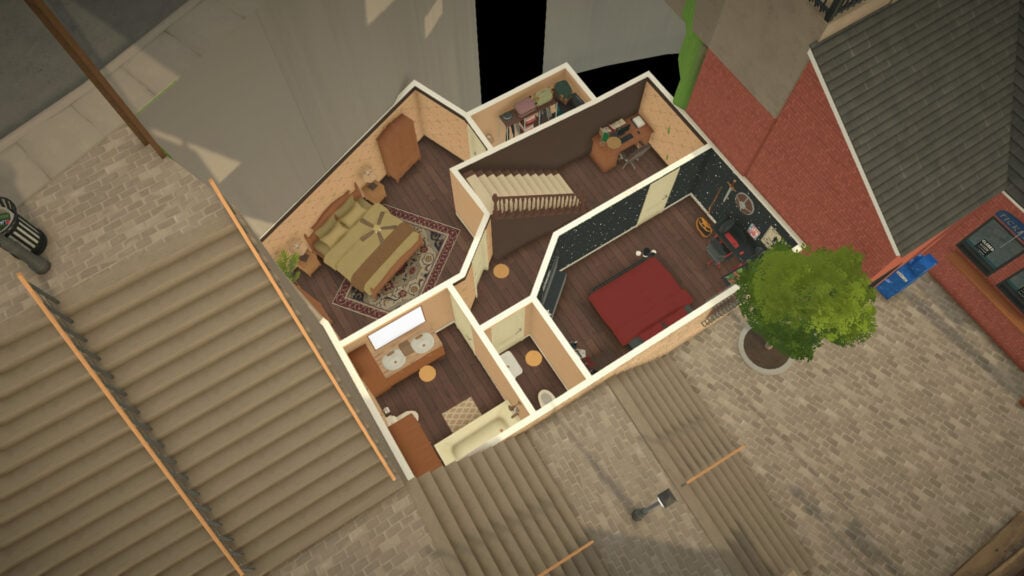
This home is placed in the suburban area of Old Town, offering 4 bedrooms and 2 bathrooms. The basement has no windows, by the way.
Apartment for 28,473 Paradimes
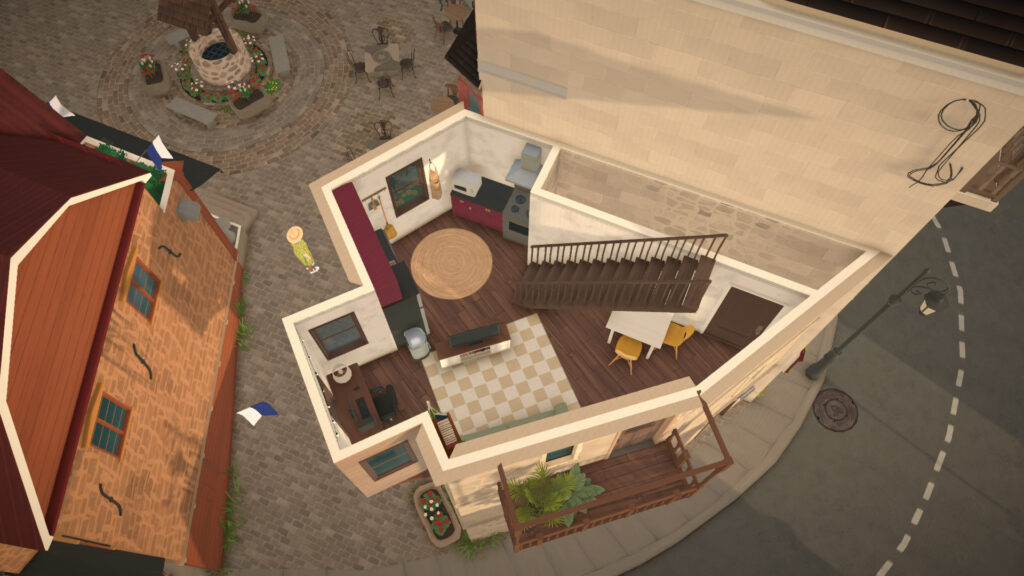
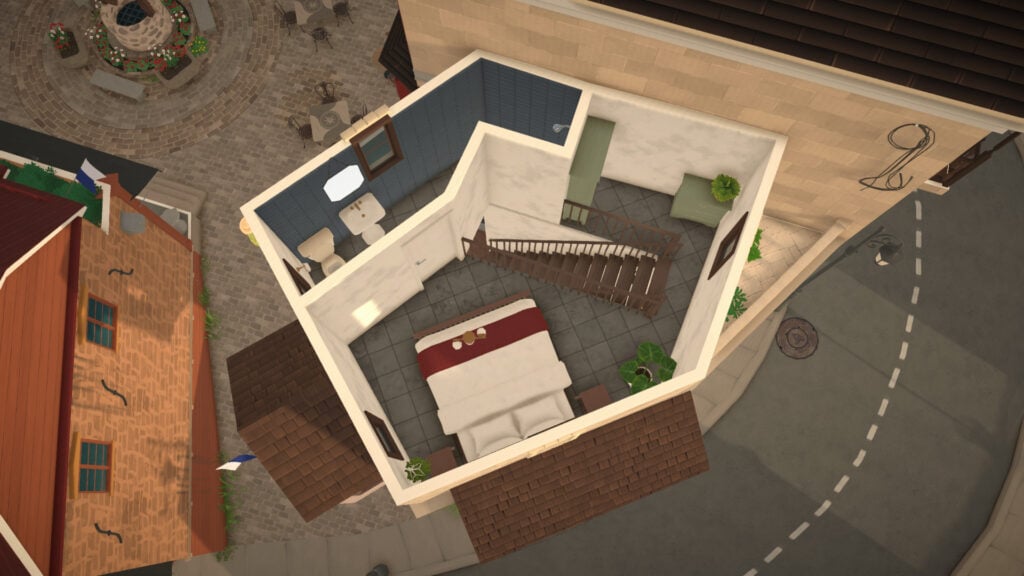
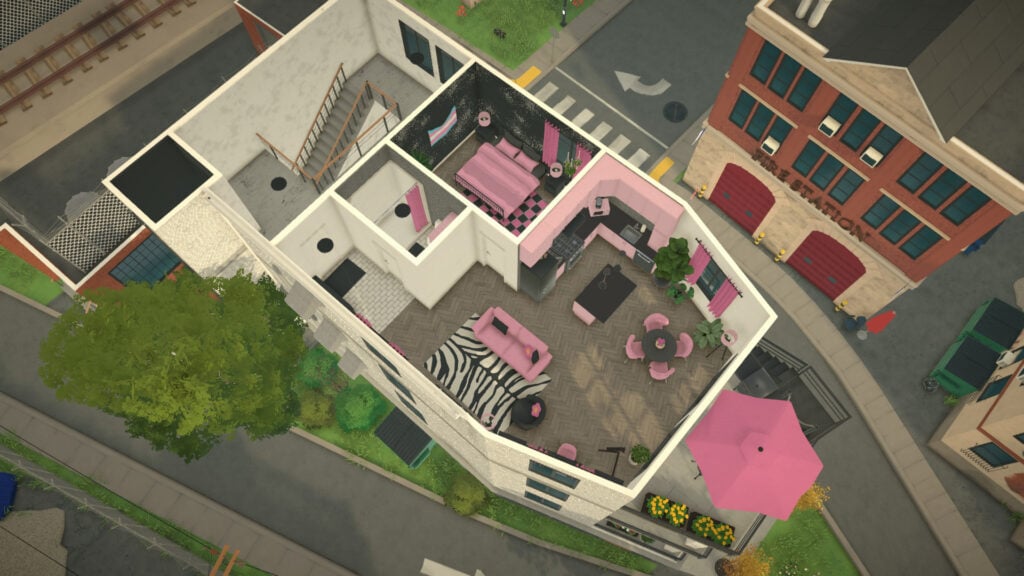
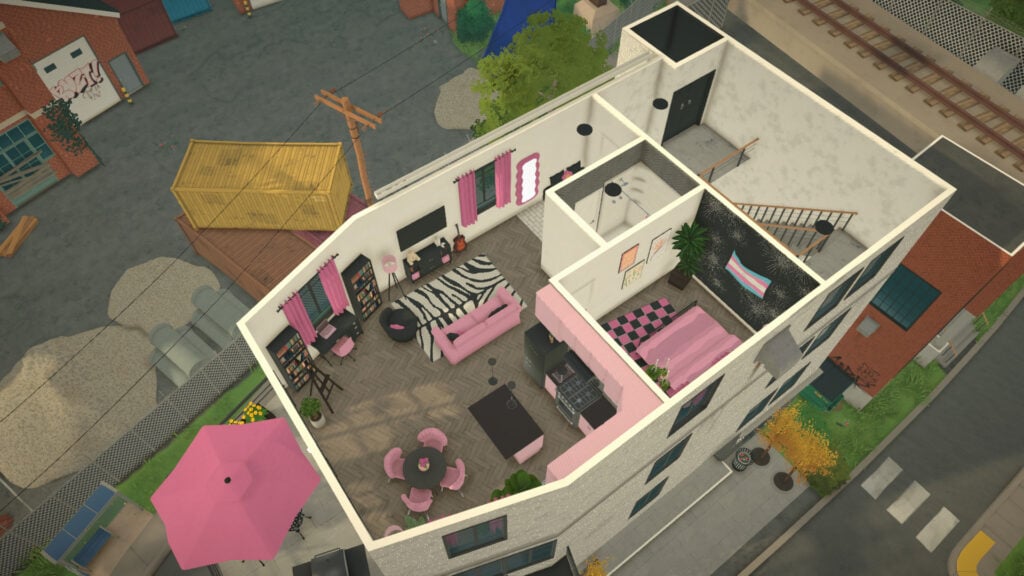
This tiny apartment in the main plaza of Old Town offers 1 bedroom and 1 bathroom.
Residence for 46,316 Paradimes
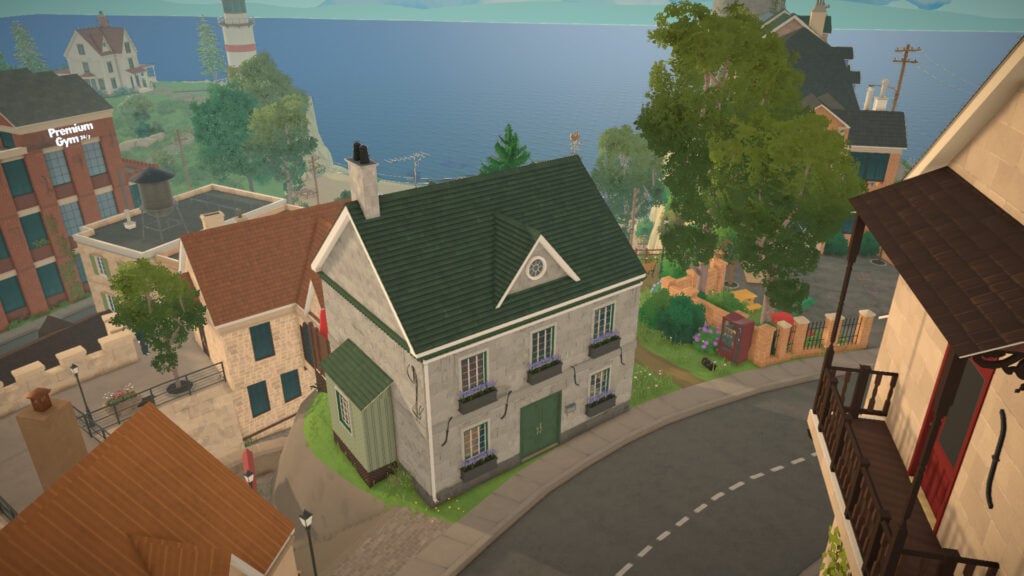
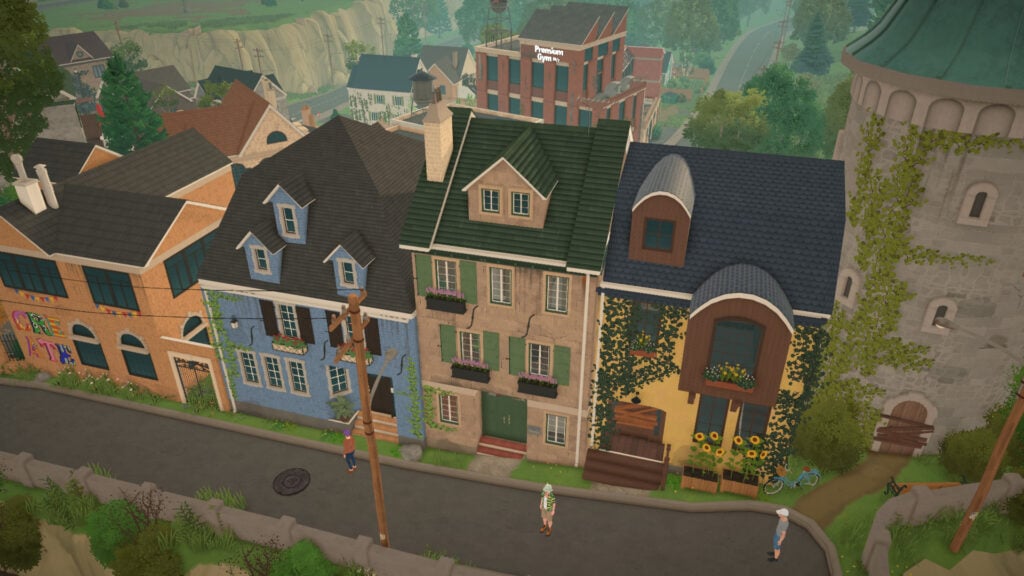
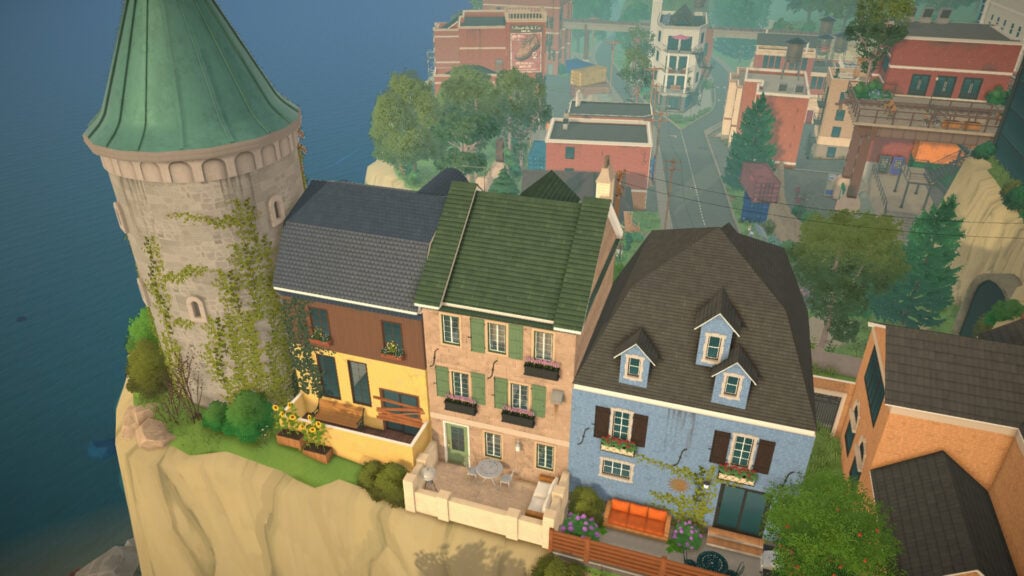
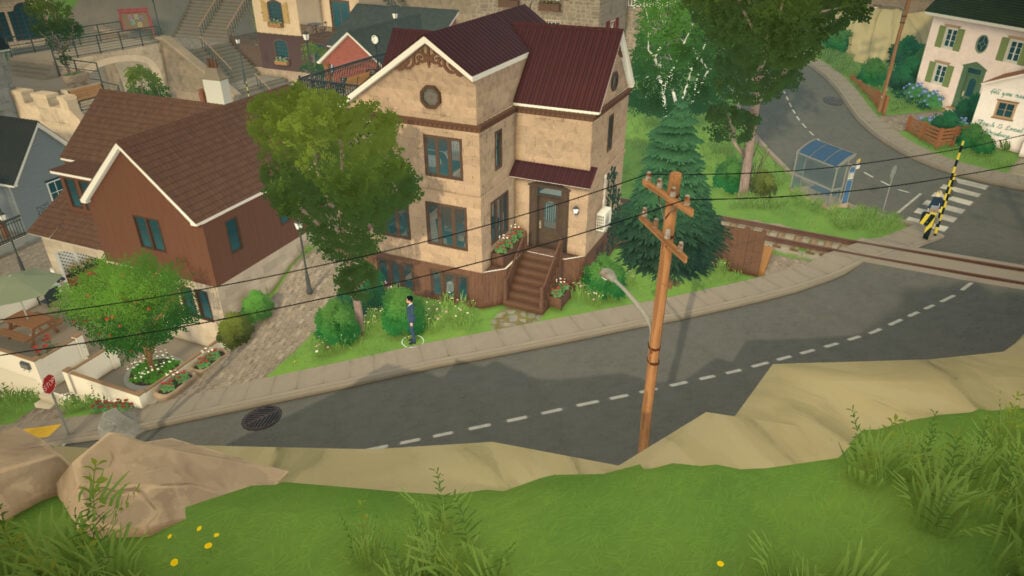
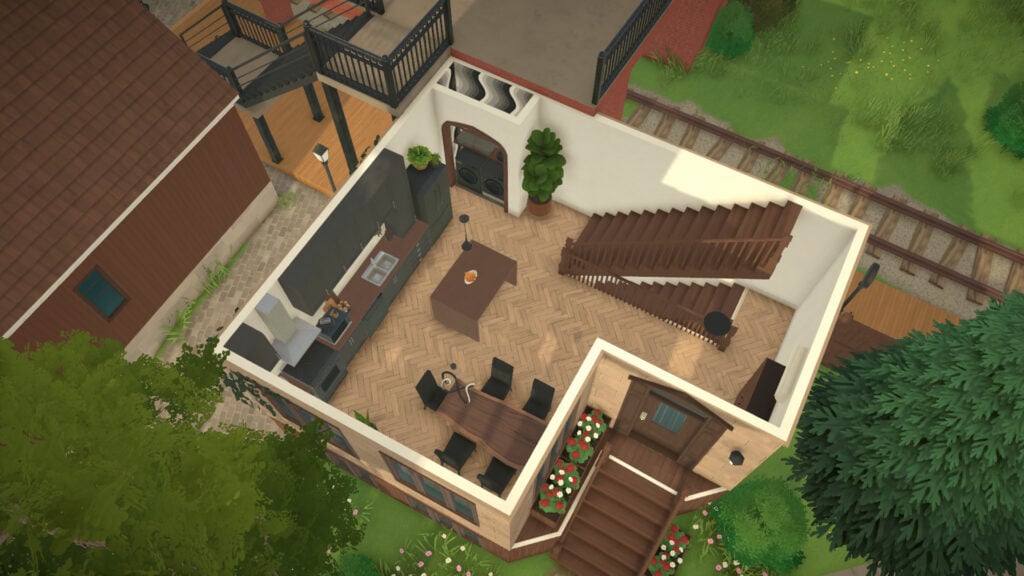
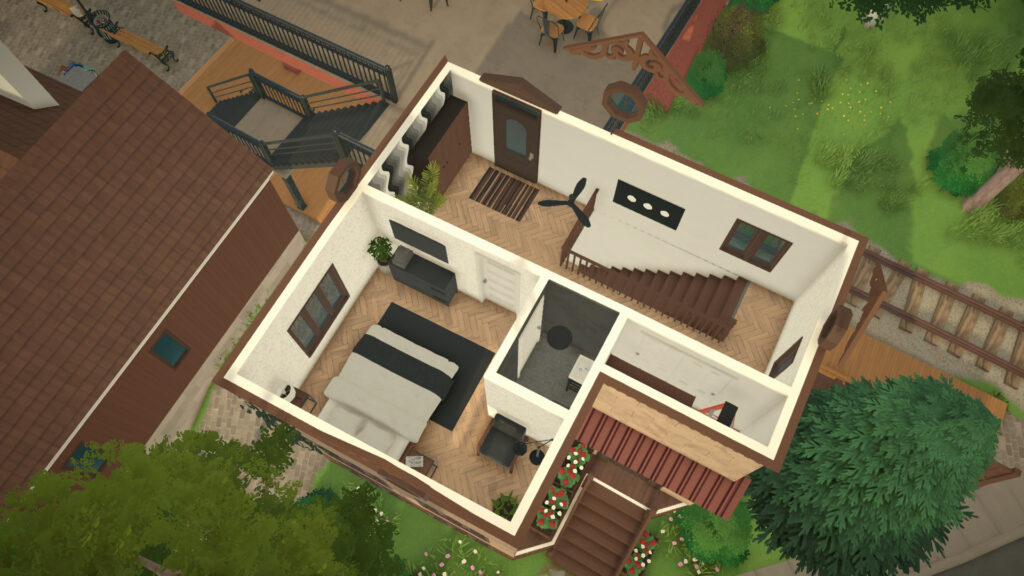
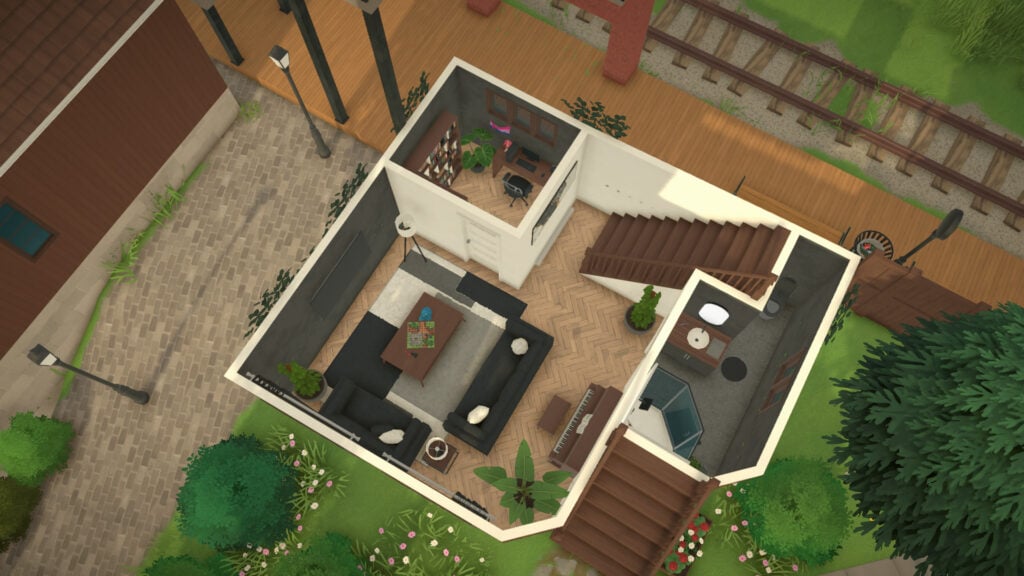
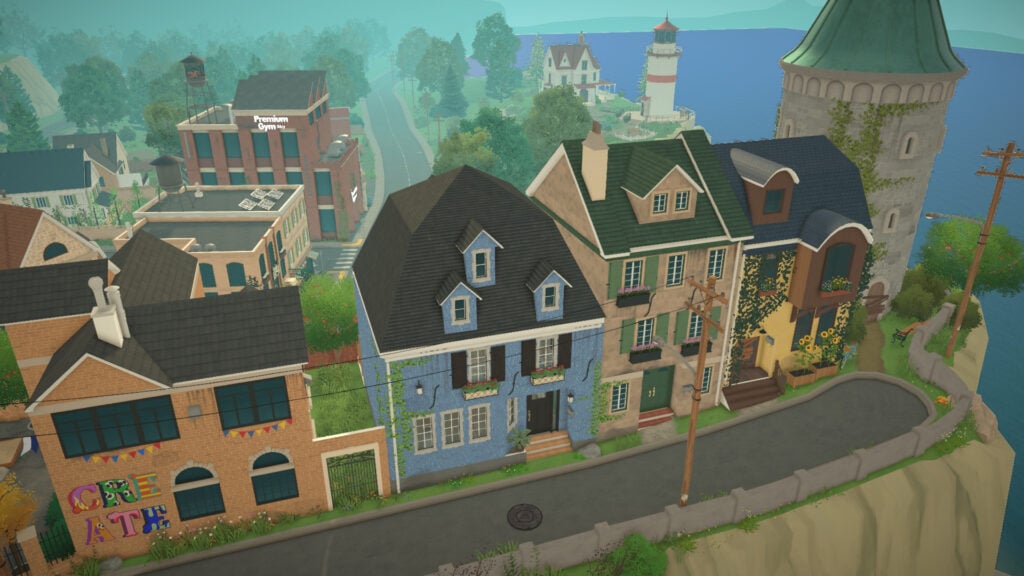
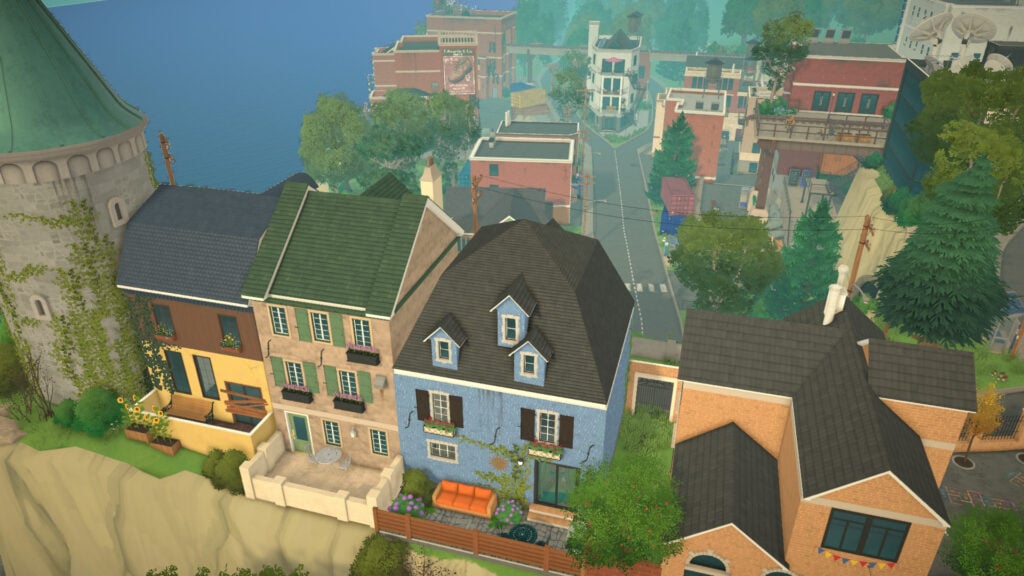
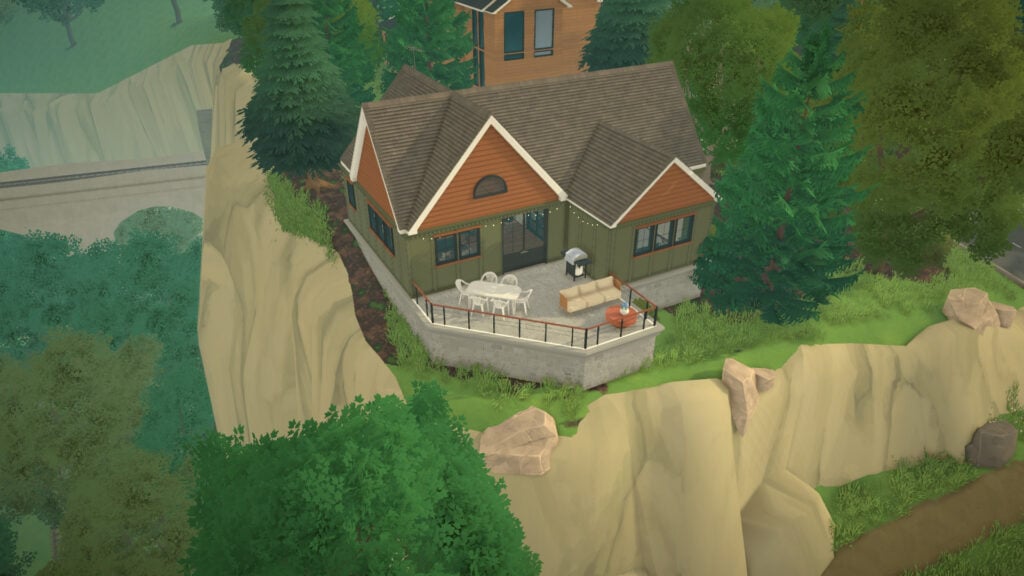
This house, right on the town’s cliff (beware), is the most expensive in this neighborhood with 2 bedrooms and 2 bathrooms.
Available Lots in the Industrial Neighborhood
Apartment for 24,848 Paradimes
This apartment, right next to the railway, is the cheapest home in Melino with 1 bedroom and 1 bathroom.
Apartment for 26,912 Paradimes
This apartment offers 3 bedrooms and 1 bathroom.
Available Lots in the Forest Neighborhood
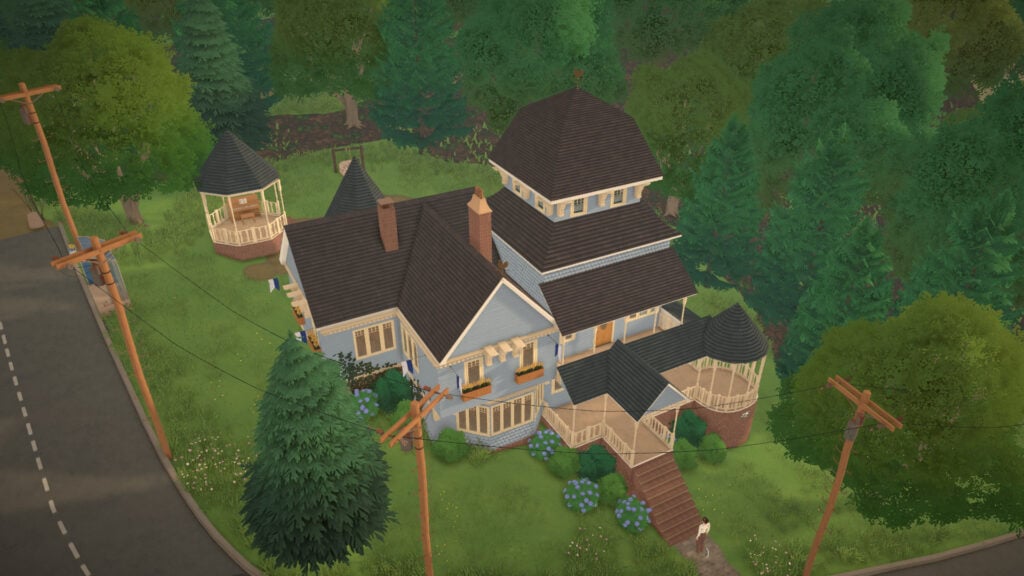
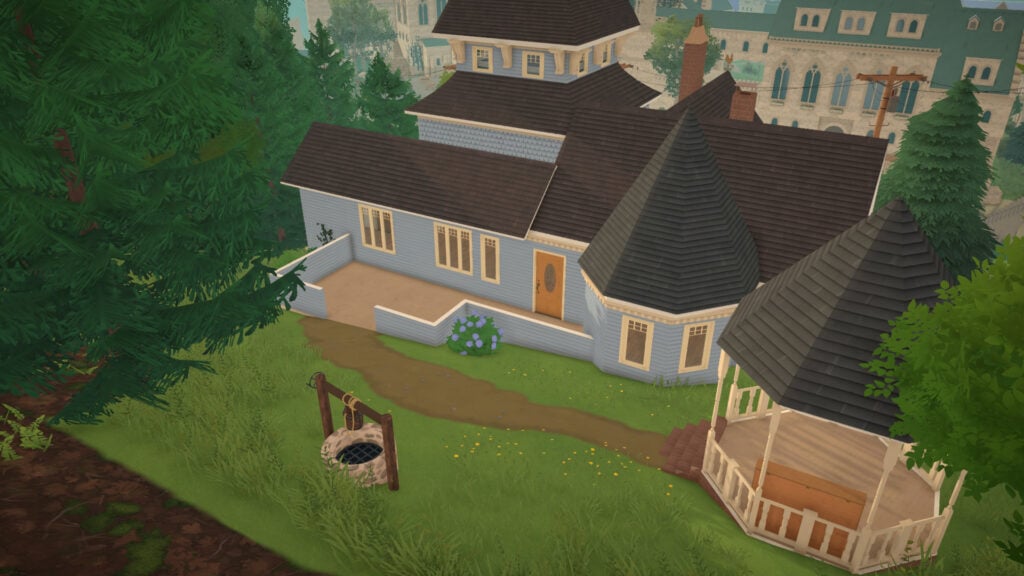
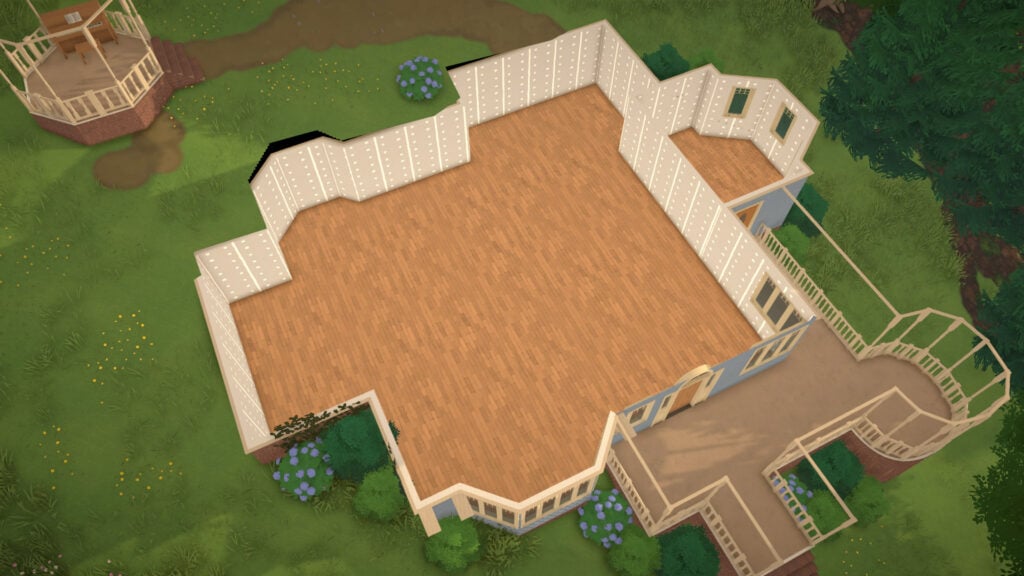
Manor for 43,138 Paradimes
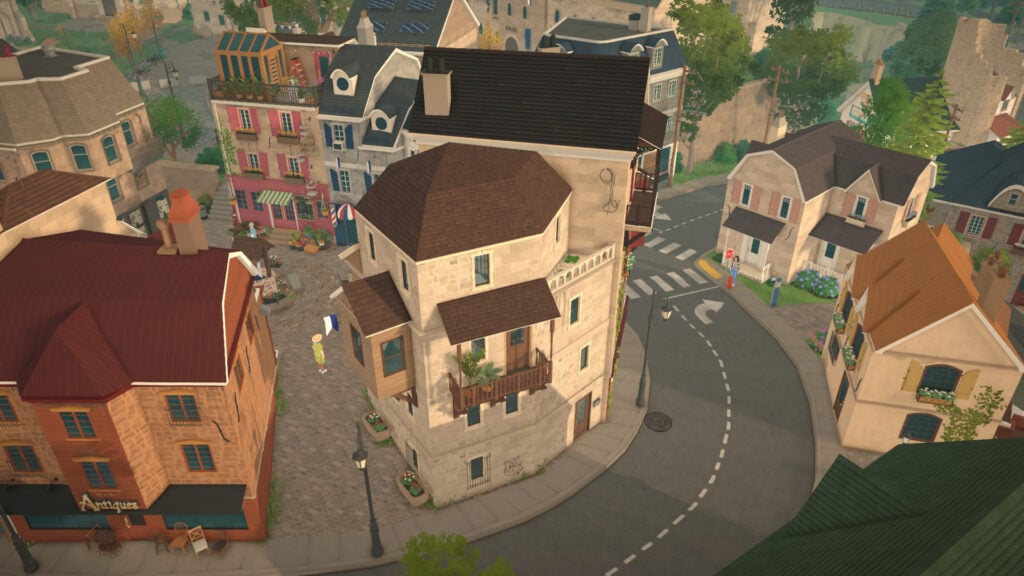
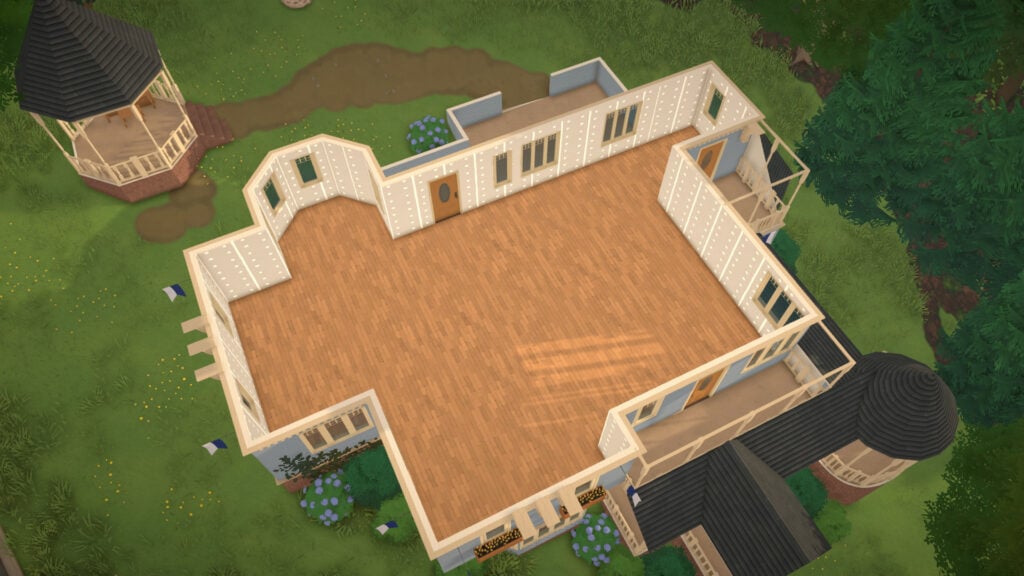
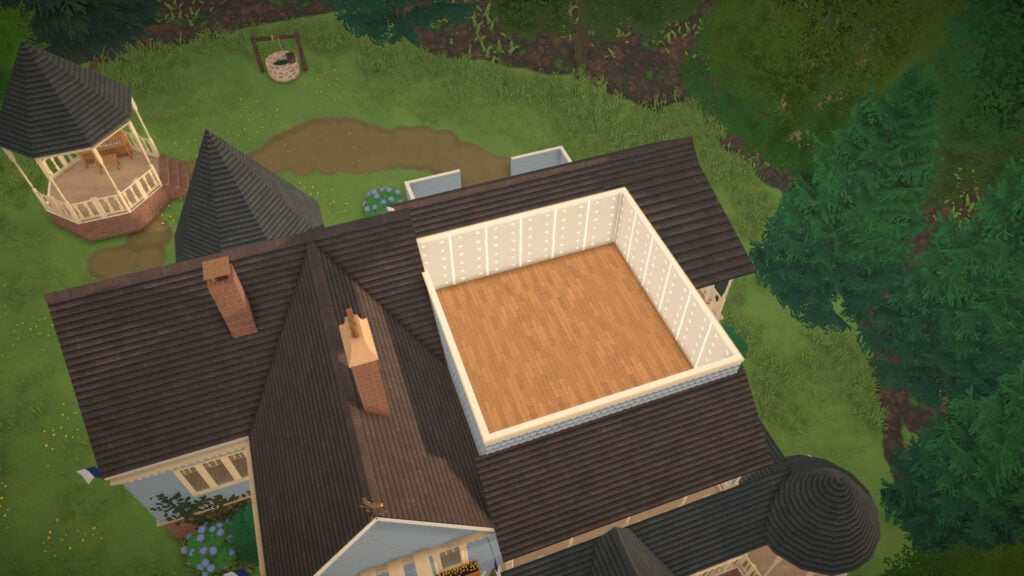
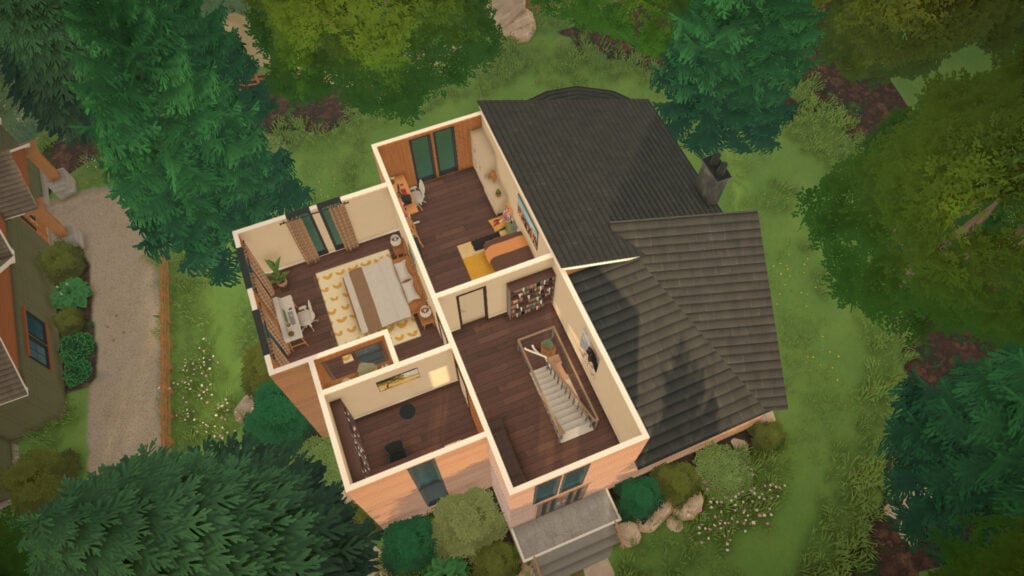
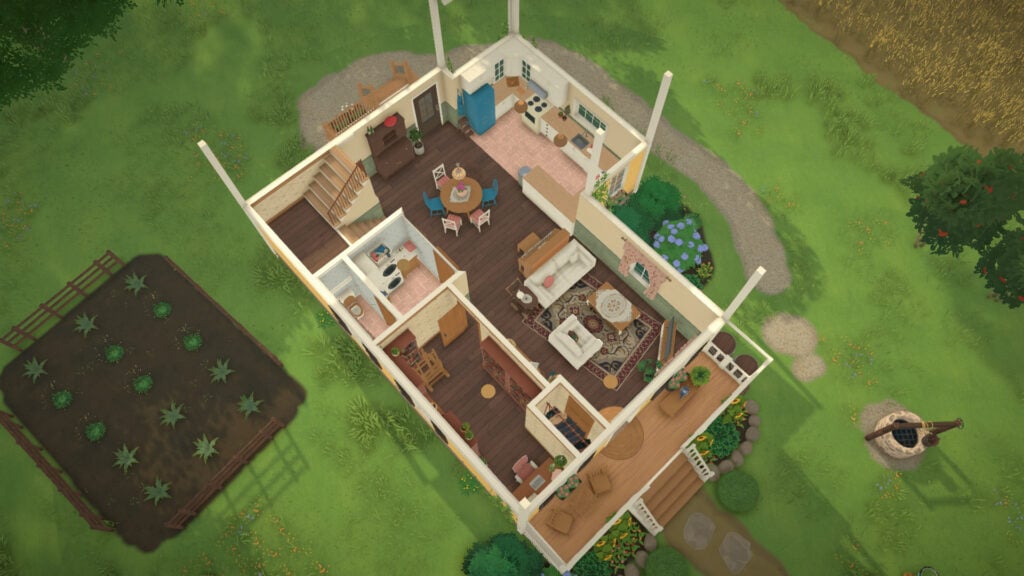
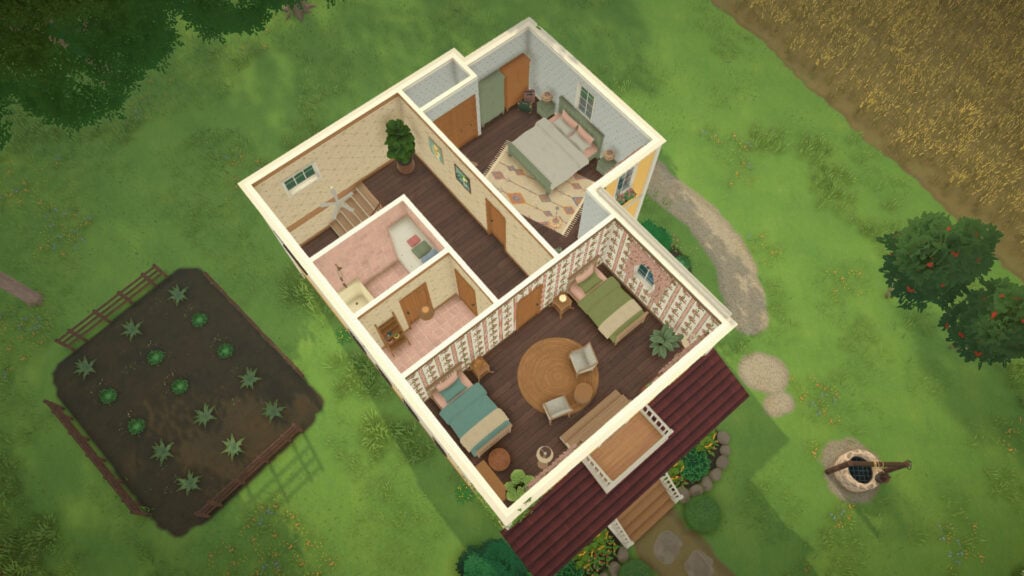
This manor, located outside of town, is the biggest home you can purchase in Melino, although it comes completely unfurnished. It offers plenty of empty space to build and customize inside, alongside a charming backyard area featuring a small well.
Manor for 71,742 Paradimes
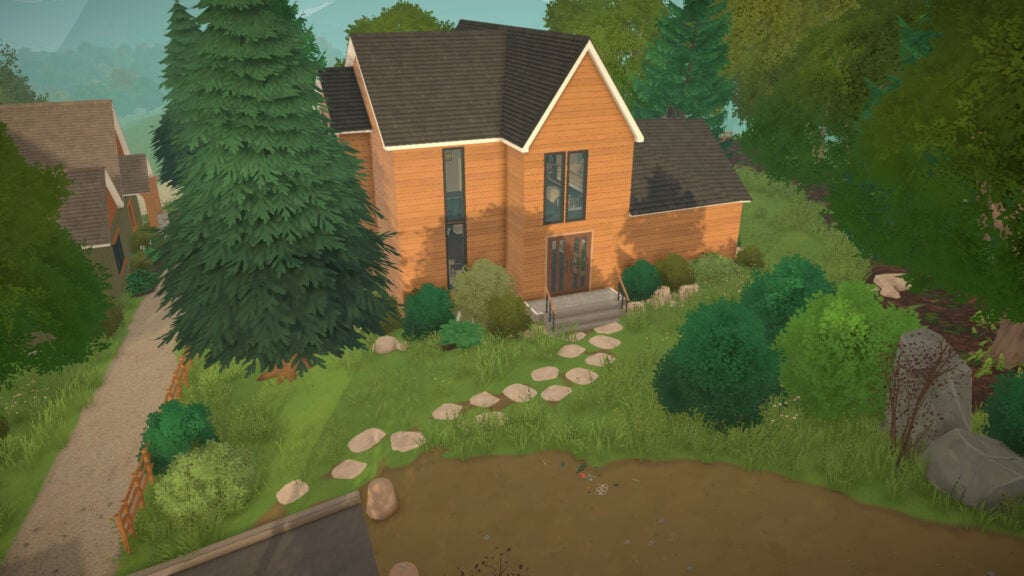
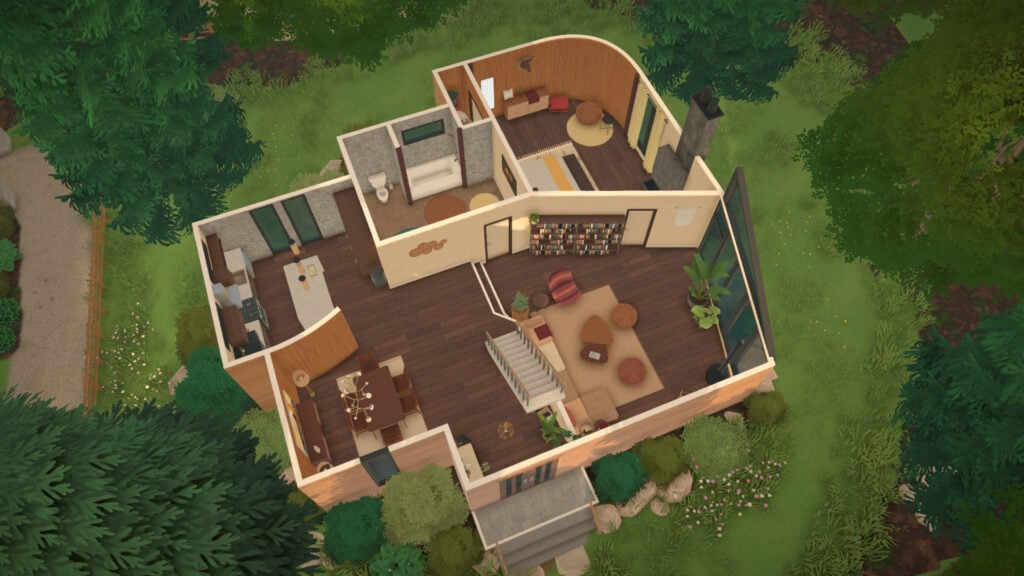
This modern house, located outside the city, is the most expensive home available in Melino. The property includes three bedrooms, one bathroom, and is fully decorated with high-end furniture and modern interior design.
Melino offers a surprisingly large variety of homes for players who want to jump directly into gameplay without building a house from scratch. From tiny and affordable apartments located in the industrial district to massive luxury mansions outside the city, the selection of Paralives lots available for purchase helps support many different types of stories and households.
Whether you want to create a humble family slowly building their future, a group of roommates living in a small apartment, or a wealthy dynasty ruling the city from an enormous estate, Melino already provides plenty of options to match your playstyle. Each neighborhood also brings its own atmosphere, helping every home feel unique within the world of Paralives.
Buildable Lots, Start from Scratch!
Do you prefer living surrounded by suburban neighborhoods? Maybe the quiet life of a countryside farm sounds better. Or perhaps you want your future Para home sitting on top of a cliff with a beautiful view across Melino.
Thankfully, Melino offers plenty of empty buildable lots for every type of player and story. Whether you want to create a tiny starter home, a modern mansion, or a chaotic generational household, there are several places across the town where you can start building completely from scratch.
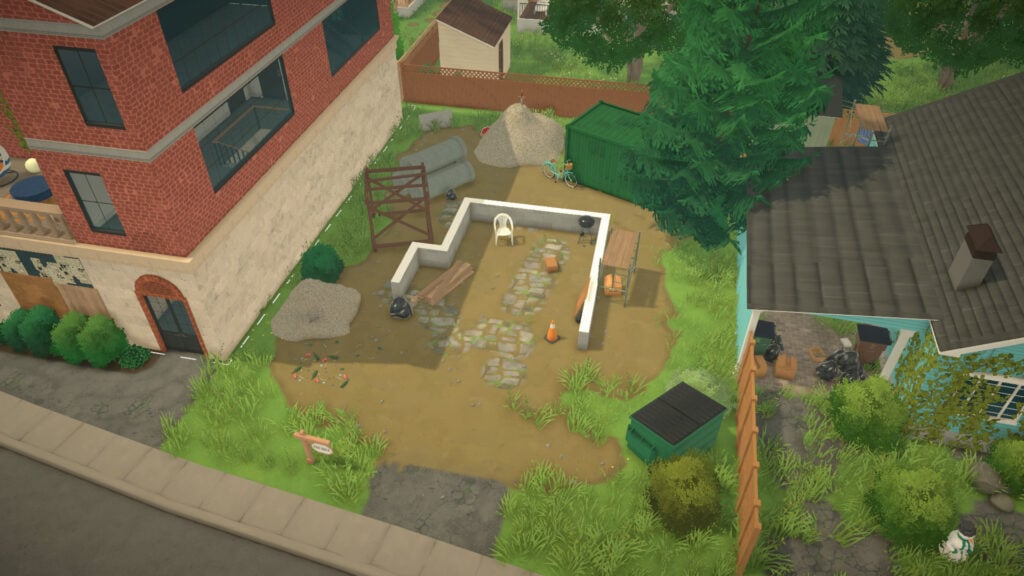
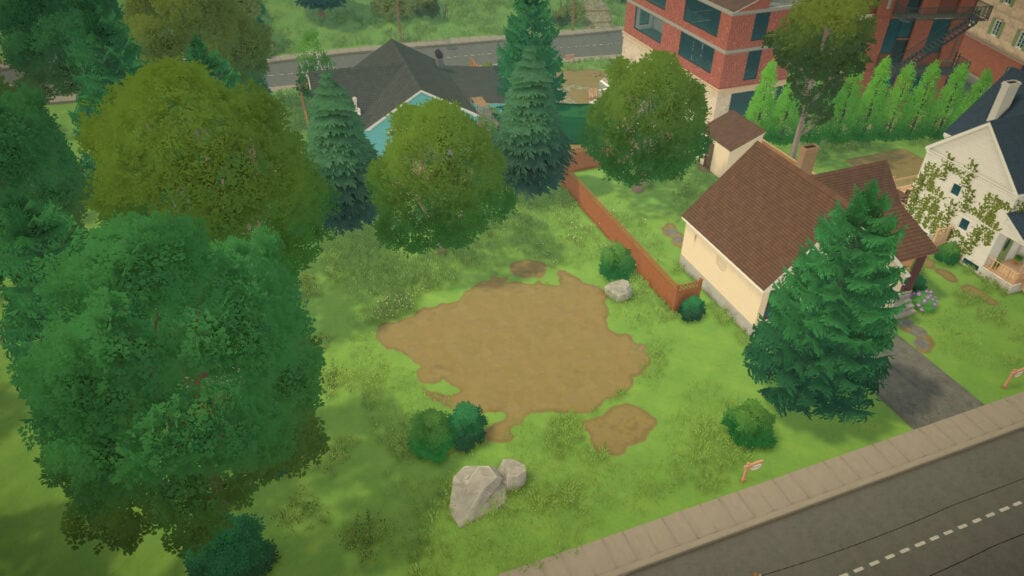
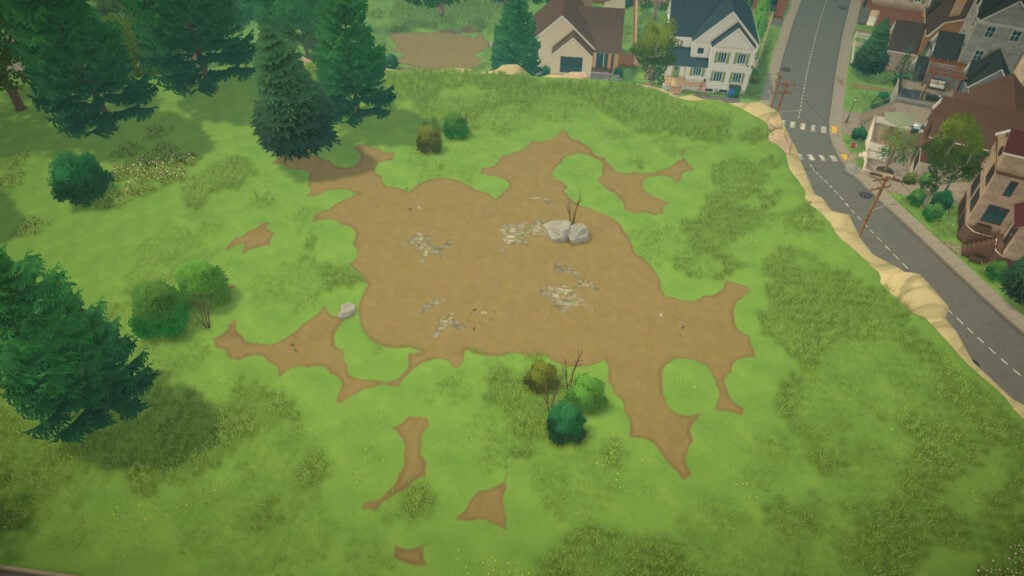
Empty Lot for 1,430 Paradimes
Empty Lot for 3,365 Paradimes
Empty Lot for 11,980 Paradimes
Empty Lot for 5,790 Paradimes
Empty Lot for 8,465 Paradimes
Empty Lot for 1,180 Paradimes
Empty Lot for 5,491 Paradimes
Empty Lot for 3,408 Paradimes
Empty Lot for 644 Paradimes
Empty Lot for 10,046 Paradimes
House with Residents in Melino
Melino is far from an empty town. Plenty of… Melinians? Melinoans? Honestly, we still have no idea what the correct demonym is, but a lot of Paras already live across the city, and some of them have pretty amazing homes. From cozy apartments and colorful suburban houses to huge countryside mansions, the town is already full of personality before players even move in.
So now, it’s time to take a look at all the occupied homes in Melino and see where the locals are already living their lives.
Vaughan Residence
This house is worth 61,317 Paradimes and has 1 bedroom and 1 bathroom.
Moreau Residence
This house is worth 73,326 Paradimes and has 3 bedrooms and 2 bathrooms.
Patel Residence
This house is worth 50,337 Paradimes and has 2 bedrooms and 1 bathroom.
Camara Residence
This house is worth 82,935 Paradimes and has 4 bedrooms and 2 bathrooms.
Wake Residence
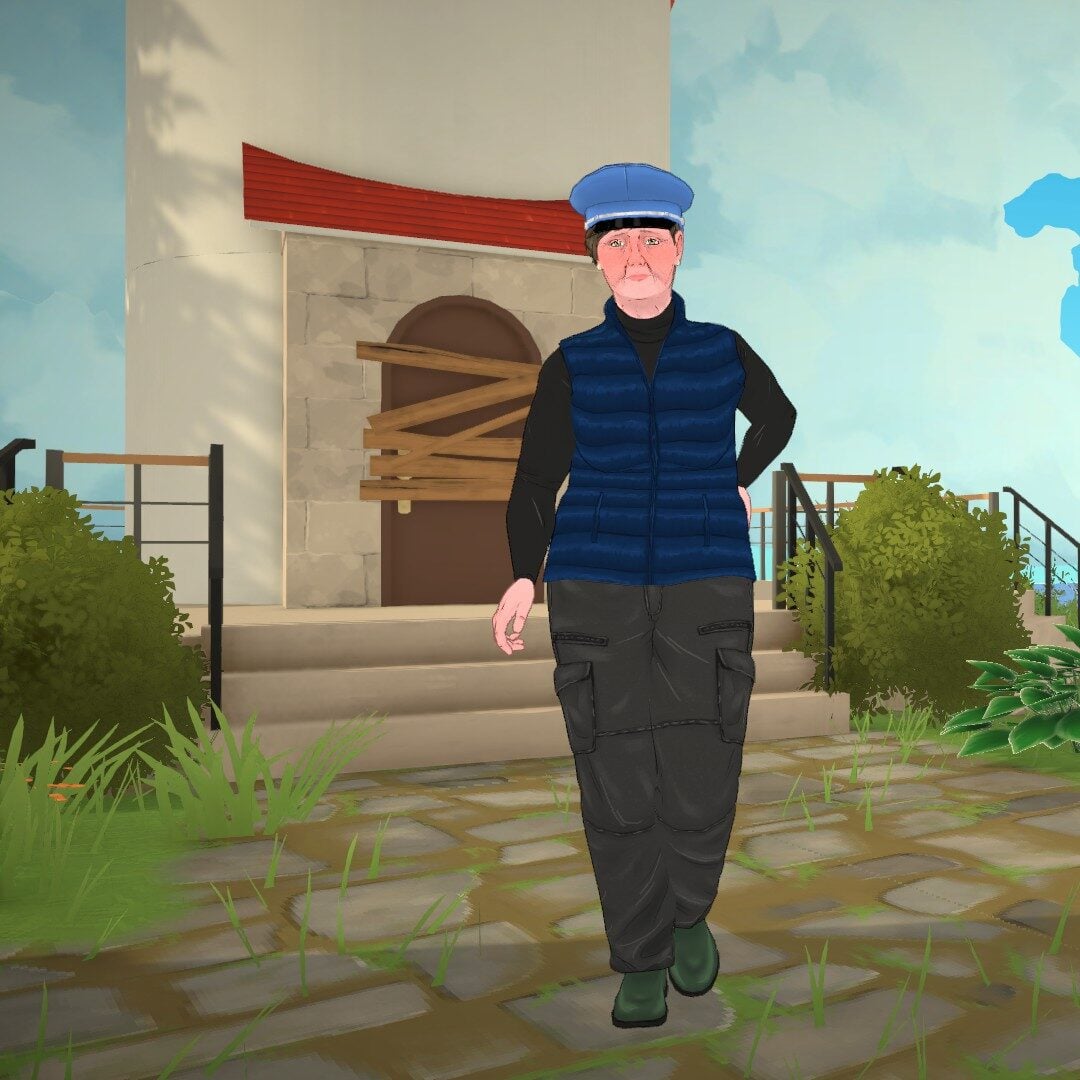
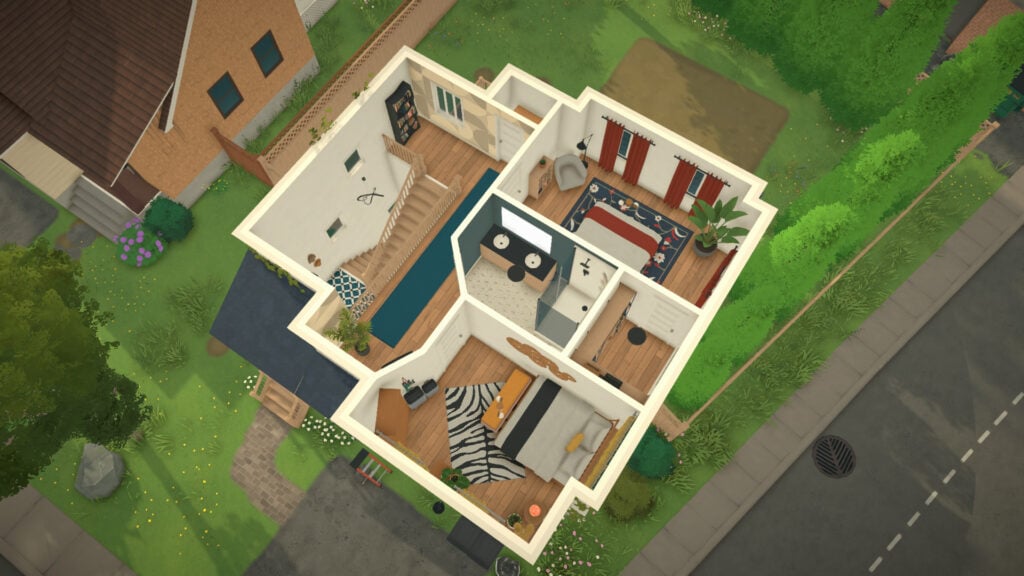
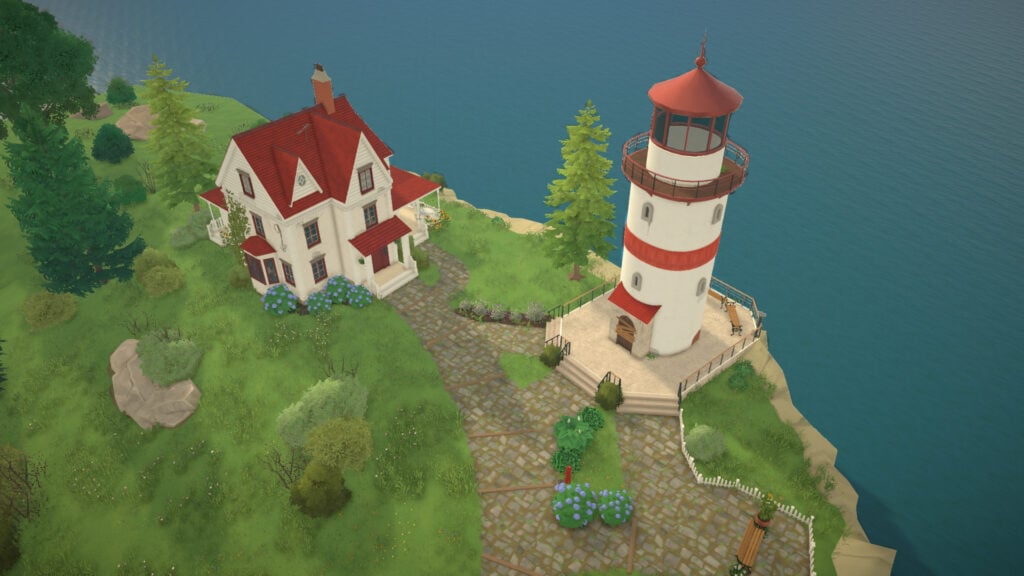
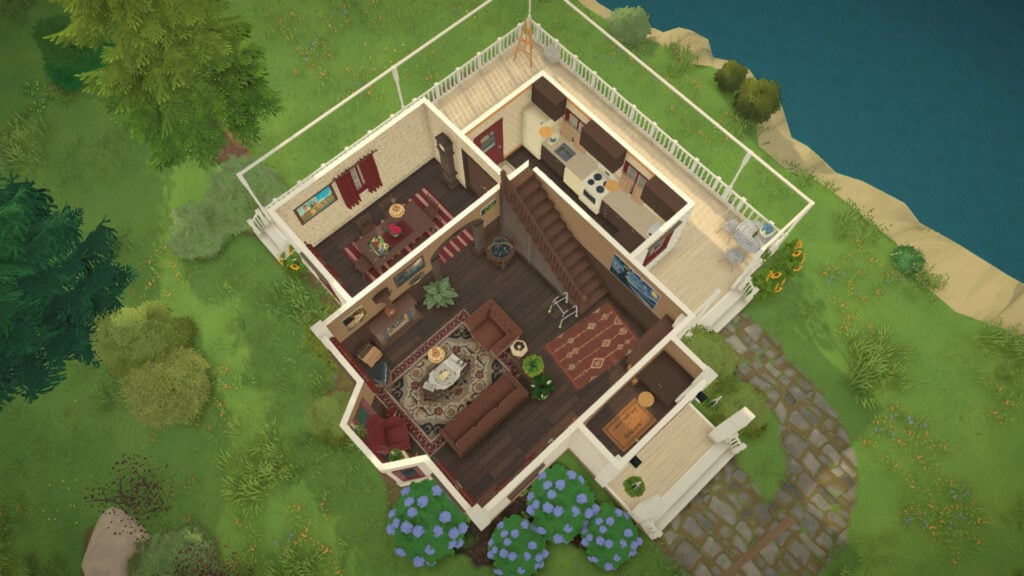
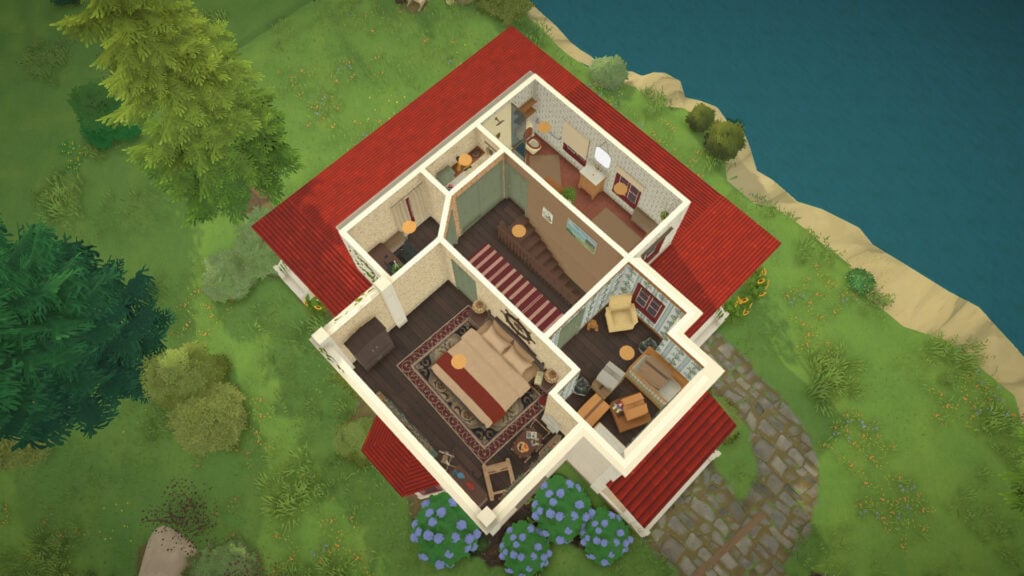
This house + lighthouse is worth 98,835 Paradimes and has 2 bedrooms and 1 bathroom.
Preston-Beaumont Residence
This house is worth 47,248 Paradimes and has 3 bedrooms and 1 bathroom.
Pelletier Residence
This house is worth 87,491 Paradimes and has 3 bedrooms and 3 bathrooms.
Marquez Residence
This house is worth 69,114 Paradimes and has 2 bedrooms and 1 bathroom.
Gervais Residence
This house is worth 55,387 Paradimes and has 1 bedroom and 2 bathrooms.
Cooper Residence
This house is worth 47,177 Paradimes and has 1 bedroom and 1 bathroom.
Chen Residence
This house is worth 157,185 Paradimes and has 4 bedrooms and 6 bathrooms
Lavigne Residence
This house is worth 40,046 Paradimes and has 2 bedrooms and 1 bathroom.
Harper Residence
This house is worth 52,864 Paradimes and has 2 bedrooms and 1 bathroom.
Barnes Residence
This house is worth 123,832 Paradimes and has 2 bedrooms and 2 bathrooms.
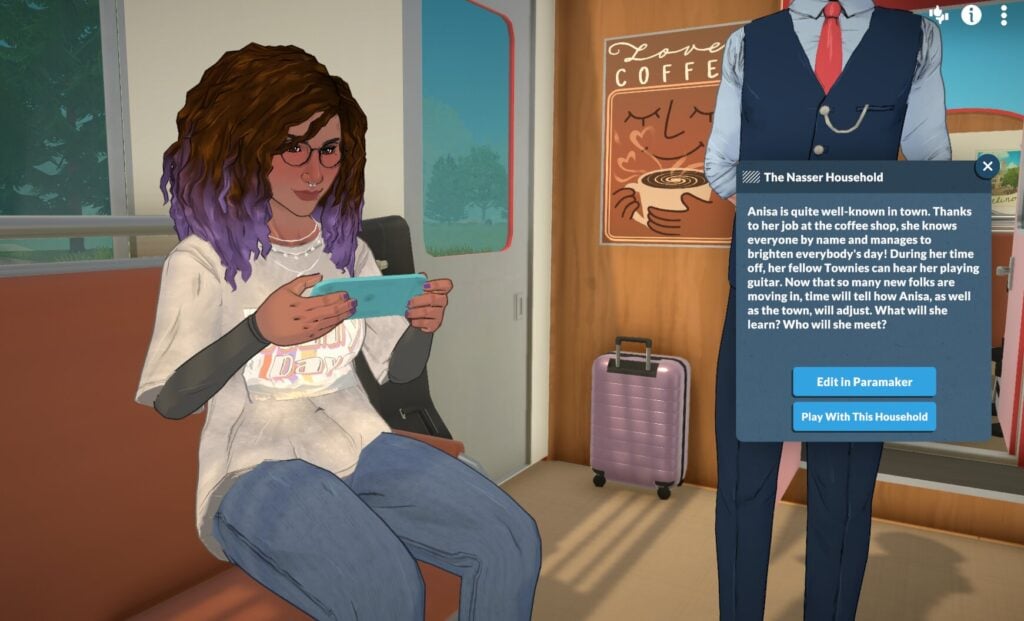
Nasser Household
This house is worth 30,962 Paradimes and has 1 bedroom and 1 bathroom.
Stark Residence
This house is worth 46,219 Paradimes and has 1 bedroom and 1 bathroom.
Reed Residence
This house is worth 43,805 Paradimes and has 1 bedroom and 1 bathroom.
De Belcourt Residence
This house is worth 98,571 Paradimes and has 3 bedrooms and 1 bathroom.
Kim Residence
This house is worth 39,657 Paradimes and has 2 bedrooms and 1 bathroom.
O’Reilly Residence
This house is worth 45,439 Paradimes and has 2 bedrooms and 1 bathroom.
Strong Residence
This house is worth 56,441 Paradimes and has 1 bedroom and 1 bathroom.
Gibbs Residence
This house is worth 66,279 Paradimes and has 2 bedrooms and 1 bathroom.
Wolf Residence
This house is worth 41,161 Paradimes and has 3 bedrooms and 1 bathroom.
Stanlon Residence
This house is worth 32,376 Paradimes and has 3 bedrooms and 1 bathroom.
Darcier Residence
This house is worth 132,185 Paradimes and has 1 bedroom and 1 bathroom.
Which of these homes for purchase in Melino would you choose for your very first Para household? Let us know in the comments, and make sure to check out our other Paralives news, guides, and coverage for even more details about the upcoming life simulation game.
The unthinkable upgrade just happened with The Sims 4 For Rent!
Modders have come to the rescue in making The Sims 4 a more deep and rich experience with this year’s focus on Quality of Life Updates. Modder tyjokr decided out of the blue to make a huge leap and expand The Sims 4 For Rent by delivering the Open Apartments Mod. Allowing you to quickly stop by into the neighboring apartment through a Social Event without ever having to encounter a loading screen!
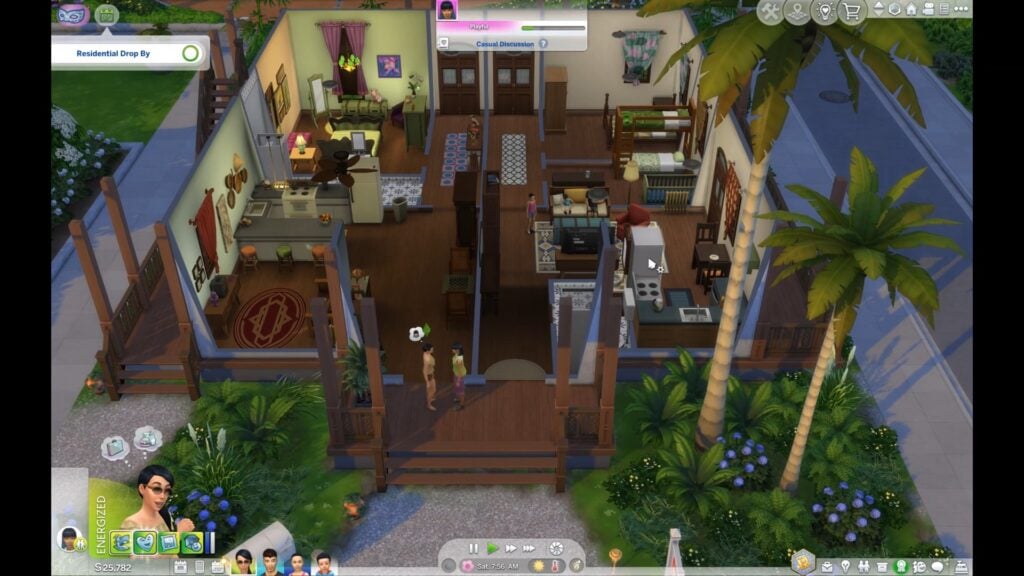
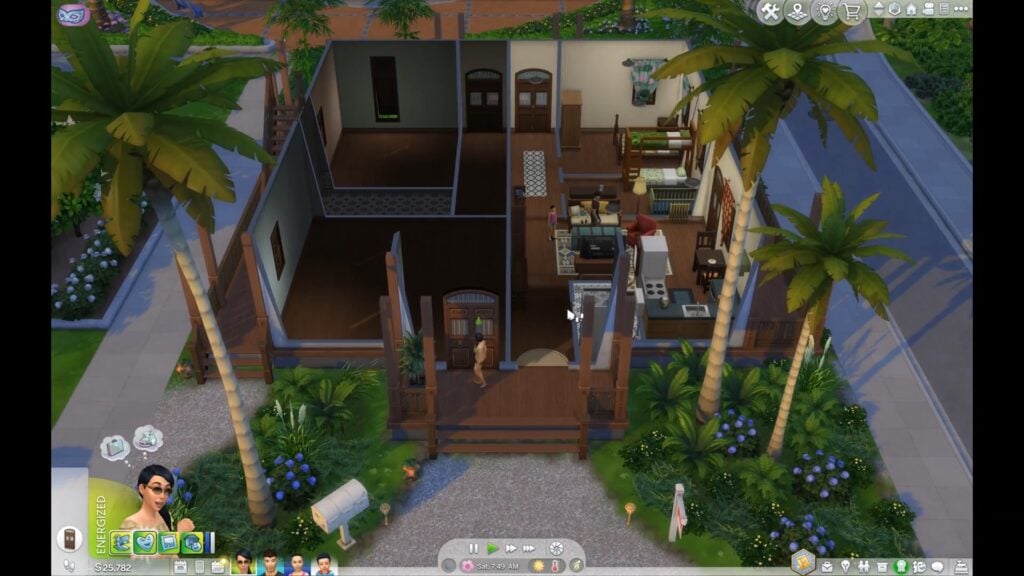
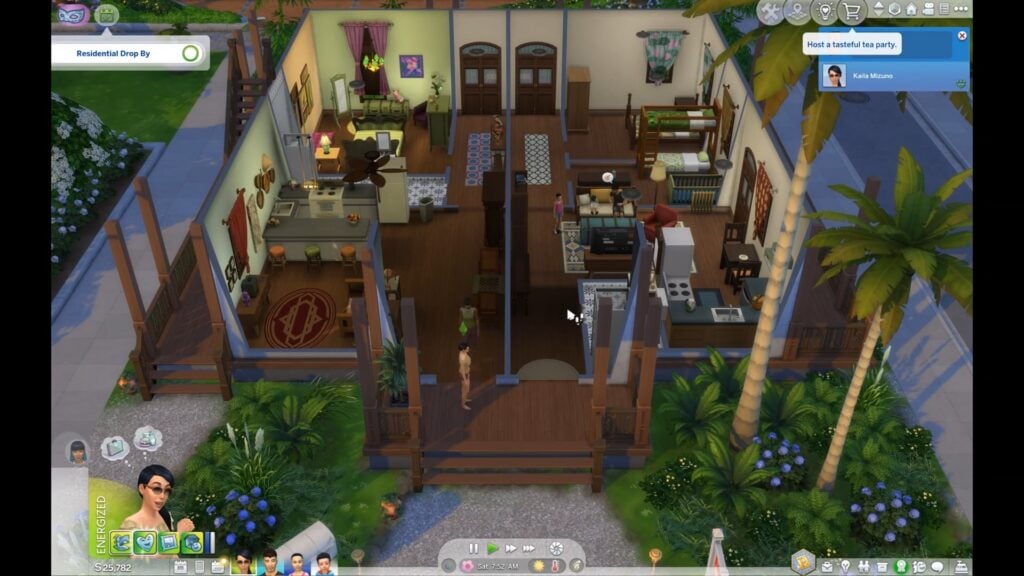
The functionality of this mod is very easy to grasp. With a Drop By interaction you’re able to check up what the household next door is doing without encountering a loading screen.
The Sims 4 Open Apartments Mod for the For Rent Expansion Pack is currently in the Early Access phase. The modder describes that some features won’t work on release as they’re actively expanding the mod with new features.
Table of Contents
Read the full announcement on this grand mod below:
The Sims 4 Open Apartments Mod: Official Introduction
Visit your multi-unit neighbors seamlessly, without a loading screen!
The loading screen standing between you and your neighbors has been DEFEATED. In a Residential Rental, you can now walk your Sim next door, knock, hang out in your neighbor’s place, and then head home again, all without a single loading screen!
🕒 Download: Patreon Requires: For Rent Expansion Pack Supported Languages: All 🌍
How It Works
As we’re all painfully aware, The Sims 4 only allows one lot to load at a time. Open Apartments sidesteps that for Residential Rentals by saving and instancing a neighboring unit’s furniture and Sims on demand.
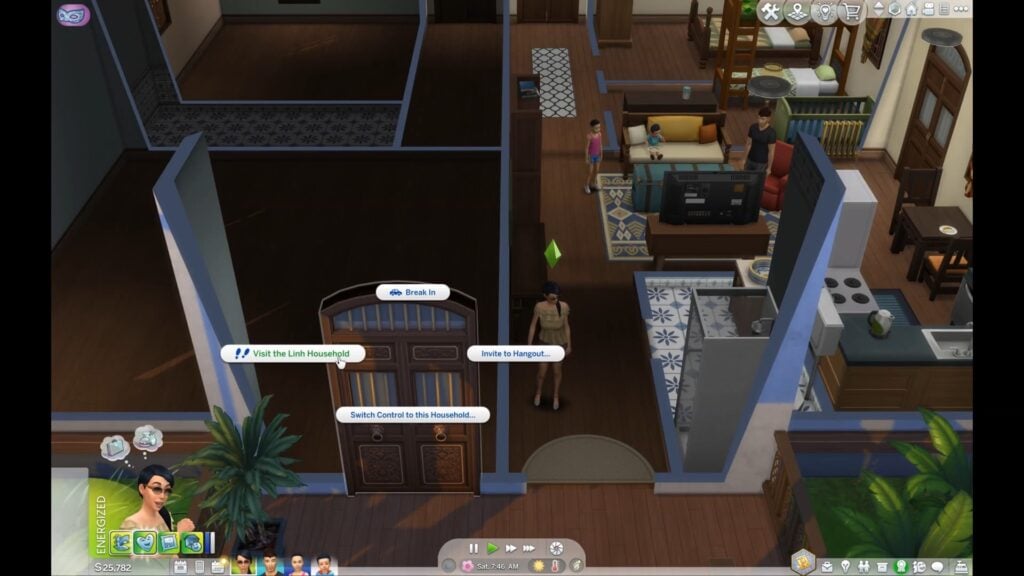
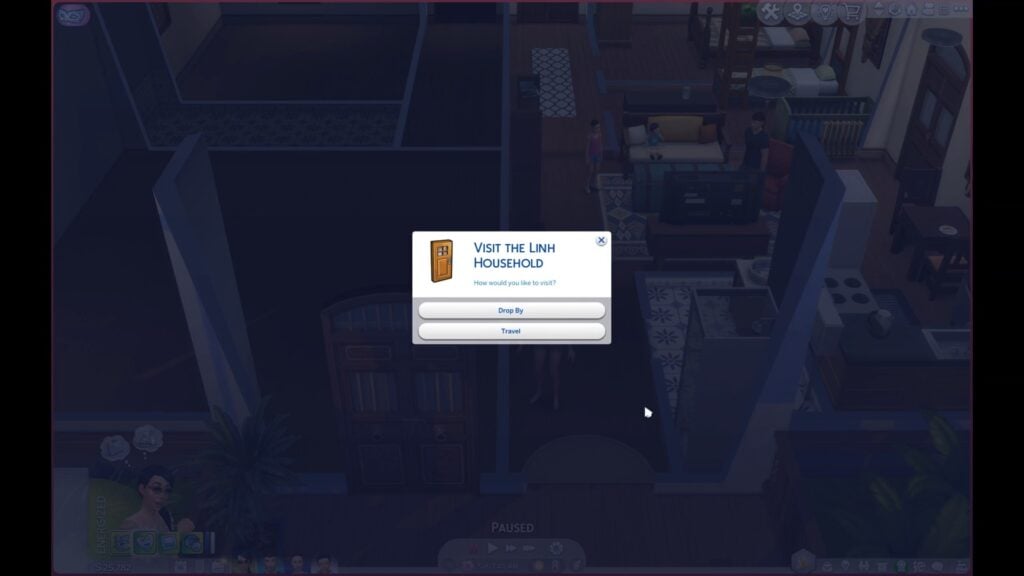
After the initial setup (more on that below), simply click a neighbor’s front door or anywhere inside their unit and you’ll get a dialog with two options:
Drop By: the seamless, no-loading-screen visit
Travel: the normal loading-screen trip
Choose Drop By and your active Sim walks over and knocks. If anyone age Child or older is home, the unit loads, an event starts, and a resident comes to greet you and invite you in. From there, you just play.
See It In Action
Who’s Home
When you drop by, the unit can load with the following household members:
Sims age Toddler and up
Infants in their cribs
Newborns in their bassinets
Cats and dogs
Some residents won’t be there:
Anyone away at work or school (they’ll show up once their shift ends)
The following household members aren’t supported yet and will be skipped:
Horses
Farm animals
Small pets
Neighbors settle into their own routines while you visit, and because your Sims are guests in their space, they’re treated like visitors, not residents.
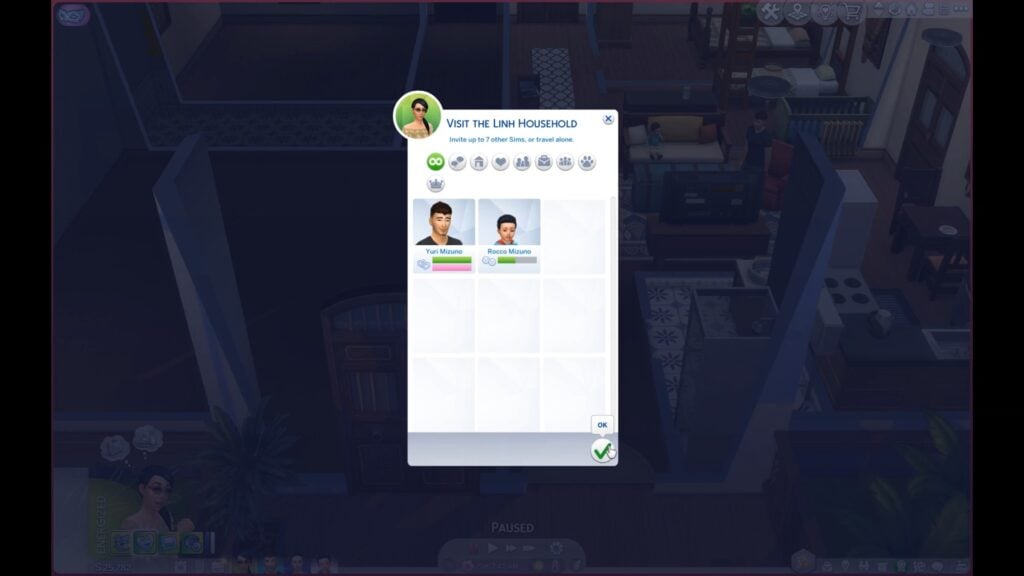
ℹ️ By default, only the Sims you originally chose in the picker to Drop By will freely walk into the neighbor’s unit. If you want any other Sim in your household to be able to go in autonomously, just direct them into the unit once (or have them interact with something inside it) and then they’ll come and go freely.
Managing a Drop By
The Drop By is managed by an event, and only one Drop By can be active at a time. The event lasts either until you end it or until every household resident age Child or older has left for work or school (at which point it wraps up on its own). To end a Drop By, just end the event; the neighbors will route back to their own units.
During an active Drop By you won’t be able to enter Build Mode. This is a safety precaution. Build Mode unlocks again a few in-game minutes after the Drop By ends, once everything has been cleaned up.
By default, the Sims you’re visiting won’t be allowed to wander into your own household’s unit. If you’d like to let them in, click your unit’s front door and choose: Allow the {Household} to Enter
You can also send them back to their own unit this way without ending the event. Simply choose: Prevent the {Household} from Entering
How to Set Up the Mod
Setup is mostly automatic.
Before the mod can recreate a unit for a Drop By, it first needs to capture what’s inside of the unit. A unit’s data can be captured in the following ways:
Automatically, just by being there. Whenever a unit is the one currently loaded (your own home on every save load, for instance), the mod captures it.
By Traveling there the normal way. Take the loading-screen Travel into a neighbor’s unit and it’s captured on arrival. From then on, you can use the “Drop By” option.
By making a Manage Worlds pass. Enter Build Mode on the building from the world map. This loads and captures every unit in the building at once, which is the fastest way to prep a whole building.
Captured data is stored in its own file alongside your save game, so you typically only need to capture a unit once per save file. After that, it’ll update on its own whenever you make edits to the lot.
If you don’t have data saved for a particular unit you’re trying to visit, the mod will let you know and offer to Travel there the normal way, which captures it for next time.
Known Issues
Some modular furniture instances imperfectly. Corner counters and corner cabinets don’t retain their join when instanced during a Drop By.
Appropriateness feedback is limited. Neighbors will react to your Sim being inappropriate in their unit, but they currently don’t keep track of how many times you’ve been inappropriate or notify you the way they would during a normal visit.
Only visits are supported. Break-Ins and Eavesdropping aren’t supported at this time, and landlord interactions like maintenance requests are untested, so treat them as unsupported too.
Save from Live Mode when you can. Saving and exiting straight from the Manage Worlds map is safe for your game, but it can skip the mod’s data update. Whenever you edit a Residential Rental, return to Live Mode and save there to keep your captures current.
ℹ️ This mod was a huge undertaking, and while I’ve tested it thoroughly, there’s always a chance something slipped through.
Future Plans
There are a lot of ways this mod can be expanded. Here’s what’s currently on my mind:
Resolve known issues
Relationship-aware visits, where neighbors on bad terms can refuse to answer the door, and a Sim who misbehaves can get scolded and eventually shown out
Explore if this functionality can be expanded to City Living apartments
Explore if this functionality can be expanded to residential lots within a neighborhood
If you’d like to support this mod and its development, please consider subscribing!
Compatibility & Download
This mod is compatible with Better Apartment & Rental Behaviors by lunar_britney.
This mod most likely conflicts with Dimmed Inactive Rentals and Labeled Rental Units by TwistedMexi. Open Apartments dims inactive units and labels units on its own.
This mod does not directly overwrite any files
I’ve taken every precaution to safeguard the mod’s functions against other mods, but if for some reason you experience a conflict, please let me know and I’ll look into it!
Mod is in early access and will become public in 2-3 weeks
@lunar_britney, who was one of the Mod testers for The Sims 4 Open Apartments Mod shared a unique video preview of what the mod looks like in action. Check it out!
AHH IT'S IN EARLY ACCESS I was helping test tyjokr's new Open Apartments mod, which uses some clever tricks to let simmers like me, who despise reloading the game for a fkn visit, just drop by a neighbor's place! pic.twitter.com/M09nxELJCm
What are your thoughts on The Sims 4 Open Apartments Mod from tyjokr? As mentioned above, it’s currently available in Early Access and will be available for everyone free to download in the next two to three weeks!
Let us know what you think in the comments below and stay tuned to Sims Community for the latest creator news!