Here’s all the fun new statements from the Paralives team following the game’s release.
The indie team at Paralives hosted their very first Paralives Q&A, or more specifically a Reddit AMA thread. The team answered some hot burning questions from Paralives players, more affirming about the game’s future, free DLC and Updates and more.
Hi Reddit!
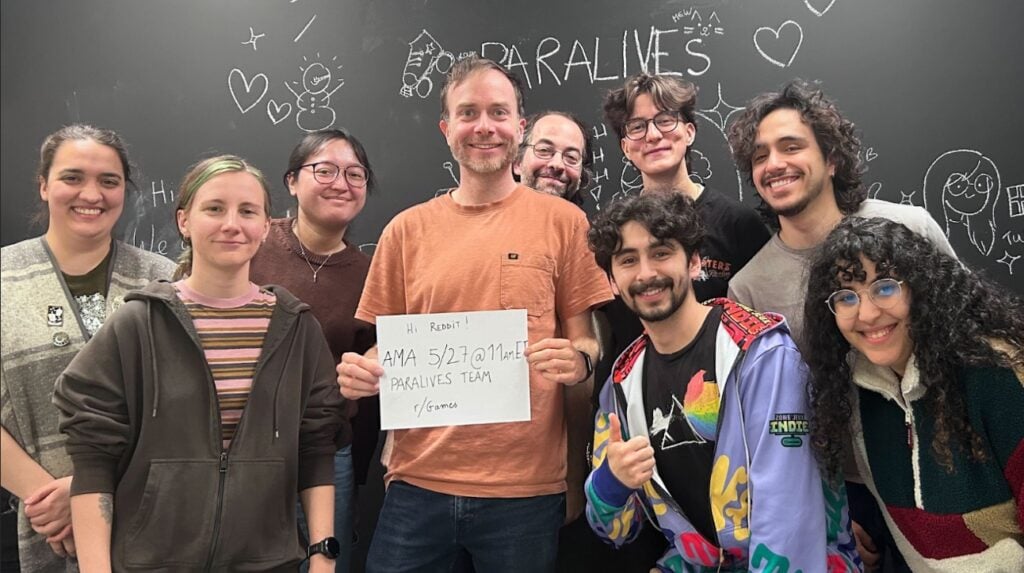
We are the Paralives team, a small indie studio working on Paralives, a new life simulation game out in Early Access on May 25th on Steam. We’re very excited to chat about our development and Paralives’ story, from a 2019 solo dev project to a 15 people team entirely supported by community funding!
About two thirds of the team will be here in r/Games to answer your questions, come join us 😄
Pictured from left to right: Charlotte – Quality Assurance Anna – Programmer & Game Designer Carina – Community Manager Alex – Founder & Lead Developer Jérémie – Programmer & Game Designer Gab – Comms & Marketing Alejandro – Programmer & Game Designer Andrei – Music Composer & Audio Designer Sonia – Game Artist
During the Paralives Q&A the indie team also revealed that they plan on slowly expanding their team size…but not too much.
Here’s the full collection of all the new information shared in the first Paralives Q&A session:
Question: My question is about the future – even though we can’t predict it.
You said “Paralives will never have paid DLCs,” and that’s beyond amazing, but how do you intend to keep development active? It’s a risk, I believe. Do you plan to offer merchandise, partnerships, or any paid content? (Not a DLC per se, but perhaps a special bundle?)
Furthermore, I’ve seen some people confused about “never having paid DLCs,” questioning whether this will only be the case during early access. Will this continue after Early Access?
Alex: There will never be paid DLCs, only free updates! Even after the Early Access. As life sim fans, we wanted to make a game we would like to play ourselves without the need to purchase a lot of extra content and we are happy to deliver that
Because the team is small (only 15 people) the sales we made so far will sustain us for many years, even if we increase the size of the team so we’re safe and really grateful for that!
Question: What is your stance on adult content being modded into the game? Cause games like these tend to be very popular for that sort of thing.
Alex: Regarding adult content on the Steam Workshop, so long as it follows Steam’s guidelines on user-uploaded content and is properly tagged as adult content, it is OK! We also only moderate mods inside of the Steam Workshop, so anything out of there will be out of our jurisdiction so to speak.
Thanks for the question ! :- )
Question: How do you guys plan to make free DLCs a sustainable business model? I also recall you saying you’re taking down the Patreon after the game launches, or am I mistaken?
Alex: Yes, the Patreon is being closed this week and the sales we made from the game so far will sustain our small team of 15 for many years so we are happy to be able to offer free-only updates in the future because it’s what we would like as life sim fans ourselves
Questions:
Do you plan on adding farming/gardening/ranching? I was always a huge fan of the Cottage Living EP from Sims 4 and would love something similiar. I feel like it would fit the aestethic pretty well and I already spotted some wheat (probably) and the cow+hay at the store.
In Q4 we’ll get the first content update you said. I know you probably can’t tell much about it and it’s pretty early but can you give a hint about what content we get? 👉👈
Carina: Basic gardening is planned as a feature during Early Access, but we will see if we can consider other types like farming and ranching based on how our players like it!
We’ll keep this a secret for now, but we do want to add a lot more content in that update, like together cards, for example!
Question: I think it was mentioned before, but are y’all planning on adding occults? I love playing with occults in sims, my favorites were the mermaids… so are y’all planning on adding mermaids at any point?
Carina: It’s not planned for now, but it’s a really cool idea to be considered in the future!
Question: Do you plan to hire more people to the team now that the budget has grown with sales? that could potentially accelerate the game development!
Alex: Hi! We’re now 15 people and it’s very possible we recruit a few more people to help soon! However, we like working as a small team so we don’t plan to grow the team too much
Question: Is there or will there be a way to “close” lots we’ve visited to optimise game performance?
Jérémie: They are currently “closed” if you visit another lot. We think that having one lot open isn’t that bad, performance wise, having an option to close them manually could be neat tho! Maybe in the future!
Question: Will we eventually get non-wormhole schools and work?
Carina: It’s not planned for now, but the idea is really interesting to us!
Question: My question is will we get fireworks? I think it would be fun if our Parafolks can buy and light fireworks and see firework shows in the park.
Sonia: That’s a good idea! It’s not on our list of additions at the moment, but it’s something we could make work in the game. Perhaps in a future patch!
Question: When interacting with other Paras, there seems to be a mix of direct input interactions (kissing, hugging, etc.) and the more “random”, less agentic cards. In my experience, this sometimes feels like it strips the potential for storytelling away as conversations are mostly inanely waiting for the bar to fill up and choosing a mostly random card instead of building a narrative through specific actions, even though the systems are in place for direct user input.
Is this aspect set in stone and a core part of the design philosophy? Or can we expect more agency when choosing how our Paras interact in the future?
Jérémie: At the moment we are pretty happy with how the Together Cards work out, instead of having to manually queue a bunch of interaction from a huge list you can choose the next step from time to time and we’ll keep on adding more cards, both for different types of gameplays and contexts. We also believe that because you can do interactions as a group, level up skills and the like, you do not need to just sit there and wait while the bar fills up. Some cards do unlock interactions that you can perform afterwards as well, and we might add more in the future.
It’s pretty core to our design philosophy I would say!
Question: I was wondering if steam achievements are planned to be added in the future, and if so, is there any estimate on when they might appear?
Gab: We do plan on adding Steam achievements at some point during the Early Access period. We can’t confirm an exact timeframe yet as we’re currently focused on bug fixing and improving the bigger issues that players are sending our way. We’re excited to look into it!!
Question: What was the best part of developing this game?
Alex: Having so many people supporting us and looking forward to play the game! Working on a project when you know that people are eager to try it is a lot of pressure, but also, very motivating
Question: I have a very short and simple question, I want to know if you are planning on adding pet bunnies and maybe some wild rabbits, and some other rabbit themed stuff like plushies and outfits, but mainly in the future can I have a pet rabbit in Paralives?
Carina: During Early Access, we plan to add dogs, cats and horses as pets but will consider adding other types of pets in the future 🙂
Questions: I have a couple questions about Relationships, Music, and Animation:
Lastly: how is the team feeling?? was the launch what you expected?? has the launch changed the team’s approach to developing this game? You all have done an incredible job! I can’t wait for the game to grow <3
Relationship Roadmaps: Will there be a visual roadmap showing us all the relationship possibilities we could have with Paras? Right now, I am levelling up “Friends” without an idea on how far the level can go, and if there is any benefit to it? I would love to know how the team plans to make these interactions meaningful to the gameplay.
Lack of music/sound in the world: There is minimal noise/sounds in the world. Does the team have plans to add atmospheric music (for example, depending on the time of day), or locational/scenic music (for example, specific music at the beach) when the Paras are nearby? It would add more life to the game.
Lack of animations: How important is adding more interactions and animations for the team? and how soon can we expect them? From playing for hours, the lack of actions became obvious and negatively impacted how great Live Mode could be.
Anna:
A visual roadmap is not something we have planned right now, but there is definitely work to do on relationship! The friend label level doesn’t do much for now. Adding more relationship labels and unlocking new interactions, together cards or perks linked to the label levels is definitely on our to do list for early access.
For now, there is some music in live mode depending on the Para’s mood, or via the radios on some of the lots (shops). We might add more in the future!
It is definitely important to add content in general, just like for relationships and really all parts of the game, that’s what early access is for! The number of interactions and animations will increase with patches and updates. For now (the upcoming weeks/months), our main focus is to fix important bugs and crashes that impact the gameplay negatively. We are planning to release more content later this year though!
It’s been unreal to be honest! I feel like we’re in a very weird space right now because there is so much things to do and so much
Question: Is adult-leaning mod content generally allowed in the modding ecosystem, or will modding be fully open as long as it doesn’t break other guidelines?
Charlotte: Regarding mods that have adult content, so long as they follow guidelines of their chosen platform and are properly tagged as adult content, they’re allowed ! We also only moderate the Steam Workshop, so anything outside of that won’t be moderated by us.
Question: Do you have any plans on creating a massive lot size for palaces, government buildings, etc for the next expansions? There are massive and growing fanbases for political simulation game, especially during feudal, regency and Victorian times. What about forbidden city or Versailles sized lot??
Sonia: We plan on increasing and adding more customisation to lots in future updates. Have more options for building items to create historic and impressive buildings. Political gameplay, is not on our list of priorities; we’re more focused on a smaller scope of the life simulation for now. As for other cities, it’s not on our roadmap for now, but it would definitely be nice to have!
Questions:
Other than the sims, what other games was your inspiration for Paralives?
How long will this game be under EA? Personally I never purchased a game under EA – I can play other games while the dev cooks.
Your company is small, do you implement any type of AI assistance at all?
Gab:
We’re big fans of The Sims games and they were a big source of inspiration for us! We were also inspired by a lot of games of all kinds; building games, cozy games, and even RimWorld for our Storyteller feature!
For now, we plan on being in Early Access for about 2 years, or until major bugs are fixed and we’ve implemented all the features we’ve previously announced 🙂
No AI was used in the development of Paralives.
Question: Will you be expanding your team thanks to the new revenue you are getting? Preferably are you hiring staff that will expand more on the live mode where the game has the biggest weakness?
Alex: We would like to expand the team a bit without becoming too big because we like working as a small team! In any case, we will be working on fixing bugs and improving the live mode gameplay in the coming months and the following major updates!
Question: I know we are on very early access so expecting a fully fledged non buggy game is just unrealistic but I would love to know how and when do you guys expect to improve the relationship system. How do you plan to make relationships more dynamic? I find the card system can be a little bit constraining. Will there be more card options to choose from in the future aside from the default three? Will there be an option to choose different “decks” (romantic, friendship, mean, etc.) before starting an interaction depending on how we would like to interact with a Para?
We currently are pretty happy with the together cards system, it’s true that you can’t pick up an option from a list of a million things to do, but the goal is also to make these choices more meaningful. We’ll keep on adding and tweaking cards to make them more relevant and interesting as the game develops, but ultimately we think that picking one option from a small list can also lead to interesting and dynamic stories.
Jérémie: There are already a few ways to influence the kind of cards your Para will get; for instance if you read romantic fanfiction and get a flirty emotion boost, you have more chance to get romantic together cards, if you make yourself angry by kicking something, you might get mean/angry cards. It’s always something we can improve, of course!
Questions: -When new features come out, such as pools and vehicles, will modding menus for those be added to the control panel? By the way, will NPCs be moddable? -Will TV Channels eventually become a modding possibility? -Could you potentially add vertical wall curving so we could create buildings such as quonset huts? Also, Triangular buildings ought to be possible for either the Great Pyramids of Giza and the Luxor Hotel in Vegas. -Can you add the ability to duplicate/clone Control Panel elements? It makes it easier than creating new elements and then painstakingly copying all the settings from the original.
Alejandro: Hi! – Yes, all features will have settings that will be added to the control panel! Also, NPCs should be moddable, you can mod their autonomy, their look and where they live. – They are moddable now, it is through the skin system, so it is a bit more complicated that other systems. – That is something that is not in the plans for the future, maybe one day we can explore the idea! – Some elements have the duplicate feature, but some don’t as it has to be made by hand, and the sheer amount of elements in the game we could not do them all, we could try to add them little by little, and also some elements are very complex so duplicating them is hard.
Question: Do you plan to do more collabs? If so, I would highly recommend Stardew Valley when you finally have a gardening/farming update soon.
Gab: We actually do have a new collab coming up soon.. stay tuned 👀 We had a lot of fun setting up these collabs, it would definitely be cool to do more of them when we have more time 🙂
Question: Hey devs, there will be fantasy paras? Like vampires, mermaids, etc
Jérémie: “Official” occults are not planned to be considered before the end of early access 🙂
Question: will we be able to upload our own wallpaper patterns in future?
Jérémie: Adding new wallpapers is something that can be done via the mod system; It makes less sense to do it via the same system that picture frames use! Thank you for the question!
Question: How was the music composition process handled? And how much of the inspiration, or the desire to differentiate yourselves, came from the classic Sims OST?
Andrei: Hey! That’s a great question! We spent a whole year figuring out the musical direction making different demos with different approaches. We definitely wanted to have something different from other games but at the same time have the spirit of old classics like Sims 2. We took also a lot of inspiration from other indie soundtracks such as TOEM and Dorf Romantik. Thanks so much! 🙂
Question: I just made a post in the subreddit asking about teen romance. My teen paras can’t romance each other. Is this a bug or is it coming soon? Thanks so much! I’m having so much fun!
Jérémie: Howdy! Teen romancing each other is definitely something we want to add in future. It’s something missing to our romance mechanics for sure! Thank you for the question and kind words!
Questions:
do you have a timeline on adding in cloud saves for Steam?
do you have plans to work on Steam deck verification in the future?
Gab: We plan on adding Steam Cloud in the near future, we just need to tweak a few things on the technical side first before we can confirm a specific timeline 🙂
Steam Deck verification would be super cool and is definitely something we are considering. We’ll look into it later during Early Access though, when we’ll be considering porting the game to consoles and different platforms!
Question: Can we get more masculen outfits?
Alex: Yes, we do plan to add more and more outfits and clothing items through future updates!
Question: How did you feel about the official congratulations from The Sims team (on Twitter)?
Alex: It was a really nice gesture and we were pretty happy about it, as fans of The Sims ourselves!
Gab: We’re big fans of The Sims ourselves so we’re super flattered to have received their congratulations 😊
Question: Will we get nightclubs?
Answer: We do have the Story Nook pub with a dance floor in the basement! We would like to improve gameplay around that in the future though!
Question: Late to the party, sorry 😅. I played a few hours and I’m a bit confused by the career stuff. Is choosing a new perk for your job (not adding to your rank) supposed to increase the skill requirements? I saw the perks as something you shuffle around constantly so after doing this for a few days I need level 13 in programming in my rank 2 job which is weird. Is this a bug or aren’t you supposed to change perks so often? 😅
Either way, I like where you’re going with this. But either way, you should definitely see the changes of your skill requirements before you rank up or choose a perk do you can prepare 😉.
Anna: Thank you for your feedback! The skill requirement goes up every time you use an upgrade point for your job, whether it is for a perk or an extra rank. You’re right that it might not be very clear for now, so we should add more information so it is clearer to the player. We’re also keeping an eye on those feedbacks to see if it needs balancing!
Question: Would it be possible to add a grid in build mode?
Alex: Yes, the grid is only for walls for now! For items like windows and counters, there is snapping though to help you align items together. It could be nice to have a grid for items in the future!
Question: Hello! I have been following the game’s development for years and so happy for the release, and want to congratulate you all! My question is, will you add more languages? I want my friends&family to enjoy the game too, but since Turkish isn’t in the game, it’s kinda impossible. I was wondering if there is a way for the fans to help translate the game? As someone with 7 years of voluntary translation work on youtube, I’d love to help out.
Gab: Paralives is currently available in 8 official languages, we’d love to add more in the future but can’t confirm more details at this time.
In the meantime, we’ve seen that some community members are already working on their own translation mods to bridge these needs and share them on the Steam workshop!
Question: I loveeeee the idea of being able to adjust the windows and curtains to whatever size fits best, but there doesn’t seem to be many options when it comes to adjusting the exterior doors! I love a giant front door, so this would be awesome to be able to adjust those as well
Answer: For now, doors are not resizable because there was the extra technical challenge of having to resize to rotating part of the door as well! Maybe we can tackle that in the future though, it would be nice!
Question: Will there be an empty world where we can totally customize it in the future? I’d love to be able to build out a whole city or small farm town!
Alex: Right now, when you press New Game from the main menu, you can select the “Simple Terrain” map which is an empty terrain to build on. In the future, we plan to release tools to let players draw lot perimeters, place roads and more to create their own towns
Question: What improvements do you hope to make for Paralives autonomy in the next few months? Thanks!
Anna: We want to add more autonomous interactions and improve their balancing, also have more autonomous interactions linked to the personality and other contextual aspects of the characters.
Question: Will you consider (in time) adding a lot more socialization actions in a pop up menu beyond the together cards and/or finding a way to make them work together?
Like maybe after you’ve gotten the introduction and first impressions out of the way? I love the sims 3 and some of the options it gives, like being able to choose when you can talk about your plans to take over the world, or telling your kids to do their homework/clean up.
I’ve also heard people say the together cards got very repetitive fast (I haven’t had a chance to buy yet) and that they felt they got in the way of choosing some basic socialization options. I feel like it could maybe be nice to choose certain conversation topics from the go that could have an affect on things/actions and/or special animations maybe to keep it interesting.
Jérémie: At the moment we do not plan to have a parallel system to together cards, you currently can do certain interactions from the menu after you have performed them via together cards.
We certainly need more cards, just in general and for specific contexts, and we need more ways for parafolks to “prime” themselves to be in some specific moods so you have more cards of a type you want, but we are happy with the Together Card system! Thanks!
Question: Saw someone already got an answer to a similar question to mine, so here is another more fun one! What are some bugs you find really funny that have come up during development and/or early access? 🙂 I had my Para pick up the counter instead of their burger when going to eat, so that was kind of amusing!
Alex: Haha! The bug where we called the repair services and when the person came to our house, they started to draw on the floor with crayons like a child!
Question: Hi! Do you have any plans you can share about the deaths of paras? As in what happens to the paras after they die? Right now I think they straight up disappear XD
Alex: Hi! We didn’t find the time but we do want to make the moment where Paras die more important in the future! Maybe people reacting to the deaths, having a ceremony, an urn, etc
Question: I was wondering, how much will a Para’s personality or background actually affect how they react to emergencies? For example, if a fire breaks out, will a brave Para try to put it out while a more anxious one just panics and runs away?
Jérémie: It could be fun to have more autonomous reactions be based on personality traits, yes! That being said, sometimes they’re not super easy to map to all situations (it would be difficult to know how a Overjoyed para versus a Gloomy para would react to a fire, for instance!)
Question: My main ask will be: will/are you working on a multitasking system? Being able to eat while watching tv sat down etc?
Anna: That’s not planned for now since it is quite challenging technically, but we are keeping it as a potential option for a future update!
Question: any plans for further disability aids? 🙂 be it in Paramaker or objects. On that note as well, would the team want to try making things like wheelchairs and canes functional later down the line? I get that maybe there may be limitations (like stairs possibly forcing all Paras to be ambulatory users of mobility aids) but I think many people would appreciate that later down the line 🫶
Anna: There’s no specific plan for now, but we are considering making them functional! There are definitely some technical challenges linked to pathfinding and locomotion for mobility aids, but it’s something we are considering for a future update.
Question: Do you plan on adding vegetarian poutine to the game? I would love to see this as a vegetarian who loves poutine
Anna: I agree with you! It’s not planned yet but I’ll definitely bring this back once we add more recipes in the game haha
Question: Can you give us any info about the content of the major update in Q4 2026?
Carina: We’ll keep this a secret for now, but it will add more content to continue fleshing out live mode!
Question: Is there any possibility that other playable species or creatures will be added to the game in the far, far away future? (Werewolves, robots, vampires, ghosts, plantParas, witches, mermaids, etc.) that would be awesome
Carina: Supernaturals are currently being considered for the future, only after we leave the Early Access period 🙂
Question: Will this game ever be updated to work on laptops with lower specs than the current minimum?
Alejandro: We are optimizing the game right now to better meet our minimum requirements. Because we have so much to do still optimizing for lower specs is not our future plans unfortunately but we will be working on optimizing the game throughout the years.
Questions:
I would like to ask about the conversation system between Paras. I understand the idea behind using conversation cards, and I can see how it could make interactions more dynamic. However, I am a little concerned that this system may take away some control from the player. For players who like to carefully guide what happens step by step, being dependent on randomly available cards may feel limiting, especially when the cards that appear do not match the direction the player wants the conversation to take. Are there any plans to add an alternative option, for example allowing players to choose whether they want to use conversation cards or a more direct/free interaction selection system? Oh! And will there be any negative options? It would be so great to make enemies, but for now we bearly can be mean for others :c
I know this question was droped a few Times, but.. Occults and Supernatural stuff. I know It can be added by mods. But when developers adds It as DLC or part of the game It just feels like It belonged there. So my question is if you are planing any supernatural stuff (fairies, aliens, ghosts, Grim Reaper or other afterlife guide), would it most likely be added as part of the base game, or as a separate DLC?
Jérémie: Having two parallel methods of managing conversations would be quite messy at this point, so currently we do not plan to have another system besides Together Cards. In any case, we’re pretty happy with the current system at the moment. We will improve that system by adding more options and adding more ways for the Parafolks to gain specific cards that they want. More mean or negative cards will certainly be coming in the future!
Supernaturals in an “official” fashion would have to be after early access so we’ll ponder about that when we get there!
Question: Andrei, The music is so beautiful, we need more!! Can you add the demo, “Outside the box” you posted on Patreon back in 2022? I love it so much!!
Andrei: Hey there! I’m so glad you liked the music thank you! I love “Outside the Box” too. Once we get to do more music, we might revisit it for inspiration! Thanks again!
Question: Will you be adding controller support? It’s a HUGE accessibility feature a lot of folks, including myself, would love to have!
Alejandro: Yes, we are planning to release the game on consoles one day, so controller support would be the first step! We are unsure yet when and how long it will take as it will require a whole new design for the UI and how the game behaves. But it will happen!
Question: How many bug reports have you gotten since EA release? Can you give us some pointers on how to make the reports easier or more useful for you? The do and do-nots essentially of bug reporting.
Carina: We received over 100,000 bug reports so far (thank you to everyone!) and we’re slowly making our way through them all, putting emphasis on ones that were reported frequently. For now, what helps us the most is details! The more information you have to give us about your computer’s specs, what you were doing when you encountered the bug, and any screenshots and videos helps!
Question: Hi! My question is will it be/is it possible to convert cc intended for certain other life sims to Paralives? Such as, say.. items for pointy ears, clothes, horns, static tails, accessories. While it’s possible to make new ones, I have a few things id like to port over for personal use, and not being able to make my D&D ocs (main reason I play other games) is currently my only sticking point on buying Paralives. If there’s a way to convert the files to be compatible even if a bit janky, that would 1000% sell it for me! Also, are/will fantasy skintones be an option? =)
Sonia: I’m sure it’s possible if you already have an obj/fbx file.
You might have to do a few retakes on the UVs and skinning of your items, but we gave the blender files that we use, so you can start from there!
Question: I wanted to ask if you have any plans to bring Paralives to GeForce NOW in the future? A lot of people don’t have gaming PCs powerful enough to run the game, and cloud gaming would make it accessible to many more players. I’d personally love to play it on my phone or iPad through GeForce NOW.
Jérémie: We would love to support GeForce NOW but we need Cloud Saves to work beforehand and that means figuring out some optimization issues beforehand. So we’re a few steps away from having that at the moment, but we would love to do it!
Question: I would love to know If middle name and nickname will be an opioni for new born baby’s in the future? Because I want to give my para baby a middle name and nickname but it’s not a opinion. I hope you will add it. 🤞
Jérémie: Oh! You’re right. You can select the middle name and nickname for a Para in the Paramaker, but not in the “Baby is born” UI. You can always use the EDITCHARACTER cheat to open the PAM and edit your baby, but we might tweak that in the future, yeah!
Question: How are you going to fix and tweak autonomy in the game? I really think it should be a priority considering its a life simulation game and the Para’s just stand there doing nothing when not being talked to / interacted with (or on their phones).
Anna: Autonomy is definitely a big core feature of the game that needs more love, more balancing, and especially more content. The characters are on their phone a lot mainly because those interactions can be done without targeting any other character or item, so these are the “easiest” and most common thing they can do. Adding more autonomous actions and more interactions in general during early access will help, it should make the characters do more various things!
Question: Hello, I really love the inclusivity in the game, especially as a disabled gamer. I was wondering if there were plans to make any of the disability items functional in the game? Or add any others? Or add disabilities as a feature? I’m a rollator and mobility scooter user. I think it would be great to have items like these, especially for elder Paras.
Anna: There is no definite plans but we are considering making them functional in the future. There are some technical challenges linked to pathfinding, locomotion and interactions being adaptable to wheelchairs and other mobility aids, so for now it’s not something we are focusing on, but it might come as an update at some point!
Question: How high are the chances for a console release? Specifically on PS5?
Alex: For now, we will focus on fixing bugs, improving the performance and improving the gameplay but later on, we would like to work on console versions!
Question: will there be cars and garage
Sonia: Yes, we plan to add them during early access!
Question: Have you ever thought about adding personality traits like the sims 3/4 in? I know vibes exist, but to me, they feel more like sims 2 aspirations than personality traits, and the problem sims 2 had is that every sim of the same aspiration basically was the same.
Jérémie: Our personality trait system is a constant work in progress and we will add and tweak more vibes, talents and social perks as time goes on. Our long-term goals aren’t tied 100% to personalities (you have to get them from storytellers) but I see what you mean.
We have to balance the number of traits and having enough content for them to be meaningful in the game, so adding an evil para means having evil evolutions and evil interactions and evil together cards and the like, which is a fair bit of work 🙂
Question: you started Paralives as a solo project. How far did you get in development just on your own?
Alejandro: He was solo for 6 months! After that, little by little he hired 10 people during the year that followed!
Question: Would we be able to remove the different height restriction in build mode? I would love to build multi level decks and add fences but I am getting the error that I can connect different height walls.
I love the game so far, the build mode is fantastic otherwise. I suppose in the future we can have rooms to move around and move the whole house if needed.
Alejandro: Unfortunately no, as the walls are made dynamically it is not possible. However, a work around would be half-walls and platforms, you can create pretty complex builds with those tools. And thank you! We are glad you are enjoying the game so far! Moving rooms in the future is something we want to add for sure! However, moving the whole house is possible, by the moving lot tool. It moves everything including the trees.
We’ll keep updating the article with new answers from the Paralives Q&A as they surface.
What are your thoughts on everything shared from the latest Paralives AMA with the team? Let us know your opinion in the comments section below and stay tuned for more Paralives News and Updates!
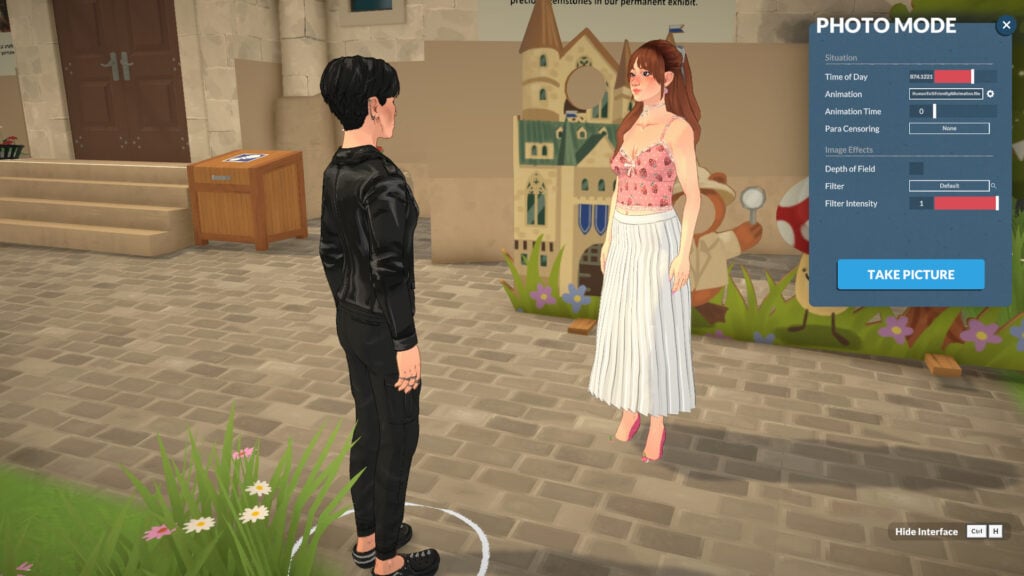
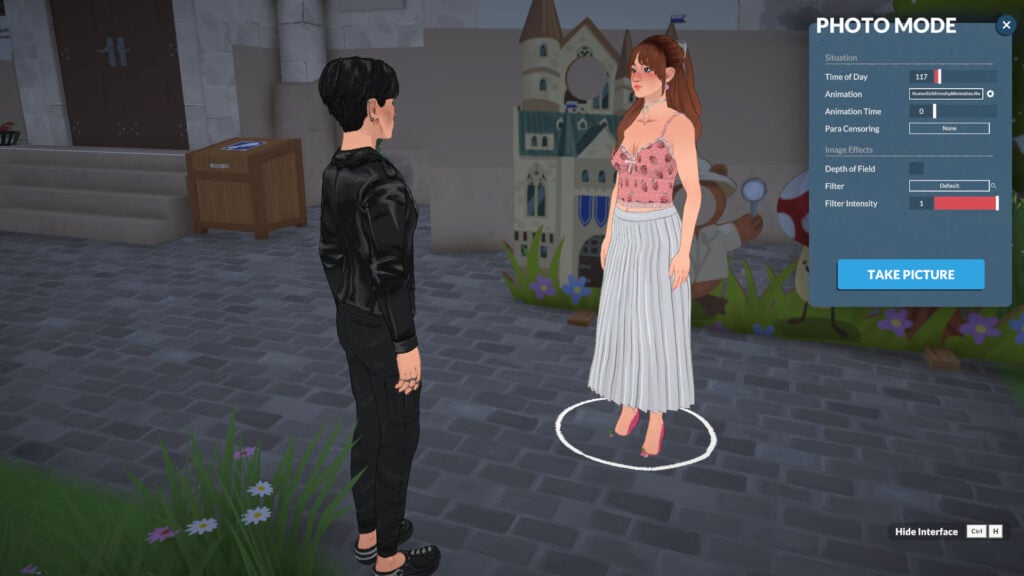
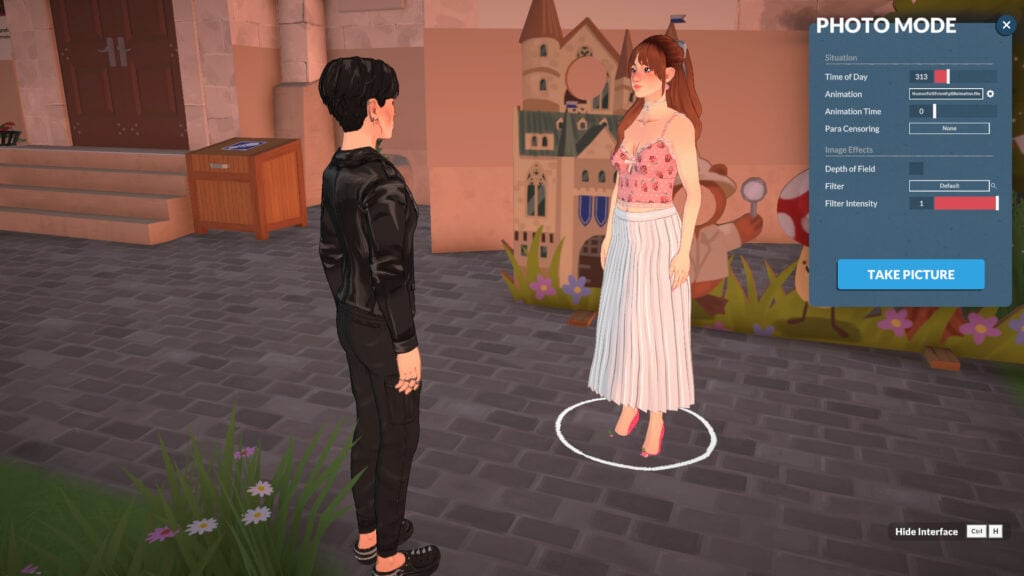
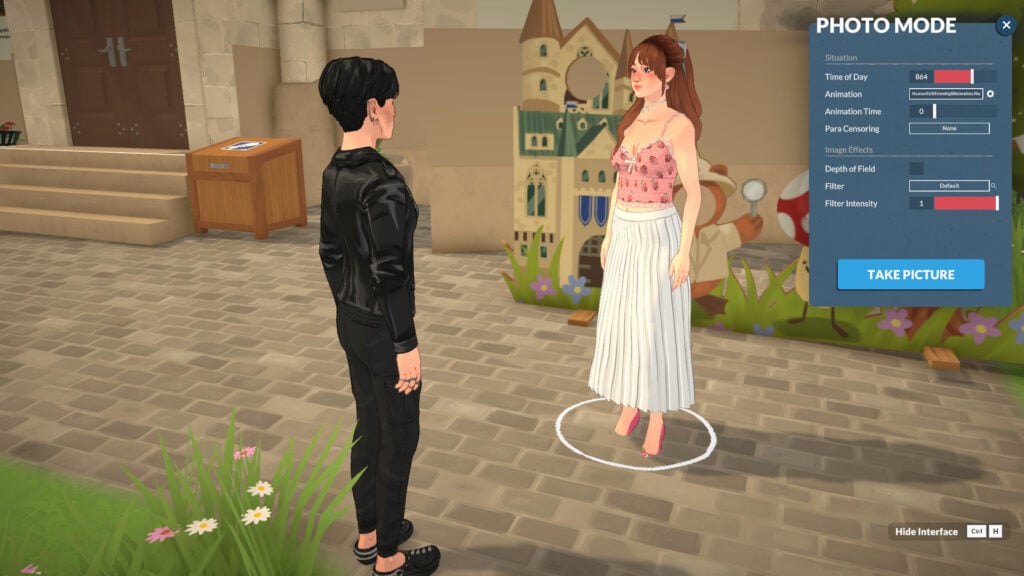
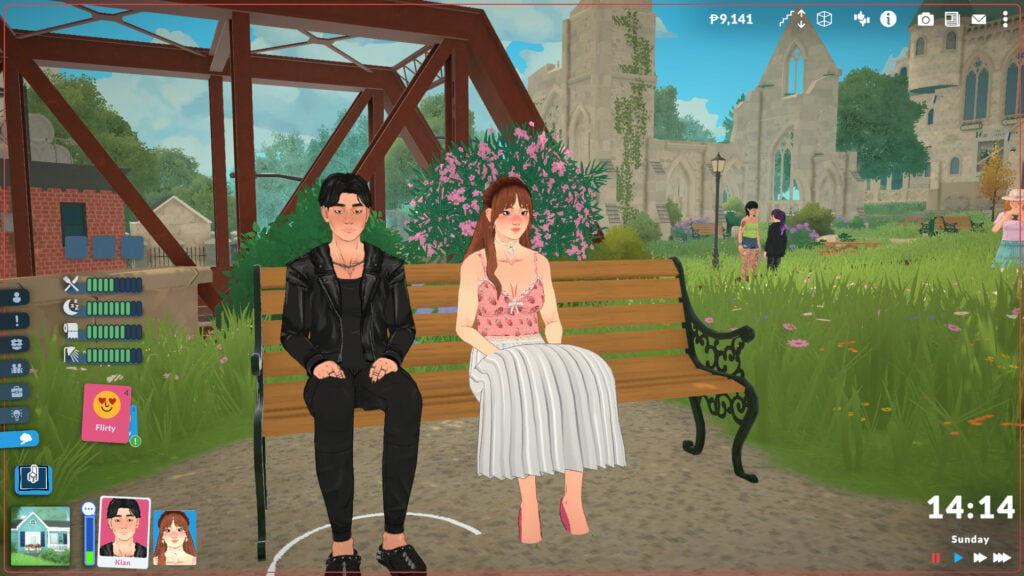
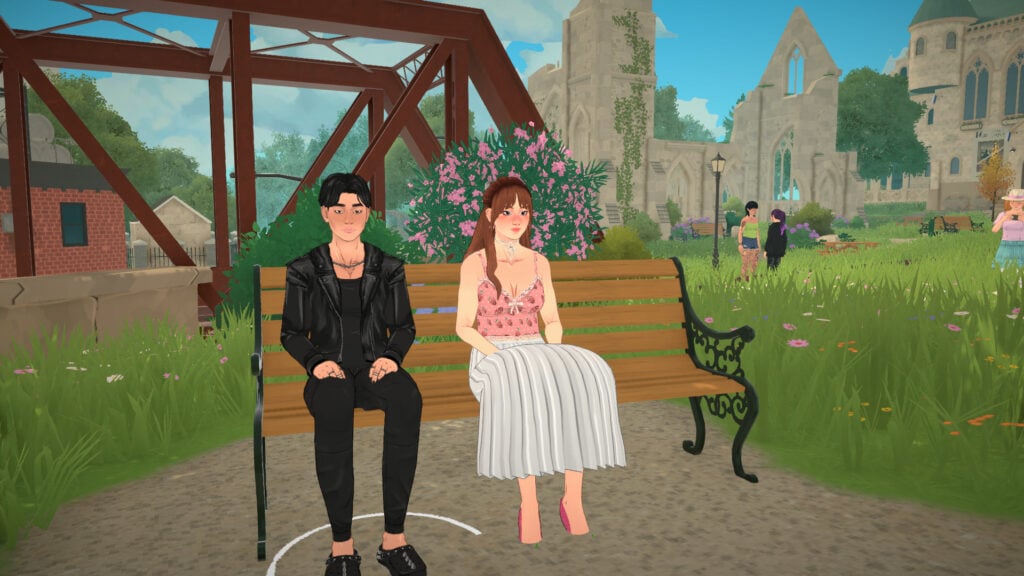
The ability to capture in-game screenshots to remember the best moments of your gameplay is a very important mechanic to have n life simulation games. Paralives has an exclusive mode dedicated entirely to this, allowing you not only to take in-game screenshots but also to craft the scene and let your imagination run free.
Let’s take a look at the Paralives Photo Mode!
Table of Contents
What is Photo Mode?
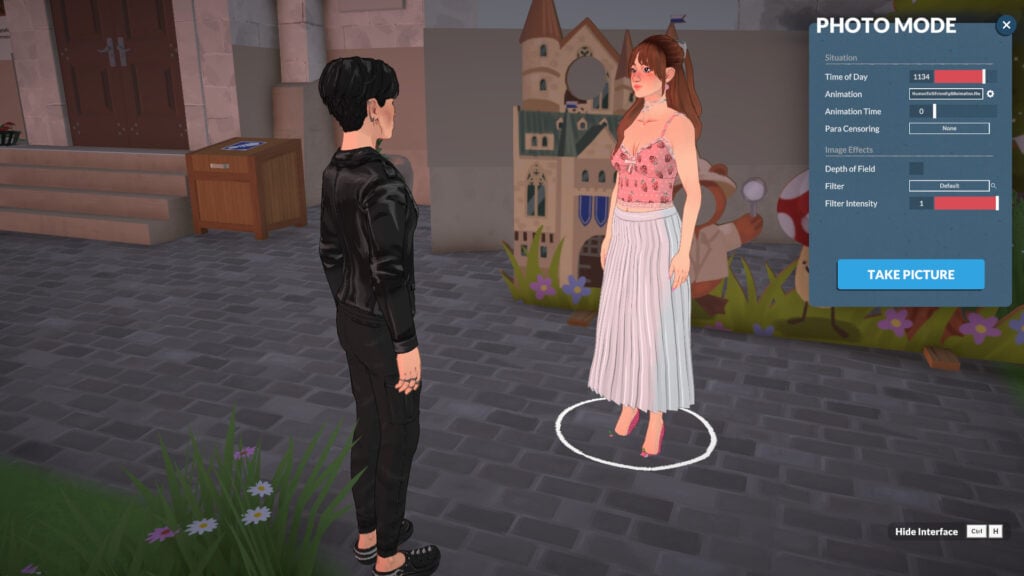
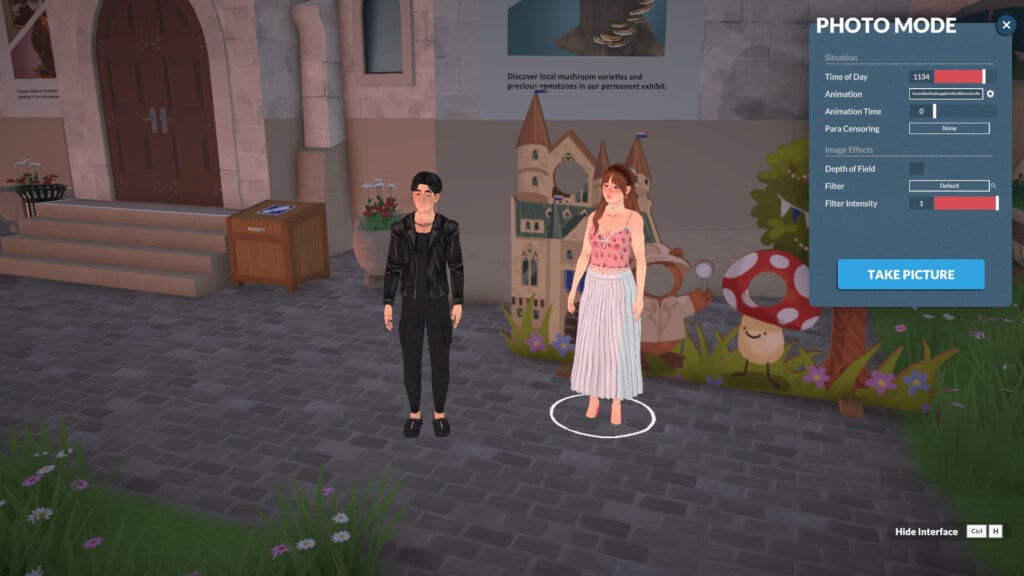
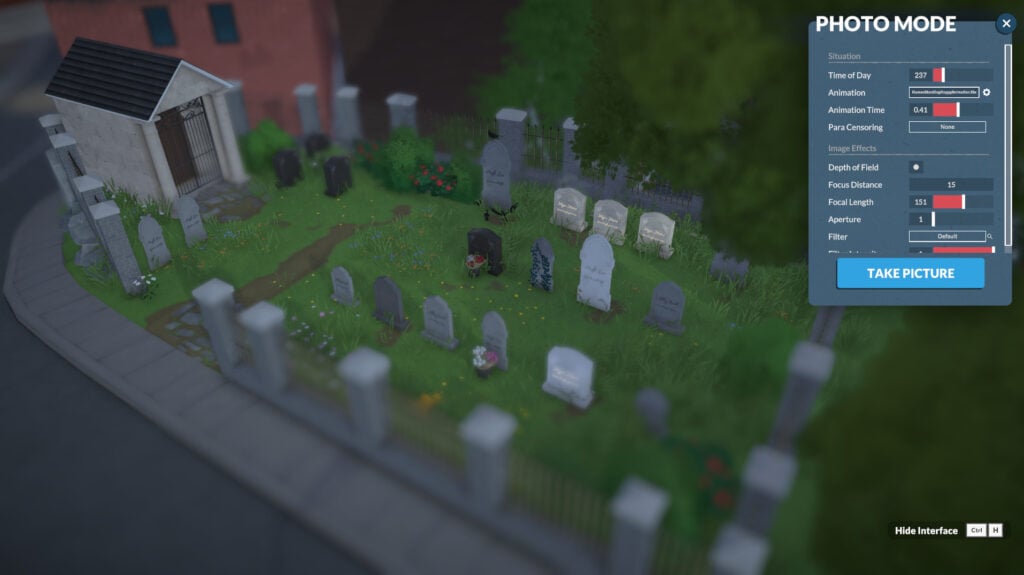
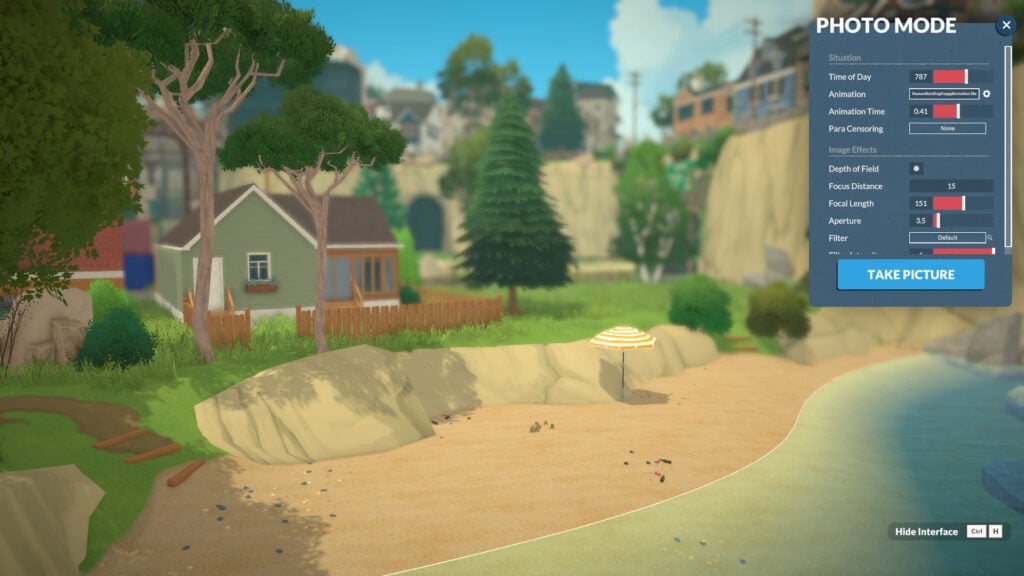
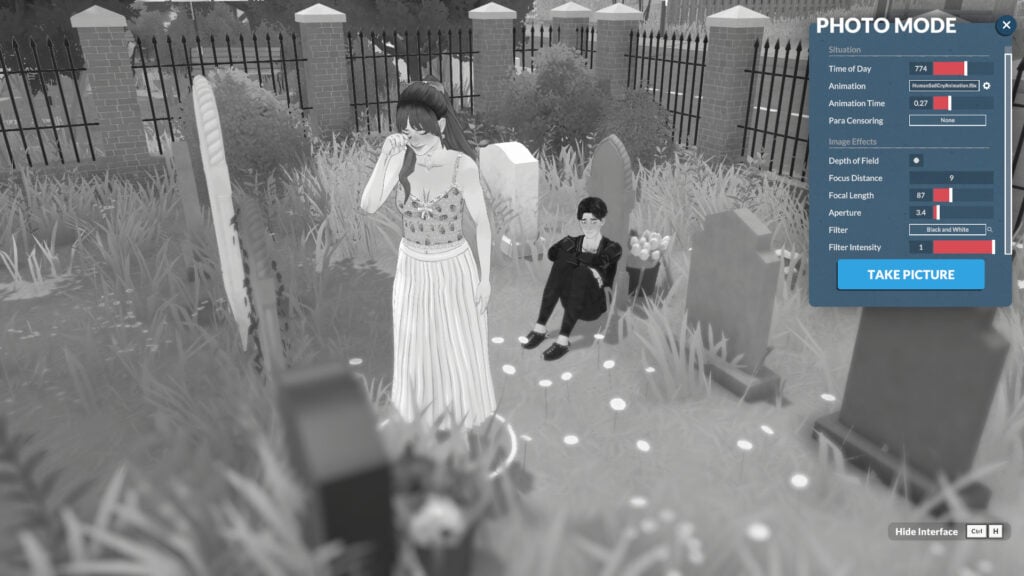
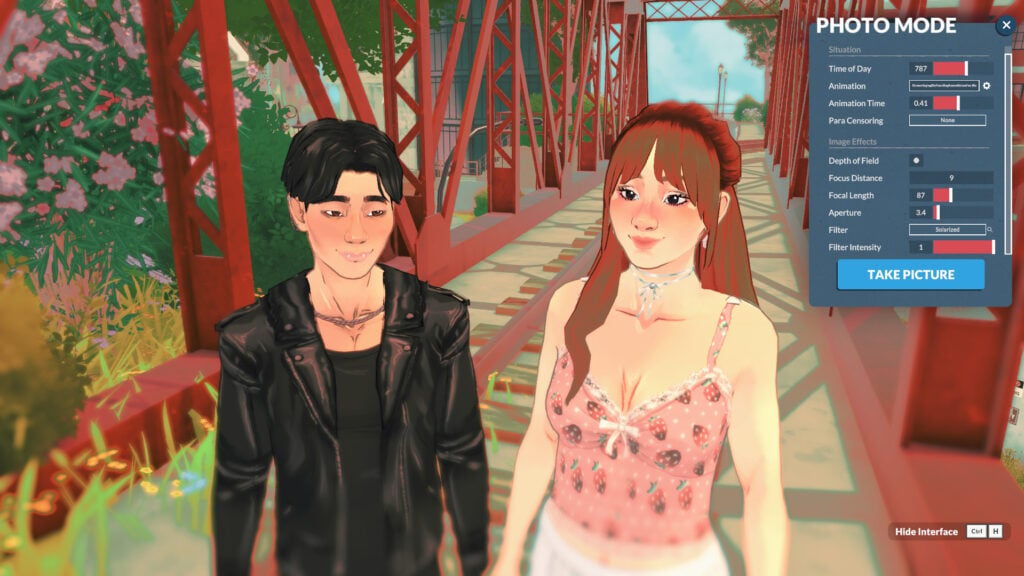
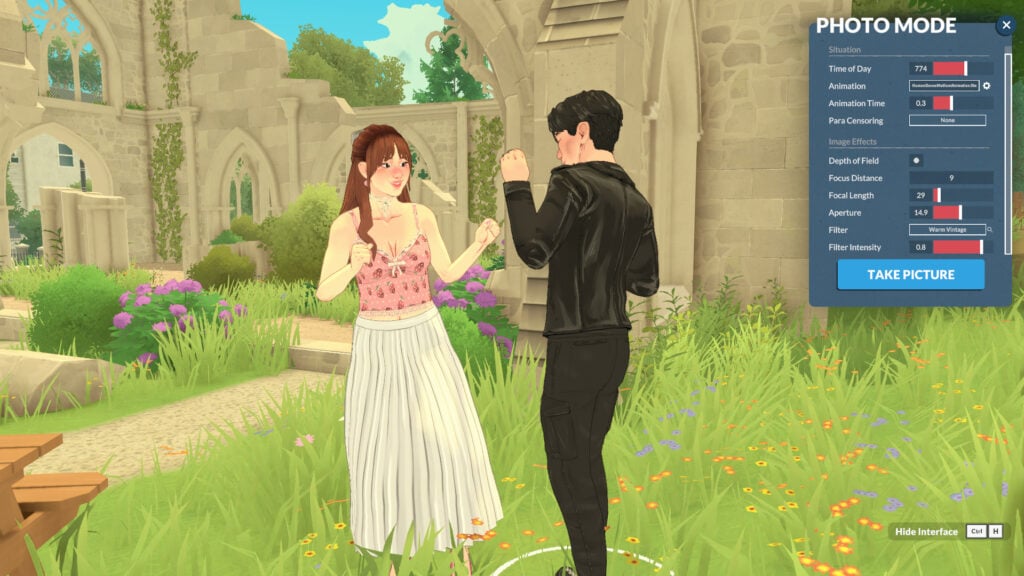
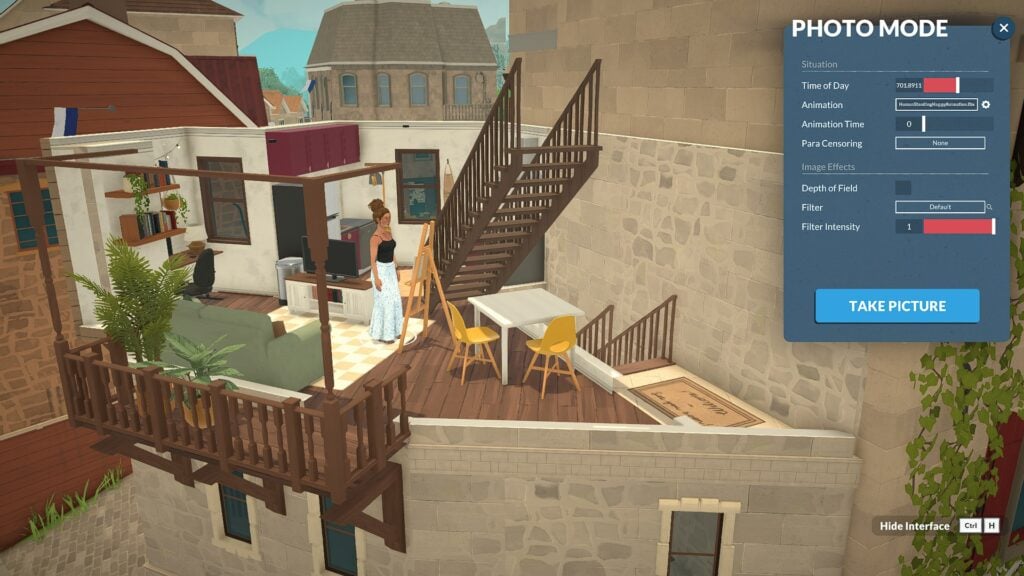
Photo mode does exactly what it sounds like: it helps you take better in-game pictures. While in photo mode, time stops, and you can freely move your Paras, apply filters, select poses, set the time of day, and much more!
How to access the Photo Mode in Paralives
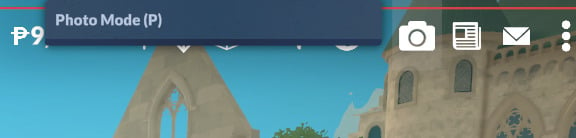
Using photo mode is pretty simple. Photo mode is already integrated into the game, and you can open it with the camera icon at the top of the screen, press the P key, or rebind it to any key you prefer (more on that in the next topic).
How to rebind keys for Photo Mode in Paralives
The first thing I adjusted in my game was the photo mode key binding. It’s set to P by default, but I’m so accustomed to using P to pause that I had to remap it. Luckily, the devs considered this, and rebinding is simple.
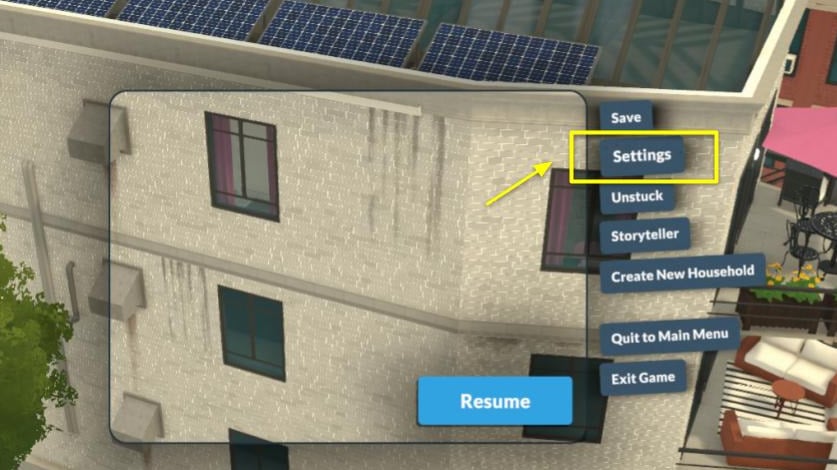
When in live mode, open the “…” (Options Menu) and click on Settings:
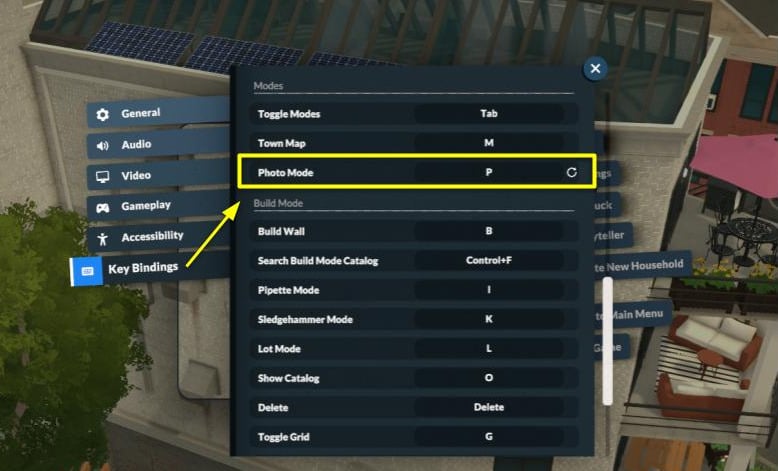
Then go to the “Key Bindings” tab and look for “Photo Mode.” Click on the current key binding, and a pop-up saying “Key Rebinding” will appear. You can enter whatever key you want, just be careful not to assign the same key to multiple functions.
And that’s it!
Key Features of Paralives Photo Mode
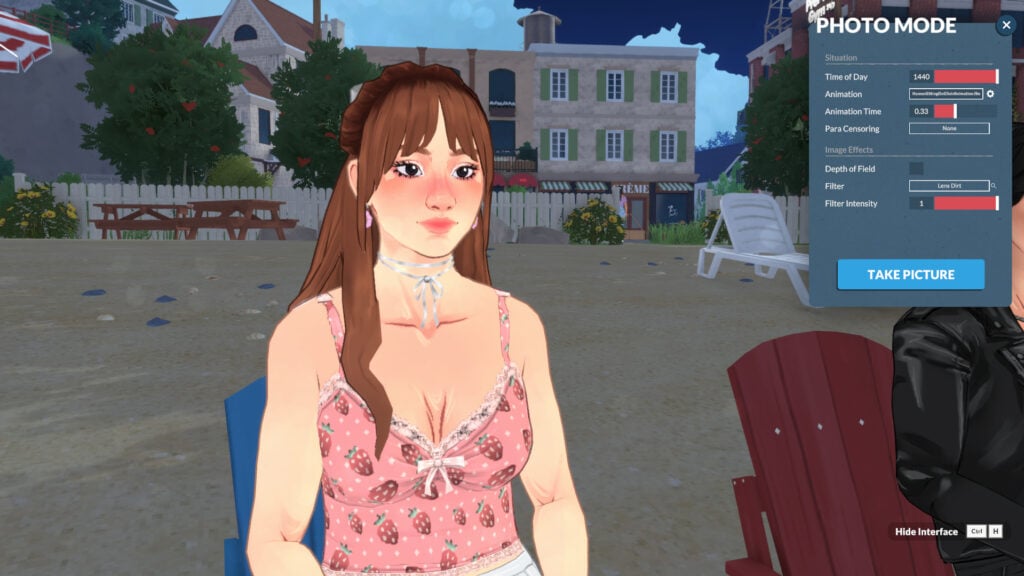
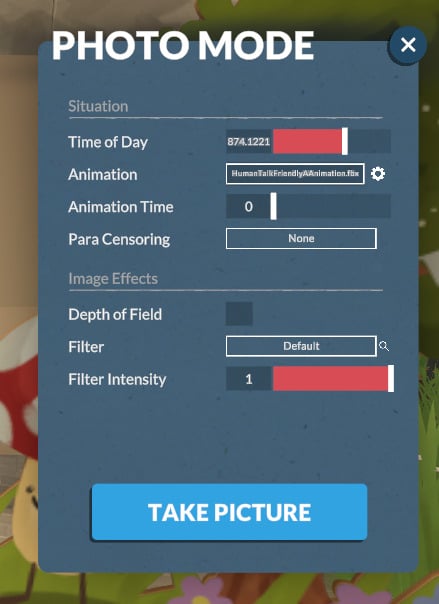
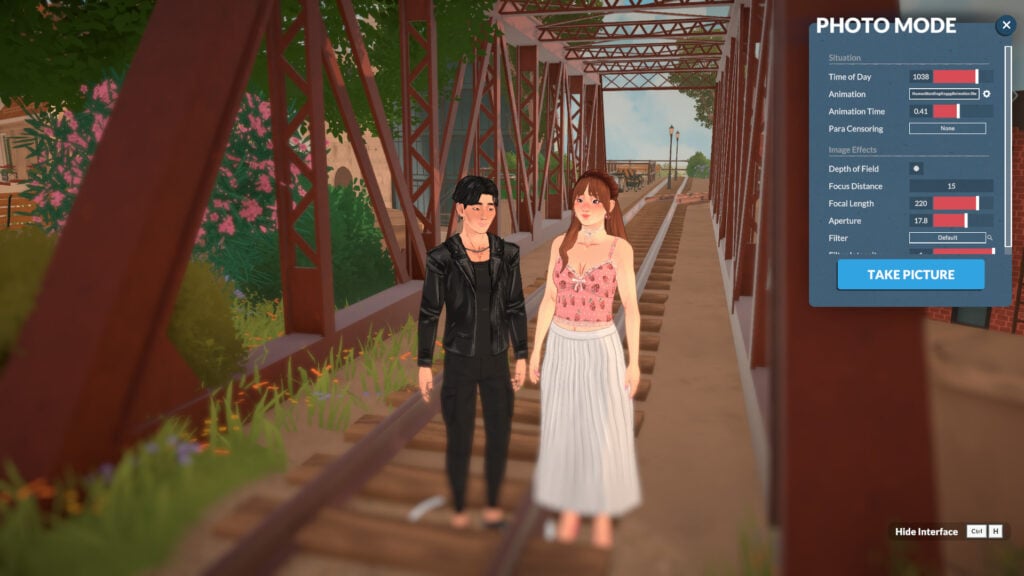
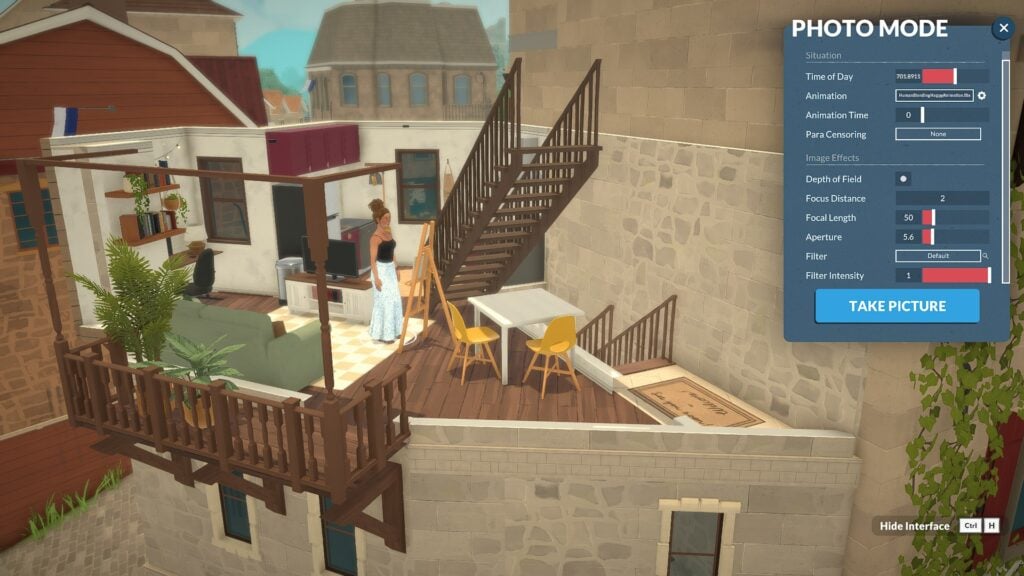
Photo Mode’s key features are divided into two categories: “Situation” and “Image Effects”. “Situation” lets you adjust: Time of Day, Animation, Animation Time, and Para Censoring. “Image Effects” gives you control over Depth of Field, Filter Type, and Filter Intensity.
How to use Paralives Photo Mode
Using Paralives photo mode is very intuitive. In this section, we’ll show you how each category in photo mode works.
Situation Category
When entering photo mode, you’ll notice that the characters stop their animations and become static, with no expressions. This happens because photo mode resets their current animations to the first frame. But don’t worry! You’ll be able to adjust everything. In the Situation category, you’ll be able to change the Time of Day, Animation, Animation time, and Para Censoring.
Time of Day
To start learning about Photo Mode, you can begin by adjusting the time of day you want the picture to be set in.
Animation
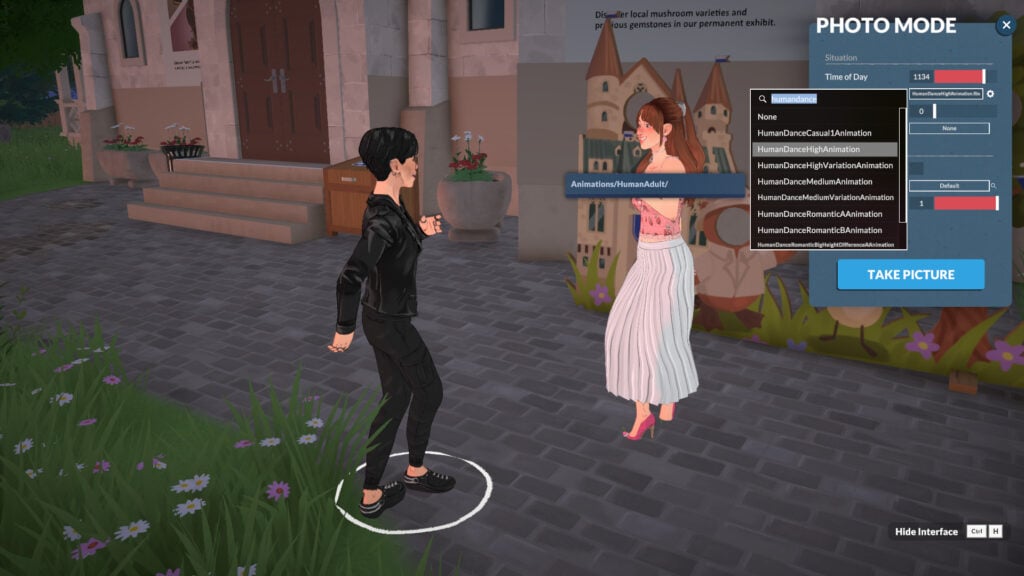
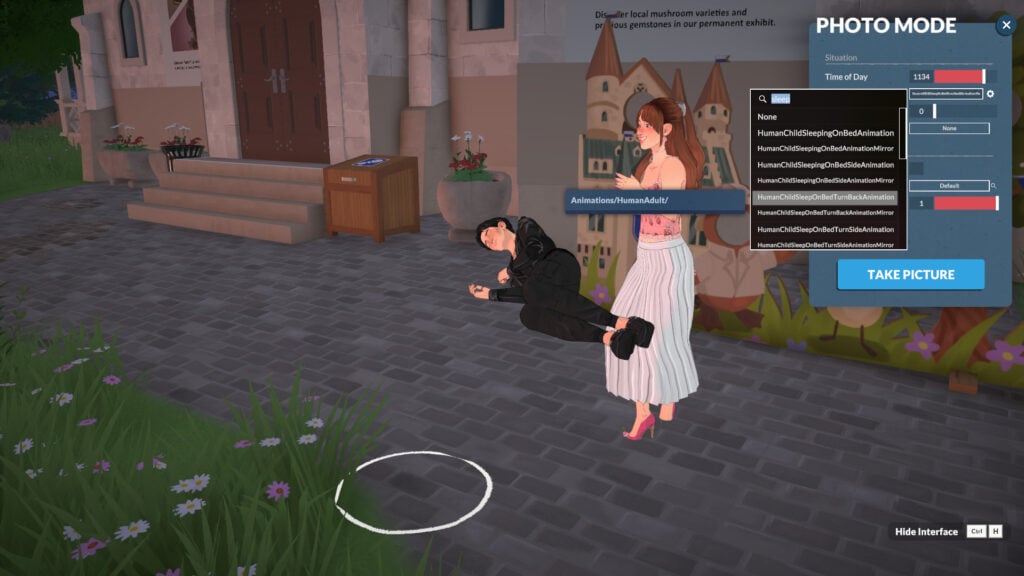
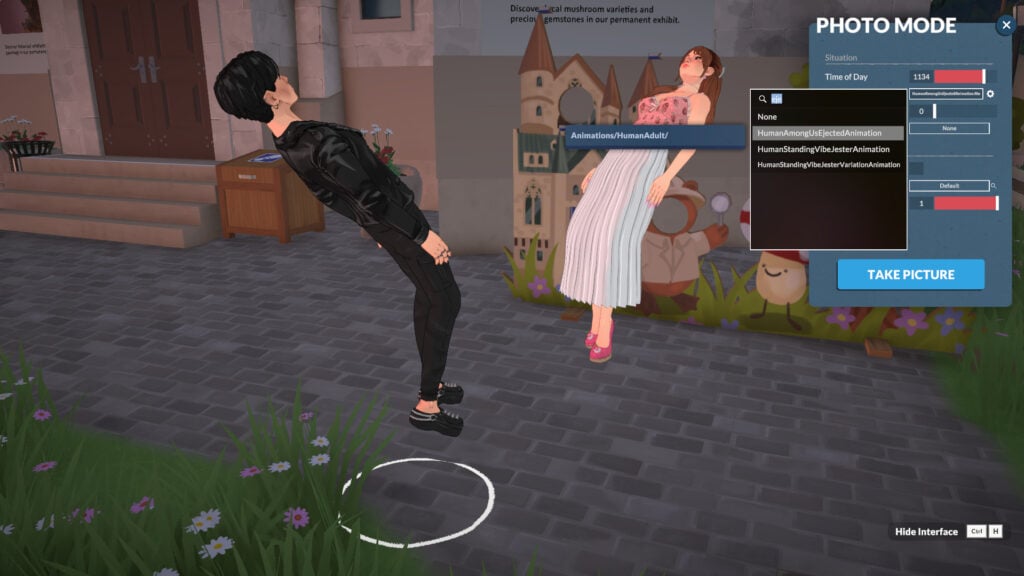
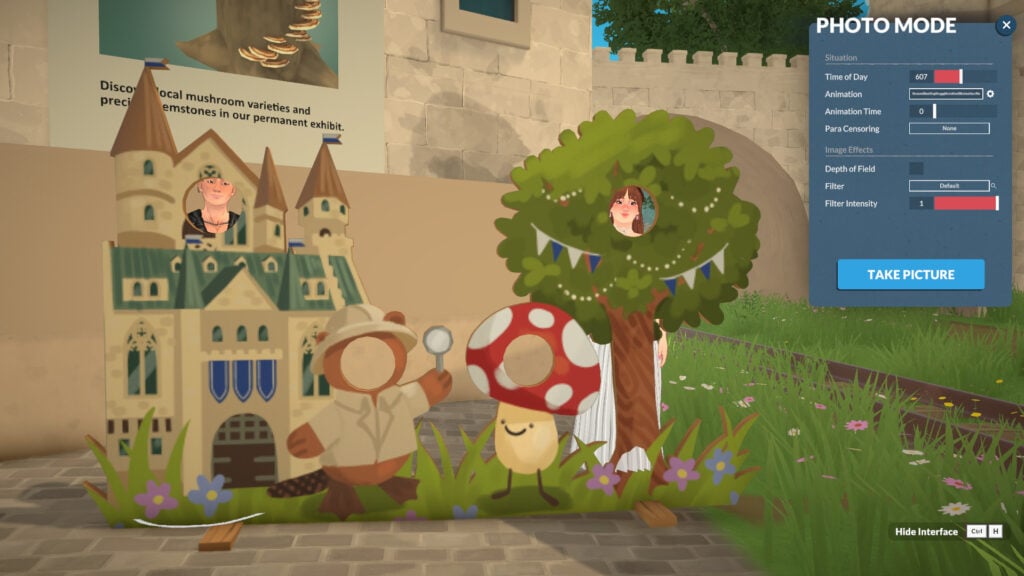
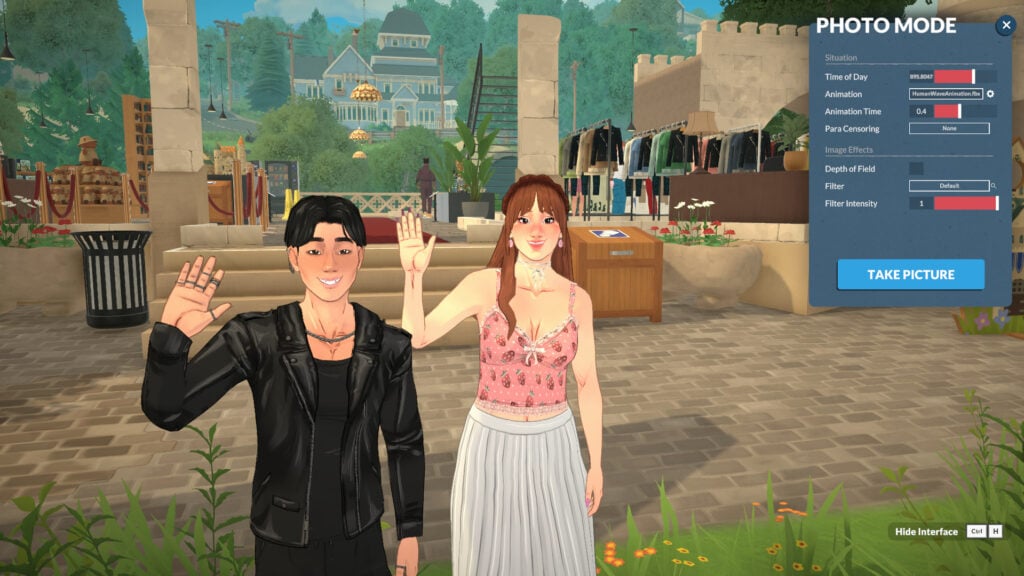
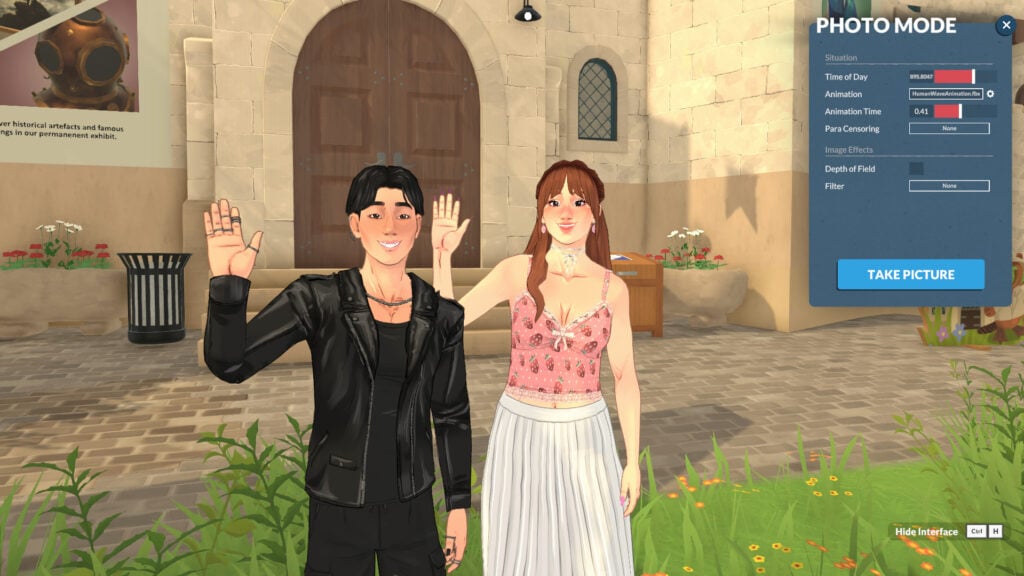
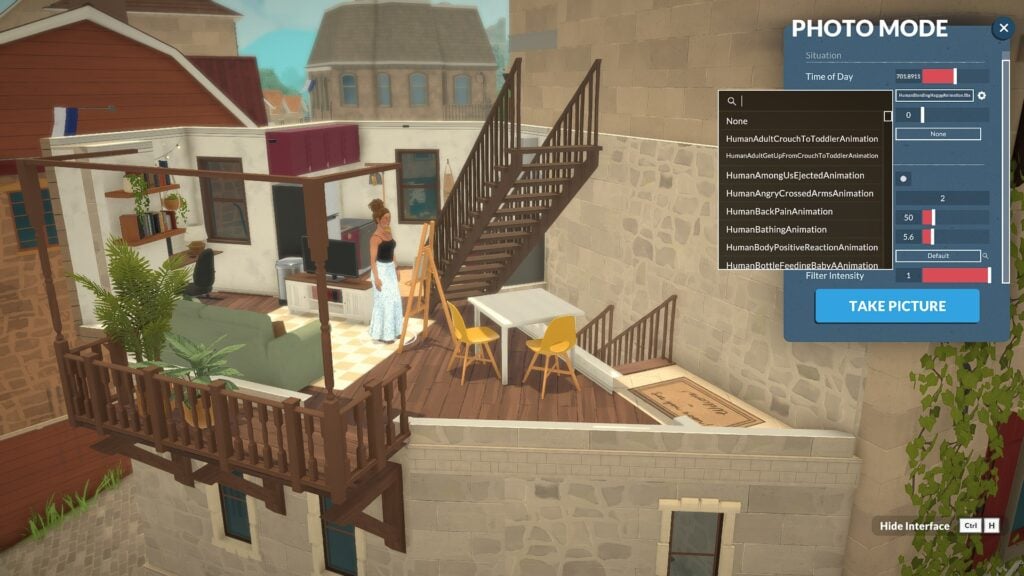
Select a character (by clicking on it) and choose an “Animation” for them. If you leave it unset, they’ll continue with their current default animation. All the in-game animations are present, so you can choose any you want!
Changing your Parafolk’s Location
You can adjust your Parafolk’s location by clicking on them once. This way, you can drag them wherever you want to fit your picture!
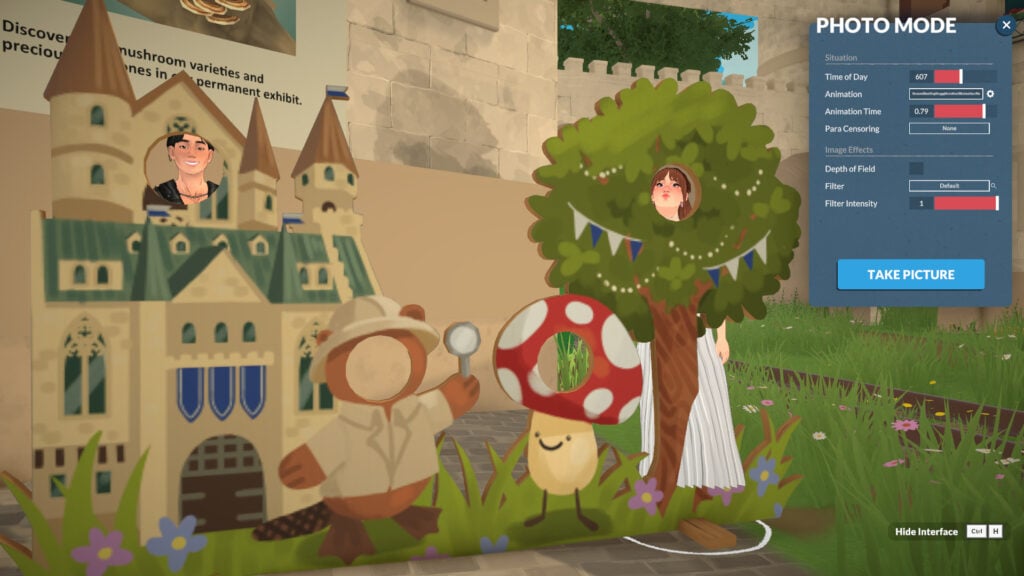
Animation Time
You can adjust the animation by changing the “Animation Time” in the photo mode menu. This allows you to take more control over your intended picture.
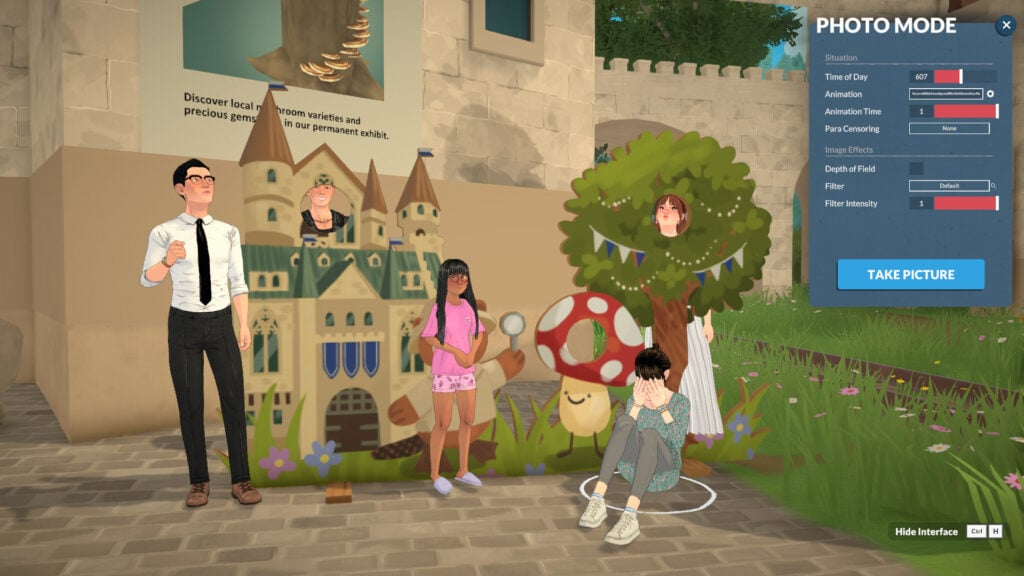
Bring more people in!
You can drag any Parafolk in the area into your picture and also choose any animation for them.
Para Censoring & Censoring Effects
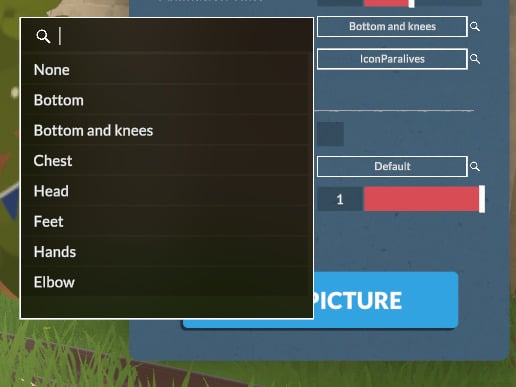
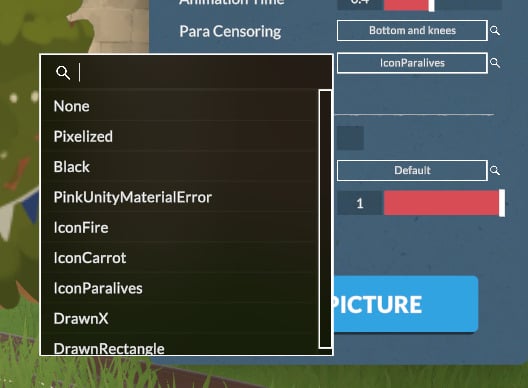
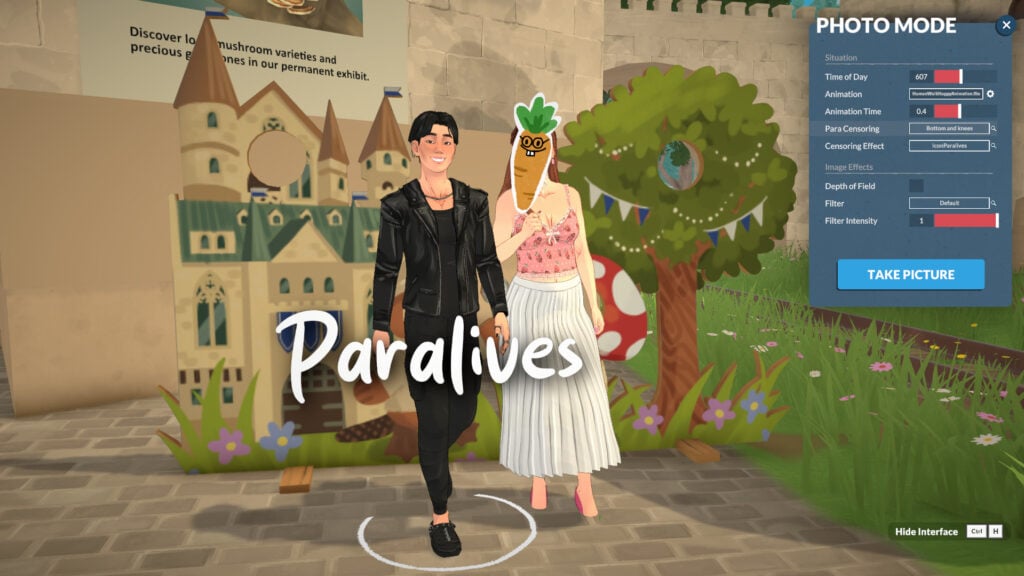
To finish the “Situation” category, you can also select “Para Censoring” to introduce censoring into the screenshot. It works not only by pixelating but also by allowing you to select different types of stickers to censor your Parafolk. You can choose the censoring location in “Para Censoring” and the type of censoring in “Censoring Effects”, which will appear after you select any “Para Censoring” option.
Image Effects Category
You will find much more to customize your photos with the Image Effects category, without needing external software. In the Image Effects category, you’ll be able to adjust the Depth of Field, Filter, and Filter Intensity. Let’s take a look!
Depth of Field
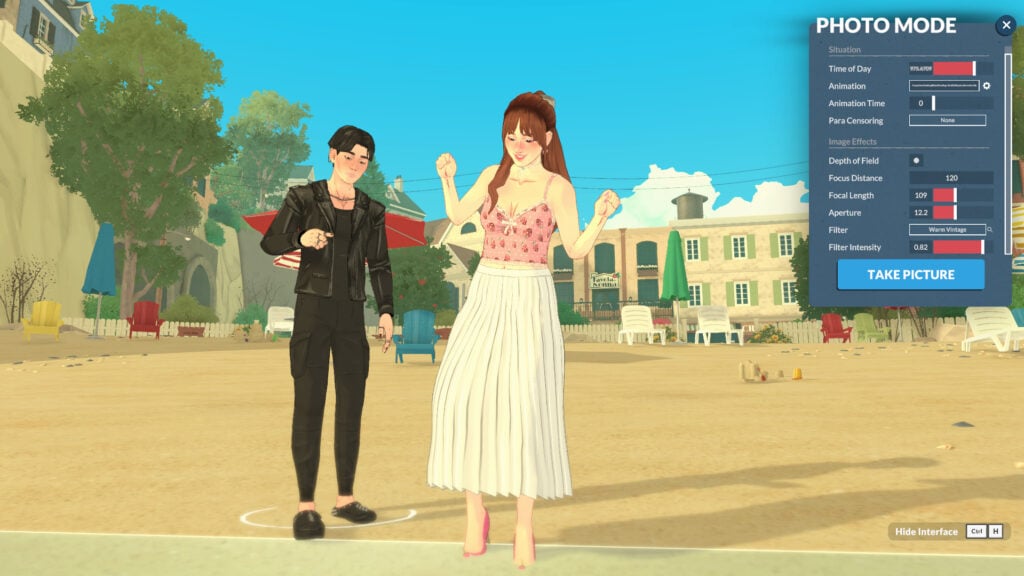
Under Image Effects, Depth of Field controls the sharpness range around your focus point. Once activated, you can fine-tune it with Focus Distance, Focal Length, and Aperture to get the perfect in-game shot with no external editing needed!
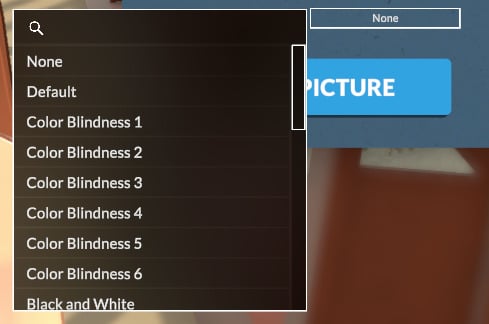
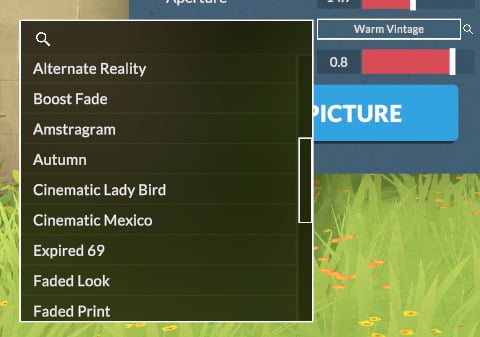
Filter & Filter Intensity
There are also many filters built into the game that you can use to enhance your storytelling.
How to locate Photo Mode pictures in your local files
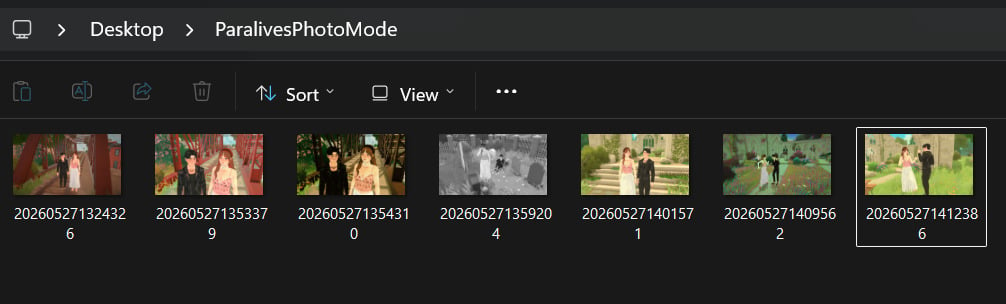
The photos you took with photo mode are for now being saved on your desktop in a folder named “ParalivesPhotoMode“.
Other tips for taking in-game screenshots
Hide Interface
You can remove the interface with Ctrl+H to take cleaner screenshots in live mode and capture real moments from your Parafolk without needing to open Photo Mode!
Getting in style! Change outfits for your pictures
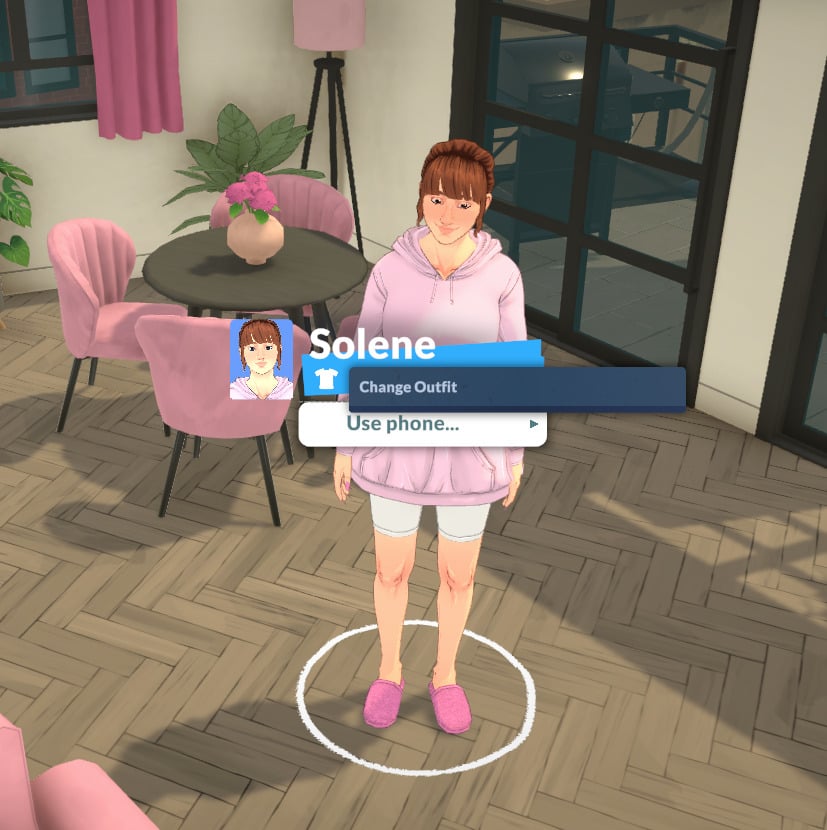
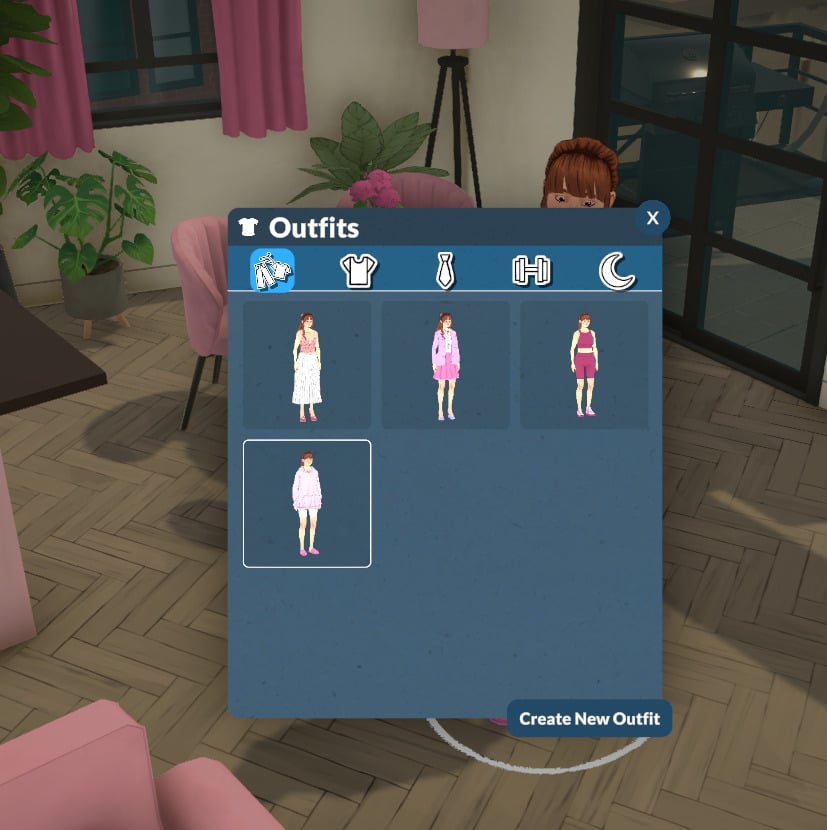
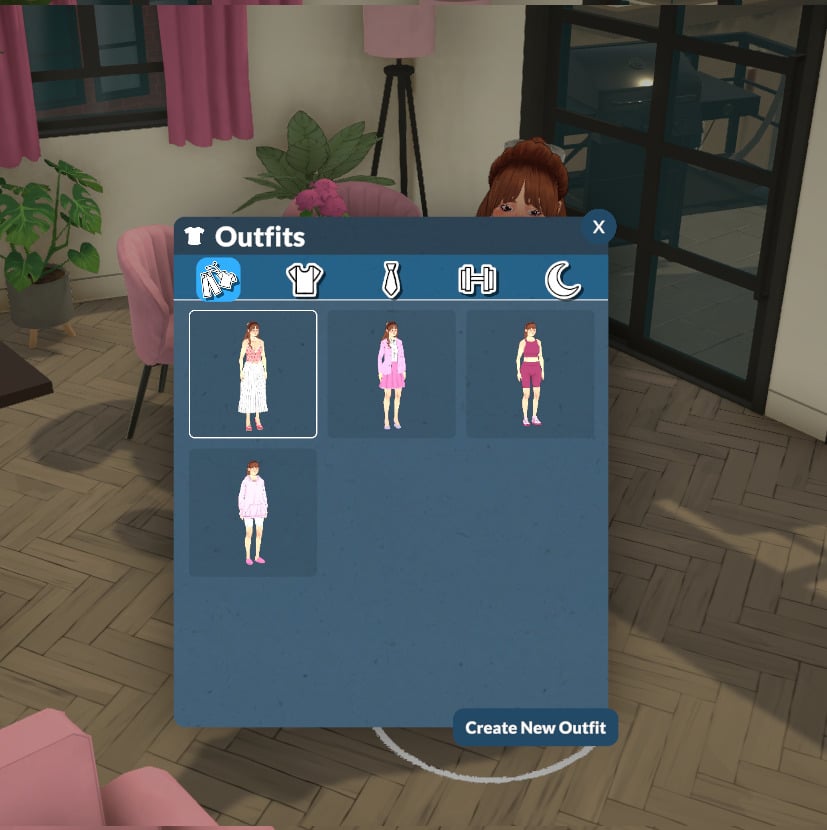
Don’t forget to change your Parafolk’s outfit before starting to take pictures! The easiest way is to simply click on your Parafolk and select “Change Outfit”.
Get the walls up when taking pictures
In Paralives, after loading into a lot, players typically toggle the walls down. For photo mode, though, remember to raise the walls for a more realistic look in your screenshots!
Wrapping it up!
The photo mode is a thoughtful addition by the Paralives team, allowing players to capture better screenshots without external software. You can move your Parafolk, pose them, apply filters, and more, all with in-game features!
Now we want to hear from you! What do you think about photo mode? Are you using it during your gameplay? Let us know in the comments! And don’t forget to check out the Paralives section for more about the game!
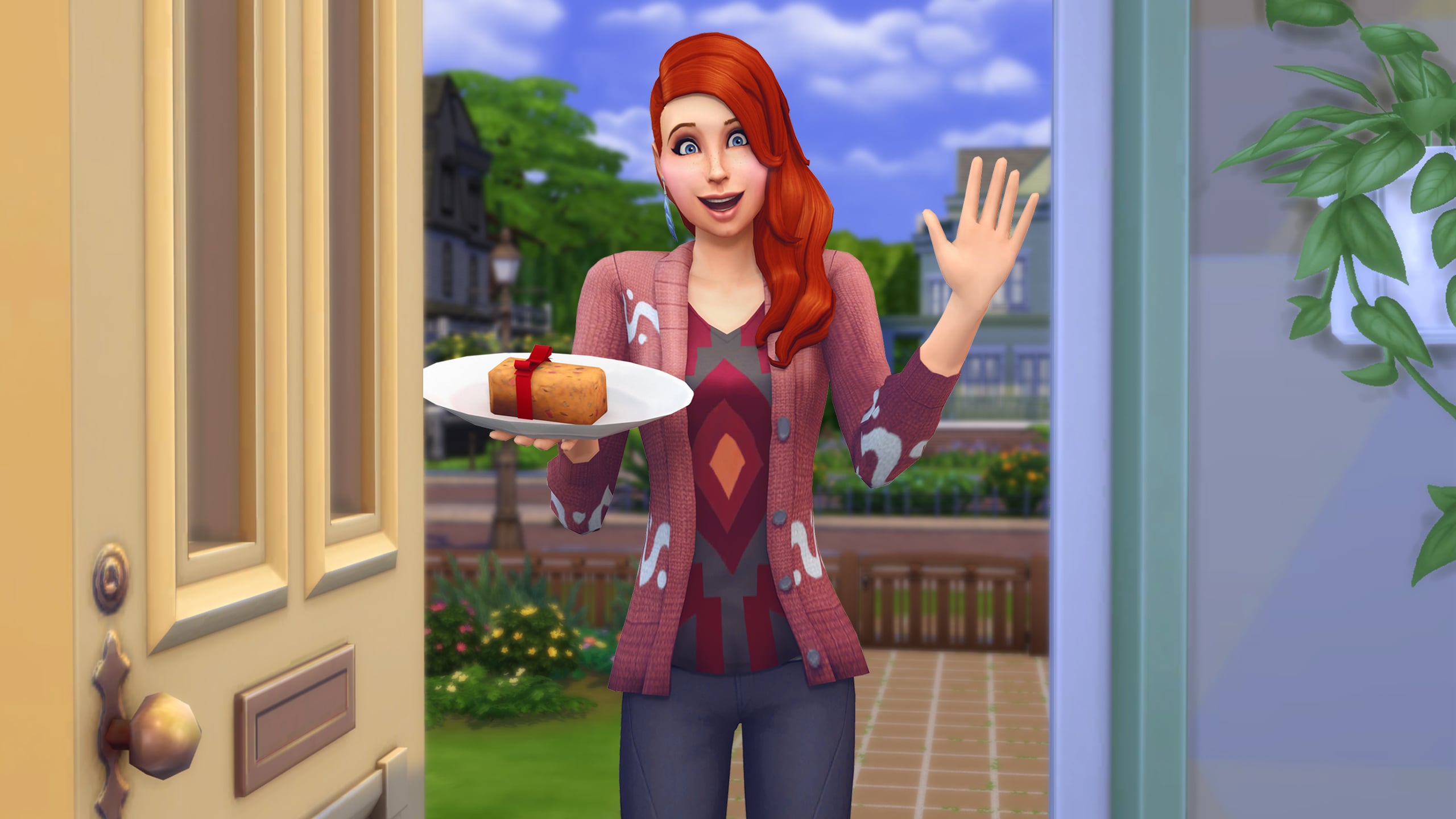
The Sims Team sends their congratulations to Paralives.
ARTICLE UPDATE #2: The Paralives Team has responded with an image reply of their plate offering with the following caption:
the more the merrier! tiku 🫶
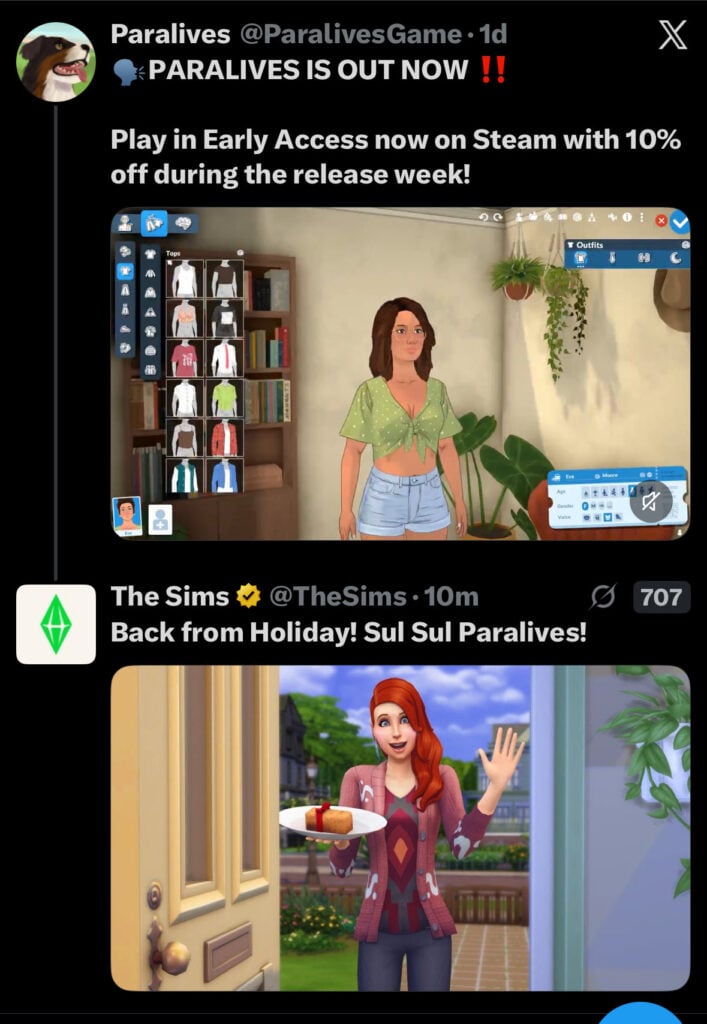
ARTICLE UPDATE: A new tweet reply from The Sims Team to the Paralives Team was sent out 3 hours ago. It appears the original tweet was deleted because the social media manager seemingly used the same graphic.
The newest graphic features more summer clothes to fit the season with the following caption:
Life sim fans are eating good! Gratzaloo on Launch!
Let’s hope The Sims Team is offering the full Fruitcake and not just 30% of it.
Another reply from The Sims Team was made on an announcement from Paralives that they sold 250K copies in 8 hours, with “Congratulations” written in Simlish:
All snark about the current bad infrastructure of The Sims Franchise aside, it’s nice to see a long-standing, genre-introducing Intellectual Property acknowledge an indie project like Paralives.
This also confirms our original suspicions on why the original tweet was removed – The Sims social media team simply wanted to use a fresh new graphic for a fresh new Life Sim game coming out.
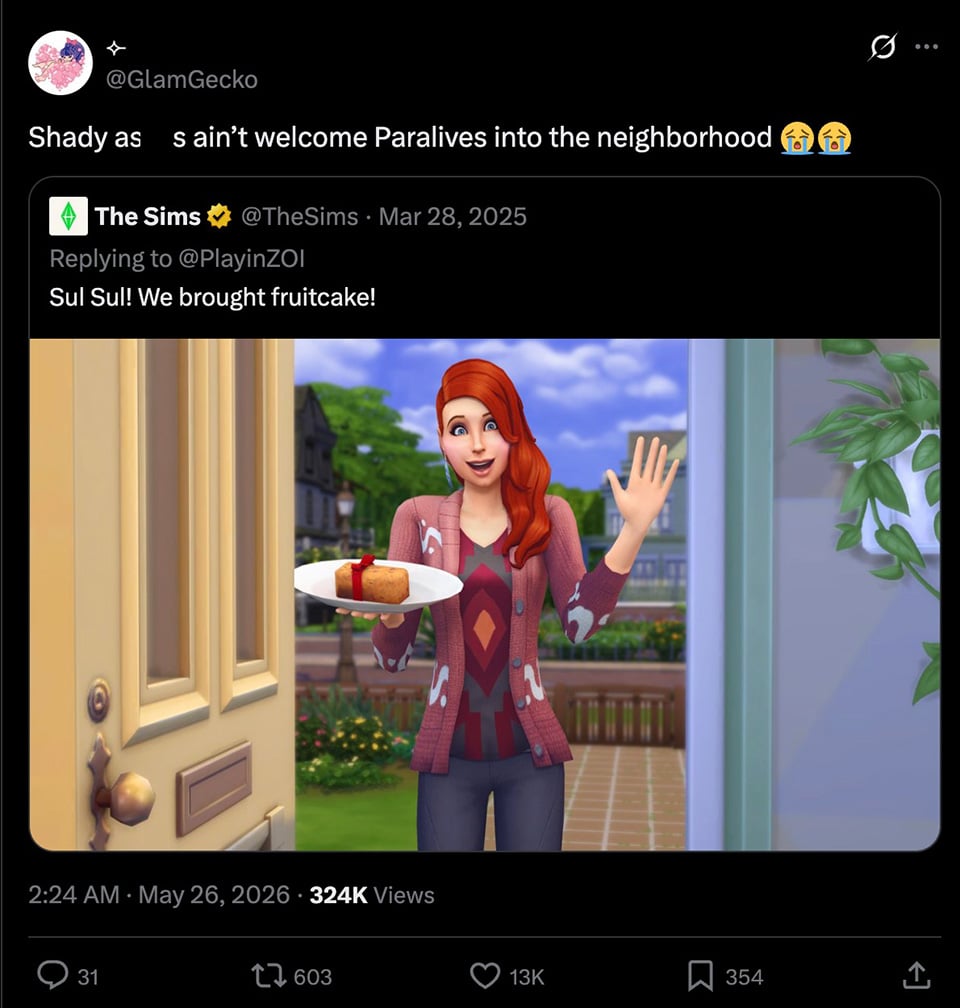
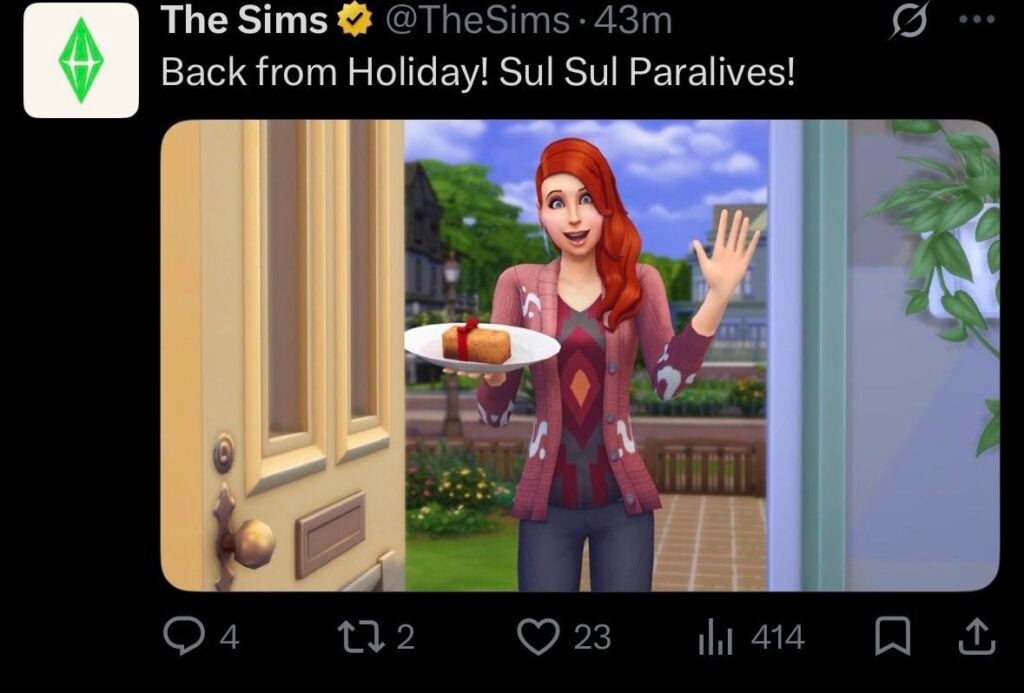
A somewhat weird scenario happened on the X social network 3 hours ago. The Sims Team was under fire recently for not having congratulated the team at Paralives for launching their game, in similar passion like they did with InZOI just last year:
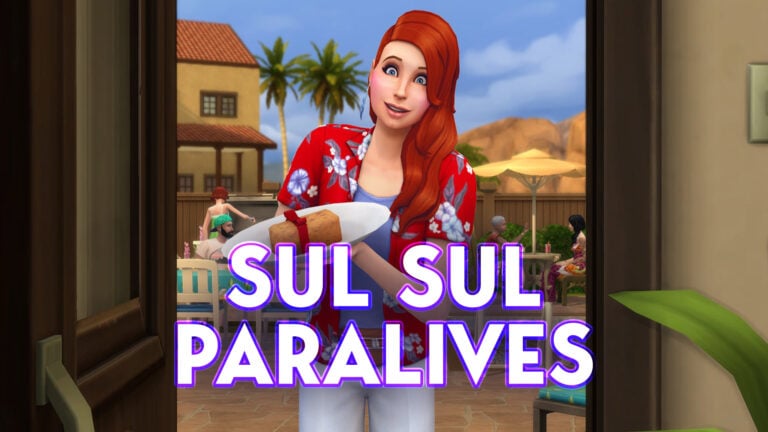
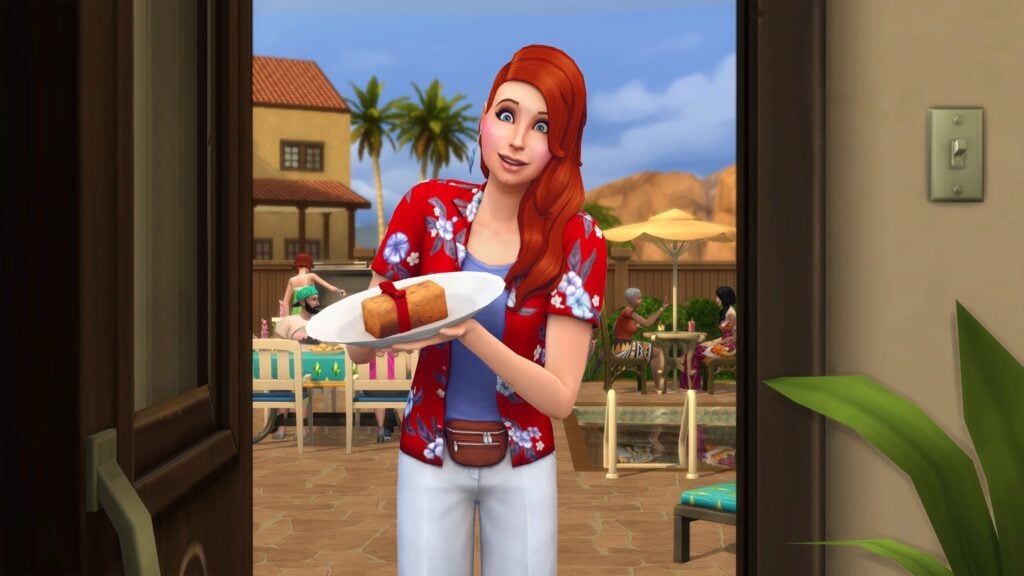
In case you don’t know, The Sims Team congratulated InZOI’s Early Access release last year with a fruitcake and the “Phone Girl” NPC Sim holding it, stating: “Sul Sul! We brought fruitcake!”
Just a few hours ago the same picture was used in a reply to a tweet from Paralives stating that they’ve released the game.
In all fairness to the social media manager behind The Sims – yesterday was “Memorial Day” – a public US Holiday.
As of the moment of writing this article there hasn’t been a new tweet reply from The Sims Team to Paralives. In defense (again) to The Sims Social media manager, this could be an error with wrong time schedule for publishing, wrong image used or something else.
What are your thoughts on this weird exchange attempt from The Sims? Let us know in the comments down below and stay tuned to Sims Community for more game coverage!
Get to know the Paralives issues that the team has just acknowledged!
The first list of known issues with Paralives bugs has just been shared by the Paralives indie team. 1 day into the game’s release the team acknowledges several different game issues, including Interface and Saving, Live Mode and Paramaker, as well as various performance issues.
Interestingly, the team already acknowledged a new Paralives Patch which whould also fix various issues with crashing and freezes.
Here’s everything they’ve shared down below:
Paralives Bugs: Known Issues
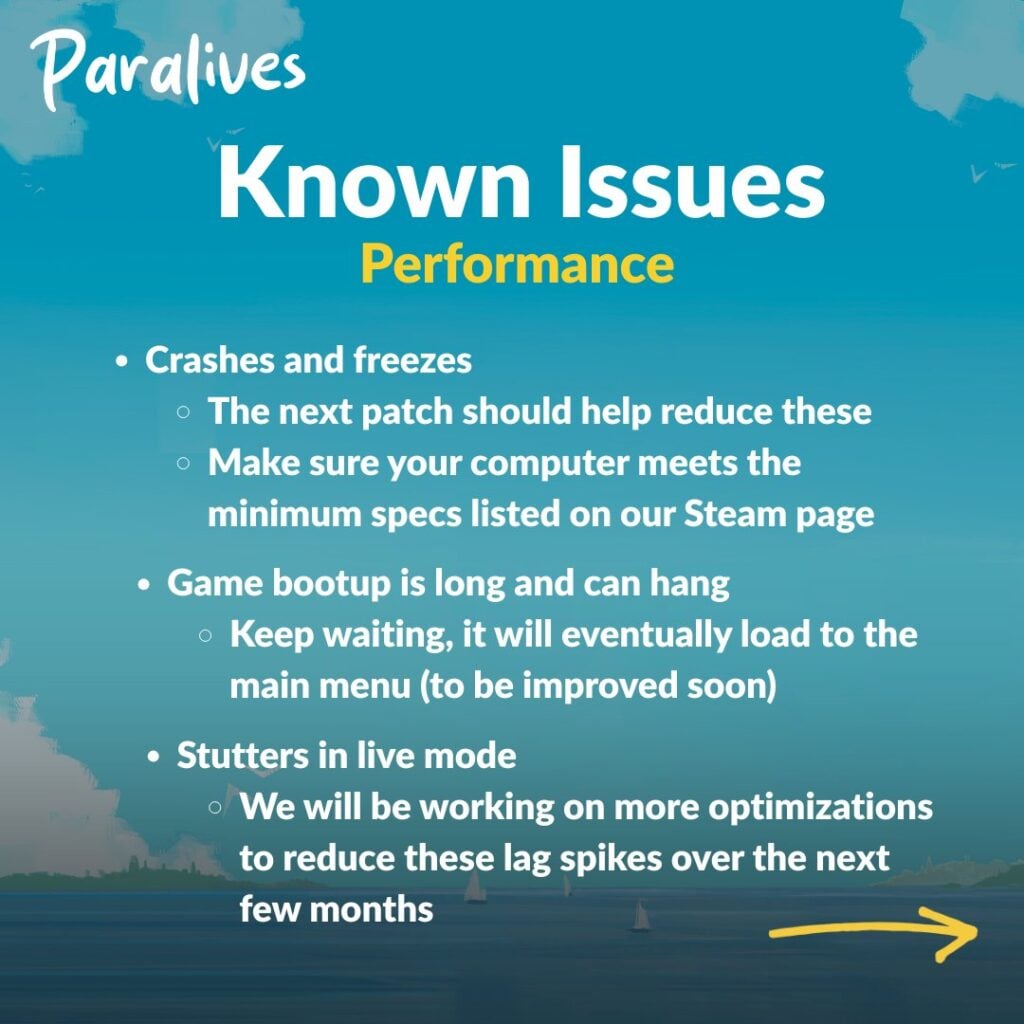
Performance
Crashes and freezes
The next patch should help reduce these
Make sure your computer meets the minimum specs listed on our Steam page
Game bootup is long and can hang
Keep waiting, it will eventually load to the main menu (to be improved soon)
Stutters in live mode
We will be working on more optimizations to reduce these lag spikes over the next few months
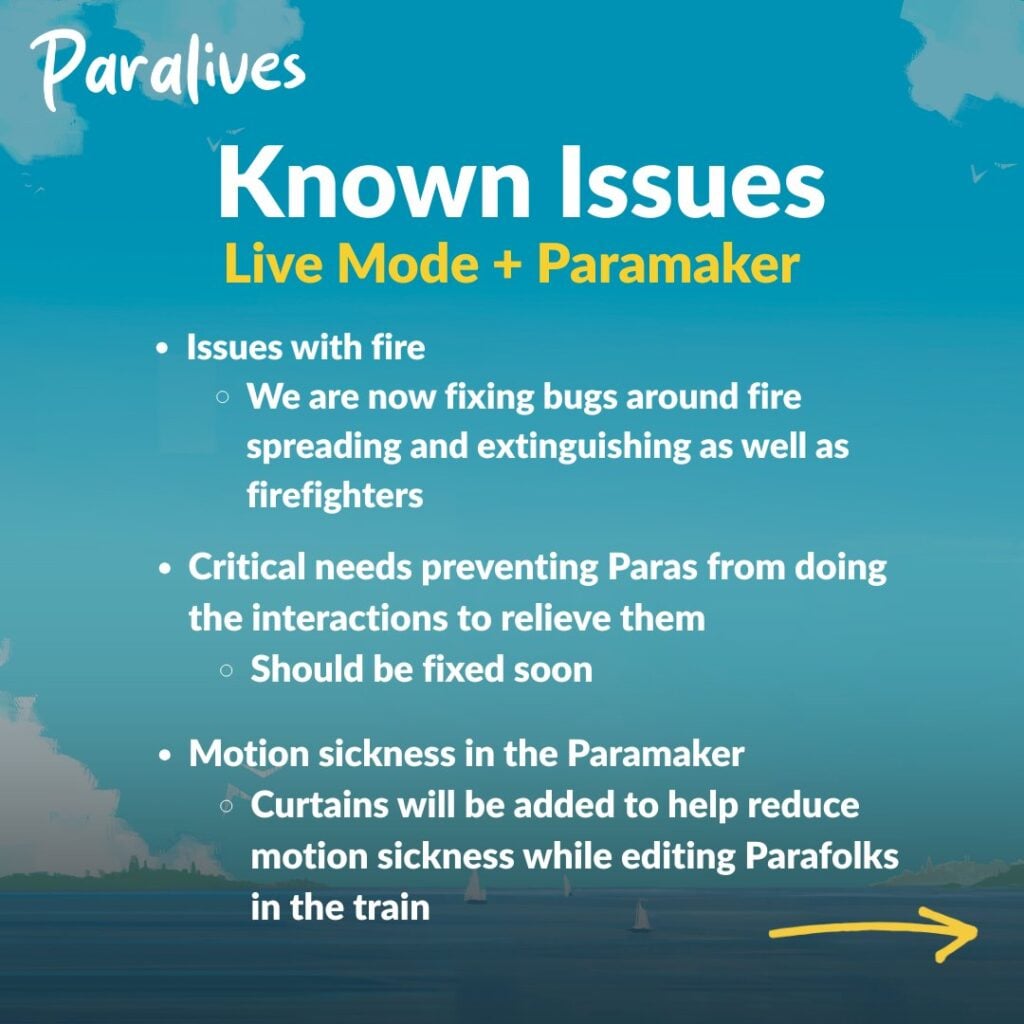
Live Mode + Paramaker
Issues with fire
We are now fixing bugs around fire spreading and extinguishing as well as firefighters
Critical needs preventing Paras from doing the interactions to relieve them
Should be fixed soon
Motion sickness in the Paramaker
Curtains will be added to help reduce motion sickness while editing Parafolks in the train
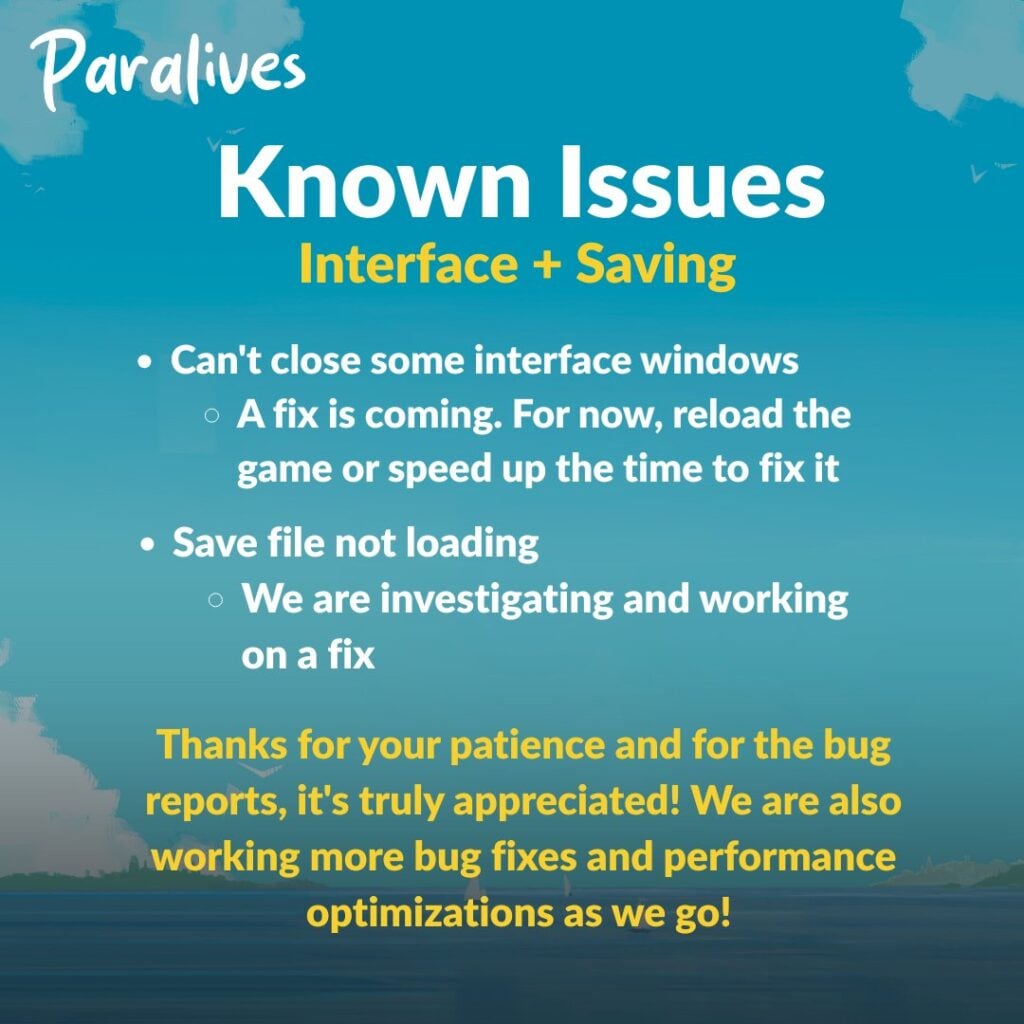
Interface + Saving
Can’t close some interface windows
A fix is coming. For now, reload the game or speed up the time to fix it
Save file not loading
We are investigating and working on a fix
Thanks for your patience and for the bug reports, it’s truly appreciated! We are also working more bug fixes and performance optimizations as we go!
What are your thoughts on the first Paralives Bugs report from the team? Drop a comment below and stay tuned for more Paralives News on Sims Community!
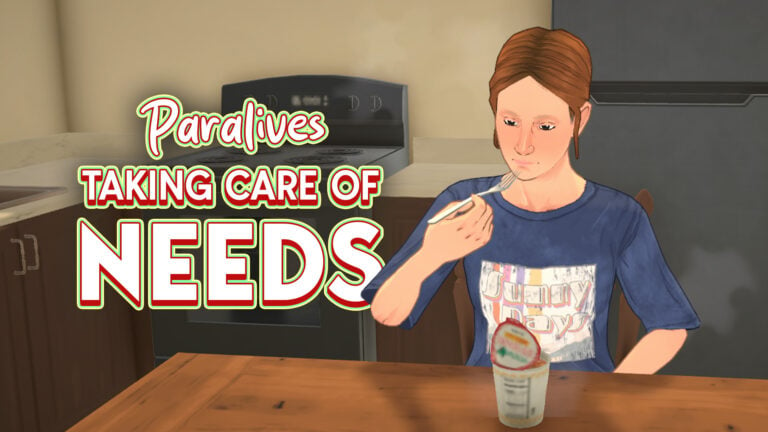
Just like any other life simulation game, Parafolk have basic needs which have to be met. This guide will help you get to grips with all of the Paralives needs and go over how they differ between each Parafolk in your household.
Paralives Needs
Relieving Needs
You will know if a need is being addressed by a small green smiley face that shows up next to the relevant bar
Basic Paralives Needs
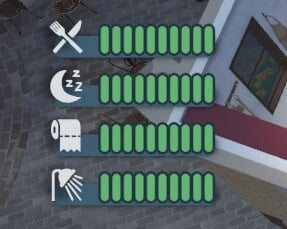
Every Parafolk will have these four needs: hunger, sleep, bathroom, and hygiene.
Hunger
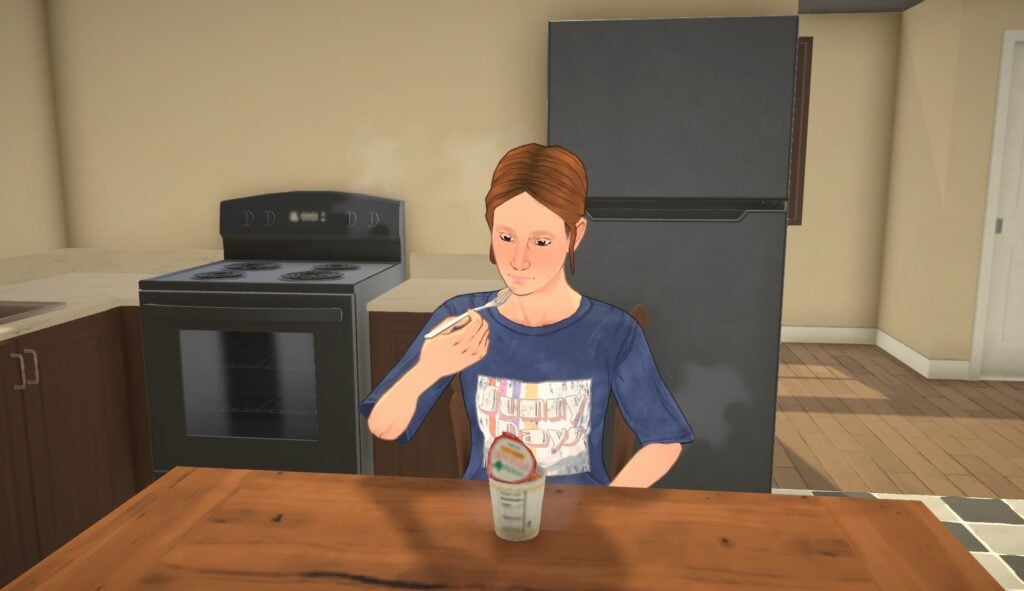
Relieve low hunger needs by having a snack or cooking a meal.
If your hunger need gets into the danger zone whilst you are away from home, look out for either the town market or one of the vending machines which are spread around town.
Letting your Parafolk’s hunger go down completely will mean they die from hunger, so be careful!
Bladder
Fairly self explanatory, you can solve this by using the bathroom.
To make sure it doesn’t get too low and your Para is caught short whilst at work, you can turn on the feature to automatically use the toilet at work.
Hygiene
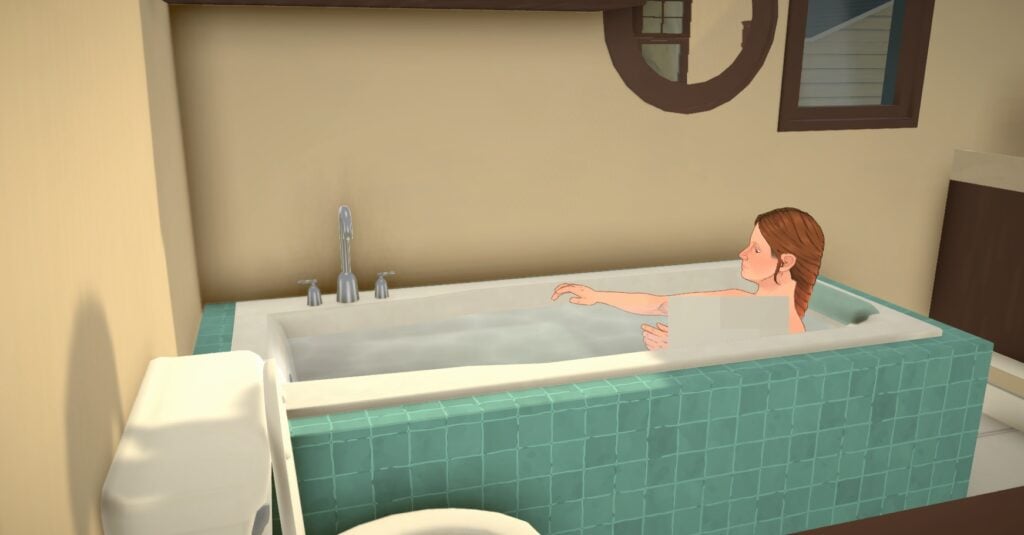
Washing hands, brushing teeth, and bathing will improve your Parafolk’s hygiene need.
As well as the basic four, there are some other Paralives needs to look out for.
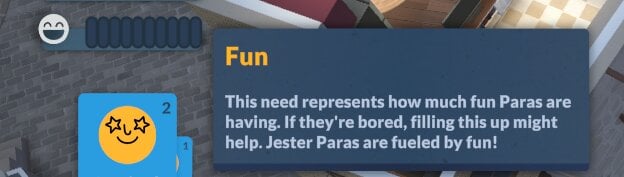
Fun
Jester Parafolk will have a fun need that needs to be maintained. There is no penalty for it going down to zero, but having it full will give them lots of benefits.
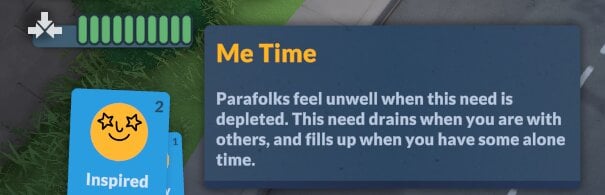
Me Time
Parafolks that are Good at Being Alone will have a Me Time need, which when full will make them much happier. Having this need low can also sometimes give them a want to spend time alone.
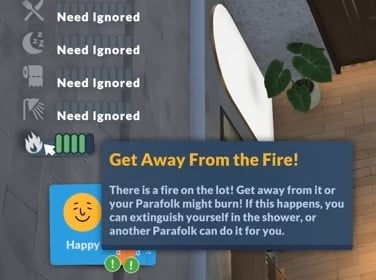
Get Away From The Fire!
If a fire breaks out in your Parafolk’s home, you’ll get a new temporary need called Get Away From The Fire, and all your other needs will be ignored for a while while this is active.
Paralives Babies & Toddlers Needs
Babies and toddlers have different needs and ways to relieve them than other Parafolk.
Sleep
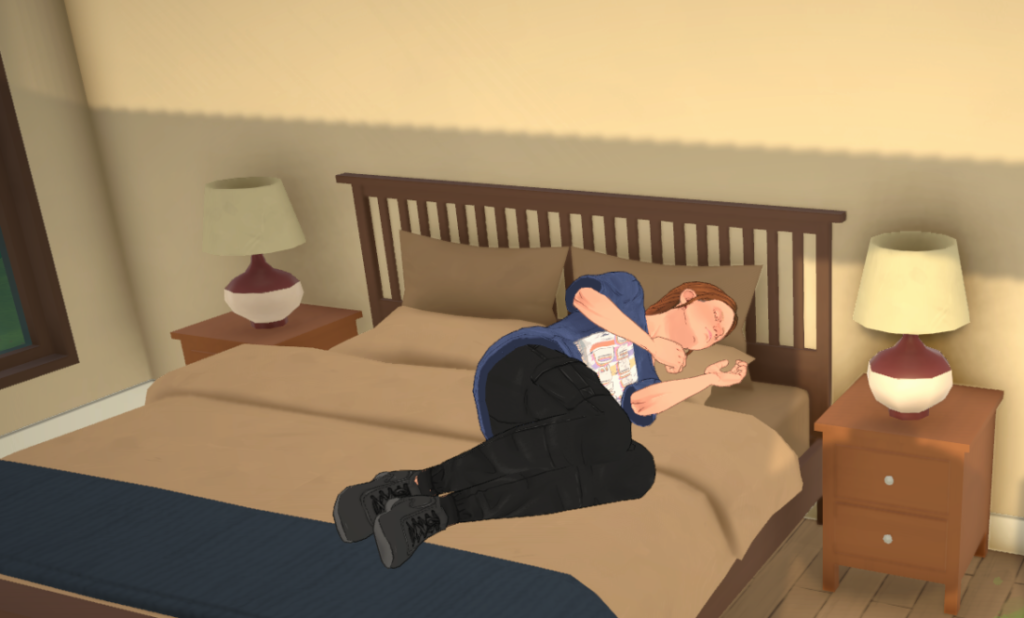
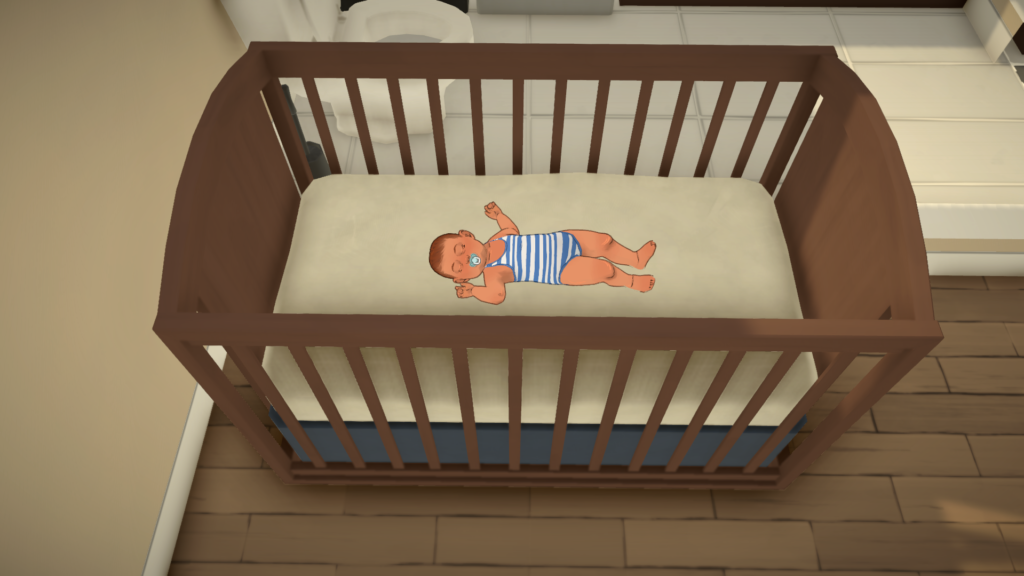
Babies and toddlers need a lot of sleep, so make sure they’re able to fulfil this need by putting them in the crib and then selecting Go to sleep. They can also sleep on the floor if needed.
Hunger
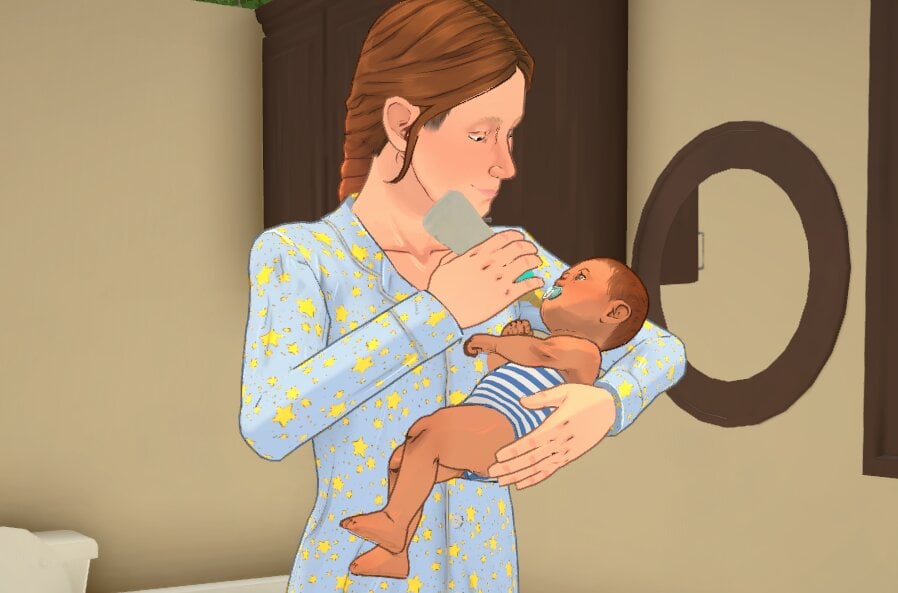
Bottle feeding or breastfeeding babies is the only way to raise their hunger need.
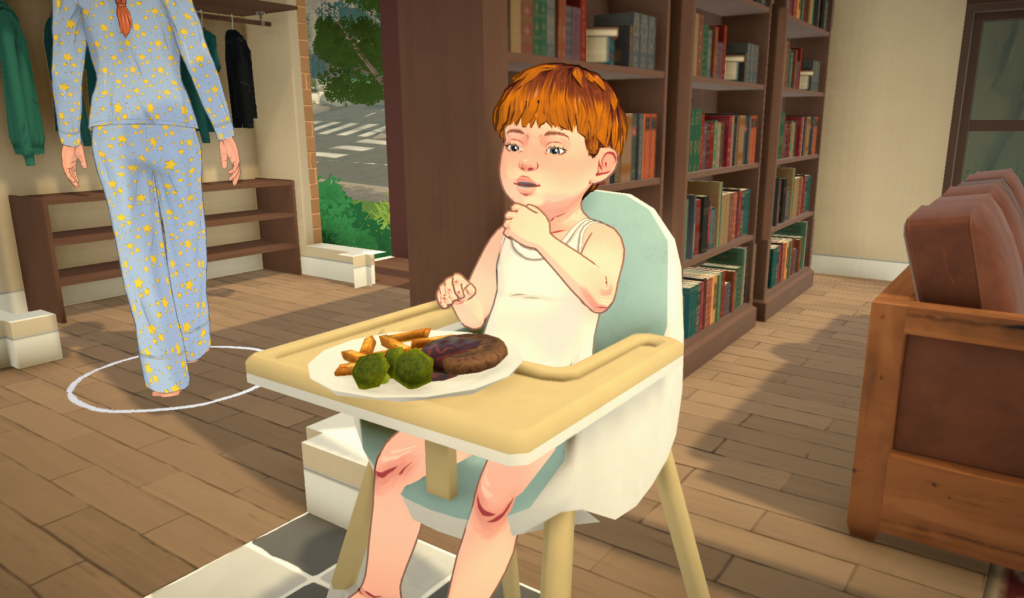
Toddlers can also eat food in the high chair.
Hygiene
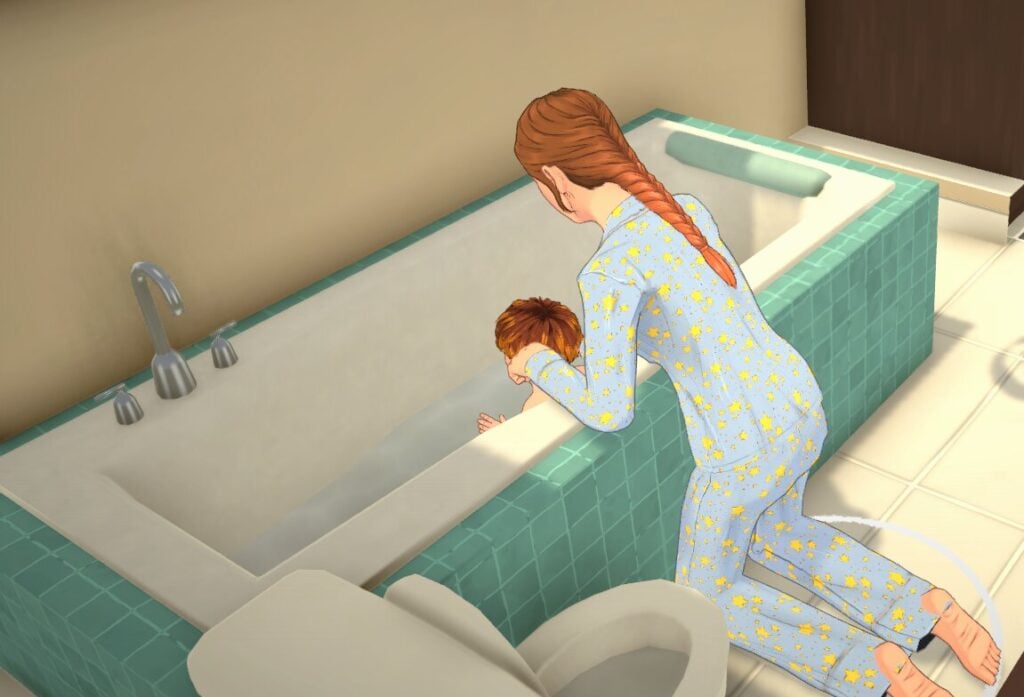
Give toddlers a bath to raise their hygiene need.
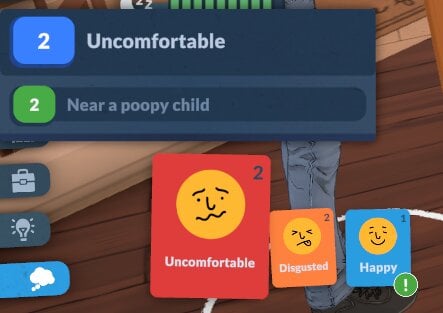
You can’t bathe babies, so the only way to raise their hygiene need is by changing their diaper. You’ll know when it needs changing because your Parafolk will get a negative emotion and also you’ll see the green stink lines rise off the baby!
Bathroom
Babies will use their diapers whenever their bathroom need gets too low autonomously.
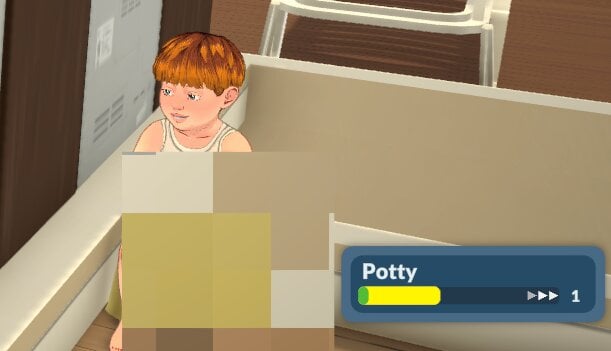
While toddlers can use diapers, they will also use the potty if you give them one. This will raise their potty skill too.
Affection
No baby or toddler likes being alone! Having them in a group with your other Parafolk doing things together, or being held, will raise their affection need.
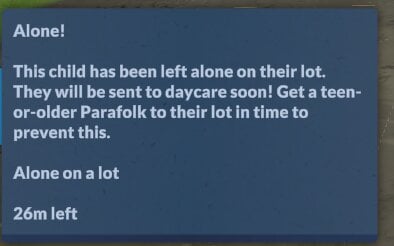
Being left alone too long will make them be sent to daycare.
Showing Distress
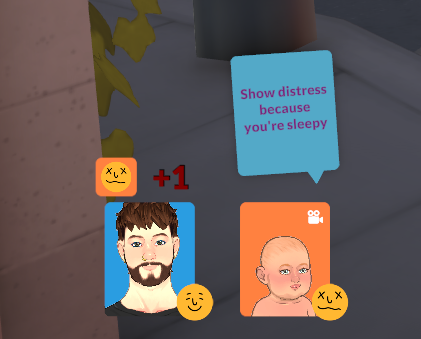
Babies can show distress at having low needs in conversation/group activities, and this will make the other Parafolk in a group with them stressed.
Need Caps & Ignoring Needs
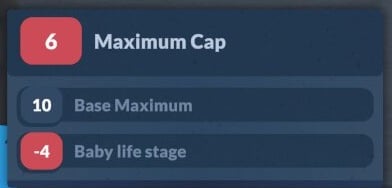
Life Stage Needs Cap
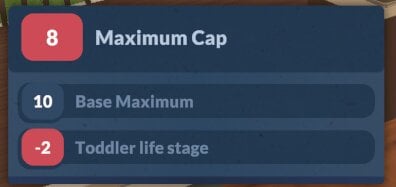
Not only do babies and toddlers have different needs to be met, they also have a cap on how high their needs bar can go. You can see what that cap will be by hovering over the need bar.
Getting A Higher Needs Cap
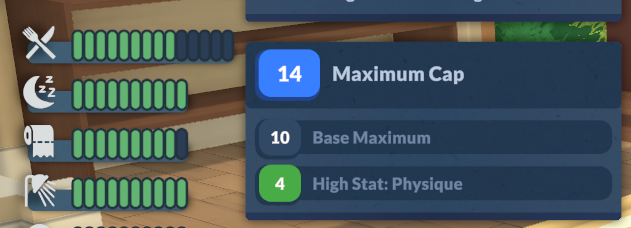
If your Parafolk have a personality trait which is higher than 1, they will be able to have a higher needs cap than others.
For example, someone with a high physique personality trait will be able to increase their hunger need above the standard ten.
Getting Unwell
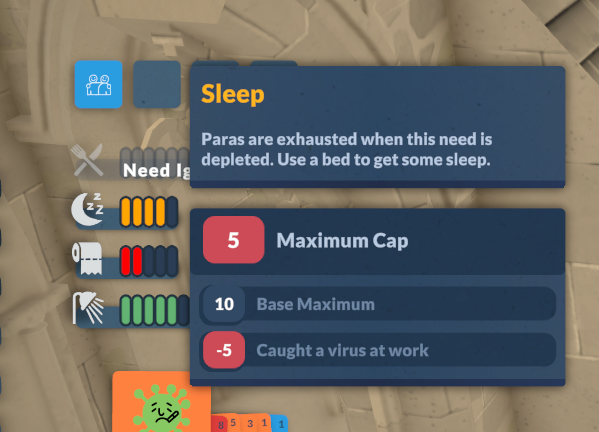
If your Parafolk get a virus causing them to be unwell, they will ignore their hunger need, and also they will have their other needs capped at 5, meaning they won’t be fully rested until the virus has gone, and their hygiene and bladder needs will get critical quicker.
Getting In The Zone
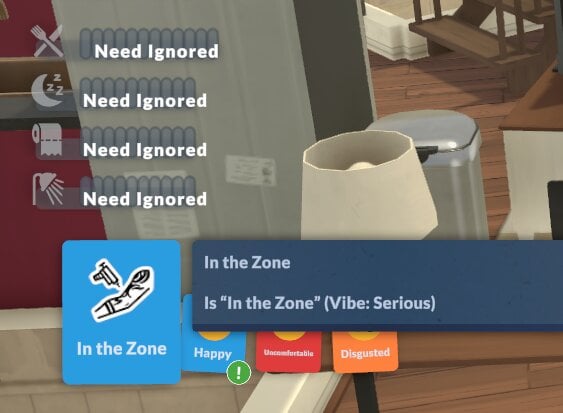
Serious Parafolk will ignore all of their needs when they get in the zone. It’s a really handy perk when you need to level up a skill fast but you’re having some negative emotions impact your learning speed!
Hopefully with this handy guide to Paralives needs systems, you can avoid any untimely demises or angry Parafolks.
We have lots of Paralives guides available now on our site, which you can find here.
Have you found any other ways to meet Paralives needs which are not mentioned above? Let us know.
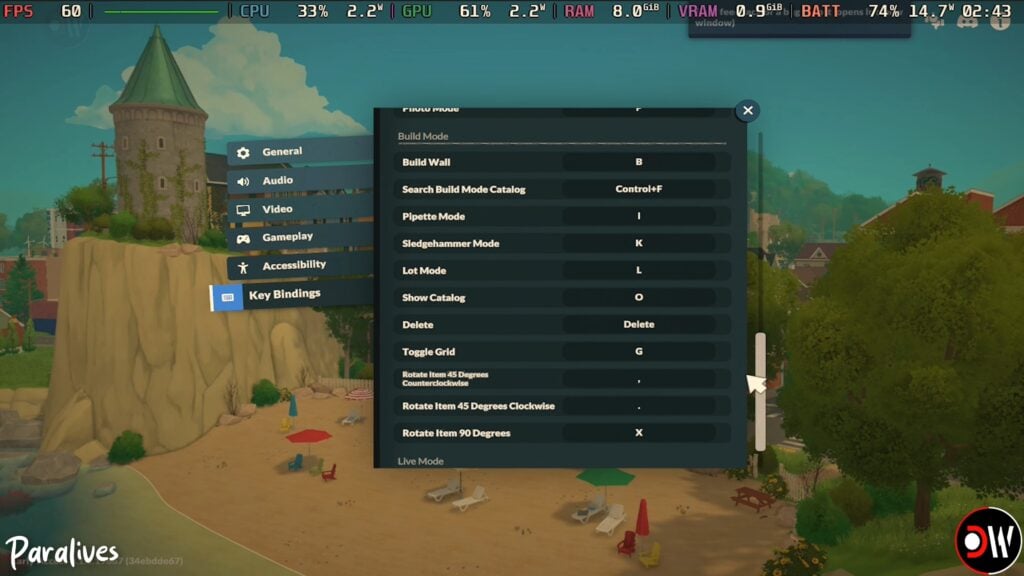
Paralives already offers a surprisingly robust range of customizable controls during Early Access, giving players the ability to fully rebind keyboard shortcuts, adjust camera sensitivity, and fine-tune gameplay settings to match their preferred playstyle. From Build Mode hotkeys to Photo Mode tools, this Paralives Controls guide covers the current keyboard shortcuts, camera settings, and gameplay keybindings available in-game.
Table of Contents
Paralives Keyboard Controls and Camera Settings
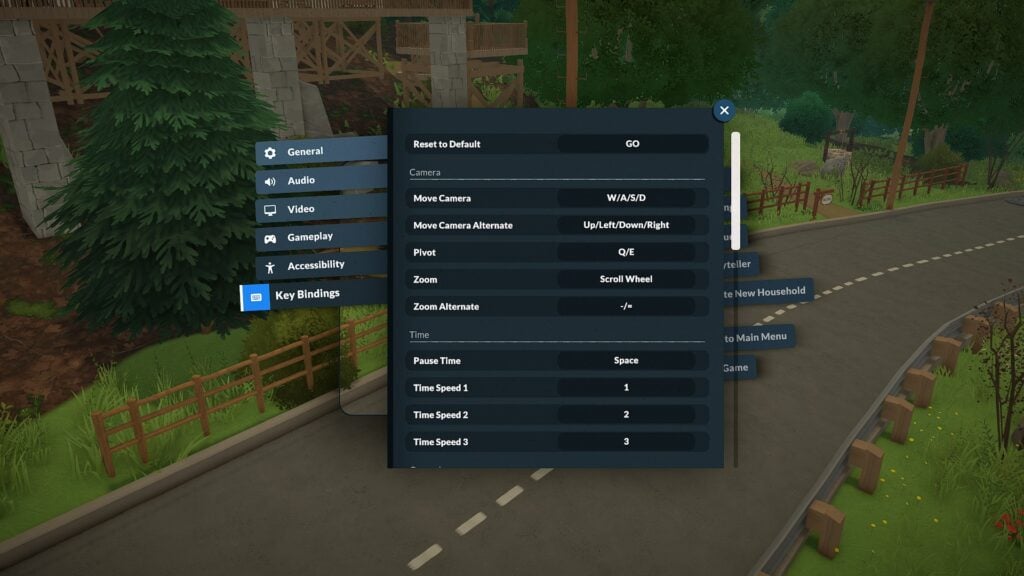
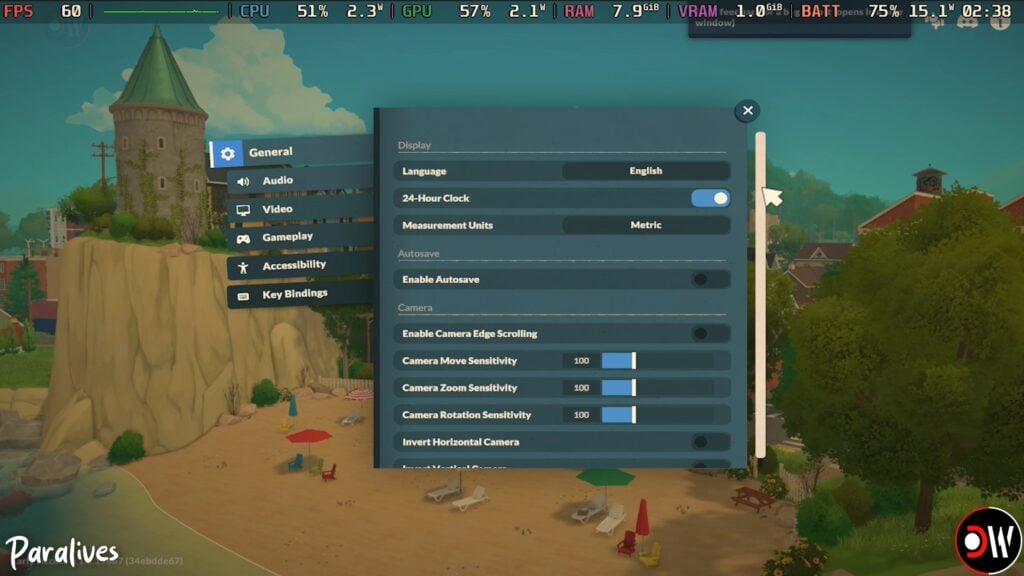
One of the most helpful discoveries during testing is that Paralives includes a fully customizable Key Bindings menu directly inside the settings panel. Players can reassign controls for camera movement, Build Mode shortcuts, time controls, and more.
The default camera controls currently include:
Action
Keyboard Shortcut
Move Camera
W / A / S / D
Alternate Camera Movement
Arrow Keys
Pivot Camera
Q / E
Zoom
Scroll Wheel
Alternate Zoom
– / =
Players can also customize:
Camera move sensitivity
Camera zoom sensitivity
Camera rotation sensitivity
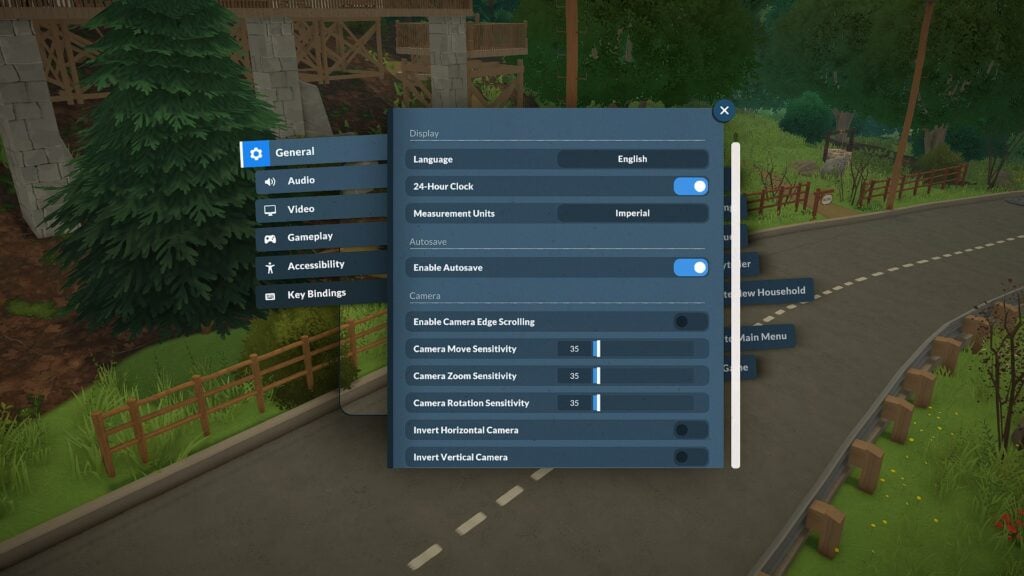
Edge scrolling
Inverted camera controls
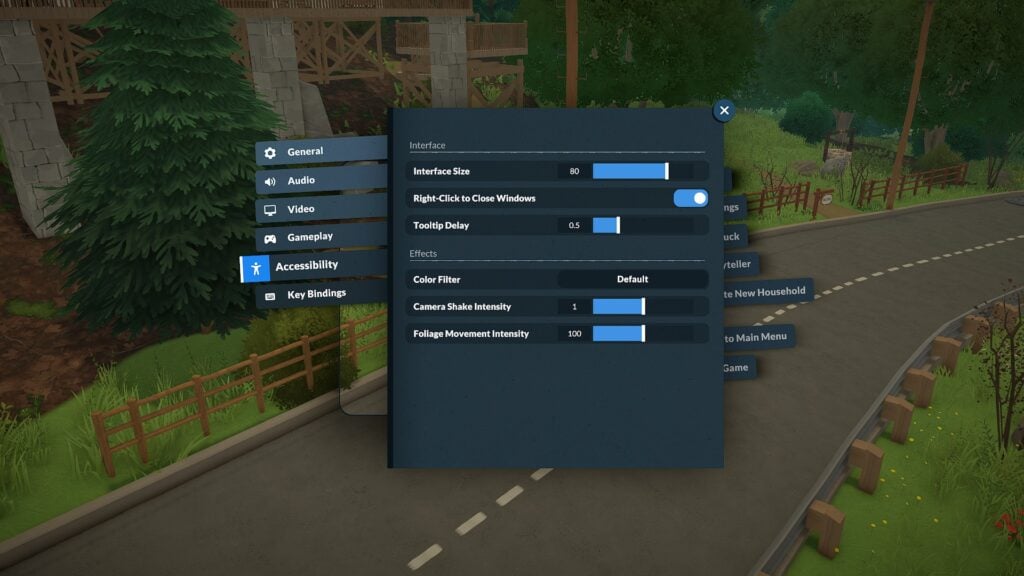
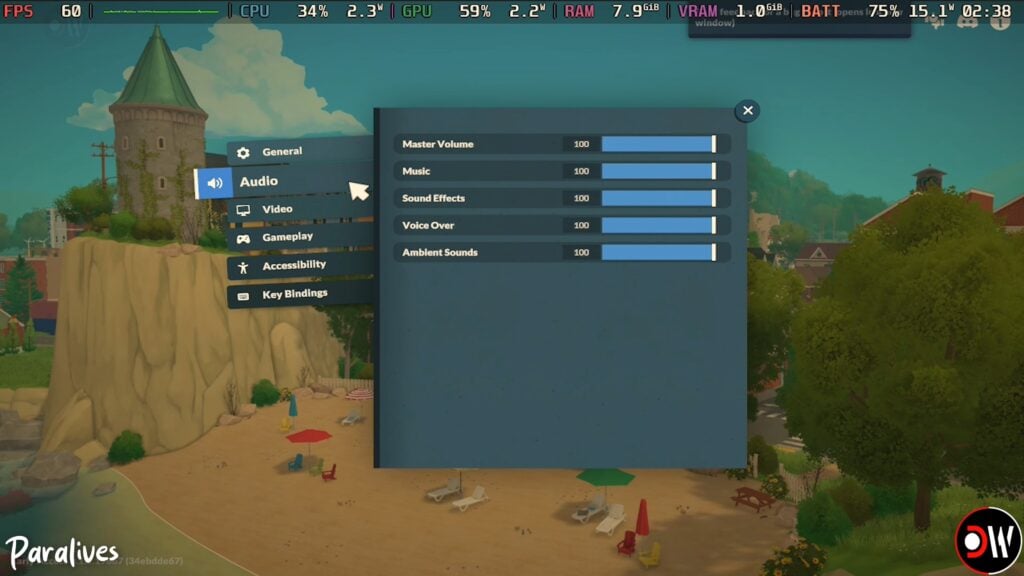
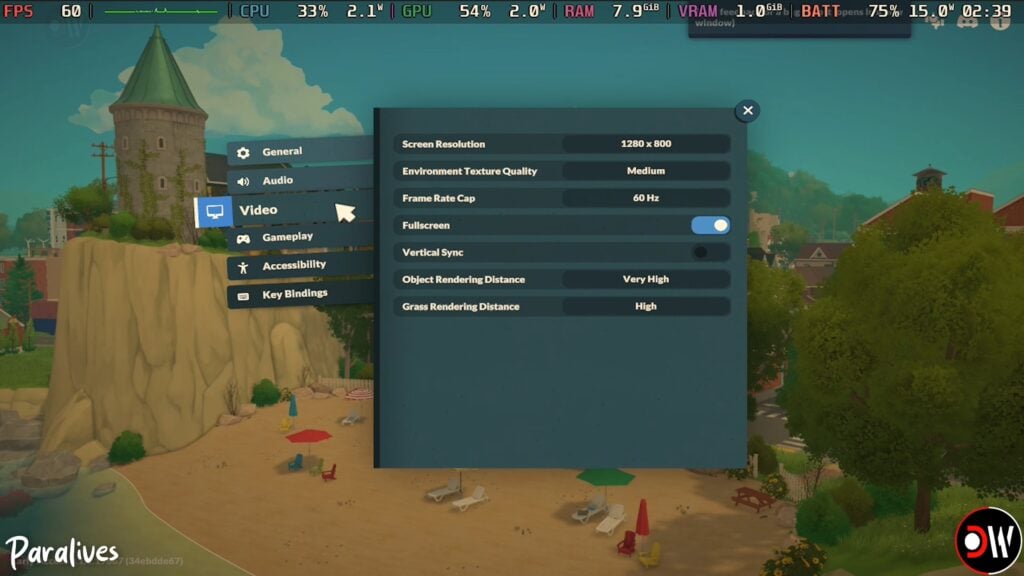
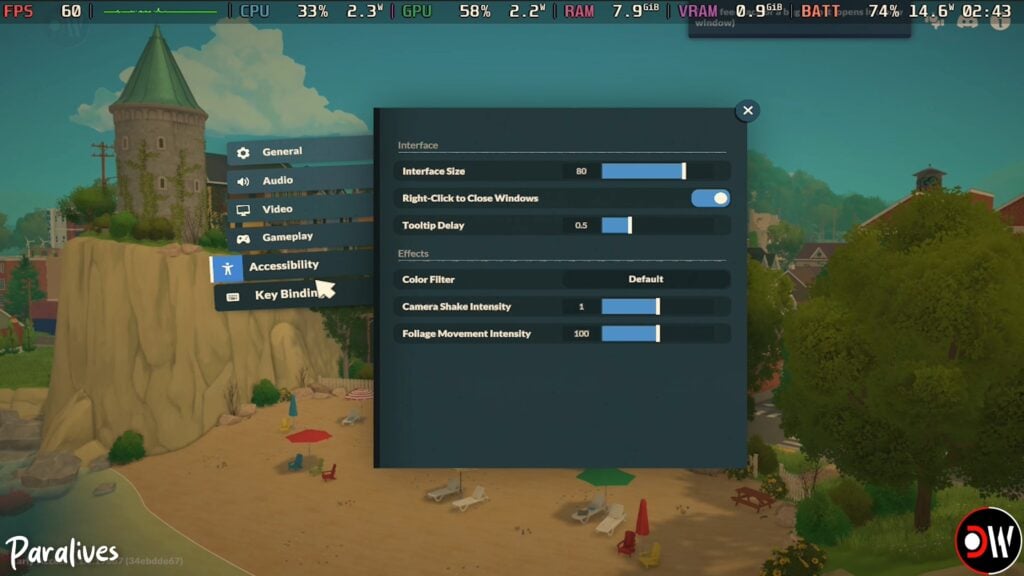
The game’s settings menu additionally includes accessibility options such as interface scaling, tooltip delay adjustments, camera shake intensity, and color filters.
Paralives Time Controls and Live Mode Shortcuts
Live Mode shortcuts currently focus on quickly navigating between gameplay systems and controlling time progression.
Action
Keyboard Shortcut
Pause Time
Space
Time Speed 1 (x1)
1
Time Speed 2 (x5)
2
Time Speed 3 (x15)
3
Toggle Modes
Tab
Open Town Map
M
Open Photo Mode
P
Center Camera on Para
F
Players can also quickly select all Parafolks in a household using:
Control + U
Paralives Build Mode Controls
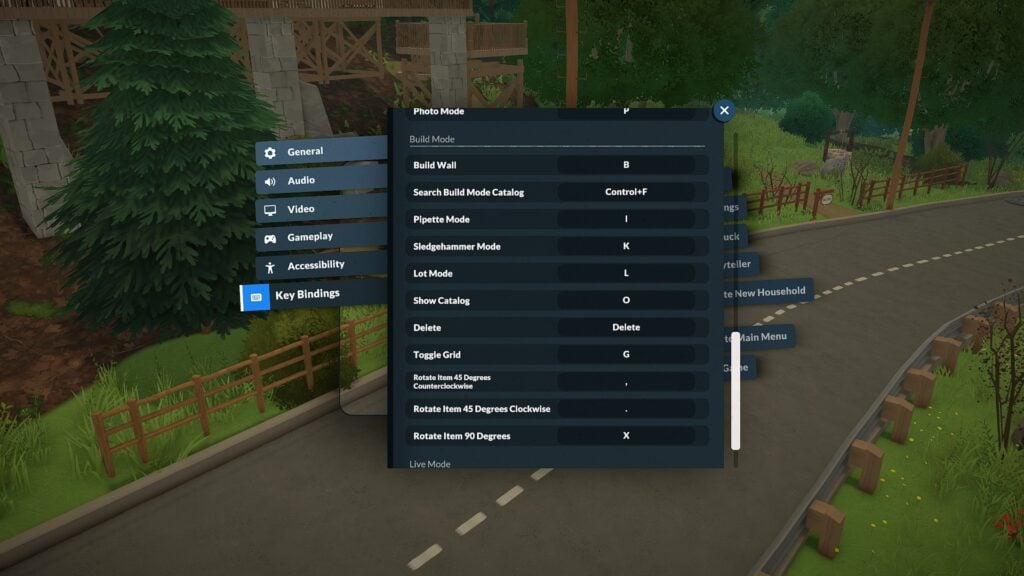
Build Mode currently includes several useful keyboard shortcuts that make decorating and lot editing significantly smoother. Paralives also includes advanced object placement options such as vertical movement controls, free placement snapping overrides, and an advanced placement widget for more precise object positioning.
Action
Keyboard Shortcut
Build Wall
B
Search Build Catalog
Control + F
Pipette Tool
I
Sledgehammer Tool
K
Lot Mode
L
Show Catalog
O
Toggle Grid
G
Rotate Item 45° Counterclockwise
,
Rotate Item 45° Clockwise
.
Rotate Item 90°
X
Toggle Advanced Widget
*
Disable Snap
Alt
Move Vertically
Shift
Cancel Placement
Esc
Sell Object
Delete
Note: The “Toggle Advanced Widget” shortcut currently appears to require the numeric keypad * key rather than the standard Shift + 8 asterisk on some keyboards.
Several additional controls tested correctly during gameplay, including floor navigation shortcuts and undo/redo commands.
Action
Keyboard Shortcut
Undo
Control + Z
Redo
Control + Y
Floor Up
Page Up
Floor Down
Page Down
Quick Save
F5
Paralives Photo Mode Controls
One of the most impressive surprises in Paralives so far is the built-in Photo Mode system.
Accessible through the P keyboard shortcut or the Photo Mode icon in the top-right corner of the UI, the feature already includes a large number of cinematic tools and screenshot customization options.
Current Photo Mode settings include:
Time of day controls
Animation posing
Animation timeline adjustments
Depth of field
Focus distance
Focal length
Aperture settings
Filters and filter intensity
Interface hiding shortcuts
Players can even browse a surprisingly large animation library for posing Parafolks during screenshots, making it much easier to create cinematic scenes and storytelling moments without needing additional mods.
Screenshots captured through Paralives Photo Mode are automatically saved to a dedicated screenshots folder on PC. During Early Access testing, the folder appeared directly on the desktop after exiting the game, making it easy to quickly locate and organize captured images.
While the current camera system can feel somewhat restrictive at certain angles, the modding community has already started creating solutions. TwistedMexi recently released a “Sensible Camera Control” mod that removes several camera limitations and expands viewing angles for more flexible screenshot composition.
Paralives Accessibility and Gameplay Customization
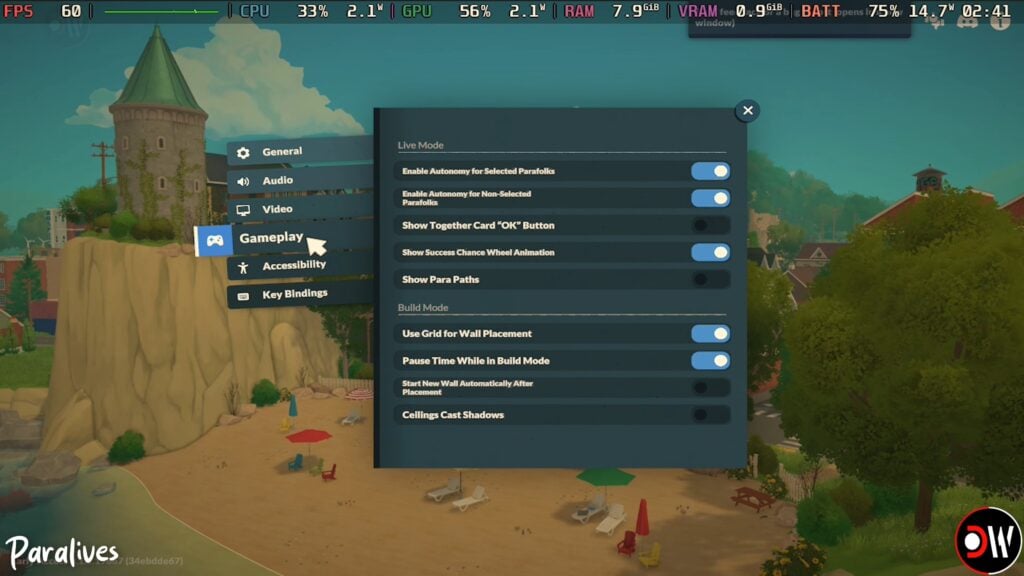
Beyond keyboard shortcuts, Paralives already offers a wide variety of gameplay and accessibility settings during Early Access.
Although Paralives is still in Early Access, the game already includes an impressive amount of keyboard customization and gameplay flexibility. Between rebindable controls, detailed camera settings, and an unexpectedly powerful Photo Mode, players have plenty of ways to personalize their experience from the very beginning.
As development continues, additional controls and settings will likely evolve alongside community feedback and future updates.
For more information about Paralives, upcoming features, and additional Early Access coverage, readers can visit the Sims Community Paralives Section for the latest news and updates.
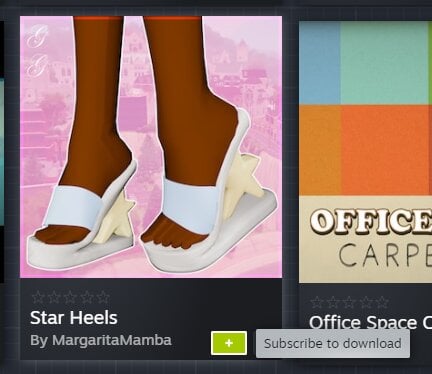
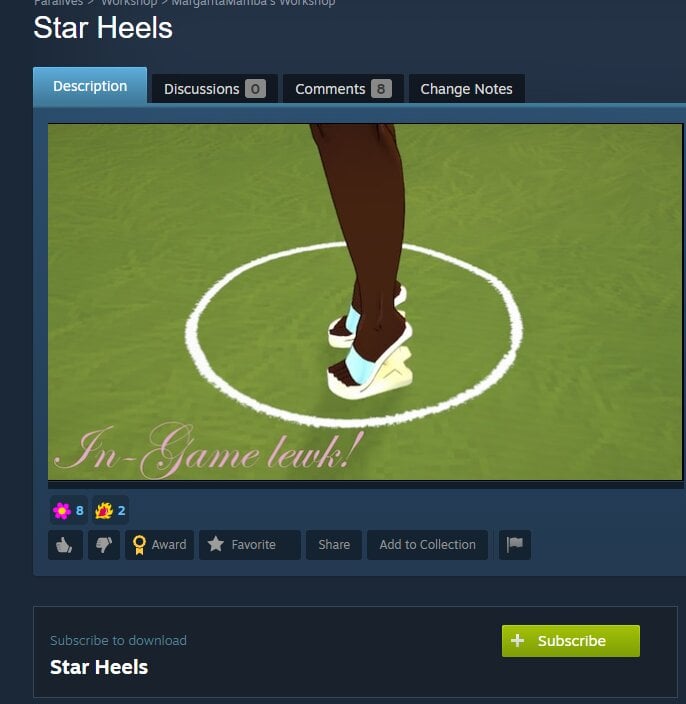
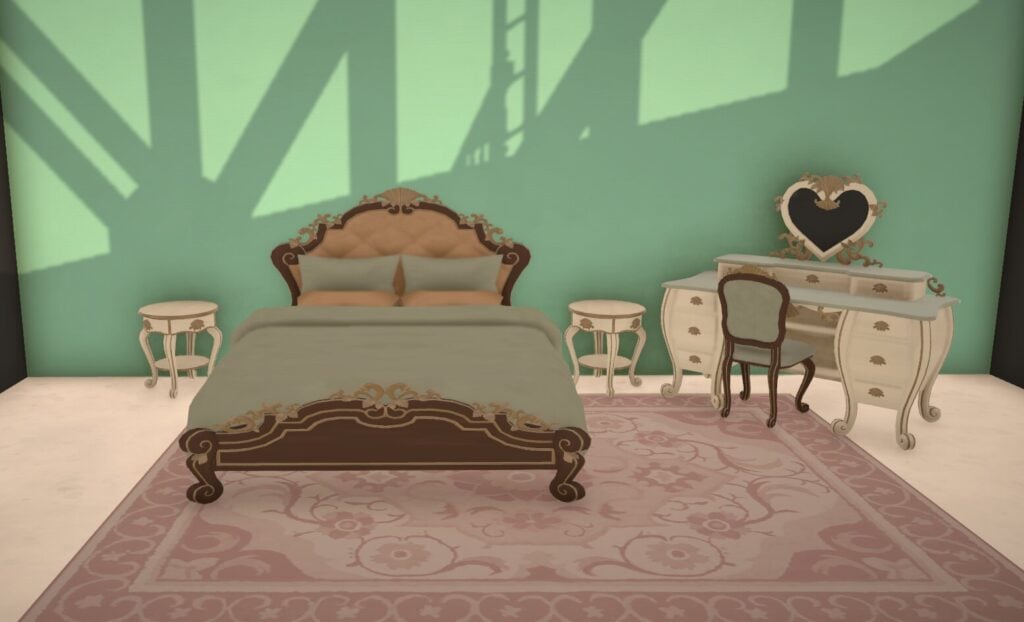
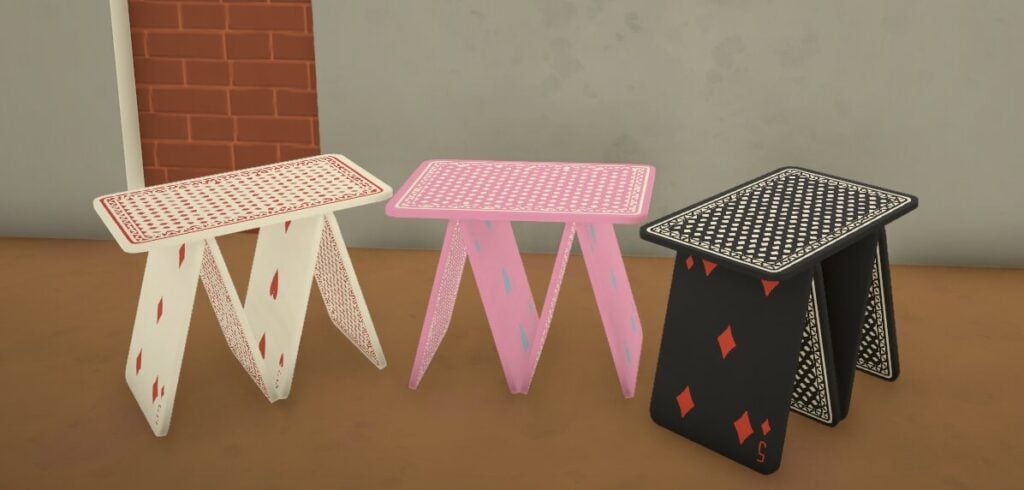
Not even a day after release we already have thousands of items, mods, families and homes for Paralives available for download in the Steam workshop, including lots of custom content for both Build/Buy and Paramaker.
All of the Paralives CC featured in the article is working at the time of publish, but as always with custom content, it’s a good idea to check before installing if any errors have been reported.
How To Install Paralives Custom Content
If you haven’t used Steam workshop before, all you have to do to install it is click on the green subscribe button on the item preview or information page, and it will be installed into your game.
You can even do it while your game is still open!
Paralives CC
Paramaker Custom Content
There are a lot of Paralives CC items made for the Paramaker, these are just a small selection of the items available.
To download any of the Paralives CC mentioned, click on the button below the listing to open it in the Steam workshop.
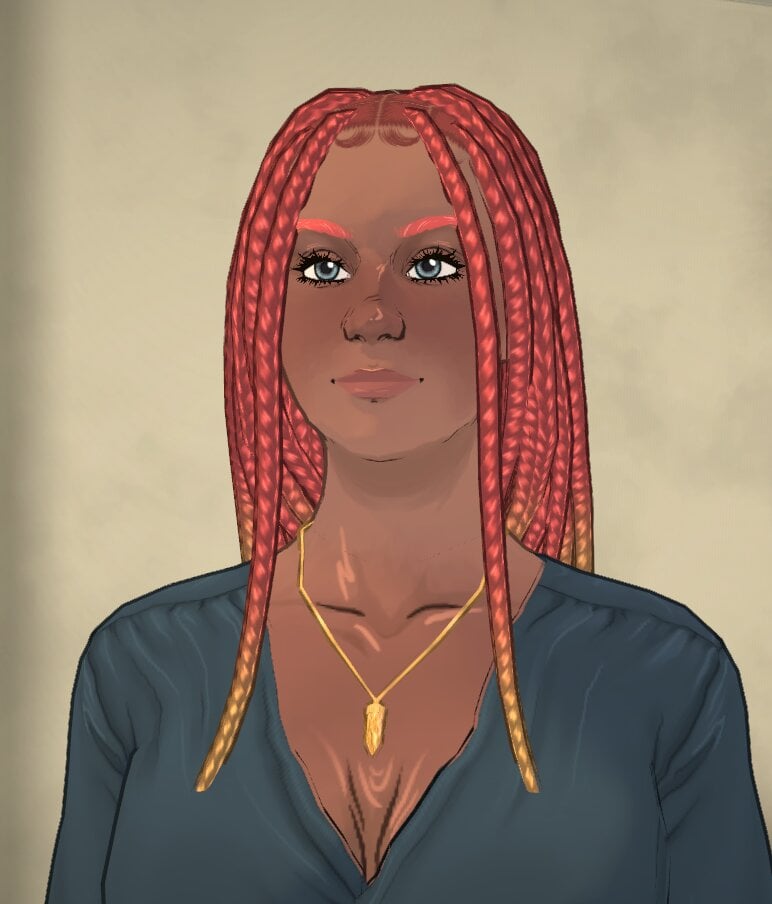
Knotless Braids by Cosmolojay
A gorgeous new braid hairstyle perfect for any Parafolk. It also comes with four new colours made by Cosmolojay.
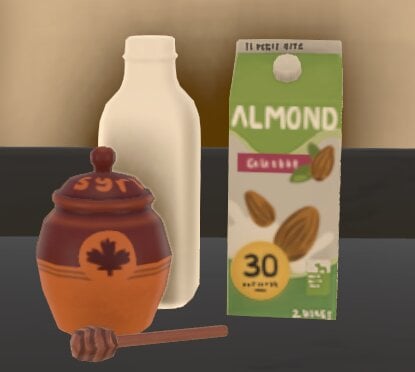
Some really simple kitchen clutter custom content that matches the Paralives style perfectly. This comes with one almond milk carton, one maple syrup jar and spoon, and one almond milk bottle.
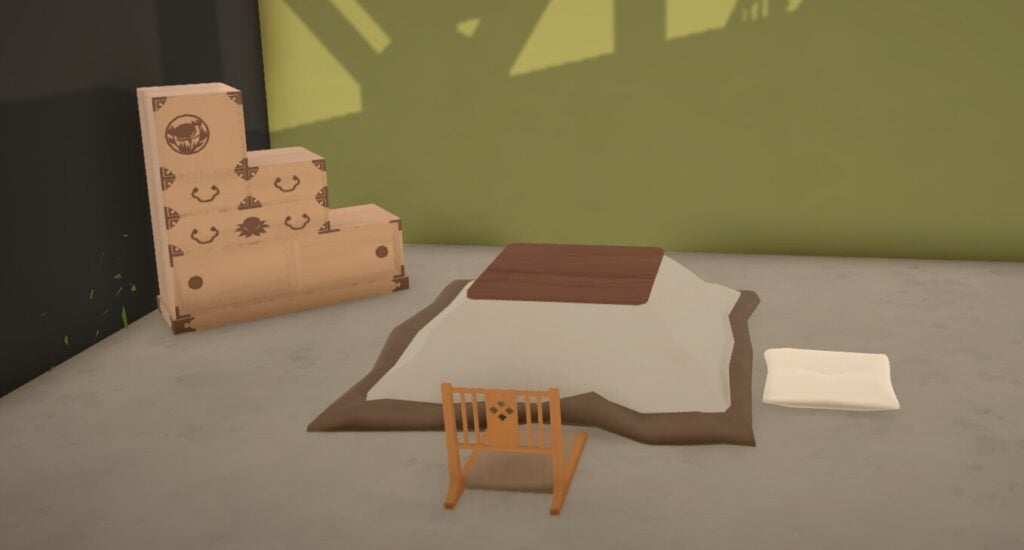
A gorgeous edition to the game, this custom content features all you need to have an authentic Japanese living room, and includes 1 kotatsu coffee table, 2 floor seatings options, 2 lamps, and 1 tansu dresser.
What do you think of the Paralives CC offering available so soon after the game’s launch? Are there any objects you like that we didn’t feature? Let us know below.
We have been covering lots of Paralives news and content during the early access period, which you can find here.
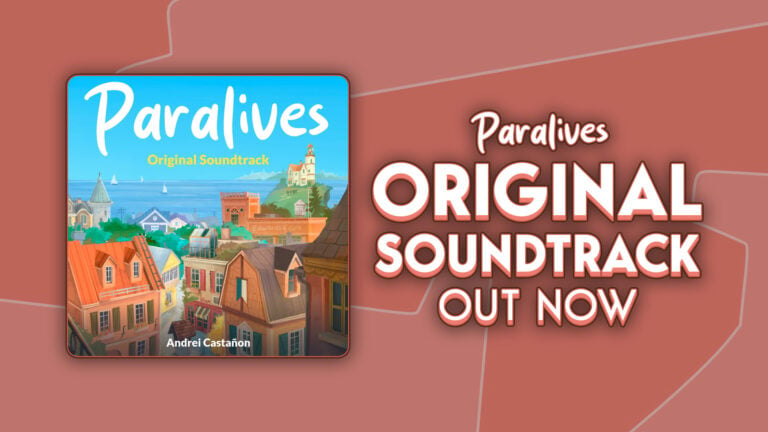
1 hour and 12 minutes of Paralives game soundtrack can now be streamed!
The Paralives Original Soundtrack has just been released on major streaming platforms – including Spotify, Apple Music and YouTube.
There are 16 tracks in the full game soundtrack release, with 1 hour and 12 minutes of full album playtime. The soundtrack comes from various gameplay moments and features such as Build Mode, Paramaker and other Menu, Town and Live Mode scenarios.
Take a listen below:
Spotify
Apple Music
YouTube
What are your thoughts on the Paralives Original Soundtrack? Drop a comment down below and stay tuned for more Paralives News and Updates!
The Sims 4 Origins Mod Guide: Find Out Your Sims Native World
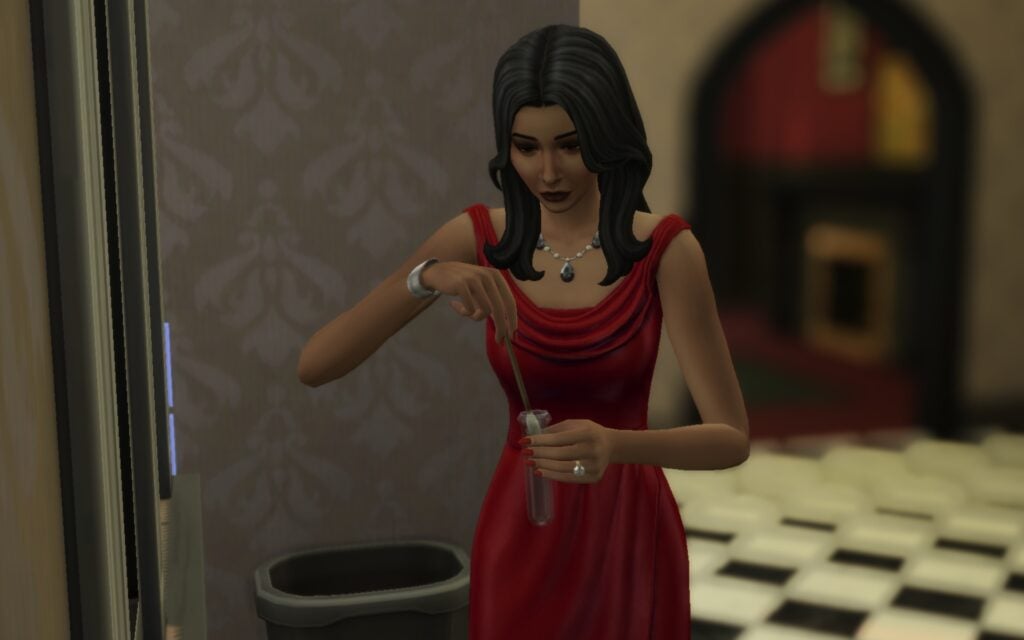
Has it ever occurred to you where your Sims are actually coming from? With The Sims 4 Origins Mod created by Ellesimsworld you’ll be able to find out more about your Sims roots and culture than ever before. Where did your Sim grow up, do they have any cultural preferences, and wait, they can have their own accent now?
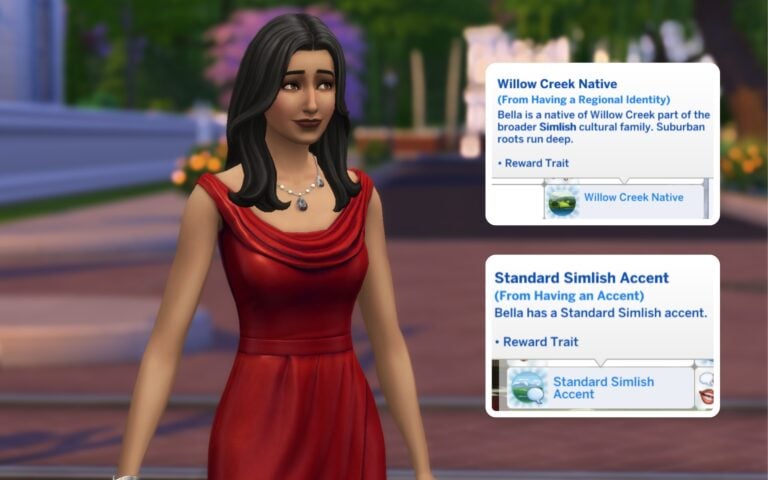
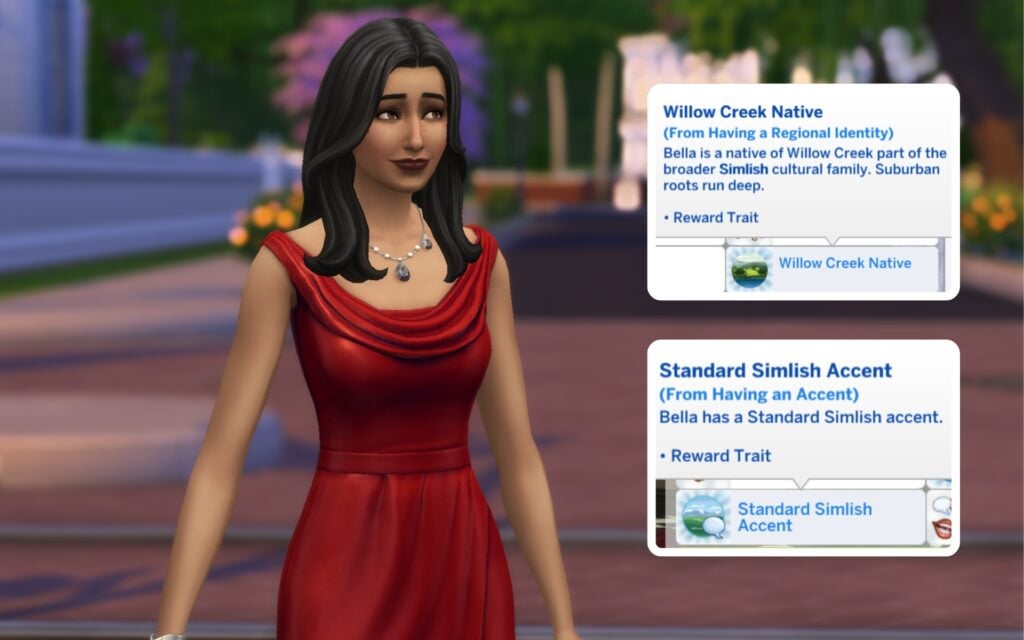
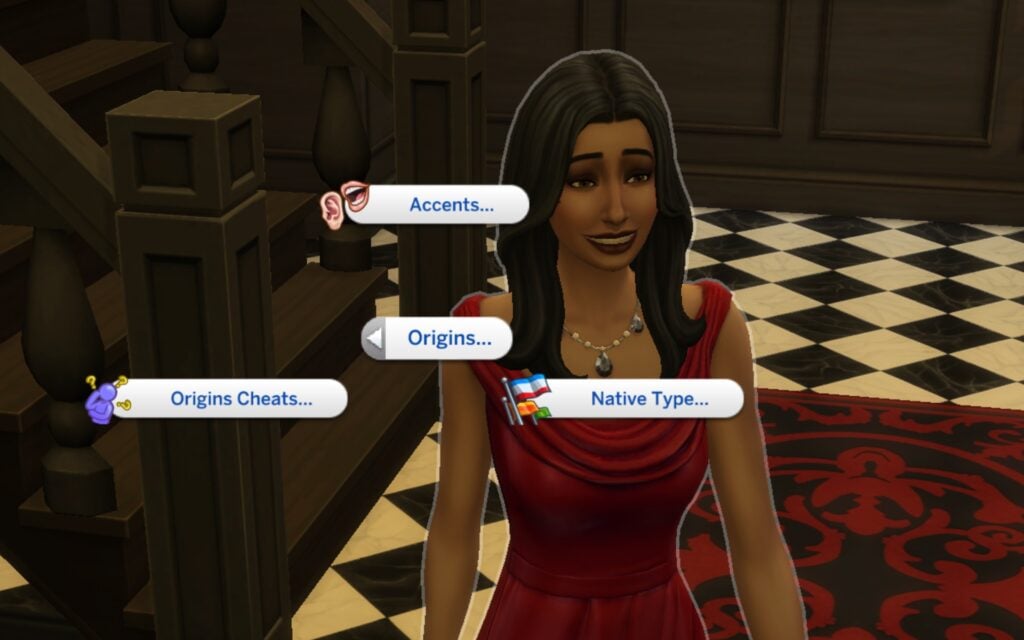
A total of 30 new traits are added to the game with The Sims 4 Origins Mod, all inspired by the different worlds we have in The Sims 4, except Batuu. You can choose for example a trait called San Myshuno Native or Willow Creek Native. These traits decide where they come from and shape their cultural background and identity. To be able to pick your Sims native you have to enable the cheat code testingcheats on, and then Shift + Click on your Sim to access the Origins Pie Menu.
Cultural Families
The cultural families are grouped based on the different worlds. Normally, every Sim speaks Simlish, but not anymore. Depending on your Sims native world, they now have their own Regional Identity. For example, Sims from Windenburg are called Windenburgian, Sims from Sulani are Sulanese, and Sims from Nordhaven identify as Nordic.
Accents
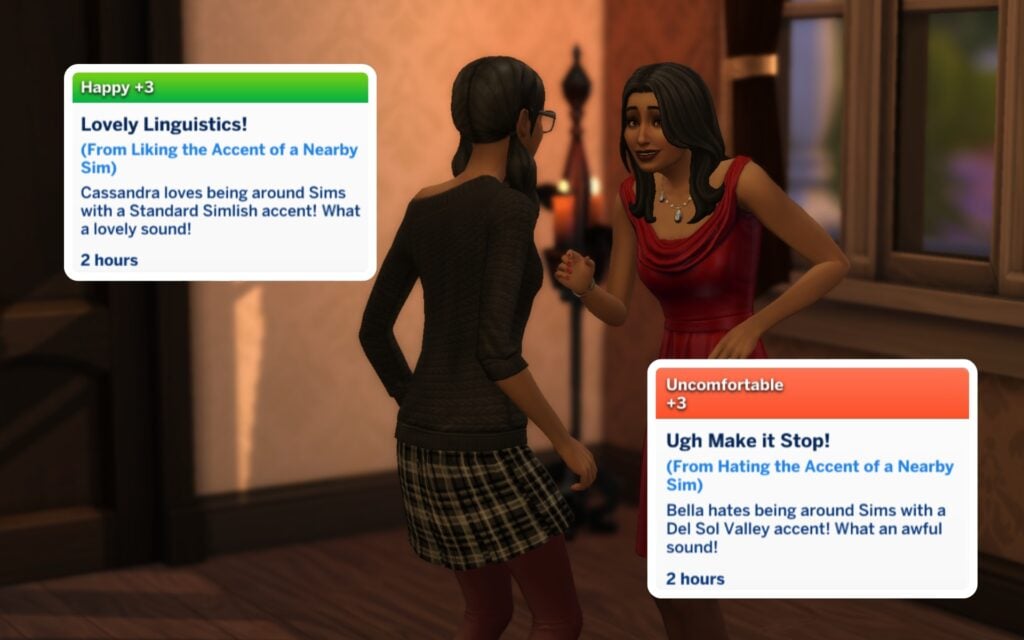
Just like in real life, your Sims will develop different accents depending on where they come from. How cool is that? There are 17 unique accents in total, including the Del Sol Valley Girl Accent, Selvadoran Accent, Bagley Simlish Accent, Innish Accent, Standard Britechester Simlish Accent, and many more. You can even choose your Sims accent preferences, meaning they can either love or dislike certain accents.
Genetics Test
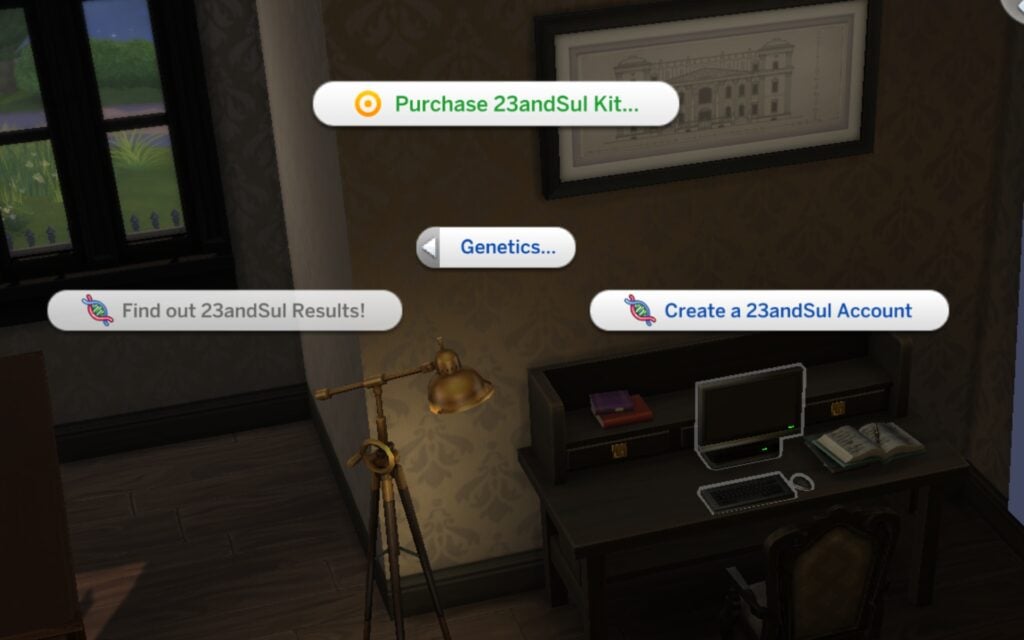
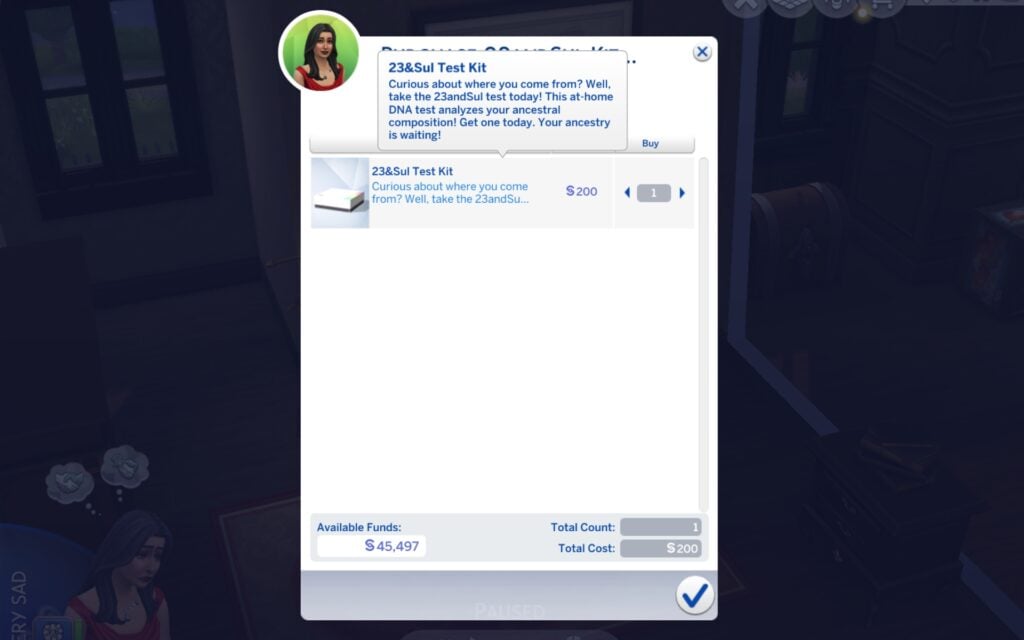
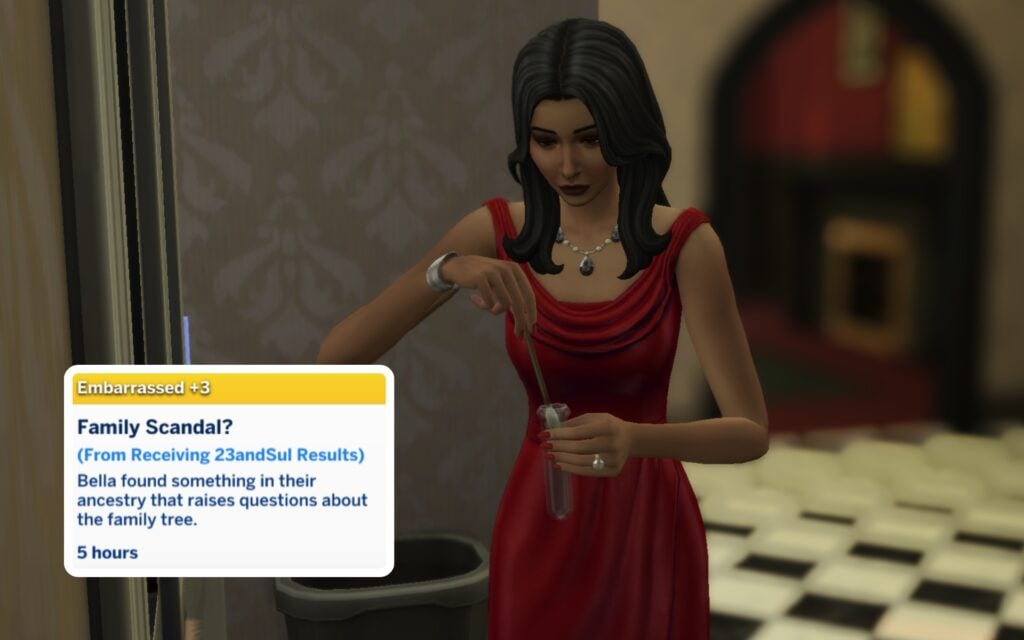
What if you don’t know where your Sim is coming from? Don’t worry Simmer, ElleSimsWorld got you covered here as well. There’s an option to take a genetics test called 23andSul which you can order through the computer, it costs 200§ and arrives in your inventory right away. When you have taken the test you take it to the mailbox, and your Sims result will be back after 24 hours. To be able to see your result you need to activate an account on the 23&Sul website through the computer before the tests are back. There’s 30 different result combinations and they’re all random. These results can make your Sim feel Happy, Tense, Angry and so on.
Social Interactions
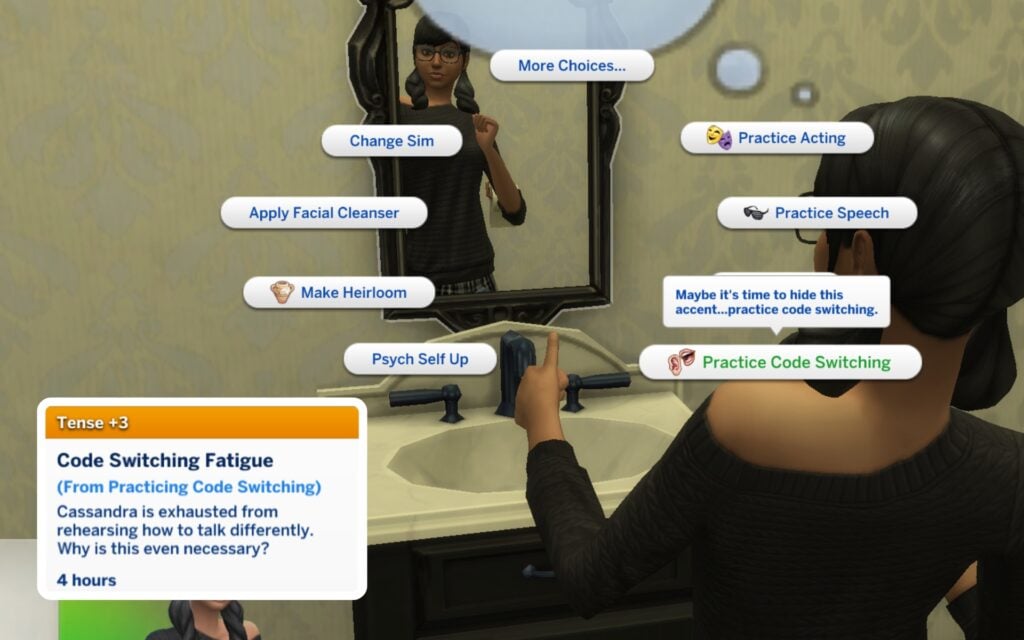
Depending on your Sims preferences there will show a positive/negative buff whether they like the nearby accent or not. But if you do find an accent attractive you can compliment the other Sim for it. Some can even charm other Sims through the Flirtation option. On the other hand, if your Sim doesn’t feel comfortable with their own accent, they can practice Code Switching in the mirror to change the way they speak, and temporarily pretend to be someone they’re not by masking their accent…
Study Abroad
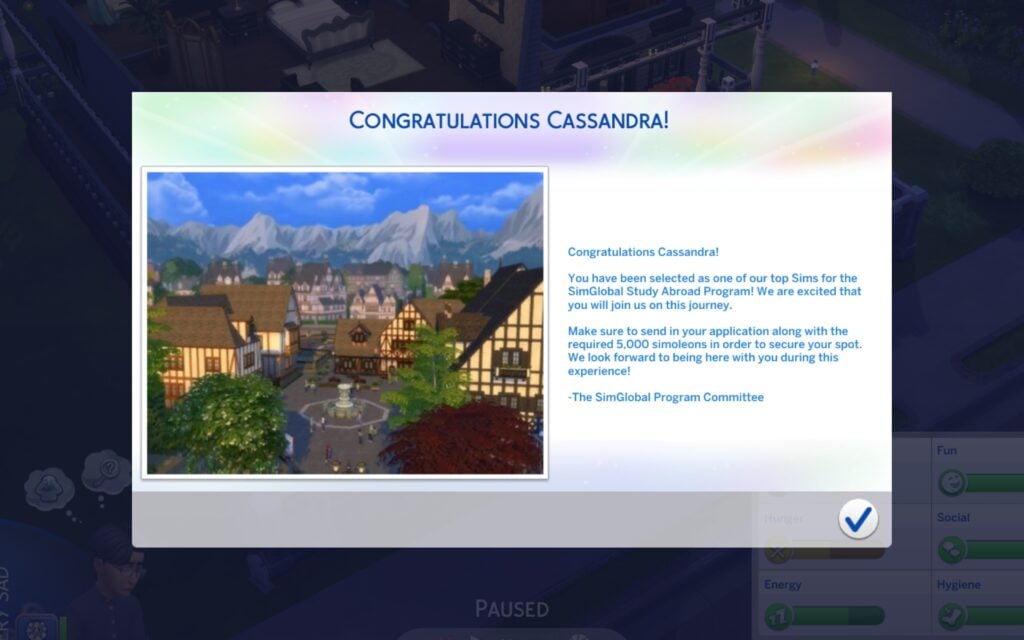
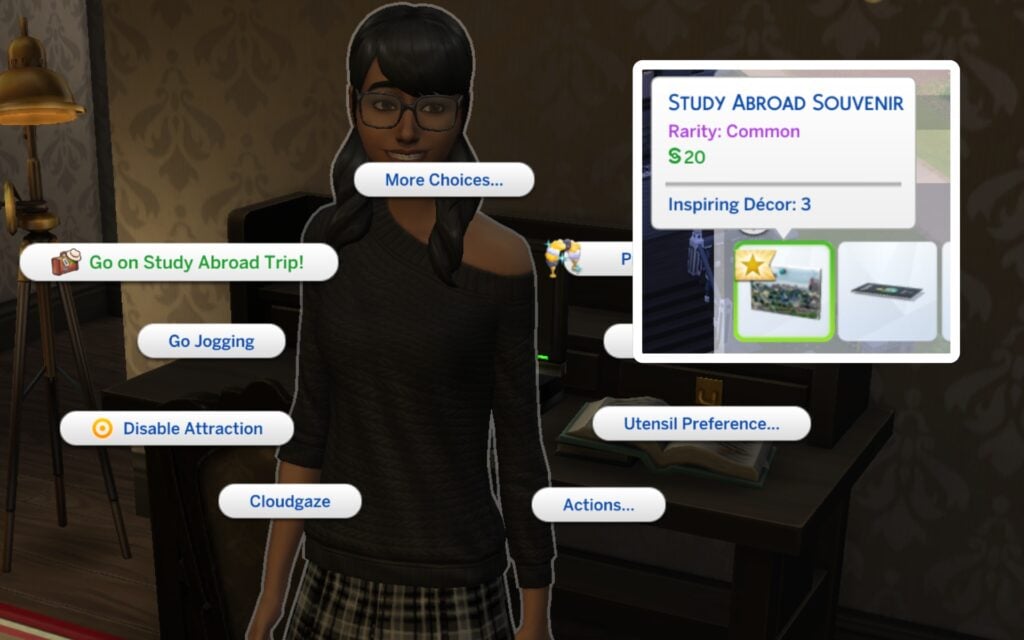
You Sims teenagers life are about to change. They can study abroad with SimGlobal Study Abroad Program and bring a Study Abroad Partner. The requirement for this amazing opportunity is to be an A Student and write a Personal Statement. After you’ve applied you’ll get an answer within a few hours. If accepted you have to pay a 5000§ application fee.
Once you’ve picked your Study Abroad Destination you are required to purchase a Simternational Insurance (1,000§) and an e-Sim Visa (400§). After this your Sim is ready to travel. If you click on them there’s an option saying Go on Study Abroad Trip, and later on you can pick a study abroad destination out of these examples: Britechester, Ciudad Enamorada, Sulani, Gibbi Point, Mt. Komo, Innisgreeen, Nordhaven, Ondarion, Gibbi Point, Selvadora, Tomarang, Tartosa, and Windenburg. Your Teen will be gone for three days. When they’re coming back home again they’ll have a positive/negative buff, and a souvenir!
Do I Need a Passport Now?
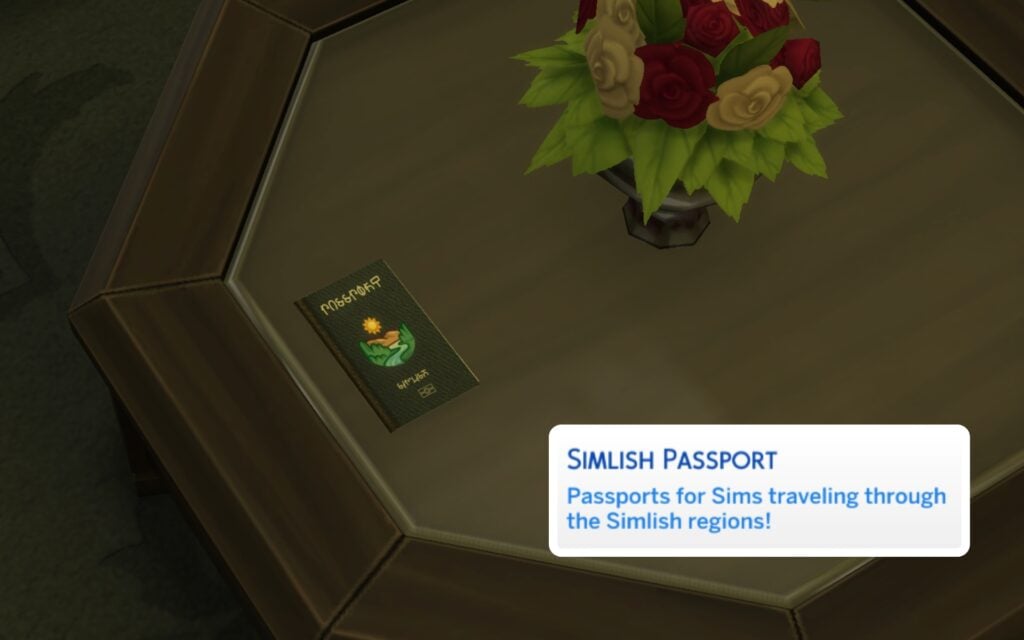
You can apply and order your own Passport depending on where you are coming from, they are more for decorative and storytelling purposes but very fun to have. They cost 200§ and arrives within 24 hours.
How Do I Change My Native & Accent?
If you have the cheat testingcheats true on you can just Shift + Click on your Sim and you’ll see the option Origins in the Pie Menu. You can randomize your Sims native type as well. You can also find other related cheats under the Origin option.
Download the Mod
You can download The Sims 4 Origins Mod through the link below. Hope you’ll have fun exploring your Sims roots!
What do you think about realistic mods like The Sims 4 Origins Mod? Are there any other storytelling mods you recommend? Keep up with our latest news on Sims Community and our mod guideshere.
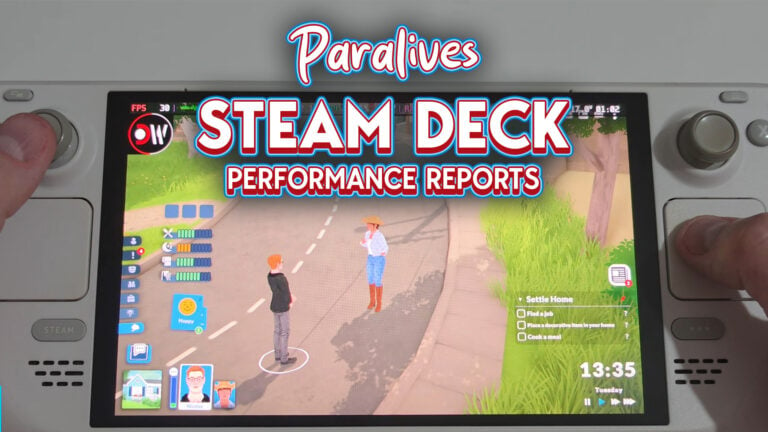
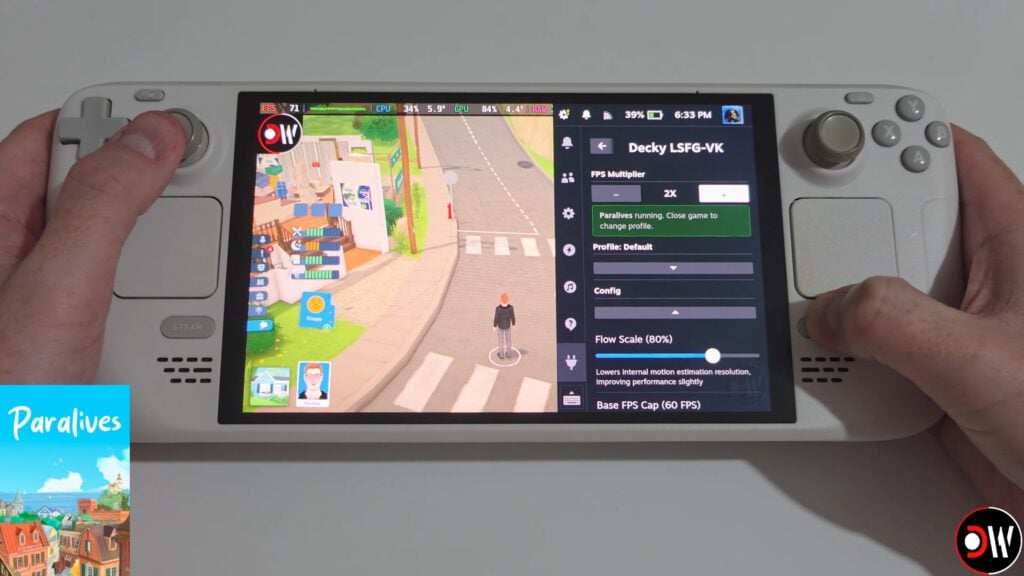
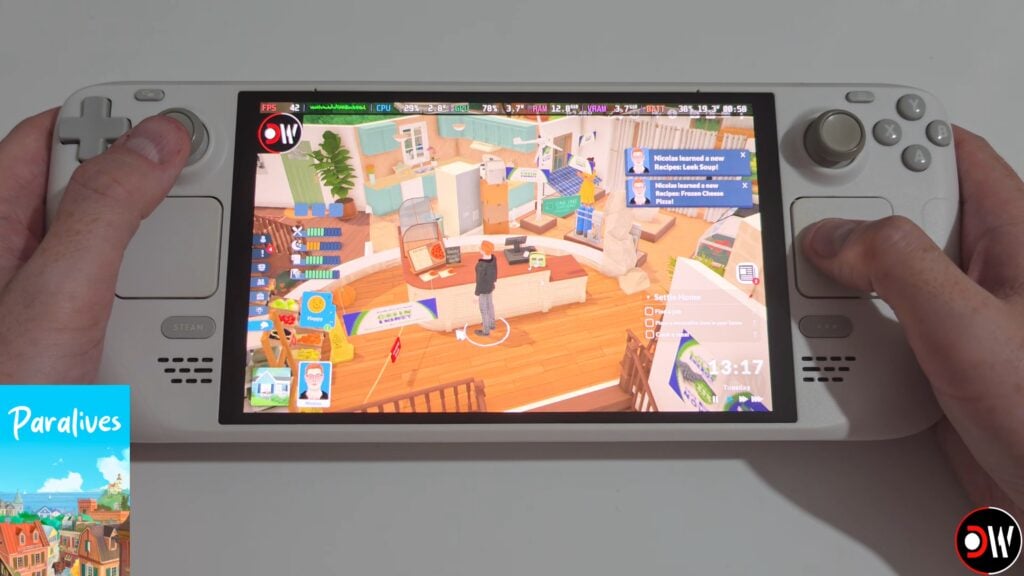
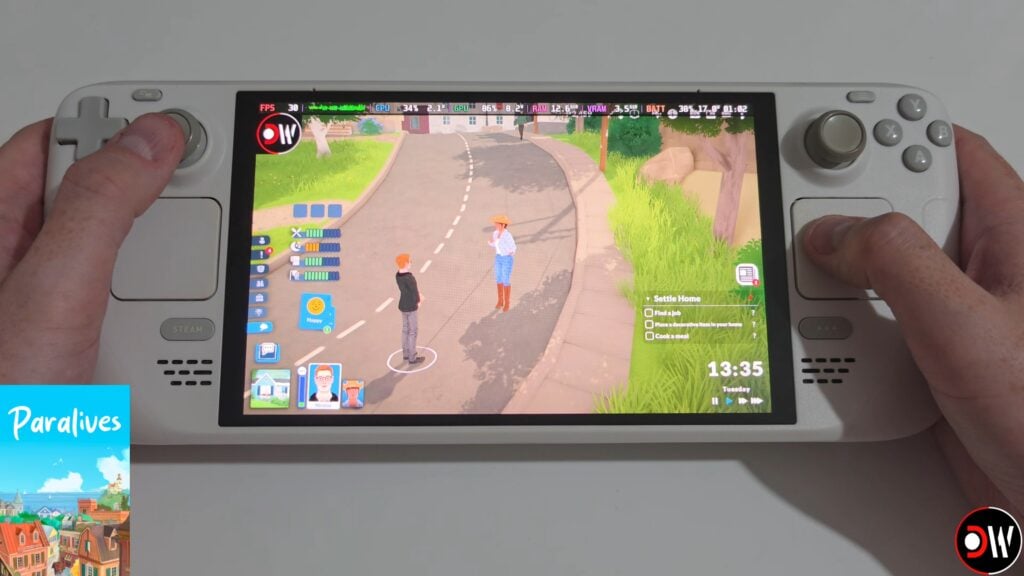
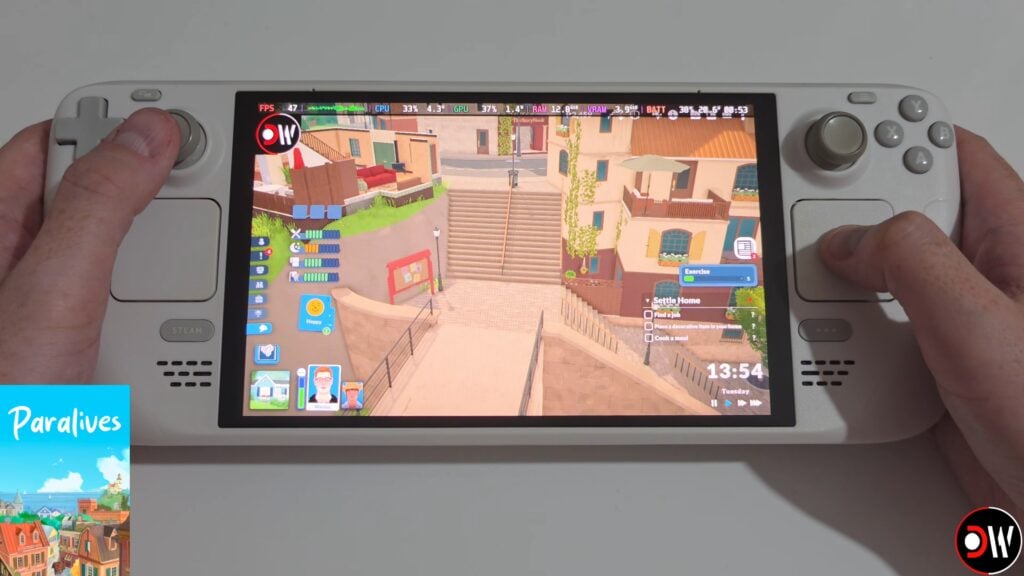
After a smashing success of a first day with over 250k copies sold in 8 hours, Paralives is getting heavily tested on a wide range of PC set ups, including some handhelds and Linux set ups! Handhelds like the Steam Deck, ROG Ally, Lenovo Legion, and others are being tested by players across the internet to find a sweet spot for performance and to find the best control settings.
Table of Contents
Paralives Steam Deck Performance First Look: Is it Playable?
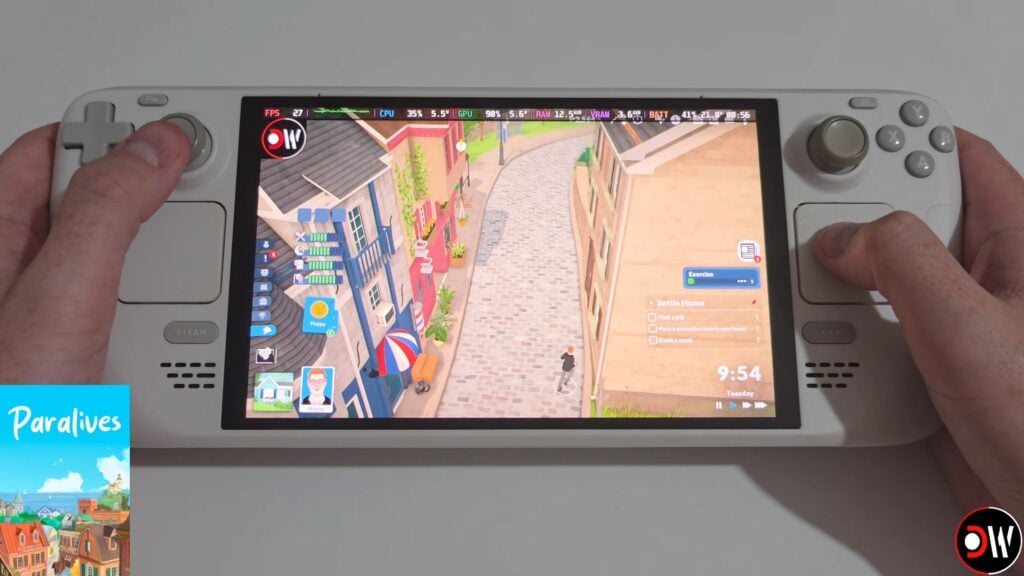
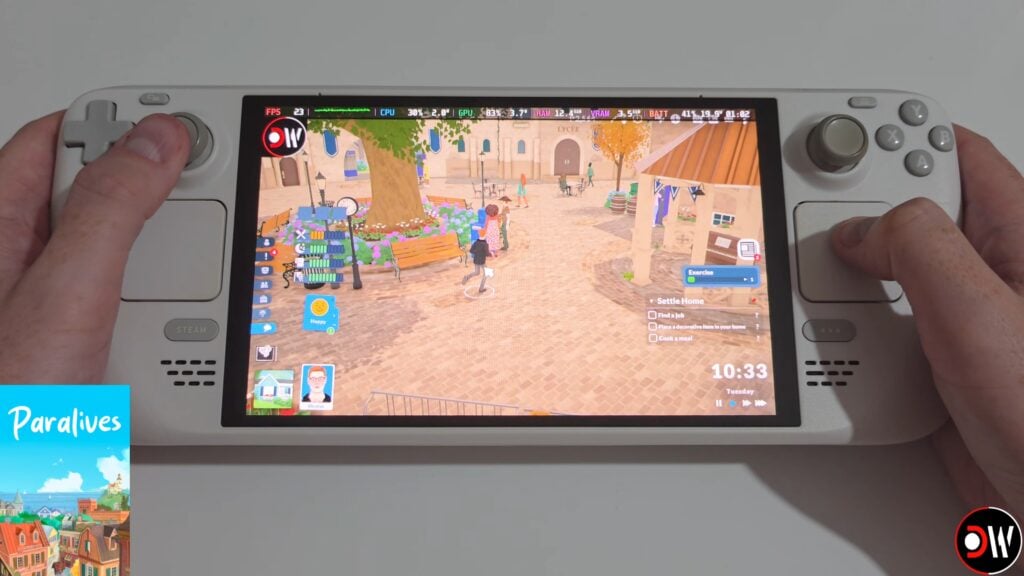
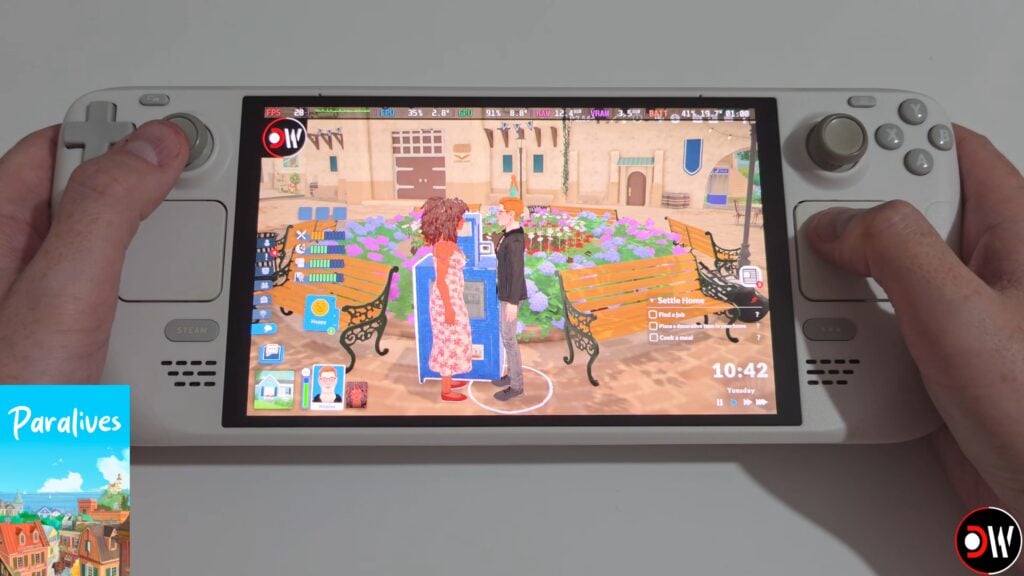
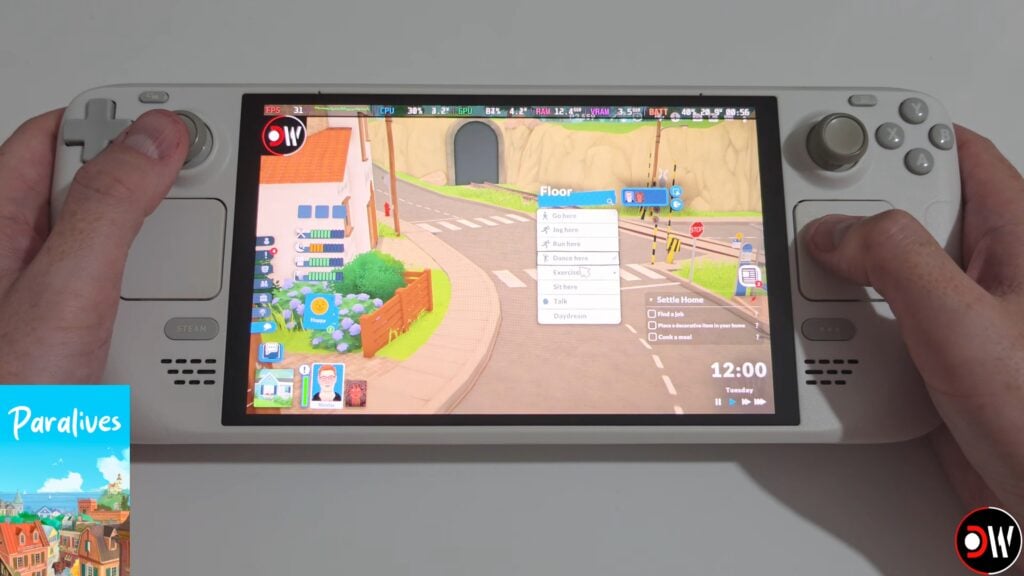
A Youtube Channel named Deck Wizard, who primarily tests games on the Steam Deck and other handhelds like the Lenovo Legion, ROG Ally, and the Nintendo Switch, did a Paralives performance test. Swapping between modes of the game, as well as setting presets and types with monitors for frame rate and general performance. The settings options were from Low and on Handheld up to the Highest possible settings, with a variety of areas including the Intro Train Tutorial, Live Mode in the city of Melino, Build Mode, and the Paramaker as well as connected to a separate monitor.
Low Settings (Handheld + 2X FPS Lossless Scaling)
The lowest settings while handheld and with 2X FPS Lossless Scaling were primarily played in Live Mode in Melino. The Low Settings graphic preset meant the game ran at around 25-30 frames per second with some frame rate drops and dips that happened somewhat inconsistently. This varied by area and most notably happened when heading into busier areas, like the center of town where more Parafolk and buildings are present.
Low Setting swith 2X FPS Lossless Scaling did improve the performance with frame rates quite notably, where the game sat between 40-60 FPS with some dips into the 20s/30s when loading new lots and at random, which is still something that has be addressed with the game entirely across systems.
Low settings on a separate connected monitor, rather than handheld, was steady at around 25-30 FPS with some dips depending on the area. It ran similar to the handheld experience, especially without the Lossless 2X FPS scaling.
The settings available on the Steam deck are the exact same as those available on PC.
New Game Train Intro
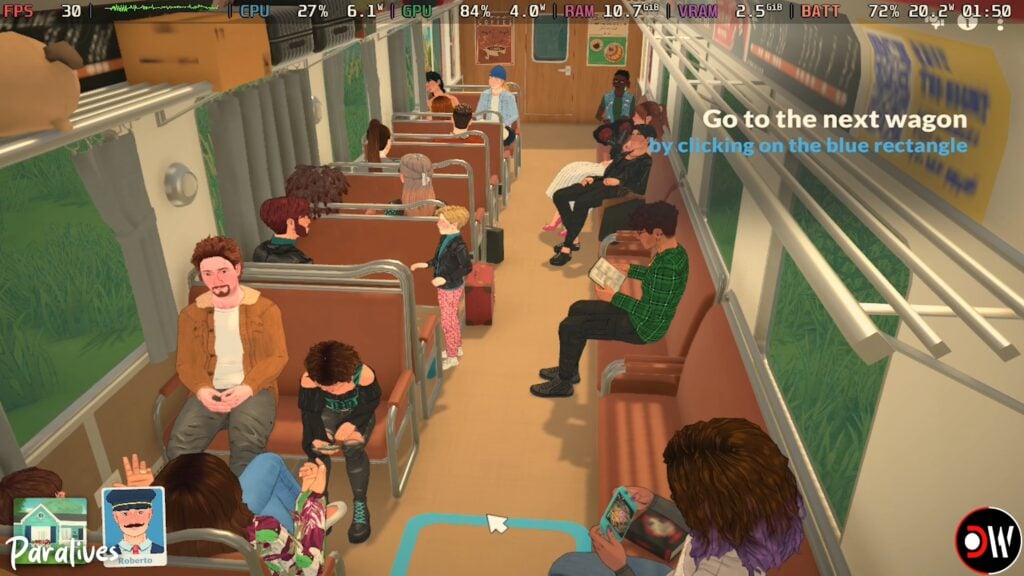
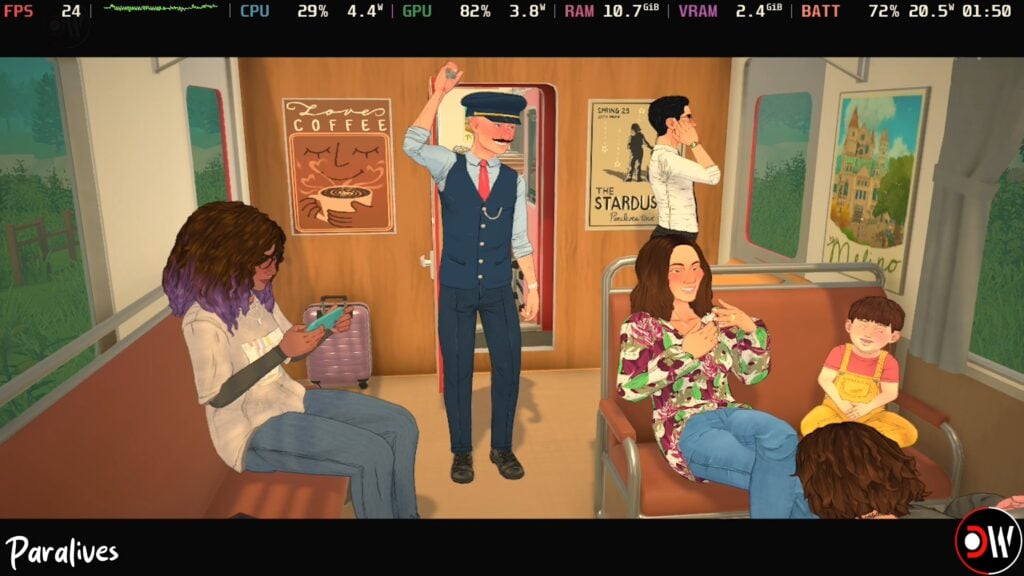
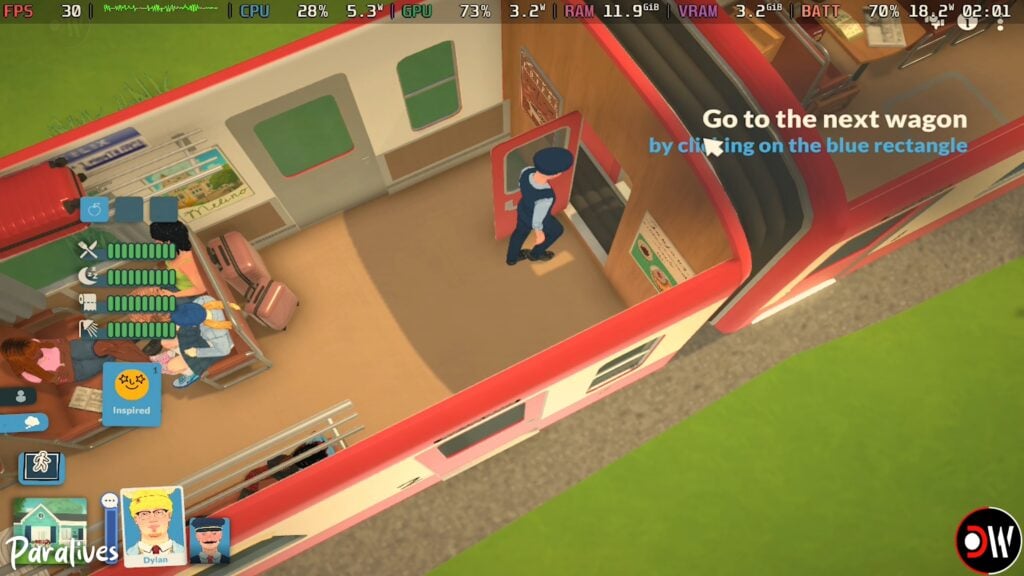
As the intro and tutorial set on the train to Melino has a lot of moving parts, this is one area of the game that can be easily impacted by the frame rate issues many players are experiencing. In Deck Wizard’s video, this section of the game maxed out at 30 FPS with some dips into the 20s/10s in between cut scenes.
The tutorial section showing the player controls did run fairly consistently at 25-30 FPS, though as previously stated, did experience a few dips into the 10s.
Train Intro Paramaker
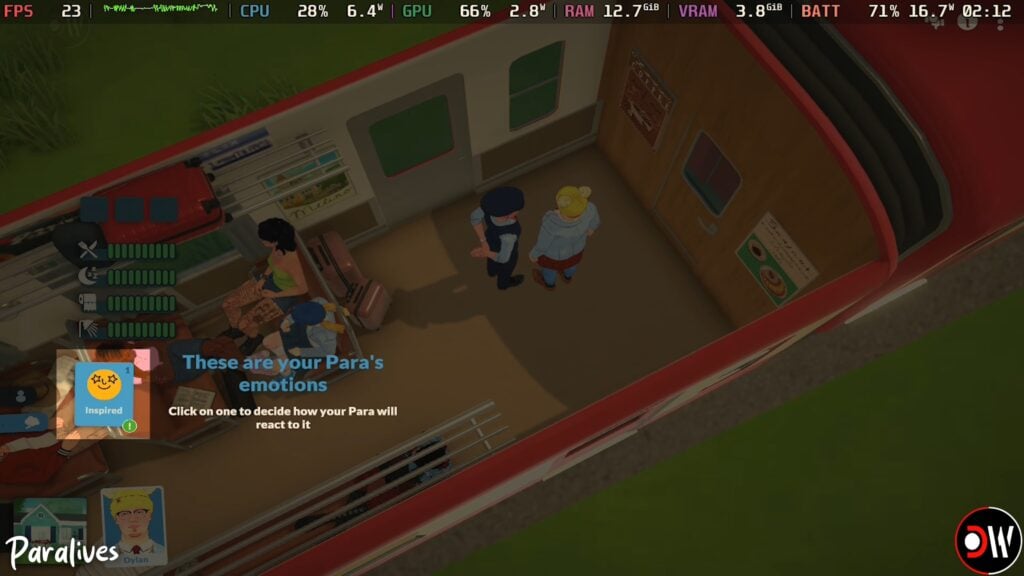
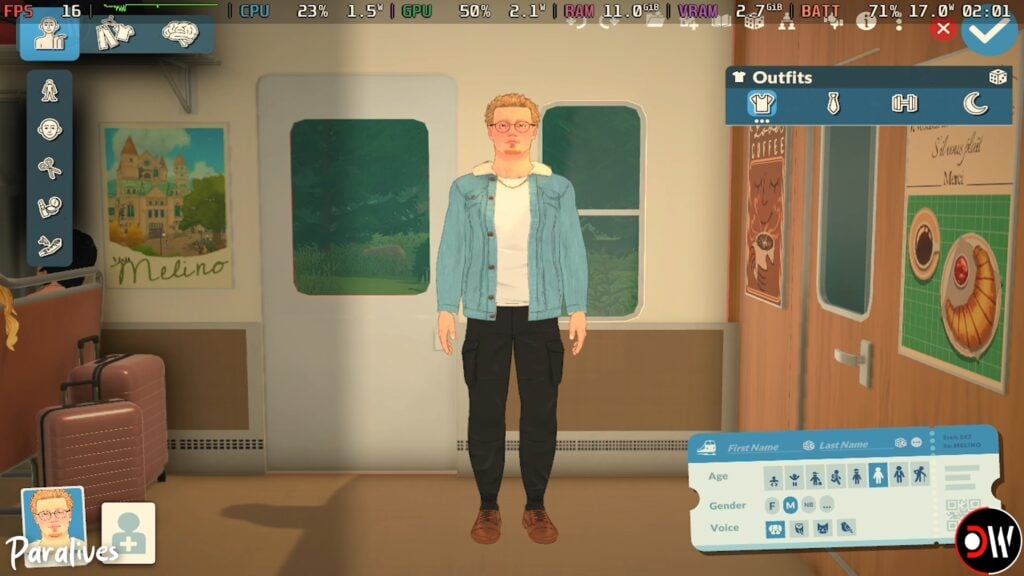
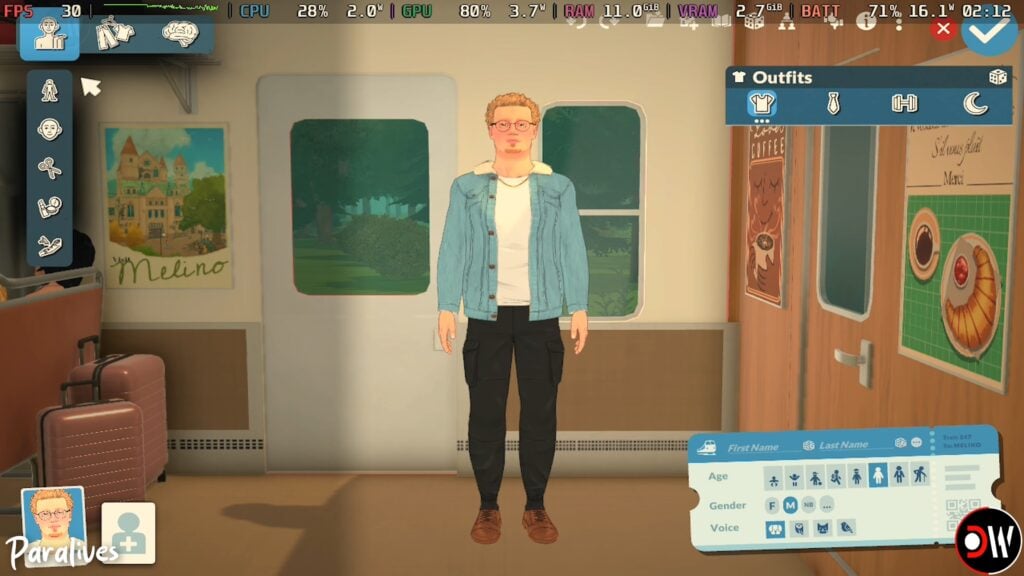
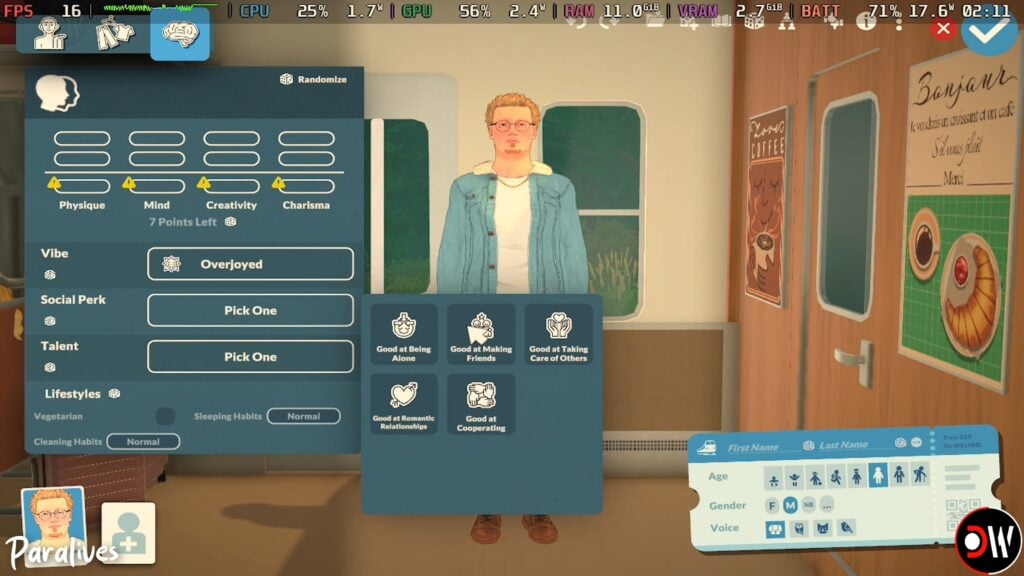
While the Paramaker tends to be a less graphically intensive area and tends to run fine for most players, the Intro Paramaker set on the train (rather than in the still background of the standard Paramaker) did experience some graphical issues since it does not have a static, unmoving background. The frames were more inconsistent, jumping because 13-16 FPS up to 25-30 FPS, with significant drops at random to 5-10 FPS. The biggest drops were noticeable when swapping between categories or sections of the Paramaker, as well as when adjusting the outfits and features of the Para.
Medium Settings
Based on Deck Wizard’s video, it is possible that Medium settings may be a good sweet spot for handhelds; Frames rates sit steady at around 30 FPS but can jump up to 35-45, with dips mainly going as low as 15-25 at certain areas. There is more visible detail and shading without high performance costs.
High Settings
High settings have the strongest lighting system and shading, with the graphics being visibly improved, but the performance does take a decent hit. The game will hit 30 FPS but very inconsistently. Most of the time, it sits between 20-25 with some parts dropping below that and leading to some visible stuttering issues. There was some improvement when it was night time since the game did not have to render proper sunlight and shadows as much, with it staying between 25-30 FPS fairly consistently.
Build Mode
Although build mode can be a bit intensive with everything being so modular and customizable, it actually ran pretty good! It generally sat between 25-35 FPS, with some dips and jumps, but ran fairly steady. The biggest performance drops were most noticeable when areas were heavily cluttered or larger.
Paralives on Steam Deck Reddit Thread
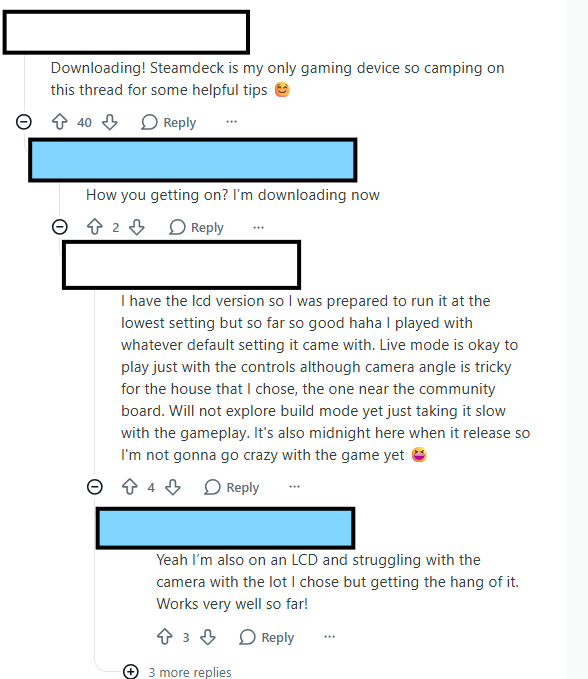
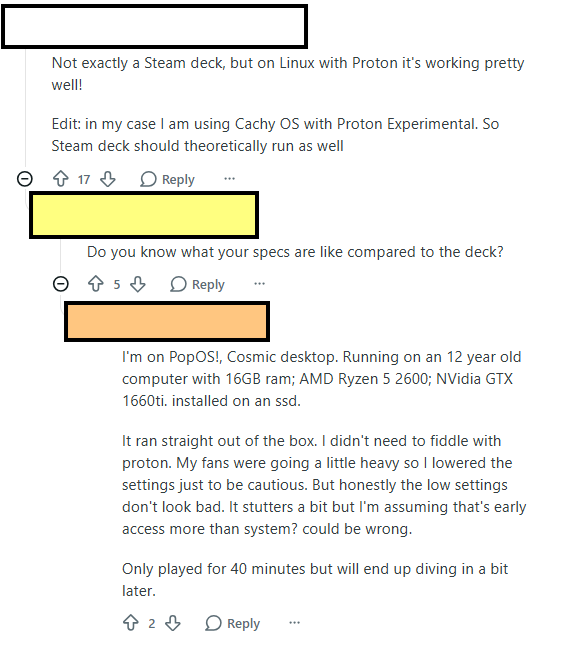
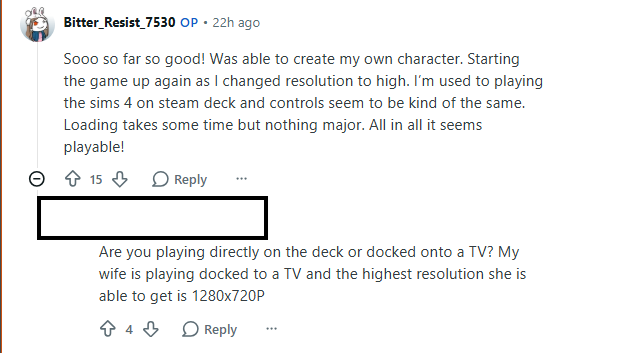
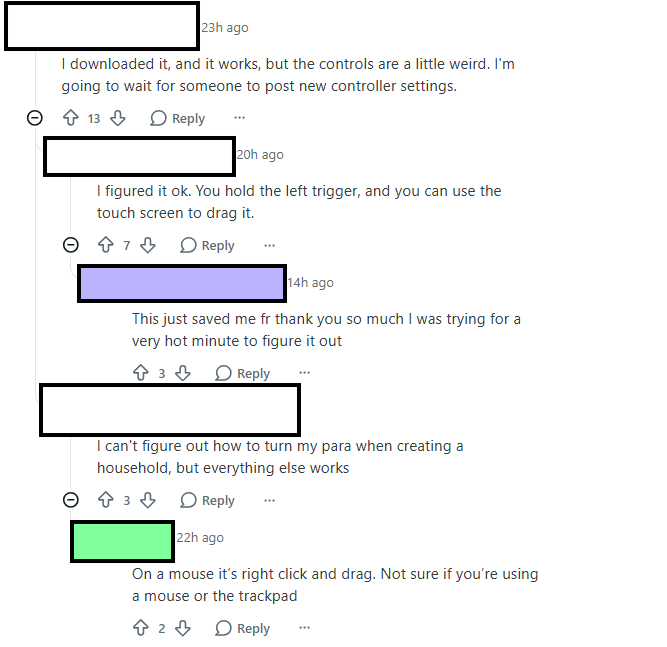
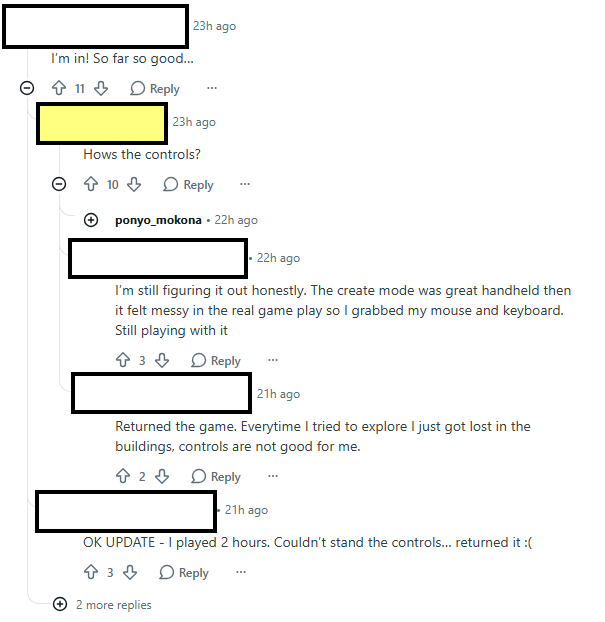
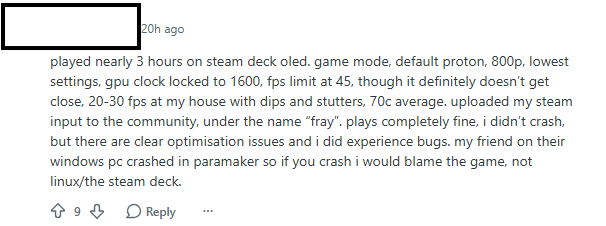
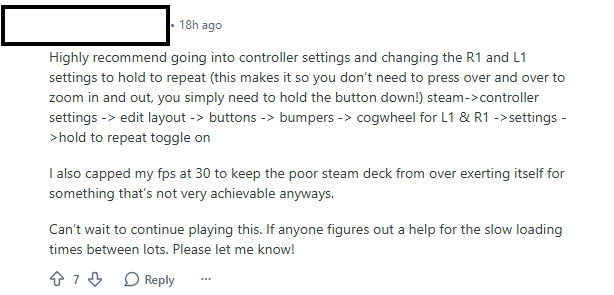
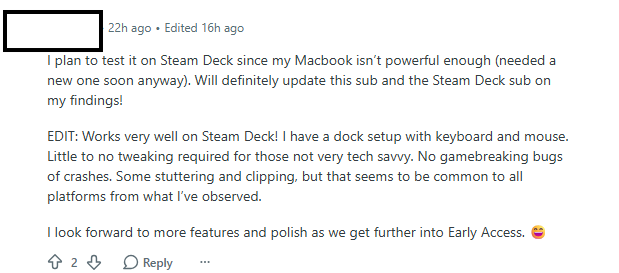
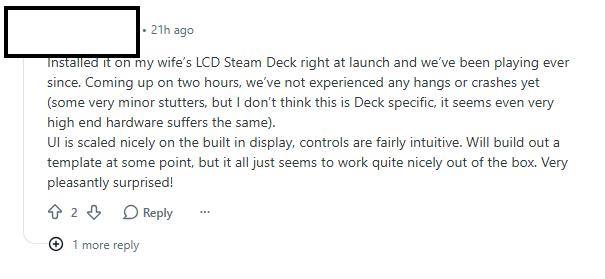
One user on Reddit decided to reach out to Paralives community members who were or planned on playing on the Steam Deck, which is Valve’s handheld gaming system. While size-wise and portability, it is comparable to a Nintendo Switch, it tends to be a more graphically strong device with access to games that can run on Windows, meaning it is not limited to games under Nintendo or only sold by Nintendo.
“So I know many of us are about to try Paralives out on their steam decks and I am one of them! I thought it would be nice to have a thread in which we can discuss best settings and give a review of how the game runs on the device for others. Please feel free to share any other related tips and tricks!”
The thread had quite a bit of variety. One major complaint by players is that, even on high-end PCs, the game does have some performance issues and frame rate drops. While this is something being actively worked on and will likely be updated soon to correct these issues and optimize the game’s performance, Steam deck players experienced the same thing. Inconsistent frame rates primarily, and the game typically sat between 30-45 FPS.
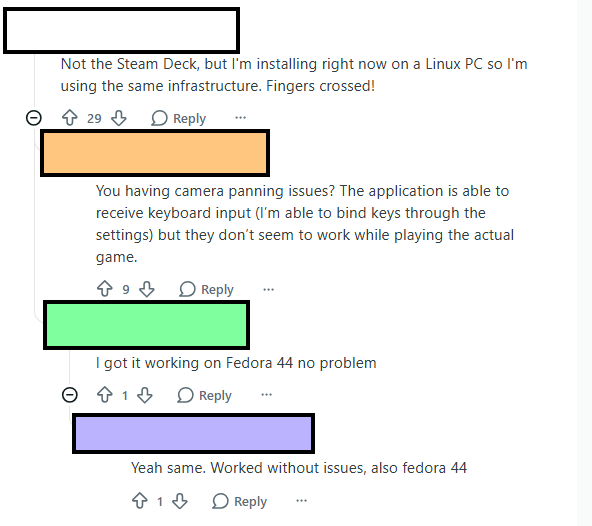
Some players were also able to get it working on Linux and other handhelds, like the ROG Ally. While it is not yet Steam Deck optimized by the developers, it seems to be a promising option for players!
We want to know what you think! Have you played or do you plan on playing on a handheld system like the Steam Deck? What has been your experience so far? Let us know!
Paralives is now available on Steam and retails for $39.99 USD, but currently has a 10% off discount until June 1st, 2026. Make sure to keep up with The Sims Community as we will keep you up to date on news, updates, and fun things coming from the blooming Paralives community!
Some useful additions to your everyday gameplay have arrived in the form of Paralives Mods!
Just a few hours into the successful release of this game, the community members started working heavily to bring first improvements and modifications in the form of Paralives Mods.
How to Install Steam Workshop Mods
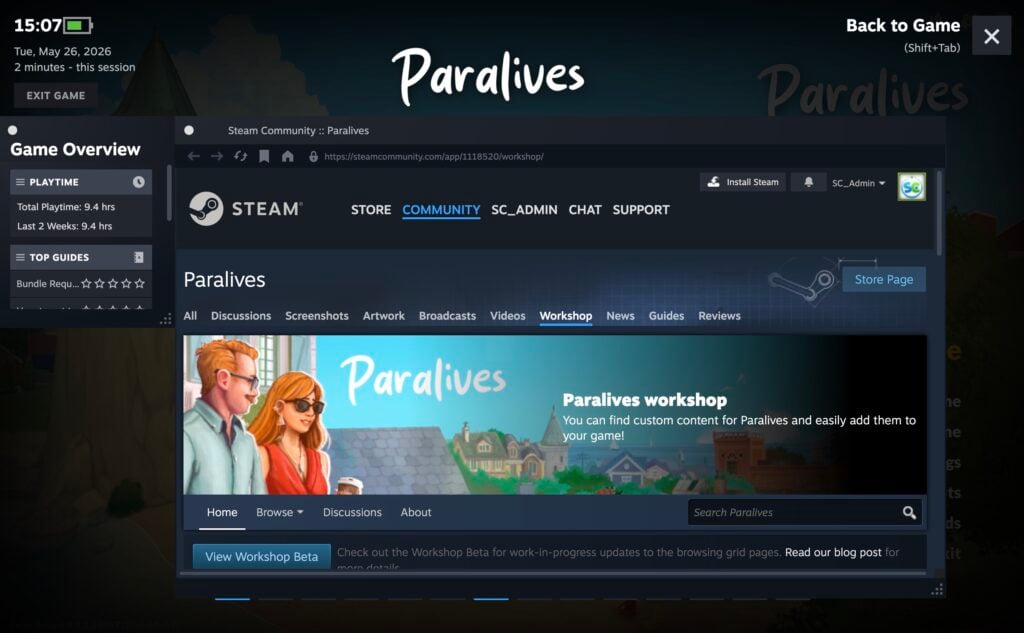
You can access the Steam Workshop directly in game by opening up the Steam launcher in-game. Press Shift+Tab on your keyboard, which will open the general Steam Menu. Head on over to the “Steam Workshop” wrench icon, to which you’ll be directed to the Paralives workshop page.
NOTE: Some items require you to Subscribe to the Modder’s Steam page before downloading. Upon clicking the “Subscribe” button the Mod(s) will also automatically download to your backlog. Giving automatic updates to Mods as well as newer versions come out.
Click Here for more specific information about Downloading and Uploading CC and Mods for Paralives!
First Paralives Mods
Without further ado, let’s jump into the first Paralives Mods released by the Paralives Community. Note that some mods are still in testing, some might cause performance issues / glitches, so make sure you leave proper feedback to Mod creators as you test these out.
Table of Contents
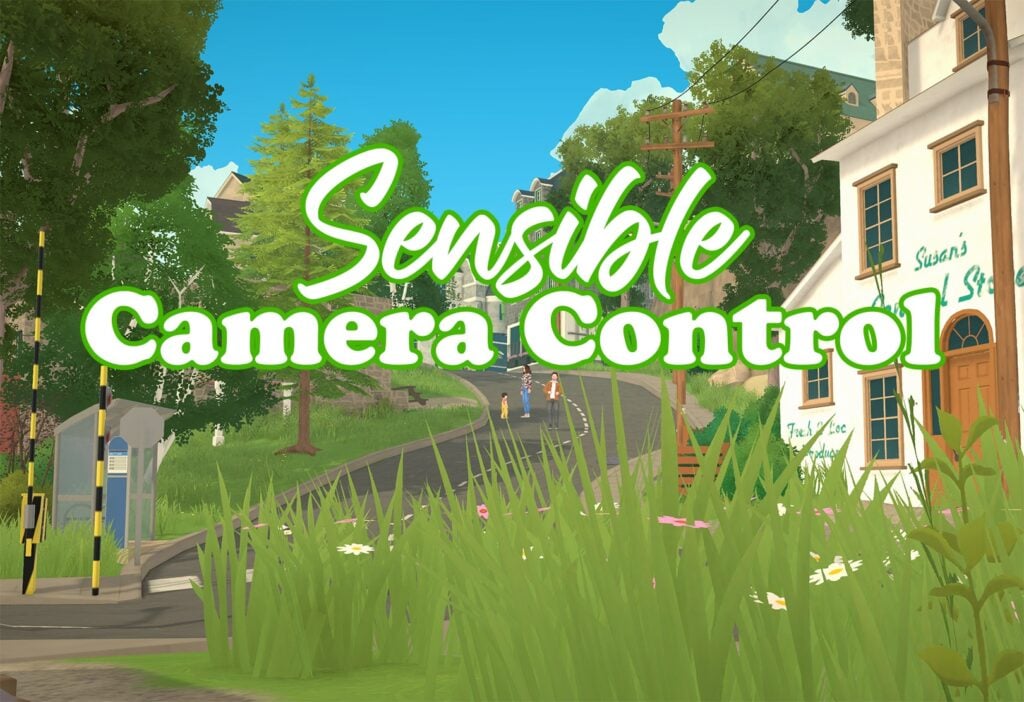
Sensible Camera Control By TwistedMexi
Removes the automatic tilt and other constraints from the camera. Better range of look angles for the camera.
In other words, the camera won’t change angle unless you tell it to do so.
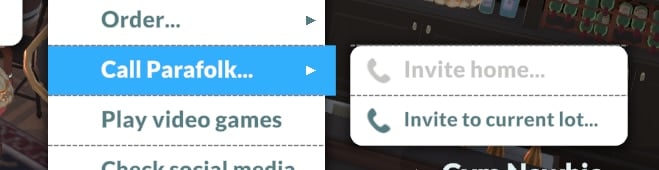
Adds an interaction for Paras preteen and older under [Self->Use Phone…->Call Parafolk…] called [Invite to Current Lot…] that pathfinds the selected parafolk(s) to your current lot.
This is a feature that most likely will be added to the game later anyways.
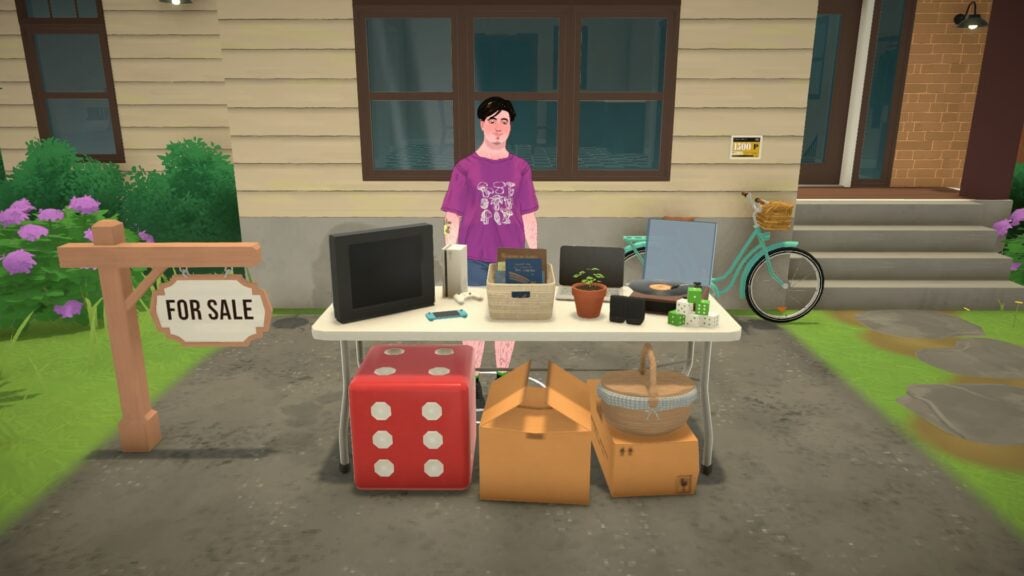
From garage sales to your own store, sell anything to anyone!LittleBusiness adds a Shop sign item allowing you to make your lot a shop for other Paras!
How to use
You can then close your shop thanks to the Shop Sign anytime, last customers will finish their purchases and will leave your lot.
Search and place the “LB Shop Sign” on your lot with the build mode.
You’re now able to click on any item and mark it for sale!
If you click on an item marked for sale, you can adjust the profit margin to 10% (default), 25% or 50%.
Click on your Shop Sign and open your shop! You will get some customers 😉
Adjusted default lifespans to be more realistic. Also added an extra long lifespan.
Lifespans are set up for a certain amount of days per year, with the time being weighted by how long a person realistically spends in each life stage. Short life span is 1 day per year, normal is 2 days, long is 4 days, and my custom extra long is 7 days per year.
Baby: 2 years Toddler: 3 years Child: 4 years Preteen: 4 years Teen: 5 years Young Adult: 12 years Adult: 30 years Elder: 10 years
Short: 70 days Normal: 140 days Long: 280 days Extra Long: 490 days
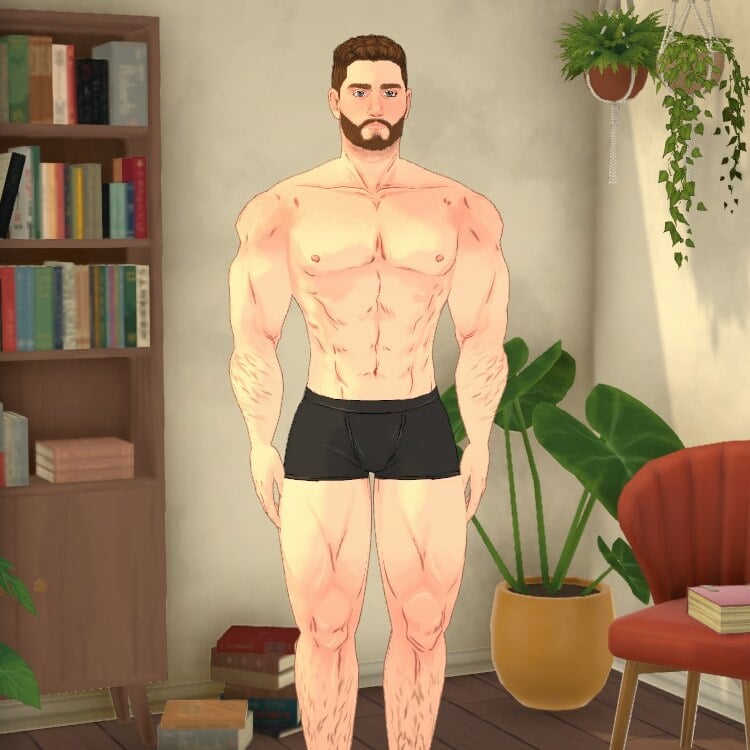
This mod tweaks a few of the paramaker deforms/sliders to make it possible to create a more muscular physique. Expect clipping, existing paras to be affected, and other issues.
Missing more career options in Paralives? This mod adds 11 brand new jobs across three new companies: TechStartup, SocialMedia, and Freelance.
💰 IMPORTANT: Each job has its own unique salary, balanced according to its level and field. From entry-level positions to senior roles, salaries scale realistically.
TechStartup: – IT Support (entry level) — 280 Paradimes/day – Data Analyst (mid level) — 450 Paradimes/day – DevOps Engineer (senior level) — 600 Paradimes/day – Product Manager (mid level) — 450 Paradimes/day – CEO (senior level) — 600 Paradimes/day
SocialMedia: – Content Creator (entry level) — 150 Paradimes/day – Community Manager (entry level) — 150 Paradimes/day – Social Media Manager (senior level) — 320 Paradimes/day
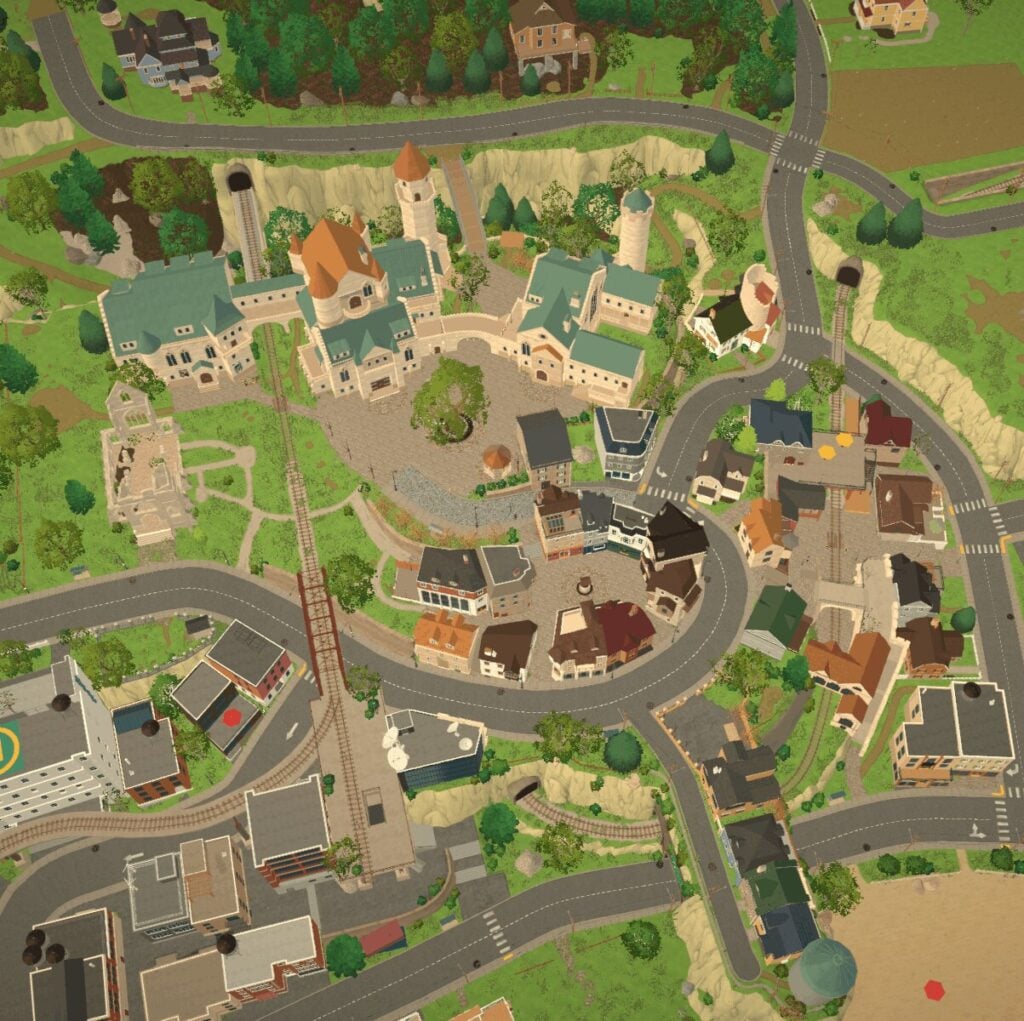
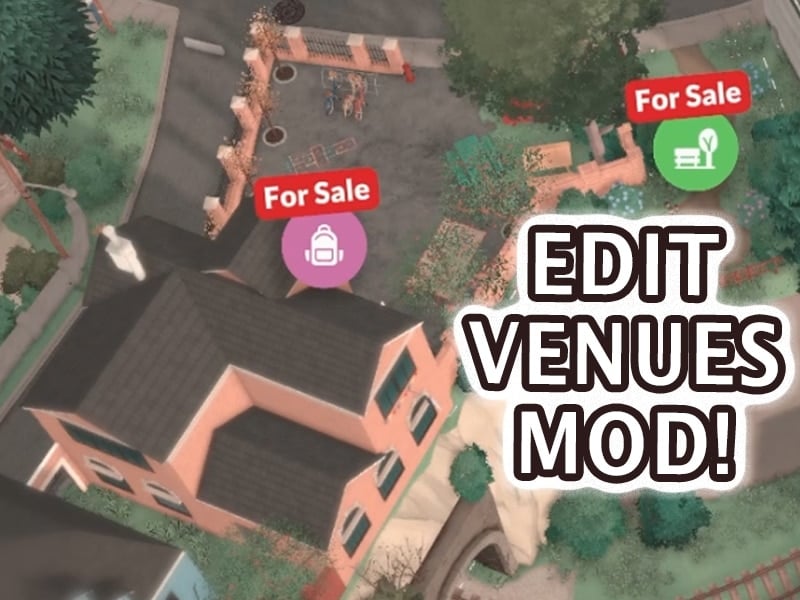
This mod allows you to edit public lots! Once you’ve loaded your household, buy a public lot such as a park or restaurant while in map view and then you can build/decorate on it.
With the Social Unlock mod, all socials are automatically available right from the Paralive card. No more waiting, grinding, or searching through locked interactions.
✔ Unlock all socials instantly ✔ Easy access through the Paralive card ✔ Clean and simple to use ✔ Right-click any social interaction you don’t want to see
Guaranteed 100% success rate on Together Cards. You can keep it disabled until you find a card you don’t want to risk failing, then press Ctrl+F2 and enable it.
Note: If the card picker is already open when you toggle the mod, the displayed percentages won’t update visually, but the actual success rate will change immediately.
Ever wanted a full house? This mod raises the maximum number of Parafolk per household from the default to 99.
Perfect for: – Large family roleplay – Community living / commune builds – Storytelling with big casts of characters
Simply activate the mod and the new limit applies automatically. No cheats needed.
EARLY ACCESS — KNOWN ISSUES This mod was released on Day 1 of Paralives Early Access (May 25, 2026). The game is still in early development and bugs are expected. Currently, the Paramaker UI does not scroll when the household is full, making it hard to reach the last “add character” button. This is a game UI limitation, not a mod issue. I will update the mod as the game evolves.
What are your thoughts on the first Paralives Mods released on Steam Workshop? Let us know your thoughts in the comments down below and stay tuned for more Paralives Mods, CC and UGC content showcases very soon on Sims Community!
The launch of Paralives Early Access has been a huge success looking at the first data shared online. We’ve collected all the currently public and available information on the game’s sales, including:
Table of Contents
250K Copies Sold In 8 Hours
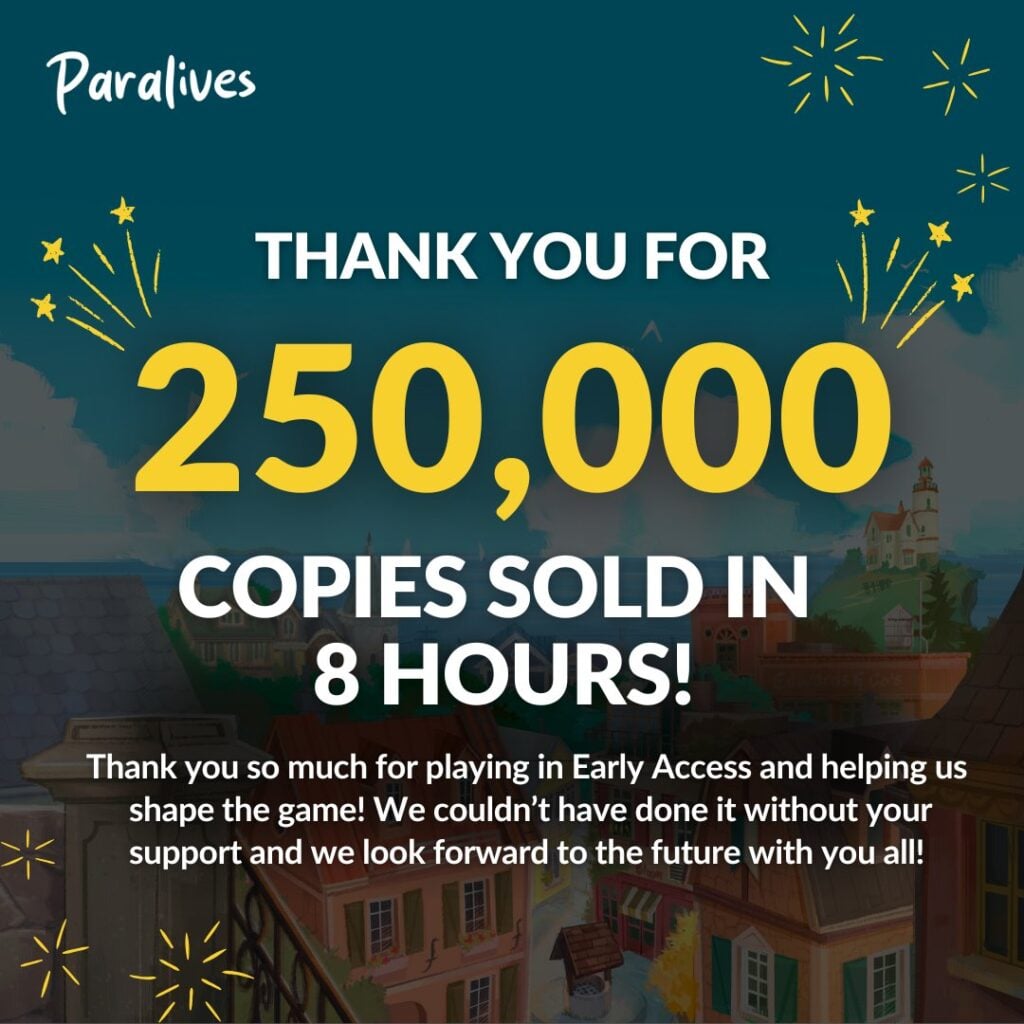
We’re going to start this post with the official announcement from the Paralives Team, revealing that the game sold over 250,000 copies in just 8 hours of the game’s release. For one third of a day that’s absolutely huge!
Here’s the announcement and poster they’ve shared online:
we truly can’t believe how lucky we are! thank you to everyone who supported us (●’◡’●)ノ❤︎
If we multiply 250K with a rough estimate of 35USD (Discount price) – that means Paralives generated 8 million 750 thousand USD just 8 hours into the game’s release. Sure, 30% of that revenue is going to Steam directly – but even with all the deductions included we’re looking at tens of millions in pure revenue for the development team with days to come.
Steam Charts and Current Reviews
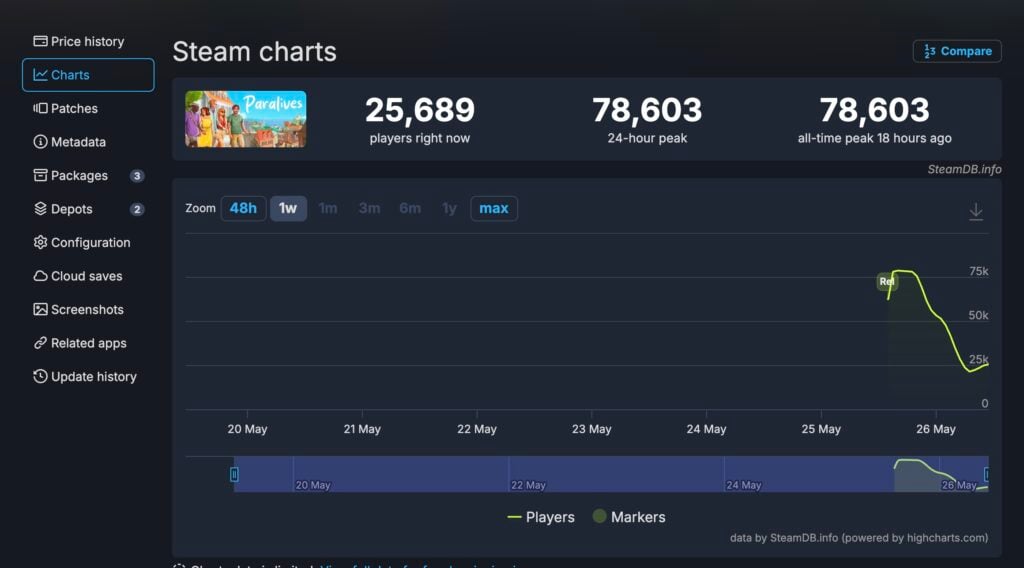
The Paralives Game is dominating the Steam charts almost a day after release. SteamDB currently reports that Paralives comfortably sits at the #1 spot, which it claimed just minutes after it released yesterday.
We reported yesterday about the game claiming the #1 spot in Global Selling Steam Games. Almost 24 hours after the game’s release the spot still belongs to Paralives.
According to the Charts Report from SteamDB, Paralives peaked at 78,603 all-time players. With the lowest number being at 21K and now slowly rising again.
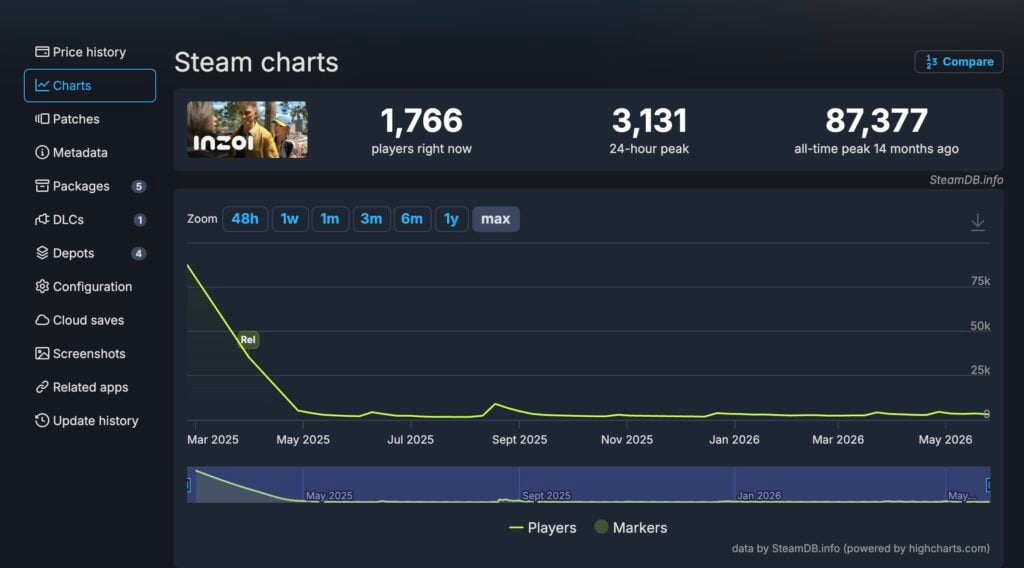
For comparison with other Life Sim games released on Steam, InZOI peaked at 87,377 all-time players. However, its lowest performance is currently now, with the last uptick being in August 2025 for the Cahaya DLC Free Update. Where the game maxed at 9K concurrent players.
Other things are worth noting about both game releases. Paralives (Early Access) launched on the first day of work week on Monday. InZOI launched on Thursday closer to weekend.
We’ll see more how the concurrent player data gathers as we get closer to the game’s first weekend.
First Steam Reviews
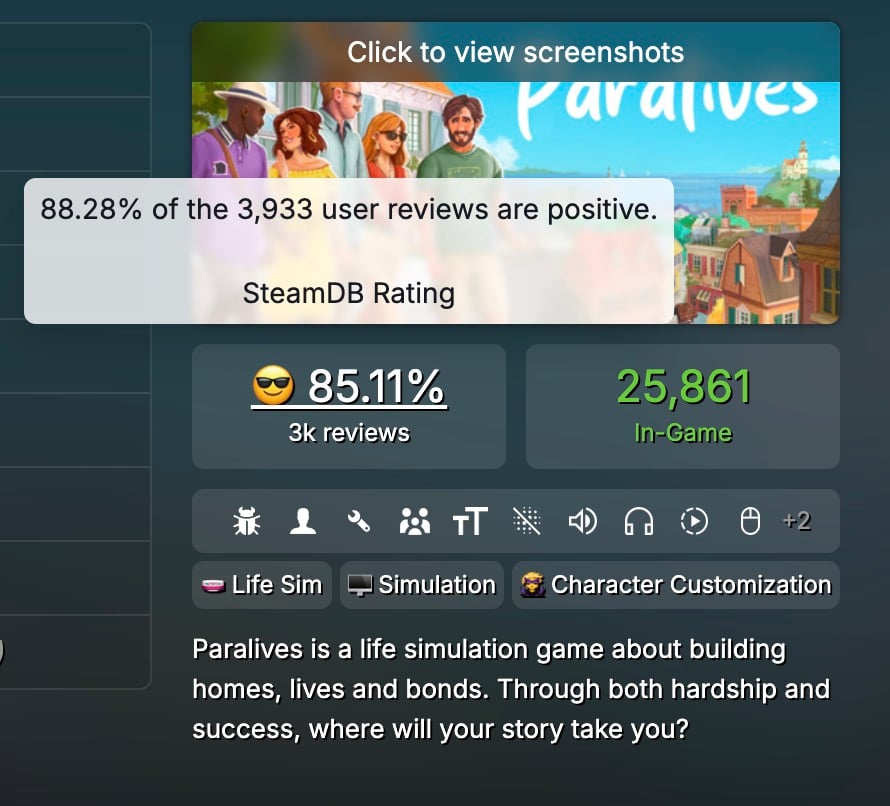
With around 4 thousand individual reviews published for Paralives on Steam already, the game is currently ranked at 88.28% very postiive rating. This comes from all language reviews posted on steam with 3,933 reviews published total for now.
First Steam Reviews
I’d been worried about whether Paralives was really going to become a reality, but after many years, the team has pulled through and actually delivered on their ambitious promises. As someone who also develops a life simulation game, I think Paralives is one of the most impressive indie projects that have been released in a good while.
While the game is still very buggy, it’s an absolute blast to play. The build tools feel smooth and fun to use and are incredibly versatile. Live mode already feels pretty complex even with the limited amount of overall features, largely since the townie quests, life goals and nightly stories enrich gameplay and (optionally) guide players into a gameplay direction.
The price tag isn’t something to scoff at for an indie game in Early Access, but I absolutely recommend the game to any life sim lovers who are okay with helping shape development and encountering the occasional bugs.
For the price of one Sims 4 expansion, you’ll get this lovely indie game with ALL future updates being free. There is a catch though.
It’s releasing in early access for a reason. Paralives started as a solo project and slowly grew to a team of 15 people. More than 1,078 people contributed to the Sims 4 basegame alone. These games have a completely different scope. Set your expectations accordingly.
Paralives is a game that has its heart in the right place. It’s a joy to play. The open world, artstyle, customization, modding tools, and RPG mechanics are absolutely amazing. You should expect some animation hiccups, stutters, and other bugs though.
I’m incredibly excited for the future of Paralives. Let’s see what the team will cook up with those free updates. I can’t wait!
The success of Paralives is one for the history books. By now the team has accumulated over 10 million dollars in revenue, promising a very long and bright future for the game post-release.
What are your thgoughts on the current success of Paralives? Let us know in the comments down below and stay tuned for more updates on Paralives Sales and General Articles!
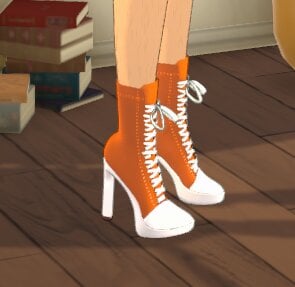
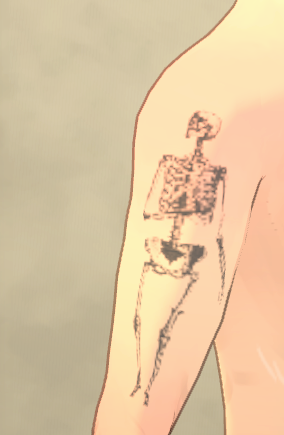
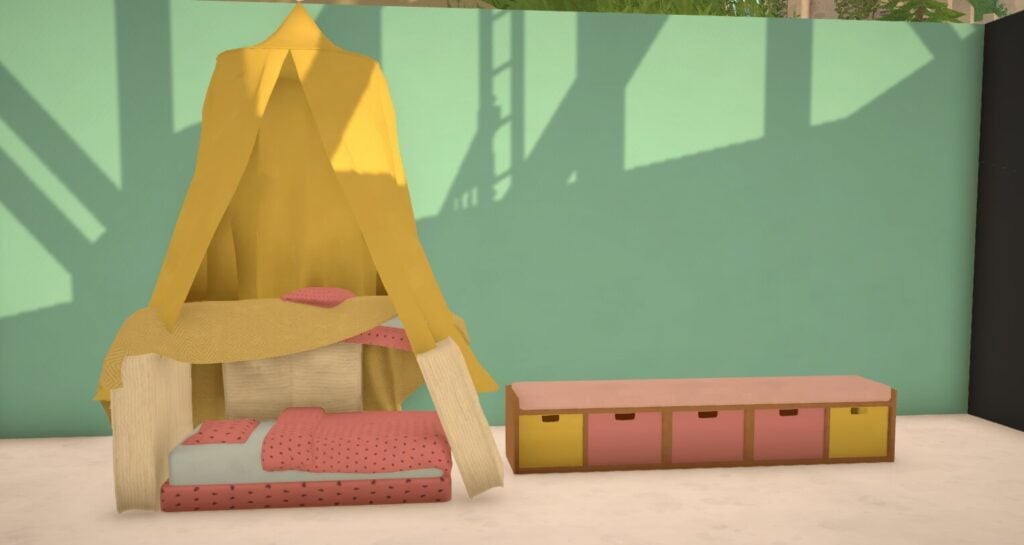
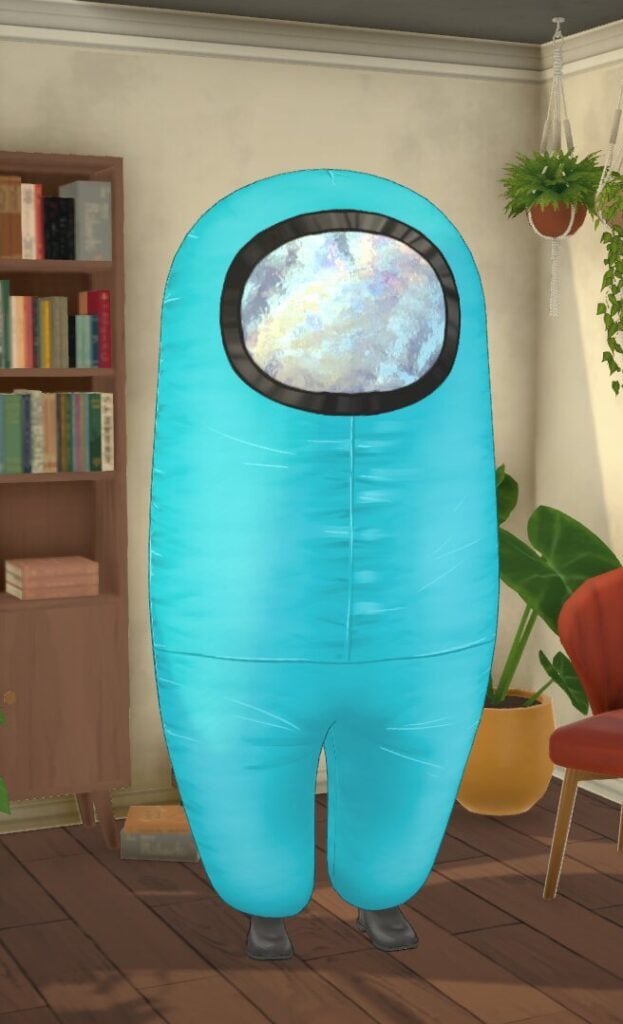
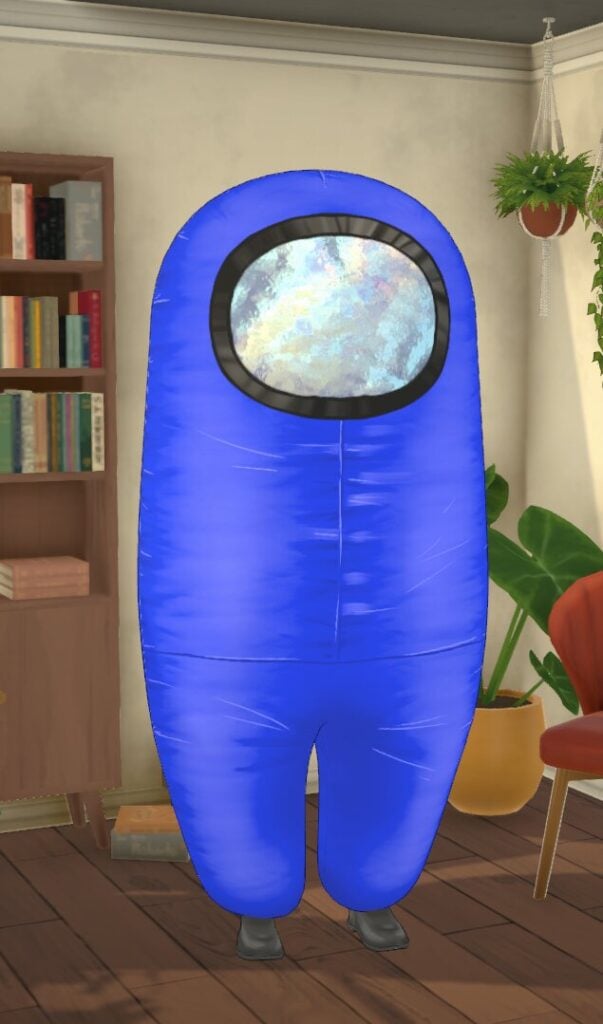
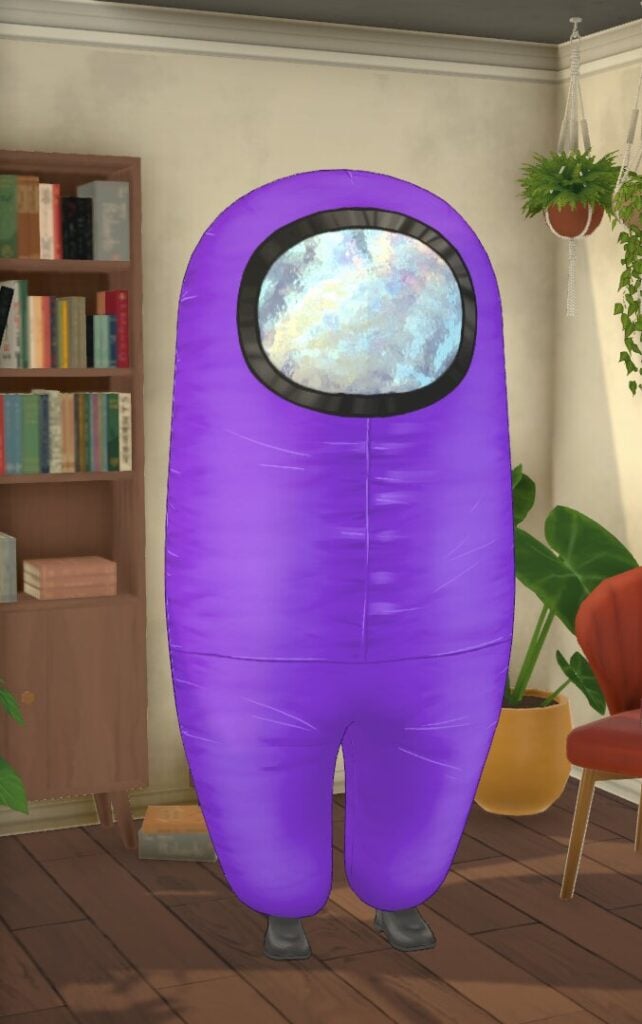
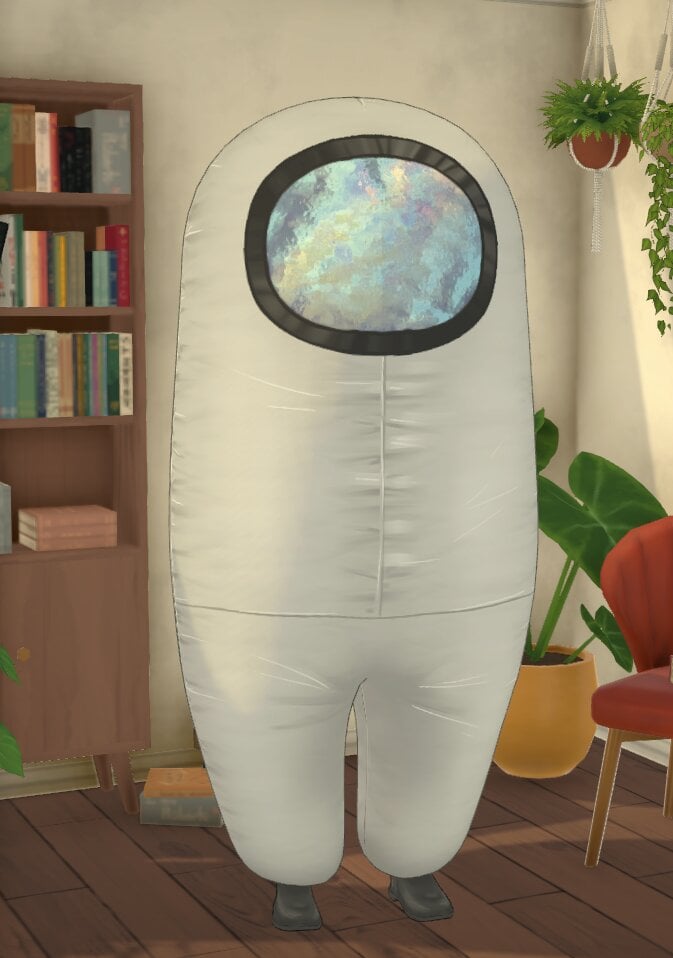
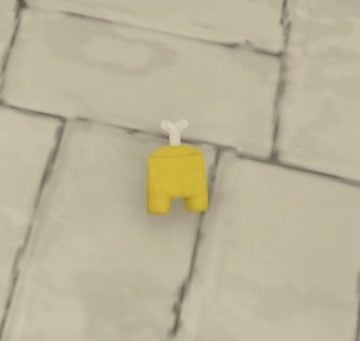
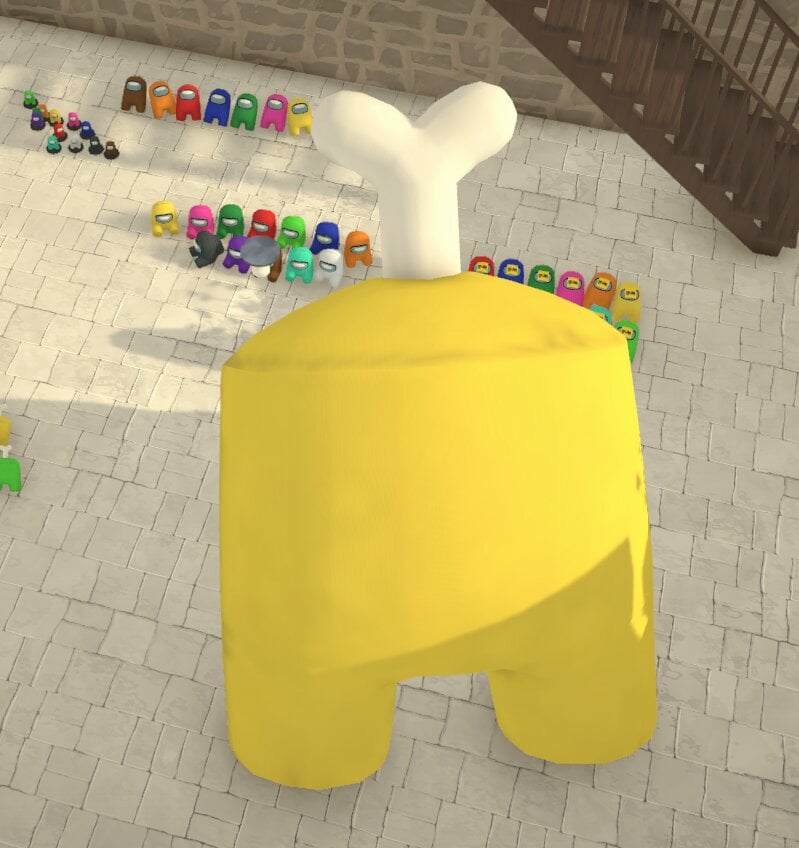
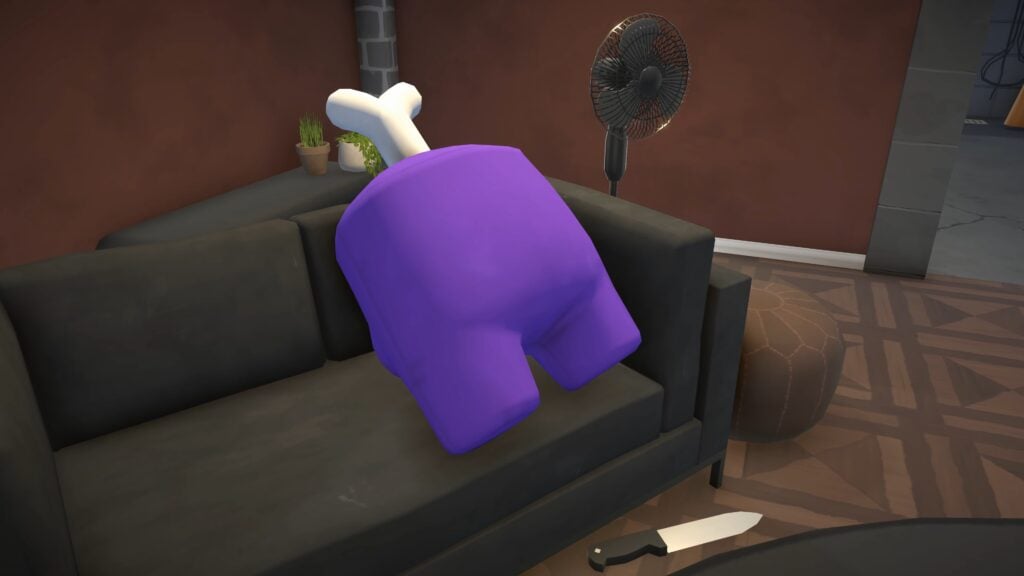
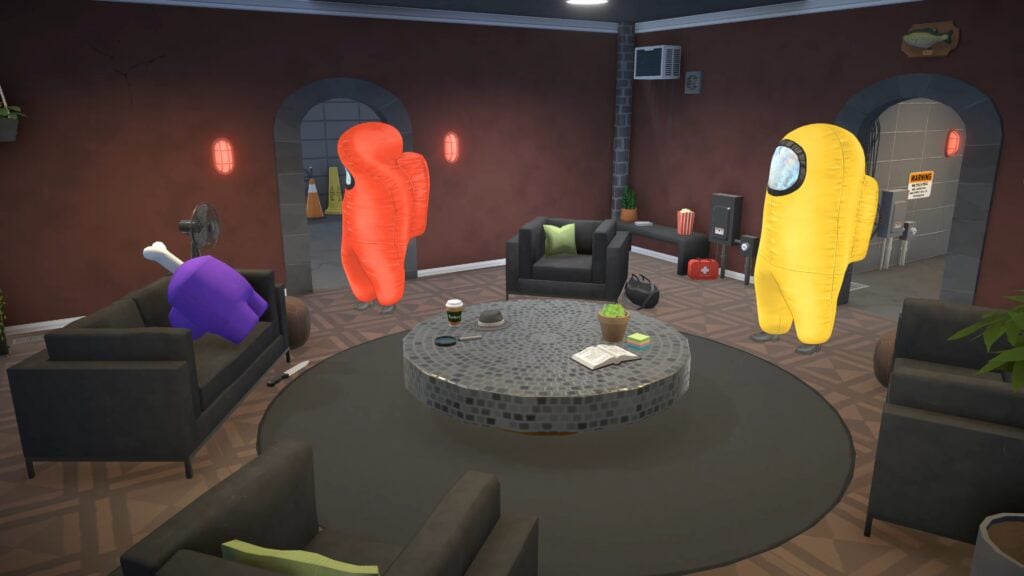
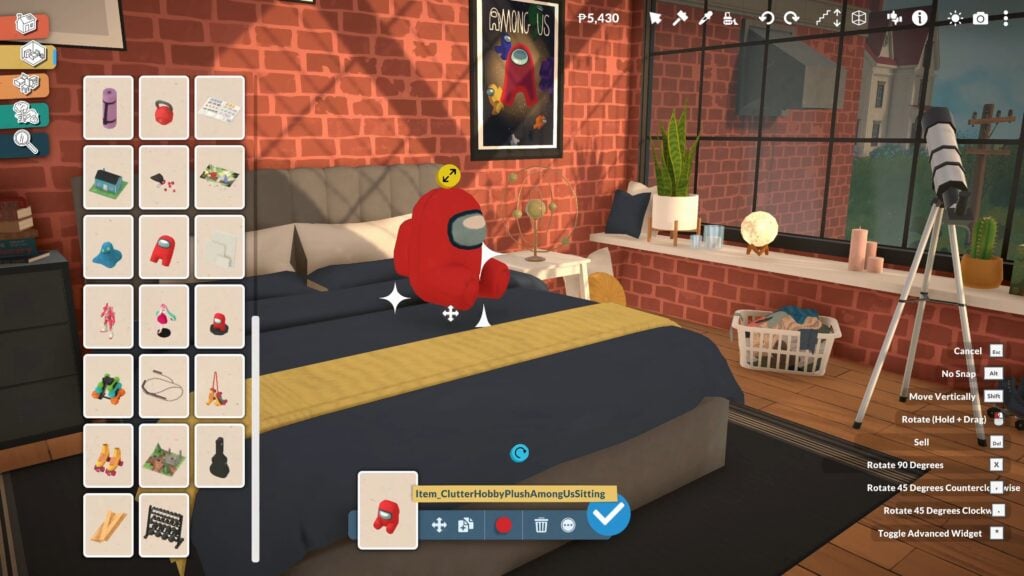
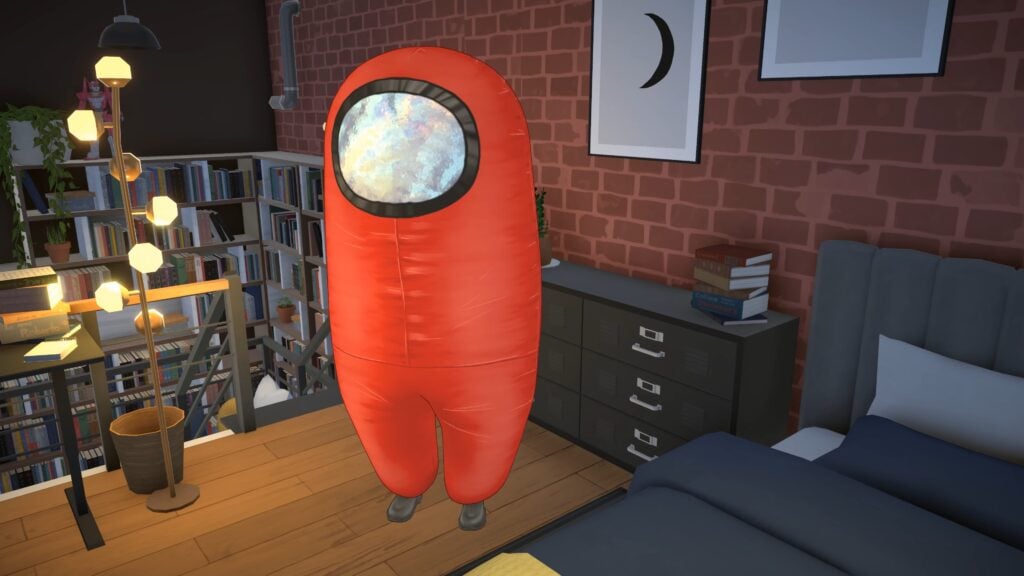
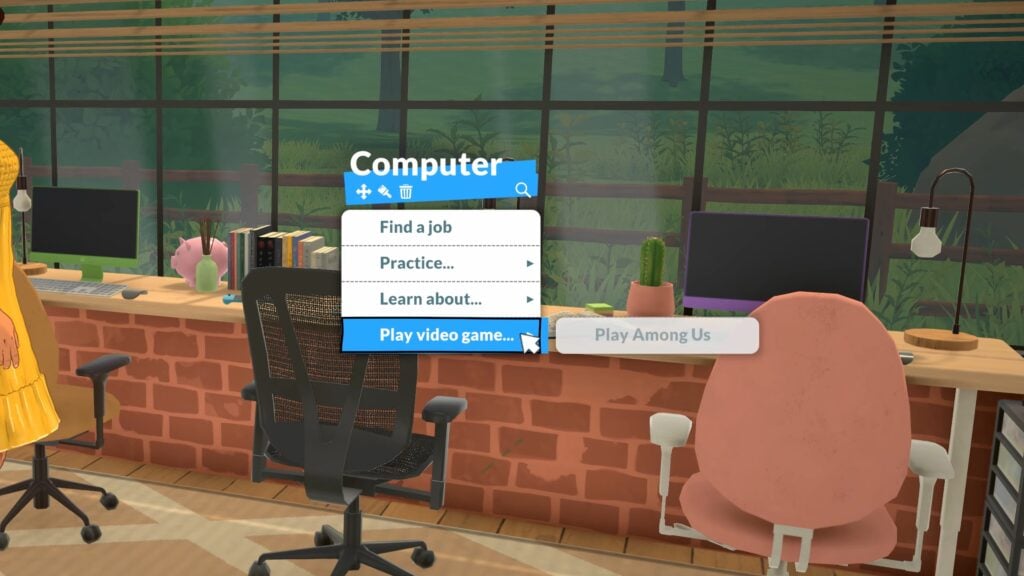
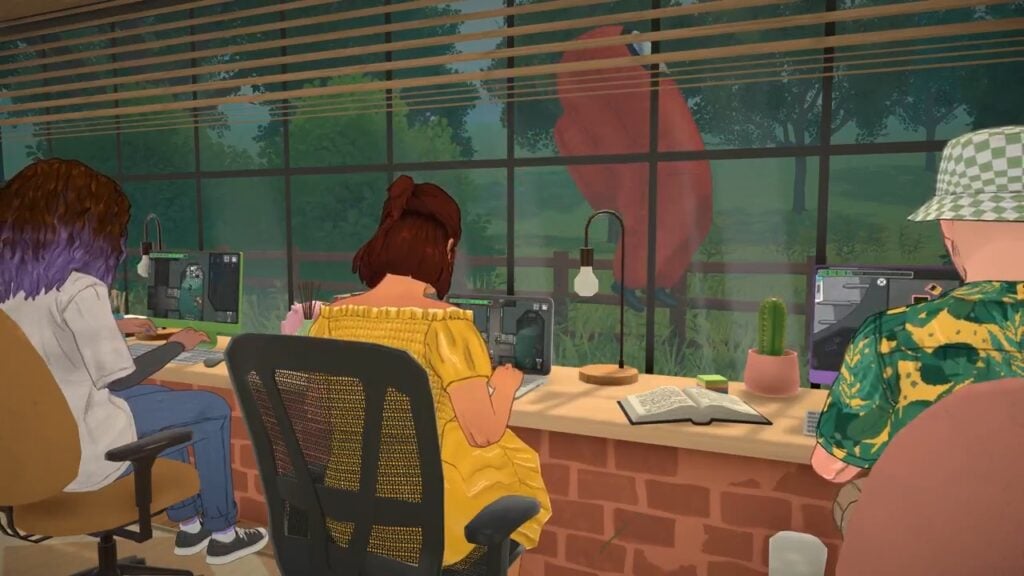
A host of Paralives collab drops wasn’t on our launch day bingo card, but we couldn’t be happier to see it!
As if Paralives launching wasn’t exciting enough, around 15 minutes after launch, the team at Paralives announced a strong of collabs on their social media and discord channels.
Paralives Collab Drops
Among Us
Among Us Costume
This Among Us costume comes in 12 swatches and can be worn by Parafolk under the Costumes category.
It can be worn by all ages from child to elder. Babies and toddlers cannot wear this.
Among Us Computer Game
You can get your Parafolk to play Among Us on the computer, and it will fill up any Jester’s fun need.
Among Us Poster
You can also add this new Among Us poster to the poster frames, it is at the bottom of the image selection.
Among Us Toys
Two new toys are available as part of this Paralives collab, and you can find them in the build mode catalogue by searching Among Us.
One is a stuffed toy, the other is a small desk decoration.
The stuffed toy also comes in four variations.
These come in the same twelve swatches as the costume.
They can also be resizes to be gigantic or tiny. The only limit is your ceiling height!
Outbound
The second Paralives collab announced today was with Outbound.
Outbound Computer Game
Parafolk can play Outbound via the computer to entertain themselves and raise their fun need if they have one.
Outbound Decorative Camper Van
The campervan decor item comes in two variants and six swatches. The Otibondi without the items on the roof is free if you want this nice decor item but want to save some money.
Kitfox Games
Two of the Kitfox Games, Dwarf Fortress and Boyfriend Dungeon, have also been announced as part of the Paralives collab drop on launch day.
Dwarf Fortress and Boyfriend Dungeon Computer Games
Parafolk can play Boyfriend Dungeon and Dwarf Fortress on the computer. Like the others, these both also raises Jester Parafolk’s fun need.
Body Pillows
This Paralives collab also comes with five body pillows, three of which come with a sitting and lying variant.
If you want a body pillow but want to save some Paradimes, the seated ones are free!
Most of these pillows come with six swatches, apart from the Sundar and Valeria pillows, which only come with one.
Unfortunately, you cannot cuddle with or lie on the body pillows; they’re just decorations.
House Flipper
While they don’t have a collab in-game, a House Flipper and Paralives collab is live on the Steam store right now, with both games being offered at a bundle discount when bought together.
The Paralives launch coinciding with three in-game collabs as well as bundle discounts with other popular indie games is definitely something no one expected, but was a really nice surprise.
All of these collabs have blown away fans of the game and reactions on social media have been priceless, with people being really supportive and excited to see these in-game – quite a big contrast from certain other life simulation games which collabs are normally met initially with a sigh or a hint of scepticism.
What Paralives collab drops would you like to see next? Are these items that you will be making use of in your game? Let us know below.
We have been creating a lot of content in the lead up to the Paralives launch. You can also read all of our recent Paralives news and guides here.
How to Customize Your Town in Paralives With This Hidden Cheat
Paralives gives players an enormous amount of freedom to customize their game. Between Build Mode, Paramaker, object recoloring, and clothing customization, almost every part of the experience can be changed to fit your own stories and ideas. But one of the most surprising tools currently available is the ability to Edit Town through ahidden cheat command.
With this trick enabled, players can modify areas far beyond their own household lot. Public spaces, beaches, roads, buildings, and neighborhoods across Melino become editable, allowing players to reshape parts of the city however they want. Whether you want small decorative changes or complete neighborhood makeovers, the cheat opens the door to a completely different level of customization.
In this quick guide, we’ll explain how to activate the Edit Town feature in Paralives and how to start modifying Melino to create your perfect version of the town.
💡 We have more Paralives Cheats listed right here!
Table of Contents
How To Edit Town in Paralives
To enable Edit Town mode, players simply need to open the command console by pressing Shift + Ctrl + C (Shift + Cmd+ C on Mac) on their keyboard. Once the command bar appears, type “ToggleEditTown” and press Enter. After activating the cheat, players will gain access to Build/Buy Mode across the entirety of Melino, instead of being limited to their currently owned lot.
From there, players simply need to use the traditional building and decorating tools they already use on residential lots, but now anywhere in the world. This makes it possible to freely modify public spaces, empty areas, roads, neighborhoods, and much more throughout the town.
How This Cheat Works
After typing the command into the cheat console and pressing Enter, players can immediately begin editing almost any part of Melino using the traditional Build/Buy tools already available on residential lots.
This means players are not limited to their own property anymore. Instead, they can visit public spaces, community venues, parks, beaches, shops, and many other areas across the town to freely place, remove, or customize objects however they want.
Want to add extra benches and vending machines to a public area? You can. Prefer creating a larger picnic space near the beach with more cushions and decorations? That works too. The cheat essentially turns the entirety of Melino into one giant editable space.
The possibilities also extend to full Build Mode tools. Players can modify terrain, place walls and floors, create new structures, redesign outdoor areas, or completely transform existing locations throughout the city. Whether making small decorative changes or fully rebuilding neighborhoods, Edit Town mode gives players complete creative freedom across Melino.
Things Players Should Be Careful About
Even though edit town mode in Paralives offers a huge amount of creative freedom, players should keep in mind that this feature currently works as an experimental cheat rather than a fully developed official tool. Paralives is expected to receive a dedicated town editing system in the future, but at the moment, this command mainly exists to let players experiment with specific modifications around Melino.
Because the cheat removes many of the normal building restrictions, players technically gain control over almost everything in the world. Roads, train tracks, decorative objects, buildings, and even parts of public spaces can all be deleted or modified since the game treats the environment similarly to a normal Build/Buy lot.
However, this also means it can be very easy to accidentally break the appearance or structure of the city. Large-scale redesigns may become difficult to manage, especially because Melino includes many areas with different terrain heights and elevations.
The same limitations apply to Build Mode construction. While players can place walls, floors, and structures almost anywhere, creating fully functional buildings outside regular lots can become complicated. Since walls cannot always properly connect across uneven terrain or different height levels, some areas of Melino are not really designed for massive construction projects using this cheat alone.
This Edit Town cheat already has a lot of potential for creative players who want even more control over Melino. Are you planning to try it for yourself and redesign parts of the city?
Let us know your ideas, and make sure to check out our other Paralives guides and coverage for even more tips, tricks, and gameplay details.
Just a few short hours after the drop of the newest Life Simulation game Paralives, multiple new and free collaborations have been announced with other indie game developers. With so much new contentf and some fun and silly additions being added to the game in such a short period of time, and so soon after release, there’s so much to catch up on!
All Paralives Collabs Announced Today
Table of Contents
Paralives x Among Us
Prepare for departure but beware the Impostor! Grab your crew in this hit multiplayer game of teamwork and betrayal. Play online with 4 – 15 players as you attempt to hold your spaceship together and return to civilization, but keep an eye out as one or more random players among the crew are Impostors bent on sabotaging and killing everyone!
Among Us Official Game Description, from InnerSloth
The major hit multiplayer game Among Us which hit its height of popularity a few years ago is one of the major collaborators with Paralives; Collect special stamps, dress up as your favorite crew mate, decorate your Para’s rooms with figurines and stuffed crew mates, and play Paralives on your Para’s computer!
Video Trailer
Paralives x Kitfox Games
Kitfox Games is an independent Montreal-based game studio dedicated to developing and publishing only the highest quality games. We have a soft spot for exploring and discovering intriguing worlds. We’re united in creating the best worlds to explore, and growing together in the process.
We believe in always learning, professional artisanry, being courageously creative, and pursuing mastery.
Kitfox Games Press Kit, About The Company
Paralives x Dwarf Fortress
The deepest, most intricate simulation of a world that’s ever been created. The legendary Dwarf Fortress is now on Steam. Build a fortress and try to help your dwarves survive within a massive generated world. Purchase Dwarf Fortress in its new premium version to support its developers, Bay 12 Games.
Dwarf Fortress Official Game Description, from Kitfox Games Press Kit
The roguelike simulation game Dwarf Fortress, originally released in 2006 by Bay 12 Games, has also collaborated with the new indie Life Simulation Paralives. Your Paras can play the insanely addictive simulator game while also collecting merch for their favorite indie game!
Paralives x Boyfriend Dungeon
Date your weapons! Romance swords, daggers, and polearms to level them up in this “shack-and-slash” dungeon crawling adventure.
Boyfriend Dungeon Official Game Description, from Kitfox Games on Steam
Along with their largest title Dwarf Fortress, Kitfox games has also collaborated with Paralives and brought their unique game that blends aspects of dating simulators and dungeon crawlers! Like the other collaborations, your Paras can play these games and also collect merchandise, including some very interesting body pillows of certain in-game characters from Boyfriend Dungeon.
Video Trailer
Paralives x Outbound
Outbound is an open-world exploration game set in a utopian near future. Start with an empty camper van and turn it into the home of your dreams – alone or together with your friends. Build and explore at your own pace. Scavenge materials, craft, and build in and on top of your vehicle with modular parts. Advance in technology and efficiently use energy to power your home. Adjust your playstyle to adapt to new landscapes and changing environmental conditions.
Outbound Official Description, from Silver Lining
The casual adventure simulator where you travel around in a van and live free-spirited is the other major collaboration Paralives has seen on launch day. Add the iconic van to your Para’s home as a decorative model or decorative vehicle, and embrace the adventure of the outdoors and nature surrounding Melino!
Video Trailer
The Steam Bundles
Each of these collaborations, plus another additional game that has not yet added new content to Paralives, all come with Steam purchase bundles that allow you to get both for a reduced price
House Flipper 2 by Frozen District is paired with Paralives, on sale for roughly 23% off at $55.78 USD for the bundle.
Outbound by Square Glade Games is paired with Paralives, on sale for roughly 6% off and retailing for $54.88 USD for the bundle.
Dwarf Fortress by Kitfox Games is paired with Paralives, on sale for roughly 6% off and retailing for $59.38 USD for the bundle.
Are you planning on scooping up any of these bundles, or have you played any of the games collaborating with Paralives today?
Paralives officially released today, May 25h 2026, and retails for $39.99 USD MSRP, but is on sale until June 1st for 10% off! Make sure to keep up with The Sims Community while we keep you up to date with everything to do with Life Simulation games!