Home Blog Page 340

The Sims 4 Console: Game Size, Early Access to First Day DLC and more! (SimGuru Q&A)

0

SimGuruDuke answered plenty of more questions about The Sims 4 Console, where he confirmed the file size of the game (around 12GB), explained that people who already bought Deluxe Edition will also be able to enjoy Launch Day DLC 3 days earlier and a lot more new information!

The Sims 4: Hollieween Build Challenge

Hello Simmers!

It’s been a while since I’ve created a build challenge and really wanted to get into the spooky mood this October!

The Hollieween Build Challenge has launched this week, so if you’re looking for a fun, creepy themed build challenge to sink your teeth into, look no further!

the sims, the sims 4 challenges, build challenges, the sims 4 build challenge, halloween build challenge, halloween challenge

The Rules:

  1. Roll the dice to pick your theme
  2. Pick any sized lot, in any world, and assign any venue type
  3. Roll the dice a second time to see which object you need to include*
  4. All DLC is allowed! No money restrictions! Custom content is not allowed (sorry CC lovers!)
  5. Upload to the gallery using the hashtag #Hollieween2017! Also you can create a speed build or a walk through and upload it to twitch, but I understand if it’s not possible to do so.

Check out the official video here!

I’ll check out each build live on my twitch channel from now until Halloween! You can feel free to submit your builds after that as well!

*The anti-balloon balloon item is from the Digital Deluxe version of the basegame. If you do not have this version, feel free to re-roll!

Add New Lot Traits to The Sims 4 with these Mods

Are you looking to expand the amount of traits that you have in your game even if you only have the base game? Well The Sims 4 Modder Endermbind has created two mods that do just that.

Adding the traits to your Lots is easy! Just click on the little house with the “i” on it which is in the top left hand corner of the screen while in build/buy mode and you can add the traits you want to your Lot.

Add New Lot Traits to The Sims 4 with these ModsMod One

The first mod has lot traits that eliminates particular needs on the chosen lot. These include the following:

  • Arid – Bladder
  • Hermitage – Social
  • Manna – Hunger
  • Pleasing – Fun
  • Immaculate – Hygiene
  • Invigorating – Energy

Add New Lot Traits to The Sims 4 with these Mods

By choosing any of the above Lot Traits means that all sims on the lot will have that particular need fulfilled. One thing to note is that these lot traits are a weaker interaction compared to actual Sim(s) traits and object interactions so in some cases you may find that trait is overrided.

To find out more about the Needs Lot Traits click here.

Mod Two

The second mod again is focused on lot traits and does work with the base game and comes in two parts meaning you can pick to have both parts of the mod in your game or just the one. These are broken into Positive Moods and Negative Moods which you can find out more below.

Positive Moods

  • Happy
  • Cofident
  • Energized
  • Focused
  • Flirt
  • Playful
  • Inspired

Add New Lot Traits to The Sims 4 with these ModsNegative Moods

  • Angry
  • Bored
  • Sad
  • Tense
  • Uncomfortable

Add New Lot Traits to The Sims 4 with these ModsLike the first Lot Traits mod, some of the traits are weaker than some Sim(s) traits and object interactions and therefore may be easily overrided. Negative Moods are weaker than Positive Moods so can quickly become overridden. Again the Moods do stack so you can select multiple Lot Traits at any one time.

To find out more about the Positive and Negative Moods Lot Traits click here.

Both of the mods are easy to add into your game. Simply download the file from Mod The Sims. Extract the files and then drag and drop them into your The Sims 4 Mod file. Once you have done that simply load up your game. Also don’t forget to make sure that you have Custom Content enabled and then you are ready to go!


The Sims 4 Cats & Dogs: Vet Info Overview

0

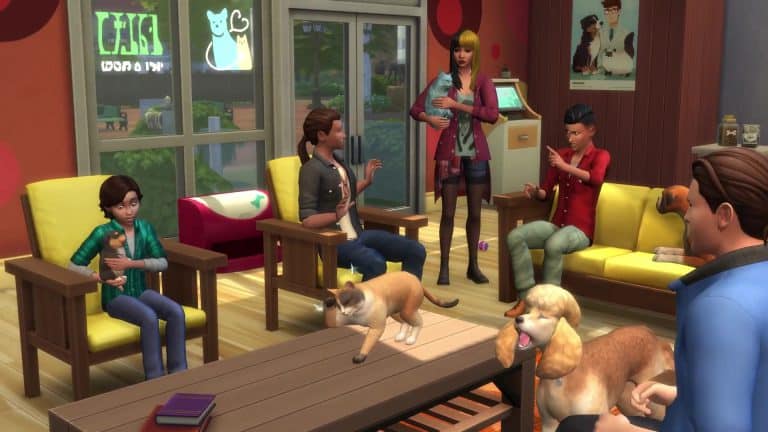
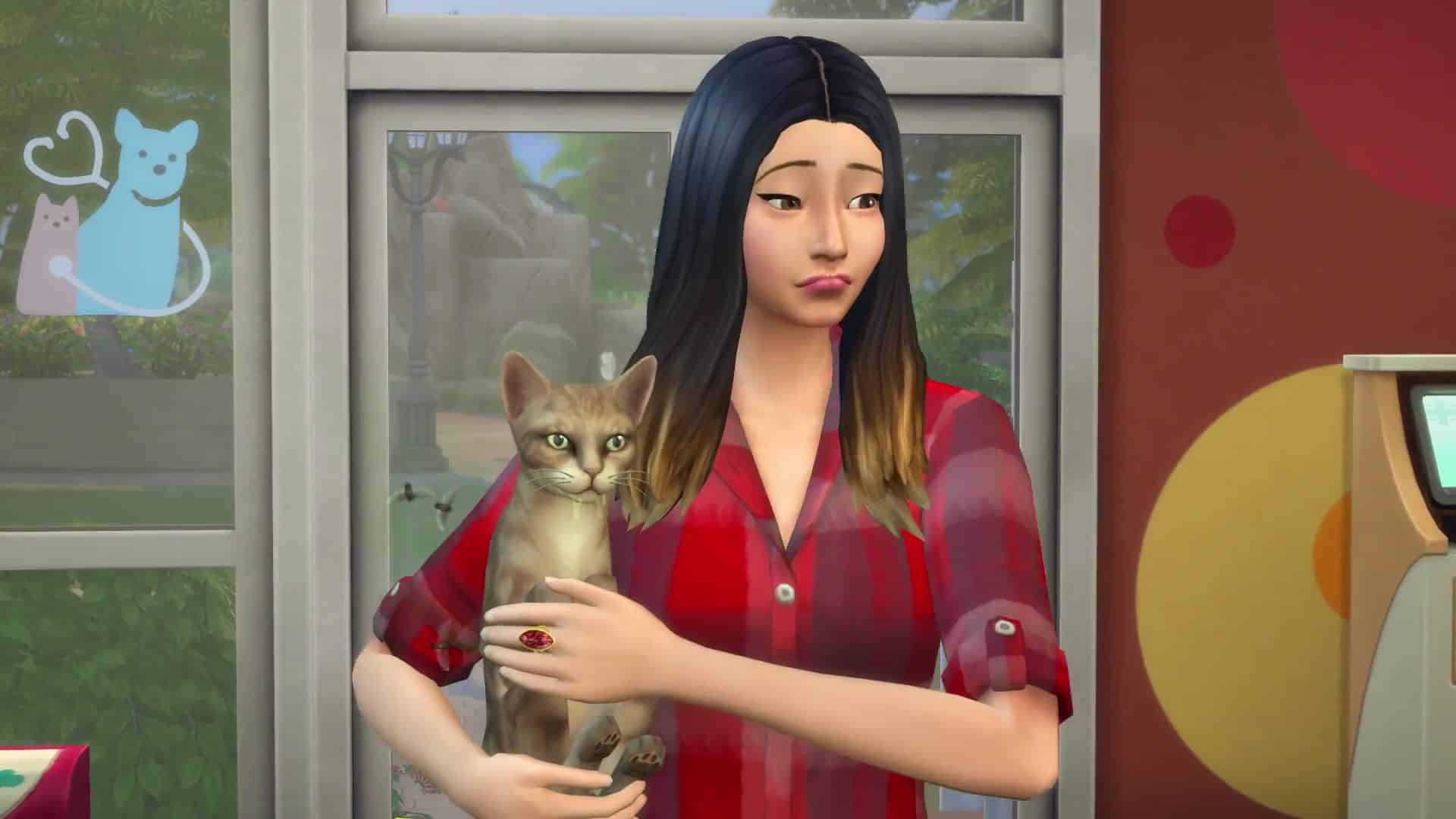
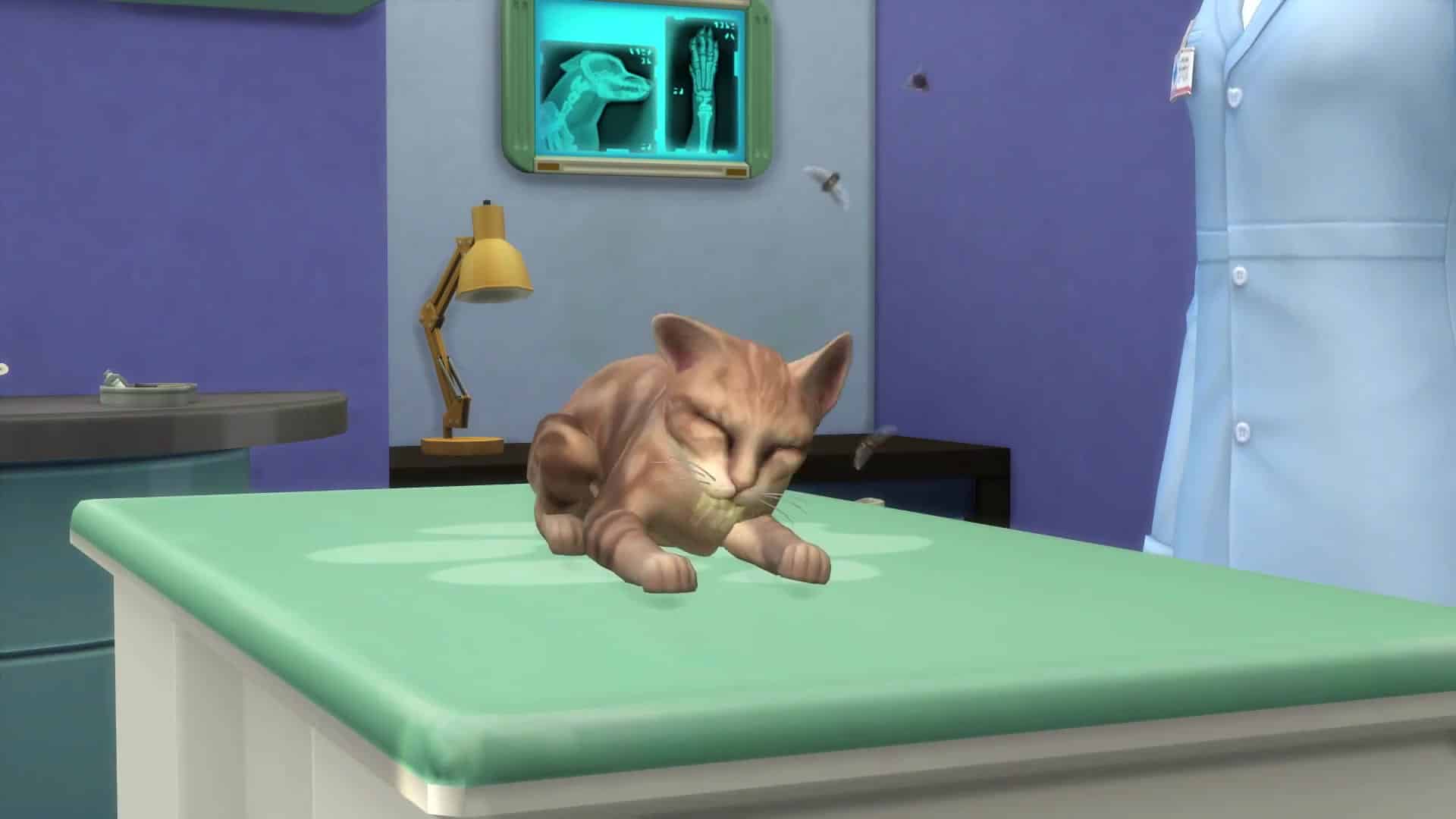
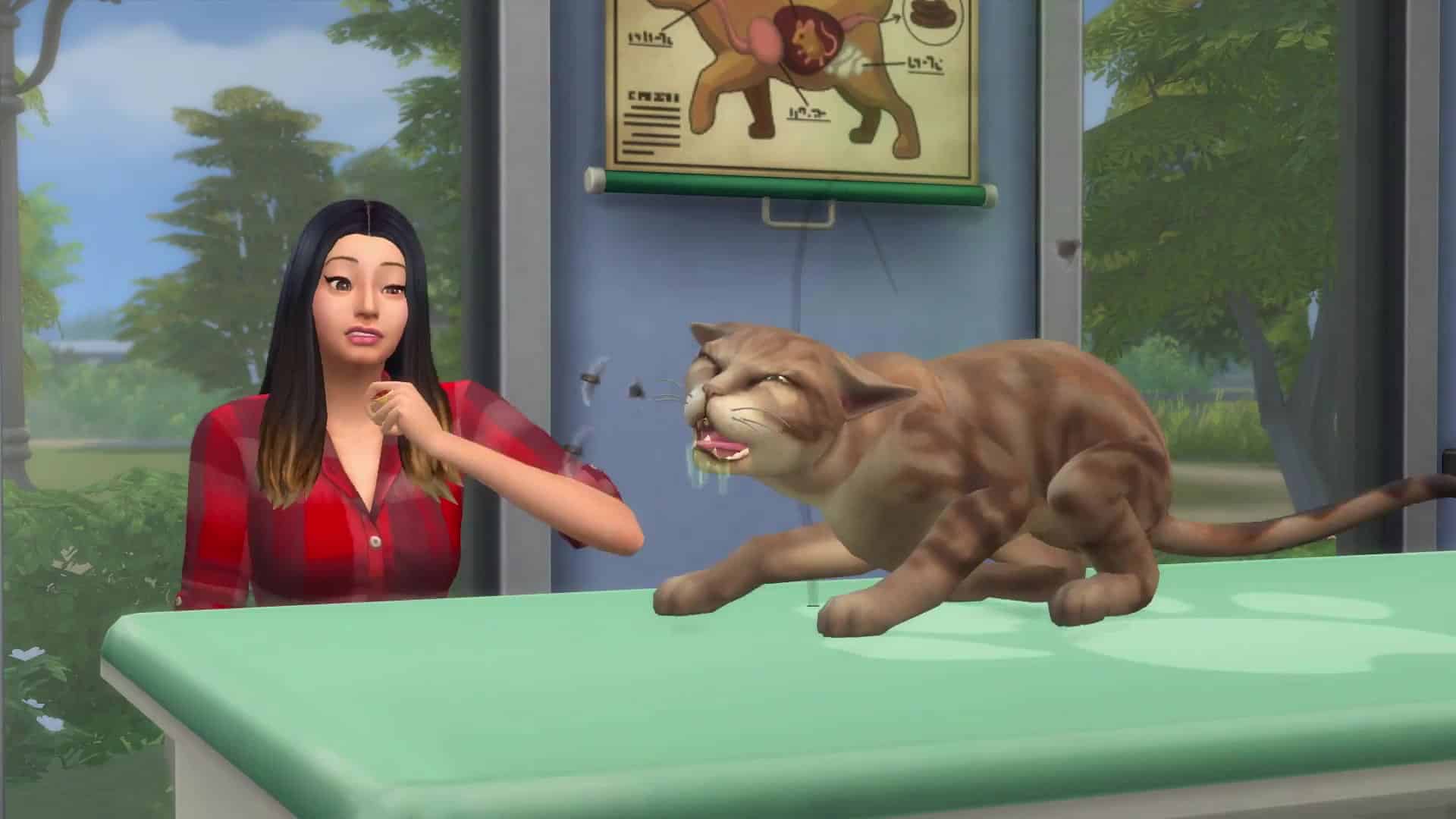
New information about The Sims 4 Cats & Dogs’ Vet Clinic have just been released! We covered some of the most important information in this video overview that you can check out above!

Check out our Cats & Dogs News Category to keep updated on the latest news and posts!

The Sims 4 Cats & Dogs: Vet SimGuru Q&A

0

SimGurus started answering some of your questions about The Sims 4 Cats & Dogs Expansion Pack on Twitter. More specifically – the Veterinarian aspect of this pack. Check out some of the new information about Cats & Dogs!

We’ll make sure to update this post as new tweets surface.

The Sims 4 Cats & Dogs: New Vet Render

2

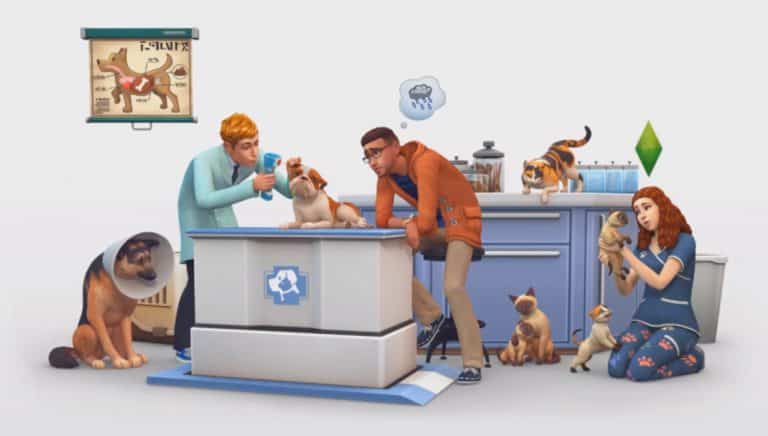
Bokado Sims, of the Sims Camp 2017 attendees showed a new The Sims 4 Cats & Dogs render which is featured in The Sims 4’s Main Menu. Check it out!

The Sims 4 Cats & Dogs: New Vet Render

The Sims 4 Cats & Dogs: SimGuruHouts Shares New Vet Info

2

A new batch of info about Veterinarian aspect of The Sims 4 Cats & Dogs Expansion Pack has started rolling out today. With the new trailer and blog post SimGuruHouts also wanted to share some new details about Veterinarians and the Vet Clinic!

Once we have more tweets and info about Veterinarians we’ll make sure to compile them into a seperate Q&A post.

The Sims 4 Cats & Dogs: SimGuruHouts Shares New Vet Info

The Sims 4 Cats & Dogs: Overview of 4 New Neighborhoods

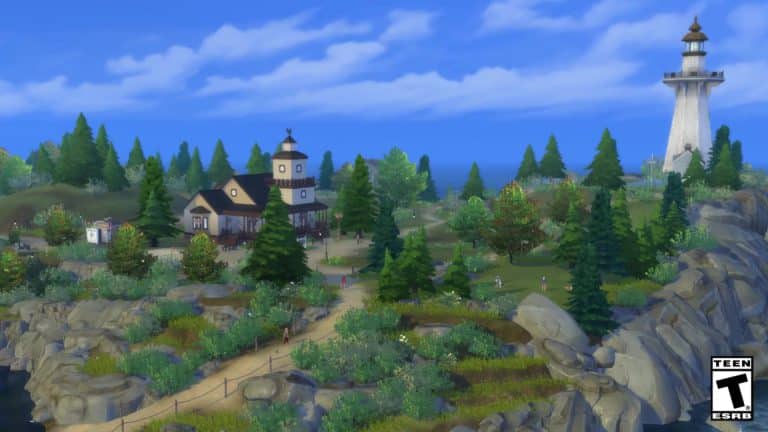
SimGuruJM confirmed a few days ago in a Create A Pet Livestream that Brindleton Bay, a new world coming with The Sims 4 Cats & Dogs Expansion Pack is going to have 4 neighborhoods – 3 full neighborhoods and 1 special neighborhood.

With all the new footage and screens of The Sims 4 Cats & Dogs we were able to make a compilation of all of these 4 new neighborhoods coming in Brindleton Bay.

Full Neighborhoods

Neighborhood #1

Neighborhood #2

Neighborhood #3

Special Neighborhood

The Sims 4 Cats & Dogs: 129 Screens from the Veterinarian Trailer

0

Want to spot all the details from The Sims 4 Cats & Dogs’ latest Veterinarian Trailer? Check out 129 screencaps from the video!

You can enlarge any image by clicking on it.

The Sims 4 Cats & Dogs: Veterinarian Gameplay Trailer

0

The Sims Team released a new trailer for The Sims 4 Cats & Dogs Expansion Pack, showing off the new Veterinarian gameplay!

The Sims Blog: Open Your Very Own Vet Clinic

1

Via TheSims.com!

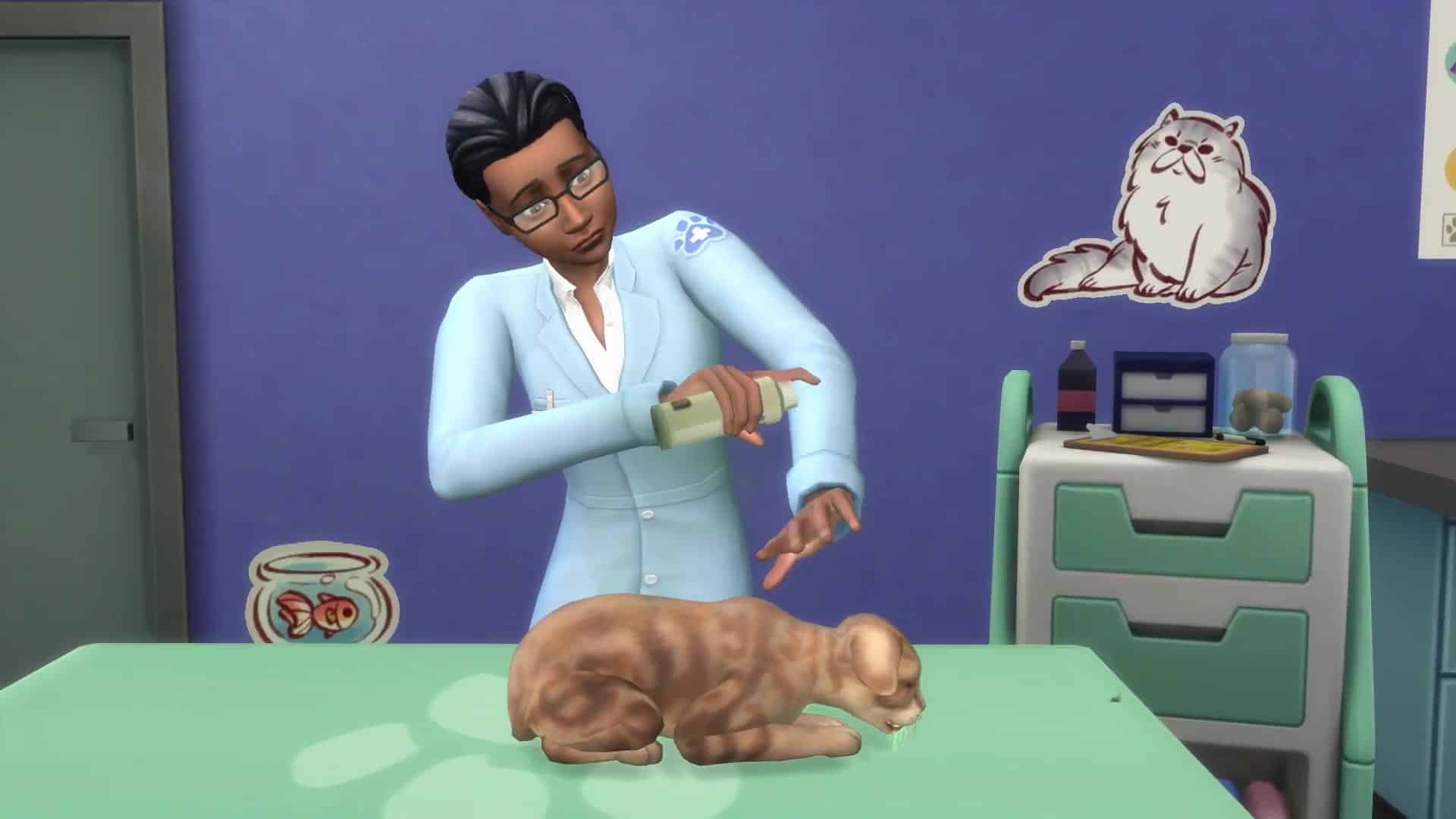
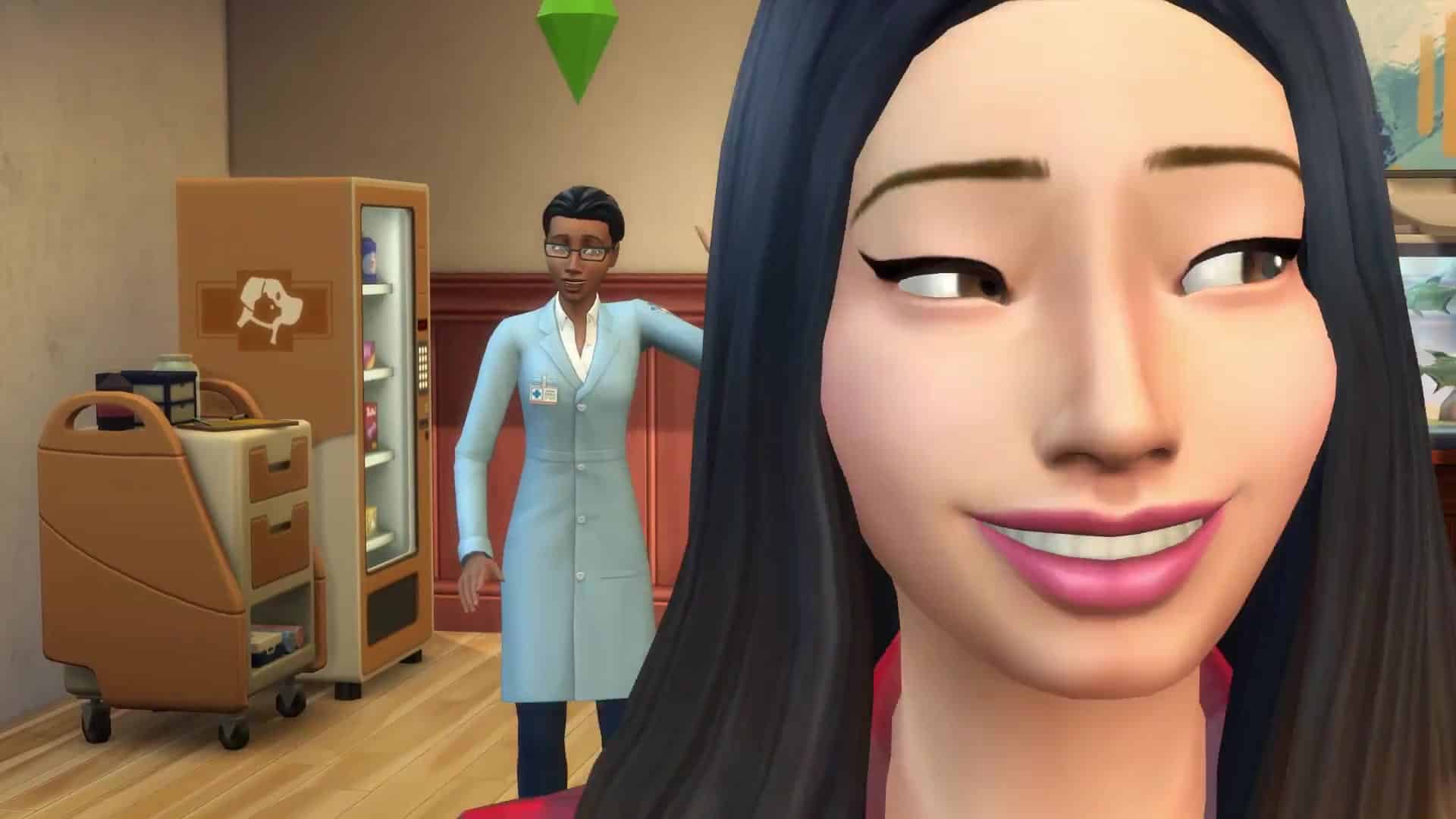
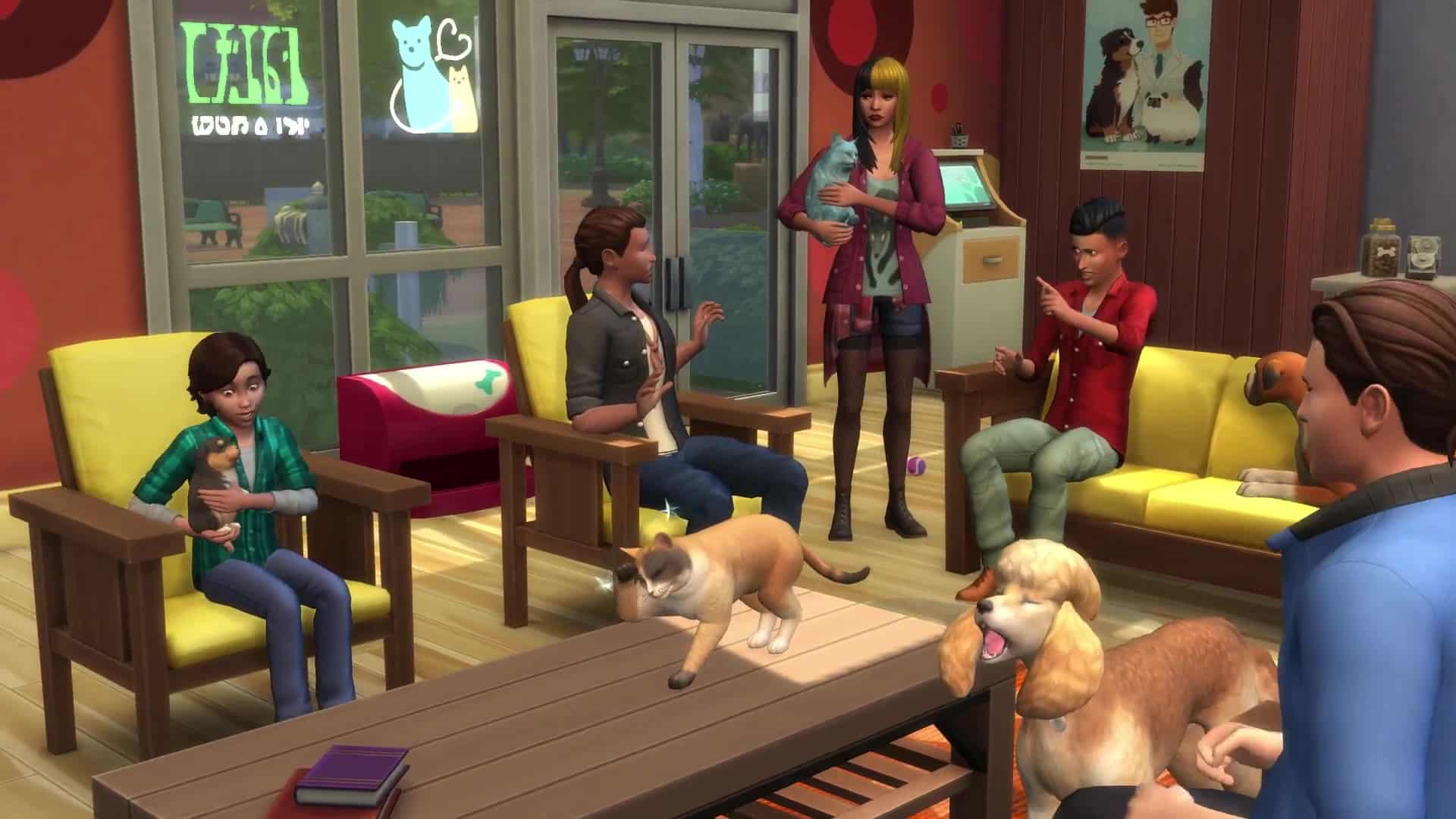
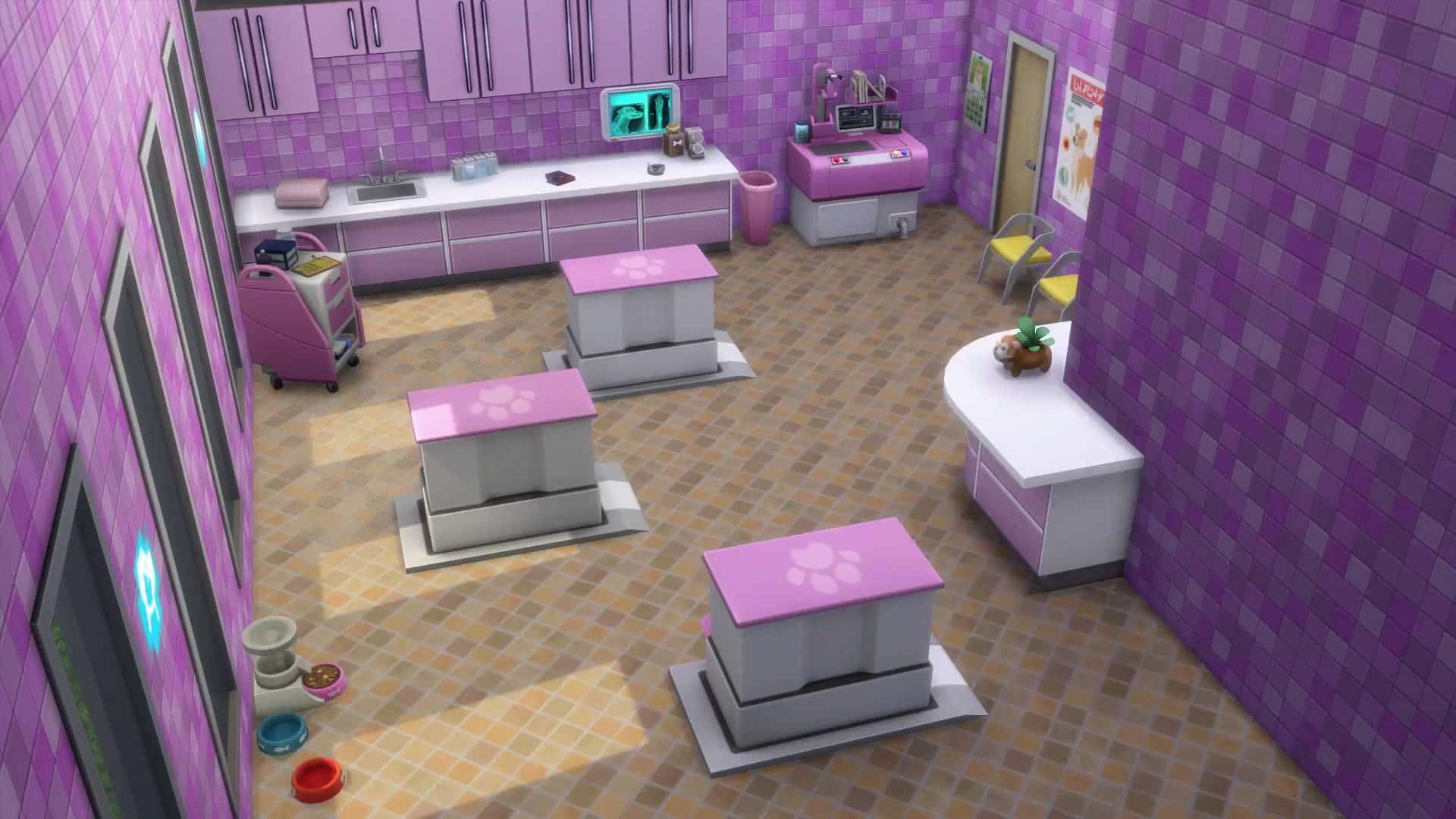
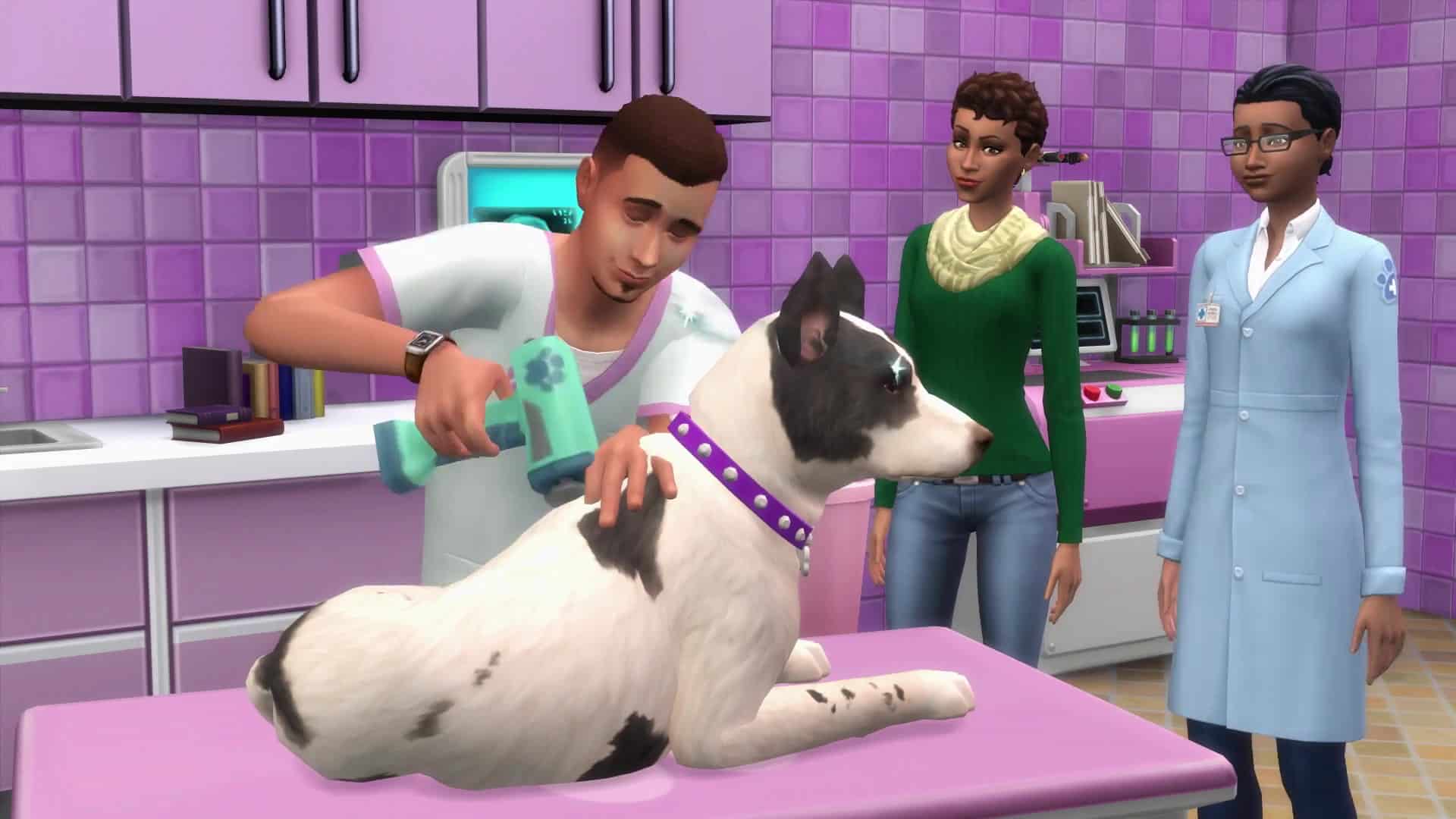
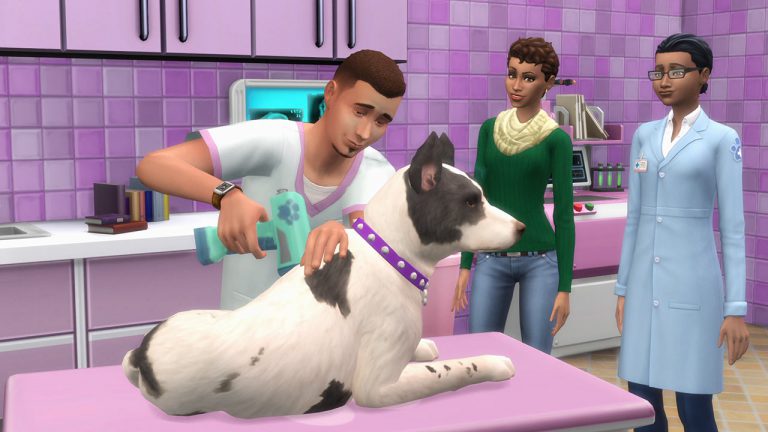
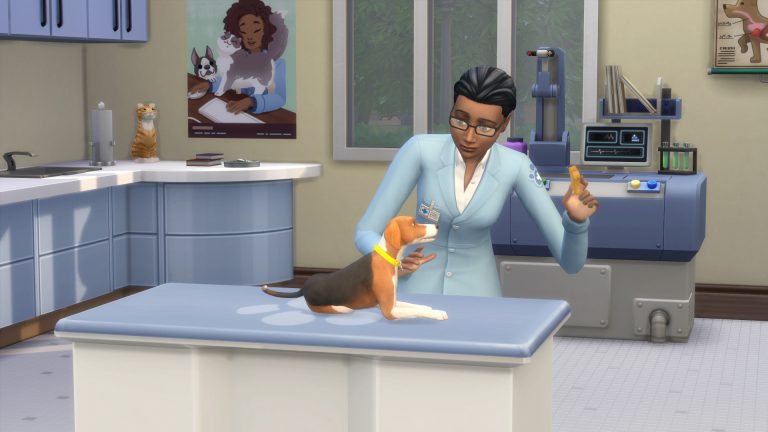
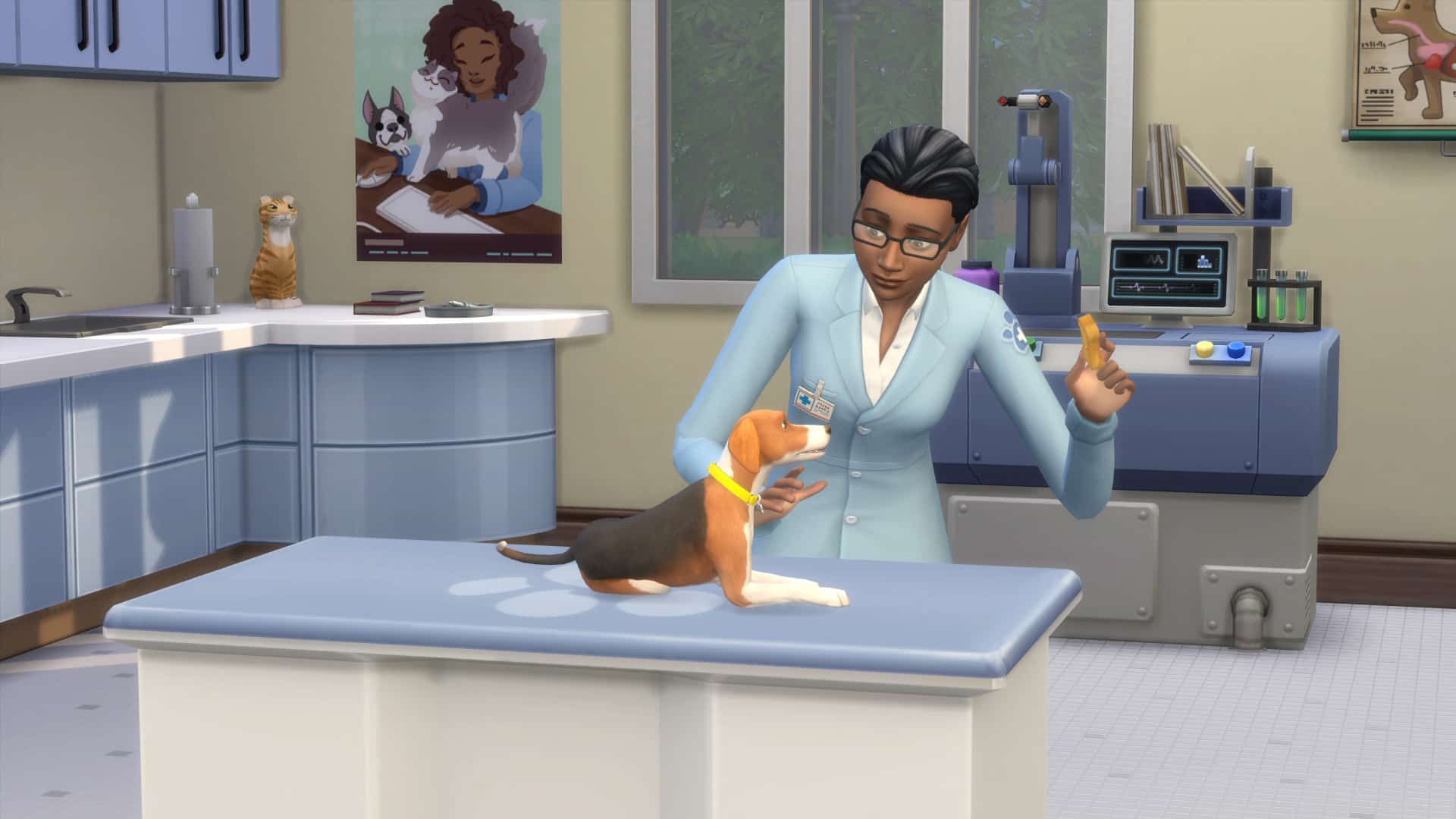
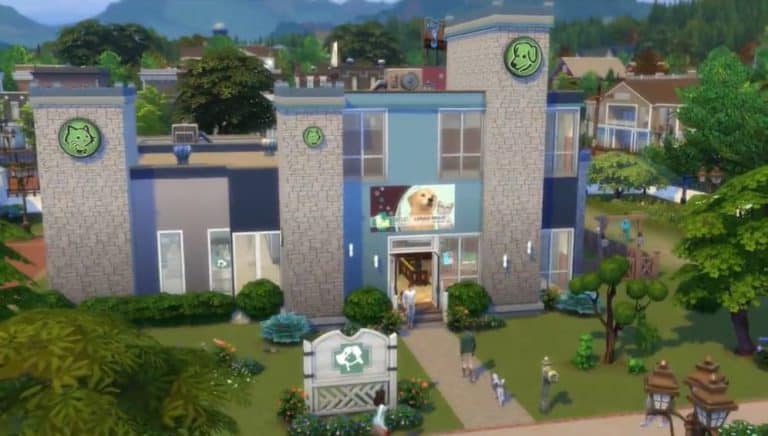
Hello Simmers! Roll up your sleeves and get ready to work, because The Sims™ 4 Cats & Dogs* has arguably our best business venue yet. In this latest expansion, your Sims can open a Vet clinic and begin working as the local town Vet. In doing so, they can design the clinic however they wish in Build mode to match their personal style and hire a staff.

The Sims Blog: Open Your Very Own Vet Clinic

Naturally, give employees raises, fire and discipline them, or even force them to wear ridiculous outfits. Or, normal ones, but where’s the fun in that? Those with Outdoor Retreat can have their Veterinarians wear the bear suit!

Much of the action revolves around your Sim improving their Vet Skills, which is key because your Sims themselves are the vets. If you want, train the entire family as your staff to maximize the number of clients you can serve and save on wages! The first stop is the exam table. Here, your Sim will need to carefully balance the patient’s stress levels while performing tests to diagnose the issue. There are a variety of new ailments in the game, like Fleas, Gilded Guts Disorder, and Advanced Swamp Mouth. Once you isolate the cause, you can perform the treatment and collect payment.

Or, you can take a shot in the dark and see where that leads you. But, beware! Using the wrong treatment will cost your Sims valuable time, Simoleons, and heavily stress out your patient!

The Sims Blog: Open Your Very Own Vet Clinic

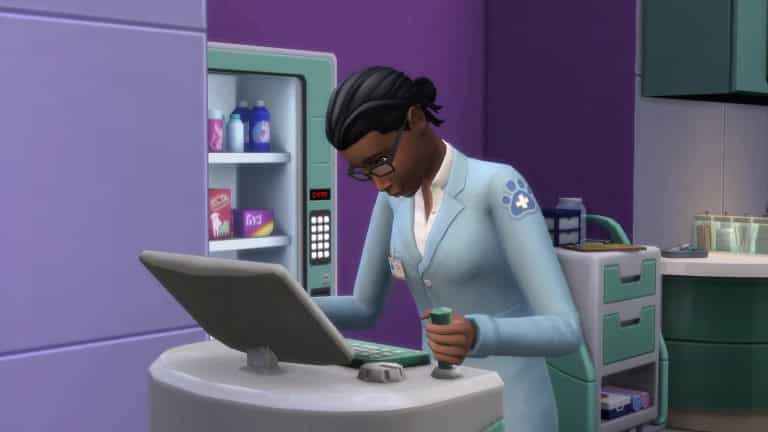
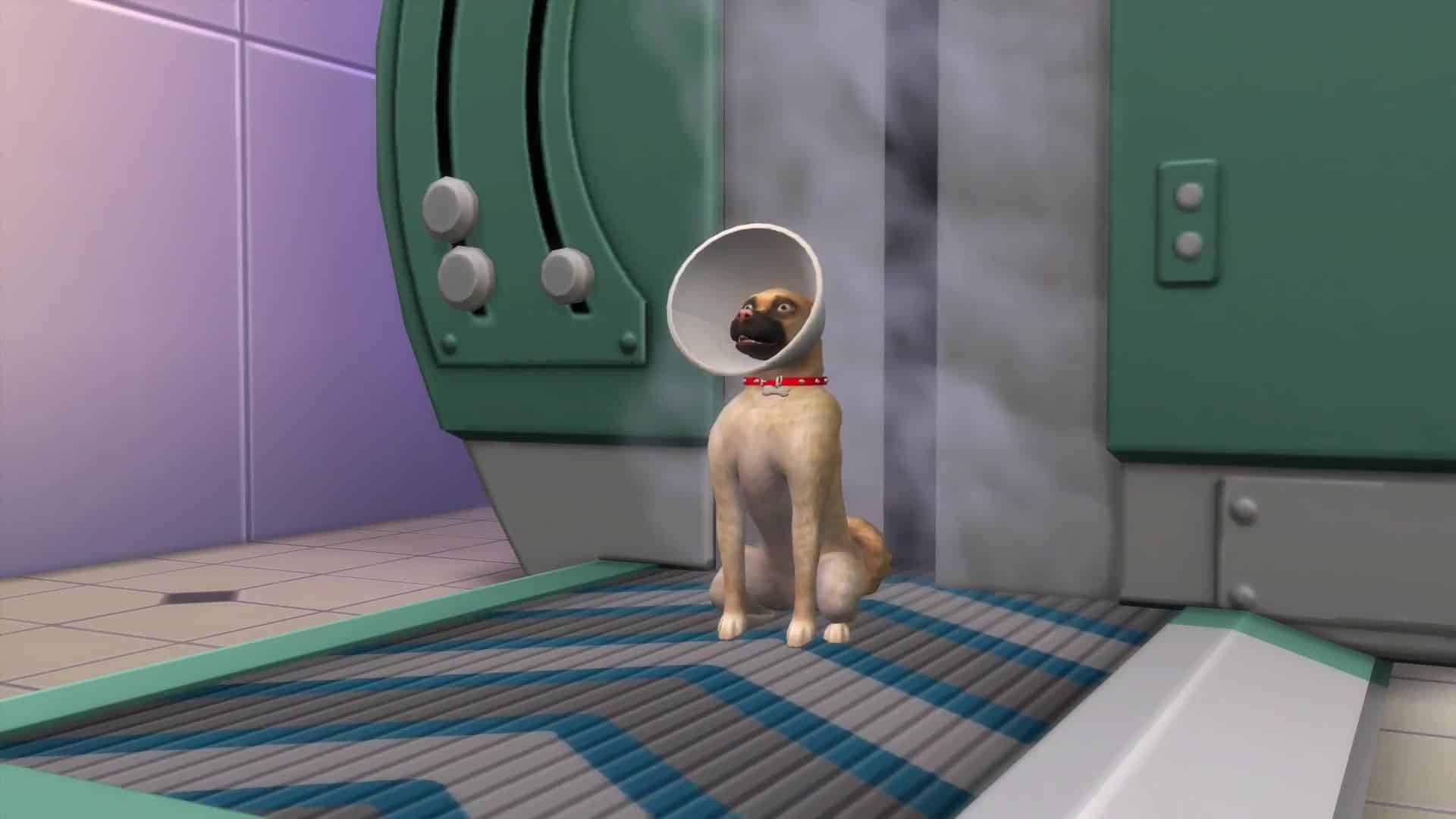
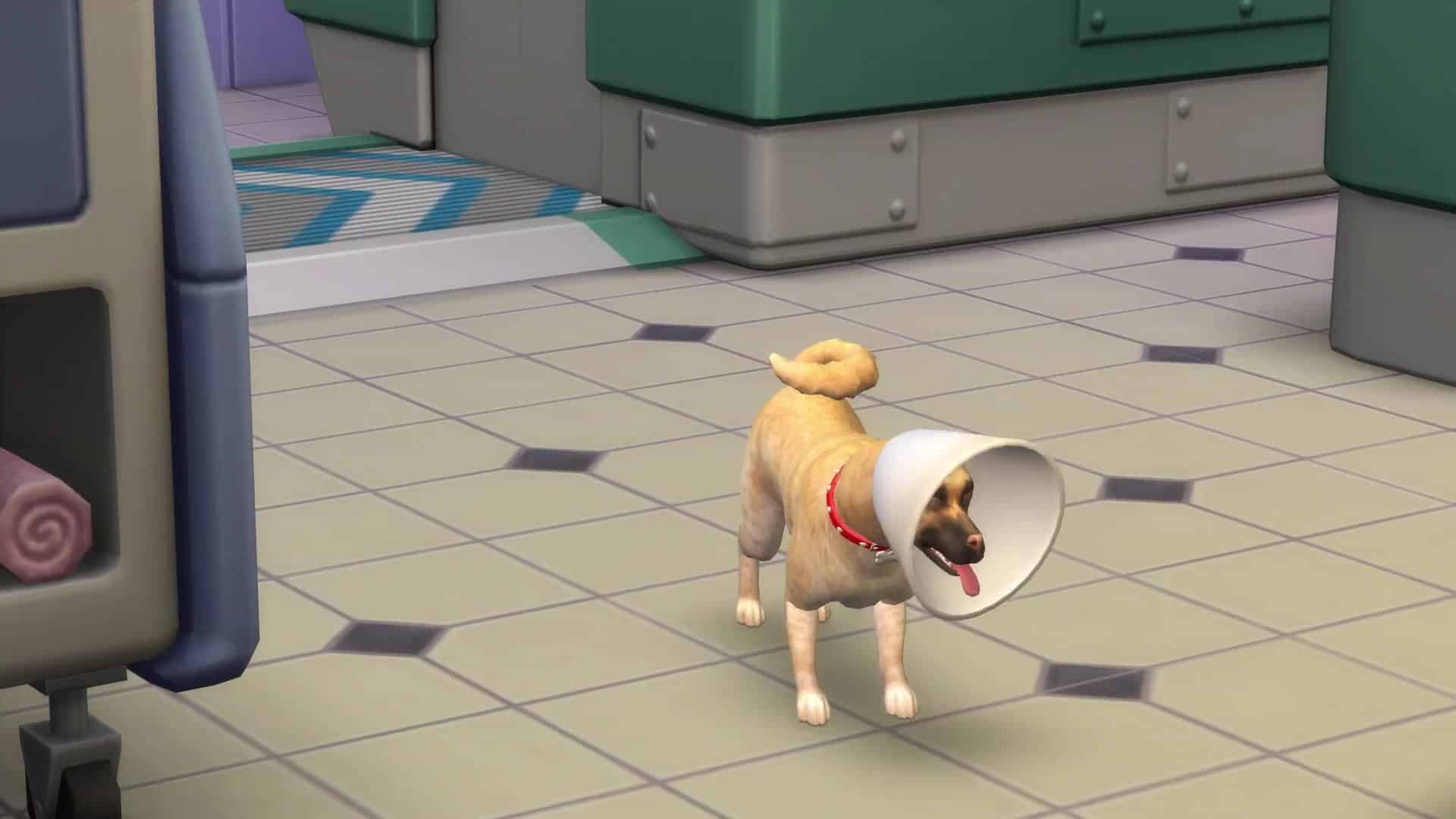
Some treatments are too complicated for the exam table and require surgery. Luckily, we have a robust surgery station to perform these complicated treatments. Your Sim can also spay, un-spay, neuter, and un-neuter pets as well. Sadly, pets emerge wearing the cone of shame, but don’t worry, it only lasts for a short time.

When not serving patients in need, your Sims can also craft new Medicines (or direct employees to do it) to sell in the vending machine, use on their own pets, or administer at the exam table to de-stress pets. There’s never a dull moment at the vet clinic!

Long term, pay to train your best employees, or unlock powerful new perks to improve your business further. There’s so much to discover at the vet, and so many ways to customize the experience to enjoy it on your terms.

The Sims 4 Cats and Dogs has so many new things to do, but we made sure players who love earning Simoleons and telling stories have a great new way to do just that as a veterinarian. This is a first for The Sims and we cannot wait to see what you think about it. Perfect that bedside manner and prepare some proper puppy care this November!

The Sims 4 Gallery Spotlight: Spooky Lots

The Sims 4 Gallery Spotlight: Spooky Lots

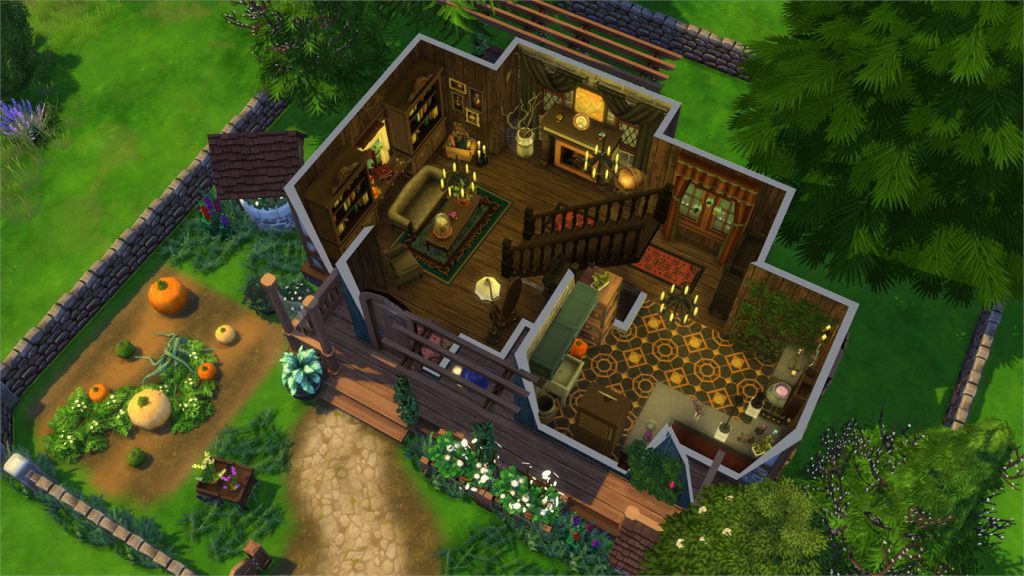
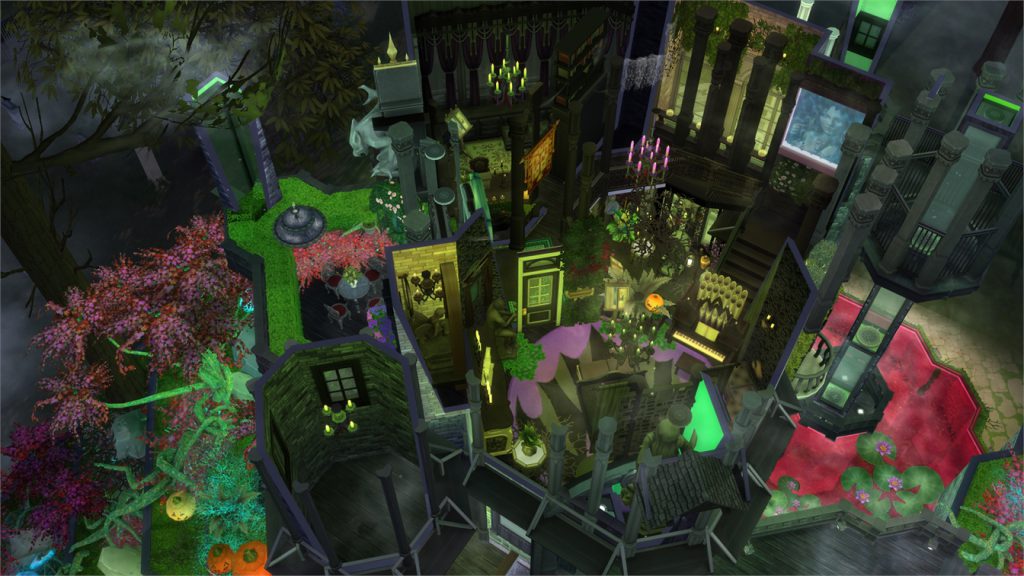
In this Spotlight, we’re featuring spooky houses and a very spooky venue built with The Sims 4 (and some other packs as well).

Hover over the pulsing plumbobs to see screenshots of marked areas. Pulsing plumbob that’s on the left bottom corner contains all the info (and download link) of the lot.

To see more of our previous Gallery Spotlights, CLICK HERE!

[ult_hotspot main_img=”id^67209|url^https://simscommunity.info/wp-content/uploads/2017/10/10-23-17_8-34-17-PM.jpg|caption^null|alt^null|title^10-23-17_8-34-17 PM|description^null”][ult_hotspot_items icon_type=”custom” icon_img=”id^39525|url^https://simscommunity.info/wp-content/uploads/2015/09/plumbob2.png|caption^null|alt^null|title^plumbob2|description^null” img_width=”38″ tooltip_custom_color=”” tooltip_custom_bg_color=”rgba(255,255,255,0.01)” tooltip_width=”400″ tooltip_position=”right” enable_bubble_arrow=”off” tooltip_continuous_animation=”on” hotspot_position=”67.31372816593887,52.26993865030675″]

The Sims 4 Gallery Spotlight: Spooky Lots

[/ult_hotspot_items][ult_hotspot_items icon_type=”custom” icon_img=”id^39525|url^https://simscommunity.info/wp-content/uploads/2015/09/plumbob2.png|caption^null|alt^null|title^plumbob2|description^null” img_width=”38″ tooltip_custom_color=”” tooltip_custom_bg_color=”rgba(255,255,255,0.01)” tooltip_width=”400″ tooltip_position=”right” enable_bubble_arrow=”off” tooltip_continuous_animation=”on” hotspot_position=”55.929312227074234,52.392638036809814″]

The Sims 4 Gallery Spotlight: Spooky Lots

[/ult_hotspot_items][ult_hotspot_items icon_type=”custom” icon_img=”id^39525|url^https://simscommunity.info/wp-content/uploads/2015/09/plumbob2.png|caption^null|alt^null|title^plumbob2|description^null” img_width=”52″ tooltip_custom_color=”#1e73be” tooltip_custom_bg_color=”#ffffff” tooltip_width=”450″ tooltip_position=”right” tooltip_continuous_animation=”on” hotspot_position=”89.61858624454149,3.190184049079755″ tooltip_custom_border_size=”border-style:solid;|border-width:2px;border-radius:5px;|border-color:#81d742;”]

Pumpkin Starter (Download Here)

by KtosikG

Value: §17,887
Size: 20×20
Lot Type: Residental Lot[/ult_hotspot_items][/ult_hotspot][ult_hotspot main_img=”id^67212|url^https://simscommunity.info/wp-content/uploads/2017/10/10-23-17_8-37-30-PM.jpg|caption^null|alt^null|title^10-23-17_8-37-30 PM|description^null”][ult_hotspot_items icon_type=”custom” icon_img=”id^39525|url^https://simscommunity.info/wp-content/uploads/2015/09/plumbob2.png|caption^null|alt^null|title^plumbob2|description^null” img_width=”38″ tooltip_custom_color=”” tooltip_custom_bg_color=”rgba(255,255,255,0.01)” tooltip_width=”400″ tooltip_position=”right” enable_bubble_arrow=”off” tooltip_continuous_animation=”on” hotspot_position=”75.69937227074236,57.423312883435585″]

The Sims 4 Gallery Spotlight: Spooky Lots

[/ult_hotspot_items][ult_hotspot_items icon_type=”custom” icon_img=”id^39525|url^https://simscommunity.info/wp-content/uploads/2015/09/plumbob2.png|caption^null|alt^null|title^plumbob2|description^null” img_width=”38″ tooltip_custom_color=”” tooltip_custom_bg_color=”rgba(255,255,255,0.01)” tooltip_width=”400″ tooltip_position=”right” enable_bubble_arrow=”off” tooltip_continuous_animation=”on” hotspot_position=”58.702920305676855,57.423312883435585″]

The Sims 4 Gallery Spotlight: Spooky Lots

[/ult_hotspot_items][ult_hotspot_items icon_type=”custom” icon_img=”id^39525|url^https://simscommunity.info/wp-content/uploads/2015/09/plumbob2.png|caption^null|alt^null|title^plumbob2|description^null” img_width=”38″ tooltip_custom_color=”” tooltip_custom_bg_color=”rgba(255,255,255,0.01)” tooltip_width=”400″ tooltip_position=”right” enable_bubble_arrow=”off” tooltip_continuous_animation=”on” hotspot_position=”38.4722980349345,57.05521472392638″]

The Sims 4 Gallery Spotlight: Spooky Lots

[/ult_hotspot_items][ult_hotspot_items icon_type=”custom” icon_img=”id^39525|url^https://simscommunity.info/wp-content/uploads/2015/09/plumbob2.png|caption^null|alt^null|title^plumbob2|description^null” img_width=”52″ tooltip_custom_color=”#1e73be” tooltip_custom_bg_color=”#ffffff” tooltip_width=”450″ tooltip_position=”right” tooltip_continuous_animation=”on” hotspot_position=”89.61858624454149,3.190184049079755″ tooltip_custom_border_size=”border-style:solid;|border-width:2px;border-radius:5px;|border-color:#81d742;”]

Frankenstein’s Lab (Download Here)

by Simproved

Value: §389,679
Size: 30×30
Lot Type: Nightclub[/ult_hotspot_items][/ult_hotspot][ult_hotspot main_img=”id^67216|url^https://simscommunity.info/wp-content/uploads/2017/10/10-23-17_8-40-12-PM.jpg|caption^null|alt^null|title^10-23-17_8-40-12 PM|description^null”][ult_hotspot_items icon_type=”custom” icon_img=”id^39525|url^https://simscommunity.info/wp-content/uploads/2015/09/plumbob2.png|caption^null|alt^null|title^plumbob2|description^null” img_width=”38″ tooltip_custom_color=”” tooltip_custom_bg_color=”rgba(255,255,255,0.01)” tooltip_width=”400″ tooltip_position=”right” enable_bubble_arrow=”off” tooltip_continuous_animation=”on” hotspot_position=”58.07519104803494,56.80981595092025″]
The Sims 4 Gallery Spotlight: Spooky Lots

[/ult_hotspot_items][ult_hotspot_items icon_type=”custom” icon_img=”id^39525|url^https://simscommunity.info/wp-content/uploads/2015/09/plumbob2.png|caption^null|alt^null|title^plumbob2|description^null” img_width=”38″ tooltip_custom_color=”” tooltip_custom_bg_color=”rgba(255,255,255,0.01)” tooltip_width=”400″ tooltip_position=”right” enable_bubble_arrow=”off” tooltip_continuous_animation=”on” hotspot_position=”35.7498635371179,59.75460122699386″]

The Sims 4 Gallery Spotlight: Spooky Lots

[/ult_hotspot_items][ult_hotspot_items icon_type=”custom” icon_img=”id^39525|url^https://simscommunity.info/wp-content/uploads/2015/09/plumbob2.png|caption^null|alt^null|title^plumbob2|description^null” img_width=”52″ tooltip_custom_color=”#1e73be” tooltip_custom_bg_color=”#ffffff” tooltip_width=”450″ tooltip_position=”right” tooltip_continuous_animation=”on” hotspot_position=”89.61858624454149,3.190184049079755″ tooltip_custom_border_size=”border-style:solid;|border-width:2px;border-radius:5px;|border-color:#81d742;”]

Witch Cottage (Download Here)

by SarahAmina

Value: §75,644
Size: 20×20
Lot Type: Residental Lot[/ult_hotspot_items][/ult_hotspot][ult_hotspot main_img=”id^67219|url^https://simscommunity.info/wp-content/uploads/2017/10/10-23-17_8-43-38-PM.jpg|caption^null|alt^null|title^10-23-17_8-43-38 PM|description^null”][ult_hotspot_items icon_type=”custom” icon_img=”id^39525|url^https://simscommunity.info/wp-content/uploads/2015/09/plumbob2.png|caption^null|alt^null|title^plumbob2|description^null” img_width=”38″ tooltip_custom_color=”” tooltip_custom_bg_color=”rgba(255,255,255,0.01)” tooltip_width=”400″ tooltip_position=”right” enable_bubble_arrow=”off” tooltip_continuous_animation=”on” hotspot_position=”90.8262827510917,46.87116564417178″]

The Sims 4 Gallery Spotlight: Spooky Lots

[/ult_hotspot_items][ult_hotspot_items icon_type=”custom” icon_img=”id^39525|url^https://simscommunity.info/wp-content/uploads/2015/09/plumbob2.png|caption^null|alt^null|title^plumbob2|description^null” img_width=”38″ tooltip_custom_color=”” tooltip_custom_bg_color=”rgba(255,255,255,0.01)” tooltip_width=”400″ tooltip_position=”right” enable_bubble_arrow=”off” tooltip_continuous_animation=”on” hotspot_position=”52.78043122270743,46.25766871165644″]

The Sims 4 Gallery Spotlight: Spooky Lots

[/ult_hotspot_items][ult_hotspot_items icon_type=”custom” icon_img=”id^39525|url^https://simscommunity.info/wp-content/uploads/2015/09/plumbob2.png|caption^null|alt^null|title^plumbob2|description^null” img_width=”38″ tooltip_custom_color=”” tooltip_custom_bg_color=”rgba(255,255,255,0.01)” tooltip_width=”400″ tooltip_position=”right” enable_bubble_arrow=”off” tooltip_continuous_animation=”on” hotspot_position=”39.2671943231441,46.62576687116564″]

The Sims 4 Gallery Spotlight: Spooky Lots

[/ult_hotspot_items][ult_hotspot_items icon_type=”custom” icon_img=”id^39525|url^https://simscommunity.info/wp-content/uploads/2015/09/plumbob2.png|caption^null|alt^null|title^plumbob2|description^null” img_width=”38″ tooltip_custom_color=”” tooltip_custom_bg_color=”rgba(255,255,255,0.01)” tooltip_width=”400″ tooltip_position=”right” enable_bubble_arrow=”off” tooltip_continuous_animation=”on” hotspot_position=”23.232805676855893,46.99386503067485″]
The Sims 4 Gallery Spotlight: Spooky Lots

[/ult_hotspot_items][ult_hotspot_items icon_type=”custom” icon_img=”id^39525|url^https://simscommunity.info/wp-content/uploads/2015/09/plumbob2.png|caption^null|alt^null|title^plumbob2|description^null” img_width=”52″ tooltip_custom_color=”#1e73be” tooltip_custom_bg_color=”#ffffff” tooltip_width=”450″ tooltip_position=”right” tooltip_continuous_animation=”on” hotspot_position=”89.61858624454149,3.190184049079755″ tooltip_custom_border_size=”border-style:solid;|border-width:2px;border-radius:5px;|border-color:#81d742;”]

A Castle for Maleficent (Download Here)

by RogliRolio

Value: §453,067
Size: 40×30
Lot Type: Residental Lot[/ult_hotspot_items][/ult_hotspot]

The Sims 4 Cats & Dogs: Vet Career Teaser Trailer #2

0

The Sims Team has shared yet another teaser for their upcoming trailer for The Sims 4 Cats & Dogs on their Instagram Story. Check it out!

The Sims 4 Cats & Dogs: Vet Career Trailer Teaser

0

The Sims Team has shared a new teaser for The Sims 4 Cats & Dogs’ upcoming Trailer for the Vet Career, which is scheduled for release tomorrow, October 24th!

The Sims 4 Console: 2 Livestreams confirmed for November

0

The Sims Team won’t be only doing livestreams for The Sims 4 Cats & Dogs!

SimGuruDrake confirmed on Twitter that, beside the next 2 livestreams for Cats & Dogs which will happen on October 26th and November 2nd we’ll also have livestreams for The Sims 4 Console as well! Mark these dates on your calendar:

  • The Sims 4 Console (Base Game) Livestream – November 6th
  • The Sims 4 Console (Launch Day DLC) Livestream – November 13th

These livestreams will take place on their Twitch channel. Those who miss the livestream and / or prefer YouTube can expect a Livestream Replay on our YouTube Channel!