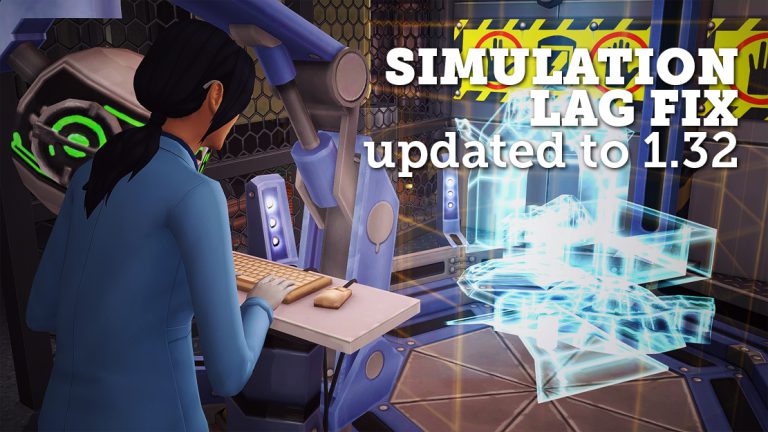
Simulation Lag is something that’s been present in The Sims 4 for a while now. If you don’t know what this simulation lag is, it’s an issue where:
Sims would become unresponsive for minutes / hours
It takes minutes for Sims to acknowledge an interaction that you’ve chosen
Time slowing on speed 3
Time going back to the past
Although we don’t have an official fix or patch for issues that come with simulation lag, there was a mod by simmythesim which did solve the issue but not for long as the mod hasn’t been updated for new The Sims 4 updates since its release.
However, it’s a good thing we have an active modding community! Modder duderocks managed to update simmythesim‘s Simulation Lag Fix Mod for the latest game version of The Sims 4 (1.32). Although he doesn’t promise that his mod will fix every simulation lag in the game, it will make the game a lot more responsive and playable.
After downloading this mod, extract the .zipped content to Electronic Arts > The Sims 4 > Mods. Make sure you have Mods / CC, as well as Script Mods enabled in your game options!
SimGuruGraham explained on The Sims Forums the production of Sims 4 Stuff Packs. He explains pre-production, production, SP pack delays and reveals the fact that The Sims Team is capable of creating 4 Stuff Packs a year.
You can think of pack development in two major chunks… there’s Pre-Production, and Production. Please keep in mind that what I’m describing below is specific to Stuff Pack development. Not all of these practices scale up well to larger packs, so adjustments are made in the way they develop things.
Pre-Production is when we’re creating all of our concept art, sending mimic objects and CAS assets to be built by external partners, writing designs, and holding meetings to review those designs and our planned implementation. The start time of this phase of the project fluctuates a bit from pack to pack depending on the timeline of those aforementioned partners. Because most of this work doesn’t impact the same people that are implementing features in-game, we’re able to do pre-production for an upcoming pack at the same time that we’re in production on a different pack.
Production is when the various disciplines actually start to work on building the features for the pack in-game, all the way through to going gold – aka, approving our final build candidate. Our production timeline is rigid, and has essentially been the same length since the first Sims 4 Stuff Pack. On rare occasions we’ll run into complex issues late in development that necessitate adding time to allow us to make additional bug fixes on the new features included in the pack. Thankfully this doesn’t typically impact the ship date of a Stuff Pack, as there’s usually a cushion of time between going gold and shipping the game, which we can compact to get us the extra time we need. When this occurs it does have a ripple effect on dates for the next pack though, as we obviously can’t move on until we’ve finished the previous one.
As to the original question… why do some SPs come out so soon after each other, and others have long gaps between them… Quite simply, some Stuff Packs go gold months in advance of their ship date. Kids Room Stuff was the largest gap between finishing a pack and when it actually shipped. We were actually already in production for Vintage Glamour by the time Kids Room shipped. Other Stuff Packs have literally gone gold the week before the pack was released. Our SP team is capable of building four Stuff Packs a year, but our actual release dates are determined by other factors that take our entire pack lineup into consideration. I should reiterate that Stuff Packs are the only type of pack we do this with – Game Packs and Expansion Packs are scheduled such that they ship soon after they’re finished.
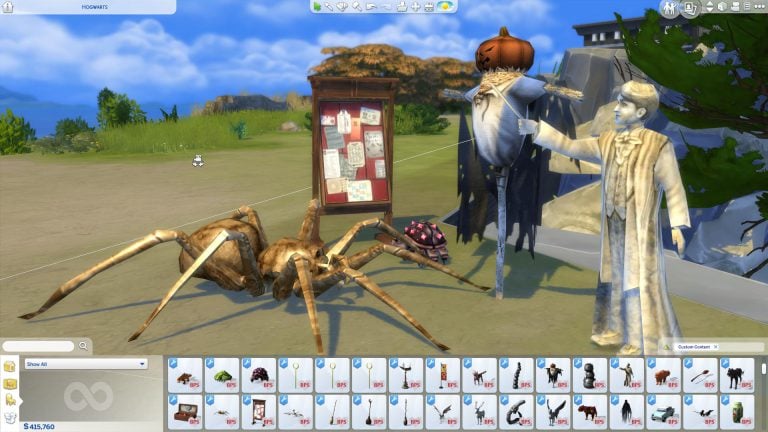
You’ve probably wondered what would it look like to play with characters from Harry Potter in The Sims 4. There are plenty of talented creators and modders out there who made it all possible. Down below you’ll see creations and mods that’ll help you bring Howarts to life!
You can download these creations by clicking the creation names linked below. Mods and Custom Content can be simply installed by extracting and / or pasting .package files to Electronic Arts > The Sims 4 > Mods folder. Make sure you have Mods / CC enabled in your game options!
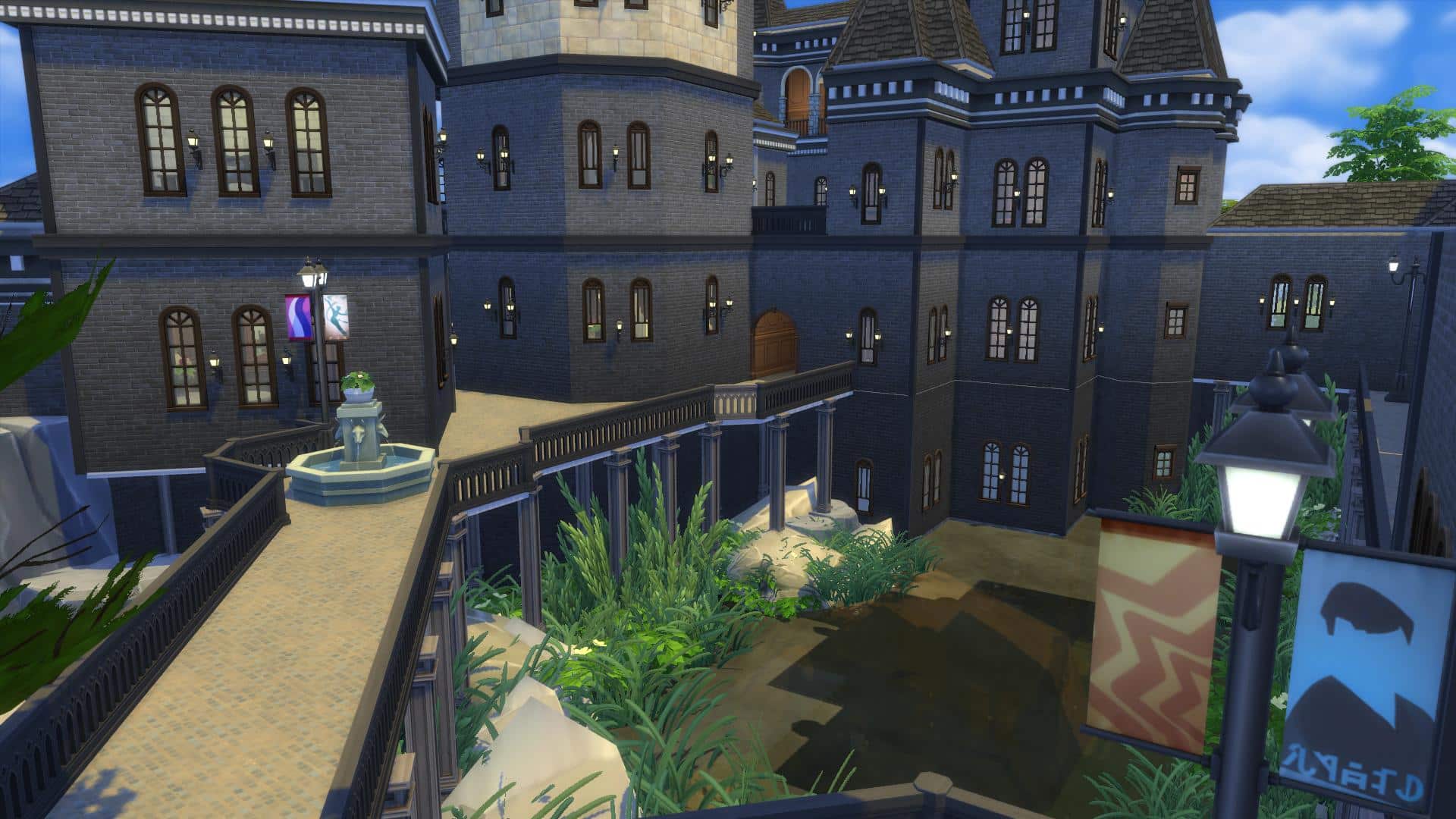
Huge lot build in Windenburg (64×64 residental lot) built by HatsyYT. There are so many areas of this lot that resembles the actual rooms shown in the movie. Best of all – no custom content was used! (we’ll get on that on the next page..)
Please note that the game is still currently soft launched in Brazil. We currently have no information when the game’s coming out worldwide.
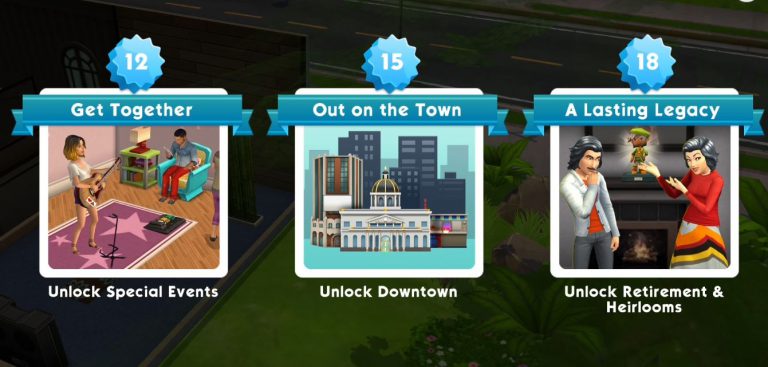
The latest Sims Mobile update introduced plenty of new changes to the game, including Energy, Family and Heirlooms, Careers, Events and more! Let’s get started at everything that’s new in this game update:
Energy
Instead of certain objects requiring certain types of needs including hunger, hygiene, bladder and energy – each interaction now requires a certain amount of energy. Energy can be filled by using the toilet, shower, bath and bed. It takes 4 hours to recharge bed (13 energy), 8 hours to recharge bath (15 energy), 2 hours to recharge shower (7 energy) and 30 minutes to recharge bladder (5 energy). It takes only a few seconds to use objects that will charge your energy.
Your Sims will +1 energy every third minute.
Screenshot 20170809 220505
Screenshot 20170809 211537
Downtown
Downtown can now be unlocked at Level 15!
Aging and Death
Sims no longer age with each day of playtime passing by but with life experiences that they go through instead. I haven’t seen an interface which shows how old is my Sim but I’m guessing that will be added eventually. You can choose to retire your Sims if you want to receive awards like new hobbies, gifts and heirlooms but they will no longer die without your consent.
Improved Traits
You can now have more than 3 traits which you’ll unlock as you play through the game. There are also traits with levels that can be unlocked with heirlooms and work experiences.
Traits are now more involved in socialization, work and other types of events.
Screenshot 20170809 215444
Screenshot 20170809 215522
Career Events
Career events and career event points have received big changes. For starters your Sims can now do simple tasks without your help. However, you can choose to do certain interactions on your career lot for extra career points which will help you earn more stars faster. Events now also last longer in case you plan to not participate in career events and let Sims do their duties by themselves.
Daily To Do List
Sims no longer have whims. Instead you can focus on the To Do List which mostly focuses on your entire household progress including career and social events, Sim personalization, house modifying, purchasing certain items and more.
The Sims Mobile team has released a brand new, game-changing update with new features and bug fixes. Here are some of the most important ones listed below. We’ll also be writing an overview article about the update shortly which covers so much more!
Please note that because the game is going through some big changes, The Sims Mobile is only soft-launched at the moment and is available in Brazil.
What’s New in Version 2.2.4
Hey, Sims players! Based on your feedback, we’ve made lots of exciting updates, and you can now:
• Age your Sims based on their life experience instead of by day
• Retire your Sims to unlock hobbies, gifts, and other rewards, or keep them active for as long as you like
• Send your Sims to work or events, then choose to accompany them for better rewards, or let them go on their own while you enjoy other Sims
• Choose your Sims’ traits throughout their lives, giving you the freedom to develop their personalities over time
• Recharge energy faster and with more options for uninterrupted play
• Complete a daily to-do list instead of goals and wishes, making it simpler to collect rewards
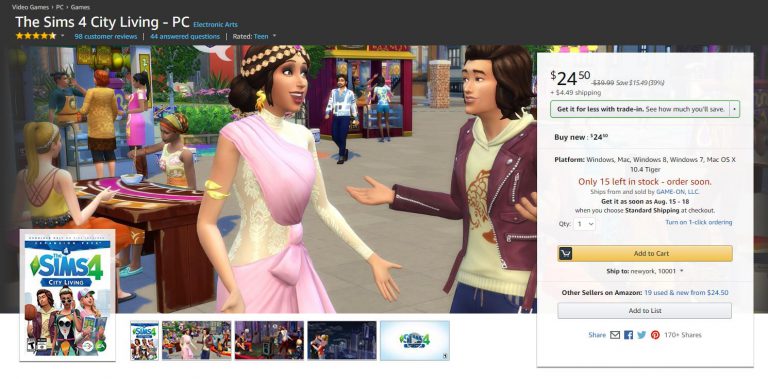
The Sims 4 City Living Expansion Pack is currently available on Amazon for only $24.50. Make sure you take advantage of this offer while it still lasts!
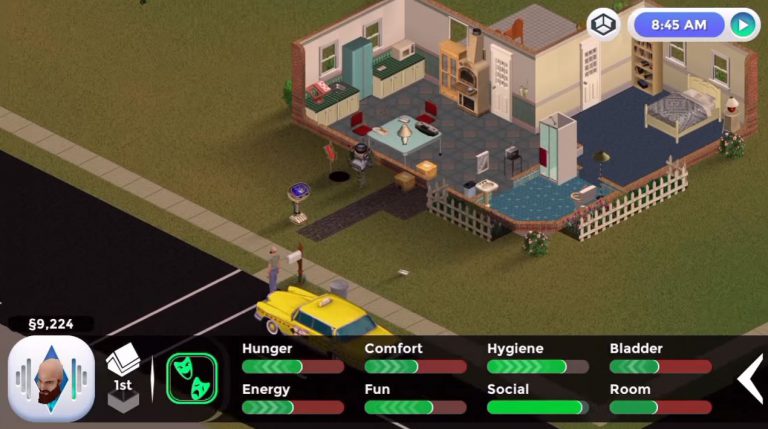
Several weeks after announcing that they’re working on a fanmade mobile version of The Sims 1, people behind this project (who also work on FreeSO) have announced today that they’re no longer working on it due to EA asking to cease all efforts to bring the game to mobile or any other devices.
Luckily the FreeSO PC project which lets you play the revived version of The Sims Online is still allowed to be further developed and supported.
Here’s the official announcement by FreeSO as well as video of what The Sims 1 for mobile could’ve been:
In the last news update, I announced an attempt at using the FreeSO engine to bring TS1 to mobile platforms. For the foreseeable future, these efforts have been stopped.
A few months ago we were contacted by EA regarding how the TSO IP should be handled. At that time, you may have noticed a change in logo to avoid the house motif, the addition of multiple disclaimers to our websites, and further insistence on taking no donations for server costs (really, no change). Given even just its relevance to me, The Sims’ IP is clearly something that is worth EA protecting from any potential damage, so I complied with these terms immediately out of respect.
A few days ago, some time after our last blog post, I received further correspondence from EA, regarding my plans to bring TS1 to mobile devices, as well as potentially FreeSO. To protect their IP, they asked that I cease and desist any efforts to bring either of these games to mobile or any other plaforms. While both projects are entirely legal (copyrighted content and references to “The Sims” provided by the user, not the replacement engines themselves), I do not want to step on EA’s toes, and will obviously comply with their requests rather than starting some kind of expensive legal battle.
Seeing it first hand, I could completely understand how damaging a third party releasing a mobile client could be to The Sims brand. The mobile market had never seen a full The Sims game with no micro-transactions, and even though it might be hard to install and transfer the game from a computer (especially on iOS), the disruption could have had a notable impact.
Granted, only a few weeks were spent on the project, but it’s unfortunate that after seeing it work so well, it may never see the public in a complete fashion. I enjoyed working on the project, and it taught me a lot about mobile development with Xamarin & MonoGame, multi-touch interfaces and more about The Sims (and how it differs from TSO).
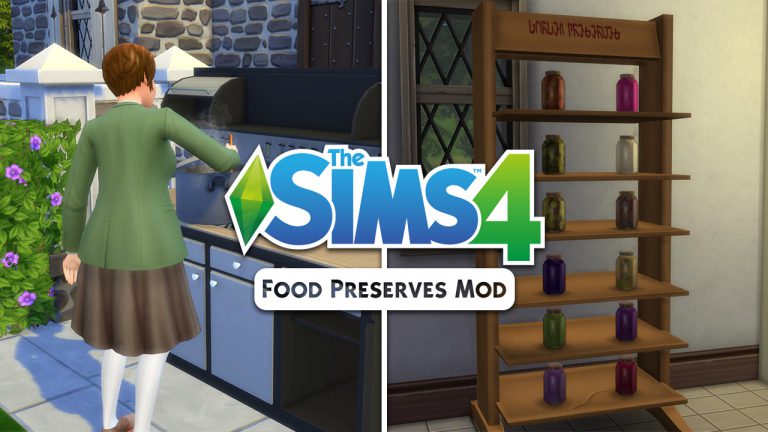
If you’re disappointed that the “Food Preserves” didn’t make the cut for the upcoming Eco Living Stuff Pack then we have some awesome news for you. Icemunmun has brough another detailed mod to the world which lets you create food preserves using the canning station. This mod is packed with a new skill, new gameplay object, new skill books, plenty of moodlets and so much more!
I’m going to show you all the possibilities with this mod with this playthrough so let’s dive in!
You can find the canning station in the “stoves” section of the kitchen build category for 2000 Simoleons. The art style of this canning station really fits in nicely with the game and there are a few swatches you can choose – including the one which makes the canning station look really rusty!
TS4 x64 2017 08 07 00 48 15 21
TS4 x64 2017 08 07 00 48 18 15
There are 3 interactions that you can use on this station: Make Jam, Make Pickles (yup, new pickle recipes with this mod) and Make Spread. With level 1 Canning Skill you can only make an apple jam.
You’ll notice that, unlike with preparing food which makes certain ingridients completely optional, you’ll have to actually have these ingridients for canning station preserves or otherwise you won’t be able to make them.
TS4 x64 2017 08 07 00 51 13 20
TS4 x64 2017 08 07 00 51 16 58
Apple Jam requires 6 apples. After I managed to get these apples I was finally able to make Apple Jam. Sim who finishes making a food preserve will place it automatically in the fridge.
TS4 x64 2017 08 07 00 58 13 59
TS4 x64 2017 08 07 00 58 45 52
Finishing a food preserve will give you a +1 inspired “That’s My Jam!” moodlet.
All jams come with the following interactions:
Eat Jam
Put in Inventory
Eat with Bread
This interaction will turn your jam jar into 5 jam spreads on bread:
Put Away
Sell to Evil Corporation (gives you a +3 embarrassed “Sold Out!” moodlet in exchange for simoleons)
To unlock more canning station recipes you’ll need to level up your Canning Skill! You can purchase Canning Skill books using any bookshelf.
TS4 x64 2017 08 07 01 10 32 80
TS4 x64 2017 08 07 01 11 01 36
Here’s what each skill level will unlock:
Level 2 (Berry Jams)
Level 3 (Pickles)
Level 4 (Peach and Pear Jam, Olive and Tomato Pickles)
Level 5 (Plasma Jam, Grape Jam and Onion Pickles)
Level 7 (Basil, Garlic and Onion Spread)
Level 8 (Humus, Spinach Spread and Pomegranate Jam)
Level 9 (Chili Ketchup, Mushroom Pickle and Herb Spread)
Level 10 (Tomato Ketchup and Smoked Fish Spread)
If you’re too lazy to make all these by yourself you can go to build mode and just buy them:
Some jams, pickles and spreads require custom recipes that are also created by icemunmun that you can find below:
As you can see above there is one recipe which requires a pack and that’s The Sims 4 Vampires with which you can make Plasma Jam. If you don’t have these custom recipes or packs you can make them without ingredient requirements.
There are more than 15 buffs that you can get for making preserves, eating them and more.
You can even put these preserves on a shelf which you also get with this mod. If you have The Sims 4 Get to Work you can sell your own preserves that you’ve made in retail stores!
The creator of this mod really thought of everything and even made “Make Preserves” a club activity (which requires The Sims 4 Get Together).
Installing this mod is easy. Just extract the .zip files that you’ve downloaded to Electronic Arts > The Sims 4 > Mods folder. Make sure you have enabled Mods / CC in your game options.
Are you excited to make your own food preserves? Click the download button down below!
Necrodog came up with a brilliant object which comes with new gameplay and animations. Although there isn’t proper swimwear for toddlers that they can wear in the pool, your toddlers will still enjoy it. The toddler pool will satisfy your toddler’s Fun need as well as help them raise their Thinking skill.
Another great object created by Necrodog. The animations on this object are weird when they run after they’re done with sliding. However, it’s still nice to have a new toddler object in your game which they can enjoy playing with. Toddlers who use this slide will get a +4 Happy moodlet.
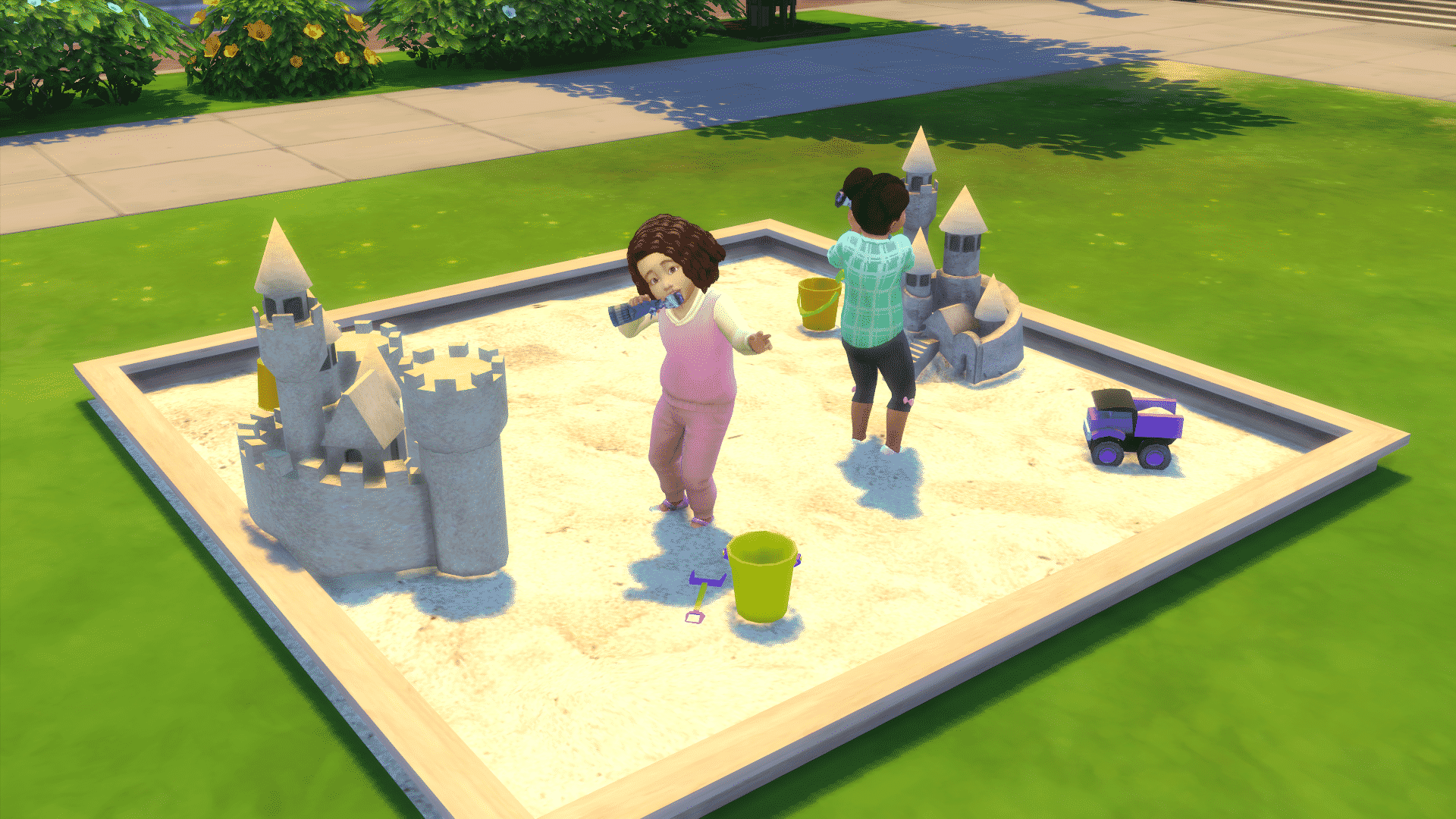
This object is basically the toy box for toddlers turned into a sandcastle. Toddlers will play with small toys after you select the “Play Dolls” option on the sandcastle. The entire download by Severinka comes with a few other items such as sand buckets, shovels, toy trucks and more.
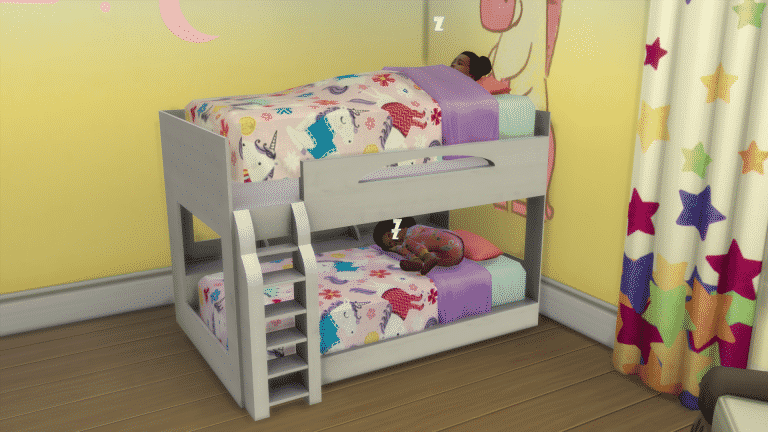
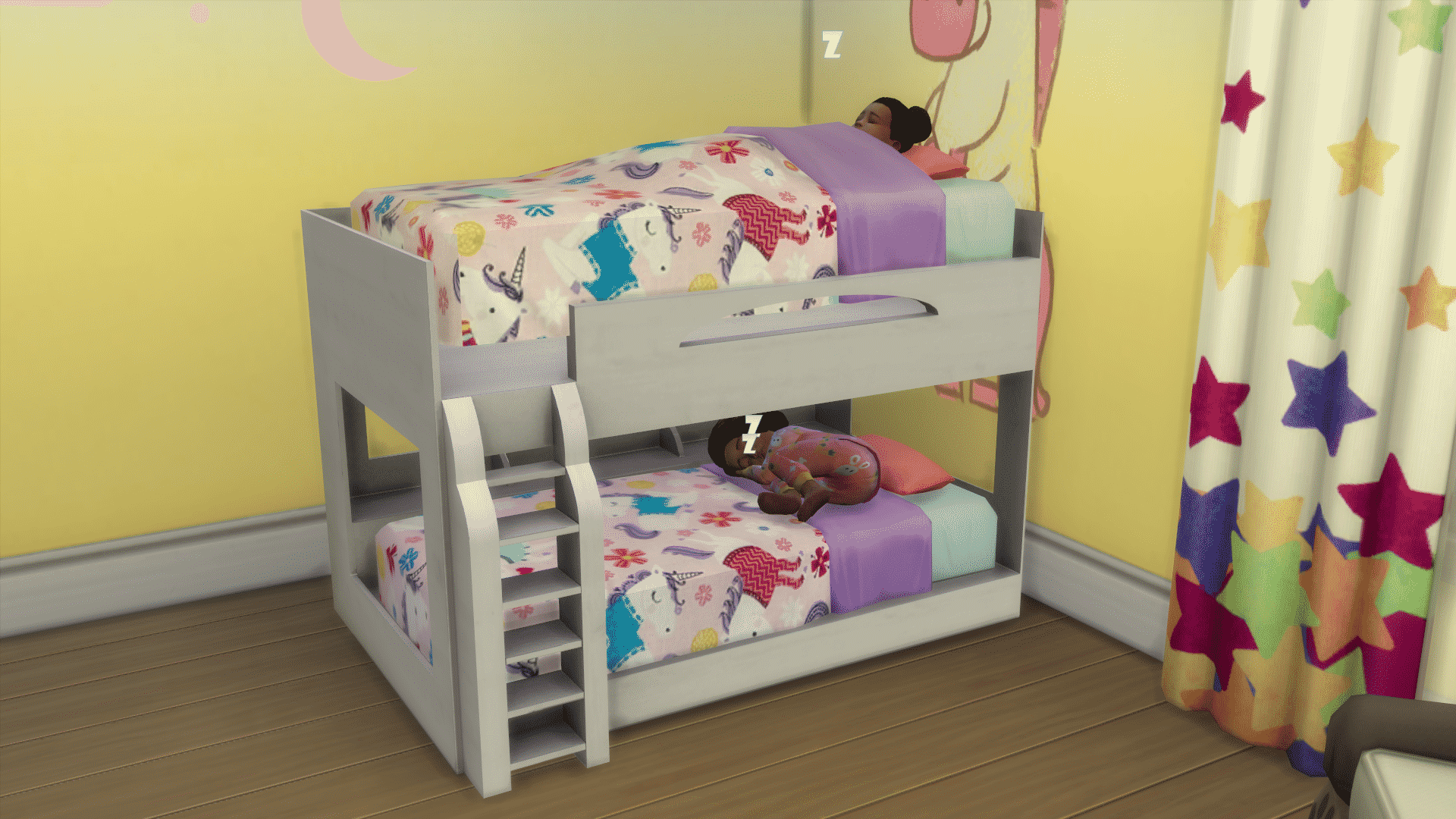
This object by PixelDreamworld comes in 2 pieces: the bed frame and matress. Placing the first matress on the bottom of the bed frame is easy. To place the bed frame on the second floor of this bunk bed you’ll have to use the testingcheat true + bb.moveobjects cheat. Then, press number 9 or 0 to raise or lower the bunk bed until it fits perfectly in the bed frame.
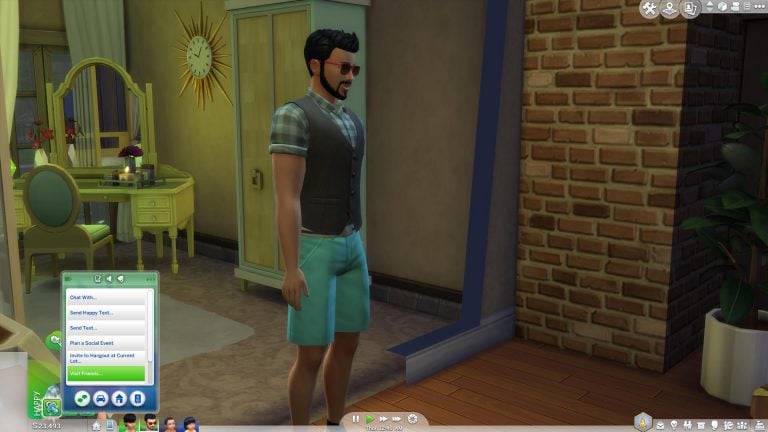
Ever wanted to send your Sims to their friends and family without having to control them? This mod lets you do just that.
You can access the new “Visit Friends / Visit Family” option by clicking on your phone and selecting one of those 2 options. The visit friends option is available if you have acquintances. With this option your Sim will be absent for between 120-180 minutes. You can only choose to visit people of your own age. For example: children visiting children, adults visiting adults. This option will raise your Sim’s Social and Fun needs, raise relationship points and if your child Sim has a homework that has yet to be done they can do them while visiting a friend!
The Visit Family option is for Sims who have relatives that live on different lots. With this option you can visit family members of any age.
Installing this mod is really simple! Just extract the .zipped content to Electronic Arts > The Sims 4 > Mods. Make sure you have Mods / CC enabled in your game options.
This mod, brought to you by LittleMsSam, can be downloaded here!
This completely confirms that anything in The Sims 4 can now be taken as a hint for Pets Expansion Pack…and we love it!
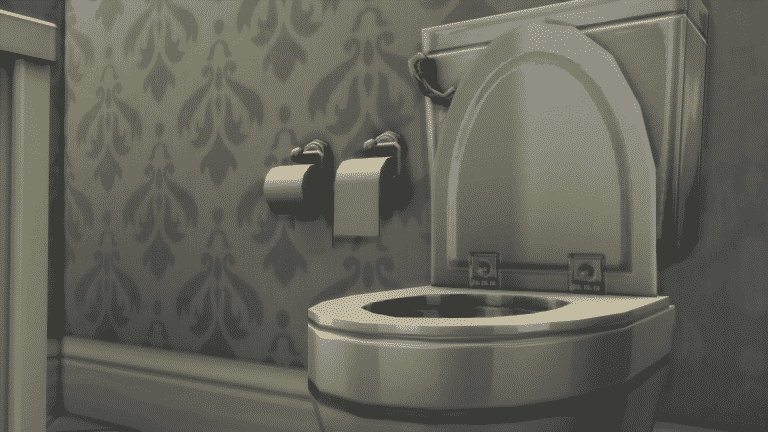
The Sims Forum member Izzeh96 pointed out that there’s a brand new swatch (3 new swatches to be exact) for a toilet paper holder object in The Sims 4 Base Game. In case you didn’t know, The Sims 4 had a toilet paper holder object since its release. However, these 3 new swatches seem to be added just recently to the game. People are reporting that they haven’t seen the “under roll” version of the toilet paper until recently.
Down below you can see the 2 versions of the toilet paper: toilet paper placed over and under.
TS4 x64 2017 08 05 22 39 42 68
TS4 x64 2017 08 05 22 39 50 30
Now, how does the abomination that is toilet paper placed under has anything to do with Pets? Well, people who own pets (especially cats) place the toilet paper under so that cats and/or dogs can’t unroll the toilet paper so easily.
Whether or not the “under roll” version of the toilet paper is hinting at pets or just joking about the great toilet paper roll debate I’m going to use the quote by The Sims Forum member OEII1001: The under roll is a crime against humanity.
In case you didn’t know, information about The Sims 4 Pets has been leaking for quite some time. So far we know about the possible release date and their possible appearance in the game. You can find all of information about it HERE!
Youtuber lilsimsie managed to redo every single world in The Sims 4 in form of a save file. This means that there are new households and lots that have either been improved or completely redone. Existing households and their lots remain untouched while lots that are empty have been filled with new lots, households and venues.
Installing lilsimsie’s custom save is easy but please make sure you have made a backup of your save files just in case. After downloading lilsimsie’s save file, go to Electronic Arts > The Sims 4 > saves folder and extract the content there.
NOTE: If you have plenty of save files in your game then make sure you rename the numbers of lilsimsie’s save file. For this article I had to rename the last 2 digits on lilsimsie’s save from Slot_00000065 to Slot_00000080.
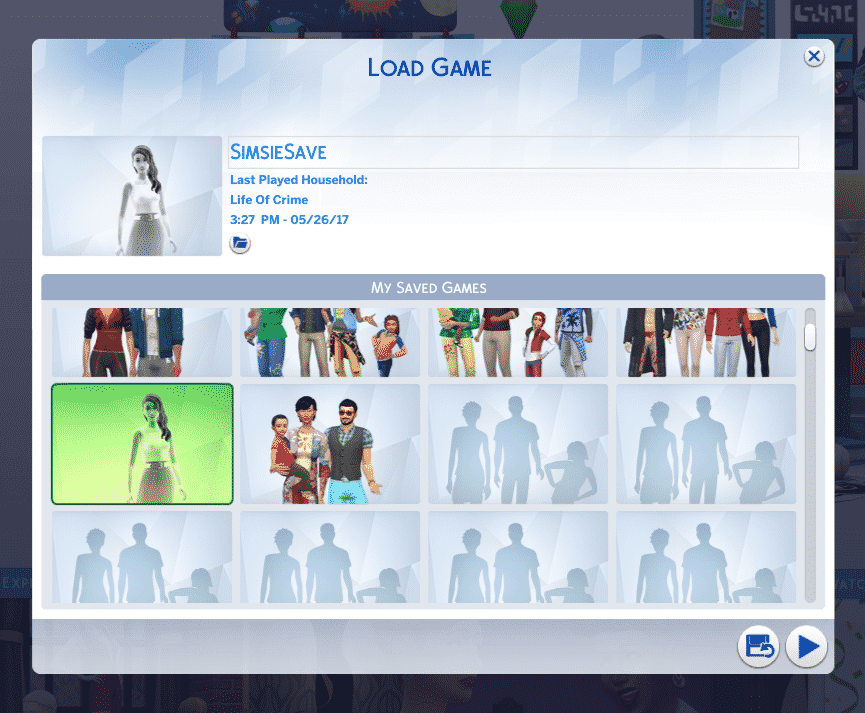
Now, load up your game. You should see a thumbnail of a ghost Sim with the “SimsieSave” save file name.
Venues and lots have all been updated with lot traits!
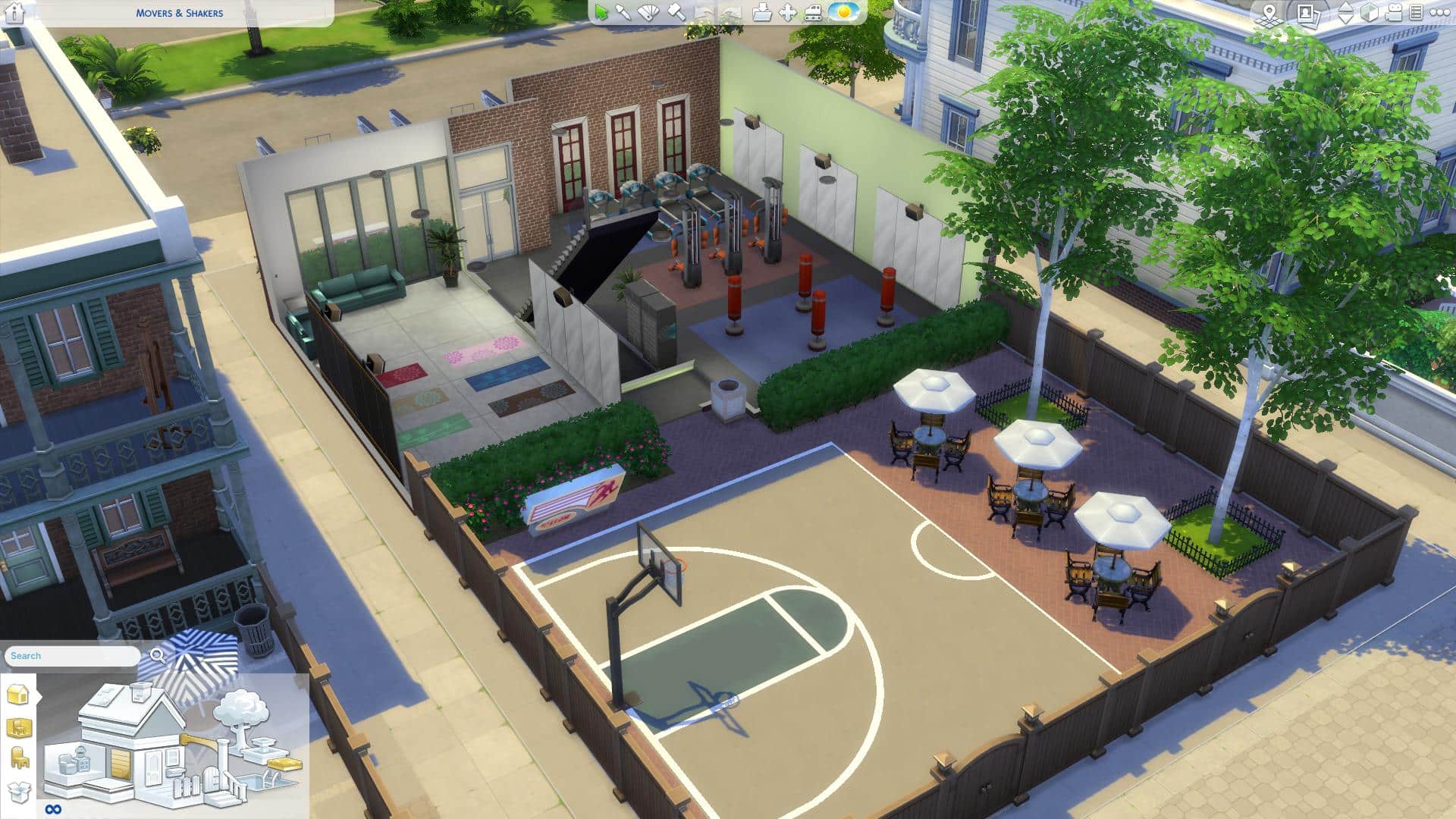
Venues and households now include content from previously released Packs. For example, the Movers & Shakers Gym in Willow Creek now has a basketball court outside (from City Living) and Yoga mats inside (from Spa Day).
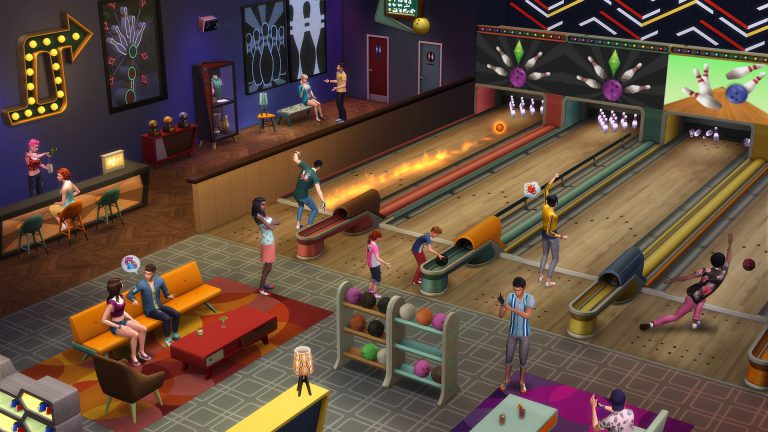
Oasis Springs, along with new households and remade venues now has a Bowling Alley!
TS4 x64 2017 08 04 00 33 24 21
TS4 x64 2017 08 04 00 35 26 36
Among plenty of new households there’s an Oakes Household who are crazy for bowling. These new Sims all have their backstories, skills, relationships, careers and yes, even clubs from Get Together.
You don’t have to worry about repopulating and rebuilding Newcrest from scratch – it’s now full of life!
TS4 x64 2017 08 04 00 33 12 62
TS4 x64 2017 08 04 00 48 45 41
Worlds from Expansion and Game Packs are not left out:
TS4 x64 2017 08 04 00 50 54 39
TS4 x64 2017 08 04 00 53 29 96
TS4 x64 2017 08 04 00 55 58 08
TS4 x64 2017 08 04 00 56 52 97
This save file includes content that’s been released over the last 3 years (both paid and free). You’re going to need all Sims 4 Packs released prior May 27th, 2017 in order for this save file to work properly. In case you’re missing out on a few packs content from those packs simply won’t appear in game or will be replaced with a base game item.
Are you ready to explore new households and venues and continue the stories that lilsimsie has started off? Press the download button below to get this save file!
We’re all eager to learn more about how The Sims 4 will look on Xbox One and PS4. However, it seems we might have to wait some time before we get to see how things will function on consoles.
SimGuruDrake confirmed that, although The Sims 4 will be playable on Gamescom, attendees won’t be able to record any footage of the gameplay. So if there are any impression articles or videos about The Sims 4 Console after Gamescom they’re going to be just explanatory.
She reassured that we’ll be getting console gameplay footage at a later date.
ppl will get hands on with it on the show floor and our business lounge but there is no content capture happening for it.
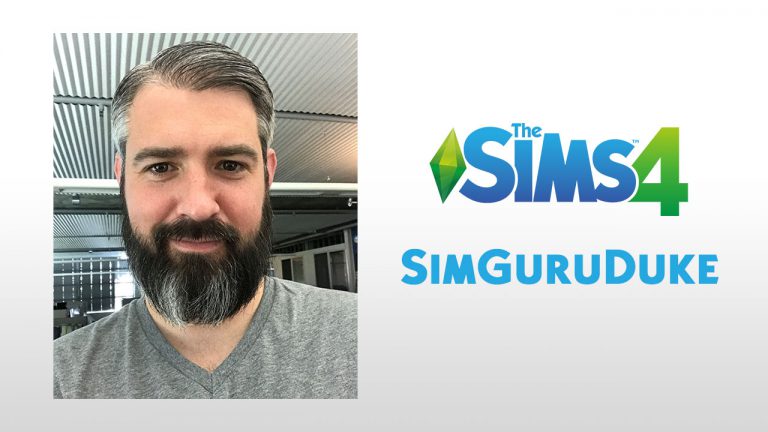
It’s an exciting time to be a simmer, and an even more exciting time to be a SimGuru! With the announcement of The Sims™ 4 on XBOX One and PlayStation® 4 we just had to sit down with our newest SimGuru, SimGuruDuke!
Can you give us a brief introduction to yourself?
Hey everybody, I’m super excited to join the Gurus. I have worked at Maxis for the past 11 years. I started as a Gameplay engineer on The Sims 3, when we were still designing the game. I then worked as a Development Director on The Sims 4, in charge of both the Gameplay Engineering and Design Teams. In my free time, I enjoy running, gaming, and traveling.
What do you do on The Sims 4 now?
I’m currently the Senior Producer on The Sims 4 for Xbox and PS4. We are working hard to make sure this is the best console game we have ever released for The Sims, and I’m thrilled to help bring the game I love and worked on for years to console players. I personally prefer to play on console, and I can’t wait to do so this Fall – even though I already get to (the perks of working at Maxis).
What made you interested in becoming a SimGuru?
I really wanted to share with the community more about the console project. You guys have been asking for this for ages, and I want to hear what can make it great and also share our progress with all of you. Also, this community has always been so unique, it is unlike any other gaming community I know of.
What do you love most about The Sims franchise?
All the creative choices, and none of the judgment. I love that I can tell any story I want from one day to another. I love that there is no right way to play the game. There is just the way I want to play today. That freedom creates the perfect escape. I also love that even if I have a story in mind, the game always has a couple twists in store for me. That surprise really keeps it interesting.
What’s your favorite ice cream flavor?
Peanut Butter Cup
There are so many custom traits for The Sims 4 that you can find all over the internet so I came to an idea to compile some of the most useful traits that you can find. These traits function almost like every other trait: some give certain benefits for skills, careers etc, some disadvantages and they’ll determine the whims of your Sims.
Installing these custom traits is pretty easy. After downloading a .package file trait just place it in the Electronic Arts > The Sims 4 > Mods folder. Make sure you’ve enabled Mods / CC in your game!
Traits shown below are listed in alphabetical order. We’re not responsible in case these traits get removed or abandoned by their creators!
Make sure you keep track of custom traits on Mod The Sims because you can expect new ones to pop out every now and then.
You can share your own Custom Traits on Sims Community Social and we’ll make sure to add them here!