Home Blog Page 533

The Sims 4 – 123 Screens from the new Trailer!

1

Right click on a picture you want to see and select ”open in new tab” to see a certain picture in High Definition!

The Sims 4_ Build Mode Official Gameplay Trailer(1) 368 The Sims 4_ Build Mode Official Gameplay Trailer(1) 100 The Sims 4_ Build Mode Official Gameplay Trailer(1) 097 The Sims 4_ Build Mode Official Gameplay Trailer(1) 093 The Sims 4_ Build Mode Official Gameplay Trailer(1) 084 The Sims 4_ Build Mode Official Gameplay Trailer(1) 074 The Sims 4_ Build Mode Official Gameplay Trailer(1) 072 The Sims 4_ Build Mode Official Gameplay Trailer(1) 069 The Sims 4_ Build Mode Official Gameplay Trailer(1) 068 The Sims 4_ Build Mode Official Gameplay Trailer(1) 066 The Sims 4_ Build Mode Official Gameplay Trailer(1) 062 The Sims 4_ Build Mode Official Gameplay Trailer(1) 061 The Sims 4_ Build Mode Official Gameplay Trailer(1) 059 The Sims 4_ Build Mode Official Gameplay Trailer(1) 054 The Sims 4_ Build Mode Official Gameplay Trailer(1) 048 The Sims 4_ Build Mode Official Gameplay Trailer(1) 044 The Sims 4_ Build Mode Official Gameplay Trailer(1) 035 The Sims 4_ Build Mode Official Gameplay Trailer(1) 428 The Sims 4_ Build Mode Official Gameplay Trailer(1) 426 The Sims 4_ Build Mode Official Gameplay Trailer(1) 424 The Sims 4_ Build Mode Official Gameplay Trailer(1) 422 The Sims 4_ Build Mode Official Gameplay Trailer(1) 416 The Sims 4_ Build Mode Official Gameplay Trailer(1) 414 The Sims 4_ Build Mode Official Gameplay Trailer(1) 408 The Sims 4_ Build Mode Official Gameplay Trailer(1) 405 The Sims 4_ Build Mode Official Gameplay Trailer(1) 400 The Sims 4_ Build Mode Official Gameplay Trailer(1) 398 The Sims 4_ Build Mode Official Gameplay Trailer(1) 392 The Sims 4_ Build Mode Official Gameplay Trailer(1) 389 The Sims 4_ Build Mode Official Gameplay Trailer(1) 380 The Sims 4_ Build Mode Official Gameplay Trailer(1) 376 The Sims 4_ Build Mode Official Gameplay Trailer(1) 373 The Sims 4_ Build Mode Official Gameplay Trailer(1) 371The Sims 4_ Build Mode Official Gameplay Trailer(1) 103 The Sims 4_ Build Mode Official Gameplay Trailer(1) 226 The Sims 4_ Build Mode Official Gameplay Trailer(1) 224 The Sims 4_ Build Mode Official Gameplay Trailer(1) 221 The Sims 4_ Build Mode Official Gameplay Trailer(1) 218 The Sims 4_ Build Mode Official Gameplay Trailer(1) 216 The Sims 4_ Build Mode Official Gameplay Trailer(1) 214 The Sims 4_ Build Mode Official Gameplay Trailer(1) 200 The Sims 4_ Build Mode Official Gameplay Trailer(1) 196 The Sims 4_ Build Mode Official Gameplay Trailer(1) 192 The Sims 4_ Build Mode Official Gameplay Trailer(1) 190 The Sims 4_ Build Mode Official Gameplay Trailer(1) 180 The Sims 4_ Build Mode Official Gameplay Trailer(1) 177 The Sims 4_ Build Mode Official Gameplay Trailer(1) 176 The Sims 4_ Build Mode Official Gameplay Trailer(1) 174 The Sims 4_ Build Mode Official Gameplay Trailer(1) 172 The Sims 4_ Build Mode Official Gameplay Trailer(1) 170 The Sims 4_ Build Mode Official Gameplay Trailer(1) 168 The Sims 4_ Build Mode Official Gameplay Trailer(1) 166 The Sims 4_ Build Mode Official Gameplay Trailer(1) 163 The Sims 4_ Build Mode Official Gameplay Trailer(1) 160 The Sims 4_ Build Mode Official Gameplay Trailer(1) 157 The Sims 4_ Build Mode Official Gameplay Trailer(1) 154 The Sims 4_ Build Mode Official Gameplay Trailer(1) 152 The Sims 4_ Build Mode Official Gameplay Trailer(1) 151 The Sims 4_ Build Mode Official Gameplay Trailer(1) 146 The Sims 4_ Build Mode Official Gameplay Trailer(1) 142 The Sims 4_ Build Mode Official Gameplay Trailer(1) 138 The Sims 4_ Build Mode Official Gameplay Trailer(1) 135 The Sims 4_ Build Mode Official Gameplay Trailer(1) 130 The Sims 4_ Build Mode Official Gameplay Trailer(1) 128 The Sims 4_ Build Mode Official Gameplay Trailer(1) 123 The Sims 4_ Build Mode Official Gameplay Trailer(1) 120 The Sims 4_ Build Mode Official Gameplay Trailer(1) 115 The Sims 4_ Build Mode Official Gameplay Trailer(1) 111The Sims 4_ Build Mode Official Gameplay Trailer(1) 229 The Sims 4_ Build Mode Official Gameplay Trailer(1) 387 The Sims 4_ Build Mode Official Gameplay Trailer(1) 232 The Sims 4_ Build Mode Official Gameplay Trailer(1) 233 The Sims 4_ Build Mode Official Gameplay Trailer(1) 367 The Sims 4_ Build Mode Official Gameplay Trailer(1) 364 The Sims 4_ Build Mode Official Gameplay Trailer(1) 359 The Sims 4_ Build Mode Official Gameplay Trailer(1) 356 The Sims 4_ Build Mode Official Gameplay Trailer(1) 351 The Sims 4_ Build Mode Official Gameplay Trailer(1) 348 The Sims 4_ Build Mode Official Gameplay Trailer(1) 346 The Sims 4_ Build Mode Official Gameplay Trailer(1) 344 The Sims 4_ Build Mode Official Gameplay Trailer(1) 342 The Sims 4_ Build Mode Official Gameplay Trailer(1) 338 The Sims 4_ Build Mode Official Gameplay Trailer(1) 336 The Sims 4_ Build Mode Official Gameplay Trailer(1) 334 The Sims 4_ Build Mode Official Gameplay Trailer(1) 330 The Sims 4_ Build Mode Official Gameplay Trailer(1) 323 The Sims 4_ Build Mode Official Gameplay Trailer(1) 320 The Sims 4_ Build Mode Official Gameplay Trailer(1) 318 The Sims 4_ Build Mode Official Gameplay Trailer(1) 316 The Sims 4_ Build Mode Official Gameplay Trailer(1) 314 The Sims 4_ Build Mode Official Gameplay Trailer(1) 312 The Sims 4_ Build Mode Official Gameplay Trailer(1) 309 The Sims 4_ Build Mode Official Gameplay Trailer(1) 307 The Sims 4_ Build Mode Official Gameplay Trailer(1) 305 The Sims 4_ Build Mode Official Gameplay Trailer(1) 303 The Sims 4_ Build Mode Official Gameplay Trailer(1) 300 The Sims 4_ Build Mode Official Gameplay Trailer(1) 298 The Sims 4_ Build Mode Official Gameplay Trailer(1) 296 The Sims 4_ Build Mode Official Gameplay Trailer(1) 293 The Sims 4_ Build Mode Official Gameplay Trailer(1) 290 The Sims 4_ Build Mode Official Gameplay Trailer(1) 288 The Sims 4_ Build Mode Official Gameplay Trailer(1) 286 The Sims 4_ Build Mode Official Gameplay Trailer(1) 283 The Sims 4_ Build Mode Official Gameplay Trailer(1) 279 The Sims 4_ Build Mode Official Gameplay Trailer(1) 276 The Sims 4_ Build Mode Official Gameplay Trailer(1) 274 The Sims 4_ Build Mode Official Gameplay Trailer(1) 272 The Sims 4_ Build Mode Official Gameplay Trailer(1) 271 The Sims 4_ Build Mode Official Gameplay Trailer(1) 270 The Sims 4_ Build Mode Official Gameplay Trailer(1) 268 The Sims 4_ Build Mode Official Gameplay Trailer(1) 266 The Sims 4_ Build Mode Official Gameplay Trailer(1) 264 The Sims 4_ Build Mode Official Gameplay Trailer(1) 262 The Sims 4_ Build Mode Official Gameplay Trailer(1) 258 The Sims 4_ Build Mode Official Gameplay Trailer(1) 256 The Sims 4_ Build Mode Official Gameplay Trailer(1) 251 The Sims 4_ Build Mode Official Gameplay Trailer(1) 247 The Sims 4_ Build Mode Official Gameplay Trailer(1) 244 The Sims 4_ Build Mode Official Gameplay Trailer(1) 241 The Sims 4_ Build Mode Official Gameplay Trailer(1) 240 The Sims 4_ Build Mode Official Gameplay Trailer(1) 237The Sims 4_ Build Mode Official Gameplay Trailer(1) 438 The Sims 4_ Build Mode Official Gameplay Trailer(1) 445


The Sims 4 – Brand New Screenshot!

0

Check out this new screenshot of The Sims 4!

It looks like we also have a confirmation that we can build on water 😀

14288465251_0b9a585606_o

The Sims 4: Build Mode Official Gameplay Trailer

0

The Sims Youtube page has uploaded the build mode video, check it out!

The Sims 4 – Behind the Scenes of Build Mode Video

0

SimGuruJohn shared a behind the scenes look of tomorrow’s new The Sims 4 Build Mode Video!

SimGuruHouts confirmed that John Berges will be the one who’ll narrate the video. We seriously can’t wait to see what masterpiece of creative build tools do they have in store for us!  😀

Boqr9QYIIAEXum9

The Sims 4 – Build Mode Video Preview

0

Check out this Video preview of The Sims 4’s Build Mode video that’s releasing tomorrow!

Video Link

The Sims 4 Build Mode Previews

0

Over on TheSims4.it forums there has been some small thumbnail screenshots from the new trailer that is releasing tomorrow. Check them out!

14279102681_dc170f4d81_o
14282436965_b0afd78cea_o14095768369_33bd377f4f_o14282436925_fc98eac0df_o

The Sims 4 – Simmers’ Feedback helps to improve the game!

2

Do you remember SimGuruRusskii‘s The Sims 4 avatar? After she updated her Twitter Profile, SimGuruAzure updated her Twitter profile as well several days later. Take a look at the pictures below and see if you can find any difference in textures!

DipNT5Z_ 0LsLqDqq

If you guessed that there’s difference in teeth texture, you’re absolutely right!

SimGuruGraham confirmed on Mod the Sims forum that the change of teeth texture was all because of a fan’s feedback.

Take a look at his full text below:

Capture

You can always share your ideas and thoughts about The Sims 4 to SimGuruGraham and SimGuruSarah Twitter accounts, I’m sure they won’t mind!

Thanks Honeywell for finding that ModTheSims post!

The Sims 4 – Build Mode info coming this Wednesday + New Screen

0

The Sims Facebook Page confirmed that there will be new Build Mode information this Wednesday. Until then, take a look at these awesome houses in The Sims 4!

Update #2: DOTSim provided these pics of houses without letters.

123

Update: DOTSim provided High Quality version of the Build Mode Preview Screen.

Build_ABCD

The Sims 3 Store – June Set won’t include new CAS Items

SimGuruCopeland confirmed on The Sims 3 Forum that the June Set won’t include new Create a Sim items such as hairstyles, clothing etc.

Thanks Cinderellimouse for the find!

Capture

Forum Reply

The Sims 4 will support Mods and Custom Content!

1

More and more people are asking SimGurus on Twitter about creative tools and how much can Simmers go in-depth with them.

A Simmer asked SimGuruGraham how easy will it be to edit textures and duplicate items in The Sims 4. This is what he said:

Capture

That’s pretty much a confirmation that Mods and Custom Content will be supported in The Sims 4. I really can’t wait to see what creations and fun mods do simmers have in plan for The Sims 4!

Make sure you follow all of the SimGurus on Twitter HERE for more interesting tid bits about The Sims 4.

The Sims 4 – Rewards Screenshot

0

SimsUniverso found a screenshot of a certain The Sims 4 Reward on Los Sims ES ow.ly account.

Under the screen it says ”Recopensas” which means ”Rewards”.

Update: DOTSim‘s source states that this reward can be unlocked by playing The Sims 3. What did they mean by playing? I guess that we’ll just have to wait and see!

5C2mr

Blog Post: Up Close and Personal with the New Create A Sim in The Sims 4

1

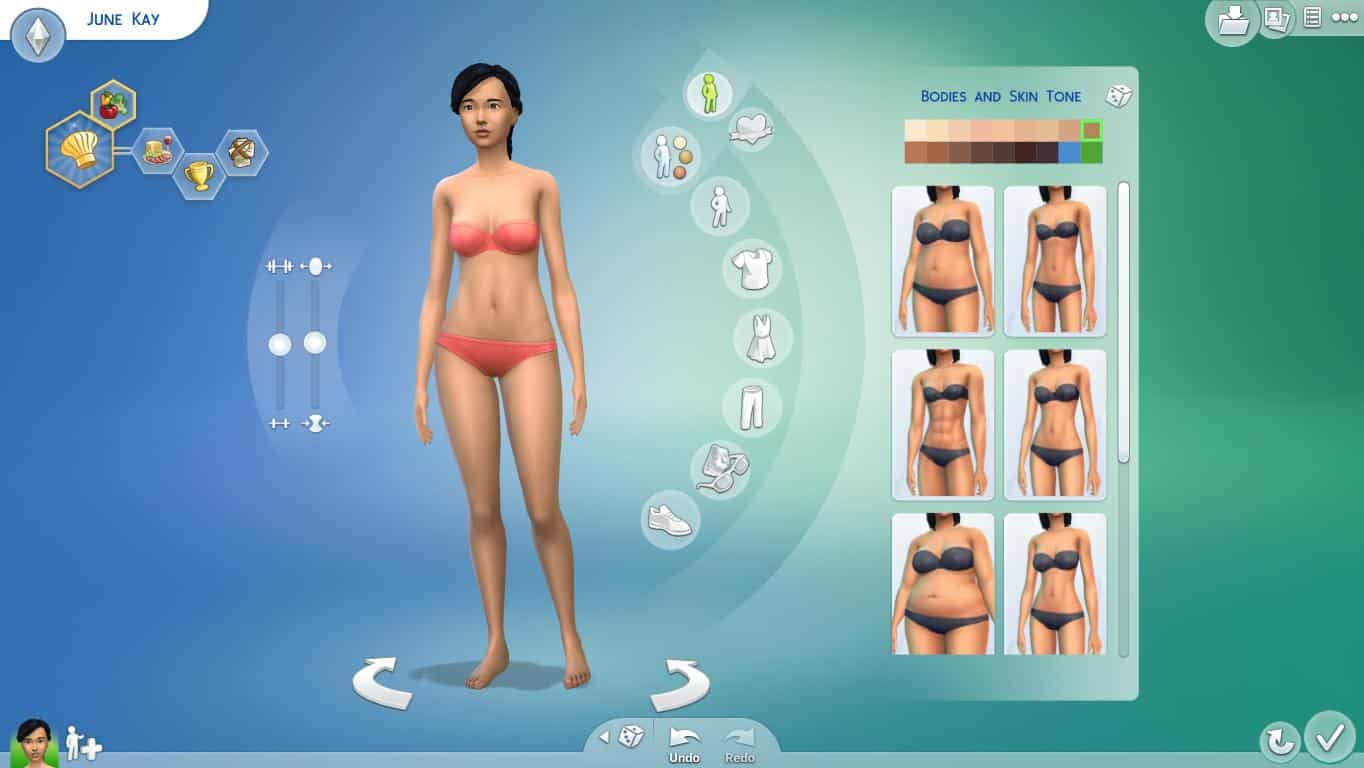
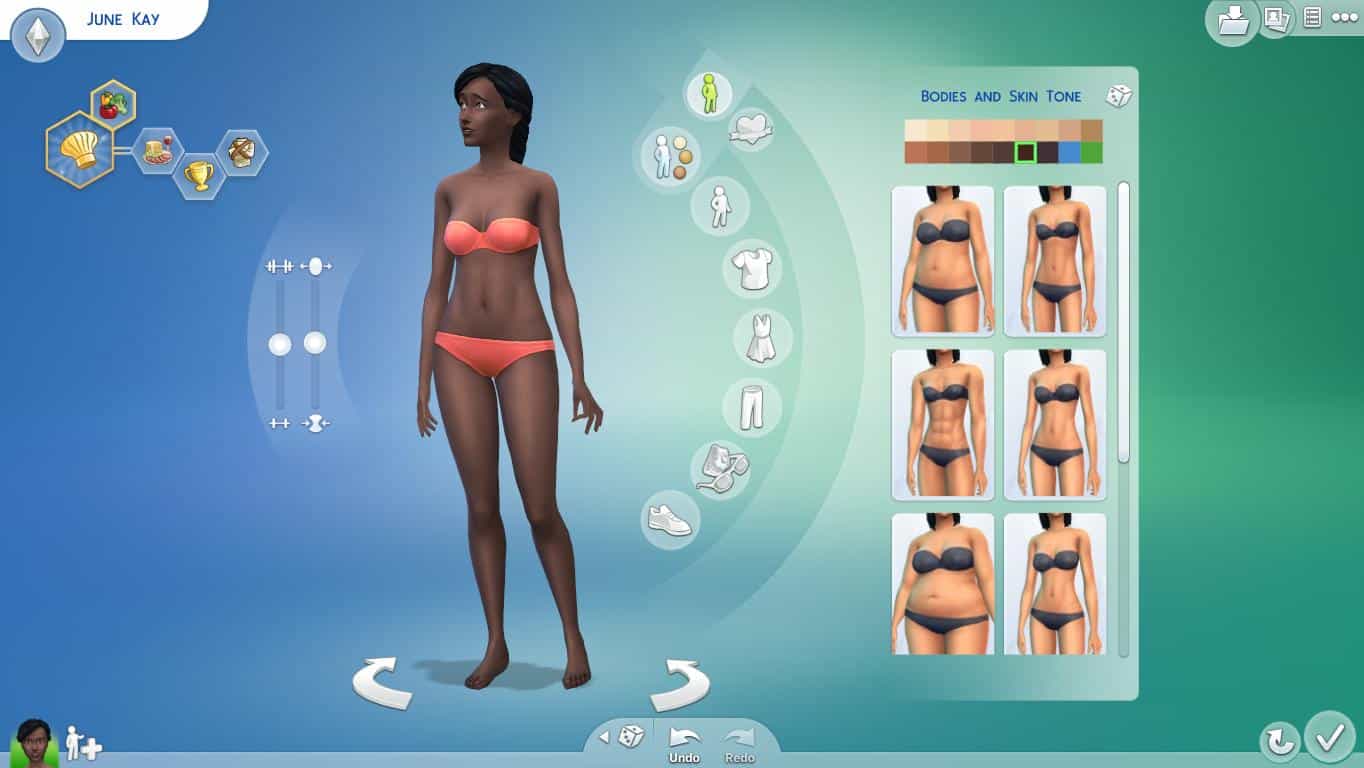
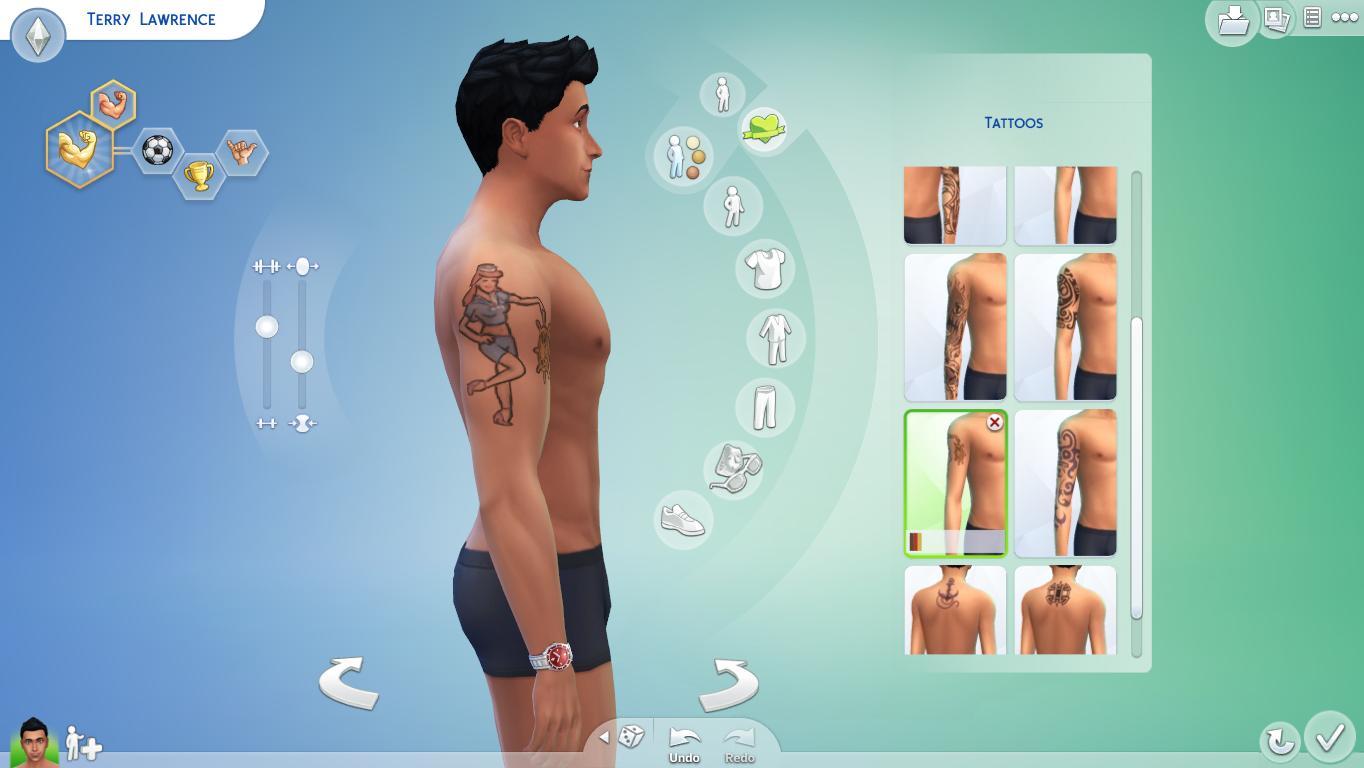
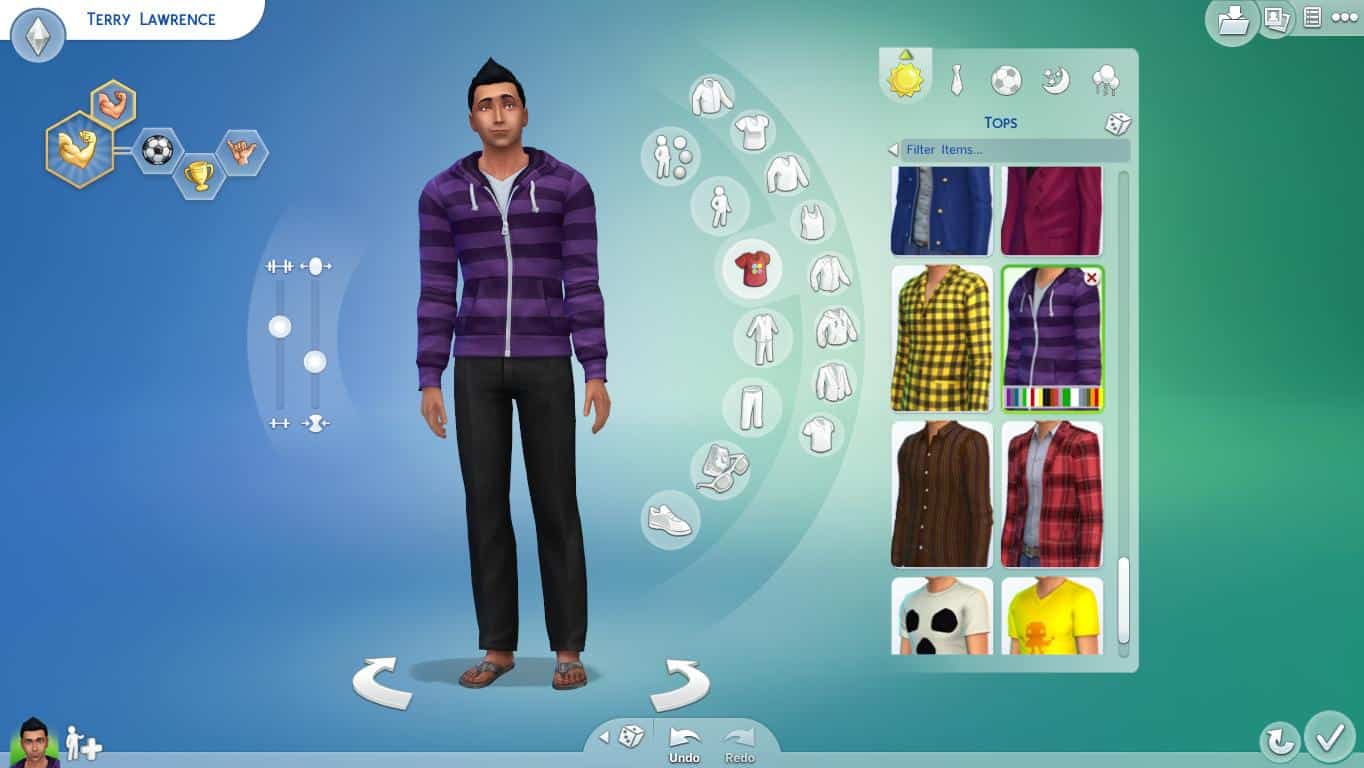
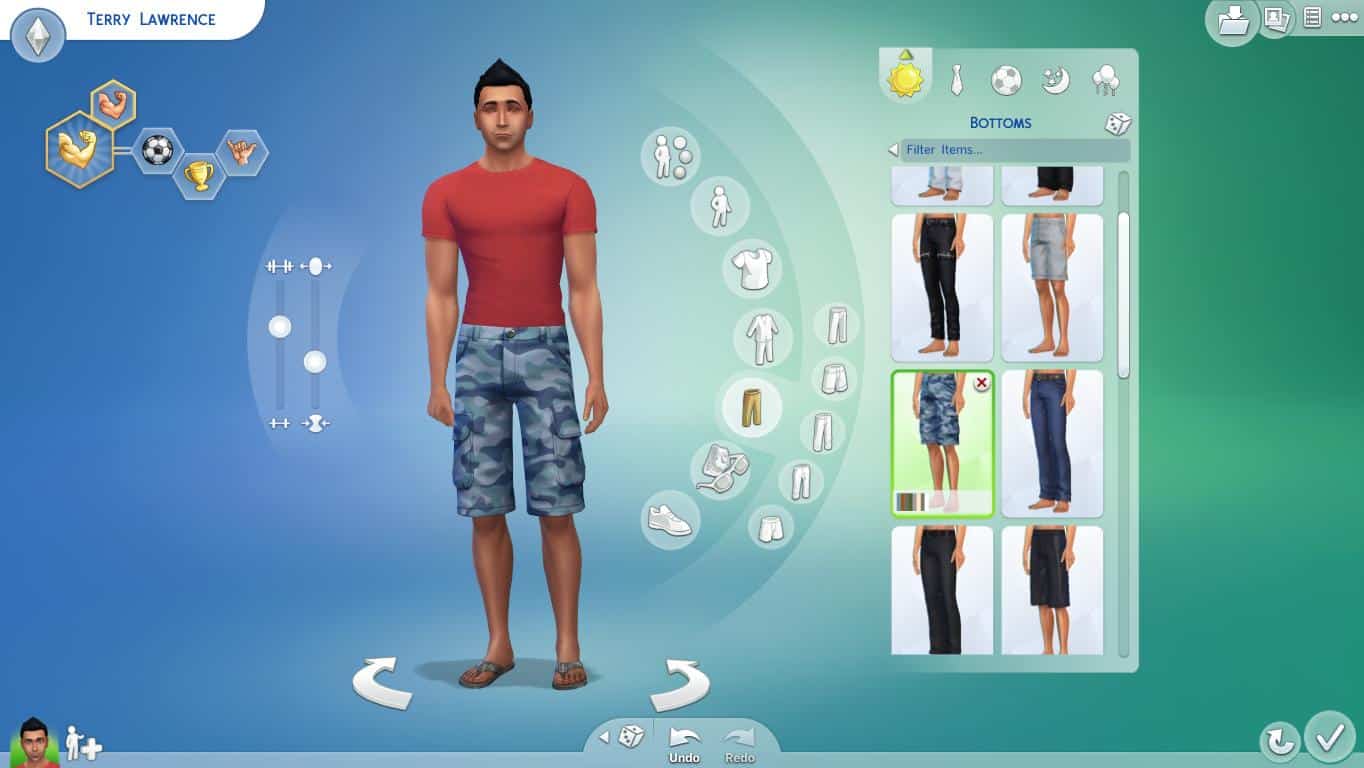
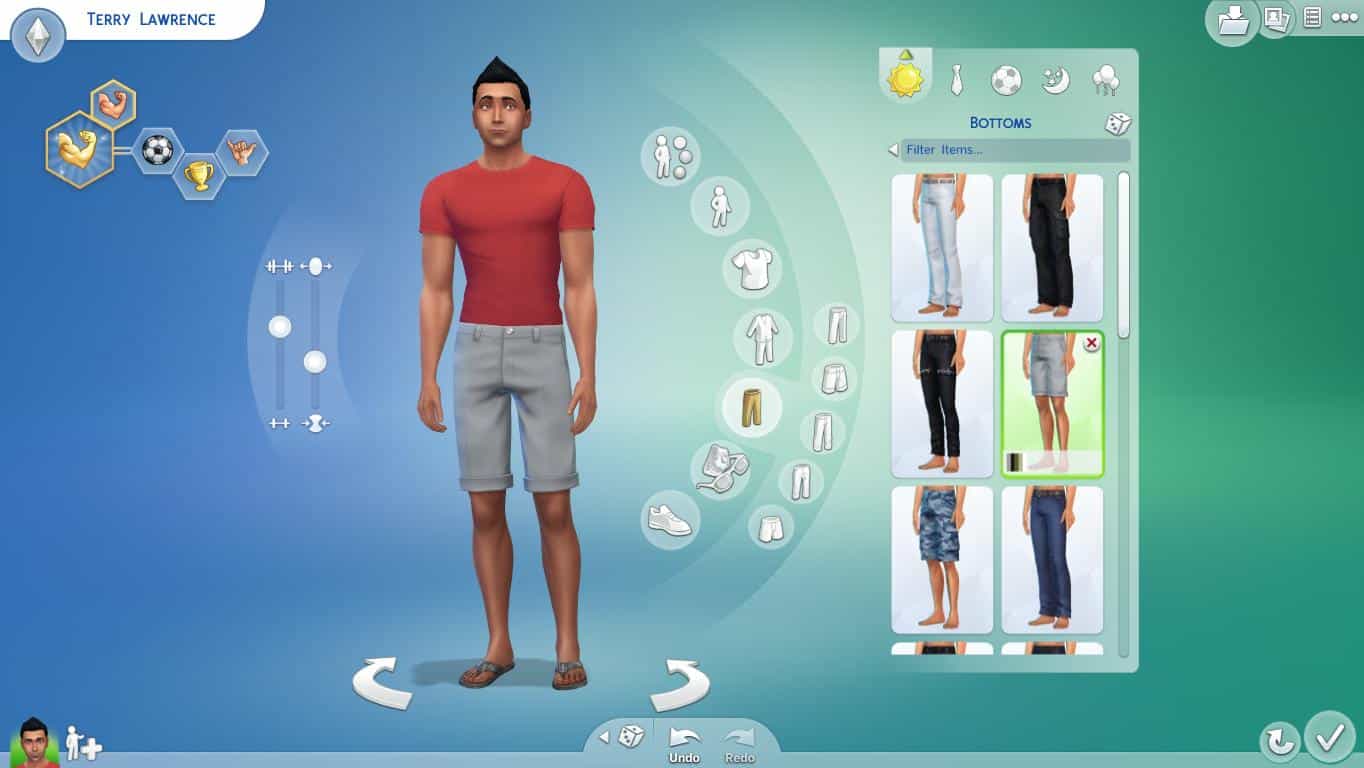
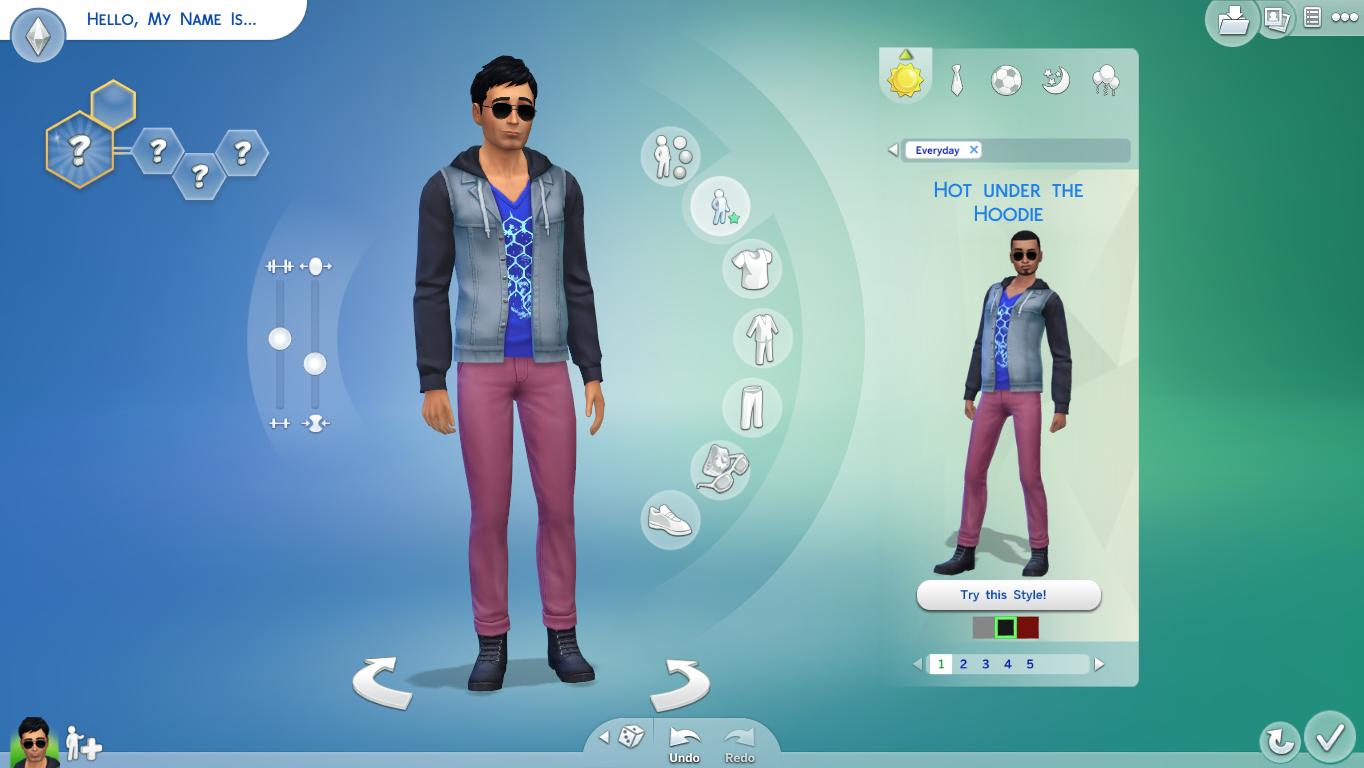
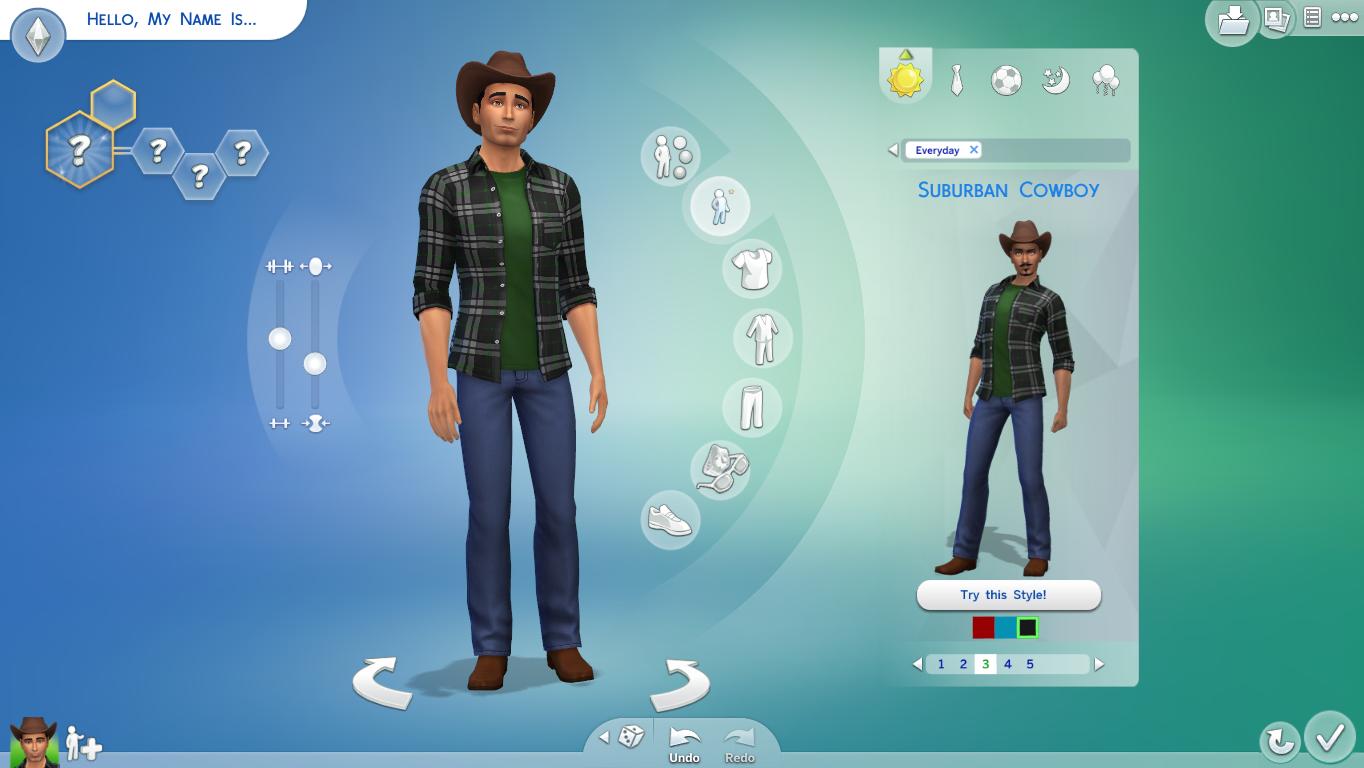
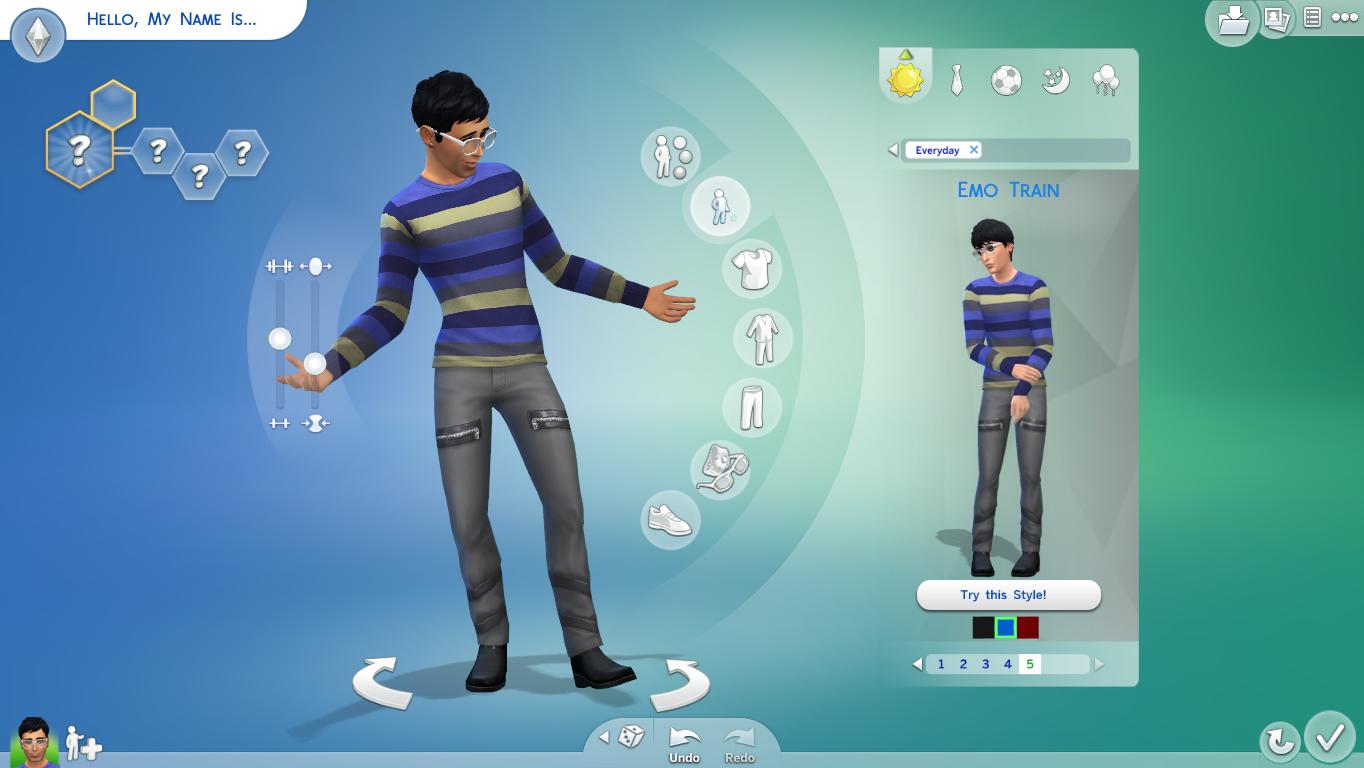
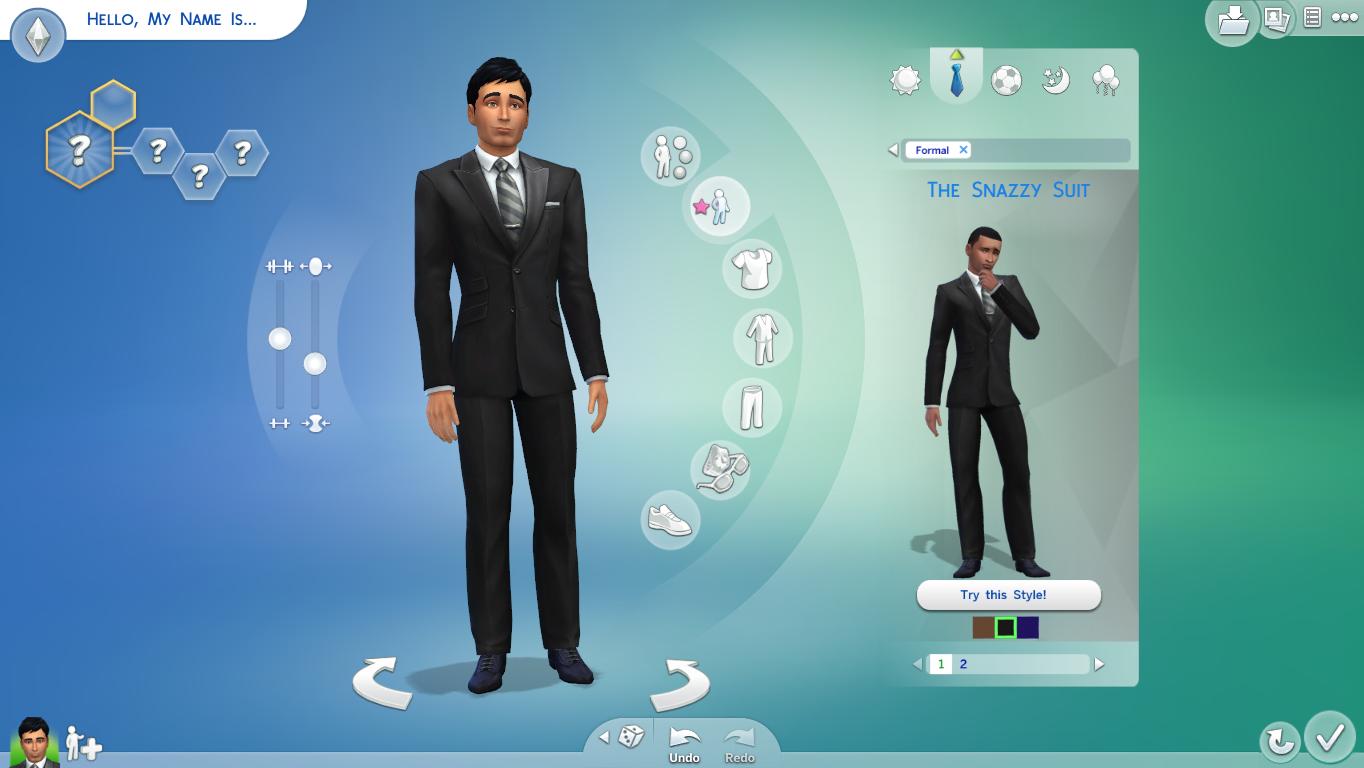
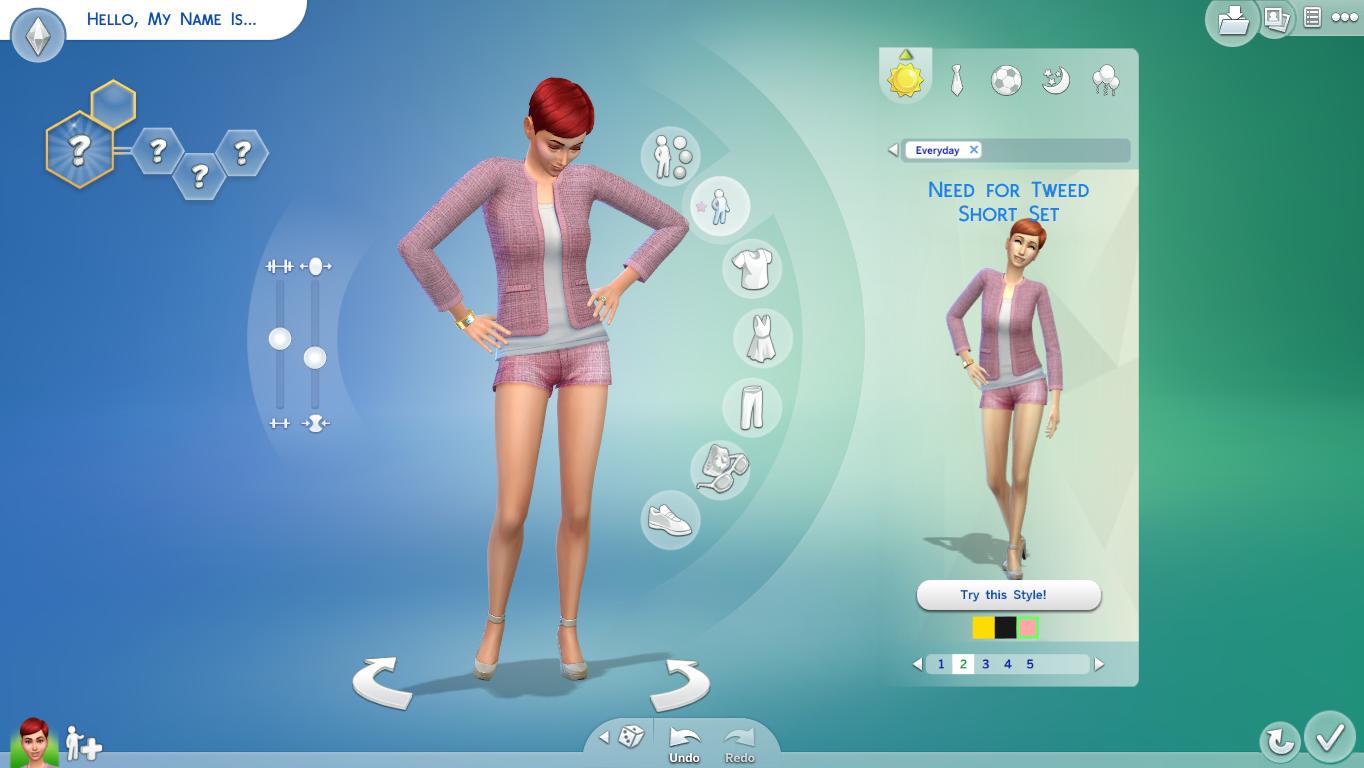
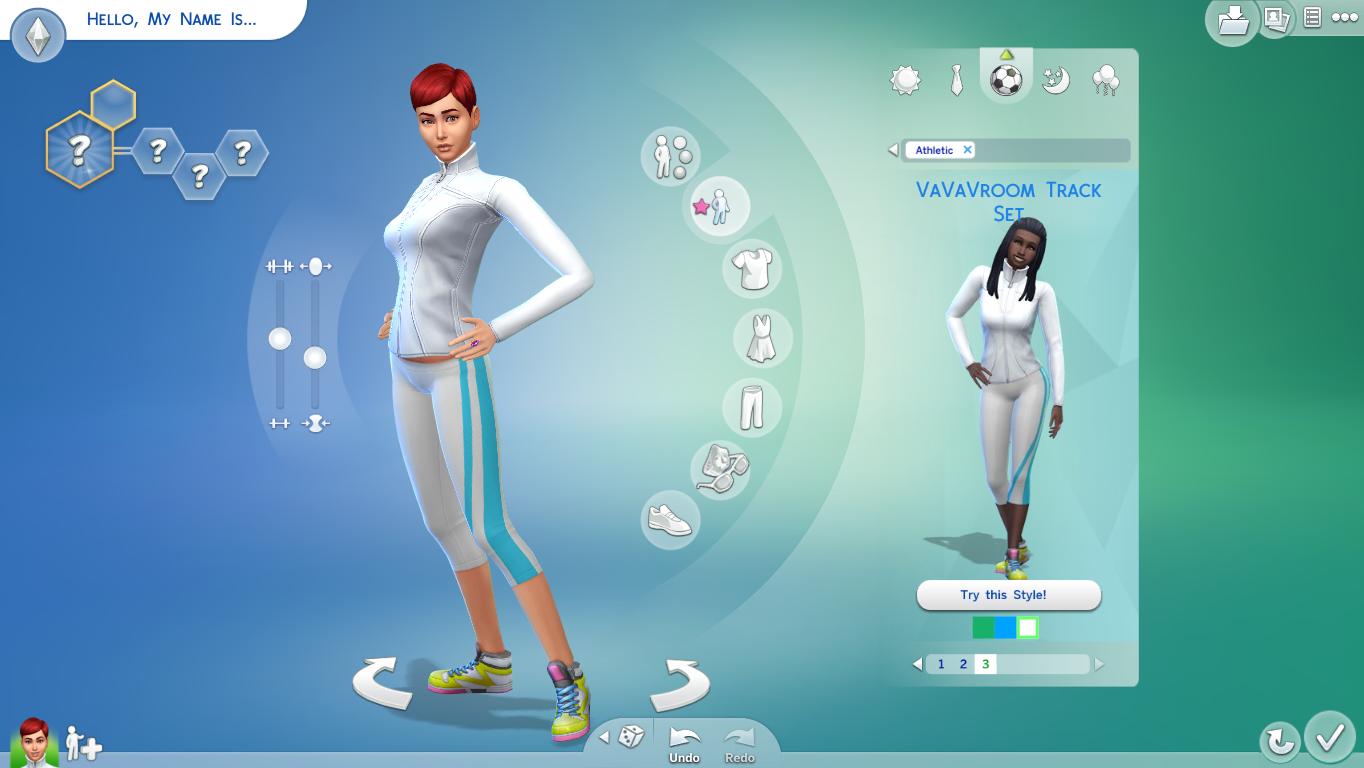
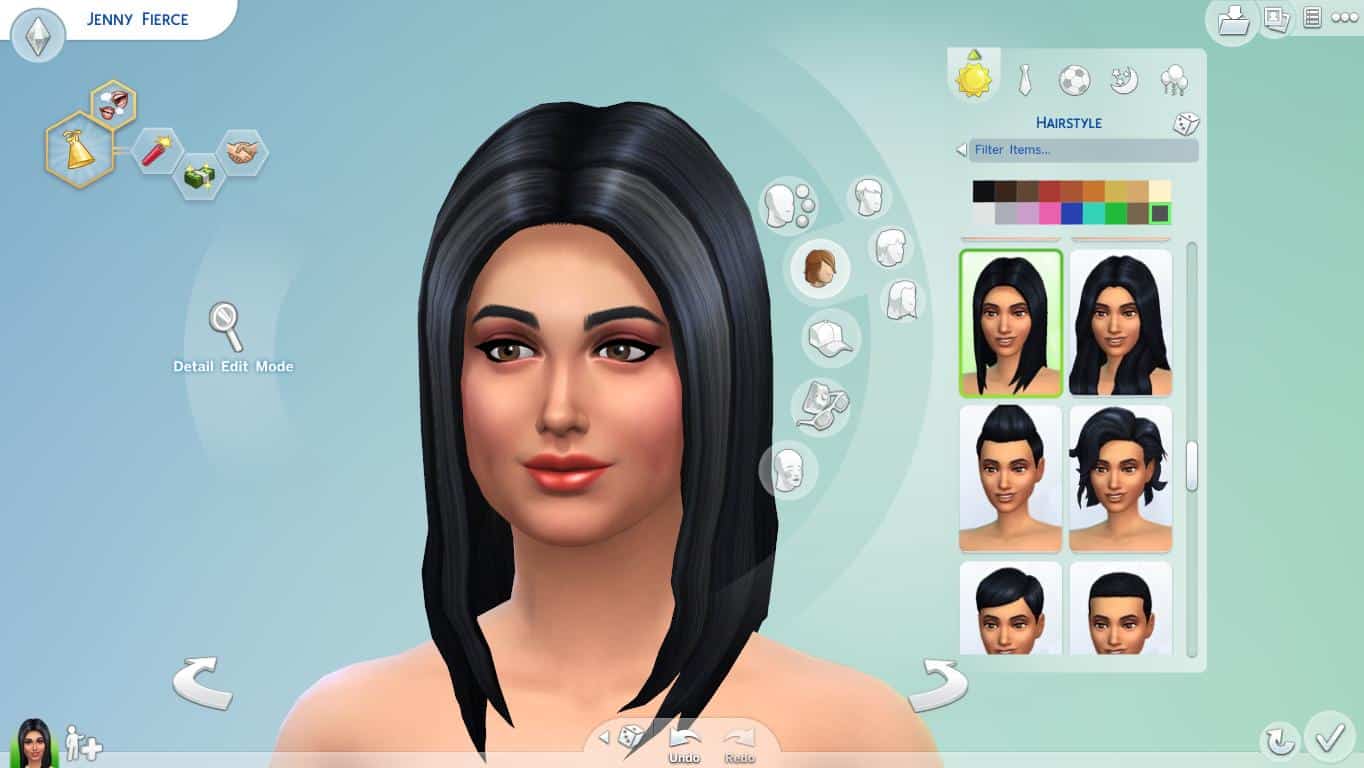
Ever since I first started playing The Sims, I craved the ability to sculpt my Sim as if it was clay. I wanted to stretch noses and tug cheeks; I wanted to imagine a face in my mind, and bring it to life in the game. Instead of simply shaping my Sims’ faces with sliders, I wanted a more personal and intimate experience. I doubt I’m the only one who feels this way, which is why I’m so excited to tell you more about Create A Sim in The Sims 4! The features I have always dreamed of have now become a reality.

In fact, our new Create A Sim tool has been completely rebuilt from the ground up to be more tactile and intuitive than ever before.

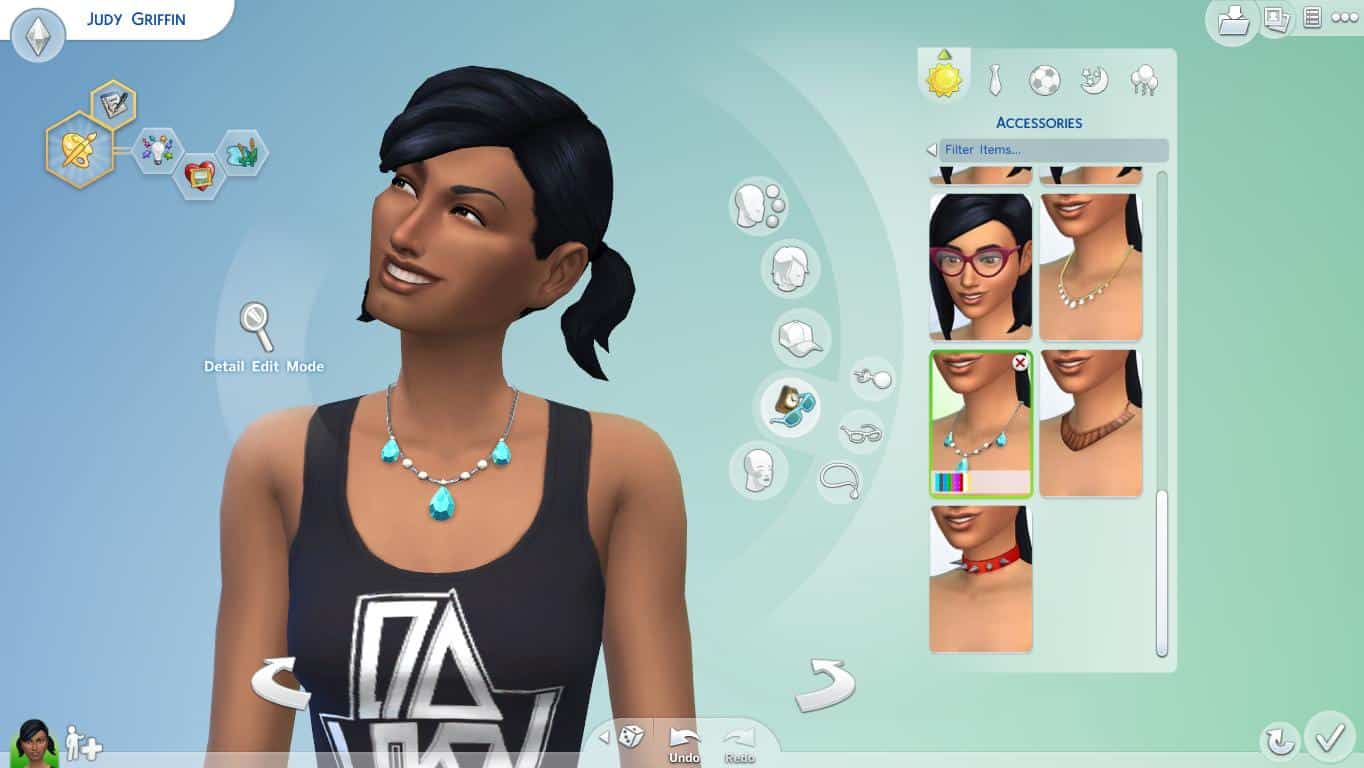
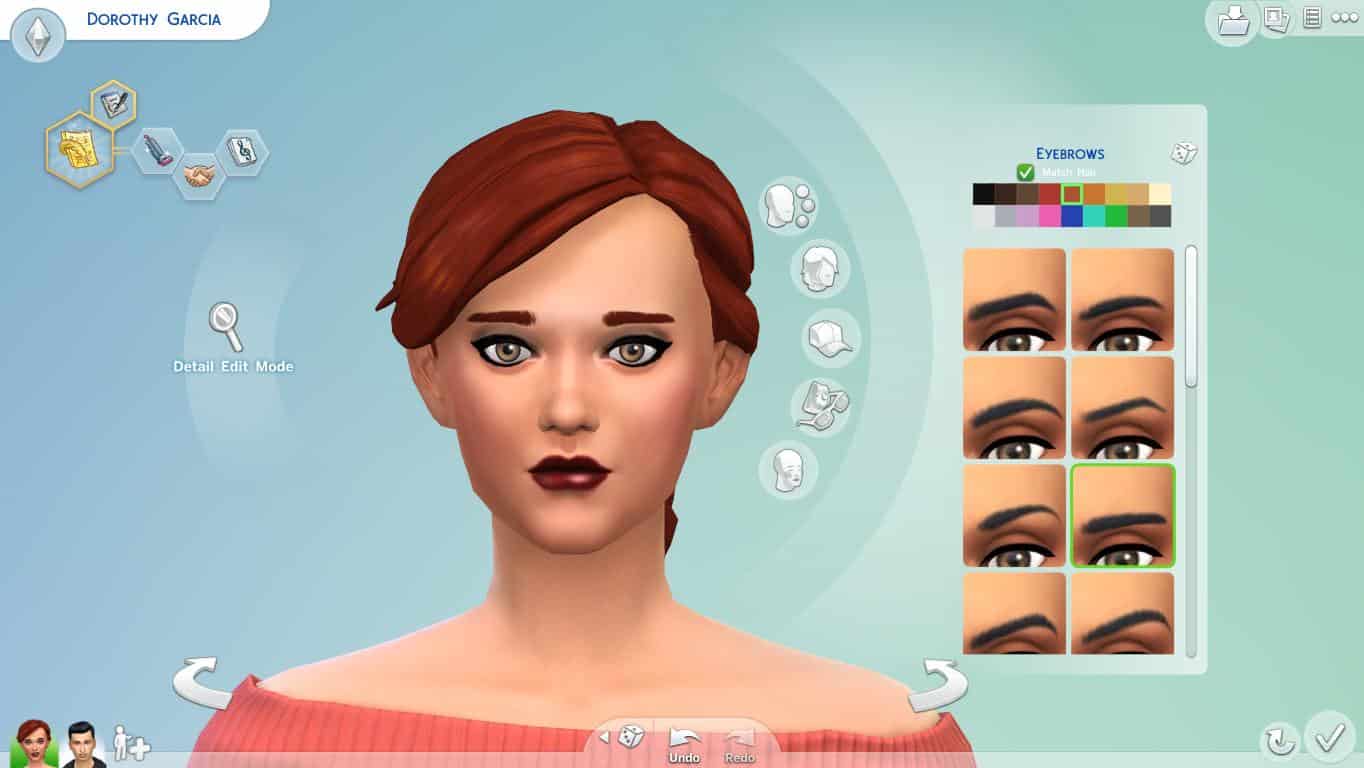
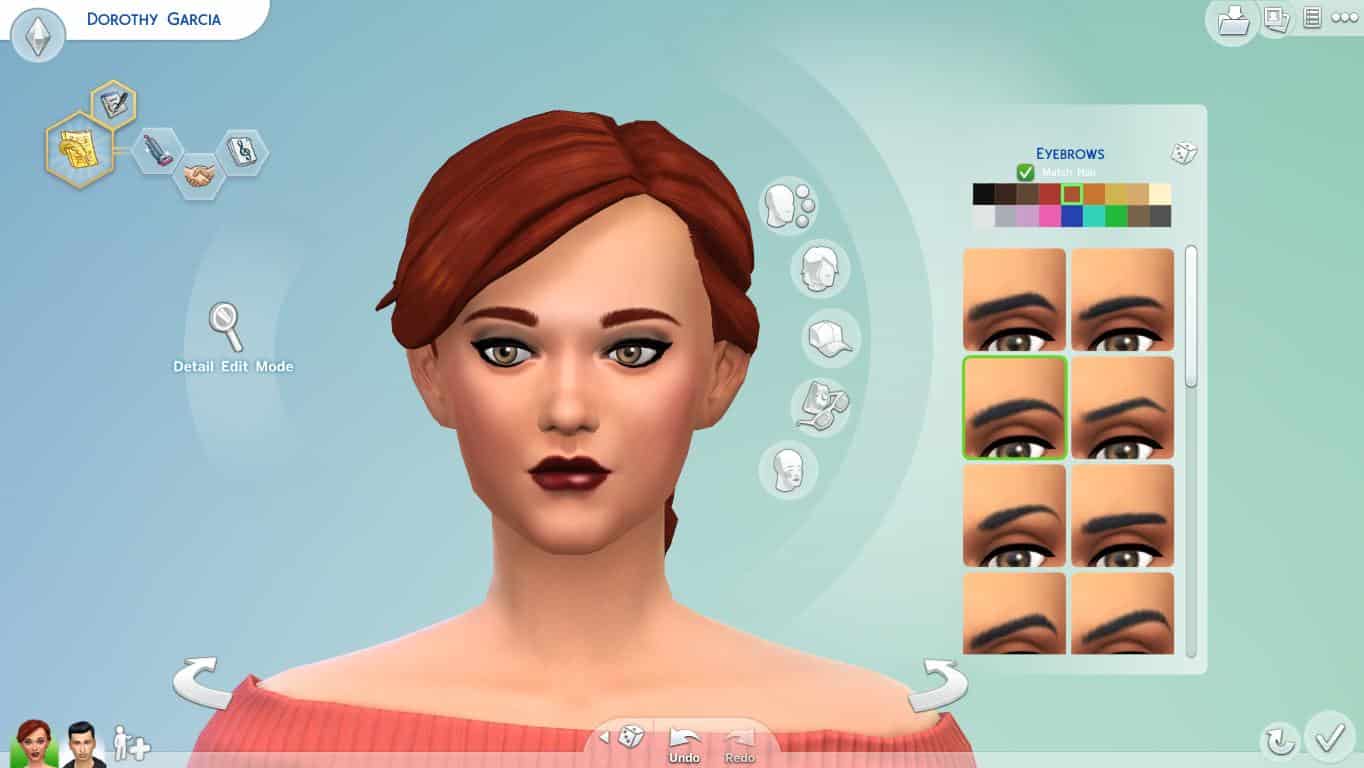
With The Sims 4, you can actually grab onto Sims directly and adjust the way they look with a simple click of the mouse. You can now click on a Sim’s body and drag and pull it to directly manipulate their look and shape. You can start by selecting from a series of our pre-made facial and body types. Then dive in to sculpt your Sim’s face and physique by expanding and scaling to get the most custom looking Sims yet. Next, enter Detail mode which allows you to get much more advanced in manipulating each feature of your Sim. Zoom in on your Sim’s eyes, ears, nose, chin and mouth to adjust and tweak their smaller features. This tool finally brings you the ability to recreate virtually anyone – your family, friends or even yourself with much more precision and ease. This awesome new way of creating Sims, in my opinion, brings a much more personal experience to the game.

1_TS4_Blog_CAS_size_0

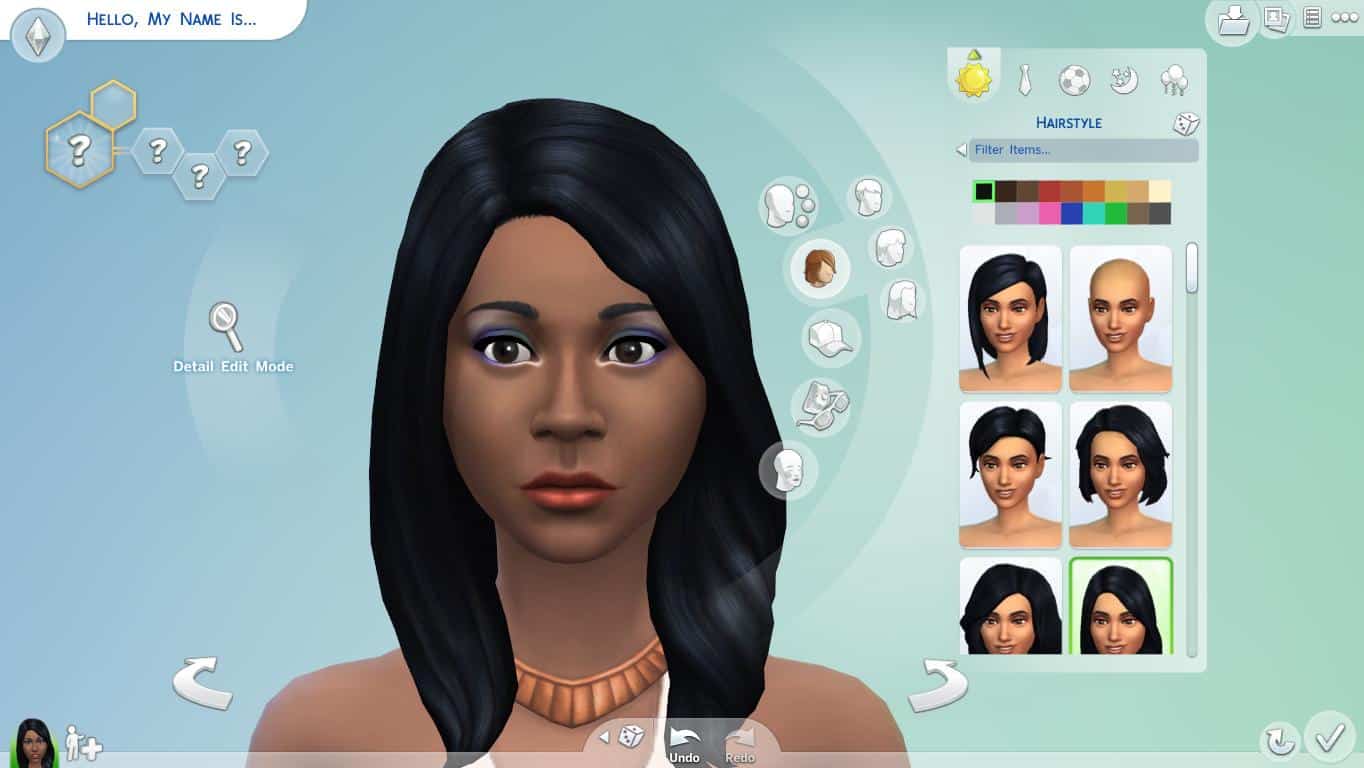
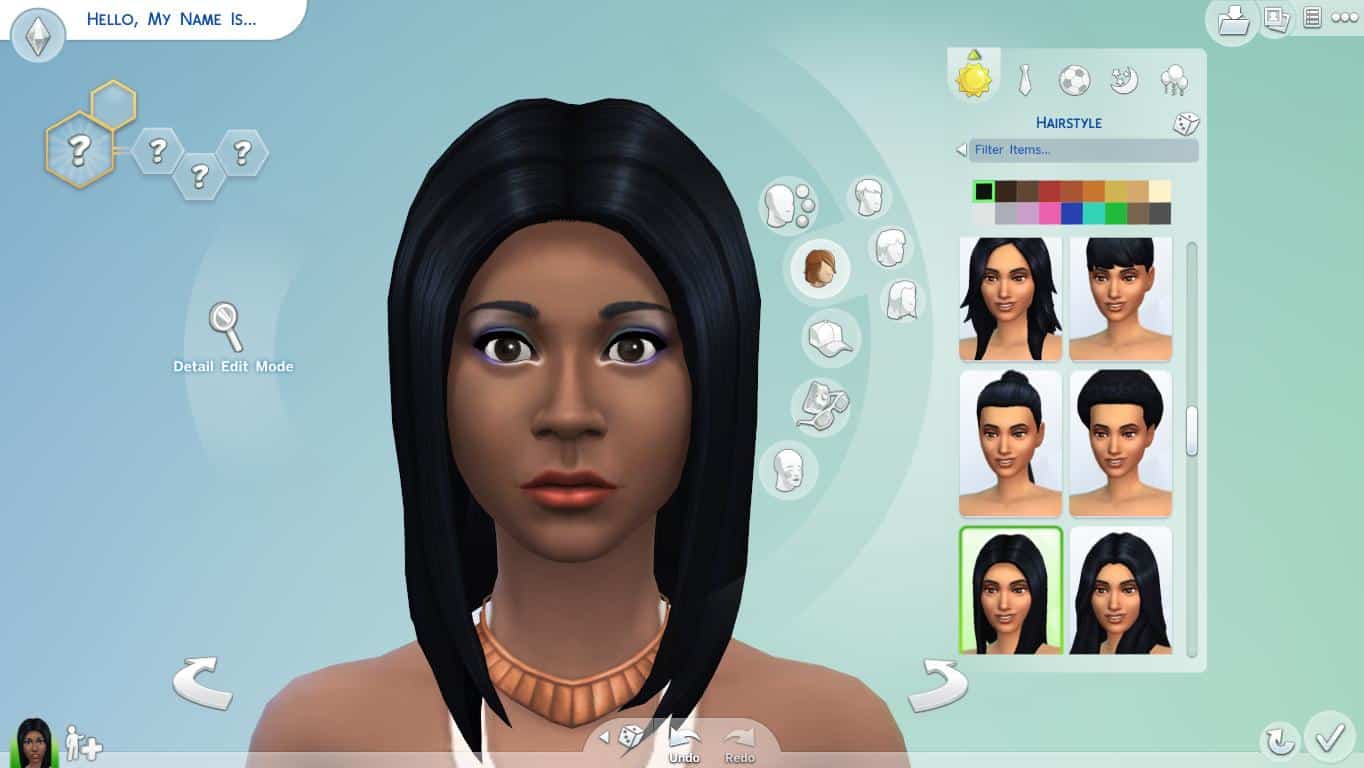
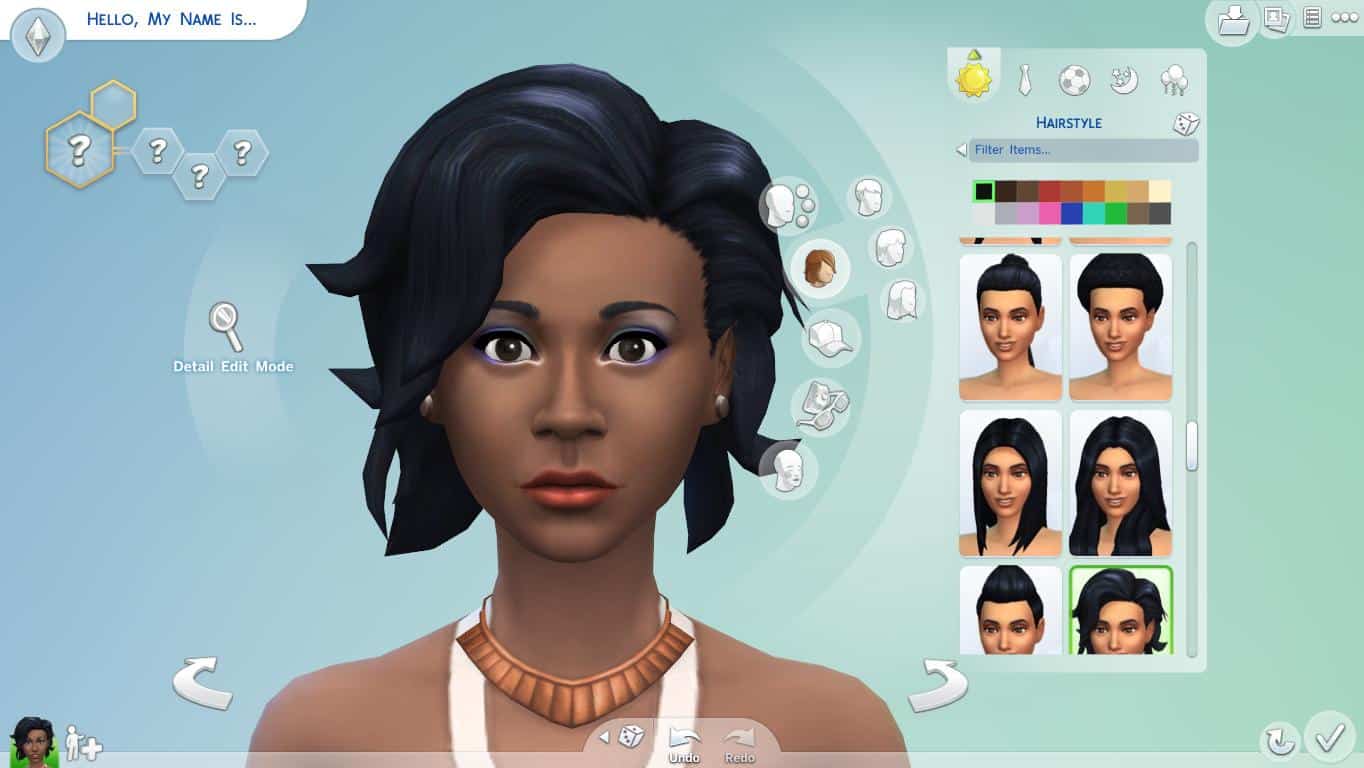
We have also added new facial archetypes that let you to create distinct faces for the first time. In the past, it was challenging to create Sims that captured unique facial differences from around the world. Now, you have the ability to adjust the underlying bone structure of your Sim’s face, which gives you the power to create Sims that carry varied and distinguished looks. You can use it to create anyone from around the world!

2_TS4_Blog_CAS_size

As every The Sims player knows, creating characters is more than skin deep. Create a Sim is not just about how your Sims look, it’s also about who they are on the inside. Like in previous Sims games, you select traits to manipulate personalities. But now, in The Sims 4, personality has a deeper impact on how your Sims interact and who they eventually become with the introduction of Emotions. Emotions affect everything your Sims do and how they react in various situations, which creates a new found synergy when combined with traits in The Sims 4. I’ve always loved the “Insane” trait, for example, and the effect of combining this trait with emotional states can lead to even wilder gameplay outcomes. We’ve added in some new traits to the game, such as my personal favorite, the “Bro” trait. This trait combined with emotional states can spark a new “bromance” for your Sim. In The Sims 4 it’s tons of fun to play with the various ways Traits work with emotions to bring smarter Sims and weirder stories to your game.

3_TS4_Blog_CAS_size

However, traits and emotions alone do not dictate the entire personality of your Sim. We’ve added in all new Walk Styles to really bring out your Sim’s individuality.. It’s amazing how much personality these Walk Styles bring to your Sims. The new styles help insinuate a level of confidence, humility or humor in your Sims starting in Create A Sim and carries forward to how they move in the game. This feature adds to an important underlying theme in Create A Sim: it is not just about how they look, Create A Sim is about bringing your Sims to life in a brand new way.

Speaking of bringing things to life, we’ve greatly improved our genetics system. As before, you can create two Sims and try for a baby. Their baby would splice their DNA together and their baby would grow up to have features representative of both their Mother or Father’s looks. Now, right in Create A Sim, you are able to mash-up the looks of two Sims to preview what their child will look like. Better yet, you can then manipulate the look of the child if you aren’t satisfied with the results. You can also create family members based off of just one of your Sims’ genetics! Want to give one of your Sims a brother, done! Or provide them with a kid sister, check! The improved genetic functions are dynamic, open ended and really fun to play with.

Like I said, this is the Create A Sim I always wanted, and I’m excited to share it with you when the game hits this fall.

Looking for more details on genetics or my latest “bromance”? Hit me up in the forums or on Twitter (@SimGuruRyan) and I’ll try my best to answer all of your CAS questions.

Blog Post

It’s been exactly 1 year!

0

Today marks exactly 1 year since Sims Community fansite has been established.

It all started as a simple wish to create a fansite that will cover all the latest news from The Sims and SimCity franchise. I never knew that, what turned out as a hobby, became a part of my everyday life.

Sims Community on 7th of January, 2014

site

I’m really proud to say that in 1 year, we’ve established over 1,000 unique visitors per day! This is a really big number considering that we’ve just turned 1 year.

I’m also proud of our followers on Facebook, Twitter and Tumblr! You guys are always there to talk with us, whether it’s Sims, SimCity or some other topic.

Now, we have so many projects that you can see right now on our site and projects that are still waiting to be published/worked on.

Don’t forget that we are celebrating 1 year of hanging out with you guys by giving away some great Sims/SimCity stuff!

ENTER THE GIVEAWAY

Now, I’d like to thank some people who really helped me a lot throughout this 1 year of Sims Community!

Thanks to:

Digitto for setting up our website, helping us out when bugs occur and giving us some great games so that we can host awesome giveaways! They were here with us from the very beginning.

People at Electronic Arts UK for supporting us and our work!

Leighanne for taking care of the site when I’m not around!

Nicole K. for giving me some great tips – I didn’t forget them and never will  😉

Polish Sims fansites DOTSim and Sims True Life for cooperating with us.

SimLinks for helping us out in writing articles on our Magazine.

I saved the best thanks for last:

Thank you everyone for visiting our website and being so supportive – we wouldn’t have come this far without you!