Home Blog Page 155

The Sims 4 My Wedding Stories: Build/Buy Overview

Every single object in The Sims 4 My Wedding Stories!

Presented by EA Game Changers – Software Not Final

The Sims 4 My Wedding Stories comes with a total of 82 new Build/Buy items and 5 styled rooms. Some of the new items include a dance floor, wedding aisle, functional tea sets, new wedding arches, buffet tables with a drink fountain, and stained glass windows.

Check out each catalogue item and styled room below!

Buy (65)

Build (17)

Styled Rooms – Catalogue

Styled Rooms – Swatches

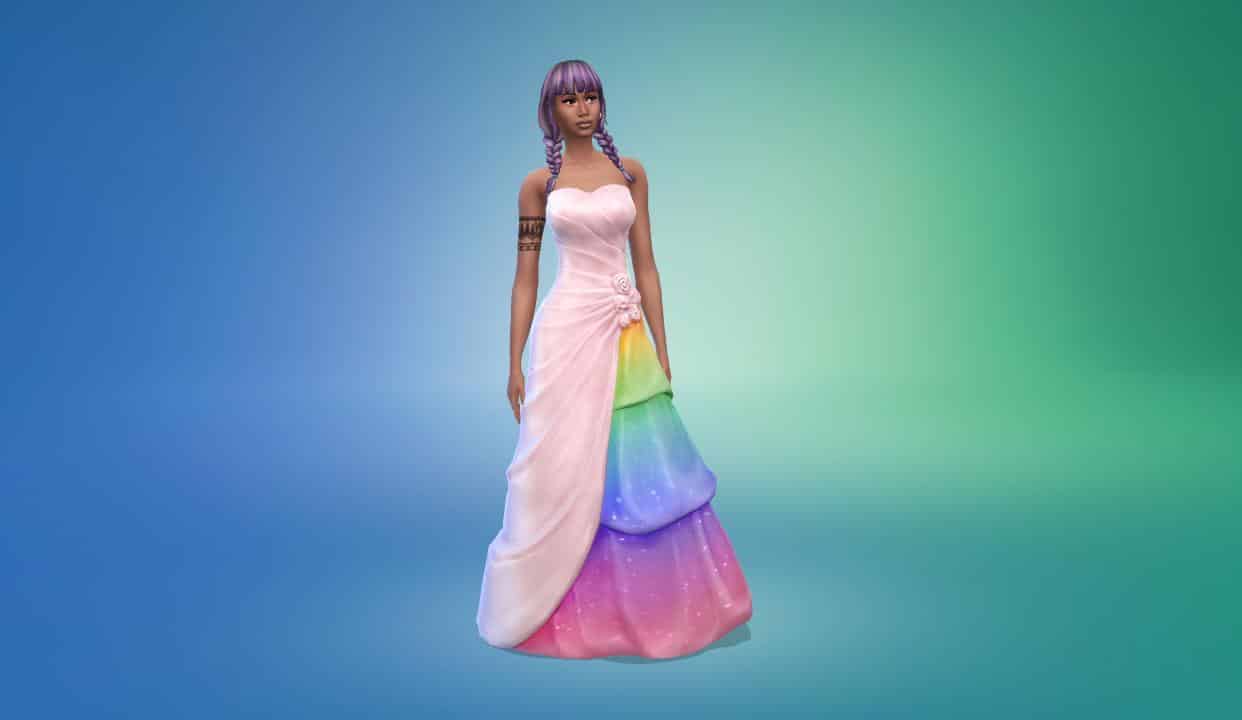
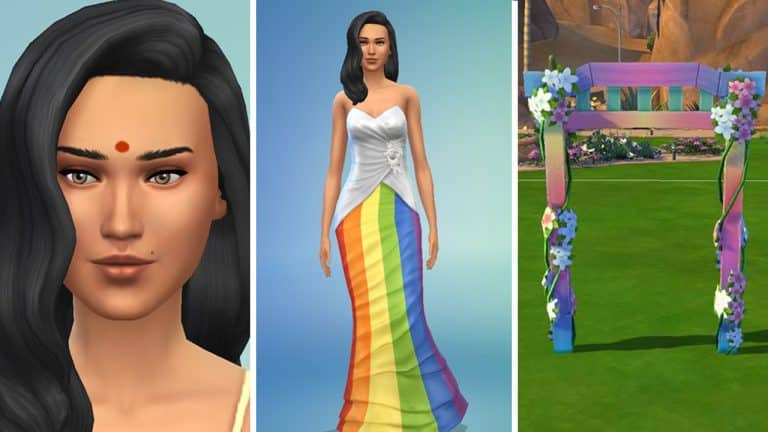
CC Creators did their magic on The Sims 4’s Pride Dress

From pride clown to a beautiful pride gown!

The Sims 4’s latest update went back to the beginnings with the original Base Game wedding content!

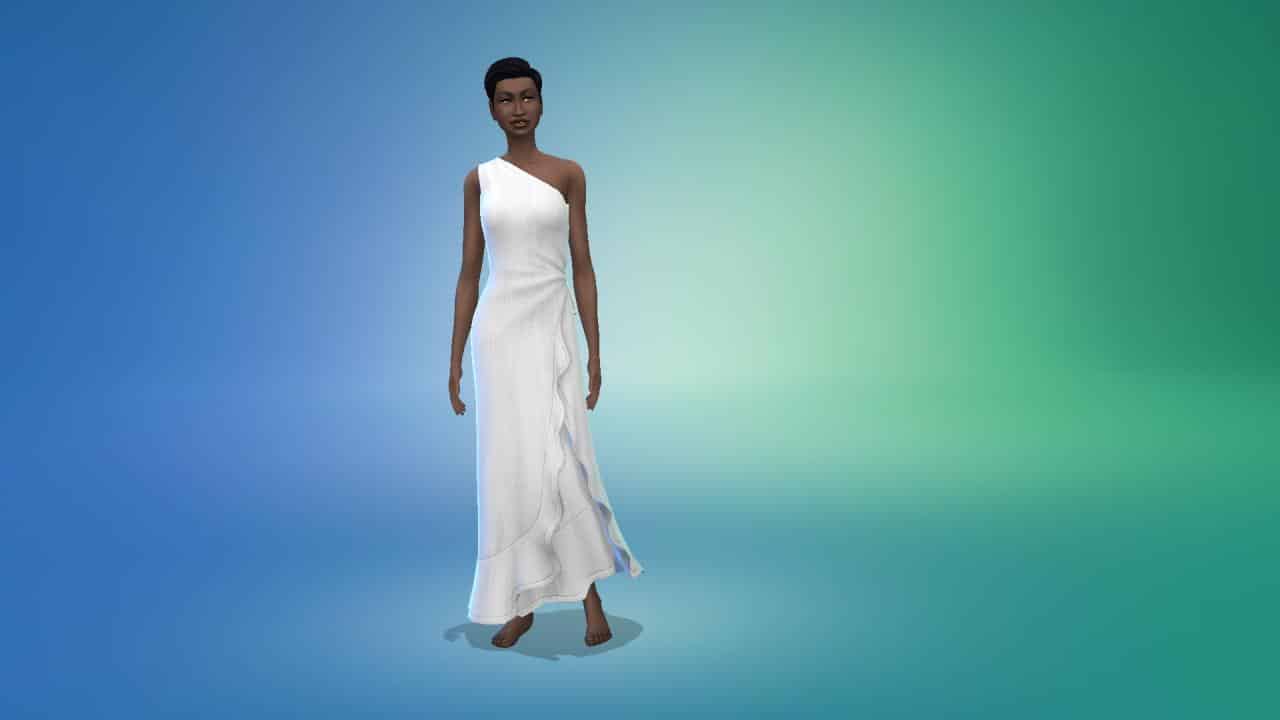
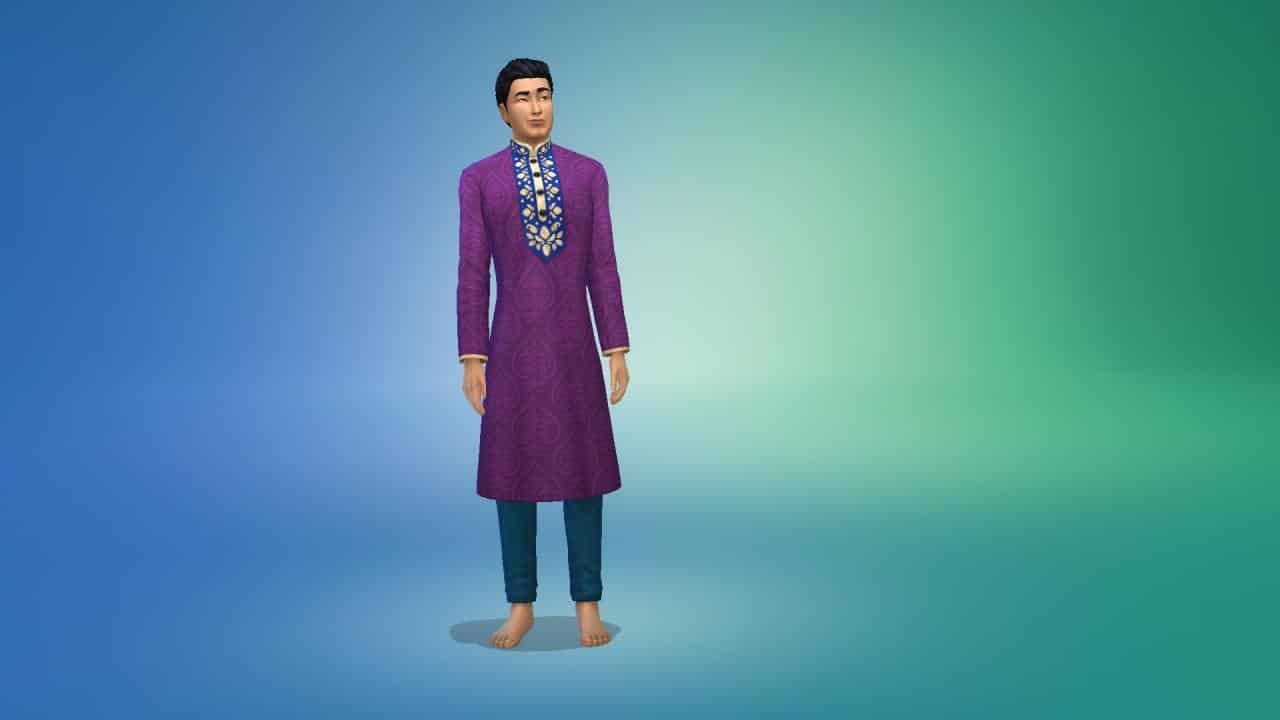
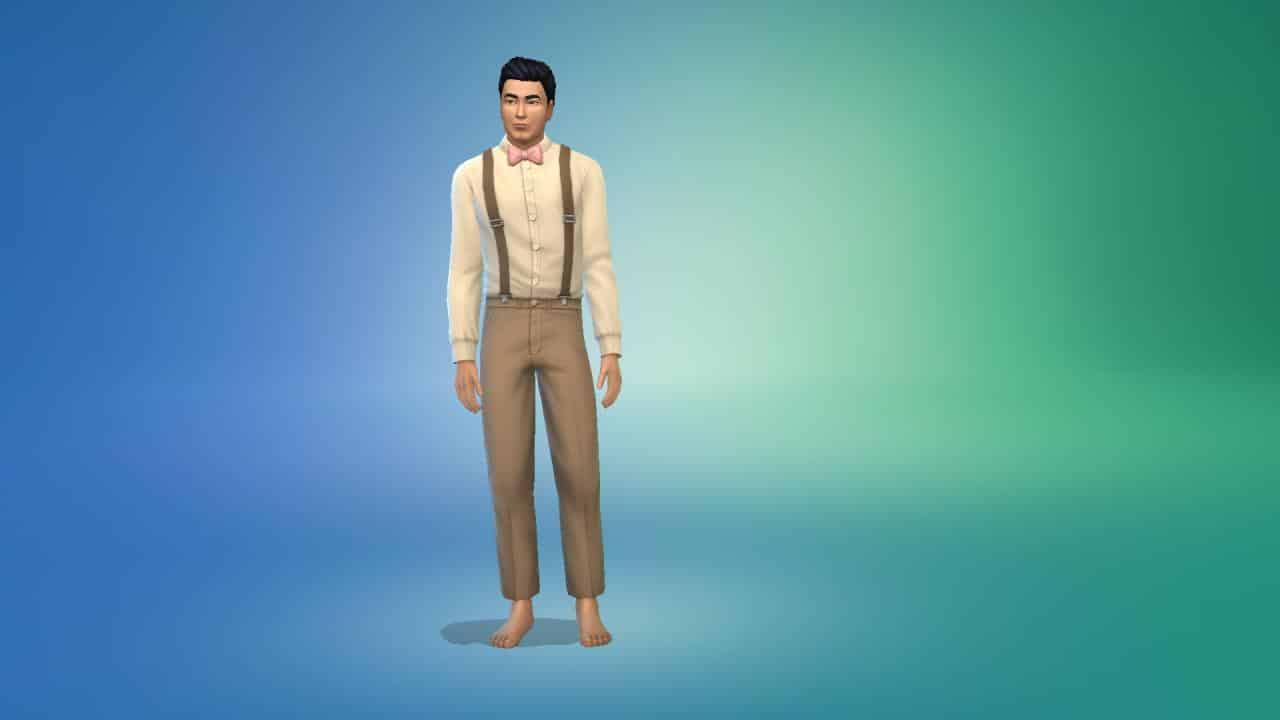
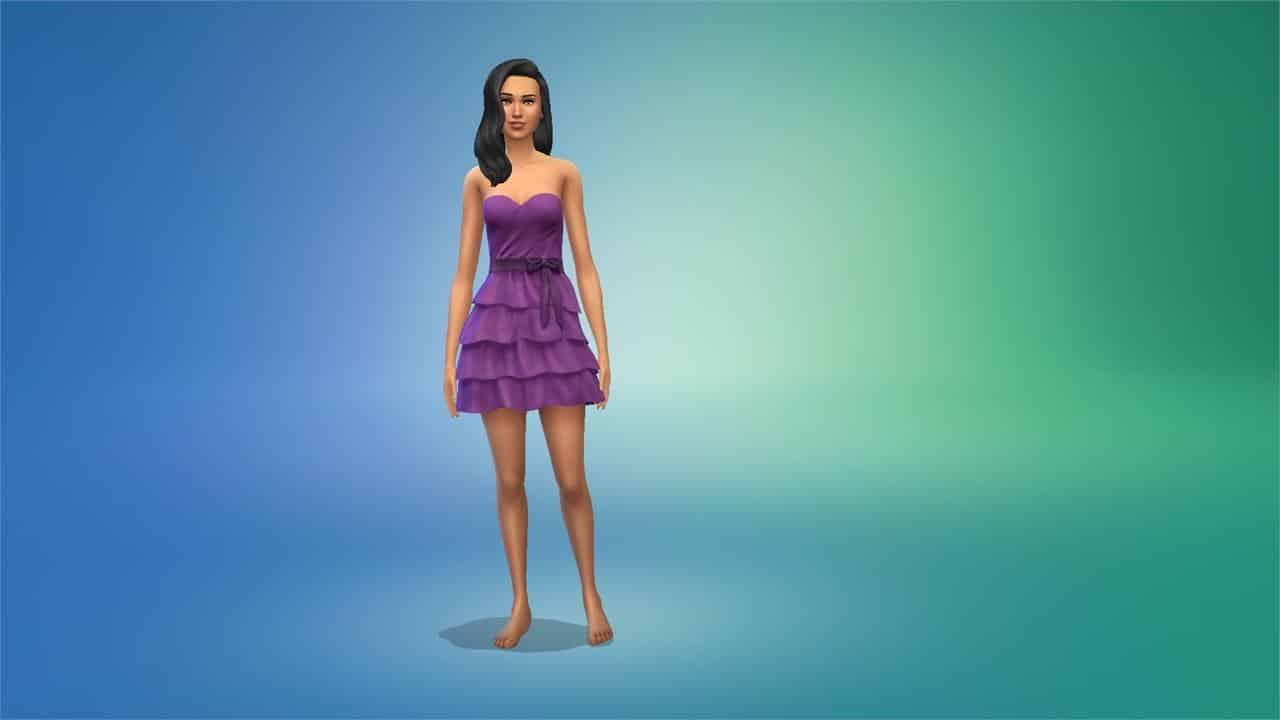
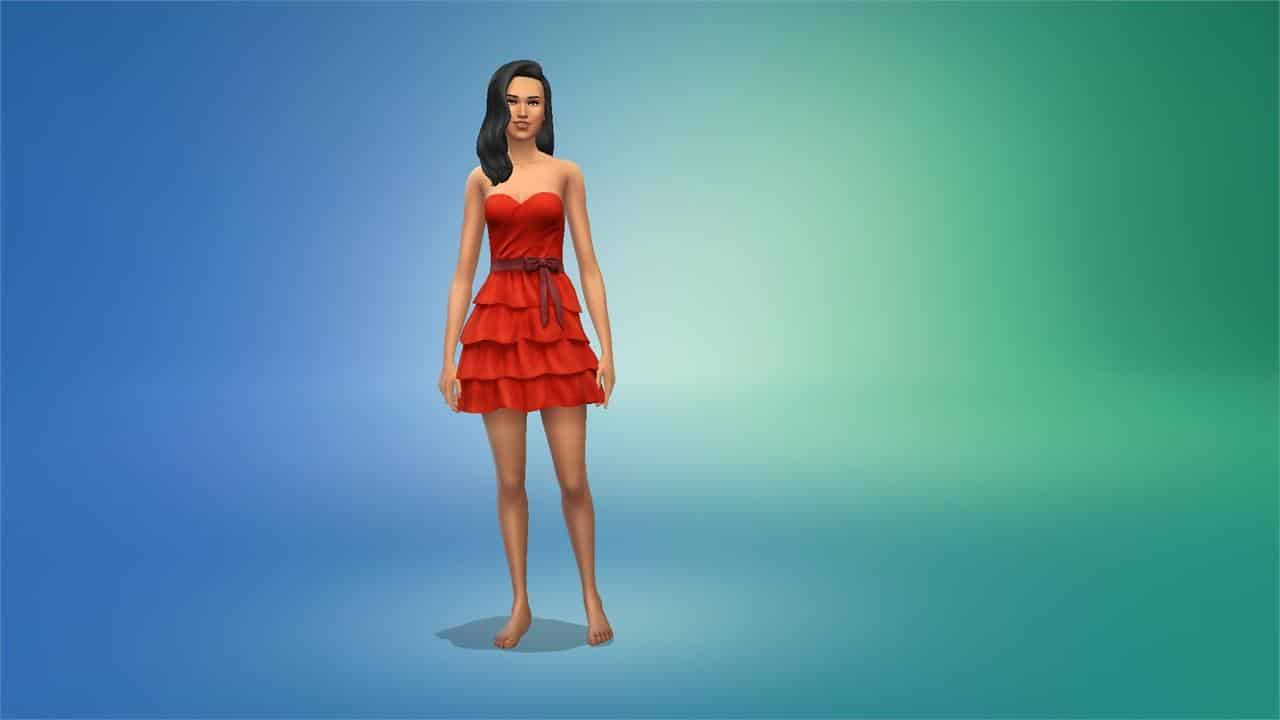
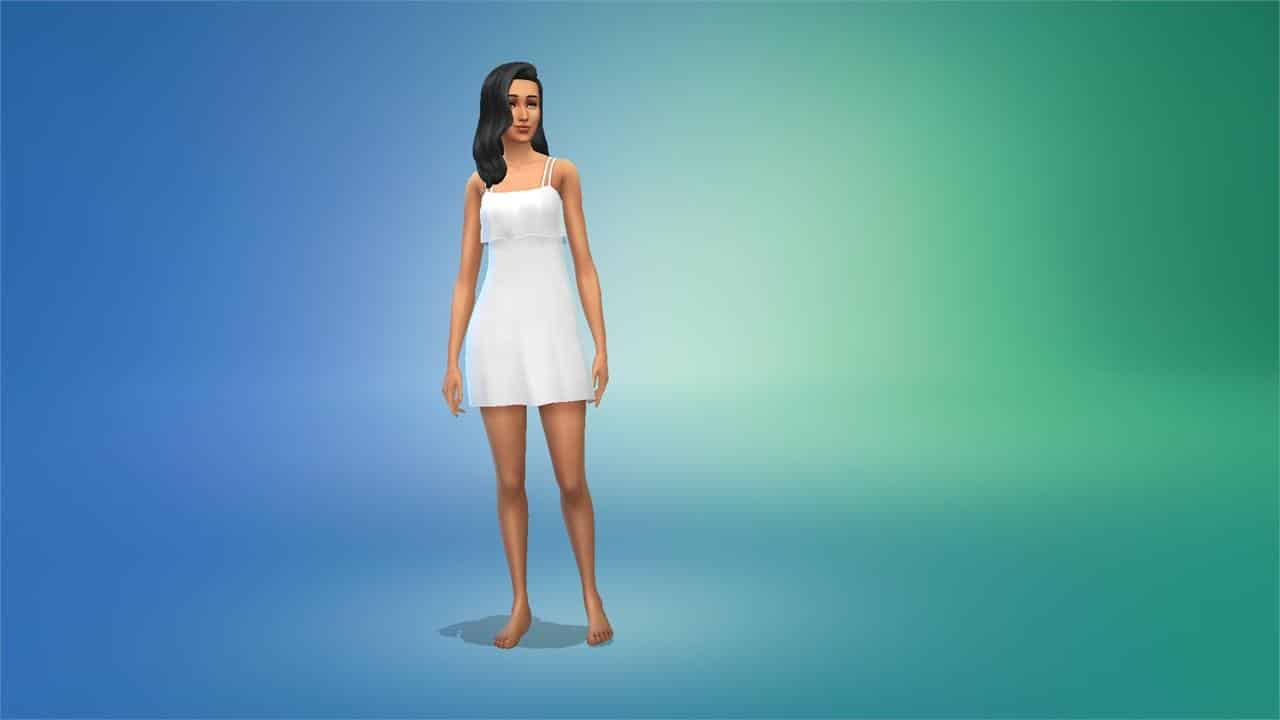
The Sims Team went through the original wedding arches, masculine suits and feminine dresses to add new colors and variants. For the most part when it comes to solid and pastel colors they did a really good job. The dresses got to shine in a new light rather than the same old presets that we’re all used to.


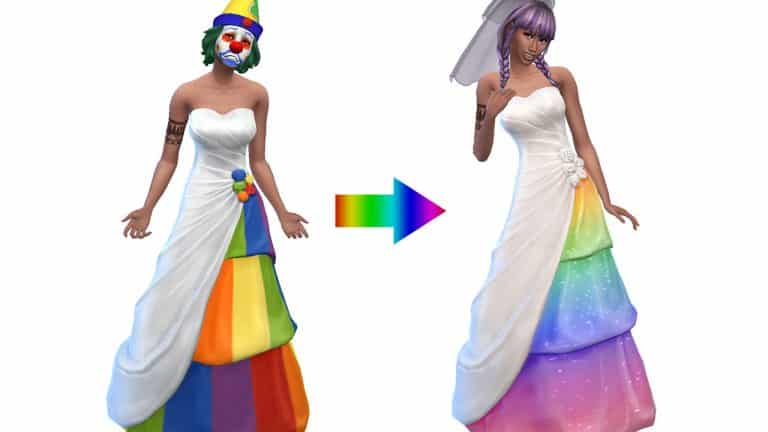
However, there is a dark and twisted variant that nobody expected. I’m talking about the Pride swatches.

Here’s the thing – you can definitely see the good intentions behind The Sims Team to be more inclusive when it comes to these Pride dresses. However, I don’t know a single person who agreed with this dress.

I’ll let you be the judge:


Don’t get me wrong – I love the extra steps that the team is taking to be more inclusive with Pride content in the game. Still, these Pride variants feel like something a clown would purchase at Target’s Pride clearance rack in July.

It’s one thing to do Pride stripes on pockets and other small outfit details where a small detail like that would be appreciated. It’s another thing to go over the top and add Pride stripes across the entire dress – making it look more like a circus tent. Gradients and Pride colors that aren’t overly saturated go a long way, and the Custom Creator community proved just that!

CC Creators @FrenchieSim and @Sims4Zeussim proved their swiftness and talent by releasing updated Pride swatches for the game. All by releasing the new swatches and variants in just a day after the update.

FrenchieSim Pride Swatches

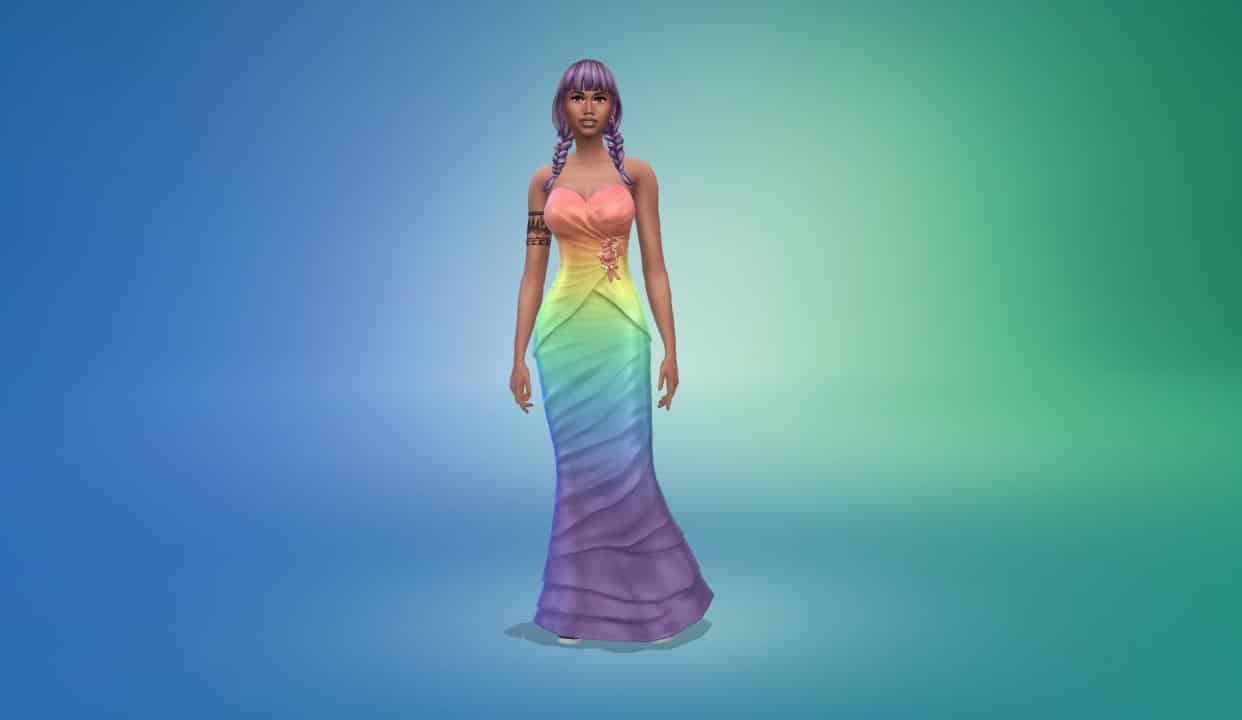
The Pride Swatches created by FrenchieSim include various gradients all over the new dresses representing different LGBTQ+ communities. You have colors that include the Lesbian, Transgender, Pansexual, Nonbinary and other flag colors that represent each community accordingly. And all done so beautifully in the game.

Check out the previews:


Ready to have these in your game? Click on the button below to be taken to FrenchieSim’s download page!

[mks_button size=”large” title=”DOWNLOAD!” style=”squared” url=”https://frenchiesimgirl.tumblr.com/post/676423073851932672/a-simple-pride-wedding-dress-recolor-just-a” target=”_blank” bg_color=”#3bb738″ txt_color=”#FFFFFF” icon=”fa-arrow-down” icon_type=”fa” nofollow=”0″]

Zeussim Pride Swatches

Zeussim has also done an excellent job creating the new Pride swatches for the game. They’ve also included an additional layer of sparkles to some of the Pride variants so that your pride can truly shown while walking down the aisle!

Check out the previews below:


Your Sims can proudly say “I do” with these CC swatches that you can download below:

[mks_button size=”large” title=”DOWNLOAD!” style=”squared” url=”https://www.patreon.com/posts/ea-rainbow-dress-62689140″ target=”_blank” bg_color=”#3bb738″ txt_color=”#FFFFFF” icon=”fa-arrow-down” icon_type=”fa” nofollow=”0″]

CC Veils

Looking to add more onto your Pride wedding look with a new veil? Zeussim has you covered with “Diane” and “Mary” veils that come along with new dresses. Click the button below to download!

[mks_button size=”large” title=”DOWNLOAD!” style=”squared” url=”https://www.patreon.com/posts/55104832″ target=”_blank” bg_color=”#3bb738″ txt_color=”#FFFFFF” icon=”fa-arrow-down” icon_type=”fa” nofollow=”0″]

CC Creators did their magic on The Sims 4’s Pride Dress

The Sims 4 My Wedding Stories: Rehearsal Dinner Guide

Preparing for the big day

Presented by EA Creator Network – Software Not Final

The Sims 4 My Wedding Stories adds a total of seven new wedding and marriage-related social events. Engaged Sims can host engagement dinners, rehearsal dinners, bach parties, and family gatherings before their big day. Wedding ceremonies and receptions can be planned as separate social events instead of being lumped together. Vow renewals for married Sims are a social event now instead of just being an interaction on the wedding arch.

One of the final social events your Sims may find themselves hosting shortly before their big day is the Rehearsal Dinner event. Here’s everything you need to know about hosting a Rehearsal Dinner.

Planning the Event

There are two ways Sims can plan a Rehearsal Dinner; through the phone and the calendar. Planning a Rehearsal Dinner through the phone will start the event immediately. Using the calendar to plan the event will allow you to schedule the dinner for a specific date and time in the future. On the phone, select Plan Wedding Event in the social tab and select the Rehearsal Dinner. On the calendar, select the day you’d like to plan the event for. Scroll down in the left sidebar and select Add a Wedding Event then select the Rehearsal Dinner.

Invite Sims

The Sims 4 My Wedding Stories: Rehearsal Dinner Guide
The Invite Sims tab has two roles to fill; hosts and guests. Select all the Sims you’d like to be attending the Rehearsal Dinner. If you want friends and family of both engaged Sims to attend, make sure the Sim planning the event knows all of their betrothed’s friends and family, too. Otherwise, they won’t show up in the invite list.

Plan Activities
The Sims 4 My Wedding Stories: Rehearsal Dinner Guide
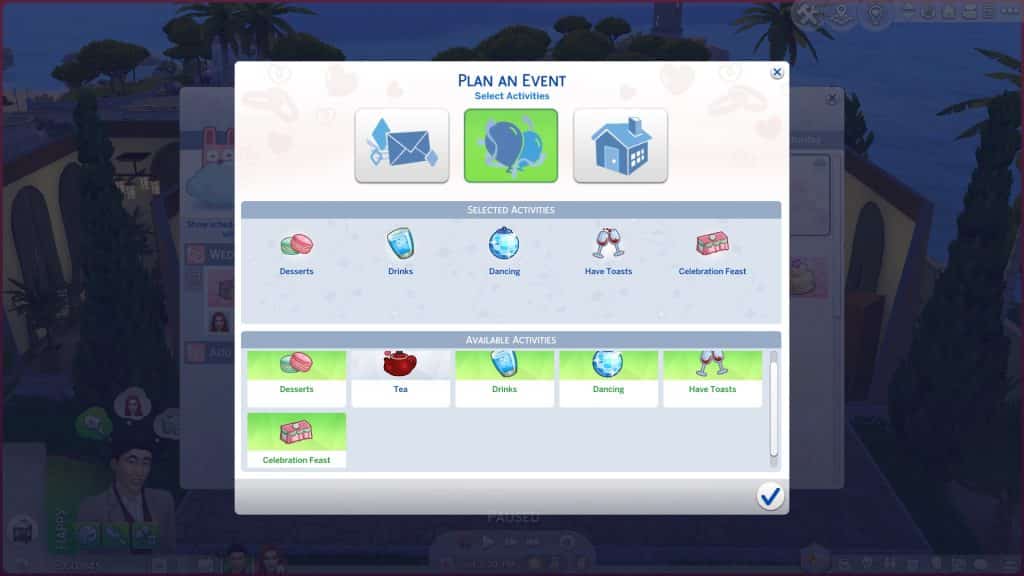
The next tab will let you select the activities you’d like to have at your Rehearsal Dinner. All wedding events have customizable activities so you can tailor all of your wedding celebrations to your Sims’ preferences and cultures.

The available activities to choose from for Rehearsal Dinners are:

  • Desserts
  • Tea
  • Drinks
  • Dancing
  • Have Toasts
  • Celebration Feast

The activities you select are purely up to your own tastes and preferences. Choose all of them, only one of them, or an assortment somewhere in-between.

Select a Place

The Sims 4 My Wedding Stories: Rehearsal Dinner Guide
You can select the location and time of your event on this screen. Rehearsal Dinners can be hosted on many different lot types. The following are all the lot types that showed up as being available for us in the venue list:

  • Residential (Engaged Couple’s Residence)
  • Bar
  • Beach
  • Café
  • Nightclub
  • Lounge
  • Library
  • Museum
  • Park
  • Pool
  • Wedding Venue
  • Chalet Gardens
  • Karaoke Bar
  • Island Bluff
  • Ancient Ruins
  • Centre Park
  • Community Space

We did place a restaurant and spa down in our world just to see if they would be available venues for this event but they did not appear in the list of venues.

Hosting the Event

The Sims 4 My Wedding Stories: Rehearsal Dinner Guide
If you planned the event using the phone, the event will start immediately. If you planned the event through the calendar, you will receive a notification one hour before the event starts to remind you about it. If there’s any setting up that needs to be done beforehand, it’s a good idea to head to the venue an hour early to do any prep work, like filling buffet tables, drink fountains, and adding any objects needed for the activities you chose.

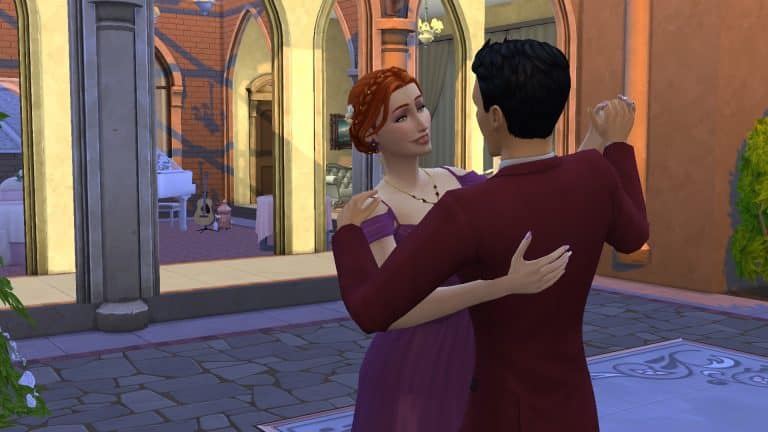
When the event starts, you will be prompted to travel to the venue you picked if your Sims are not already there and any Sims you invited will show up. During our Rehearsal Dinner, other Sims still showed up on the lot and crashed the dinner. It wasn’t a huge problem for us; they did not interfere with the event goals and if anything, they added to the social atmosphere but if you’d prefer to make your Rehearsal Dinner invitee-only, we recommend hosting on a residential lot.

The Sims 4 My Wedding Stories: Rehearsal Dinner Guide
You’ll notice that the Rehearsal Dinner is pretty much the exact same thing as the Engagement Dinner in terms of structure. Both events have the same list of activities available for them and they can both be held on all the same lot types; however, since every event type has customizable activities, you can set the two events apart by selecting different activities for them. You could also opt to have a Rehearsal Dinner but not an Engagement Dinner or vice versa.

You’ll see the typical social event goal tracker pop up in the top left corner but it works a little differently than other social events. There is no bronze, silver, and gold progress bar listed at the top and no main goal to complete; the success of the social event just depends on whether or not you are able to complete all of the activities you selected for the event.

The Sims 4 My Wedding Stories: Rehearsal Dinner Guide
Many of the objects tied to event activities, such as the champagne bottles on ice and the buffet tables have group interactions on them to help you control the flow of the event. You can direct all your guests to come and make toasts or grab food to eat. This avoids the problem of your guests all milling about aimlessly doing their own thing. Just click the object and select “Call Attendees to Activity.” If guests are currently occupied with another event activity, they may not be responsive to being assigned a different activity. If you’ve just called everyone to sit down and eat, it’s best to wait until all the guests have finished their meals before directing them to make toasts, for example.

The Sims 4 My Wedding Stories: Rehearsal Dinner Guide
If you don’t know how to complete a specific activity, hover over the activity in the event goals list to get a tooltip with some helpful information on how to complete it.

The Sims 4 My Wedding Stories: Rehearsal Dinner Guide
Our Rehearsal Dinner did not have an event timer but it started at 5pm when we scheduled it via the calendar and ended at exactly 11pm so it seems like this event lasts for 6 in-game hours. We scheduled quite a few activities for the Rehearsal Dinner; all the same activities we set for the Engagement Dinner, in fact, and we did not have much of an issue completing all the tasks within the given time frame. We did run into a few hiccoughs with some actions. For example, slow dancing with the engaged couple didn’t seem to complete the Dancing activity; only dancing together with the guests completed the activity. The slow dancing was also very short; the Sims would do one or two little moves and then stop dancing most of the time.

The Sims 4 My Wedding Stories: Rehearsal Dinner Guide
Hosting a Rehearsal Dinner, like all the other lead-up events to the wedding ceremony, is optional. My Wedding Stories is about tailoring your wedding to your own likes and experiences so if a Rehearsal Dinner is not something that suits your Sims, you can skip it entirely. Like we mentioned earlier, if you’ve thrown an Engagement Dinner previously, you’ve basically already had a Rehearsal Dinner and don’t necessarily need to have both events unless you plan to have different activities at each event.

The Sims 4 My Wedding Stories: Early Access Livestream

0

Join us today for a special Early Access Livestream for The Sims 4 My Wedding Stories Game Pack!

I’ll be answering any questions you might have regarding the pack. You can also expect me to showcase anything requested in the chat in regards of new things coming. New Create A Sim, Build Mode, the World and Gameplay – I’ll try to cover everything!

Please note that the Early Access Software of the pack that we received is not final.

The livestream begins tonight at 8PM Central European Time, or 11AM Pacific Time. You can also see the exact beginning of the livestream by clicking the play button!

Hope to see you <3

The Sims 4 Fixer Upper: Café Challenge Showcase

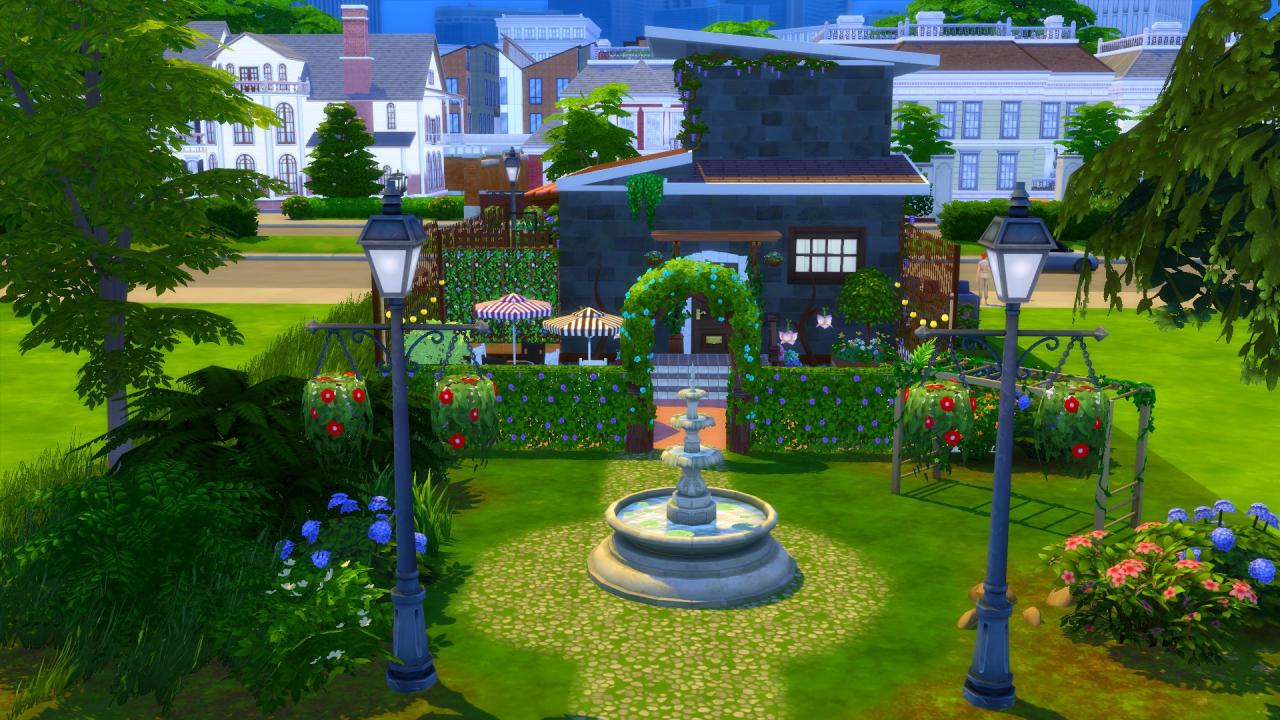
Add new Cafés to your worlds

Welcome to our first Fixer Upper Showcase for this year!

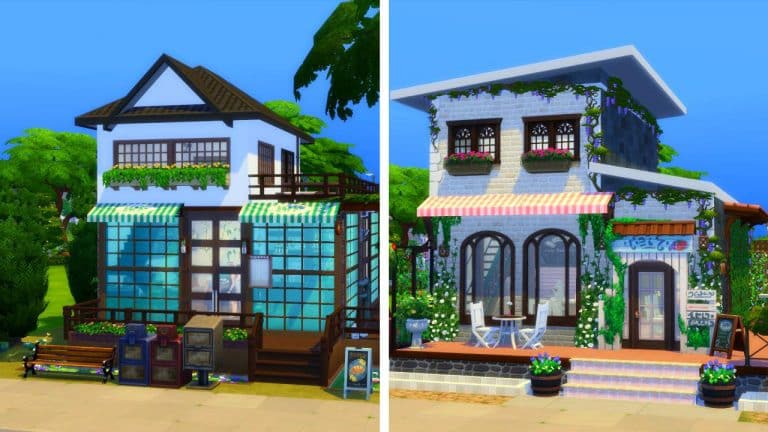
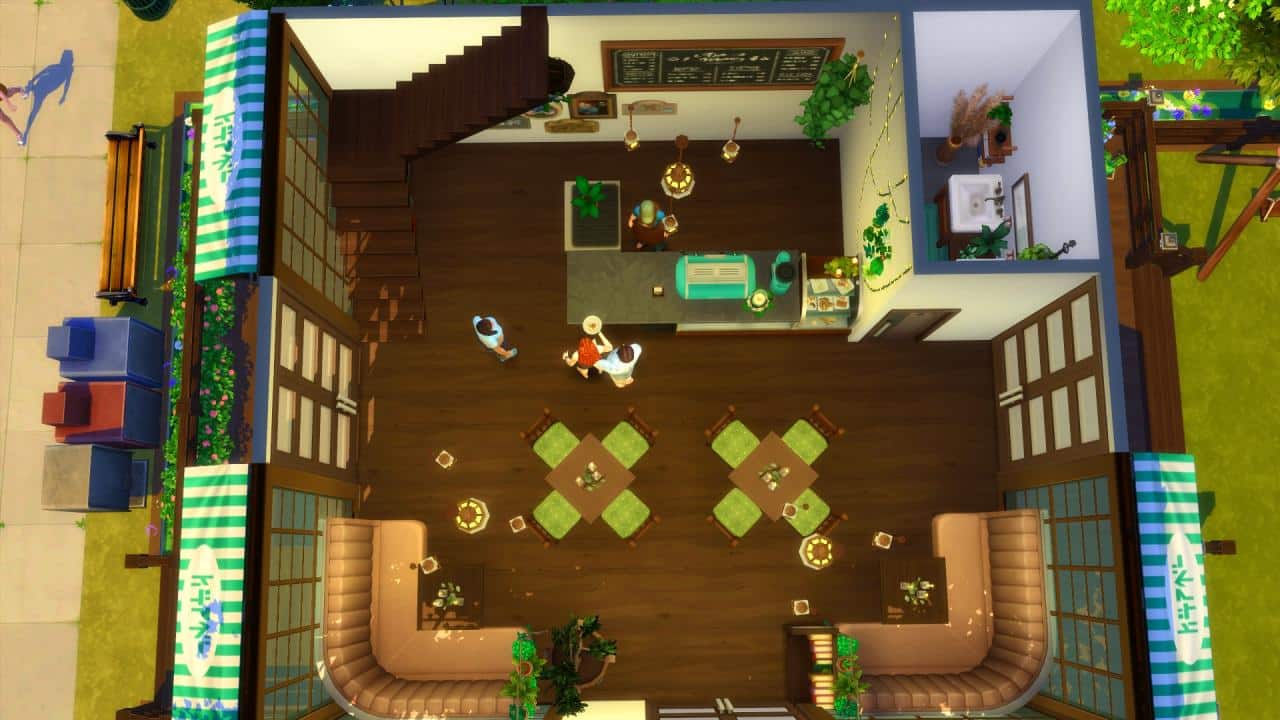
The task was for this challenge was to renovate this rather run down and forgotten about Café. We left the theme for the Café for the community to chose and there have been some incredible cafés created!

You can read the full details about the Café Fixer Upper Challenge here!

Here are some of our favourite Cafés from this month’s challenge!

Maanondore

The Sims 4 Fixer Upper: Café Challenge Showcase

I loved Maanodore’s version of our café. It was nice and simple, and I liked how they used of the large windows that would let the lower flower of the Café be filled with lots of natural light. The added car parking area was a brilliant use of the extra space at the back of the lot, too!

Click here to view on The Gallery.

NessaLuca

The Sims 4 Fixer Upper: Café Challenge Showcase

The Jungle theme for NessaLuca’s Café really grabbed my attention, and it really brought the café to life! The use of the plants both in and outdoors is perfect and the outdoor decked area will be lovely for Sims to hang out and catch up with, especially during the sunnier weather.

Click here to view on The Gallery.

LamammaForever

The Sims 4 Fixer Upper: Café Challenge Showcase

If you were ever looking for a Beach inspired Café for Sulani then definitely check out this Café renovation by LamammaForever! The colour combinations are perfect, and I can’t wait to have my Sims enjoy a nice coffee here while looking over the ocean!

Click here to view on The Gallery.

LovelyAlex3

The Sims 4 Fixer Upper: Café Challenge Showcase

Everything about this renovation is completely adorable! I love the outdoor area, the little seating area at the front of the café, the colours, everything!

Click here to view on The Gallery.

Thank you to everyone who shared their creations for the February Fixer Upper Challenge! We loved each and every single one, and don’t forget, you can find all the creations for this challenge under the #SCCafe hashtag!

Stay tuned for our next challenge!

The Sims 4 Scenario Playthrough: Celebrate Carnaval

The recent SDX drop dumped a tonne of neat goodies into our games, including two new scenarios! The new scenarios are Celebrate Carnaval and Power Couple. Power Couple is a permanent scenario that’s here to stay forever but Celebrate Carnaval is a limited-time scenario.

Here’s how our Celebrate Carnaval scenario playthrough went!

Starting the Scenario

The Sims 4 Scenario Playthrough: Celebrate Carnaval
As usual, we selected the New Scenario option on the main menu and selected the Celebrate Carnaval scenario to see all of the info on it. It’s a limited-time scenario. Players who wish to play this scenario will have to start the scenario before March 8, 2022. This gives players almost a full month to experience this scenario which is double the length of time of previous limited-time scenarios, which were typically two weeks long.

The description states that teen or older Sims in the household will start with some Cooking skill to help them prepare some of the dishes for the scenario but there are no household requirements for this scenario.

There are three possible outcomes. In other words, three different ways to complete the scenario. You only have to do one of the tasks to complete the scenario, not all three.

  • Cook Acarajé, Pão de Queijo, or Brigadiero together with at least one other Sim
  • Have a Sim listen to Carnaval Beats and dance to it
  • Host a party. Costumes are strongly encouraged

Needless to say, we were pretty underwhelmed looking at these potential outcomes. All three seemed like something you could finish pretty much immediately after pressing the play button.

But this is Sims Community and it’s our job to cover everything new in The Sims, so let’s go!

Not The Life of the Party…

We just went with the first random Sim the game spit out at us and used cheats to get her set up in a big party mansion in Del Sol Valley. Out of three disappointing options, we figured throwing a party was the most “challenging” of the three tasks.

The Sims 4 Scenario Playthrough: Celebrate Carnaval
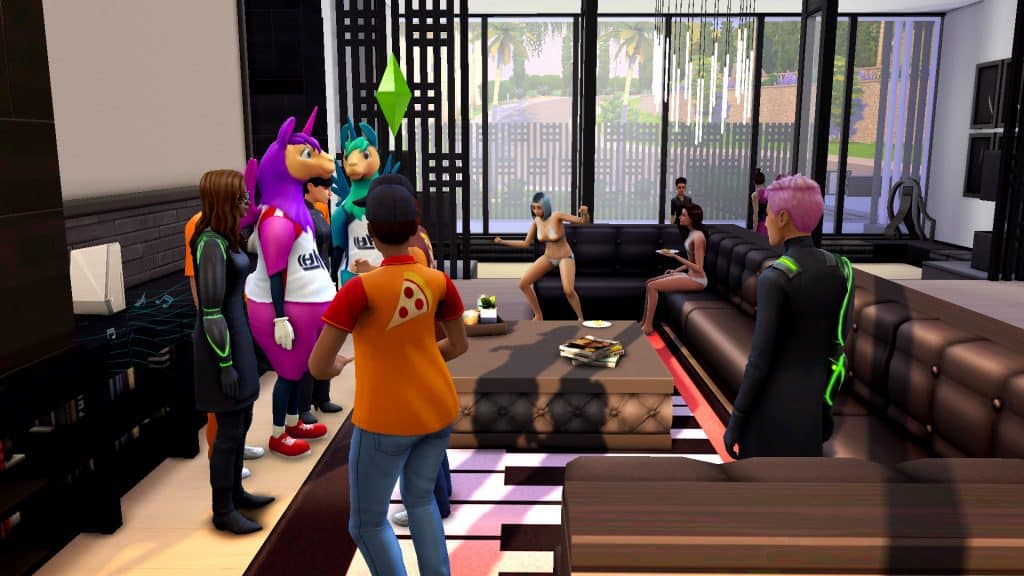
Our Sim pulled out her phone to host an Incognito Costume Party, which is a social event that comes with the Digital Deluxe edition of The Sims 4. Any type of party will satisfy the goal, however. You do not need to have the Digital Deluxe edition of the game. Throw any type of party available to you. However, we quickly realised she couldn’t throw a party because she had no friends. Awkward.

The Sims 4 Scenario Playthrough: Celebrate Carnaval
A quick detour to the gym was in order for her to meet some people she could invite to this party. Once that was done with, we returned home for take two of the Incognito Costume Party.

The Sims 4 Scenario Playthrough: Celebrate Carnaval
Since the scenario description didn’t mention any goals for the party, we had a sneaking suspicion that even an unsuccessful party would complete the scenario. So we did absolutely nothing for the duration of the party. We just sat back and stared at the screen until the party ended in utter failure.

The Sims 4 Scenario Playthrough: Celebrate Carnaval
And yup! That completed the scenario in under 12 Sim-hours. The party itself only lasted for perhaps a couple hours.

Our Thoughts

I mean, what can we say? We barely spent any time at all on this scenario and yet somehow, we still feel like we wasted our time. It’s difficult to come up with a more pointless scenario than this one. It’s not so much a scenario as an advertisement for the new food and radio station they added to the game.

On the bright side, it’s a good way to start off your new household with an easy 5,000satisfaction points each for basically no effort. You could dance to a stereo and POOF! Enough points to get all your Sims set up with several nice reward traits each without needing to cheat.

The Sims 4 My Wedding Stories: CAS Overview

Everything new in Create A Sim!

Presented by EA Creator Network – Software Not Final

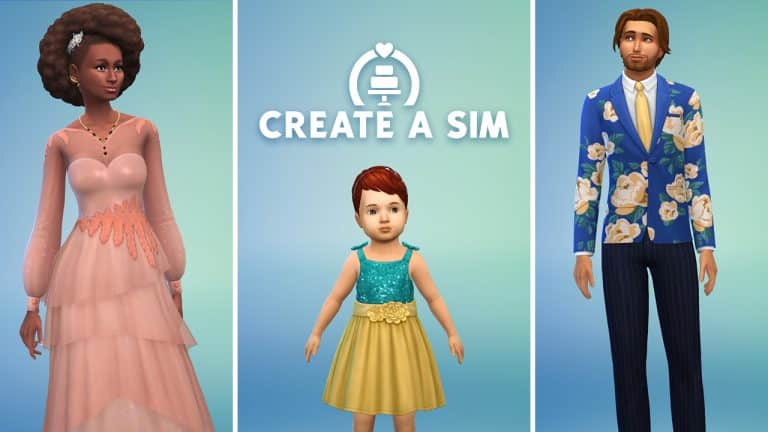
The Sims 4 My Wedding Stories comes with a total of 82 new CAS items for our Sims, the vast majority being formalwear for adult feminine Sims. There is also a fairly wide assortment of unisex items that have been fitted properly for both masculine and feminine frames as well as a small handful of items for children and toddlers.

Check out each individual CAS asset below!

Adult Feminine

Hair (6)

Hats (1)

The Sims 4 My Wedding Stories: CAS Overview
Tops (1)

The Sims 4 My Wedding Stories: CAS Overview
Bottoms (1)

The Sims 4 My Wedding Stories: CAS Overview
Full Body Outfits (19)

Shoes (2)

Accessories (11)

Makeup (2)

Styled Looks (3)

Adult Masculine

Hair (1)

The Sims 4 My Wedding Stories: CAS Overview
Tops (3)

Bottoms (1)

The Sims 4 My Wedding Stories: CAS Overview
Full Body Outfits (9)

Shoes (1)

The Sims 4 My Wedding Stories: CAS Overview

Styled Looks (2)

Adult Unisex

Tops (1)

Full Body Outfits (3)

Accessories (5)

Tattoos (2)


Child Feminine

Hair (4)


Full Body Outfits (2)


Styled Looks (1)

The Sims 4 My Wedding Stories: CAS Overview
Child Masculine

Hair (1)

The Sims 4 My Wedding Stories: CAS Overview
Full Body Outfits (1)

The Sims 4 My Wedding Stories: CAS Overview
Styled Looks (1)

The Sims 4 My Wedding Stories: CAS Overview
Toddler Feminine

Hair (2)

Full Body Outfits (1)

The Sims 4 My Wedding Stories: CAS Overview
Toddler Masculine

Hair (1)

The Sims 4 My Wedding Stories: CAS Overview
Full Body Outfits (1)

The Sims 4 My Wedding Stories: CAS Overview

Countdown to the release of The Sims 4 My Wedding Stories

8

In case you missed out yesterday’s big news – EA will be releasing The Sims 4 My Wedding Stories Game Pack NEXT WEEK!

The decision behind this move of the Game Pack’s release date from February 17th to February 23rd is so that the pack can release Worldwide. Yes, Russia included!

The full release date for The Sims 4 My Wedding Stories has now been shifted for February 23rd, 2022 at 10AM Pacific Time! The Game Pack will be released on multiple platforms including PC & Mac, Xbox and Playstation. The Pack is retailed at $19.99USD – or a price that’s equivalent to your local currency.

Considering there are multiple time zones to cover and it’s just easier to count down to the release, we’ve included a handy countdown timer below. As soon as the timer hits zero you’ll be get the pack from the official stores including Origin, Steam, Microsoft and Playstation Stores.

We will also be doing exclusive coverage of the pack right here on Sims Community so stay tuned!

[janky target_time=”1645639200″ color=”#1400b3″]


Countdown to the release of The Sims 4 My Wedding Stories

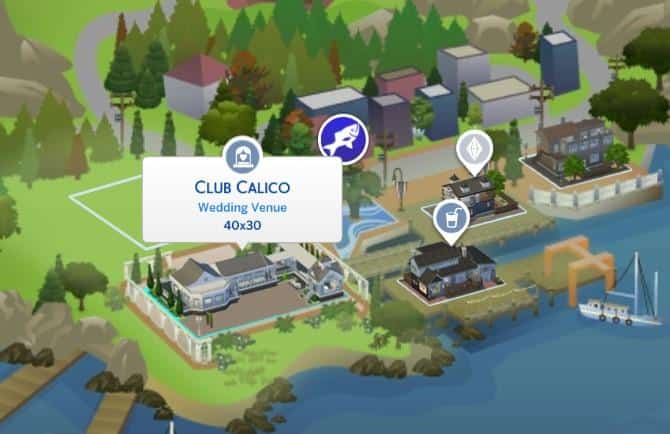
The Wedding Venue in The Sims 4 doesn’t let you have Weddings

14

The only place where your Wedding Stories are now banned is at the Wedding Venue

Yesterday’s update for The Sims 4 has brought a new Venue Type to the Base Game – Wedding Venues!

The addition of this Venue has been made in anticipation of the upcoming My Wedding Stories Game Pack. Unfortunately, you’re able to do everything at this venue except throw an actual wedding.

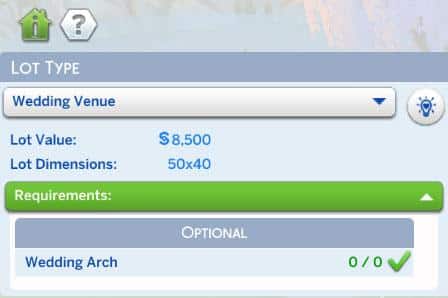
I followed the instructions of the Wedding Venue, which only had one optional object requirements. It was odd from the beginning that the Venue would require zero out of zero Wedding Arches on lot, but I threw it in anyways.

The Wedding Venue in The Sims 4 doesn’t let you have Weddings

When you have two Proposed Sims you have two options: to have a Elope Immediately, also known as throwing a private wedding, as well as have a Wedding Event. These can also be seen through the Social Interactions between two proposed Sims like this:

The Wedding Venue in The Sims 4 doesn’t let you have Weddings

Instead of the interaction that lets you Plan a Wedding, there’s now a “Plan Wedding Event” both between two Sims and on the Phone. This takes you to a seperate “Start an Event” section where, if you have My Wedding Stories installed, would also have additional Wedding Events.

The Wedding Venue in The Sims 4 doesn’t let you have Weddings

I picked my Guests for the wedding and tried to find the new Wedding Venue for throwing my Wedding Event. Unfortunately, there was no Wedding Venue listed. It just wasn’t there.

The Wedding Venue in The Sims 4 doesn’t let you have Weddings

I tried it on multiple occassions in multiple saves. I’ve even tried starting a whole new save game and starting a romantic relationship from scratch to see if something had gone wrong with the new Relationship Setting. Unfortunately, the game didn’t allow me to throw a Wedding.

On the Wedding Venue.

Where Weddings are supposed to happen.

The Wedding Venue in The Sims 4 doesn’t let you have Weddings

I’ve also made sure to reach out to my team members and see if they can recreate the issue and nope – no Weddings on the Wedding Venue for them either.

You’re still of course able to have a public Wedding in the Park or even in a Bar. The Wedding Venue? Not going to happen.

Hey – at least you can build a Wedding Venue, right?

The Sims 4 My Wedding Stories is releasing WORLDWIDE Next Week!

44

The ban has been lifted and the pack will release WORLDWIDE Next Week!

The Sims Team has just released a statement regarding the ban of The Sims 4 My Wedding Stories Game Pack in Russia!

The Sims 4 My Wedding Stories Game Pack has been delayed for next week so that EVERYONE gets the chance to play it, including Russia. The team also confirmed that the cover art in Russia will remain UNALTERED and UNCHANGED.

WE TOLD YOU IT WAS POSSIBLE!

The Sims 4 My Wedding Stories is releasing WORLDWIDE Next Week!

February 16, 2022

An Update on My Wedding Stories

To our Simmers,

Last week, we shared the below update about our upcoming game pack “My Wedding Stories.” At the time, we believed that our team could not freely share the storytelling of same-sex couple Cam and Dom in Russia and decided the best way to uphold our commitment to sharing their story was to not release this pack there.

Since then, we’ve been listening to the outpouring of feelings from our community including both support for our decision and concern for their fellow community members. It’s equally important for us to stand by our values, including standing against homophobia, and to share stories like this with those who want and need it most.

With this in mind, we’ve reassessed our options and realized we can do more than we initially believed and we will now release The Sims 4 “My Wedding Stories” Game Pack to our community in Russia, unaltered and unchanged, featuring Dom and Cam.

We want the entire Sims community to be able to celebrate together, so we’re pushing the global release of “My Wedding Stories” to February 23 – including in Russia.

Love is love, and The Sims community will continue to be a safe space for those who want to see a world where that is true for everyone. We are thankful for the support of our team and our values even when it is hard. Thank you for being a part of The Sims.

The Sims Team

The Sims 4: Spring-Six Kitchen CC Pack Overview

Let’s build a Mid-Century Kitchen!

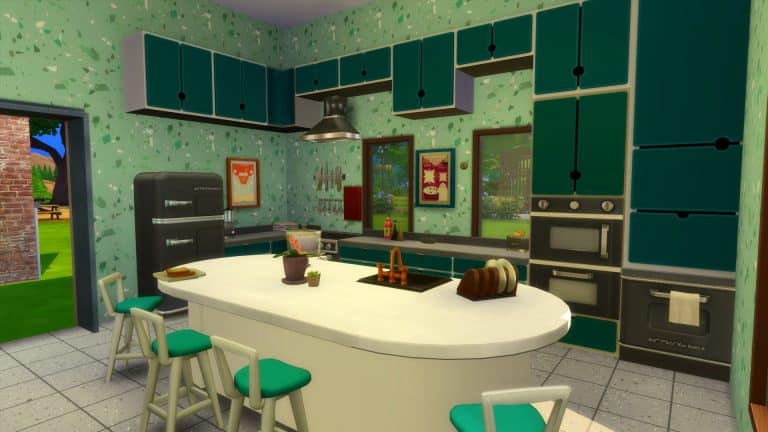
When ever it comes to building, once I’ve got a rough layout, I usually find myself starting to build the Kitchen area first before any other room. Recently, I’ve been exploring a variety of themes and getting myself to build something different. Recently I’ve been exploring more of a Mid-Century Modern themes.

After a few attempts of putting something simple and straightforward together, there was clearly something missing from the little room builds I had been working on.

The Sims 4: Spring-Six Kitchen CC Pack Overview

What I felt was missing was more kitchen clutter and more kitchen appliances. While we do have a number of different appliances in The Sims 4, simple every day objects like kettles, toasters and food processors are something that aren’t really found in the game normally. However, the wonderfully talented SixamCC had me covered!

SixamCC has collaborated with the lovely Spring Sims to create the brilliant Spring-Six Kitchen Custom Content Pack!

The Sims 4: Spring-Six Kitchen CC Pack Overview

About the Custom Content Pack

  • Base game compatible
  • Functional appliances: Stove, Fridge, Built-in Microwave, Kettle
  • Decoration: Blender, Toaster, Clutter (various)
  • Plumbing: Double Sink!
  • Build: Walls and floors
  • Comfort: Stool for Island
  • Lighting: Ceiling lights (all lengths)
  • Surface: Counters and Islands are separated by base colour (black, white and light brown) and Island Counters came in two versions (drawers position changes)

Information courtesey of SixamCC

After SixamCC reached out to me to let me know about their latest collaboration with Spring Sims, I could not wait to jump in and explore this new Custom Content pack. With over thirty new items to build with and numerous colourful swatches to chose from. I was ready to give my Kitchen builds a complete makeover!

Item Overview

Even from exploring each of the individual objects, I knew that this is a pack that will come in useful to me when I’m building with Custom Content. With a mixture of colourful and more neutral swatches to decide from, these objects from the Spring Six Custom Content Pack will really help me create so many different mid-century modern inspired Kitchens.

The Sims 4: Spring-Six Kitchen CC Pack Overview

After some experimenting with different colours, layouts and more, I finally settled on a kitchen build that I liked.  Building with the pack was wonderful! Having the extra kitchen appliances to help bring my kitchen to life was brilliant, and there is so much you can do with the pack.

The pack is available to download now via Patreon as an Early Access pack and will be publicly available on 4th March 2022!

[mks_button size=”large” title=”Click Here To Download” style=”squared” url=”https://www.patreon.com/posts/62245182″ target=”_blank” bg_color=”#4e62ac” txt_color=”#FFFFFF” icon=”” icon_type=”” nofollow=”0″]

Don’t forget, you can follow both SixamCC and Spring Sims via the links below!

The Sims 4: February 2022 Content Update Overview

Everything that’s new in The Sims 4’s Latest Update

Today’s update brings a lot of new assets to the game. Primarily new swatches to existing base game objects and clothes but there are a few entirely new assets as well.

In addition to the CAS and Build/Buy additions, there is also a new Wedding Venue lot type. Oh, and did we forgot to mention the new relationship setting?

All swatches both new and old have been included so you can see the full number of options available now.

New Relationship Setting

There’s a new Relationship Setting option that you can choose when creating or editing a character in Create A Sim. The new Fiancé option allows you to immediately create a proposed relationship between the two characters that you created in CAS!

The Sims 4: February 2022 Content Update Overview

New Venue

The new wedding venue lot type can be assigned to any unowned lot and only requires a wedding arch to be functional.

The Sims 4: February 2022 Content Update Overview

New Music

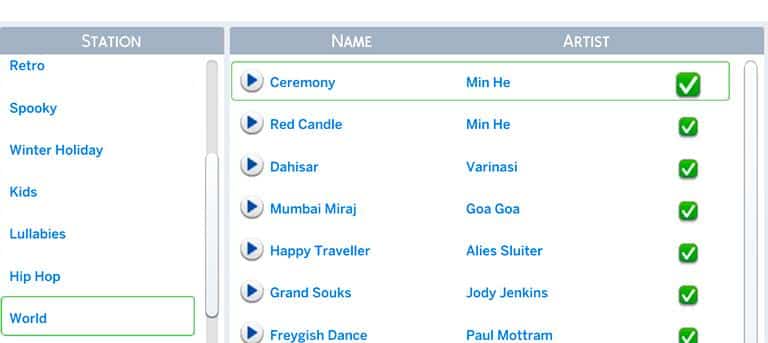
The Sims 4 has added four new songs to the World Radio Station, making the radio station accessible to everyone who owns the Base Game.

The Sims 4: February 2022 Content Update Overview

There is also the Simlish version of the song “At Last” by Maiya Sikes now in the Romance Radio Station. You’ve probably heard it in the Reveal Trailer for My Wedding Stories!

CAS – New Swatches

Adults

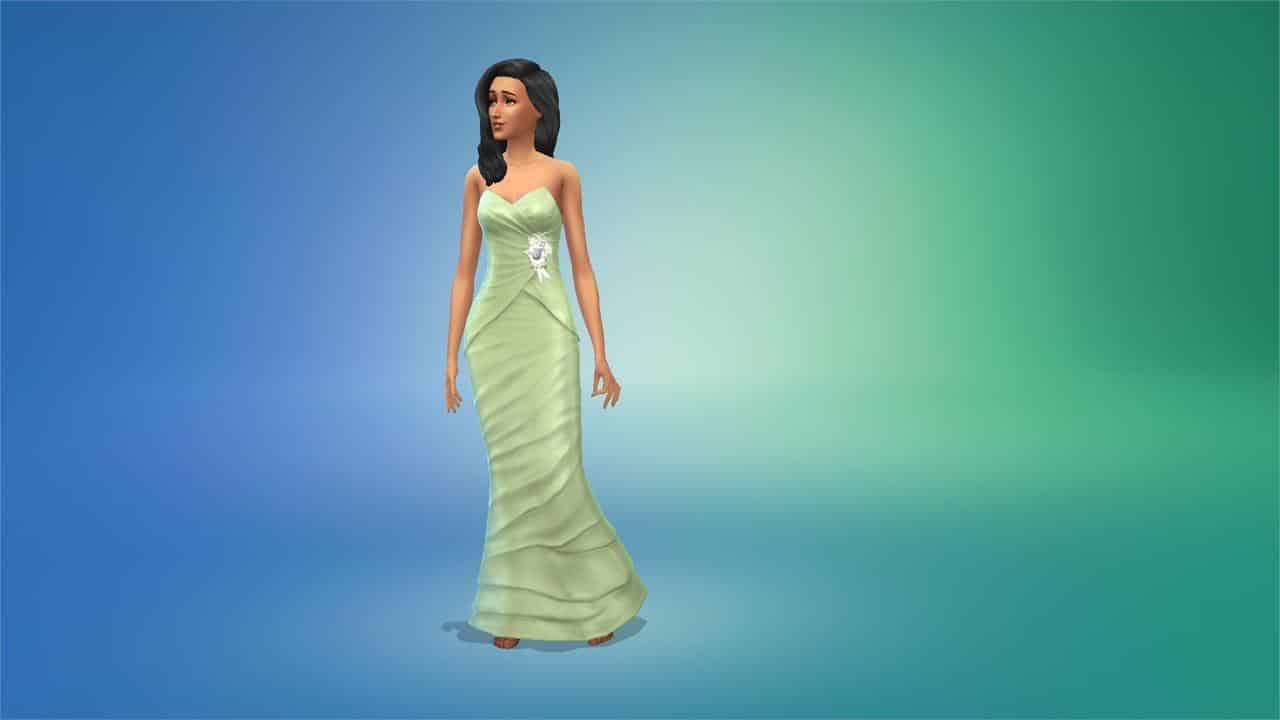
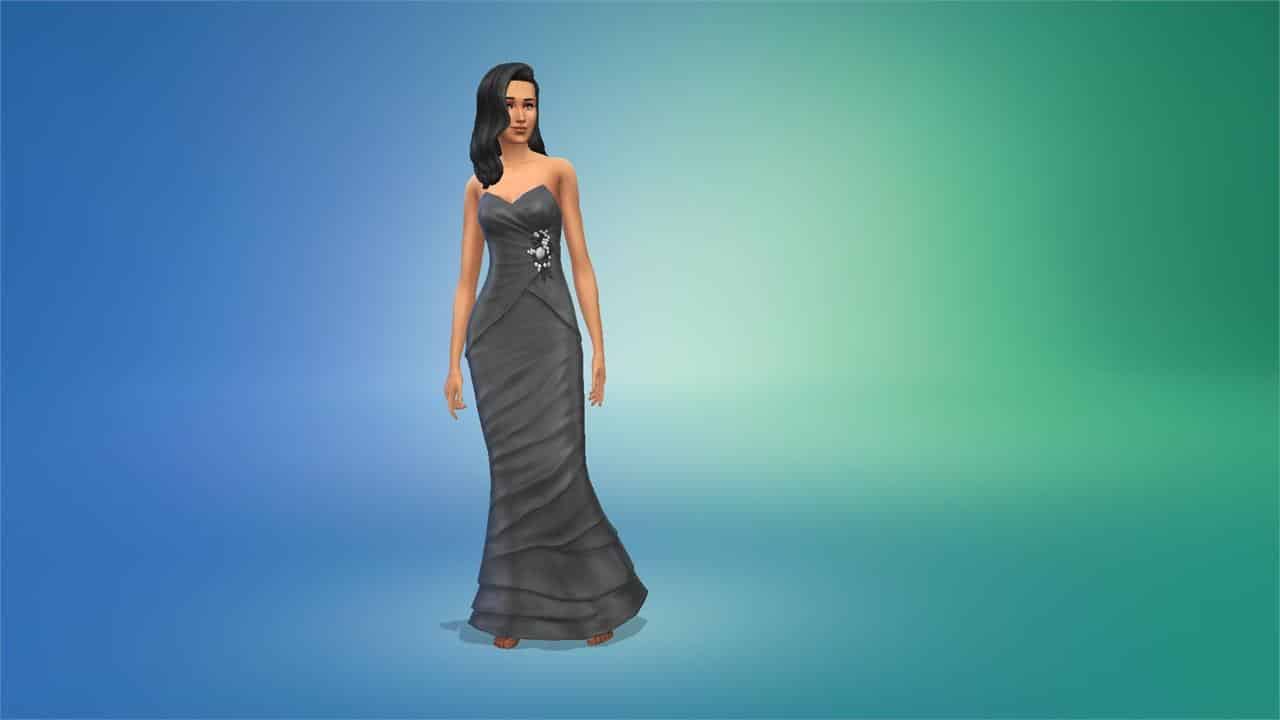
Mermaid Wedding Dress

Tiered Wedding Dress

Frilly Formal Dress

Short Dress

Bridesmaid Dress

Suit Jacket

Double Breasted Suit Jacket

Children

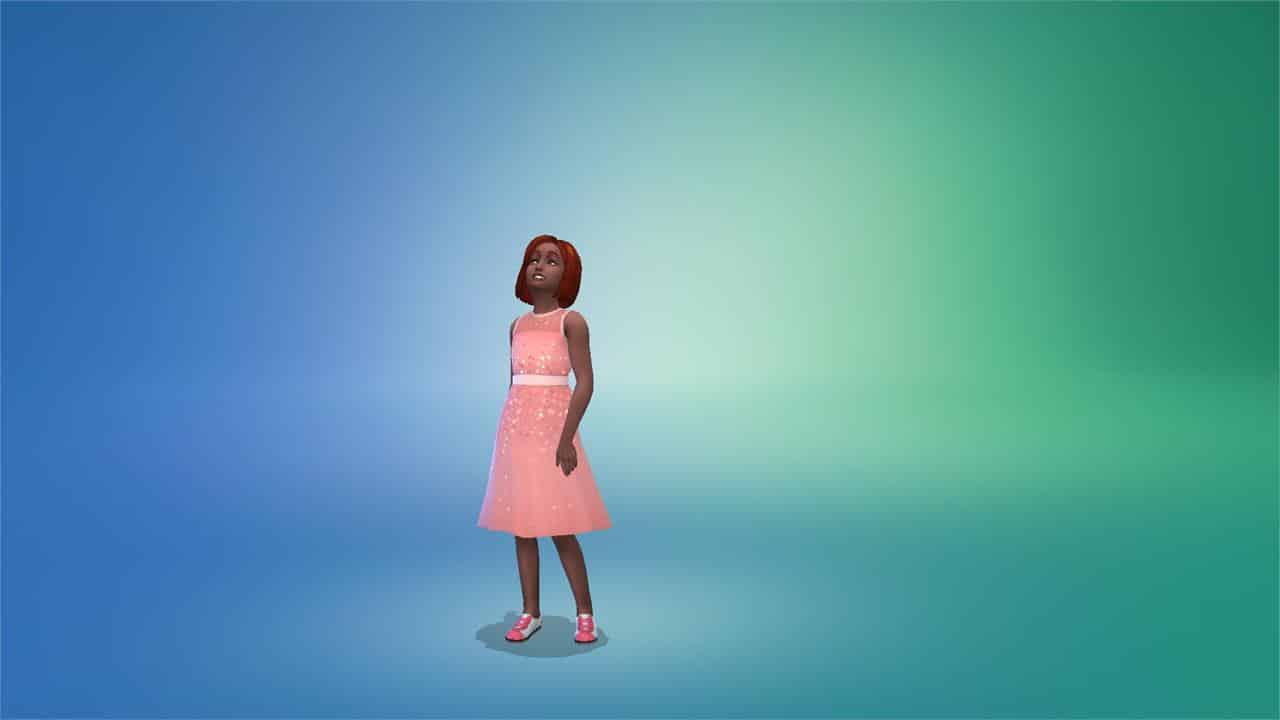
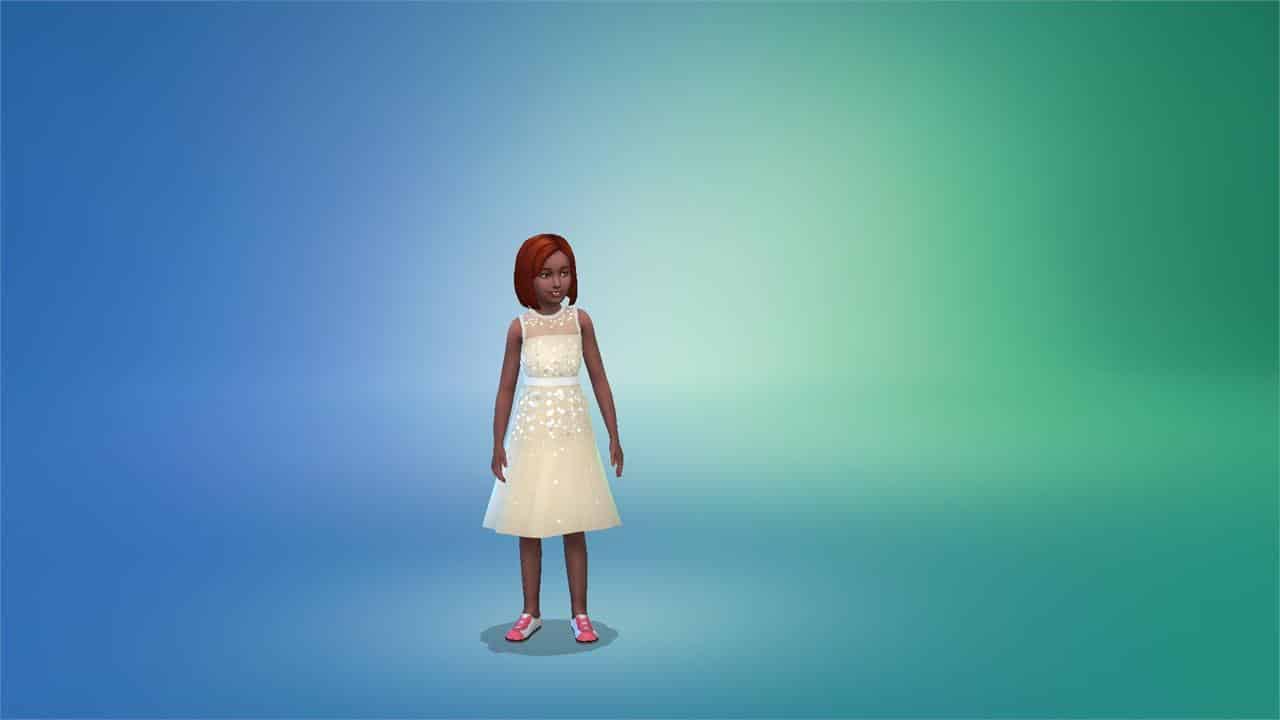
Sparkly Dress (Free Holiday DLC)

Full Body Suit

Toddlers

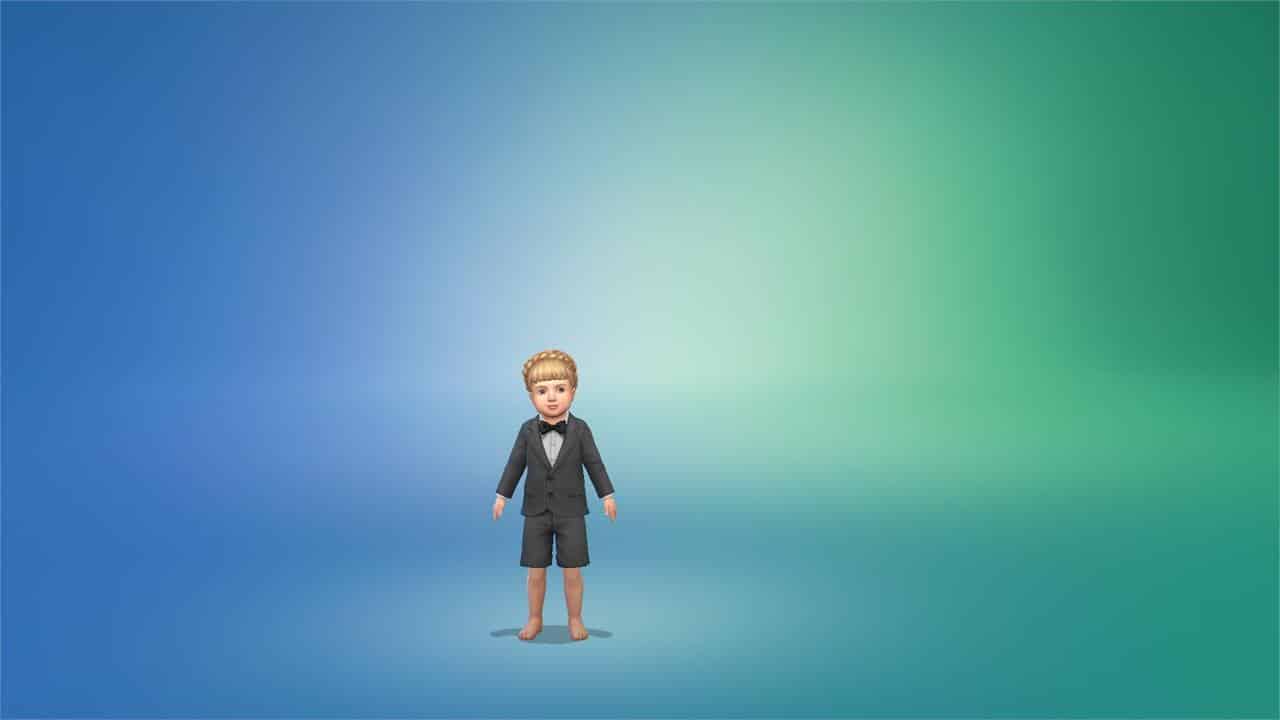
Suit Jacket with Shorts

CAS – New Assets

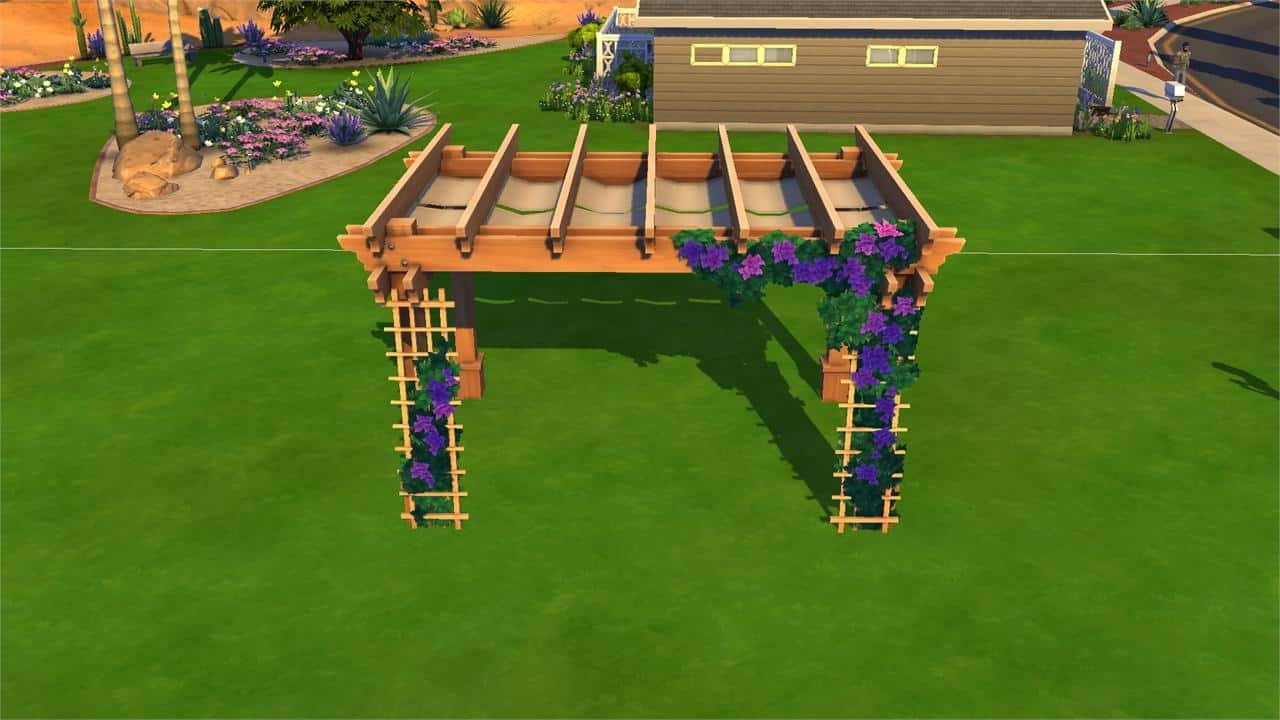
Adults

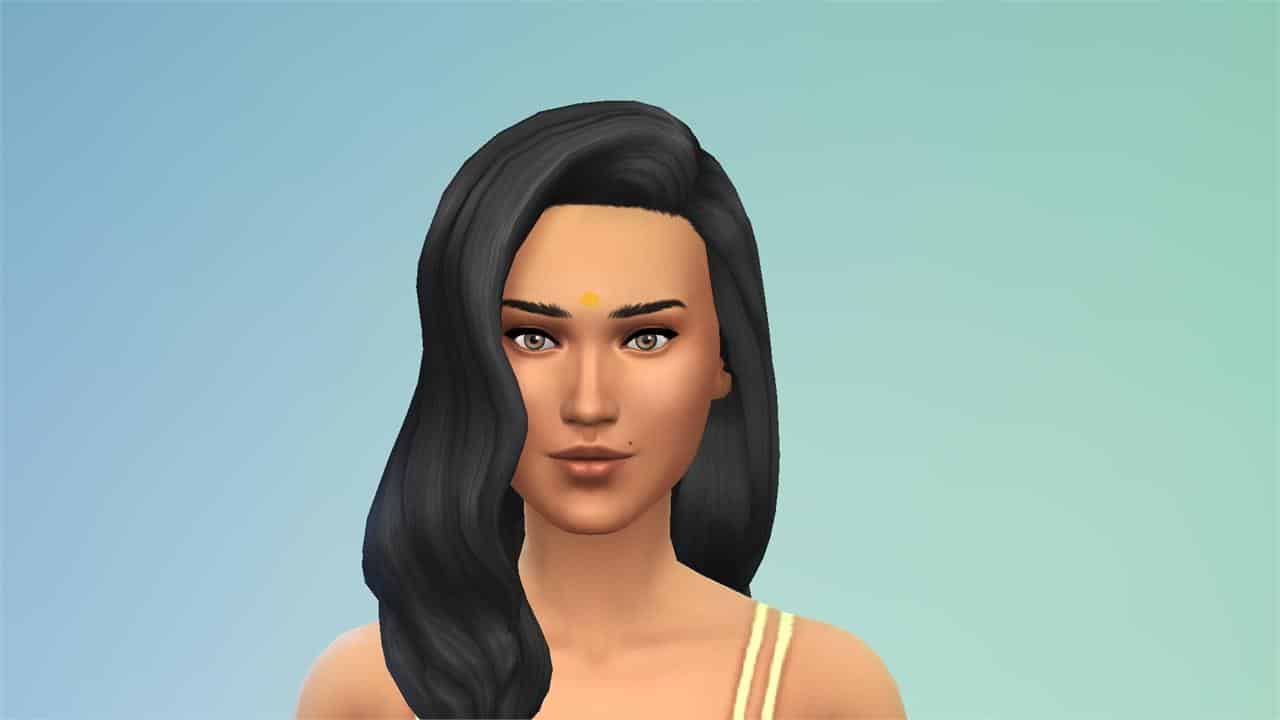
Bindi

French Tip Nails

Toddlers

Full-Body Swimsuit

Build/Buy – New Swatches

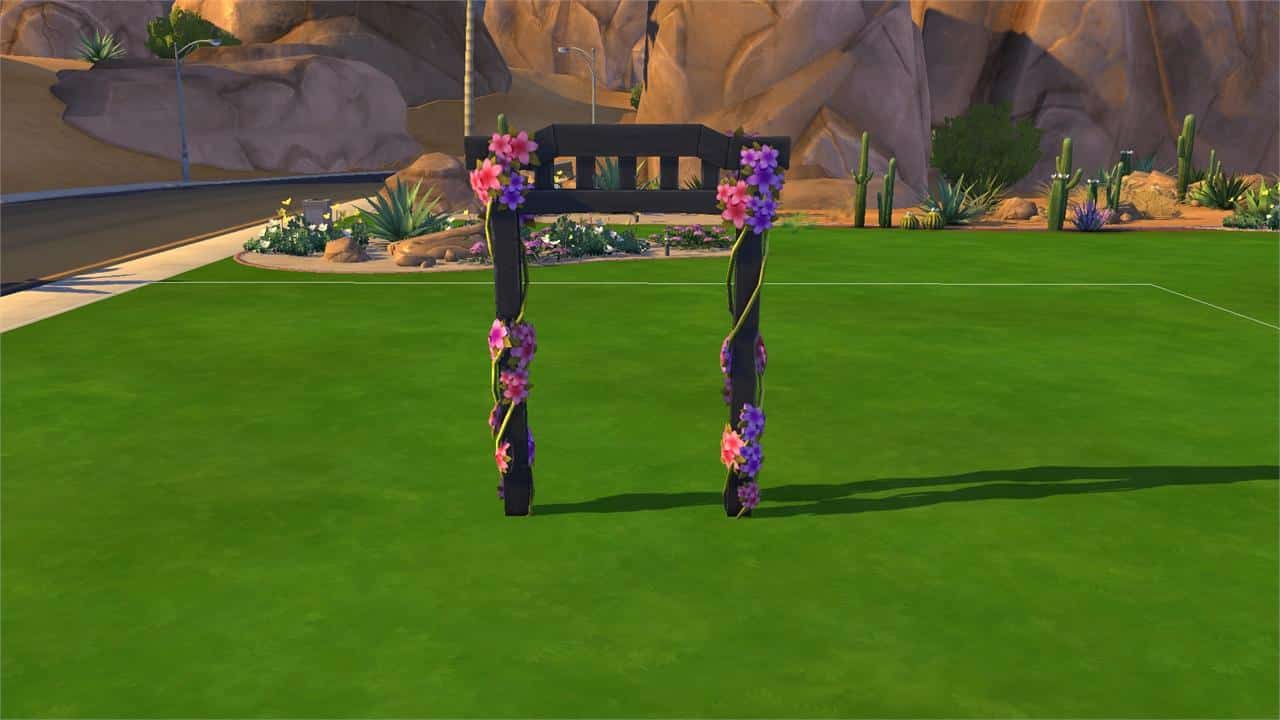
Wedding Arch with Ribbon

Wooden Wedding Arch

Pergola


EA BANS MY WEDDING STORIES IN RUSSIA

#WeddingsForRussia on Twitter

Items coming with The Sims 4 My Wedding Stories

6

All the Create A Sim and Build Mode objects that you can expect!

The Sims 4’s latest update has allowed players to already look into the future and see what content they should expect with My Wedding Stories.

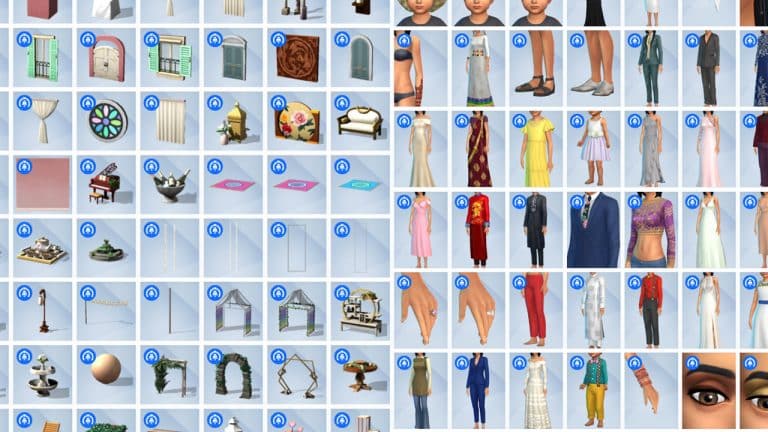
The Main Menu has started listing new Create A Sim and Build Items that you should expect from this Game Pack. Let’s break it down!

Create A Sim

When it comes to new Create A Sim items, there’s plenty of options for the feminine fashion choice for all ages! Several new hairstyles, outfits and accessories to go around.

However, it seems the trend of equal fashion choices with new DLC releases for The Sims 4 didn’t last for long. There is only one new masculine hairstyle and several outfit options to choose from.

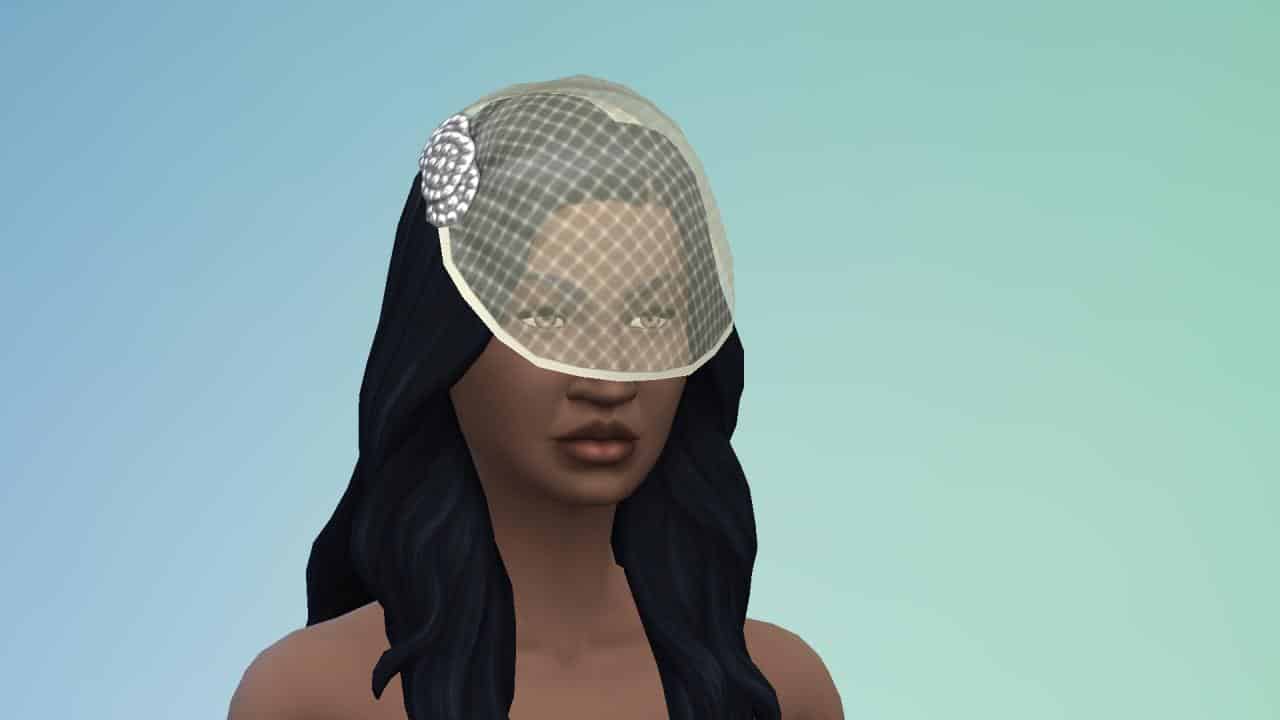
Also, the veil that we’ve all seen from the main render and promotional footage seems to be attached to a hairstyle and is not a seperate accessory. I’m assuming it’s difficult to find a one-fits-all solution when it comes veils. Still, there’s only one hairstyle option to choose from.

Hey, at least brides and grooms get seperate brooches.

Take a closer look at the catalogue by clicking the image below:

Items coming with The Sims 4 My Wedding Stories

Build Mode

Before jumping into the Build Mode catalogue please note that not all objects are listed down here. Those include different Build Mode categories, BuyDebug as well as new world objects.

The general catalogue comes with a wide array of new seating arrangements, tea sets, wedding arches and so much more! Oh, there are also several dance floors!

Check out the full preview below:

Items coming with The Sims 4 My Wedding Stories

What are your thoughts on the selection of new items? Let us know in the comments below!

Source: anadius


It’s unfortunate that not everyone will get a chance to test out the new objects. Learn more:

EA BANS MY WEDDING STORIES IN RUSSIA

#WeddingsForRussia on Twitter

This is the current cover of My Wedding Stories in Russia

11

Will it stay this way?

A few hours ago we got some first information regarding The Sims 4 My Wedding Stories coming to Russia. However, per EA’s usual fashion, it’s just a minor announcement to an upcoming announcement.

According to Russian EA Support:

There will be more information about the situation with the pack’s release once it releases worldwide

Thank you @uniisight_j for translating! Tip: @Mushilda

It seems that we won’t be getting an official confirmation regarding The Sims 4 My Wedding Stories release in Russia until other countries get their hands on their pack on February 17th. If anything, we now know that they plan to say something?

Just a few hours ago The Sims Team released a new update for The Sims 4 Base Game preparing the game for the upcoming release of My Wedding Stories. The update contains all the localized versions of The Sims 4 My Wedding Stories, including the Russian version of the Game Pack.

Now, before anyone jumps to any conclusions, let’s get a few things straight:

  • This is the in-game cover of My Wedding Stories in Russian language. None of the in-game covers contain Publisher credits and age ratings.
  • This could’ve been the initial plan to release My Wedding Stories in Russia?
  • The game still has to be localized in Russia for the Russian players located outside of Russia
  • The game has to be localized in Russia for players who speak Russian and play the game in these following countries:
    • Belarus
    • Ukraine
    • Kazakhstan
    • Kyrgyzstan
  • The game is not banned and will release in Ukraine, Belarus, Kazakhstan and Kyrgyzstan.
  • This is what the game cover will look like on the release day in Russian language:

This is the current cover of My Wedding Stories in Russia

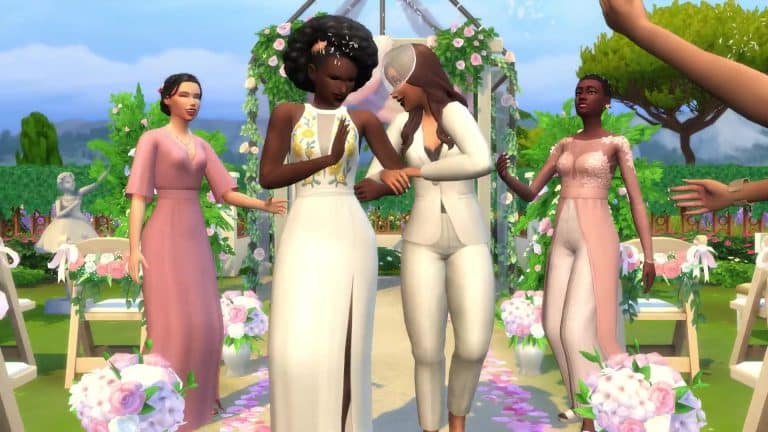
For those wondering, the cover for 16 different localized locations features a Lesbian couple walking down the aisle.

This is the current cover of My Wedding Stories in Russia

According to EA, the game had been banned from selling in Russia due to the couple being featured on the cover of the Game Pack.

The ability to tell stories – any story – is at the core of what we do at The Sims. Holding back Cam and Dom’s story meant compromising the values we live by.


HOWEVER, if EA had planned to release the Pack in other Russian-speaking countries, as well as localize it in Russian for players outside of Russia, AS WELL AS do a seperate localization and cover art for such areas…

…then:

what was the point in all of this?


EA BANS MY WEDDING STORIES IN RUSSIA

#WeddingsForRussia on Twitter

The Sims 4: NEW UPDATE + Patch Notes! (February 15th, 2022)

The Sims 4: NEW UPDATE + Patch Notes! (February 15th, 2022)

The Sims Team has released a brand new update for The Sims 4 on PC, Mac, Xbox One and PS4!

To download the latest version of The Sims 4, simply open your Origin program and if the game doesn’t update automatically, right click on The Sims 4 and select ”Update”.

In case you have Mods or Custom Content, the game will automatically disable them for you after first launching The Sims 4 after the update. To re-enable all your Mods and Custom Content, select the Settings option in the Menu and select Settings. Under the ”Other” section you’ll find the ”Enable Custom Content and Mods” option. Check it and restart your game in order for it to take effect!


EA BANS MY WEDDING STORIES IN RUSSIA

#WeddingsForRussia on Twitter


Patch Notes

Update 2/15/2022
PC: 1.84.171.1030 / Mac: 1.84.171.1230
Console: Version 1.52

Sul Sul, Simmers!

We hope these patch notes find you well wherever you are right now.

Before we get started, the team just wanted to take a moment to say “Dag Dag” to our previous patch notes guardian, SimGuruRuskii! We’ve had a lot of fun with your update notes, and we appreciate everything that you have done for us over the past decade! We will dearly miss you!

So, with that being said, *takes a very deep breath* we hope you all had a fantastic Valentine’s Day and that your Sims got into the mood because wedding season is around the corner! This patch brings some bug fixes and updates to prepare for My Wedding Stories Game Pack’s release in two days. We hope you’ll enjoy creating extraordinary experiences for your Sims! It will be fantastic to see all the wedding venues that you will create on the Gallery!

As usual, thank you all for your continued support and feedback, and – most importantly – have fun!

– SimGuruKuxiku

What’s New?

Are your Sims looking for love? Maybe they’ve already found it? With this update, your Sims have a new relationship option in Create a Sim. Sims can start out Engaged if they set their relationship to Fiancé. With this new relationship option, your Sims will be ready to experience the upcoming My Wedding Stories Game Pack to its fullest.

Do you love Weddings? What about building? If you do, we’ve got you covered. There is a new Wedding Venue lot type that can be created by anyone who owns The Sims 4. Love knows no bounds and neither do Wedding Venues.

We heard you like music… The World station is now available for everyone, with four new songs added with My Wedding Stories in mind. Previous World station songs will continue to be part of their original pack, but everyone can enjoy these new songs as part of the base game experience. Additionally, the perfect love song that was featured in the My Wedding Stories trailer is available on the Romance station for anyone who is looking to listen to it over and over again.

There are also a few Create a Sim item updates for all players. To support My Wedding Stories, we’ve added a few new items plus additional color swatches to some older ones. New items include a bindi, a toddler full body swimsuit, and french tip nails. We have updated 10 items with a variety of new colors, spanning all ages and genders:

  • 5 dresses for Women
    • yfBody_DressWeddingMermaid
    • yfBody_DressWeddingTiered
    • yfBody_DressFrillyRomantic
    • yfBody_DressFlutter
    • yfBody_DressBridesmaid
  • 2 Suit Jackets for Men
    • ymTop_Coat
    • ymTop_CoatDoubleBreasted
  • 1 Suit for Children
    • cmBody_Tuxedo
  • 1 Suit for Toddlers
    • puBody_SuitShorts
  • 1 Dress for Children
    • cfBody_FP01Dress (Free Holiday Pack)

Additionally in Build Buy you will see that the two Base Game wedding arches and the Pergola now come in a few more colors.

Bug Fixes

The Sims 4

  • Male Celebrity Sims will no longer use the feminine walking or jogging walk style unless that’s what you prefer them to do.
  • Clicking on a Sim’s face in Create a Sim will take you to the general Face, Hair or Accessories selection mode now instead of taking you to the Detail Edit Mode straight away. Sims do also deserve a little personal space.
  • Improved performance when switching from Live to Build Mode in certain cases.
  • Fences should no longer disappear when hovering a gate over them after using the bb.moveobjects cheat.
  • Playing with Genetics in Create a Sim will no longer generate Teens with crow’s feet skin details. There are so many things that teenagers worry about – crow’s feet shouldn’t be one of those things.
  • Error 142: 9a63747c should no longer appear in future saves when loading certain lots.
  • Sim can move or travel to lots after returning from a concert now without getting stuck in the Manage World screen.
  • Selecting the yfHair_SP19CurlyUndercut_Red hair style for your Sim in Create a Sim will no longer apply the color of the hair to the Sim’s eyelashes.
  • Children should have matching eye colors of their parents now if both parents have purple or red eyes.
  • Some players reported an error saying “Entitlement missing” when attempting to move or delete walls of Lots placed from the Gallery. This error should no longer occur.
  • Obese Sims’ upper bodies should no longer shrink in size when zooming out while wearing specific outfits (ymTop_EF15ShirtCollared & yfBody_SP16Pajama).
  • Turning off the console legend option in the game options menu will now properly hide controller hints from time control and Sim selectors.
  • Long nails no longer poke through the gloves of certain outfits.
  • Fixed some issues that may cause an endless loading screen when attempting to load certain lots or saves.
  • The Create a Sim interface was a little slow when loading thumbnails and color swatches in the hair section. We made some tweaks, and the images should load much faster now.
  • There was a funky toddler thumbnail displayed under the Accessories section for toddlers. This thumbnail did not serve any purpose and has been removed. Enough funk for you, sneaky toddler.
  • Heeled shoes no longer appear glitched while wearing ymBottom_EF28JeansSkinTight pants.

Cottage Living

  • Grim Reaper now possesses the emotional fortitude to deal with the death of two animals at the same time. Life can be harsh buddy, I know.
    Pants ymBottom_EP11PantsCorduroy_SolidGinger should now properly appear when selecting the masculine filter. We also updated the fit on feminine frames.
  • The yfHair_EP11BunTwists_broen hairstyle should no longer create white lines on your Sims face when selecting this hair style in Create a Sim.
  • Toddler shorts pfBottom_EP11ShortsDrawstring no longer show a gap between upper and lower body.
  • Wisteria and Ivy plants placed against a wall inside a room appeared darker in some spots than they should have. We shed some light on those plants and they should appear much better now.

Eco Lifestyle

  • Lots in Evergreen Harbor should now have some proper ground beneath them when accessed through build mode and the world should not look like it’s underwater any longer.

Discover University

  • The yfTop_EP08CardiganButtonup top now works properly with boots.

Dream Home Decorator

  • Dress yfBody_GP10DressSuspender_SquareNavy no longer causes discoloration on certain shoes.
  • GP10SkinnyJeanFlanel pants look fabulous combined with boots now.
  • The ymBottom_GP10WorkPants should now be properly resizable on male Sims.
  • The Mid Century Style Filter will include items from all packs now, not just from Dream Home Decorator.
  • Switching from Build and Buy Mode to Live mode and back to Build and Buy mode while working on an Interior Decorator gig, caused the amount of Simoleons already spent not to be deducted from the Client budget. This has been fixed now and the Client budget should always account for already spent Simoleons.

Star Wars: Journey to Batuu

  • We fixed an issue that caused Batuu Credits to be falsely displayed as Simoleons in the Household Funds.

Strangerville

  • You can harvest Bizarre Fruits from Bizarre Plants now. ΜØŦĦ€Ř… ĆΔŁŁŞ ŦØ Μ€…

Spa Day

  • Sims with the Self-care Specialist Aspiration can sell Harvestables without issues now.

Dine Out

  • There was some discrepancy in Perk points shown for business owner Sim in the “Owned Business” menu vs. the “Restaurant Perks”. The “Owned Business” menu will show the correct number of remaining Perk points going forward.

Tiny Living

  • Toddlers should no longer have a bald spot on their head when wearing hair styles from Tiny Living. Hair clippers should be stored outside the reach of children.

Blooming Rooms Kit

  • Some plants from the Blooming Rooms Kit were updated to not cast a wrong shadow any longer.

Fashion Street Kit

  • Pants ymBottom_SP24ShortsTied & ymBottom_SP24PantsLayered do also no longer cause clipping when paired with boots.

Courtyard Oasis Kit

  • The Star of Paradise Fountain can be found in the Build & Buy catalog now when applying the Kits filter.