Home Blog Page 191

The Sims 4 Custom Content: Dreamy Outdoor Pack

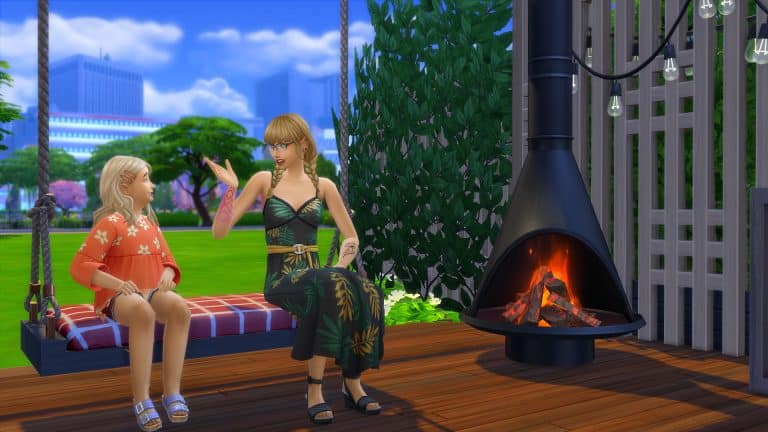
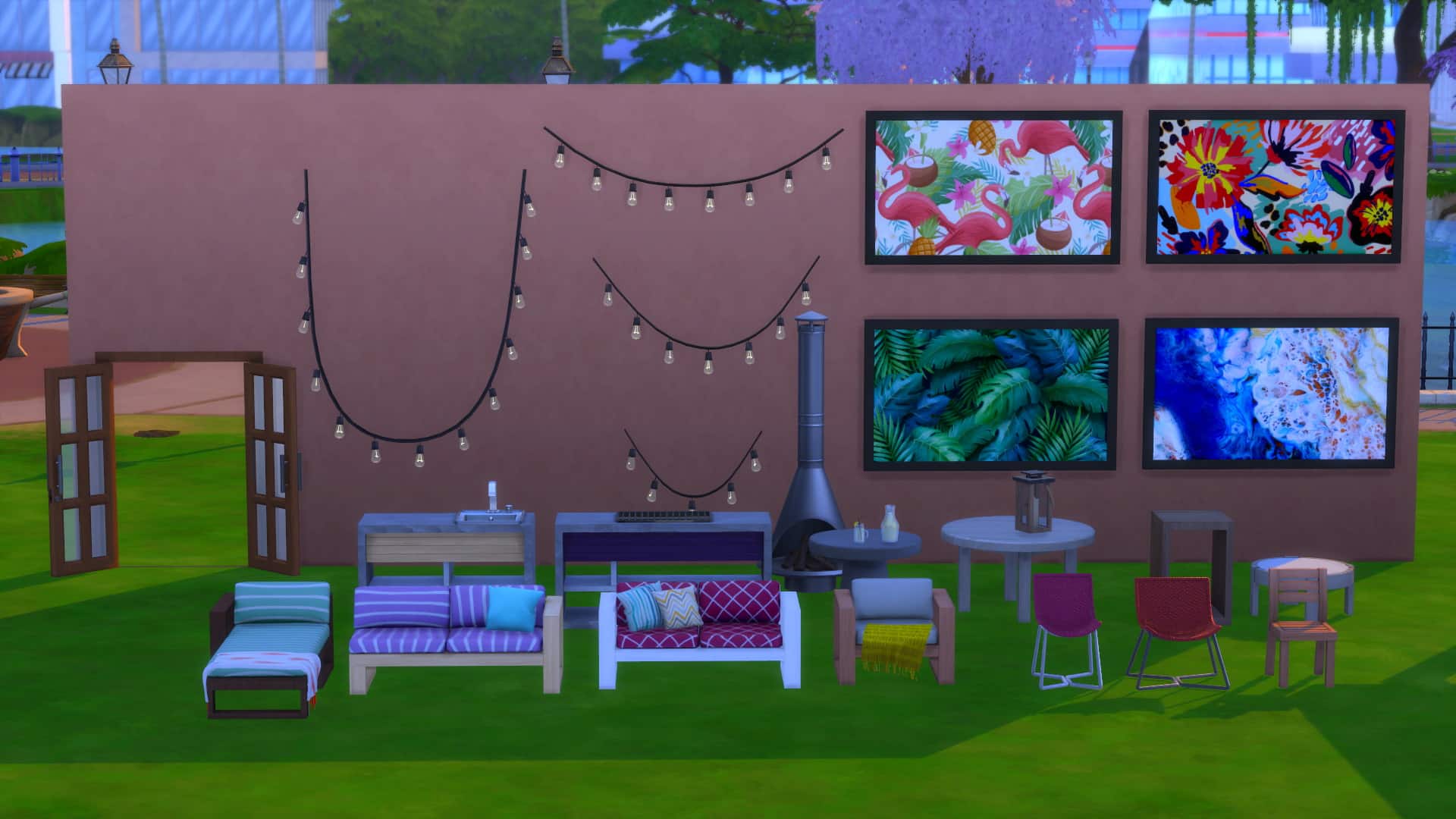
SixamCC is the creator behind the beautiful summery custom content pack that will help you create your Sims’ ultimate patio and pool spaces. The Dreamy Outdoor CC Pack features over thirty brand-new meshes and is base compatible. However, you will require The Sims 4 Island Living to be able to have the functional pool floats.

You can find SixamCC’s Tumblr here!


From tables and chairs to patio decor, chair swings, a pergola, French doors, pool floats, and more, there is plenty to help bring that Summer feeling alive. Each item comes in a variety of swatches including more neutral and plain coloured ones as well as patterned swatches.


There really is a number of possibilities to create the perfect patio or even pool area for your Sims with SixamCC’s Dreamy Outdoor Custom Content Pack!

To download the pack, you can head over to SixamCC’s Patreon and Tumblr.

You can also find more of SixamCC’s creations via the links below!

The Sims 4 Cottage Living: New Traits & Aspiration Guide

Presented by EA Game Changers

The Sims 4 Cottage Living Expansion Pack comes with 2 new Traits, an Aspiration and a Reward Trait that you get for finishing the new Aspiration. I’ve gotten a chance to try these out and show you what they bring! Please note that this is not captured on final software and features are subject to change.


New Traits

Animal Enthusiast

These Sims are obsessed with animals, and will seek their company often. They will have an easier time caring for animals and getting closer to them.

Animal Enthusiast Sims unlock a wide array of new interactions for all Animals that come with The Sims 4 Cottage Living. There are lots of new interactions that come with this trait so much that I compared down below what options you get when socializing with a Llama as an Animal Enthusiast vs. a non-Animal Enthusiast:

As an Animal Enthusiast you’ll be able to more enthusiastically interact with your Animals and “Smother them with Love”.

The Sims 4 Cottage Living: New Traits & Aspiration Guide

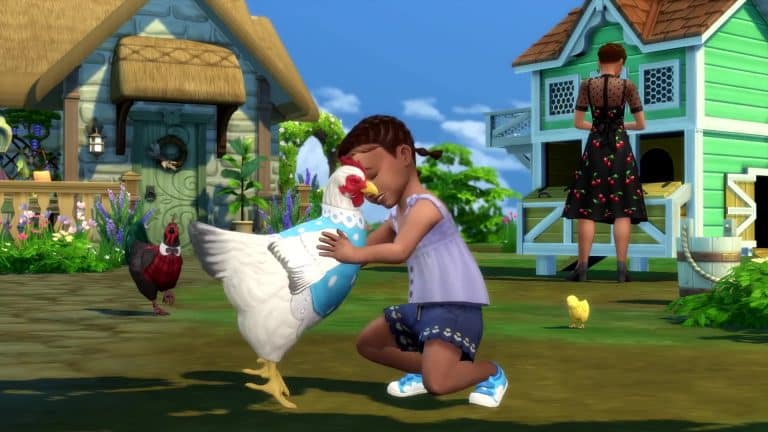
Animal Enthusiasts are also able to show a Dance Move to their animals, as well as pull out a Guitar / Violin and practice their skills while the select animal is listening. Yes, you can play the guitar to your favorite chicken!

The Sims 4 Cottage Living: New Traits & Aspiration Guide

With this Trait you’ll often get smaller buff boosts that will make your Sim Happy.

The Sims 4 Cottage Living: New Traits & Aspiration Guide

There’s also an interaction exclusive to this Trait that lets you Admire an Animal of your choice. However, I did find this interaction to be a little creepy as my Sim only stared at his Llama for a few Sim seconds. No buffs or anything…

The Sims 4 Cottage Living: New Traits & Aspiration Guide

Lactose Intolerant

These Sims will become sick if they eat dairy, but will feel great if they have avoided it for a while.

It’s a tough world out there for Sims with the Lactose Intolerant Trait. Especially since there’s a bunch of recipes in The Sims 4 that contain milk or cheese. To make sure your Sim doesn’t make a mistake of making a meal that they won’t be able to tolerate make sure you hover over a finished meal to see if it’s Lactose Free. Meals that contain Lactose won’t have a tag, however meals that are Lactose Free will contain the label letting you know that it’s safe to eat.

The Sims 4 Cottage Living: New Traits & Aspiration Guide

Some recipes that come with The Sims 4 Cottage Living including Milk Bread and Yorkshire Pudding also come with a Lactose Free variant that your Lactose Intolerant Sims will be able to eat without any side effects.

The Sims 4 Cottage Living: New Traits & Aspiration Guide

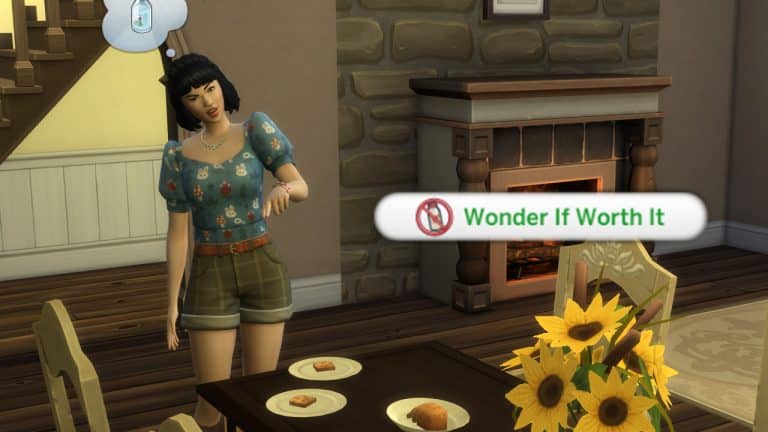
You can of course always take risks! With the Lactose Intolerant Trait Sims can select meals that contain lactose and “Wonder If it’s Worth It”. You’ll get a notification reminding you that your Sim is Lactose Intolerant, as well as a popup saying that your Sim is wondering if some risks are worth taking…

The Sims 4 Cottage Living: New Traits & Aspiration Guide

The Sims 4 Cottage Living: New Traits & Aspiration Guide

If you decided that yes, you should definitely ignore all the warning signs and eat a lactose meal as a Lactose Intolerant Sim you’re in for a ride. While your Sim is eating a meal they will enjoy while heating, however when they’re finished…

The Sims 4 Cottage Living: New Traits & Aspiration Guide

You’ll get an Uncomfortable +2 Moodlet saying that no, it definitely wasn’t worth it. During these 3 hours they will also fart uncontrollably and their Bladder Need will immediately be cut in half.

However, you can still try and push your Sim over the limits by eating a lactose meal again. This time your Sim will get bloated and have their Bladder Need decayed almost entirely, so watch out!

The Sims 4 Cottage Living: New Traits & Aspiration Guide

Your Sim will get a positive buff if they stay away from meals that contain lactose for a while. Still, easier said than done!


The Sims 4 Cottage Living also comes with a brand new Aspiration called Country Caretaker that guides you through Henford-on-Bagley and befriending all the Animals!

The Sims 4 Cottage Living: New Traits & Aspiration Guide

Country Caretaker Aspiration

Level 1 (Campestral Curator)

  • Purchase 1 Cow, Chicken, or Llama on Your Home Lot
  • Socialize with a Fox, Rabbit, or Bird 5 Times
  • Purchase 1 Garden Patch for Your Home Lot
  • Visit Finchwick, Old New Henford, and the Bramblewood Neighborhoods in Henford-on-Bagley

Level 2 (Agrestic Savant)

  • Befriend a Chicken, Cow, or Llama
  • Place 1 Wild Rabbit Home or Flock of Wild Birds on Your Home Lot
  • Fertilize 3 Plants or Oversized Crops

Level 3 (Critter Keeper)

  • Give 3 Gifts to Foxes, Rabbits, or Birds
  • Craft Animal Treats 5 Times
  • Harvest 1 Perfect Quality Oversized Crop
  • Forage 5 Items from the Bramblewood

Level 4 (Legendairy)

  • Reach Maximum Relationship with a Cow, Chicken, or Llama
  • Receive 3 Gifts from Rabbits or Birds
  • Win a Competition in Henford-on-Bagley’s Finchwick Fair

Reward Trait – Nature Conversationalist

Nature Conversationalist Sims have improved relationships with animals, allowing their animals to live longer, happier lives. Rabbits and birds will bring them more gifts. And they can interact with plants in unique ways, receiving more yield from harvests. They will also receive free grocery delivery, and, when residing in Henford-on Bagley, a discount on their bills.

The Sims 4 Cottage Living: New Traits & Aspiration Guide

With this Reward Trait Sims will be able to provide their animals a longer lifespan than usual by just…well…having this Trait.

I did witness my Sim getting a lot of gifts from Wild Rabbits and Birds with this Trait, as you can also see in the cute screenshot down below:

The Sims 4 Cottage Living: New Traits & Aspiration Guide

Another cool thing with this Trait is that you’ll have Free Delivery on Groceries for the rest of your Sim life! Sims with this Trait will also get reduced bills if they’re living in the world of Henford-on-Bagley.

The Sims 4 Cottage Living: New Traits & Aspiration Guide

The Sims 4 Cottage Living: New Traits & Aspiration Guide

The Sims 4 Cottage Living: Build Mode Video Overview (Hidden Objects Included)

1

Over the last couple of days I’ve gotten a chance to play The Sims 4 Cottage Living Expansion Pack and showcase the pack, its features and of course – all of the objects included!

In this video overview of Cottage Living’s Build Mode I’ve gone through every single object including new Kitchen objects, Animal Sheds and Chicken Coops, Chairs, Decorative Phone Boots and well, literally everything. In the video I’ve also gone through each color variant there is.

After 26:10 in the video you’ll see a full rundown of BuyDebug and Live Edit Objects. There are so many hidden objects included in this pack so make sure you check it all out!

The Sims 4 Cottage Living: All About Groceries and New Delivery Options

Presented by EA Game Changers

The Sims 4 Cottage Living Expansion Pack finally lets you purchase groceries (or order them via phone!).

I’ve dived deep into this new feature thanks to the Early Alpha. Please note that because it’s early version things are subject to change!


Groceries are finally making a comeback to The Sims 4! Whether you’re mising basic ingridients such as Sugar and Flour or you’re out of Fruits and Vegetables, you’ll be able to restock your fridge almost instantly with two new ways of getting Groceries, which I’ll explain below.

This feature is extremely useful if you’re playing with the new Simple Living Lot Challenge and are missing a few ingridients and food in your fridge and inventory!

The Sims 4 Cottage Living: All About Groceries and New Delivery Options

Purchasing Groceries

There are two ways you can get groceries – by purchasing them from a Grocery Market Stall or by ordering the groceries online.

You can directly Purchase (or Sell) groceries at the Grocery Market Stall found in Finchwick Neighborhood, right in the city centre.

The Sims 4 Cottage Living: All About Groceries and New Delivery Options

At the stall you’ll be able to purchase fresh groceries including:

  • Cooking Books
  • Fish
  • Fruit
  • Ingredients
  • Vegetables

The Sims 4 Cottage Living: All About Groceries and New Delivery Options

There are new set of groceries added every day so make sure you check up the shop regularly! If you have multiple Packs installed that bring in new types of groceries they also might get listed!

The Grocery Shop also lets you sell any groceries you have in your Sim’s inventory. Simply click on the stall and select “Sell…” and choose the groceries from your inventory that you want to sell immediately.

Is your Sim feeling confident enough to ask for a lower price on groceries? They can Haggle with the Grocery Shop Owner and get a discount!

haggle

Ordering Groceries

There are three ways you can order groceries directly to your home: via phone or by simply clicking the Fridge and selecting Order a Delivery. You can order the groceries via phone > Order a Delivery > Grocery Delivery.

The Sims 4 Cottage Living: All About Groceries and New Delivery Options

You’ll get the same Grocery Shop Menu with a similar selection of groceries that can be delivered to your lot.

After you finish your order a deliverer will come to your home – in a mater of just a few Sim seconds! They’ll find your entrance doorway and knock on your door until you choose to Accept the Delivery. The deliverer will then place down the groceries on the nearest surface in your home.

The Sims 4 Cottage Living: All About Groceries and New Delivery Options

You’ll be able to choose whether to put the Grocery Bag in your inventory or Unload the Bag. Unloading the bag will put ingredients in either the fridge and/or your Sim’s inventory, depending or not some groceries need the fridge to remain fresh.

grocery5

The Sims 4 Cottage Living: All About Groceries and New Delivery Options

Zoomers Food Delivery

You might’ve noticed that there’s another new Food Delivery service called Zoomers Food Delivery!

The Zoomers Food Delivery allows you to order local specialties and food. The more packs you have installed the more local specialties you’ll also be able to order!

The Sims 4 Cottage Living: All About Groceries and New Delivery Options

Similarly to Grocery Delivery, the Zoomers Food Deliverer will arrive at your doorstep with the food bag. You’ll have to accept the delivery so that the deliverer can place down the Food box to the nearest surface. Just like with groceries select Unload Delivery Bag, drag the food out of your Sim’s inventory and enjoy your meal!

The Sims 4 Cottage Living: All About Groceries and New Delivery Options

The Sims 4 Cottage Living: Henford-on-Bagley World Tour

Presented by EA Game Changers

For these last couple of days I’ve gotten a chance to tour of Henford-on-Bagley – a brand new world coming with The Sims 4 Cottage Living Expansion Pack!

In this overview you’ll see a full rundown of the new world, its lots, lot sizes and households included in the world. The software that I captured is Early Alpha so things are subject to change!


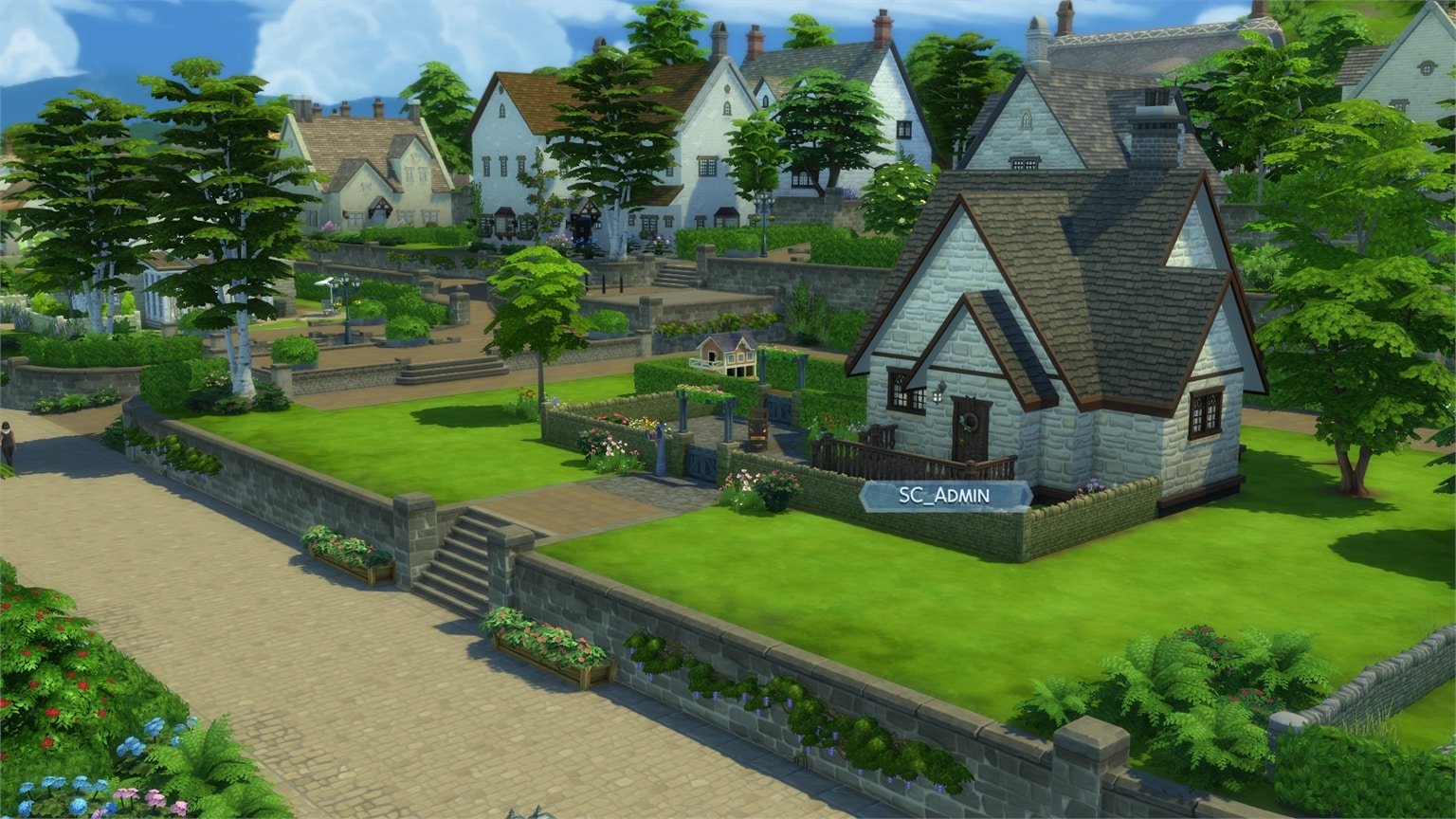
From the natural beauty of Cordelia Falls to the clear, brisk currents of the River Bagley, the mingling of earth and water makes Henford-on-Bagley a lovely place to visit but perhaps an even lovelier place to live. Villagers here connect with the history of the land while finding friendship in the the furry and feathery creatures that inhabit the woods. So what if the average neighbor is a little more gossipy? You couldn’t ask for a better place to grow, tend, and nurture a more natural life.

The Sims 4 Cottage Living: Henford-on-Bagley World Tour

Welcome to Henford-on-Bagley! This new world consists of 3 different neighborhoods. Down below you can check out the full breakdown of all the neighborhoods and their lots:

The Bramblewood

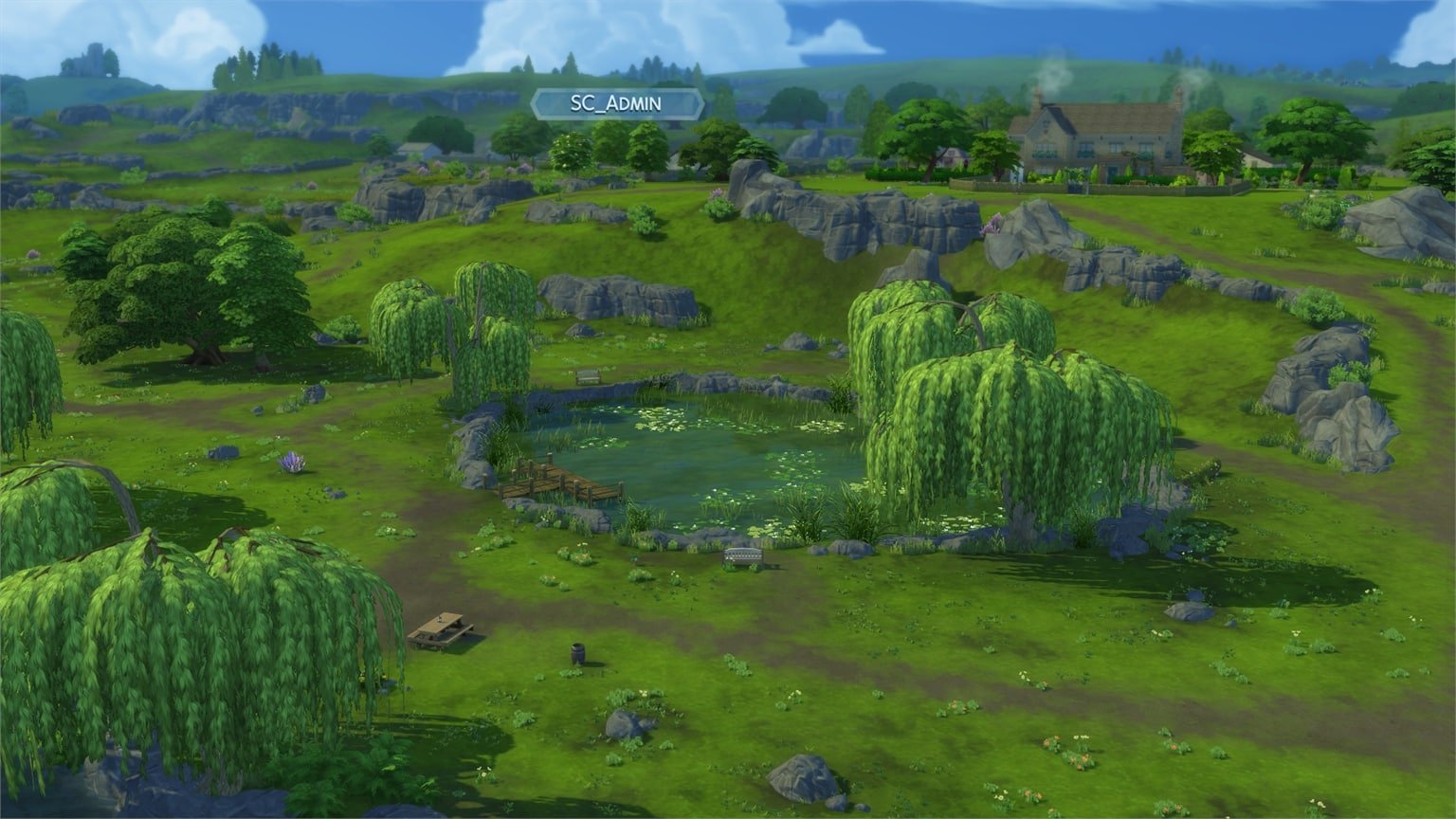
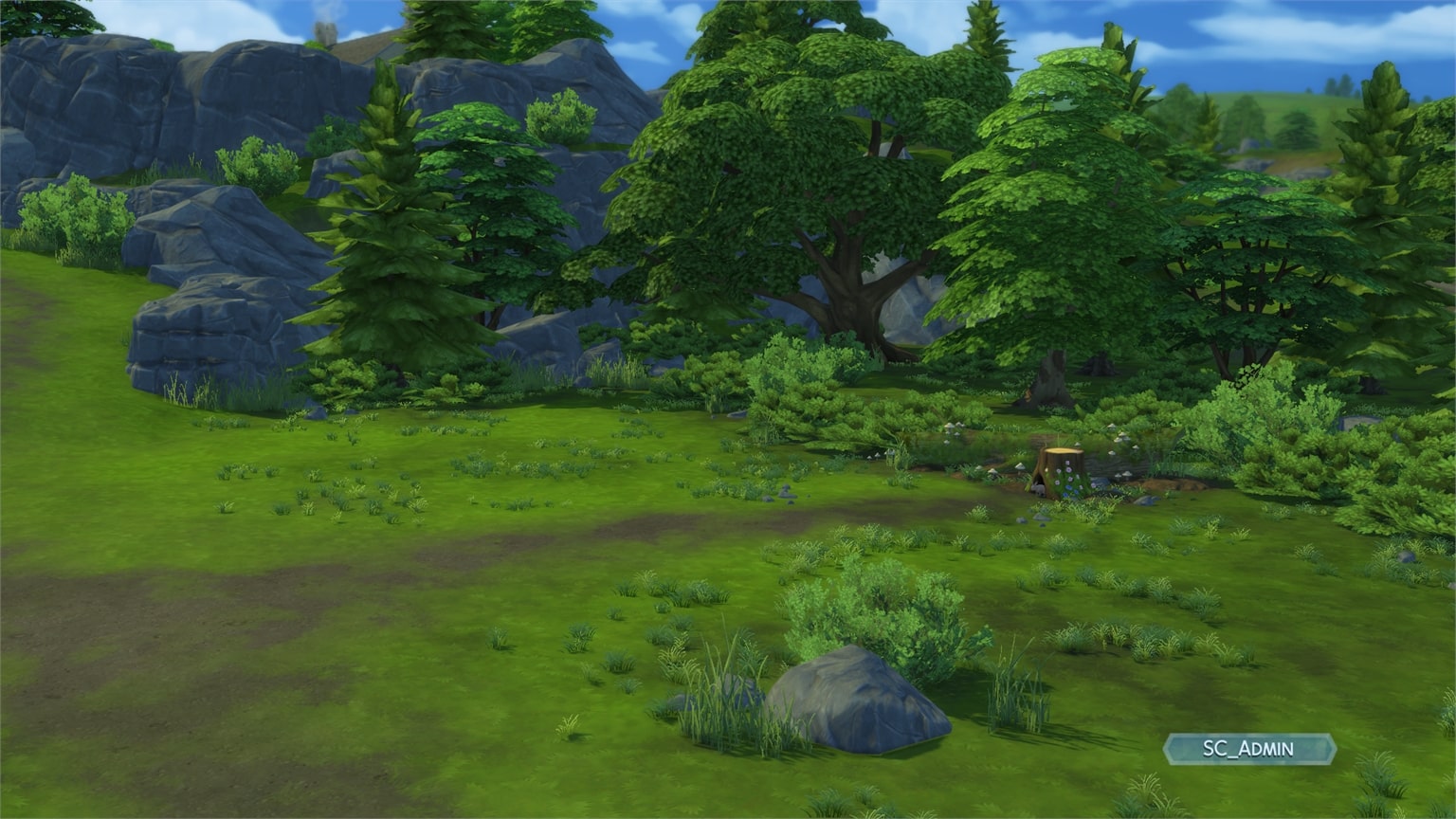
The natural beauty of these woods have long provided a picturesque place for many wild birds, rabbits, and foxes to call home. Whether secreting a small surprise under Sophie the Snail, bringing an easel to paint the serene Cordelia Falls, foraging for wild mushrooms, or finding romance among the ruins of the Isle of Volpe, any Sim would be transformed by a day in the Bramblewood.

Lots:

  • Isle of Volpe Park (National Park – 50×40)
  • 13 Nettle Lane (Rental – 30×20)
  • Moody & McMillan Household (40×30)
  • Cordelia’s Secret Cottage (Residental – 30×20)

Moody & McMillan Household (40×30)

Lot created by HeyHarrie

The Sims 4 Cottage Living: Henford-on-Bagley World Tour

13 Nettle Lane (Rental – 30×20)

Lot created by HeyHarrie

The Sims 4 Cottage Living: Henford-on-Bagley World Tour

Isle of Volpe Park (National Park – 50×40)

The Sims 4 Cottage Living: Henford-on-Bagley World Tour

Cordelia’s Secret Cottage (Residental – 30×20)

Lot created by Thomas TV

The Sims 4 Cottage Living: Henford-on-Bagley World Tour

Neighborhood Screens

Wild Animals Map

The Bramblewood also has two homes each for wild rabbits and wild birds. You can see where they’re located in the map below:

The Sims 4 Cottage Living: Henford-on-Bagley World Tour

Finchwick

Nestled along the River Bagley, the old mill village of Finchwick prides itself on its bustling and close-knit community. Its historic square features a pub and quaint stalls amid a flowering garden, perfect for a little window shopping. Tourists and locals alike flock to the weekly village fair, where Finchwick’s Mayor makes a special appearance to judge entries and gossip about the latest happenings.

Lots:

  • The Gnome’s Arms (Bar – 30×20)
  • 5 Cobblebottom Street (Residental – 30×20)
  • Scott Household (20×20 lot)
  • 1 Cobblebottom Street (Residental – 20×15)

The Gnome’s Arms (Bar – 30×20)

Lot created by Devon Bumpkin

The Sims 4 Cottage Living: Henford-on-Bagley World Tour

5 Cobblebottom Street (Residental – 30×20)

Lot created by Thomas TV

The Sims 4 Cottage Living: Henford-on-Bagley World Tour

Scott Household (20×20 Lot)

Lot created by HeyHarrie

The Sims 4 Cottage Living: Henford-on-Bagley World Tour

1 Cobblebottom Street (Residental – 20×15)

Lot created by Clare Siobhan

The Sims 4 Cottage Living: Henford-on-Bagley World Tour

Neighborhood Screens


Old New Henford

An area that boasts rolling hills, lush estates, and a small community garden, Old New Henford is perhaps best known for its historical naming woes. Initially known as Little Henford, the neighborhood renamed itself New Henford in an attempt to escape its diminutive origins. However, in neglecting to inform national mapmakers, they ceased to officially exist for a two-week period. When told that to be reinstated would require yet another name change, residents chose Old New Henford, which beat out the other choice – New New Henford – by a single vote.

Lots:

  • The Watson Family Household (64×64 lot)
  • A New Start Household (30×20 lot)
  • 3 Olde Mill Lane (Residental – 50×40)
  • 2 Olde Mill Lane (Empty Residental – 50×40)

The Watson Family Household (64×64 lot)

Lot created by Devon Bumpkin

The Sims 4 Cottage Living: Henford-on-Bagley World Tour

A New Start Household (30×20 lot)

Lot created by Clare Siobhan

The Sims 4 Cottage Living: Henford-on-Bagley World Tour

3 Olde Mill Lane (Residental – 50×40)

Lot created by Thomas TV

The Sims 4 Cottage Living: Henford-on-Bagley World Tour

2 Olde Mill Lane (Empty Residental – 50×40)

The Sims 4 Cottage Living: Henford-on-Bagley World Tour

Wild Animals Map

Old New Henford contains a single home each for Wild Bunnies and Wild Birds!

The Sims 4 Cottage Living: Henford-on-Bagley World Tour

Neighborhood Screens

The Sims 4: All About the New Water Tool

Presented by EA Game Changers

I’ve gotten a chance to play the upcoming version of The Sims 4 and test out the brand new Water Tool Feature that’s coming to Build Mode for FREE! In this article I’ll be showcasing all the water tool possibilities, what it takes to create a pond, showcase the new water objects and also take a look at minor feature improvements for Terrain Paint as well!

Please note that the version of The Sims 4 I got to play is an early version and features are subject to change.


The first thing you’ll notice is a small revamp of the Build Menu on the bottom left – with a new Terrain Tools icon that now also include the new Water Tool, as well as a category for Outdoor Water Decor.

The Water Tool

With the water tool you are able to create ponds in your own lot! This tool co-operates with the Terrain Tools, meaning that you’ll have to deepen the terrain in order to fill it with water. Something like this, or however you want to deepen the terrain:

The Sims 4: All About the New Water Tool

All the way on the bottom of the Terrain Tool categories you’ll find the Water Tool category. Inside there are different brush sizes, a Water Depth Map Option and tools including Raise Water, Lower Water, Fill to Height and Remove Water.

The Sims 4: All About the New Water Tool

Down below you can check out what each tool does and how it looks like in the game:

  • Raise Water – raises water to the surface level that you’ve selected.
  • Lower Water – lowers water to the surface level that you’ve selected.
  • Fill to Height – Fills the water to the height of the square that you’ve set. You can increase the height of the square by pressing Ctrl + ] or lower it by pressing Ctrl + [.
  • Remove Water – Instantly removes water from the terrain you’ve selected.

FUN FACT: Did you know that you can have multiple ponds at multiple water levels? That’s right! As long as there’s terrain that cuts the water in half at a certain terrain level you’ll be able to create each pond at a different water level!

The Sims 4: All About the New Water Tool

Remember – each pond on your lot can be placed at a different water level. Terrain and pond holes that you’ve deepened seperately one from another are especially easy to manipulate with their water level. Creating different water levels with the pond you’ve seen above can get a little…challenging.

The Sims 4: All About the New Water Tool

The Water Depth Map allows you to quickly see in Build Mode which areas are approachable and interactable with water interactions in Live Mode.

waterdepth

The Sims 4: All About the New Water Tool

Outdoor Water Decor

There’s now a new category added to Build in the House User Interface – marked with a log. Inside you’ll find 3 new categories for Pond Tools and 2 categories for fountains and pools, including:

  • Water Styles
  • Pond Objects
  • Fountain Decorations
  • Pool Objects
  • Pond Effects

Water Styles

There are 6 water styles coming with the Base Game, including:

  • Ordinary Chlorinated Pool Water
  • Dreaming of Water
  • Pond Scum
  • Mossy Water
  • Leafy Water
  • Pond Water

Pond Objects

The Pond Objects Category includes objects such as the log, grass, lily pads, fountains, sculptures and fishing signs!

The Sims 4: All About the New Water Tool

There are two versions of fishing signs included: one which allows you to stock the Pond with your own Fish and the other sign comes Pre-Stocked with basic Fish types.

You’ve heard that correctly – you can stock your own Ponds with your own fish that you’ve discovered and caught!

Clicking the Fishing Sign in live mode will allow you to Stock the Pond with the Fish you’ve caught. From there you’ll be able to manage which Fish can be in the Pond and used for fishing – either by yourself or other Sims who visit the lot.

The Sims 4: All About the New Water Tool The Sims 4: All About the New Water Tool

Pond Effects

Because for some reason fish don’t appear visually after you stock the pond, you’ll be able to fill in the Pond with effects found in the Pond Effects category!

The Sims 4: All About the New Water Tool

In this category you’ll find the following effects for placing down. Please note that visual effects will only start appearing after you enter Live Mode:

  • Dragonfly Swarm
  • Tadpoles
  • Country Fish
  • Mosquitoes
  • Fireflies
  • Mr. Ducksworth
  • Mallard Ducks
  • Pair of Swans
  • Unidentified Submerged Object
  • Gator Benjamincollis

The Sims 4: All About the New Water Tool

Terrain Tool & Paint – New Brush Sizes

The upcoming update for The Sims 4 also includes new Brush Sizes for Terrain Tools and Terrain Paint! There are no longer 5 brush sizes but a slider that consists of 8 different sizes, meaning you can make the brush as small as a single tile piece…

The Sims 4: All About the New Water Tool

…or as big as almost your entire lot!

The Sims 4: All About the New Water Tool

These new sliders will especially come in handy for everyone who uses Terrain Paint, because now you can go into much greater detail!

The Sims 4: All About the New Water Tool


What are your thoughts on the new Water Tools coming to The Sims 4? Let us know in the comments!

The Sims 4 Cottage Living: Official Livestream Replay

0

Did you miss The Sims 4 Cottage Living livestream earlier today?

The full replay of the livestream is now up on The Sims official YouTube Channel. Check it out

The Sims 4 Cottage Living: Full Create A Sim Overview

Presented by EA Game Changers

Over the last couple of days I’ve gotten a special opportunity to check out the early alpha copy of The Sims 4 Cottage Living Expansion Pack!

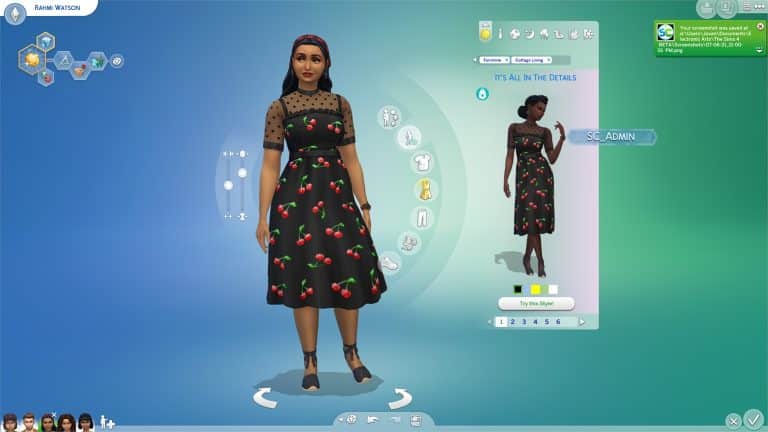
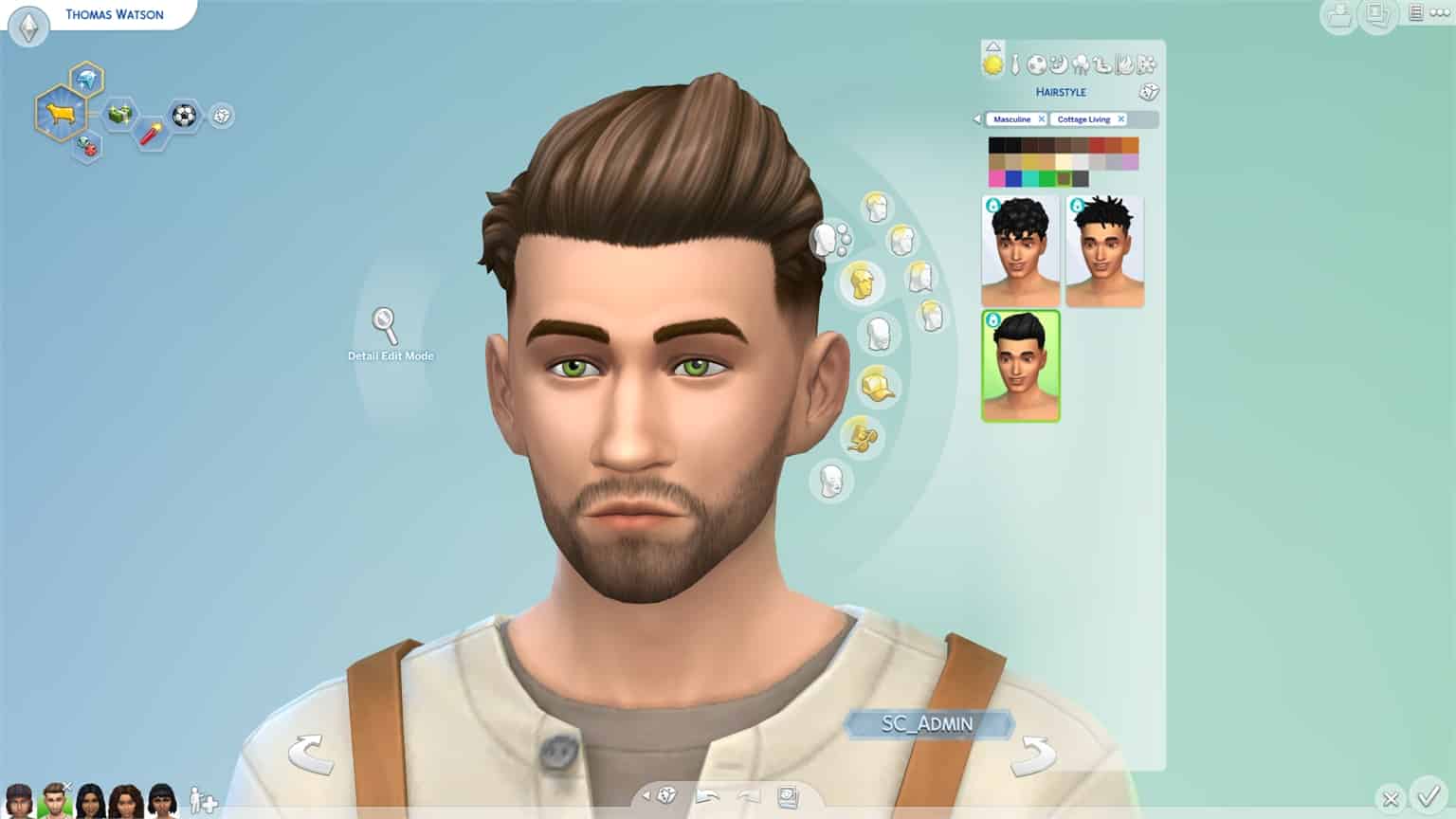
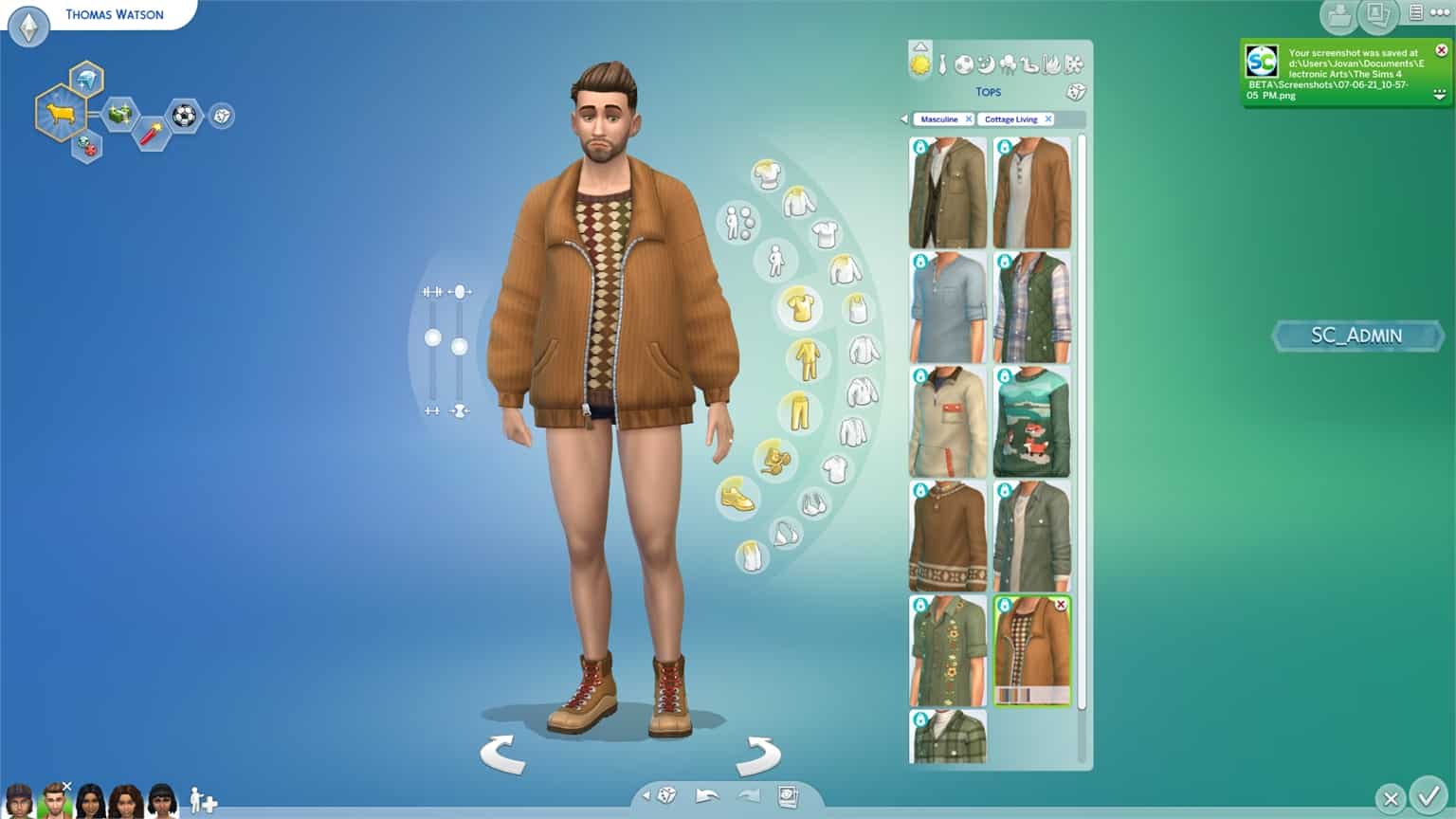
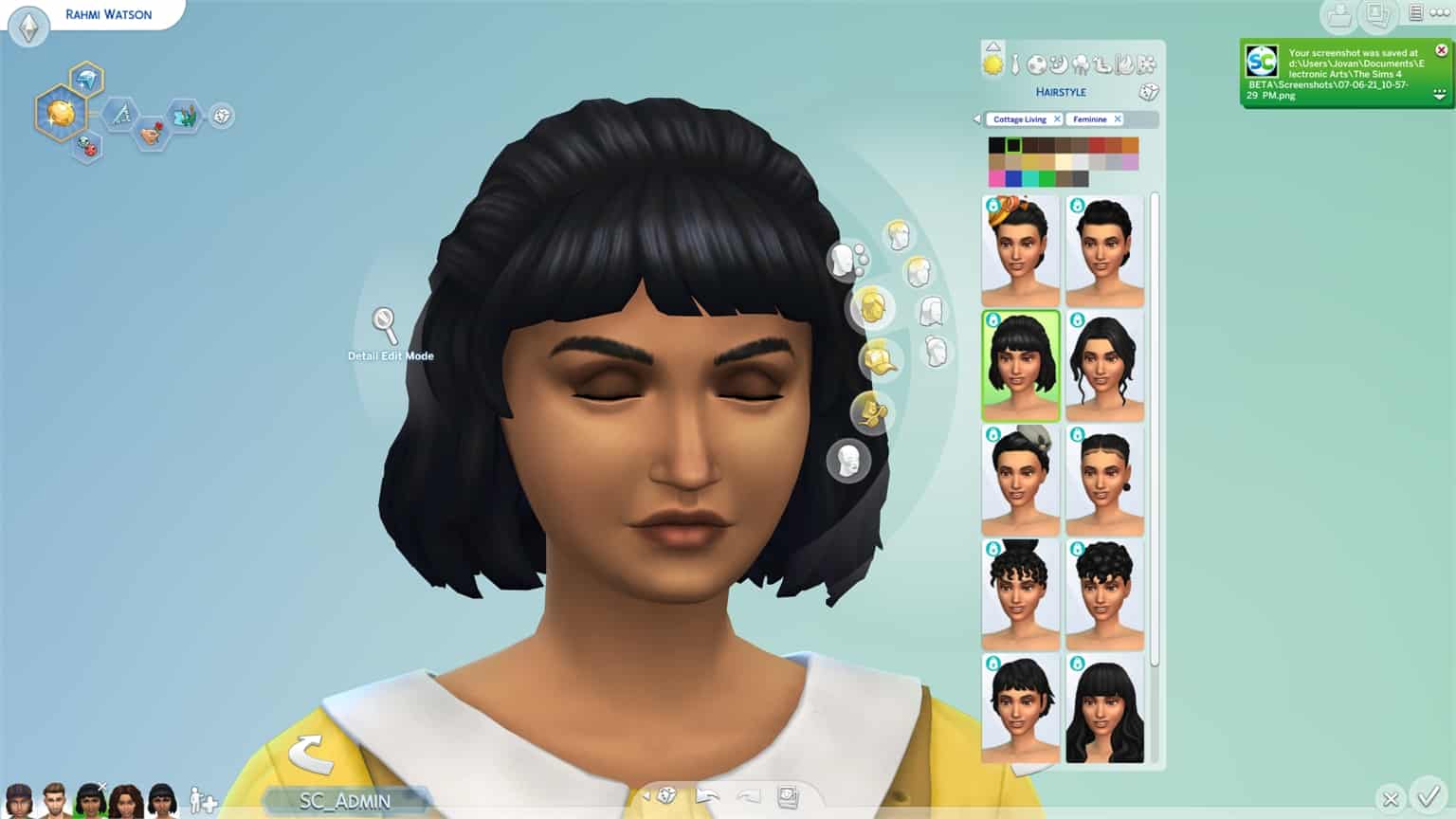
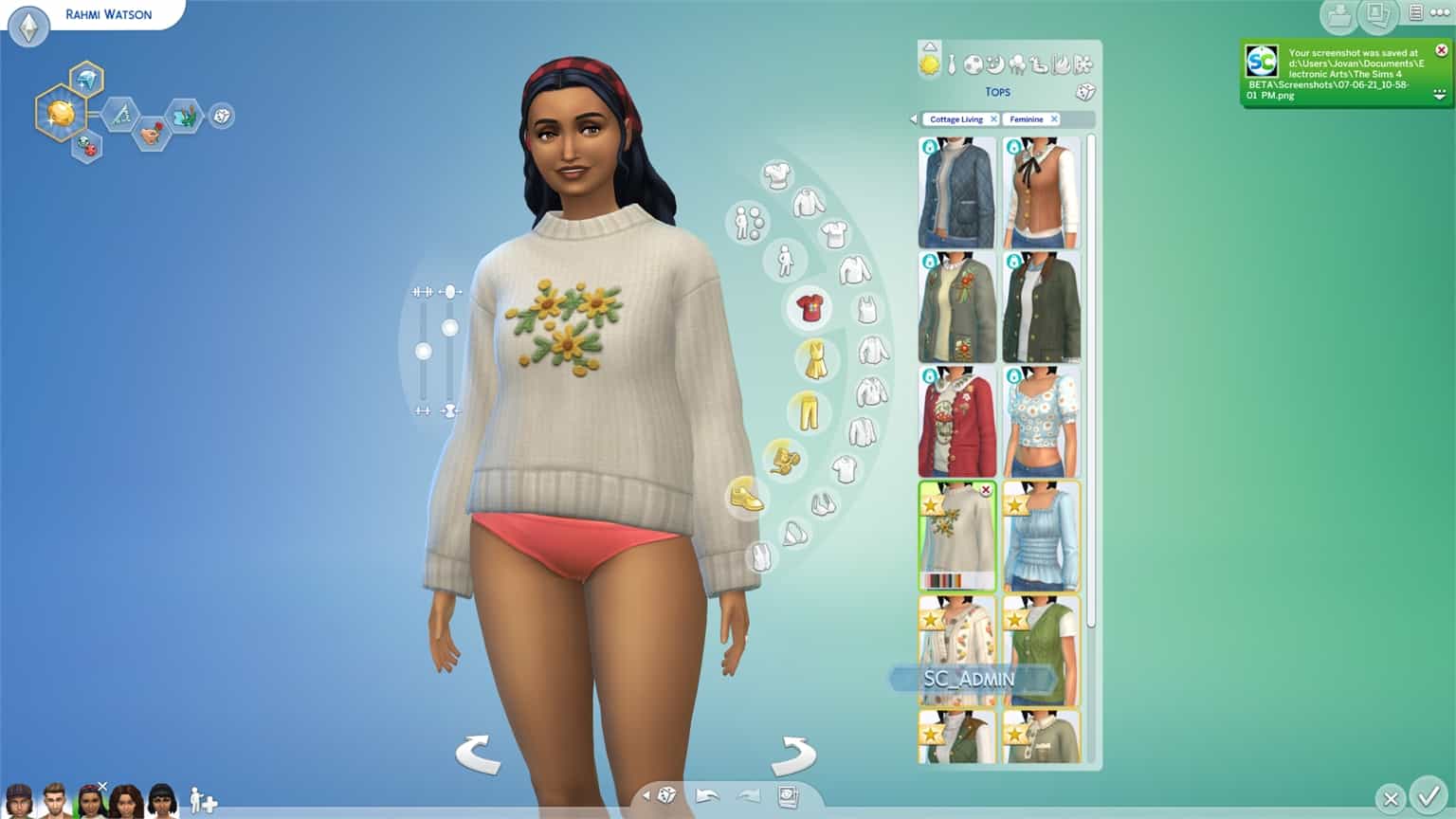
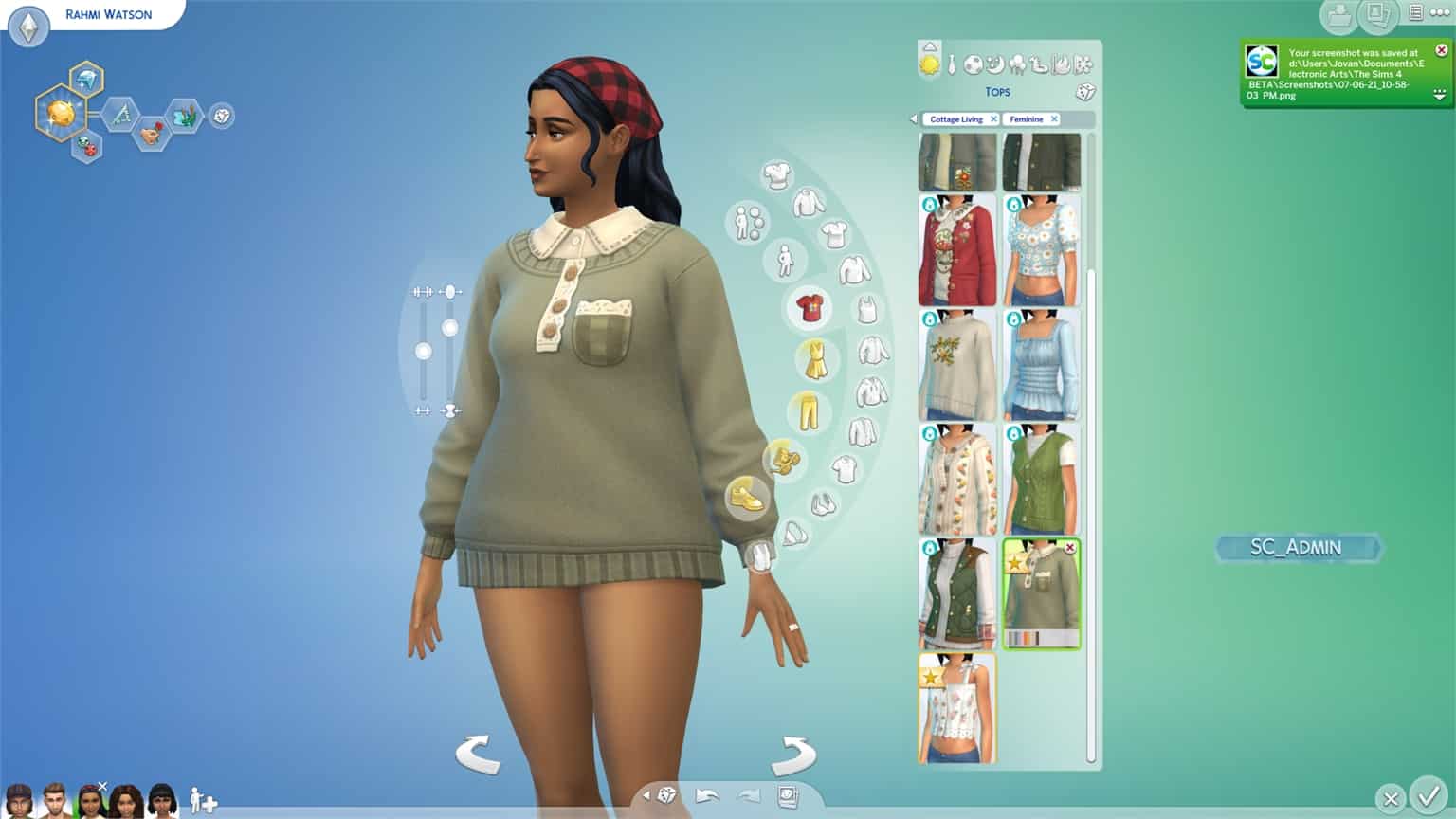
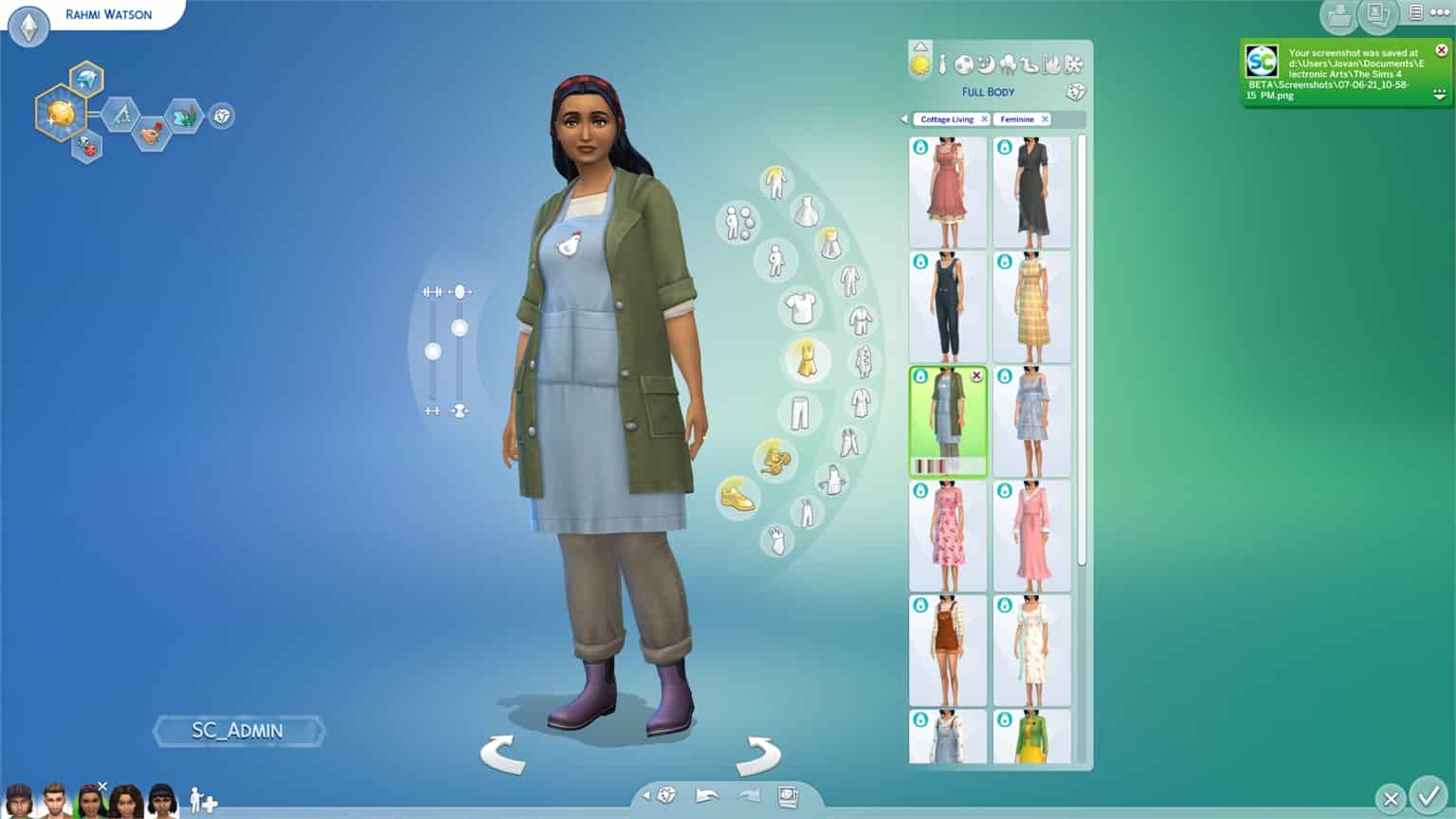
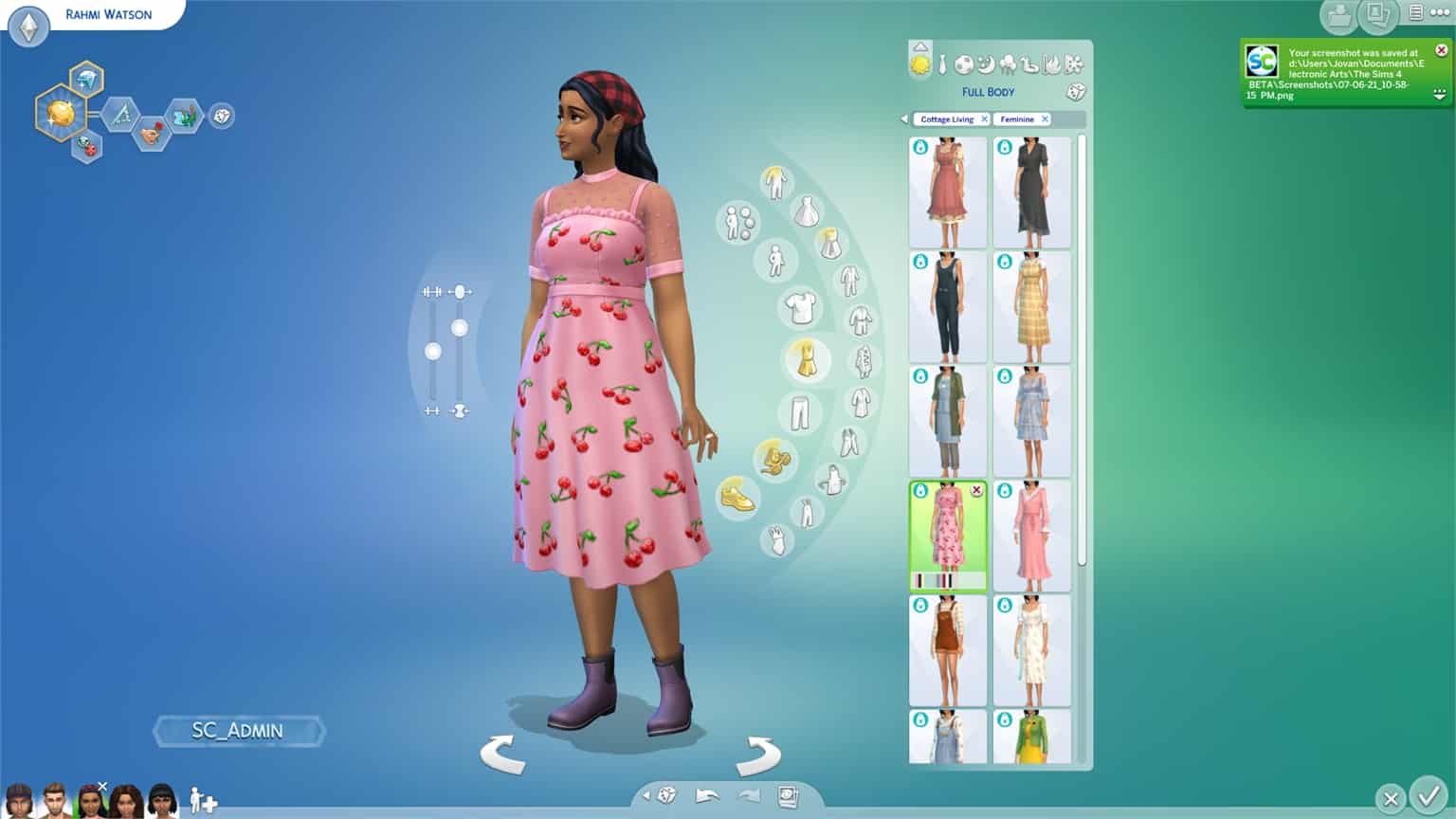
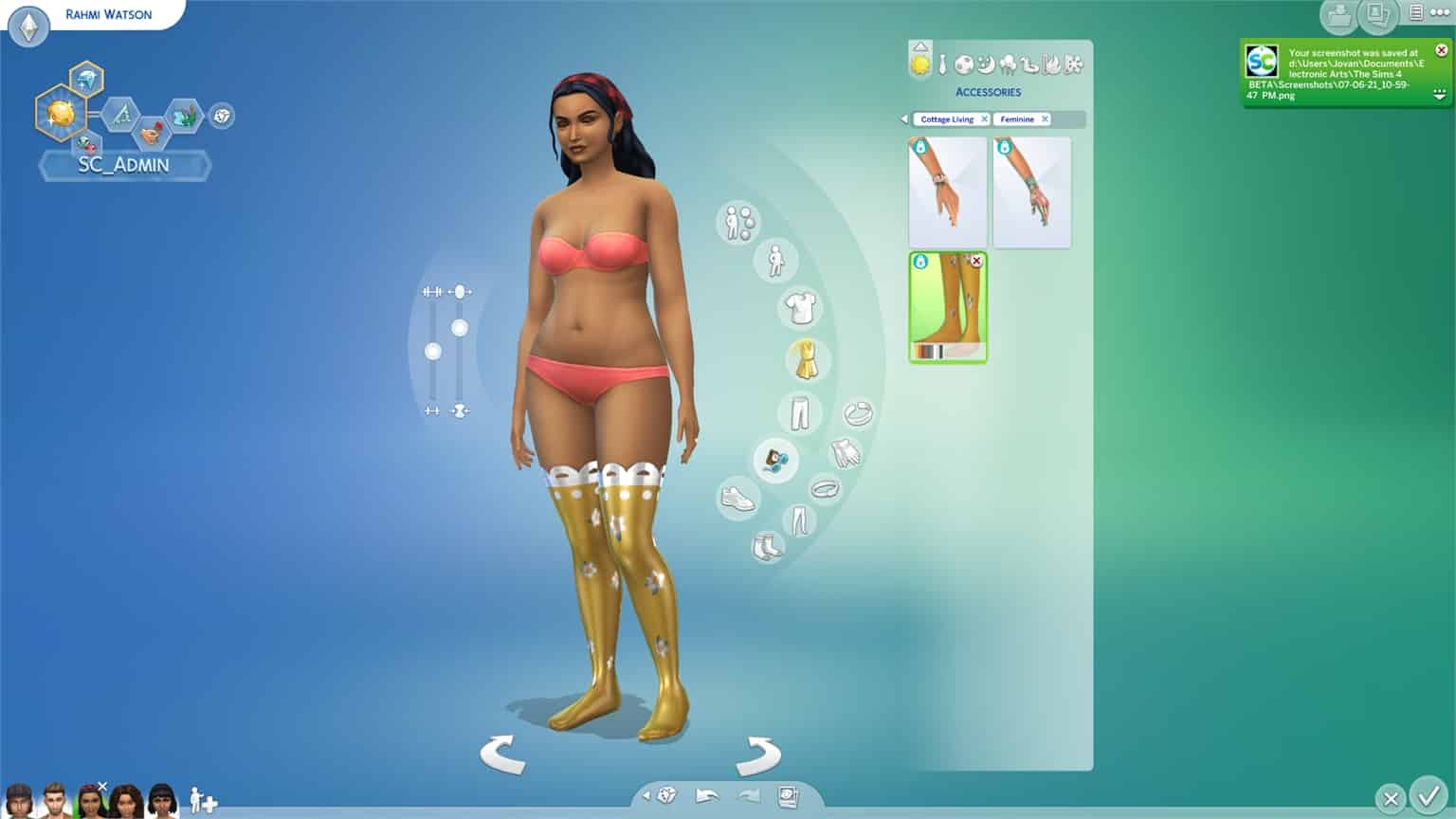
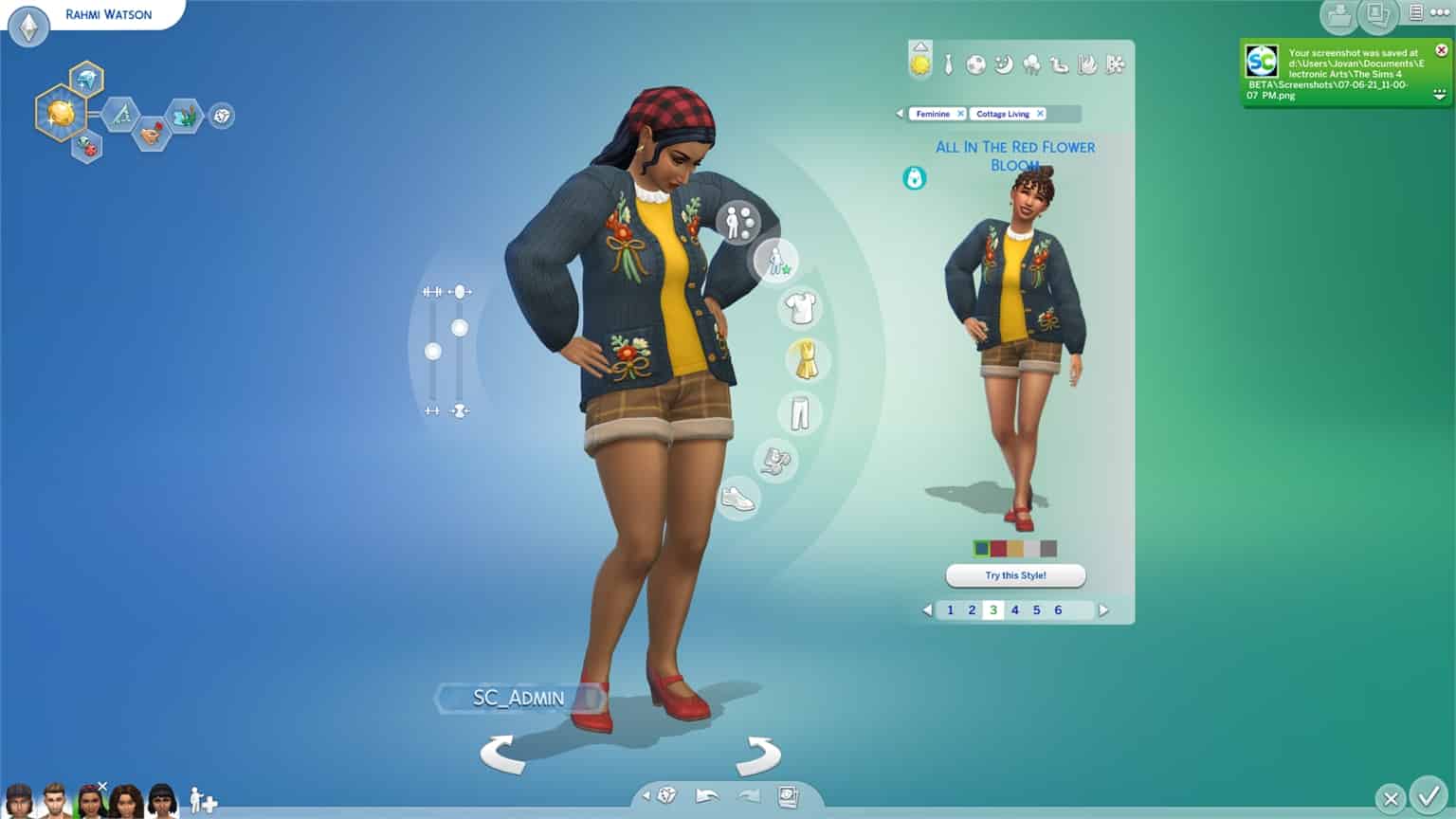
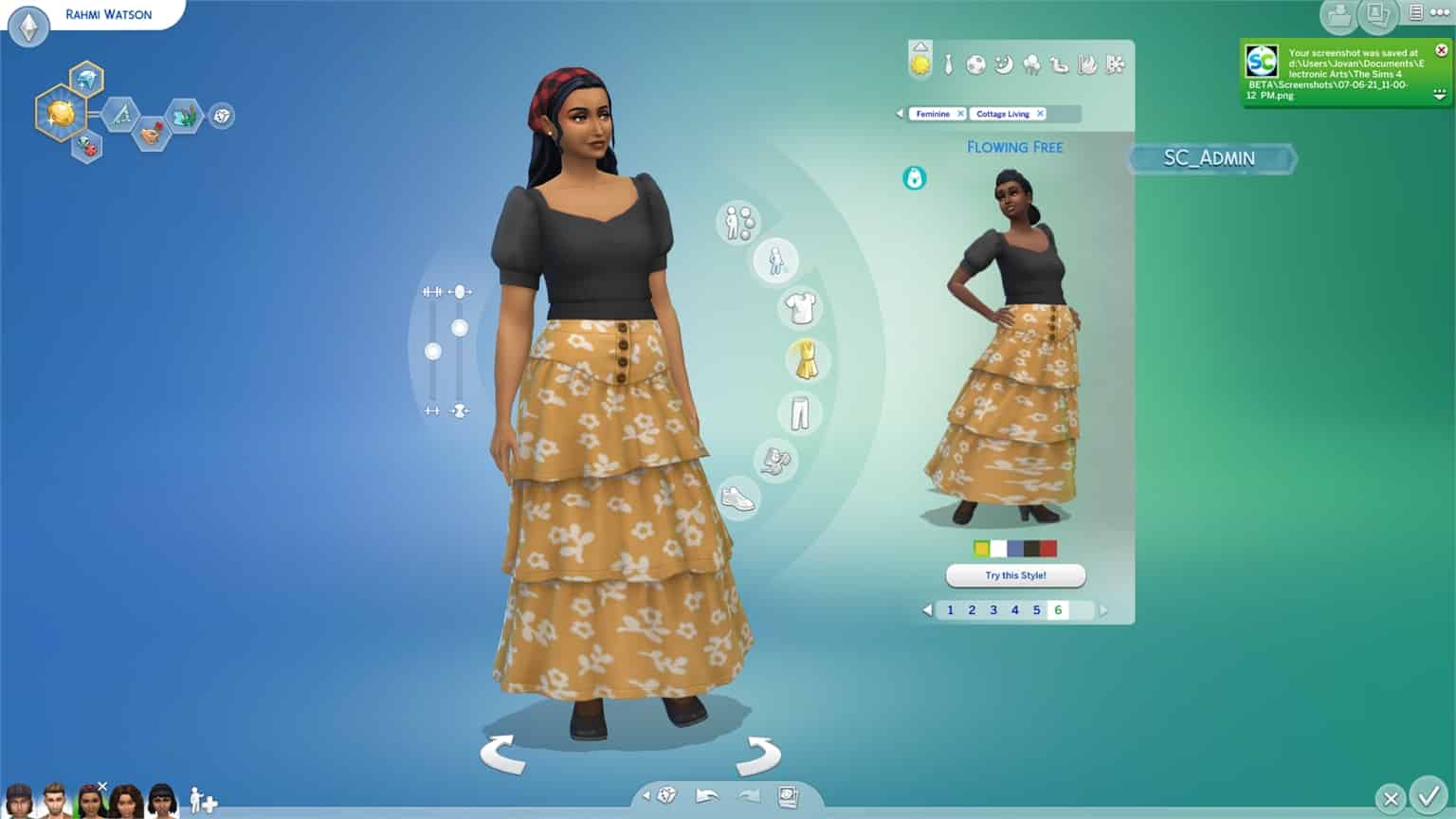
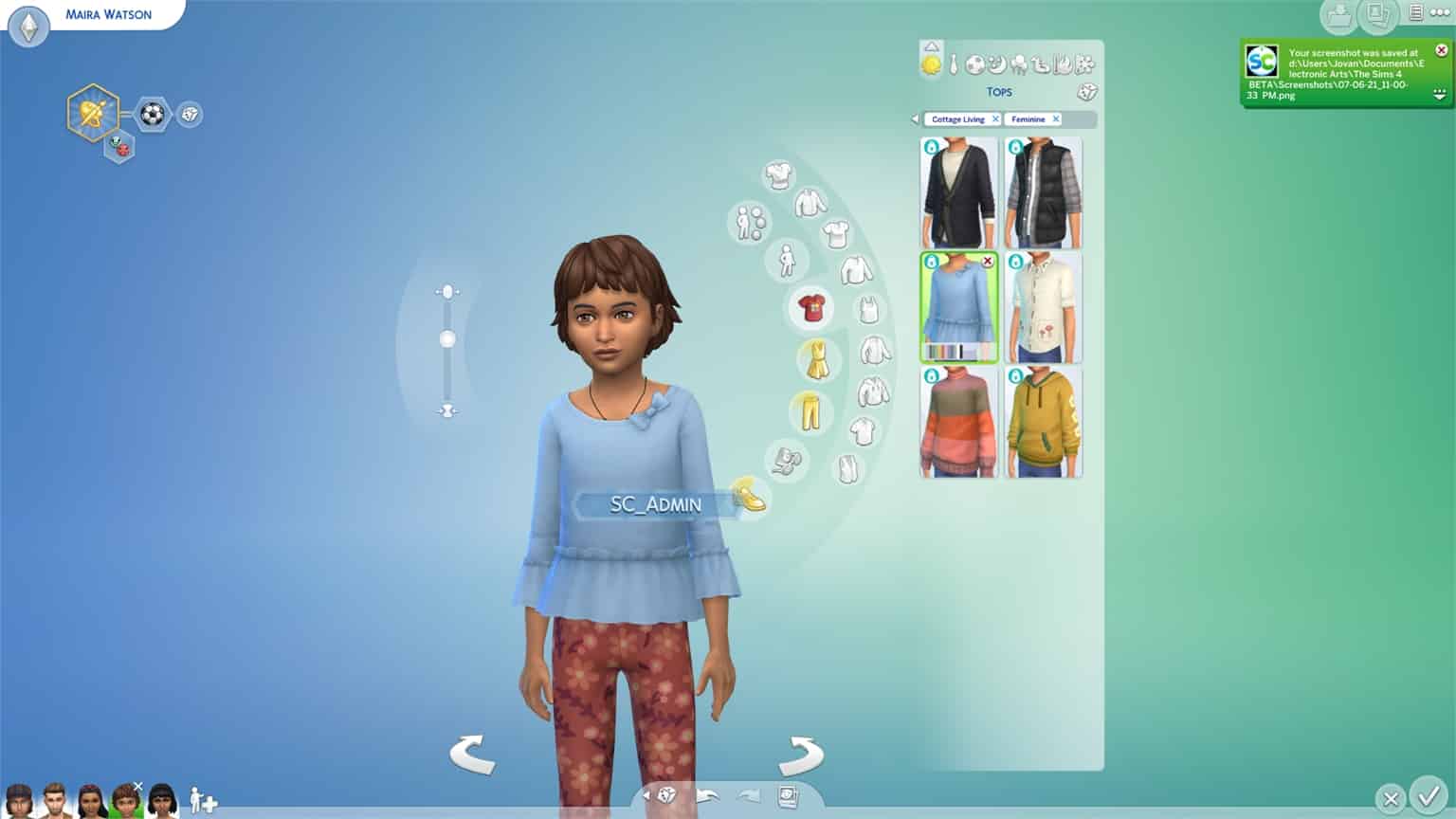
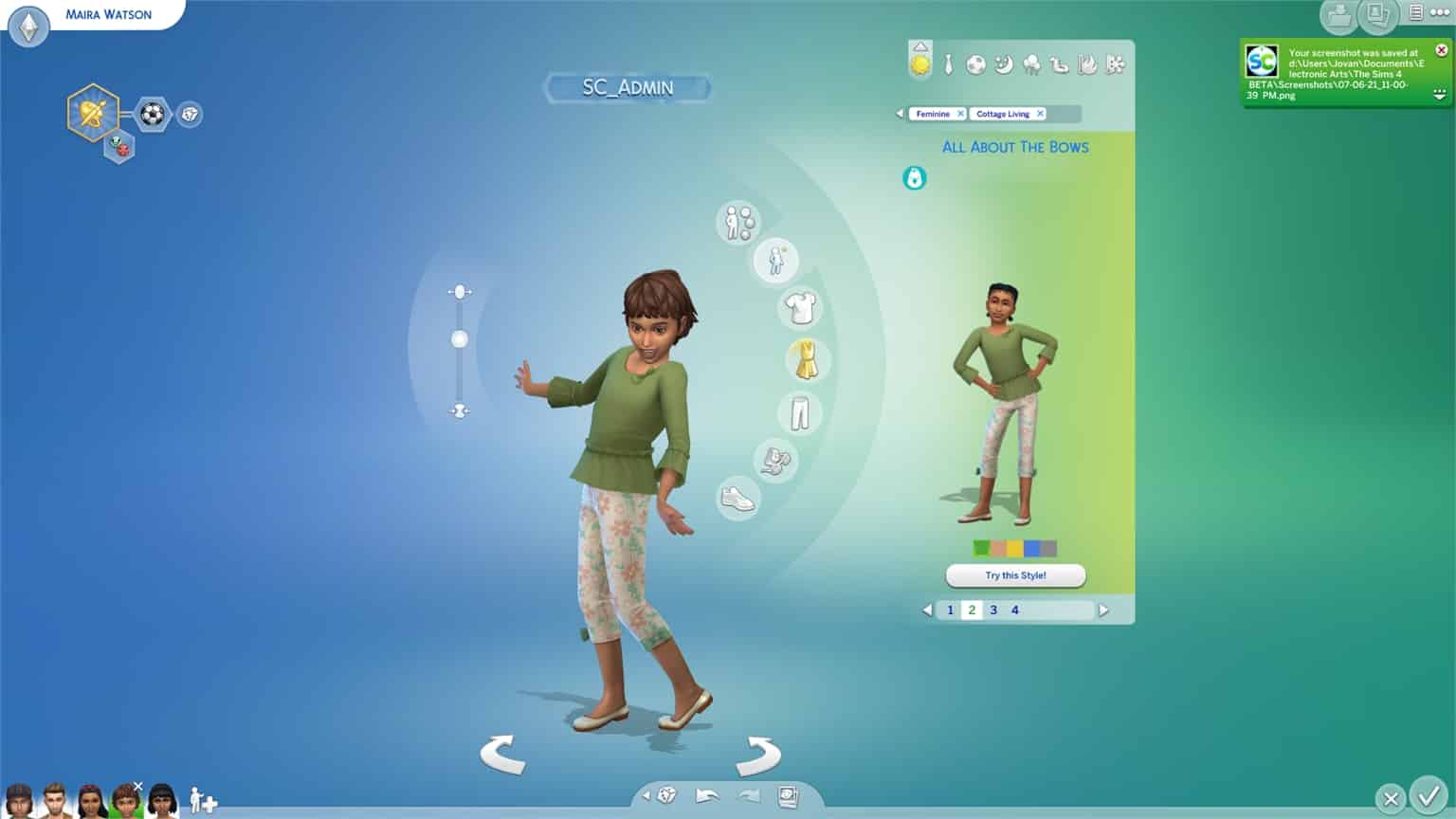
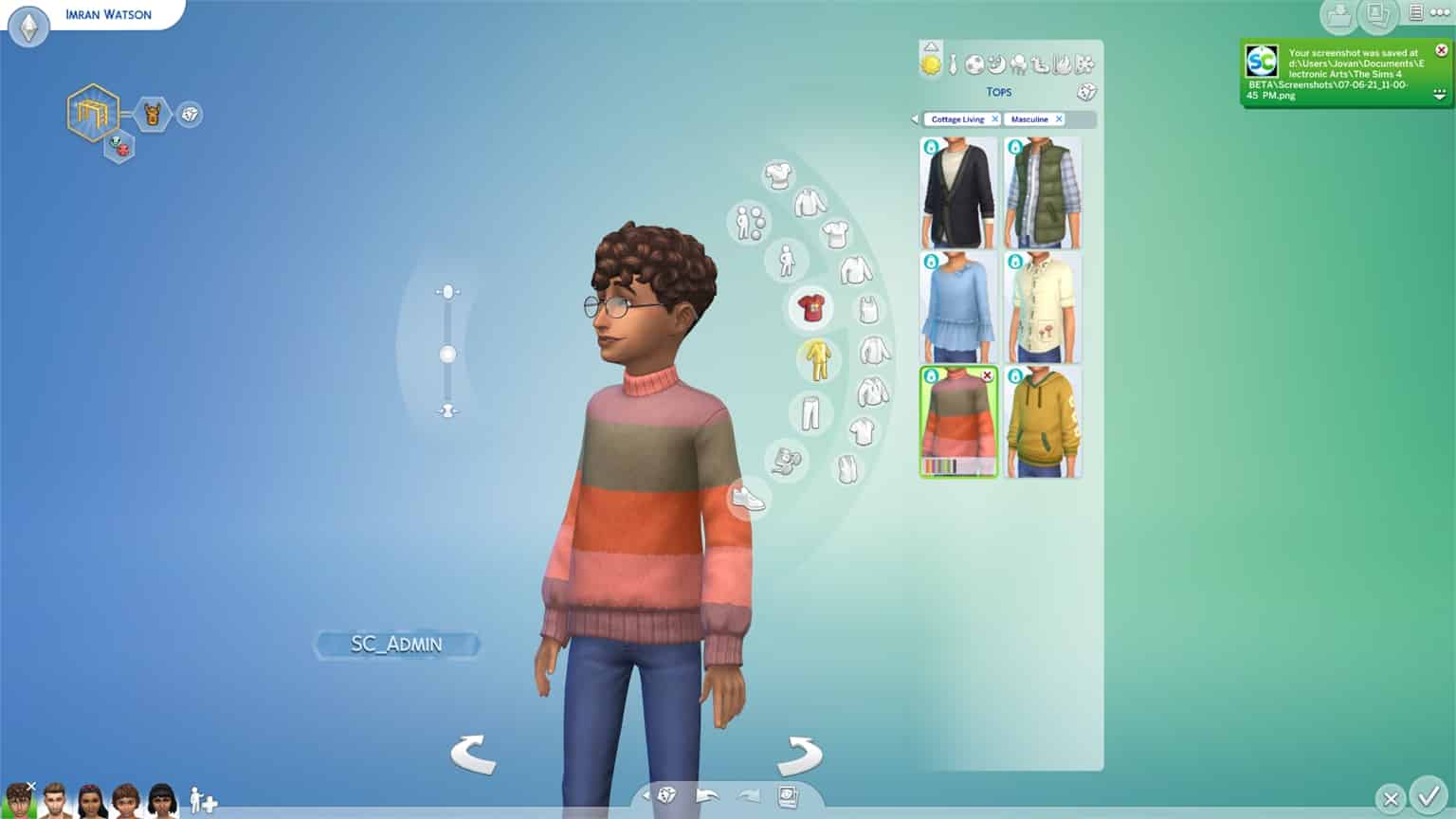
During this period I’ve managed to check out the full catalogue of Create A Sim items that come with this pack. There are new CAS items for each age in the game, and I’m especially impressed at the hair conversions done for Children and Toddlers!

Down below you can check out the full rundown of all of the new Create A Sim items, for each fashion preference, category and age. I’ll be doing a deep dive into seperate swatches in an upcoming CAS Review video so stay tuned!

Before you check out the CAS preview, please note that this is Early Alpha software, meaning that the game is not final yet. You might see some issues specifically with one of the feminine adult bottoms, as well as the issue with a specific pair of leggings looking “glossy”.

New Aspiration

Country Caretaker – Country Caretakers want to tend the countryside and befriend all animals and critters!

The Sims 4 Cottage Living: Full Create A Sim Overview

New Traits

Lactose Intolerant – These Sims will become sick if they eat dairy, but will feel great if they have avoided it for a while.

The Sims 4 Cottage Living: Full Create A Sim Overview

Animal Enthusiast – These Sims are obsessed with animals, and will seek their company often. They will have an easier time caring for animals and getting closer to them.

The Sims 4 Cottage Living: Full Create A Sim Overview

Adult Masculine

Hairstyles

 The Sims 4 Cottage Living: Full Create A Sim OverviewThe Sims 4 Cottage Living: Full Create A Sim OverviewThe Sims 4 Cottage Living: Full Create A Sim Overview


Facial Hairs

The Sims 4 Cottage Living: Full Create A Sim OverviewThe Sims 4 Cottage Living: Full Create A Sim Overview

Hats

The Sims 4 Cottage Living: Full Create A Sim OverviewThe Sims 4 Cottage Living: Full Create A Sim OverviewThe Sims 4 Cottage Living: Full Create A Sim Overview

Tops

The Sims 4 Cottage Living: Full Create A Sim OverviewThe Sims 4 Cottage Living: Full Create A Sim OverviewThe Sims 4 Cottage Living: Full Create A Sim OverviewThe Sims 4 Cottage Living: Full Create A Sim OverviewThe Sims 4 Cottage Living: Full Create A Sim OverviewThe Sims 4 Cottage Living: Full Create A Sim OverviewThe Sims 4 Cottage Living: Full Create A Sim OverviewThe Sims 4 Cottage Living: Full Create A Sim OverviewThe Sims 4 Cottage Living: Full Create A Sim OverviewThe Sims 4 Cottage Living: Full Create A Sim OverviewThe Sims 4 Cottage Living: Full Create A Sim Overview

Bottoms

The Sims 4 Cottage Living: Full Create A Sim OverviewThe Sims 4 Cottage Living: Full Create A Sim Overview

Outfits

The Sims 4 Cottage Living: Full Create A Sim OverviewThe Sims 4 Cottage Living: Full Create A Sim OverviewThe Sims 4 Cottage Living: Full Create A Sim OverviewThe Sims 4 Cottage Living: Full Create A Sim OverviewThe Sims 4 Cottage Living: Full Create A Sim OverviewThe Sims 4 Cottage Living: Full Create A Sim Overview

Shoes

The Sims 4 Cottage Living: Full Create A Sim OverviewThe Sims 4 Cottage Living: Full Create A Sim OverviewThe Sims 4 Cottage Living: Full Create A Sim Overview

Styled Looks

The Sims 4 Cottage Living: Full Create A Sim OverviewThe Sims 4 Cottage Living: Full Create A Sim OverviewThe Sims 4 Cottage Living: Full Create A Sim Overview

Adult Feminine

Hairstyles

The Sims 4 Cottage Living: Full Create A Sim OverviewThe Sims 4 Cottage Living: Full Create A Sim OverviewThe Sims 4 Cottage Living: Full Create A Sim OverviewThe Sims 4 Cottage Living: Full Create A Sim OverviewThe Sims 4 Cottage Living: Full Create A Sim OverviewThe Sims 4 Cottage Living: Full Create A Sim OverviewThe Sims 4 Cottage Living: Full Create A Sim OverviewThe Sims 4 Cottage Living: Full Create A Sim OverviewThe Sims 4 Cottage Living: Full Create A Sim OverviewThe Sims 4 Cottage Living: Full Create A Sim OverviewThe Sims 4 Cottage Living: Full Create A Sim OverviewThe Sims 4 Cottage Living: Full Create A Sim Overview

Hats

The Sims 4 Cottage Living: Full Create A Sim OverviewThe Sims 4 Cottage Living: Full Create A Sim OverviewThe Sims 4 Cottage Living: Full Create A Sim OverviewThe Sims 4 Cottage Living: Full Create A Sim Overview

Head Accessories

The Sims 4 Cottage Living: Full Create A Sim OverviewThe Sims 4 Cottage Living: Full Create A Sim OverviewThe Sims 4 Cottage Living: Full Create A Sim OverviewThe Sims 4 Cottage Living: Full Create A Sim Overview The Sims 4 Cottage Living: Full Create A Sim OverviewThe Sims 4 Cottage Living: Full Create A Sim Overview

Tops

The Sims 4 Cottage Living: Full Create A Sim OverviewThe Sims 4 Cottage Living: Full Create A Sim OverviewThe Sims 4 Cottage Living: Full Create A Sim OverviewThe Sims 4 Cottage Living: Full Create A Sim OverviewThe Sims 4 Cottage Living: Full Create A Sim OverviewThe Sims 4 Cottage Living: Full Create A Sim OverviewThe Sims 4 Cottage Living: Full Create A Sim OverviewThe Sims 4 Cottage Living: Full Create A Sim OverviewThe Sims 4 Cottage Living: Full Create A Sim OverviewThe Sims 4 Cottage Living: Full Create A Sim OverviewThe Sims 4 Cottage Living: Full Create A Sim OverviewThe Sims 4 Cottage Living: Full Create A Sim OverviewThe Sims 4 Cottage Living: Full Create A Sim Overview

Bottoms

The Sims 4 Cottage Living: Full Create A Sim OverviewThe Sims 4 Cottage Living: Full Create A Sim OverviewThe Sims 4 Cottage Living: Full Create A Sim OverviewThe Sims 4 Cottage Living: Full Create A Sim OverviewThe Sims 4 Cottage Living: Full Create A Sim OverviewThe Sims 4 Cottage Living: Full Create A Sim OverviewThe Sims 4 Cottage Living: Full Create A Sim OverviewThe Sims 4 Cottage Living: Full Create A Sim Overview

Outfits

The Sims 4 Cottage Living: Full Create A Sim OverviewThe Sims 4 Cottage Living: Full Create A Sim OverviewThe Sims 4 Cottage Living: Full Create A Sim OverviewThe Sims 4 Cottage Living: Full Create A Sim OverviewThe Sims 4 Cottage Living: Full Create A Sim OverviewThe Sims 4 Cottage Living: Full Create A Sim OverviewThe Sims 4 Cottage Living: Full Create A Sim OverviewThe Sims 4 Cottage Living: Full Create A Sim OverviewThe Sims 4 Cottage Living: Full Create A Sim OverviewThe Sims 4 Cottage Living: Full Create A Sim OverviewThe Sims 4 Cottage Living: Full Create A Sim OverviewThe Sims 4 Cottage Living: Full Create A Sim OverviewThe Sims 4 Cottage Living: Full Create A Sim OverviewThe Sims 4 Cottage Living: Full Create A Sim OverviewThe Sims 4 Cottage Living: Full Create A Sim Overview

Accessories

The Sims 4 Cottage Living: Full Create A Sim OverviewThe Sims 4 Cottage Living: Full Create A Sim OverviewThe Sims 4 Cottage Living: Full Create A Sim Overview

Shoes

The Sims 4 Cottage Living: Full Create A Sim OverviewThe Sims 4 Cottage Living: Full Create A Sim OverviewThe Sims 4 Cottage Living: Full Create A Sim OverviewThe Sims 4 Cottage Living: Full Create A Sim OverviewThe Sims 4 Cottage Living: Full Create A Sim OverviewThe Sims 4 Cottage Living: Full Create A Sim OverviewThe Sims 4 Cottage Living: Full Create A Sim Overview

Styled Looks

The Sims 4 Cottage Living: Full Create A Sim OverviewThe Sims 4 Cottage Living: Full Create A Sim OverviewThe Sims 4 Cottage Living: Full Create A Sim OverviewThe Sims 4 Cottage Living: Full Create A Sim OverviewThe Sims 4 Cottage Living: Full Create A Sim OverviewThe Sims 4 Cottage Living: Full Create A Sim Overview

Child Feminine

Hairstyles

The Sims 4 Cottage Living: Full Create A Sim OverviewThe Sims 4 Cottage Living: Full Create A Sim OverviewThe Sims 4 Cottage Living: Full Create A Sim OverviewThe Sims 4 Cottage Living: Full Create A Sim OverviewThe Sims 4 Cottage Living: Full Create A Sim OverviewThe Sims 4 Cottage Living: Full Create A Sim OverviewThe Sims 4 Cottage Living: Full Create A Sim Overview

Tops

The Sims 4 Cottage Living: Full Create A Sim OverviewThe Sims 4 Cottage Living: Full Create A Sim OverviewThe Sims 4 Cottage Living: Full Create A Sim OverviewThe Sims 4 Cottage Living: Full Create A Sim OverviewThe Sims 4 Cottage Living: Full Create A Sim OverviewThe Sims 4 Cottage Living: Full Create A Sim Overview

Bottoms

The Sims 4 Cottage Living: Full Create A Sim Overview

Outfits

The Sims 4 Cottage Living: Full Create A Sim OverviewThe Sims 4 Cottage Living: Full Create A Sim OverviewThe Sims 4 Cottage Living: Full Create A Sim OverviewThe Sims 4 Cottage Living: Full Create A Sim Overview

Shoes

The Sims 4 Cottage Living: Full Create A Sim Overview

Styled Looks

The Sims 4 Cottage Living: Full Create A Sim OverviewThe Sims 4 Cottage Living: Full Create A Sim OverviewThe Sims 4 Cottage Living: Full Create A Sim OverviewThe Sims 4 Cottage Living: Full Create A Sim Overview

Child Masculine

Hairstyles

The Sims 4 Cottage Living: Full Create A Sim OverviewThe Sims 4 Cottage Living: Full Create A Sim OverviewThe Sims 4 Cottage Living: Full Create A Sim Overview

Tops

The Sims 4 Cottage Living: Full Create A Sim OverviewThe Sims 4 Cottage Living: Full Create A Sim OverviewThe Sims 4 Cottage Living: Full Create A Sim OverviewThe Sims 4 Cottage Living: Full Create A Sim OverviewThe Sims 4 Cottage Living: Full Create A Sim OverviewThe Sims 4 Cottage Living: Full Create A Sim Overview

Outfits

The Sims 4 Cottage Living: Full Create A Sim OverviewThe Sims 4 Cottage Living: Full Create A Sim Overview

Shoes

The Sims 4 Cottage Living: Full Create A Sim Overview

Styled Looks

The Sims 4 Cottage Living: Full Create A Sim OverviewThe Sims 4 Cottage Living: Full Create A Sim Overview

Toddlers (All Fashion Preferences)

Hairstyles

The Sims 4 Cottage Living: Full Create A Sim OverviewThe Sims 4 Cottage Living: Full Create A Sim OverviewThe Sims 4 Cottage Living: Full Create A Sim OverviewThe Sims 4 Cottage Living: Full Create A Sim OverviewThe Sims 4 Cottage Living: Full Create A Sim OverviewThe Sims 4 Cottage Living: Full Create A Sim OverviewThe Sims 4 Cottage Living: Full Create A Sim OverviewThe Sims 4 Cottage Living: Full Create A Sim OverviewThe Sims 4 Cottage Living: Full Create A Sim Overview

Tops

The Sims 4 Cottage Living: Full Create A Sim OverviewThe Sims 4 Cottage Living: Full Create A Sim OverviewThe Sims 4 Cottage Living: Full Create A Sim Overview

Outfits

The Sims 4 Cottage Living: Full Create A Sim OverviewThe Sims 4 Cottage Living: Full Create A Sim OverviewThe Sims 4 Cottage Living: Full Create A Sim OverviewThe Sims 4 Cottage Living: Full Create A Sim OverviewThe Sims 4 Cottage Living: Full Create A Sim Overview

Bottoms

The Sims 4 Cottage Living: Full Create A Sim Overview

Shoes

The Sims 4 Cottage Living: Full Create A Sim Overview

Styled Looks

The Sims 4 Cottage Living: Full Create A Sim OverviewThe Sims 4 Cottage Living: Full Create A Sim OverviewThe Sims 4 Cottage Living: Full Create A Sim OverviewThe Sims 4 Cottage Living: Full Create A Sim Overview

The Calendar is coming to The Sims 4 Base Game with Improvements

Presented by EA Game Changers

The Calendar, a feature which was first introduced with The Sims 4 Seasons Expansion Pack is getting integrated into The Sims 4 Base Game for FREE!

I’ve played with the calendar while getting my hands on The Sims 4 Early Alpha and here’s what’s included in the Base Game version, as well as which improvements have been made.

The Calendar is coming to The Sims 4 Base Game with Improvements

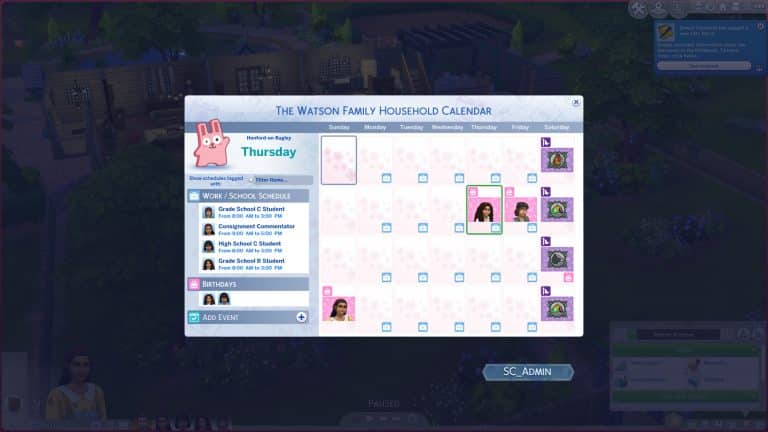
The Base Game version of The Calendar will display things like Work Schedules, School Schedules, Birthdays, Events you’ve made and Festivals happening in the world, assuming you have packs installed that bring in new Festivals.

The Calendar allows you to create an Event like Parties, Birthdays, Weddings and more up to two weeks in advance!

The Calendar is coming to The Sims 4 Base Game with Improvements

You’ll notice that in The Calendar User Interface there’s a new Filter Category. This will ESPECIALLY come in handy if you have multiple Packs installed since a lot of festivals and events have been added to The Sims 4 over the last couple of years. With these filters you’ll have an easy overview of schedules that you care about the most.

The Calendar is coming to The Sims 4 Base Game with Improvements

Looking forward to a specific festival or an event? You’ll be able to save multiple ones as your Favorite and keep track of it in the calendar through the Favorites filter!

The Calendar is coming to The Sims 4 Base Game with Improvements

Features from The Sims 4 Seasons such as The Weather Report, Holidays and creating your own Holiday are still exclusive to the Expansion Pack. You’ll be able to keep track of your favorite Holidays by favoriting them!

Everything coming to The Sims 4 Base Game this month! (Video Overview)

0

We’ve gotten a chance to play with The Sims 4 Cottage Living Early Alpha Access, and with the pack we’ve also gotten the upcoming version of The Sims 4 Base Game!

In this video I’m showcasing all of the new Features coming in this month’s The Sims 4 Base Game Update including new Water Tools, Group Activities, The Calendar and so much more!

There’s going to be a seperate article as well in the near future going into detail with all of the new additions. Stay tuned on our website!

Watch the Official Livestream for The Sims 4 Cottage Living

0

The Sims Team is doing an official livestream for The Sims 4 Cottage Living Expansion Pack!

In this livestream they’ll be showcasing the pack and do a deep dive of the pack’s Gameplay, World, Build and Create A Sim!

The livestream is set to begin at 11AM PT / 8PM CET / 7PM BT. If you’re confused about the time zones don’t worry – the countdown to the stream is included in the livestream linked below.

Don’t go just yet after the livestream’s over! Just one hour after the livestream we will begin rolling out exclusive coverage for The Sims 4 Cottage Living (and the upcoming Base Game update as well) so stay tuned on our website!

Hybrids Are a Thing in The Sims 4 and They’re, Uh… Unique

We all know The Sims 4 has many different occult types; aliens, vampires, mermaids, spellcasters, and servos have all made their way into the game. Occult fans with generational play styles are probably used to getting either one type of occult or the other when having two different occult types Try for a Baby. This is because The Sims 4’s genetic system is 50/50; offspring have a 50/50 chance of inheriting one trait or the other from each parent with a small 10% chance of a genetic mutation occurring, resulting in a random physical trait.

But sometimes things go either horribly wrong or horribly right with blending occults, depending on how you look at it. Sometimes, you end up with a Sim that is more than one occult type. This isn’t supposed to happen. It is a glitch and man… are these hybrid Sims ever glitchy and yet, so much fun even in all their bizarre brokenness.

I became obsessed with creating and playing with hybrid Sims a few years back and decided to bring one of my old saved Sims back from the deep recesses of my library to showcase just how wonderfully messed up they are.

Hybrids Are a Thing in The Sims 4 and They’re, Uh… Unique

Vivienne Faye is a vampire, mermaid, and an alien who can use powers from all three occult types. Sounds pretty amazing, right? Well, yeah but hang on a minute. Vivienne is also very, very glitchy. She’s lots of fun to play and in all my time playing with her, she’s never done any kind of damage to my save file so she is safe to play with; however, she has some quirks.

Vivienne has the thirst and vampire energy motives for vampires, as well as the hydration motive for mermaids. She also burns in the sun, but she does not have a vampire skill tree. This means Vivienne is forever stuck as a weak, fledgling vampire because she can’t learn any vampire powers. She can protect herself from the sun by calling rainstorms as a mermaid, though.

Hybrids Are a Thing in The Sims 4 and They’re, Uh… Unique

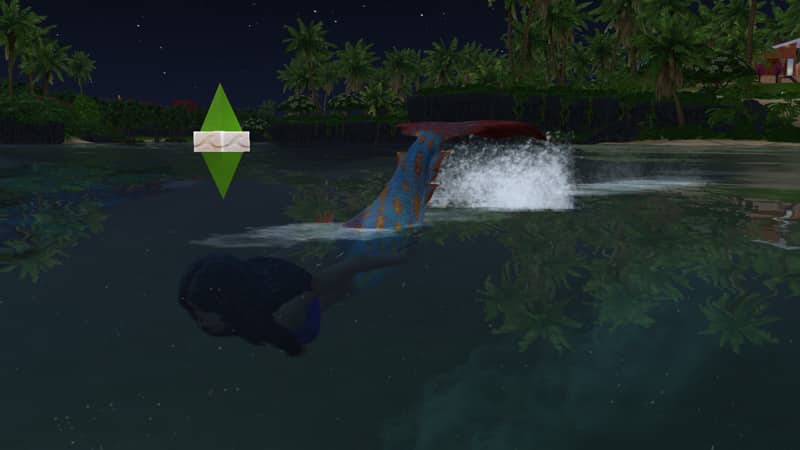
Vivienne has a mermaid tail when in the water but her mermaid form doesn’t show up in CAS so it’s not editable. Same goes for her alien form. She can switch into it in Live Mode but it can’t be edited in CAS. The only secondary form that shows up for her in CAS is her vampire dark form. In fact, editing her in CAS at all is kind of a major headache.

Hybrids Are a Thing in The Sims 4 and They’re, Uh… Unique

In-game, Vivienne is lots of fun to play, though! She has all of an alien’s special powers, all of a vampire’s basic abilities like drinking from Sims and dark meditation, and all of a mermaid’s abilities as well! This makes her really versatile and quite powerful… as long as you keep her out of the sun. That Call Rainstorm ability is really handy for a mermaid-vampire-alien hybrid who burns in the sun but has to swim and can’t learn any vampire abilities.

I wanted to push Vivienne one step further. I created Vivienne before spellcasters came to the game and wondered if she had a child with a spellcaster, if I could get a Sim that was an alien-vampire-mermaid-spellcaster hybrid! The idea was so crazy, I just had to try it.

With a few cheats, I plopped a spellcaster in the household and sped up the procreation process to give them an almost instant, but naturall-born baby girl. Elle. I aged up Elle immediately and… was a tad disappointed.

Hybrids Are a Thing in The Sims 4 and They’re, Uh… Unique

It turned out Elle had both alien and spellcaster abilities but I could find no trace of mermaid or vampire in her anywhere at all. Maybe a Sim can only be up to three occults at once or maybe the devs have partially stamped out the ability to create hybrids. I mean, I can’t really blame them. They’re a complete and total mess but they’re still a fun mess.

So how do you create a hybrid Sim yourself? There’s really no tried and true formula for it. The best way is to just keep mixing occults with each other and breed any hybrids you get with more occults and hybrids. It’s really a trial and error process. Experiment and see what happens! Just be warned that your hybrids will be messy and glitchy. If you’re okay with that, then carry on!

If you want Vivienne Faye to play with, she’s in my Gallery under the ID SnarkyWitch.

The Sims 4 Secret Collections: Find These Hidden Gems!

Did you know about these unofficial collections in The Sims 4?

The Sims 4 secret collections, you say?! Yes, it’s true! The Sims 4 has one of the most expansive lists of collections in the series. Sims can collect everything from plants to frogs to space aliens! And with more packs comes more collections to complete and either sell or display.

But there are some highly collectible items in the game that aren’t listed in the collections panel. They are “unofficial” collections, meaning there’s no way for your Sims to track their progress with the collection but they are still a series of similar items that can be collected, nonetheless.

The Sims 4 Secret Collections Guide

Let’s take a look at some of The Sims 4 secret collections! None of the following collections are listed in the game’s collection panel, making them all secret collectibles… until now! We’ll show you exactly where and how to collect these neat items!

Underwater Photos

Secret Collections in The Sims 4

There are a total of 10 underwater photos to collect for players who own Island Living. Purchase an underwater camera at any diving buoy in Sulani and start taking pictures of the marine life! These Sims 4 secret collections are bound to make your walls more beautiful!

Spirit Dolls

Secret Collections in The Sims 4

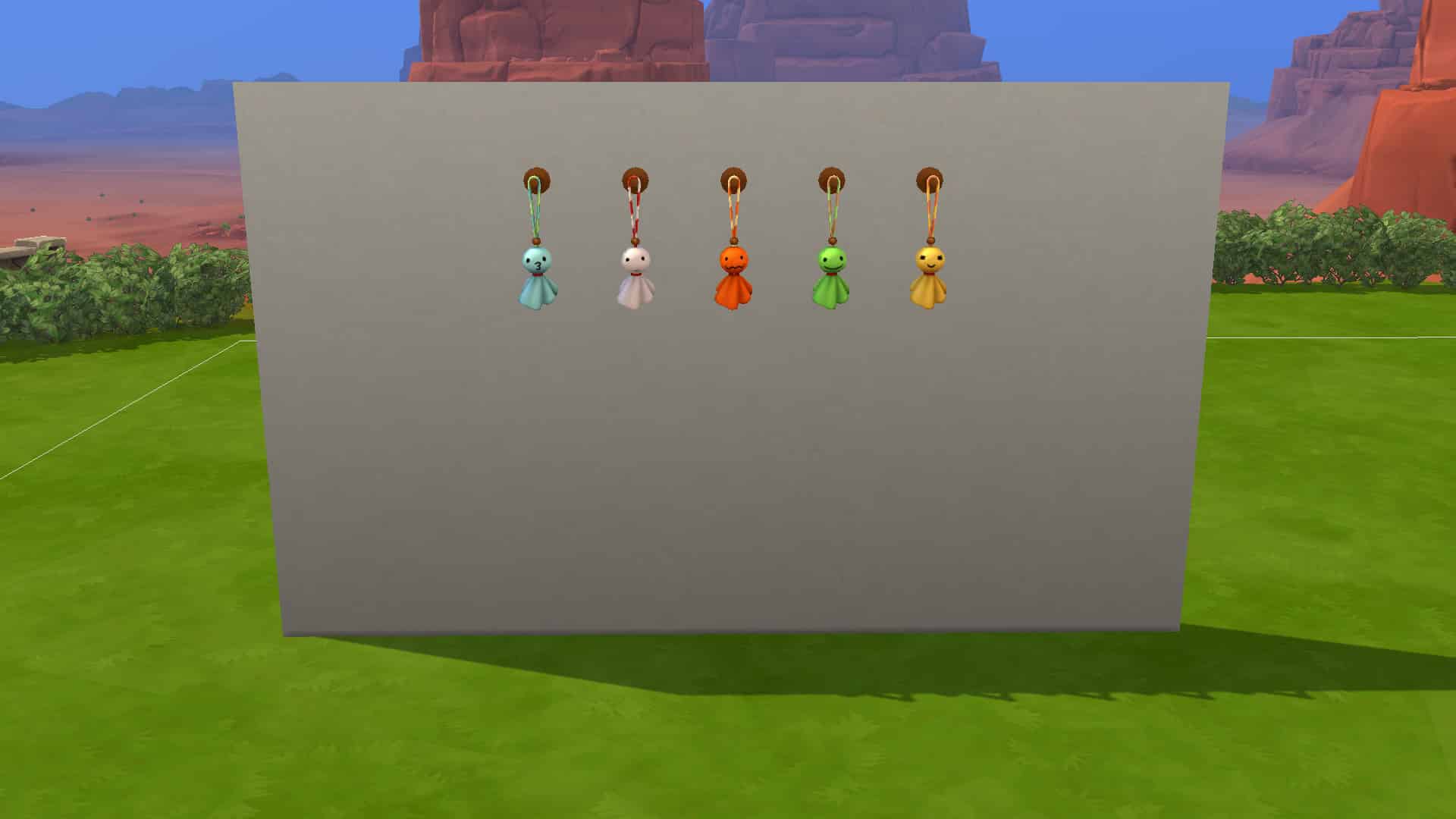
Another one of The Sims 4’s secret collections is spirit dolls. They can be found in the Snowy Escape expansion. There are 5 spirit dolls to collect and Sims can find them by interacting with any spirits they come across while hiking or on mountain excursions in Mt. Komorebi.

Relics

Secret Collections in The Sims 4

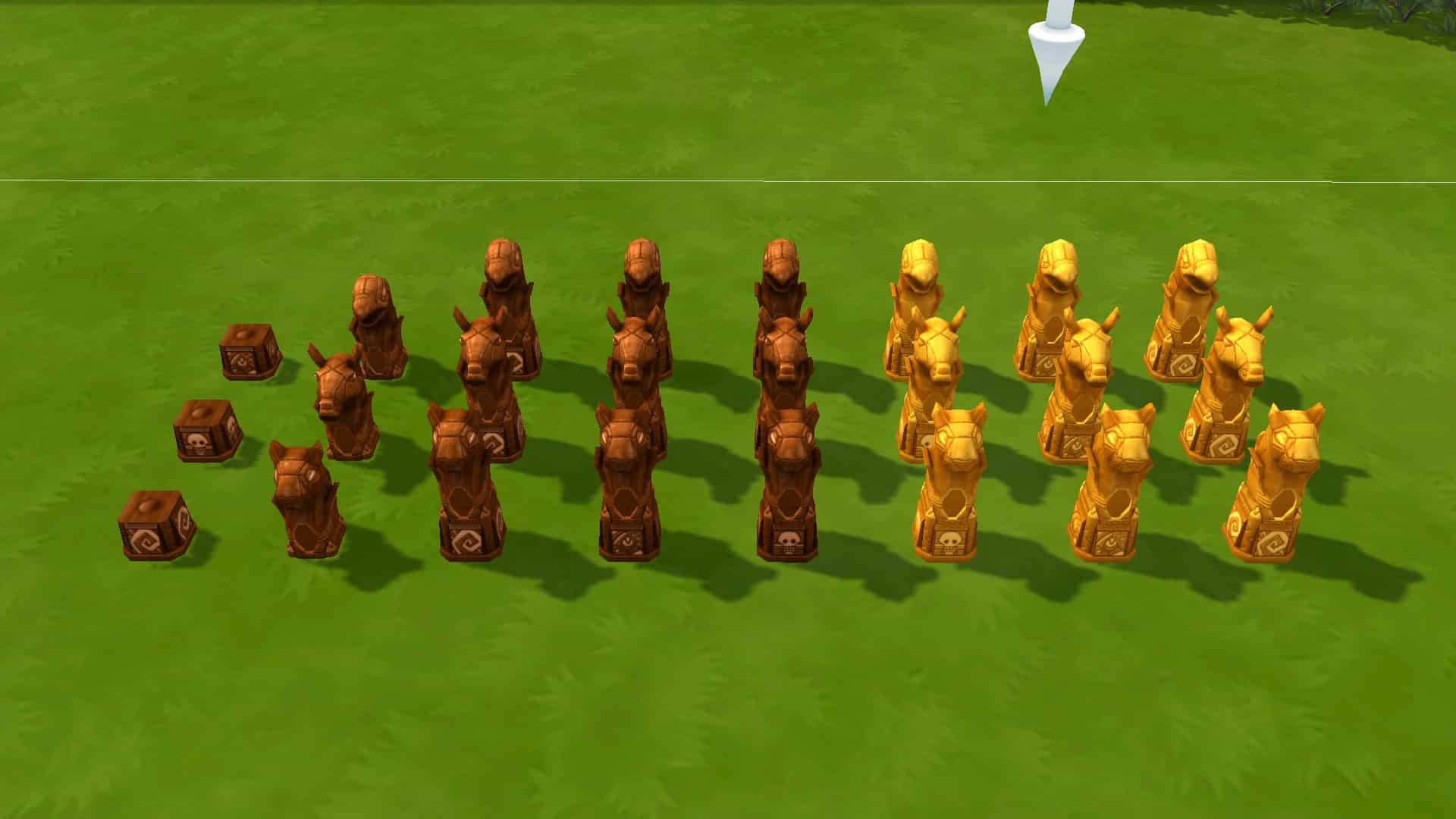
Players who own the Jungle Adventure pack will find more Sims 4 secret collections. There are 3 relic bases and three types of relics in seven varieties each. These pieces can be mixed and matched to create different types of relics. Once assembled, the relic pieces need a refined crystal to become activated. Be careful when using them! Not all of them do something good! They also break after 2 or 3 uses. You can find these relics in treasure chests found in Selvadorada, especially inside the temple.

Jungle Souvenirs

Secret Collections in The Sims 4

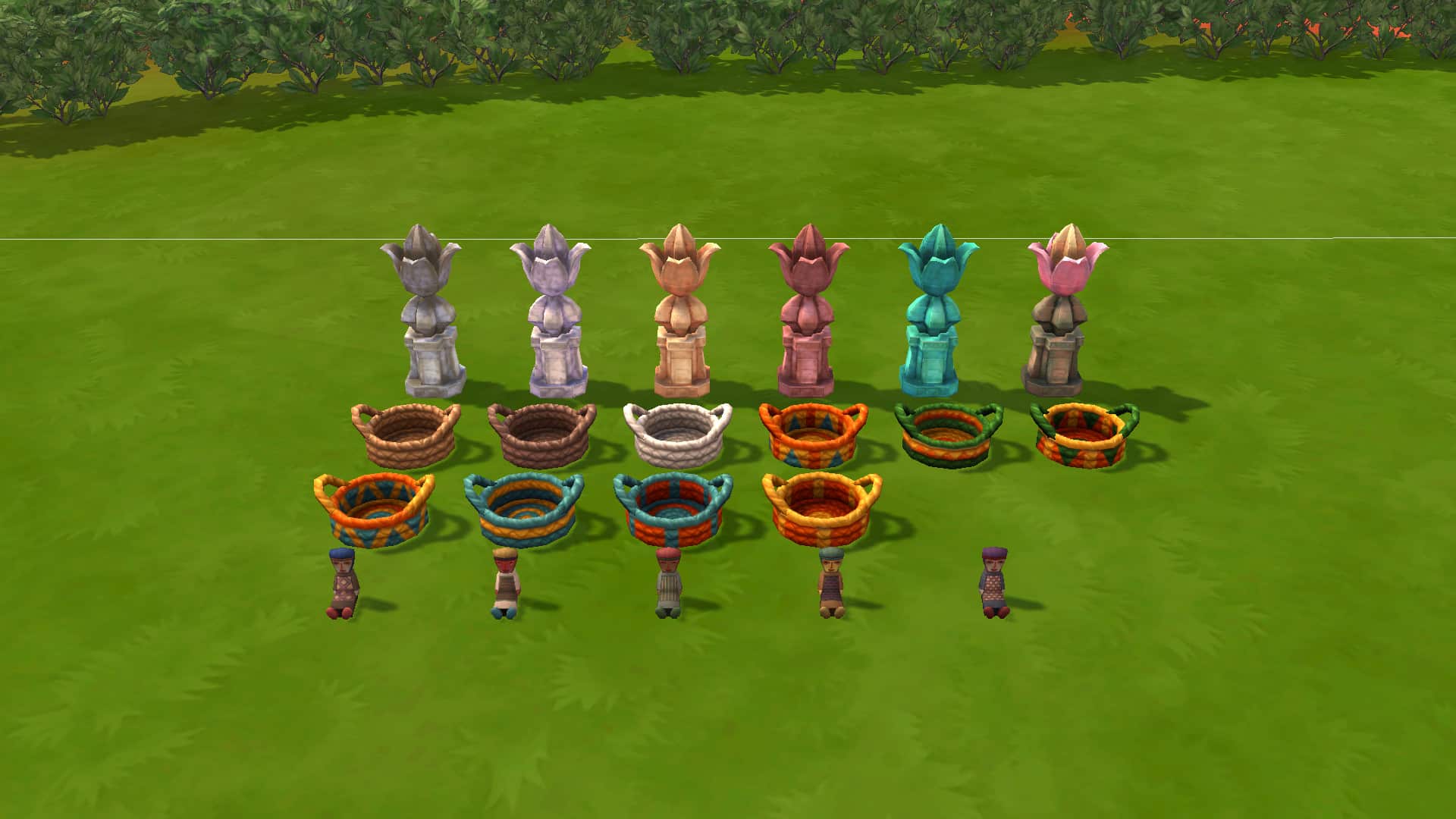
Another one of Sims 4 hidden collections from Jungle Adventure! The market tables in Selvadorada are the only place you can acquire these unique trinkets. None of them do anything special; they’re just fun pieces of décor you can use to decorate your home. There are 5 Omiscan dolls, 10 woven baskets, and 6 lotus statues.

Paranormal Rewards

Secret Collections in The Sims 4

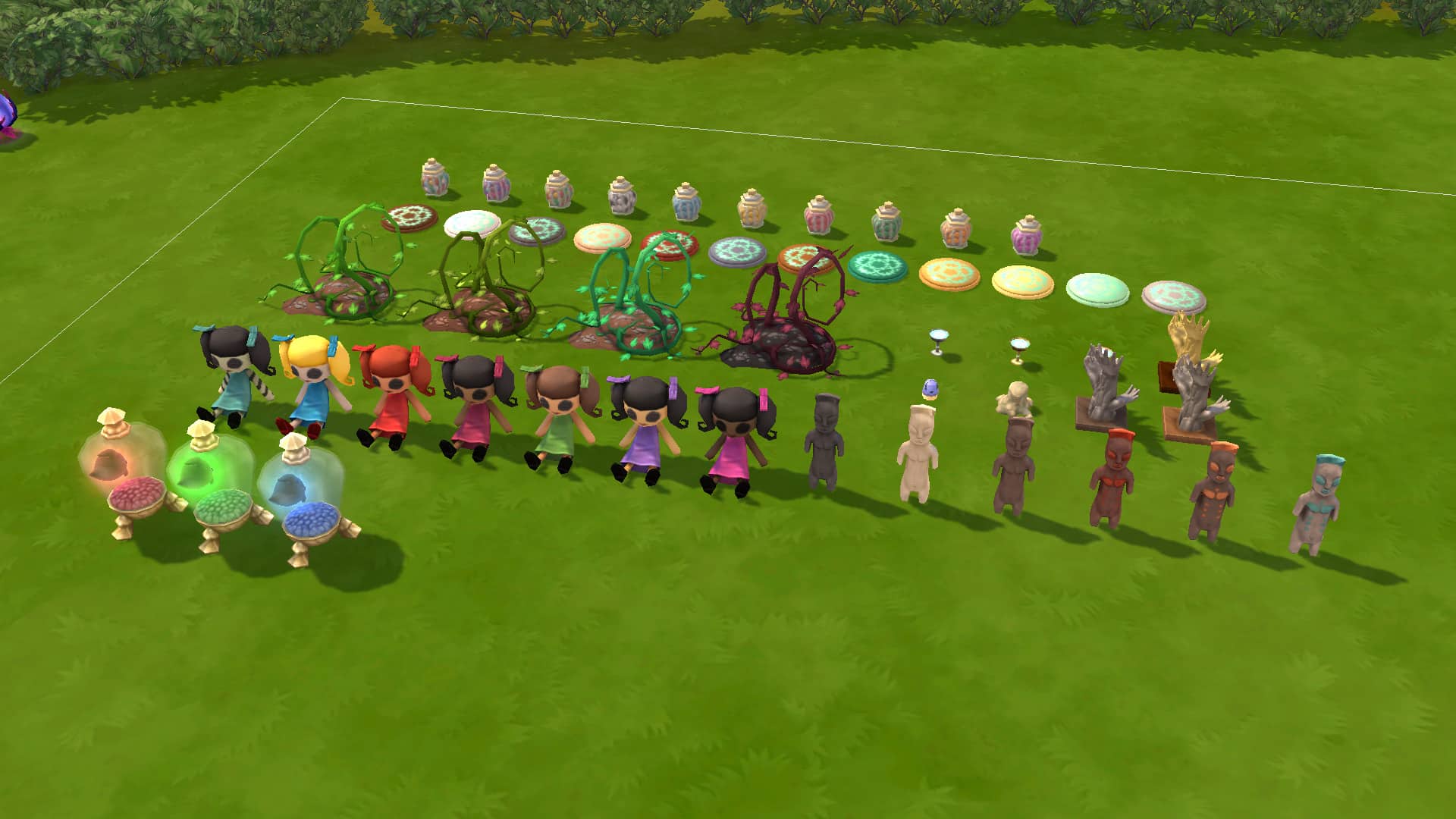
The Paranormal Stuff pack contains another one of The Sims 4 secret collections! While you probably don’t want to keep those cursed objects that pop up around a haunted house, you can earn benign versions of these objects as rewards from the Paranormal Investigator career. Happy specters can also drop some of these objects around a haunted house. There are 3 Specter Buddy Jars, 6 bizarre totems, 7 Hello Dahlia dolls, 3 clay hands, 3 specter sips, 1 ectocake, 4 strange overgrowth, 12 soul pieces, and 10 candy jars! That’s a lot of paranormal goodies!

Knittable Toys and Décor

Secret Collections in The Sims 4

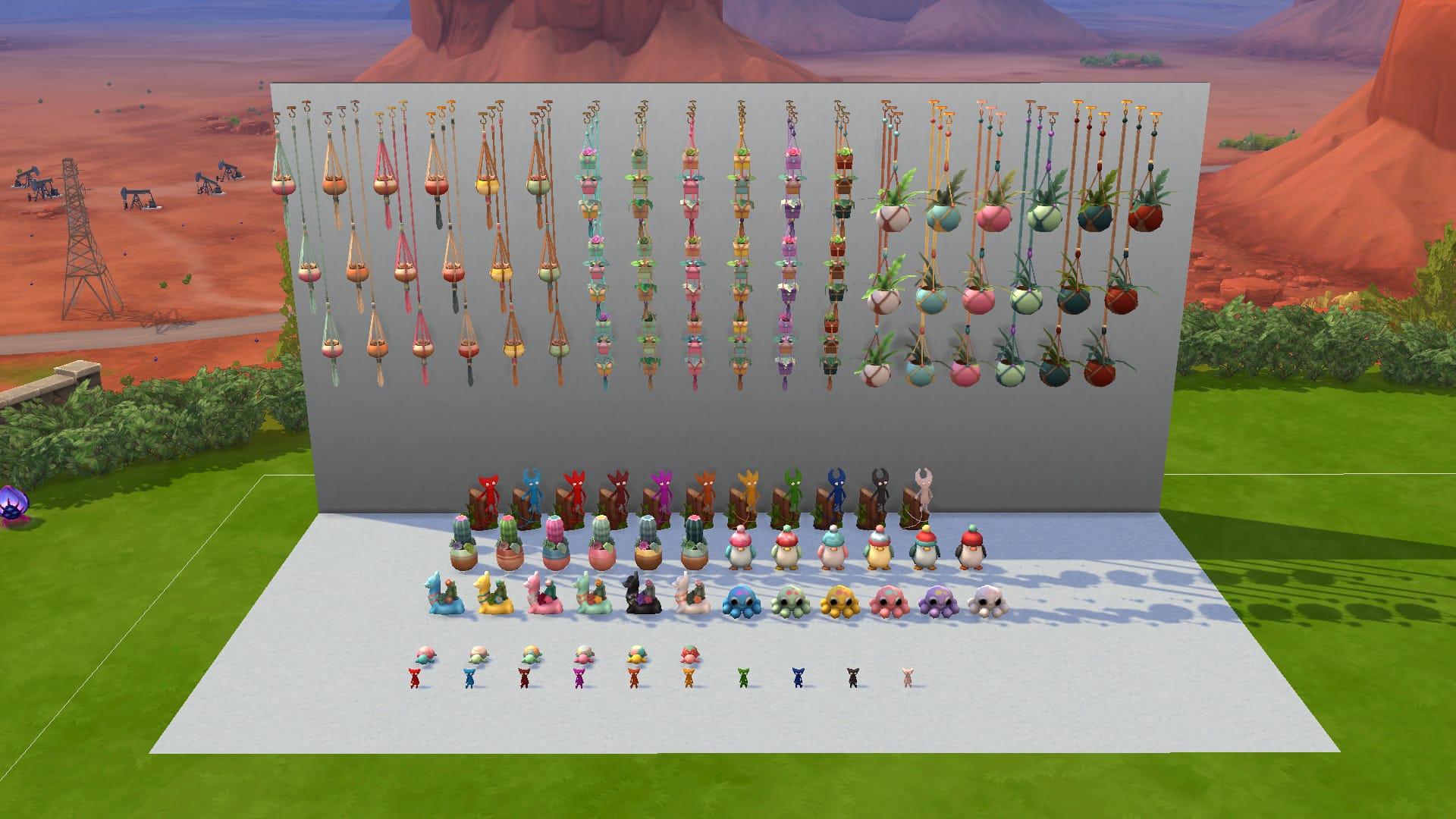
Another one of The Sims 4 secret collections that aren’t official collections are all the knittable toys and décor from Nifty Knitting Stuff! There are a total of 3 types of planters to knit in 3 different wall heights and in 6 different colours each.

There are also 2 types of table planters in 6 colours each, 3 types of toy-like decor in 6 colours each, a playable Yarny toy for children in 10 colours, and a special Yarny statue in 11 colours that magically moves about the house. Sims need to knit all of these items themselves or purchase them on Plopsy. The only way to unlock the Yarny Statue to knit is by completing the Lord/Lady of the Knits aspiration.

Carved Pumpkins

Secret Collections in The Sims 4

Want some more spooky Sims 4 secret collections? Look no further than Spooky Stuff! If your Sim doesn’t have high Handiness skill, you might not want to keep these carved pumpkins from Spooky Stuff around for too long; they rot after some time but with high enough Handiness skill, Sims can carve all 9 of these designs in 4 different pumpkin colours and even preserve them so they stay fresh forever! To start making them, purchase a pumpkin carving station from Build/Buy.

StrangerVille Rewards

Secret Collections in The Sims 4

StrangerVille has a small assortment of Sims 4 secret collections. There are 10 different military badges that can be displayed in their own display case, a piece of the Mother Plant in 3 different colours, and 5 different posters. The posters can only be acquired from the Curio Shop in StrangerVille. To get a piece of the Mother Plant, solve the mystery of StrangerVille and defeat her. Join the military career to earn all of the military badges.

Celebrity Awards

Secret Collections in The Sims 4

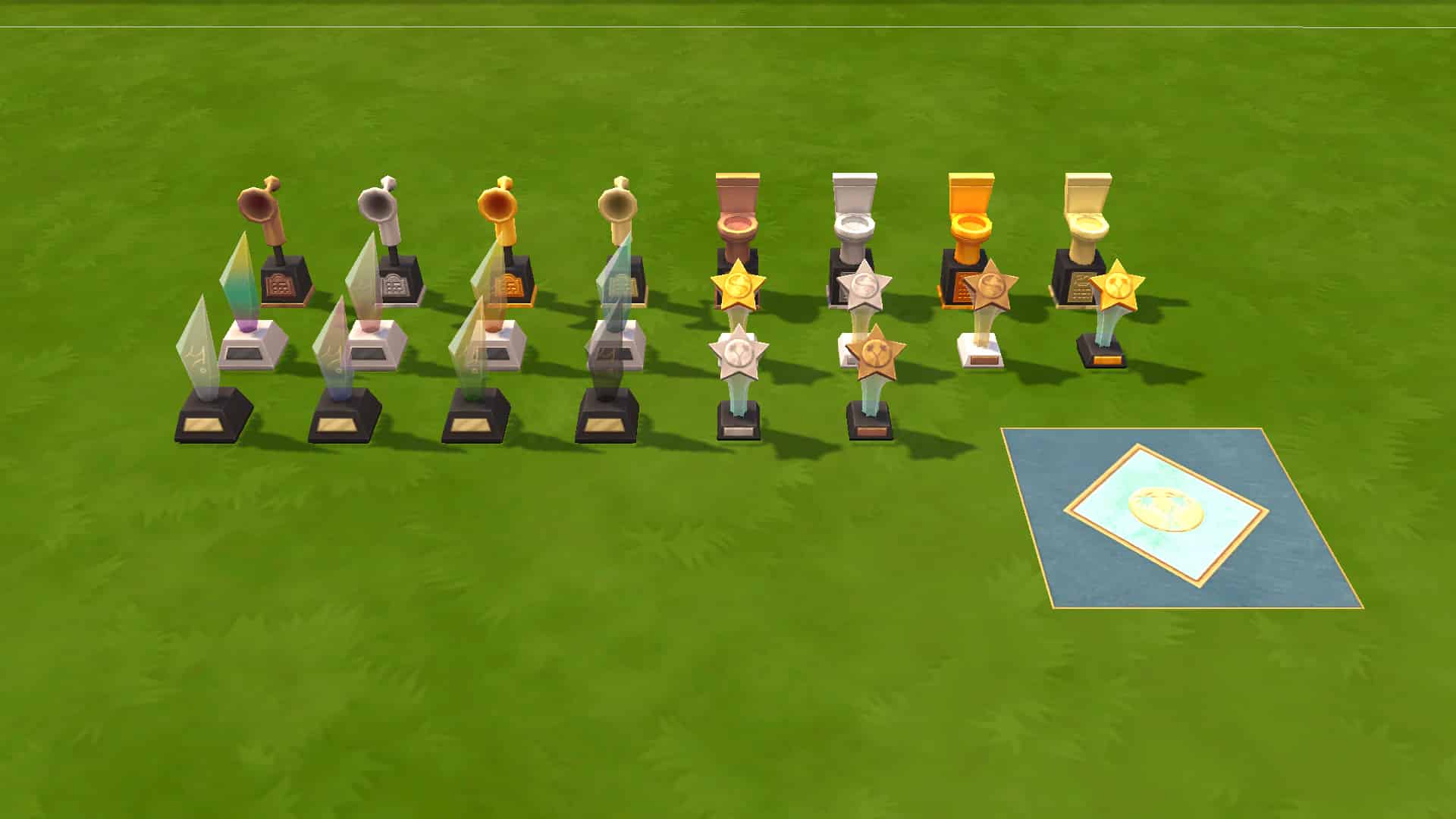
In The Sims 4 Get Famous, celebrity Sims have quite a few different awards they can earn from doing a variety of things. There are awards for Drama Club, winning a Starlight Accolade, hosting Meet & Greets, Charity Events, Lampoon Parties and more. There are 6 types of awards to collect. 4 of them come in 4 colours each. 2 come in 3 colours each. There is also a celebrity tile your Sims can use to hold a ceremony on the walk of fame.


All of the above collections are available in the Gallery under the ID SnarkyWitch if you really want to get your hands on them right away and skip all the hard work!

Looking for information on The Sims 4’s official collections? No problem! Check out our ultimate collections guide!

The Sims 4 Mods: Ultimate T.O.O.L Guide by Kate Emerald

1

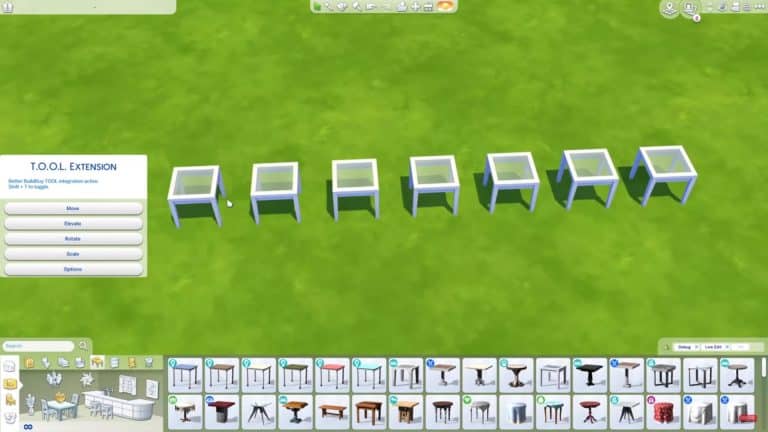
I’ve always wanted to try my hand at using TwistedMexi’s T.O.O.L mod, but have always found myself feeling a little lost with where to start. The times that I have tried to use it, I’ve felt either overwhelmed or somewhat confused with how things work when really, it should be fairly straight forward. After experimenting and playing around with the mod, I should feel a bit more confident in what I’m doing, but for some reason it just wasn’t clicking for me.

I’ve followed a few tutorials in the past and felt like I was finally understanding what I was doing, but then I would take several steps back and start to struggle again. That was until I came across Kate Emerald’s tutorial the other day.

Following Kate’s tutorial step by step I finally started to understand what I was doing and rather than trying to rush through and learn everything, I just took my time. Slowly but surely it’s started to come together, and I was finally understanding how the T.O.O.L mod works and how I can use it in game myself.

You can check out Kate Emerald’s tutorial below.

To find out more about TwistedMexi’s T.O.O.L mod, you can follow the link below. You’ll find all the information you need about the Mod as well as how to install it.

You can also find Kate Emerald and TwistedMexi via the links below too.

Kate Emerald
TwistedMexi

Do you have any tips and tricks for using TwistedMexi’s T.O.O.L mod, or any advice you would give someone who is just starting to explore the mod?

Your Guide to Secret Locations in The Sims 4

The Sims 4 has been around for over seven years now and if you’re a long-time player, you probably already know about at least most of these secret areas in The Sims 4, but many players are still just discovering the game late in its life cycle. Newcomers to The Sims 4 might not be aware that The Sims 4 has several secret areas that aren’t accessible from the map; players need to go out of their way to find them while playing in Live Mode.

So here area all the secret areas in The Sims 4 you can visit and how to get there!

Sylvan Glade

Your Guide to Secret Locations in The Sims 4

Ever noticed this funny-looking tree in Willow Creek’s starter neighbourhood? This tree stands out from all the other trees in the area but it’s not just there for decoration. That tree is the key to finding Willow Creek’s secret area, the Sylvan Glade.

To access the Sylvan Glade, walk up to the tree and view it twice. A new option to water it will appear. Water it three times and a new option to compliment its leaves will appear. Compliment it twice and the tree will reveal an opening in its trunk! Now you can choose to explore the tree!

When you enter the tree, you’ll get a series of choose-your-own-adventure pop ups where you’ll have to pick between two options. There are right and wrong answers here. Picking a wrong answer will result in your Sim leaving the tree. To successfully make it to the Sylvan Glade, choose the following answers:

  • Follow the Sound
  • Follow Downstream
  • Enter the Mist
  • Travel to Glade

Your Sim will travel to a new, hidden lot called the Sylvan Glade! This area is a beautiful and colourful forest clearing with a rainbow over a waterfall. There are rays of sunlight beaming down and if you unpause the game and pay attention to the edges of the area, you can hear faint tinkling laughter and see little orbs of light floating around. There are also pairs of eyes that will peek out at you from time to time.

This area has a pond and a waterfall for fishing and rare plants grow in this area. If you’re wanting to complete your fish, frog, or gardening collection, you’ll want to pay a visit to the Sylvan Glade to get those rarer collectibles.

There is a tiny lot here that is uneditable; however, you can make it editable by using the bb.enablefreebuild cheat. Now you can build whatever you want here but remember, you’ll have to go through the tree in Willow Creek to visit again. It remains hidden on the map even after you discover it.

Forgotten Grotto

Your Guide to Secret Locations in The Sims 4

In Oasis Springs, there are two locations that have a boarded-up cave. The area behind the Desert Bloom park and the area behind the Affluista Mansion lot where the Landgraab family lives. Both of these cave entrances lead to the same place; the Forgotten Grotto.

In order to remove the boards and access the cave, your Sim will need to have their Handiness skill maxed out at level 10. Click the cave to pull the boards off the cave entrance, then explore the cave.

When you enter the cave, you’ll get a series of choose-your-own-adventure pop ups where you’ll have to pick between two options. There are right and wrong answers here. Picking a wrong answer will result in your Sim leaving the cave. To successfully make it to the Forgotten Grotto, choose the following answers:

  • Take Wide Path
  • Climb Ladder
  • Step onto the Ledge
  • Travel to Grotto

Your Sim will arrive in a watery cave grotto with beautiful crystal formations embedded in the walls of the cave. The area is dim but a beam of light coming from an opening adds a touch of warmth. This area has a small lake for fishing and plenty of rocks containing metals, crystals, fossils, and MySims trophies. If rare fish are what you’re after, you must visit the Forgotten Grotto because there are certain types of rare fish that can only be caught at this location. It’s a good place to finish your metal, crystal, fossil, and MySims collections, too.

There is a tiny lot here that is uneditable; however, you can make it editable by using the bb.enablefreebuild cheat. Now you can build whatever you want here but remember, you’ll have to go through one of the caves in Oasis Springs to visit again. It remains hidden on the map even after you discover it.

Sixam

Your Guide to Secret Locations in The Sims 4

This area is only accessible to players who have the Get To Work expansion pack installed.

Sixam is an ethereal alien planet that can be visited by both alien and human Sims alike! There are two ways to get to Sixam; through the Scientist career and through the Rocket Science skill.

If your Sim is in the Scientist career, they can invent a Wormhole Generator when they reach level 6 of their career. When they max out the career at level 10, they can upgrade the Wormhole Generator with the ability to travel to Sixam!

If your Sim is not in the scientist career, they can still travel to Sixam if they’re willing to put a lot of time and simoleons into the Rocket Science skill. Purchase a rocket launch pad from Build/Buy for 5,000 simoleons, then start constructing the rocket for an additional 1,000 simoleons. When your Sim maxes out their Rocket Science skill at level 10, they will be able to upgrade the rocket with a Wormhole Generator! This upgrade opens up the ability to fly to Sixam using the rocket.

When your Sim arrives in Sixam, they will find themselves in a completely different world. Glowing alien vegetation surrounds them and a gigantic moon lights the area. In the distance, traces of an alien city can be seen. This area contains a wide variety of collectibles that can only be found here, including a brand new Geode collection. Make sure to collect everything you can from the plants, rocks and geode deposits in the area.

There is a tiny lot here that is uneditable; however, you can make it editable by using the bb.enablefreebuild cheat. Now you can build whatever you want here but remember, you’ll have to go through a Wormhole Generator to visit again. It remains hidden on the map even after you discover it.

Hermit’s House

Your Guide to Secret Locations in The Sims 4

This area is only accessible to players who have the Outdoor Retreat game pack installed.

The Hermit’s House can only be found if your Sims go on vacation to Granite Falls. After getting set up in whichever rental property you choose, go to the map mode and travel to the Granite Falls Forest national park lot.

There is a cave entrance covered in vines here but it is very hard to spot in such a densely forested area. The best way to locate it is to pause the game and pan the camera along the rocky edges of the area while zoomed in quite close. When you find the cave, send your Sim there and have them explore it.

When you enter the cave, you’ll get a series of choose-your-own-adventure pop ups where you’ll have to pick between two options. There are right and wrong answers here. Picking a wrong answer will result in your Sim leaving the cave. To successfully make it to the Hermit’s House, choose the following answers:

  • Step Forward
  • Go Through Web
  • Ignore the Object
  • Travel Towards the Sim

Your Sim will arrive at a large forest clearing with new fishing spots and a large circular wild garden with Granite Falls plants growing in it. There is also a small cabin here where the Hermit lives. If your Sim is doing the Outdoor Enthusiast aspiration, they’ll have to visit this area to befriend the Hermit. There are also rare insects, fish, and plants exclusive to Outdoor Retreat that can only be found in this area of Granite Falls.

There house here is uneditable; however, you can make it editable by using the bb.enablefreebuild cheat. Now you can build whatever you want here but remember, you’ll have to go through the cave in the Granite Falls Forest to visit again. It remains hidden on the map even after you discover it.

The Magic Realm

Your Guide to Secret Locations in The Sims 4

This area is only accessible to players who have the Realm of Magic game pack installed.

The Magic Realm is probably one of the more well-known secret areas in the game since it was heavily advertised in the Realm of Magic promotional trailers but it is technically a hidden world; it is not accessible from the map and players must find their way there through in-game exploration.

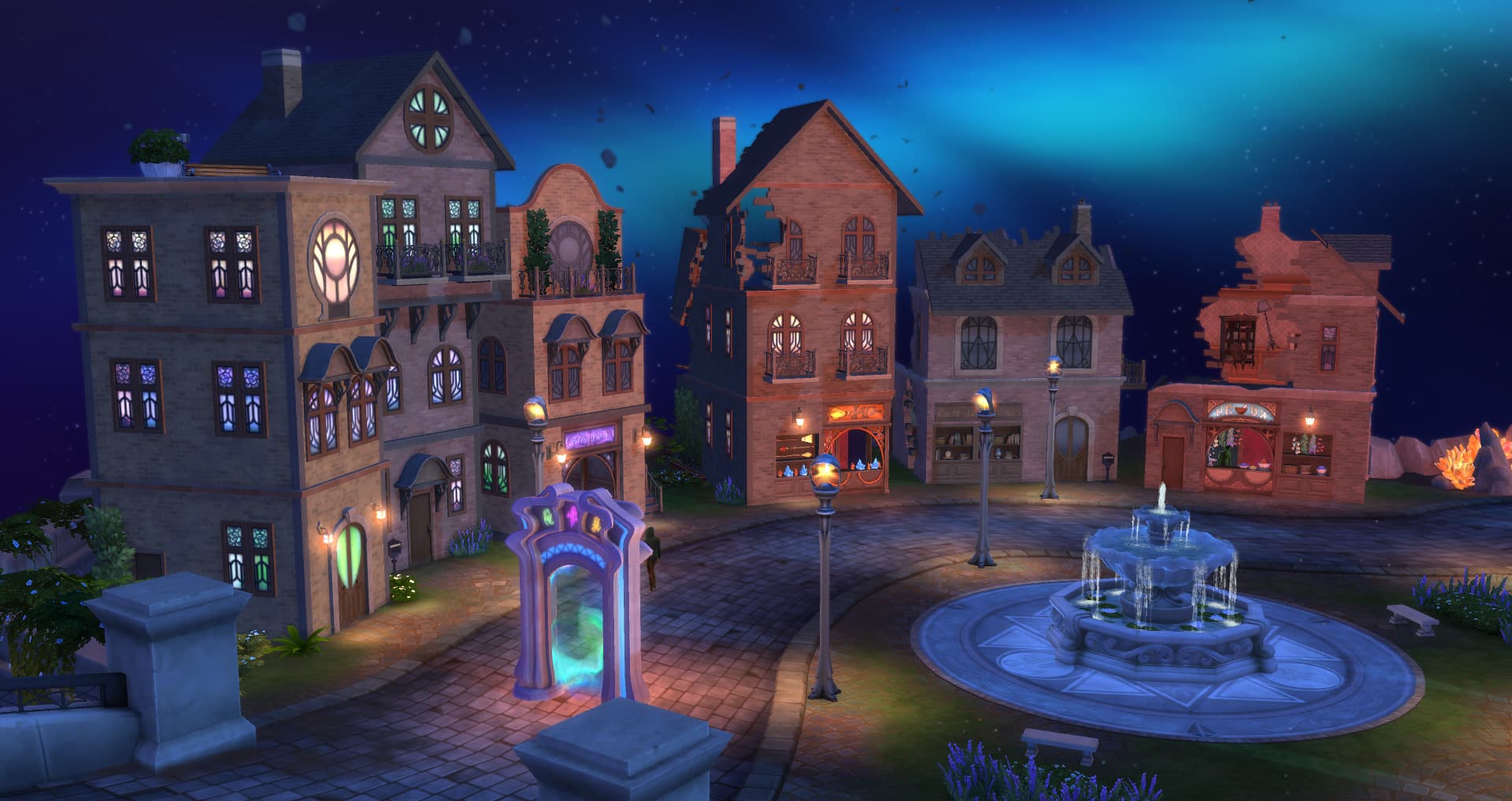
In case you didn’t already know about The Magic Realm, you can find this magical place by travelling to Glimmerbrook. Follow the footpath behind the empty starter lot in this world until you come to a waterfall with a mysterious portal coming out of the water. Enter the portal to travel to The Magic Realm! If your Sim is a spellcaster, they can also reach The Magic Realm using the Glimmerstone in their inventory or by transportalating there after learning the Homewardial spell.

There is lots to do in The Magic Realm but you won’t be able to take full advantage of the amenities here unless your Sim is a spellcaster. If you’re interested in that, talk to any one of the three Sages at Magic HQ to begin your spellcaster journey. Assuming your Sim is a spellcaster, they’ll be able to shop at Caster’s Alley for potion ingredients, magical artifacts like wands, brooms, and familiars, and magical spellbooks to learn new spells and potions. They can also duel other spellcasters at the dueling grounds and use any of the cauldrons available at Magic HQ. There are of course magical plants that can be harvested from here as well, and some fishing spots but there are no magical varieties of fish.

The Magic HQ lot is uneditable; however, you can make it editable by using the bb.enablefreebuild cheat. Now you can build whatever you want here but remember, you’ll have to use the portal, a Glimmerstone, or the Homewardial spell to visit again. It remains hidden on the map even after you discover it.

Mt. Komorebi Upper Mountain

Your Guide to Secret Locations in The Sims 4
This area is only accessible to players who have the Snowy Escape expansion pack installed.


WARNING!

There is currently a very serious glitch affecting this portion of Snowy Escape. Players who attempt to visit the onsen or start a mountain excursion get kicked out to the world selection screen with no way to play their family again. Attempting to do so just keeps sending you back to the world selection screen. We do not recommend trying to access the onsen or start a mountain excursion until this glitch is resolved. It can destroy your entire save.


When you visit Mt. Komorebi, you might think “Wait a minute. Where’s the mountain?!” Well, the summit of Mt. Komorebi is a pretty dangerous place to get to so the only way your Sim will be able to access it is by going on a mountain excursion.

To start a mountain excursion, travel to the onsen bath house in the Yukimatsu district of Mt. Komorebi and use the cell phone to start a social event. Choose mountain excursion and then choose all the people you want to bring with you. The excursion will begin at the bath house and you’ll have to make your way up the rock wall behind the big ski slopes.

Pay attention to the excursion goals and complete them to gain access to the next area of the mountain. Your Sims will traverse through several hidden areas along the mountain, going from Mt. Komorebi Base Camp to The Croft Icefall and finally to the Mt. Komorebi Peak, which rises high above the clouds and has the most breathtaking views!

There is a tiny lot at the peak that is uneditable; however, you can make it editable by using the bb.enablefreebuild cheat. Now you can build whatever you want here but remember, you’ll have to go on another mountain excursion to visit again. It remains hidden on the map even after you discover it.


Did you know about all of these hidden areas? Which ones surprised you? Let us know in the comments or come chat with us on social media!