Home Blog Page 349

The Sims 4 Mod: Educator Career

8

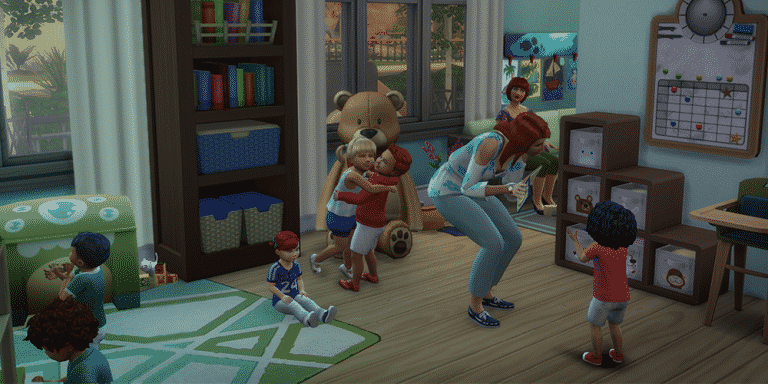
Modder Herr-Sims published his first mod for The Sims 4 which lets your Sims work at a kindergarten!

Even though this is a non-active career it’s still very useful for those who like to play with storytelling or who are just looking for bigger variety of non-playable careers in The Sims 4.

The Sims 4 Mod: Educator Career

Installing this mod is very easy – simply extract the .rar file to Electronic Arts > The Sims 4 > Mods. Make sure you have Mods / CC enabled in your game options, as well as script mods.

[mks_button size=”large” title=”DOWNLOAD!” style=”squared” url=”http://www.sims-blog.de/2017/09/20/unsere-neue-mod-erzieher-karriere-en/” target=”_blank” bg_color=”#1e73be” txt_color=”#FFFFFF” icon=”fa-arrow-down” icon_type=”fa” nofollow=”0″]

The Sims 4 Road To Fame Mod Now Fully Available

104

The creator of The Sims 4 Road To Fame Mod has made it fully available on Sims 4 Studio!

After downloading this mod you can install it by extrating the .zip file and copy-pasting all the content from the Road to Fame folder into Electronic Arts > The Sims 4 > Mods folder. Make sure you have mods / CC enabled in your game options!

For more information about what new features this mod brings make sure you check out our Road To Fame Mod Playthrough!

[mks_button size=”large” title=”DOWNLOAD!” style=”squared” url=”http://sims4studio.com/post/85791″ target=”_blank” bg_color=”#1e73be” txt_color=”#FFFFFF” icon=”fa-arrow-down” icon_type=”fa” nofollow=”0″]

The Sims 4 Road To Fame Mod Now Fully Available

The Sims 4: Road To Fame Mod Playthrough

After the announcement of The Sims 4 Road to Fame Mod by SACRIFICAL I just couldn’t wait to get my hands on it – and I finally did!

After installing the mod I created my new Sim Lesley Clifford and moved her into one of luxurious apartments in San Myshuno to test out the mod.

Simstagram

You start off your road to fame by clicking on your Sim and selecting the Road to Fame > Simstagram > Create A Simstagram Account. Yup, Sims become famous by posting photos, videos, selfies, replying on comments and interacting overall with this social network in order to gain fame.

The Sims 4: Road To Fame Mod Playthrough

With this interaction you’ll automatically acquire the Simstagram Skill. This skill has 5 levels and you progress by being active on Simstagram.

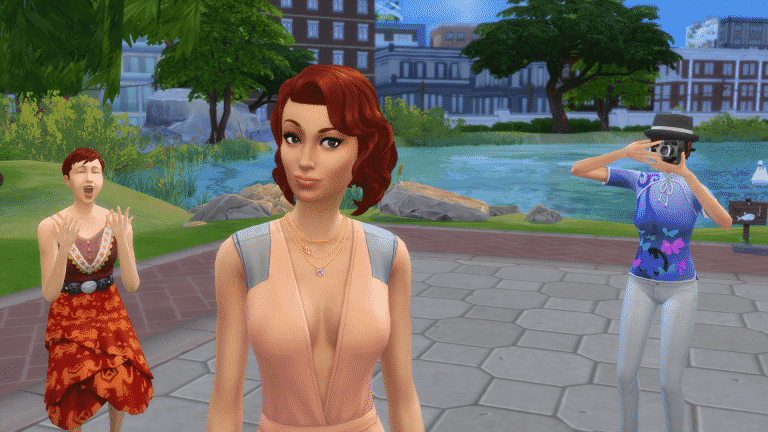
Here’s just an example of my Sim posting a Selfie on Simstagram:

The Sims 4: Road To Fame Mod Playthrough

Interacting with all sorts of Road to Fame features will usually give you strong happy moodlets that last either for a short period of time (interactions) or a long period of time (leveling up your Fame Level).

If you want to progress in your fame level you need to focus on your followers. You can easily check your number of followers in the Simstagram interaction options.

Starting off with Simstagram at first isn’t easy because there are only a few interactions that you have to repeat in order to level up your Simstagram skill, but once you’ll do you’ll unlock new Simstagram interactions which will only help you boost your followers number more.

Simstagram Skill Level 2

  • Take Photos Manually
  • Respond To Comments
  • Ability to earn more followers with each interaction

Simstagram Skill Level 3

  • Record Videos using front / back phone camera
  • Take photos with other Sims
  • Ability to earn more followers with each interaction

Simstagram Skill Level 4

  • Ask other Sims to take photos of you (you have the ability to even choose between feminine or masculine photo poses)
  • Camera on Tripod Object Award (can be found in your sim inventory)
  • Ability to earn more followers with each interaction

Simstagram Skill Level 5

  • Post Inspirational Pictures
  • Ability to earn more followers with each interaction

With all these interactions available you’re ready to enter the world of fame!

The Sims 4: Road To Fame Mod Playthrough

The Sims 4 Cats & Dogs is coming to Consoles!

UPDATE #3: SimGuruDrake confirmed that Cats & Dogs won’t be coming to Consoles in November.

UPDATE #2: SimGuruDuke said the following about Cats & Dogs coming to Console:

UPDATE: The listings have been removed!

A trusted polish retail website sklep.gram.pl has listed The Sims 4 Cats & Dogs Expansion Pack for Xbox One and PS4!

They also listed a release date, saying that the pack will come out on November 16th. This means that the console version of Cats & Dogs will come out the day before of The Sims 4 Base Game for the consoles, which is set to release on November 17th. The release date could be a placeholder until The Sims Team officially announced the arrival of Cats & Dogs to consoles.

However, one of our readers pointed out the fact that once you click “purchase” the pack will show information that it’s coming out on November 17th:

The price listed below is 159,50 zloty – which matches the $39,99 price.

The Sims 4 Cats & Dogs is coming to Consoles!

Tip: DotSim

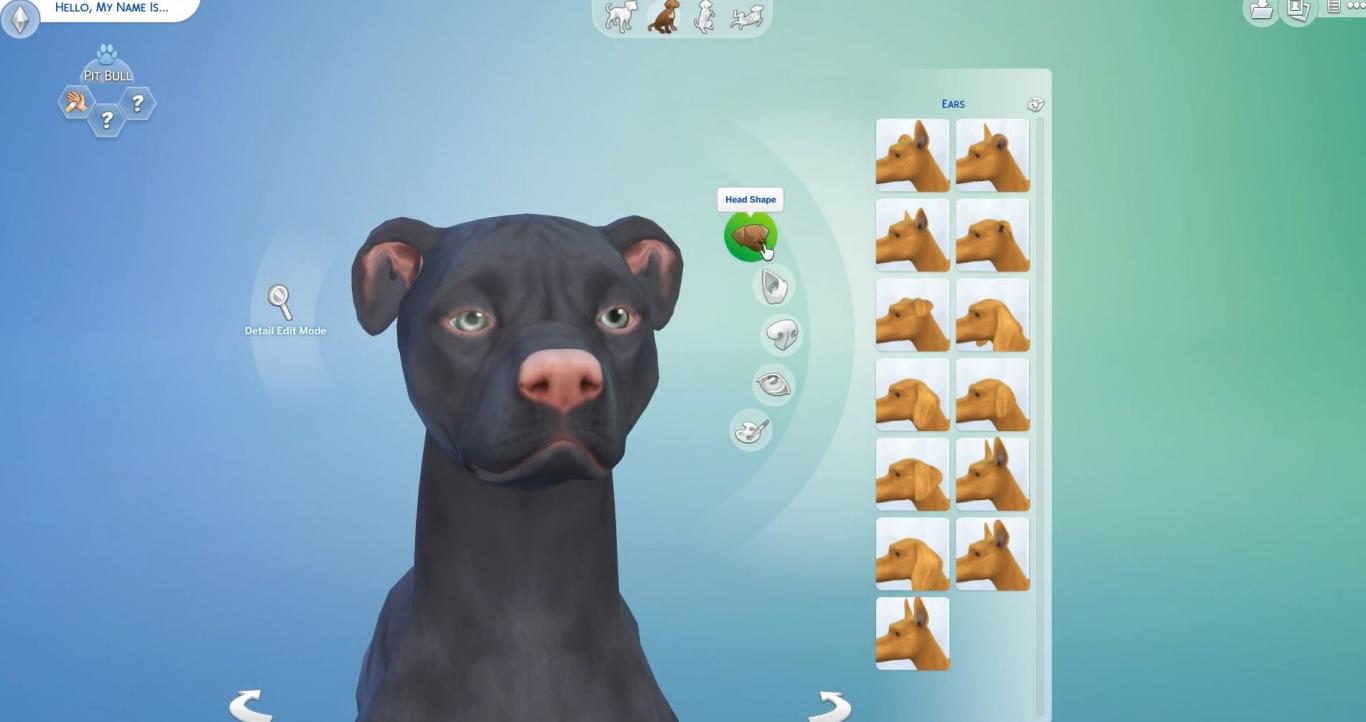
Create A Pet is so good that it overshadows Create A Sim

The Sims 4 Cats & Dogs’ Create A Pet features are so detailed that they’ve opened up a Pandora’s Box full of questions about the Base Game and Create A Sim!

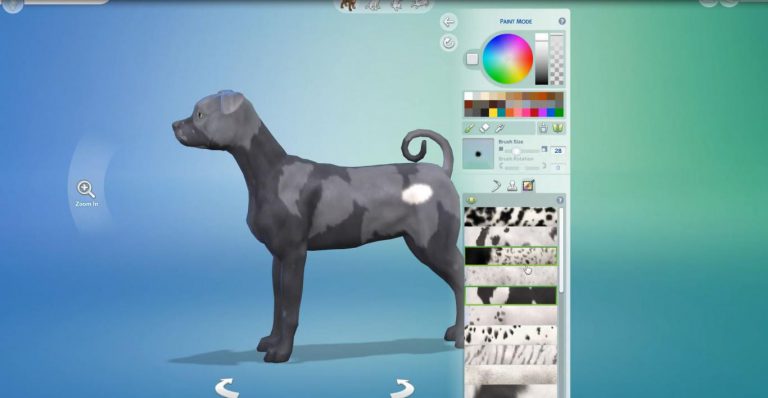
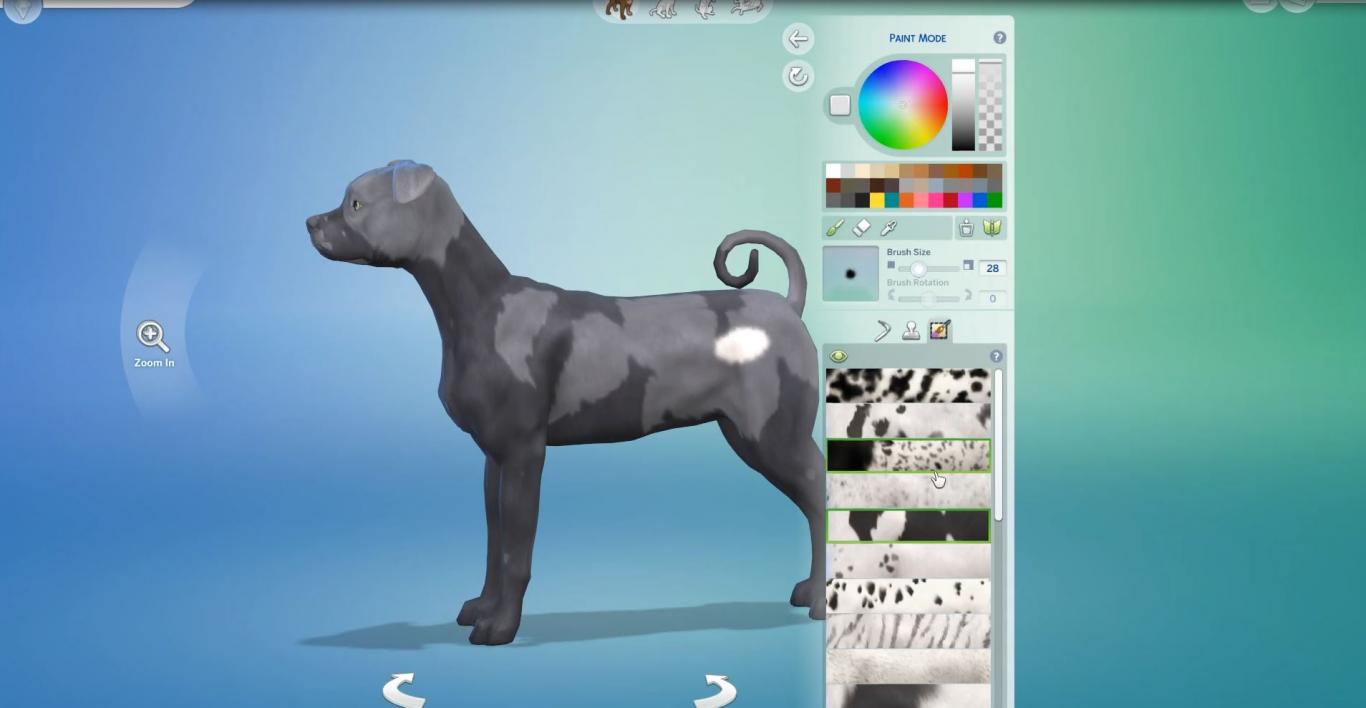
The announcement of The Sims 4 Cats & Dogs was full of surprises, leaving people curious about the color wheel, the paint tool and all the textures that we can apply to our Pets. However, things took a quick turn after SimGuruLyndsay confirmed that those features are exclusive to Cats and Dogs only:

Create A Pet is so good that it overshadows Create A Sim
Image by Player.one

As you can see, there’s basically an unlimited amount of colors that you can choose to paint your pet. However, there are only 25 skin tones that you can pick for your Sim…

Create A Pet is so good that it overshadows Create A Sim

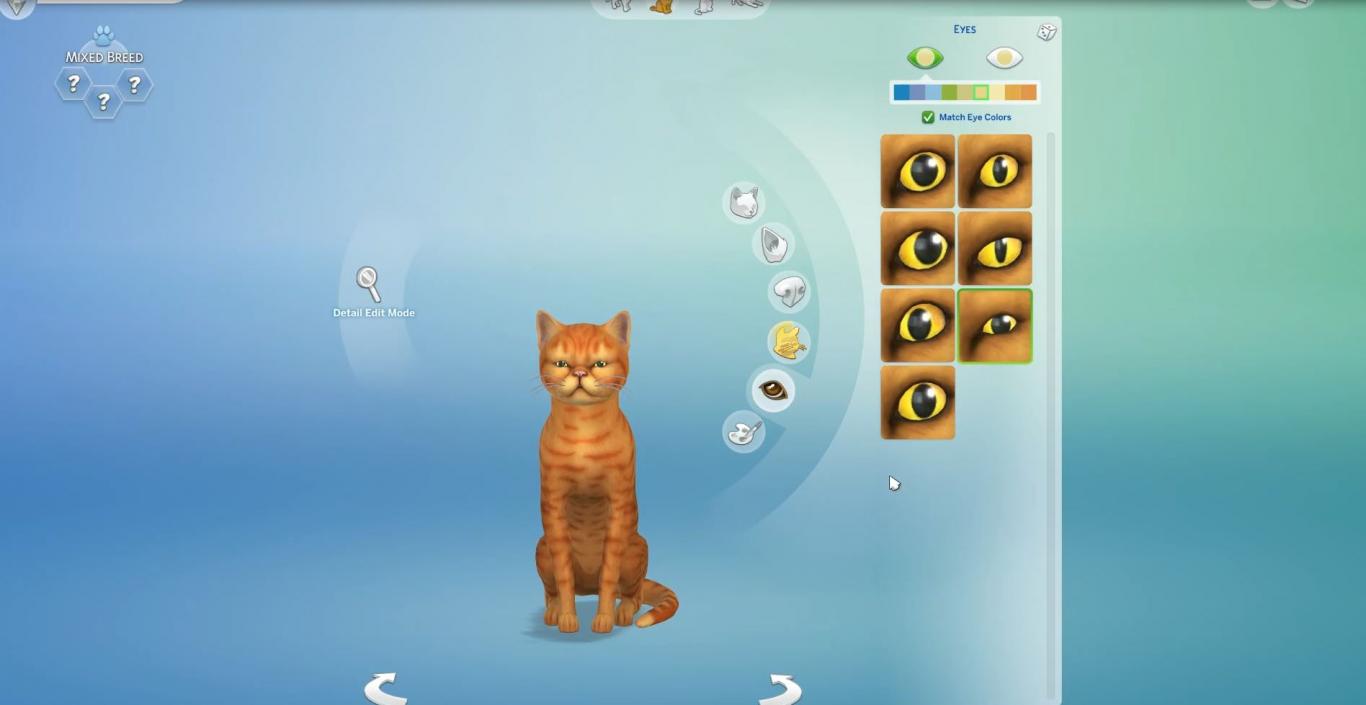
The Create A Style that’s exclusive to pets is not the only thing that’s raising our eyebrows. There’s also heterochromia which lets your cats & dogs have different eye colors for each eye. There are actual people in the world with heterochromia, however that’s only exclusive to Cats and Dogs.

Create A Pet is so good that it overshadows Create A Sim
Image by Player.one

Many simmers feel the same way about Create A Pet and how it’s a shame that most features are not available in Create A Sim:

Some just want to see new features introduced in Create A Sim that could help balance things out:

Many also want to see these features implemented in Build Mode:

Do you feel the same way about the indifference of some creative features between Create A Sim and Create A Pet? Let us know in the comments!

Don’t worry – there are plenty of breeds in The Sims 4 Cats & Dogs

8

One of the many questions that simmers are asking the developers of The Sims 4 Cats & Dogs is “will this breed be included in this Expansion Pack?”. It’s understandable how people want to see their cats / dogs accurately represented in the game but you really shouldn’t worry about that!

SimGuruDaniel addressed this, saying “If you have a common pet breed, it will be in the pack. Even if it isn’t, you can use the tool to make something that looks like it.”.

That definitely seems to be true looking at the screens that Simscampers and press has posted.

Image compiled from various screens by Player.one!

Don’t worry – there are plenty of breeds in The Sims 4 Cats & Dogs

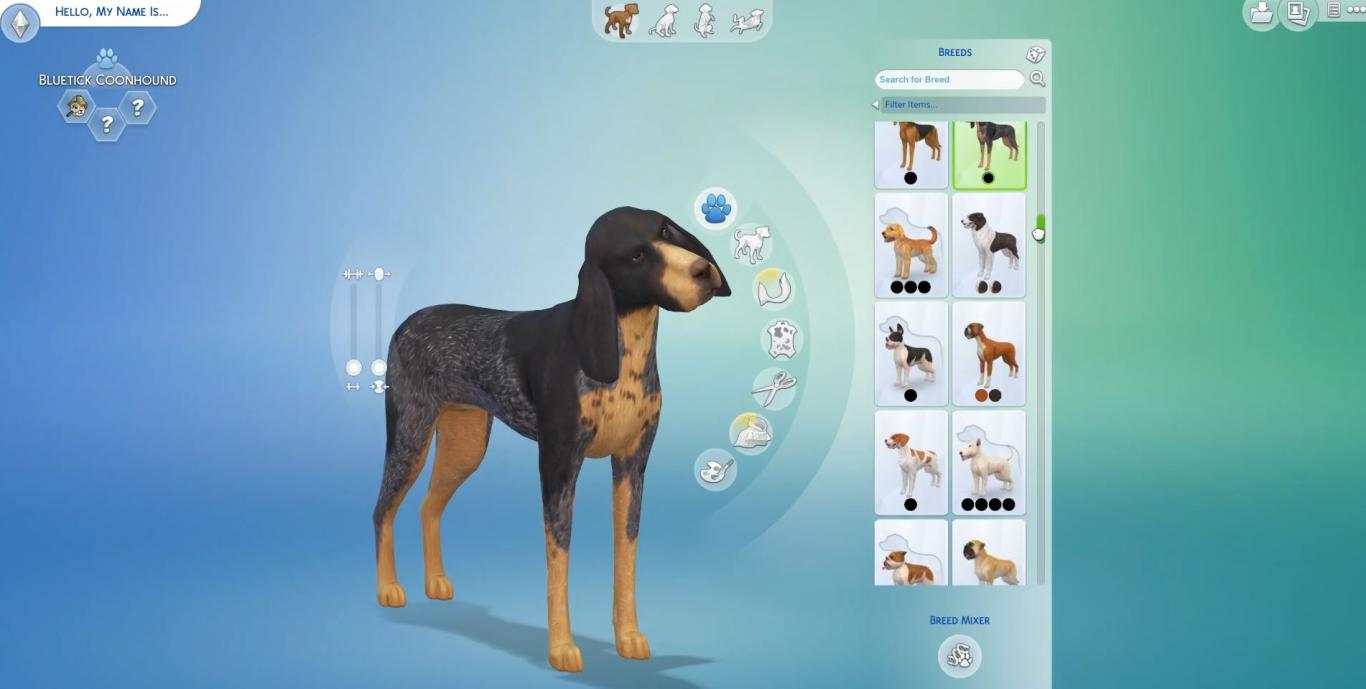
One of the new things that The Sims 4 Cats & Dogs is introducing are breed presets – meaning that there are several presets for each breed giving you different colors, different textures and different furs for certain breeds. You’ll of course be able to customize each breed yourself and even save them:

The Sims 4 Cats & Dogs: 45 Create A Pet Screens by Player.one

4

Player.one got their hands on with The Sims 4 Cats & Dogs and they brought us 45 screenshots of Create A Pet.

Down below you’ll see screenshots that contain all sorts of features for your Cats & Dogs including breed mixing, new breeds, fur painting, body parts and much more.

Thank you Player.one for giving us permission to publish these screens in this post!

Screens by Player.one

First Look at the Genetics Feature for The Sims 4 Cats & Dogs

0

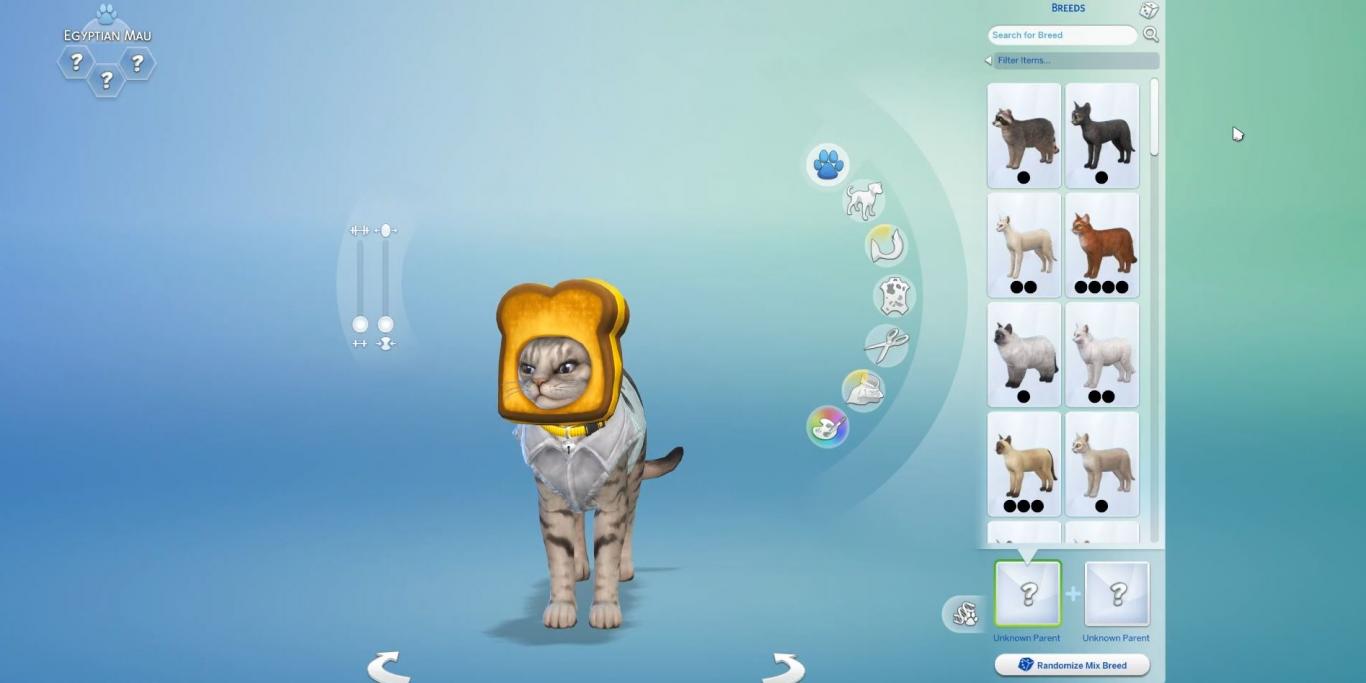
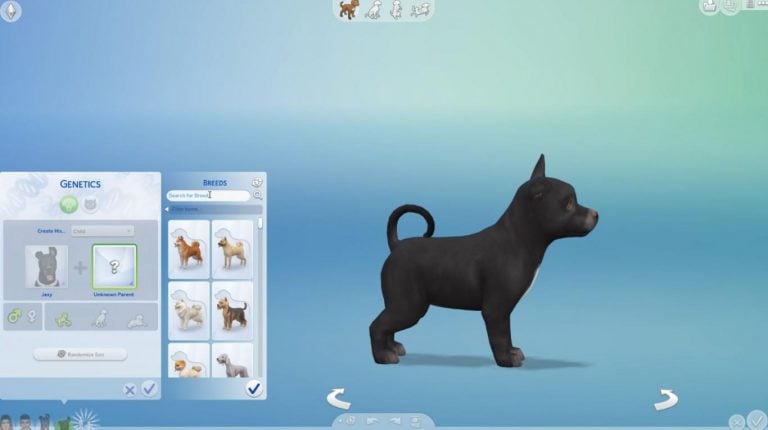
Player.one has revealed a first look at The Sims 4 Cats & Dogs’ Genetics Feature, letting you mix two different cat or dog breeds and create a new, unique breed.

You’ll be able to search for the breeds as well and randomize the outcome of each mixed breed.

Please note that you’ll only be able to mix breeds and not two different animals.

First Look at the Genetics Feature for The Sims 4 Cats & Dogs

The Sims 4 Cats & Dogs: 17 Cat Traits Have Been Revealed

1

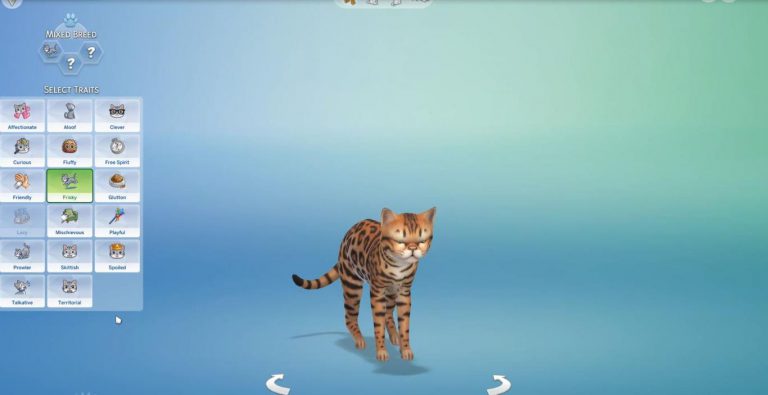
Player.one published new screens of The Sims 4 Cats & Dogs, and with those screens they revealed a full list of traits for Cats. Here they are:

  • Affectionate
  • Aloof
  • Clever
  • Curious
  • Fluffy
  • Free Spirit
  • Friendly
  • Frisky
  • Glutton
  • Lazy
  • Mischievous
  • Playful
  • Prowler
  • Skittish
  • Spoiled
  • Talkative
  • Territorial

The Sims 4 Cats & Dogs: 17 Cat Traits Have Been Revealed

We yet have to find out about the dog traits that are coming with this pack.

The Sims 4 Cats & Dogs: Exclusive Screens in Create A Pet by SimsCampers

5

Sims Camp 2017 trip has been sponsored by EA!

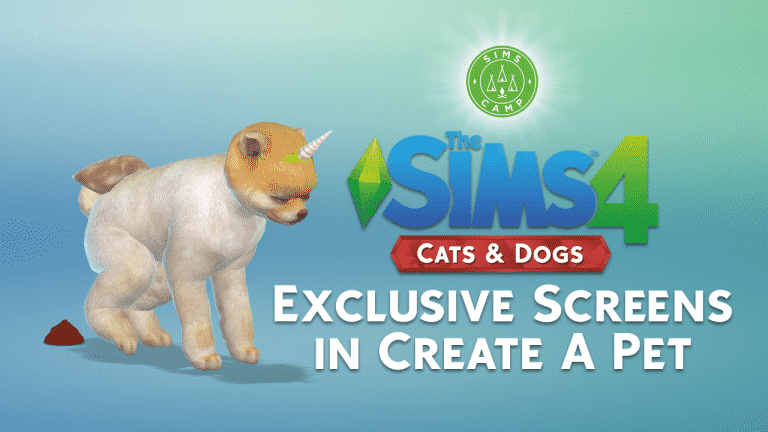
During Sims Camp 2017 we were able to capture exclusive footage of The Sims 4 Cats & Dogs. Our first embargo covers screens of the pets we’ve created in Create A Pet.

Down below you can see screens shared on social networks by Sims Camp attendees (including us). Each SimsCamper will share one screen of the cat or a dog they’ve created in CAP.

After each event attendee posts their photo we will update this post with embedded tweets / social network posts for a complete overview of all the screens.

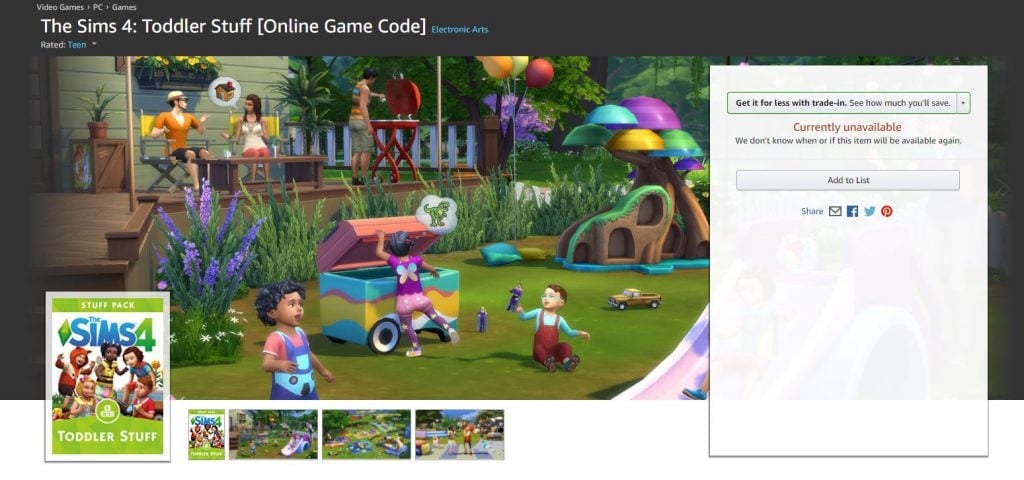
The Sims 4 Toddler Stuff is finally listed on Amazon

2

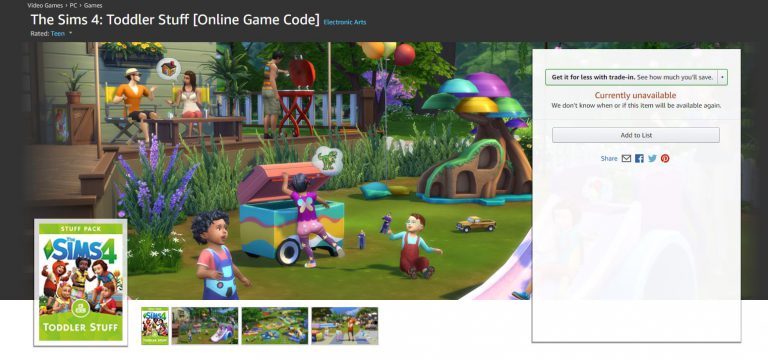
After almost a month of waiting The Sims 4 Toddler Stuff Pack has finally been listed on Amazon!

The online game code for this pack is currently unavailable, but considering that it’s just been listed we can expect it to be fully available in a day or two.

Click below to see this pack on Amazon!

The Sims 4 Toddler Stuff is finally listed on Amazon

The Sims 4: 12 Fanmade Packs that you should Download

We completely understand you that sometimes 12 Stuff Packs for The Sims 4 just aren’t enough. That’s why we compiled a list of some of the best fanmade Stuff Packs for The Sims 4 created by talented Custom Content Creators!

Down below you’ll see a list of these Stuff Packs, what they include and a screen. You can download each custom Stuff Pack by clicking the headline of each one. Please note that as some of these packs are recolors and remeshes of existing content from EA you’ll require certain The Sims 4 Packs in order for the custom content to work.

The Sims 4 Stellar Stuff

A collaboration between @applezingsims @coreopsims @deetron-sims @femmeonamissionsims @javabeandreams @nolan-sims @pickypikachu @quiddity-jones @sjane4prezcc & @teanmoon

The Sims 4: 12 Fanmade Packs that you should DownloadThis fanmade Stuff Pack comes with 127 new items! There are:

  • 110 new CAS items (recolors, new meshes, makeup, accessories, outfits and much more)
  • 16 new Build items
  • 1 Residental Lot

The Sims 4 Windenburg University Fan Pack

by redhotchillisimblr / vivificus-zombiae / zx-ta / haziesims

The Sims 4: 12 Fanmade Packs that you should Download

Another brilliant custom Stuff Pack! Here’s what it brings:

  • Windenburg University Lot
  • New CAS recolors
  • New Build recolors
  • 25 objects + walls set converted from The Sims 2
  • Storytelling Pose Pack

The Sims 4 Grilled Cheese Stuff Pack

by grilledcheese-aspiration

The Sims 4: 12 Fanmade Packs that you should Download

Who knew that someone would dedicate their time to create a stuff pack that completely revolves around…grill cheese? Don’t look at me, I’m not complaining.

This fanmade Stuff Pack comes with:

  • Grilled Cheese Recolors
  • Grilled Cheese Accessories
  • Grilled Cheese Object Recolors
  • Grilled Cheese Objects (there’s even a Grilled Cheese plush guys)

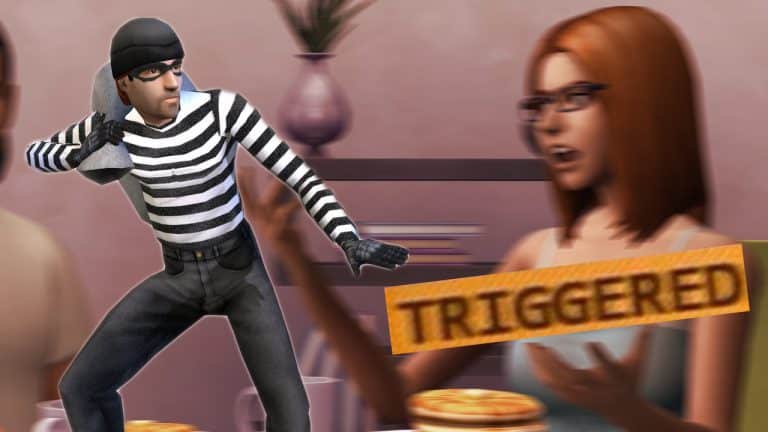
There’s a really crazy rumor about why Burglars are not included in The Sims 4

158

The Sims Forum member TOLKIEN, who’s often known for “inside scoops” of his friend that works at EA Sports in Burnaby has another crazy rumor – and this time he’s talking about why burglars are not included in The Sims 4.

According to him, the burglars are not included in the game because it might “trigger” sensitive players. That’s right. As crazy as it might sound, his explanation why they think the new generation of Sims players might not like this feature sounds very possible.

Apparently somebody during design felt that due to the nature of the Sims 4’s focus on the “home space lot”, that a burglar invading said space could feel like a violation to players, including inducing anxiety and possible trigger players who have experienced similar experiences.

Now I pointed out this seemed like a stretch considering previous Sims games had burglars, but my friend pointed out the Sims 4 was made for a new generation, with a team of producers surrounded by people OF that generation who would point out that the invasion of their home or safe place could create feelings of discomfort or possible even triggering. Indirectly I can see his point, I’ve been playing games for a long time and a lot of the stuff in earlier games I’ve played a decade ago would certainly NEVER make the cut in todays politically charged gaming environment.

My friend also pointed out that in “get to work” you investigate crimes, but that’s not the same as “BEING the victim of a crime”.

They’ve certainly had a lot of opportunity to add burglars with various expansions and patches (and who knows we might still get them!) However if you look at the overall goofy nature of much of the Sims 4, I could certainly see some truth in creating a safer, happy experience for sims players. Certainly being the victim of a burglary would be the opposite.

Now HOW much of this was embellishment on my friends part is hard to say, he LOVES to make a point – but still the basics of the rumor are believable – that “burglars” are simply no longer appropriate in a game like the Sims 4 targeting a new generation of players.

Many are not sure why did The Sims Team then allow Vampires to knock on the doors of your household in the middle of the night but that could just be a completely different scenario.

Of course nothing has been confirmed by EA so this is nothing more than a pure rumor (not even speculation as there’s no evidence).

Tip: PekeSims

The Sims 4 Cats & Dogs: Desktop and Smartphone Wallpapers

0

We understand the hype and anticipation of the upcoming The Sims 4 Cats & Dogs Expansion Pack and that’s why we created 2 new wallpapers to decorate your desktops and smartphones!

We created 2 kinds of wallpapers in 2 different styles: two for desktop background and 4 for smartphones (2 are for lock screens and 2 for home background). All of these wallpapers come in super high quality, so you don’t have to worry about wallpapers getting blurry if your desktop / phone screen is in higher resolution.

To download these wallpapers, simply click on the wallpaper of your choice and select download on the bottom left corner.

Desktop Wallpapers

2560×1600 (16:10)

2560×1440 (16:9)

Smartphone

1440×2560 (9:16)

Lock Screen

Home Screen

Adding Gallery to The Sims 4 Console “Is Possible”

0

The Gallery is one of the biggest features in The Sims 4 for PC and the announcement that it won’t be available in the final version of The Sims 4 Console was hard to swallow.

However, SimGuruDuke wanted to reassure that, just like the PC version, The Sims 4 for Consoles is also treated as live service, meaning that the game will get content updates and bug fixes regularly.

He didn’t want to say anything if The Gallery feature for Consoles is being worked on right now but he assured that adding it to The Sims 4 Console “is possible”.

Adding Gallery to The Sims 4 Console “Is Possible”