Home Blog Page 383

The Sims 4 Bowling Night Stuff Giveaway

We’re having a huge giveaway over at SC Social where you can win 1 out of 5 copies of The Sims 4 Bowling Night Stuff Pack!

All you have to do is click the image below and write your reply to the linked thread. If you don’t have a Sims Community Social account you can create it in a matter of seconds HERE!

The giveaway ends on March 30th at 8PM CET. Good luck!

Click below to enter the giveaway!

The Sims 4 Bowling Night Stuff Giveaway

The Sims 4 Update Overview: Teen Hangout Lot Trait

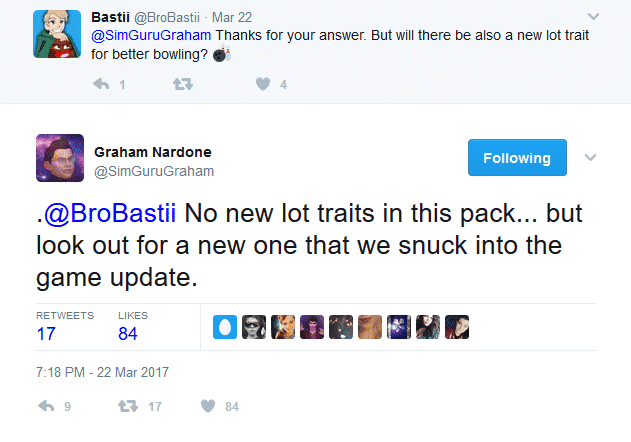
Yesterday SimGuruGraham hinted that a new lot trait would be coming to the game, not in the newly announced Bowling Night Stuff Pack but in today’s free update.

The Sims 4 Update Overview: Teen Hangout Lot Trait

The new lot trait that the team has snuck into the game is the Teen Hangout trait. The trait states that when selected you will find more teen Sims will be roaming around in the neighborhood as you know many teen Sims already do.

The Sims 4 Update Overview: Teen Hangout Lot Trait

Also, an interesting addition that also came with the patch is that teen Sims are able to move out of home now too.

The Sims 4 Update Overview: Teen Hangout Lot Trait

The teen hangout trait is being received positively within the community with many Simmers hoping to see a focus on Teen Sims in the future as well as using the trait to help build teen Sims relationships.

The new trait is a great addition to the wide variety of lot traits the game already has and will surely play a significant part in the Bowling Night Stuff Pack. Let us know what you think about the new Teen Hangout lot trait.

The Sims 4 Bowling Night Stuff: New Clothes Promo Image

0

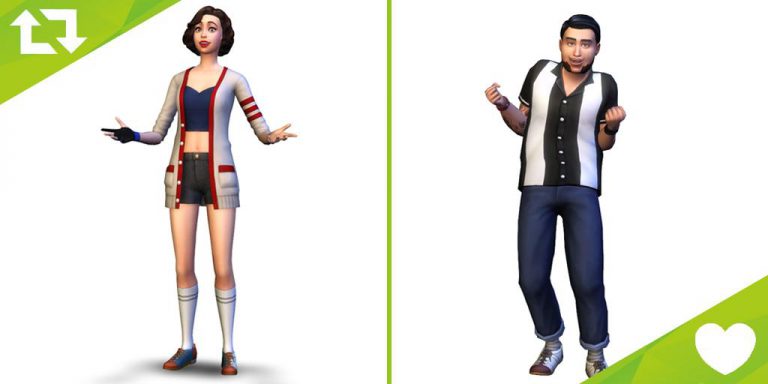
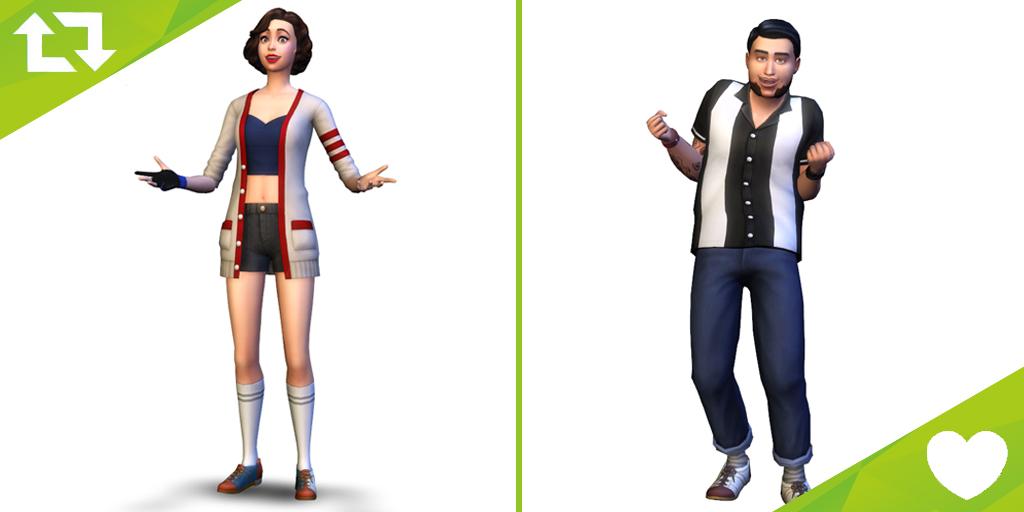
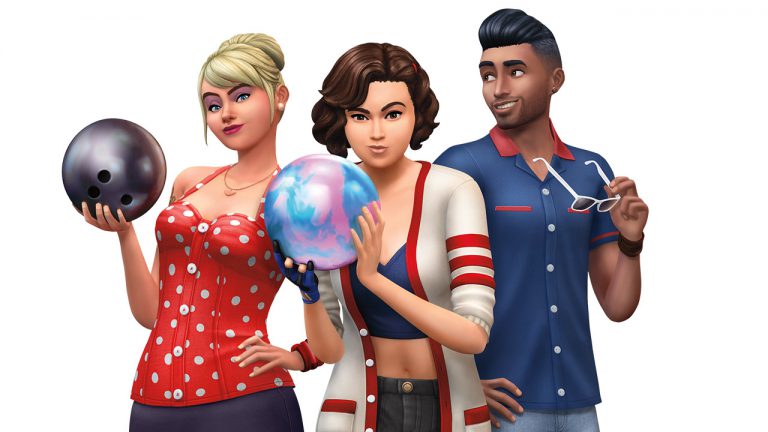
The Sims Team has shared a new image – showcasing some of the new clothing that’ll come with The Sims 4 Bowling Night Stuff.

The Sims 4 Bowling Night Stuff: New Clothes Promo Image

The Sims 4 Bowling Night Stuff: Game Description

0

The Sims 4’s latest update has revealed all the features that’ll arrive with The Sims 4 Bowling Night Stuff. Check them out!

The Sims 4 Bowling Night Stuff: Game Description

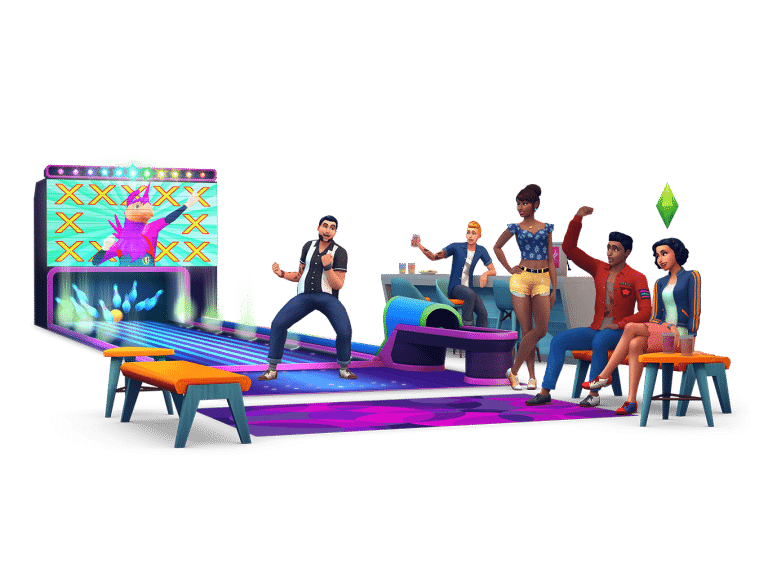
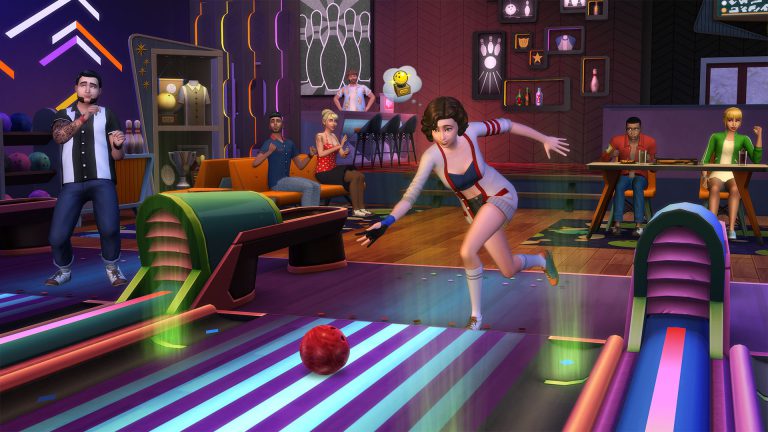
Build a bowling hangout and take your Sims to the lanes for an evening of fun with The Sims™ 4 Bowling Night Stuff. Compete against friends and improve your bowling skills to unlock trick shots. Customize your alley with bowling-themed décor and give your Sims a striking new look.

  • Striking New Fashion – Outfit your Sims in retro bowling shirts and shoes or give them a rockin’ new look with rockabilly-inspired clothing and hairstyles.
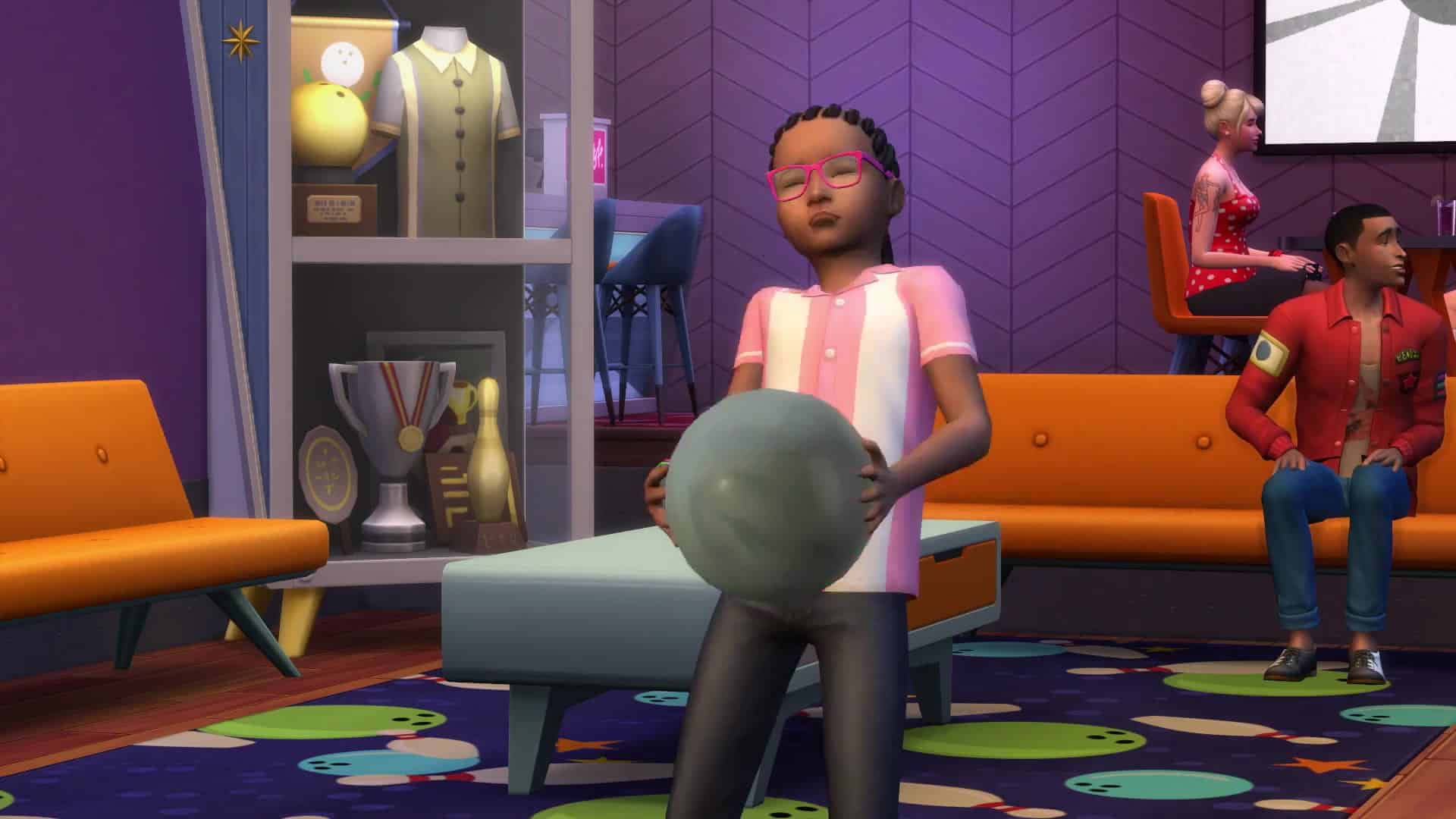
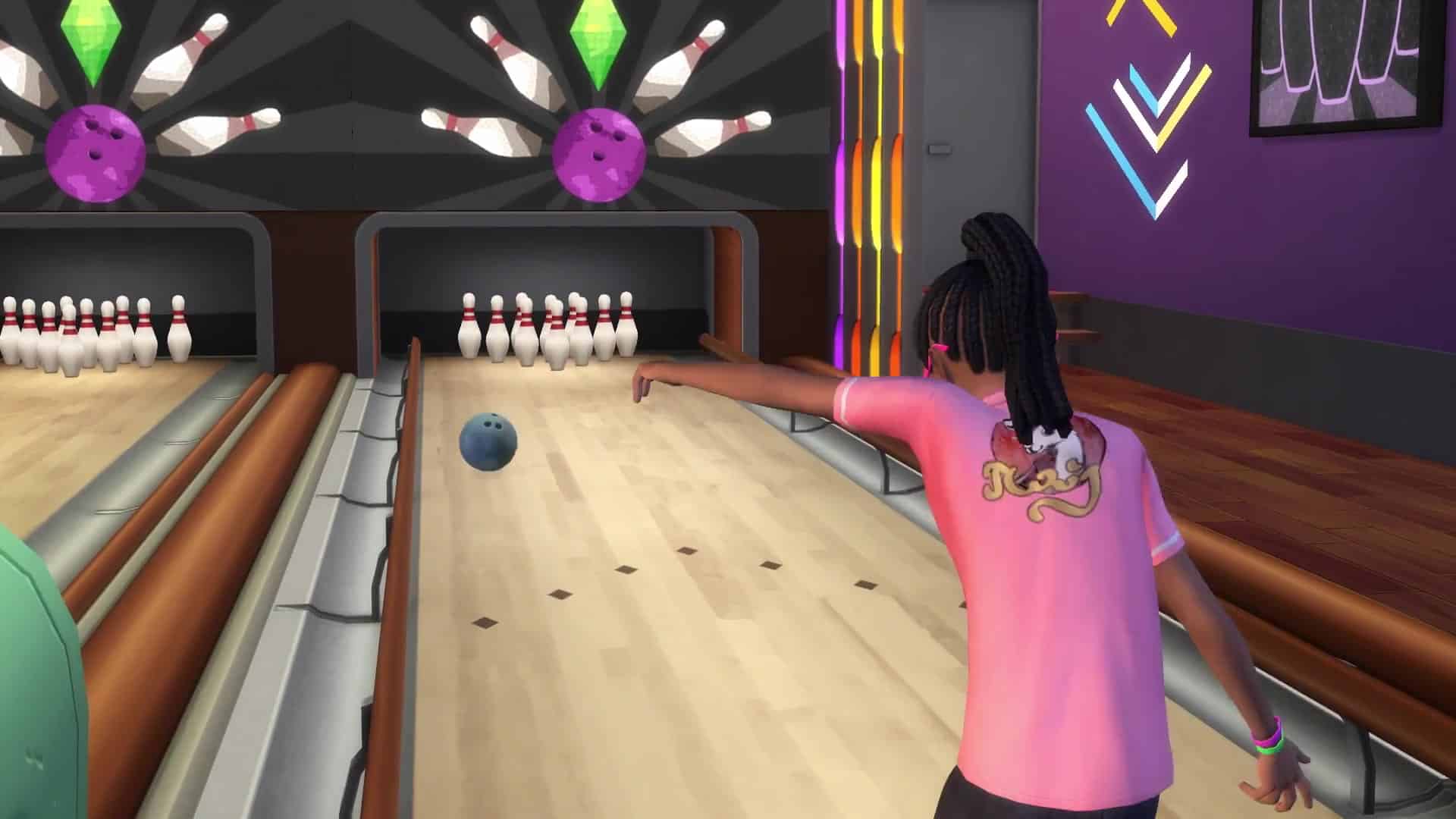
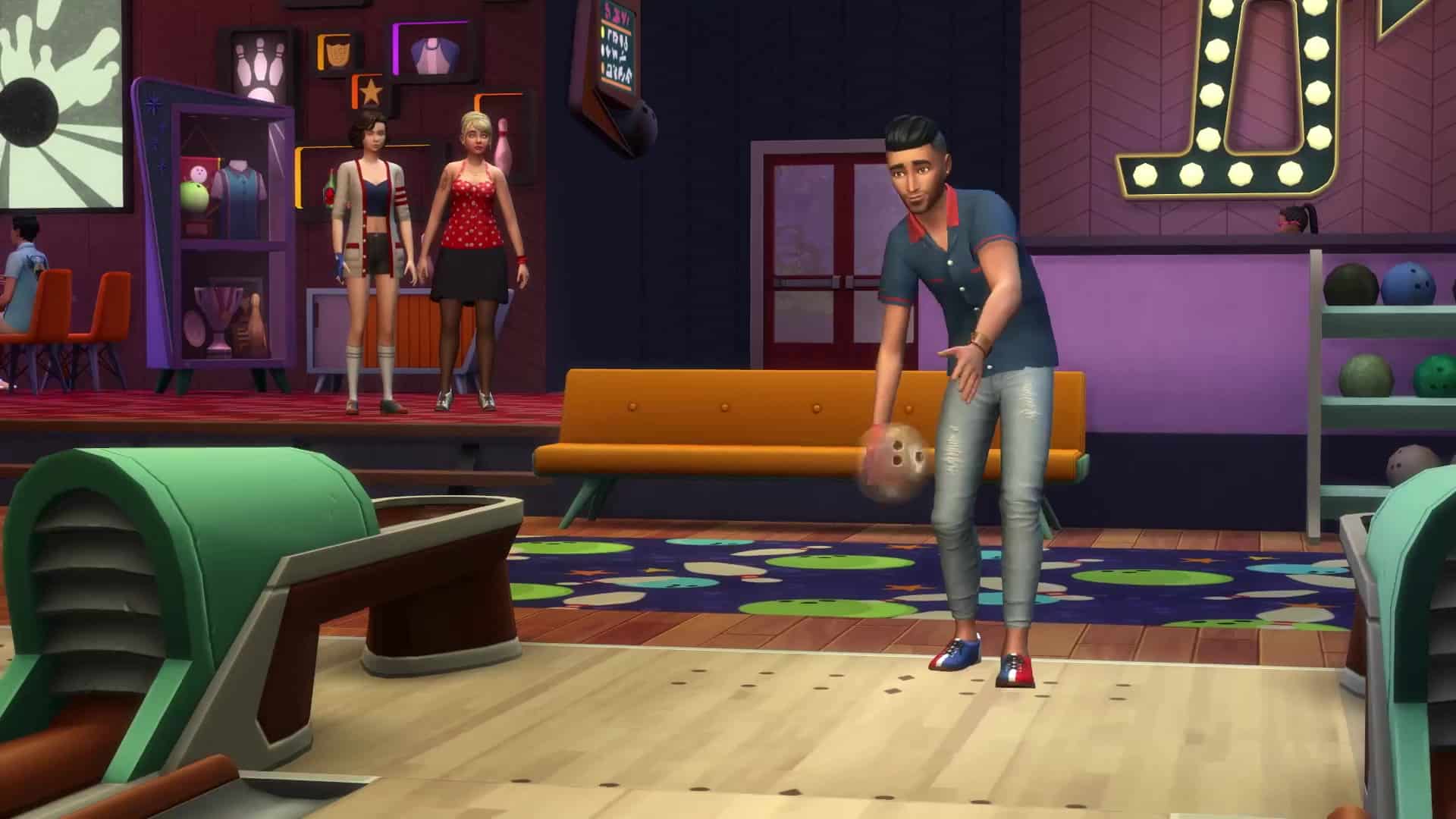
  • Take Your Sims Bowling – Challenge your Sims to a game of bowling on the all-new bowling lane object. Start off using bumpers and improve your skills to unlock impressive trick shots. Dim the lights and turn up the music for an out of this world moonlight bowling experience.
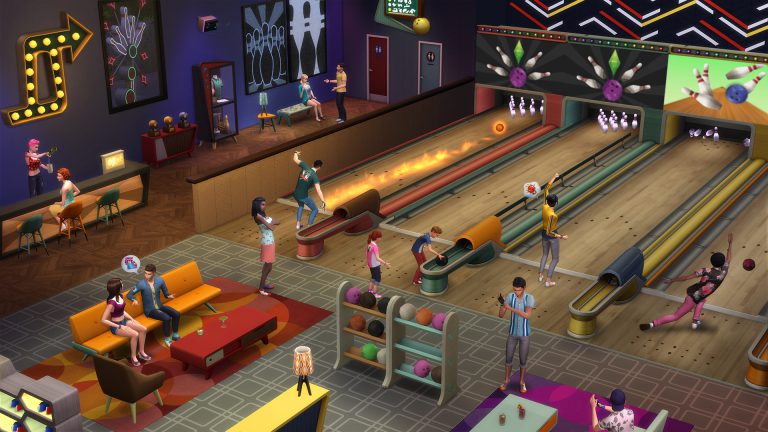
  • Build a Bowling Hangout – Create your own space complete with neon lighting, bowling-themed décor, and even a bar for your Sims to enjoy refreshments between frames. Customize its look with retro-modern furniture that looks awesome in the alley or at home.

The Sims 4: New Update + Patch Notes! (March 23rd, 2017)

ts4e3logo

The Sims Team has released a brand new Update for The Sims 4!

To download the latest version of The Sims 4, simply open your Origin program and if the game doesn’t update automatically, right click on The Sims 4 and select ”Update”.

In case you have Mods or Custom Content, the game will automatically disable them for you after first launching The Sims 4 after the update. To re-enable all your Mods and Custom Content, select the Settings option in the Menu and select Settings. Under the”Other” section you’ll find the ”Enable Custom Content and Mods” option. Check it and restart your game in order for it to take effect!

Patch Notes

Update: 03/23/2017 – PC Version 1.28.25.1020 / Mac Version 1.28.25.1220

Happy March Simmers!

We have a short update here, as we step onto the approach. We’ve picked our ball from the rack, and we’ll try not to hook into a split.

So, without spending too much time on this frame, let’s address the lane…

General Issues

  • Babies born to parents whose last name includes an apostrophe, will also have an apostrophe in their last name.
  • Hovering over the name field in Create a Sim will once again cause the cursor to change to a ‘Cursor and Pencil’ cursor.
    • Which should clarify the expected action of an “enter name here” field…
      • …where you could use a pencil to enter your name.
        • Please, don’t draw on your monitor.
  • Non-active Sims with violin and guitar skill will no longer silently horde violins and guitars in their inventories.
    • So, we need you to play at this event, do you have your own instrument?
    • No.
    • Ok then, we’ve had a few of our violins go missing recently, so if you could just make sure to return this when your shift is over, that’d be great.
    • No.
    • Ok then, I’ll just put this violin in your pocket. Are you comfortable with the violin?
    • No.
    • Ok, then, why don’t you take this guitar too, just in case. Soooo, I guess that’ll be all.
  • We’ve made improvements to Sim interaction selection.
    • Klepto Sims interaction test to swipe something was being tested for, even when there were no klepto Sims present, increasing the time it took for Sims to decide on actions to take.
  • Sims will no longer woodwork to the exclusion of all else.
  • Teens are now allowed to move out on their own from the Household Management screen.
    • Also, they are allowed to move back in.
      • However, their room was probably converted into a spa, or something…
        • Their parents have taken on a new roommate named Barney…
          • And they make you pay rent.
            • Just stay away, it’s better.
  • The lighting created by the combination of curtains and windows will no longer change upon reload.
  • The ymMakeupEyebrows_Unibrow will now save upon exiting Create a Sim.
  • Taking a cutting from a wild plant will once again identify the plant from which it was taken.
  • We have addressed an issue that could cause adults to take a serving from a group meal and just place it in their inventory. They should now, if hungry, take a serving, and eat it.
  • The Chomper the Devourer toybox will now properly be searched for when using the color filters in Build Mode.
  • Sims are once again sitting to watch TV.
    • Alignment over a clear goal was brought to the table, in a face time generation of a sustainable proactive win-win spin-up of the problem. A holistic outside of the box approach was what ultimately brought our synergy to a proper wellness level, and allowed us to break through the clutter for an end of the day exit strategy to this issue.
  • Sims were incorrectly being allowed to choose a primary aspiration upon age up from teen to young adult, which would result in two bonus traits. This option has been removed.
  • The Starbroker styled look can once again be found for teens when the feminine filter is on.
    • It had accidentally been untagged, which caused it to only appear when no filters were selected.
  • And along the same lines the ymHair_EP01LowBun can also once again be found under the masculine filter… it too had been incorrectly unhooked and left in limbo.
    • Asset Limbo….
      • Ooooooh oooh.
        • Ooooooh oh yea.
          • Asset Limbo.
            • Yep, I’m currently working on the chorus. I’m thinking platinum this time next year.
  • The Let There Be Light and The Let There Be More Light windows now have matching frames under any light.
    • No matter whether it be little, more, little more, or more than a little light, the Let There Be windows are letting light be light.
  • Undo in Create a Sim will no longer change the camera setting.
    • UNDO IN CREATE A SIM WILL NO LONGER CHANGE THE CAMERA SETTING!!
  • Switching phone covers will now remember their settings between loads of the game.
  • We have addressed an issue with emotional aura’s incorrectly putting children into a flirty emotion. Children should never enter the flirty emotion.
  • Addressed an issue that could cause a child Sim aged up from a toddler to be unable to use stairs.
  • Giving a toddler a bath should no longer become impossible when a baby is added to the household.
    • Because even if you understand how the code is put together, this makes no sense.
      • Also, we have preemptively prevented Sims from spontaneously combusting after storing a salad in the refrigerator while the stereo is playing pop.
  • puHair_Medwavy (aka the big curly hair) toddler hair will now maintain the chosen color regardless of outfit chosen.
    • Red hair please.
    • You got it, want brown hair on that toddler?
    • Thank you, red hair will be fine.
    • Brown hair coming up.
    • Red yes, brown no.
    • Hold the red.
    • No, I want the red.
    • Brown it is.
    • Brown me no “likes”
    • Red out.
    • Red in.
    • Ah, come on, make up your mind!
    • Okay, okay on second thought…. make my toddler bald.
  • Toddler socks can now be found in formal wear.
    • There was some debate that resulted in a survey of a handful of toddlers, and their thoughts on formal attire. Results varied, as you would expect, but with proper skewing we found that more toddlers preferred to keep their feet covered, than those that desired an open toe approach.
      • And while this doesn’t preclude the open toe option for those with the proclivity to free the digits, it does make one wonder why we keep a handful of toddlers around the office for just these sorts of things.
  • Fixed some highlight issues in Create a Sim that resulted in graphical issues when hovering over the feet of some Sims.
  • Fixed an issue in Create a Sim that would cause the filter display to become corrupted if enough filters were chosen such that the … (dot dot dot) replacement display was needed.
    • This issue should no longer occur. (dot)
  • Fixed a seam that could appear on the back of a Sims head when wearing cuHair_SP06StraightSide hairstyle.
    • Though some have speculated on the possibility of the seam being an Edgar suit, it should be pointed at that beyond the seam, there was a clear lack of droopy cheek, wrinkle neck, and glassy eye.
      • Any desire a Sim may express for sugar in water is purely coincidental.

Get to Work

  • Lot trait skill icons will no longer appear in the photos of Sims.
    • Or photos of nature… landscapes, architectural concept pieces, butterflies, flies, dragonflies, bats, leaves, fish jumping, or similar.
      • Or just photos.
        • Yea, I guess I could have just said photos.

Perfect Patio

  • As you can see in this image, there is an odd seam on the surface of the Wickish Ottoman Empire ottoman. We have corrected this seam, and it should now appear correctly for all design modes.
    • If you are unable to view the issue in the image, then you aren’t looking where I’m pointing.

Movie Hangout

  • We have fixed an issue that could cause Sims to cancel the cuddle action unexpectedly while watching a movie together.
  • Grab a serving now appears on full popcorn poppers and not empty ones.
    • Ah, a classic equal not equal variable switch, am I right?

Backyard

  • White Picket Gates placed upon White Picket Fences will no longer appear overly bright when a light source is place nearby, instead they will light as expected.

Vintage Glamour

  • Lisa’s Resplendent Receptacle, aka a dining chair, will no longer leave behind its shadow when a Sim scoots in or out of the chair.
    • This is how it all starts, shadow separation disorder. Then it’s on to parental disgruntlement, and BOOM next thing you know pirates, lost boys, pixie dust… all of it is just one big flight to the dark side.

A New

    [|*]A small new snuck it’s way in, as teens are apt to do – you can now assign the Teen Hangout trait to your lot.
  • Create a popular hangout at the ol’ bowling alley, the shops, or just an abandoned home…
    • It’s like teen catnip.

As always, stay outta the gutter, catch the spare, strike into a turkey, and keep the lofting low,
-SimGuruGnome

[Posted on behalf of SimGuruGnome who is practicing his bowling skills to take on resident champ SimGuruGraham.]

The Sims 4: New Lot Trait coming with the upcoming Update

0

SimGuruGraham has confirmed that there’s going to be a new The Sims 4 update coming our way to prepare the game for The Sims 4 Bowling Night Stuff Pack.

He said that, although the Stuff Pack won’t be bringing any new Lot Traits, we can expect a new Lot Trait to arrive with the upcoming The Sims 4 Update.

The Sims 4 *should* get this update tomorrow (as patch days are usually on thursdays), but considering that the announcement of Bowling Night Stuff and the release of this pack has been moved to wednesday, nothing is known for certain.

The Sims 4 Bowling Night Stuff: SimGuru Q&A

4

The Sims 4 Bowling Night Stuff: SimGuru Q&A

SimGurus took some time to answer your questions about The Sims 4 Bowling Night Stuff on Twitter. Check out what they have to say!

The Sims 4 Bowling Night Stuff: Livestream coming this Friday!

0

SimGuruDrake has confirmed that The Sims Team will be hosting a livestream of The Sims 4 Bowling Night Stuff Pack, featuring SimGuruGraham and Thomas from the development team.

The livestream begins on March 24th at 1:30PM PDT / 9:30PM CET / 8:30PM GMT. We’ll be posting the livestream link, as well as the replay and gameplay facts on Sims Community so stay tuned!

The Sims 4 Bowling Night Stuff: Livestream coming this Friday!

The Sims 4 Bowling Night Stuff: 75 Screens from the Trailer

0

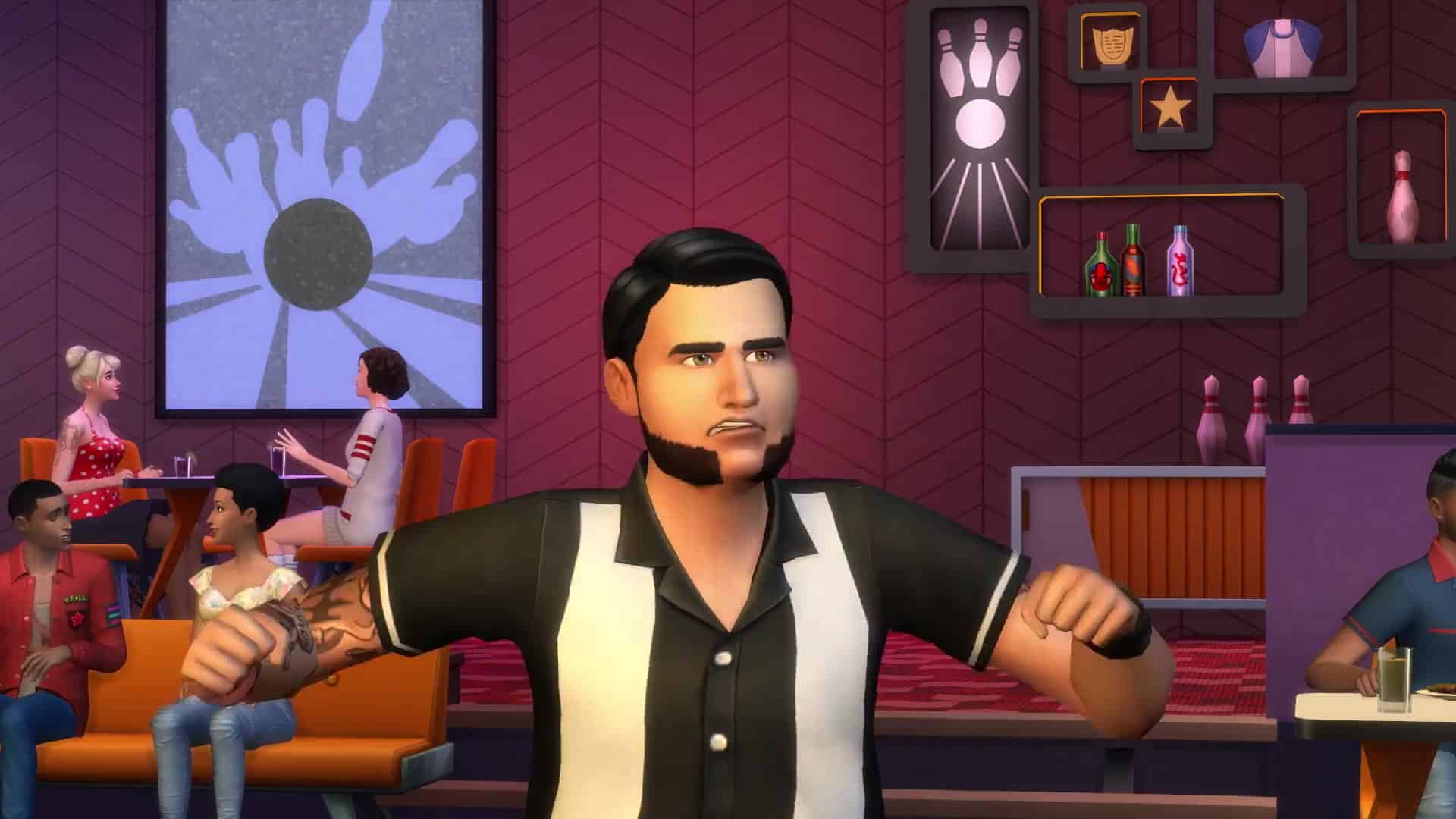
Check out 75 screens extracted from The Sims 4 Bowling Night Stuff Pack Trailer!

The Sims 4 Bowling Night Stuff: New Clip! (Dutch)

0

EA Benelux posted a new clip with new footage of The Sims 4 Bowling Night Stuff. Check it out!

The Sims 4 Bowling Night Stuff: New Screen

0

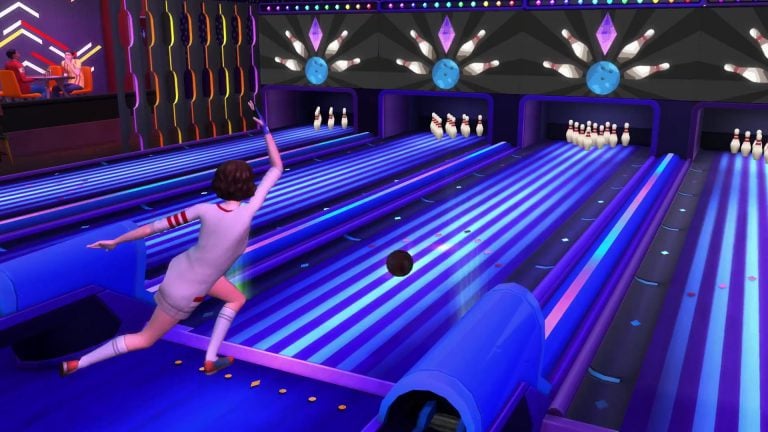
TheSims.com Media page has been updated with this new screen of The Sims 4 Bowling Night Stuff. Check it out!

The Sims 4 Bowling Night Stuff: New Screen

The Sims 4 Bowling Night Stuff Trailer

6

The Sims Team has just released a trailer for The Sims 4’s 10th Stuff Pack – The Sims 4 Bowling Night Stuff. Check it out!

The Sims Blog: Hit the Lanes with The Sims 4 Bowling Night Stuff Pack!

0

Via TheSims.com!

Lace up your bowling shoes and set those pins, The Sims™ 4 Bowling Night Stuff* is coming March 29th, 2017!

The Sims Blog: Hit the Lanes with The Sims 4 Bowling Night Stuff Pack!

Is your Sim ready to take on a fun new hobby? Well, bowling might be just the thing! In The Sims™ 4 Bowling Night Stuff your Sims can enjoy a casual night out with friends, hit the lanes with a hot date, or share a night of family fun together. And while the Mansion Baron Sims out there may choose to add a set of private lanes to their home, your average Sim wants a local bowling alley where they can meet. The Oasis Springs Dust Bowl comes ready to be placed into your world, or you can convert any Bar, Nightclub, or Lounge into a fully functioning alley.

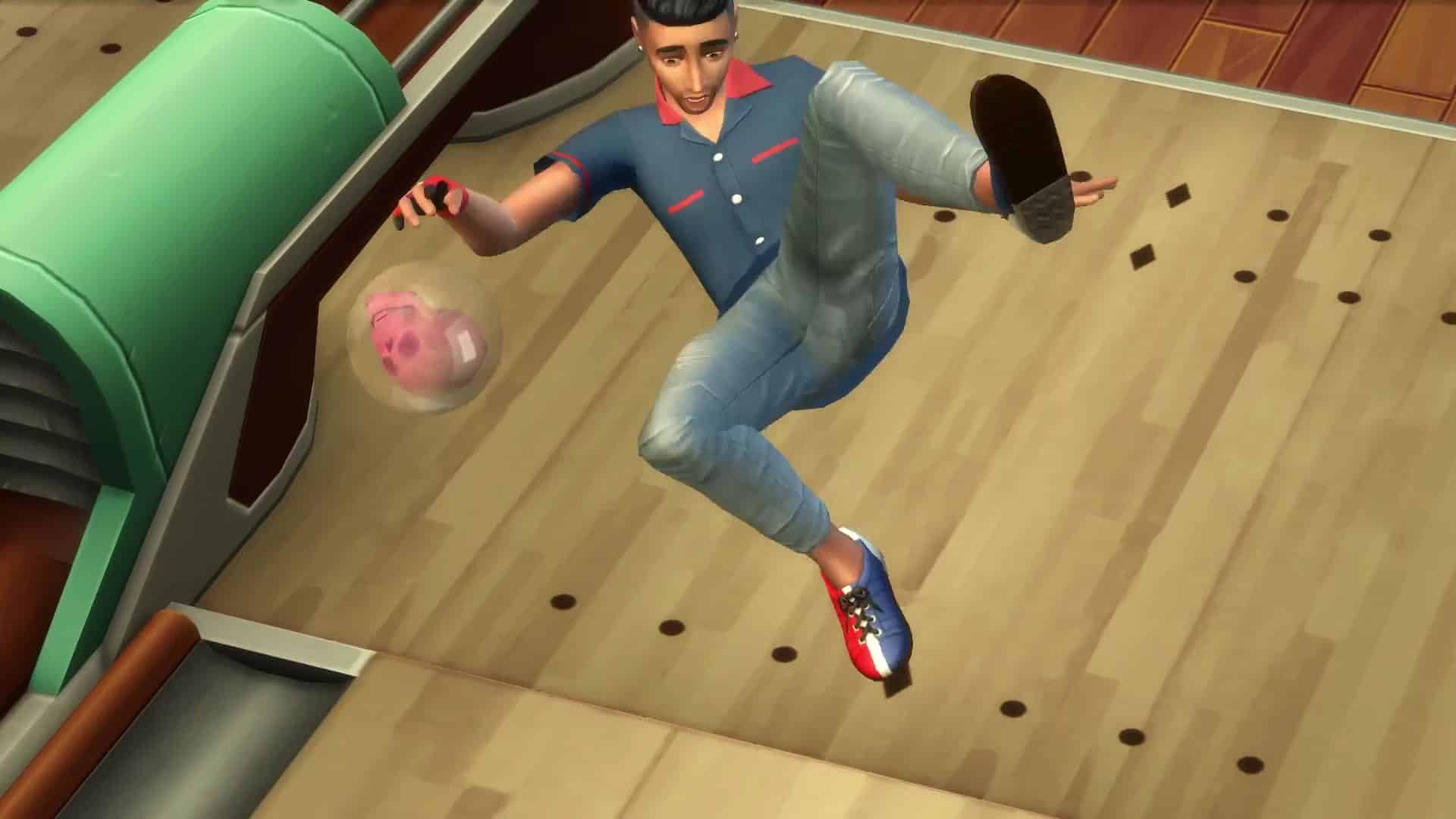
Kids and adults alike will be able to develop their Bowling skill, all while using the bowling lane with up to four other Sims. This five level skill will reward them every step of the way, as they gain access to additional bowling balls, successful trick shots, and more. Sims that are just starting out may end up throwing the ball anywhere but the end of the lane, but those who stick it out and keep practicing will be rewarded by sending the pins flying as they work towards achieving a perfect score!

The Sims Blog: Hit the Lanes with The Sims 4 Bowling Night Stuff Pack!

Maybe you want something even cooler for your Sim? Perhaps something that really stands out, even in the dark. How about the excitement of Moonlight Bowling? Enable this on your bowling lane and watch them light up, making your Sim Playful and increasing the fun they gain from bowling. It wouldn’t be bowling without the classic shoes, attire, and neon lights!

Mid-century modern tables, chairs, and décor add a great aesthetic touch that brings the retro bowling vibe to any lot. There’s also rockabilly-inspired tops and bottoms to help your Sim look the part, and of course traditional bowling league shirts should you want to form your own bowling crew!

The Sims Blog: Hit the Lanes with The Sims 4 Bowling Night Stuff Pack!

The Sims 4: How to Disable Packs

There are a number of reasons why you’d want to disable a certain The Sims 4 pack – it could help you improve your game performance or just get rid of the content you don’t play with that much.

Although this tutorial won’t teach you how to completely remove a certain pack, it will teach you how to disable a pack and not have that pack’s content included in your gameplay.

To disable a Sims 4 Pack of your choice, right click on The Sims 4 in your Game Library and select “Game Properties”. Select the “Advanced Launch Options” and write the following in the Command line arguments:

  • Add -disablepacks:
  • Write down the pack code by the order of its release. If, for example, you want to disable Spa Day Game Pack, write GP02. If you want to disable City Living, add EP03 and so on..
  • If you want to play only with the Base Game, enter the following:
    • -disablepacks:EP01,EP02,EP03,GP01,GP02,GP03,GP04,GP05,SP01,SP02,SP03,SP04,SP05,SP06,SP07,SP08,SP09,SP10,SP11
  • You can disable multiple packs by seperating pack codes with a comma.

The Sims 4: How to Disable Packs

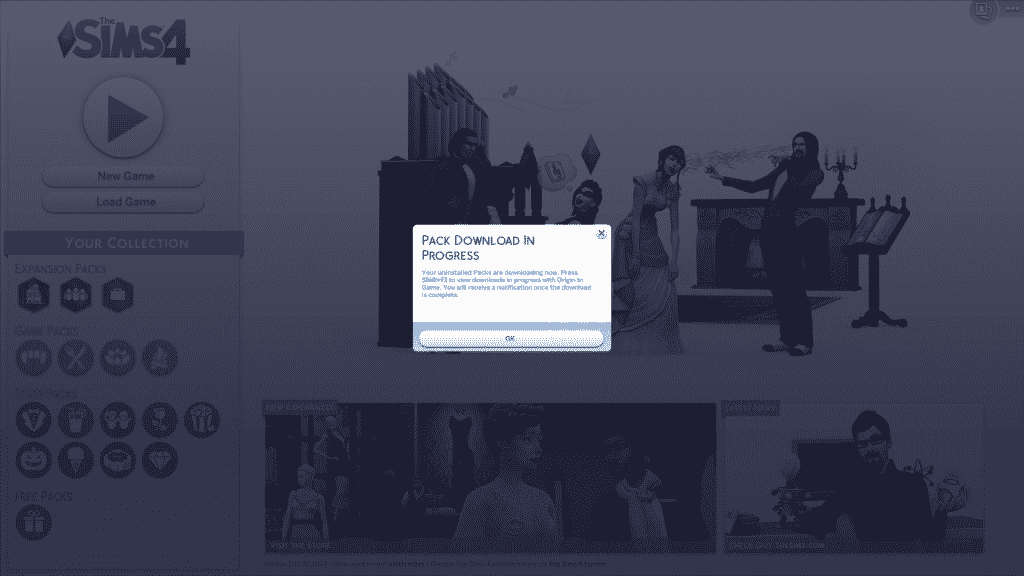
Note: You’ll be greeted with messages such as “Pack download in progress” (although it’s not downloading at all) and “Content missing” when you load up your old save game. You can continue and ignore the messages but do know that, for the safety of your old saved games, you should start up a new game instead of using your old saved games which contain disabled pack content.

The Sims 4: How to Disable Packs

Note #2: The packs won’t disappear from your “Your Collection” section in The Sims 4 Main Menu but they’ll still be disabled.

Tip: Crinrict