


Check out this hilarious parody by Insert Coin featuring your favorite household from The Sims Series – The Goths!
FreeSO is back and running!
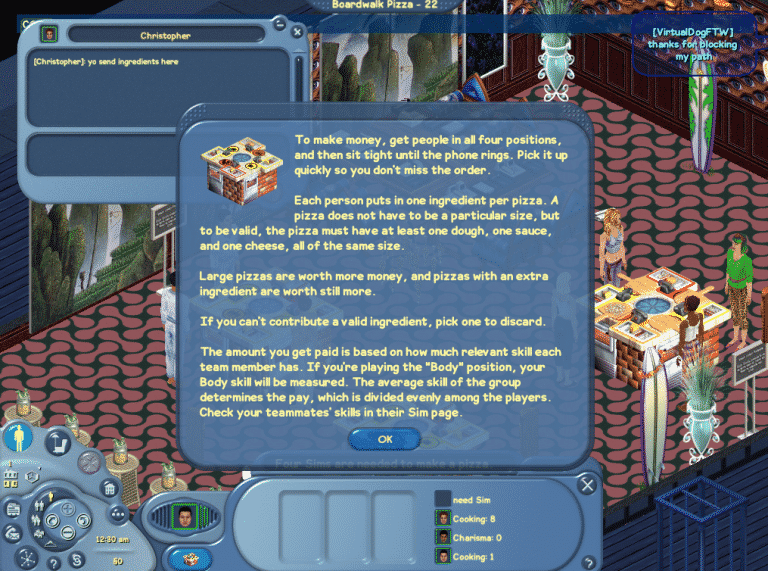
FreeSO, a fanmade project which is focused on reviving The Sims Online and all of its features is back after an attempt to launch the game in open beta, which resulted in overwhelming response which eventually overloaded the FreeSO servers.
If you’re looking for some great fun with other Simmers, come and join the FreeSO fun. If you don’t know how to install this game, CLICK HERE to check out our tutorial.
Off I go – need to finish making my pizza 🙂

The Sims 4: My “Rule of Three” for Mini-Builds
Hi, I’m Jason Sterling and this is the first in a series of articles outlining build tips and tricks within the new world of Forgotten Hollow in the Sims 4. I’ll start this article with the “Sims Builder’s Three Best Friends” in-game cheats.
- bb.IgnoreGamePlayUnlocksEntitlement (IGUE) Unlocks all items tied to in game advancement from the start.
- bb.ShowHiddenObjects (SHO) Displays all hidden objects for use in building such as ponds, dishes, bottles ect.
- bb.MoveObjects (MOO) Allows build/buy items to be freely moved around within the build and activates the height slider that raises objects up and down in the air and on the walls using the number 9 for up and the number 0 for going back down.
If you are new to the Sims 4 or just new to building in the Sims 4, press CTRL/SHIFT/C to open the command box within your game and enter each of the cheats above should you wish to access their features. Now on with the article.
I’m going to highlight in this article what I consider “My Rule of Three” to a successful mini-build on a small lot. Also, I will be using my MiniVlad Manor, designed for my re-build of the Forgotten Hollow world, as example and hopefully inspiration for your own Vampiric Mini build.

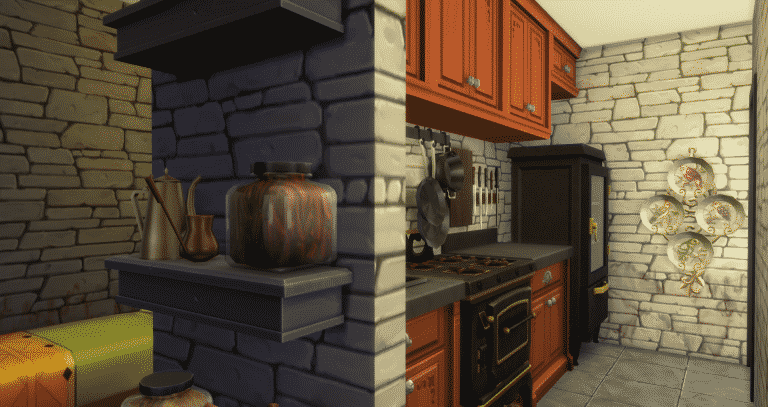
This build was done following the requirements of the Sims Forum Mini/Micro Builds Topic. Due to these requirements I could use no more than a 5×5 square space on each level, no more than 100 squares total living space in the build, and a 20×15 lot. The Sims 4 is an excellent vehicle for executing mini houses of this sort due to it’s avoidance programming enabling tighter, more real to life spaces than before. Sims can squeeze through spaces, around objects and other sims with ease. In the pictures the walking sim is able to pass from the back porch, coming through a door placed directly behind the dining chair. He then passes between sims sitting at both the dining table and the organ. He ends sitting at the occasional chair without hesitation or blockage.


This programming enables the-
Number One Rule of Mini-Builds– Don’t be afraid to crowd and multi-task a small room. This 5×5 space works as living room/ library/ dining room and music room. Just as the room above it functions as both bath and art studio, along with a sizable and dramatic cut out to the floor below. Ahh, the mournful sound of organ music drifting upward as you bathe.

And that brings us to the-
Number Two Rule of Mini-Builds– Build up, not out. Only being allowed 25 squares per level for living made this a necessity. However, even when building on your own, without a challenge dictate, building up makes sense on a small lot. It frees up space for outdoor activities like gardening, visiting the cemetery and a pool. The pool pictured here does double duty as a place for swimming and storing Plasma! Not really of course. Swimming in Plasma would be a little sticky but I’ve built the pool in dark vampire style. I swapped out the water color, side tiles and pool bottom tiles with blacks and reds creating the unsettling image of plasma. Nice huh? LOL.

The pool, garden and cemetery are great examples of the-
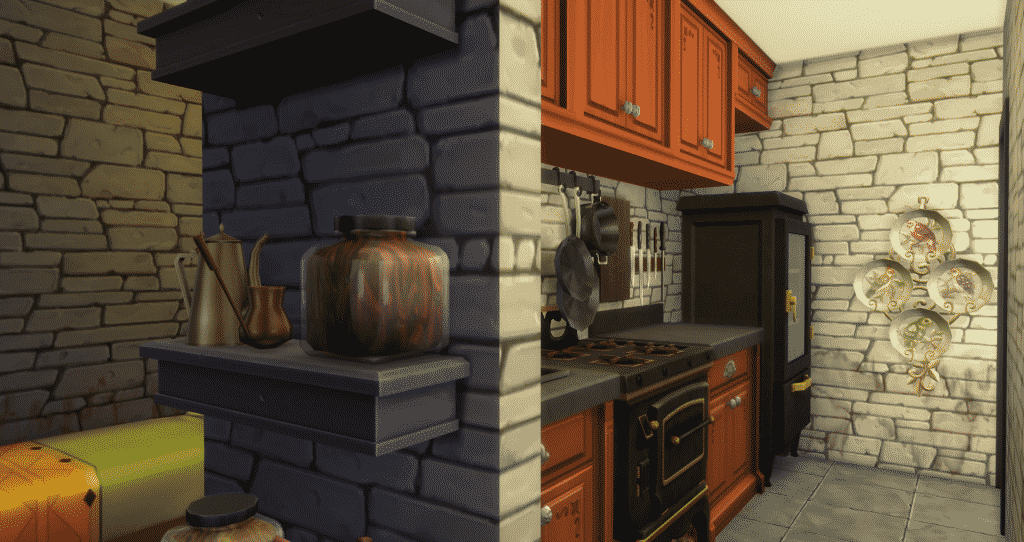
Number Three Rule of Mini-Builds: Keep it small- keep everything small. When doing a style specific, niche build like this one you hate to leave out the essential Gothic elements. You can’t dismiss the ominous sealed off tower or an overgrown cemetery and there’s no reason to. Part of the charm of mini-builds is their diminutive size, so do it- do everything but do it small. Take the tiny but functional kitchen shown here. There’s a servants quarters tucked in behind it. There’s lots of decor, lots of clutter and lots of charm. You can even cook Walleyed Surprise or run a bakery in just these four tiles. Think of everything like a child’s playhouse, very detailed but very compact.
And that is “My Rule of Three”. I hope it helps you turn your small lots into a big stage for your sims and your stories. In my next article I will be doing a tutorial outlining the building of a large, open, double-side fireplace. Furthermore, I’ll be using my Colonial American era building in Forgotten Hollow, The Tavern, as the stage. I will illustrate to full effect the use of the Height Slider- Number 9 and 0 unlocked by the bb.MoveObjects cheat.
If you like this article and would like to see more you can view a speed build of the MiniVlad Manor here on my Youtube Channel: https://youtu.be/gBhqEbigNEg
Or see additional pics on the Sims Forums: http://forums.thesims.com/en_US/discussion/912382/sterling-construction-speed-build-video-tour-18-culpepper-house-apartment#latest
This build is also available for download on the Gallery under my I.D. #TonySterling and #BuildingHollow: https://www.thesims.com/en_GB/gallery/2FBB1125EF1111E6807F390F294AFFB1?category=all&searchtype=ea_origin_id&sortby=newest&time=all&searchquery=tonysterling&max=50&maxis=false
The Sims 4: Build-A-Shower CC
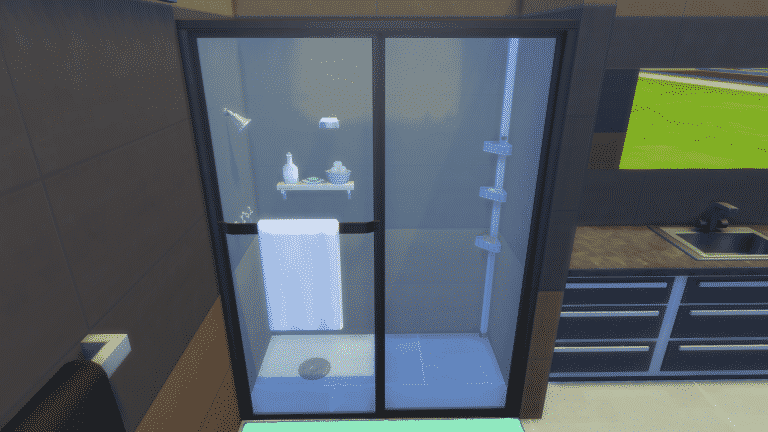
Have you ever wanted The Sims 4 to have more shower options which are different to the more traditional shower styles? Well, now you can thanks to Madhox’s build-a-shower kit.
Included as part of the kit are nine shower heads, five showers with doors, five panels, a pole caddy, decorative wall shelf, wall soap dish and a drain. The kit allows you to also use any floor and wall covering from your game.


To download the Build-A-Shower kit click here. Be sure to check out Madhox’s other custom contents to by clicking here.
The Sims 4: All About Relationship Triple Boost Week
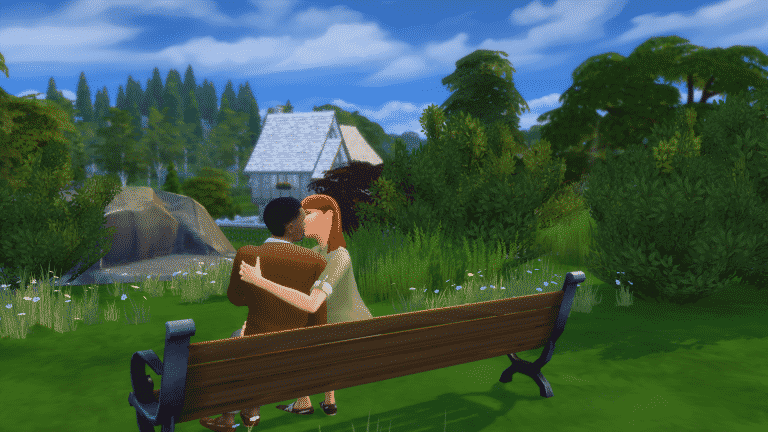
The Sims Team has launched a new Triple Boost Week in The Sims 4 which starts today (February 14th) until February 21st.
The new Triple Boost Week requires the latest game update for The Sims 4. You’ll be notified about the new Triple Boost Week by entering The Sims 4’s Main Menu:

This Triple Boost Week is all about boosting your Sims’ relationship bar. Performing positive interactions will boost your Sims’ friendship / romance relationship bar 3 times faster!
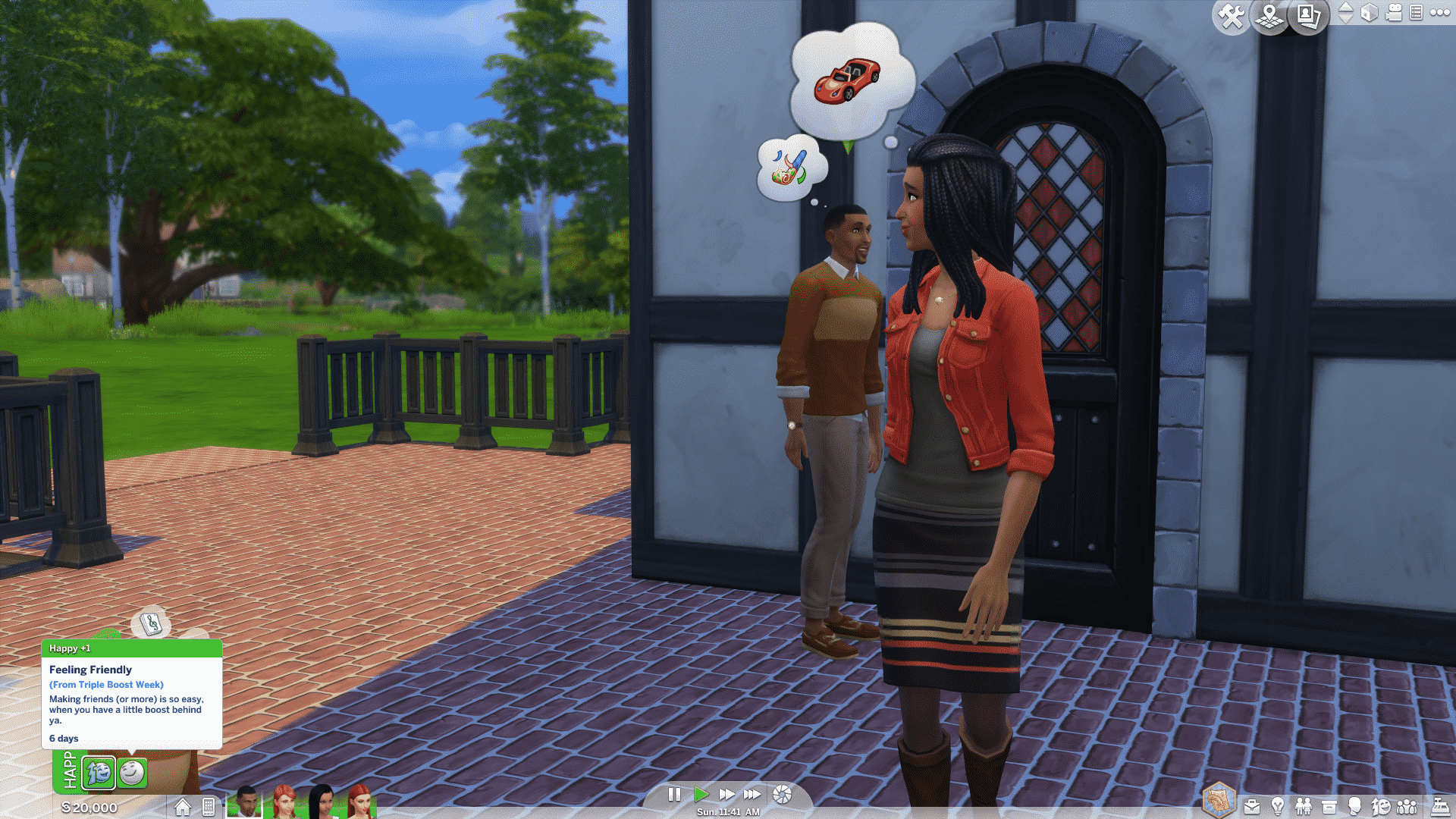
To activate this boost, you’ll need help from Jasmine Holiday. Simply click on your phone and select Social > Call Jasmine Holiday. She’ll quickly show up at your front door.
To activate the boost, click on Jasmine Holiday and select ”Boost Relationship Gain”.

After that you’ll receive the ”Feeling Friendly” moodlet which lasts for 6 Sim days. After the moodlet expires all triple boost effects will stop until you call Jasmine Holiday again to extend your boost.
Have fun building new friendships and romances!

The Sims Blog: Find Love 3x Faster! (The Sims 4 Triple Boost Week)


Is that love in the air? Nope, it’s the sound of Jasmine Holiday! She’s back in* The Sims™ 4 *and this time she’s playing Cupid, by bringing Relationship Triple Boost Week* with her. If you aren’t familiar with how these work, let’s have a recap.
If you want a little help raising your Sims relationships with others, simply call Jasmine and she’ll give your Sim a boost that helps them gain relationship three times faster! She’ll be around starting today until Tuesday 21st February, at which time she’ll hang up Cupid’s Bow and leave your Sim’s love lives to fate. If your mean Sims were hoping to capitalize on this, they’re out of luck. Jasmine is only boosts positive relationships!
James’ Sims 2 Thoughts: The Sims 2 Apartment Life
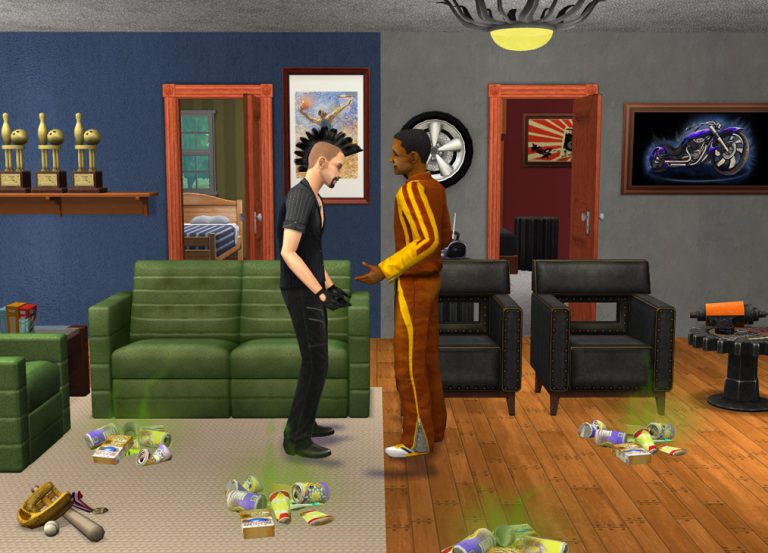
Well, we’ve reached the last installment in my Sims 2 expansion pack series, Culminating with the 8th expansion pack, Apartment Life, which was released on August 25th 2008, less than a year before the Sims 3 was released.
This pack added a lot of NPCs,and items the simming community wanted. Ironically, the pack is named “apartment life” But that wasn’t the main focus of the pack. The pack really focused on new NPC’s, such as the Butler, Landlord, High Witch,Human statue, Break dancer, and many more.

It also gave you the abilty to live in apartments, which was my favorites aspect of this pack! I loved that I can have my young adult sim to go to college and graduate, then have him or her go into the new neighborhood, Belladonna Cove, and live out the first few weeks of their life in an apartment.

In the game, you have plenty of options to choose from for apartment complexes. From slummy, run down apartments, to lavish real estate with multi-story apartments. In the game, you can now have roommates, which can be really great if you are short on cash and need the extra income coming in to pay the rent on time. Or this can be really bad for your sim and may make them lose their mind.
The new neighborhood, belladonna cove, is a really pretty one, with a large statue of what I am assuming is none other than Bella Goth herself.

More realism has also been added to the game, with the introduction of social classes and reputation. If you have a good rep, sims will be willing to make sacrifices to be your friends. If your rep is bad, well….. you’ll have to find other ways to keep that social meter up.
This pack in my opinion added a true depth to an already jammed pack game. It added new animations as well, when sims interact with each other. Also, more TS3 Easter eggs have shown up in this expansion, as well as Freetime, with the addition of new decorations, and even a new NPC.
This is the last expansion pack of the Sims 2 series, which means that this blog series will be coming to an end! But fear not! Next week, I’ll be touring some of the amazing neighborhoods and sub-neighborhoods that make The Sims 2 so unique, special, and why I hold it do near and dear to my heart… So STAY TUNED.
The Sims 4 Vampires: 5 Tips for Creating Creepy Ambience
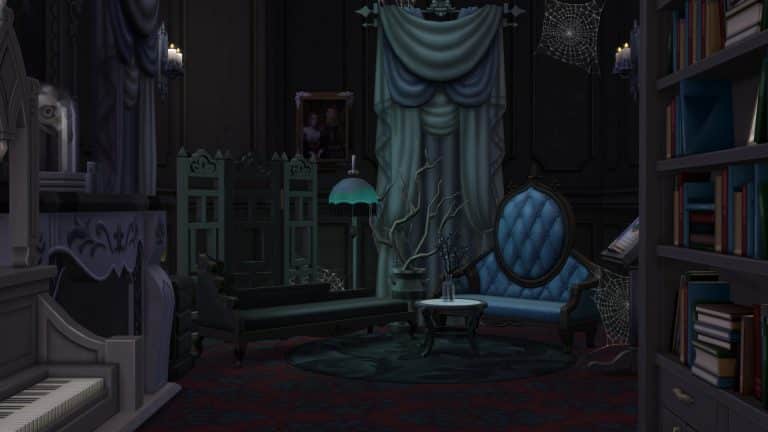
Creating a dark and spooky lot for your Sim Vampires doesn’t have to fill you with dread. You may be building a set for your supernatural love story, or you may just want a lovely weed-infested crypt for your undead legacy. If you’re not very familiar yet with using Sims 4 Vampire decor, here are five tips to help create the perfect atmosphere, with the help of the Sims 4 Vampires game pack (of course).
1. Architecture:
Old buildings may have that foreboding sense of history that would be perfect for your nostalgic vampire. Doing a little bit of research on how old houses and castles were built can help improve your building skills overall. Creating lots with historical architecture in mind and using Sims 4 Vampire decor for accents might help make your ancient vampire feel a little more at home.

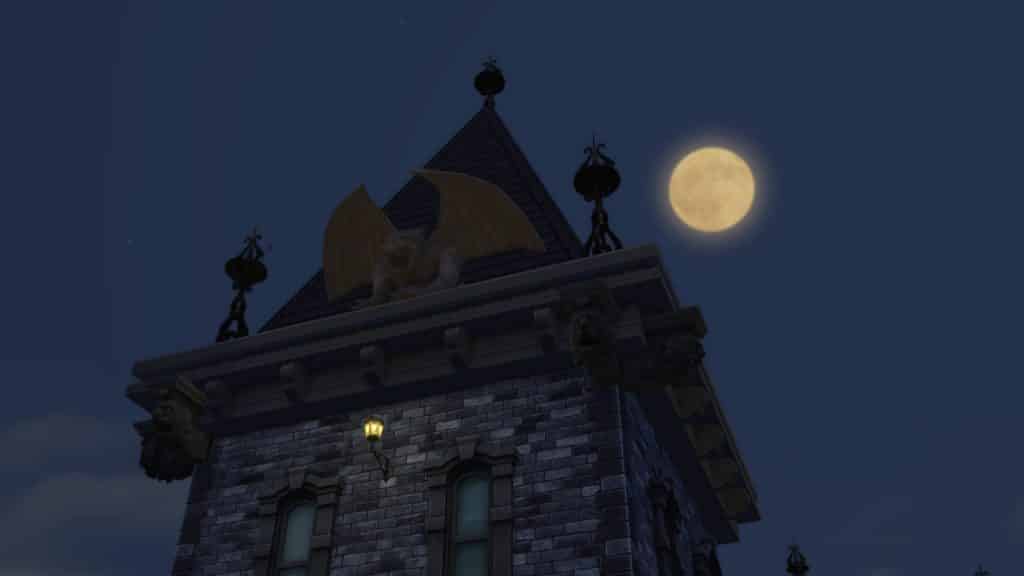
Tip: Gargoyles, also known in architectural terms as “grotesques”, are actually decorative spouts designed to keep water away from the sides of buildings. Legend has it that they’re carved as ugly creatures to frighten enemies away. Look for Gargoyles under “Decorative >Sculpture”, or in “Build > Wall sculpture” and use the cheatcode “bb.moveobjects on” to place them. Your sleeping vampire will feel safer!
2. Death is all around you:
You don’t have a lot of time to do any gardening when you spend the sunlight hours in your crypt. Add dead foliage to your graveyard for that creepy curb appeal. Don’t forget to use terrain paint to kill the lawn!


3. Wear and tear:
Your old house is going to be subject to some wear and tear, especially if your vampires have been spending most of their undeath throwing fabulous parties. Use the stains, cracks, and cobwebs in “Decorations > Paintings” to give your lot that “lived in” feel.

Tip: Use the cheat code bb.moveobjects on to add the wall decor anywhere, such as cracks on the glass panes and vines on fencing.
4. Desaturate your color palette:
It’s a well known secret in home design that color can set the mood to a room. If the mood you’re looking for is the sense of impending gloom and creeping fear, try subduing your palette and stick to greys, dull beiges and cool blues when adding decor.

You can also use lighting to further dank up the atmosphere, which brings us to the last tip…
5. Kill the lights:
Much of the time adding the right amount of lighting can set a mood. You may want to set aside the bright fluorescent sconces here and keep to the old style lanterns and candles (Sims 4 “City Living” and “Get Together” has some lamps and candles that work well here too). Click on a light and select “Color and Intensity” to dim your lights. Depending on your light source, add a light color: warm whites and gold hues for candle flames and old filament electric lamps, or cool whites and blues for more of a ghostly ambiance.
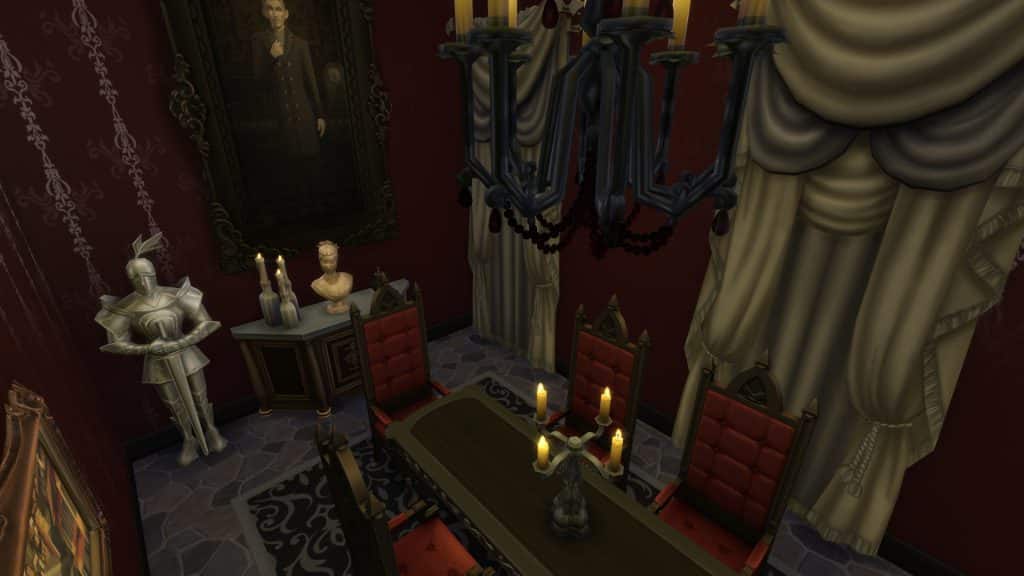

Tip: Use some of the richer reddish hues for some demonic flair.
You can also just turn off the lights and use the atmospheric lighting to cast dramatic shadows. I do not recommend using natural daylight for your Vampire lighting needs.
I hope this post was helpful! Share your helpful Sims 4 Vampire decor tips in the comments!
The Sims 4: A Month of Toddlers
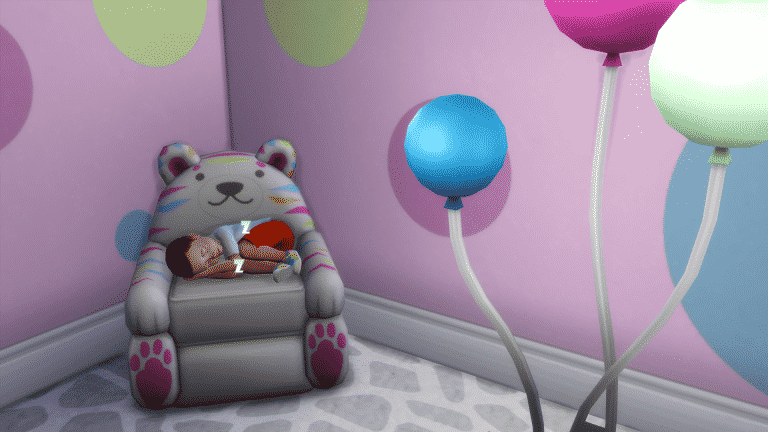
If you’d asked pretty much any Simmer a month ago what the main thing missing from The Sims 4 was, it would most likely have been a unanimous voice screaming a word which had become something of a taboo within the community.

Thankfully two years down the line the developers finally graced us with something most guessed would never come, and others guessed would be a paid DLC, of course I’m talking about toddlers. They were part of a free update to The Sims 4 base game, and they were definitely worth the wait.
Throughout the time between the release of the game and the eventual update the Guru’s kept very tight lipped about the development of toddlers, although there were quite a few hints in the game code and a few mentions in interviews and on the forums it was widely believed that after two years they wouldn’t be adding them, oh how that was wrong! Since the update the Guru’s have clarified why it took so long, due to obviously needing to allocate time and effort into creating packs for The Sims 4, as you can guess adding in a whole new life state into an already released game isn’t something to take lightly.

Today marks the one month anniversary of toddlers being added to the game and I can honestly say that I still love them, in my opinion this is the best iteration of the life state we’ve had, each game had its perks but the developers truly hit the ball out of the park on this one and everyone should give them a well deserved pat on the back for it.
If you’ve not updated your game yet to play with toddlers then please, go and do it! You’ll fall in love with these little guys, they have such character and are of course absolutely adorable. I think what makes them better is that they are actually supposed to be older than in previous games, this is something I definitely appreciate, no more having to teach your toddler how to do everything and having to spend so much time assisting them, they can do almost everything on their own!

It’s not all good though, due to the fact they have only just been released there’s practically no content from any of the previous packs for toddlers, thankfully they added the ability to have alien toddlers which is a great addition. CAS items for toddlers are also slightly scarce, there is enough to create some great Sims but in comparison to the other ages it’s definitely lacking. Luckily the build/buy items make up for this with loads of choices and swatches for each object.
So that’s it, it’s been a whole month since the toddlers were added to the game, what do you think? Has this changed your view on The Sims 4 as a whole? Let us know in the comments section below.
The Sims 4: Military Career Mod
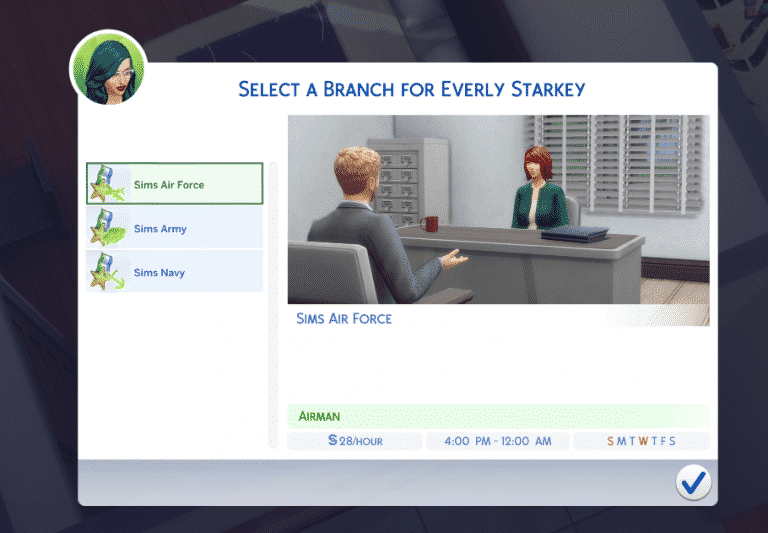
Have you ever wanted your Sims to be part of the Military career?
Well, now they can with Neia’s new Military career mod. Your Sims will have a choice of three paths. Sims Army, Sims Air Force and Sims Navy.
 You can find the mod here on Mod The Sims. To install the mod, extract the file and place all three files into Electronic Arts > The Sims 4 > Mods folder. You will need to make sure that you have CC/Mods and script mods enabled in the game options.
The Sims 4: Bring Back the Old Main Menu with this Mod
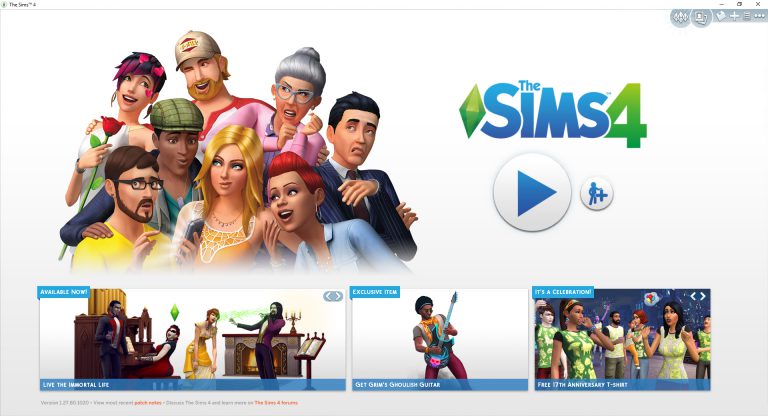
Dislike the new The Sims 4 Main Menu which was added through an update a few days ago? You can bring the old one back thanks to a mod!
TwistedMexi released a mod which can bring back the old main menu back.
All you have to do is download the mod and extract the zipped content to Electronic Arts > The Sims 4 > Mods folder. Make sure you have mods and CC enabled in your game options!
[mks_button size=”large” title=”DOWNLOAD!” style=”rounded” url=”http://modthesims.info/download.php?t=589909″ target=”_blank” bg_color=”#1e73be” txt_color=”#FFFFFF” icon=”fa-arrow-down” icon_type=”fa” nofollow=”0″]

The Sims 4 Pets: New Create A Pet Parts Found
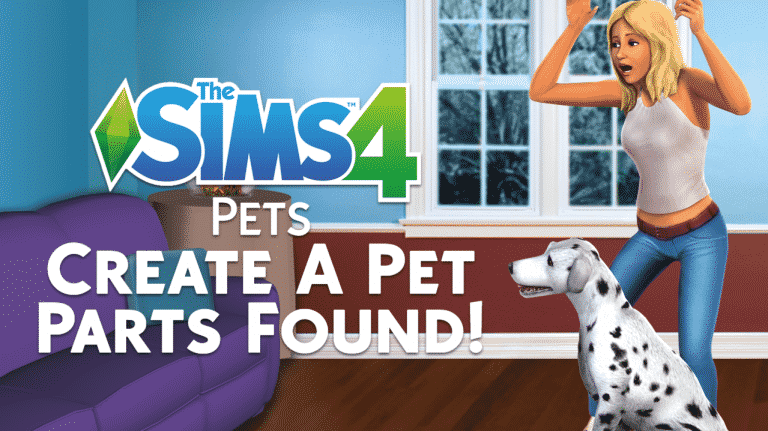
There’s a bit more to The Sims 4 Pets than we originally found.
Sims 4 Studio, a fanmade program which lets you recolor objects, CAS assets and allows you to dig through The Sims 4 game files a little bit deeper, listed a couple of interesting things related to The Sims 4 Pets. The program listed a few body parts and details that you will probably be able to customize in Create A Pet.
Those include:
- Ears
- Tail
- Fur Ears
- Fur Tail
- Fur Body

Please note that this is probably an incomplete leak, meaning that there’s probably more Create A Pet body parts to customize and edit.
Big thanks to @CelestialSim for the tip!
The Sims 4: Pets & Seasons Fanmade Renders
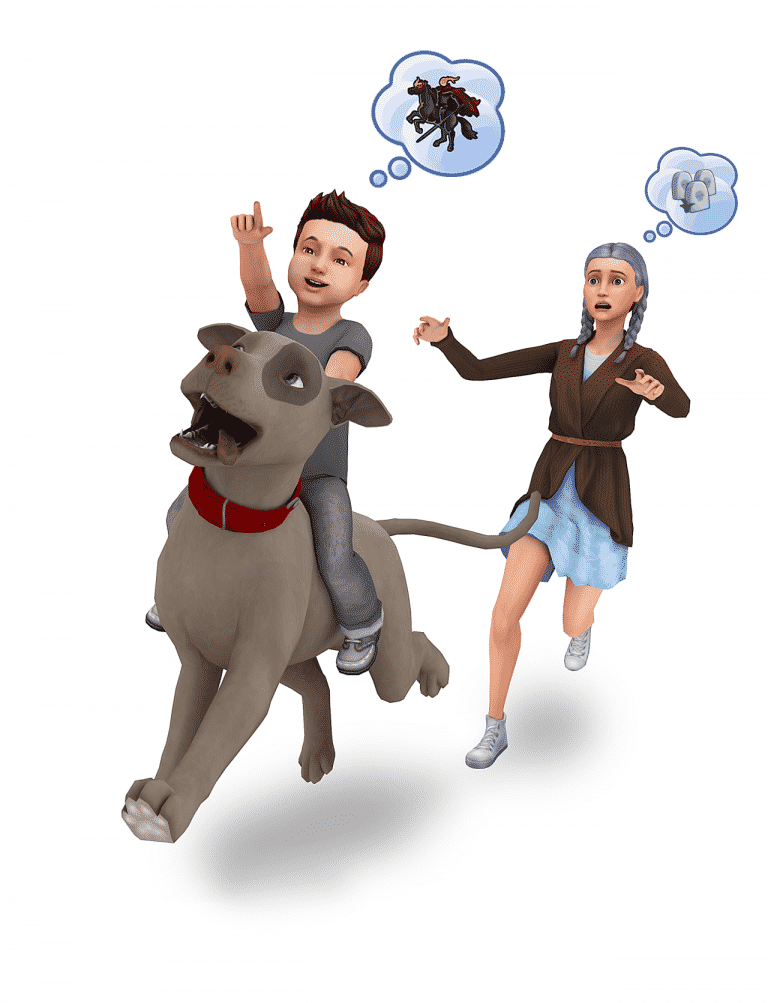
These Fanmade The Sims 4 renders will make you want Pets and Seasons even more!
We’re pretty hopeful that Seasons will happen in The Sims 4 at some point and we’re 100% sure Pets will happen soon after the recent leak. For now the community is enjoying speculation and talks about how Pets and Seasons should look like in The Sims 4.
The Sims Forums member Dreagen1 took a step further! She posted a couple of fanmade renders she created all by herself. For now there are five fanmade renders for The Sims 4 Seasons and three renders for The Sims 4 Pets.
Check them out!


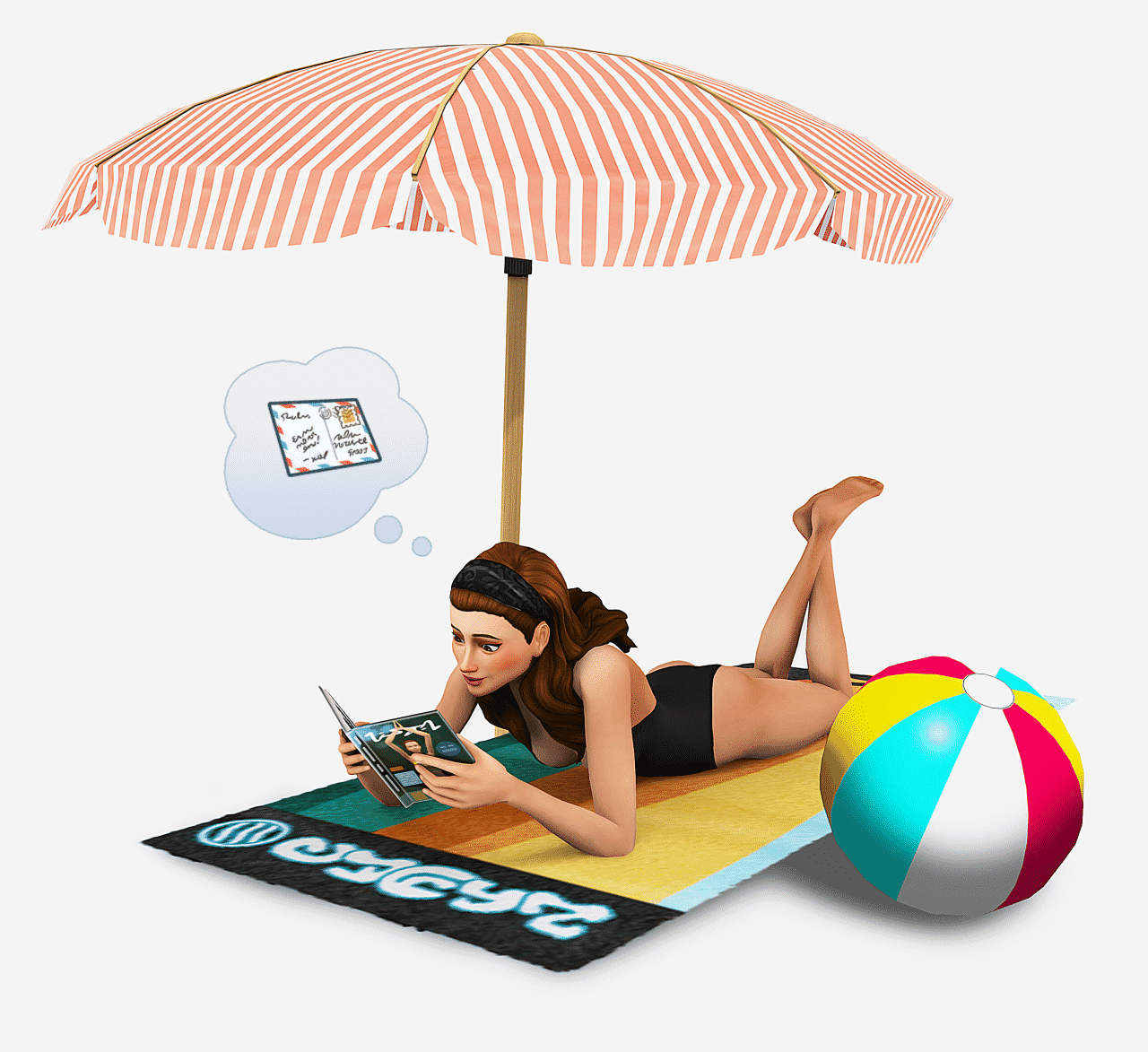


We’ll make sure to update this post with more renders in case more pop up!
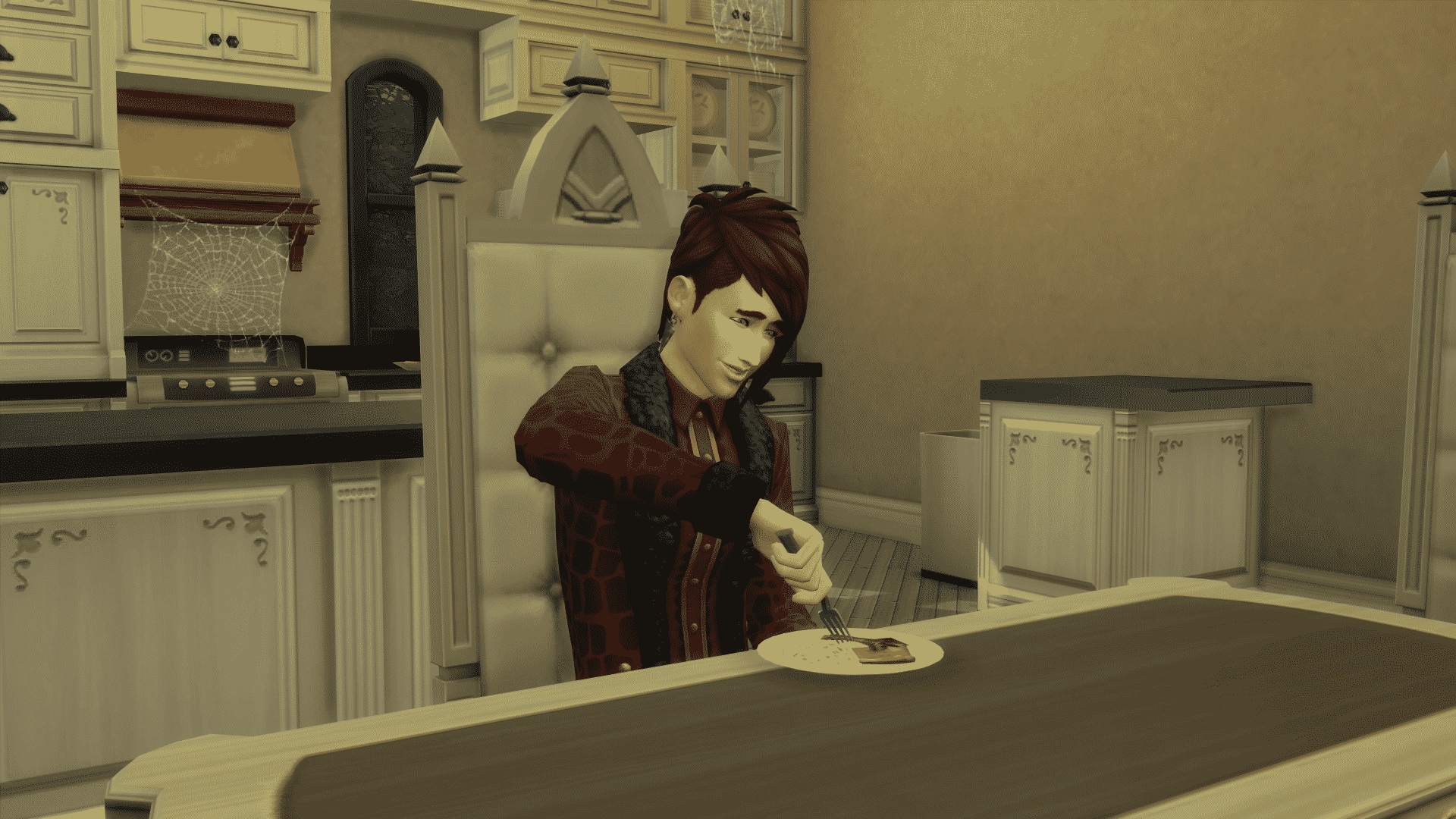
The Sims 4 Vampires: Human Motives Bug Fix (Mod)
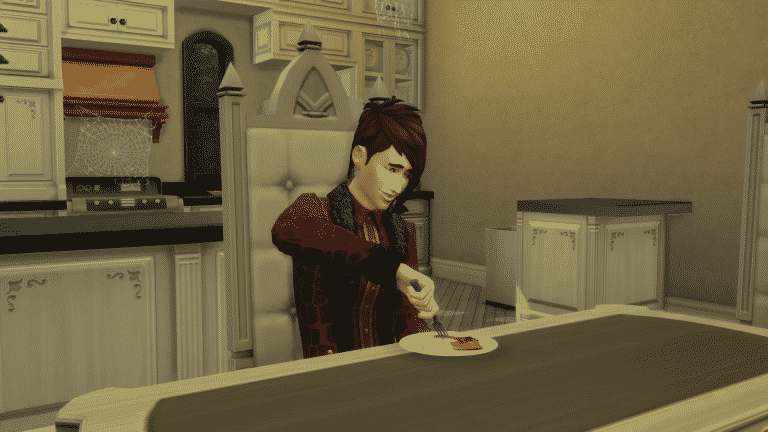
Plenty of Simmers are reporting issues that their Vampires are falling asleep or just craving human food.
TwistedMexi released a temporary fix that’ll solve this issue until The Sims Team comes out with an official fix. We don’t know when exactly can we expect an update that’ll fix this problem as there already was an update just 3 days ago that didn’t solve any of Vampires GP problems.
As this is a script mod, make sure you’ve enabled script mods in your game options!
[mks_button size=”large” title=”DOWNLOAD!” style=”rounded” url=”http://modthesims.info/download.php?t=589619″ target=”_blank” bg_color=”#1e73be” txt_color=”#FFFFFF” icon=”fa-arrow-down” icon_type=”fa” nofollow=”0″]
The Sims 4 Mod: Magnolia Promenade Map Override
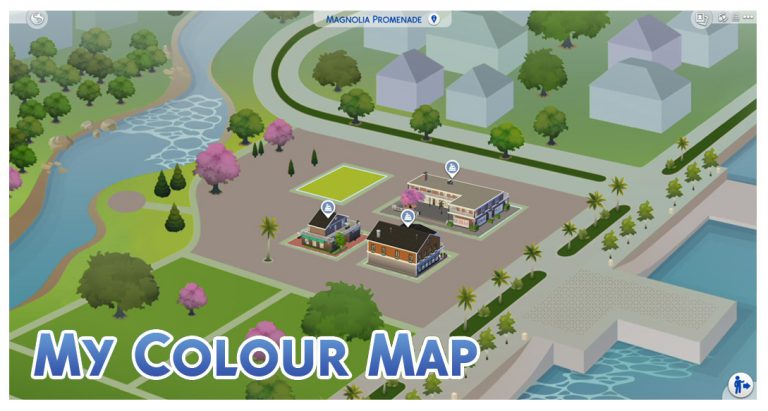
Ever noticed that some details on the Magnolia Promenade Neighborhood Map (from The Sims 4 Get to Work) just don’t match up from the ones you see in actual gameplay?
Menaceman44 released a small fix for that, updating the Magnolia Promenade map with improved details.
To download it, simply click on the download button below and extract the zipped content to Electronic Arts > The Sims 4 > Mods folder. Make sure you have Mods / CC enabled in your game options!
[mks_button size=”large” title=”DOWNLOAD!” style=”rounded” url=”http://modthesims.info/download.php?t=589665″ target=”_blank” bg_color=”#1e73be” txt_color=”#FFFFFF” icon=”fa-arrow-down” icon_type=”fa” nofollow=”0″]

