

The Sims 4 City Living’s San Myshuno is FILLED with new Billobards. Here are some of them that feature new Sim Renders:



The Sims 4 City Living’s San Myshuno is FILLED with new Billobards. Here are some of them that feature new Sim Renders:
Rummaging through The Sims 4 City Living’s game files we came across some interesting images on how San Myshuno came to life! Down below you’ll see what appears to be a finished concept of San Myshuno’s layout:

What’s really interesting are the files they’ve left on how this layout was made. Seems like multiple screenshots from Google Maps were formed together to create a unique world:


They have also included an image of several San Myshuno backdrops that were never featured in-game:

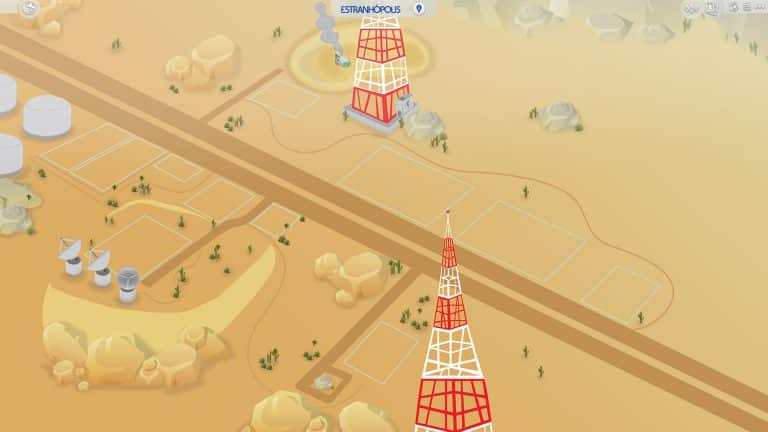


These lovely fanmade World Map Illustrations for The Sims 4 were made by filipesims. Using Adobe Photoshop and Adobe Illustrator he was able to illustrate what would these 2 World Maps look like in The Sims 4. As you can see, he included all of the landmarks and accurately placed all the lots!

SAG-AFTRA (Screen Actors Guild) has announced the following on their website:
Despite years of concerted effort and negotiating sessions, video game employers have steadfastly refused to reach a fair deal during our contract negotiations.
A last attempt to reach an agreement with video game employers was not successful. Management remains unwilling to agree to fair terms that would bring the interactive contract into the 21st century. Therefore, as of Oct. 21, 2016, SAG-AFTRA is on strike against the following video game employers with regard to all games that went into production after Feb. 17, 2015:
SAG-AFTRA has updated their list of Video Games affected by this strike, and one of those games is The Sims 4 (codename Sims Olympus).

This means that, as long as the strike is active, voice-acting work for The Sims 4 Pack(s) will be put on hold. It’s still unclear how many upcoming Packs are being affected by these events as The Sims Team themselves have confirmed that they work on multiple Packs at a time. Of course, not all Packs are currently in the voice-acting stage but until the strike gets resolved, there will be no voice-acting for the game.

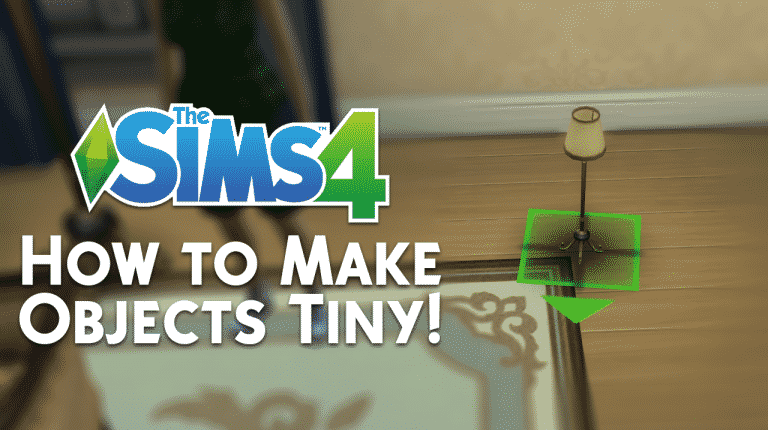
We all know how to make objects bigger and how to make those bigger objects turn to their original state – but what about making objects smaller than they really are? In this tutorial I’ll be teaching you just that!
First off, you need to enter the testingcheats true cheat. Then, shift + click on the object of your choice and select ”Set As Head”.

After you’ve done that, shift + click on the object on your Sim and select ”Reset Object”.

That object will appear right next to your Sim – smaller or bigger to the original object depending on the object.

Now, go into Build Mode, select the object that was on your Sim’s head and use the resize cheat to make it smaller ( Shift + [ ).

Please note that you’ll go through trial and error with some objects, so keep on trying!
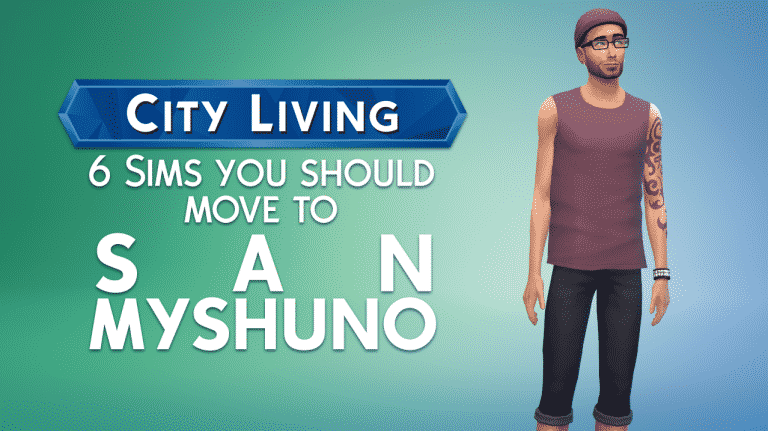
With The Sims 4 City Living being just around the corner, you’re probably trying to come up with new household ideas to start a brand new life in San Myshuno. If you’re looking for some inspiration, we definitely have you covered! Here are 6 Sims that you should consider moving into San Myshuno:


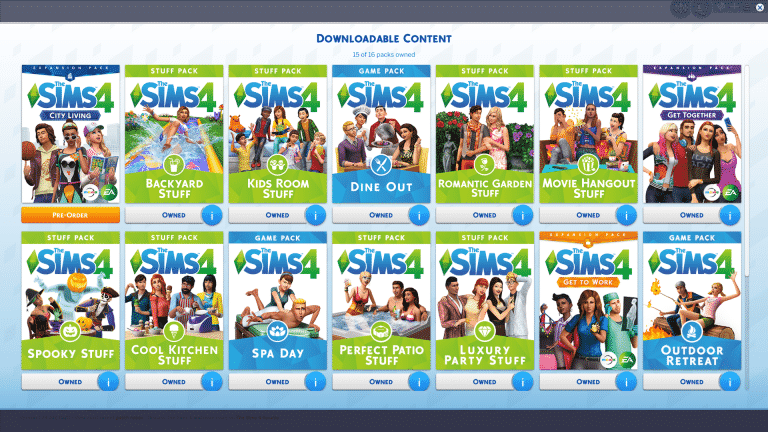
Tired of the new browser-based My Packs menu? There’s a solution to bring the old one back!
Modder weerbesu was able to bring back the old flash-based My Packs menu by creating a small mod! To download it, simply click the download button below.
[mks_button size=”large” title=”DOWNLOAD THIS MOD!” style=”squared” url=”http://modthesims.info/download.php?t=584985″ target=”_blank” bg_color=”#1e73be” txt_color=”#FFFFFF” icon=”fa-arrow-down” icon_type=”fa” nofollow=”0″]


With some lovely help from SrslySims, we have managed to redesign and reinvent our The Sims 4 Cheats Page!
The Cheats Page is now seperated into 4 different categories: Basic Cheats, Controls, Advance Cheats and Spawn Cheats. You can easily navigate through each section of each category using the new tabs!
We hope you’ll find this page useful for your simming sessions. Happy cheating!

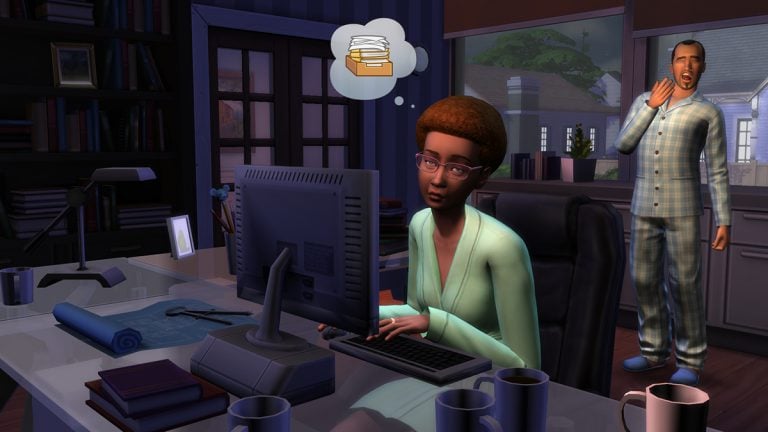
Some of the simmers (including myself) have experienced weird freezing / lagging issues in The Sims 4 since the latest Update. The issue mainly consists of game responding very slowly. For example, it takes me about 10 seconds for the game to react after clicking The Gallery button.
Before I continue with bringing out possible solutions for these issues, please check if any of your mods (considering you have any) are broken!
It’s possible that, if you’re using the 64bit version of The Sims 4, Origin has reverted it back to 32bit version for The Sims 4. Right click on The Sims 4 game in Origin > Game Properties > Advanced Launch Option and select the 64bit version.

It’s important to clear your save game cache every now and then. Go to Electronic Arts > The Sims 4 and delete content from folders that we indicated, including the localthumbcache.package file.

The Tray Folder contains all the downloads and creations you’ve made from The Gallery. By removing the Tray Folder you’ll automatically remove everything you’ve downloaded and created, so if you want to keep your favorite creations and preserve the one’s you’ve made – favorite all the creations you like so you can download them later and upload the creations you like to The Gallery. Removing the Tray Folder fixed all freezing issues for me!
Sometimes being online in The Sims 4 can slow down your gameplay experience. To go offline, go to Origin > Go Offline.

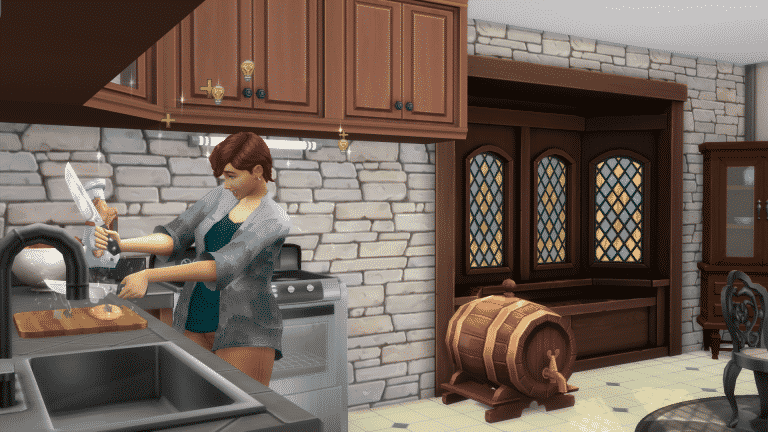
Head to Build Mode in the top right (The hammer and spanner symbol) then once in Build mode go to the top left and click the House symbol with a ! inside it. Here you can add up to 3 Lot Traits to the lot. Below are the descriptions of each Lot Trait and what they do:

Homey
Fast Internet
Great Acoustics
Science Lair
Convivial
Natural Light
Bracing Breezes
Private Dwelling
Lot Traits that boost skills will bring new visual effects over your Sim’s head once they start working on a skill that’s related to a certain Lot Trait. Down below you can see examples of Fast Internet and Homey Lot Traits influencing my Sims:



Hey guys! I wanted to give you a quick little update on upcoming The Sims 4 City Living articles that we had in plan for you for the upcoming week.
As you may have heard, Sims Community wasn’t provided this time around with a City Living review code for well-known reasons, but that certainly won’t stop us from publishing what we had in plan from the start! That only means that we’ll post our planned articles a bit later than usual.
Starting at late hours of the upcoming Monday (October 31st) you can expect Overview articles such as Create-A-Sim Overview, Build Items Overview and a San Myshuno Overview. Later next week we’ll dig deeper into features such as Festivals, Apartments and new interactions and objects.
Make sure you follow us on Twitter and stay tuned on what we have in works!
P.S. – We’re running a big giveaway on Sims Community Social where you can win 1 out of 3 copies of The Sims 4 City Living! You can enter by simply clicking the image below:

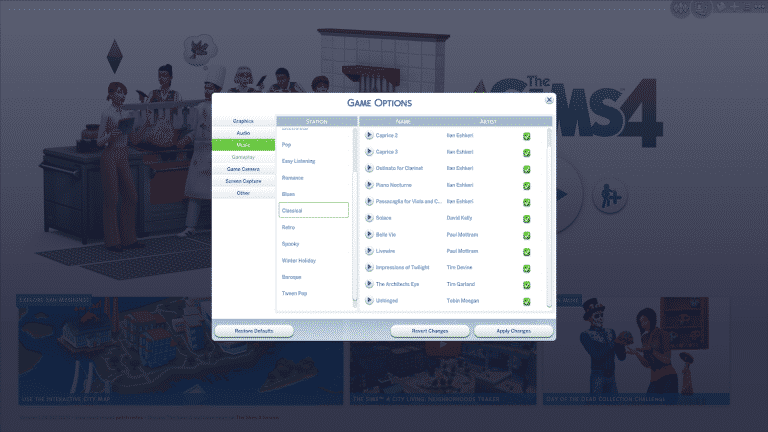
The Sims Team sneakily added 6 new classical tunes in The Sims 4’s Music playlist. Unlike the previous classical compositions composed by Illan Eshkeri exclusively for The Sims 4, these new tunes were published sometime around 2012 by different composers, including David Kelly, Paul Mottram, Tim Devine, Tim Garland and Tobin Meegan!
These new tunes can be listened by going to Settings > Music or by simply turning on your in-game stereo and choosing the Classical genre.

Back in August when the first Triple Boost Week was held, Zerbu was able to uncover more details about this event in the game’s code:
Events have a new “XP” system. Sims can earn XP and trigger a “Triple Boost Week” which will increase the rate a Sim builds job performance, boosts skills, builds friendships, gains aspiration points, or decreases the rate at which their Needs decay. Sims can only have one reward at a time.
The first Triple Boost Week was all about job performance and boost skills, but we haven’t been able to see our relationships, aspiration points and need decay be affected with this event. However, a new image has surfaced with the latest The Sims 4 Update, showing elements of a Triple Boost Week, along with a new text string:
Triple Boost Week: All About Satisfaction
This week only, help your Sims earn rewards faster and give them more time for fun! Just find your good friend Jasmine Holiday. She’ll give your Sim a triple satisfaction boost and slow down your Sims’ physical needs. Less trips to the bathroom, less time sleeping, and less eating means more time to earn points and have fun!
Boost Satisfaction, Delay Needs!
According to Zerbu, the Needs decay buff has been updated to change the decay speed from 0.5 – the original, to 0.3!
This image was also seen on SimGuruSteve’s desktop which was posted a week ago!
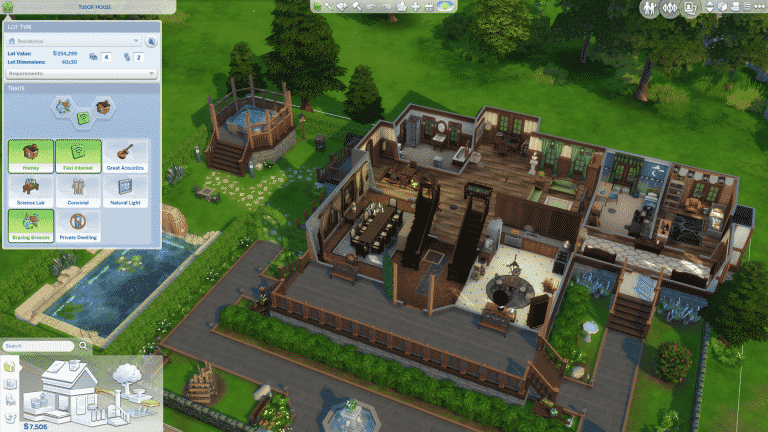
Today’s The Sims 4 Update brought more than what was written in the Patch Notes! From Lot Traits to UI improvements and more, here’s what’s really new in this update:
Lot Traits can be customized for each Residental Lot or Venue. In the Base Game, there are only 8 Lot Traits that you can choose, with most of them being Skill Boosters. You can find and customize Lot Traits by clicking the little home icon on the upper left corner.

This feature lets you copy an entire room, roof or a staircase! Simply select one of these and click the copy icon.


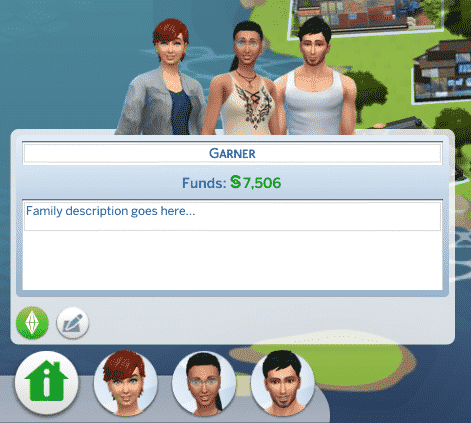
Not only can you now edit the name of your household and their description straight from the world user interface, but you can now do all of that for lots too!

Some minor cosmetic changes have been made in the Career / School tab!

You can now go through the cheats you’ve already used by pressing the up and down keys on your keyboard in the cheats console!


We found 5 new The Sims 4 City Living Screens inside the new Base Game Patch!


