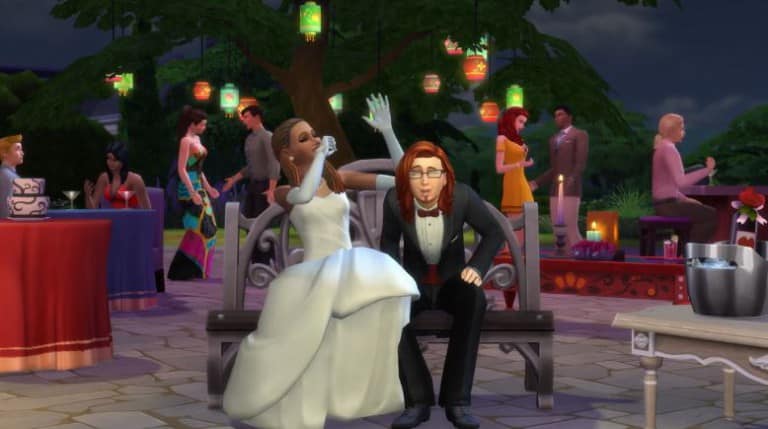
From October through December, we’re thrilled that players have enjoyed our titles in all kinds of amazing ways.
With more than 23 billion minutes played of FIFA 16, 1.2 billion total battles in Star Wars: Galaxy of Heroes and over 648 million minutes spent on Jakku in Star WarsBattlefront, we’re glad you’ve been having so much fun with our games.
Learn the difference between Aspiration Desperation and Aspiration Failure.
With Sims 4 we saw the return of aspirations, which, back in Sims 2, were one of the most important aspects in determining how a sim would live. Unlike in Sims 2, however, Sims 4 aspirations don’t have any negative effects on a sim. In The Sims 2, our sims didn’t have traits, so all of their wants and fears were decided based on their aspiration.
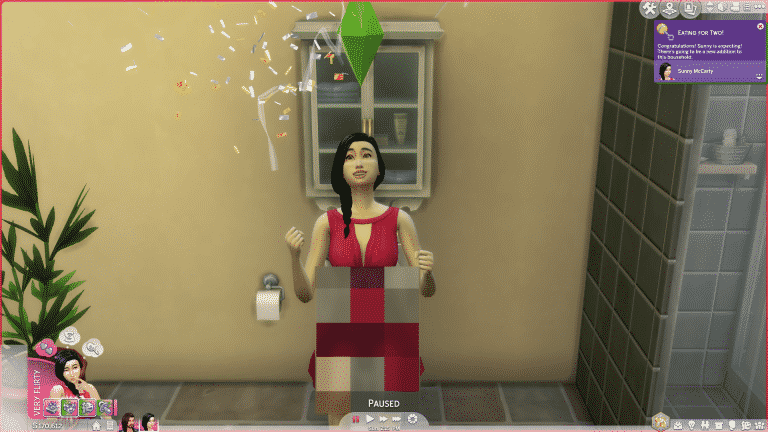
The most interesting part of aspirations were the fears, something that has yet to return to any Sims game since. They’ve continued with the wants (renamed wishes in Sims 3 and whims in Sims 4) but they’ve forgone the inclusion of anything negative. Sure, our sims can get embarrassed now and want to hide in a closet, but they’re over it quickly and it doesn’t affect them long-term. In Sims 2, if a sim’s fear came true, such as receiving a failing grade in college, then their aspiration meter would drop and they’d feel it for quite some time. If it dropped too low, then they experienced something called aspiration desperation, which looked like this:
Table of Contents
Different Types of Aspiration Desperation:
Grow Up
This aspiration was for children only until they aged up to a teenager and choose an adult aspiration. Their aspiration failure is also the mildest of the bunch with them simply throwing temper tantrums. Once the cameras were off, this sim immediately ran outside and stomped some flowerbeds.
Family
These sims aspired not only to have a large family full of children and grandchildren, but they wanted to see the later generations excel on top of it. If they felt they weren’t producing a proper legacy, they brushed up on their child-rearing abilities like this:
Fortune
There was only ever one thing on these sims minds, money. Lots and lots of it. It didn’t matter how they were making it, just as long as they were. They spent their whole lives keeping up with the Landgraab’s. If their wallet was feeling a little light, they turned to whatever means necessary for some cash.
Knowledge
They had to consistently prove they were the smartest in the room. If they weren’t you can bet they ran home and shoved their nose in a new book until they were. Even in the dullest of times, they’re known for reaching out to even the most eccentric of teachers.
Popularity
Some people believe it’s better to have a few really strong friendships than it is a bunch of decent friends. Not these sims. They wanted as many sims as possible. Always looking for someone new to chat up. Even if there wasn’t anyone around to talk to, they knew they could always rely on one friend in particular.
Romance
No, not hopeless romantics. These sims aren’t looking to settle down any time soon. They actually fear it. Don’t even think about talking to these sims about marriage or children. If one of these sims does end up settling down, they tend to get a little stir crazy being with the same person.
Grilled Cheese
*Sims 2 Nightlife Grilled cheese. Grilled cheese. Grilled cheese. That’s all they want. All the time. Make grilled cheese. Eat grilled cheese. PAINT a grilled cheese. As if that doesn’t sound like madness in itself, here’s what one looks like after going two seconds without thinking of a grilled cheese. Just let them taste the gooey, cheesy goodness already!
Pleasure
Free-spirited and ready to party it up. If they aren’t having fun, they’re not living properly. Jobs are for the squares, just take them out dancing and they’ll be happy. They can totally raise their family from DJing tips. And if not, who cares, they’re having fun. What’s that? The kids are hungry? You expect them to get a “real” job. Sure, as long as you’re ready for this when they get bored.
The Sims 2 Aspiration Failure
If their aspiration wasn’t kept in check, and it continued to drop, then they went so far as to experience something called aspiration failure. He seems pretty happy down there to me…
At this point a sim has hit rock bottom. And as they say, there’s no where to go but up. Thankfully for them, the shrink will make a very personal house call to put them on the path to happiness with the power of hypnotherapy. Let’s hear it for the joys of alternative medicine.
The fears and subsequent aspiration failure were my favorite parts of Sims 2, and I’ve always wondered why they’ve never added anything like it in future Sims games. What do you think their reasoning is for this? Do you feel Sims 4 needs a proper way to feel like a sim is blundering through life? Or do you prefer how it is where every sim seems truly successful from birth to death?
Awhile ago, I made myself a 2% risky woohoo mod. I was recently asked if I would release it. I have decided to do that but also added additional percentages. In the zip file you will find 2, 5, 10, 15, and 20 percent woohoo packages. Only use one at a time in your mods folder. This mod will conflict with any mod that alters woohoo. Also, this is a roll of the dice kind of mod. That means that even with the 20 percent that it may take awhile for your Sims to get pregnant.
Mod Description: Brings an element of risk to all woohoo. Locations included are: bed, rocket ship, observatory, hot tub, sauna, tent, bush, and closet.
Conflicts: Will conflict with any mod that alters woohoo.
Thank you Jovjovan, directionermimux, and xPastella for helping me test it.
Gardens are fun! Exterior in general is fun! -But does it annoy you that when you add rooms etc to a patio it disappears from The Gallery picture?
The simple reason is; As soon as you make a room, clearly, it counts as another room and gets separated from the patio. Lame!
And even if you don’t close the room fully in, the picture will look somewhat dreadful because it will take some of the walls down, and that’s just not pretty!
This guide’s main focus is to show you that you can build a patio with a greenhouse/winter garden and upload it without losing any features. Of course you can build a greenhouse out of walls (like you’d normally do), but if you want to upload a patio with a greenhouse to The Gallery, you’ll have to do it this way!
Let’s begin!
Make a foundation the size you want both the patio and the greenhouse to be:
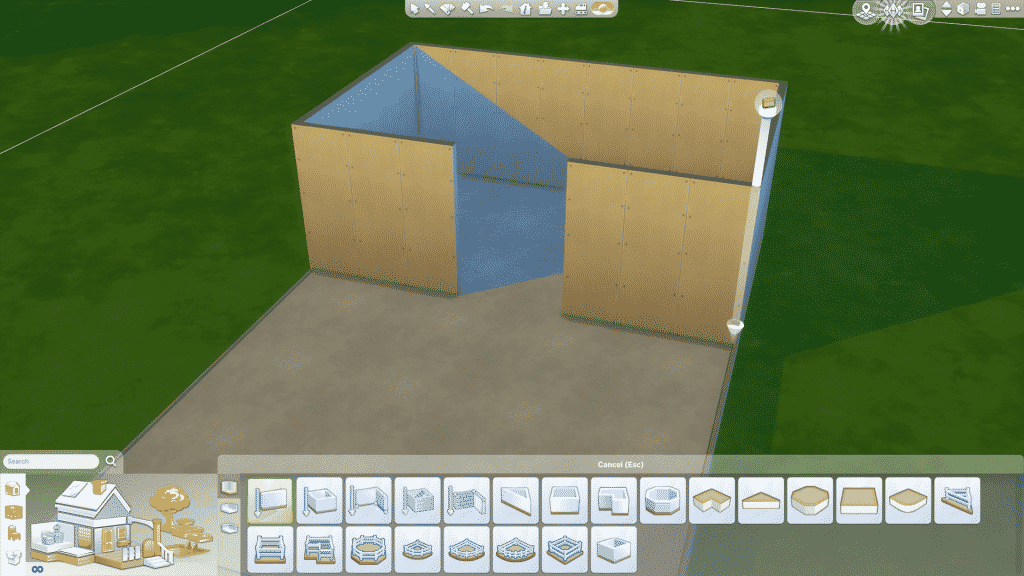
Surround an area in walls, but leave some of it open:
Place windows on each wall:
Go to SURFACES>DISPLAYS and pick a shelf without any corner-pieces (like The Immaculate which I used), then resize it using SHIFT + ] (The keys may vary dependent on where you’re from)
Now delete all the walls:
Add fence and stairs (the stairs won’t show up on The Gallery image):
Fill the greenhouse with flowerpots and decoration, play around with sizes for a fun result:
Pick an island counter you like, and select rounded outer corner and place down four of them so they make a circle:
Go to SURFACES>MISC and pick an umbrella table, and simply place it in the middle of the island:
A fun suggestion is to make a fence in one of the corners, use the grass tiles and make a flowerbed with “natural” flowers and bushes in it on the patio:
Put a barbecue, some comfy chairs, maybe a bar on the patio, and some furniture in the greenhouse and voila, you have a lovely little patio with a greenhouse!
Pssst!
This method also works great for walk-in closets!
If you want some input or help with your creations feel free to share at:
This week we introduced the Creator Membership on SC Social, which brings plenty of awesome benefits for Custom Content Creators, Modders and Builders. For more information about it, CLICK HERE!
Before continuing, please note the following:
EA doesnot pre-screen Custom Content /Mods and players should always exercise caution when adding Custom Content to their game files.
Make sure your mods are up to date. For a full list of broken and fixed mods CLICK HERE!
After each The Sims 4 Update your game will automatically disable Mods and Custom Content. You can re-enable them by going to Game Options > Other > Enable Custom Content and Mods.
These are three fruit shakes that sims can prepare with a fridge and counter (they are not bar drinks): Strawberry Shake, Banana Shake, and Blackberry Shake.
These are custom interactions + some extras that are used to make custom foods, plus a script that adds the interactions to various stoves and fridges in game.
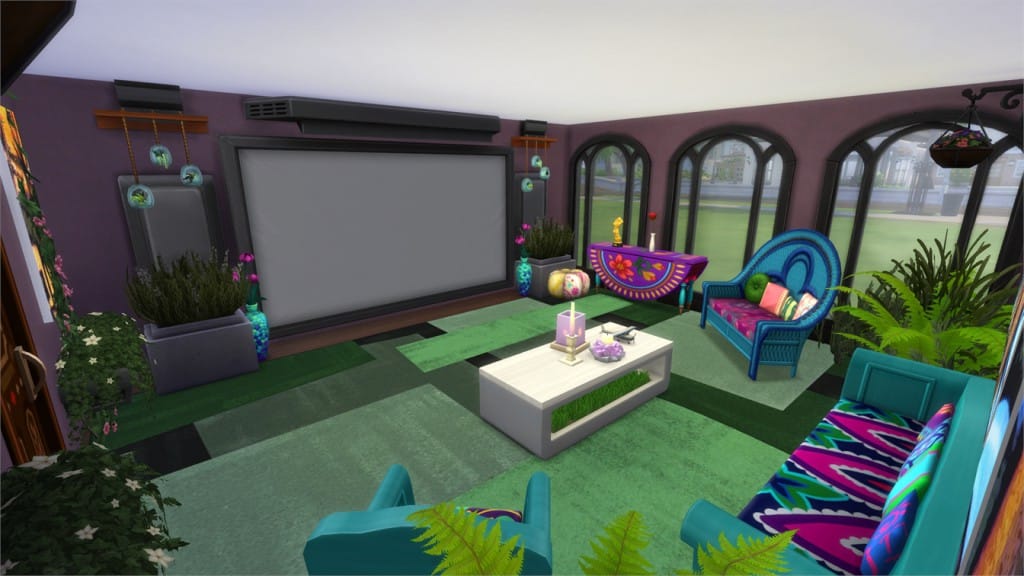
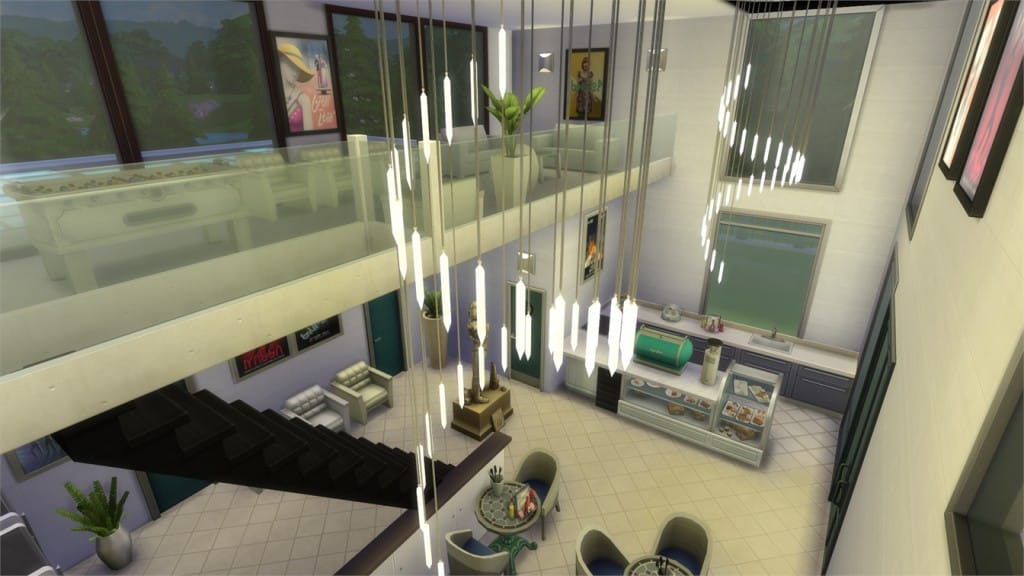
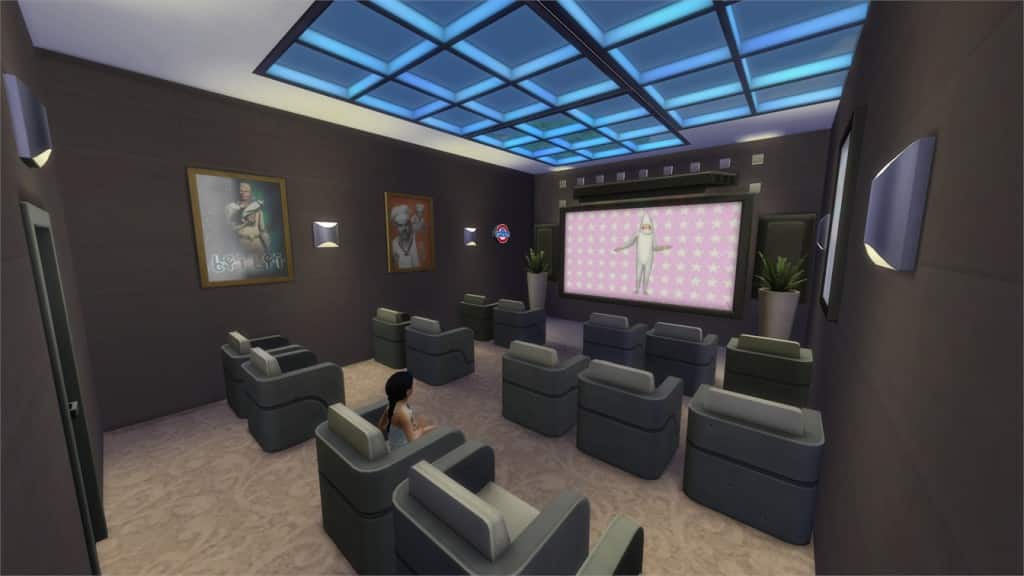
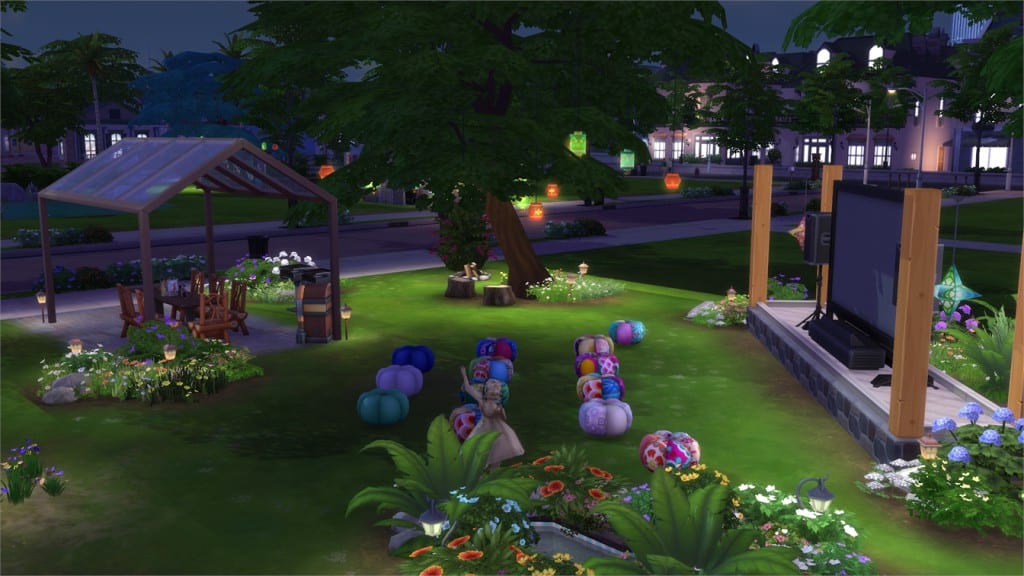
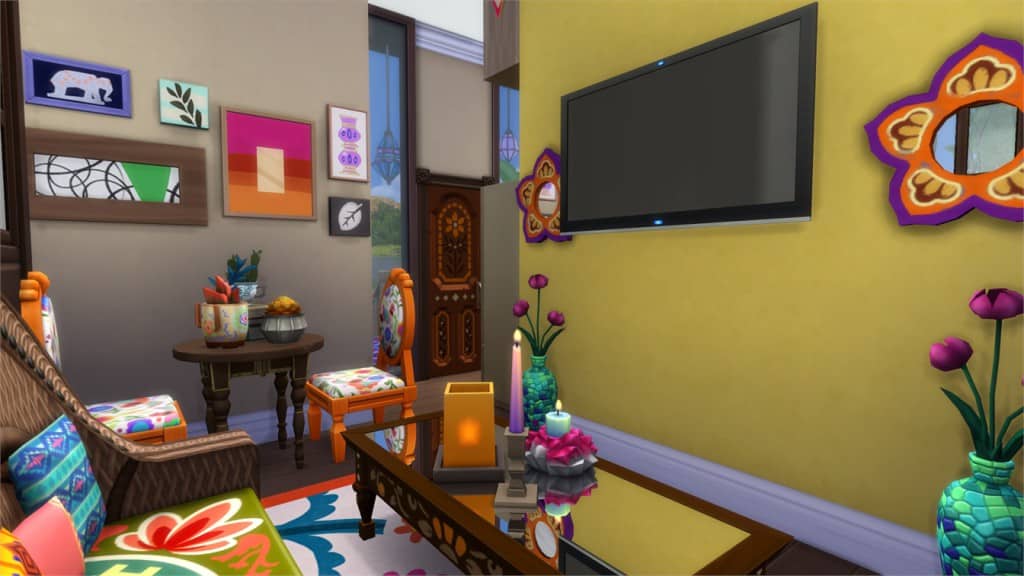
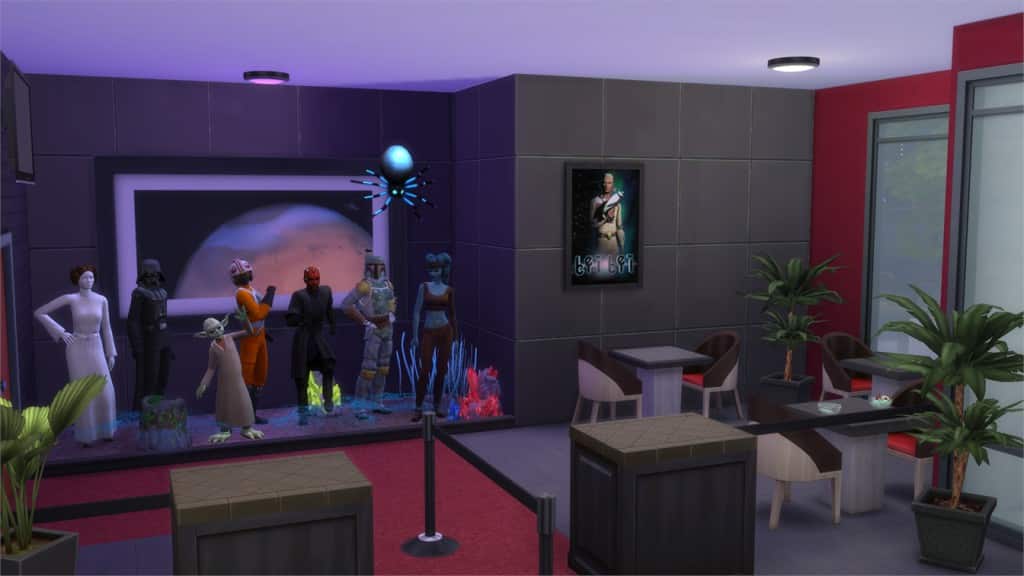
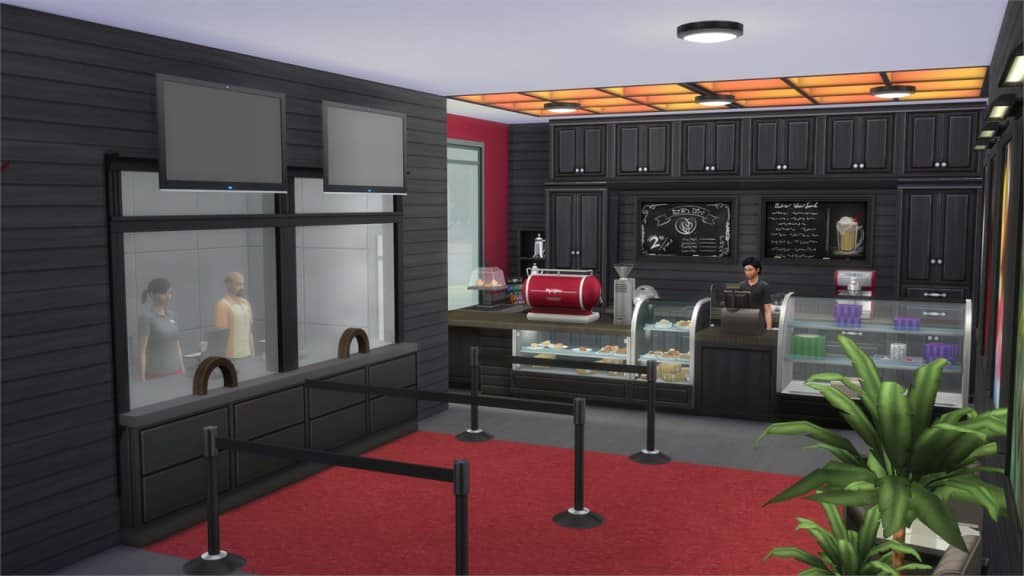
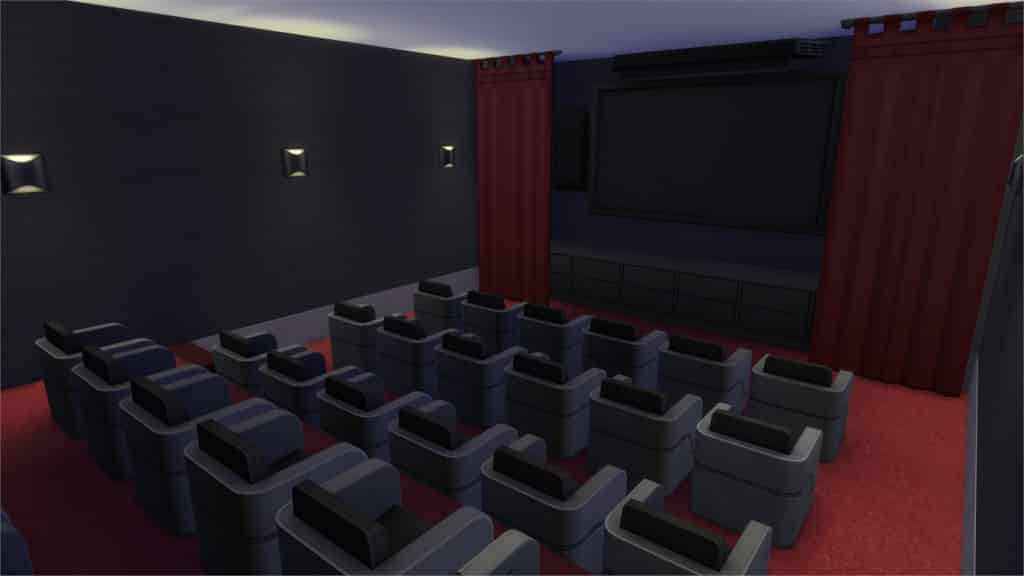
In this Spotlight, we’re featuring some of the most beautiful Houses, Venues and Rooms created by Simmers for The Sims 4 Movie Hangout Stuff!
Hover over the pulsing plumbobs to see screenshots of marked areas. Pulsing plumbob that’s on the left bottom corner contains all the info (and download link) of the lot.
Make sure you check out our first part of Movie Hangout Spotlight. To see more of our previous Gallery Spotlights, CLICK HERE!
Value: §183,398 Size: 20×20 Lot Type: Residental Lot Required Packs: Outdoor Retreat, Get to Work, Luxury Party, Spa Day, Get Together, Movie Hangout[/ult_hotspot_items][/ult_hotspot]
Value: §40,513 Size: 20×15 Lot Type: Residental Lot Required Packs: Outdoor Retreat, Get to Work, Perfect Patio, Spa Day, Cool Kitchen, Movie Hangout[/ult_hotspot_items][/ult_hotspot]
Value: §70,999 Size: 30×20 Lot Type: Pool Required Packs: Outdoor Retreat,Get to Work, Perfect Patio, Spa Day, Spooky Stuff, Get Together, Movie Hangout[/ult_hotspot_items][/ult_hotspot]
Value: §60,118 Size: 20×20 Lot Type: Café Required Packs: Outdoor Retreat, Get to Work, Perfect Patio, Get Together, Movie Hangout[/ult_hotspot_items][/ult_hotspot]
Value: §101,544 Size: 30×20 Lot Type: Generic Required Packs: Get to Work, Perfect Patio, Spa Day, Get Together, Movie Hangout[/ult_hotspot_items][/ult_hotspot]
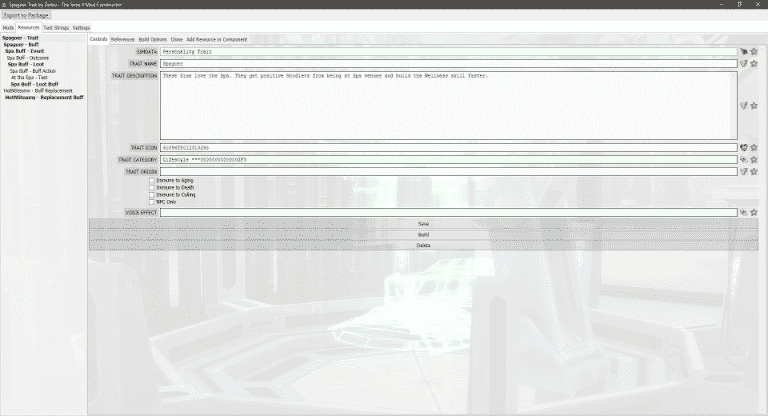
Mod Constructor is an advanced tool to create XML mods for The Sims 4. The current version focuses on making traits, and offers far more features than Buff and Trait Factory, including buff replacements, buffs that are always active under certain conditions, proximity buffs, and more.
Mods created in Mod Constructor are made up of a tree of resources and component that can interact with each other to generate code that will be exported to the game.
Although the first version focuses on traits, future versions will further expand options to allow the creation of social events, aspirations, interactions, careers and more.
Q: What is the Sims Community Request Hub?
A: The request hub is where a member, such as yourself can come and request that Mod or Custom Content item you have always been looking for.
Q: Do you only share requests on Sims Community?
A: We have teamed up with TS4Requests on Tumblr to help you get that CC/Mod you want in no time! Every time a request is posted, the folks over at TS4Requests will post it too! This way creators on Tumblr and SC will be able to fulfill your requests!
Q: What am I allowed to request?
A: You may request any form of CC or Mod for The Sims 4. As long as it is does not break the Sims Community Rules and Guidelines. If you are not sure if your request is suited for SC feel free to PM me. If you have a request and know it is not suited for SC you may submit your request to TS4Requests Tumblrdirectly.
Q: What is the difference between a Mod and CC?
A:Custom Content is a item that does not effect game play. This can be a recolor/new object/new clothing/conversion/trait/pose/etc. A Mod is something that does effect game play, such as No Mosaic/Zerbu Turbo Careers/etc.
Q: How will I know my request is completed?
A: When a creator completes your request, they will post it here on Sims Community. The thread with your request will be your link to the creator. This way they can ask questions about your request, and post the final projduct/download when it is finished.
Q: What if someone on Tumblr finished my request, but I don’t use Tumblr?
A: This is not a problem! We will be keeping an eye on the TS4Requests blog. When a request is completed on Tumblr we will post all the information you may need as well as a link to the download.
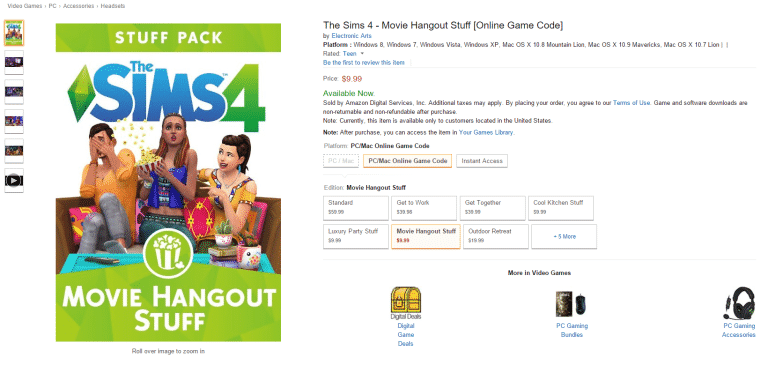
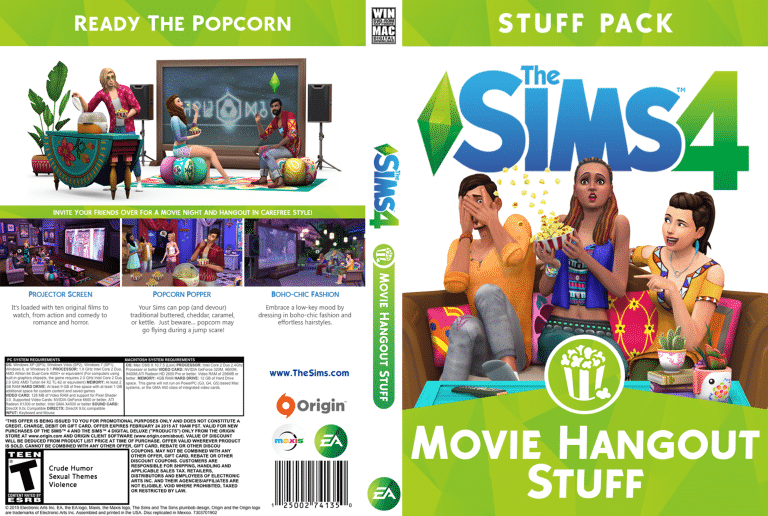
The Sims 4 Movie Hangout Stuff is the latest stuff pack in a seemingly long line of purchasable content for The Sims 4. The creators at The Sims Studio are working hard to bring us new game-changing content almost every month! In this article I will be reviewing Movie Hangout Stuff, showcasing its strong points and some less impressive aspects too. So without further ado let’s start with the Create A Sim additions!
One great aspect of this stuff pack is the addition of some new ethnic hairstyles! Two to be exact. They are the same style except one comes with natural hair colours and the other incorporates some unnatural highlights. To the right is one example of the many colour combinations we are given. I feel this is a definite strong point to the pack as we were very much in need of some more diverse hair textures and styles in the game. Id also like to point out the Boho-Chic or ‘Hippie’ vibe that comes from the items in this pack. Although very different and something we dont already have which is nice. When I heard the title “Movie Hangout”, laid back hippie didn’t really cross my mind? Its a very misleading title however the clothing is very stylish, here are my personal favorites:
The female clothing options are very revealing, while you could argue its kind of ‘hippiesque’ as they are (without stereotyping) quite free spirited and probably likely to wear what feels natural. To some it might come across quite inappropriate to have so much skin showing, but it has to be said that despite this the clothes still don’t give off a cheap tacky vibe. The detailing and patterns really make them quite unique and elegant in some respects. Perfect for your artsy sims! The male clothing is definitely a step up from other packs previous to Movie Hangout. The slouchy trousers are my favourite, they make perfect PJ’s and athletic wear as well as general every day wear, with a very Native American pattern which I quite like! The tops also are a great addition to the game, although we did get a baggy kimono which id of loved for my female sims (maybe even those pants too!) The boots we got for men annoyed me slightly as we didn’t get a black version despite all the clothing having a black swatch? Its quite frustrating trying to construct an outfit with black as the main colour and having the perfect boots.. which don’t come in black? or even grey! Nope they are all brown *sigh* Last but not least we cannot forget those rounded shades, how great are those! They are so universal across different styles too which is always a bonus with such a distinct pack like this.
Now for my biggest complaint about this entire stuff pack. This is just not acceptable in my opinion. Believe it or not, the two images on the left are base game and the two on the right are Movie Hangout.. Really EA? Re-colours? Is that it!? I had a suspicion when reviewing this stuff pack during a video that these were the same mesh for the tops AND the bottoms, and after looking closely my suspicions were in fact, correct! The new clothing for children in this pack are nothing more than new colours and patterns for the same old clothing we had before. Of course they appear as separate items but they are no different apart from the colouring. The children get no new hairstyles at all, no funky hat or glasses. This is just pure laziness and it is by far my biggest complaint for this entire stuff pack.
BUILD MODE ITEMS
Right moving swiftly on to build and buy mode options! This is probably my favourite part of the pack as a whole. The items are so vibrant, vintage and just different! It adds something really unique to your library of items to use, you can really get creative with this stuff.
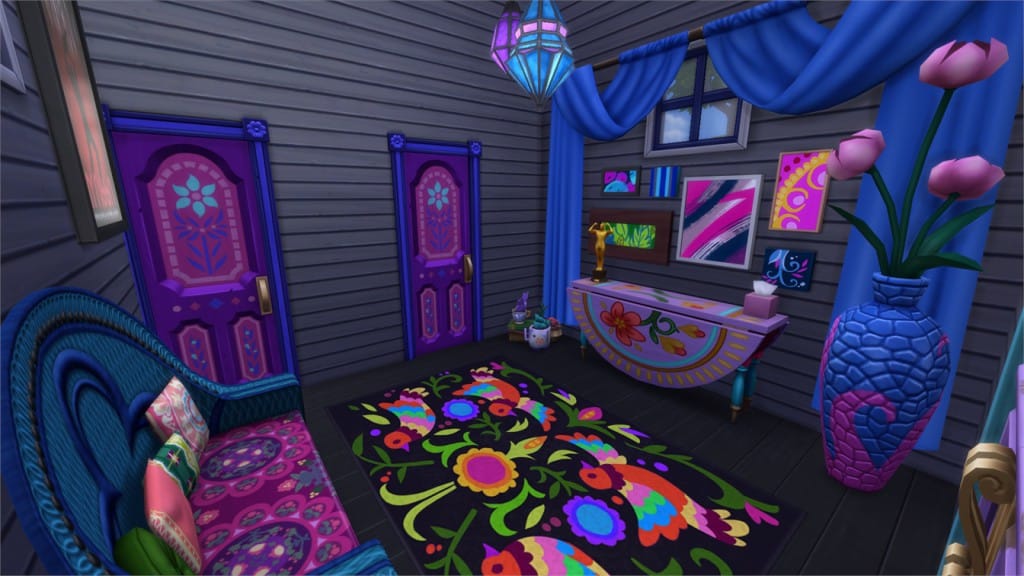
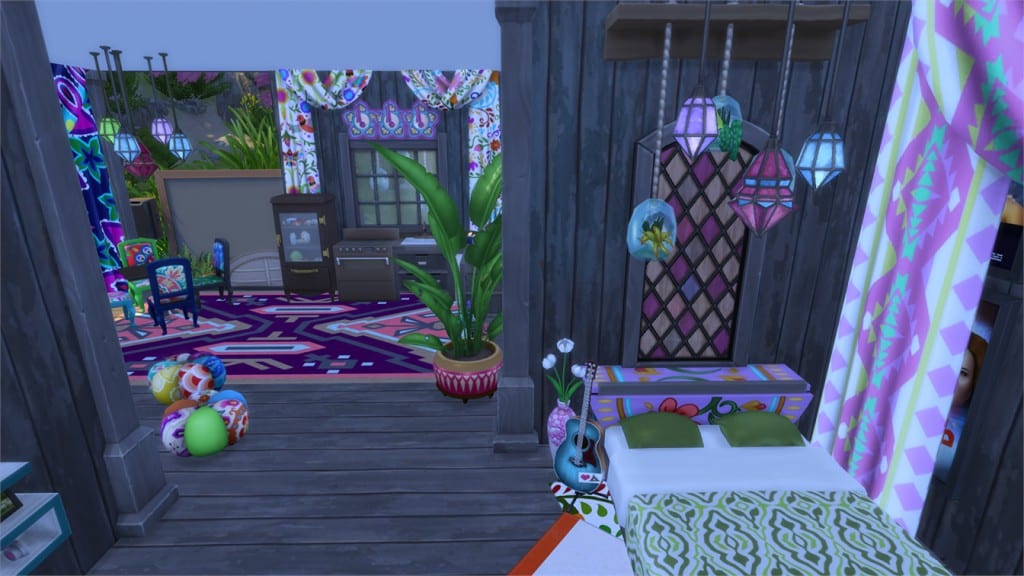
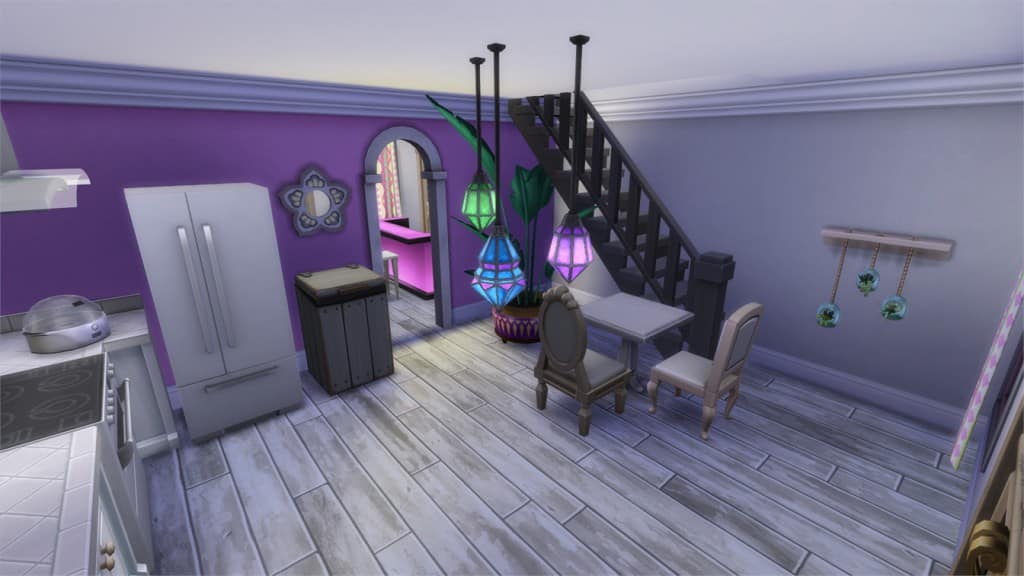
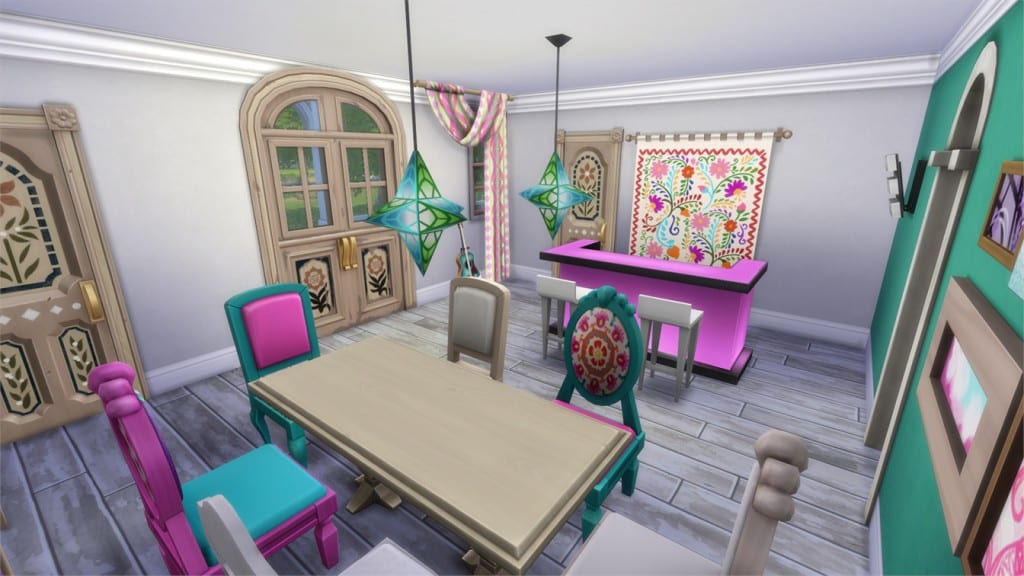
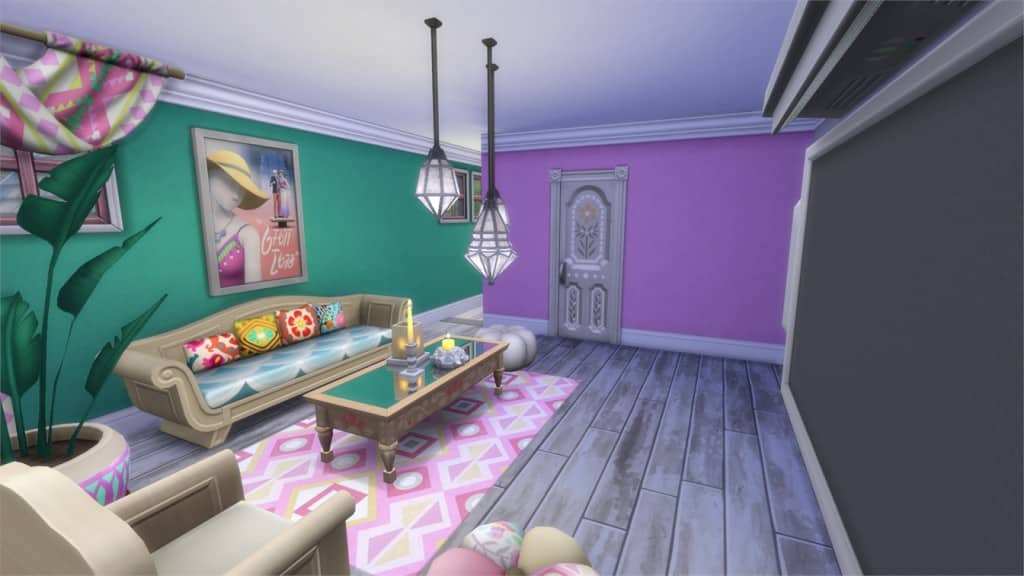
I’ve had so much fun designing rooms with this stuff pack so far, the BoHo Chic style runs very strongly through the 36 new items we received. Despite the somewhat overwhelming bright colours and patterns, the sims team did well to include some slightly toned down options two. In the images above you can see just a few cool ideas for furnishing, such as the combination of the curtains with the wall hanging decor. When placed together like this it almost resembles a shrine or some sort. Coupled with a few candles and some music it would make a great place for some meditating or yoga with your sims!
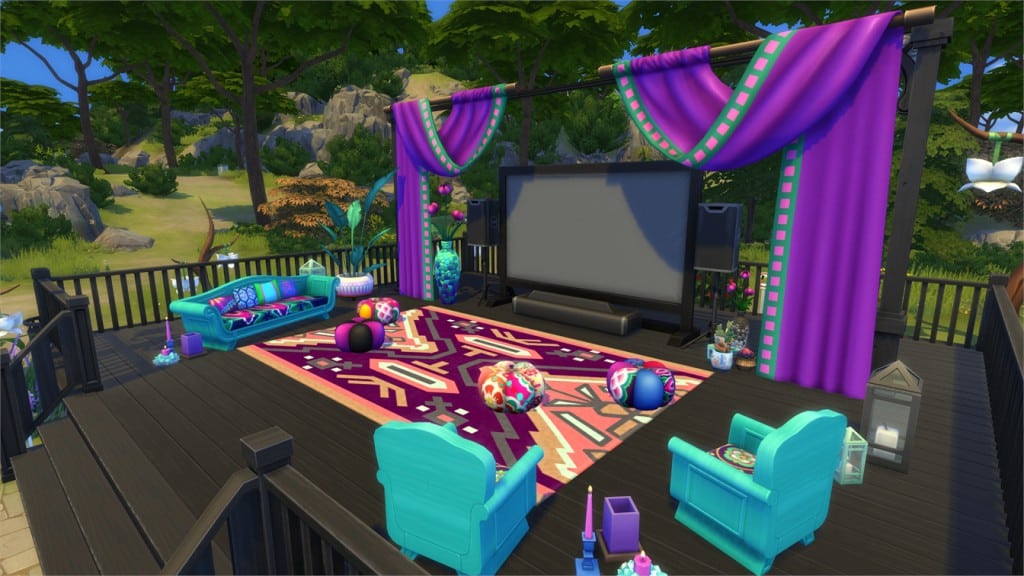
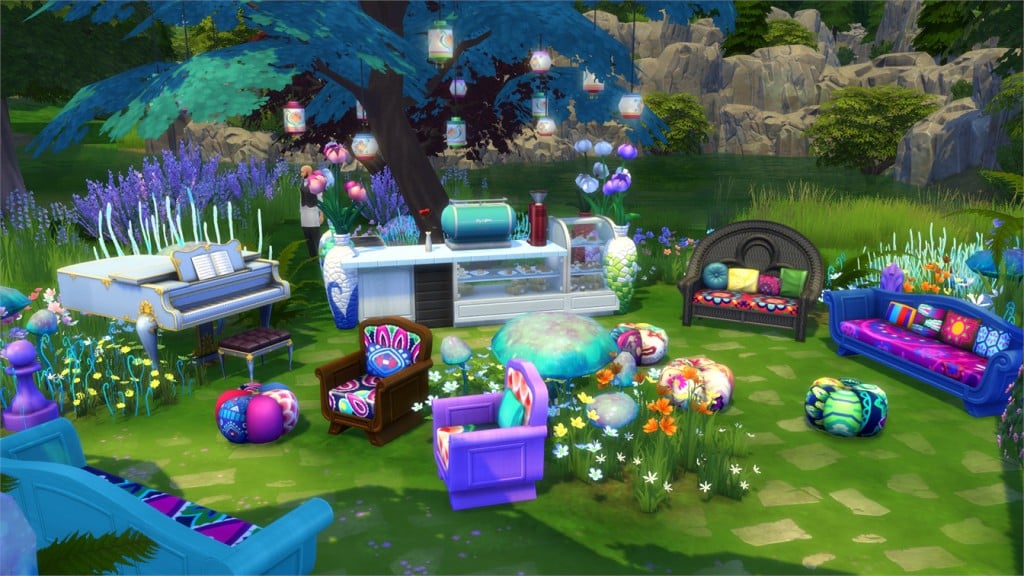
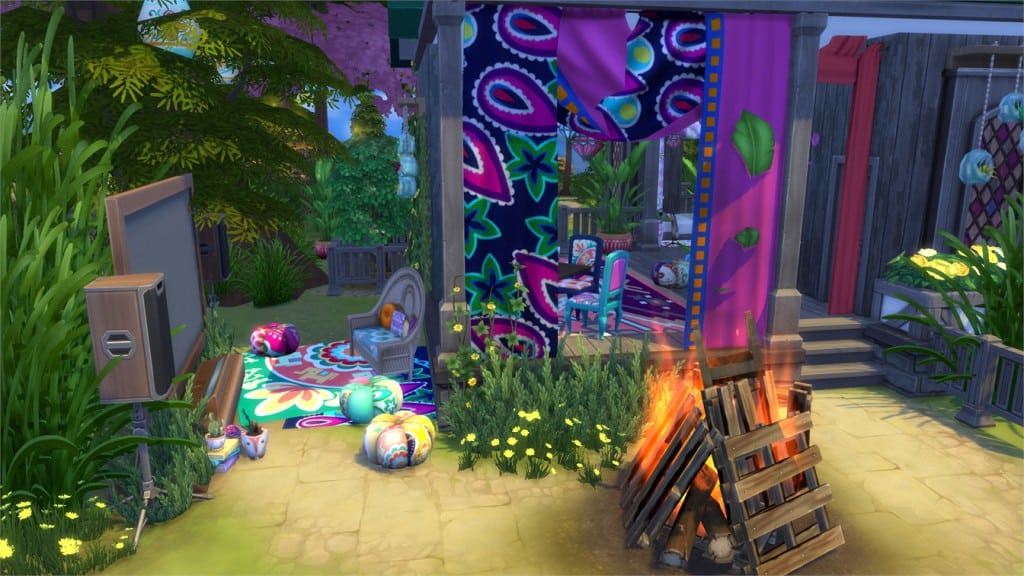
The huge cinema screens also make for an amazing outdoor movie hangout area. The new tree with the hanging lanterns and those adorable beanie cushions really help to create a relaxed, chilled out environment.
Overall I am very pleased with the build/buy mode additions to the game with this pack. They add so many more options to my game for building and decorating. I also have to say, although the kids drew the short straw in the Create A Sim department. These items put together make a great teen/kids bedroom!
GAMEPLAY FEATURES
Popcorn! This is one of the biggest new game play options available with Movie Hangout. They match with the ice cream makers nicely using the a similar design and the same colour swatches so you can match up your kitchen nicely. The only strange thing I noticed with this though is perhaps the gargantuan sized popcorn? the individual pieces are a tad on the large size, however it is nice that they don’t eat it with a knife and fork.
Here’s what they look like! Your sims can make 3 different flavoured versions, 2 of which require some cooking skill. The food is shared out much like the ice cream, one sim makes a batch that will serve a number of sims before eventually running out. Unfortunately the popcorn cannot be preserved in the fridge as it is contained within the popcorn maker itself. Lastly, while watching movies your sims can partake in interactions involving the popcorn such as sending it flying across the room during a jump scare. Oopsie!
The last game play feature is movies! Here at the sims community we recently featured an article that showcases some of the moodlets sims can have after experiencing particular movies. I really like how they continued The Sims 3 theme into the movies, and by no means are they limited to the big screens we received in the pack! Even without buying this stuff pack your sims can watch films on their everyday televisions too! There are 10 films in total which feature various different genres which your sims can actually pick from and declare their favourite! (How cool is that!) Depending on the film and its genre your sims emotions can change accordingly. They may cry at sad scenes or jump in fear at scary scenes and afterwards they will have some social interactions available so they can discuss the movie they’ve just watched. Your slightly mischievous sims could even reveal spoilers to those who haven’t watched yet! Mwaahahaa!
Rating: 8/10
This is a fantastic addition to The Sims 4 franchise and I would definitely recommend it! The final verdict came purely down to the fantastic build mode additions and the male clothing is such a massive improvement to prior packs. For a higher score I would expect the children’s clothing not to be so lazily put together and perhaps maybe a few more popcorn flavours? Apart from that, Movie Hangout offers such a unique change to your game play, stories, sims and their personalities and it has got to be one of the best packs yet!
If you would like to purchase this pack it is available on Origin for download and other retailers such as Amazon and Game.
I’m starting 2016 with a new (and improved)series of articles! With some help from Tatiana, I’ll be showcasing you each week some of the best mods created by talented simmers. The mod spotlights we had before were scattered all over so I thought it’s time to do some re-inventing!
Before I continue, please note the following:
EA doesnot pre-screen Custom Content /Mods and players should always exercise caution when adding Custom Content to their game files.
Make sure your mods are up to date. For a full list of broken and fixed mods CLICK HERE!
After each The Sims 4 Update your game will automatically disable Mods and Custom Content. You can re-enable them by going to Game Options > Other > Enable Custom Content and Mods.
The latest Sims 4 Update brought some unwanted reactions. This mod fixes the issue where Sims would react to any type of food (even cereal) like it’s spicy. Please note that this Mod is only temporary and will have to be removed next month when The Sims Team releases an official fix for this issue.
This mod lets you take Bank loans and buy all sorts of credit cards that you can sell later! It’s absolutely perfect for simmers who like storytelling.
This mod will make your cell phones look less chunky and more colorful with 8 phone recolors. Please note that you can only use one phone recolor in the game.
Oops – looks like EA forgot to include 2 objects in Build Mode for residental lots. This Mod will add The Galvanized Industrial Wall Pipe and The Still Ambiguous Lab Case into your build catalog.
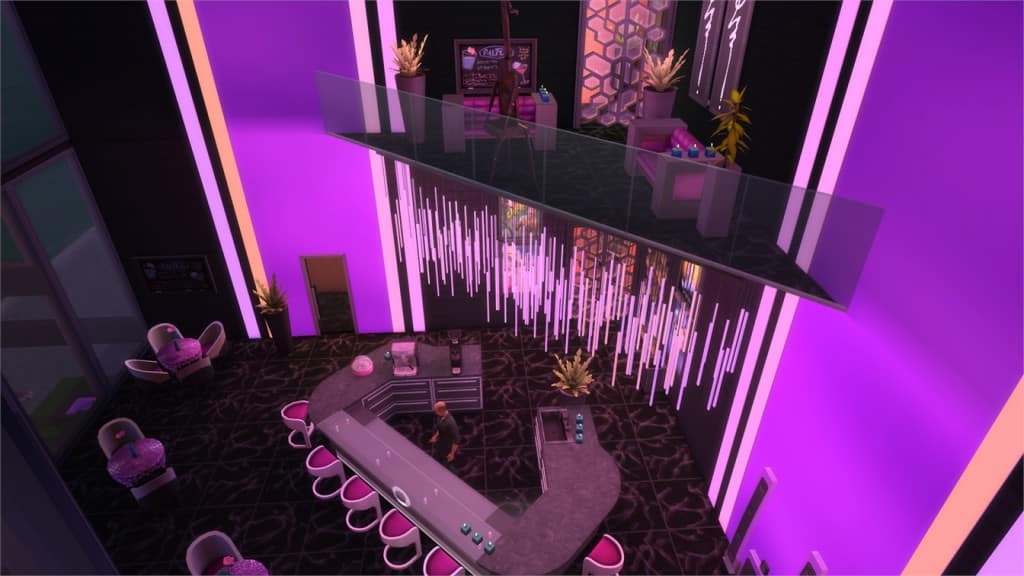
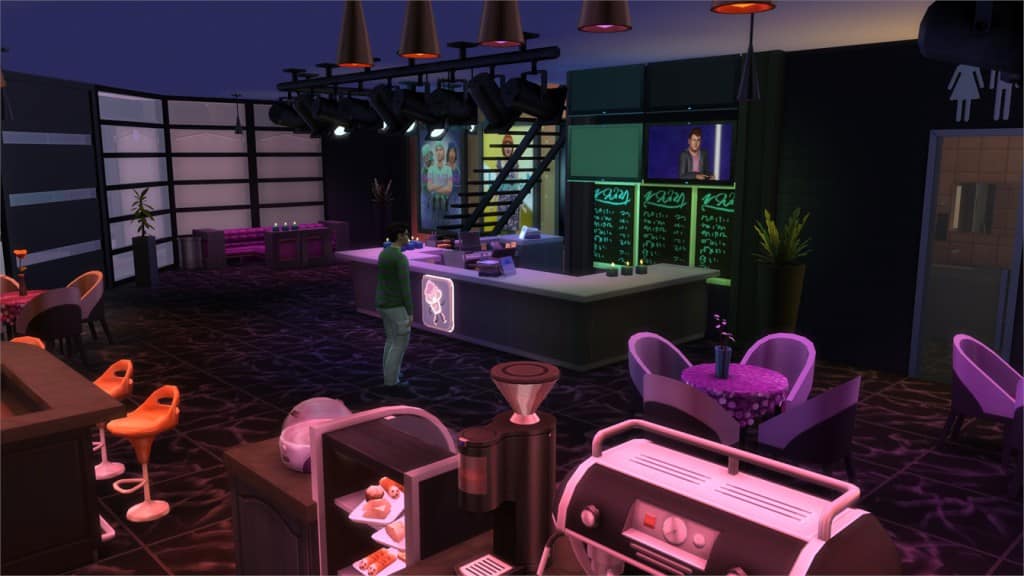
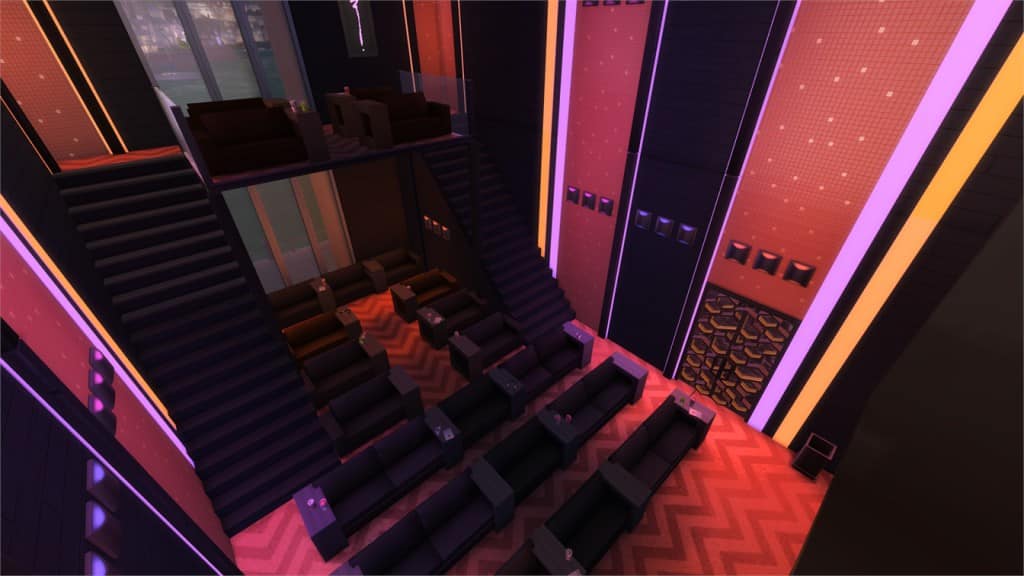
In this Spotlight, we’re featuring some of the most beautiful Houses, Venues and Rooms created by Simmers for The Sims 4 Movie Hangout Stuff!
Hover over the pulsing plumbobs to see screenshots of marked areas. Pulsing plumbob that’s on the left bottom corner contains all the info (and download link) of the lot.
To see more of our previous Gallery Spotlights, CLICK HERE!
Value: §114,884 Size: 20×15 Lot Type: Residental Lot Required Packs: Outdoor Retreat, Get to Work, Luxury Party, Perfect Patio, Spa Day, Cool Kitchen, Get Together, Movie Hangout[/ult_hotspot_items][/ult_hotspot]
Value: §43,242 Size: 20×20 Lot Type: Residental Lot Required Packs: Outdoor Retreat, Perfect Patio, Cool Kitchen, Get Together, Movie Hangout[/ult_hotspot_items][/ult_hotspot]
Value: §58,353 Size: 30×20 Lot Type: Generic Required Packs: Get to Work, Get Together, Movie Hangout, Holiday Celebration[/ult_hotspot_items][/ult_hotspot]
Value: §260,761 Size: 30×20 Lot Type: Bar Required Packs: Outdoor Retreat, Get to Work, Luxury Party, Perfect Patio, Spa Day, Cool Kitchen, Spooky Stuff, Get Together, Movie Hangout[/ult_hotspot_items][/ult_hotspot]
How to get seen on The Gallery in 3 easy steps! Part 2
I decided to make a second article on How to get seen on The Gallery in 3 easy steps, since so many of you liked it, and my latest poll showed that people want me to write about tips and tricks! Let’s start!
Having a sim consultant!
This is Marissa, she’s my consultant, which is very handy to have when building. I try as best as I can to use her to play-test all of my creations, to see that everything works and that everything is accessible seeing as I am a frequent user of the Move Objects cheat. But, there’s other things she can do to help me get my Gallery images prettier, since I can’t pick the picture myself!
Neither can you! -So get yourself a consultant, and have him/her with you on the lot when you build!
Time of day
I bring Marissa with me on the lot, and I start building. When I’m done, I need her expertise, so I go to Live mode and speed up the time. I wait, and I wait, and then I wait some more. Frequently looking at the sky. PAUSE! The light is perfect! Time to upload.
Here’s why: You have four options when uploading from build mode, morning, afternoon, evening and night. They are all preset times, and will only give you four different images. But, if you have a sim on the lot and freeze time when you think the light and background looks perfect you can upload it as is! Simply press PAUSE when you’re happy, go to BUILD MODE and click the SAVE LOT button. It will take a screenshot exactly like you paused it!
Color of the light
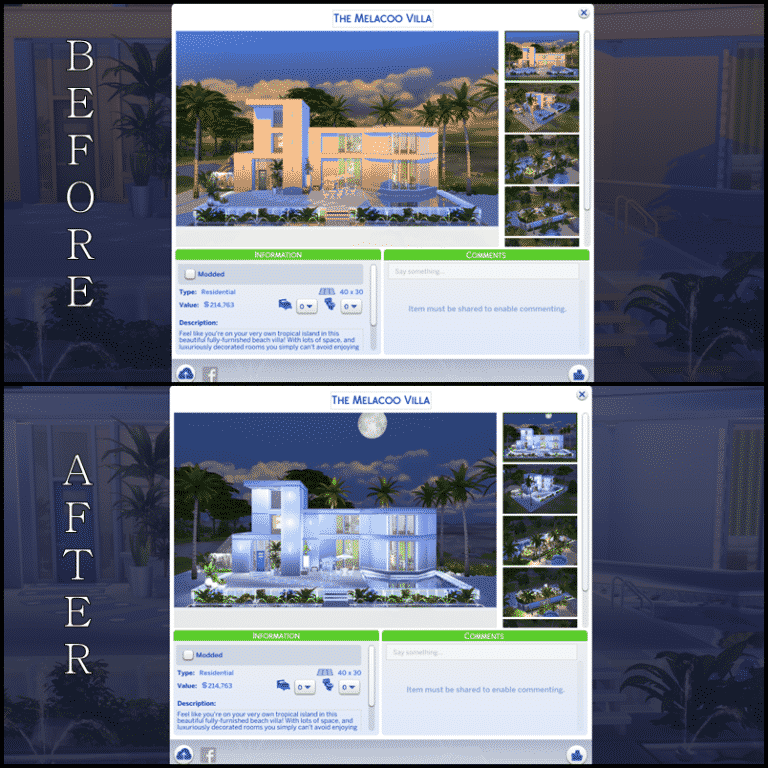
Oh consultant, you’re so handy to have! When building community lots, special rooms, themed houses, etc, it tends to look a lot cooler if you get to play with colors! -And what better way to create a drastic effect with the color of the light? (Remember, if you have your consultant with you on a community lot, you have to set it to Residential. Remember to change it back before uploading!)
Example on community lot:
Example on residential lot:
Lights
Lights, lights, lights! I might seem overly interested in lights, but it matters a lot! Like I said in my previous article; The human eye LOVES contrast, and the eyes will instantly go to something with lots of depth and contrast! -Nothing helps you better out than light, the way you place it, and how much of it there is!
If your building when completed, still looks a bit dull. Adding extra light can help a lot. But, it’s not always that pretty when the entire building is covered in lamps…
What to do? -My best advice, and probably my favorite feature of the game is: Lights inside lights! You will have to use the Move Objects cheat, and then you simply double click (or maybe triple click if you dare) to place a light inside a light, and thereby not having to have a house that’s more lamps than walls!
I hope these tips will help you get more downloads, and if you want some input or help with your creations feel free to share at: