There are going to be Updates and Fixes for The Sims 1 and The Sims 2 Rereleases.
The Sims 1 and Sims 2 Rereleases are expected to be Updated sometime soon.
EA and Maxis have finally rereleased The Sims 1 and The Sims 2 on PC. And, contracty to their own official release notes, some players can’t even experience the new game stability due to crashes. The Sims 1 is reported to be crashing or booting up to a black screen. While The Sims 2 is still random at crashing as we remember.
Another player on The Sims Forums describe their unlucky experience booting up The Sims 1 on Windows PC:
Player Report on The Sims 1 Crashing
Just bought the birthday bundle to get both the original Sims and Sims 2. I started playing the original Sims and only got maybe an hour in before the game crashed. Booted it up again and had the same issue. My computer is on Windows 11. The first time it crashed while I was creating a family. The second time was while I was in buy mode.
So EA and Maxis released a rerelease who’s main pricing point was fixing several improvements and stability efforts. That unfortunately only ends up in free Quality Assurance testing for EA’s 40USD rerelease bundle until it gets resolved in the next update. But hey, at least we now know that there’s going to be a “next update” for The Sims 1 and The Sims 2.
Read the official announcement:
Official Statement on Sims 1 and Sims 2 Rerelease Issues
Sul Sul Simmers!
We recognize some fans are currently experiencing various issues with The Sims: Legacy Collection and The Sims 2: Legacy Collection. We are currently investigating these issues and hope to have more information on fixes soon.
To help with our investigations, please ensure you’re including screenshots, videos, dxdiags, and (for TS1) vulkaninfo.exe files in your bug reports.
As for myself, I haven’t experienced much issues in The Sims 2 (although I’ve just scratched the surface). However, I am having issues with booting up The Sims 1 to a black screen.
What’s your experience been like with Day 0 of The Sims 1 and The Sims 2 Rereleases? Let us know in the comments below!
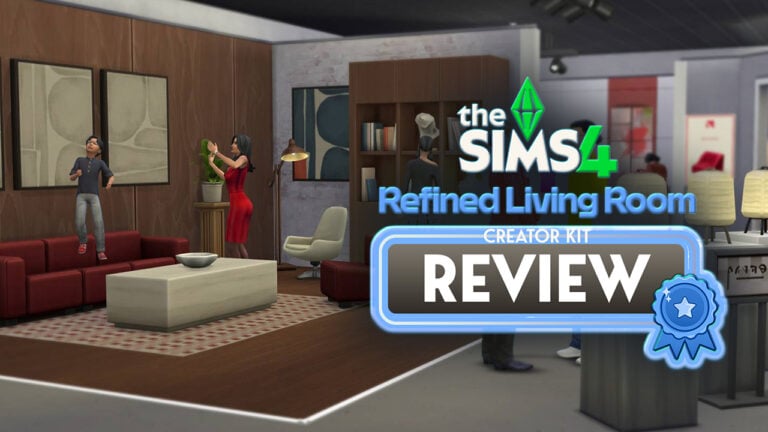
Thursday saw the release of both Pierisim’s Refined Living Room Kit and Madlen’s Sims 4 Business Chic Kit. This still relatively new concept of having CC creators create official kits for the game is welcomed by many like myself. CC creators are often long-time players of the franchise and know the downsides and limitations of the game better than anyone. Despite this, it seems that Business Chic may be a miss-fire when it comes to quality control and diversity.
Is the latest DLC worth the 5 dollar tag? Find out in our latest Kit Review!
Table of Contents
The Sims 4 Business Chic Kit: Features Overview
Business Chic’s Create-A-Sim asset count sits at 24; a median amount when it comes to kit asset counts. Brand new fashionable yet sophisticated threads are available for both male and female frames, including new accessories and shoes. There are, however, no pre-made styled looks with this kit.
Kit Features
Give your Sims a professional edge with chic and stylish outfits from The Sims 4 Business Chic Kit. From tailored suits to elegant dresses, Sims will feel confident and fashionable. Complete the look with sleek shoes and fancy accessories for an extra touch of class. The Business Chic Kit ensures Sims always look up to the task. Created by Madlen.
EA Store
Elevated Evenings – It’s time for your Sims to shine with outfits that showcase their career achievements! Elegant accessories and standout shoes are making sure they don’t go unnoticed, taking their fashion game to the next level!
CAS Preview
CAS Overview
Who better to model these new fits than the Landgraabs? Take a look below.
Accessories
Tops
Bottoms
Full Body
Shoes
Our Review of The Business Chic Kit
The Business Chic Kit is the 40th Kit to be released for The Sims 4. Among the collection of Kits so far there is something for everyone, but I am left wondering exactly who this kit is for. As it stands, we cannot change what our Sim wears to work without the use of cheats (sims.modify_career_outfit_in_cas for those interested). So why is a pack featuring business wear warranted? You could use the clothes included for freelancer careers, or a few pieces for formal wear. But following our Sims into an office environment is not something the game offers in its current state.
Madlen’s kit comes with a great variety of swatches for all pieces, as seen in my in-game images throughout the article, including a beautiful orange tone that isn’t often seen in-game and can be hard to pull in many situations. Recently I praised the Refined Living Room Kit for its brilliant texture work, it is however unfortunate that the same cannot be said for this Kit. There is an ongoing issue within The Sims 4 – clothes will work on skinny Sims, but there is often heavy clipping and texture morphing on plus-sized Sims. A number of the full-body outfits in this Kit fall victim to this, notably, the button texture on the blazer becoming stretched. This is something that I would expect a CC creator to keep in mind when creating clothing for all. This is part of The Sims 4’s ongoing diversity problem. It is important to note that it is possible to adjust textures to match all body types in 3D modelling programs. The texture issues do not stop with the feminine clothing as there is a major warping issue on the crotch of a masculine pair of pants. Another issue with the CAS assets is the tagging. The hoop earrings are tagged as masculine, while the necklace is not despite suiting male Sims. This Kit, like many before it, has a heavier emphasis on feminine clothing leaving the masculine options little in number and uninspired in design. There are only so many button-up shirts and suits needed in the game.
The warped crotchDistorted button textureDistorted button texture
If you are a player similar to me and enjoy taking screenshots in-game to tell stories then this Kit may come in useful for that. However, players opting for a more gameplay-focused approach should consider whether or not these items are something they wish to spend their money on. It is hard to write this review as I love showcasing new content and celebrating the hard work of fellow content creators. But despite that, it would be dishonest to say that I love this Kit.
If you are purchasing The Sims 4 Business Chic Kit via the EA App then make sure to use code MADLENCC at checkout as 5% of your purchase will be given to Madlen as commission.
Official Controls and Hotkeys to make the most out of your Sims 1 and Sims 2 Experience!
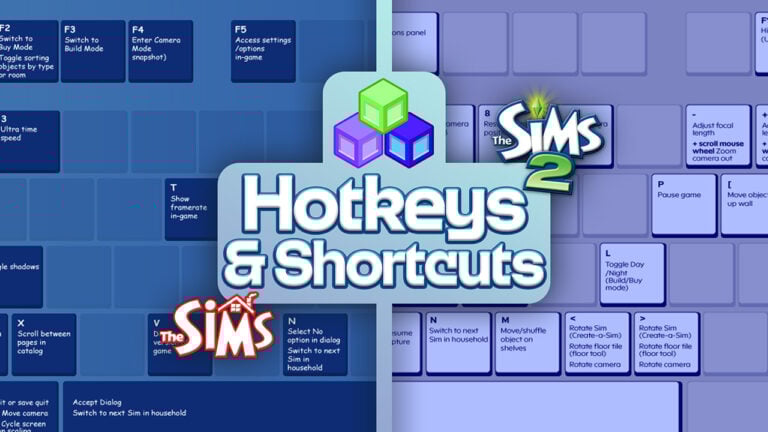
EA and Maxis released an official Hotkeys and Shortcuts list for The Sims 1 and Sims 2 Rereleases, available January 31st, 2025 for Windows PCs.
To refresh the memory, there’s now an offiicial controls guide for using your Keyboard and Mouse to play The Sims 1 and The Sims 2. You can find out all the ways to navigate Live Mode, Build Mode, Buy Mode and Character Creation as you go through your gameplay.
Official Sims 1 and Sims 2 Controls
The Sims 1 Hotkeys and Shortcuts
General controls
Alt + Enter
Cycle Screen Resolution Scaling
Esc
Cancel
Ctrl + Shift + C
Toggle cheats window on/off
F1
Live Mode
F2
Build Mode
F3
Buy Mode
F4
Enter camera mode (snapshot)
Enter or Space
Accept dialog
Y/N
Select Yes or No option in dialog
Ctrl + S
Save game
Q
Quit
Alt + F4
Save quit
Ctrl + C
Copy text fields
Ctrl + X
Cut text fields
Ctrl + V
Paste text fields
Ctrl + Z
Undo text fields
Ctrl + Y
Redo text fields
House controls
Page Up/Page Down
Next/previous floor
Home/End
Next/previous wall mode
Tab
Switch floors
Camera movements
+/- or mouse scroll wheel
Zoom in/out
</> or Shift + Arrow keys
Rotate left/right
Right-click and/or drag or Alt + mouse or ↑ / ← / ↓ / →
Move camera
Build/Buy Mode controls
F2 or double left-click Buy Mode button
Toggle sorting objects by type or room
</> or left-click and drag
Rotate objects
Delete
Delete object
Hold Shift + left-click
Place multiple of the same object continually (Buy Mode only)
Z/X
Scroll between pages in catalog
Wall/fence tool: Shift + drag
Create a room/fenced area
Wallpaper/flooring tool: Shift
Fill room with wallpaper/flooring
Left-click and/or drag
Place walls, fences, floor tiles, wallpaper and pools. Drag to place multiple.
Ctrl + left-click and/or drag
Remove walls, fences, flooring, wallpaper, and pools. Drag to remove area.
Terrain tool: Ctrl + left-click
Create or remove curved hills (terrain)
Terrain tool: Shift and or Ctrl + left-click
Inverts direction of tool, can also invert creation of curved hills (terrain)
Grass tool: Ctrl + left-click
Remove grass
Live Mode controls
F1 or double left-click Live Mode button
Hide/show main panel
Left-click Sim or object then left-click or right-click
Select and perform interaction
Left-click + drag + release
Click and drag to select interaction, then release
Left-click another Sim
Select interactions done by active Sim to other Sims
Space or N
Switch to next Sim in Household
Left click Sim portrait or right-click Sim
Switch to (specific) Sim
Right click Sim portrait
Lock camera to Sim
Enter or left-click active Sim portrait
Center camera on active Sim
Ctrl + left-click Sim portrait
Edit Sim biography
P or ~
Pause game
1 /2/3
Regular/fast/ultra speed
Camera mode
F4
Enter Camera Mode (snapshot)
Ctrl + ↑ / ← / ↓ / →
Adjust snapshot area
Drag mouse
Select area to snapshot
Left-click mouse
Take snapshot
Misc shortcuts
A
Toggle anti-aliasing
T
Show framerate in-game
S
Toggle shadows
V
Display build version of the game
F5
Access settings/options in-game
F7
SimsWebCam/Stalker camera (removed in later expansions)
The Sims 2 Hotkeys and Shortcuts
General controls
Alt + Enter
Cycle Screen Resolution Scaling
Ctrl + Z
Undo
Ctrl + Y
Redo
Esc
Cancel
Ctrl + Shift + C
Toggle cheat window on/off
F10
Hide/Show UI (User Interface)
F1
Live Mode
F2
Buy Mode
F3
Build Mode
F4
Story Mode
F5
Options panel
Q
Quit
Alt + F4
Save quit
Ctrl + C
Copy text fields
Ctrl + X
Cut text fields
Ctrl + V
Paste text fields
Ctrl + Z
Undo text fields
Ctrl + Y
Redo text fields
Create a Sim controls
< / > or left-mouse-click+ drag Sim
Rotate Sim
Z / X or + / – or scroll-mouse-wheel
Zoom in/out
Build/Buy Mode controls
< / > or right-clickmouse + drag
Rotate object
Delete
Delete object
Shift + left-clickmouse
Continue placing object
[ / ]
Move object up or down wall
M
Move/shuffle object on shelves
< / > or right-clickmouse + drag
Rotate object
Delete
Delete object
Left-clickmouse + or drag
Use tools, drag to affect area
Ctrl + left-clickor drag mouse
Remove walls etc, drag to remove area
H
Hand
E
Eyedropper
J
Sledgehammer
R
Design tools
Wall tool: Shift + drag mouse
Create room
Wallpaper/flooring tool: Shift + drag mouse
Fill room with wallpaper/flooring
Floor tool: < / >
Rotate floor tile
Ctrl + F
Toggle full/quarter tile mode
Wall tool: Shift + drag mouse
Create room
L
Toggle Day/Night
G
45-degree view
T
Top-down View
Terrain tool: Shift
Invert tool
Grass tool: Ctrl + left-click mouse
Remove grass
Movie Making Mode controls
Tab
Enable movie making mode
V
Start/end video capture
B
Pause/resume video capture
Q
Lower camera height
E
Raise camera height
Z / X or + / –
Adjust focal length
C
Take a snapshot
Live Mode controls
F1 or left-clickmouse on Live Mode button
Hide/show main panels
Right-clickmouse after selection
Cancel interaction
Left-clickmouse + drag and or release
Click and or drag to select interaction, then release
Left-clickmouse active Sim
Select interactions to perform to active Sim
Left-clickmouse another Sim
Select interactions done by active Sim to other Sims
Select interaction menu: Tab
Navigate between dialog pages (pie menu pages)
Space or N
Switch to next Sim in Household
Left clickmouse on Sim portrait or right-click mouse on Sim
Switch to (specific) Sim
Right clickmouse on Sim portrait
Lock camera to Sim
Enter
Center camera on active Sim
P or ~ or Pause Break
Pause game
1 /2/3
Regular/fast/ultra speed
Page Up/Page Down
Next/previous floor
Home/End
Next/previous wall mode
Right clickmouse and/or drag or Alt +mouse
Move
↑ / ← / ↓ / → W / A / S / D
Move left/right/forward/back
Shift + ↑ / ← / ↓ / →
Move faster
Z/X or + / – or scroll mouse wheel
Zoom in/out
Ctrl + right-clickmouse or middle-clickmouse) + drag
Most popular (and helpful) Cheats for The Sims 2 and Sims 1.
The Sims Studio provided an official Sims 1 and Sims 2 Cheats sheets list to celebrate today’s Windows PC Rerelease. These cheats are just the surface of what you can cheat in the game, which is why we call them essential!
The official Cheats Sheet will help you earn instant Simoleons in The Sims, get twin-pregnant in The Sims 2 and quickly level up your Aspiration meter. And also can’t forget those Needs Cheats!
Here are the most helpful Sims 2 and Sims 1 Cheats to get you started in the game:
Table of Contents
The Sims 1 Cheats
To open The Sims 1 Cheats Menu:
Hold down Ctrl + Shift + C.
Type in the cheat code you want to use and select Enter.
Here are the most popular The Sims 1 Cheats. Featuring Gameplay, Autonomy, Additional Build Mode Customization and Options, as well as the most essential of them all. The money cheat rosebud!
autonomy (0-100)
Sets the Sim’s free-thinking or IQ level
bubble_tweak (number)
<Z offset> Sets, in pixels, how far from a Sim’s head the thought bubble appears
draw_all_frames on
Enables draws all frames
draw_all_frames off
Disables draws all frames
draw_floorable on
Enables floorable grid
draw_floorable off
Disables floorable grid
history
Saves family history file. Find where the game is installed under FamilyHistory.txt
interests
Displays the interests of selected Sim
log mask
Sets events logging mask
move_objects on
Turns on ability to move any object
move_objects off
Turns off ability to move any object
nessie
Brings up the Loch Ness monster on the Downtown, Old Town, and Vacation neighborhood view
prepare_lot
Fixes required Lot objects
rosebud
Increases Household funds by 1,000 Simoleons
rotation (0-3)
Rotates camera
set_hour (0-23)
Sets the hour of the day
sim_log begin
Starts Sim logging
sim_log end
Stops Sim logging
sim_speed (-1,000 to 10,000)
Sets gameplay speed
The Sims 2 Cheats
Here’s how you can opet The Sims 2 Cheats Menu:
Hold down Ctrl + Shift +C.
To activate cheats, type boolprop testingcheatsenabled true into the cheat bar and select Enter.
Type in the cheat code you want to use and select Enter.
Here are some of the most popular Sims 2 Cheats you can use in Live Mode, Buy Mode and Build Mode. As well as World and Sim Personality and Gameplay Cheats.
addNeighborToFamilyCheat on|off
Enables adding neighbors to families
ageSimsCheat on/off
Enables/disables Sim aging cheat
aging on/off
Turns on/off the aging of selected Sim
aspiration level (0–5)
Sets the Aspiration level of Sim from 0–5
aspirationPoints
Gives the selected Sim extra Aspiration reward points
autoPatch on/off
Enable/disable checking for available patches through content browser
boolprop testingcheatsenabled true
Enables testing cheats
boolprop lotTerrainLighting on/off
Set to off means Lots won’t light up when highlighted in neighborhood
boolprop locktiles on/off
Set to off to place floor tiles outside Lot
boolprop displayNeighborhoodRoadsWithModel on/off
Set to off to remove bridges from neighborhood
boolprop lotTerrainPaints on/off
Set to off to remove floor painting on Lot
boolprop displayNeighborhoodProps on/off
Set to off to remove props like rocks and towers from neighborhood
boolprop objectShadows on/off
Set to off to remove shadows on objects outside house
boolprop lotWater on/off
Set to off to remove water (ponds) from Lots
boolprop displayNeighborhoodRoads on/off
Set to off to remove roads from neighborhood
boolprop guob on/off
Set to off to remove shadows on objects inside house
boolprop displayNeighborhoodWater on/off
Set to off to remove water from neighborhood
boolprop displayLotImposters on/off
Set to off to remove house graphics from neighborhood
boolprop displayNeighborhoodFlora on/off
Set to off to remove trees/plants from neighborhood
boolprop displayLookAtBoxes on/off
Set to on and blocks appear on Sim’s faces and on parts where Sims look
boolprop carsCompact on/off
Set to on and cars will have more detail in neighborhood
boolprop renderSelectedSimLevel on/off
Set to on and walls will no longer cut away from selected Sim
boolprop allObjectLightsOn on/off
Set to on to light up objects continuously instead of only when used
boolProp displayPaths on/off
Set to on to see the path where the selected Sim walks to
boolprop lotInfoAdvancedMode on/off
Set to on to show Lot information
bloom [R G B X]
Changes color of screen visual. RGB is color [0,1], and X is the bloom amount [0,1]
bugJarTimeDecay on/off
Toggle if bugs in a jar can live forever or not
changeLotClassification low | middle | high
Changes the Lot classification
changeLotZoning
Changes the zoning type of the Lot. Type in cheat code followed by the new Lot type with no spaces, for example: changeLotZoning secretvacationlot will change the Lot type to a secret vacation Lot.Available Lot types: residential, community, greek, dorm, secretsociety, secretvacationlot, hotel, secrethobbylot, apartmentbase, apartmentsublot, secretwitchlot
clearLotClassValue
Clears Lot class value and override flag
deleteAllAwnings
Removes awnings
deleteAllCharacters
Deletes all characters in the current neighborhood—this also only works when in the neighborhood
deleteAllFences
Removes all fences
deleteAllHalfwalls
Removes all half-walls
deleteAllObjects
Removes all objects
deleteAllDoors
Removes all doors that can be deleted when in Build Mode
deleteAllWalls
Removes all walls that can be deleted when in Build Mode
disablePuppyKittenAging on/off
Enables/disables kitten/puppy aging
dumpNPCCount
This shows the NPC type in the neighborhood, by type, in the cheat console
exit
Hide the cheat console window
expand
Expands or contracts the output portion of the cheat console
faceBlendLimits on/off
Turns on/off blending limits
familyFunds
Use familyFunds [familyName] [value] to set the amount of funds. Use familyFunds [familyName] [+/-][value] to add/subtract from current funds.
filmGrain [X]
X is the film grain value [0,1]. Must use ‘boolProp enablePostProcessing true’ first.
forcetwins
Sets pregnant Sim to have a twin pregnancy
help
This displays help for cheats. Type help -all into the cheat bar and hit Enter. This will bring up all known cheats and describe what they do.This also works for individual cheats, for example, type in help motherlode and it will describe what this cheat does.
individualRoofSlopeAngle
Slope Angle in Degrees [15–75] (45 is default)
kaching
Increases Household funds by 1,000 Simoleans
letterBox [X]
Letterbox the screen (add black borders on top and bottom). X is the letterbox value [0,0.4]. Must use ‘boolProp enablePostProcessing true’ first.
lockAspiration on/off
Locks/unlocks the Aspiration score of Sims on the Lot
motherlode
Increases Household funds by 50,000 Simoleans
modifyNeighborhoodTerrain on/off
Toggle neighborhood terrain modification. Use the cursor to select terrain and then press:p to smooth[ to raise] to lower\ to level
motiveDecay on/off
Turns motive decay on/off for all Sims on the Lot
PlumbBobToggle
Toggle the showing of PlumbBob
roofSlopeAngle
Slope Angle in Degrees [15–75] (45 is default)
setHighestAllowedLevel [level]
Sets the highest number of floors that can be built
setHour (0–23)
Sets the hour of the day
setLotLightingFile [filename.txt] or [clear]
Override some of the parameters in the lighting.txt file with filename.txt file present in lights folder, clears if any file is present
setQuarterTilePlacement on/off
Turns quarter tile placement on/off
showHeadlines on/off
Shows/hides all thought bubbles and speech balloons
slowMotion (0–8)
Slows the animation timer (0=normal speed)
stretchSkeleton [Factor]
Stretches skeleton of the selected Sim – factor=1.0 indicates no stretch (factor<1.0 makes shorter, factor>1.0 makes taller
textDebugging [True|False]
Turns text debugging on/off
unlockCareerRewards
Unlocks all career reward objects for the selected Sim
vignette [centerX centerY X]
Blur rendering from specified center (upper left is 0,0, lower right is 1,1). X is the amount of blurring [0,1]. Must use “boolProp enablePostProcessing true” first.
vsync on/off
Enables/disables vertical sync —can improve performance, but will sometimes cause visual artifacts if off
maxmotives
Maximizes all Needs for the selected Sim.
All boolprop cheats that use on/off can also be used with true/false.
Do you plan on using these Sims 1 and Sims 2 Cheats? Let us know how your new Sims gameplay story goes in the comments below!
System Requirements, List Of Improvements and More into one summarized FAQ.
The Sims 1 and The Sims 2 Rereleaseshave just hit the official stores, and we have an official Frequently Asked Questions thread. Detailing exactly what’s new and improved in the latest official rerelease of The Sims 1 and The Sims 2.
The Sims: Legacy Collection includes The Sims, The Sims 4: Throwback Fit Kit, and the following The Sims packs:
The Sims: Livin’ Large
The Sims: House Party
The Sims: Hot Date
The Sims: Vacation
The Sims: Unleashed
The Sims: Superstar
The Sims: Makin’ Magic.
What’s different about the relaunched version of The Sims?
The Sims was re-released to celebrate 25 years of the franchise. This relaunched version of the first game in the franchise is updated to run on modern computers and operating systems.
The gameplay and graphics are the same, but there are some important updates:
it can now run on Windows 10 and Windows 11
it has an updated rendering engine
updates for more versatile pixel resolution scaling on large monitors.
How to scale pixels for The Sims 1
The Sims 1 will still run at its original resolution, but will now scale pixels to make better use of larger monitors while preserving the look and layout of the game.
Press the Alt + Enter keys to cycle through available scale options.
Continuing to press Alt + Enter will scale to the next optimal level before eventually starting back at the beginning.
Stop once you find the scale that works best for your monitor.
At its largest possible smooth scaling size, the game window will black out the parts of the monitor that might be distracting.
Will old The Sims 1 save files work with this version?
Yes, any old save files you still have for The Sims 1 will work with the current version. The save paths for The Sims 1 have changed so you’ll need to copy your save files into the new location.
First, remove current saved files:
Go to My Documents.
Open the Electronic Arts folder.
Click on The Sims folder (this is your save folder) and select Cut.
Paste this folder to a different location and rename it so you know it’s your alternate save file.
To import your old save file:
Rename your old save file folder The Sims.
Go to My Documents.
Open the Electronic Arts folder.
Copy The Sims folder into the Electronic Arts folder.
Will Mods still work with The Sims 1?
Mods capability for The Sims 1 remains the same. Maxis hasn’t tested Mods, and doesn’t support Mods. It’ll be up to individual Mod creators to ensure Mods work with the new version of The Sims 1.
For more info on Mods and The Sims, check out our Policy on Mods.
Minimum PC requirements for The Sims 1 Rerelease (Legacy Edition)
The Sims 2: Legacy Collection includes The Sims 2 Base Game, The Sims 4: Grunge Revival Kit, and the following The Sims 2 packs:
The Sims 2: University
The Sims 2: Nightlife
The Sims 2: Open for Business
The Sims 2: Pets
The Sims 2: Bon Voyage
The Sims 2: Seasons
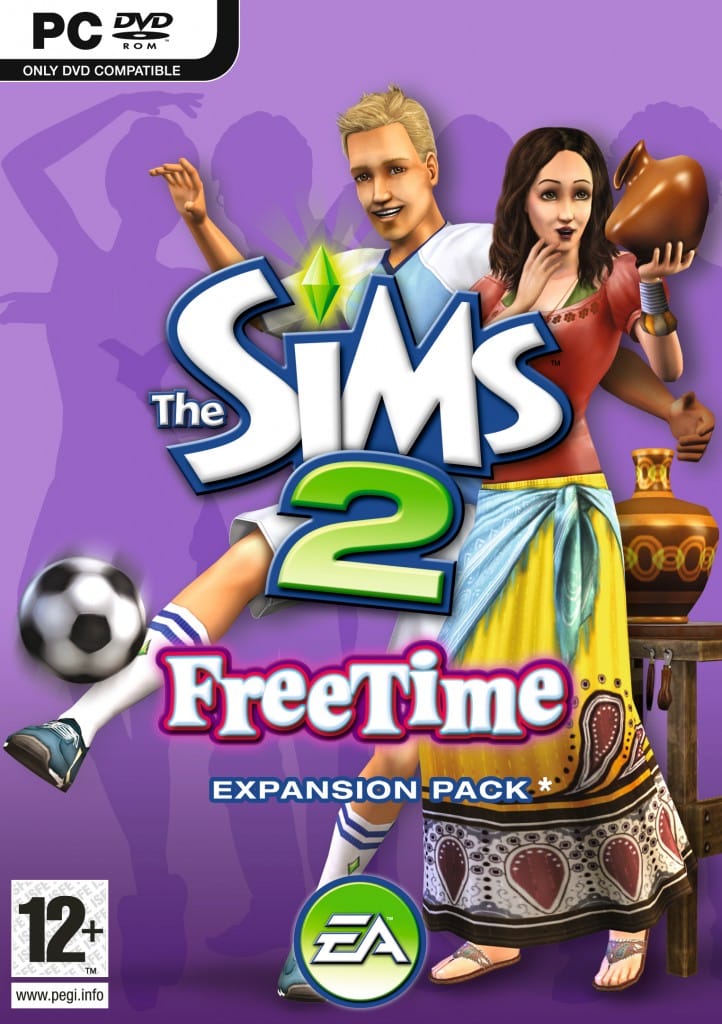
The Sims 2: FreeTime
The Sims 2: Apartment Life
The Sims 2: Holiday Party Pack
The Sims 2: Family Fun Stuff
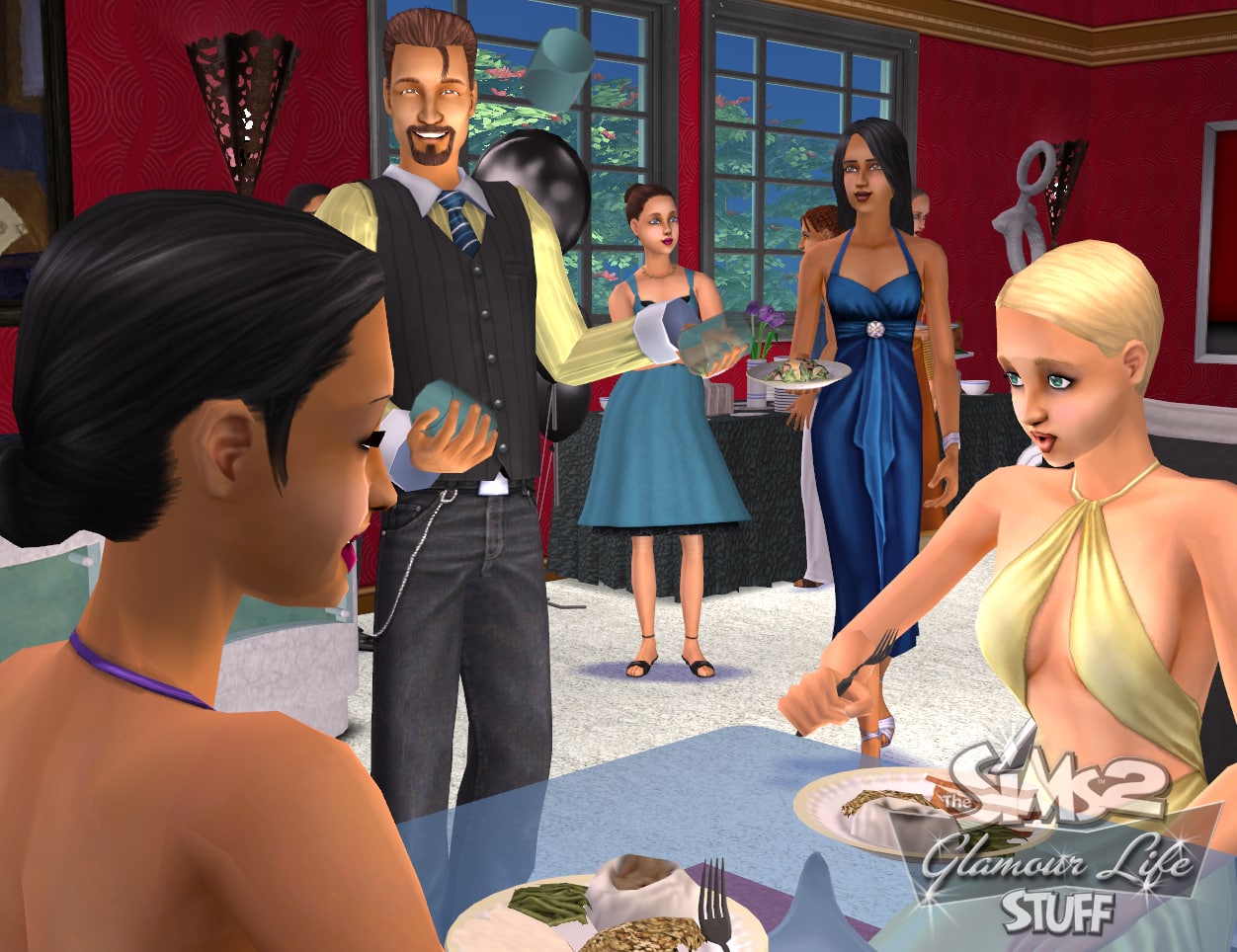
The Sims 2: Glamour Life Stuff
The Sims 2: Happy Holiday Stuff
The Sims 2: Celebration! Stuff
The Sims 2: H&M Fashion Stuff
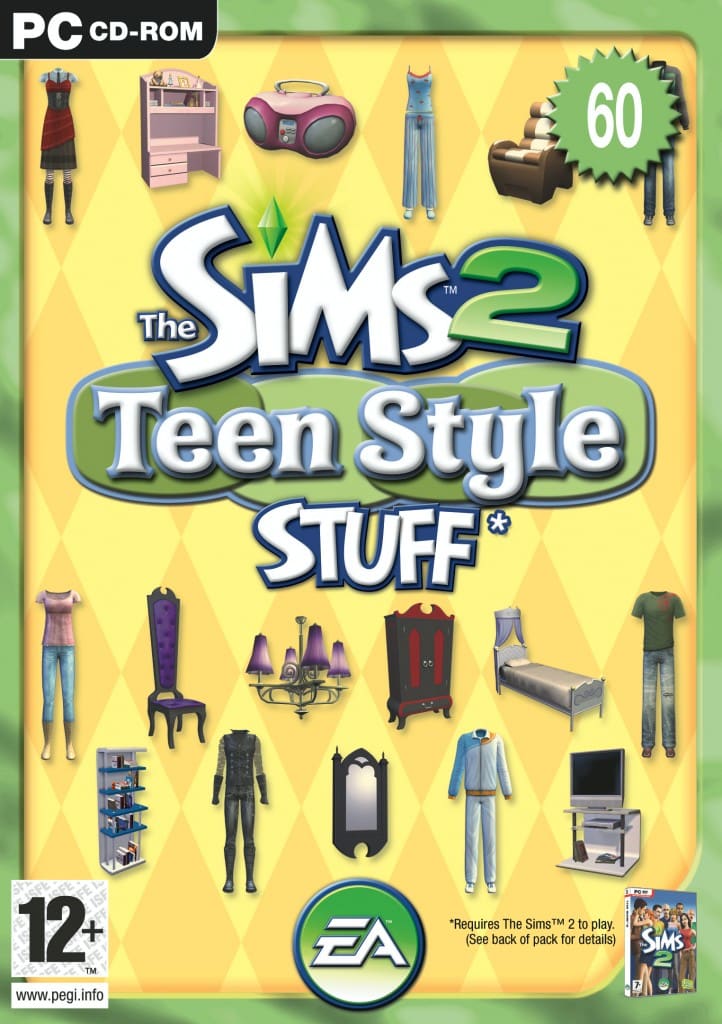
The Sims 2: Teen Style Stuff
The Sims 2: Kitchen & Bath Interior Design Stuff
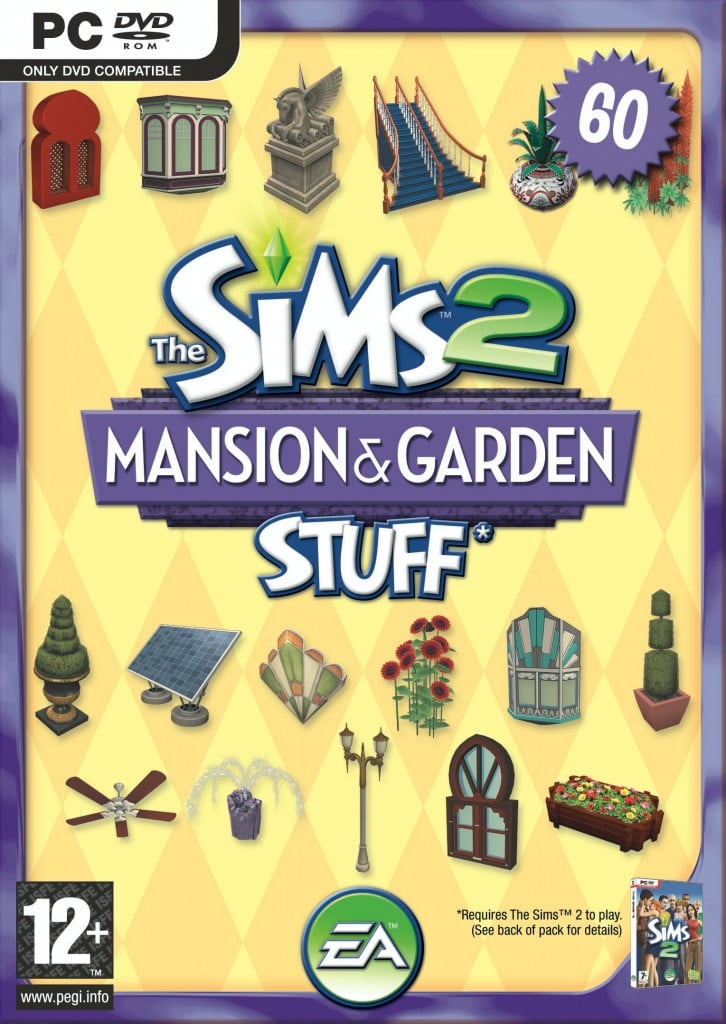
The Sims 2: Mansion & Garden Stuff.
What’s different about the relaunched version of The Sims 2?
The Sims 2 was re-released to celebrate 25 years of The Sims. This version of The Sims 2 has the same gameplay, but has been updated to run on modern computers and operating systems:
it can now run on Windows 10 and Windows 11
it has an updated rendering engine
it has a more versatile pixel resolution scaling on large monitors
some legacy and community-reported bugs are fixed.
Will old The Sims 2 save files work with this version?
Yes, any old save files you still have for The Sims 2 will work with this current version. The save paths for The Sims 2 have changed so you’ll need to copy your save files into the new location.
First, remove current saved files:
Go to My Documents.
Open the Electronic Arts folder.
Choose The Sims 2 folder (this is your save folder) and select Cut.
Paste this folder to a different location and rename it so you know it’s your alternate save file.
To import your old save file:
Rename your old save file folder The Sims 2.
Go to My Documents.
Open the Electronic Arts folder.
Copy The Sims 2 folder into the Electronic Arts folder.
Will Mods still work with The Sims 2?
Mods capabilities for The Sims 2 remain the same. Maxis hasn’t tested Mods, and doesn’t support Mods. It’ll be up to individual Mod creators to ensure Mods work with the new version of The Sims 2.
For more info on Mods and The Sims, check out our Policy on Mods.
Minimum PC requirements for The Sims 2 Rerelease (Legacy Edition)
We hope you’re in the mood to travel back to the year 2000 with us to celebrate the launch of The Sims! To celebrate with you, we’ve brought The Sims and all packs up to date to make it work more easily with Windows 10 and 11! Revisit your favorite packs or finally play that one you haven’t tried yet.
This release does a lot under the hood to make this 25 year-old game work on your new computer. We thought we’d also make it easier to see all those classic pixels on your monitor! To scale the game to make better use of the screen space available, try using the Alt + Enter key combination to cycle through the different scaling options.
The bulk of the work was to make the first The Sims game compatible with Windows 10/11 from the moment you install it. There are things that you’ll immediately see:
Game now supports the aspect ratio your monitor is set to (not restricted to 4:3)
Different aspect ratios, such as 16:9, gives a wider view of the game
Crisper rendering and visual fidelity from changing how the game scales textures
Fixed several crashes
Improvements and fixes
When The Sims launches it will automatically use the aspect ratio of the main monitor. Unfortunately you can’t change the aspect ratio directly, but you can direct The Sims to launch on a second monitor with a different aspect ratio by using the -monitor:[num] command (“0” is the default monitor).
We hope you’ll enjoy returning to The Sims’ neighborhoods, Vacation Island, Downtown, Studio Town & Magic Town to spend time with all the classic Sims and Sims families as much as we did. Enjoy encountering Bella, Bonehilda, Chip, Miss Crumplebottom and the rest.
Dag dag!
Official The Sims 2 Release Notes
Sul Sul Simmers!
Put down that grilled cheese sandwich and get ready for a trip down memory lane to 2004 with us! We’ve revived The Sims 2 and most of its packs (IKEA Home Stuff excluded) to work easily with Windows 10 and 11! Please note that modern licensing restrictions have required the removal of 1 pack and some of the original songs, but we have included as many as possible.
We thought we’d also make it easier to see all those classic pixels on your monitor! To scale the game to make better use of the screen space available, try using the Alt + Enter key combination to enter and leave full-screen mode. Enjoy that glorious widescreen The Sims 2 view!
There are a few more updates as well to look out for:
GraphicsRules.sgr now supports modern hardware configurations
Fixed a shadow bug that surrounded Sims with a big black square
Wide screen and higher game resolutions are now supported
UI scales better to higher resolutions
Texture memory corruption and “pink soup” are fixed
Dragging The Sims 2 window from one monitor to another works more smoothly
If your computer has a lot of RAM, The Sims 2 is able to use it
Fixed several crashes
Improvements and fixes
We hope you’ll enjoy returning to the Belladonna Cove, Desiderata Valley, Riverblossom Hills, Pleasant View, Strangetown, & Veronaville! Spend time with all the classic Sims and Sim families. The Goths, Greenmans, Smiths, Monty/Capps and more are ready to come back to your screen from 21 years ago.
EA talks details about the new rereleases in their official blog.
It’s official. EA has just announed The Sims 1 and The Sims 2 Rereleases, AVAILABLE NOW!
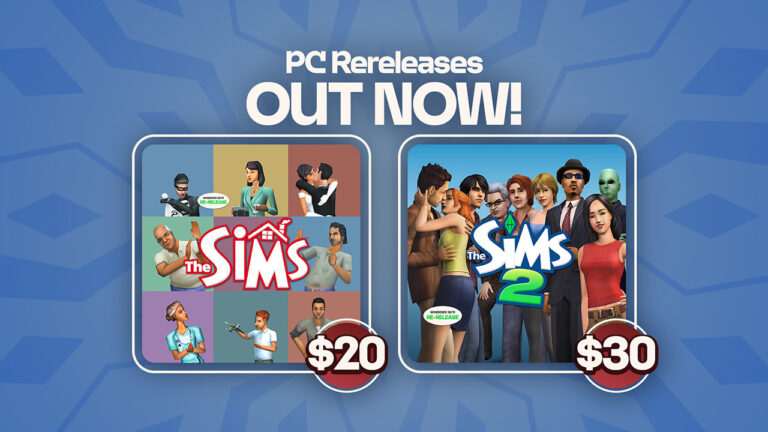
The Sims 1 Rerelease is available with all 7 Packs for $19,99, The Sims 2 Legacy Collection with all most Stuff Packs (IKEA missing) and EPs for $29,99 – and both Rereleases together for a special Birthday Bundle for 40USD!
We have a full FAQ Thread list on Sims 1 and Sims 2 Rerelease System Requirements and Feature Improvements. Check it out here!
Take a look at the official blog announcing the return:
It’s hard to believe that it has been 25 years since The Sims made its debut, but we’re so grateful to have shared this incredible journey with so many of you. No one does life like The Sims, and as we gear up for next week’s celebrations, what better way to kick things off than with a cultural comeback?
That’s right – we’re taking it back to where it all began with the launch of The Sims 25th Birthday Bundle! You’ve been asking for it, and we’re thrilled to finally return to the days when we first reimagined the ways people play with life.
To celebrate our legacy and honor the incredible fans that have been with us along the way, we’re re-releasing two fan-favorite titles that contain familiar neighborhoods and beloved characters – such as the sneaky burglar, unpredictable genie, and Sunny the Tragic Clown – that started it all. Rediscover the nostalgia and magic of the classics that welcomed so many of you into our amazing community.
The Sims 25th Birthday Bundle includes The Sims and The Sims 2, featuring all the iconic characters, music, and gameplay you know and love, plus bonus content! You can also purchase The Sims: Legacy Collection* andThe Sims 2: Legacy Collection** separately. We’re so excited for you to play, create, and relive the fun across re-releases of these beloved games, rolling out globally on Windows 10 and 11 beginning on January 31, 2025.
Hit The Mother Lode with The Sims: Legacy Collection
Party like it’s Y2K all over again with The Sims: Legacy Collection! Picture this: baggy jeans are all the rage, bedazzled flip phones are the “it” item, and everyone’s favorite pop star has chunky highlights.
Build an entire neighborhood of Sims and take control of their lives – whether you build them up or cause mayhem is completely up to you. Shape every aspect of your Sims, from their personalities and appearances to their careers, friendships, swoonworthy romances, and more.
Return to the original Create-a-Sim to design your Sims, choose their outfits, and allocate personality points to determine what makes them tick. From there, it’s time to welcome them into their humble abode. Select from pre-built homes or construct their dream house from the ground up. Appease your Sims with comfortable rooms and nice furnishings – maybe even throw in a hot tub or heart bed to shake things up.
In The Sims, you can run your Sims’ lives or ruin them. Lead your Sims to happiness by fulfilling their needs, pursuing careers, making friends, and finding romance.
… Or let chaos unfold, the choice is yours!
*The Sims: Legacy Collection includes The Sims and the following bonus content: The Sims: Livin’ Large, The Sims: House Party, The Sims: Hot Date, The Sims: Vacation, The Sims: Unleashed, The Sims: Superstar, The Sims: Makin’ Magic,along with The Sims 4: Throwback FitKit.
Fulfill Your Sims’ Dreams with The Sims 2: Legacy Collection
Are you ready to break generational curses or keep the cycle going? What legacy will your Sims leave behind? With The Sims 2: Legacy Collection, craft new stories as you guide your Sims over a lifetime and determine which traits and characteristics will be passed down through generations. Your Sims now have a purpose, and it’s up to you to decide if you’ll help them achieve their dreams or let chaos reign supreme once again.
In The Sims 2, your Sims inherit physical and personality traits from their elders, offering endless storytelling possibilities as you build family legacies and evolve their family trees. Use Create-a-Sim to design unique Sims from head to toe, with a variety of hairstyles, facial features, and stylish outfits. Then, build dream homes and design entire neighborhoods – the creativity is limitless!
Destiny awaits your Sims as they pursue aspirations: Is it their life’s ambition to be popular, become filthy rich, find romance, have a large family, or obtain ultimate knowledge? It’s all in your hands!
Will your Sims be left at the altar or inherit a fortune and become fabulously wealthy? Witness the big moments that make every Sim’s life uniquely memorable and capture them with The Sims 2’s movie-making feature. Create the cast, set the stage, take control of the camera, and record your own Sims films in action!
**The Sims 2: Legacy Collection includes The Sims 2 and the following bonus content: The Sims 2: University, The Sims 2: Nightlife, The Sims 2: Open for Business, The Sims 2: Pets, The Sims 2: Bon Voyage, The Sims 2: Seasons, The Sims 2:FreeTime, The Sims 2: Apartment Life, The Sims 2: Holiday Party Pack, The Sims 2: Family Fun Stuff, The Sims 2: Glamour Life Stuff, The Sims 2: Happy Holiday Stuff, The Sims 2: Celebration! Stuff, The Sims 2: H&M Fashion Stuff, The Sims 2: Teen Style Stuff, The Sims 2: Kitchen & Bath Interior Design Stuff and The Sims 2: Mansion & Garden Stuff, along with The Sims 4: Grunge RevivalKit.
The Sims 25th Birthday Bundle includes The Sims: Legacy Collection* and The Sims 2 Legacy Collection*. The Sims 25th Birthday Bundle retails for $39.99SRP and will be rolling out globally on Windows 10 and 11 beginning on January 31, 2025 on PC via EA app™, Epic Games Store, and Steam®. The Sims: Legacy Collection is available to purchase separately for $19.99 SRP and The Sims 2: Legacy Collection is available to purchase for $29.99 SRP.
EA Play Pro*** members on the EA App can celebrate with unlimited access to The Sims: Legacy Collection and The Sims 2: Legacy Collection starting January 31st.
More information including official features, assets and coverage to follow soon. Stay tuned!
A detailed look at every object In Pierisim’s Refined Living Room Creator Kit!
It’s only been two weeks since the release of thelast three kits, but The Sims 4 shows no sign of slowing down as we gear up for the 25th anniversary of the franchise.
As with Cozy Kitsch and Sweet Slumber Party, The Sims 4 Refined Living Room Kit is part of Maxis’ partnership with CC creators. This time the team has partnered with one of my personal favourite creators Pierisim! If you haven’t seen his work before I’d thoroughly recommend it. This kit gives all simmers, even those on consoles, the chance to have a taste of what Pierisim has to offer.
Table of Contents
The Sims 4 Refined Living Room Kit: Features Overview
The Kit is packed with 24 Buy Mode items, and 1 new wall paneling for your Sim’s living spaces. The Kit leans into contemporary design with elements of mid-century modern, Scandinavian, and sleek minimalism thrown into the mix.
Kit Features
Hand Picked – You’ve done your research and you’ve finally found the perfect items. Every time you step into your living room, you can feel that this space has been made by you and for you.
Items Preview
Object Overview
Take an in-depth look at each item’s description.
Object Swatches
Ancient Bust
Bragging’s Bookend
By My Side Table
Cloudy Lamp
Contrasted Rug
Divider Screen of Elegance
Off the Grid Calculator
Old Carved Sideboard
Pedestal from the Old Times
Perfect Stacking Masterpiece
Perfectly Preserved Antique Vase
Precise Strokes from Random Shapes
Shadow of the Day
Shelly The Bowl
Sleek Bookcase
Small Paradise
The Collection
The Duo
The Laying Rock
Three Pieces Sofa
Two Pieces Loveseat
One Piece Armchair
Up and Down Lamp
Vintage Leather Armchair
Woody’s Wallpaper
Our Review of The Refined Living Room Kit
If you are not familiar with Pierisim’s work I can sum it up in one word: outstanding! And that is the same word I would use to describe this new Creator Kit. Every object has been meticulously modelled and textured, with the most impressive pieces being the ‘Three Pieces Sofa’, ‘Two Pieces Loveseat, and the ‘One Piece Armchair’. The detailed texture of the armchair puts the textures of the 2014 Base Game to shame.
Every object bar two comes in matching swatches in both neutral and brighter tones, something that is often missing in packs released by Maxis. While the large number of swatches is nice to see, a larger variety of swatches would have been appreciated as the majority of swatches are almost indistinguishable white, grey, black, and beige tones. Another nice touch is the functionality of the ‘Sleek Bookcase’, ‘The Collection’, and ‘Bragging’s Bookend’, the latter being perfect for tiny homes and tight spaces.
Another notable achievement of this pack is the rare inclusion of a complete furniture set, consisting of a couch, loveseat, and armchair. CC creators genuinely understand the building experience from a player’s perspective, unlike the Maxis team, which must work within strict release deadlines set by EA.
While the attention to detail is impeccable, it falls short when considering object ratings and their impact on a Sim’s motives. The beautiful “One Piece Armchair” is priced at §235 Simoleons, a mid-range cost for armchairs with all packs installed. Yet, despite its price, it only offers a comfort rating of 3. This may be an oversight by Maxis as often is the case with some Kits. Something that confused me was ‘Woody’s Wallpaper’. Although it closely resembles my favorite wall paneling from the Book Nook Kit, this is actually a wallpaper. It took me a while to find in the catalogue as I would have presumed this would be under ‘Paneling’. This feels like a strange oversight, as a wood-textured wallpaper comes across as rather tacky despite the kit’s clear intention of aiming for an upscale aesthetic.
This kit may not be to everyone’s taste, and I can see myself using many objects in my builds, the diligently crafted items had me in awe the moment I began building with them. I would like to see a pause in modern styled Kits and it’s a shame that Pierisim was not asked to create something similar to their Oak House collection which has been my go to CC for rustic builds for years. I for one am glad that Creator Kits have continued into 2025 as it showcases some of the incredible work of Simmers from around the globe. It also gives console players and those who play CC free a chance to use other Simmers custom creations in their games. If you are purchasing the Kit via the EA App then make sure to use code PIERISIM at checkout as 5% of your purchase will be given to Pierisim as commission.
Yes, it will cost money! How much? We still don’t know.
The final teaser for The Sims 1 and The Sims 2 Rereleases is here. And it’s both a confirmation for all these reports on leaks we’ve done so far, along with the rumored fact that these rereleases will have to be purchased.
It’s finally confirmed: Sims 1 and Sims 2 are coming back!
The Sims Official Website had posted its final teaser for the upcoming rereleases for The Sims 1 and The Sims 2. They posted two buttons for purchasing the 25th anniversary edition of The Sims 1 and The Sims 2 Games, with the following message:
The Sims™ & The Sims™ 2 Are Back
Purchase Legacy Collections featuring re-releases of these beloved titles along with numerous packs.
UPDATE: Shortly after this article was posted, the website got updated again with a new message leading to the promotional Sims Y2K Website. I’m guessing someone at the team got too excited to get the message out?
Message from The Sims Social
The Sims Social team shared an extra message hinting at tomorrow’s release, stating:
At the moment the two buttons lead to a 404 page. But we might just know exactly when these two amazing Rereleases are coming.
The Sims 2 and Sims 1 Rereleases are set to come out on January 31st at 16:00 UTC on EA App first. With Steam possibly joining the fun very quickly afterwards. Join the countdown here and find out when the games come out in your area!
As we reported before – the rerelease of The Sims 1 and The Sims 2 is only for Windows 10 and Windows 11 PCs. There is no information or confirmation if these game rereleases will be made available for Mac.
“All Packs” or “Numerous Packs”?
The insider Kotaku confirmation about “all expansions” being featured in The Sims 1 and Sims 2 Rereleases got the community speculating again. This time if there’s going to be some packs missing, considering the wording in the leaked promotional message on the website says “numerous packs”. As opposed to the previous expectation of “all packs”.
The speculation stems on if EA and Maxis were able to get the original licensing rights for The Sims 2 IKEA Home and Sims 2 H&M Fashion Stuff Packs to have them featured in the rereleases. Nothing’s certain yet on the fate of these two packs.
Want to know what to expect from The Sims 1 + Packs and The Sims 2 + Packs Rereleases? Check out our Game Collection Guides on each Sims entry:
Refined Living Room and Business Chic Sims 4 Kits hit the digital shelves!
It’s been a busy month for The Sims 4 Kits Releases. On January 16th The Sims Team did their second ever triple Kit release, featuring Secret Sanctuary, Casanova Cave and Comfy Gamer Kits.
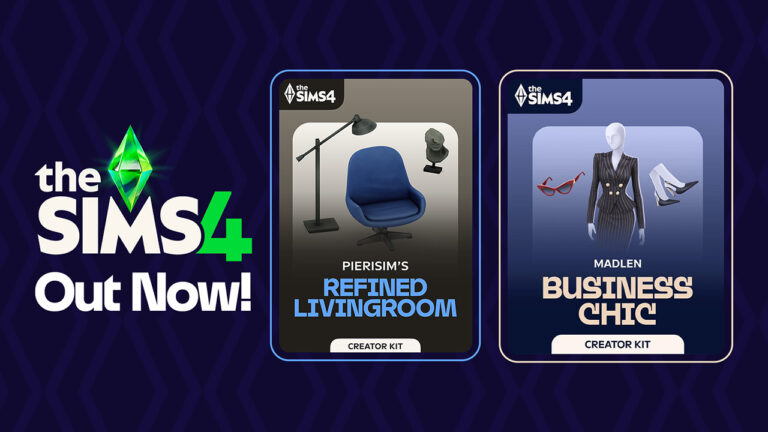
Today, two new Sims 4 Creator Kits hit the Sims 4 Kits release lineup, featuring a Create A Sim Kit (Business Chic) created by Madlen and a Build Mode Kit (Refined Living Room) done entirely by Pierisim. Each Kit is retailed at $4.99USD – or a price equivalent to your local currency. Here’s a list of all the official stores from which you can get these Sims 4 Creator Kits:
Give your Sims a professional edge with chic and stylish outfits from The Sims 4 Business Chic Kit!
From tailored suits to elegant dresses, Sims will feel confident and fashionable. Complete the look with sleek shoes and fancy accessories for an extra touch of class. The Business Chic Kit ensures Sims always look up to the task! Created by Madlen.
Kit Feature:
• Tailored for Success – It’s time for your Sims to shine with outfits that showcase their career achievements! Elegant accessories and standout shoes are making sure they don’t go unnoticed. Taking their fashion game to the next level!
Kit Items Preview
Kit Screenshots
The Sims 4 Refined Living Room Kit
Embrace elegance and sophistication with The Sims 4 Refined Living Room Kit. With a clever mix of modern and retro furniture you can create the perfect base. Add extra personality with unique and chic decor pieces. And voilà! You’ll have a living room worthy of a design magazine. Created by Pierisim.
• Hand Picked – You’ve done your research and you’ve finally found the perfect items. Every time you step into your living room, you can feel that this space has been made by you and for you.
Kit Items Preview
Kit Screenshots
Do you plan on getting the new Sims 4 Creator Kits? Let us know in a fun community poll down below:
[totalpoll id=”156380″]
We’ll be keeping you posted with our two new Sims 4 Kits Reviews very soon on Sims Community. Stay tuned! 💜
We are just two days away until the official rerelease of The Sims 2 and The Sims 1 games on Windows. As suggested in the full leak, these two games are getting new compatibility updates through a form of a rerelease. At the moment, the price remains unknown for both of these games, and it seems EA themselves are still waiting on the right time to make the price announcement.
After posting some memes yesterday on their IG account, The Sims Team continues the fun of Nostalgia Now with a brand new website. Featuring promotional pages, fun sound boards, webcam effects and more. Take a look!
Table of Contents
The Sims 2 and Sims 1 Rerelease Promo Site
The new official website from Maxis is called the-sims-y2k.com. After booting up the website, you’ll immediately be greeted with a classic User Interface from the good old days, with several new pages to explore.
Here’s what each section of this website brings:
Sim Urself
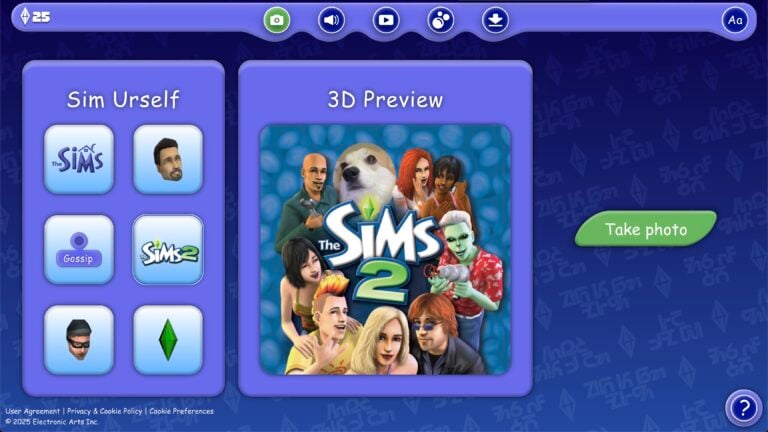
Here you can use your browser camera to add iconic characters from The Sims 1 and The Sims 2 around you. You can choose six premade templates, including official covers, Sims 1 Plumbob, Sims 2 Interactions and The Sims 1 burglar.
And above The Sims 2 logo is a cutie pie named Lizzie!
Simsboard
Essentially a soundboard – this Sims retroactive page lets you choose from over a dozen different sound effects. Each displaying a unique character from The Sims 1 and The Sims 2!
Simsvision
Remember when you’d get a mini camera popup in The Sims 1 and The Sims 2 letting you know there’s some dangerous activity happening around your lot? This has been recreated in the Simsvision section, where you can snoop on different Sims 1 households.
Meme Jacuzzi
Press the refresh button to get a new Sims 1 or Sims 2-inspired meme!
Wallpapers
And lastly – there’s a Downloads section where you can get Sims 1 and Sims 2-inspired wallpapers for Desktop and Smartphones!
Fun fact: if you press the Text button on the top right corner, all the language will be translated into Simlish. How cool is that?!
Simsider Issue 1
Along with the new promotional website is also the first issue of the official “Simsider” magazine created by Maxis. Featuring some fun games, lore and tidbits from TS1 and TS2. Check out the cover!
The fun continues inside of the magazine. We put together all 10 pages of the first Simsider issue for your enjoyment!
The Sims 1 and The Sims 2 Rereleases are hitting the PC Windows shelves on January 31st, 2025. Make sure you stay tuned on all the latest news and guides for the upcoming rereleases here on Sims Community!
The InZOI release for the game’s early access is fast approaching, and we’ve got you covered with everything that we know so far!
Most importantly, the InZOI release is on 28th March 2025 on PC (via Steam) with planned console releases to follow at a later date. While there is no confirmed date for the console release, it will certainly be released on both PlayStation 5 and Xbox consoles.
Table of Contents
via Krafton
What is InZOI About?
If you haven’t heard about InZOI, or its release, here’s a quick recap to get you up to speed.
InZOI is an upcoming life simulation game from Krafton. Previously, Sims Community first reported about the game back in November 2023 and from that moment, the anticipation for the game has only grown.
The game has been described as one that will allow you to live out your dreams. Control every single possible aspect of your ZOI’s life in a level of detail never seen before in a life simulation game.
Created in Unreal Engine 5, the upcoming life simulation game offers players a highly detailed gameplay experience with features never seen before in a life simulation game. Taking customization and experiences to a whole new level.
The Early Access InZOI Release
As previously stated, InZOI is scheduled to launch its early access period on PC (via Steam) on 28th March 2025.
We’ve created a handy countdown to show exactly when it will be launching too!
Countdown to InZOI Release (Early Access) on PC
[janky target_time=”1743116400″ color=”#235c82″]
System Requirements
Are you curious to see what the recommended and minimum specifications are for InZOI? Well, you’re in luck as the team behind the game has already got this information ready ahead of the InZOI release for early access launch so that players can be prepared.
Minimum Specs
Requires a 64-bit processor and operating system OS: Windows 10/11 Processor: Intel i5 10400, AMD Ryzen 3600 Memory: 12 GB RAM Graphics: NVIDIA RTX 2060 (8G VRAM), AMD Radeon RX 5600 XT DirectX: Version 12 Network: Broadband Internet connection Storage: 60 GB available space
Recommended Specs
Requires a 64-bit processor and operating system OS: Windows 10/11 Processor: Intel i7 12700, AMD Ryzen 5800 Memory: 16 GB RAM Graphics: NVIDIA RTX 3070 (8G VRAM), AMD Radeon RX 6800 XT DirectX: Version 12 Network: Broadband Internet connection Storage: 75 GB available space
While the game is initially launching on PC, there will be an InZOI release for both PlayStation 5 and Xbox at a later date. The team have confirmed that there is currently no planned release for platforms such as Nintendo Switch or mobile platforms.
Feature Highlights
Now, you might be wondering what makes InZOI tick. What makes it stand out as a new and upcoming life simulation game? Well, here are some of the upcoming features you’ll be able to find in the game when the game enters early access in March!
Create the Perfect ZOI
Your character in InZOI will be known as a ZOI and with that are very customizable.
Players will be able to customize hundreds of different options to fine tune the perfect ZOI. From name, age, outfits, personality and more, there truly are endless possibilities when it comes to creating your character. So get creative!
We’ve previously been given a sneak peek into character creation ahead of the InZOI release via a limited time character creation demo last year. Here we also saw the introduction of Canvas, an online gallery-style feature where you can share your ZOI’s and builds.
With so much detail and choice, this truly is a character creator we’ve not yet seen in a life simulation game before.
Additionally, players can also import images to create various textures and models when the game enters early access. This will provide another level of customization when it comes to creating ZOI’s.
Build Mode
Let’s talk build mode!
In the previews we’ve seen so far, the InZOI build mode has something for every level of builder. Whether you are creating a simple starter home for your ZOI or taking on a more extravagant build project.
Not only that, it has features to create so many unique spaces and pieces of furniture to name a few. Players will be able to use AI features to help decorate their homes. From what we know so far, this will primarily help players decorate their homes, but more so to help create various textures. It appears this will work mainly on walls, floors and posters.
Via InZOI
Open World Exploration
One aspect of InZOI that stands out from other current life simulation games is that the game is an open world. No rabbit holes, no loading screens, just a variety of locations waiting to be explored.
Currently, there are several locations planned for InZOI including the following:
Dowon: A city inspired by urban South Korea
Bliss Bay: A city inspired by the beaches of the United States
Cahaya: A holiday resort inspired by Indonesia
With an open world in InZOI comes the opportunity to customize it too. Be it aspects of the surrounding environment or even the weather. The possibilities are endless!
Day to Day Life & Activities
One thing that is noticeable about InZOI as it approaches its early access release, is the amount of things you can do with your ZOI. From completing everyday tasks such as cooking and cleaning around your home to meeting up with friends, going to the gym and more! Even going to work is much more interactive than we’ve seen in other life simulation games.
Jobs & Careers
Talking of jobs, the official InZOI Discord has shared just some of the many careers that you can get involved in. You’ll also find that different areas will offer different opportunities to your ZOI’s too.
Here are some of the jobs/careers available in the Dowon location:
Convenience Store Worker
Deli Worker
Firefighter
K-Pop Trainee
K-Pop Entertainment
And over in Bliss Bay, these are some of the jobs/careers you’ll be able to check out:
Amusement Park Worker
Surf Shop Worker
Furniture Store Employee
Fast Food Restaurant Employee
There certainly is a lot for ZOI’s check-out already with these jobs and careers.
Interaction With Other ZOI’s
Get to know other ZOI’s on a much more personal level in this InZOI release. Find out what makes them tick, their dreams, their fears and everything in between. Create deep connections with other ZOI’s and build relationships with those you click with.
Naturally, interactions and life events with other characters can have both positive and negative effects, which can lead to others reacting in ways that as people are only natural.
via InZOI
Here’s a quick look at some more upcoming features in InZOI’s release that have got players talking:
Transportation: explore the world via various modes of transport, including cars!
Experience activities through your ZOI’s eyes in first person mode
Experience a variety of life events, including marriage and romance. The game also supports same-sex marriage
Control your ZOI via WASD controls or point-and-click methods
Now, it goes without saying, that there are also many features many of us would like to see in InZOI. Over on the official Discord server, there are plenty of ways to see how the game is developing. This is shown through the wish list of features players would like to see, as well as Kjun’s Concerns.
Kjun is the Producer and Director of InZOI and shares regular insightful updates on different areas of the game with the community, getting involved in the conversation. These are really insightful forum posts that are worth checking out.
InZOI and the use of AI
One hot topic surrounding InZOI is the game’s use of AI. Krafton and the InZOI team have been open about the use of AI in the game as it approaches its early access launch. While the life simulation community has some concerns, transparency has helped settle some of those.
You can read more about InZOI’s statement on the use of AI here.
Additionally, at the recent Consumer Electronics Show (CES) in Las Vegas recently, a new trailer featuring InZOI in collaboration with NVIDIA showcased some new and intriguing features.
NVIDIA and InZOI teamed up to showcase how NVIDIA ACE is being used to help create Smart-ZOI’s in InZOI.
NVIDIA ACE has been described as a suite of technology that utilises generative AI to create more realistic NPC Characters, interactive avatars and digital humans.
Partnering with InZOI to create Smart ZOI’s brings a whole new dimension to non-playable characters. This appears to be a feature players can toggle on and off as they please. Smart ZOI’s will be able to adjust and react to more complex behaviours in real-life situations. As showcased in the video, at the end of each day, your ZOI will evaluate their day and that will influence their behaviour for the next day. With this, you’ll see truly personalized and unique characters throughout the game.
It also introduces a new Thoughts System. A feature that gives you the insight into what ZOI’s are thinking as they are performing tasks throughout the day. These newly showcased features offer players the opportunity to create exciting and diverse cities for players to explore.
So, what do you think of InZOI so far? Will you be picking it up when it enters early access in March? Let us know your thoughts and feeling about the game in the comment section below!
Stay up to date with all the latest news and information from InZOI and across the life simulation genre right here on Sims Community!
The official title of the next Sims 4 Expansion Pack has leaked.
We’re a few days away until the full reveal and release of the next Expansion Pack! And now, we already now know the name of the 18th EP release for The Sims 4 with the latest leak.
Image above is purely illustrative! We don’t have any official images or renders as of now.
The Sims 4 Businesses & Hobbies
Thanks to @anadius who uncovered this information within the EA App files, The Sims 4 Businesses & Hobbies is the official name of the next Expansion. Take a look:
Businesses & Hobbies Expansion Pack + Set Up Shop (bonus content if you buy early) Got that info 8h ago but wanted more details. There’s still nothing.
This report matches entirely with The Sims Team’s 25th Anniversary Roadmap. Which suggested that a new The Sims 4 Motherlode Season Reveal is set for February 6th. According to the previous Roadmap release, we’ll know the exact Pack announcement and Pack release date on Feb 6th.
Right now, there’s still no official features, screenshots or cover from The Sims 4 Businesses & Hobbies Expansion Pack. We should expect more as we approach The Sims 4 Motherlode Season on February 6th. During which the full reveal of this Expansion Pack is expected. Get ready and join the countdown here!
What do you think about The Sims 4 Business & Hobbies Expansion Pack theme? Join the discussion below and stay tuned for all the latest news on the next expansion!
Each Sims 4 Event and Roadmap Season will now give a new backdrop!
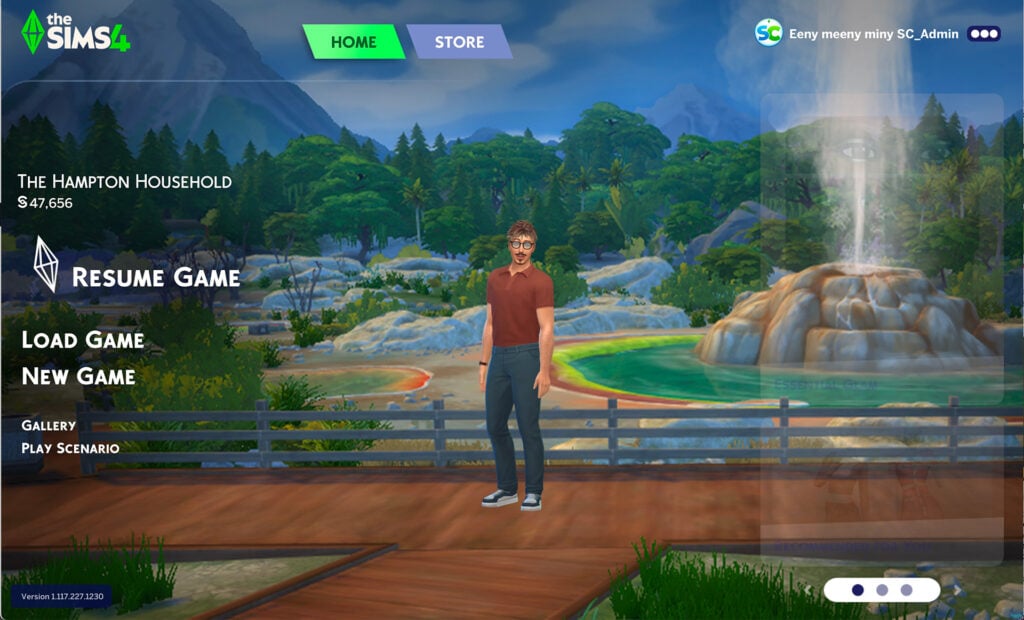
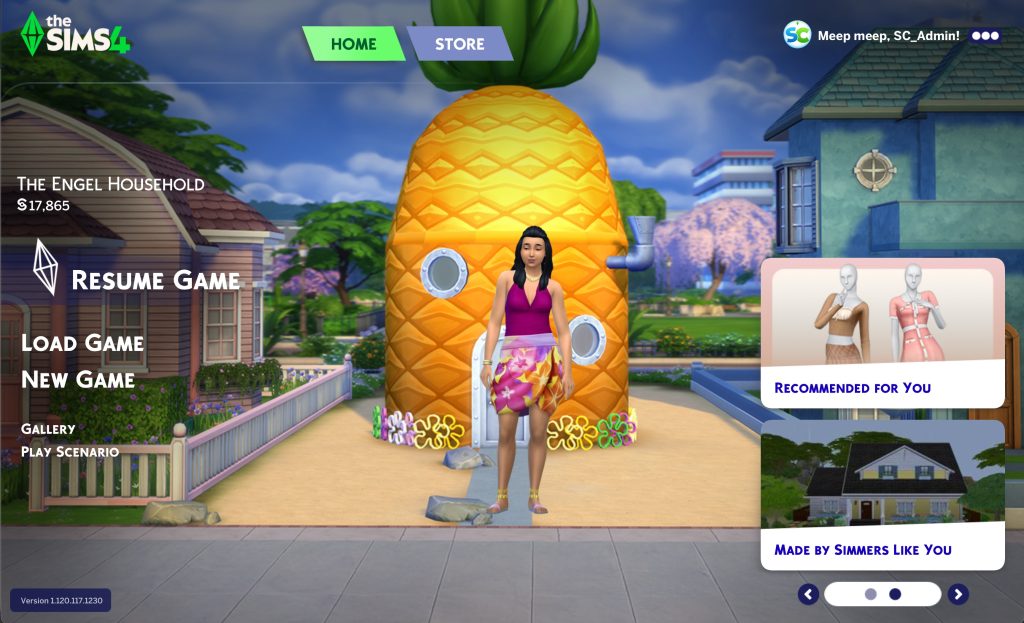
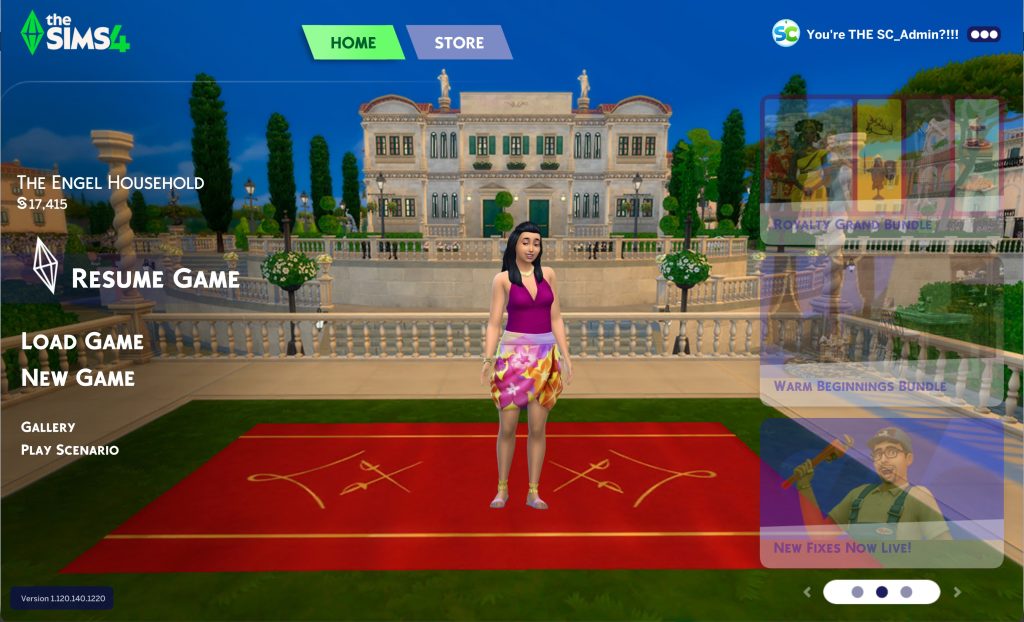
Two weeks ago The Sims 4 Main Menu got a brand new refresh. Featuring a new User Interface Menu, updates to the branding and your last played household now in the front center of your screen.
Table of Contents
Dynamic Update to The Sims 4 Main Menu
If you opened up your game in online mode today, you might’ve noticed something different placed around The Sims 4 Main Menu backdrop.
Take a look:
The Sims Team placed down several new objects from the upcoming Sims 4 Blast From The Past Event. Teasing its start date for February 4th, 2025. If you take a look on the right, you’ll also notice a computer screen featuring the new render from Nostalgia Now season. Hinting at the upcoming Sims 1 and Sims 2 Rereleases coming this Friday!
February 4th, 2025 Main Menu Update
The Sims 4 Main Menu got another Update on February 4th, 2025 to celebrate 25 years of The Sims Franchise:
The new backdrops are loaded straight from EA’s servers after you open up your game online. Meaning that you should expect new teasers, items and more showing up on your Sims 4 Main Menu regularly. These dynamic updates are expected to happen with new Sims 4 Live Events and Sims 4 Roadmap reveals.
March 6th, 2025 Update
To help celebrate the launch of The Sims 4 Businesses & Hobbies Expansion Pack, The Sims Team updated the Main Menu background again. Featuring elements from the latest EP release.
The Sims 4 Dynamic Main Menu turns 1 year now! We’re already moving on to the next backdrop, inspired by the next Expansion Pack release titled The Sims 4 Royalty & Legacy!
Don’t like it? There’s a Mod for PC / Mac simmers!
There’s a unique solution to this occurence for PC / Mac players if you don’t like to be surprised with new Sims 4 Main Menu backdrops every now and then. Creator @lunar_britney just released an update to their Sims 4 Main Menu Readjusted Mod, which should now also remove any dynamic backdrops happening on your screen.
Unfortunately for all PC / Mac players who play on the EA App, they won’t be able to check out their dynamic Sims 4 Main Menu until the EA Servers are back online. As of now, logging into EA App and connecting to EA servers is still causing an issue.
It seems the servers are slowly coming back online!
What are your thoughts on The Sims 4 Main Menu getting dynamic? Join the disussion below!
Electronic Arts has released a new Sims 4 Patch across platforms!
Maxis and EA have just released a brand new The Sims 4 Update across PC, Mac, Xbox and Playstation supported platforms. The latest Patch doesn’t include anything new as announced last week. This Sims 4 Update is expected to fix several bugs and issues, including overlapping Festival items and missing Clutter Objects from Build Mode.
Find out everything new and changed in the official Sims 4 Patch Notes below:
The Hotfix Update
Table of Contents
Installing the Latest Sims 4 Update
You can get the latest The Sims 4 Update on the following official launchers and platforms:
You can download the latest Sims 4 Update by checking for a Patch through the EA App, Steam or Epic Games launcher for Desktop. If you have Automatic Updates enabled the update will automatically download through your client program. In case your EA App is not working properly ensure you’ve cleared your app cache!
If you play The Sims 4 on Xbox Series X / S and Playstation 4 and 5 you can request a new update by checking for updates under The Sims 4 game in the Main Menu. If you’ve enabled automatic updates the Patch should download right away.
Unlike previous Sims 4 Feature Updates, this one is not expected to automatically disable Mods / CC considering it’s a hotfix without any new features. On the other hand, the new Sims 4 Update set to release next week will probably disable all your Mods / CC.
Official Sims 4 Patch Notes
Update 1.28.2025
PC: 1.112.519.1020 / Mac: 1.112.519.1220
Console: 2.06
Sul Sul, Simmers!
This update covers a series of quick fixes for issues reported on the previous update.
We’ve officially moved to the EA Forums, EA’s new platform for community engagement and reports. As part of the migration, we’ve also moved the open reports and their corresponding “me-toos” to the EA Forums. Visit EA Forums to share with us any issues you might be experiencing. This is the primary source for information, troubleshooting, and gathering information on issues being reported.
Thanks for all your reports!
– The Sims 4 Team
Bug Fixes & Updates
Base Game:
[EA Forums] Addressed multiple cases where festival objects from different events (Romance, Flea Market, Spice, and Humor and Hijinks) overlapped on lots in San Myshuno. Additionally, rogue objects such as coffee cups, plates, flowers, cupcakes, crates, and boxes will no longer appear randomly floating or scattered around the city.
Fixed an issue where the full-body outfit (ymBody_SP60RobeBoxers) was wearable for female Sims.
[AHQ] Casanova Cave Top (ymTop_SP60Vest) now tucks in properly.
We missed these in the last patch notes!
Hovertips will show up a bit quicker when moving your mouse around the HUD.
Lessons Improvements: fixed side bar indentation and linking issues.
You can now update traits and aspirations after finishing Create a Sim Stories.
A couple of travel improvements! You can click on your Sim to travel, and the interaction has been moved up in your phone.
Grim has a new ghastly look! His tattered robe has additional detail, exposing his skeletal ribcage, and he has skeleton fingers to match.
Base Game & Affecting Multiple Packs:
[EA Forums] Clutter items that were not showing up under the clutter tag in Build Mode have been fixed. Let there be clutter!
Have you downloaded the latest Sims 4 Update on your Computer or Console yet? Let us know your progress so far in the comments below!
All The Sims 2 Base Game and Pack Features you should expect this Friday!
It’s really official – EA and Maxis are getting ready to launch The Sims 2 and The Sims 1 Re-Releases for PC Windows this Friday! As confirmed in the leaked features, The Sims 1 and The Sims 2 Rereleases will include all Expansions and DLC released for each series entry.
For The Sims 2, this means that the new rerelease will be packed with eight Expansion Packs and nine Stuff Packs. The price of this rerelease is still currently unknown, but we’ll find out the price as we get closer to the release this friday.
Official The Sims 2 Rerelease Cover
Until then, we thought it would be a good idea to showcase each The Sims 2 Game release. From the first Base Game entry to the last Pack released for the game – Mansion & Garden Stuff. This article contains original screenshots, features and renders from official press releases back in the 2000s. You might even stumble upon some early Sims 2 Beta screenshots from 2003 in their full quality!
Table of Contents
The Sims 2 Base Game
Game Features
In the The Sims 2, you direct your Sims over a lifetime and mix their genes from one generation to the next. You set your Sims’ goals in life; popularity, fortune, family, romance or knowledge. Give them a long, successful existence or leave their lives in shambles. Take them to extremes, from getting busted to seeing a ghost, from marrying an alien to writing a great novel. Unleash your creativity with the all-new Create-A-Sim, new building options, and the new in-game movie camera. Get ready to mix their genes, fulfill their dreams, and push them to extremes. What do you want to do with your Sims’ lives?
Mix Genes: Your Sims have DNA and inherit physical and personality traits. Take your Sims through an infinite number of generations as you evolve their family tree.
Fulfill Dreams: Your Sims now have purpose in life. Do they aspire to a life of popularity, fortune, family, knowledge, or romance? It’s up to you to decide if they will be a lover or a loser, a prince or a pauper, a fool or a mastermind, and many other choices. Give them what they want and they’ll lead a long, successful existence; indulge their fears and risk ruining their lives. It’s all in your hands.
Push The Extremes: Will your Sims be left at the altar and need a shrink, or inherit a fortune and become filthy rich? Witness the big moments that make every Sim’s life uniquely memorable.
Unlimited Creativity: Generate unique Sims with the new Create-A-Sim, packed with a vast selection of facial features, hairstyles, and outfits. Build dream homes and design neighborhoods with new building, design, and home furnishing options.
Revolutionary Movie-making: Make your own Sim films with the all-new movie-making feature. Create the cast, set the stage, take control of the camera, and capture your own screenplay in action. Zoom in close to record every detail as your very own Sims sitcom unfolds.
Official Screens
Official Renders
After The Sims 2 Base Game released in 2004, EA and Maxis started rolling out two pack types for this game: Expansion Packs and Stuff Packs! Down below we’ve listed an entire catalogue of all EPs and SPs released originally for The Sims 2 Base Game on Windows. Take a look!
The Sims 2 Expansion Packs
The Sims 2 University
Official Expansion Pack Features
Your Sims are now young adults leaving home to live the ultimate college fantasy. Immerse them in college life as they become the Big Sim on Campus. They’ll relish their new-found freedom as they party with friends, join fraternities and sororities and pull outrageous pranks. Your Sims will explore all the campus hot-spots as they frequent lounges, gyms, coffee houses and more. Help them fulfill new lifetime goals to unlock more rewards and reap all of the benefits of their university years.
New Young Adult Age Group: All-new university age Sims leave home and take over campus. Now they can relish their new-found freedom by setting a new life goal.
Become the Big Sim on Campus: Your Sims have all-new wants and fears tied to their social and academic life. Develop their ability to influence friends, classmates, and faculty.
Earn Degrees to Open Up New Careers: Choose from 11 majors for your Sims and keep their grades on track. Secure the final degree and open up four new career paths.
New “College Town”: Now your Sims can live the ultimate college fantasy whether it’s living in dorms, rushing a fraternity, or shacking up with friends in their very own pad.
College Lifestyle: Join a band, crash parties, find a part-time job, or get initiated into a secret society, print money, and cheat on your studies. How will your Sims enjoy their college years?
Over 100 New Objects and Decor Items: Take a fun study break with the Arcade Game or polish your skills on the Drum Kit. Hustle your pals on the Pool Table, milk the cow plant and extend your Sims life span, or take a photo with the new Camera and use it as wall-hanging.
Official Screens
Official Renders
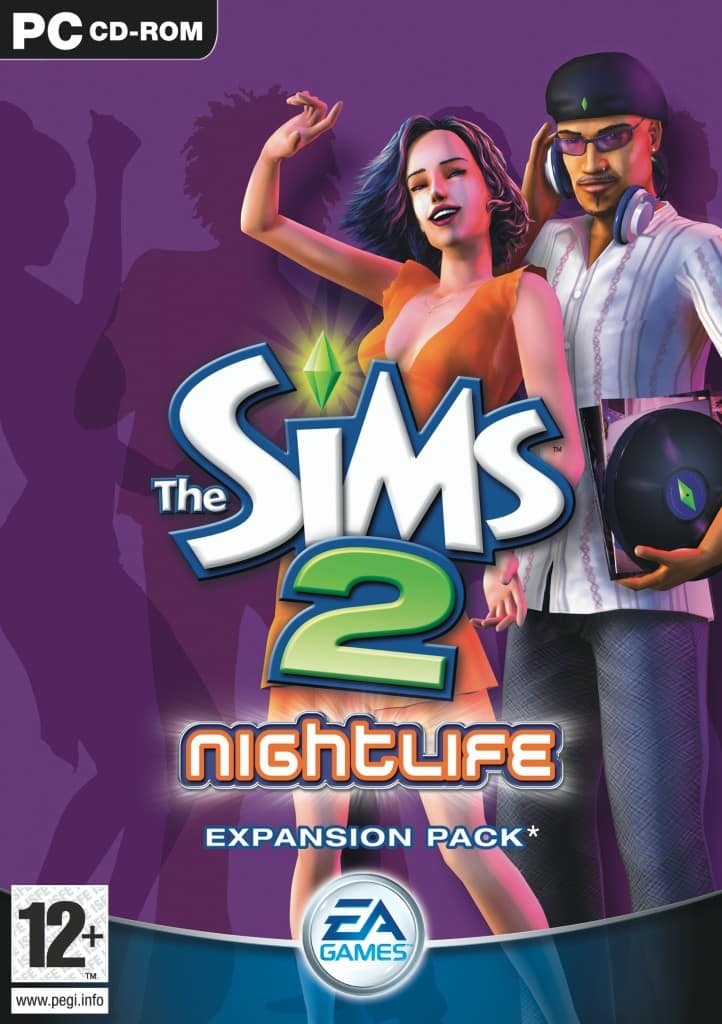
The Sims 2 Nightlife
Official Expansion Pack Features
Your Sims are on the town hitting all the swanky hot spots. Whether they’re dancing until dawn, romancing that special someone, or striking out at the bowling alley, it’ll be an unforgettable night! Let your Sims loose to enjoy their favorite after-dark activities as they pursue a life of pleasure. Determine their love lives as you discover the chemistry between Sims. Will their life aspirations and personalities click or clash? It could be the beginning of a stormy affair or a dating disaster. Ready for fun and romance? Bring on the night!
Determine The Fate Of Their Love Life: Your Sims romantic attraction is now based on personality, life aspiration and zodiac sign. Figure out their compatibility, then heat up their love life with new romantic social interactions including a longing gaze, slow dance or a dramatic dip kiss. Depending if the date succeeds or fails, your Sims might be surprised with a romantic gift or receive the ultimate hate letter.
Life Is All About Pleasure: Choose the all-new Pleasure Seeker life aspiration for your Sims. Delight these Sims in all the enjoyable sides of life; everything from great dates to crazy parties, fine dinners to hanging in the hot tub. Be aware that pleasure seeking Sims fear anything that is painful, embarrassing or an effort.
Your Sims Own Cars: For the first time ever, your Sims will be able to buy their own cars and ditch the carpool to get to work or head downtown. Drive a pick-up truck downtown or cozy up in a zippy sports car for a little after-date romance. Choose from five unique car styles and select the color. Manage your Sims’ time better with the freedom to leave the house at their leisure.
Send Your Sims Out On The Town: Whether it’s girls night out, or a big date, it’s time to get your Sims dolled up and head out for an epic night in the all-new downtown area. What are they in the mood for? Now they can chill out at mellow lounges, dance the night away at nightclubs, enjoy candlelight dinners at fine restaurants or hit the bowling alley with the guys and become the ultimate king of the pins.
Live It Up In Fun And Style: Over 125 New Objects & Items including a DJ station, photo booth, karaoke machine and more. Exotic new Sims to mingle or date including vampires, hot waiters and more.
Official Screens
Official Renders
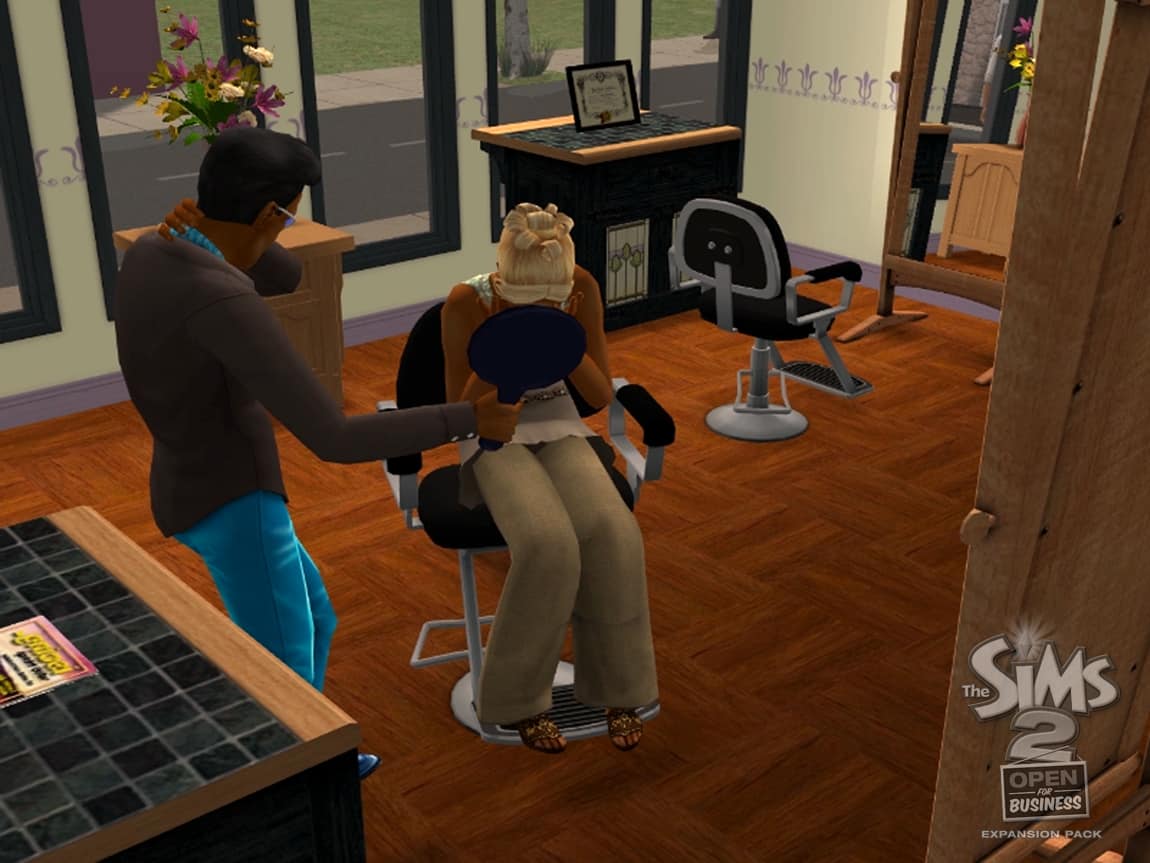
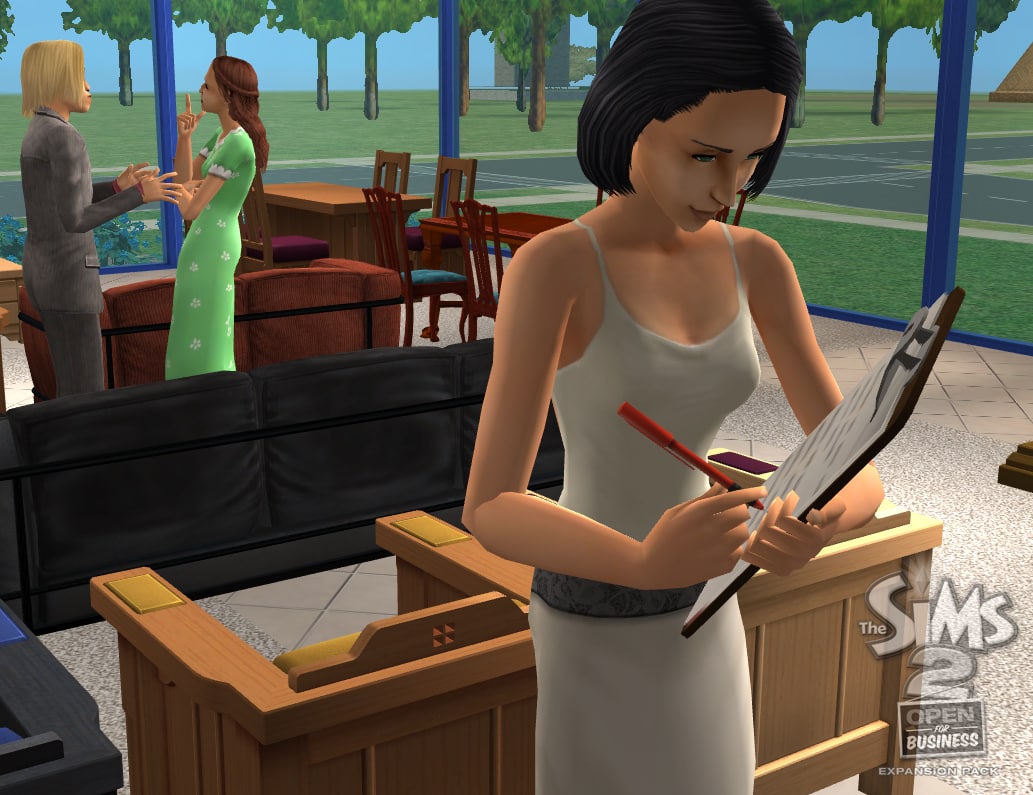
The Sims 2 Open For Business
Official Expansion Pack Features
Now your Sims can create their own businesses. They can design their own clothing boutique, beauty salon, florist, high-end electronics shop, bustling restaurant chain, or virtually any other type of business. Hire your staff as the business grows and put talented Sims to work making toys, running the register, crafting floral bouquets, giving sales pitches, or manufacturing robots. But watch out for slacker employees and be prepared to fire them on the spot. From clever tinkerer to master craftsman, develop your Sim’s talents to best suit your business needs. Will they build a thriving business empire or become eccentric entrepreneurs designing the next big thing?
Create Thriving Businesses: Open up shops selling just about anything from clothing, electronics, and toys to flowers, baked goods, robots and more. Customize any business to your choosing by tailoring the store theme, layout and prices. Hire employees with high sales skills and employ independent managers to run things while your Sim is away. Watch as your business grows from a mom and pop shop into a booming empire.
Be The Boss: Train employees, promote the best, and fire the rest. Cater to different customers including browsers and loyal shoppers. Dress your Sims in outrageous mascot outfits that resemble Knights, Ninjas, Gorillas, and more. Promote your best employees, but beware of slacker workers and be prepared to lay them off without hesitation!
Learn The Tricks Of The Trade: Customer is king. Develop your Sims’ sales skills and determine if your employees should use a hard sell or drop the price to close the deal. Win the Best-of-the-Best Award to establish your Sim’s business rep. Will your Sim’s business make more money selling low quality products at basement rates or luxurious goods at scale-tipping prices?
Turn Talents Into Cash: Arrange flowers, make toys, and create robots to catch thieves at home or clean up the shop. Develop master-skilled Sims to make the most prized and expensive goods. Settle for an entry-level crafter and churn out pet bricks or faulty toy robots. Just bring home the bacon any way you can!
More Than 125 New Items: Stock up on essentials for your Sims’ business, including display cases, a beauty salon chair, a toy workbench, a floral station, cash registers, and more. Complete your shop atmosphere with awnings and elevators for easy store navigation, or matching uniforms for all employees. With all the new items, there will never be another dull day building a business!
Official Screens
18.01.0618.01.06
Official Renders
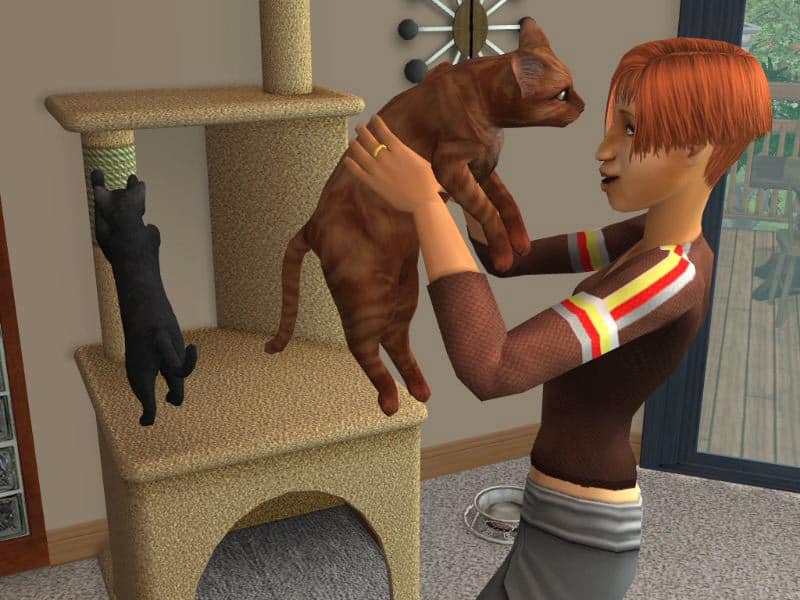
The Sims 2 Pets
Official Expansion Pack Features
Create the perfect pet for your Sims to train, play with, and love throughout a lifetime. Pick everything from their paws to their personality. Choose from dozens of popular dog and cat breeds like Schnauzer and Siamese. Or create a unique cat or dog by modifying their features and body type. Your Sims can teach their pets tricks, take them for a romp in the park to meet other furry friends, or buy them toys, beds, and much more. But pets have minds of their own-so expect the unexpected!
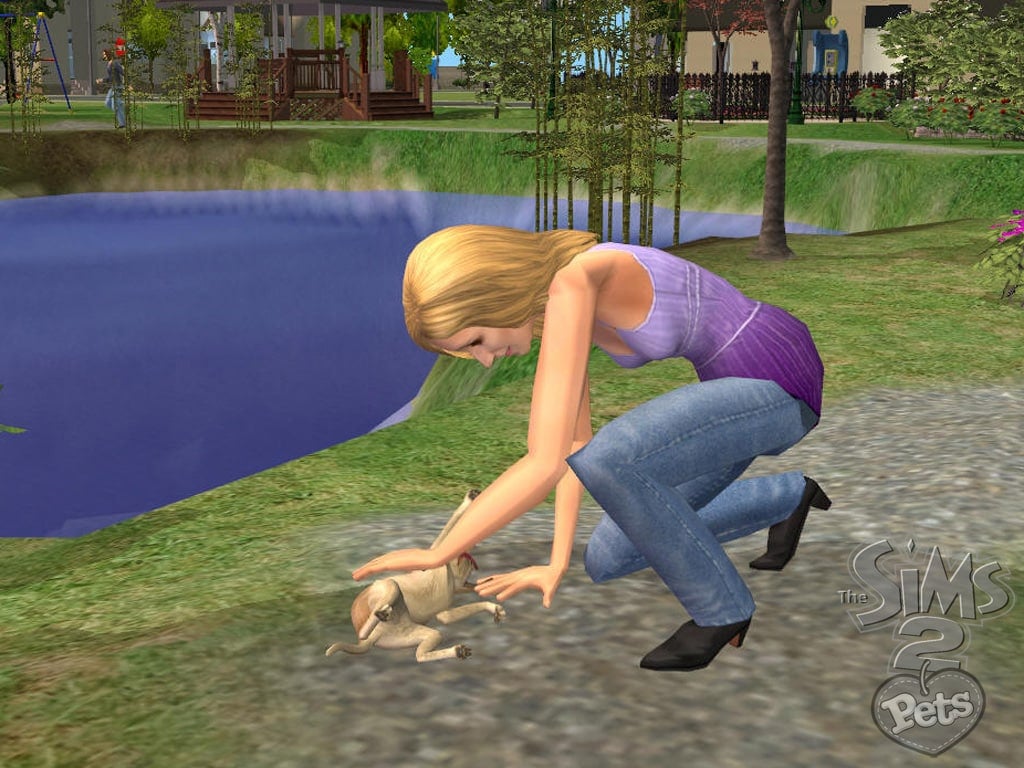
Your Sims Have Pets! Add dogs, cats, birds, or guinea pigs to your Sims family. Whether it’s kids cuddling kittens, adults watching TV with a drowsy Calico, or elders spending a sunny day in the park with their faithful German Shepherd, your Sims will share a lifetime of special moments with their pets.
Create Pets: Choose from dozens of dog and cat breeds including Pug and Persian. Or create your own unique cat or dog by modifying its body type, face shape, fur color, markings, and more. Then pick a personality! Is your Boxer gifted or goofy, your Burmese hyper or lazy? You decide!
Pets Have Genetics: Cross different breeds to create designer pets or make new ones and register them to appear in Create-A-Family as a unique breed.
Sit, Spike, Sit: Your Sims can teach their pets tricks like shake, fetch, roll over, and more. Unruly pets might topple the trash or scratch the sofa, but Sims can change their pets’ ways with the right training.
Pets Have Jobs: Skilled pets can have careers of their own and earn a living as Movie Stars, Rescue pets, or members of an elite Security Pet Corps.
Show Off and Share Your Pet Creations: Upload your favorite Sim pets to TheSims2.com to share with other The Sims 2 Pets players through the Exchange.
Official Screens
Official Renders
The Sims 2 Seasons
Official Expansion Pack Features
Head outdoors for year-round fun with your Sims! New seasonal activities await your Sims including snowball fights, chasing fireflies, jumping in leaf piles, and more. Strengthen family ties in Winter, let romance bloom in Spring, deepen the bonds of friendship in Summer, or fast-track your career in Fall. Your Sims can now explore new careers and master new talents throughout the year, but beware freezing, heatstroke, sneezing, and other unexpected weather effects! Dress your Sims appropriately or face the consequences!
Dramatic and Detailed Weather Effects: A brand-new visual experience has come to the world of The Sims 2. Now your Sims can experience snowstorms, thundershowers, lightning bolts, and deadly hailstones. All four seasons are spectacularly rendered to occur in everyThe Sims 2 neighborhood.
Benefit from Each Season: Seasons impact your Sims’ relationships, moods, wants, and fears.
Share New activities: New ways for your Sims, their families, and friends to have fun together! Build snowmen, splash in the pool, play catch, and go ice skating.
Reap the Fruits of Your Sims’ Labors: Harvest fruits and veggies all year round and blend love potions, energy drinks, health boosters, and more.
Master New Talents: Join the Gardening Club for tips on how to make your garden blossom, and reap the rewards! Catch fresh fish to grill on the barbeque-but beware surprising catches!
Explore 6 New Careers: Do your Sims crave the life of an adventurer or gamer? Perhaps they’d rather explore music, law, journalism, or education? Fun reward objects like a heavy metal guitar await your Sims with each new career path.
Dress for the Season: Dress your Sims in seasonal outfits including Winter coats, gloves, ear muffs, raincoats, and Summer dresses.
Fun New Items: Decide the season with the weather control device, harvest fruits and veggies in the greenhouse, slip in the skating rink, make a wish at the wishing well, and add fun with a pool slide.
Official Screens
Official Renders
The Sims 2 Bon Voyage
Official Expansion Pack Features
Whether relaxing on a lush tropical island in a luxury suite, camping with the family on a pristine mountaintop, or exploring the culture of the Far East, your Sims will enjoy new activities to relax and rejuvenate them. Transform them from bumbling tourists to savvy international travelers as they learn new customs including local greetings, dances, and more to take home and teach to their friends. Send your Sims packing for the trip of a lifetime!
Travel to Three Dream Destinations – Each location offers unique landscapes and local residents, such as the Fire Dancer and Ninja, for your Sims to meet and learn from. Try local cuisine and admire cultural landmarks as your Sims explore these new locales.
Send Your Sims on Tours – Glass bottom boat rides, adventurous van tours, and other excursions are fun new activities for your Sims, but there may be some surprises in store!
Buy or Find Unique Items – Shop for unique objects found only on your Sims’ travels, including rare jewelry they can wear or take home as gifts. Stumble up on hidden locations, collect shells on the beach, or dig up treasure.
Stay at New Travel Accommodations – Splurge on the luxury suite for your Sims or save Simoleons and choose a more cozy lodging. Your Sims will enjoy the comfort of room service, get pampered at the spa, and more.
Official Screens
Official Renders
The Sims 2 FreeTime
Official Expansion Pack Features
Now your Sims can rediscover the joys of leisure time! Awaken your Sims’ true passions in life as they discover and excel at all-new activities. Whether they’re tossing a football with the family, practicing ballet, restoring cars with friends, or building train sets, your Sims now have more ways to build skills, enhance friendships, and make their lives more successful. Craft new, unique items for your Sims to use in their daily lives including clothing, pottery, and more. Your Sims will even unlock secret rewards by mastering their hobbies and advancing all-new careers. Explore a wide variety of new hobbies that will change your Sims’ lives!
Discover your Sims’ passion from a wide range of new activity types, from sports to science to arts and crafts. All-new hobbies include basketball, soccer, restoring cars, ballet, even searching for stars and planets!
Hobbies offer lifetime rewards. As your Sims master new activities they’ll unlock aspirations, earn rewards, and uncover secret lots.
Once your Sims build up their skills, they can sell their arts and crafts or see how they stack up against the competition by entering dance, food, and video game contests!
All-new group activities are a great way for Sims to spend time with family and friends. There are even special activities for kids and toddlers, including an activity table for drawing and playing with blocks!
Hobbies can be full of unexpected moments, especially for Sims with low skill levels. Your newbie Sim might sew a bear with one eye, make a lopsided jar on the pottery wheel, get poison ivy while hiking, or who knows what?!
Official Screens
Official Renders
The Sims 2 Apartment Life
Official Expansion Pack Features
Your Sims are moving into a brand-new apartment, and their lives will never be the same! Adventure, fun, and drama await them as they meet new people and explore their new neighborhood. Will they take their kids to the local playground, mingle in coffee shops, or hit the park to learn from the breakdancers? Close quarters mean new opportunities-move in with compatible roomies for a thriving social life, advance your career with the right social network, or find true love just down the hall. Whether they live in artsy converted lofts, the ultimate studio bachelor pads, or luxury apartments with their own butler, your Sims will experience all of the excitement of apartment life!
Move into the perfect apartment: a spacious loft, a cozy place for a young couple, or a multi-bedroom flat-share with friends.
Mingle with Sims from all-new social groups: stylish socialites, artsy bohemians, sports jocks, gadget-collecting techies, or edgy gearheads.
Take advantage of apartment life: form social networks to make new friends, advance their careers, or look for love.
Build your Sim’s new reputation meter: with a good reputation, your Sim can find the right friends to help them achieve their goals!
Control multiple households: will you make your Sims live in happy harmony or comical conflict?
Official Screens
Official Renders
The Sims 2 Stuff Packs
The Sims 2 Family Fun
Official Stuff Pack Features
Add excitement to your Sims’ family with this all-new collection of furniture, clothing, and décor. Decorate the home with an assortment of cool new furnishings, including upscale living room items and adventurous bedroom sets. Dress your Sims in matching attire for an amusing day out with the family. With 60 new items from castle beds to cruise ship replicas, your Sims now have more stuff for family fun.
New Décor! Indulge your Sims’ imaginations with fantasy-themed furniture, a complete underwater kids’ bedroom set, or nautical-themed living room furniture.
New Styles! Hang loose in Hawaiian style clothing or bring out the kids’ adventurous side with exciting costumes.
New Stuff! 60 all-new items for your Sims to join in on all the family fun!
Official Screens
The Sims 2 Glamour Life
Official Stuff Pack Features
Your Sims can now indulge in a glamorous life with this collection of luxurious furniture, fashionable clothing, and extravagant décor items. Create lavish homes furnished with the finest modern bedroom, living room, and dining room sets. Turn heads in the neighborhood as your Sims show off elegant gowns, red carpet formalwear, and cool casual styles at their next big soirée. Your Sims will live the high life with 60 new items including pop-art paintings, sectional sofas, a high-end stereo, fur coats, and more!
Dazzling Home Décor: All-new luxury furnishings for your Sims’ bedrooms, living rooms, and dining rooms.
Stylish Outfits: Choose from glitzy evening gowns, chic suits, or hip designer styles.
Glamorous Items: 60 new items to help your Sims live the good life!
Official Screens
The Sims 2 Happy Holiday / Festive Holiday
Official Stuff Pack Features
The Sims 2 Festive Edition is a great value that includes the critically-acclaimed game, The Sims 2—in its entirety—plus 60 global holiday-themed items that allow your Sims to add sparkle to their holiday celebrations. Available for the same suggested retail price as the original game, The Sims 2 Festive Edition will include this holiday bonus content, allowing players to spread holiday cheer by turning their Sims’ home into a sugar plum fairy land, organizing a holiday get together, even rocking out with Funky the Snowman!
Official Screens
Official Renders
The Sims 2 Celebration!
Official Stuff Pack Features
Your Sims can now celebrate in style with this fun collection of furniture, party fashions and decor items. Dress your Sims in dazzling wedding attire for a posh outdoor ceremony, decorate their house and garden to throw the ultimate fiesta, or invite the neighbours over for an elegant evening event. Throw the ultimate celebrations with all-new items including delicious cakes, colourful paper lanterns, balloons, sparkling tiaras, and more. Host the social events of the season with your Sims!
Key features
Picture-Perfect Weddings – From breathtaking wedding attire for the entire bridal party to fabulous floral arrangements, make every moment magical.
Outdoor Fiestas and Parties – Throw a lively birthday party or fiesta complete with cheerful party balloons and banners, a buffet table loaded with tasty munchies, and more.
Evening Events – Decorate your Sims’ tabletop with colourful and flowing linens, twinkling tea lights, and more for a chic dinner party.
New Stuff!
Wedding Dress Bliss – Dress up your Sim in the gown of her dreams.
Get Cooking – Fire up the grill for casual gatherings.
Take Cover – Offer guests a shady repose at your Sims’ garden party.
A Banner Party – Decorate any wall with this eye-catching party banner.
A Lofty Seat – Give any Sim’s spirits a lift with fun party chairs adorned with balloons.
Official Screens
The Sims 2 H&M Fashion
Official Stuff Pack Features
Dress up your Sims in the latest H&M® clothing collections for men and women with The Sims 2 H&M® Fashion Stuff!
Your Sims can choose from contemporary fashion essentials including flirty short dresses, casual but striking dress shirts, and other head-turning outfits, complete with accessories-all inspired by real H&M® designs. Design your own store modeled after the sleek interiors of the trendsetting retailer. Your all-new retail-themed items include mannequins, clothing racks, cash registers, fitting rooms, and more. Design a fashion runway where your Sims can showcase their favorite outfits on the catwalk. Whether wearing bold new styles, spotlighting the stylish collection on the runway, or shopping for the latest trends at a store that you design, your Sims will show off their superior sense of style with The Sims 2 H&M® Fashion Stuff.
About H&M: H&M is the hugely popular European retailer now expanding rapidly in the US. H&M offers fashion and quality at the best price with a broad and varied selection for women, men, teens, and children. H&M stores are popping up everywhere in cities like New York, Los Angeles, San Francisco, to name just a few. For more information and a look at the exciting collaborations that H&M has with stars like Madonna, visit hm (dot) com!
Find Your Summer Look: Dress your Sims in a stylish ensemble showcasing the vibrant colors and bold accessories that are the latest trends this season!
The Go-To Place for the Latest Trends: Design your own H&M® retail environment, or use new store-themed items to build an intimate H&M® boutique for more sophisticated citizens.
Spotlight the Top Fashions: Design a runway and show off all of your favorite H&M® styles.
Official Screens
psd jpgcopypsd jpgcopypsd jpgcopy
Official Renders
The Sims 2 Teen Style
Official Stuff Pack Features
Give your teen Sims everything they need to express their unique style with The Sims 2 Teen Style Stuff! Now your teen Sims can show some attitude with all-new, unique furniture, decor items, fashions and more with three distinct themes – “Goth”, “Thrasher” and “Socialite”. Give your Sims a new phone, stereo, TV and other gadgets to keep them up to date and in touch with their friends. Make sure your Sims are always sporting the latest teen fashions including track suits, designer jeans, and yoga outfits. Let your young Sims express themselves in ways only teenagers can!
The Fabulous Life Of The Socialite
Design a bedroom fit for a princess with a luxurious bed complete with drapery crown and a classy vanity table.
A delicately carved wardrobe is perfect for your Socialite teen to keep her designer jeans and other stylish accessories.
Young girl Sims can lounge around in chic pajamas that put a cute cami and pants with matching fuzzy slippers.
Get The Extreme Sport Lifestyle
Deck out your Sims’s roo with a skateboard and surfboard wall sculpture to reflect their edge yet laidback lifestyle.
Give them khaki cargo shorts and other chill clothes that are perfect for lounging.
The Dark World Of The Goth
Transform your Goth Sim’s room into a reflection of their dark soul with gloomy furnishings like a black and red armoire and plush, velvet chairs.
Fill their wardrobe with dark and rebellious attire including buckles, belts and heavy boots for him and leather, tattoos and fishnets for her.
Official Screens
The Sims 2 Kitchen & Bath Interior Design
Official Stuff Pack Features
Redesign your Sims’ essential living areas into the most luxurious of spaces. Give your Sims’ kitchens and baths the interior design update they need in a Contemporary or Romantic style. Transform the bathroom into a romantic getaway with charming claw-foot bathtubs and calming lighting fixtures or give it a modern twist with beautiful glass showers, basin sinks, and more. Redesign your kitchen as you upgrade it with sleek appliances on granite countertops or romantic natural wood cabinets next to wrought iron stoves. Outfit your Sims in the perfect clothes and accessories to enjoy their lavish new rooms, from sumptuous spa robes to designer cooking aprons. Be your Sims’ personal interior designer! Give them the kitchens and baths of their dreams with a variety of new furniture, décor, and outfits!
Give your Sims the right attire and accessories for enjoying their brand-new kitchens and bathrooms including a hair turban, spa mask, cooking aprons, and luxuriant cashmere pullovers for around the house.
Update your Sims’ kitchen with that sleek new look you’ve been dreaming about with a stylish refrigerator, food processor, toaster oven, and more.
Renovate the kitchen into the warmest room in the house with romantic touches including new themed wallpaper, wood-carved counters, and ceiling-mounted hanging pot racks.
Make your Sims’ bath time a modern experience with contemporary design options such as elegant sectional mirrors, quad-quadrant ceiling lighting with a modern flair, and graceful countertop basin sinks.
Indulge your Sims in a romantic bath complete with cozy new tiles, fancy towel racks, romantic paintings, designer rugs, and much more.
Official Screens
Official Renders
The Sims 2 IKEA Home
Official Stuff Pack Features
Give your Sims’ home a makeover with new furniture and décor items based on stylish designs by IKEA!
Whether you want to create a trendy, spacious office, a chic living room, or a cozy and inviting bedroom, you can make your Sims’ dream house into something even better-a home. Design your Sims’ rooms to fit their personalities with all-new sofas, beds, tables, TV units, shelving, and more, in a variety of colors and patterns for a truly unique look. Add the finishing touches with popular IKEA wall art, mirrors, lighting, and vases. Be your Sims’ personal interior designer with inspiring, contemporary styles from IKEA!
Turn your Sims’ living room into a haven of comfort and relaxation with a plush EKTORP sofa, a unique EXPEDIT TV unit, a complementing LEKSVIK coffee table, and chic décor, like the VANNA mirror.
Create a bold, vibrant, and revitalizing bedroom with a new MALM bed, matching chest of drawers, a shapely STORM floor lamp and a bright IKEA PS rug.
Indulge your Sims with an office that is sure to promote order and productivity with its elegant FREDRIK desk, inspiring KILA desk lamp, bold HELMER drawer unit, and LACK zigzag wall shelf.
Official Screens
Official Renders
The Sims 2 Mansion & Garden
Official Stuff Pack Features
Design impressive estates and meticulous gardens for your Sims with three all-new styles. Infuse your Sims’ mansion with the intricate beauty of new Moroccan designs, add a touch of retro-modern style with stately and new Art Deco elements, or build in the imposing new Second Empire style. With a host of new architectural and landscaping items to choose from, your Sims homes will look more stunning than ever!
Re-create your Sims homes into luxurious mansions. New items including exotic columns that create stunning new archways, chic ceiling fans that add an element of cool, or sweeping grand staircases that make a bold statement.
Completely reinvent your Sims’ gardens with a colorful foundation of flower beds and shrubs including delicate irises, cheerful daylilies, and bright sunflowers.
Choose from three new themes to re-imagine and re-make the exteriors of your Sims’ estates.
Moroccan—Transform your Sims’ homes into imposing Moroccan palaces with lush Mediterranean gardens.
Art Deco—Build luxury estates that are classic yet bold with this glamorous “Old Hollywood” style.
Second Empire—Create grand manors and sculpted landscapes with this romantic and elegant theme.
Architectural elements include solar panels as well as all new windows, doors, roofs, and fencing to build the mansion of your Sims’ dreams.
Choose from a variety of bold sculptures, fountains, and topiaries to add an artistic element to your Sims’ relaxing garden hideaway.
Official Screens
Official Renders
That’s all there is to the entire collection of The Sims 2 Game assets and features!