

While players continue waiting for an official Sims 3 performance patch from EA and Maxis, modder Sonja92yu has released an unofficial alternative through Nexus Mods.
The goal of the mod is simple: improve The Sims 3's overall performance without requiring players to tweak dozens of settings or install multiple fixes. Although the community has created countless guides over the years involving configuration changes, additional mods, and even edits to the game's core files, this patch aims to provide a much simpler, all-in-one solution.
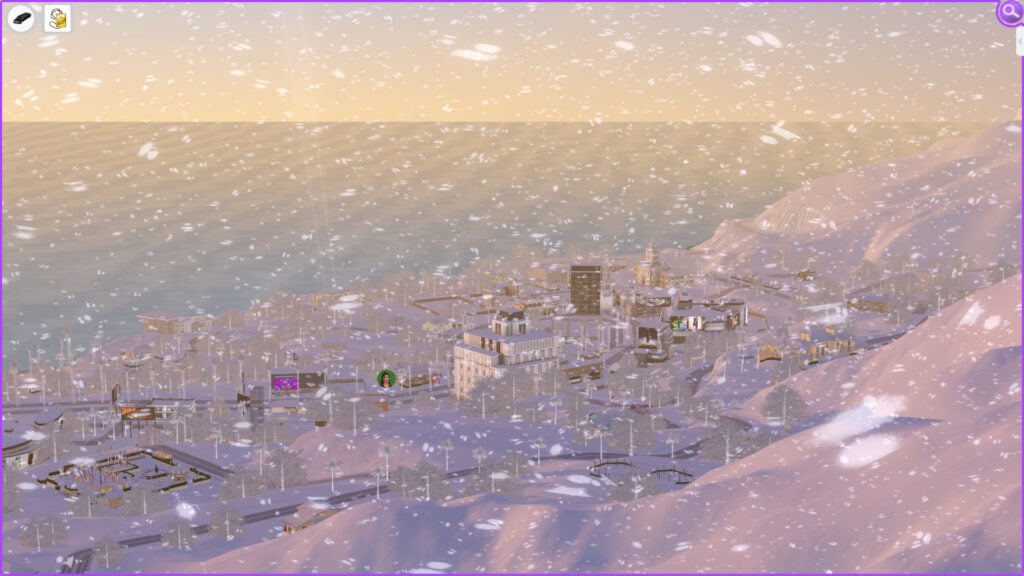
Table of Contents
How To Install The Sims 3 Performance Patch Mod
Before installing the mod, you'll need to sign in to your Nexus Mods account, as downloads require a free account. Once you've downloaded the .zip file from the Files section, extract its contents and copy both Sims3Performance.asi and Sims3Performance.ini into the ...The Sims 3GameBin folder, where TS3W.exe (or TS3.exe) is located.
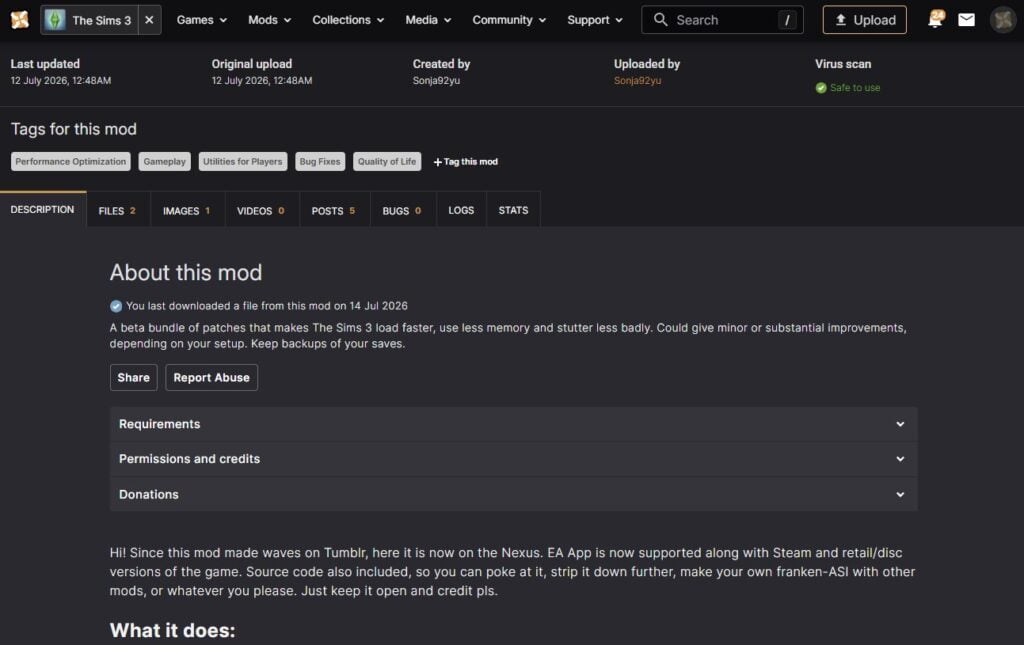
That's all you need to do; the mod will load automatically the next time you launch the game. If you ever decide to uninstall it, simply delete both files from the GameBin folder.
Official Features Description
Loading speed
Script type index (MonoTypeEHashProbe): the game's script engine looks up "what type is this object?" millions of times while a save loads, using a slow internal table. This patch builds a smarter index for that table and keeps it up to date. It is the single biggest win in this mod and where most of the 18-min-to-4-min load time improvement comes from. SimulatorStageProfiler is a small helper this index relies on, leave both on or both off.
Package index warm-up (PackageIndexWarmup): while you're still at the main menu, a background task pre-reads the table-of-contents of your Mods packages into Windows' file cache, so the game doesn't wait on the disk for them later. Costs nothing visible, helps most on hard drives.
Short-wait tuning (ShortWaitSpin): when game threads hand work to each other they often wait "just a moment". Windows turns that into a much longer sleep than intended. This makes very short waits snappier.
Memory headroom (Error 12, out-of-memory crashes)
The Sims 3 has 4 GB of address space no matter how much RAM you have.
What you see in Task Manager is not that. The gap between how much *RAM* your game is using vs how much virtual address space (VAS) it allocates can be several hundred megabytes. That is why your game might crash even if it doesn't look like it should in Task Manager. Once VAS reaches 4GB, it's game over. When that runs out you get Error 12 on saving or crashes. These three patches reclaim address space:STBL Text-table slimming (StblBucketLayoutTuning): the game reserves a wildly oversized memory layout for every localized-text table it loads (10,000+ of them in a big save). This patch right-sizes that layout. Measured saving: about 290 MB, the text itself byte-identical.
Thread stack diet (ThreadStackDiet): the game creates ~150 worker threads and Windows reserves 1 MB of address space for each, though they use a fraction of it. Now threads get a 0.5 MB reservation instead: ~70 MB back.
Arena growth tuning (AllocatorArenaTuning): the game's internal memory arenas grow in big 16 MB steps; this changes them to grow in smaller steps so less space sits reserved but unused. The game might still reserve more of the smaller arenas, though.
Smoothness
Text lookup cache (LocalizedStringCache): every tooltip, moodlet and UI label triggers a search through all those text tables. This caches the answers. If you ever see a wrong or blank text label, turn this off and please report it.
Type-check cache (MonoIsinstCache): scripts constantly ask "is this object a kind of X?". The answers never change, so this remembers them.
My Experience With The Performance Patch Mod
Before sharing my experience, it's worth mentioning the system I tested the mod on. My PC is equipped with an NVIDIA GeForce RTX 4060 (8 GB), 16 GB of RAM, and an Intel Core i7-10700K running at 3.80 GHz, all on Windows 10. Despite these specifications, The Sims 3 still suffers from performance issues, proving that modern hardware alone isn't enough to overcome the game's optimization problems.
I also play with a heavily modded game. Alongside the Sims 3 performance patch, I have several NRaas mods installed, including MasterController and multiple modules that affect both gameplay and performance, as well as custom HUD modifications and several gigabytes of custom content, including clothing, furniture, and build items. Because of this, my experience may differ from someone playing with a completely vanilla installation.
Despite that setup, The Sims 3 has always shown its age. Overall, my game performs well, and I rarely experience low frame rates, but after around 30 to 40 minutes of continuous gameplay, the simulation starts to slow down. Sims take longer to respond to commands, animations become less fluid, and the camera begins to stutter during movement. In my case, switching to Build Mode and back usually fixes the issue temporarily, but having to do this repeatedly during every play session quickly becomes frustrating.
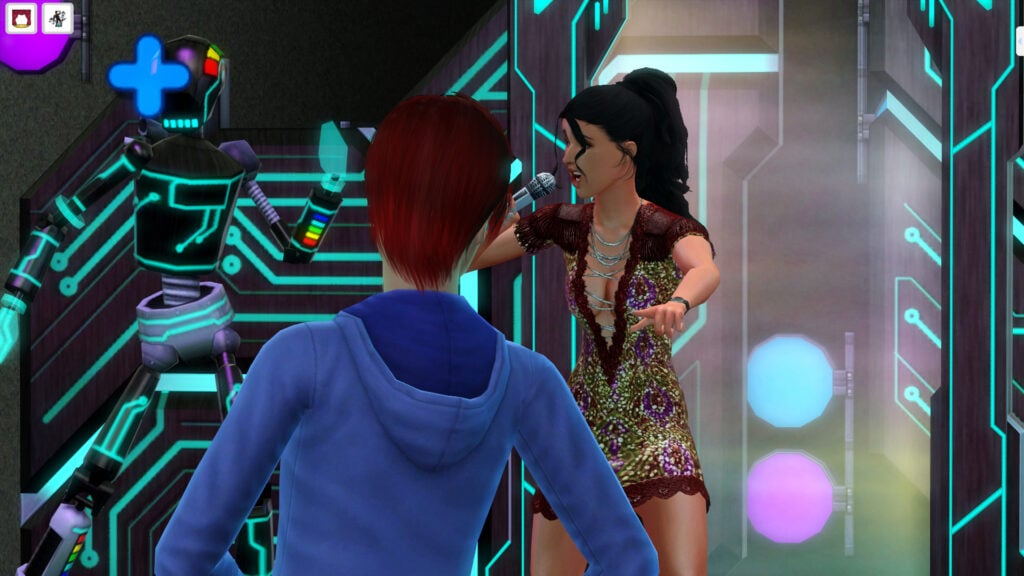
That's exactly why the community has been asking for an official performance update for years. As a 32-bit game released in 2009, The Sims 3 doesn't fully take advantage of modern hardware, meaning even high-end PCs can experience simulation lag, memory limitations, and occasional crashes despite having more than enough processing power available.
I noticed the difference almost immediately after installing this patch. I loaded a save that was already several in-game weeks old, with Story Progression running in the background, multiple NRaas modules enabled, and a large amount of custom content installed.
From the very first minutes, the camera felt noticeably smoother, animations played more naturally, and I didn't experience the usual slowdowns that normally appear during longer sessions. Even with constant snowfall, a weather effect that often hurts performance in my game, the overall experience remained surprisingly stable.
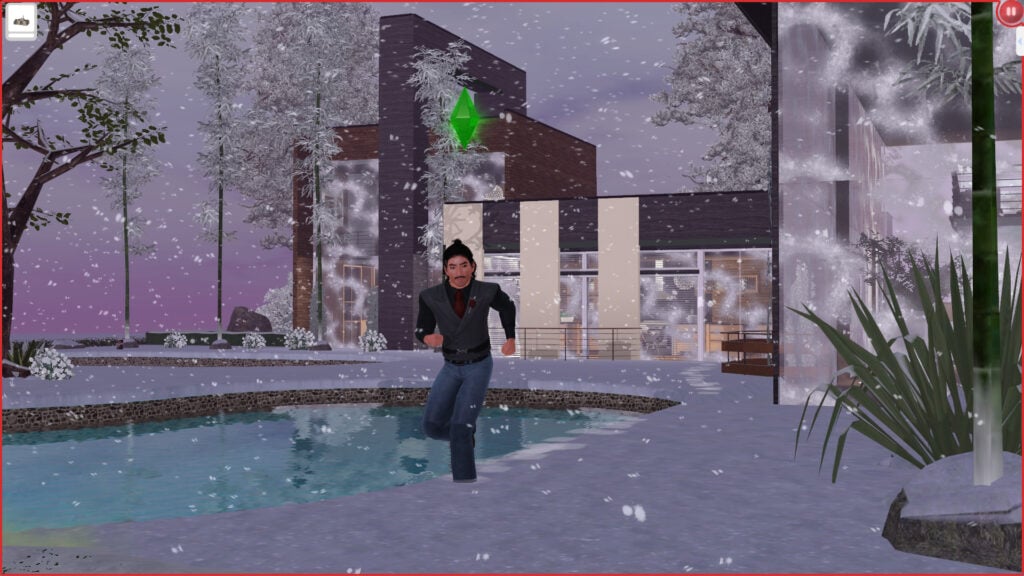
While this isn't a miracle fix and it won't solve every issue The Sims 3 has accumulated over the years, it's easily one of the most noticeable performance improvements I've experienced from a single mod.
Is the Sims 3 Performance Patch Worth It?
What surprised me the most wasn't just the performance improvement; it was how incredibly easy it was to install. Unlike many other The Sims 3 optimization guides that require changing game settings, editing files, or installing multiple mods, this patch only requires copying two files into the game's installation folder. If your game suffers from simulation lag or frequent stuttering, this performance patch mod is absolutely worth trying.
That's it. If you don't notice a difference or simply want to remove it, uninstalling it is just as easy: delete those two files and your game returns to its previous state.
Considering how little effort it takes to install, there's very little reason not to give it a try. For me, it delivered one of the most noticeable performance improvements I've seen in The Sims 3, especially during longer play sessions with a heavily modded save.
Have you tried the performance patch yet? Let us know how much of a difference it made in your game in the comments below.
For more Sims news, guides, mods, and updates, be sure to explore our latest coverage here at Sims Community.


1 Comment
Merci de continuer à faire vivre les sims 3 à travers des articles 😉
il y’a tant de belle choses à vivre sur ce jeu .
Welcome to Sims Community!
Our community is about connecting people through open and thoughtful conversations. We want our readers to share their views and exchange ideas in a safe space.
In order to do so, we've created a simple set of rules that will improve your experience. Simply put, keep it civil.
Your post will/might be rejected if it contains:
User accounts will/might be blocked if we notice:
So, how can you be a power user?
Thanks for reading our community guidelines. Please note that we're aware of certain issues with Sign In / Log In and Create Account / Email Confirmation issues. We're working behind-the-scenes on a new Account Creation process. Thank you for your patience and remember - freedom of speech is not freedom of reach