


The tool can convert any image into a paintable pixel grid that acts as an easy step-by-step guide.
Tomodachi Life: Living The Dream is finally here, and if you’re anything like me, you’ve been loving all of the custom creations players have been coming up with. If you’re struggling with getting your designs looking perfect, don’t worry! The new ‘Living The Grid’ Pixel-Art tool, created by Reddit user Clement Gonzalvez is here to help.
The custom design process can be daunting, especially if you’re not familiar with digital art, but this tool makes it much simpler by providing a paint-by-numbers guide for custom designs. All you need is an image of the design you want, and Living The Grid does the rest for you. We’ll explore the tool and explain how it works below!
Table of Contents
Tool Information
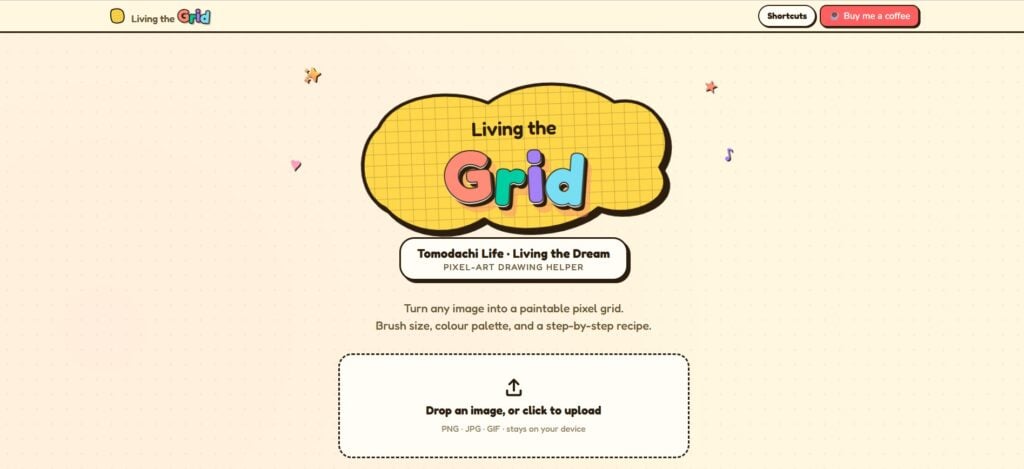
Many players will be familiar with similar image conversion tools, such as those used to create custom designs in Animal Crossing: New Horizons. Living The Grid is slightly different, however, as there is no option for a direct transfer from the tool to the game itself. Instead, the tool generates a design based on your image, presented in a pixel grid, which can then be used as a guide for drawing that same design in-game.
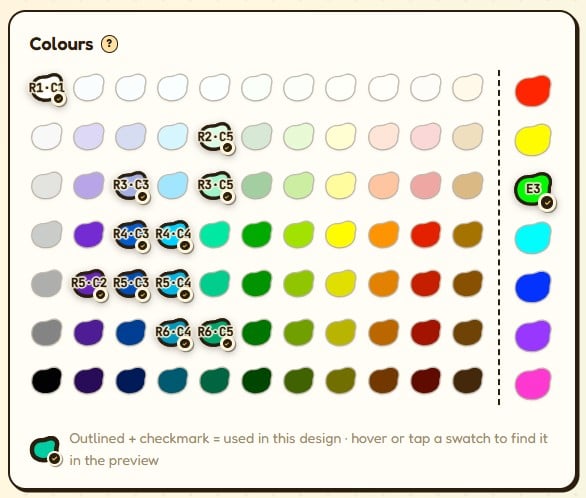
Living The Grid has a range of different grid sizes, all of which can be translated onto Tomodachi Life: Living The Dream‘s 256 × 256 canvas. The level of detail in your design will depend on the number of pixels you select. The tool’s colour palette also uses the exact same colour swatches – 77 swatches plus 7 pure saturated extras – organised using row and column labels to make recreating your designs a much simpler process!
Conversion tools in the past typically required a Nintendo Switch Online subscription in order to transfer designs via the app. Living The Grid is completely free to use, ad-free and works in your browser, so it doesn’t require an account or any downloads.
Gonzalvez stated the tool was created as they “really wanted to get into pixel art in the game but didn’t find satisfactory tools to help”, which inspired them to make their own and ease the process of drawing designs in-game.
How To Use Living The Grid
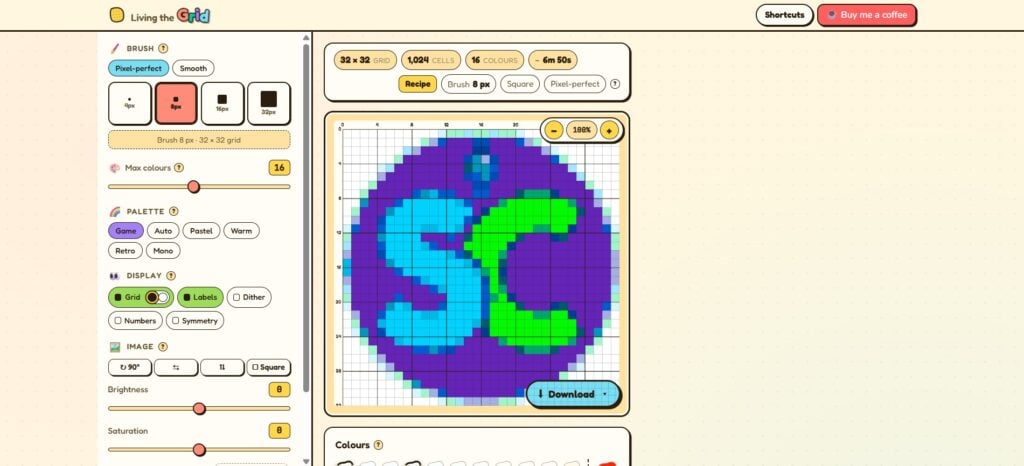
Getting started is simple – just upload the picture you want to recreate in game and you’ll be presented with an easy-to-follow guide. Be aware that the more colours your image uses, the less accurate the conversion will be due to the limitations of the game’s colour palette and pixel grid format.
The tool then generates a pixel-art version of your image using the closest colour matches from the in-game palette. On the left of the screen, you’ll see a range of adjustment options including preset colour palettes, the amount of colours used and the brush size. One great feature is the paint-by-numbers toggle in the display menu, which assigns each colour a number so you can see exactly where they are used in the image. You can also see where colours are used by hovering over them in the menu.
There are two stroke modes to choose from; pixel-perfect, which has four brush sizes that ‘snap’ to the grid, and smooth, which has six brushes that move more freely. Experiment with both to see which style you prefer the look of. In-game, pick your brush, set it to square and pixel and the canvas will behave like a pixel grid, making copying your designs over much easier.
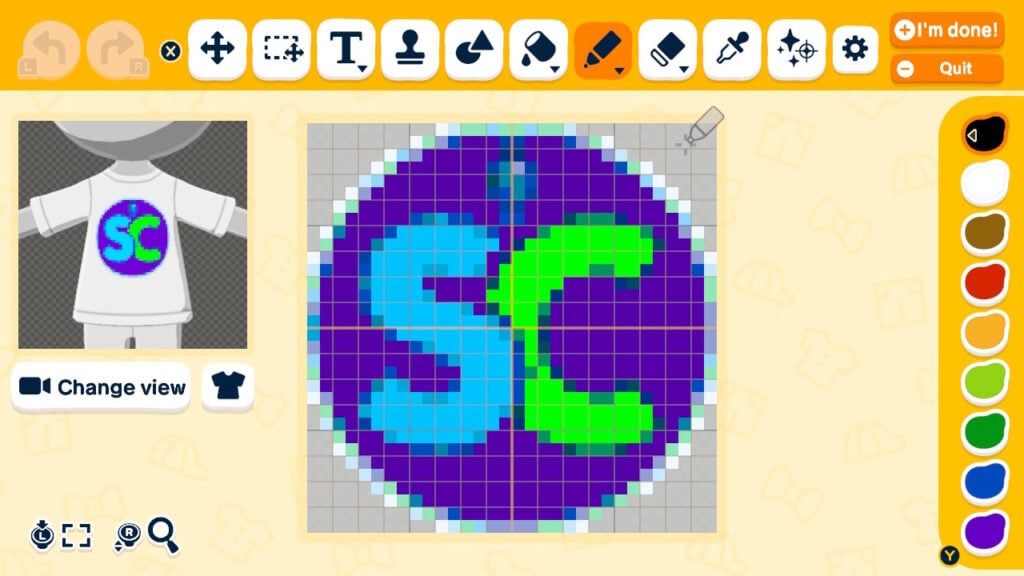
Once you’ve adjusted your design to your liking, you’re ready to recreate it in Tomodachi Life. As we mentioned above, you cannot directly export your designs from Living The Grid into the game, you’ll still need to draw them out yourself.
Make sure you’re using pro-artist mode, as easy mode has a much more limited palette and less design tools. To open pro-artist mode, tap the gear icon top-right of the toolbar. The pixel art style can be a bit time consuming at first, especially if you’re new to it, but the Living The Grid tool is definitely a huge help when it comes to designing custom clothing, food and objects for your Miis to enjoy.
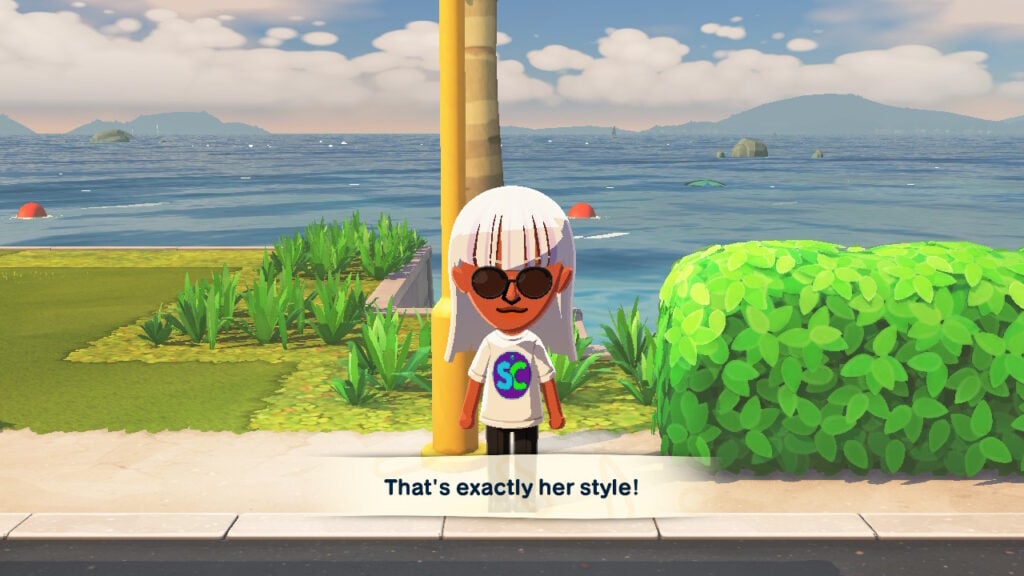
Tomodachi Life: Living The Dream is available now for Switch and Switch 2.
Have you been enjoying the custom design features at Palette House? Will you be trying out the Living The Grid tool? Let us know in the comments below and check out some of our other Tomodachi Life articles!














Thank you so much for sharing my tool, this is a great article that showcases the features in a clear way. I’m thrilled it’s helping a lot of players!