



With The Sims 4 Challenge Tracker Mod by SimMattically, you can organize your goals and have your legacy challenge directly in your game. Keeping track of your legacy challenge gameplay has never been easier, or more fun in my opinion! No more double-checking the challenge for the millionth time or keeping separate notes. Let’s explore this new feature!
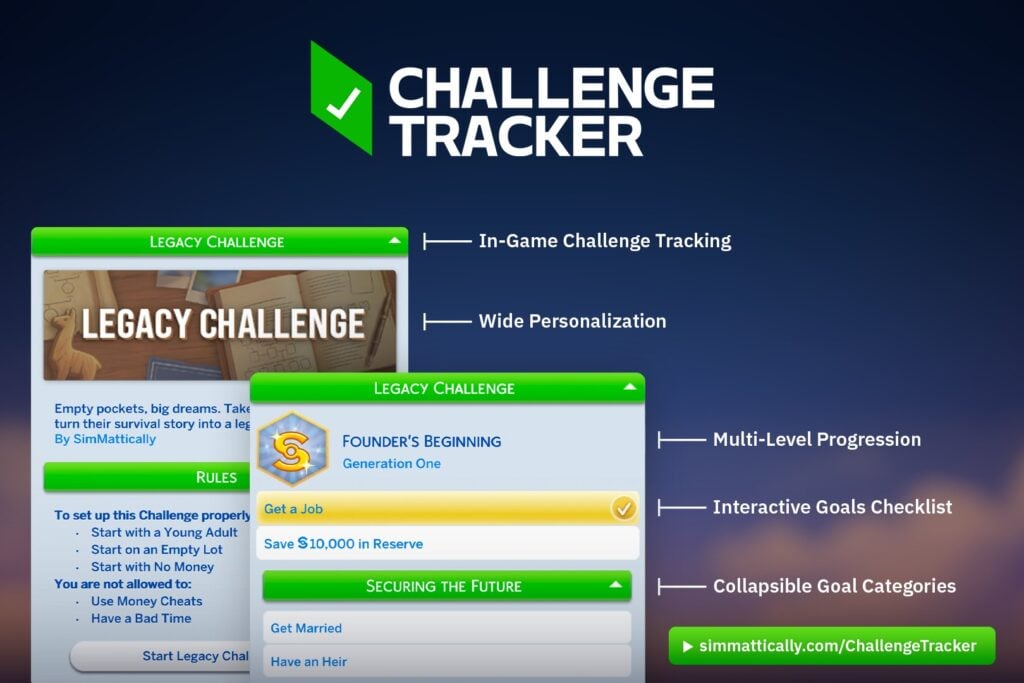
Public Release Date TBA
The Sims 4 Challenge Tracker Mod by SimMattically: Guide
What’s The Sims 4 Challenge Tracker Purpose?
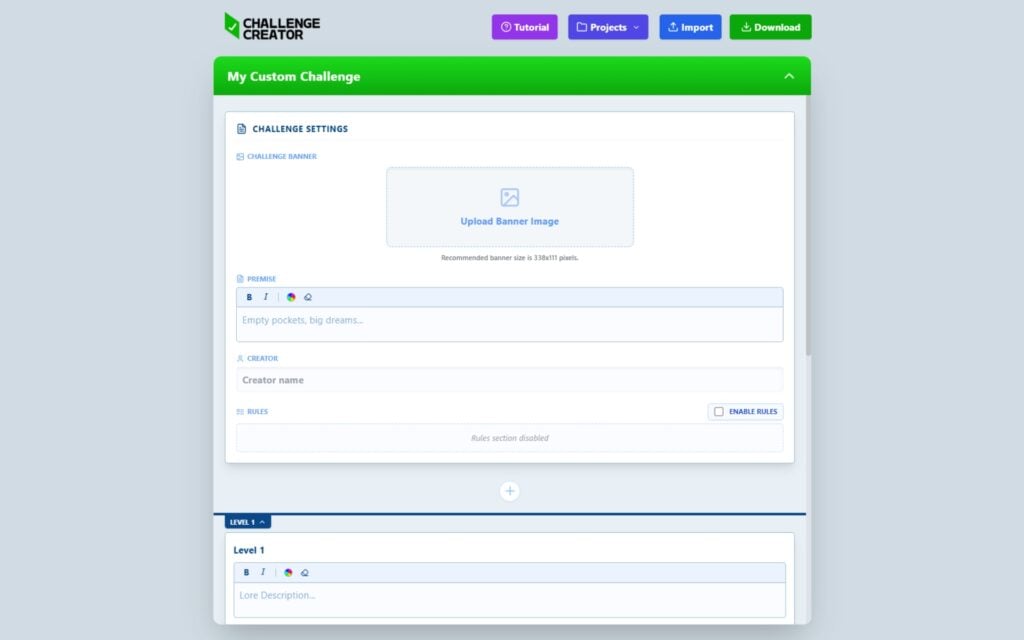
For all the legacy challenge players out there, this is a real game changer. With this new feature, you can write down all the goals for your legacy challenge using the so called Challenge Creator and add it directly into your game. This makes it easy to keep track of your goals and check them off as you play. As you can see in the picture below this is where you start writing down the challenge and goals.
What is a Legacy Challenge?
A Legacy Challenge in The Sims is a long-term challenge where you play as one family across many generations. It usually begins with a single Sim, and your goal is to slowly build a family that grows over time. Each generation can have different goals, rules, or story ideas to follow, and this can include love stories, chaos, and more. It’s very common for legacy challenges to have themes, such as fruits, colors, and some are even inspired by movies characters. Legacy challenges are loved because they make the game feel more meaningful, while build your own family tree. A well known legacy challenge is Very Veggie created by Lilsimsie, check out our playthrough here.

The Challenge Creator
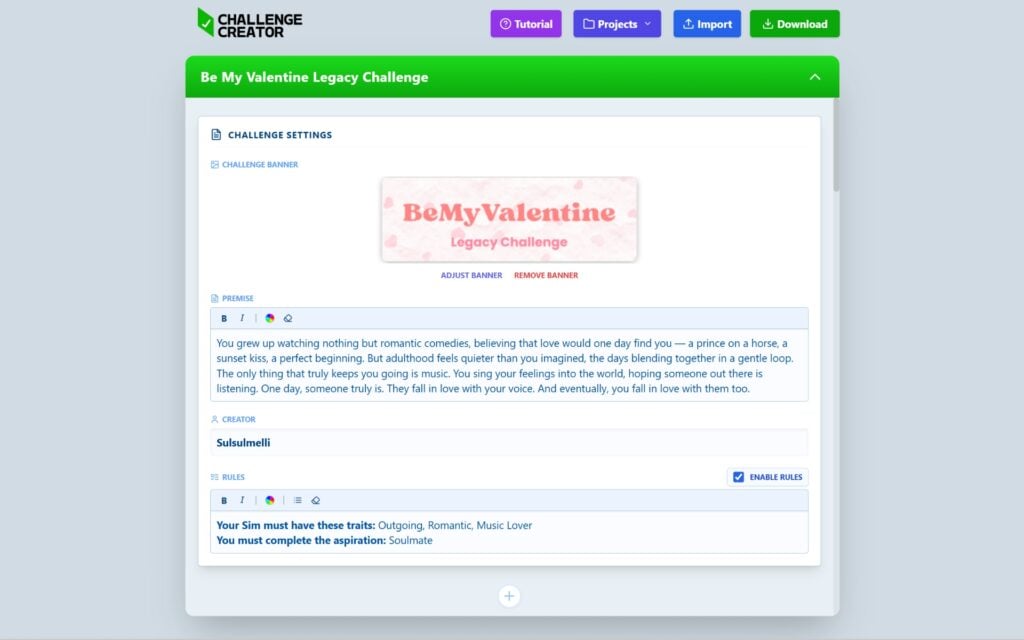
Pick a legacy challenge you want to play, or why not create your own. You can add your own customized banner, name, and description for each challenge to make it feel unique. You can also add rules, for example, if money cheats are allowed, or if your Sim must have specific traits, aspiration and so on.

You can customize which packs that are required, and if you don’t have one, that specific goal will be greyed out. There’s also an option to track numerical progress, meaning that if you need to reach a certain skill level, it will show something like 4/6 is completed.
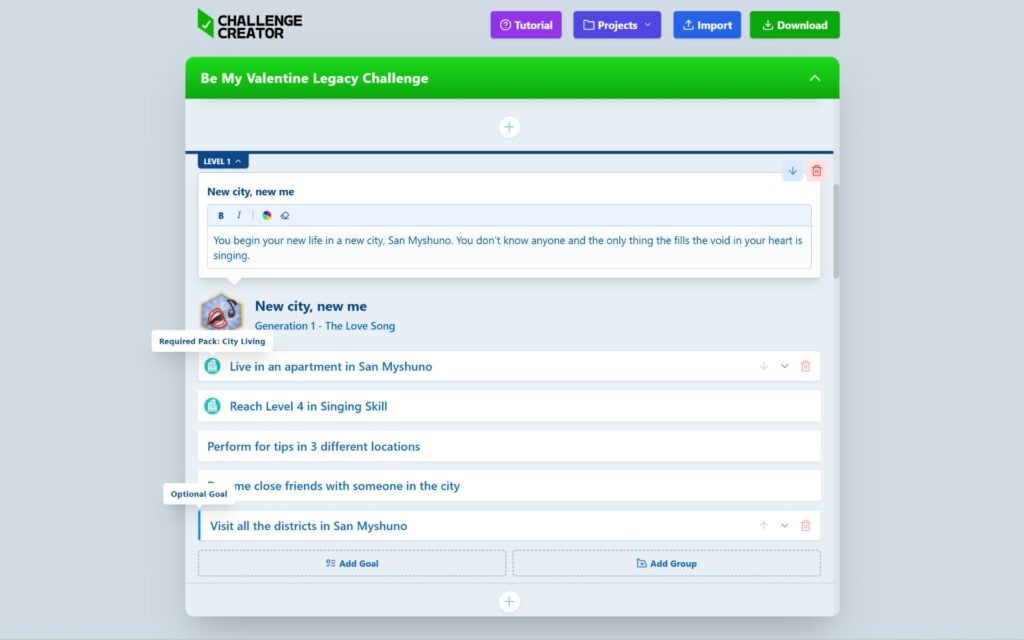
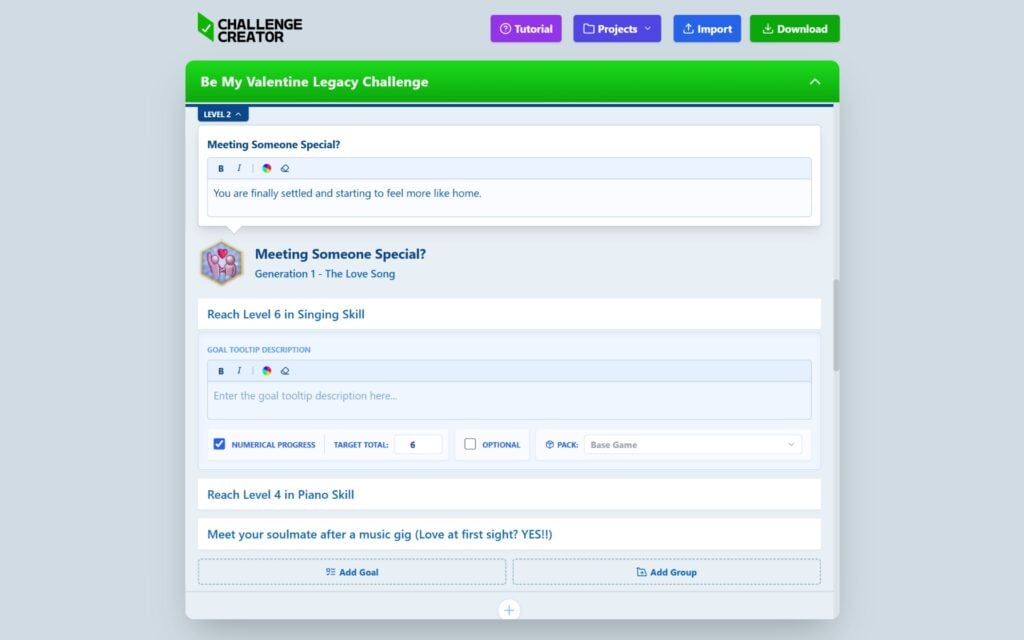
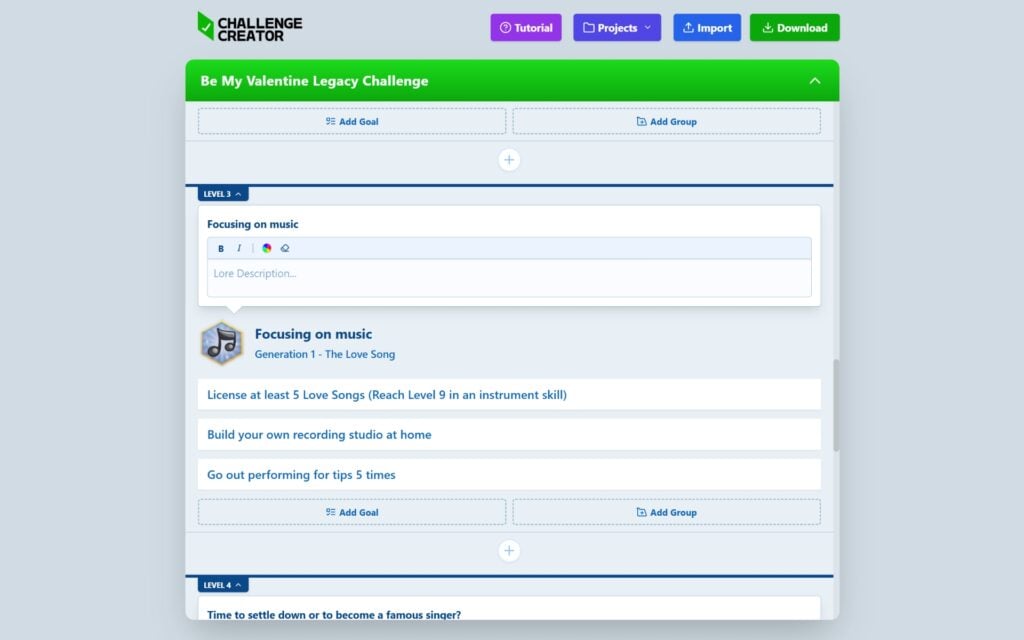
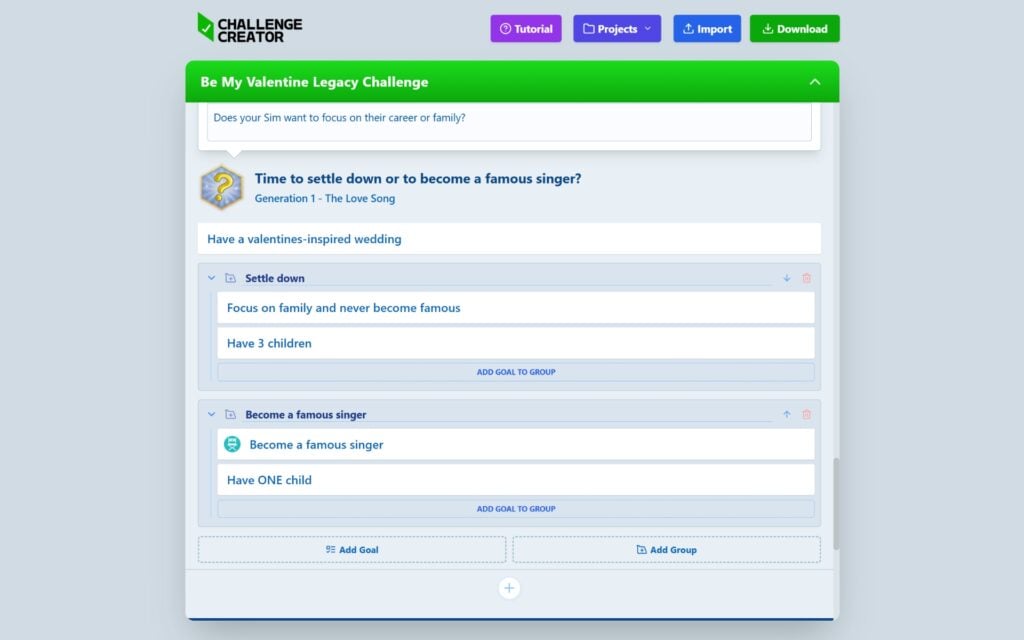
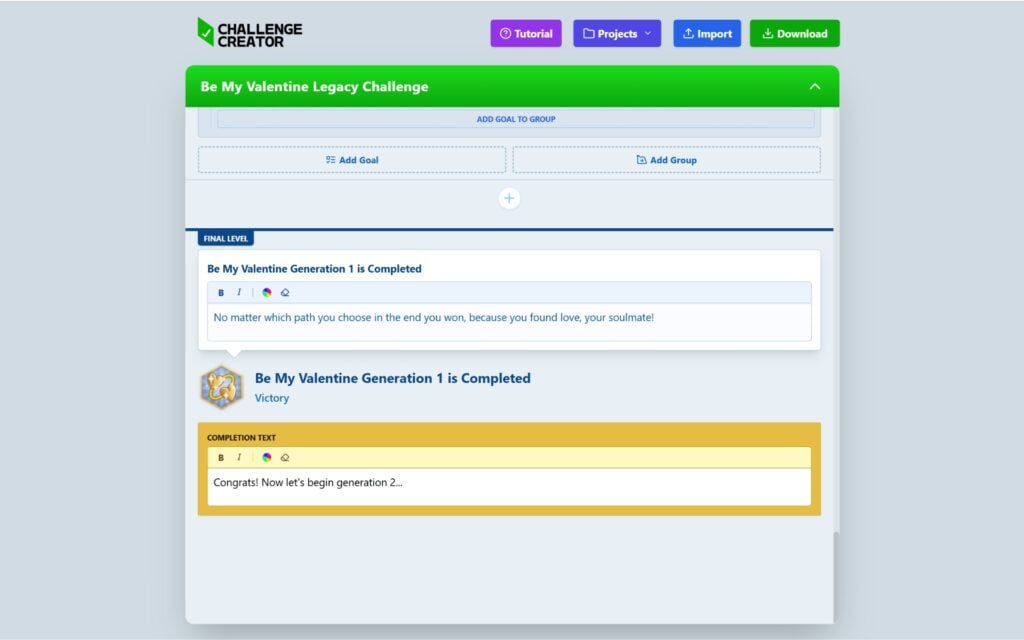
There’s also an option to group goals. For example, if your challenge includes a “this or that” scenario, you can separate the paths and choose which one you want to complete. Once you’ve written down all your goals, added icons for each level, and feel satisfied with everything, it’s time to download the package file and place it in your Mods folder.
Gameplay Features
When you open your game, you can find your challenge by clicking on the Aspiration icon. This is where all your goals will be displayed, making it easy to keep track of your progress as you play. Whenever you complete a goal and want to check it off your list, simply right-click on the task, and it will automatically be marked as completed.


All progress is tied to the household you are playing with, so it will automatically be saved. This means you can easily continue right where you left off the next time you play.


Have you tried The Sims 4 Challenge Tracker yet? What is your thoughts about it so far? Let us know in the comments below and as always, keep up with the latest news on Sims Community.
















Thanks for sharing this, very helpful. Özellikle thorough approach hoşuma gitti.
::screams quietly at work:: I now sooo wanna get early access even as my pockets weep at me!
Someone mentioned this being used to create something like The Sims Stories or Bustin Out, which sounds like a great idea!
It’s surprising that Maxis never added player-customized events to the game, considering they have UI for everything else.
The community will eat this up!
This is what I didn’t know I needed! And there’s going to be a challenge gallery!
Even when this Mod comes out of early access, it might be useless to non-patrons as chances are they won’t be able to access the Challenge Creator in order to create challenges for it, the same they don’t have access to SimMattically’s other tools.