The Sims 4 has 6 different Occults across various game and expansion packs. Keep reading to learn about each of The Sims 4 Occult lifespans!
Table of Contents
As of January 2026, there are 6 Occult options in The Sims 4. These Occults don’t exist in The Sims 4 base game, but are included in game and expansion packs, such as The Sims 4: Vampires and The Sims 4: Get to Work. Many of these Occult Sims have different lifespans than Human Sims, with each changing based on the lifespan determined in your gameplay settings.
There are three lifespan options: Short, Normal, and Long. Adjusting these settings will change the lifespan length for all Sims in your game. This can be adjusted at any time.
Short Lifespans
For quicker story and life progression, you can choose to the Short lifespan option in your gameplay settings.
[table id=130 /]
Normal Lifespans
If you want more time to achieve aspirations and help your Sim work through personal goals, you can choose the Normal lifespan.
[table id=131 /]
Long Lifespans
For those looking to spend the most time possible with their Sims and Sims worlds, the Long lifespan is the one to pick!
[table id=132 /]
Extending The Sims 4 Occult Lifespans
While all Sims can extend their lifespans with things like the Potion of Youth from the Rewards Store, or the Essence of Life from a Cow Plant, a few Occults have special ways to make sure Occult Sims live longer.
Spellcaster
Sims who have mastered their Spellcaster abilities can craft the Potion of Immortality. Taking this potion will allow your Sim to become immortal once they’ve aged up to Elder.
Werewolf
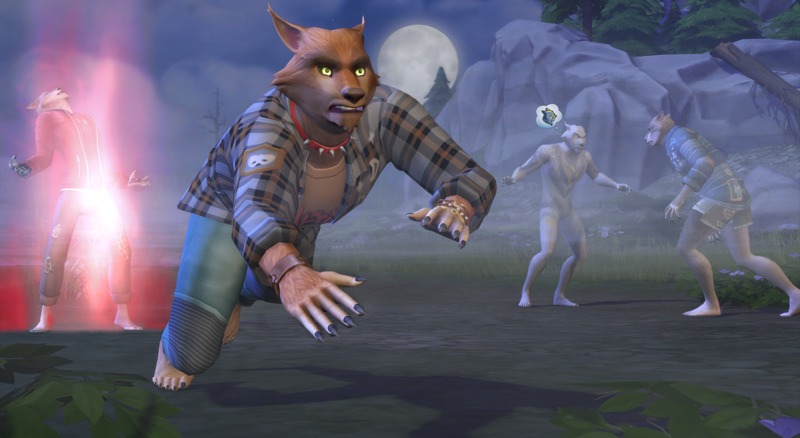
Werewolf Sims who wish to extend their lifespan can unlock the ability to Live Forever with the Immortal Wolf ability at the Apex level.
Vampire
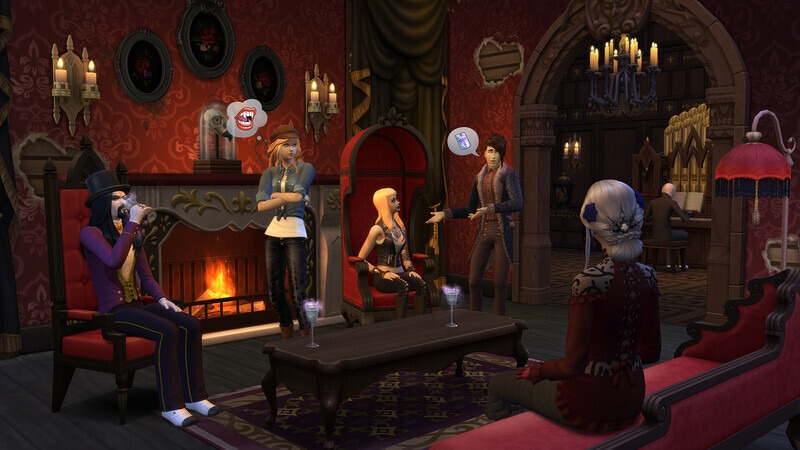
Vampire Sims are immortal and can live forever! Just make sure they avoid the sun and their Needs are met. Occult Sims in The Sims 4 who are born into vampirism will stop aging once they reach Young Adult. Sims who are turned into a Vampire as an Adult or Elder will stay this age as a Vampire.
Honorable Mention Occult: PlantSims
PlantSims were revamped through The Sims 4: Enchanted by NatureExpansion Pack, but they aren’t your typical Occult Sims. Similar to other Occults, PlantSims have special Needs that need to be tended to; specifically, these Sims have the Water Need. These Sims need Water to complete their photosynthesis process and prevent wilting.
What sets PlantSims apart from other Occults is the fact that the PlantSim lifespan only lasts five days. To remain a PlantSim, your Sim will need to eat a Forbidden Fruit and reset the lifespan.
What are your thoughts on The Sims 4 Occult lifespans? Would you want any other life stages added to The Sims 4? Let us know in the comments below!
Tune in for the full reveal of the upcoming Sims 4 Expansion Pack!
It’s been said that this is the earliest Sims Team has announced a new Sims 4 Expansion Pack in a year. Thanks to the official letterfromthesims.com website and its teaser contents, we now know that the rumored Sims 4 Royalty & Legacy Expansion Pack is being fully revealed this week! More precisely on January 15th at 8AM PT.
Table of Contents
To make things easier for all readers we’ve included a handy countdown below that lets you know exactly when the full Sims 4 Royalty & Legacy reveal will take place. Assuming things take a similar way like previous pack releases, this one is expected to go with a Reveal Trailer first. With new blog posts information, official features and assets and extra news tidbits that pop across official stores just minutes / hours after.
Countdown to The Sims 4 Royalty & Legacy Reveal
Releasing for PC, Mac, Xbox One, S and X, Playstation 4, 5 and Pro Series.
00
Days
:
00
Hours
:
00
Min
:
00
Sec
Reveal Trailer Premiere
The official reveal trailer premiere page is expected to go live this week before January 15th. You can watch the trailer premiere down below and be notified when the trailer goes live at 8AM PT. The countdown above will match the timing with The Sims 4 Royalty & Legacy Reveal trailer!
What we know so far…
We’ll be updating this area with new official information shortly after The Sims 4 Royalty & Legacy reveal.
The naming of The Sims 4 Royalty & Legacy Expansion Pack was later confirmed through a leak done by the Game Ratings Classification Page in South Korea. Revealing the translated “Royalty & Legacy” Expansion Pack title as the EP21 release.
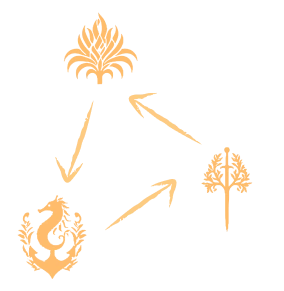
An official website titled “letterfromthesims.com” emerged a couple of days ago. Confirming the three kingdom types and sharing new bits of lore, along with an official date for The Sims 4 Royalty & Legacy reveal.
MOST ESTEEMED
In The Sims, the most meaningful things are often the ones you don’t plan.
They unfold in small moments… A story that takes an unexpected turn, a choice that lingers longer than you thought, a world that slowly becomes something more than you imagined. Through the lives you create and the worlds you shape, you’ve helped make this space playful, personal, and full of possibility.
From the far corners of the land, your influence can be felt. Not as a single act but as part of a story that keeps growing through curiosity, care, and just the right amount of chaos.
As new chapters wait just beyond view, they do so with the same spirit at heart: stories to tell, worlds to explore, and traditions that begin when you least expect them.
So take a moment. Enjoy what’s been built because there’s always more simmering just beneath the surface.
THE LEGACY CONTINUES,
The Sims Team
If you wish to pursue power, you must do so carefully. Plot your next move wisely..you never know who’s watching.
All will be revealed on January 15th, 8am PT.
Clues from Previous Official Survey
A survey from September 2024 mentions a theme that could fit The Sims 4 Royalty & Legacy Expansion Pack features. Note that this following information only suggests a concept of features, and doesn’t have to result in the final product.
Experience the grandeur and drama of modern monarchy as you build your Sims legacy in a culturally rich world. From managing high-rise estates and navigating political intrigue to customizing luxurious fashion and high-end living, this pack offers a unique blend of traditional and contemporary royal life. Forge alliances, engage in rivalries, and shape your destiny as you rise from commoner to beloved ruler or navigate the complexities of royal succession. Adopt exclusive pets, go shopping for luxury items and favors for your close-knit circle of trusted (and not-so-trusted) friends. Live the life of luxury, influence, and power, and create a legacy that will be remembered for generations.
Are you interested in The Sims 4 Royalty & Legacy?
What are your thoughts on the 21st Expansion Pack being themed around Royalty & Legacy?
Let us know what you think about the theme choice in this unofficial community poll below:
[totalpoll id=”186703″]
We’ll keep you posted about all things Royalty & Legacy right here on Sims Community through our dedicated EP News Category. You can be posted on all things The Sims News, Updates and Roadmaps in our general News Category.
Why waste time growing in a career when you can cheat the progress? Master all of these cheats and make life for your Sims as easy as pie.
Table of Contents
How to access the cheats menu
Accessing career cheats works just like any other cheats in the game, meaning you need to activate cheats to use them.
To do this, open the cheats console using:
Windows: CTRL + SHIFT + C
Mac: CTRL + SHIFT + C
PS4: L1, L2, R1 and R2.
Xbox One: LB, LT, RB and RT
Once you’ve done that, type in either testingcheats on or testingcheats true. Once you type this in and press Enter, all cheats will be enabled in the game.
All Sims 4 Career Cheats
You can copy and paste any of the cheats below into your cheats window to level up (or down) in any game career.
Full-Time Careers
[table id=126 /]
Part-Time Careers
[table id=127 /]
Teen Careers
Teens have access to almost all of the part-time careers in The Sims 4.
[table id=128 /]
Teens also have a range of after-school activities, which you can use cheats to level up in.
[table id=129 /]
Other helpful Sims 4 career cheats
Unlocking career items
If you want to use an item which is locked behind a career you can use the cheat bb.ignoregameplayunlocksentitlement to unlock all career items.
Changing career outfits
You can use the cheat sims.modify_career_outfit_in_cas to change your career outfit. Typing this in will then take you to the create a Sim menu for your Sim and will mean you can change your work outfit to whatever you like.
If you’re feeling mischievous, you can also do this for NPCs. This requires a few extra steps.
In the cheats console, type in sims.get_sim_id_by_name [First Name] [Last Name], replacing First Name and Last Name with the name of the Sim you want to edit.
This will get you the Sim ID for the NPC you want to change. You’ll need this ID number to edit their outfit rather than using their name.
Next, type in sims.modify_career_outfit_in_cas [SIM ID]
You will be taken to the create a Sim screen for this specific Sim.
As you can see, you can change their career outfit to absolutely anything with this cheat. Hopefully Dominic’s colleagues aren’t scared of Gnomes!
Too much to remember?
If you’re a PC/Mac player and copying and pasting cheats or having to remember each one sounds like too much, why not try the UI Cheats Extension Mod?
With this mod, you can:
Right-click on a job icon or the green career title bar to select a career level or change career branch.
Right-click on the performance bar to set the value (from -100 to 100).
Right-click on any promotion task, daily task, prep task, or work-from-home assignment to complete it.
If the task involves raising a skill, right-clicking to complete the goal won’t actually increase your skill.
Right-click on the work reputation bar to set the value (from -100 to 100).
Right-click on a workplace rival to remove it.
Once you right click on the area you want to change, you can type in the amount you want the bar to go up or down by.
UI cheats extension needs to have script mods enabled for it to work properly. You can turn this on in your settings menu.
We did a detailed review of this mod on our site, which you can read here.
Is having one career too easy?
If you want an extra challenge, like having a side hustle at the same time as a full-time career, then have a look at the Unlimited Jobs mod by Turbodriver.
Using this mod I was able to enrol my Sim into all of these different careers at the same time, so there truly doesn’t seem to be any limit to the amount of jobs you can have at once.
Just watch out for burnout!
Have you used these cheats before? Did we miss anything? Let us know in the comments below.
Obviously, many players who mod and add custom content to their Sims 4 game are familiar with the many decorative clutter items, adjusted meshes, and more standard changes to Build & Buy Mode items that are widely available from CC Creators. However, it can be a real treat to find a new item that actually adds new gameplay, especially when they’re well-made and expansive! We’ve gathered 32 amazing Sims 4 Functional CC pieces from a group of outstanding creators, links and previews included!
To add the items to your game on Windows, follow this folder path: C:\Users\[USERNAME]\Documents\Electronic Arts\The Sims 4\Mods To add the items to your game on MacOS, follow this folder path: Macintosh HD/Users/User/Documents/Electronic Arts/The Sims 4/Mods
Once you’ve downloaded the files, make sure you have an extraction program installed. These can include 7Zip, Winrar, etc. After that, highlight one or multiple zipped/compressed files and select “Extract Here”. Drag the extracted contents to your Mods folder. You can also sort them into their own folders within your Mods folder, but it is recommended to not nest them too many levels deep as it can cause longer loading times, and some CC items and mods stop working when too deep within folders.
Tip: While many creators provide additional files, like .txt/ReadMe, .jpg/.png files, and more possible file types for previews or instructions, it is best practice to not put those into your Mods folder as they can also lead to longer load times and excessive clutter. Creators will often specify any files that need to be put into the folder, along with where, so primarily focus on .package and .ts4script files!
The Sims 4 Functional CC
Sims 4 Functional CC can have a wide range of definitions, but the items in this list are primarily items that add completely new gameplay or expand upon existing gameplay features! They can even be created to add options that likely should’ve been included by the Sims Team themselves, but possibly got cut due to time restraints or other issues, or they’re a completely new concept that we haven’t seen before, sometimes in The Sims 4 or the entire mainline franchise!
Table of Contents
Playful Toddler Pack by Pandasama
Prior to the addition of the infant life stage in 2023, many players still sought ways to expand the gameplay of toddlers, including sometimes ways of making them appear younger than “toddler bed” age. An example of this is the functional crib in this Playful Toddler Pack by Pandasama, but this pack also includes multiple new toys for your toddlers, including a tiny food truck playset, a spiral car race track, and even some play dough!
For tots on the more creative side, Pandasama also created the Toddler Creativity Pack! This includes new activities that help to build skills and entertain your toddlers, as well as giving them the ability to craft and draw new pictures that you can save by hanging on your sims wall, just like children’s drawings from the activity tables!
If you aren’t up to heavy posing and backdrop making in your game, but you want to save a portrait of your sims at a specific age to hang up in their home, Ravasheen created the Sims Portrait Maker! This object creates a portrait of a selected sim with a standard backdrop, allowing you to add captions and retitle the image as well.
Perfect for a simple shed or garage on your sim’s home lot, or to build a functioning storage unit community lot, this is a modified version of the City Living mural garage door, allowing you to drag and drop any personal belongings or collectibles, as well as lock away items!
Whether you need a quick birthday cake for a sim who can’t cook, or an emergency wedding cake for a shotgun wedding in Tartosa, Ravasheen’s “cake a break” set includes a pink cake box, giving you the option to purchase any cake or wedding cake in-game that is available, popping it directly into the box for easy access!
This camera mod by Ravasheen gives you an in-game camera with a wide breadth of controls with no photographer required! Sims won’t have quality issues normally found with low-level in-game photography, and images can be taken without sims being knocked out of their poses, making memories for your sims and their families has become so much easier!
Around The Sims 4 has made a multitude of functional perfume sets, designed and inspired by real-world popular perfumes and colognes, and providing your sims a special mood or buff when used! You can get all three sets, individuals perfumes or colognes to mix and match, or even just download your favorite real-world perfume for your simself!
With a style that calls back to retro bedside alarm clocks, Lot 51 created a functional alarm clock with multiple settings to match any lifestyle! Have a sim who needs to wake up early to get their family ready, tend their garden, or take care of their farm animals? You can have them wake up at sunrise! Have a sim who tends to sleep in or be late to their job? Choose a career-based time!
Whether you’re just looking for a change of pace when playing with The Sims 4 Bust the Dust, or you need something that isn’t a vacuum because you’re playing a historical save or The Sims 4 Decades Challenge, MizoreYukii created a functional broom with new animations, keep your homes spic and span without cords or vacuum bags to empty!
A good functional CC item to add for your local gym, yoga studio, or even to build up a pilates studio by itself, MiliNiki created a functional pilates board with three workouts with smooth animations, letting your sims build fitness and get in shape in a new way!
Simply the Zest – Functional Lemonade Stand by ShoobySims & SurelySims
With the combined brains and talent of two wonderful creators, ShoobySims and SurelySims and in response to The Sims 4 Businesses & Hobbies, they created a tiny business for your tiny sims! Mix up lemonade and set up your stand just about anywhere. Perfect for a summer side gig for children!
Tired of missing out on relatives, friends, and neighbors popping up at your door to visit unannounced, and only seeing them once they’re walking just out of view? The Ding & Ditch Smart Doorbell by Lot 51 provides notifications when Sims visit and press the doorbell, making sure you never miss a friendly gift or family bonding experience again! This doorbell also has some upkeep, requiring a bit of maintenance and repairs, unless you’re okay with the chance of a tiny zap greeting your visitors!
Functioning as heaters if you choose the Sims 4 Snowy Escape download, or as thermostats if you choose the Sims 4 Seasons download, these radiators provide new functional options for temperature-controlling your sims’ homes, providing a bit of decor and realism to the property in the chillier months!
Also providing some more realism and decoration, these function as thermostats in The Sims 4 Seasons, giving you multiple options for maybe older or historical homes, those with alternate forms of heat or air conditioning, or Sims who really just can’t be bothered to spend the extra dough on central air and heating.
Upgrade your Sims’ home to a sleek smart home aesthetic with Arnie’s Luminova set, with new smart electronics and appliances to decorate your sims home, simplify some of their life, and provide a luminous glow from the new modernized hardware. Many of the items give off or come with extra lights to provide optional RGB elements, giving off a subtle purply glow.
If you’re a big fan fo clutter and the decorative boxes that come with many The Sims 4 expansion packs and other DLCs, but find yourself running out of space for storing actual items without overflowing your Sims’ inventory, dratsab altered many in-game decorative boxes to include accessible storage! They even added the ability for you to label the boxes, allowing for more organization than ever before!
It can be somewhat irritating to find space for the gargantuan dollhouses found in The Sims 4, often taking up over six slots on their own! Ravasheen created multiple smaller dollhouses with different themes, giving you more options for your Sims’ childrens’ entertainment without requiring so much additional space. They even come with multiple styles, so sims with any special interests can get a dollhouse they love, or that matches their bedroom!
Air fryers are an incredibly popular appliance over the last few years, and you can’t scroll very far on just about any recipe page in real life without finding instructions or recipes specifically for air fryers. Adding in new and easy recipes, icemunmun created an air fryer for your sims, making an easily accessible snack or meal option without using quick meals!
Is your sim family a little down on their luck, partially through a rags to riches challenge, or just needing a bit more clutter? Syboulette created an amazing set of items that add a little more scruff and a little more stuff to your game! This includes an ironing board that functions as a changing table, a laundry basket that functions as a crib, a trash bag that functions as a garbage can, an entire kitchen counter set, and much more!
While Sims and their pets don’t have a thirst motive and do not really become thirsty, some players prefer the immersion of being able to provide their pets with a refreshing drink. LittleMsSam has created functional water bowls, allowing pets to autonomously drink from them, typically after heavy play or going on a walk!
Functional Stands for Food & Bottles by Somik and Severinka
If you would like more options to extend the shelf life of your Sims’ recipes without sticking everything in the fridge, Somik and Severinka created a multitude of storage options including cake stands, ice bowls, bread boxes, and other displays for cakes, nectars, beverages, and other crafted goods your sims may want to display instead of hide in their fridge!
While board games like Don’t Wake the Llama and Woo-Who? provide lots of gameplay and group activities for your sims, they can become repetitive, and not all of them are good for groups of varying ages! Around The Sims 4 recreated many real-world board games (In both English AND Simlish!) for your sims to gather their friends for! From Monopoly to Hungry Hungry Hippos, your family game night has never been more varied and fun!
Family Reunions in The Sims 4 can be a great time, but the amount of infants abandoned outside or in the Sims home because their guardians got distracted by a family computer is ridiculous. This wide playpen and freely positioned pacifiers function as cribs, providing a cute and convenient spot to place your little ones while their parents and family socialize!
If you need something more modular for your infants and you don’t want to just place them on the ground, even on a playmat, when out and about or just moving them between rooms in the home, Dollish also created a revamped version of their infant rocker! Let your little ones rest and relax while you get other things done, or have more options for where to set them while out at the park!
The popularity of retro and retro-looking electronics and items have risen greatly, and Arnie created an amazing set of functional electronics inspired by older models! The meshes are well-made and come with a multitude of accessories to complete the set, bringing in some of the nostalgia that the off-white box-shaped CRT monitors give off! Retrofruit is a great set for a wide range of sims, from elders “stuck in their ways” or electronics enthusiasts!
Some fridges in the Sims 4 come pre-decorated with clutter, but Around The Sims 4 has created a system of modified fridges in the base game and DLC to be completely modular, with decorations available to customize them to include every aspect of their lives from hobbies and jobs to responsibilities and memories. That’s not even it, because these are also functional with Around The Sims 4’s Pinboard Decor sets, adding even more customization!
While pacifier accessories for infants and toddlers can be absolutely adorable, tying them to different outfits and having them on constantly or inconsistently can be a bit immersion-breaking, especially when your infants try their first food with a pacifier already in their mouth. Simkatu took some existing pacifier meshes and added gameplay, letting your sims give them to their little ones or toddlers and infants to pop them in or out whenever!
Ravasheen has created functional AND Base-Game compatible vending machines for your sims, allowing them to get a crisp and refreshing beverage or crunchy snack without the need for The Sims 4 Snowy Escape! This also provides chance cards and other animations on the off-chance your Sim gets a bit unlucky and doesn’t receive what they paid for.
One of our very own authors, Toni Schwartz, created a lovely expansion on The Sims 4 Adventure Awaits’ exercise gear AND the dumbbells added by The Sims 4 Lovestruck that were both primarily decorative, allowing your sims to actually use them for weight lifting! Both of them use the “Lift Weights” interaction from The Sims 4 Adventure Awaits, meaning that both packs are required for functionality!
Parisian Sweet Corner Mod Pack by SIXAMcc x littlbowbub
Two titans of Custom Content creation have come together for a sweet collab! Littlbowbub, known for Granny’s Cookbook and custom recipe mods, and SixamCC, known for their Build & Buy mode sets and their assistance with the Storybook Nursery kit, came together to create a functional set of new recipes to emulate the sights and smells and tastes of a Parisian bistro street corner. These new recipes, including Madeleines, Charlotte Cake, and multiple other pastries, pair well with the street cart to order them from and the lovingly-designed tables and chairs to sit around and enjoy!
Functional “Little Sprout” Seed Display by Menaceman44
Perfect for a local grocery store, community garden, or outdoor supplies shop or small business, this functional item by Menaceman44 gives your sim the ability to buy seeds physically in-person instead of them magically appearing via gnome, computer, or gardening plot!
Around The Sims 4 added multiple functional toasters and a variety of breakfast goods for your sims to eat before their very busy days! Warm up and snack on an english muffin before heading out to school, or spruce up a sim’s day with a little sweet treat in the form of a cherry pop tarts! This is a great new appliance that provides more variety in your sims’ diets.
Are any of these Sims 4 Functional CC items holy grails for you, or are there any favorites of yours not mentioned? Feel free to discuss and we’d love to find more gems to feature in future articles! Make sure to follow the Sims Community for more Sims 4 CC recommendations to expand your gameplay!
A first look preview at the new Sims 4 Update coming tomorrow, featuring an official brand collaboration!
The Sims Team has just announced across Social Media that they’ll be doing an official collaboration with an official clothing brand Coach. Bringing Coach-designed attire, outfits and fashion through the upcoming Sims 4 Update on January 13th 2026!
The team included a special video preview featuring all the new items coming with the upcoming collaboration. We’ve first extracted all of the important frames from this collaboration in a gallery below.
Table of Contents
The Sims 4 Coach Collaboration: Gallery Preview
Video Preview
Official Screens
POV: Your Sims love Coach
With 9 items and 65 print and color variations, you can mix and match hundreds of unique looks. The Coach Trunk Heirloom Object unlocks pre-styled outfits with special moodlets, while iconic Tabby and Brooklyn bags appear as Build Mode décor to add signature Coach style to your Sims’ space!
Official Blog
TheCoach Collection, featuring nine new items, drops for free in The Sims 4 on January 13, 2026, giving your Sims’ style the upgrade you didn’t see coming.
Expect wearable staples, bold statement pieces, and décor with that signature Coach polish, bringing everyday luxury to Create a Sim and Build Buy.
Here’s what’s available to everyone in the base game:
Explore styles in Create a Sim inspired by Coach favorites; like the Soho sneakers, varsity jackets, and sleek skirt sets.
Add the perfect finishing touches for any space in Build Buy with iconic Coach deco items, from the heritage trunk to the Coach Tabby and Brooklyn bags.
A new Gallery household — The Carriage House. Three friends chasing big dreams, big style, and a little bit of drama.
Everything about this collaboration celebrates what Coach and The Sims share: creativity, individuality, inclusivity and a sense of play.
Now let’s take a look at how Coach’s iconic craftsmanship meets The Sims’ unmistakenable flair.
Sims. in Coach.
In typical Coach fashion, these new CAS items provide practical luxury to casual looks, evening wear and everything in between. So, whether your Sim is lounging around the house or attending a party, they’re bound to turn heads.
Accessories You Live With
For Simmers who believe accessories make the outfit and the room, new decor items bring timeless elegance into any home. The renowned Coach trunk is a work of art and a signature Build Buy centerpiece, while the Coach Tabby and Brooklyn Bags will transform rooms into chic expressions of personal style.
Show off your stylish pieces with the In The Bag room, a space where flair meets Simlish magic. Available for download in The Sims 4 Gallery, this room was intricately designed to showcase Coach bags and trunks, and offers a space for Coachies to dress up and live out their fashion fantasies.
The Carriage House
Welcome to the Carriage House, where friendship, ambition and fashion-forward chaos coexist under one stylish roof. Meet the roommates who wear their confidence like its custom-tailored:
Jonie Bag (He/Him) – A gifted musician who frequents the gym so his wardrobe fits and drapes to his perfectionist standards. Jonie loves S-pop and Hip-hop, but spin the sounds of pop in his presence and his inner snob may take center stage.
Brooke Lynne (They/Them) – This effortlessly cool fast-food worker finds their happy place in whatever instrument or video game they’re playing. Although Brooke’s flirty-but-loyal energy creates a magnetic vibe, the absence of love will bring out their blues.
Selena Zhiwei (She/Her) – Confident, clever and polished to perfection, Selena is a hopeless romantic on the hunt for “the one.” This freelance artist always has time for food, video games and a little bit of mischief.
Download The Carriage House and the In The Bag build in The Sims 4 Gallery, and show us your looks with #CoachxTheSims.
The Coach Collection will be available in The Sims 4 on January 13, 2026!
There Will Be Simlish Swatches!
The Sims 4 Producer Ash has confirmed on BlueSky that there are going to be Simlish variants along the English “Coach” CAS assets in the following statement:
The Coach logo wasn’t localized because it’s a brand name. In another language they would still say “Coach”. We have Simlish swatches where the logo is more prominent. On tops, there are duplicate swatches that use Simlish. On the trunk, the swatches either show English or Simlish.
New Features and Changes in the Next InZOI Update Coming Soon in 2026!
Just a little over a week into the New Year of 2026, we’ve received news of what we can expect in the next InZOI update! Not long after the posting of a 2026 roadmap, the InZOI team at Krafton have put out a new video and message from the Producer & Director, Kjun, going over new and in-progress features to be added in an upcoming update. Many of these include animations being improved or entirely added, new items being added for Lunar New Year, and improvements to the player experience via both user interface & user experience changes.
Table of Contents
Message from Kjun – January 9th, 2026
Hello everyone,
The inZOI team has returned from the year-end holidays and is happy to be back in development. At the moment, we are strengthening our core foundations under the Fundamentals First approach, while also preparing several new features in parallel. We’d like to share with you the development progress we’ve made this week.
Weekly development updates have become a familiar routine for us. More importantly, we’re genuinely enjoying the process of selecting and organizing updates that we think you’ll appreciate. ^^;
As our hope that “this game will bring joy to others” continues to grow, we find ourselves feeling even more energized and excited. This year as well, we hope to make inZOI an even better game—one where players can project their own lives, laugh, and sometimes find comfort. This is the core goal of the inZOI team. And to achieve that goal, we will always strive to be developers who stand right beside our players.
– Producer & Director for InZOI, Hyungjun ‘Kjun’ Kim
Core Gameplay & Simulation
○ The recent “Group” system added will now have a tracking system, allowing players to locate all members of their groups on the City Map.
○ When preparing group meals, you can now divvy out portions your prepared meal based on seating available.
○ Work stations will no longer be required for crafting items, and will be able to craft at any available desk.
○ If you steal another Zoi’s crops and they catch you, they can report you and you’ll receive a fine.
○ Unique license plate numbers are now added to each individual car when purchased.
○ When standing on the debris of a broken object, they will no longer respawn until you move away.
Controls & Animations
○ Acceleration when driving now has a gradual drop-off when reaching higher speeds.
○ When hitting Zois with a vehicle, they often had “unnatural joint movements” when they ragdolled. This has been changed to more accurately reflect collision accidents.
○ Breakable objects can be ran through with a vehicle, but Zois using auto-walk will now walk around them instead of through them.
○ The animations for criminal buying crime information from the Shady Job Agency are being redone.
○ Both beginner and professional variations are being added to sit-ups.
○ New animations being added for Zois mentoring other Zois.
○ New animations for Zois using their phone on the toilet.
○ New animations for Zois writing in their diary when sad or angry.
○ Children of all ages have a unique animation when they give their mother a kiss.
○ Babies now have new animations for throwing objects off of shelves and onto the ground.
○ Strollers are still being worked on, including the routing and animations, but it is still uncertain when this feature will be ready.
○ Per user requests, Zois now have a more intimate animation when they “Set the Mood” by the bed.
○ Romantically-involved Zois can now take a bath together.
Building & Graphics
○ Work towards replacing premade building assets in each city with build mode structures that can be fully customized to your liking. It was noted that this may take a long time due to the high amount of builds in all three cities. The team is actively working to avoid performance issues as this is being implemented, prioritizing optimization.
UI & UX Changes
○ When interactions fail, you will now receive a reason why that Zoi cannot be interacted with at the current time.
○ The price of a property at their base land value, excluding construction fees, can now be viewed.
Character Creation & Customization
○ You can now select what parts, traits, or information to randomize before hitting the randomization dice button.
○ You can now choose for presets to overwrite only specific parts of a Zoi’s appearance.
Lunar New Year
○ New traditional Chinese assets for Lunar New Year are being added to Build Mode and Create-A-Zoi.
Do you have any features mentioned in this Weekly Development video that you’re excited to see, or something you’re hoping to see in the future? Sound off in the comments below! Make sure to follow The Sims Community for more update notes and insights, and check in on InZOI’s official website for more news and details!
The Sims 4: Life and Death introduced a whole new aspect of gameplay with The Sims 4 Grief System. Now, Sims can emotionally process certain life events with four Grief Types specific to each Sim’s personality.
Table of Contents
Life comes with unexpected ups and really unexpected downs. While these have always emotionally impacted our Sims, with The Sims 4 Grief System and the types of Grief, Sims ages Teen and older can finally address work through these feelings.
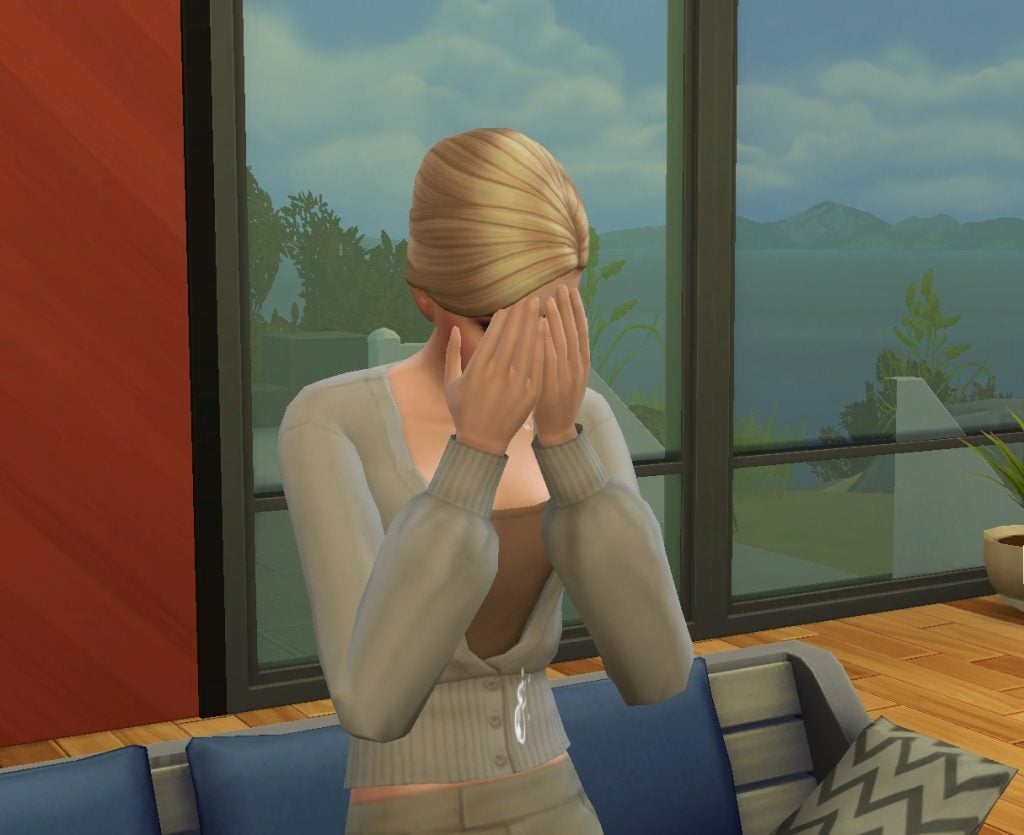
After an impactful event, like losing a job, getting a divorce, or the death of a loved one, Sims will enter a period of Mourning. You will know your Sim is going through this time of need when you see the Mourning Moodlet, causing them to be very Sad for an extended period of time.
Based on a combination of your Sim’s Personality Traits and how they behaved during while Mourning, they may initiate one of four grieving periods: Anger, Blues, Denial, or Holding it Together. To quickly jumpstart Grief, you can also use cheats from ourThe Sims 4: Life and Death Cheats Guide.
Grief Types
Type of Grief
Impact Description
Anger
Sims with this Grief Type often have intense frustration and frequent Angry Emotions. Leading to outbursts and mean interactions. Sims can Cope Positively by Attending Grief Counseling, working out those frustrations in a gym (or at home) by Exercising or channeling emotions through Playing Instruments. These activities can be a great outlet for all of that pent-up anger.
Blues
Sims with this Grief Type typically experience Sad Emotions and are prone to gloomy interactions. Sims can Cope Positively by Attending Grief Counseling, Reading, Painting, improving their Logic Skill, practicing Wellness, or Playing Instruments. These activities can help lift their spirits and provide a healthy outlet for their emotions.
Denial
Sims with this Grief Type gain Bored and Fine moods as they turn away from processing their emotions while grieving. Sims can Cope Positively by Attending Grief Counseling, Gardening, Painting, Writing, Cooking, or Playing Instruments. If this Sim stays in Denial, their Grief can evolve into Anger or Blues Grief Types, prolonging their Grief.
Holding it Together
Sims with this Grief Type manage their Grief with a positive outlook on life. They try to project Confident Emotions during the day to day, however sometimes Sad Emotions are able to slip their way in. Sims can cope with their Grief by Attending Grief Counseling and any other positive activities that enrich life. While Holding It Together is admirable, this Sim may find that their Grief transitions into Anger or Blues Grief Types, prolonging their Grief.
Overcoming Grief
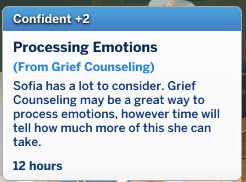
Each type of Grief in The Sims 4 has specific actions your Sims can take to overcome it and conquer their emotions. All types of Grief can be eased by using the Attend Grief Counseling self or phone interaction (while on your home lot), but sometimes Sims need to find other ways to work through their sadness.
Overcoming the Anger Grief Type
If your Sim is struggling with the Anger Grief Type, they can exercise and practice music to work through these emotions. Going for a Jog, using exercise equipment, Swimming, and more types of physical activity will get your Angry Sim out of their Greif-focused mindset. These Sims can also express their anger through music by Practicing any Instrument, playing a song, and even Singing.
Overcoming the Blues Grief Type
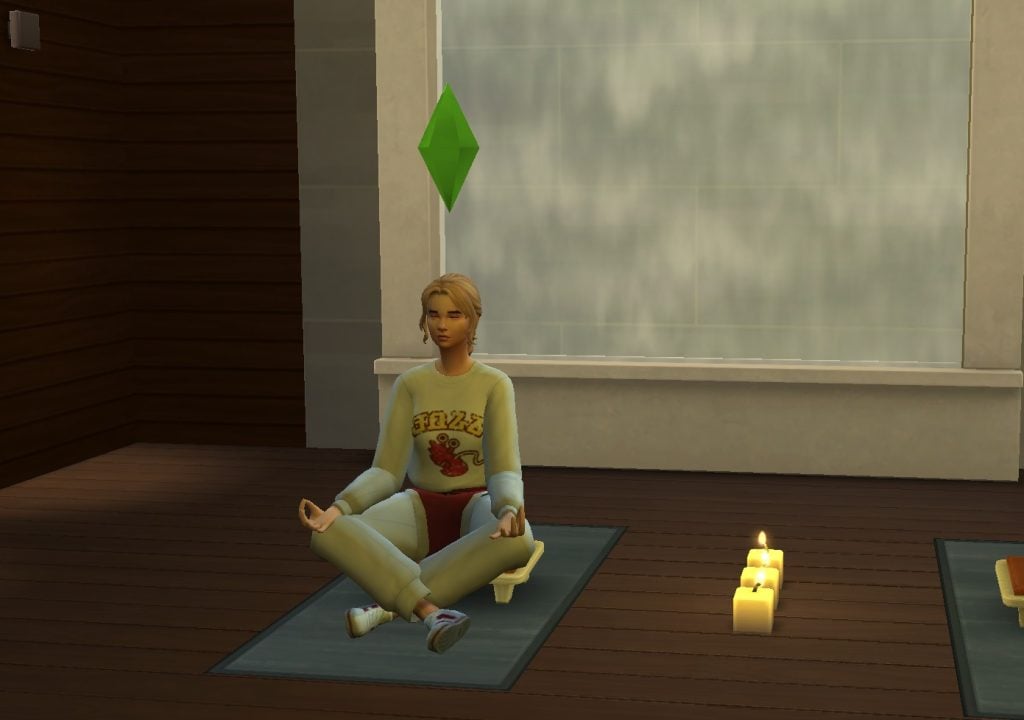
Sims who are experiencing the Blues Grief Type will benefit from introspective and calm activities. These Sims can take time to themselves to Paint, Read, and Play an Instrument to beat the Blues. They can also work to improve their Logic Skill and focus on Wellness activities, such as Meditation, to overcome their Grief.
Overcoming the Denial Greif Type
Sims in Denial about their Grief will need to spend time doing activities that keep their minds active to help them process their experience. These Sims are encouraged to Garden, Paint, Write, Cook, and Play Instruments to work through their Denial.
Overcoming the Holding it Together Grief Type
Sims who are Holding it Together can be fragile and experience an array of intense emotions. These Sims will need to focus on positive interactions and activities in order to overcome their Greif. This includes focusing on things your Sim likes, as set up in Create a Sim (CAS), completing their Wants, avoiding Fears, completing Aspiration Goals, and more. Other activities such as Hosting or Attending a Funeral and Attending the Thinned Festival will also help your Sim positively cope with their emotions.
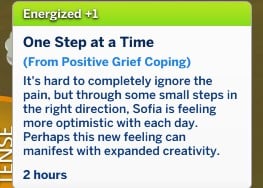
While these coping methods may lead to some Tense or Sad Moodlets along the way, your Sim will start to feel Energized and Happy as they work through their Grief. They may also unlock the Reach Out for Help social interaction. You’ll notice Moodlets earned from positive Grief coping such as, One Step at a Time and Controlled Emotions, which are indicators that your Sim is progressing well through The Sims 4 Grief System.
Acceptance
Sims that tend to their emotional needs during their times of Grief by Attending Grief Counseling and Coping Positively will reach Acceptance. The Grief Type will be removed from their list of Personality Traits at this stage. While Acceptance is the fifth and final stage of Grief, your Sim will still experience the emotional impact of Lingering Grief.
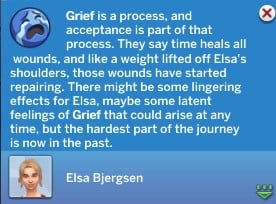
Lingering Grief can show up at anytime in a Sim’s life after reaching Acceptance in the form of Moodlets. These emotionally mature Sims may experience sudden bursts of Sadness or Happiness from their time with Grief.
Grief Change
If your Sim is neglecting their emotions and the grieving process, The Sims 4 Grief System may transform their Grief. This is most common with the Denial and Holding it Together Grief Types that will transform into Anger or Blues, but is possible for all types of Grief.
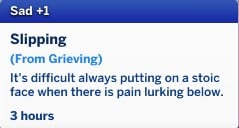
Moodlets like the Slipping Sad Moodlet are indicators that your Sim’s Grief might be about to evolve.
If your Sim’s Grief Type evolves, they will need to re-start their grieving process with more focus on Coping Positively.
Personality Change
Sims who deny the grieving process may be so consumed in their Grief that it changes their personality for the worse. Simmers will be prompted to accept or deny the negative Personality Trait change, so you can choose to deny it if you don’t want your Sim to be permanently changed.
Have your Sims worked through The Sims 4 Grief System? Do you like this Sims 4: Life and Death feature? Let us know in the comments below!
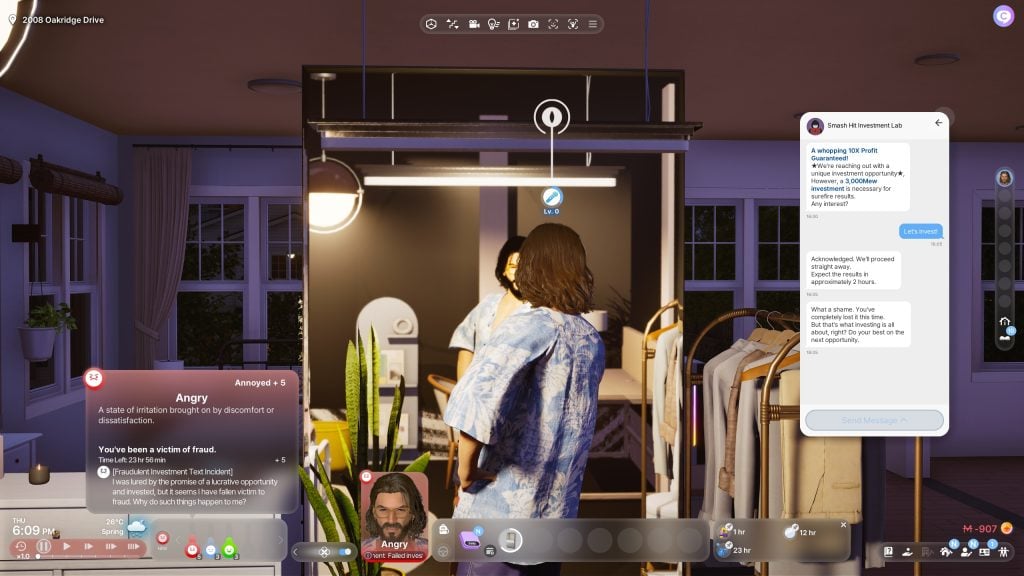
InZOI’s December update added lots of features, primarily focused on expanding a player’s money-making options, fleshing out the darker sides of InZOI, adding winter activities and holidays, and general bug fixes to improve player experience. However, one player discovered a brand new feature not directly touched on; InZOI Scams! While players can run scams as a way to make money, leading their Zoi into a crime-riddled and shady lifestyle, they can also be targeted for those same scams!
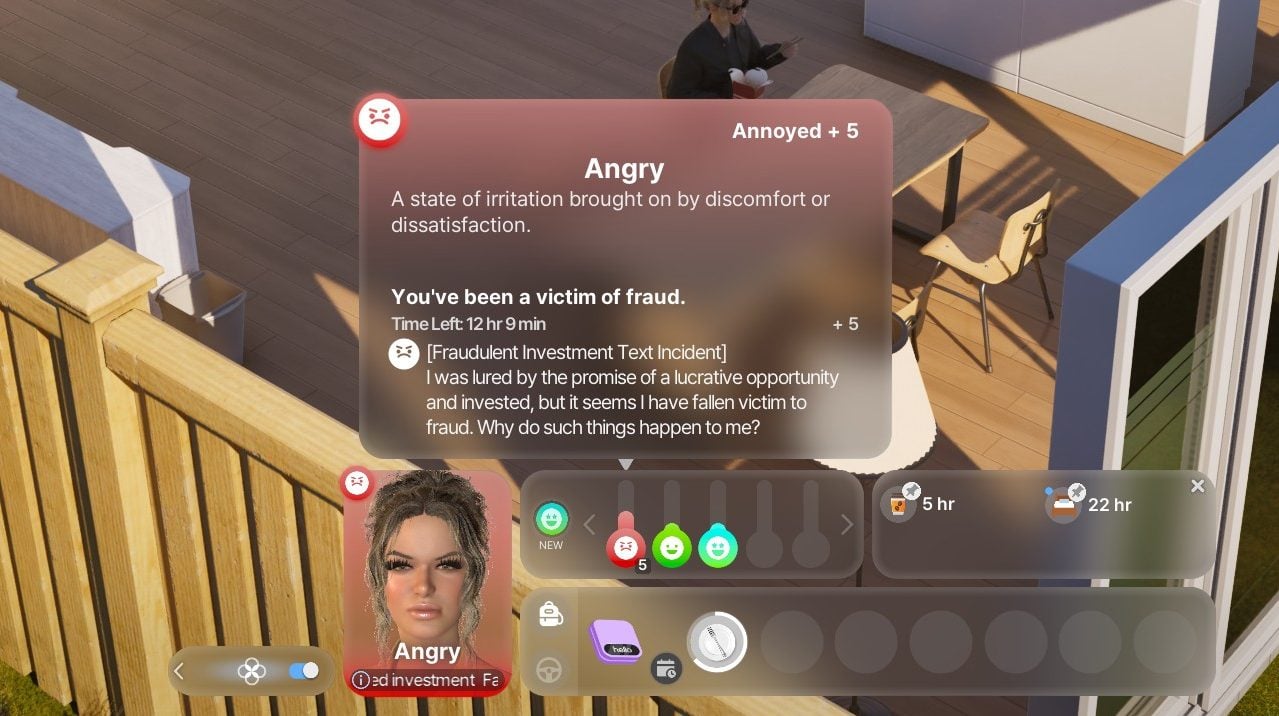
I only booted up the game to check out the new updates. Then not even 5 mins in I get this snakeoil salesman promising me a great ROI (don’t even know how he got my number!).
I took a chance as they said results were guarenteed and they didn’t even verify my account funds first. They immediately deducted the full amount and sent me into overdraft. I’m now below the poverty line to the point where welfare tried to step in and save me by sending me money…but i’m still 1K in debt!
I am now getting emergency loan recommendations from my local bank but I can’t even afford bus fare to get there! Where do I go from here? These scammers have ruined my life. I can’t even make tomato pasta for myself, all I can eat is soup 😭 currently having a pep talk with myself in the mirror bc I’m about to go insane! Any advice on how I can report this?
Per the patch notes of InZOI’s v0.5.0 Update, a multitude of new features were introduced, including the ability for player-controlled Zois to live a life of crime, build their own business, take on odd and shady jobs, and winter holiday events and weather changes. While player-controlled Zois can pursue crime through burglary or scamming, that doesn’t stop in-game scams from targeting your Zois!
Scammers
○ Scam other Zois for a chance to strike it rich!
○ Various scammer interactions have been added, including “Attempt Voice Phishing”, “Scam In-Game Items”, “Impersonate Charity Worker”, and “Hold Fake Seminar”.
○ The success rates of scammer interactions are influenced by the Rhetoric and Critical Thinking skills.
While this is a prominent feature, this is not the only feature related to crime. Players can also go through the process of becoming a burglar, working as an online scammer, or taking on shady jobs from “The Suspicious Job Agency” and their bulletin board job listings.
And while Zois can succeed in these shadier money-making options, they can also get the book thrown at them in the form of arrests, fines, criminal trials, and even prison sentences. Zois will have Crime Scores that indicate the severity of the crime if it is reported by a witness, can develop a wanted status for up to one day, and go through a lengthy trial process with a lawyer to hopefully get any charges overturned or a reduced sentence.
For more information on the crime features added in InZOI’s December Update, v0.5.0, make sure to check out our Patch Notes article!
New Feature: InZOI Scams
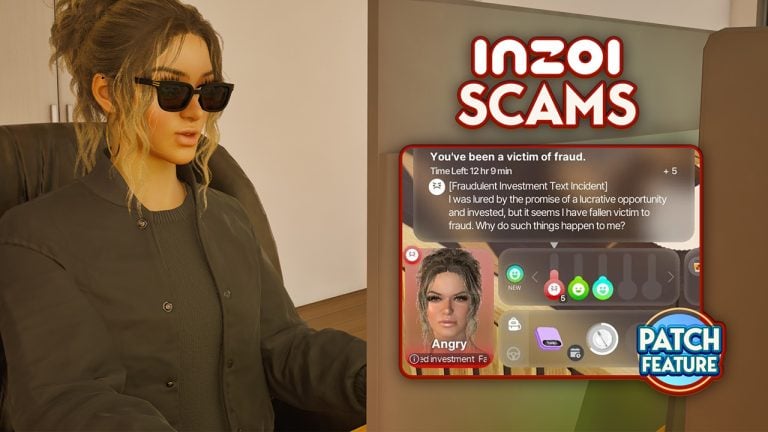
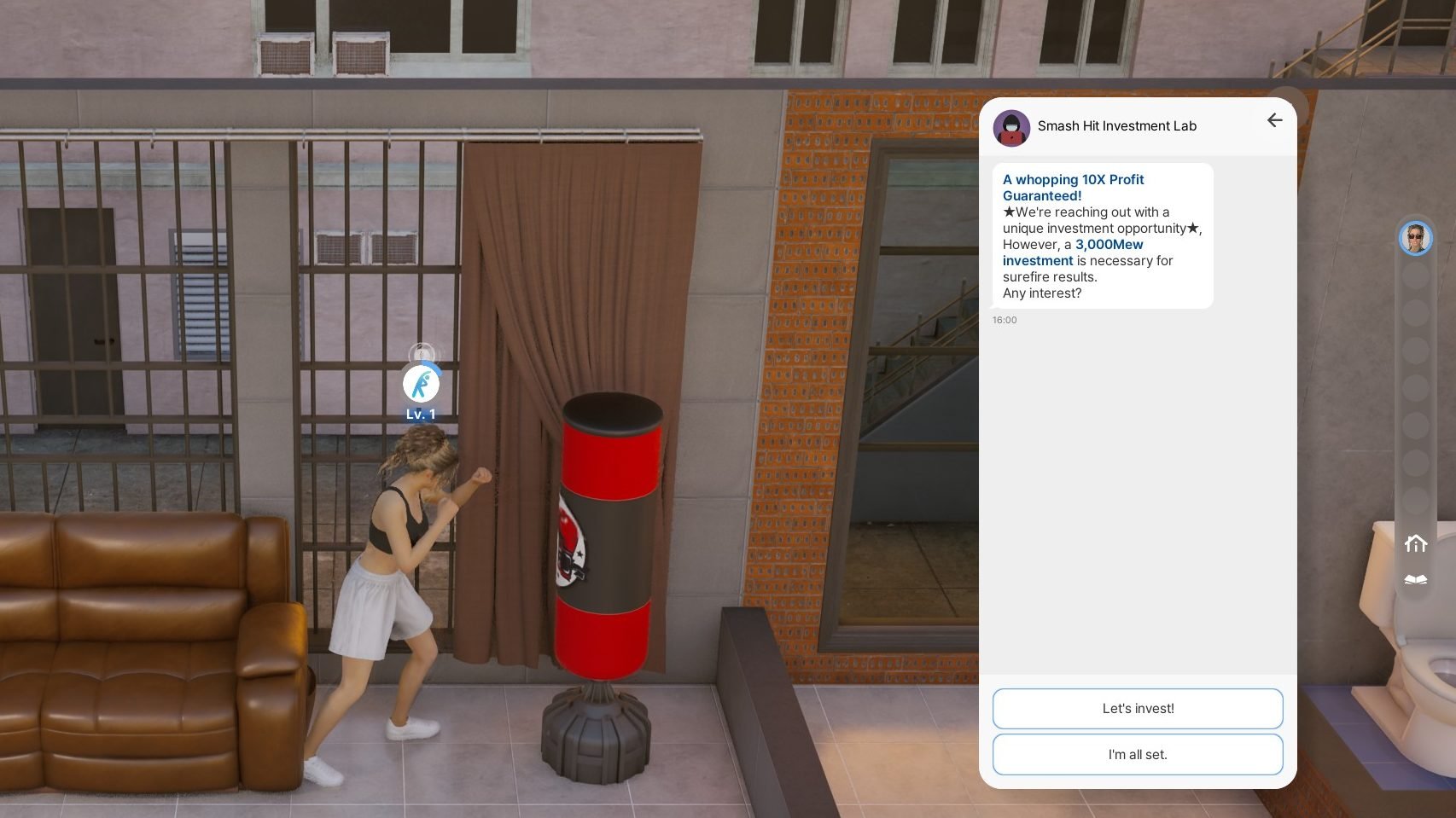
Similar to real-life scams, the scam messages targetting your Zoi will show up at random on their phone, often promising easy wealth before swiping out your Zoi’s money from under them, often leading to debt, despair, and an angry mood after the Zoi realizes what has happened and feels swindled.
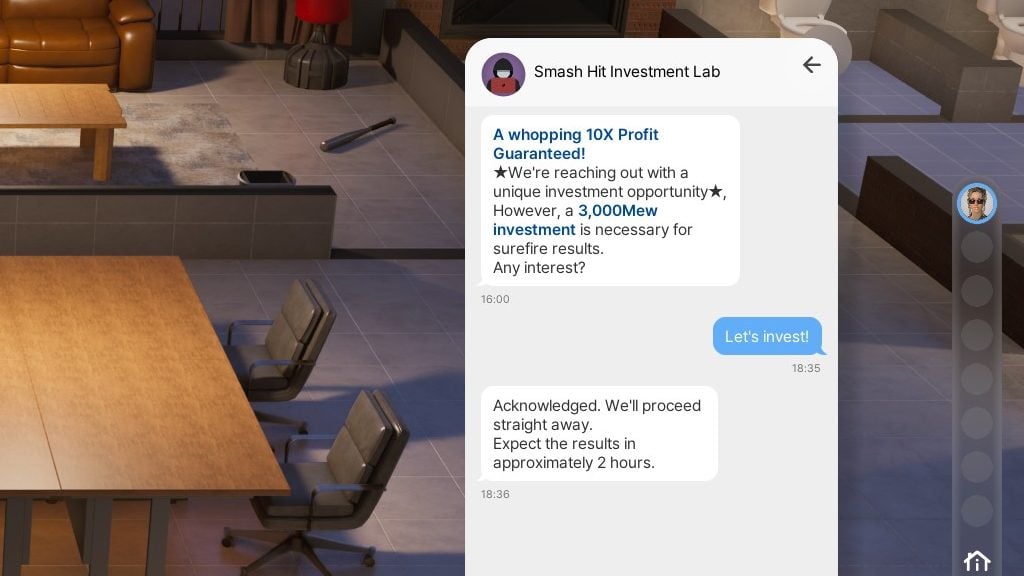
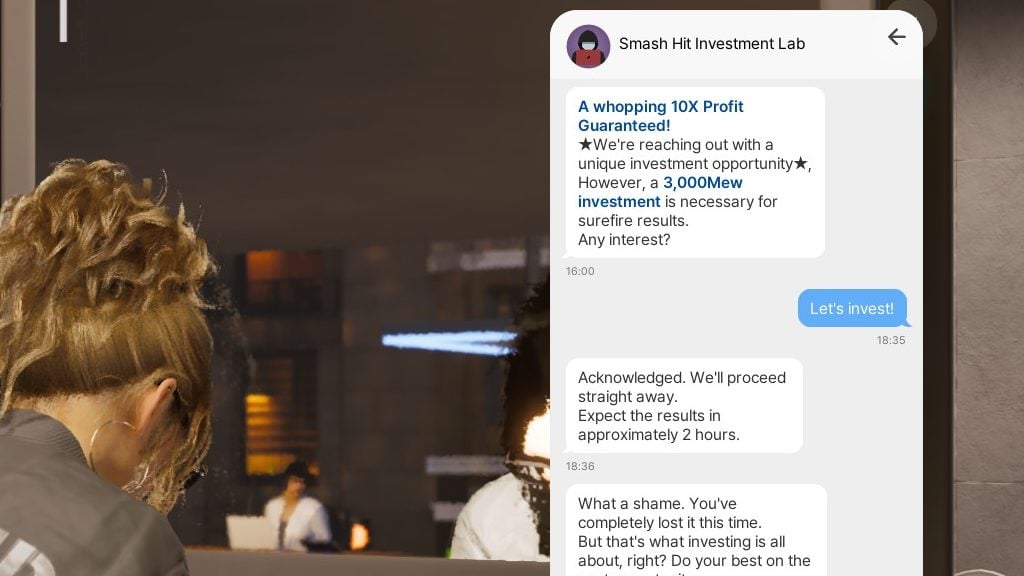
Since so many legitimate game features are advertised to players via text messages, many players wouldn’t think before agreeing to the scam, or just ignoring it. One thing of note is that the icon shown for “Smash Hit Investment Lab”, the scammy “company” in questions, uses an image of a concealed person with a hood and mask behind a laptop, giving a hint as to their real intentions.
When your Zoi agrees to this investment, they lose money and often go directly into debt. This can cause stress when, typically two hours later, the scammer in questions reaches out and rubs it in your face that you lost that money to them.
Other Additions to the Crime System
Scamming isn’t the only thing added in the updated Crime system. Zois can also become good old-fashioned Burglars, breaking into homes and businesses to steal items, dodging property owners, security cameras, and home alarm systems. Zois looking for something a little less hands-on can apply to new positions at the Shady Job Agency, taking on gig-style crimes posted by said agency.
Thieves
○ Become a thief and break into property to steal items! ○ Various thief interactions have been added, including “Pick Door Lock”, “Break Down Door”, “Open Safe”, and “Sabotage Surveillance Camera”. ○ The success rates of thief interactions are influenced by Handiwork, Programming, and Fitness skills. ○ Some properties may have traps such as surveillance cameras and alarms installed.
Suspicious Job Agency
○ The Suspicious Job Agency has been added, allowing Zois to take on shady jobs and collect crime information. ○ Use the Agency’s Bulletin Board to purchase crime information.
Zois are able to witness crimes and report them, and this can lead to a developing Wanted Status. This status will only last for up to a day, but leads to any passing police officers making chase and fining or arresting the wanted Zoi. This often leads to trials and lawyers, and sometimes even prison or jail time if the crime warrants it.
Our full list of the patch notes, including fixes, new features, and expanded systems, can be reviewed here!
Have you gotten scammed yet in-game, run any scams yourself, or tested out other new crime features? Feel free to discuss, and we’ll make sure to keep you updated on new InZOI Features and surprises at The Sims Community!
Happy New Year Simmers! With the start of the new year we have a whole spotlight of The Sims 4 family starter homes and households to showcase from The Sims Community on the Gallery. We ended the year with a few small starter homesto ignite some imagination and smaller gameplay vibes. But, starting this year fresh and new, we thought we would help spice up your neighborhoods with some fun builds and stories! These builds are slightly bigger and the families have backgrounds to go with them to help get you going in case you feel stuck.
♥ Basegame Starter 3/2 ♥ – Boysims Starter Family Homes
Table of Contents
Family Starter Homes
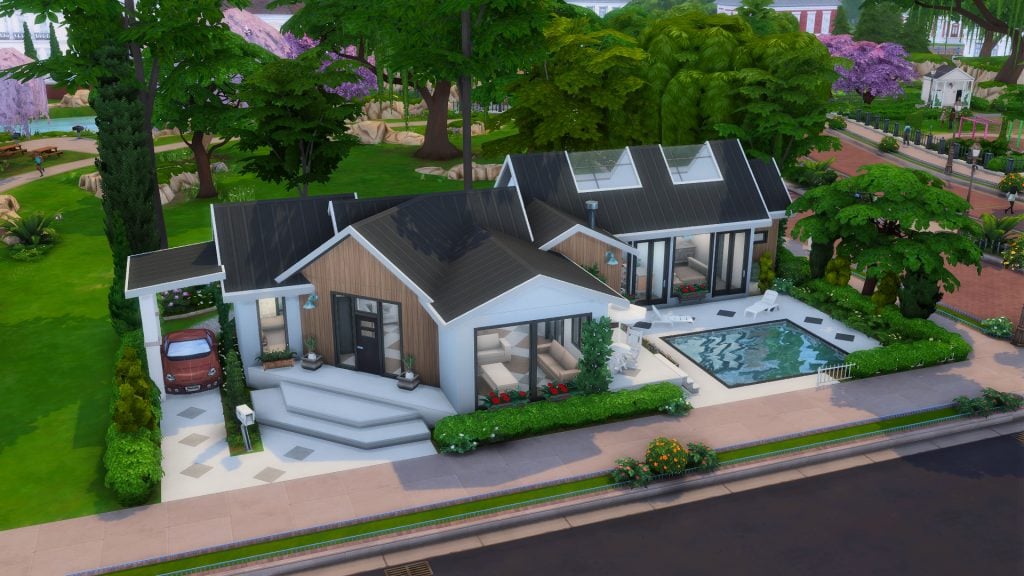
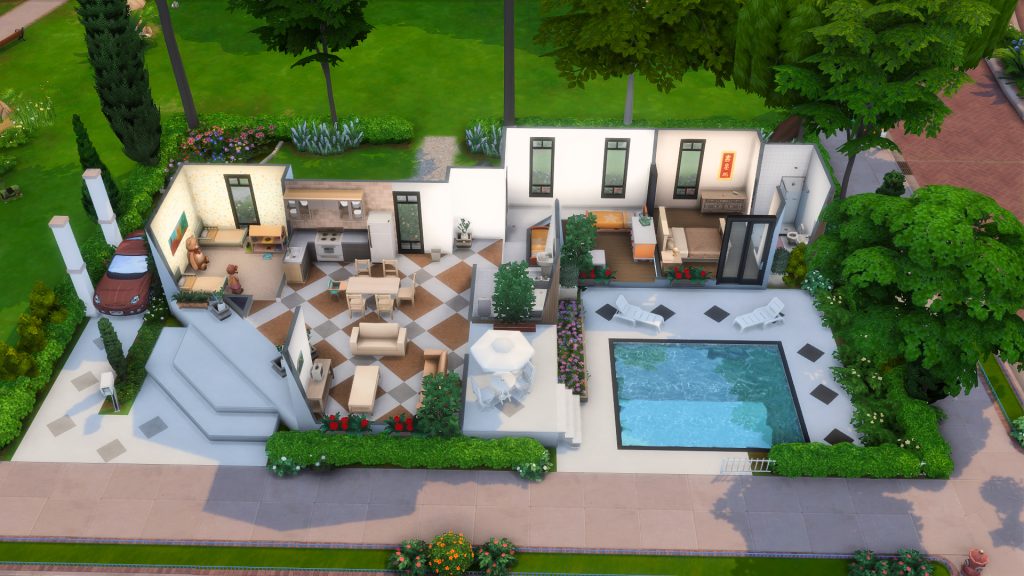
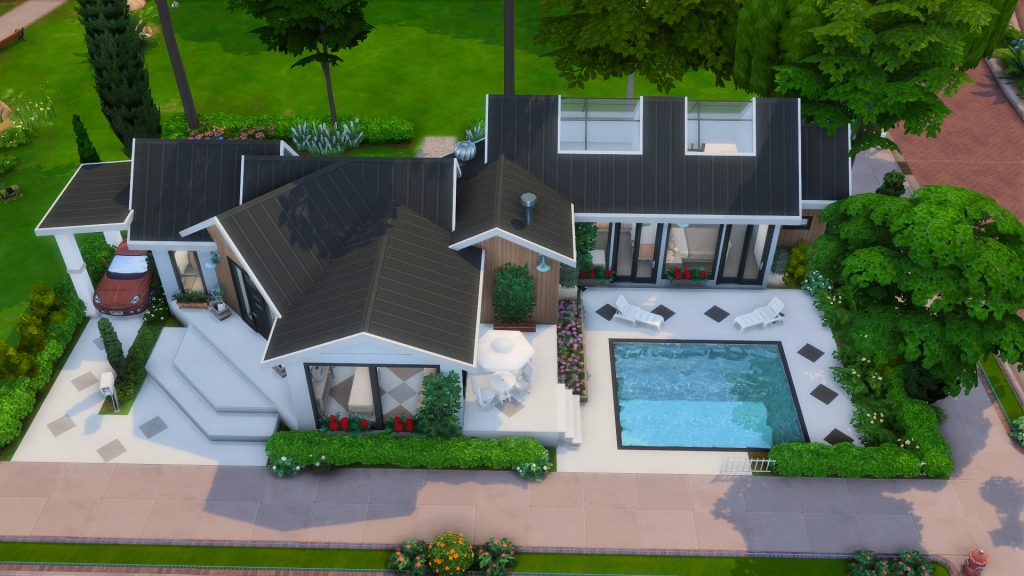
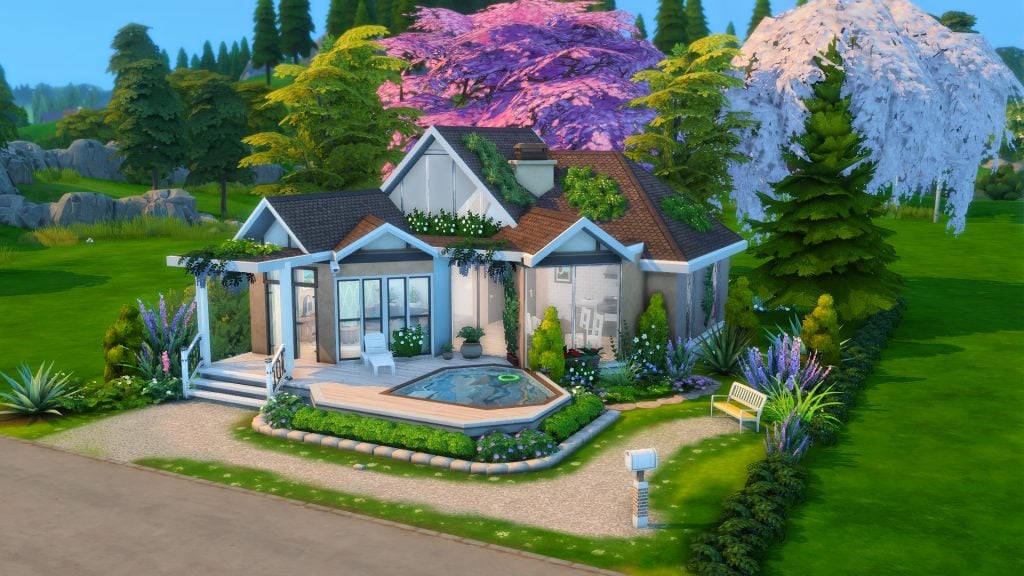
Say hello to homes small enough to fit within the under 22k budget, big enough for larger families and still have extra spending money at the end of the day! The following houses all have 3 bedrooms and are under §22,000, which is a win for households with more than one Sim, never mind 3-8 Sims! Not everyone is a builder, sometimes finding the perfect home to start out in, or having somewhere relatively affordable for your growing household to move to, is just what we all need. We searched the gallery for some modern family starter homes, fully furnished and ready for your Sims to live their best lives in.
Family Starter Home – TheClumsySimmer
Lot Type: Residential Lot Size: 30×20 Price: §19,954
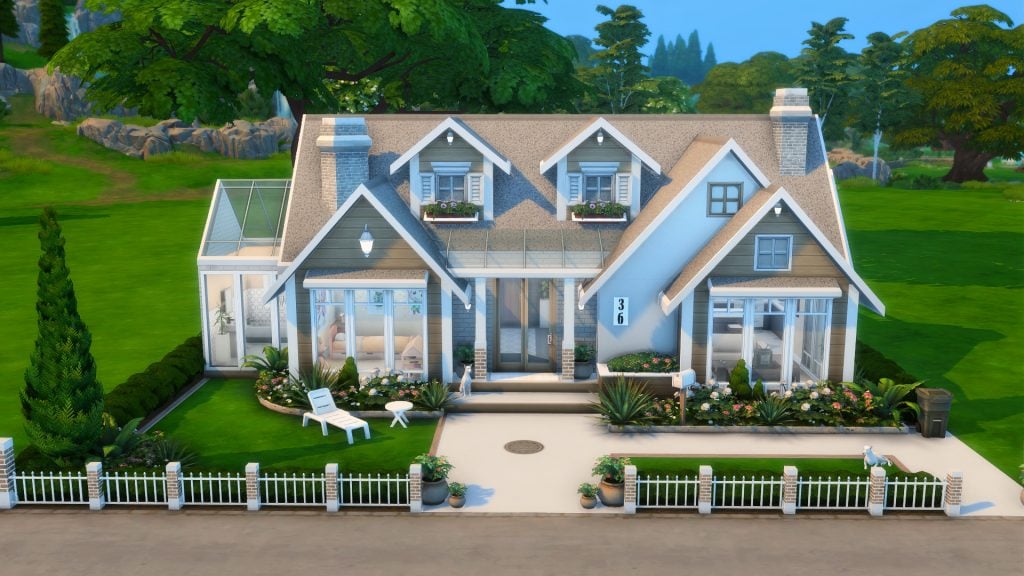
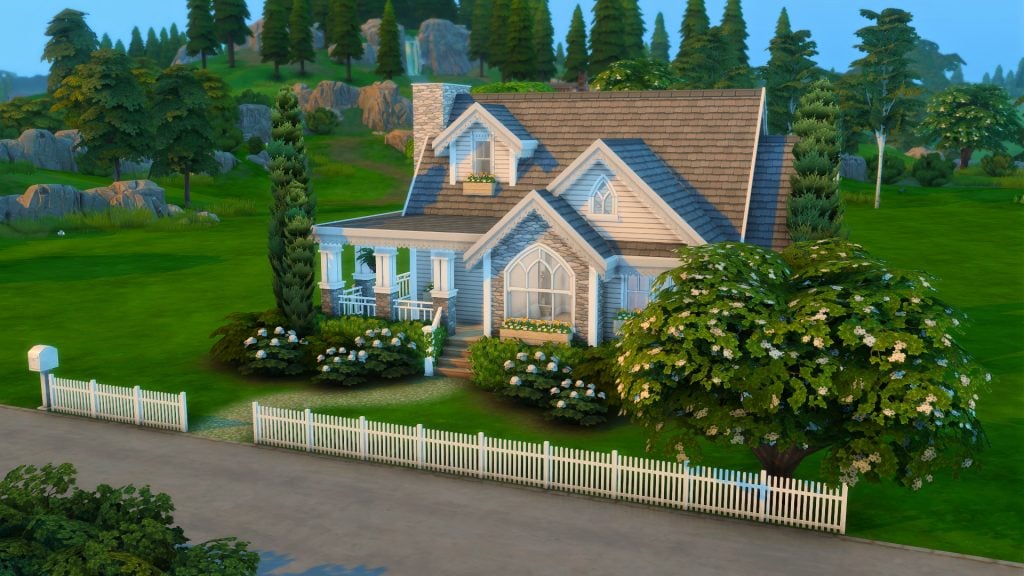
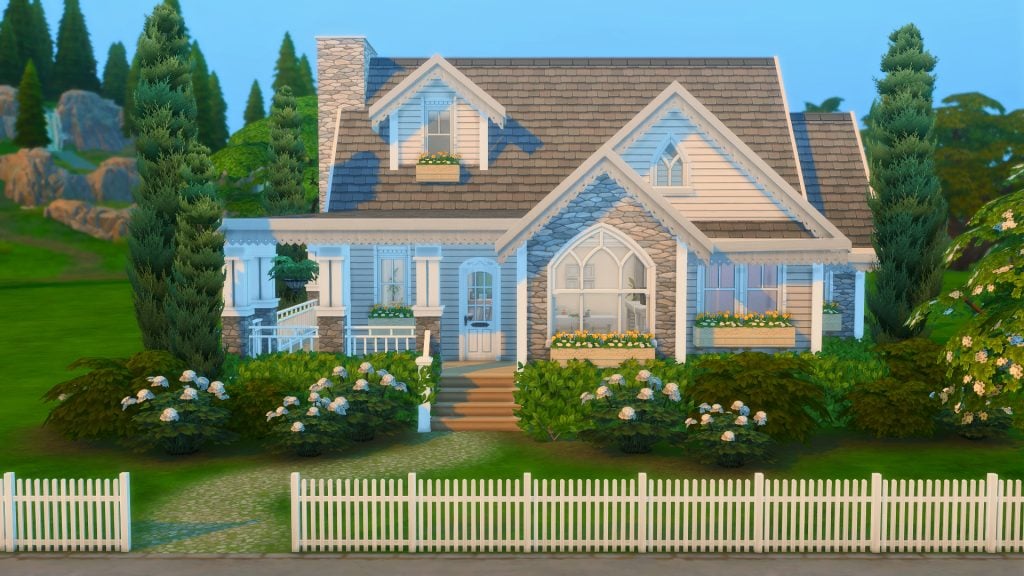
A white picket fence frames the front of this home with a half wrap around porch from the front door around to the back kitchen door. This home is perfectly built for your Sims who are starting the next chapter of their lives, with a child/teen room as well as an infant/toddler space to grow into. This home has spacious bedrooms to clutter up with your sims goodies and to suit their personalities as well as a full bathroom and cute little backyard area.
Lot Type: Residential Lot Size: 20×15 Price: §18,902
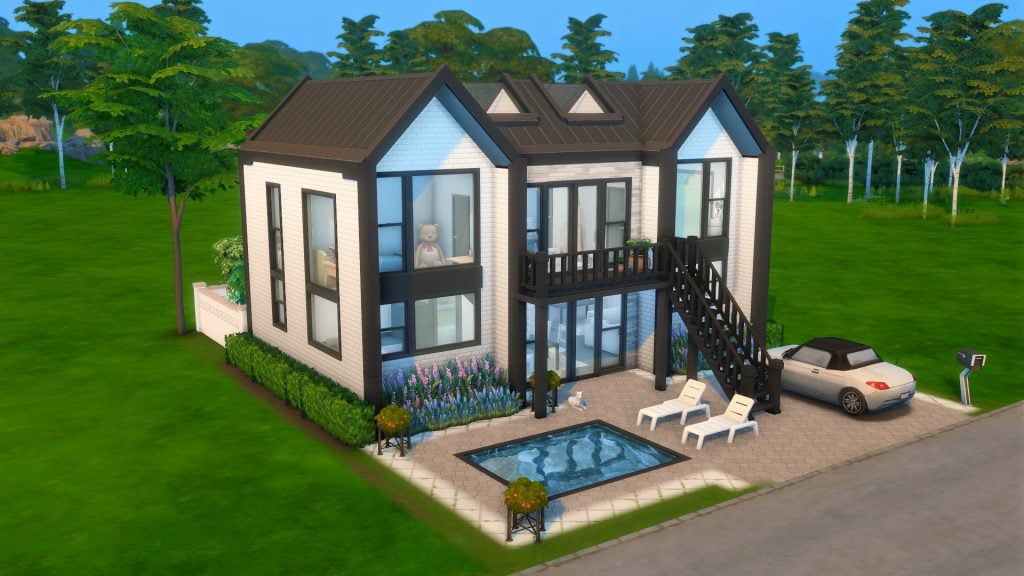
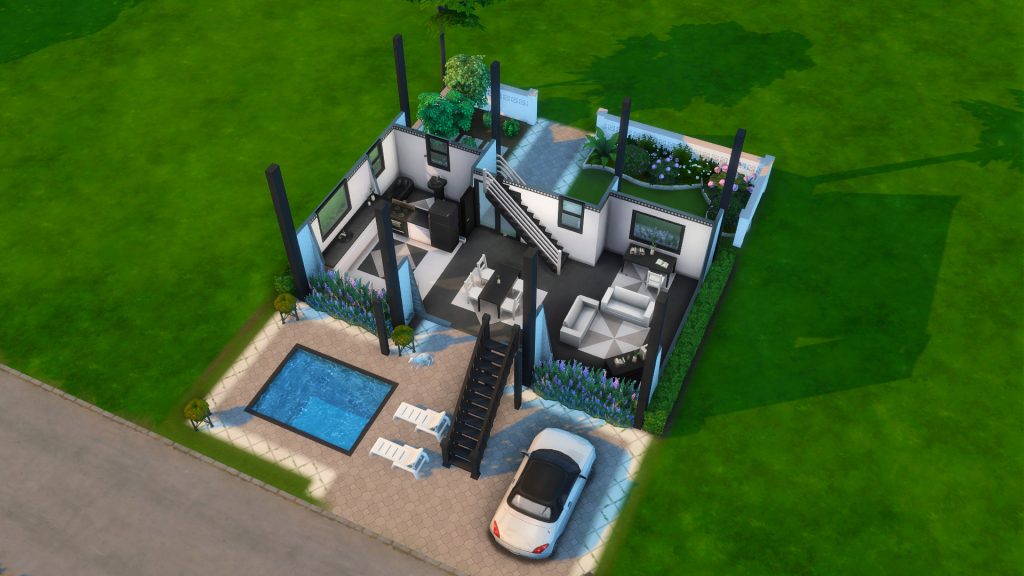
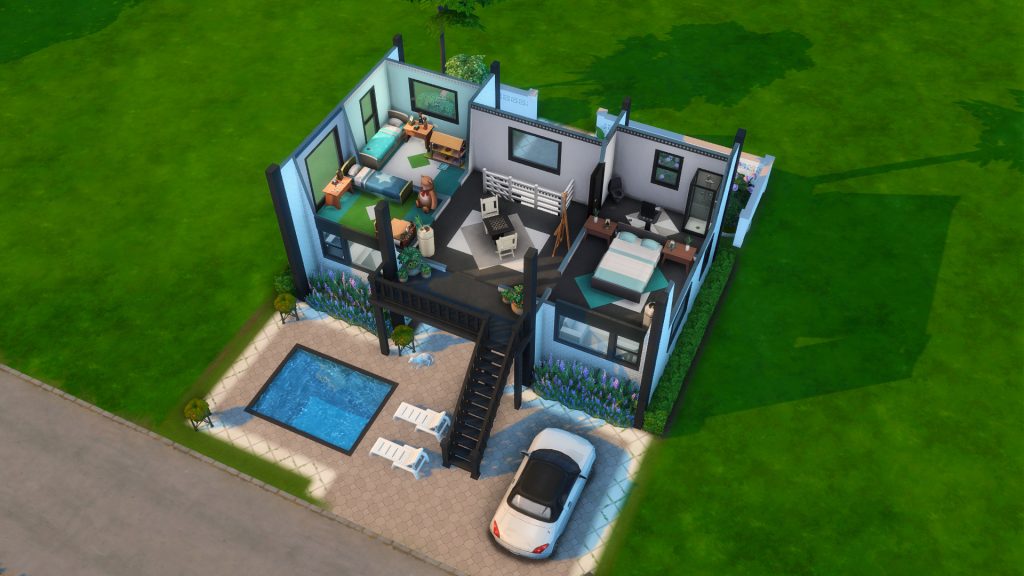
This black and white modern double story home has a small pool out front with a small well maintained backyard too. There is open plan living downstairs with a kitchen, dining room space and living room area. There are 3 decently sized bedrooms upstairs with pops of color and 2 full bathrooms, 1 upstairs and 1 downstairs. This home is definitely cozy living without feeling cramped or lacking space.
Lot Type: Residential Lot Size: 30×20 Price: §19,952
Another 2 story, 3 bedroom home with a beautifully designed backyard filled with planter boxes and an undercover patio for outdoor living at it’s finest. This modern home has an easy floorplan to work with, with good spacing for moving around, playability and routing. This home has 3 well-sized bedrooms and two bathrooms which makes this an ideal family home.
Lot Type: Residential Lot Size: 30×20 Price: §18,499
So far most of these houses have not skipped out on the size of the bedrooms available and this home is no different. Spacious rooms to clutter to your hearts content and let your Sims personalities shine through means growing as a family unit in this home will be a breeze. Open plan living inside with easy maneuverability and a spacious backyard with an undercover seating area, ideal for outdoor living on those warmer days. This home is where modern design meets everyday Sim life.
Lot Type: Residential Lot Size: 30×20 Price: §21,912
Although only three bedrooms, this home is equipped to house six Sims! With two Sims per room you could really have your growing family move in here. And space? No need to worry about moving around as the open plan living helps keep gameplay flowing smoothly. This modern build is a beauty to look at from all angles with beautiful landscaping, contrasting colors that mesh well together, bold lines and pops of color around the garden. A minimalist style with maximum livability and playability.
Lot Type: Residential Lot Size: 30×20 Price: §15,913
The overgrown greenery on the roof of this home just adds to the beauty and charm of the overall build. Giant trees surround the back of the home with the main build framing one side of the front yard pool. Open plan living, lots of natural light and great layout to move about the home makes this build a pleasure to play in.
The Sims 4 Gallery holds so many different amazing creations from the community, of which there are a ton of different households. From single sims to all 8 slots being filled there is plenty to find no matter what you are looking for. Below we have found some starter family households for your gameplay to help get you going if you feel a bit stuck in the game or if you are just wanting to spice up your current game with a new family and a new storyline.
The Gregory Family – simmaddness
“Anita and Jarvis has worked hard in their careers as a doctor and a detective and encourages their children Denise and Sebastian to work hard and focus on the future. Denise has two jobs along with school. Will the hunger for over-achievement cause burn-out?”
It can be tricky to find Sim families with stories let alone stories with matching skills but some simmers have done both for us! Meet the Gregory Family by Simmaddness! The Gregory family have a backstory, skills to keep building onto, hobbies, jobs and after school activities to let you hit the ground running with the way you can play this family.
Anita is packed with skills, she is level 10 piano, and 9 logic. She is also a doctor, a general practitioner at that, and needs to perform 3 surgeries for her next promotion. Jarvis has skills across the board, nothing high enough to mention but a lot of them at the half way point to crack on with – he is a sergeant in the detective career with 3 cases on the task list to solve for his next promotion.
Denise works in day care and is an A grade student, while her brother Sebastian is an A grade student too as well as a Llama Scout. Cooking is Denise’s strongest skill at the moment but she has plenty more where that came from, some catching up quickly. Sebastian is level 10 creativity, mental and motor, the only skill slacking behind is his social – do you play him growing into a social butterfly or leave him to his wiz kid aspiration? And finally the littlest family member is Nicole who has all her skills on the way, a little bit further to go in movement and she is level 5!
“Erik aspires to be a recording artist. He loves being creative and he loves music. so what better career path for him?! Until he is able to break into that world he is content with being a chef at the local diner. Cheryl wants to have a big family one day. However, she is obsessed with yoga. Will she be able to continue being a yoga instructor after kids or will her likes and her career change?”
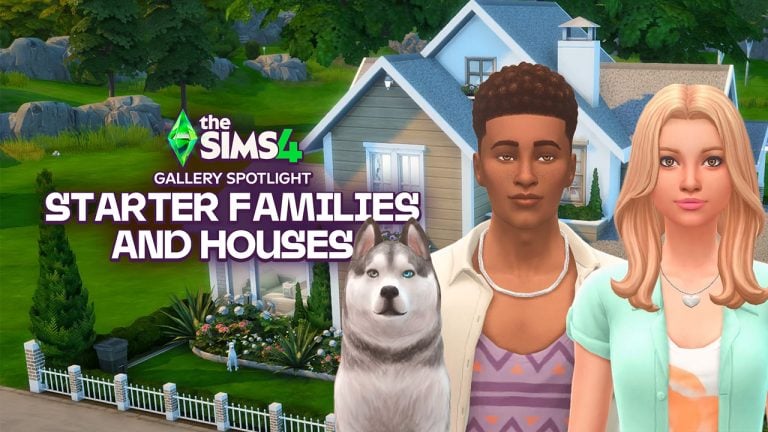
Erik and Cheryl Gillis, along with their Siberian Husky Sam, are ready to see where life takes them! Will Erik become a recording artist and possibly start a big family with his wife Cheryl and will Cheryl be able to juggle work and kids when and if they eventually come along… it really is up to you on how you play! Plus they have an adorable dog!
“Elle is a stay-at-home mom who loves cooking. Stewart is obsessed with his work and may or may not be seeing a younger co-worker at the moment. Elyse is your typical All-American girl with a close group of friends. Oscar is destined to play soccer and he wants to (mostly because he like the players) but don’t tell his Dad that…”
The Whipple family seems cool, calm and collected from the outside but with Stewart possibly seeing a younger co-worker at the office things may not be as calm as they appear. You could play out the secret affair and go down a whole rabbit hole with just that one little bit of information or steer the family back on track and get Oscar on his path to soccer stardom.
“Tre & Vivienne are high school sweethearts who have long awaited their upcoming wedding! They can’t wait to walk down the aisle and share their heartfelt vows in front of the ones they love :)”
Tre Pearson and Vivienne Lorenzo sound like a perfectly wholesome couple just waiting for you to help them live out their best lives together. Help them walk down the aisle to seal their love and watch them bond and grow as an amazing couple… or help drive them to absolute chaos with triplets straight after the wedding – who knows, either way could be a fun adventure.
“Frederick and Nathaniel are high school sweethearts, who finally got married last year, the couple adopted Juliette when she was a baby. Unfortunately Frederick’s mum passed away but left them a large home in Newcrest. Frederick is a piano player and Nathaniel owns his a knitting company, the whole family go bowling every Saturday and its best day ever, they even named the day to be ‘Fab Fam bowls day'”
Frederick has maxed the bowling skill (if they go every Saturday I can see why!) and so has Nathaniel and Juliette, which should make for not only fun but competitive family bowling nights! Frederick has also maxed the gardening skill and considering he is a professional piano player it tracks that he has maxed that skill too. Nathaniel has mastered cross-stitching and knitting which is helpful since he owns a knitting company – we love stories that match skills! Juliette is on her way to mastering knitting, creativity and her mental skill. With the mention of a house left to them in Newcrest you have a whole new neighborhood and home for them to move into and explore.
“Pablo loved Jennifer so much that when she… came back, he remarried her! But Jen is not of the living. Forever one foot in the beyond. Will new lodger, aspiring artist Farrah turn Pablos head? And… would Hen ever let him go?”
Farrah Nouvel is a freelance artist with a couple of skills started and her painting skill at level 4. Her little one is Shari and we don’t know much about her. We don’t know much about either of their backstories – so that could be an avenue to explore. Jennifer Martinez seems to have this story semi revolve around her as she remarried as a ghost and may not be so keen on having Farrah around. Jen is a writers assistant and has minimal skills.
Next up in this story is Pablo. He is a team mascot, with a few skills and a possible love triangle on his hands depending on how you play. He has two kids with Jennifer, Sofia who is at the start of her motor skill, nearly level 3 of creativity and just under halfway with social, and Leonardo whose motor skill is just about to be level 2, social almost level 4, mental just starting with level 1 and creativity on its way slowly to level 4. Both kids are B students with no extra mural activities yet. There is also a surprise when you load into this family… any guesses as to what that may be?
“Sirius crashlanded on earth, since then he has tried to find his way back while learning everything he can about the new planet. Arachne fled her home planet after her father started a rebellion and betrayed her, leaving a permanent scar. When she met Sirius he decided he wanted to help her, he took her in and started to teach her all he knew about the new world.”
Arachne Nova Andromeda and Sirius Etoile are aliens from another world. Why not play out their lives with Alien nights at bars, underground spaceships or bunkers to let them live as their true selves in the comfort of their own home, with a beautiful suburban home to act as a mask for what they are really hiding from all their neighbors. Max their skills, or at least as many as you can while they learn all about this world. Make them fall in love, with each other or humans from this new strange planet… the options are there for you to play with!
“Rico is an aspiring chef, but his world gets turned upside-down when he received terrible news. His parents have died in a horrible accident. His two sisters, who were under his parents’ care, need his help and support. Now together again, can they achieve their dreams and overcome their heartaches? You decide.”
Older brother Rico has a lot more responsibility all of a sudden. Taking on his two siblings while trying to pursue his dream career won’t be easy but it is possible if everyone pulls their weight. Will you make sister Estrella follow her dreams and get a decent job as well as getting the youngest sibling, Lisa, to do well in school or will you make them both slack off and leave all the hard work to poor Rico?
Be sure to check out all the above simmers galleries for more amazing builds and households, and not only starter ones! The Sims community really are a talented bunch and because they share with us, we all get to enjoy the game more with a little help, inspiration, builds and Sims! Let us know in the comments down below who your favorite builders and CAS creators are! Stay tuned to the Sims Community for all future Community Spotlights!
Get ahead with these official tips to stabile performance when performing a Sims 4 Update!
The Sims Team continues to provide more clarity about best ways to maintain and upkeep your Sims games. Their useful Lag Causes for The Sims 4 guide was clear enough to give a player understanding which features might spike a frame drop.
Preparing for the next update is always important, especially if you’re someone who uses a lot of Sims 4 Mods and CC. This official guide also acknowledges the 50 / 50 method and shares their way of discovering outdated mods. Including the good reliable Copy > Paste method of backing up your Saves. This time with an official signature!
As many of you already know, after any base game update any mods or CC you have installed are disabled as you might need to update some of them to be compatible with the newer version of The Sims 4 you’ve just installed. Below you’ll find steps on how to launch the game “vanilla,” what to look out for when playing with mods, re-enabling mods, and (If something broke) how to use the “50/50” method to find the culprit, along with other best practices.
Updating mods and CC, is it that important?
Did you know that in certain cases using an outdated mod could cause unfixable problems for your save? Some mods may even make changes to your game that persist after the mod is removed, so be sure to check any elements of the game that a mod you used may have affected. If (for example) you used a mod to add Lot traits to your neighbor NPC Sim, removed playmats, or installed any food related mods, are the changes they made still present after removing the mod?
Before you update
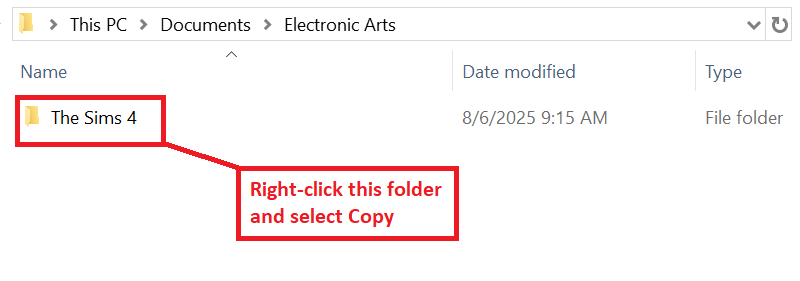
Back up all of your stuff. Copy these 2 directories to a safe spot, like your desktop:
Documents\Electronic Arts\The Sims 4\Saves
Documents\Electronic Arts\The Sims 4\Mods
Note your mod list. Have a lot of mods? A method of organizing your mods may be worth looking into, a simple text file or spreadsheet with the names of your mods and their creators might save you a ton of time later.
Close the game and your mod manager (if you use one).
After the base game update
Launch once with no mods or CC (vanilla). Mods and CC are disabled by design after updates – this is normal.
Hop into Live Mode for a minute. You’re just checking that the game runs on the new patch version.
Exit the game WITHOUT saving. Don’t save a modded game while mods are off, or the game will strip most modded content (this mostly impacts mods that have separate .cfg files)
Clear cache: delete localthumbcache.package (in Documents\Electronic Arts\The Sims 4) whenever you change mods.
Re-enable mods/CC. Under Game Options – Other – Enable Custom Content and Mods (and Script Mods Allowed if you use them as well), then restart the game.
Start adding content back safely
Start with the known-good/updated versions. Grab fresh downloads from creators who’ve posted updates, and add back in mods that creators have said are compatible with the new game version. Remember to check for what other mods those mods depend on, though!
Add in small batches. Drop in a few mods at a time, then launch and test.
Prioritize gameplay and UI mods. These are most likely to break after patches – verify them first. (UI mods are anything that changes or adds to the game layout, including in Create-a-Sim and Build/Buy mode.)
If something isn’t right: the “50/50” method
Move all content out of Mods.
Add back half → test in game.
Make sure that in that half you include mods those mods depend on. You might want a “half” to be all build/buy and CAS content that doesn’t require a “core” mod, for example.
If it breaks, the bad file is in that half → remove half of that half and test again. If you’re testing gameplay mods, make sure to not split mods from the ones they depend on.
If it’s fine, swap in half of the remaining files → test.
Repeat until you isolate the culprit, now you can look for an update or remove it.
Clues the issue might be mod-related
Script/gameplay bugs: interactions won’t complete, menus fail to open, Sims get stuck.
UI glitches: Menus are the wrong colour or distorted, icons are jumbled.
CC/asset glitches: missing meshes, distorted clothing and faces, floating accessories.
Quick fixes that help a lot
Test on a fresh save to rule out save-specific issues.
Turn off the “mod list at startup” if booting your game is slow (uncheck Show at Startup on the mods list screen).
Repair the game via your launcher if core files seem off (this doesn’t touch your Mods folder, but you may want to back them up again anyway):
EA app – Library – click on The Sims 4 – Manage – Repair
EPIC – Library – click on The Sims 4 – click the three dots (…) next to The Sims 4 – Manage – Verify (You’ll also want to follow the steps above on EA app after this as EPIC launches The Sims 4 through the EA app)
Steam – From your Steam library – right-click the game tile – Properties – Installed Files – Verify integrity of game files
Still not working quite right? What to include when asking for help
Also be sure to include the info below to get help from the community faster:
Your game version, launcher, and platform (e.g. Version 1.119.109.1220, EA app, Mac). You can find your game version in the bottom left corner of the main menu.
A short summary of what changed (e.g. “updated today; added X mod; removed Y”).
Which mods/CC you’re using (link to your list if possible).
Make sure any mods you mention are in line with the EA Forum Rules & Guidelines! We’ve got gamers of all ages here.
When errors happened, and what happened. If at some point your game won’t launch the next stage, which stage that was helps with finding a solution. The same with what was happening when your Sims stopped behaving.
Any error messages or LastException/lastCrash files.
Official Guide to Backing Up Saves in The Sims 4
We know that your saves are more than just Sims; they’re legacies, builds, and finely crafted stories. This is why backing up your saves in The Sims 4 is not only recommended, but essential for your peace of mind. It’s heartbreaking to accidentally overwrite a save folder, encounter a hardware failure, or lose a save file, so we’re here to help you prevent it from happening.
There are other reasons to back up your save files as well. Did your favorite Sim just get attacked by the killer rabbit? Simply restore a backup save like it never happened. Just had your 99th baby in the 100 Baby Challenge? You’ll definitely want a backup save before moving on to baby 100.
How often should I be backing up my saves?
It’s best practice to backup your saves regularly, say on a weekly basis as well as prior to any major game changes or in-game events. These might be base game updates, installing a new pack, finishing up an epic build, or even adding mods. This is because you’re making changes to The Sims 4 file system structure, which has the chance, even if small, of corrupting a save file.
If you’re planning to use a new computer or even are moving the location of that computer, you will also want to back just in case anything happens and you can transfer over all your families and builds to your new PC.
Backing up your save files:
For Windows users:
Go to My Documents.
Open the Electronic Arts folder.
Find The Sims 4 folder.
Right-click on it and choose Copy.
Go to your Desktop.
Additionally, you can copy this folder to a flash drive or Cloud storage.
Right-click on a free space and choose Paste.
Right-click on the copied folder and choose Rename.
Change the name of the folder to something you’ll remember like ”Sims 4 Backup”.
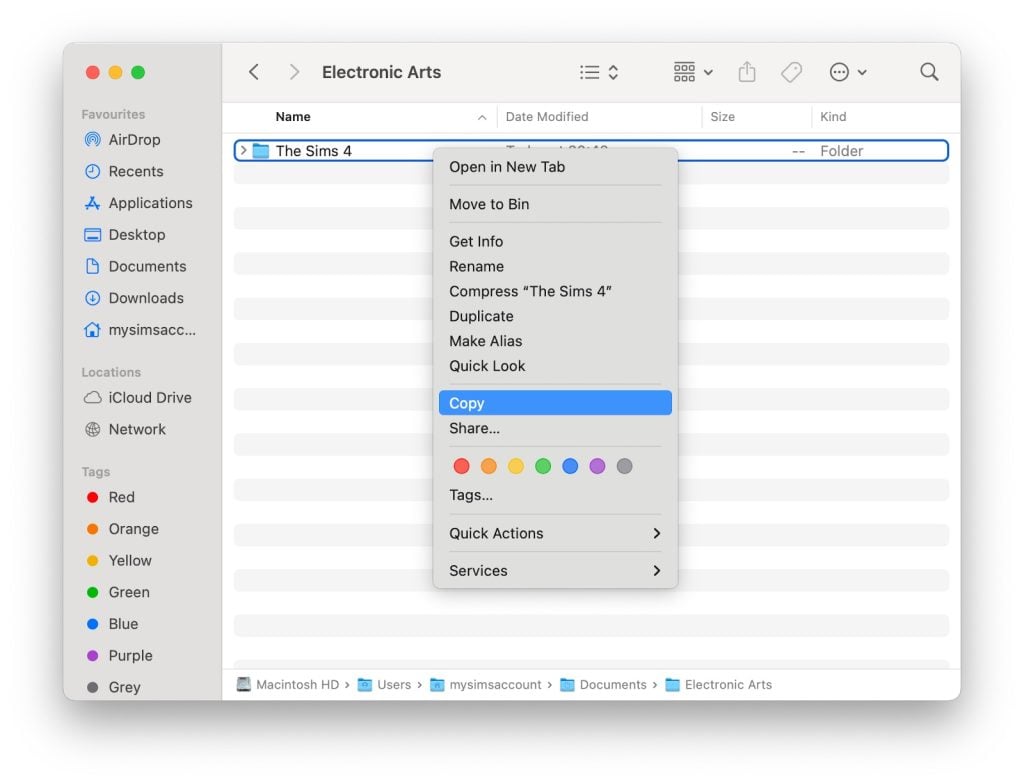
For Mac users:
Open Finder by clicking on the Finder icon on your Dock.
In the Finder window navigate to your Documents folder.
Open the Electronic Arts folder.
Click once on The Sims 4 folder to select it.
Press Command & C on your keyboard to copy the folder.
Go to your Desktop.
Additionally, you can copy this folder to a flash drive or Cloud storage.
Right click on a free space on the desktop and click on Paste Item to paste your backup folder.
Rename the folder on your desktop by clicking on it and pressing Return, then entering the new name.
Change it to something you’ll remember, like ”Sims 4 Backup”.
Restoring your save files:
For Windows users:
Go to My Documents.
Open the Electronic Arts folder.
Click on The Sims 4 folder and press Delete.
Confirm you want to delete the file.
Empty your Recycle Bin.
Go to your Desktop.
Right-click on your backup folder and choose Rename.
Change the folder name back to The Sims 4.
Right-click on the folder and choose Copy.
Go to My Documents.
Open the Electronic Arts folder.
Right-click on a blank space in the folder and choose Paste.
For Mac users:
Open Finder by clicking on the Finder icon in the Dock.
In the Finder window navigate to your Documents folder.
Open the Electronic Arts folder.
Right click on The Sims 4 folder and select “Move to Bin” to delete it.
Go to your Desktop
Click on your backup folder.
Press Return and change the folder name back to The Sims 4.
Press Command & C on your keyboard to copy the folder.
Open Finder.
Open your Documents folder.
Open the Electronic Arts folder.
Click on a blank space in the folder and press Command & V to paste your backup folder.
Once the above steps are complete and you’ve verified your saves are present in game, you can safely delete the backup folder on your Desktop.
Restoring a “.ver” Save File:
Please note that The Sims 4 automatically creates a backup of autosaves that can be found in your save directory as “.ver0”, “.ver1”, etc. as well.
These can be restored via either of the following methods:
Method 1: Use the in-game “Recover Save” feature:
Launch The Sims 4 and select Load Game from the main menu.
In the menu that appears, select the save you want to restore.
Click the Recover Save button, which looks like a floppy disk icon.
Choose the specific save version you want to restore and click Recover.
Confirm your choice by clicking Yes.
Method 2: Renaming the save file:
Exit The Sims 4 completely.
Navigate to your The Sims 4 saves folder.
Find the file with the same name as your save, but with the “.ver” extension (e.g., “Slot_00000002.save.ver0”).
Right-click the .ver file, and rename it by deleting the “.ver” at the end, so it becomes “Slot_00000002.save”.
If you have multiple “.ver” files, the lower version number (eg, ver0) corresponds to the most recently created backup.
Launch The Sims 4 and check your “Load Game” menu for the restored save.
If you have any issues with the above processes, you can always reach out in our Technical Issues sections of The Sims forums for PC here, or for Mac here for additional assistance.
Will you be preparing your game for the new Sims 4 update on January 13th or do you keep your game light with custom content? Let us know in the comments below and stay tuned for the next game update!
In the latest public patreon post, Paralives developer Anna takes us through how the Paralives genetics system is going to work, revealing how traits and appearance are shared across different generations.
The team are putting effort into making inherited traits feel believable, and give each Para a sense of individuality.
Let’s take a deep dive into this latest information.
To see all other Paralives updates covered by Sims Community, you can click here for the full library.
Understanding Paralives Genetics
Inheriting physical features
The Patreon post covered how a few different physical features are going to be compatible with Paralives genetics, let’s unpick them.
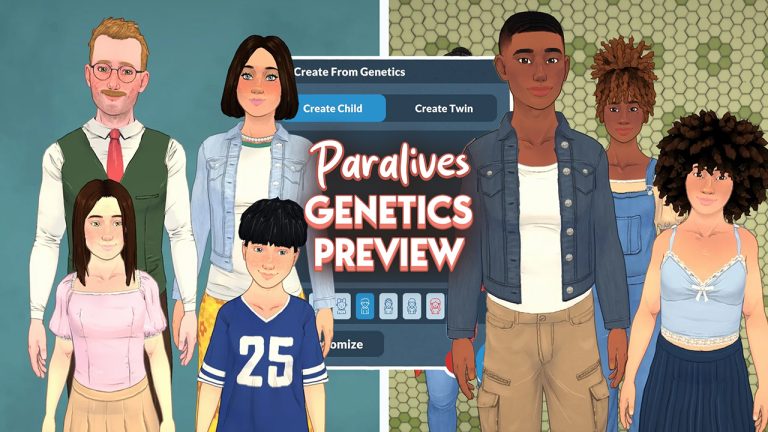
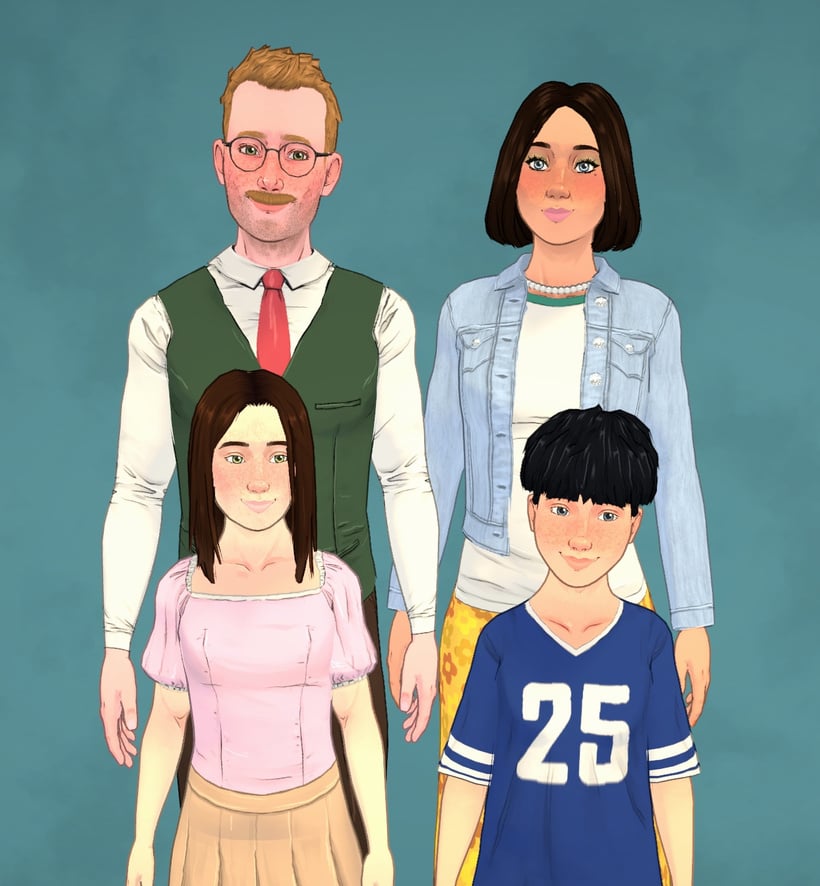
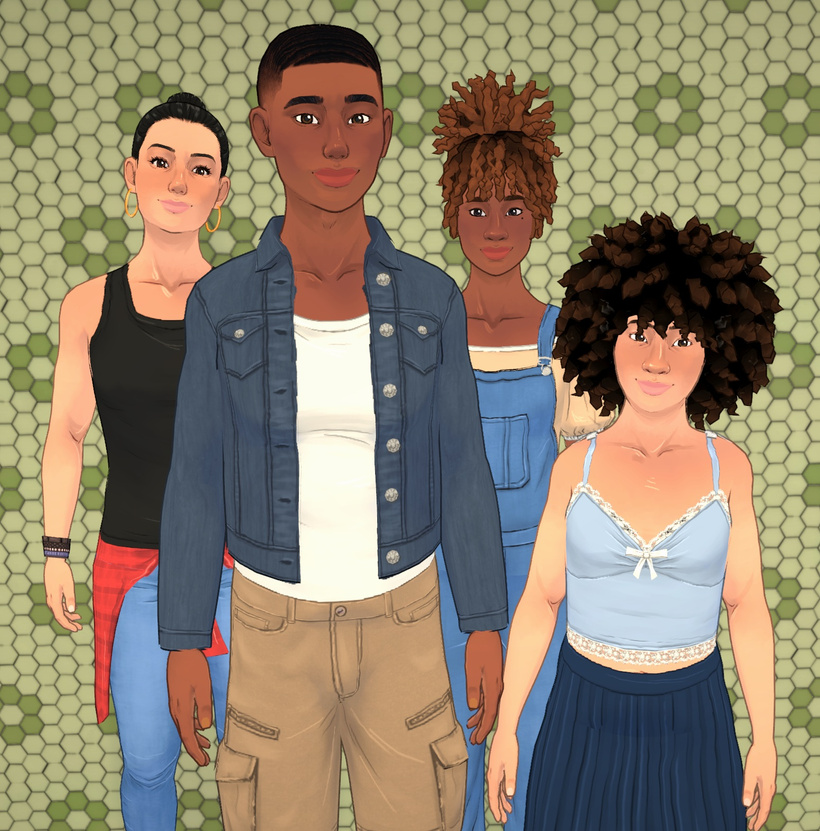
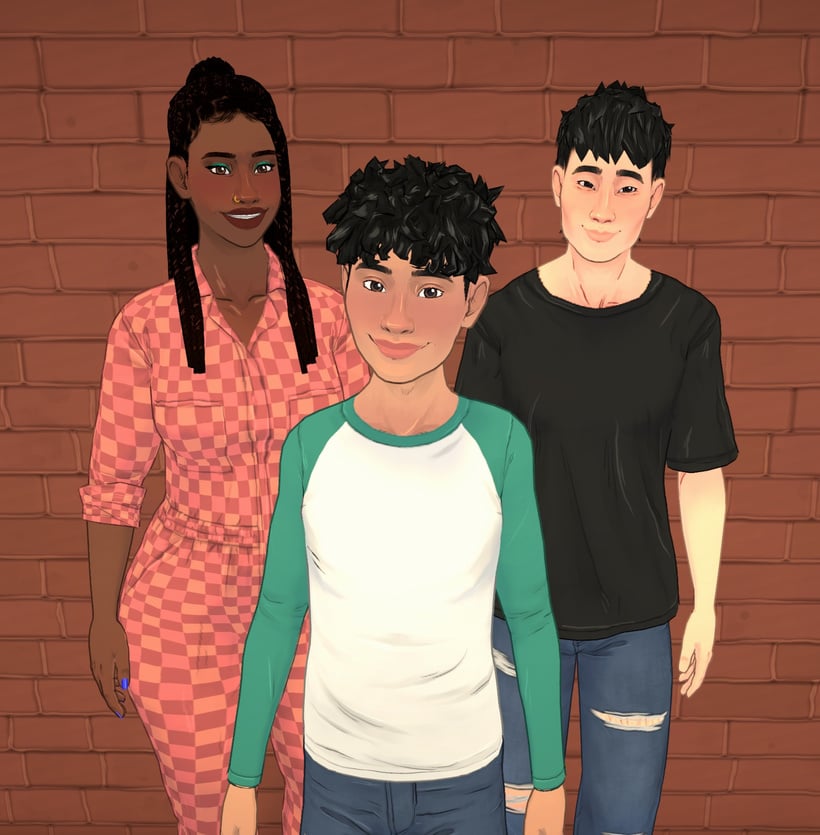
In this image from the latest trailer you can see a family resemblance between the Parafolk, children of different heights, and different hair and skin tones.
Facial features
The team are placing a large emphasis on being able to easily recognise which traits have been inherited from which parents, so for example a child might get their mom’s nose and their dad’s jawline. This keeps faces coherent and avoids awkward slider combinations, while making family resemblances easy to spot.
For each facial feature (like the nose, chin, etc.), the child inherits all the relevant sliders from one parent, chosen randomly. For example, they might inherit their entire set of nose sliders from their mom, and the cheeks from their dad. This helps keep things coherent and avoids weird mixes of incompatible sliders, which can quickly lead to ugly or extreme results.
With height the aim is to mix inheritance with random chance. Paras will fall into short, medium, or tall categories, and a child randomly inherits one parent’s category, then gets a randomised height within that range. This means siblings can end up very different in stature and could even end up taller than both parents.
Having this possibility of different heights adds a lot of uniqueness to characters and makes the world feel more diverse and alive. Our goal for the genetics part of height is not only to get this idea of height being inherited, but also to add some variation to it so that children of the same parents don’t necessarily have the same height. We want the player to say things like “This family has giant genes running in it!” or “This child grew to be taller than both their parents!”. Waiting for kids to grow before knowing which one is going to be the tallest of the family is a nice little detail that this system makes possible!
Most of us are used to seeing characters in life simulation games be one standard height, so even the prospect of having short medium and tall Parafolk is a welcome change. You can see from this image how much height can vary between children.
Eye, hair and skin colour
Using a simplified version of dominant and recessive genes, Paralives genetics features like hair eye and skin colour will vary lots more between family members.
These can skip generations, allowing for surprises like a grandparent’s eye colour reappearing later on in the family line.
Hair textures will range from straight to coily, with curlier textures being more dominant.
There’s one gene for hair texture, and it can have four possible alleles: straight, wavy, curly, or coily; with coily being the most dominant, and straight the most recessive. In other words, the more curls you have, the more likely the trait is to “win” when mixed.
Let’s say a Para gets one curly allele from their mom and one wavy allele from their dad. Since curly is more dominant than wavy, the Para will have one of our curly hairstyles, chosen at random. But the wavy gene is still there, and it could show up again in their child, if paired with another recessive allele!
How the Paralives genetics system is being implemented
The genetics system is applied in multiple ways. You can create Paras from scratch, generate children from parents during gameplay, and even add relatives like parents or siblings in the Paramaker.
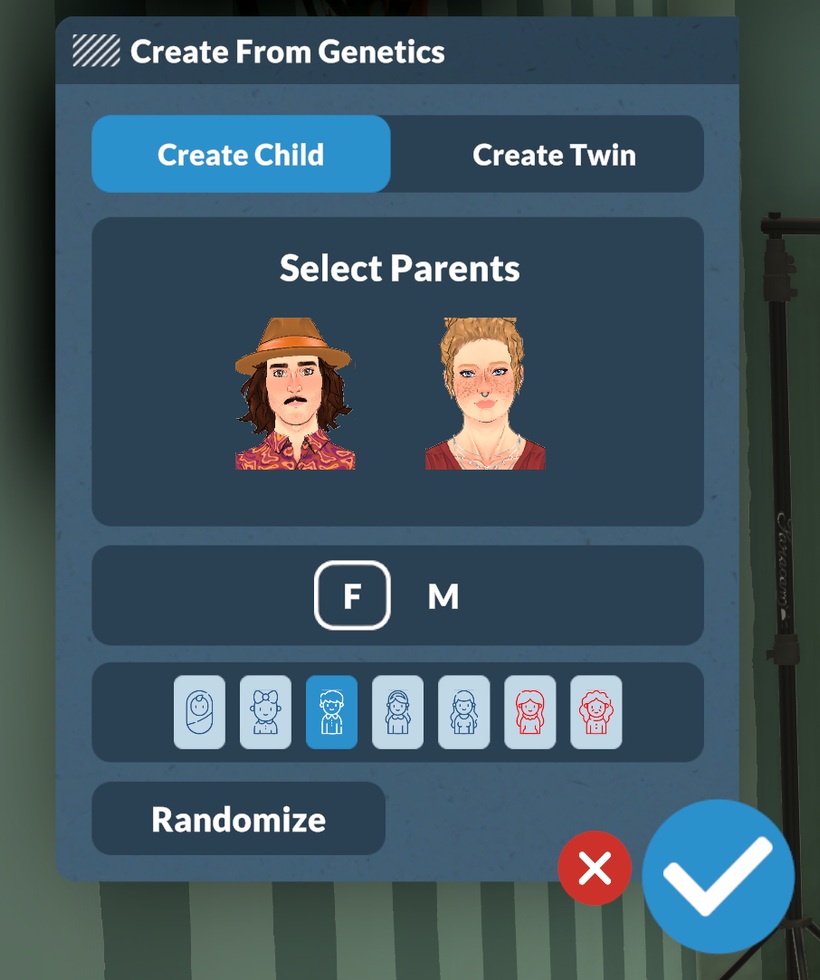
Paralives genetic window in Paramaker. Taken from Paralives Patreon.
Looking at the genetics window in Paramaker, you can see that there are two options available at the moment – create child and create twin. The team assured us in the post that more customisable options will be added as game development continues, like create parent and create sibling.
They also clarified that even though babies and toddlers may look a bit generic at first, their genetic data is saved and fully revealed as they grow.
Another thing that is not yet added but might come in the future is customisable genetics using an advanced genetics interface for anyone who wants to control their Para’s genetics themselves.
Same sex parents and genetic compatibility was also addressed by the team.
In the Paramaker, you can make a genetic child from two same-sex parents, but during gameplay, the parental couple will always consist of one para that can get pregnant and one para that can get others pregnant (you can edit these per character in the Paramaker).
Most the life simulation community loves adding mods to their game, and from the start the team at Paralives has promised that mod capability will be taken into consideration.
Players will be able to tweak or add inheritable traits, create alien species, make “unnatural” colours genetic, or add inheritable accessories like horns or fantasy ears.
As with most of our in-game systems, genetics are widely moddable. You can add, remove, or modify any trait category that supports genetic inheritance, set up the sliders you want inherited (or not), and more.
These updates give us a glance into the way the team are making the Paralives genetics system intuitive for Parafolk and players, and shows they are thinking about all the different ways Paras can be unique individuals even within the same genepool.
While there’s still work to be done, the genetics system already promises deeper family storytelling and plenty of “they look just like their parent” moments.
What do you think about the Paralives genetics system? What would you want to see added? let us know below.
Check out the first official teaser for The Sims 4 Expansion Pack 21!
It appears we’re getting the full Sims 4 Royalty & Legacy Expansion Pack reveal very soon! Players who remained in the EA Creator Network have shared a new official teaser website titled letterfromthesims.com, in which new teasers can be discovered for the next EP release. Let’s break it down at everything shown!
A Letter From The Sims
The new Letter from The Sims official teaser website contains a mysterious scroll locked behind a secret passkey. Thanks to a tip from creator @VelvettBYT, you can use the following code to open the scroll: EMBER-2LDP
Here’s what the first public part of the scroll says:
MOST ESTEEMED Velvett
In The Sims, the most meaningful things are often the ones you don’t plan.
They unfold in small moments… A story that takes an unexpected turn, a choice that lingers longer than you thought, a world that slowly becomes something more than you imagined. Through the lives you create and the worlds you shape, you’ve helped make this space playful, personal, and full of possibility.
From the far corners of the land, your influence can be felt. Not as a single act but as part of a story that keeps growing through curiosity, care, and just the right amount of chaos.
As new chapters wait just beyond view, they do so with the same spirit at heart: stories to tell, worlds to explore, and traditions that begin when you least expect them.
So take a moment. Enjoy what’s been built because there’s always more simmering just beneath the surface.
THE LEGACY CONTINUES,
The Sims Team
A Secret Behind The Flame
There’s a secret message that users of this website can uncover by clicking on the “Click to Reveal Secrets” candle at the bottom of the site.
If you wish to pursue power, you must do so carefully. Plot your next move wisely..you never know who’s watching.
All will be revealed on January 15th, 8am PT.
A new icon can also be found at the beginning of the letter:
There’s also a part on the dark version of the Letter from The Sims that mentions “C was here”. Players are hopeful that this is a reference to Princess Cordelia, and that she’ll be involved somehow in this DLC release:
The website also appears to include a teaser icon of three new neighborhoods / kingdoms / monarchies (we’re still waiting for the fully correct term!) coming with this Expansion Pack. Take a look:
The Sims 4 Royalty & Legacy has already been accidentally revealed by the official South Korean Game Rating Classifications page. The rumored release date for this pack was set for February 2026, and with the official announcement coming so soon it shouldn’t be a while until we hear official first information on Royalty & Legacy!
What are your thoughts on the first official teaser for the next Sims 4 Expansion Pack? Let us know your opinion in the comments down below and stay tuned on Sims Community for all things Royalty and Legacy!
The Sims Team Hosted a Lore Q&A on Discord: Here is Everything You May Have Missed!
Over on The Sims official Discord server, members of The Sims Team hosted a Q&A all about in-game lore, townies, worlds, and everything else the self-proclaimed “walking encyclopedias” can tell us. Led by Producer Morgan, Game Designer Zoe, and Senior Game Designer Scott, the Lore Q&A lasted for just over an hour on January 7th 2025. Let’s take a look at everything covered.
Note: The Sims Team could not discuss anything related to upcoming releases or rumours (No royals to be found here)
Table of Contents
The Sims Team Lore Q&A: In Full
Introduction
Moragn: Sul Sul! I’m Morgan. I’ve done a lot of text and lore & object writing since I joined the team during Seasons, and I’ve been excited about Sims lore since I was a kid myself playing Sims 2 and Bustin’ Out. I know a bunch of lore around Werewolves, Vampires, Ghosts, Spellcasters, some random NPC lore, and I wrote a lot of the text or worked with Designers who wrote text for Henford-on-Bagley, Tartosa, Moonwood Mill, San Sequoia, and Ravenwood. So these are areas I probably know the most about!
Zoe: Sul Sul, I’m Zoe, a Game Designer II on The Sims 4. As a long time simmer myself, it’s been a joy to work on High School Years, Growing Together, For Rent, Life & Death, and most recently Enchanted By Nature. I’ve contributed a lot of text writing and feature designs. And I even got to lead our narrative efforts on Enchanted By Nature which was super fun! Some coworkers call me the “Lore Lord” as I’ve been known to be a walking encyclopedia for all things Sims so I’m excited to help out today
Scott: Sul sul! I’m Scott, a senior designer on the Sims who started way back in 2007 as a producer on Sims 2 Expansion Packs. I’m not as knowledgeable about specific premades or townies as Morgan or Zoe, but I’ve always found thinking about the universe of the Sims to be fascinating! I’ve written text for lots of various TS4 packs, but contributed to the history of Werewolves, some of the religious background for Sims Medieval, and some smaller bits here and there like the bike parts collection in Nordhaven.
Please tell us who Lolita Goth is. We need closure!
Zoe: spooky voice Not much is known though her closest relation is to Olivia and Samuel Goth
This one goes out to Doi, as I enjoyed playing as both the Jacobian and Peterians priests! I love how meta both views are, total opposites of how the Sims themselves see us, the player or “the watcher” as kind or evil based on the player’s own experiences on how they treat Sims! Any more info you could share for us Simmers who play Medieval?
Scott: The religious lore in Medieval was based on a decent bit of research of how faith in the real world was viewed by different groups of people, but I also wanted to reflect that neither view was necessarily better or worse because as The Watcher, you did have control over how much to influence the priests and how the Sims might then view you as a player. There was an origin legend of brothers named Peter and Jacob that went away on pilgrimages that came back with different viewpoints that led to those two religions!
Sul Sul! I’m curious, what storyline or lore of which legendary character/family have you been wanting to work on, refine, or deepen?
Morgan: Princess Cordelia whenever I can talk people into including her. I’m obsessed.
Why are Sims so obsessed with grilled cheese?
Zoe: Grilled cheese is delicious
Morgan, what’s under the Old Ravenwood Manor?
Morgan: I don’t know about Old Ravenwood Estated, but have you looked to see what’s under the Specter Family Manor? That’s my favorite. We were joking about making a scary…. um dangerous basement, and the builder did AMAZING.
I think we all know why it is the way it is… maybe
Which of the Sims 4 worlds has the lore you enjoyed creating the most?
Morgan: Moonwood Mill!
Zoe: The world lore I enjoyed most was for Ravenwood and Innisgreen!
Ravenwood is my favorite world in The Sims 4. What and where inspired the world?
Morgan: We start with sort of a vibe for a world normally, a local inspiration, and then the lore comes after. For most World. Strangerville might be a bit of an exception. With Ravenwood, we knew we needed a Ghostly Neighborhood, somethine more country, and something in town and we knew the art direction we wanted to hit for them. Then we fleshed out the NPCs and chose what the lots would be. When you get into NPCs is when a lot of the lore starts happening.
Lorewise, what do you think of MySims Racing, Agents, and SkyHeroes? They all feature Morcubus as the main villain.
Scott: I think MySims has some great open-ended lore! The characters are full of personality and Kingdom/Agents/Racing/SkyHeroes let us really give them some storytelling moments to expand some relationships. The fun of MySims, I think, is that most of the characters have great archetypes they fit into (Morcubus will always be villainous and an egoist!) but they also all have quirks and foibles and many places they could still go.
Excuse me, can I ask Zoe a question? What did you like most about creating the fairy pack? Honestly, it’s my favorite pack, and since I’ve been mixing it with the werewolf pack in gameplay, it’s been amazing. sorry my english is little.
Zoe: I enjoyed crafting the lore of how fairies fit into the rest of the supernaturals of the Sims. Who are they friends with, who are their enemies? How does their magic differ and how did they come to be? It was also really fun to step away from the usual “fairies are inherent tricksters” and see these creatures as something more than just mischief…but still adding mischief!
Does the Grim Reaper have any special relationship with Mother Nature?
Zoe: With Life comes Death! It’s a natural cycle and a solid handshake between known entities.
Is the sims medieval lore and its older faiths canon in the sims 4 universe since its considered an other universe?
Scott: Medieval was a long, long time ago, and some of the things that happened in those kingdoms may be a bit exaggerated or apocryphal and knowledge or traditions have changed or been lost since then, but I would consider it “light” canon. Did the crab bandit truly exist? Or was it a story passed down through the ages? Who’s to say.
What is the story behind our cranky elder woman? Mrs Crumplebottom? Did her past love jilt her? or did she not get her cheese sandwich?
Morgan: So she was in love! She was married and they were planning to have a child! You can see the nursery in Sims 3! But Eric, her husband, died during her honeymoon! She got with Robert Crumplebottom, but he also died via chandelier.
Horse Ranch Spoiler: In Horse Ranch you find out Roberto Crinkletop is Robert Crumplebottom!!!
She doesn’t know that though! Anyways, she’s been devestated by love twice now, so that’s why she’s cranky and why she hates seeing others in love! POOR AGNES.
Are dinosaurs canon in the sims 4 universe? And are they also dead like in ours?
Morgan: They have to have existed since there are dinosaurs in art and stuff! I’d guess they are uh extinct though in a similar sense. I think in Sims 3 you could go back in time and have a cave man experience with them, but that’s a foggy memory for me.
My favorite MySims Kingdom island is The Royal Academy. Was there any particular inspiration for that island? Also, are there any references to it in TS4 other than the fact that Summer, Liberty, and Travis are townies?
Scott: There’s a whole collection of little figurines of MySims in TS4! I think the MySims characters do exist as some sort of IP within the TS4 world. As for Summer, Liberty, and Travis – maybe an odd coincidence? Or their parents were all really into MySims, like when you name your kid Luke because you’re a Star Wars fan.
Wasn’t Eric’s last name Crumplebottom? If Agatha is Roberto’s family, how do they all have the same last name?
Morgan: I’m not sure off the top of my head, but in Sims lore we do regularly do matriarchal names passing down, not just patriarchal, which is more typically seen in real life so that could be why.
Is sims 4 Malcom the same Malcom from bustin out (chaotic king)
Morgan: Yeah! They might be slightly different from game to game as Sims happen to be, but that’s the same person as far as I’m aware.
Why don’t Bob and Eliza like each other? And why are they still married?
Zoe: Marriage can be hard, but a fable in Enchanted By Nature may show hopes their relationship is on the mend! Although I’m sure Bob will mess it up somehow.
Which pack was the most fun/interesting to write lore for?
Morgan: Werewolves. Getting to flesh out Spellcaster, Vampires, and Werewolves lore was amazing! We all bounced off each other when writing. Scott (Designer) did the original outline for it, and then we all extrapolated.
Which pack was the most fun/interesting to write lore for?
Morgan: Werewolves. Getting to flesh out Spellcaster, Vampires, and Werewolves lore was amazing! We all bounced off each other when writing. Scott (Designer) did the original outline for it, and then we all extrapolated.
Zoe: I will shout to the moon about how fun it was to write fables for the Enchanted By Nature errand/quests. Each one reveals a beginning (sometimes middle) and end of a story. I spent a lot of time crafting stories with lessons, lore, and simsy fun that players can choose to believe…or not!
There’s a big difference in the Sims 4 lore between the old and newer worlds. What’s the reason for this creative decision? Note: I love that there’s more lore, although I know it’s not as extensive in the earlier worlds, there are still some things to discover.
Scott: We’re always exploring the different ways we can build out the storytelling in our world and in our Sims, and we saw that player feedback to more lore was pretty positive, so we’ve tried to respond to that accordingly (which has then resulted in more lore in more recent worlds)!
Please drop all of your Greg lore thx
Morgan: We actually had a team argument over naming Greg Greg. SOMEONE (Ninja) thought the name was boring. But the Designer and I fought to keep him called that, because we thought it was hilarious. Did you know his real name is Greggorious Lunvik?
The newer occult lore, especially from Werewolves and the connections that are made to Vampires and Spellcasters… y’all truly knocked it out of the park! I wish mermaids got a little update or something because they’re rly the only occults that I feel have 0 lore or history
Morgan: It would be SO much fun to get to go back and write lore for them. I’d jump at that opportunity!
Is it true that Trashley Reelpearson is raccoons under a coat?
Morgan: YES
Scott: Trashley is legitimate and normal, thank you very much.
How do you keep the balance of whimsical sims and the elements of a life simulator in balance? Not sure if it counts as lore but I wanna know a bit more behind How to keep it light but keep it real at the same time. Sims deals with serious topics but its also still comforting? Its a bit hard to explain.
Morgan: I always start from reality and then try to think about how to make it silly. Also, if something is too dark, you can often just rethink it and ask “how could this actually be silly?” Look at the bandaids on Sims after a werewolf attack as an example. But having fun and trying to get the fun Simsy vibe across is really important.
What happened to the other founders of Forgotten Hollow? There’s talk of 25 vampires, but Vlad has never said anything.
Morgan: I know this one! Forgottton Hollow was once under Werewolf control, in the days of the war. After the War, during Operation High Fang, Vlad moved in. He arrived with a mob of around 25 normal Sims and manipulated them into driving the Werewolves out. They, of course, didn’t know he was a Vampire. They even put up a statue in his honor.
Those people disappeared.
The pack first went underground but continued conflicts with the vampire families drove them away. Their meeting place was eventually boarded-up by the remaining families. A feral werewolf remained underground. Vlad eventually, started to turn people into Vampires, creating something of a small Vampiric community.
Why do fairies and spellcasters have beef
Zoe: Fairies believe spellcaster’s magic is unnatural mostly due to it not being inherent to their species and also not a gift from Mother Nature. The acquisition of fairy familiars by spellcasters did not help to ease any tension either.
I just have one question, does Caleb and Lilith Vatore have parents? Are they dead considering the two moved to Forgotten Hollow or just alive but don’t have the best relationship with them?
Morgan: BAH I’m trying to remember. I don’t know if we’ve answered a lot about their parents.
I do know that Lilly who lives in the Volkov Houshold actually has a history tying back to Caleb and Lilith, so if you want more lore on them – she might be a good avenue to find it out. She was very close with Caleb and Lilith Vatore when they were children – cousins. Their mothers were sisters.
Lilith says, “I remember when my cousin, Lilith, first told me she’d met a fascinating man named Vlad. After that, she started spending a lot of time “training” with him. I thought she meant they were workout buddies. It wasn’t until later that I found out she’d been lured to the dark arts. ” She also says, “We were young when my cousins Caleb and Lilith were turned into vampires. Lilith was turned by Vlad, and Caleb by Miss Hell. Vlad came for me as well, but I hid in the underground tunnels—which is how my own transformation, of a different nature, came about. I stayed there, half feral, and I tried to make it work with my cousins when they visited. After I discovered Moonwood Mill and my pack, I learned that they’d officially moved to Forgotten Hollow. It’s upsetting.
Kind of a tragic story, but we don’t know a lot about the Vatore parents that I’m aware of.
Where the heck does the Mother plant come from? Is it secretly an actual weapon created by the aliens to take over the sims of Strangerville?
Morgan: I don’t know I didn’t work on that one, but that’s a great question! I feel like I need to play Strangerville again! It’s been a while.
Scott: I think there is strong evidence that it is extraterrestrial in origin, but I wouldn’t have put it past the military meddling and experimentation to have made a neutral situation bad. I do think there is intentionally some space for player interpretation.
What influenced your decision to retcon the Alto family in The Sims 3 out of The Sims 4 universe? Weren’t they the rivals to the Landgraabs in Sunset Valley?
Zoe: The Alto family owns Apartments in Uptown, still in direct opposition with Landgraab Apartments and their ongoing various business feuds.
Any chance to have the omiscan lore in Selvadorada be expanded in other packs, I feel like they would compliment a lot with occult lore specially because of the skeletons
Scott: We can’t talk about future content, but a blanket answer for “will we expand on this lore?” is usually: if we feel that there’s an opportunity where it fits and have the right resources to believe we can deliver it in a satisfying way, we’d love to! Once lore exists in the Sims universe, we try our best to document it and remember it for when we may get a chance to expand or reference it.
Why do the telephones no longer work in Sims 4? Did all the telephone wires get cut in the Sims 4 universe?
Morgan: I think its because they were modernizing the world in Sims 4 and trying to represent modern day. I’d love to see landlines in the future though. I really want like an oldies pack or something with 90s stuff. That’d be so much fun.
Does Panya Li from For Rent have any lore like the other NPCs from Tomarang, which we maybe just don’t hear about in-game because he’s more of a special background NPC?
Zoe: Panya Li does not have any further lore for me to share other than being a hunk who owns a lot of properties.
What did you learn from the Lore Q&A? Let us know in the comments below, and stay tuned to Sims Community for everything Sims Franchise!
“The Next Evolution” for Single Player is being developed by Electronic Arts and Maxis.
The last couple of weeks have been really difficult for players who have been navigating the rumors and speculation surrounding The Sims Project X. The Sims Team reassured us to bring clarity to the speculation, claiming it as “misinformation” only to be met with a new Sims Franchise Roadmap today. Which mentions “the next evolution” after mentioning The Sims 4.
The Roadmap is still very vague, but promises to deliver more clarity in the coming months. In my assumption (and don’t take it for a fact!) – EA and Maxis are trying to give the next few Sims 4 gameplay releases a good spotlight before the talks move onto a new Sims experience.
Both the graph and the official statement by EA and Maxis mention the next evolution. As revealed in the Roadmap, there are going to be multiple projects including “a family of new Sims experiences” across PC, Mobile and Consoles, Project Rene, ongoing releases and support for The Sims 4. Which mentions “delivering content & updates” to the current single player entry.
However, the team also confirms that more than a half of single player developers are not just working on The Sims 4, but “the next evolution” as well.
As I mentioned in the title, this is all very vague but confirms multiple single player projects being worked on at Maxis. It would be weird to deny an upcoming Sims successor game by claiming it as a next evolution. Right?
Read the full statement on The Sims Single Player experiences below:
At its core, The Sims was built on a deep, single-player life simulation, chock full of rich systems, meaningful storytelling, and player agency that puts you in control. That foundation isn’t going anywhere. We’ll continue to deliver content and updates to The Sims 4 and we are committed to improving the experience.
Single-player PC and console experiences will always be a part of our future, with more than half of our global development team dedicated to The Sims 4 and the next evolution. More news in the coming months!
It Differs from Project Rene
Speaking about The Sims Project Rene, EA and Maxis clarified that the multiplayer game will not be a successor to The Sims 4. Also revealing that this multiplayer spin-off focused on social play is a separate experience from any future deep, single player life simulation experiences.
Thanks to ongoing player feedback, Project Rene has evolved to focus on social multiplayer play, offering a more direct way for friends to share creativity together. It is not the successor to The Sims 4 and is a separate experience from any future deep, single player life simulation experience. It introduces a new way to explore and play together within the growing Sims family of games, welcoming Simmers who want to connect directly with other players.
What about The Sims 4?
The Sims 4 is not going anywhere. Maxis confirmed that they’ll “continue to deliver content & updates to The Sims 4”. The original rumor about The Sims Project X mentioned that The Sims 4 would be getting new Kits and Game Updates after the release of The Sims 4 Expansion Pack 21, which is unofficially titled “Royalty & Legacy”. Also predicted by the original rumor.
– TS4´s major content is done, expect only updates and kits after EP21
All the official Roadmap images that The Sims Team have shared on The Sims Discord have an “X” at the beginning of the image file. Or we might be just looking into things too much now…
What do you think?
Are you satisfied with how The Sims Team has clarified the rumors? Share your thoughts about the latest statement on “the next evolution” single experience for The Sims in the comments below. As always, we’ll keep you in the loop on all the talks and Sims news!
The Sims 4, Project Rene, “Next Evolution” and more confirmed for 2026 development!
EA and Maxis have just revealed The Sims Franchise Roadmap for 2026 development – and beyond. The team took the opportunity to clarify the rumors as stated two weeks ago when the rumors about the next generation single player Sims experience titled Project X surfaced online.
In the first part of the roadmap, EA and Maxis assure their consumers that their values will remain unchanged towards The Sims Franchise values and commitments. Possibly in response to the news about Saudi Arabia’s PIF, Jared Kushner’s Silver Lake and Affinity group buying Electronic Arts for $55 billion. Which resulted in a good chunk of Sims creators announcing their departure from the EA Creator Network.
The latest Roadmap also teases a next Expansion Pack which seems to feature a “crown” in its photo. Possibly resembling the latest leak about The Sims 4 Royalty & Legacy being the next Expansion Pack.
Maxis has revealed in the latest roadmap all about their commitments to The Sims 4, Project Rene – which is now a mobile-first experience, and talks about the “next evolution” for The Sims Franchise. Including new game experiences and single player commitments.
I don’t know about you, but the part about “next evolution” sounds very much like the talks we’ve been getting recently about Project X!
Check it all out in the official 2026 roadmap blog below:
The Sims Franchise Roadmap for 2026
Table of Contents
Sul Sul, and Happy New Year Simmers!
As we kick off 2026, we’re excited to take a moment to share updates on what the team is working on for The Sims this year. But first, we want to start with what matters most–the values that have always shaped The Sims and we share with many of you.
The Values of The Sims Are Unchanged.
The Sims has always been more than a game. It’s a canvas for life in all its unpredictable forms…the chaotic moments, the tiny joys, the big dreams, every identity, every version of you. And, thanks to you, The Sims has grown into something bigger than we ever imagined: a living world bursting with creativity, expression, humor, chaos, and heart.
Our Sims team’s creative control, guided by our values of inclusivity, choice, creativity, community, and play, has not changed. These values inspire the decisions we make each and every day as we plan for today, tomorrow, and the future.
The Sims will always be about life, your way, and you can read more about our values here:
The Values of The Sims
For more than twenty-five years, The Sims has proudly been the game that refuses to play by rules. Instead, we bend them, twist them and…when inspiration hits… flip them completely upside down. Our worlds have always embraced the offbeat, celebrated the edges, and obsessed over the tiny details that make life…life.
From day one, our values have been the foundation behind every choice we’ve made. They have guided every risk we have taken, every feature we’ve created, and every truly wild story our players have brought to life. They reflect our vision for this franchise and the passion of the teams around the world that have built, and are still building, The Sims.
As we step into 2026 and beyond, we want to reaffirm the five values that sit at the heart of The Sims.
Creativity: The Sims is a canvas for imagination.
We build tools that awaken the artist, architect, and storyteller in everyone.
We celebrate ideas from the bold to the mundane and the wildly imaginative space in between that make our world shine.
Play: The Sims thrives on play.
We embrace the surprises, the plot twists, the happy accidents and the small moments that snowball into epic stories.
We protect experimentation without consequence, because some of the best stories come from turning mistakes into moments of magical delight.
Choice: The Sims is defined by decisions.
We create systems that give players meaningful control over every detail, big or small.
We empower players to steer lives and worlds in any direction they imagine.
Inclusivity: The Sims is for everyone.
We reflect the wide, colorful spectrum of identity and self-expression so every player feels seen and celebrated.
We build features that let all players create the Sims they feel connected to, and explore their identities, without judgement.
This work never ends; we continue learning, growing, and finding new ways to make every player feel seen.
Community: The Sims is a community-driven game.
We support the players who shape our worlds through their stories and creations, building a shared culture.
Together, individual creativity becomes something shared and spectacular. That’s what makes The Sims community the best community in games.
As we continue building the future of The Sims, our team’s creative control, guided by our values of inclusivity, choice, creativity, community, and play, has not changed.
And at its core, The Sims will always be life, your way.
Happy New Year, Simmers. Here’s to a fantastic, imaginative, off-the-rails 2026.
What We’re Working On: The Future ofThe Simsincludes Experiences across PC, Console, and Mobile
The Sims is at its best when everyone can play in the way that feels right to them. Whether you’re here for storytelling, building, or seeing what happens when free will takes over, you’ve shown us just how imaginative you truly are. We want to meet that creativity with room to grow.
That’s why we’re building a family of new Sims experiences across PC, console, and mobile. Each experience carries the heart, humor, creativity, and lore you love, while introducing its own world, focus, and way to play. Every experience will stand strong on its own. And together, they open up a larger world of possibilities. We’re excited to share more about what we’re cooking up…as we’ve all learned from The Sims – a good grilled cheese takes time (and no fires!)
We are committed to single-player life simulation experiences.
At its core, The Sims was built on a deep, single-player life simulation, chock full of rich systems, meaningful storytelling, and player agency that puts you in control. That foundation isn’t going anywhere. We’ll continue to deliver content and updates to The Sims 4 and we are committed to improving the experience.
Single-player PC and console experiences will always be a part of our future, with more than half of our global development team dedicated to The Sims 4 and the next evolution. More news in the coming months!
Project Rene has evolved into a social, collaborative, mobile-first life-sim game
Thanks to ongoing player feedback, Project Rene has evolved to focus on social multiplayer play, offering a more direct way for friends to share creativity together. It is not the successor to The Sims 4 and is a separate experience from any future deep, single player life simulation experience. It introduces a new way to explore and play together within the growing Sims family of games, welcoming Simmers who want to connect directly with other players.
Playtesting Continues across Multiple Sims Products and Experiences in 2026
Building The Sims is an ongoing collaboration with our players, and in 2026 you can expect to hear more from us as we continue playtesting new ideas and experiences.
Through limited market tests and The Sims Labs, you may encounter a variety of early builds and prototypes. These tests are works in progress with experimental game features, concept imagery, naming conventions (The Sims Labs: Life Together, The Sims Labs: Town Stories) and ideas in motion. Some concepts evolve and sometimes an experiment won’t move forward at all. That’s a normal and important part of how we build The Sims, by finding the fun early, together.
The Heart of It All:You
Looking ahead, our focus is on the next era of The Sims. It is one we aspire to build with you, because The Sims has always been at its best when players help shape what comes next.
For decades, you’ve made The Sims what it is, a world that spans generations and cultures, filled with joy, surprises, emotions, and stories that stick with us long after the save file closes. Now, we’re building the future the same way we built the past, with creativity, bold ideas, curiosity, and you as our partners. The Sims is, and has always been, all about you – uniquely you. And as a result, unmistakably The Sims.
What are your thoughts on the latest Sims Franchise Roadmap for 2026? Let us know in the comments down below and stay tuned for all the latest Sims News on Sims Community!


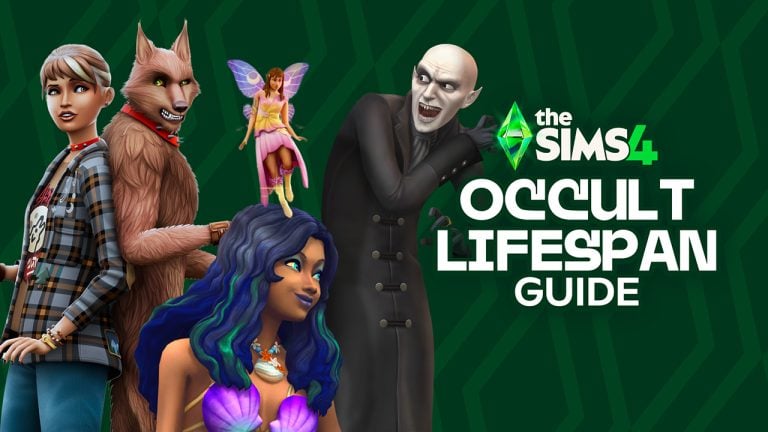

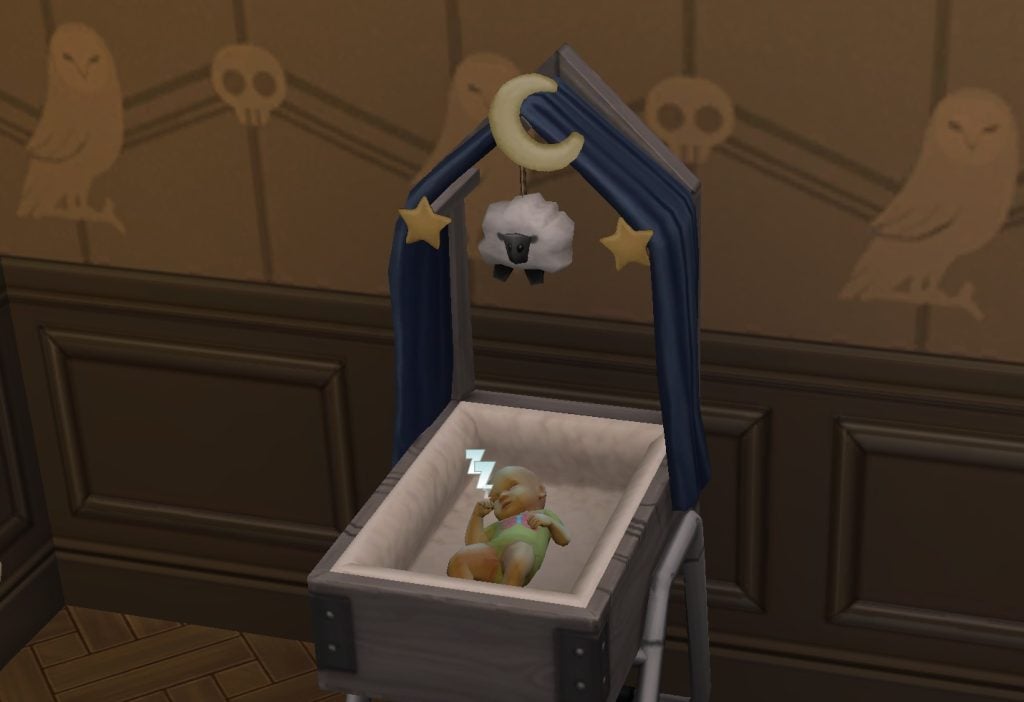
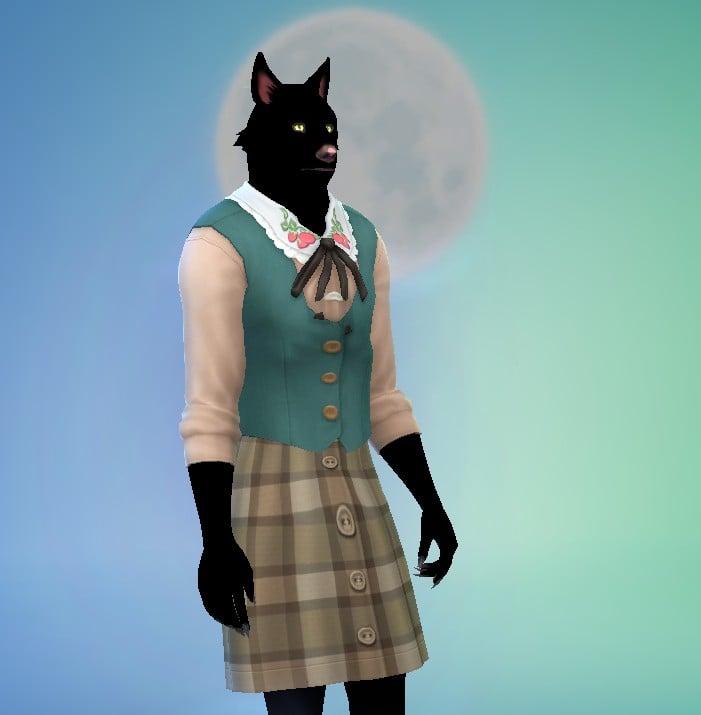
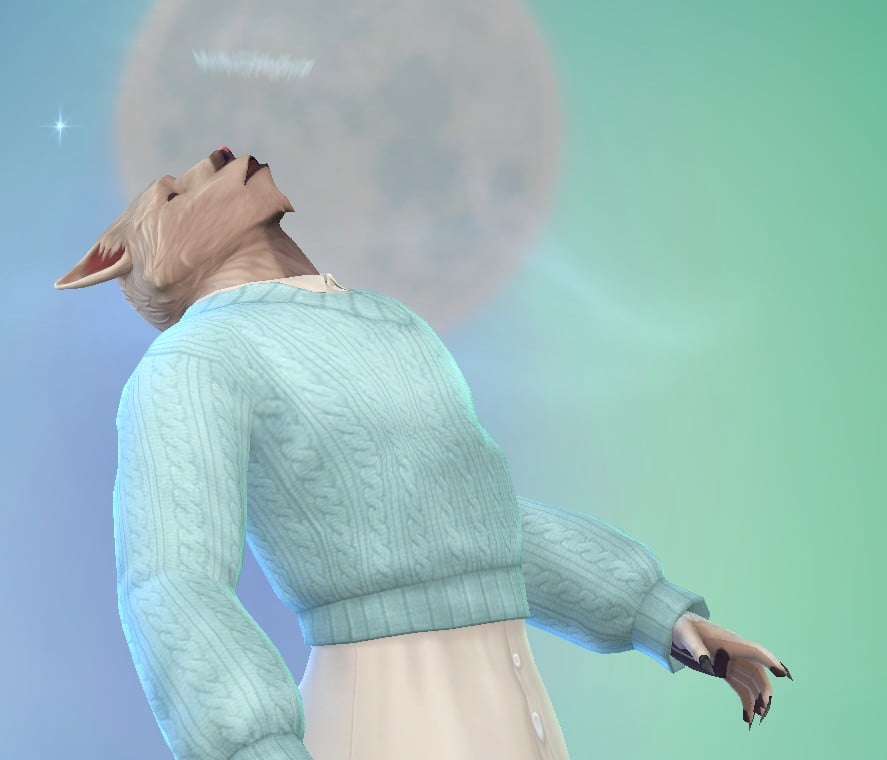
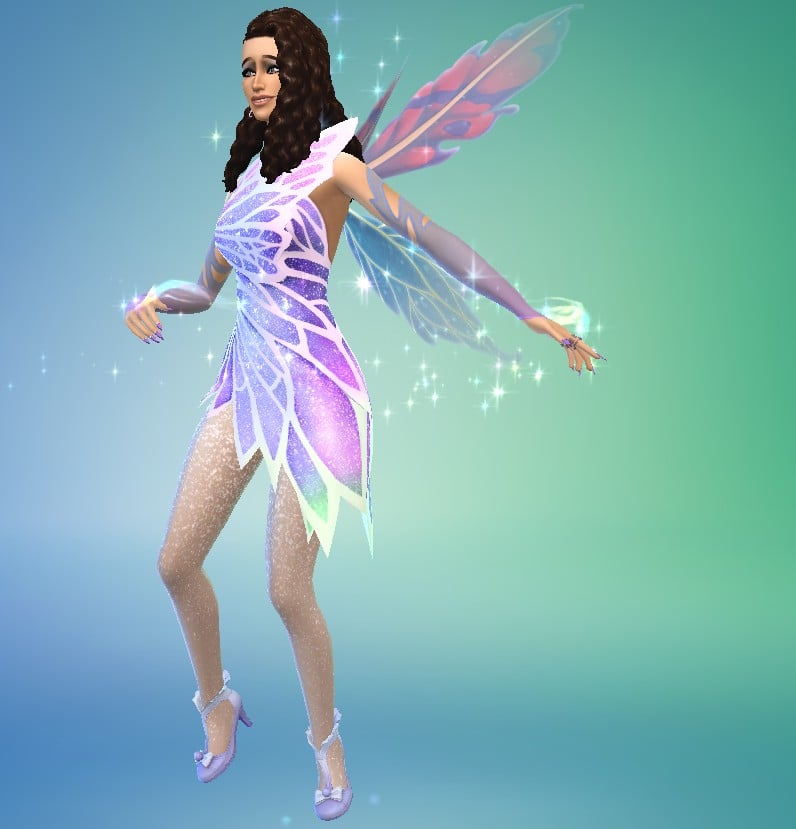
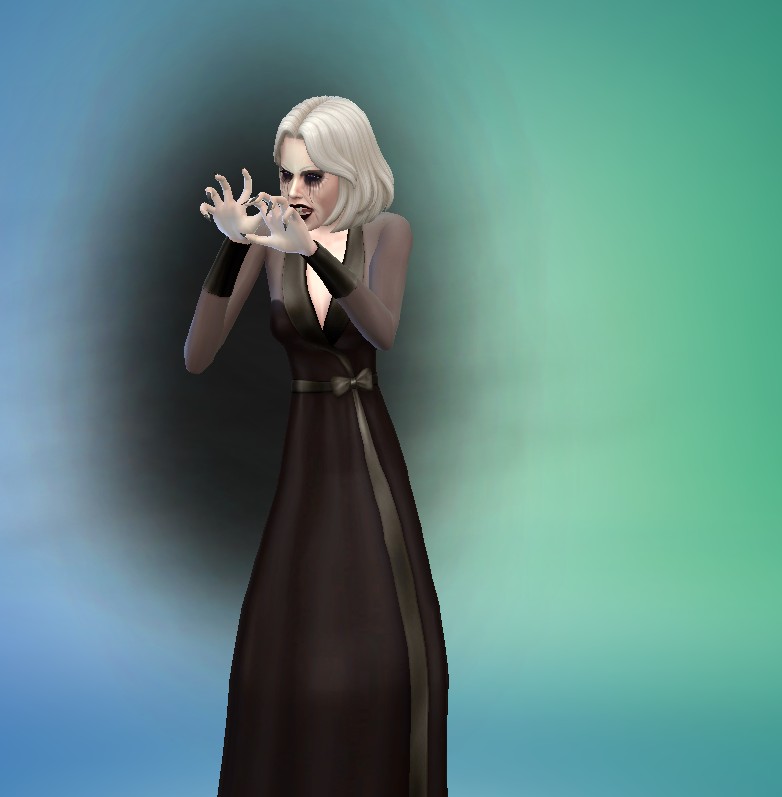
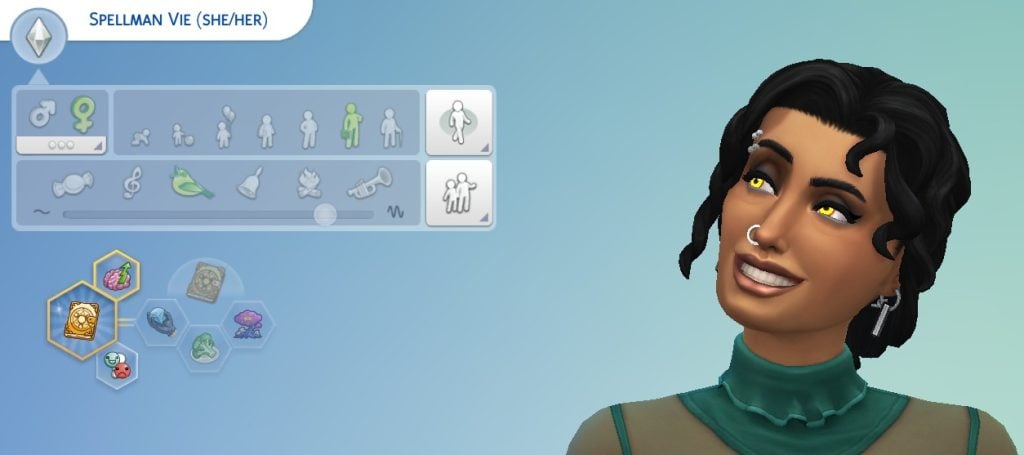







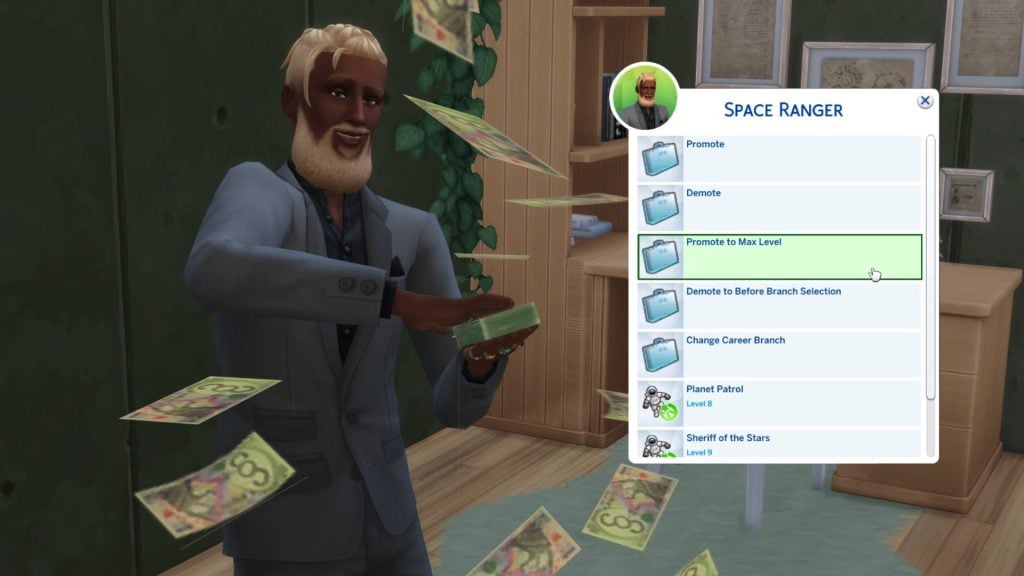
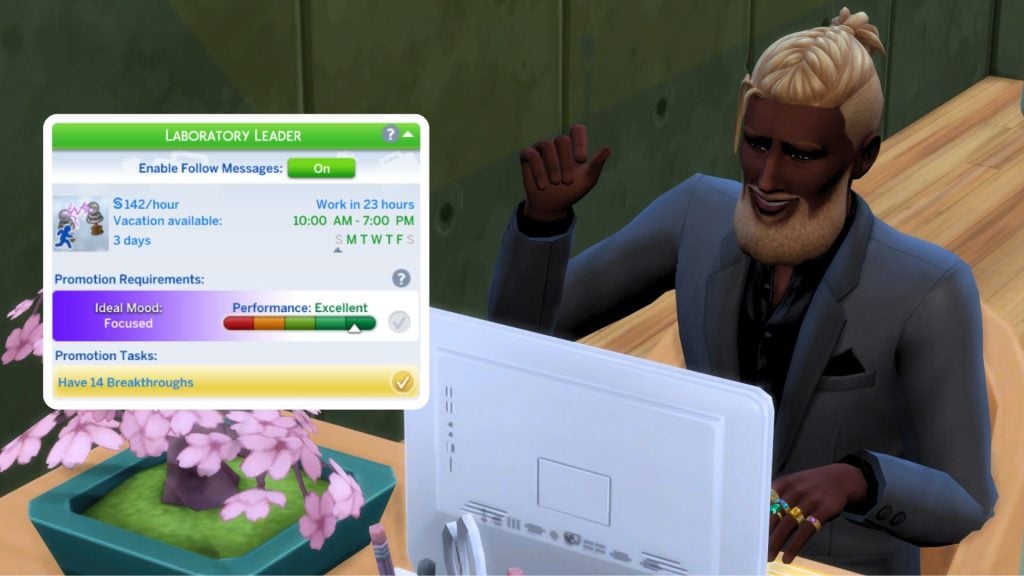
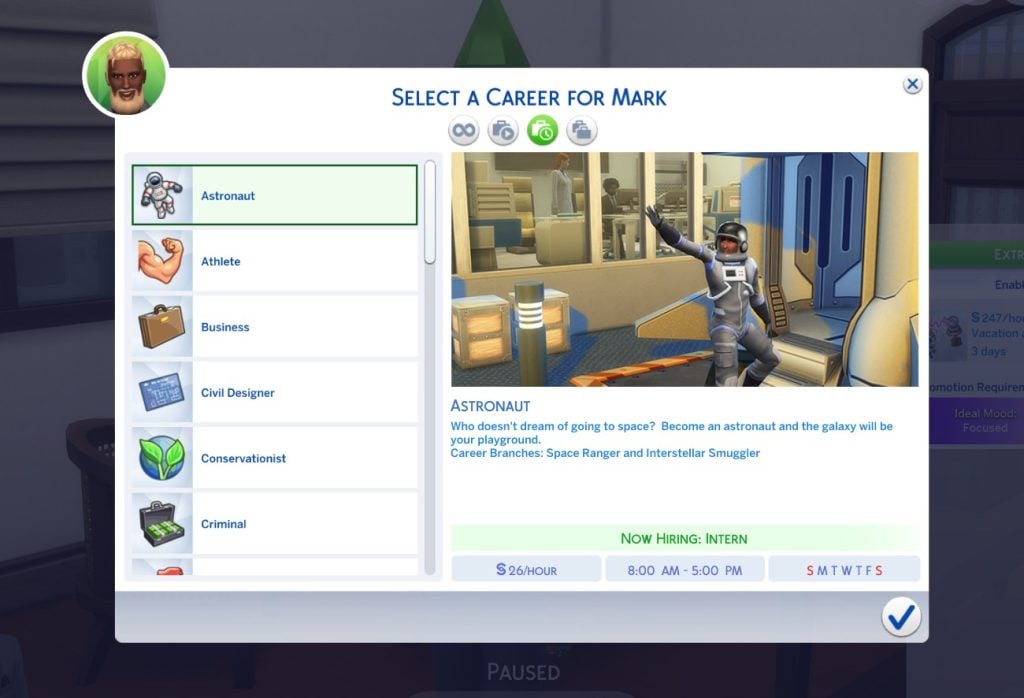
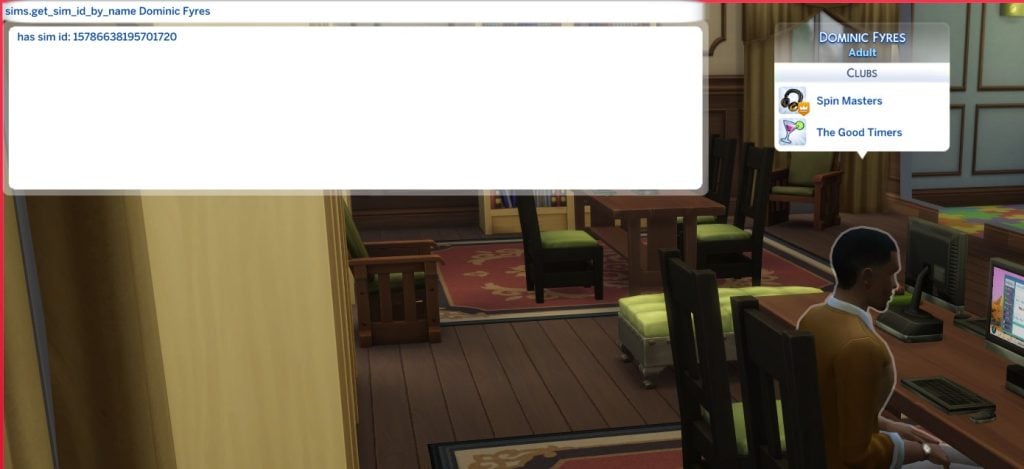
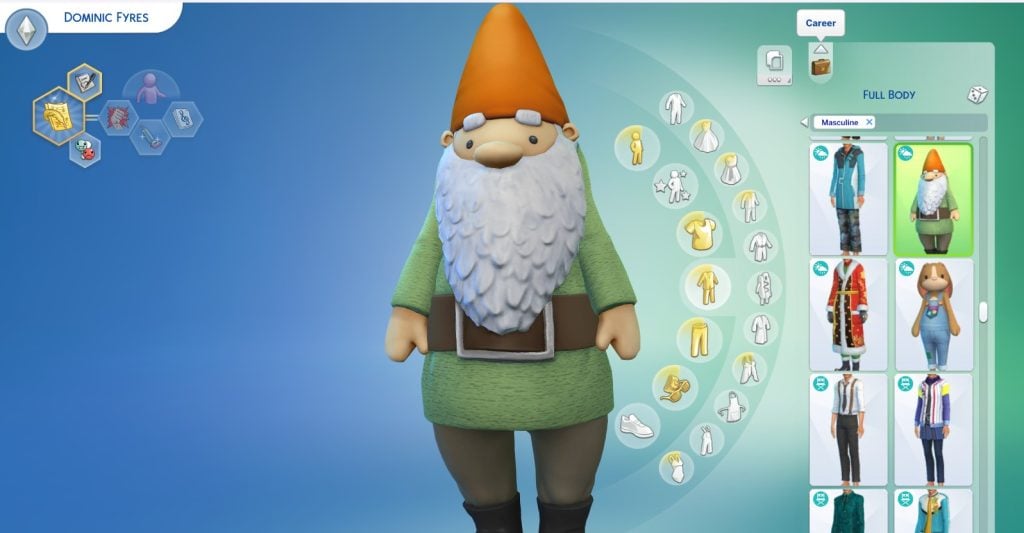
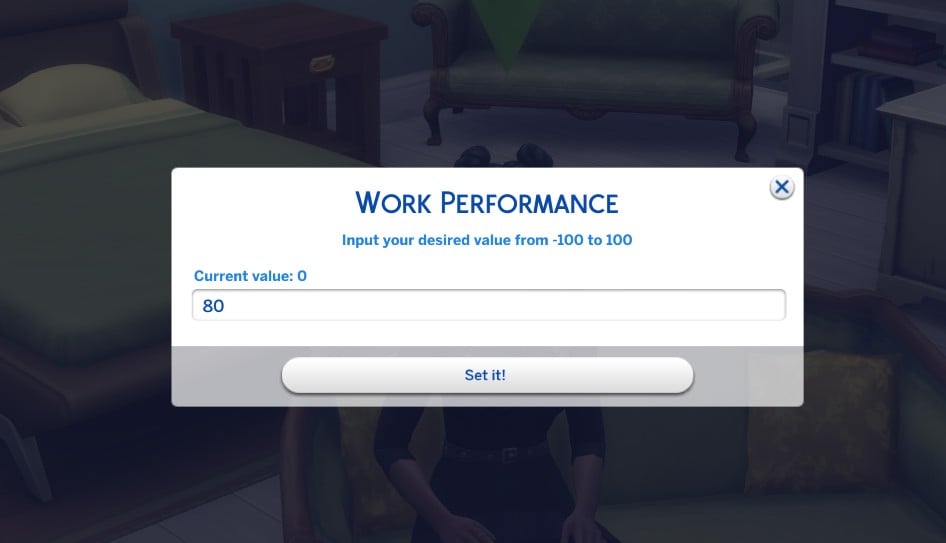
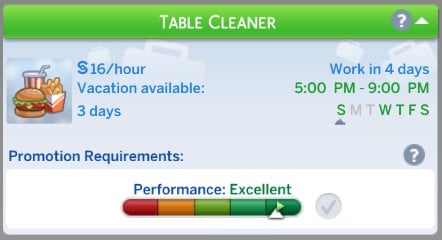
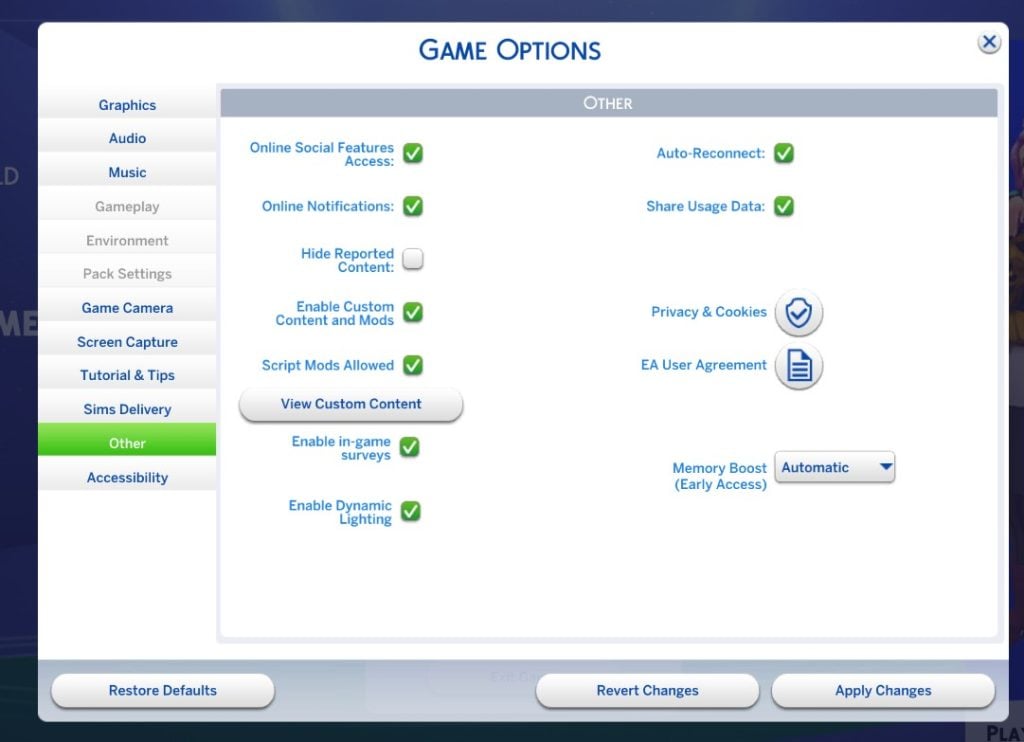
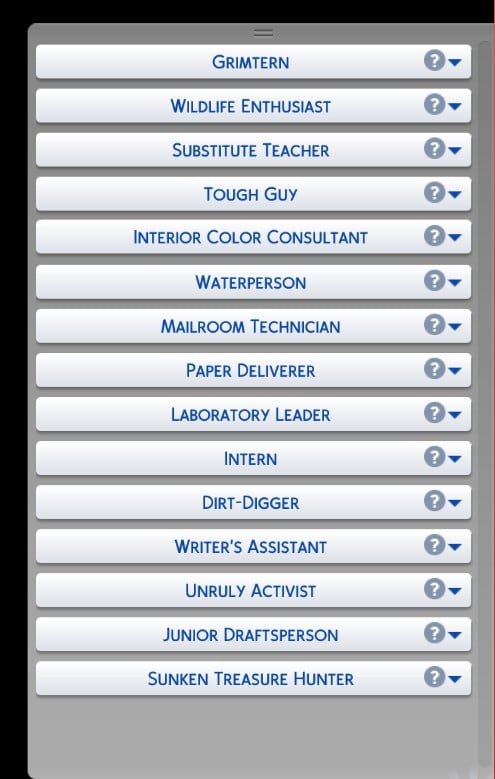
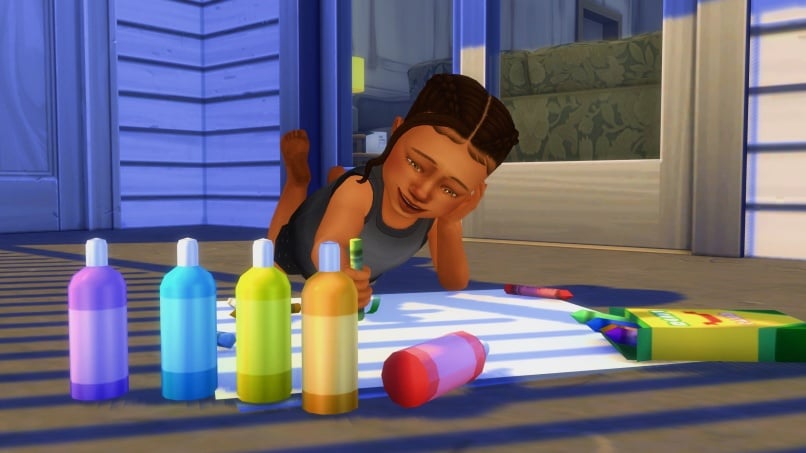

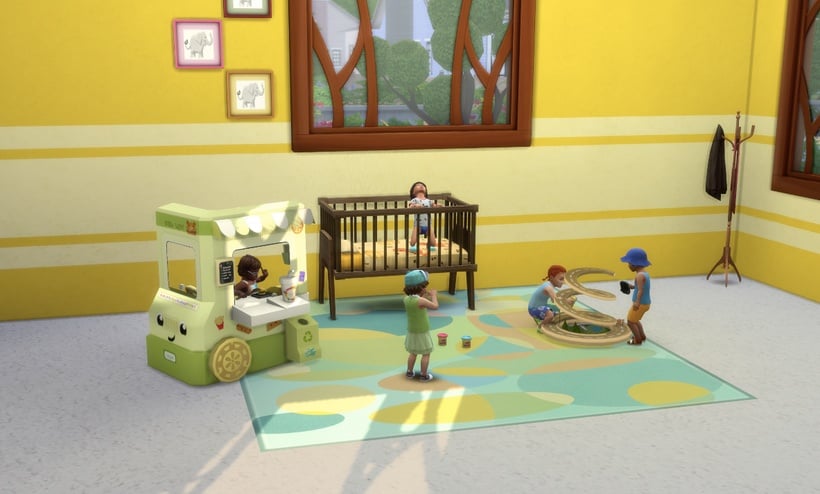

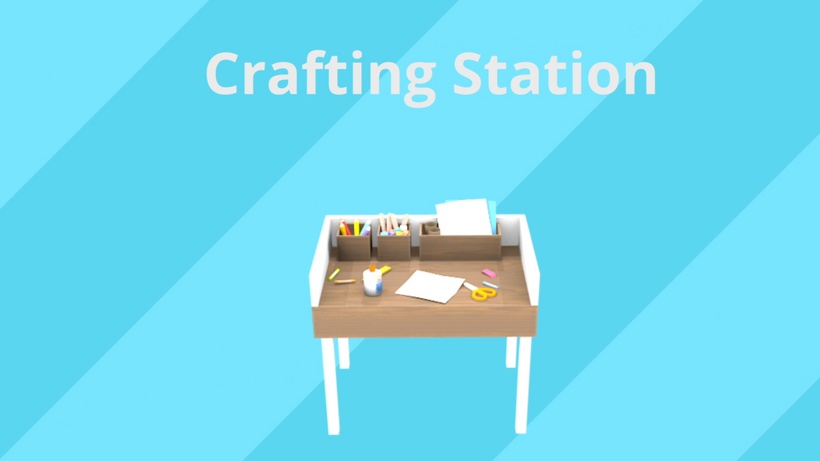


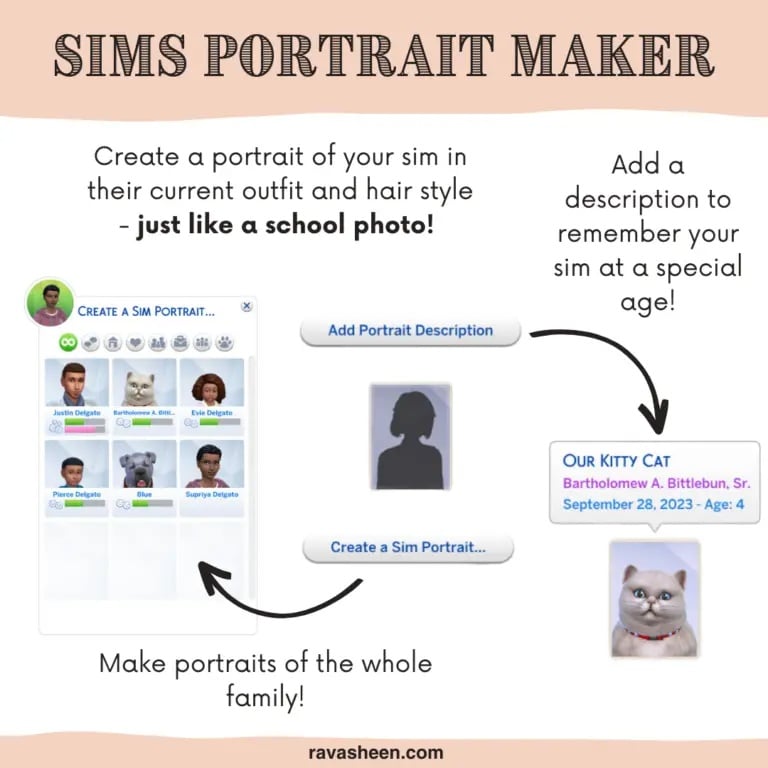
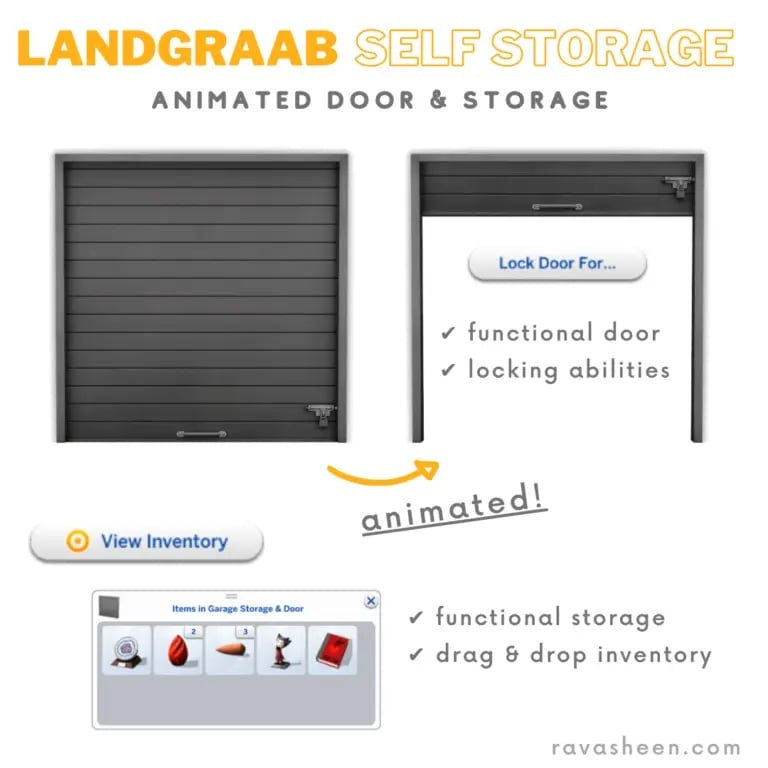
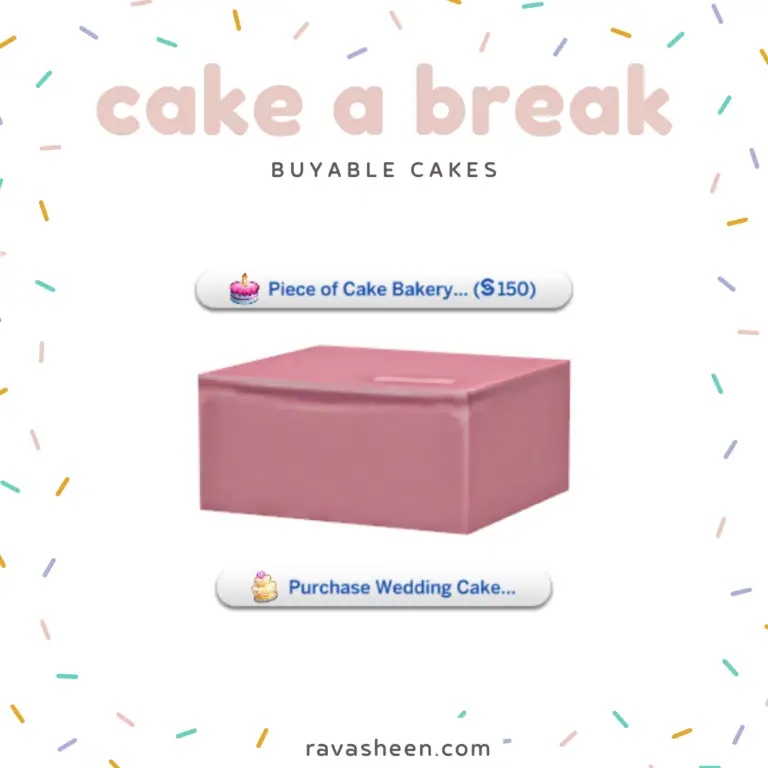



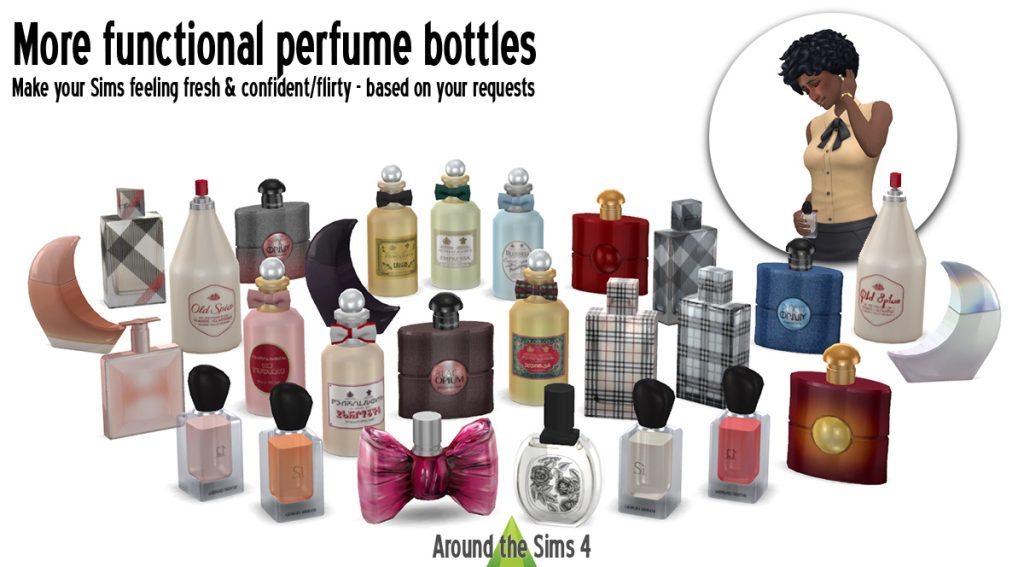
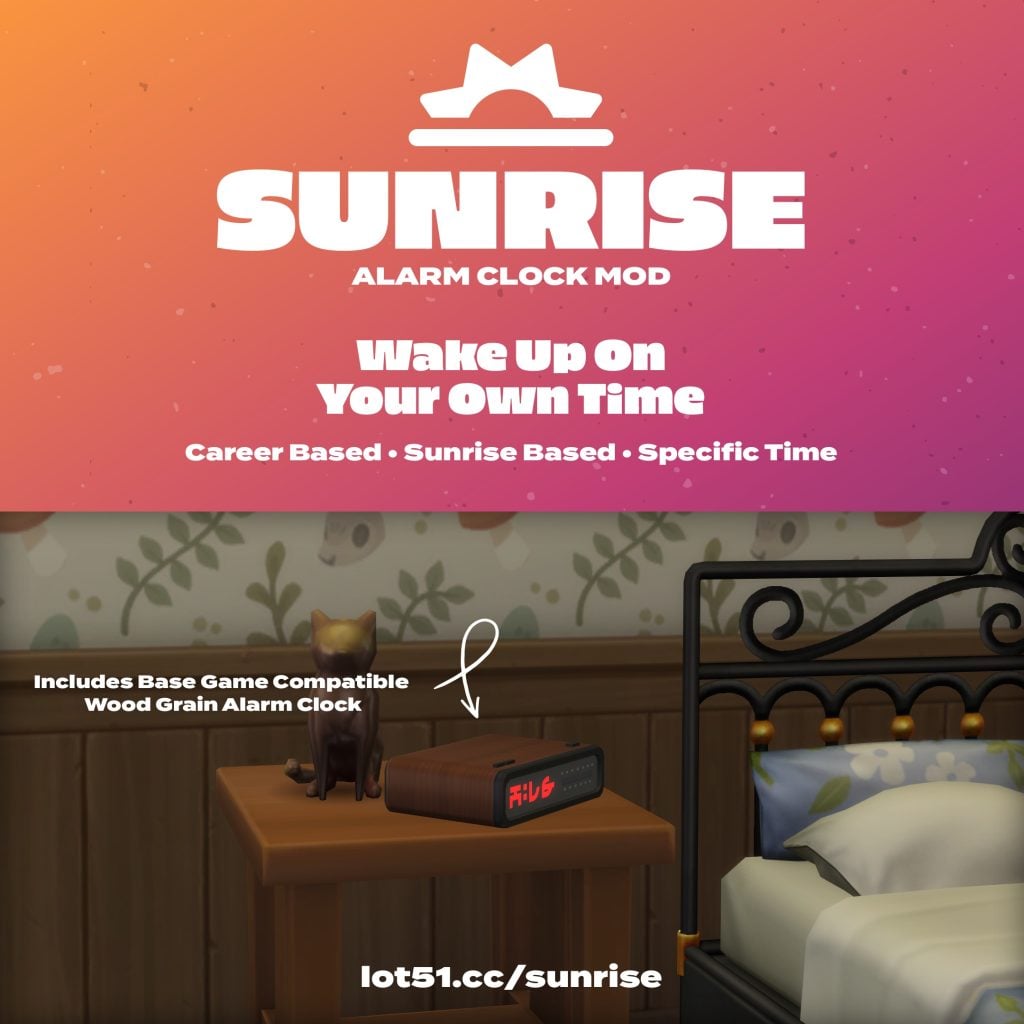
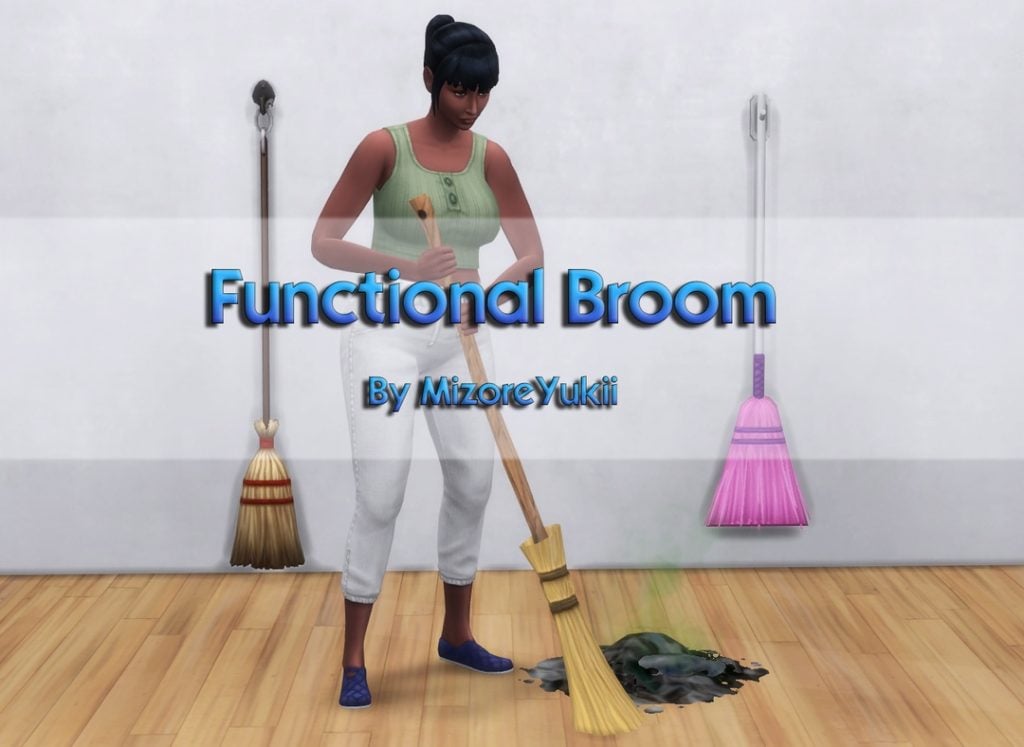
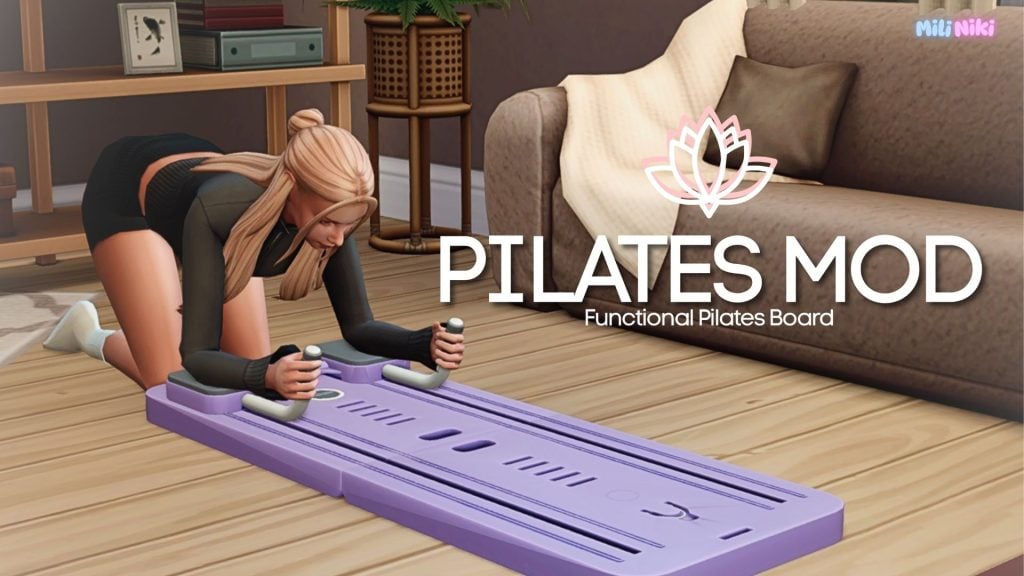
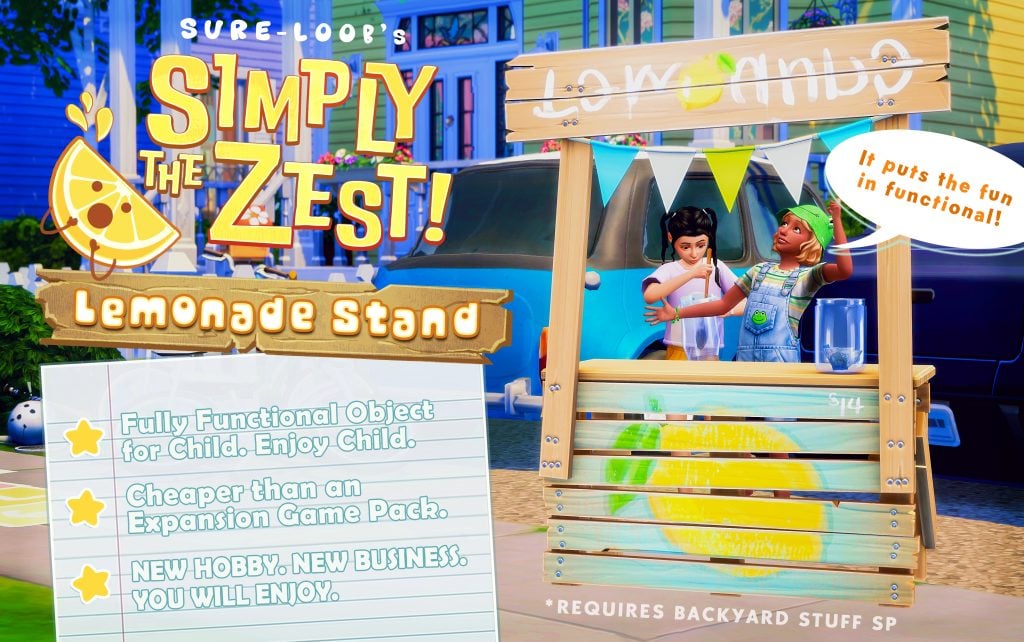
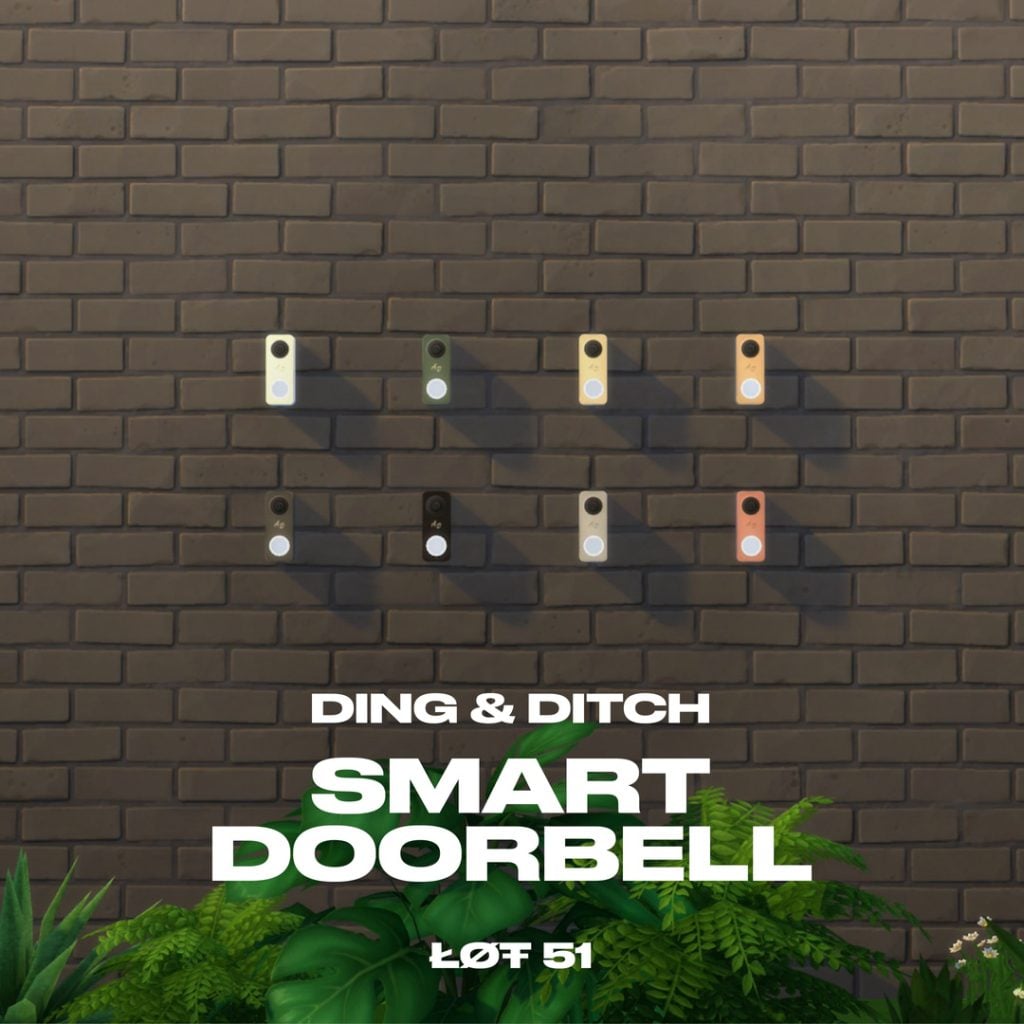


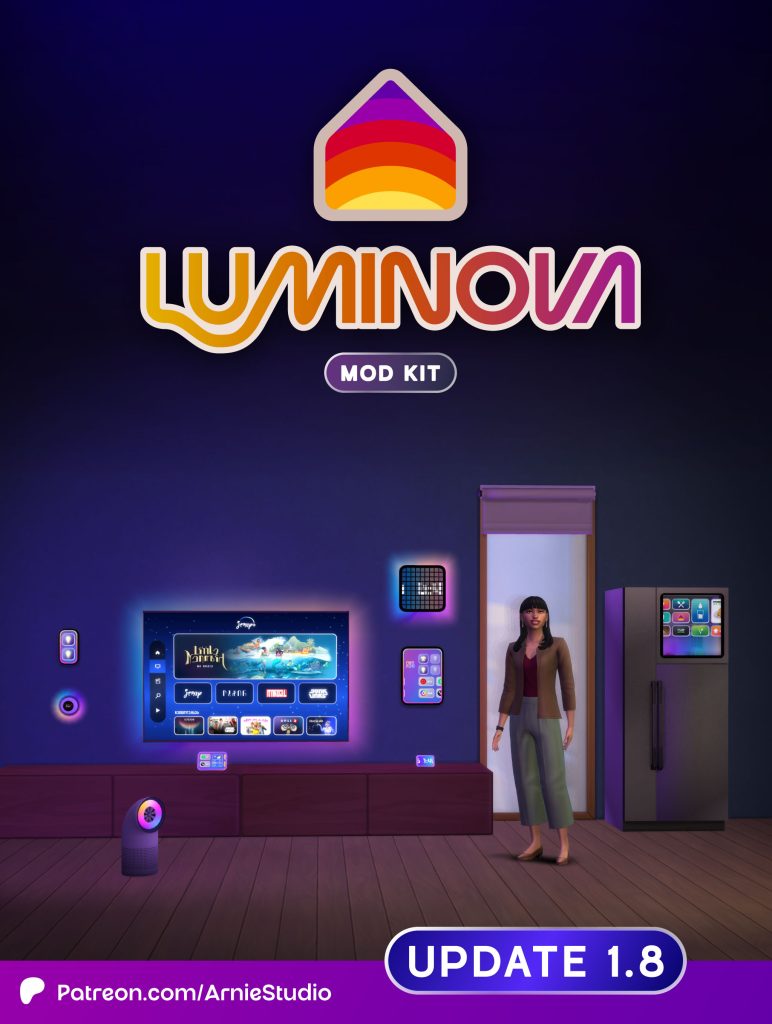
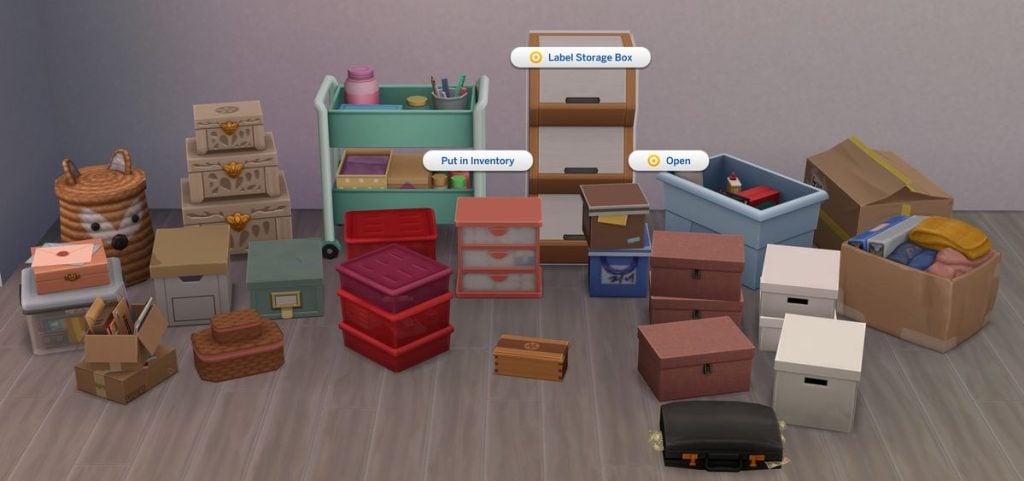
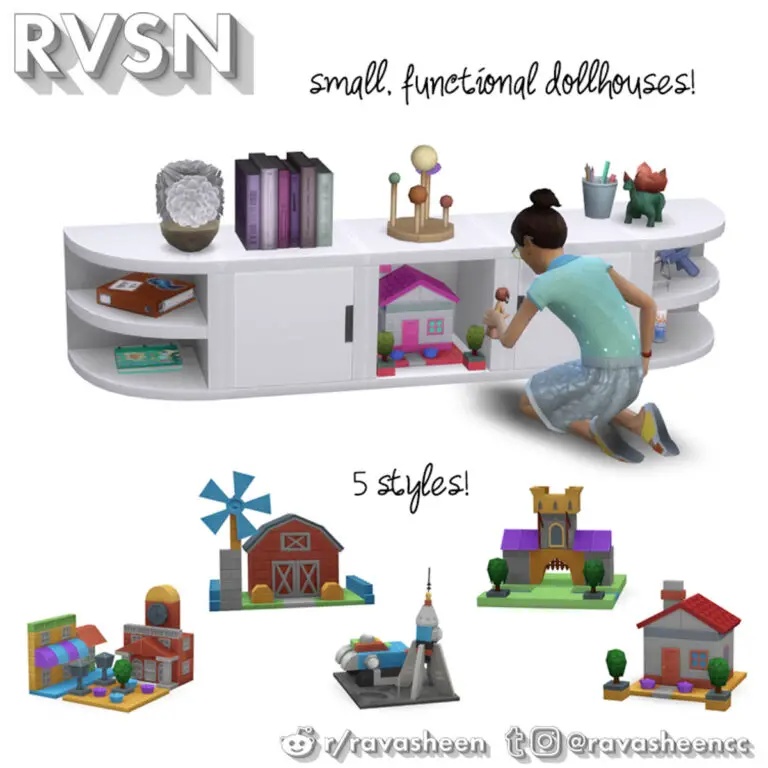

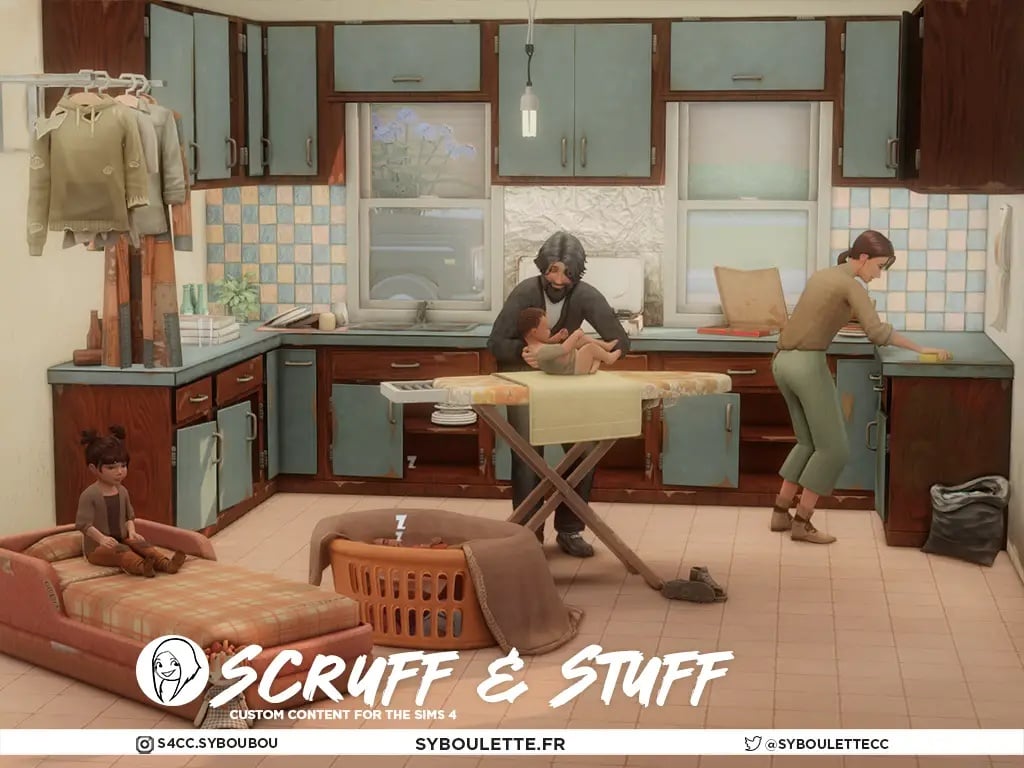
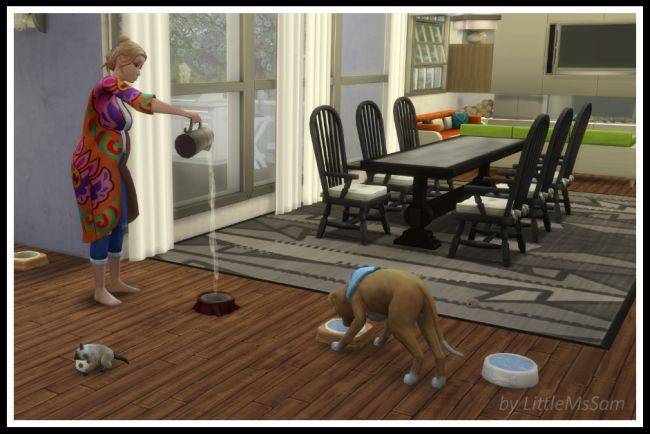
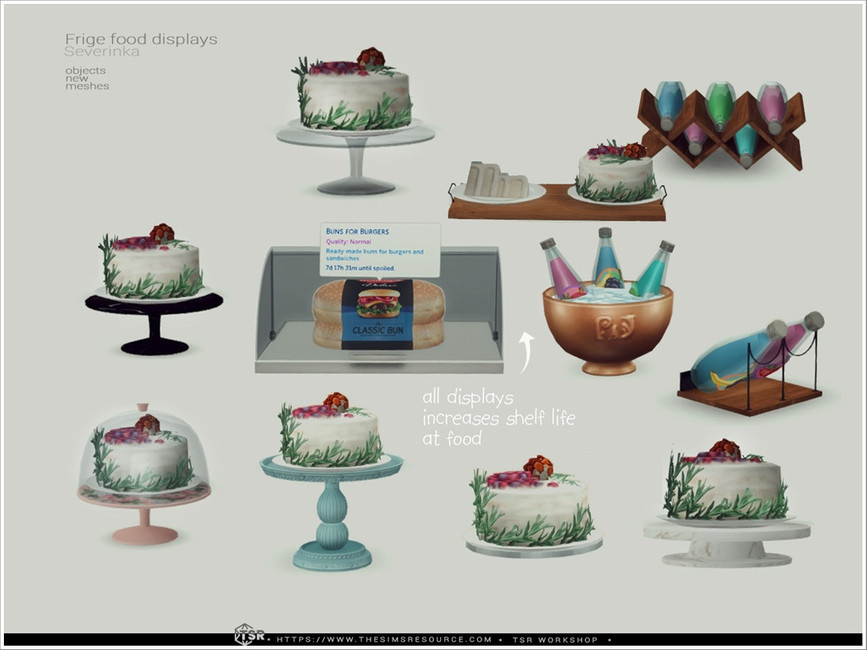
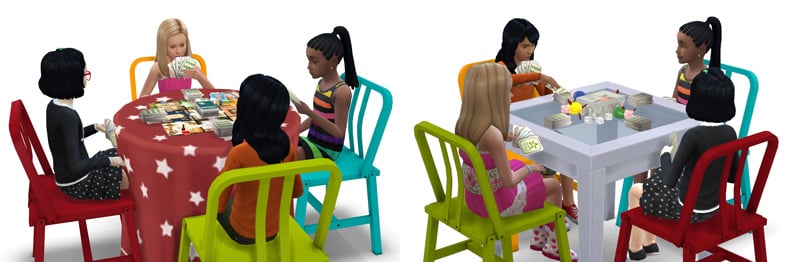
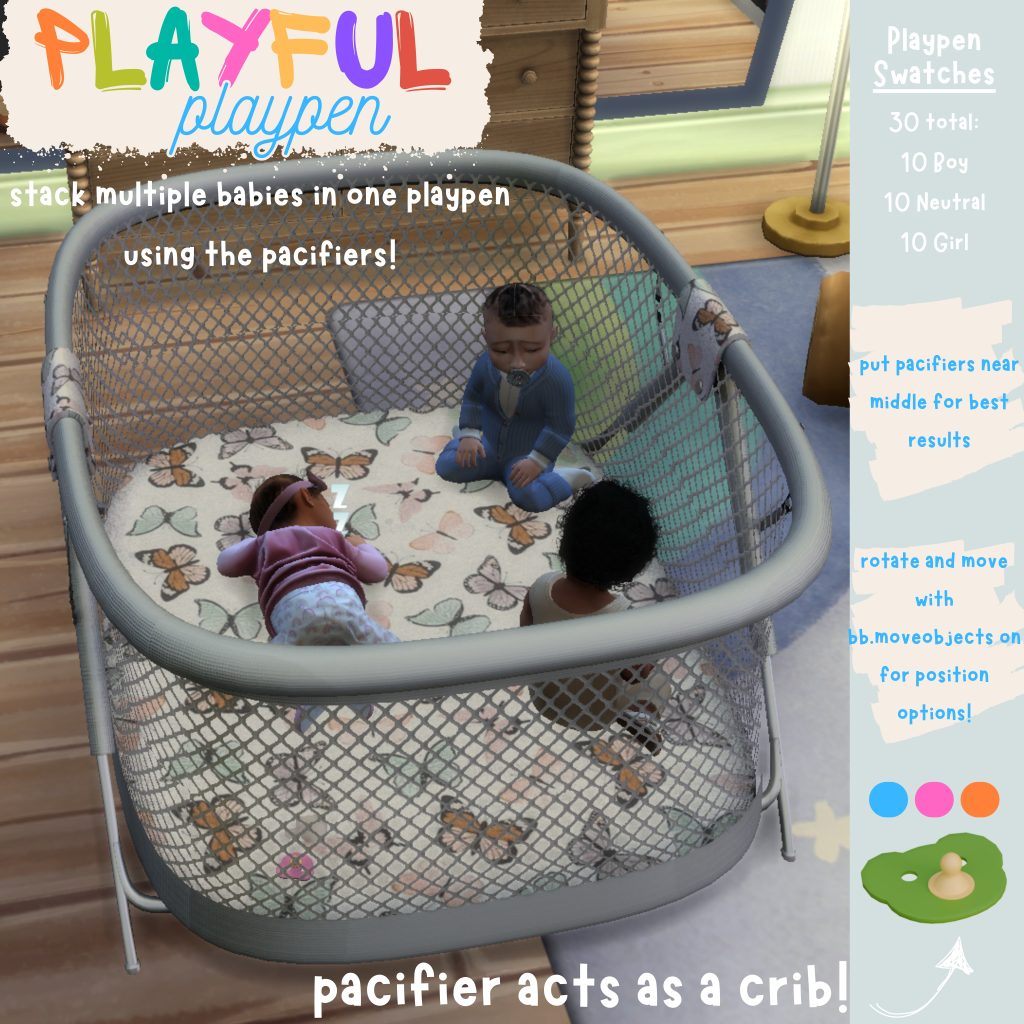

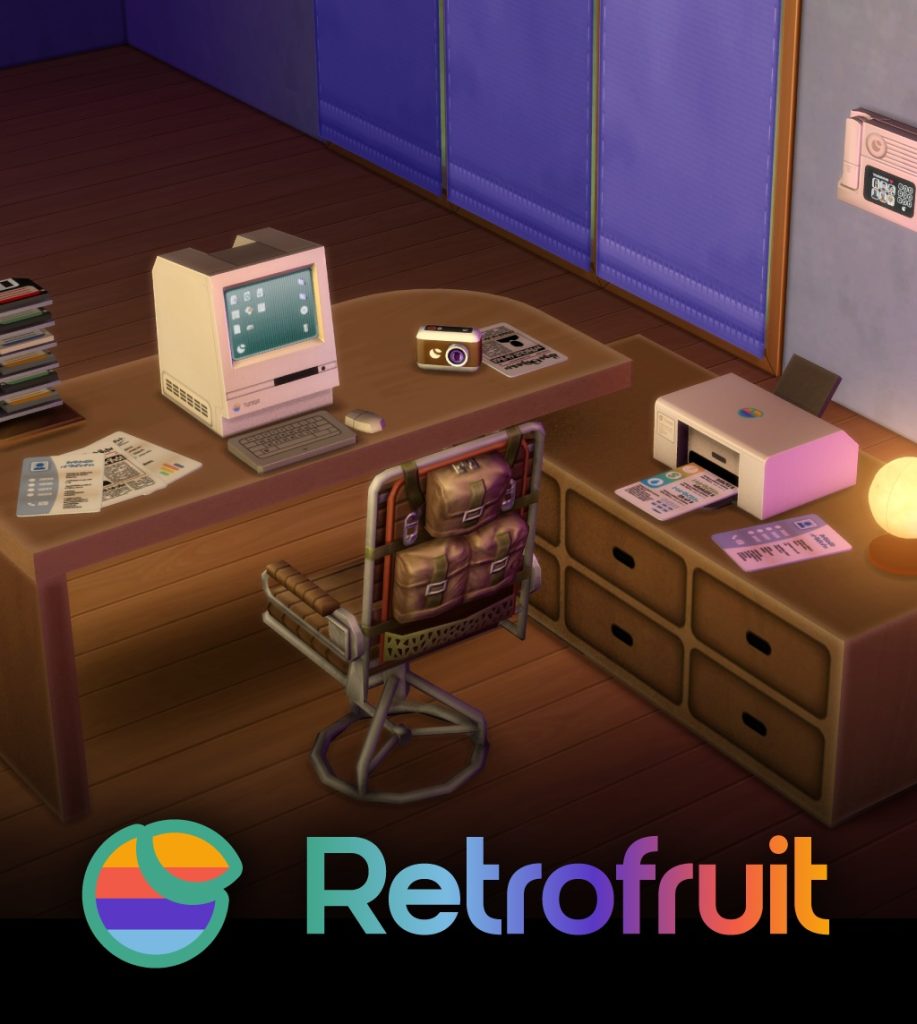
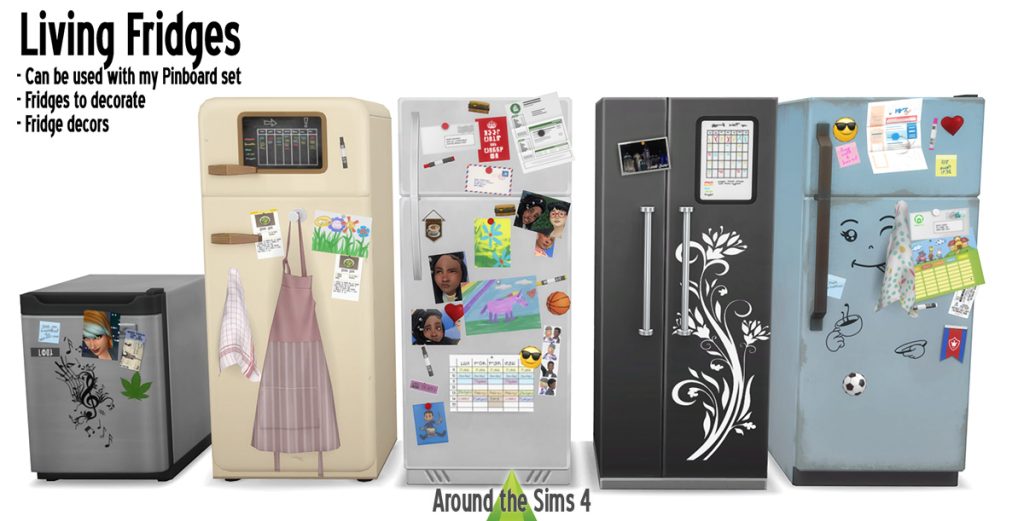

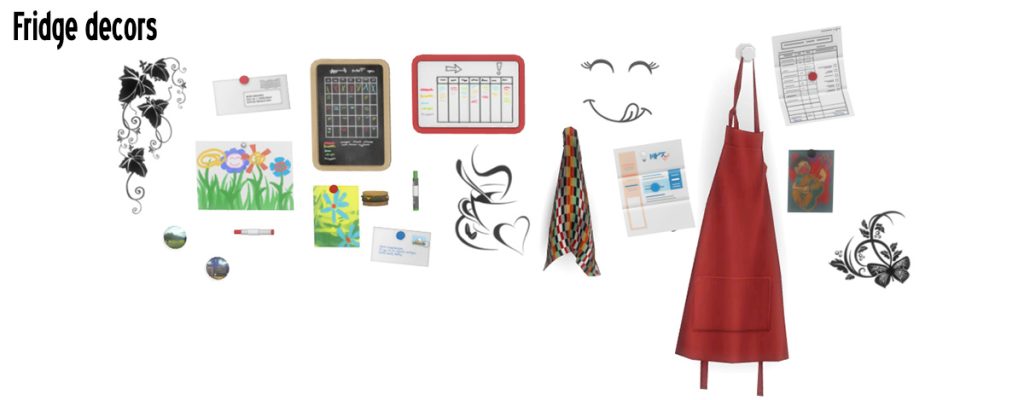

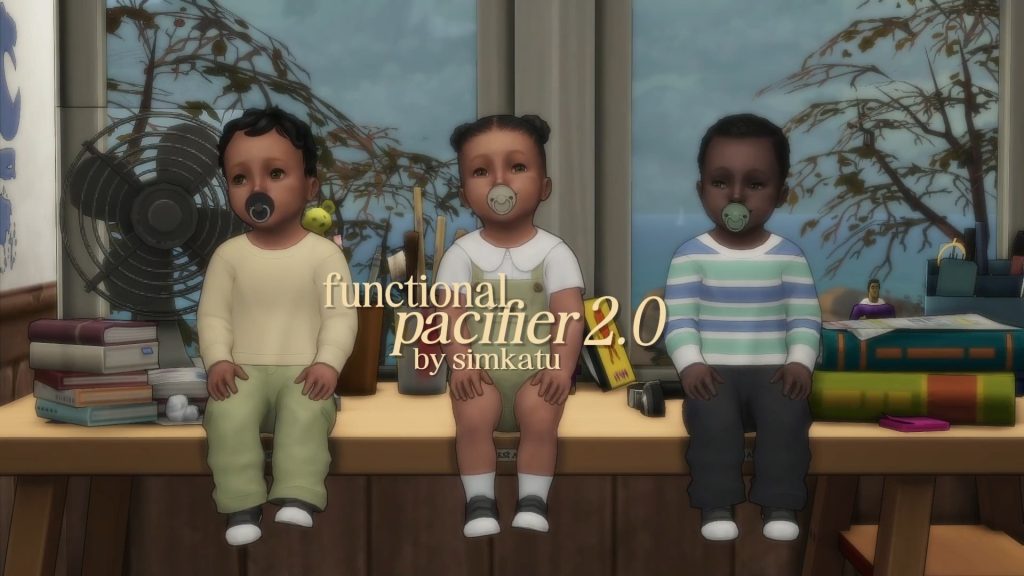
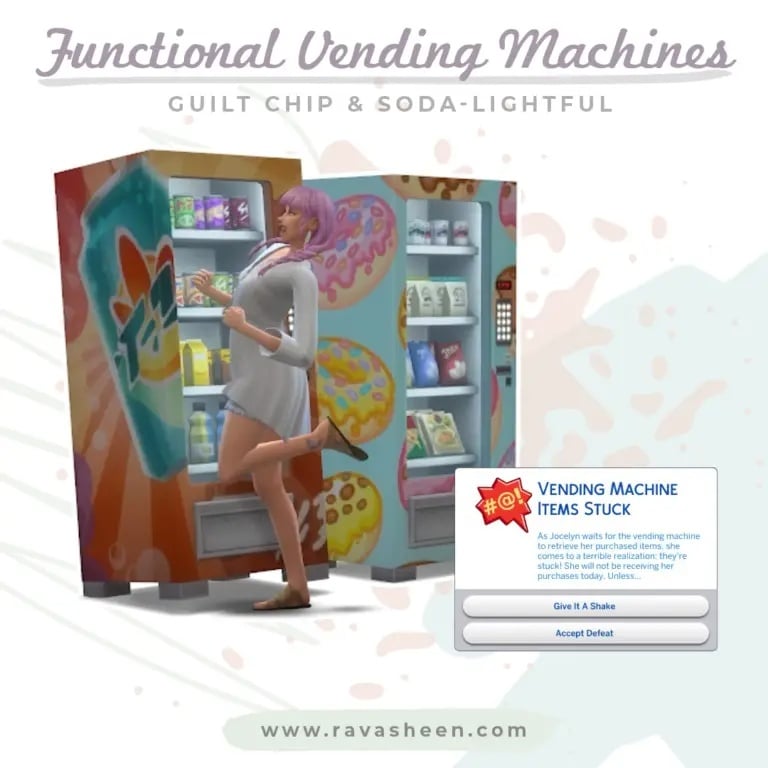
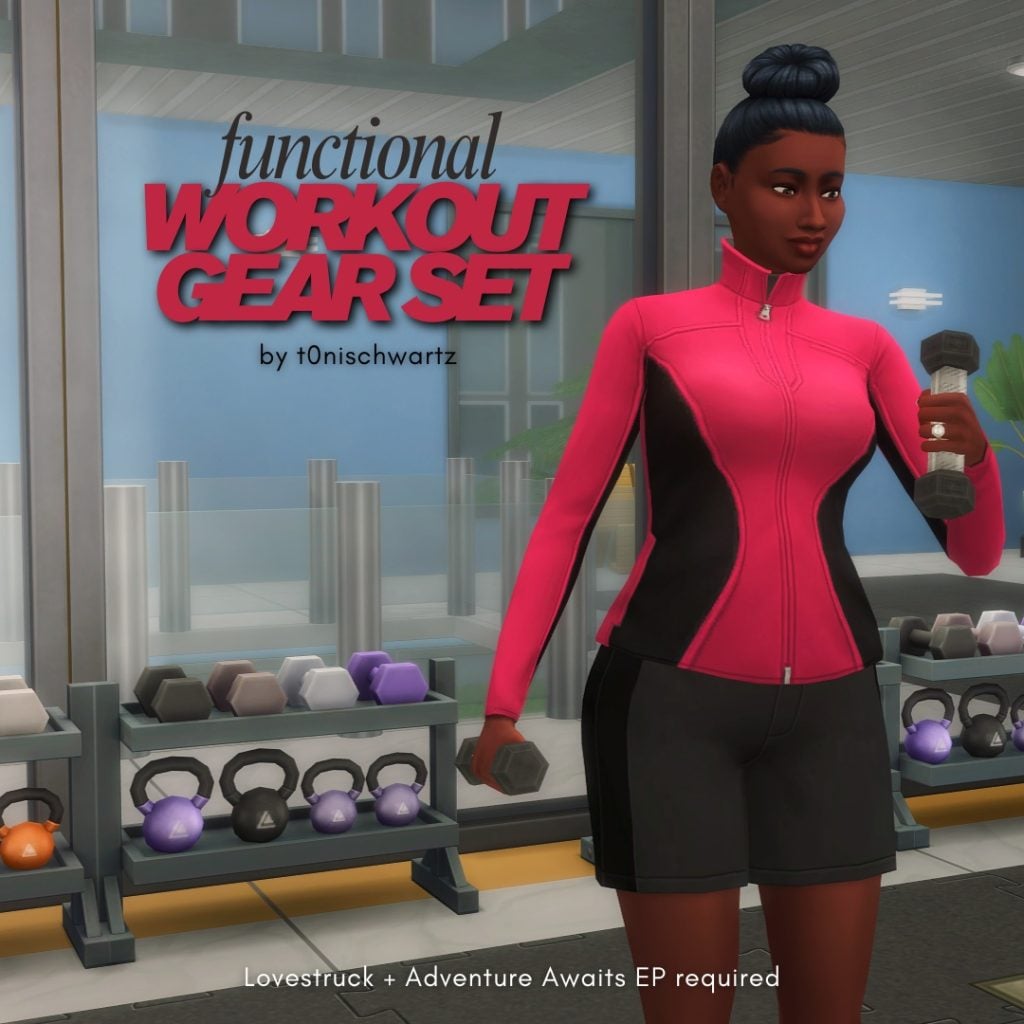
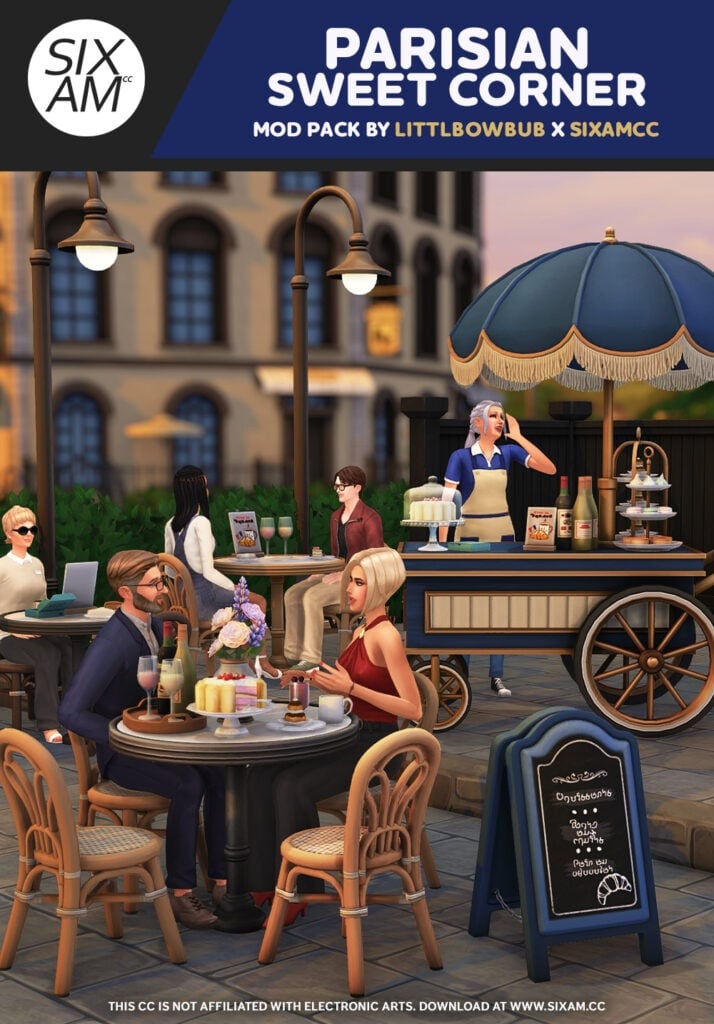
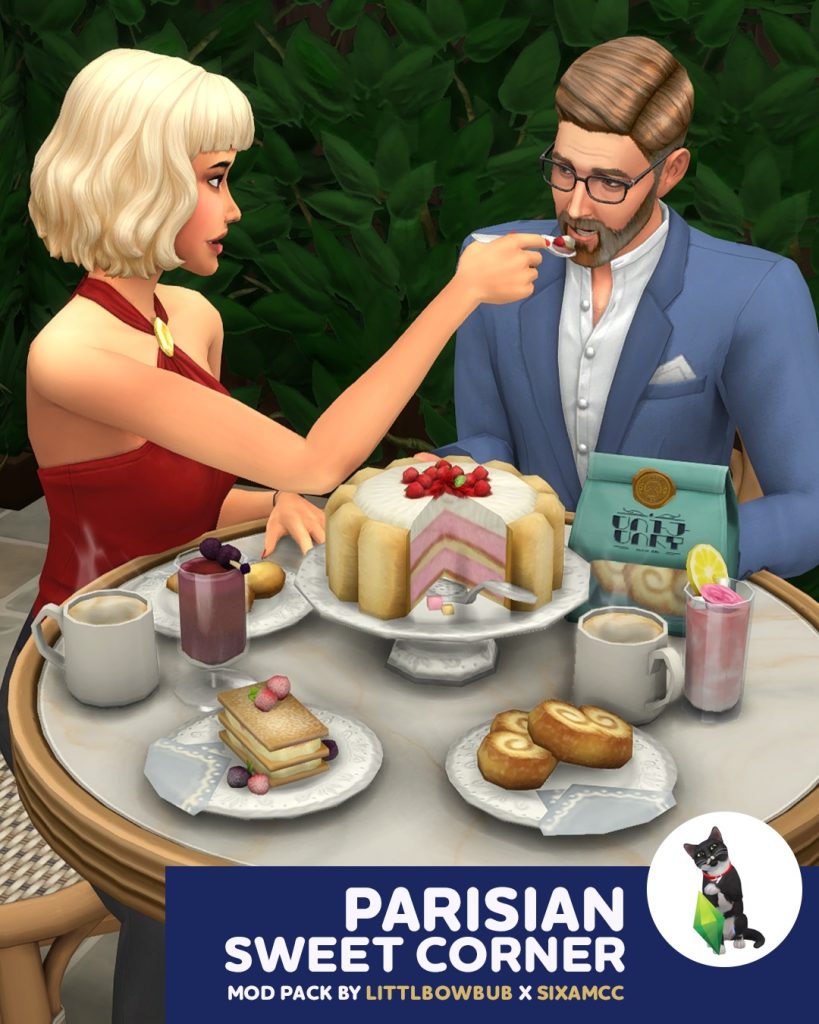
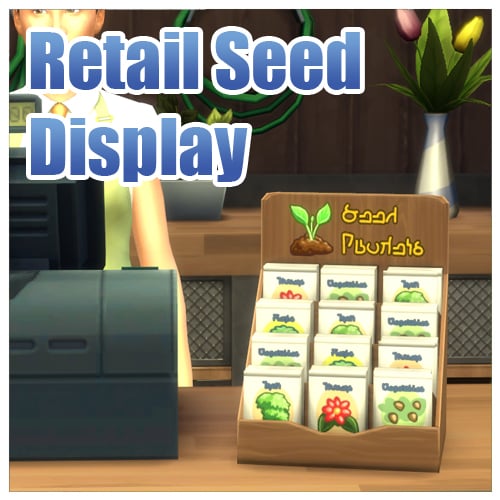

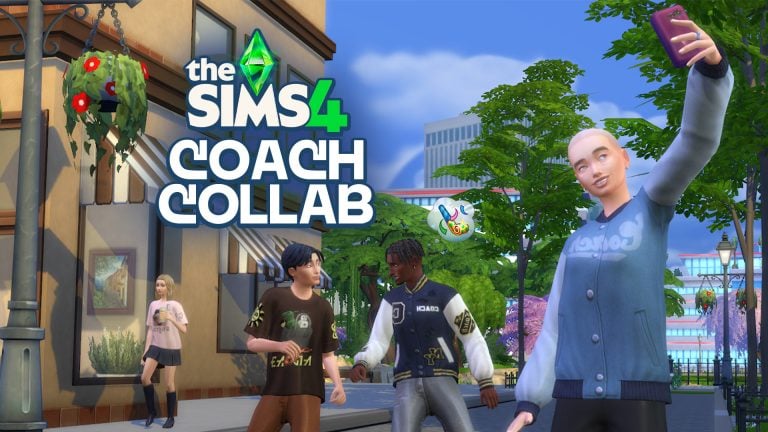

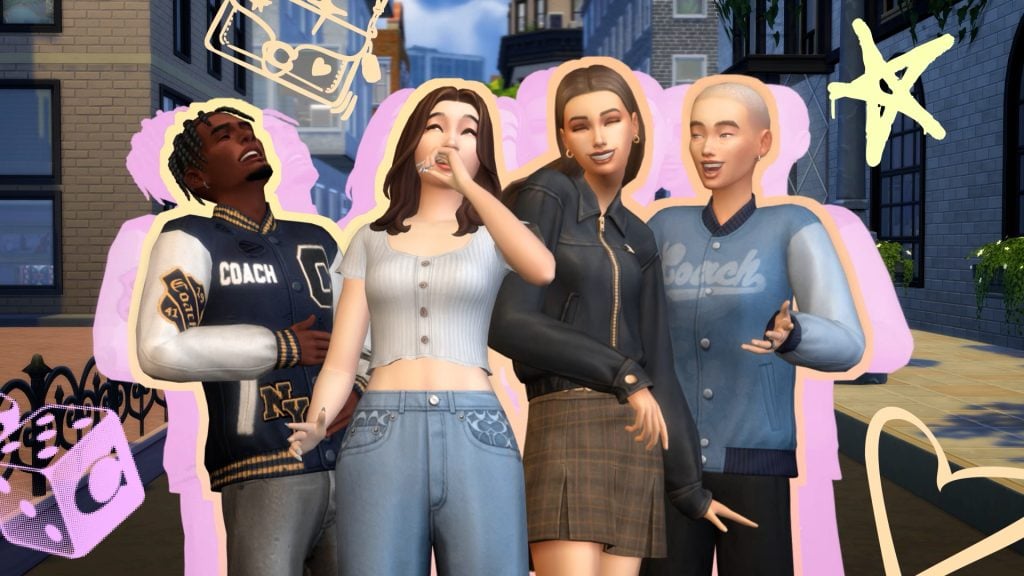
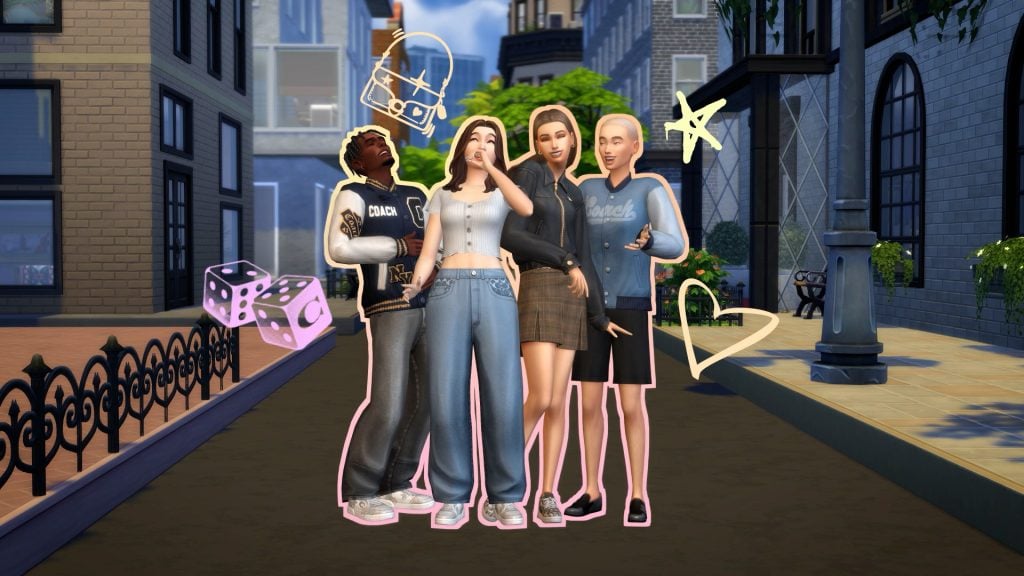
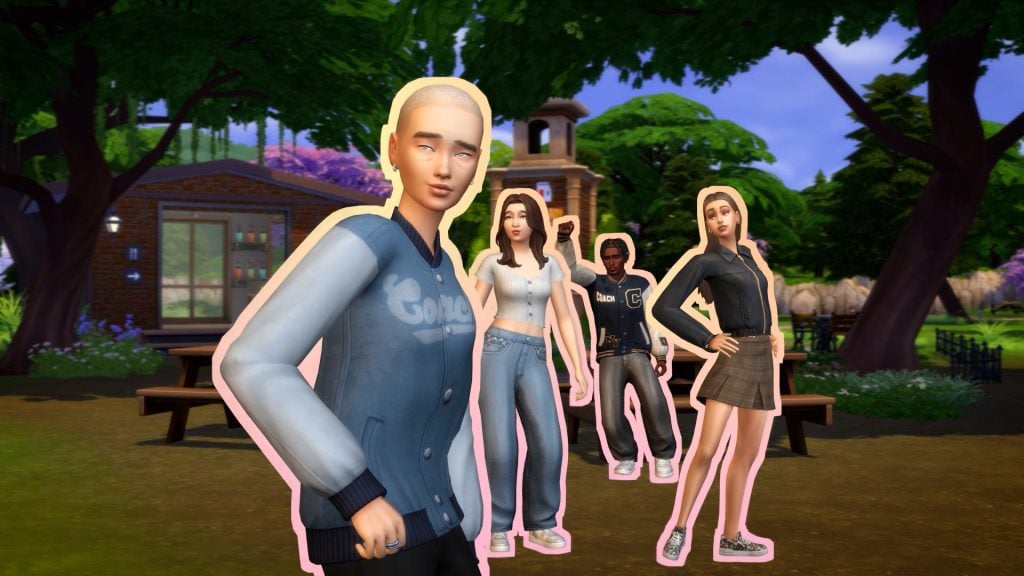
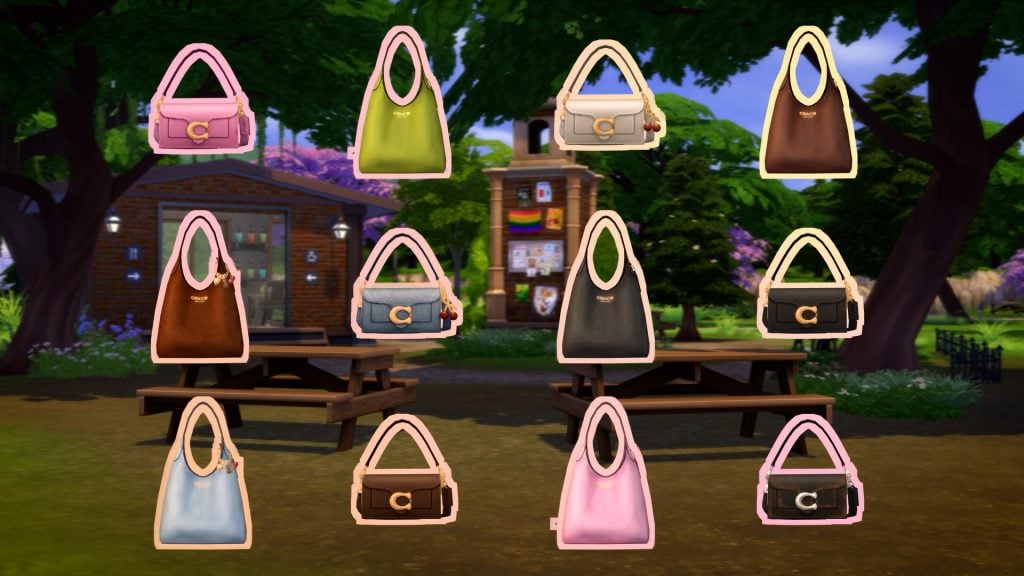
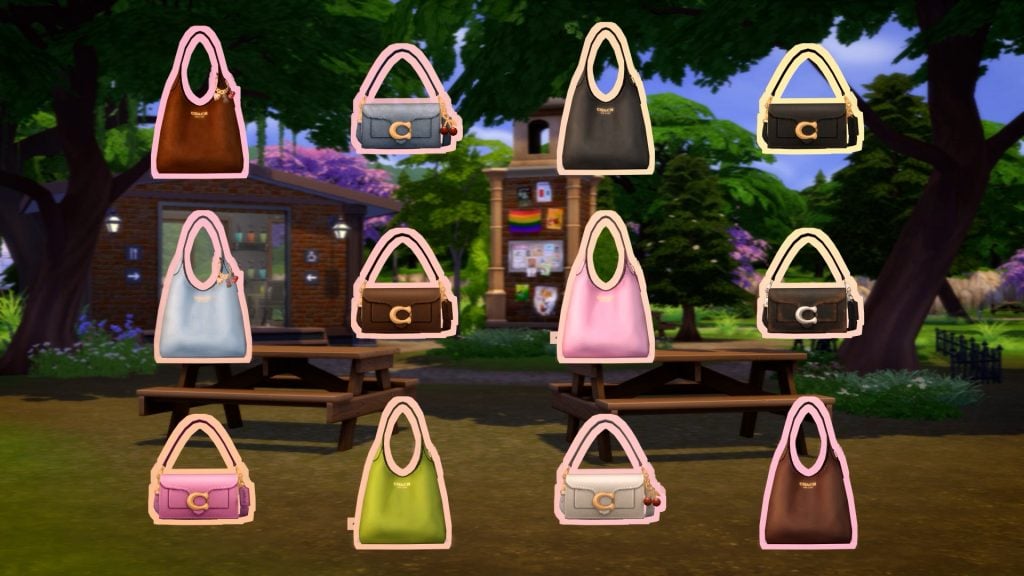
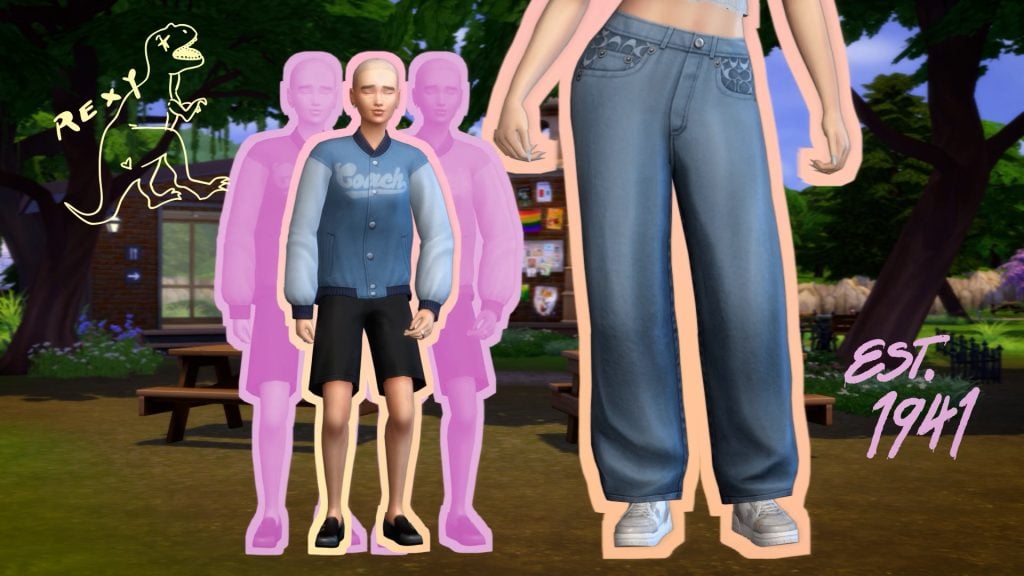
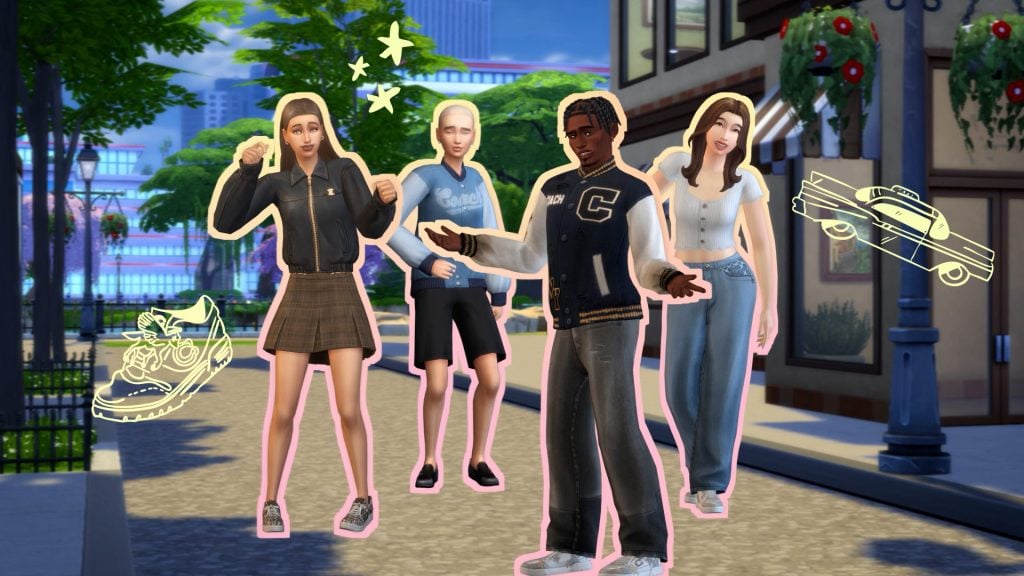

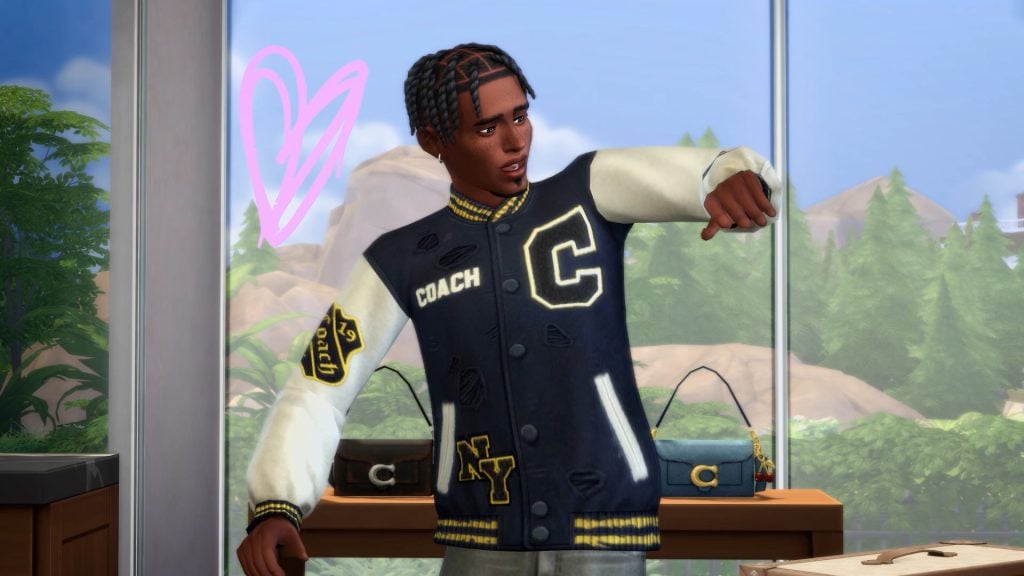
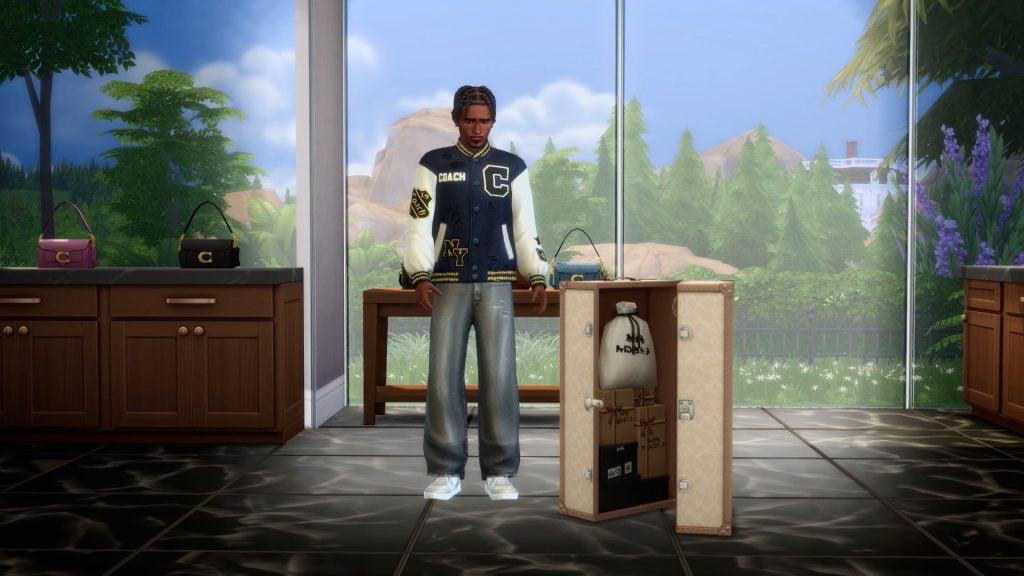
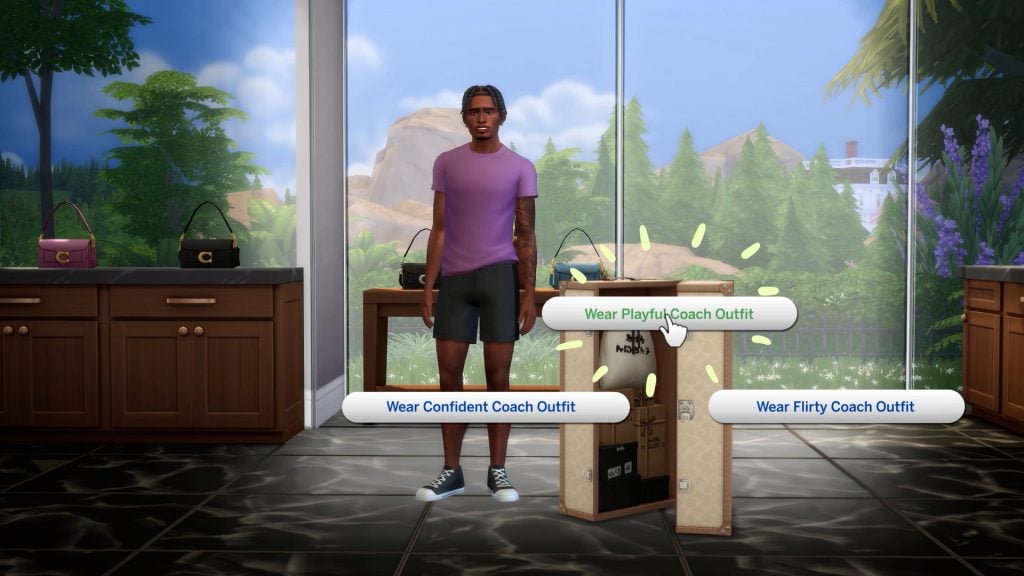
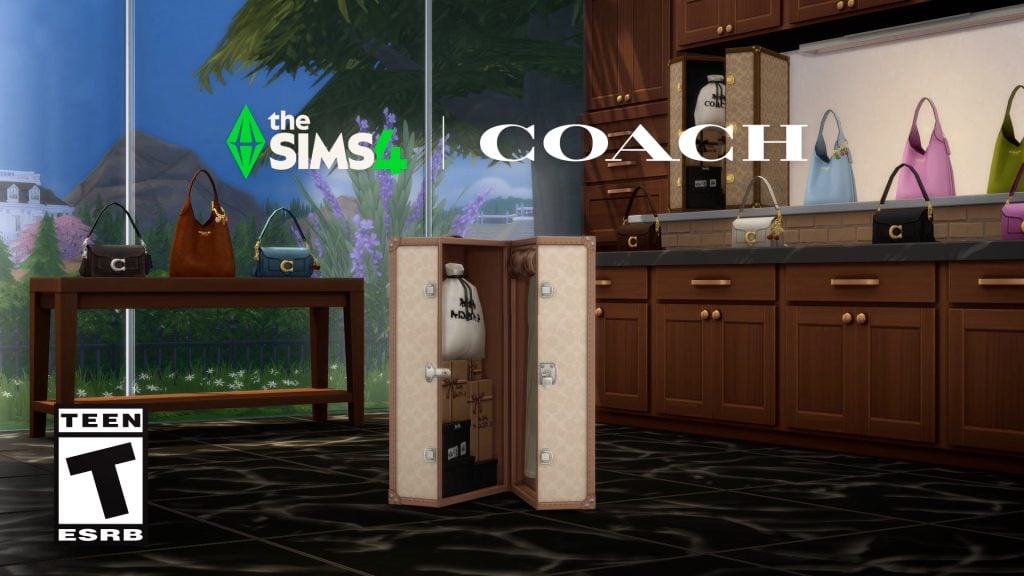
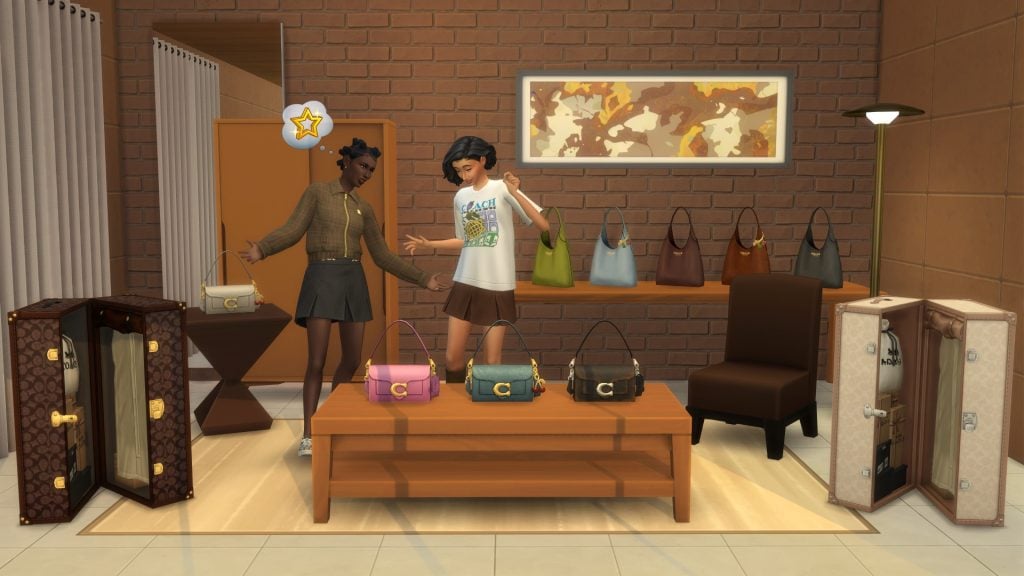
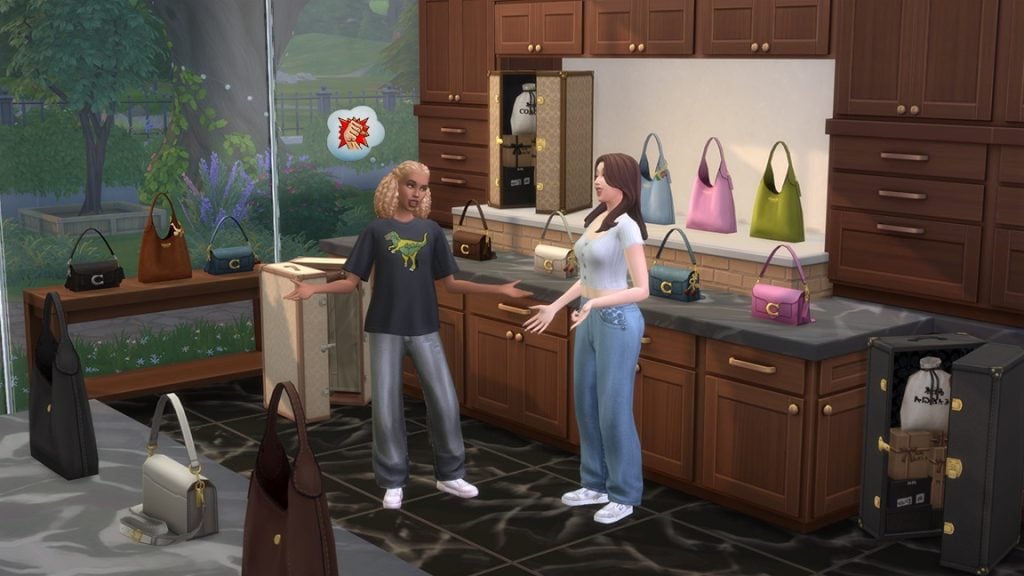
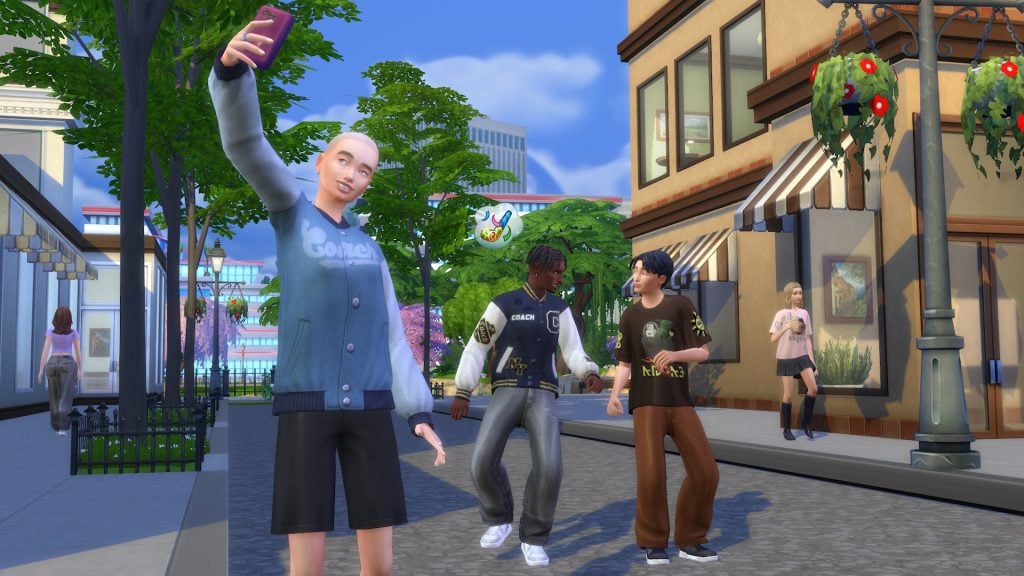
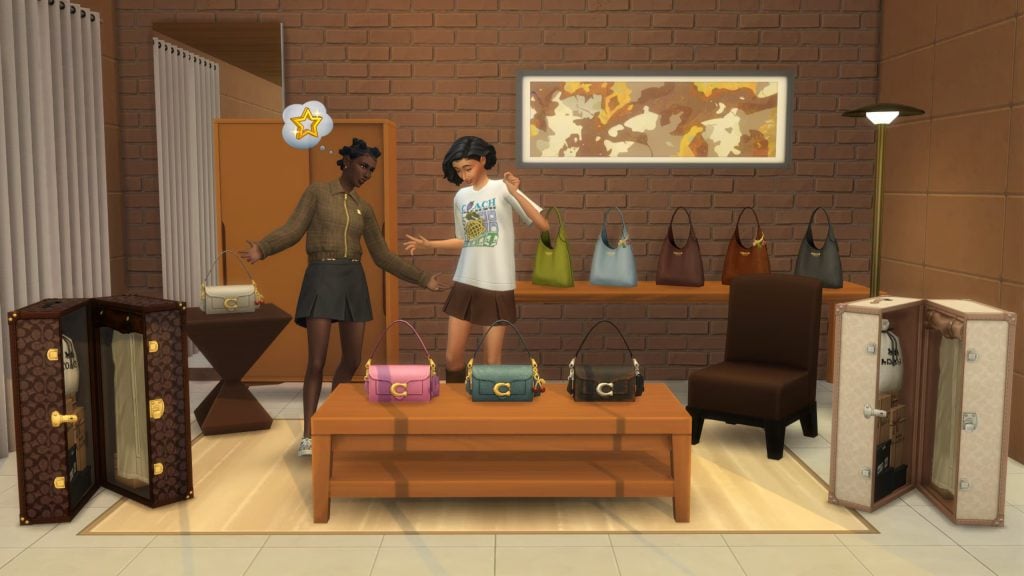
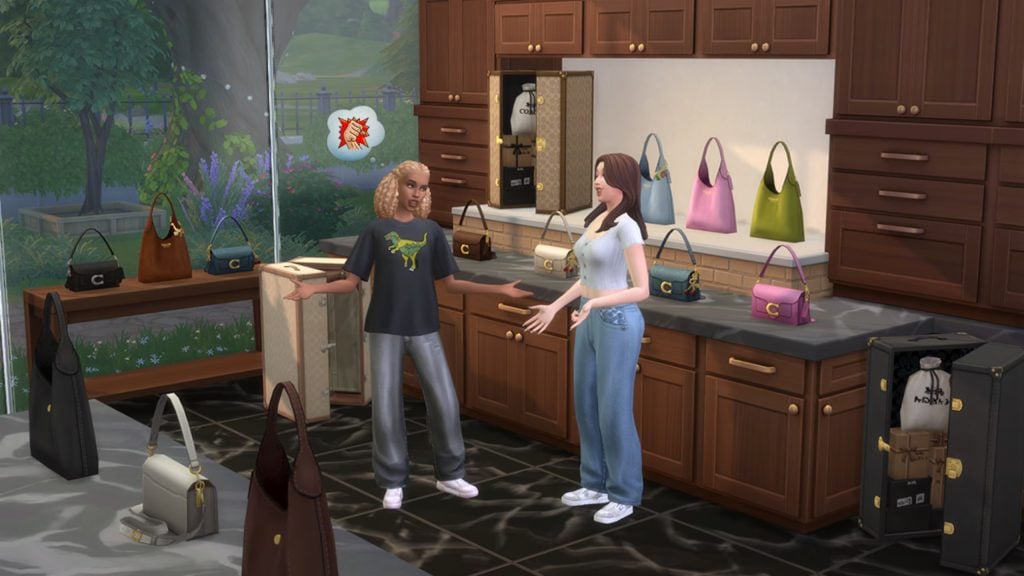
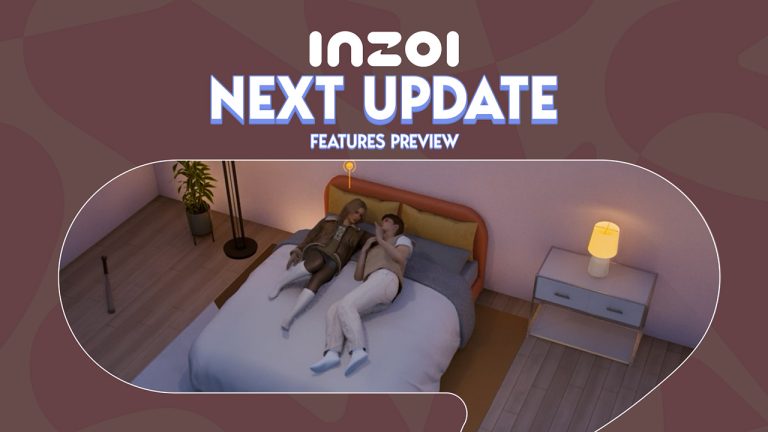
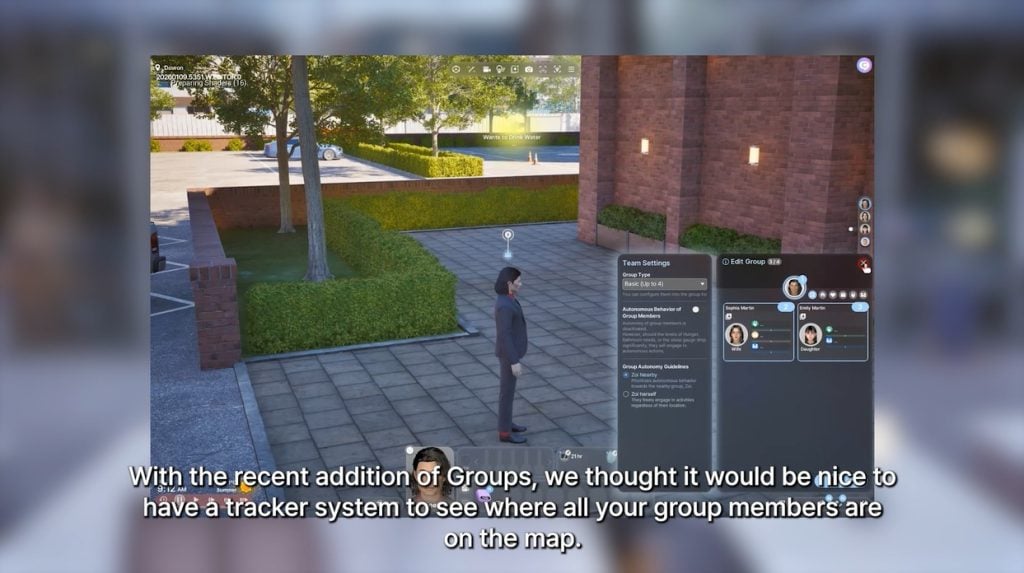
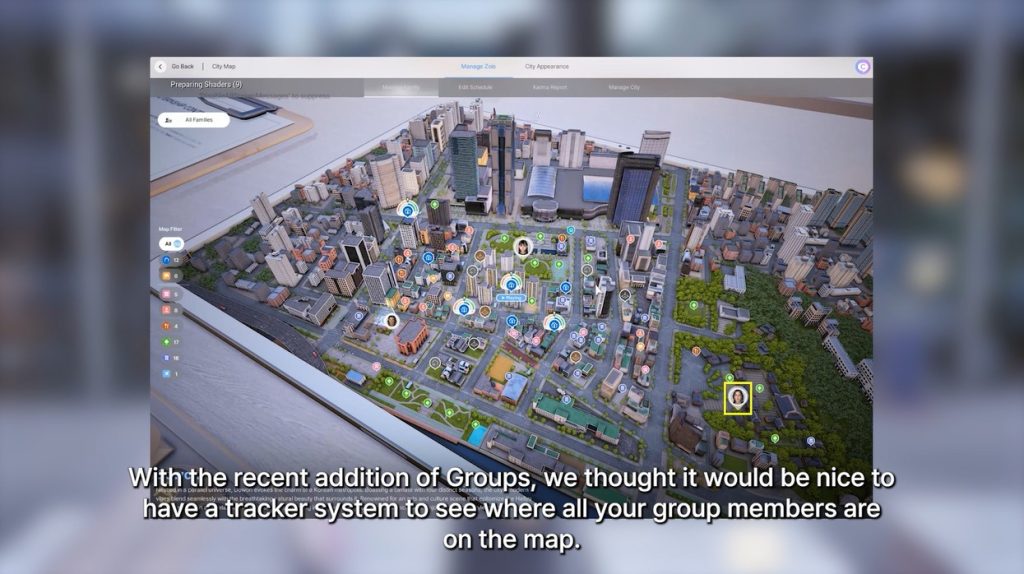
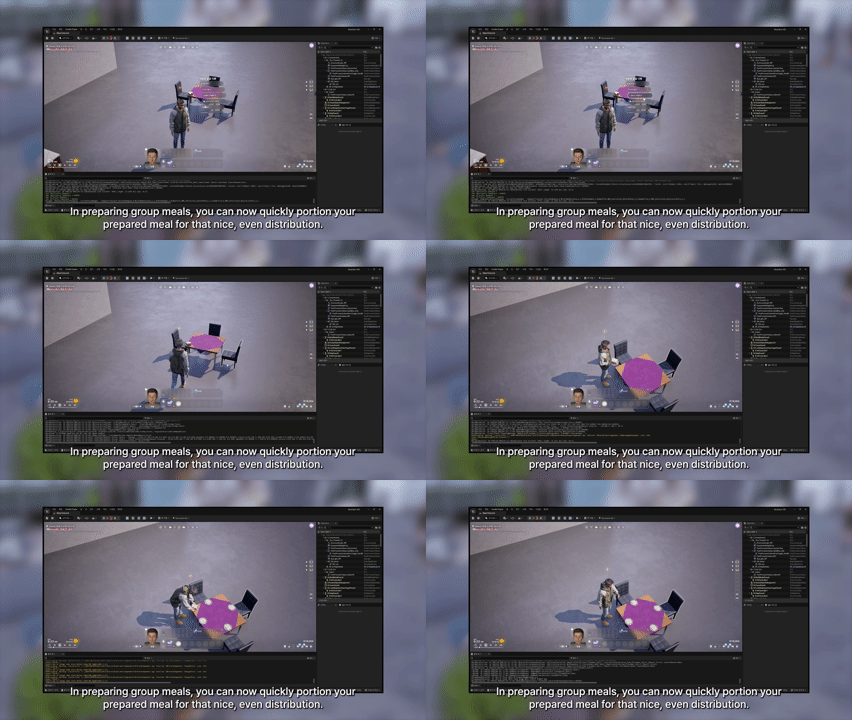
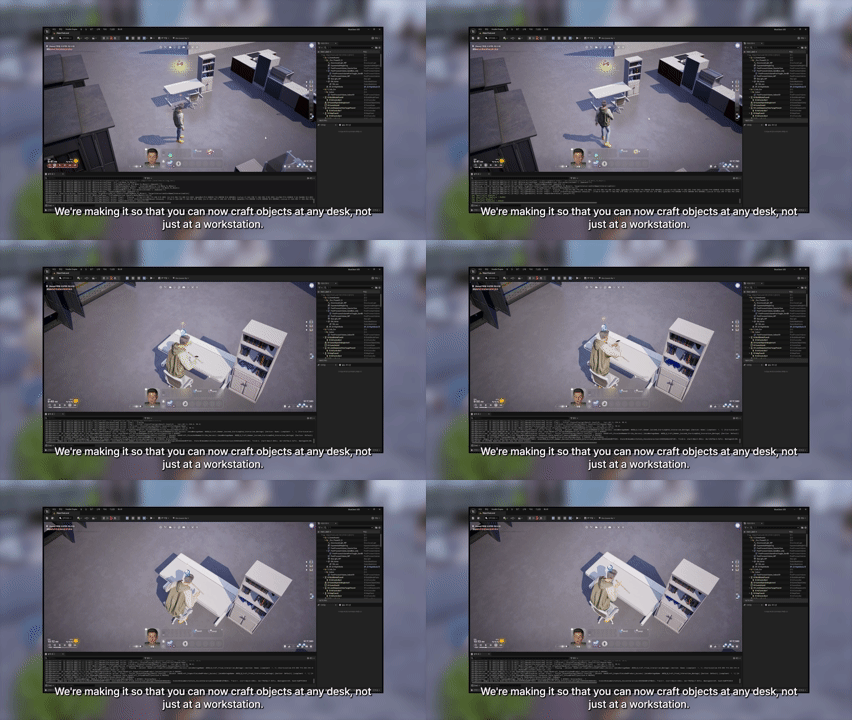
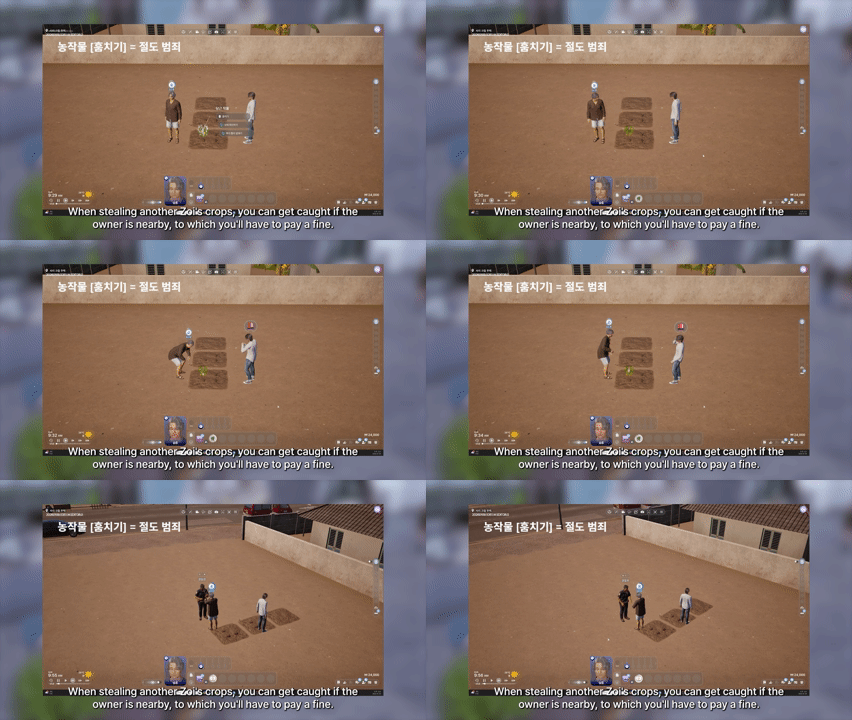
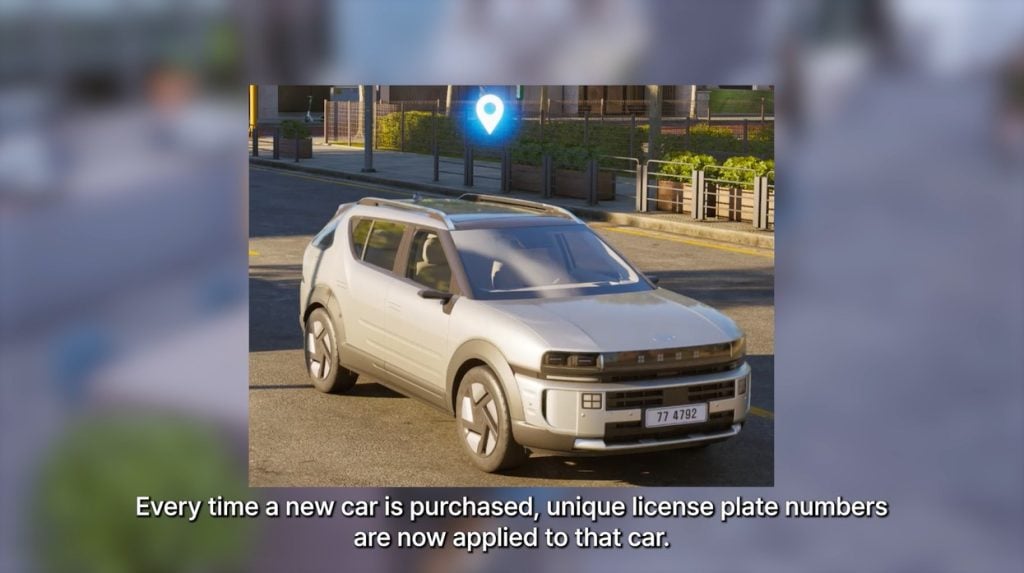
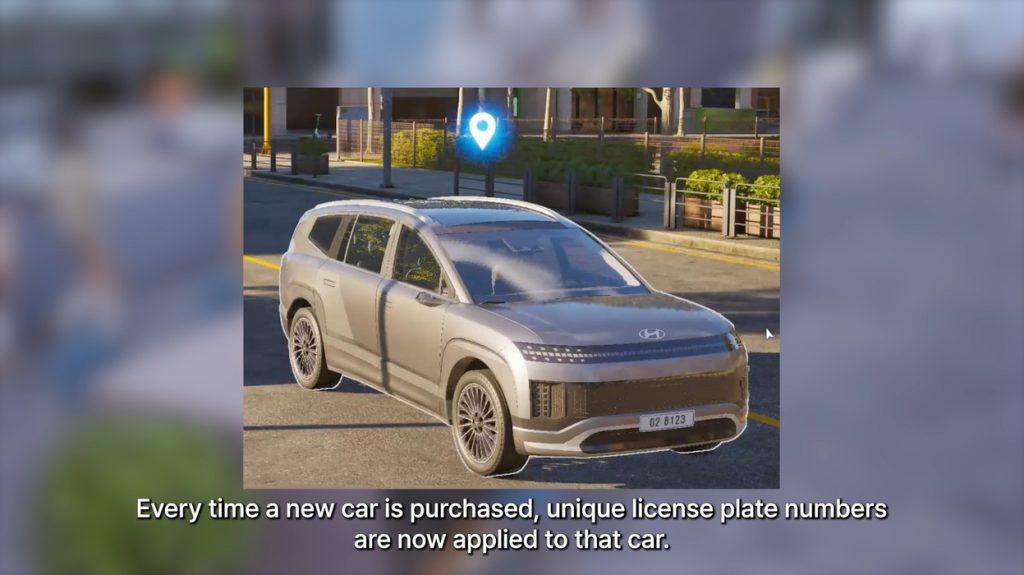

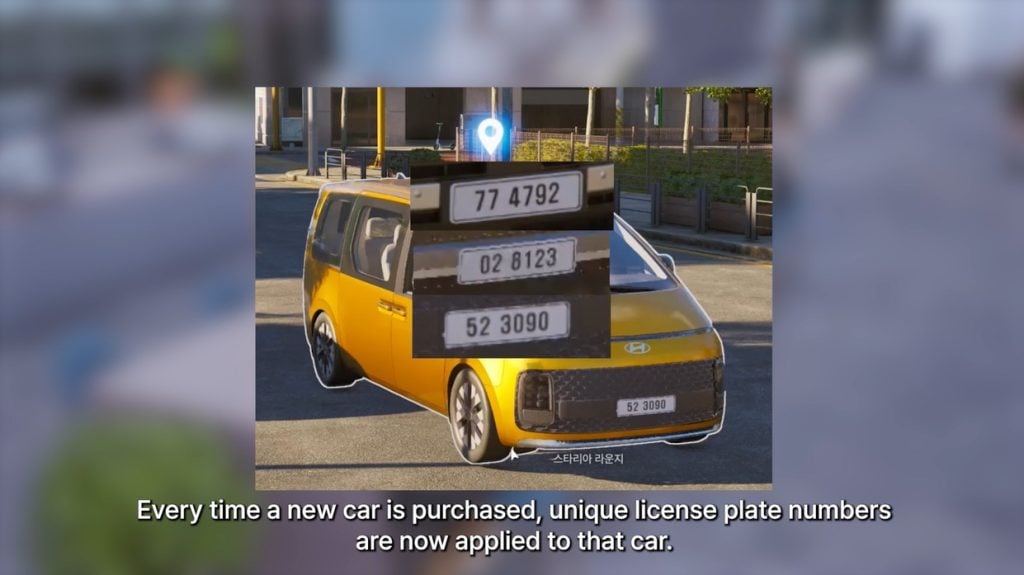
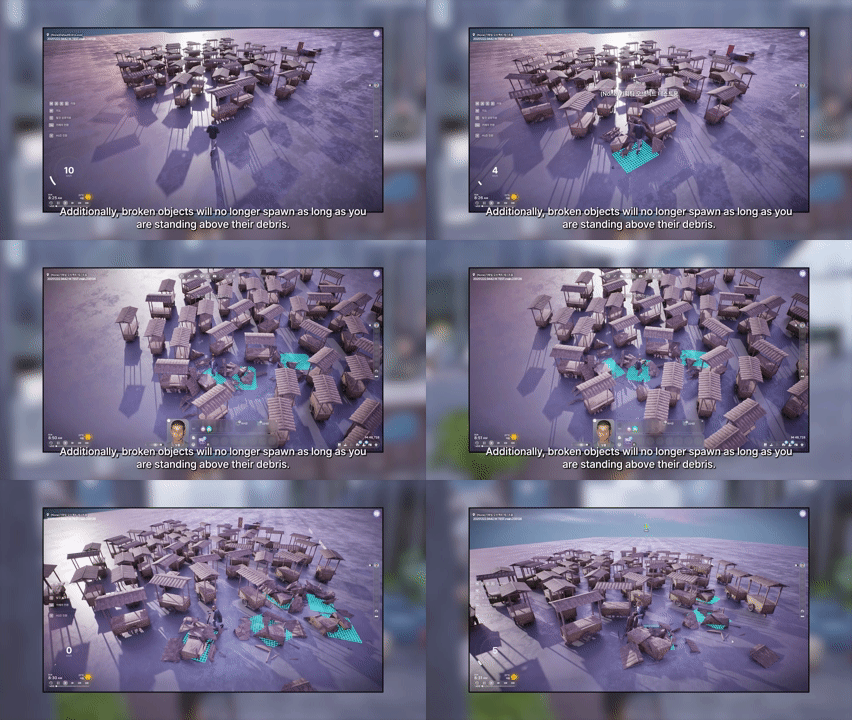

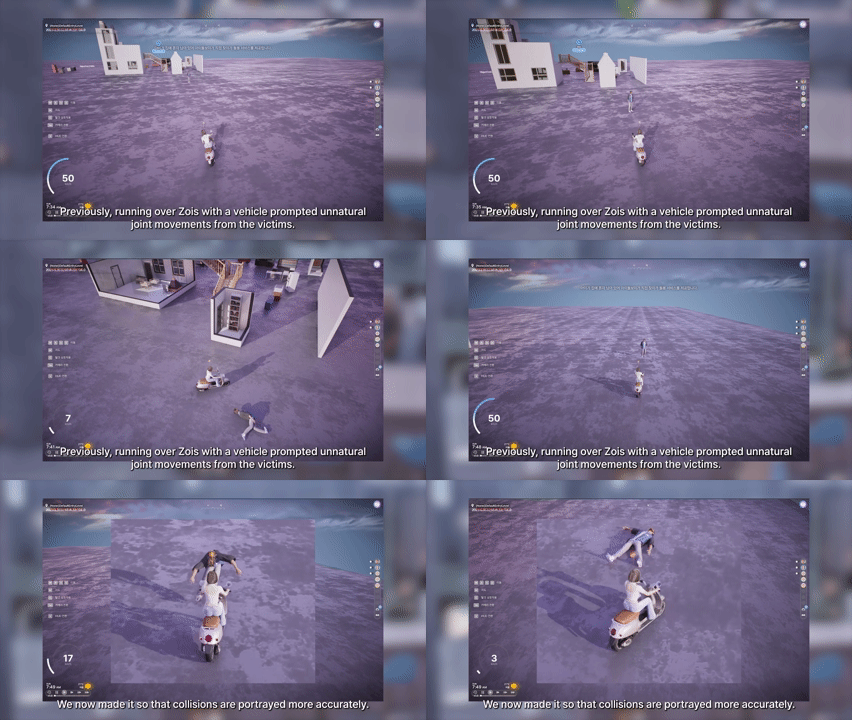
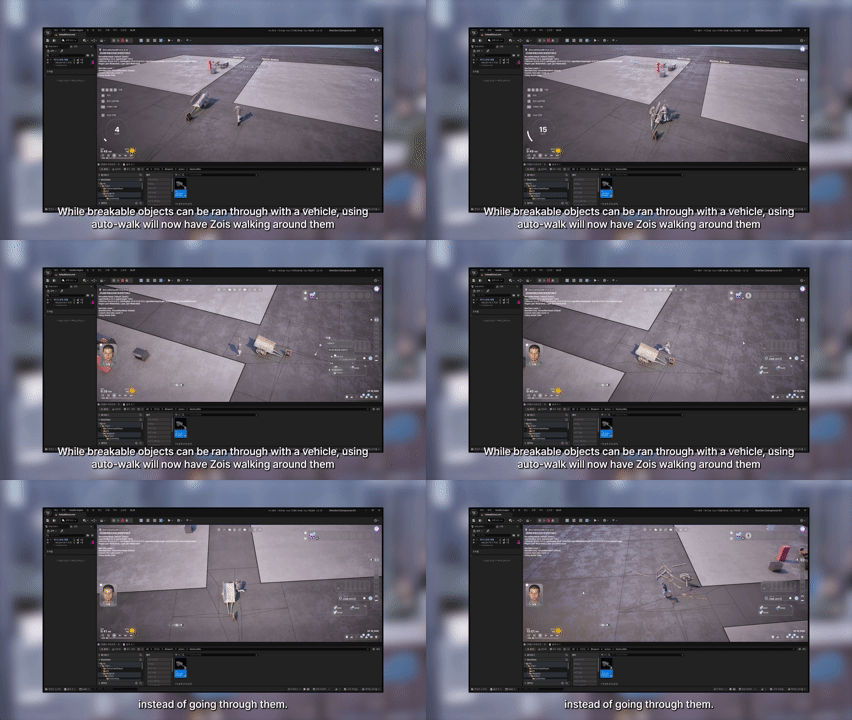
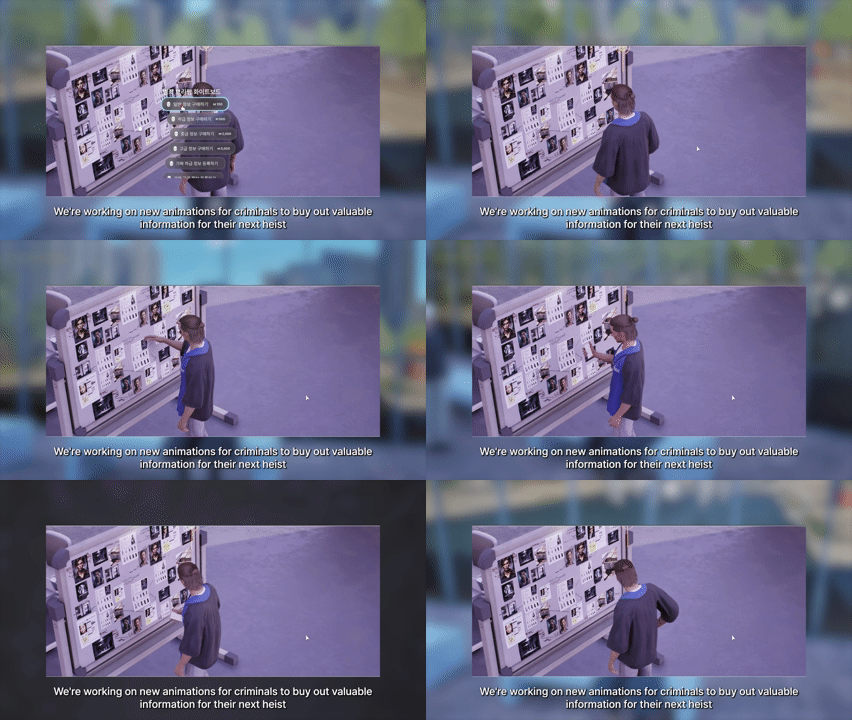

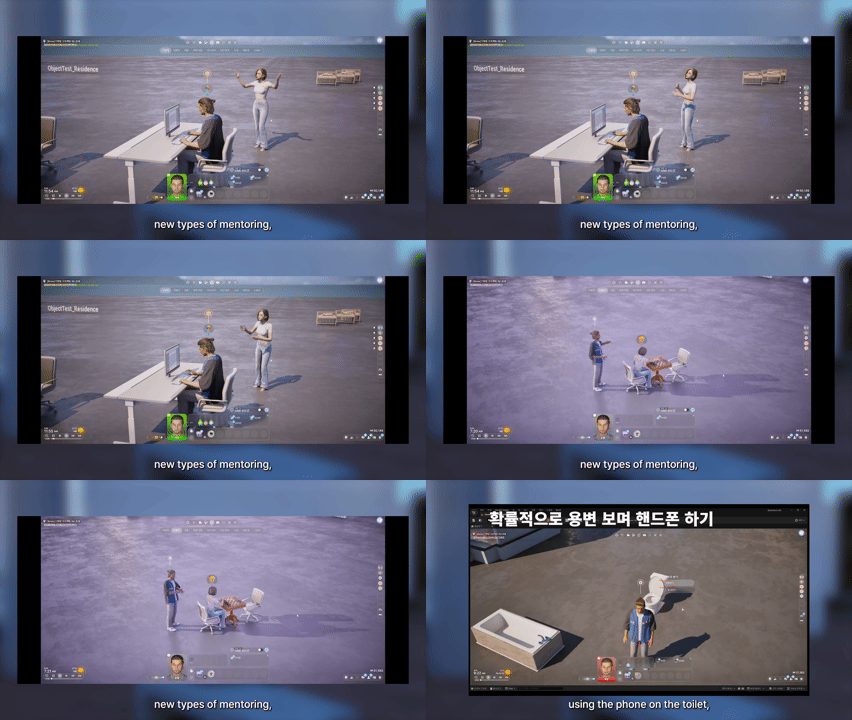
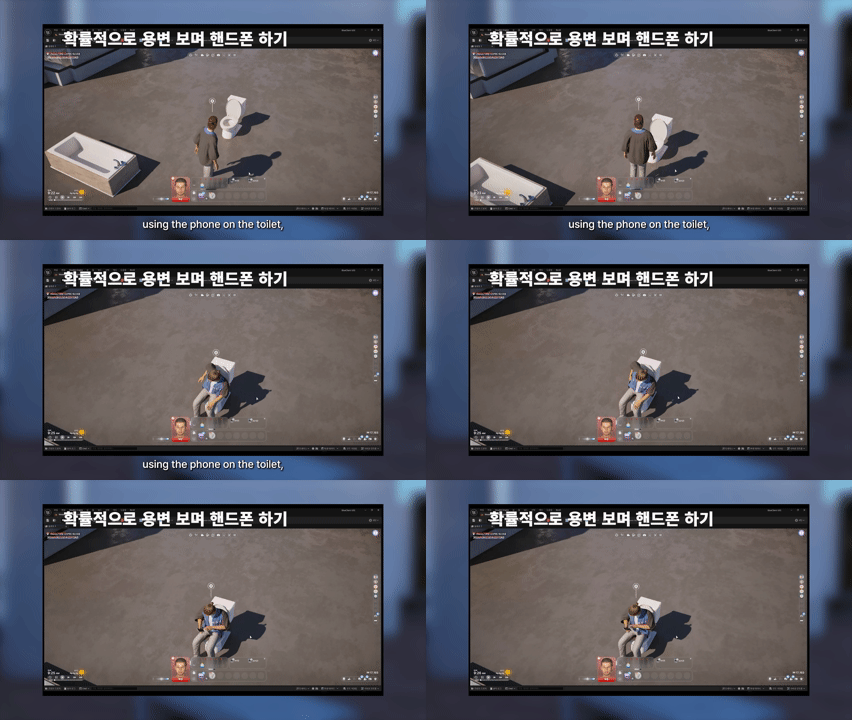

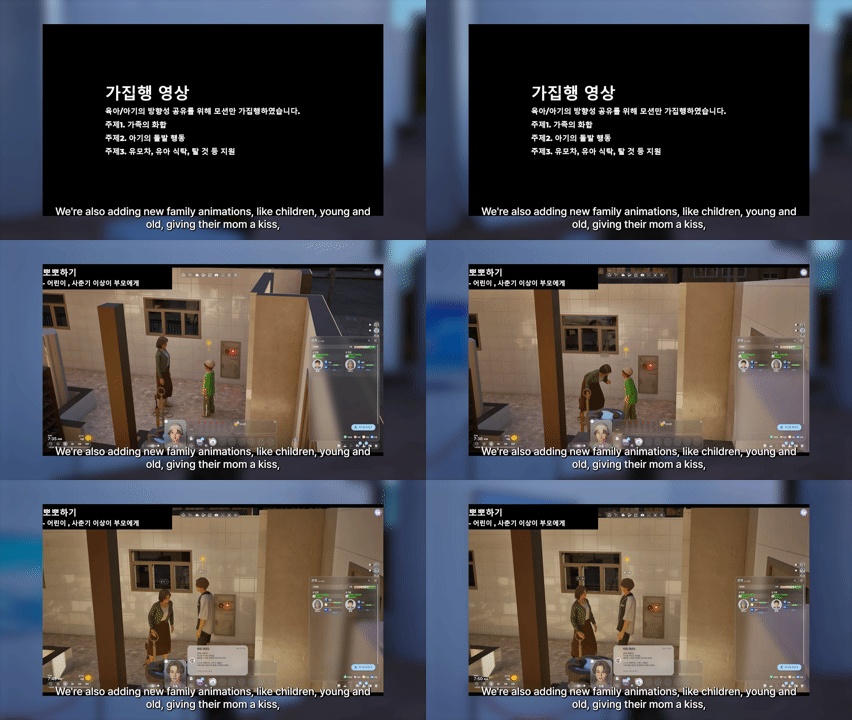
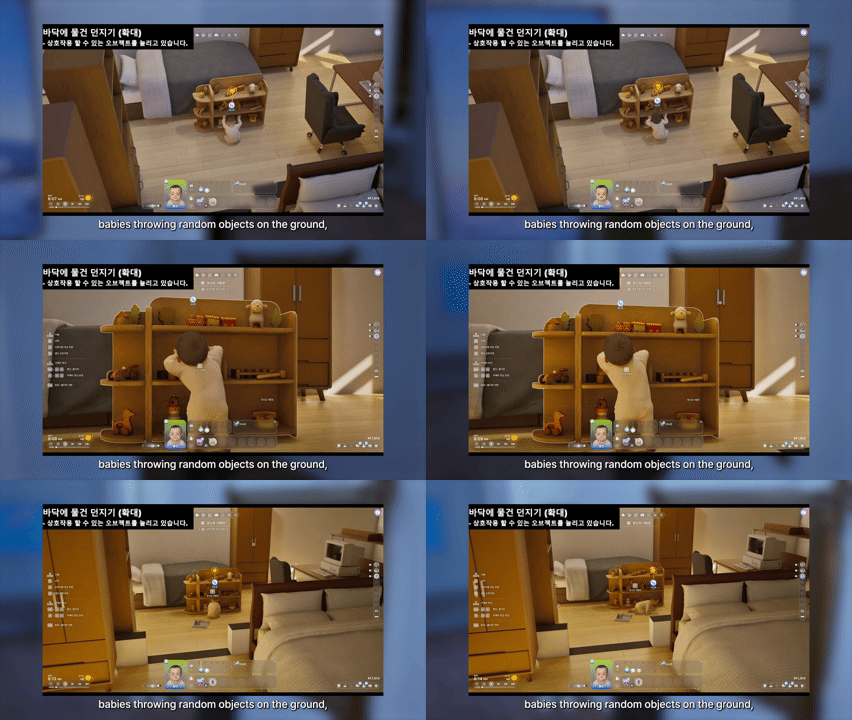
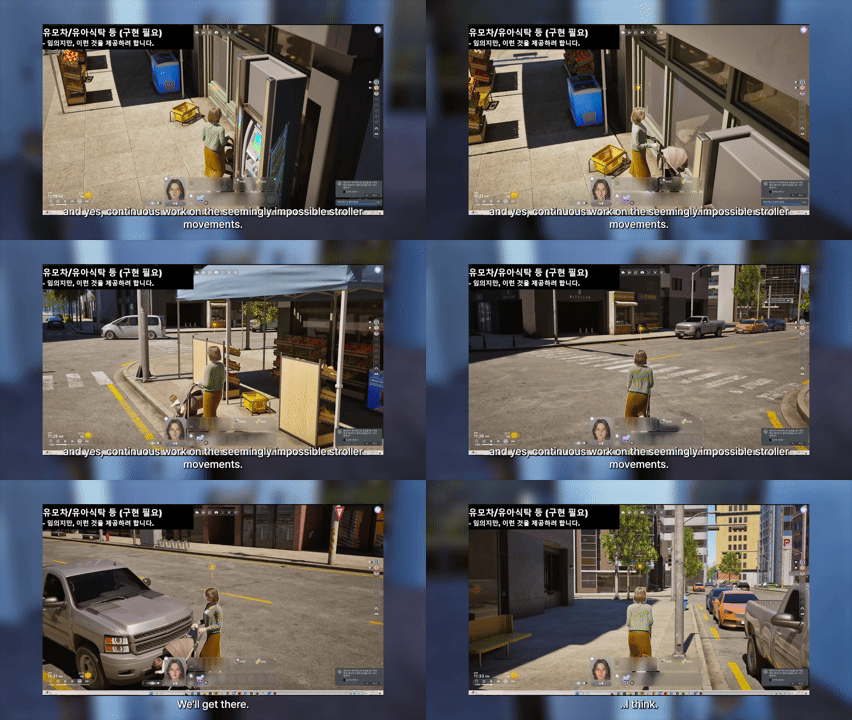
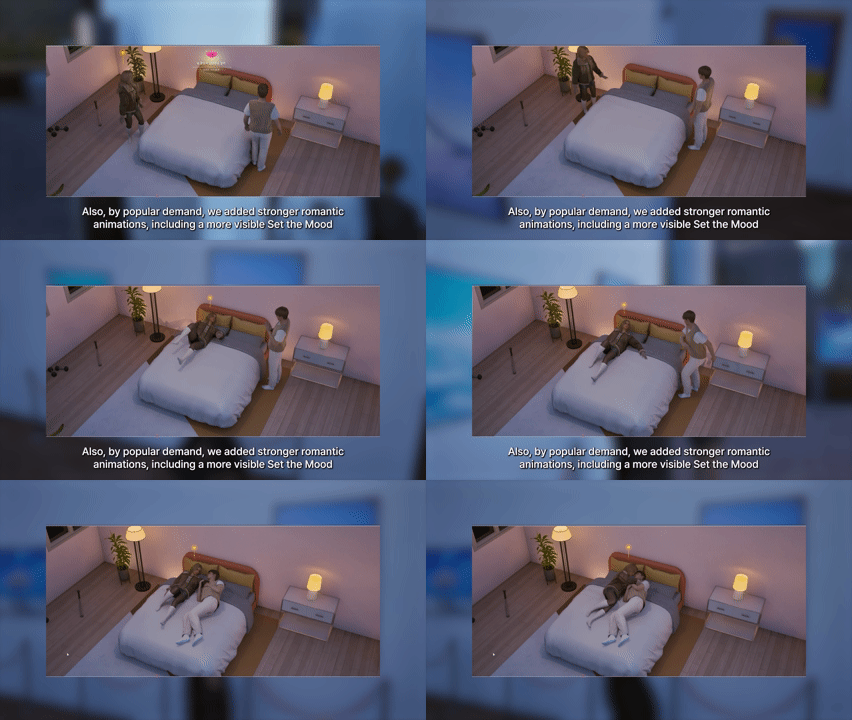
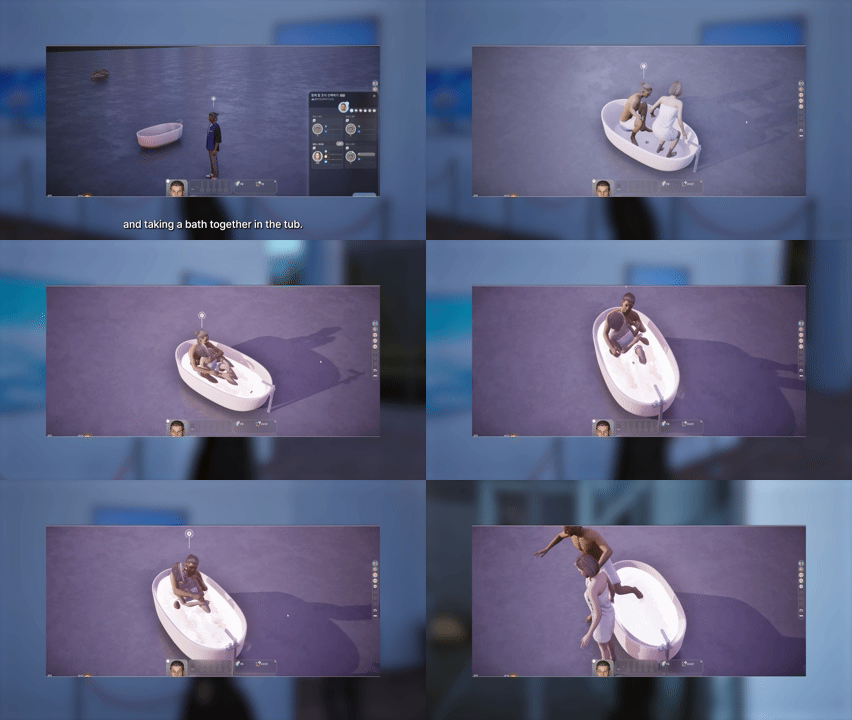
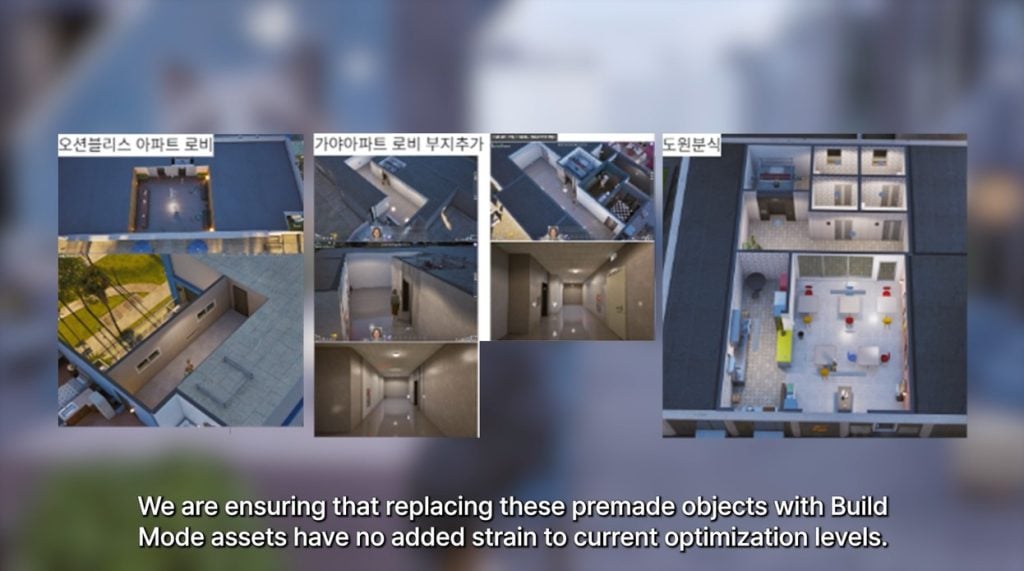
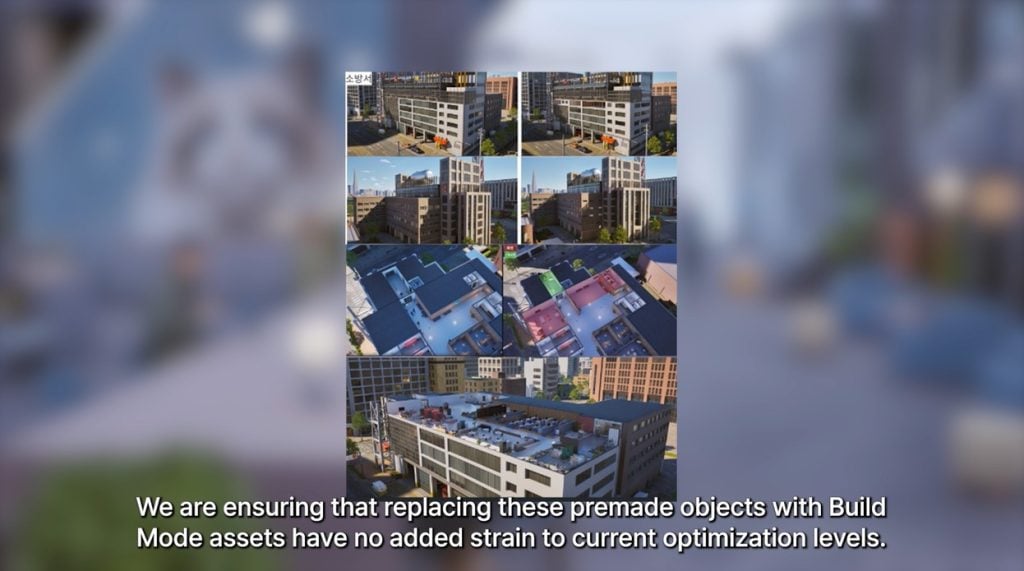
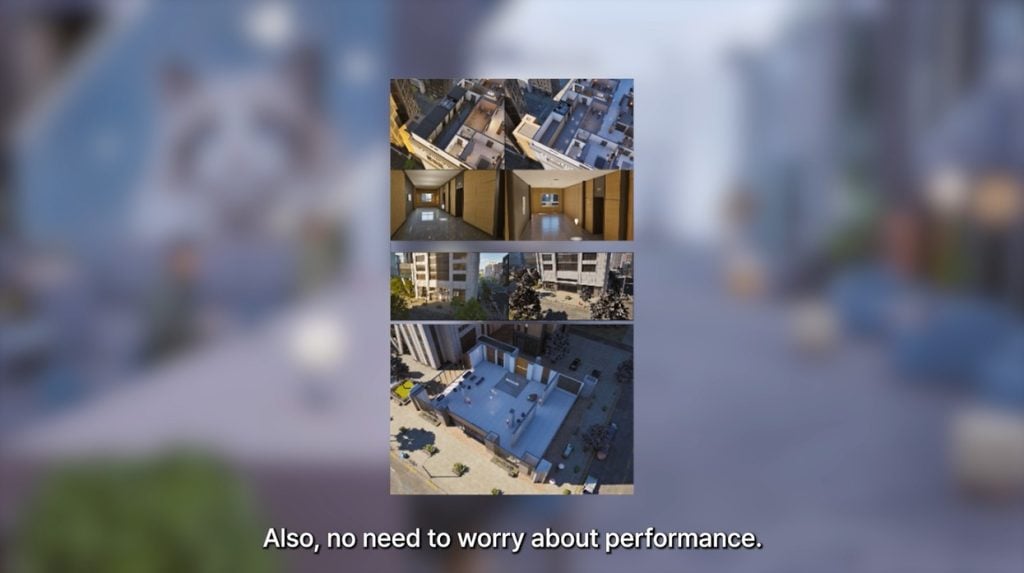
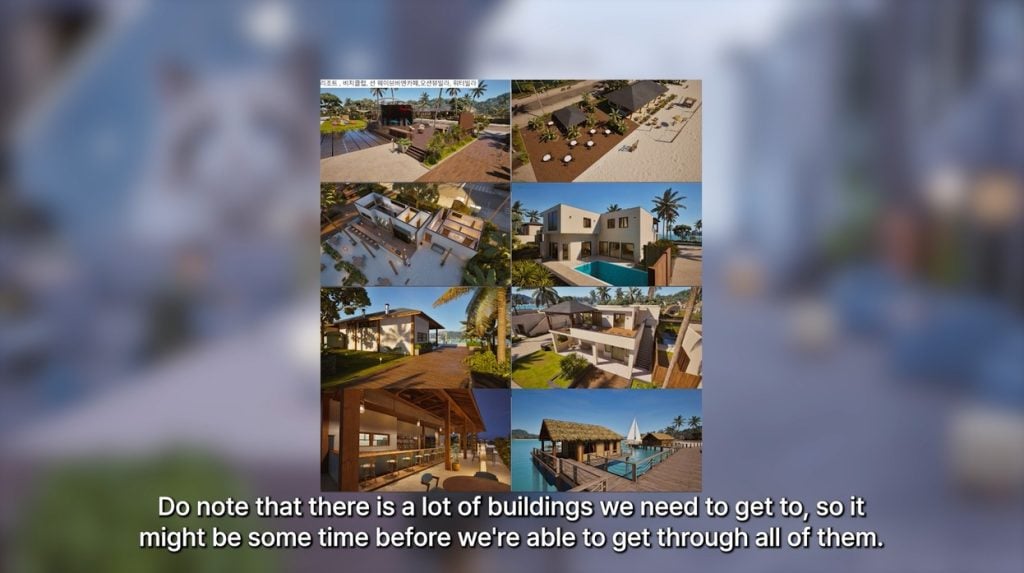
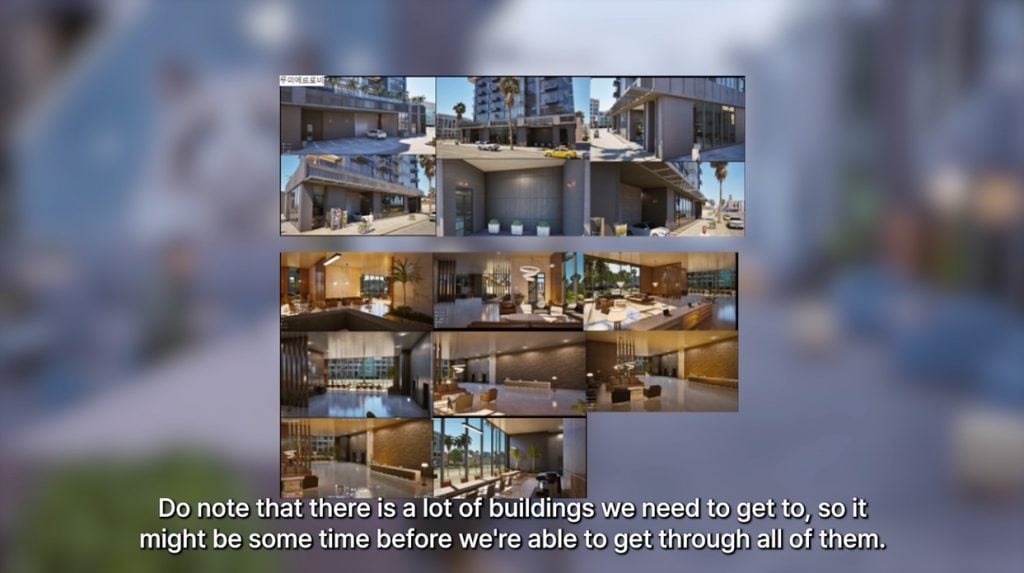
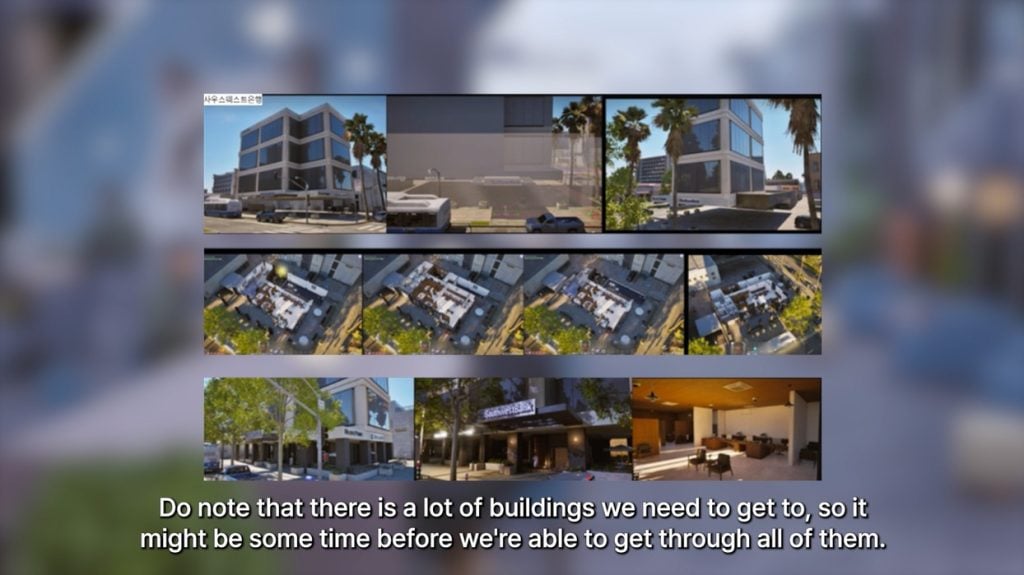
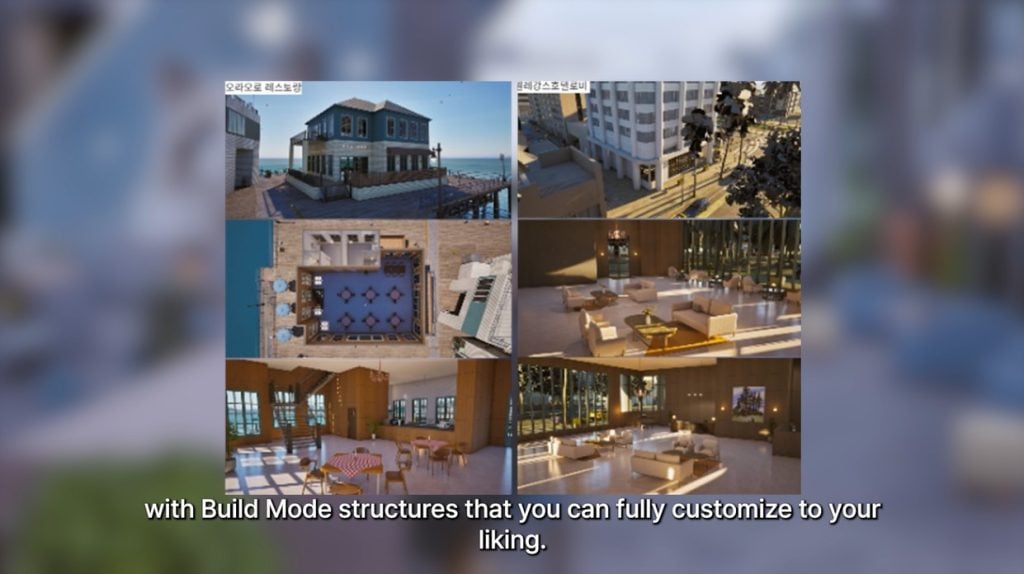
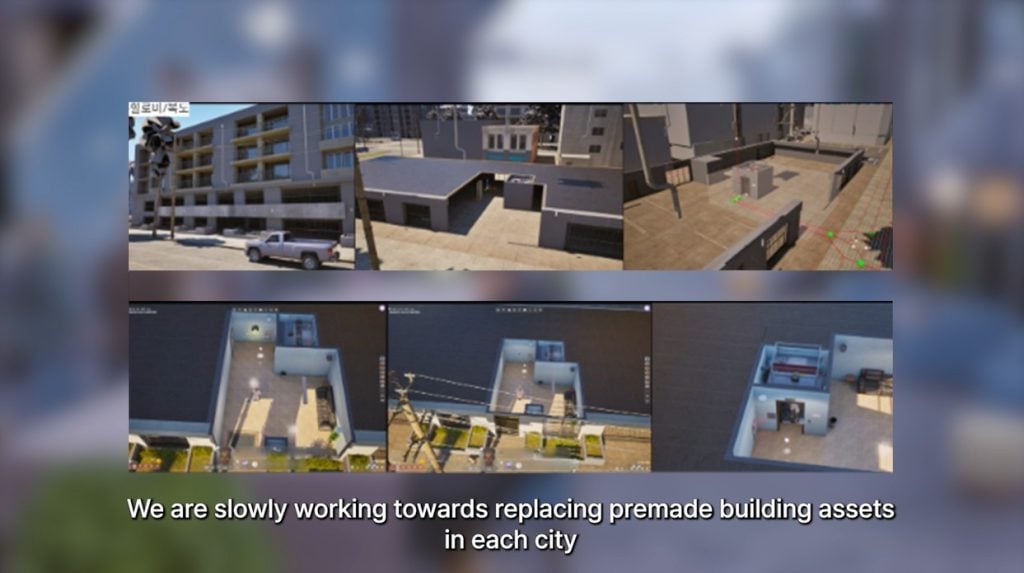
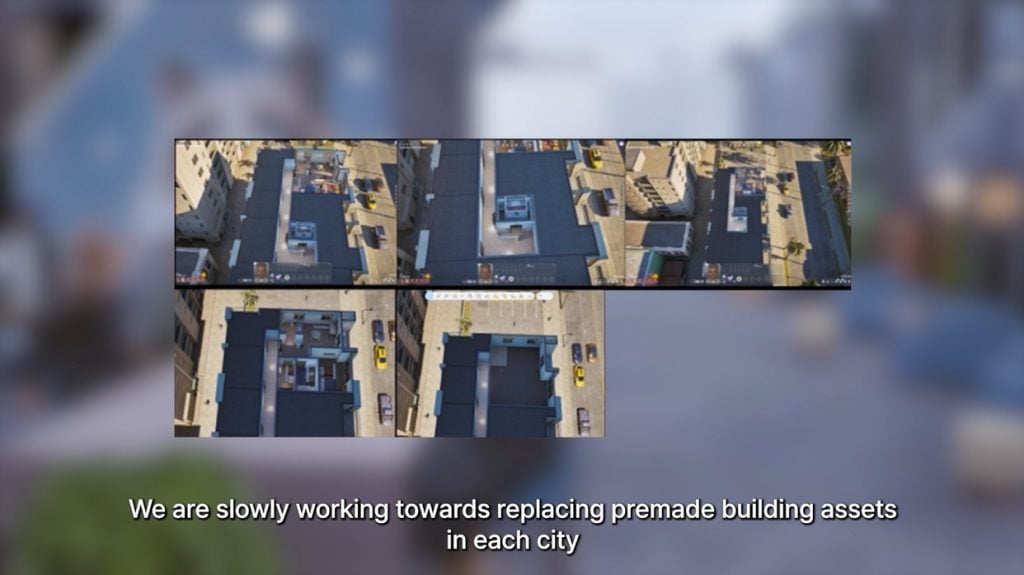
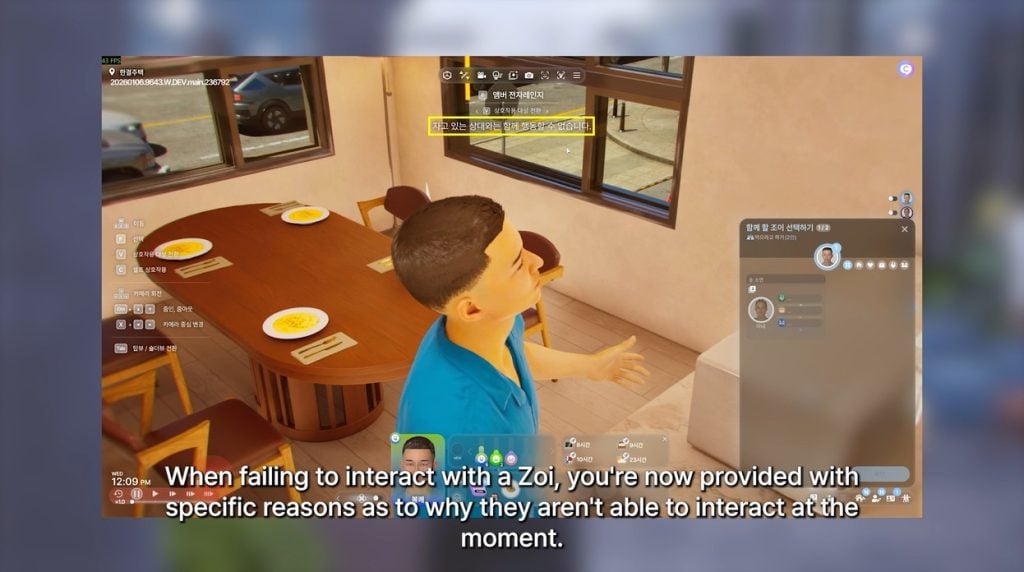
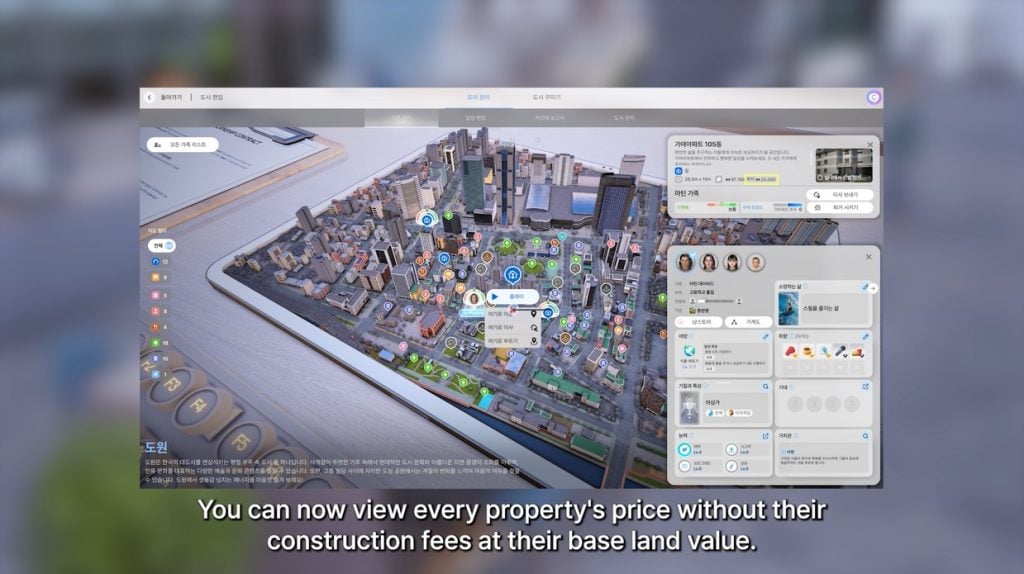
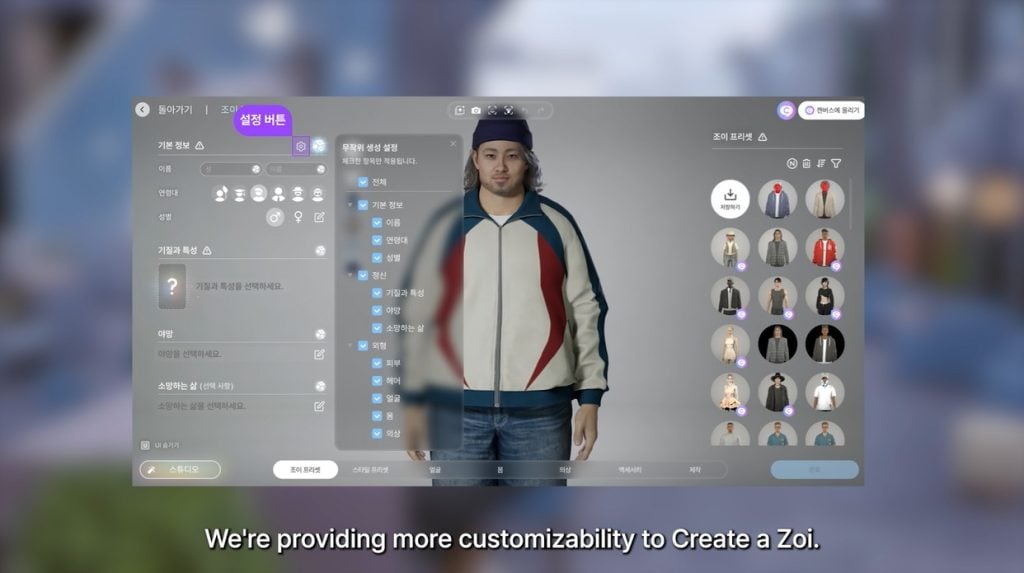
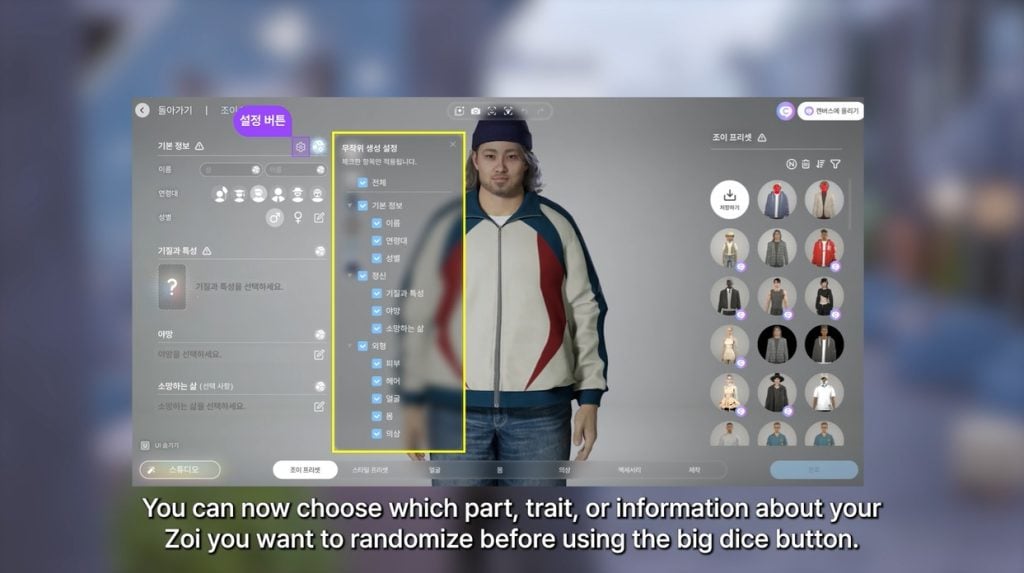
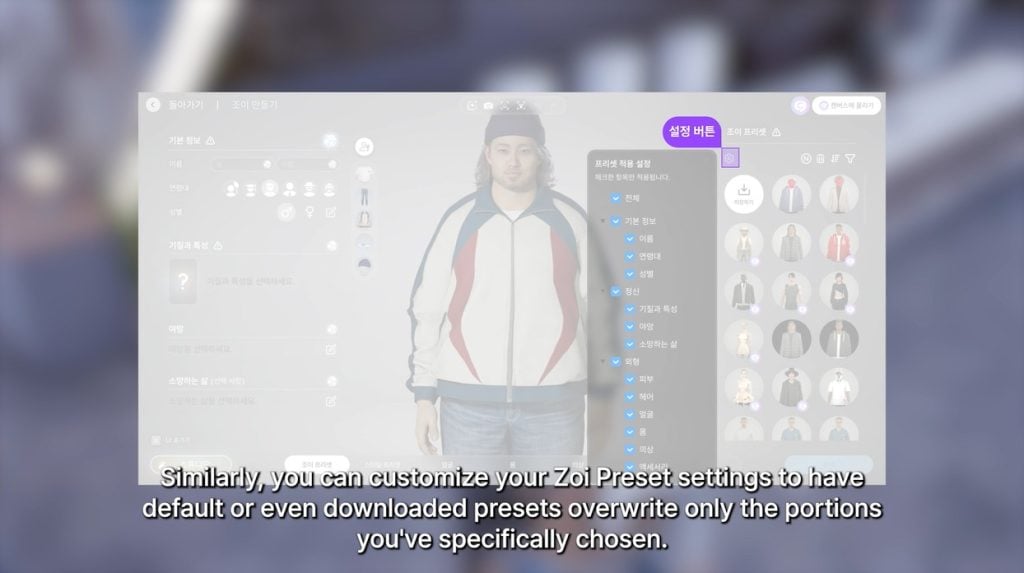
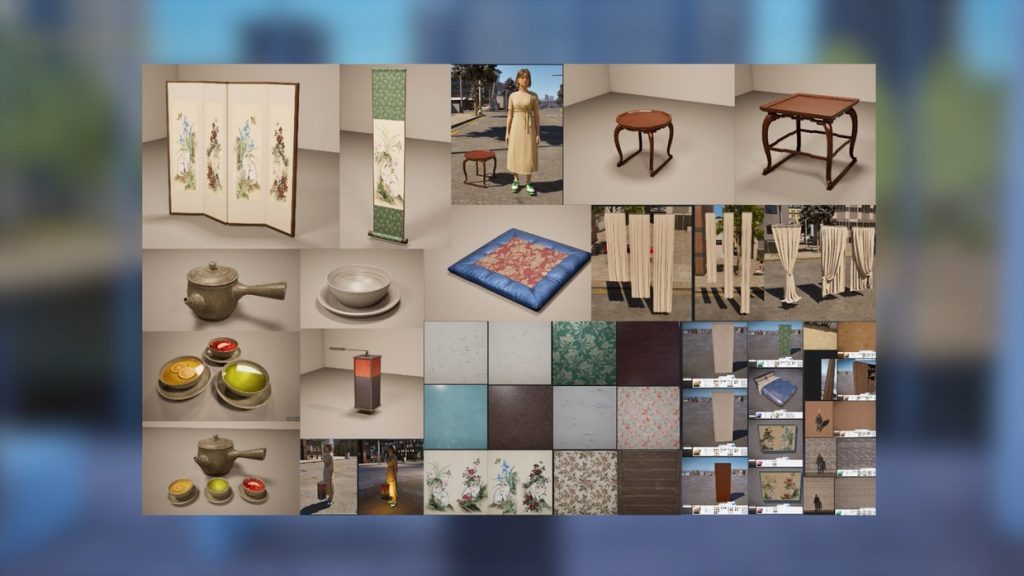
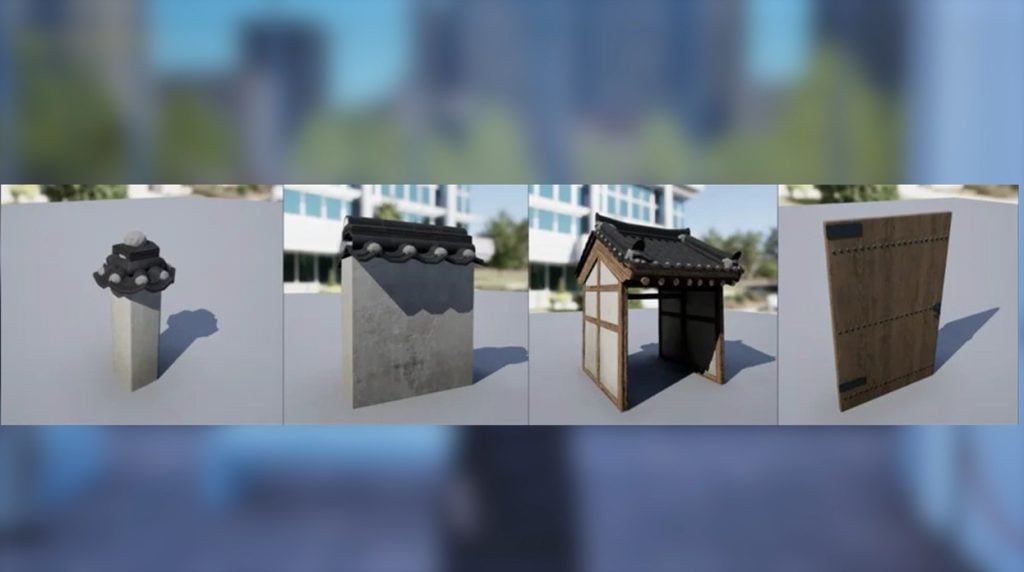
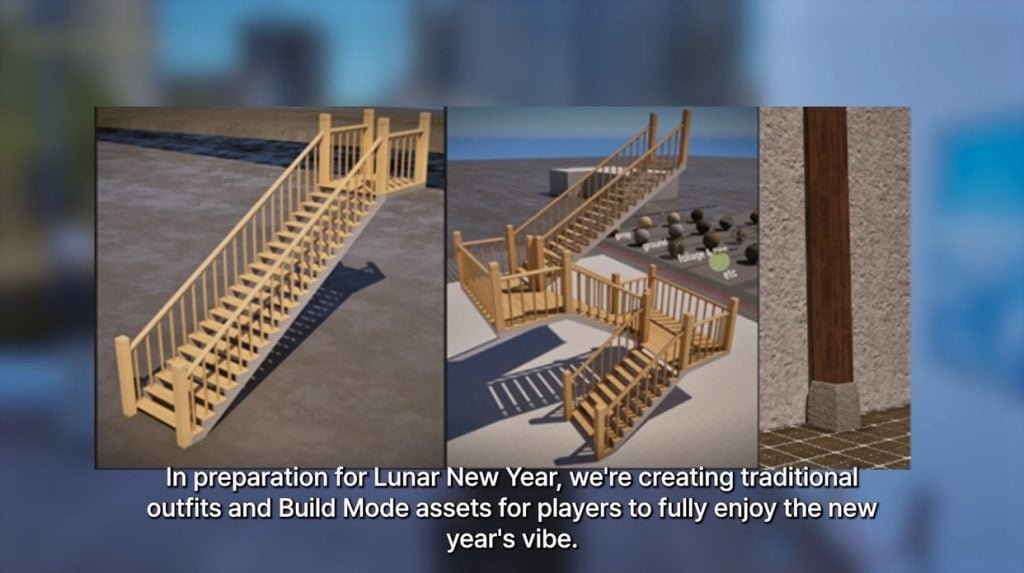
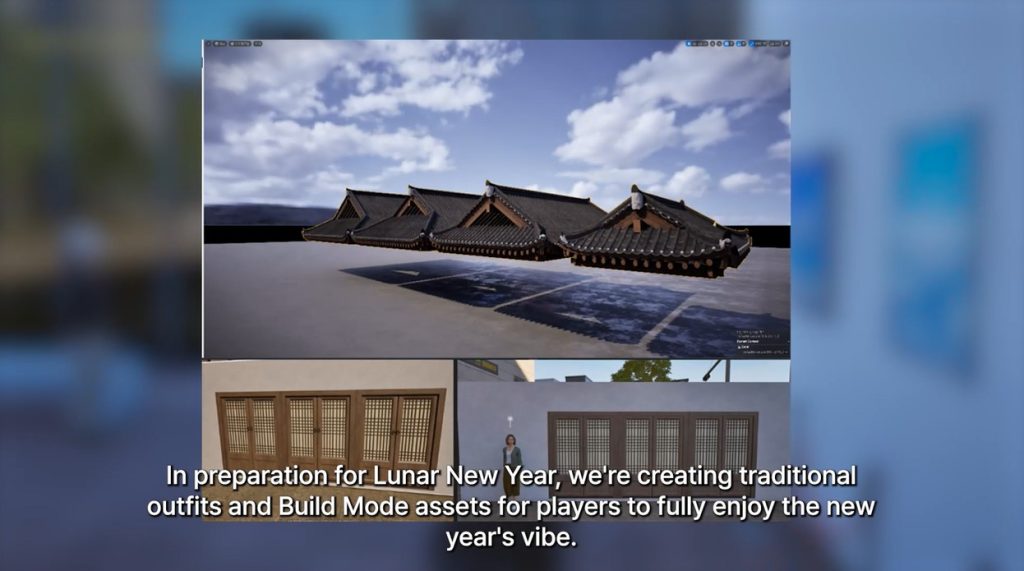
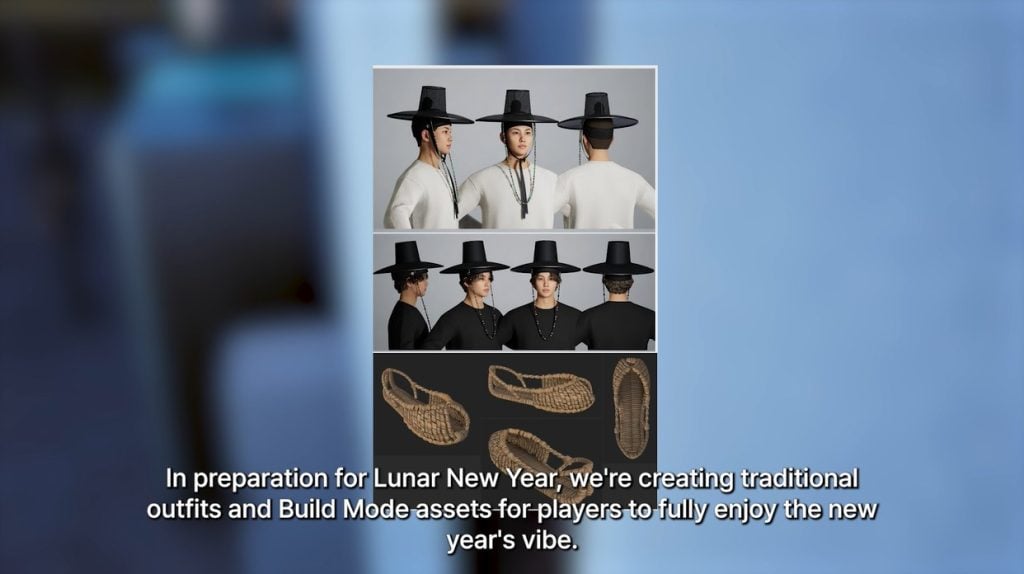
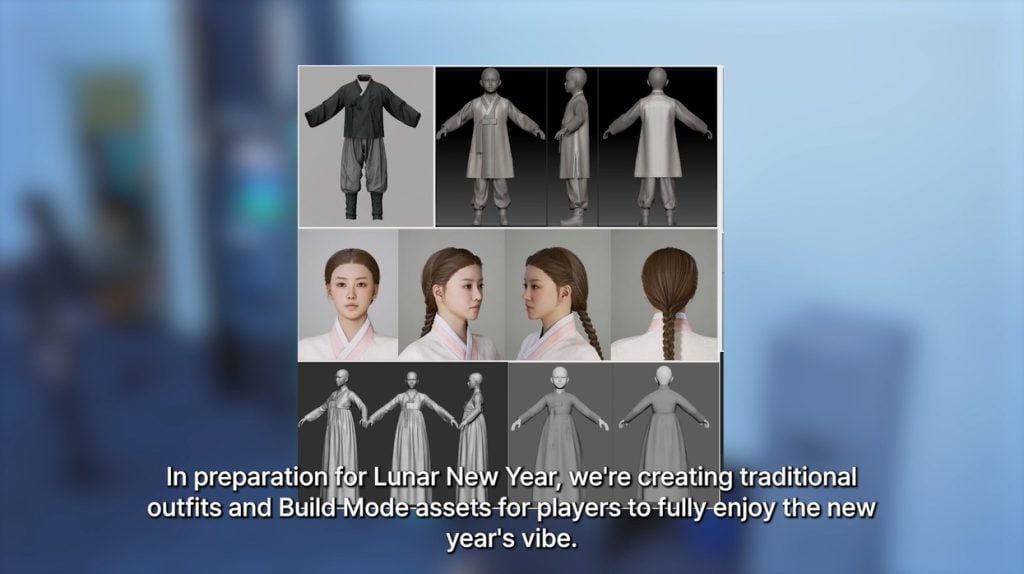
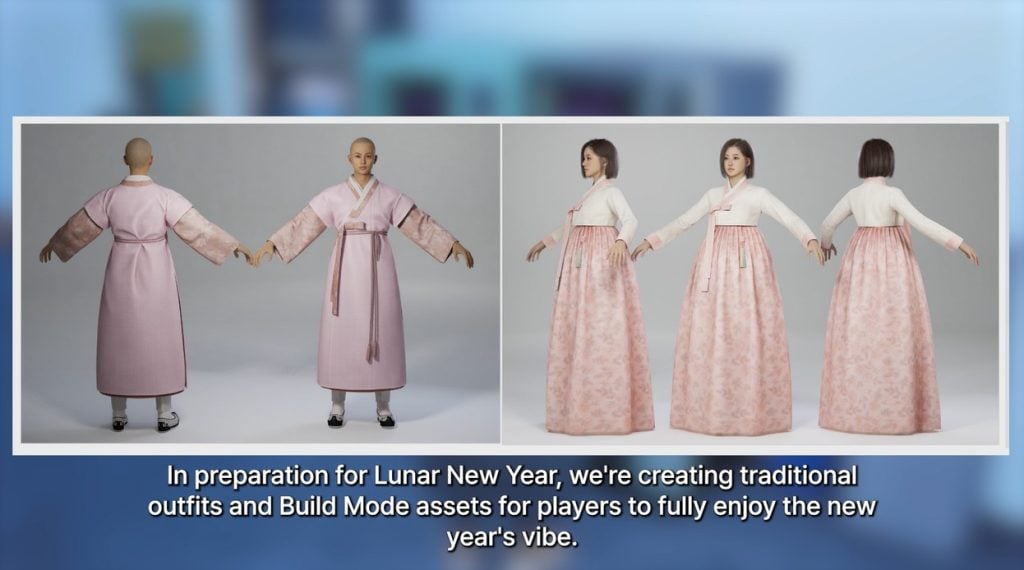
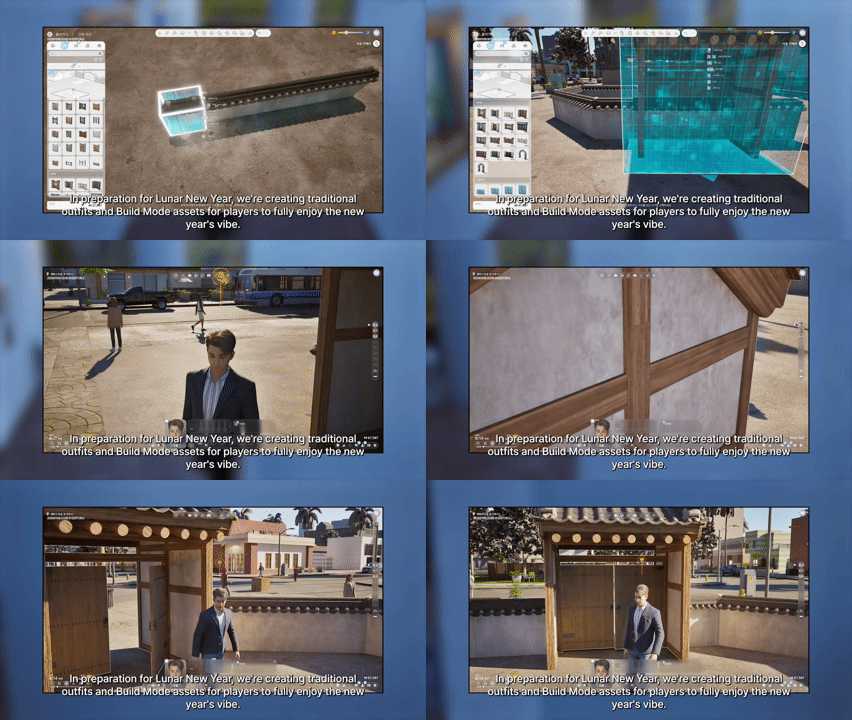
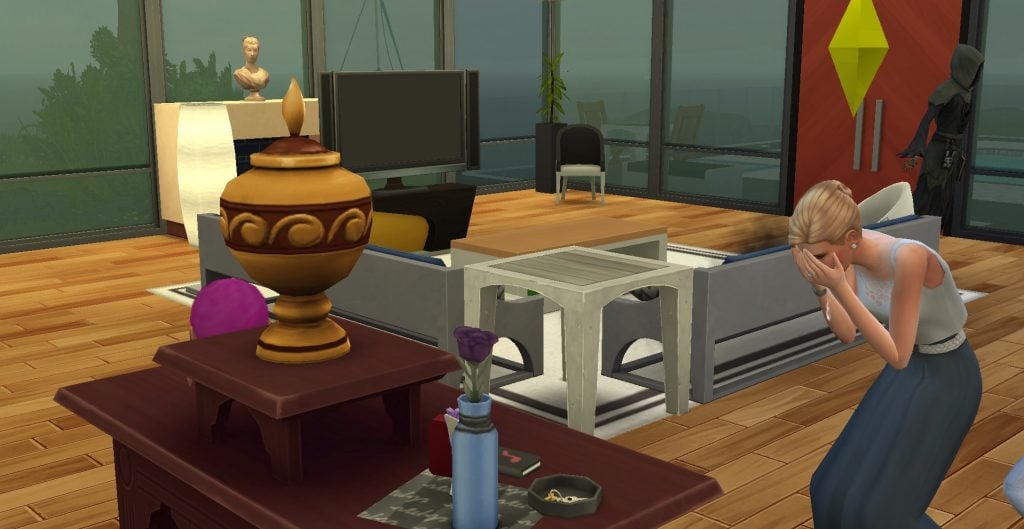
 Anger
Anger Blues
Blues Denial
 Holding it Together