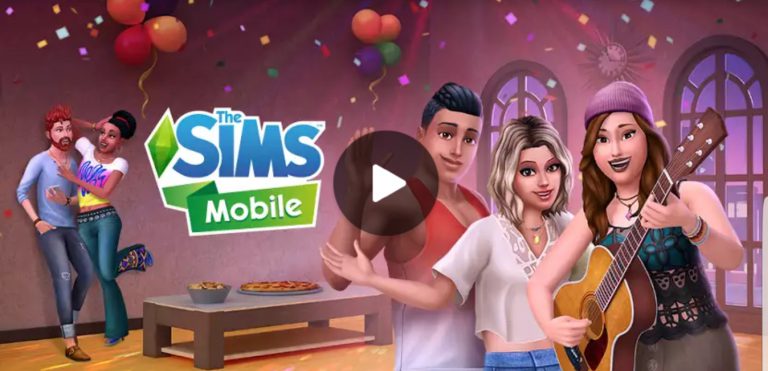
The Sims Mobile has received a huge new update with new features, new CAS content and new UI changes. Take a look:
What’s New in Version 2.5.0
Hey, Sims players! We’ve made some exciting updates, and now you can:
• Enjoy more family events
• Care for babies, toddlers, and children, and earn them the “good upbringing” trait
• Get career and hobby boosts when having events with elder Sims, who will stay in your household after retirement
• Take a chance with Risky Actions like going for a kiss or juggling java at work
• See your Sims’ thoughts with new thought bubbles
• Customize your Sims even more – including wedding attire
We’ve also made more behind-the-Sims improvements. Thanks for playing!
The Sims Mobile is currently available on iOS and Google Play Stores in Brazil and Spain for soft-launch and will be available worldwide sometime later this year.
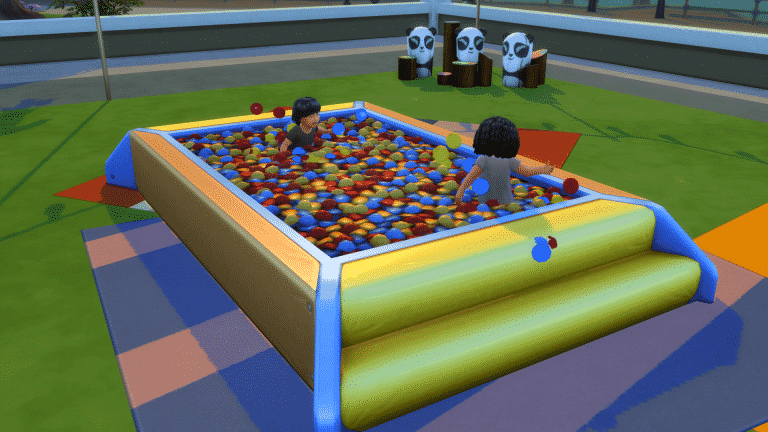
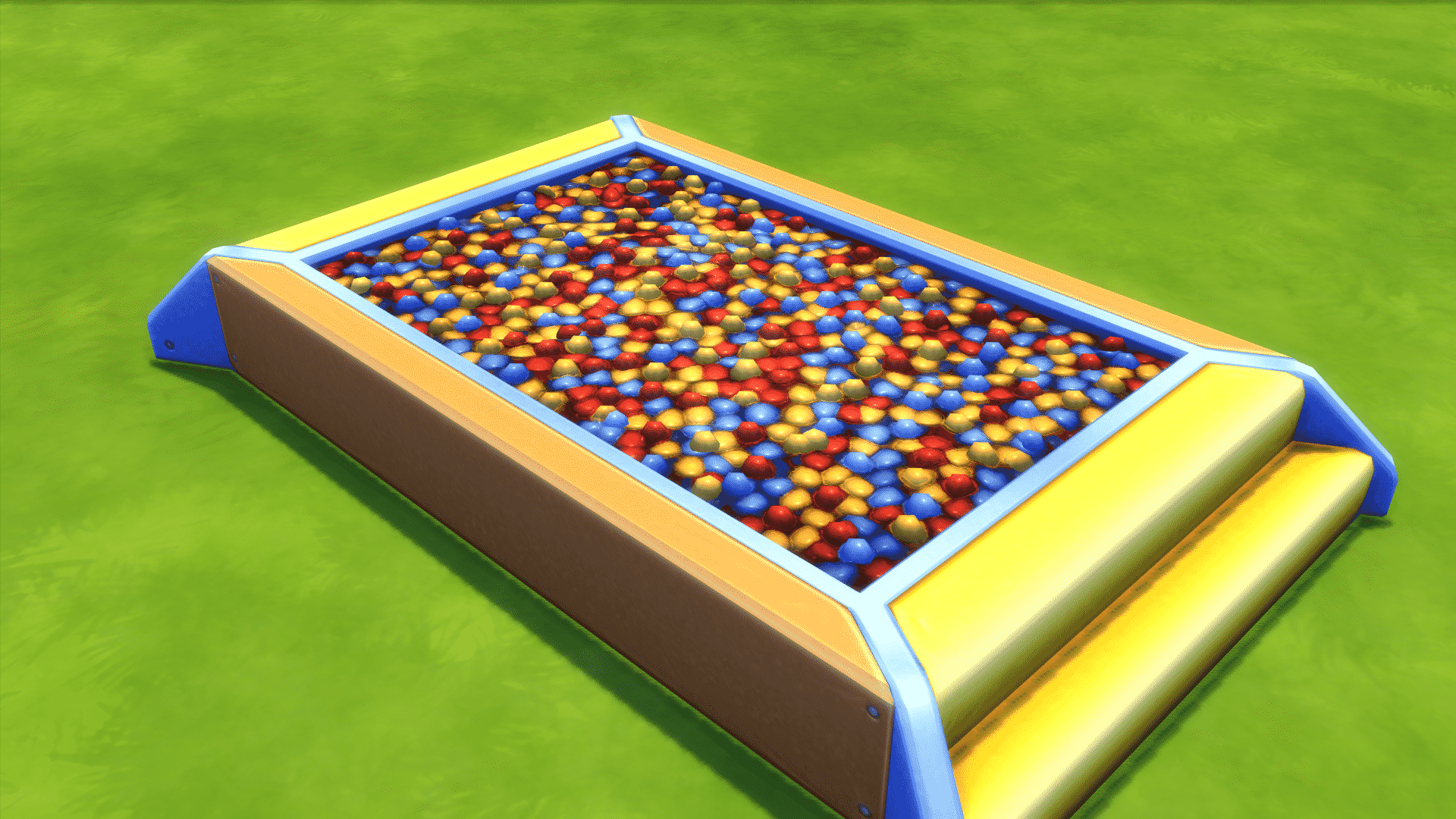
We complained, wrote dozen of articles about it and it even became a meme in the simming community. But, The Sims Team tried to learn something from that and has finally given The Sims 4 Toddler Stuff Pack’s Ball Pit a new, visual upgrade. Instead of making it just a flat surface, The Sims Team made the ball pit texture more “wavy” and curved, making it look more natural. Not only that but there are more than just 10 balls popping out of the surface!
Because of this decision we have decided to give The Sims 4 Toddler Stuff Pack another star under the “Build Items” section on our Toddler Stuff Review. The Sims 4 Toddler Stuff is now rated 3.3 by us instead of just 3.
This is a wonderful example of how not only The Sims Team listens to our feedback but how important it is to really say what we mean about certain aspects of the game.
SimGurus have started answering some new questions regarding The Sims 4 Cats & Dogs Expansion Pack. We’ll make sure to update this list as new tweets arise!
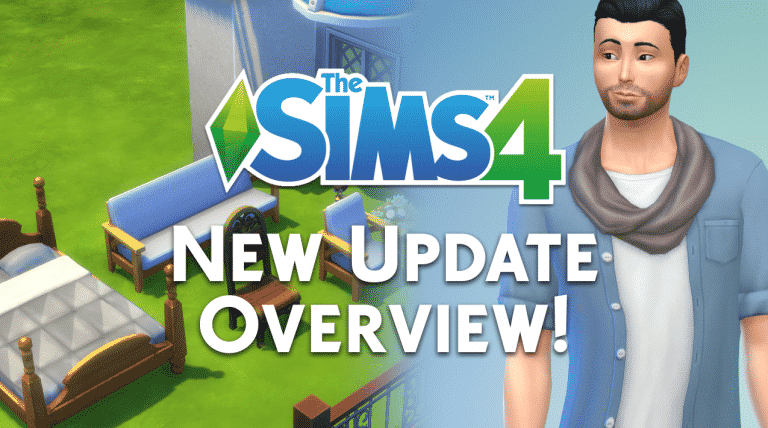
Today’s new The Sims 4 Update brought new Create A Sim items, Build Mode items and some small changes in the user interface. There are so many objects that you can count today’s update as a “Free Pack” update, but instead it’s just integrated into the base game.
Let’s take a look at what’s new!
New Create A Sim Items
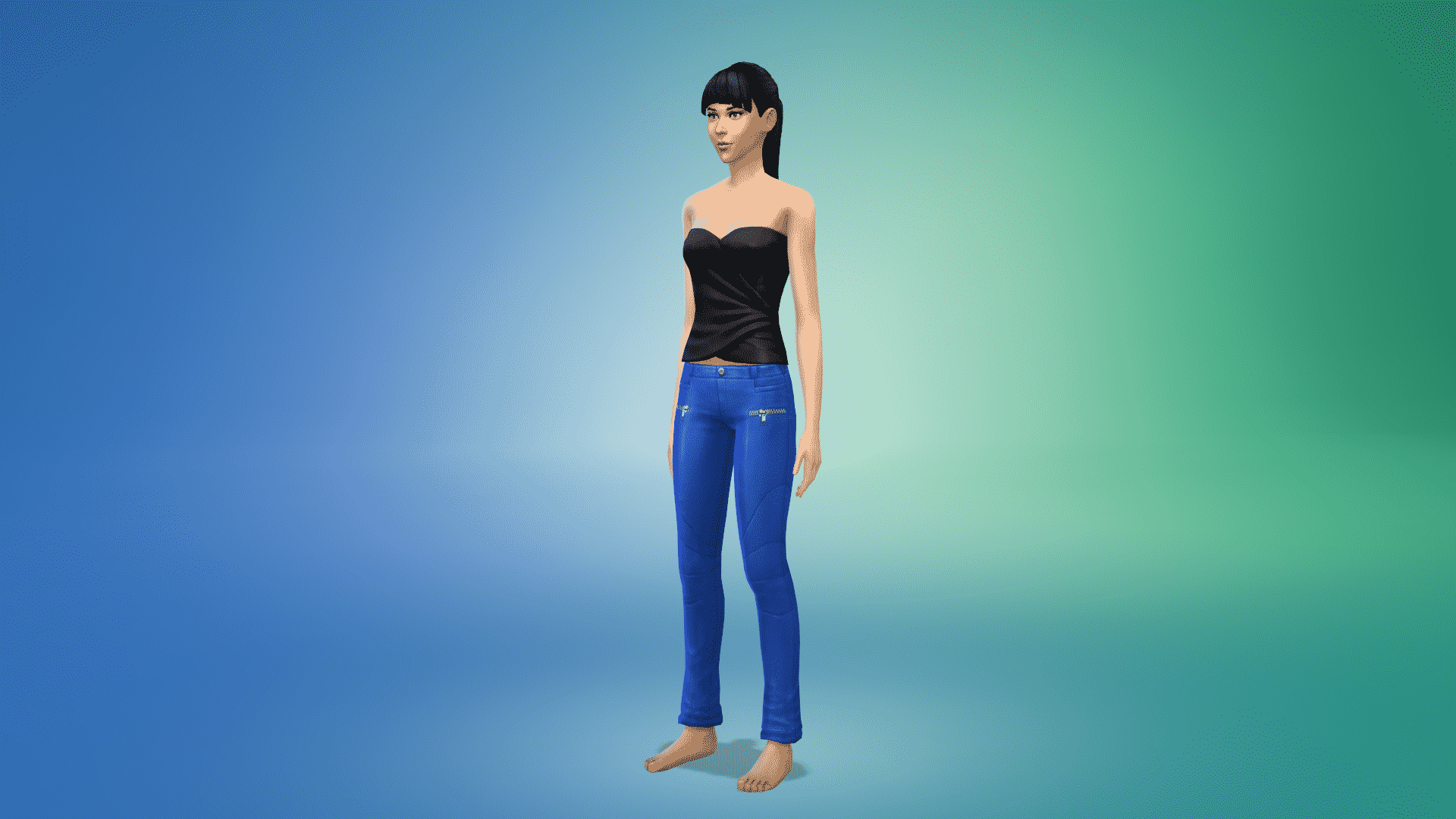
There are 9 new clothing items in Create A Sim! 4 items are new for the adult feminine choice, 2 for adult masculine fashion choice and 1 unisex! There’s also a new top and bottom for children (both are unisex).
Adult
Hairstyle
Necklace
Tops
Bottoms
Outfits
Children
Tops
Bottoms
New Build Items
12 new objects for you to place in build mode, including a new bed, new sofa, new chair, new living chair, plant, wooden duck, mirror, 2 new windows, a chimney, awning and a fence.
1
2
3
4
5
6
7
8
9
10
11
12
Toddler Ball Pit Visual Fix
The Toddler Ball Pit from The Sims 4 Toddler Stuff Pack is no longer flat anymore!
The Gallery Creation Preview
Packs used for a certain build will now order properly by the time of their release and their value (EPs / GPs / SPs).
The Sims Team has released a brand new Update for The Sims 4!
To download the latest version of The Sims 4, simply open your Origin program and if the game doesn’t update automatically, right click on The Sims 4 and select ”Update”.
In case you have Mods or Custom Content, the game will automatically disable them for you after first launching The Sims 4 after the update. To re-enable all your Mods and Custom Content, select the Settings option in the Menu and select Settings. Under the”Other” section you’ll find the ”Enable Custom Content and Mods” option. Check it and restart your game in order for it to take effect!
Patch Notes
Update: 09/12/2017 – PC Version 1.34.18.1020 / Mac Version 1.34.18.1220
Aroooo Simmers,
Ok, it’s a little early to jump into the pet puns… sure it’s been ruff, but if we all keep trying to hold on to that feline, I’m sure we can mutt’le through. Just a little bite longer, before you too can fetch your very own pets. O – kay? Nine… eight… ah, a countdown just breeds melan-collie… So instead, let’s all raise a hound of appawse, and heel in for a few issues we retrieved, and try to think pawsitively until pets is pup and running!
THE NEW
New Create a Sim assets:
For adults – a hair, necklace, jacket, and pants, full body outfit, and top.
For children – a top, and bottom
New objects:
Some architectural pieces – fence, chimney, 2 windows, and an awning.
And some objects – a mirror, bed, chair, living chair, sofa, potted plant, and a duck.
Yes… a duck, it’s wooden.
We have also made some small Gallery changes. When you are viewing the catalog details page for a catalog item in the Gallery:
The comments section will always be visible on the right side.
The catalog information will always be visible on the left.
And Information about what packs are used by the catalog item will now be found along the top of the information and comments section.
THE ISSUES
General
We addressed an issue…
We addressed an issue? Really… how many times have you used the phrase we addressed an issue? Stop addressing them and fix…
Woah, woah… we can’t use that word.
You can’t use the word “fix”?
Not when pets are just around the corner.
*sigh* As I was saying, WE ADDRESSED AN ISSUE that would cause an incorrect save to appear in the load menu, if you cancelled a Save As action or used Save As to overwrite an existing save.
Yaaaaaaaaaaaaawn.
We’re done here.
We fixed an issue that was preventing Sims from autonomously using the television if they did not own Movie Hangout Stuff.
I have decided not to add anything more to this issue in order to make the reading of these notes quick and easy, without padding any extra space by just randomly talking about nothing in parti…
Oh shh…
Toddler Stuff
· We have improved the visuals around the ball pit.
o The ball pit itself looks exactly like it did, we just made the area around the ball pit look better?
§ No!
o We made the area around the ball pit look worse?
§ No, we improved the visuals of the ball pit.
o Why did you say around?
§ It’s a common phrase… like killing time.
o How could you?!
· Toddlers will now be able to autonomously cancel their use of the ball pit if they chose to play within it autonomously.
Get to Work
· The Be Prepared Security Gate can now be placed on tall, small, and in all between fence sizes.
City Living
· The Tree in a Box now has category tags properly associated with it.
· Sims with the isWeirdo and isCityRepair hidden traits will now properly age if they have been added to your family…
o …via marriage, adoption, squatting, cheating, osmosis, merging, incorporation, bonding, bunching together, teaming up, tagging in, or any other means of joining, going in league with, wedding, binding, banding, plugging in, hooking up, fusing, coupling, associating, blending, joining the same bracket, or just tacking things together.
Thanks again for your time and mastiff amounts of feedback,
-SimGuru “the pet puns are only going to get worse” Gnome
SimGuruDaniel has confirmed on Twitter that Parenthood’s Character Values system will integrate with The Sims 4 Cats & Dogs Expansion Pack. How so?
It’s quite simple. If your Child and Teen Sims take care of their Pets they’ll be rewarded with positive Responsibility Character Value points. There’s currently no information if the same thing will apply for Toddlers considering they’re, well, just toddlers.
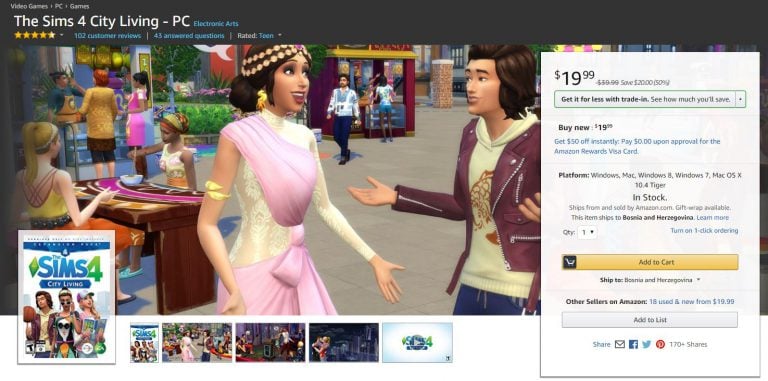
The Sims 4 City Living Expansion Pack is currently 50% off on Amazon! By ordering this game you’ll be receiving the phyiscal version of the game (code in a box).
Make sure you take advantage of this offer while it still lasts!
During Sims Camp 2017 plenty of Simmers were able to get their hands on The Sims 4 for Consoles and get footage of the game. Down below you’ll see a list of all the previews written / recorded by simscampers.
We’ll make sure to update this list as new content gets released!
Great news! There’s going to be new base game content coming to The Sims 4.
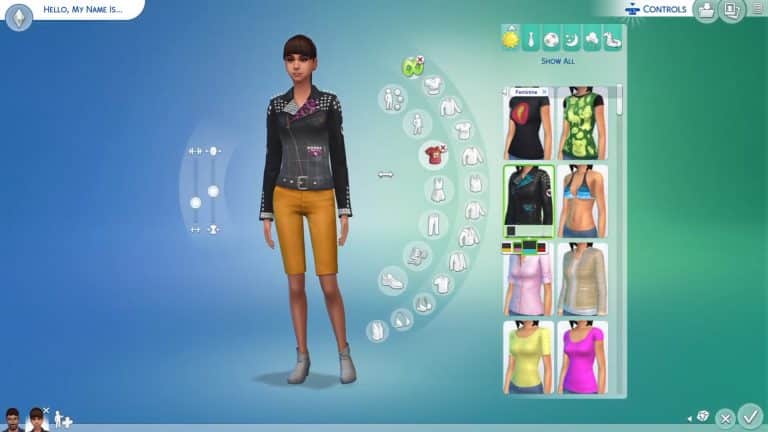
We already got our taste of what’s coming in The Sims 4 Console version during Sims Camp. Iron Seagull was able to capture the new ponytail and the new jacket that’s coming with the console release. One of the gurus confirmed that these will also arrive to the PC, although we don’t know when exactly.
There’s also new furniture coming that we still have to find out about soon.
I was finally able to get my hands on The Sims 4 Console (Playstation 4) version during Sims Camp 2017 at EA Redwood Shores. It was a bumpy ride for the first few minutes or so considering I haven’t played games on console for years but I managed to get a hang of it.
Before we continue here’s what you need to know what’s out, what’s in and what’s changed in The Sims 4 Console:
NOT SUPPORTED:
Gallery
Live Events
Mods
In-game screen / video capture
Screenshot viewer
Tagging Memories
Reminisce to gain a buff
ADDED & CHANGED:
Achievements / Trophies (50 of them!)
All Major PC Game Updates
Command Line Cheats
Integration with PS4 Share and XB1 DVR / Screenshots
Trail & Pulse Navigation
Controls
If you played The Sims 4 on PC before and are just getting your hands on the console version you’ll need some time to adjust and learn all the controls. As a person who played The Sims 4 a lot on the PC I was so frustrated the first 30 minutes not knowing what I’m doing, but after eventually finding out what each button on my controller does I was able to almost smoothly play the game (I still needed some time to get used to it).
Here are all the controls that you can use for Create A Sim, Build Mode and Live Mode. You can access these control screens by pressing both analog sticks at the same time.
control1
control3
control2
You now get a sense of what you can expect with The Sims 4 Console and how to control it. Now, let’s dive into the features:
Main Menu
Main Menu is pretty much the same. Before opening it you have to press X first and then wait for the loading screen.
You have an overview of the installed packs on the left, option to start a new game, load the old one and read online news on the bottom part of the menu just like on the PC. What was so interesting about the console version is that the Load Game option also had an Autosave feature.
mainmenu
mainmenu2
mainmenu3
Create A Sim
Create A Sim, just like other segments in the game take some time to get used to. However, after I got the hang of it I managed to Create A Sim just as fast as I would in The Sims 4 for PC. You can take a look down below:
The user interface is “seperated” into two fields that you can control (and this applies to Live Mode and Build Mode as well). By clicking your touchpad you can switch between these two fields. You can move your cursor inside the first field while you’ll be able to go through the UI interface in the second field.
A minor difference with Create A Sim is the fact that moving face parts in detailed edit mode is really sensitive with the analog stick. Adding finishing touches may take a little longer than what you’re used to.
The Library
You won’t be able to share your creations with the world using The Gallery feature that we have on the PC. However, the library feature is still available to save all your favorite Sims, Lots and Rooms.
Ever since the launch of FreeSO, a reincarnation of The Sims Online I noticed that the team behind it plans some great things for it and today I am still left speechless.
The game developers of this software have vastly expanded the game with not only new features but a new look and new in-game graphics, letting you play The Sims 1 software…in 3D! How cool is that?!
Here are some of the new features available in FreeSO that will probably get you launching the game:
The New Launcher
FreeSO’s new launcher just makes things more official and serious about this fanmade revival of a 15-year old game. It lets you change the launcher theme, download some necessary (and unecessary) features for FreeSO, keep updated on their latest news and tweak the settings.
Text To Speech is now a thing
Remember the cute april fools joke update which gave voices to players who used the chat feature in the game? Well, this feature is now fully implemented in the game with an option to turn it off or on whenever you want.
3D Mode
You can now enable the new 3D Mode in the launcher and tweak a few things in the game as well. Sure, the textures in-game with this option may not look the best but it’s still a feature in development. This mode lets you turn around, rotate the game camera, zoom out and just control the camera just like you can in newer Sims installments.
The game is still treated as beta so you can expect a lot more from these talented developers.
Don’t have the game yet? You can download + register HERE!
We still have 4 months left of this year and you’re probably wondering if The Sims Team will try to fit in any more stuff packs for The Sims 4. Well, the answer is no.
TheSims.com’s latest blog revealed a significant information about the upcoming Eco Living Stuff Pack. The image listed in this blog is coded under “SP13”, meaning that the pack is 13th in the row. Considering the 12th Stuff Pack for The Sims 4 is Toddler Stuff, this means that there will be no more stuff packs until the release of The Sims 4 Eco Living Stuff Pack which is confirmed to release some time in 2018.
I was given an awesome opportunity by EA to attend Sims Camp 2017 at Electronic Arts in Redwood Shores, California. As an international traveller I was able to arrive to San Francisco 1 day earlier from other attendees in the United States, meaning that I started travelling on September 4th at 6:15AM CET and arrived September 4th at around 1PM PT time. The trip lasted for about 14-15 hours including a small layover in Frankfurt, Germany. That airport was so big that I had to constantly speed-walk for about 30 minutes!
The 11-hour trip that started in Frankfurt and ended in San Francisco is probably one of the worst experiences in my life. Not because of the turbulence or being frightened by heights because I’ve all experienced it before. It was the fact that I was in the middle seat and that I had to get out of it every 1-2 hours because the person sitting next to me was drinking a lot of coffee. It’s like she was doing that on purpose!
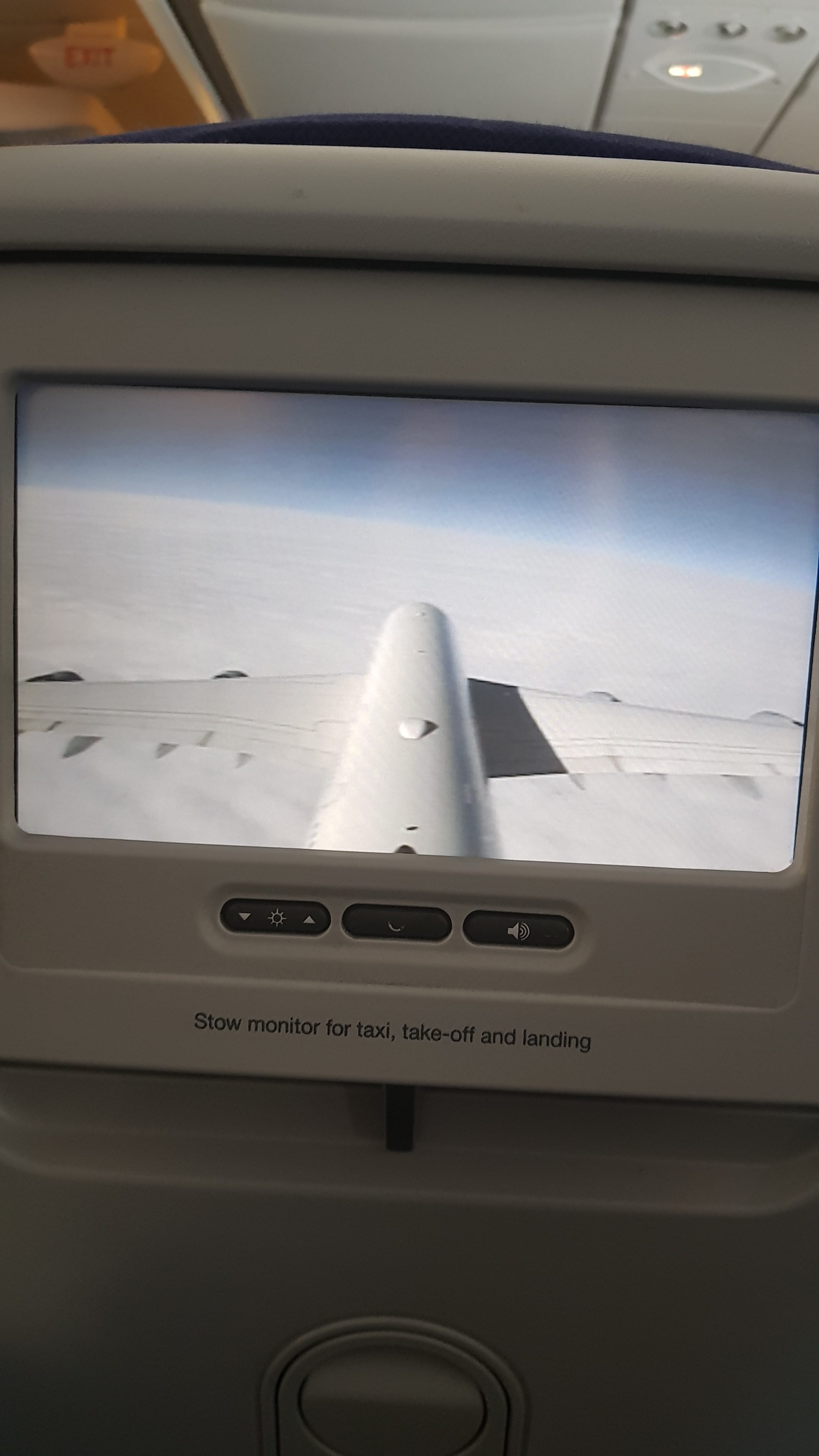
I had a full overview of my flight on the screen in front of me. I tried watching some of the movies that they were offering but they all just sucked. The only good thing there was is Shrek…
I arrived safe and sound to San Francisco and it was time to explain my reason for visiting San Francisco to the US customs..
While waiting for the short customs interview I noticed that a guy in front of me had a “Dragon Age: Inquisition” bag on his back. I’ve only heard with few people that were coming to the event but considering the event covered more than just 1 game I thought they would invite plenty of people this time around, and I was not mistaken!
Anywho, I was not shy to talk to the person in front of me. I tapped his shoulder and asked “Excuse me but do you possibly have any relations with EA games?”. He smiled and said: “Nope, I’m just here on “vacation” “.It was really impossible to believe that considering I immediately recognized him – it was Michael from SimTimes.de!
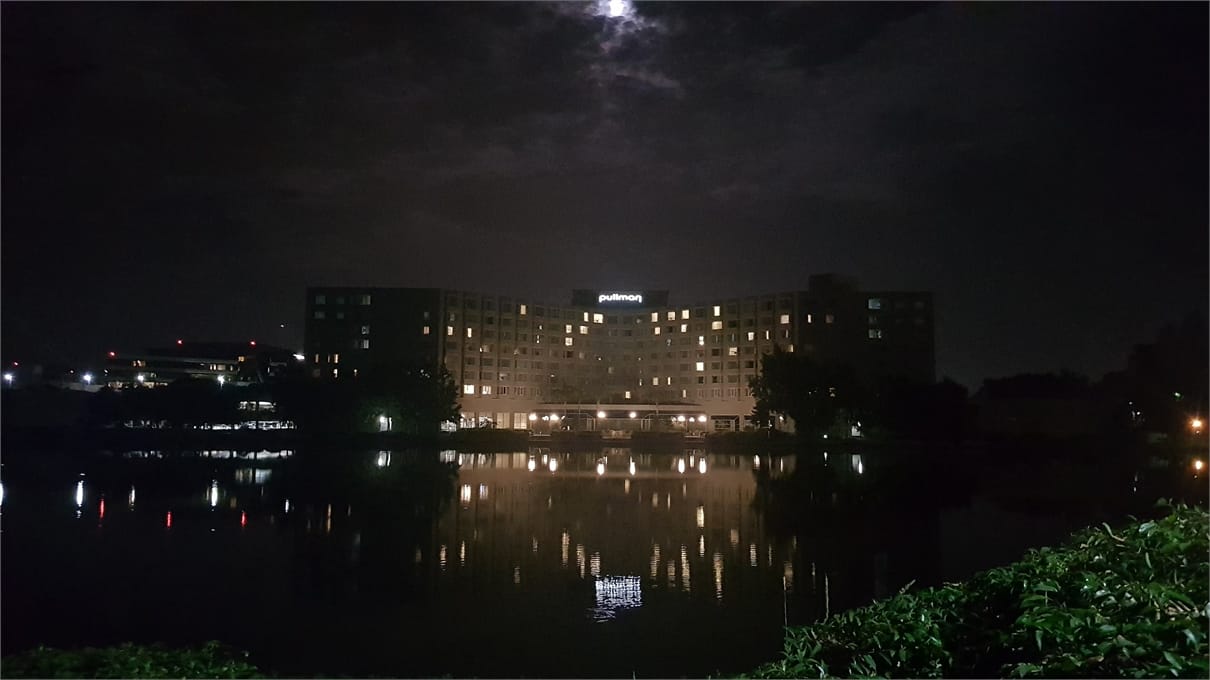
Considering that my Uber app was not working properly and that we just couldn’t wait any longer for the hotel shuttle to arrive we took a cab to the Hotel Pullman where we would be staying for the next 5 days.
I was really excited to meet everyone so I didn’t even manage to fully pack my things out and relax. In just about 20 minutes I managed to take a shower and change my clothes.
Downstairs at the lobby I met up with the administrator of Fezet.fr, Sims-Online, ZockerMimi and Michael from SimTimes. We just couldn’t wait any longer and decided to take a quick trip around Redwood Shores and take a few photos with the Electronic Arts sign.
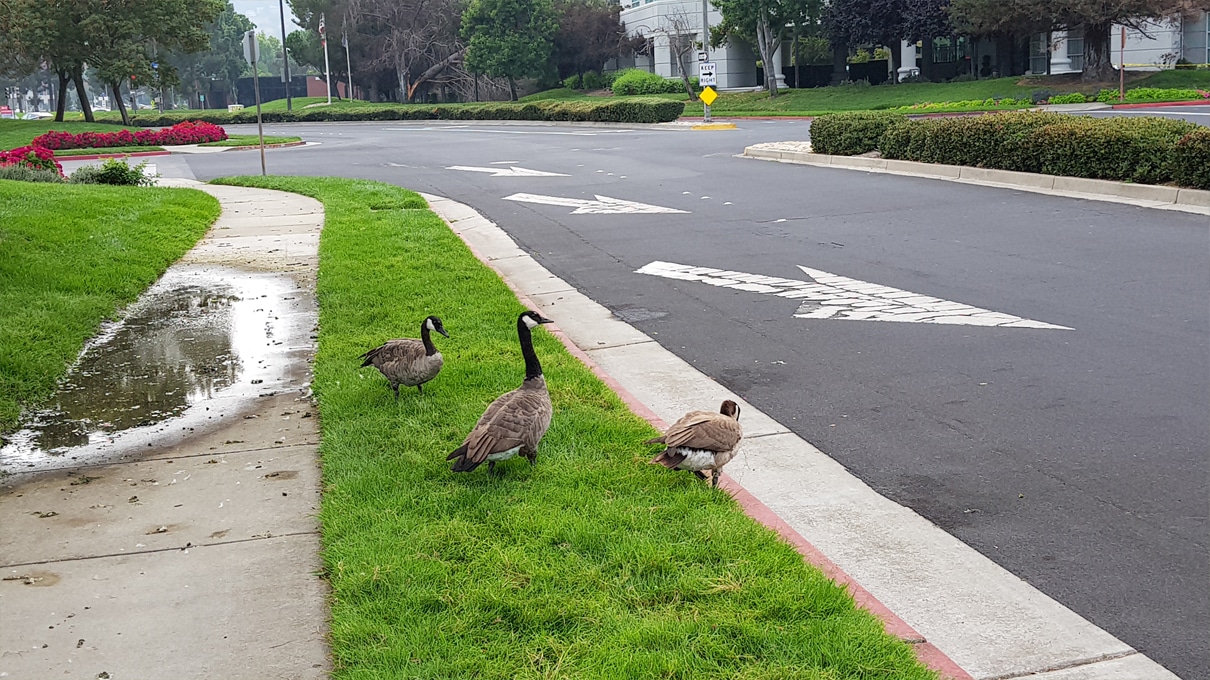
Interesting fact: if you ever find yourself in an opportunity to visit EA you’ll need to carefully watch your steps – there’s a LOT of duck poop on sidewalks.
Considering Michael has already been to San Francisco for like 4 times already we decided to put him “in charge” for the day and take us through San Francisco (that was the worst decision we ever made).
We took a hotel shuttle to the airport and from there took a train at San Francisco’s BART station. We had to wait for 10-15 stops (not sure how many because I couldn’t pay close attention from the loud train) in order to finally arrive to the Union Square.
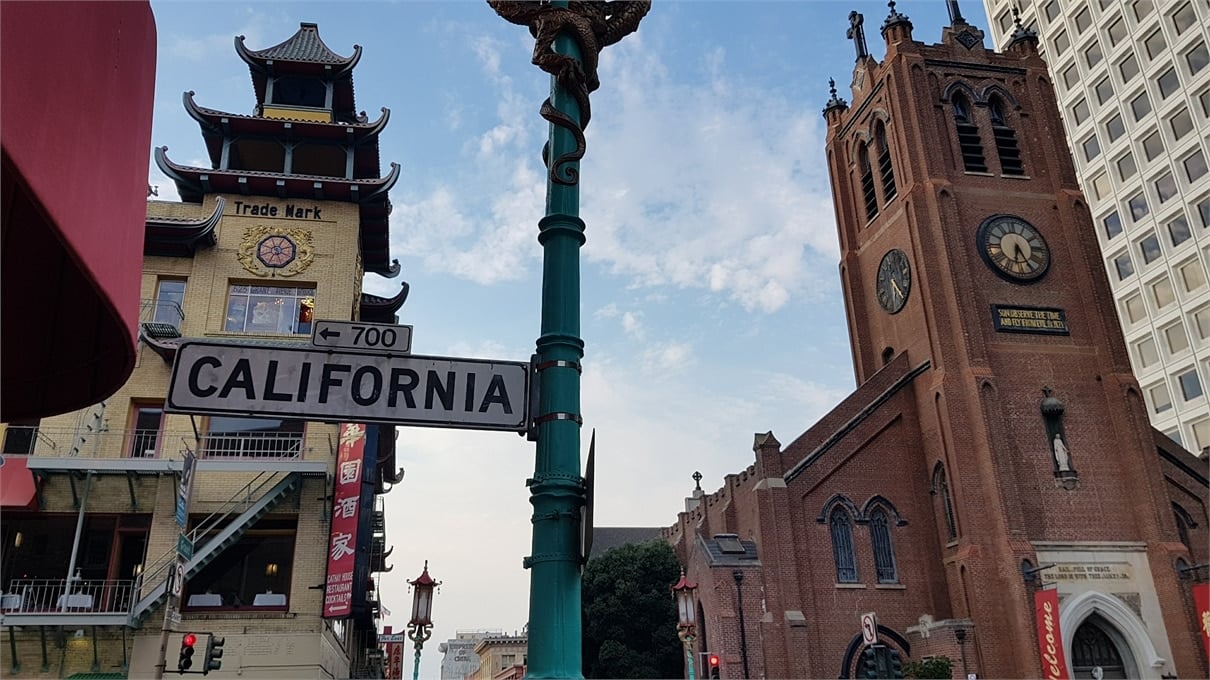
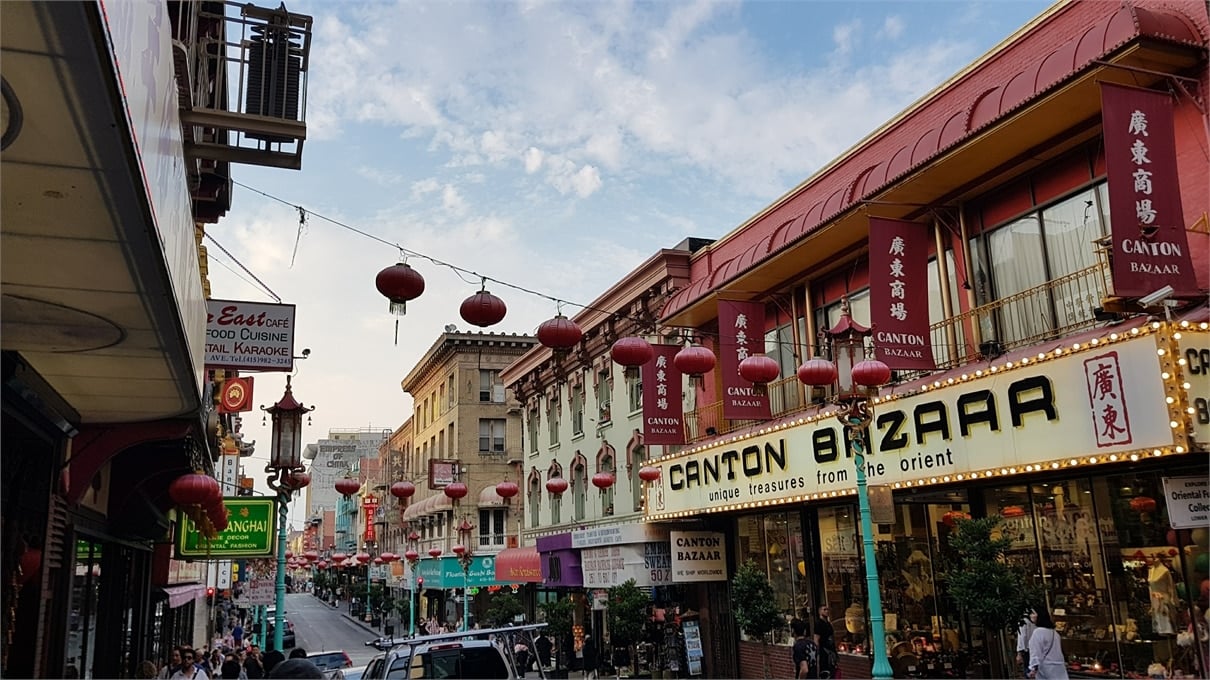
We had a lot to see in the downtown area of San Francisco. The trams, Union Square, Grace Cathedral, San Francisco’s Chinatown, Transamerica Pyramid, the Ferry Building Marketplace, Oakland Bay Bridge and the AT&T Park. There were a plenty of other areas we visited as well on our way to these destinations.
20170904 182305
20170904 182753
20170904 182934
20170904 183331
20170904 1836250 e1505137748222
20170904 183756
20170904 184843
20170904 185935
20170904 190728
20170904 190946
20170904 190948
20170904 193248
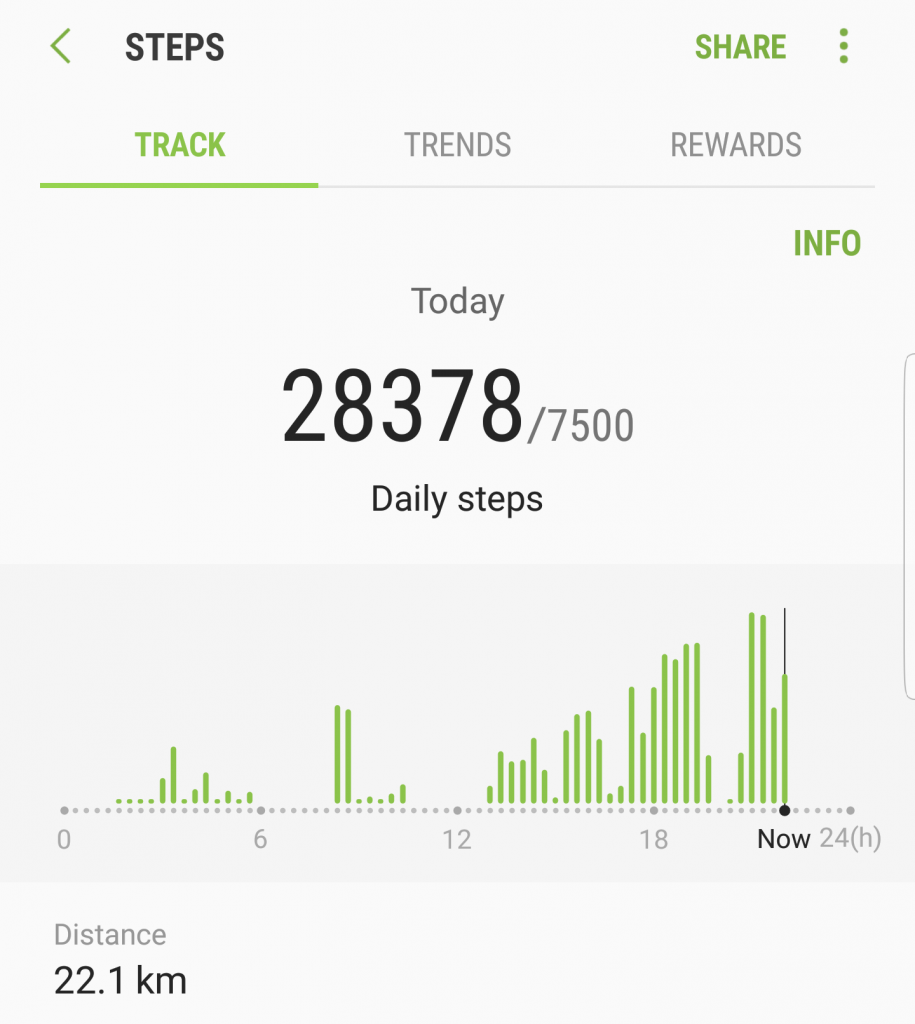
At the point we were close to the Bay Bridge we realized that our legs were giving away all their strength. We tried to find a nearby station and it was “luckily” just a few hundred meters away from us.
We walked all the way from the train stop station in Redwood Shores to the Pullman Hotel which was more than a kilometer away. Sure, that doesn’t sound so bad but when you spend an entire day walking it feels like it’s a hundred kilometers away.
Just as we arrived Michael thought of a really great idea to stop by the Nob Hill Foods which was just across EA – at least that’s how he explained it. It was a kilometer to the market and another kilometer back to the hotel…
It was a great day but with a small price of swollen feet. The lesson of that day was never let Michael guide you anywhere ever again!
I feel confident in saying that The Sims 4 has the easiest and most intuitive build mode out of any The Sims game we’ve had so far, but that’s not to say it’s perfect. With the news that the roof tools in game will be getting a hefty overhaul in what they can do I wanted to look at other ways the build mode could be improved.
Foundations
The foundations in game like many functions are very easy to use, you simply plop it down and chose the height, but that’s the problem, you’re limited to one height. In TS2 and TS3 we were treated to the constrain floor elevation cheat which allowed us to freely create multiple foundation heights, it truly spoiled us. The main problem would be that foundations in The Sims 4 act as a floor, anything under them doesn’t exist, the space just isn’t there so this could be a problem, but it’s a definite want for many.
Another feature that comes under foundations would be a stage tool, for indoors. It’s very common in homes to have different rooms with slightly different heights, we’ve seen this tool in TS2 and TS3 and it would be a great feature if added into TS4.
Terrain tools
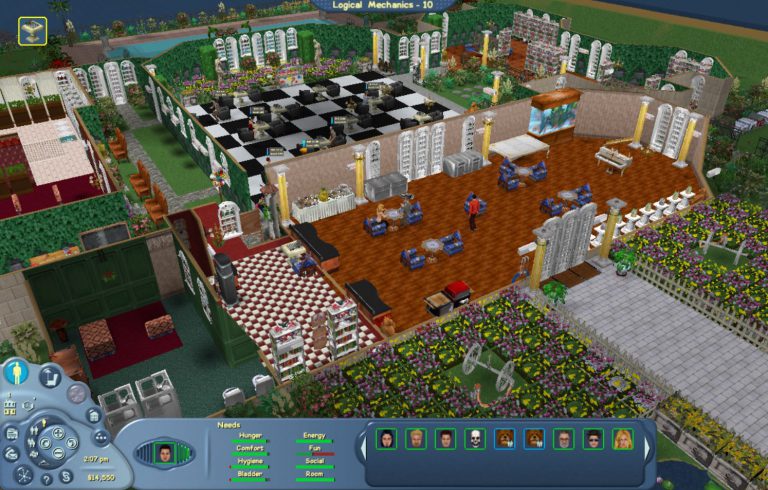
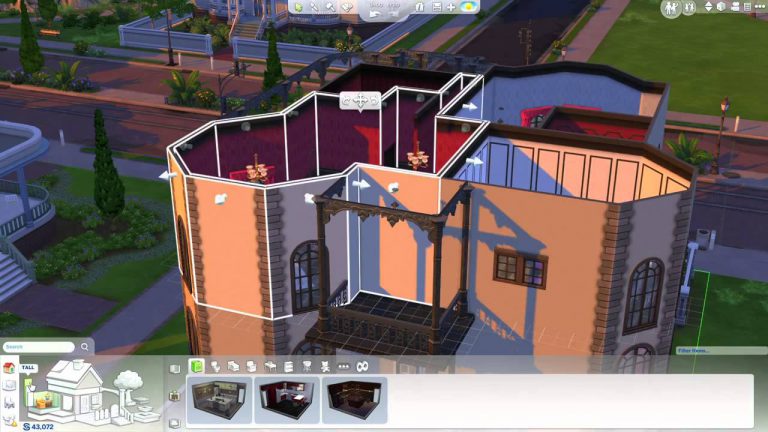
This is a huge feature that’s been in every single game since the start, it was a shock to many when we were told it wouldn’t be in the game at launch but there’s been hope it would be added, we’ve seen recent images of the terrain glitching and appearing like it’s not flat but not a single peep about if we can expect it. I believe that the culprit for it’s removal would be the way foundations work, as the fact you can’t have any height foundation means that building it on uneven terrain could be a problem, but again we’re hopeful.
Doors and windows
I feel like this isn’t something that they would go back and improve but something going forward, making the windows and doors match better. Even just having a few more varieties of doors and windows, take the Parenthood pack we recently got, we only received two windows, one full length and another which was half length and three tiles wide, it’s difficult to use just these two windows on a whole build as smaller rooms wouldn’t have a giant full length or a three tile window in them, we need smaller windows with matching doors!
Pond tool
This goes hand in hand with the terrain tools and it’s again something we’ve had for many years, it’s a truly magnification tool that can make any build look brilliant, don’t get me wrong creating small ponds is possible but a lot of hard work adding rocks and plants around them, it would be highly appreciated if this was added. It would take making more realistic homes to another level, having houses built on rivers or having fishing available on lots.
Stairs
Stairs are something we’ve seen unchanged since launch, they’re simple and boring, many people are crying out for spiral stairs and with each pack not including them they’re getting more and more tired of waiting. I’m going one step further here, why just stop at spiral? In my opinion we need L and U shaped stairs, even if it’s a giant object that’s placed, it’s a needed item for more realistic builds.
Curved walls
This feature is probably the most requested build mode feature, it was unbelievably huge when we were treated to curved fences, they are quite limited and tricky to place but they look wonderful when used right, it only makes sense to have curved walls as well. It’s understandable that this wouldn’t be added as it would most likely be tricky to program into the game, especially a game not made for curved walls but many dream of this wonderful feature.
Customisable ceilings
Another feature we’ve seen before is the ability to change the texture of the ceiling, at the moment it’s an uncomfortably bright white colour and it usually just feels off, hopefully this can be added as it will add a lot more realism to the game.
So that’s it, these features in my opinion should be in the game, I think if not then when The Sims 4 retires these features need to be in the next iteration. What do you think? Do you have any more? Let us know in the comments section.



























 Terrain tools
