Home Blog Page 396

Reddit AMA with former Creative Director for The Sims, Ray Mazza

2

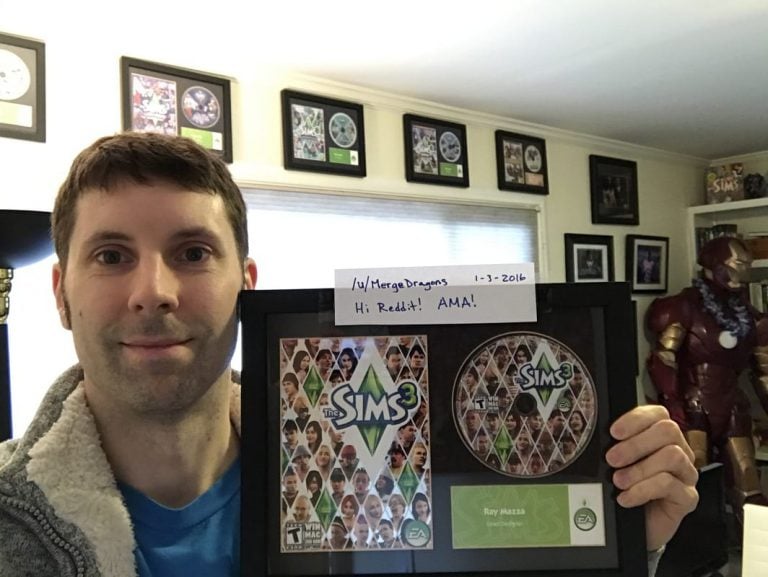
Ray Mazza opened up an AMA (ask me anything) thread on Reddit, asking for people to give their questions concerning his work for The Sims and Merge Dragons, his new mobile app. We collected some of the most interesting questions and answers concerning The Sims. Check them out!

Q: What mark did you have on the Sims franchise that you are most proud of?

A:In The Sims 2, it was the coding that made the service Sims real people. In TS1, the maid, cop, firefighter, etc, would all do their jobs, but that’s it. In The Sims 2, if you struck up a conversation with them you’d be able to make friends with them, and invite them over, get romantic, even marry them. It was always so much fun to make a cop part of your family, and have them change into their uniform, etc.

In The Sims 3, I had a broader influence on the game, and I’m very proud of the open world aspect that the design team worked on together. It fundamentally changed how the Sims was played — being able to walk across the street and visit your neighbor.

For something that I was solely responsible for, it was a lot of the build mode advancements — being able to work on a free form placement mode outside of the grid, adding lots of “clutter” objects and locations to put them, being able to freely rotate objects, etc, and officially support it. Even being able to drag walls back and forth without having to demolish your home! It gave builders such a great leap in their tools to make better looking homes and I was quite proud of that.

One smaller piece that I’m proud of that I feel like mentioning even though it’s tiny is that you can collect meteorites around the landscape. I made sure that the bulk of them were named after real meteorite types (e.g. Carbonaceous Chondrite or Eucrite, etc) and had similar relative rarities to what’s found on earth. I always loved how games could teach you things in a fun way, and this was one of those aspects.

Q: Hey, I’ve read all your blog posts about the design on TS3. What was, in your opinion, the best or most interesting thing that didn’t make it into the end product?

A: It depends on whether you want to know about something that was in the game and removed, or something that we wanted to put in but didn’t have time.

There was one point when we had snow in the base game, and it looked really good! But it had issues like snowing through roofs, and we didn’t have time to make all the associated gameplay, so we held that off for Seasons. I so wanted weather in base game though.

Some things we considered but didn’t do were: (1) continuous aging rather than discrete age groups, (2) being able to see inside all buildings/shops/work and having the simulations be real in there, and (3) injuries, wheel chairs, casts, etc.

All of those were way too much work to put in, but would have been fantastic.

Clothes Shopping — yes, that was on the list at some point early on. Most TS2 base game features were.

The game certainly went in the direction we’d hoped in the general sense and spirit. We held true to our core beliefs and never changed direction in any major way. I’m very happy with where it ended up.

Q: If you’re still around, I’ve got a question about your role on The Sims 4, if you don’t mind. 🙂

According to your site, you were responsible for the “game vision” of The Sims 4. I’m really curious about what that game vision actually consisted of, compared to previous Sims titles. Was there a mission statement that Maxis used? And if so, what was it?

A: There were really two types of visions. There’s a super high-level vision that is more about the wow-factor for the game, the differentiator and selling points. That was focused on making the Sims more emotional and more life-like, making the creation tools more powerful, and building a platform to let players easily share and find content. I didn’t make this vision as I came onto the project after it had been going for a few years, and I mainly had to uphold it.

Then there’s the detailed vision, which was more personal to me, and was basically a list of features that I thought needed to be in the game for it to top previous Sims games and make players psyched about it. I can’t share the details of that though, that would still be confidential.

Q:A lot of the time, the game devs for Sims 4 reason that they cannot contribute a certain product or feature for the sims 4 is because of a lack of team members. Examples of items they say they cant produce: spiral stair cases, toddlers, better roofing options.

What can we do, as the fanbase, to get their attention and show the devs these are important aspects of the game. Futhermore, isthis a viable excuse from them not to provide such content or over all is it an excuse to simply not supply the fanbase with what they want?

A: Usually, devs feel the same way as you, and literally cannot do anything about it, because of a schedule or budget they cannot control. Honestly, I think you’re already doing a great job at getting their attention through Sims fan sites, twitter, the Sims forums, etc. Trust me, they have a long list of things you care about (especially because a lot of the production and design team are fans themselves and want the same things) and they want to do it all, they just need to find the time/resources.

I do believe their reasoning is viable. There is only so large the team can be before it is no longer profitable to run compared to other games EA makes. What the team really needs for the future is a better set of tools and a better process which allows them to make content quicker, and repurpose content from previous Sims games more easily into new Sims games.

For more questions and answers, check out this thread!
DEBUNKED SPECULATION: New Thumbnails suggest a Terrain Tool on the way!

10

Turns out these thumbnails were present months and months ago. There’s little possibility that progress has been made when it comes to terrain tools feature development.

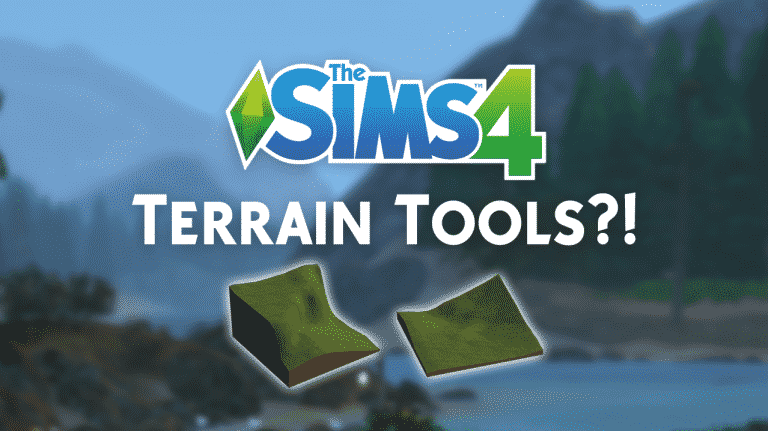
Modder max20 is back again with another great finding in The Sims 4 game files. He found 3 thumbnails of what appears to be new lots with different terrain!

In case you don’t know, all lots in The Sims 4 have flat terrain as the game doesn’t offer any terrain tools unlike The Sims 1, The Sims 2 and The Sims 3 did. Does this mean that we’ll finally be getting terrain tools?!

Could this be a part of the “amazing year” that SimGurus are teasing? Time will tell!

SimGurus tease an amazing year ahead!

70

The Sims 4 Developers are back to work and are already teasing 2017. Although we’re still waiting for the upcoming quarterly teaser for The Sims 4, SimGurus expressed their excitement over mysterious content that’ll be coming our way in 2017. Check out some of their tweets down below!

What do you expect to see in 2017?

Free Sims Online: Introducing Sunrise Crater!

10

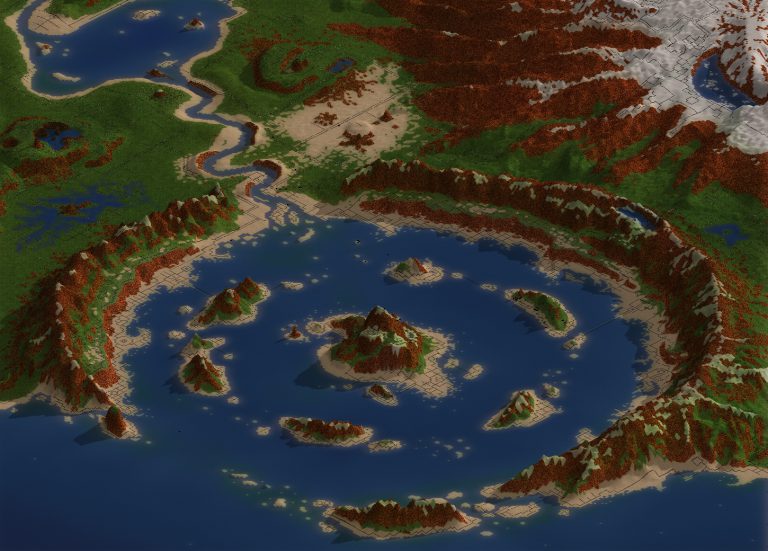
Creators of the unofficial Free Sims Online project have revealed the first world called Sunrise Crater! In this world you’ll be able to move in your Sim and live an interesting life with other FreeSO players.

For more information about this world check out their blog down below. FreeSO will be launching on January 6th, so make sure you stay tuned on their website to be the first to know when the game launches!

I originally planned to reveal this on December 25th, but I got a little carried away with the changes and town layouts. The city is now full of small towns and interesting features for communities to spring up around. Each part of the city has been intricately detailed by hand, from within the client, rather than just whipping up some graphics in a standard editor. Thanks to this, the difference is so staggering you might be surprised that this is still using the same landscaping system as the original.

Thanks to the changes to lot background rendering, road behaviour and smooth zoom, your lot is really a part of the world now. All of your buildings will populate the small town areas within the city, and define their character. Eventually, these towns will become formally defined as neighbourhoods, and you’ll be able to define the way your district is headed by being elected by your peers. This is all far future though! Got to get those core features in first.

Read More

Free Sims Online: Introducing Sunrise Crater!

The Sims 3: 50 Easter Eggs and Secrets you may have missed

4

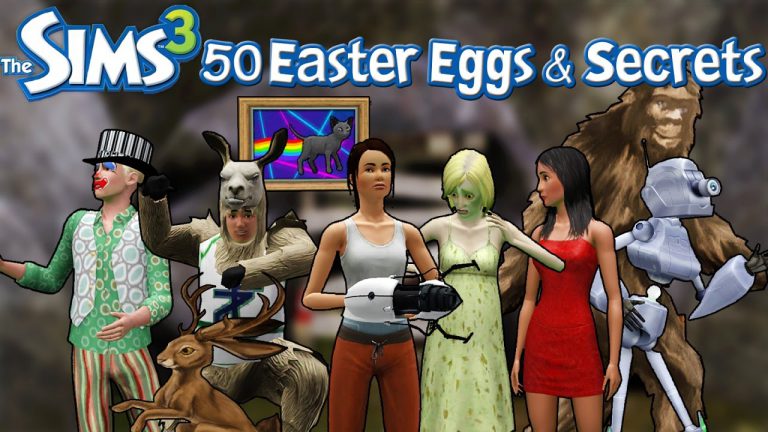
Simmer onlyabidoang has compiled a list of 50 easter eggs and secrets that you may have missed in The Sims 3! The list covers multiple TS3 games, from base game to expansion packs. If you have around 20 minutes to spare make sure to check out the video!

Sims Community: 2016 in review!

0

WOW, was this year a crazy ride. Sure, there may have been more Stuff Packs than Game or Expansion Packs, but still, plenty of excitement was still present in the community.

Before I share the 2016 in review page with you all, let me just give a BIG THANKS to our entire SC team who keep delivering original articles and news from time to time. Also, BIG THANKS to our awesome readers who support every step of our way – all 1,7 million of you!

We wish you all the best in the upcoming 2017; may all your wishes come true!

Click below to check our 2016 in review page!

Sims Community: 2016 in review!

James’ Sims 2 Thoughts: The Sims 2 Pets (2006)

The Sims 2 gave us College, Downtown and Shopping. What more can they give us!?

On October 17,2006 they gave us a very crucial pack that added plenty  of game play yet again

Pets!

Now, with this pack, unlike the others, it does not come with a new neighborhood or sub-neighborhood. But, I really didn’t mind that. I didn’t have The Sims Unleashed when it came out, so this was my first time really having pets into my sims games.  So, to have this expansion in my possession was something I loved.

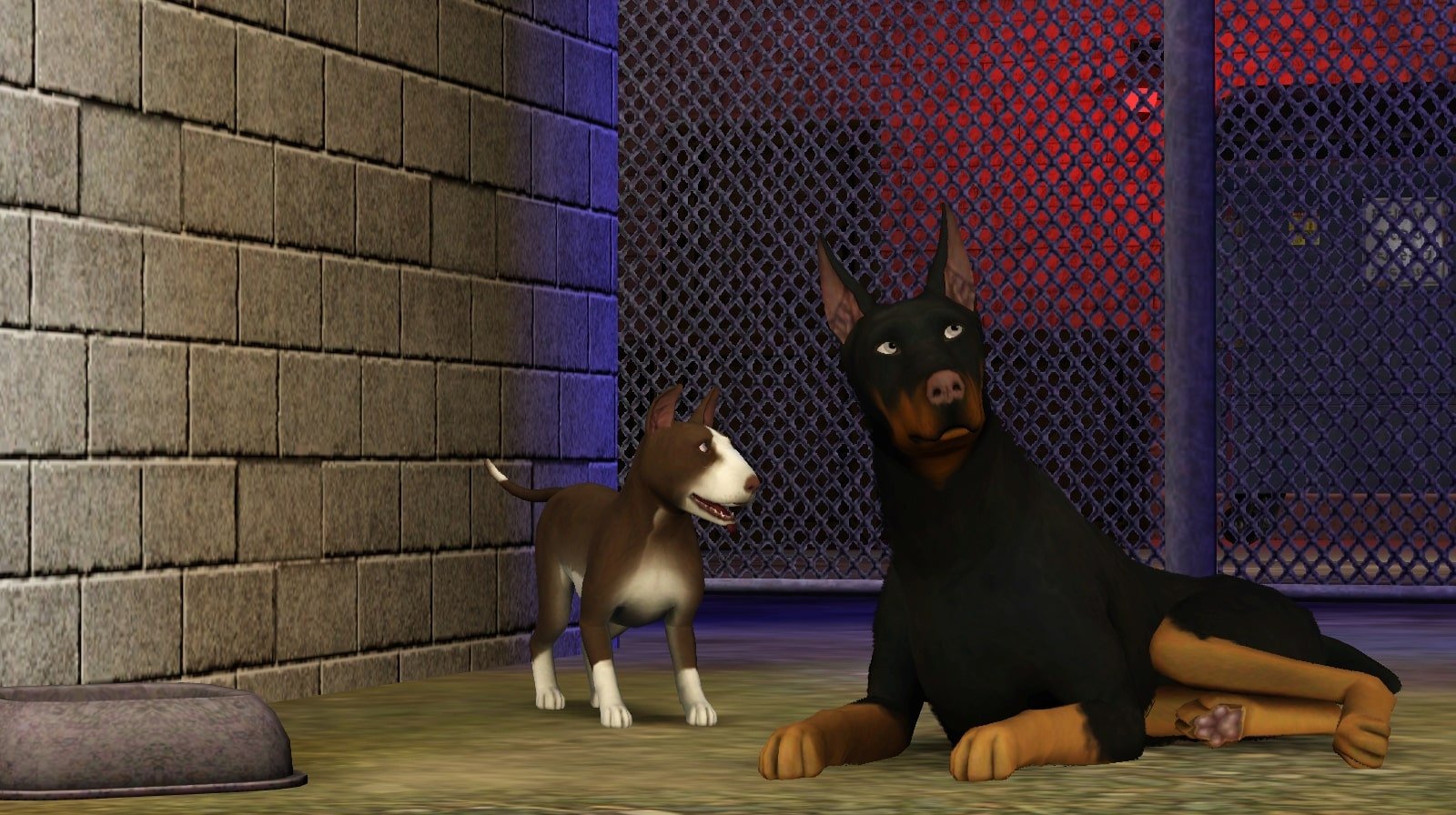
The fact that “create a Pet” came with this game was super cool. The amount of detail that can go into your cat or dog of your choice is really neat! They seem so real and lifelike. You can really create a pet that you have in real life. There are many breeds that you can create in the new “CAS” setting.

pets 4

pets 5

Now, you can do so many things with your new pet once you create it. You can teach your dog/cat so many tricks. You can train them certain commands and by scolding and praising them, they gain memories. For example, if your dog is rolling around in filth, you can scold them to not do that. The relationship might go down, but the pet gains a partial memory to remember not to do that action anymore.

Your pets can even breed! But, you don’t have direct control over them. But, what you do to them has a huge impact on their lives. And just Like Sims, Pets age too. Which makes it super sad when they pass on, but The game does it in a cute way, that still hits you right in the feels.

Besides having dogs and cats, I loved  the fact that I could have a number of smaller pets. What I mean by smaller pets are animals like hamsters, gerbils, birds, reptiles and many more. I loved this. The birds were always my favorite. same goes with the hamsters. I don’t know, but the hamsters were just so cute to me!

pets 3

If you have Open for Business, you can even have pet stores with pets of all sizes

This pack made me fall in love with the sims all over again. It added, yet again, so much depth to an already great game.

Next week, Get ready for the storm! I will be talking about my second favorite Sims 2 Pack “The Sims 2: Seasons!

The Sims 4 Vampire Game Pack: Features List!

24

The Sims Team has recently added a feature list for the upcoming The Sims 4 Vampire Game Pack into a small .package file which gets updated from time to time. The spotlight.package file gets updated every time you open The Sims 4 and it’s used to fetch data for news and announcements you see in The Sims 4 Main Menu.

Here are the features mentioned in the file:

  • Create Vampires
  • Unleash Supernatural Powers
  • Escape to an Eerie Destination
  • Live the Immortal Life

The Sims 4 Vampire Game Pack: Features List!

Considering that this has been added just recently (yes, I’ve been checking the spotlight file every now and then) it means that we’re really close to the announcement of this Game Pack!

For more Game Pack 4 clues and findings, CLICK HERE!

The Sims 4 unofficially sets this year’s new record over the holidays!

0

The Sims 4 has set this year’s new record of active online users over the holidays!

There are around 100K people who opted to play The Sims 4 online and connect with The Gallery.

The Sims 4 unofficially sets this year’s new record over the holidays!

Why is this important? Check out Steam’s list of top games by player count:

The Sims 4 unofficially sets this year’s new record over the holidays!

This means that more people are currently playing The Sims 4 than they are playing GTA V, which would make The Sims 4 the third most played PC game during this season!

Sadly Origin doesn’t have a list like this for all of EA games being currently played but considering that there are 4 The Sims 4 titles in the list of most popular games bought from Origin (City Living, Vintage Glamour, Base Game and Get Together), it’s safe to say that The Sims 4’s position before GTA V is valid.

The Sims 4 unofficially sets this year’s new record over the holidays!

The Sims 4 Christmas Yule Log Twitch Livestream

0

The Sims Team has launched a Sims 4 live stream version of a Yule log that you can watch on twitch!

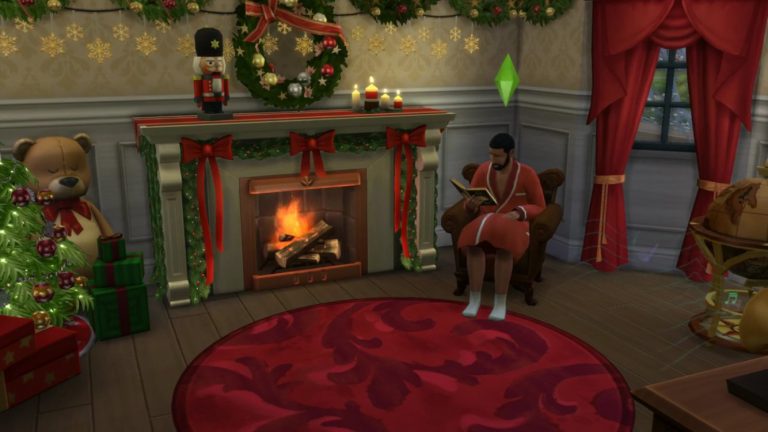
Make sure you check on the stream from time to time and see what Pancake Bob and his ”juiced up” butler are up to.

The stream above is not the live version. You can check out the live version here!

The Sims 4 Vampire Game Pack: Vampire Teeth Found in Game Files

16

Another clue for the upcoming Vampire Game Pack has been found!

The Sims Forum member Dreagen1 discovered these vampire teeth, saying that there’s a possibility for vampires to retract these teeth:

The Sims 4 Vampire Game Pack: Vampire Teeth Found in Game Files

It’s not yet known when will The Sims Team announce the 4th Game Pack, but there is a high possibility of vampires being officially teased after the holidays!

Tip: @TheSimScraper

Origin Holiday Sale: Save up to 65% (City Living 50% off + more)

0

Origin is having yet another sale, this time offering games that are now up to 65% off! The Sims 4 is also included in this offer, including the base game, game packs and expansion packs.

For the first time ever, City Living is 50% off! Down below you can see all of The Sims 4 offers:

For more deals, click the image below! Offer ends on January 5th, 2017 at 10AM PST.

Origin Holiday Sale: Save up to 65% (City Living 50% off + more)

James’ Sims 2 Thoughts: The Sims 2 Open for Business (2006)

I am so excited for this week, because its time to talk about my favorite The Sims 2 expansion, and possibly my favorite Sims expansion of all time

Lets travel back to February 28th, 2006…

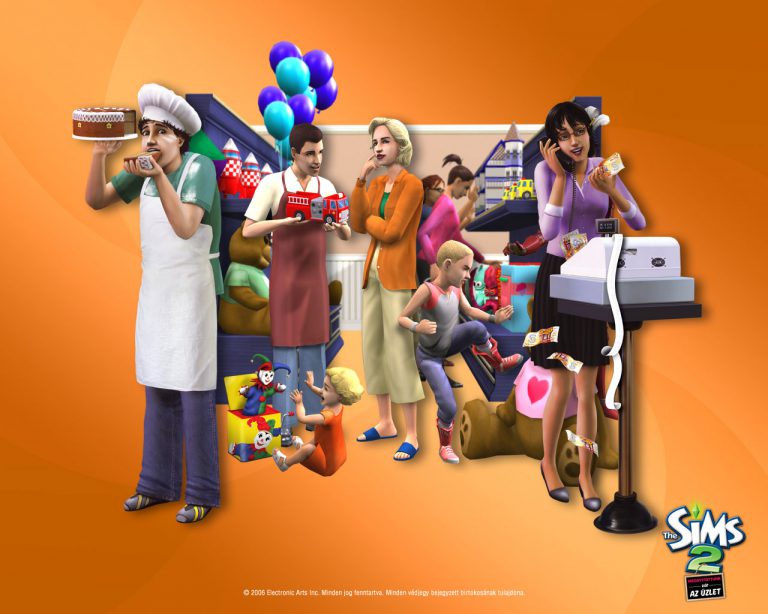
The Sims 2: Open for Business was released and changed the simming experience. It allowed us to create our own business and run them! This was such a revolutionary idea for the series and when I got it for Easter in 2006, I was floored by it. It added so many interactions, NPC’s and so many new objects.

The best part about the expansion is the idea of running your own business! I love doing this. I love being able to grab stuff from Buy Mode and be able to pick pretty much anything and everything to sell in your store

This expansion also added yet ANOTHER sub-neighborhood ( In 3 expansions,  we now have 3 sub-neighborhoods…. I’m looking at you, Sims 3 and 4...)

OFB1

Bluewater Village was added as a neighborhood full of community lots as well as some new families (we welcome Malcolm Landgraab IV to the neighborhood with this pack.) This neighborhood gave us a semi-blank canvas to work with, mostly to build our own restaurants and businesses.

OFB2

There are 3 types of businesses  you can run:

  • Services (such as stores, restaurants, salons, etc)
  • Restaurants
  • Venues

I am a big fan of the basic store idea. I love making flower shops or art galleries where other sims can buy my own creations. Bakeries are really fun, because you gain cooking skill as well as all the talent badges for running and selling your own products.

Which leads me into a new feature of this expansion: Talent badges.

You earn special badges for doing special interactions, such as hair dressing, toy making, robotics, flower making, etc,. The higher your talent badge is, the quality of the product you craft is higher as well. When the quality of your craft is higher, you can sell the item at a way higher price than what it was made, and be able to get a good profit from it.

OFB 3

When it comes to restaurants, you can hire a cook or be the chef of your own restaurant and pretty much make a really good living from it. I just love the fact that my sim can have a level 10 cooking skill and be the chef in her own restaurant….  (I’m looking at you again, Sims 4: Dine Out…)

You can actually make a decent living  from owning a business. You can make a home business or a business from a community lot. The choice is yours. I love making a home business first, then transferring it over to a small community lot and go from there.

OFB 4

Open for Business, in my personal opinion is THE best sims expansion ever made. If Maxis really wanted to, they could have easily made this a whole spin off of the sims series. It is a jam packed expansion that is full of things that I am still discovering over 10 years since it was released.

Next week I will be exploring what all the barking is all about, with The Sims 2:Pets!

The Sims 4 looks absolutely beautiful with The Sims 1 Camera Angles

4

The Sims Team left a small camera feature which can really change your point of view in The Sims 4.

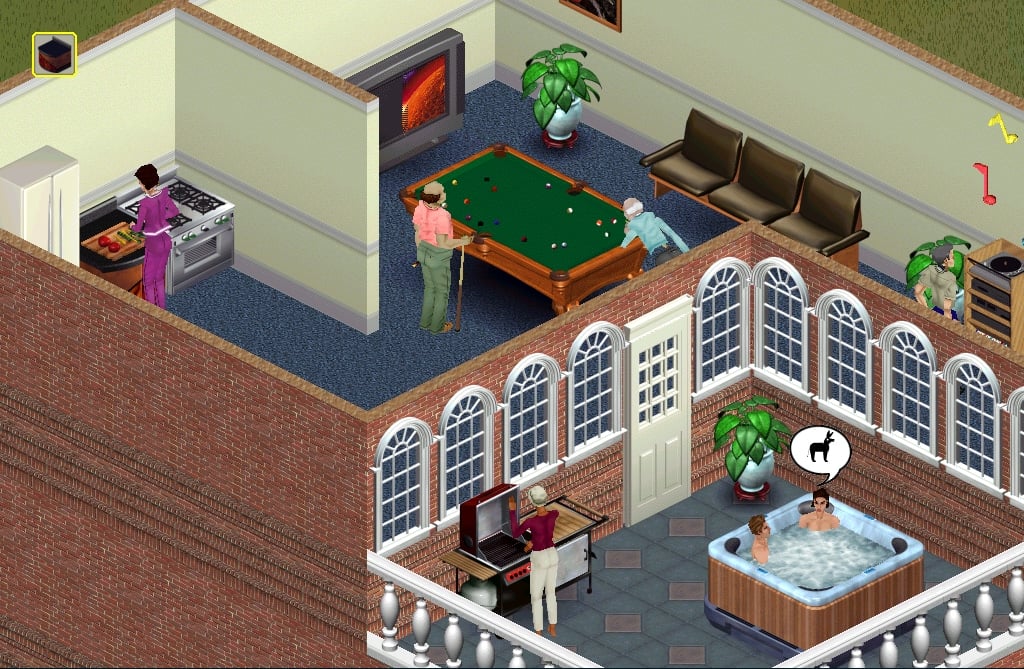
You’re probably familiar with the isometric camera in The Sims 1:

The Sims 4 looks absolutely beautiful with The Sims 1 Camera Angles

The same camera can be enabled with one small modification in The Sims 4 game files.

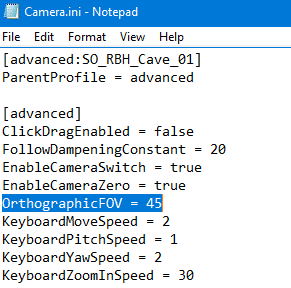
To turn on the isometric camera in The Sims 4, open a folder where Origin installed the game and then Electronic Arts > The Sims 4 > Game > Bin > res and in that folder you’ll find the Camera.ini file. Open it using notepad and find the OrtographicFOV part. The unmodified version will say OrtographicFOV = 0. To turn on the isometric camera, change the number 0 to 45. Save the .ini file and close it.

The Sims 4 looks absolutely beautiful with The Sims 1 Camera Angles

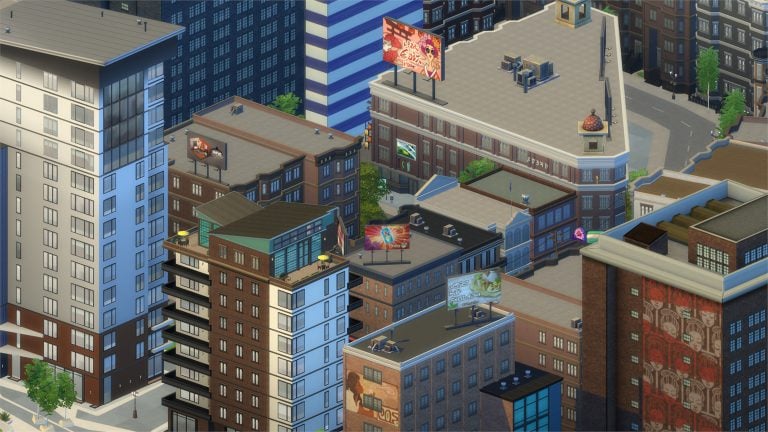
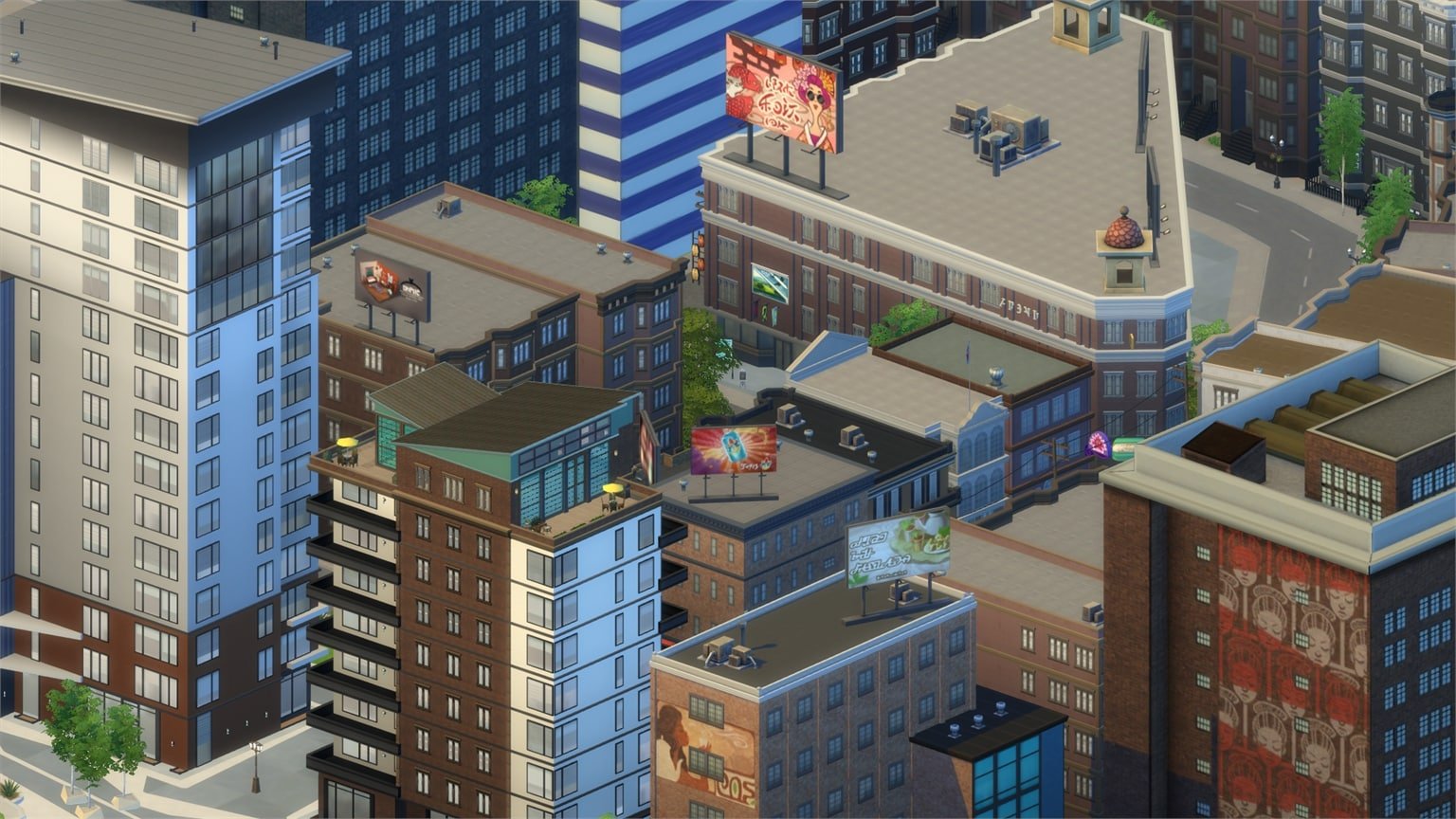
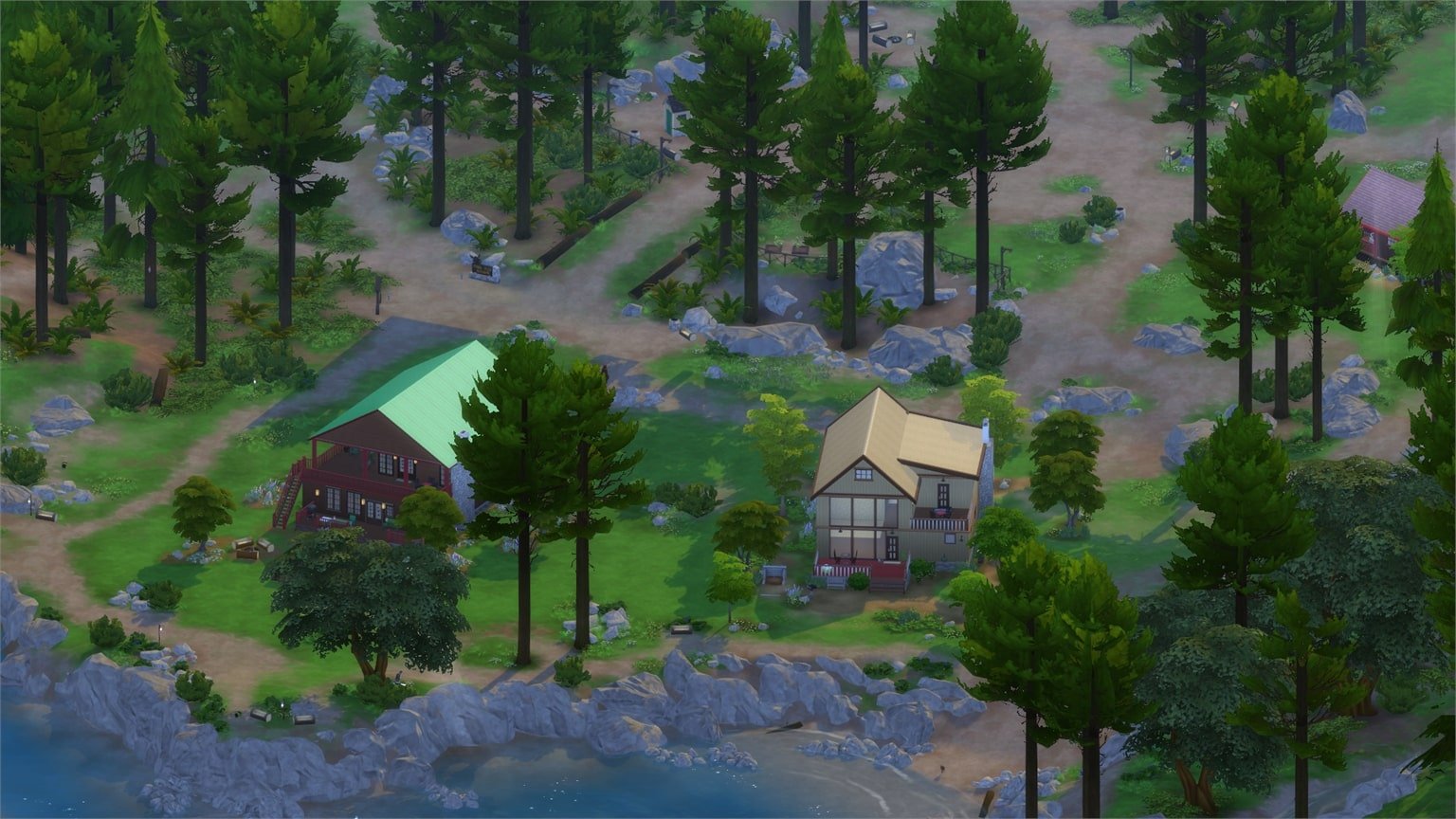
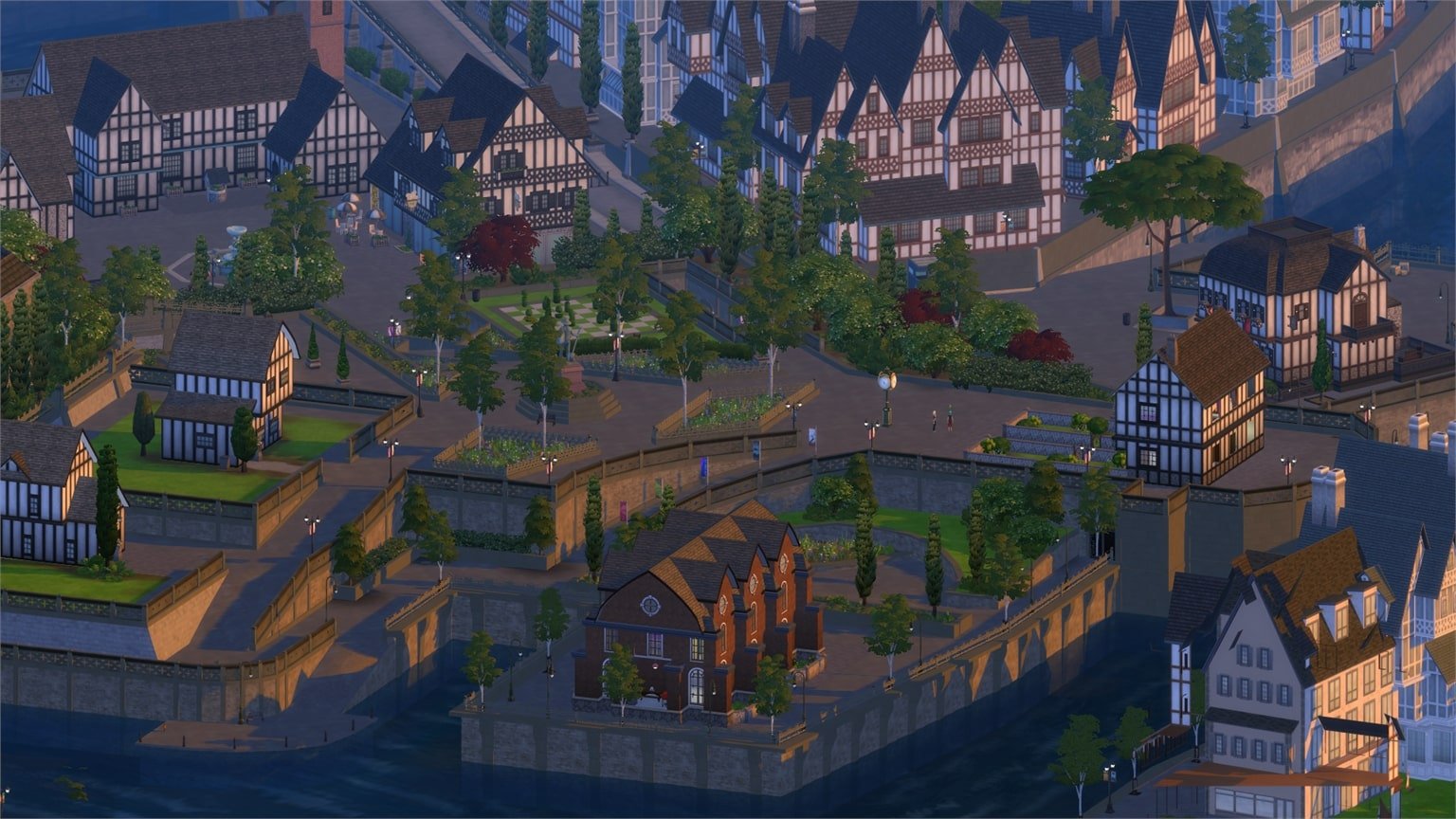
The results in-game are simply beautiful. The camera moves with ease and you won’t have any issues with clicking certain items. If an object is in your way you’re not locked to move your camera and view the game from a different angle.

Here are some of the screens I took using the isometric camera:

The isometric camera is only good when you use it in Live Mode. You’ll come across placing issues in Build Mode and a very zoomed-in camera in Create A Sim.

If you’re a modder and find it possible to simply turn-off isometric camera settings in Build and CAS modes, check out this thread!