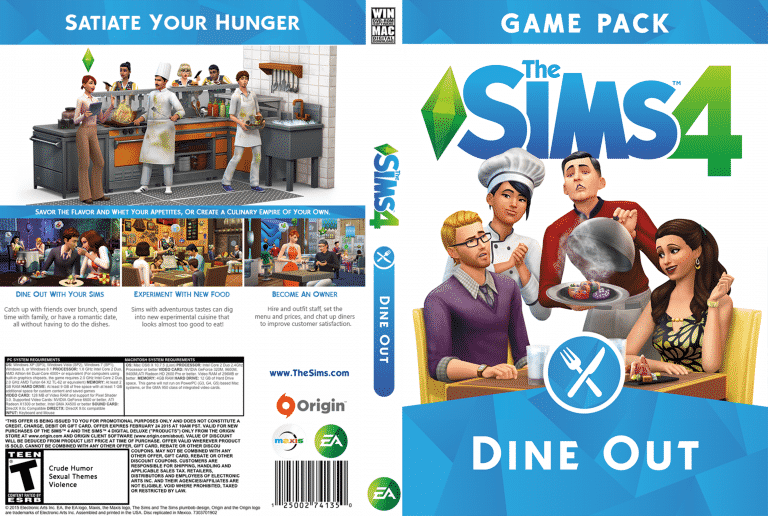
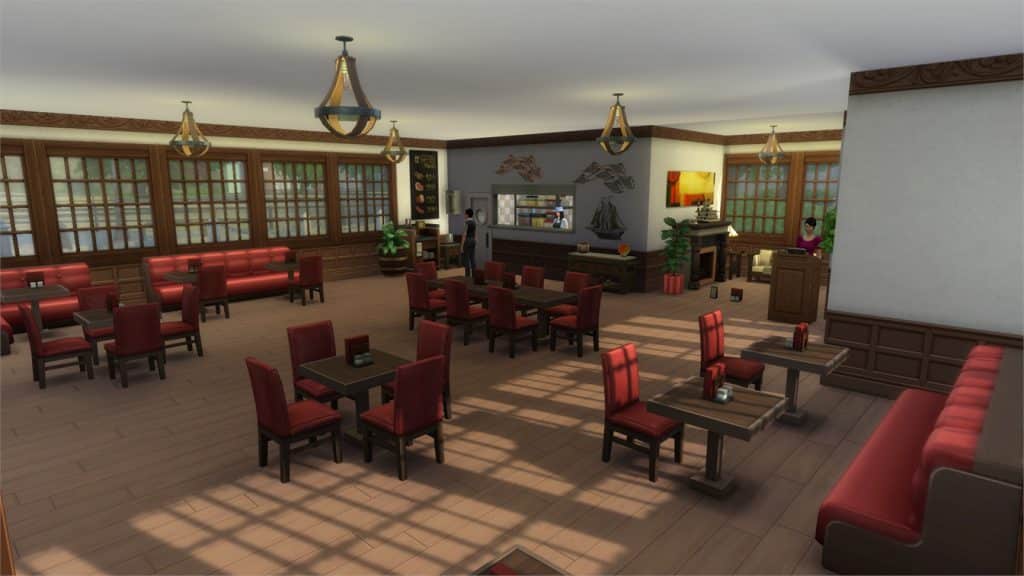
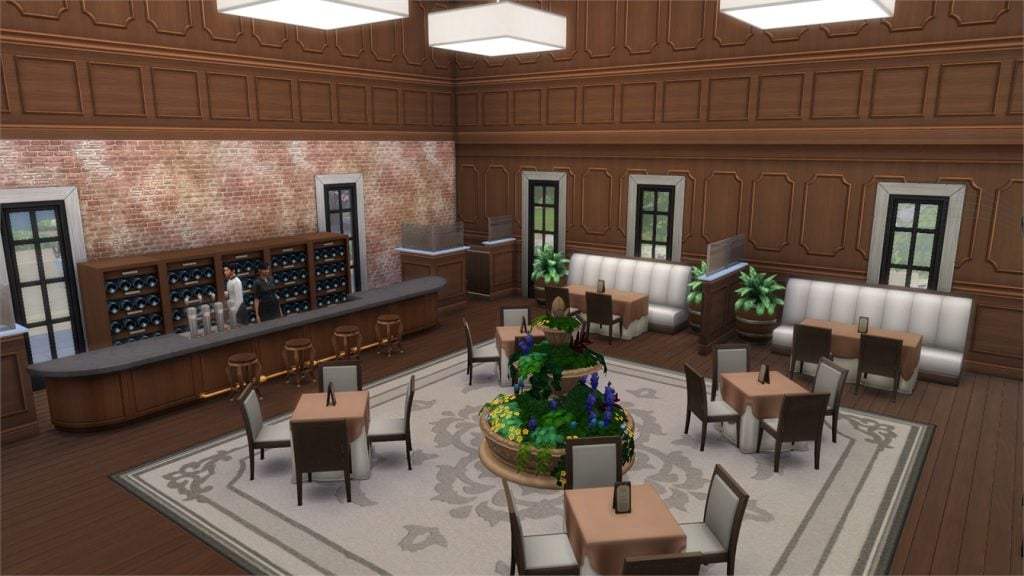
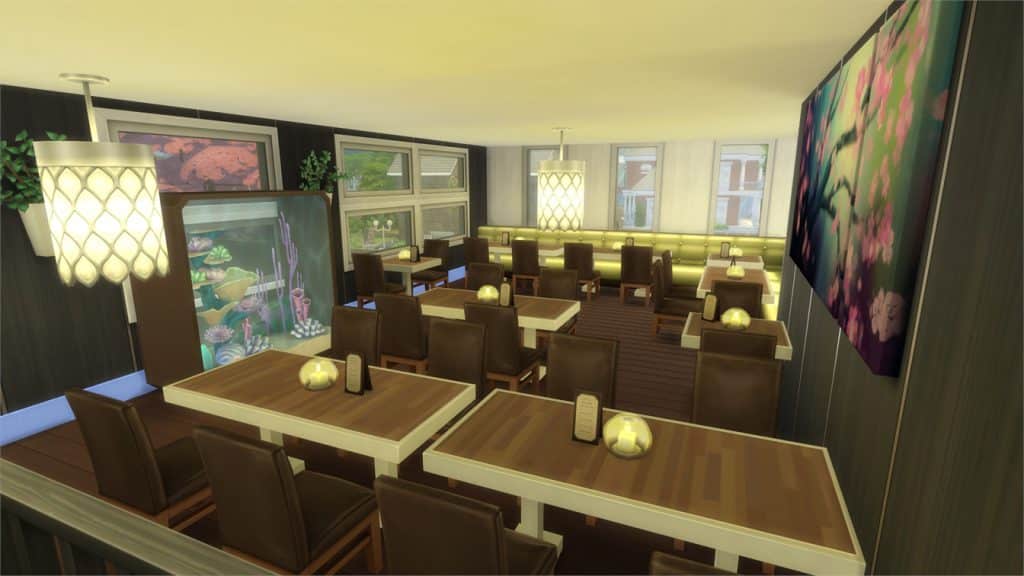
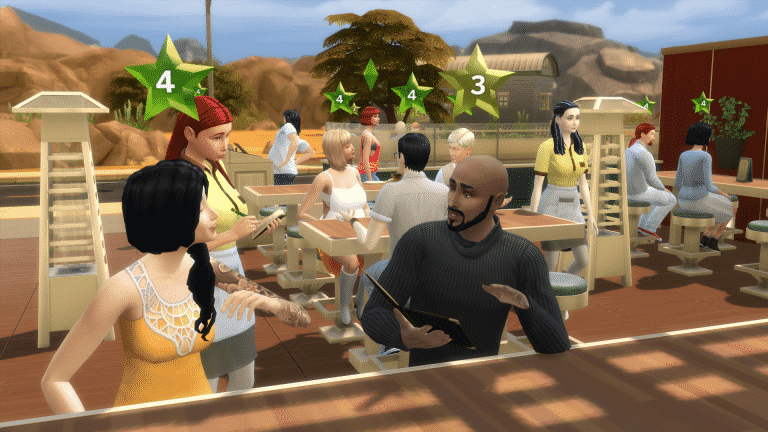
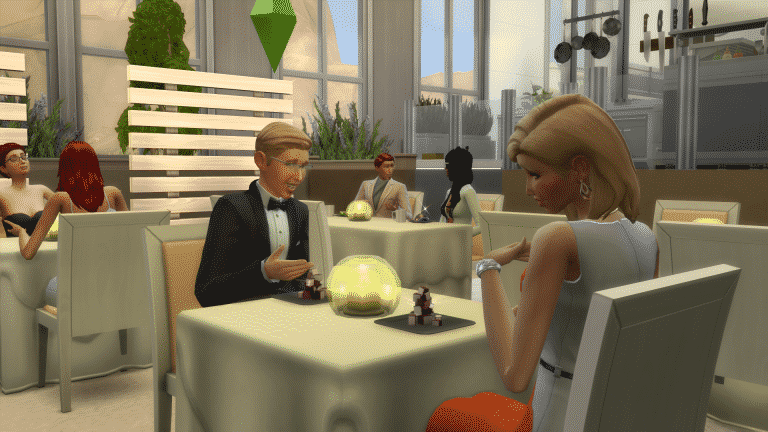
For those looking to keep their physical collections up to date, here’s a custom cover for Dine Out. Print it out, pop it into a case, and add it to your ever-growing collection. To download this and previous custom covers, headHERE.
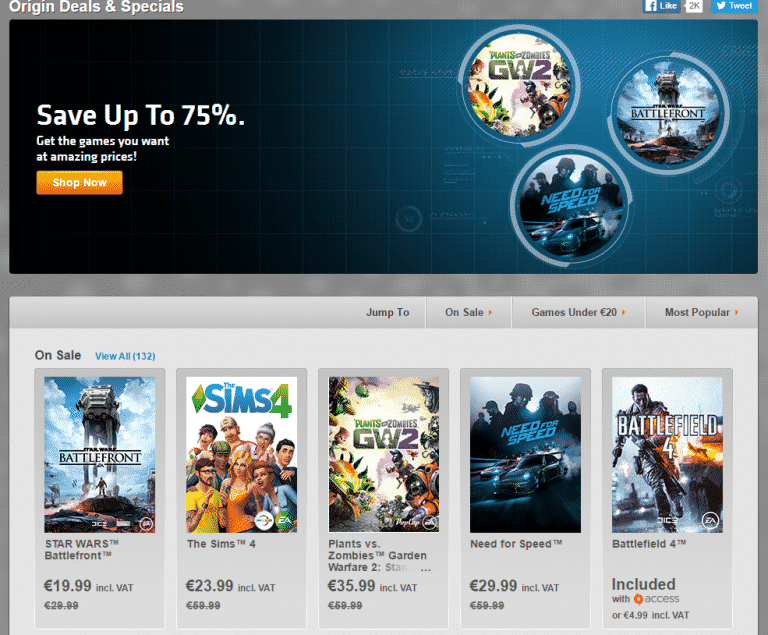
The Sims 4 Base Game is now 60% off, The Sims 4 Expansion Packs are 50% off and The Sims 4 Game Packs are 25% off (Dine Out not included). Here’s a full list of all things Sims on sale:
I will be giving you Restaurant Building tips for the Sims 4 in today’s Article!
Making the shape to your restaurant:
First thing to try when building a restaurant is to find the shape that you are most comfortable with. There are all types of shapes that you can make for your restaurant exterior. Symmetry can be important to a build if that is the look that you are going for. Different shapes can give a build dimension and show off your creative skills. Creativity is important to every build so make sure to use yours!
Decide the Style you want to go with:
After that figure out what type of build it’s going to be, are you more comfortable with a Suburban style, Modern, Contemporary, etc. This step is important because this is what’s going to give your build character! Don’t be shy to explore your options with the different styles for your build. Multiple wall sizes (or using half-walls to achieve this look) will give your build the character that you want! using half-walls will give a beautiful dimension to your build!
Adding in the décor:
Décor is very important to a restaurant because it’s what make your restaurant stand out! Add in the main features to the build. Add in things like windows, plants, flooring, columns, and other things that give your build even more character! You want as much detail in your build so that your sims can get many new costumers! don’t go too overboard with the detail though, you could ruin a build with too much décor.
Adding in wallpaper:
Now’s the time that you get to put the wallpaper on your build, be careful to what you choose and make sure that it all ties into the look that you are trying to achieve! The colors should match and go together nicely to insure that you get the perfect look for your restaurant! You should try the new wallpaper that comes with the new game pack, Dine Out to show off your build! Add in anything else that you might have forgotten or think that would go nice with the build.
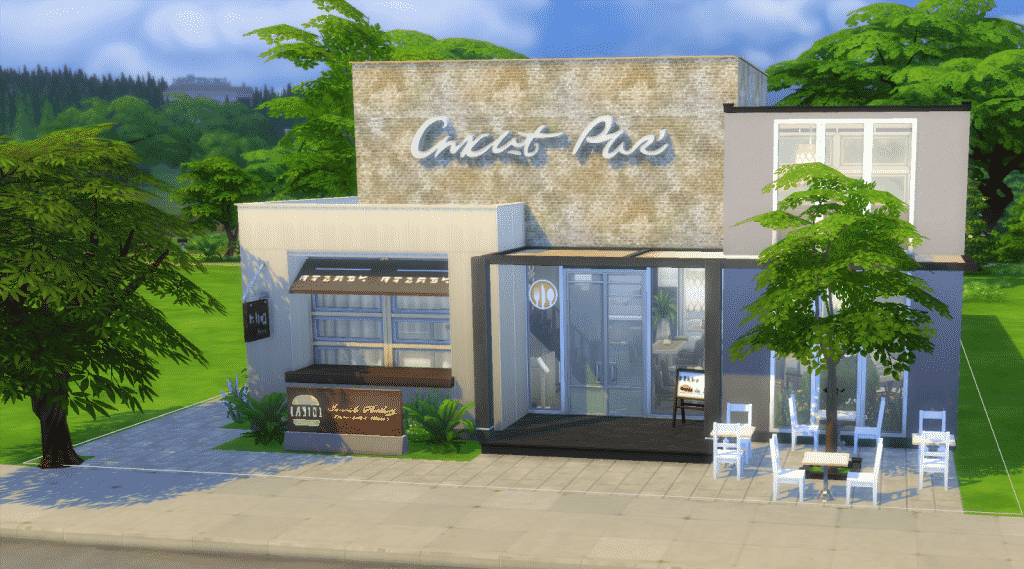
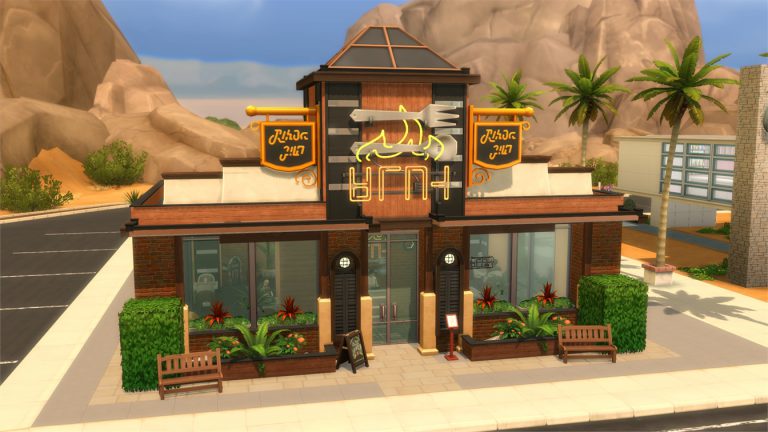
Now you have a beautiful exterior to your very own restaurant!
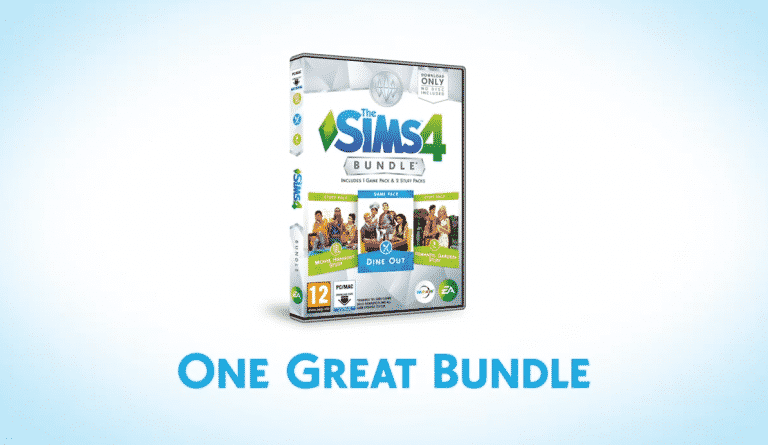
The Sims 4 Bundle Pack 3, which includes The Sims 4 Dine Out Game Pack, The Sims 4 Movie Hangout Stuff and The Sims 4 Romantic Garden Stuff, is now available in retail stores worldwide!
Please note that this is just a speculation post written by a very hopeful simmer!
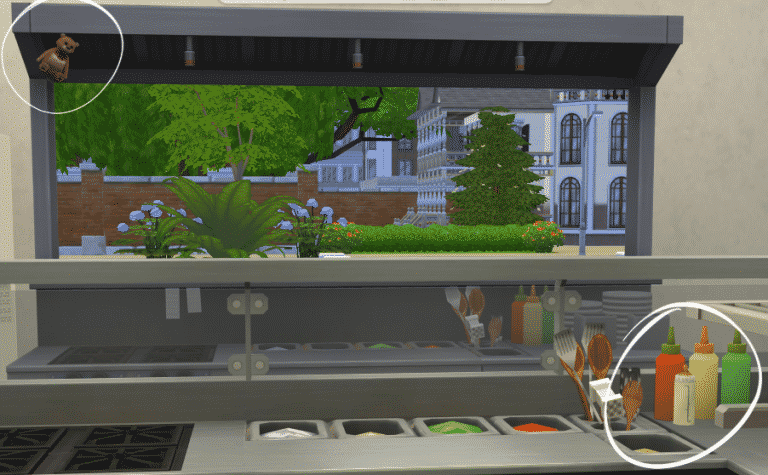
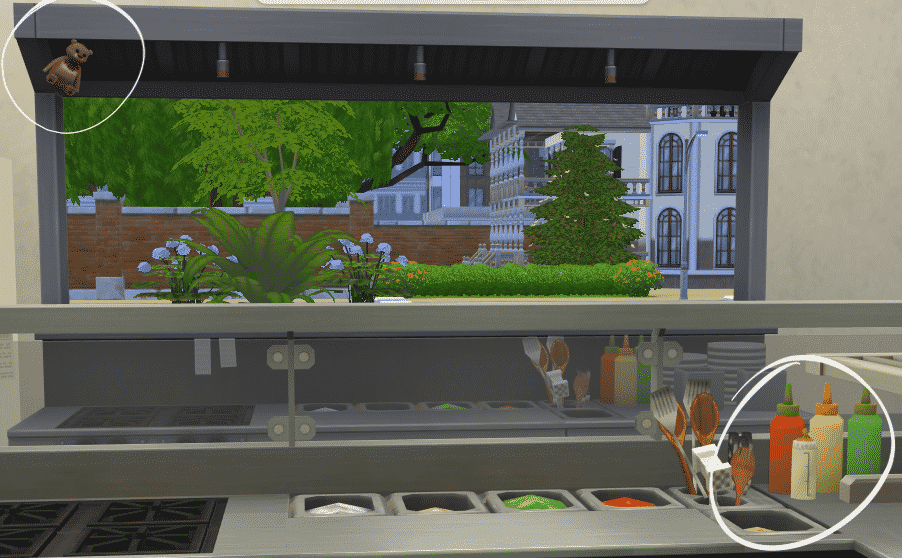
It all started 3 weeks ago when the first Trailer for The Sims 4 Dine Out launched. SylvanGladiator found this Teddy Bear hanging on the Chef Station object:
The speculation ended with a conclusion that it was a hint towards the upcomig The Sims 4 Kids Room Stuff Pack. The Sims 4’s ex-Concept Lead Magnus Hollmo even has his own small backstory for this object:
But, now that The Sims 4 Dine Out has been released, Simmers have been looking more more clues and boy, have they found one!
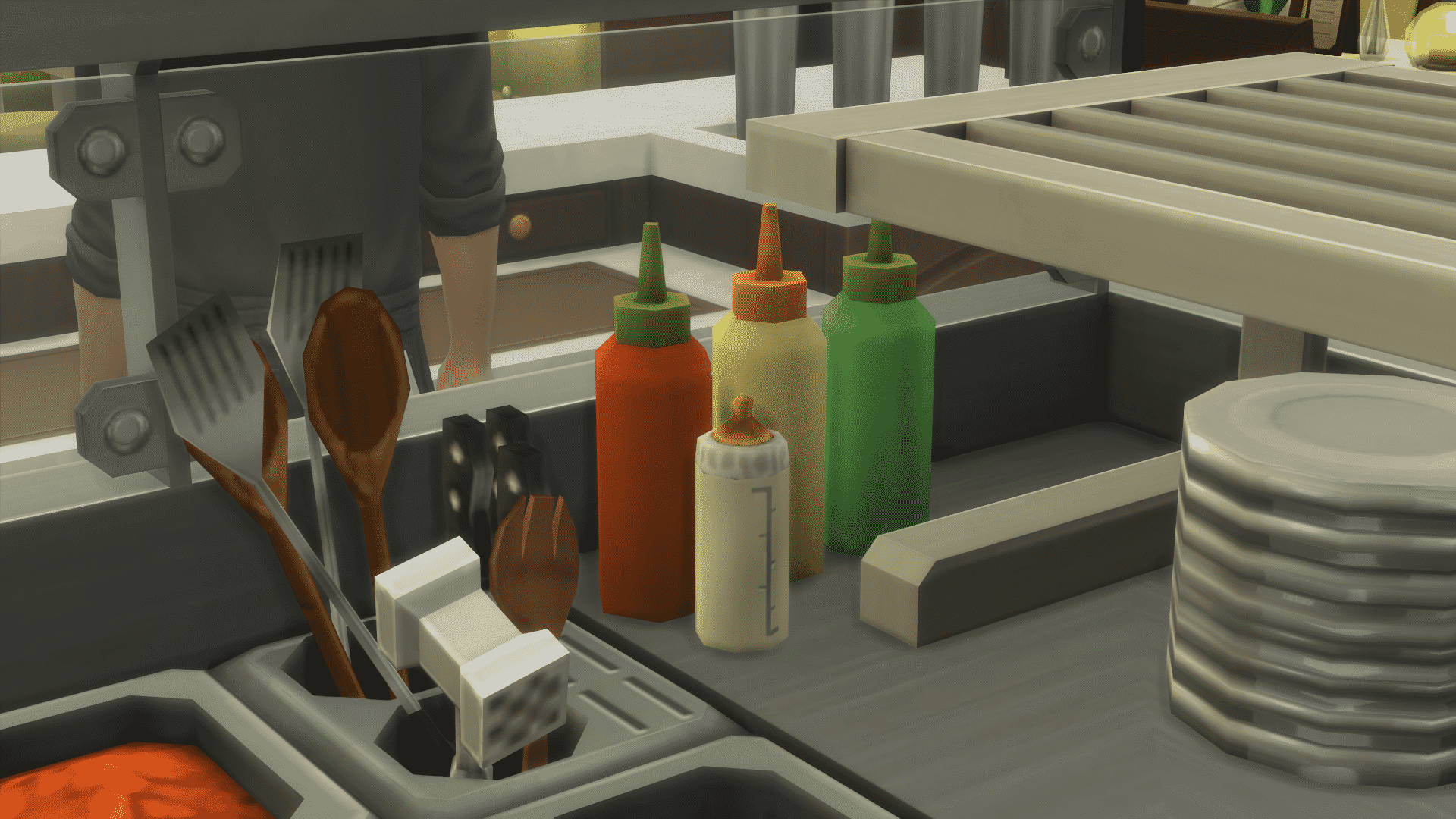
Wesley found this baby bottle next to the ketchup and mustard bottles, which definitely doesn’t belong there!
So far, the gurus haven’t said / confirmed anything about this hint, but these clues could be a step towards Toddlers.
Image by Wesley.
Here are the only two official clues / official statements that The Sims Team is working on Toddlers:
Back in May 2015, SimGuruRachel confirmed in an interview: ‘We want to do it [Toddlers] well. It is something we’re exploring but we don’t currently have more information to share around when or how other than to say our fans will be the first to know.’
This March, SimGuruDrake stickied a thread about Toddler Ideas on The Sims Forum. SimGuruLyndsay joined the party as well, thanking the Simmers for their ideas and feedback.
toddlers1
toddlers2
Have the developers been working on Toddlers long enough to include two very obvious clues (The Teddy Bear and the Baby Bottle) in The Sims 4 Dine Out? As always, time will tell…
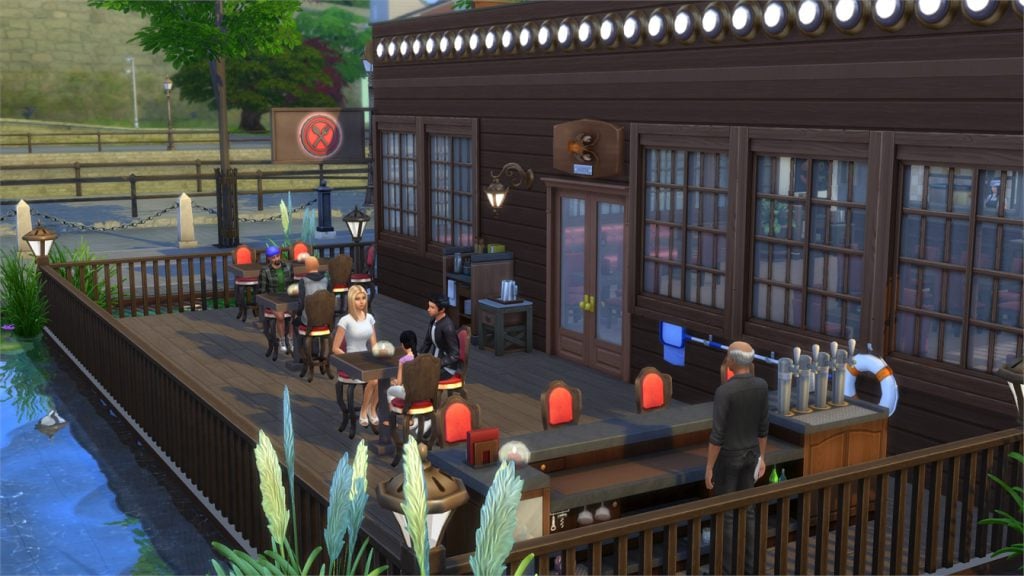
In this Spotlight, we’re featuring beautiful and creative Restaurant Venues created by Simmers for The Sims 4 Dine Out!
Hover over the pulsing plumbobs to see screenshots of marked areas. Pulsing plumbob that’s on the left bottom corner contains all the info (and download link) of the lot.
To see more of our previous Gallery Spotlights, CLICK HERE!
Entertainment Software Rating Board (ESRB) who’s responsible for rating video games (including The Sims), listedThe Sims 4 Kids Room Stuff, the 7th Stuff Pack for The Sims 4.
Although we know that The Sims 4’s 7th Stuff Pack is kids-related, we didn’t know the official name until now.
When it comes to The Sims 4 Backyard Stuff, well, we should get more info soon in the upcoming teaser for upcoming content, in case this listing is true.
Sims Domination ended their post with ”We can not leak screenshots yet, but…Stay tuned for more info soon.”
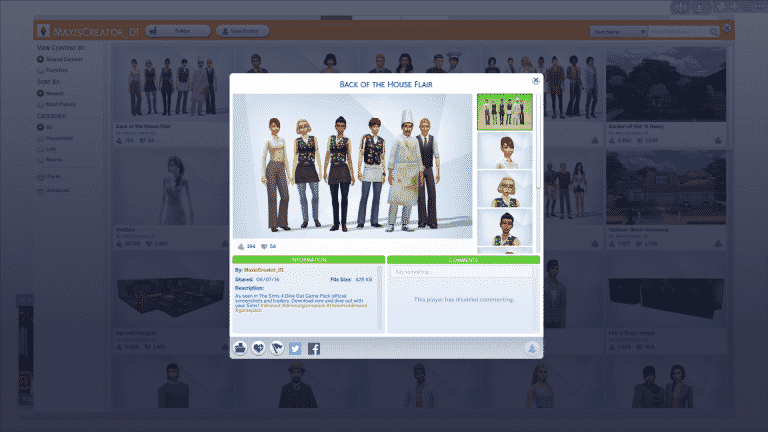
MaxisCreator_01 (official Gallery account from The Sims Team) uploaded 3 Households and 3 Restaurants that you may have seen in The Sims 4 Dine Out Trailers and game screens.
To download these Households, simply click on the names above each Household picture.
It took us almost a year to get the next Game Pack for The Sims 4 but it’s finally here now! Was The Sims 4 Dine Out worth the 11-month wait?
This review is based on 15+ hours of deep gameplay. Even though I was given an early review copy to test the game, I am not by any means paid or bribed to state positive (or negative) opinions about this game pack. I will give my honest opinion of the game pack; its content and what it brings to the game.
Create A Sim
Unlike Outdoor Retreat Game Pack which came with over 80 CAS assets and Spa Day Game Pack which brought over 50 CAS assets, Dine Out is a Game Pack with the lowest amount of new CAS content, bringing only over 40 CAS assets to the table.
The CAS part of Dine Out mainly focuses on Staff Wear, and there are different styles for different types of Restaurants.
TS4 x64 2016 06 04 14 48 42 97
TS4 x64 2016 06 04 14 48 37 93
TS4 x64 2016 06 04 14 25 11 58
TS4 x64 2016 06 04 14 25 06 36
It would be nice if they added more hairstyles though as they only introduced 1 Masculine and 2 Feminine Hairstyles for Teens to Elders and 1 Masculine and 1 Feminine Hairstyle for Children.
For a full overview of new Create A Sim items, CLICK HERE!
Build Items
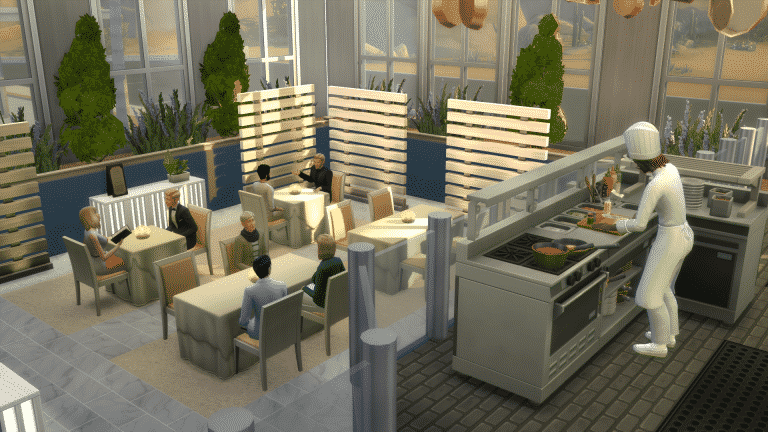
However, Build Items did not disappoint! There are over 120 new Build Items that are focused on Restaurants.
06 07 16 10 48 56 AM
06 07 16 10 48 45 AM
06 07 16 10 47 51 AM
06 07 16 10 47 03 AM
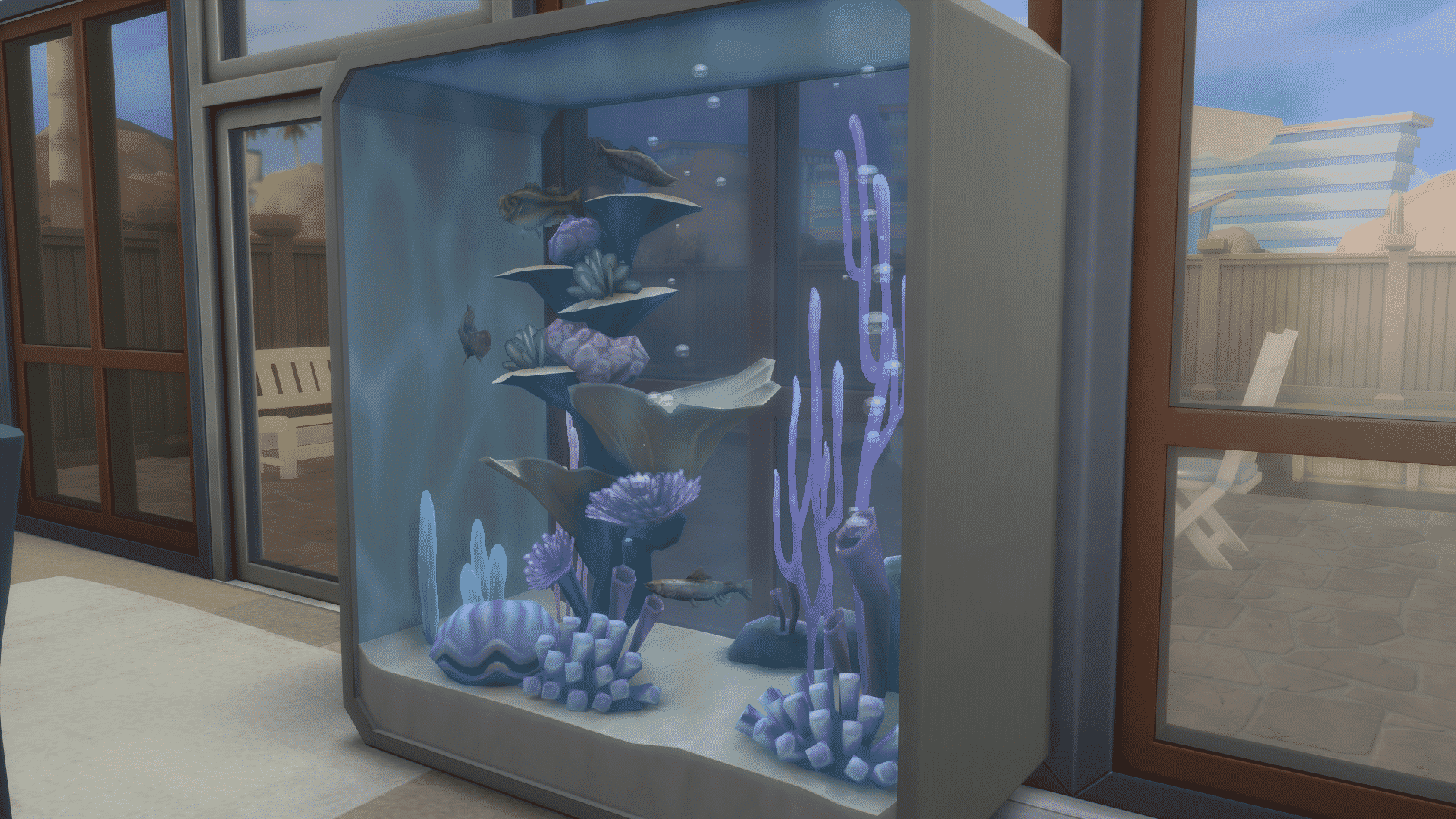
Beside this Fish Aquarium, The Sims 4 Dine Out doesn’t come with any new objects that bring some kind of new gameplay outside of restaurants.
I’m pretty happy with new Build items! There are different objects for different Restaurants. If you want to build a Diner, a Seafood Restaurant or even an Italian Restaurant, there is enough diverse content that will make each Restaurant unique.
For a full overview of new Build items, CLICK HERE!
Gameplay
The Sims 4 Dine Out Gameplay revolves around 2 aspects:
Going to the Restaurant
Running a Restaurant
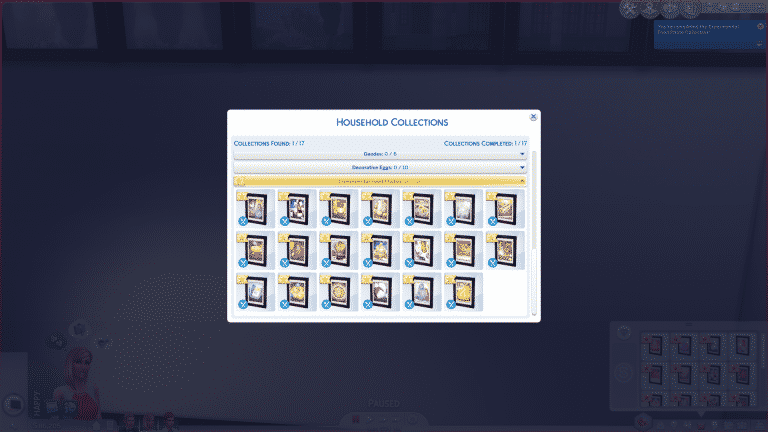
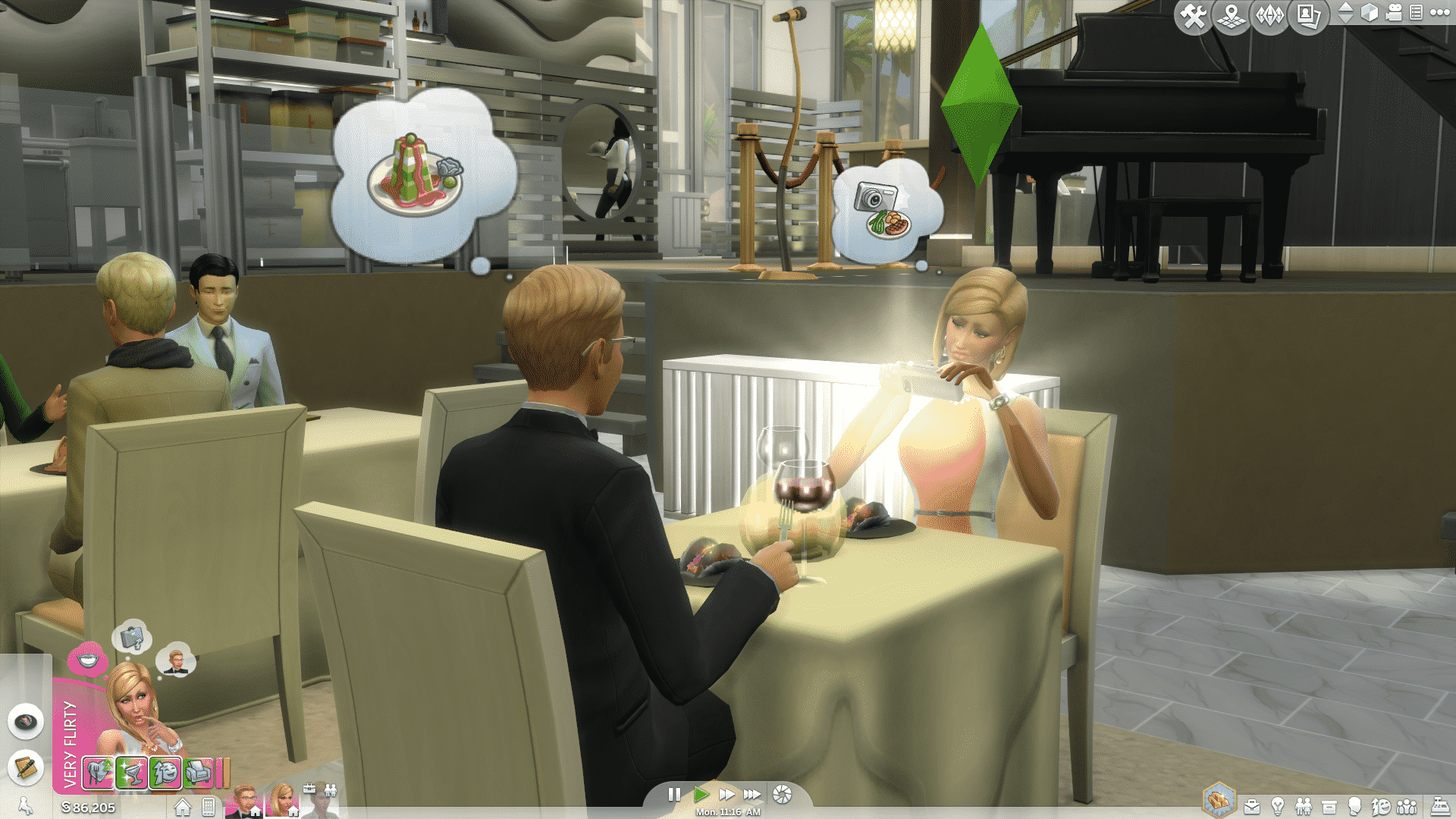
As you may have expected, going to a Restaurant won’t be much of a blast unless you make it. Sure, you get to take pictures of your Experimental Food, post it on Simstagram and collect the Experimental Food Prints which is another ‘Collections Activity’, but beside watching your Sim getting stuffed with expensive food and receive moodlets for it, there’s not much going on unless you put some storytelling work to it.
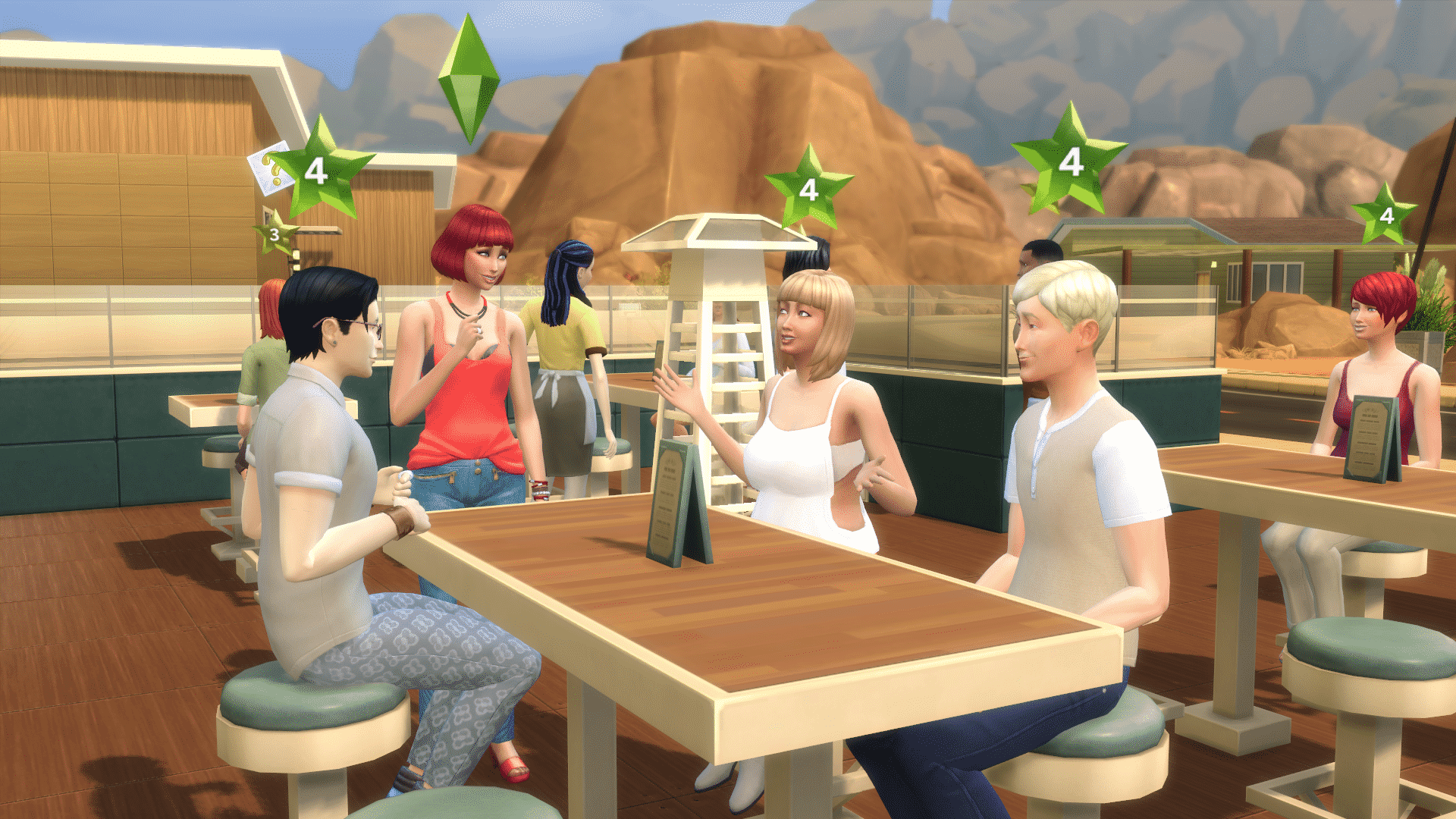
The thing I like about going to a Restaurant is that they’re never dull and empty. Sims will make sure to take every seat there is, and if there’s not enough room, they’ll find more at the bar.
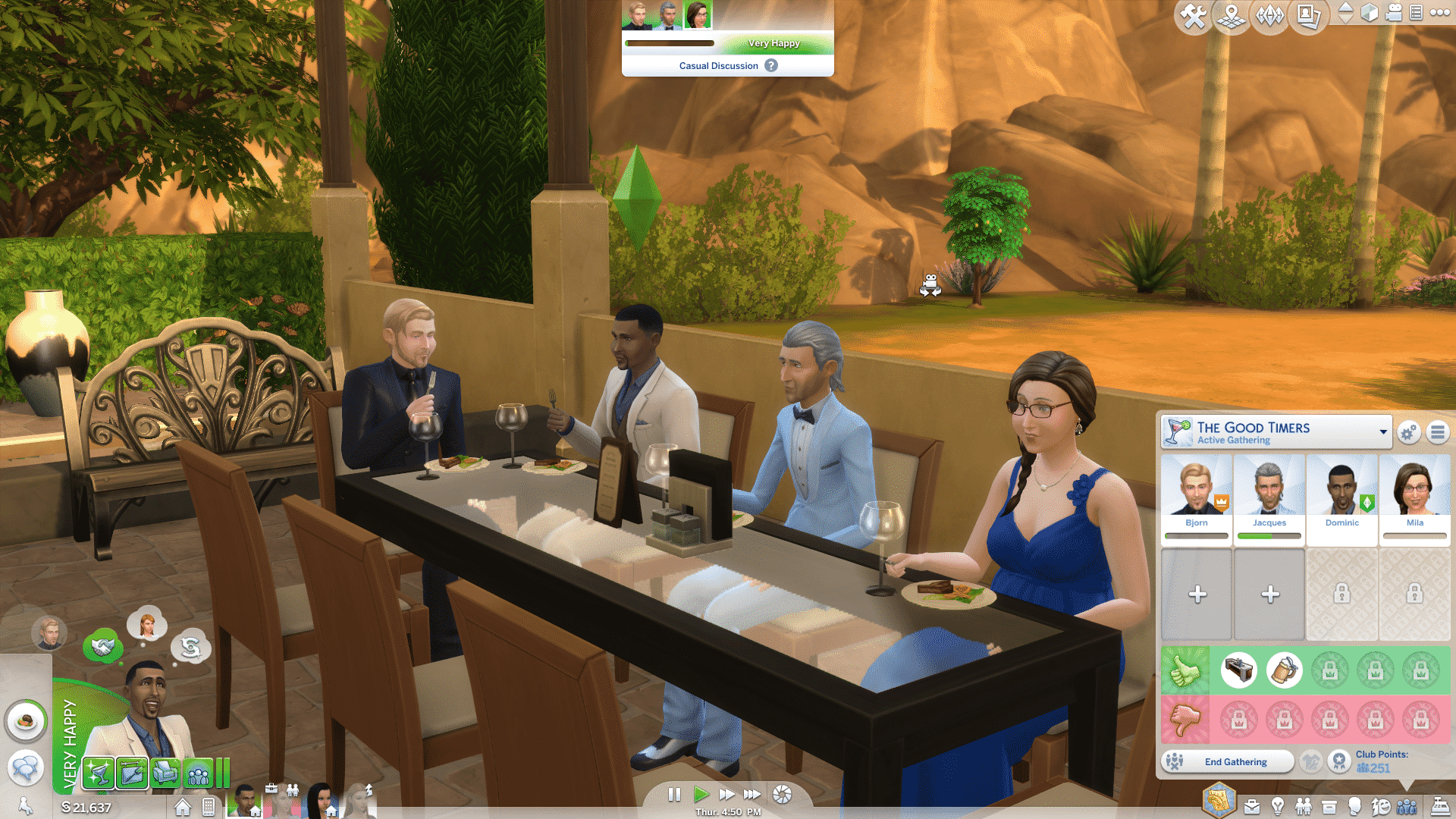
Another thing which I really like is the integration with Clubs from Get Together. Before being seated, you can start a Club Gathering and have your Sims from the Club seated together for some fun times!
Sims can also celebrate their Birthdays in a Restaurant! Even the Wait Staff will come and help spread the cheer!
However, the real crown jewel is the Restaurant Management, where you get to purchase your own Restaurant, build it from the ground (or get one from The Gallery), manage the Staff and socialize with customers who will help you make your Restaurant have 5 stars!
I started off small with Hogan’s Bar. I hired the Staff, added some new things to the menu and I was ready for business!
At first, one of the huge obstacles you’ll run into is your Staff. They’re all unskilled, unexperienced bunch of people who need your guidance. Their required skills will improve overtime, but the customers won’t tolerate that and it’ll result in bad Reviews.
Luckily, I managed to get my Staff on the right track by paying for their training.
The owner of the restaurant will occasionally have to take care of the customers as well in order to improve their opinions and reviews that they’ll give after they finish with their meals.
You’ll have to know what to do with your customer in the right time. If they don’t like the quality of the food, you can put the meal expenses on your tab and they’ll simply forget about it. If they think that the food is too expensive, offer them a free drink or dessert.
Some Sims will also ask for your recommendation when it comes to picking the right meal. I love this feature because I always get to pick the meals that are more expensive!
Every time you close your restaurant you’ll get a full report on how your Restaurant did. This includes where you excelled at and what can be improved. At first, you won’t be earning a lot of Simoleons, but eventually you can set the price markup higher and higher, which will bring lots of cash!
For more details and information on what it takes to run a successful Restaurant, CLICK HERE!
[mks_separator style=”solid” height=”2″]
Watching your Restaurant expand, grow and get good reviews is so much fun (in my opinion, MUCH more fun than going to Granite Falls or going to the Spa). Stuff you do around your Restaurant actually has an impact and means something compared to what the other last 2 Game Packs brought, and it’s an entirely new way to earn Simoleons.
The Sims Team really hit the jackpot with combining game features in The Sims 4 Dine Out. I can’t think of another Restaurant-management video game that delivers so much Restaurant customization options like this Game Pack.
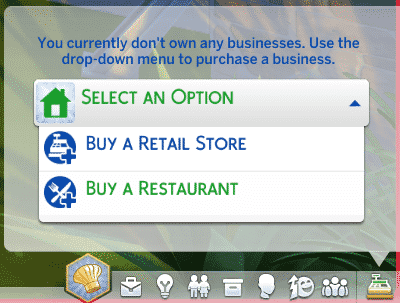
Your Restaurant experience begins by purchasing a Restaurant from the Retail Menu on the bottom right corner. Click on the ‘Select an Option’ > ‘Buy a Restaurant’.
You’ll be taken to the World Menu where you get to pick which Restaurant you’d like to purchase. You can own more than one Restaurant, but for the sake of this article, I’m only going to focus on one Restaurant called L’Attente Bistro which is a pre-made Restaurant found in The Library under the Maxis content tag.
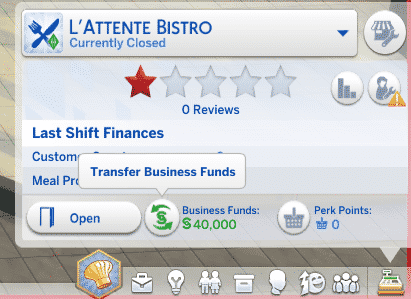
After you purchase your desired Restaurant, you’ll immediately be taken to the Restaurant lot where you’ll have to transfer some of your Household Funds to Restaurant Funds. This means that whenever you earn money or lose money from your Restaurant Business, your Household Funds will remain untouched.
You can transfer Funds back and forth whenever you want by pressing the button indicated below.
[mks_separator style=”solid” height=”2″]
If you want to build a Restaurant from scratch, here are the following items you’ll need in order for your Restaurant to function properly:
Sink
Toilet
Chef Station
At least 4 Dining Spots (Tables with at least 1 Chair)
One of The Sims 4 Dine Out’s main Feature focus is Dining in a Restaurant. You can send your Sims in this brand new Venue type and have a great time!
To start your Dine Out experience, make sure you have at least one Restaurant Venue in any of your Worlds. Then, send one or more Sims to that Venue.
On the Restaurant Venue, find the Host, click on him/her and select ‘Request Table’. The Host will seat you to a table that’s available.
NOTE: If all Tables are taken, Sims can wait at the Bar until one of the tables are available.
Once seated, click on the table and select ‘Order for Table’ to order food for your Sims.
A Menu UI will appear, letting you choose between one Meal and one Drink for your Sim. If there is more than one Sim of yours in the Restaurant, clicking on the item from the Menu will bring up a smaller menu of your Sims, which will help you determine which Sim ordered which food.
TS4 x64 2016 06 05 20 54 22 28
TS4 x64 2016 06 05 20 54 28 40
Pro Tip: If you don’t like what the Menu has to offer, you can change the Menu and add/remove things off it by going to Build Mode and selecting the Edit Custom Menu option in the Restaurant Configuration Menu.
While you wait for your meal to be served, the Table offers a few interactions (among social interactions with your Sim) that you can perform. You can even draw on the Placemat, no matter of your Sim’s age!