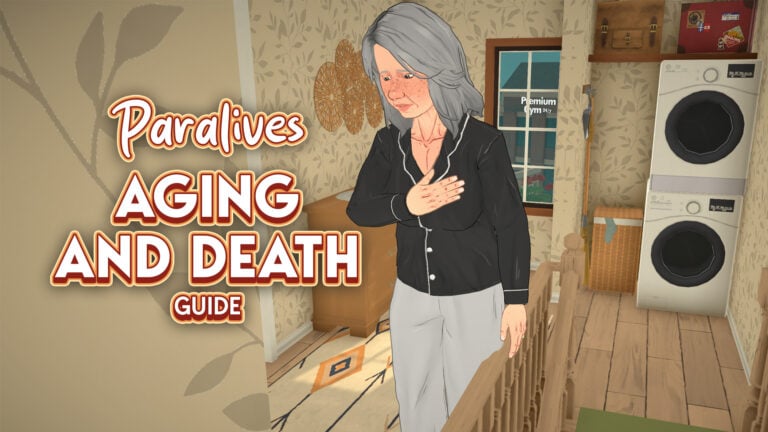
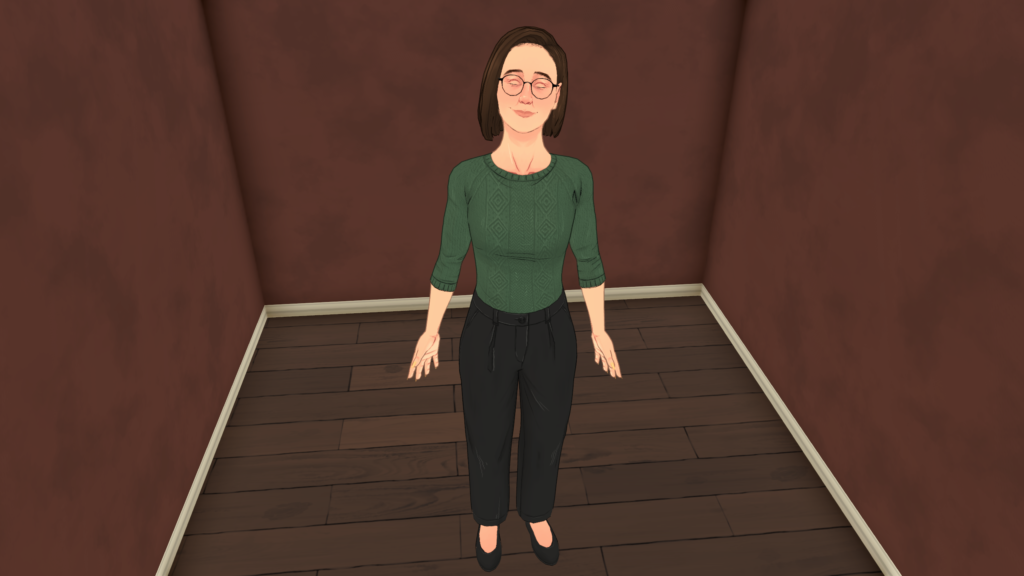
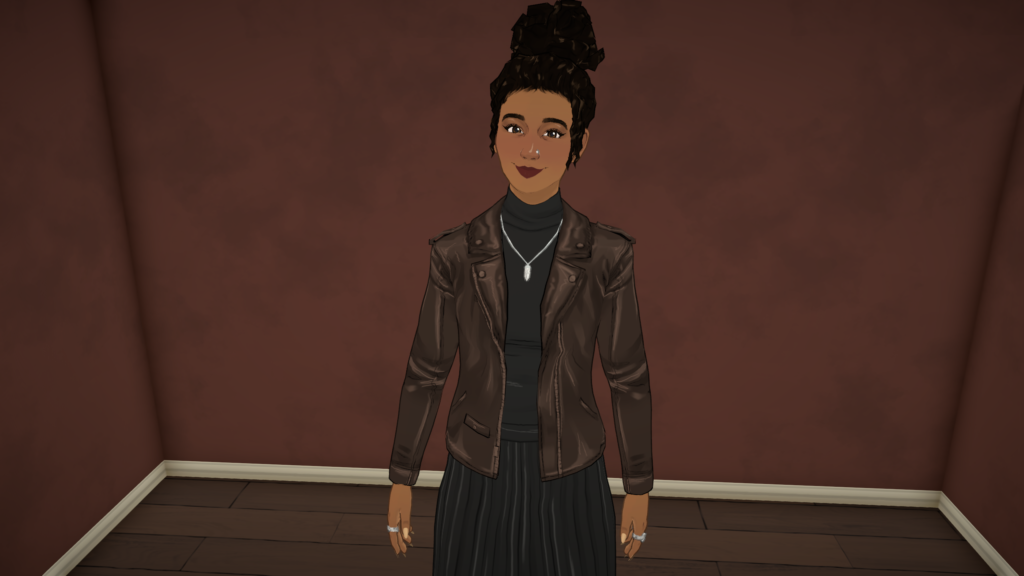
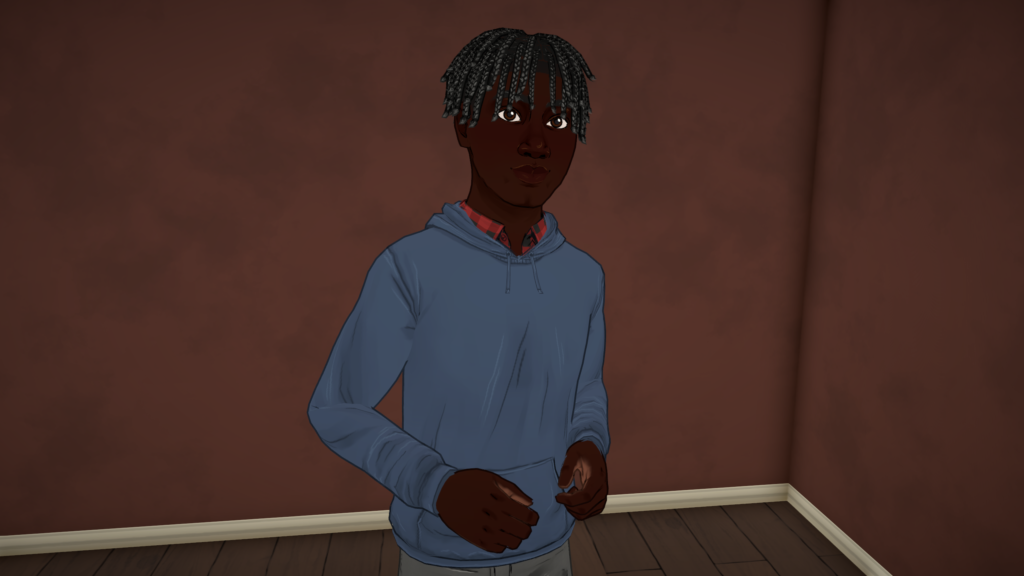
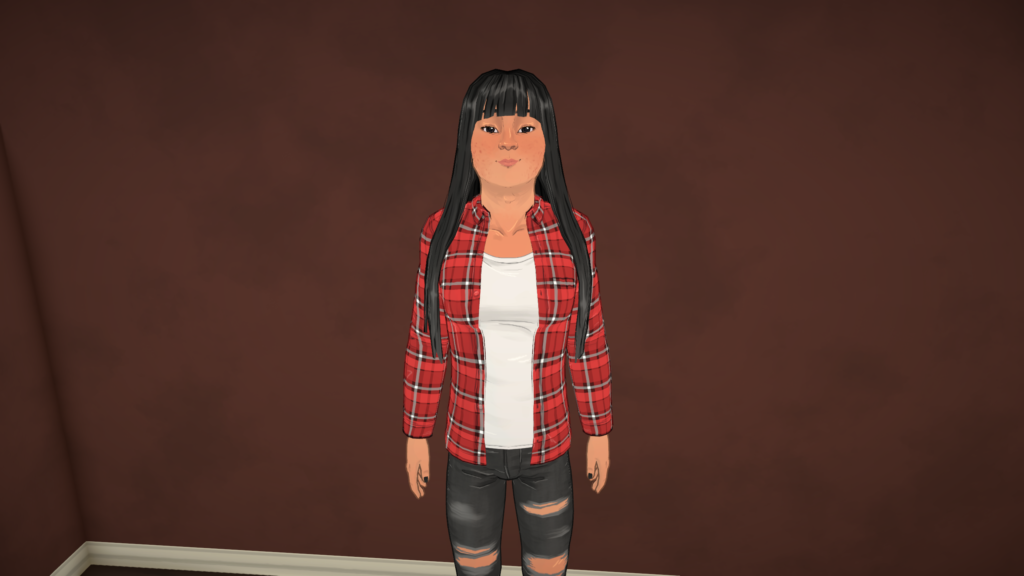
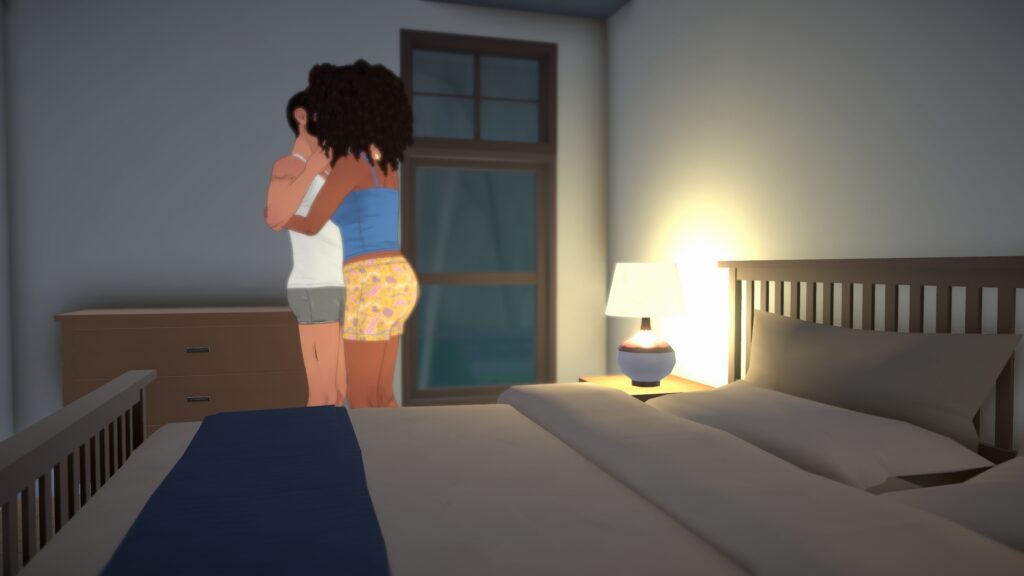
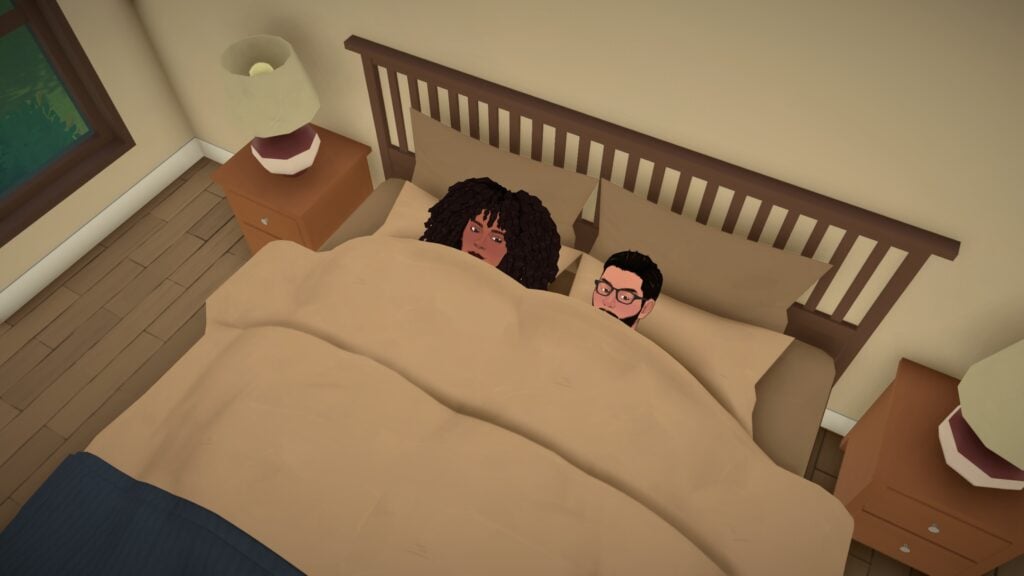
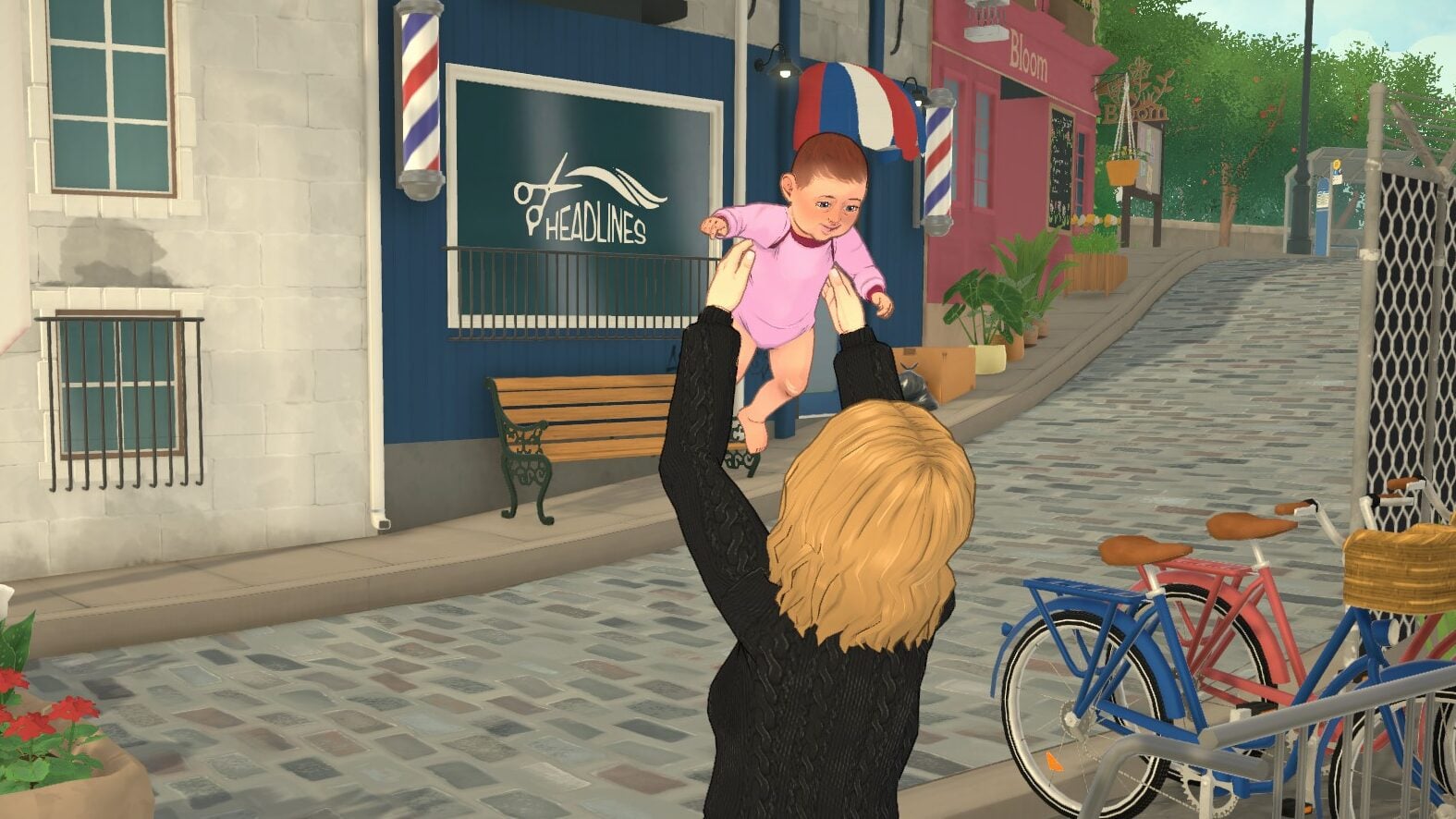
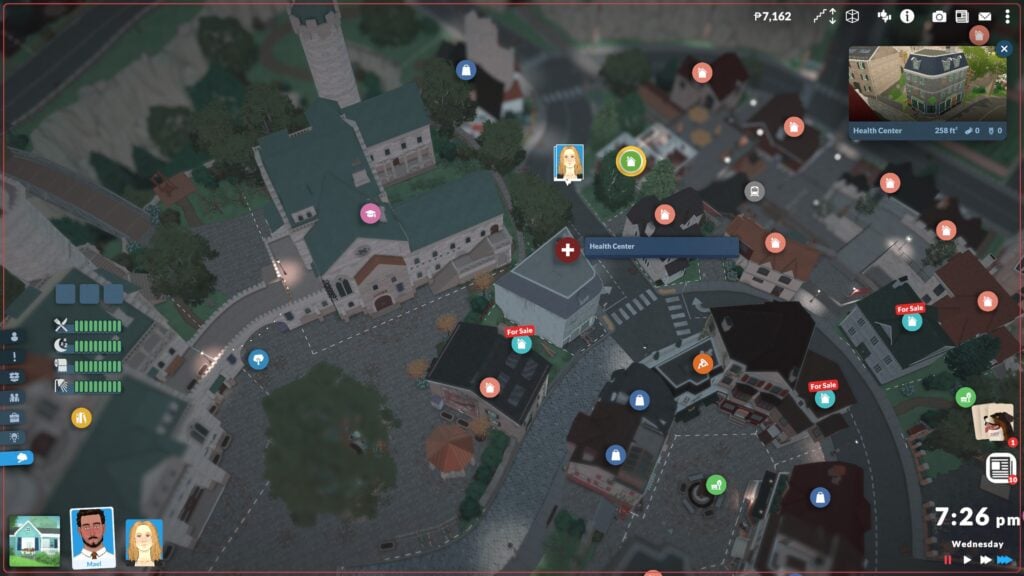
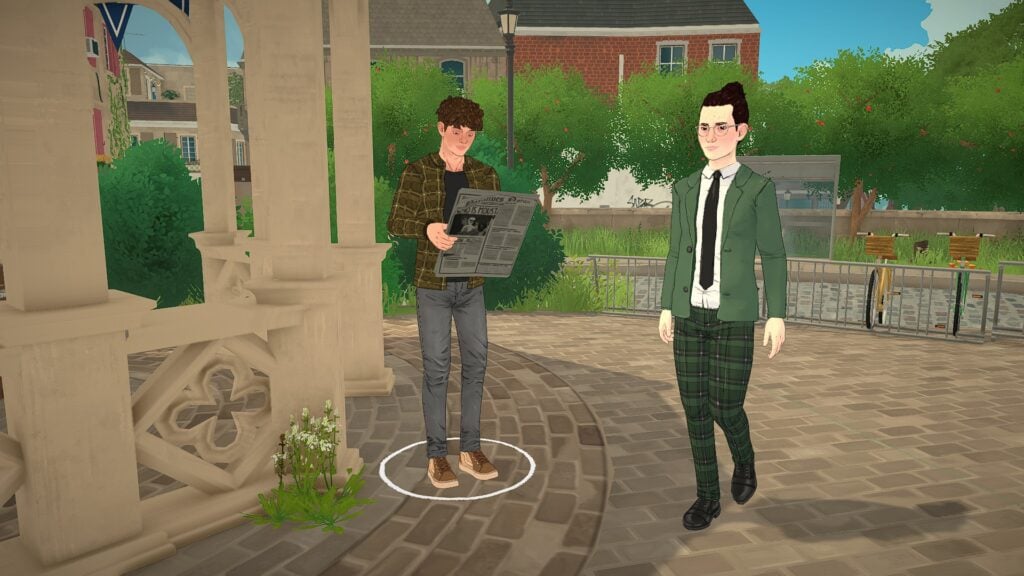
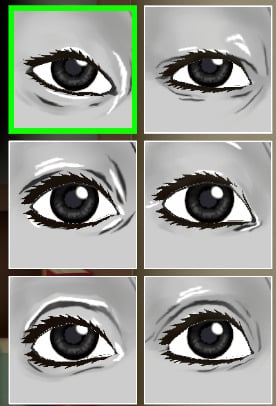
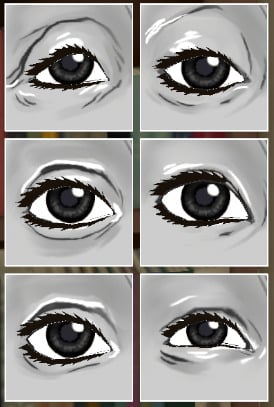
In Life Simulations, one of the major features to show the passage of time is the exact opposite… Death! Death in life simulation games is important for games that have generational and family-based gameplay. Death can act as a fun twist to add drama or a signifier of progression in your save, especially seeing a character through their entire life to their natural death. Another aspect of life simulations like this is aging. Paralives aging acts similarly to other life simulations you are familiar with, with set periods of time for each stage and automatic aging upon birthdays if aging is on.
Paralives Aging and Death Types
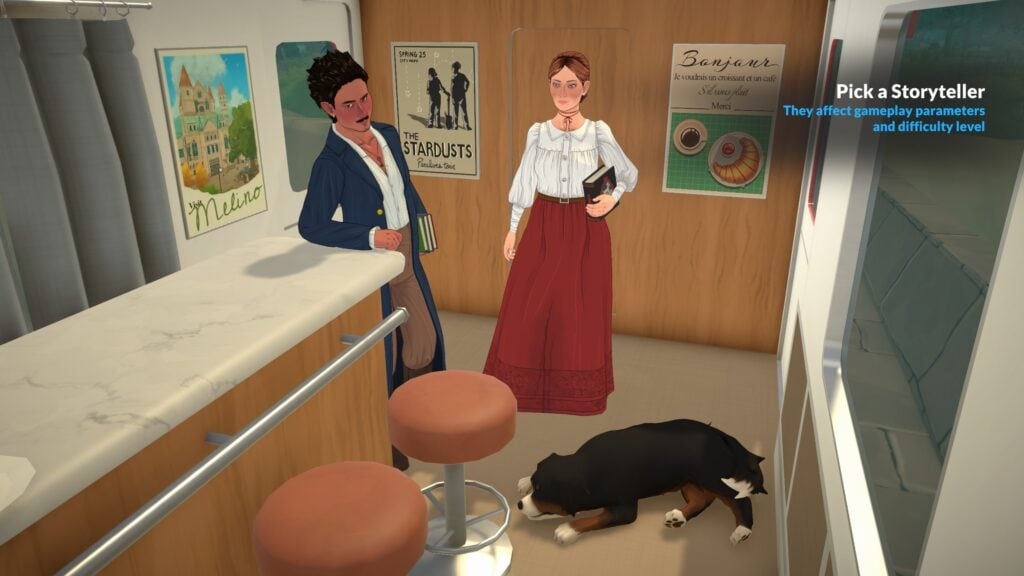
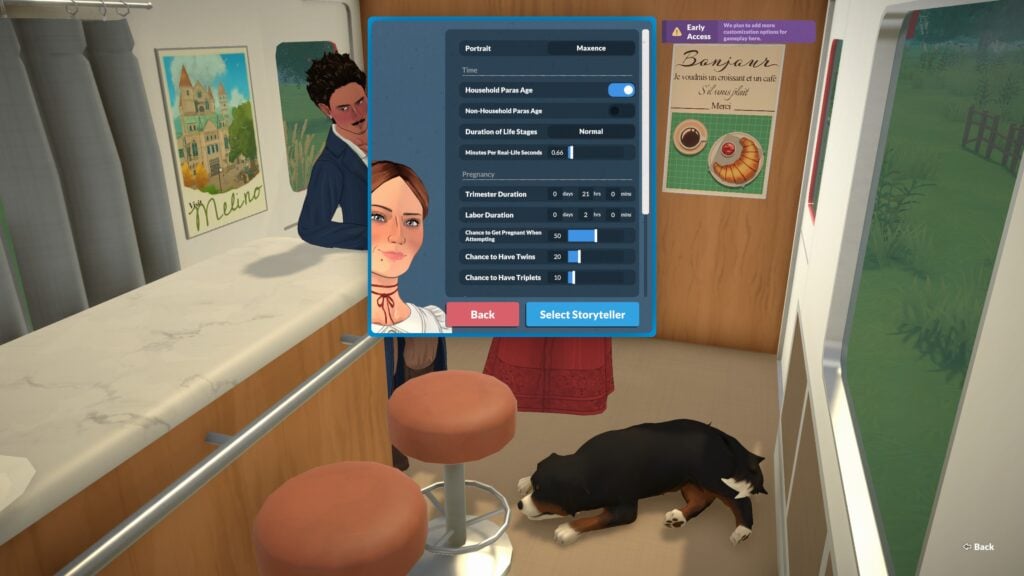
When creating a new save or customizing an existing one, you can pick your Storyteller and individually adjust their settings to tailor the speed, difficulty, and actual gameplay of that save. This include lifespans, lengths of pregnancy and trimesters, auto aging being on or off, etc.
Lifespan Setting
Baby
Toddler
Child
Preteen
Teen
Young Adult
Adult
Elder
Total
Short
1
2
5
3
6
10
9
6
42
Normal
3
4
11
7
13
21
19
13
91
Long
13
17
47
31
55
87
79
55
384
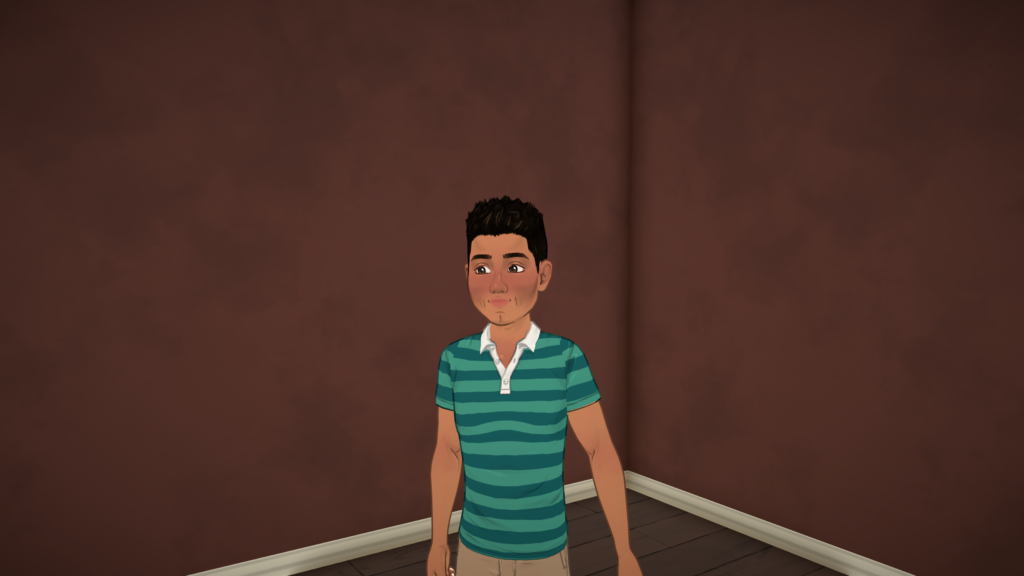
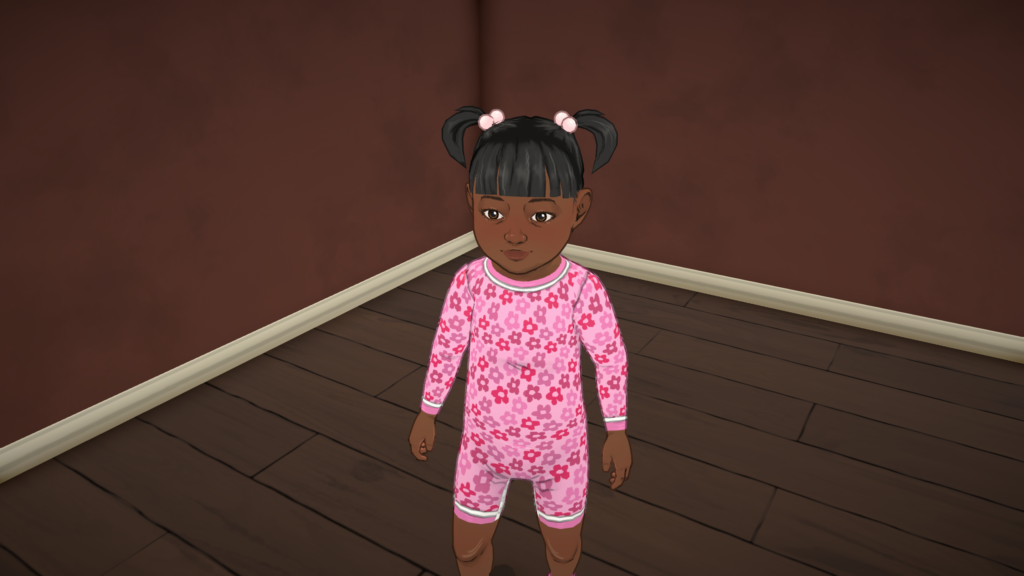
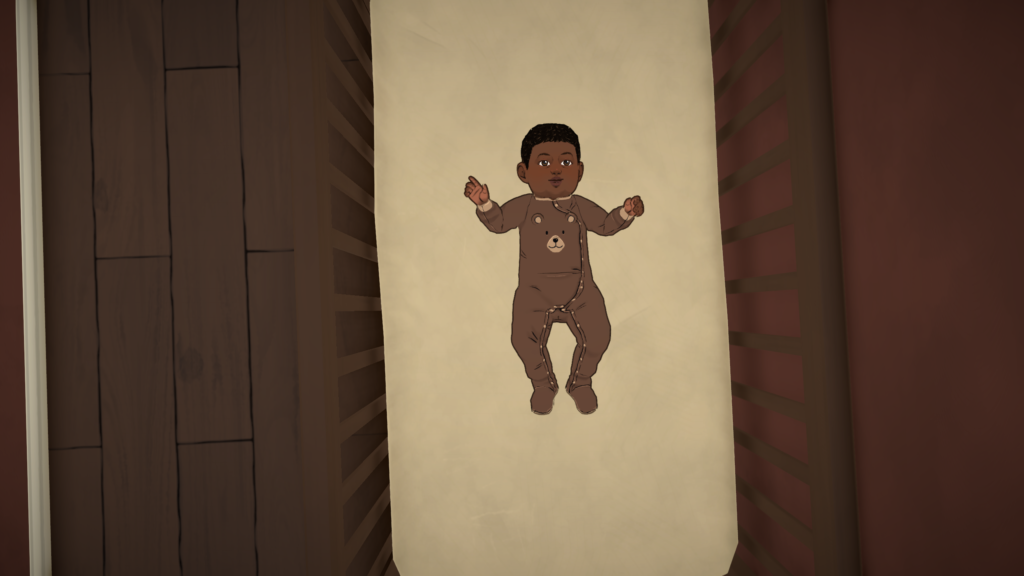
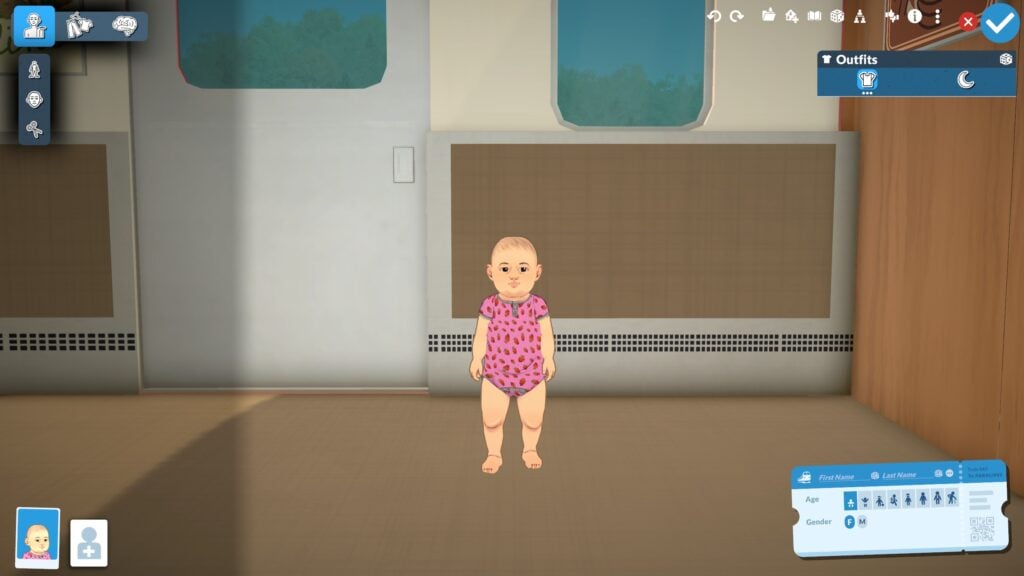
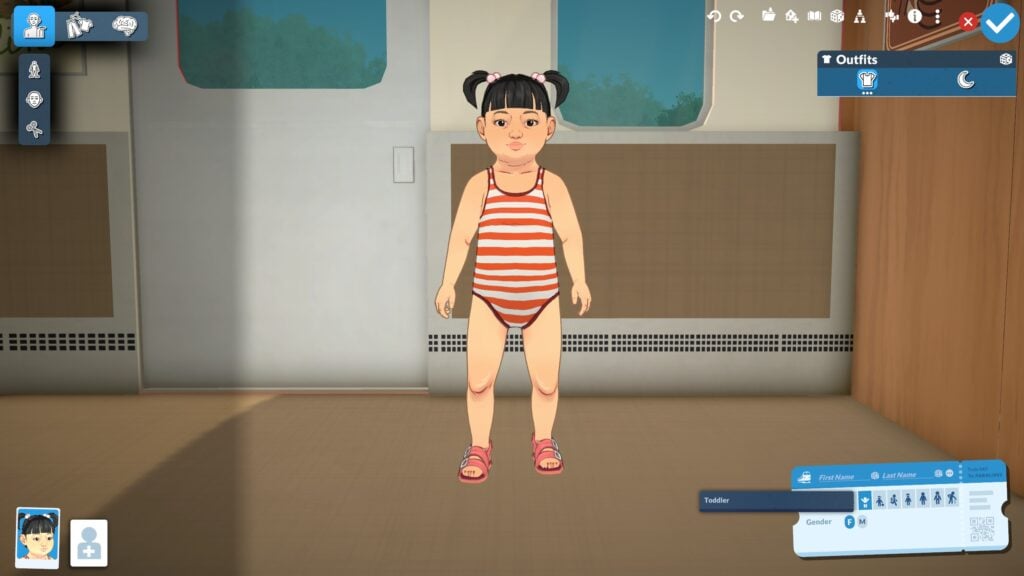
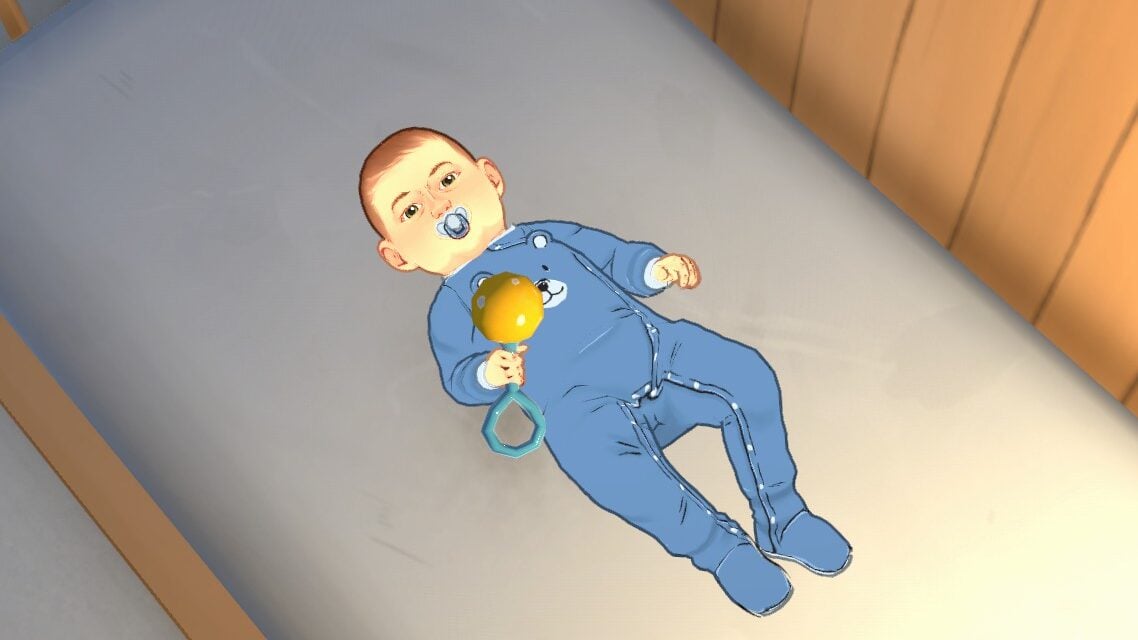
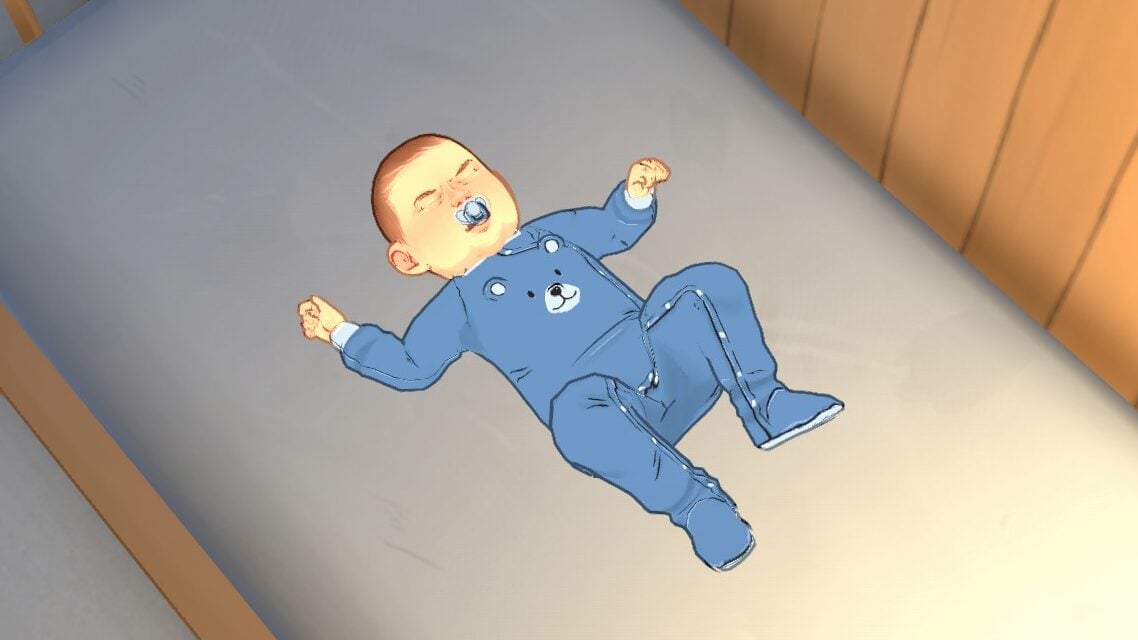
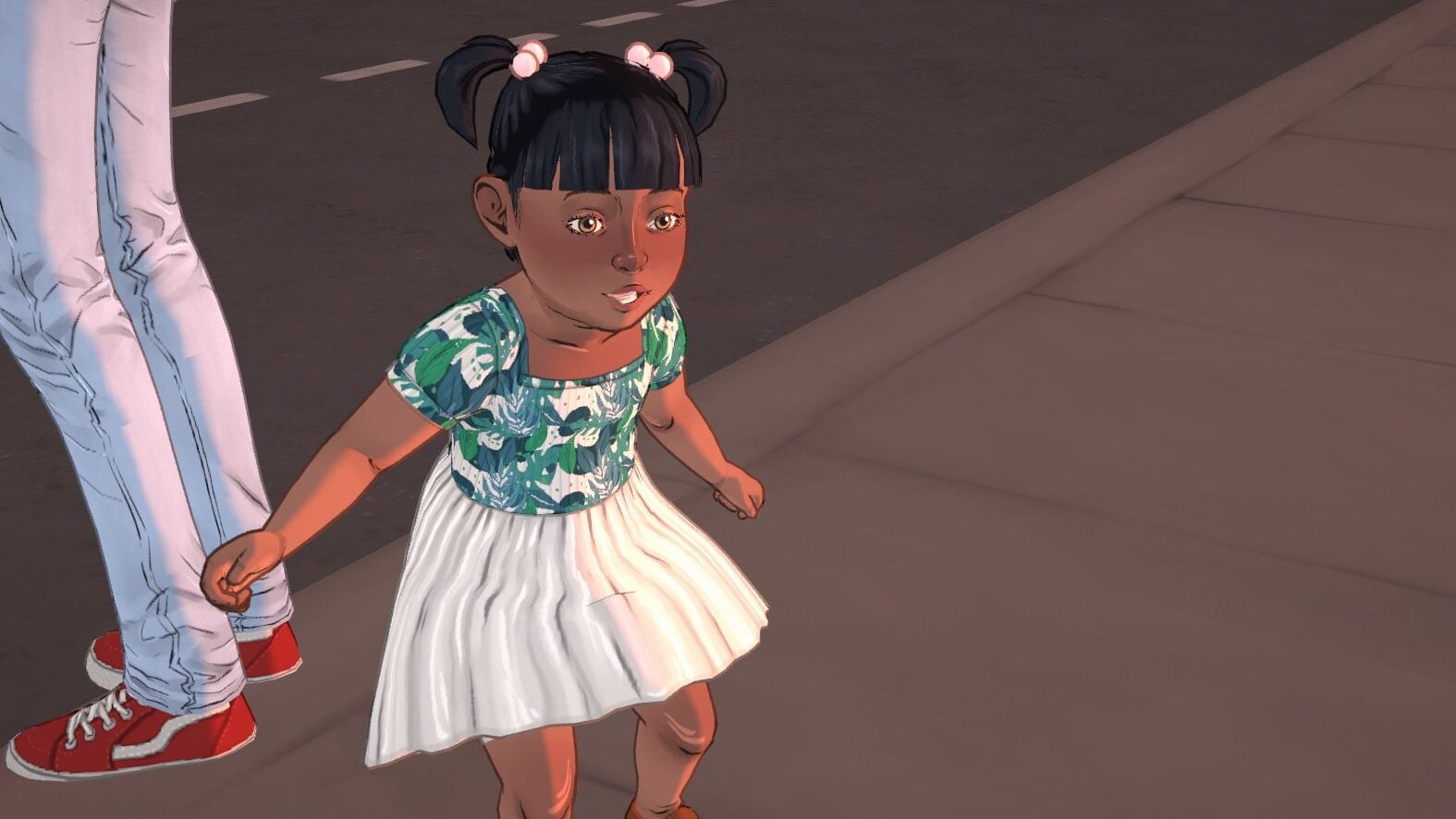
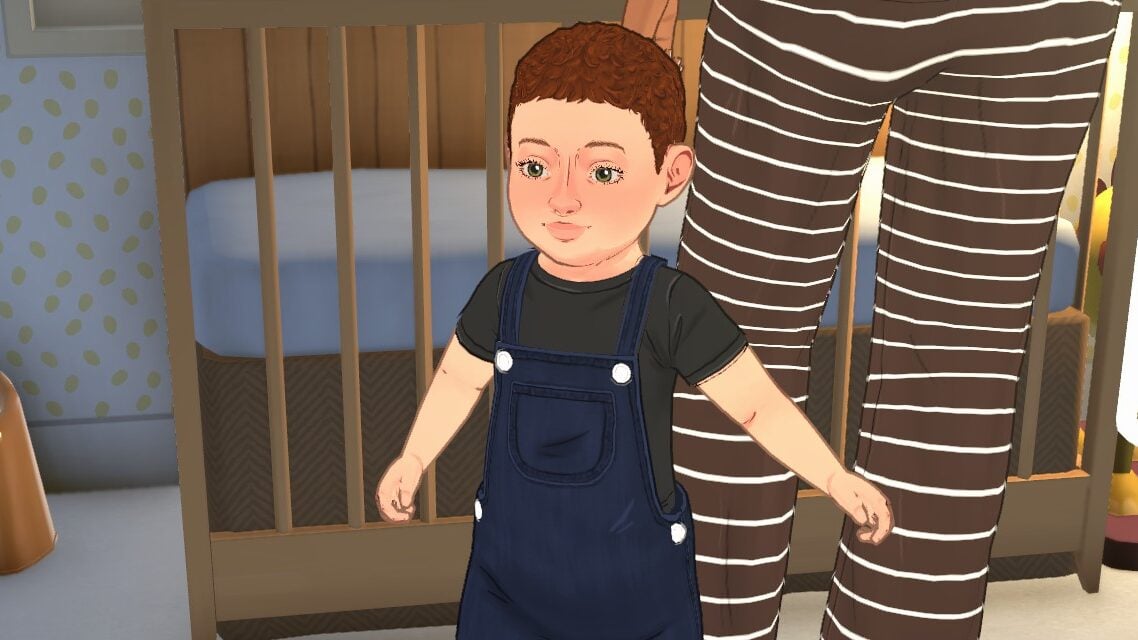
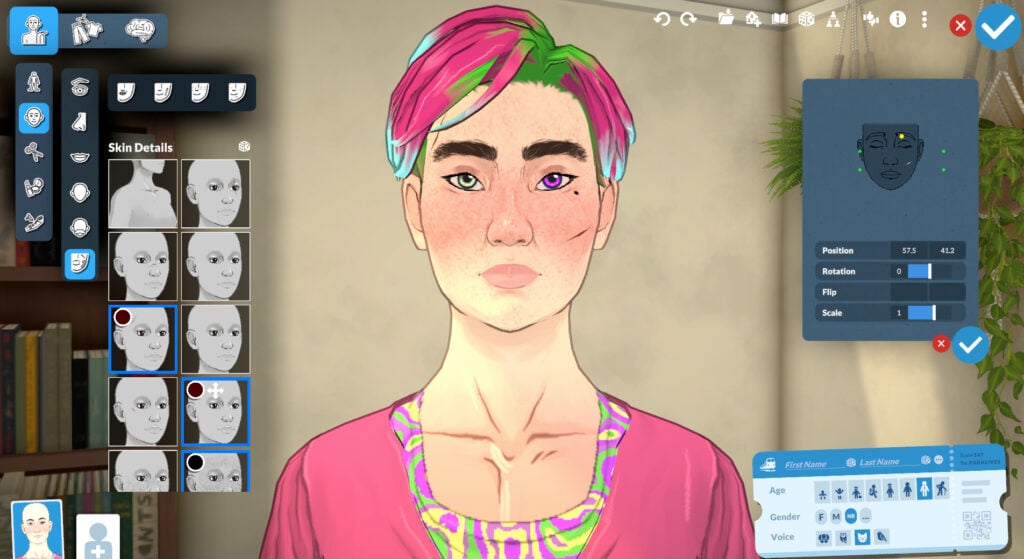
The physical difference between Paras in each life stage is noticeable, with new slider values becoming visible as they age and new skin details popping up to show the passage of time. There are eight life stages so far in the game.
ElderAdultYoung AdultTeenPreteenChildToddlerBaby
Death Types
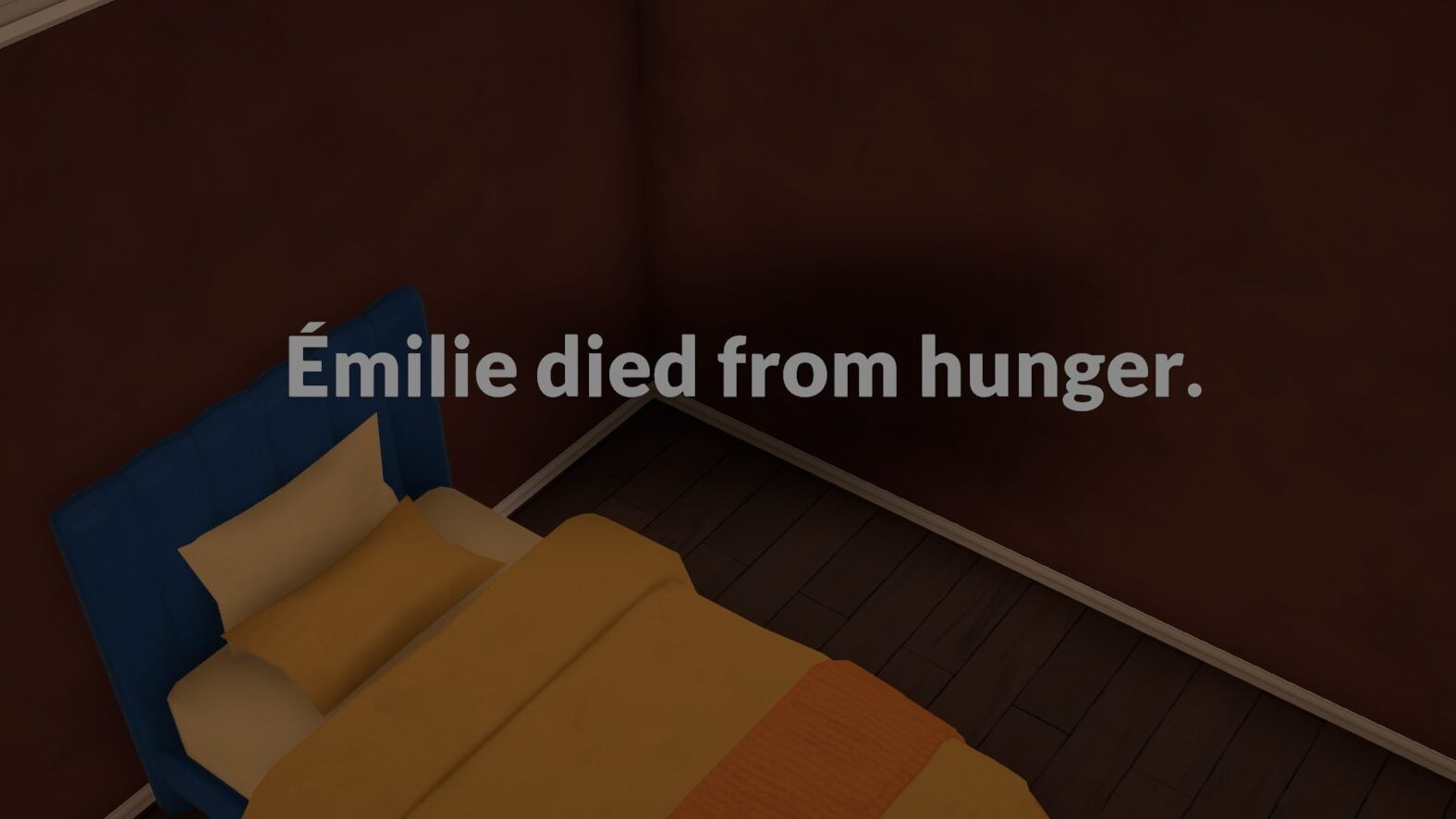
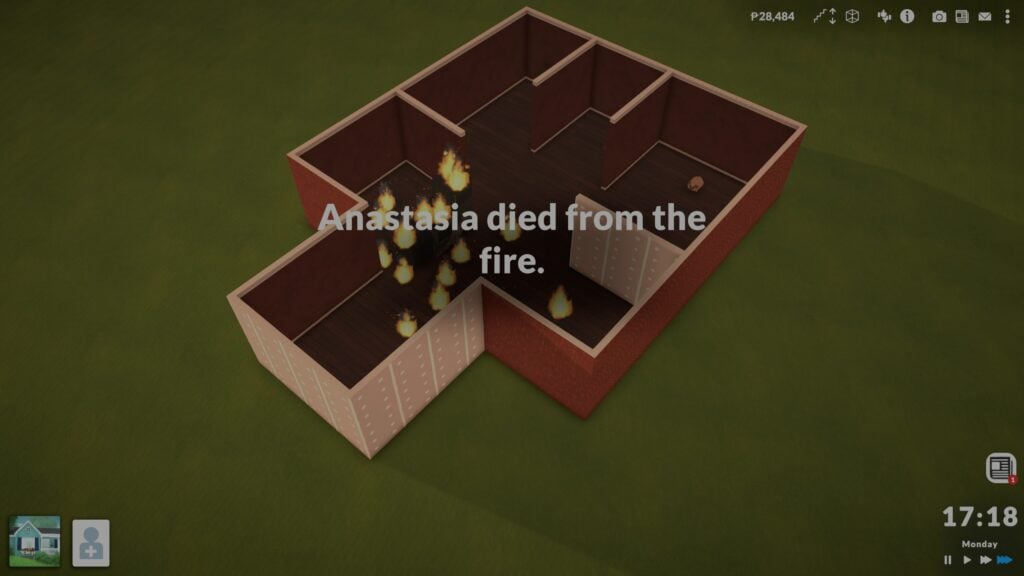
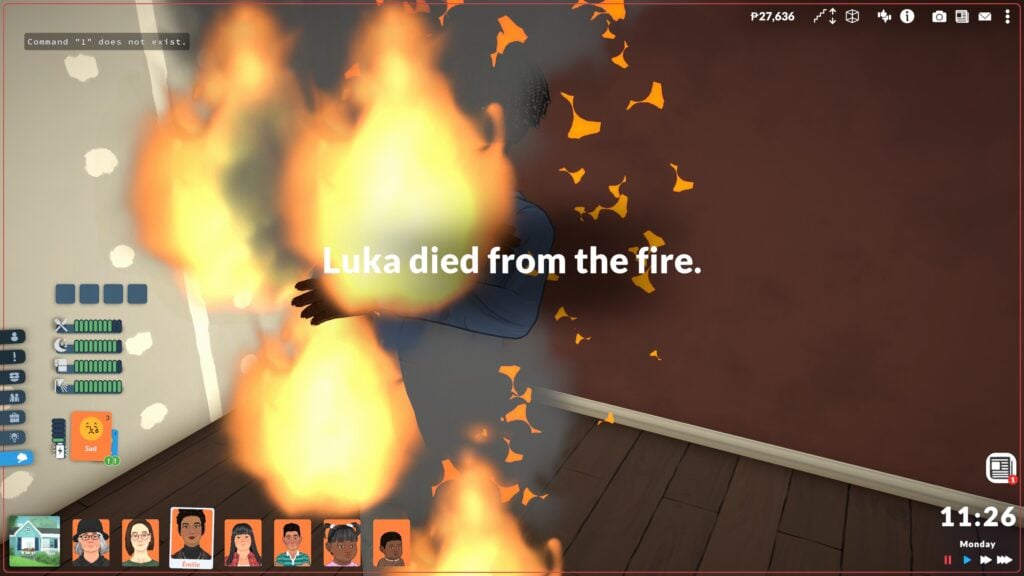
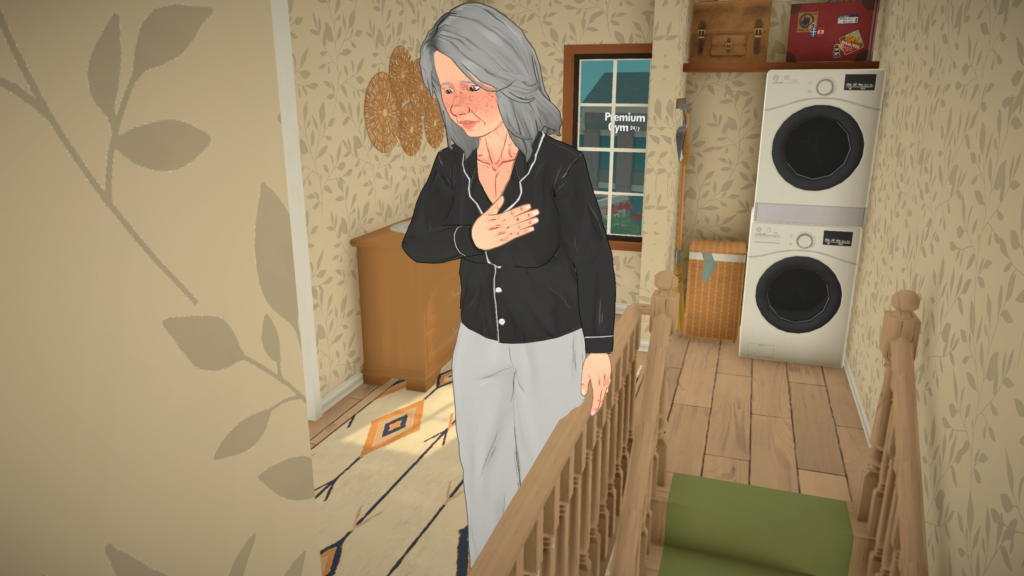
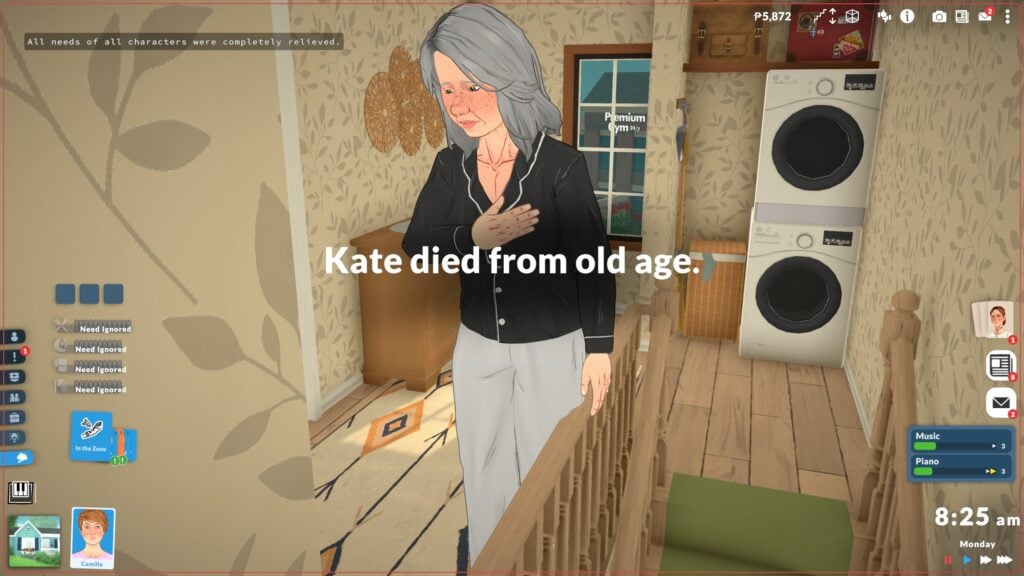
Currently, death type animations are incomplete. Some will display a start animation, like clutching a chest for old age death or collapsing from a fire death. However, afterwards, Paras will disappear and you will receive a screen pop-up explaining what happened.
Starvation
Paralives can starve to death after a certain period of time without food. Since different Paras have different traits or skills or lifestyles that will change how long of a hunger bar they have, the time from their last meal to starvation does vary.
Exhaustion
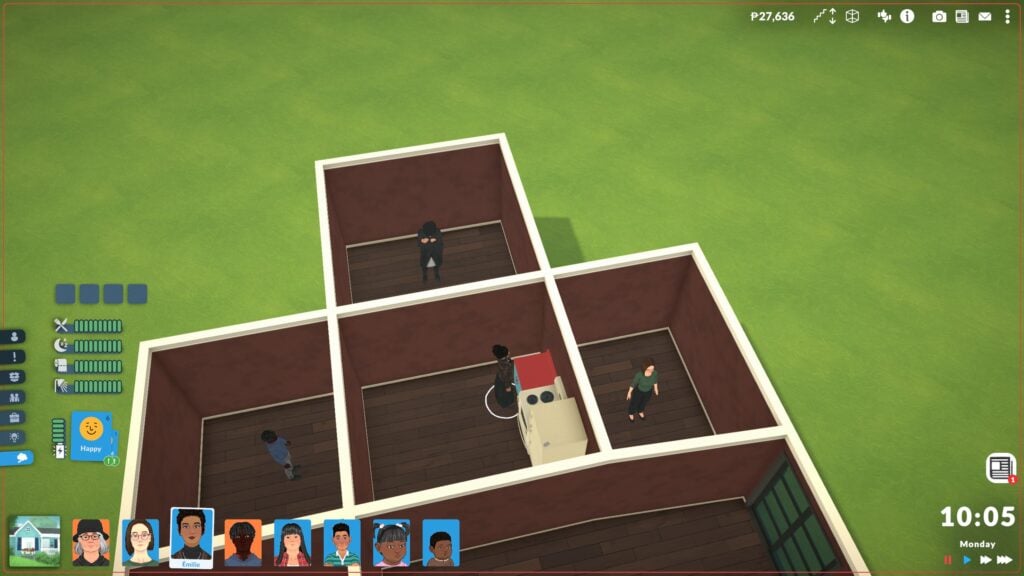
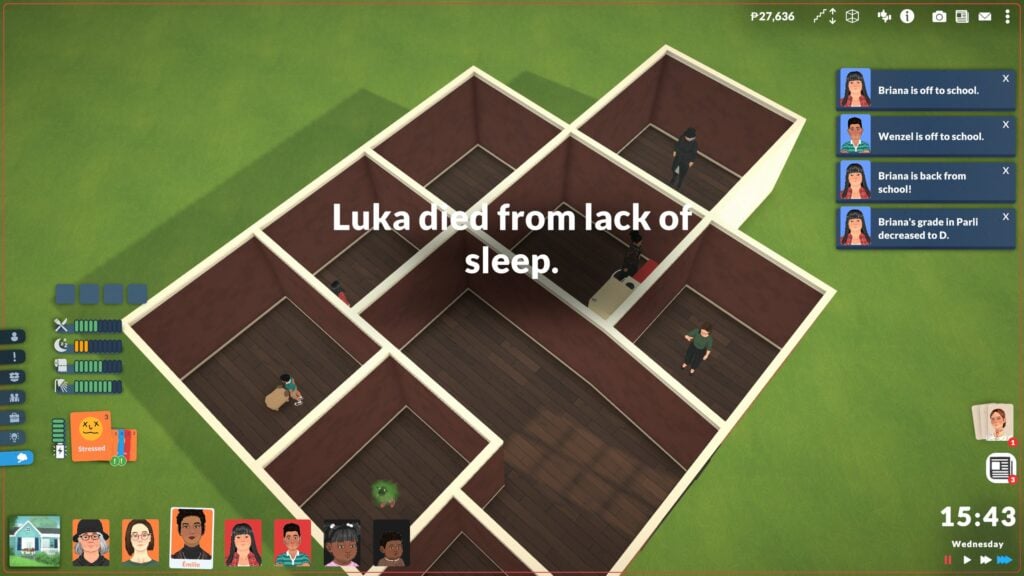
The quickest way for Paras to die excluding fire is exhaustion. Instead of passing out, Paras will just die if they are teens or older and have fully exhausted their energy bar. Make sure they get good rest, because only a few days of no sleep is enough to take them out! When testing with a full household with no access to beds, it only took from Monday morning at 10:05AM to 15:43PM/3:43PM Wednesday afternoon for one of my Paras to die.
Fire
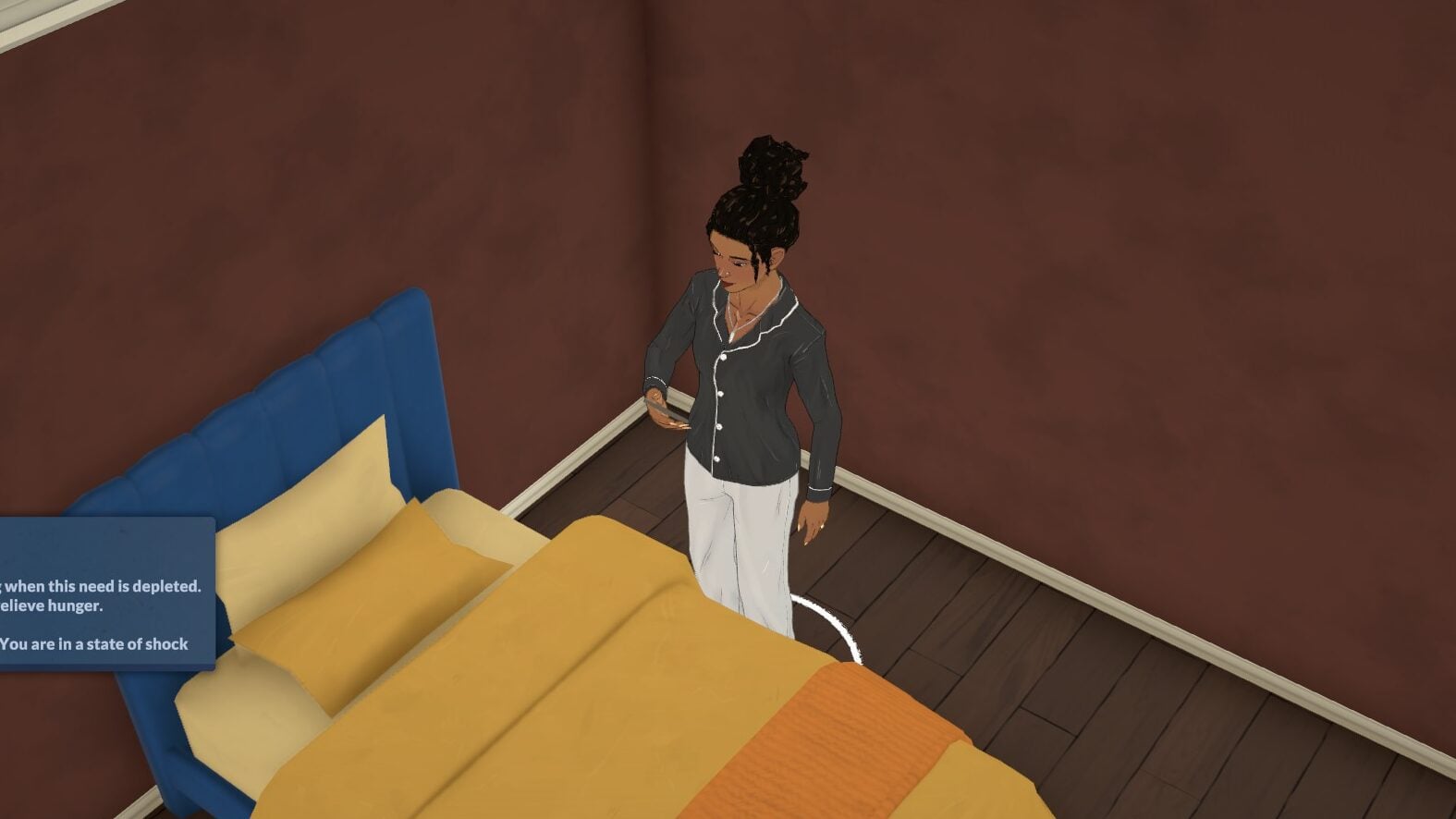
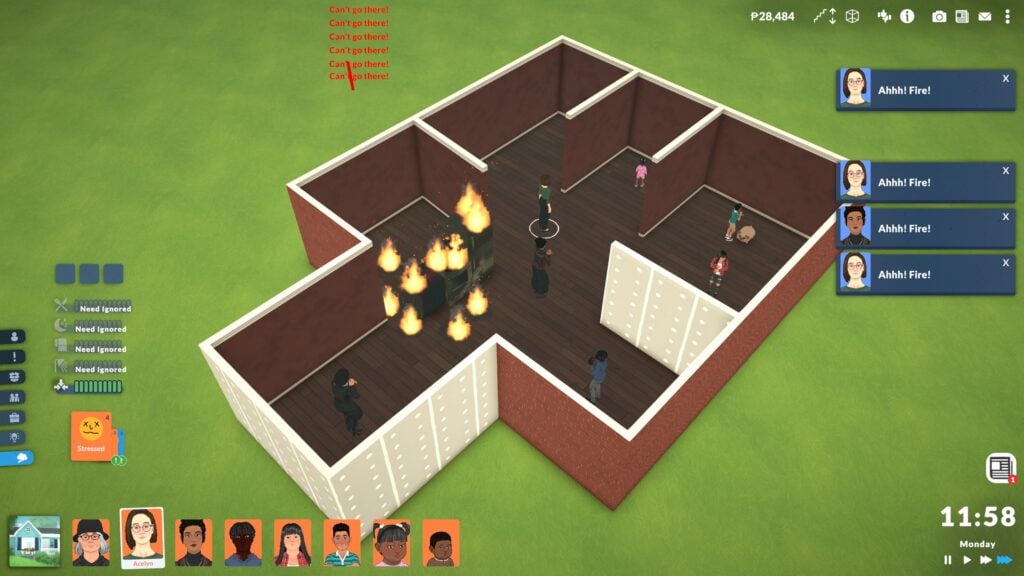
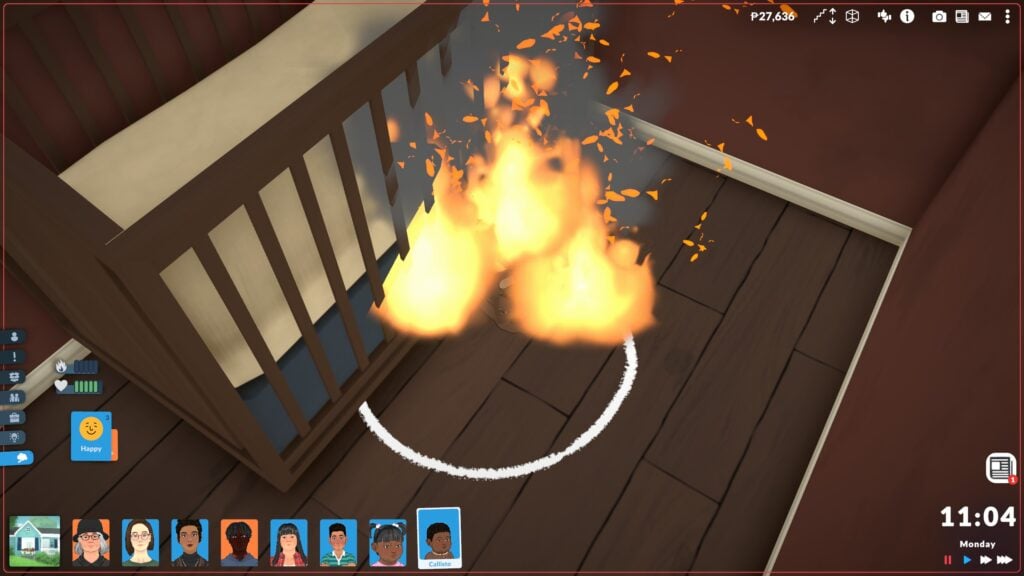
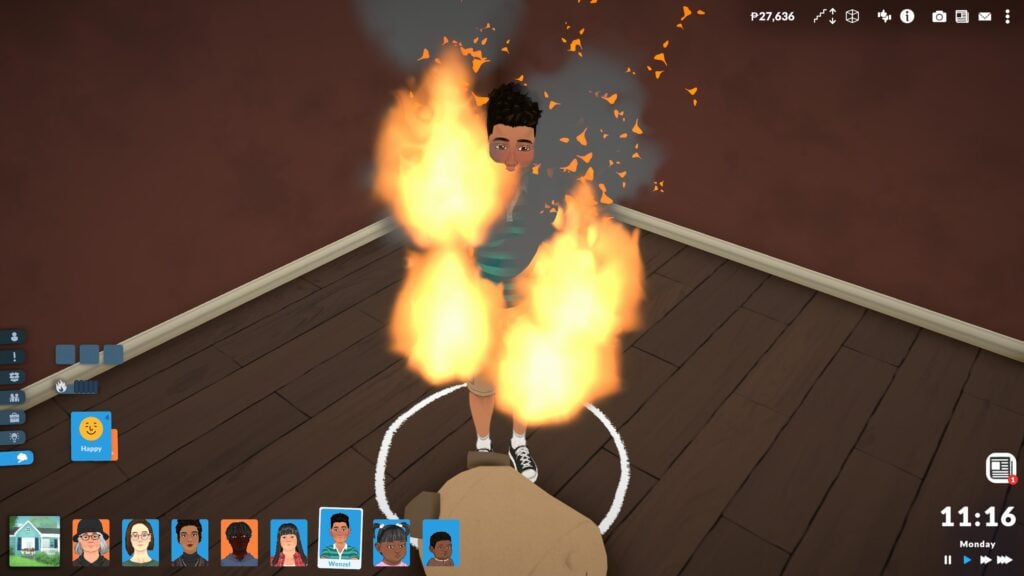
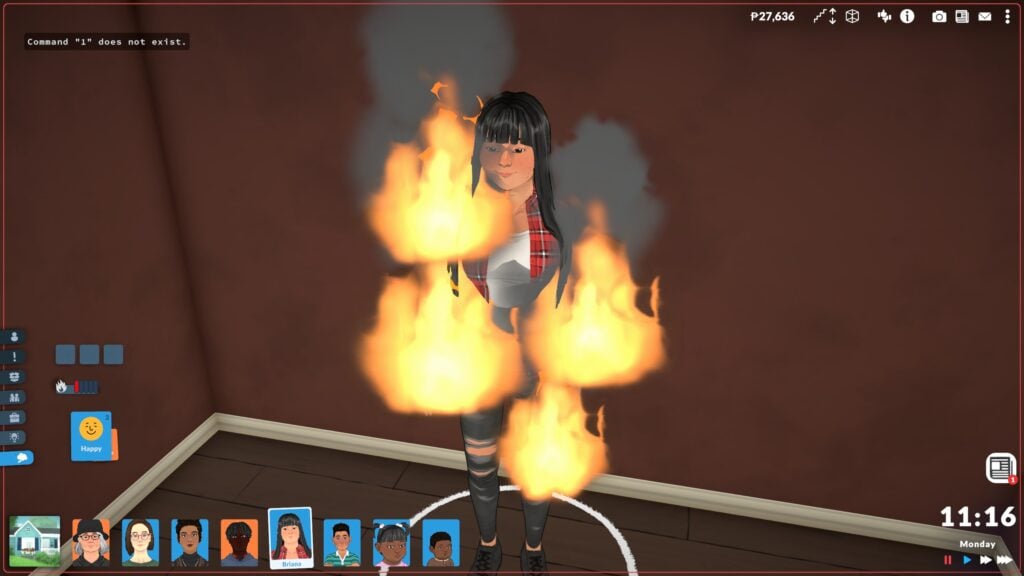
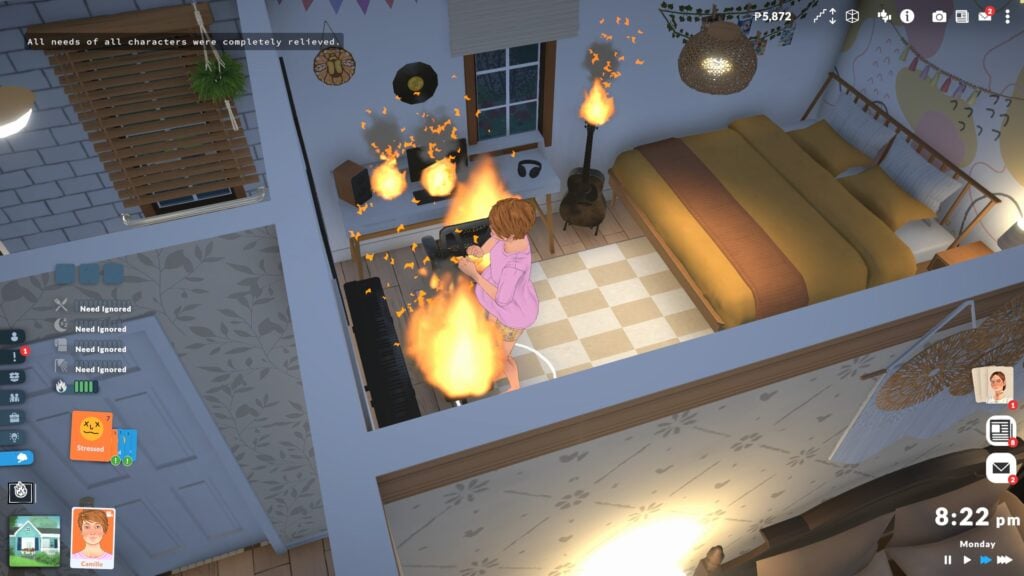
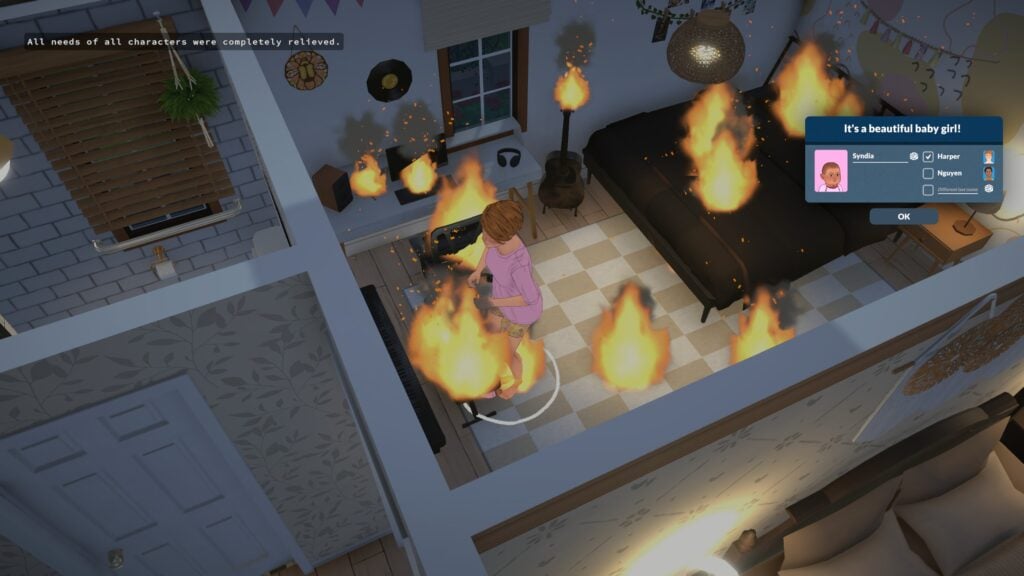
Fire in Paralives is quick and dangerous, and can easily take out an entire room or a significant portion of a home if you are not careful. This also means Paras are in danger. When autonomy is on, Paras will attempt to save their lives and the lives of those around them by evacuating or extinguishing things. They will often enter a state of shock that will ignore all other needs until they are back to safety, meaning they can survive hunger and exhaustion if they are in shock due to a fire. Paras who catch on fire have a new needs bar that will decrease the more they burn, and once it is empty, they die.
Old Age
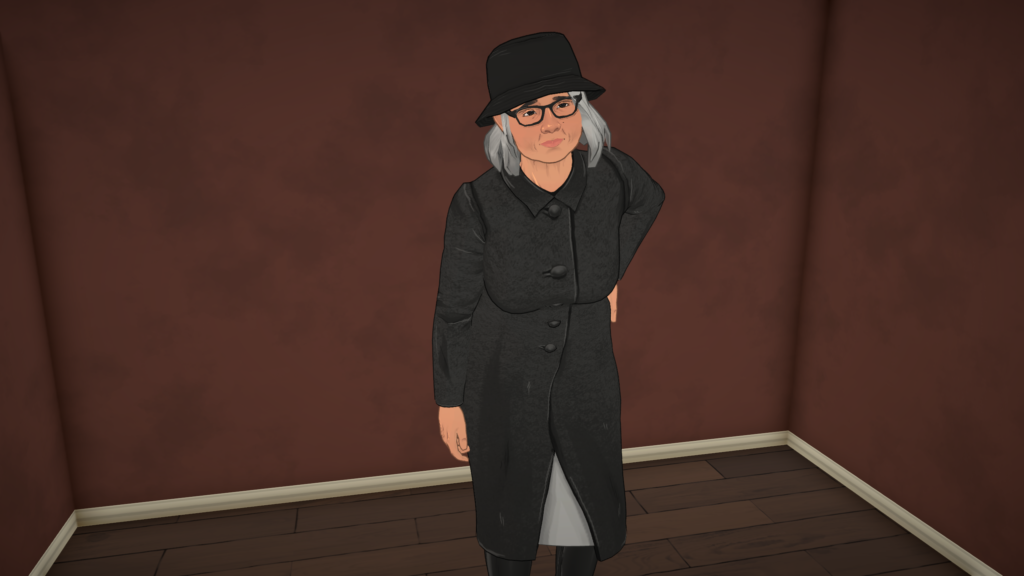
Dying from old age or natural causes will happen once an elderly Para has reached the end of their life stage progression bar. When hovering over the bar, you will be told how long there is left in that stage down to the hours and minutes. Once that happens, they will clutch their chest and disappear, with a notification telling you they have passed from old age.
Para Death Behaviors
Paras will autonomously attempt to save their own lives for accidental death. If autonomy is disabled, they cannot perform these actions. This means that Paras will just stand around and starve, exhaust themselves, or catch on fire and will not perform life saving measures in any capacity.
Are Any Life Stages Protected From Death?
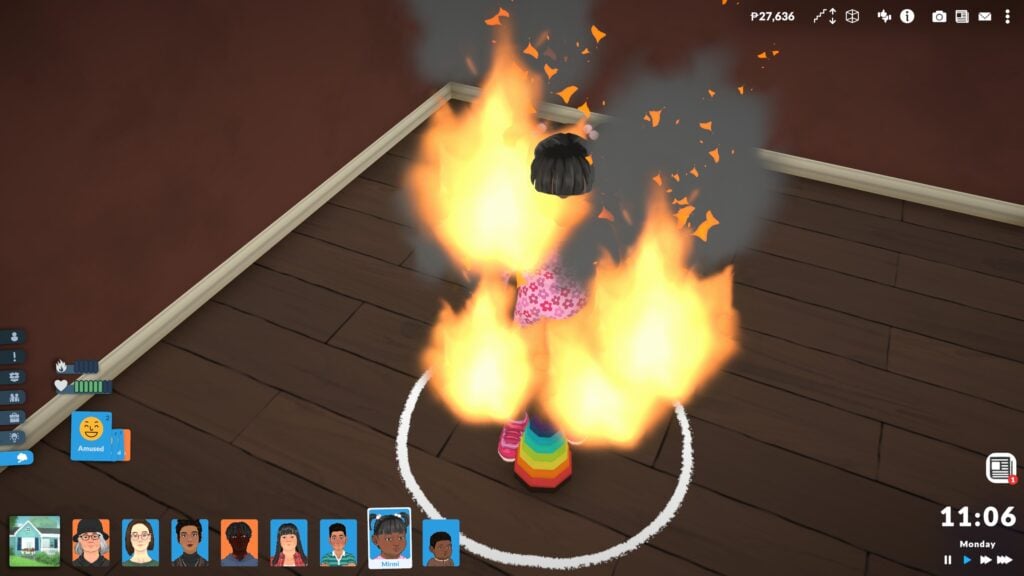
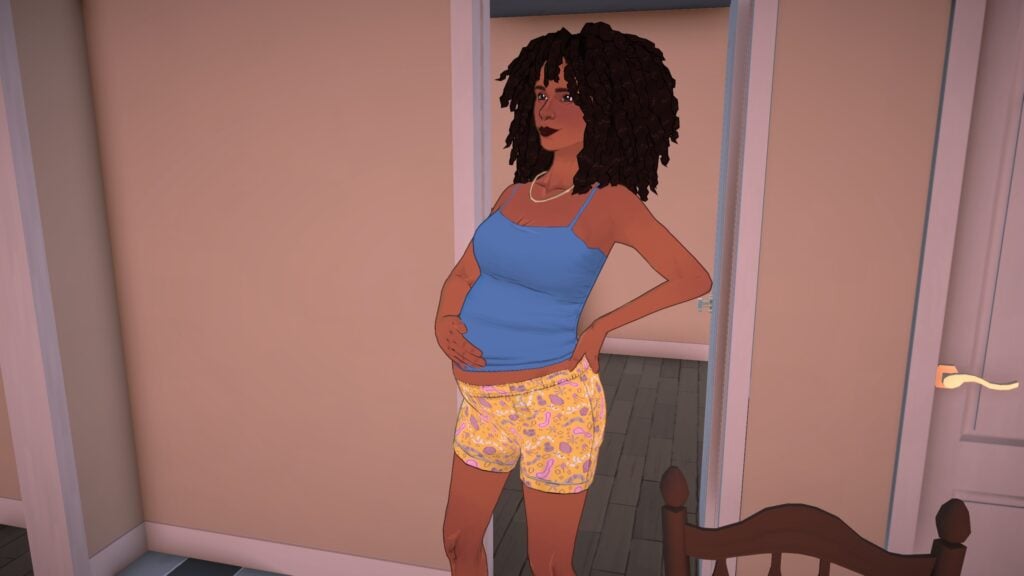
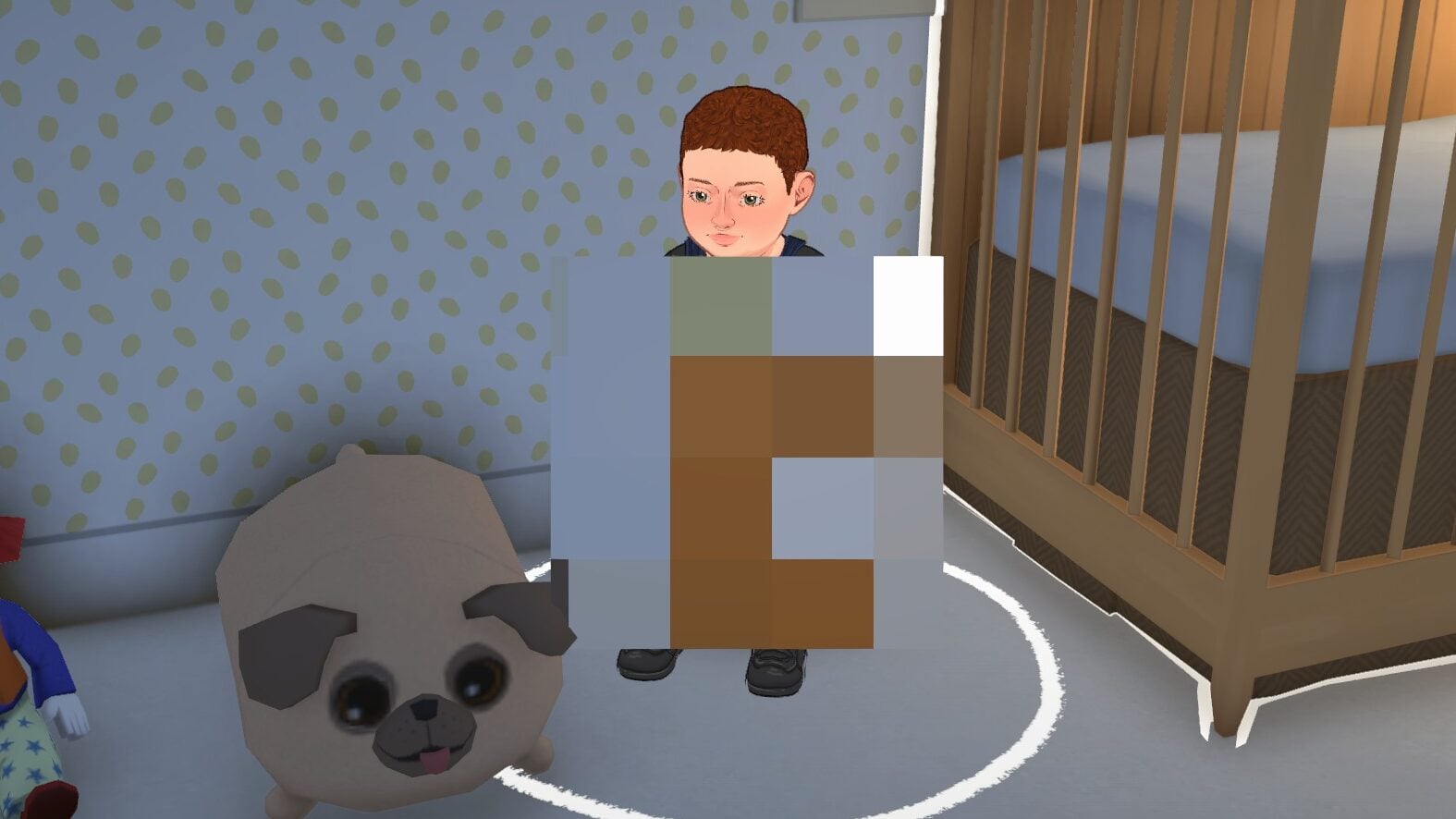
The only Paras who can actually pass away are Paras teen or older. Preteens and younger are completely immune to death. They can literally stand normally and act normally while actively on fire. If they starve or become neglected, they will disappear and be whisked away by social services. Paras are also fully immune to death while pregnant.
A pregnant Para will not naturally catch on fire and will not die in any case until they are no longer pregnant.
After Death
Since this is still a game in early access, the after death content is very limited. Paras they know the deceased will carry sad emotions for quite a while that can really overtake their whole life. Otherwise, the Paras will disappear and no gravestone or urn is left behind.
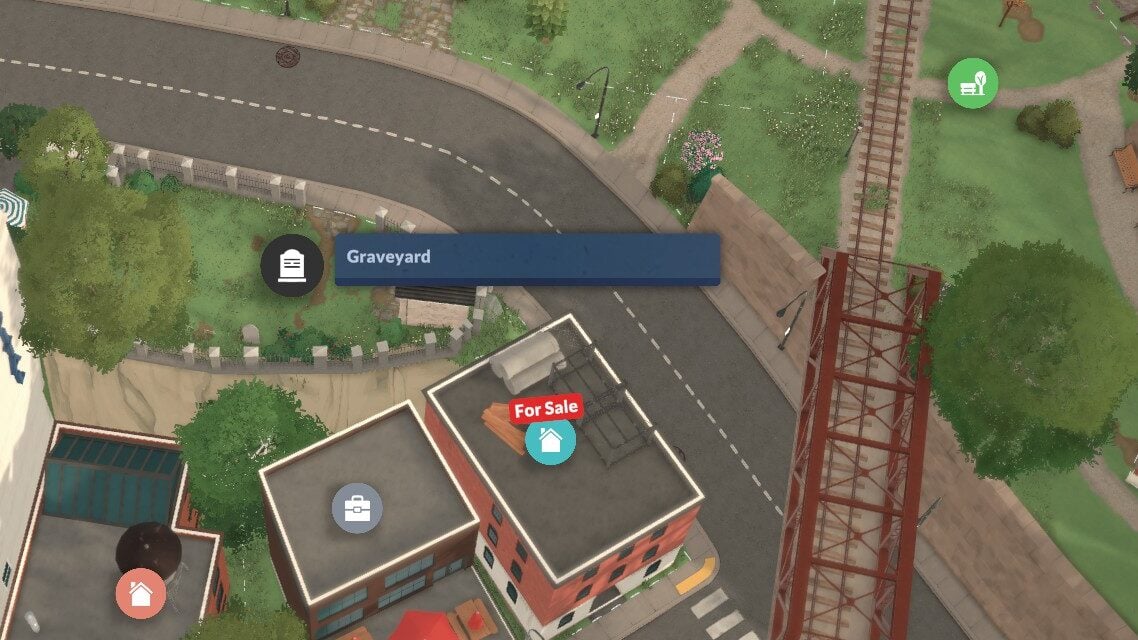
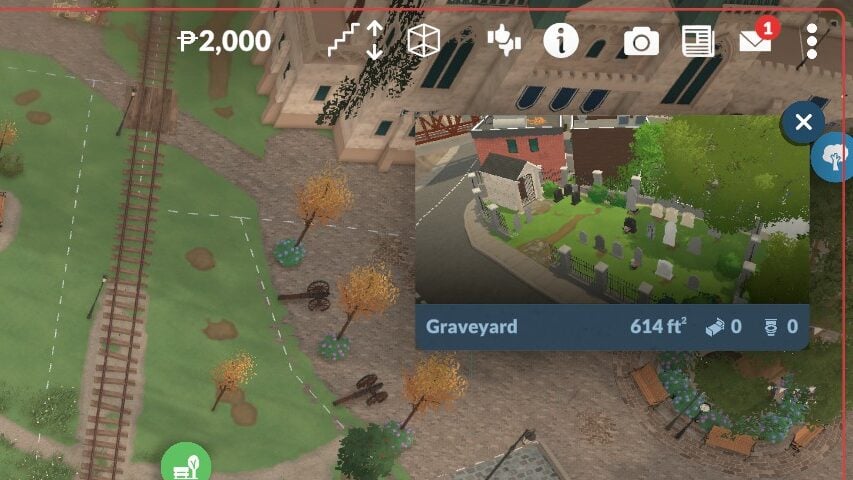
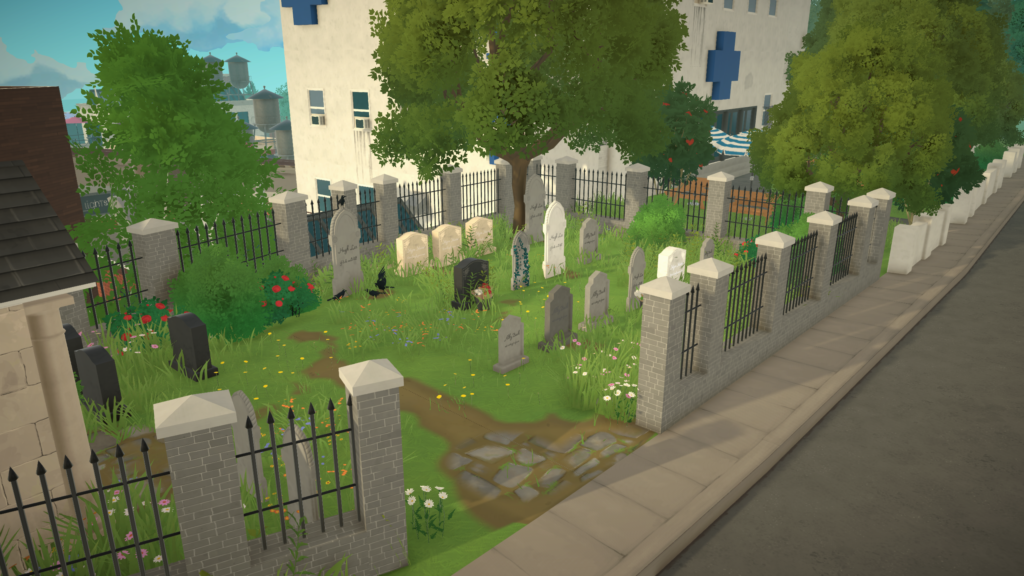
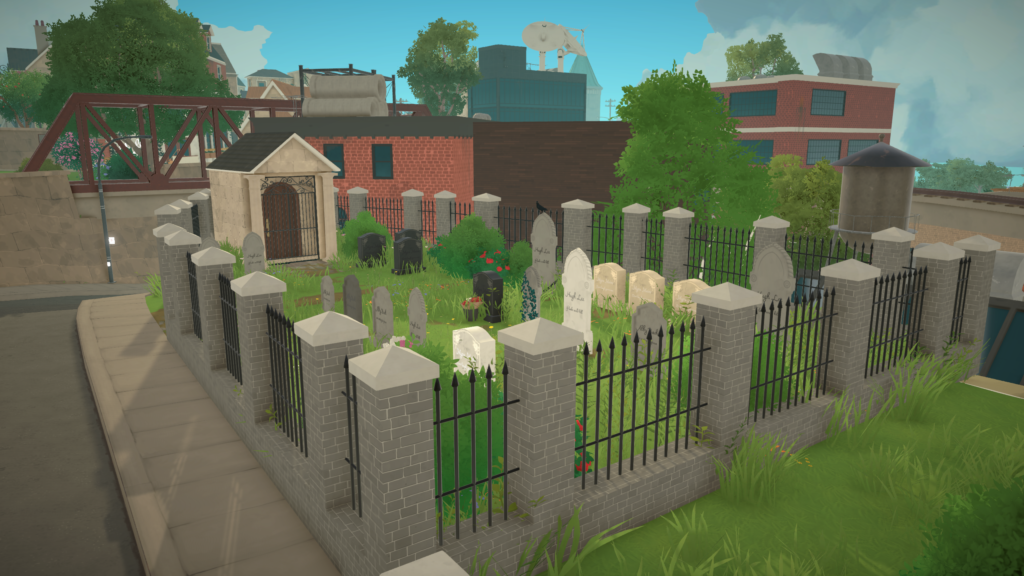
There are hints that this won’t be a forever thing, as a cemetery is available in Melino, but it just is not currently functional. There are also currently no ghosts and no way to resurrect Paras outside of cheats.
Do you want ghosts or an afterlife in Paralives? Is Paralives aging settings something you like, or is there a different approach you’d like to see? Let us know, and make sure to provide feedback to the developers themselves online through their website or Steam! Make sure to keep an eye on The Sims Community as we supply you with Paralives Guides, tips, and tricks!
The pitter patter of little feet is always a fun and exciting part of Life Simulation games, especially those that allow for generational play, and Paralives is no different! Experiencing parenthood through adoption or pregnancy, expanding your family, or creating little ones directly in the Paramaker are all features available in Paralives early access release on day one! If you’re looking to bring a new Para into the world, follow the guide below for how to get started and how to stay afloat!
Paralives Guide: Babies, Toddlers, and Caring for Their Needs
Like real babies and toddlers, younger Paras tend to look different from their future adult selves, interact with the world differently, and are reliant on older Paras for caregiving. If you have any Paras under the child stage in the home or on a lot with no caregiver Paras present, generally teens or older, then they will automatically be whisked away to daycare and this will be reflected in your weekly bills statement with a small fee.
Getting Started
Getting your own little one only takes a few easy steps, depending on the route you decide on. While the game may have more options in the future, like IVF/Science Babies/Babies with Medical Assistance, adopting older children, etc., there are three primary ways of expanding the family; Creating babies directly in the Paramaker when you first make the family in question (Or by using the “EDITCHARACTER” cheat after the fact!), trying for a baby and having a pregnancy, and adopting from a health center.
Babies and Toddlers in the Paramaker
Unlike many other life simulation games, the baby stage is not restricted to pregnancy or adoption in-game, but the youngest Paras can be created directly in the Paramaker. In the paramaker, character customization is a bit more limited. Paras can be aged down and edited in that stage, but hairstyles, body types, facial sliders, etc., are more heavily restricted.
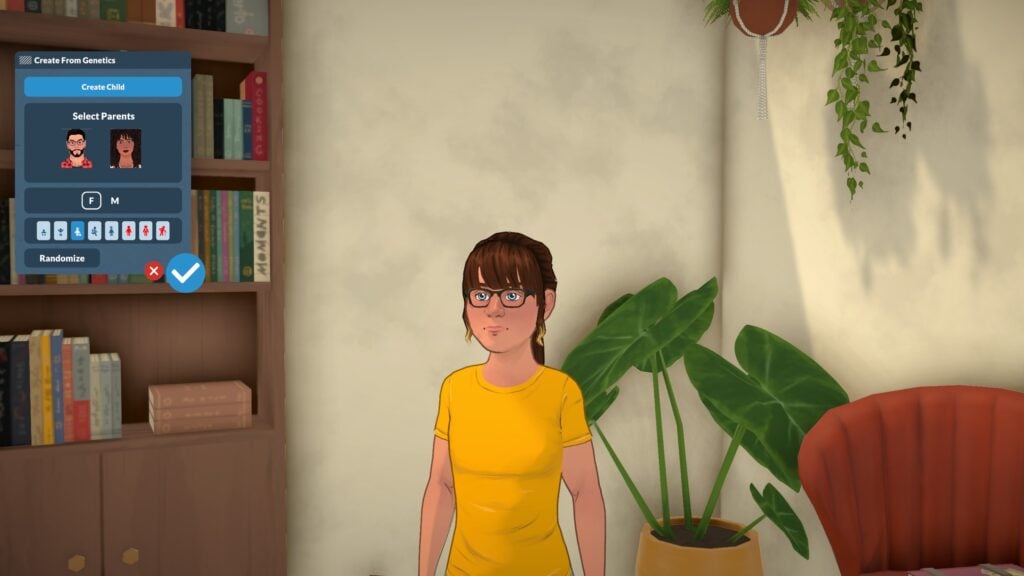
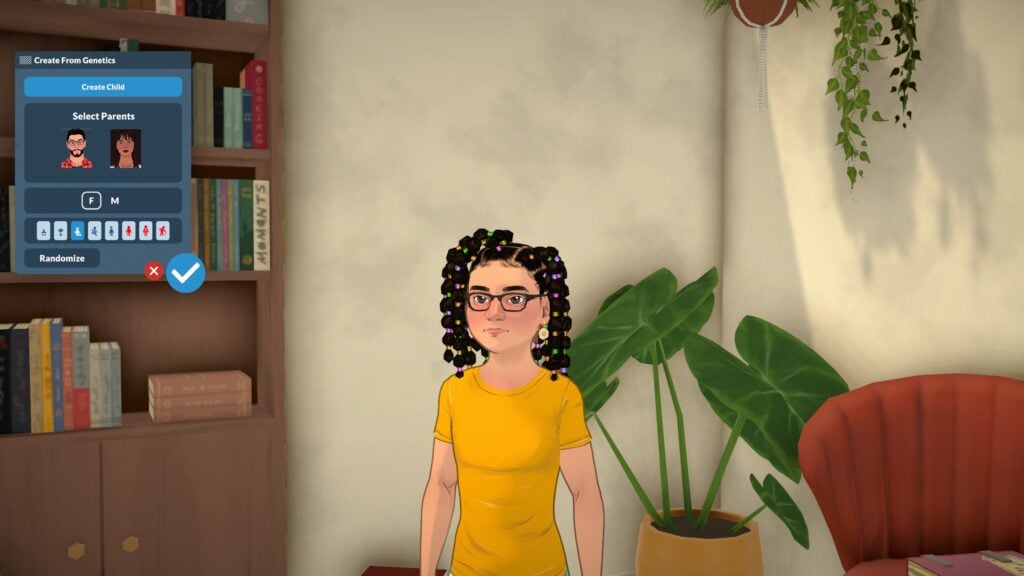
If you have parents available, you can choose to mix their genes to create a new child of any life stage under theirs, meaning you can create entire families in the Paramaker. Since Paralives has a true genetics system with inheritance, you can see dominant and recessive genes reflected in different aspects.
Trying for a Baby
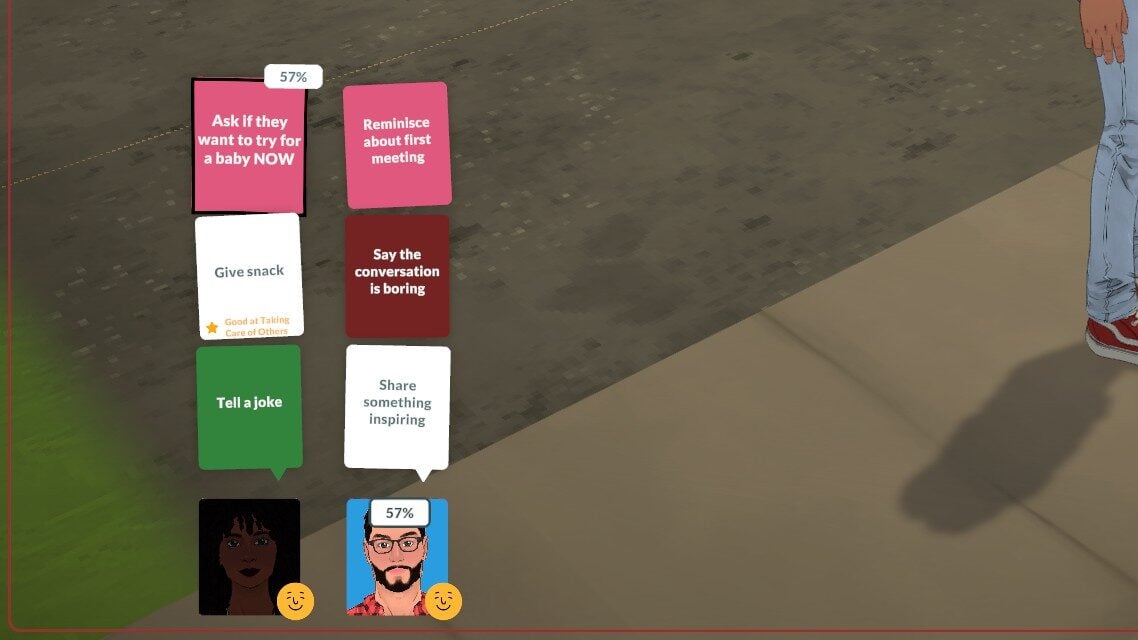
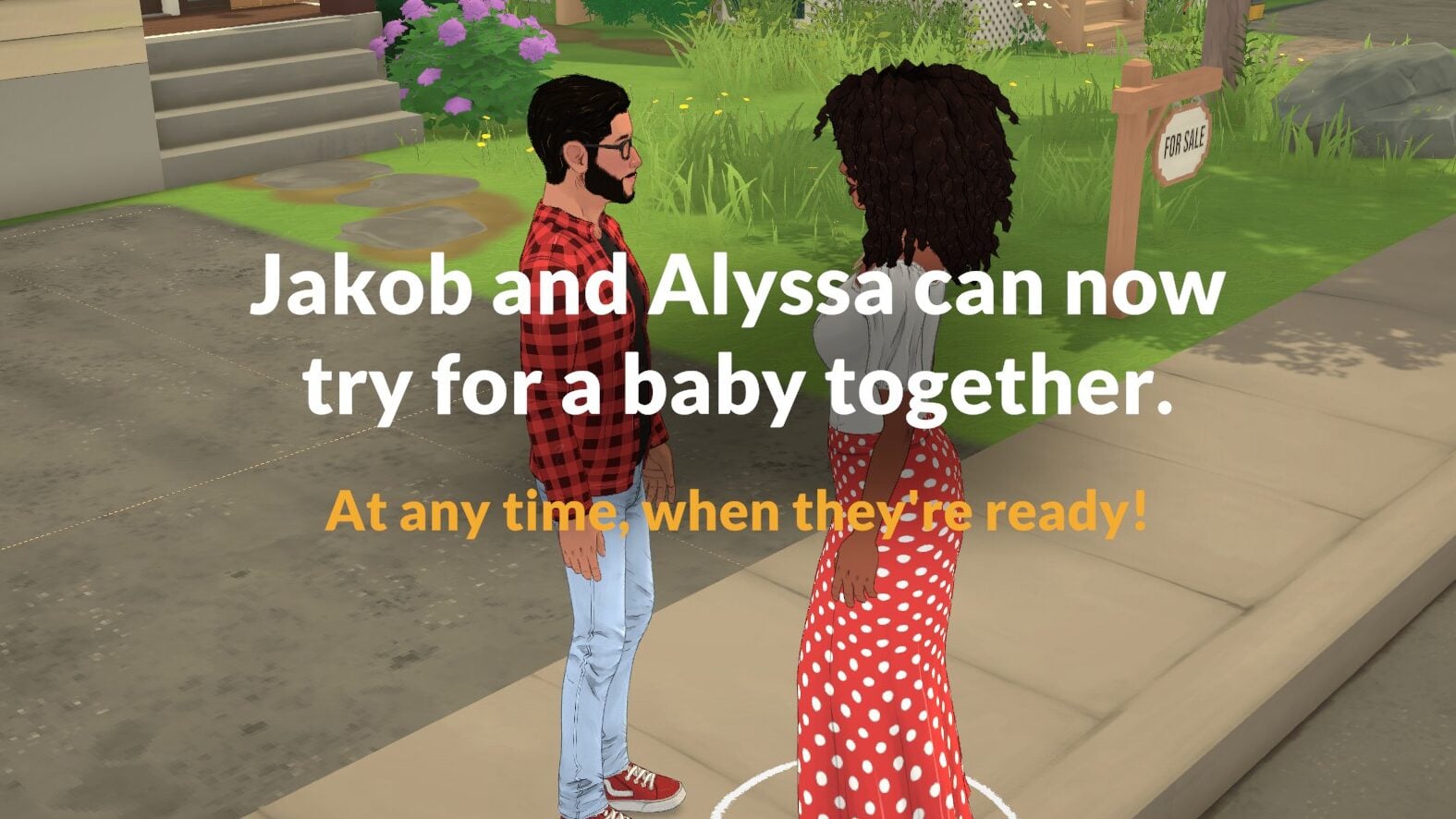
If you have two Paras in a romantic relationship, you can progress to the point of asking to have a baby. Like other social interactions of significance, there is often a chance of it failing or succeeding between 0-100%. If it succeeds, they will gain the “Prospective Co-Parent” relationship tag which will unlock trying for a baby!
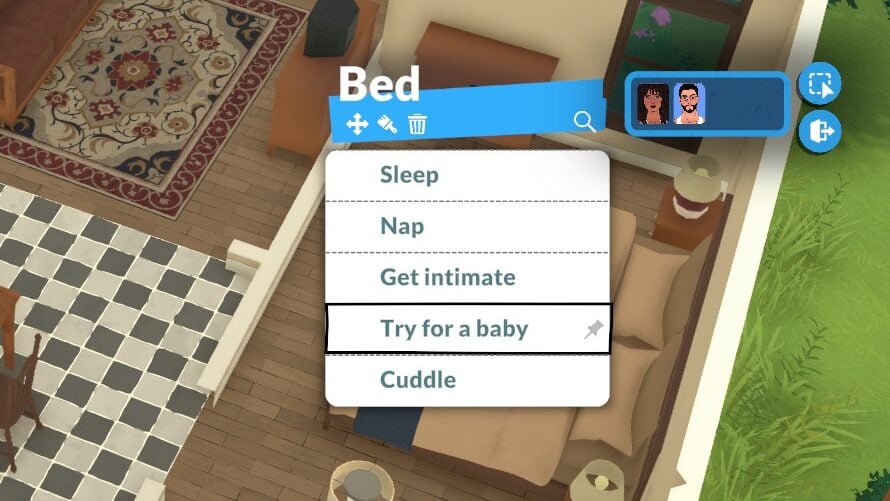
Paras do not have to be married and it only requires that one can carry a pregnancy and the other can impregnate. As long as they have access to a double bed and have the “Prospective Co-Parent” relationship tag, they can be selected as a group and the “Try for a baby” interaction will appear on the bed. After that, taking a pregnancy test will let you know if it was successful!
Adoption
Adoption is fairly easy and straightforward. In the main town in Paralives, Melino, health centers can be found. The appearance of these vary, as some look like full hospitals and others look like clinics or pharmacies, but they all function the same and can be found with a specific symbol on the overhead map. The other main use of these buildings is being able to cure viruses that children and older can catch while at work or school.
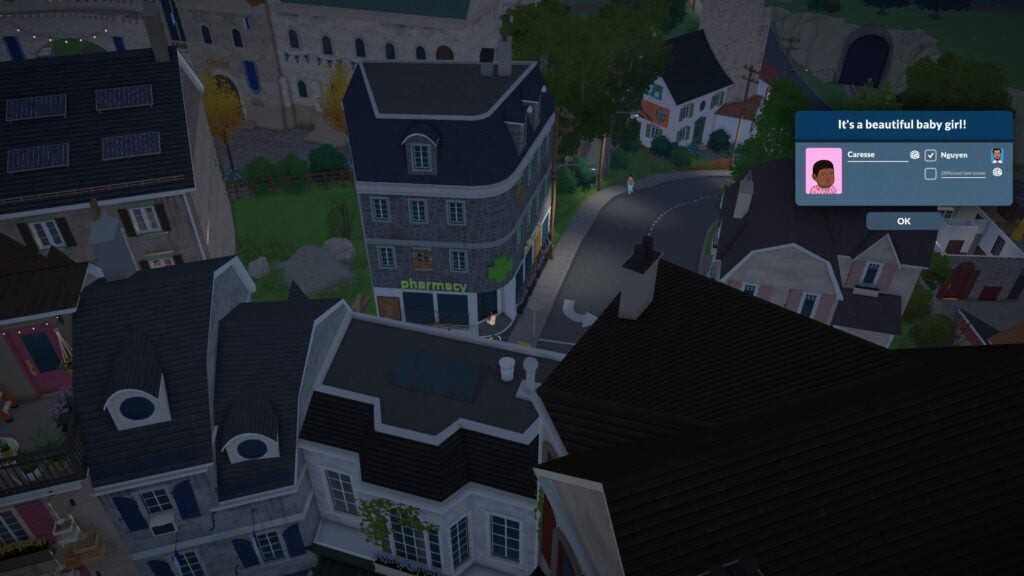
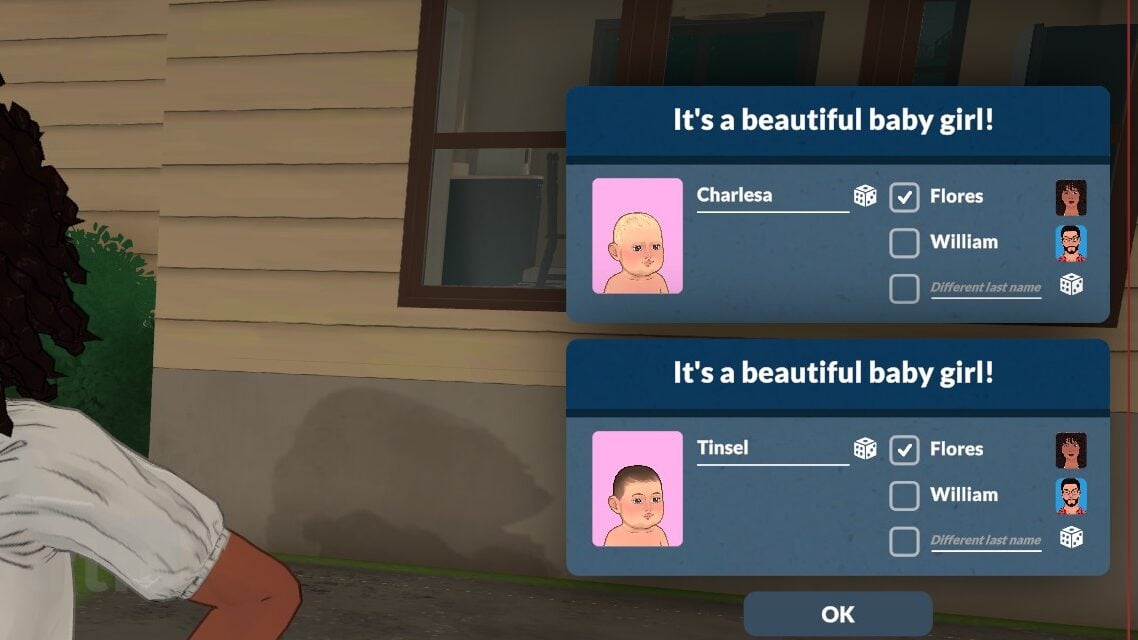
With any Para in the young adult stage or older, click on a health center and click “Adopt a baby”. Your Para will enter the building for a few in-game hours, and when they come back out, they will be holding a baby generated by the game. You can name the baby after from a pop-up on the side. Their surname can also be chose, either matching their adoptive parent or being customized by the player. After doing a few tests, currently, I have found that couples do not seem to be able to adopt children as co-parents. With dating, engaged, and even married couples, it would only detect the parent performing the action of adoption.
The Life Stages
Paralives has eight life stages total, with the two youngest stages being the most reliant on caregivers with very little independence. They cannot function without an teen or older Para on any lot with them, and will disappear to daycare and reappear at home when someone old enough is present. While I’ve found that sometimes children and preteens can assist with their care, the game does not see them as old enough to watch them or care for them alone.
Pregnancy
In the standard storyteller settings, pregnancy has three trimesters that last for 21 hours each. You can adjust the length of trimesters in these settings, with this stage starting from taking a pregnancy test or waiting until the Para discovers their pregnancy once they hit the 2nd trimester.
1st trimester2nd trimester3rd trimester
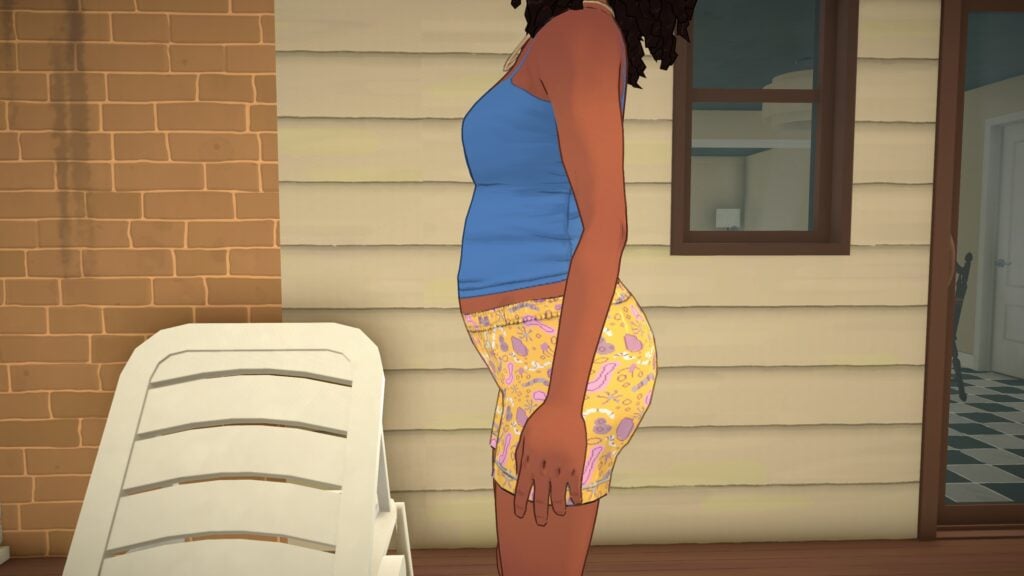
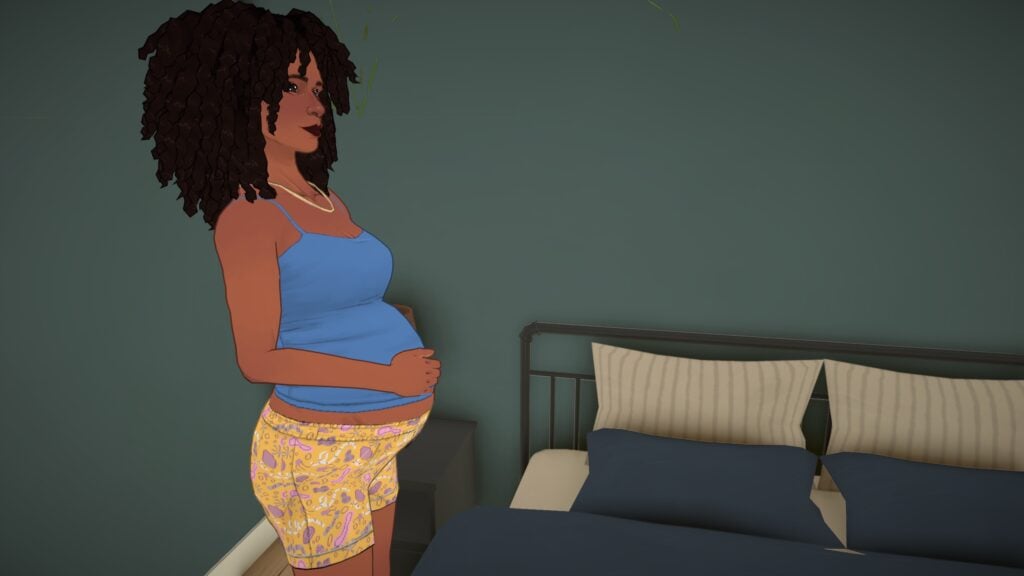
Paras baby bumps will grow with each new trimester, and the third trimester stage will change their walk style and idle animation. All clothes work with pregnancy, so no maternity wear is required. Paras will have special interactions with others during their pregnancy, like wondering about their baby’s sex, talking about morning sickness, etc.
When labor comes, Paras will have contractions and labor pains at home two hours before the baby or babies appear! As far as we could tell, reactions from family members or household members are not implemented yet. As shown in the storyteller settings where you can change the possibility of multiples, babies can also be born in sets of twins and triplets.
Babies
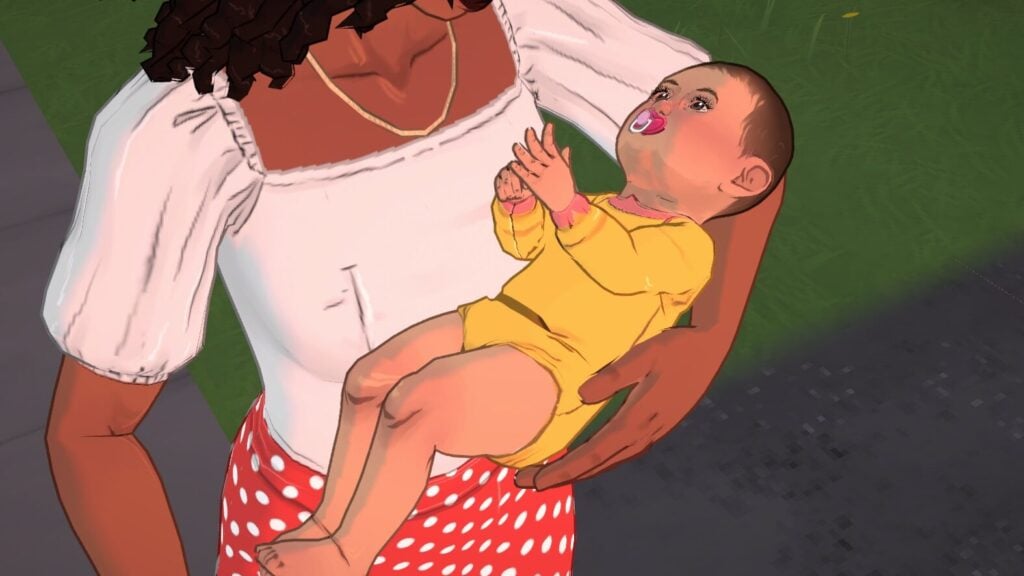
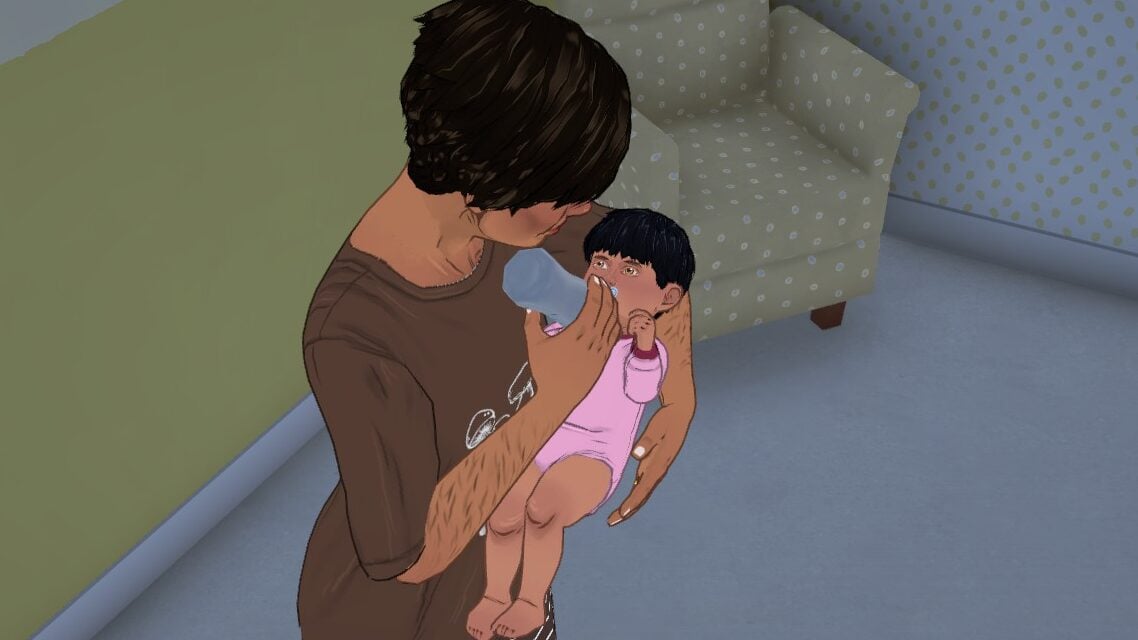
Babies are fairly limited in interaction and act closer to real-world infants through the few days of the life stage on normal lifespan. They need love, sleep, diaper changes, and food. Caregivers will autonomously check on them, though we noticed you may have to manually direct them to do diaper changes as they don’t seem to autonomously do it much in the current build. They can be placed in their cribs or carried around, but don’t have other pieces of furniture available yet.
While there is only a few currently, babies are able to do self-interactions that allow them to Sleep, Shake their Rattle, or Cry Like a Baby. They do not have any specific personality traits, and will only start to gain personality points as they age in toddlerhood and beyond.
Toddlers
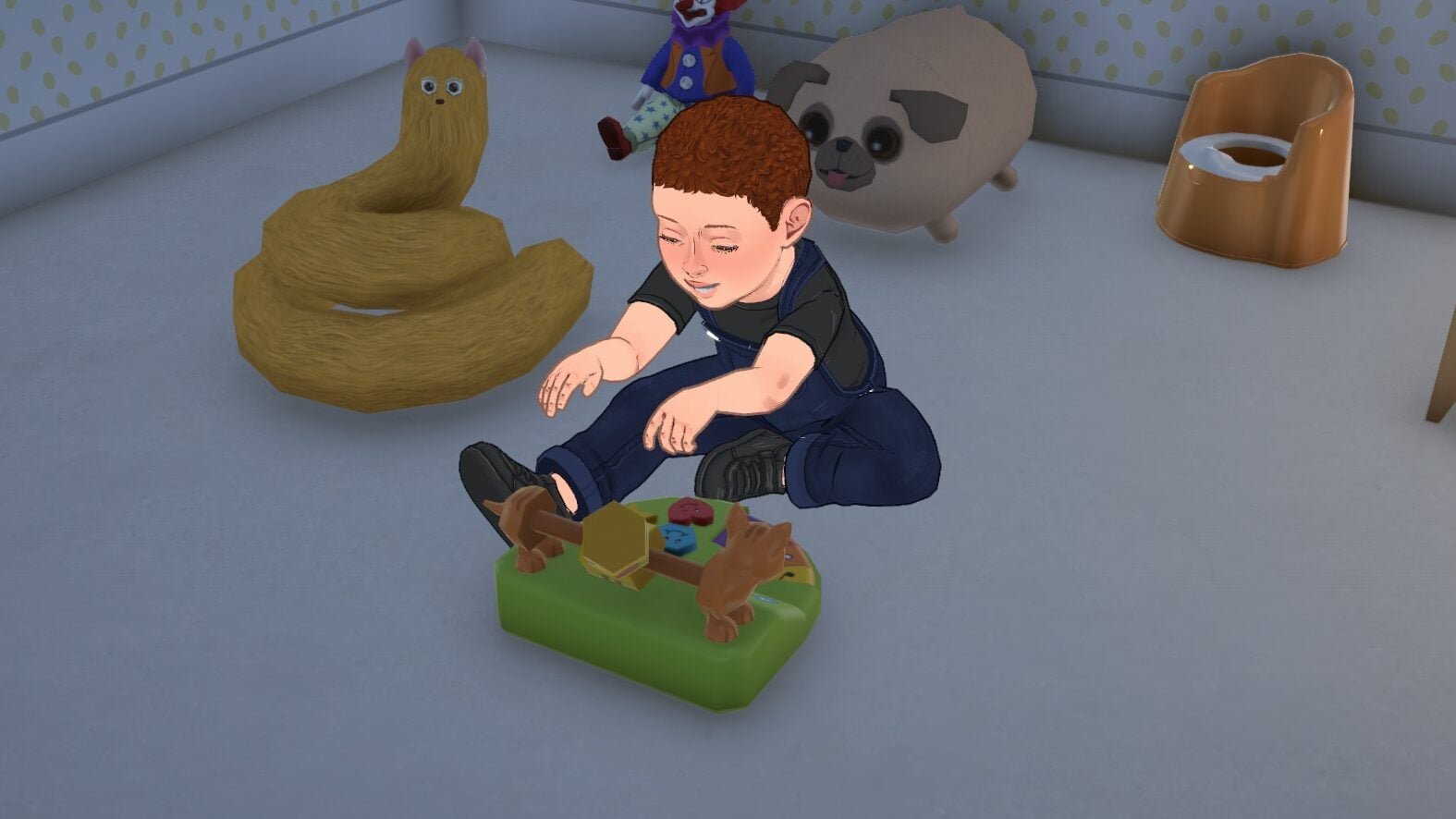
Toddlers are more mobile and autonomous though still somewhat limited. They have many toys they can play with and their interactions with the world around them help them develop simple skills, like their language skills.
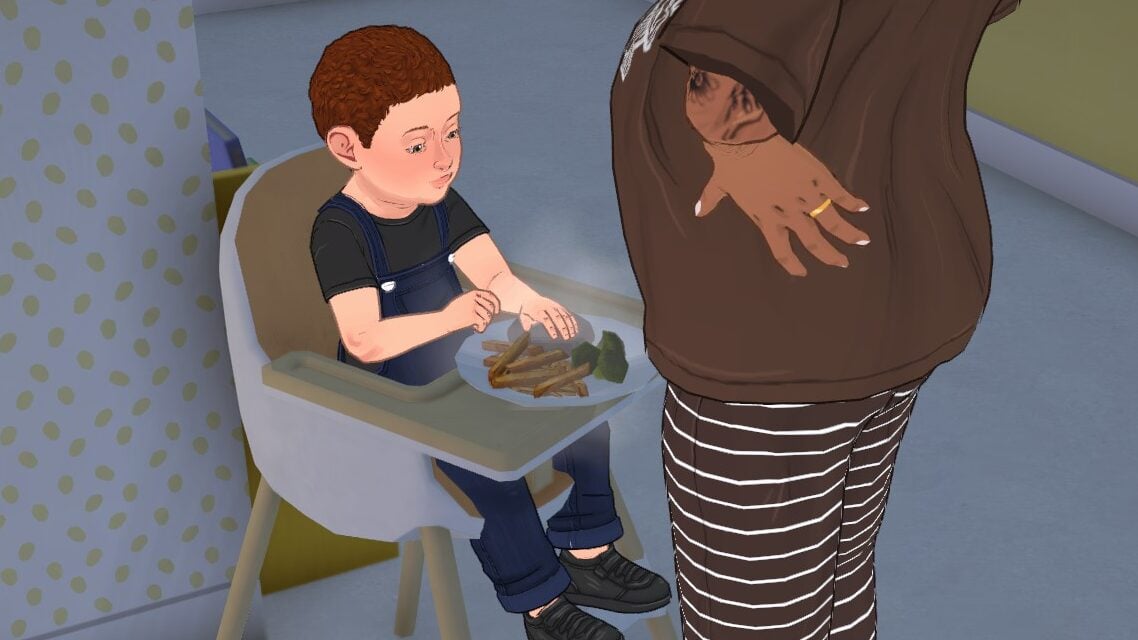
They will use their diaper but can also use a toddler potty easily found in children’s items in build mode. To feed them, purchase a high chair and while a caregiver is carrying them, click “Feed in high chair”. They will serve them food and they will need to be let out afterwards.
Para toddlers start to show more features but still do not have access to all the sliders. They can hug and talk with others and play or talk with toys, but their big stages of development and skill success will not happen until they are children.
Are you excited to see the next generation of Paras, or is there another stage you’re looking forward to playing with and experiencing?
Paralives will release in Early Access on May 25th, 2026! We’ll be uploading new guides so you can have references for all the new features and systems on day one, so make sure to keep an eye on The Sims Community!
The Paralives’ Build Mode brings incredible ways to create stunning houses for our Parafolks. Adding highly requested features in the life simulation games genre, the game surprised us with a huge number of tools and customizationoptions to create homes that truly reflect each family’s personality and lifestyle.
From fully customizable furniture to advanced building tools that feel intuitive and flexible, Paralives encourages players to experiment with creativity without feeling limited. Whether you want to build a cozy countryside cottage, a modern apartment, or a colorful family home, the Build Mode offers plenty of possibilities for both beginners and experienced builders alike.
With this guide, learn everything you need before starting your adventure in Paralives Build Mode!
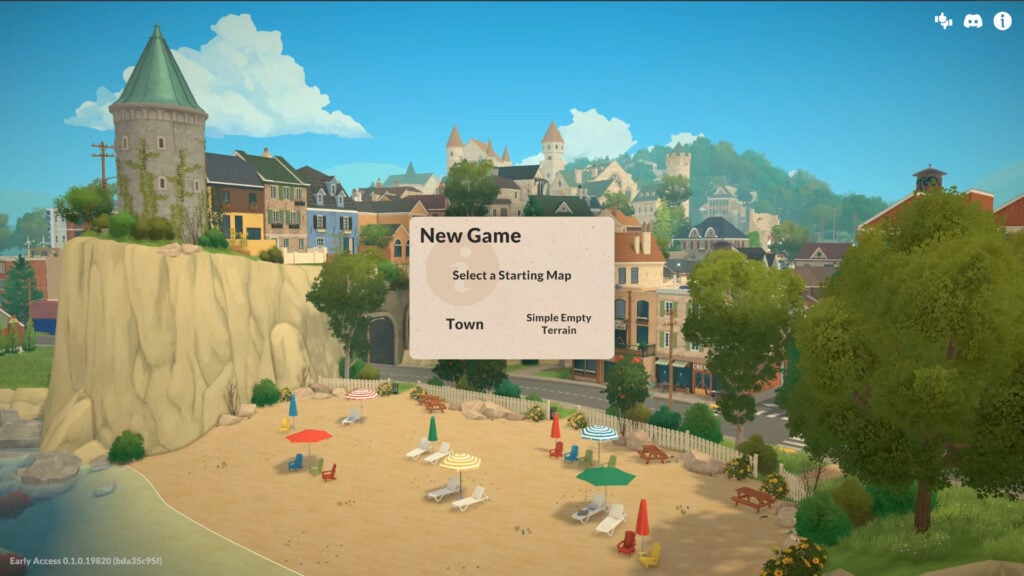
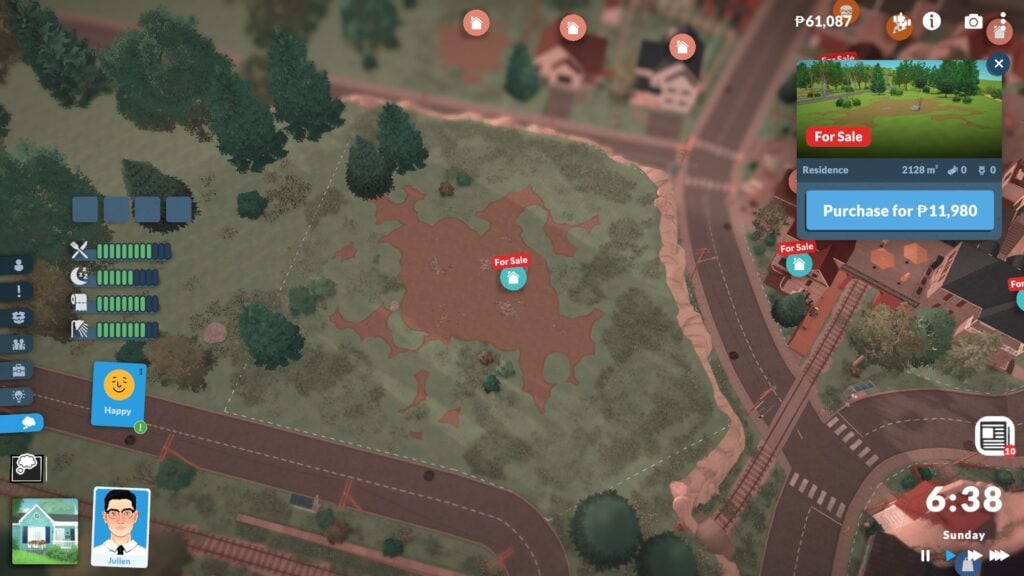
First of all, you’ll need to choose whether you want to build a home in Melino, the town featured in Paralives, or in an empty flat world created specifically for building. In Melino, you’ll have to choose an empty lot to start building your house. There’s a wide variety of locations available, from beachside lots and farms to residential neighborhoods and canyon views. Choose the place that best matches your Parafolk’s personality and lifestyle before starting your build.
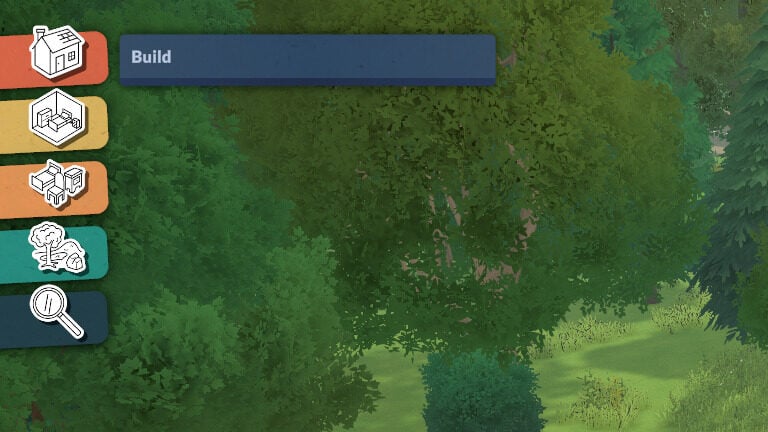
Once you’re on the lot, click on the house icon in the bottom left corner, or press TAB, to enter Build Mode. Don’t worry if it feels overwhelming at first — we’ll guide you through everything you need to know so you won’t miss any details while bringing your ideas to life in the game.
UI Guide: Every Icon in Paralive’s Build Mode
When you enter Build Mode, you’ll notice a ton of new UI icons that may seem a bit confusing at first, so we’ll explain what each one does to help you get familiar with the tools available.
In the top left corner, you’ll find the icons divided into three categories: Build Mode, Buy Mode and Terrain Tools. Plus a search option.
Build Mode: Contains all the architectural tools you need to build and shape your house.
Room Tool: Includes every Buy Mode object organized into traditional room categories.
Furnishing: Displays all objects divided into more specific categories for easier browsing.
Terrain Tools: Here you’ll find everything needed to decorate and customize your lot, including nature objects, terrain sculpting, and terrain painting tools.
In the top right corner, you’ll find more specific tools designed to help you while building your house.
Paradimes balance. The total amount of money your household has.
Cursor Mode.
Sledgehammer
Pipette
Bulldoze: Remove the entire lot
Undo
Redo
Move Up or Down One Floor
Wall Visibility
Send Feedback
Help Guide
Lighting: Lets you choose the time of day in your city to help while building.
Photo Mode
Building Your Home
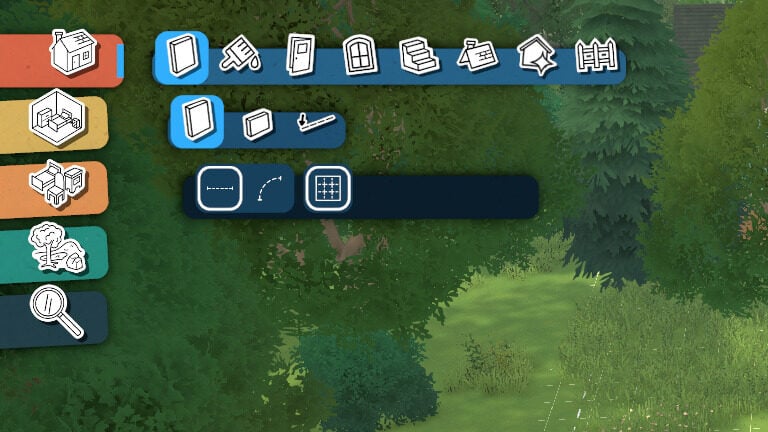
Now that we’re in the center of our architectural designs, it’s time to start building. The Build Mode category is divided into eight subcategories: Walls, Paint, Doors, Windows, Stairs, Roofs and Chimneys, Architectural Details, and Fences.
Before we begin, keep in mind that almost every tool includes its own color and texture customization options. Thanks to the full color wheel system, you can freely choose the exact style, tone, and finish for nearly everything you place in your build.
Walls Tools
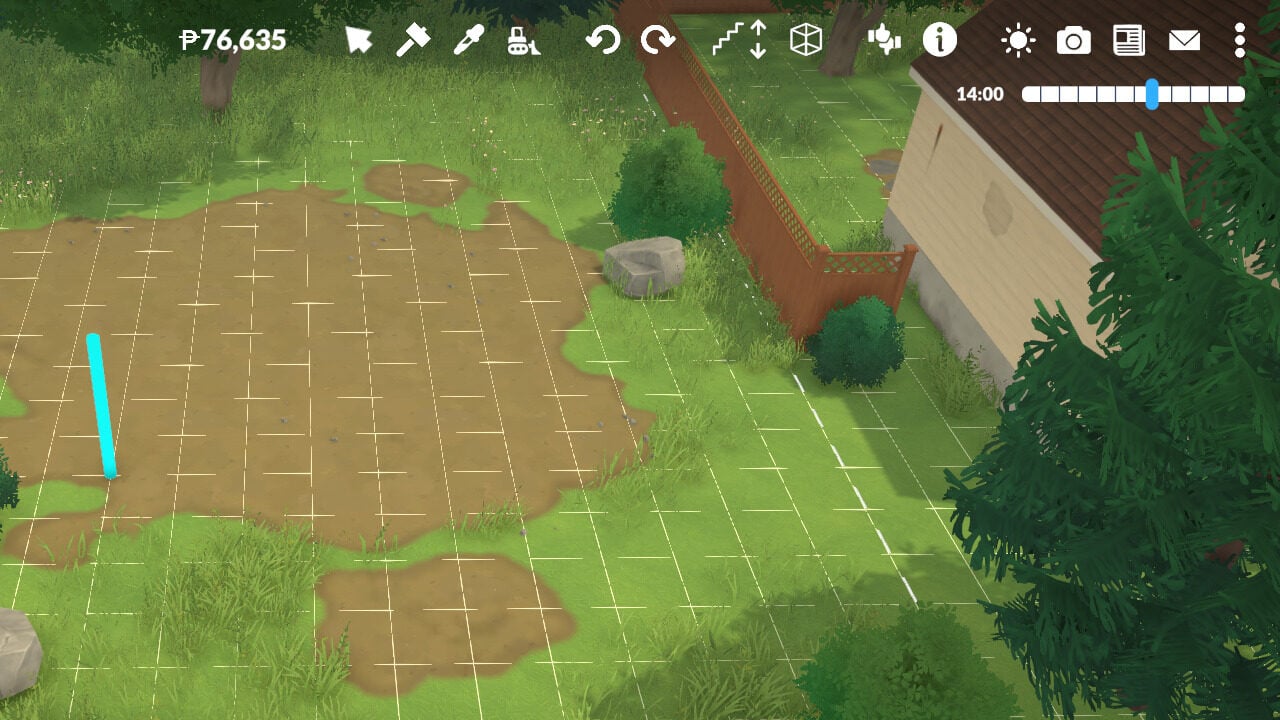
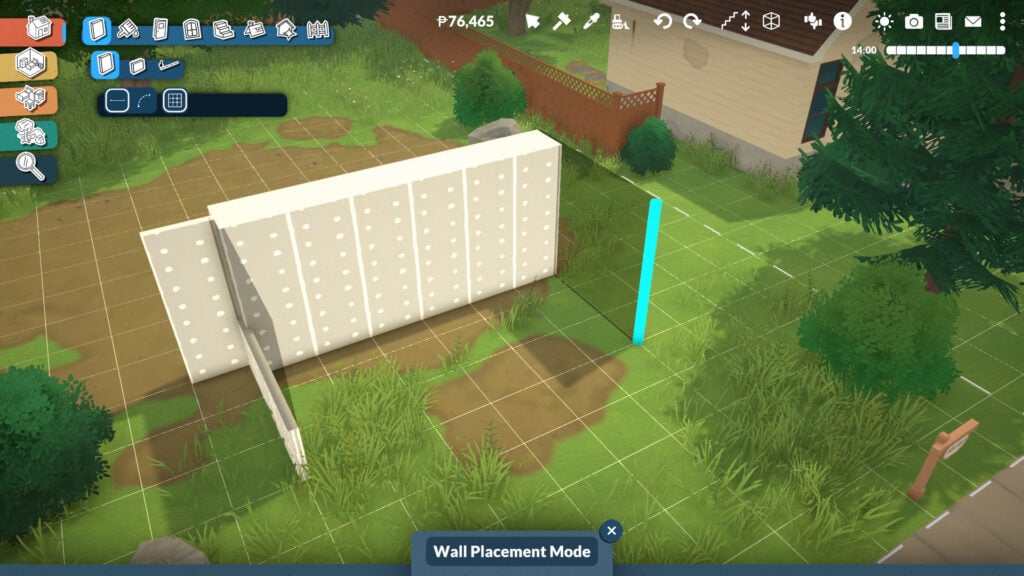
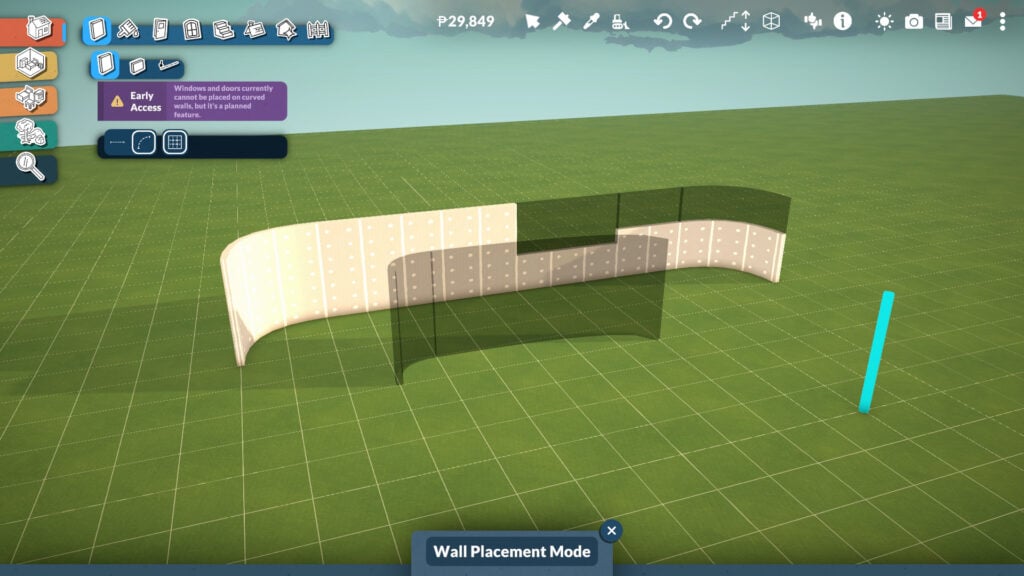
Within this tool, you’ll find three options: create a standard wall, a half-wall, or an invisible wall. All three wall types can be built in both straight and curved shapes, and you can even customize the height of the half-wall. It’s also useful to know that if you hold Shift while dragging a wall, you can build using half-grid placement for more precise designs.
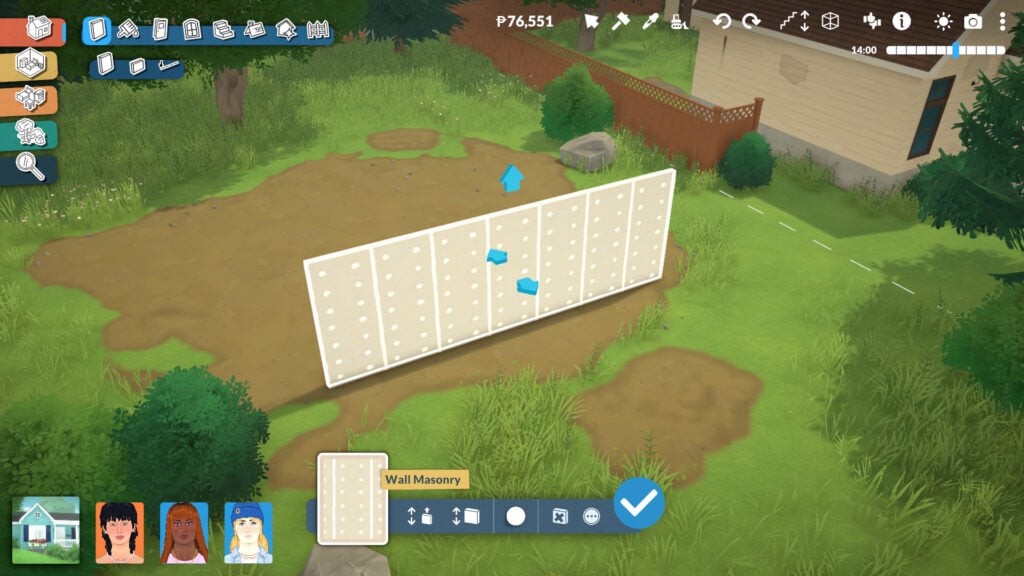
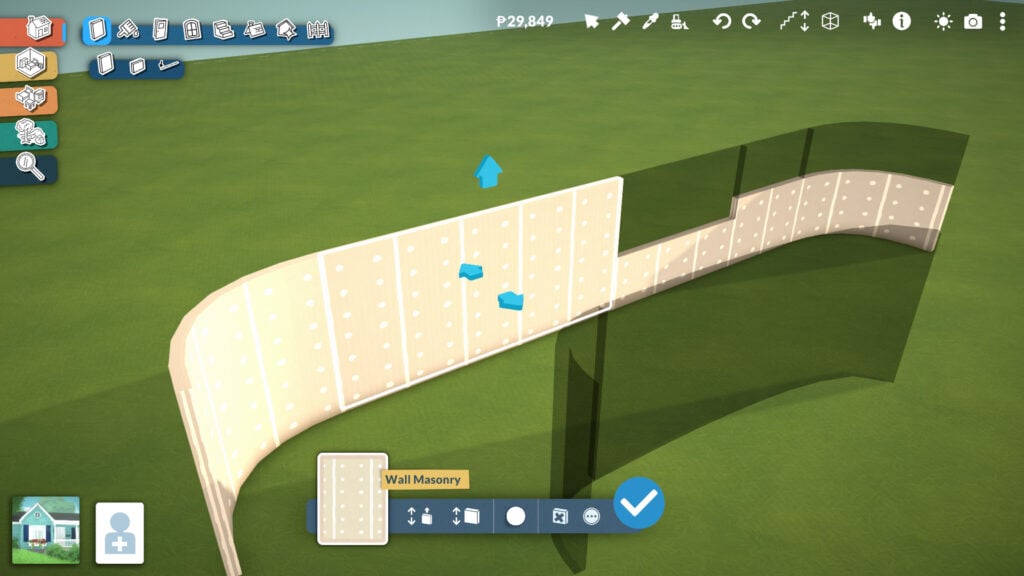
When selecting either the wall or half-wall tool, even more options will appear. At the bottom center of the screen, you can adjust the wall height, although you can also do this by clicking and dragging the arrow directly on the wall itself. You can also change the wall thickness, opening up many more creative possibilities for building massive classical structures, detailed interiors, or sleek modern houses. And even change the default wallpaper color.
You’ll also find extra options by clicking the three dots icon, including turning the wall into a separator wall or aligning new walls to its grid placement. These tools make it much easier to create detailed layouts and more precise architectural designs.
Careful: in this Early Access version of the game, you currently can’t place windows or doors on curved walls.
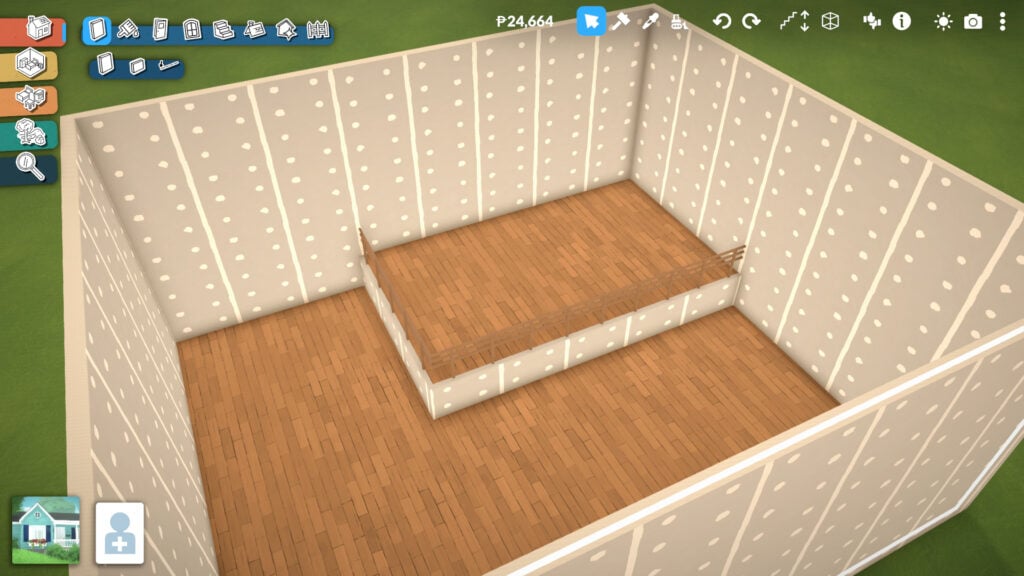
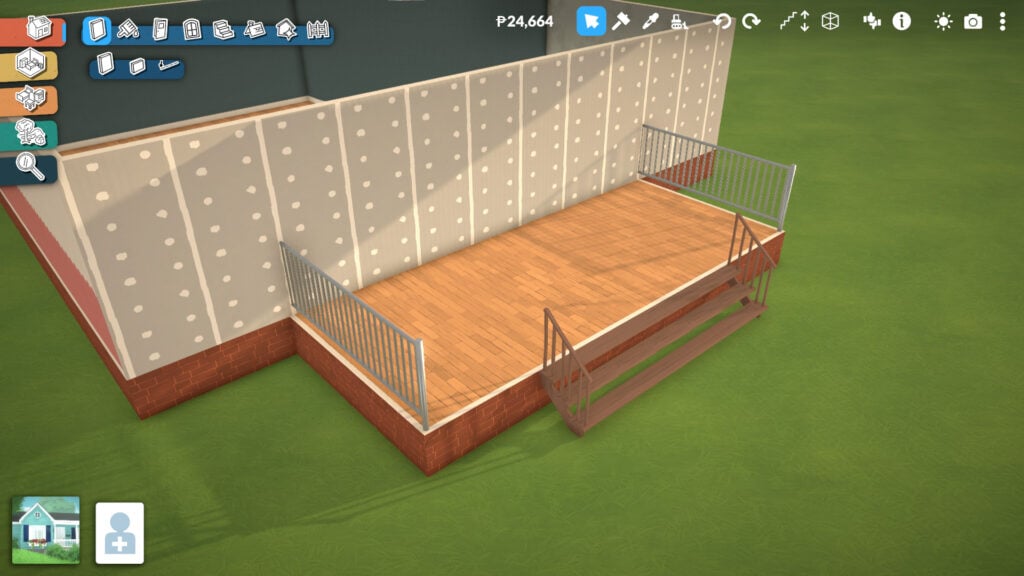
Another important feature when building walls and rooms is the platform system. Whenever you create a room, you can adjust the floor height to create raised or lowered sections within the same space, adding much more depth and dynamism to your builds.
This tool is also what allows players to create houses with foundations, although it’s not limited to that purpose alone. Platforms can be used in many creative ways, from split-level living rooms and indoor stages to elevated kitchens, sunken lounges, or detailed entrances.
Paint Tools
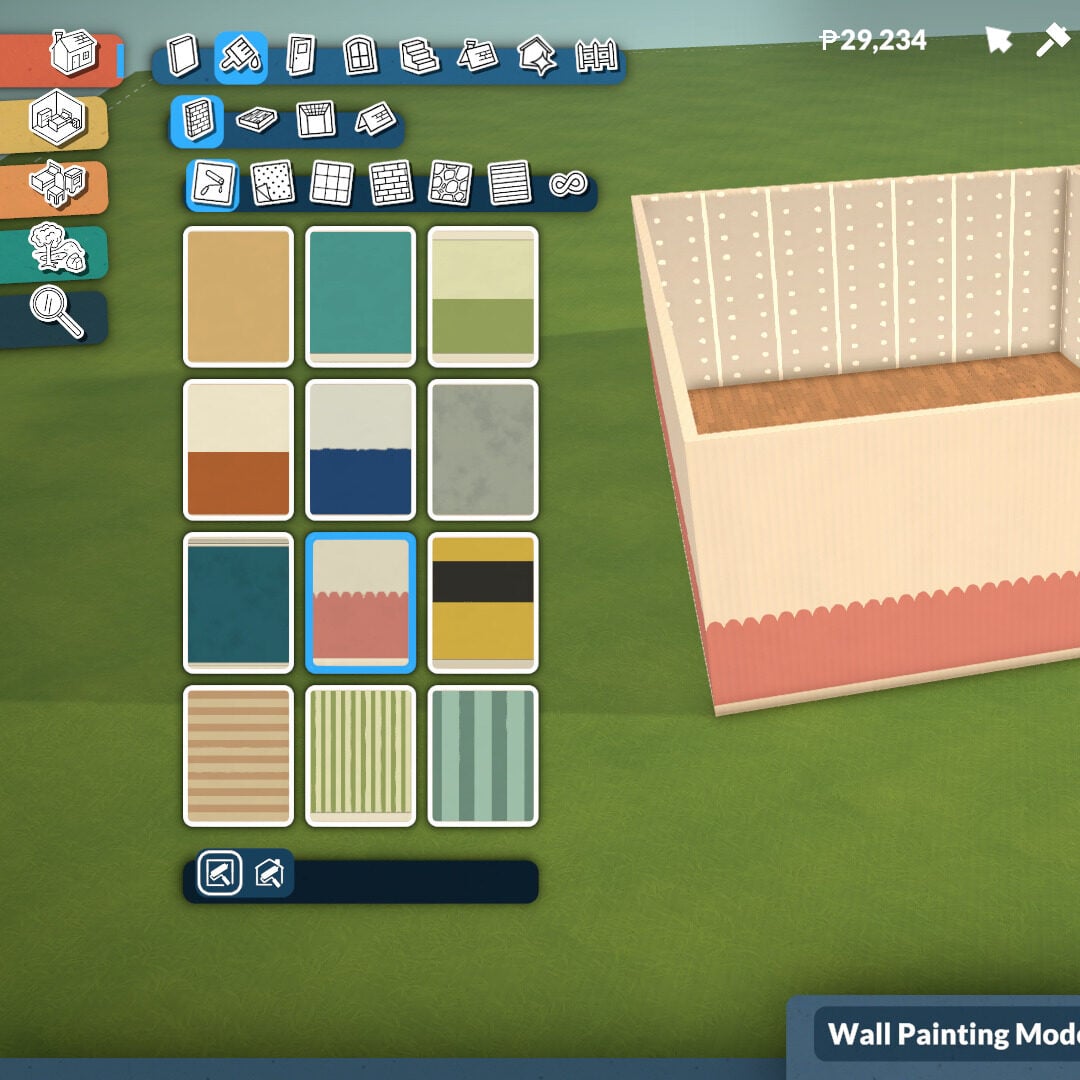
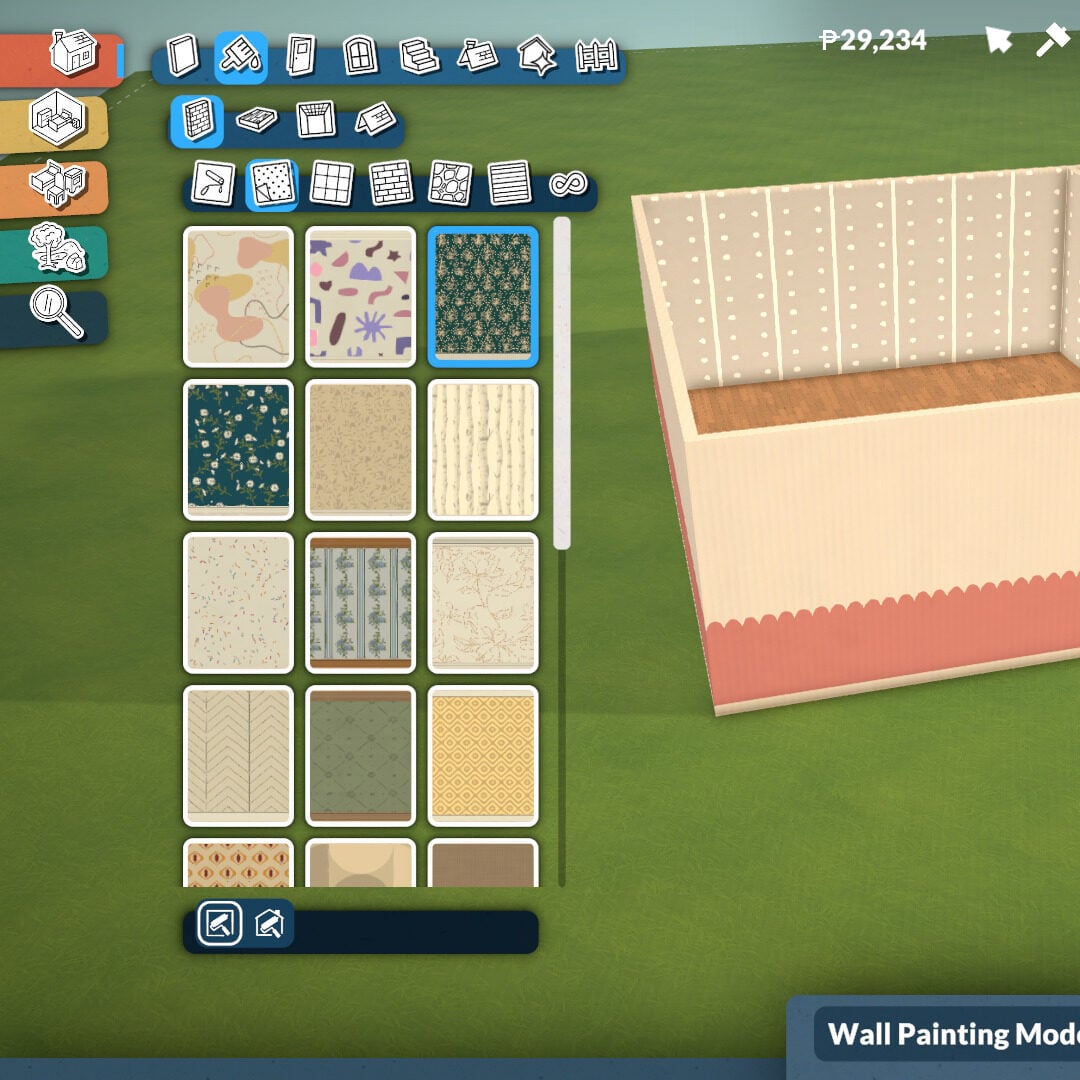
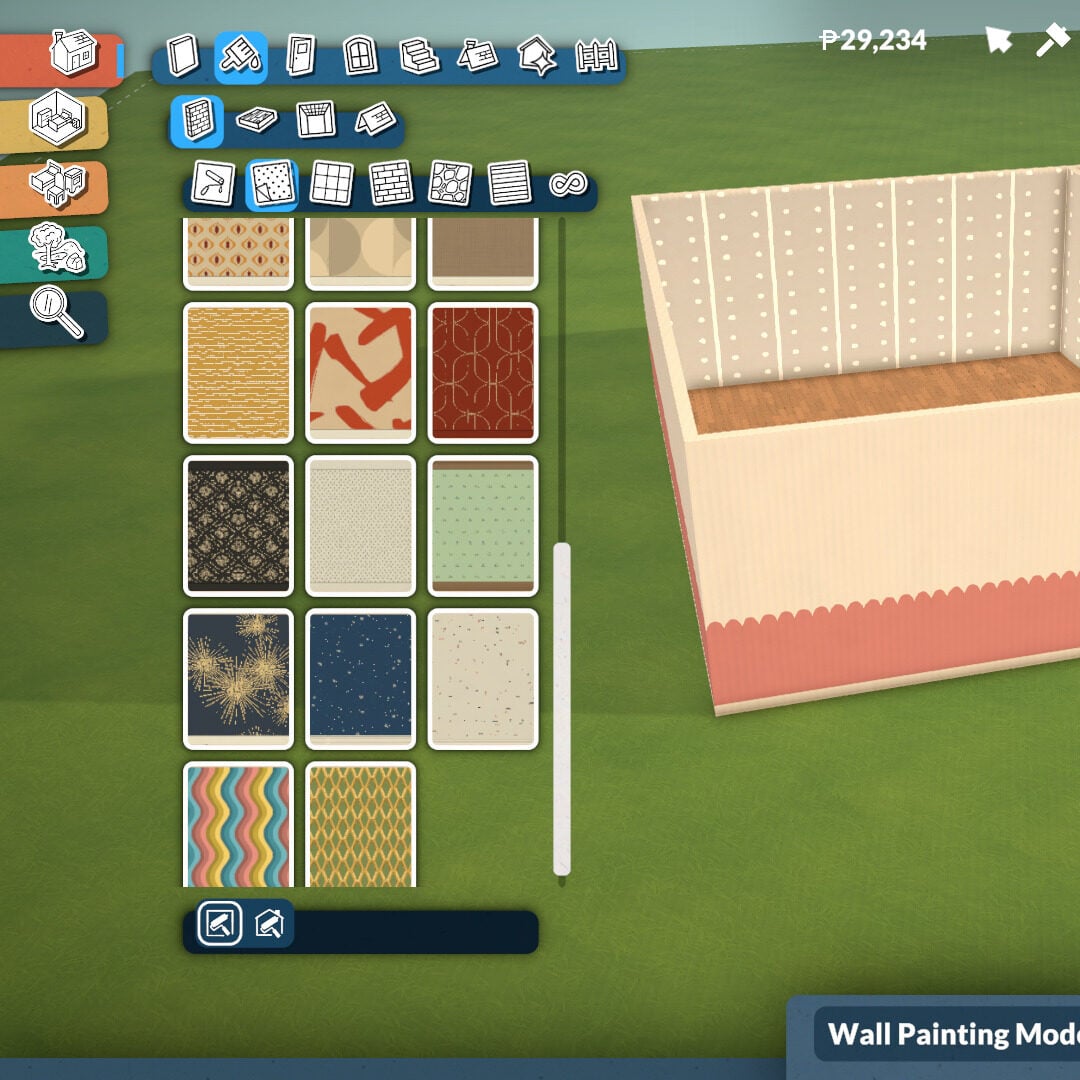
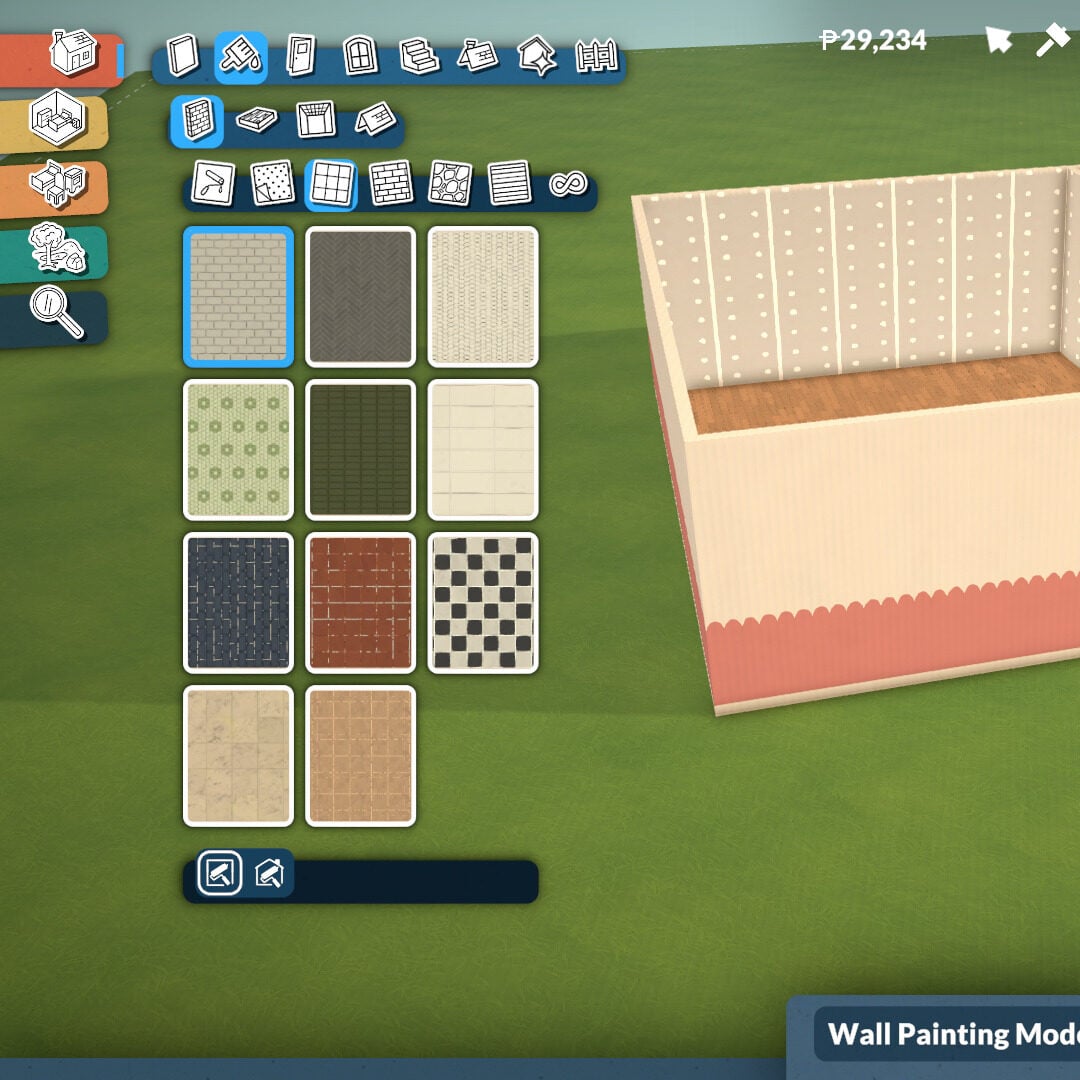
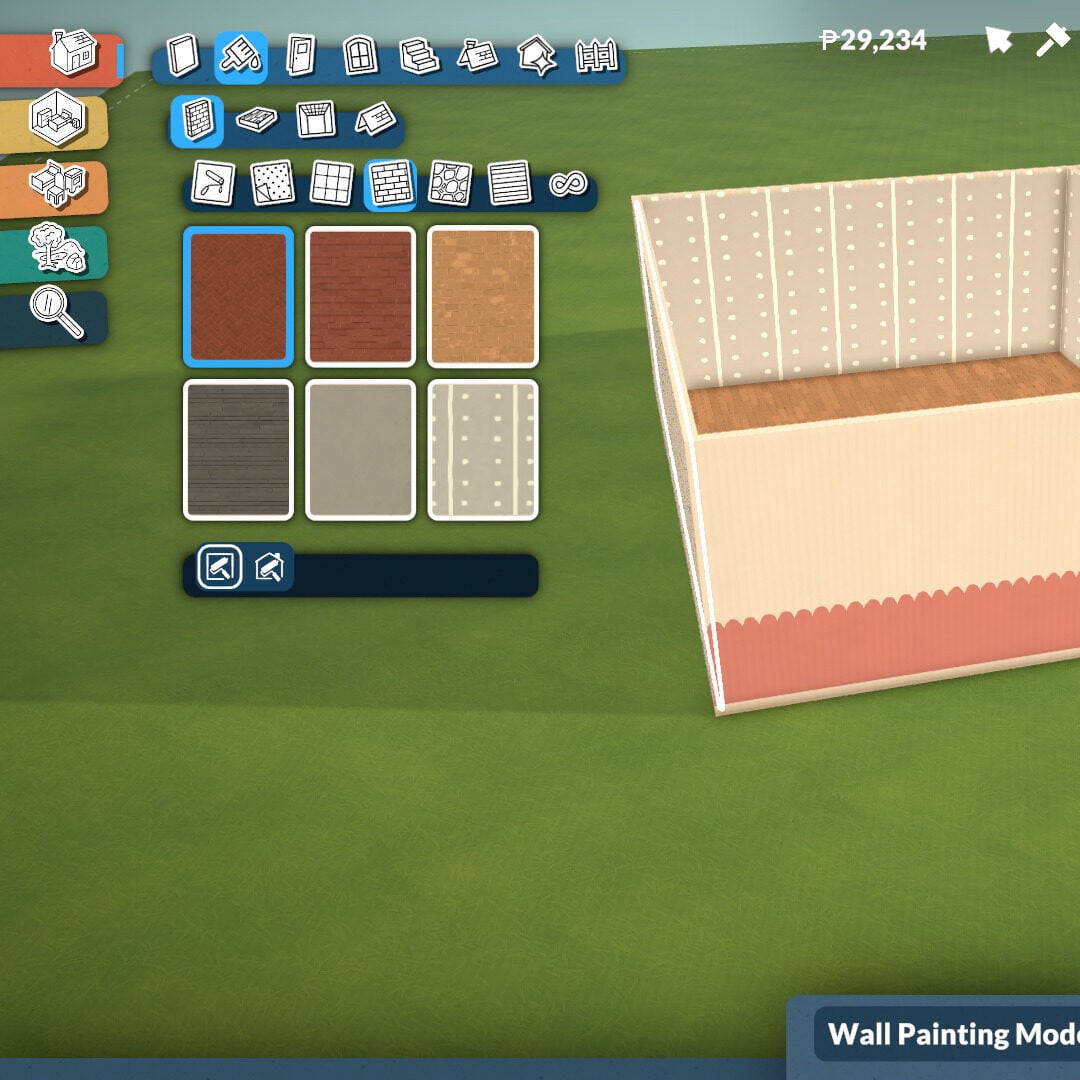
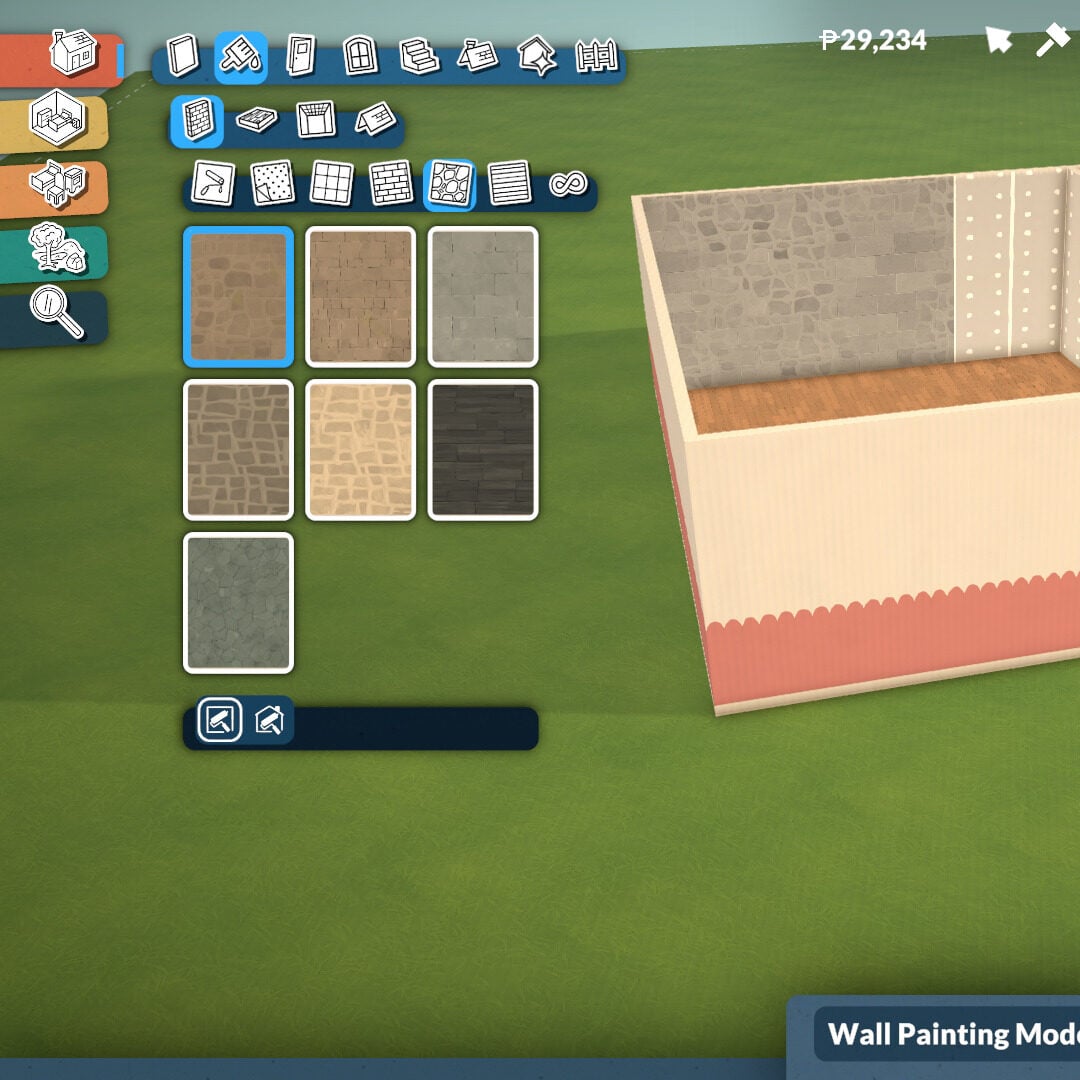
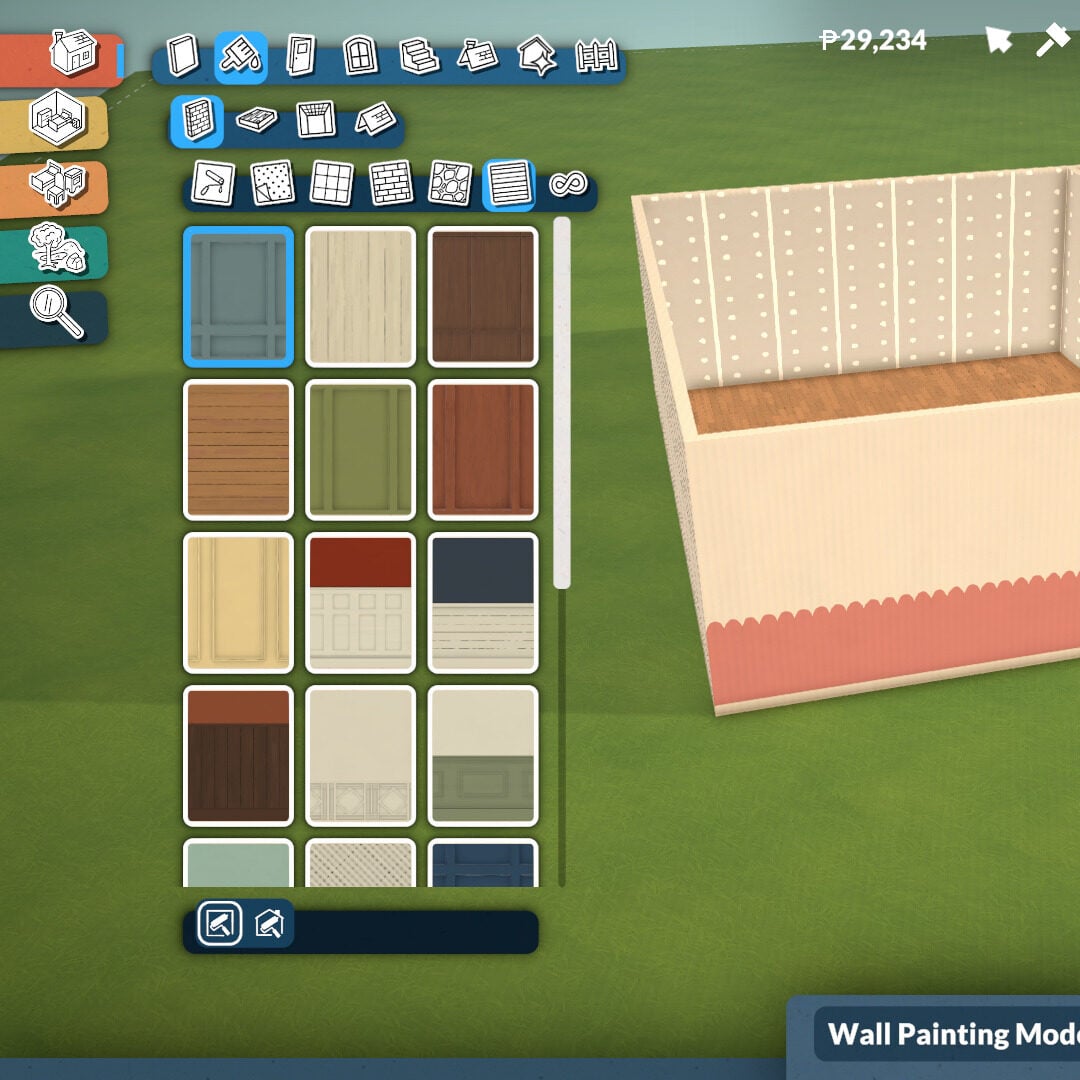
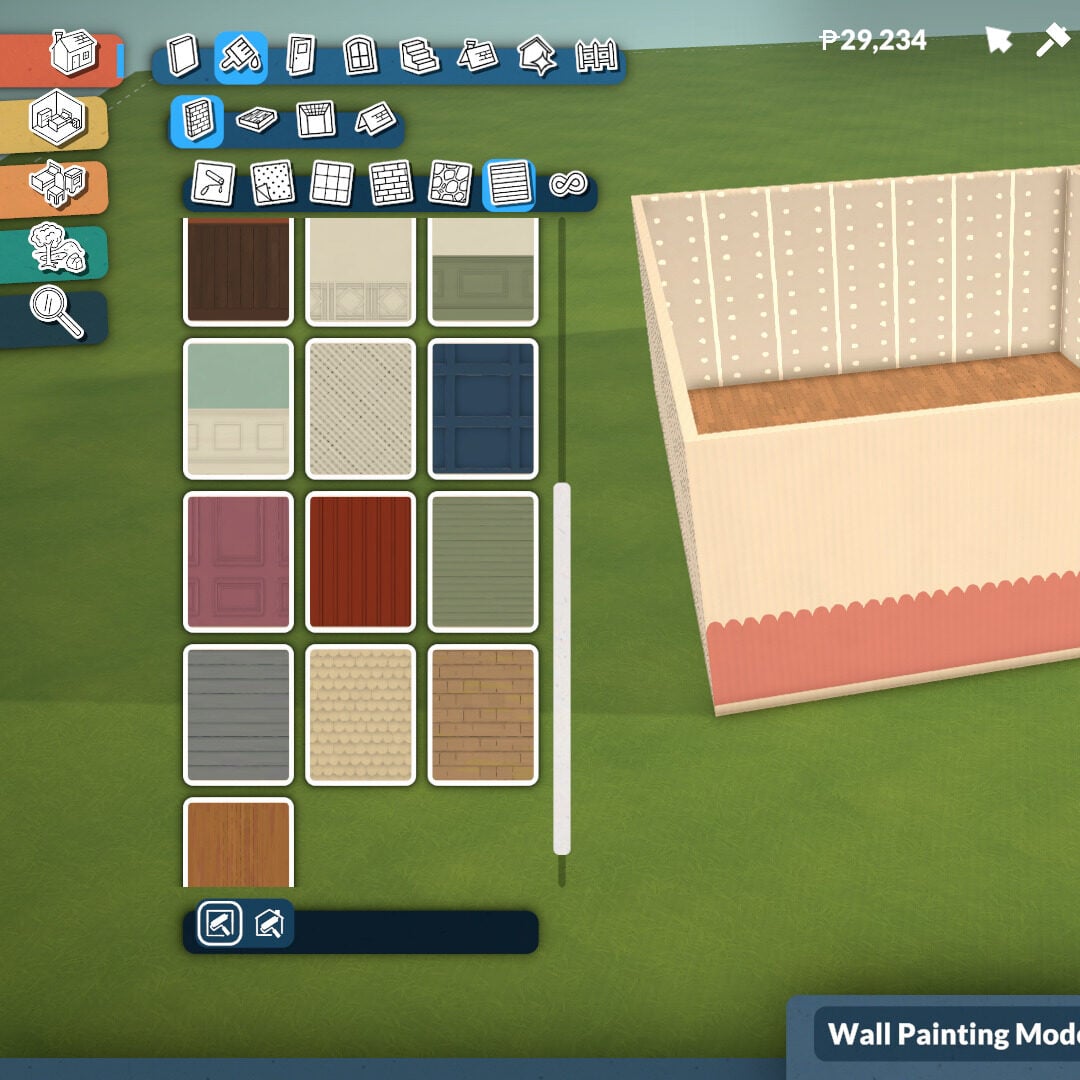
In this category, you’ll find tools to paint walls, floors, ceilings, and roofs. Inside the Wall Paint section, there are plenty of categories featuring different textures, including rocks, bricks, plain walls, paneling, tiles, and wallpaper styles.
At the bottom of the category menu, you can also choose whether you want to paint one wall at a time or apply the selected texture to the entire room on the same floor.
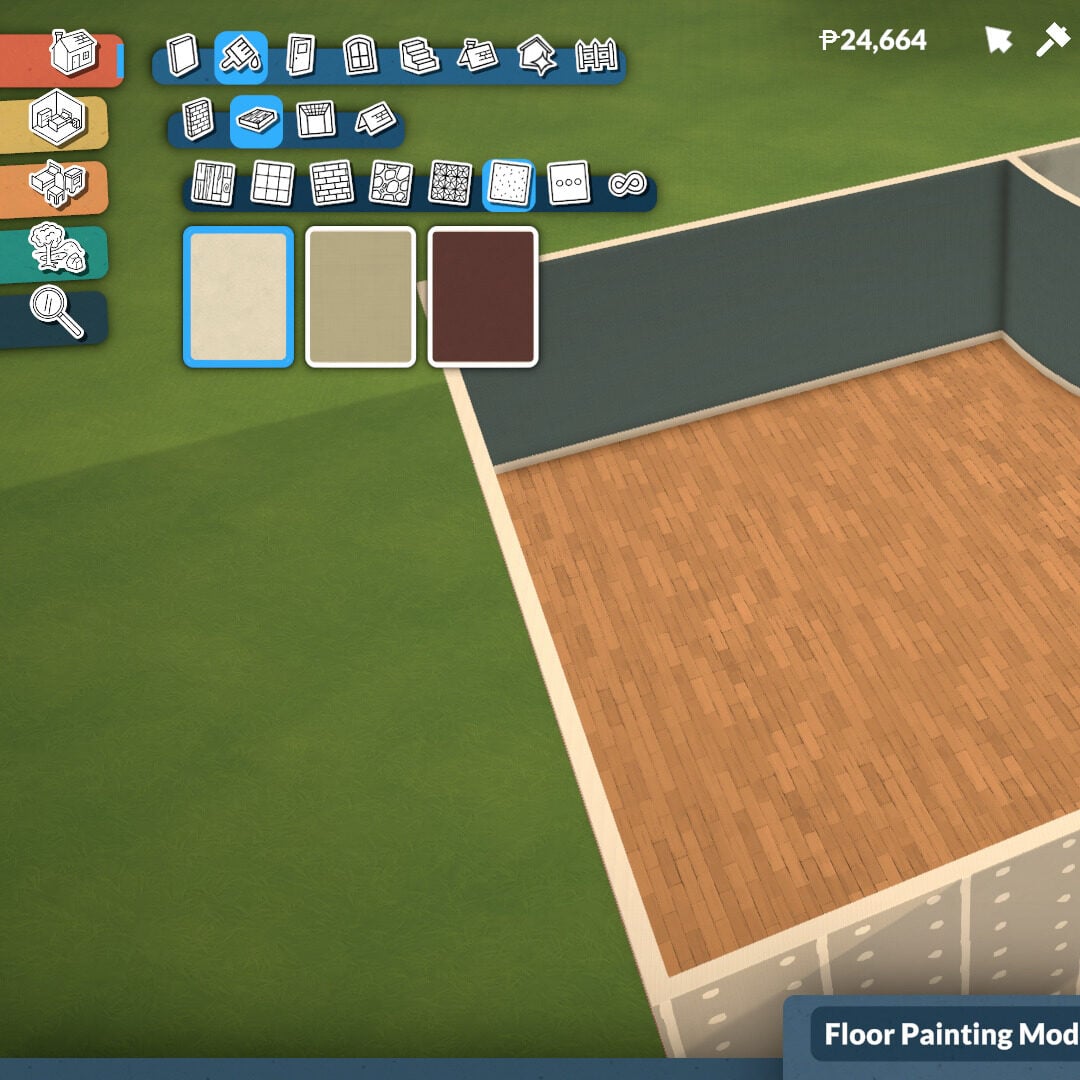
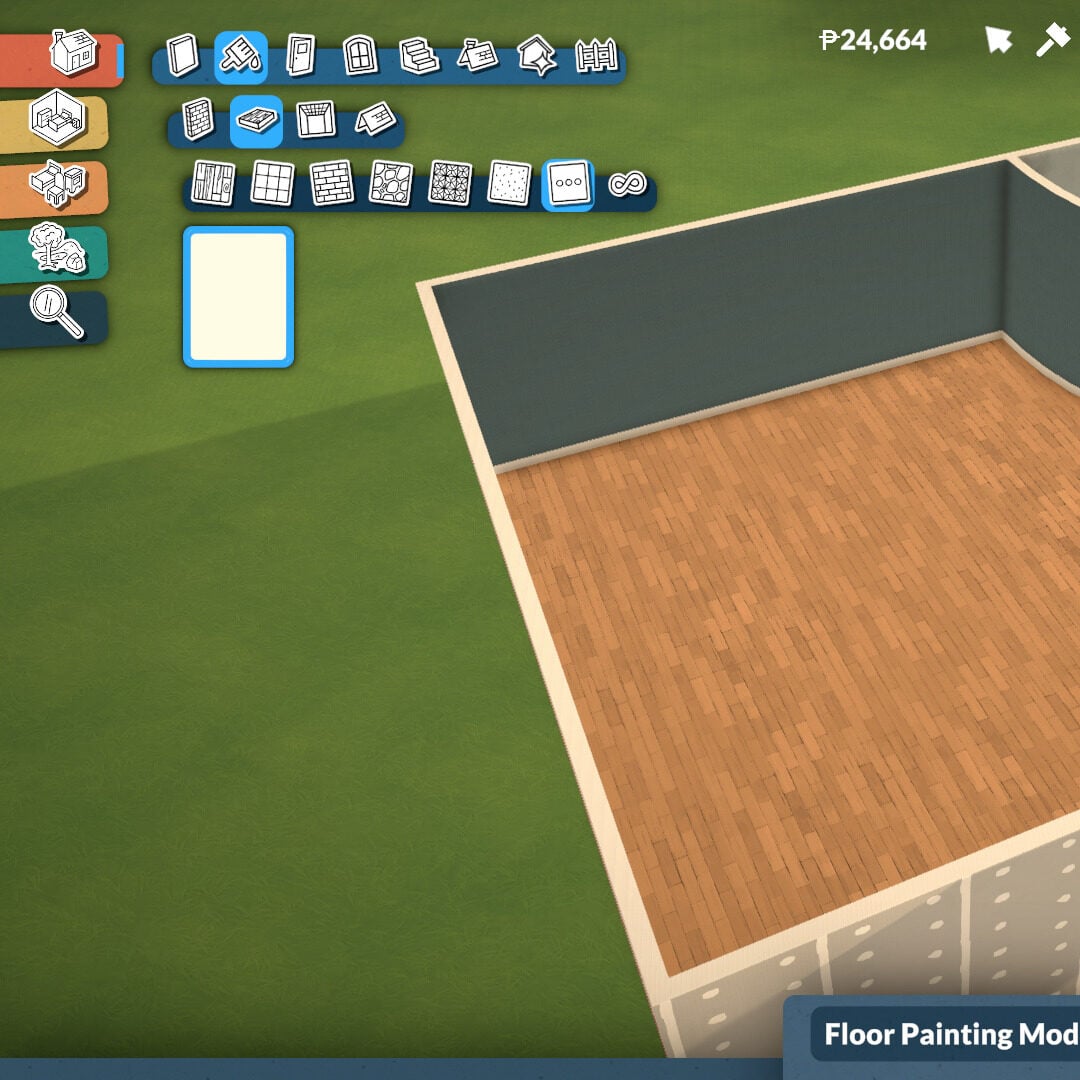
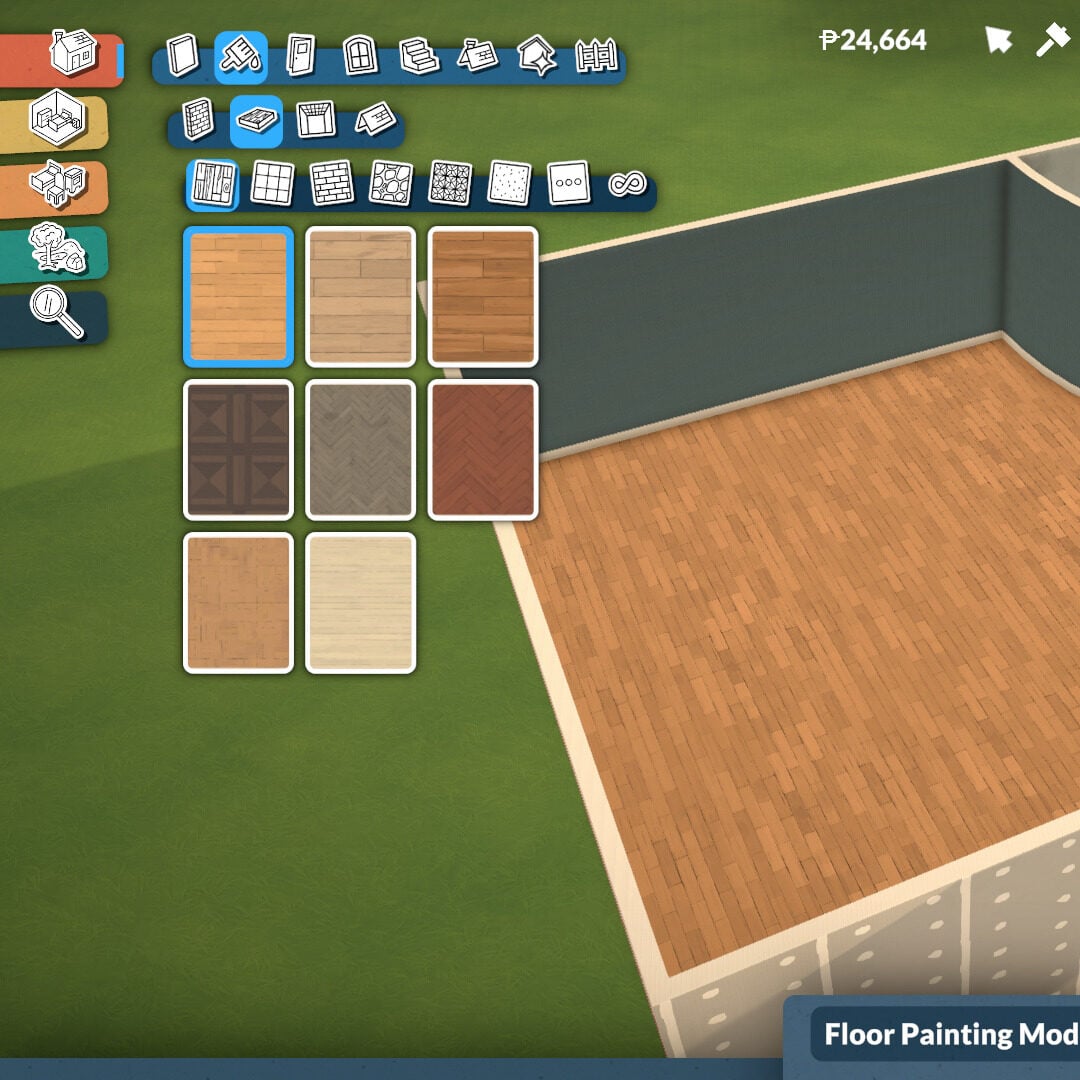
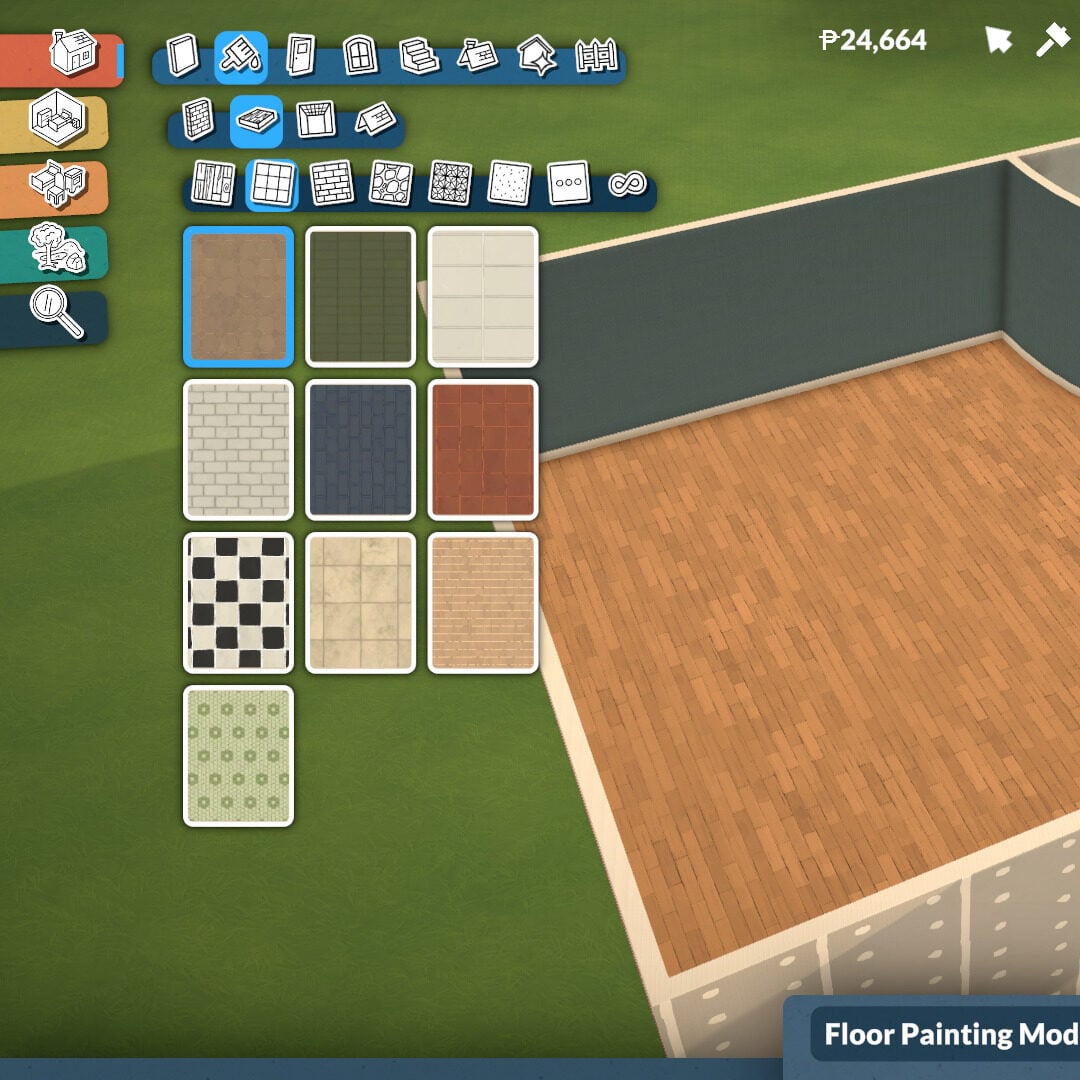
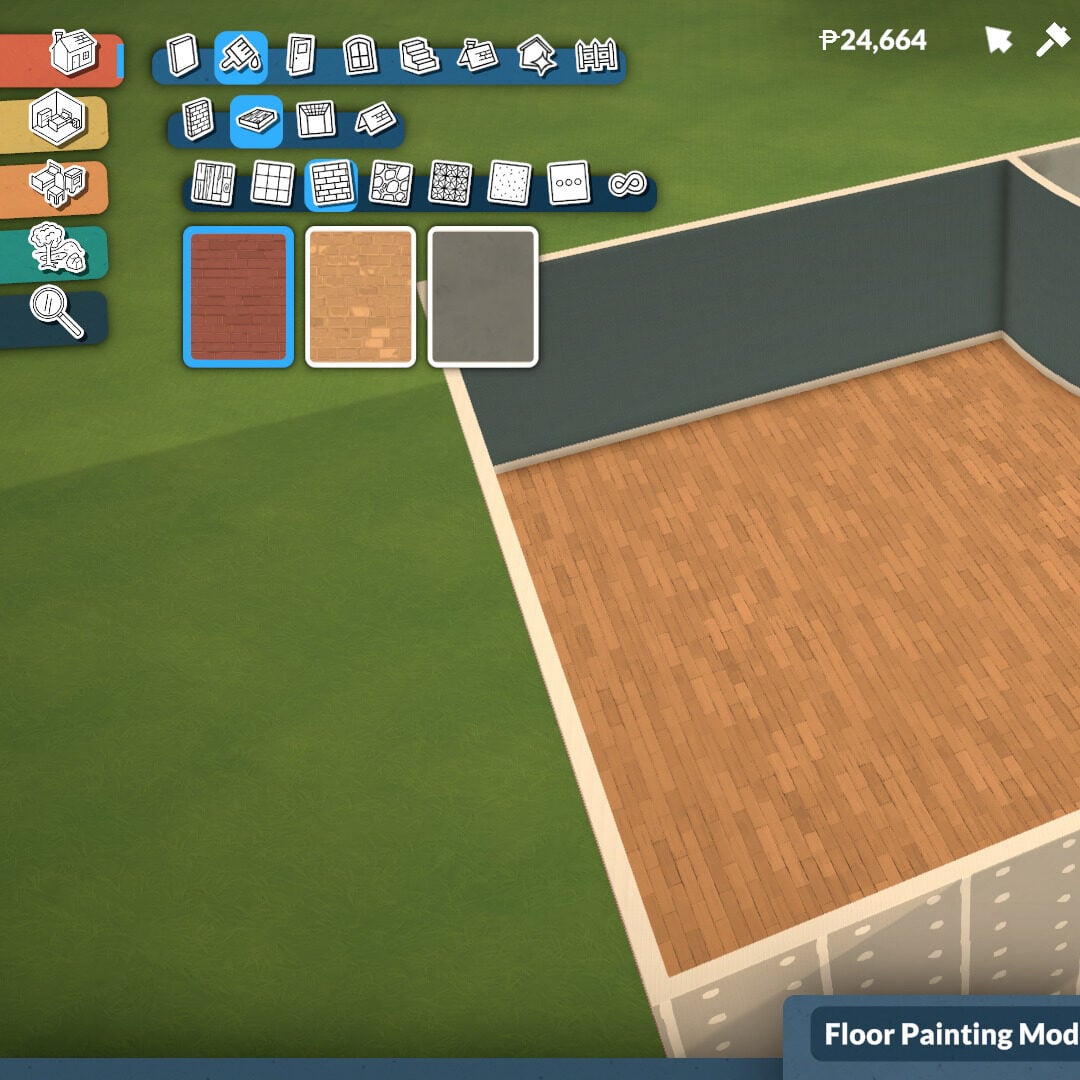
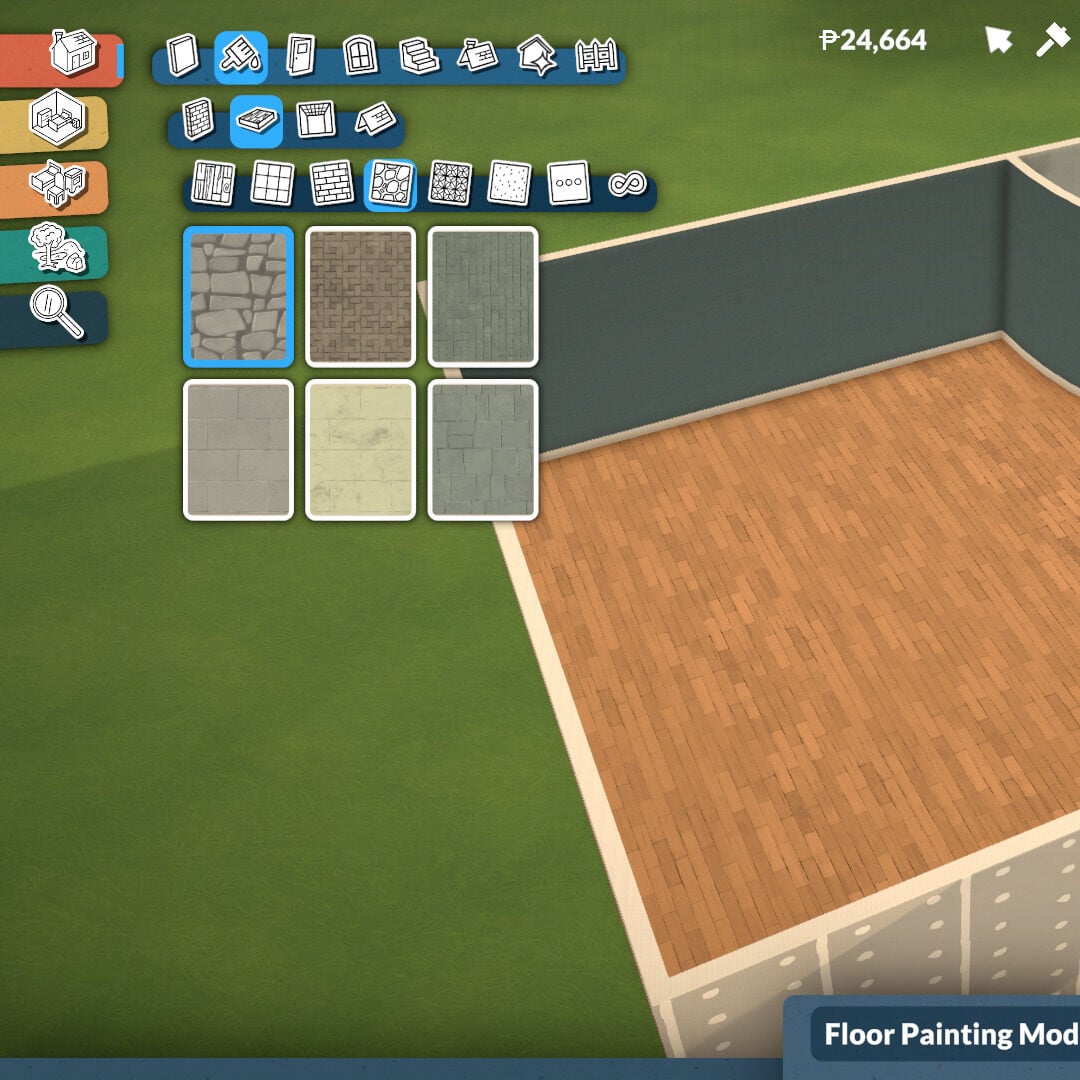
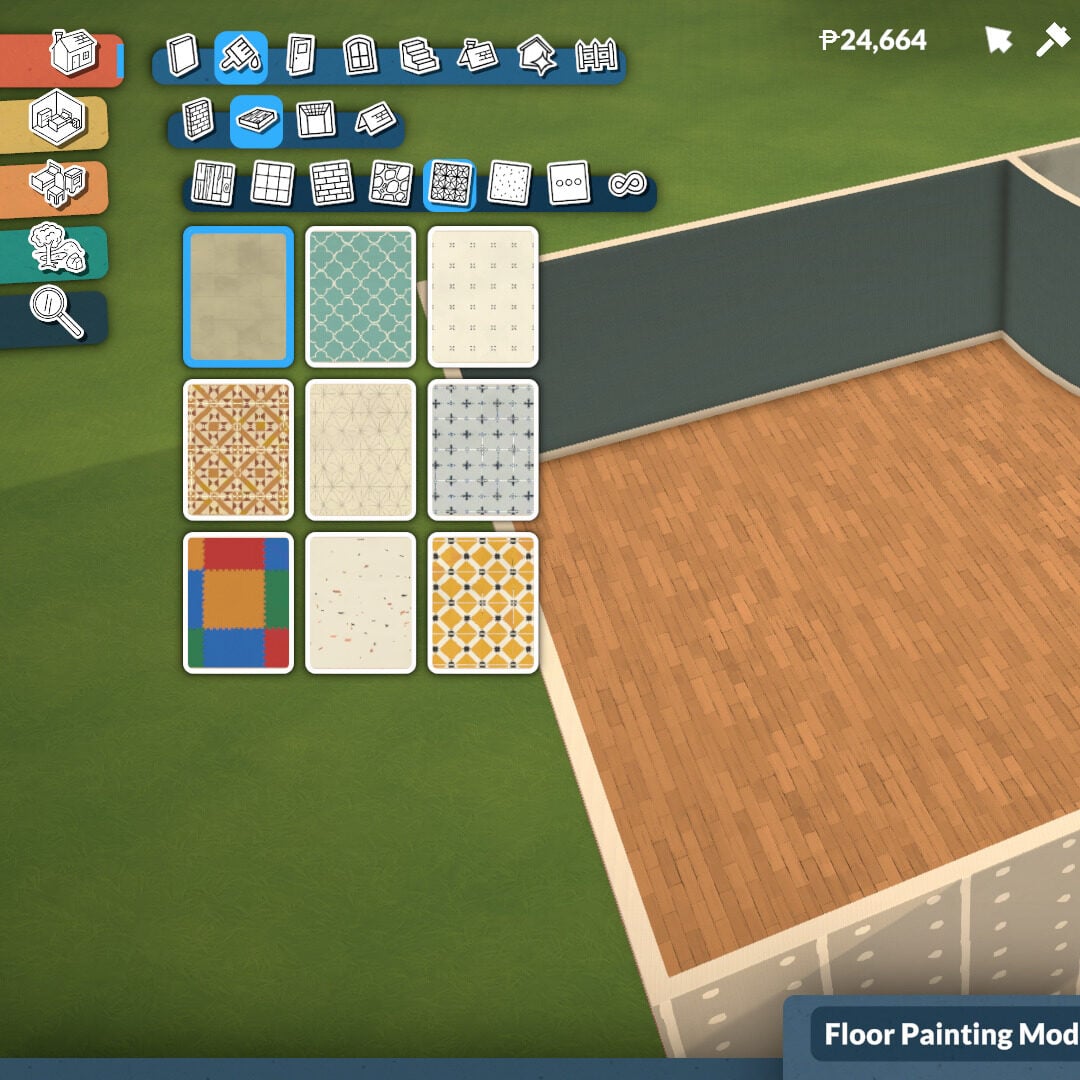
Floor painting works in a very similar way, although you can’t paint tile by tile. Instead, the selected floor style will apply to the entire room or platform level. There are many texture categories available, including wood, tiles, masonry, rocks, linoleum, carpeting, and miscellaneous materials.
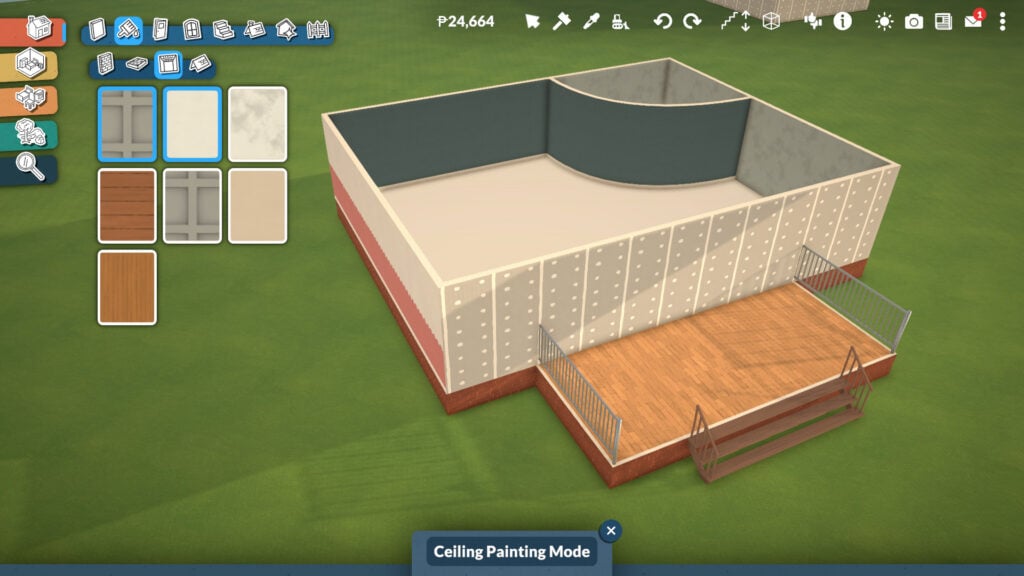
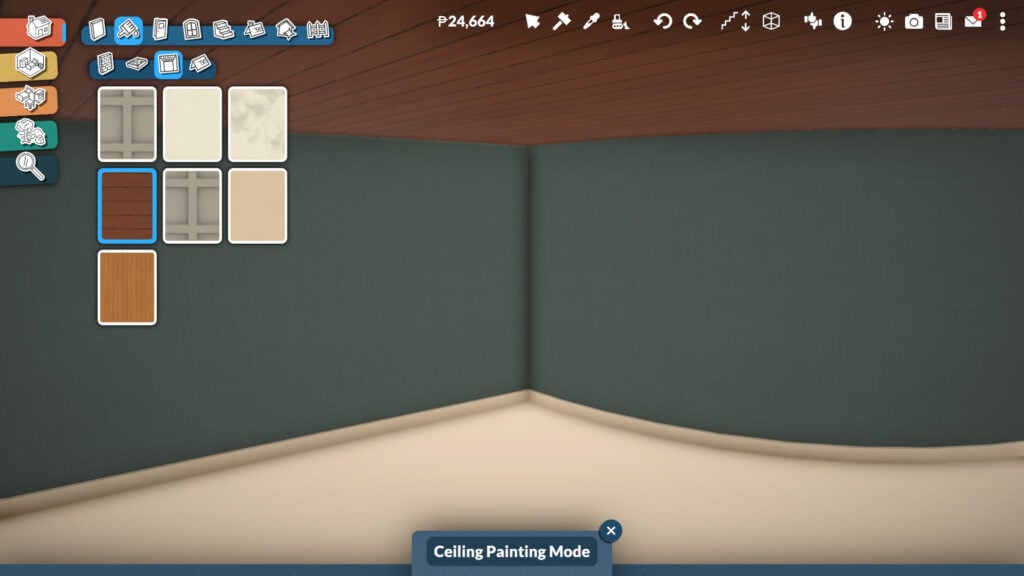
The Ceiling Paint mode adds even more depth and personality to your builds. With industrial, wooden, and simple texture options, you can find the perfect ceiling style for every room in your house.
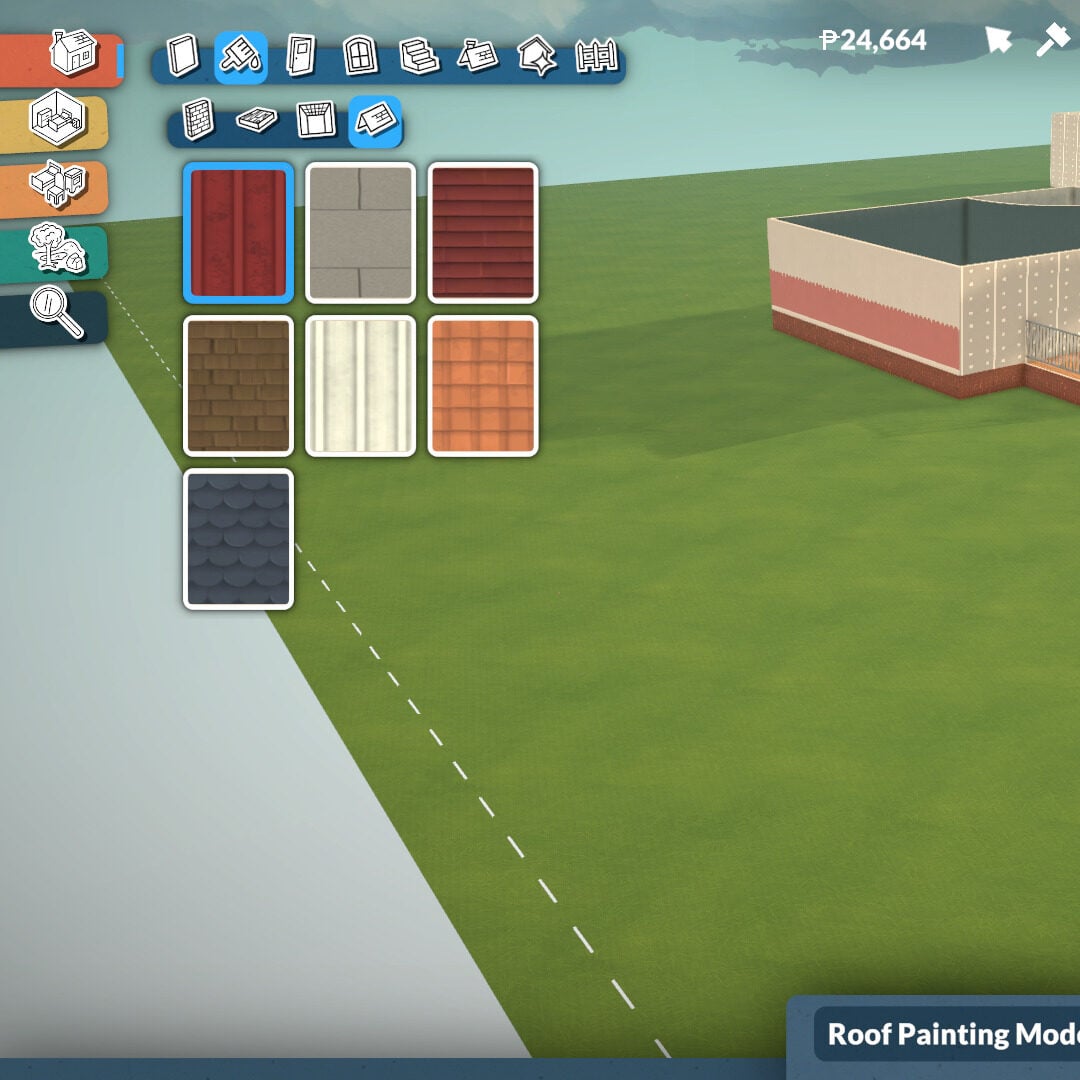
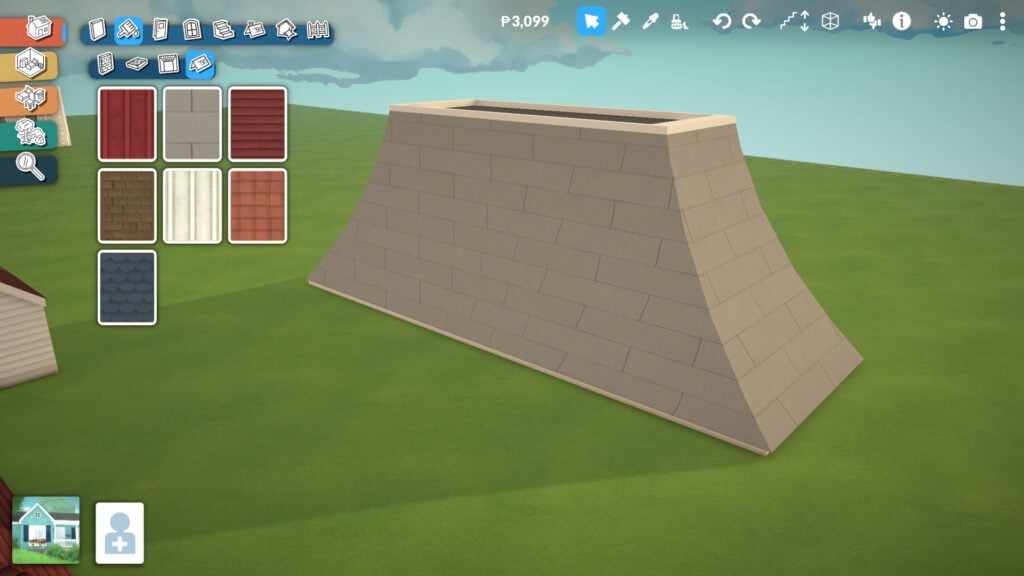
Finally, the Roof Paint tool includes seven different roof textures in this Early Access version of the game. Even at this stage, there’s already plenty of customization available, and you can learn more about the different roof shapes later in this guide.
Doors Tools
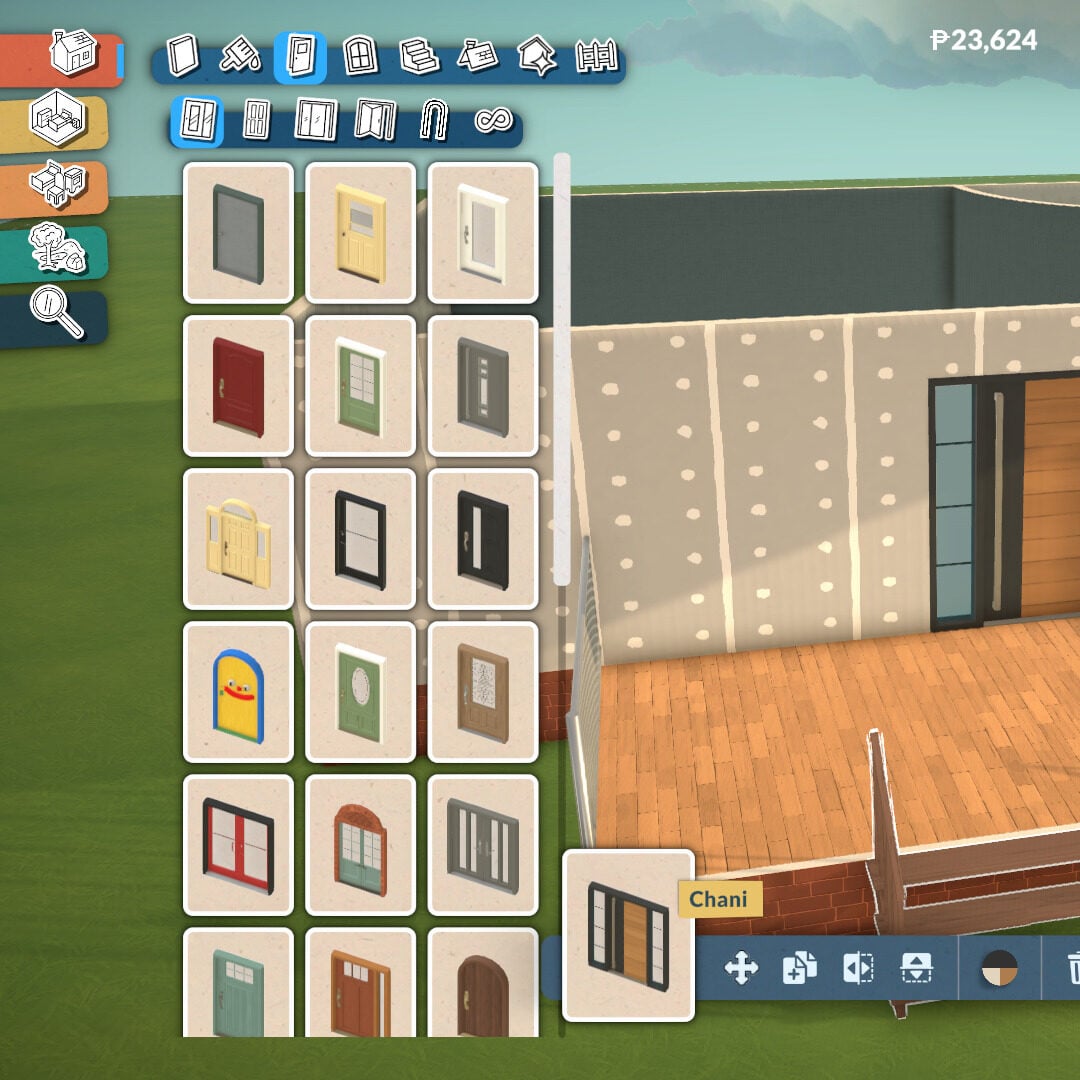
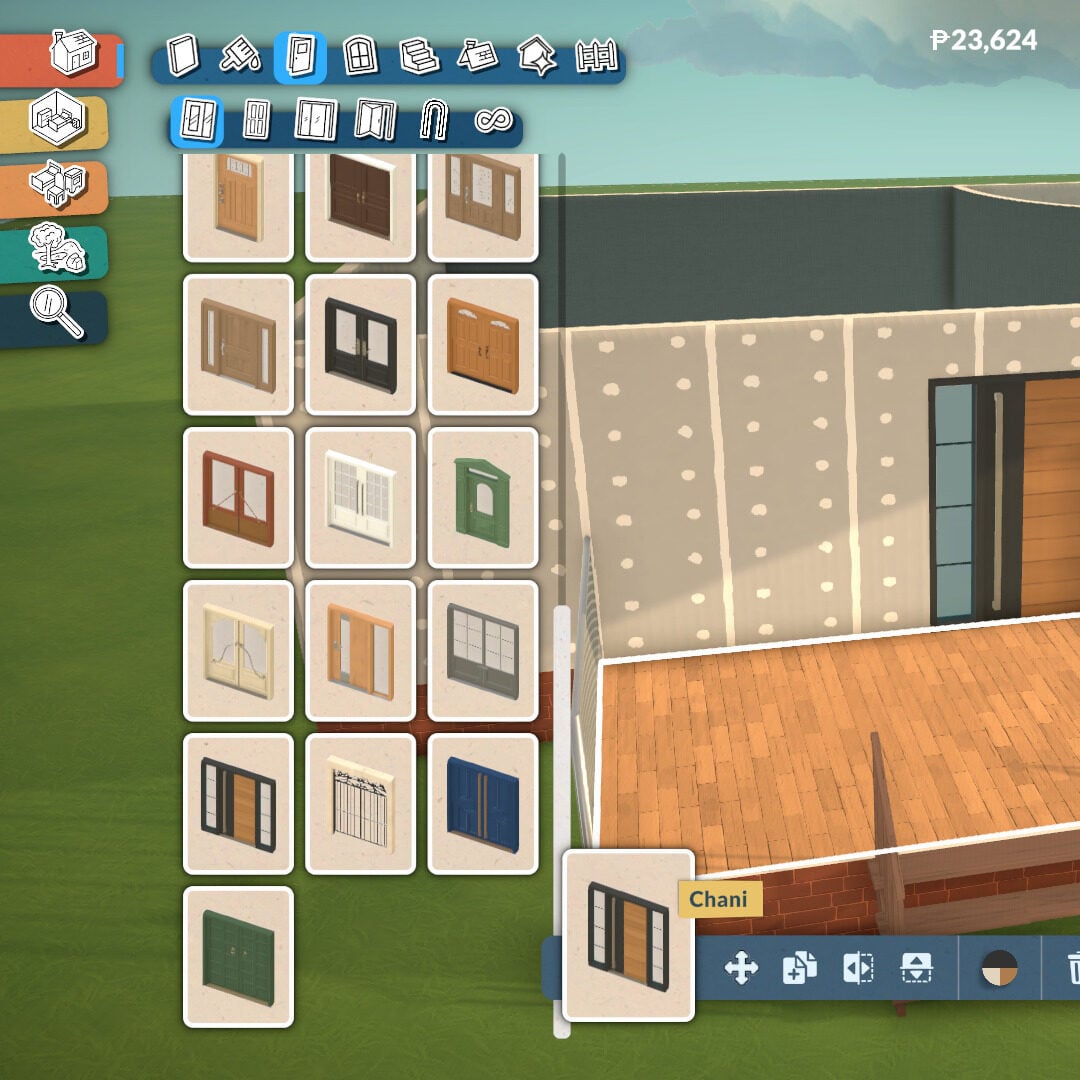
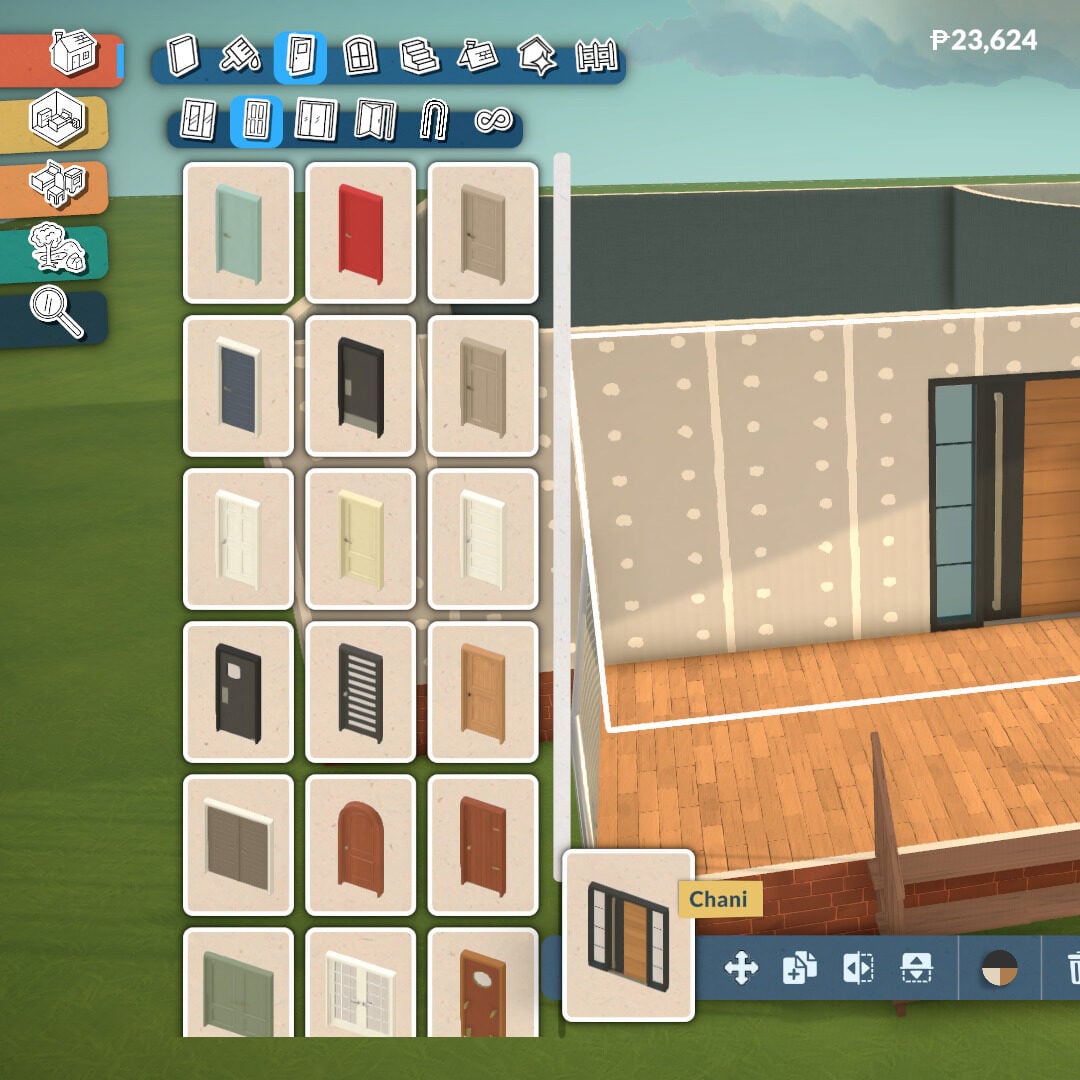
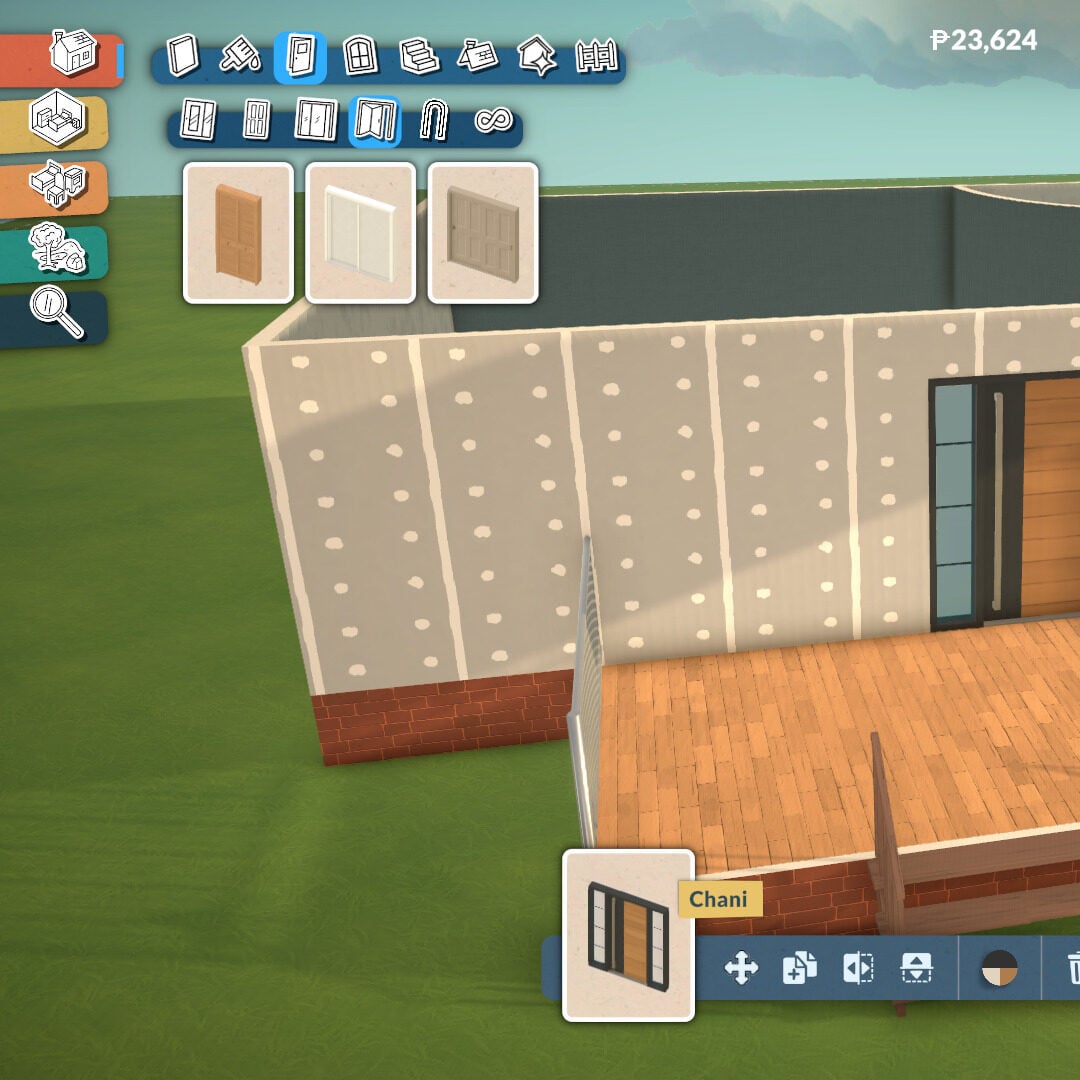
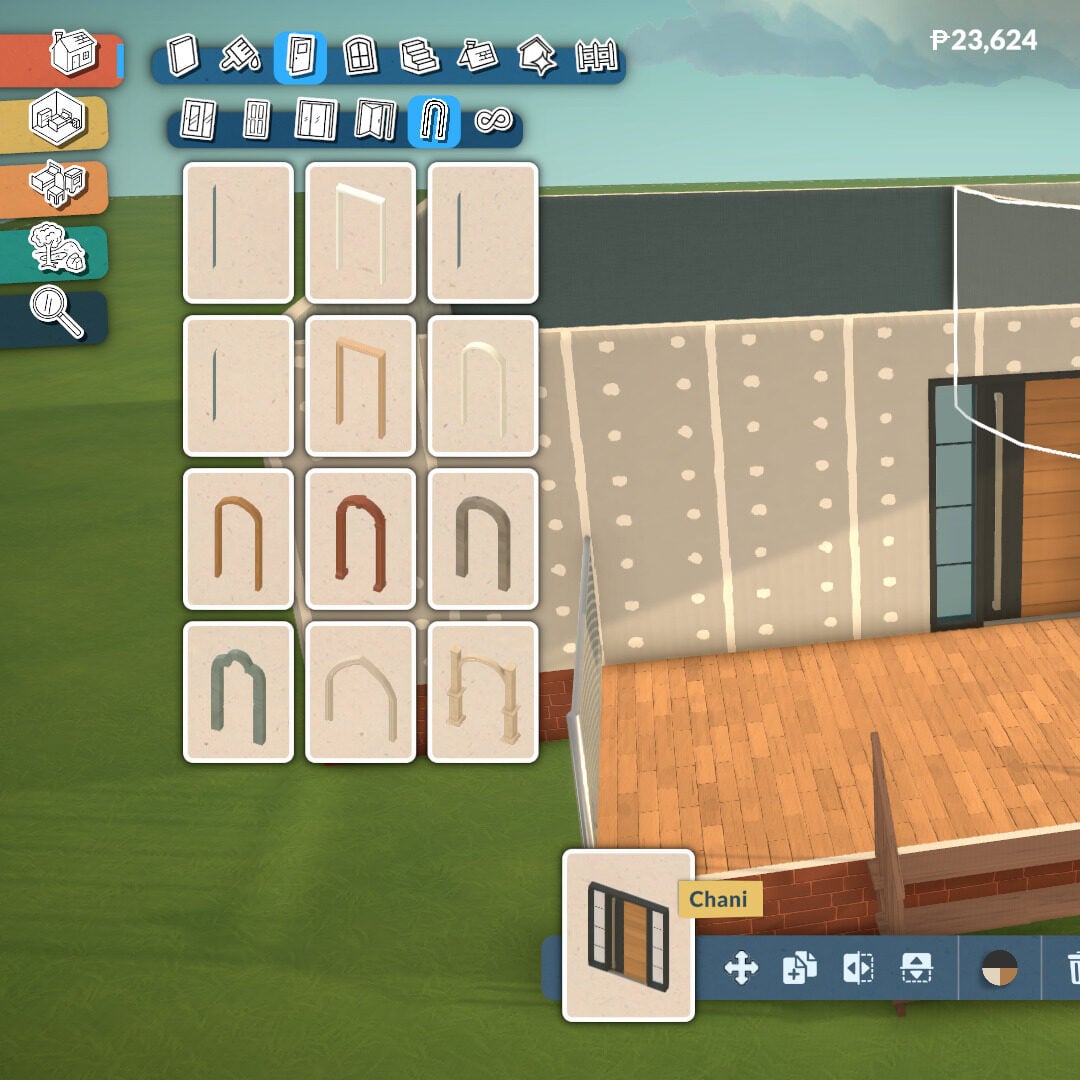
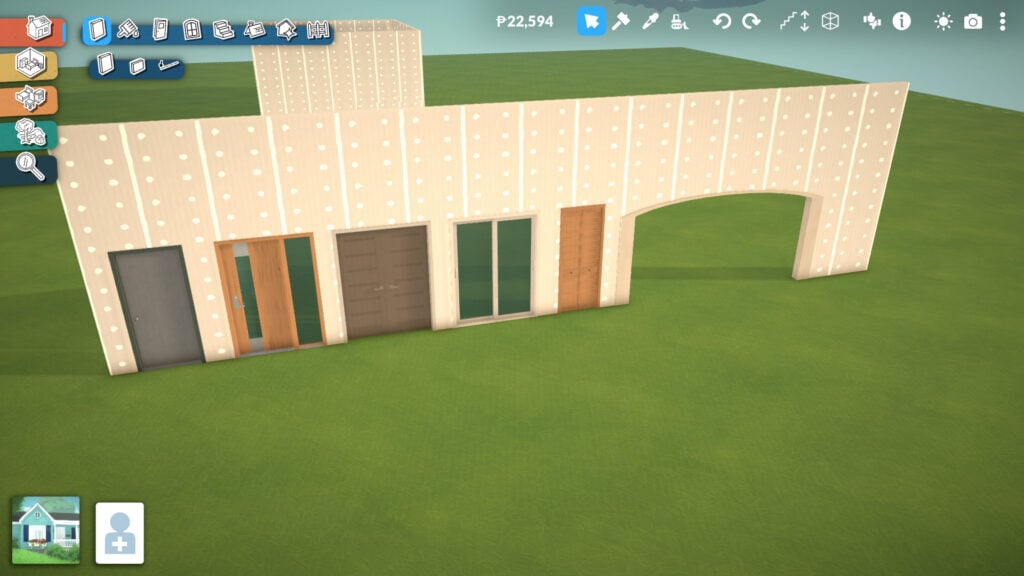
There are five different door categories available: exterior doors, interior doors, patio doors, closet doors, and arches. Each category offers a lot of depth and customization options, allowing players to match different architectural styles and interior designs.
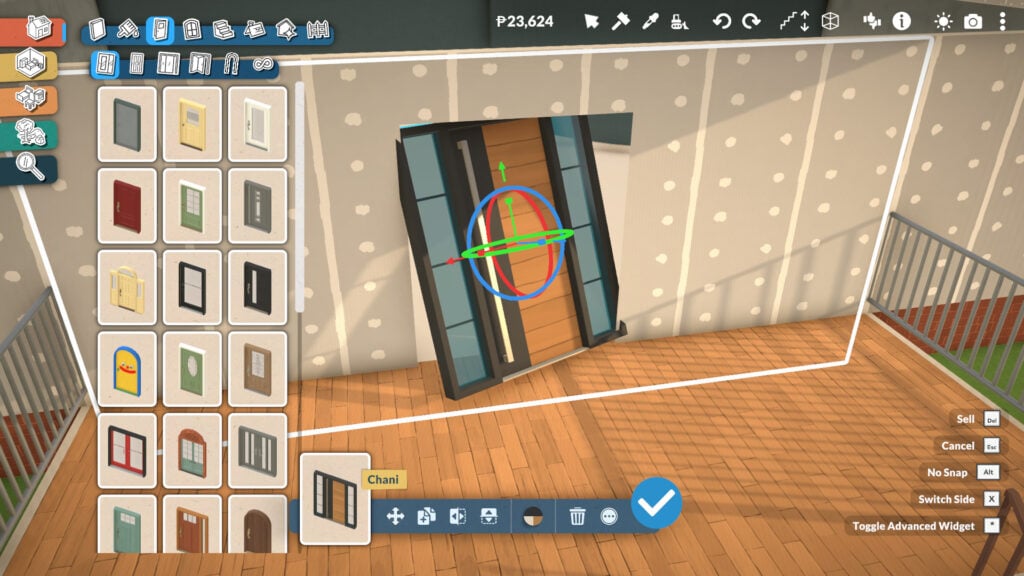
When placing a door, you’ll find different tools to help it fit better within your house design. You can customize colors and textures, choose which side faces the exterior, and even flip the door’s direction, which is one of the most useful features for interior planning. By clicking the three dots option, you’ll also access more advanced placement settings.
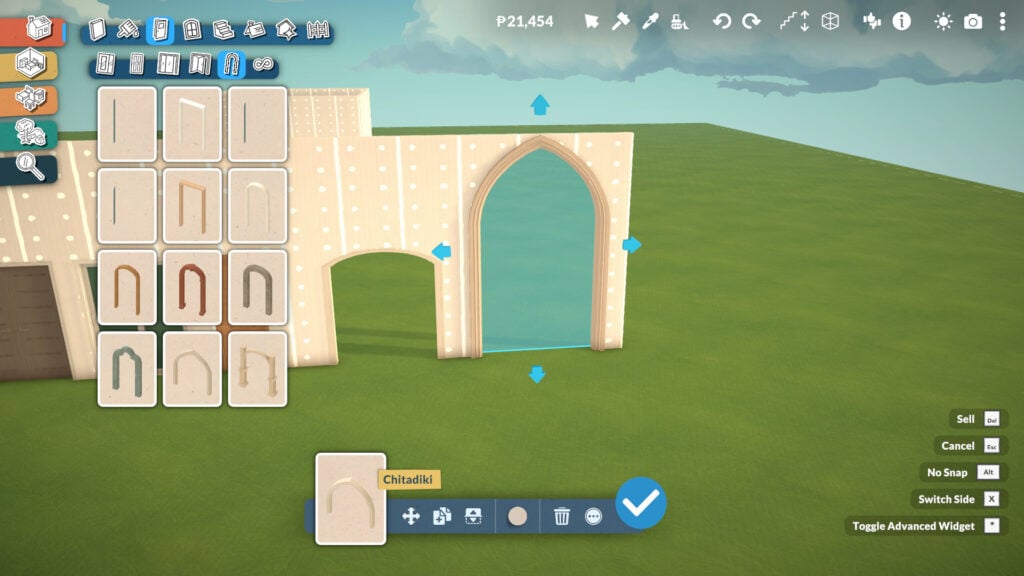
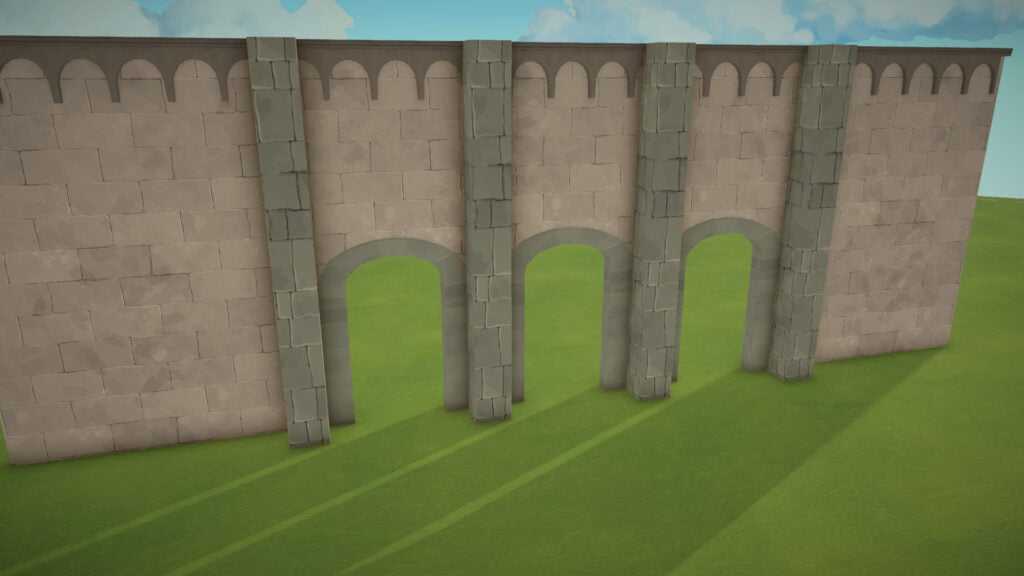
Arches are even more flexible, since you can drag them to adjust their width instead of being limited to a single fixed size. Some of them can also be adjusted in height, opening the door to much more ambitious architectural designs. Honestly, it already makes me want to build a huge cathedral-style structure.
Windows Tools
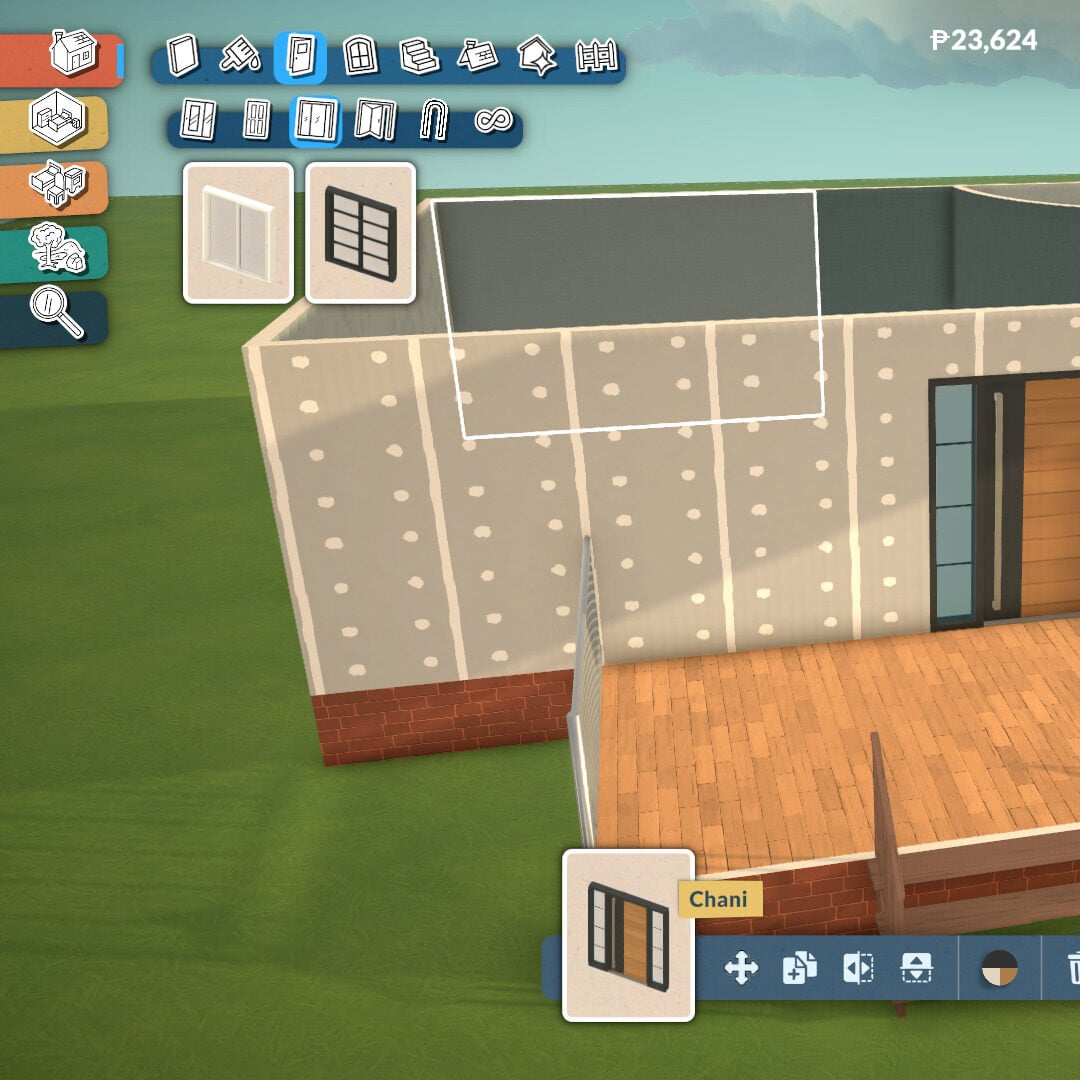
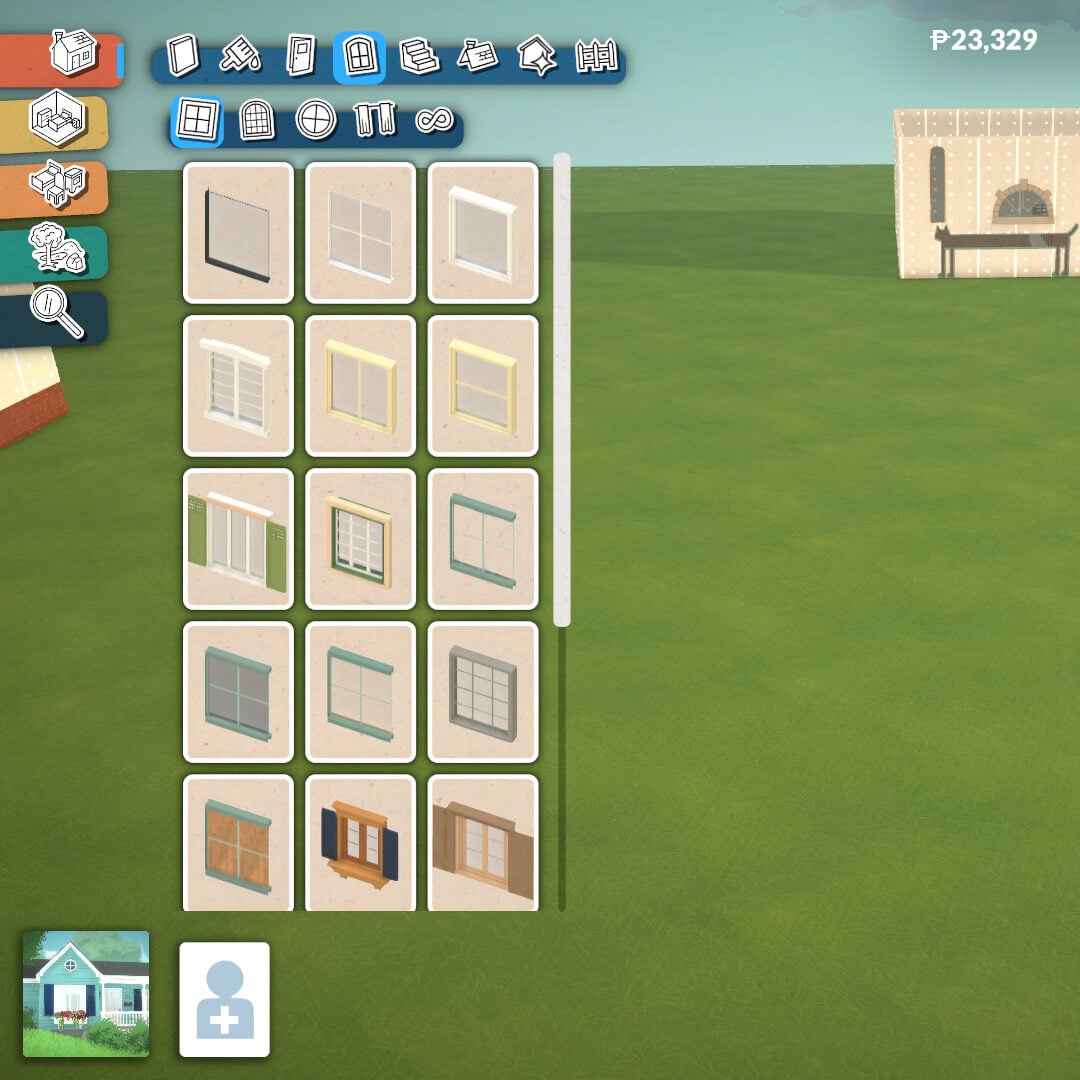
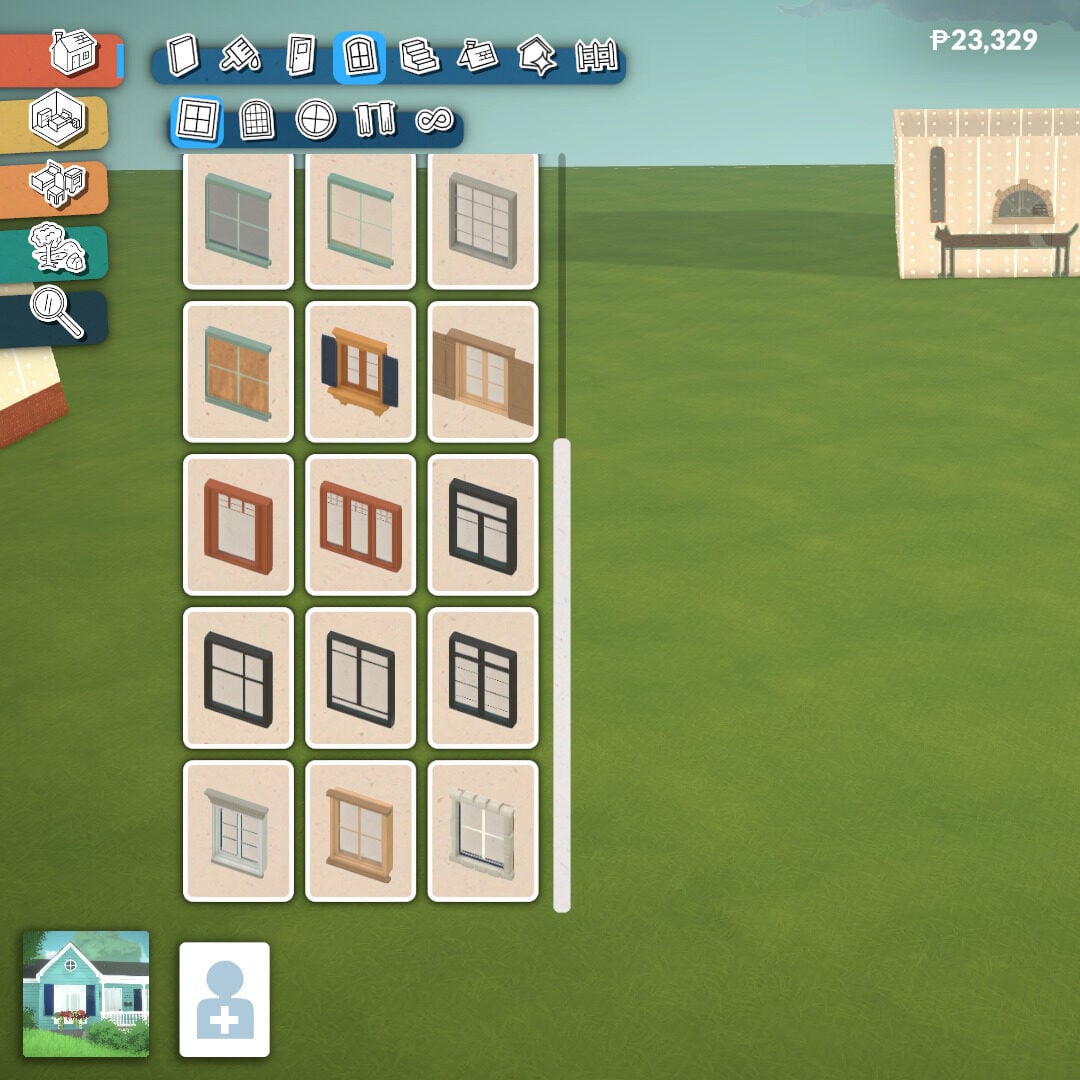
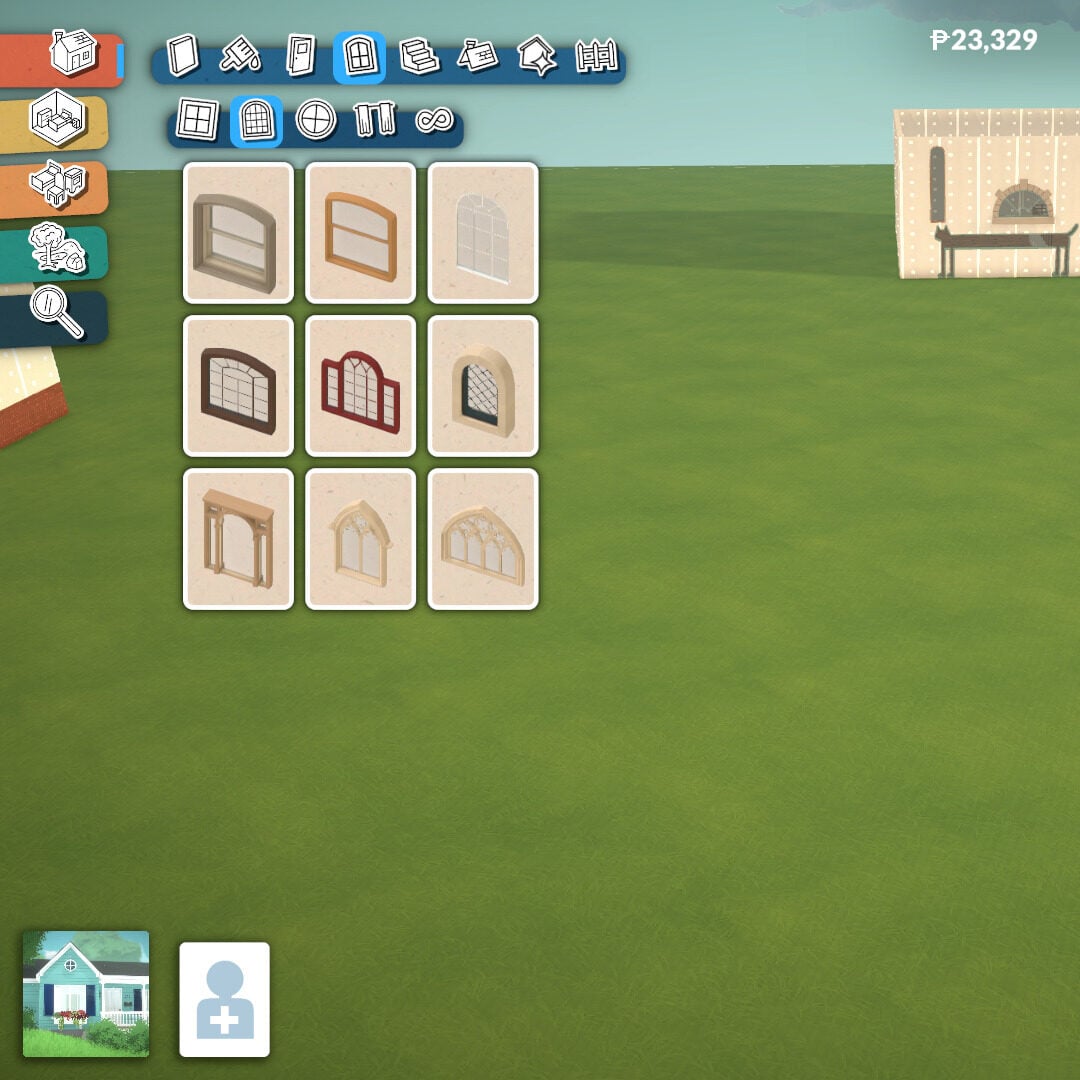
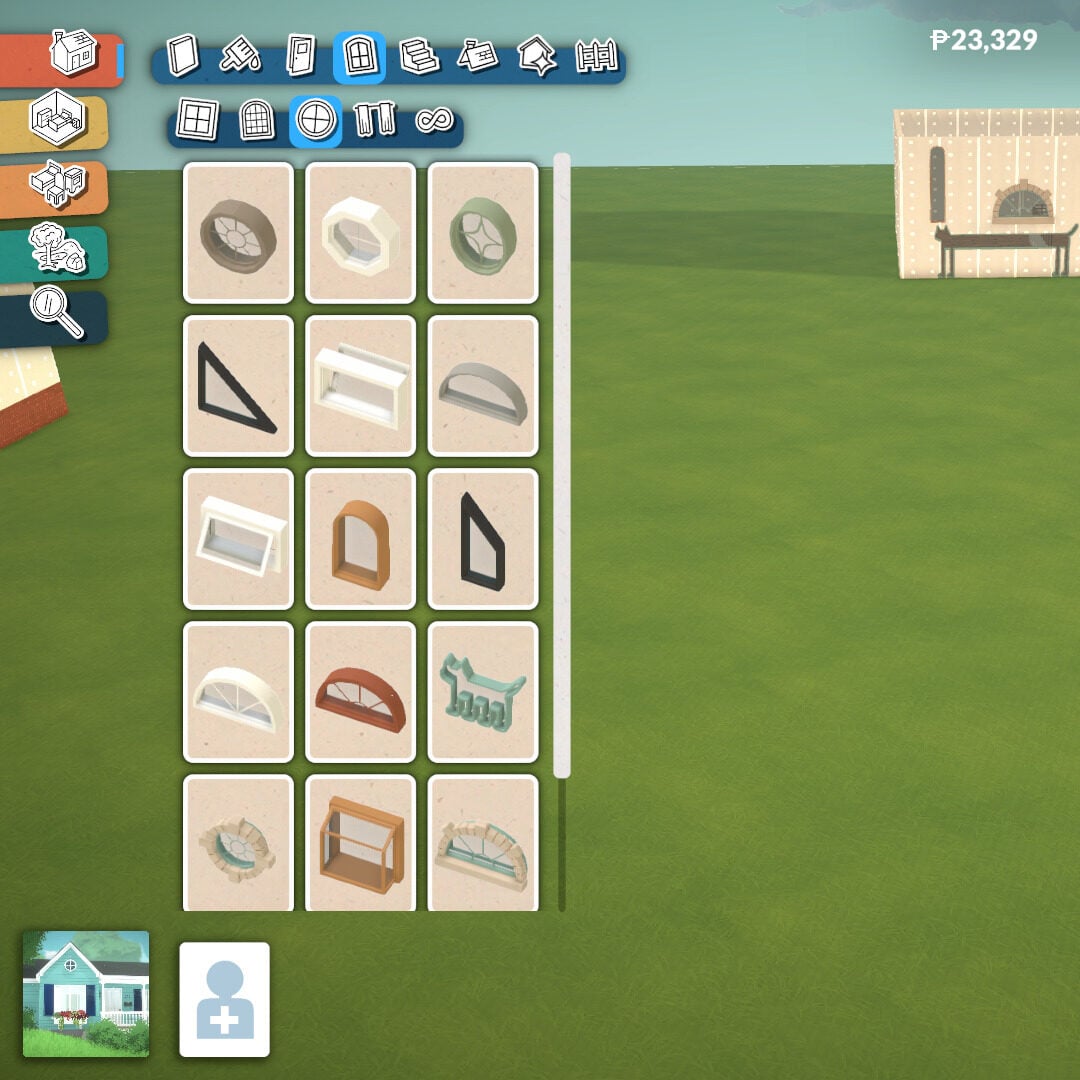
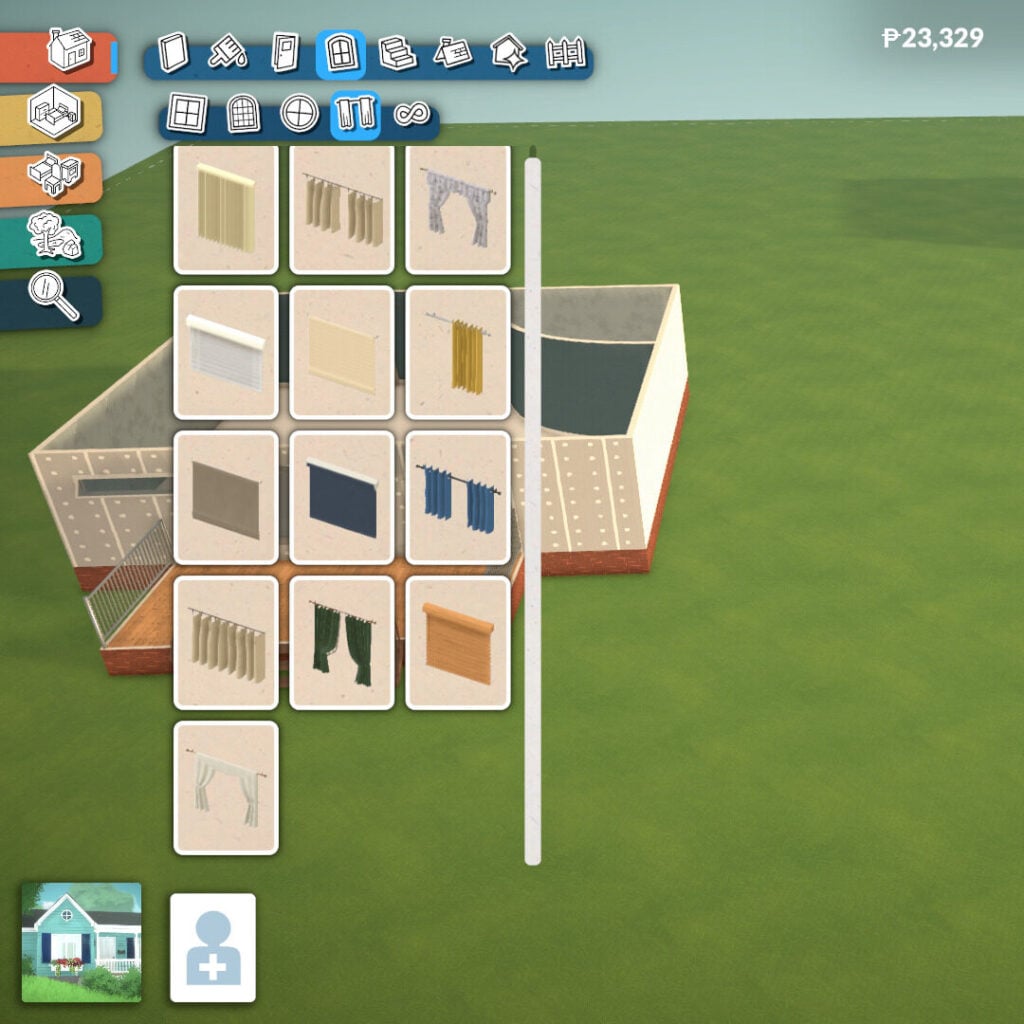
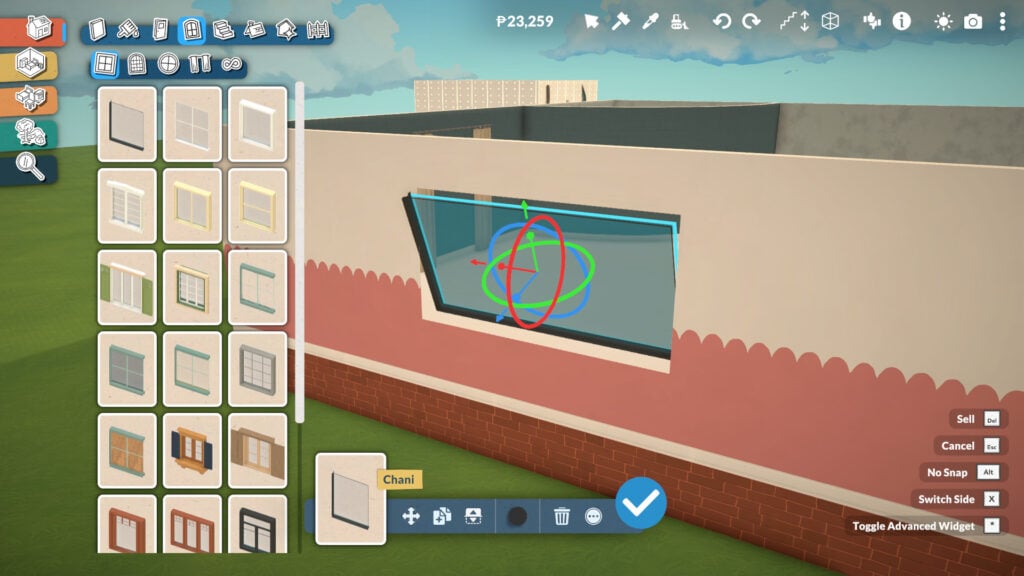
Windows in Paralives bring a huge amount of depth and customization, with many of them offering their own unique shape adjustments and design options. There are three main categories available: angular windows, arched windows, and decorative windows, alongside a separate section for curtains and blinds decoration.
Many windows can be resized and customized to better fit your architectural style, making it easier to create anything from cozy family homes to modern mansions or classic buildings with detailed facades. They also include the same tools available for doors, allowing you to flip them, choose which side faces the exterior, and access more advanced placement options.
Stairs Tool
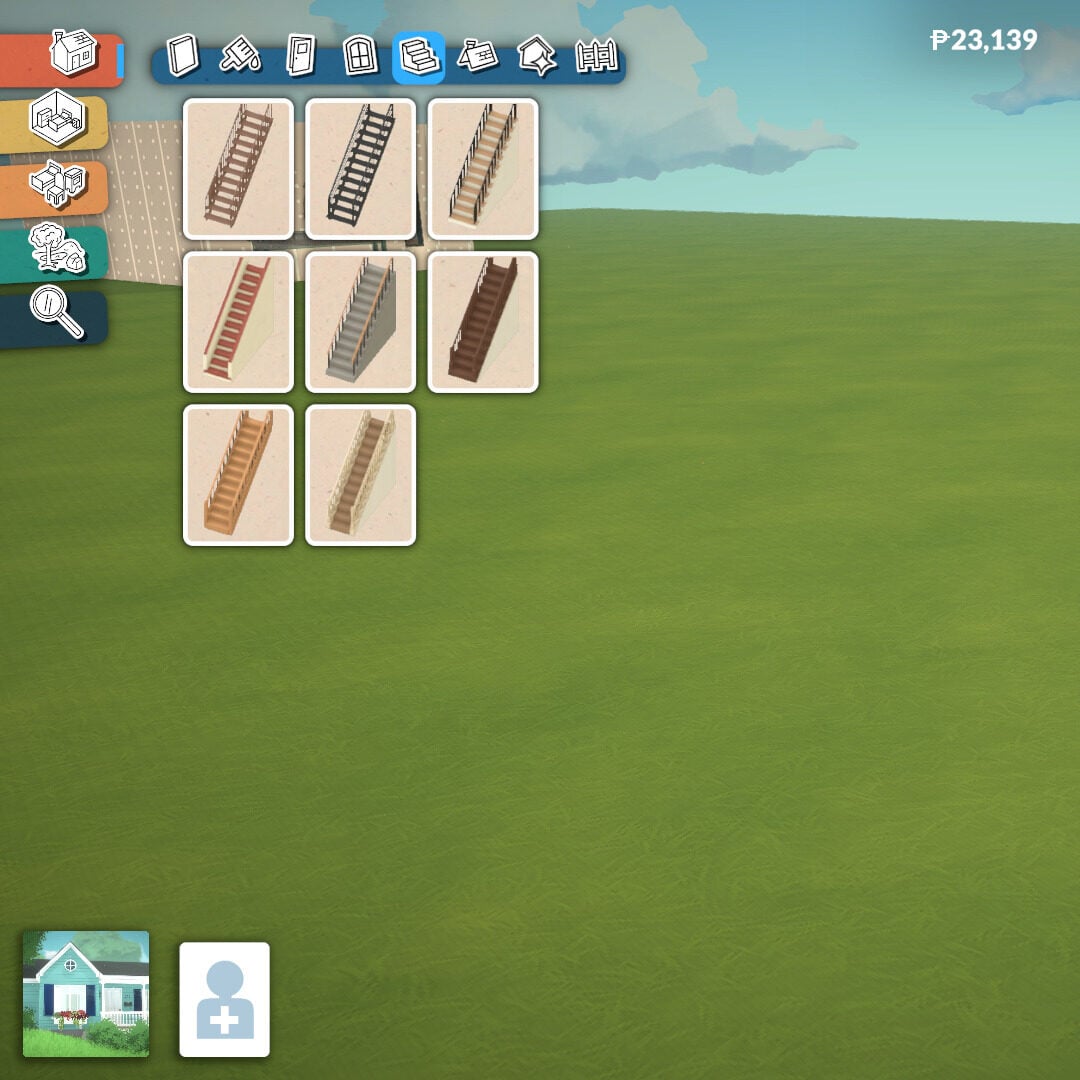
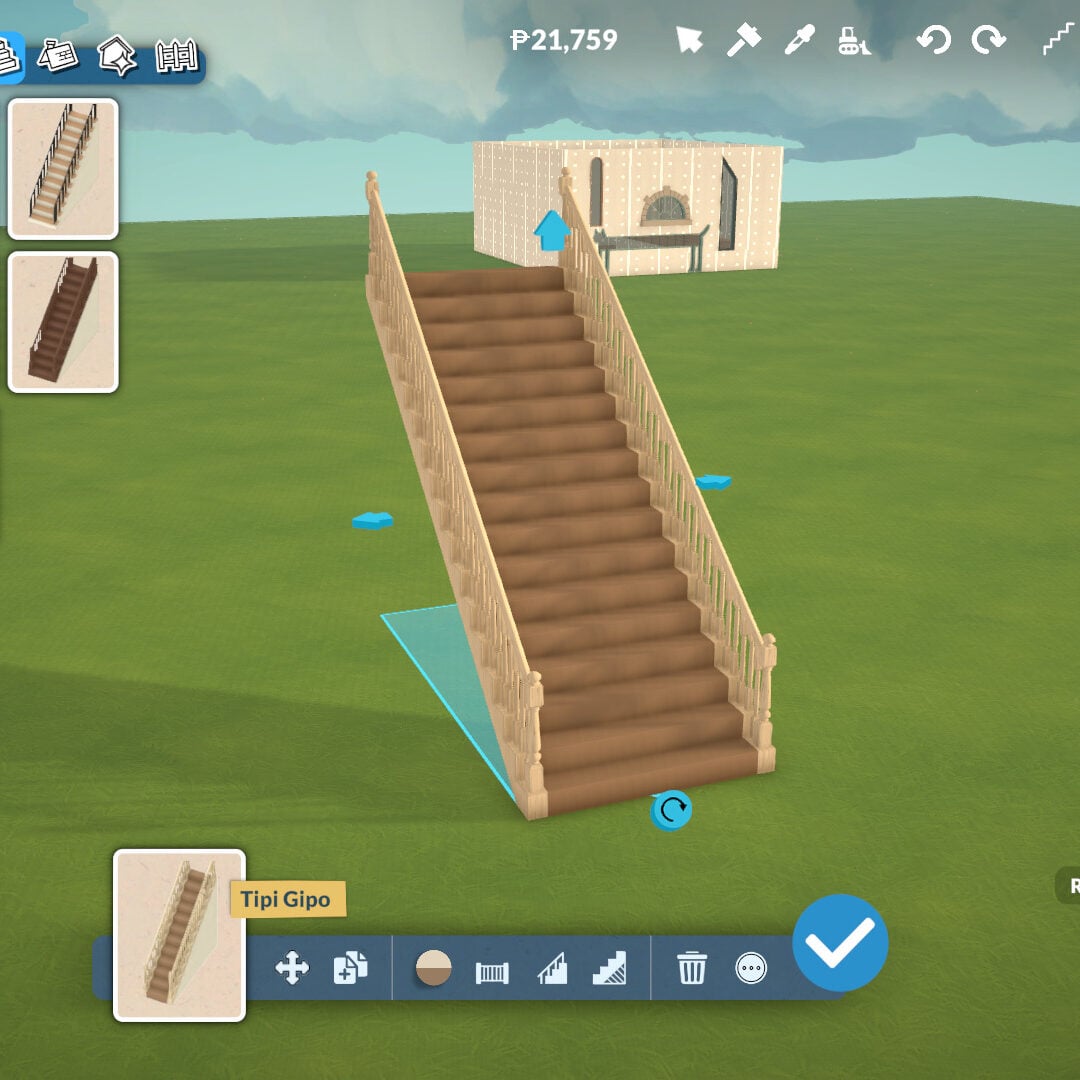
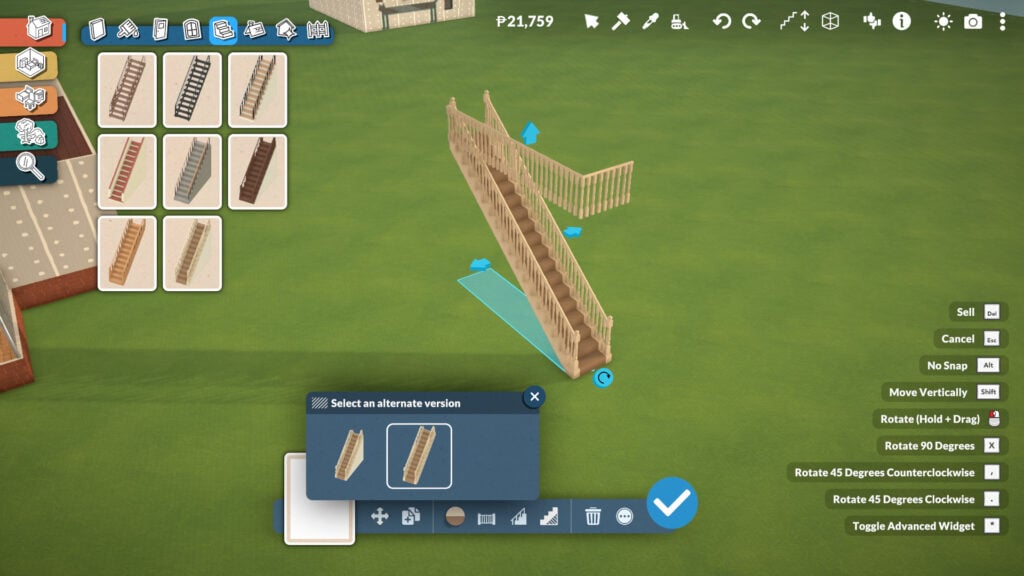
The Stairs tool is very easy to use. There are eight different staircase styles to choose from, and they can be placed almost anywhere you want. Once placed, you can click on them and drag the arrows to adjust both their width and height, allowing you to create everything from compact staircases to massive grand stairs for larger builds.
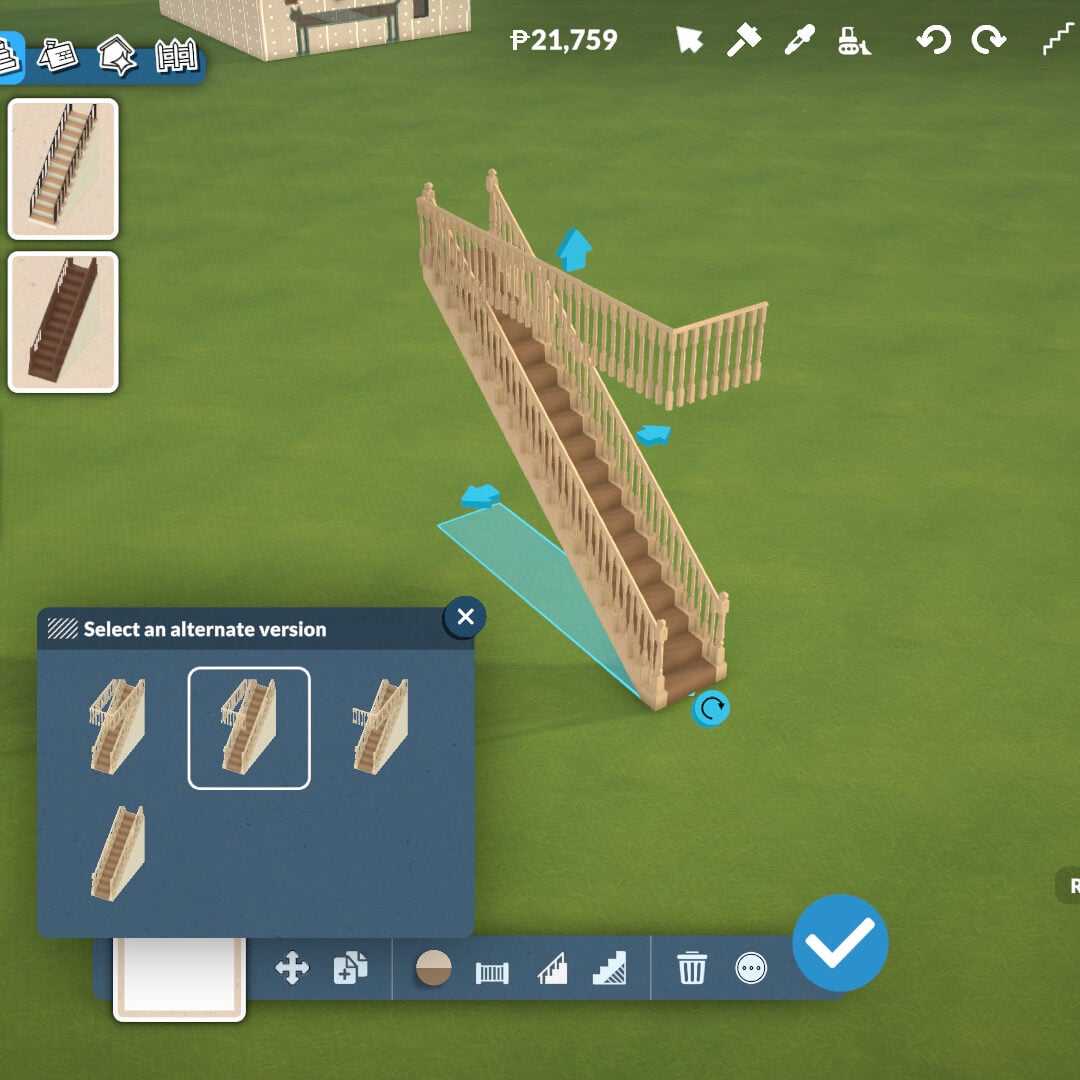
At the bottom of the screen, after selecting your desired staircase, you’ll find even more customization tools. You can remove the wall underneath the stairs to create extra decorative space, and choose whether the staircase has railings on both sides, only one side, or no railings at all.
There’s even a tool that automatically places a fence around the floor opening upstairs, preventing your Parafolks from falling while also helping your build look more realistic and polished. And yes, stairs can also be placed diagonally.
Roof Tools
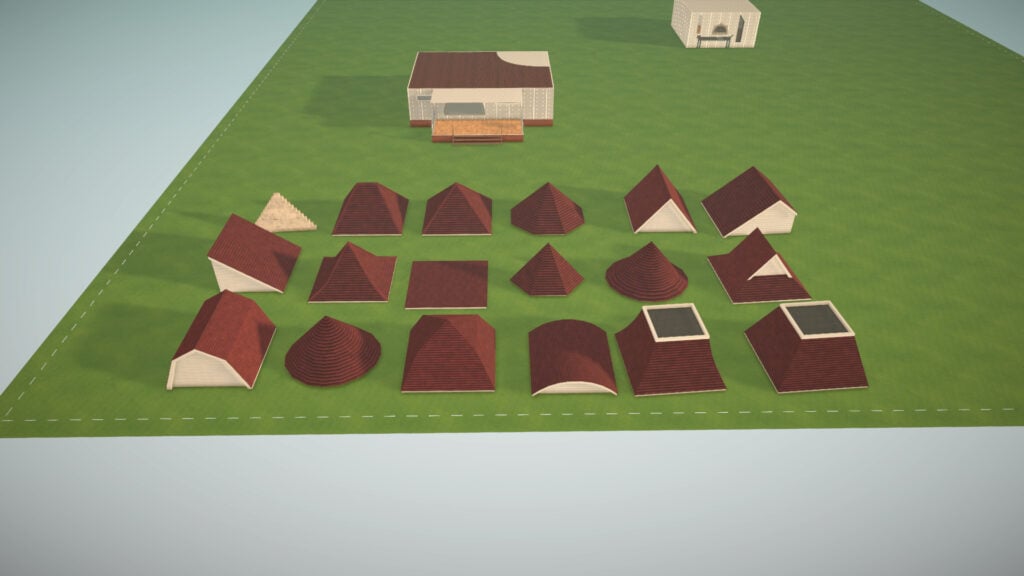
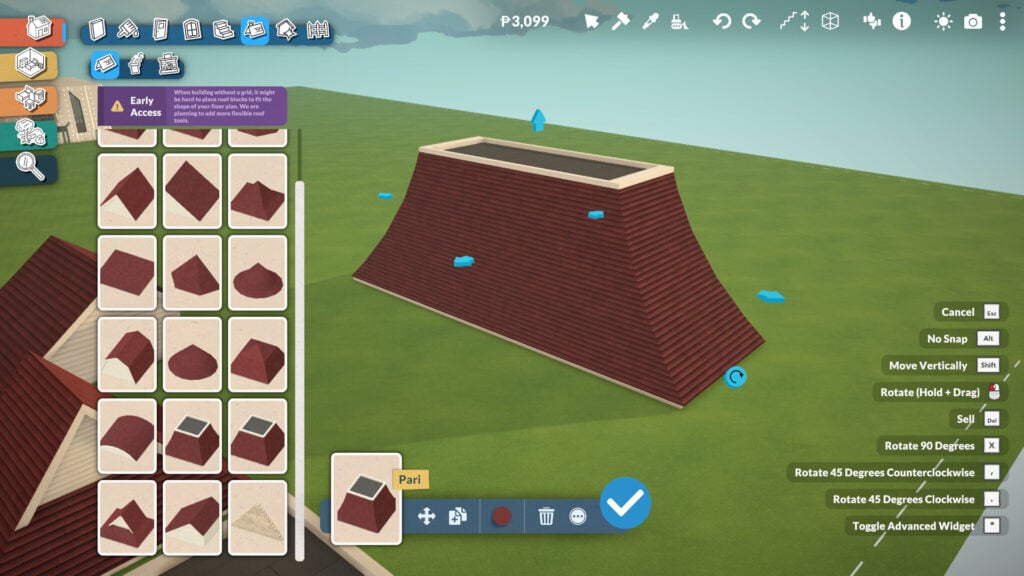
This is one of the biggest features in Paralives’ Build Mode, even if it’s still unfinished. The game itself warns players that the roof system is currently incomplete, meaning some roofs may not perfectly match the exact shape of your floor plan. Even so, the tool already offers an impressive amount of freedom and customization.
There are 18 different roof styles available, and each one can be adjusted in height, width, and color using the Roof Paint tool mentioned earlier. This allows players to create highly detailed exteriors and experiment with many different architectural styles, from cozy suburban homes to massive classical mansions.
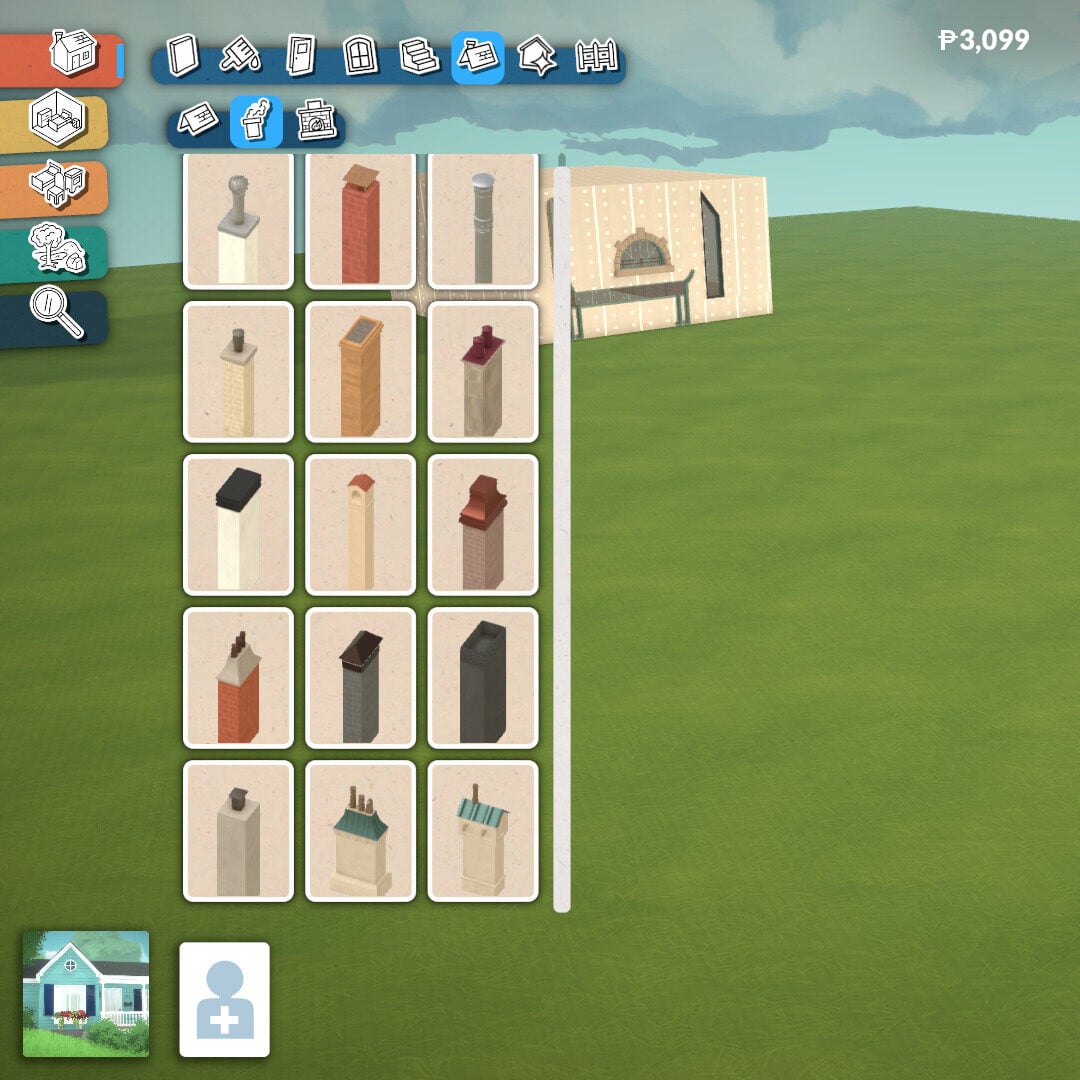
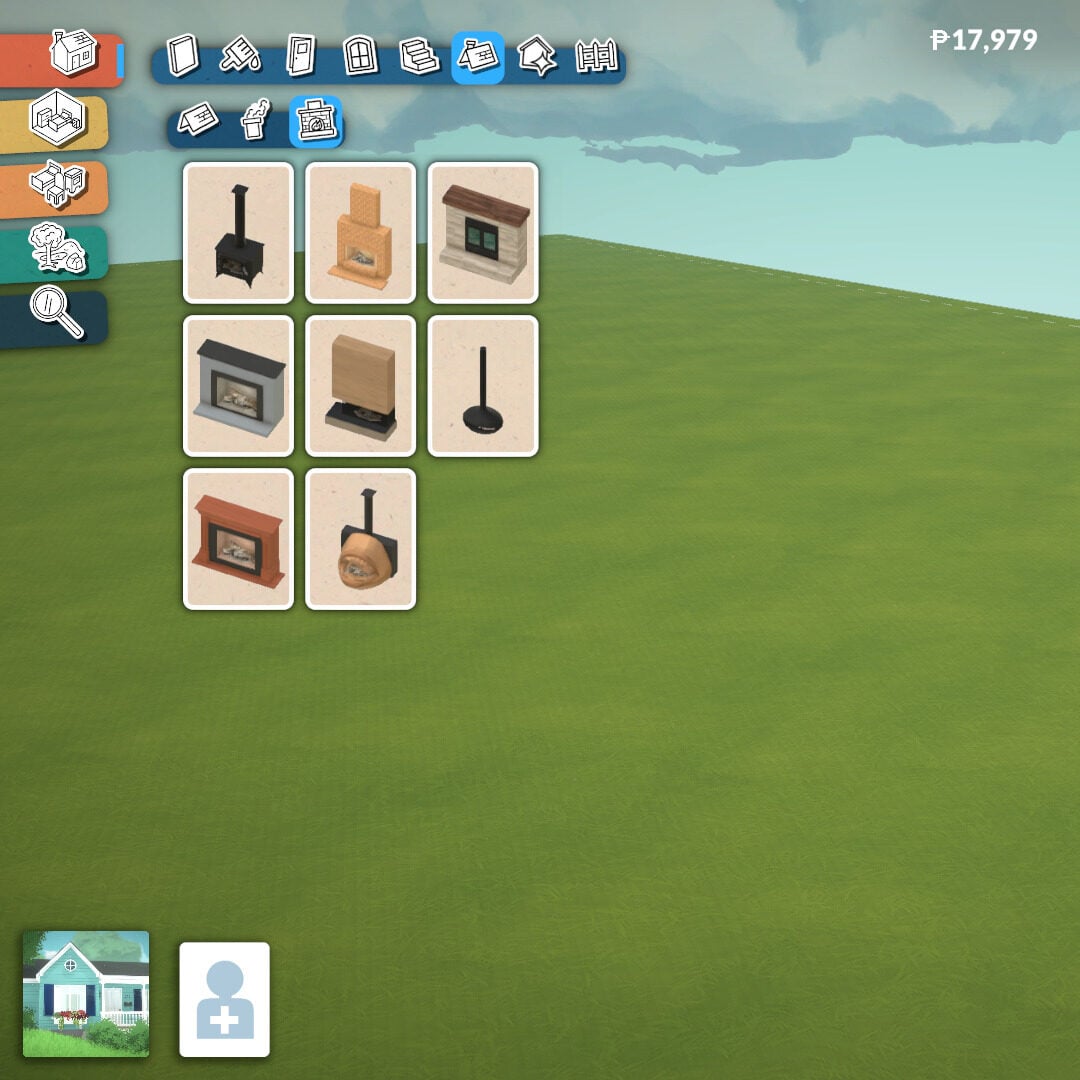
Inside the same Roof category, you’ll also find chimneys and fireplaces to help create warm and cozy environments. Just like roofs, many of these elements can also be adjusted in height for even more customization possibilities.
Architecture Details
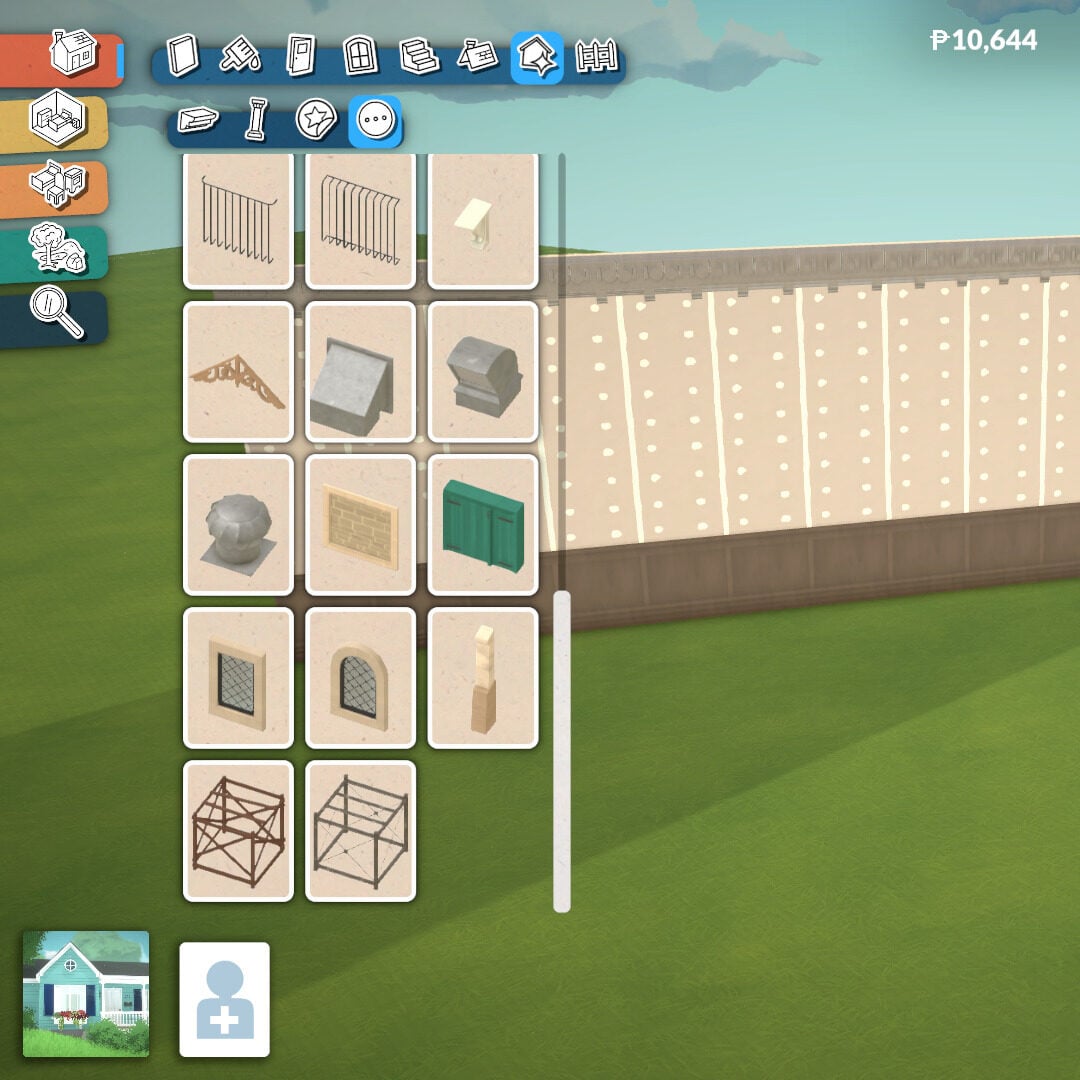
Once your main structure is complete, it’s time to start placing extra details to enhance the overall look of your building. In this category, there are four additional subcategories: Molding, Columns, Details, and Miscellaneous.
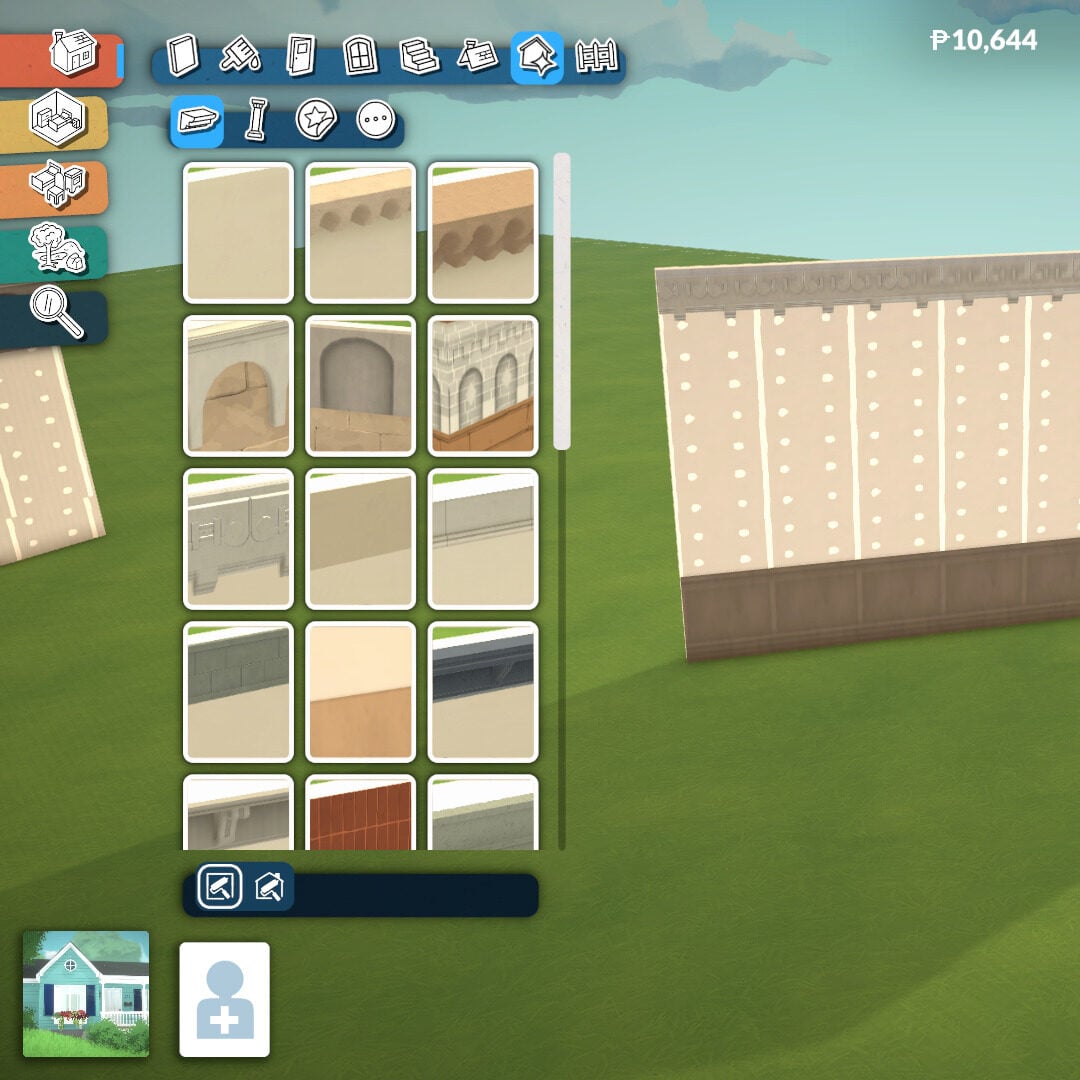
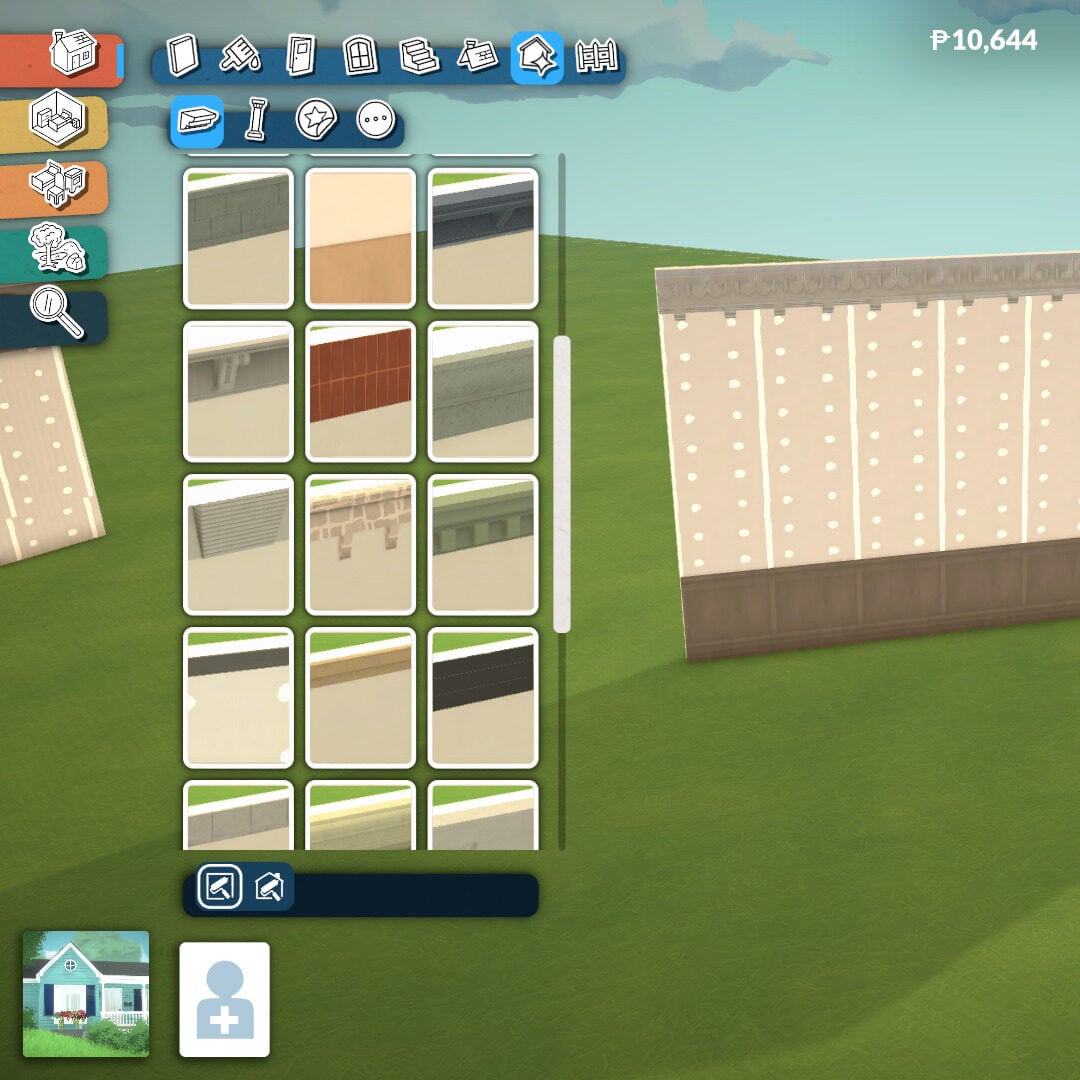
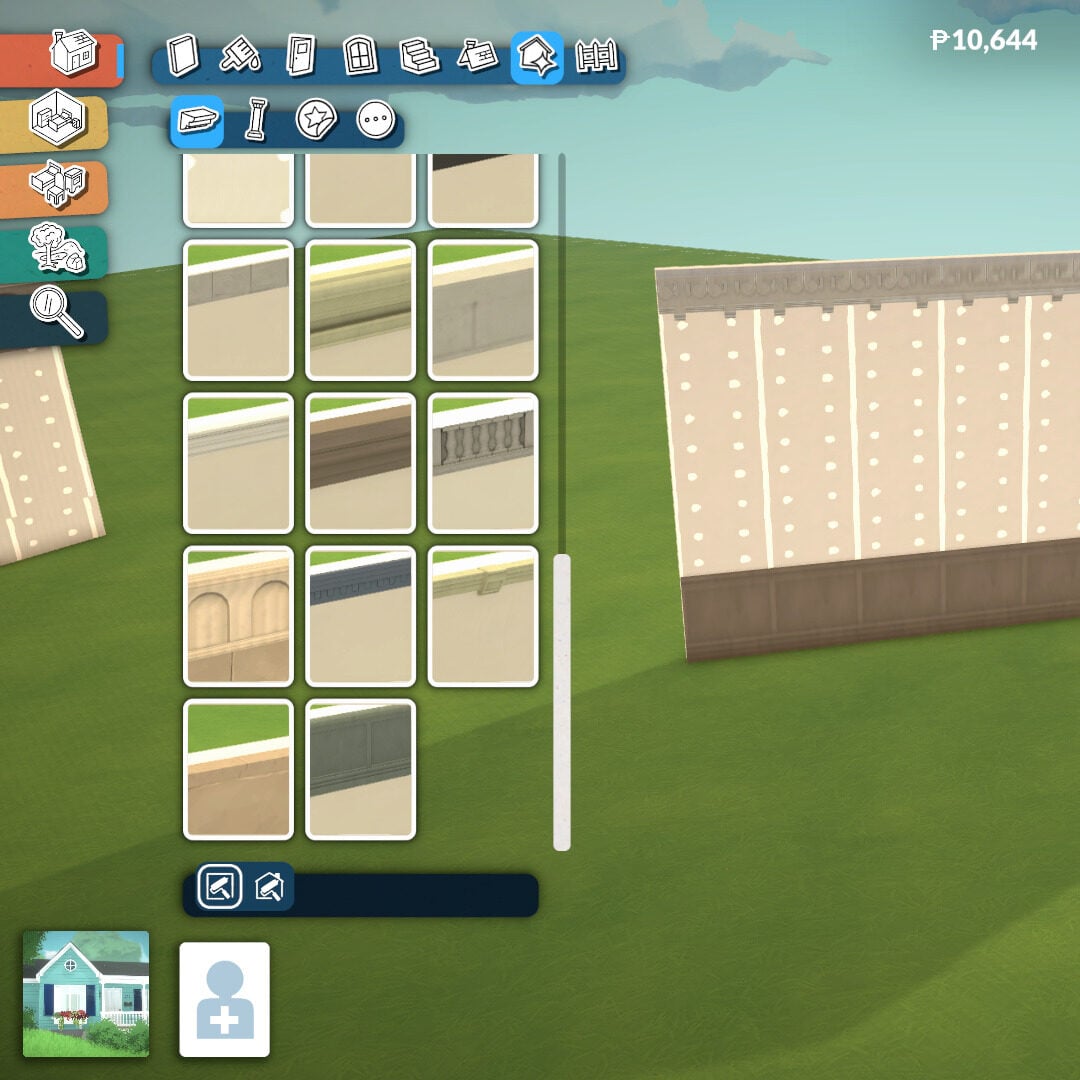
The Molding tool adds much more depth to both exterior and interior walls. It’s especially useful for creating elegant classical mansions or enhancing facades with decorative trims and friezes, helping buildings feel more realistic and architecturally detailed.
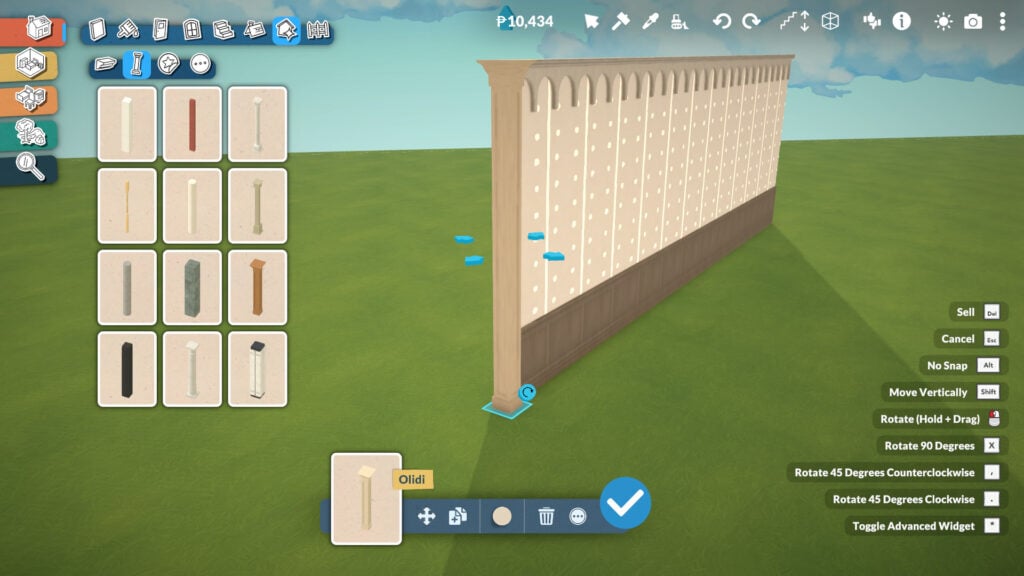
Just like many other objects in Paralives, columns can be adjusted in both height and width to better fit your designs, allowing for even more flexibility and dynamism when shaping walls, porches, or large entrances.
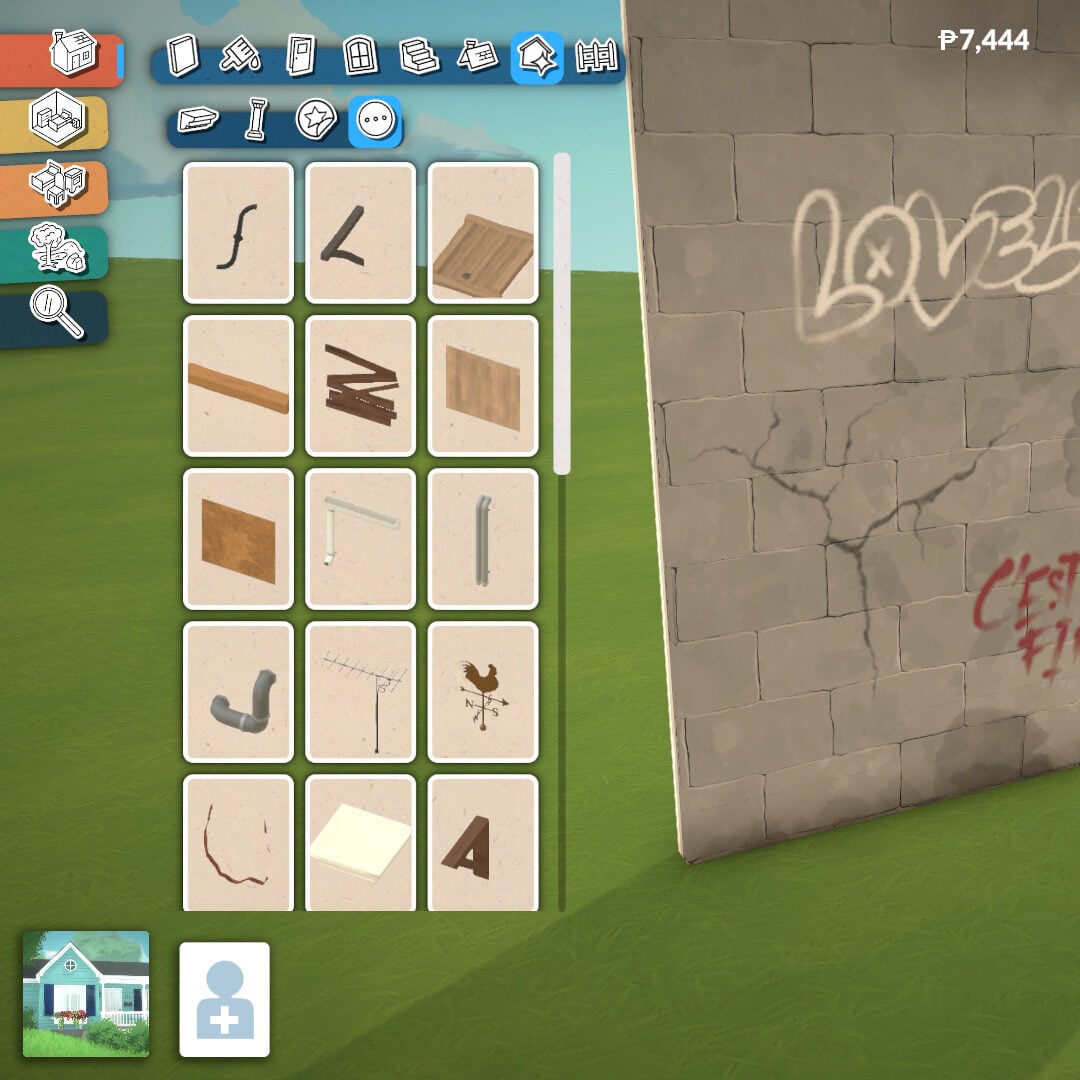
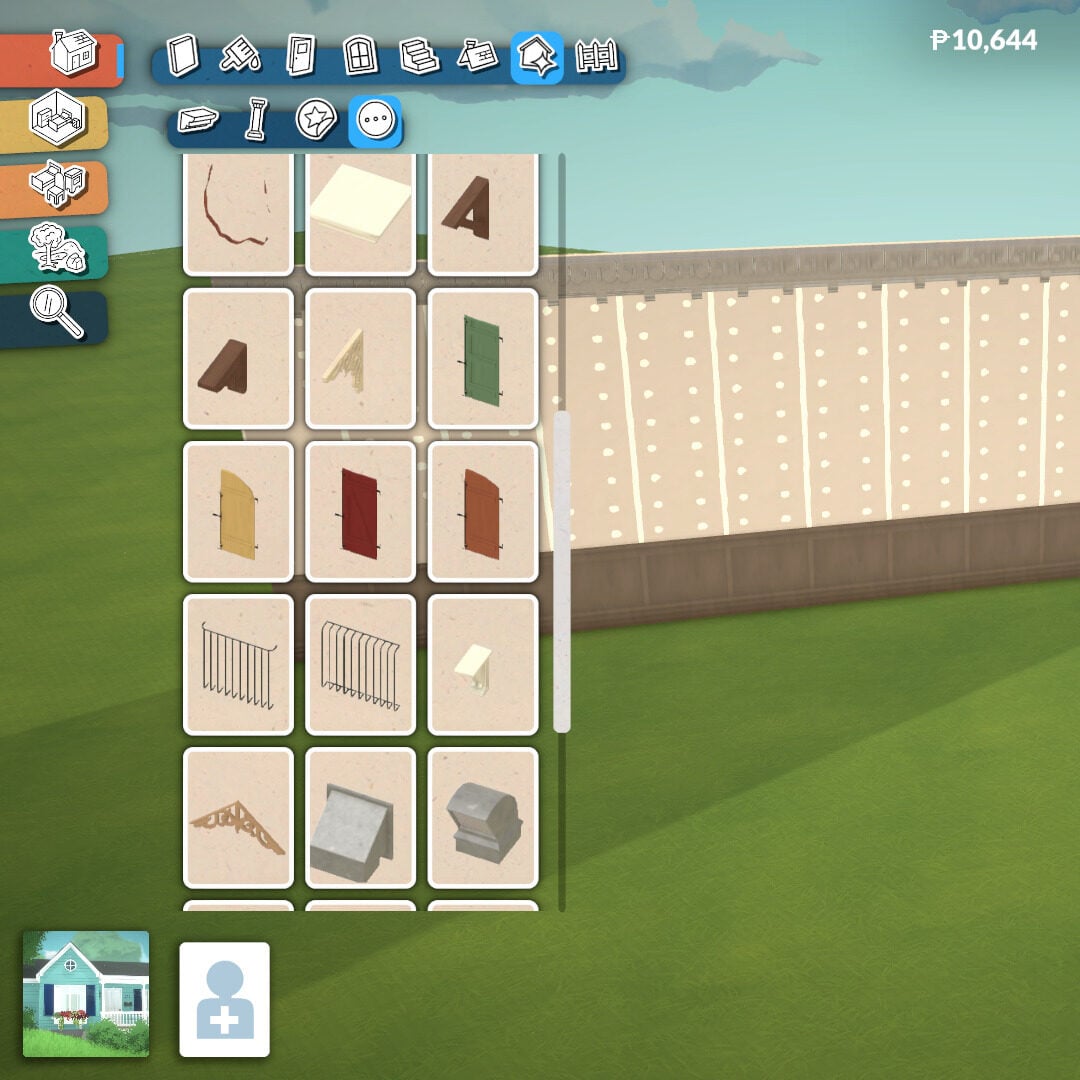
The Details and Miscellaneous sections include extra decorative elements for walls and structures. Here you’ll find graffiti, stains, cracks, boarded-up sections, unique architectural pieces, wall openings, and many other objects that help contextualize your build and give it more personality and storytelling.
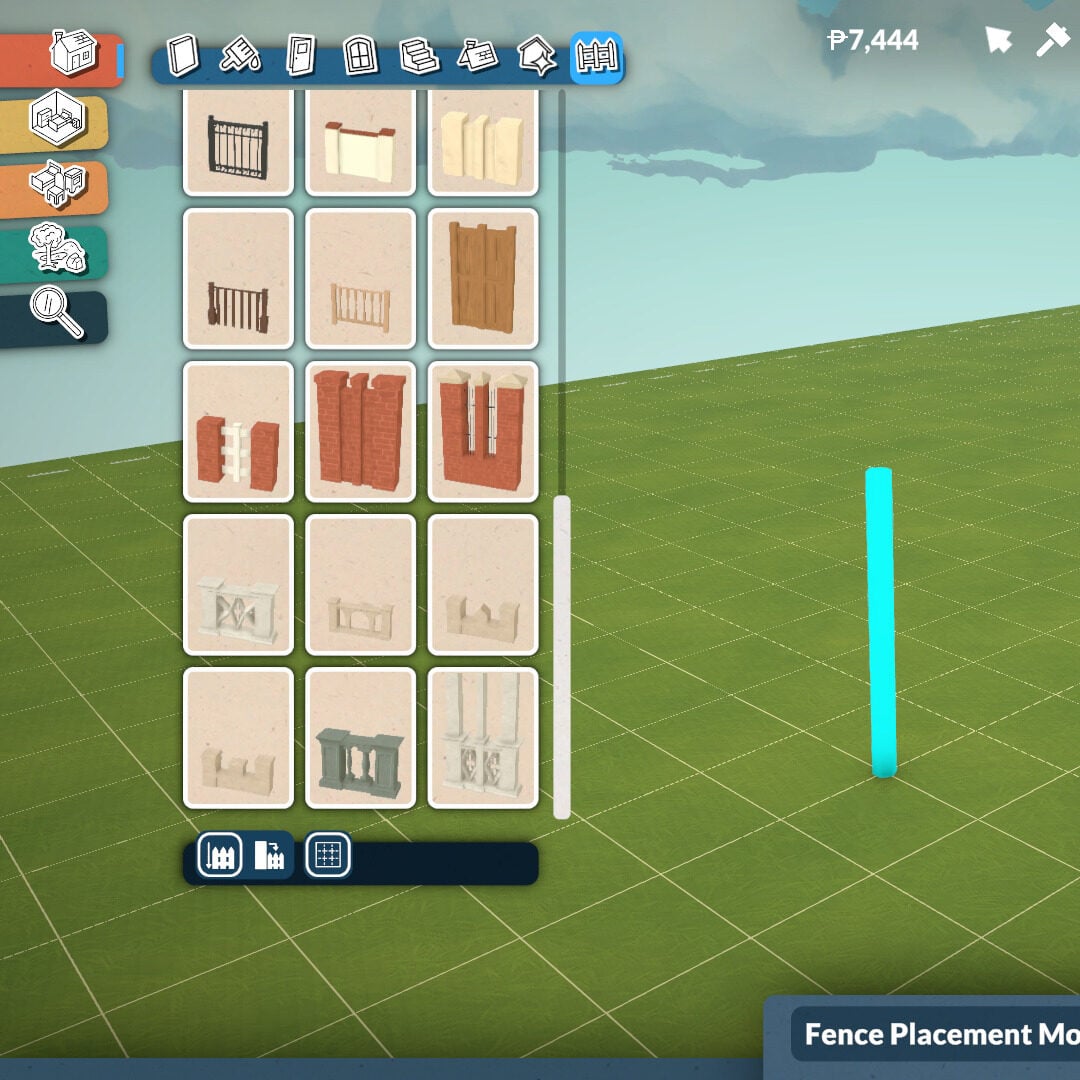
Fences
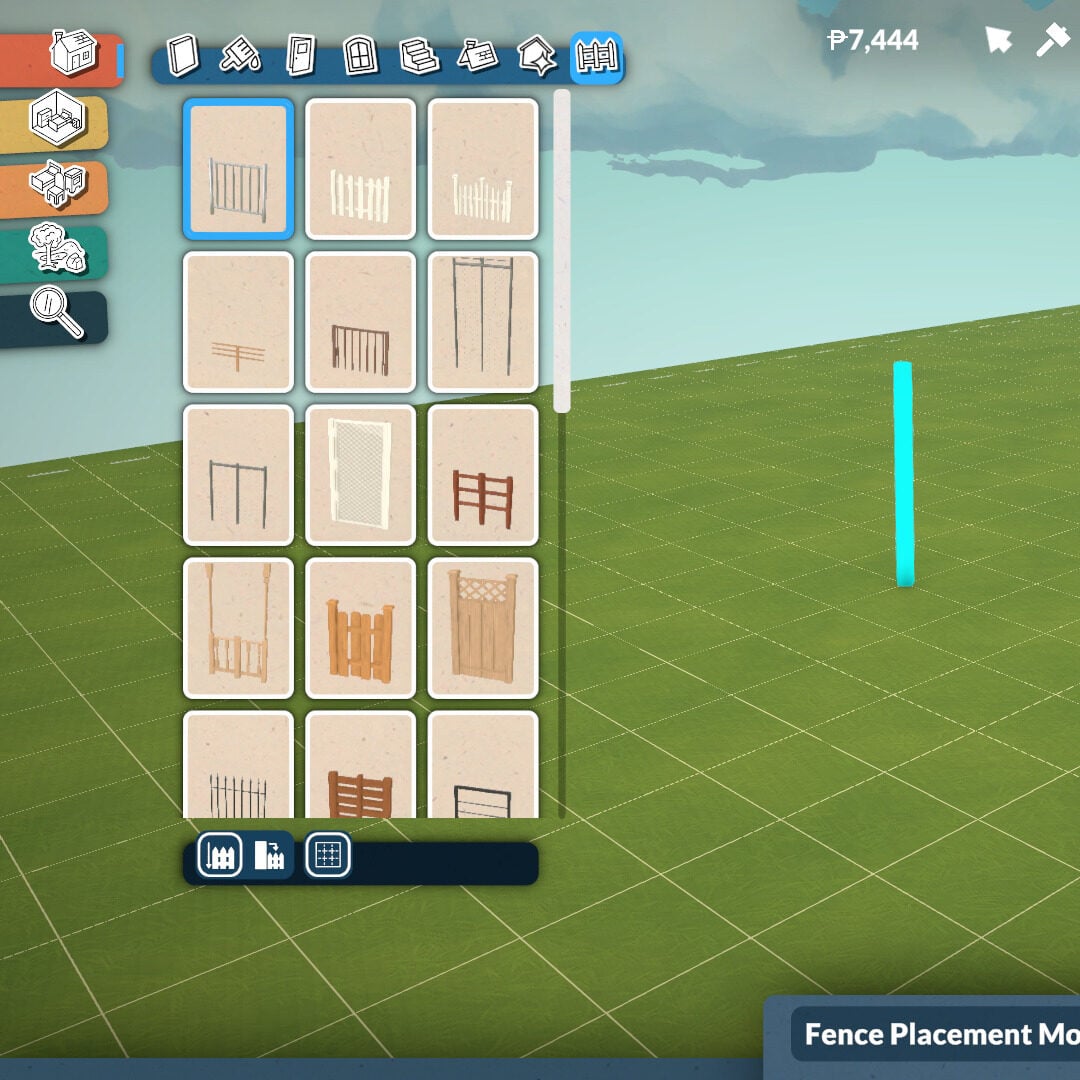
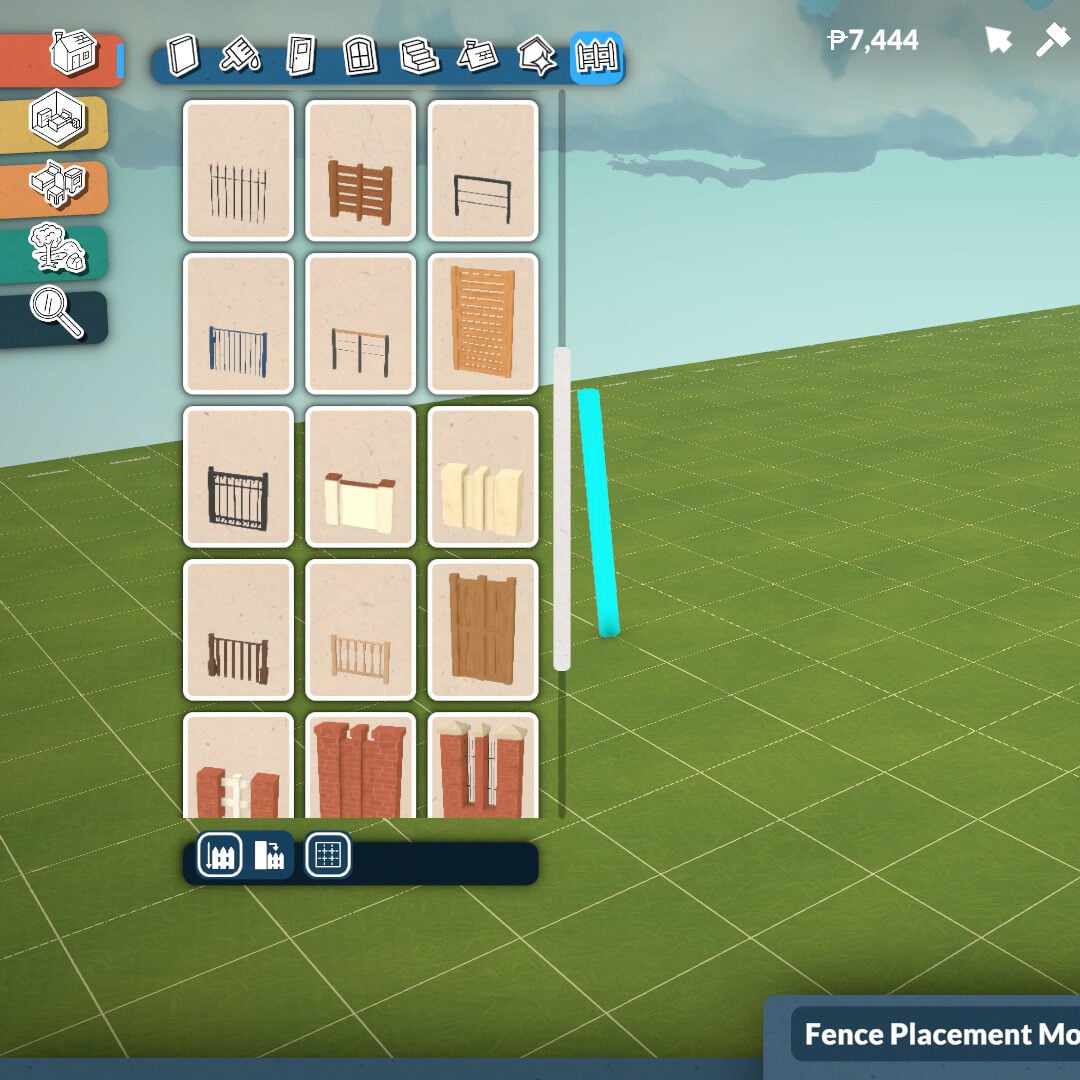
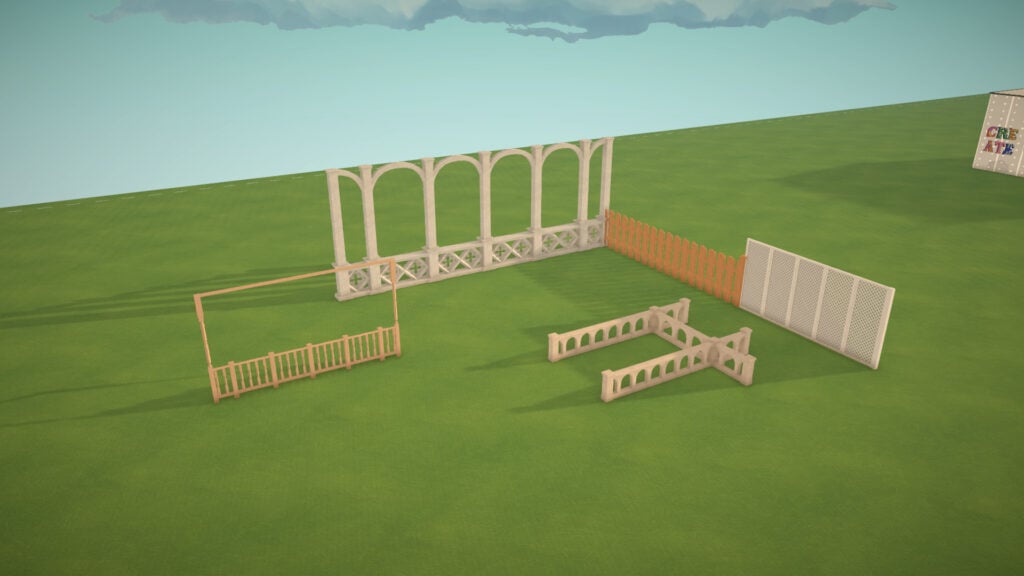
Fences work similarly to walls, although they currently can’t be placed in curved shapes. There are plenty of different styles available, allowing you to add extra decoration and better match the overall aesthetic of your house and lot.
Just like walls, fences can also be adjusted in height to better fit the scale and style of your build. At the moment, there are no functional fence gates available in this Early Access version, but you can still place fences around the edges of your lot to create gardens, patios, private areas, or decorative outdoor spaces.
Terrain Tools
Paralives offers a wide range of customization options for your lot’s terrain, including several plants, rocks, and terrain paints that can completely transform the atmosphere of your build. The Terrain Tools category is divided into three subcategories: Plants, Terrain Sculpting, and Terrain Painting.
Plants
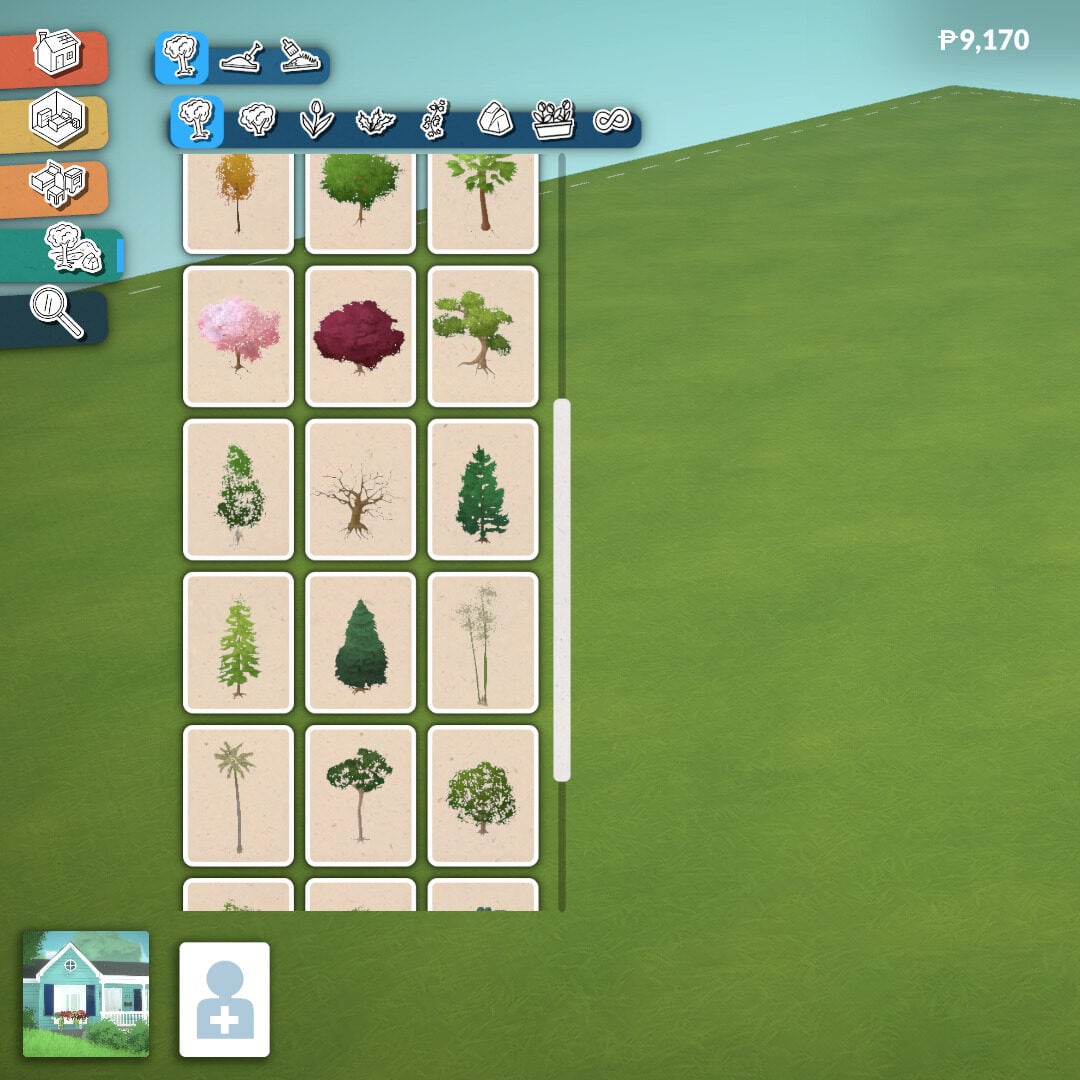
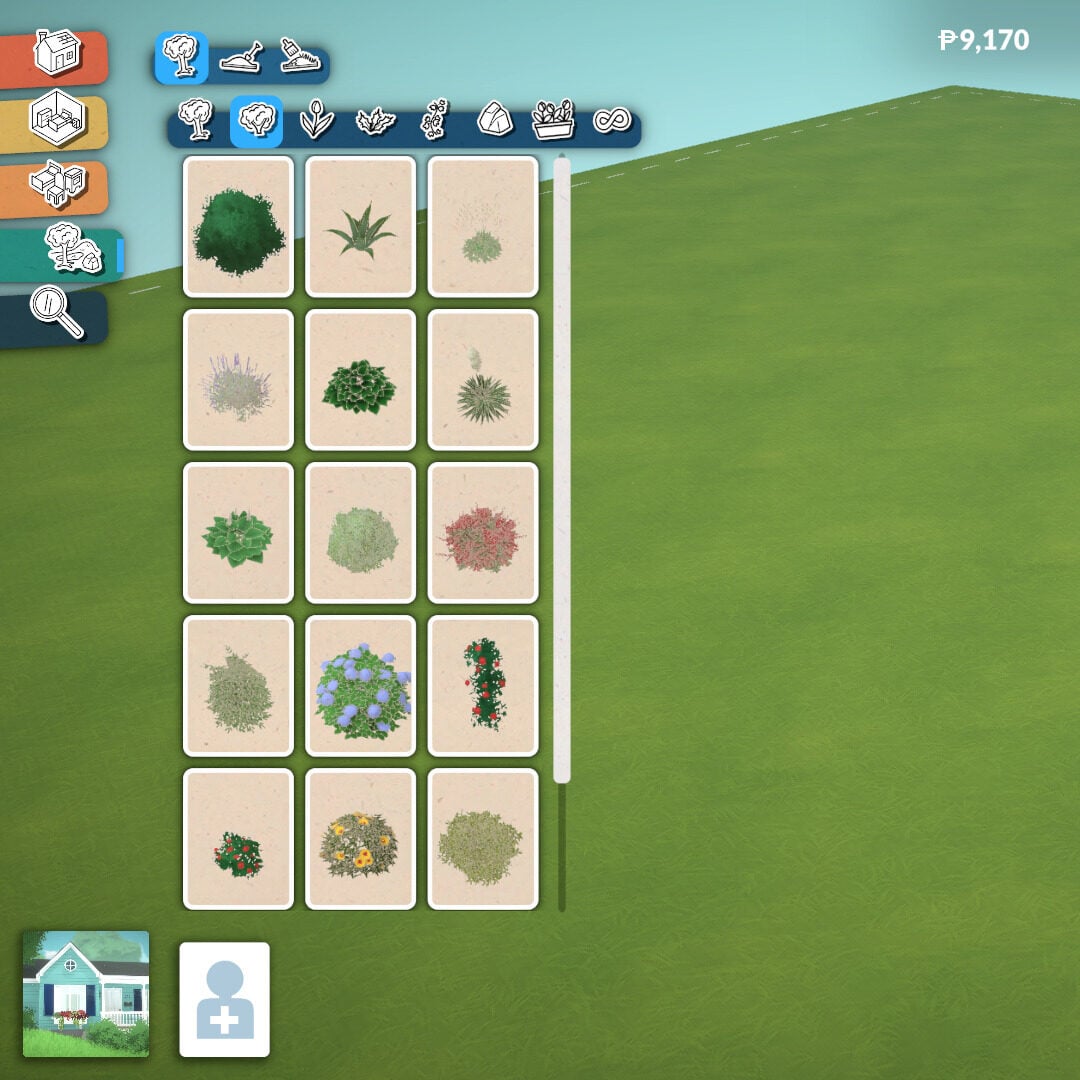
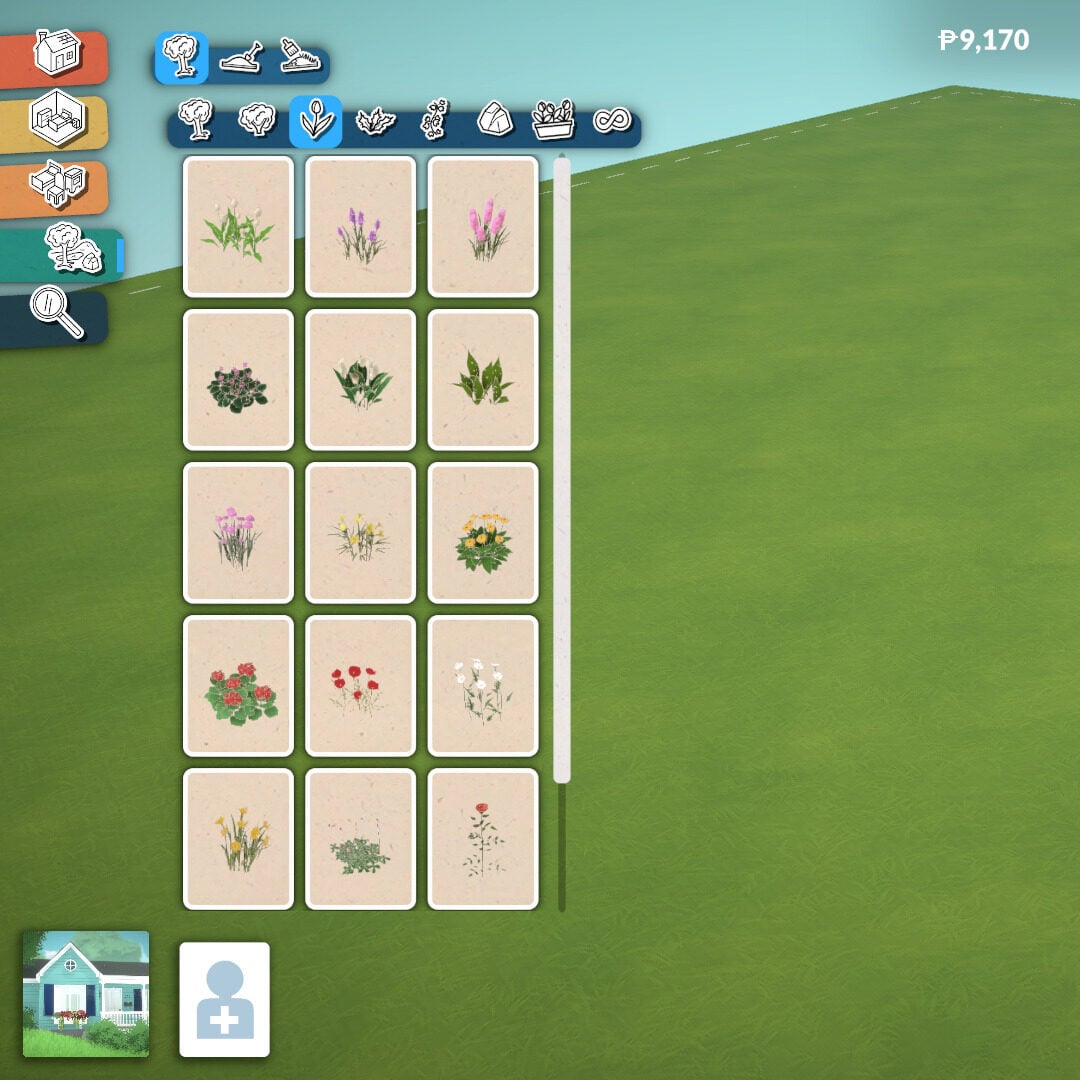
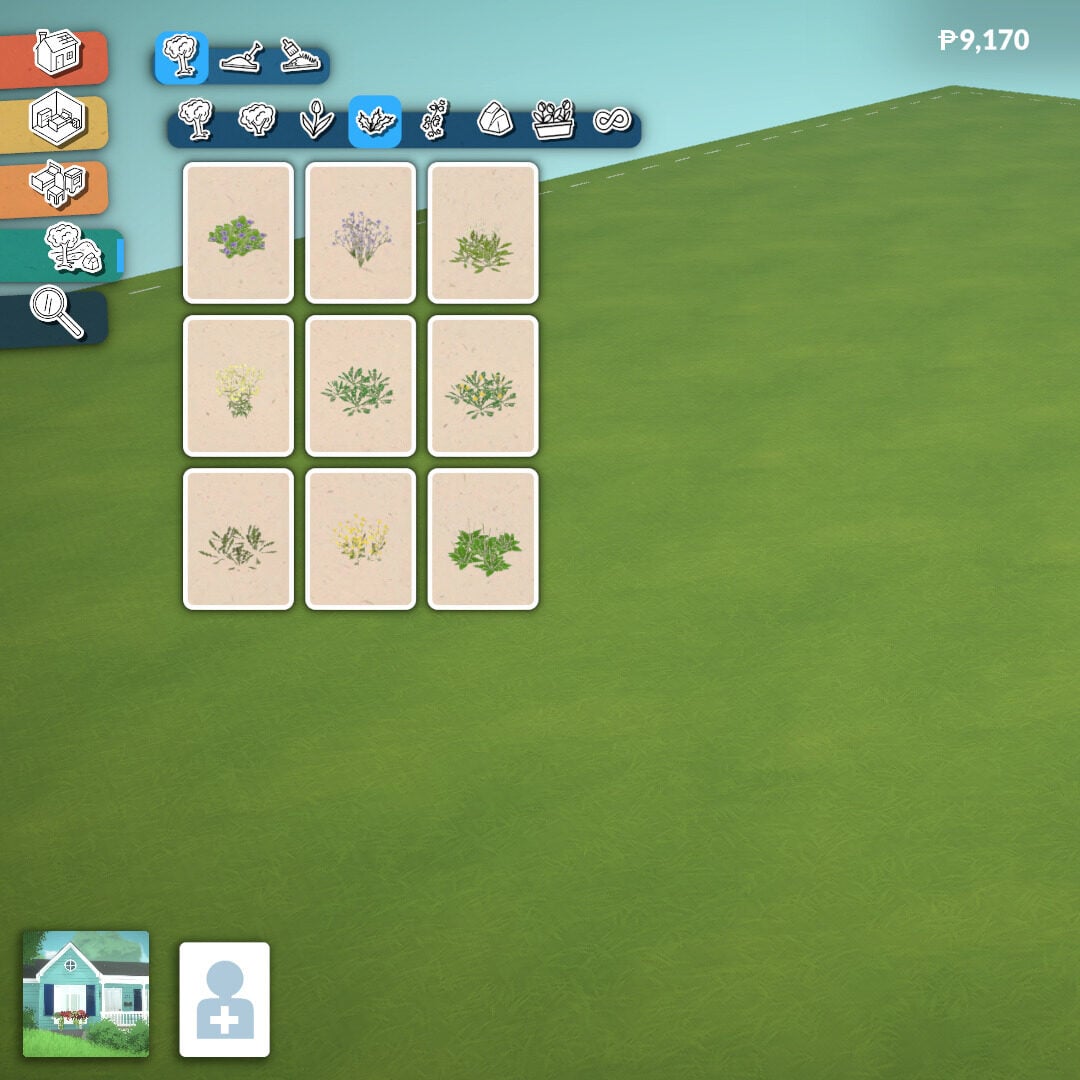
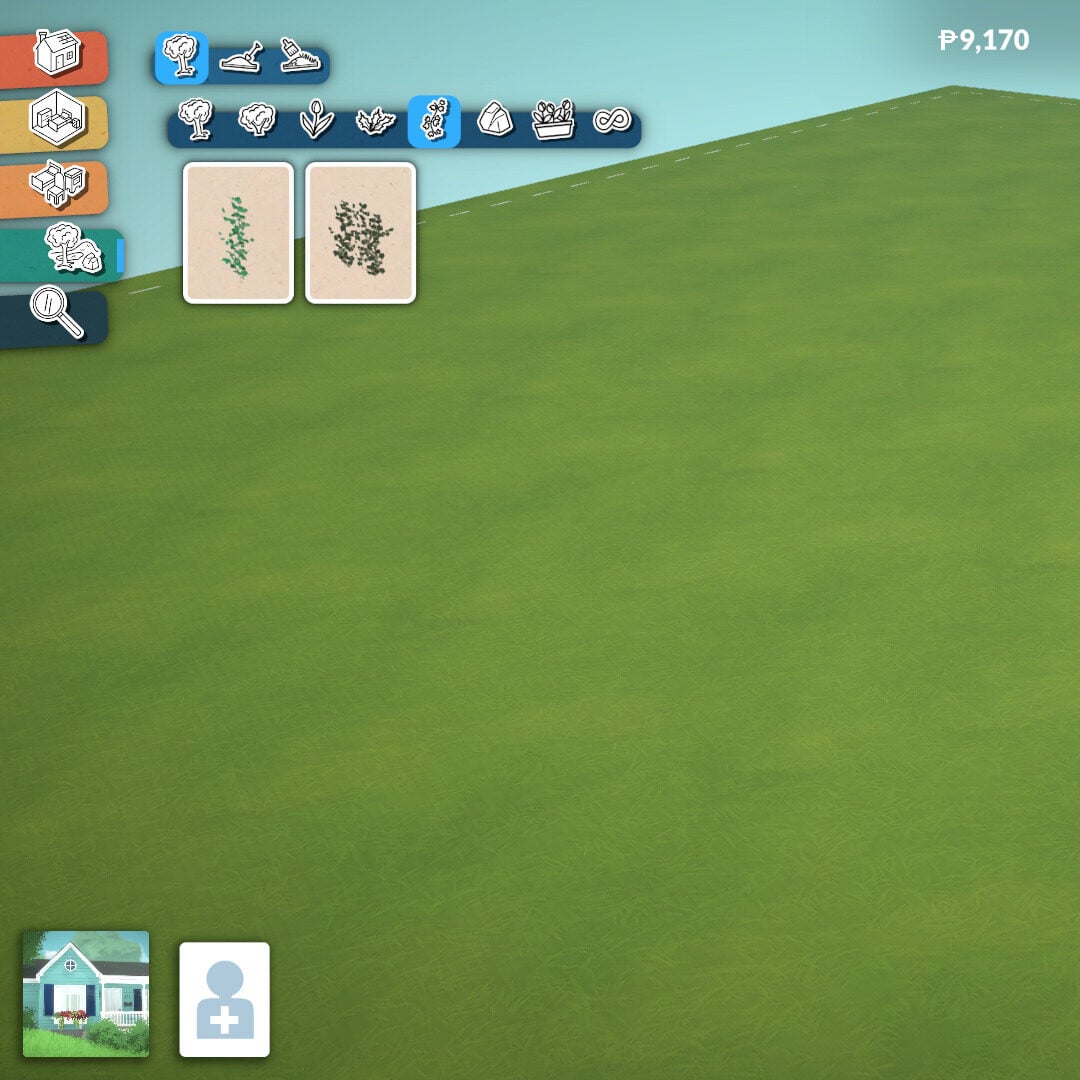
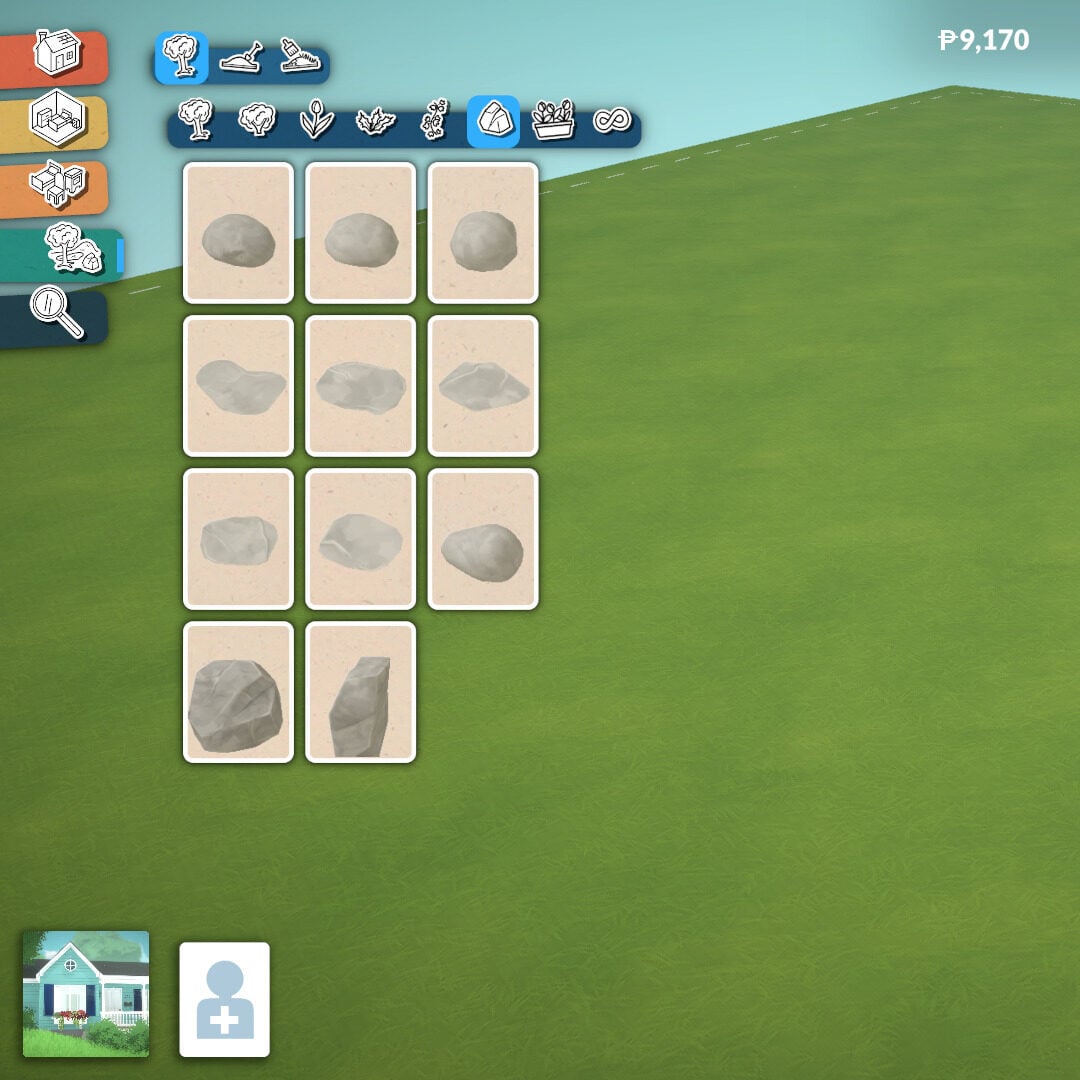
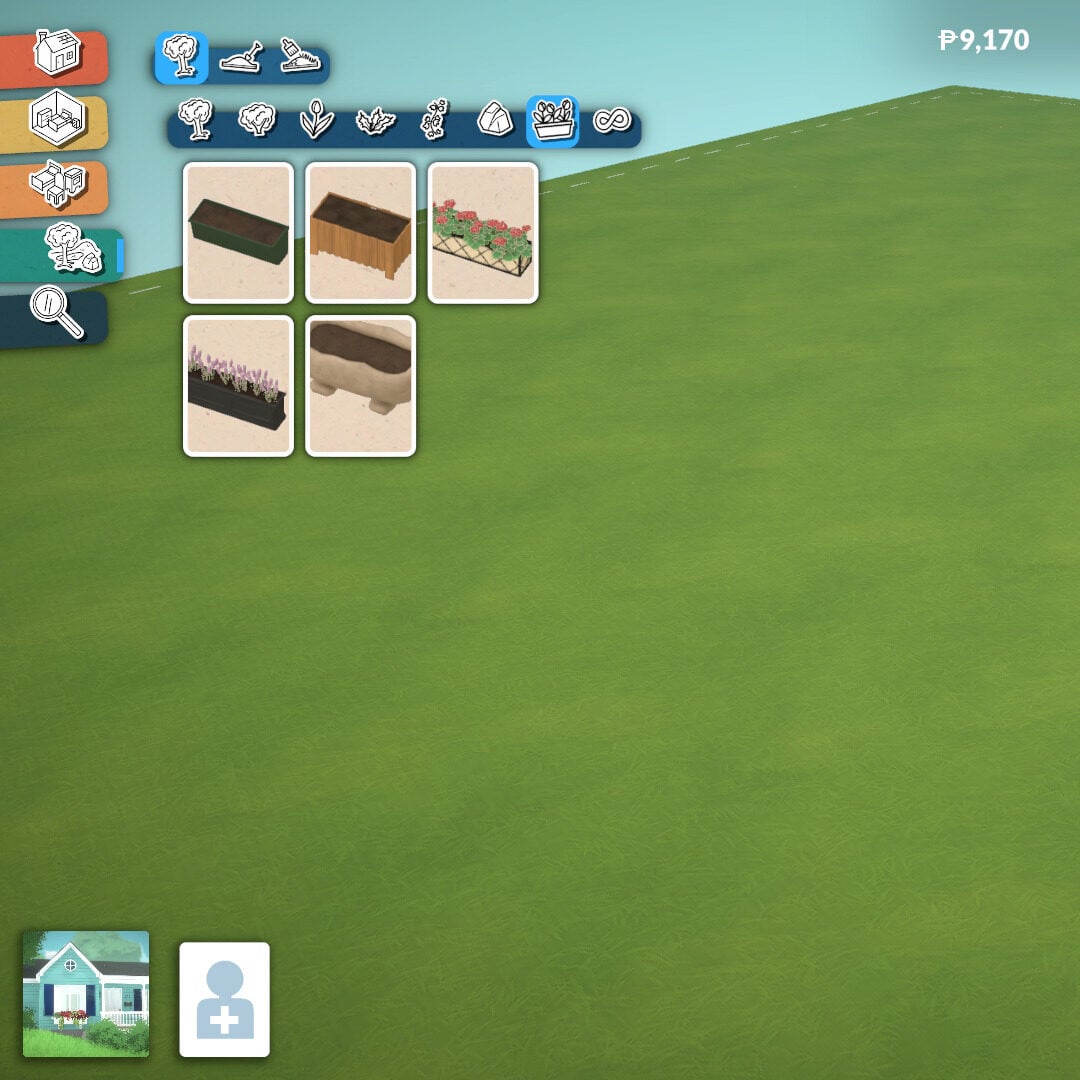
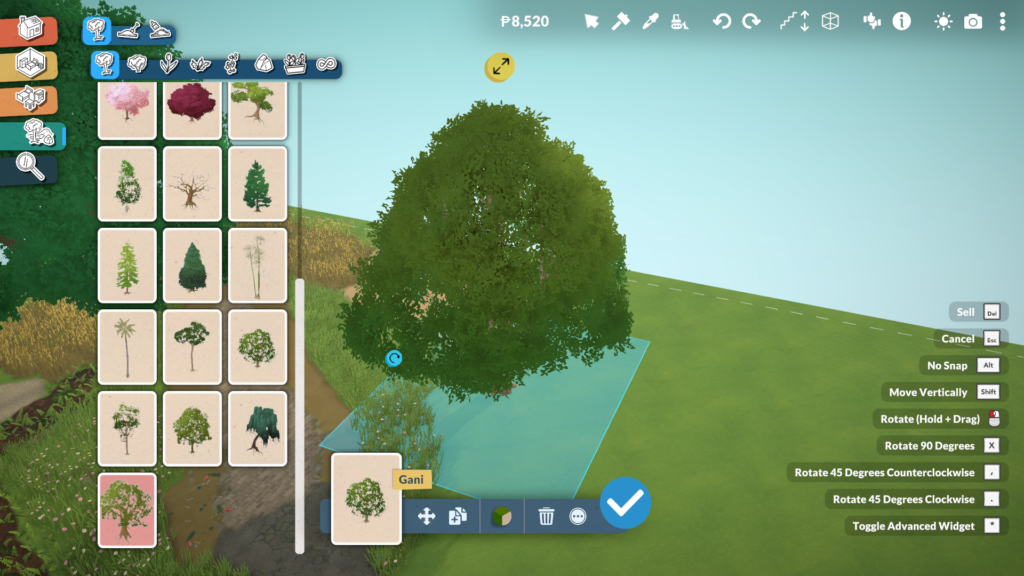
There are seven different plant categories available in Paralives’ Build Mode: trees, shrubs, flowers, weeds, vines, rocks, and planters.
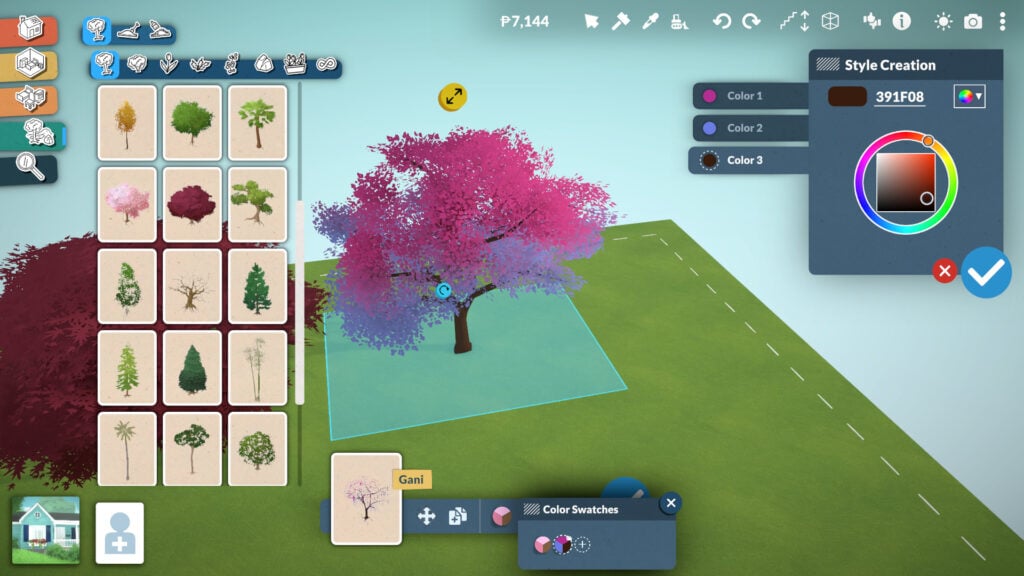
And just like many other objects in Build Mode, plants and rocks can be resized freely. You can also change the colors of most plants, allowing players to create unique combinations and better match the style and atmosphere of their builds.
The Creation Style system in Paralives allows players to create almost any kind of plant imaginable, from realistic Earth vegetation to more fantastical and alien-looking designs.
Terrain Sculpting
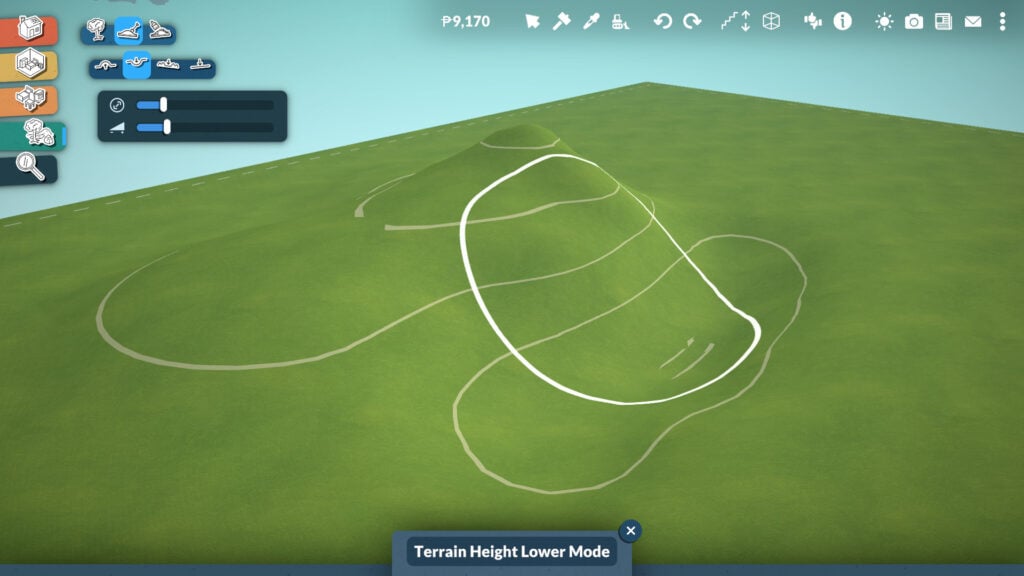
The Terrain Sculpting tool is very easy to use, just like the rest of Paralives’ Build Mode. Players can adjust two main settings while sculpting: size and intensity. There are also four different sculpting tools available: Elevate, Lower, Smooth, and Flatten, allowing you to easily shape the terrain and create hills, paths, cliffs, or completely flat building areas.
Terrain Painting
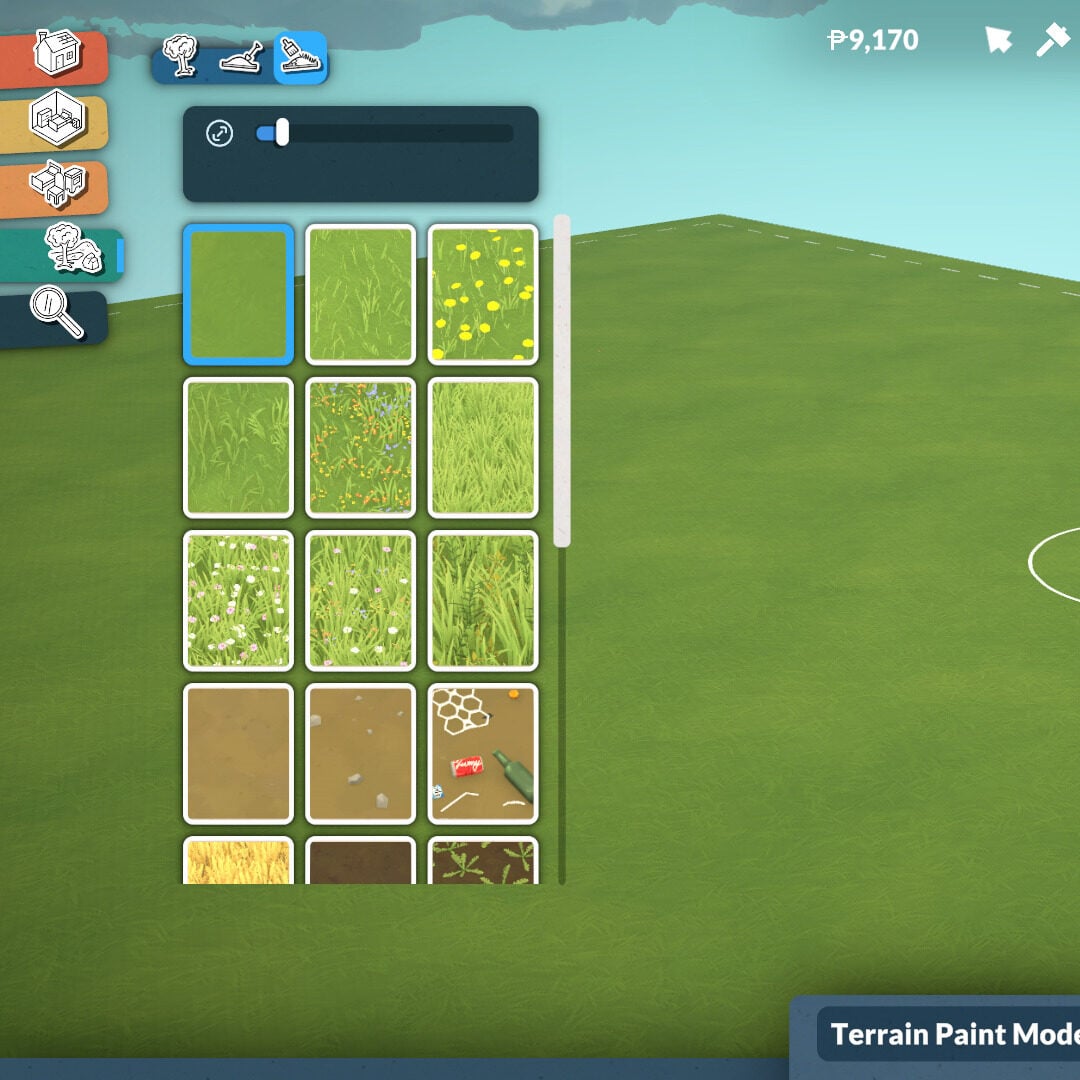
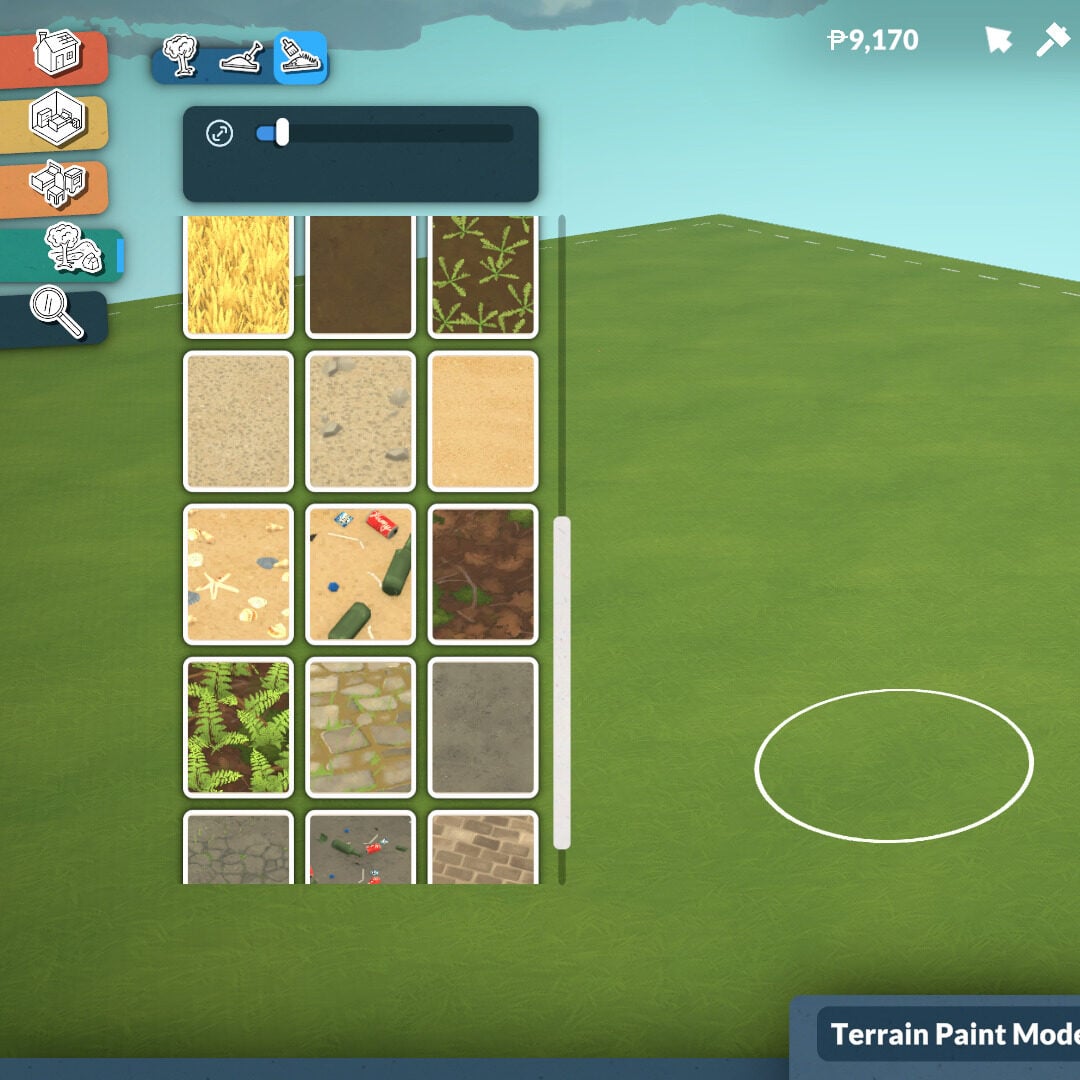
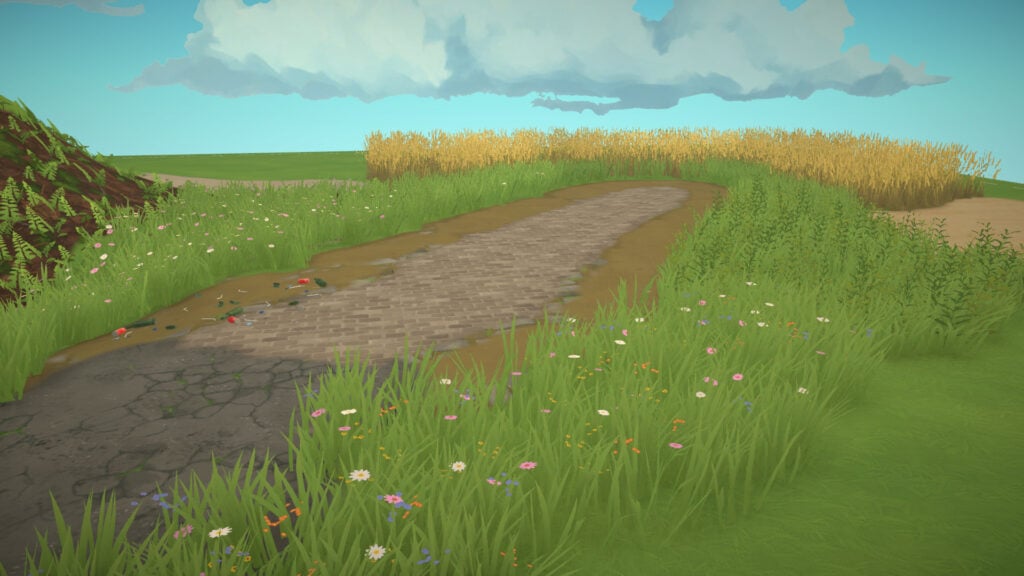
Just as the name suggests, the Terrain Painting tool allows players to color the ground using a variety of textures to create the exact atmosphere they want for their lot. One of the coolest features is that these textures use a 3D resolution system, meaning the terrain has real depth and detail instead of looking like flat 2D paint.
Houses You Can Build With The Build Mode Tool
Paralives’ Build Mode already offers an impressive amount of customization in its Early Access version. Almost every tool includes options to adjust height, width, thickness, colors, textures, and placement, giving players much more freedom than what we usually see in life simulation games. From curved walls and adjustable arches to customizable roofs, platforms, and resizable windows, every category encourages creativity and allows builders to create homes with completely different personalities and architectural styles.
What makes the system even more exciting is its future potential. Even at this stage, the amount of flexibility available already allows players to create highly unique and detailed houses, whether they prefer cozy suburban homes, realistic apartments, classical mansions, or experimental modern builds. Looking ahead, it’s easy to imagine how future additions like pools and new building tools could expand these possibilities even further. If the current level of customization is already this deep in Early Access, Paralives’ Build Mode has the potential to become one of the most creative and versatile building systems in the life simulation genre.
What do you think about this Build Mode? Are you excited to try all these tools and customization options by yourself? Don’t forget to check out more of our Paralives guides, news, and articles here at Sims Community for even more tips and coverage about the game’s Early Access journey.
Console and PC / Mac Players – brace for small impact!
The Sims Direct Communications Team announced today that they’ll be dropping the new Sims 4 Hotfix Patch tomorrow. The May 21st Patch for The Sims 4 Base Game will resolve reported CAS issues, the eye dropper tool and controller scrolling issues.
It took a bit to get there but it’s finally getting fixed for everyone tomorrow!
Simmers, We will release a small base game update tomorrow, May 21st to resolve the recently reported Create a Sim, eye dropper tool, and controller scrolling issues. Thank you for your patience and your EA Forums reports. Stay tuned for any further information.
Question: What about the cats and dogs bugs? Can you give us estimate on when it is going to be fixed. Thank you.
Direct Communications: Hey there, we are validating fixes for these issues as well and aiming to release them with an upcoming Base Game update, stay tuned here for more info on timing as we get more to share.
UPDATE: Paralives Official Cheats for the Early Access Release have been updated, with many cheats intended for developers being removed and others being properly implemented!
The current list of “cheats” is about 300 items long, but most of them might not make sense for regular players, and we either will remove them, hide them, or something else. We used cheat as tools during our development of the game, whenever a developer needed something that couldn’t be a full game mechanic, it was added as a cheat. Think about features like showing a graph of fat/muscle skin textures to see if there were any gaps in coverage, or printing the amount of assets loaded in the game to investigate memory issues. There are some cheats that will help players, like playing with money, Skill levels, or Needs, but we don’t automatically create cheats for every feature in the game. It might be possible that there is no cheat to get a specific job extra, or gain a specific Relationship label, etc. We’ll work on these more during early access based on what people request!
The long-awaited upcoming Life Simulation Paralives does come with cheats for players to mess around with, which can be especially helpful for games in early access to allow players to easily get around small unforeseen bugs. This guide to Paralives Cheats will give you the complete list found in-game based on their assorted categories.
Since the game is still in early access, it is important to note that cheats can mess with the standard progression of gameplay very easily. By using cheats and console commands, make sure to be aware of what you are using or feel comfortable using them in a save without knowing exact consequences. Most cheats, if written incorrectly or requiring an additional command, have pop ups that will alert you to what they need. Some need selected objects or Paras, some need a prior cheat to be used, etc. However, there is no “advanced mode” like with testingcheats true in The Sims 4 or manually enabling cheats in InZOI. Cheats are always easily accessible by the player.
Table of Contents
How To Access Paralives Cheats
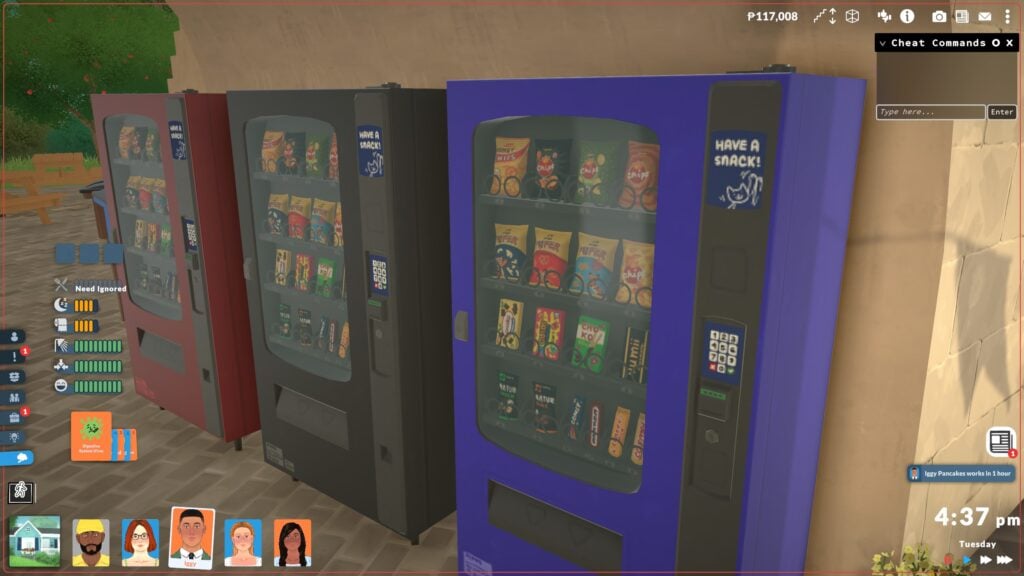
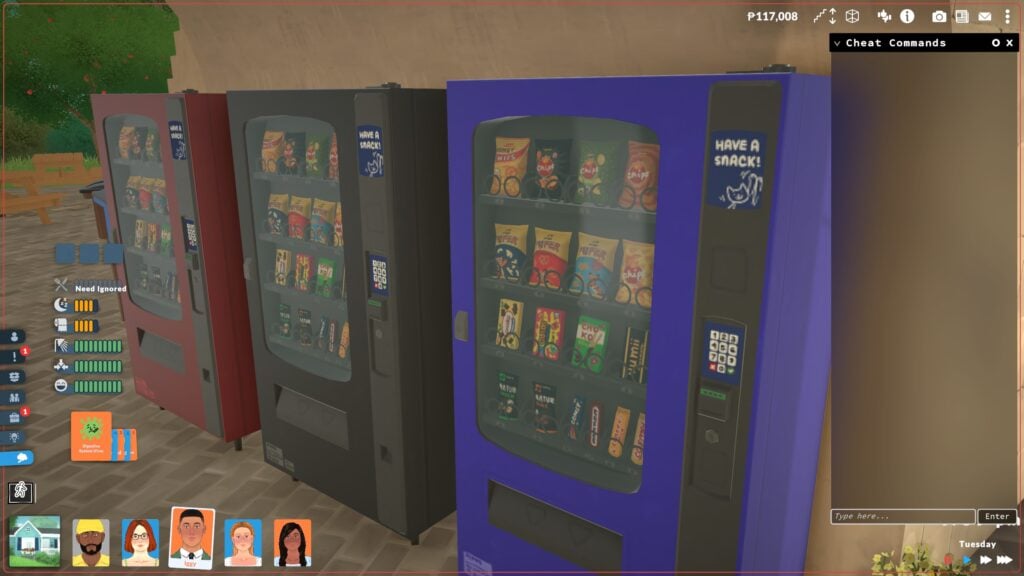
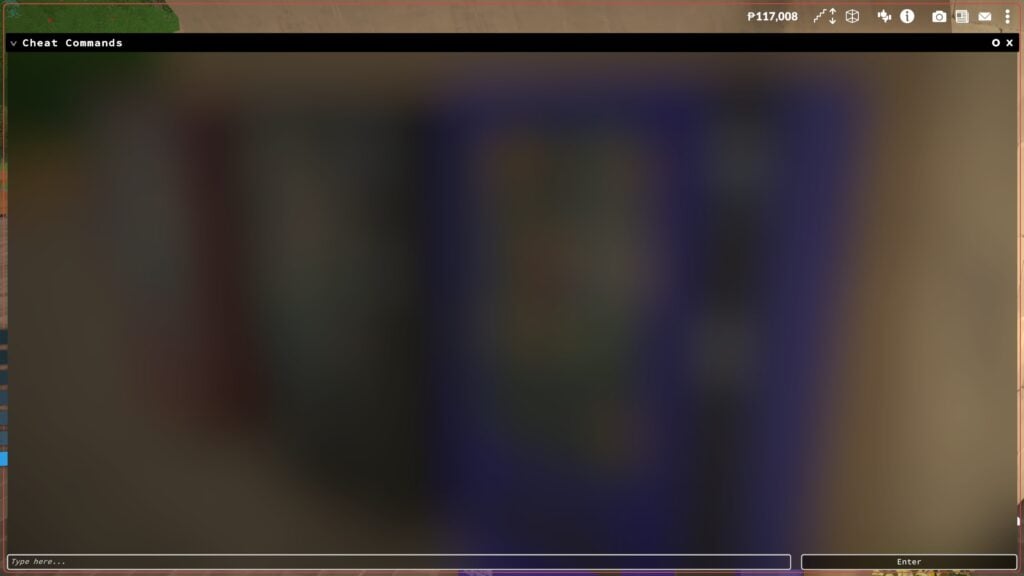
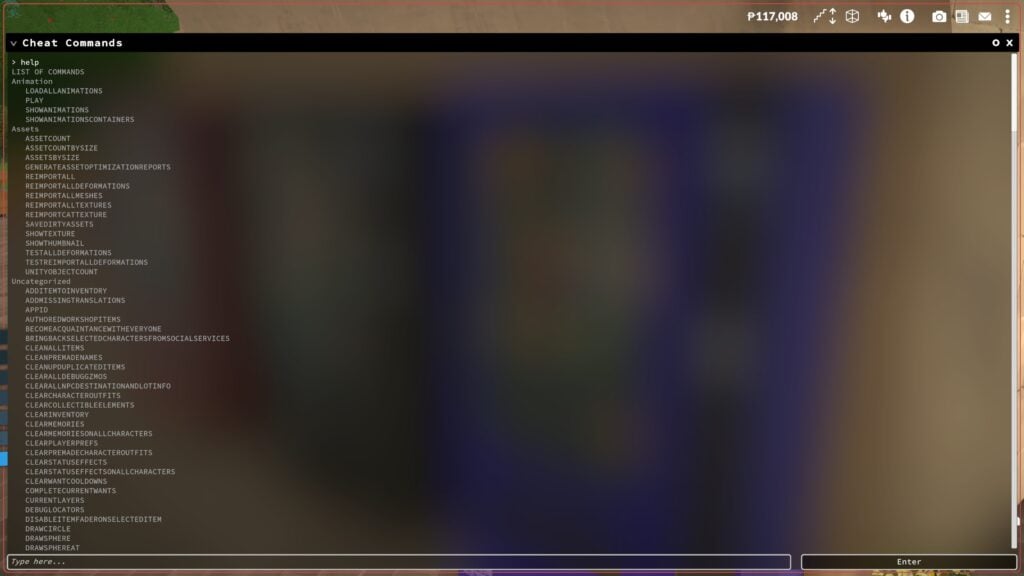
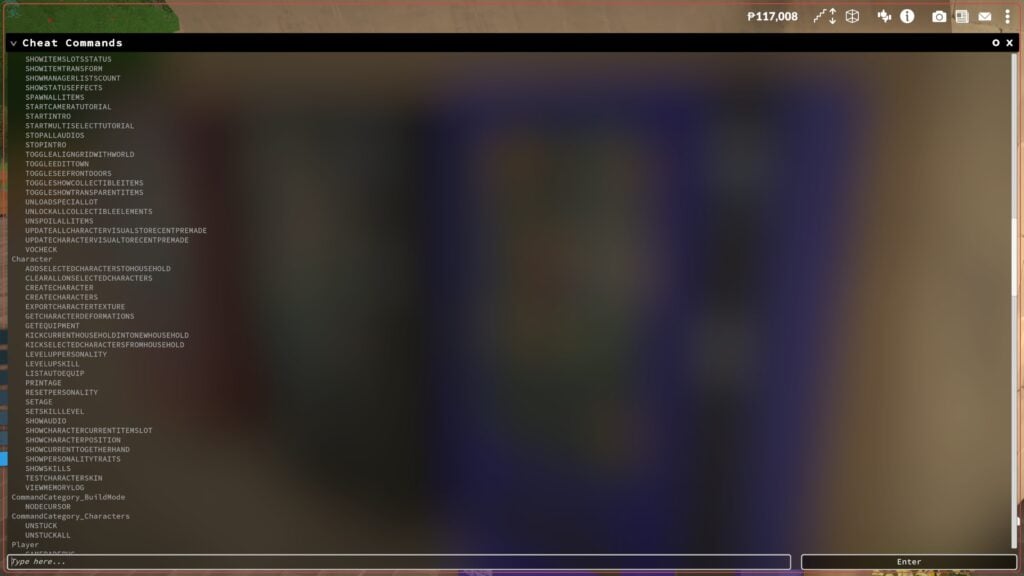
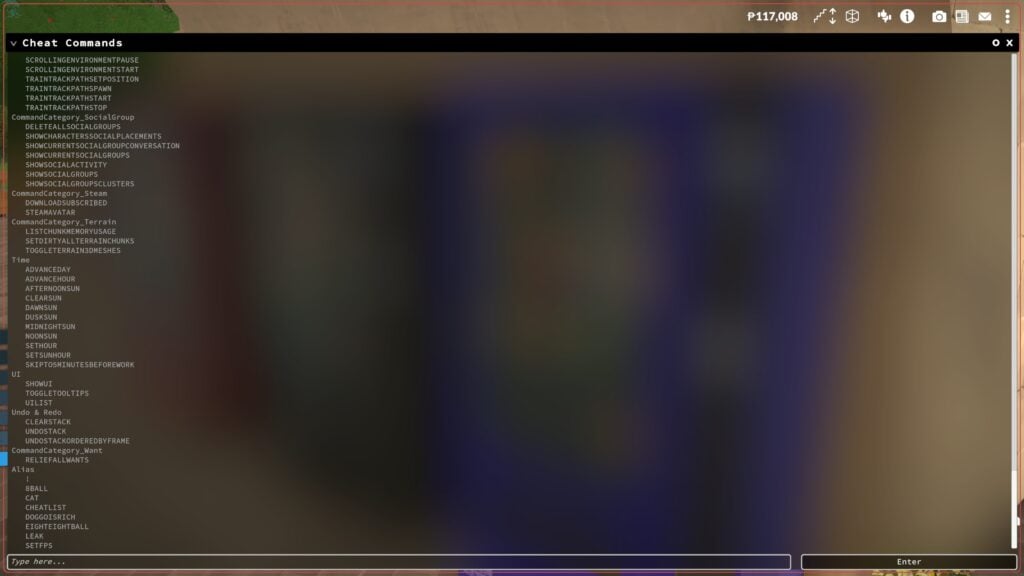
To access the command console, use Ctrl + Shift + C on Windows and Command + Global FN Key + F1 on macOS. This cheat console will initially be minimized on the top right corner, but you can click the small circle symbol to expand it to be longer or to take up the entire screen. As you type cheats in, the console will provide suggestions to assist you with entering commands.
Aging & Death
Cheat Command
Description
Formatting Example
NEXTLIFESTAGE
Makes the selected Para age to the next life stage.
N/A
PREVIOUSLIFESTAGE
Makes the selected Para return to the previous life stage.
N/A
NEXTGROWTHSPURT
Makes the selected Para experience a growth spurt if they are a child, preteen, or teen.
N/A
PREVIOUSGROWTHSPURT
Makes the selected Para revert to the previous growth spurt if they are a child, preteen, or teen.
N/A
KILLCHARACTER
Kills the selected Para.
N/A
REVIVEALLSELECTEDCHARACTERS
Revives all selected Paras.
N/A
Build Mode
Cheat Command
Description
Formatting Example
TOGGLEEDITTOWN
Enters the player into an unofficial mode, allowing them to edit the entire town including removing or adding lots. This may be replaced in the future by an official edit world mode.
N/A
REPAIRALLITEMS
Repairs all broken items in game.
N/A
UNSPOILALLITEMS
Removes spoilage from all food items in game.
N/A
Character
Cheat Command
Description
Formatting Example
EDITCHARACTER
Opens the paramaker, all characters in the household can be freely edited.
N/A
SHOWSTATUSEFFECTS
Lists all status effects/buffs that the current Para has.
N/A
CLEARSTATUSEFFECTS
Clears all status effects/buffs on the current Para.
N/A
CLEARSTATUSEFFECTSONALLCHARACTERS
Clears all status effects/buffs on all Parafolks.
N/A
CLEARWANTCOOLDOWNS
Forces emotions to offer new wants immediately.
N/A
COMPLETECURRENTWANTS
Completes all wants of a selected Para.
N/A
GAINSTORYCARD
Gives a story card to the player.
N/A
LEARNALLSKINS
Makes the selected Para learn all skins of a specific category, like all recipes in the cooking skill.
LEARNALLSKINS Recipes
ADDSELECTEDCHARACTERSTOHOUSEHOLD
Adds any selected Para to the current household.
N/A
CLEARALLONSELECTEDCHARACTERS
Maces needs, removes wants, clears memories, clears emotions, removes interactions, and resets bills on the selected Para(s).
N/A
CREATECHARACTER
Creates a new Para based on the modelGUID or DisplayName from the control panel.
CREATECHARACTER HumanAdult
KICKCURRENTHOUSEHOLDINTONEWHOUSEHOLD
Kicks selected Paras from the current household and puts them in a new household.
N/A
KICKSELECTEDCHARACTERSFROMHOUSEHOLD
Kicks selected Paras from the current household but does not place them in a new household. This can cause bugs and errors.
N/A
LEVELUPPERSONALITY
Levels up the personality of the selected Para.
N/A
LEVELUPSKILL
Levels up a specific skill for the selected Para.
LEVELUPSKILL Piano
PRINTAGE
Prints the age of the selected Para.
N/A
RESETPERSONALITY
Resets the personality level of a selected Para, reverting them to 1 and removing traits and upgrades.
N/A
SETAGE
Sets the age of the selected Para.
SETAGE 18
SETSKILLLEVEL
Sets a specific skill to a specific level.
SETSKILLLEVEL Cooking 10
SHOWCHARACTERRELATIONSHIPS
Prints a list of all relationships & relationship labels for the selected Para.
N/A
Debug
Cheat Command
Description
Formatting Example
ALIASES
Shows a list of all Aliases.
N/A
CLEAR
Clears the cheat window.
N/A
HELP
Shows a full list of all cheats.
N/A
SCHEDULE
Schedules a cheat command to execute every frame, output will print on the top left of the screen.
SHEDULE FPS (Will show the framerate of the game on screen)
STOP
Stops the scheduled cheat command.
N/A
RESETMUSEUMDONATIONS
Clears all museum donations, allowing you to re-donate.
N/A
UNSTUCK
Moves the selected Para to a correct position if stuck.
N/A
UNSTUCKALL
Moves all Parafolks to a correct position if stuck.
N/A
SHOWCURRENTCHARACTERGUID
Shows the GUID/Unique Identifier of the selected character.
N/A
CANCELALLCHARACTERINTERACTIONS
Cancels all interactions for Paras.
N/A
CANCELALLHOUSEHOLDINTERACTIONS
Cancels all interactions for the current household.
N/A
CANCELSELECTEDCHARACTERSINTERACTIONS
Cancels all interactions for the selected Para.
N/A
DELETESELECTEDCHARACTERSINTERACTIONS
Deletes all interactions in a selected Para’s queue.
N/A
QUITTOMAINMENU
Quits to the main menu.
N/A
RAGEQUIT
Force closes the game.
N/A
SAVE
Saves the game.
N/A
ZIPSAVEFILE
Zips the current save file and pases it to the desktop.
N/A
Fire
Cheat Command
Description
Formatting Example
EXTINGUISHALLFIRES
Will extinguish all fires in game.
N/A
EXTINGUISHSELECTEDCHARACTERSONFIRE
Extinguishes fire from a selected Para.
N/A
SETITEMONFIRE
Sets a selected item on fire.
N/A
SETITEMSTATE
Changes an item state. Item state values can be found in the control panel, under ItemStates.
SETITEMSTATE ISON 1
SETSELECTEDCHARACTERSONFIRE
Sets the selected Para on fire.
N/A
Fun/Random
Cheat Command
Description
Formatting Example
BEAR
Prints an ASCII picture of a bear
N/A
EIGHTBALL
Prints a random magic eight ball result
N/A
HOTEL
Prints “Trivago”
N/A
RANDOMIZEALLDEFORMATIONS
Randomizes a Para, removing slider limits. Results will not be realistic/human-like/etc.
N/A
SPIN
Spins a chance wheel based on an entered percentage, will print whether it is a win or loss.
SPIN 50%
Jobs & School
Cheat Command
Description
Formatting Example
Cheat Command
Description
Formatting Example
ADDVACATIONDAY
Adds a vacation day for the selected Para.
N/A
CLEARALLOCCUPATIONS
Quits all occupations of a selected Para.
N/A
ADDSTRIKETOOCCUPATIONS
Adds one strike to all occupations of a selected Para.
N/A
CLEARSTRIKES
Removes strikes of all occupations on a selected Para.
N/A
ENDWORKDAY
Ends the work day, giving the selected Para their daily salary and upgrade points if applicable.
N/A
PRINTALLOCCUPATIONS
Prints occupations of selected Para.
N/A
PRINTALLPOSSIBLEEXTRASFOROCCUPATION
Shows a list of all possible Occupation Perks for the current occupation of the selected Para.
N/A
Money
Cheat Command
Description
Formatting Example
PIGGYBANK
Gives the household 1,000 Paradimes.
N/A
MAKEITRAIN
Gives the household 10,000 Paradimes.
N/A
JACKPOT
Gives the household 50,000 Paradimes.
N/A
LOTTERY
Gives the household a random amount between 1 and 100,000 Paradimes.
N/A
PAYDAY
Gives an amount of money equal to the selected Para’s salary.
N/A
PRINTMONEY
Gives a specified amount of money to the current household.
PRINTMONEY 100
SETMONEY
Sets the funds of the selected household to the specified amount.
SETMONEY 100
CLEARBILLS
Deletes all pending bills of a current household.
N/A
Needs
Cheat Command
Description
Formatting Example
CHANGENEED
Increases a specific need of the selected Para to a specific value.
CHANGENEED HYGIENE 3
DECAYNEED
Decreases a specific need of the selected Para to a specific value.
DECAYNEED HUNGER 1
RELIEFALLNEEDS
Maxes all needs of a selected Para.
N/A
RELIEFALLNEEDSOFALLCHARACTERS
Maxes all needs of all Paras in game.
N/A
RELIEFNEED
Maxes one need of the selected Para.
RELIEFNEED HUNGER
SETNEED
Sets one need of the selected Para to a specific value.
SETNEED HYGIENE 2
SHOWNEEDS
Shows all needs and their values of the selected Para.
N/A
Newspaper & Mail
Cheat Command
Description
Formatting Example
DELETEALLNEWSPAPERISSUES
Deletes all newspaper issues.
N/A
GENERATENEWSPAPER
Generates a new issue of the newspaper.
N/A
GENERATEMAIL
Sends mail queued for the household.
N/A
RESETMAILBOX
Removes all mail from the mailbox.
N/A
Performance
Cheat Command
Description
Formatting Example
BENCHMARKFPS
Starts a 15 second FPS benchmark.
N/A
CAPFPS
Caps the FPS at the entered value.
CAPFPS 144
FPS
Prints the current FPS.
N/A
FULLSCREEN
Sets the game to full screen mode.
N/A
RESOLUTION
Prints the current resolution.
N/A
SETRESOLUTION
Changes the screen resolution to the selected value.
SETRESOLUTION 2560X1440
SHADOWDISTANCE
Prints the current shadow rendering distance.
N/A
STARTTOWNBENCHMARKSTORYBOARD
Runs a benchmark storyboard to test town performance.
N/A
VYSYNC
Can set the amount of Vysnc passes the game currently uses.
N/A
WINDOWED
Sets the game to Windowed Mode.
N/A
Pregnancy
Cheat Command
Description
Formatting Example
GETPREGNANT
Makes a selected Para pregnant.
N/A
GIVEBIRTH
If the selected Para is pregnant, immediately makes them give birth.
N/A
MAKEBABIES
Makes two selected Paras have a baby together, impregnates the Para who can carry pregnancies.
N/A
PREGNANTSTATUS
Displays the status of a pregnancy if the selected Para is pregnant.
N/A
Time
Cheat Command
Description
Formatting Example
ADVANCEDAY
Advances time by 24 hours/1 day.
N/A
ADVANCEHOUR
Advances time by 1 hour.
N/A
SETHOUR
Changes the current time of day to the specific time.
SETHOUR 12
SKIPTO5MINUTESBEFOREWORK
Advances time to five minutes before work of the selected Para.
N/A
The “HELP” Cheat
The “HELP” cheat will print a list of all cheats available in the current version of the game. This may look different after the Early Access release on May 25th. These cheats will be separated by general category and will be easy to scroll back and reference, or find cheats for specific purposes.
What gameplay features are you most excited for in Paralives? Make sure to keep up with The Sims Community and we will keep you in the loop on all the upcoming news surrounding Paralives Early Access release on May 25th, 2026!
Life simulation games often succeed or fail based on the small details players notice between the major features. While character creation systems, careers, and building tools usually attract the most attention, it is often the quieter moments and smaller Paralives gameplay details that make a virtual world start feeling believable.
After spending time exploring Paralives during Early Access, some of the game’s most memorable features are not necessarily the headline mechanics, but the subtle systems layered throughout everyday gameplay. From interactive public spaces to emotional reactions affecting skill progression, Paralives already includes numerous small touches that help the world feel more active, personal, and lived in.
Table of Contents
Public Spaces Feel Designed for Daily Life
One of the first things that stands out while exploring Paralives is how much effort has gone into making the town itself feel interactive instead of decorative. Many life sims include beautiful environments, but Paralives constantly encourages players to engage with the world around them.
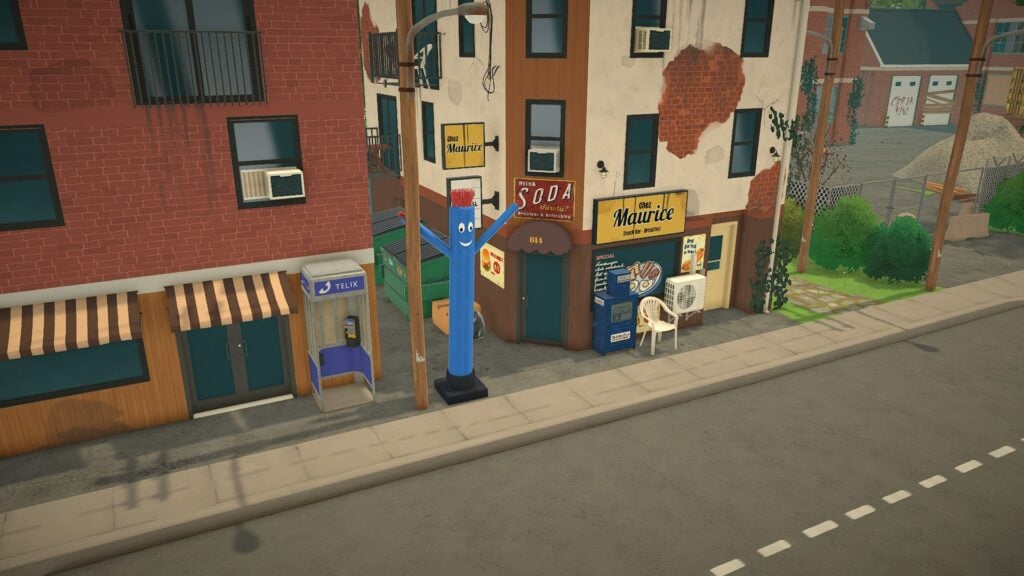
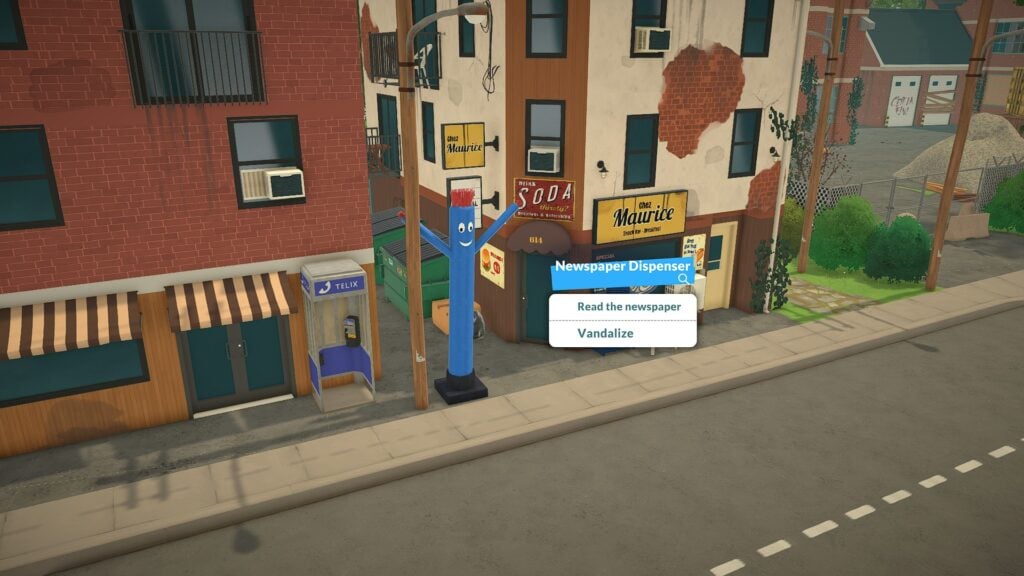
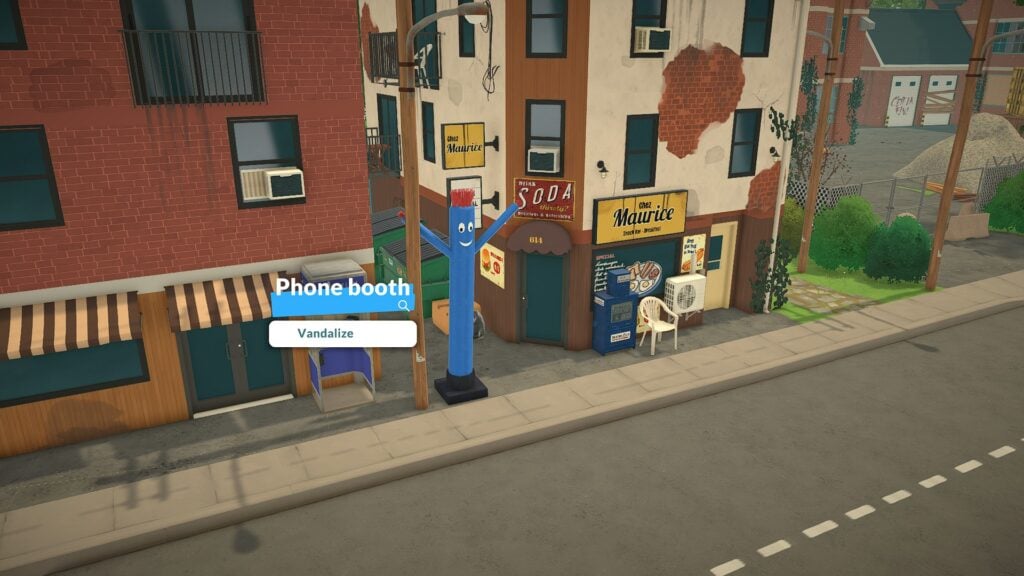
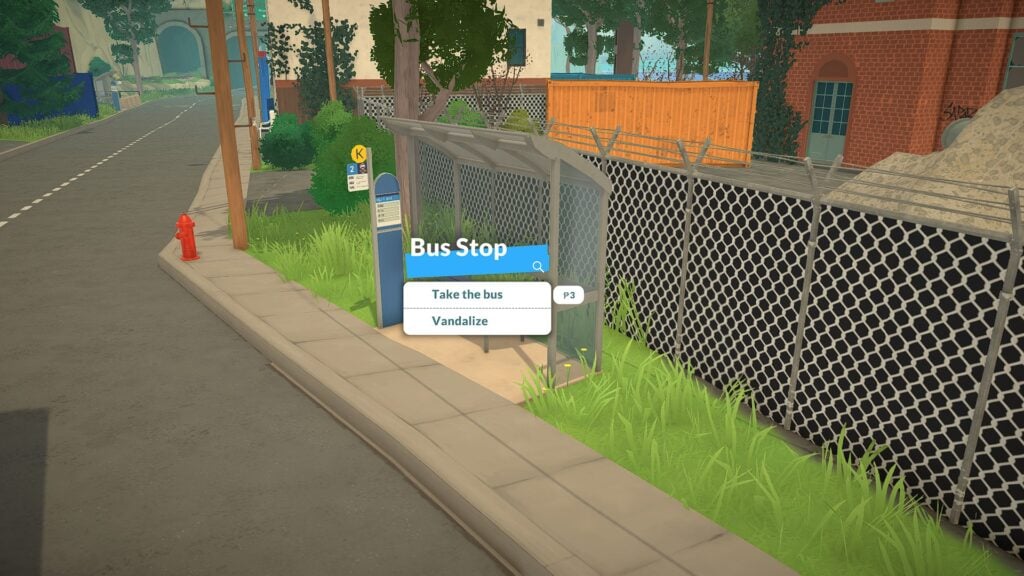
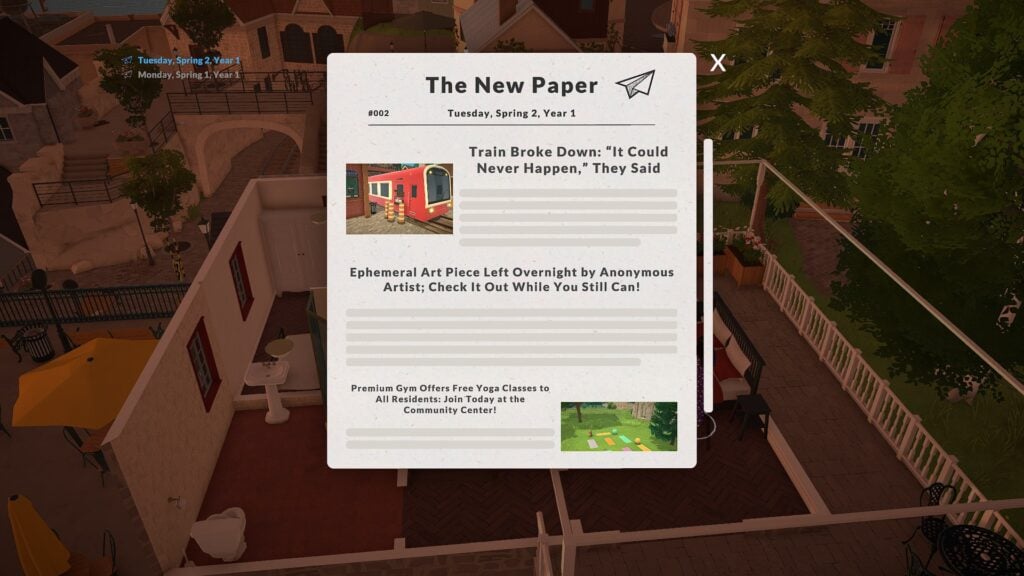
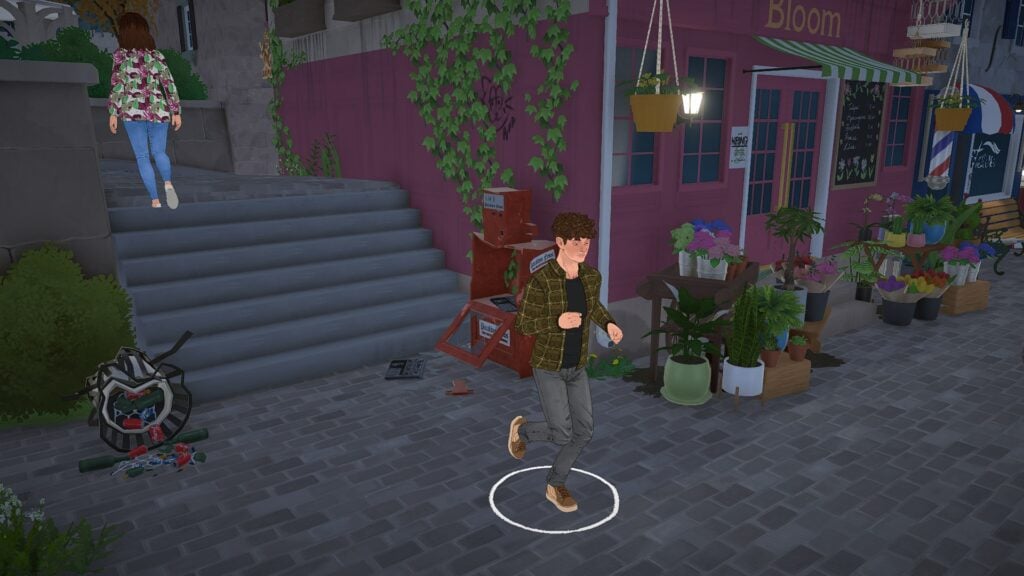
Simple objects scattered throughout town often include interactions that add personality to the environment. Bus stops allow Paras to travel around town, newspaper dispensers can actually be used, and even phone booths include mischievous options like vandalism. These interactions may sound minor individually, but together they create the feeling that the town exists for more than just visual atmosphere.
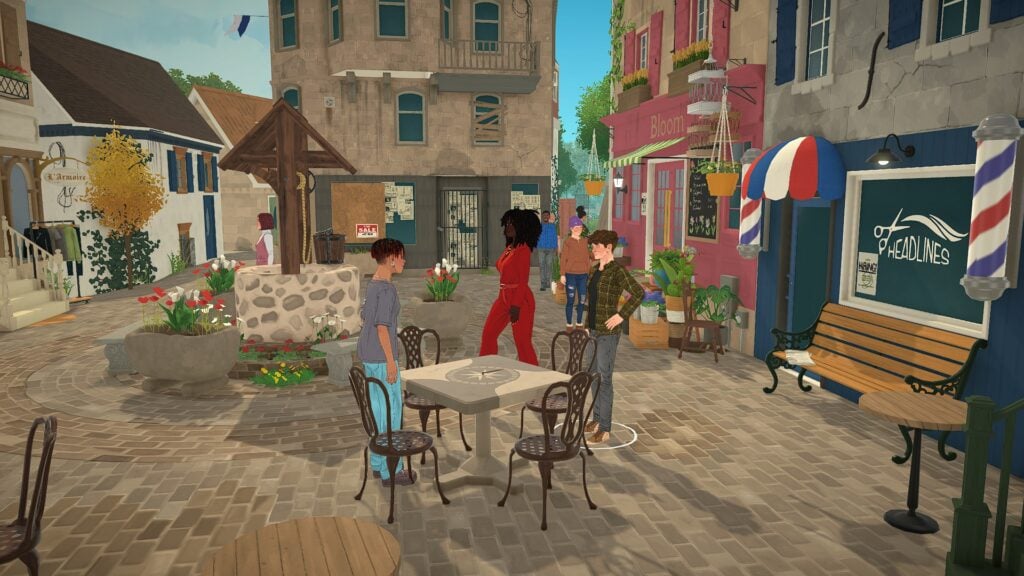
The town plazas and shopping areas also help reinforce this sense of activity. Paras gather around outdoor seating, walk through flower markets, socialize near fountains, and move naturally through public spaces that feel intentionally designed for storytelling moments. Instead of empty streets or static background scenery, Paralives frequently creates the impression of a town already in motion before the player arrives.
Paralives Gameplay Details Make Emotions Feel More Dynamic
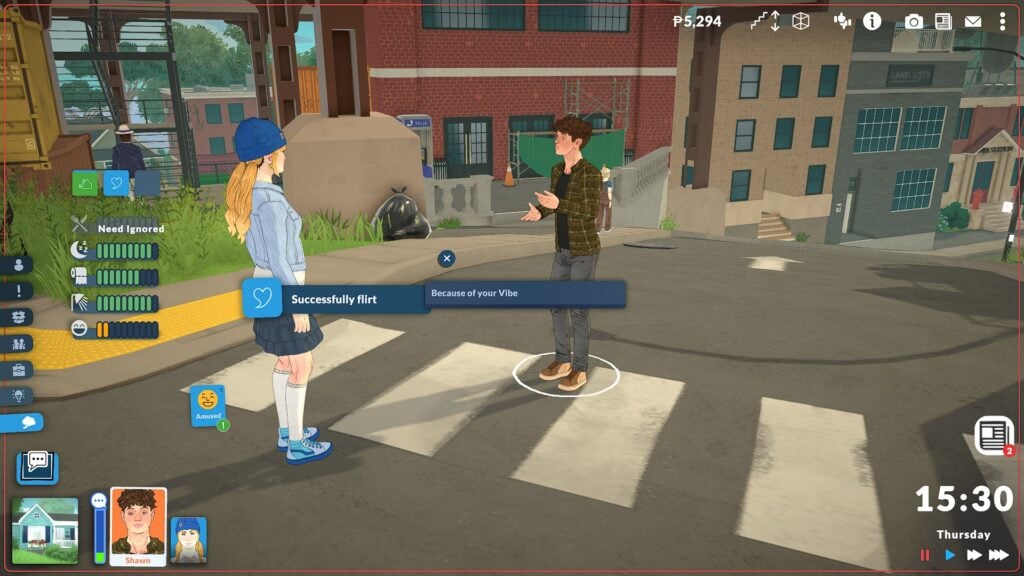
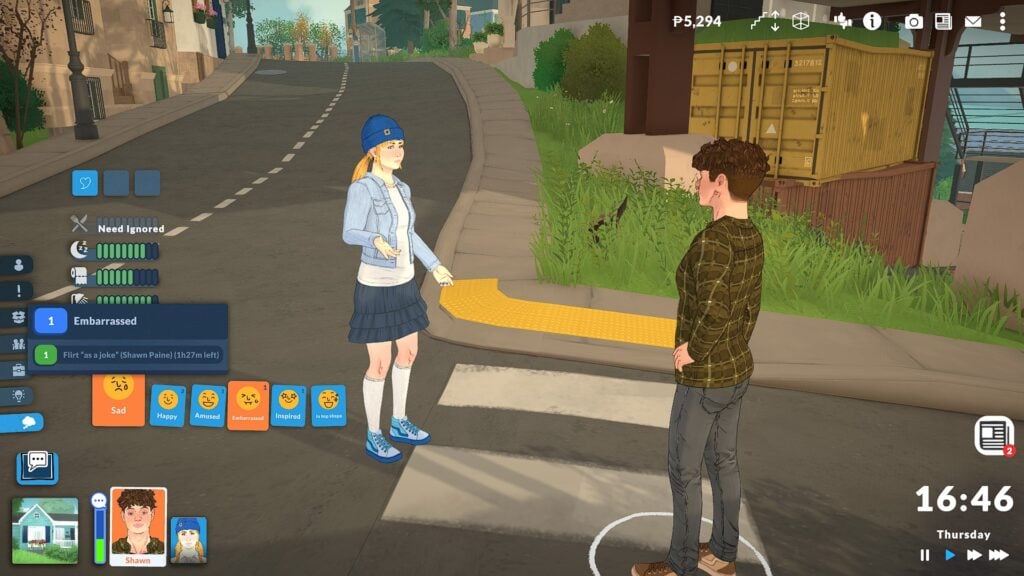
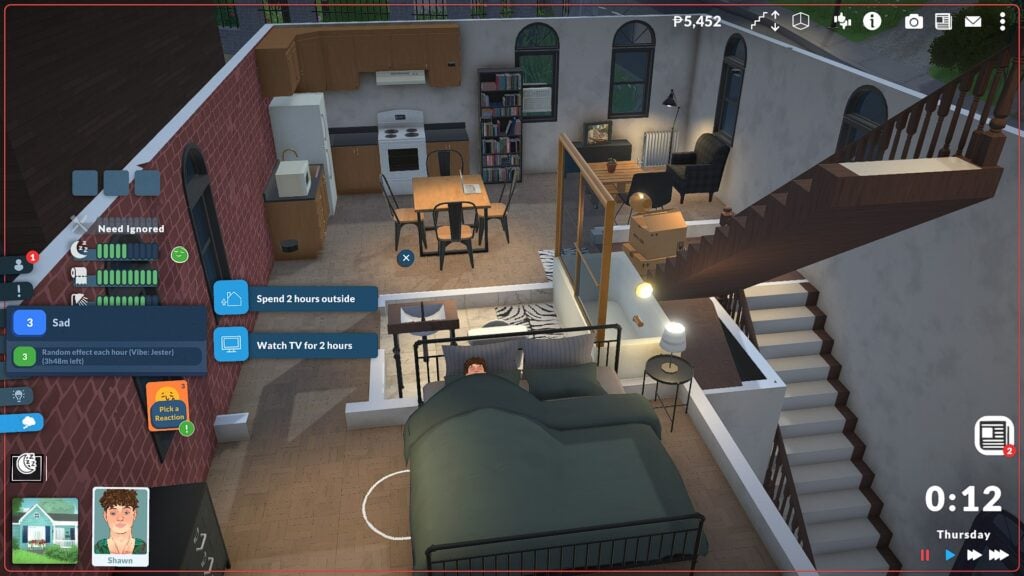
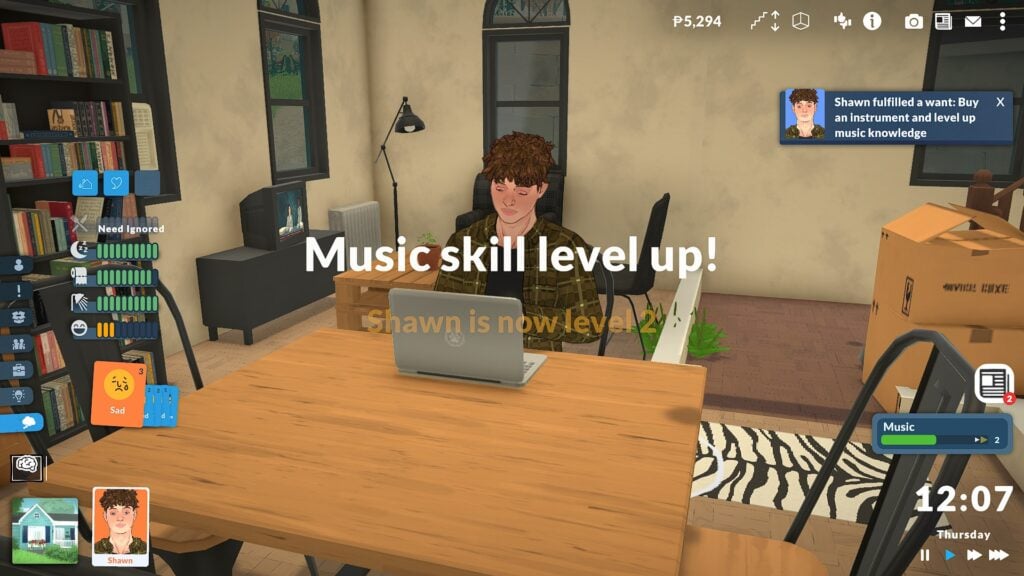
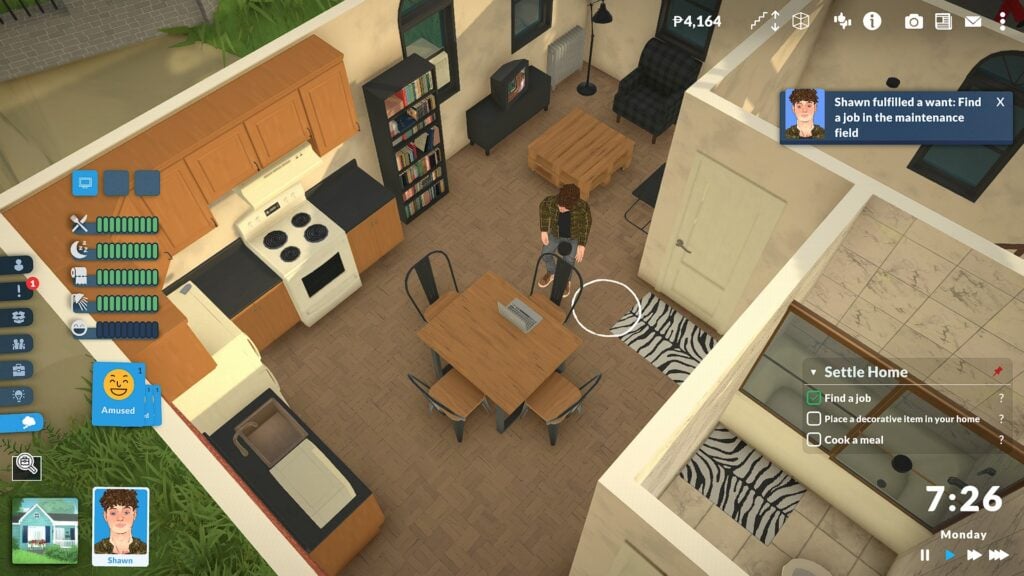
Paralives’ emotional system feels far more connected to everyday life than a simple collection of moodlets sitting in the corner of the screen. During gameplay, Shawn’s emotions regularly influenced his social interactions, wants, reactions, and even the suggestions the game presented to the player. Whether he was feeling amused after a successful flirt, embarrassed from a failed social moment, or uncomfortable because his needs had been ignored, those emotional states became part of the flow of gameplay instead of feeling disconnected from it.
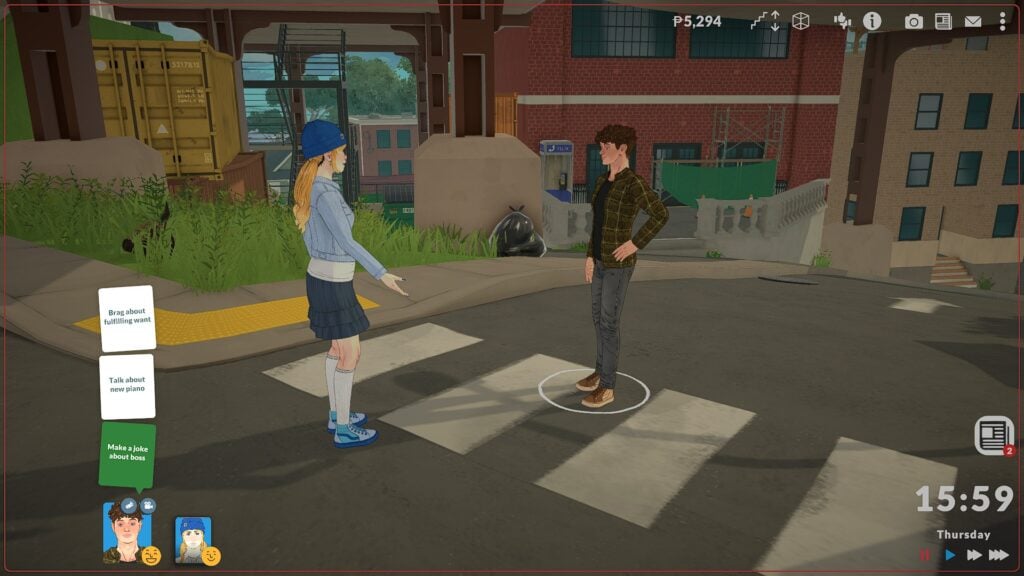
What helps the system stand out is how emotions naturally carry over into conversations and daily activities. After building confidence socially, Shawn received new interaction options tied to recent events, including discussing his new piano purchase or bragging about completing a want. Other moments felt more awkward or uncertain, especially when emotional reactions changed the tone of conversations in real time. Small details like posture changes, facial expressions, and shifting dialogue options helped social situations feel more dynamic and personal.
The emotional system also blends nicely with the slower, cozy atmosphere Paralives is aiming for. Parafolk react to their environment, routines, and recent experiences in ways that make them feel more aware of what is happening around them. Combined with the town’s quieter pace, social encounters, emotional reactions, and everyday routines help create a simulation experience that feels more grounded and lived-in.
Skill Building Feels Connected to Everyday Activities
Another detail that helps Paralives feel immersive is how naturally skill progression fits into ordinary life. Instead of separating progression systems from daily routines, many activities contribute to long-term development in believable ways.
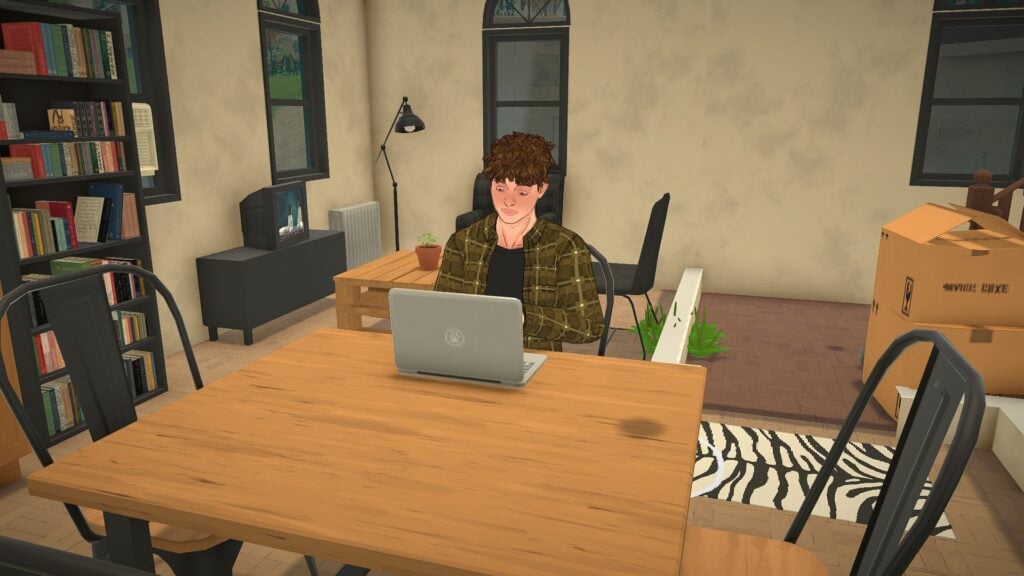
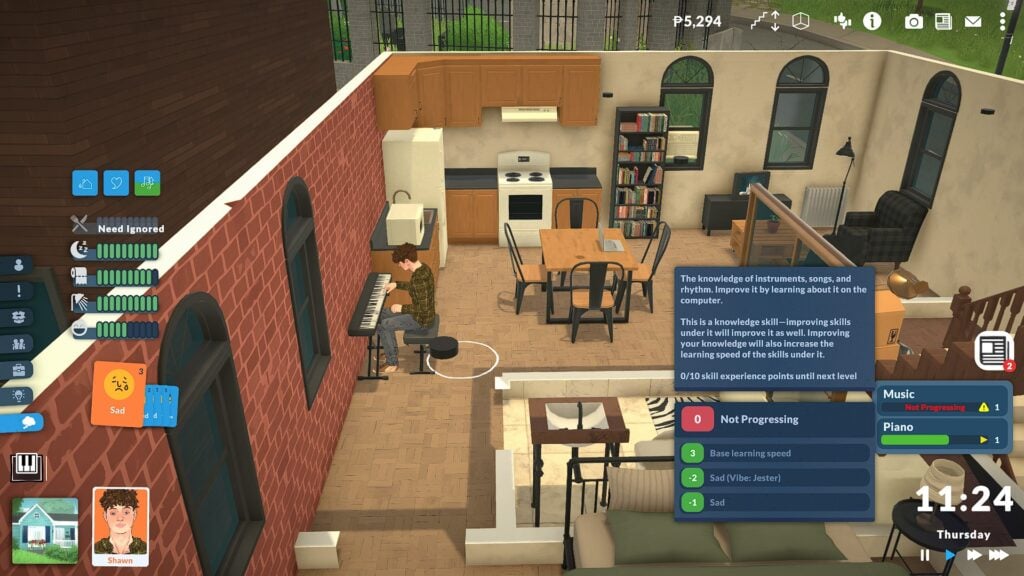
Practicing piano increases music knowledge, researching on the computer improves learning, and cooking can unlock entirely new recipes over time. Notifications for recipe discoveries and skill level increases make progression feel rewarding without constantly interrupting gameplay.
The game also introduces small aspiration-like wants that encourage players toward new activities. Purchasing an instrument, improving a skill, or socializing with other Paras can all tie into ongoing personal goals. These smaller objectives quietly guide gameplay while still allowing players freedom to create their own routines.
Apartments and Neighborhoods Feel Believable
Paralives also succeeds in making its environments feel grounded and lived in. Starter apartments are not oversized dream homes filled with expensive furniture. Instead, many spaces feel compact, practical, and realistic for young adults just beginning their lives.
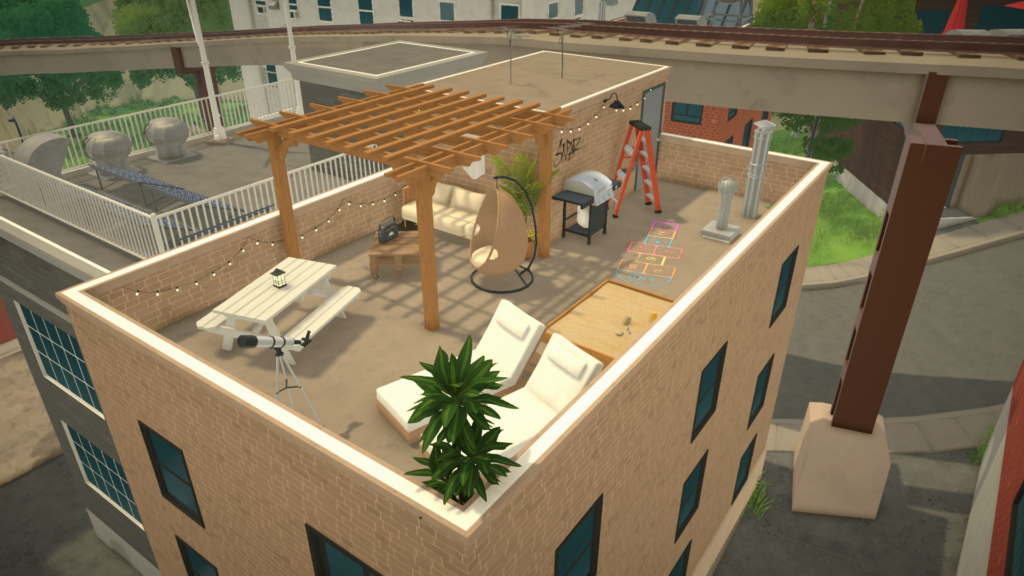
Small kitchens, stacked bookshelves, rooftop patios, mismatched décor, and partially cluttered living spaces help apartments feel personal rather than overly polished. Even the architecture throughout town includes imperfect details like aging walls, patched buildings, narrow alleys, and mixed storefronts.
This balance between cozy and slightly worn gives Paralives a unique atmosphere that feels closer to a real neighborhood than a perfectly curated showcase world.
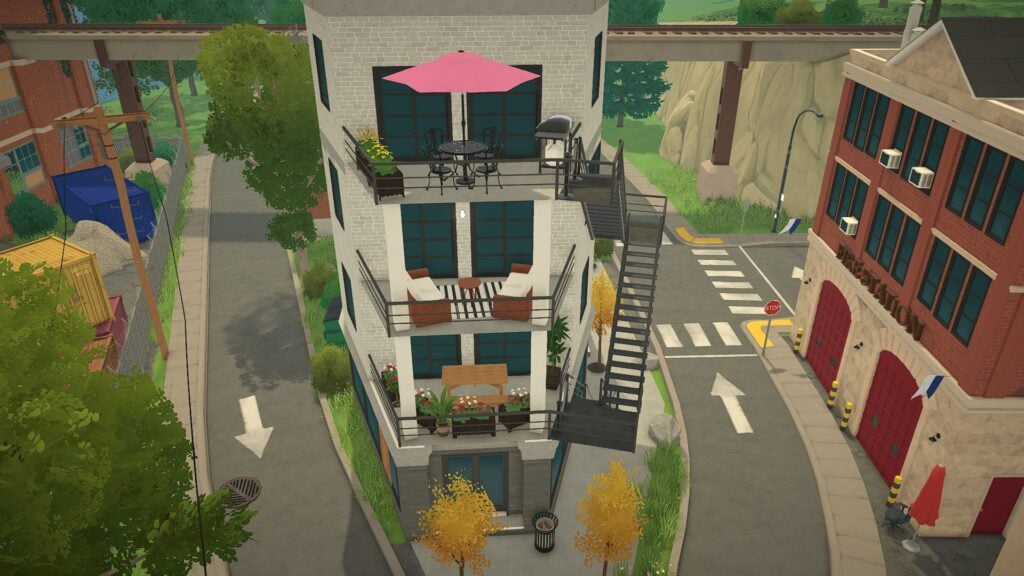
The vertical design of many buildings also helps the town stand out. Rooftop terraces, layered apartments, exterior staircases, and elevated public spaces create a sense of density that makes the environment feel larger and more connected.
Final Thoughts
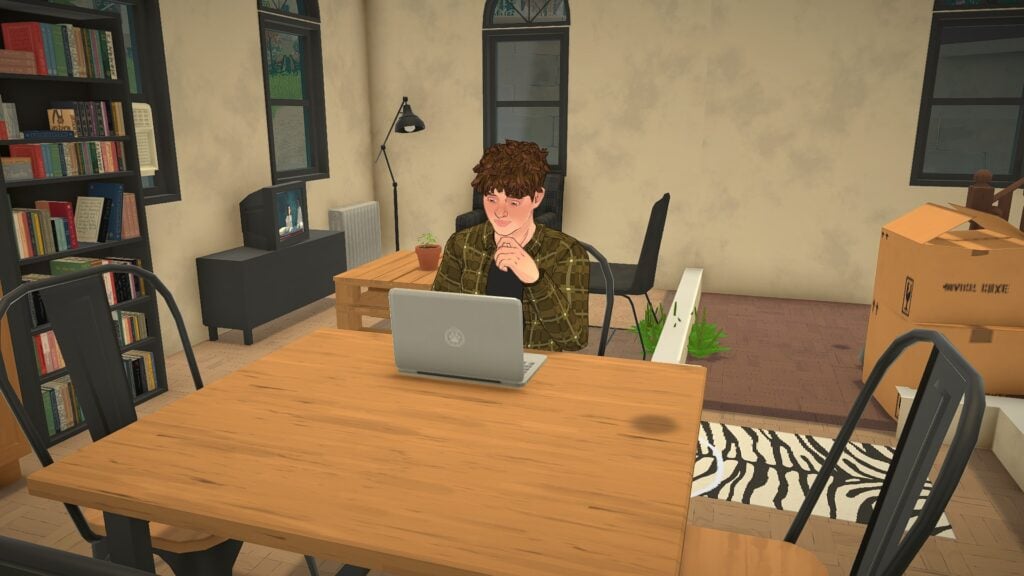
Some of Paralives’ strongest moments happen during completely ordinary activities. Sitting alone at a kitchen table while researching music online, practicing piano in a small apartment, learning a new recipe, or spending time in a lively town square all contribute to the game’s relaxing atmosphere.
Even at this stage of development, Paralives already captures a comforting “slow living” energy that makes everyday routines feel enjoyable to watch unfold. While larger systems will continue evolving throughout Early Access, these smaller gameplay details already help establish the game’s personality.
Sometimes it is not a single major feature that makes a life sim feel immersive. It is the collection of subtle interactions, emotional systems, environmental storytelling, and quiet routines that slowly make a virtual world feel believable. Paralives may still be growing, but many of those small details are already helping the game feel alive.
Paralives is currently scheduled to launch into Early Access on Steam on May 25, 2026. Players interested in learning more or wishlisting the game can visit the official Paralives Steam page.
What small gameplay detail are you most excited to experience in Paralives Early Access, or what feature has already stood out to you the most so far? And, for more information about Paralives, upcoming features, and additional Early Access coverage, readers can also visit the Sims Community Paralives Section for the latest news and updates.
Character creation is one of the core features that a life sim game must have. Whether you want to see yourself in the game, bring a beloved character to life, or start fresh with an all-new persona, the character creator is where you can start imagining what gameplay you will want to have. The ability to customize everything is one of the biggest necessities in character creation.
The Paramaker brings back player-favorite features such as the color wheel, while also presenting completely new character creation methods, such as not restricting options by gender, with all features being available by default for any Parafolk.
Let’s take a look at the Paramaker features!
Paramaker Features
What is Paramaker?
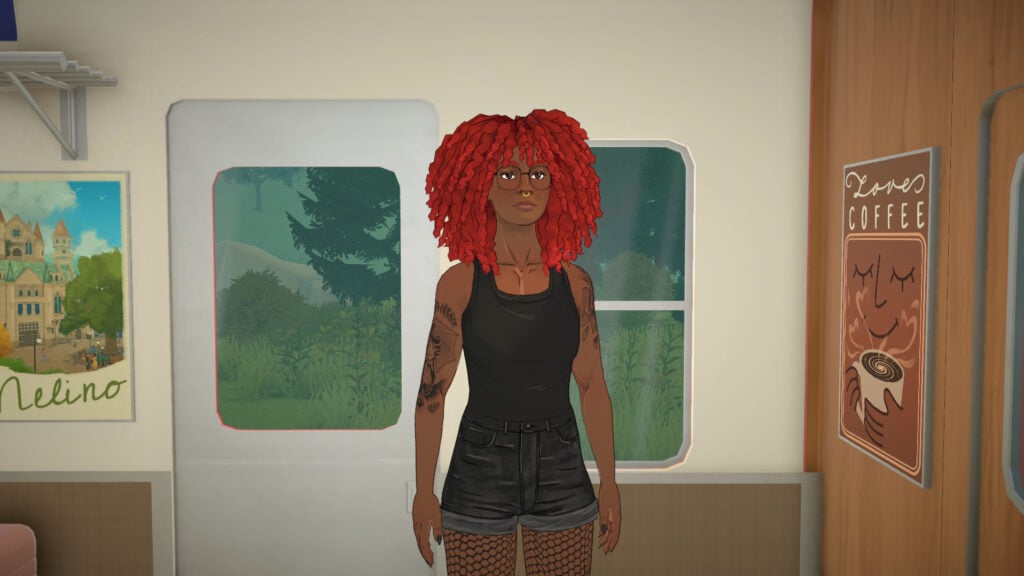
The Paramaker (PAM for short) is Paralives’ character creation tool. It’s one of the game’s largest features and has been teased to be one of the most highly customizable character editors ever seen in a life simulation game. One of the most anticipated returns for this character creation mode is the color wheel, as well as totally new ways to create a character, such as not restricting body parts and clothing pieces by gender.
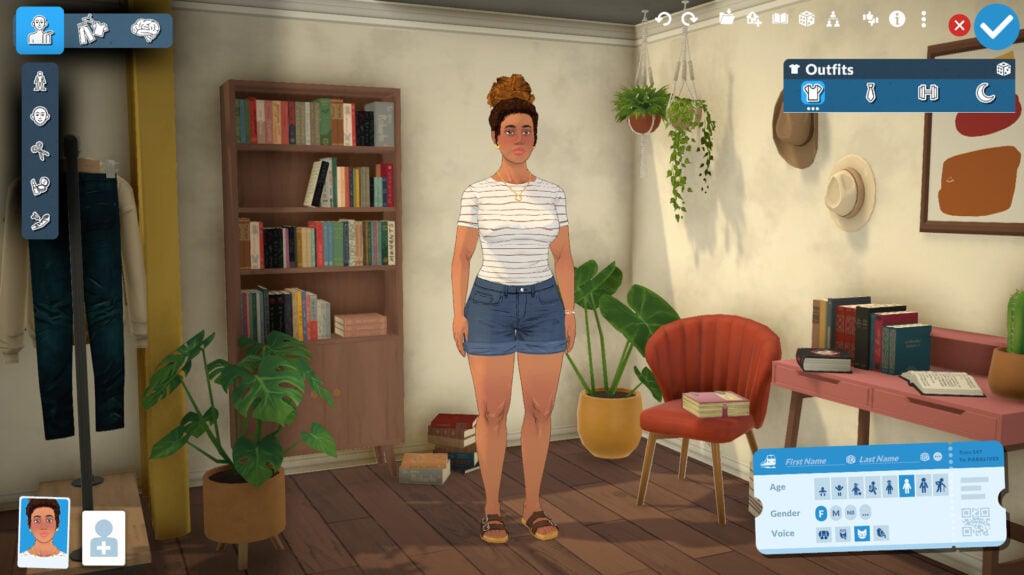
When starting a new household (whether after the tutorial, in an existing town, or a new town), the game will randomize one Parafolk with visuals ready but with no personality or name added to them. It was discussed in the past in their Patreon post Randomization in the Paramaker, Bugs Showcase & Conversations.
The three main categories in the Paramaker (menu at the top-left) are: Appearance, Clothing, and Personality. You can see the name of each category by hovering the mouse over it!
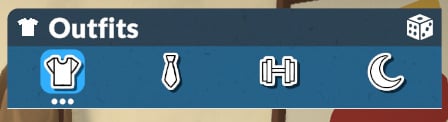
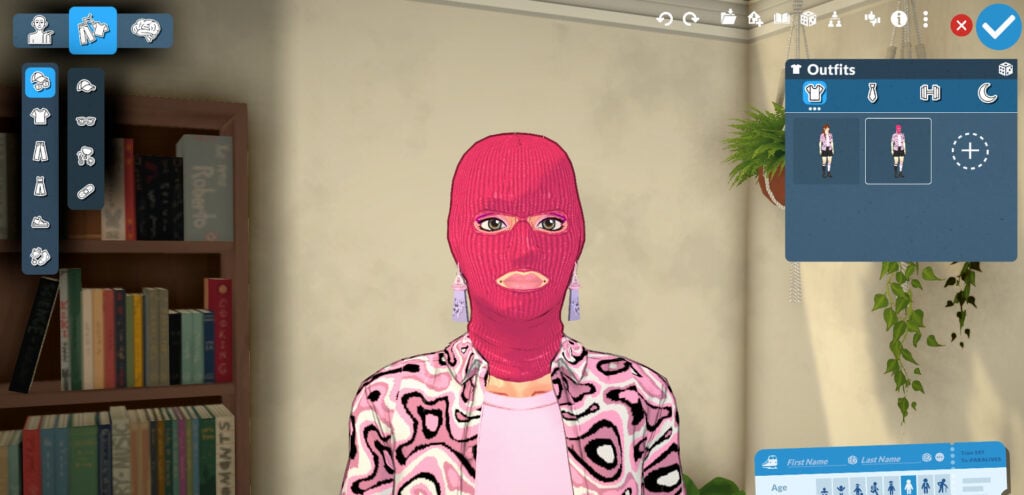
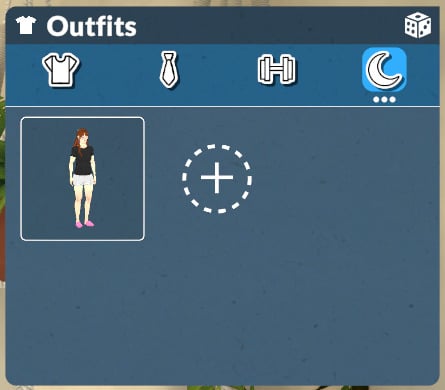
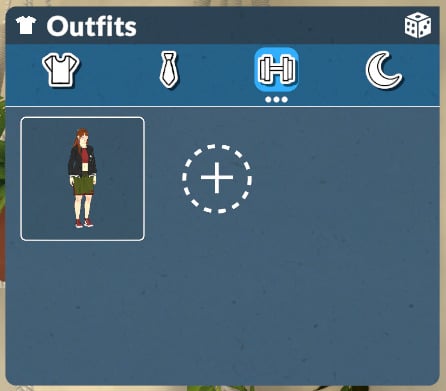
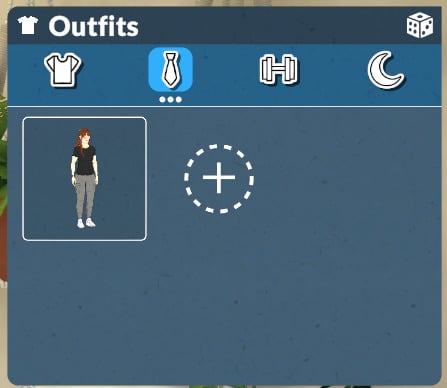
You’ll also be able to customize an indefinite number of outfits (menu at the top right) for the categories: Everyday, Formal, Workout, and Pajamas.
Let’s start talking about Appearance customization.
Appearance
In the Appearance menu, you can edit all of your Parafolks’ physical features, including skin tone, eye color, body shape, hair, makeup, and tattoos.
Body
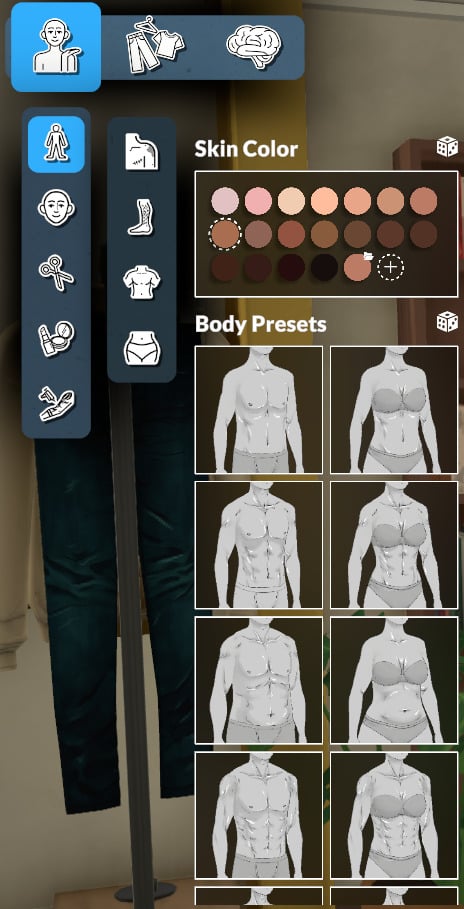
In this section, you can select and customize everything related to the body of your Parafolk, like skin color, body type, body hair, chest shape, and bottom shape.
Skin Color
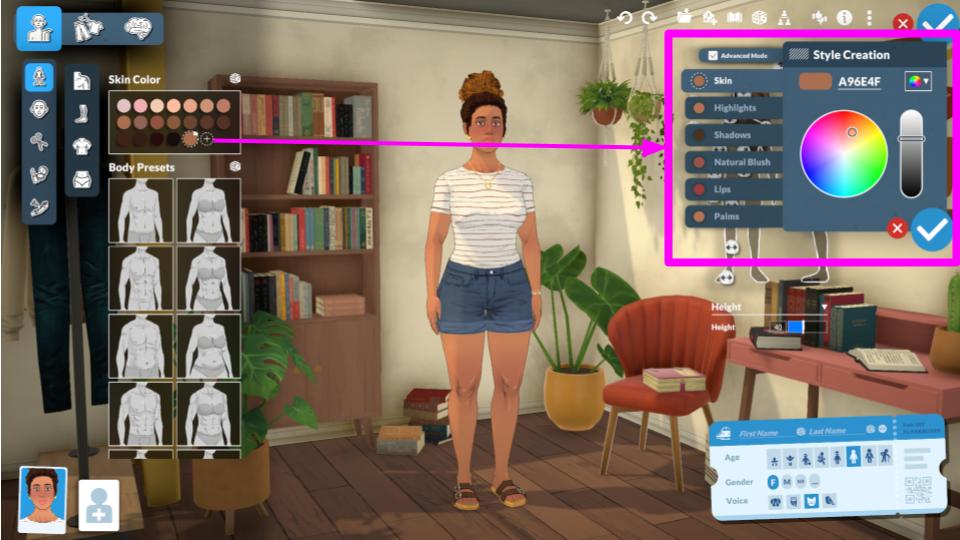
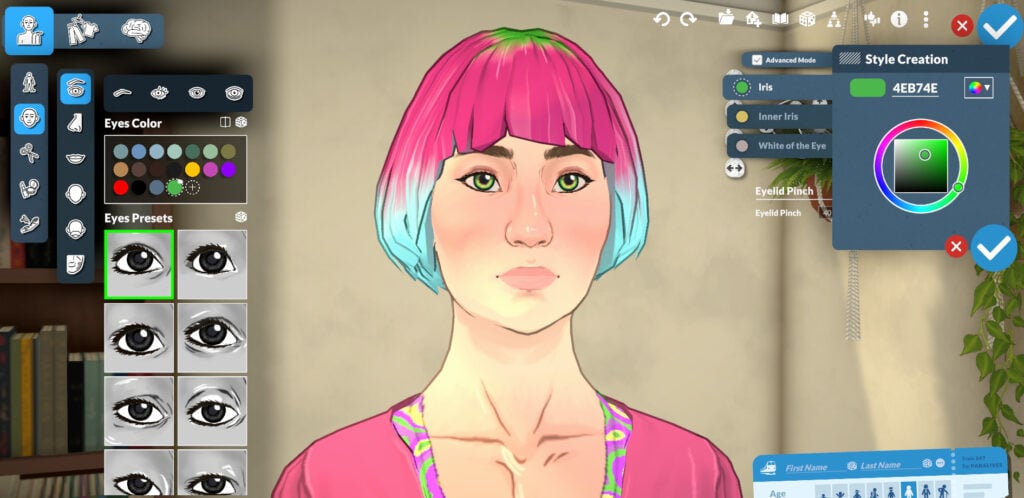
The Paramaker offers a preset with 18 skin tone options for you to choose from, and with the Style Creation Mode, you can literally create any color you want with the help of the color wheel and other customization options, as shown in the images below:
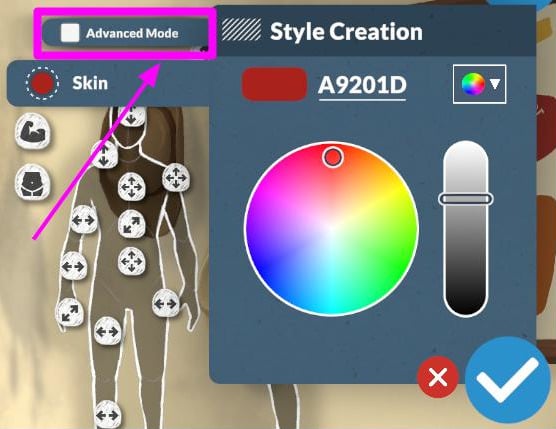
The Advanced Mode is pre-enabled by default, and with it you can customize individually: Skin, Highlights, Shadows, Natural Blush, Lips, and Palms.
Pro-tip 1: You can also deactivate Advanced Mode to create a base to work with without being overwhelmed by so many options!
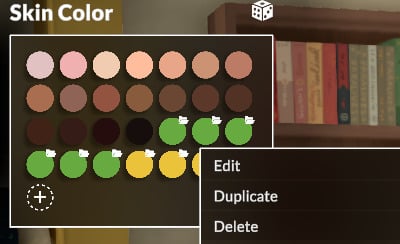
Pro-tip 2: All your custom colors are saved and you can delete duplicate or edit it by clicking with the right mouse button.
Body Preset
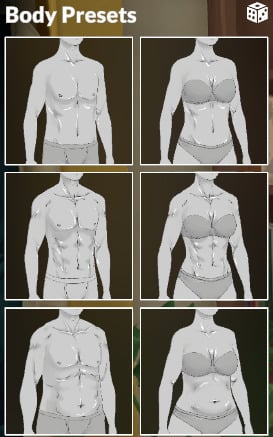
In addition to skin tone, you can select from 12 body presets, which you can then customize using the sliders on the right side of the screen.
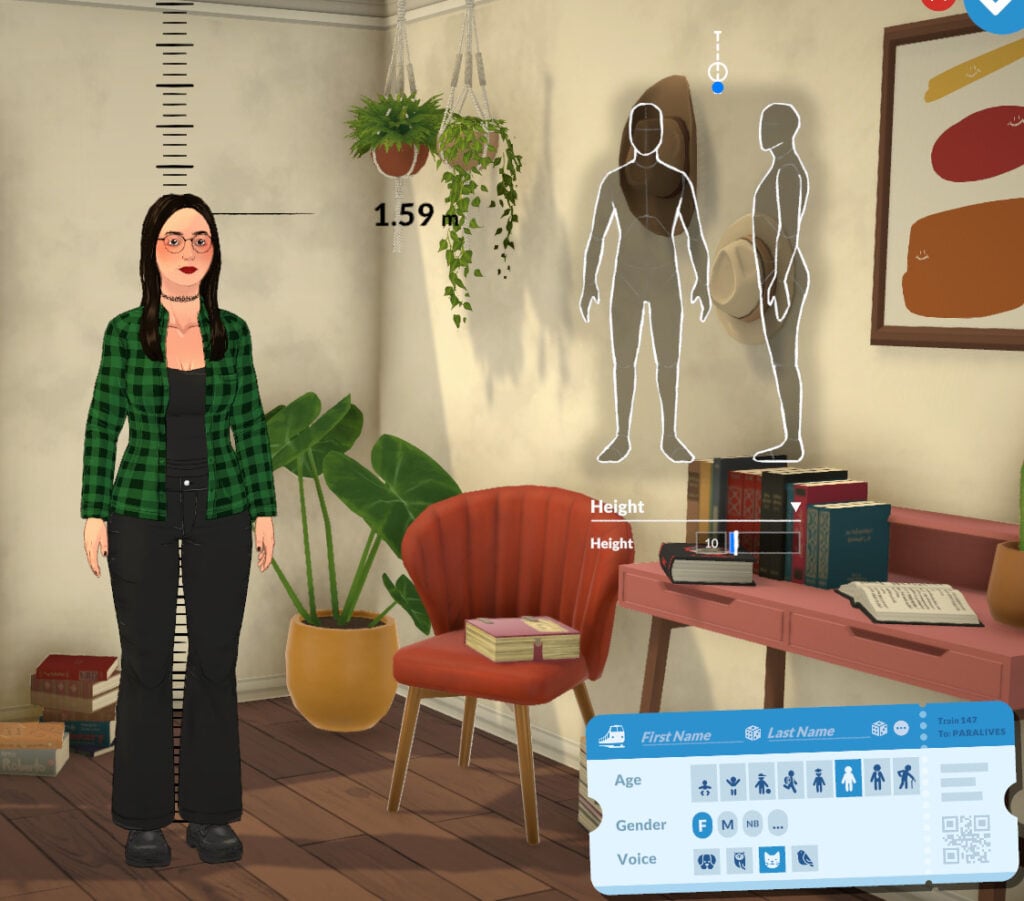
Custom Slides and Height Dropdown Menu
To customize your Parafolk’s features, you can choose to work with the sliders or with the ‘Height’ dropdown menu. You can choose your Parafolk’s height within a range of 0 to 100. A complete review of the sliders is coming in the future. Stay tuned!
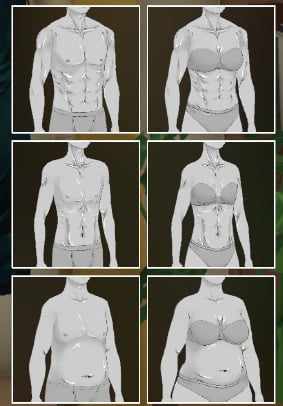
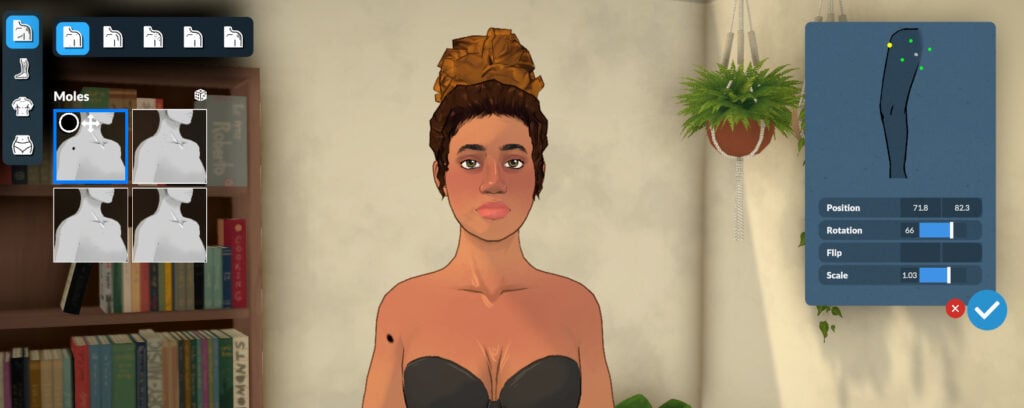
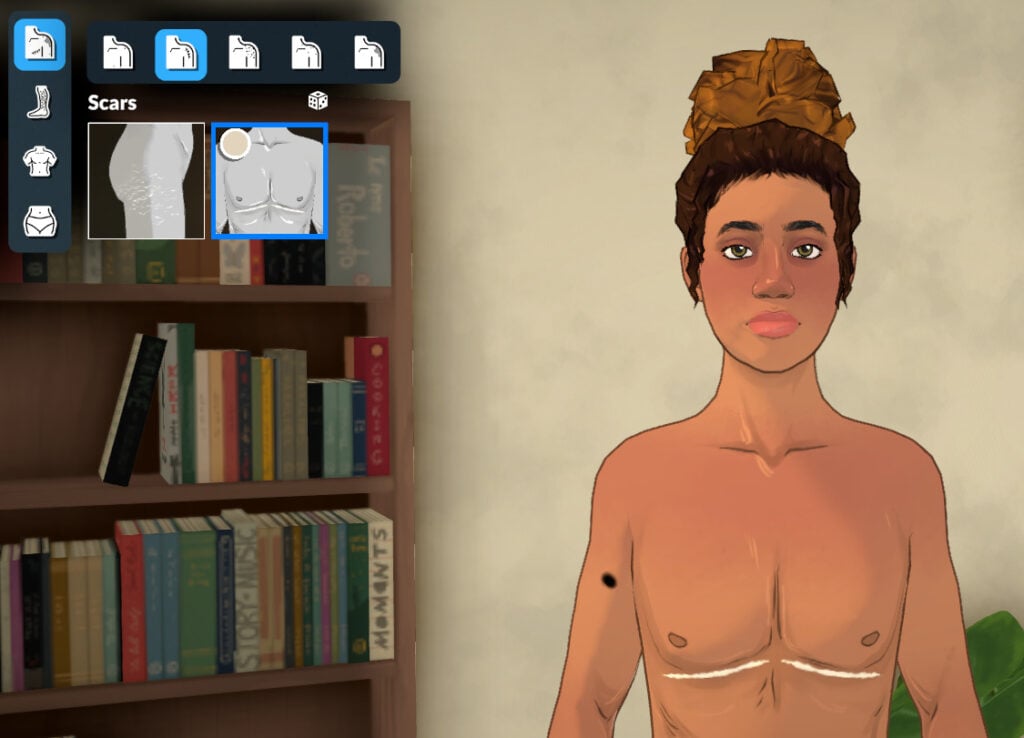
Skin Details (for Bodies)
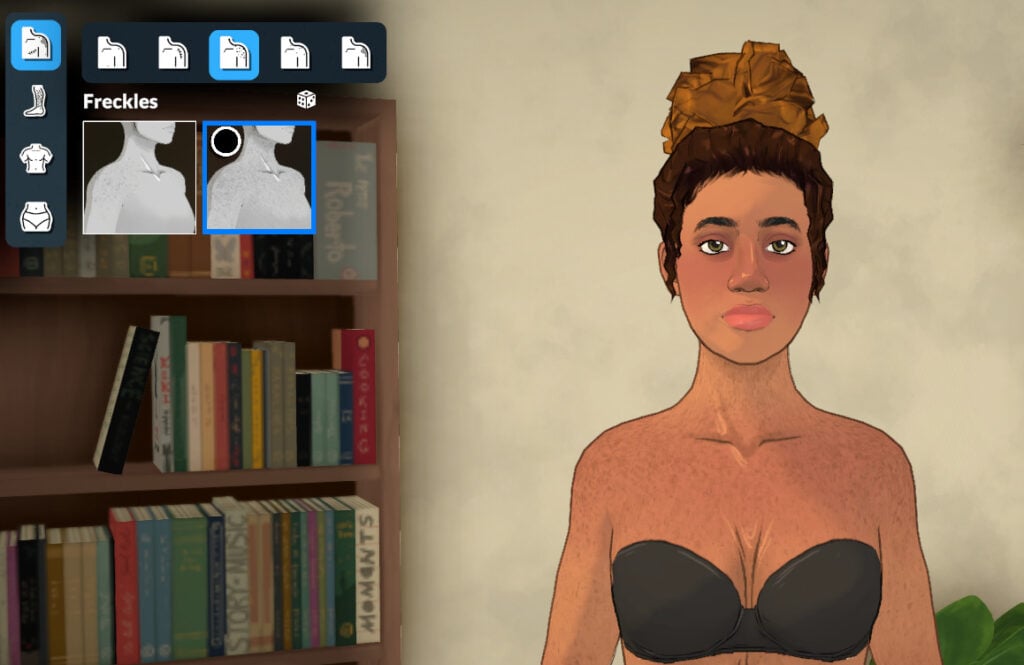
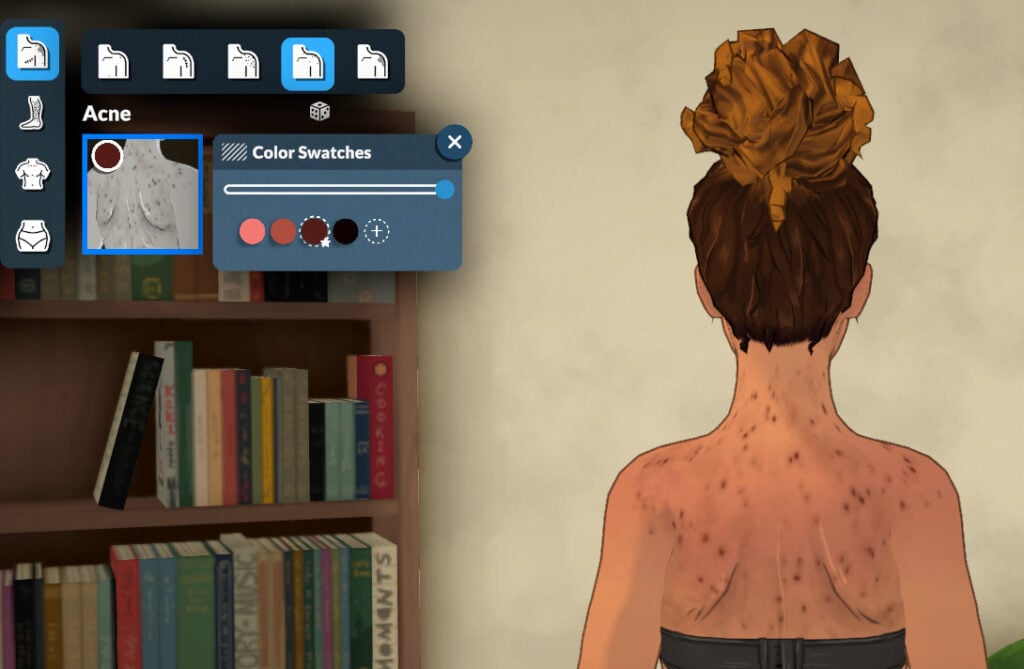
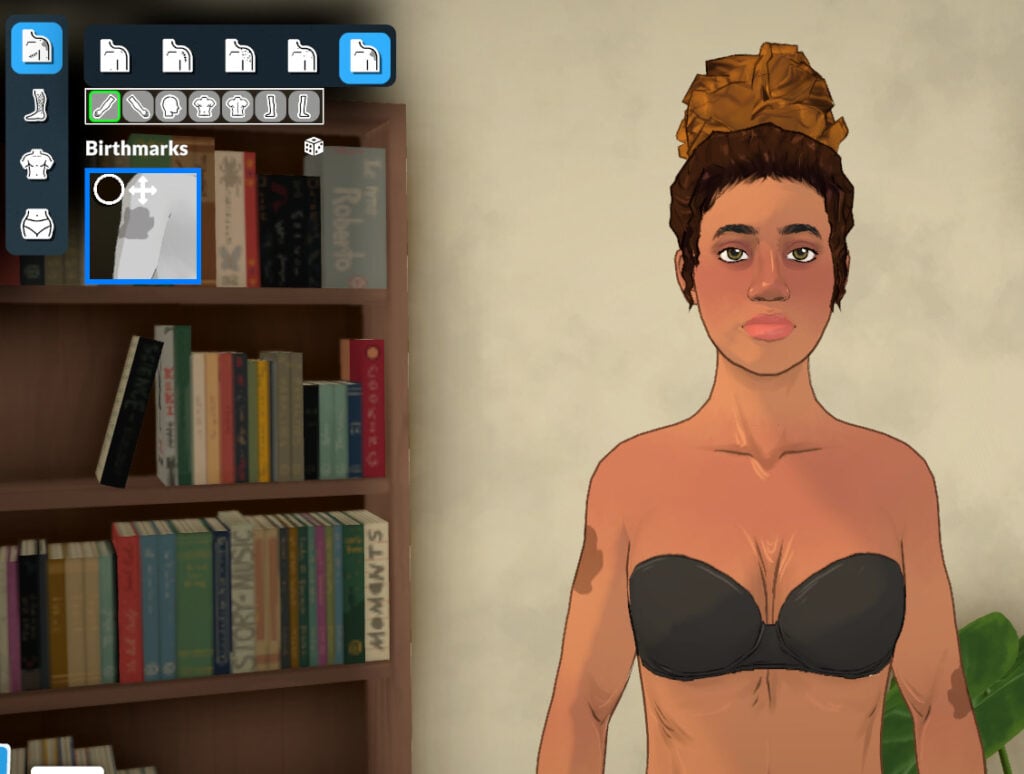
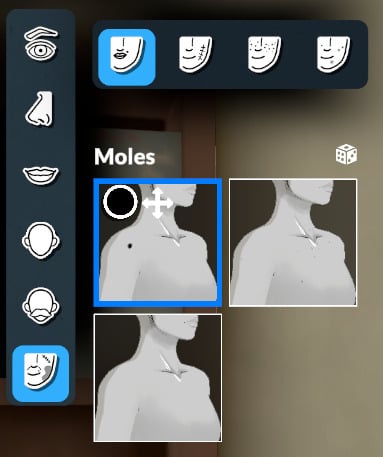
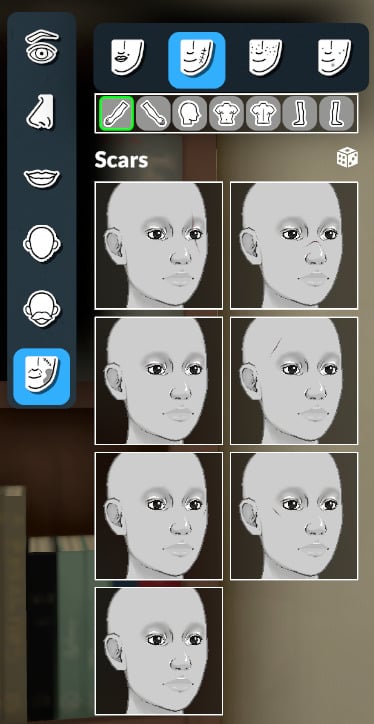
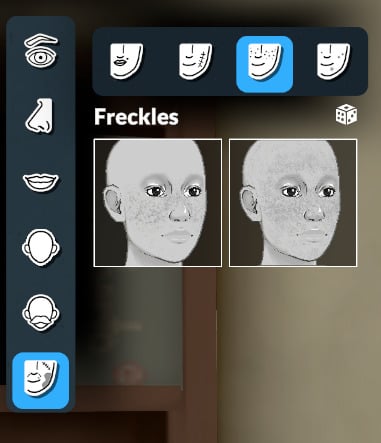
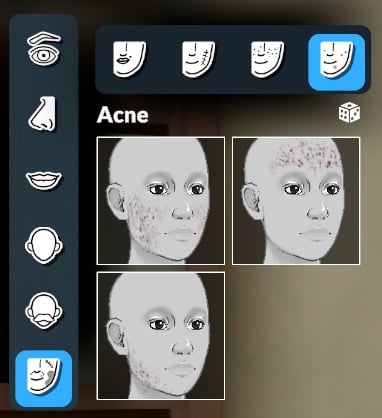
You can choose skin detail presets to add to your Parafolk, and you can customize the placement of some of the moles and birthmarks. The subcategories for body skin details are: Moles, Scars, Freckles, Acne, and Birthmarks.
Body and Facial Hair
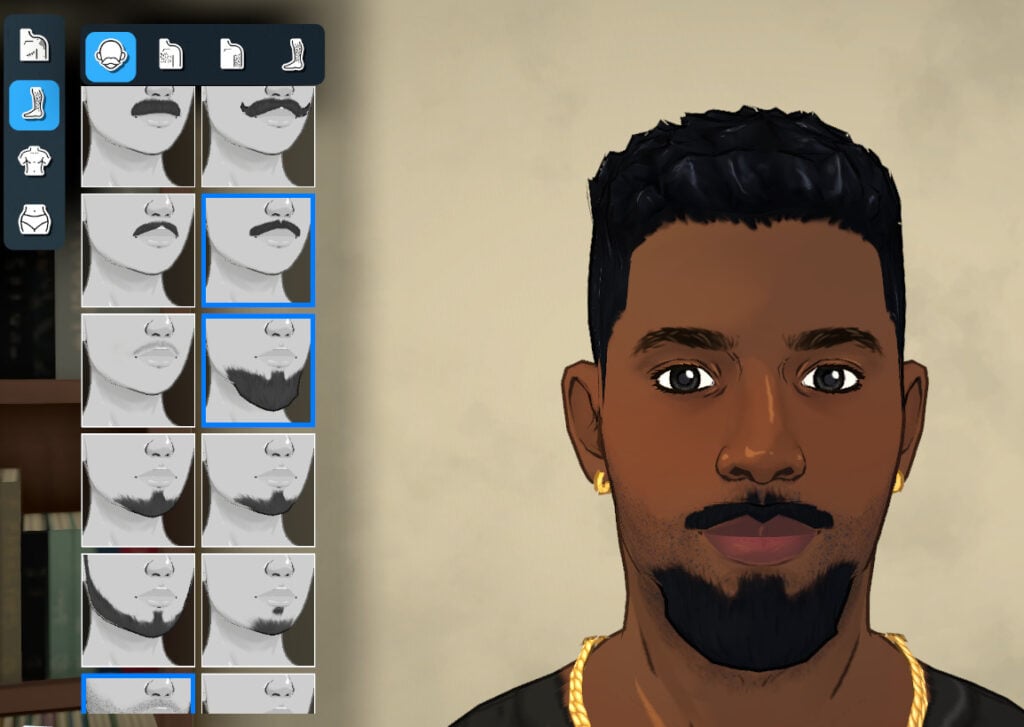
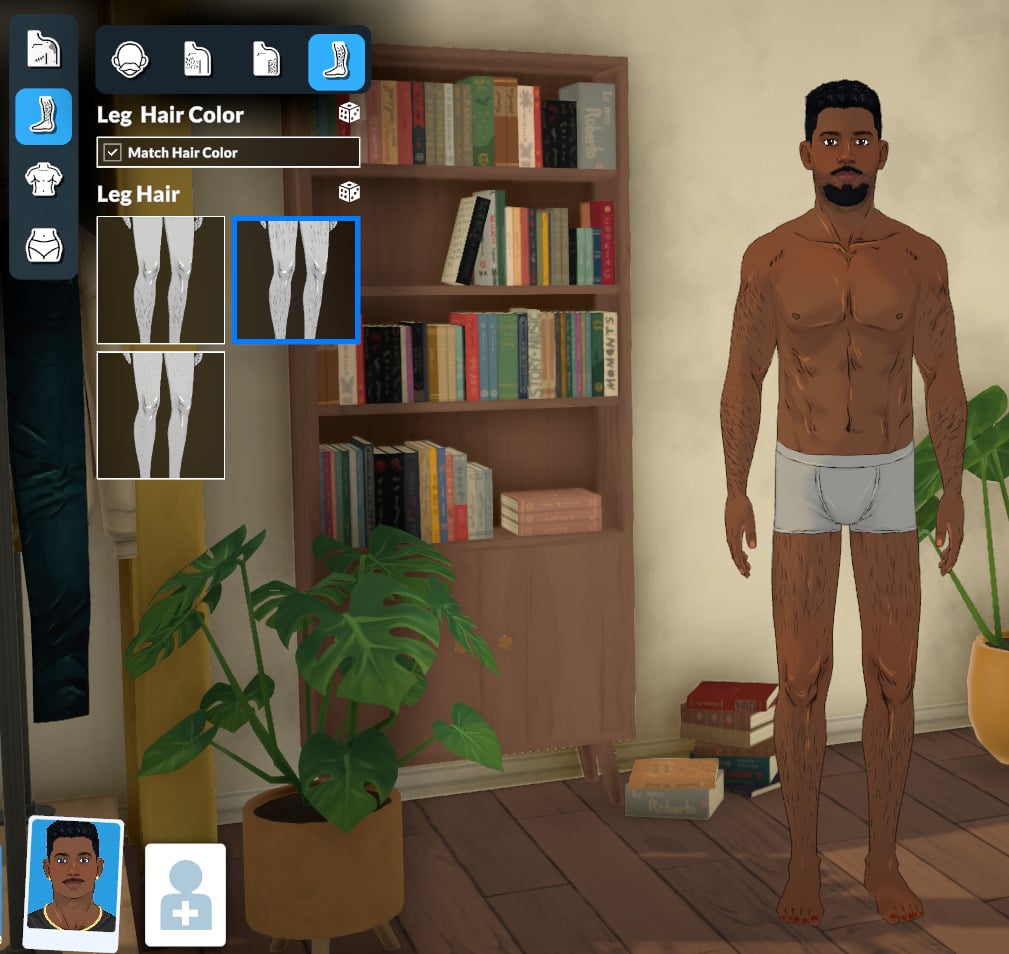
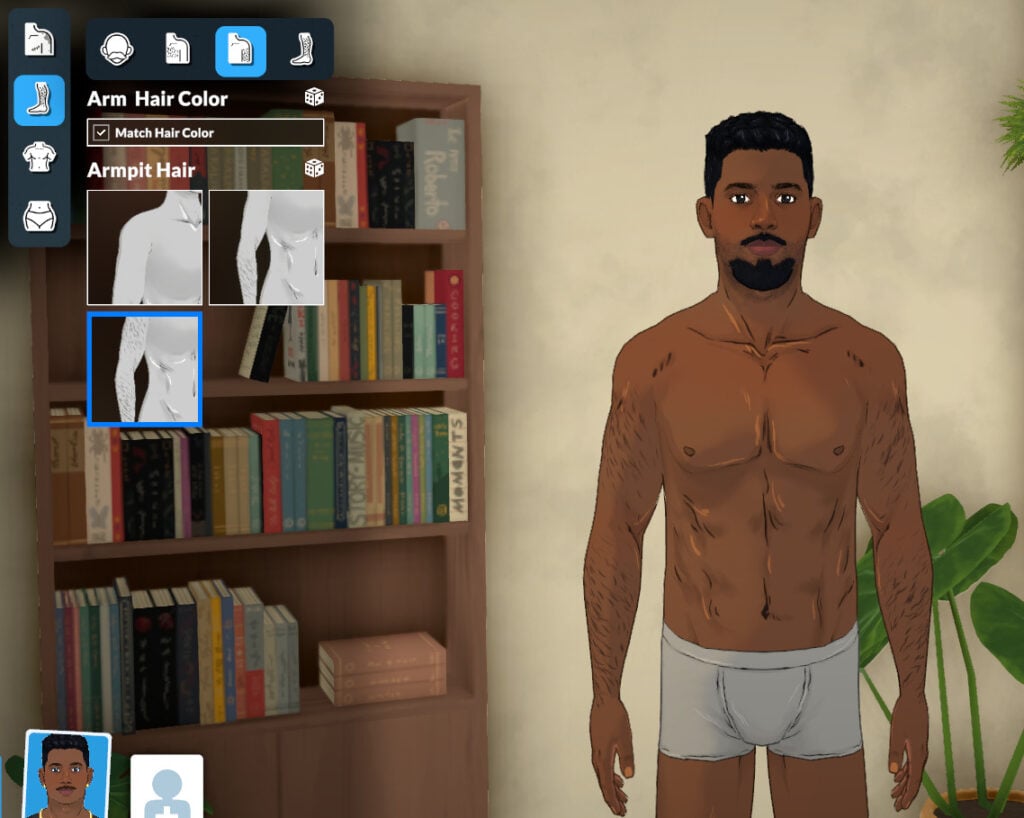
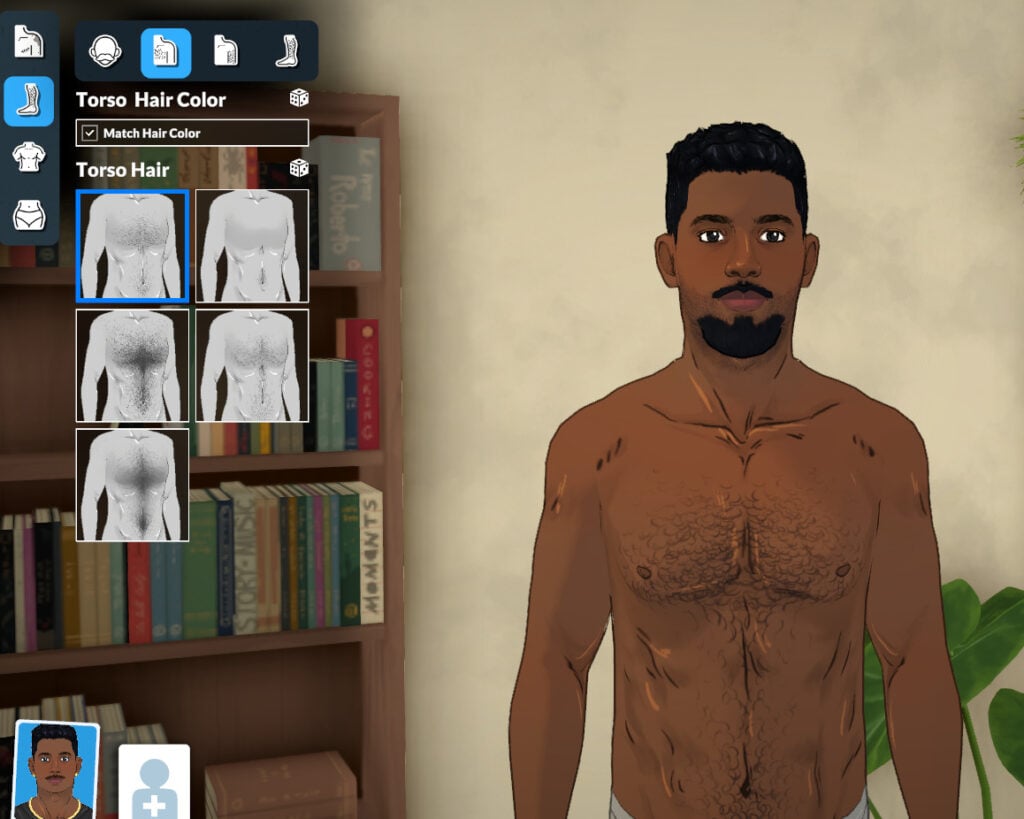
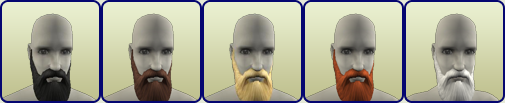
You can customize your Parafolk with 10 presets for body hair and 18 presets for facial hair. The subcategories are: Facial Hair, Torso Hair, Arm Hair, and Leg Hair. You can combine up to 3 types of facial hair (one from each category) to create unique styles!
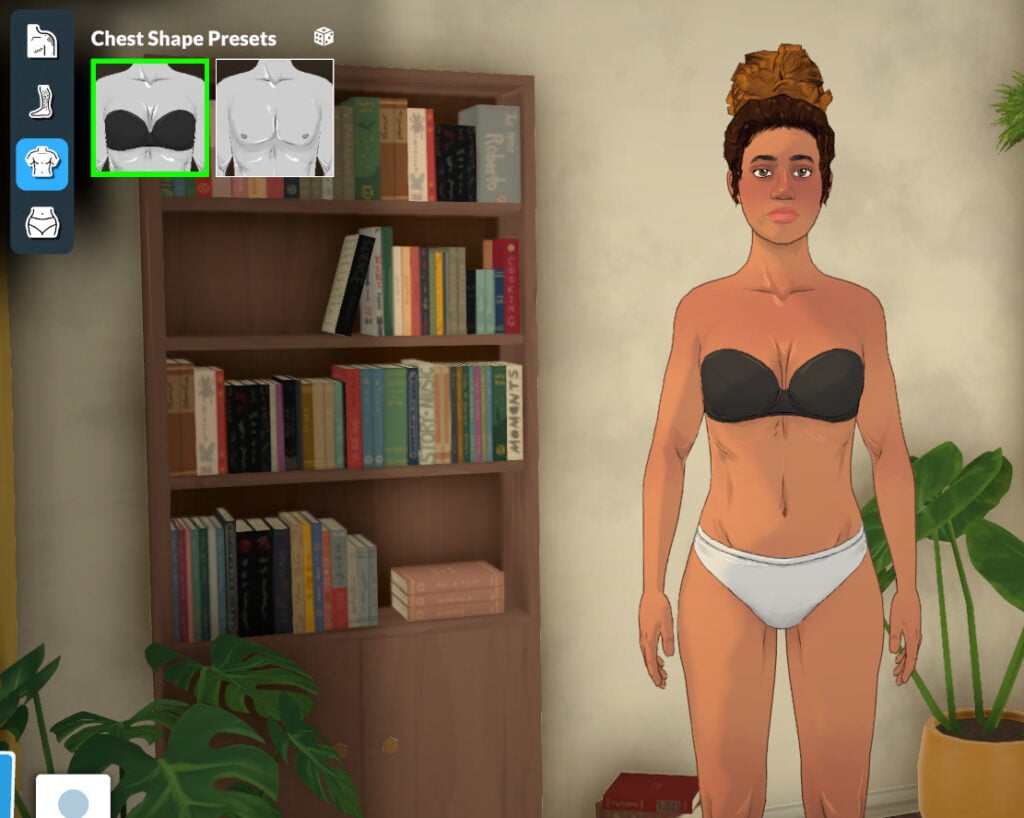
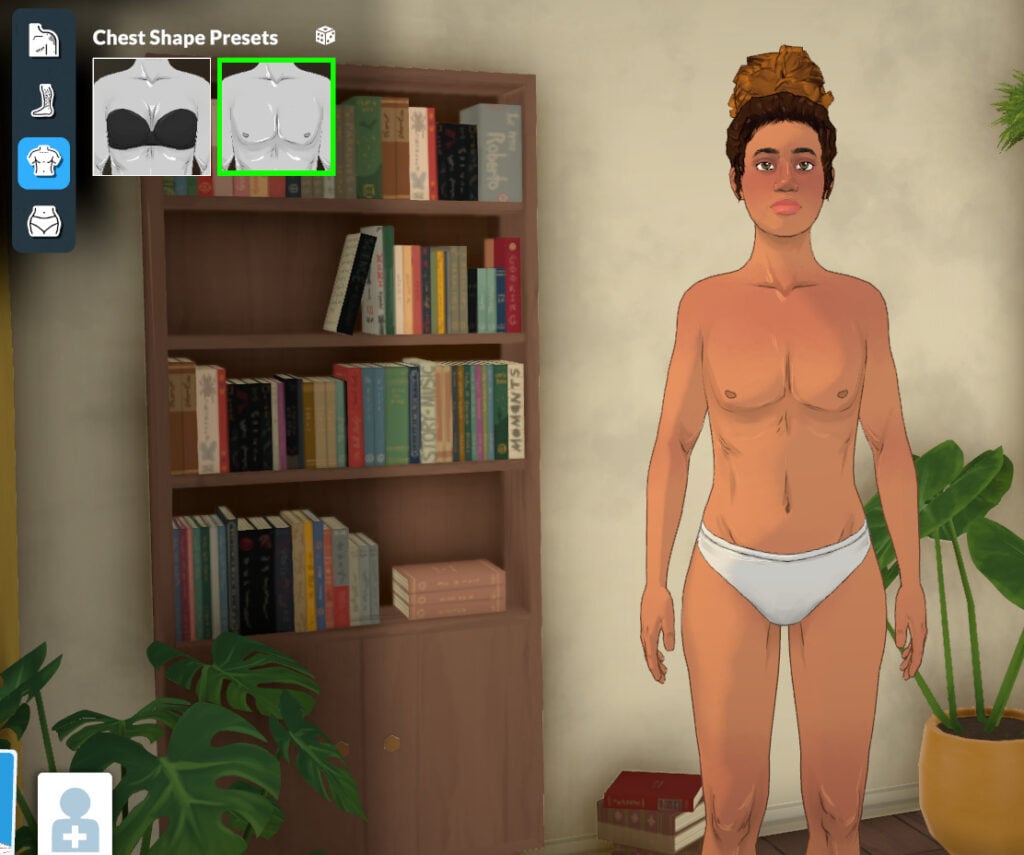
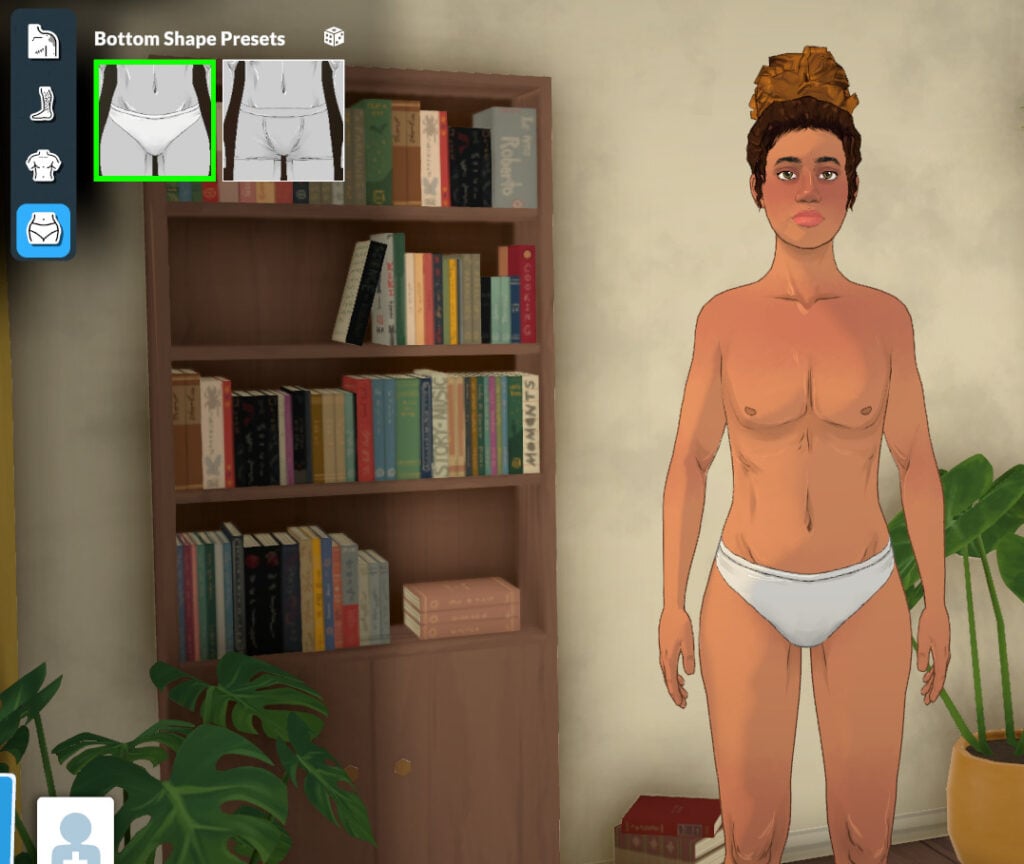
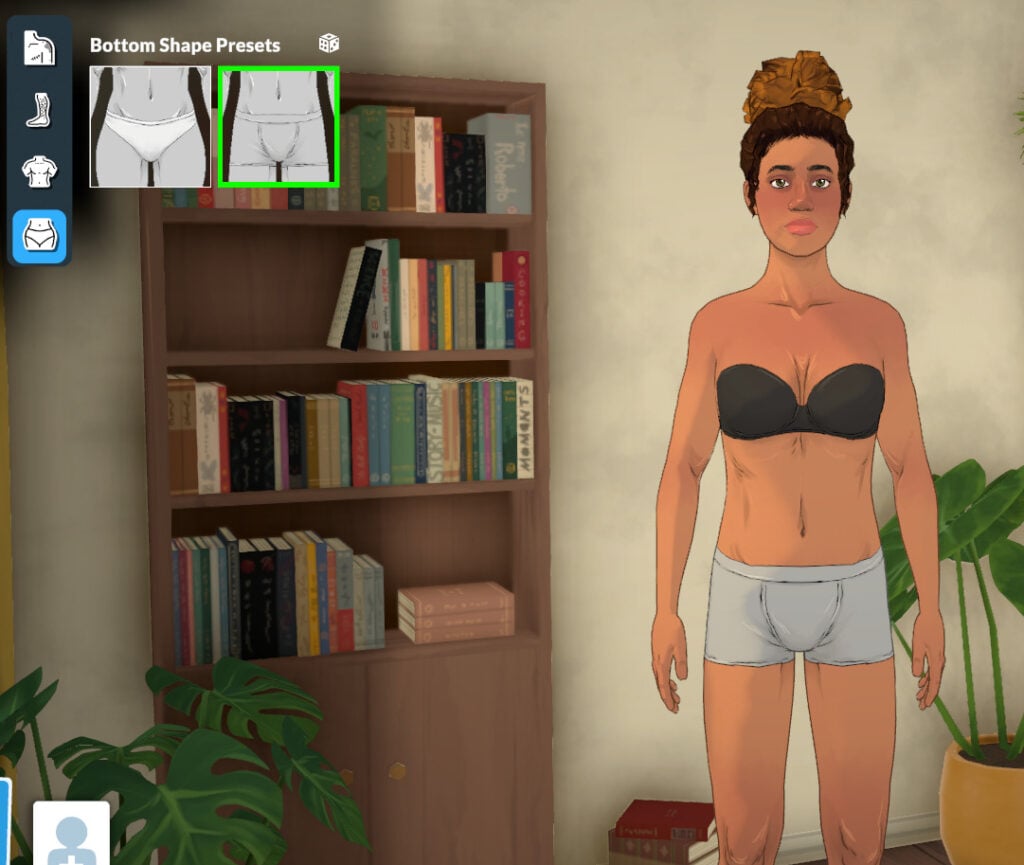
Chest and Bottom shape Presets
The Paramaker allows you to choose any chest or bottom presets for your Parafolk, as gender is not linked to physical features.
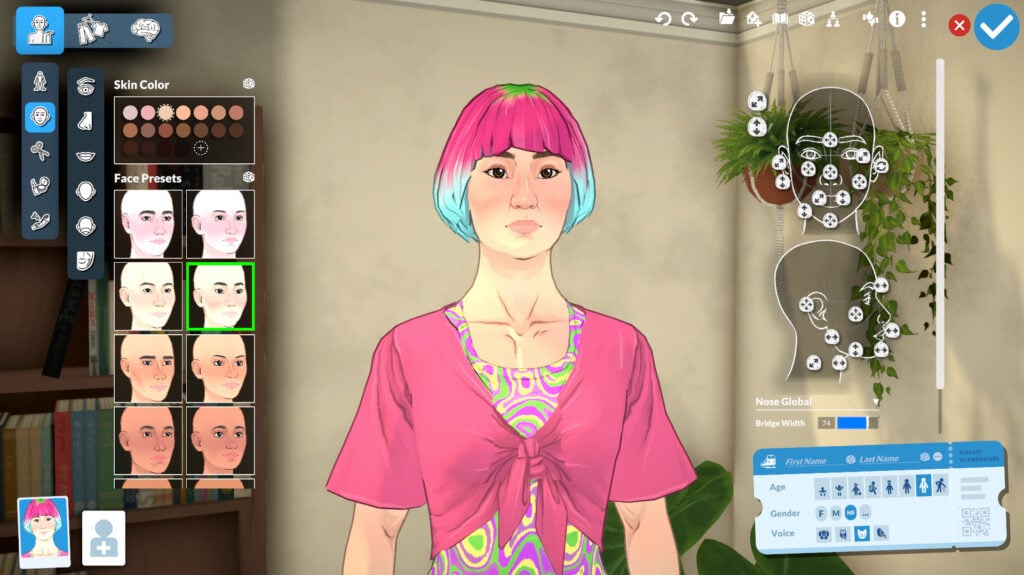
Face
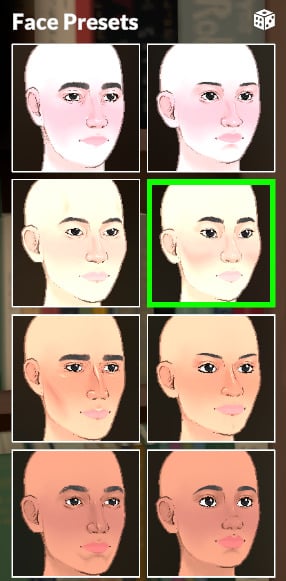
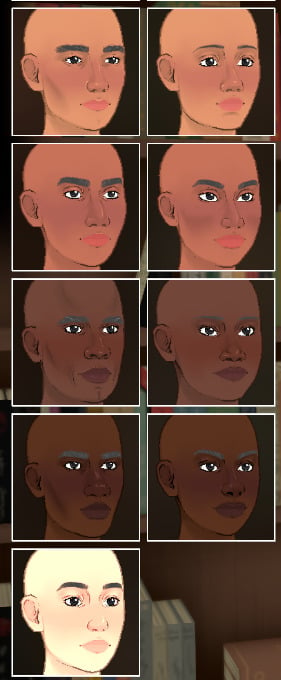
Moving to the Face category, you can select skin tone (the presets here lead to the same options as those in the Body category). There are 17 face presets to choose from, and you can also make adjustments with sliders, of course!
Eyes
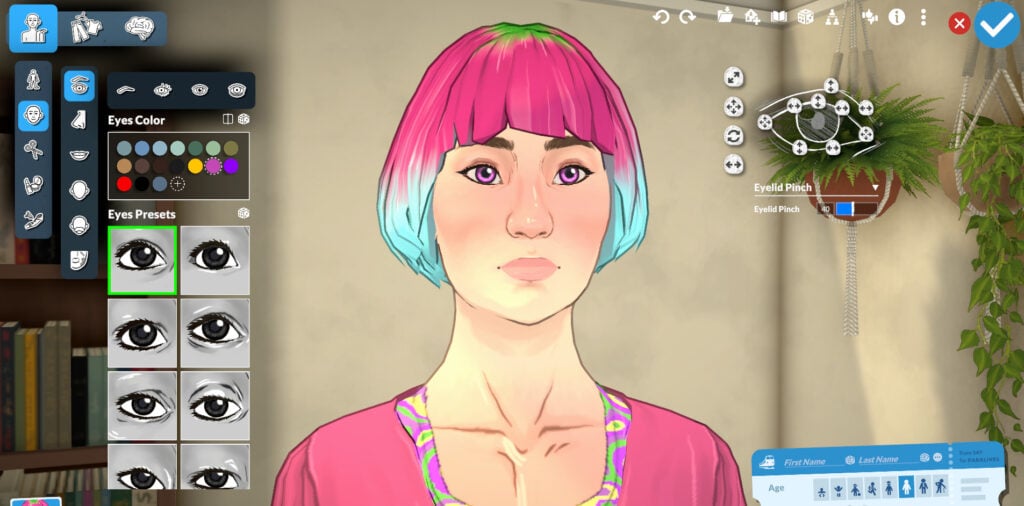
In this Paramaker section, you can customize every eye-related feature: color, heterochromia, shape, eyelashes, eyebrows, and even under-eye dark circles.
Eye Color and Eyes Presets
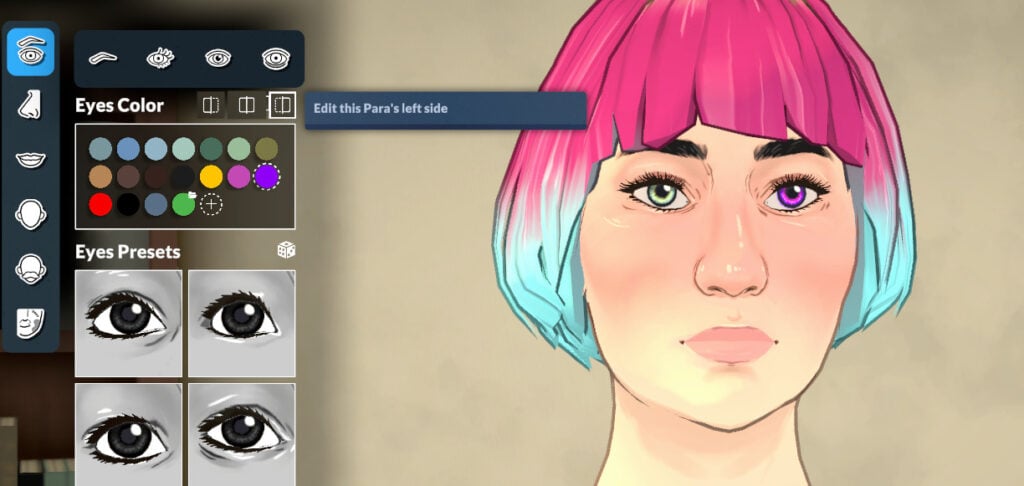
You can customize your Parafolk’s eyes to the color you want with the pre-selected colors or create your own style with the help of the color wheel in Style Creation.
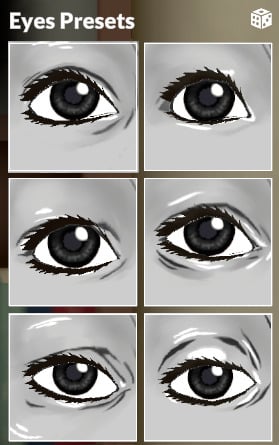
As for the eye shape, you can choose from 18 presets and adjust them with the sliders.
You can also create and customize heterochromia for your Parafolk.
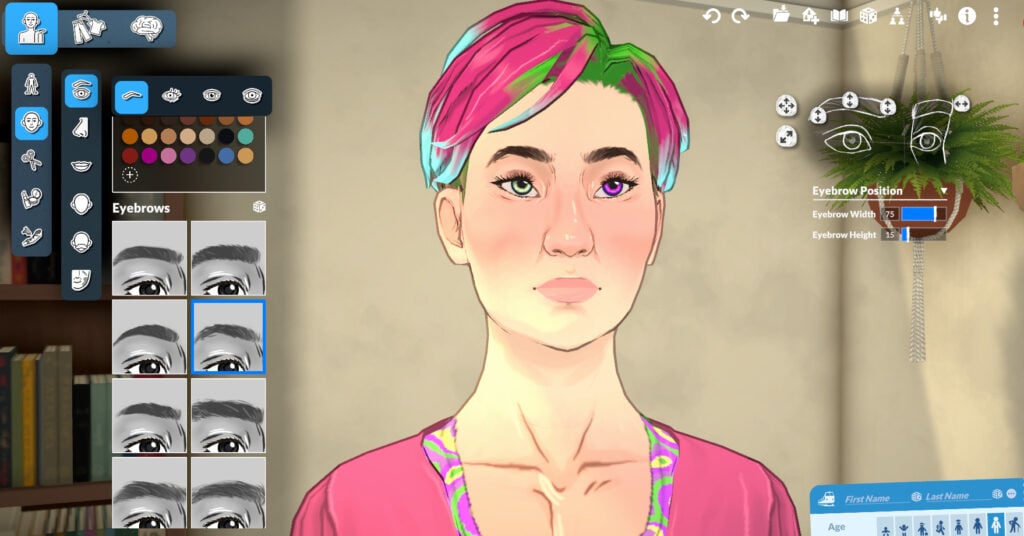
Eyebrows
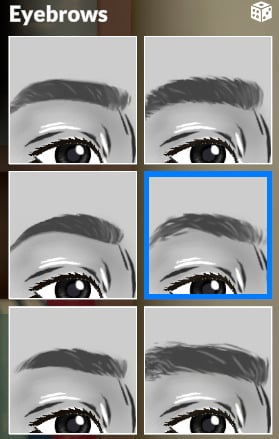
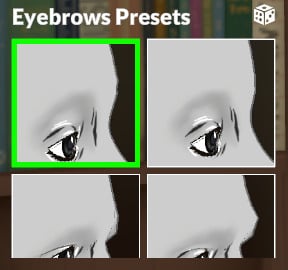
You can choose from 13 presets for the eyebrows and also choose the structure of the area with 4 presets. As always, you can also adjust the shape, width, height, and other features with the help of the sliders.
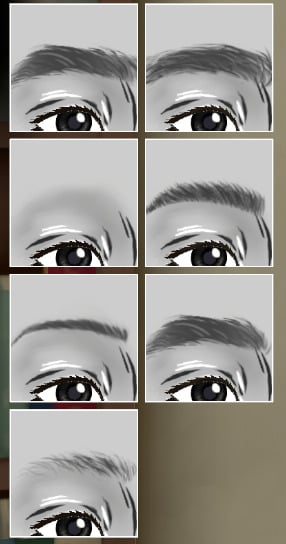
Eyelashes
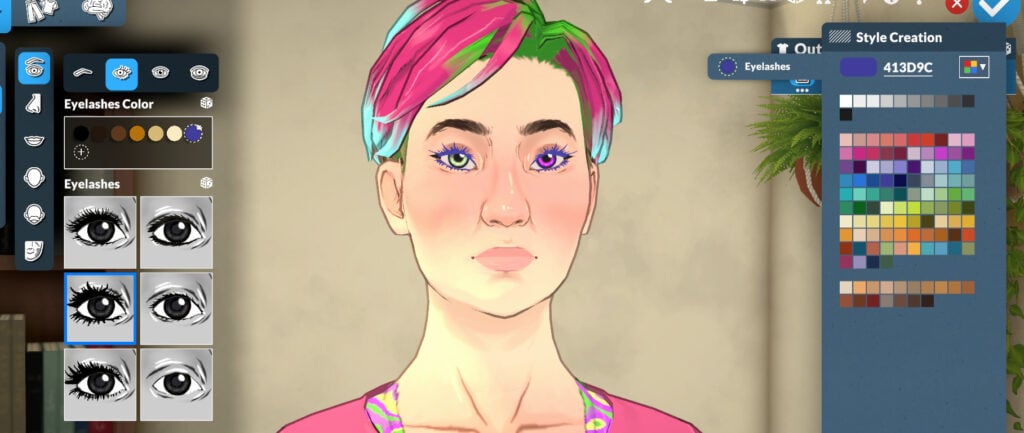
You can select from 6 eyelash presets and customize the style however you like.
Eye Highlight
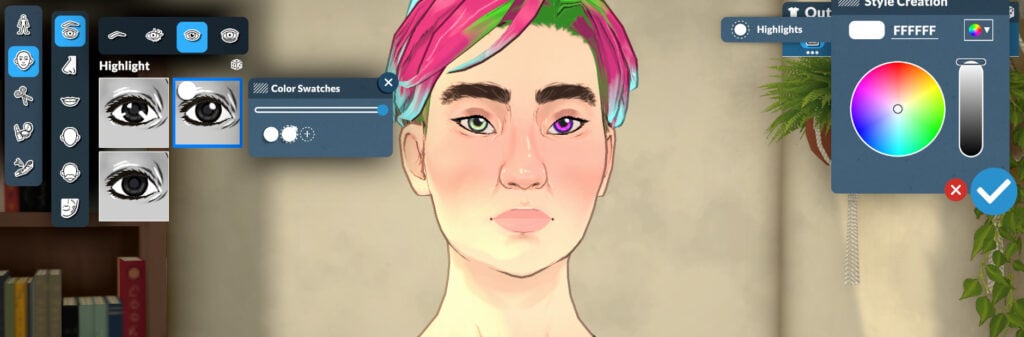
You can select from 3 highlights for your Parafolk’s eyes and also customize their color if you want.
Dark Circles
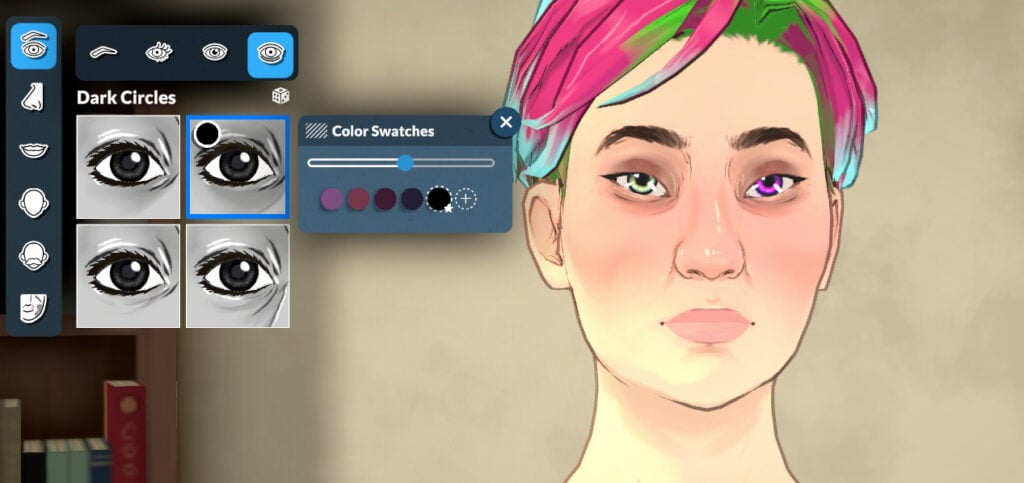
You can also select from 4 dark circle styles, the colors of which you can adjust if you wish.
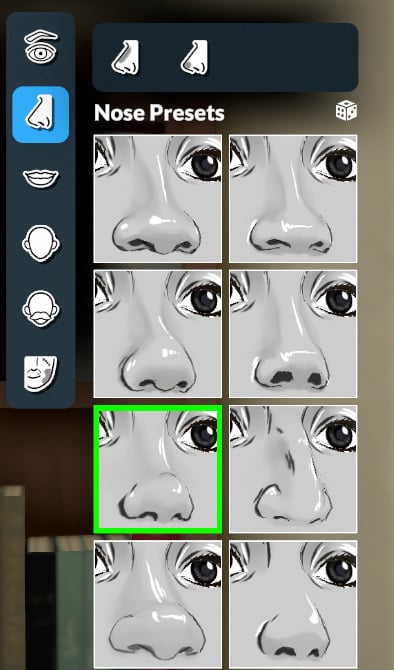
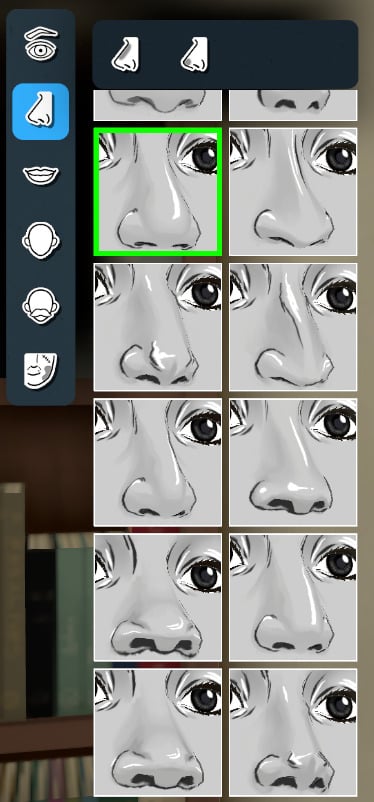
Nose
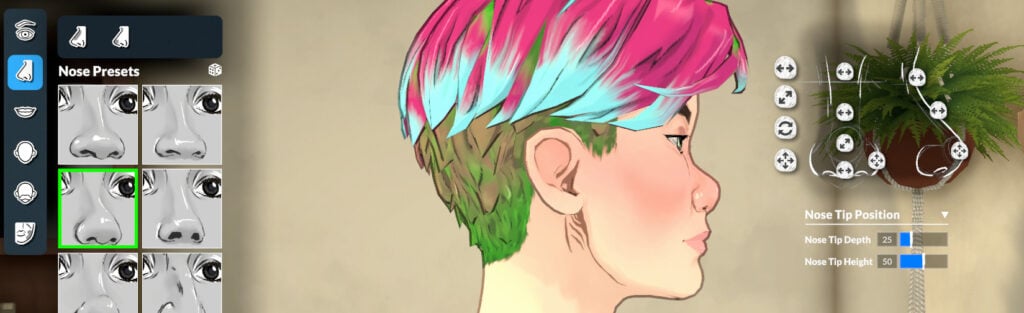
There are 16 nose presets to choose from, and adjustments can be made with the sliders in the top-right menu.
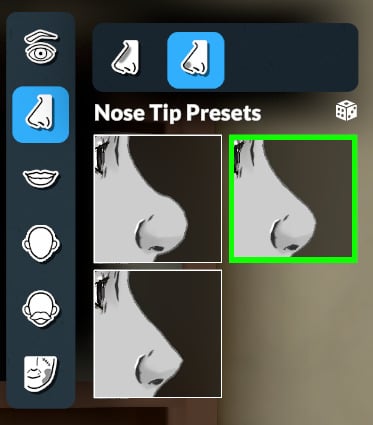
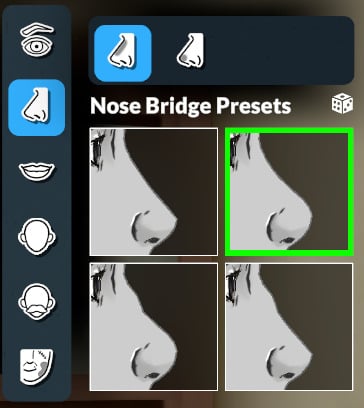
And you can also customize the bridge and tip using additional presets:
Mouth
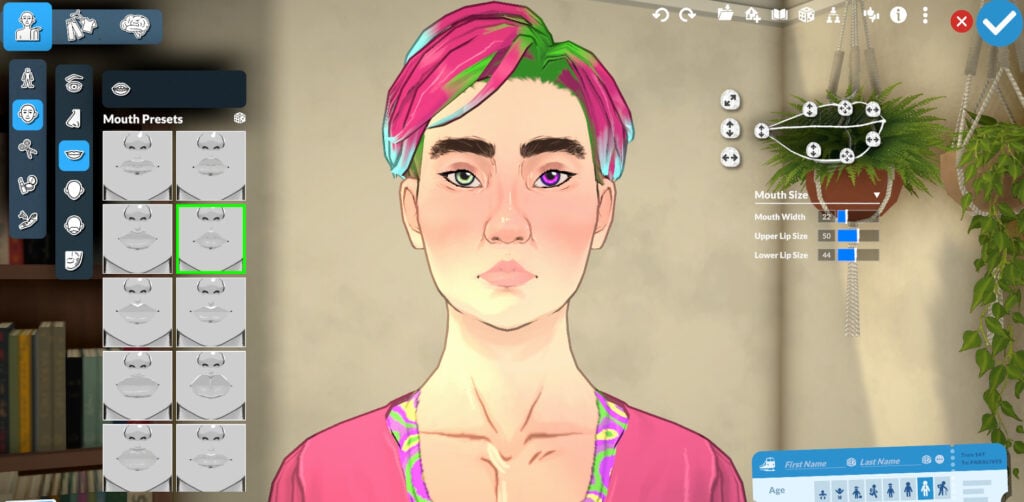
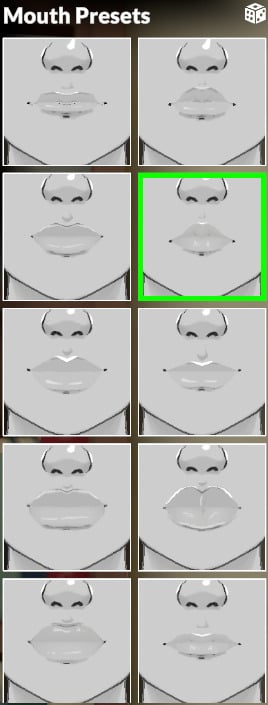
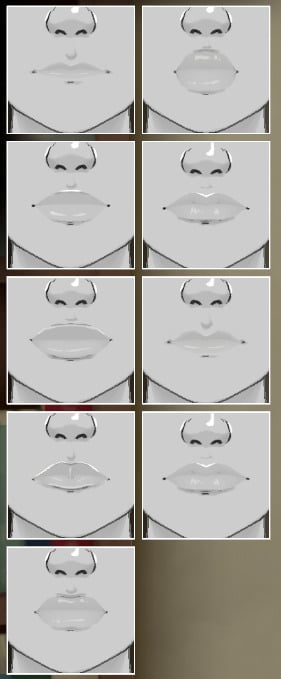
You can select from 19 presets for the mouth and adjust them however you like with the sliders.
Teeth
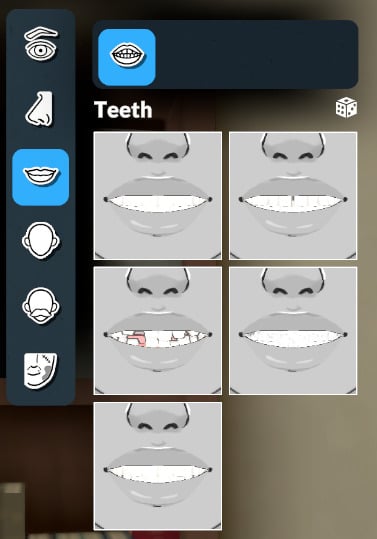
You can also customize the appearance of your Parafolk’s teeth with 5 presets, and if you don’t select any, it will choose the first one.
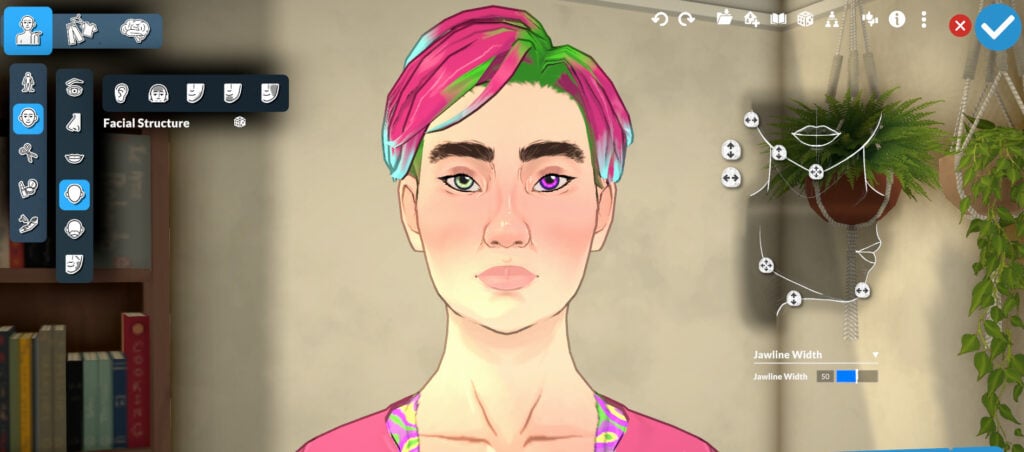
Facial Structure
The Paramaker offers the possibility to completely customize the face of your Parafolk with presets and with the help of the sliders.
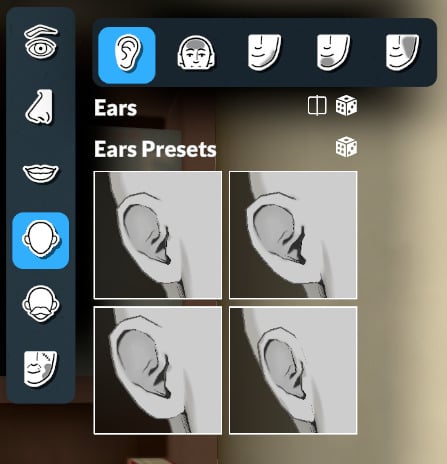
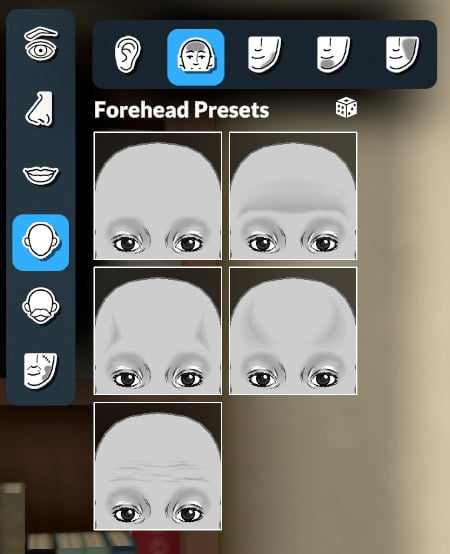
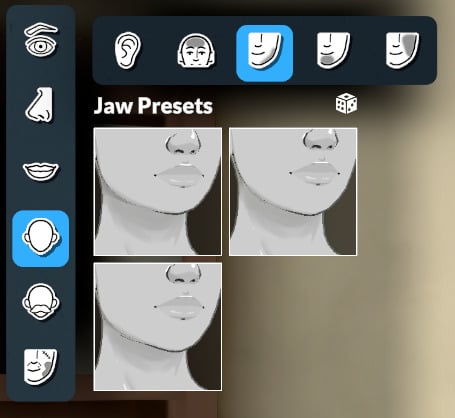
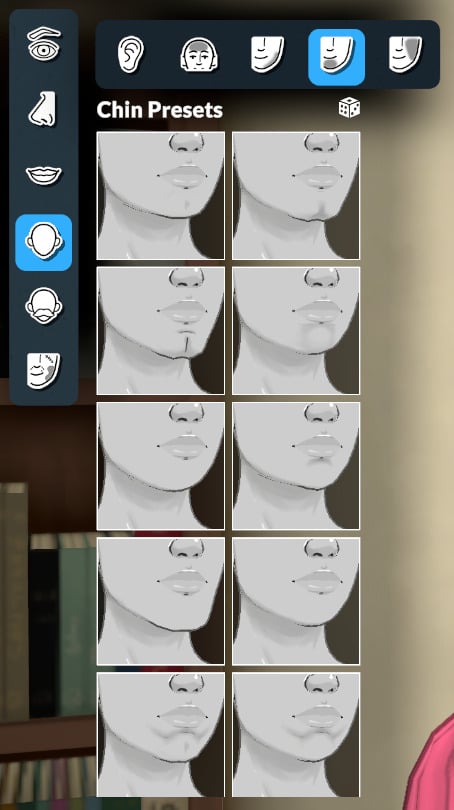
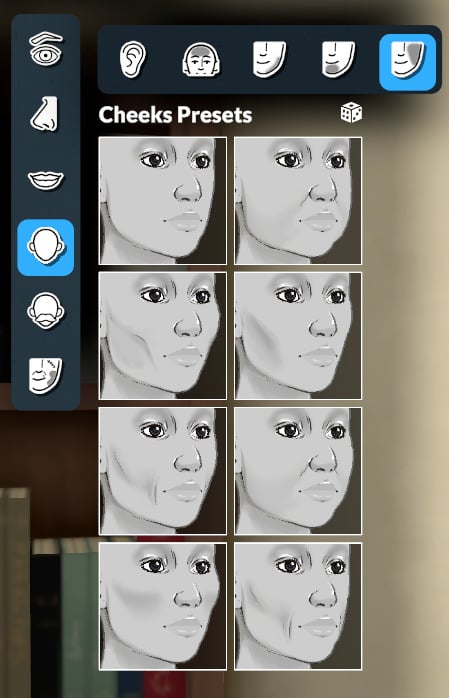
You can also customize the ears, forehead, jaw, chin, and cheeks with presets.
Facial Hair (again!)
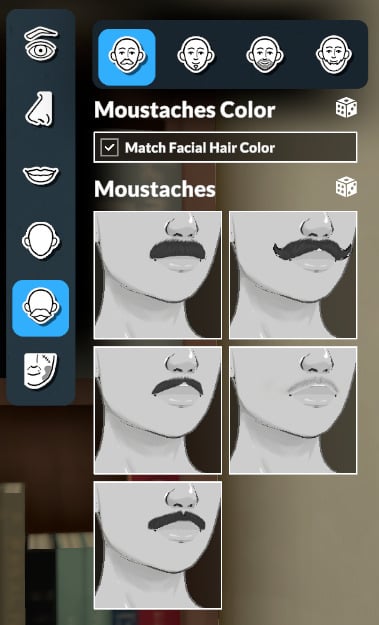
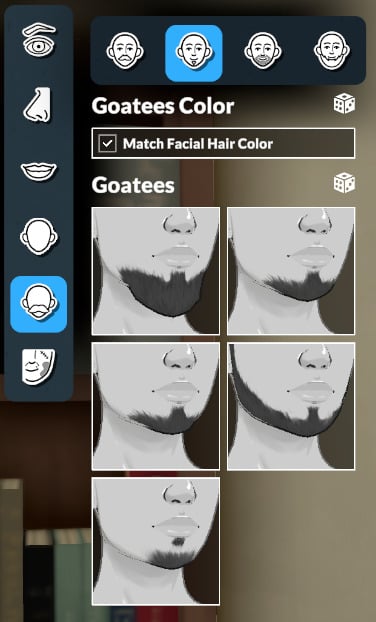
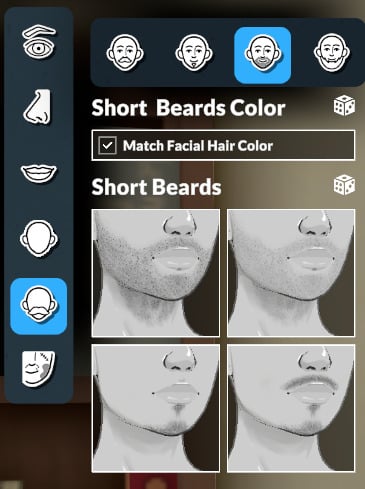
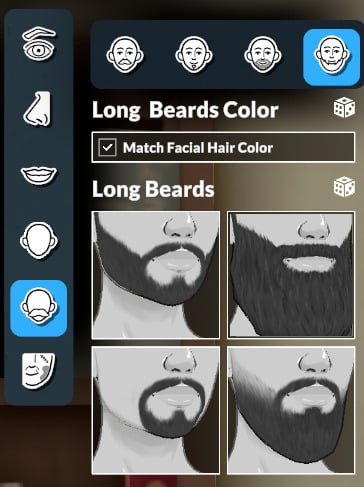
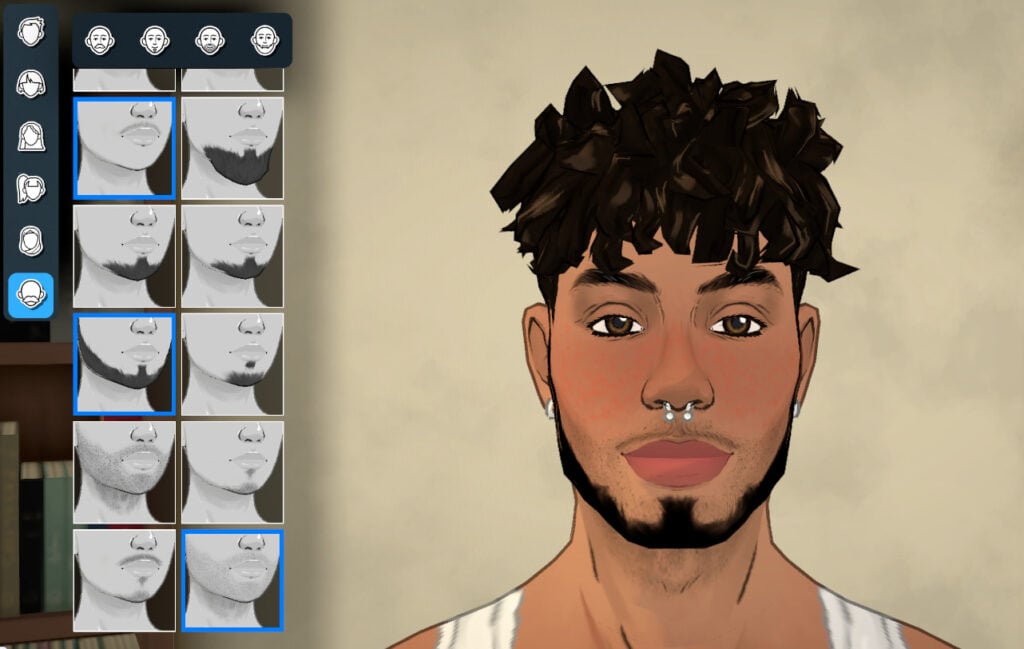
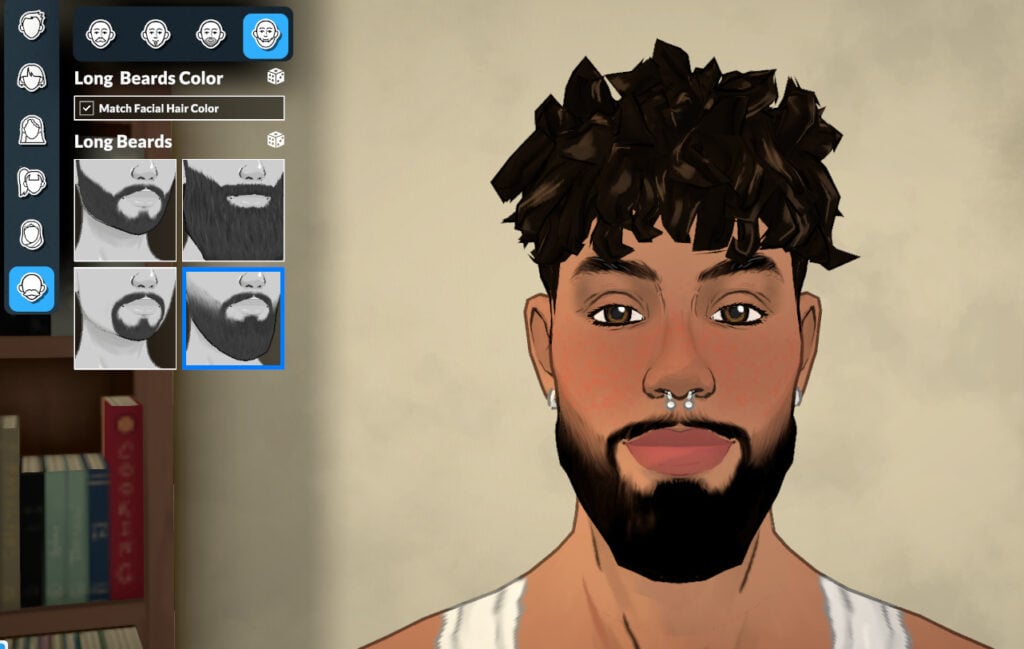
Certain categories appear across several sub-menus, and this is the case for facial hair, which can be customized in the Body menu, in the Face menu, and also in the Hair menu. In this menu, you can find more subcategories than in others. The categories are: Moustaches, Goatees, Short Beards, and Long Beards.
Skin Detail (for Faces)
You can add and customize skin details like moles, scars, freckles, and acne. And you can place moles and scars wherever you want!
Hair
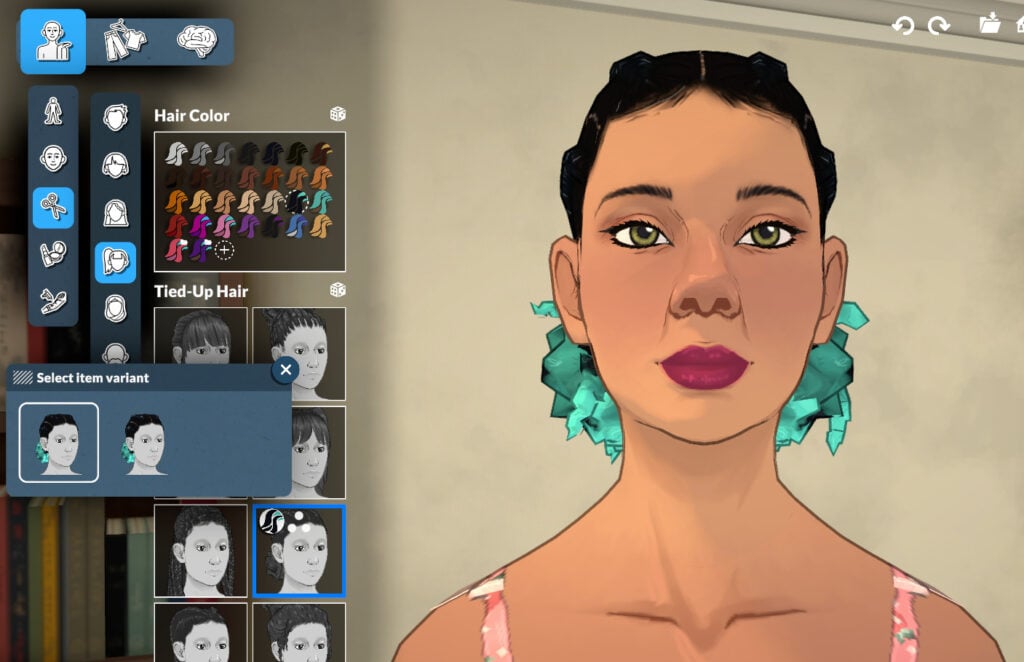
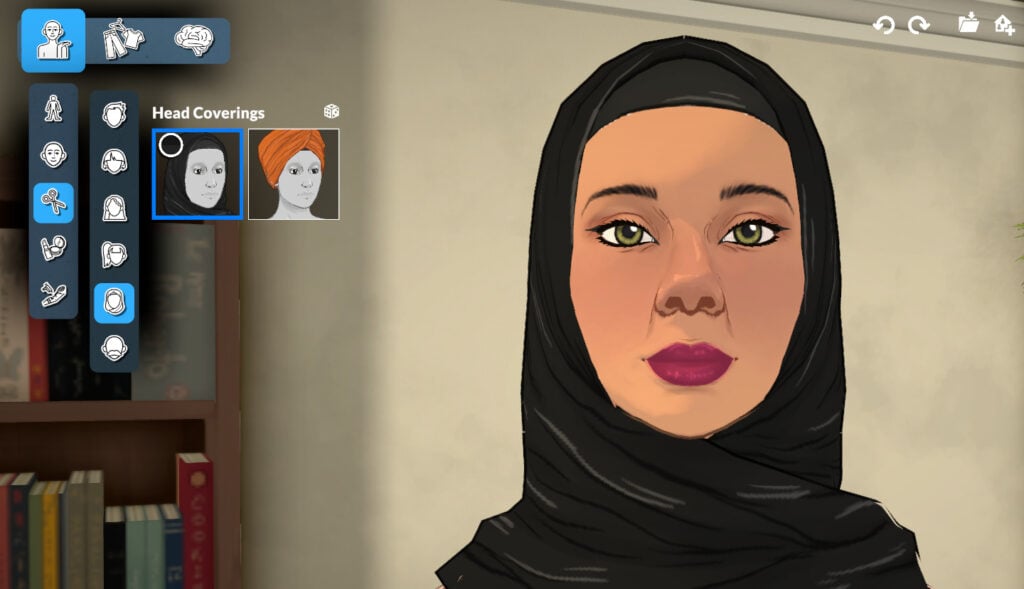
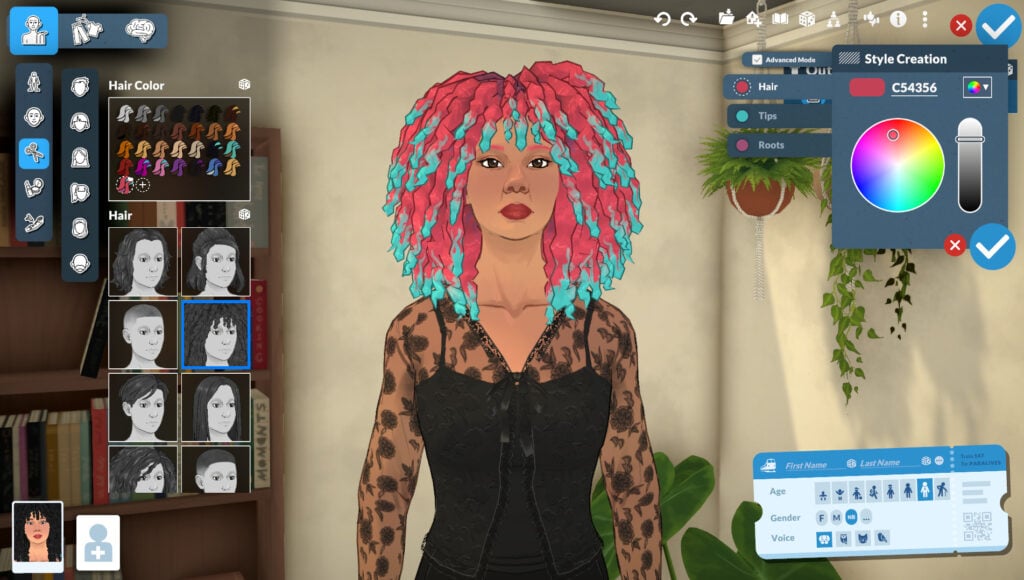
The Paramaker includes 66 hairstyles and 2 hair coverings in this section. In Advanced Mode, you can customize the main hair, tips, and roots with any color from the color wheel! The hair menu is divided into 6 sub-menus: Short Hair, Medium Hair, Long Hair, Tied-Up Hair, Head Coverings, and Facial Hair (same options as before).
Makeup
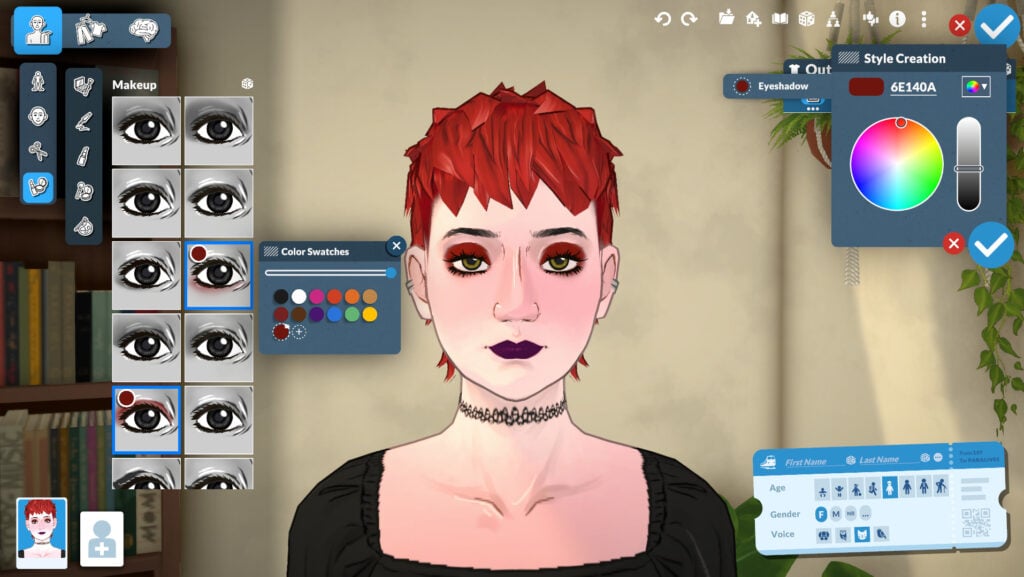
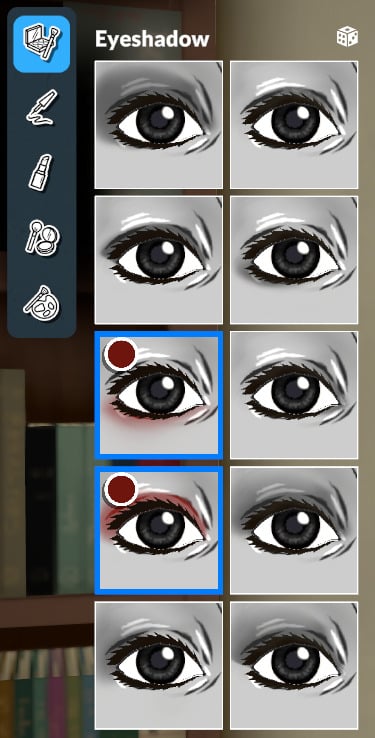
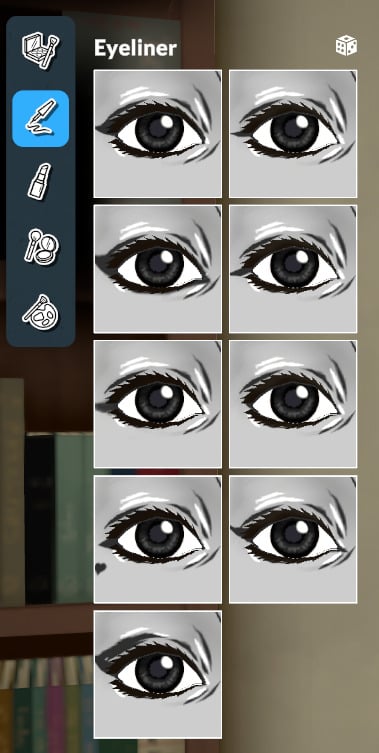
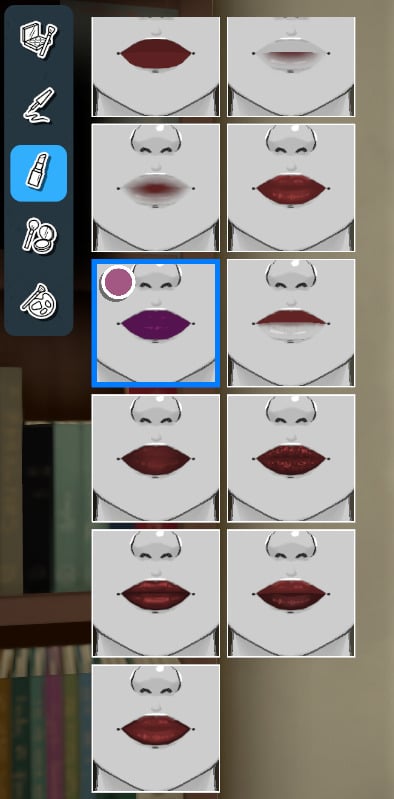
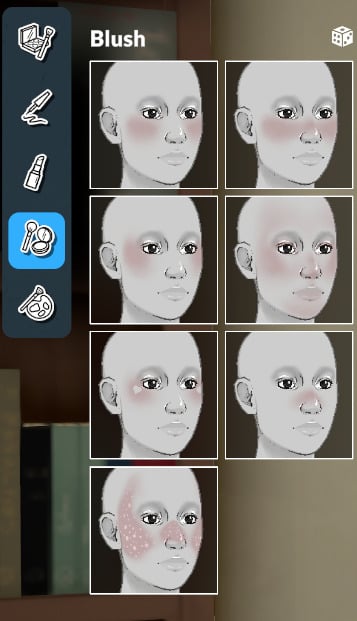
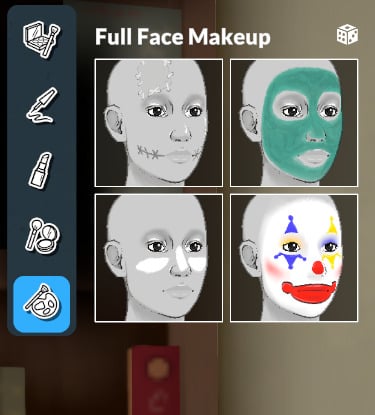
As for makeup, you can choose and customize from the following categories: Eyeshadow, Eyeliner, Lipstick, Blush, and Full Face Makeup.
Tattoos
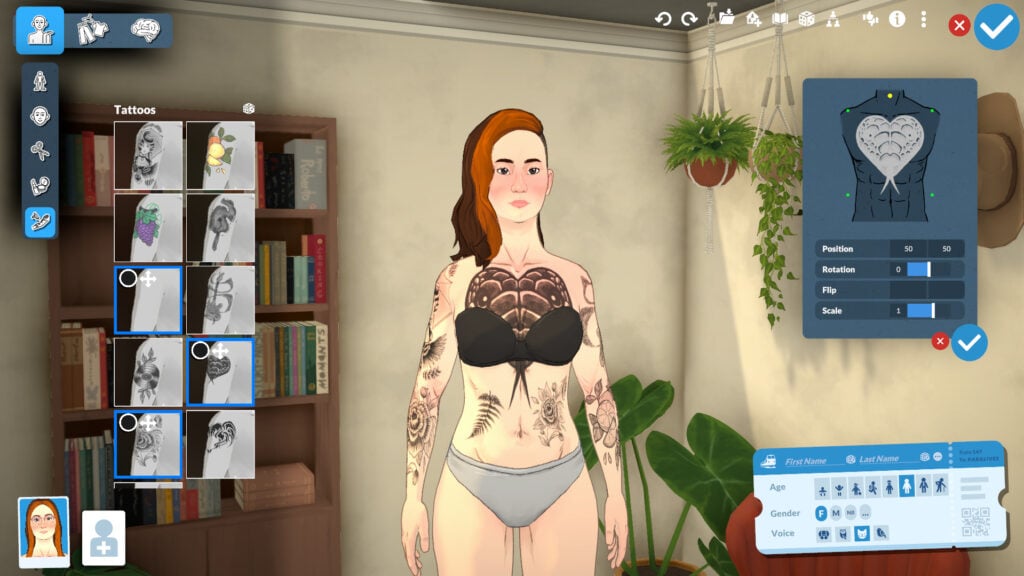
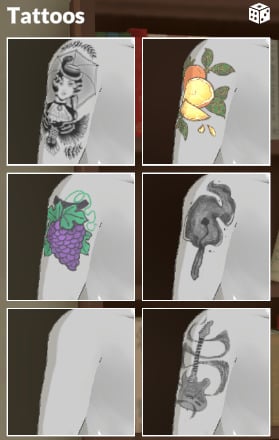
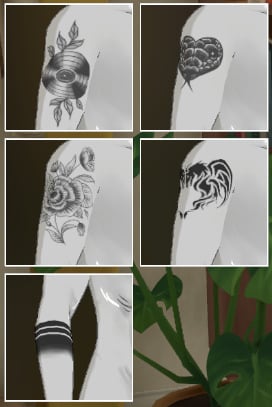
You can select as many tattoos as you want and customize the size, shape, location, and other options.
Clothing
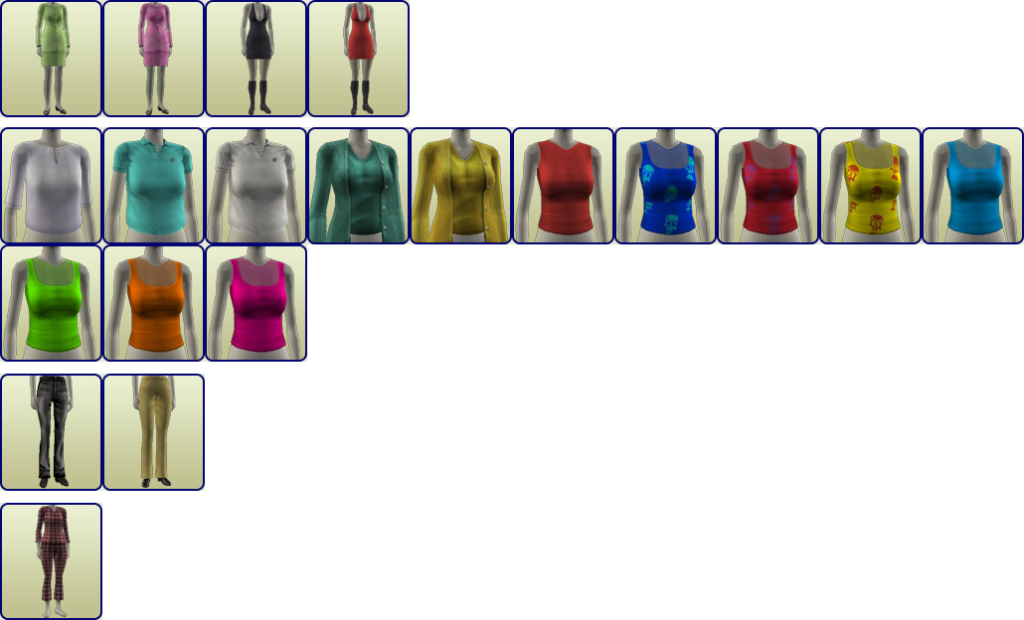
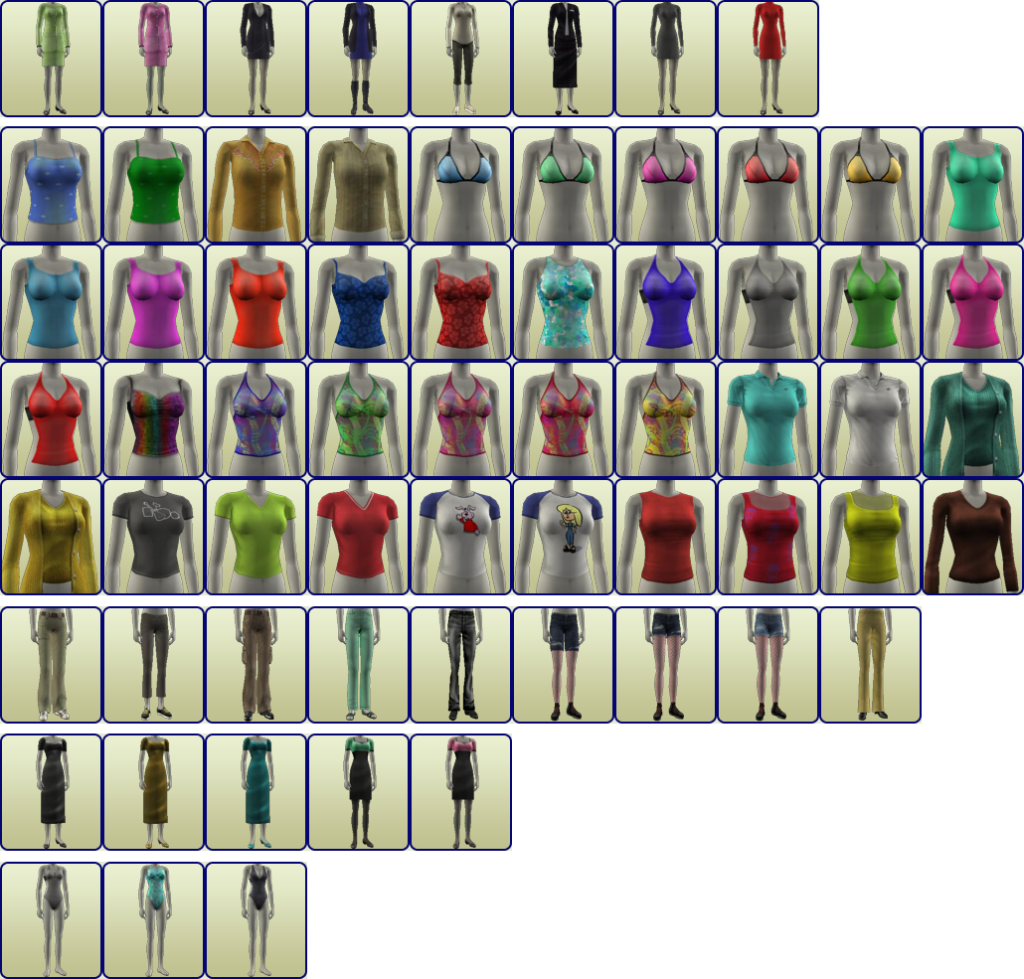
The Paramaker offers many new customization options for clothing, from color wheels to gender-neutral clothing. You can change patterns, add layers, and more. Let’s take a look!
Outfits Categories
The outfit categories present in the game now are Casual, Formal, Workout, and Pajamas. There is no limit (at least for now) to how many options you can add to each category.
Clothing Categories
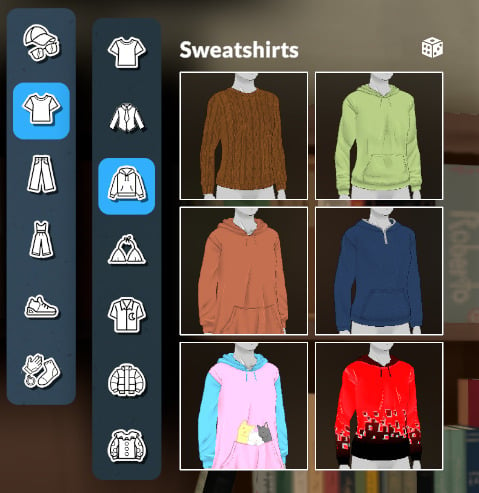
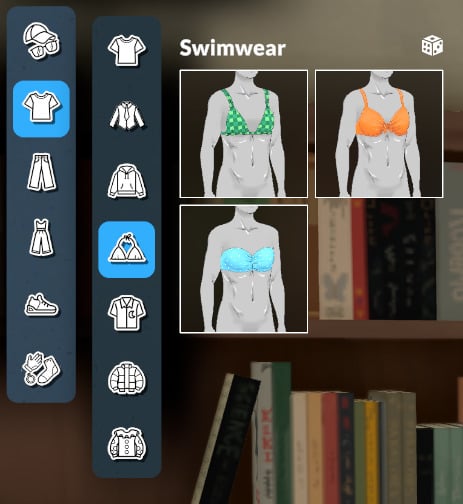
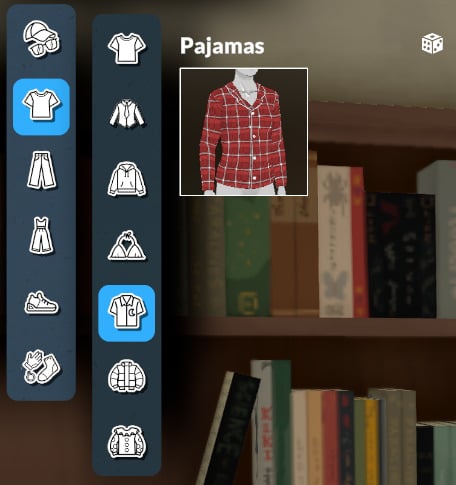
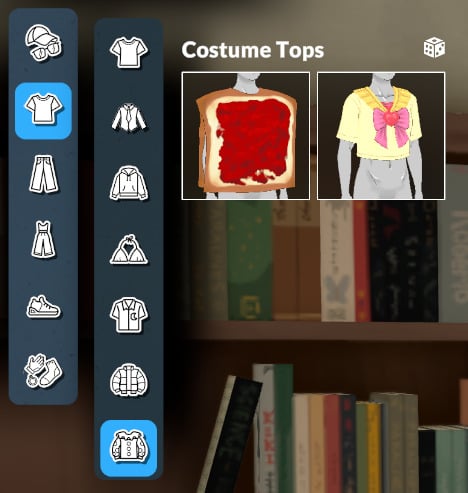
In the clothing categories, you can customize everything related to fashion and looks within the categories: head and face accessories, tops, bottoms, full-body outfits, shoes, and accessories (for the body).
Head & Face Accessories
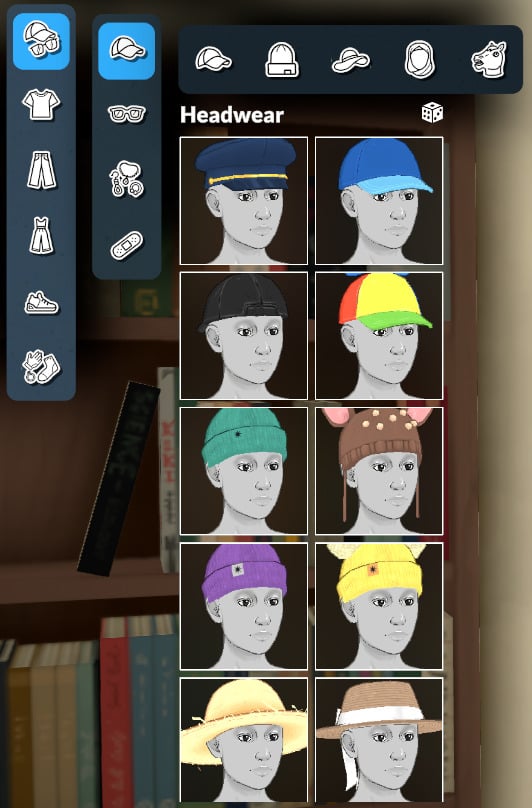
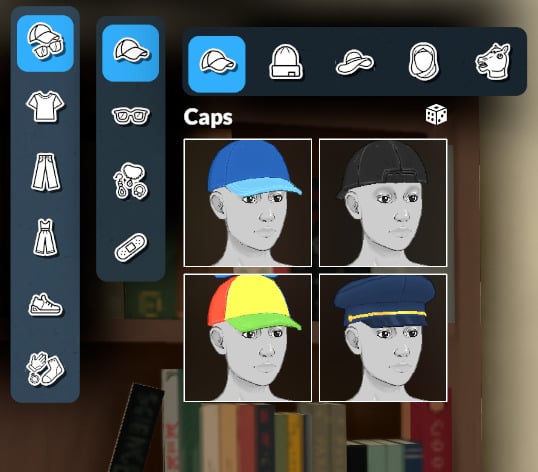
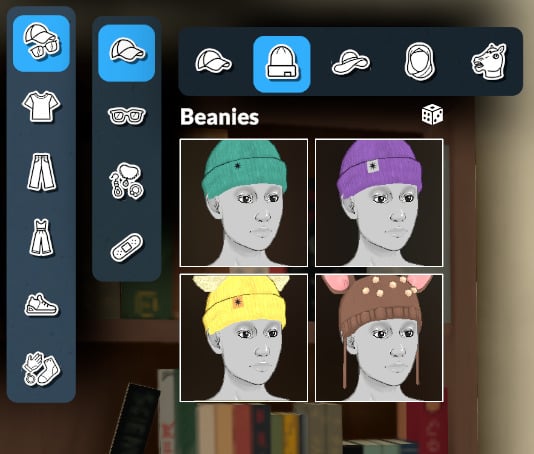
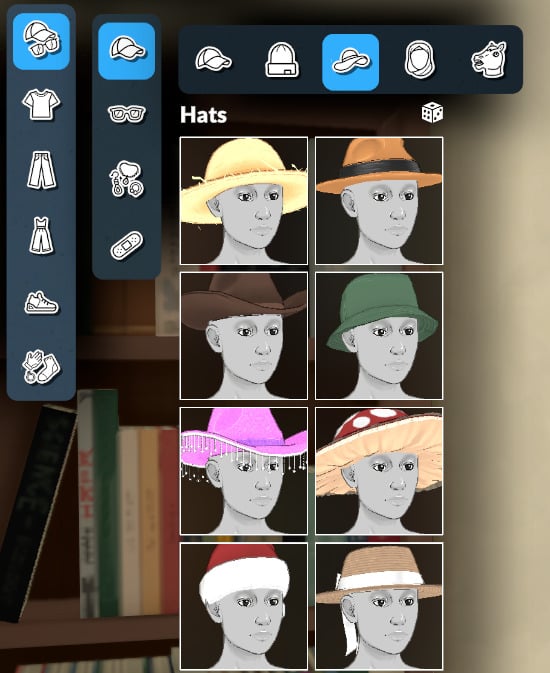
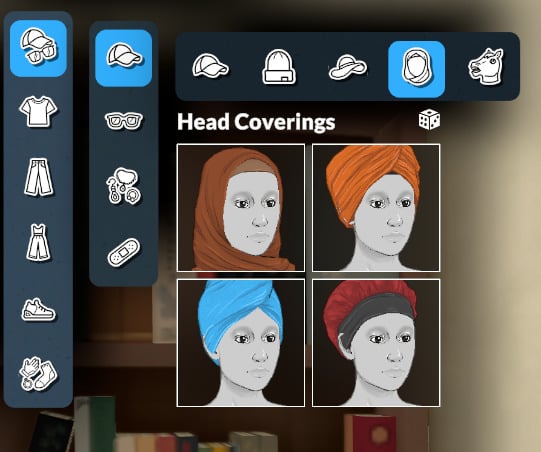
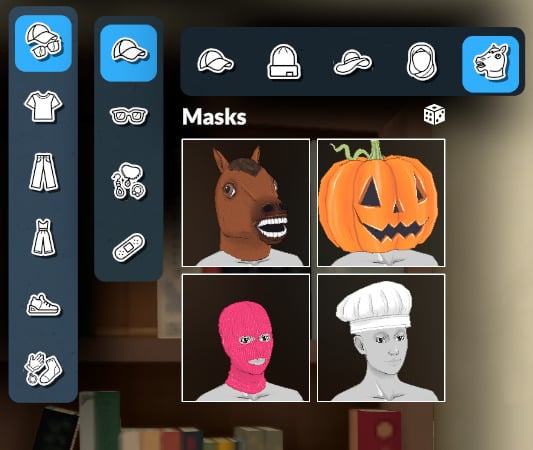
Headwear
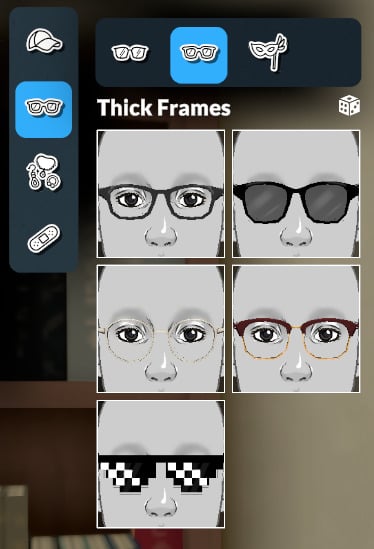
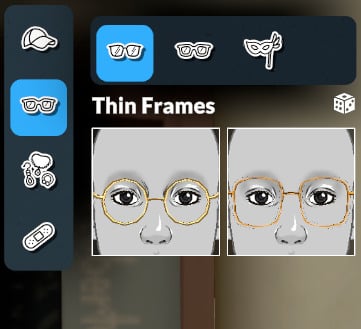
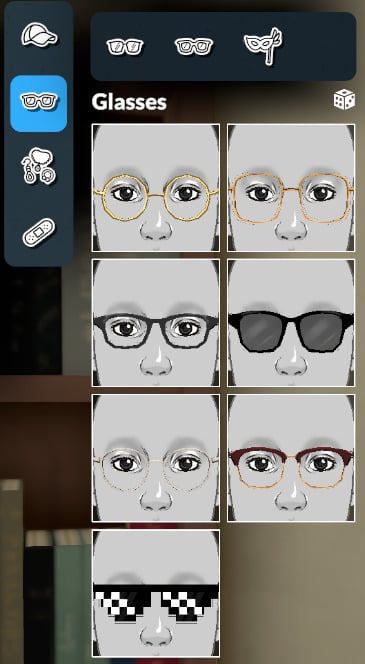
Glasses
The last category is empty for now!
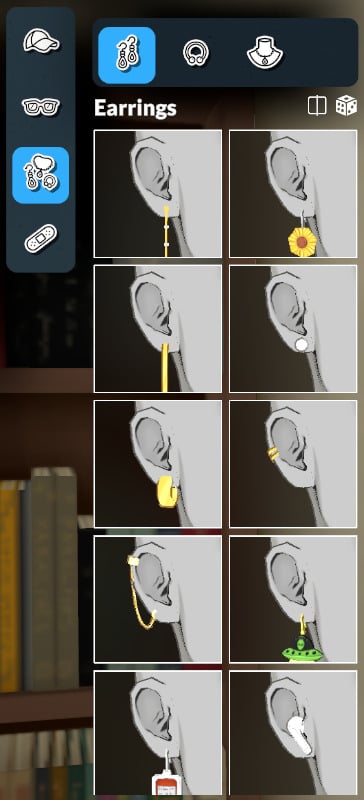
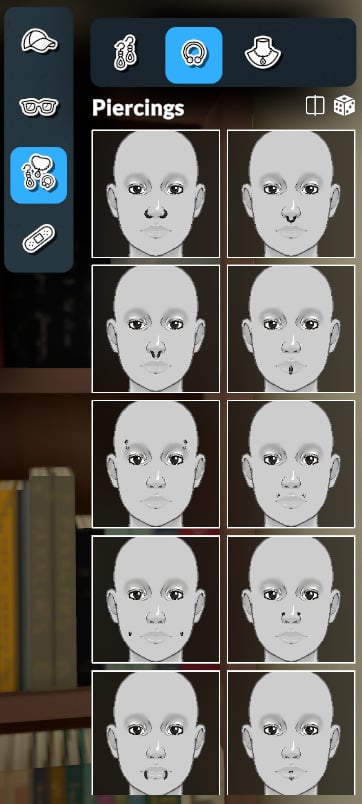
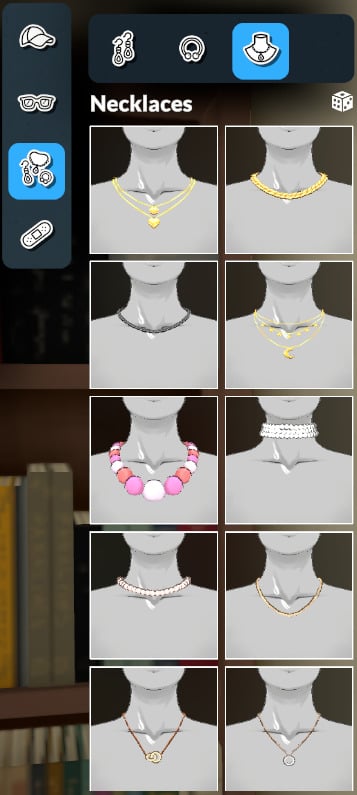
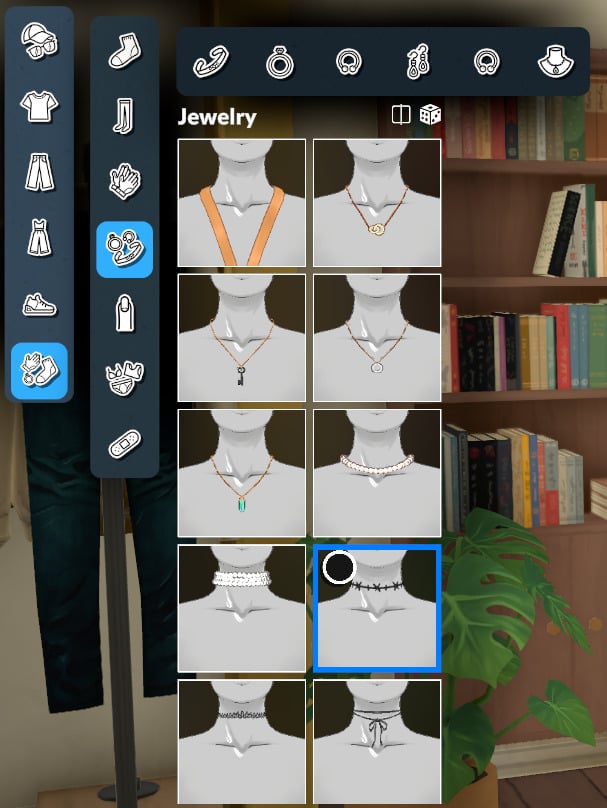
Jewelry
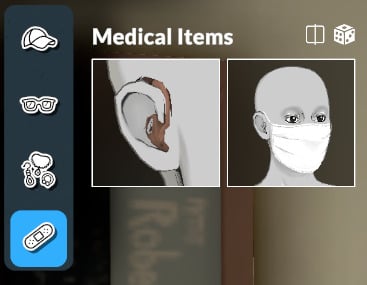
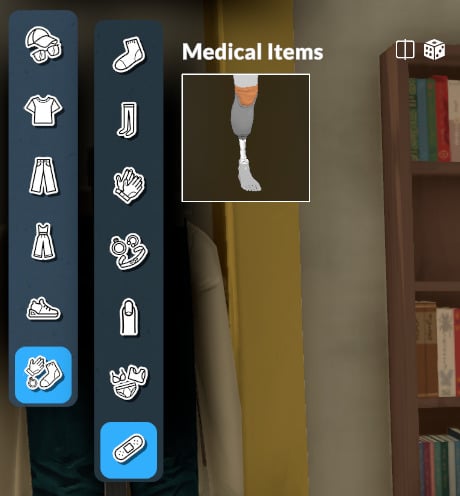
Medical Items
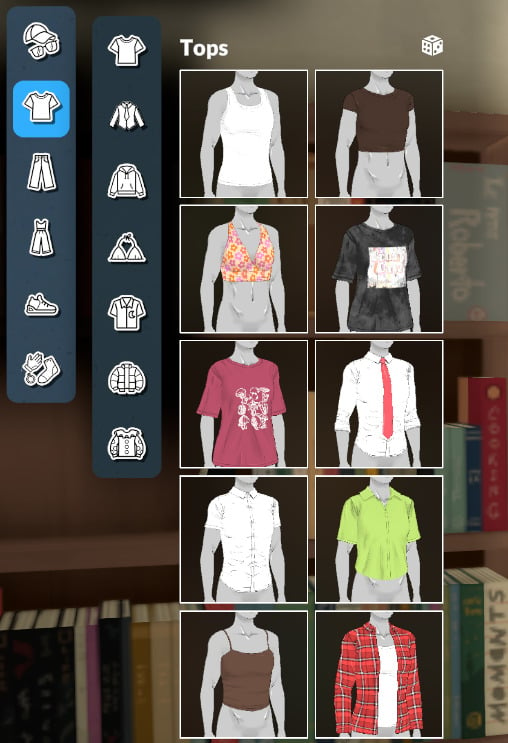
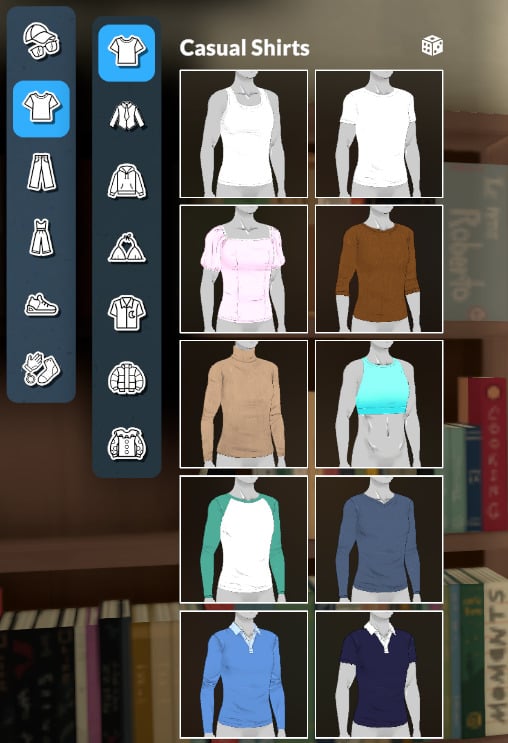
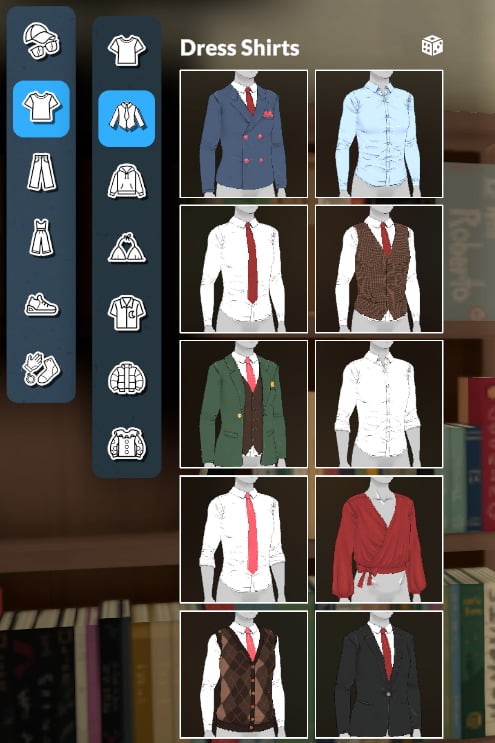
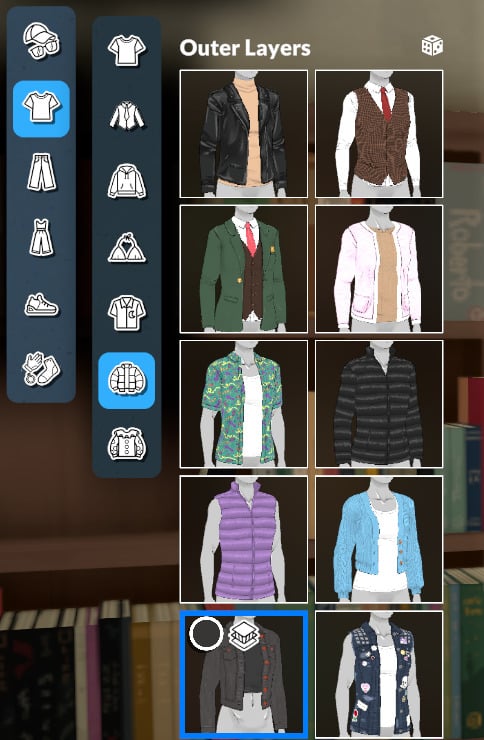
Tops
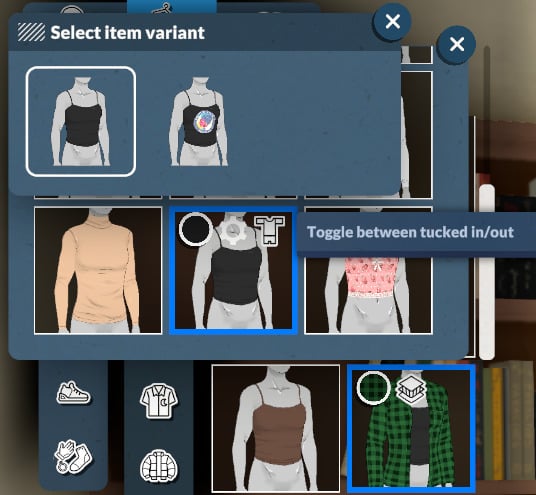
Pro-tip: Some clothing items allow you to change their layering.
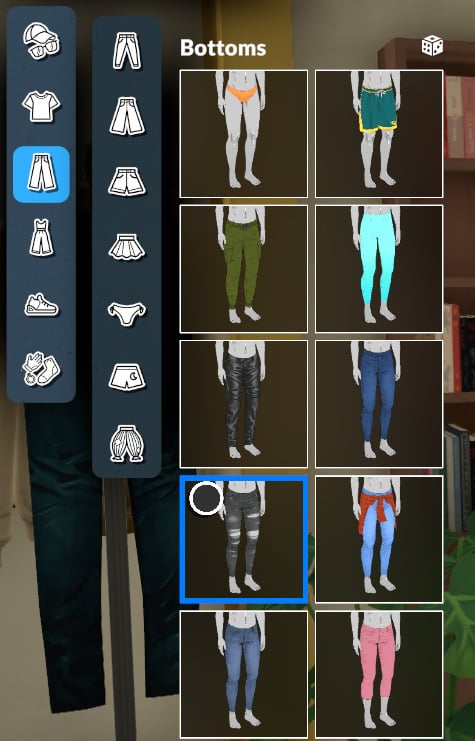
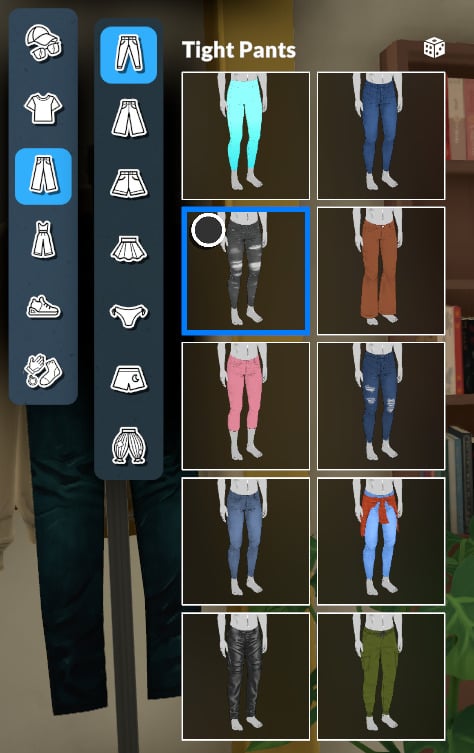
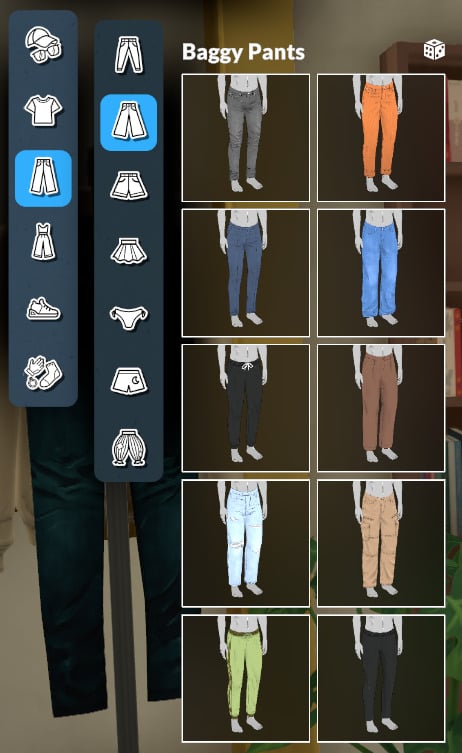
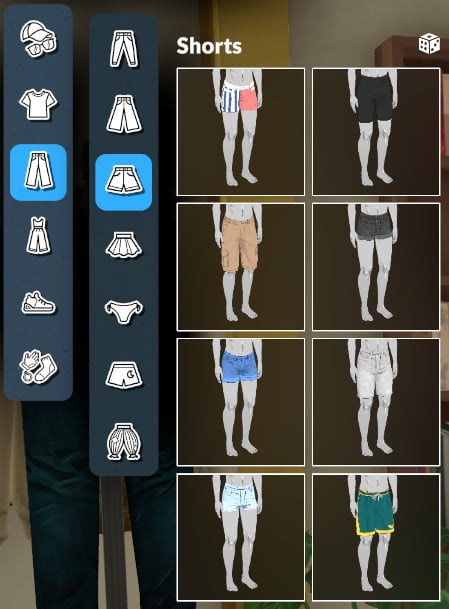
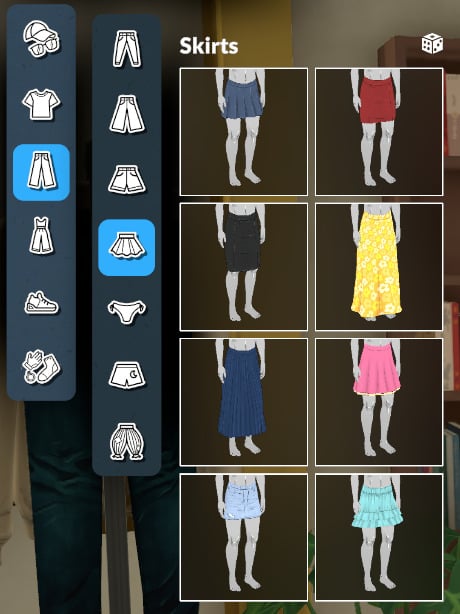
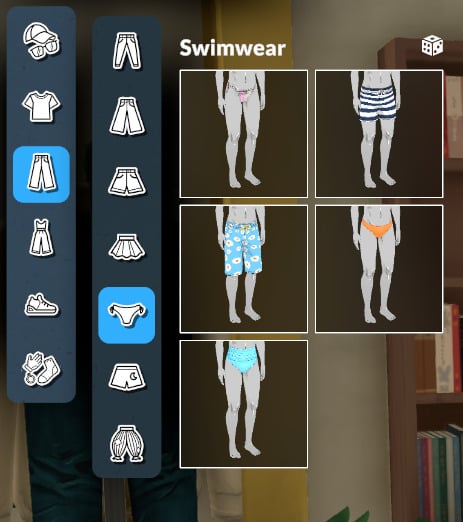
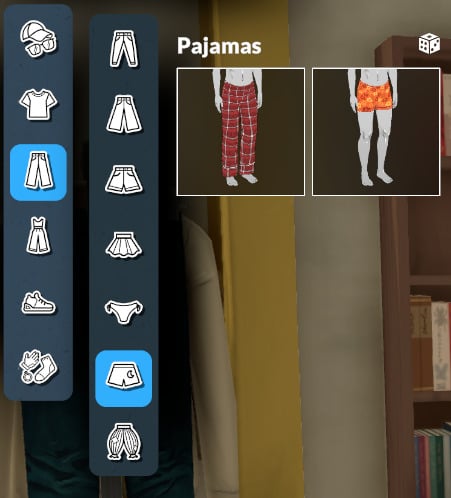
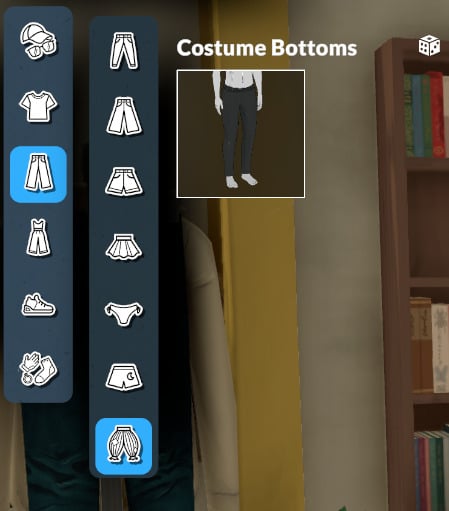
Bottoms
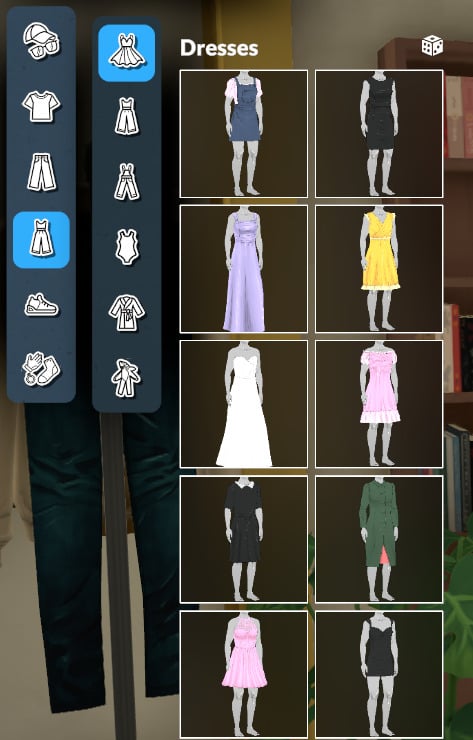
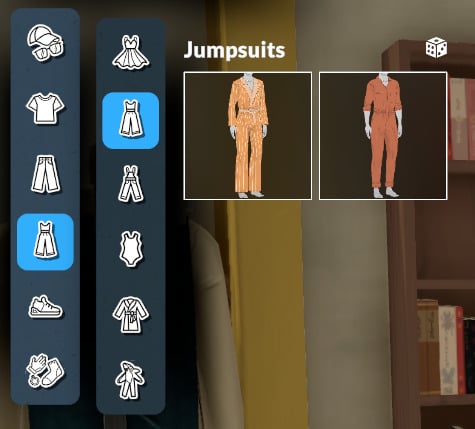
Full Body Outfits
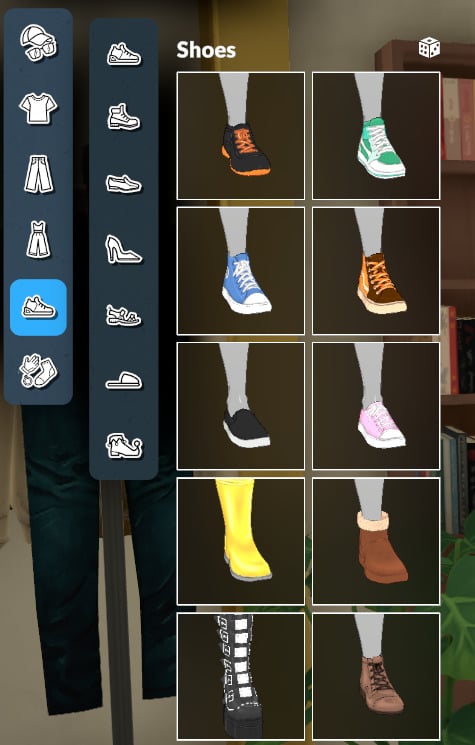
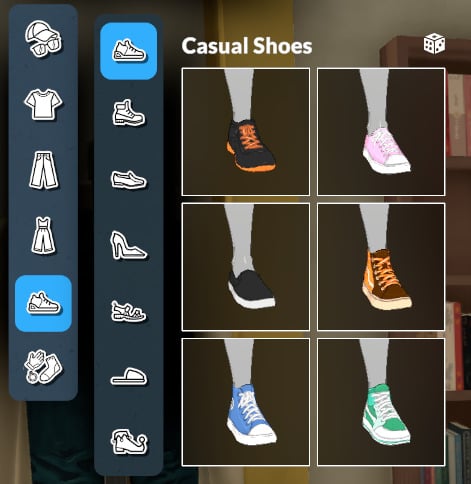
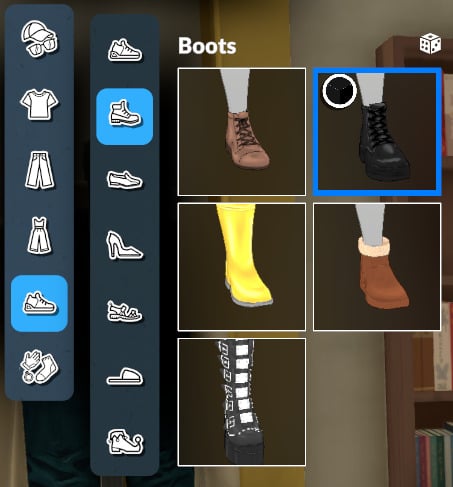
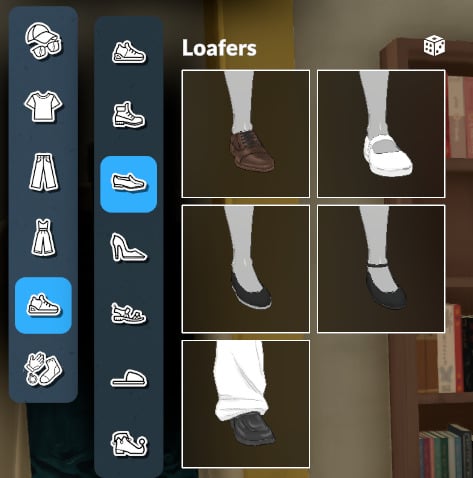
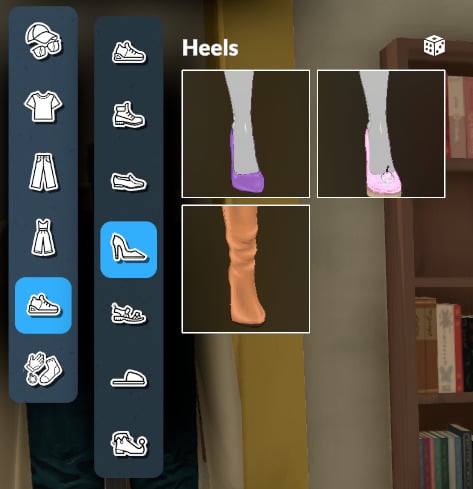
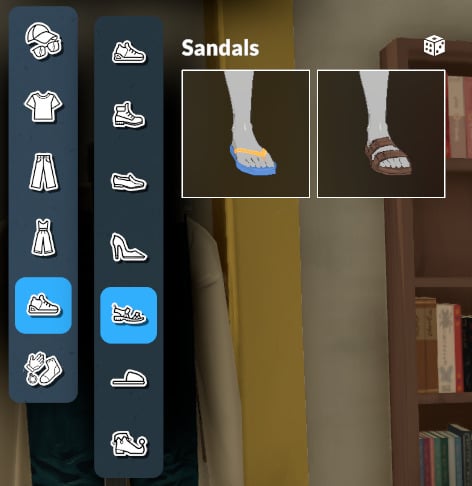
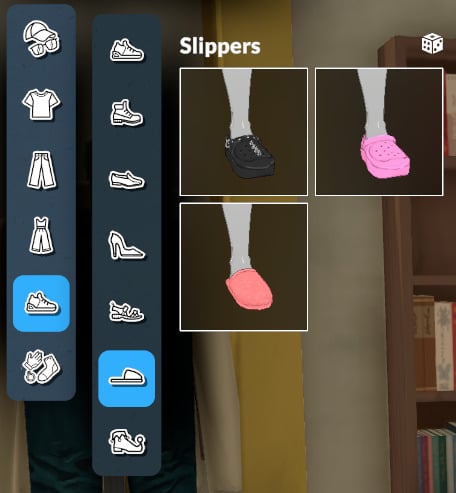
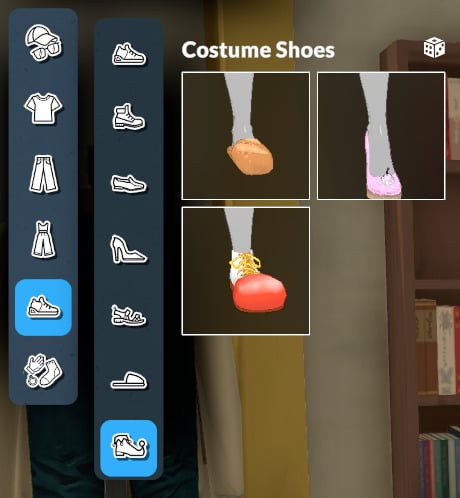
Shoes
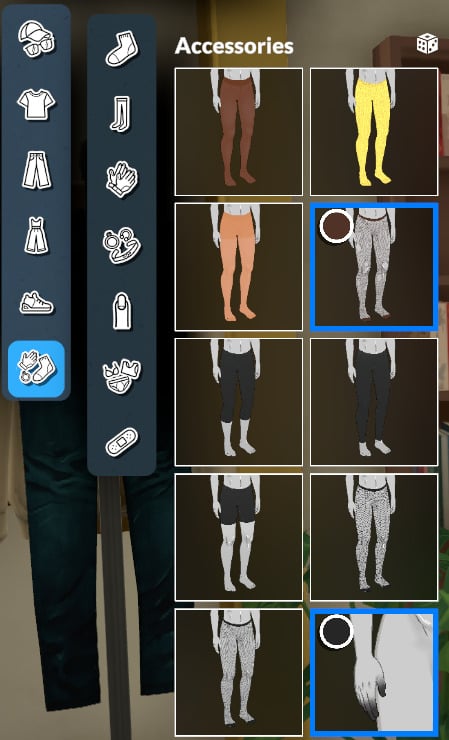
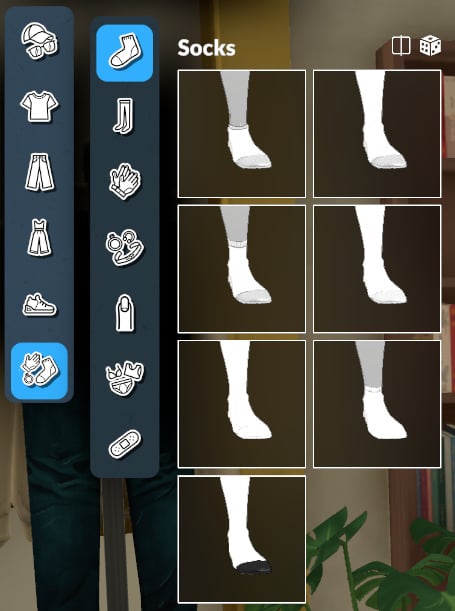
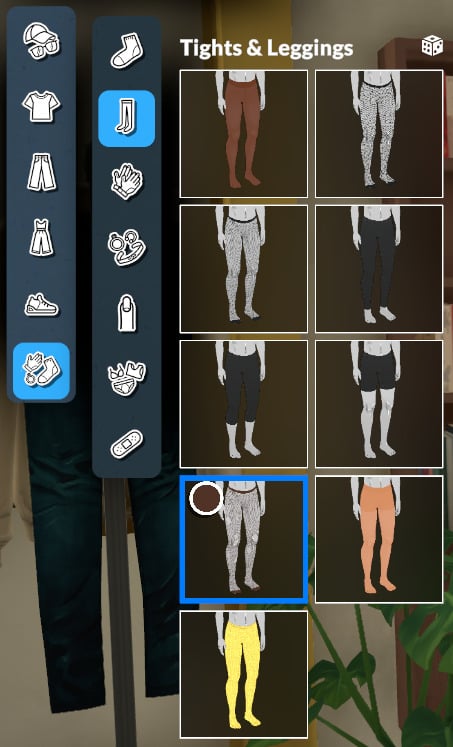
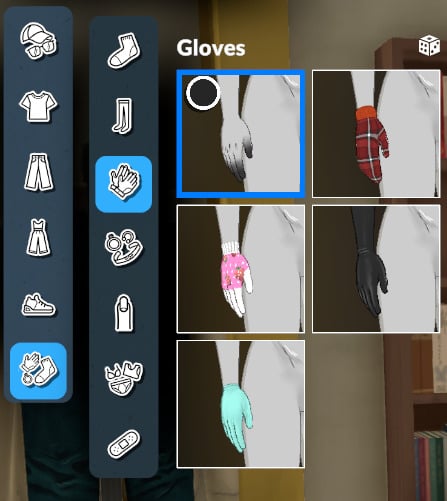
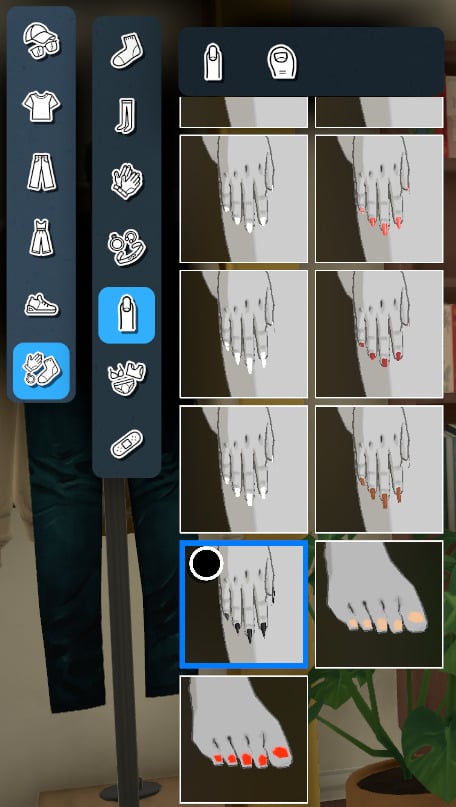
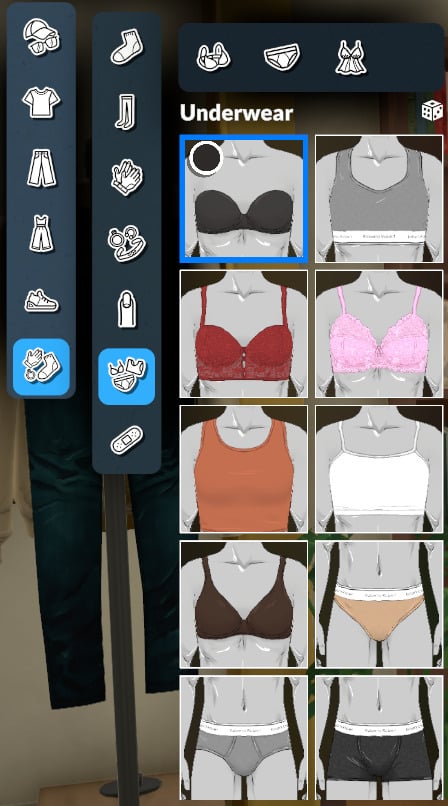
Accessories
Personality
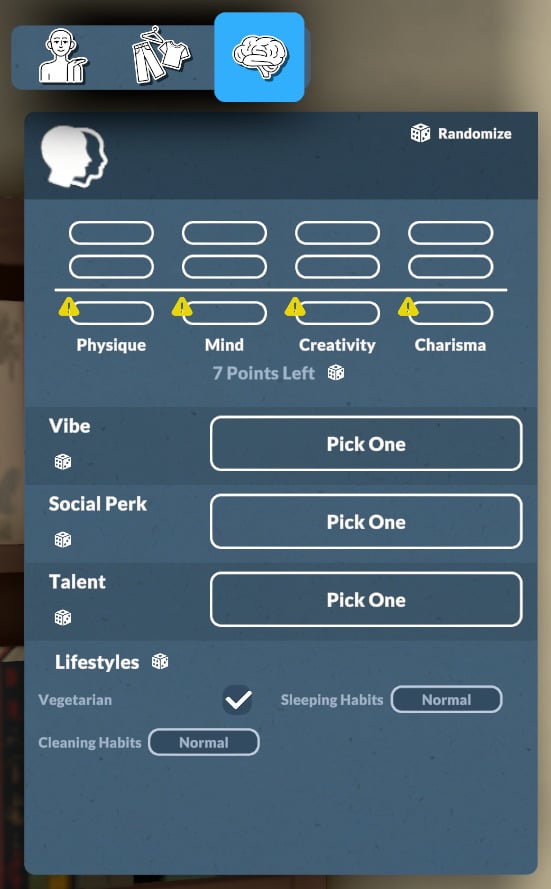
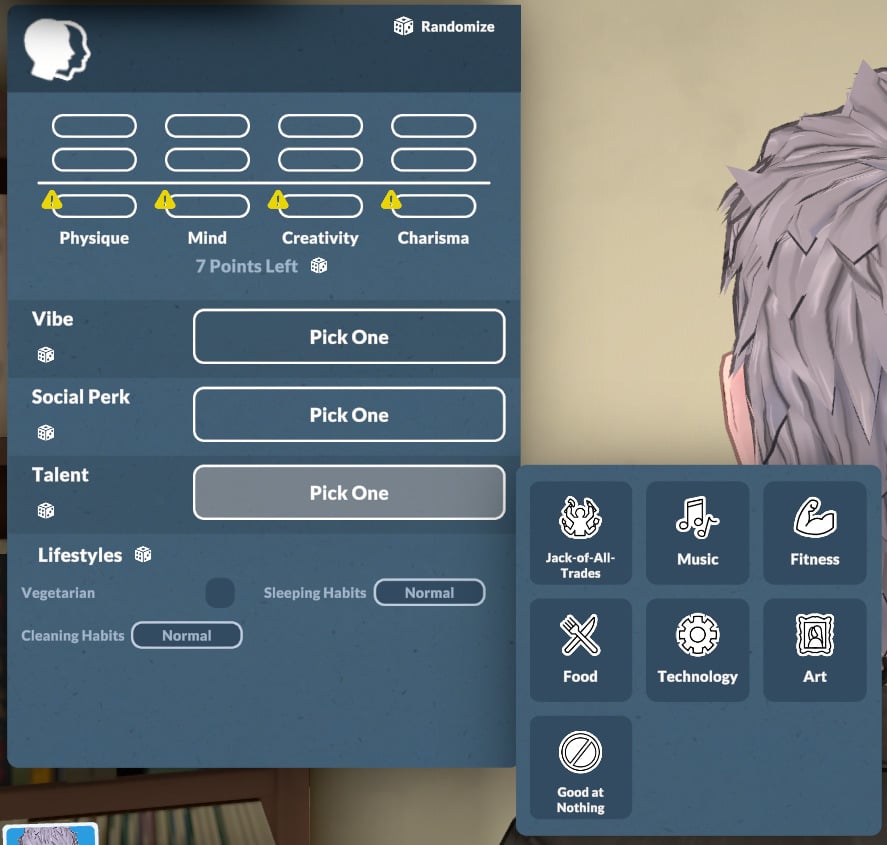
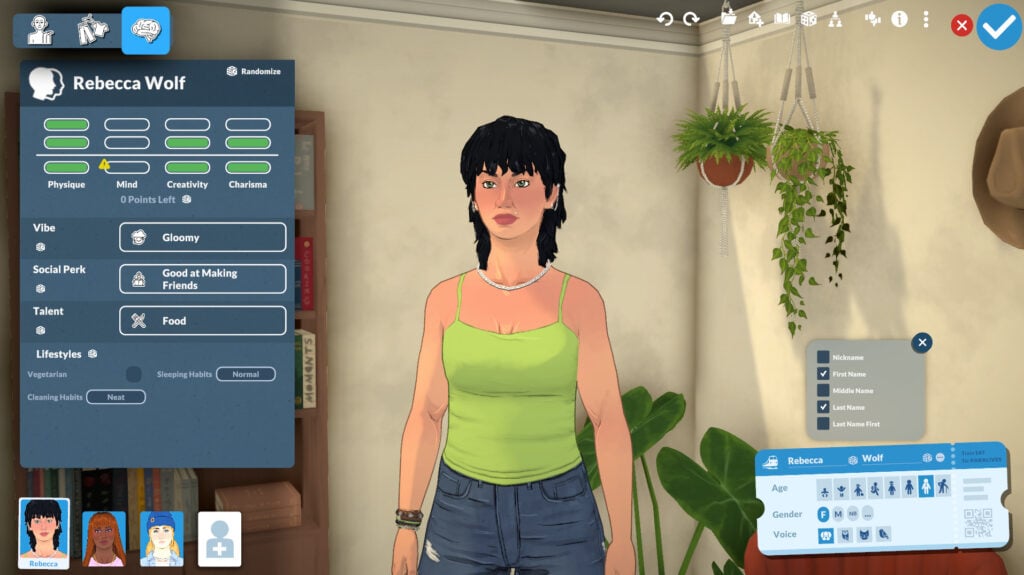
Personality is the final main category in the Paramaker. Here you can select your character’s stats, vibe, social perks, talents, and lifestyles. Let’s take a look at each of them.
Stats
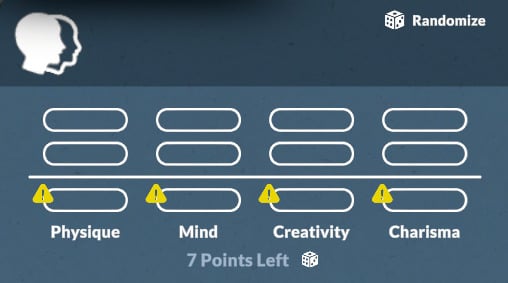
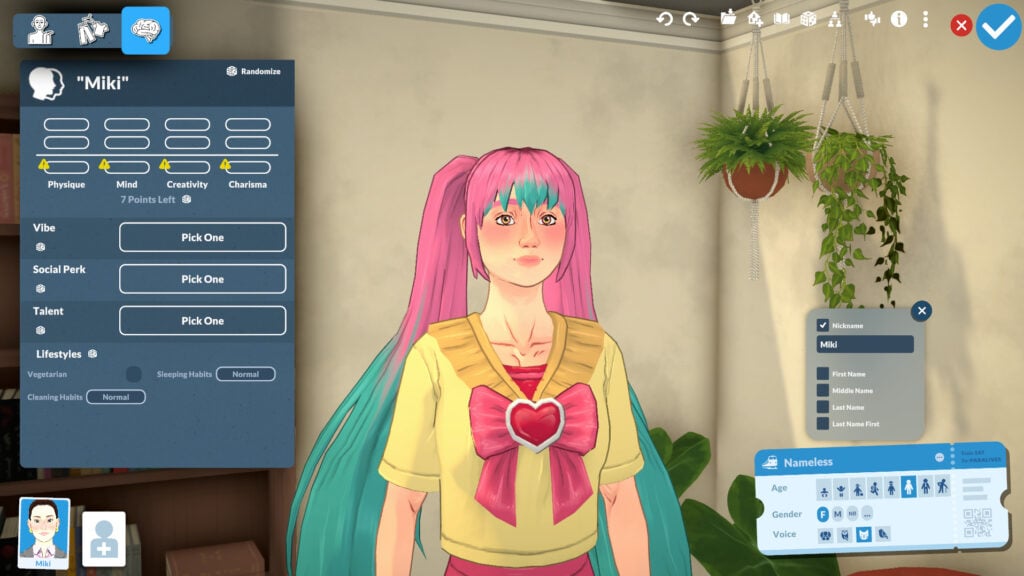
For an adult Parafolk, you’ll be able to distribute 7 points between the categories Physique, Mind, Creativity, and Charisma.
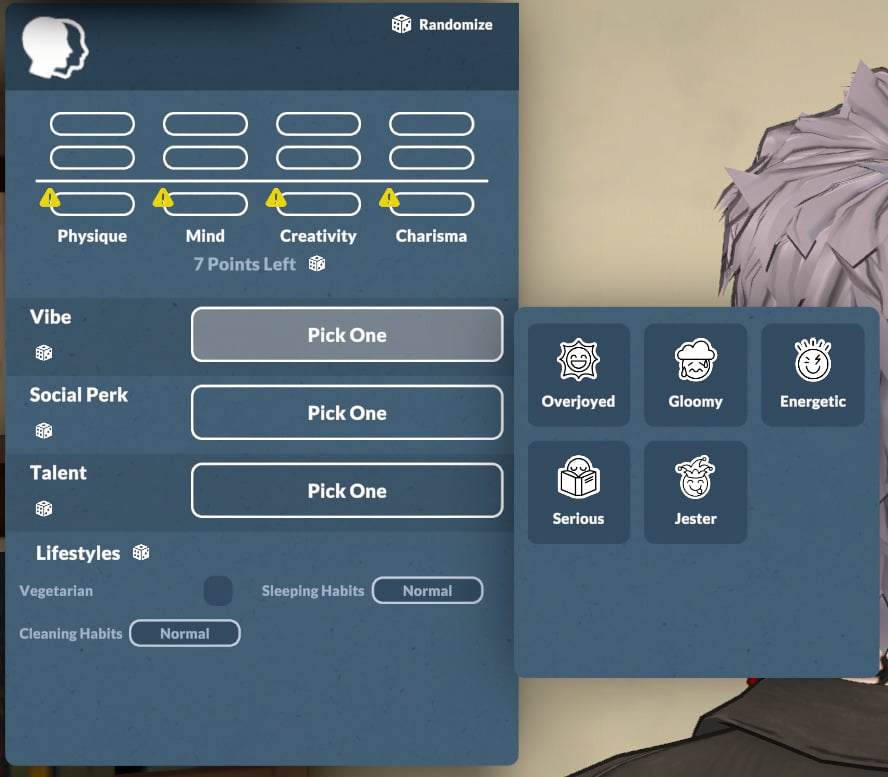
Vibe
The vibe category includes Overjoyed, Gloomy, Energetic, Serious, and Jester. Descriptions for each are available below.
Overjoyed
Description: Overjoyed Parafolks get happy easily and like to spread joy around.
They thrive the most when they are happy.
Gloomy
Description: Gloomy Parafolks get sad easily, but they choose to embrace it.
They thrive the most when they are sad.
Energetic
Description: Energetic Parafolks are very active and often have an energy surplus that allows them to do more with their day.
They thrive the most when they can use this extra energy.
Serious
Description: Serious Parafolks are ambitious and goal-oriented.
They thrive the most when they are achieving great things.
Jester
Description: Jester Parafolks are good at making fun of everything and are always full of surprises.
They thrive the most when they can make people laugh and follow their whimsy.
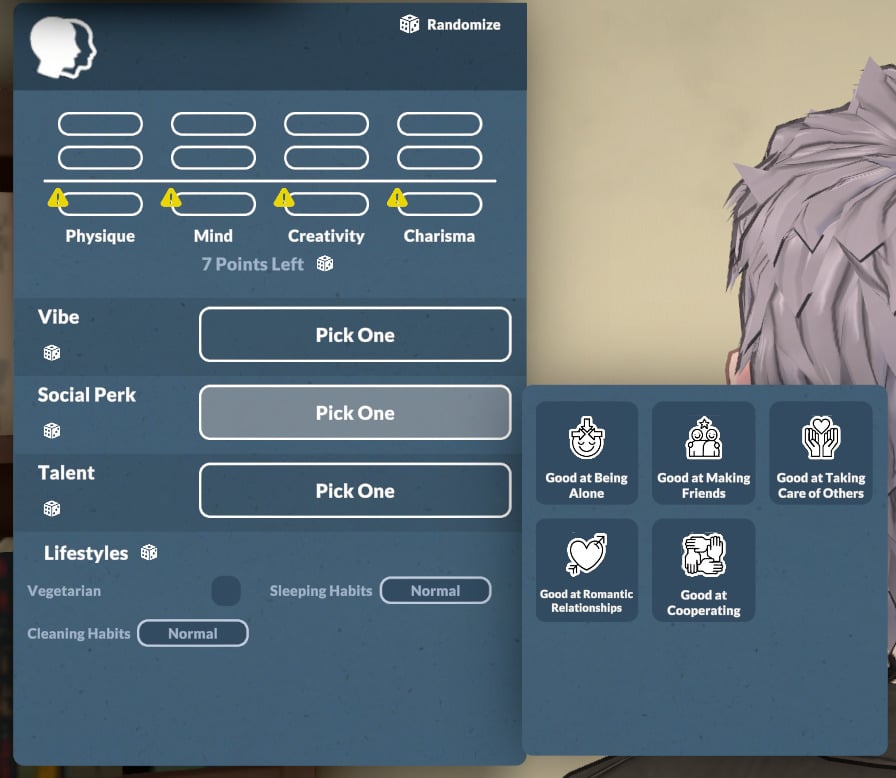
Social Perk
The social perk is another part of your Parafolk’s personality. You can choose from: Good at Being Alone, Good at Making Friends, Good at Taking Care of Others, Good at Romantic Relationships, and Good at Cooperating. Descriptions for each are available below.
Good at Being Alone
Description: Parafolks with this social perk prefer to spend time alone rather than with others.
Being alone gives them significant bonuses.
Good at Making Friends
Description: Parafolks with this social perk like the company of others.
They make friends very easily.
Good at Taking Care of Others
Description: Parafolks with this social perk put others first and are always there to help.
They can relieve other Paras’ needs and bad emotions.
Good at Romantic Relationships
Description: Parafolks with this social perk love having some romance in their lives.
They have more success with flirting and get more interesting flirting prompts.
Good at Cooperating
Description: Parafolks with this social perk love being with other and doing things together.
They shine the brightest in groups.
Talent
You’ll also need to choose your Parafolk’s talent. The categories are Jack-of-All-Trades, Music, Fitness, Food, Technology, Art, and for a more challenging game, Good at Nothing. You can read more about each option below.
Jack-of-All-Trades
Description: Parafolks with this talent perform well in all skills and want to learn as many things as possible.
They get bonuses when they work on all their skills.
Music
Description: Parafolks with this talent excel with musical instruments; piano, guitar, and even the triangle are no feat for them.
Fitness
Description: Parafolks with this talent love to move, and are the happiest at their sweatiest.
They get happy when they exercise, and their Hygiene need drains slower.
Food
Description: Parafolks with this talent love eating and cooking, and know their way around a spice rack.
They start off knowing more recipes than other Paras, and their food gives special effects to those who eat it.
Technology
Description: Parafolks with this talent love computers, and skills like programming are easy for them.
They have abilities linked to their computer usage.
Art
Description: Parafolks with this talent excel at painting and express themselves via visual art.
They are at their happiest creating art, and their painting sell for more than those of Paras without the art talent.
Good at Nothing
Description: Parafolks with this talent are good at nothing: not everyone can be talented.
Their skills progress slowly, they fail tasks more often, and they get sick easily.
Lifestyles
The lifestyles are the last categories to define your Parafolk’s personality. Let’s take a look at them!
Vegetarian
In Paralives, being vegetarian isn’t a third of your Parafolk’s whole identity! You simply decide if you’re a vegetarian or not.
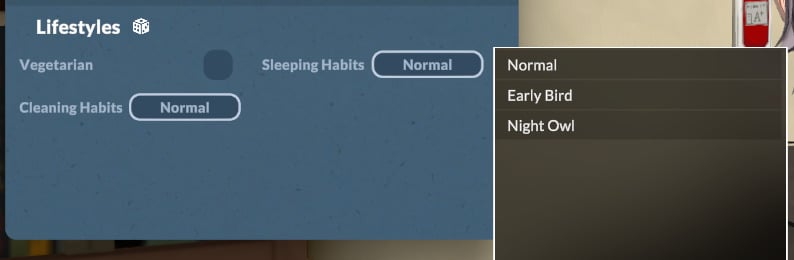
Sleeping Habits
You can choose your Para’s sleeping habit with the options: Normal, Early Bird, and Night Owl.
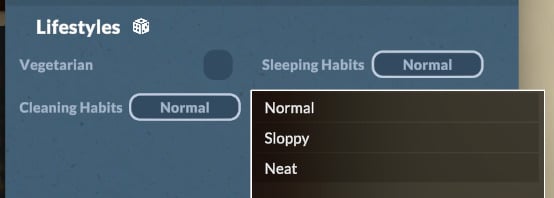
Cleaning Habits
Your Parafolk’s cleaning habits can be set to Normal, Sloppy, or Neat. This has a major impact on their autonomous cleaning behavior around the house.
Identity
In the Identity area, you can choose everything related to names, gender, pregnancy, breastfeeding, and jealousy. Let’s take a closer look.
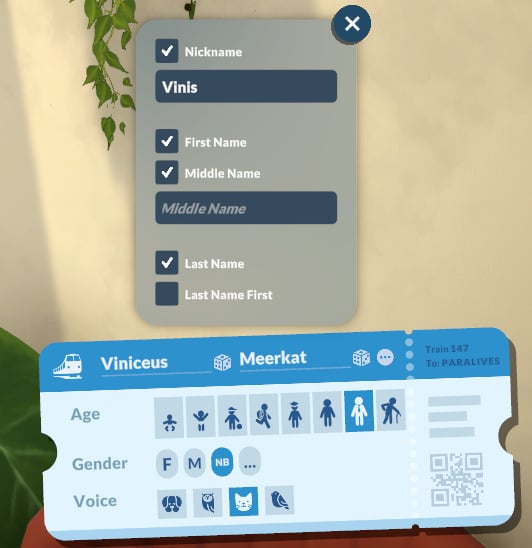
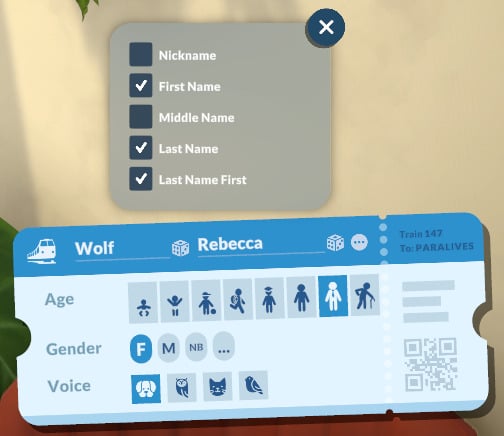
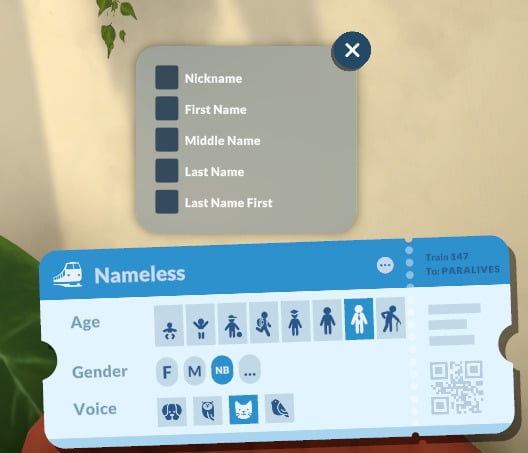
Name + Advanced Options
By default, you can choose the first and last name of your Parafolk. If you’re not feeling creative, you can also randomize first names and last names for them.
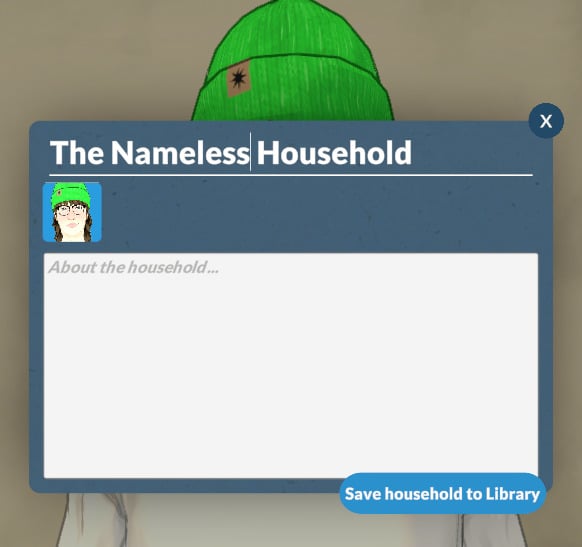
Using Advanced options, you can include a Nickname, Middle Name, and the option to put the Last Name First. You can also deselect everything, making your Parafolk literally nameless!
Age (Lifestages)
In the Paramaker’s Age category, you can set your Para’s life stage. The options are Baby, Toddler, Child, Pre-Teen, Teen, Young Adult, Adult, and Elder. A dedicated article on life stages is coming soon, so stay tuned!
Gender + Advanced Personality Options
Gender
In this category, you can select your Parafolk’s pronouns. The options are: Female (She/Her), Male (He/Him) and Non-Binary (They/Them).
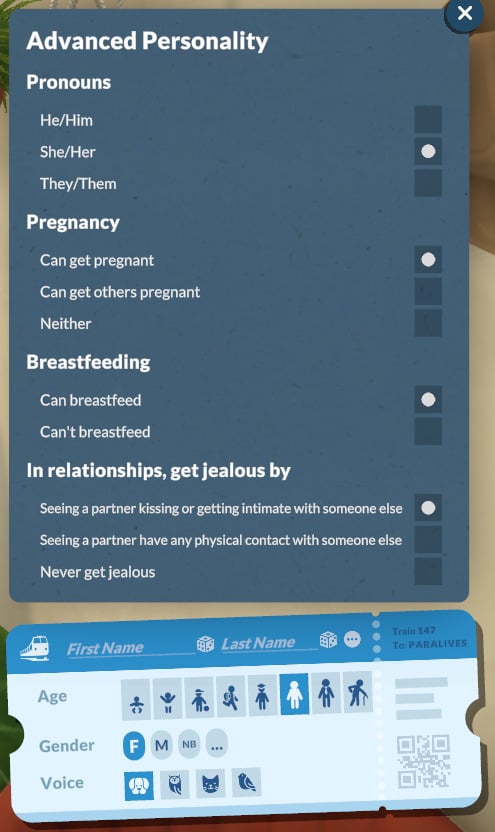
Advanced Personality Options
With the Advanced Options, you can also choose:
Pregnancy
The pregnancy options:
Can get pregnant
Can get others pregnant
Neither
Breastfeeding
The Breastfeeding options:
Can breastfeed
Can’t breastfeed
In relationships, get jealous by
Seeing a partner kissing or get intimate with someone else
Seeing a partner have any physical contact with someone else
Never get jealous
Voice
At the moment, babies, toddlers, children, and pre-teens each have only one voice option. From teens to elders, there are 4 options available, and they are the same for every gender.
Creating a new Para
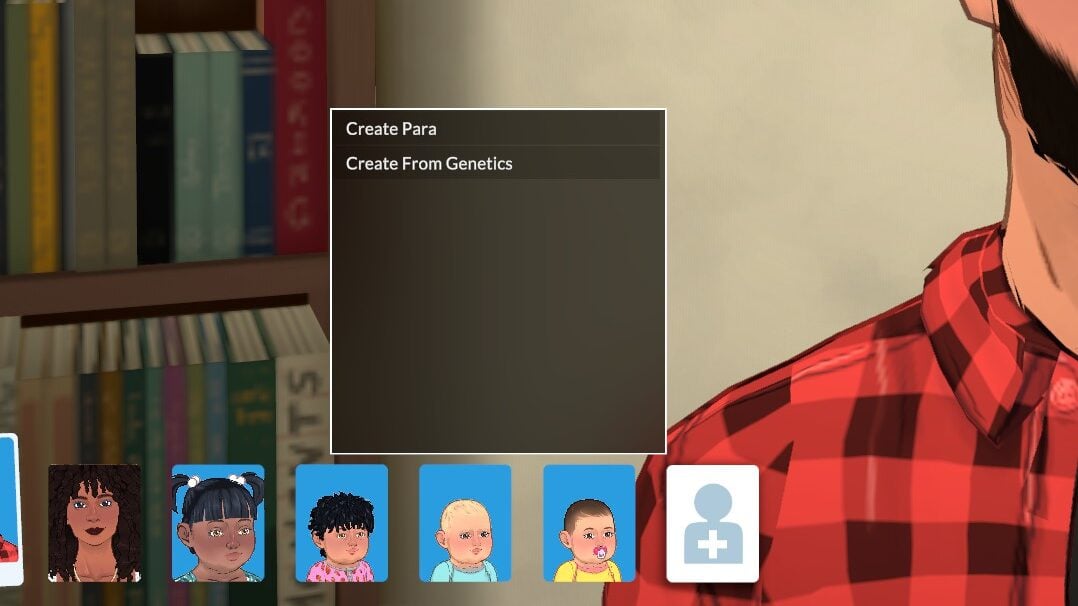
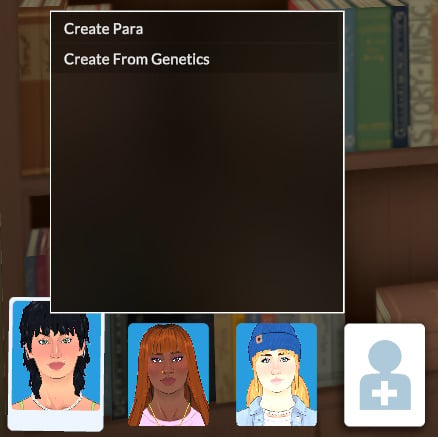
The Paramaker offers two ways to create a new Parafolk: Create Para or Create from Genetics.
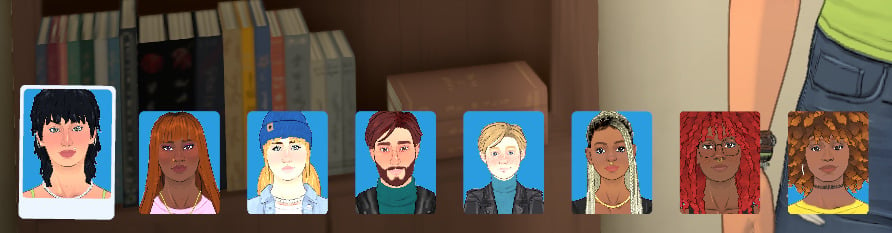
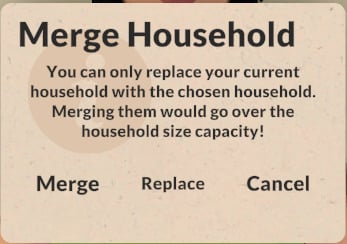
The maximum number of Parafolks per household is 8.
Relationships for Households and Family Members
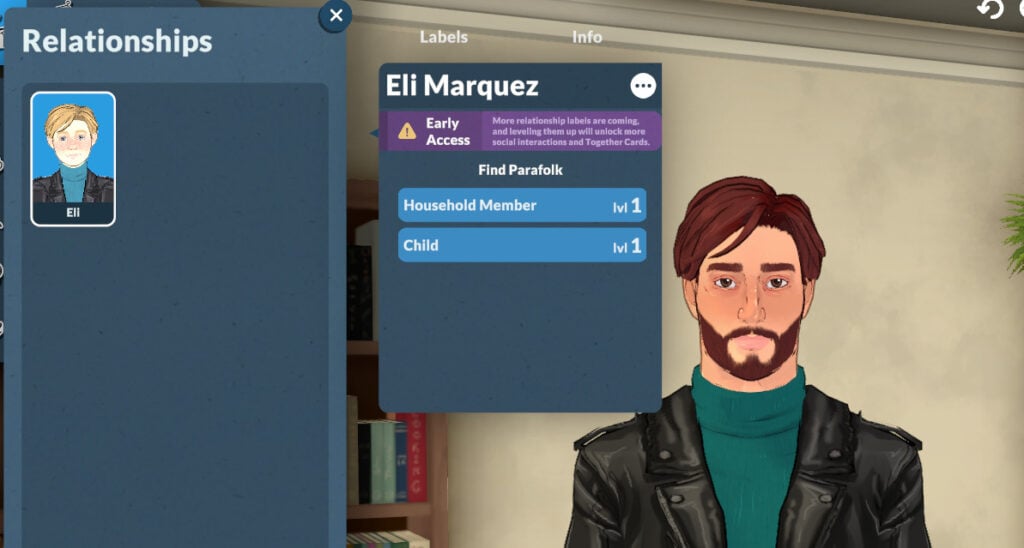
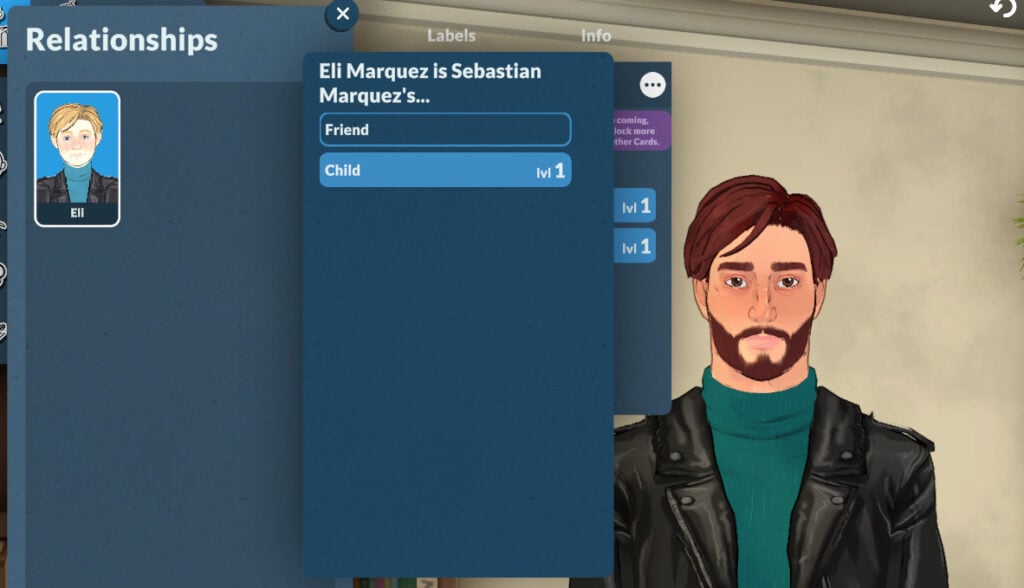
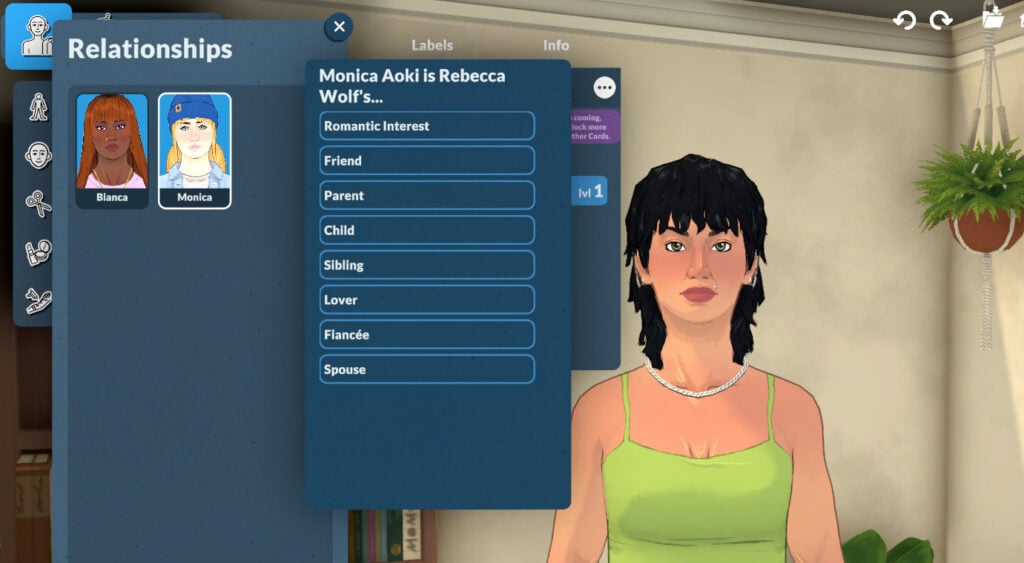
In the Relationship menu, you can define family and friend relationships. The choices are: Household Member (cannot be changed), Romantic Interest, Friend, Parent, Child, Sibling, Lover, Fiancé/Fiancée, and Spouse.
The Family Tree was promised to be delivered at some point during early access!
Household Biography
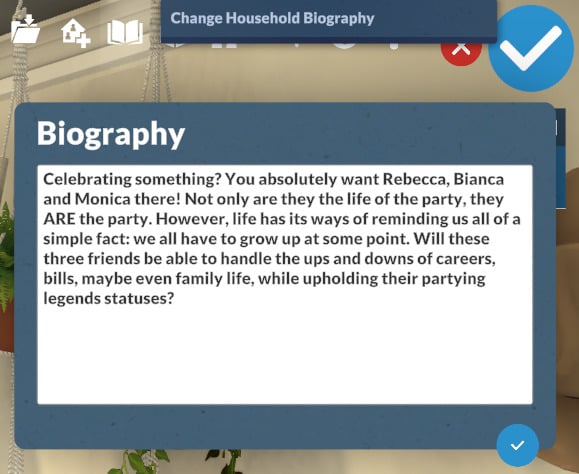
You can add a household biography if you want, but it is optional.
Household Library
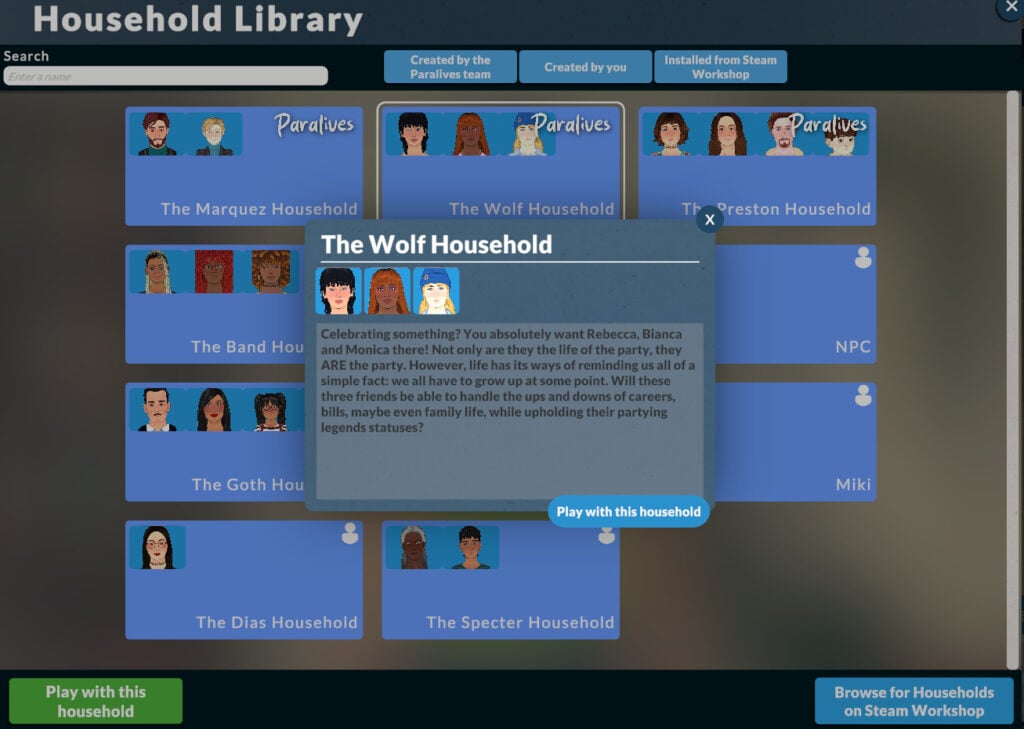
You can access the Household Library from the top-right menu of the Paramaker. It lets you load a premade household or save yours. Your saved households will be available in every save, and you can add them by starting Create a New Household.
Wrapping it up!
From bringing back beloved features to completely changing how character creation works, the Paramaker is already making history with so many customization options and offers life sim fans a truly new and fresh experience.
The Paralives team has emphasized that much more is on the way throughout early access. Stay tuned, because we’ll be covering everything new that comes out!
Now we want to hear from you! What are your thoughts on the Paramaker? Did you enjoy the new experience? Let us know in the comments!
Welcome to Melino! (With emphasis on the “e”). You’re about to discover a brand-new town where you can create fresh stories, unique Parafolks, and highly detailed houses to bring your imagination to life.
Melino already feels full of personality from the moment you arrive. From jogging through the forest trails to grabbing a coffee at one of the cozy cafés, the town offers plenty of activities and small details that make it feel alive. You might even discover hidden passageways inside the City Hall while exploring the streets.
As you arrive in the Old Town through the train station, alongside many other new residents, the first thing you’ll need is a place to stay, and eventually transform into your dream home. Luckily, Melino is home to various districts and venues, each with its own atmosphere, style, and charm. So let’s take a closer look at the neighborhoods and points of interest your Parafolk can visit, explore, and call home throughout their new life in Paralives.
Table of Contents
An Easy Way to Switch Between Households
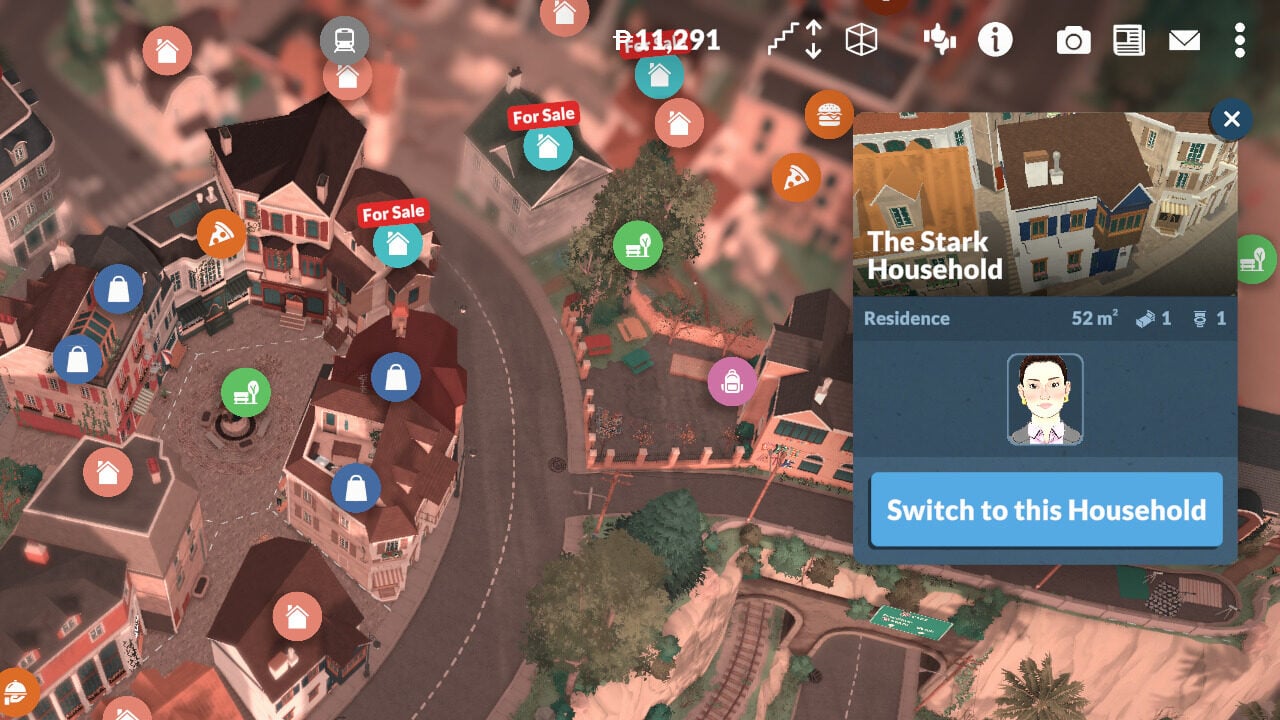
First, when you are ready to explore the entire town, switching between families, you should know that, in Paralives, this process is so easy. Just zoom out until you see all the community spaces icons, and choose another house with residents in it. Then you only need to click the ‘Switch to this Household’ button. And voilà! Another story begins.
Melino Is Full of Life, and Venues
Even if Melino may seem relatively small at first glance, the town stands out thanks to its incredible density and attention to detail. With more than 70 lots packed into a fully open world, Paralives offers one of the most ambitious town designs seen in a life simulation game in many years. Instead of feeling massive and empty, Melino focuses on handcrafted environments, compact streets, lively plazas, and highly detailed architecture inspired by European old towns.
The city is designed to support hundreds of Parafolks living and moving around, helping the world feel active and believable. Across Melino, you’ll find a huge variety of venues and lot types, including occupied houses, empty homes ready for new residents, and completely blank lots perfect for starting your own construction projects. Alongside residential areas, the town also includes commercial and public spaces such as restaurants, cafés, shops, parks, and other community locations where Parafolks can spend time together.
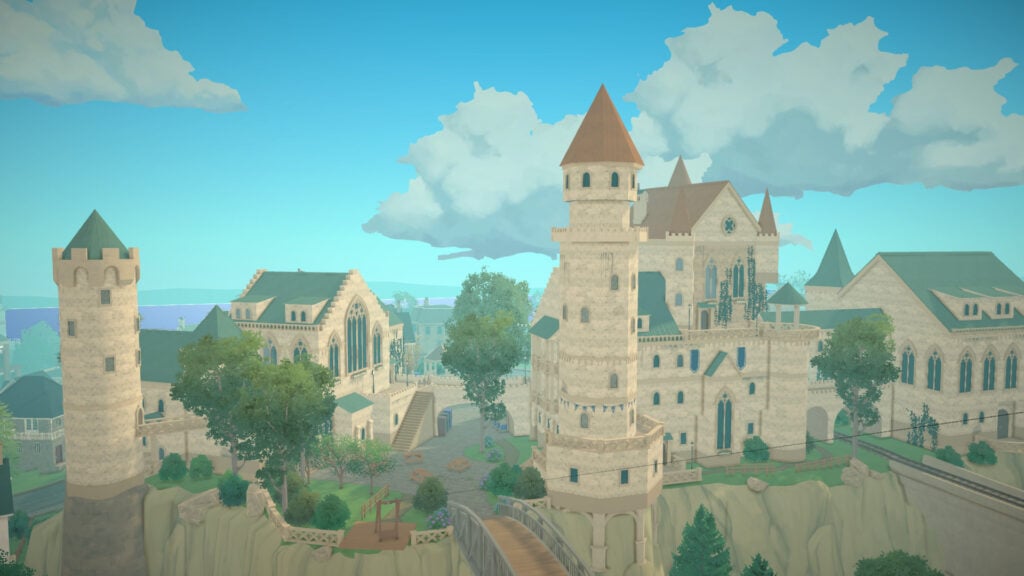
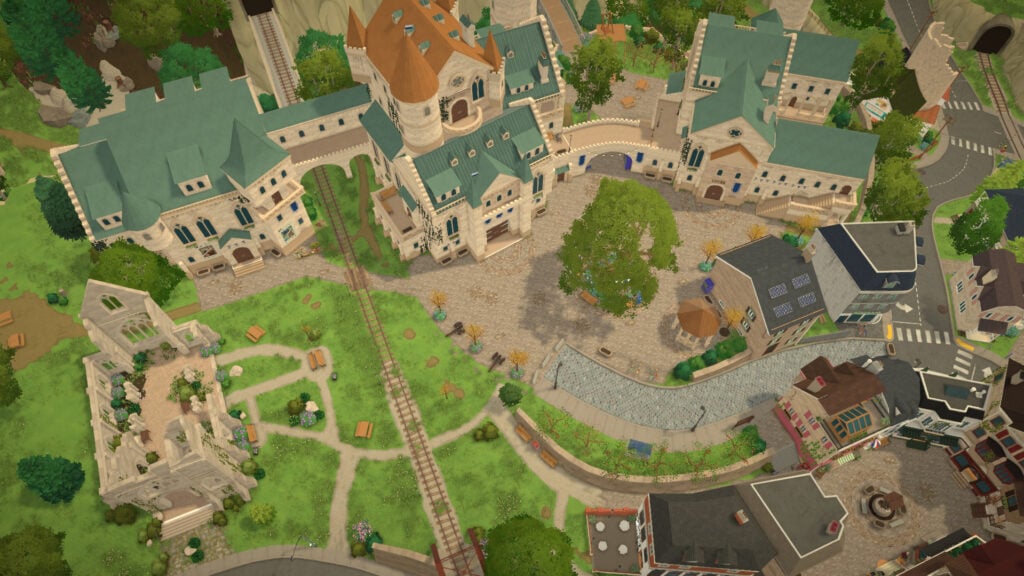
Some of the most impressive architectural landmarks in the city are the City Hall and Library, the Museum, and the Secondary High School, all standing proudly at the top of the hill overlooking Melino. These places are more than just beautiful scenery: they’re social and cultural hubs where your Parafolks can meet others, contribute to the museum, and learn more about the history and secrets of Melino itself.
Before diving into Melino’s different community lots and public spaces, it is important to set a few expectations regarding the current Early Access experience. At the moment, community venues such as restaurants, cafés, and other social spaces do not include dedicated gameplay interactions like ordering food or buying coffee. Likewise, workplaces and service buildings such as offices and the hospital currently function as rabbit holes, meaning Parafolks disappear inside while the activity happens off-screen.
Even so, some of these locations are still populated with NPCs that help make the world feel lively and believable. However, stores focused on furniture, clothing, and decorative objects are fully functional, allowing players to purchase outfits and home items directly for their Parafolks and houses.
The same currently applies to Melino’s beaches and coastline. While Parafolks can relax near the water, walk along the shore, and enjoy the scenery, swimming mechanics have not yet been implemented in the current version of the game.
The Districts of Melino
Melino features four different districts where your family can live, hang out, and build their dream house: Old Town, Forest, Industrial, and Farm. Even though each neighborhood has its own distinct atmosphere and style, the entire town remains fully open, meaning there are no loading screens between districts. Despite their differences, all areas of Melino share the same cozy, vibrant, and elegant feeling that defines the town’s identity.
Old Town
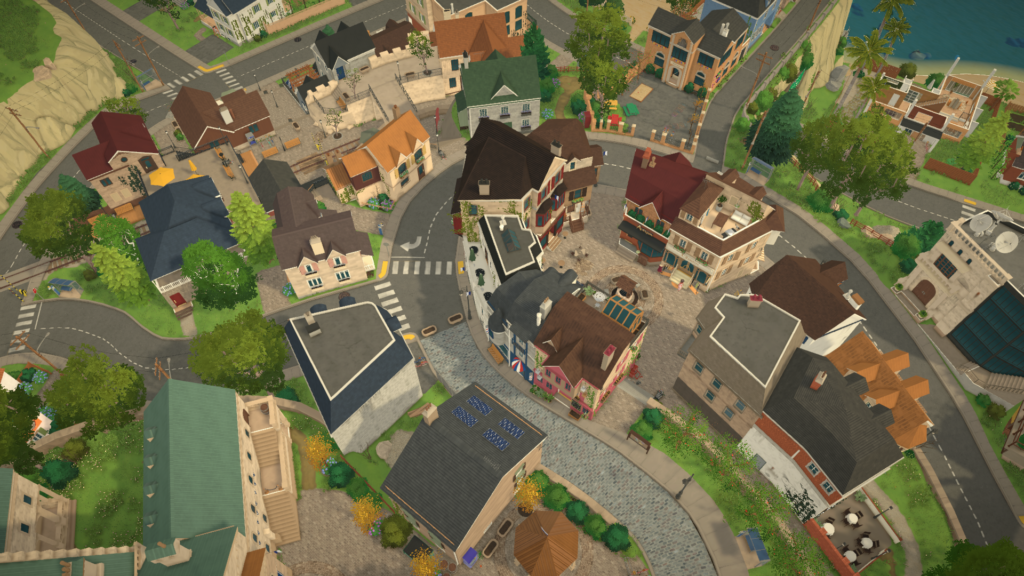
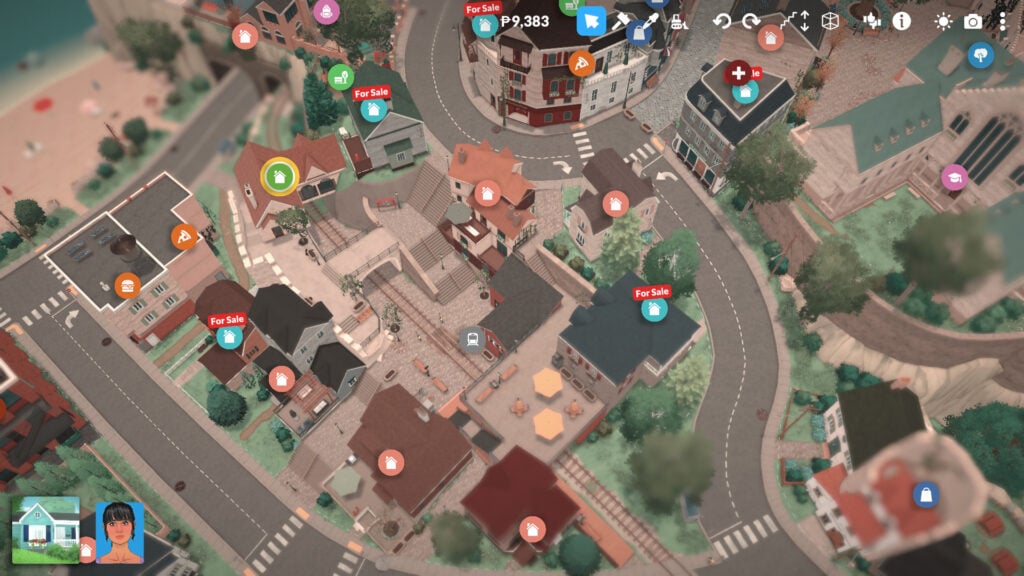
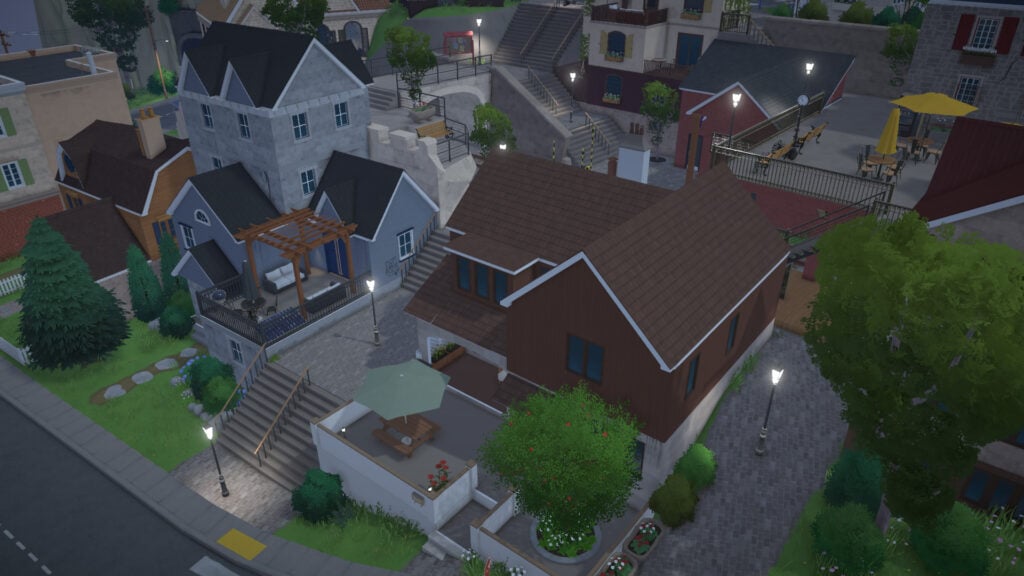
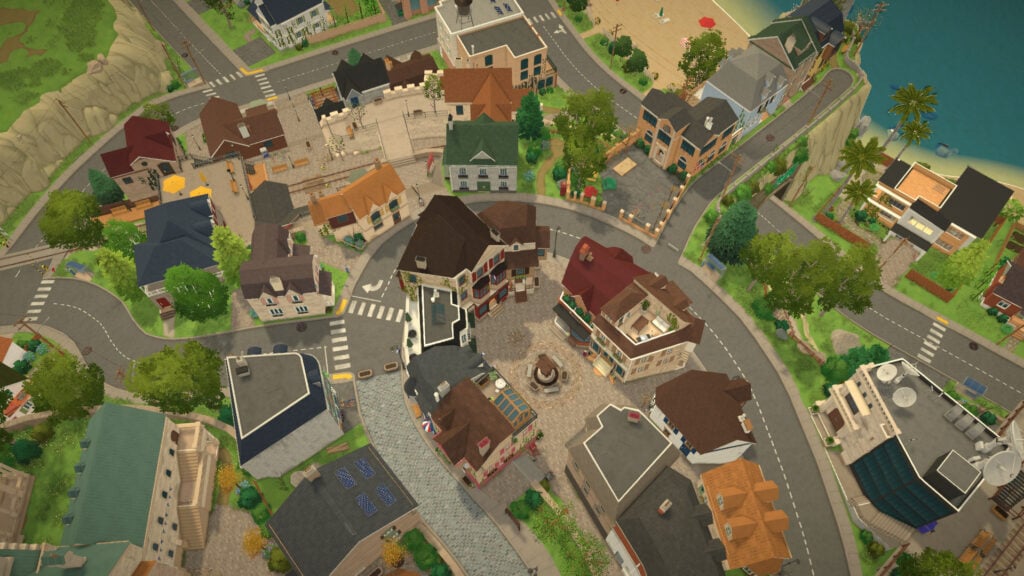
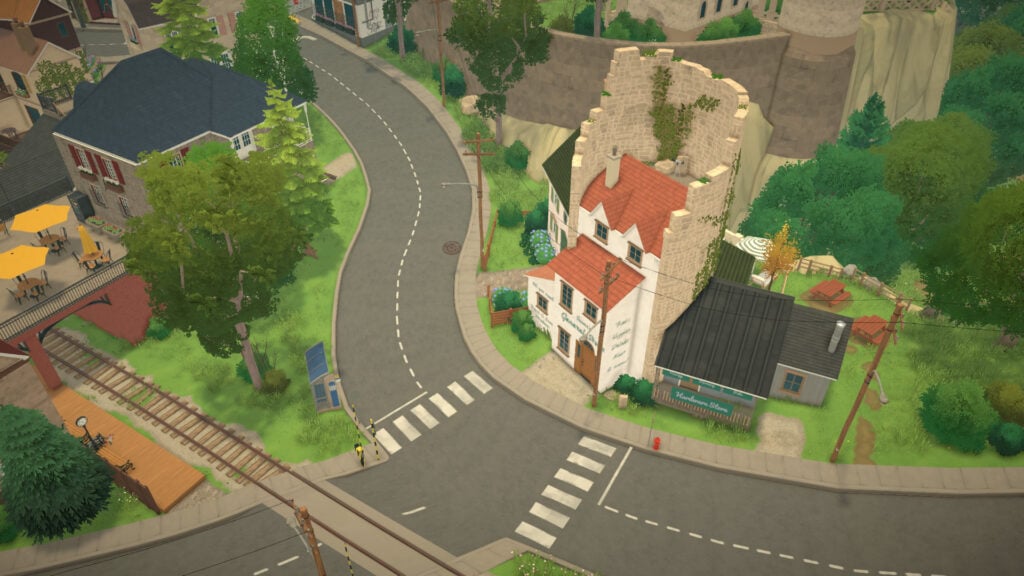
Old Town is the true heart of Melino and the district where the town’s personality shines the most. Inspired by charming European old towns, this neighborhood is filled with plazas, irregular streets, colorful buildings, and layered architecture that naturally adapts to the terrain. Instead of feeling artificially planned, every corner of Old Town feels organic and lived-in, with apartments and houses built at different heights and connected through stairways, terraces, bridges, and narrow streets.
Most of the apartments and homes in Old Town are fully residential, allowing your Parafolks to live right in the center of the town’s social life. This is also the district where you’ll find the largest concentration of venues and activities in Melino, making it the perfect place for more outgoing and social Parafolks. Cafés, restaurants, small local shops, parks, the gym, the library, and the museum are all located within walking distance of each other, helping the district feel dense, lively, and constantly active.
Old Town is also home to some of the most important progression systems currently available in Paralives. Your Parafolks can visit the museum to donate collectibles, explore the City Hall and its surrounding areas, spend time in the community space around the district, or simply meet new people while walking through the plazas and streets. The district feels designed to encourage exploration, social interactions, and storytelling in almost every corner.
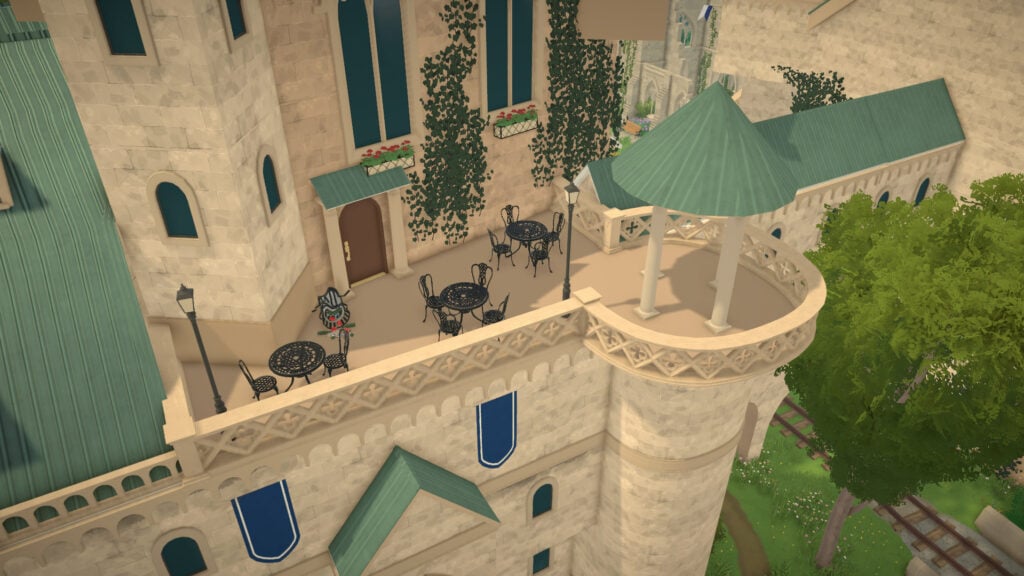
The neighborhood’s atmosphere changes naturally depending on where you are. Some areas feel quieter and residential, while others become vibrant social hubs full of cafés, outdoor terraces, and public spaces where Parafolks gather together. From the central plaza with its cute well to the train station, beach area, parks, elevated terraces around the City Hall, and scenic viewpoints overlooking Melino.
Education and Culture
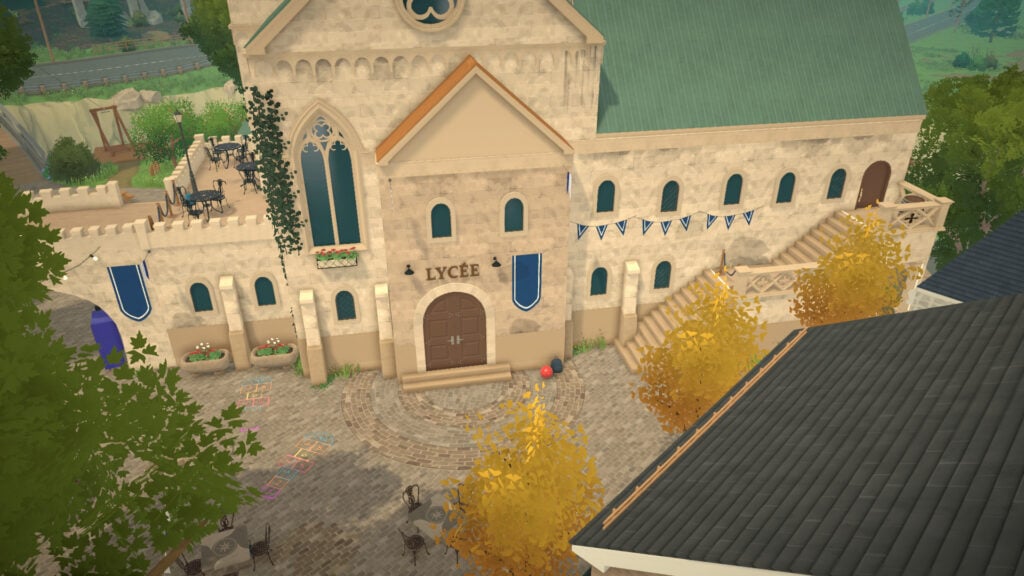
The cultural heart of Old Town is located around the City Hall complex. Inside the same structure, Parafolks can visit both the library and the city hall, turning the area into one of the busiest and most important places in the district.
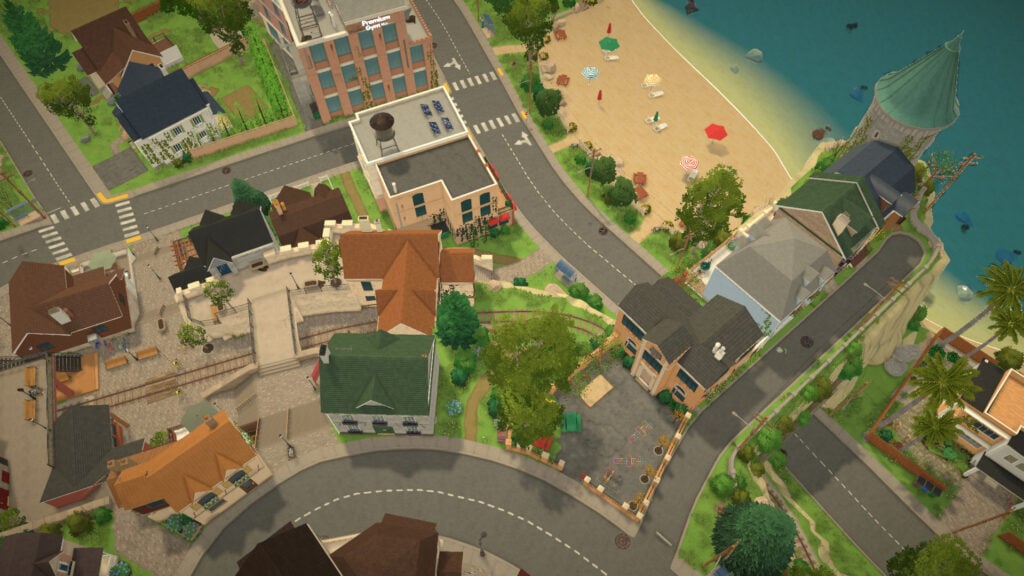
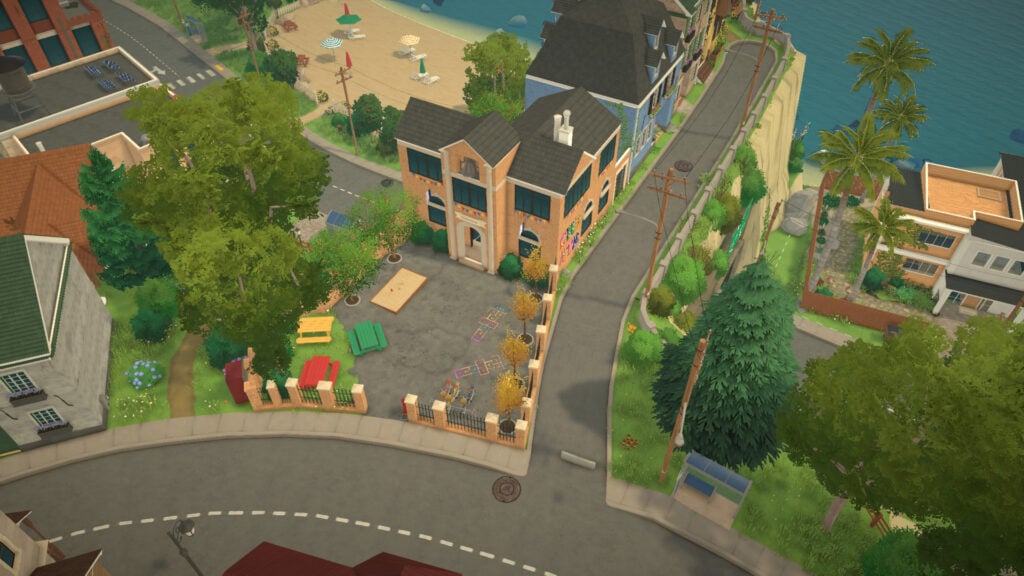
The high school is also located in the same plaza, and all the teen students from the town will fill the area at 9 AM. On the opposite side of Old Town, players will find the elementary school built directly beside the dramatic coastal cliffs that shape part of Melino’s shoreline.
Nearby, a mysterious stone tower rises above the coastline, becoming one of the most recognizable landmarks in Melino. Its imposing silhouette adds a strong sense of history, culture, and identity to the district, reinforcing the European-inspired atmosphere that defines Old Town.
Right in front of the City Hall, players will find a large open plaza where local markets and community gatherings take place. This area acts as a transition point between the stone streets of the historical center and the greener public spaces nearby, slowly leading players toward one of the most unique places in Melino: the Community Center.
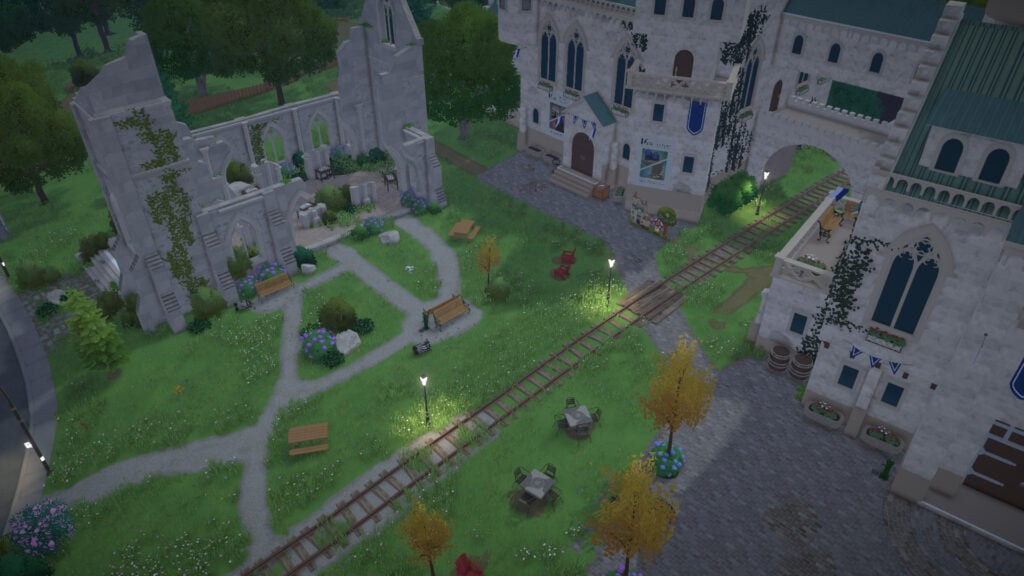
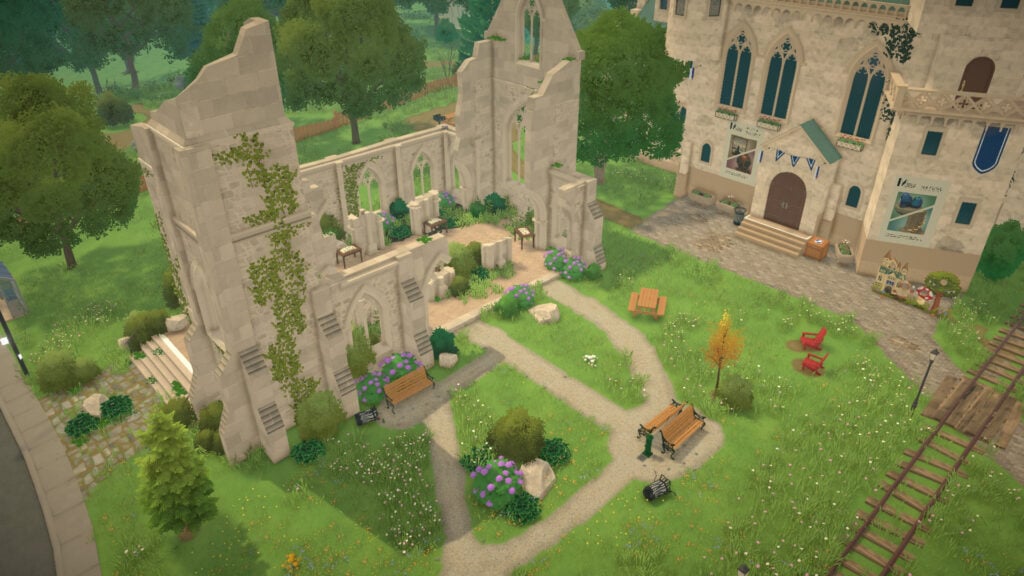
Unlike the elegant and preserved buildings surrounding it, the Community Center feels like a forgotten piece of Melino’s history. The structure resembles an old ruined cathedral reclaimed by time. However, the building is far from abandoned. The citizens of Melino are actively working together to restore and improve it through donations made by the community.
To contribute, players must visit the Community Center and check the books inside the building, which list the exact collectibles and materials currently needed. This system gives Parafolks long-term goals while encouraging exploration across the entire town.
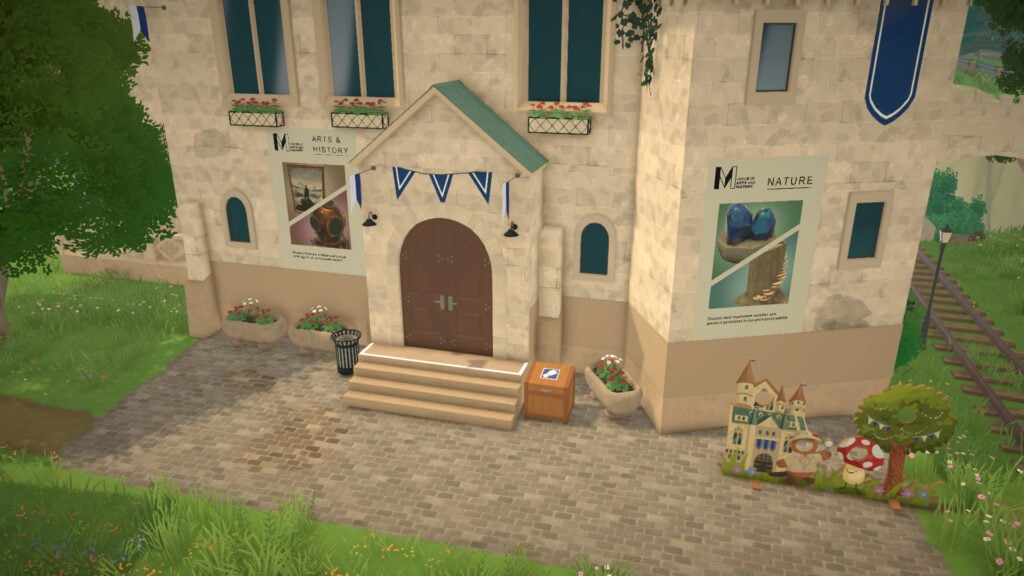
Behind the City Hall and library complex, players will also find Melino’s museum, another important cultural space within Old Town. Besides exploring the building itself, Parafolks can donate collectibles they discover around the world, slowly contributing to the museum’s exhibitions and progression. Unlike the more specific restoration tasks connected to the Community Center, museum donations feel broader and more flexible, encouraging players to naturally collect and preserve pieces of Melino’s history while exploring the world.
Shops, Restaurants, and Public Spaces
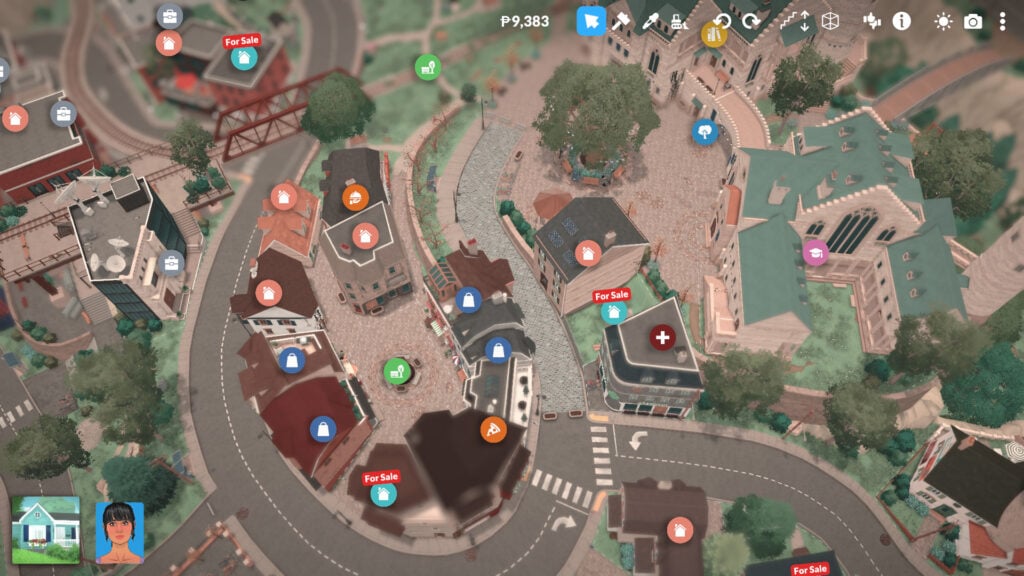
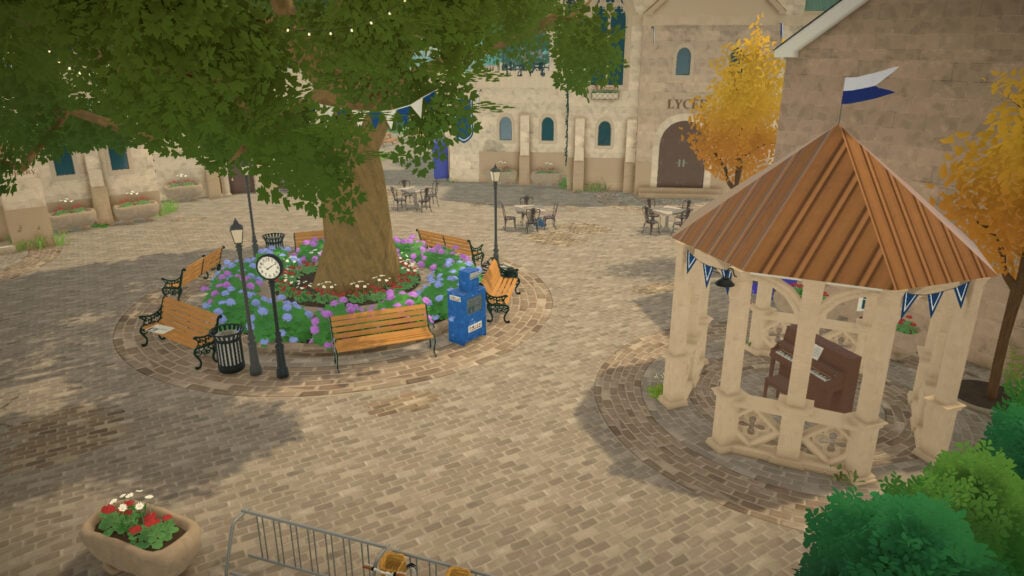
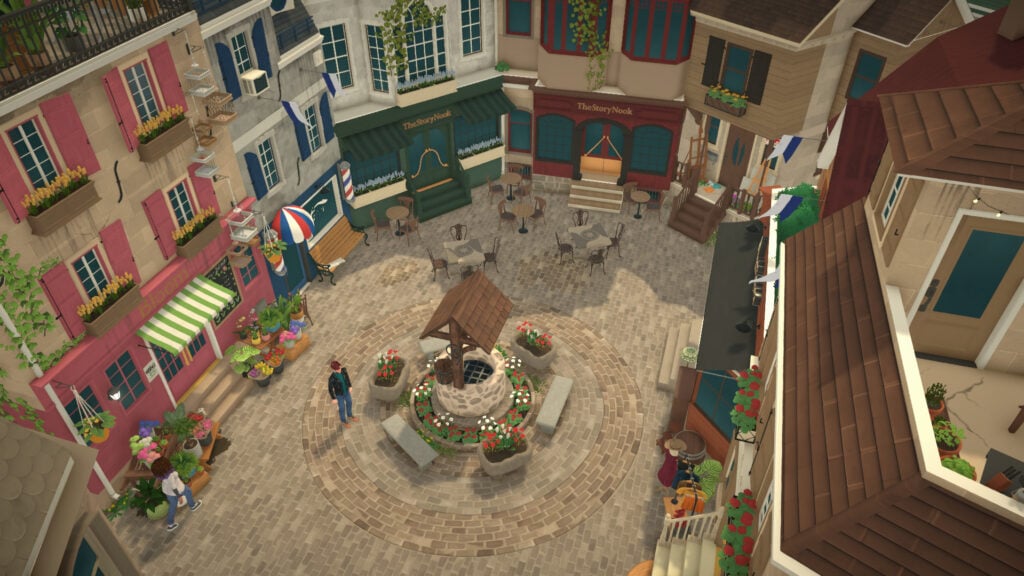
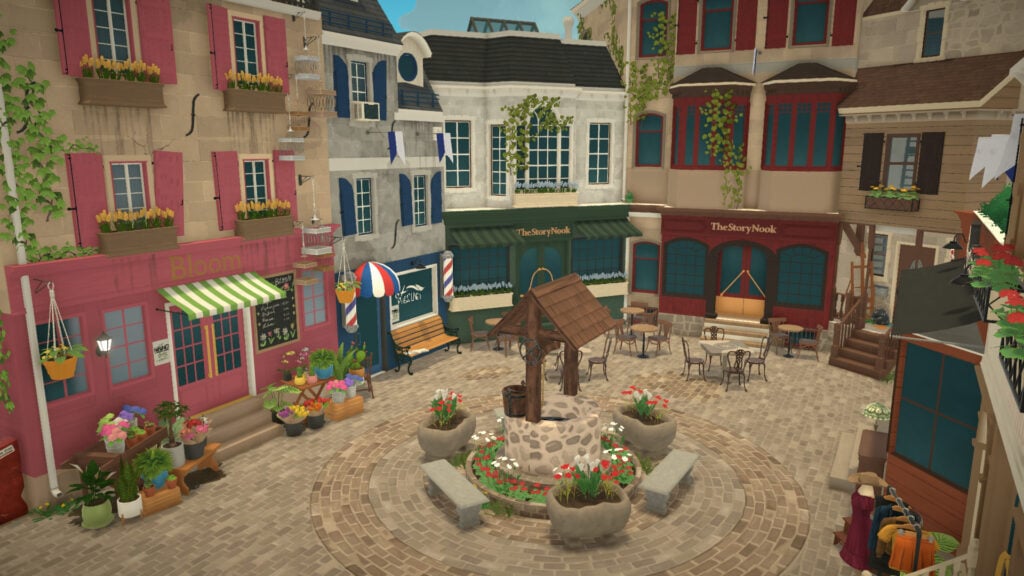
The very center of Old Town revolves around its cozy historical plaza. One of the most iconic spots is the main square with its wishing well, where players can throw coins. Around these central streets, players will find many of the district’s local businesses, each one helping Old Town feel lively and full of personality.
Some of the most recognizable stores in the area include Bloom, a charming plant shop filled with flowers and greenery, and Headlines, the local hair salon. Nearby, players can also visit two bars called The Story Nook, alongside smaller businesses like Market Antiques, an antique store with a more vintage atmosphere, and L’ Armoire, a clothing boutique inspired by elegant European fashion. Right beside one of the historical plazas, players will also find The Cellar Door, the district’s luxurious restaurant, perfect for more upscale social outings. Old Town even includes a small local pharmacy, helping the district feel even more believable as a lived-in neighborhood.
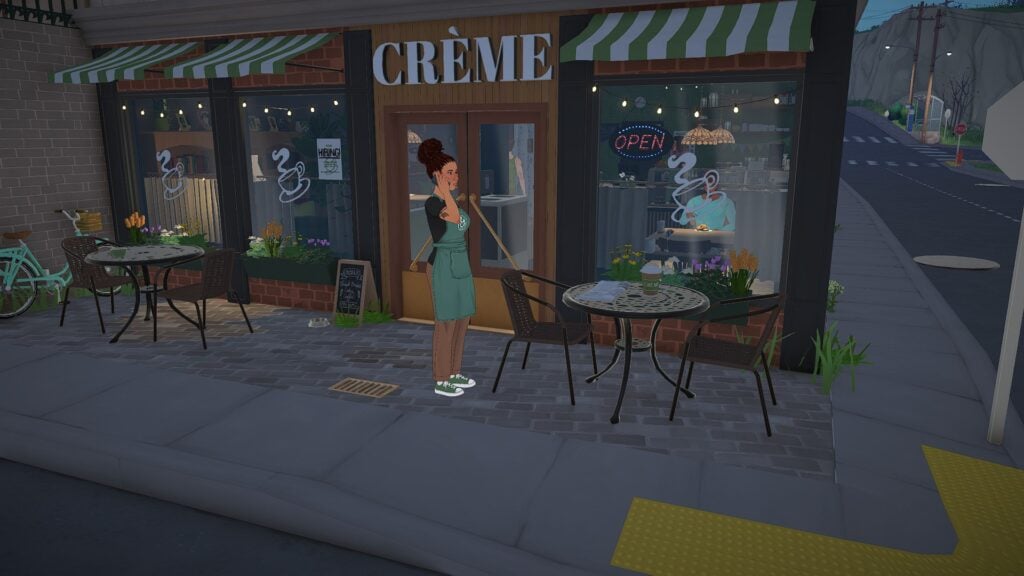
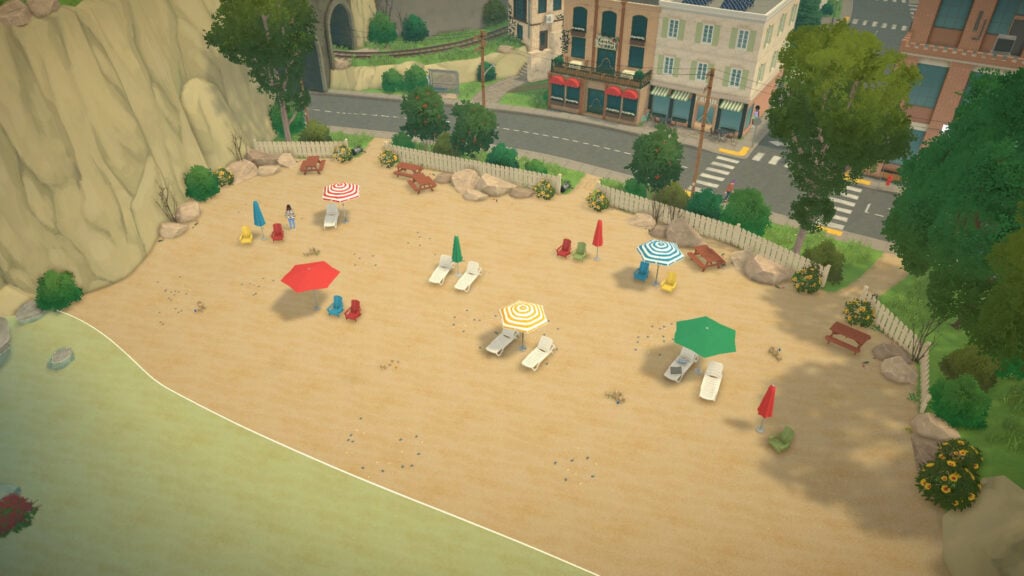
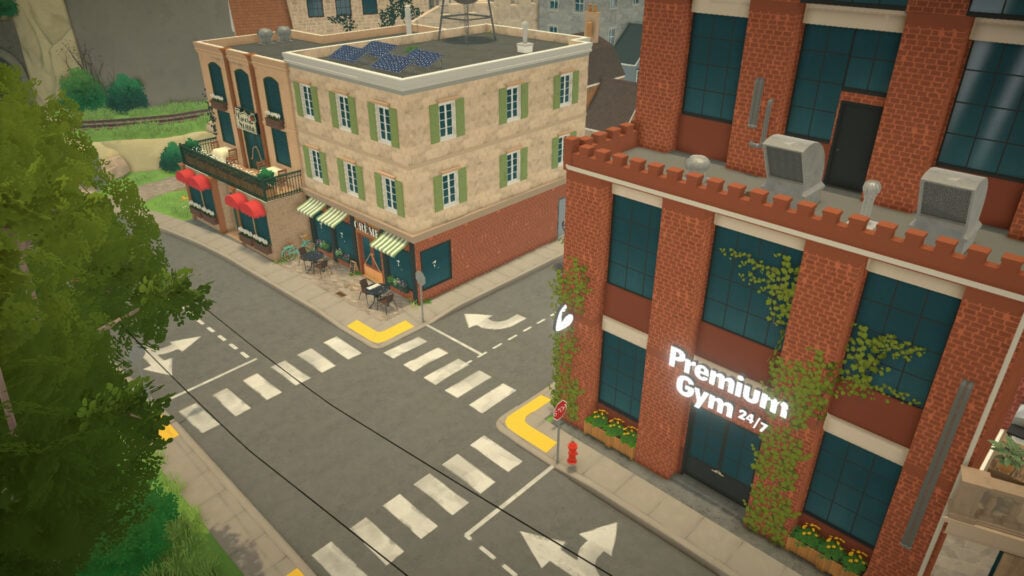
As players move farther away from the historical center toward the quieter residential side, the atmosphere slowly becomes more suburban. Near the beach area, players can visit La Tavola di Nonna, a cozy Italian restaurant, alongside Créme, a café located nearby. Right across from both venues stands Premium Gym 24/7, creating a lively social area close to the coast where Parafolks can spend time exercising, eating, or simply relaxing near the sea.
This side of the district also acts as a transition point between Old Town and the Farm District. Close to this area, players will find Susan’s General Store, a shop connected to the Vargas family that sells farming supplies, seeds, and environmentally friendly products focused on sustainable living and green energy.
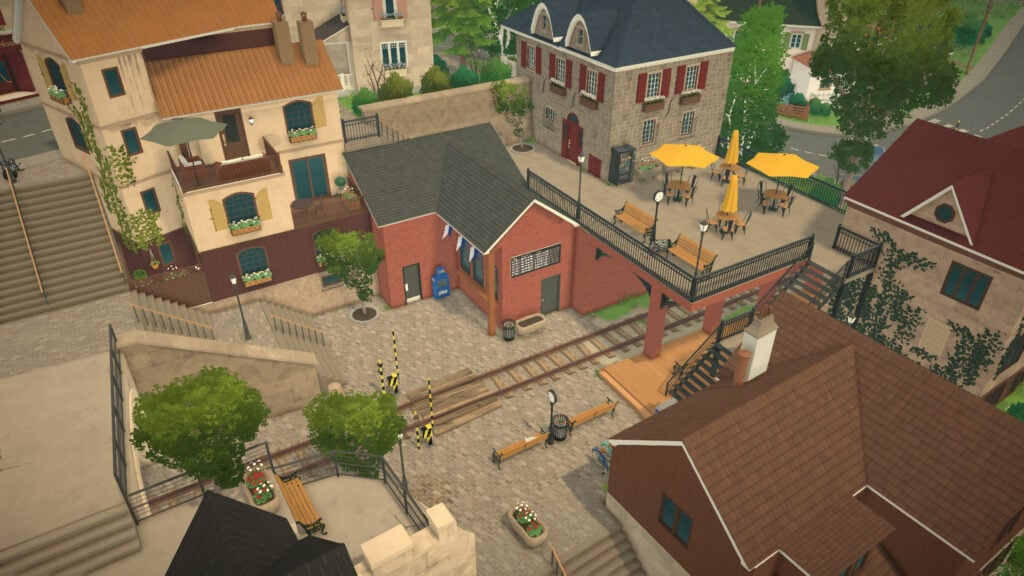
Another important part of Old Town is the train station area, which works as both a beautiful public space and a transition point between different elevations of the district. The station itself feels incredibly cozy and detailed, with benches, tables, vending machines, and resting areas where Parafolks can socialize or simply spend time.
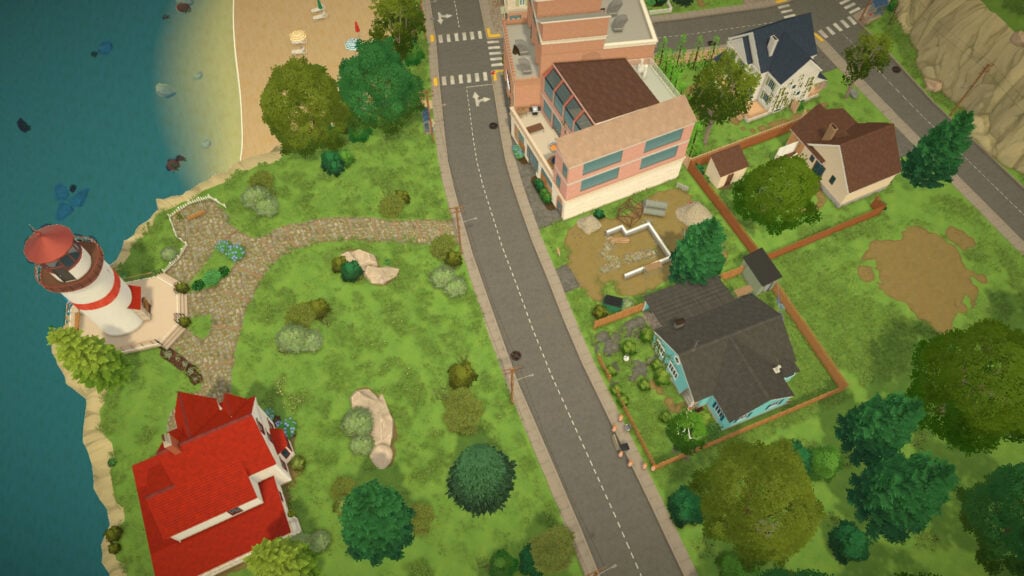
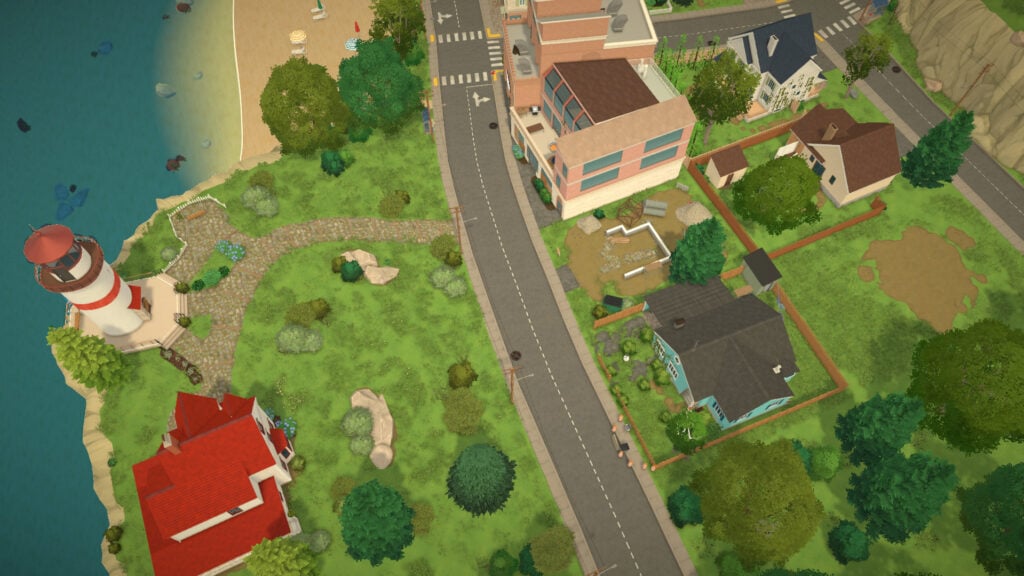
One of the most unique landmarks in the residential coastal area is a house located near the beach that features its own lighthouse. Several public viewpoints across Old Town also include interactive telescopes, encouraging Parafolks to admire the scenery and enjoy some of the best views in the entire town.
Farm
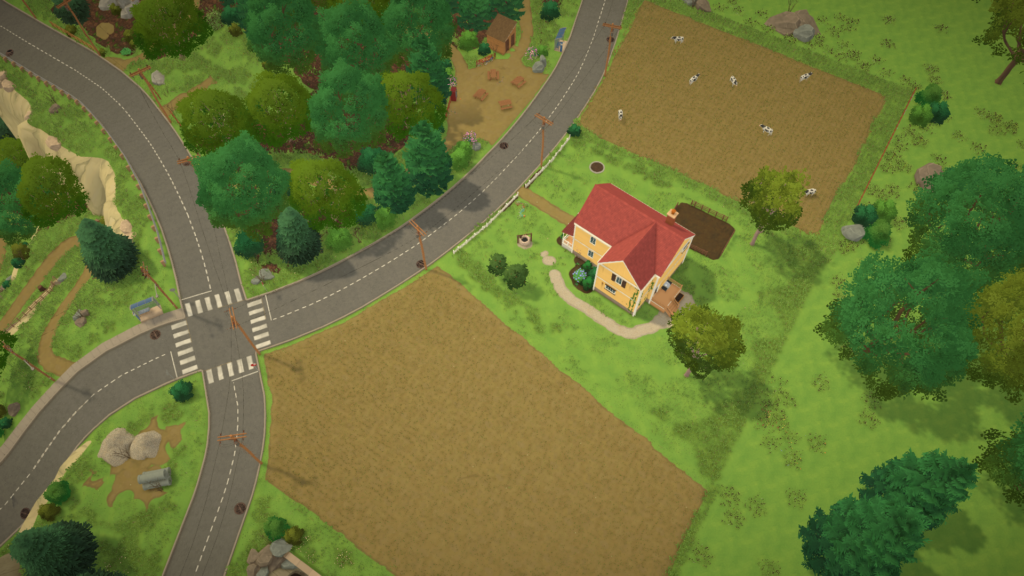
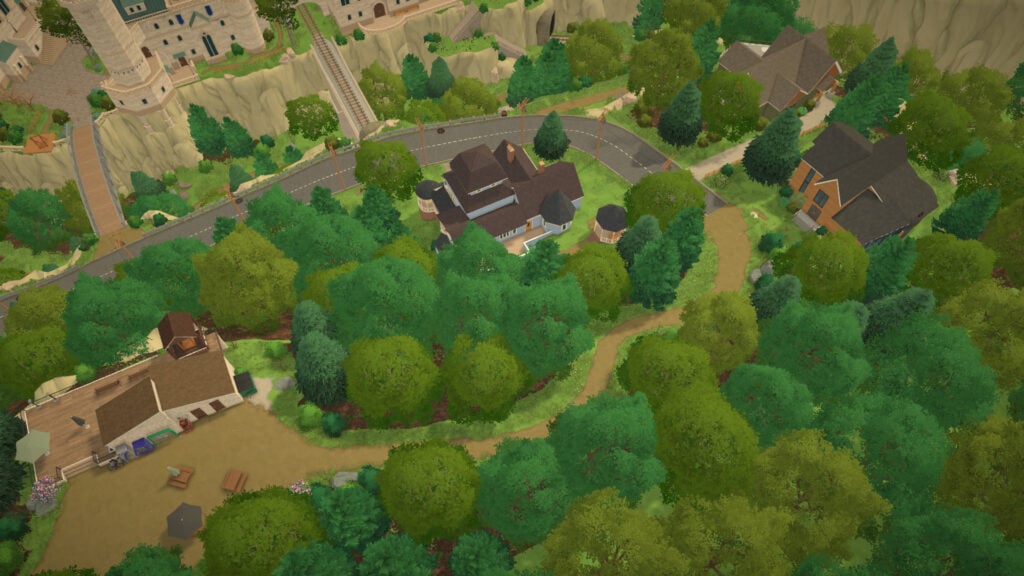
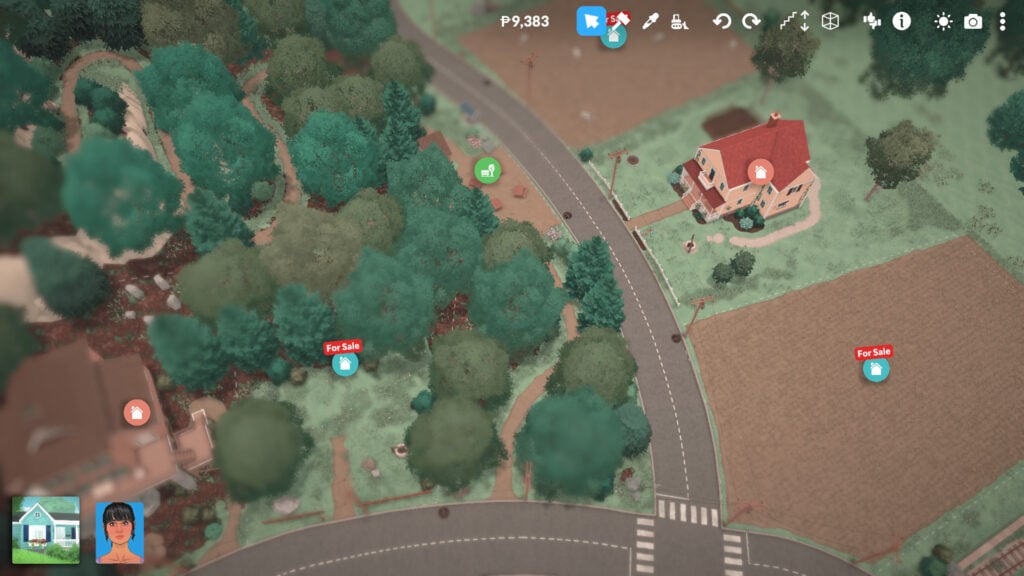
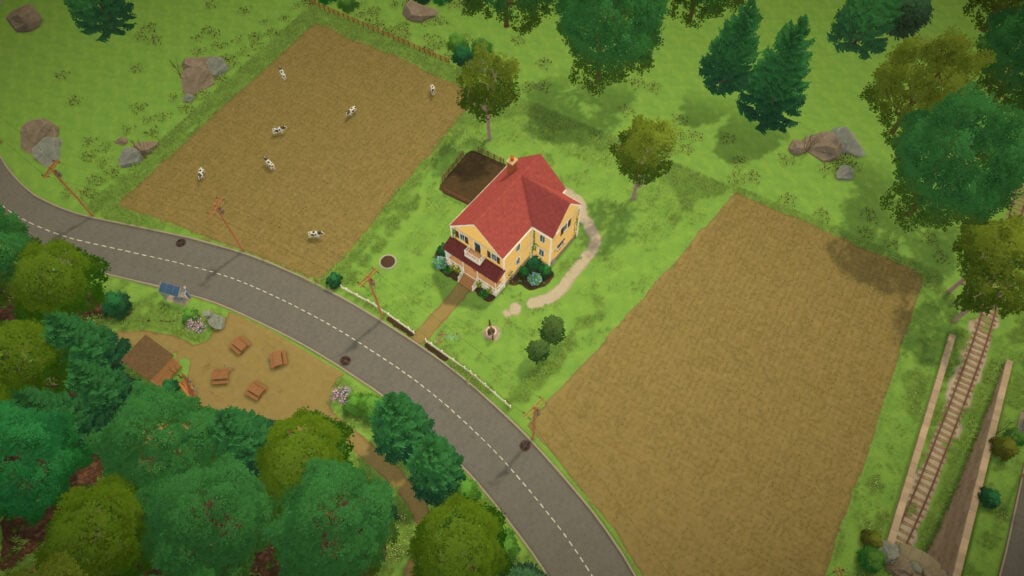
The Farm District is easily the quietest and most peaceful area in all of Melino. Located farther away from the dense historical streets of Old Town, this district focuses on wide open spaces, nature, and a much slower pace of life. Unlike the rest of the city, the terrain here is considerably flatter, making it one of the easiest places to build large houses or farming lots without needing to heavily modify the landscape.
At the moment, the Farm District is mostly made up of empty residential lots designed for players who want to build their own countryside homes and farms. Only one family currently lives in this area. Some lots are already decorated with fields, grazing spaces, and cows to strengthen the farming aesthetic and rural identity of the district.
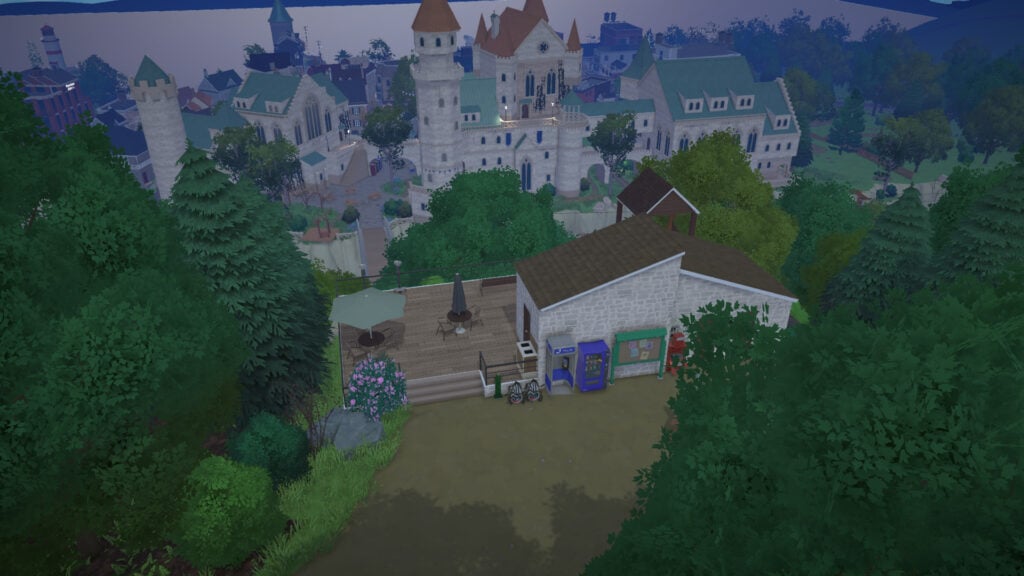
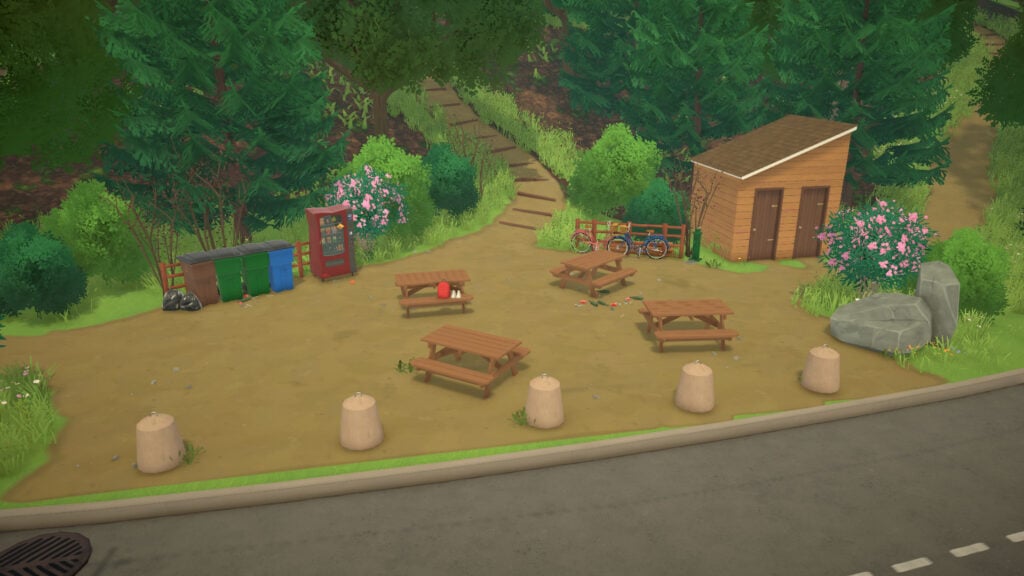
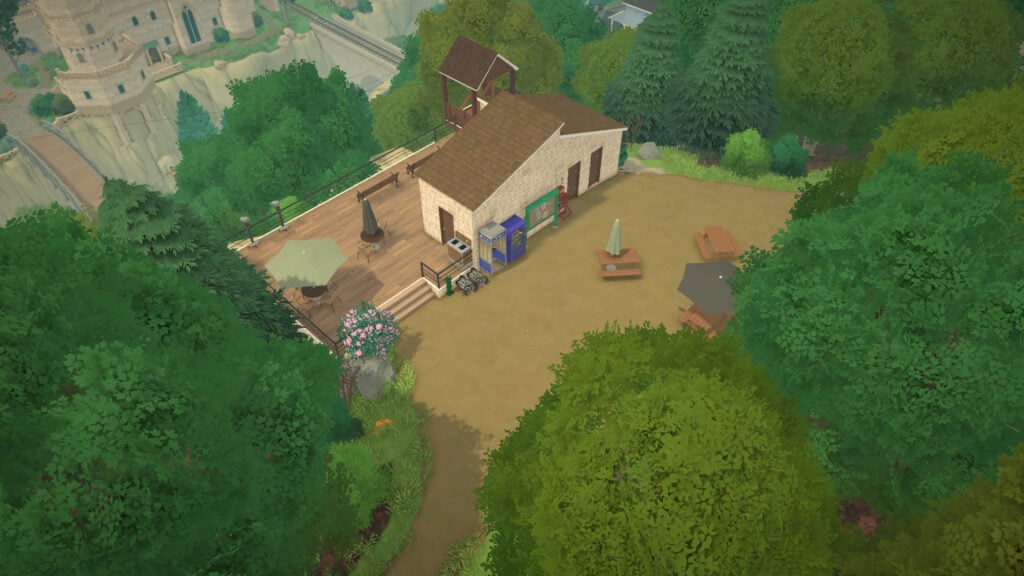
Despite its simplicity, the Farm District still includes a few community spaces that help connect neighbors. Across from the farming area, players can find a small public picnic and resting spot surrounded by trees, complete with benches, picnic tables, vending machines, bike parking, and public bathrooms. On certain days, this area also becomes a gathering point for sporty Parafolks, hosting outdoor exercise activities and social events where residents can meet others from around the city.
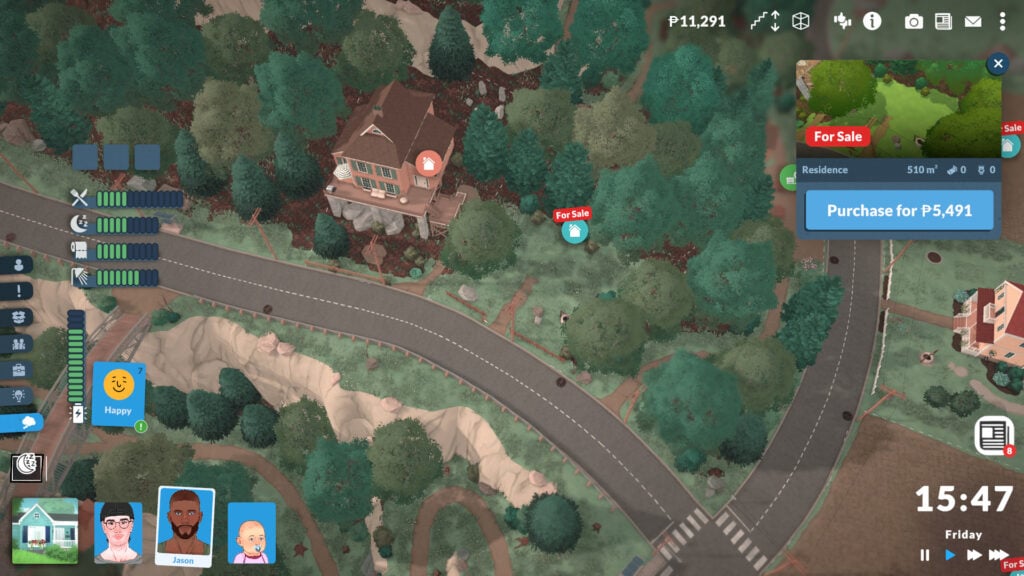
This small recreational area also acts as the beginning of a larger natural trail that leads toward the Forest District. Even though the Farm District is currently one of the simplest neighborhoods in the game, its peaceful atmosphere and open spaces make it feel like the perfect location for players who want a more farmish experience in Paralives.
Industrial
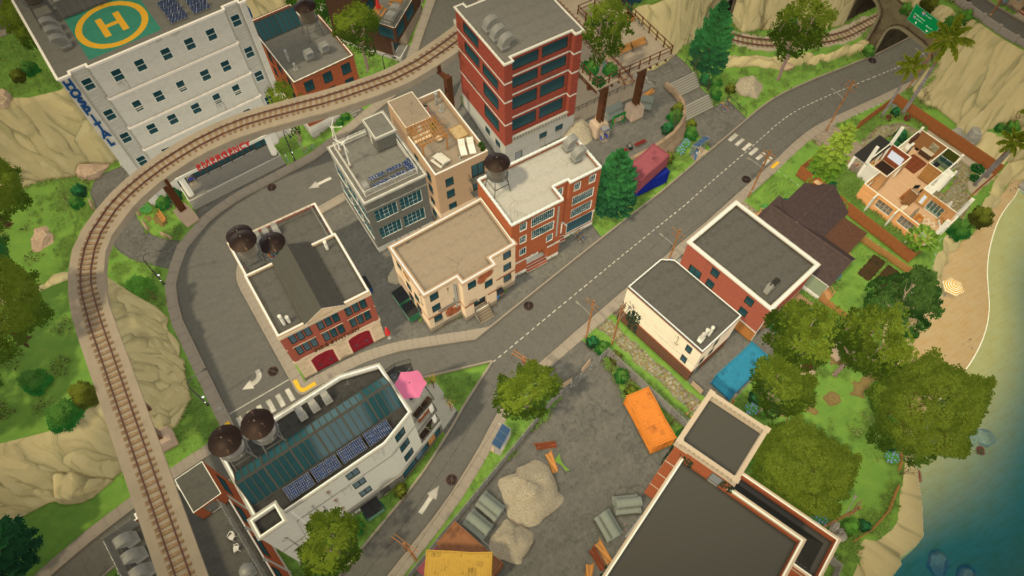
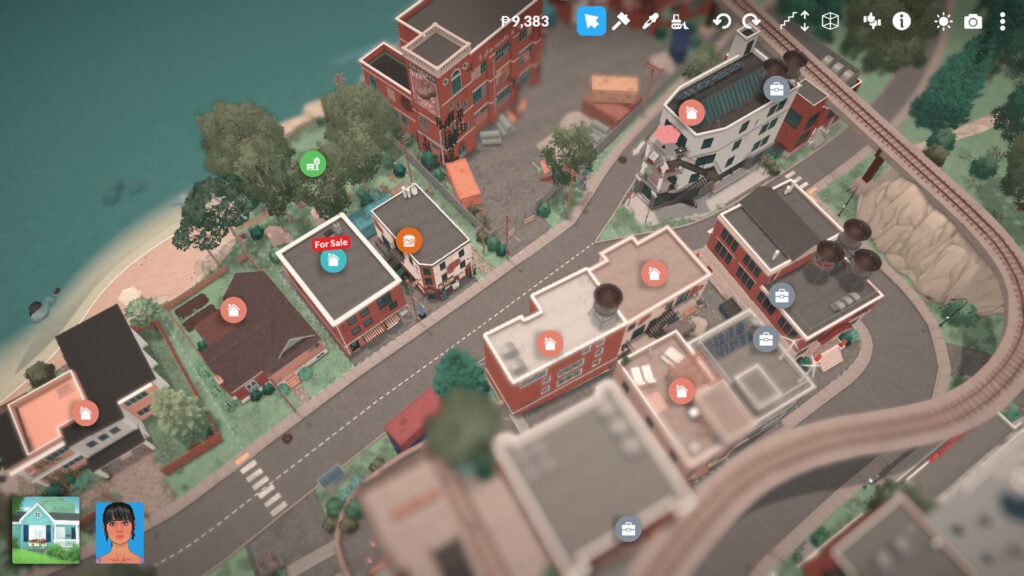
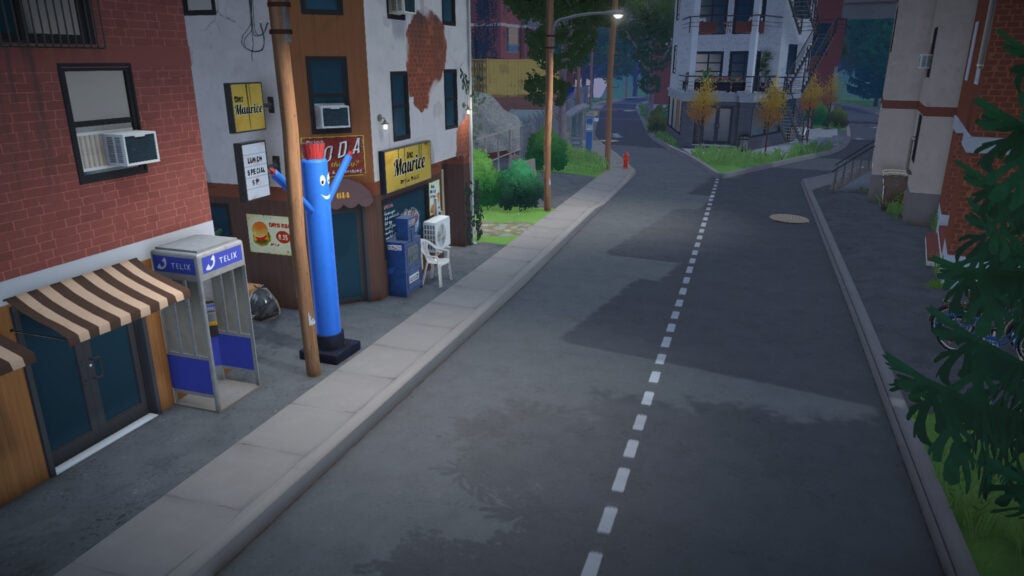
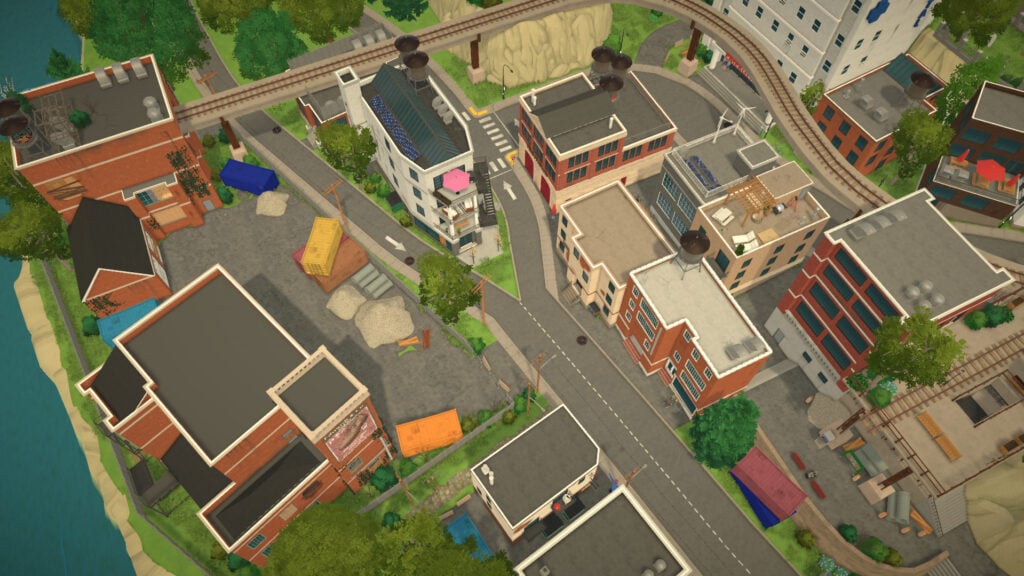
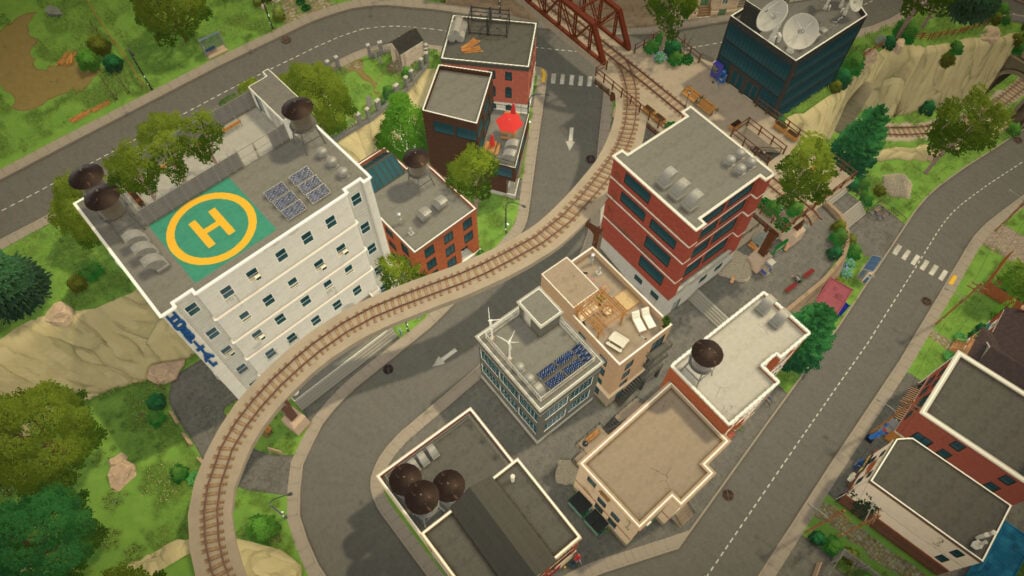
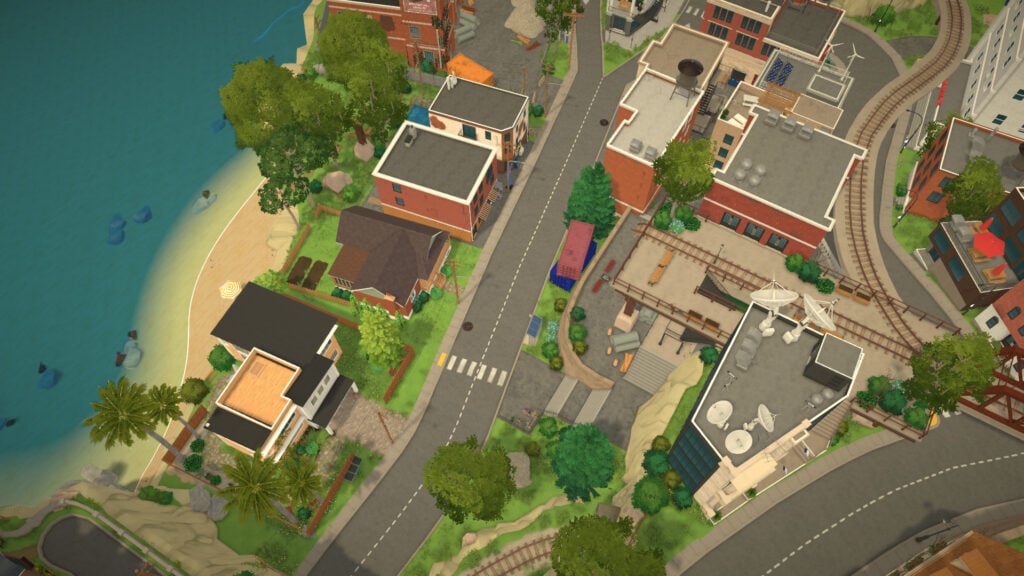
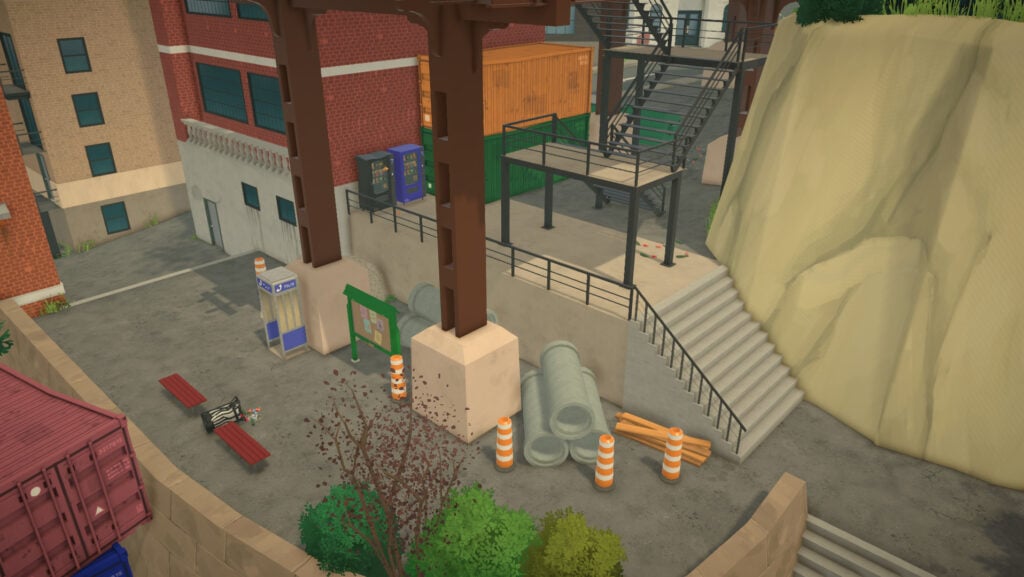
Compared to the winding streets and historic architecture of Old Town, Melino’s Industrial District embraces a much more modern and utilitarian identity. Brick apartment blocks, office buildings, paved roads, shipping containers, and elevated railway tracks dominate the skyline, creating one of the most urban-looking areas currently available in Paralives. While the neighborhood still keeps the game’s cozy atmosphere, its structure feels noticeably denser and more functional, especially thanks to the repetition of similarly designed apartment buildings.
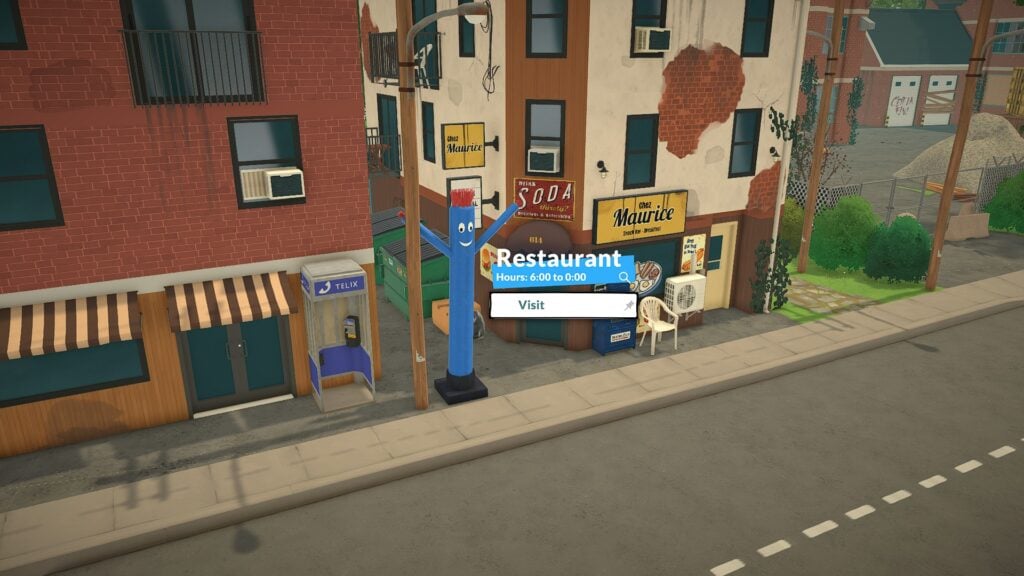
This is also the district where most of the city’s professional rabbit hole careers are located. Many Parafolks will spend their workdays here, heading into offices and administrative buildings spread throughout the neighborhood. To support this working atmosphere, the district also includes a small fast-food restaurant called Chez Maurice, a convenient place for Parafolks to grab a quick meal before or after work.
One of the most important buildings in the district is Melino’s hospital, a large modern facility where Parafolks can recover from illnesses or even adopt a baby. Its placement helps reinforce the Industrial District as the city’s more practical and service-oriented area, contrasting heavily with the slower and more residential feel of the nearby farming and historic neighborhoods.
The district’s elevated railway tracks also play a major role in its visual identity. Some sections of the rail system pass directly above the streets and buildings, adding verticality and giving the area a slightly gritty industrial charm. Near one of these older railway sections, there is a small abandoned-looking train platform and maintenance area surrounded by containers, staircases, and concrete structures, helping the district feel more believable and lived-in.
Despite its industrial aesthetic, the area still includes smaller social spaces. Hidden between buildings and near the coastline, players can find compact green areas with benches and seating spaces where Parafolks can relax or meet others. Behind the district, close to the sea, there is also a very small public park where occasional community activities such as yoga gatherings and casual social events can take place.
The Industrial District also connects directly to the cemetery area located between this neighborhood and Old Town.
Forest
Melino’s Forest District is easily the most secluded and luxurious area currently available in the game. Built across a heavily wooded hillside filled with pine trees, winding roads, cliffs, and hiking trails, this neighborhood feels intentionally disconnected from the busier parts of the city. It is quieter, more private, and noticeably more upscale.
At the top of the district, players can find one of the most scenic public spaces in the entire map: a forest overlook connected to the hiking trails that begin near the farming area. This elevated viewpoint acts as both a resting spot and a social hub, complete with picnic tables, vending machines, seating areas, public bathrooms, and telescopes overlooking the city below. Parafolks can interact with one another here, check daily requests posted by other residents, or simply relax while enjoying one of the best panoramic views in Melino.
The area also includes a zipline that connects directly to the City Hall side of the map, reinforcing the district’s focus on verticality and traversal.
Beyond the overlook, the Forest District becomes primarily residential. This is where Melino’s most luxurious homes are located, ranging from elegant traditional mansions to more modern architectural designs hidden among the trees. Many of these houses are positioned on elevated terrain and surrounded by dense forest, giving them a strong sense of privacy while also offering some of the best views in the city.
One of the district’s most visually striking features is the large bridge connecting the mountain area with the City Hall side of Old Town. Beneath the bridge lies a deep canyon crossed by a narrow hiking path that winds through the cliffs and vegetation below. The contrast between the elevated structures above and the peaceful trail underneath showcases Melino’s impressive use of vertical space.
The canyon path itself is one of the quietest locations in the city. Surrounded by cliffs, trees, and isolated walkways, it creates an intimate atmosphere where Parafolks can walk without constantly crossing paths with other residents. Nearby, several homes are built directly into the mountainside using elevated foundations, platforms, stone supports, and layered terrain adaptation. These lots demonstrate how Paralives handles uneven landscapes, with houses designed to feel naturally integrated into the cliffs rather than simply placed on flattened terrain.
As you can see, Melino brings together a wide variety of landscapes, architectural styles, and public spaces, all tied together by the same cozy and welcoming atmosphere. Whether you prefer the charm of the historic streets, the peaceful countryside, the modern industrial district, or the quiet luxury of the forested hills, every corner of the town feels distinct while still remaining connected to Melino’s identity.
Which part of Melino is your favorite so far? Where are you planning to build your first home? Let us know in the comments, and don’t forget to check out all of our Paralives coverage here on the website!
Custom Content creators continue to push The Sims 4 Build Mode far beyond its original catalog, and Sims41ife’s Sims 4 Hada Set is another great example of how creative and detailed fan-made furniture collections can completely transform a space. Released in two separate parts and now available for free to the public, the Hada Set introduces a soft pastel bedroom collection filled with cozy furniture, decorative clutter, and playful accents that feel perfect for stylish teen bedrooms.
The overall aesthetic leans heavily into dreamy pink tones, soft woods, floral details, and modern pastel decor. While the collection clearly embraces a feminine design style, the large number of swatches included with several items also gives builders more flexibility than the preview images might initially suggest. Whether creating a cozy study corner, a cute shared bedroom, or an aesthetic social media-inspired setup, the Hada Set offers plenty of options to work with.
Table of Contents
Official Images
The Hada Set is divided into two separate releases from Sims41ife. The first collection focuses mainly on the loft-style bunk bed setup alongside decorative clutter and matching furniture pieces. Part two expands the collection with additional furniture and accessories including a stylish loveseat, pastel tablet, slippers, lamp, and a matching lower bed option.
The official preview images showcase Sims41ife’s recognizable pastel-heavy aesthetic with soft pink palettes, floral patterns, and cozy decorative details throughout the room designs. The furniture works particularly well for teen Sims, although many of the items could easily fit into dorm rooms, apartments, or soft modern family homes as well.
Compared to some of Sims41ife’s other collections, including the elegant Blush Set and decorative Vanity releases, the Hada Set feels softer and more relaxed overall. Instead of focusing on glamorous luxury styling, this collection leans more heavily into comfort, cozy decor, and youthful bedroom design.
Build & Buy Catalog Preview
Combined together, the Sims 4 Hada Set includes a total of 14 Build & Buy items. The collection strikes a nice balance between functional furniture and decorative clutter pieces, allowing players to create a fully coordinated room without needing to pull heavily from other sets.
The full collection includes:
One of the strongest items in the collection is easily the lofted bunk bed setup. The elevated frame creates extra space underneath for desks, clutter, or additional decorations while still feeling compact enough for realistic teen bedroom layouts. The matching lower bed option also helps expand the versatility of the collection for players who prefer more traditional bedroom designs.
The desk and chair combination immediately creates the kind of cozy aesthetic study setup that has become increasingly popular in modern Sims builds. Combined with the decorative books, pastel tablet, and soft lighting pieces, the room setups feel cohesive without becoming overcrowded.
The flower-themed bunny shelf is another standout item. Small decorative details like the hanging flowers and plush bunny decor help give the collection its dreamy atmosphere while separating it from more traditional modern furniture sets.
The tablet also deserves special mention thanks to its detailed design and colorful screen swatches. Rather than feeling like a simple decorative object, it works as an actual focal point within the bedroom setups shown in the preview images.
Swatch Previews
At first glance, the Sims 4 Hada Set may appear heavily centered around pink, and for players wanting a completely coordinated bedroom aesthetic, pink is definitely the dominant theme throughout the collection. However, several items include a surprisingly generous number of swatches that add much more flexibility than expected.
The bunk beds and lower beds include a large variety of bedding patterns and frame colors ranging from floral prints to softer neutral combinations. Builders who prefer more muted interiors can still create toned-down bedroom spaces while keeping the overall soft aesthetic intact.
The desk also includes numerous wood and color variations, helping it fit naturally into several different build styles beyond purely pastel-themed rooms. The chair, sofa, and night table similarly provide multiple color combinations that allow players to mix softer whites, woods, blues, blacks, and pinks throughout a build.
Some decorative items are more limited in comparison. The unicorn lamp only includes a single swatch, making it more of a statement decor piece rather than a customizable furniture item. Still, its playful design fits nicely within the youthful atmosphere of the collection.
The lamps, shelving, beds, and desks offer some of the strongest swatch variety overall, helping the collection feel far more versatile than the promotional images may initially suggest.
How to Download
Players interested in downloading the Hada Set can find both parts available through Sims41ife’s Official Patreon Page. Since the collection was originally released in two separate uploads, players will need to download files from both releases to access the complete 14-item collection.
Rather than being packaged as a single merged download, each item is separated into its own individual package file. This makes it easier for players to organize their Mods folder or selectively install specific pieces from the collection.
The content is base game compatible, meaning players do not need additional expansion packs for the furniture and decor to function properly in-game. After downloading the files, simply extract the contents and place the package files into your Mods folder before enabling Custom Content inside The Sims 4 game settings.
As always, players should remember to re-enable Mods and Custom Content after major game updates. For more help preparing for future patches, check out our Preparing For The Sims 4 Updates: The Official Guide.
Our Final Thoughts
The Hada Set succeeds because it fully commits to its aesthetic without feeling unfinished or repetitive. The collection delivers exactly what it promises: a dreamy pastel bedroom setup designed around soft textures, cozy furniture, and playful decorative details.
While pink is undeniably the centerpiece of the collection, the amount of swatch variety included with many of the larger furniture pieces helps the set remain surprisingly flexible for different types of builds. Players who enjoy creating aesthetic bedrooms, cozy study spaces, or stylish teen rooms will likely find plenty of use for these items.
The strongest aspect of the collection is how cohesive everything feels together. From the bunk bed layouts to the decorative clutter and pastel electronics, every item contributes to a consistent atmosphere that feels thoughtfully designed from start to finish.
Sims41ife also continues to establish a very recognizable design identity across multiple collections. Compared to some of the creator’s more glamorous or luxury-inspired sets, Hada feels softer, cozier, and more lived-in, which helps it stand apart while still fitting naturally within the creator’s overall style.
For players looking to add a dreamy pastel bedroom aesthetic to The Sims 4, the Hada Set is an easy recommendation.
Which item from the Sims 4 Hada Set would you use first in your next bedroom build? Let us know in the comments below.
Discover even more Sims 4 CC packs, custom content reviews, and gameplay-enhancing mods in our Sims Community CC articles, where we regularly feature new releases, in-game previews, and plenty of gameplay inspiration.
You’ll be emailed shortly with an inquiry for Paralives gifting. Thank you all for entering and stay tuned for more giveaways in the near future!
The new indie project that we’ve been reporting about for years is getting its first Early Access launch on Steam on May 25th, and we want to celebrate this occassion with a fun giveaway! We’re celebrating 13 years of Sims Community and want to throw a party for a promising new life simulator coming our way.
The entry rules are very simple, and the giveaway is open for everyone with a Steam account. And, preferrably, for everyone who can meet the minimum system requirements and start playing right away!
Extra chances of winning a copy wait for you in our dedicated giveaways on Sims Community Instagram and Twitter social media in partnership with the Paralives Team.
Here’s how you can enter the Paralives Early Access giveaway and enter a chance to win 1 out of 3 copies:
Paralives (Early Access) Steam Giveaway
You can win 1 out of 3 copies for Paralives Early Access by simply answering the following question in the comments section below:
Which game aspect would you like to try first: Paramaker, Build Mode or Live Mode?
That’s all there is to it it! Leave your comment down below and we’ll select three random winners in the dates mentioned below.
Three lucky winners will be chosen through a random generator using random.org. Your comment ID number will be used in the final comments number draw, and we’ll let the website randomize the rest!
This giveaway ends six hours before Paralives launches first in Early Access on May 25th, 2026 at 12PM CEST. We want to make sure we can select the winners and exchange contacts so the game is given around the same time of its launch. We’ve also included a handy countdown below which lets you exactly when the giveaway entry period is over!
00
Days
:
00
Hours
:
00
Min
:
00
Sec
Time until the giveaway entry period ends!
Before entering the Paralives (Early Access) Steam Code Giveaway, make sure you’re met up with all the official giveaway rules we’ve listed below:
Official Giveaway Rules:
Be respectful and follow the Sims Community Commenting Guidelines linked below.
Not more than 1 comment! We have ways of identifying multiple entries so don’t try!
Your comment might be saved for manual approval. Don’t worry, we will manually approve your comment in 24 hours if all is correct. There’s no need for creating multiple comments!
Make sure you have a working Steam account set up for receiving gifts.
Make sure you leave your correct information when filling in the user details. We’ll need a correct E-Mail address to contact the winners!
We will draw the winners and contact them about an hour after the giveaway ends on May 25th, 2026 at 1PM CEST.
Do not share your personal email and data in the conversation!
You can contact us at contact@simscommunity.info for any technical difficulties or additional inquiries about the giveaway.
As stated, giveaway winners will be announced shortly after on May 25th at 1PM CEST. Make sure you follow Sims Community for the latest Life Sim Games coverage on Paralives!
However, there is still a way to access this pack – it just involves utilising either physical discs or archived files, and a short workaround.
Using Discs
If you are lucky enough to still own any of the original discs for The Sims 2 DLC, then these will work with the legacy collection; you just need to take a few extra steps to install them.
You will often see these packs on sale online through sites like eBay and other second-hand game or electronic sites, so it’s worth checking these every now and again.
Downloading The Content
There is still a way to access the IKEA stuff pack using online archives, but proceed with caution.
How to Install
Before extracting the files, create a folder elsewhere called SP8 to extract them to.
Once you open the disc or ISO files, you should see all the subfolders.
Copy the TSData folder and the compressed file folder into your new SP8 folder, then extract the compressed folder into here.
Once you’ve done that, the folder should look like this.
Then move this new SP8 folder into the The Sims 2 game folders. If you’re struggling to find this, you can use the game launcher to open the correct folder.
After Installation
You need to activate the content to ensure it appears in the game. The next step varies depending on whether you use Steam, the EA app or Epic Games.
If You Use Steam
Download the file 3314070_install.vdf from the online repo, and replace the one in the game files with this new one.
If You Use Epic Games or EA App
Download the file ts2_legacy_ikea_stuff.reg from the online repo. Open it with Notepad/Notepad++ or any other text editor. Change the path from the default to your game path and then click save.
Then run the registry editor file to make sure this redirect works.
To avoid game crashes, make sure you have cleared your game cache files.
With some luck, you should be seeing the iconic IKEA items in your game once you launch!
The Sims 2 Preorder Bonuses & Maxis Store Items
If you missed the preorder bonuses that came with The Sims 2, you are unfortunately about 20 years too late. Not to worry though, thanks to internet archives you can access all of these right now!
Using this archive, over 100 items are available to download and install for free.
How To Install The Sims 2 Preorder Bonus & Store Items
Go to the online archive and click view all items. The items you want to click will end with .rar
If you click on view contents you will see what each pack comes with.
So if you only want a couple of items rather than the entire folder, you can pick and choose what you would like to add.
Then, once you’ve downloaded everything, extract it into your downloads folder in the game documents.
Because the game will recognise these items as custom content, for them to show up, you will need to make sure that custom content is enabled in your game settings.
You will know if these are new items because in The Sims 2 any items which are custom content will have a pinwheel in the item thumbnail.
The Sims 2 Lost Items
Archives have collected a bunch of lost or hidden items, which you can download and install for free. In this archive, you’ll find build/buy hidden objects, debug items, and unused or disabled objects from the game, and for Create-A-Sim (CAS), you’ll find a collection of hidden and unused clothing and hair.
Just open the archive, select the items you want to download, or download them all to complete the collection (there is a zip folder with everything in it towards the bottom to make it easier). Then follow the same instructions above.
If You Are Looking For More
There is a huge collection of Sims 2 custom content available online, and it’s totally free to download.
Sites like The Sims Resource have thousands of items to browse and download, and creators on Tumblr have also converted items from later games for The Sims 2.
When downloading custom content online, always be careful and make sure you use a reliable antivirus.
The Sims 2 is a classic and still loved by people to this day, so utilising this archive can help you get the most out of the game and access content which would otherwise be lost.
Do you still play The Sims 2? Will you be downloading the IKEA content and preorder bonuses? Let us know below or on social media.
The team reveals Paralives in action just days before the release!
If you’ve been wondering how Paralives runs in the long run then don’t worry. The Paralives Team has just published 45 minutes of new gameplay from Paralives Early Access, revealing what 3 casual days of Live Mode look like in the game.
The game feels a lot more smoother from this latest playtest, but it’s best if you be the judge of that by watching the full thing below:
What are your thoughts on the new gameplay coming with Paralives? Let us know in the comments below and stay tuned to Sims Community for the latest Paralives Game Guides and Overviews!
Join in for the premiere of a new Paralives Gameplay Trailer!
The Paralives Team has been hard at work at delivering the game in its final Early Access form. To help onboard the players with all the essential game features the team has prepared a new Gameplay Trailer.
The Early Access Gameplay Trailer for Paralives is set to premiere at 6PM CET /5PM BT / 9AM PT. You’ll be able to catch the gameplay trailer right after the premiere too in the watch page listed below.
There will also be a 45-minute prerecorded Live Mode stream posted right after.
What are you looking forward to from the new Gameplay Trailer? Let us know in the comments below and stay tuned on Sims Community for more Paralives articles!
Just because it’s over doesn’t mean it’s really over.
We thought that it would be truly over for us when it comes to insider gossip for The Sims Project X development and internal stories of the franchise’s success.
Table of Contents
The Sims insider that we’ve been reporting about for almost a year now shared last weekend that they’ll be tuning out from sharing “certain information” on The Sims after being contacted by an apparent current EA employee. Information like The Sims 3 and The Sims 4 pack sales pushed the line of what can and can’t be shared in the insider circles, as suggested by the insider last week:
Final Statement on The Sims Secrets
So I’ve been contacted by an “ex-employer” who has asked me to stop sharing certain information, as things like the sales figures have caused some controversies as they didn’t want that information public.
So to avoid any drama, I’ll be quiet.
Apparently there are additional reasons why they didn’t want that info to be known by players
Contrary to what many believed (including us) – this doesn’t mean that they’ll stop with sharing information on The Sims Project X. Just very, very highly sensitive information that could jeopardize and give a look at next 10 years of future development (if all goes well) – like extremely detailed The Sims pack sales.
I can still talk about some stuff, I just can’t talk about things like sales figures or business practices. But the rest of the stuff they really can’t care less and I suppose it’s just because none of it is really going to matter once things are revealed. You’ll see the new game and what it is and the rest won’t even be considered.
The Sims Insider
The same insider who was first to bring up development talks of The Sims 4 Adventure Awaits, Royalty & Legacy as the last EP release, The Marketplace and May 2026 Sims 4 Live Event is back. With the latest gossip on The Sims Project X being posted just a few hours ago on ATRL.
Here’s everything new they’ve shared over the last week:
The Sims Insider Returns
Insider Explains Return And Why Sales Information Are Sensitive
Sims Insider: The comments on this are kind of crazy.
Saying that EA were the ones leaking the information is wild, and that I’m still working for them makes no sense. These people don’t think about the logistics of why EA would even want this information public.
To use an analogy, I’ll use music. Let’s say an artist has 10 albums in their back catalogue. People trying to get into an artist will likely look up which albums did the best and which albums didn’t, and probably buy/stream the ones that did and may not even give the ones that didn’t a go. Reviews are one thing but popularity is another. So maybe some artists would wish music sales figures weren’t publicly available so that people don’t skip out on certain projects and simply try their luck on any of them based on the genre or style. If that makes sense? And they might even buy/stream all of them eventually over time; even if a new “album” comes out in the future.
But the rest of the comments are so… Like people saying outside the Marketplace I’ve not said anything that can be verified, when I confirmed quite a few things. Even down to specific things like EP budgets for the last two EPs and that Adventure Awaits had a budget increase while R&L went the opposite under a new framework months before they came out. I remember people seeing the amount of things being repurposed/recycled and I confirmed that was the new angle even before the pack had properly been revealed and watched everyone else react weeks later when it became public. It doesn’t make me mad or anything it’s just funny people are so out of the loop on things and don’t even bother to check anything
Also I’ll say I was reached out to by someone I keep in contact with who still works for them who suggested to hush and it was a very friendly exchange, on behalf of the “employer”. The idea I’m “going up against a billion dollar company” is so dumb.
Anyway it makes for a good laugh I guess. But also I can still talk about some stuff, I just can’t talk about things like sales figures or business practices. But the rest of the stuff they really can’t care less and I suppose it’s just because none of it is really going to matter once things are revealed. You’ll see the new game and what it is and the rest won’t even be considered.
I think they just aren’t moving on from the Sims 4 just yet and public sales data just adds some curveballs they’d rather not deal with as I talked about above.
Sales of The Sims 3 Katy Perry Sweet Treats
Statement: Now we will never know how popular stuff packs and kits were
i just know Katy Perry’s stuff pack from Sims 3 outsold Laundry Day, Fitness and My First Pet stuff packs from Sims 4 combined
Sims Insider: It went double cardboard. Let’s just say the Katy Perry deal did nawt do what they thought it would and I won’t elaborate any further. Infact I don’t even think EA renewed the license before the Sims 3 even ended so that probably tells you what you need to know. But Yass Kitty Purr roar queen xoxo
The Sims 4 Outselling The Entire Franchise
Sims Insider: It honestly makes sense and I probably shouldn’t have mentioned them and just given some ballparks. I believe The Sims 4 is on track this year to eventually hit a number with its DLC sales that would top overall unit sales to be more than the rest of the franchise itself (everything from base games, spin offs, stuff packs, expansions and whatever else), which is a pretty huge feat for the game to achieve and of course by releasing sales figures they may see a drop in sales for packs that people were thinking about buying and may skip it instead. With such a huge amount of sales at play, they just don’t really want things to slow down. There’s every chance a pack like DHD had a “moment” since 2025 and sold a few extra 100k. Who knows.
I know EA trialed sponsoring creators to “play with every pack disabled except whatever pack” to help boost sales for certain packs as a test.
Project X Development Obstacle And Paralives Excitement
Sims Insider: On a completely different note, I’ve heard some vague information that a certain project is running “heavy” performance wise and EA is concerned it might be too heavy for the target audience and the teams are working together to keep it mind as they continue development. Not sure eXactly what this could mean, but thought I’d share. I’ve also heard some people within those teams are also very excited for Paralives launch and hope it’s successful after InZoi failed to attract any kind of audience to really give EA any pressure to compete. If anything, InZoi seemed to bring more people to the Sims 4. People on the team are hoping Paralives can be that product that makes EA rethink its strategy and the framework they’d tested with Royalty & Legacy (repurposing existing content when possible, I explained that better in the past) and then using Kits or other content to make it a more attractive and larger package. Paralives has a job to do in the eyes of certain people. We’ll see how it all goes.
If everything is true according to this Sims Insider, it seems that The Sims Project X has hit its first obstacle with the game’s development. Adding features and optimizing them for all platforms including Open Neighborhoods, new Graphics and Textures – among many other things surely is not a small feat.
According to the insider, the development team wasn’t excited that much for InZOI’s release considering many players went back to play The Sims 4. The insider reports that the development team of The Sims Project X is very excited for the launch of Paralives (early access) that’s set for May 25th. Apparently it’ll be the final good competitor to what The Sims 4 currently is, and will make EA’s higher-ups rethink the approach of The Sims Project X.
What are your thoughts on the latest Sims insider report? Join the discussion below and make sure you’re up-to-date on all The Sims gossip right here on Sims Community!
Nintendo’s latest life sim is off to a strong start, surpassing a huge 3.8 million sales in its first two weeks!
Last month, Nintendo’s highly anticipated life sim Tomodachi Life: Living The Dream was released for Switch and Switch 2. The game has been hugely successful so far, particularly on social media, with countless players sharing what their islands’ Mii residents have been getting up to.
Alongside the widespread positive response and a very active fanbase, we have now received further confirmation of the game’s success, thanks to Nintendo releasing their FY26 earnings report on 8th May. These financial results cover Tomodachi Life sales, reporting that the game impressively sold almost 4 million copies in its first two weeks. We’ll break down these figures in more depth below, as well as take a look at how they compare to some other Nintendo titles.
Table of Contents
Sales Figures Explained
Before we properly dive in, I would like to note that Nintendo’s FY26 covers data collected up until 31st March, meaning Tomodachi Life: Living the Dream is not technically considered part of these metrics as it launched on 16th April. Further details regarding Tomodachi Life sales will be included in Nintendo’s next quarterly report, which covers April through to June 2026.
Although Tomodachi Life: Living The Dream’s release fell outside the date range for the report, some initial statistics were still highlighted, stating that 3.8 million copies were sold in the first two weeks after release. Given the game’s massive popularity, it’s a fair assumption that these figures will be beaten in the Q1 report, but for a two week window this is a very strong start, especially given this is the franchise’s first entry in over 10 years. These figures refer to the sales of both physical and digital copies of the game.
In addition to sales data, Nintendo revealed another interesting statistic – while Living The Dream is a Switch title and hasn’t yet received a Switch 2 edition, it is still selling well amongst Switch 2 users: “Tomodachi Life: Living the Dream had solid release…although released as a Nintendo Switch title, approximately 40% of players are Nintendo Switch 2 owners.”
Earlier reports and chart data similarly indicted that Tomodachi Life sales were going well. In their weekly sales report, Japanese gaming magazine Famitsu stated that 565,405 physical copies had been sold in Japan during the game’s debut week. These numbers meant Tomodachi Life was Japan’s highest selling game across all platforms that week, outselling the rest of the top-ten bestsellers list by a mile.
In the UK, the game debuted at the top of GFK’s physical sales charts for the week ending 17th April, beating out Square Enix’s new release Pragmata. Chart performances like this in two major markets, combined with consistent sales worldwide, strongly indicate Tomodachi Life sales aren’t going to slow down any time soon.
How do these sales compare to other Nintendo games?
To put these numbers into perspective, let’s take a look at how they compare to some similar Nintendo titles.
Interestingly, the previous Tomodachi Life game, first released for the 3DS in 2013, is actually the system’s 10th best-selling game. As of 31st March 2025, over 6.7 million copies had been sold worldwide. Living The Dream’s early sales already total half of its predecessor’s all-time sales. If sales continue at this rate, it could realistically outsell the last game, especially factoring in the context that the original Switch has a much larger install base (over 155 million units) than the 3DS (around 75 million units).
One major point of comparison that has been noted on social media is Nintendo’s other recent life sim release, Pokopia. In the FY26 report, Pokopia’s global cumulative sales are stated to be over 4 million units in the five weeks since it launched in March. Impressively, Tomodachi Life sales have nearly matched these numbers in just two weeks.
It was reported a few weeks ago that Tomodachi Life had a better physical release in the UK – according to The Game Business’ Christopher Dring: “Tomodachi Life sold 36 percent better at launch in the UK than Pokopia“. Of course, Living the Dream has an advantage over Pokopia in that it’s a cross-gen game, while Pokopia is a Switch 2 exclusive, which significantly narrows its audience.
And obviously we can’t discuss Nintendo’s life sims without mentioning Animal Crossing: New Horizons. As you probably already know, the most recent entry to the beloved franchise was a huge hit, breaking numerous sales records. Nearly 2 million copies were sold in its first week, and Nintendo later reported that 11.77 million units had sold within the first 12 days, securing the game’s place as one of Nintendo’s best-selling games, not just on the Switch, but of all time. Although these figures for New Horizons dwarf Tomodachi Life sales, they do show that successful life sim sales are definitely nothing new for Nintendo.
Based on strong early sales figures and current popularity, which is certainly reminiscent of New Horizons, it will be very interesting to see how the trajectory of Living The Dream’s sales continues over the coming months.
Have you been enjoying Tomodachi Life: Living The Dream? Let us know in the comments below and check out our other Tomodachi Life coverage here!