Home Blog Page 6

Paralives Object Customization Guide: Custom Styles and Resizable Furniture

Paralives offers a deep object customization system that gives players far more freedom than what is usually seen in life simulation games. Through Build Mode, Buy Mode, and even the Paramaker, players can fully customize furniture, decorations, clothing, and countless other elements using custom styles, advanced resizing tools, and an extensive color customization system. It’s the kind of creative freedom life simulation fans have wanted for years.

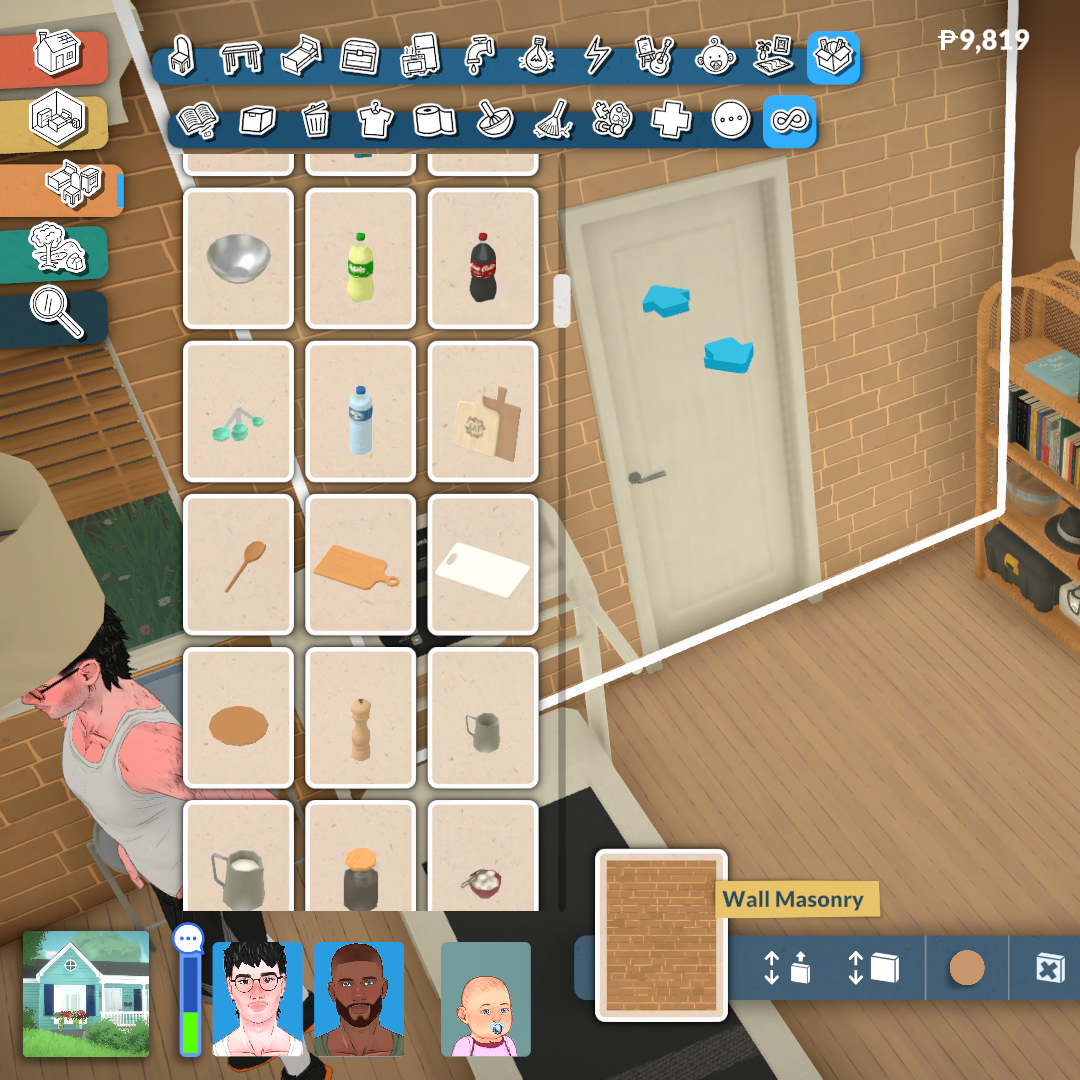
One of the most exciting aspects of Paralives’ tools is how natural and flexible they feel during gameplay. Many objects can be stretched, resized, recolored, or reshaped to suit the player’s needs, while smaller decorative items can still be scaled up or down for added detail. On top of that, every object supports custom styles, allowing players to freely combine colors, materials, and textures instead of being limited to a few preset swatches.

In this article, we’ll explore how these features work, what players can do with them, and why they massively expand the creative possibilities in Paralives.

How Object Customization Works in Paralives

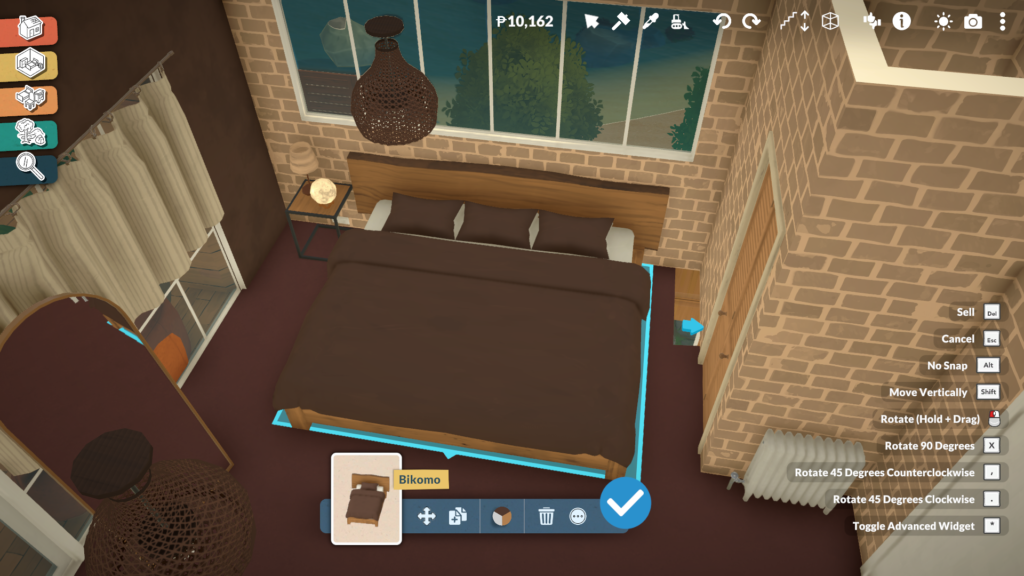
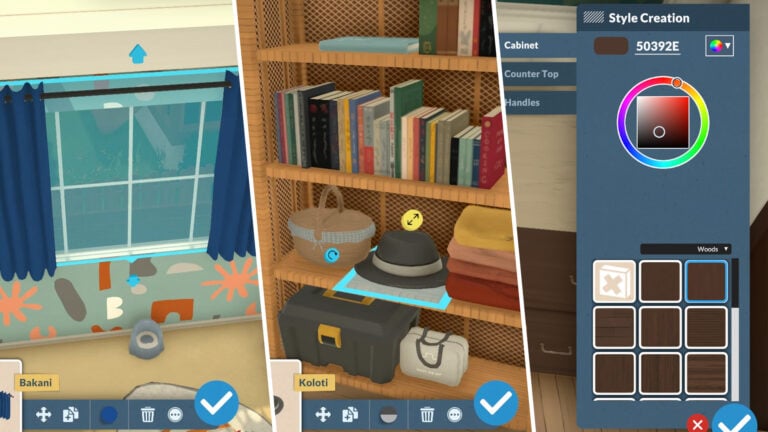
Using object customization in Paralives is incredibly simple and intuitive. In both Build Mode and Buy Mode, players only need to click on an object to access its customization options. Depending on the item, this can include resizing, stretching, changing proportions, selecting different variants, or fully recoloring the object through the Custom Styles system.
object customization

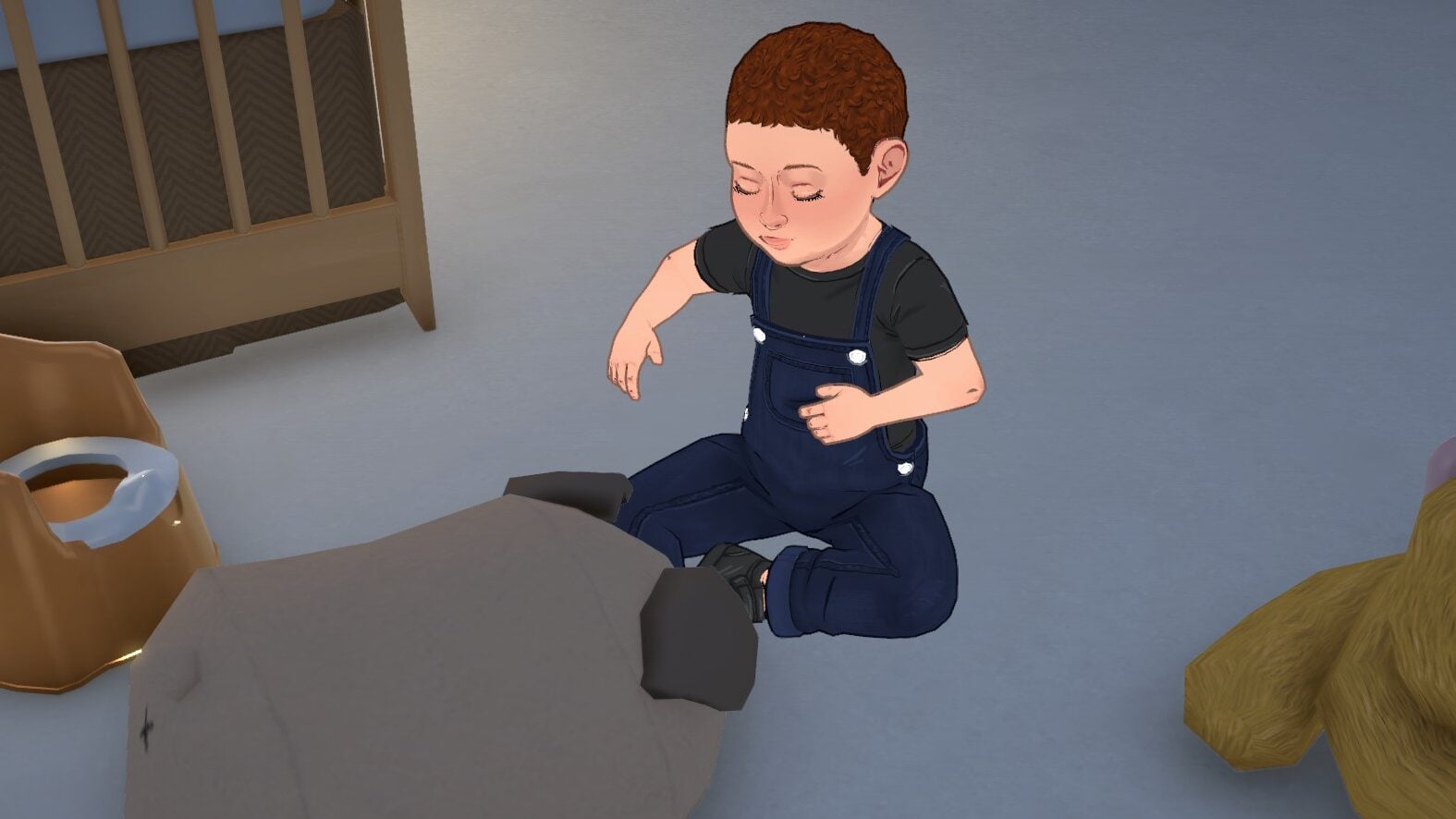
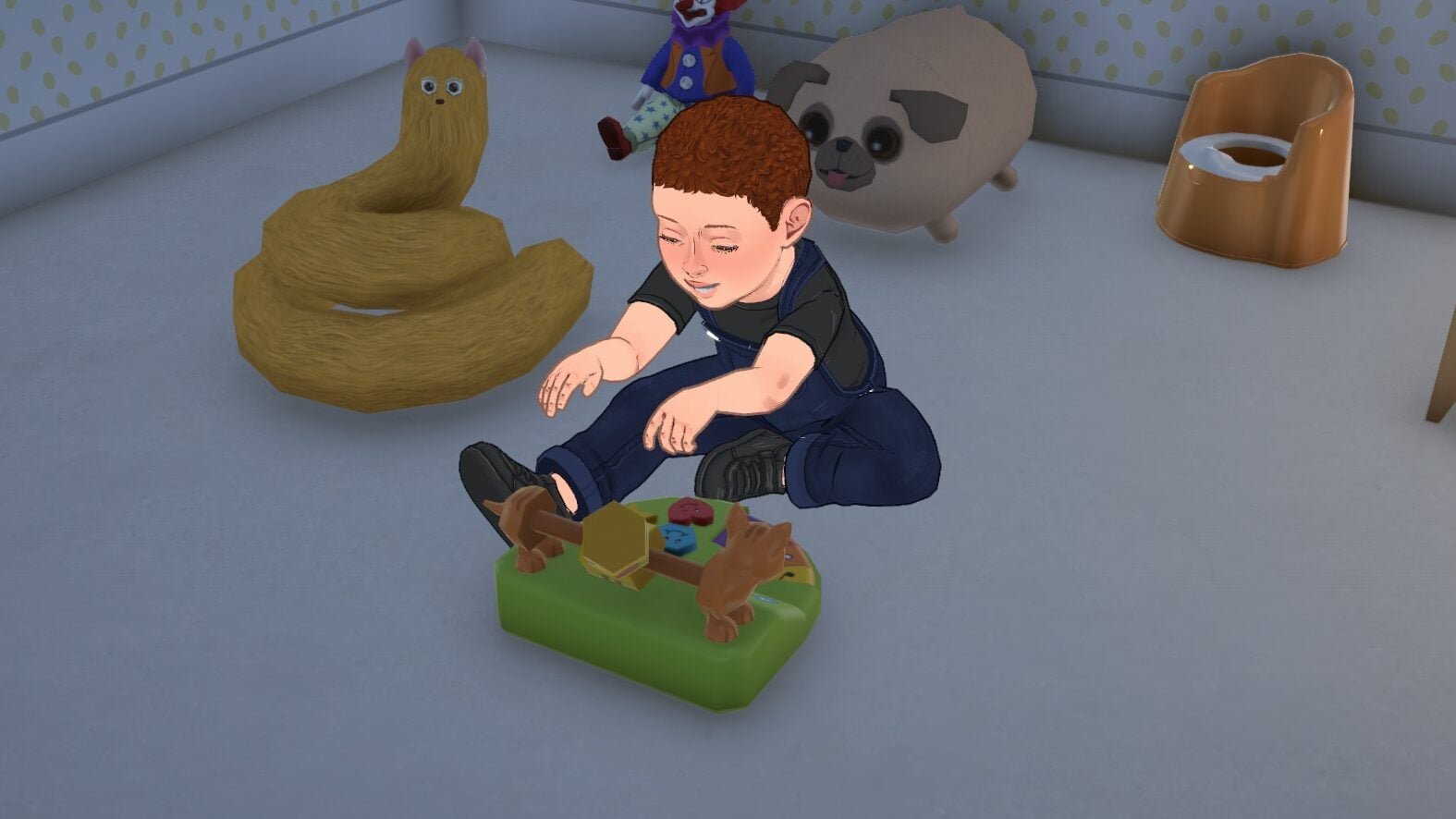
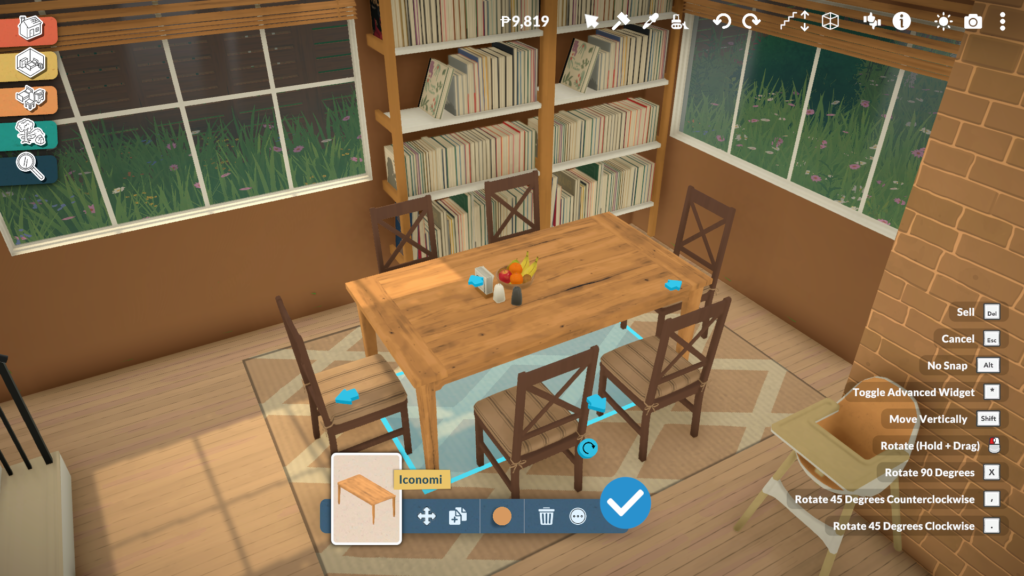
Not every object supports the same level of personalization, though. Some gameplay-related items, especially objects connected to babies and toddlers, such as cribs or gym equipment, keep fixed proportions to preserve their animations and functionality. However, even these objects can still be recolored and customized visually through different materials and color palettes.
Paralives Screenshot 2026.05.21 20.12.53.70

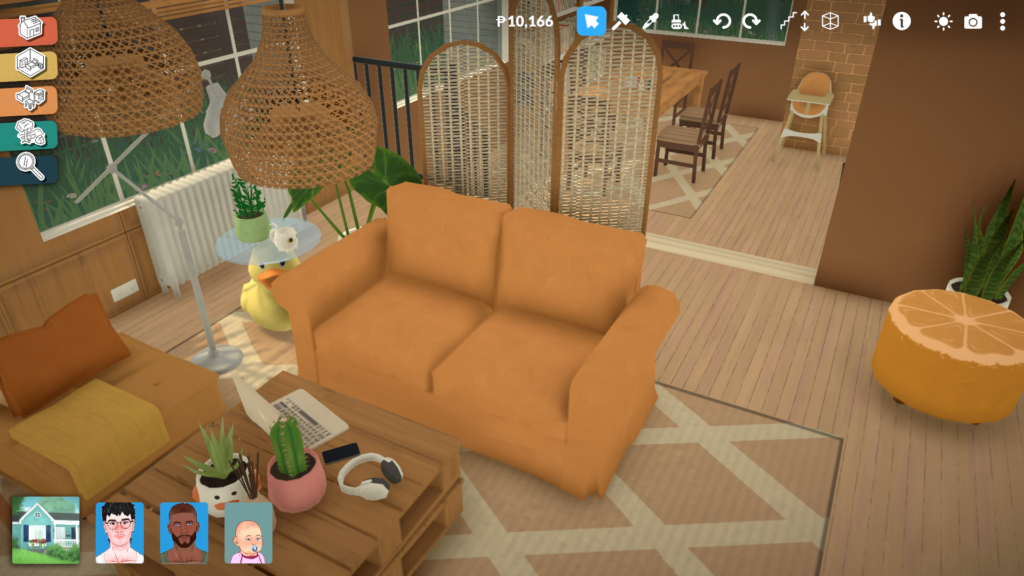
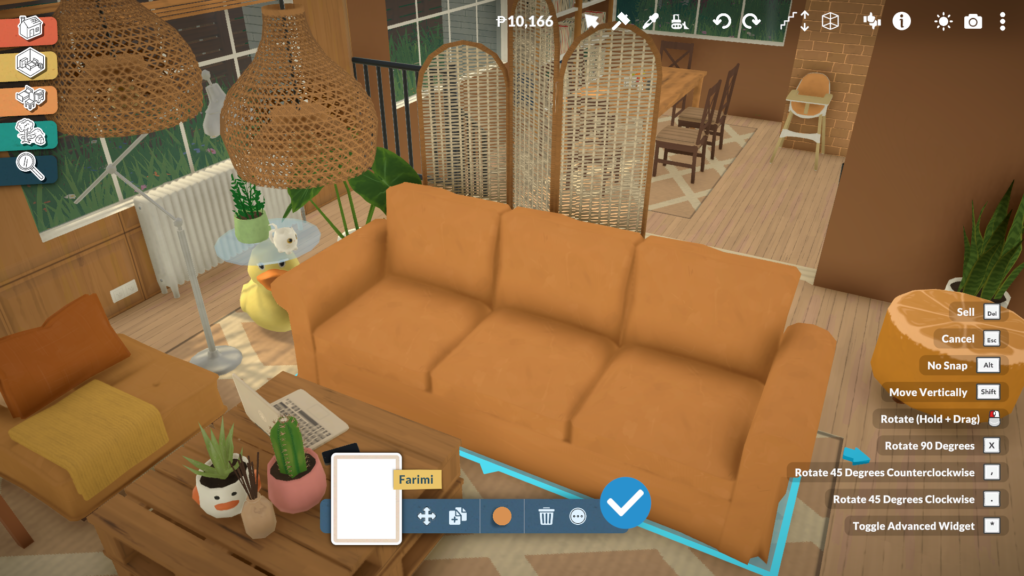
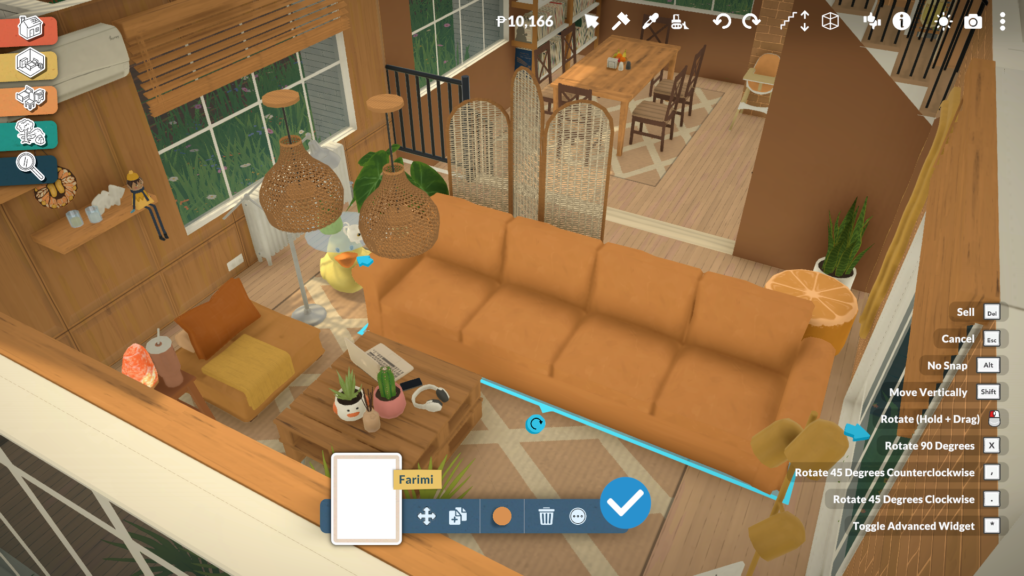
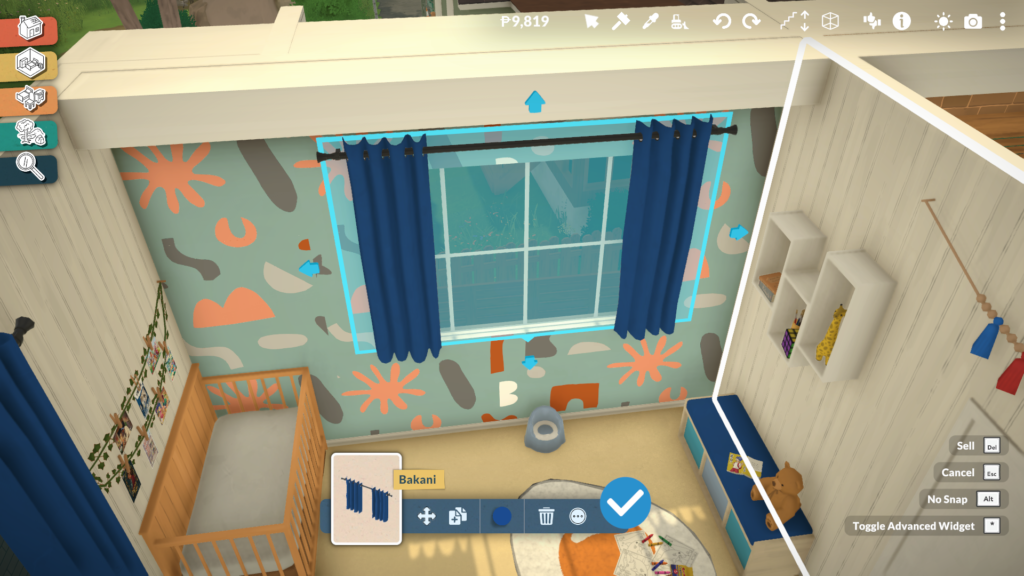
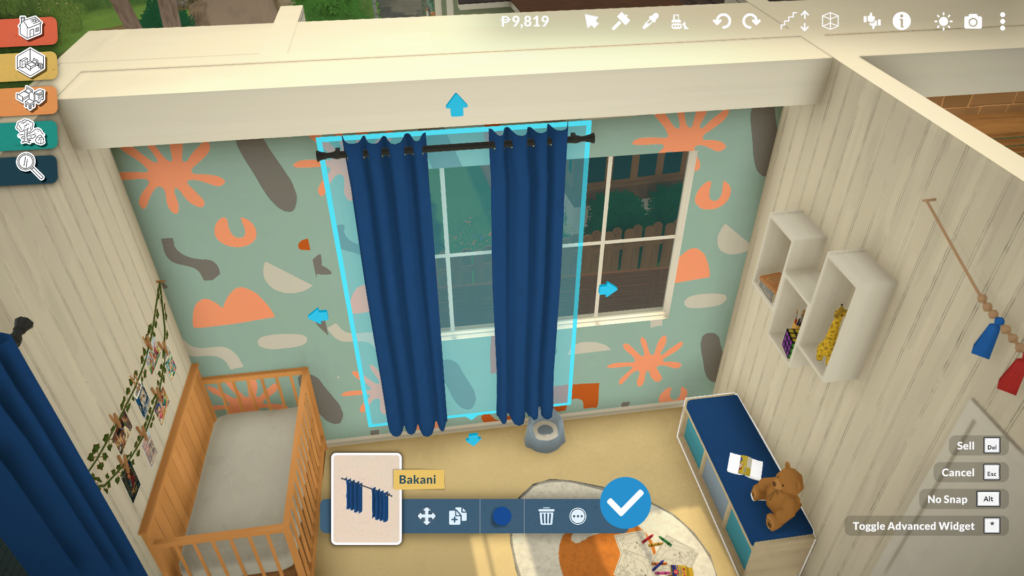
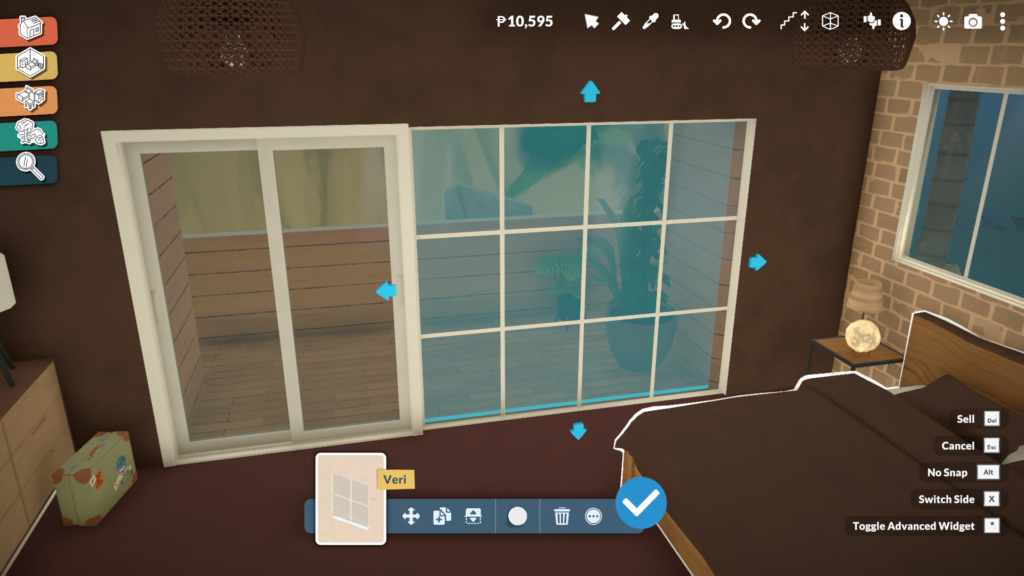
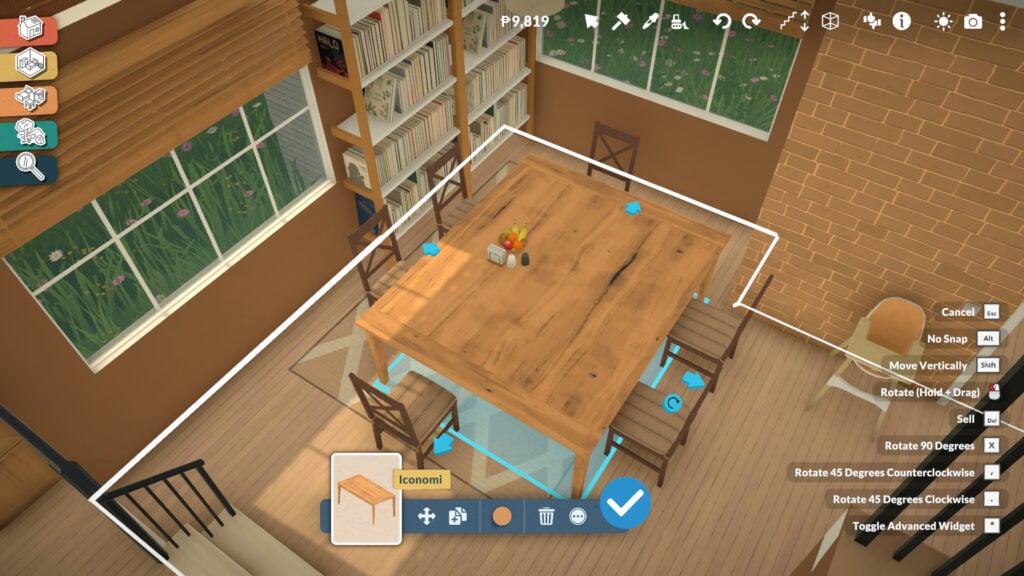
Most furniture pieces offer much more flexibility. Sofas can be expanded to include additional seats, curtains can be adjusted to fit different window sizes, and tables can become longer or shorter depending on the space players want to create. Even many decorative objects and clutter items can be resized freely, making it easier to create more natural and personalized interiors without relying on repetitive assets.
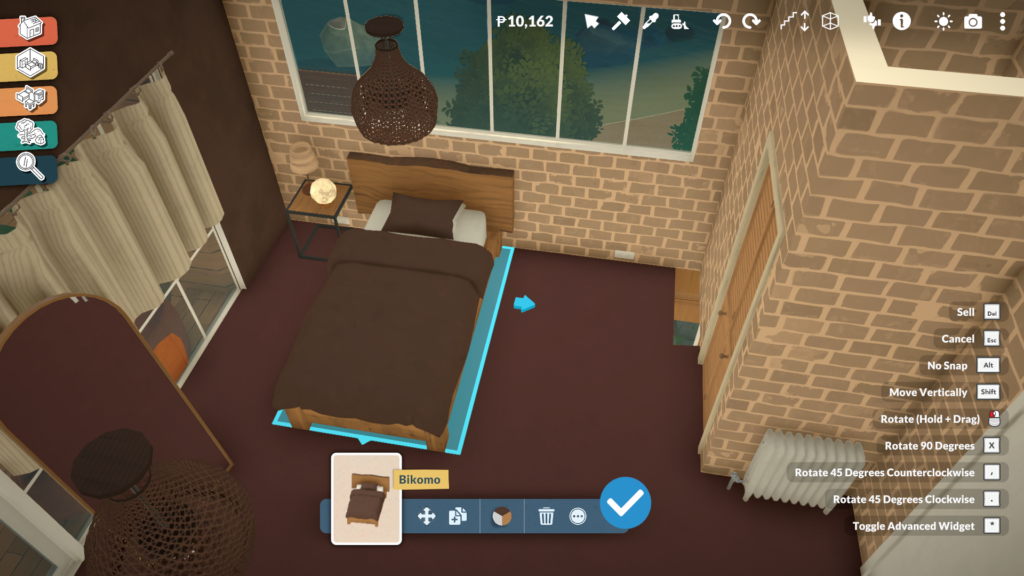
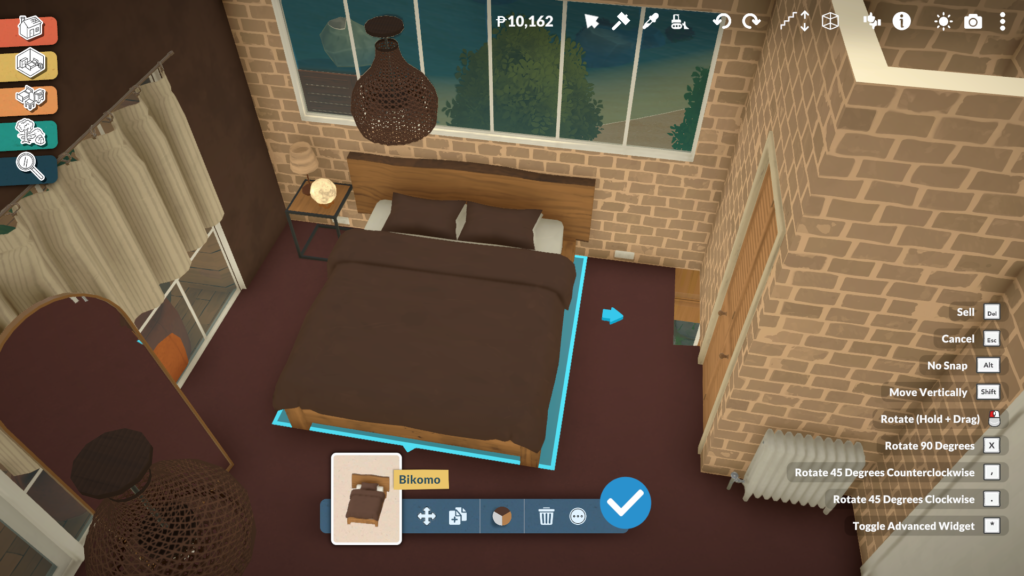
Custom Styles Allow Full Color and Material Customization

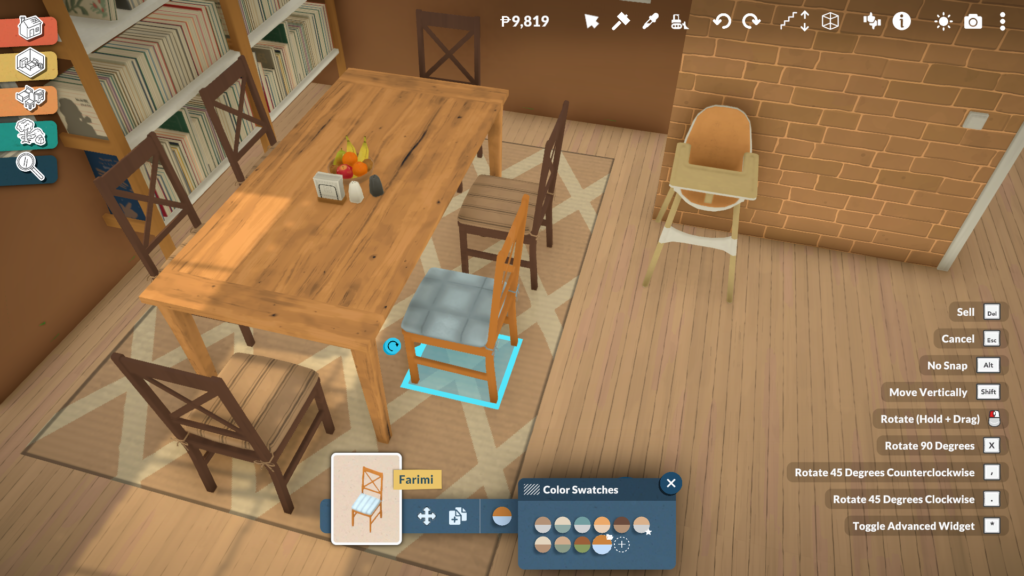
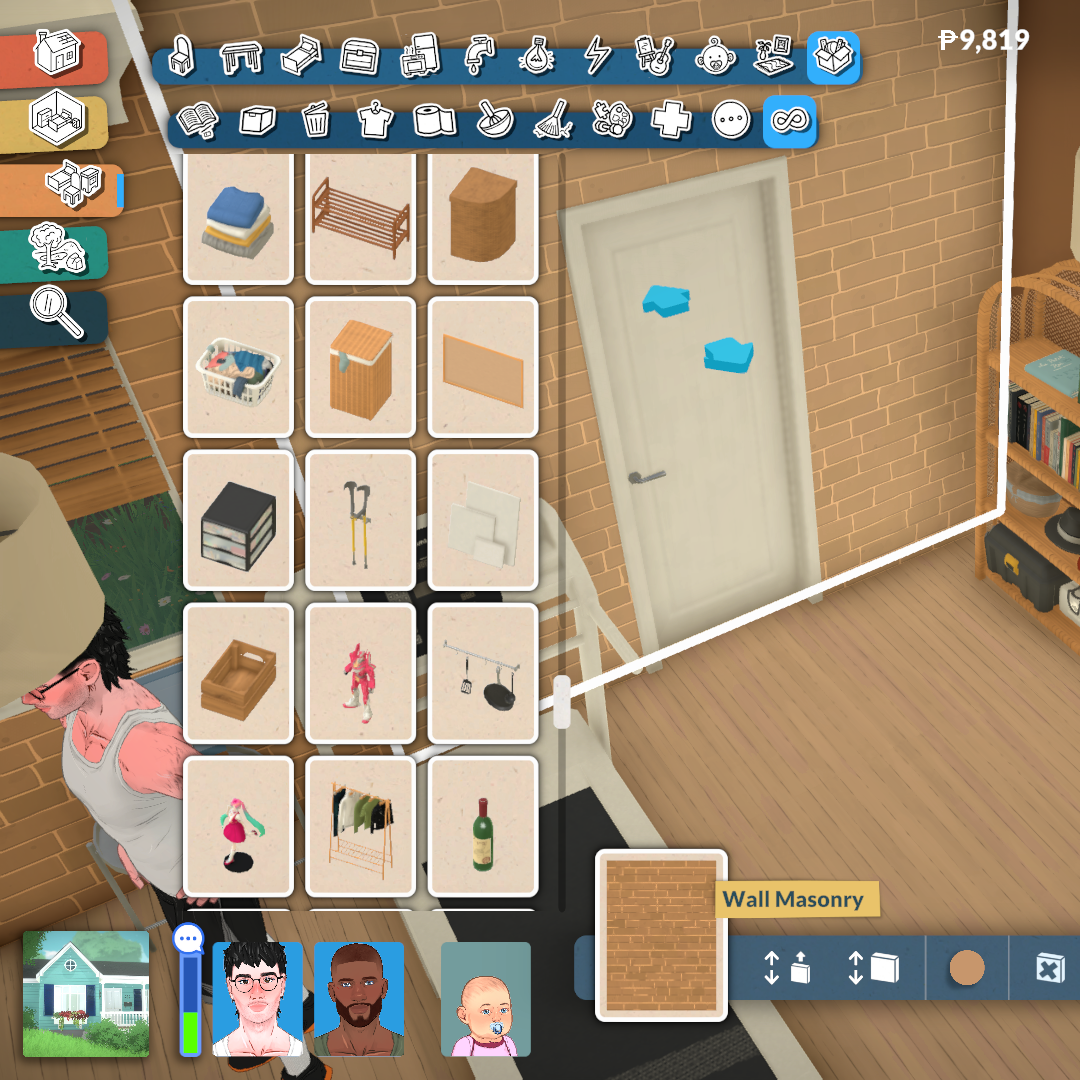
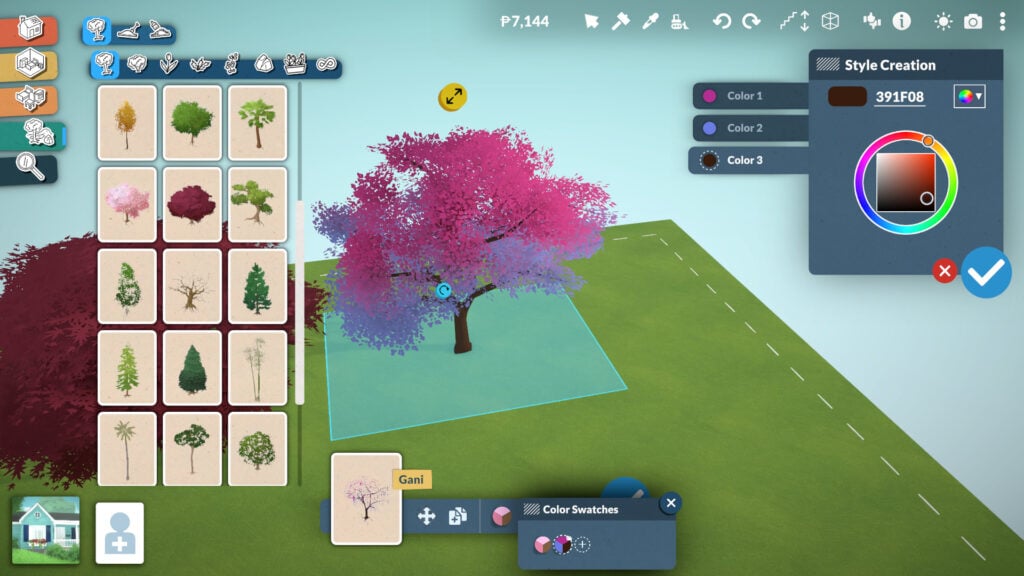
The Custom Styles system in Paralives is accessed directly from the same menu used in Build and Buy Mode. After clicking on an object, players can select the color icon located at the bottom center of the screen to open a panel filled with preset swatches created by the Paralives team. These ready-made recolors already offer a wide variety of visual styles, but the real flexibility begins once players select the option to create a new custom style.
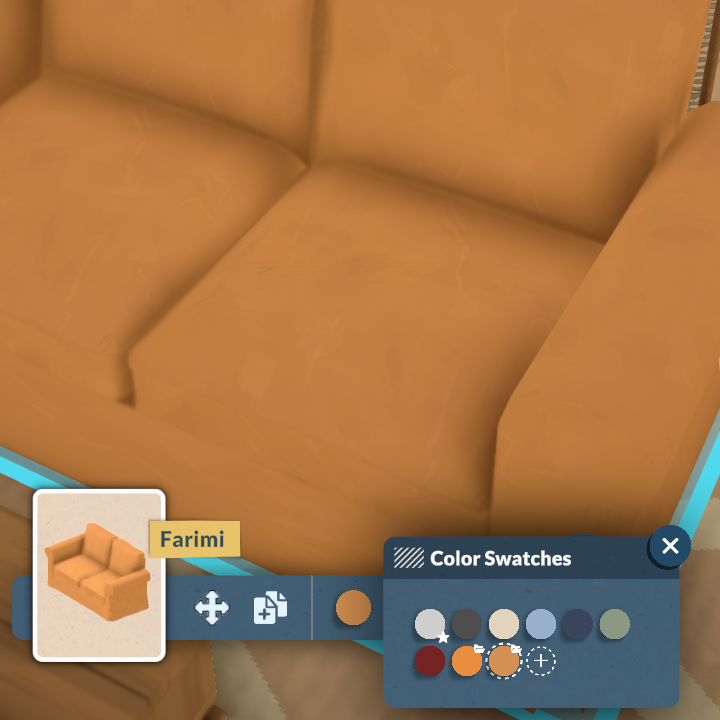
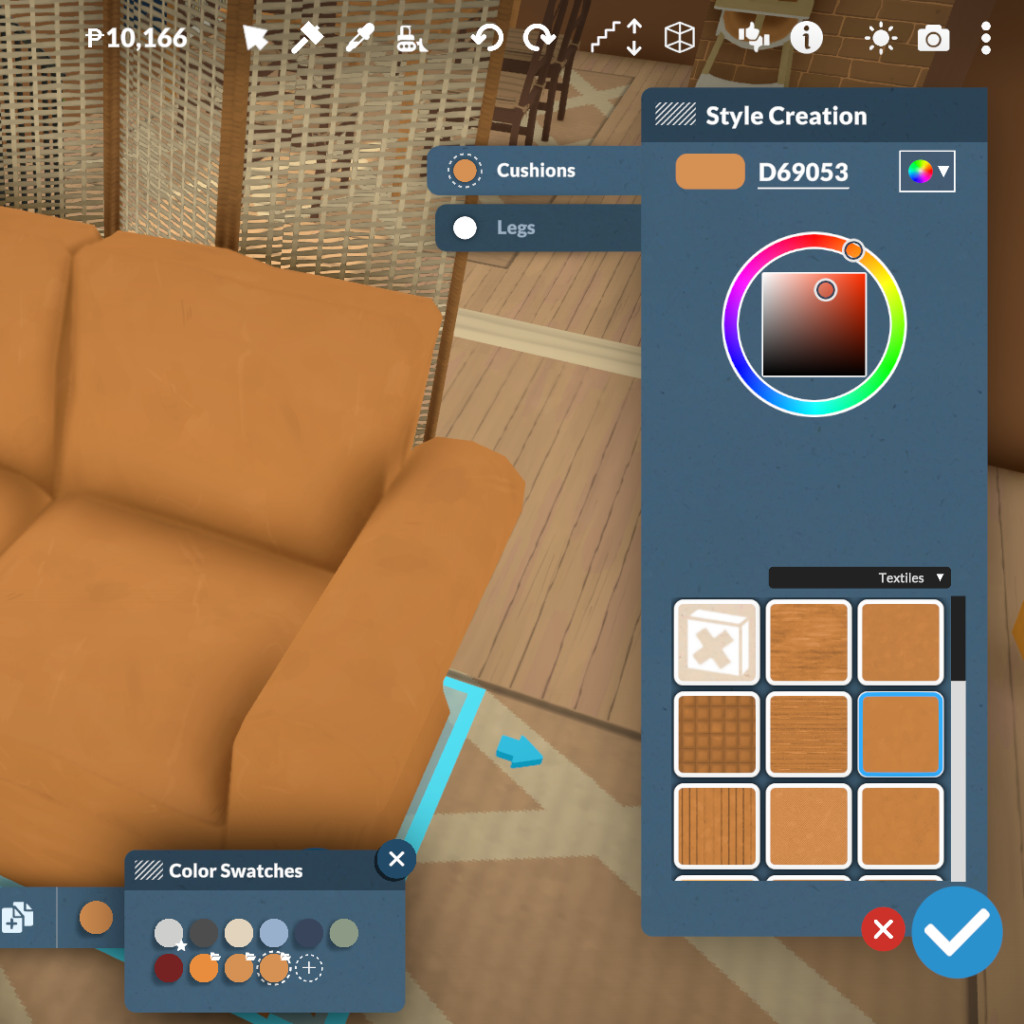
From there, Paralives opens a much more advanced customization menu that allows players to edit objects part by part. Different sections of the furniture can be selected individually, such as sofa cushions and legs, or tabletops and frames, making it possible to apply unique colors and materials to every component separately. The system also includes a large library of textures divided into categories like woods, textiles, metals, plastics, ceramics, and more, alongside a full color wheel for complete freedom when creating custom styles.

This system makes it much easier to create cohesive interiors without being limited to pre-made swatches or repetitive assets. Whether players want realistic wood finishes, colorful patterned fabrics, or fully matching furniture sets, the Paralives custom styles tools allow almost every object in the game to fit a specific aesthetic or design vision.
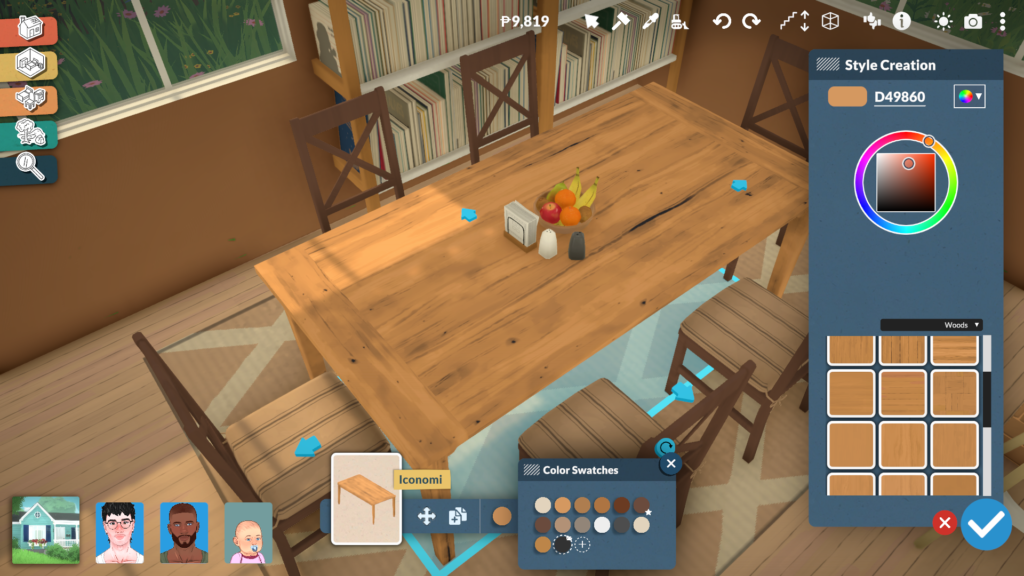
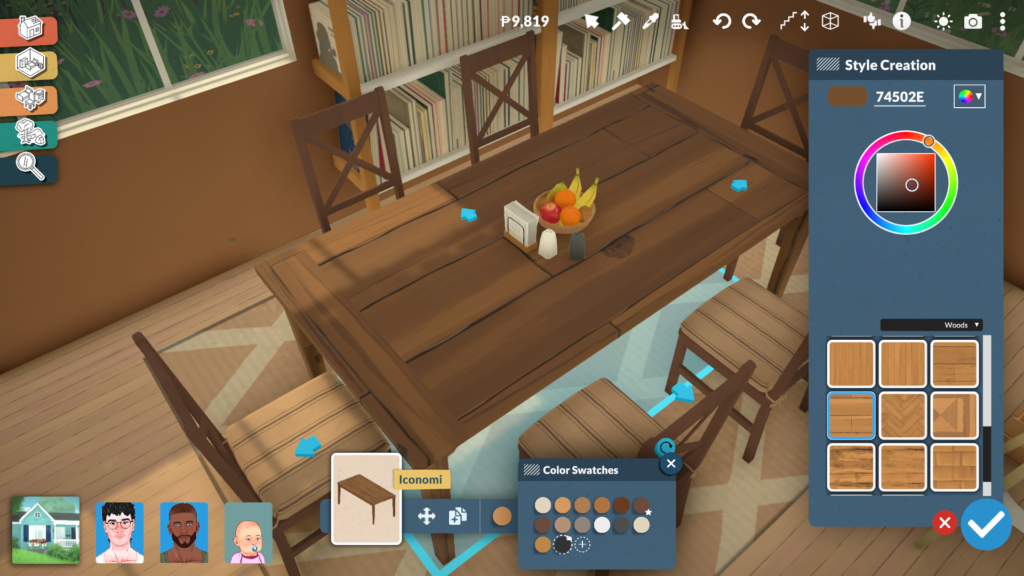
Kitchen Customization Shows The System at Its Best

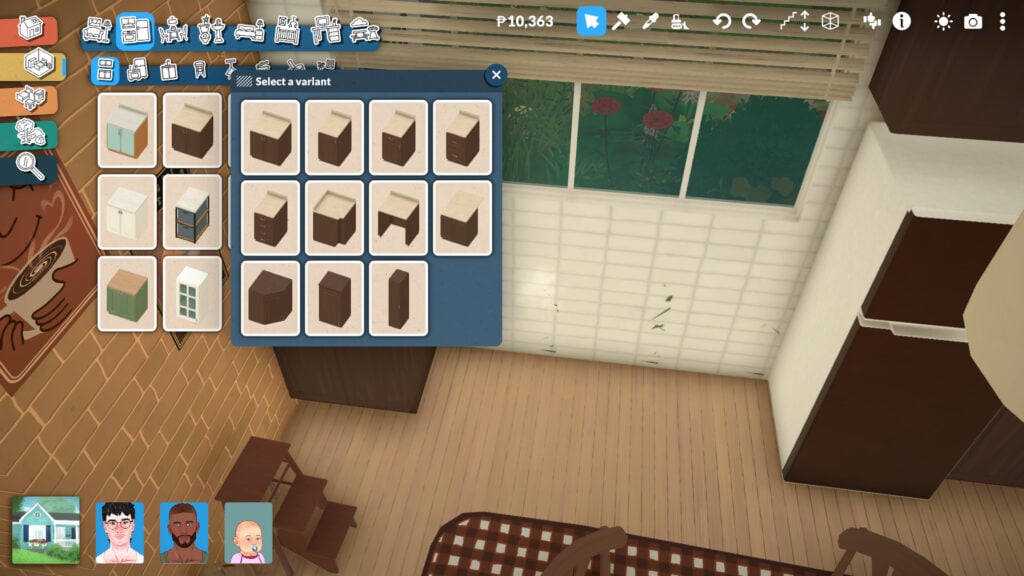
Kitchen counters are one of the best examples of how deep Paralives’ object customization system can become. Instead of relying on a few fixed versions of the same furniture piece, players can completely transform counters into different modular variants directly from the object menu. A single cabinet can instantly become a wider counter, a drawer unit, a corner piece, or a taller cabinet, making it much easier to create kitchens that feel unique and realistically assembled rather than repetitive.
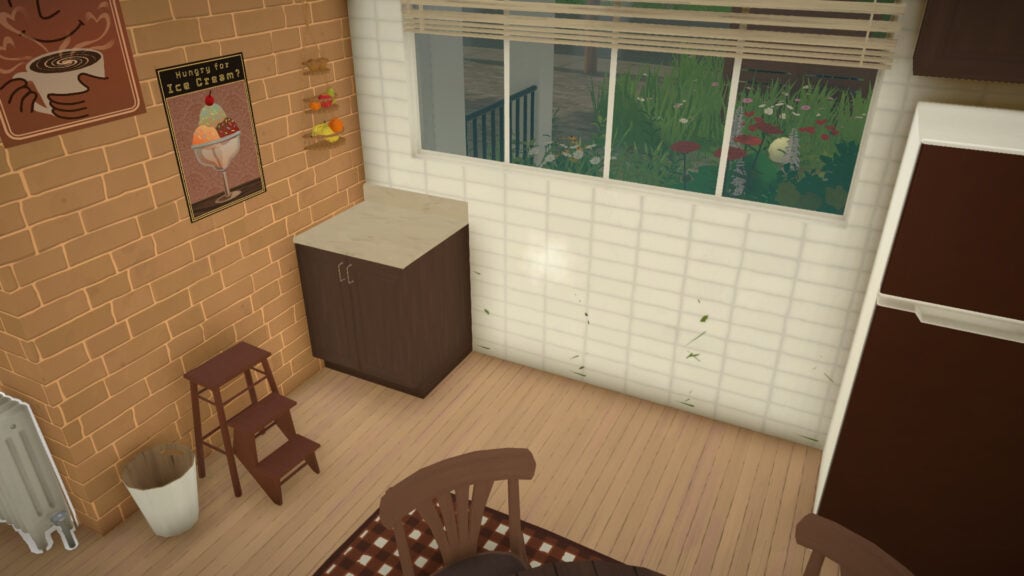
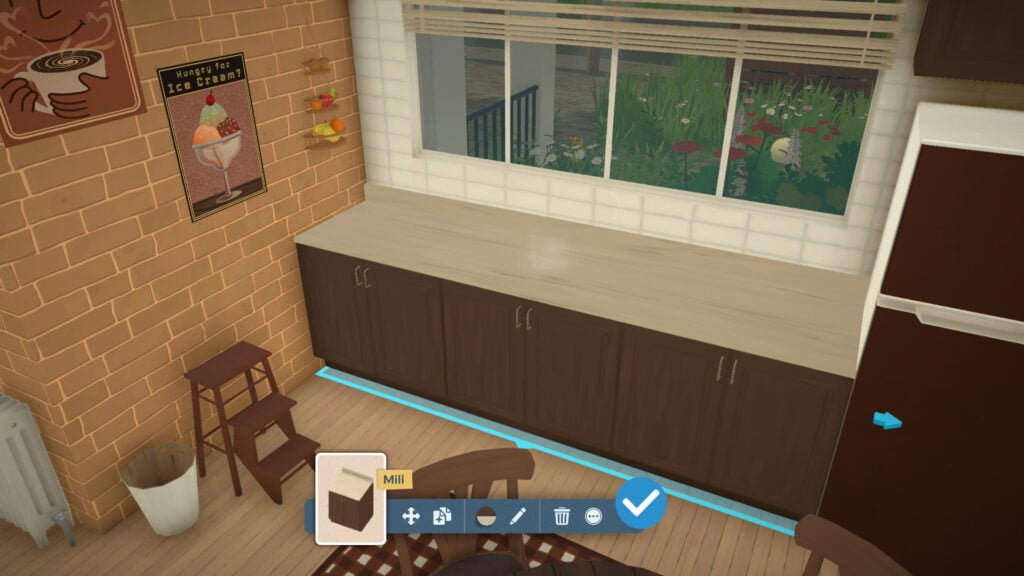
The system also allows players to adjust the length of counters using directional arrows, extending surfaces dynamically to better fit the available space. This flexibility makes kitchen building feel far less restrictive compared to traditional life simulation games, especially when trying to create compact apartments or more unconventional room layouts.
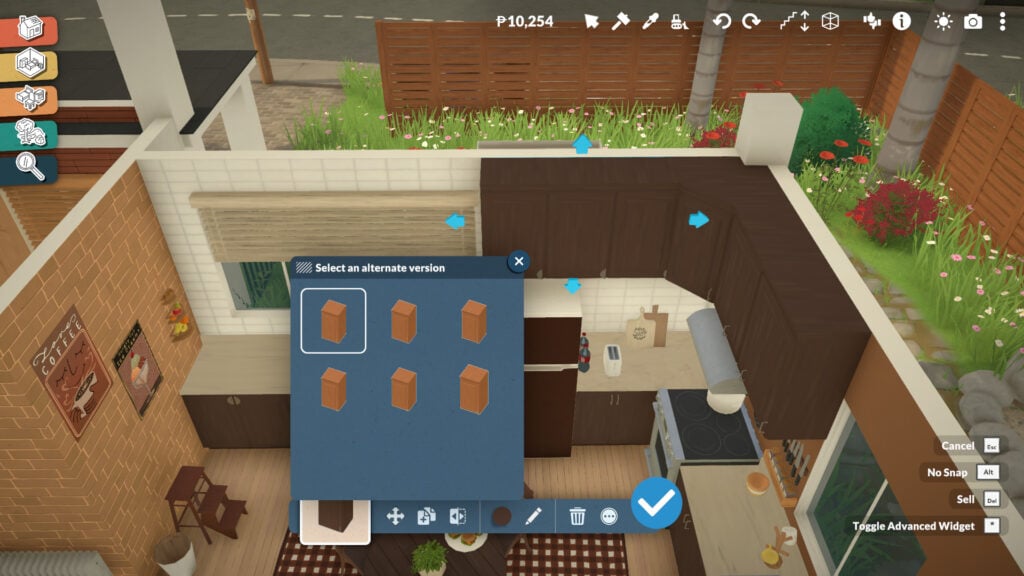
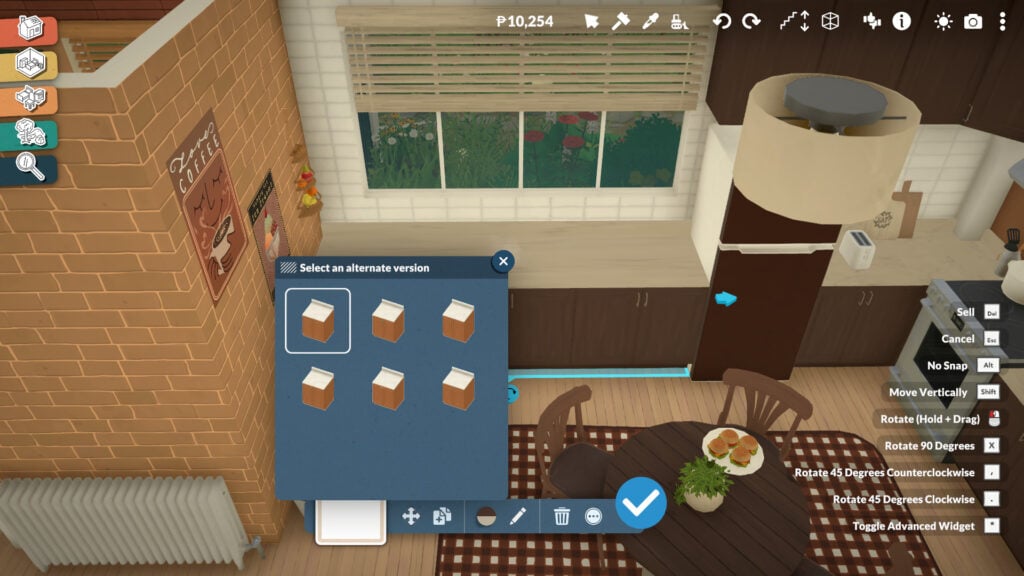
Customization goes even further once you enter the Style Creation menu. Players can independently modify cabinet colors, countertop materials, handles, and even the way drawers or doors visually appear. Different opening styles and handle designs can completely change the aesthetic of a kitchen, allowing the same furniture set to fit modern, rustic, minimalist, or cozy interiors without needing entirely separate objects in the catalog.
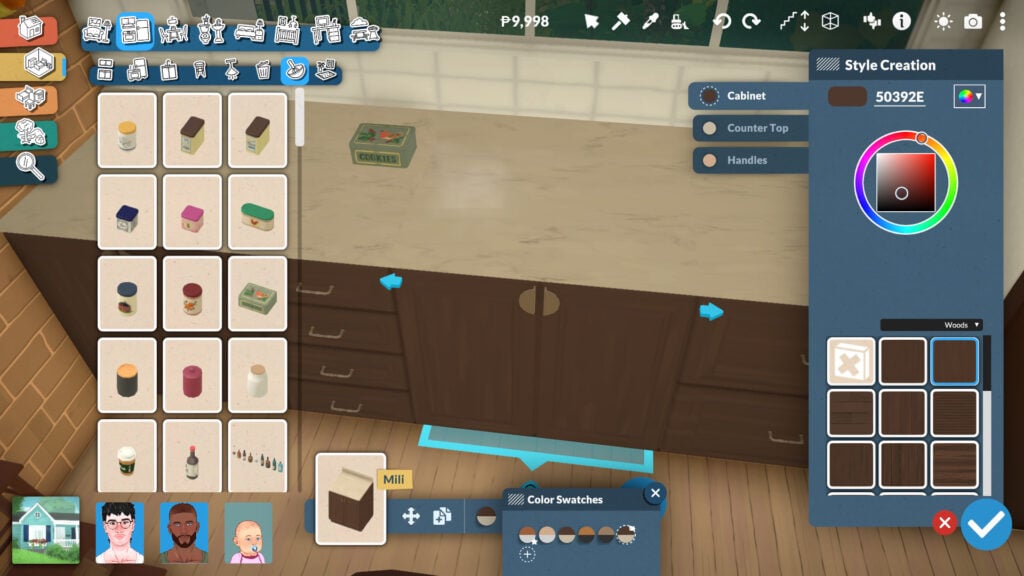
Paralives Screenshot 2026.05.21 20.24.49.15

Combined with the full recoloring system and material categories, Paralives’ modular kitchen tools offer an impressive level of creative freedom that makes building kitchens feel much more personal and adaptable.

Windows Can Also Be Fully Resized and Adjusted

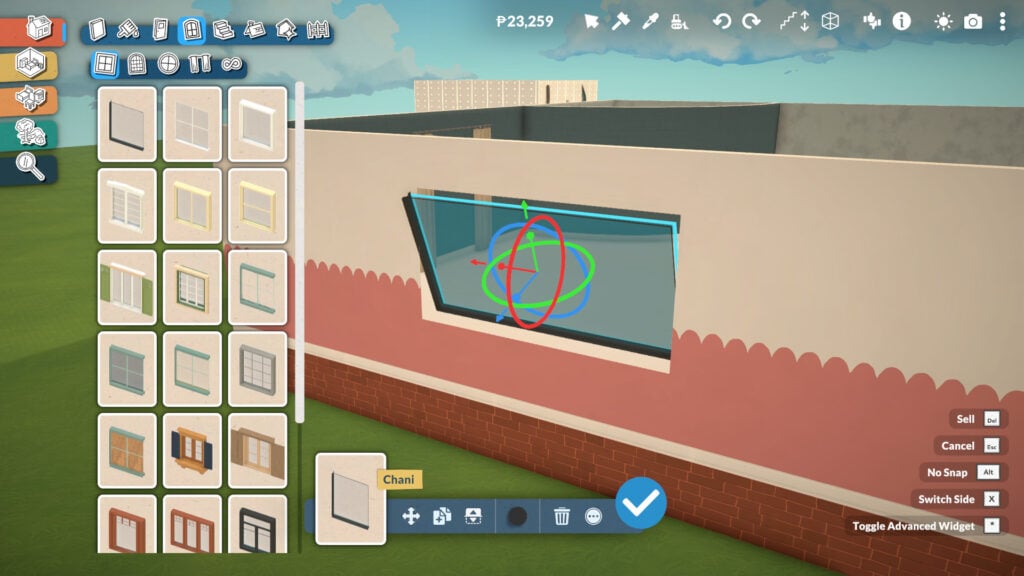
While many Build Mode objects in Paralives support resizing and modular modifications, windows are easily one of the most exciting additions for life simulation fans. Instead of relying on dozens of nearly identical catalog variants, players can directly adjust window dimensions in real time.

It is a feature many players have wanted in the genre for years, especially because it allows builds to feel more cohesive without constantly compromising on proportions or architectural details. The system also perfectly reflects Paralives’ overall design philosophy: giving players more control over how objects adapt to their creativity rather than forcing creativity to adapt to fixed assets.
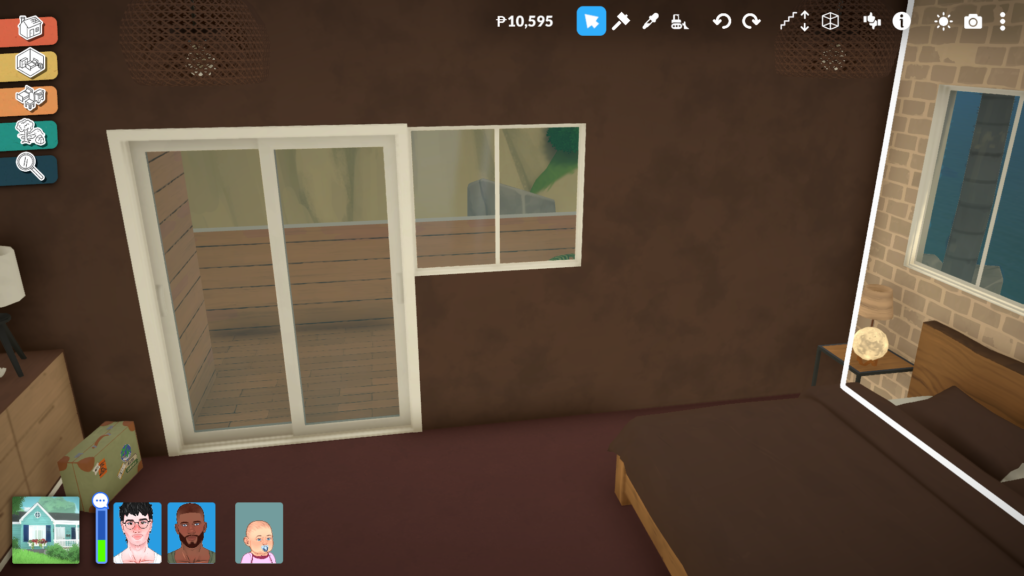
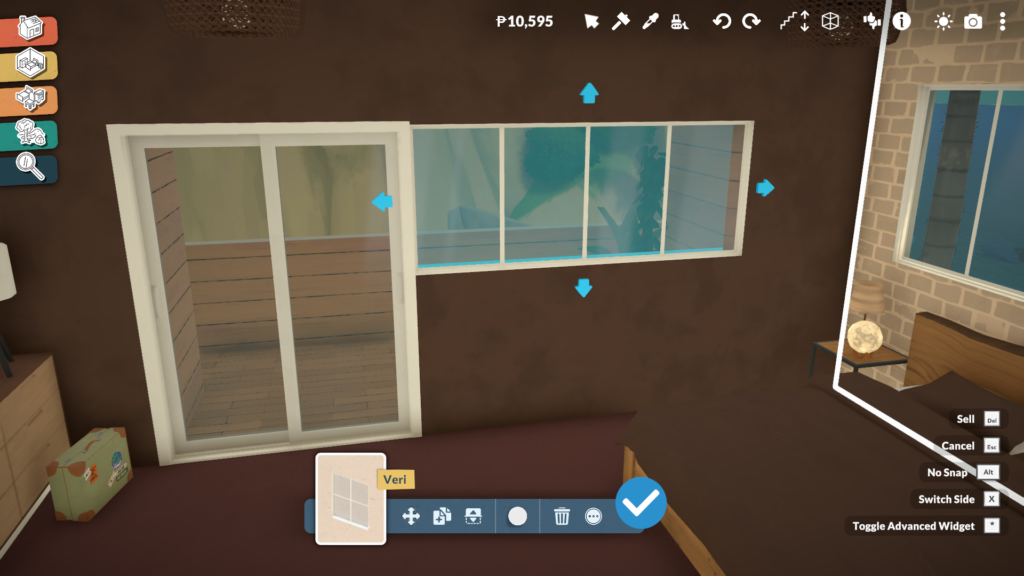
We explored this feature in more detail in our dedicated Paralives Build Mode article, where we break down additional advanced building tools and customization mechanics.

Clutter Objects Can Also Be Resized for Better Decoration

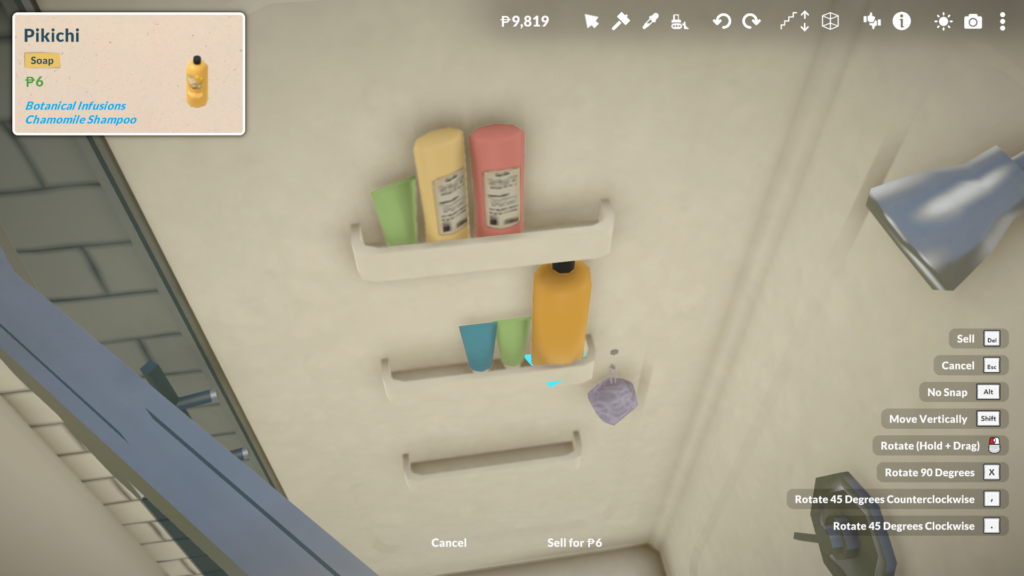
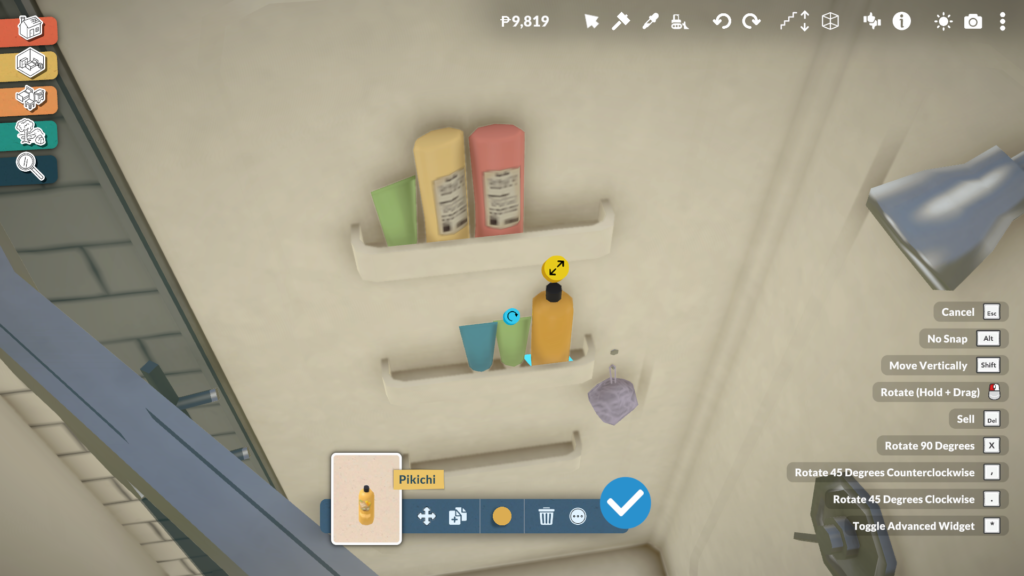
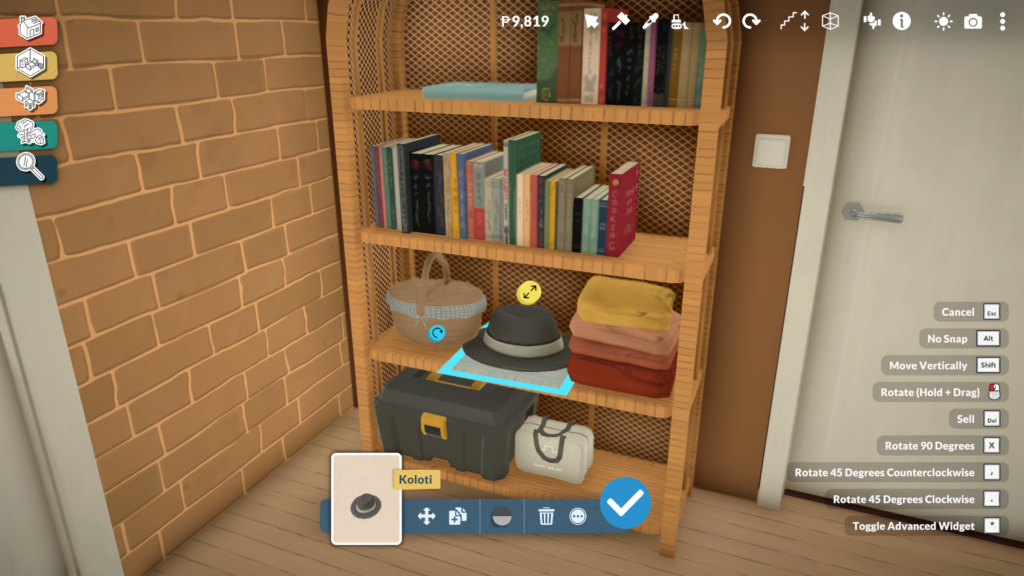
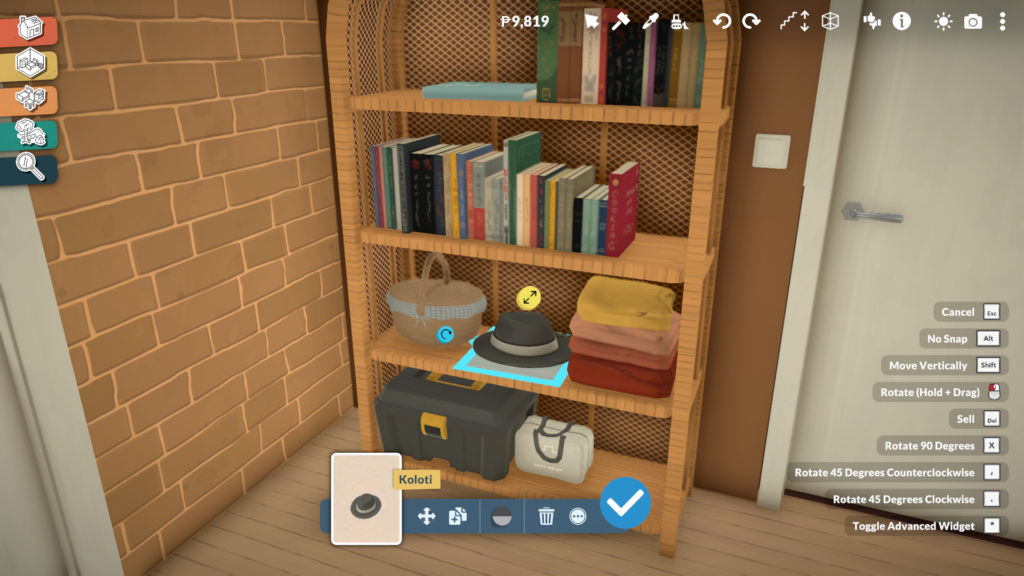
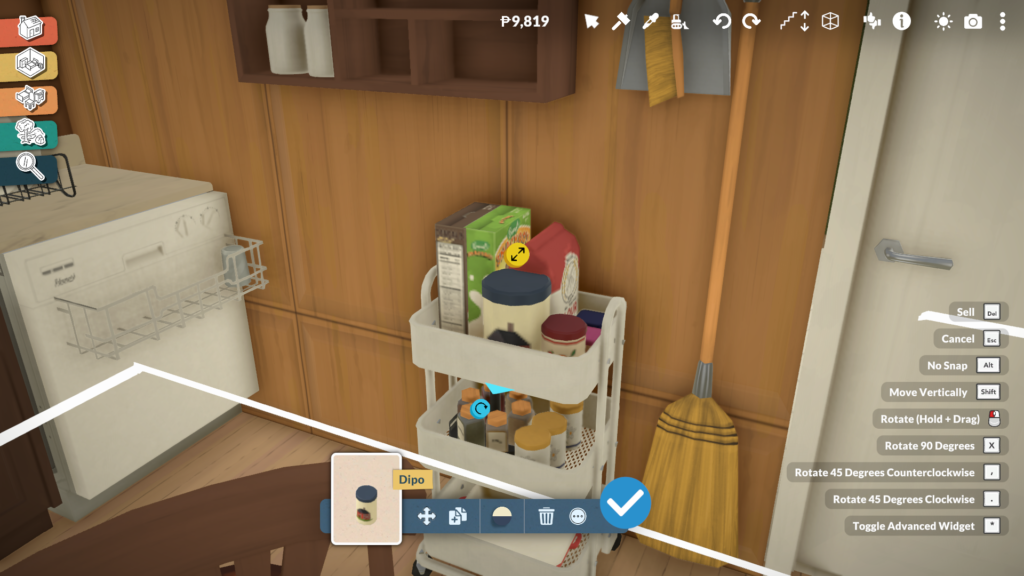
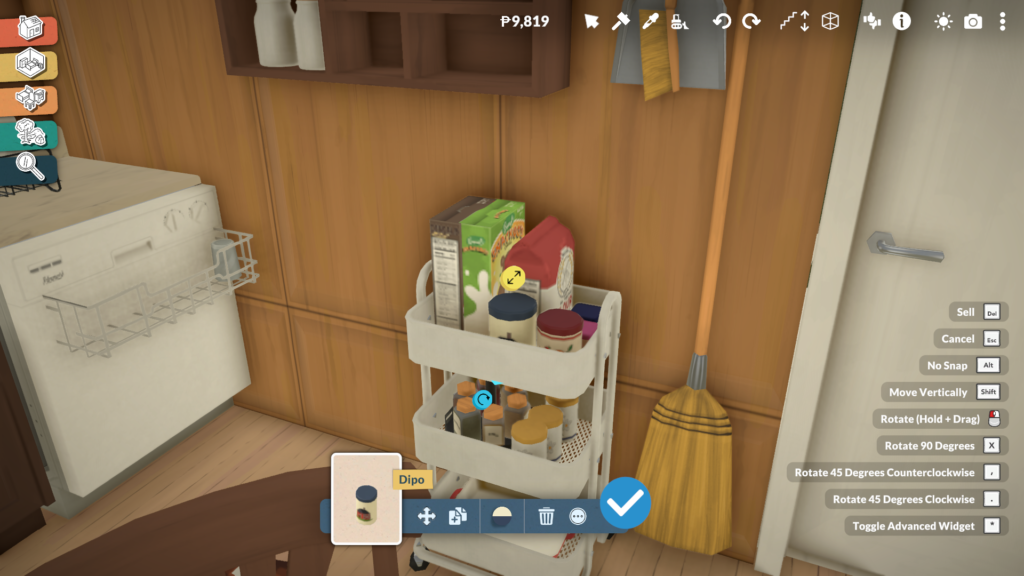
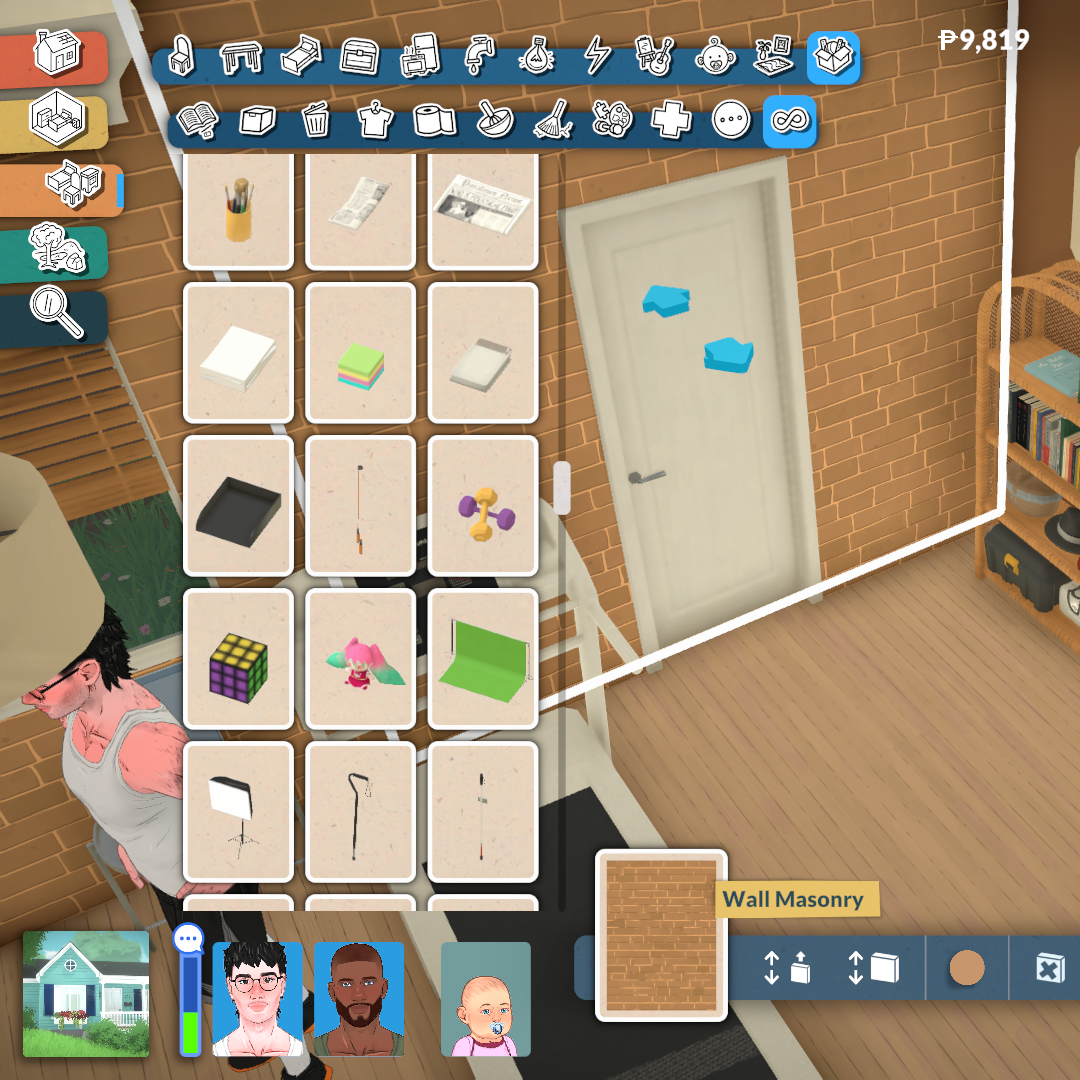
Paralives’ personalization tools are not limited to large furniture pieces. Many decorative clutter objects can also be resized proportionally, allowing players to better adapt smaller items to shelves, bathroom counters, storage spaces, desks, and other surfaces around the house.

Even though most clutter items retain their original proportions when scaled, this feature still adds a surprising amount of flexibility when decorating interiors. Small objects no longer feel locked to a single size, making it easier to create spaces that look more natural, detailed, and less repetitive.

This becomes especially important because many storage surfaces and shelves in Paralives start empty by default, encouraging players to decorate and personalize them manually. For example, even bathroom showers do not automatically include decorative shampoo or soap bottles, meaning players can freely decide how cluttered, minimalist, or lived-in they want each room to feel.
These Systems Reduces Furniture Repetition

One of the biggest advantages of Paralives’ customization systems is how much they reduce the feeling of repetition inside the furniture catalog. In many life simulation games, players often need dozens of separate versions of the same object just to achieve small variations in size, color, or shape. Paralives approaches this differently by allowing players to directly modify many objects instead of searching endlessly through the catalog for slightly altered duplicates.

This characteristic becomes especially noticeable when building kitchens, decorating shelves, or creating cohesive interiors. Instead of relying on multiple versions of the same furniture set, players can resize objects, modify materials, and create personalized color palettes that completely change how an item looks and fits into a room.

As a result, the catalog feels significantly more flexible and efficient, while also giving players more control over how unique their homes and creations can become. It is a design approach that benefits creativity and also helps Paralives avoid one of the most common long-term issues in the life simulation genre: overly repetitive furniture libraries.
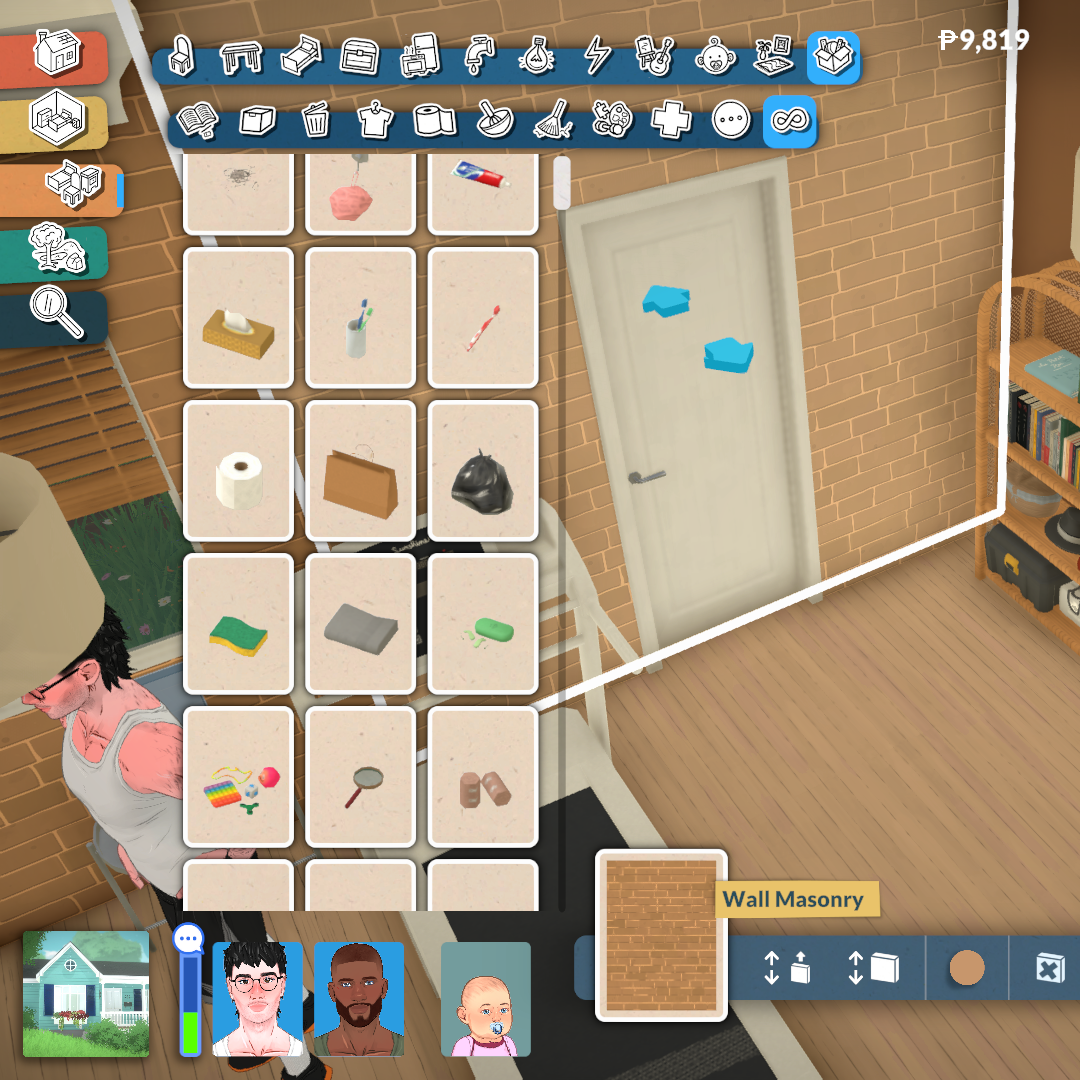
Paralives’ object customization systems already demonstrate an impressive level of ambition for an Early Access life simulation game. Features such as modular furniture, resizable objects, adjustable windows, and fully customizable materials show a strong attention to detail that directly impacts how personal and believable player creations can become. Instead of treating modifications as a secondary feature, Paralives places creative freedom at the center of its entire building philosophy.

More importantly, systems like these could have a major impact on the future expectations of the genre itself. For years, life simulation players have become used to working around limitations in furniture catalogs, object sizes, or fixed color palettes. Paralives challenges many of those restrictions by giving players tools that adapt to their creativity rather than forcing creativity to adapt to the game’s assets. Even in its current Early Access state, the game already hints at how much more flexible and player-driven building systems could become in future life simulation titles.


What do you think about Paralives’ object customization systems so far? Do you think features like modular furniture, custom styles, and resizable objects could change the future of life simulation games?

Let us know in the comments, and don’t forget to check out more of our Paralives reviews, guides, and Early Access coverage here at Sims Community.
Why Paralives Already Feels Like a Cozy Escape

There is something surprisingly calming about stepping into Paralives for the first time. From the moment the game loads, the soft opening music immediately establishes a warm and comforting tone, almost like being wrapped in a quiet hug after a long day. Combined with the relaxed visuals, cozy neighborhoods, and slower pacing, Paralives already creates an atmosphere that encourages players to settle in and simply exist within its world.

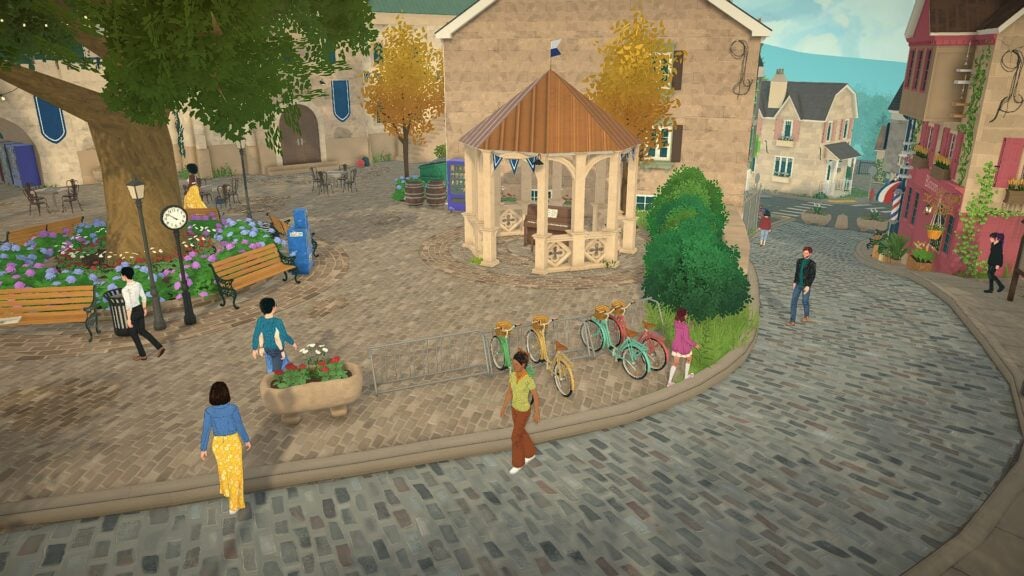
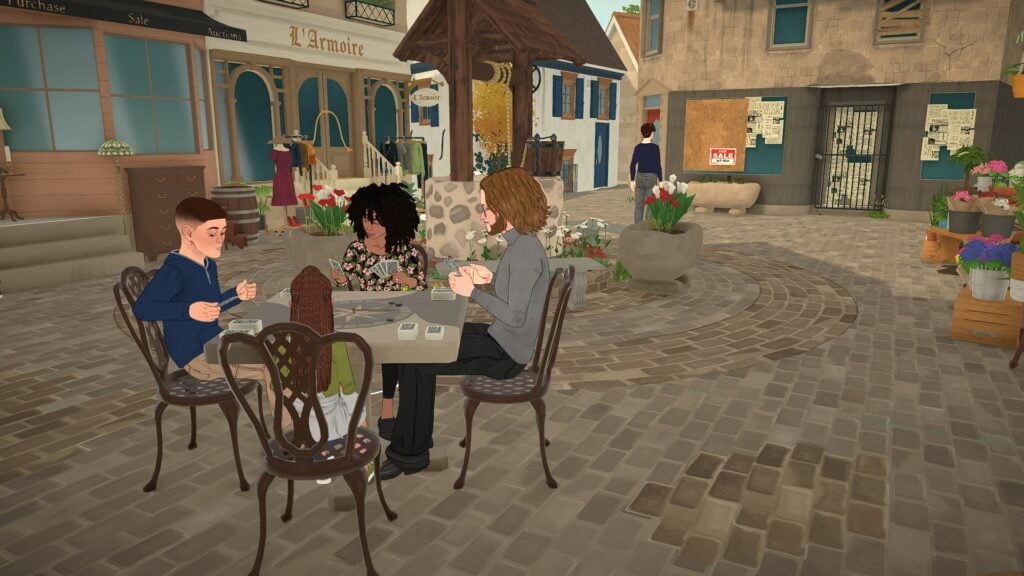
Family playing cards together in a Paralives cozy escape town square surrounded by flower shops, cobblestone streets, and community spaces

Even during Early Access, the game captures a peaceful energy that makes everyday moments feel meaningful. From quiet apartments filled with personality to warm cafés, intimate social interactions, and scenic town spaces, this Paralives Cozy Escape experience feels less focused on chaos and more focused on comfort, creativity, and daily life.

Instead of constantly pushing players toward larger objectives, Paralives allows smaller moments to shine. Many of the game’s strongest scenes happen during ordinary activities, and that slower, more thoughtful approach already helps the game stand out from other life simulation experiences.

Small Living Spaces Feel Warm and Personal

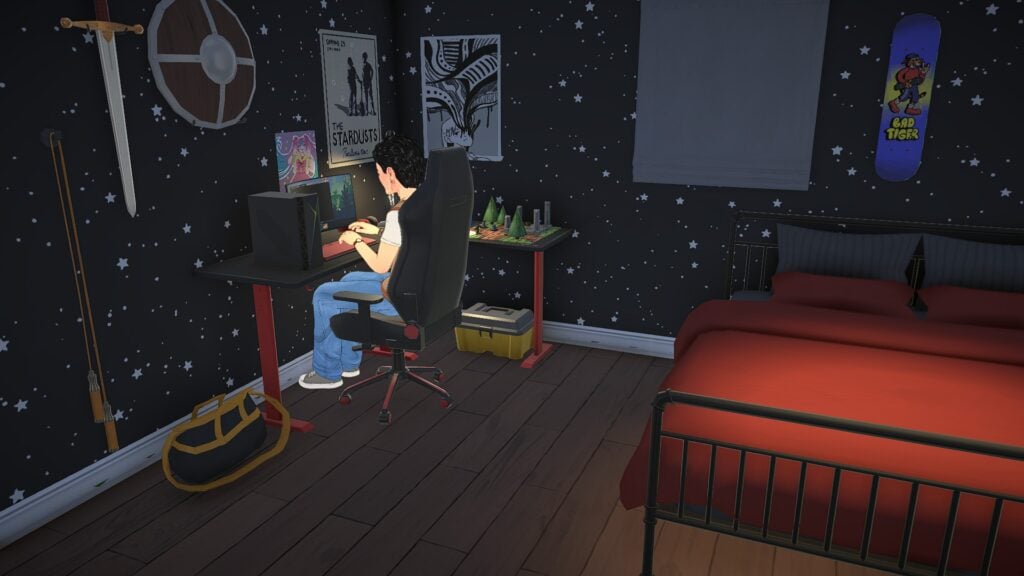
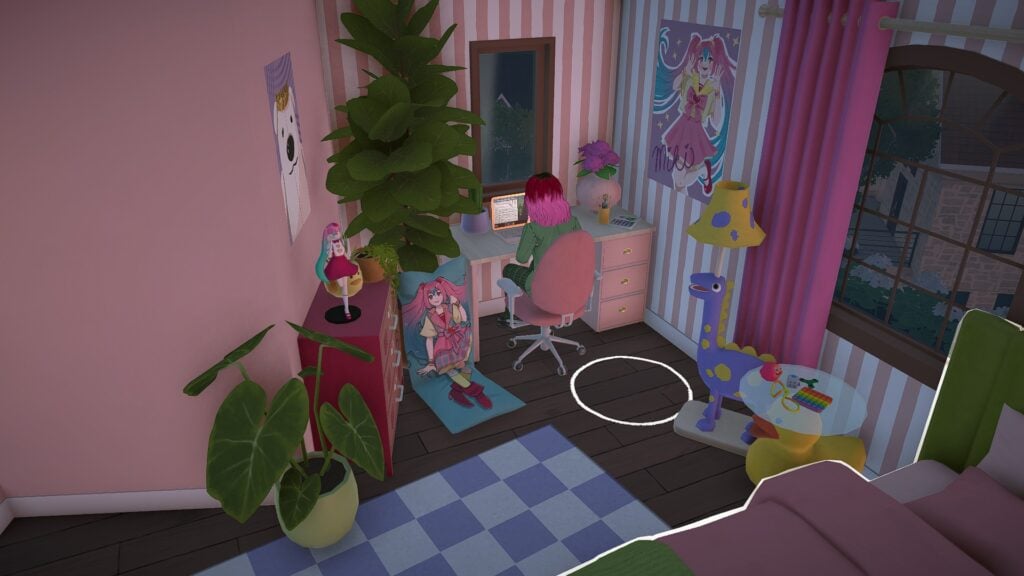
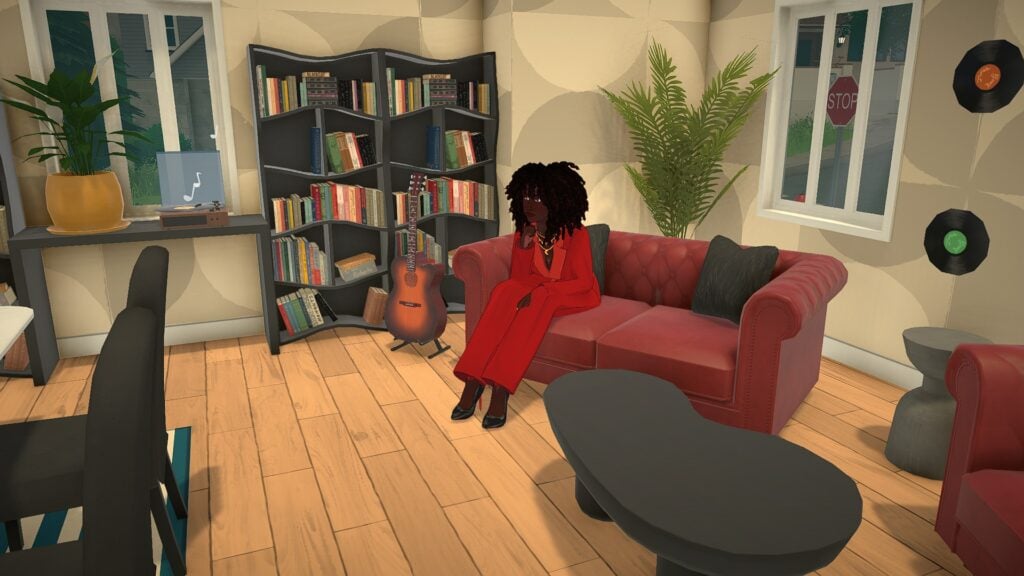
One of Paralives’ greatest strengths already comes from its interior design and environmental storytelling. Bedrooms, apartments, and shared living spaces feel lived in rather than overly staged. Posters on the walls, overflowing bookshelves, gaming setups, plants, and layered decorations all help spaces feel personal.

The smaller apartments especially contribute to the game’s cozy atmosphere. Instead of oversized empty rooms, many homes feel intimate and carefully arranged. A compact desk setup glowing late at night or a softly decorated bedroom filled with collectibles instantly creates the feeling that someone truly lives there.

Even simple details like warm lighting, wood textures, and clutter placement help every room feel inviting. The game’s art style also softens everything visually, creating spaces that feel comfortable to spend time in.

Paralives Cozy Escape Gameplay Comes From Everyday Moments

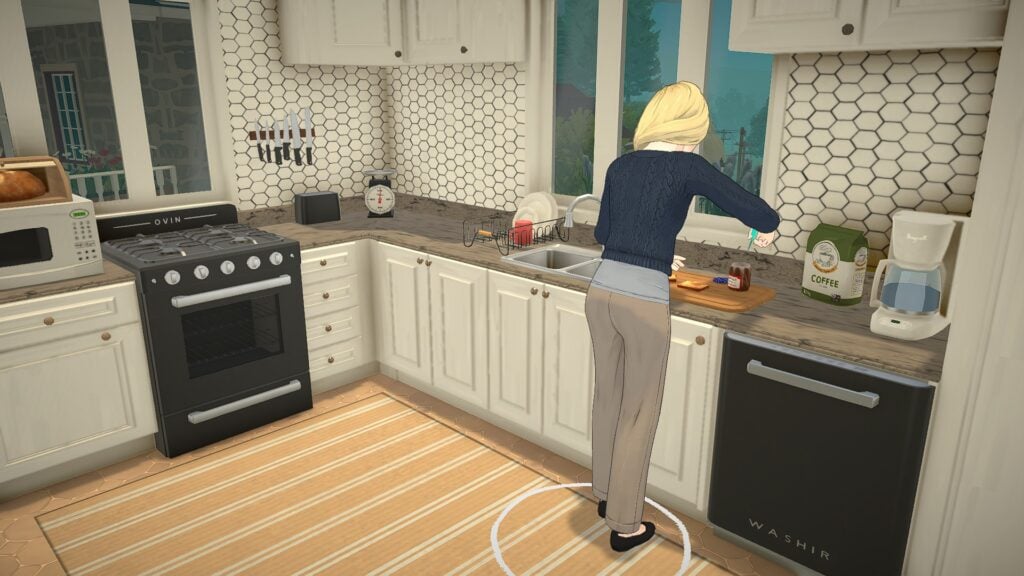
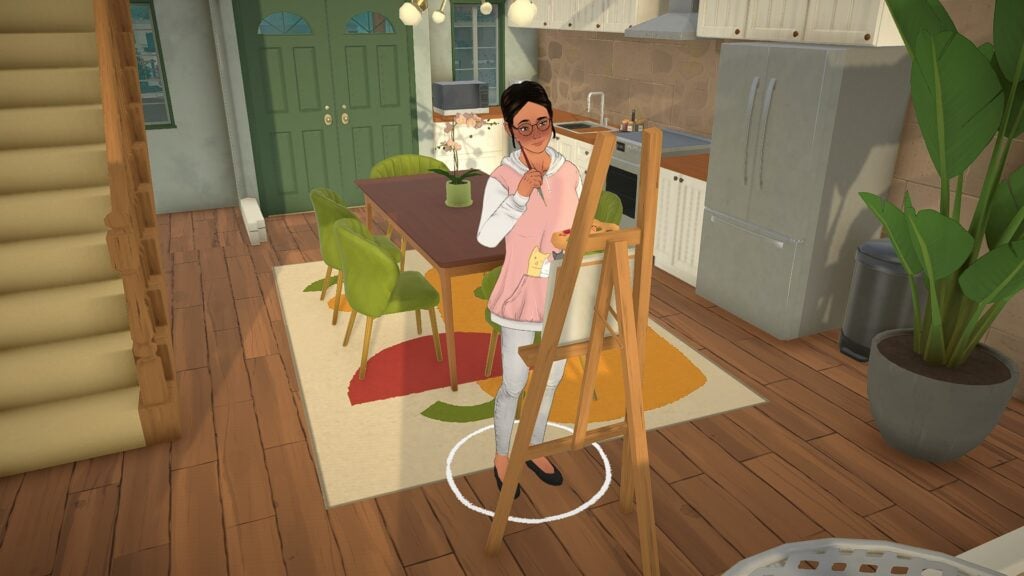
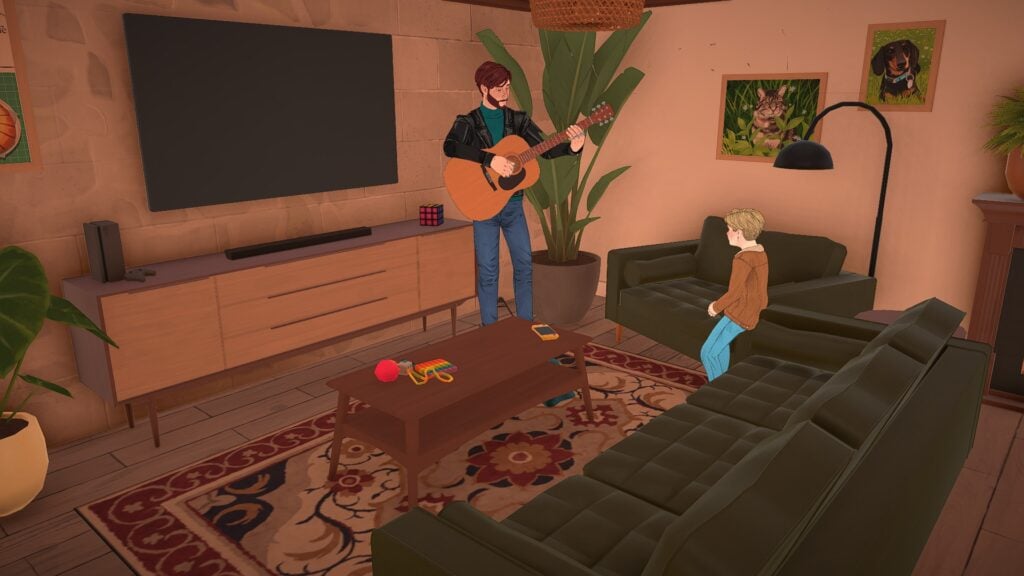
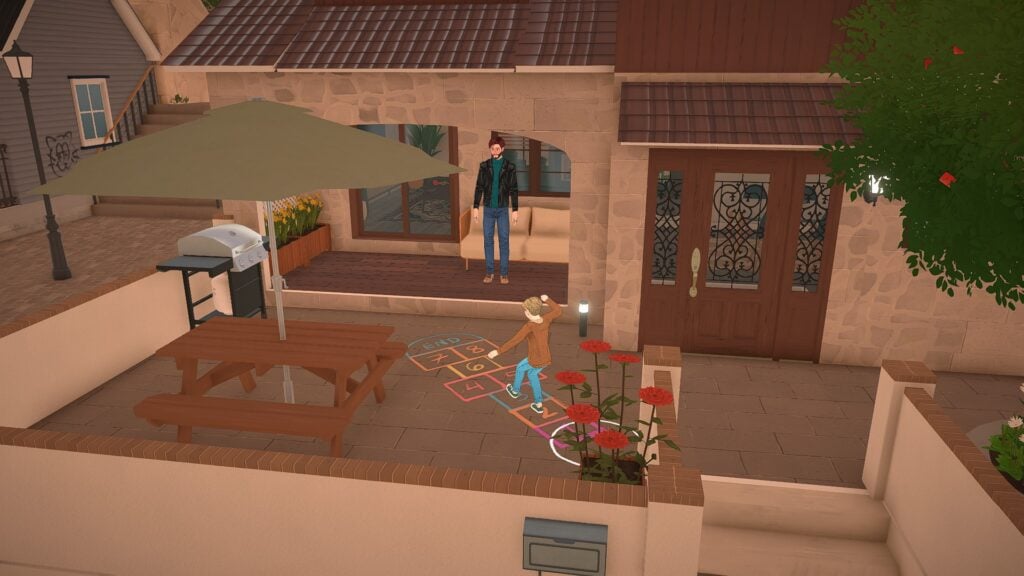
Paralives feels most immersive when it focuses on simple daily activities. Cooking breakfast, painting in the middle of the afternoon, practicing guitar for family members, or watching children play outside all help create a quieter and more grounded gameplay loop. Even watching light pass through windows during different times of day contributes to the atmosphere. The game constantly creates smaller visual moments that make homes and neighborhoods feel peaceful.

These are not massive cinematic moments, but they are memorable because they feel believable. The game slows players down enough to appreciate ordinary routines instead of constantly pushing toward bigger rewards.

That slower pacing gives Paralives a comforting “slice of life” feeling that works especially well alongside the game’s soft visuals and relaxed soundtrack. Watching characters naturally move through their homes and neighborhoods already creates a surprisingly peaceful experience.

The Cozy Town Design Encourages Exploration

The world design in Paralives plays a huge role in establishing its cozy atmosphere. The towns feel walkable, layered, and full of small gathering spaces that naturally encourage exploration.

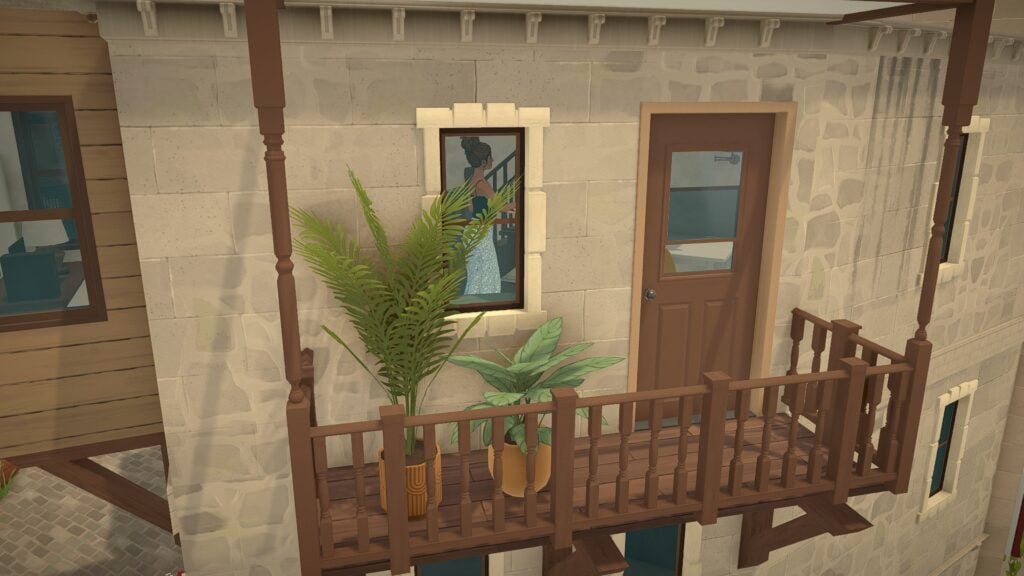
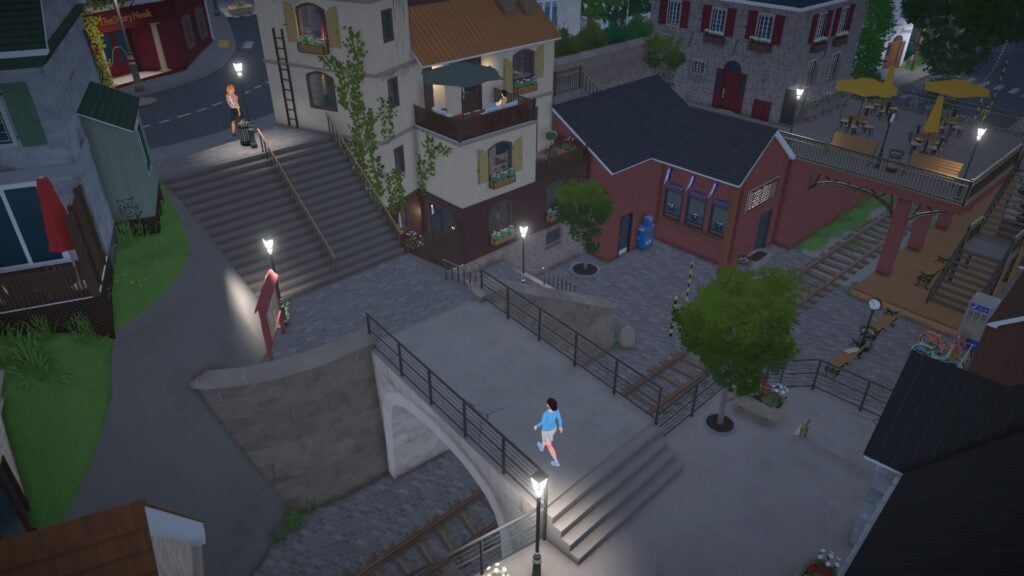
Narrow staircases, elevated patios, outdoor cafés, balconies, scenic overlooks, and quiet sitting areas all make the environment feel thoughtfully designed. Instead of feeling empty, the towns feel connected and active without becoming overwhelming.

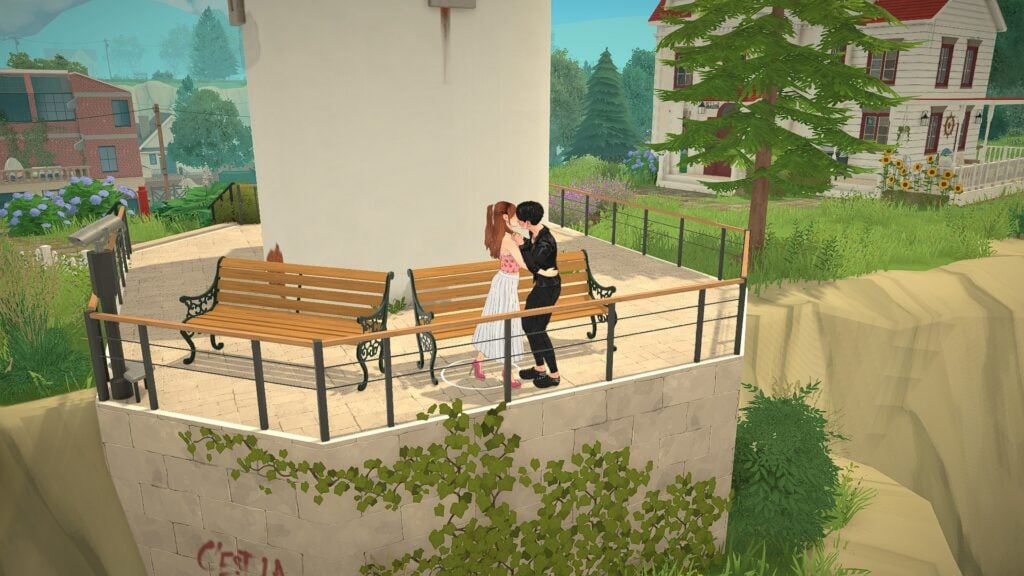
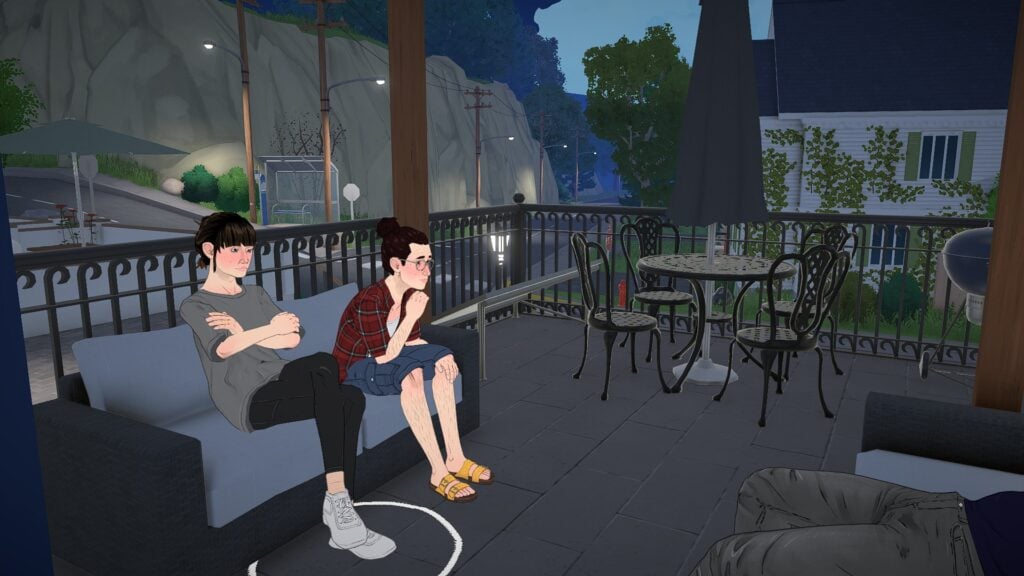
Some of the most relaxing moments happen while simply observing the environment itself. Watching Parafolk sit together outside at night or seeing couples spend time together near scenic overlooks gives the world a comforting sense of calm.

The European-inspired architecture, soft lighting, and cobblestone streets also help the game feel visually distinct from many other life simulation games.

Relationships Feel Soft and Relaxed

Social interactions in Paralives currently feel more subtle and grounded than overly exaggerated. Conversations, quiet hangouts, and romantic moments all fit naturally into the slower tone of the game.

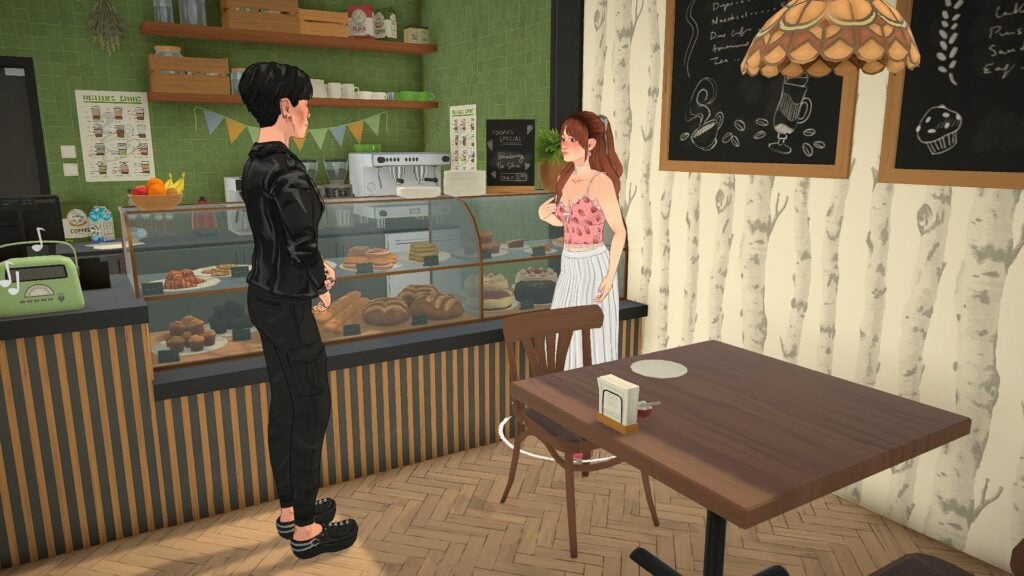
Even smaller interactions feel meaningful because the environments surrounding them already feel so cozy. Sitting together on a balcony at night or talking inside a small bakery creates scenes that feel comforting to watch unfold.

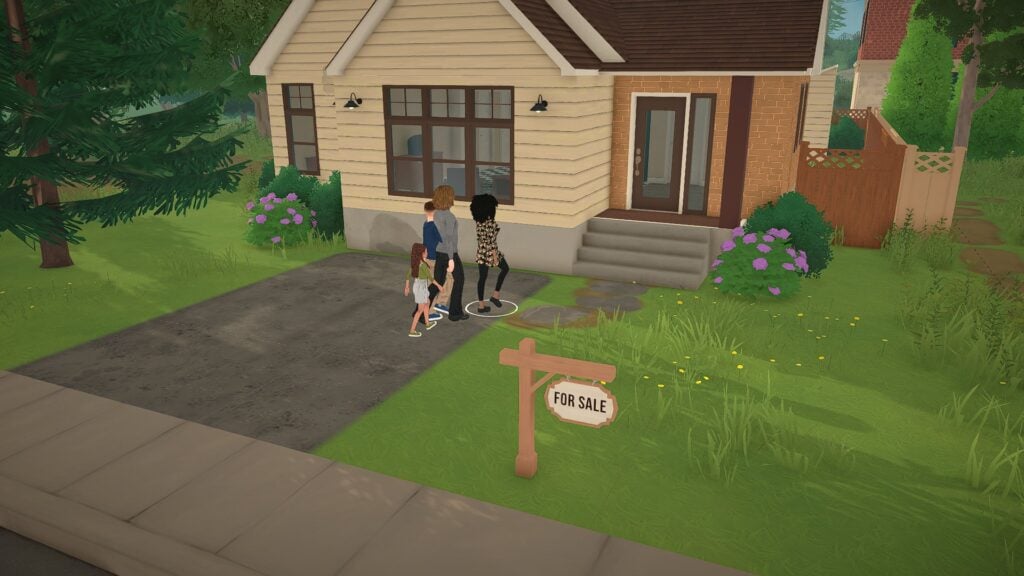
The game also does a strong job of making neighborhoods feel connected. Families moving into homes, couples exploring town together, and friends casually spending time outside all help create the sense that the world continues moving around the player.

Final Thoughts

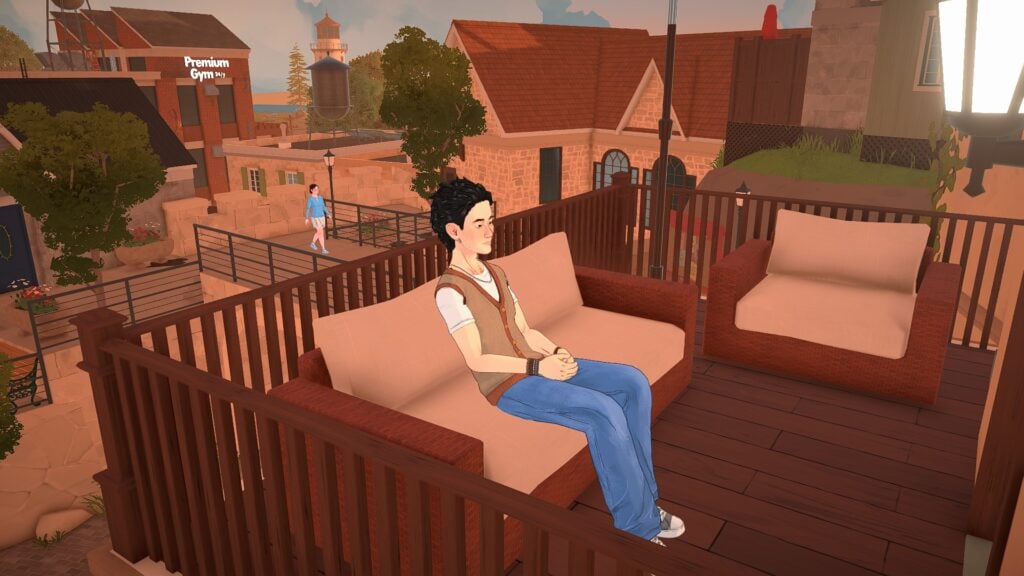
Para relaxing alone on a balcony at sunset overlooking the cozy town atmosphere in Paralives cozy escape.

What makes Paralives stand out right now is not a single feature. It is the collection of smaller details that work together to create atmosphere. The game understands how powerful quiet storytelling can be. Warm apartments, relaxing social spaces, soft lighting, and slower daily routines all contribute to an experience that already feels comforting even in Early Access.

There is still plenty of room for growth as development continues, but Paralives already succeeds at creating a world that players may simply enjoy existing in. That feeling alone gives the game a strong identity very early on.

And for players looking for a life simulation game that feels relaxing, creative, and emotionally cozy, Paralives is already beginning to feel like a true escape.


Paralives is currently scheduled to launch into Early Access on Steam on May 25, 2026. For more information about Paralives, upcoming features, and additional Early Access coverage, readers can visit the Sims Community Paralives Section for the latest news and updates.

What part of Paralives are you most excited to experience once Early Access launches? Let us know in the comments below!

Alleged Leak: New The Sims Project Rene Screenshots From 2026

16

An anonymous email tip was sent to us with alleged screenshots of Project Rene from 2026.

A new anonymous email tip was sent to us this morning with new screenshots that allegedly showcase The Sims Project Rene. I’m emphasizing on “allegedly” this time around after sharing images of The Sims Project X this January that were investigated further as AI photos.

Here’s what the anonymous email says in the latest email sent to us May 21st, 2026:

LETTER 2 PATTERN e1675116678818

Hi! I was a part of a youth panel focus group for EA for about 6 months. Attached are some screenshots from one of the surveys on Project X UI. The study also included input on cozy game gameplay, fashion styles, and build mode. You may have already seen these, you may not have. I hope these are interesting. I would like to stay anonymous, thank you. 

Screenshot 2026 05 22 at 10.24.19


The email emphasized that “attached are some screenshots from one of the surveys on Project X UI”. Still, after further investigation of the photos I noticed that they’re for The Sims Project Rene. Which just made me question more about the validity of this source…but to be continued I guess?

Here are the photos of The Sims Project Rene that they’ve shown:

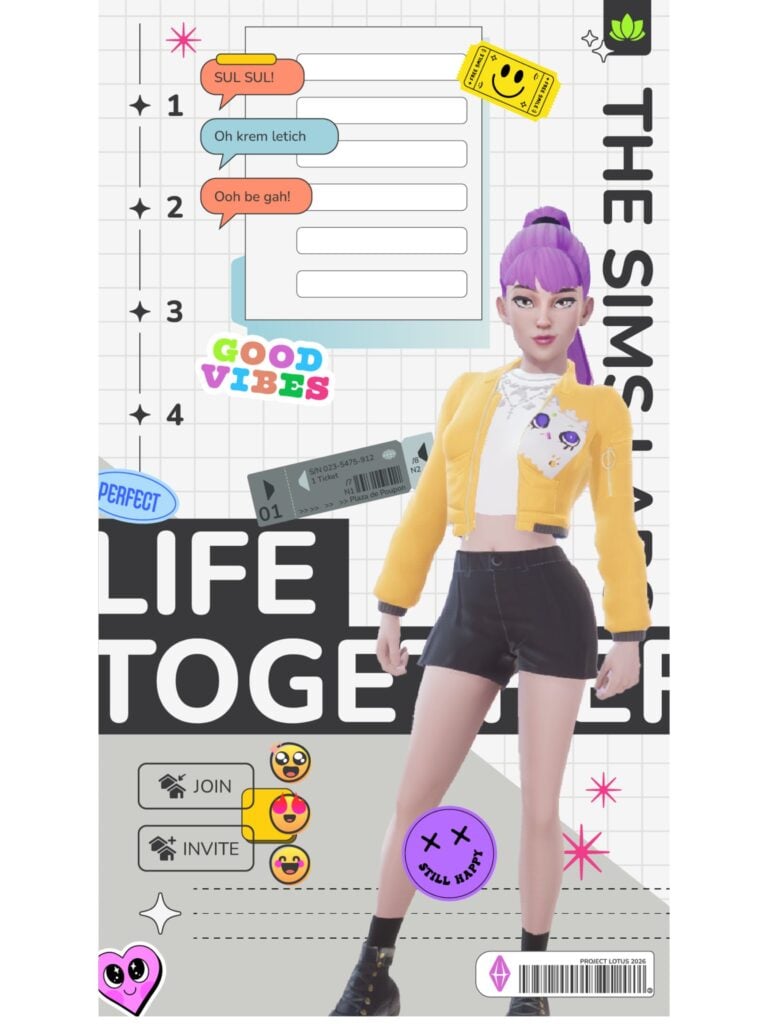
Photo 1

The first photo appears to be a UI splash screen of The Sims Project Rene in 2026. Interestingly enough there are details on the top right corner and bottom right that refer to the game as “Project Lotus 2026”. In case you don’t know, The Sims Project Lotus name was first discovered in October 2021 as a reference for The Sims Project Rene. Or what we thought at the time would be “the next generation Sims game” as Andrew Wilson and the company promised to investors.

There are interesting references to subway tickets and material design as seen in the Paralives user interface…except EA seems to be utilizing all of this “inspiring” effort for a multiplayer, mobile-first project.

the sims project rene photos alleged may 20261

Photo 2

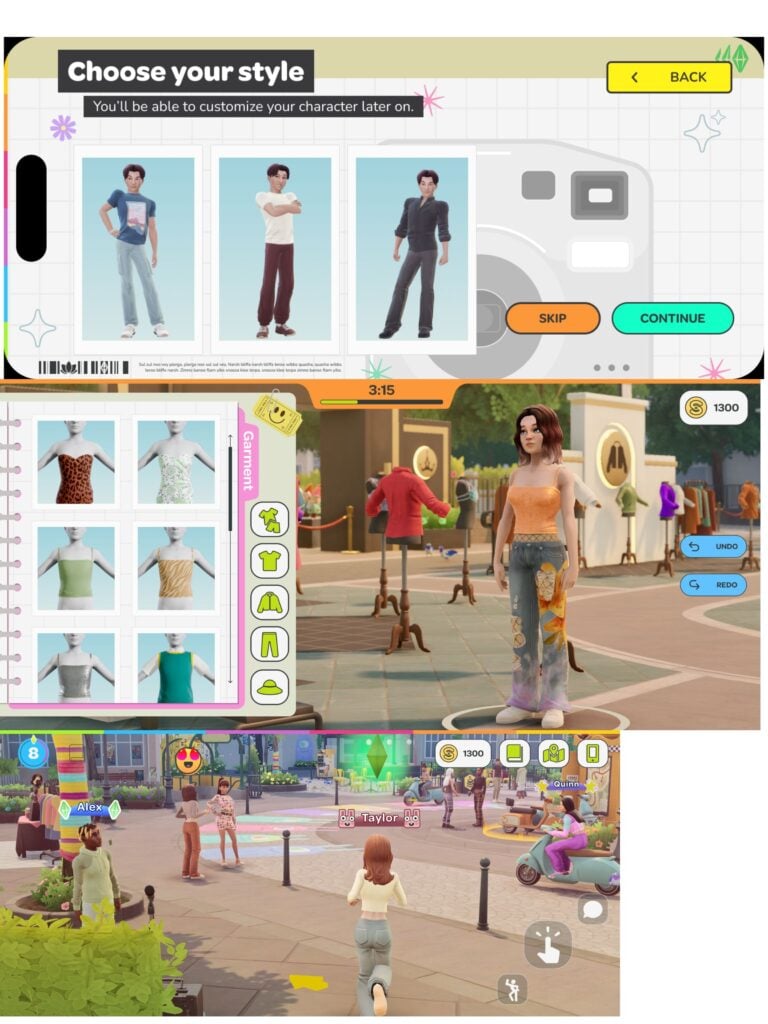
Three new photos appear for The Sims Project Rene stacked together. All of them appear as horizontal preview of screenshots taken on an iPhone.

The first photo showcases the ability to “Choose your style”; which appears to be a premade set of clothing that you’ll be able to customize later. Project Lotus iconography can be spotted on the bottom left.

The second photo showcases graphical improvements done to The Sims Project Rene. With a screenshot taken in, what appears to be, a timed event multiplayer challenge of dressup. Where you have a limited time to dress up your Sim character with set clothing.

The third photo showcases updated elements to the user interface as well as in-game graphics. The content showcased though still appears to be the same from what we’ve seen in the past few playtests…

the sims project rene photos alleged may 20263

Photo 3

The third photo shared to us also appears to be a staged setting. Possibly emphasizing more on the User Interface elements rather than displaying new Project Rene content in the background.

the sims project rene photos alleged may 20262

Nothing more was shared about The Sims Project X specifically but we’ll keep you posted if we know more. For now these all appear to be showcasing The Sims Project Rene specifically, with just a few updates to the user interface and assets to show.

What are your thoughts on the latest alleged screens showcasing The Sims Project Rene? Join the discussion below and stay tuned for more Sims Franchise news on Sims Community!

Paramaker Sliders in Paralives: Essential Guide to Character Customization

The Paramaker sliders in Paralives offer an impressive level of character customization for players who enjoy fine-tuning every detail of their Parafolk. While many character creators rely mostly on presets and a handful of sliders, Paramaker combines presets, direct manipulation points, side-profile editing, body sculpting, and a full color wheel system into one deeply customizable experience.

After spending time experimenting with the system, it quickly becomes clear just how much freedom the Paramaker gives players. Nearly every region of the face and body can be adjusted using a combination of presets, manipulation points, and advanced sliders, allowing players to create Parafolk with highly personalized facial features, body proportions, and styles.

This guide focuses primarily on Young Adult and Adult Parafolk since they currently provide the largest range of slider options and manipulation points. Different life stages will also be covered briefly through the height system and general body scaling features.

Understanding Paramaker Sliders in Paralives

Paralives Full Paramaker UI

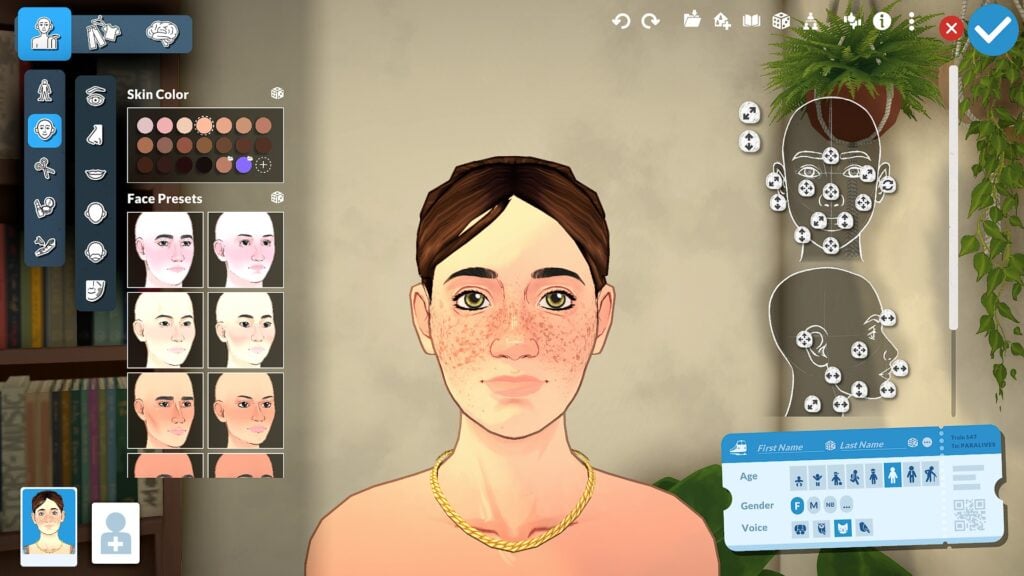
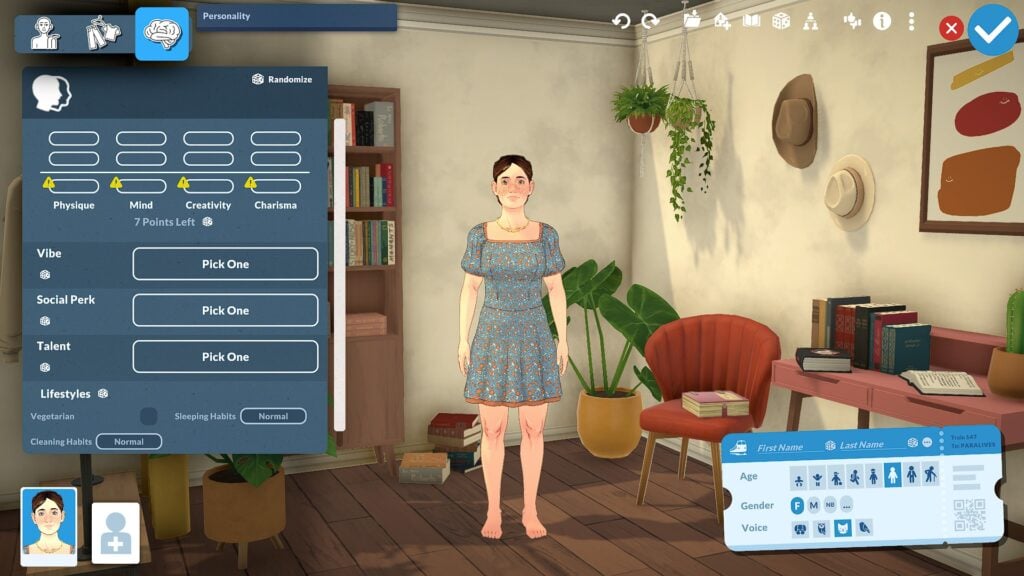
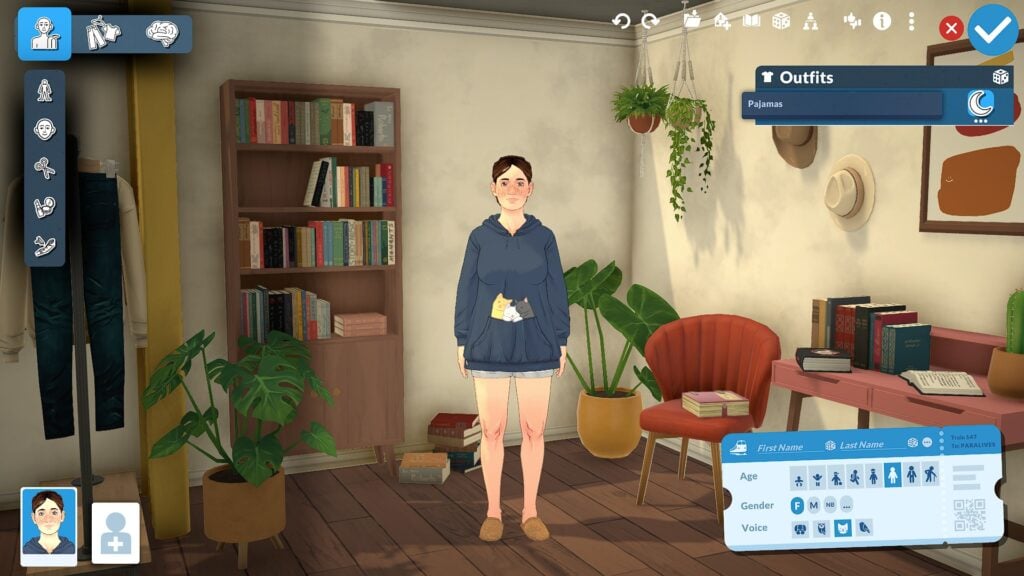
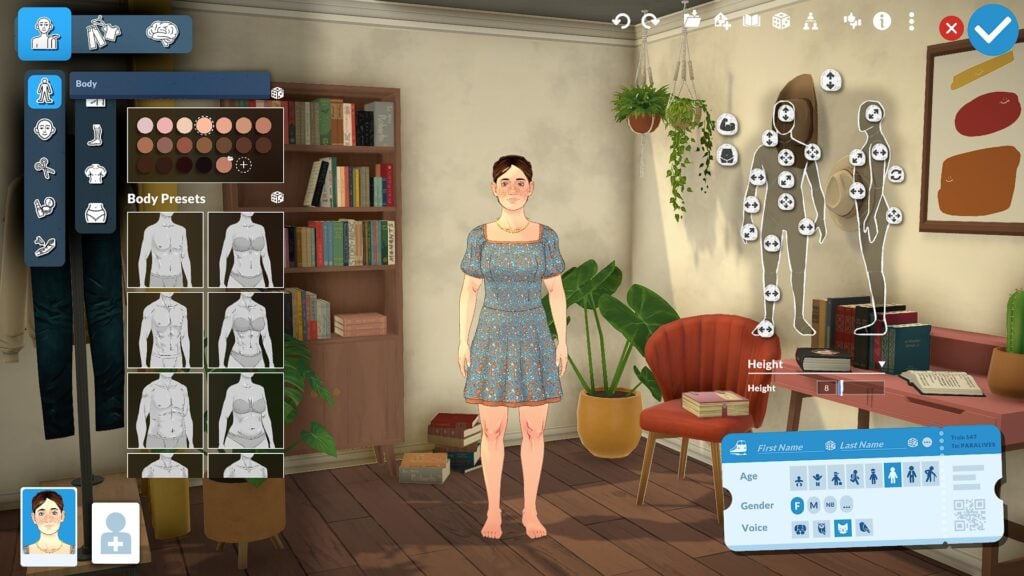
Before diving into specific facial and body features, it helps to understand how Paramaker Sliders in Paralives are organized and how the overall interface works. The system is divided into three primary categories: Appearance, Clothing, and Personality. Most slider customization is found inside the Appearance section, where facial regions are separated into categories including the eyes, nose, mouth, forehead, ears, and facial structure.

Each category combines presets with advanced manipulation points that allow players to directly shape different facial and body features. Players can quickly select presets for faster customization or spend more time fine tuning details through traditional slider bars and direct manipulation. Features can also be adjusted from both front-facing and side-profile views, making the editing process feel much more interactive than many traditional Create-a-Sim systems.

One of the most impressive parts of the Paramaker interface is how approachable the system still feels despite the large number of customization options available. While the amount of sliders and manipulation points may seem overwhelming at first, the category-based layout helps keep customization organized and easy to navigate. After spending time experimenting with the system, the interface begins to feel far more intuitive than it initially appears.

Face Slider Options in Paramaker

Paralives Face Manipulation Points

Facial customization is where the Paramaker begins to show just how detailed the system can become. Nearly every area of the face includes its own collection of presets, sliders, and manipulation points, allowing players to shape facial features with a surprising amount of precision.

Eye Sliders and Customization

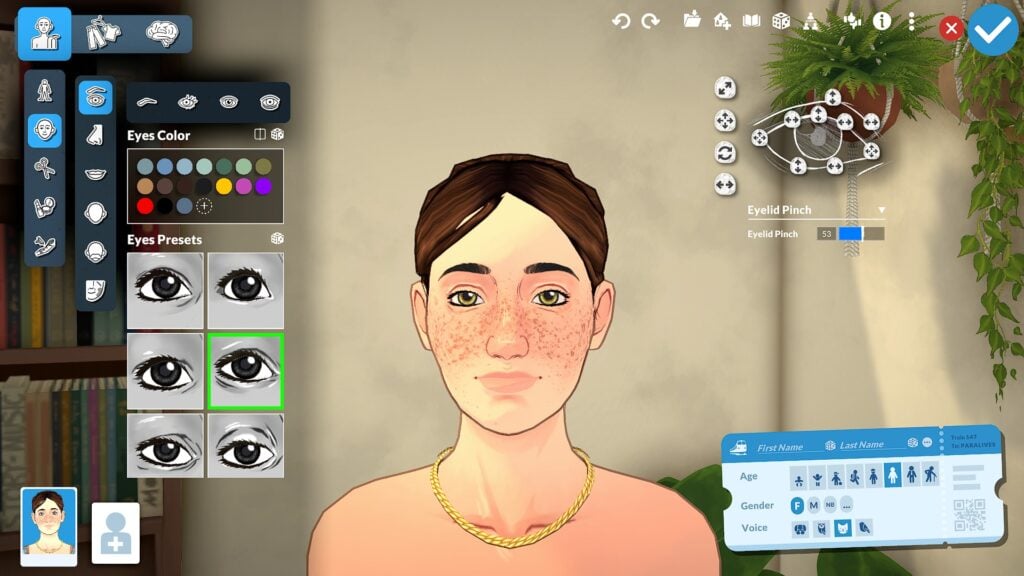
Paramaker Sliders in Paralives showcasing detailed eye customization, eyelid manipulation points, and eye presets

Eye customization includes controls for eye height, depth, width, eyelid shape, rotation, and corner positioning. Players can also customize eyelashes, iris colors, highlights, and dark circles, adding smaller details that help faces feel more expressive and unique. The ability to fine-tune these features from both front-facing and side-profile views makes the editing process feel much more interactive than a traditional Create-a-Sim menu.

Nose Sliders and Presets

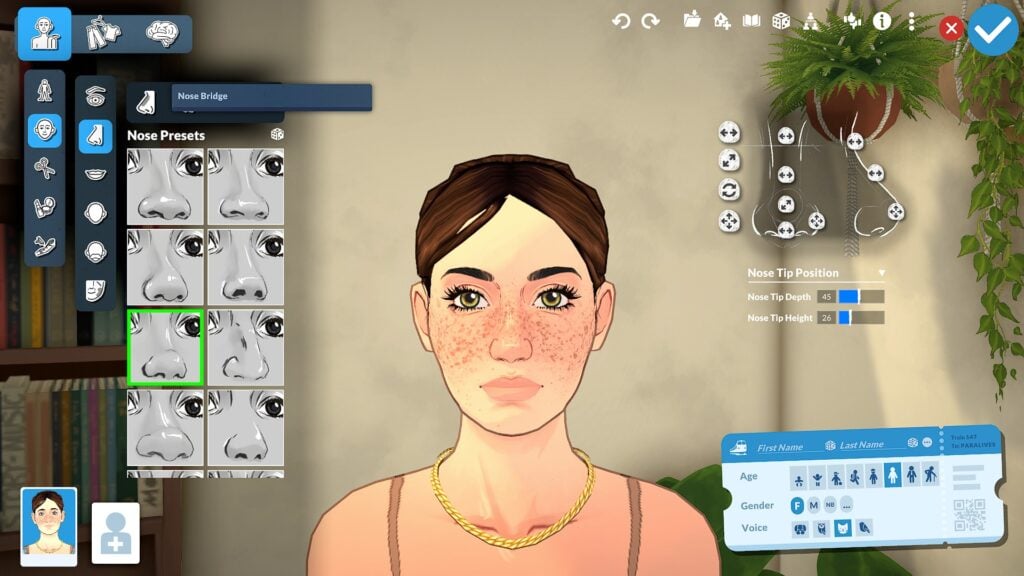
Paramaker Sliders in Paralives featuring advanced nose manipulation controls, presets, and facial sculpting tools

Nose customization also goes far beyond simple presets. Players can adjust bridge width, nostril size, nose depth, tip rotation, and overall profile shape using a combination of sliders and direct manipulation points. Side-profile editing is especially useful here since it allows players to sculpt the overall silhouette of the face more naturally.

Mouth Sliders and Lip Customization

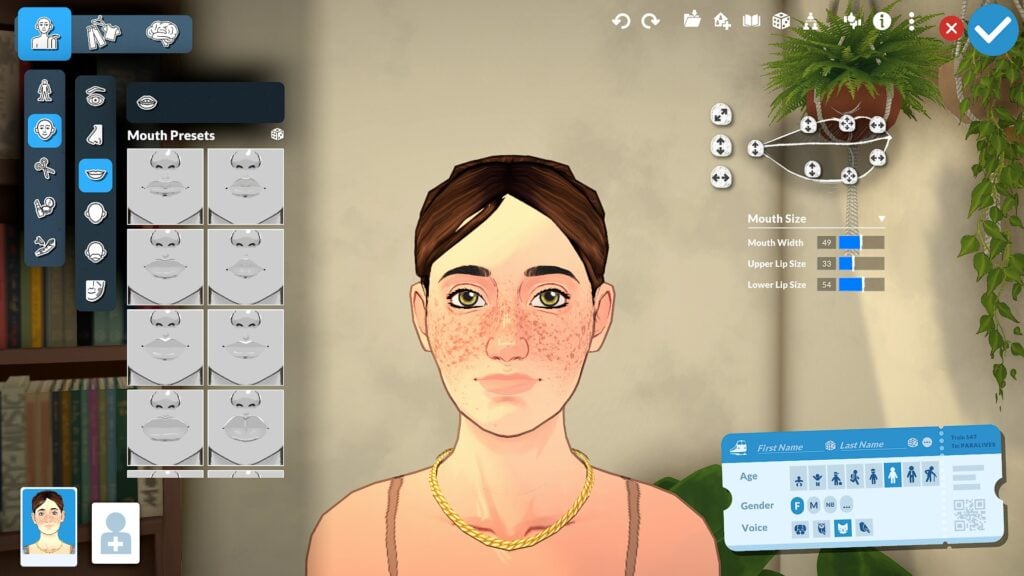
Paramaker Sliders in Paralives highlighting mouth customization sliders, lip presets, and mouth shaping controls

Mouth and lip editing offer similar flexibility. Players can shape upper and lower lips independently while also adjusting mouth width, depth, lip fullness, cupid’s bow shape, and mouth corners. Combined with broader facial structure sliders for the jawline, chin, cheeks, forehead, and ears, the Paramaker allows players to create highly personalized faces with a level of control that already feels surprisingly advanced for a life simulation game.

Facial Structure Sliders

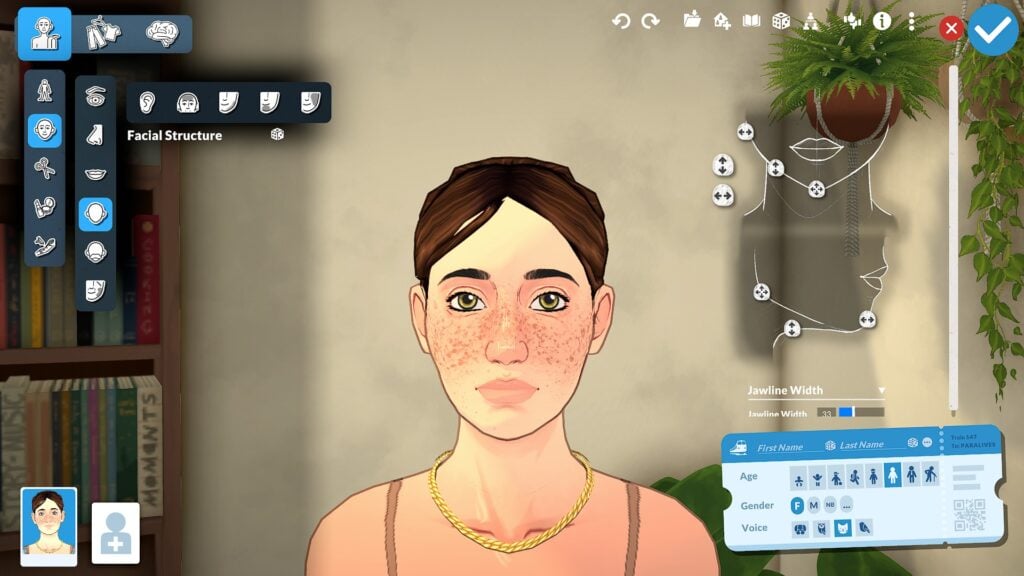
Paramaker Sliders in Paralives showing facial structure sculpting tools with jawline and face shape manipulation points

Beyond individual facial features, Paramaker also includes broader facial structure sliders that affect the overall shape and proportions of a Parafolk’s face. Players can adjust areas such as the jawline, chin, cheeks, forehead, and ears using a combination of presets, manipulation points, and detailed sliders. These larger structural changes help create more distinct face shapes while also making smaller adjustments to the eyes, nose, and mouth feel more natural together. The ability to sculpt both subtle and dramatic facial differences gives Paramaker a level of flexibility that feels much more advanced than relying only on preset face templates.

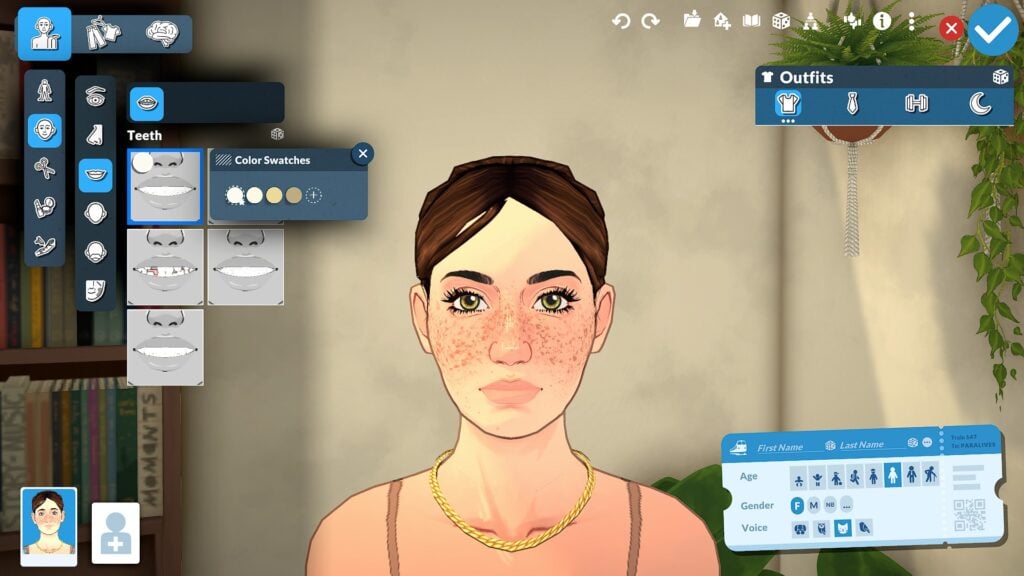
Teeth Customization

Paramaker Sliders in Paralives displaying teeth presets, customizable tooth colors, and detailed dental options

One of the smaller but memorable details is the inclusion of teeth customization, including different preset styles and color swatches. While subtle, these smaller options help reinforce just how much attention Paramaker gives to individual character details.

Body Shape Slider Points

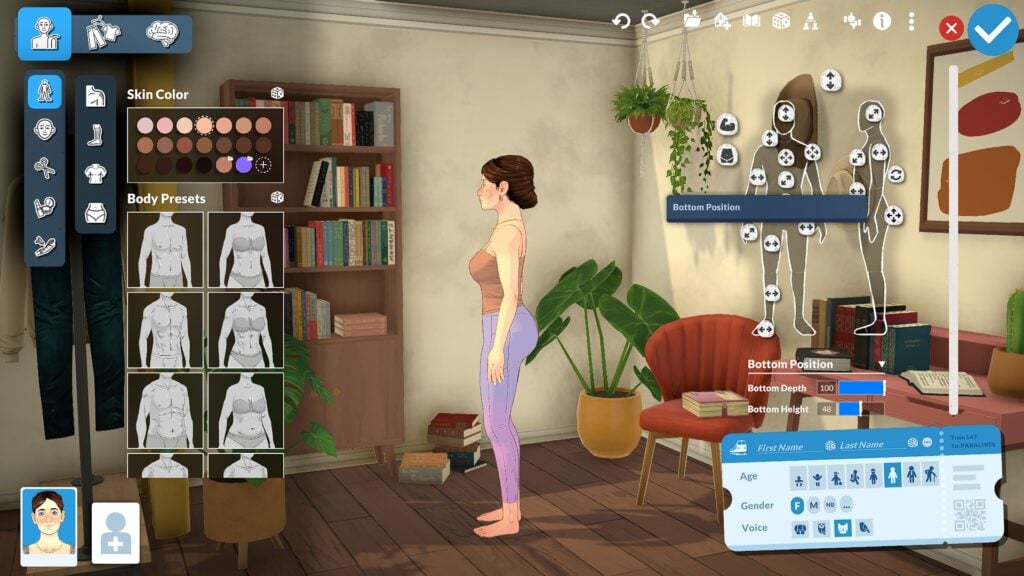
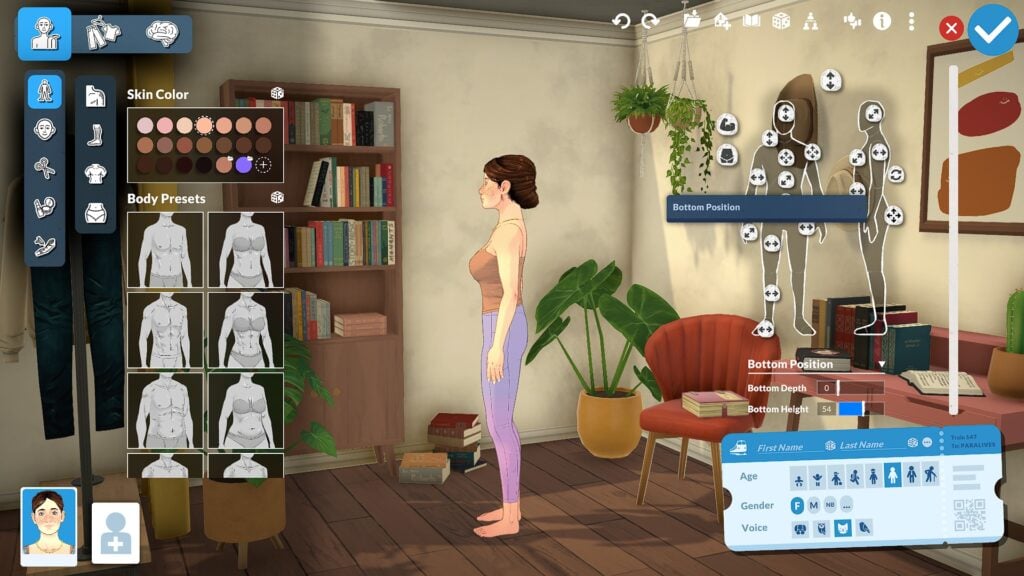
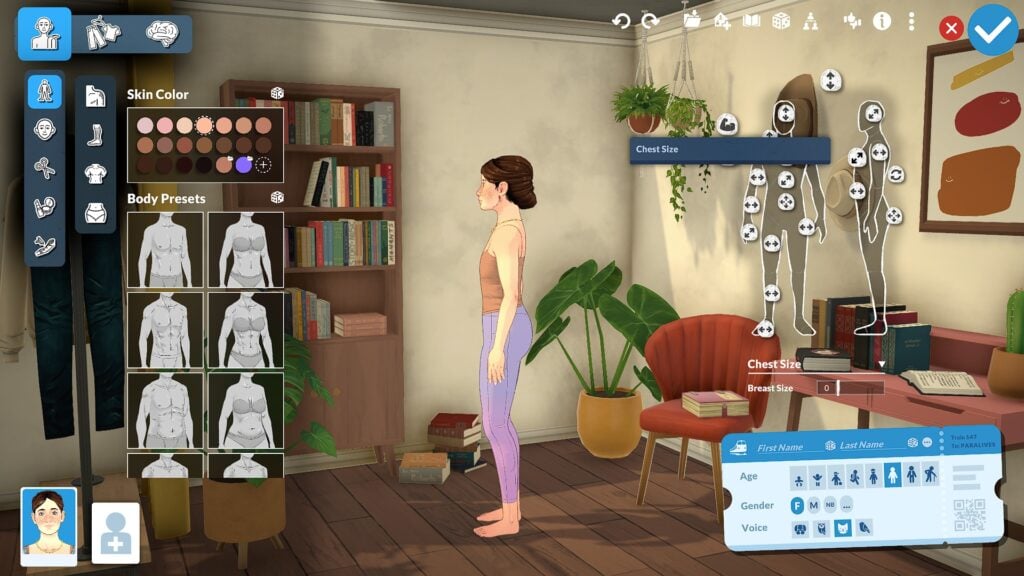
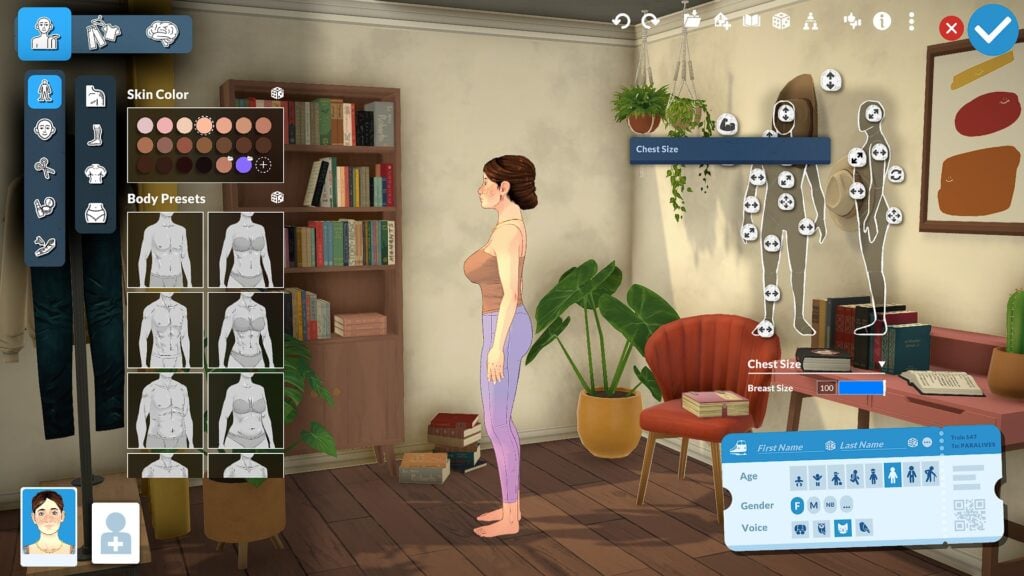
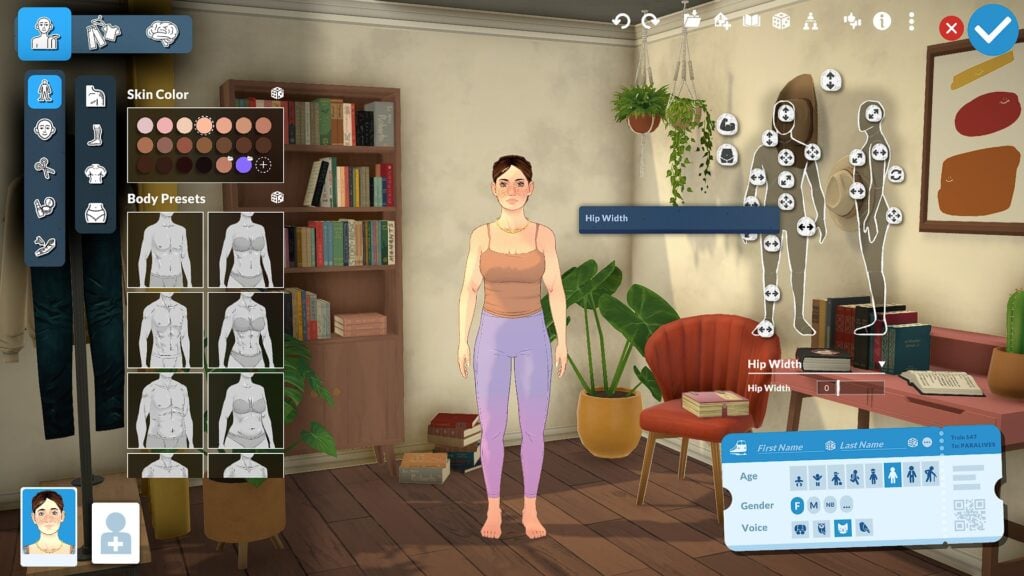
Paramaker also allows players to adjust overall body proportions using both front-facing and side-profile manipulation points. Unlike systems that separate masculine and feminine body types into fixed presets, Paramaker uses a more flexible slider-based body system that encourages greater body diversity and customization. Players can shape areas such as the waist, hips, chest, height, and overall body frame while also adjusting side-profile proportions to create more distinct silhouettes. The result is a character creator that feels much more flexible and personalized, allowing players to create a wide range of body types instead of relying on a limited set of predefined shapes.

Height Sliders and Life Stages

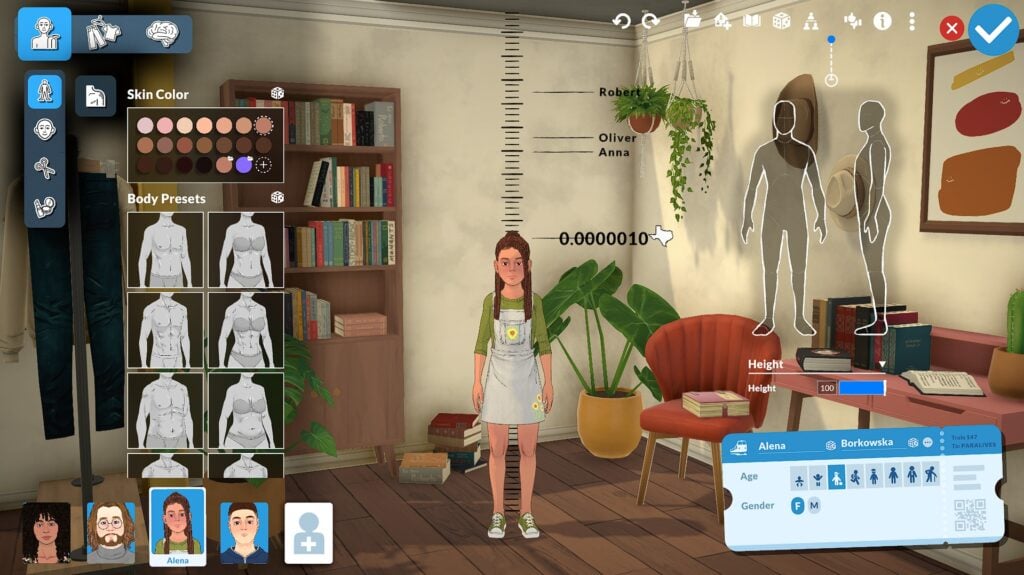
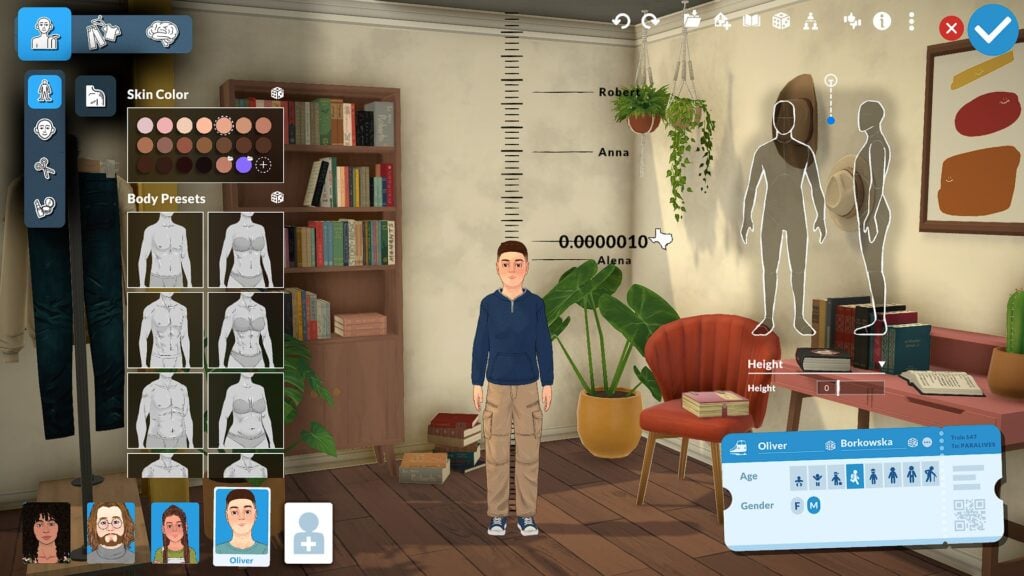
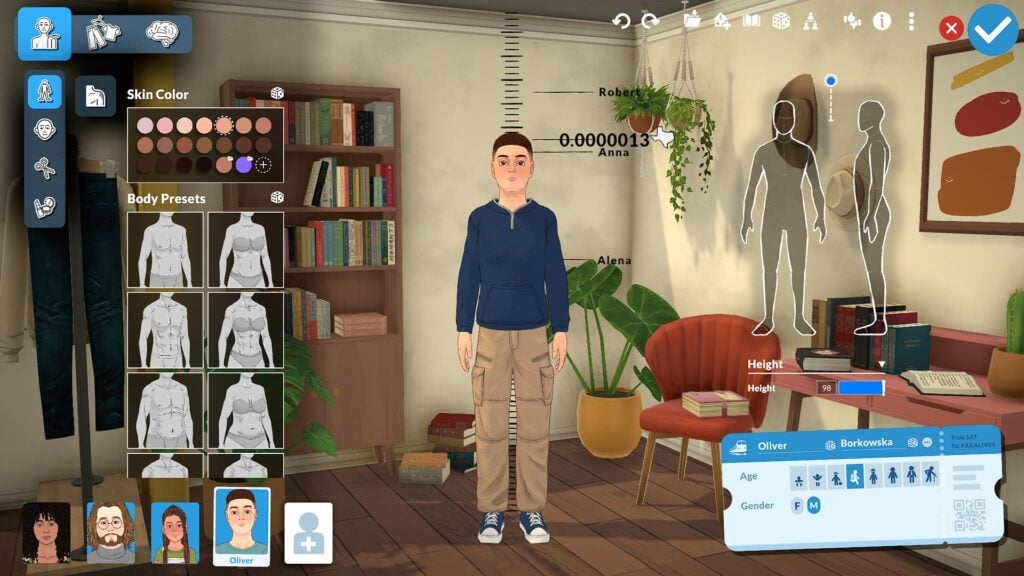
One of the standout features in Paralives is the adjustable height system, which allows players to create meaningful height differences between Parafolk instead of forcing every character into the same height range. Different life stages also scale appropriately, helping characters feel more natural as they progress through life. The currently shown life stages include Baby, Toddler, Child, Preteen, Teenager, Young Adult, Adult, and Elder. Young Adults and Adults currently appear to offer the most extensive slider customization options, making them the primary focus for players interested in deeper facial and body editing.

Color Wheel and Style Creation

Paralives Color Wheel Skin

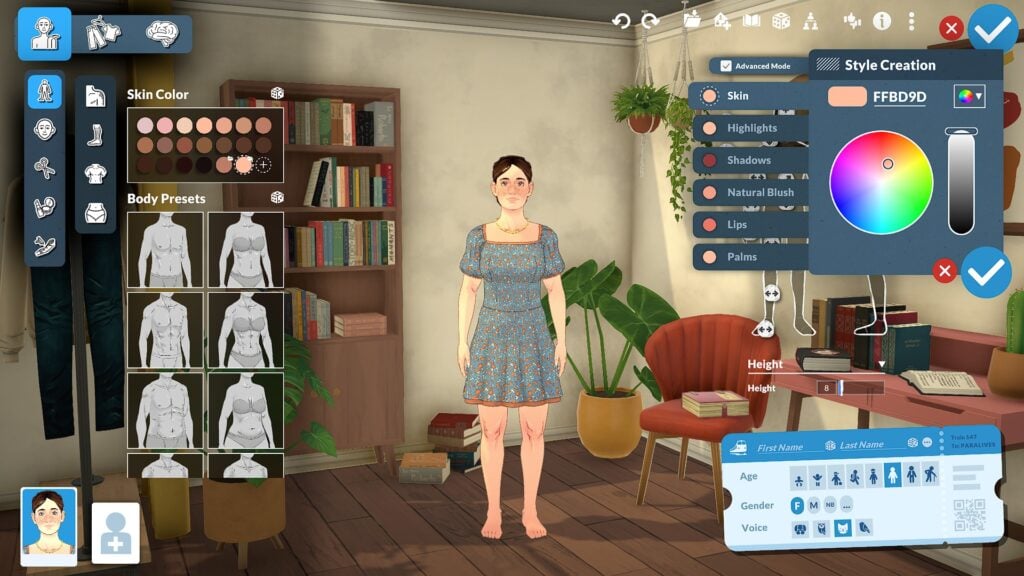
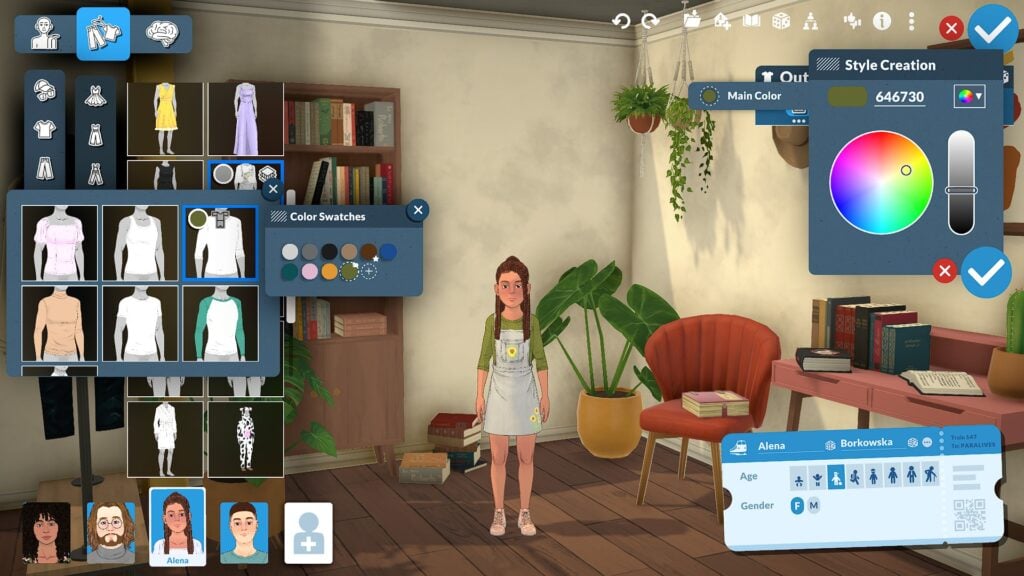
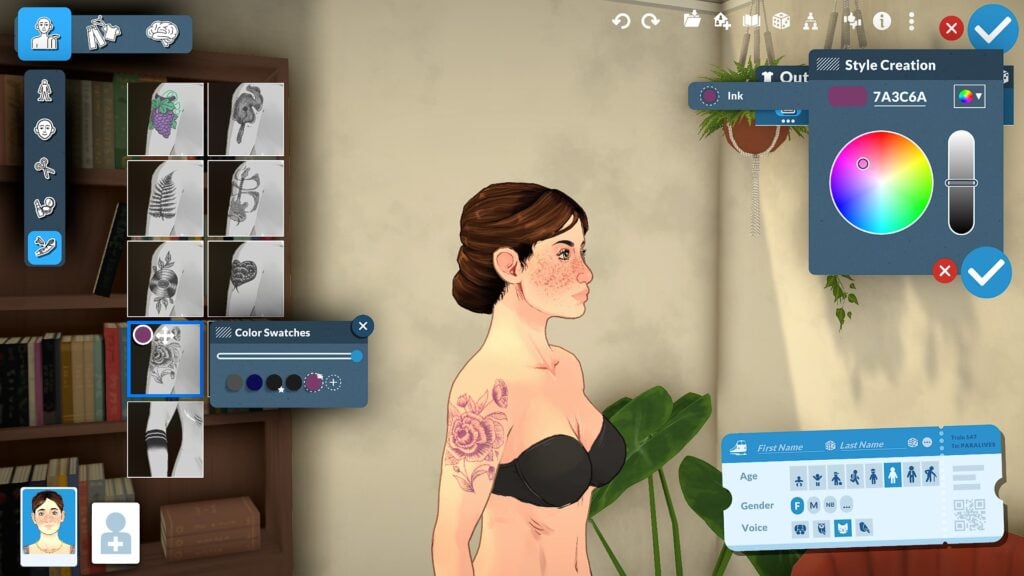
The Paramaker color wheel system extends far beyond simple hair and clothing recolors. Players can customize skin tones, highlights, shadows, blush, hair roots, hair tips, eye colors, makeup, clothing colors, patterns, and accessories using a highly flexible color system that encourages experimentation and personalization. The color wheel also supports hex code entry for more precise customization, allowing players to fine-tune colors instead of relying entirely on preset swatches. Combined with the layered customization system, these tools make it possible to create Parafolk with highly unique styles and appearances.

Personality and Clothing Overview

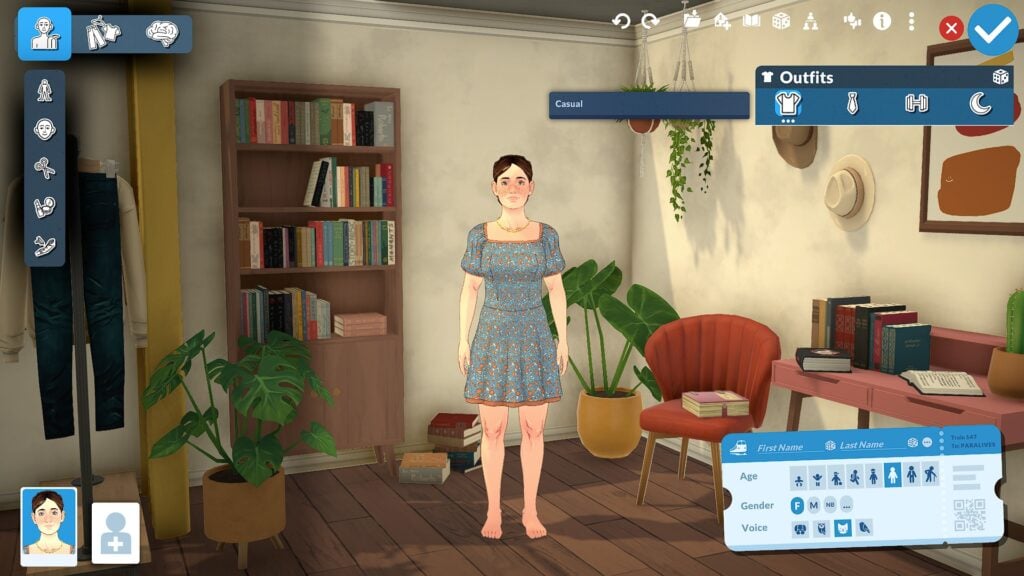
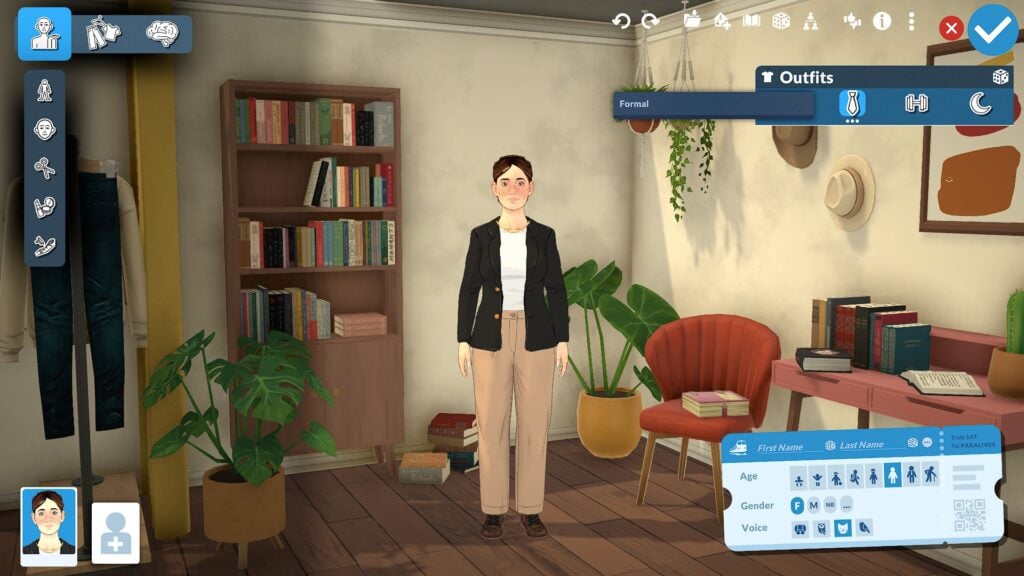
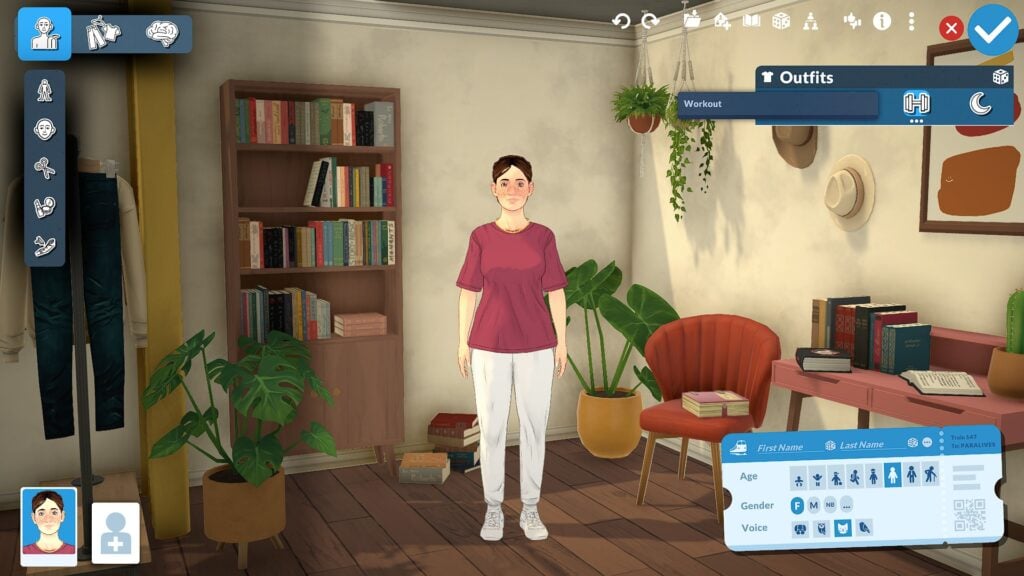
While the main focus of this guide is sliders and body customization, Paramaker also includes clothing and personality systems that help shape each Parafolk beyond physical appearance. Players can create multiple outfits for different situations including everyday, workout, formal, and casual looks while also customizing clothing colors, layering options, and accessories. The Personality section further expands character creation through systems like Vibes, Talents, Social Perks, and Lifestyle traits, helping Parafolk feel more distinct both visually and socially once gameplay begins.

Why Paramaker Feels Different From Traditional Create-a-Sim Systems

Paralives Clothing Color Swatches

What makes Paramaker feel different from many traditional Create-a-Sim systems is how interactive and flexible the customization process becomes once players begin experimenting with manipulation points, side-profile editing, and advanced facial sculpting. Instead of relying mostly on presets and a small collection of sliders, Paramaker encourages players to directly shape facial features and body proportions from multiple angles, creating a system that feels closer to digital sculpting than a standard character creator. Combined with adjustable heights, layered customization options, detailed body editing, and a full color wheel system for hair, skin, clothing, and accessories, Paramaker offers a level of freedom that makes creating unique Parafolk feel far more personal and expressive.

Even after spending hours experimenting with different sliders and presets, the Paramaker still feels like a system with more features left to discover. Smaller details like facial depth adjustments, layered color customization, and side-profile editing help make the customization process feel much more immersive, encouraging players to spend time experimenting with different looks rather than quickly moving through character creation.

Our Final Thoughts

Paralives Tattoo Style Creation Color Swatches

Paramaker already shows an impressive amount of depth for players who enjoy character customization. Between advanced facial sculpting, detailed body editing, layered clothing systems, and a highly flexible color wheel, the system offers far more control than many players may expect at first glance.

Even after hours of experimentation, there still appear to be additional manipulation points and customization systems to discover. For life simulation fans who love detailed character creation, Paramaker may become one of the most exciting systems in Paralives.


Paralives is currently scheduled to launch into Early Access on Steam on May 25, 2026

For more information about Paralives, upcoming features, and additional Early Access coverage, readers can visit the Sims Community Paralives Section for the latest news and updates.

What feature of the Paramaker are you most excited to experiment with in Paralives? Let us know in the comments below!

The Sims Community Website Turns 13 Years: Personal Note On Life Sim Games Coverage

0

Bringing The Sims Community and Life Sim Games together!

It’s been quite a journey working on this project for 13 years now. The Sims Community website started on this day, May 21st in 2013, just several short days after The Sims 4 was first announced to the world.

13 years ago I would’ve never predicted the trajectory of where this website would be today. Or where the franchise we started things from would end up eventually. But I still think the website and its current focus are headed towards the best direction possible.

With major Expansion and other Pack releases out of the question for The Sims 4, we’re headed towards the new territory of covering information and rumors about the next Sims Base game installment. Along with other Sims Franchise Roadmap projects set for 2026 and beyond, we’re always dedicated to reporting on the news and information on The Sims Franchise. Whether it’s good or bad.

With new Life Sim game releases like Paralives, Tomodachi Life and InZOI updates, I always found it natural to cover multiple game releases that could be related to The Sims in a way.

For example, Tomodachi Life and its sister release Animal Crossing from Nintendo both have inspired EA and Maxis to create a dedicated MySims Franchise. The idea first came from Animal Crossing, after which EA saw opportunity in making a seperate spin-off with multiple releases on Nintendo’s gaming platforms. With rumored information on MySims getting a brand new installment, talking about other games that inspired Sims releases and making coverage for them feels natural and right.

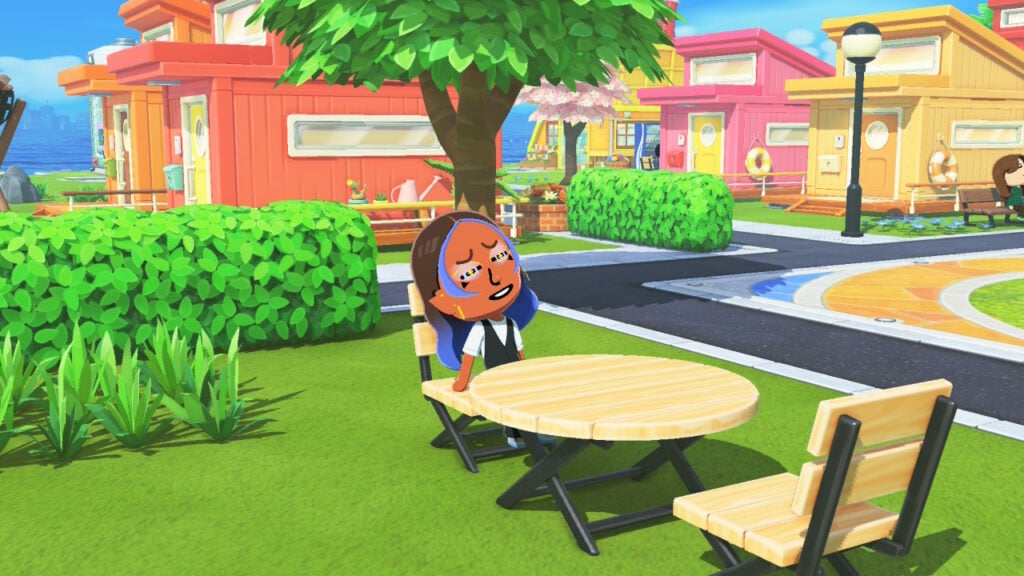
Custom mii features can look weird from angles other than front facing in Tomodachi Life

We keep our readers informed on what the competition is up to > the readers find out that there is a different standard / feature expectations for certain Life Sim game > their opinion impacts feedback on what they want from The Sims in the future. This arrow of thinking and approach doesn’t always connect with every reader, because let’s be honest, some of us are here just for the information we need.

Some of it can also drive great inspiration and talking points to drive positive change. I’ve seen The Sims Team take major overhaul to their Discord communications after InZOI stepped up their directory and ways of sharing feedback through this platform. There’s many examples and game features (such as curved walls) that were first showcased in Paralives and then later introduced in The Sims 4 as a Base Game Update.

Sims 4 Curved Pools 1

We’ve reported about many attempts of Life Simulation games during 13 years of the Sims Community web platform. I even remember the good old “Project Vie” timeless classic from 2017 that only drew attention to how badly we needed healthy competition.

None of them felt promising like the latest attempts that we’re covering now. And if anything, we know for certain that it’ll inspire great change and feature improvements for the franchise where this all started from. But also inspire the competition to get more creative with competing features.

Paralives young woman painting in kitchen

As the website name suggests – this is Sims Community. Not The Sims Community. And we’ll always follow the road and paths that our readers take next. Whether it’s towards The Sims or other Life Sim(s).
Very grateful for the last 13 years of Sims Community and I’m looking forward to where this project is headed next!

P.S. – I’ve heard all the feedback related to website loading and delivery across select browsers. I’m happy to say that big works are already underway in changing how we deliver content with a new frontend infrastructure currently in development.

All the work you see on this website co-exists along with a dedicated team of authors, designers, code developers and talented people that make this project a whole. Very grateful to each and every member as we move to new chapters!

Jovan 💜

The Sims 4 Marketplace Release: Stiletto Slice by MADLEN

A single Maker Pack comes to The Sims 4 Marketplace after a long drought!

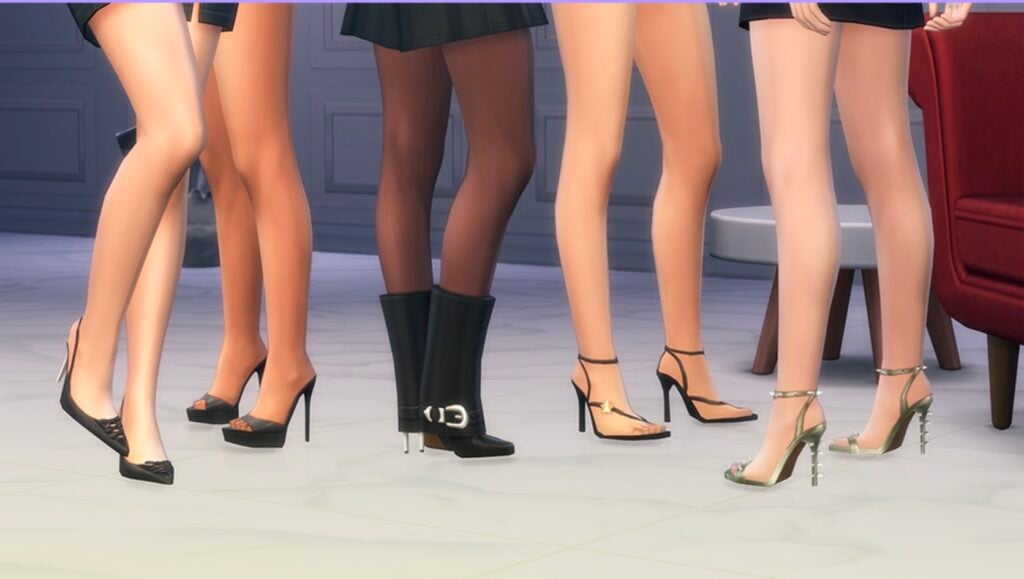
The Sims 4 Marketplace hasn’t seen new Maker Packs in a while. After today’s Sims 4 Patch release the team also decided to push out a new Stiletto Slice Maker Pack from MADLEN.

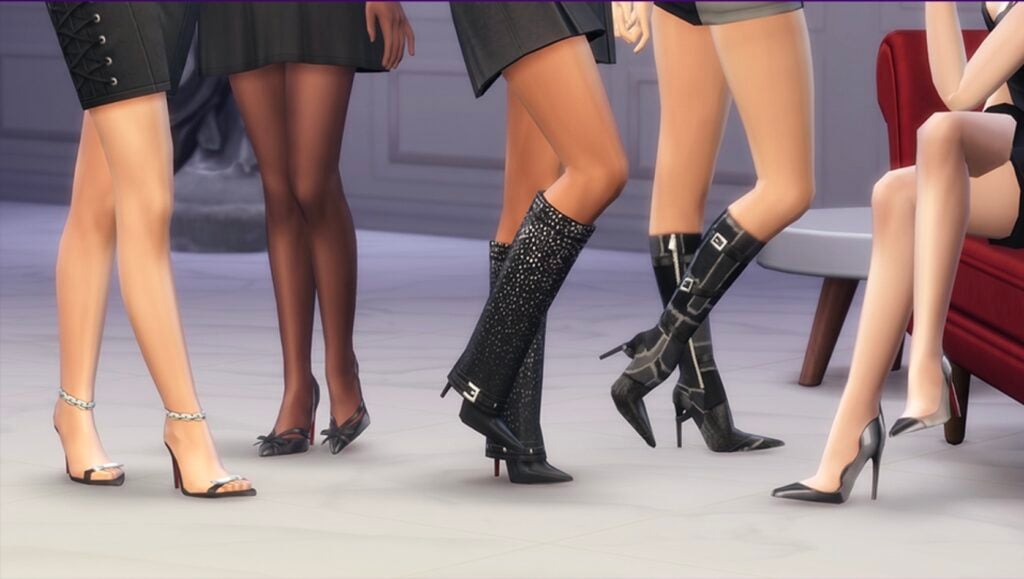
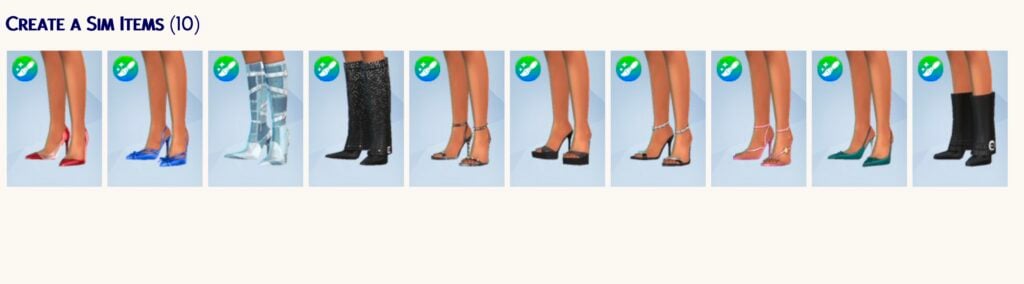
The Maker Pack costs 300 Moola – or around 3USD. Giving you 10 CAS items that are all about feminine boots.

Discover the features and images below:

Screenshot 2026 05 21 at 19.15.00

Official Features

If you aren’t walking with an attitude, you shouldn’t be wearing Stiletto Slice. This 10-item collection is a masterclass in footwear that bites back, blending aggressive silhouettes with the kind of polished finish that only looks good on someone who knows they own the room.

FLOOR ‘EM BEFORE YOU EVEN SAY HELLO.

From the lethal precision of the silver-chained sandals to the textured dominance of the buckled boots, every pair is made to command the room.

Screenshot 2026 05 21 at 19.15.54

THE POINT HAS BEEN MADE.

Including the heavy-buckled “it” boots and spiked metallic heels crafted with a razor-sharp aesthetic.

Screenshot 2026 05 21 at 19.16.26

Items Preview

Screenshot 2026 05 21 at 19.17.11

Price: 300 Moola


Are you interested in getting a new pair of feminine boots for 3 dollars? Let us know what you think of the latest Sims 4 Marketplace release down below!

As always, stay tuned to Sims Community for the latest game updates and information.

The Sims 4 Update: New Hotfix Release (May 21st, 2026 Notes)

New Hotfix Patch has been released for The Sims 4 across Computers and Consoles.

The Sims Team announced late last week that they’ll be releasing a new Sims 4 Update to fix some priority issues and bugs, including CAS, eye dropper tool and controller scrolling issues. The patch shouldn’t be a big one like last week’s, considering it’s just a hotfix release for Computers and Consoles.

Find out what’s been improved in the patch notes release below:

The Sims 4 Update Logo

The Hotfix For A Quality Of Life Update

Installing the Latest Sims 4 Update

You can get the latest The Sims 4 Update on the following official launchers and platforms:

  • PC: EA App, Origin, Steam, Epic Games
  • Mac: Origin, Steam
  • Playstation: PS4 and PS5
  • Xbox: Xbox One and Xbox Series X / S

You can download the latest Sims 4 Update by checking for a Patch through the EA App, Steam or Epic Games launcher for Desktop. If you have Automatic Updates enabled the update will automatically download through your client program. In case your EA App is not working properly ensure you’ve cleared your app cache!

If you play The Sims 4 on Xbox Series X / S and Playstation 4 and 5 you can request a new update by checking for updates under The Sims 4 game in the Main Menu. If you’ve enabled automatic updates the Patch should download right away.

This Sims 4 Update is a small hotfix release and shouldn’t have any big impact on your Mods and / or Custom Content installed in your save files.

If you want to make sure everything is properly secured there’s a handy official guide to Mods and CC maintenance, as well as backing up your Saves! Click here to learn all about healthy upkeep of your The Sims 4 files. If you’re still experiencing a specific game issue make sure you report it to The Sims Team over on EA Forums.

The Sims 4 Update

Official Sims 4 Patch Notes

Update: 5.21.2026
PC: 1.124.63.1020 / Mac: 1.124.63.1220
Console: 2.34

Sul Sul Simmers!

We have been gathering and reviewing your reports and feedback since our last release and while we have more development ongoing, we have a number of trending issues resolved in this update.

For Simmers on PlayStation and Xbox, we are aware of reports regarding the Gallery becoming unresponsive and the team is working as quickly as possible on resolving these issues for an upcoming update.

– The Sims 4 Team

Base Game Update

  • [EA Forums] Opening clothing categories in Create a Sim wasn’t jumping to the clothing currently being worn by your Sim, this has been addressed, making it easier to get that perfect look by knowing which pack a clothing item came from.
  • [EA Forums] Using the eyedropper tool in Build Mode will take you to the Build catalog listing for that item.
  • [EA Forums] During Gallery uploads, players could encounter a timeout error. This has been addressed and should no longer occur.

Console

  • [EA Forums] Controller using Simmers reported that scrolling within Create a Sim was failing when entering different categories. The scrolling behavior has been addressed and you should be able to navigate properly once more.

Author Release Notes

The update is 680MB on Mac devices.

Screenshot 2026 05 21 at 19.03.27

What’s your experience with the newest Sims 4 Update out for Computers and Consoles? Let us know in the comments down below and make sure you stay tuned to Sims Community for the latest Sims updates!

In-Game Teaser: First Look at Grocery Stores in Paralives

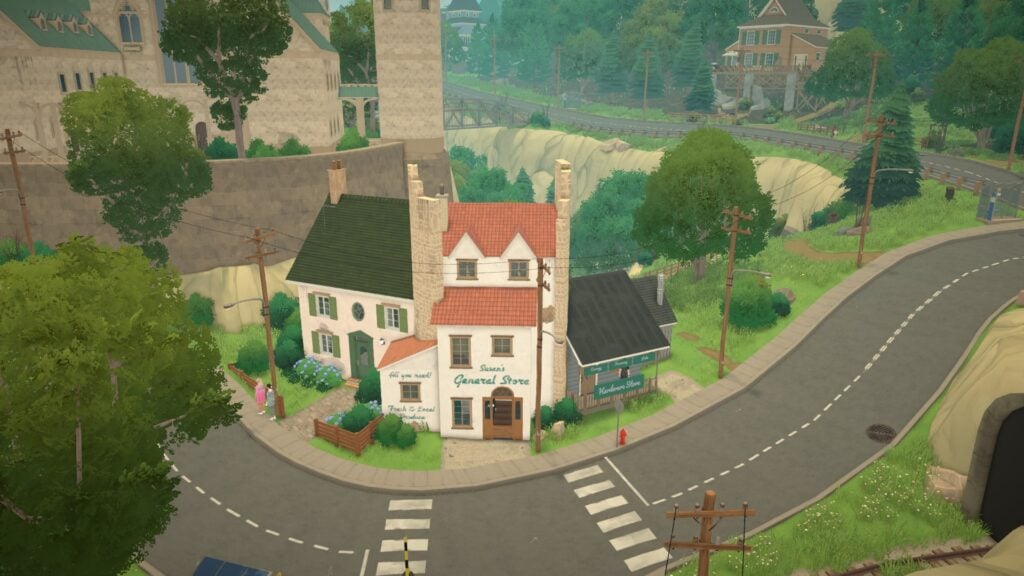
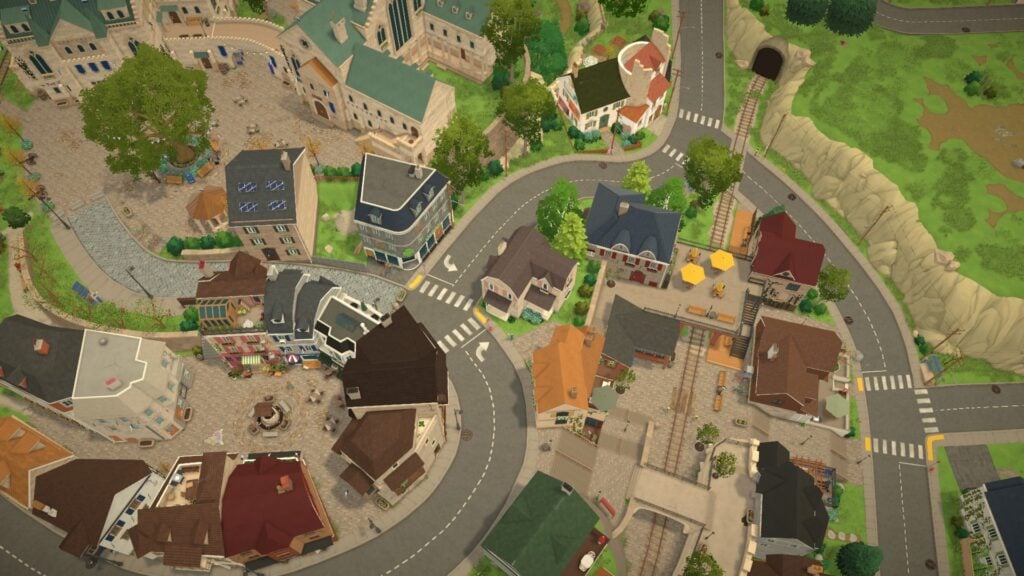
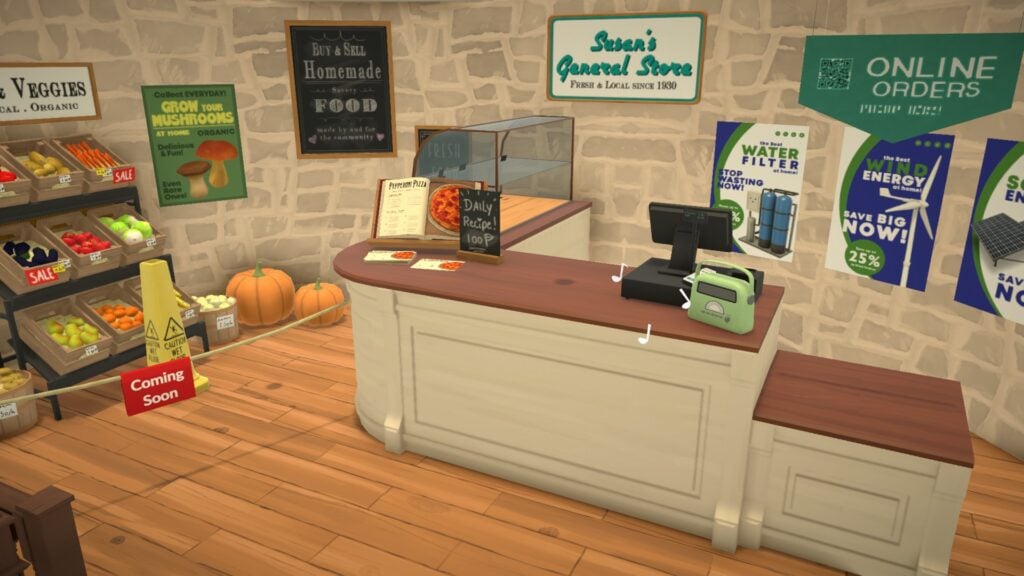
Tucked beside Melino’s railway crossing and winding hillside roads, Susan’s General Store may quietly contain one of the most charming grocery store locations discovered in Paralives so far.

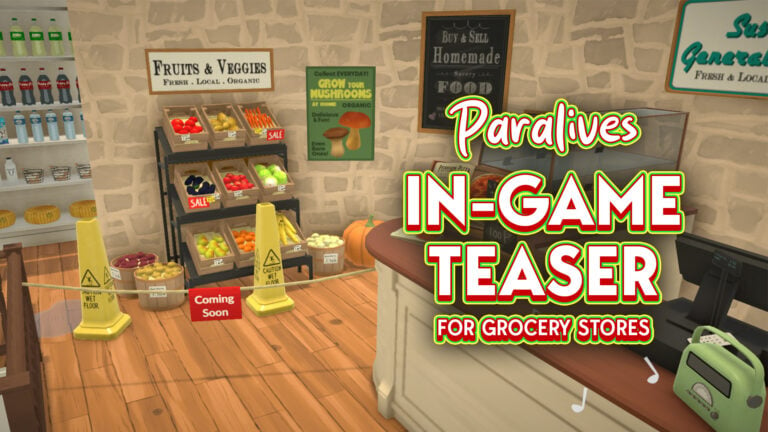
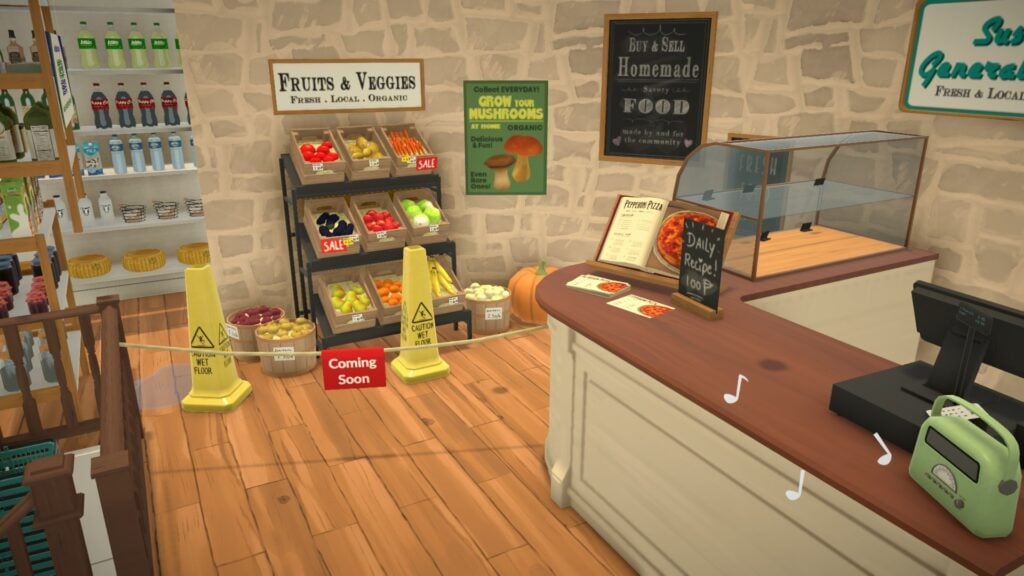
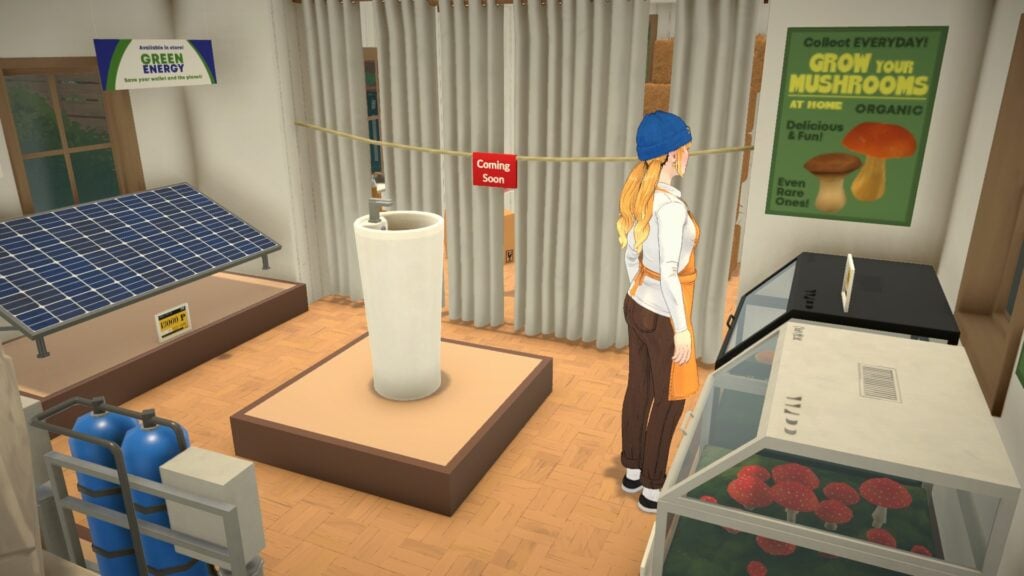
While the location previously appeared in official Paralives Patreon previews, Early Access players have recently started exploring the store more closely in-game after a grocery-themed teaser image began circulating online. What players found was far more detailed than a simple produce shelf. Susan’s General Store includes fresh local foods, stocked market shelves, eco-friendly products, farming supplies, and several “Coming Soon” areas that may hint at future gameplay systems still planned for Early Access.

Even without officially confirmed grocery mechanics yet, the Paralives grocery store already showcases the game’s growing attention to environmental storytelling, worldbuilding, and cozy small-town atmosphere.

Susan’s General Store Sits in the Heart of Melino’s Community

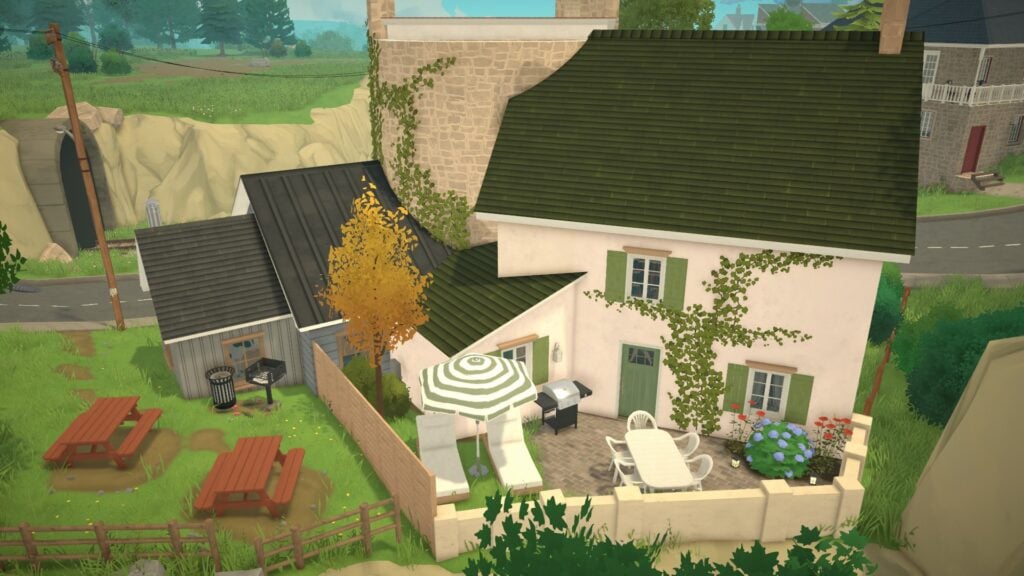
Located near Melino’s Old Town district, Susan’s General Store feels naturally woven into the surrounding neighborhood rather than functioning as a separate gameplay lot. The building sits close to the railway crossing, neighboring homes, hillside pathways, and several community gathering areas, making it feel like an important part of everyday life within the town itself.

The store’s architecture immediately stands out thanks to its ivy-covered stone walls, cozy wooden details, rooftop greenery, and narrow roadside placement. Combined with the nearby rail line and winding streets, the entire area captures the slower-paced atmosphere Paralives continues building throughout Melino.

Readers already exploring Melino may recognize the General Store from earlier previews and district overviews, where the location helped showcase Paralives’ interconnected town design.

Official Paralives lore also reveals that Susan’s General Store has been serving the town for years as a family-owned local business. The location appears designed to support both nearby residents and the surrounding farming community, helping explain why the building combines grocery items, hardware supplies, eco-friendly products, and agricultural equipment all under one roof.

Rather than feeling overly polished or commercialized, the location feels personal, familiar, and deeply connected to the town around it.

The Grocery Section Offers a Cozy First Look at Local Shopping

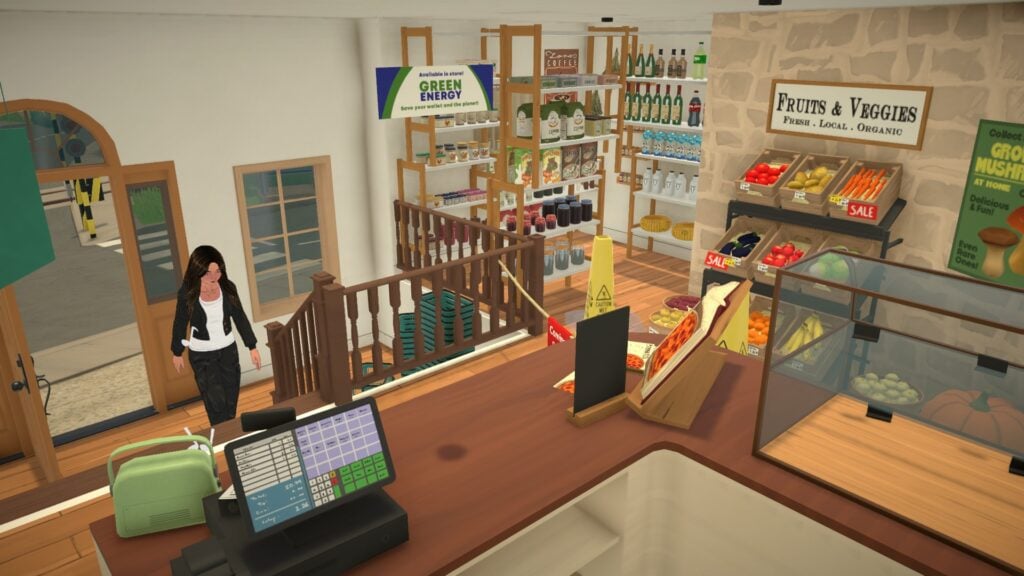
Inside the store, players can find a dedicated grocery section filled with fresh fruits, vegetables, baskets of produce, local food advertisements, and rustic shelving displays.

The area contains apples, carrots, pears, pumpkins, bananas, potatoes, and additional produce arranged beneath signage promoting fresh, local, and organic food. Handwritten pricing labels, stacked crates, and seasonal decorations help the space feel thoughtfully designed and full of everyday life.

One particularly interesting detail is the “Coming Soon” signage placed directly in front of the produce section. While Paralives has not officially confirmed future grocery gameplay systems, the blocked-off area strongly suggests that additional interactions or mechanics may still be planned during Early Access development.

Instead of presenting every system immediately, Paralives appears comfortable allowing smaller details and locations to slowly evolve over time as development continues.

Susan’s General Store Functions as More Than Just a Grocery Shop

The grocery area itself is only one part of the larger business. Additional sections throughout the building reveal that Susan’s General Store also operates as a hardware supplier, eco-living storefront, and agricultural support center for the surrounding community.
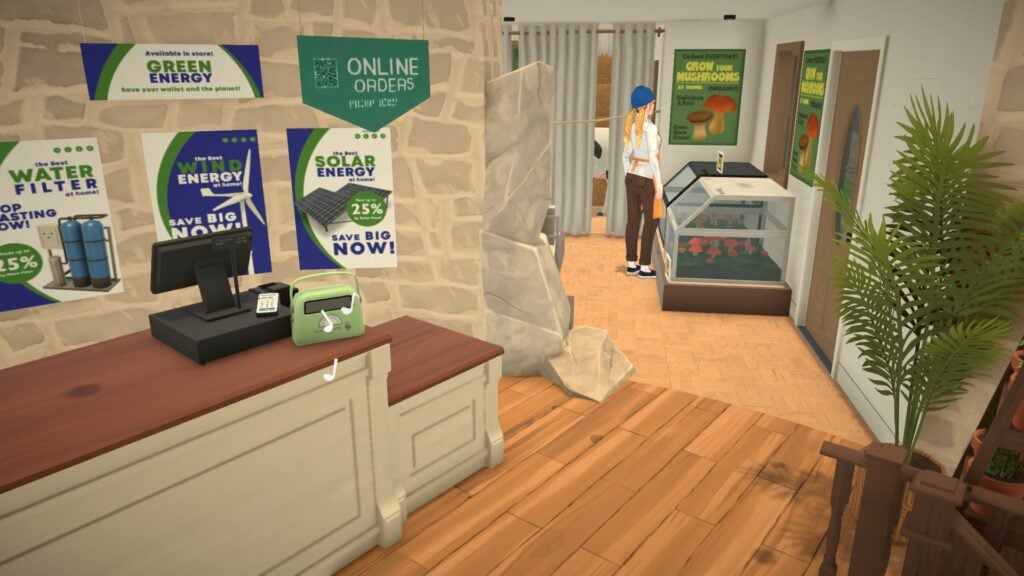
Throughout the store, players can spot displays promoting solar energy, wind energy, water filtration systems, mushroom growing kits, homemade local food, and even online ordering services. These smaller details help the location feel grounded within Melino’s world while reinforcing the idea that the town supports slower, community-focused living.

One especially charming detail is the small green radio sitting on the front counter while musical notes float gently through the air nearby. Tiny environmental touches like this continue to reinforce Paralives’ relaxing atmosphere and focus on everyday moments.

The Building Includes a Fully Connected Living Space

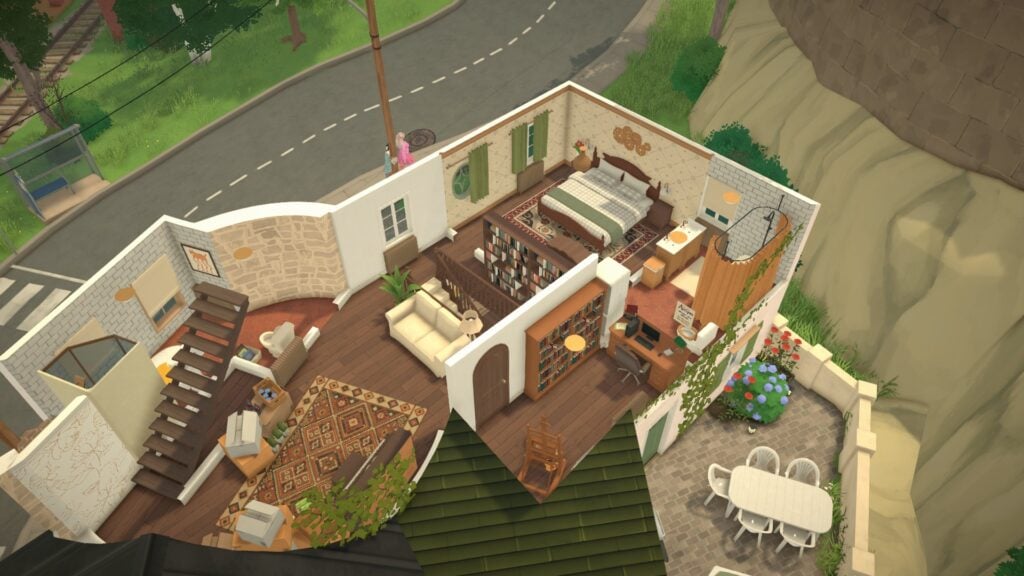
Another fascinating detail hidden inside Susan’s General Store is the fully connected residential living area located above and behind the business itself.

Official Paralives lore reveals that the store is now owned by the Vargas family after Paloma Vargas inherited the location from her mother and began renovating it alongside her husband, Dario. While the original owner Susan is no longer connected to the business directly, the store kept its original name due to its history as a recognizable town landmark within Melino.

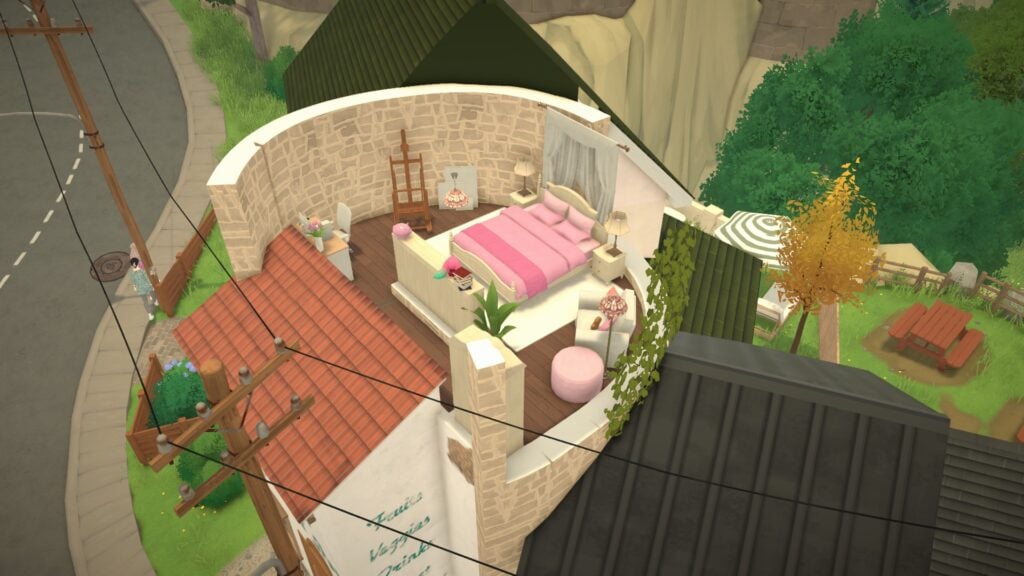
The building itself is especially unique because it was constructed within the ruins of an old medieval tower. According to the developers, the location was intentionally designed as a mash-up of different building extensions added gradually over time, helping the property feel naturally expanded and lived in rather than perfectly planned from the start.

Several cutaway screenshots reveal bedrooms, an office space, bookshelves, bathrooms, outdoor seating areas, and cozy interior layouts attached directly to the store. The tower space itself now belongs to the Vargas family’s daughter Nayla, who transformed it into her own personal bedroom retreat.

Smaller environmental details throughout the home also help reinforce the family’s personalities and relationships. The developers describe Dario as a supportive husband and talented pianist who enjoys filling the home with music and flowers, while Paloma and Nayla recently began painting together as a hobby.

Rather than separating homes and businesses into isolated lots, Paralives continues blending residential and community environments together naturally throughout Melino. The result is a location that feels deeply personal, interconnected, and rewarding to explore slowly.

Susan’s General Store Helps Bring Paralives to Life

Interior counter and local goods display inside Susan’s General Store in Grocery Store Paralives

Even without fully confirmed grocery systems yet, Susan’s General Store already demonstrates how much care Paralives places into environmental storytelling and immersive world design.

From the fresh produce displays and homemade food advertisements to the connected living spaces, eco-friendly products, roadside placement, and family-owned atmosphere, the location feels thoughtfully integrated into Melino’s identity.

The multiple “Coming Soon” signs scattered throughout the store also suggest that players may still have more systems and interactions left to uncover as Paralives continues developing through Early Access.

For now, Susan’s General Store offers one of the clearest examples yet of how Paralives uses small environmental details to make its world feel cozy, interconnected, and full of personality.


Paralives is currently scheduled to launch into Early Access on Steam on May 25, 2026. Players interested in purchasing or wishlisting the game can visit the official Paralives Steam page.

For more information about Paralives, upcoming features, and additional Early Access coverage, readers can also visit the Sims Community Paralives Section for the latest news and updates.

What kind of community locations would you love to see expanded in Paralives during Early Access? Grocery shopping, cafés, bookstores, farmer’s markets, or something else entirely? Let us know in the comments below!

Full Introduction To The Paralives Careers System

All Parafolk need some income to make it in Melino, so use this handy guide to Paralives careers to help you make the most of this brand-new system.

We will be sharing lots of new updates as early access for Paralives continues, so click the button below to see all our latest posts.

Screenshot 2026 05 16 142114

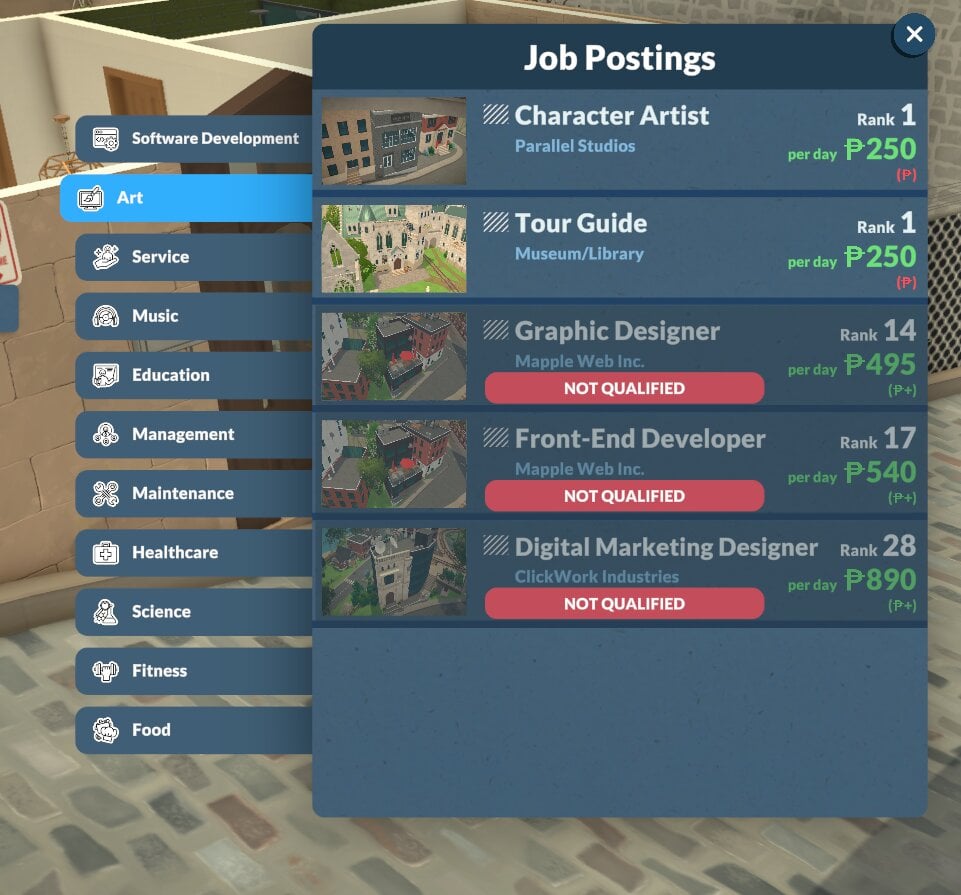
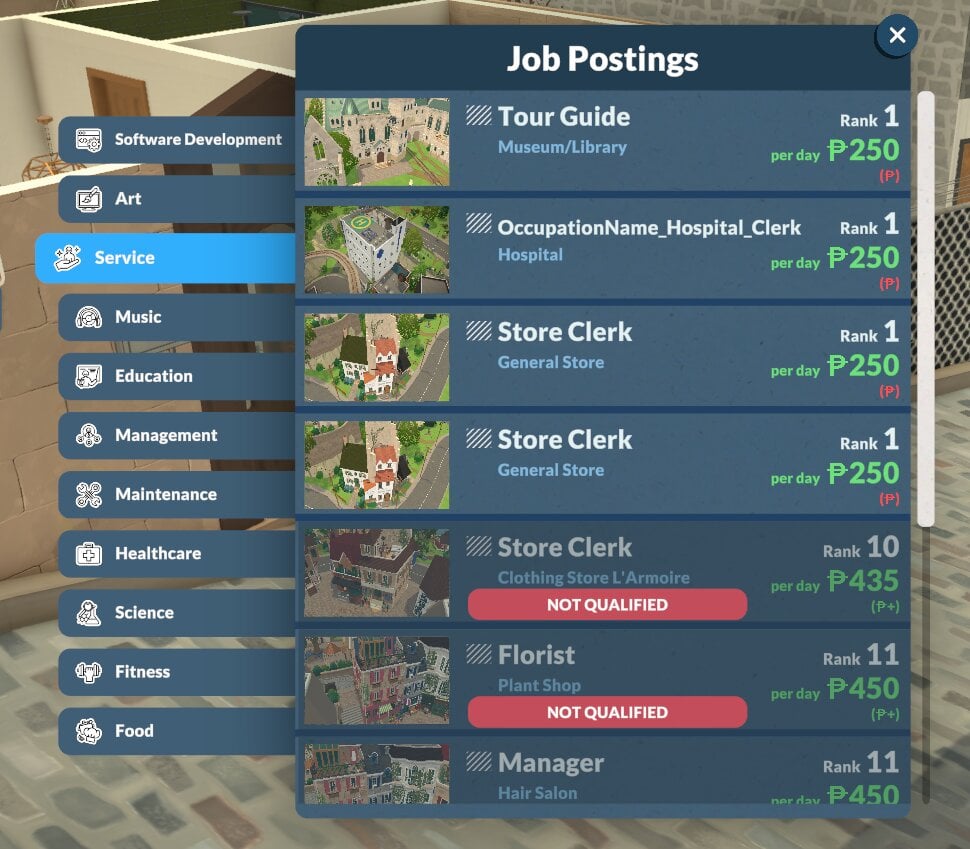
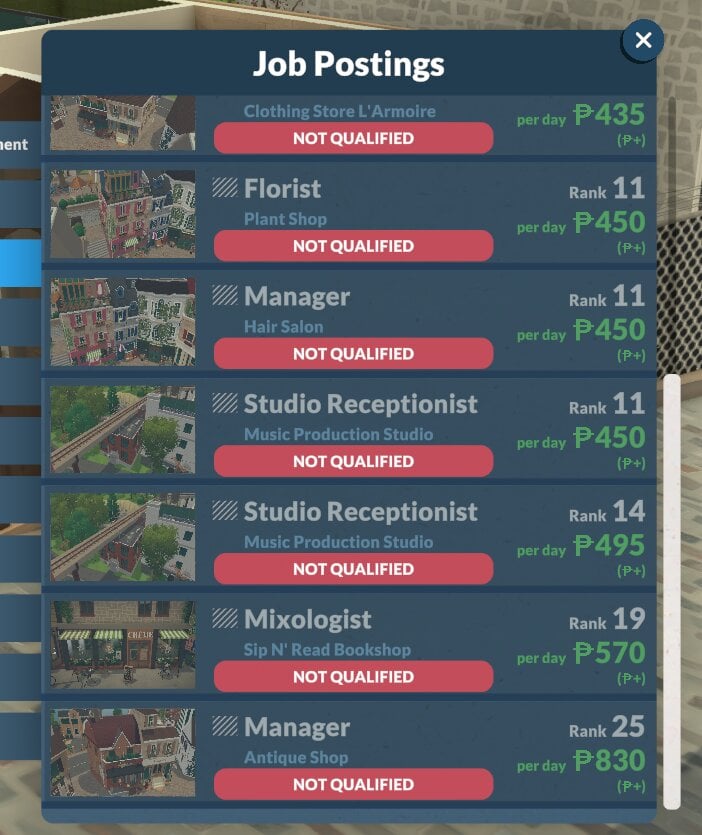
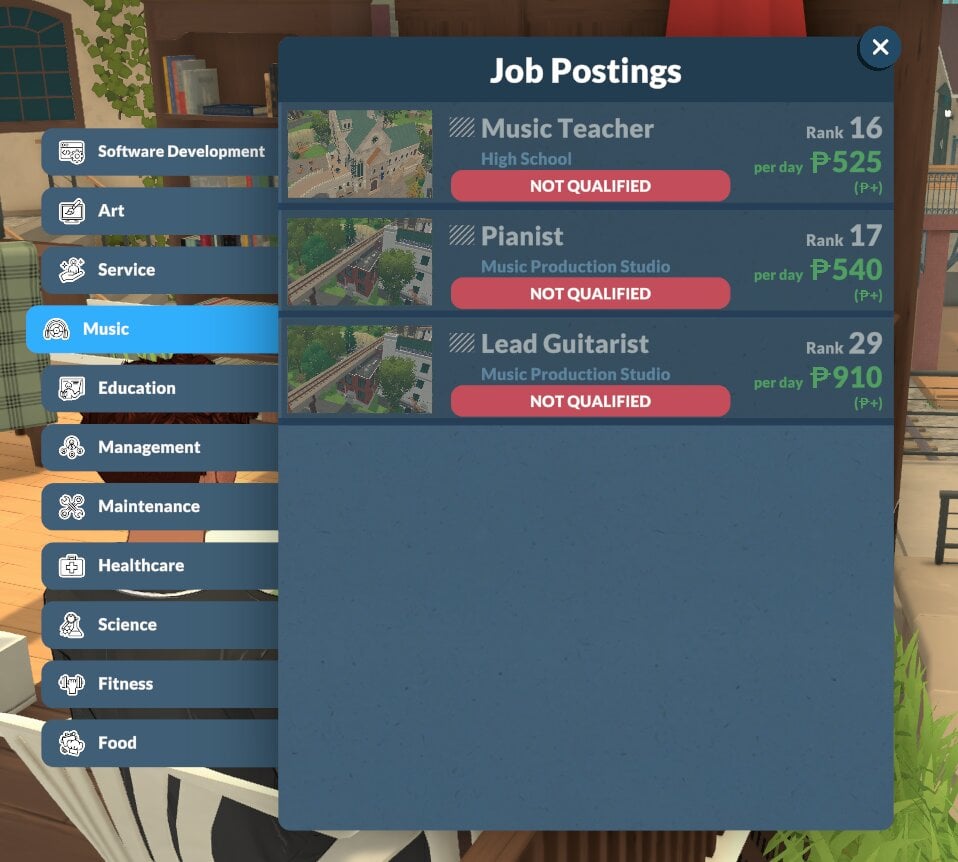
How To Join A Career

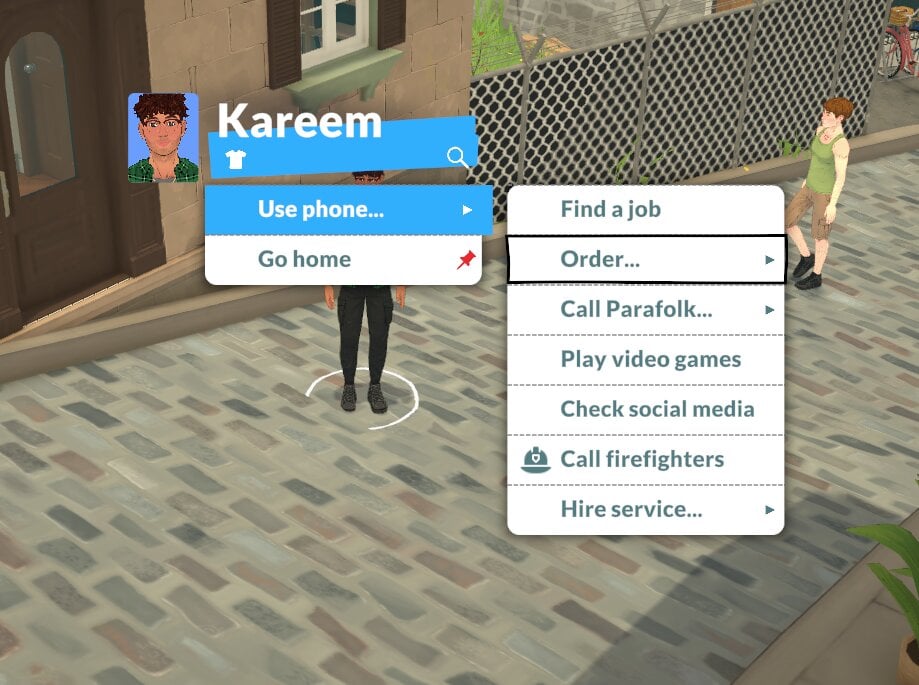
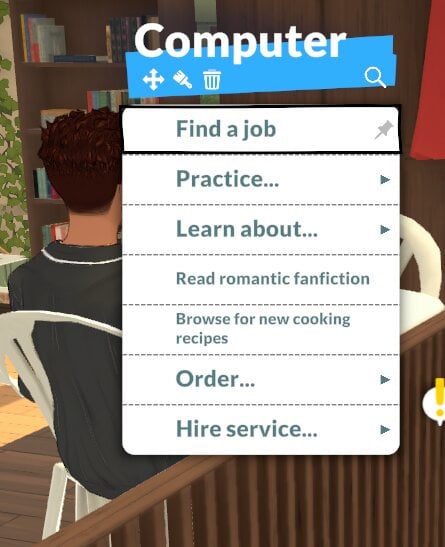
To get a job for your parafolk, click on either a computer or the Para and select Find A Job.

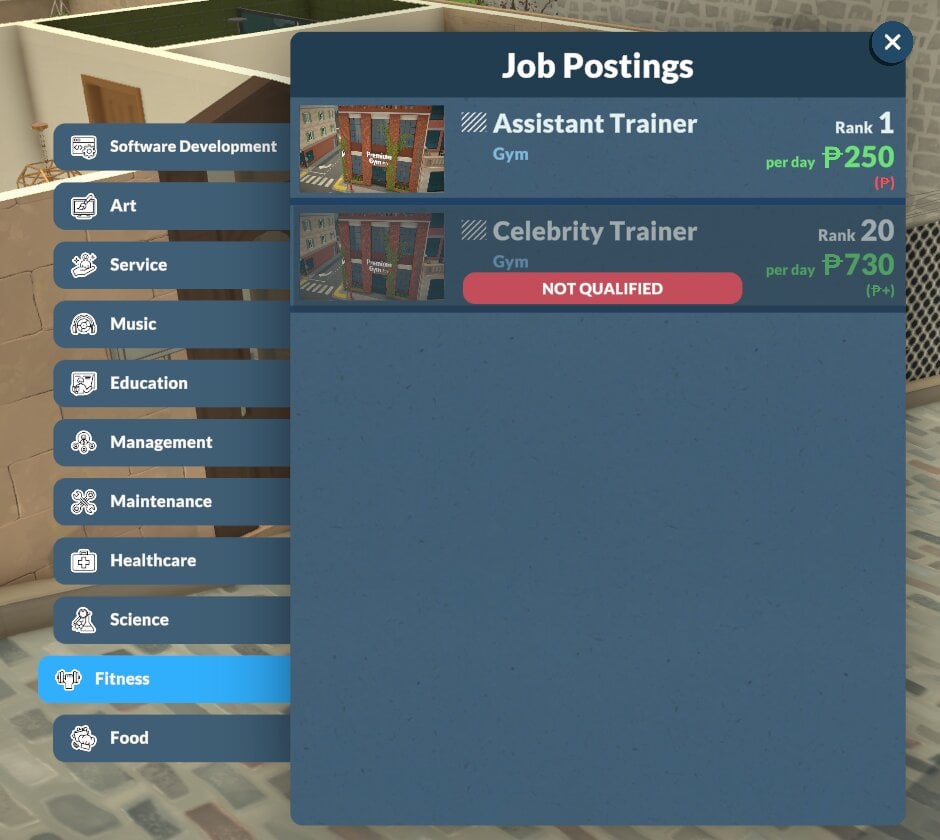
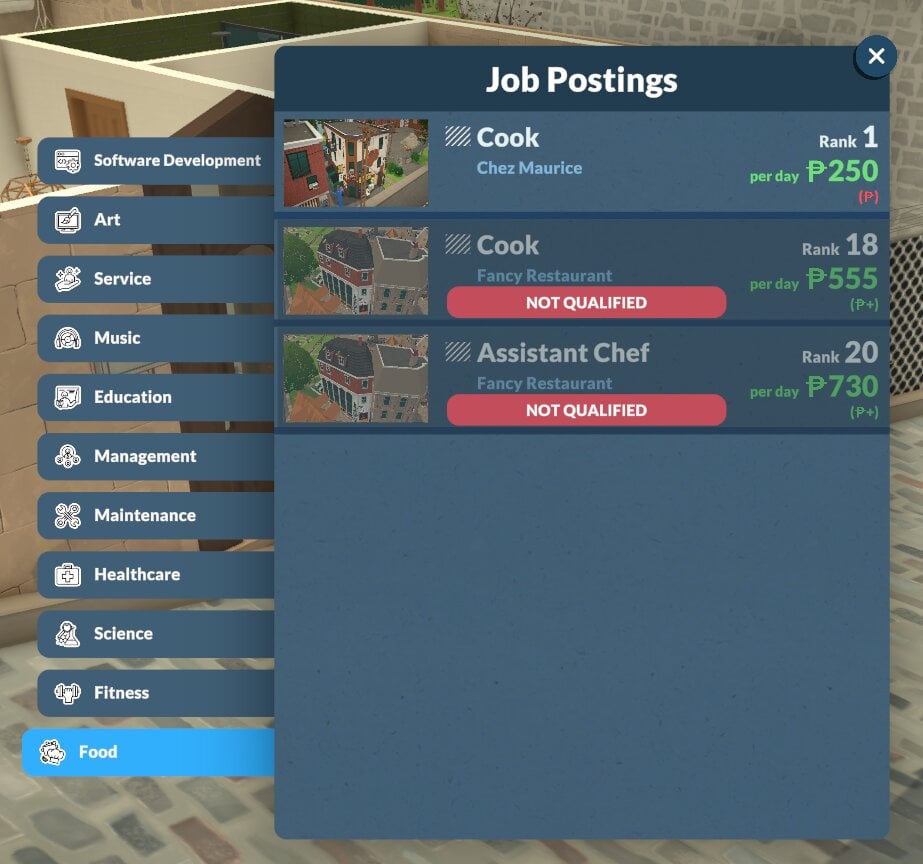
Once they start searching for a job, it will open the job postings for you to look through.

Screenshot 2026 05 16 173537

Career Wants

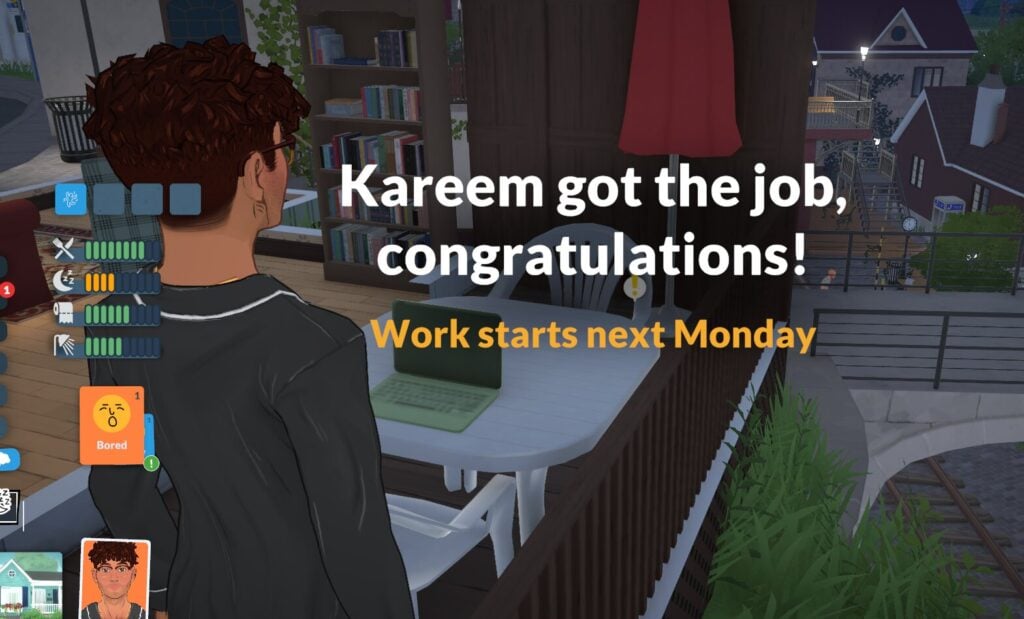
Sometimes, you might have a want show up which prompts your Parafolk to pursue a new career.

Screenshot 2026 05 19 221034

Similar to The Sims 4, you can choose to ignore this or honour it. It won’t have any effect on your Para’s mood.

Career Storyteller Cards

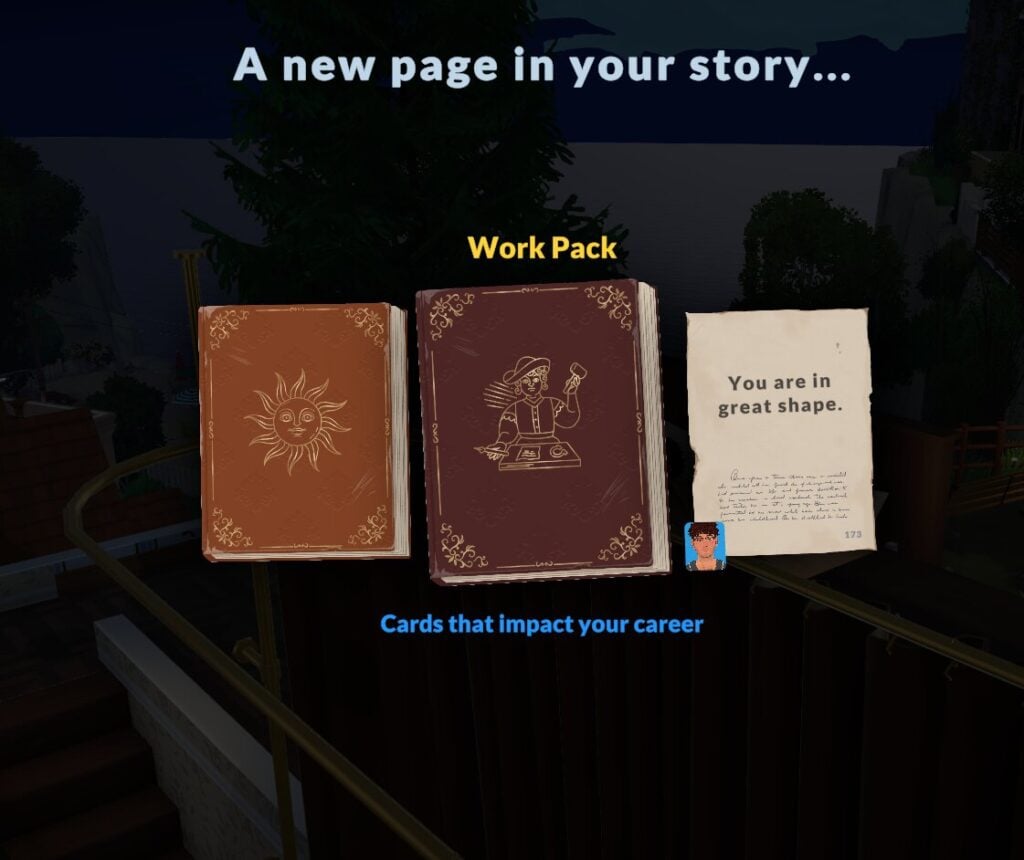
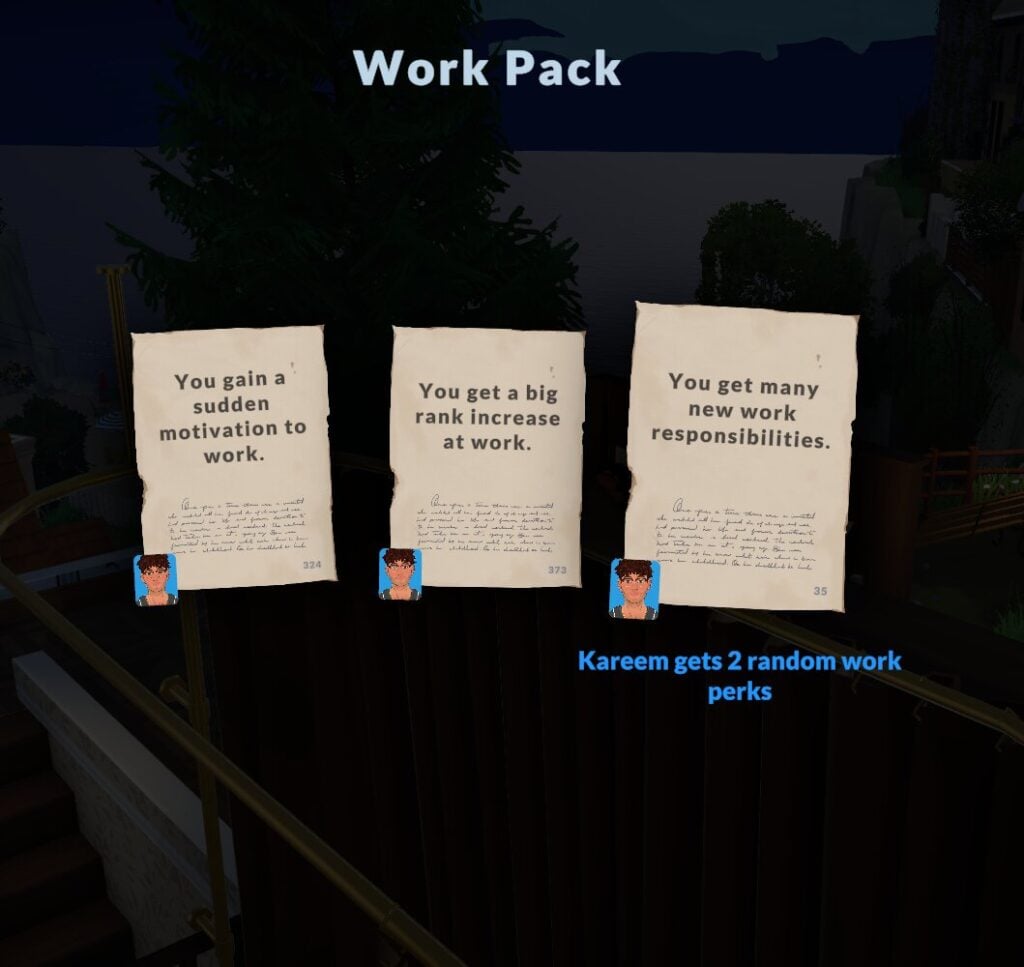
Something brand new to Paralives is the storytellers, and each night they give you a small buff or boost for the next day.

The cards vary every night and between each storyteller, but sometimes, these card options are work-related.

These will normally be things like a small percentage boost to work-related skill gains, a bonus, work perks, or a small pay rise.

Work Perks & Upgrades

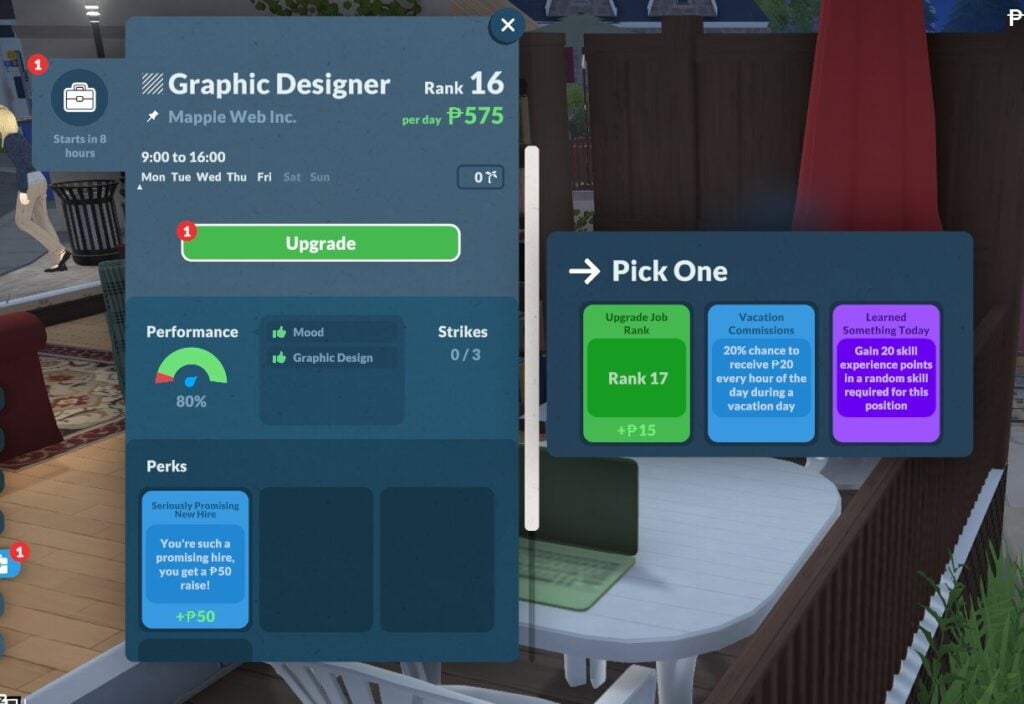
If you have a good day at work you’ll get an upgrade point, which you can use to unlock different buffs or even promotions. These will vary day to day and between jobs.

Screenshot 2026 05 19 221429

As you progress through the ranks, you’ll be able to have more perks active at once. You can see that as a level 16 designer, this Para has the option to have four perks active, but lower levels tend to start with just three.

Work Performance

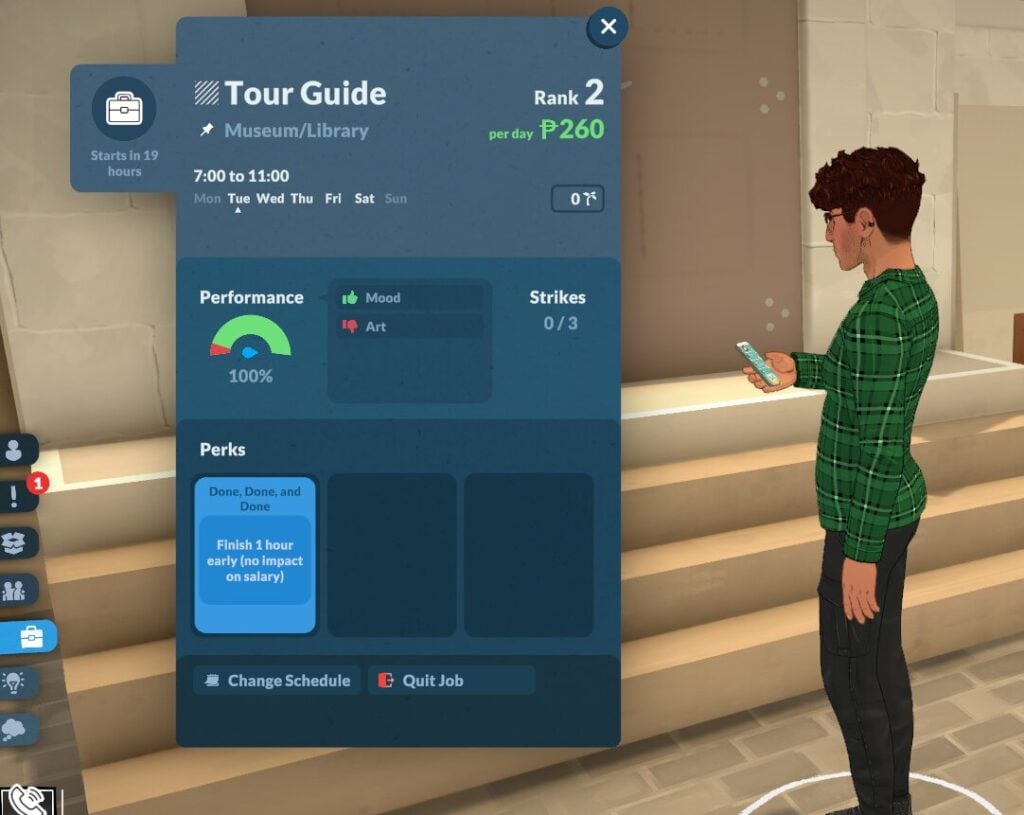
Work performance is viewable by clicking the work panel next to where your Parafolk’s needs are displayed.

paralives careers panel

In the performance chart, you can also see a breakdown of where your Para is failing to meet their career needs.

Screenshot 2026 05 19 214137

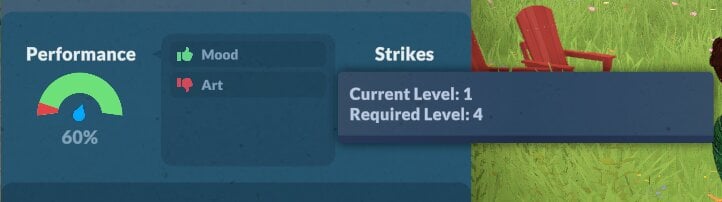
Because this Para has been promoted without having the required art skill level, their work performance is only 60%.

Three Strikes & You’re Out!

Having poor performance will result in a work strike. Make sure you don’t end up with too many, or you might find yourself in trouble.

Promotion Is Not Dependant On Skills

Unlike with application points and joining a new role, work promotions aren’t dependent on skills alone.

Because not having the required skills doesn’t mean you won’t get promoted, I managed to get promoted twice without having the required level of art skill (although, given that the game is in early access, this might get patched later).

Application Points

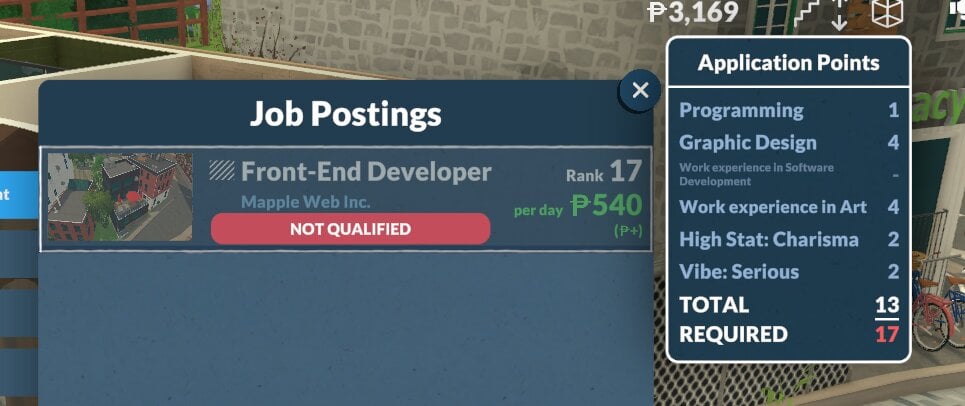
Rather than a black and white list of requirements for each role, Paralives careers instead operate using application points.

Screenshot 2026 05 16 173312

These application points vary from job to job, and even between jobs in the same category, making every application feel unique and giving a clear goal of what you need to work towards to get high-ranking positions.

Starting A Career In A High Rank

No more endless entry-level jobs!

Unlike The Sims 4, you can leave one career and join another at a high level. As long as you have the required amount of application points for the role you’re interested in.

Because of this system, I was able to get my Para a rank 16 graphic design job within only one in-game week, so career progression can happen really quickly.

You Can Choose Your Schedule

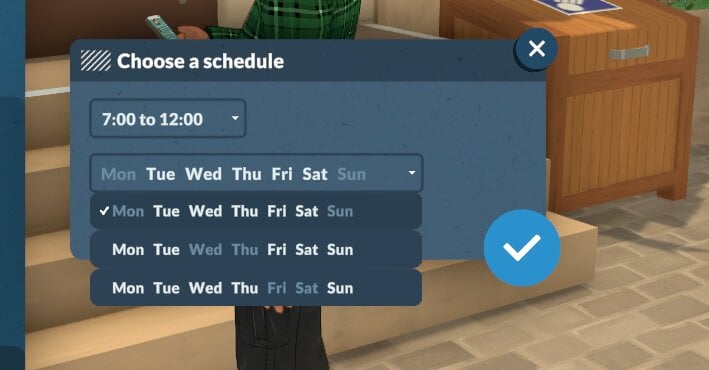
Each career will give you the option to choose which shift pattern you would like to work.

There will be three times and three day schedules to choose from.

Screenshot 2026 05 16 154058

Parafolk Can Have Multiple Jobs

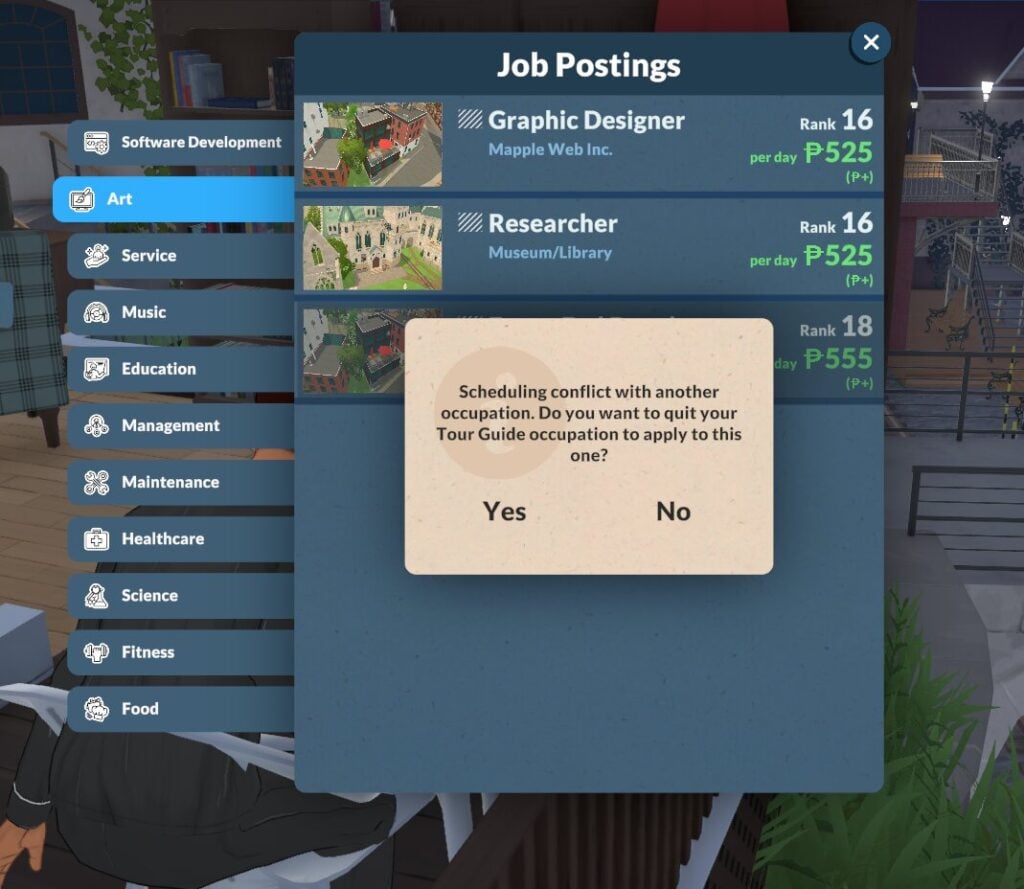
Unless the two roles clash, you can stack Paralives careers, giving Parafolk the opportunity to hold more than one job at once.

If you apply for a new role that clashes with one your Para already has, you’ll receive a warning before you can accept.

Screenshot 2026 05 19 221156

It’s always worth checking whether changing the work schedules means the two roles don’t clash, since you can change your schedule at any time.

Comparing Daily Pay

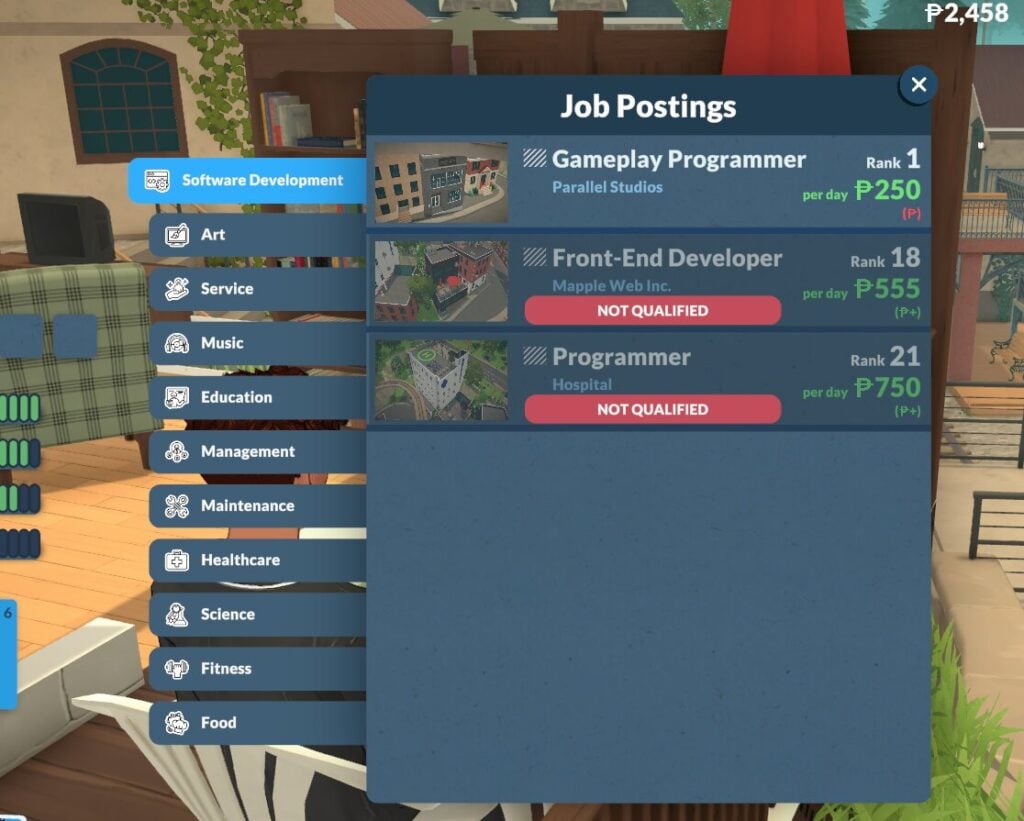
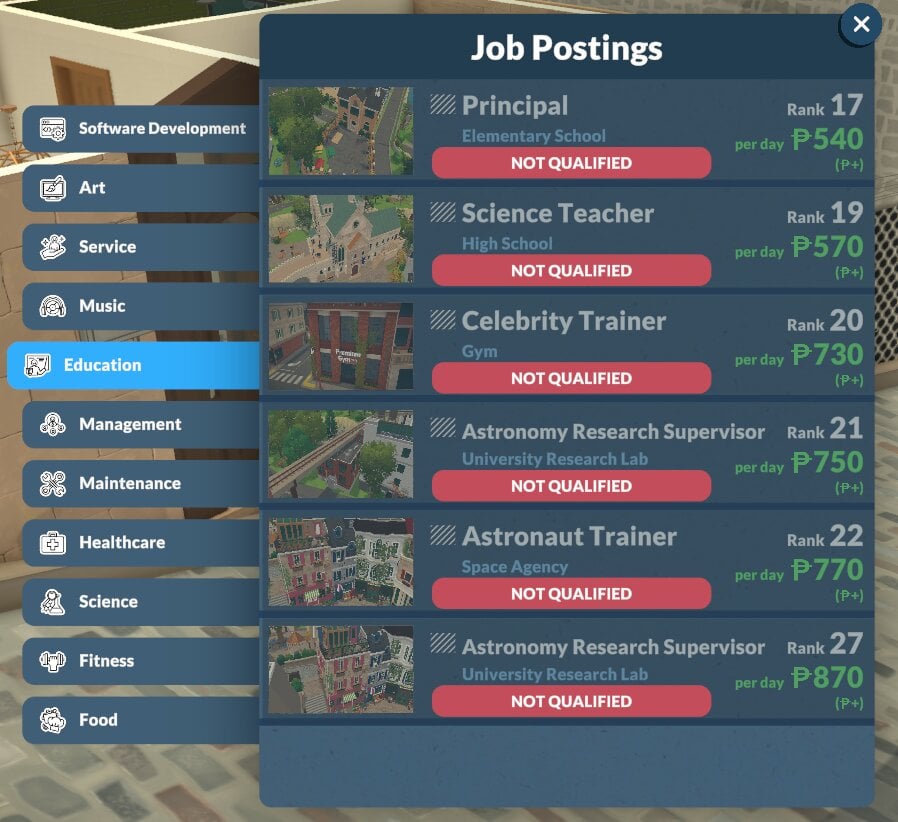
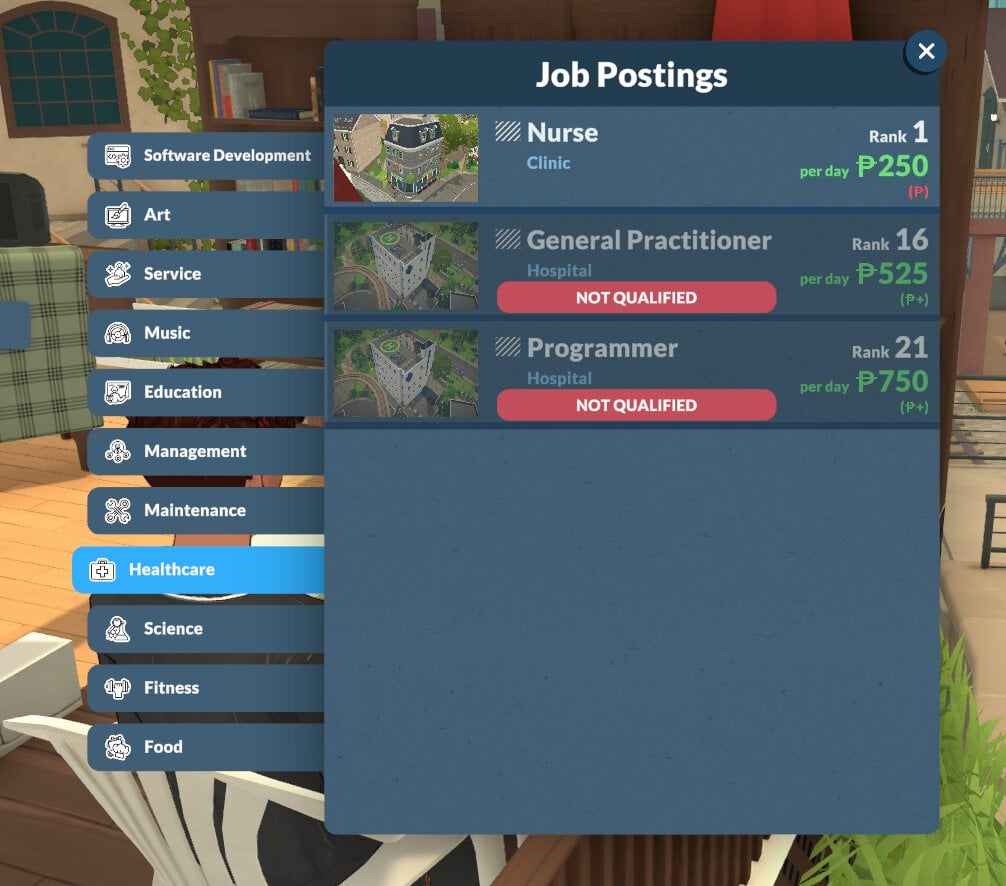
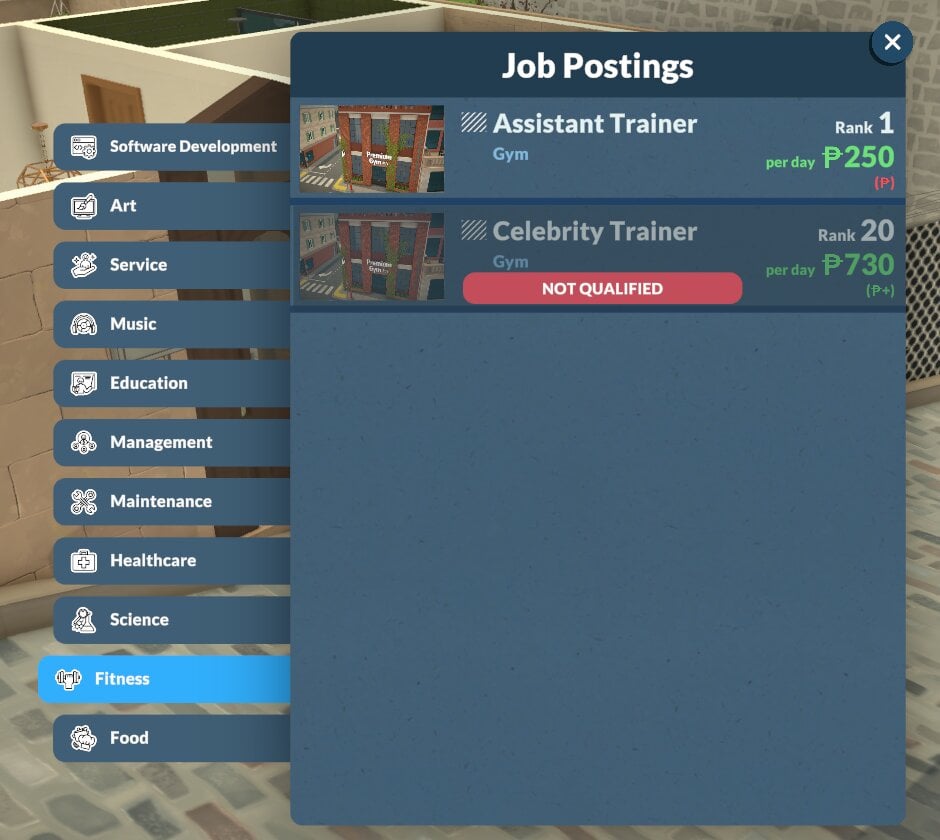
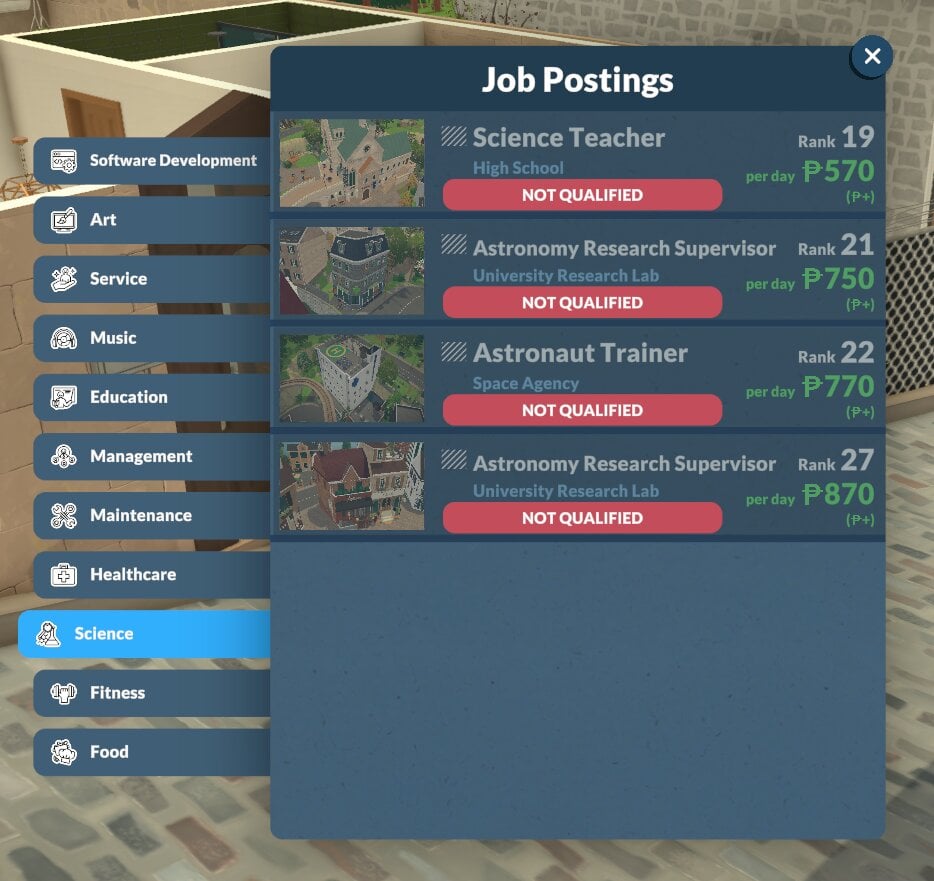
Paralives careers displayed in the Job Postings tab will always show you what the daily pay is, but if you look just beneath that, you’ll see either a red or green P symbol, which is an indicator of whether this job pays better or worse than the one your Para has at the moment.

All Career Types In A New Save

These are all the Paralives careers available on day one of early access in a new save.

[table id=140 /]

By following these tips, you’ll be guaranteed to get your Parafolk the careers of their dreams!

Screenshot 2026 05 19 221231

The early access period for Paralives is due to start really soon, with more and more updates to Paralives careers being promised as content is continued.

Out of all of the new careers, which do you think you’ll be going into when you play? Let us know below!

The Sims 4 Producer Talks Future Quality of Life Updates and The Marketplace

A long-time Sims 4 Producer has been put on spotlight in a recent interview with Gamespot.

Gaming website Gamespot published a new interview this week with producer Morgan Henry to talk about the current Sims 4 Quality of Life updates for 2026 and first reception to The Marketplace.

Talking about future Quality of Life Updates for The Sims 4, developer Henry reveals that we can expect more improvements to the general autonomy. The team is also commited to resolving all those annoying Phone notifications that abrupt your daily gameplay and more behind-the-scenes improvements that will fix common abruptions like that.

Here’s everything new shared in the interview:

TALKING PATTERN

How does The Sims Team feel about the player response to The Sims 4’s new paid mod marketplace?

Morgan Henry: We really appreciate players sharing their thoughts with us. The Sims community is passionate and creative, and feedback from our players and Makers is already helping us really understand what’s working, what needs to be a bit more clear, and how we can continue to improve the Marketplace over time.

Players can still enjoy The Sims 4 the way they always have with the custom content and mods that the existing custom content community continues to share. Our hope is that the Marketplace adds to that experience, not replaces it. It’s meant to give players more ways to discover content, expand creative options for console players, and create more opportunities to support our creator community.
Creative expression has always been a huge part of The Sims, and that’s something we want to continue supporting. As the Marketplace grows, we’ll keep listening to both players and Makers to make sure it feels like a thoughtful, complementary part of the larger Sims experience and creative community.
assets 2026 03 1772503496 Northstar 8

As far as bug fixes go, a large part of this update is dedicated to Infants/Toddlers and autonomous Sim behavior. Can you give us a hint about what part of the game you’re focusing your attention on next when it comes to major overhauls?

Morgan Henry: We know autonomy is a very important topic to players, it’s part of what makes The Sims so special! For our next few updates, we want to focus on general autonomy alongside top community-reported issues.

We already have a number of autonomy improvements in the works, from bigger changes like Sims properly facing each other during social interactions, to smaller tweaks like Sims who dislike gardening no longer gardening autonomously. We’re also planning to put a lot of effort towards cutting down on spam Sims get from their phones and in The Sims’ notification UI, which will hopefully make the game flow better and feel more relaxing.

We have more food, drinking, and dining autonomy improvements in the works based on other feedback we’ve received, too, and we’re always tracking top-reported and voted-on issues from EA Forums as well as feedback from our Discord and Reddit threads pertaining to these topics. We’re quite busy, but [are] having a lot of fun working so closely with the community to direct our focus!

sims 4 may patch features
Source: Gamespot

Are you interested in The Sims 4’s lively year of fixes and Marketplace releases? Let us know what you think in the comments down below and stay tuned to our Latest News for more Sims coverage!

Paralives Aging, Lifespan and Death Guide

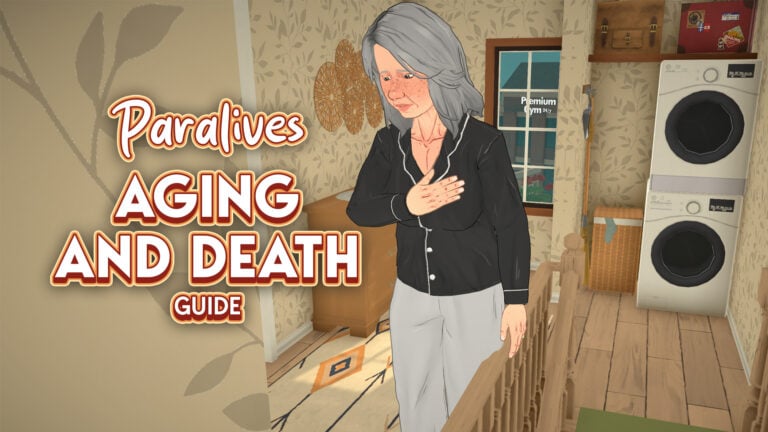
In Life Simulations, one of the major features to show the passage of time is the exact opposite… Death! Death in life simulation games is important for games that have generational and family-based gameplay. Death can act as a fun twist to add drama or a signifier of progression in your save, especially seeing a character through their entire life to their natural death. Another aspect of life simulations like this is aging. Paralives aging acts similarly to other life simulations you are familiar with, with set periods of time for each stage and automatic aging upon birthdays if aging is on.

Paralives Aging and Death Types

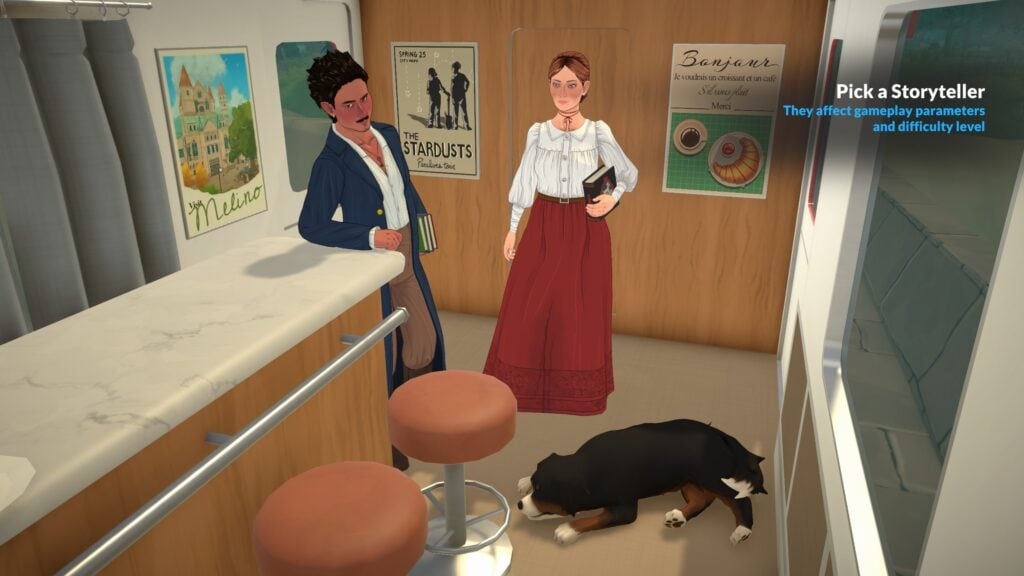
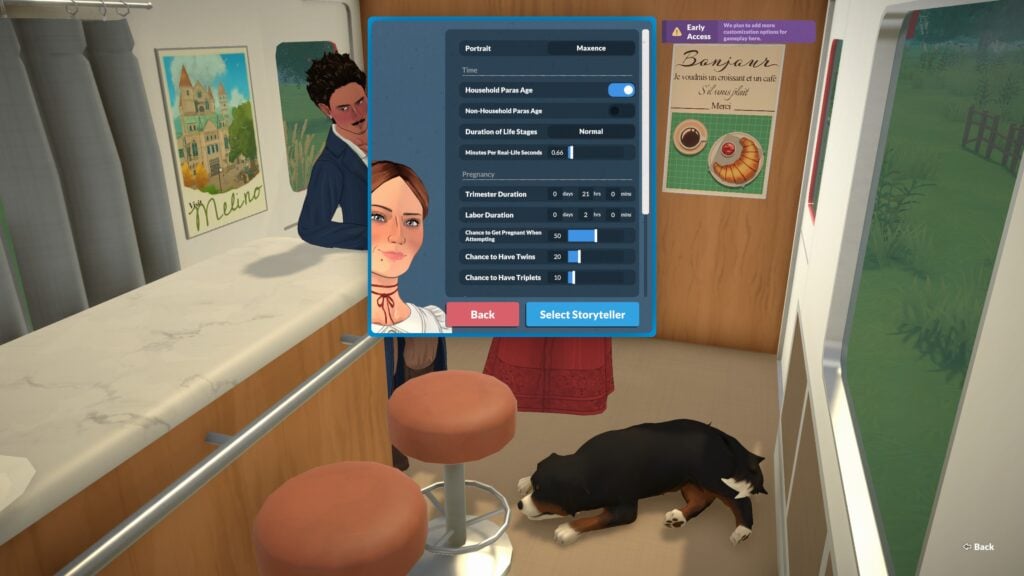
When creating a new save or customizing an existing one, you can pick your Storyteller and individually adjust their settings to tailor the speed, difficulty, and actual gameplay of that save. This include lifespans, lengths of pregnancy and trimesters, auto aging being on or off, etc.

Lifespan SettingBabyToddlerChildPreteenTeenYoung AdultAdultElderTotal
Short12536109642
Normal341171321191391
Long1317473155877955384

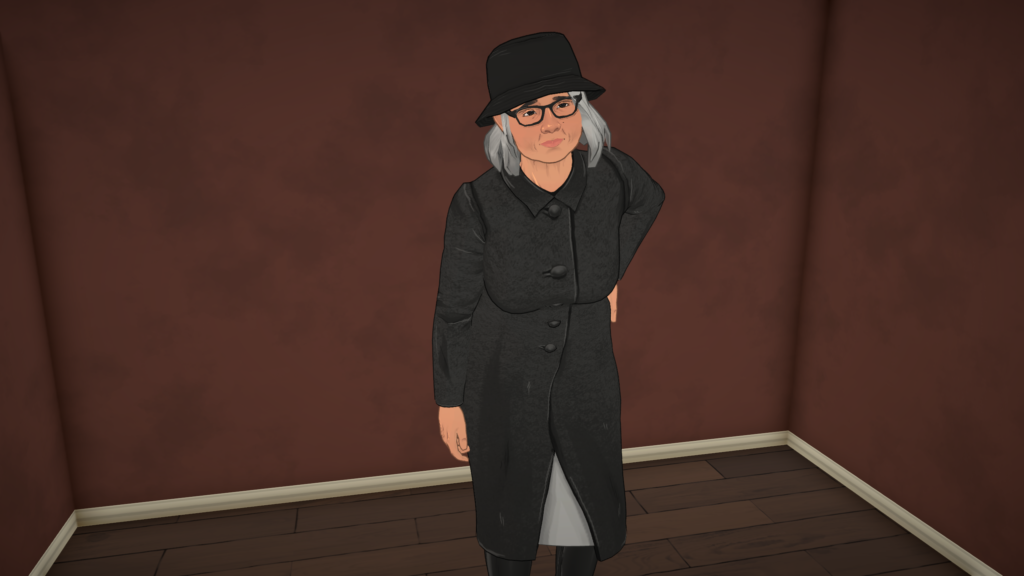
The physical difference between Paras in each life stage is noticeable, with new slider values becoming visible as they age and new skin details popping up to show the passage of time. There are eight life stages so far in the game.

Death Types

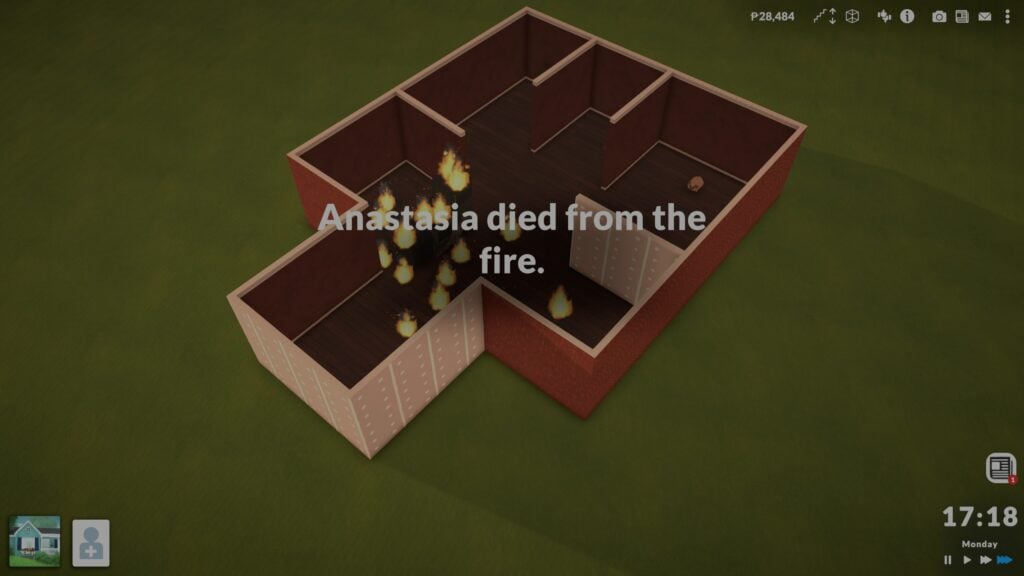
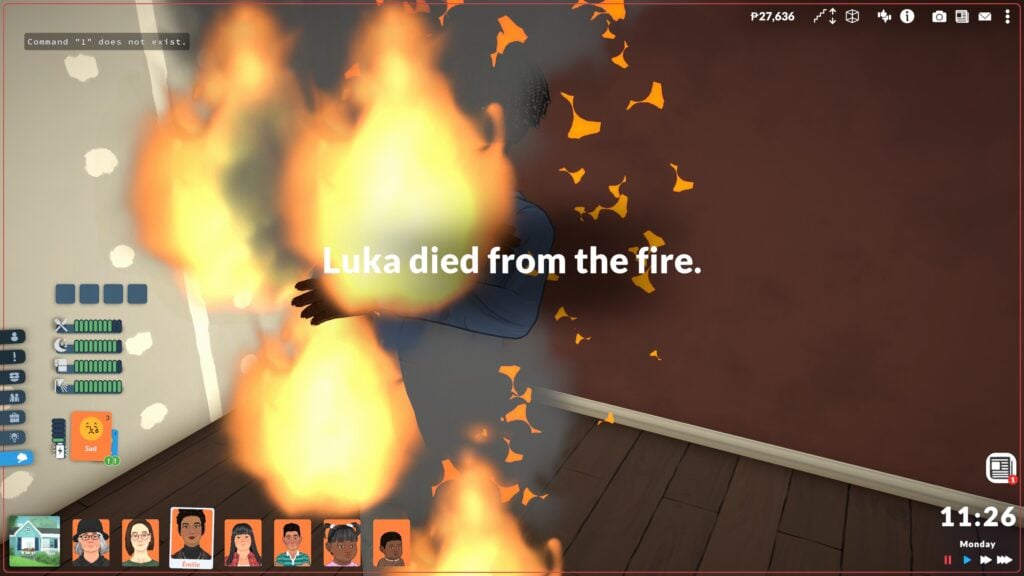
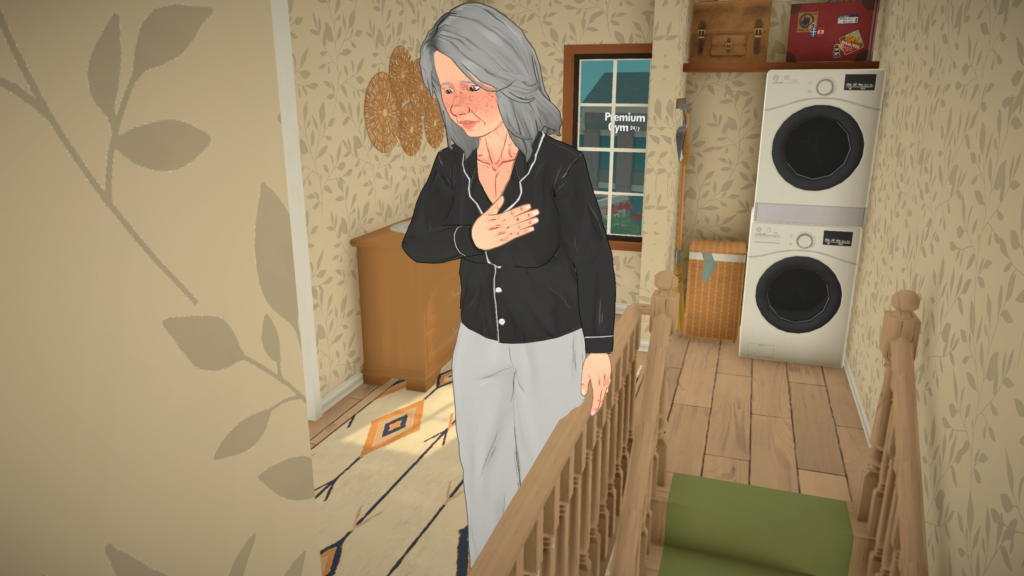
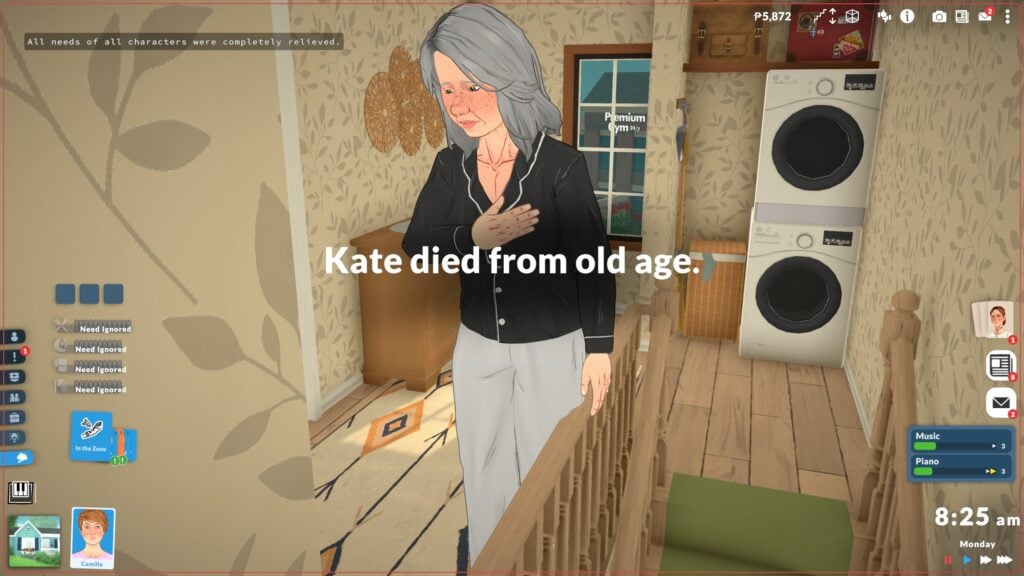
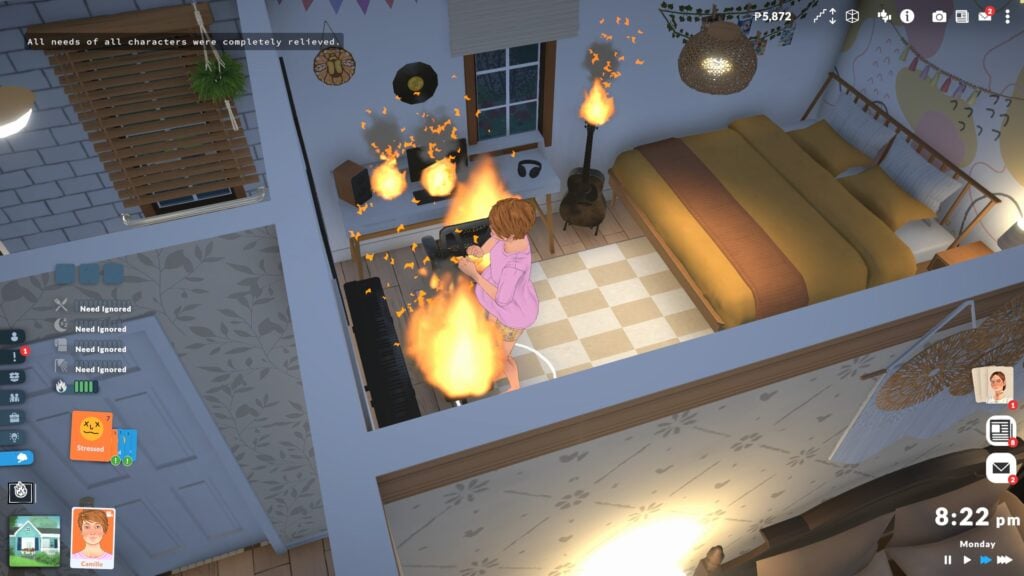
Currently, death type animations are incomplete. Some will display a start animation, like clutching a chest for old age death or collapsing from a fire death. However, afterwards, Paras will disappear and you will receive a screen pop-up explaining what happened.

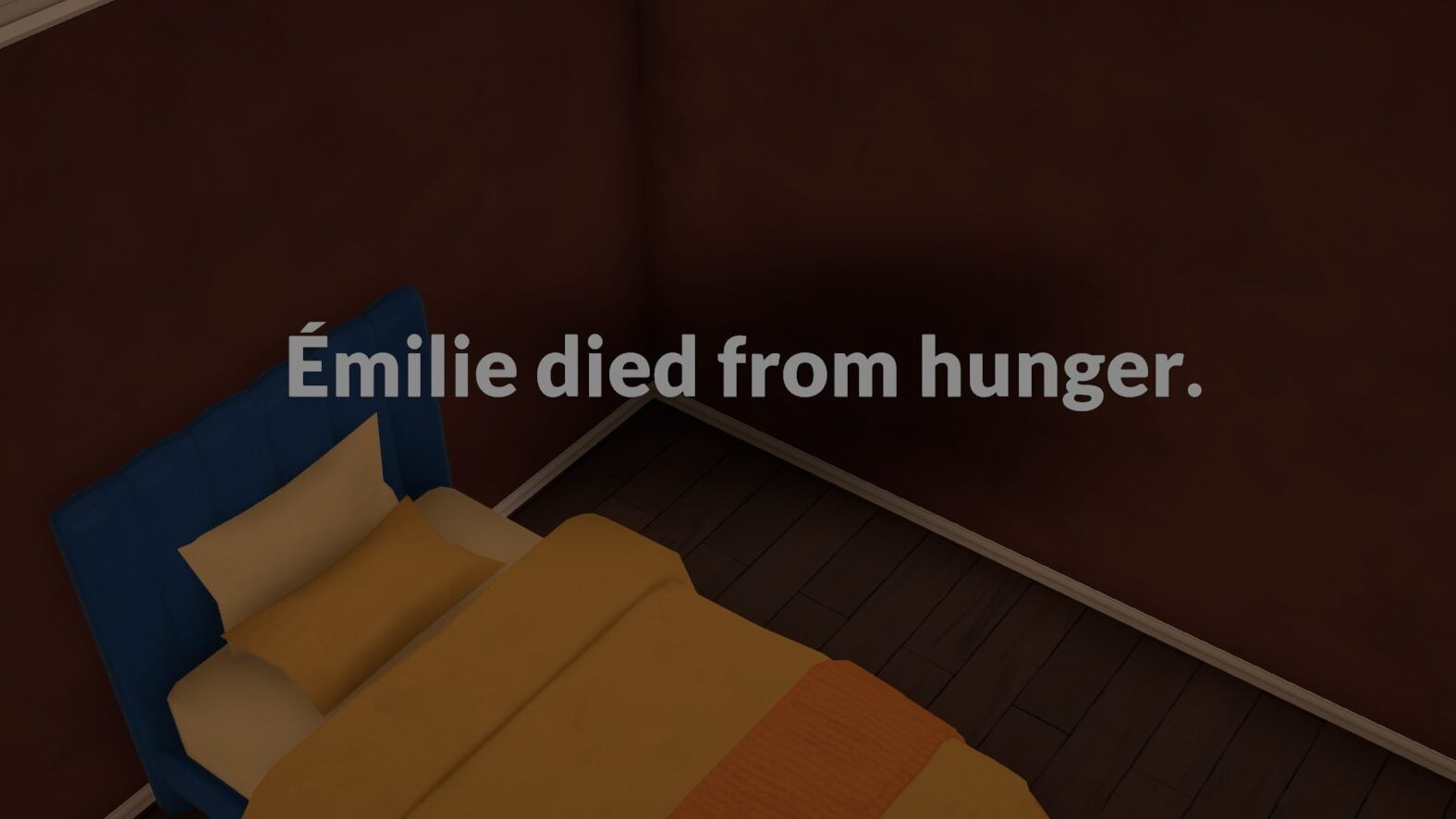
Starvation

Paralives can starve to death after a certain period of time without food. Since different Paras have different traits or skills or lifestyles that will change how long of a hunger bar they have, the time from their last meal to starvation does vary.

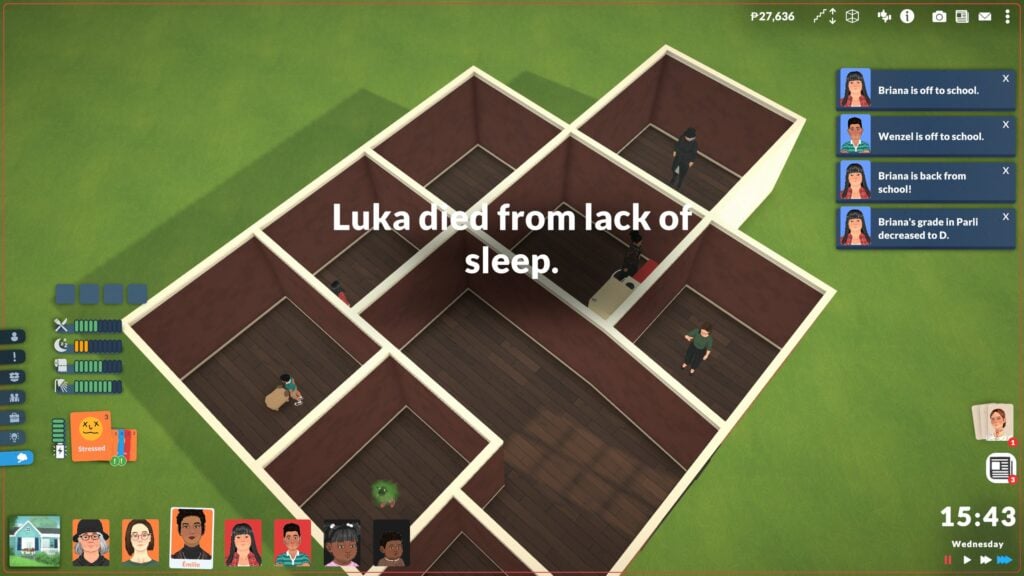
Exhaustion

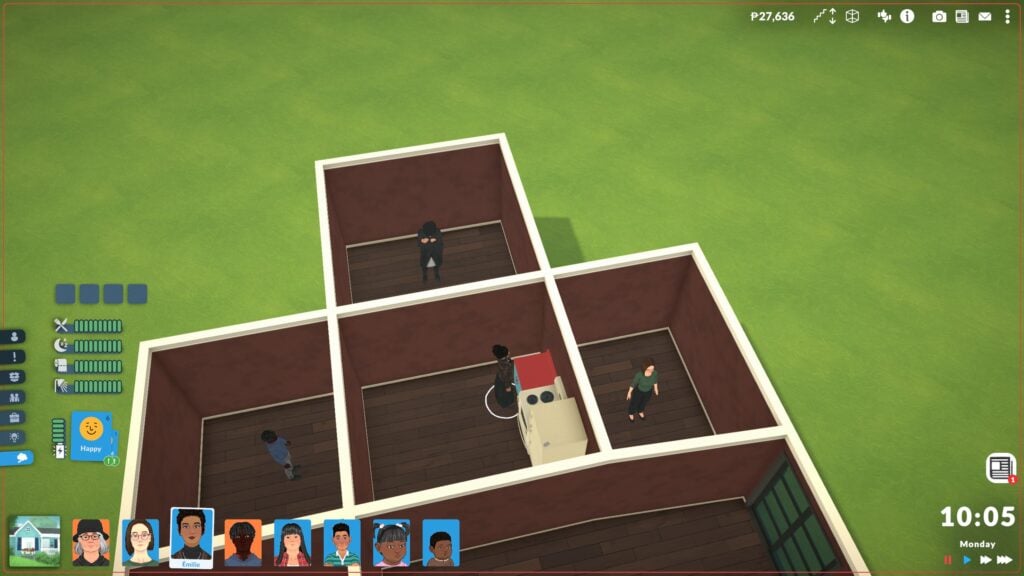
The quickest way for Paras to die excluding fire is exhaustion. Instead of passing out, Paras will just die if they are teens or older and have fully exhausted their energy bar. Make sure they get good rest, because only a few days of no sleep is enough to take them out! When testing with a full household with no access to beds, it only took from Monday morning at 10:05AM to 15:43PM/3:43PM Wednesday afternoon for one of my Paras to die.

Fire

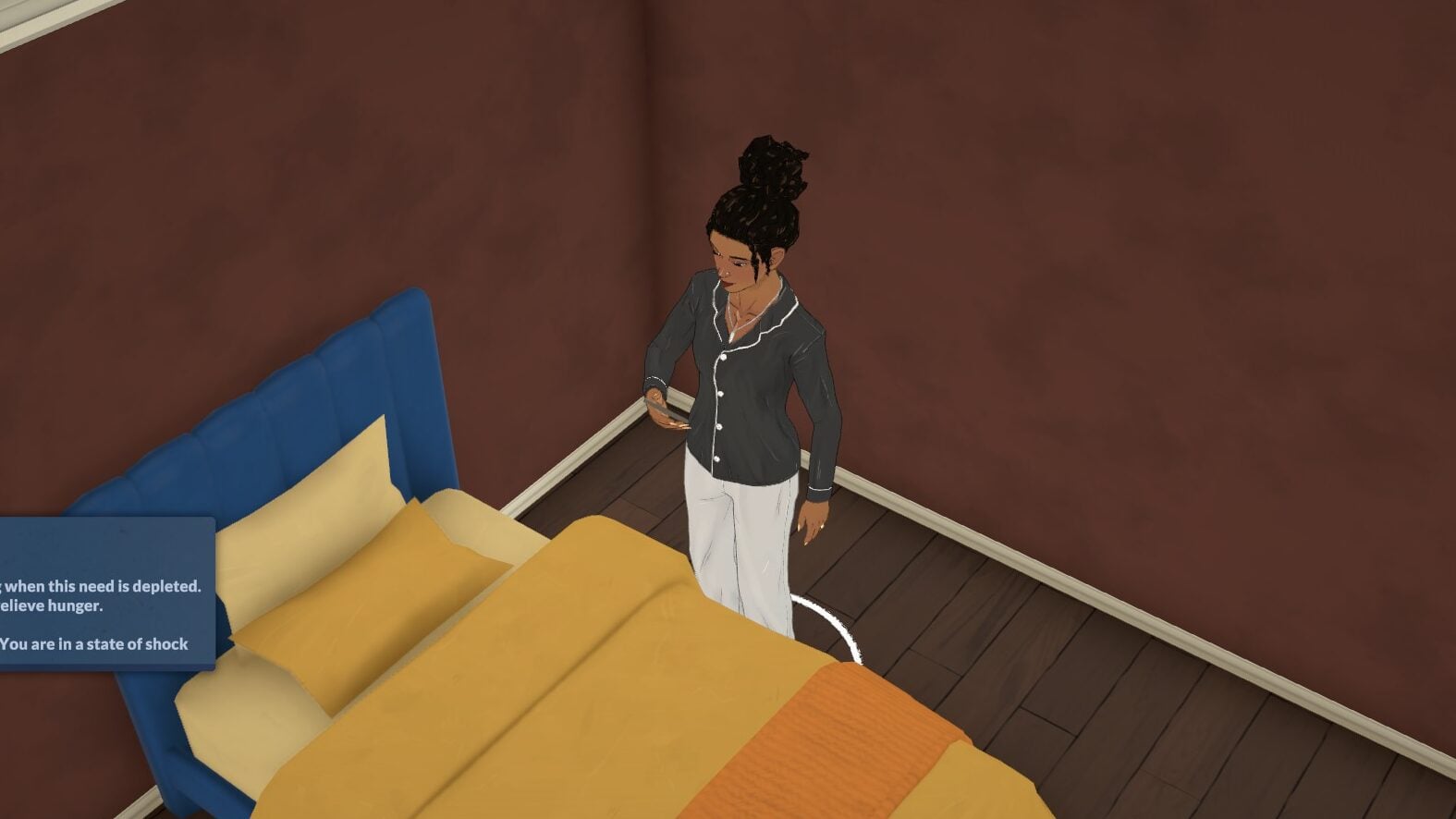
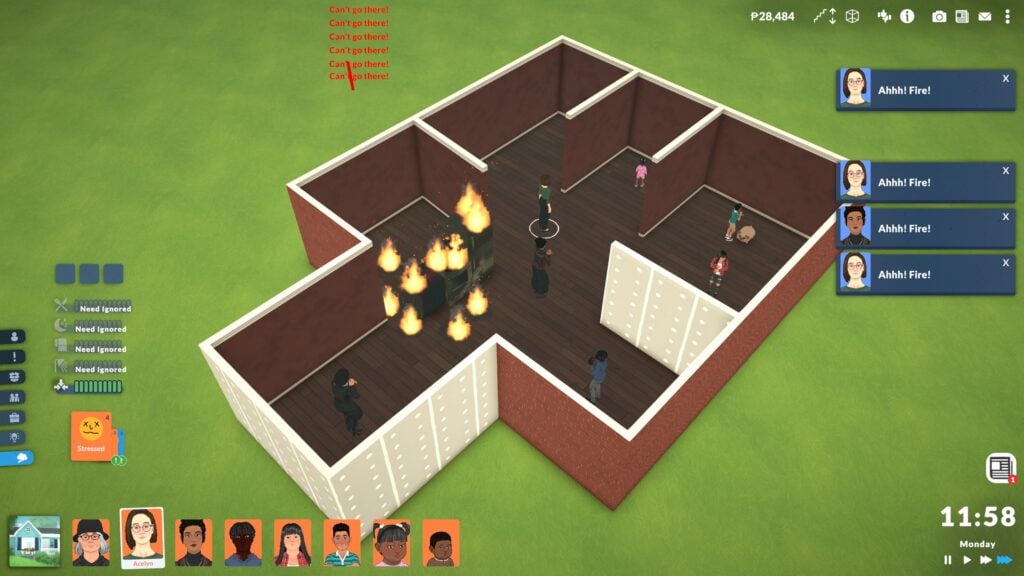
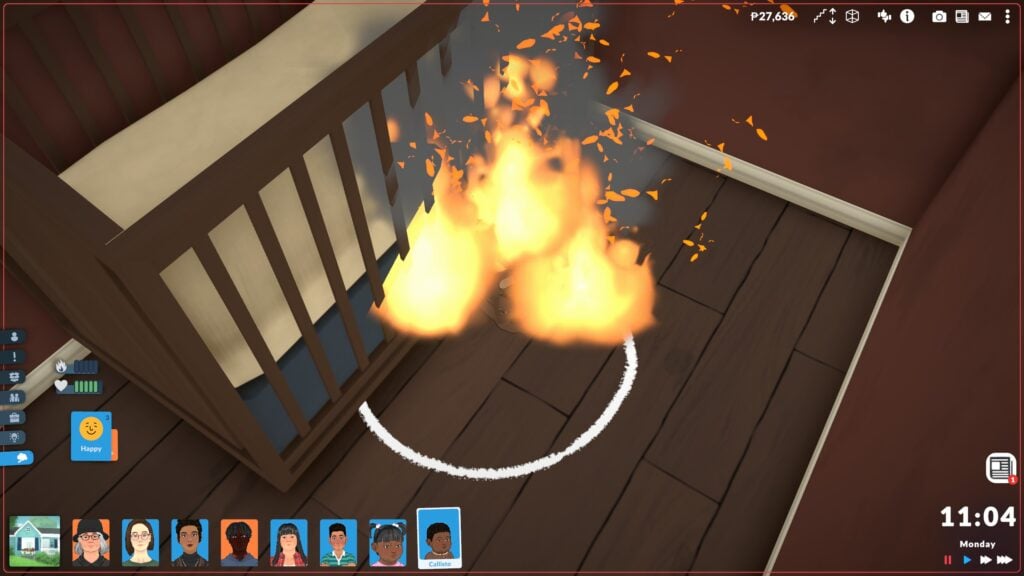
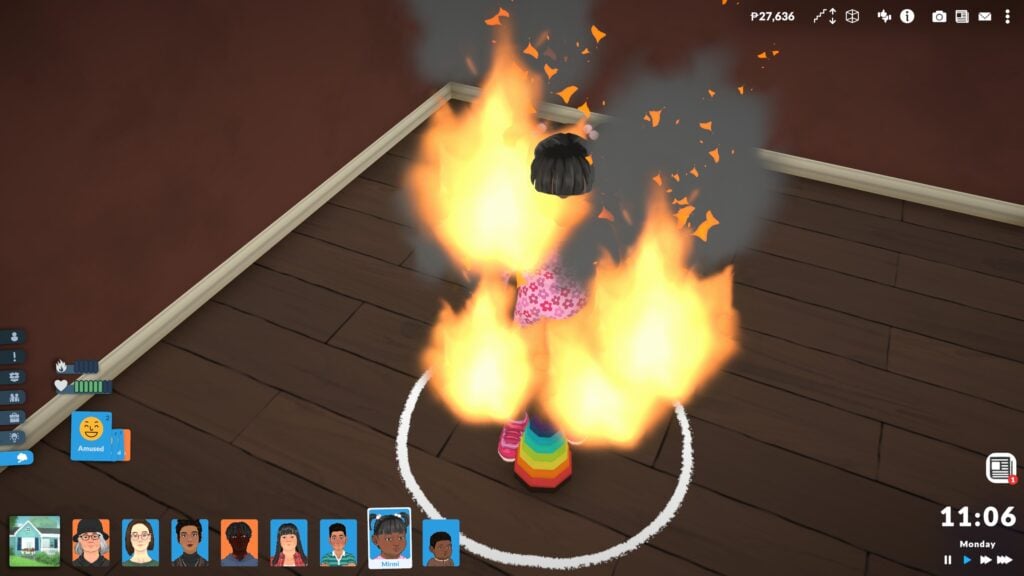
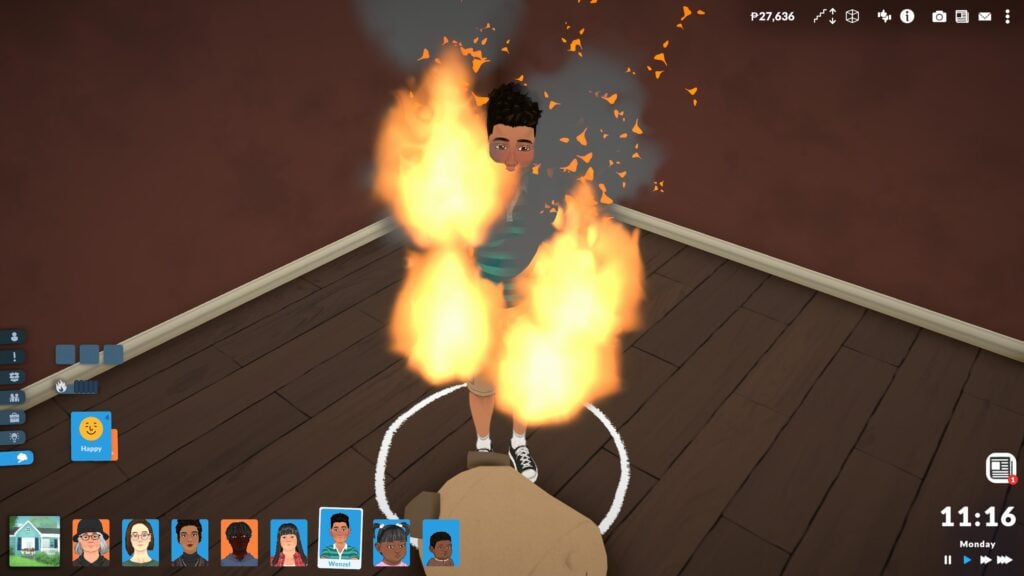
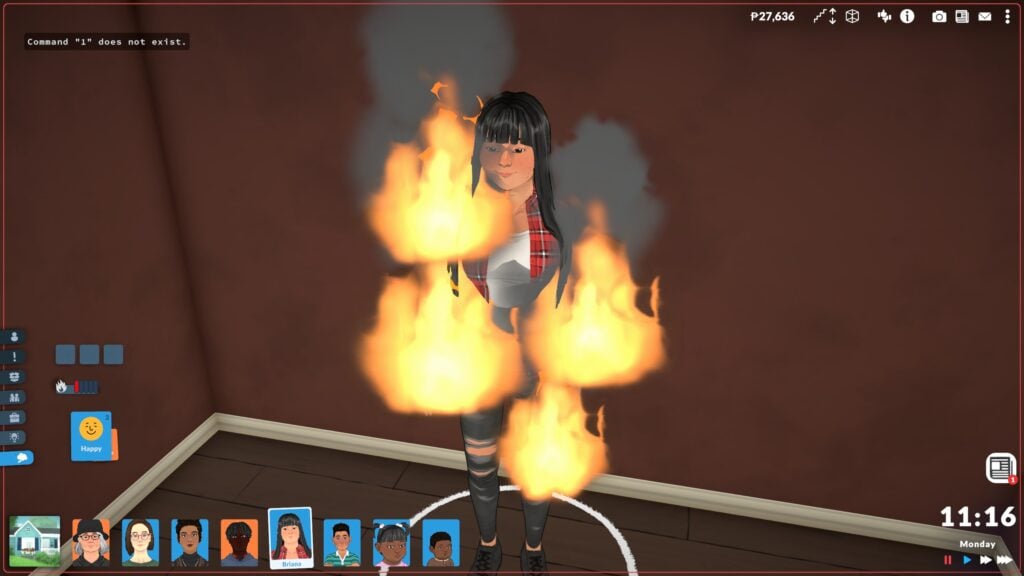
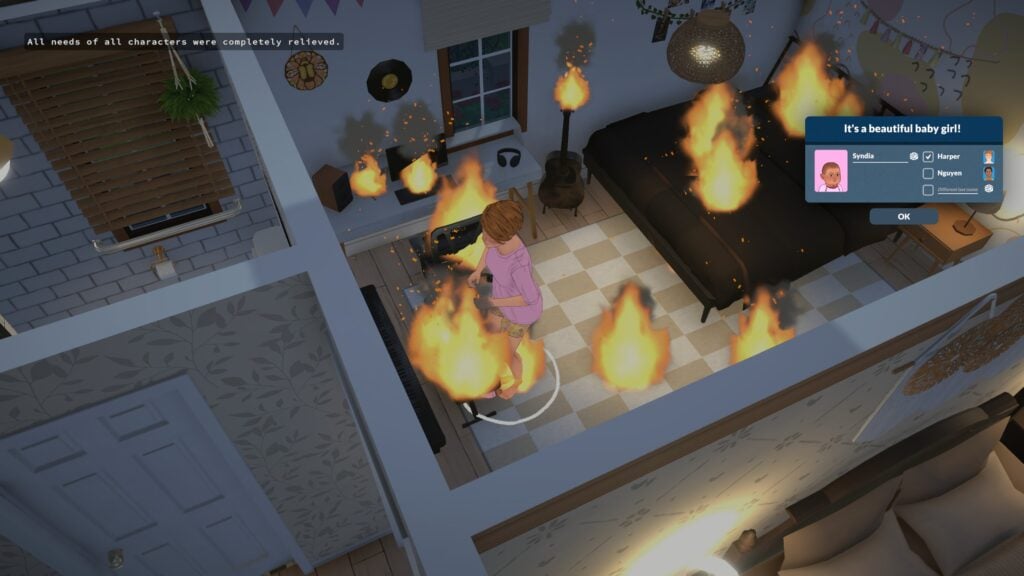
Fire in Paralives is quick and dangerous, and can easily take out an entire room or a significant portion of a home if you are not careful. This also means Paras are in danger. When autonomy is on, Paras will attempt to save their lives and the lives of those around them by evacuating or extinguishing things. They will often enter a state of shock that will ignore all other needs until they are back to safety, meaning they can survive hunger and exhaustion if they are in shock due to a fire. Paras who catch on fire have a new needs bar that will decrease the more they burn, and once it is empty, they die.

Old Age

Dying from old age or natural causes will happen once an elderly Para has reached the end of their life stage progression bar. When hovering over the bar, you will be told how long there is left in that stage down to the hours and minutes. Once that happens, they will clutch their chest and disappear, with a notification telling you they have passed from old age.

Para Death Behaviors

Paras will autonomously attempt to save their own lives for accidental death. If autonomy is disabled, they cannot perform these actions. This means that Paras will just stand around and starve, exhaust themselves, or catch on fire and will not perform life saving measures in any capacity.
Are Any Life Stages Protected From Death?

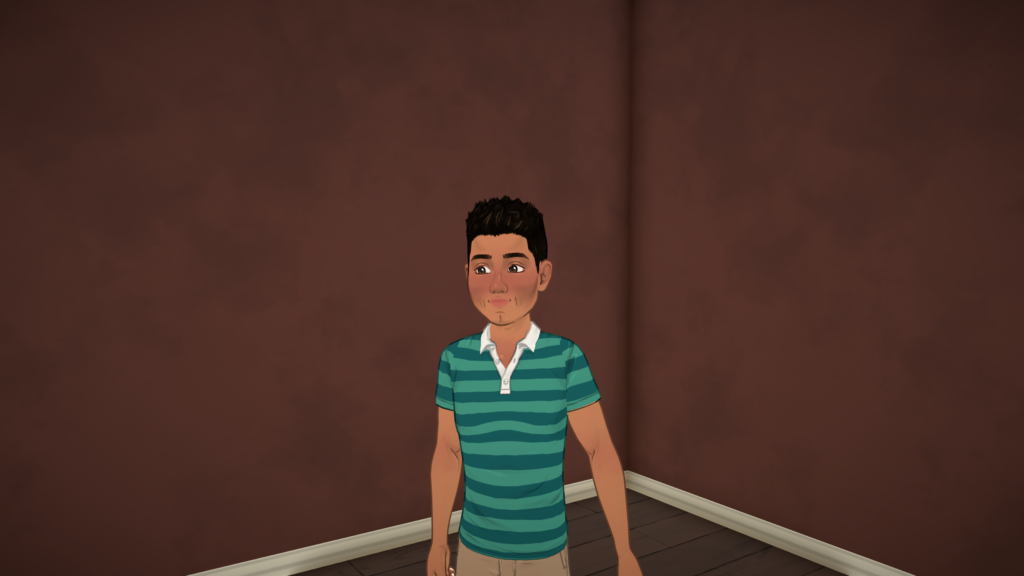
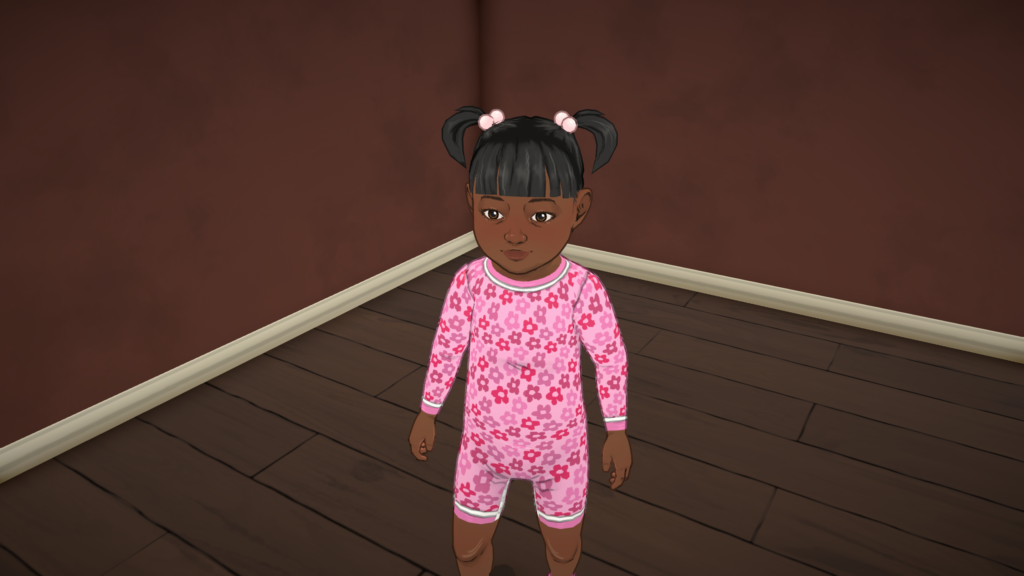
The only Paras who can actually pass away are Paras teen or older. Preteens and younger are completely immune to death. They can literally stand normally and act normally while actively on fire. If they starve or become neglected, they will disappear and be whisked away by social services. Paras are also fully immune to death while pregnant.

A pregnant Para will not naturally catch on fire and will not die in any case until they are no longer pregnant.

After Death

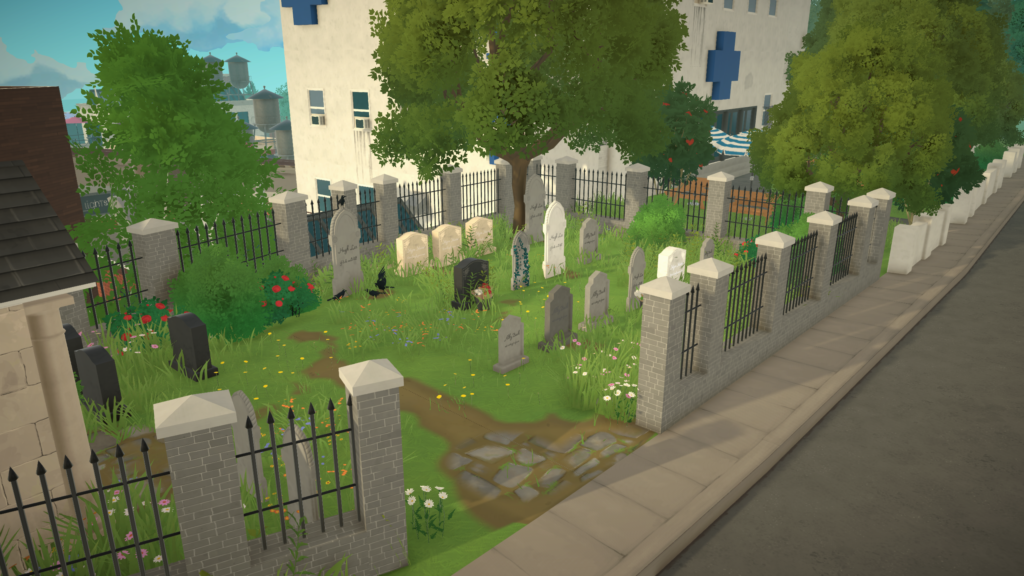
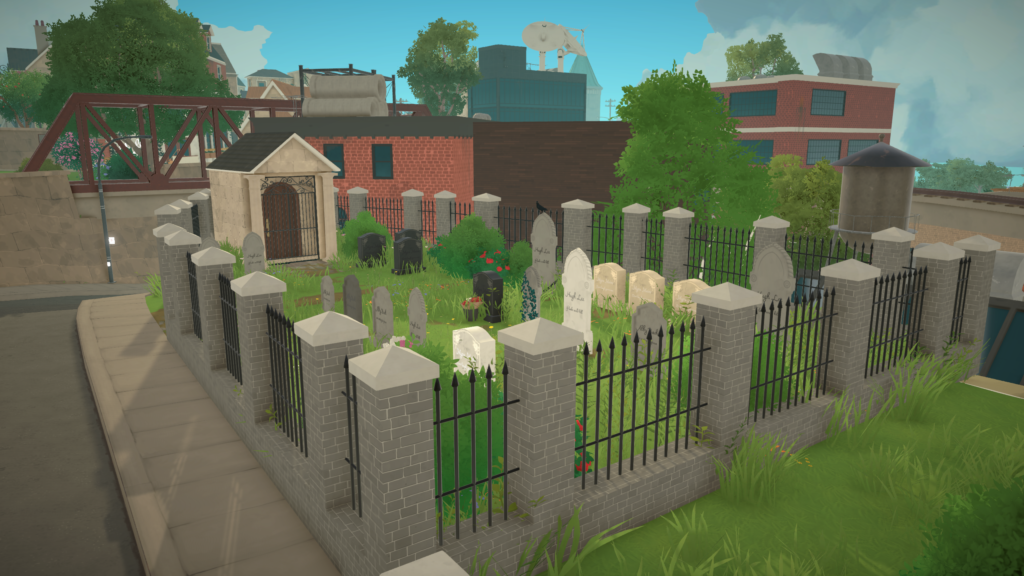
Since this is still a game in early access, the after death content is very limited. Paras they know the deceased will carry sad emotions for quite a while that can really overtake their whole life. Otherwise, the Paras will disappear and no gravestone or urn is left behind.

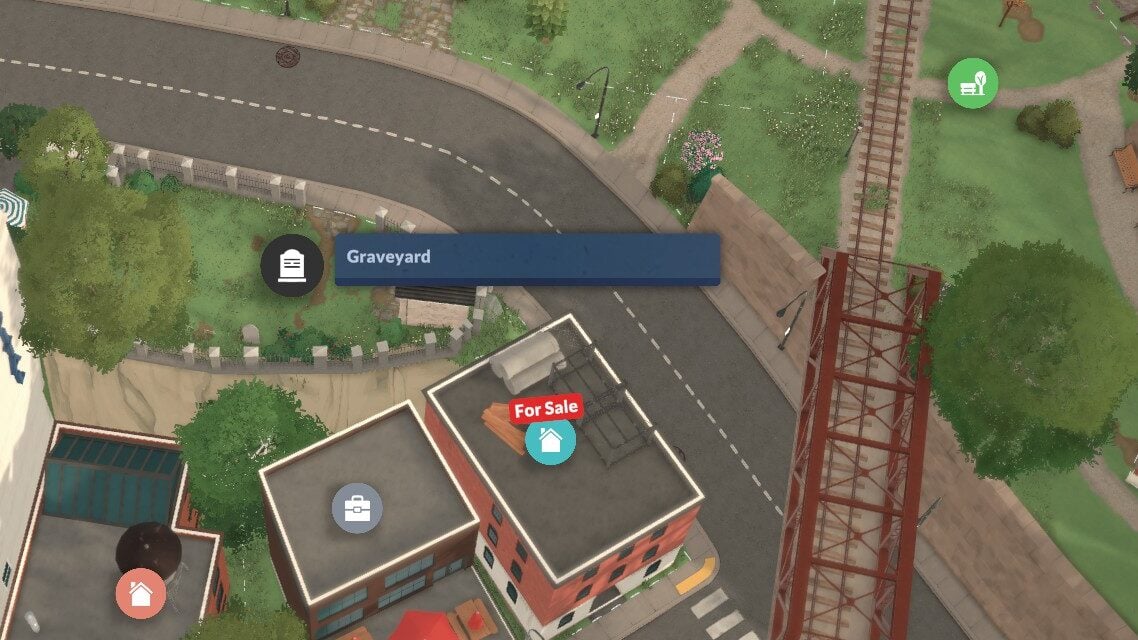
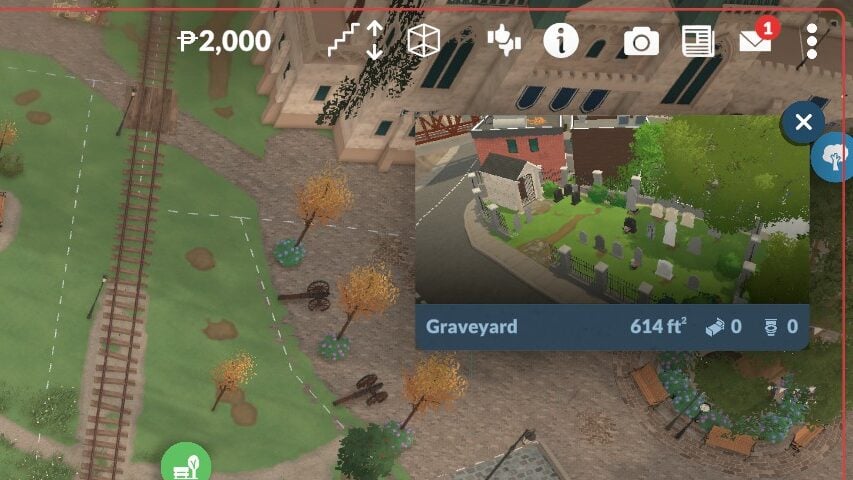
There are hints that this won’t be a forever thing, as a cemetery is available in Melino, but it just is not currently functional. There are also currently no ghosts and no way to resurrect Paras outside of cheats.


Do you want ghosts or an afterlife in Paralives? Is Paralives aging settings something you like, or is there a different approach you’d like to see? Let us know, and make sure to provide feedback to the developers themselves online through their website or Steam! Make sure to keep an eye on The Sims Community as we supply you with Paralives Guides, tips, and tricks!

From Trying For A Baby to Taking Care of A Toddler: Paralives Guide

The pitter patter of little feet is always a fun and exciting part of Life Simulation games, especially those that allow for generational play, and Paralives is no different! Experiencing parenthood through adoption or pregnancy, expanding your family, or creating little ones directly in the Paramaker are all features available in Paralives early access release on day one! If you’re looking to bring a new Para into the world, follow the guide below for how to get started and how to stay afloat!

Paralives Guide: Babies, Toddlers, and Caring for Their Needs

paralives babies toddlers needs

Like real babies and toddlers, younger Paras tend to look different from their future adult selves, interact with the world differently, and are reliant on older Paras for caregiving. If you have any Paras under the child stage in the home or on a lot with no caregiver Paras present, generally teens or older, then they will automatically be whisked away to daycare and this will be reflected in your weekly bills statement with a small fee.

Getting Started

Getting your own little one only takes a few easy steps, depending on the route you decide on. While the game may have more options in the future, like IVF/Science Babies/Babies with Medical Assistance, adopting older children, etc., there are three primary ways of expanding the family; Creating babies directly in the Paramaker when you first make the family in question (Or by using the “EDITCHARACTER” cheat after the fact!), trying for a baby and having a pregnancy, and adopting from a health center.

Babies and Toddlers in the Paramaker

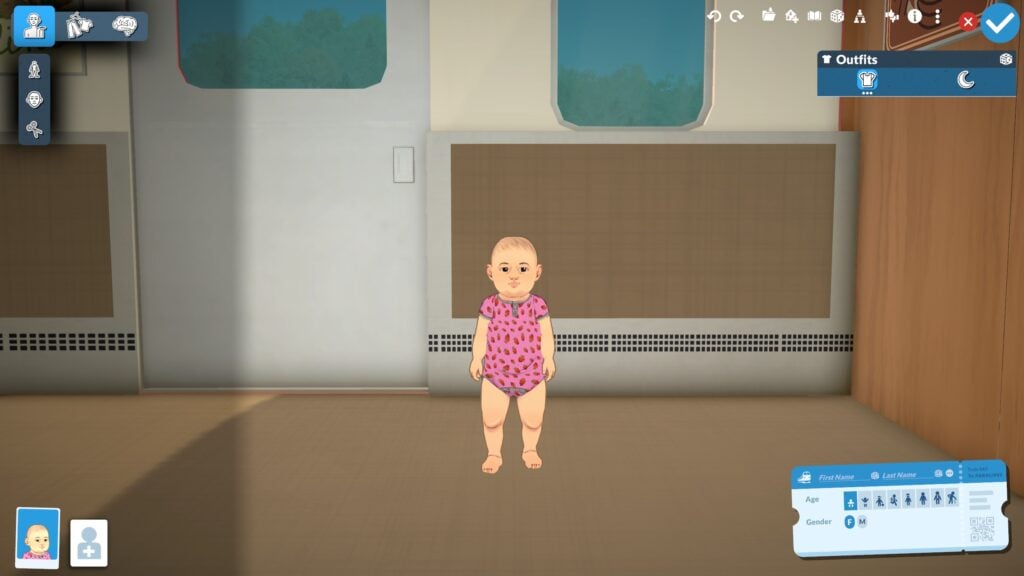
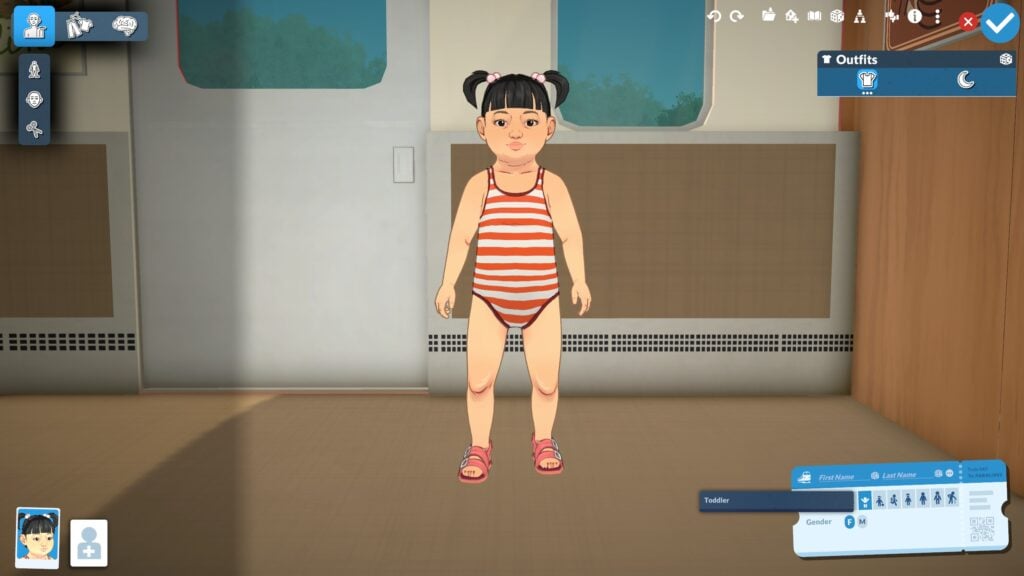
Unlike many other life simulation games, the baby stage is not restricted to pregnancy or adoption in-game, but the youngest Paras can be created directly in the Paramaker. In the paramaker, character customization is a bit more limited. Paras can be aged down and edited in that stage, but hairstyles, body types, facial sliders, etc., are more heavily restricted.

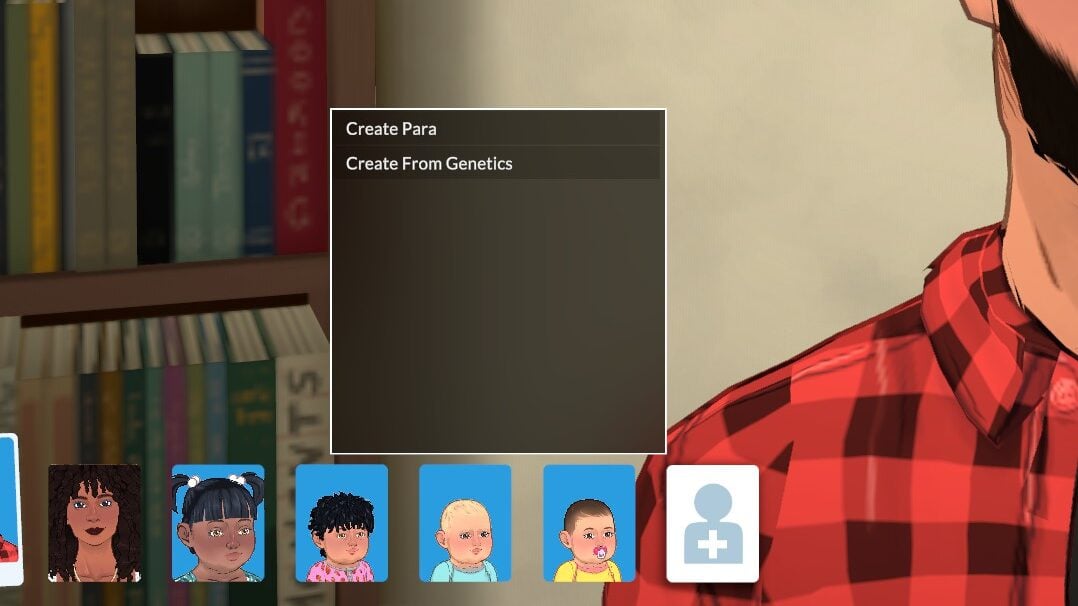
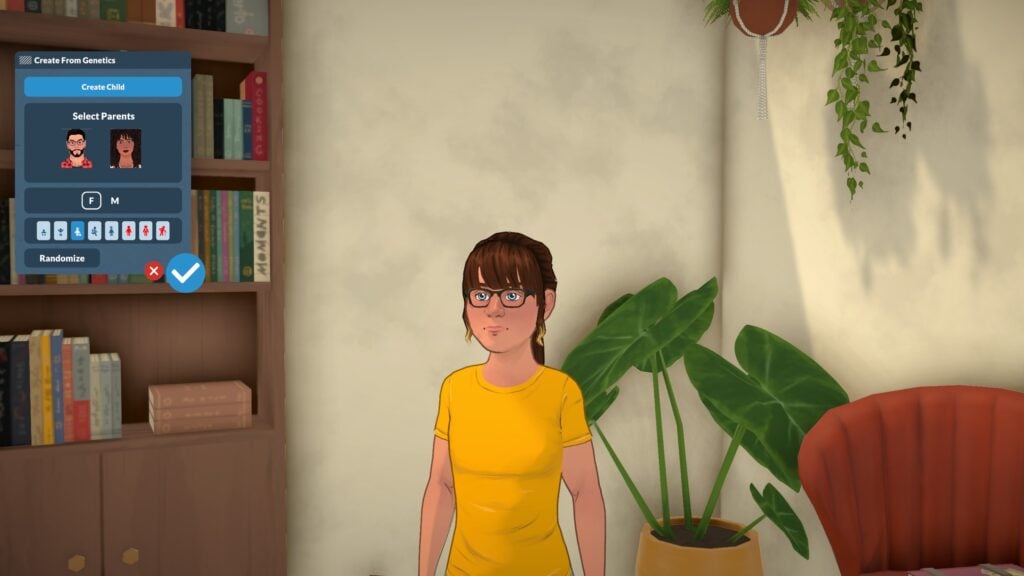
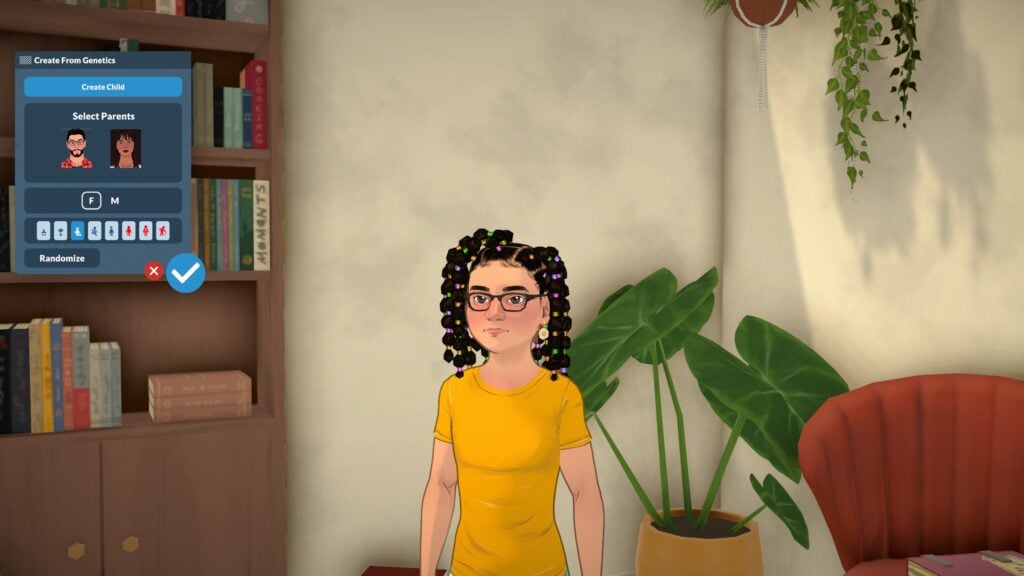
If you have parents available, you can choose to mix their genes to create a new child of any life stage under theirs, meaning you can create entire families in the Paramaker. Since Paralives has a true genetics system with inheritance, you can see dominant and recessive genes reflected in different aspects.

Trying for a Baby

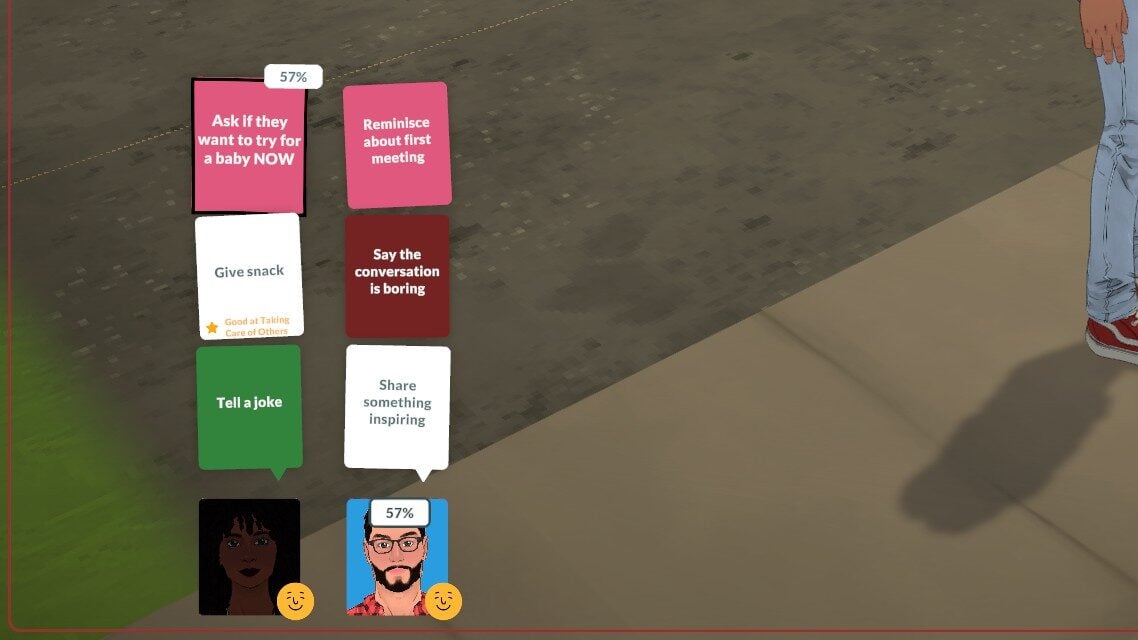
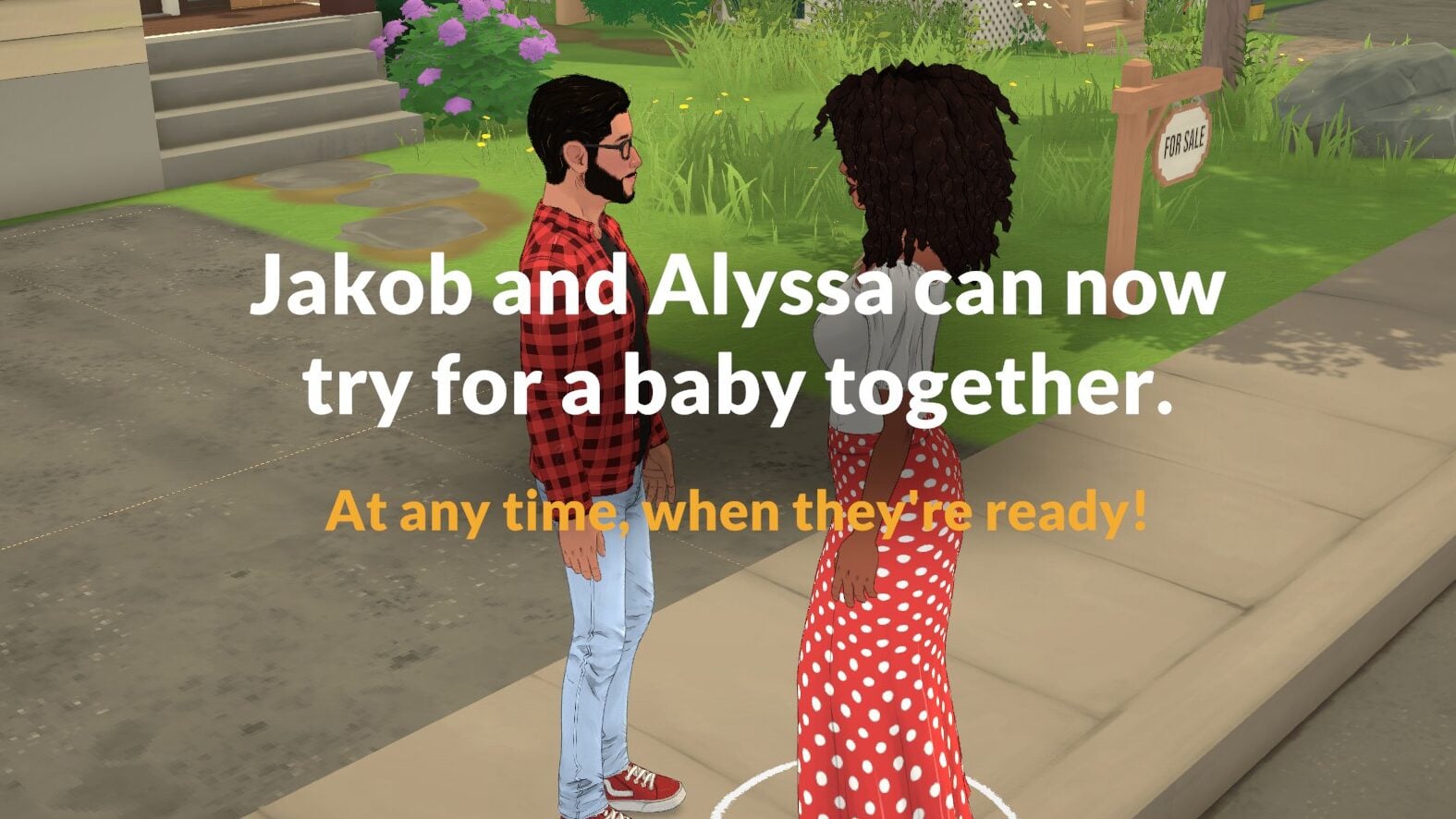
If you have two Paras in a romantic relationship, you can progress to the point of asking to have a baby. Like other social interactions of significance, there is often a chance of it failing or succeeding between 0-100%. If it succeeds, they will gain the “Prospective Co-Parent” relationship tag which will unlock trying for a baby!

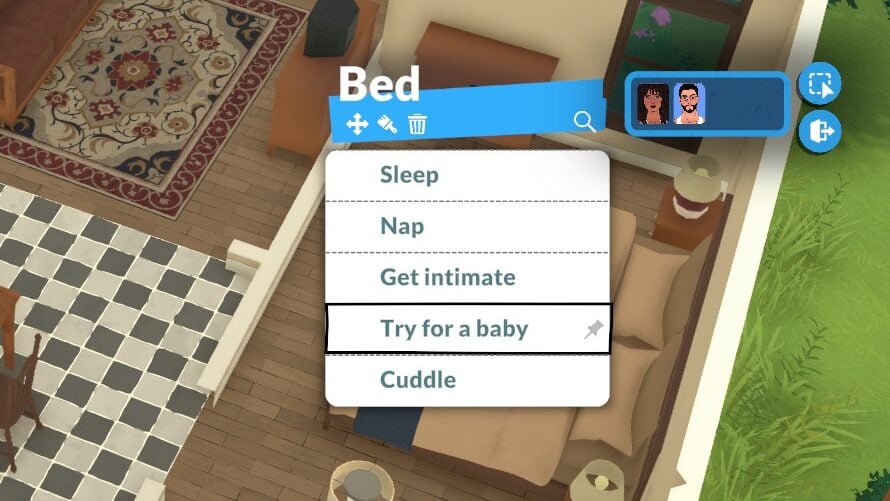
Paras do not have to be married and it only requires that one can carry a pregnancy and the other can impregnate. As long as they have access to a double bed and have the “Prospective Co-Parent” relationship tag, they can be selected as a group and the “Try for a baby” interaction will appear on the bed. After that, taking a pregnancy test will let you know if it was successful!

Adoption

20260520135357 1 edited

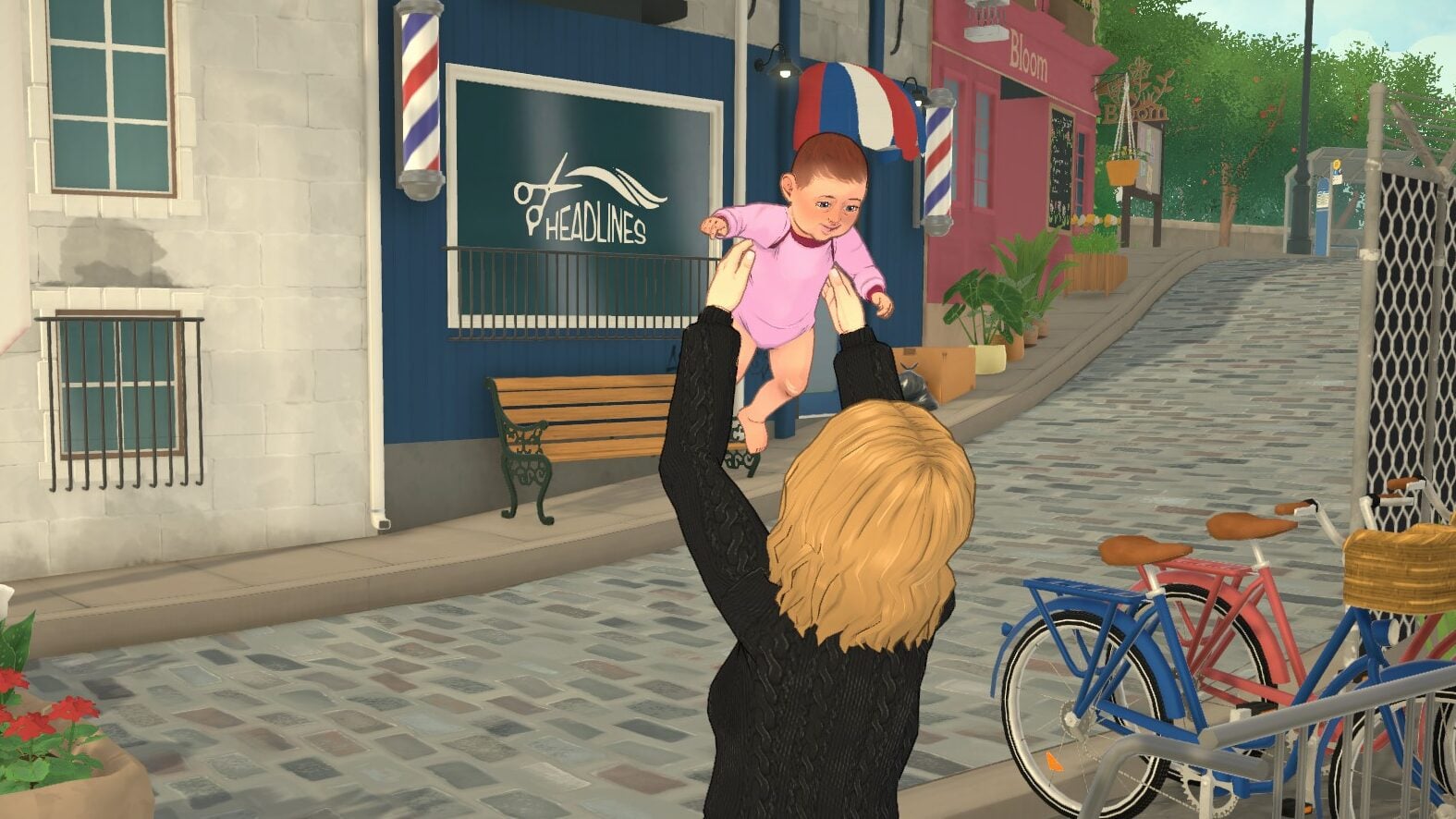
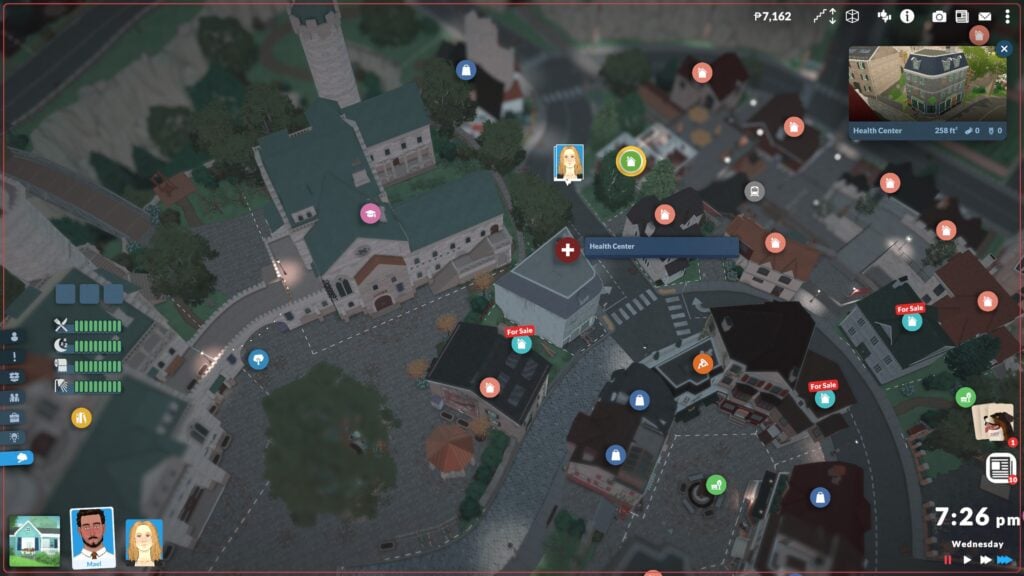
Adoption is fairly easy and straightforward. In the main town in Paralives, Melino, health centers can be found. The appearance of these vary, as some look like full hospitals and others look like clinics or pharmacies, but they all function the same and can be found with a specific symbol on the overhead map. The other main use of these buildings is being able to cure viruses that children and older can catch while at work or school.

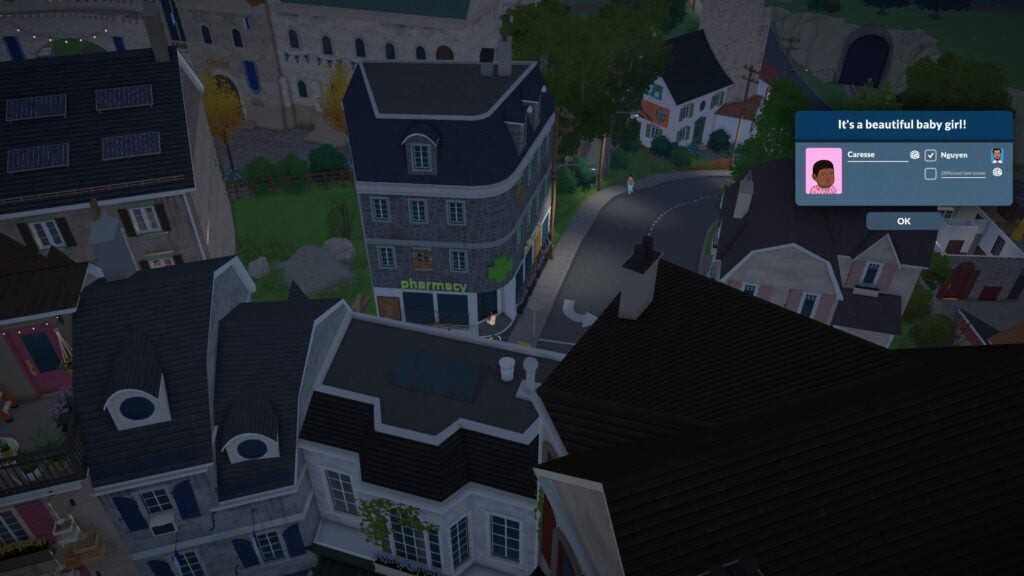
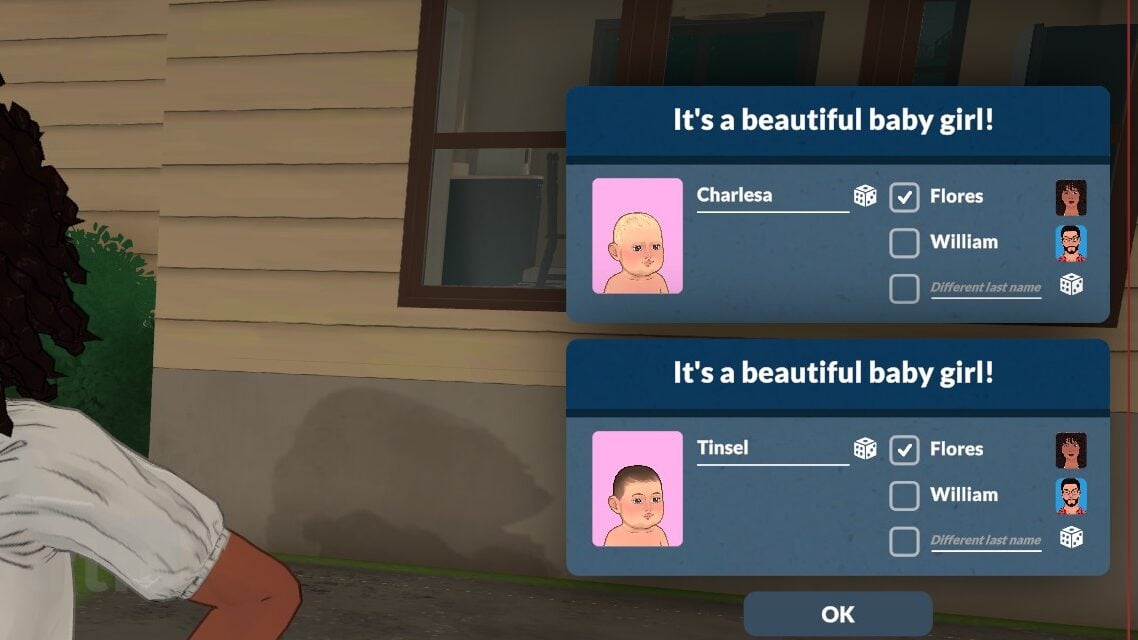
With any Para in the young adult stage or older, click on a health center and click “Adopt a baby”. Your Para will enter the building for a few in-game hours, and when they come back out, they will be holding a baby generated by the game. You can name the baby after from a pop-up on the side. Their surname can also be chose, either matching their adoptive parent or being customized by the player. After doing a few tests, currently, I have found that couples do not seem to be able to adopt children as co-parents. With dating, engaged, and even married couples, it would only detect the parent performing the action of adoption.

The Life Stages

20260515155645 1 edited

Paralives has eight life stages total, with the two youngest stages being the most reliant on caregivers with very little independence. They cannot function without an teen or older Para on any lot with them, and will disappear to daycare and reappear at home when someone old enough is present. While I’ve found that sometimes children and preteens can assist with their care, the game does not see them as old enough to watch them or care for them alone.

Pregnancy

202605201336099

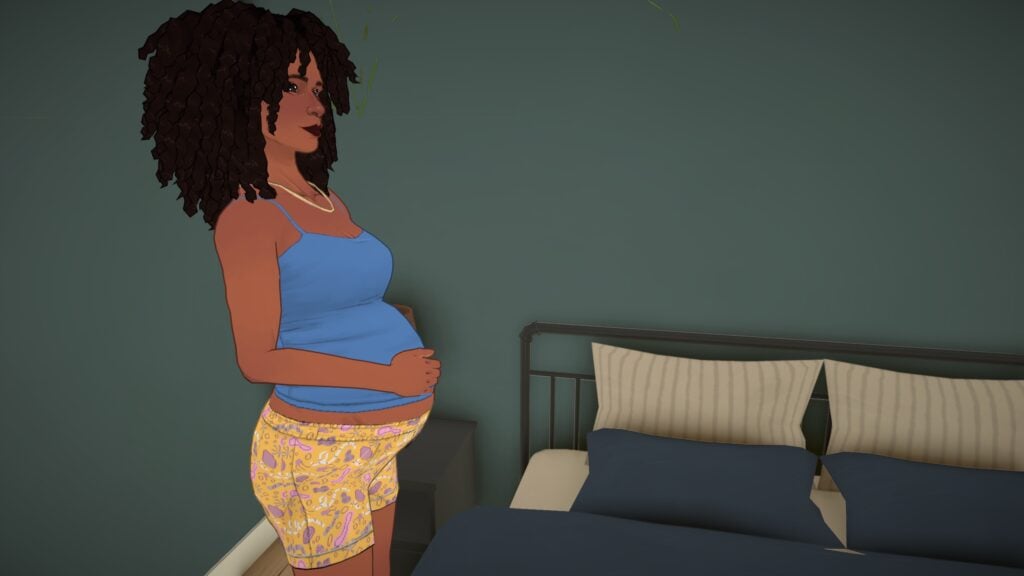
In the standard storyteller settings, pregnancy has three trimesters that last for 21 hours each. You can adjust the length of trimesters in these settings, with this stage starting from taking a pregnancy test or waiting until the Para discovers their pregnancy once they hit the 2nd trimester.

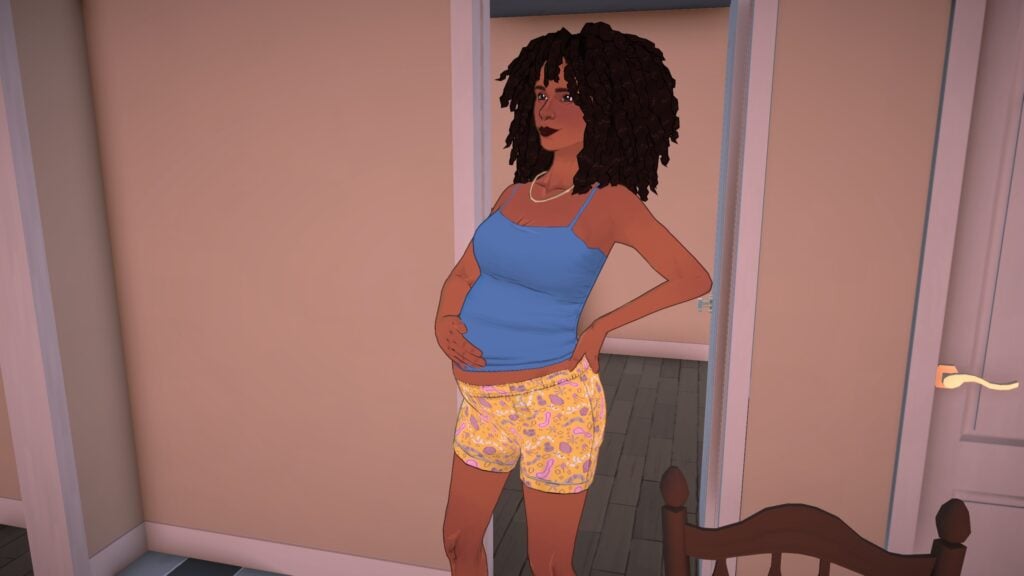
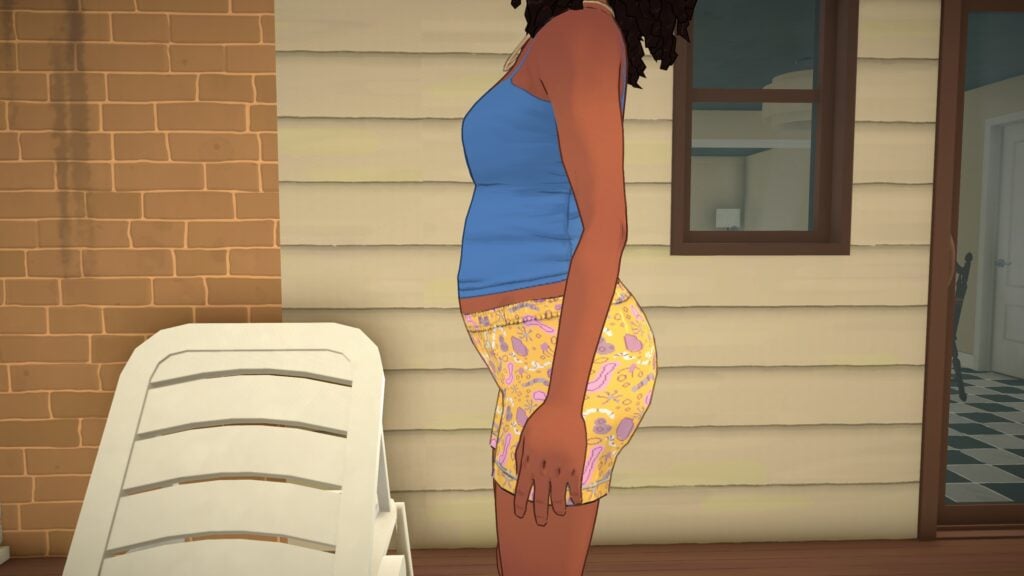
Paras baby bumps will grow with each new trimester, and the third trimester stage will change their walk style and idle animation. All clothes work with pregnancy, so no maternity wear is required. Paras will have special interactions with others during their pregnancy, like wondering about their baby’s sex, talking about morning sickness, etc.

When labor comes, Paras will have contractions and labor pains at home two hours before the baby or babies appear! As far as we could tell, reactions from family members or household members are not implemented yet. As shown in the storyteller settings where you can change the possibility of multiples, babies can also be born in sets of twins and triplets.

20260520134333 1 edited

Babies

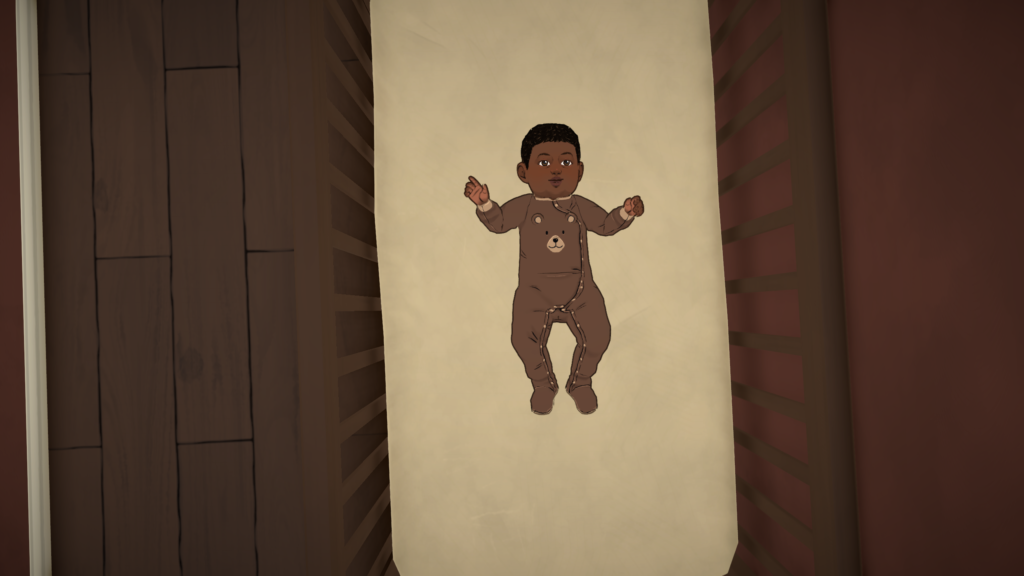
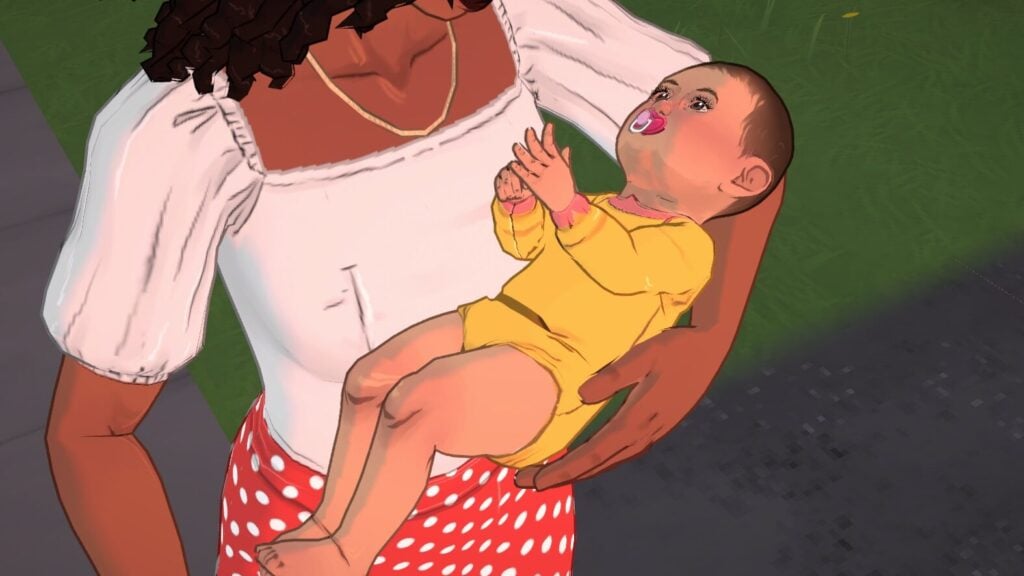
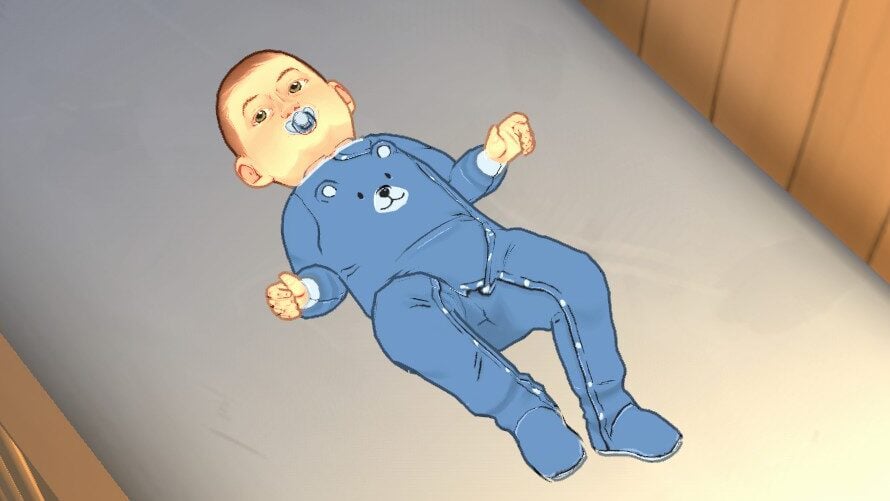
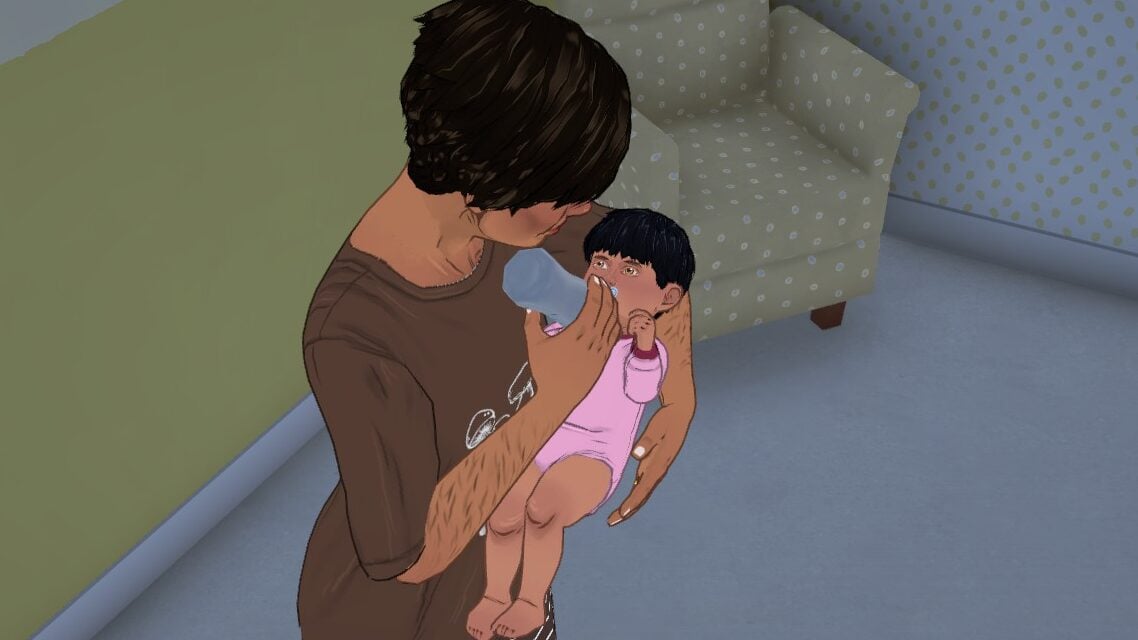
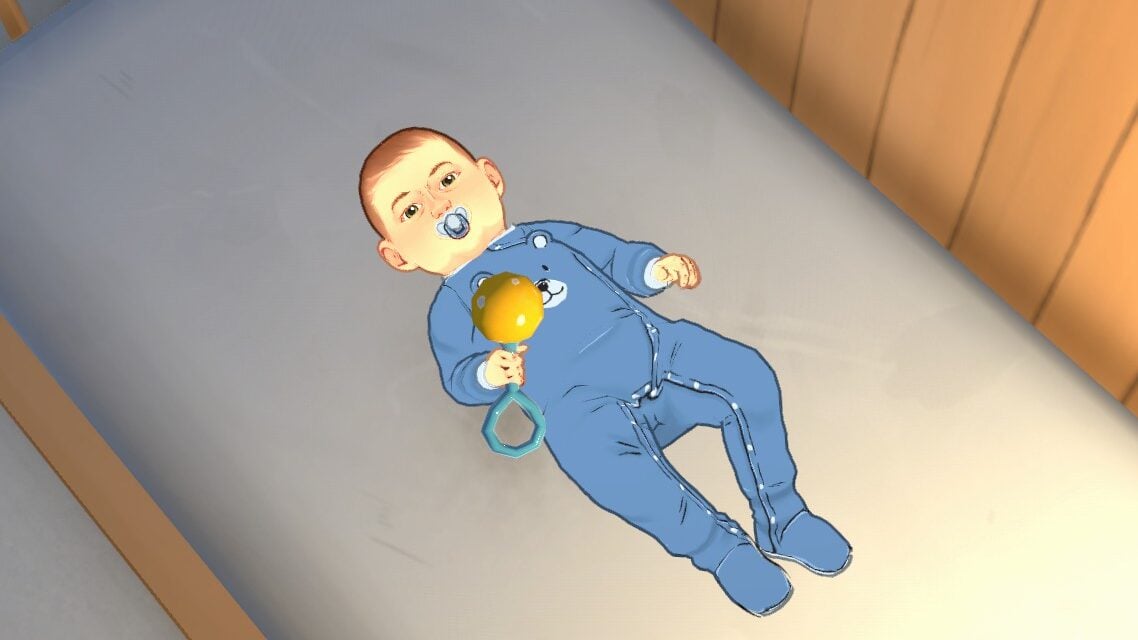
Babies are fairly limited in interaction and act closer to real-world infants through the few days of the life stage on normal lifespan. They need love, sleep, diaper changes, and food. Caregivers will autonomously check on them, though we noticed you may have to manually direct them to do diaper changes as they don’t seem to autonomously do it much in the current build. They can be placed in their cribs or carried around, but don’t have other pieces of furniture available yet.

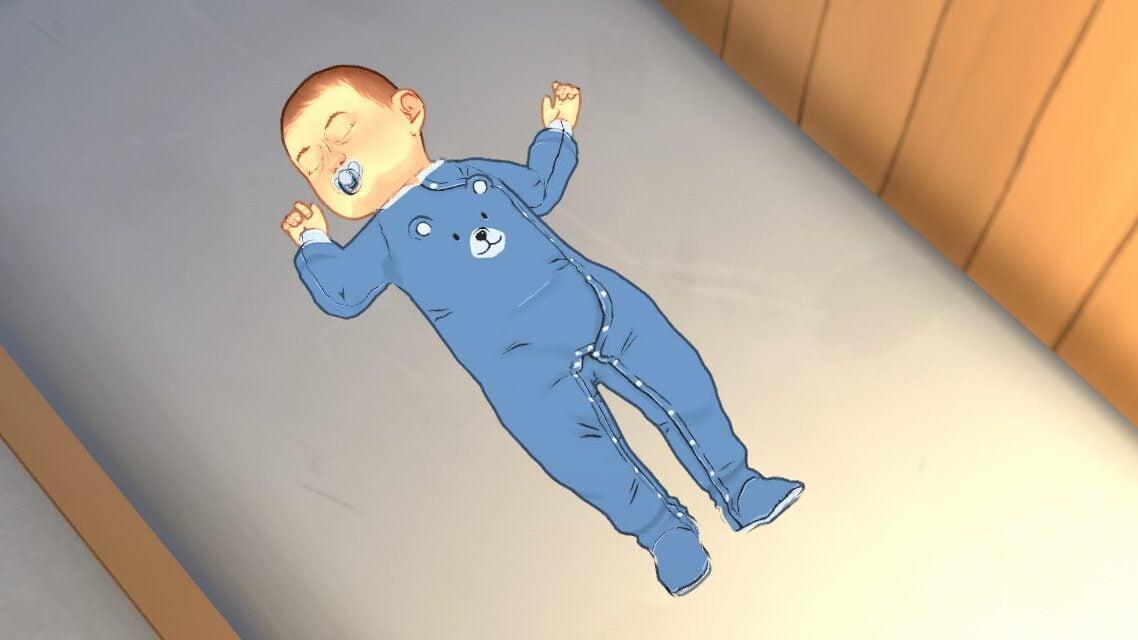
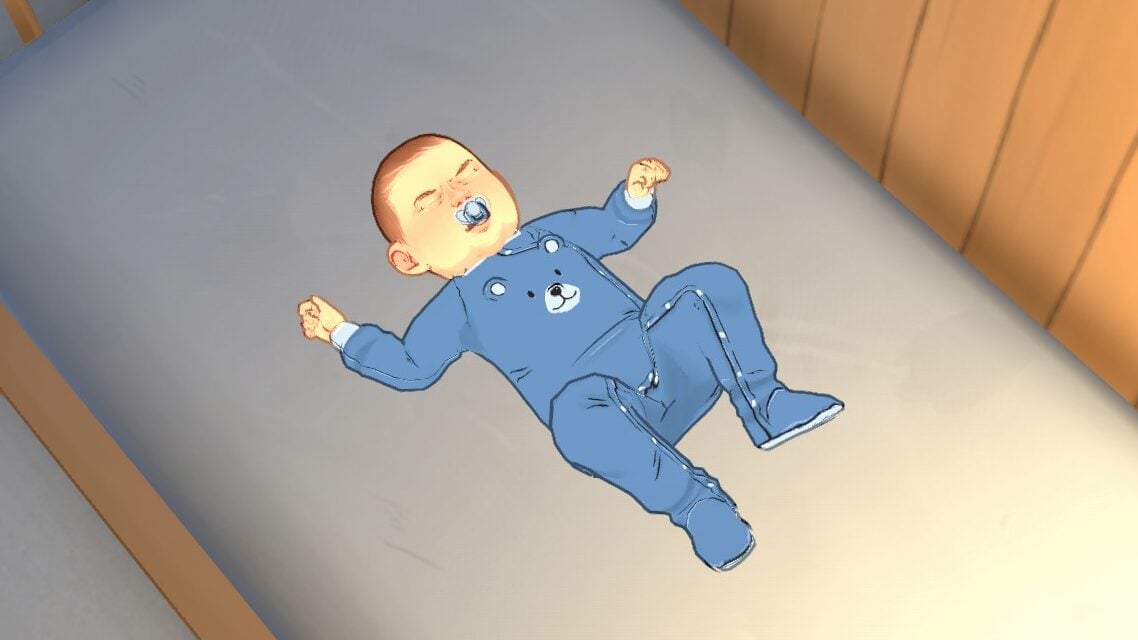
While there is only a few currently, babies are able to do self-interactions that allow them to Sleep, Shake their Rattle, or Cry Like a Baby. They do not have any specific personality traits, and will only start to gain personality points as they age in toddlerhood and beyond.

Toddlers

Toddlers are more mobile and autonomous though still somewhat limited. They have many toys they can play with and their interactions with the world around them help them develop simple skills, like their language skills.

They will use their diaper but can also use a toddler potty easily found in children’s items in build mode. To feed them, purchase a high chair and while a caregiver is carrying them, click “Feed in high chair”. They will serve them food and they will need to be let out afterwards.

Para toddlers start to show more features but still do not have access to all the sliders. They can hug and talk with others and play or talk with toys, but their big stages of development and skill success will not happen until they are children.


Are you excited to see the next generation of Paras, or is there another stage you’re looking forward to playing with and experiencing?

Paralives will release in Early Access on May 25th, 2026! We’ll be uploading new guides so you can have references for all the new features and systems on day one, so make sure to keep an eye on The Sims Community!

Paralives Build Mode: A Full Guide for Beginner Players

The Paralives’ Build Mode brings incredible ways to create stunning houses for our Parafolks. Adding highly requested features in the life simulation games genre, the game surprised us with a huge number of tools and customization options to create homes that truly reflect each family’s personality and lifestyle.

From fully customizable furniture to advanced building tools that feel intuitive and flexible, Paralives encourages players to experiment with creativity without feeling limited. Whether you want to build a cozy countryside cottage, a modern apartment, or a colorful family home, the Build Mode offers plenty of possibilities for both beginners and experienced builders alike.

With this guide, learn everything you need before starting your adventure in Paralives Build Mode!

💡 Looking for tips and knowledge on Object Customization and Custom Style Creation? We got you covered right here!

How To Start a New House in Paralives

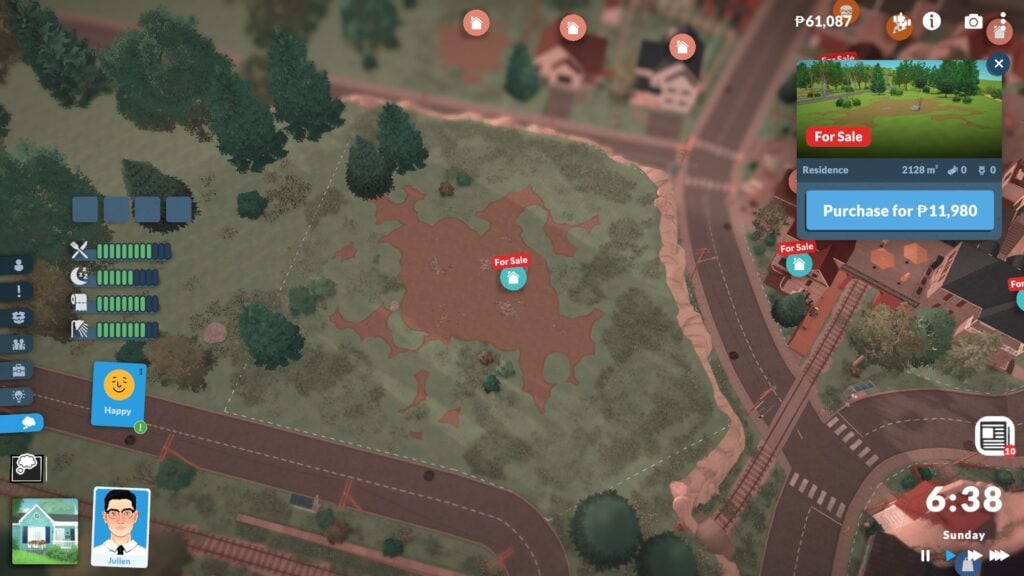
First of all, you’ll need to choose whether you want to build a home in Melino, the town featured in Paralives, or in an empty flat world created specifically for building. In Melino, you’ll have to choose an empty lot to start building your house. There’s a wide variety of locations available, from beachside lots and farms to residential neighborhoods and canyon views. Choose the place that best matches your Parafolk’s personality and lifestyle before starting your build.

Once you’re on the lot, click on the house icon in the bottom left corner, or press TAB, to enter Build Mode. Don’t worry if it feels overwhelming at first — we’ll guide you through everything you need to know so you won’t miss any details while bringing your ideas to life in the game.

UI Guide: Every Icon in Paralive’s Build Mode

When you enter Build Mode, you’ll notice a ton of new UI icons that may seem a bit confusing at first, so we’ll explain what each one does to help you get familiar with the tools available.

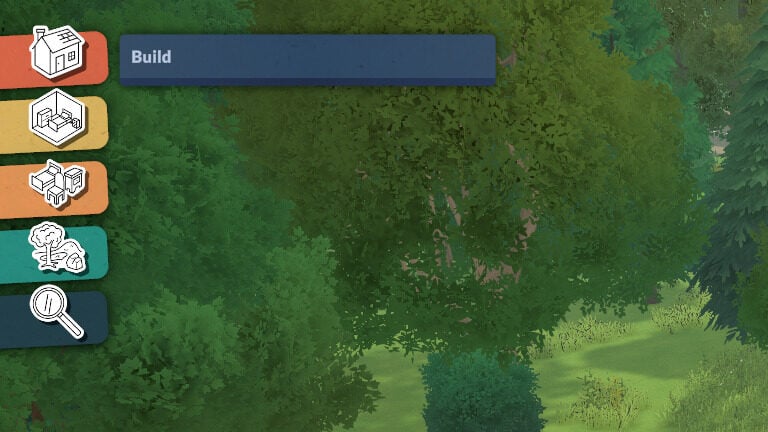
In the top left corner, you’ll find the icons divided into three categories: Build Mode, Buy Mode and Terrain Tools. Plus a search option.

  • Build Mode: Contains all the architectural tools you need to build and shape your house.
  • Room Tool: Includes every Buy Mode object organized into traditional room categories.
  • Furnishing: Displays all objects divided into more specific categories for easier browsing.
  • Terrain Tools: Here you’ll find everything needed to decorate and customize your lot, including nature objects, terrain sculpting, and terrain painting tools.

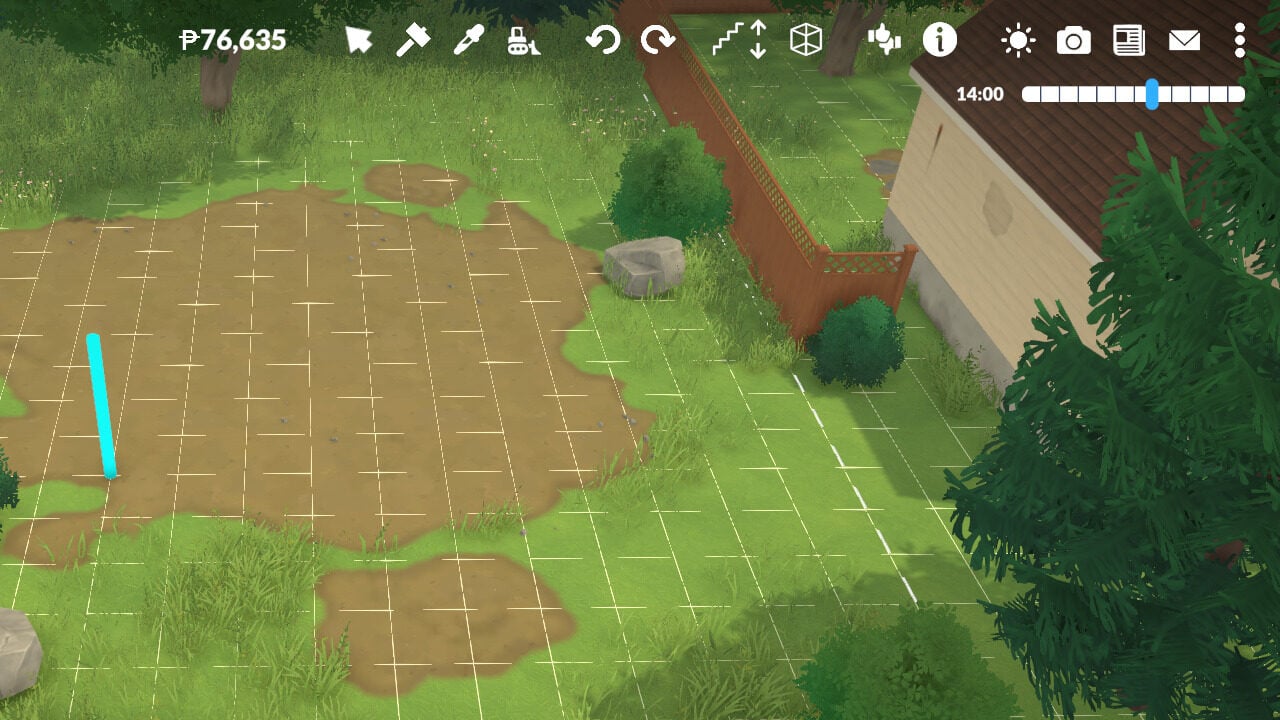
In the top right corner, you’ll find more specific tools designed to help you while building your house.

  • Paradimes balance. The total amount of money your household has.
  • Cursor Mode.
  • Sledgehammer
  • Pipette
  • Bulldoze: Remove the entire lot
  • Undo
  • Redo
  • Move Up or Down One Floor
  • Wall Visibility
  • Send Feedback
  • Help Guide
  • Lighting: Lets you choose the time of day in your city to help while building.
  • Photo Mode

Building Your Home

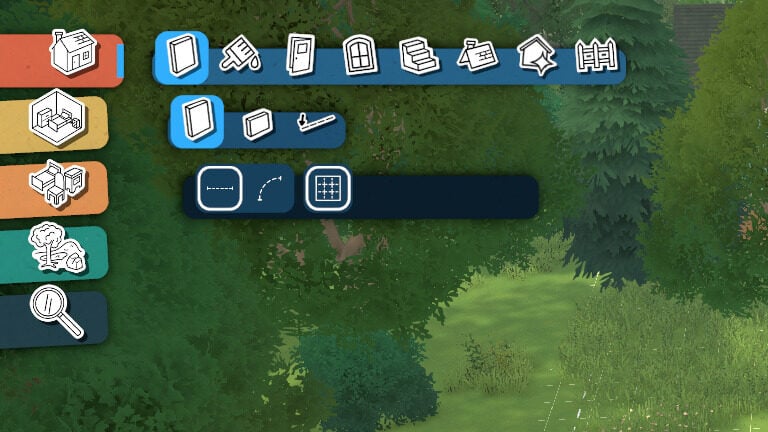
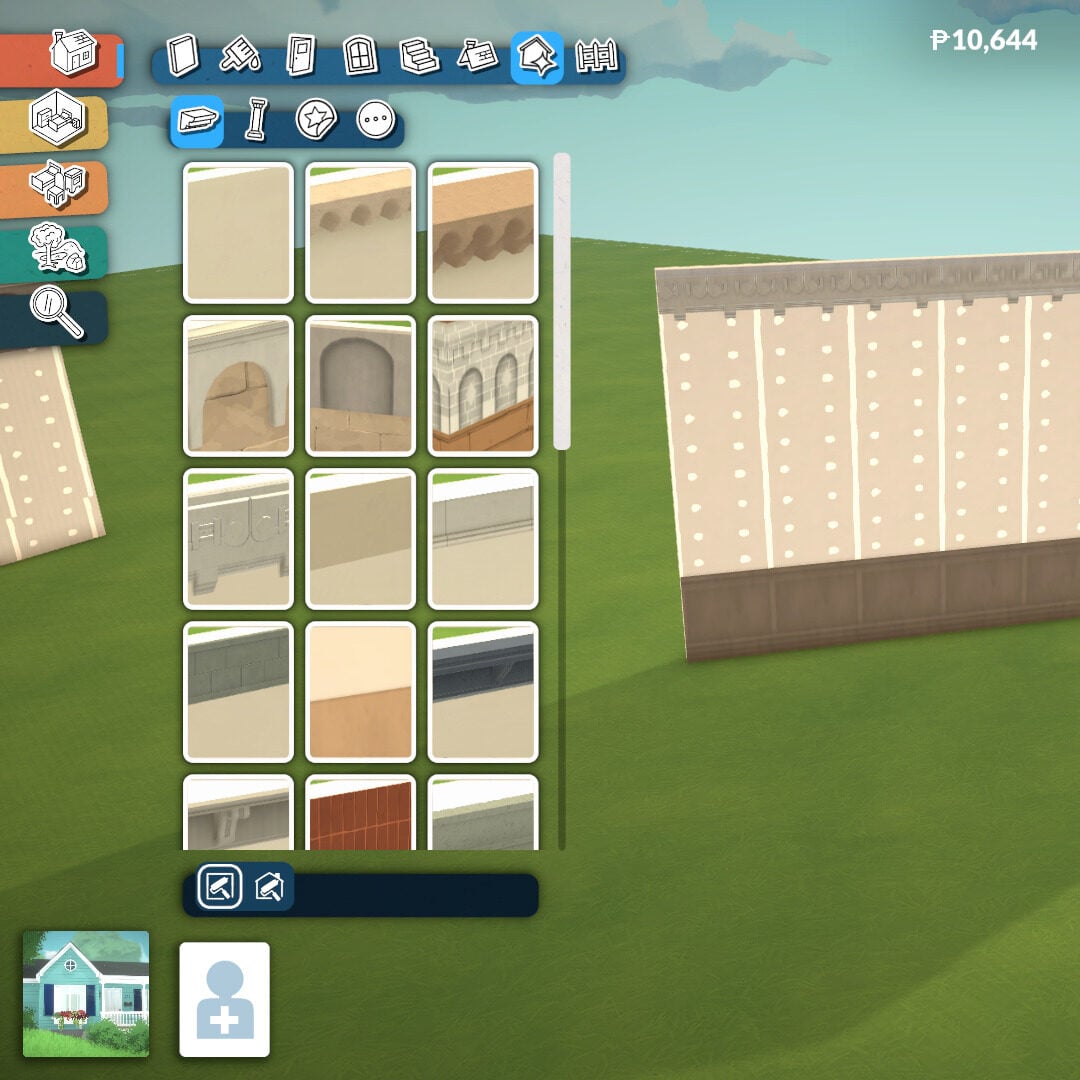
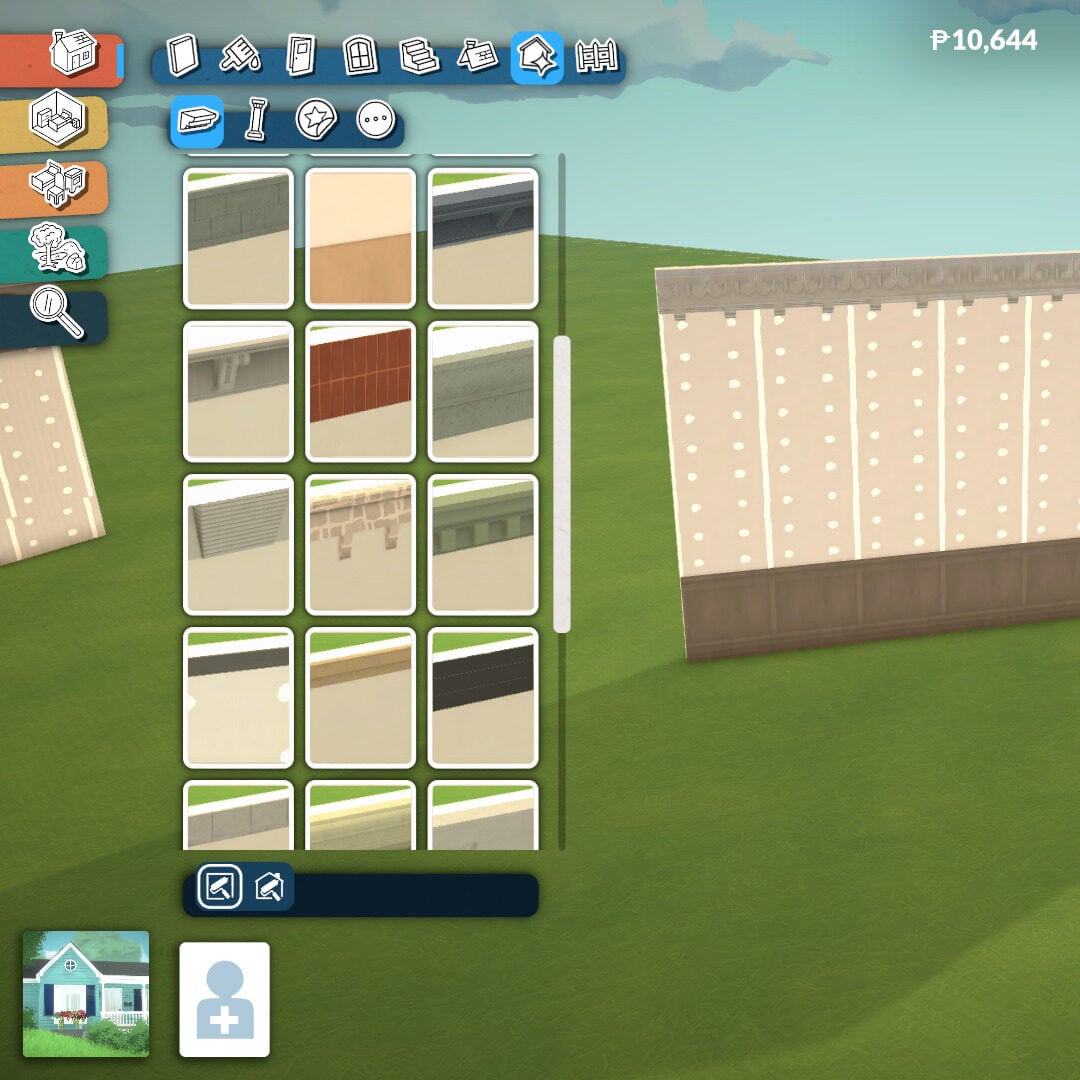
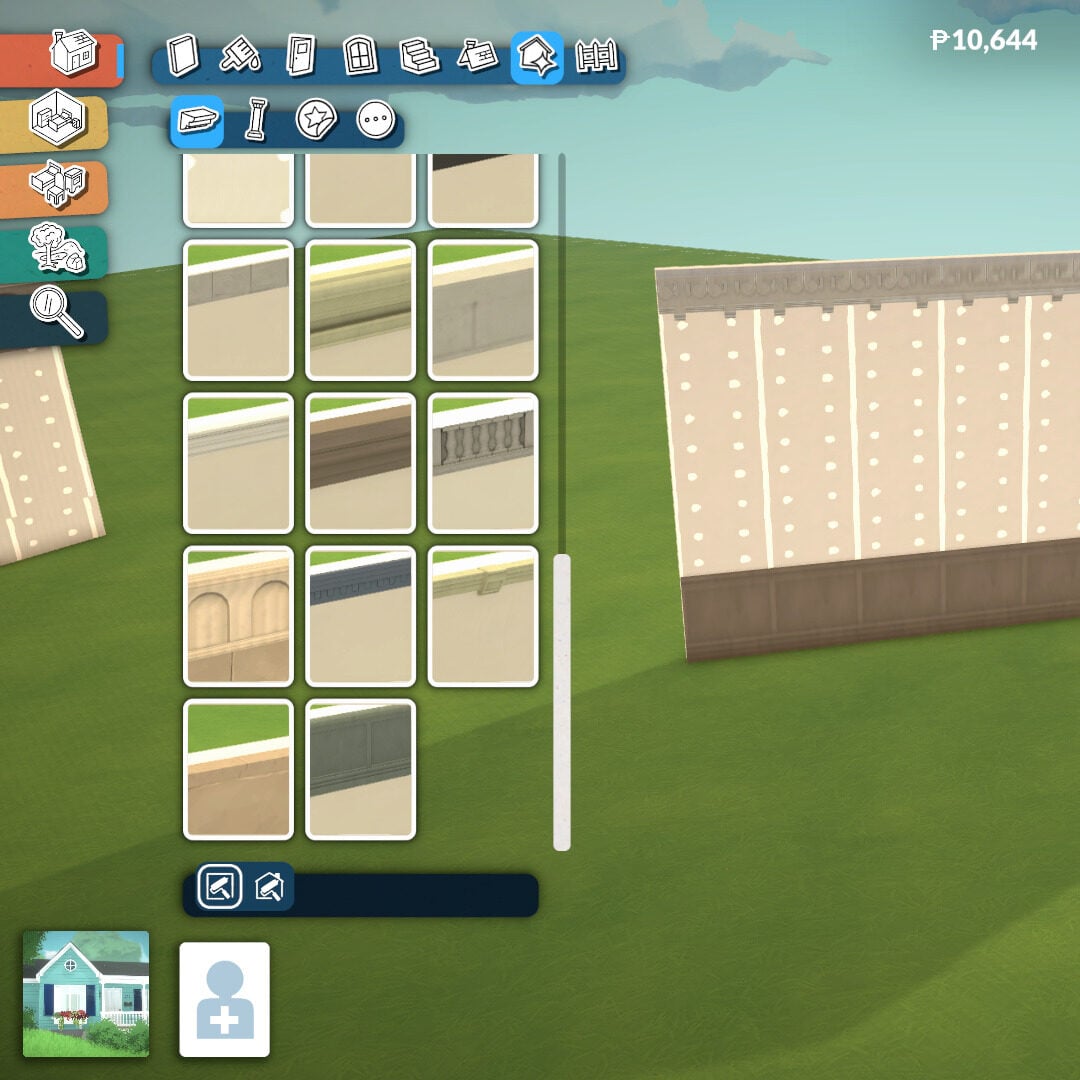
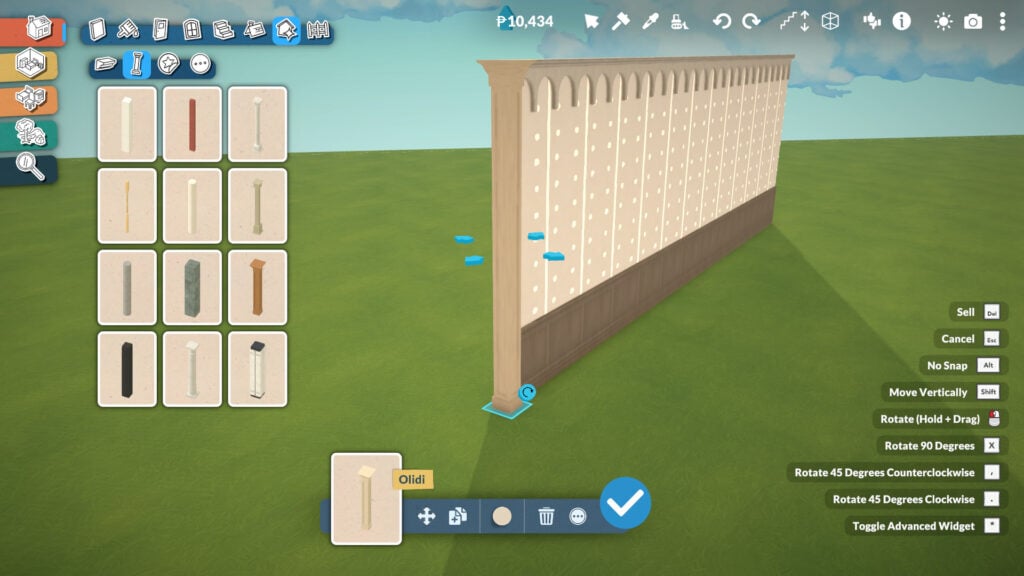
Now that we’re in the center of our architectural designs, it’s time to start building. The Build Mode category is divided into eight subcategories: Walls, Paint, Doors, Windows, Stairs, Roofs and Chimneys, Architectural Details, and Fences.

Paralives Screenshot 2026.05.18 17.57.18.40 edited

Before we begin, keep in mind that almost every tool includes its own color and texture customization options. Thanks to the full color wheel system, you can freely choose the exact style, tone, and finish for nearly everything you place in your build.

Walls Tools

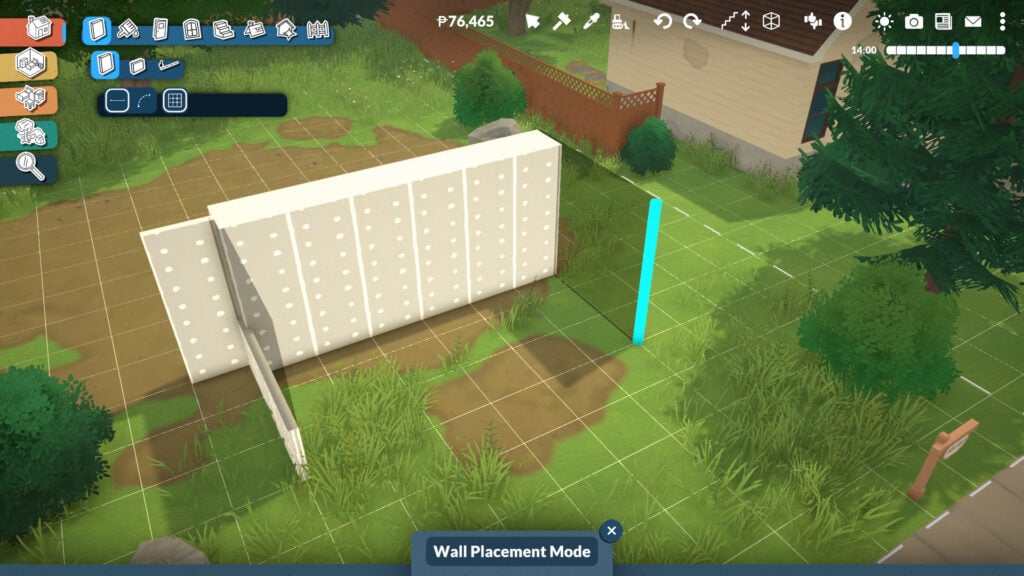
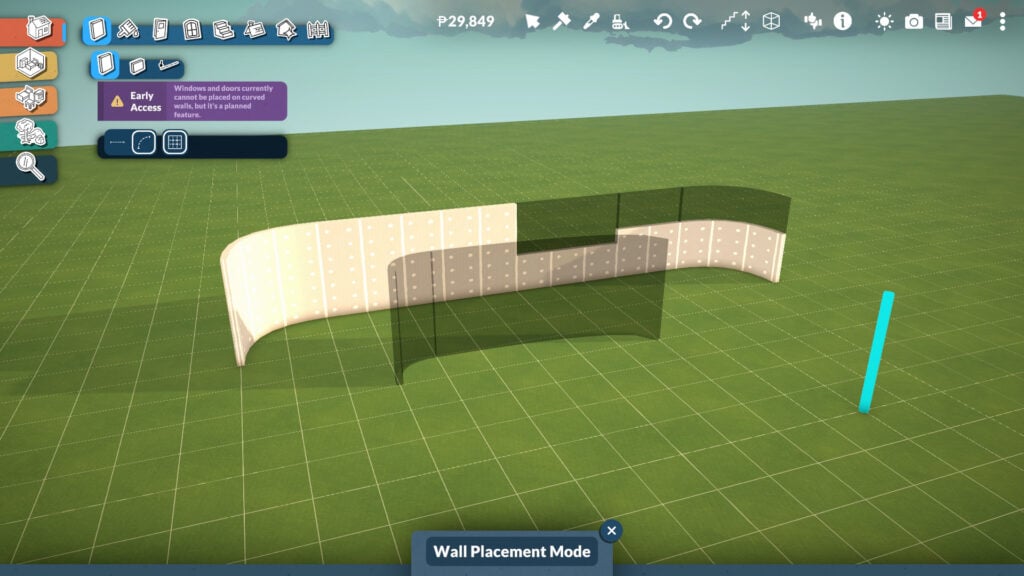
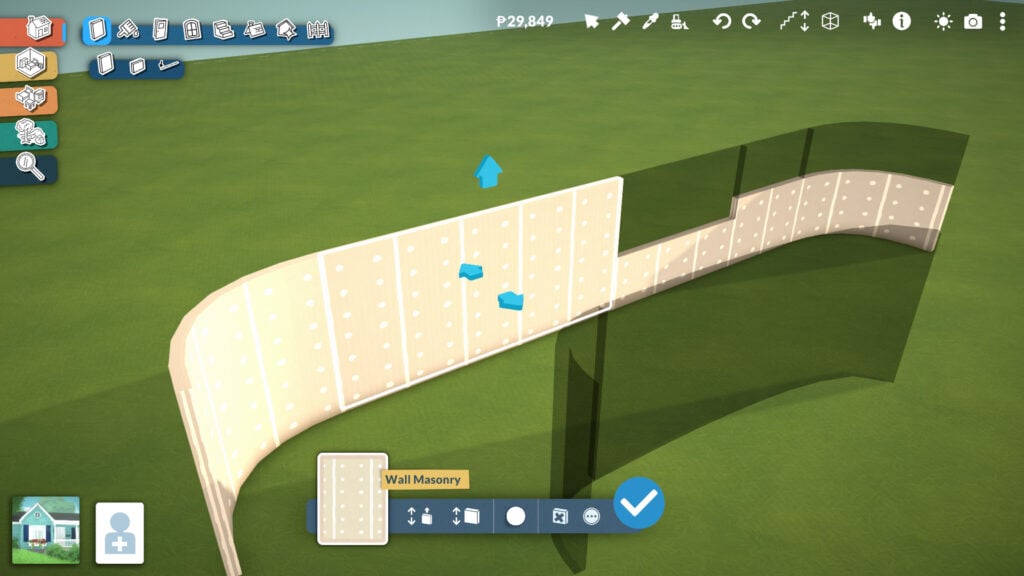
Within this tool, you’ll find three options: create a standard wall, a half-wall, or an invisible wall. All three wall types can be built in both straight and curved shapes, and you can even customize the height of the half-wall. It’s also useful to know that if you hold Shift while dragging a wall, you can build using half-grid placement for more precise designs.

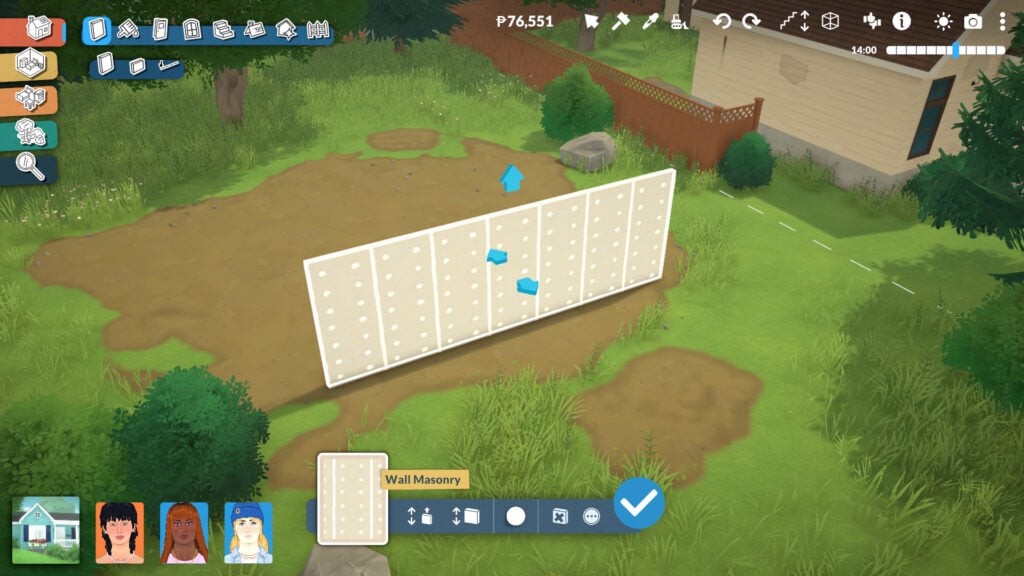
When selecting either the wall or half-wall tool, even more options will appear. At the bottom center of the screen, you can adjust the wall height, although you can also do this by clicking and dragging the arrow directly on the wall itself. You can also change the wall thickness, opening up many more creative possibilities for building massive classical structures, detailed interiors, or sleek modern houses. And even change the default wallpaper color.

You’ll also find extra options by clicking the three dots icon, including turning the wall into a separator wall or aligning new walls to its grid placement. These tools make it much easier to create detailed layouts and more precise architectural designs.

Careful: in this Early Access version of the game, you currently can’t place windows or doors on curved walls.

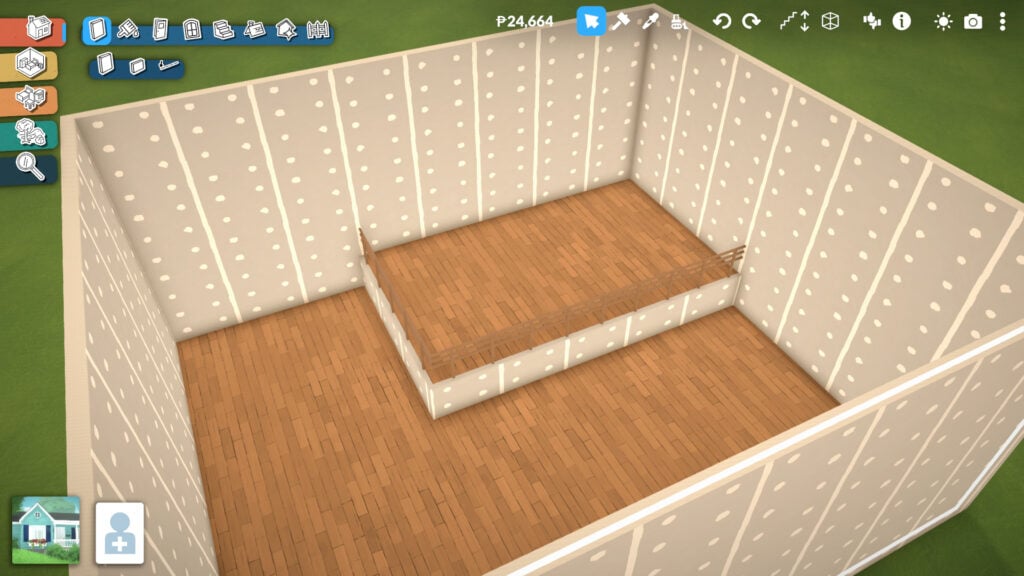
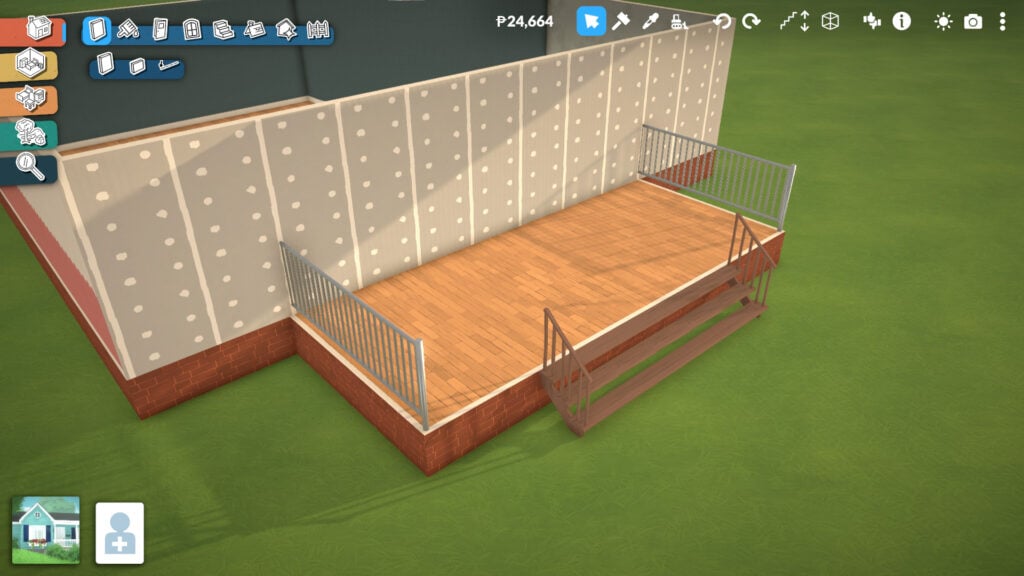
Another important feature when building walls and rooms is the platform system. Whenever you create a room, you can adjust the floor height to create raised or lowered sections within the same space, adding much more depth and dynamism to your builds.

This tool is also what allows players to create houses with foundations, although it’s not limited to that purpose alone. Platforms can be used in many creative ways, from split-level living rooms and indoor stages to elevated kitchens, sunken lounges, or detailed entrances.

Paint Tools

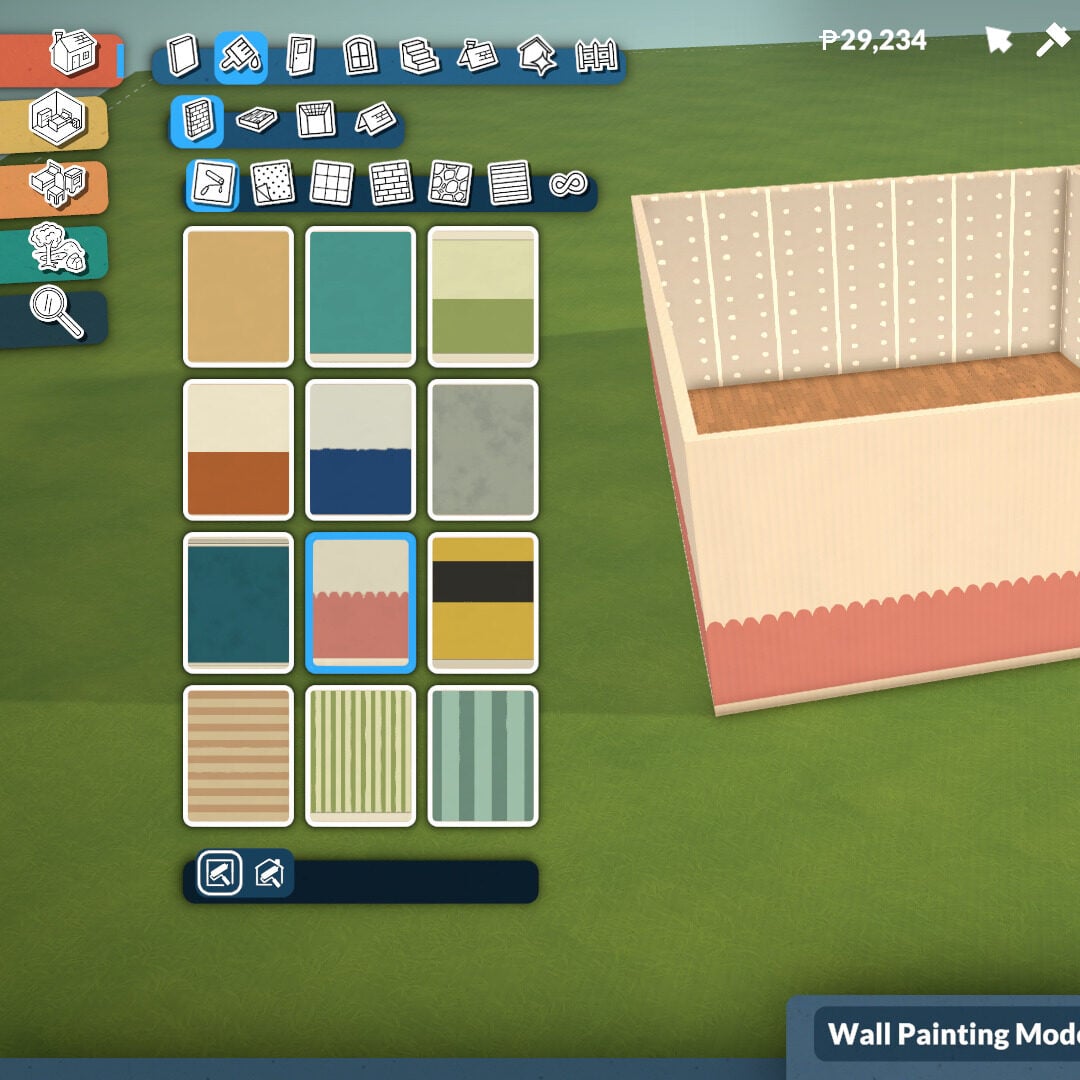
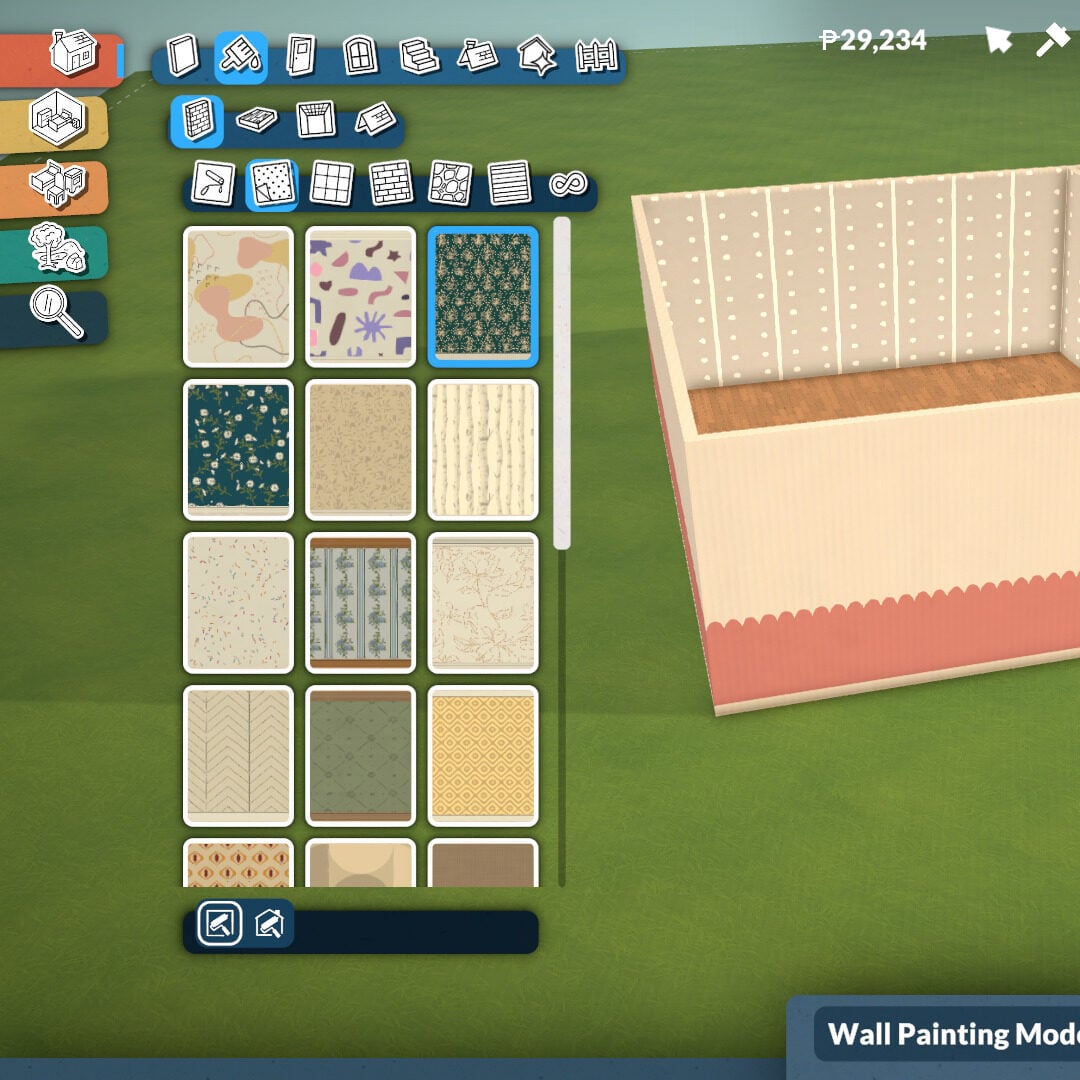
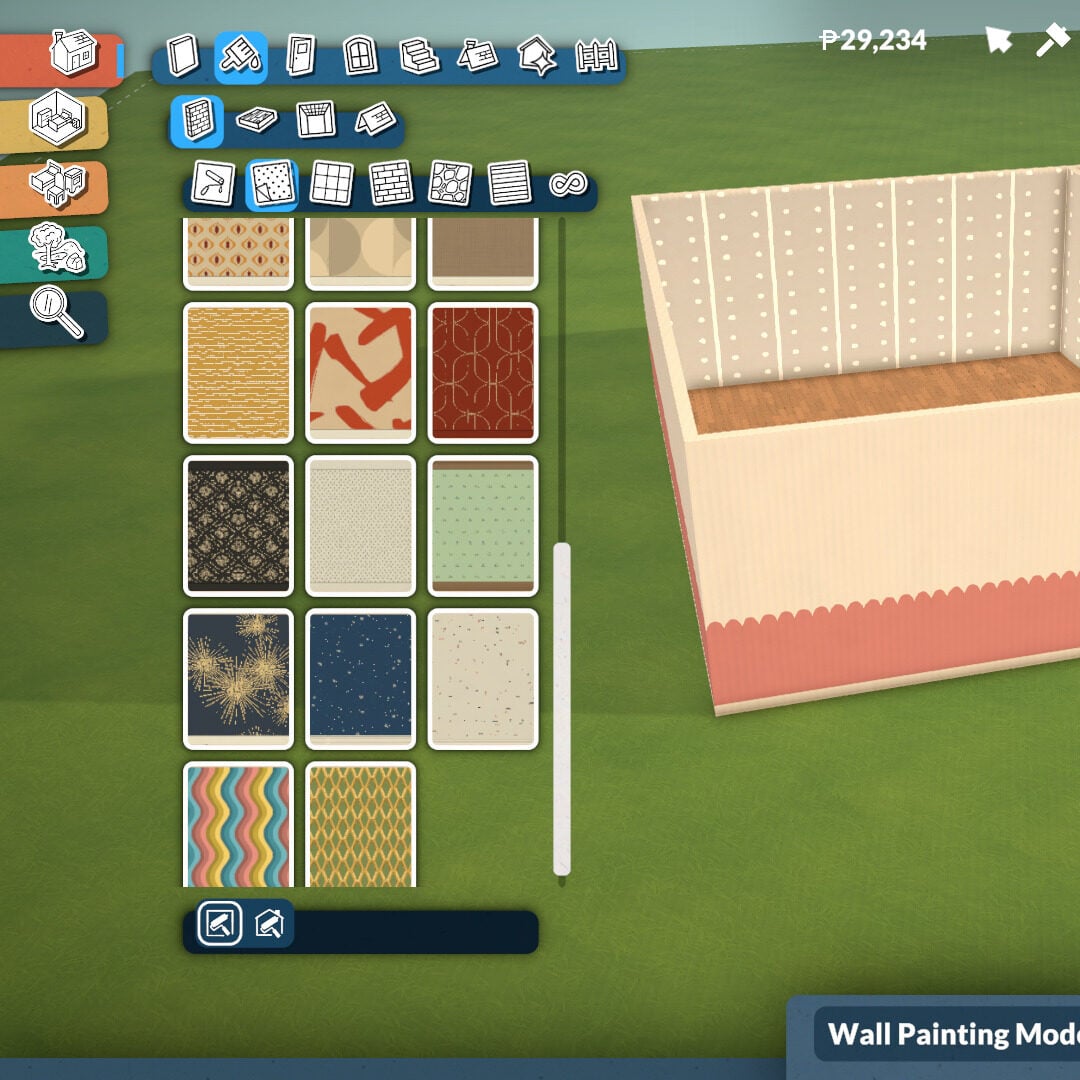
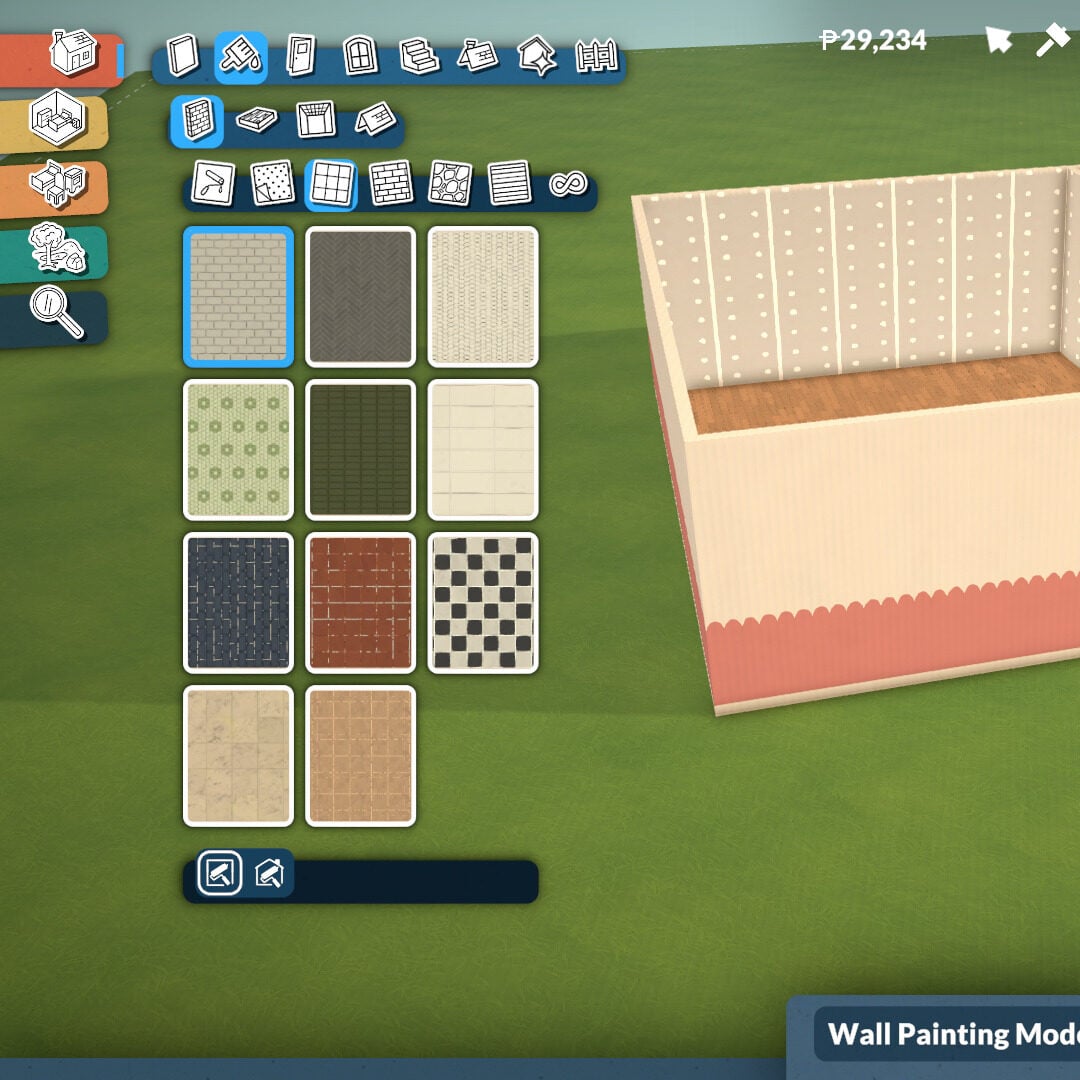
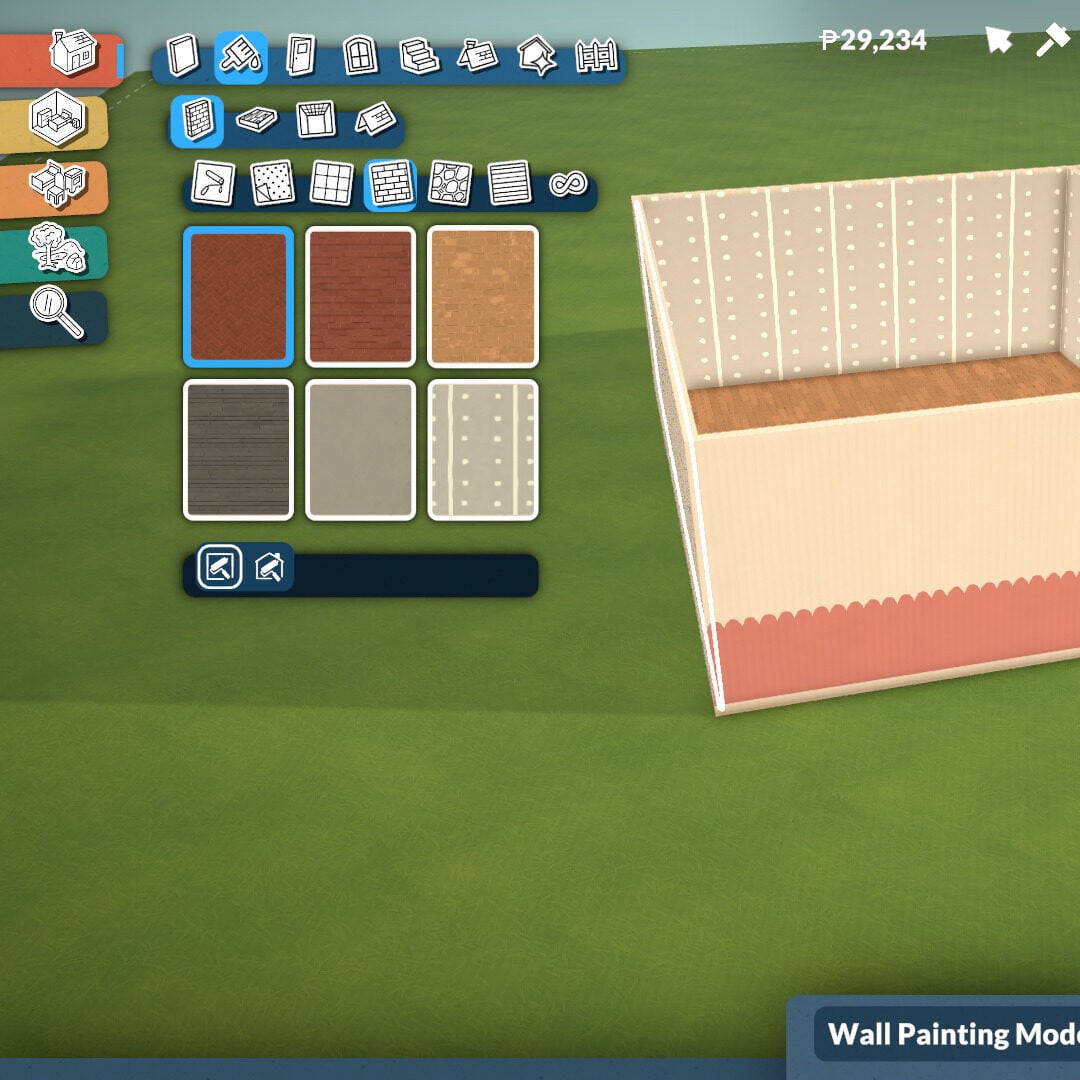
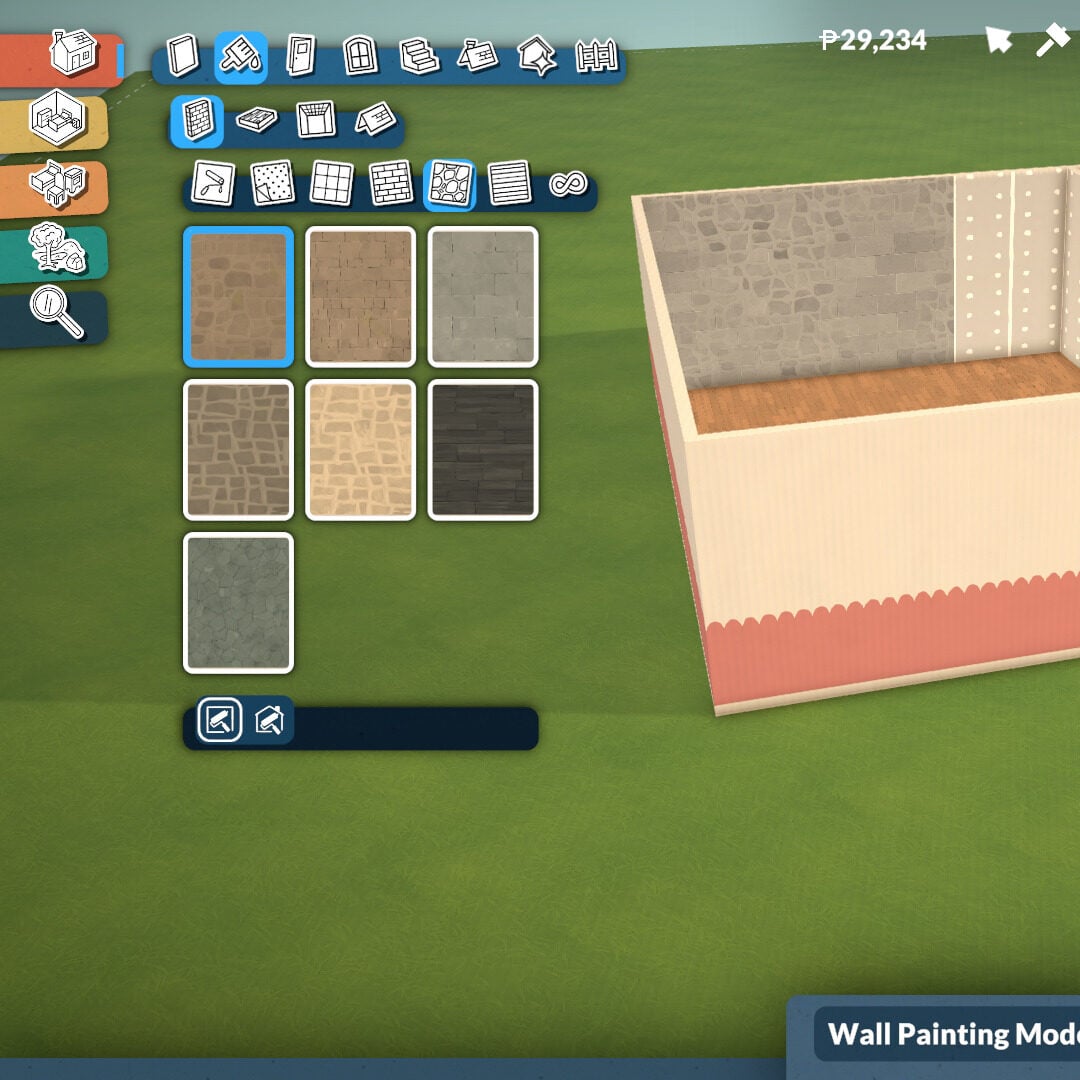
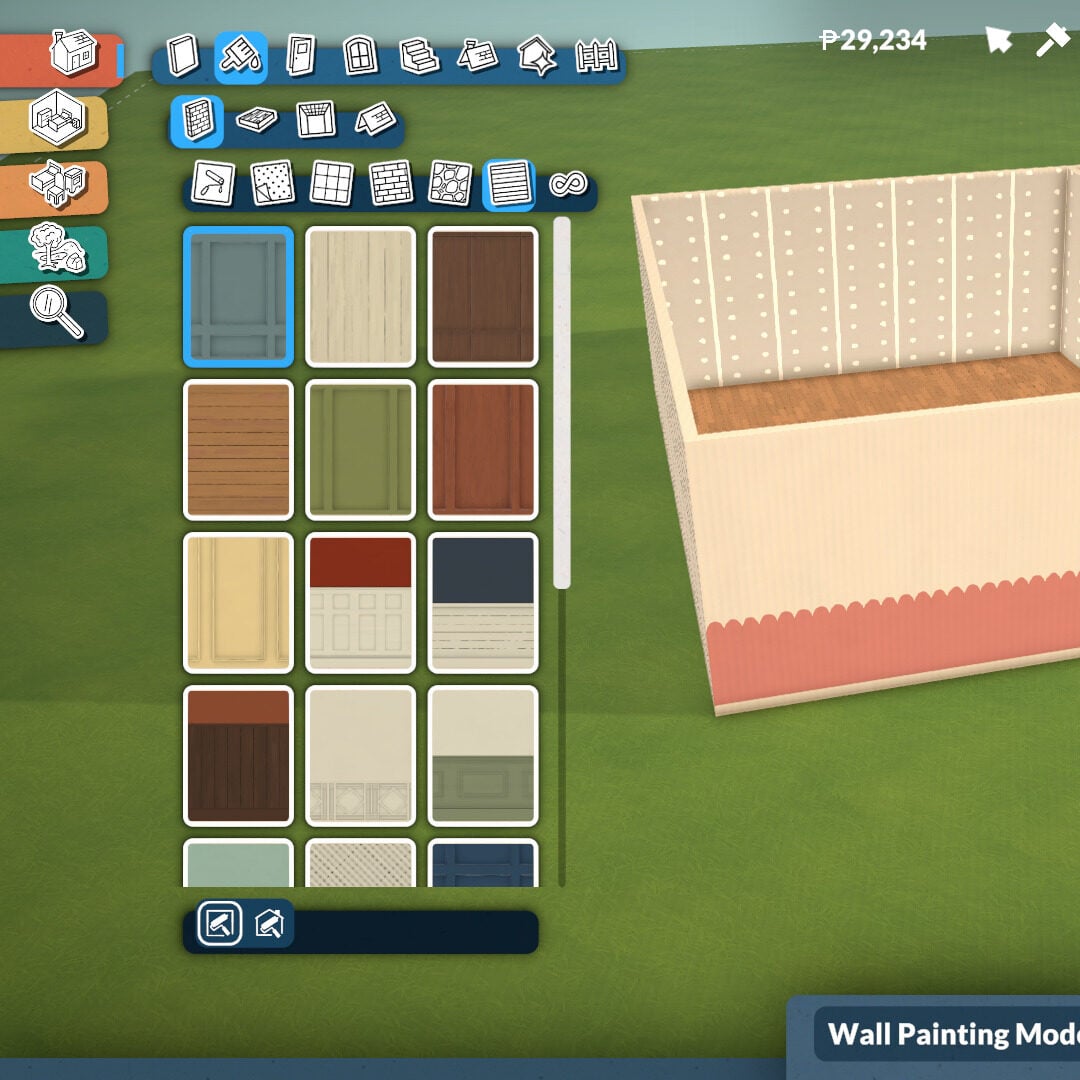
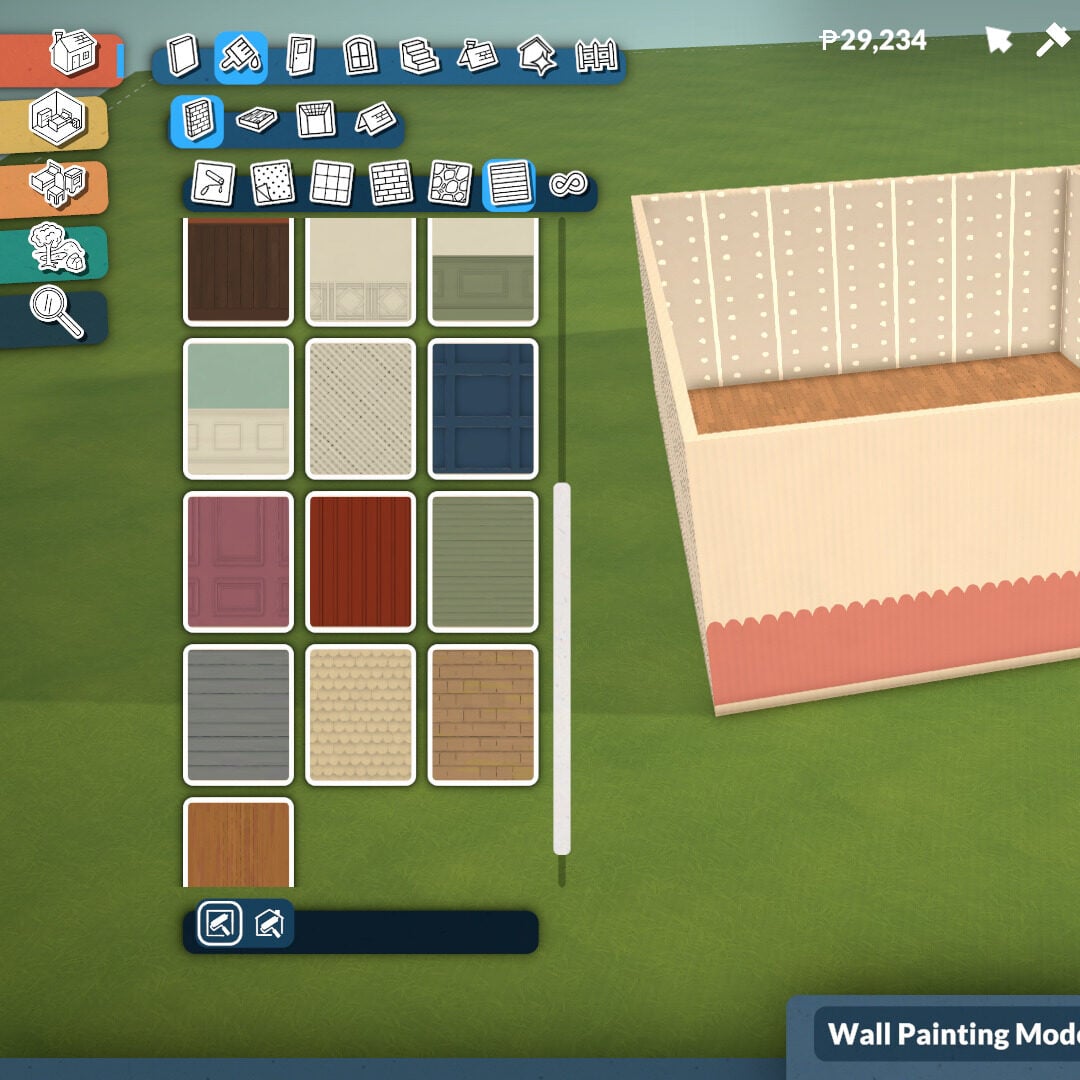
In this category, you’ll find tools to paint walls, floors, ceilings, and roofs. Inside the Wall Paint section, there are plenty of categories featuring different textures, including rocks, bricks, plain walls, paneling, tiles, and wallpaper styles.

At the bottom of the category menu, you can also choose whether you want to paint one wall at a time or apply the selected texture to the entire room on the same floor.

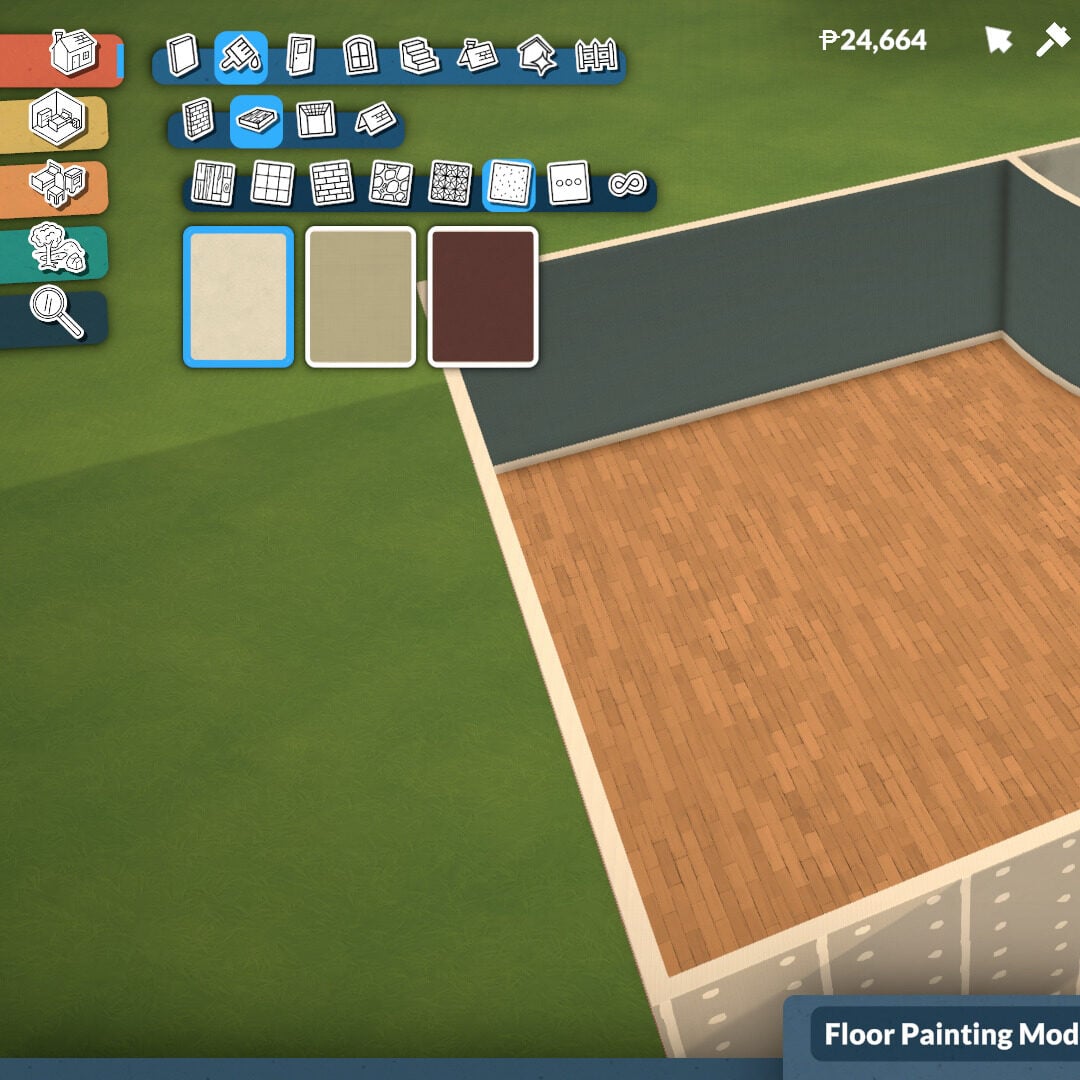
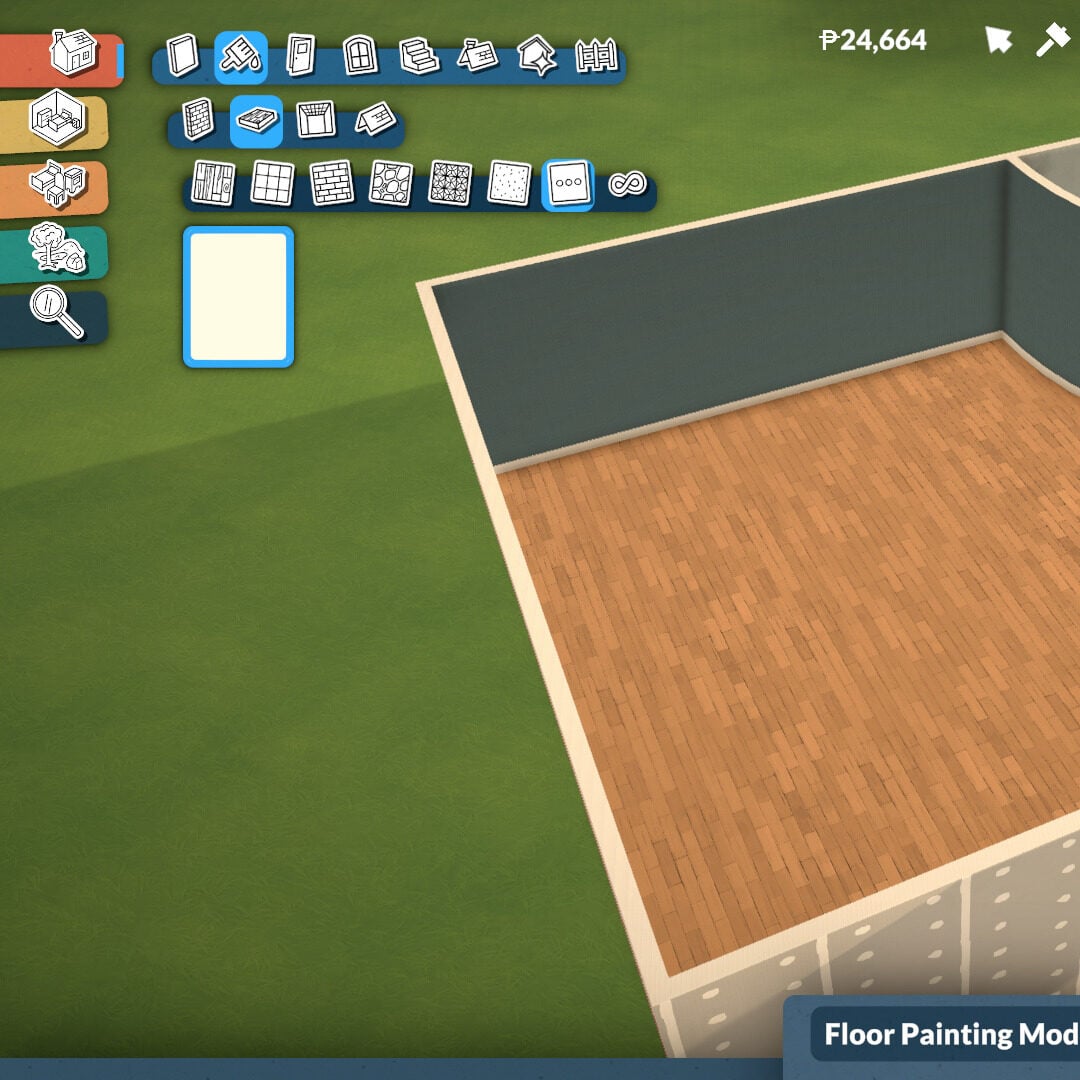
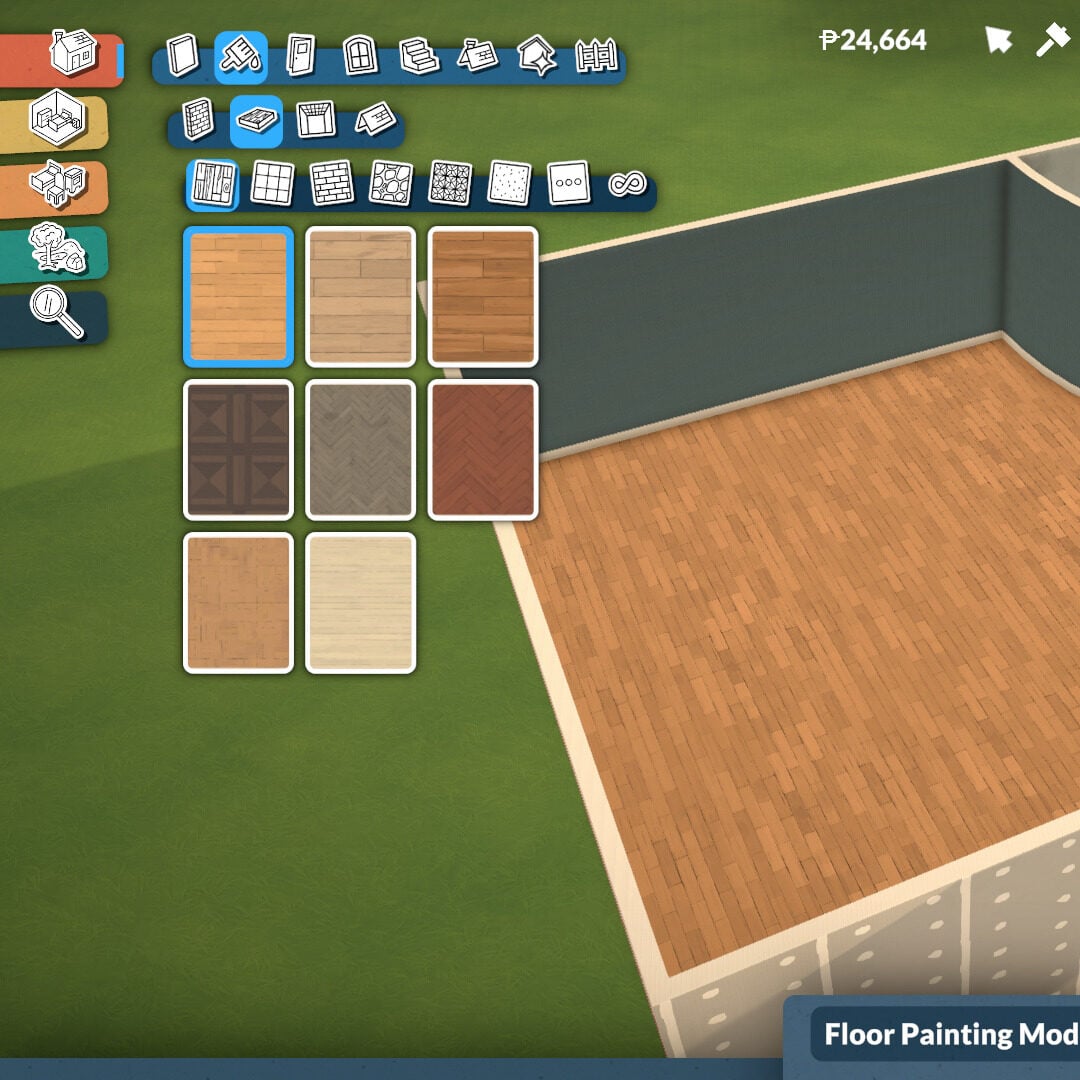
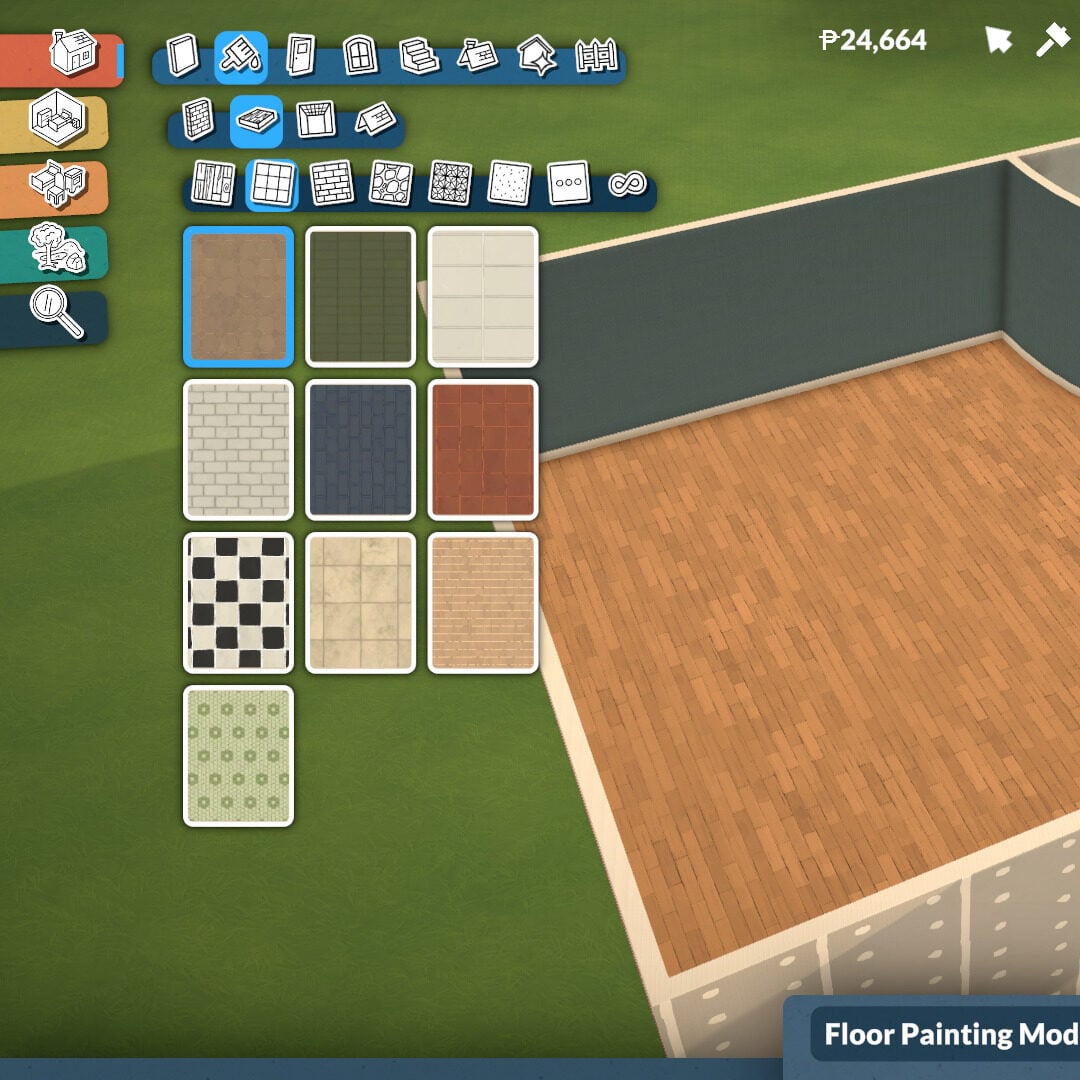
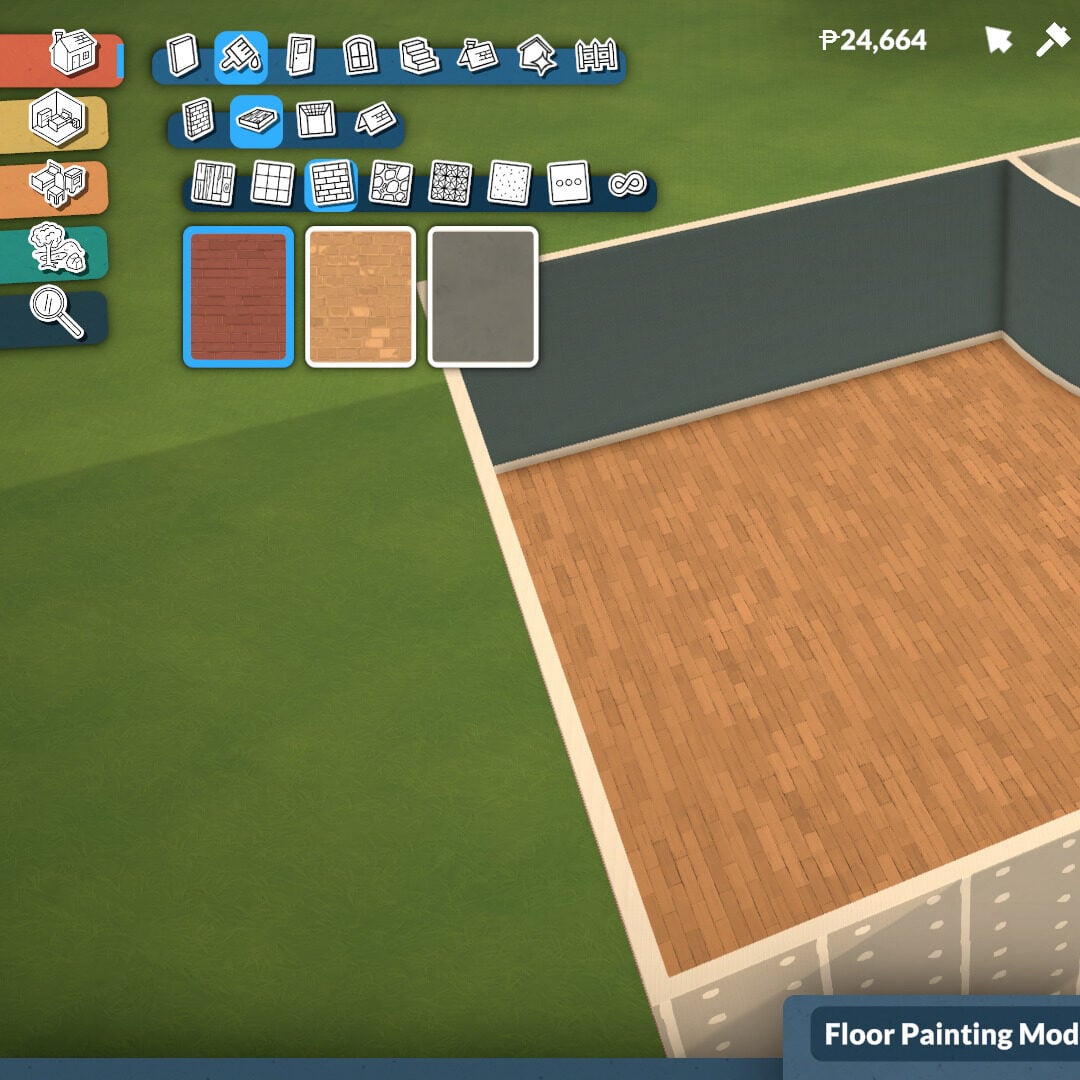
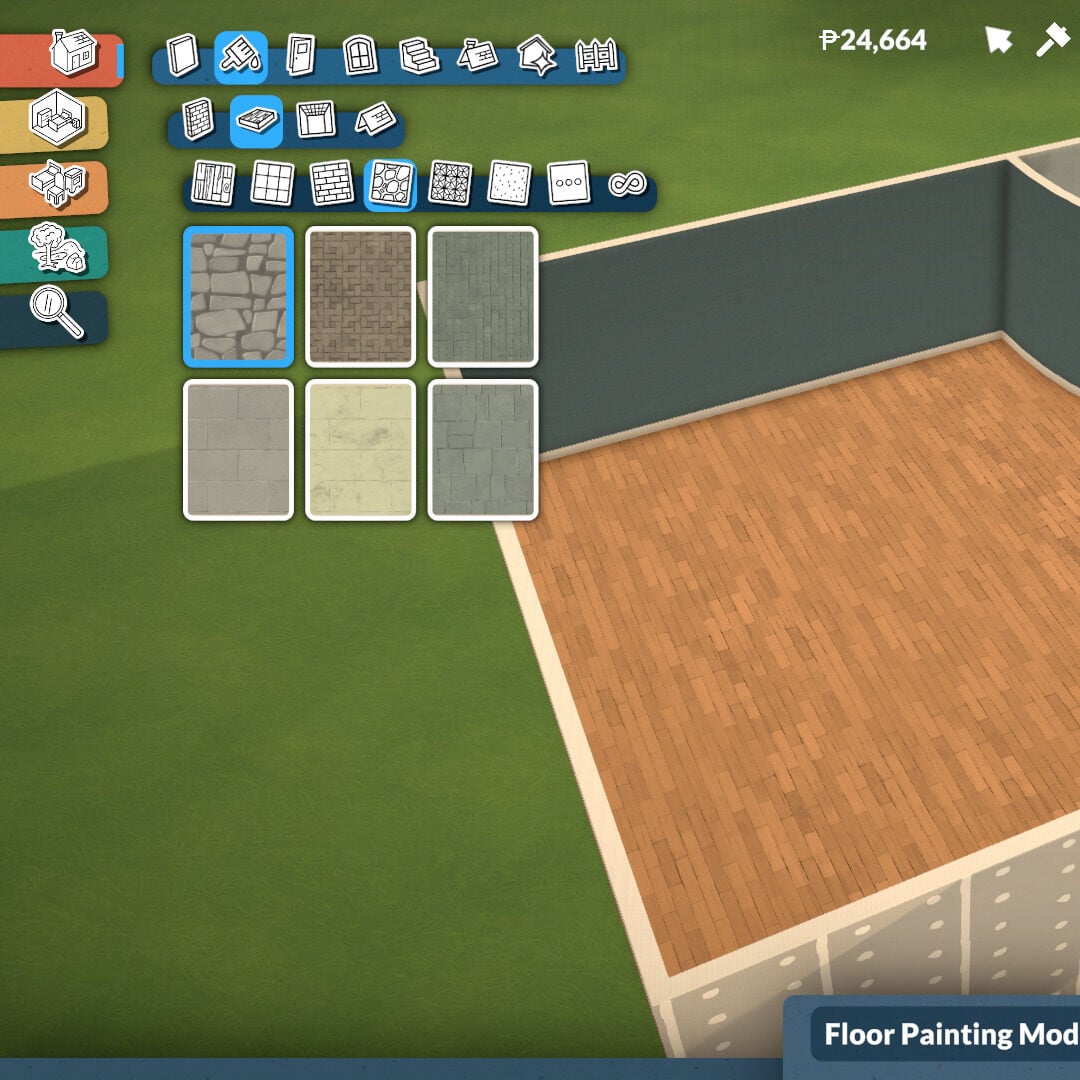
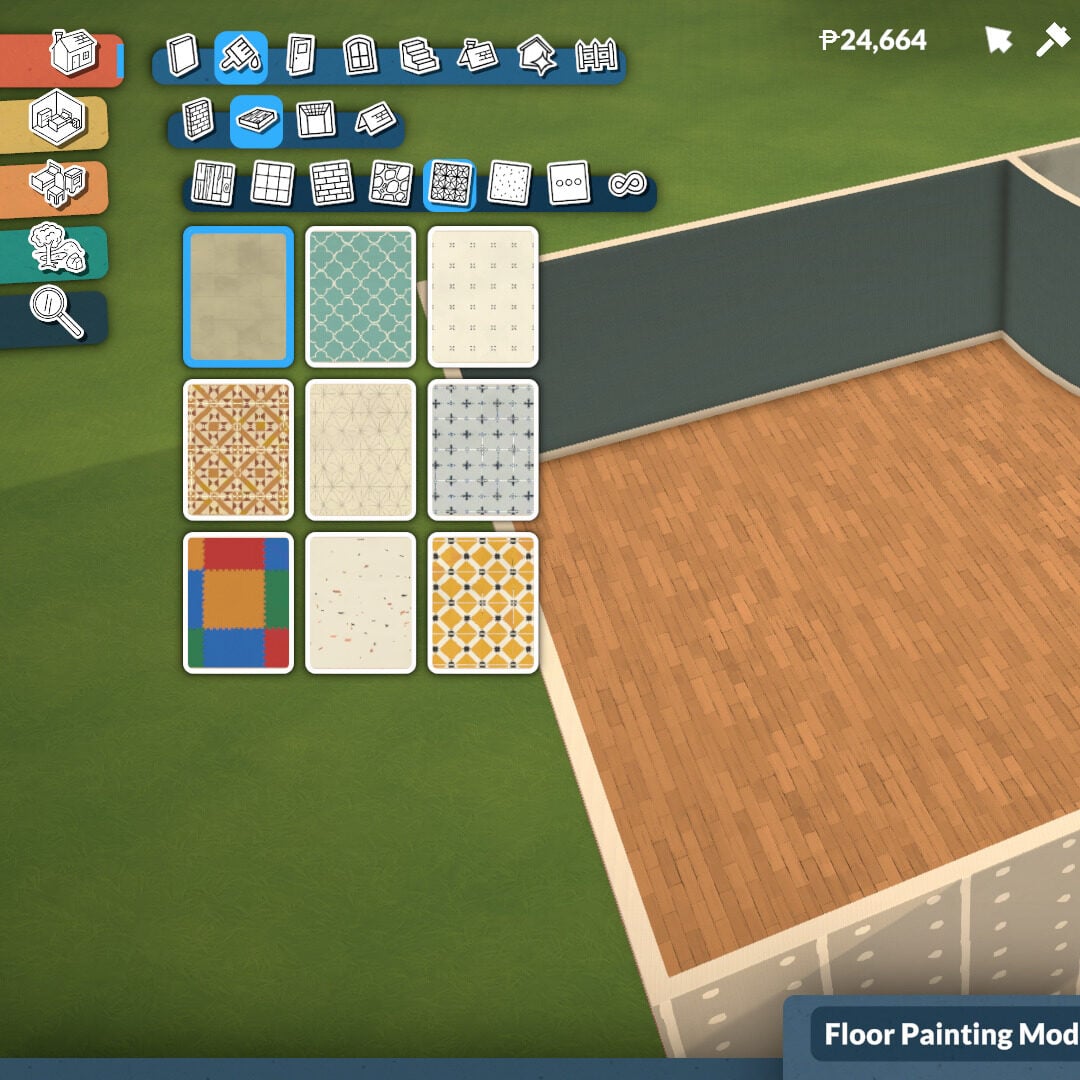
Floor painting works in a very similar way, although you can’t paint tile by tile. Instead, the selected floor style will apply to the entire room or platform level. There are many texture categories available, including wood, tiles, masonry, rocks, linoleum, carpeting, and miscellaneous materials.

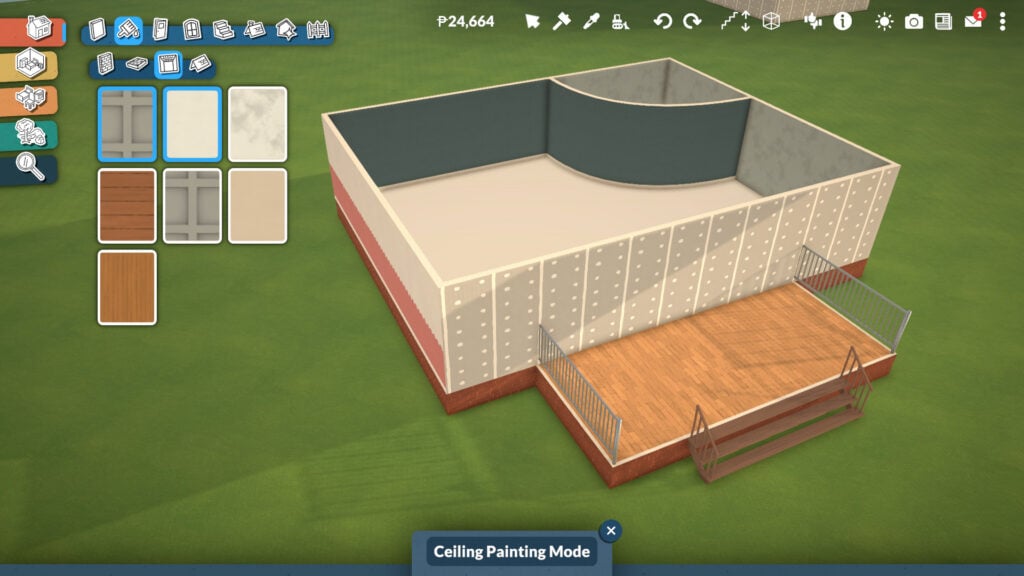
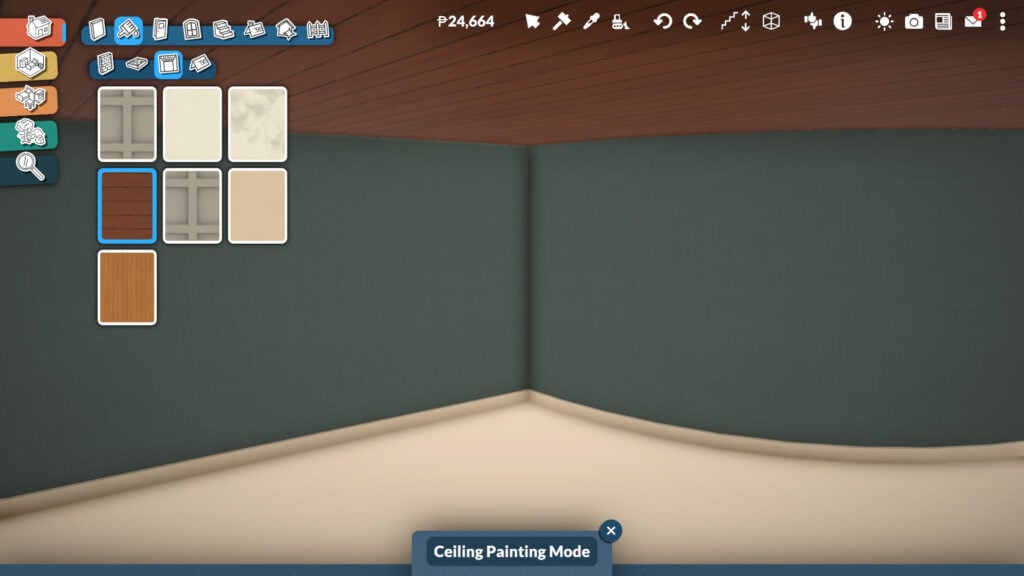
The Ceiling Paint mode adds even more depth and personality to your builds. With industrial, wooden, and simple texture options, you can find the perfect ceiling style for every room in your house.

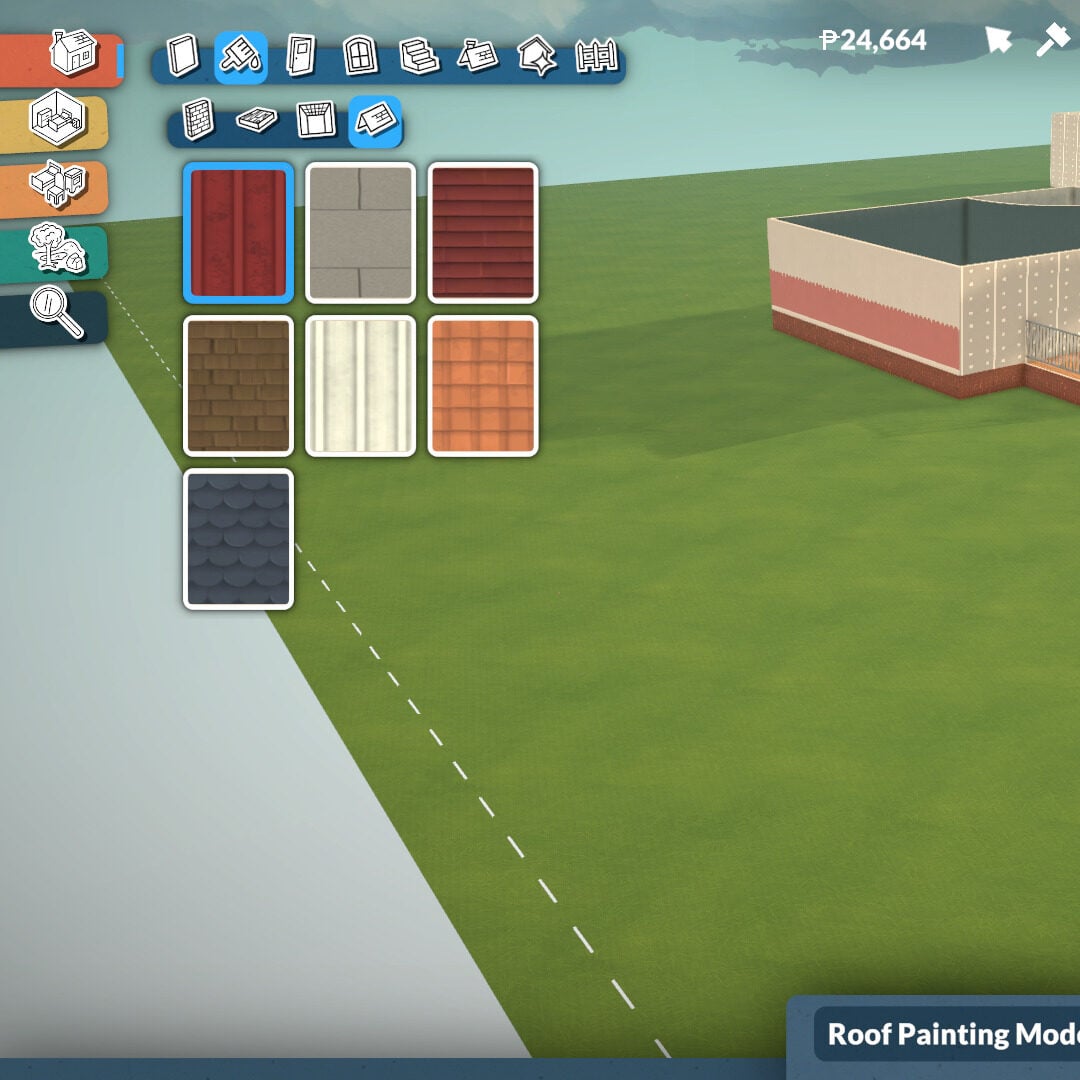
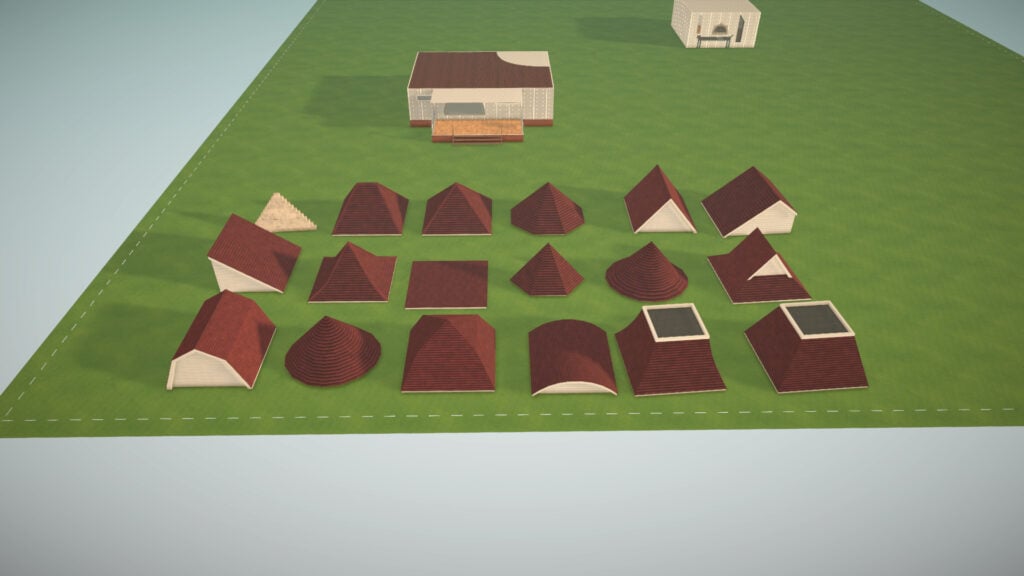
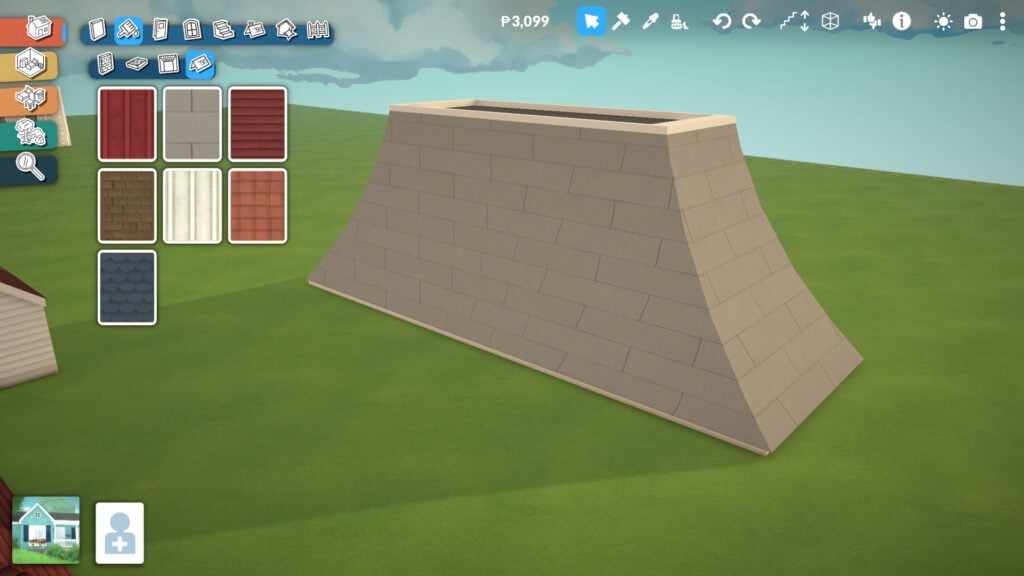
Finally, the Roof Paint tool includes seven different roof textures in this Early Access version of the game. Even at this stage, there’s already plenty of customization available, and you can learn more about the different roof shapes later in this guide.

Paralives Screenshot 2026.05.19 13.23.39.83 edited

Doors Tools

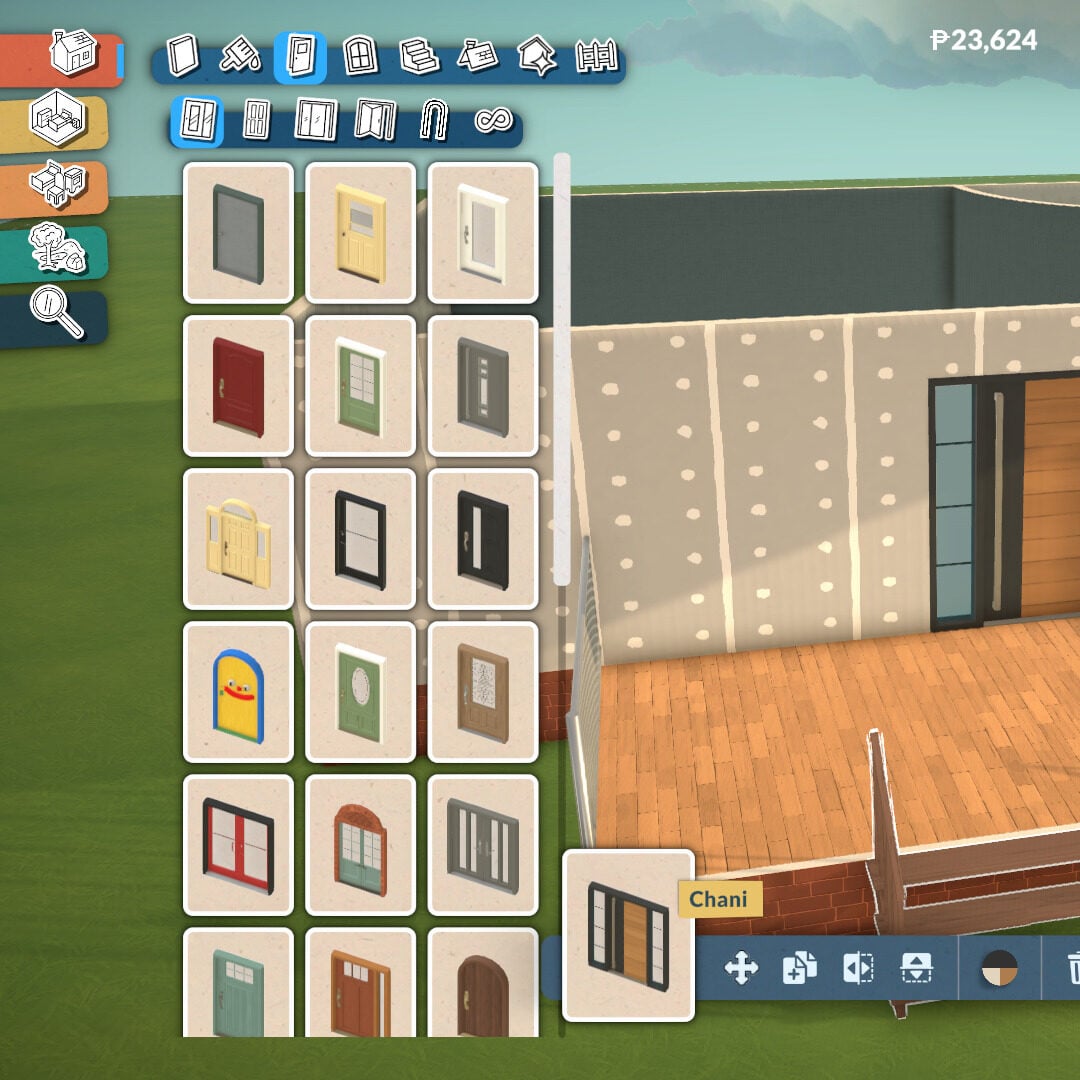
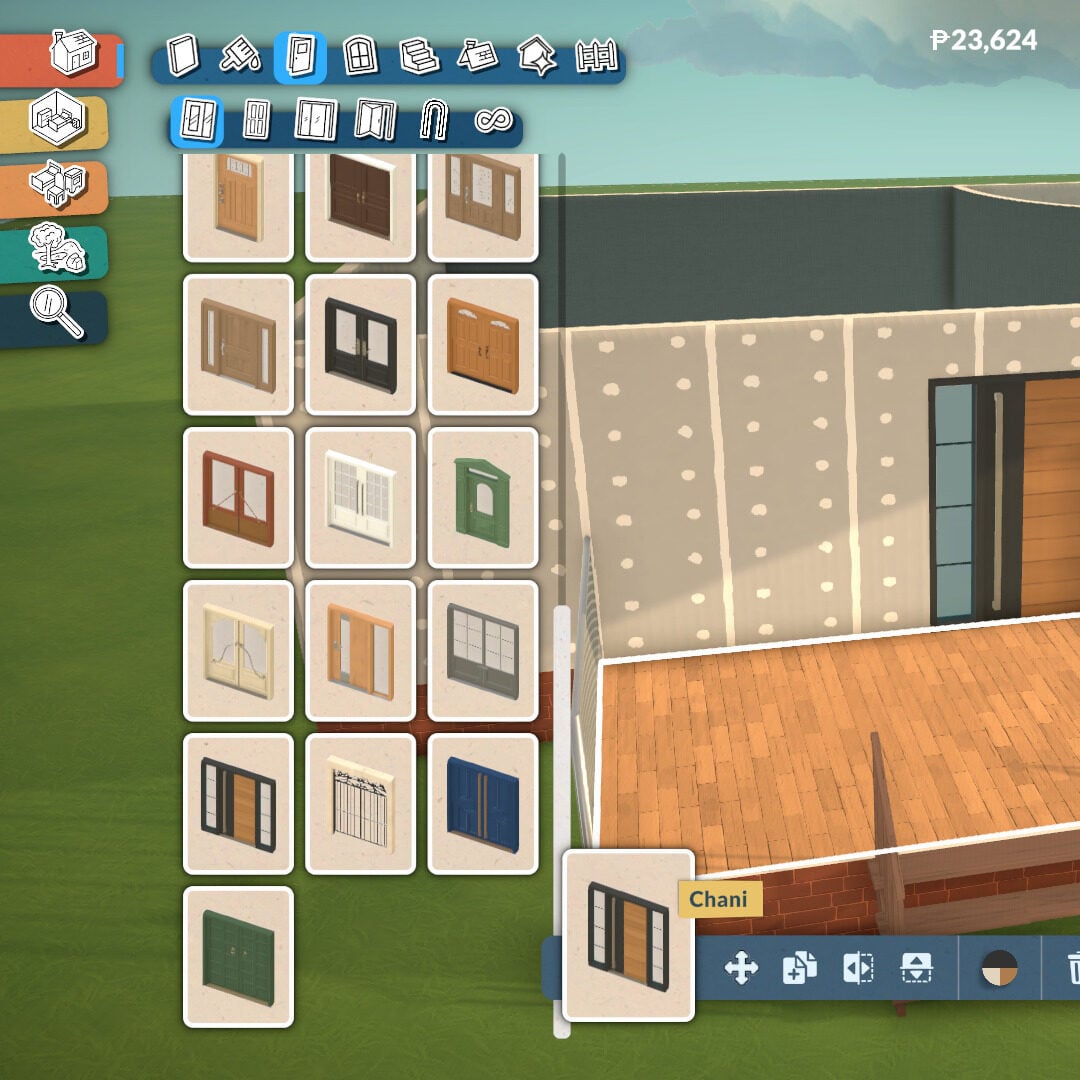
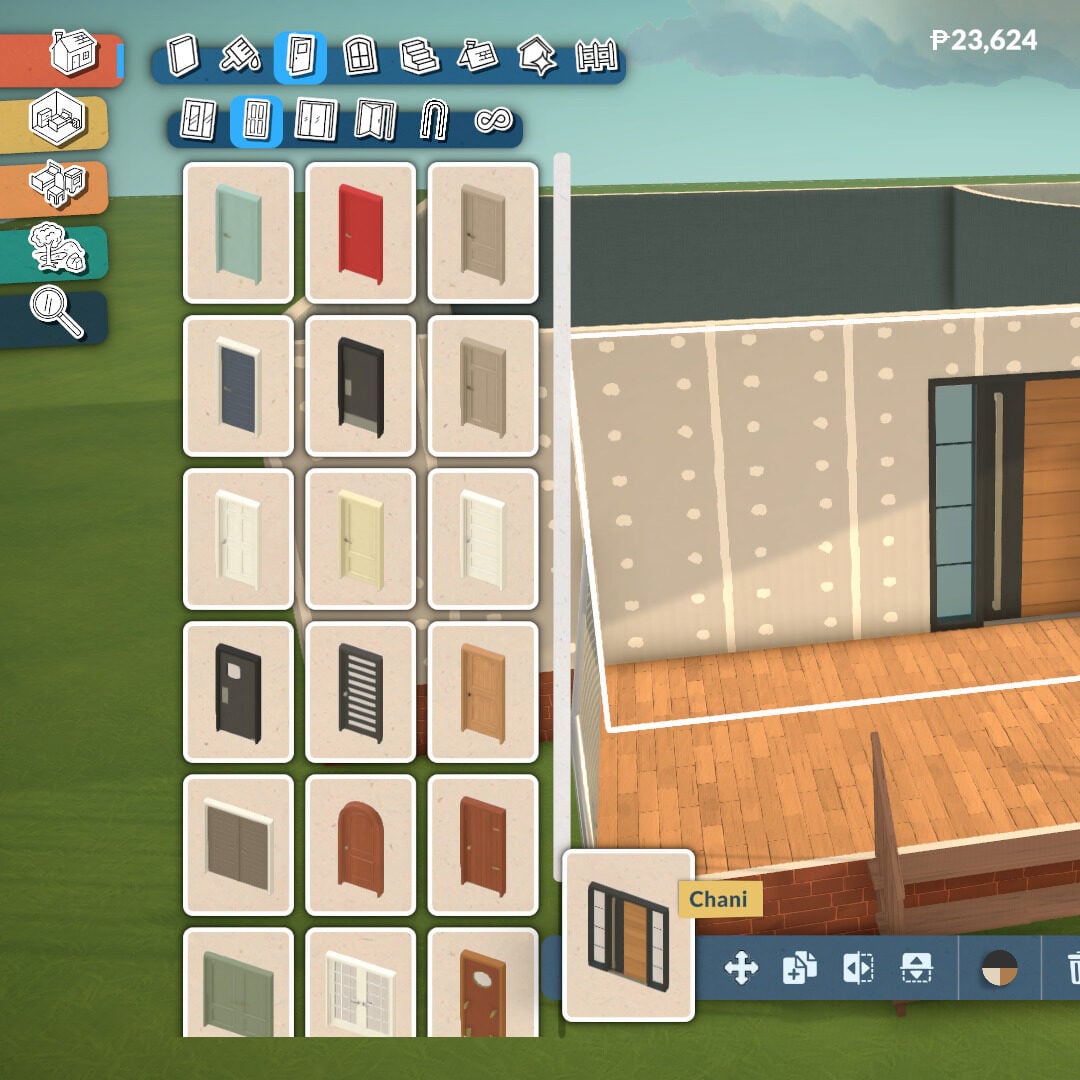
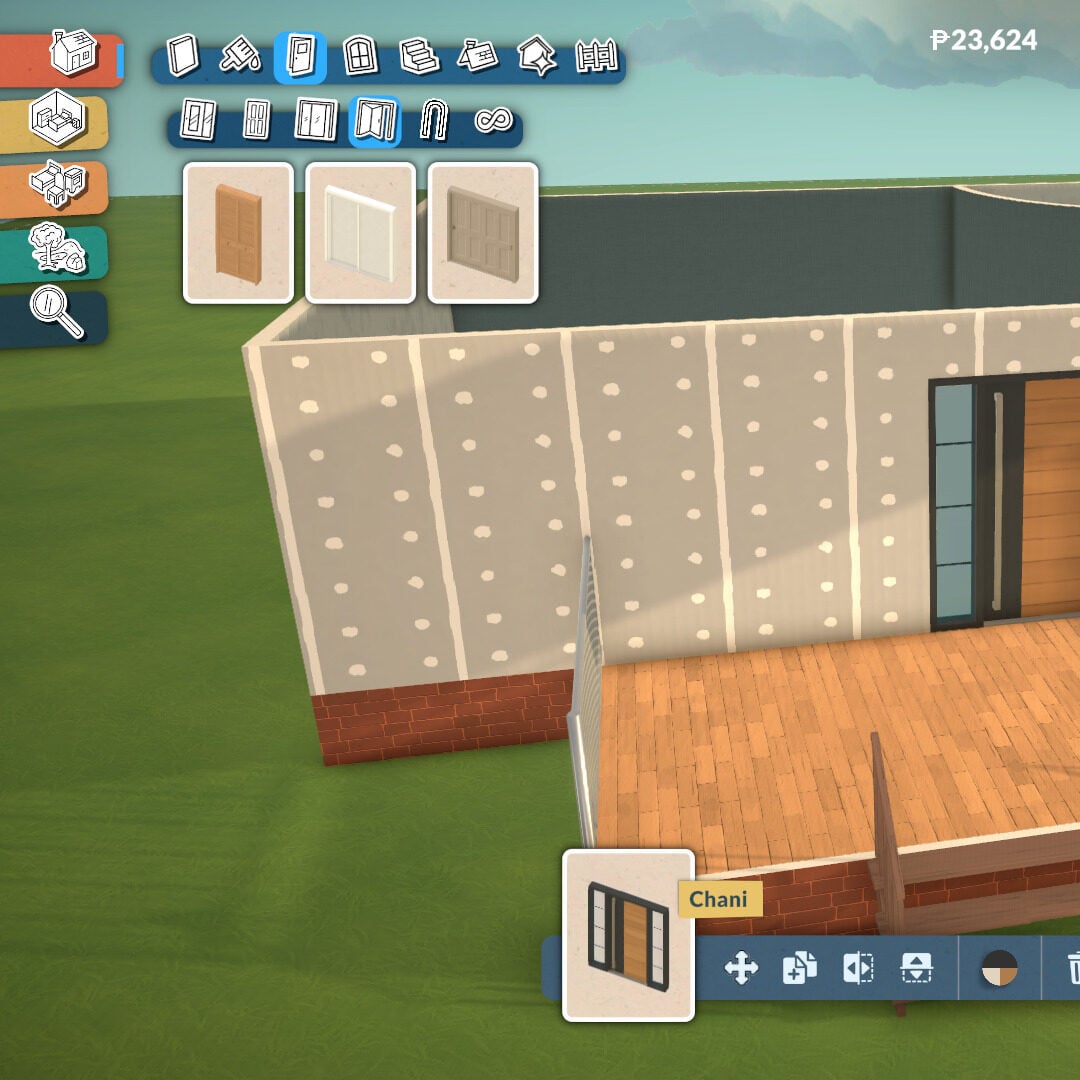
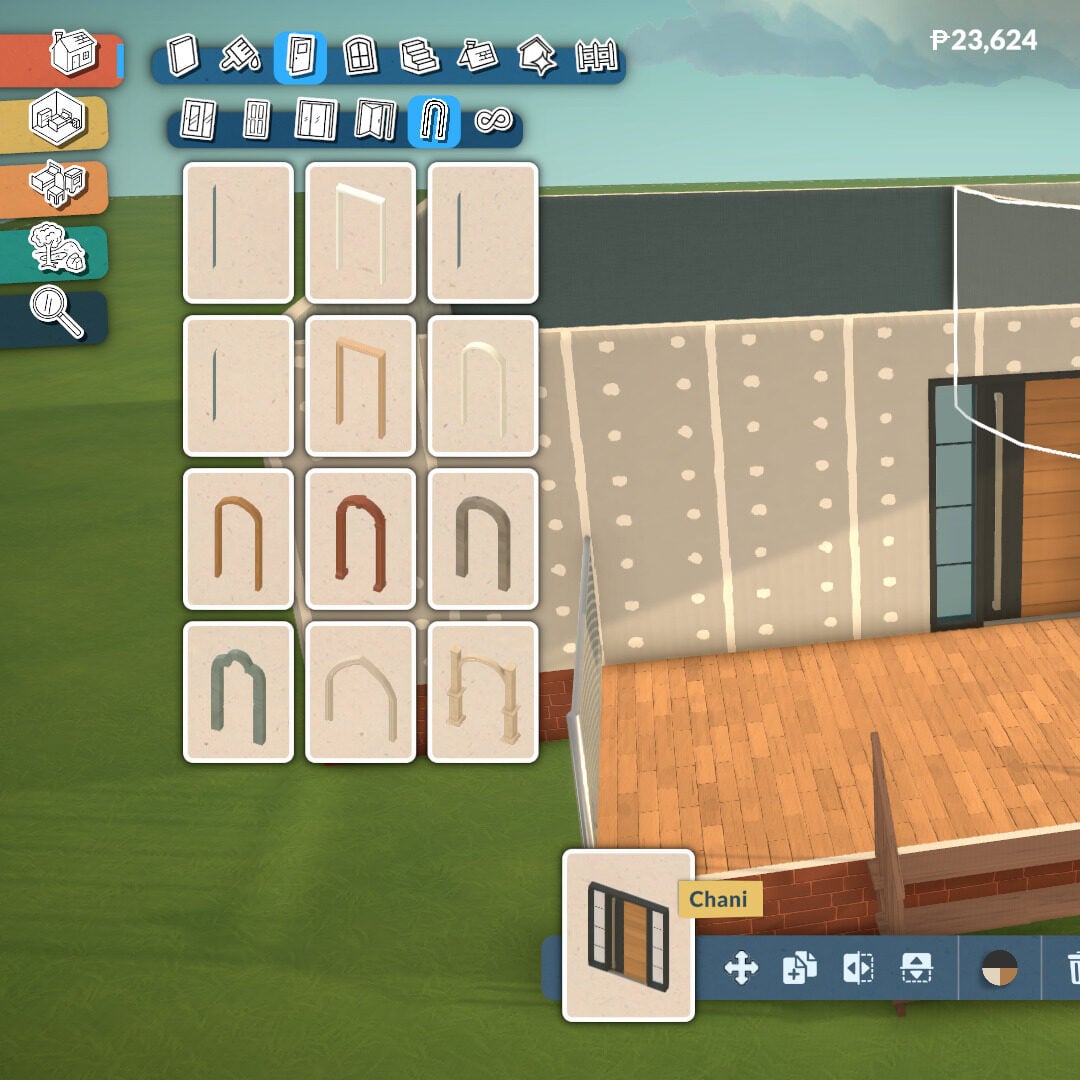
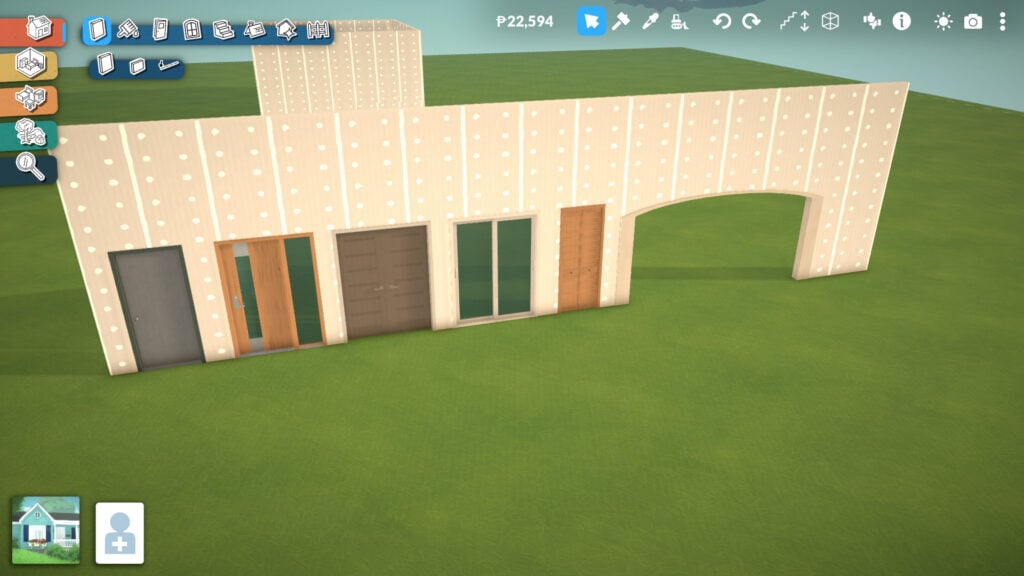
There are five different door categories available: exterior doors, interior doors, patio doors, closet doors, and arches. Each category offers a lot of depth and customization options, allowing players to match different architectural styles and interior designs.

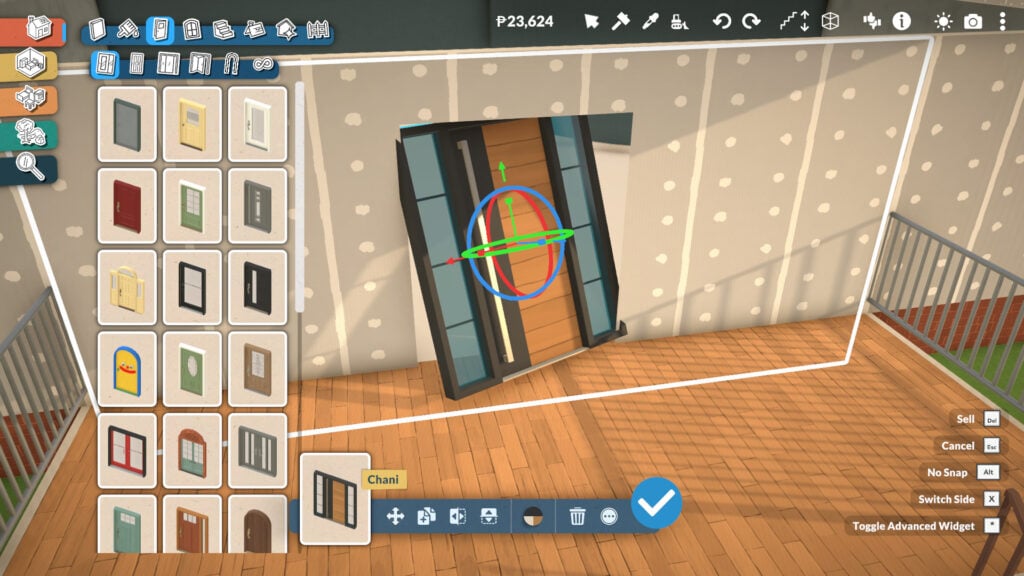
When placing a door, you’ll find different tools to help it fit better within your house design. You can customize colors and textures, choose which side faces the exterior, and even flip the door’s direction, which is one of the most useful features for interior planning. By clicking the three dots option, you’ll also access more advanced placement settings.

Paralives Screenshot 2026.05.19 13.30.25.81

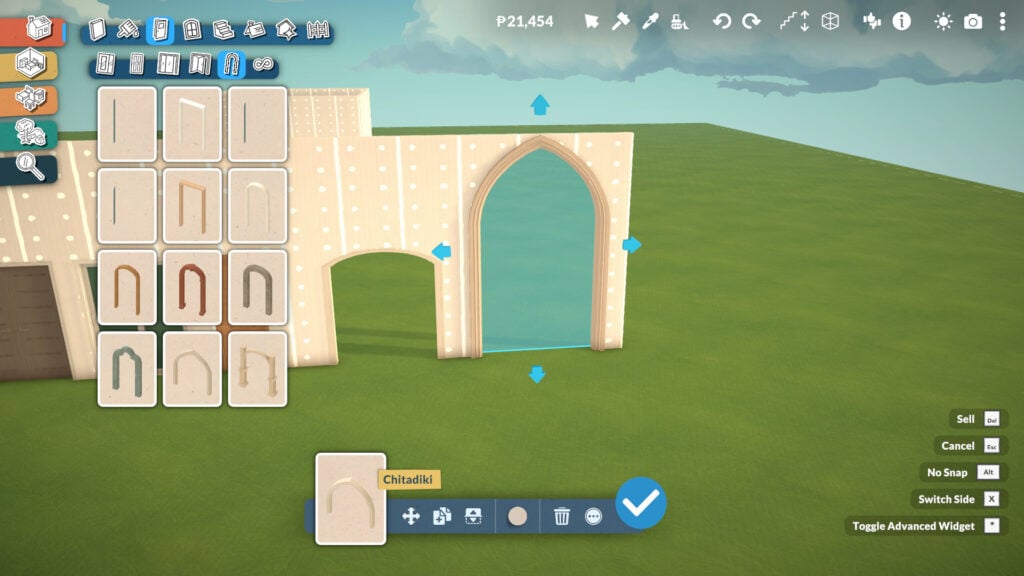
Arches are even more flexible, since you can drag them to adjust their width instead of being limited to a single fixed size. Some of them can also be adjusted in height, opening the door to much more ambitious architectural designs. Honestly, it already makes me want to build a huge cathedral-style structure.

 Windows Tools

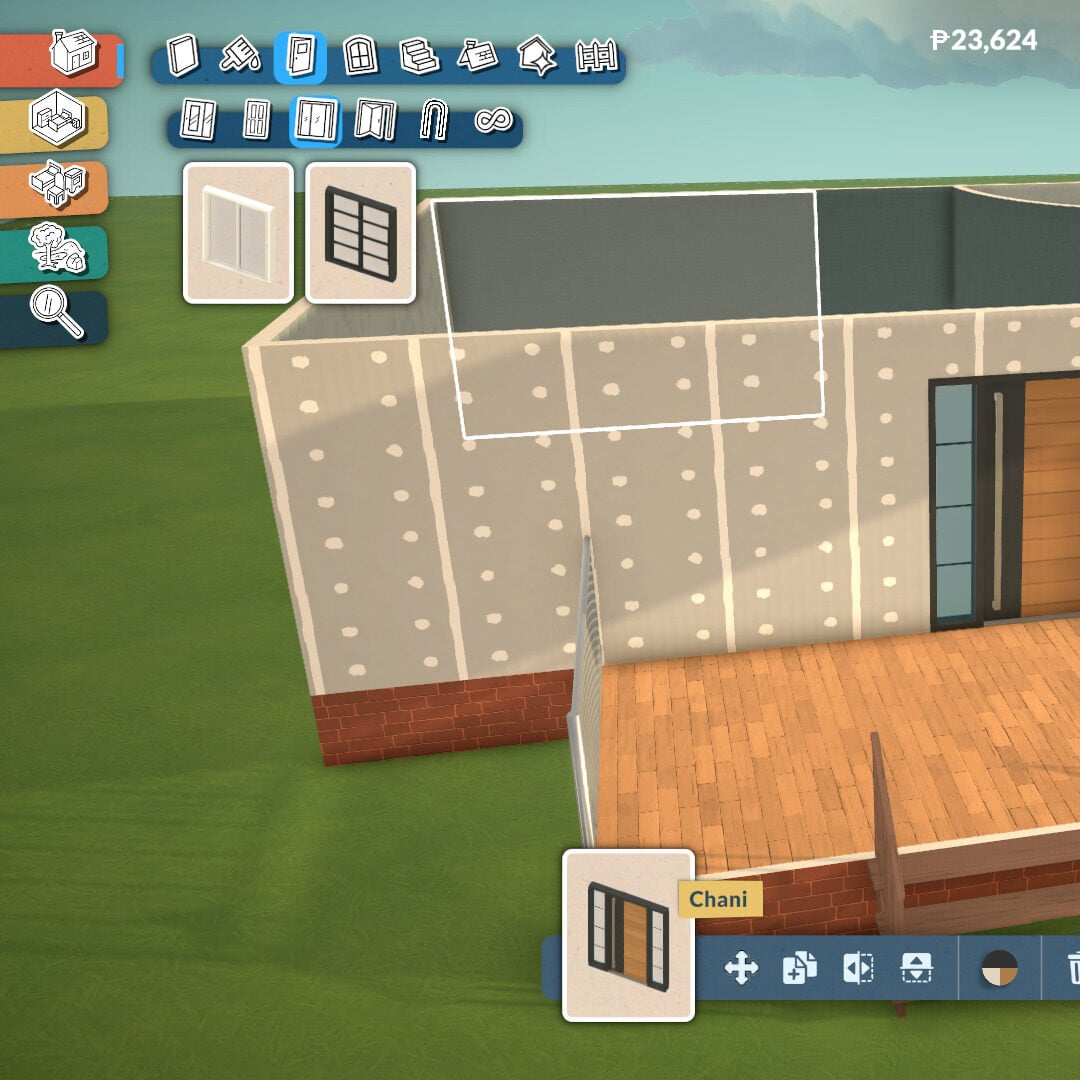
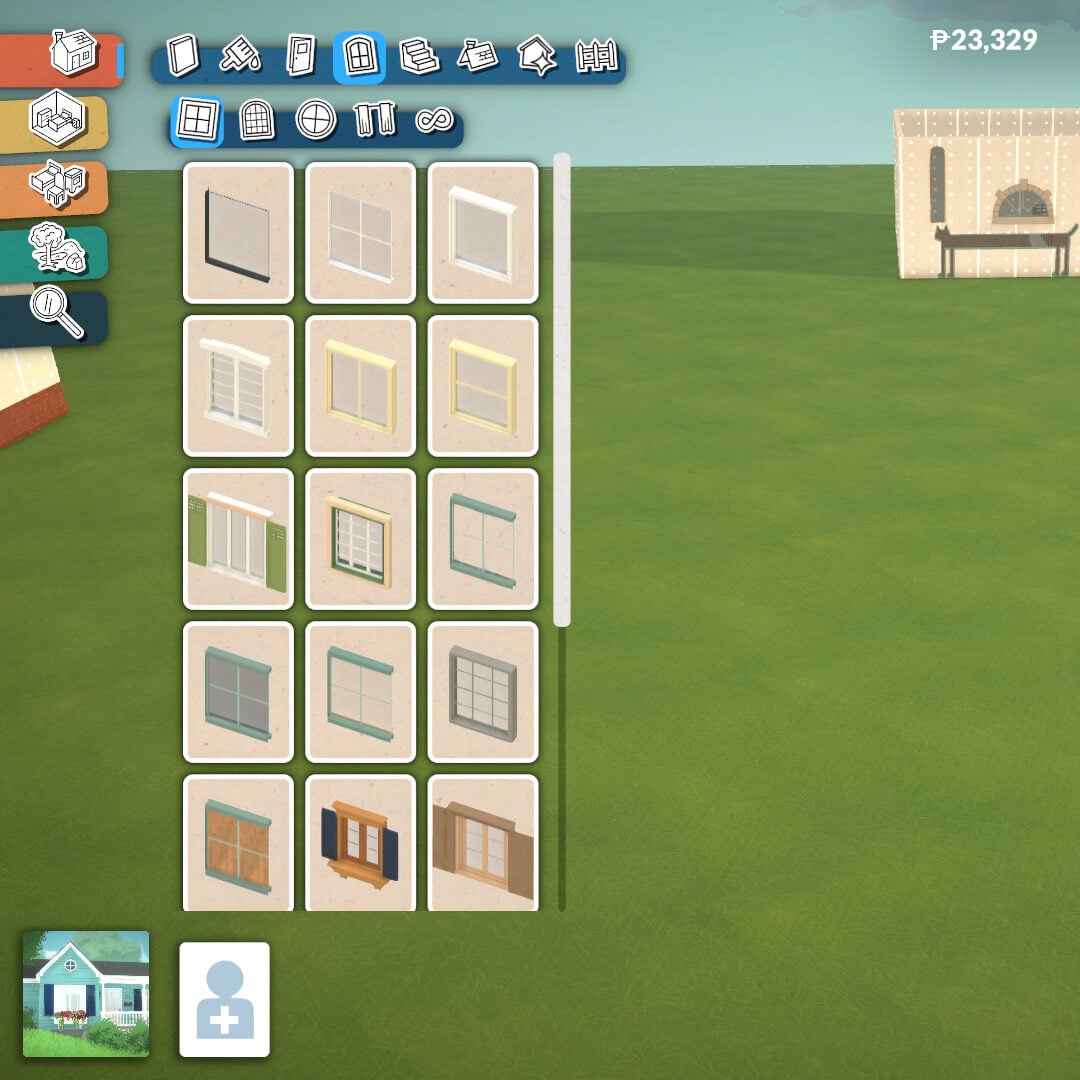
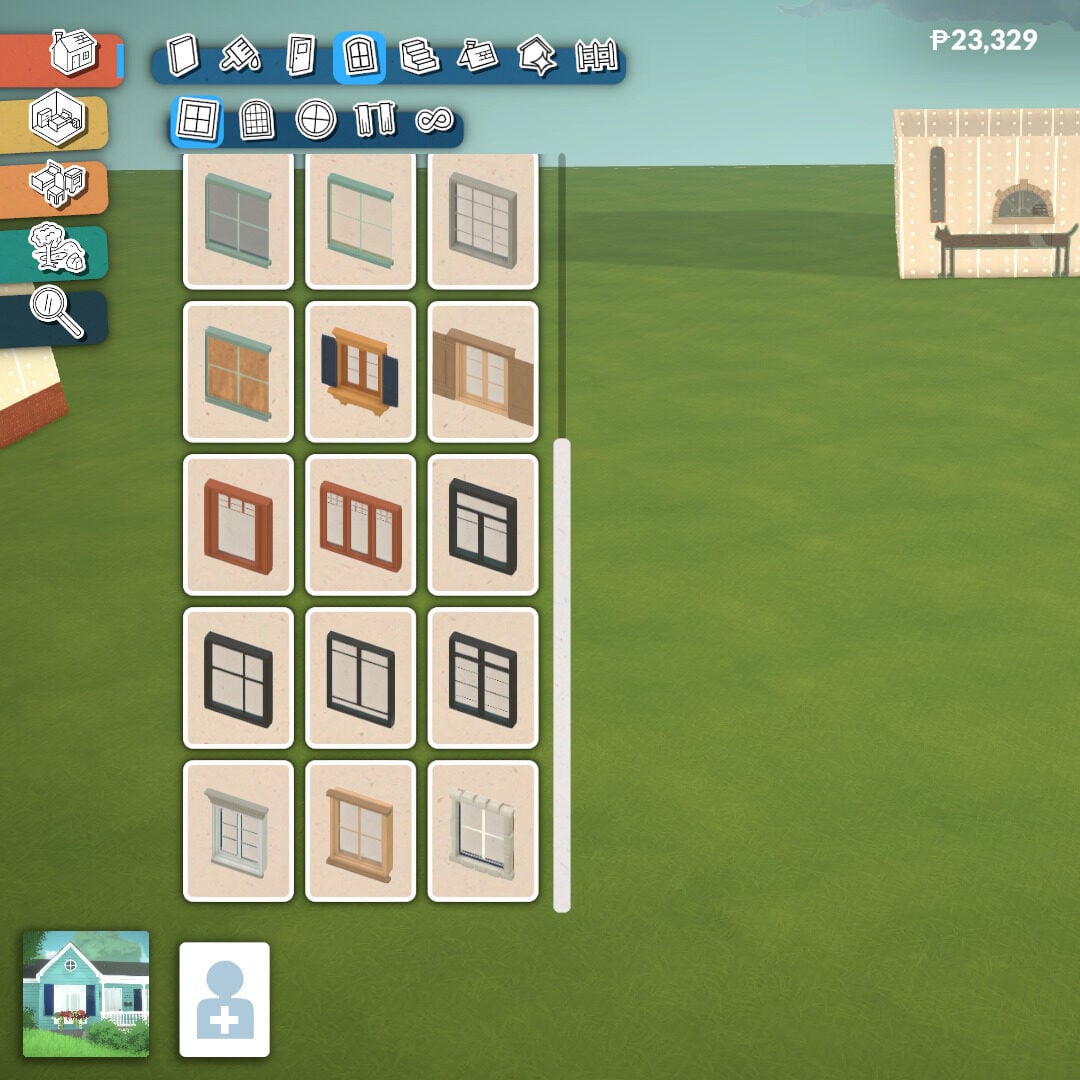
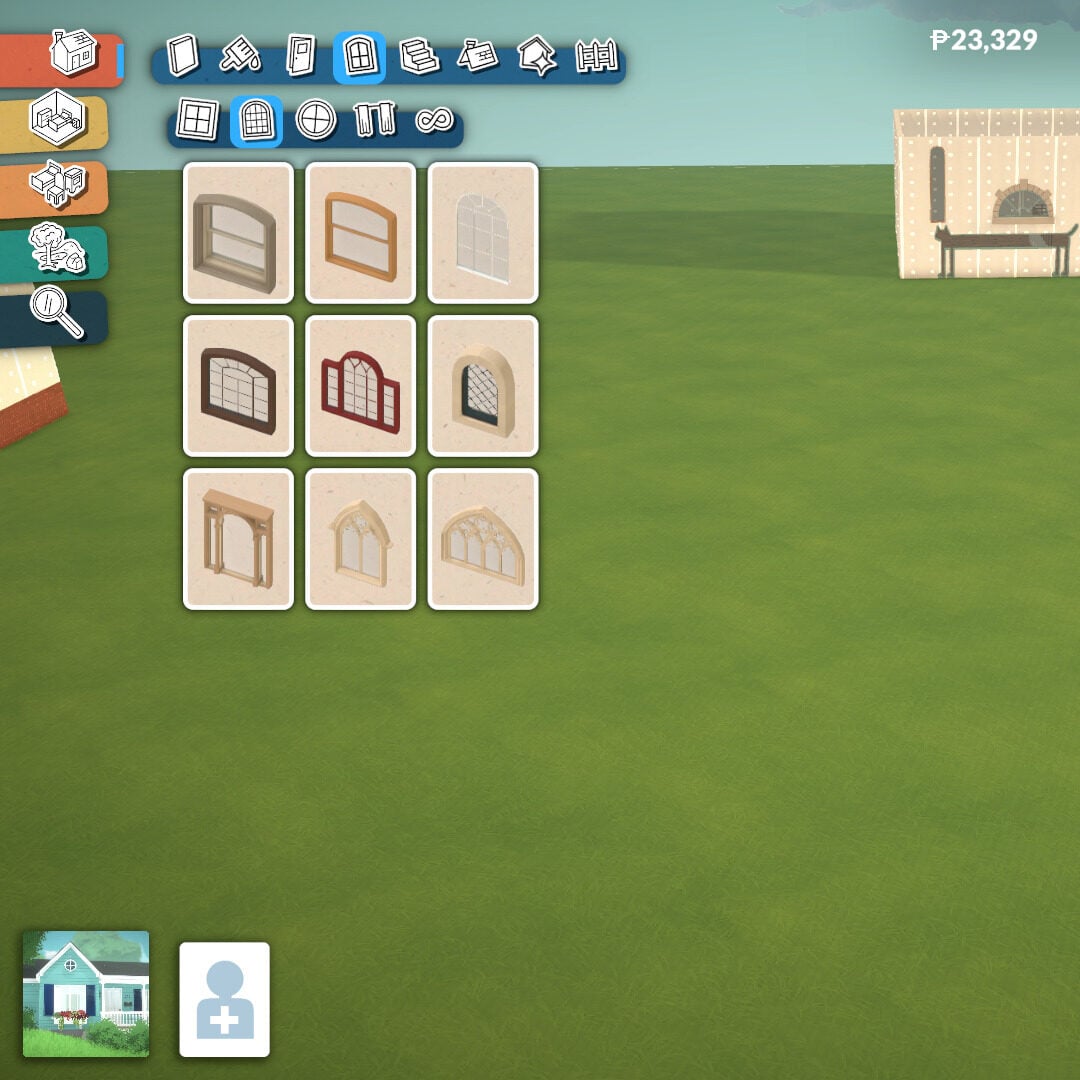
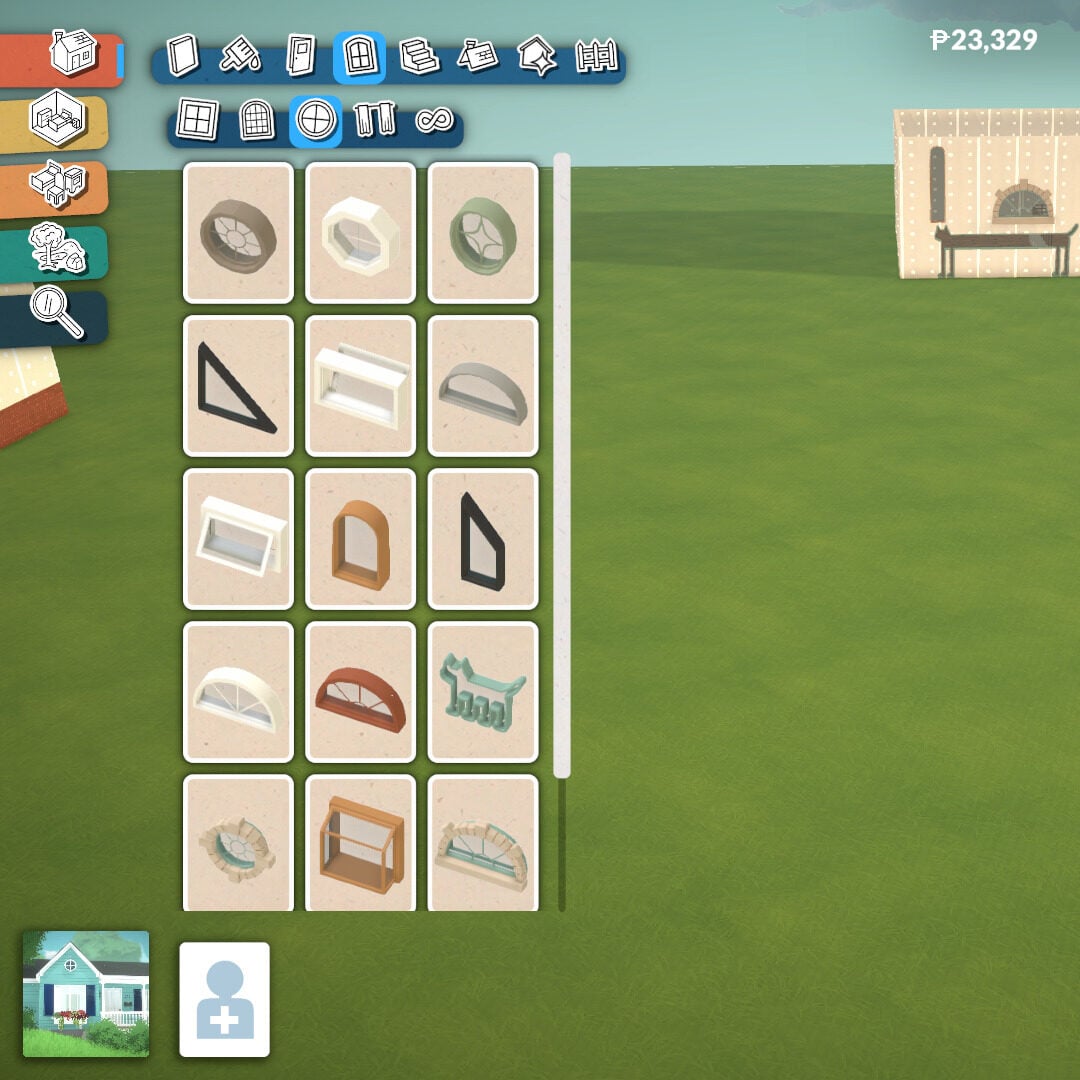
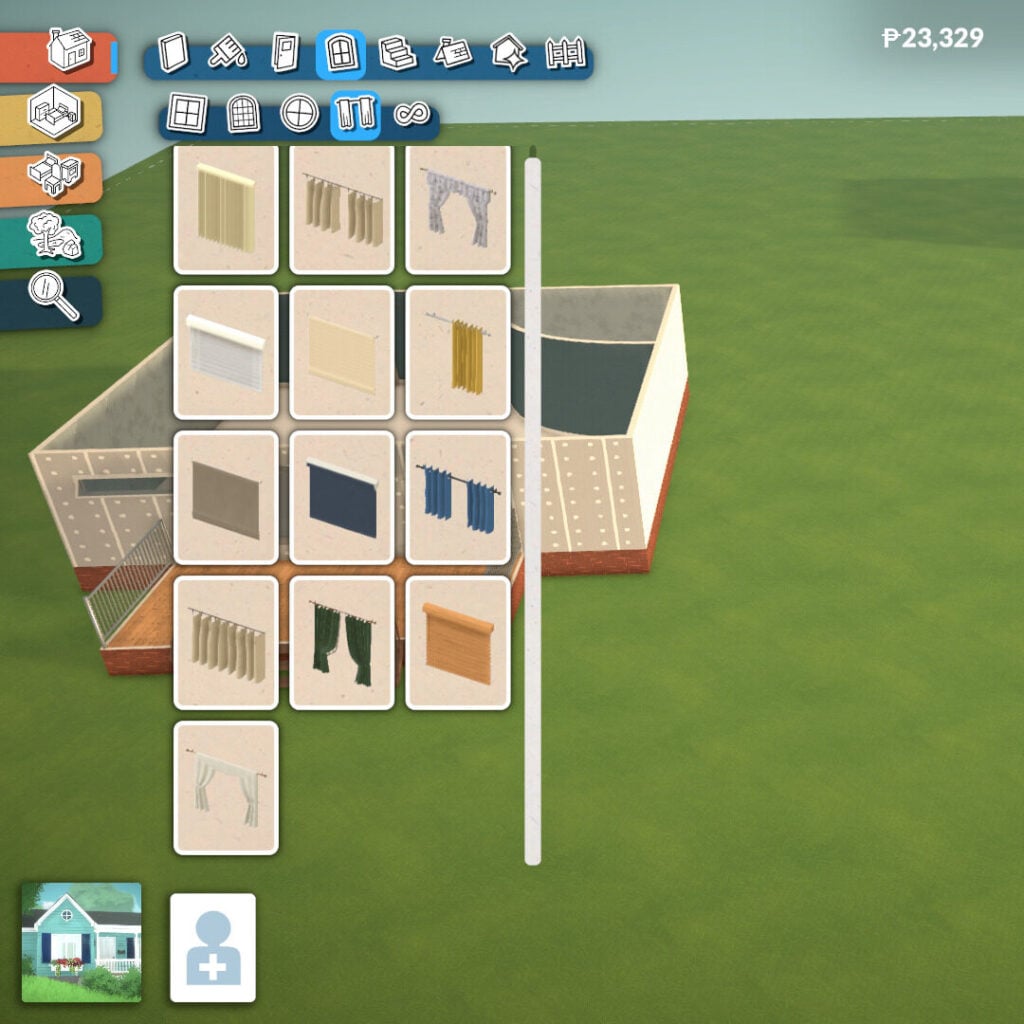
Windows in Paralives bring a huge amount of depth and customization, with many of them offering their own unique shape adjustments and design options. There are three main categories available: angular windows, arched windows, and decorative windows, alongside a separate section for curtains and blinds decoration.

Many windows can be resized and customized to better fit your architectural style, making it easier to create anything from cozy family homes to modern mansions or classic buildings with detailed facades. They also include the same tools available for doors, allowing you to flip them, choose which side faces the exterior, and access more advanced placement options.

Paralives Screenshot 2026.05.19 13.43.38.44

Stairs Tool

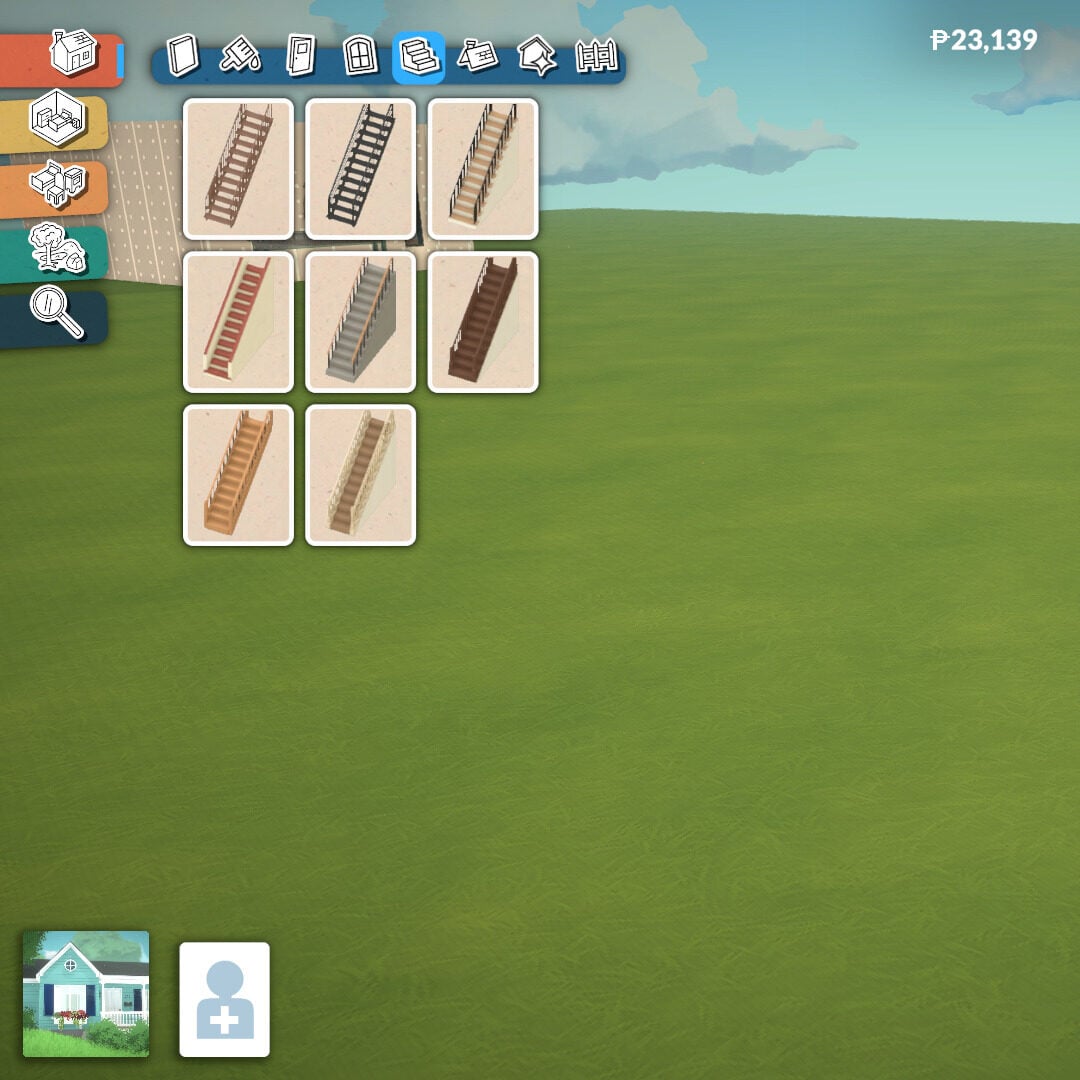
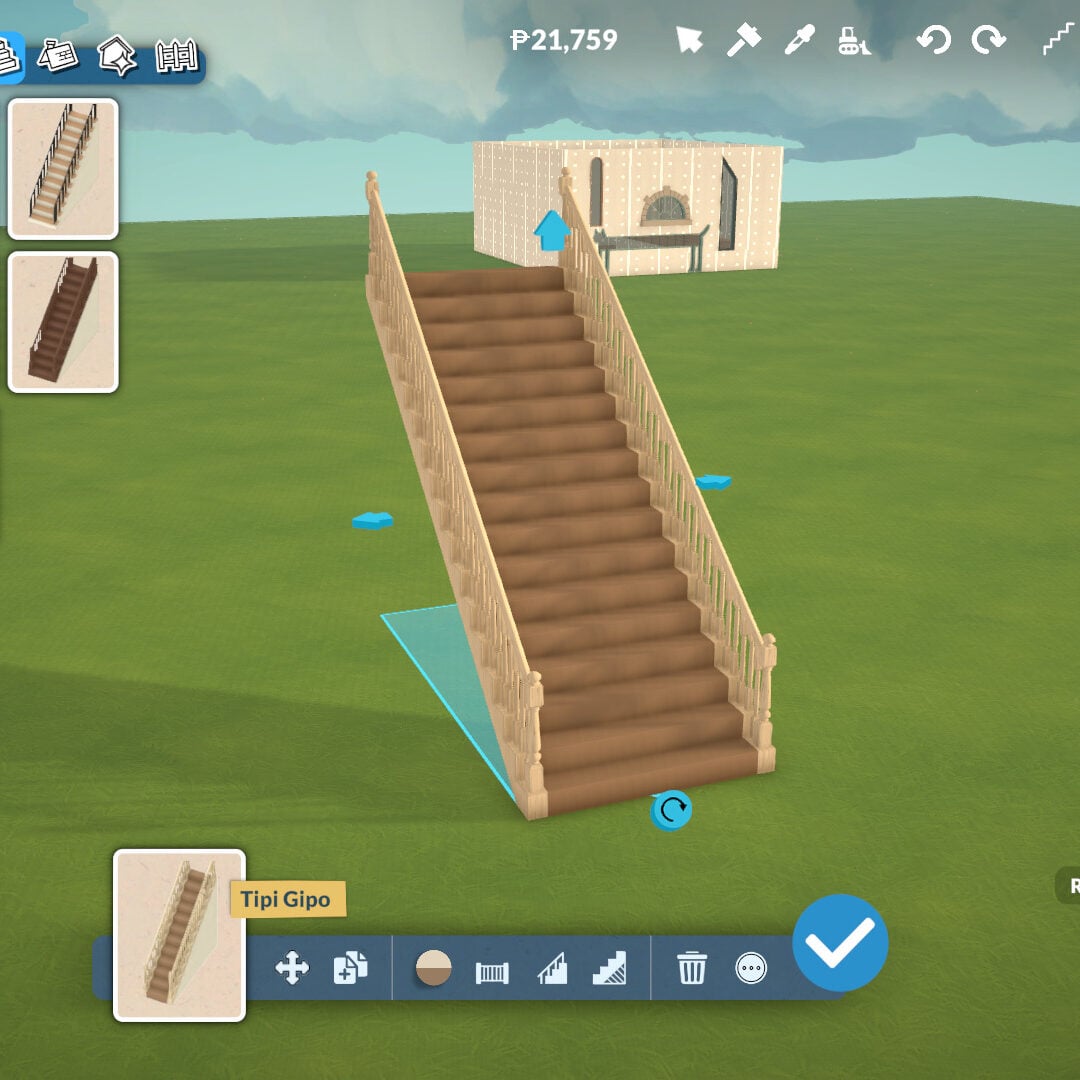
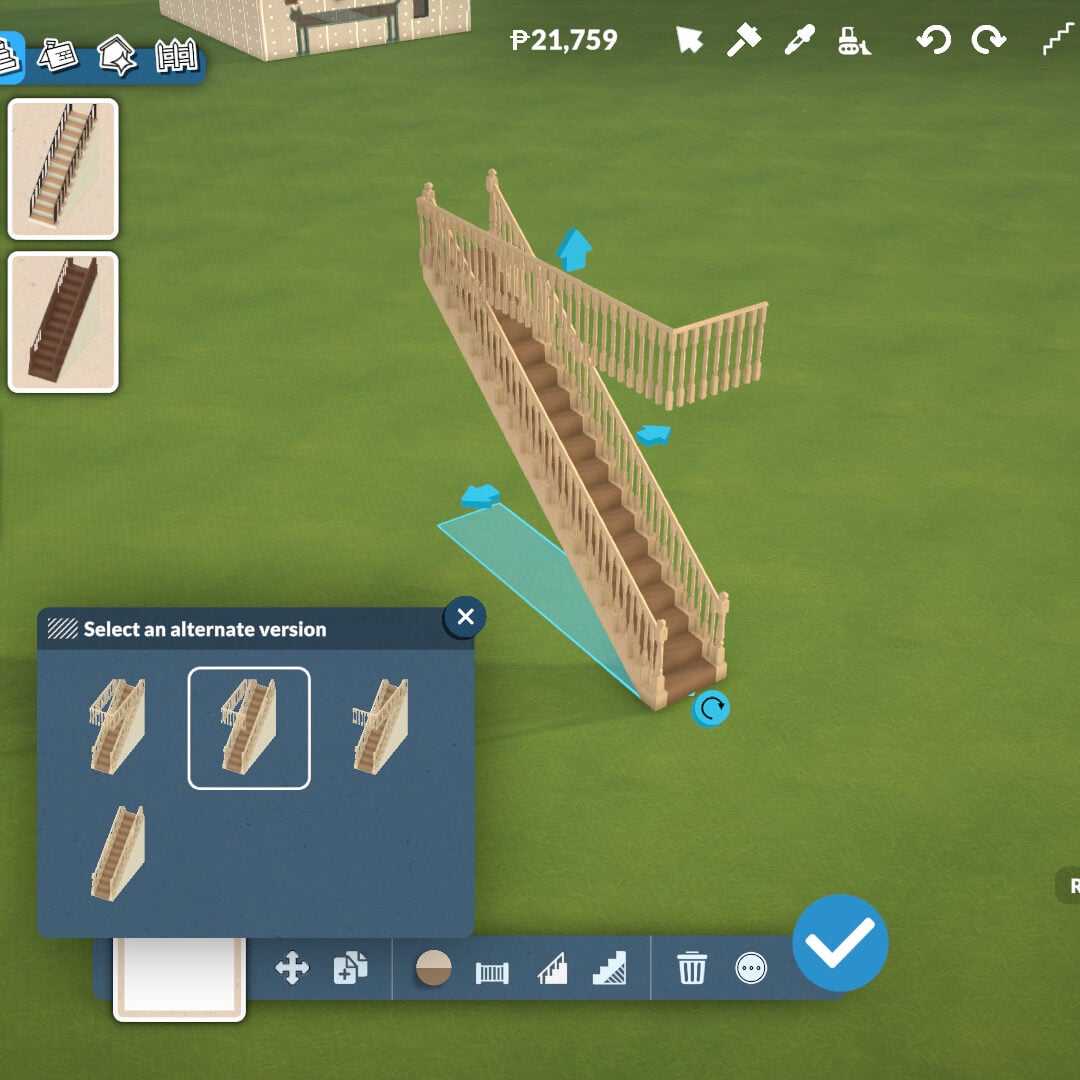
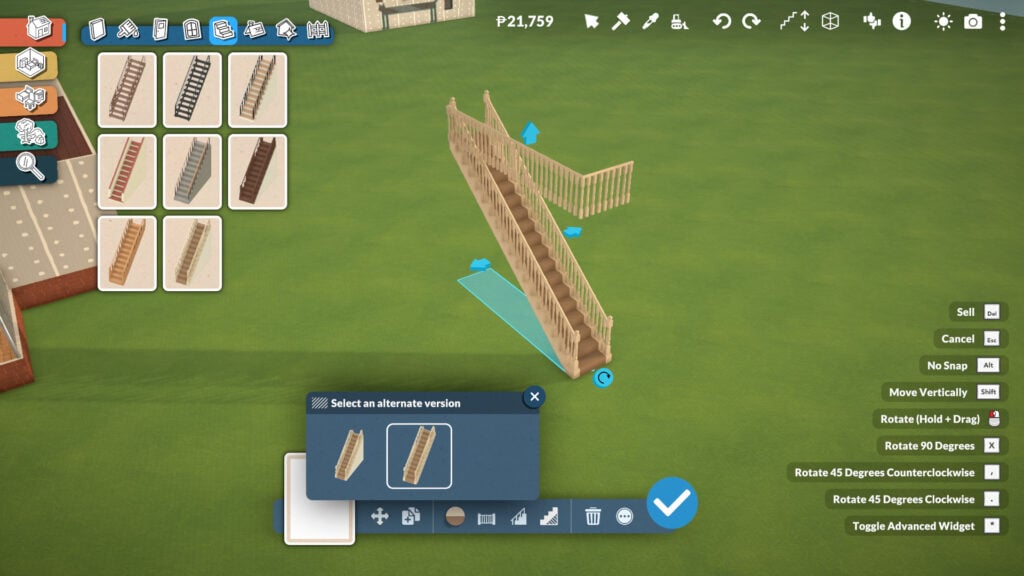
The Stairs tool is very easy to use. There are eight different staircase styles to choose from, and they can be placed almost anywhere you want. Once placed, you can click on them and drag the arrows to adjust both their width and height, allowing you to create everything from compact staircases to massive grand stairs for larger builds.

At the bottom of the screen, after selecting your desired staircase, you’ll find even more customization tools. You can remove the wall underneath the stairs to create extra decorative space, and choose whether the staircase has railings on both sides, only one side, or no railings at all.

There’s even a tool that automatically places a fence around the floor opening upstairs, preventing your Parafolks from falling while also helping your build look more realistic and polished. And yes, stairs can also be placed diagonally.

Roof Tools

This is one of the biggest features in Paralives’ Build Mode, even if it’s still unfinished. The game itself warns players that the roof system is currently incomplete, meaning some roofs may not perfectly match the exact shape of your floor plan. Even so, the tool already offers an impressive amount of freedom and customization.

Paralives Screenshot 2026.05.19 14.01.02.92

There are 18 different roof styles available, and each one can be adjusted in height, width, and color using the Roof Paint tool mentioned earlier. This allows players to create highly detailed exteriors and experiment with many different architectural styles, from cozy suburban homes to massive classical mansions.

Inside the same Roof category, you’ll also find chimneys and fireplaces to help create warm and cozy environments. Just like roofs, many of these elements can also be adjusted in height for even more customization possibilities.

Architecture Details

Once your main structure is complete, it’s time to start placing extra details to enhance the overall look of your building. In this category, there are four additional subcategories: Molding, Columns, Details, and Miscellaneous.

The Molding tool adds much more depth to both exterior and interior walls. It’s especially useful for creating elegant classical mansions or enhancing facades with decorative trims and friezes, helping buildings feel more realistic and architecturally detailed.

Just like many other objects in Paralives, columns can be adjusted in both height and width to better fit your designs, allowing for even more flexibility and dynamism when shaping walls, porches, or large entrances.

Paralives Screenshot 2026.05.19 14.16.11.16

The Details and Miscellaneous sections include extra decorative elements for walls and structures. Here you’ll find graffiti, stains, cracks, boarded-up sections, unique architectural pieces, wall openings, and many other objects that help contextualize your build and give it more personality and storytelling.

Paralives Screenshot 2026.05.19 14.18.49.25

Fences

Fences work similarly to walls, although they currently can’t be placed in curved shapes. There are plenty of different styles available, allowing you to add extra decoration and better match the overall aesthetic of your house and lot.

Paralives Screenshot 2026.05.19 14.22.06.76 edited

Just like walls, fences can also be adjusted in height to better fit the scale and style of your build. At the moment, there are no functional fence gates available in this Early Access version, but you can still place fences around the edges of your lot to create gardens, patios, private areas, or decorative outdoor spaces.

Paralives Screenshot 2026.05.19 14.22.44.65

Terrain Tools

Paralives offers a wide range of customization options for your lot’s terrain, including several plants, rocks, and terrain paints that can completely transform the atmosphere of your build. The Terrain Tools category is divided into three subcategories: Plants, Terrain Sculpting, and Terrain Painting.

Plants

There are seven different plant categories available in Paralives’ Build Mode: trees, shrubs, flowers, weeds, vines, rocks, and planters.

And just like many other objects in Build Mode, plants and rocks can be resized freely. You can also change the colors of most plants, allowing players to create unique combinations and better match the style and atmosphere of their builds.

Desktop Screenshot 2026.05.21 12.59.50.64

The Creation Style system in Paralives allows players to create almost any kind of plant imaginable, from realistic Earth vegetation to more fantastical and alien-looking designs.

Paralives Screenshot 2026.05.21 13.25.27.54

Terrain Sculpting

The Terrain Sculpting tool is very easy to use, just like the rest of Paralives’ Build Mode. Players can adjust two main settings while sculpting: size and intensity. There are also four different sculpting tools available: Elevate, Lower, Smooth, and Flatten, allowing you to easily shape the terrain and create hills, paths, cliffs, or completely flat building areas.
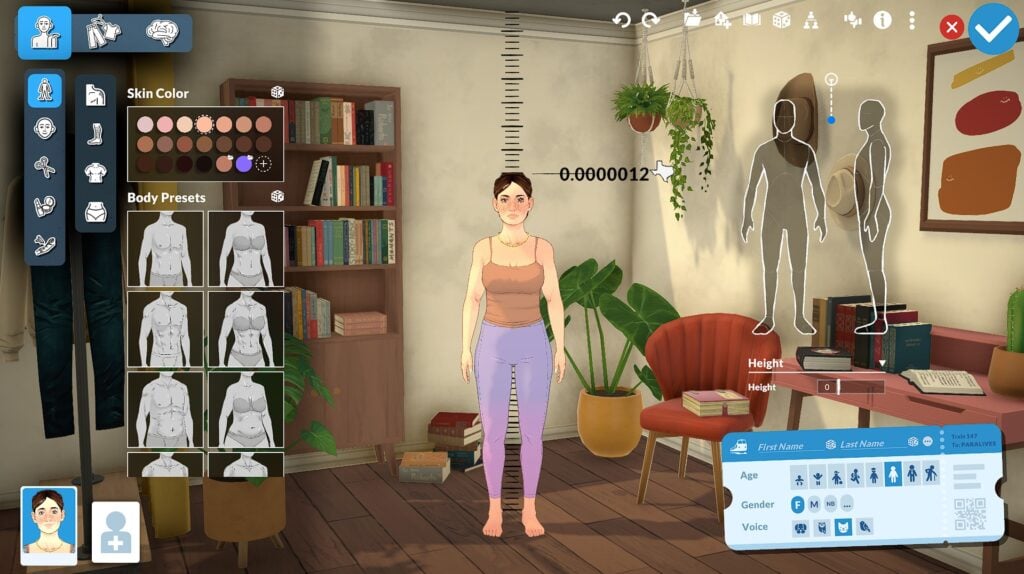
Terrain Painting

Just as the name suggests, the Terrain Painting tool allows players to color the ground using a variety of textures to create the exact atmosphere they want for their lot. One of the coolest features is that these textures use a 3D resolution system, meaning the terrain has real depth and detail instead of looking like flat 2D paint.

Houses You Can Build With The Build Mode Tool

Paralives’ Build Mode already offers an impressive amount of customization in its Early Access version. Almost every tool includes options to adjust height, width, thickness, colors, textures, and placement, giving players much more freedom than what we usually see in life simulation games. From curved walls and adjustable arches to customizable roofs, platforms, and resizable windows, every category encourages creativity and allows builders to create homes with completely different personalities and architectural styles.

What makes the system even more exciting is its future potential. Even at this stage, the amount of flexibility available already allows players to create highly unique and detailed houses, whether they prefer cozy suburban homes, realistic apartments, classical mansions, or experimental modern builds. Looking ahead, it’s easy to imagine how future additions like pools and new building tools could expand these possibilities even further. If the current level of customization is already this deep in Early Access, Paralives’ Build Mode has the potential to become one of the most creative and versatile building systems in the life simulation genre.


What do you think about this Build Mode? Are you excited to try all these tools and customization options by yourself? Don’t forget to check out more of our Paralives guides, news, and articles here at Sims Community for even more tips and coverage about the game’s Early Access journey.
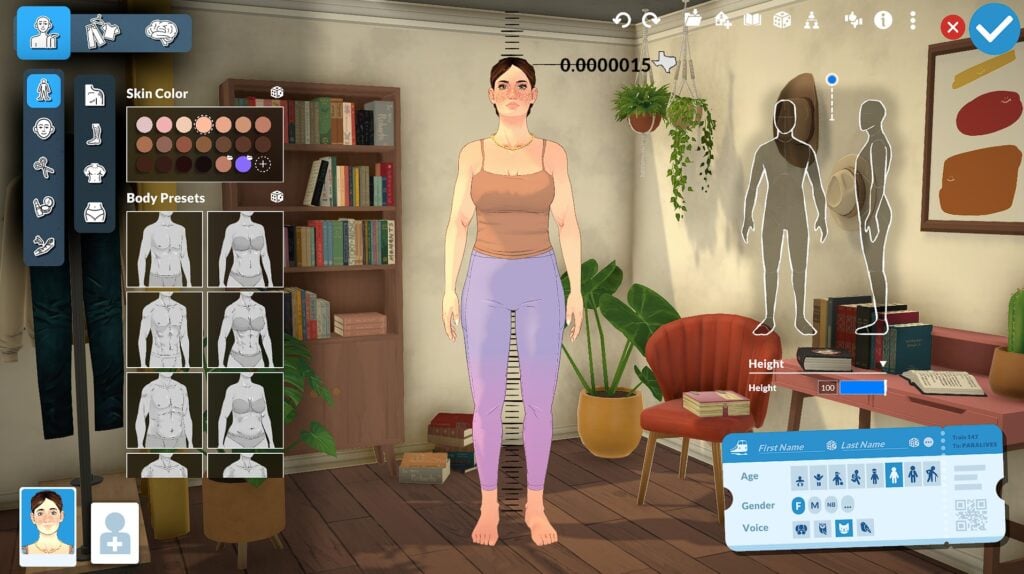
The Sims 4 Hotfix Patch Announced For Tomorrow

Console and PC / Mac Players – brace for small impact!

The Sims Direct Communications Team announced today that they’ll be dropping the new Sims 4 Hotfix Patch tomorrow. The May 21st Patch for The Sims 4 Base Game will resolve reported CAS issues, the eye dropper tool and controller scrolling issues.
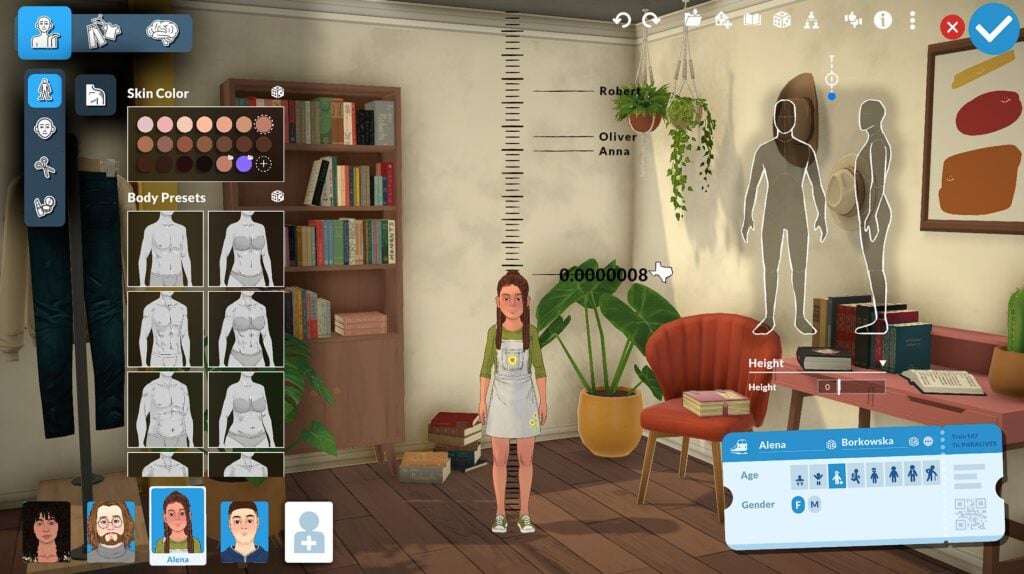
It took a bit to get there but it’s finally getting fixed for everyone tomorrow!

CONVERSATION 2

Simmers, We will release a small base game update tomorrow, May 21st to resolve the recently reported Create a Sim, eye dropper tool, and controller scrolling issues. Thank you for your patience and your EA Forums reports. Stay tuned for any further information.

Question: What about the cats and dogs bugs? Can you give us estimate on when it is going to be fixed. Thank you.

Direct Communications: Hey there, we are validating fixes for these issues as well and aiming to release them with an upcoming Base Game update, stay tuned here for more info on timing as we get more to share.

Source: The Sims Direct Communications on X

Stay tuned to the Sims Community website to be the first to know when the new Sims 4 Patch drops!

Paralives Cheats And How To Use Them

The Complete Paralives Cheats Guide

UPDATE: Paralives Official Cheats for the Early Access Release have been updated, with many cheats intended for developers being removed and others being properly implemented!

The current list of “cheats” is about 300 items long, but most of them might not make sense for regular players, and we either will remove them, hide them, or something else. We used cheat as tools during our development of the game, whenever a developer needed something that couldn’t be a full game mechanic, it was added as a cheat. Think about features like showing a graph of fat/muscle skin textures to see if there were any gaps in coverage, or printing the amount of assets loaded in the game to investigate memory issues. There are some cheats that will help players, like playing with money, Skill levels, or Needs, but we don’t automatically create cheats for every feature in the game. It might be possible that there is no cheat to get a specific job extra, or gain a specific Relationship label, etc. We’ll work on these more during early access based on what people request!

Jérémie, Paralives Programmer & Developer During Paralives Developer Weekly Chat Sept. 2025

The long-awaited upcoming Life Simulation Paralives does come with cheats for players to mess around with, which can be especially helpful for games in early access to allow players to easily get around small unforeseen bugs. This guide to Paralives Cheats will give you the complete list found in-game based on their assorted categories.

Since the game is still in early access, it is important to note that cheats can mess with the standard progression of gameplay very easily. By using cheats and console commands, make sure to be aware of what you are using or feel comfortable using them in a save without knowing exact consequences. Most cheats, if written incorrectly or requiring an additional command, have pop ups that will alert you to what they need. Some need selected objects or Paras, some need a prior cheat to be used, etc. However, there is no “advanced mode” like with testingcheats true in The Sims 4 or manually enabling cheats in InZOI. Cheats are always easily accessible by the player.
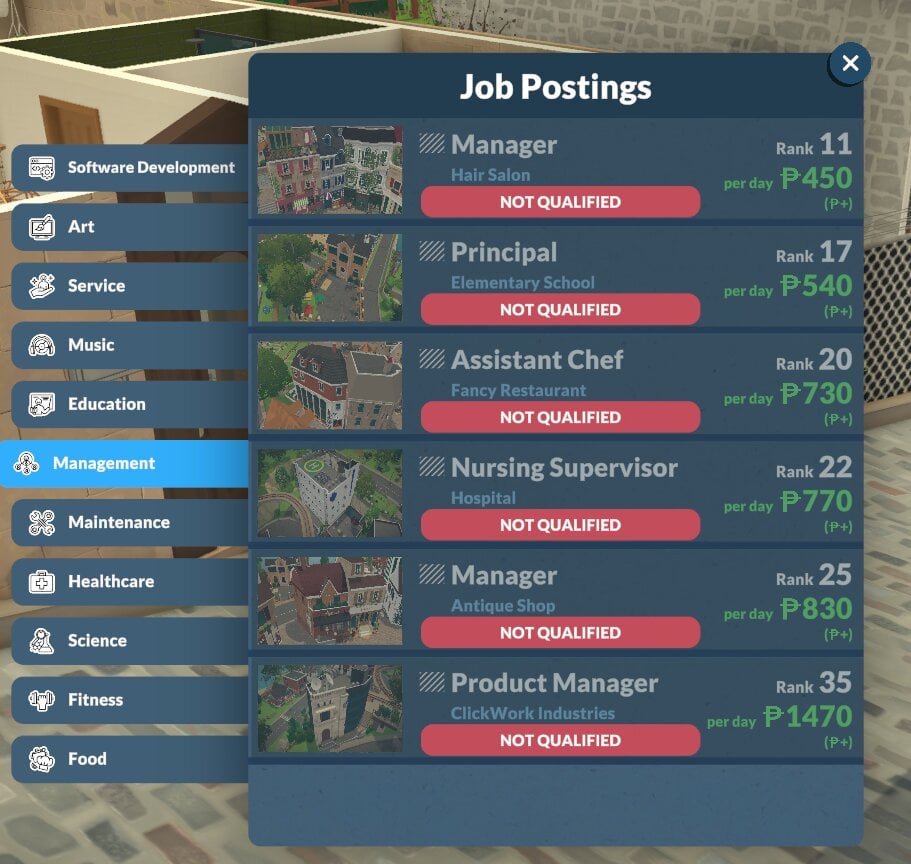
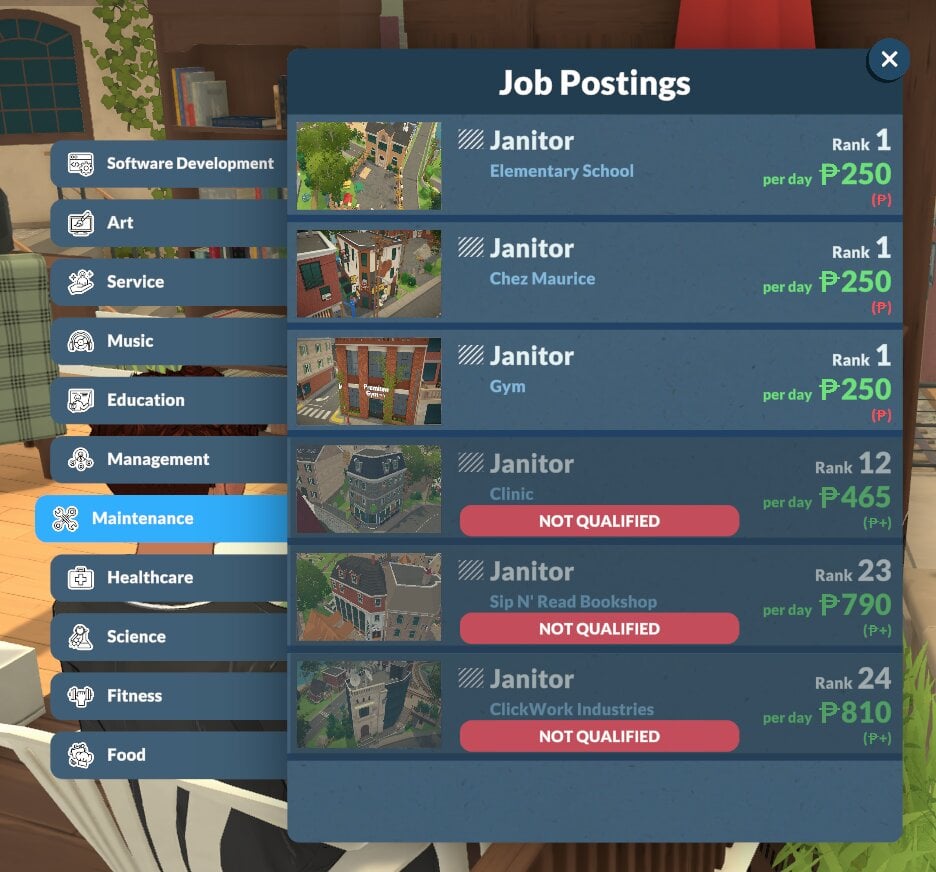
How To Access Paralives Cheats

paralives cheats

To access the command console, use Ctrl + Shift + C on Windows and Command + Global FN Key + F1 on macOS. This cheat console will initially be minimized on the top right corner, but you can click the small circle symbol to expand it to be longer or to take up the entire screen. As you type cheats in, the console will provide suggestions to assist you with entering commands.

Aging & Death

Cheat CommandDescriptionFormatting Example
NEXTLIFESTAGEMakes the selected Para age to the next life stage.N/A
PREVIOUSLIFESTAGEMakes the selected Para return to the previous life stage.N/A
NEXTGROWTHSPURTMakes the selected Para experience a growth spurt if they are a child, preteen, or teen.N/A
PREVIOUSGROWTHSPURTMakes the selected Para revert to the previous growth spurt if they are a child, preteen, or teen.N/A
KILLCHARACTERKills the selected Para.N/A
REVIVEALLSELECTEDCHARACTERSRevives all selected Paras.N/A

Build Mode

Cheat CommandDescriptionFormatting Example
TOGGLEEDITTOWNEnters the player into an unofficial mode, allowing them to edit the entire town including removing or adding lots. This may be replaced in the future by an official edit world mode.N/A
REPAIRALLITEMSRepairs all broken items in game.N/A
UNSPOILALLITEMSRemoves spoilage from all food items in game.N/A

Character

Cheat CommandDescriptionFormatting Example
EDITCHARACTEROpens the paramaker, all characters in the household can be freely edited.N/A
SHOWSTATUSEFFECTSLists all status effects/buffs that the current Para has.N/A
CLEARSTATUSEFFECTSClears all status effects/buffs on the current Para.N/A
CLEARSTATUSEFFECTSONALLCHARACTERSClears all status effects/buffs on all Parafolks.N/A
CLEARWANTCOOLDOWNSForces emotions to offer new wants immediately.N/A
COMPLETECURRENTWANTSCompletes all wants of a selected Para.N/A
GAINSTORYCARDGives a story card to the player.N/A
LEARNALLSKINSMakes the selected Para learn all skins of a specific category, like all recipes in the cooking skill.LEARNALLSKINS Recipes
ADDSELECTEDCHARACTERSTOHOUSEHOLDAdds any selected Para to the current household.N/A
CLEARALLONSELECTEDCHARACTERSMaces needs, removes wants, clears memories, clears emotions, removes interactions, and resets bills on the selected Para(s).N/A
CREATECHARACTERCreates a new Para based on the modelGUID or DisplayName from the control panel.CREATECHARACTER HumanAdult
KICKCURRENTHOUSEHOLDINTONEWHOUSEHOLDKicks selected Paras from the current household and puts them in a new household.N/A
KICKSELECTEDCHARACTERSFROMHOUSEHOLDKicks selected Paras from the current household but does not place them in a new household. This can cause bugs and errors.N/A
LEVELUPPERSONALITYLevels up the personality of the selected Para.N/A
LEVELUPSKILLLevels up a specific skill for the selected Para.LEVELUPSKILL Piano
PRINTAGEPrints the age of the selected Para.N/A
RESETPERSONALITYResets the personality level of a selected Para, reverting them to 1 and removing traits and upgrades.N/A
SETAGESets the age of the selected Para.SETAGE 18
SETSKILLLEVELSets a specific skill to a specific level.SETSKILLLEVEL Cooking 10
SHOWCHARACTERRELATIONSHIPSPrints a list of all relationships & relationship labels for the selected Para.N/A

Debug

Cheat CommandDescriptionFormatting Example
ALIASESShows a list of all Aliases.N/A
CLEARClears the cheat window.N/A
HELPShows a full list of all cheats.N/A
SCHEDULESchedules a cheat command to execute every frame, output will print on the top left of the screen.SHEDULE FPS (Will show the framerate of the game on screen)
STOPStops the scheduled cheat command.N/A
RESETMUSEUMDONATIONSClears all museum donations, allowing you to re-donate.N/A
UNSTUCKMoves the selected Para to a correct position if stuck.N/A
UNSTUCKALLMoves all Parafolks to a correct position if stuck.N/A
SHOWCURRENTCHARACTERGUIDShows the GUID/Unique Identifier of the selected character.N/A
CANCELALLCHARACTERINTERACTIONSCancels all interactions for Paras.N/A
CANCELALLHOUSEHOLDINTERACTIONSCancels all interactions for the current household.N/A
CANCELSELECTEDCHARACTERSINTERACTIONSCancels all interactions for the selected Para.N/A
DELETESELECTEDCHARACTERSINTERACTIONSDeletes all interactions in a selected Para’s queue.N/A
QUITTOMAINMENUQuits to the main menu.N/A
RAGEQUITForce closes the game.N/A
SAVESaves the game.N/A
ZIPSAVEFILEZips the current save file and pases it to the desktop.N/A

Fire

Cheat CommandDescriptionFormatting Example
EXTINGUISHALLFIRESWill extinguish all fires in game.N/A
EXTINGUISHSELECTEDCHARACTERSONFIREExtinguishes fire from a selected Para.N/A
SETITEMONFIRESets a selected item on fire.N/A
SETITEMSTATEChanges an item state. Item state values can be found in the control panel, under ItemStates.SETITEMSTATE ISON 1
SETSELECTEDCHARACTERSONFIRESets the selected Para on fire.N/A

Fun/Random

Cheat CommandDescriptionFormatting Example
BEARPrints an ASCII picture of a bearN/A
EIGHTBALLPrints a random magic eight ball resultN/A
HOTELPrints “Trivago”N/A
RANDOMIZEALLDEFORMATIONSRandomizes a Para, removing slider limits. Results will not be realistic/human-like/etc.N/A
SPINSpins a chance wheel based on an entered percentage, will print whether it is a win or loss.SPIN 50%

Jobs & School

Cheat CommandDescriptionFormatting Example
ADDVACATIONDAYAdds a vacation day for the selected Para.N/A
CLEARALLOCCUPATIONSQuits all occupations of a selected Para.N/A
ADDSTRIKETOOCCUPATIONSAdds one strike to all occupations of a selected Para.N/A
CLEARSTRIKESRemoves strikes of all occupations on a selected Para.N/A
ENDWORKDAYEnds the work day, giving the selected Para their daily salary and upgrade points if applicable.N/A
PRINTALLOCCUPATIONSPrints occupations of selected Para.N/A
PRINTALLPOSSIBLEEXTRASFOROCCUPATIONShows a list of all possible Occupation Perks for the current occupation of the selected Para.N/A

Money

Cheat CommandDescriptionFormatting Example
PIGGYBANKGives the household 1,000 Paradimes.N/A
MAKEITRAINGives the household 10,000 Paradimes.N/A
JACKPOTGives the household 50,000 Paradimes.N/A
LOTTERYGives the household a random amount between 1 and 100,000 Paradimes.N/A
PAYDAYGives an amount of money equal to the selected Para’s salary.N/A
PRINTMONEYGives a specified amount of money to the current household.PRINTMONEY 100
SETMONEYSets the funds of the selected household to the specified amount.SETMONEY 100
CLEARBILLSDeletes all pending bills of a current household.N/A

Needs

Cheat CommandDescriptionFormatting Example
CHANGENEEDIncreases a specific need of the selected Para to a specific value.CHANGENEED HYGIENE 3
DECAYNEEDDecreases a specific need of the selected Para to a specific value.DECAYNEED HUNGER 1
RELIEFALLNEEDSMaxes all needs of a selected Para.N/A
RELIEFALLNEEDSOFALLCHARACTERSMaxes all needs of all Paras in game.N/A
RELIEFNEEDMaxes one need of the selected Para.RELIEFNEED HUNGER
SETNEEDSets one need of the selected Para to a specific value.SETNEED HYGIENE 2
SHOWNEEDSShows all needs and their values of the selected Para.N/A

Newspaper & Mail

Cheat CommandDescriptionFormatting Example
DELETEALLNEWSPAPERISSUESDeletes all newspaper issues.N/A
GENERATENEWSPAPERGenerates a new issue of the newspaper.N/A
GENERATEMAILSends mail queued for the household.N/A
RESETMAILBOXRemoves all mail from the mailbox.N/A

Performance

Cheat CommandDescriptionFormatting Example
BENCHMARKFPSStarts a 15 second FPS benchmark.N/A
CAPFPSCaps the FPS at the entered value.CAPFPS 144
FPSPrints the current FPS.N/A
FULLSCREENSets the game to full screen mode.N/A
RESOLUTIONPrints the current resolution.N/A
SETRESOLUTIONChanges the screen resolution to the selected value.SETRESOLUTION 2560X1440
SHADOWDISTANCEPrints the current shadow rendering distance.N/A
STARTTOWNBENCHMARKSTORYBOARDRuns a benchmark storyboard to test town performance.N/A
VYSYNCCan set the amount of Vysnc passes the game currently uses.N/A
WINDOWEDSets the game to Windowed Mode.N/A

Pregnancy

Cheat CommandDescriptionFormatting Example
GETPREGNANTMakes a selected Para pregnant.N/A
GIVEBIRTHIf the selected Para is pregnant, immediately makes them give birth.N/A
MAKEBABIESMakes two selected Paras have a baby together, impregnates the Para who can carry pregnancies.N/A
PREGNANTSTATUSDisplays the status of a pregnancy if the selected Para is pregnant.N/A

Time

Cheat CommandDescriptionFormatting Example
ADVANCEDAYAdvances time by 24 hours/1 day.N/A
ADVANCEHOURAdvances time by 1 hour.N/A
SETHOURChanges the current time of day to the specific time.SETHOUR 12
SKIPTO5MINUTESBEFOREWORKAdvances time to five minutes before work of the selected Para.N/A

The “HELP” Cheat

The “HELP” cheat will print a list of all cheats available in the current version of the game. This may look different after the Early Access release on May 25th. These cheats will be separated by general category and will be easy to scroll back and reference, or find cheats for specific purposes.


What gameplay features are you most excited for in Paralives? Make sure to keep up with The Sims Community and we will keep you in the loop on all the upcoming news surrounding Paralives Early Access release on May 25th, 2026!