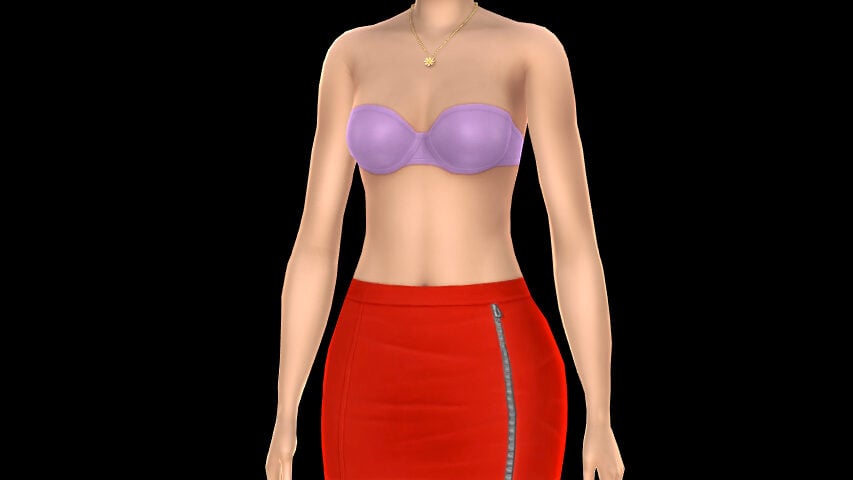
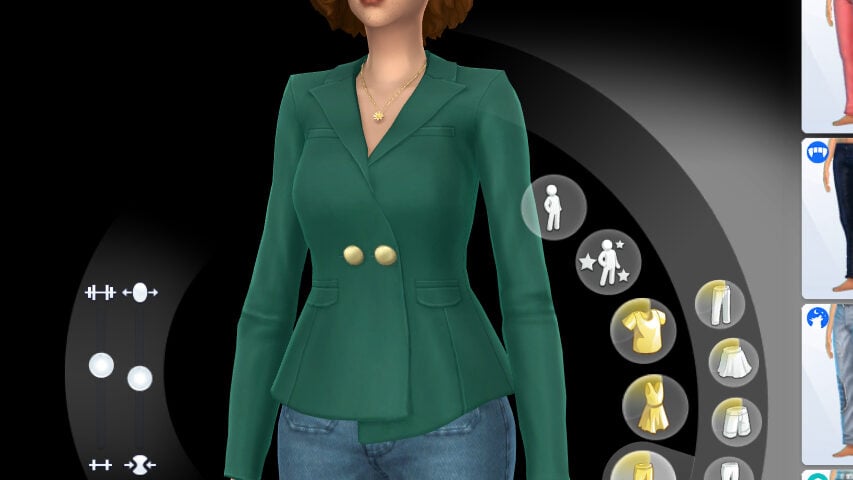
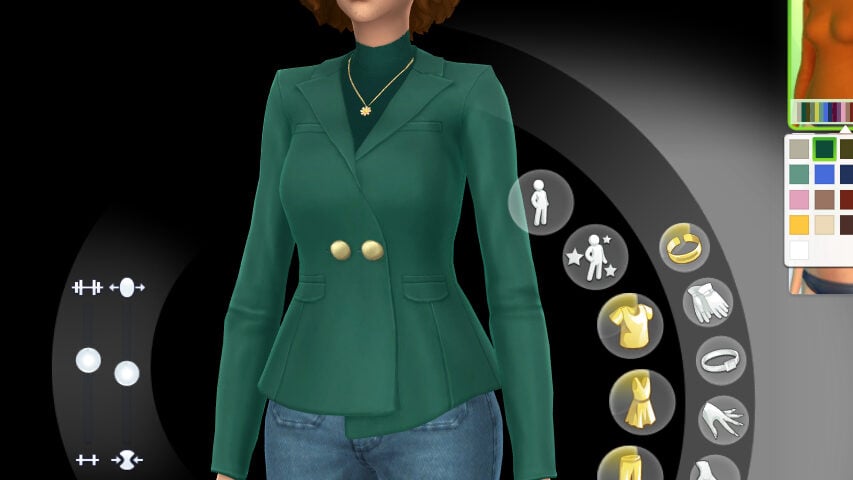
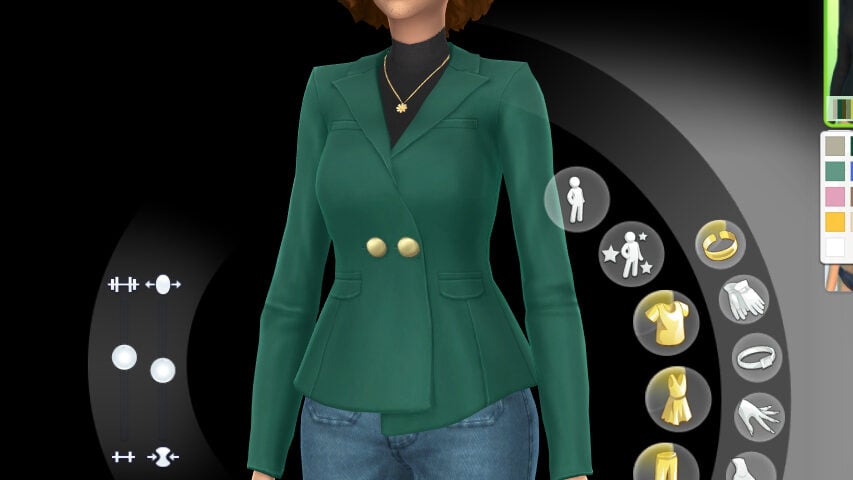
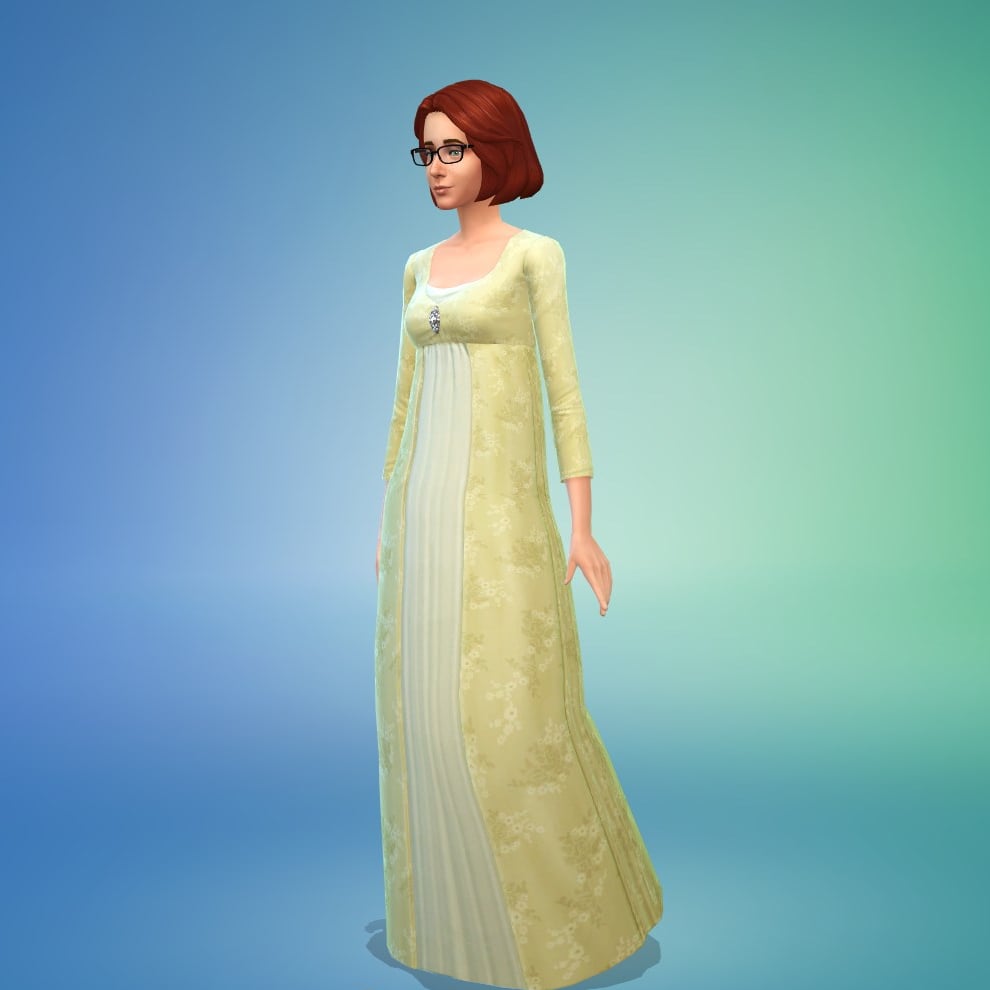
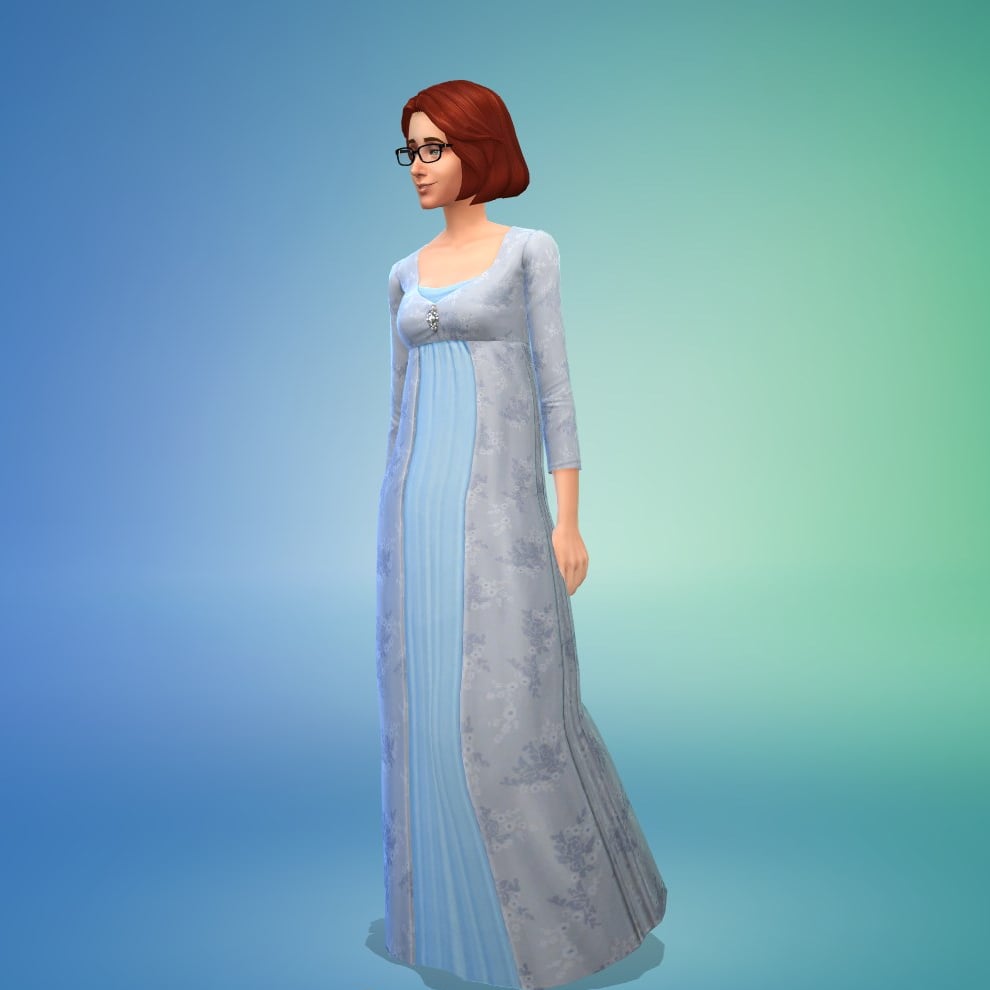
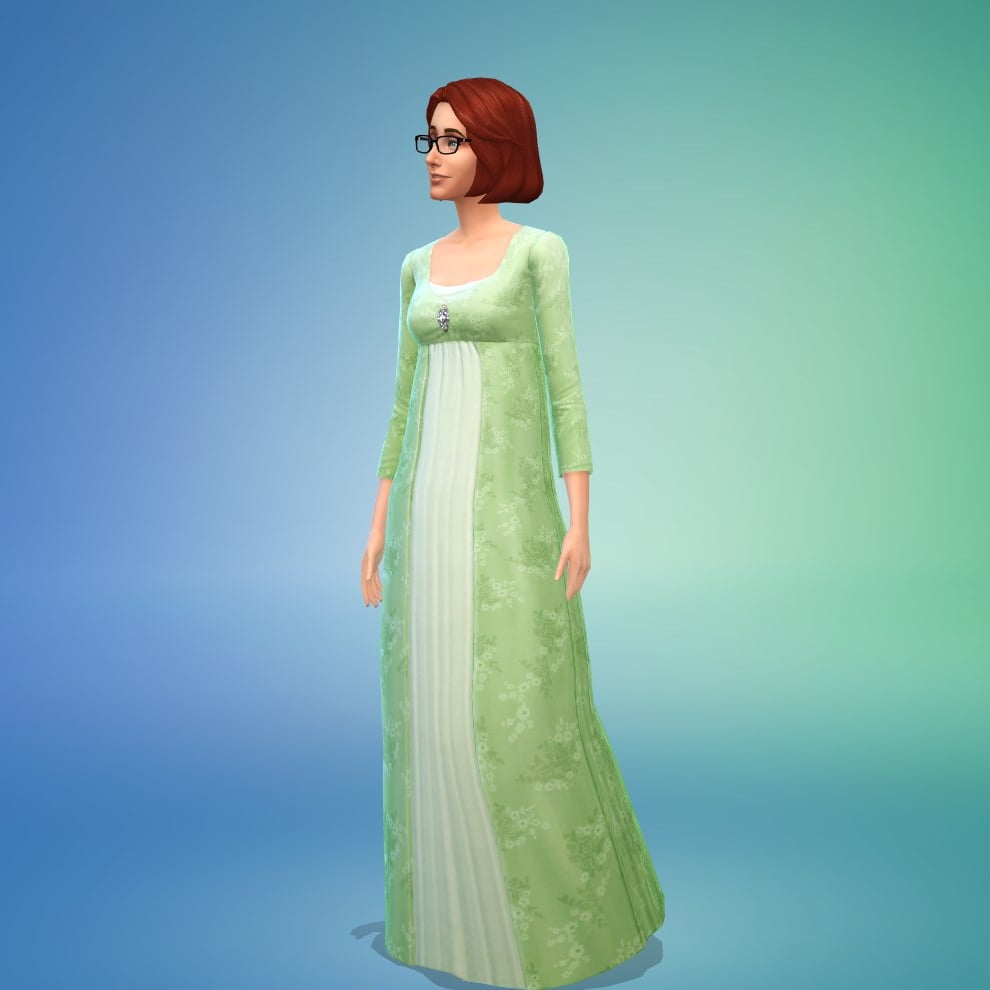
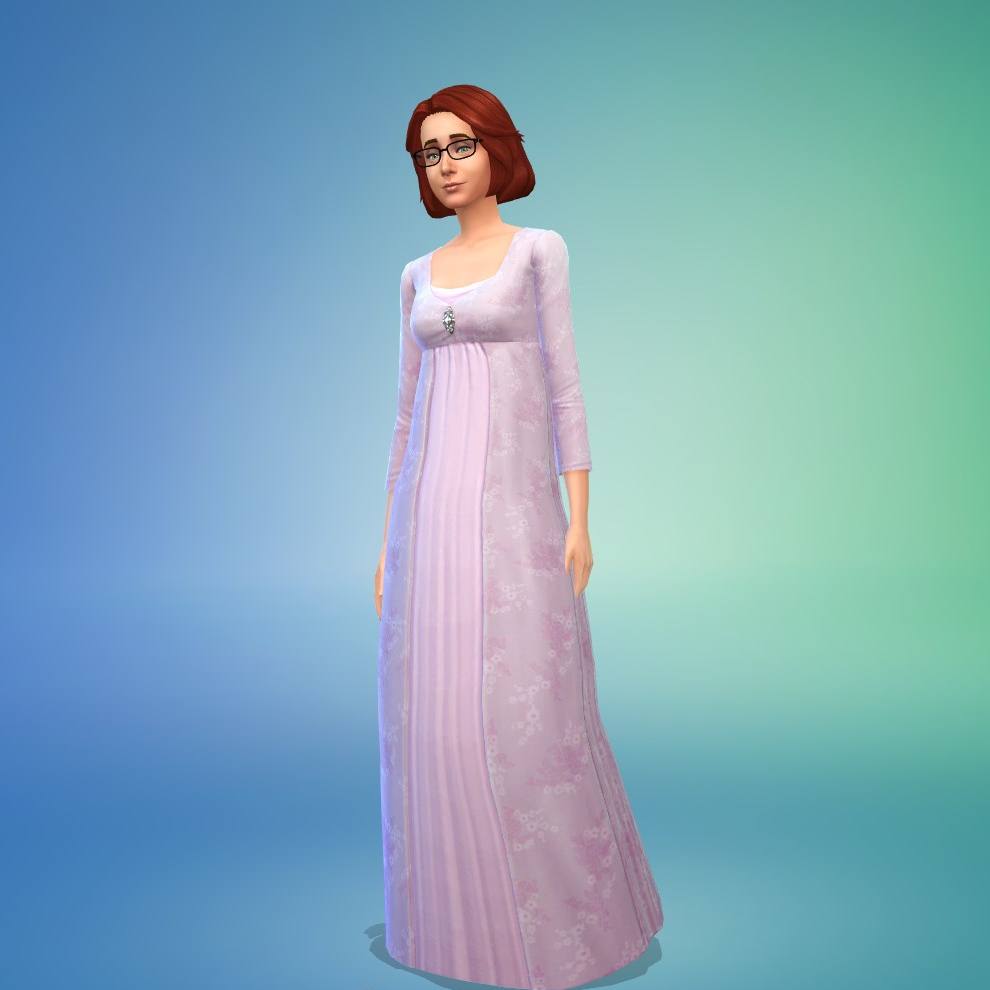
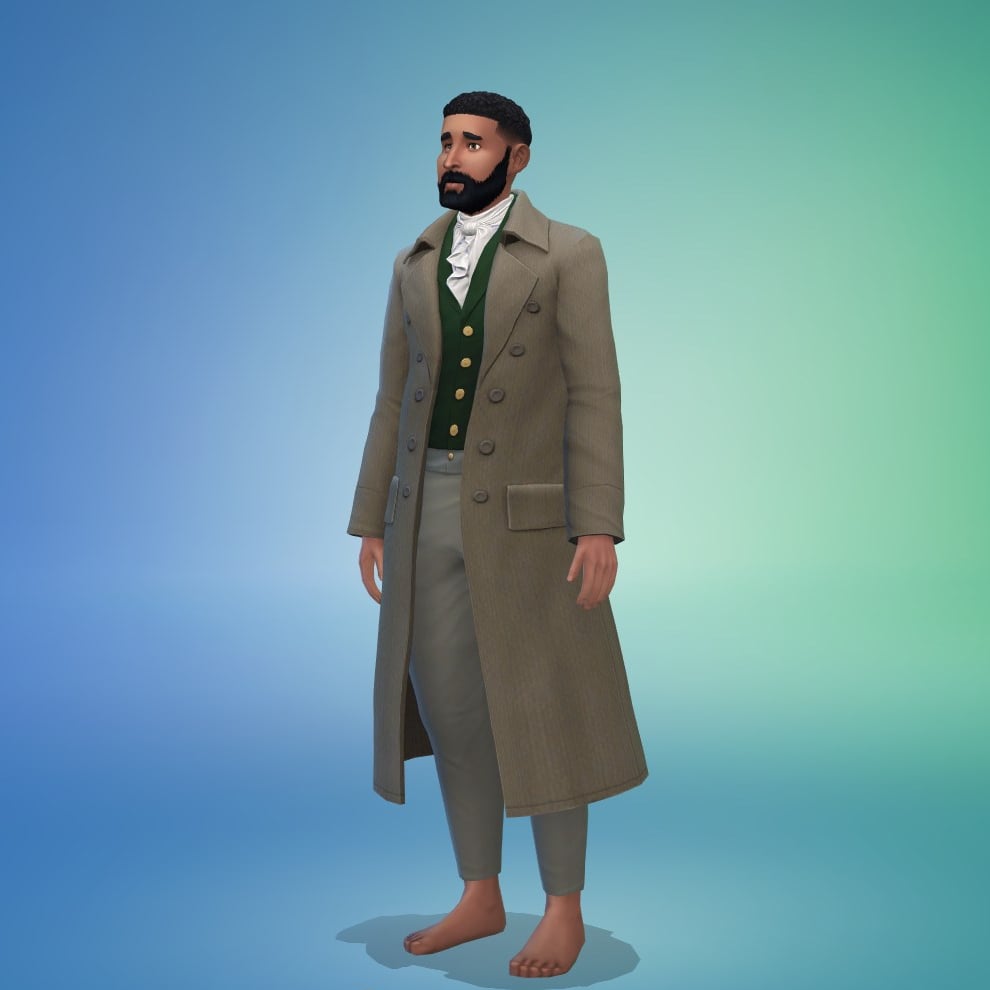
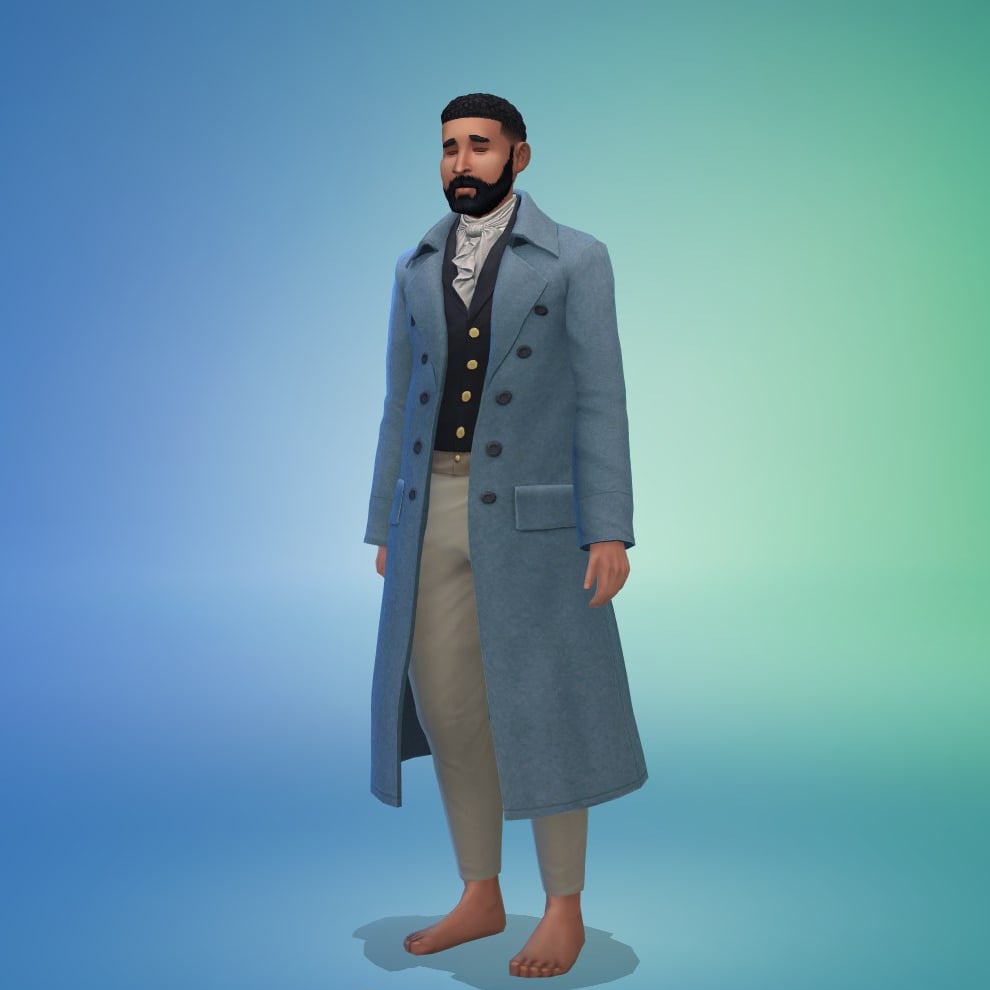
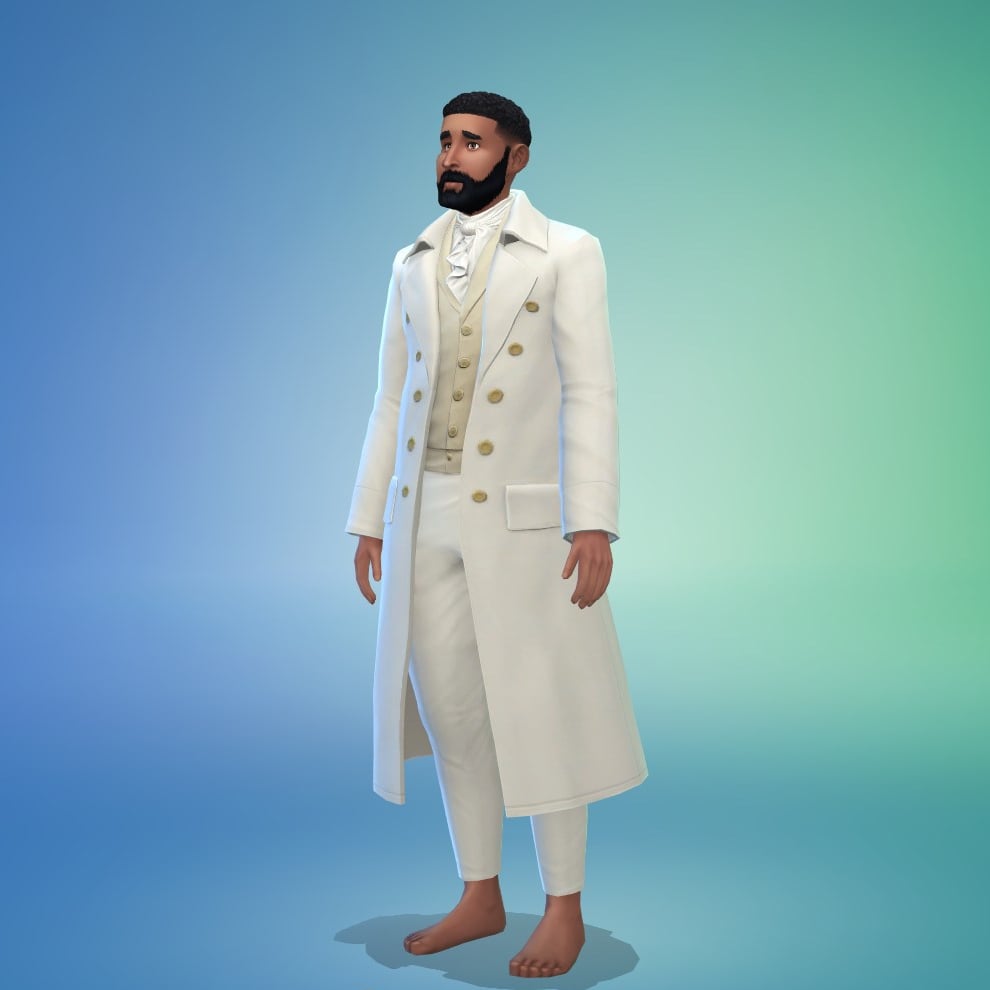
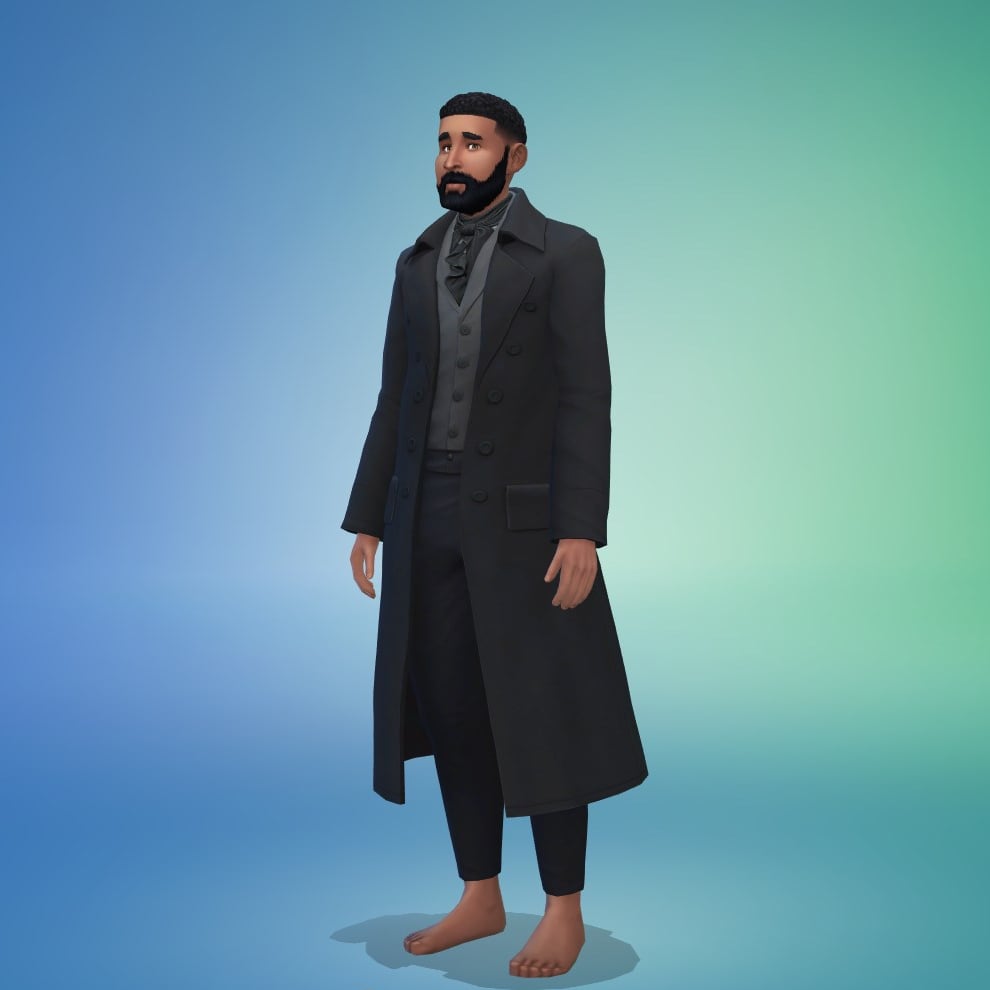
Read on for EVERYTHING You Need to Know for Paralives Release into Early Access!
Almost seven years after Paralives initial announcement in 2019, and after when development started to ramp up in 2020 and onward, Paralives’ Release into early access is on the horizon! The new life simulation game will be in early access, so not entirely complete, but the team’s transparency has given us an idea of what to expect on Thursday!
Table of Contents
When Does Paralives Release?
Paralives will release on Steam on Monday, May 25th. The Paralives Studio team confirmed that the game will release at 10:00AM EST/5:00PM EET/2:00PM UTC.
Further Release Information
The game, like most indie games, will be a digital only release. It cannot be preordered, but is listed on Steam and can be added to your Steam Wish List prior to release. The game will be priced at $39.99 USD, with the Paralives Studio team planning on giving free content updates and expansion throughout the early access period.
The team confirmed also later in the Post-Release Roadmap reveal that there will be a special 10% off launch discount on Steam. Meaning that you’ll be able to purchase Paralives (Early Access) for $35.99USD – or equivalent to your local currency. Steam’s regional pricing will be activated for this offer!
Paralives Early Access Confirmed Features on Day One!
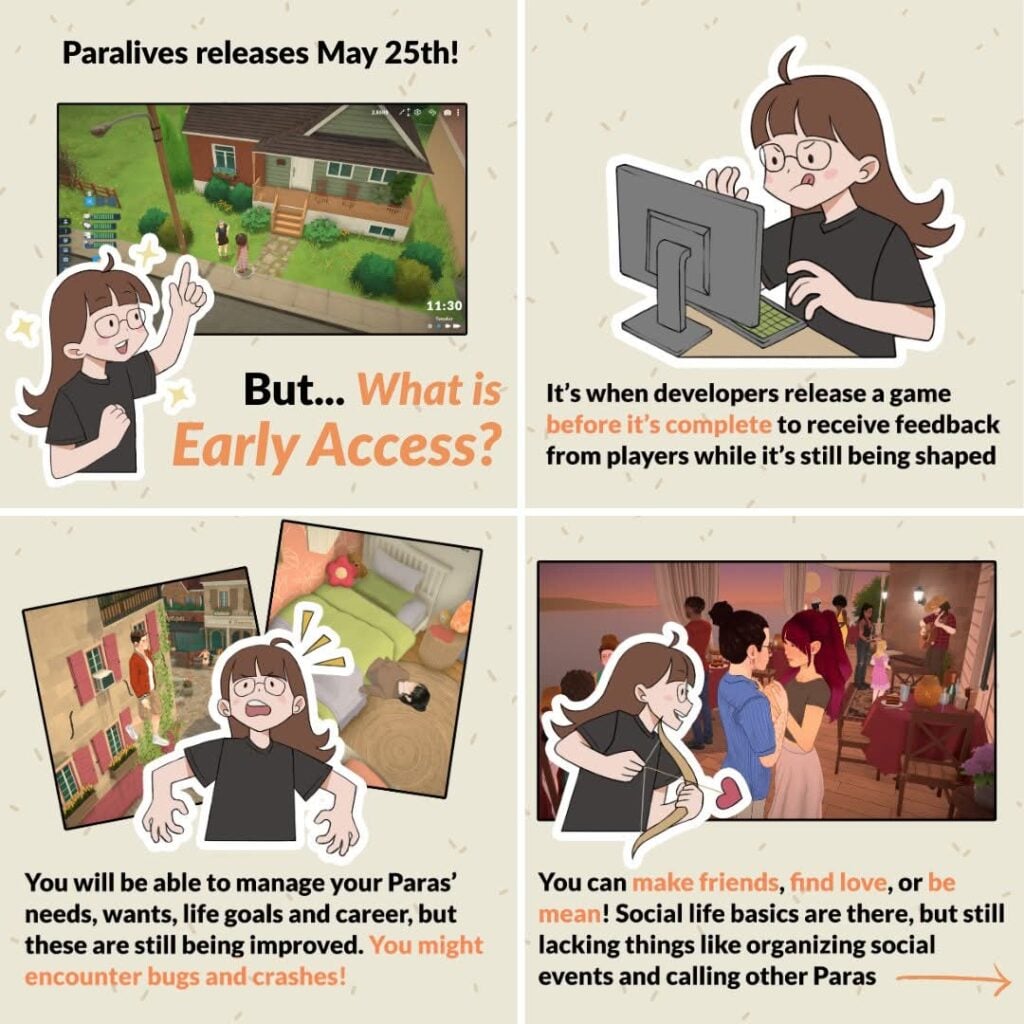
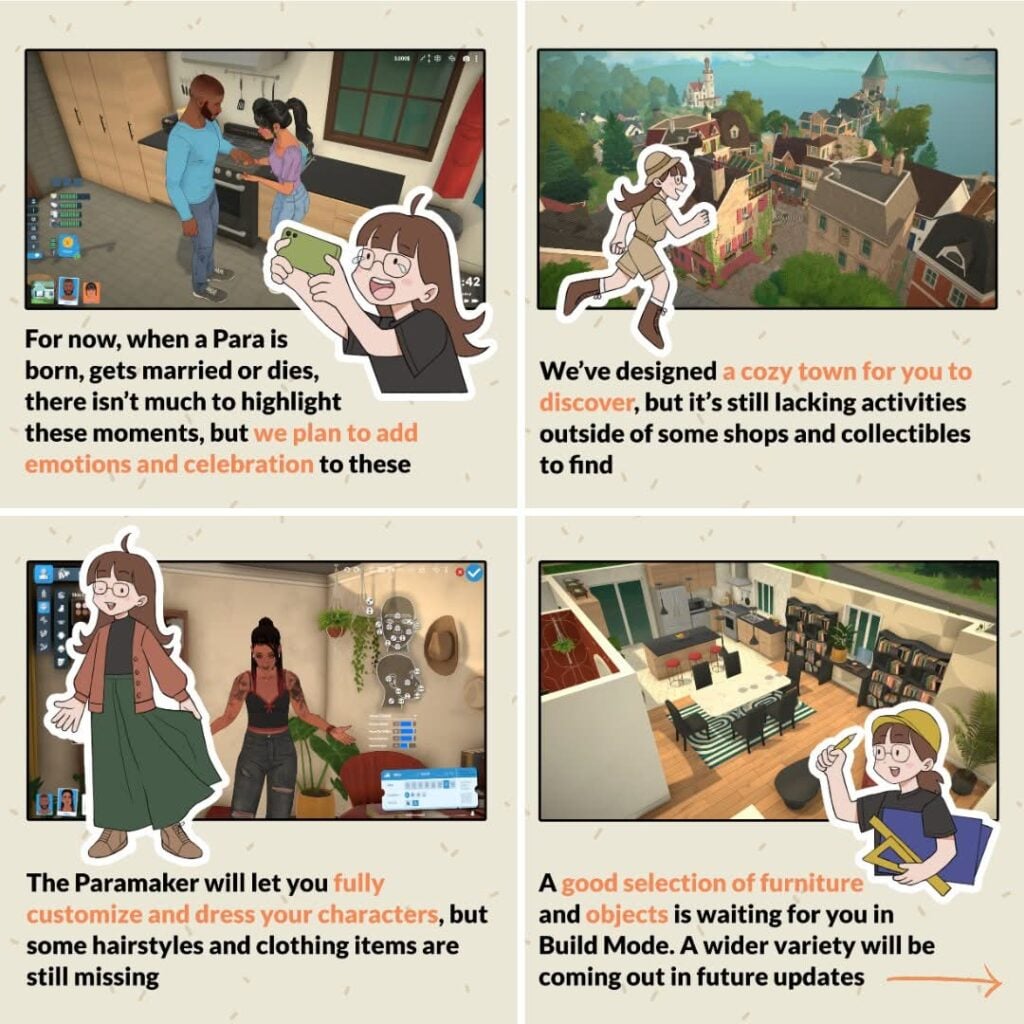
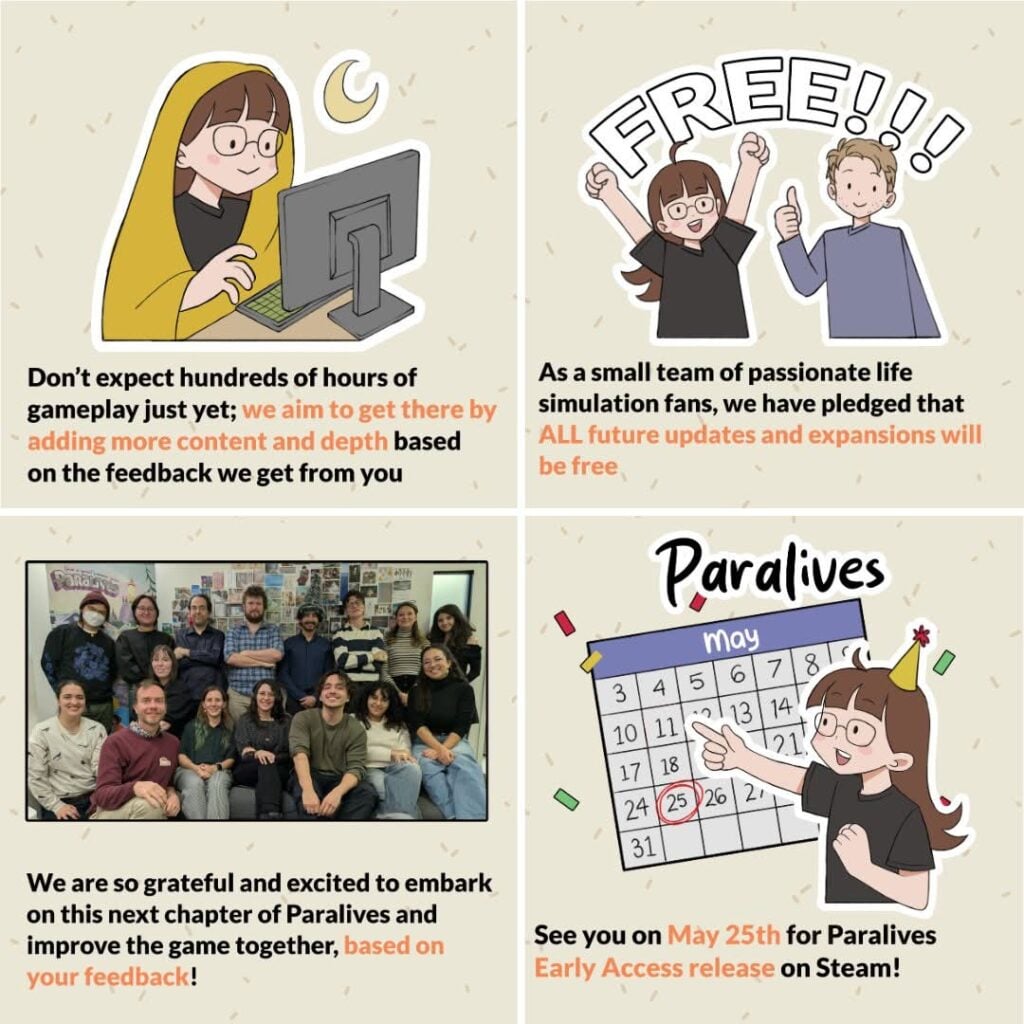
The Paralives team, to properly set expectations, has re-released a set of graphics to explain early access periods to a large audience and to make sure everyone is on the same page when it comes to the game coming out and what will be present in it. While not everything will be in the game upon release, there is tons of partially developed and teased features that will be added in free updates, likely in the near future!
Paramaker
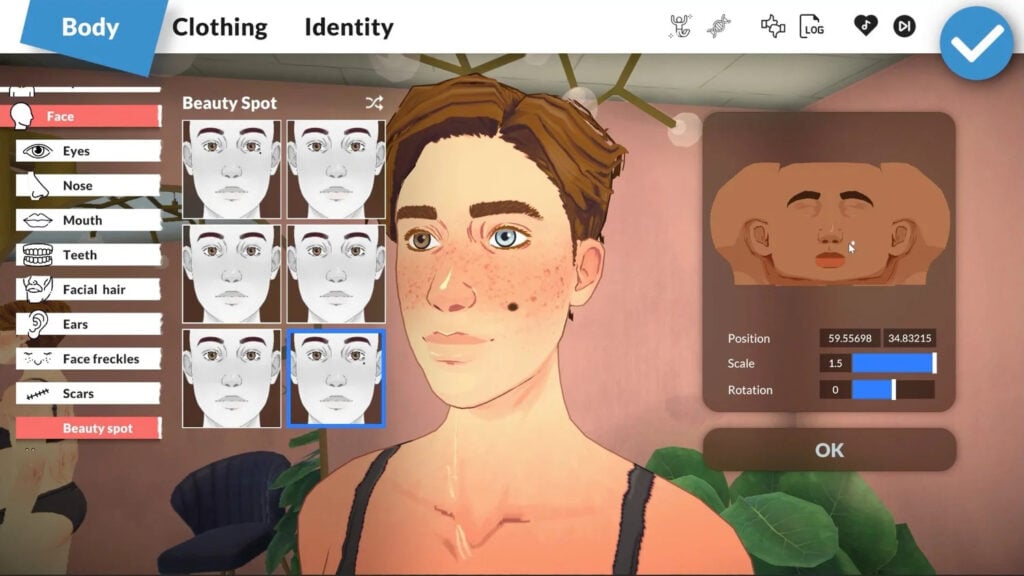
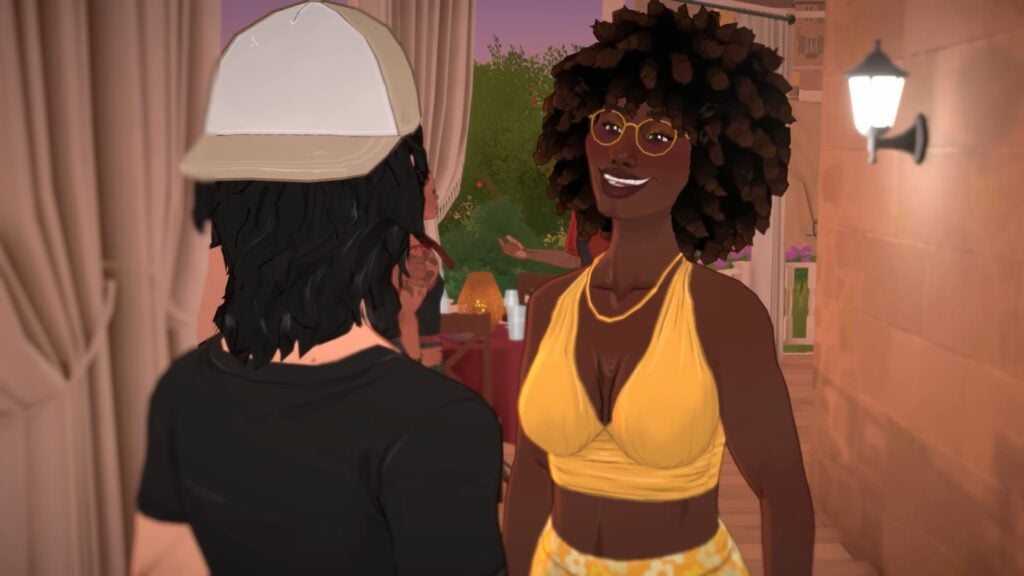
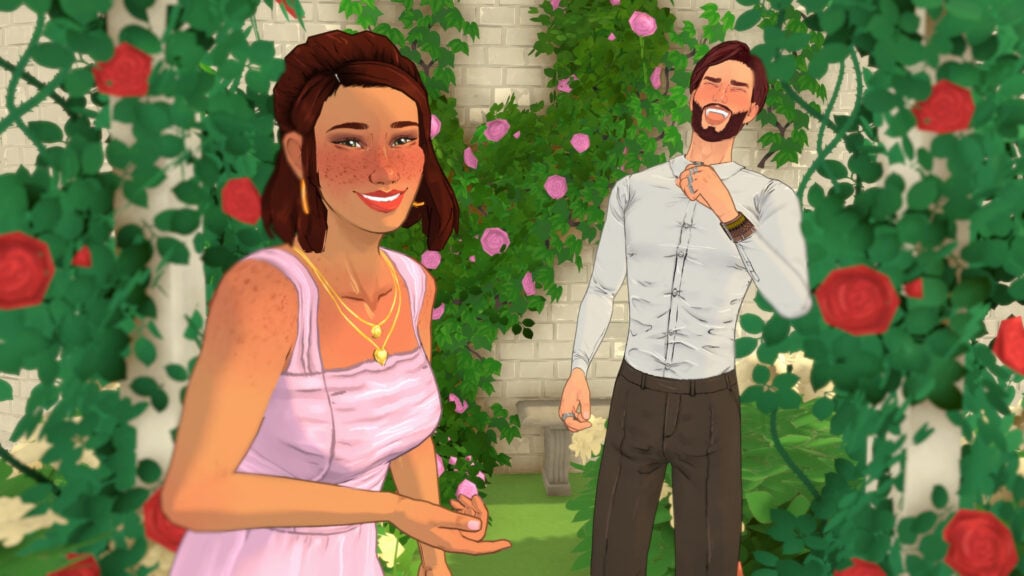
Starting with creating your own little Paras to set off into the little seaside town available in the Early Access release of Paralives, multiple exciting features have been confirmed for as soon as early access becomes available. Significant features you will see on day one…
Color Wheel for everything in the Paramaker
Varying body types with height, face, and body sliders
Layering system, so jackets and undershirts will be interchangeable
A genetics system that will be updated later on for more advanced tools
Asymmetry! Heterochromia, mismatched socks, etc.
Live Mode
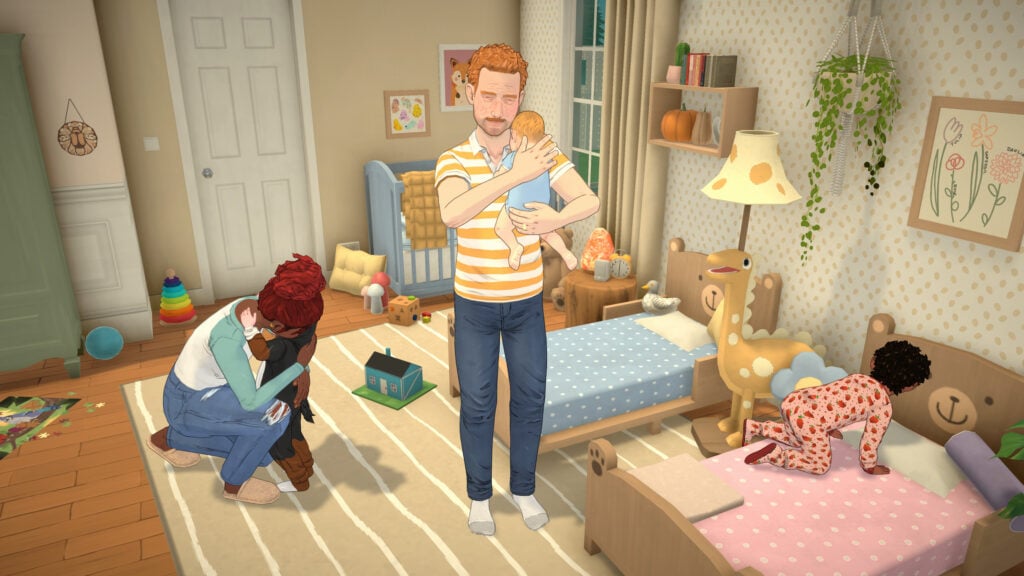
Paralives Live mode has been shown to us to a certain extent in livestreams and video clips, but there are some fun and exciting systems to expect on day one! The basic structure of a life simulation game will be there, including freedom, autonomy, progression in skills/jobs, etc. Your Paralives will not be completely free to chase their ambitions, though. You can expect all the not so fun parts of life as well! Bills, declining needs/motives, bills, death, etc.
Build Mode
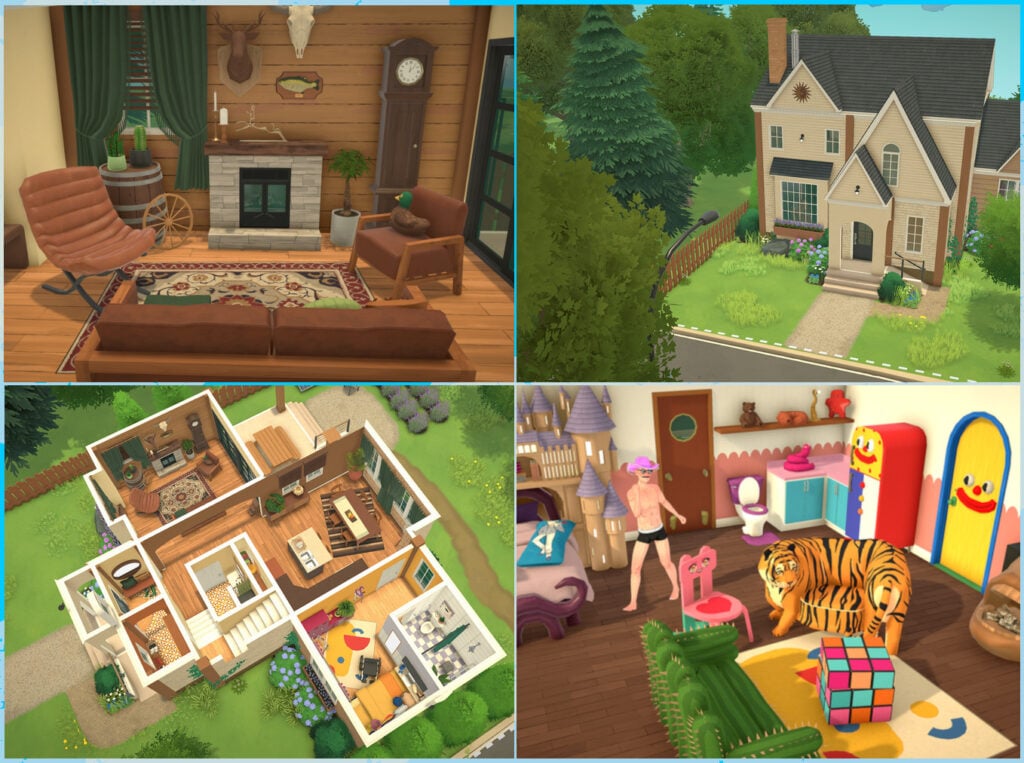
Build mode is one of Paralives biggest cornerstones of gameplay, with early development videos and promotional material including how unrestricted build mode is intended to be. Free placement of items, an optional grid system, split-level platforms, multistory homes, curved and variously angled walls, and of course, color wheels! This mode is likely to be decently fun to explore in the beginning, but will become more and more expansive as the game progresses.
Release Time & Countdown
Per the Paralives studio team, Paralives will release on Steam at 10:00AM EST/5:00PM EET/2:00PM UTC on May 25th, 2026. That’s 4PM CET / 3PM BT / 7AM PT. To make things easy for everyone we’ve included a handy countdown below. Letting you know that as soon as the timer hits zero you’ll be able to download and play with Paralives Early Access!
Paralives is coming to Steam on May 25th, 2026 for both Windows and macOS. It will retail for $39.99 USD. Do you plan to get it once it comes out? Let us know in this fun (and unofficial) early access release poll!
[totalpoll id=”205986″]
Are you excited for the release of Paralives? Will you be grabbing as soon as it is in early access, or are there features you want implemented before you commit to purchasing it? Let us know! Make sure to keep up with The Sims Community, and we’ll make sure to keep you up to date with everything Life Simulation games!
EA is interested in preparing The Sims Wiki to help highlight upcoming Sims releases.
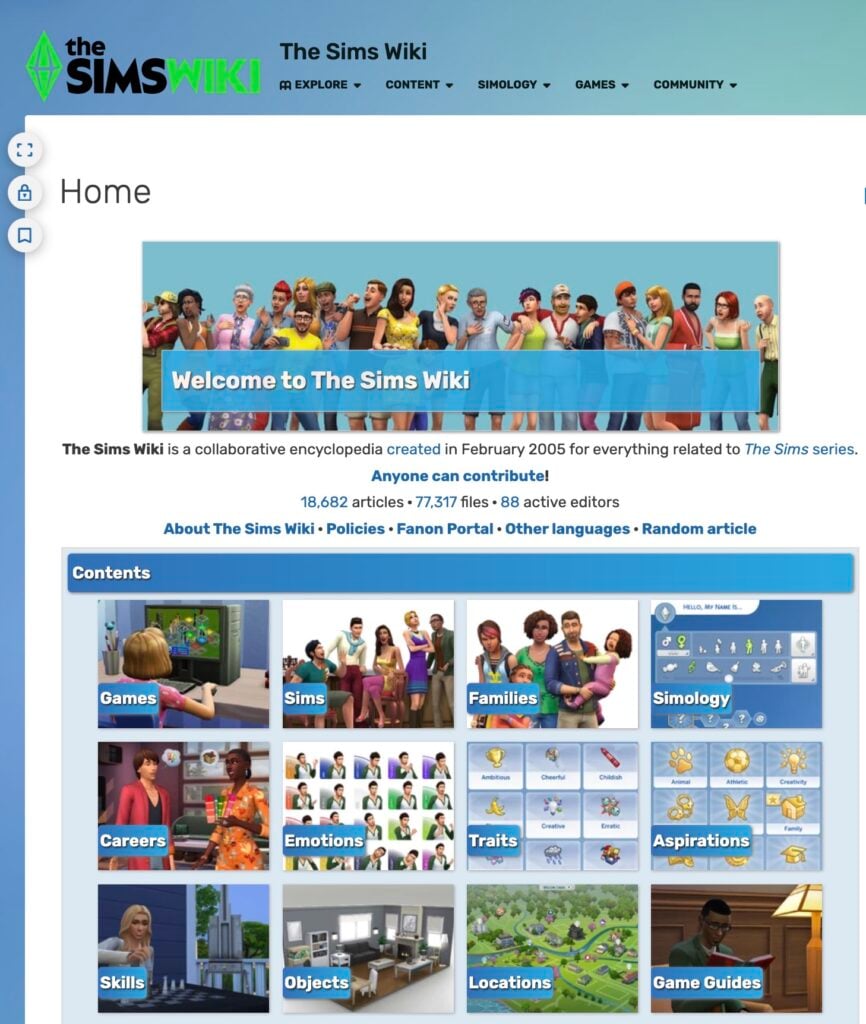
The Sims Wiki has been one of the longest running fansites within The Sims community. Operating with multiple authors through an open source project that’s powered by FANDOM – this source keeps very good track of all the fun facts, tips and information the old fashioned way. With proper credits, linkbacks and proper structuring, it makes for one of the strongest web projects for The Sims.
EA saw the potential they have and want to become a part of it! In a new email tip sent to us this morning, we discovered that Electronic Arts reached out to FANDOM Community Managers. Looking to get the word out on the new revamp project they’re trying to propose to The Sims Wiki editors.
Table of Contents
Here’s what the mail states:
SC Email Tip
a FANDOM community manager contacted the wiki on the public admin notice board proposing an “Official Sims Collaboration Opportunity” for the wiki, which would involve a redesign (snore) that’s not the best bit, a few days after they left messages on a few of the user: talk pages for some of the admins regarding for a potentially “Connecting with the Sims team at EA”.
The Sims Wiki has been around for a very long time, i edit there on occasion and discuss stuff about the wiki on the discord server for it and it looks as though EA, after like 15 years of the wiki existing, has decided to take interest into it. Not much has happened though.
We went in to check out the two provided links the source has sent us. It includes two discussion boards through The Sims Wiki, where a Community Manager has sent a public announcement to The Sims Wiki team. All with another message that confirms this was all done in collaboration with EA representatives.
Read the full messages below:
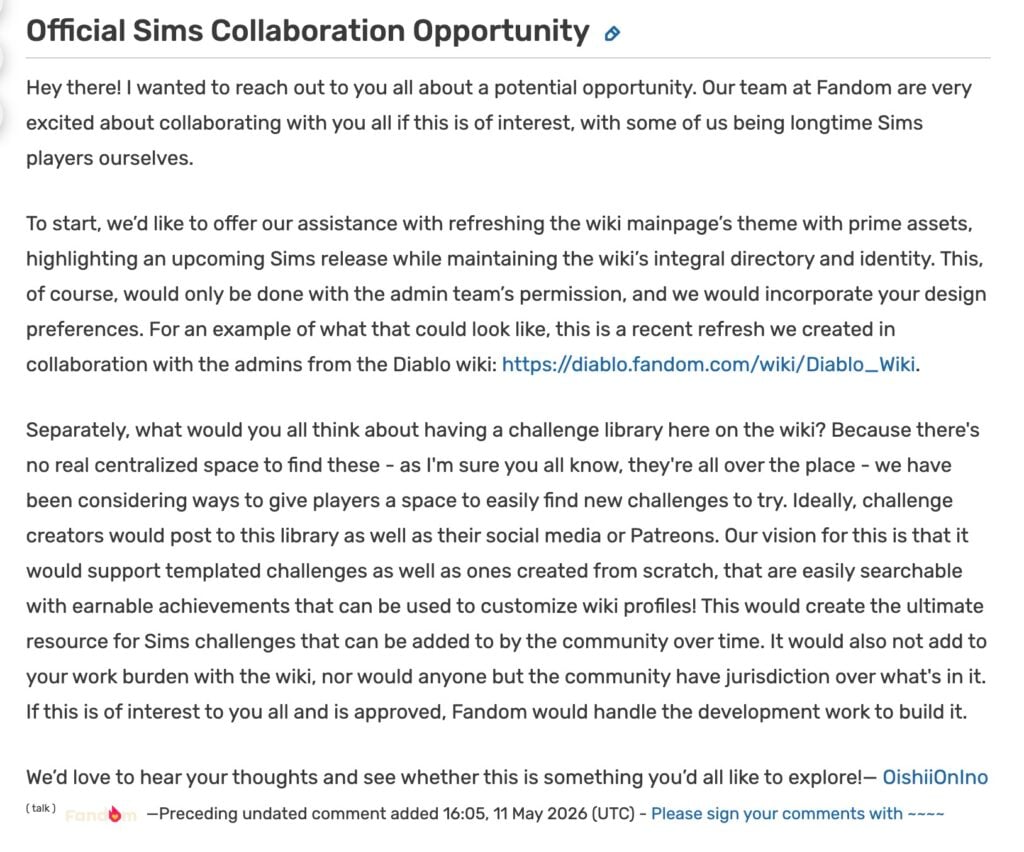
Official Sims Collaboration Opportunity Message
Hey there! I wanted to reach out to you all about a potential opportunity. Our team at Fandom are very excited about collaborating with you all if this is of interest, with some of us being longtime Sims players ourselves.
To start, we’d like to offer our assistance with refreshing the wiki mainpage’s theme with prime assets, highlighting an upcoming Sims release while maintaining the wiki’s integral directory and identity. This, of course, would only be done with the admin team’s permission, and we would incorporate your design preferences. For an example of what that could look like, this is a recent refresh we created in collaboration with the admins from the Diablo wiki: https://diablo.fandom.com/wiki/Diablo_Wiki.
Separately, what would you all think about having a challenge library here on the wiki? Because there’s no real centralized space to find these – as I’m sure you all know, they’re all over the place – we have been considering ways to give players a space to easily find new challenges to try. Ideally, challenge creators would post to this library as well as their social media or Patreons. Our vision for this is that it would support templated challenges as well as ones created from scratch, that are easily searchable with earnable achievements that can be used to customize wiki profiles! This would create the ultimate resource for Sims challenges that can be added to by the community over time. It would also not add to your work burden with the wiki, nor would anyone but the community have jurisdiction over what’s in it. If this is of interest to you all and is approved, Fandom would handle the development work to build it.
We’d love to hear your thoughts and see whether this is something you’d all like to explore!
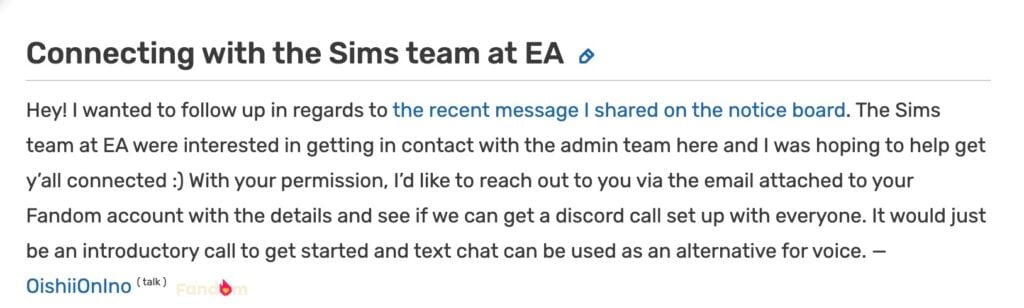
Hey! I wanted to follow up in regards to the recent message I shared on the notice board. The Sims team at EA were interested in getting in contact with the admin team here and I was hoping to help get y’all connected 🙂 With your permission, I’d like to reach out to you via the email attached to your Fandom account with the details and see if we can get a discord call set up with everyone. It would just be an introductory call to get started and text chat can be used as an alternative for voice.
EA seems to be very interested in the idea of giving “prime” assets and material to The Sims Wiki admins to help highlight “an upcoming Sims release while maintaining the wiki’s integral directory and identity”. This could either mean giving more assets and material to help support microtransaction content releases like The Sims 4 Maker Packs and / or The Sims 4 Kits. Or, they’re interested in helping prepare 3rd party sources for a new The Sims project. Both are speculations so take it all with a grain of salt! In the end, it could just end up being a web template refresh with the latest game branding. (Although The Sims Wiki looks up-to-date to us in terms of matching the current brand identity)
Next, EA wants to create a centralized “Sims 4 Challenges Hub” through FANDOM’s platform and become “the ultimate source for Sims challenges”. These type of projects for The Sims 4 Challenges have existed long before in shapes of many Sims forum sites, dedicated fansite pages and recently even mod releases. EA’s magic touch to it would be giving a unique achievement .png to The Sims Wiki’s user dashboard.
It appears that just like with The Sims 4 Marketplace and The Maker Suite for Makers, certain creators are getting asset packs and dedicated web developers to help compete with the current selection of user generated hubs and website.
Will it succeed or fail? Does this hint towards something big for the future of The Sims Franchise or is it just another collaboration just like with Curseforge? Time will tell! As the original email tip stated, it’s interesting how this move was made 15 years after The Sims Wiki first launched. If it turns out it’s nothing much it’ll still be one of the rare cases where a gaming company recognized a Wiki source.
Until more news surface on this topic stay tuned to Sims Community and be the first to know about upcoming official collaborations and community-made projects!
Just when we thought that The Sims 4 was taking a we’re transported back into the Regency Era with the introduction of the newest collaboration between The Sims 4 and the Netflix Original Series; ‘Bridgerton’! Lady Bridgerton’s Masquerade Ball Login Event began on May the 12th and has already presented a variety of intriguing favors for any and all ladies, lords, or lordems wishing to partake.
Said event ties into the release of The Sims 4: Lady Bridgerton’s Masquerade Ball Fashion Kit; one of the two kit’s being released in tandem with the the current event. Both of which, of course, being themed around the aforementioned ‘Bridgerton’ series in all it’s historical goodness.
Let’s party like it’s 1799!
The Sims 4 Lady Bridgerton’s Masquerade Ball Fashion Kit will be bundled with it’s sibling, The Sims 4 Masquerade Ballroom Kit, as part of the aptly named Lady Bridgerton’s Masquerade Ball Bundle. This bundle will allow you to purchase both kits (along with a small variety of bonus items) for $10 USD until August 14th, 2026. After which you’ll be able to purchase both kits, separately, and without the additional items, for $7 USD.
The Sims 4 Lady Bridgerton’s Masquerade Ball Fashion Kit Review: Belle of the Ball
Nonetheless, let’s dive into the newest The Sims 4 collaboration kit; whether you’re a diehard ‘Bridgerton’ stan excited to be the talk of the ton, or an enjoyer of historically-adjacent play, we’ll see if this kit is worth a name on your dance card, or, a less than polite dismissal with the wave of your fan.
(Get it…because one of the items in the event is a usable fan……and fan code for romance in the Regency Era was a thing…no? Oh, well, nevermind…sigh…)
Table of Contents
Lady Bridgerton’s Masquerade Ball Fashion Kit – Official Description
The pack information declares, as such;
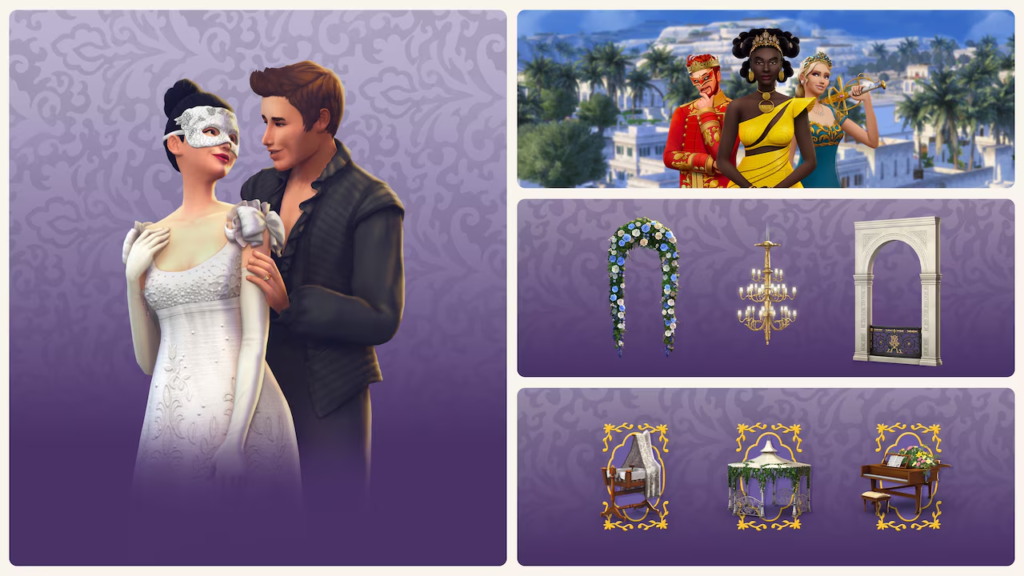
Lady Bridgerton’s Masquerade Ball Fashion Kit – Official Image
A Most Fashionable Affair
One cannot attend a masquerade without the proper attire, for appearances are everything.
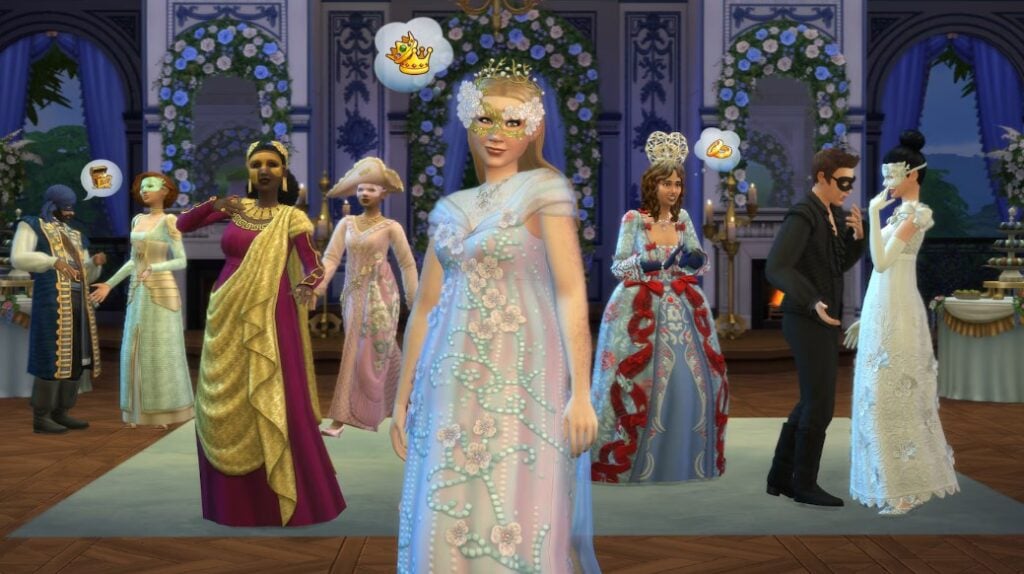
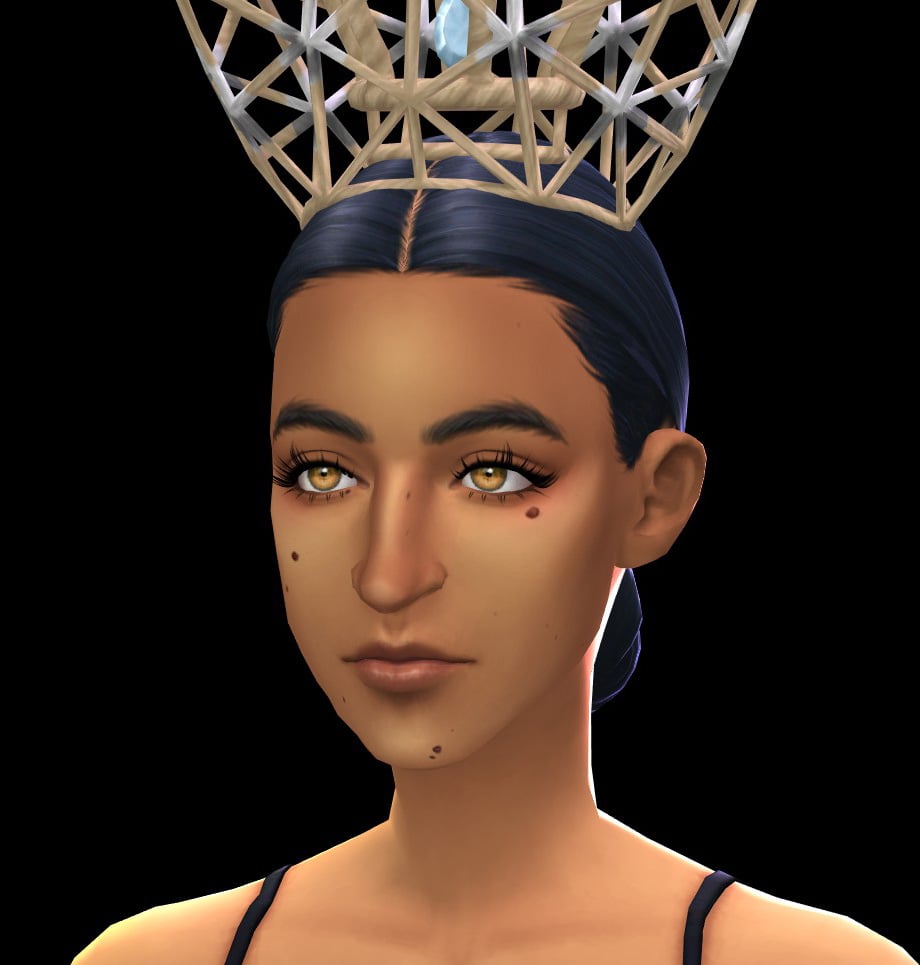
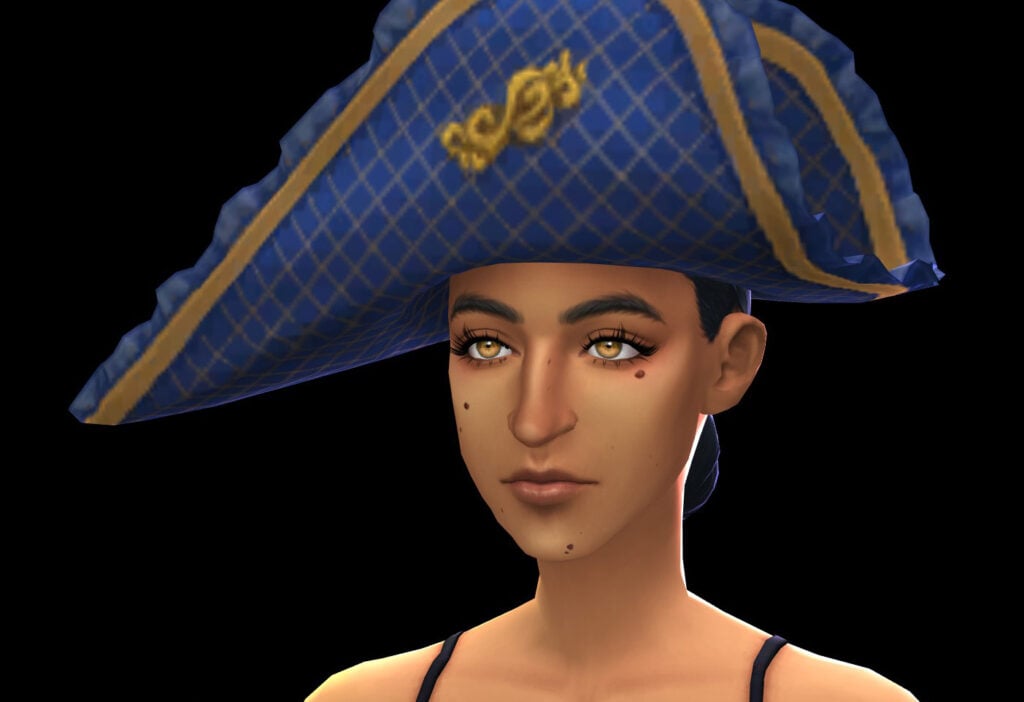
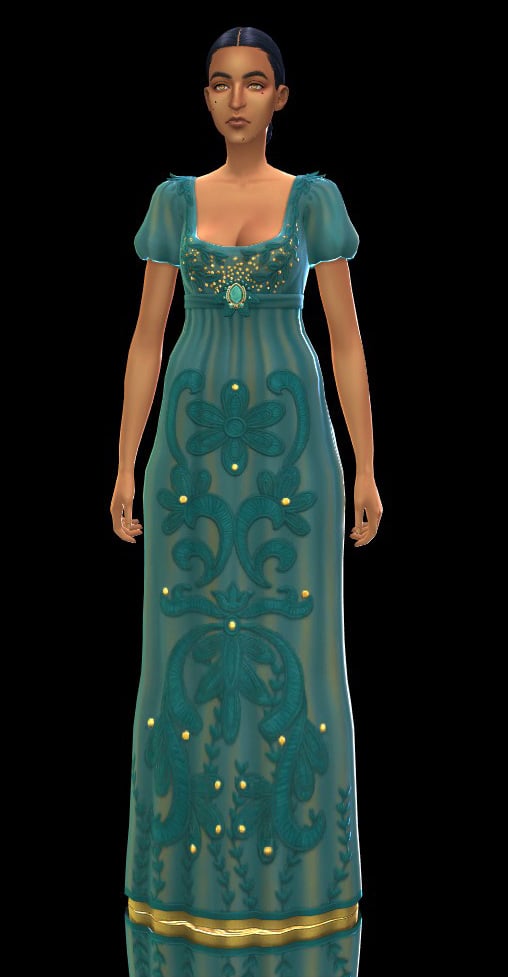
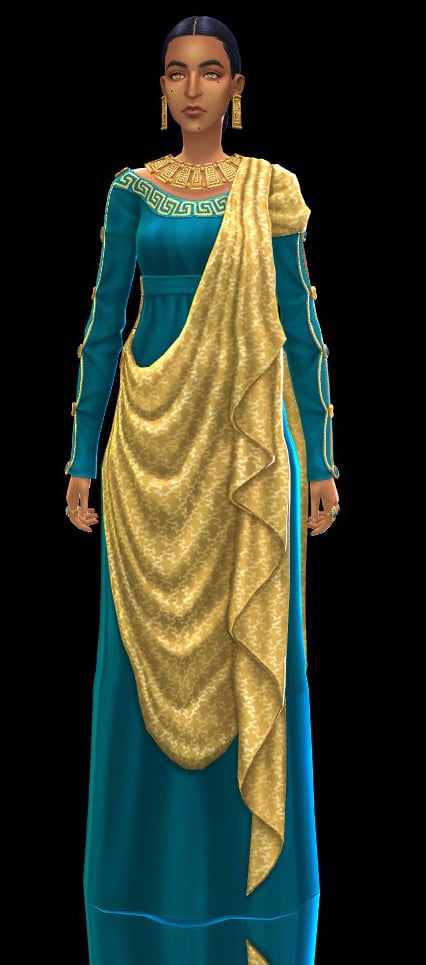
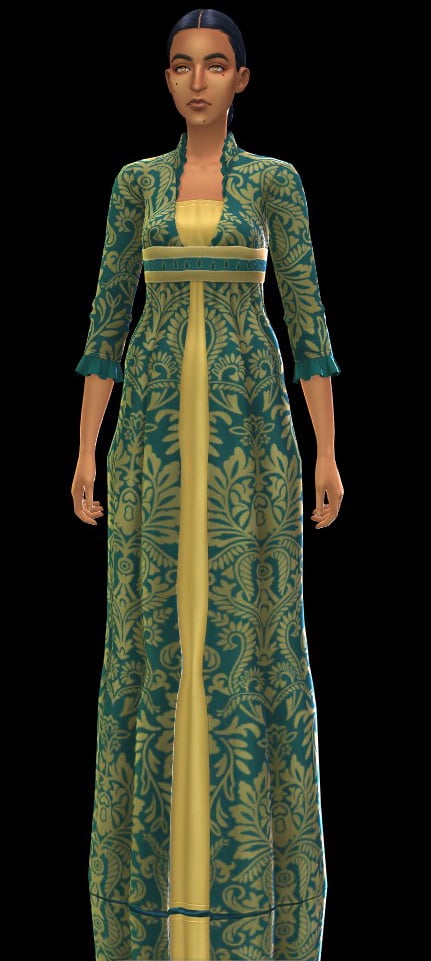
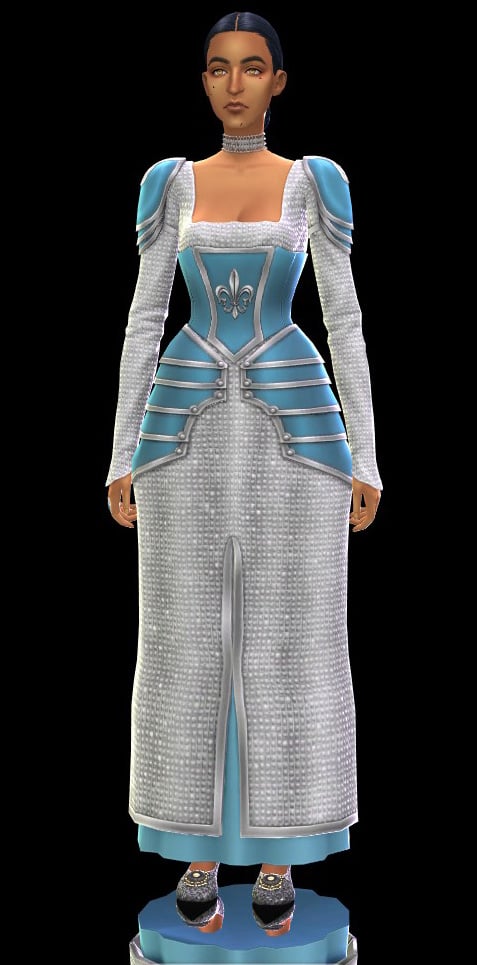
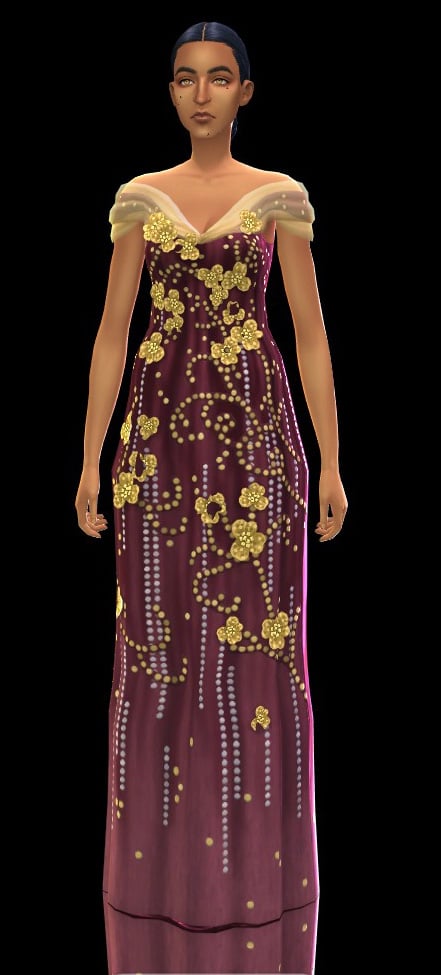
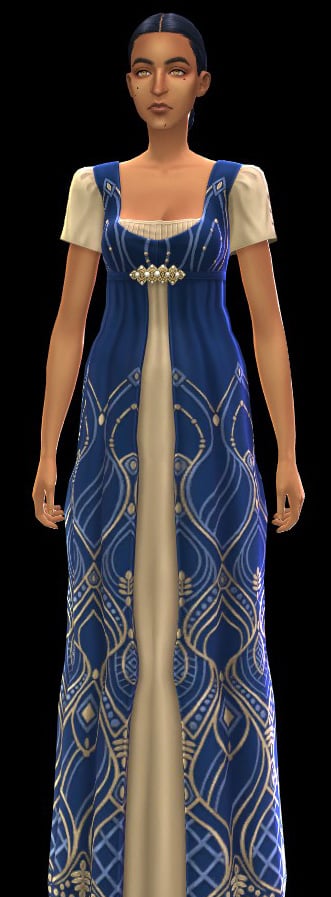
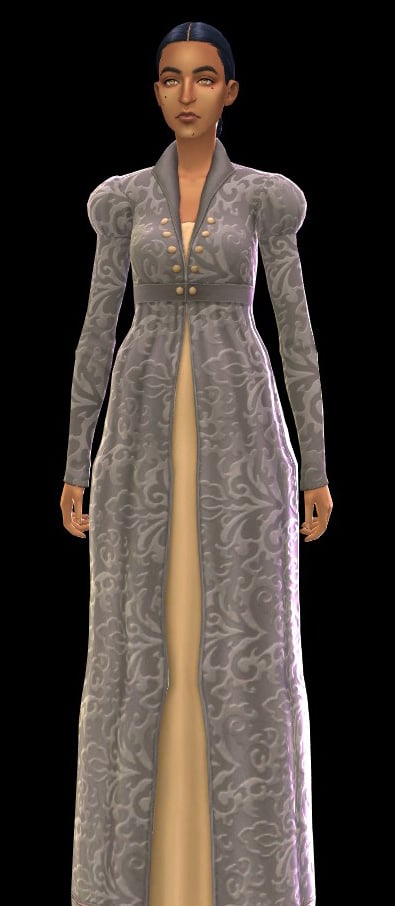
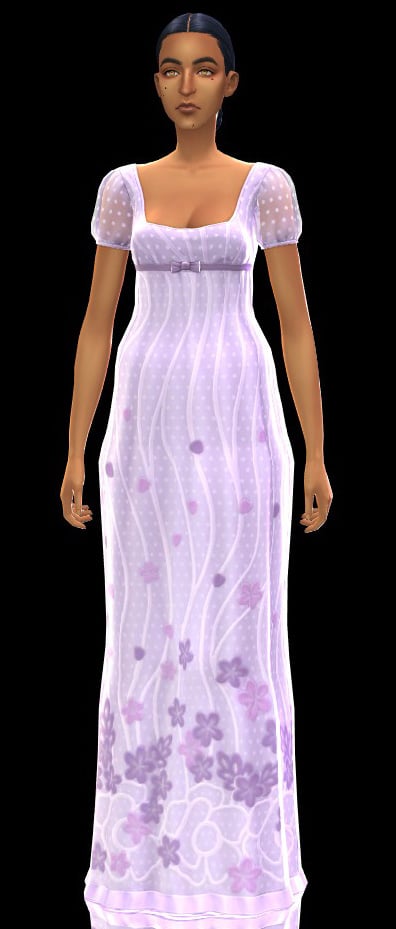
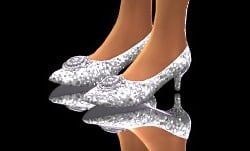
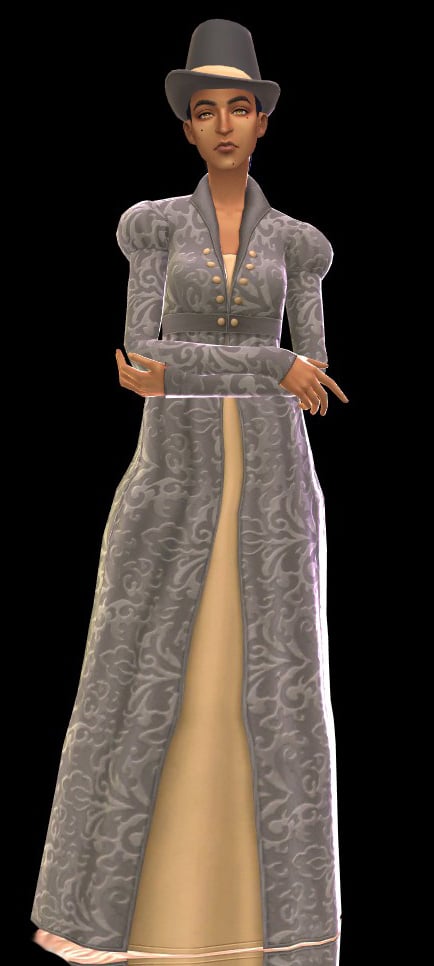
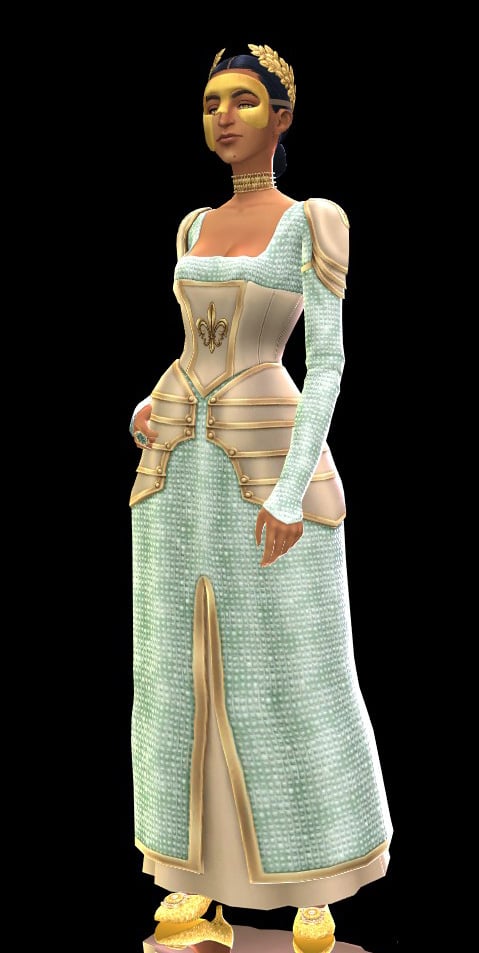
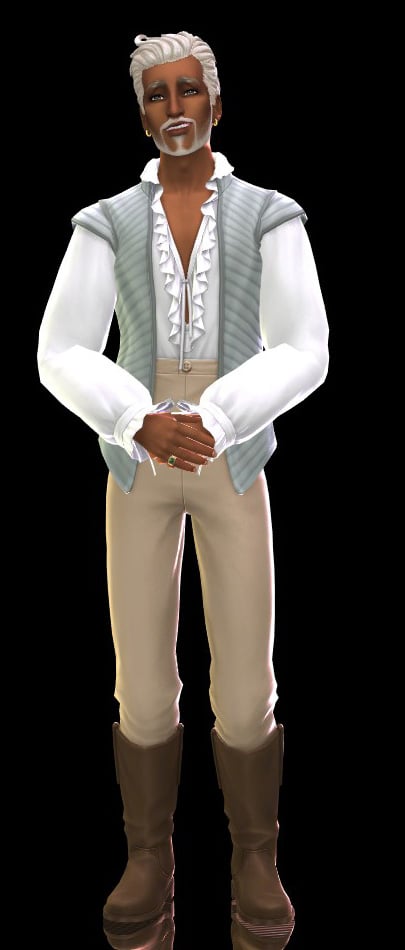
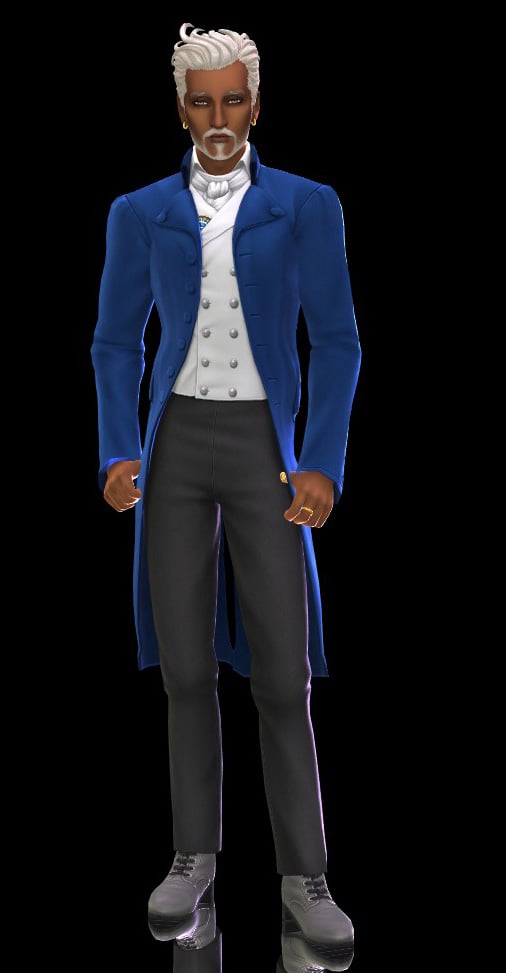
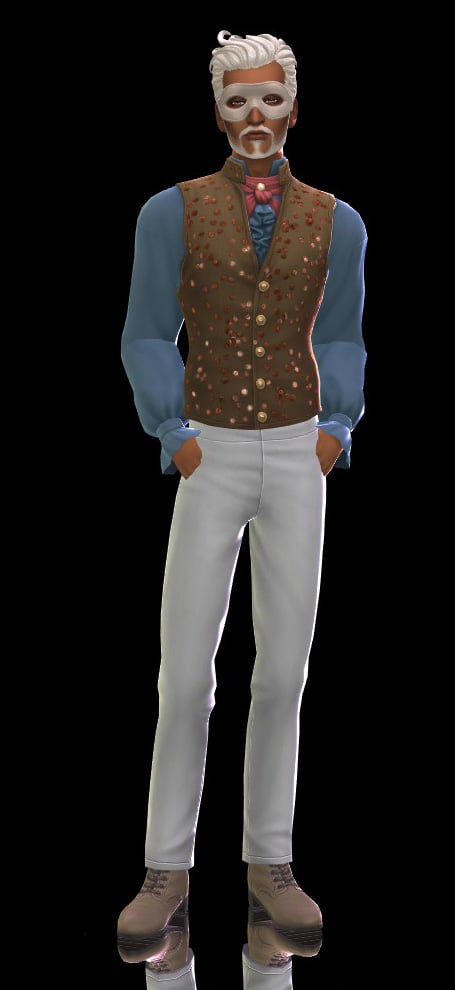
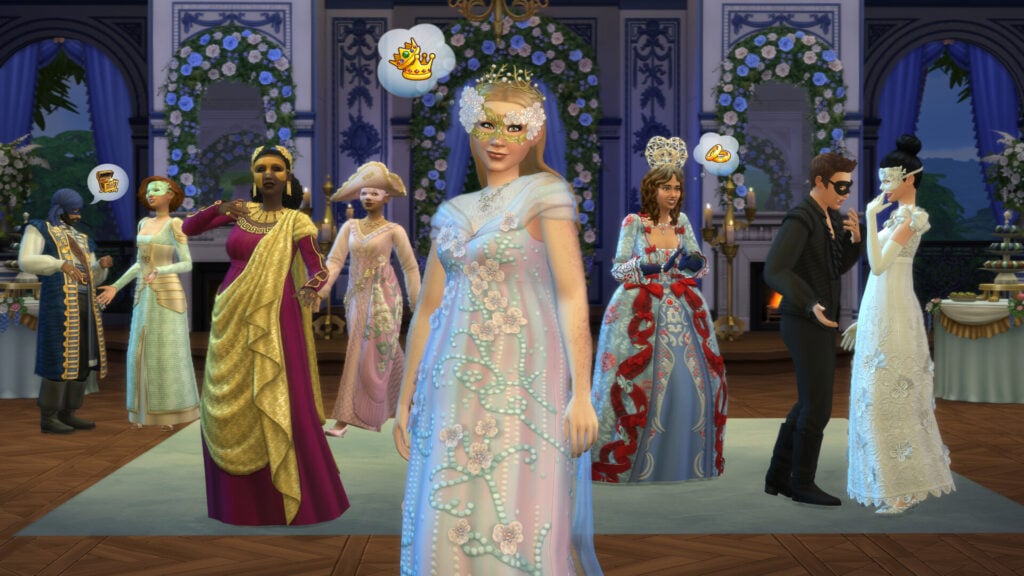
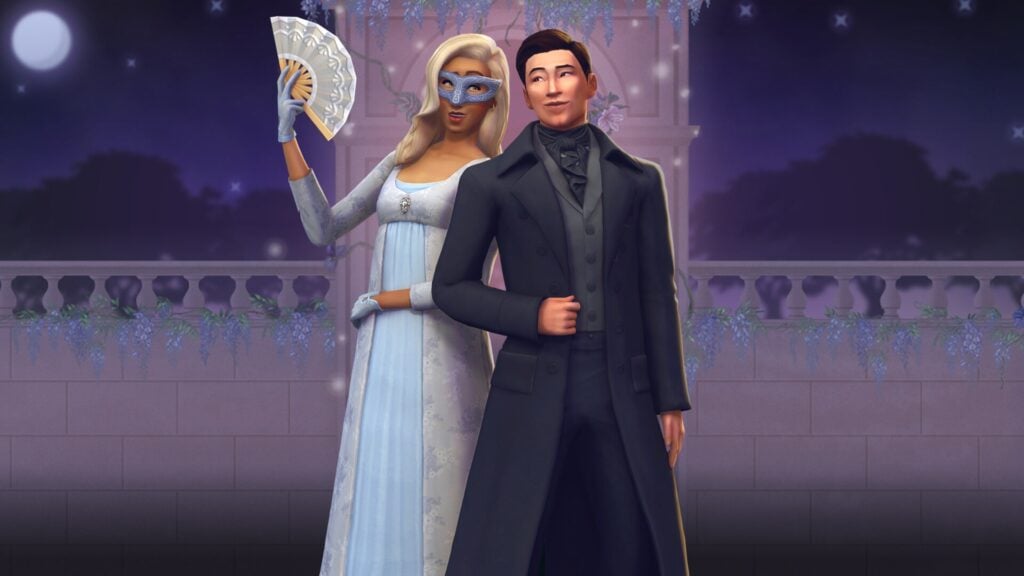
With the Masquerade Ball Fashion Kit, one may don suave tailcoats, dazzling gowns, and accessories worthy of the season’s most talked about affair: from Sophie’s Lady in Silver dress, paired with shoes and mask, to Benedict’s effortlessly styled look that is sure to invite intrigue. Adorn oneself further with Lady Bridgerton’s opulent mask and tiara, or command the room in Queen Charlotte’s striking Celestial Wig and gown. These ensembles are plucked straight from the grandest ballrooms of the ton themselves.
Whether one seeks admiration, or incites envy, rest assured: heads will turn, and whispers will follow.
Catalogue Overview
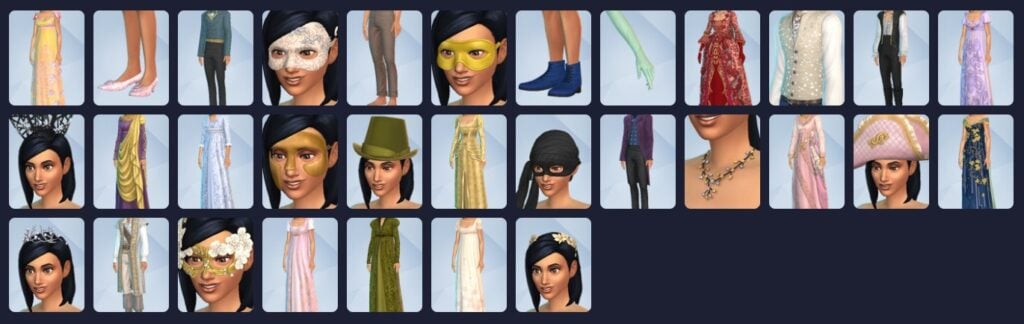
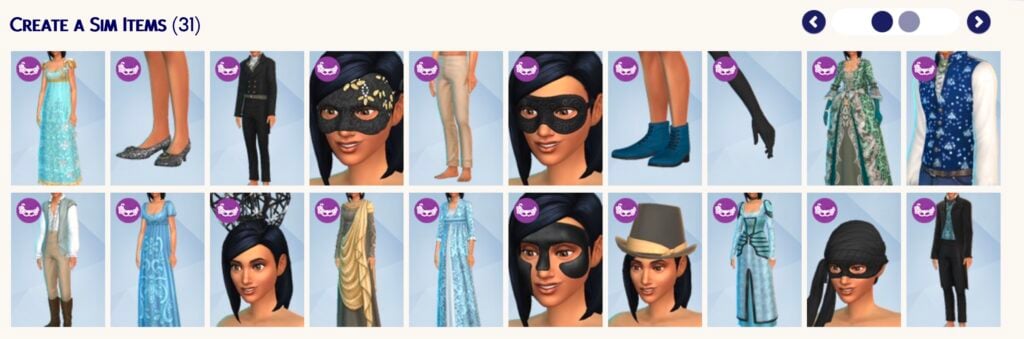
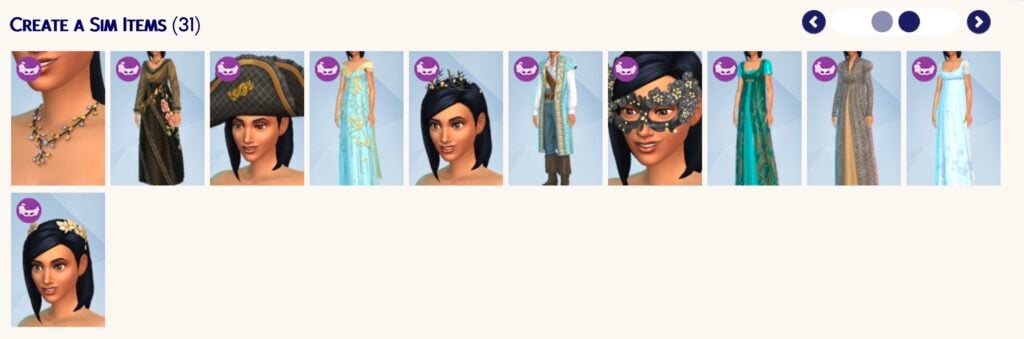
This kit adds a staggering 31 new assets to Create A Sim! The most we’ve ever gotten out of a CAS kit so far. All items are exclusively for Teen to Elder though because, of course, we can’t get too excited now, can we?
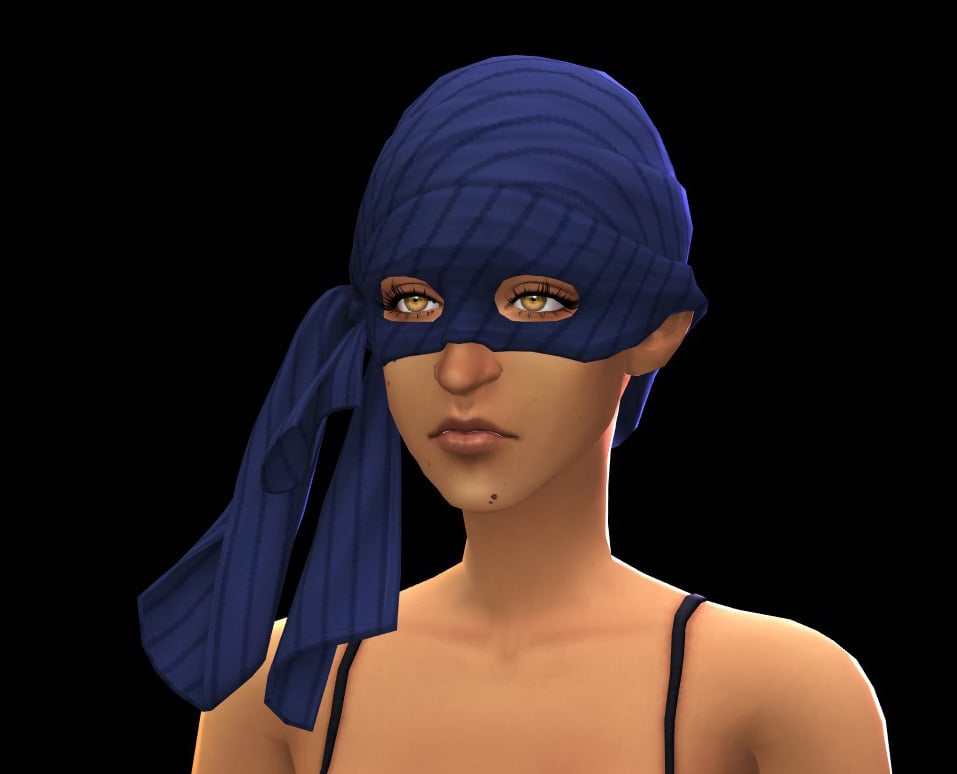
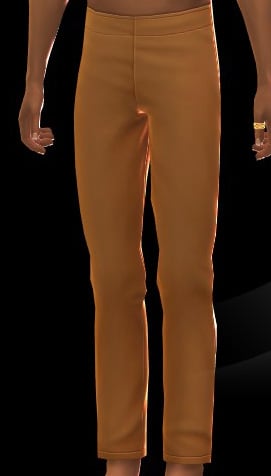
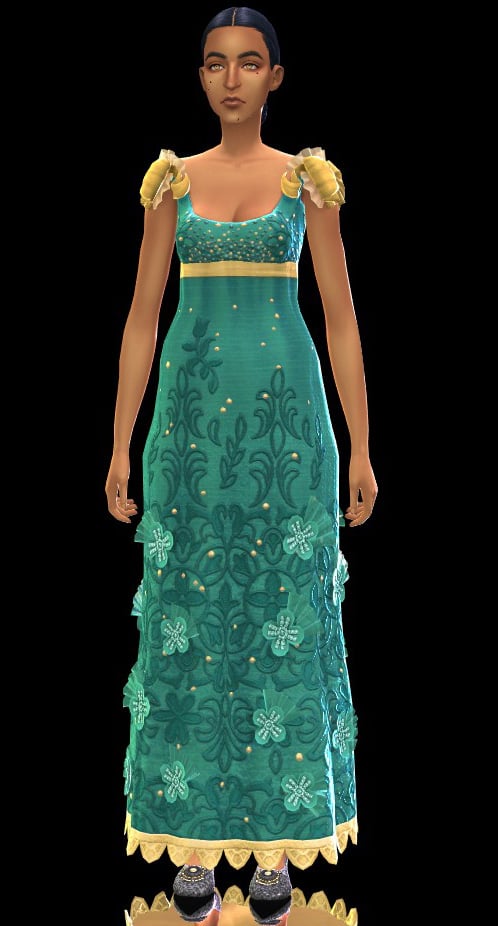
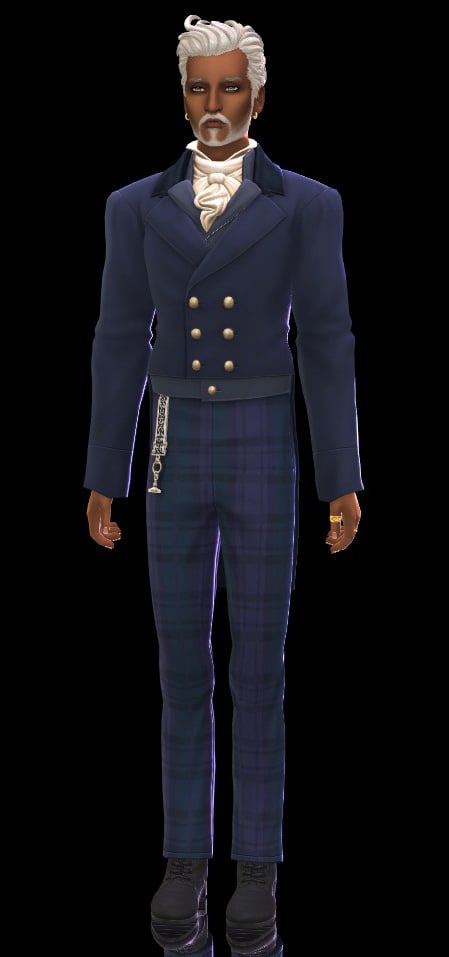
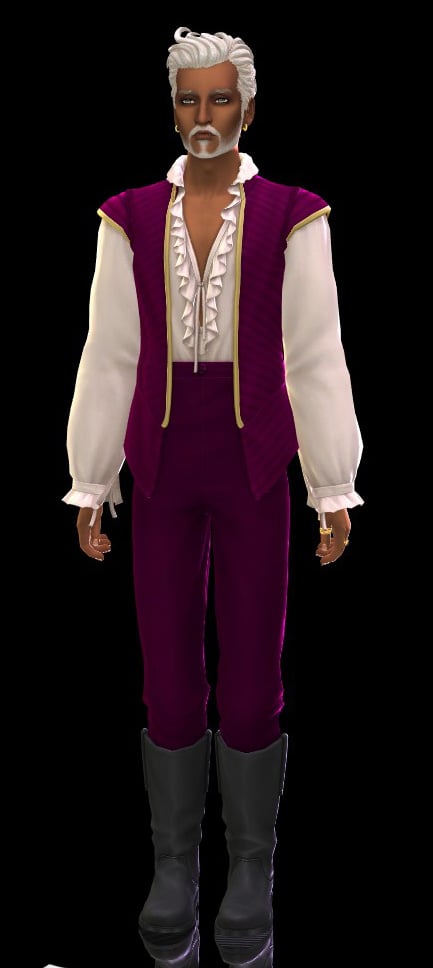
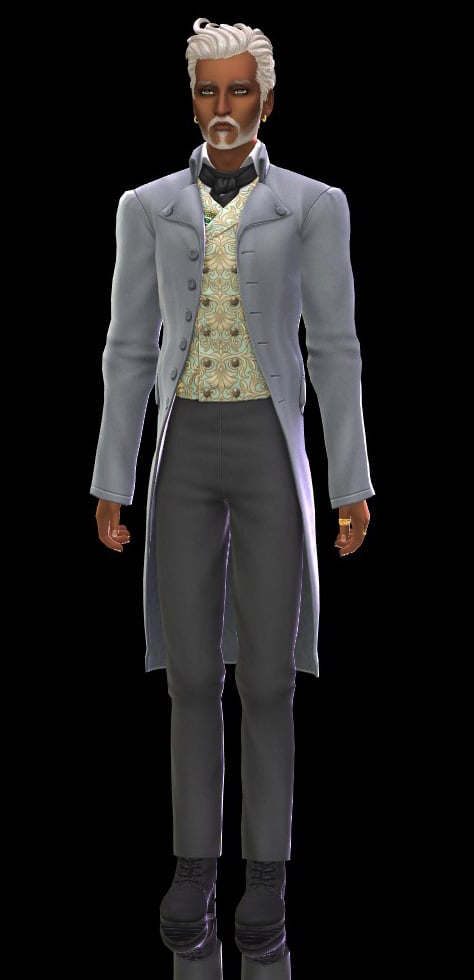
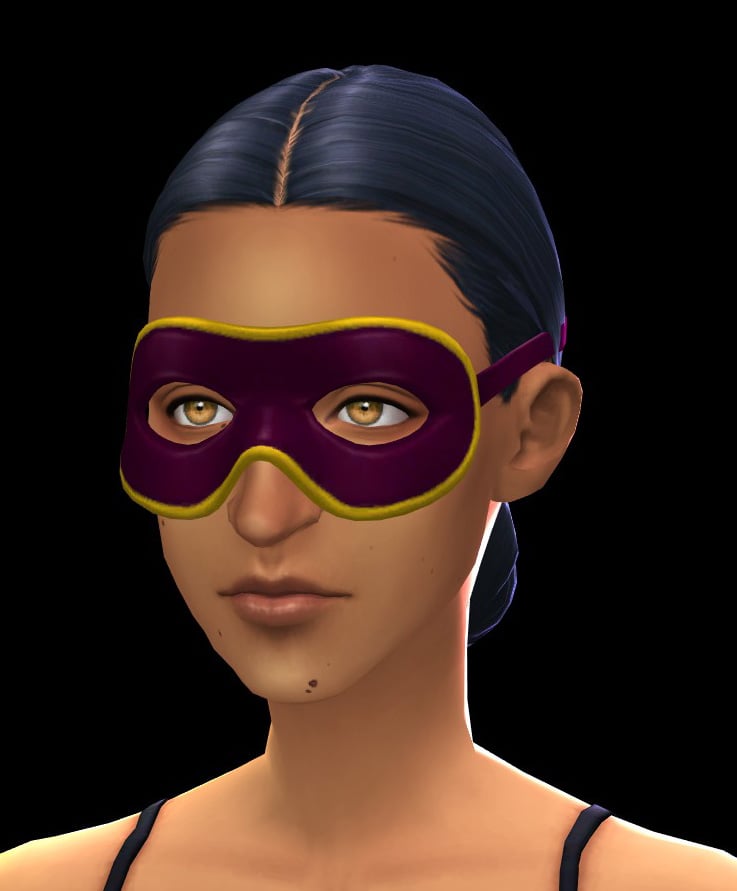
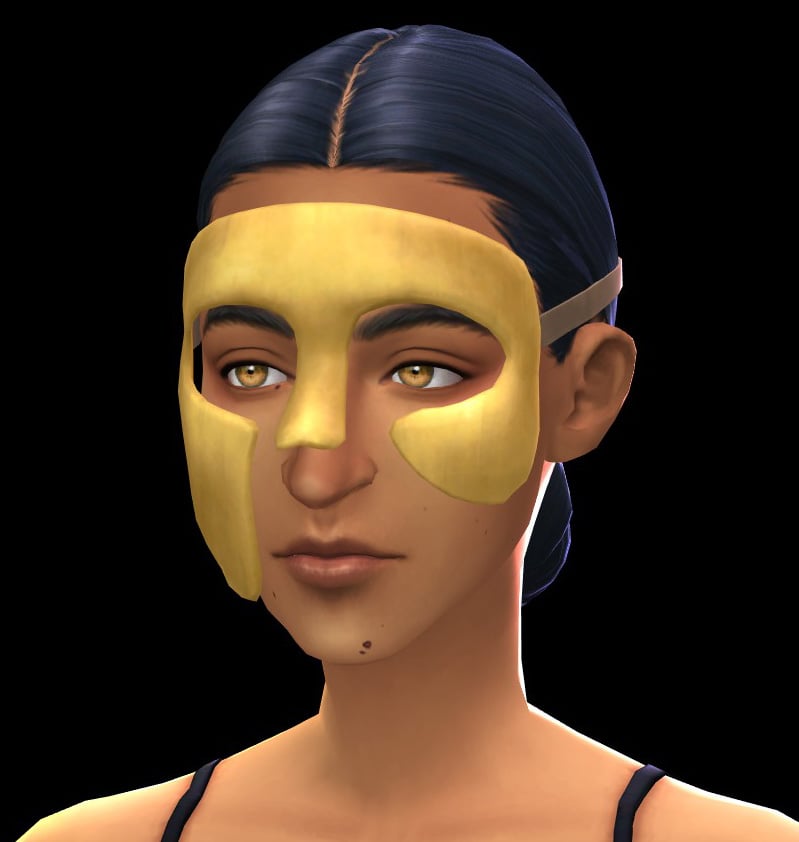
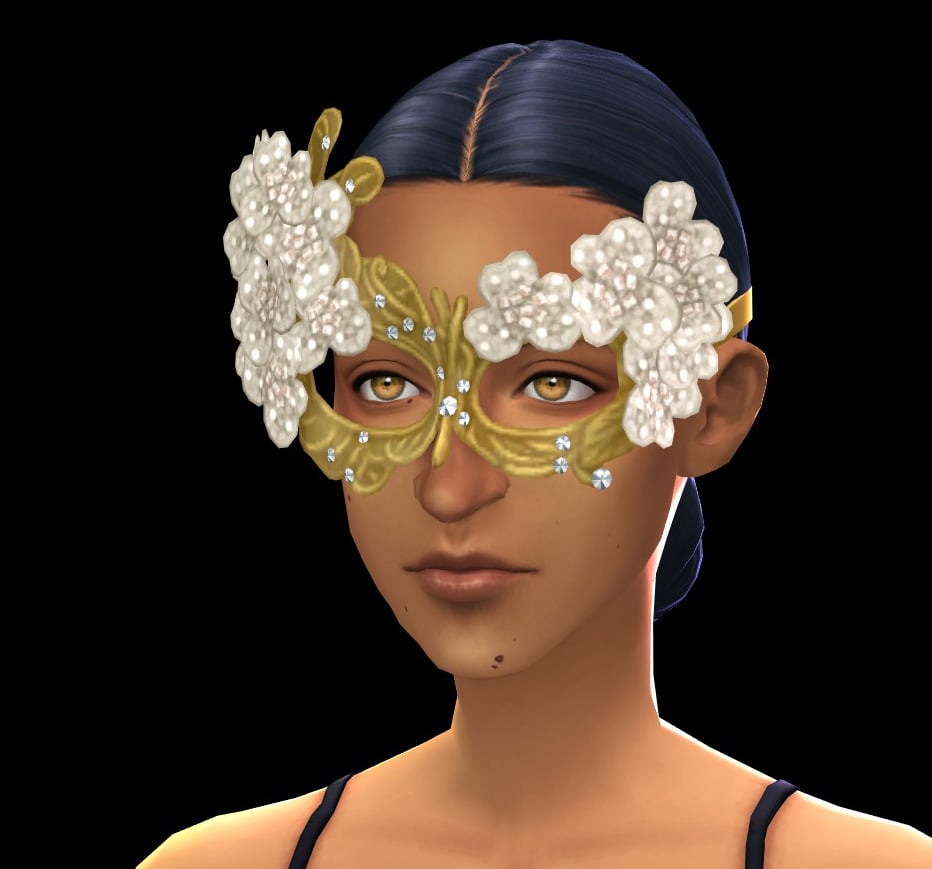
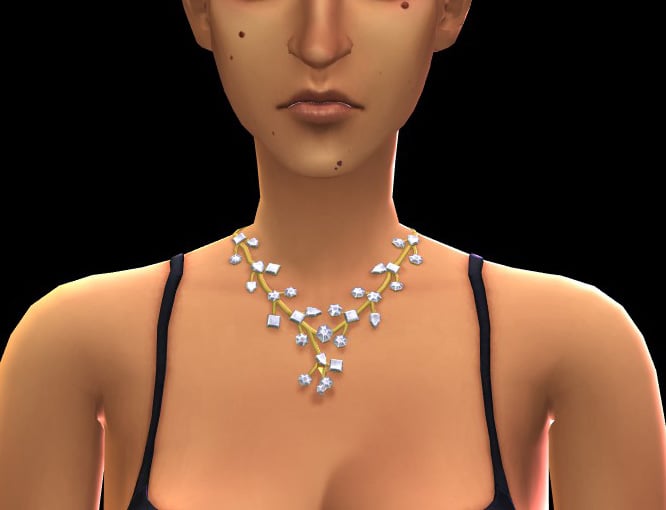
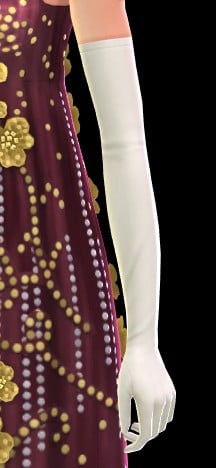
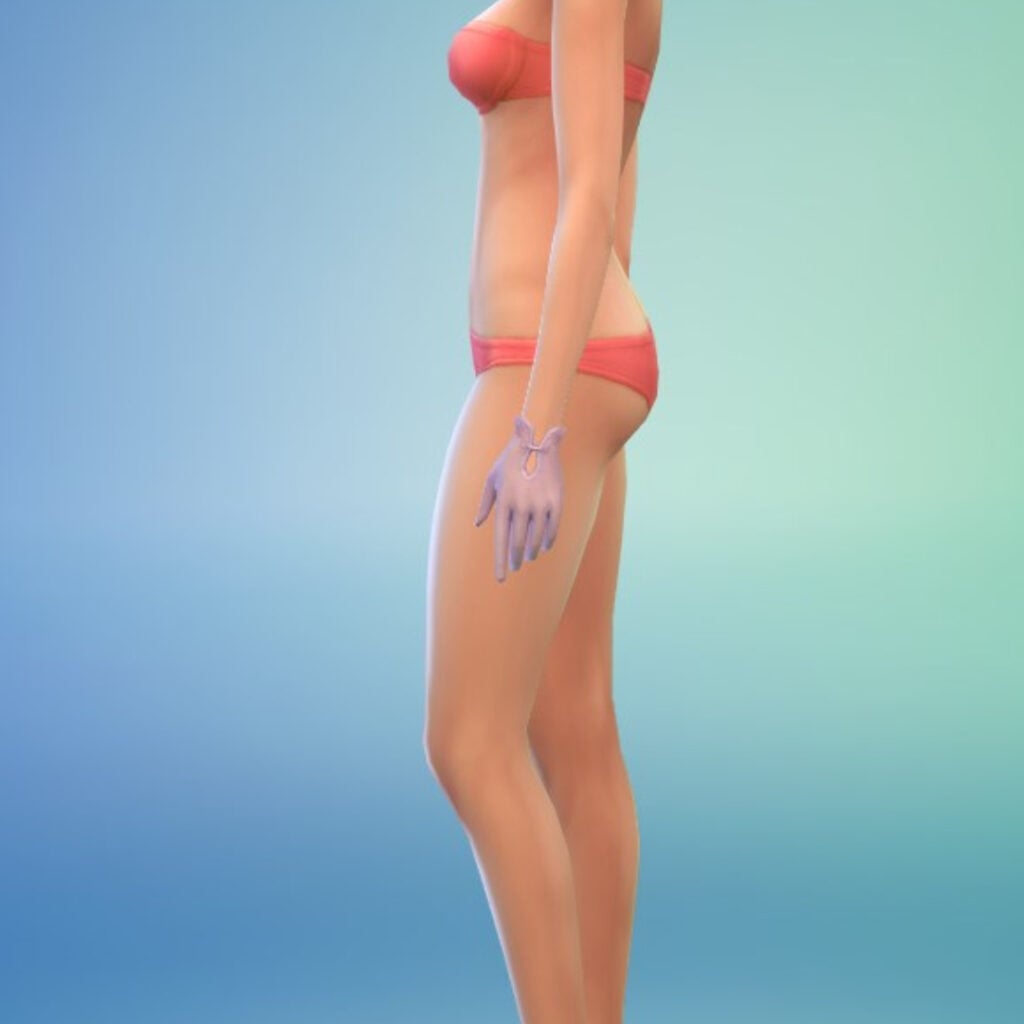
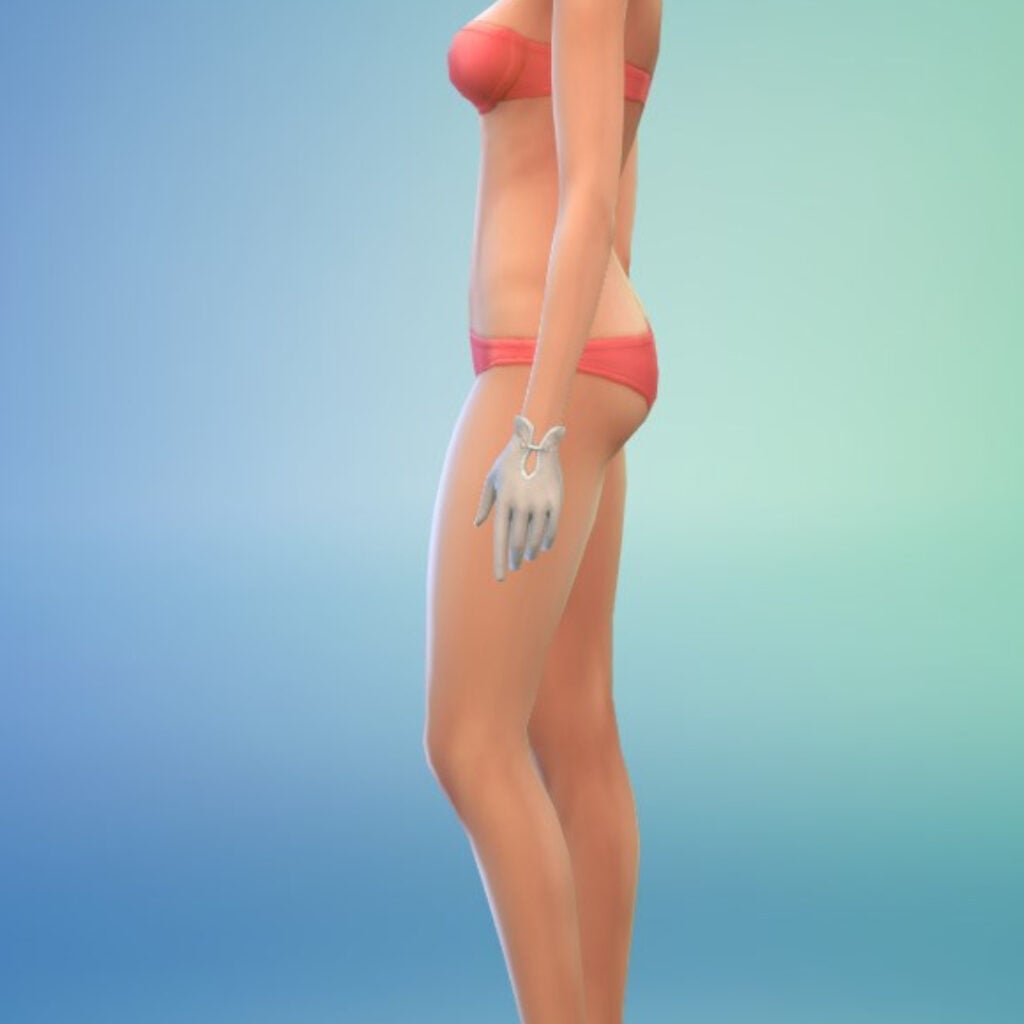
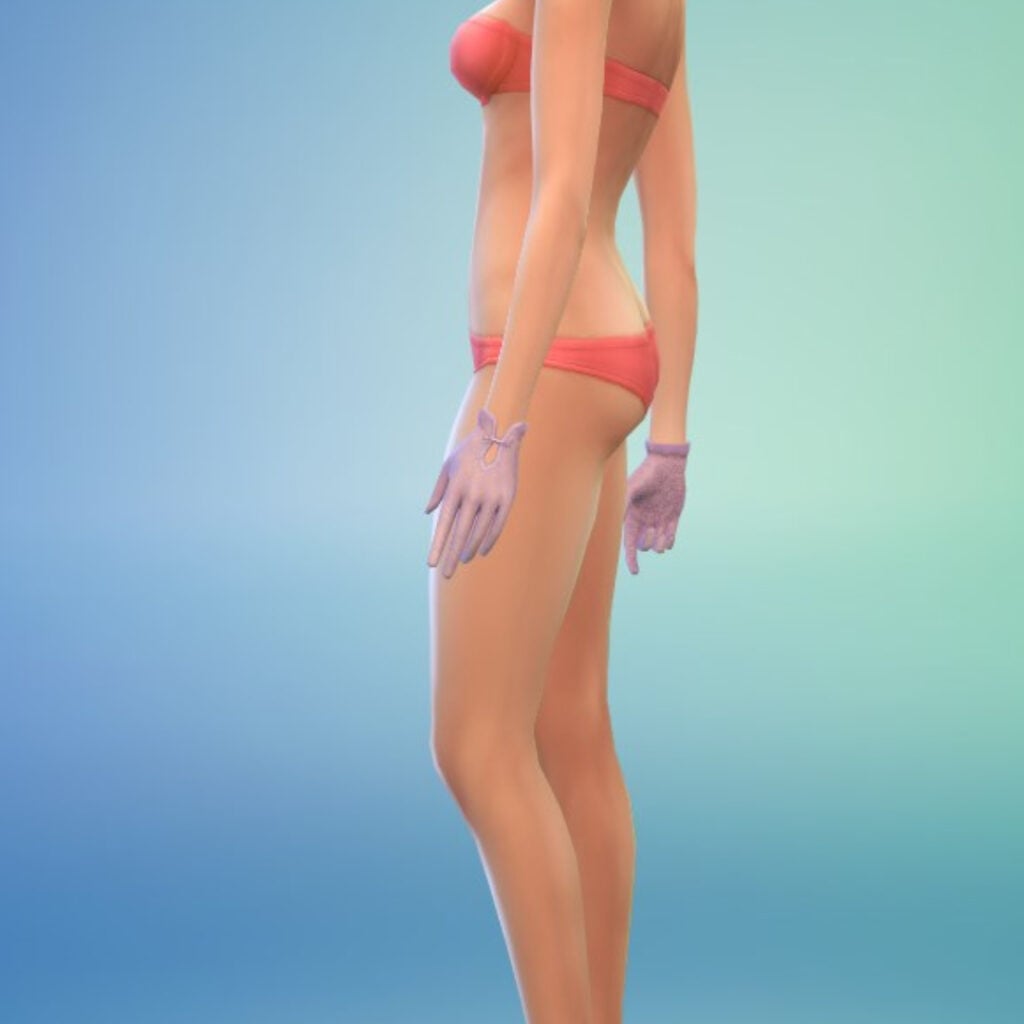
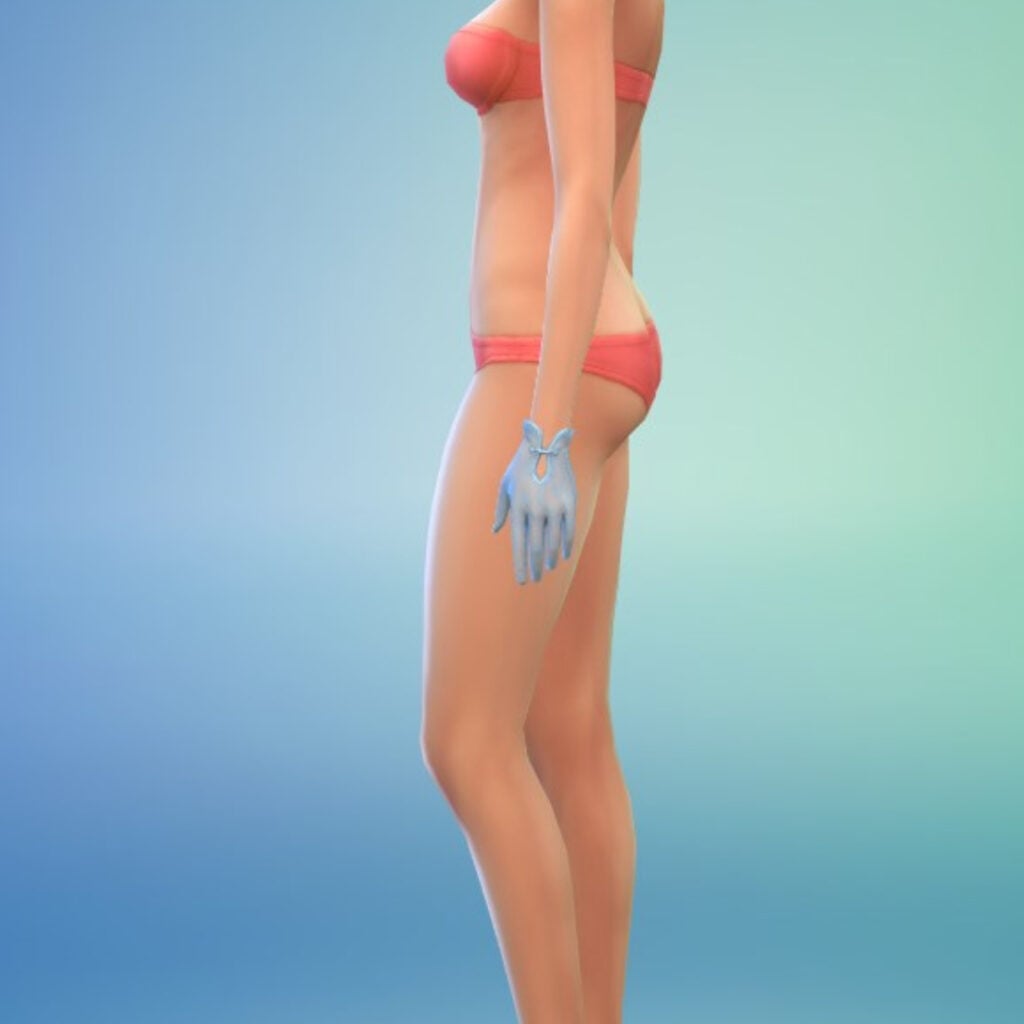
Our historical Sims have 5 Hats, 14 Fullbody Outfits, 5 Accessories (1 Necklace and 4 Masks), 2 Pairs of Shoes, One Pair of Gloves, One Top, and One Bottom available to them. As always, the clothing leans heavily toward feminine-framed Sims (with only 4 out of the 14 available Fullbody Outfits being for masculine-frames along with the Top and Bottom for 5 costumes and their associated accessories).
It’s important to note that some of the Fullbody Outfits for both frames come with attached accessories such as jewelry and/or shoes. The morphing of the clothes between both frames is also variable. With some dresses looking better than others on masculine Sims, and some masculine outfits looking better on feminine Sims, and I feel like it’s all down to your individual preferences on “how much warping is too much.”
Hats
Tops
Bottoms
Fullbody
Shoes
Accessories
Styled Looks – The Pink of the Ton
Our Review of The Sims 4 Lady Bridgerton’s Masquerade Ball Fashion Kit
I’ll be honest, I’m not a big Bridgerton fan. I’ve always had a deep appreciation for it’s literary family line in terms of bodice-ripper romances, but I’ve never been moved to seek it out in my Netflix binges. So there is no bias towards the show on my part when it comes to that side of this collaboration.
So you can trust me when I say I’m gagged by this kit? I mean it.
I feel like the major theme within my The Sims 4 pack reviews has always been my love for camp. In my opinion, The Sims 4 has become somewhat bleached of the delightful chaos and whimsy that ran rampant in it’s earlier predecessors. Not only in the gameplay, but also the assets, because my Sims don’t always have to be decked out in dupes of the latest fashion microtrend. Especially if you’re an occult enthusiast like myself, and you wish you had more niche clothing available for your play sessions.
Which is why my jaw quite literally dropped when they announced and I how spectacular these assets were! Again, not a ‘Bridgerton’ fan, but as someone who minored in History in college? This was straight up my alley.
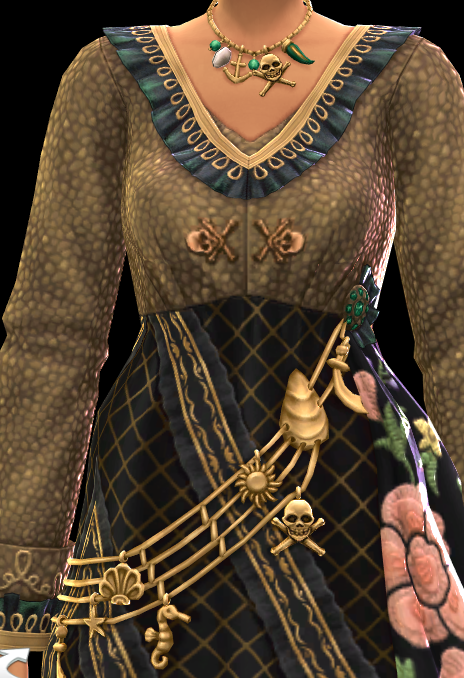
It also doesn’t help that The Sim’s Team knocked it out of the park with these assets, because can we just:
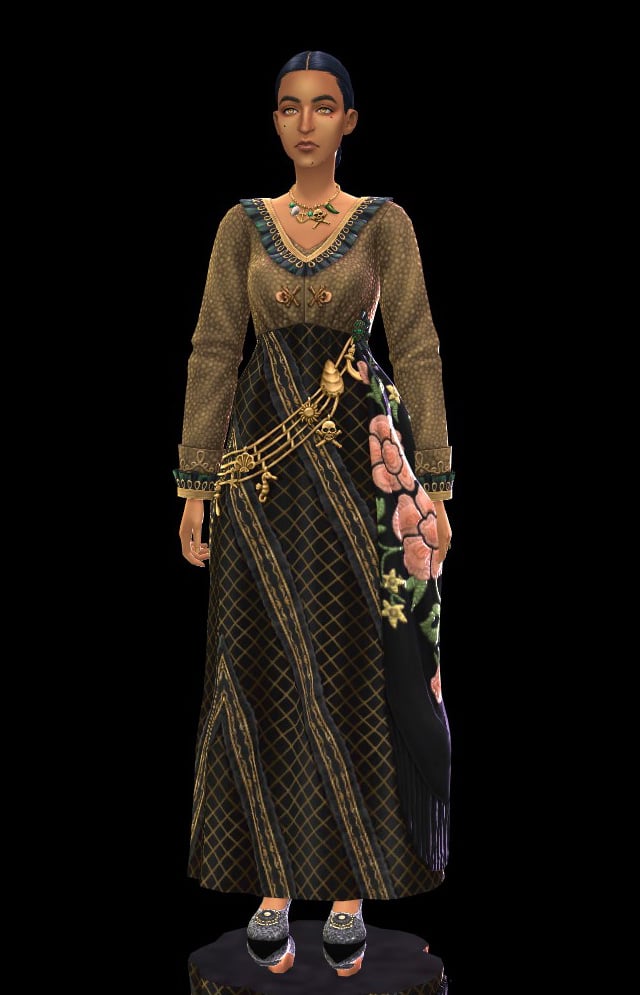
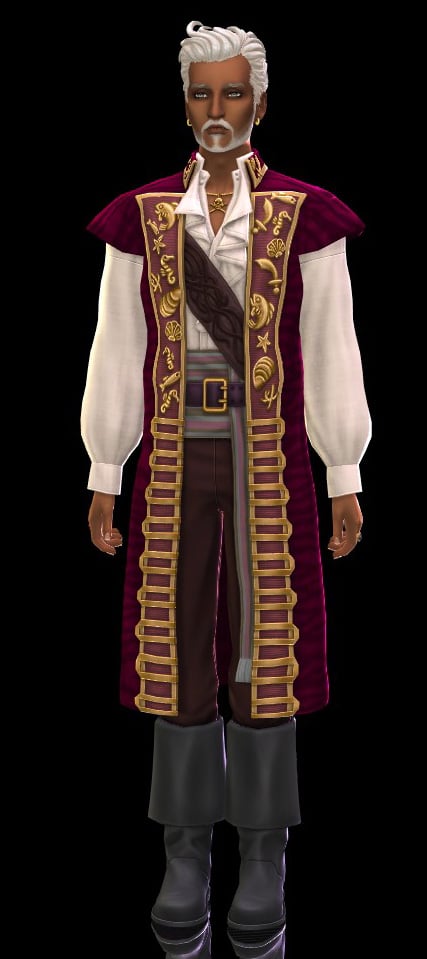
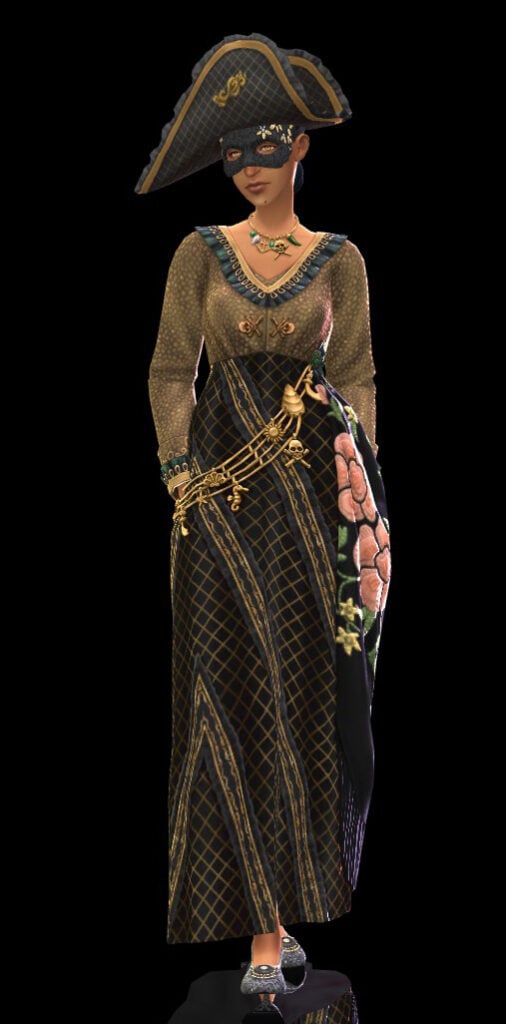
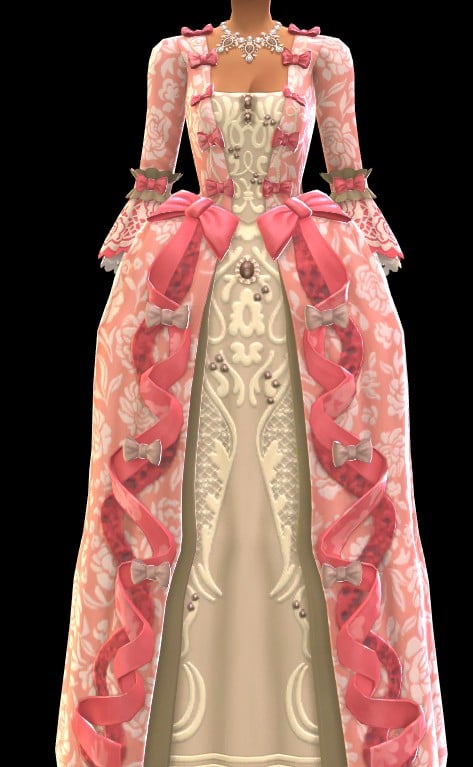
The sheer level of effort in this one garment alone has me floored—we’ve never gotten something like this before. This one full body asset has such a variety of layers, textures, and detail? The creasing in the fabric being so distinct? The necklace tying into the bandolier of nautically-themed charms? It’s spectacular.
I know that this kit isn’t something that perhaps that the average Simmer would use on a daily basis (though my occult-loving self is plotting many uses for these assets), but, it’s an excellent example of what The Sims Team can do if they’re allowed to really give it their all.
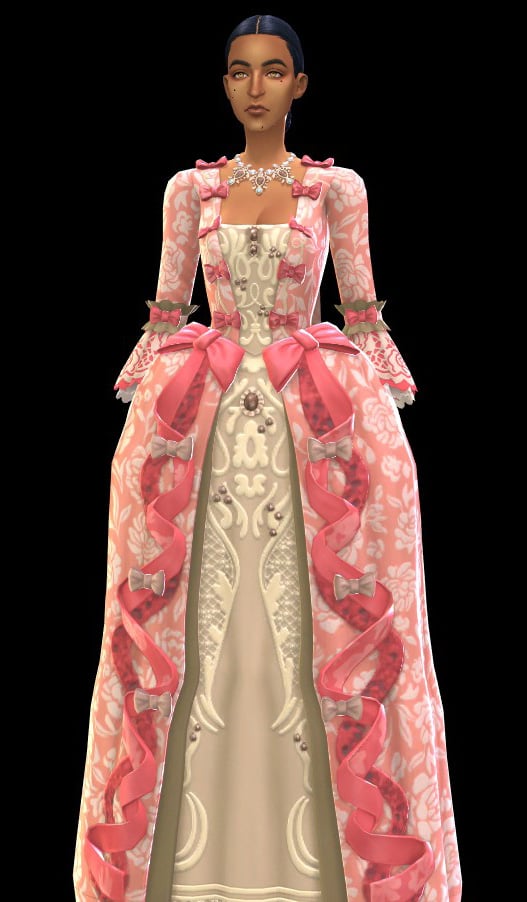
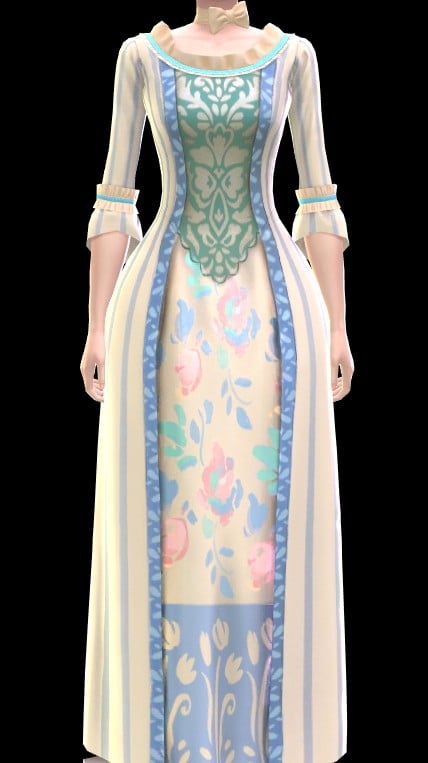
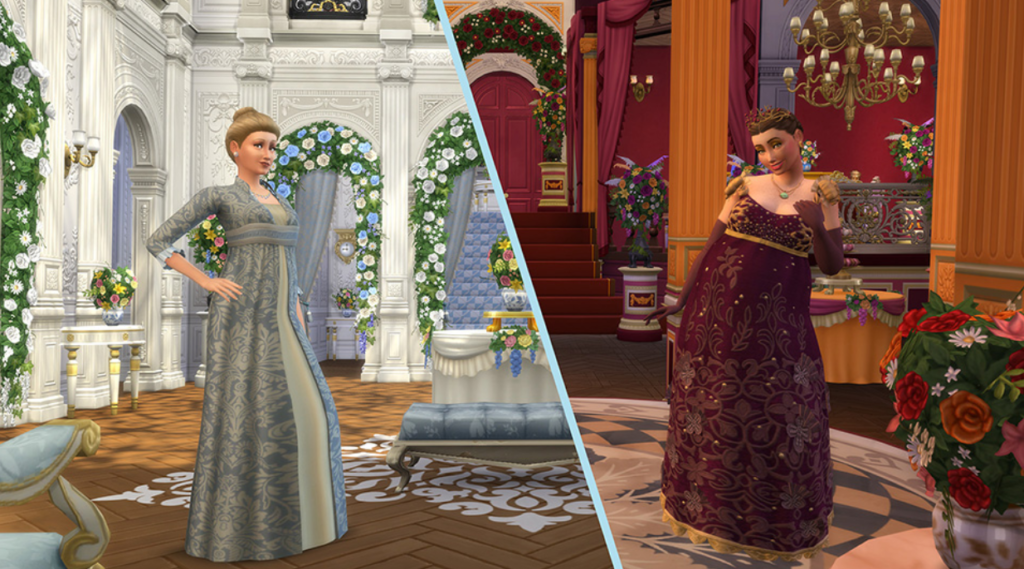
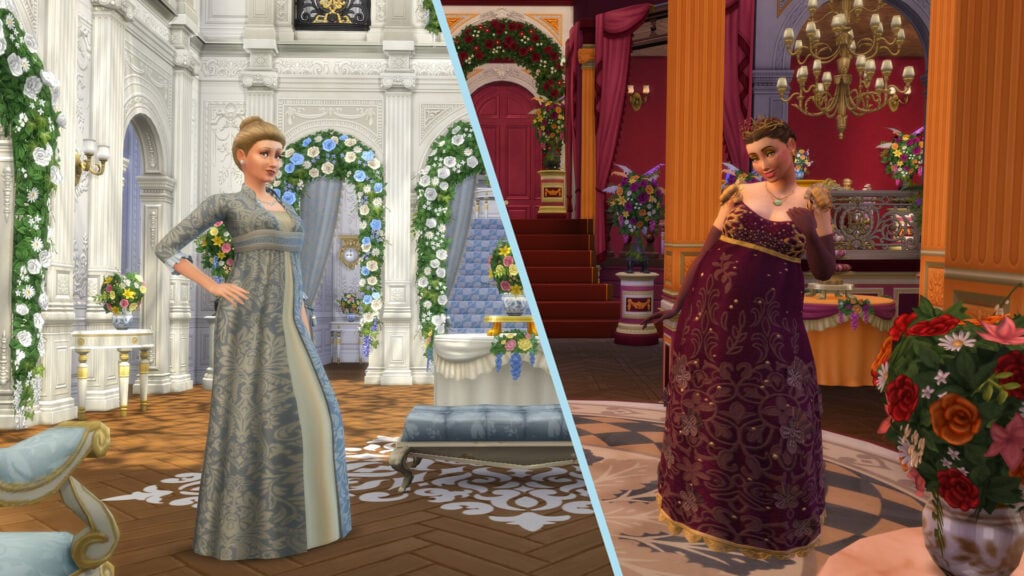
An example that immediately came to mind that truly highlights this? On the left is the Rococo-style gown unlocked from progressing in the Actor career in The Sims 4 Get Famous. On the right is the, again, very much Rococo-style gown that was inspired by the depiction of Queen Charlotte in ‘Bridgerton’. If I were to show these two screenshots to a non-Simmer, explain the difference between a kit and an expansion pack, and ask them to pick which came from where…do you think they’d get it right?
Though, of course, I have some criticisms.
For as much as I do love this kit, and do plan on using the contents of it during my own personal play sessions, I do still it was a bit of a cheap shortcut to have a good portion of the available fullbody outfits pre-accessorized. I know it most likely was based off of inspiration points within the show (and please feel free to tell me in the comment section if that’s true), but I feel like it limits player creativity to do so. The Queen Charlotte inspired gown was the asset I was most excited about, and, while I don’t hate the perma-gloves stuck to the dress, I can see myself using Sims 4 Studio to make a version without them.
While I have the ability and knowhow to do that—most players do not. So that’s one less level of customizability taken away. The same goes for all the necklaces, rings, and shoes that are technically part of the pack, but are adhered to a respective costume. If you’re able to mod/download mods? It’s not much of a problem? But it isn’t the fairest thing to console players who perhaps desperately want to attempt some form of historical play.
A large criticism I do have is that, honestly, you could make a big argument that all of this content could have been included along with The Sims 4 Royalty & Legacy. Which, yes, I have made that argument before, but, Jovan says I can write conspiracy theories in my reviews as long as they fold somewhat reasonably (he did not actually, but I’m doing it anyway!).
It just feels very interesting that, thematically, this kit slots a bit too well in with The Sims 4 Royalty & Legacy. So much so that this bundle, in my opinion, is superior to the previous bundle that the expansion launched with. It’s also interesting that the swatch color story also matches up quite will with The Sims 4 Royalty & Legacy and it makes me feel like they purposely made multiple kits complimentary to the expansion’s format in order to entice more people to purchase them. Which, I’m sure you’re sitting at your desk (or, let’s be real, rotting on the bed with your phone) and are thinking “Yeah, I mean, the same team definitely made all of these kits? So what?”
The fact of the matter is that if that’s the case…that would mean whatever gap that you, personally, have felt in the most recent expansion can be fulfilled with these kits. Which means that The Sims 4 Royalty & Legacy isn’t $39.99 USD, but, totaled up, it’s instead closer to $60 USD.
While this review is predominately for The Sims 4 Lady Bridgerton’s Masquerade Ball Fashion Kit Review, in light of the controversial EA Buyout, it makes you wonder whether or not we’re going to see more and more of this behavior. If this sequence of events was all just a massive coincidence, or whether or not it’s a warning of what’s to come in the future.
What are your thoughts on the ball Lady Bridgerton has put on? Is it your cup o’ tea, or do you only intend to play in the modern era? Be sure to let us know in the comment section down below, and always know that The Sims Community will bring you all the latest and greatest updates on The Sims 4 and other Life Sim games! Make sure to check out our other The Sims 4 Kits overviews before your next binge purchase.
With thanks to Helgatisha (as always) for the poses used in this article.
Plenty of game issues fixed in the latest Tomodachi Life: Living The Dream Patch!
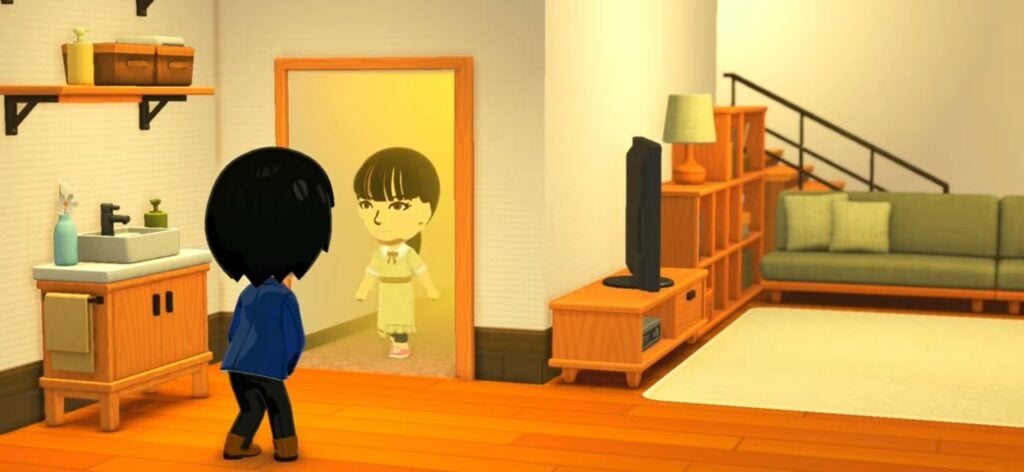
Nintendo dropped a surprise Tomodachi Life Update on May 14h to May 15th, 2026 for their latest Living The Dream entry. This patch is available for download across all Nintendo Switch consoles and can be downloaded by checking for updates in your Main Menu and / or just letting the automatic update feature do its thing.
The newest Tomodachi Life update promises to fix several game issues, including seamless island progression, Mii character customization improvements and plenty more listed down below.
Table of Contents
Tomodachi Life Update: Ver. 1.0.2 (Official Patch Notes)
Fixed issues
Fixed an issue where, after player builds up their island, the game sometimes will not be able to progress.
Fixed an issue where if you change to an exterior of a house you made at the Palette House, the game sometimes will not be able to progress.
Fixed an issue where, after a Mii character confesses successfully and the player tries to save, it is displayed that “your save data is corrupted,” and the player is not able to save.
Fixed an issue where, after multiple Mii characters start to live together, and when the player saves, it is displayed that “data has been corrupted” and the player is not able to save.
Fixed an issue where, when a scene switches over, an error would rarely occur and the game would stop.
Fixed an issue where the player could store the wishing fountain using Island Builder, but would not be able to place it on the island again afterwards, and wishes could not be granted.
Fixed an issue where, after a Mii character failed to patch things up with another Mii character after fighting, its crush for a different Mii character would disappear.
Fixed an issue where a Mii character did not feel better even when its Sadness ran out.
Fixed an issue where the player could not send/receive things through local play.
Since the game was incorrectly using the image of the southern flying squirrel for the image of the treasure “sugar glider,” it was changed to the correct image.
Other issues were fixed to improve the gameplay experience.
Living The Dream Patch Install Official Instructions
Follow these steps to update Tomodachi Life: Living the Dream, or review the software’s update history.
Note
Save data will still be available for use after downloading the update.
The update will download and install automatically if the console is connected to the Internet and the Software Auto-Updates setting is enabled on your Nintendo Switch 2 or Nintendo Switch console. To ensure you have space to download the update, please review our storage tips for Nintendo Switch 2 and Nintendo Switch.
All players must be using the same version of the software to play together. Please make sure you have the same update version as the person you are playing with.
On May 14th, 2026, a new software update for Tomodachi Life: Living the Dream became available for download. Please take a moment to download and install this update while your Nintendo Switch 2 or Nintendo Switch console is connected to the Internet.
Complete these steps
Connect your Nintendo Switch 2 or Nintendo Switch console to the internet.
From the HOME Menu, select the icon for the software you wish to update without starting the game or application.
Press the + Button or – Button on your controller. The current version number will display under the software title.
Select Software Update followed by Via the Internet.
What is your experience downloading the latest Tomodachi Life update? Notice anything improved in Living the Dream? Let us know in the comments below and stay tuned for more Tomodachi Life News and Guides!
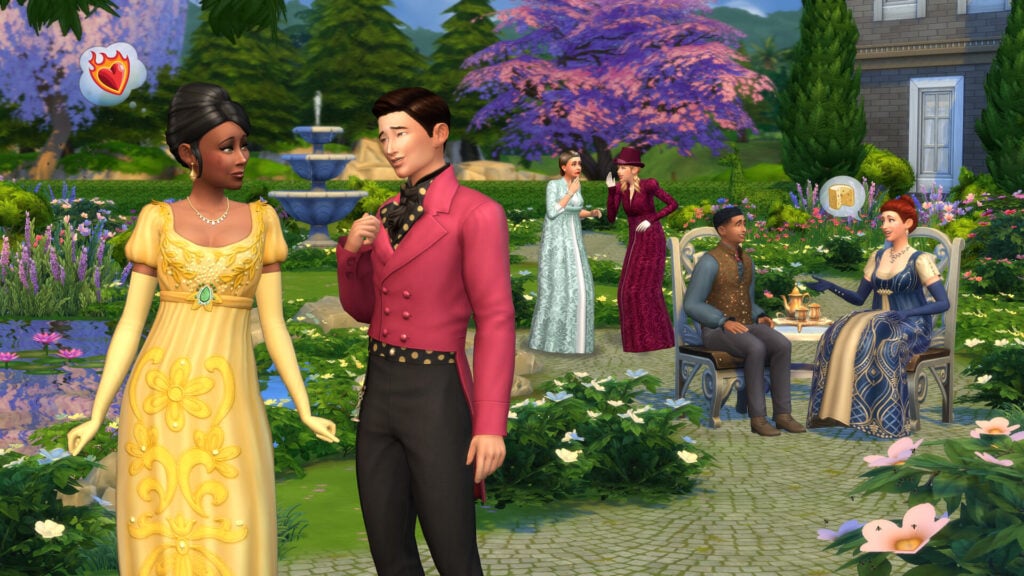
Few series have shaped the romantic fantasy aesthetic quite like Bridgerton. Its extravagant ballrooms, dramatic social gatherings, and luxurious Regency-inspired style have become instantly recognizable over the years. Now, that same atmosphere has officially arrived in The Sims 4 with The Sims 4 Lady Bridgerton’s Masquerade Ballroom Kit.
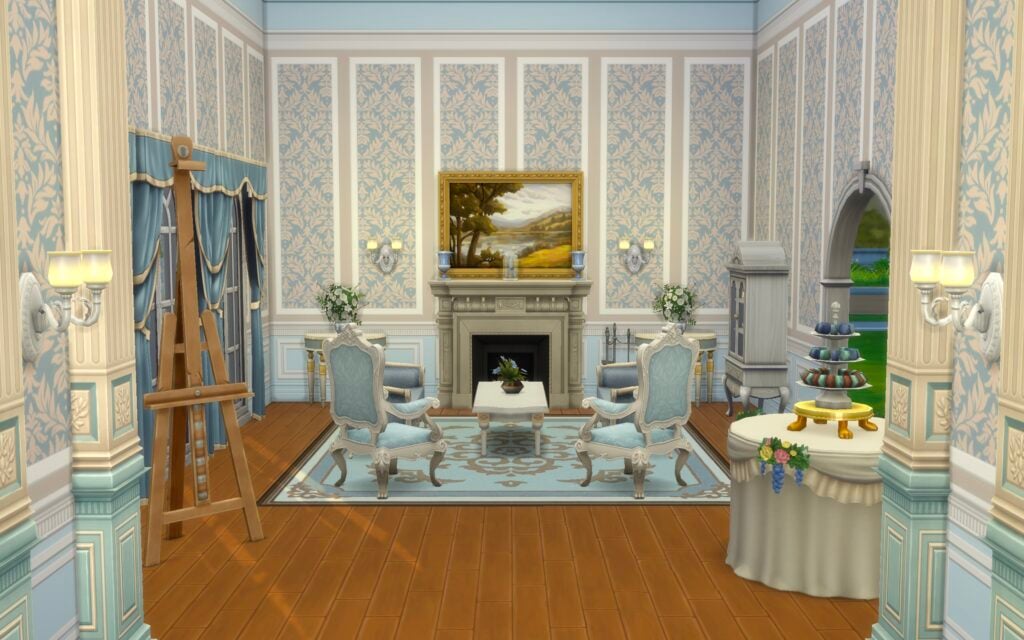
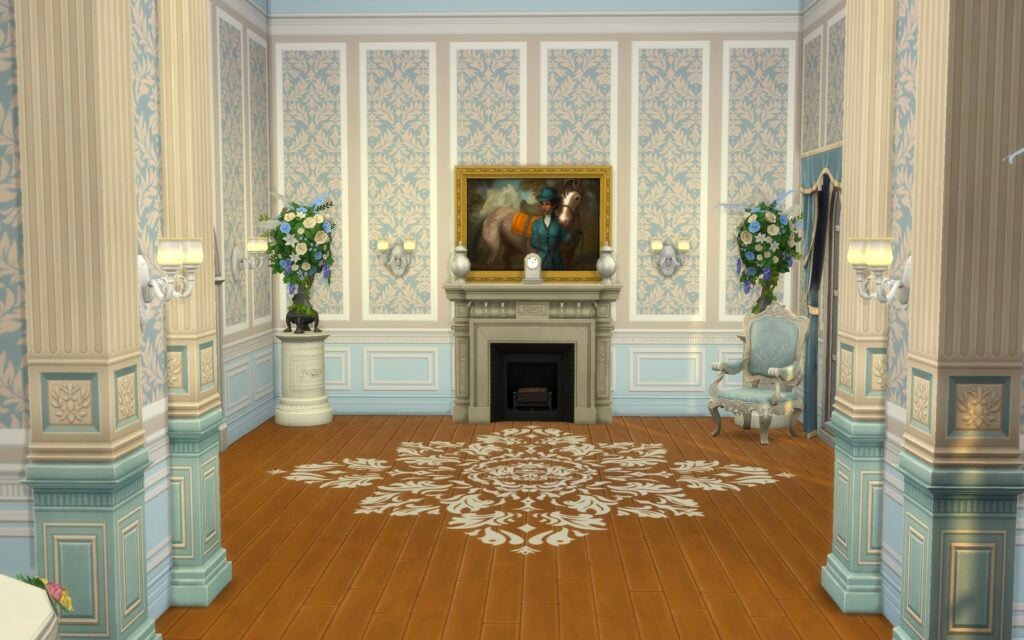
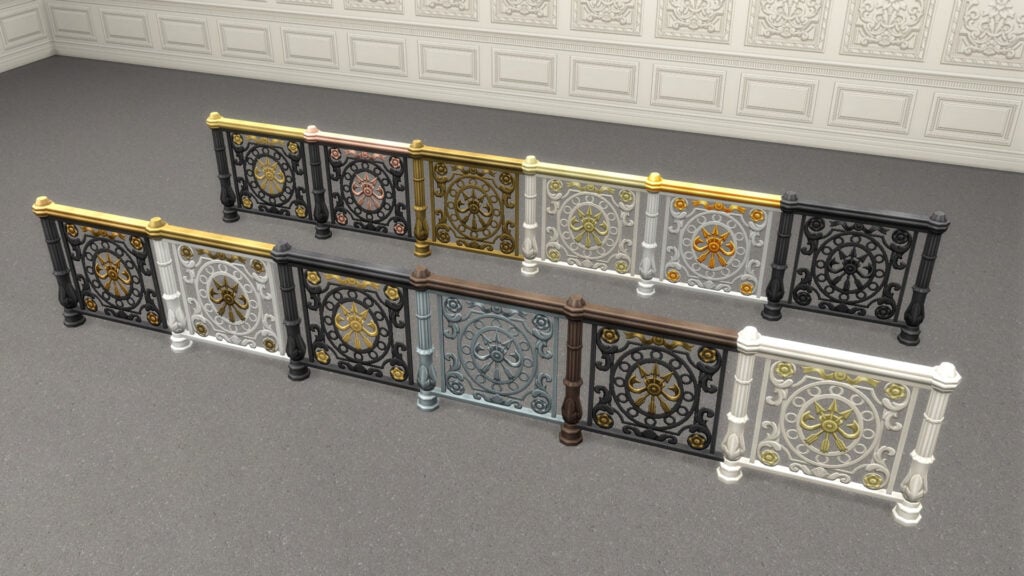
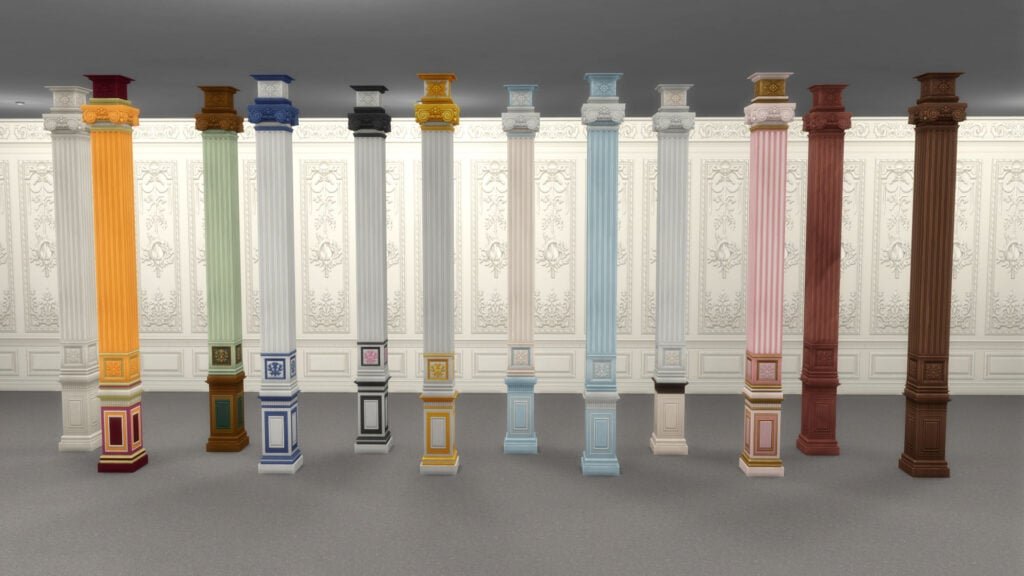
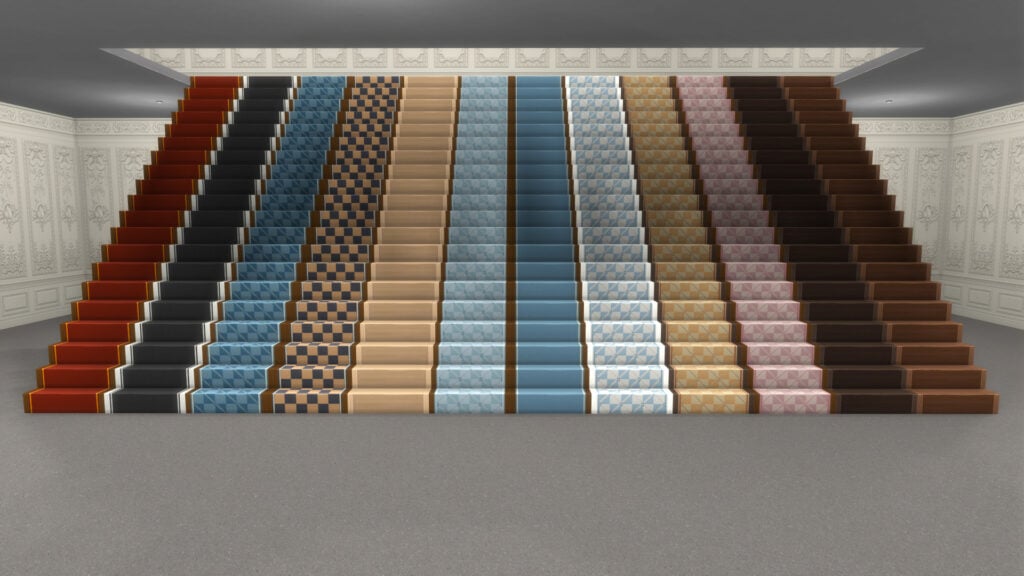
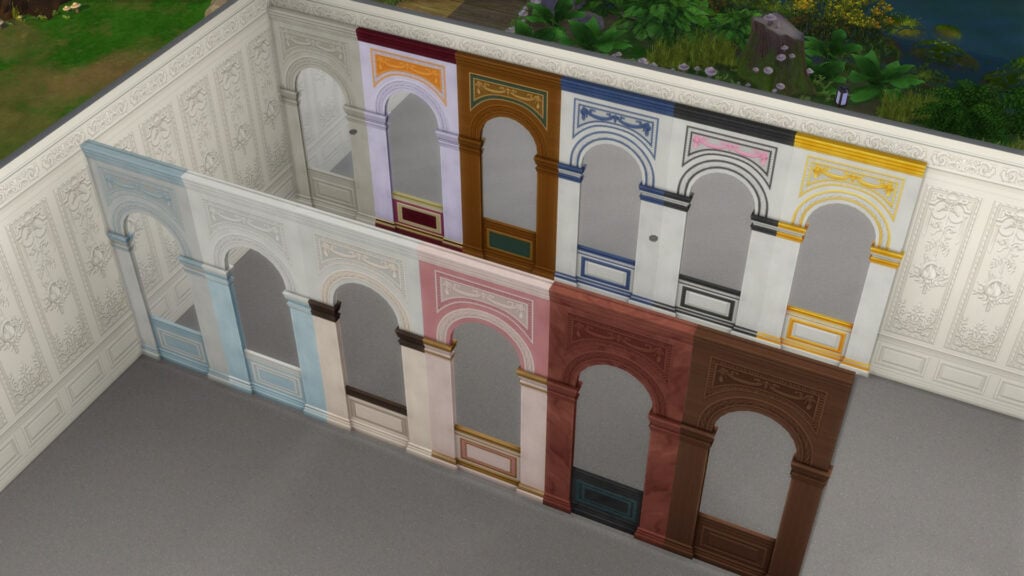
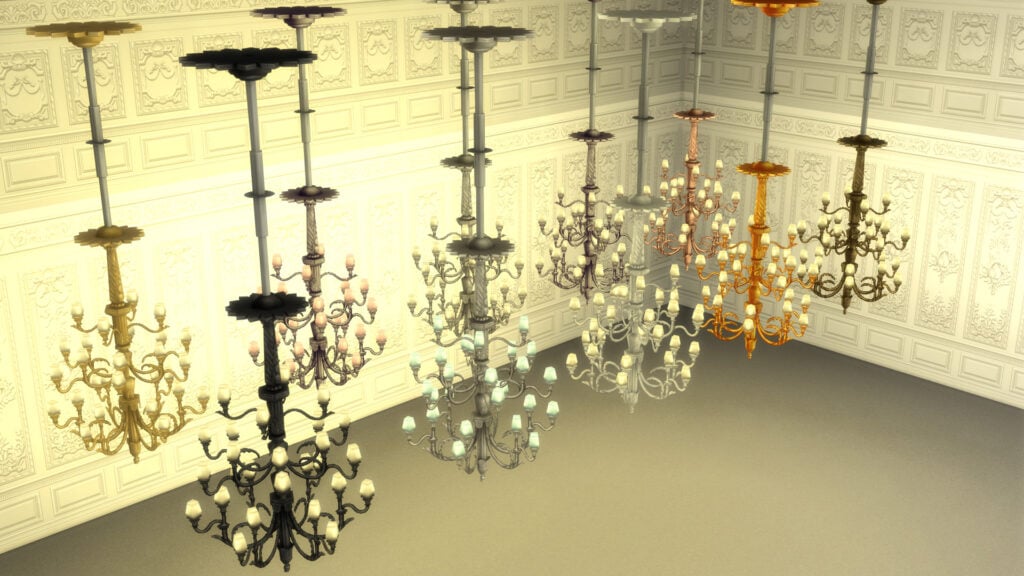
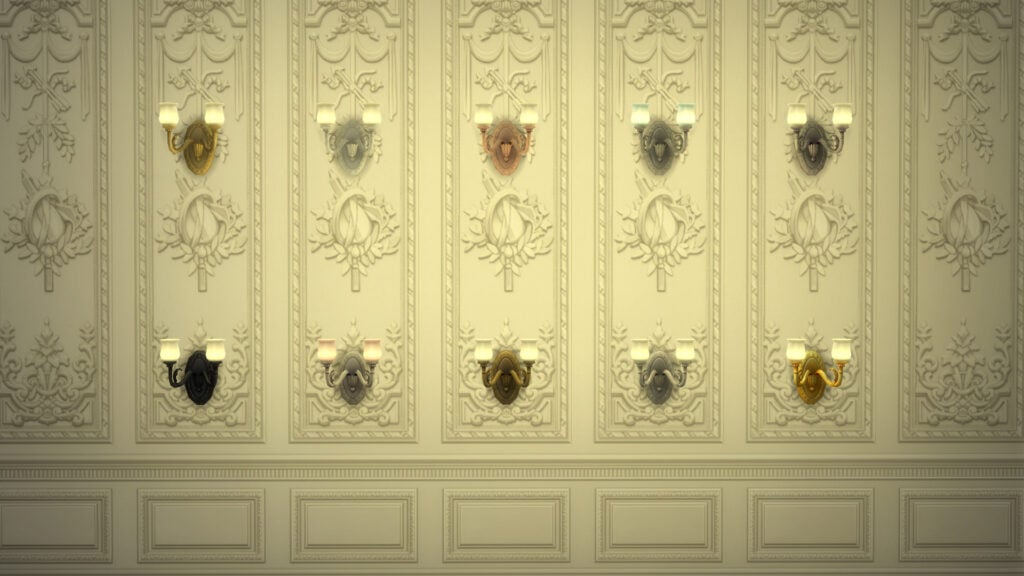
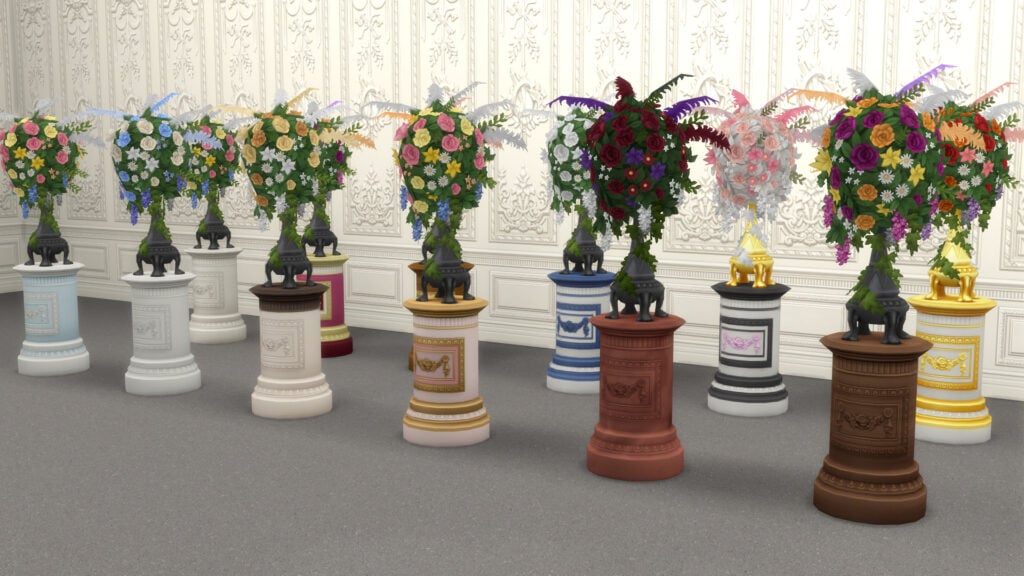
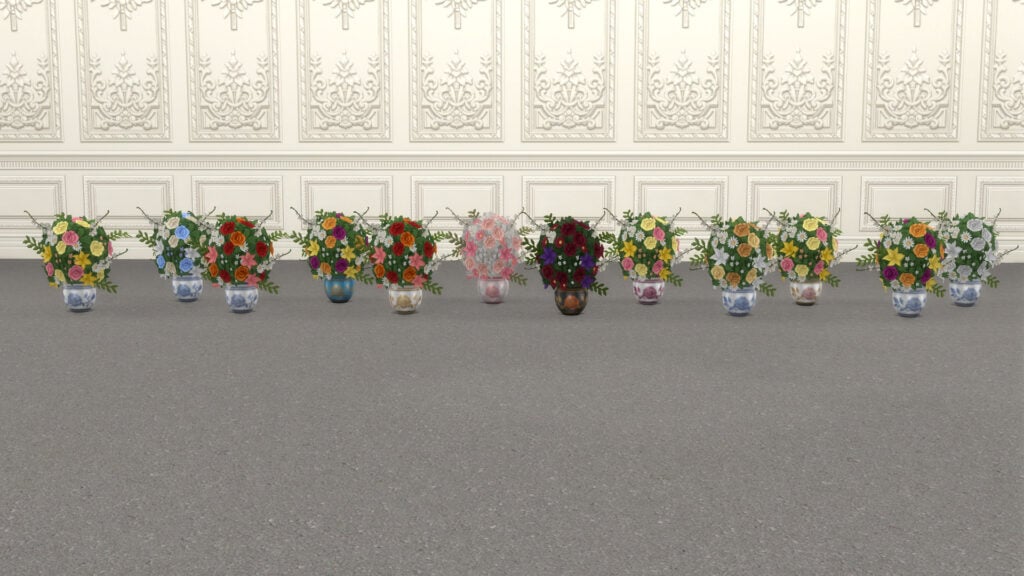
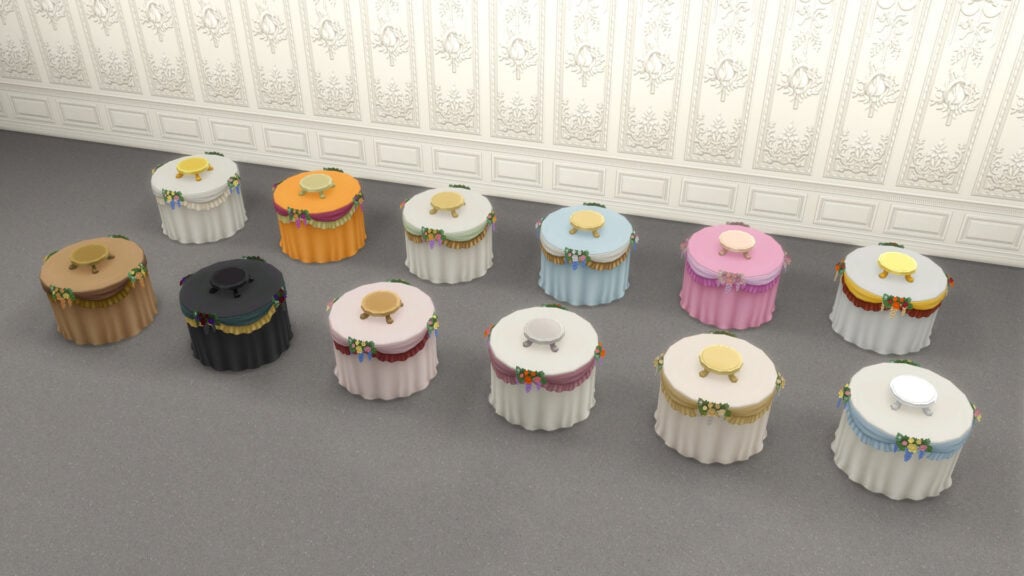
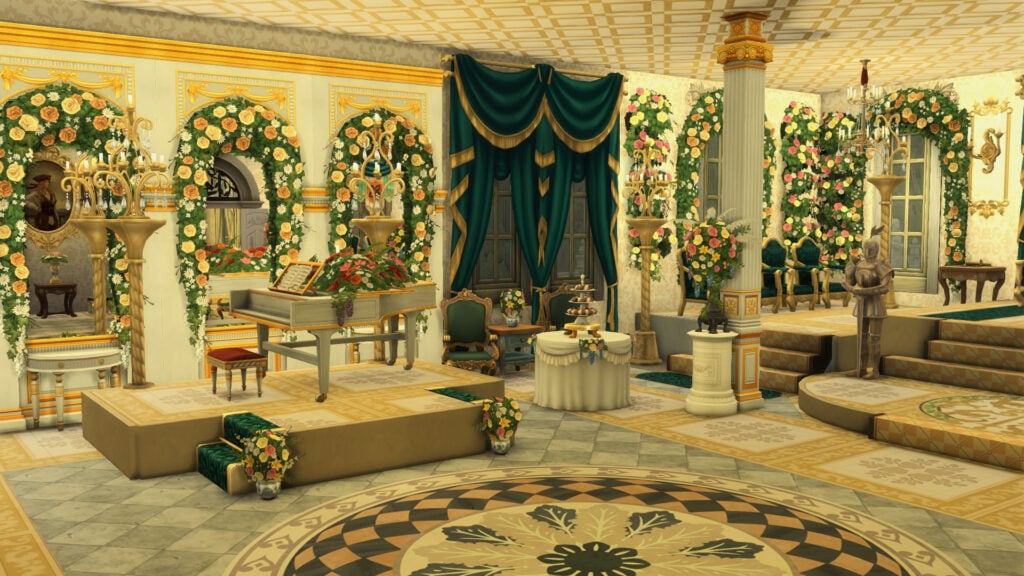
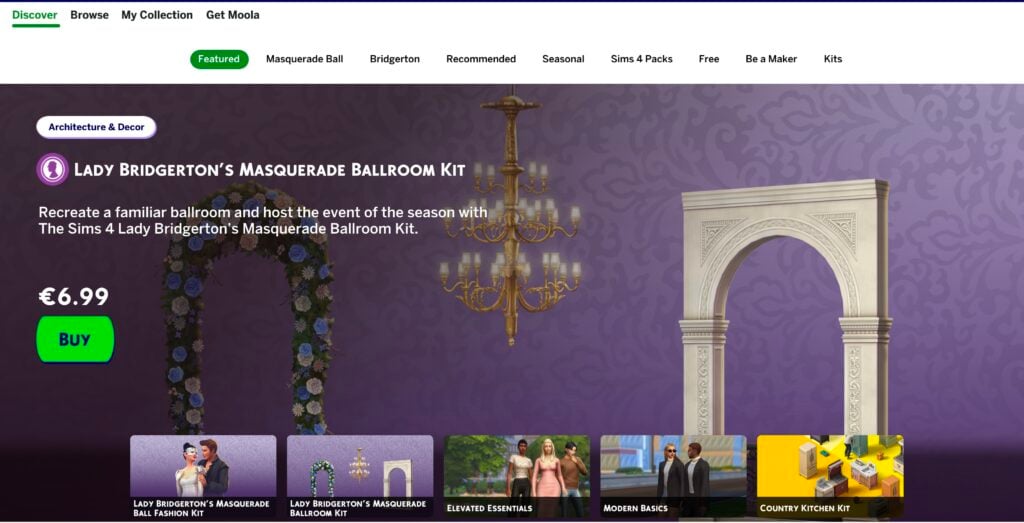
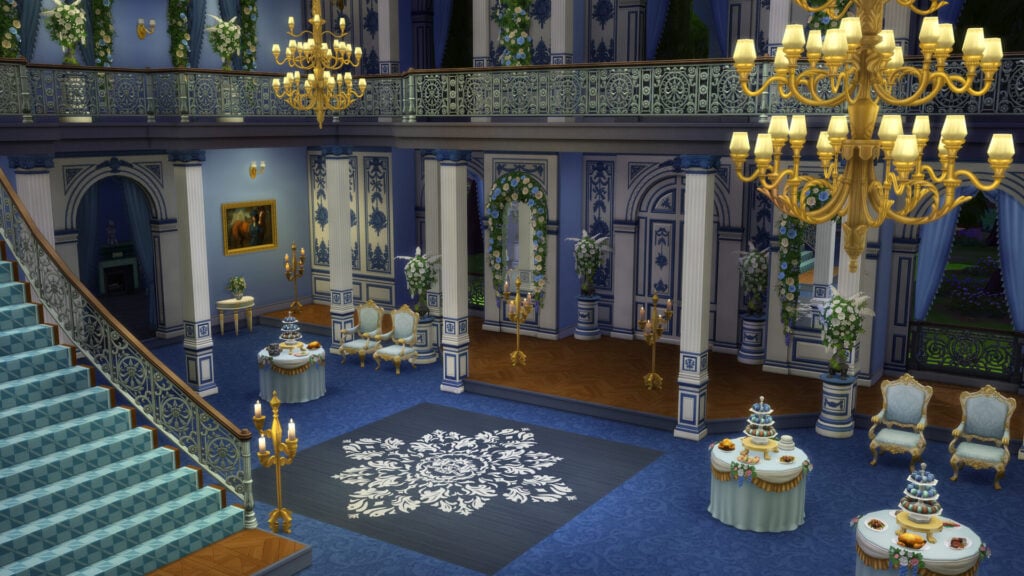
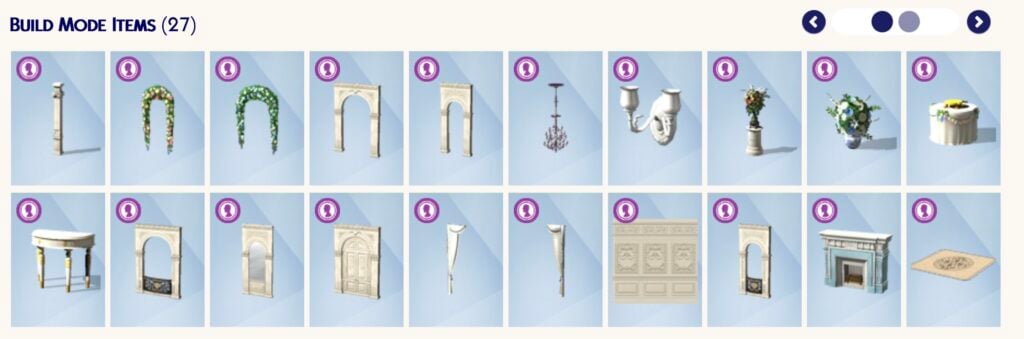
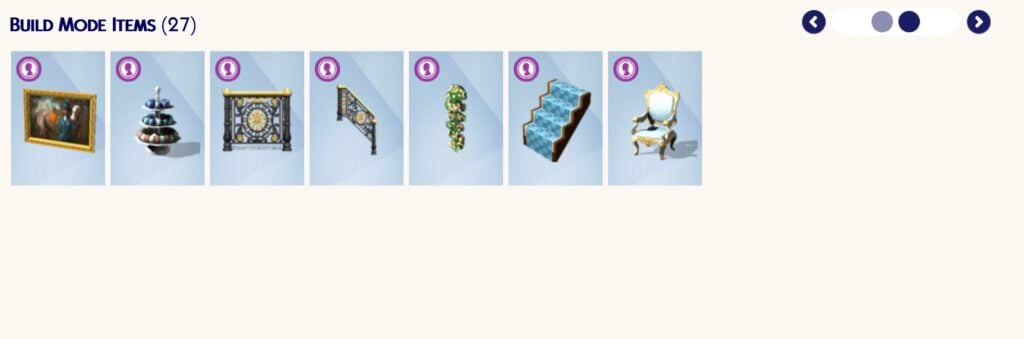
Inspired by the lavish masquerade events featured throughout the series, this new Build Kit is entirely focused on elegant ballroom spaces filled with romance and theatrical charm. The kit comes with 27 new objects split between Build Mode and Buy Mode, alongside three additional bonus items available through the complete bundle purchase. On its own, The Sims 4 Lady Bridgerton’s Masquerade Ballroom Kit costs $6.99 USD, while the full bundle is available for $9.99 USD. The bundle is a limited-time offer, so you only have till August 14th, 2026, to buy both at a reduced price (and get 3 bonus items)
Table of Contents
Official Lady Bridgerton’s Masquerade Ballroom Kit Description
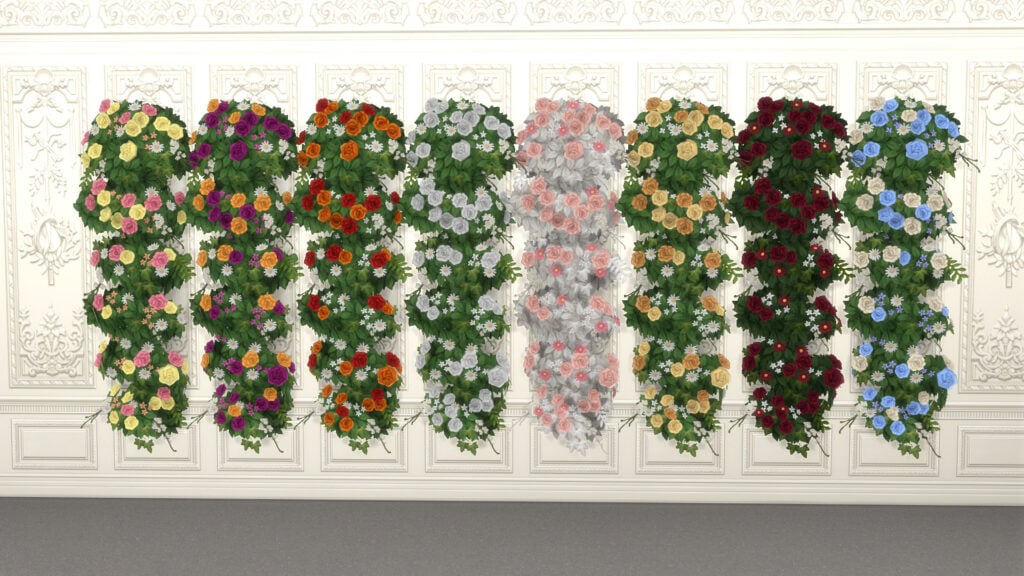
Recreate a familiar ballroom and host the event of the season with The Sims 4 Lady Bridgerton’s Masquerade Ballroom Kit. Captivate your guests with a romantic atmosphere. A chandelier is the most alluring mood lighting you can get, and with opulent florals lining the walls every Sim in attendance is sure to find their own beautiful moments. This decadent décor sets a stage where every dance – every glance – feels meaningful.
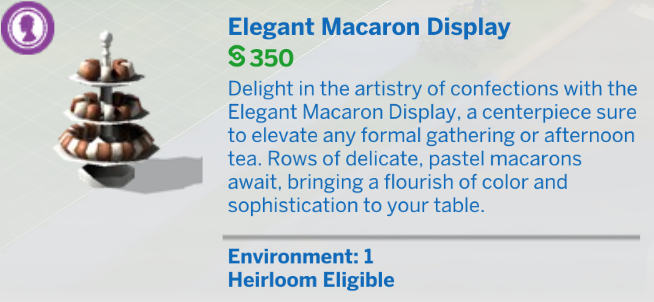
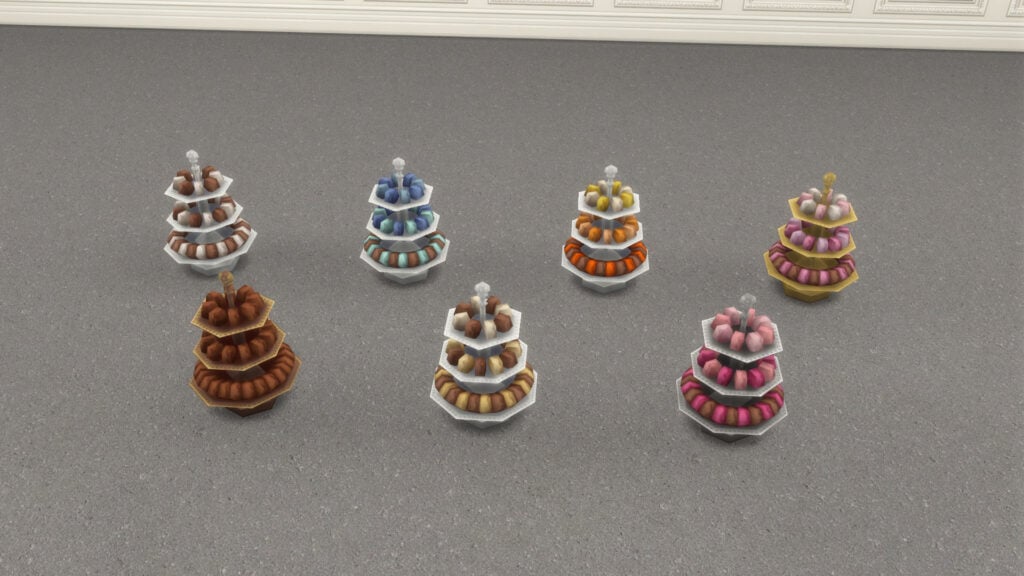
Lady Bridgerton herself would smile at the bountiful banquet table, dazzling dance floor, and Macaron Treat Tray of your enticing event. Set the perfect scene for Sims to find true love.
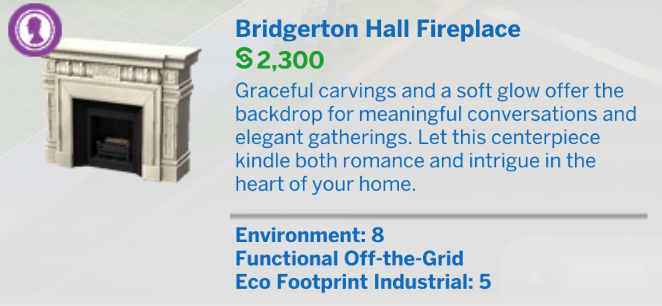
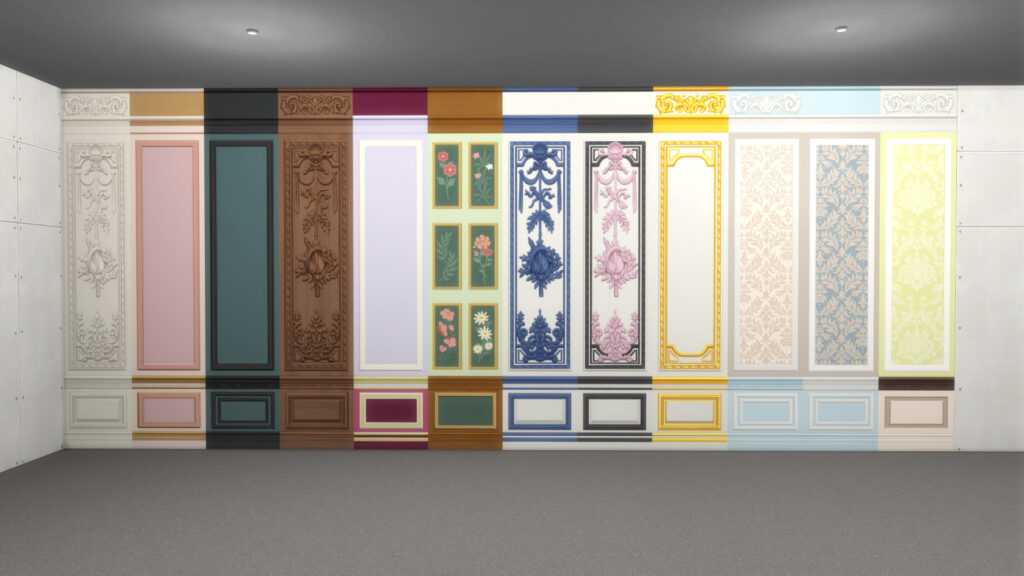
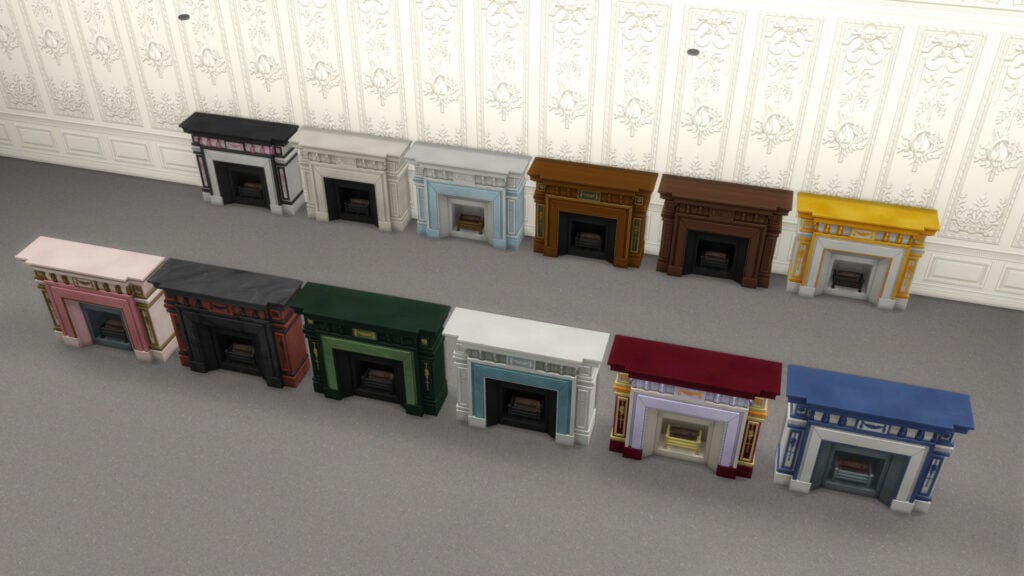
Recreate the opulence of balls thrown by the great families of the Ton. With a marble fireplace of the highest quality, intricately designed wall panels, and furnishings as delicate as a new romance, you might even impress the Queen.
Lady Bridgerton’s Masquerade Ballroom Kit Catalogue Overview
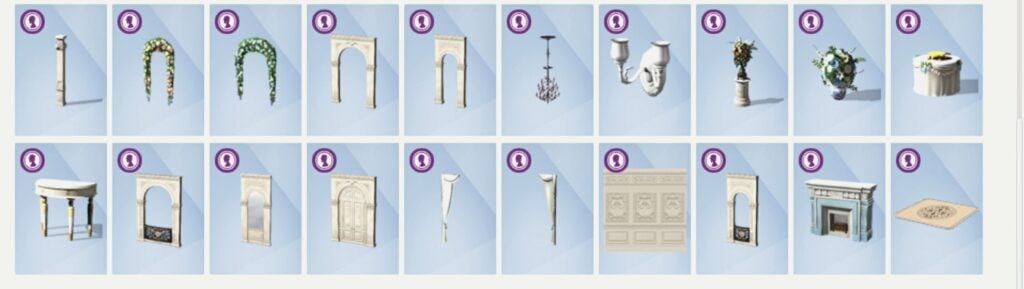
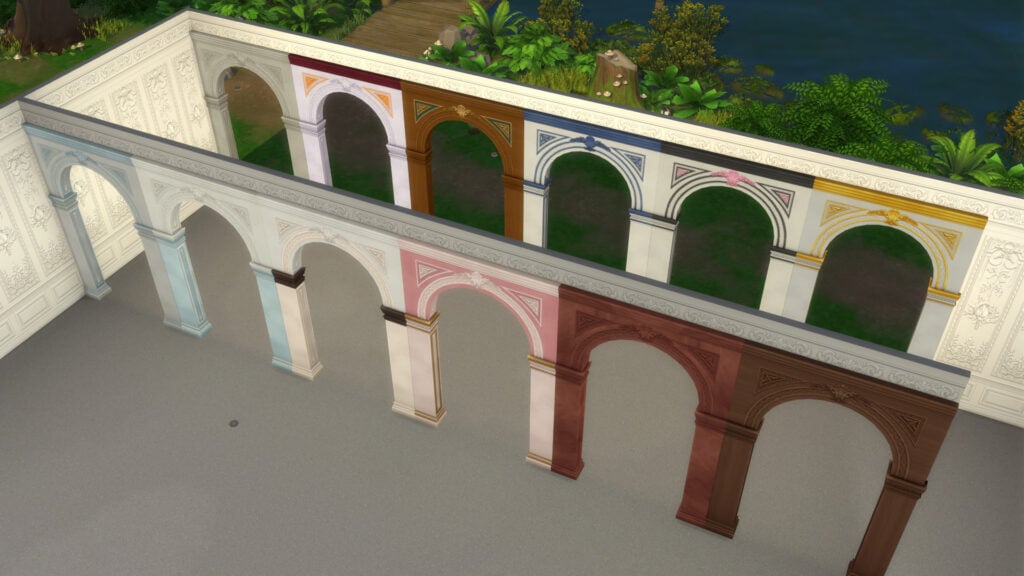
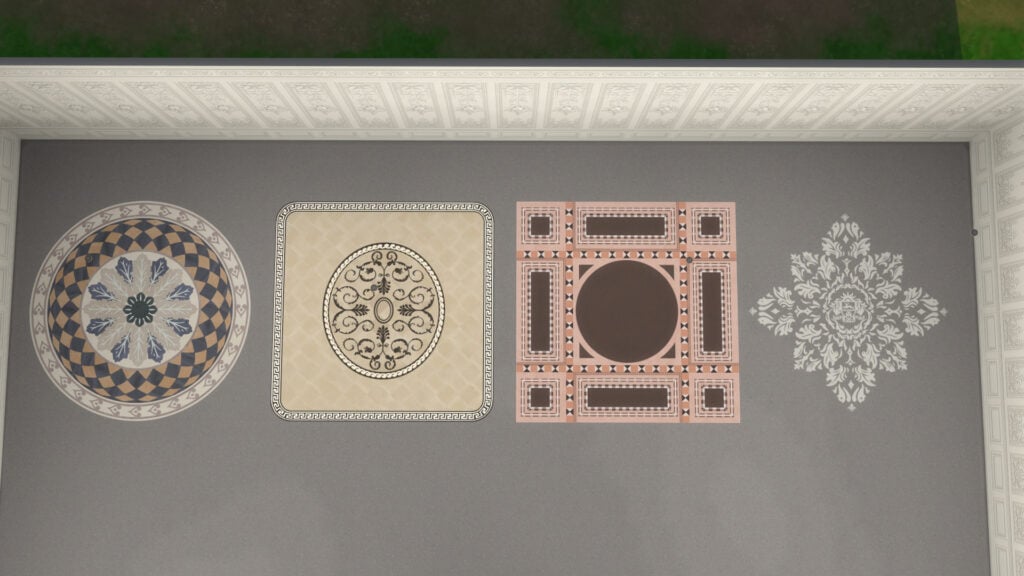
This new kit adds 27 assets to the Build/Buy category; 9 are for Build mode, with the rest for Buy mode.
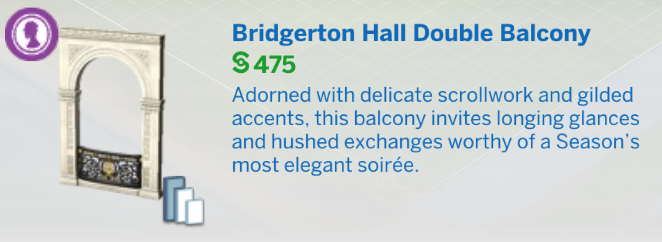
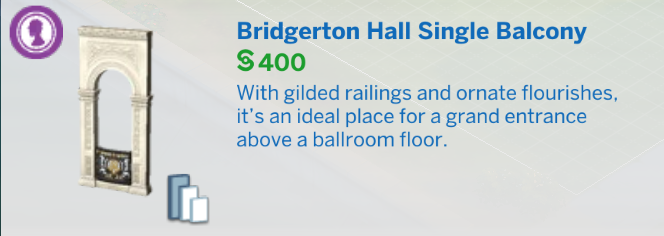
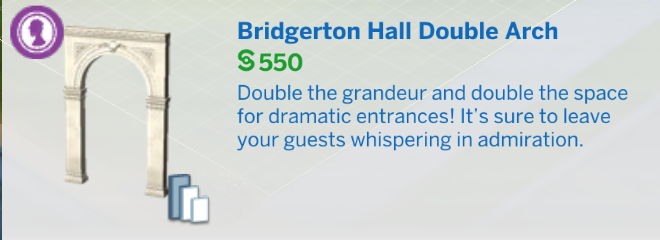
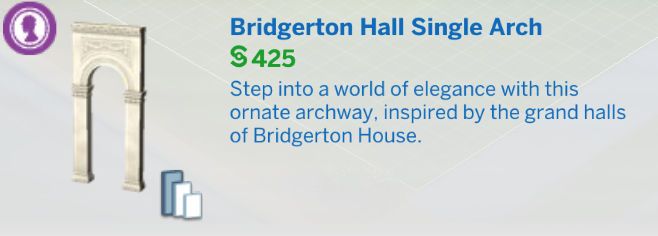
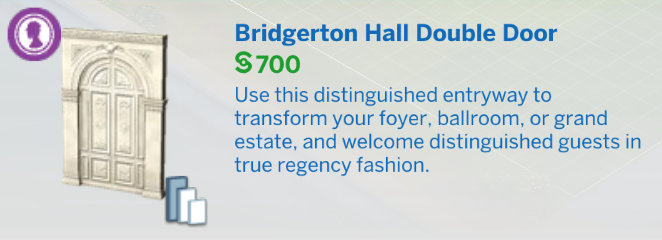
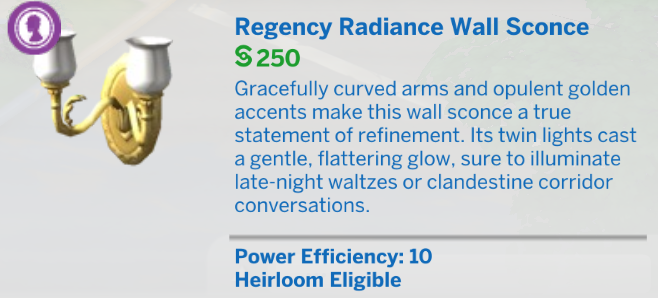
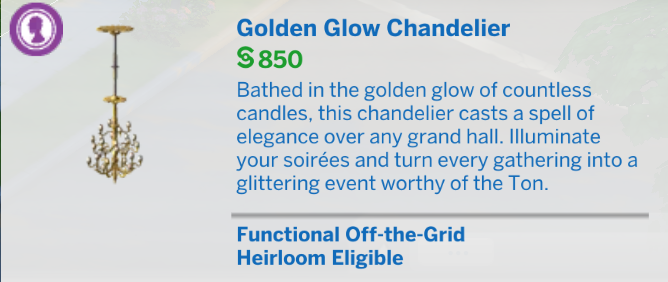
Check the official descriptions for each new item. There are plenty of references to the Bridgerton universe!
New Pre-Built Room
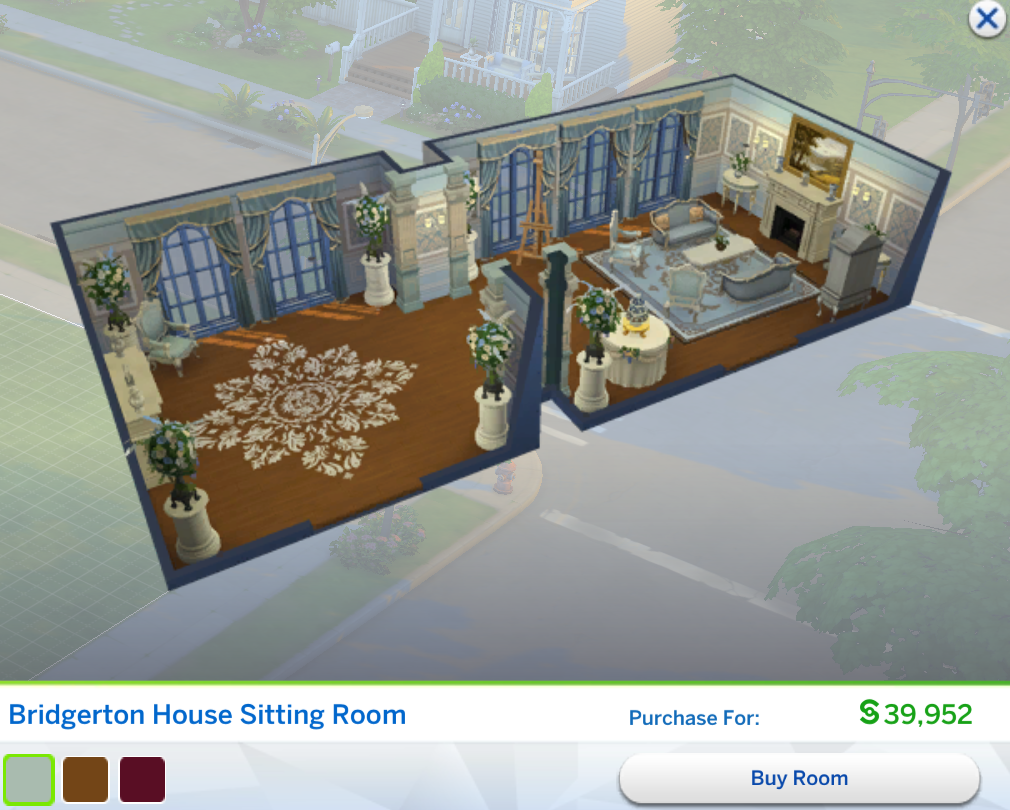
The kit also includes a new pre-built room: the Bridgerton House Sitting Room. It’s one of the most expensive pre-designed rooms currently available in The Sims 4, despite featuring very few of the new objects included with the kit itself.
Check the room in-game:
Swatches for Each Item
The Sims 4 Lady Bridgerton’s Masquerade Ball Bonus Items
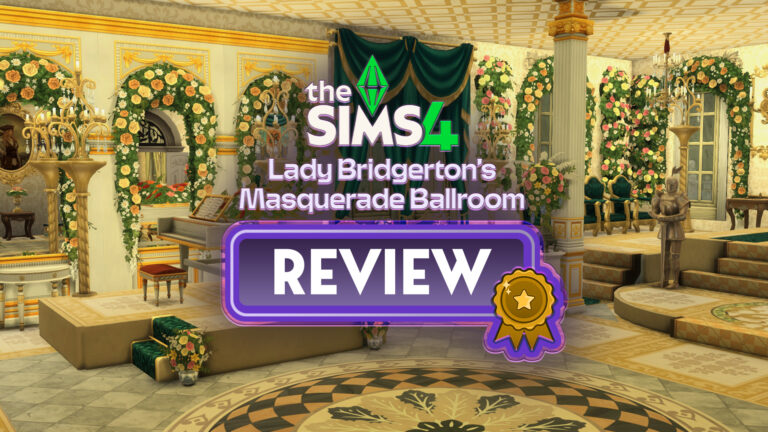
Our Review of The Sims 4 Lady Bridgerton’s Masquerade Ballroom Kit
Even as someone who isn’t a massive fan of Bridgerton, I still came away genuinely impressed by the overall quality of both kits included in this collaboration. There are definitely some Buy Mode choices that feel a little less memorable unless they directly reference the series itself, but the moment the kit fully embraces the Bridgerton fantasy, the quality becomes incredibly noticeable. Both the Create-a-Sim assets and the Build Mode objects feel far more polished than what many players have come to expect from smaller releases in The Sims 4.
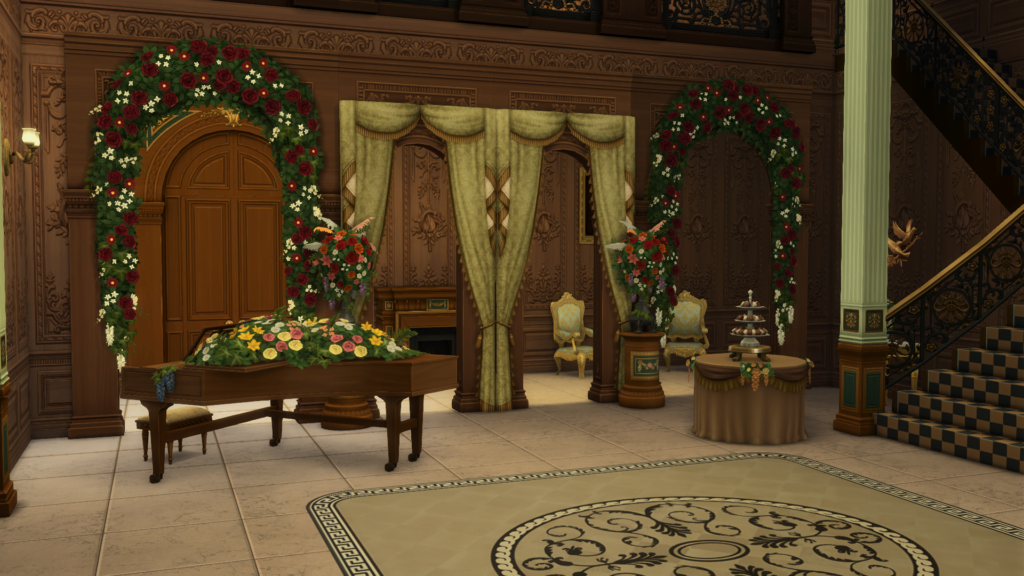
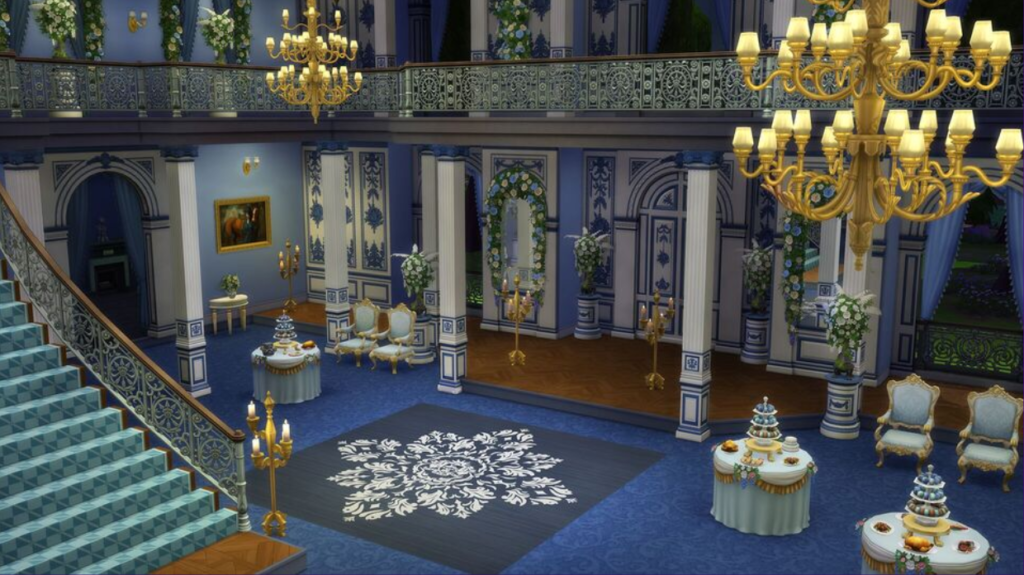
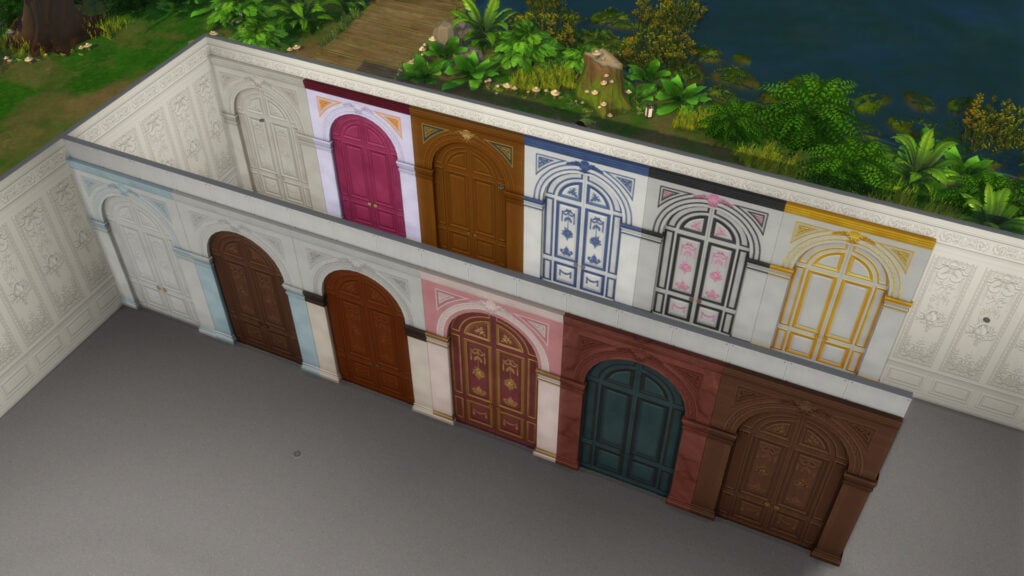
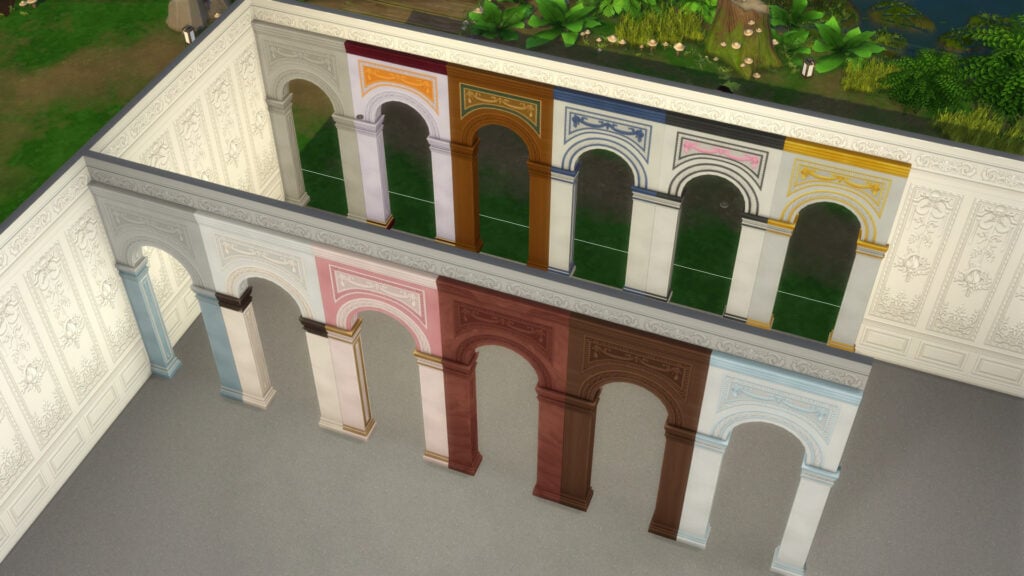
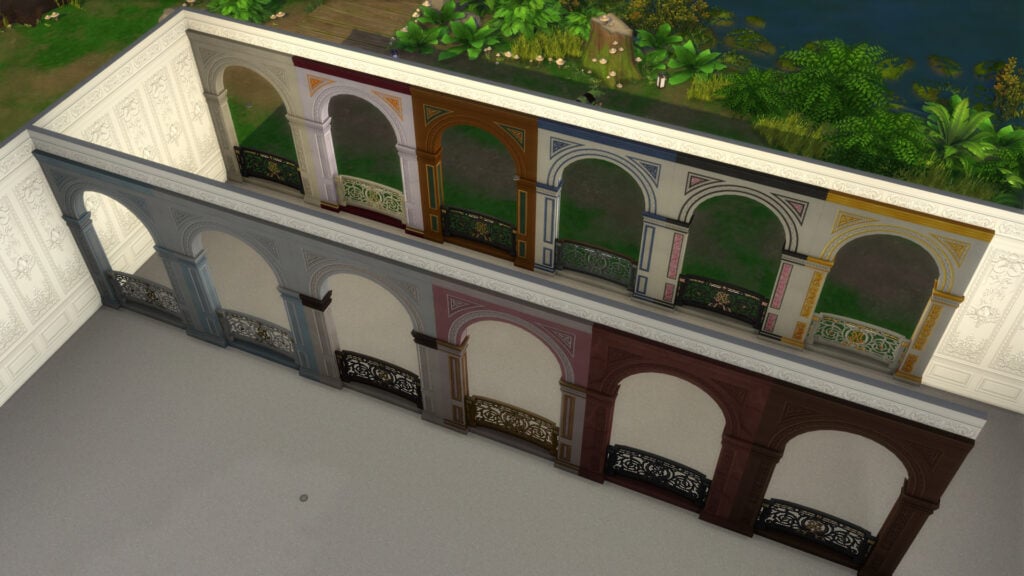
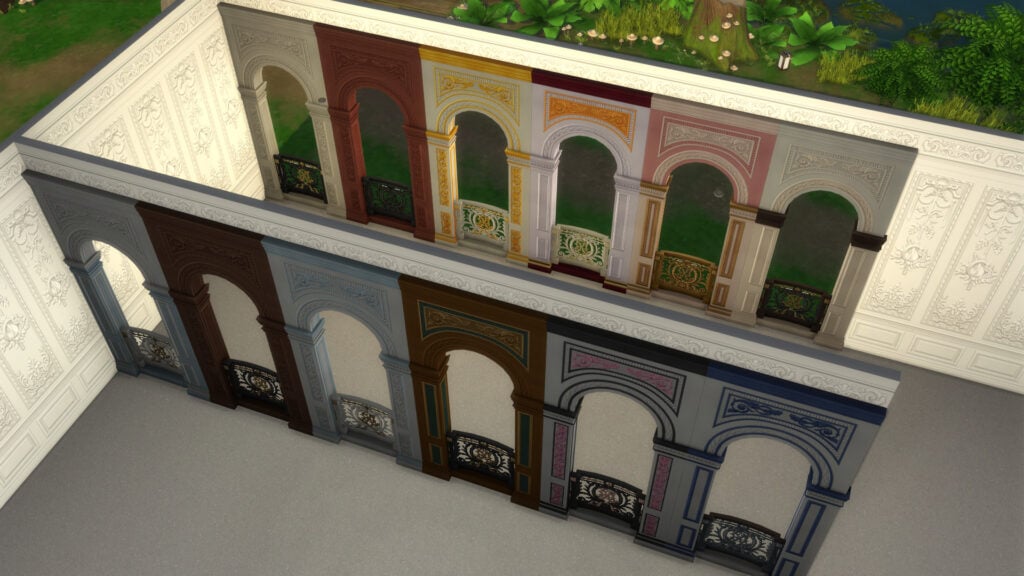
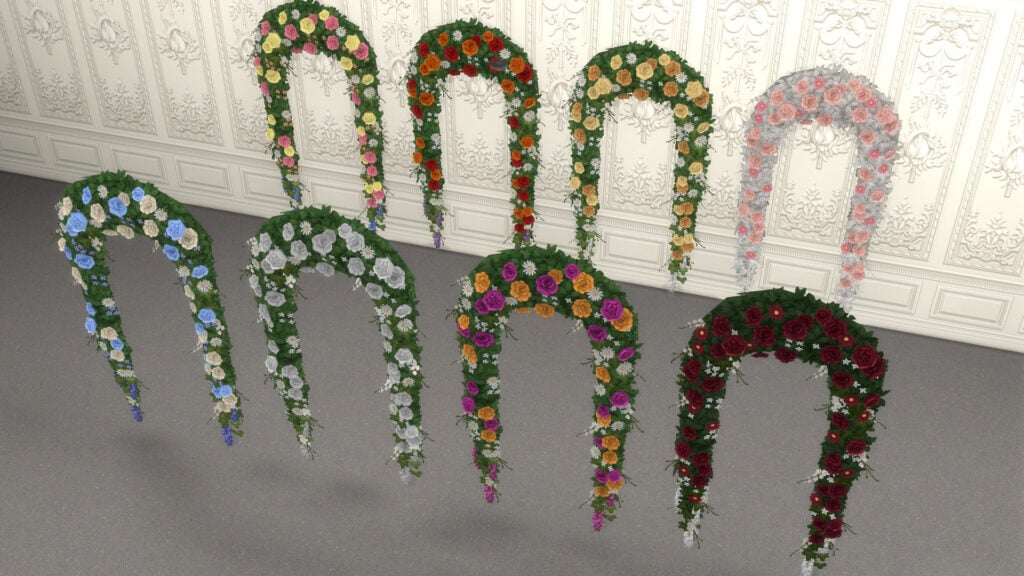
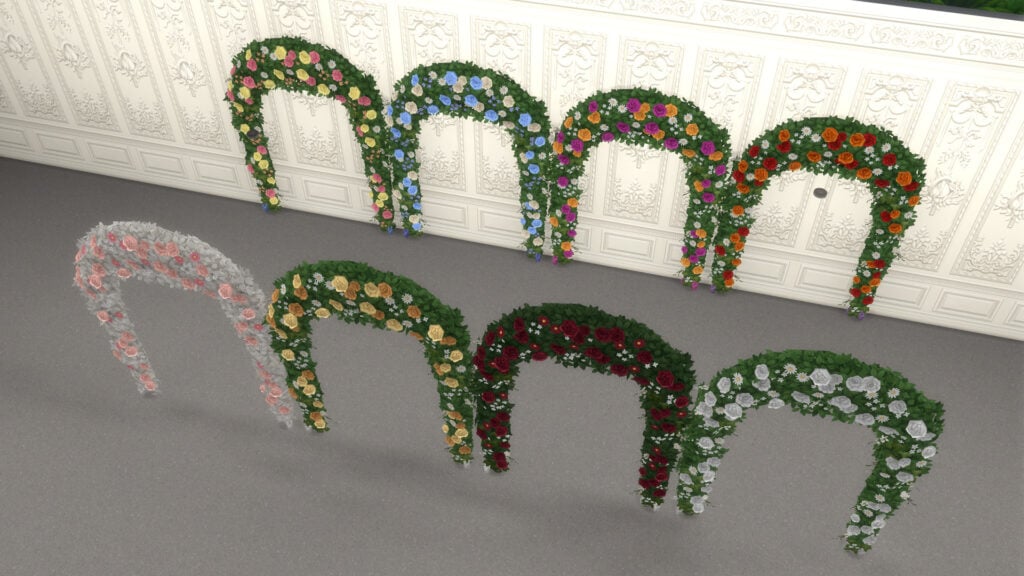
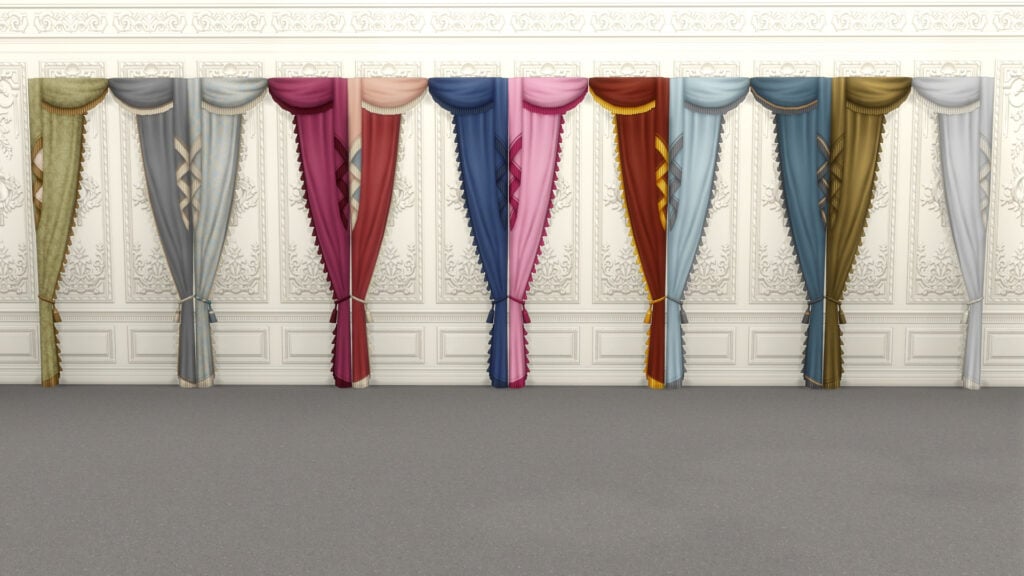
What surprised me the most was how many fresh ideas are included throughout the Build Mode catalog. The floral arches, oversized doors and windows, and vibrant color palettes instantly stand out and feel perfect for players who enjoy creating mansions, castles, noble estates, or historical-inspired builds. Some of these additions honestly feel long overdue for builders who love dramatic architecture and elegant interiors.
Original build by nikivertigo. Edited for this review with Lady Bridgerton kit assets.
At the same time, adapting Bridgerton into an architecture-focused kit was always going to be a difficult task. Personally, I’ve always felt that the identity of the series comes less from the buildings themselves and more from the characters, costumes, music, and overall atmosphere. There are only so many architectural details that immediately feel Bridgerton unmistakably, unless you directly recreate recognizable locations from the show itself.
That’s ultimately why I think both kits work so well as a tribute to the series. Instead of trying to perfectly replicate every detail from the Netflix adaptation, they focus on capturing its atmosphere through decorative elements, dramatic interiors, floral details, and elegant silhouettes. The result still feels versatile enough to fit naturally into different types of gameplay, especially alongside recent content focused on dynasties and royalty-inspired storytelling.
I’ve always believed that kits work best when they fully embrace highly specific themes instead of trying to appeal to every type of Sims player. Expansions and Game Packs should usually handle broader everyday content, while kits are at their strongest when they target niche aesthetics and creative communities directly. We already saw something similar with the previous SpongeBob collaboration bundle, and the same thing happens here. Out of all the crossover collaborations we’ve seen in The Sims 4 so far, this honestly feels like one of the most natural fits for the game.
What are your thoughts on The Sims 4 Lady Bridgerton’s Masquerade Ballroom Kit? Are you planning to add this Regency-inspired collection to your game, or are you skipping this collaboration? Let us know in the comments below.
For more coverage on the latest The Sims 4 releases, make sure to check out our other reviews and news articles here on Sims Community.
Paralives will be releasing in its initial early access release phase on May 25th 2026, roughly six years after the beginning of its development. While approaching around 10 days from this initial early access release date, the Paralives Team wants to make sure everyone is on the same page.
Paralives is a new life simulation game coming from the small indie studio Paralives Studio, with notably stylized graphics and an emphasis on creativity and freedom in gameplay and in-game creation of builds, characters, and mods or custom content. Proper expectations being set are vital when considering that this is a new life simulation game years in the making, coming from an indie studio with 15 team members.
Table of Contents
Paralives Team Wants To Keep Your Expectations Set For Early Access Release
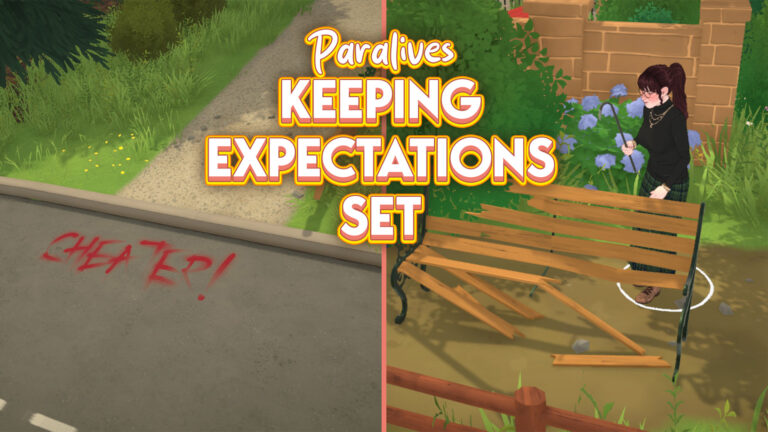
To keep expectations of the community and early access release players appropriate to the stage of the game, the Paralives Team official X account reposted some graphics that were initially released in November 2025.
with Paralives coming out in 10 days, we’re resharing some important information about what to expect from our Early Access release! pic.twitter.com/VpAt0wEYgJ
These graphics were initially published in November 2025 because the initial early access release date for Paralives was supposed to be December 8th, 2025. However, when approaching this time period, the team did not feel comfortable actually releasing the game in the state it was in at the end of 2025. They wanted to work on features more and to make sure it was a product they felt happy and comfortable about releasing, even in an early access state.
Early Access Release and the Basics
Games being in early access is not unheard of, but for players that haven’t engaged with developers online or who have not played loads of indie games, Early Access Release is a public release period for a game that can last a few months to multiple years. This period of time allows players to purchase the game and play it before it is fully done.
While it can be frustrating to experience the bugs and lack of gameplay that early access can initially bring, players often reap the benefits of being able to give feedback that truly shapes the trajectory of the games development, playing and getting to know the game much sooner, and often getting the game for a discounted price. Since they own it during the early access release period, they also get access to the full release without paying for a possibly increased price.
Gameplay Expectations
The gameplay features of Paralives will not be as expansive as it may be in a few years, or whenever the game comes to a full release, but the goal of the development team at Paralives studio seemed to be to create good structural bones for life simulations. Life simulations simulate… Life! This means that while some features may be added later or may be very simple now, the basics of Paras being alive will be present. They can be born or created, marry and develop relationships, and there will be ways for them to age and die.
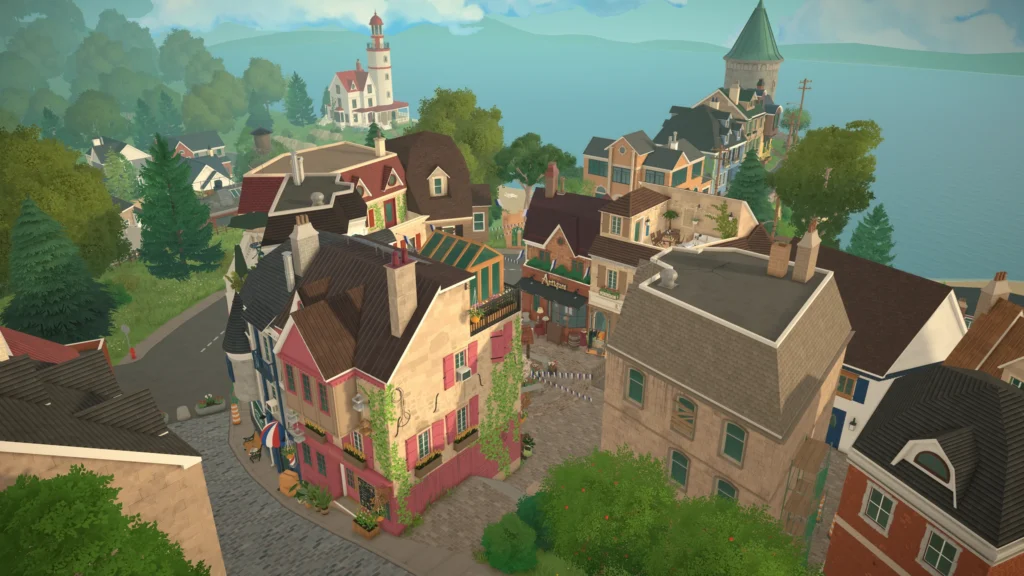
There is a small and cozy seaside town for players to explore and discover, including multiple shops, buildings, and a museum. Paras will be able to get jobs and progress through careers, though these will currently be rabbitholes, meaning Paras will disappear from the lot while working. There will be collections, allowing you to find new items and fill the museum with artifacts and other collectibles.
Creation and the Future
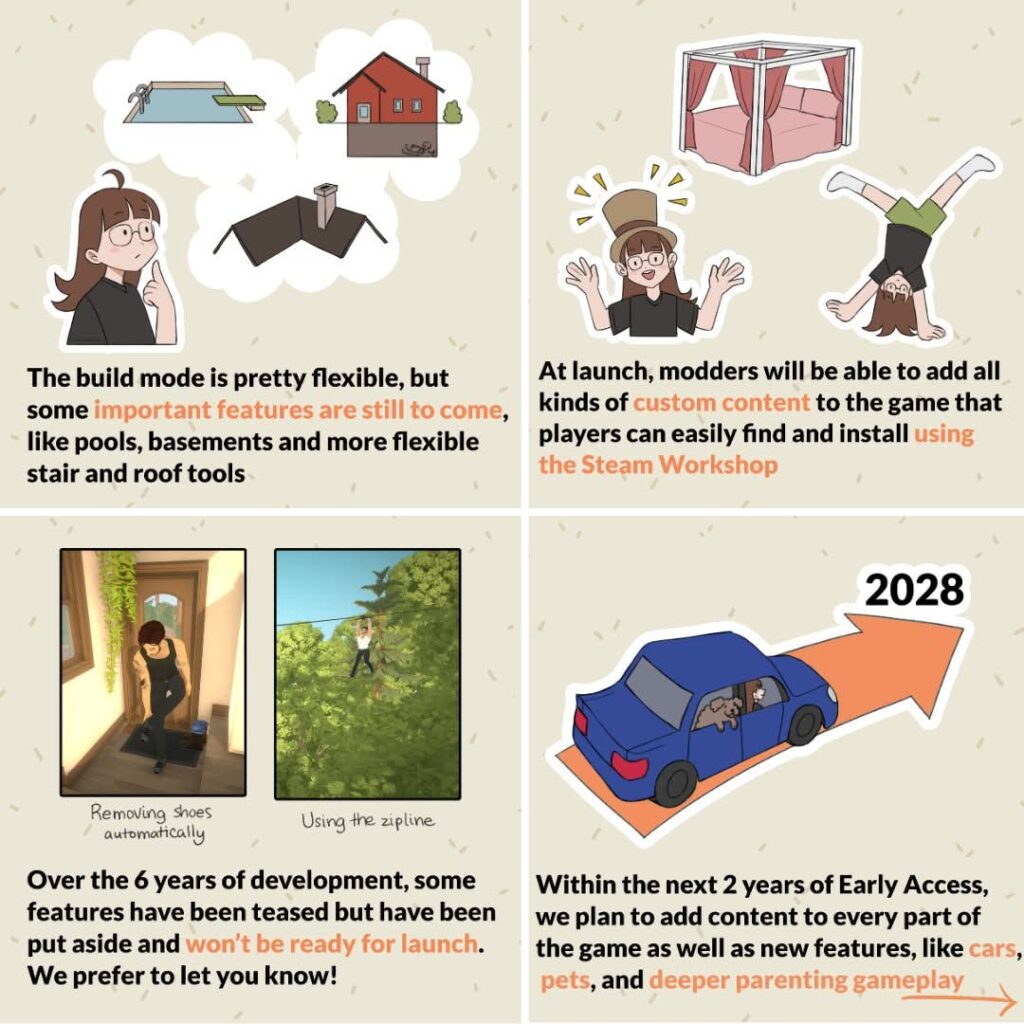
While features players might expect will not be present upon release, they are generally being worked on and will be added over the next two years in consistent updates. Some of these features seem simple, like roofing tools, but can be more complex when you considering what we’ve seen for Paralives build mode so far, and the general lack of constraints it seems to enforce upon the players.
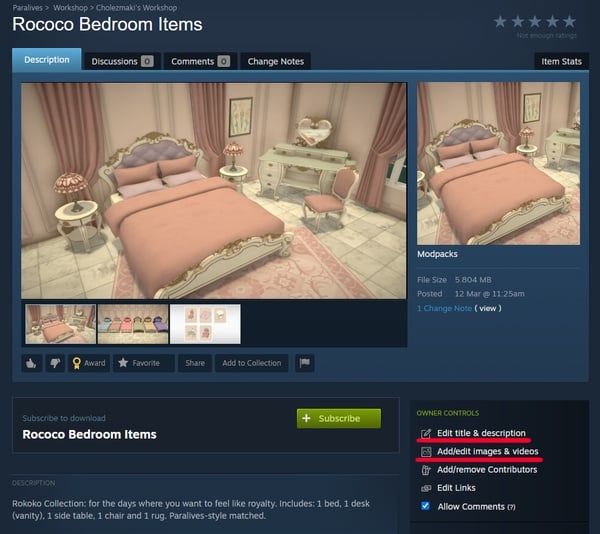
At launch custom content being available will be fun to see! These will more than likely be available through the Steam Workshop. This is directly connected to the game and makes creating, uploading, installing, and playing with mods easy and largely accessible for players. The tools will also be present to create custom content, meaning that anyone interested in diving into modding can get started in just a short ten days!
Final Notes
While getting such an expansive game and concept so soon and from a fresh new team is incredibly exciting for players and the life simulation community in general, having appropriate expectations is so important to avoid experiencing disappointment and disengagement from the game and community in general. A fully fleshed out life simulation is not the current state the game is in, and it likely will not be for quite a few months.
The point of an early access release is so players can provide developers direct feedback and help to guide the remaining course of the games development, as well as for developers to get continued support that will allow them to expand the capabilities of the game and their team.
For Paralives to succeed in such a small but competitive industry and genre, it needs player feedback, an engaged community, and support to continue to grow. If you decide to purchase the game in its early access stage and don’t like something about it, say something! Outside of their development road map and internal plans, the developers will only know what players want based on what players and the community actually tell them.
Will you be getting in on Paralives Early Access release, or will you be holding off? Let us know why or why not! Paralives will be releasing on Steam in its Early Access release phase on May 25th, 2026, and will retail for $39.99 USD. We at the Sims Community will keep you updated on gameplay, creations, and the overall roadmap and releases for the game.
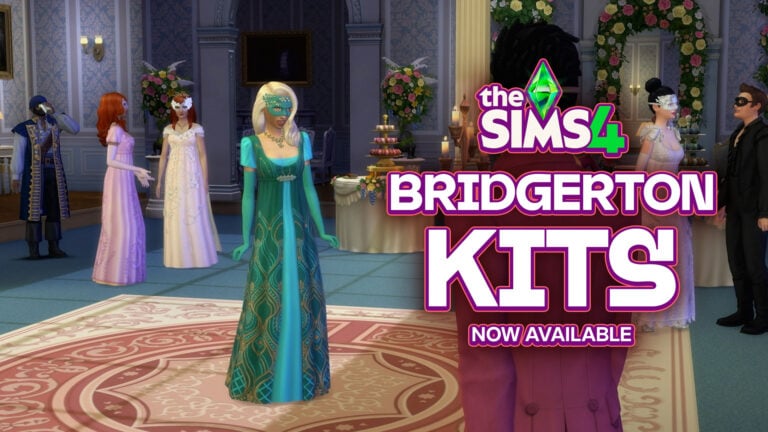
Two separate Kit releases are joined together again in the holy matrimony of capitalism. Giving two branded Kits for the price of…two normal non-branded Kits.
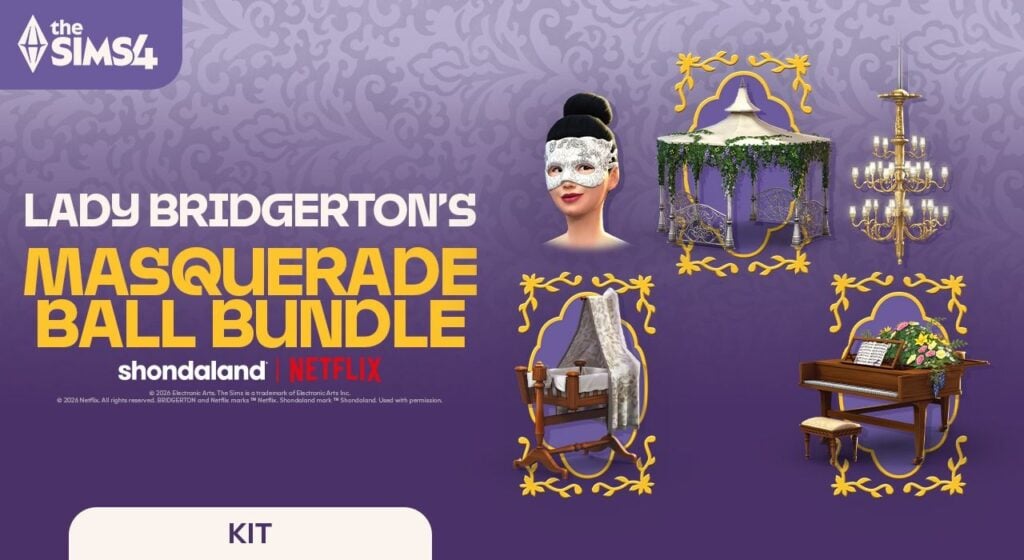
The Sims 4 Lady Bridgerton’s Masquerade Ball Bundle contains two Kits, including:
The Sims 4 Lady Bridgerton’s Masquerade BallroomKit (Build)
The Sims 4 Lady Bridgerton’s Masquerade Ball FashionKit (CAS)
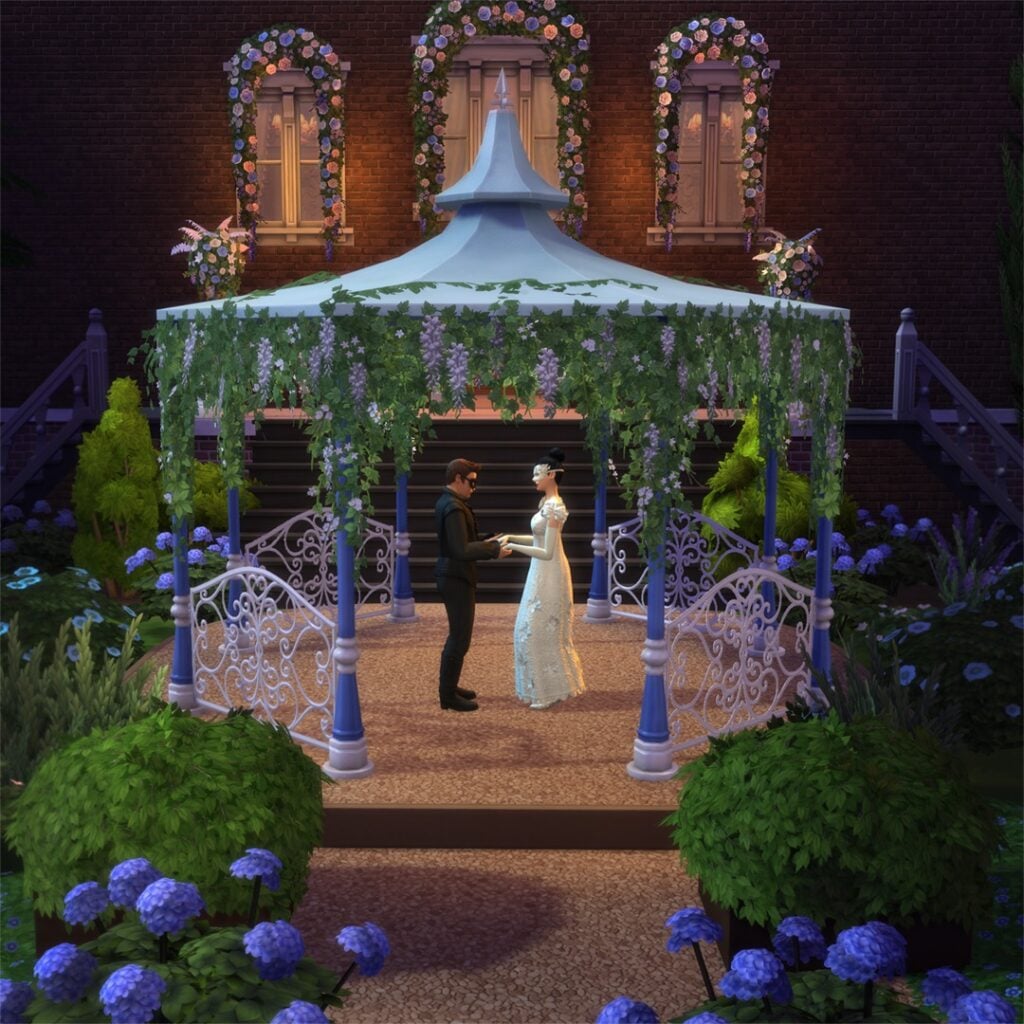
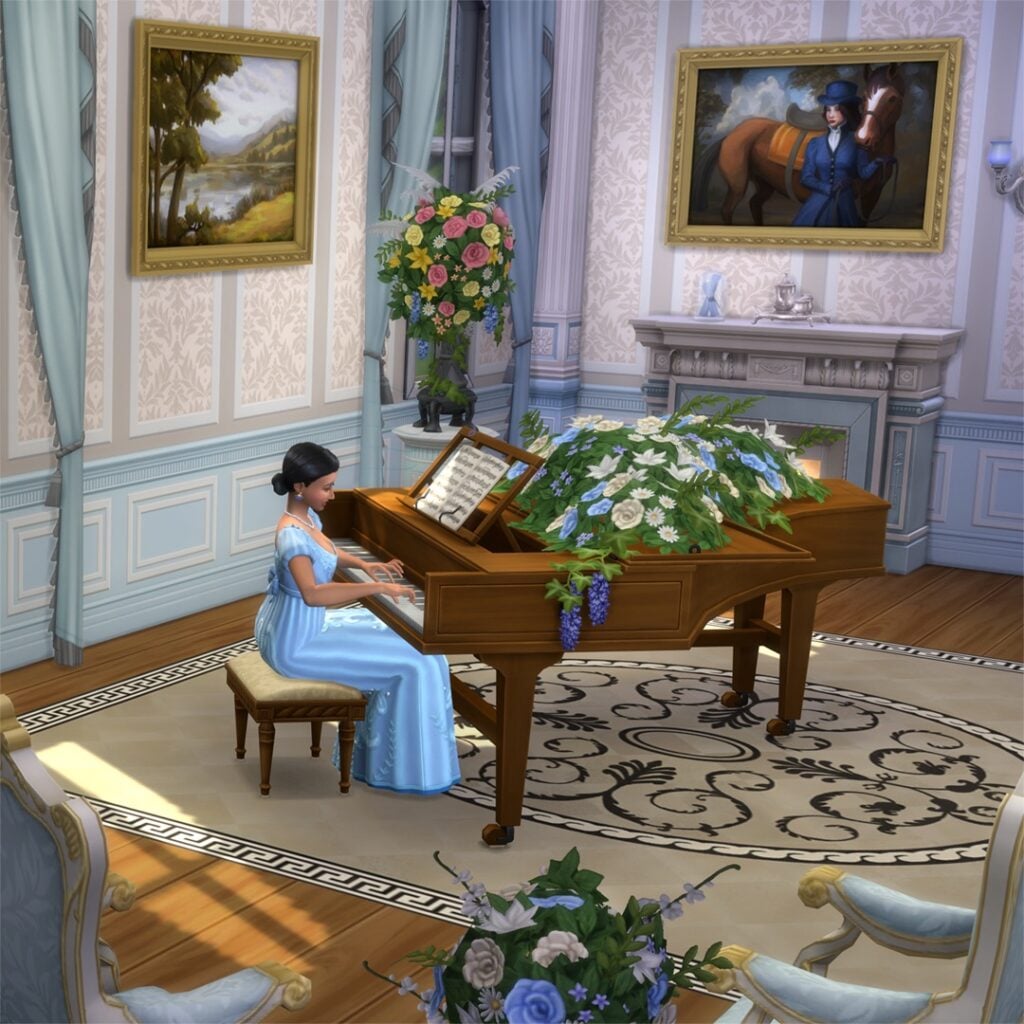
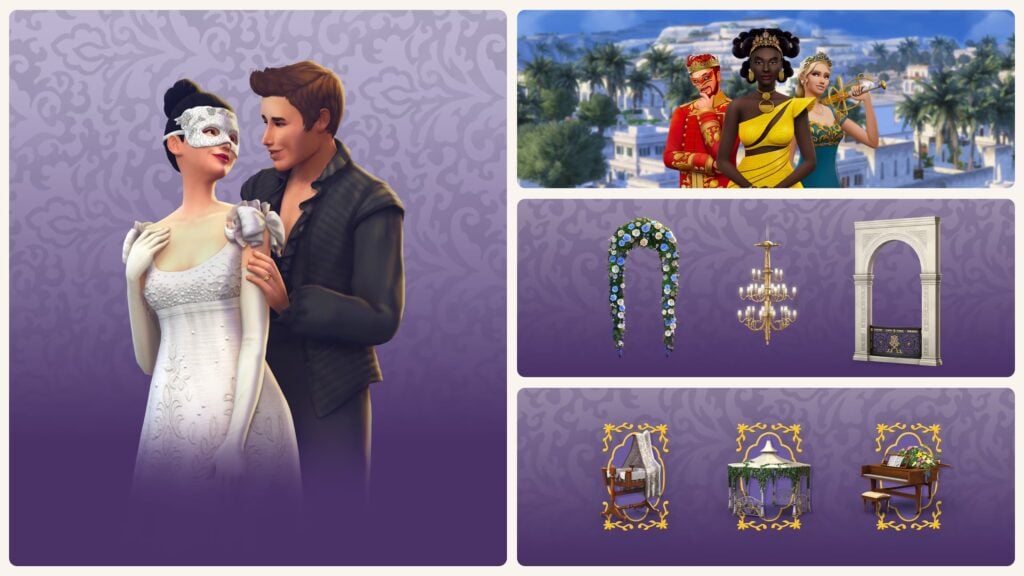
These two cost $6.99USD each if you want to purchase them individually. From May 14th until August 14th, 2026 you’ll be able to purchase the 10USD Kits Bundle and claim three exclusive items pictured below. They’ll be gone forever after the Kits Bundle offer expires!
It’s important to note that The Sims 4 players on Console can only purchase the new Kits through The Sims 4 Marketplace using Moola virtual currency. Meaning that one Kit is 700 Moola and the entire Bundle 1000 Moola.
Table of Contents
Official Sims 4 Bridgerton Kits Bundle Release Info
For the hosts most intent on distinction, the Masquerade Ball Bundle offers the complete experience: uniting The Sims 4 Lady Bridgerton’s Masquerade Ball Fashion Kit and The Sims 4 Lady Bridgerton’s Masquerade Ballroom Kit alongside three exclusive items inspired by moments from the Ton.
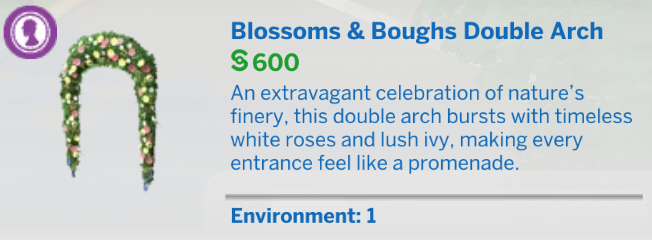
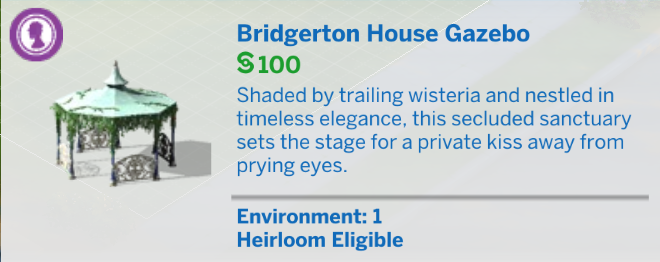
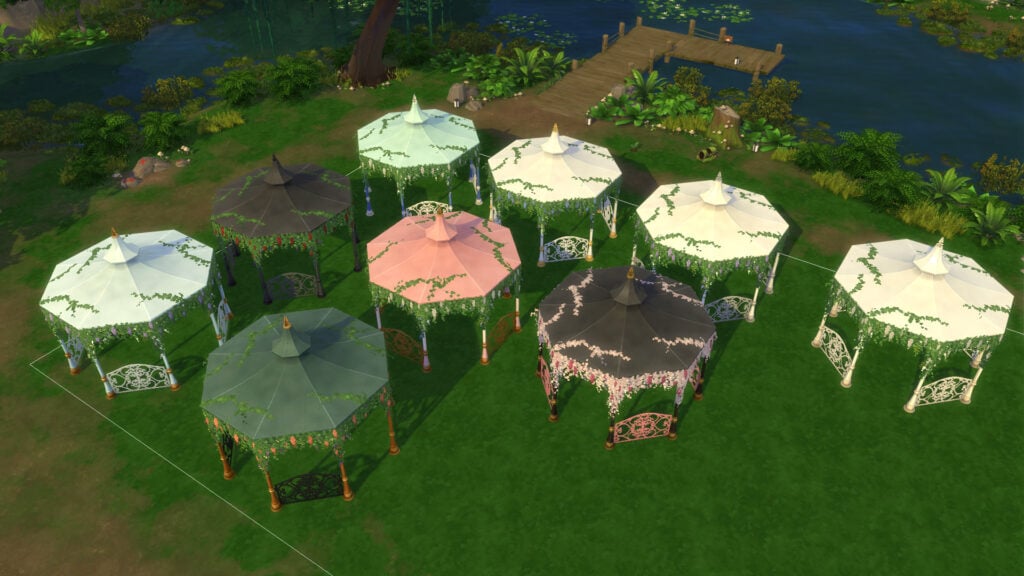
The Bridgerton House Gazebo, for clandestine encounters worthy of Benedict and Sophie
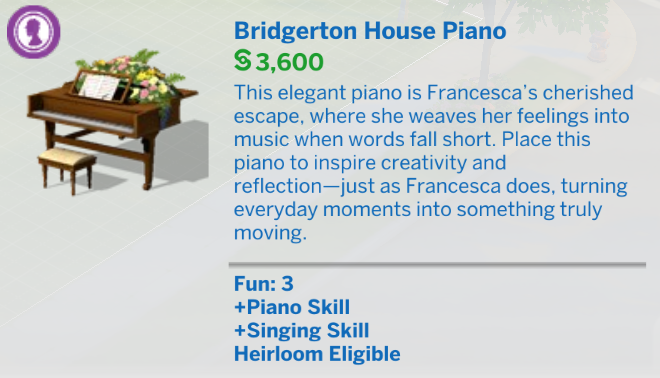
The Bridgerton House Piano, for tender declarations that might stir even Francesca…
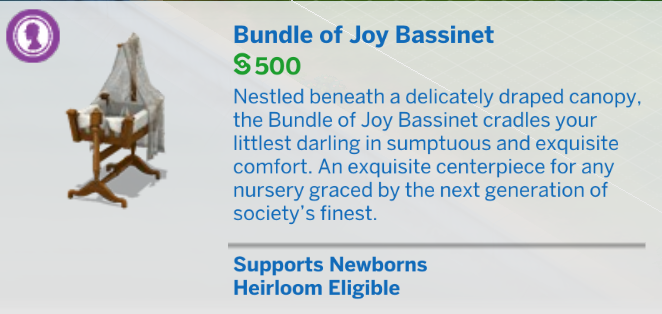
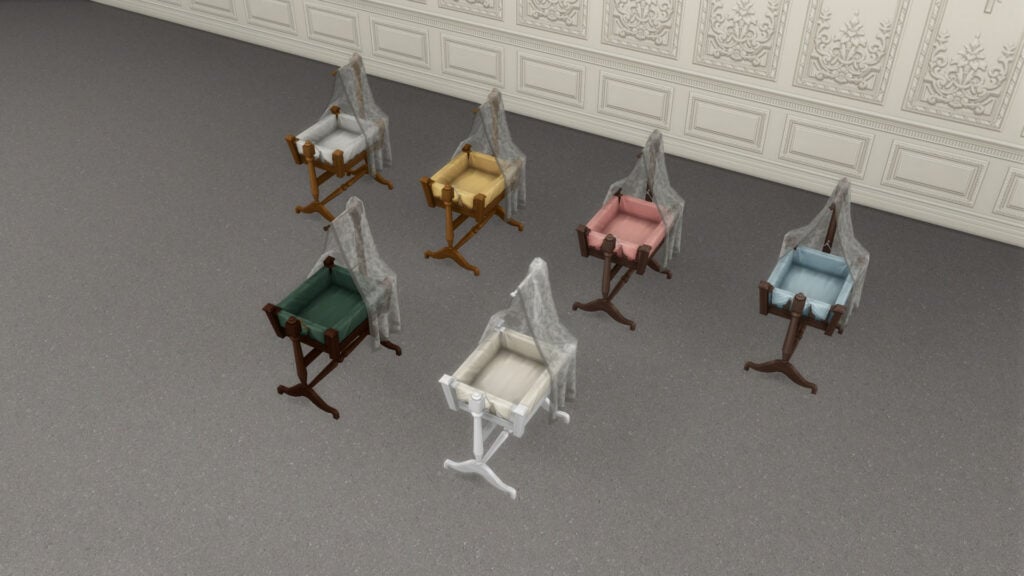
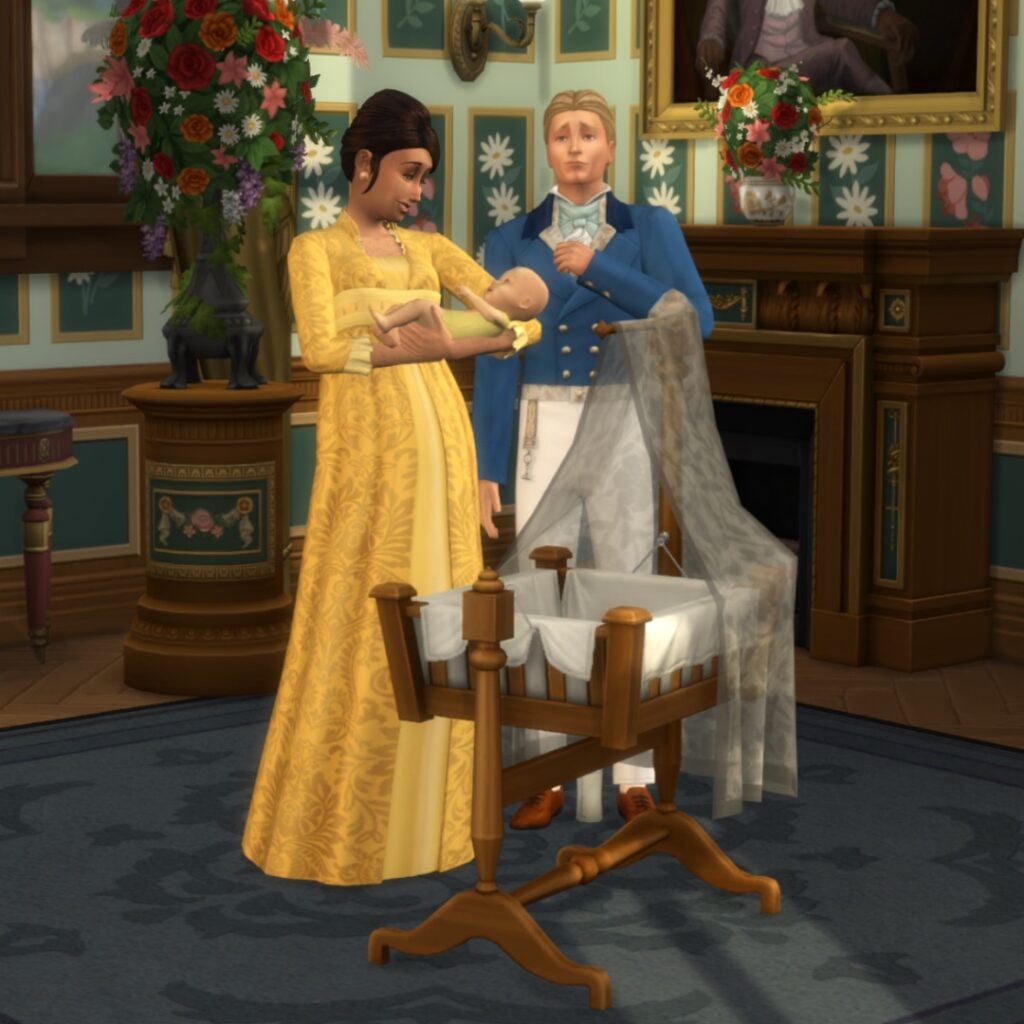
And for those with dreams of a growing household, a Bundle of Joy Bassinet, like one you may see for Penelope and Colin
Such indulgences, however, are as fleeting as the season itself. Lady Bridgerton’s Masquerade Ball Bundle offer concludes on August 14, 2026, so one would be wise to make haste!
The Sims 4 Lady Bridgerton’s Masquerade Ball Bundle will be available May 14, 2026 through August 14, 2026 on PC via EA app, Mac via Origin, Epic Games Store and Steam, PlayStation 5, PlayStation 4, Xbox Series X|S and Xbox One systems. The Sims 4 Lady Bridgerton’s Masquerade Ball FashionKit and The Sims 4 Lady Bridgerton’s Masquerade BallroomKit are available to purchase separately for $6.99 each. The Sims 4 Lady Bridgerton’s Masquerade Ball Bundle retails for $9.99. Offer ends August 14, 2026.
And now let’s take a look at each The Sims 4 Kit individually see which items they bring:
The Sims 4 Lady Bridgerton’s Masquerade Ballroom Kit
Features
Recreate a familiar ballroom and host the event of the season with The Sims™ 4 Lady Bridgerton’s Masquerade Ballroom Kit*. Captivate your guests with a romantic atmosphere. A chandelier is the most alluring mood lighting you can get, and with opulent florals lining the walls every Sim in attendance is sure to find their own beautiful moments. This decadent décor sets a stage where every dance — every glance — feels meaningful.
KEY FEATURES
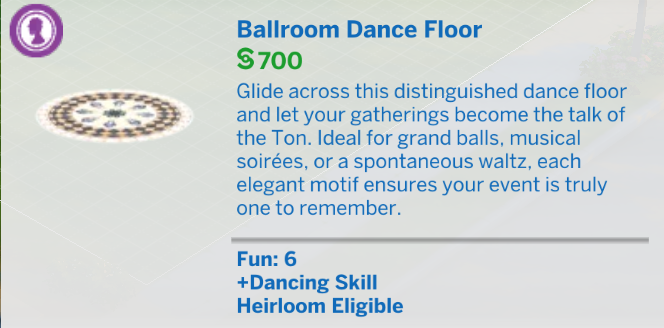
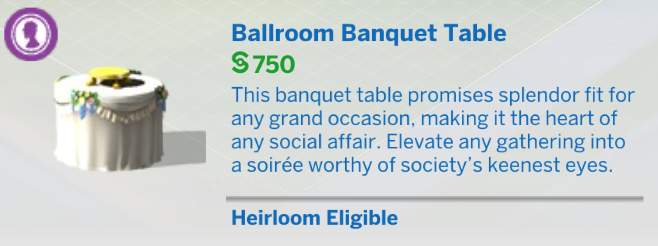
A Most Memorable Masquerade — Lady Bridgerton herself would smile at the bountiful banquet table, dazzling dance floor, and Macaron Treat Tray of your enticing event. Set the perfect scene for Sims to find true love.
Truly Inspired Décor — Recreate the opulence of balls thrown by the great families of the Ton. With a marble fireplace of the highest quality, intricately designed wall panels, and furnishings as delicate as a new romance, you might even impress the Queen.
The Sims 4 Lady Bridgerton’s Masquerade Ball Fashion Kit
Features
Dress for the event of the social season with The Sims™ 4 Lady Bridgerton’s Masquerade Ball Fashion Kit*. Make the whole room swoon in suave tailcoats, dazzle onlookers in lavish gowns, and cause a stir with graceful accessories like a tiara and mysterious masks. Some of these looks come directly from the ballrooms of the Ton!
KEY FEATURES
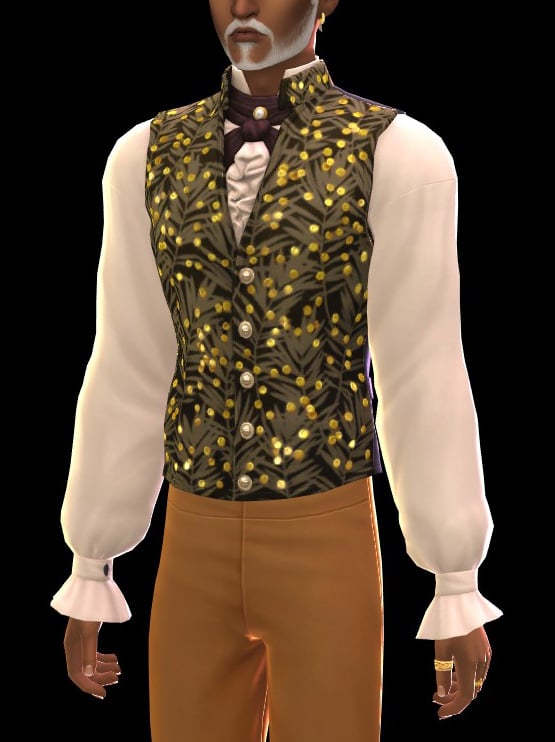
A Visit to the Modiste — Heads turn as you step into the ballroom, and a chorus of whispers breaks out: who is that stunningly attired Sim? Drape yourself in finery that’ll get high society talking, like waistcoats with gold filigree, flowing dresses, and sparkling jewelry.
An Air of Mystique — Romance could be waiting behind every mask, just like it was for Sophie and Benedict. Play the chic pirate like Colin and Penelope, or embody the bravery of Joan of Arc like Eloise. Pair your dashing disguise with the perfect masks, be it intricately crafted or silken and simple.
The Sims 4 Royal Masquerade Bundle is an exclusive bundle offer which includes the Royalty & Legacy Expansion Pack along with two new Kits and 3 exclusive Kit items.
This Expansion Pack + Kits Bundles Bundle costs a total of 45USD…or a price equivalent to your local currency. It’s also exclusive until August 14th, 2026.
Build a powerful Dynasty, become a Noble, and host a captivating masquerade with The Sims 4 Royal Masquerade Bundle*, available until August 14, 2026. Rise to prominence and grow your Dynasty’s Prestige while maintaining Unity or embracing the drama of family friction. Like any of the Ton’s social seasons, Scandal is around every corner. Create an atmosphere fit for forbidden romances, and make Sims swoon with lavish fashions. This bundle includes The Sims 4 Royalty & Legacy Expansion Pack and The Sims 4 Lady Bridgerton’s Masquerade Ball Bundle.
Bridgerton Kits Release Poll
With all the first impressions and Sims 4 Bridgerton Kits content being displayed above, we want to know what you think! Is it worth getting the full Kits Bundle, picking just one Kit or skipping both releases? Let us know what you think in our unofficial Community Poll below:
[totalpoll id=”205760″]
We plan on doing a full Kits Review of the latest releases very soon. Stay tuned to our Sims 4 Kits category and don’t miss out on the latest overviews!
Console players may not be waiting for an InZOI Playstation 5 release much longer! InZOI’s producer and director Kjun, well known for his weekly development diaries that explain to the community what to expect, what is being worked on currently, and to ask for feedback regarding the current and upcoming state of the game, has released another post going over multiple topics of interest. These include community feedback, the job system, building, vehicles & driving, bug fixes, stability, and things to look forward to in the future.
However, one of the biggest points of note is that This Friday, the InZOI development team will be releasing more info regarding InZOI’s Playstation 5 debut!
It feels even more meaningful to be writing to you this week. Over the past few days, many of you shared feedback regarding feature additions, improvements, bug fixes, and the future direction of development. In particular, there has been a lot of excitement surrounding the PS5 version release and multiplayer functionality. We are currently organizing everything internally, and we will share the official PS5 schedule and details this Friday. We will also provide an update on multiplayer development progress in the near future.
At the moment, we are focusing heavily on PS5-exclusive features, improved controller usability, enhanced user convenience, and stronger mod support as important directions for development. We will provide the official schedule on Friday.
Community Feedback & Suggestions
Gameplay & Interactions
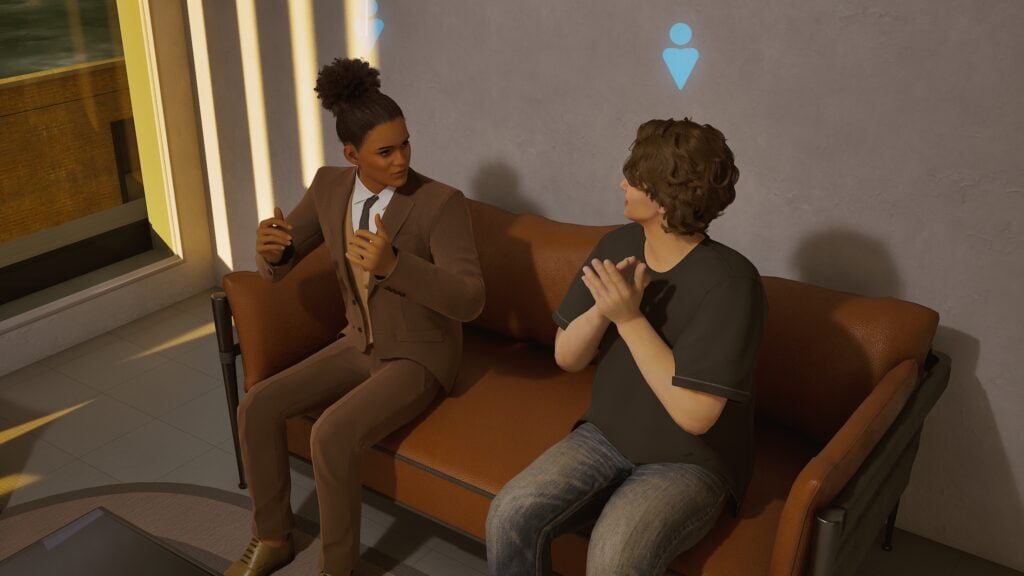
This week, many of you shared ideas about gameplay improvements. There were strong requests for more autonomous and realistic character behavior, such as reporting crimes to the police, criminal activities, inviting friends over, and performing actions naturally during conversations.
There were also many suggestions regarding attraction and relationship systems, more unique personalities and behaviors, and stronger emotional expression.
We are currently improving Zois so they can react more naturally to the surrounding environment, the world itself, and other Zois.
We are also developing systems where nearby Zois naturally approach you through phone calls, dates, conversations, jealousy, and other relationship-driven interactions.
Many of you also hoped for expanded family interactions, such as children learning various skills like walking, swimming, and playing, as well as walking hand-in-hand with their parents. I think many players are looking forward to seeing Zois freely swimming, and we plan to show this during the summer.
The hand-holding feature is currently being worked on very hard by our internal programmers, and we are preparing to make it usable in more and more situations over time.
There were also suggestions for functional stores such as supermarkets, cafés, and restaurants, along with improvements to dining systems and the addition of buffet systems.
Jobs & Career Systems
Many players proposed deeper gameplay expansions for various careers, including hair salons, bakeries, delivery services, scientific research, firefighters, modeling, mining industries, and more.
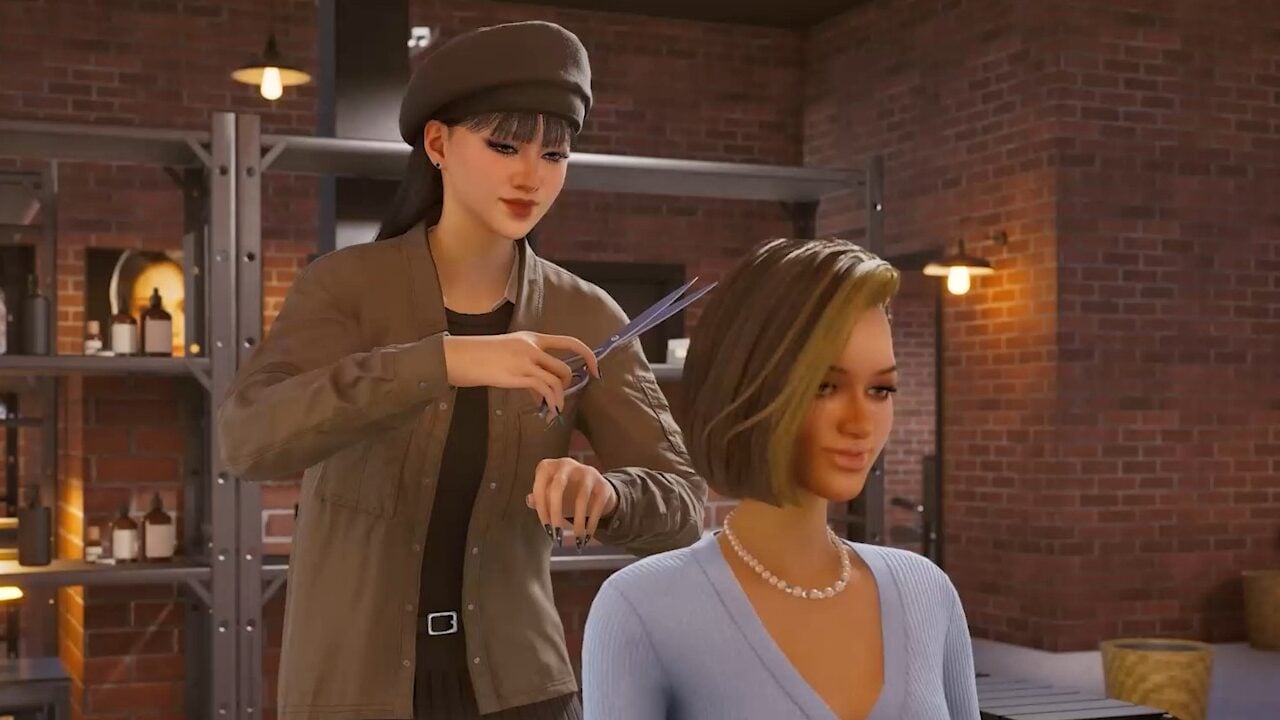
For hair salons in particular, players wanted dynamic systems that include hair washing, coloring, nail art, skincare services, customer reactions, reservation systems, and more detailed interactions.
Are you all enjoying the April job update so far? This time, we unfortunately did not have enough time to improve older jobs alongside the new content, but we will continue updating the many careers that you have consistently requested.
Honestly, we did not expect hair salons to receive this much attention and enthusiasm. We may not be able to prepare it quickly, but we definitely want to add many more interactions in the future. Please wait just a little longer.
Building & Environment
There were requests for lighting automation, curtain and blind controls, door and window locking systems, indoor/outdoor lighting adjustments, and more physical environmental changes such as wind, falling leaves, and puddles. We will continue improving environmental physics effects in future updates.
Vehicles & Transportation
Players also requested improvements allowing all family members to use vehicles, automatic parking systems, in-car music playback, radio features, and expanded transportation interactions.
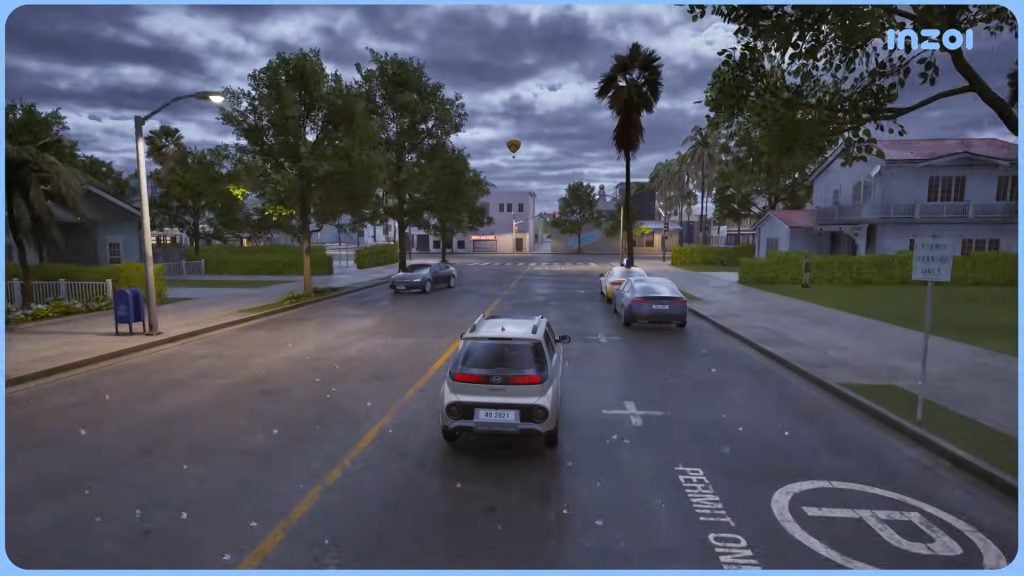
We are currently improving vehicles, especially focusing on implementing U-turn functionality. Last year, until the very end before release, the lack of U-turns prevented continuous driving experiences and forced players to skip travel midway. This time, we want to properly solve that issue so players can choose whether they want to skip travel or continue driving naturally.
Currently, companions and family members can ride together, but driving functionality still has issues. We will work to normalize and improve this as quickly as possible.
Bug Fixes & Stability
Many of you also reported various bugs. Issues related to eating, AI behavior, disappearing vehicles, and other technical problems were mentioned frequently. We understand the need for a more stable gameplay environment and stronger technical support.
At the moment, there are many stability issues caused by both bugs and mods, and we are considering reducing additional feature development temporarily in order to focus on stability improvements first. If you can wait just a little longer, we will make it happen.
Future Development & Expectations
There were many requests for deeper personality and memory systems, more emotional and relationship depth, realistic daily life and social activities, and expanded careers and hobbies.
We are planning to develop a memory system including phobias, and for personality systems and baby traits, we are currently organizing autonomous behaviors and interactions. We are also planning to add various career-related content such as schools and school clubs.
Thank you once again for all your love and support for inZOI this week. We will continue striving to become a development team that always listens to you and searches for the right direction together with the community.
And please remember that we are also working hard to become a better development team that truly loves the game we are creating.
Thank you.
kjun
What features are you looking forward to seeing? If you’re a console player, will you be getting InZOI once it is available on Playstation 5? Make sure to follow the Sims Community, and we’ll keep you up to date with all the big things happening in the Life Simulation genre!
The Sims 4 May Patch has been an update The Sims Team has been hyping up for quite a while now, boasting 150+ new bug fixes, a handful of new content, a new live event, and some new features. How does it actually stand up to those claims? A huge focus of this patch has been on fixing bugs with infants and toddlers, specifically with caregiver gameplay. These issues have been consistent problems since infants were even added to the game, fixed time and time again by mods but not properly addressed by the Sims Team until now, despite infants being added in 2023.
While the Sims 4 May Patch is mostly just bug fixes and changes, some new features or items were added to the game! These include the new live event, a new basegame infant playmat, a base layers system in Create-A-Sim, and more extensive backups for any save files, especially long-term and older save files.
Table of Contents
Features & Fixes
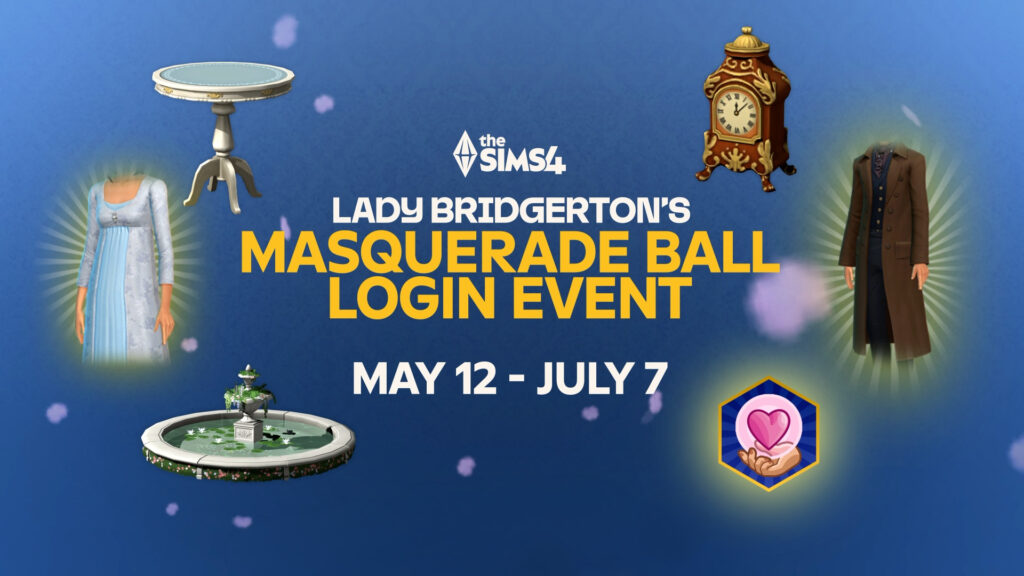
Lady Bridgerton’s Masquerade Ball Login Event
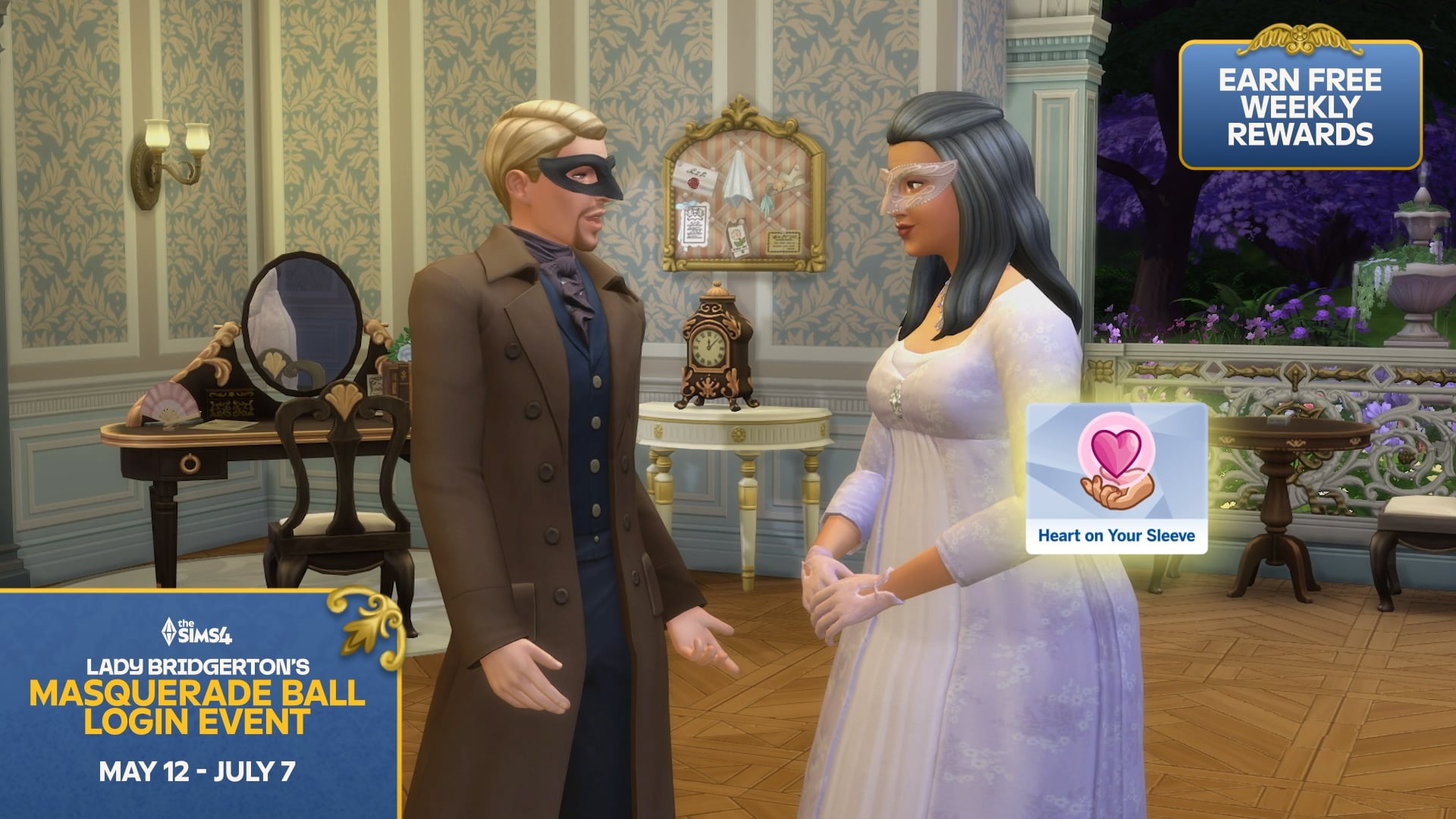
This new live event is running from May 12th to July 7th 2026, introducing 22+ new items inspired by the Netflix show Bridgerton, with the event itself being titled “Lady Bridgerton’s Masquerade Ball Login Event“, to align with the upcoming kits and kit bundle being released on May 14th, which are both Bridgerton inspired and licensed as well.
This is a simple login event, meaning that you don’t have any in-game goals or quests to guide any sims through. Simply login a few times throughout each week, and items should unlock. If you don’t have the time or don’t personally want to wait to have these new items in your game, modder Lunar_Britney has already created an unlock that makes the items available in-game instantly. This modder also have unlocks for previous live events!
Hello, I removed the requirement to have the event items registered, allowing everyone to access the event items. Does not register the items to your account, for that, login daily to redeem stuff. All at once redeeming will not work with this type event. pic.twitter.com/ceiapL0rOt
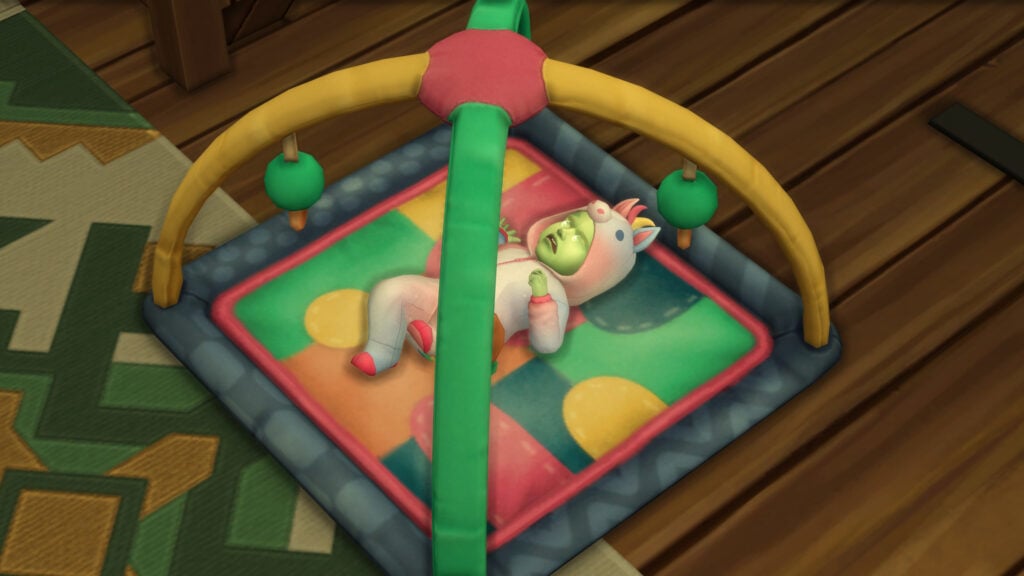
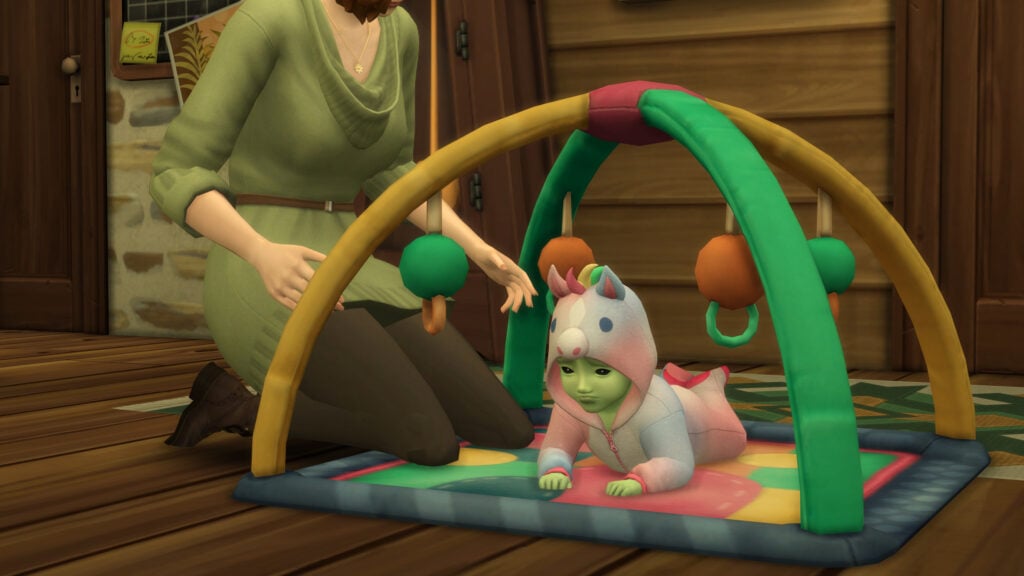
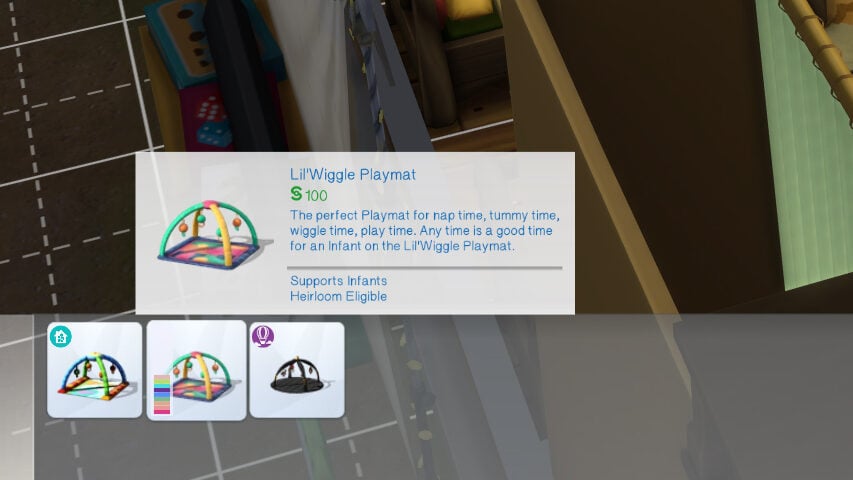
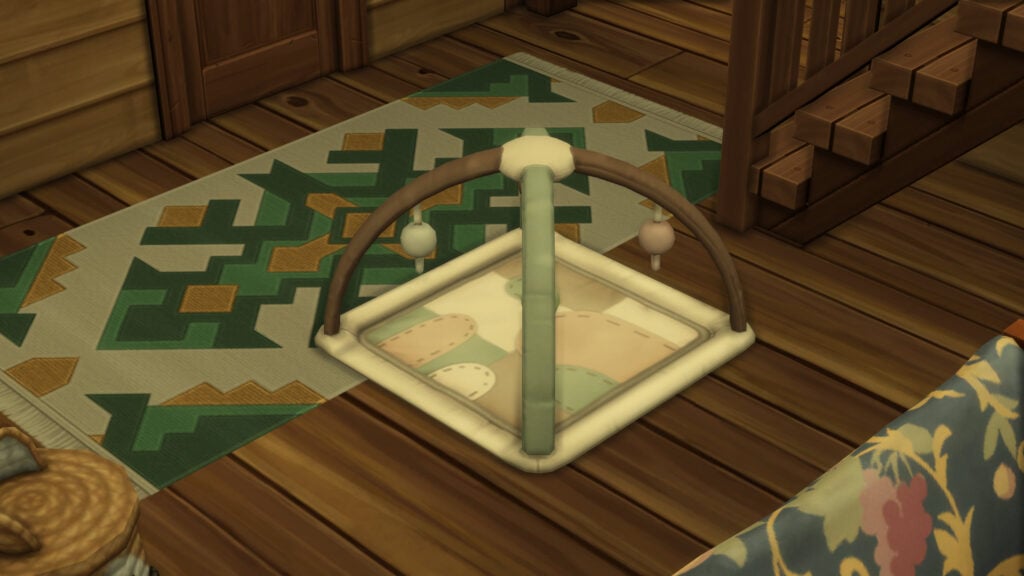
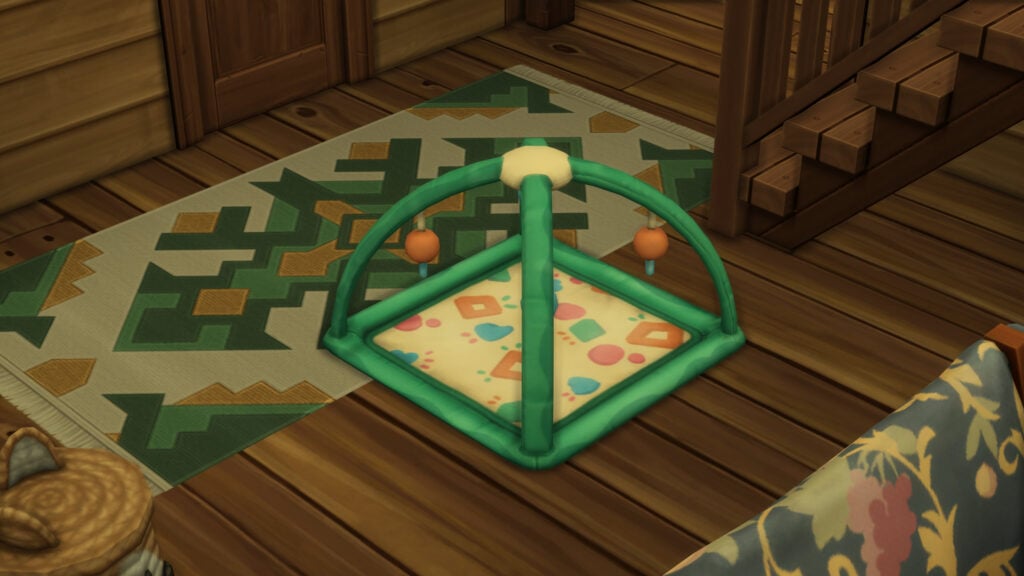
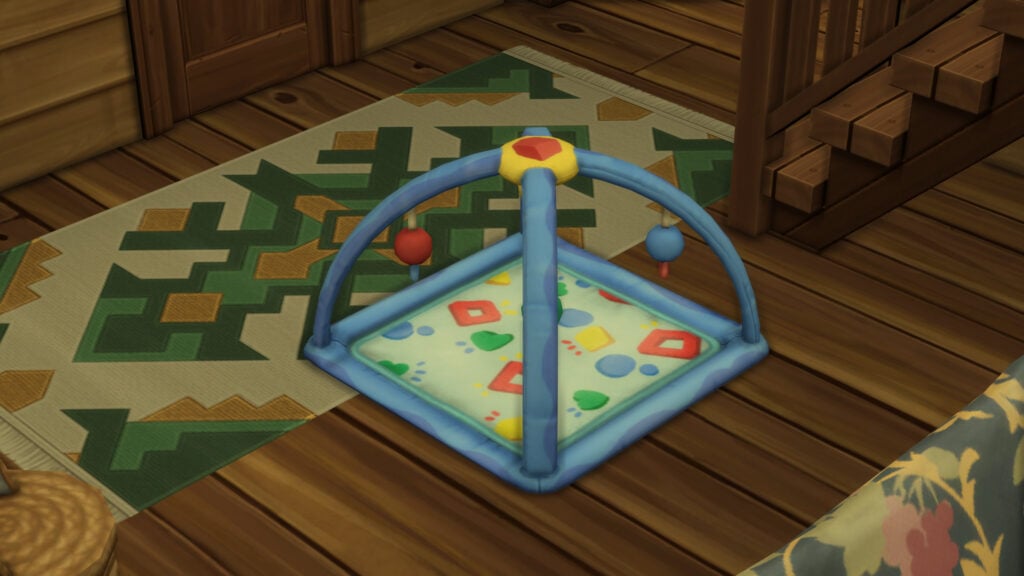
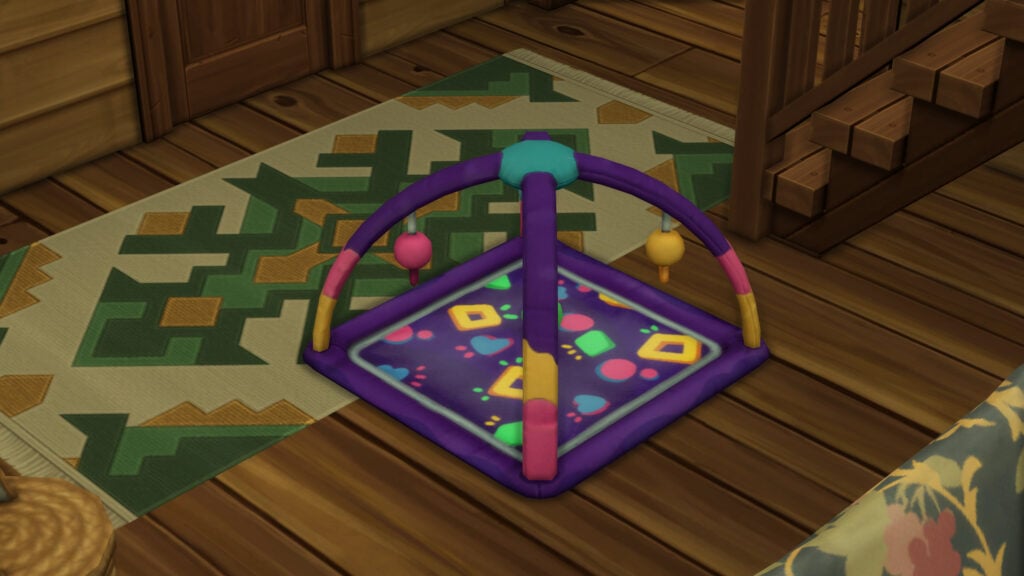
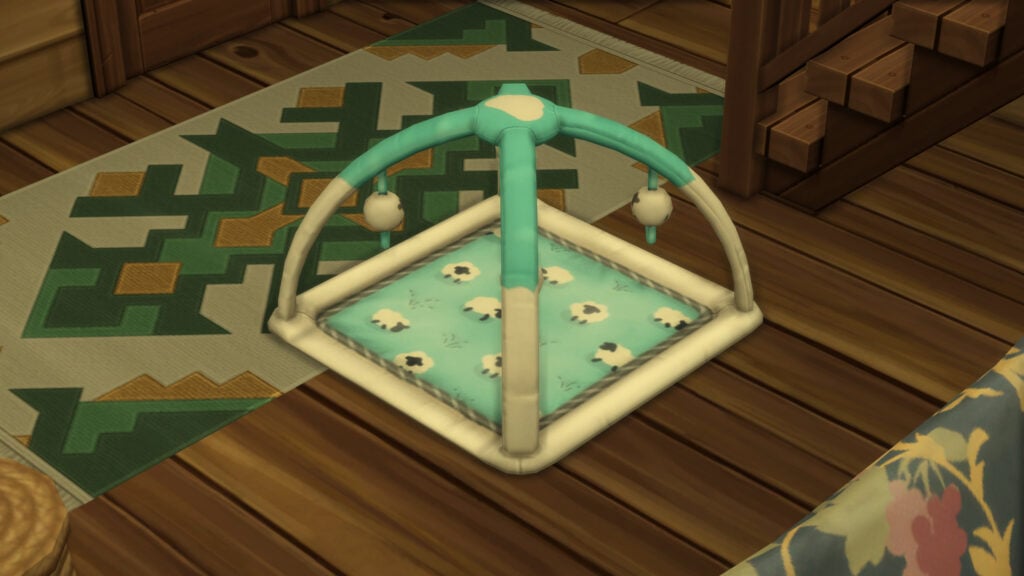
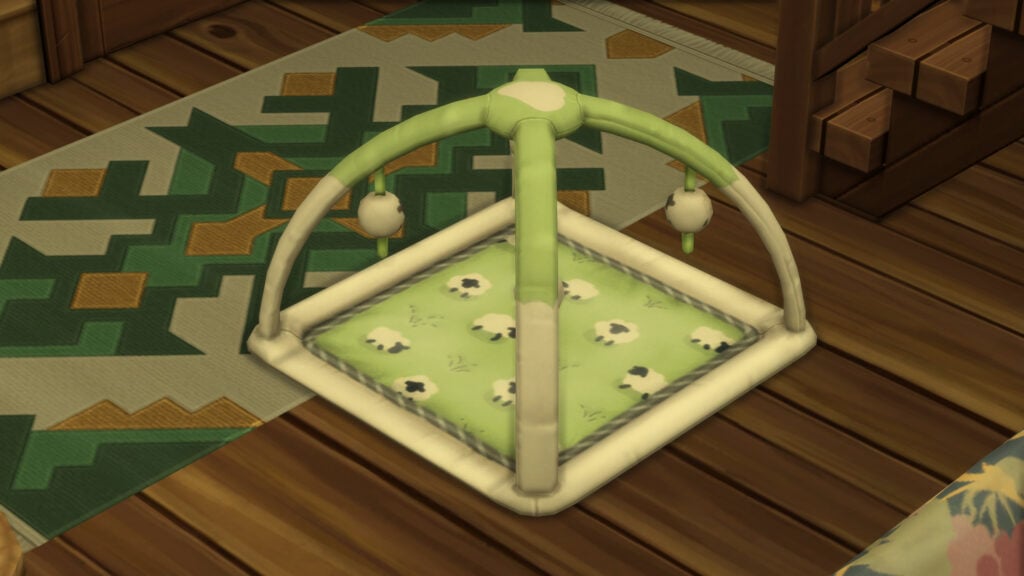
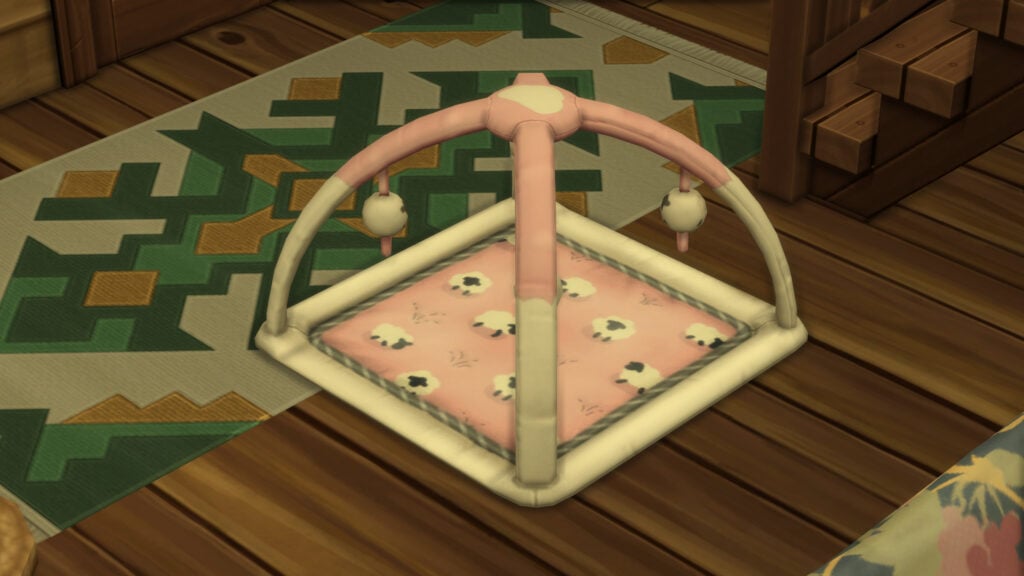
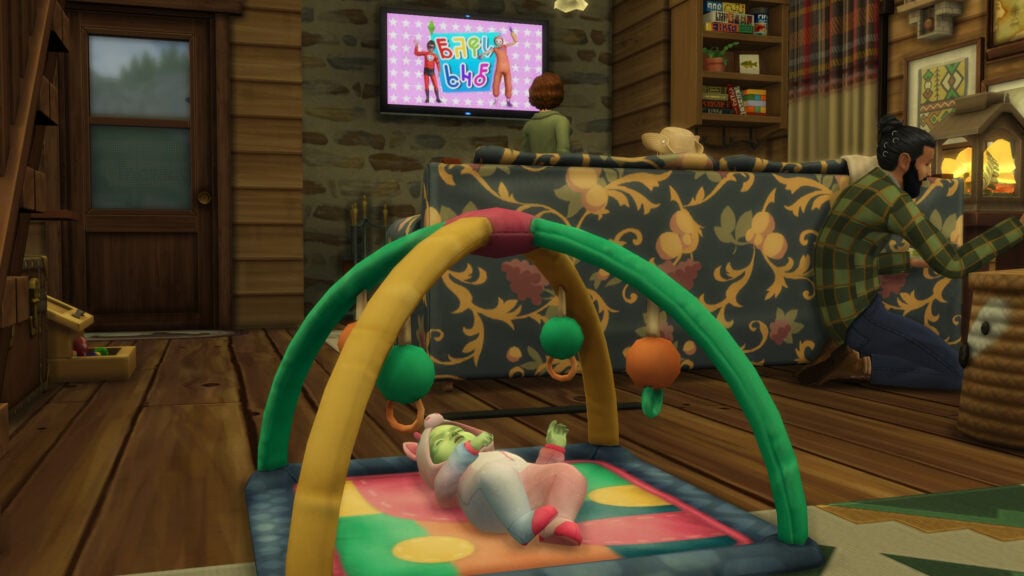
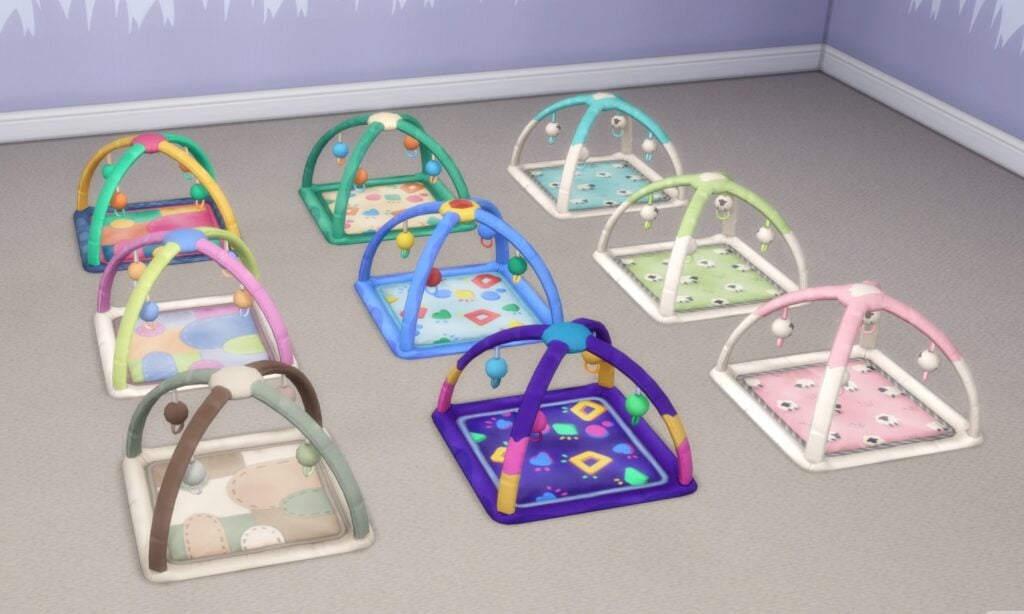
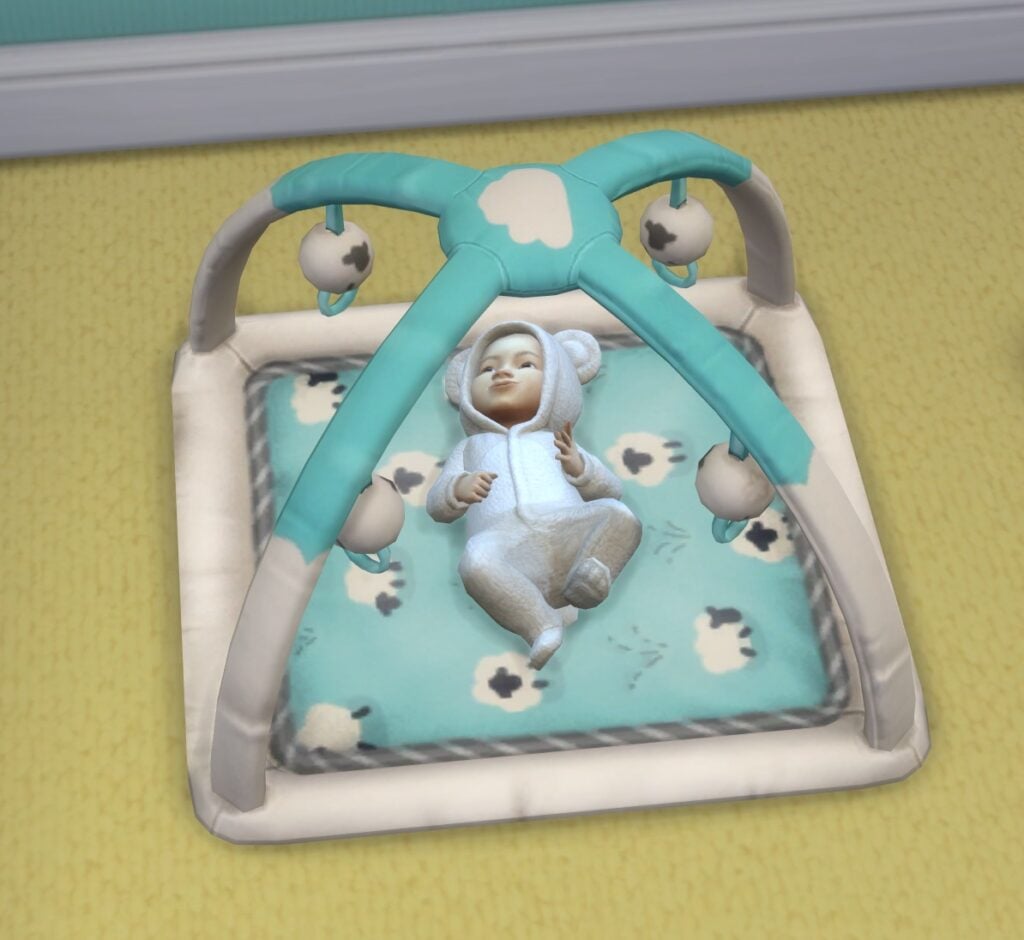
A small addition is a new basegame infant playmat, the “Lil’Wiggle Playmat” which is priced in-game as §100.
The perfect Playmat for nap time, tummy time, wiggle time, play time. Any time is a good time for an infant on the Lil’Wiggle Playmat.
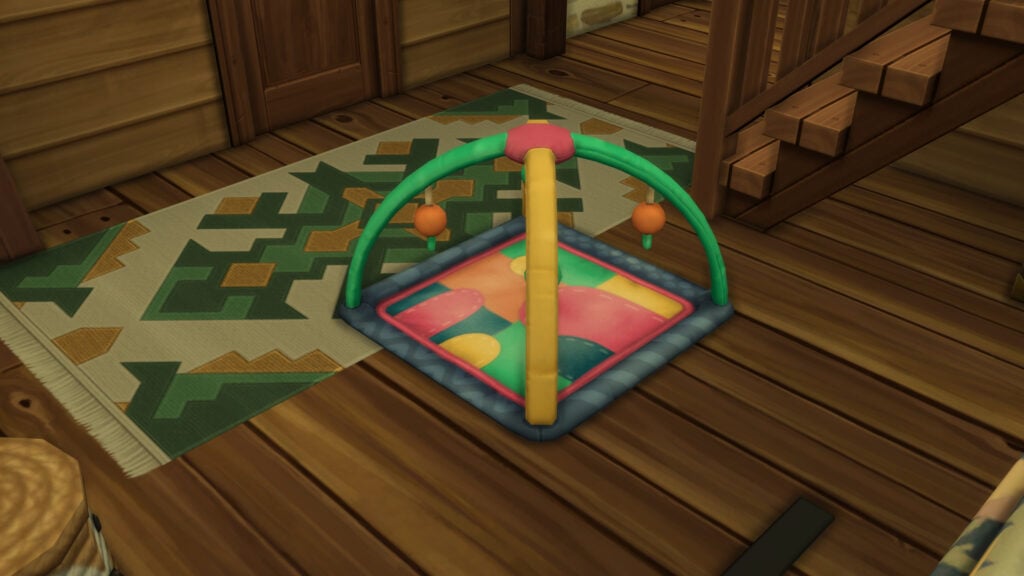
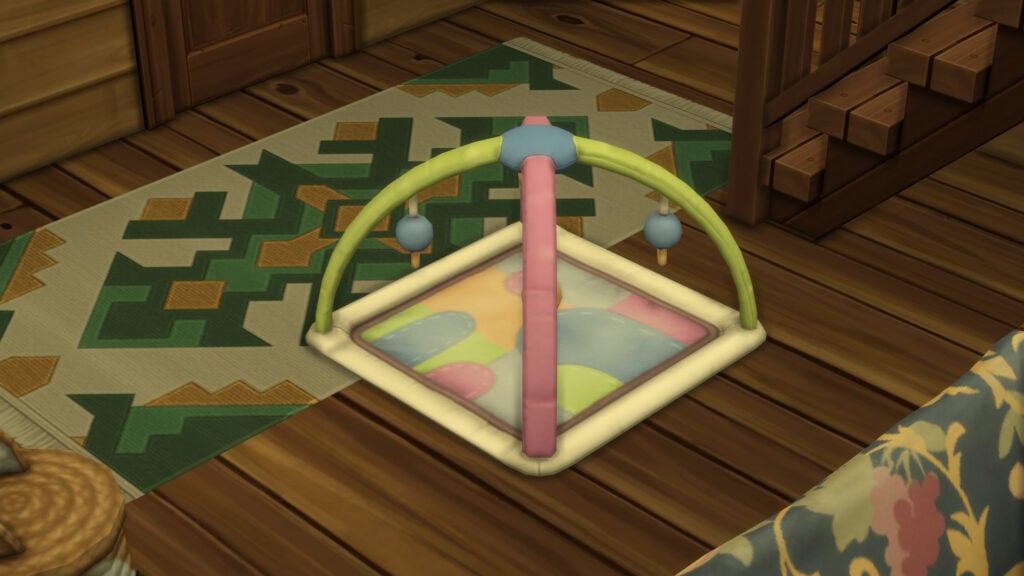
The playmat has a total of nine swatches. Three designs/patterns and three swatches per design/pattern. These include Patched Pattern, Beveled Shapes, and Sheep Patterns.
Create-A-Sim Base Layers
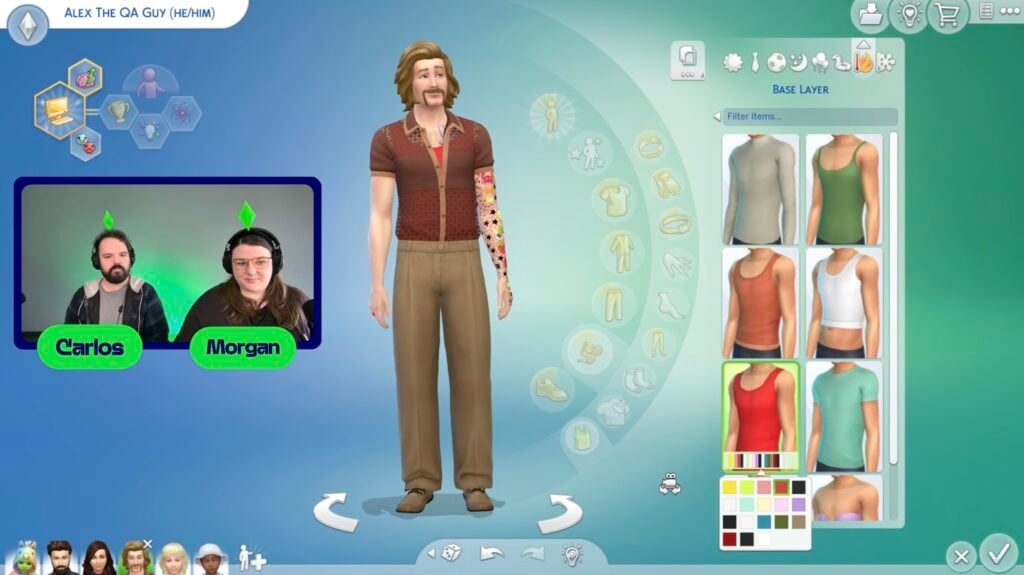
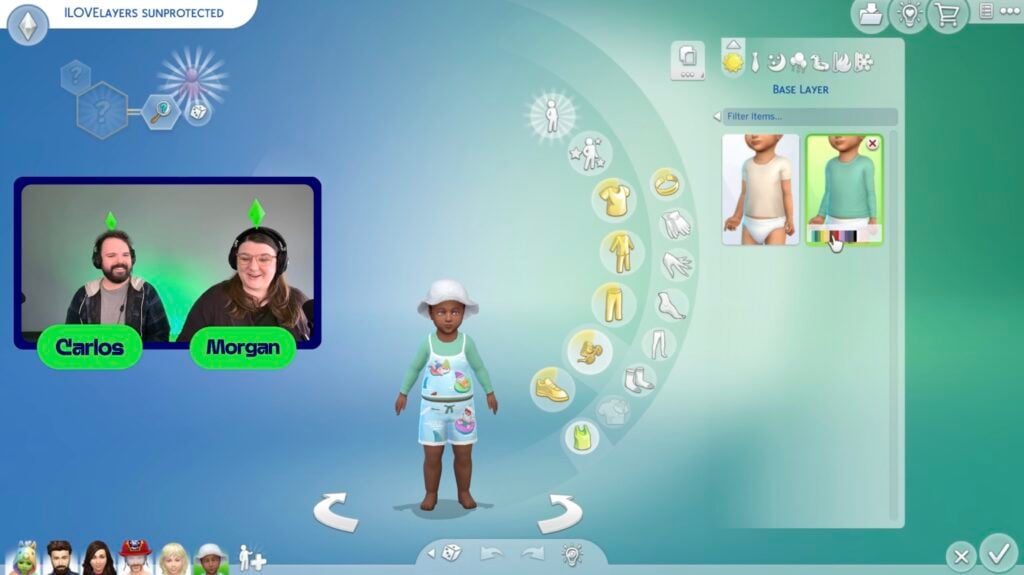
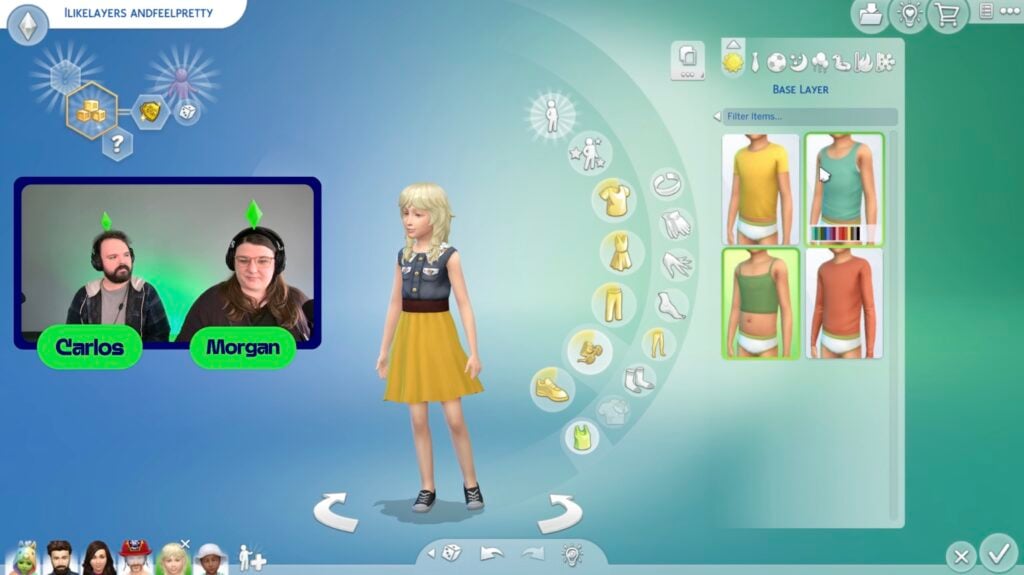
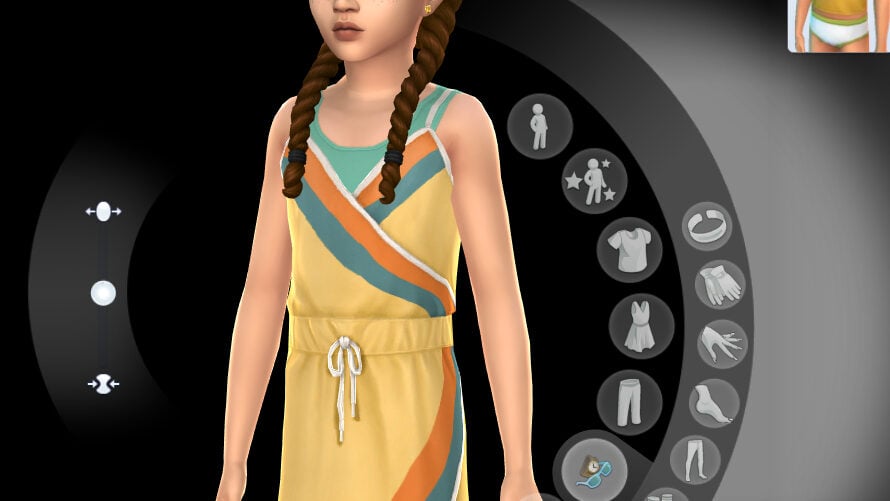
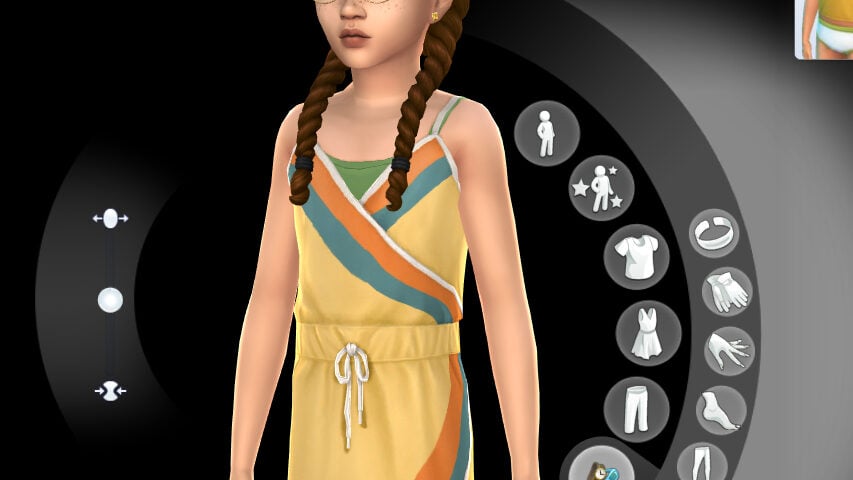
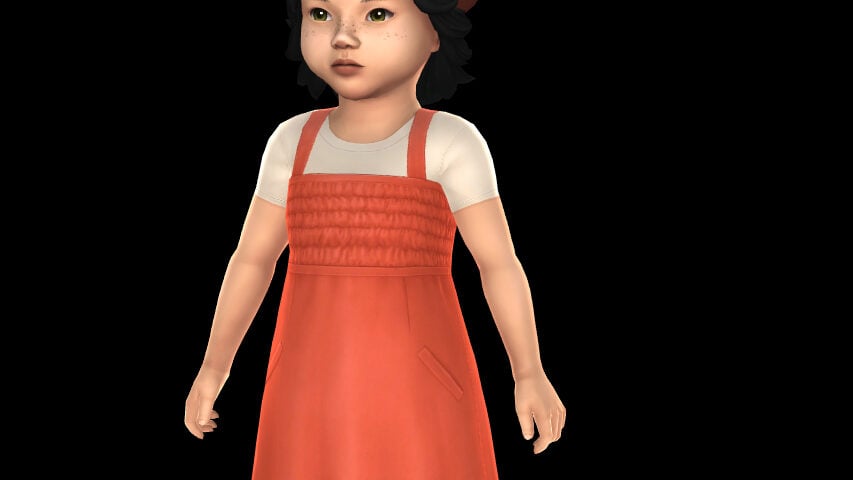
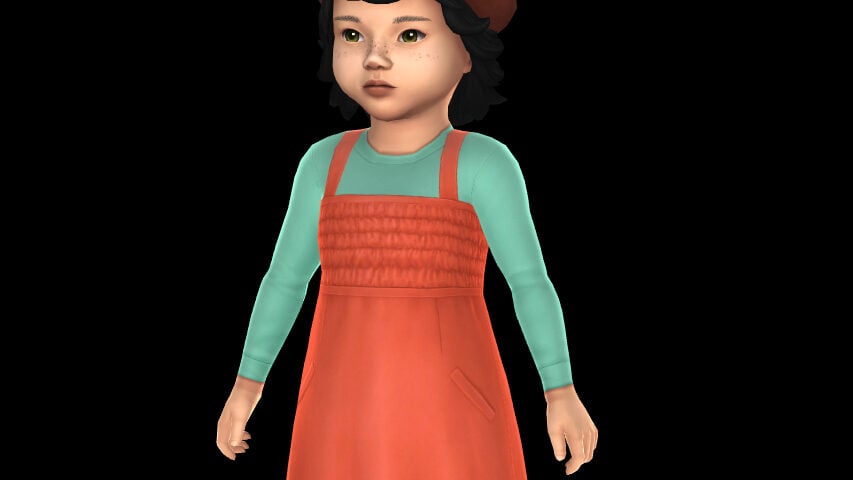
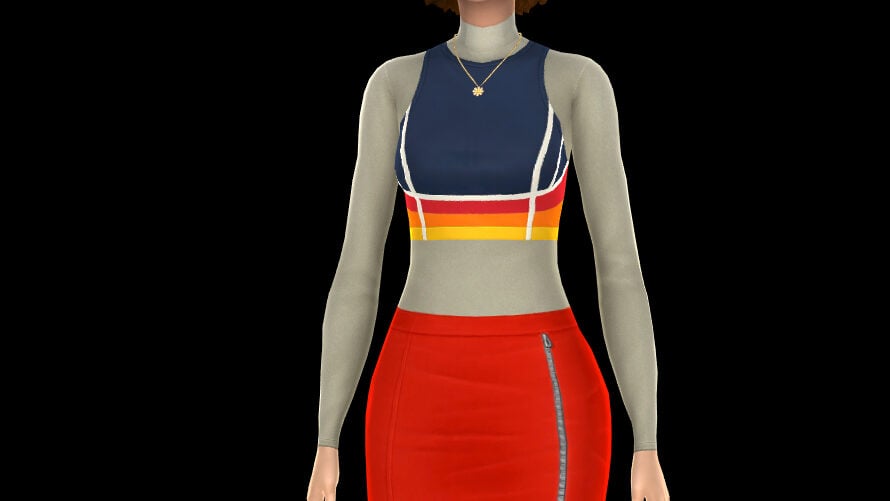
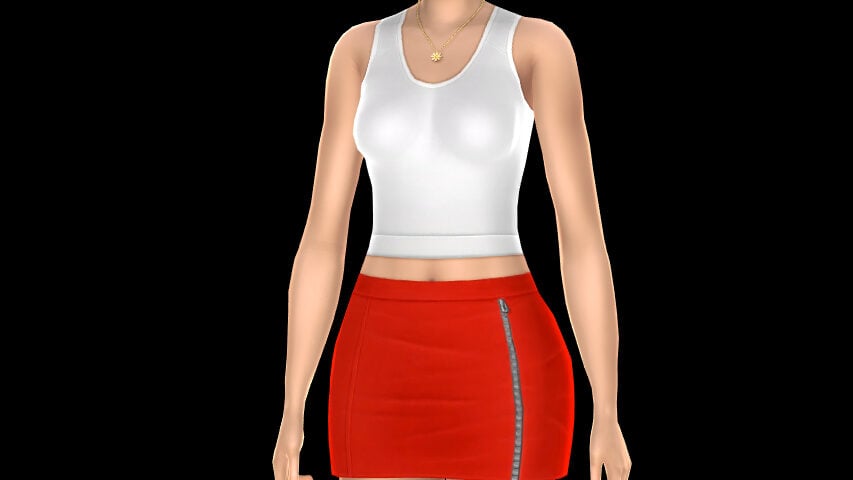
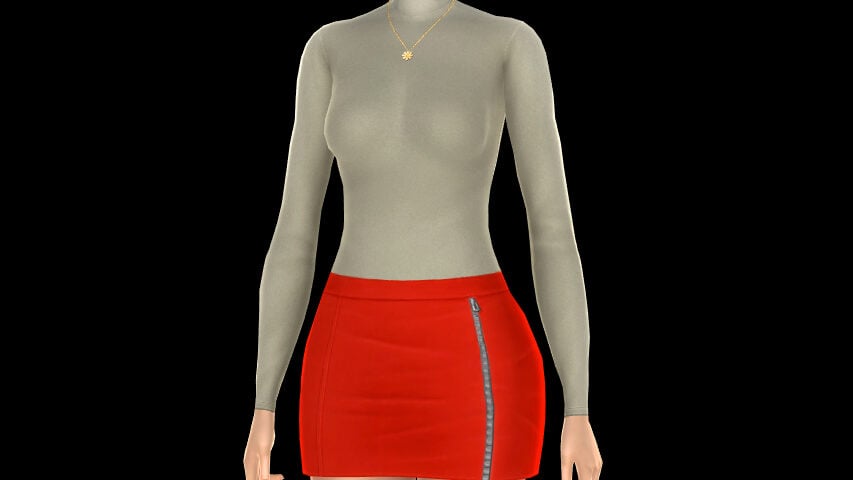
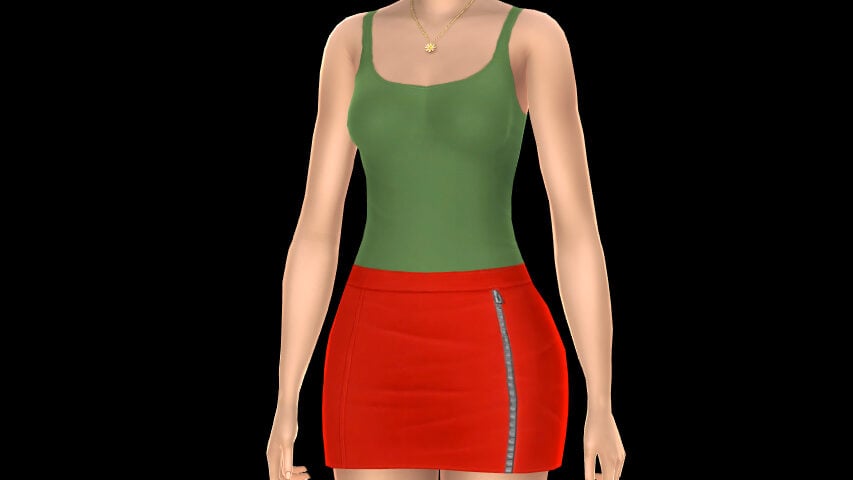
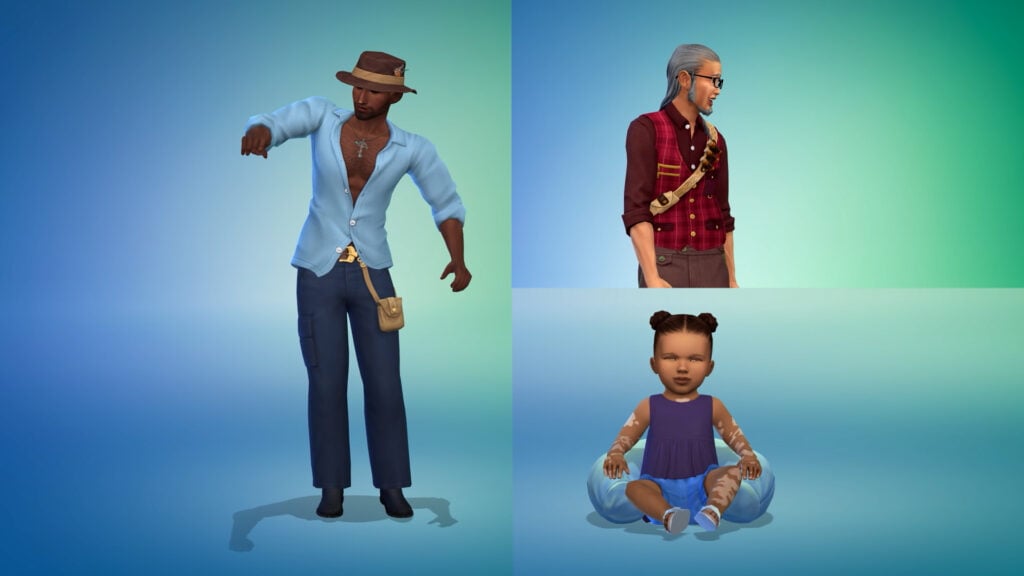
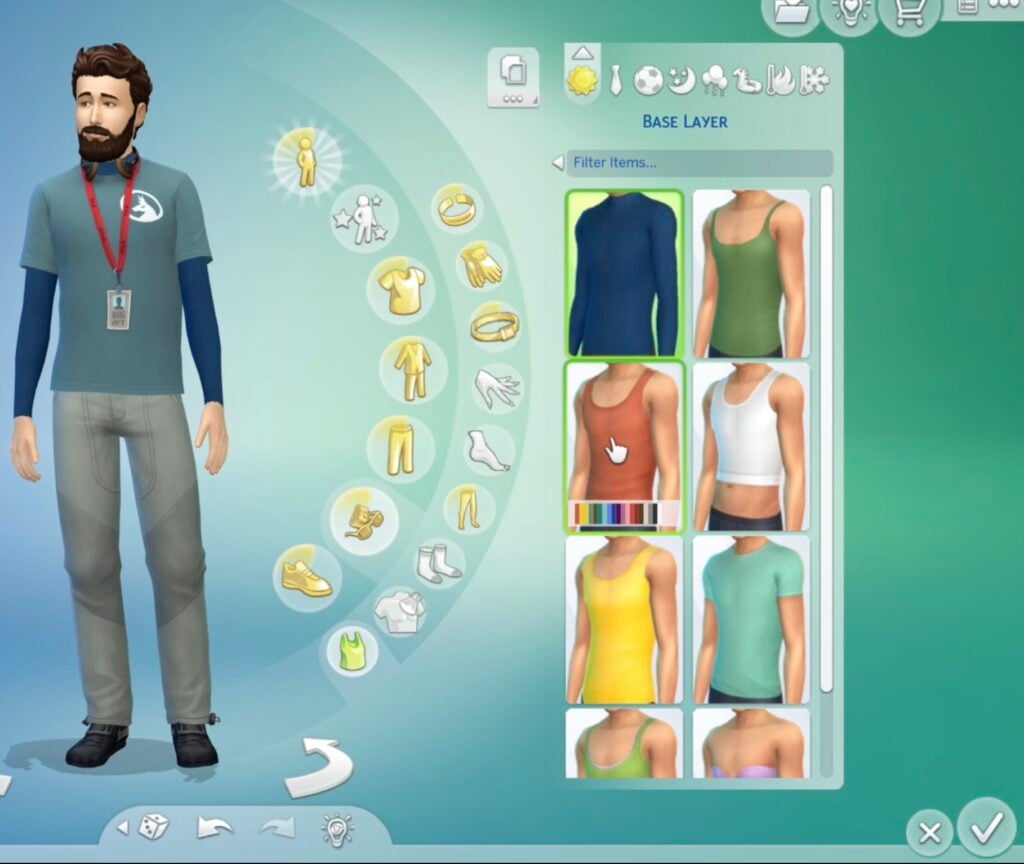
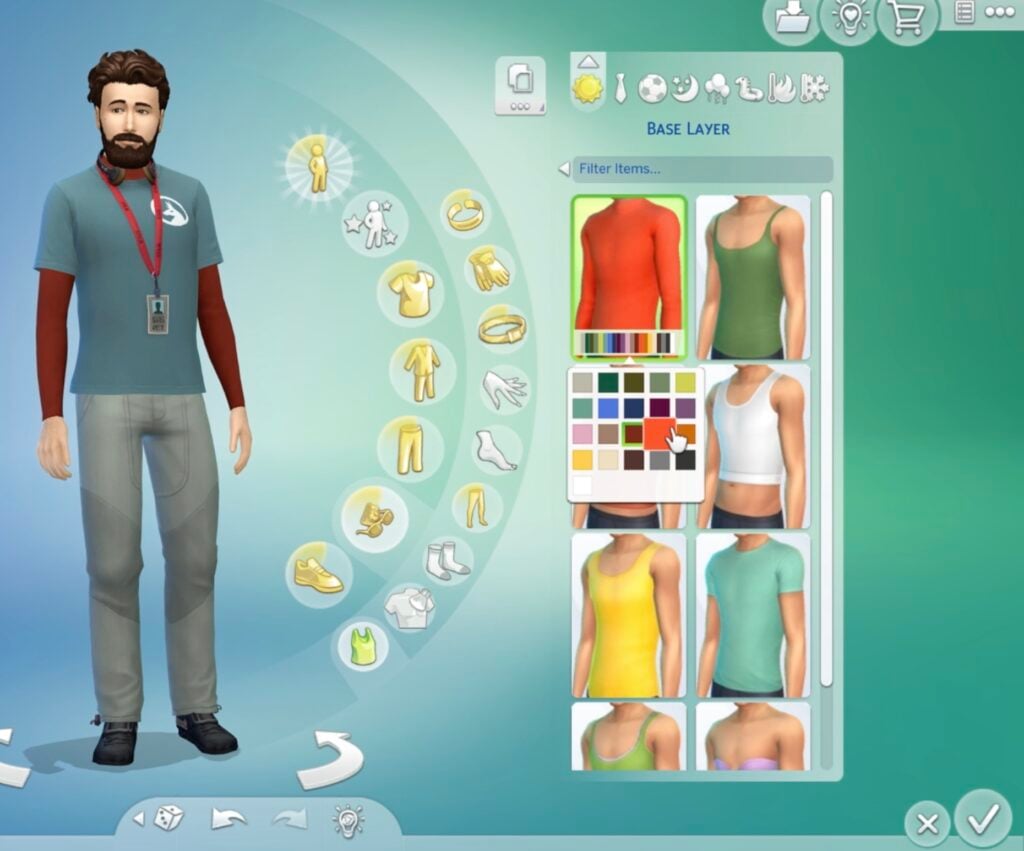
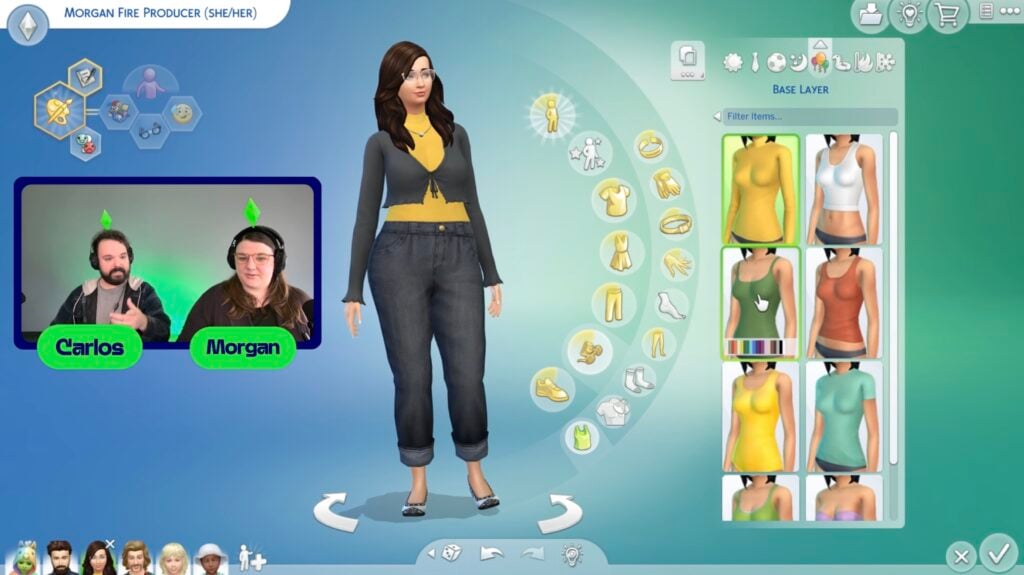
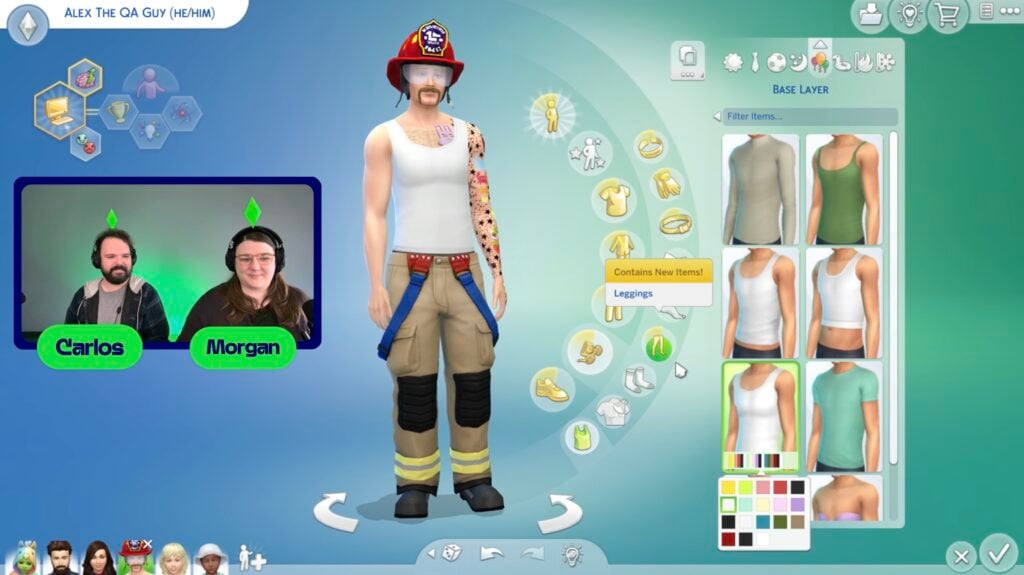
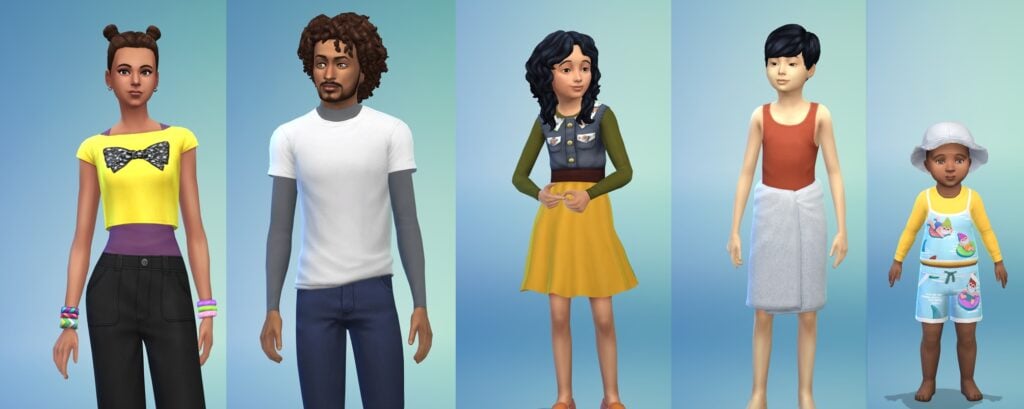
A Base Layers system was added for toddlers and older, adding new undergarments that function similar to tights but for a Sim’s torso. Each age group (Toddlers, Children, and Teens-Elders) have different amounts of assets, with toddlers only having two options, children having four options, and teens-elders having eight options available.
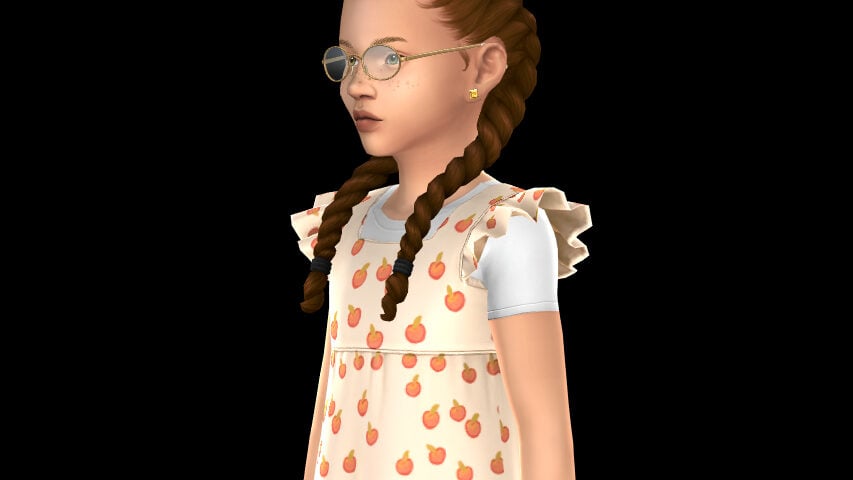
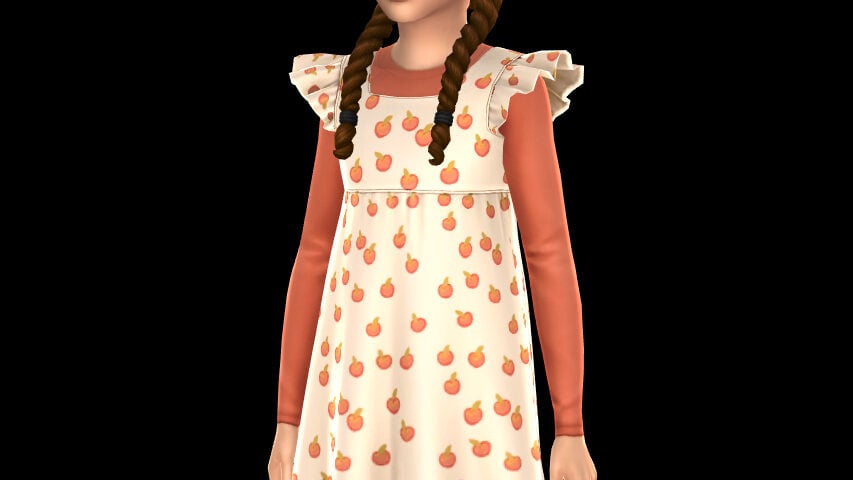
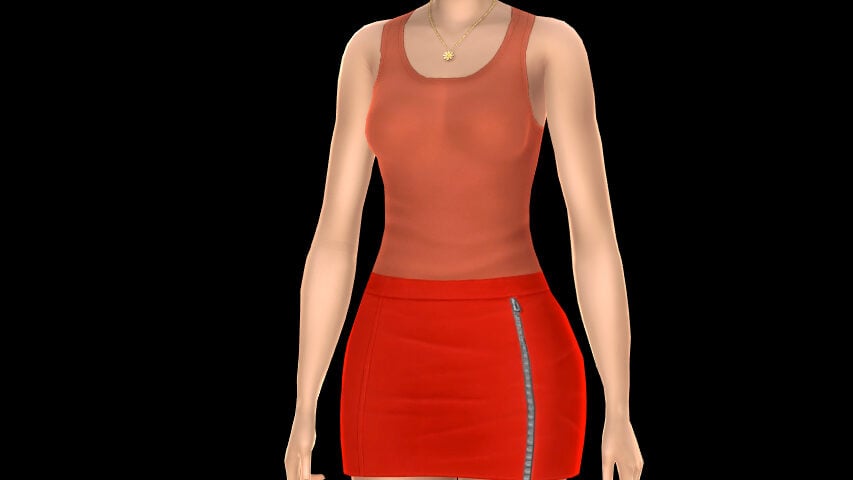
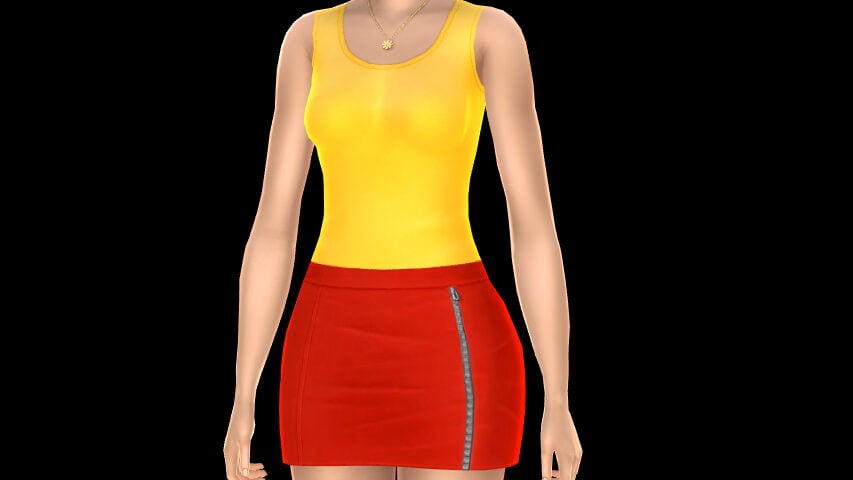
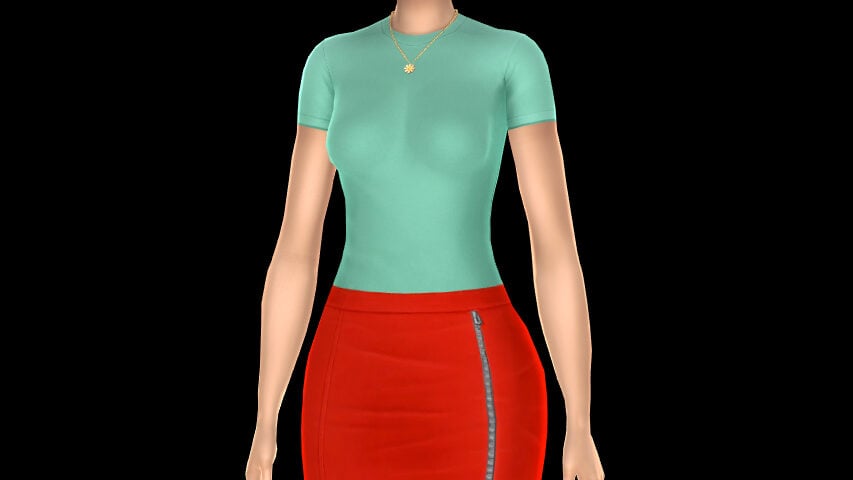
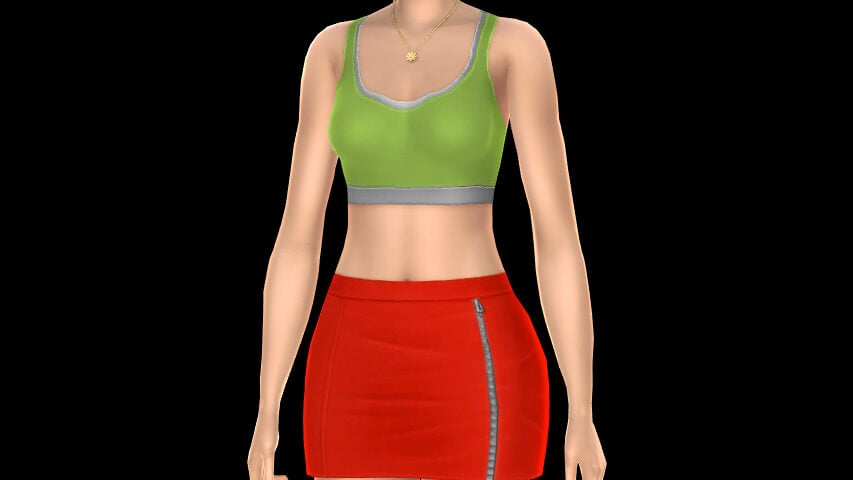
These items lay directly over the skin texture, meaning that they will appear under any top, including transparent tops or tops with rips. This is intended so that you can, per the Livestream revealing the feature, add a “pop of color” to certain tops, as well as to provide more modesty for certain tops if you would like.
While I felt that they looked a little strange with some tops, a favorite use of mine was using them to “warm up” some jackets and blazers in-game, since I like their designs but feel so weird about the sim having no visible undershirt. Now, they look actually ready for the cold weather.
Extended Day/Week/Month Save Backups
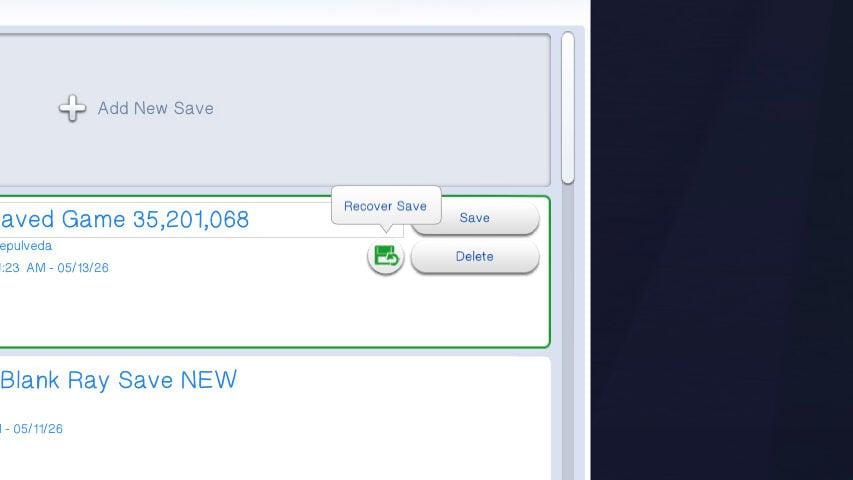
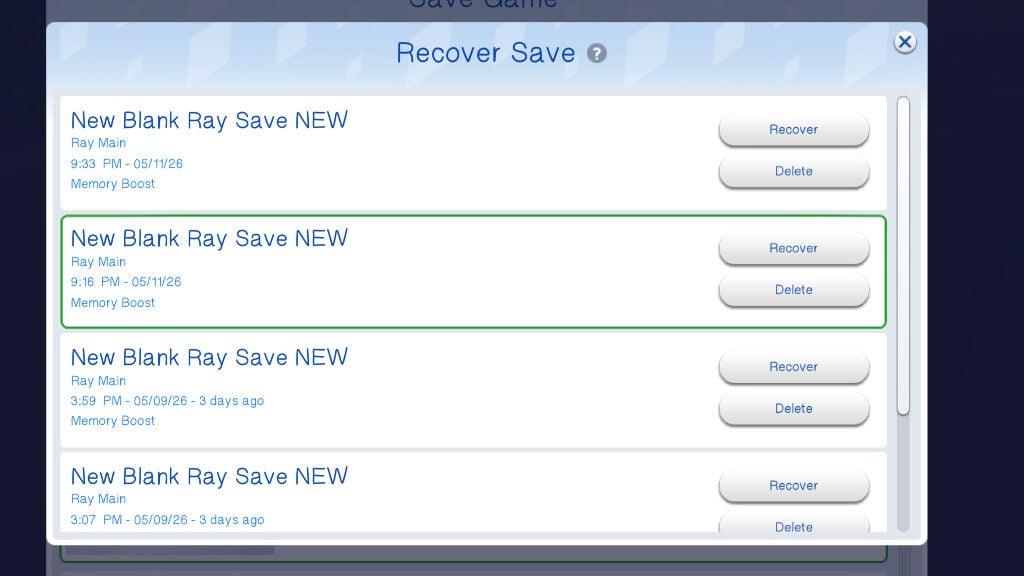
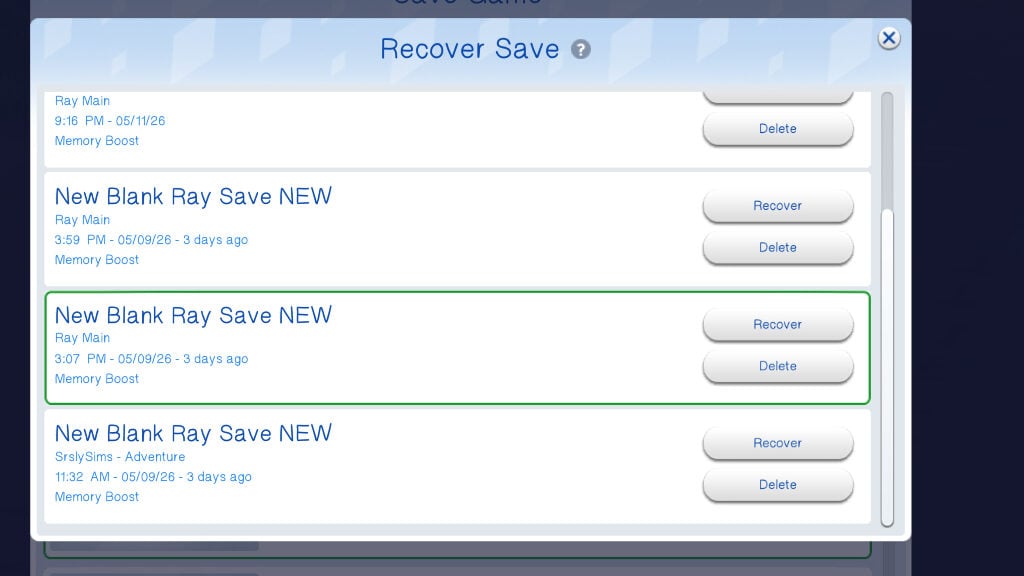
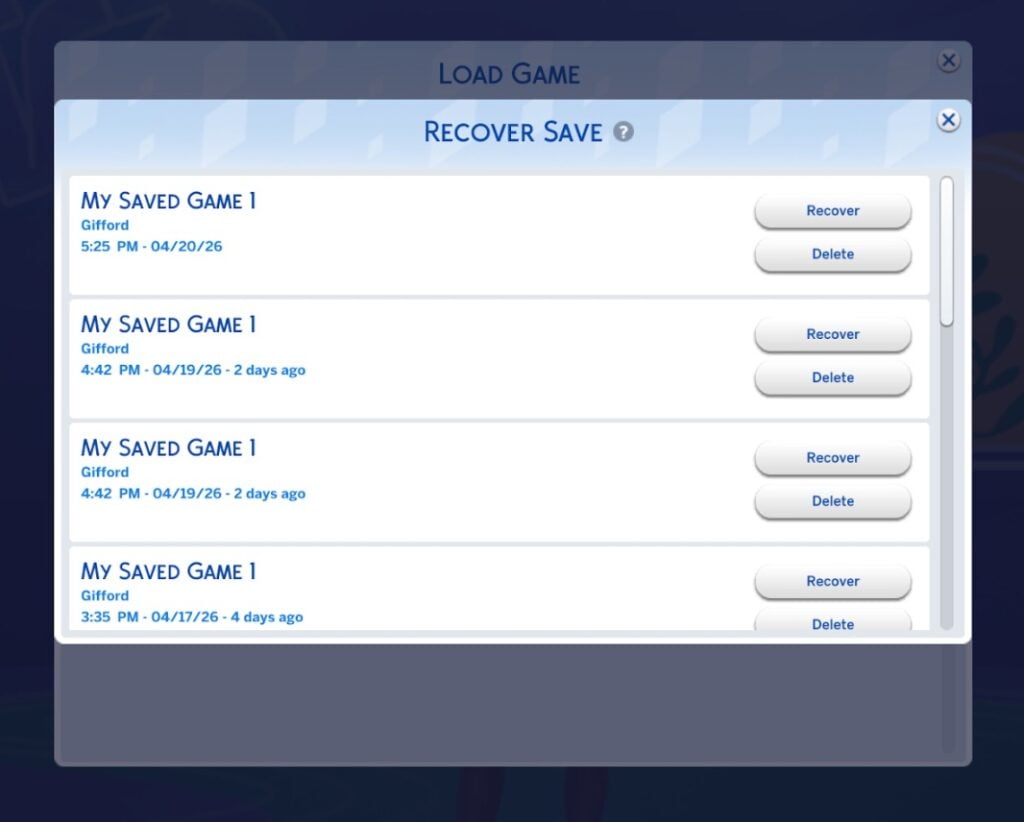
While this is something that will be more noticeable/helpful in long-term saves after this patch, backup saves and your ability to restore to certain save points has been updated to reach back much further. Instead of five random saves that do not go back that far and every save overwriting the previous, the game will now keep older saves and many more individual saves, so if anything happens, you have a wide variety of points to restore to.
Infant Changes & Experience
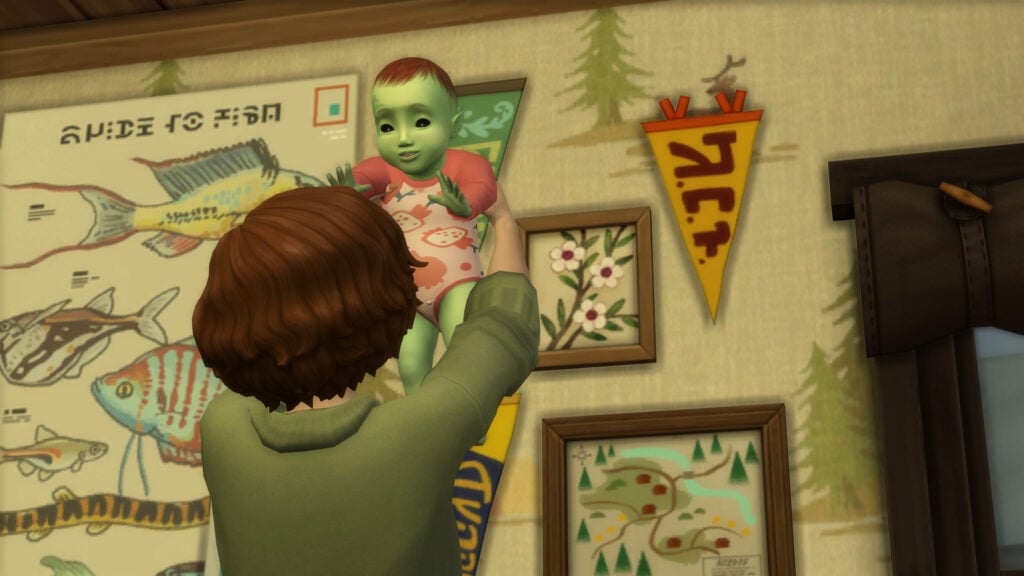
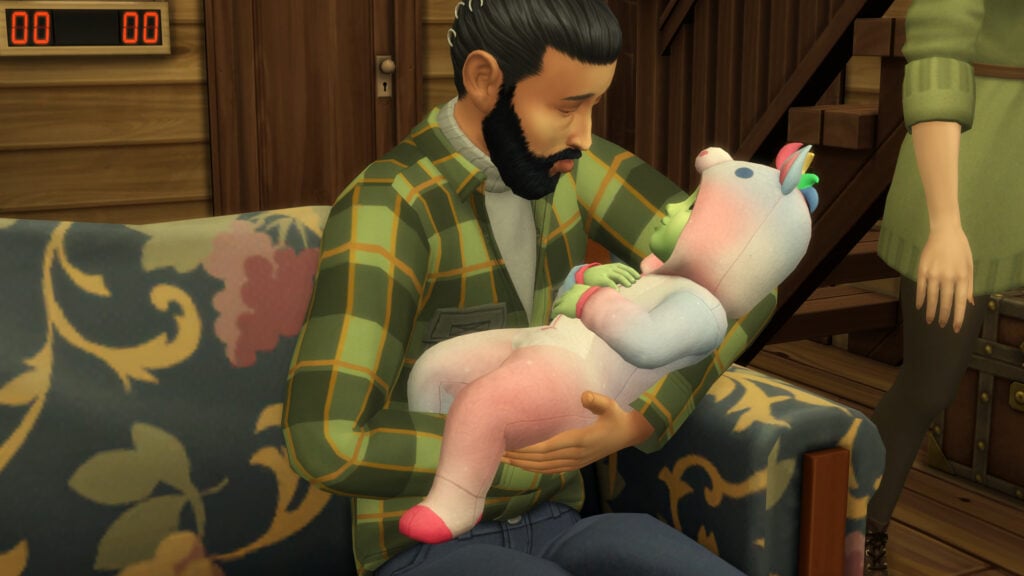
The part of this update most heavily advertised and shown off by The Sims Team leading up to the Sims 4 May Patch has been bug fixes and feature changes meant to make playing with infants and toddlers much more enjoyable and overall easier, especially if you like to play with autonomy on. These fixes include changes to hovertips, Infant sleeping behaviors, caregiver behaviors, the “Check infant” interaction, etc.
Infant & Toddler Changes
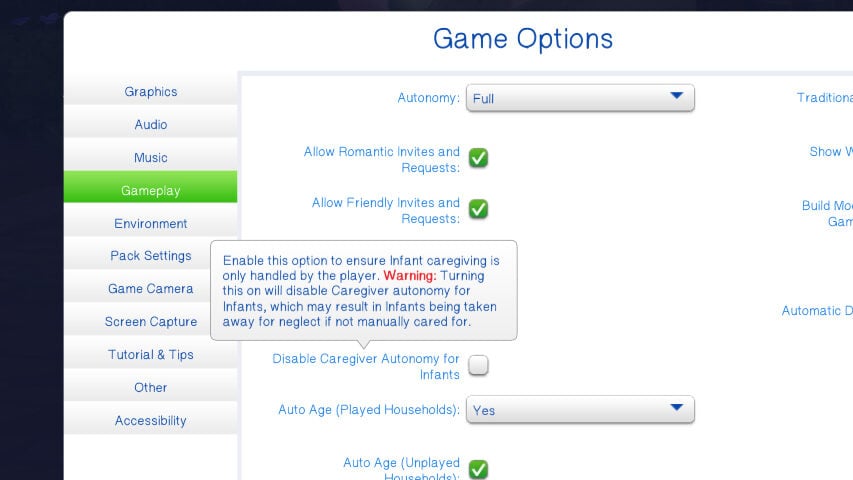
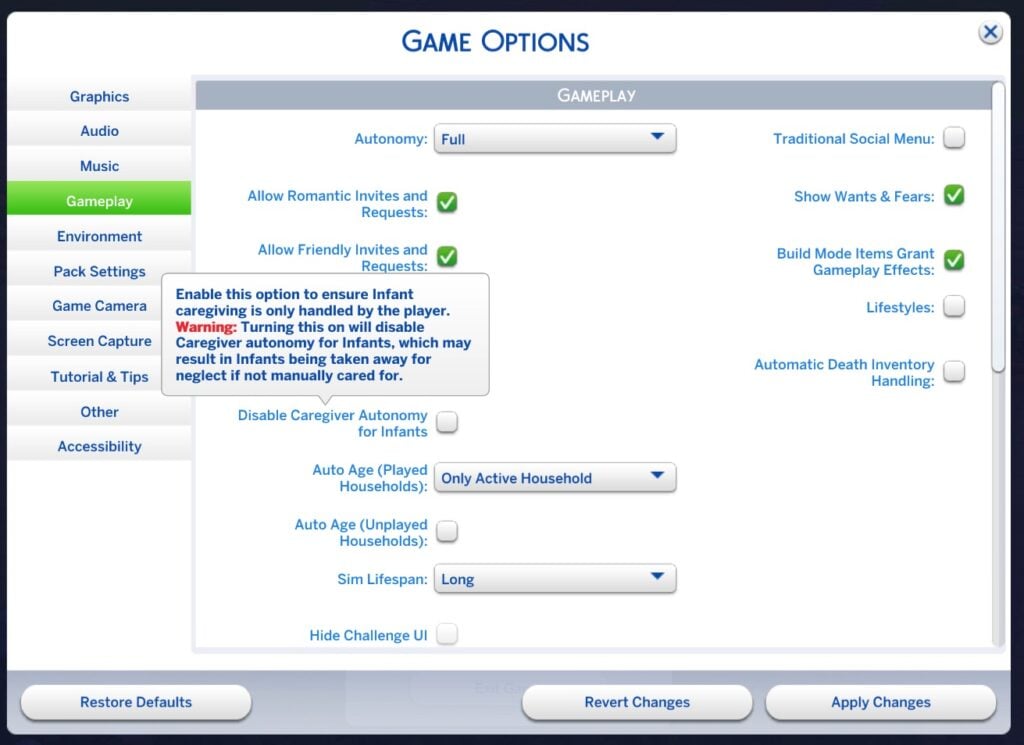
In settings, Caregiver Autonomy can now be disabled. This is not recommended, but primarily for players who want a challenge or who prefer to do all infant care manually and player-directed.
Caregivers should no longer constantly queue to “Check Infant”, interrupting their day.
Expanding on this, a large part of this update is to make caregivers behave more like their normal selves when caring for an infant, rather than so much of their autonomy being focused on an infant, especially when said infant is completely fine.
The pick up & put down loop has been fixed (In most instances the Sims Team found), stopping Sims from picking infants that they just put in cribs or in high chairs or on playmats to then put them on the ground.
Sims now clean up diapers and bottle trash created from the “Change Diaper” and “Bottle Feed” interactions quickly and autonomously.
Feeding and changing infant’s diapers will now take less time, with diaper changing taking roughly 1/3rd of the time, and feeding taking approximately 15 in-game minutes (down from 30).
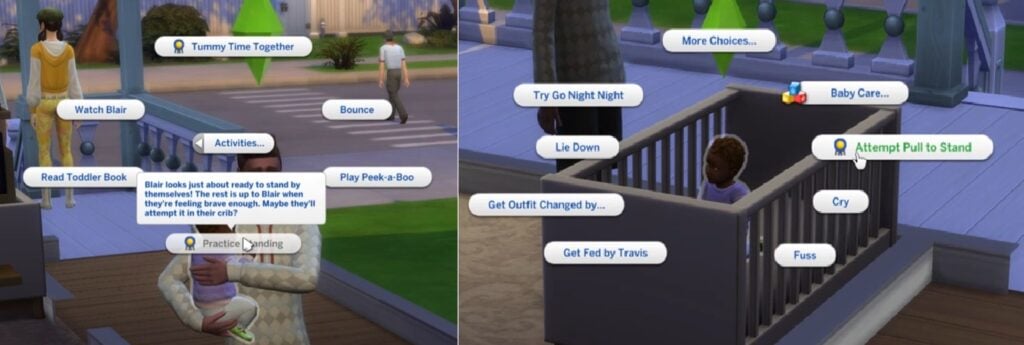
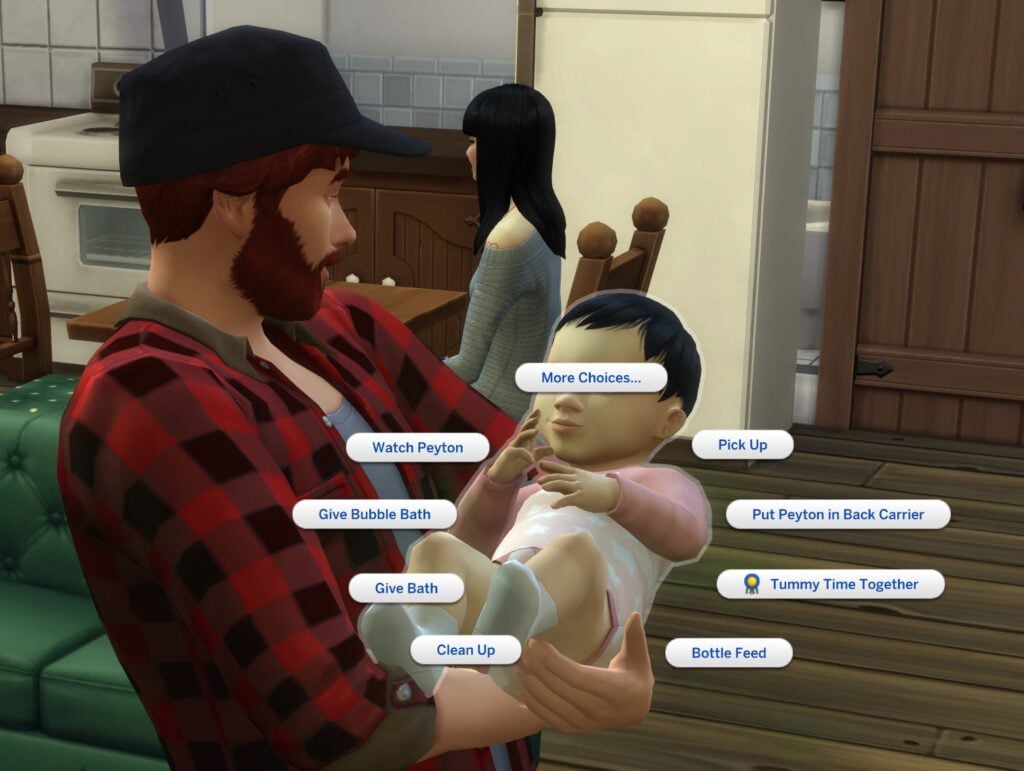
Infant Care options in the pie menu should now appear upon the first click to avoid players constantly clicking through the pie menu just to feed and care for infants.
Milestones related to Tummy Time will now progress much quicker to account for both regular and short lifespans. The Sims Team has said that with consistent care, these milestones should be unlocked roughly around Day 3 of the infant stage. Milestones related to Tummy Time include…
Lifted Head
Rolling Over to Back
Rolling Over to Tummy
Learned to Creep
Learned to Sit Up (Majorly triggered by the “Practice Sitting Up” interaction, but can be earned through tummy time).
Learning to Crawl (Majorly triggered by the “Practicing Crawling” interaction, but can be earned through Tummy Time).
If you’re not a big fan of your sims autonomously caring for infants, and you would rather keep an eye on them yourself and have full control, you can now choose to disable Infant caregiver autonomy. This will stop any autonomous behavior like feeding, bathing, changing diapers, etc. Sims will still interact with infants socially, but will not tend to their needs. Since infants cannot care for themselves, this is only intended if you want the challenge or if you prefer to control everything yourself. This feature will not stop infants from being taken away if they are neglected.
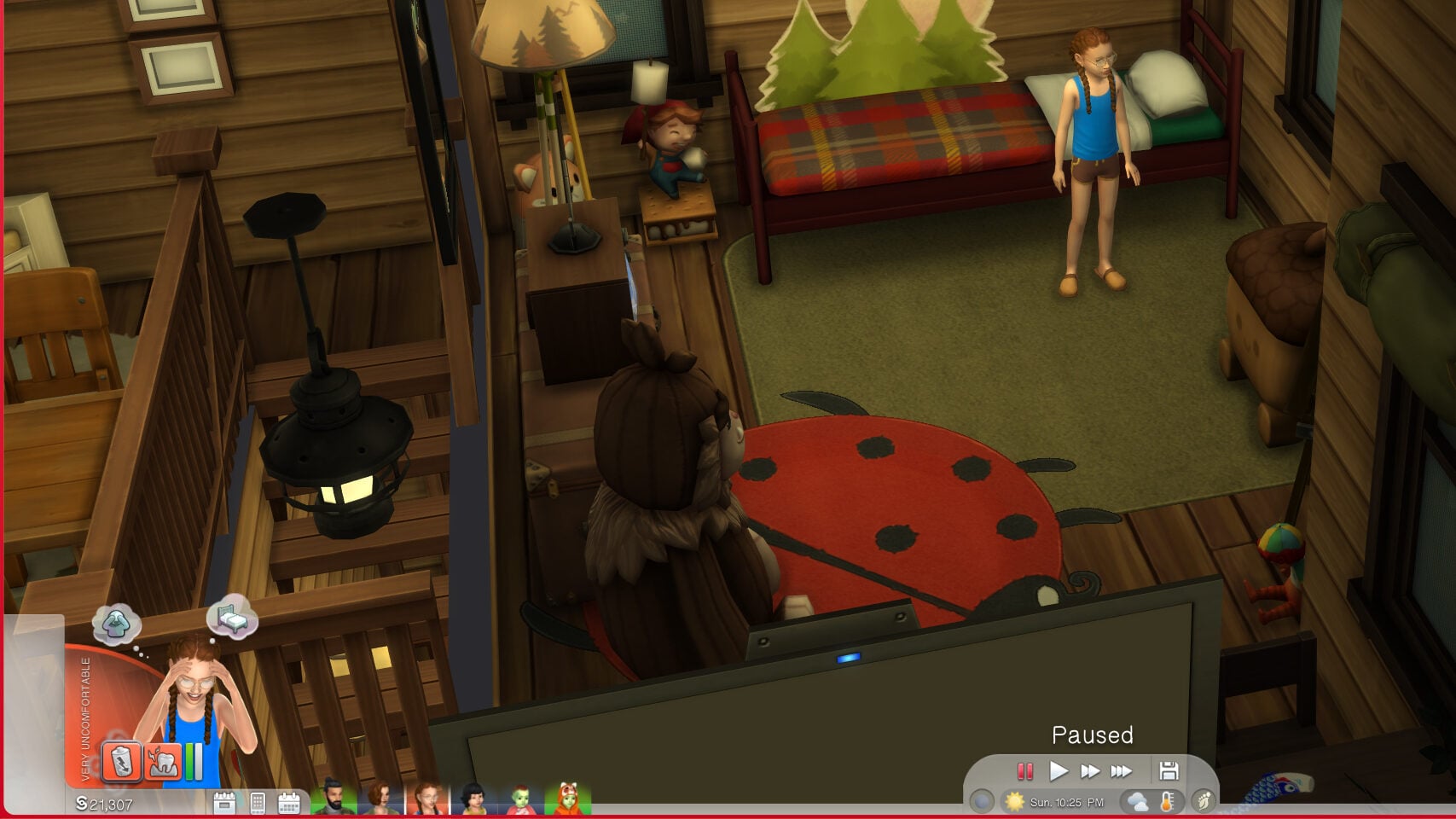
When playing with these features in a newer save, I did find that the gameplay with infants did go much smoother than it has over the last three years. I tested this on a family of six; two adults, one child, one toddler, and two infants. I didn’t run into multiple consistent issues that plagued the game prior; Caregivers constantly setting infants on the floor, checking on infants over and over, taking them out of their crib or off their playmat to put them on the floor, leaving trash everywhere after feeding or changing a diaper, etc.
My sims cared for their babies and then returned to other parts of their lives, and didn’t constantly hover over them while simultaneously being incapable of properly caring for them.
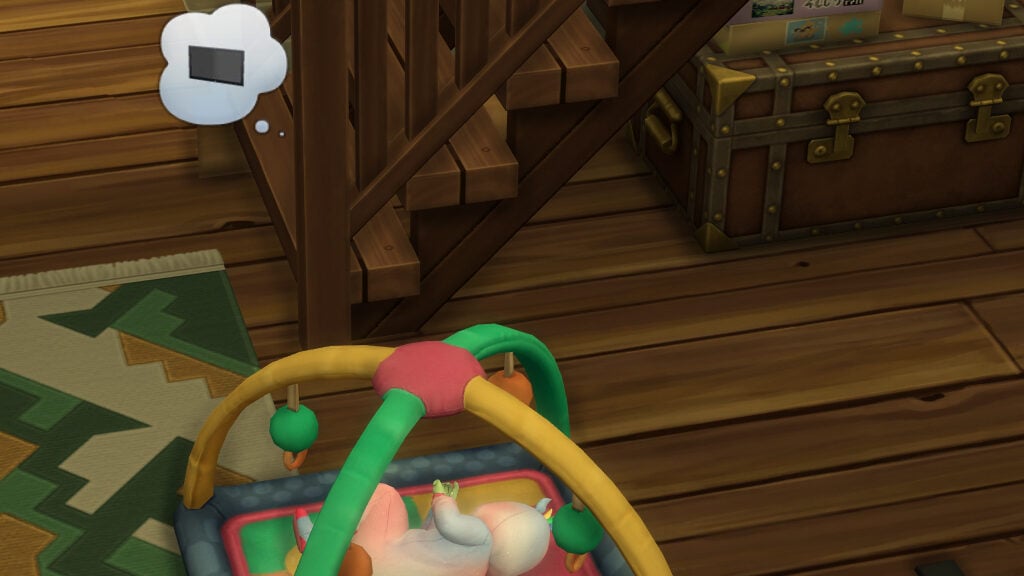
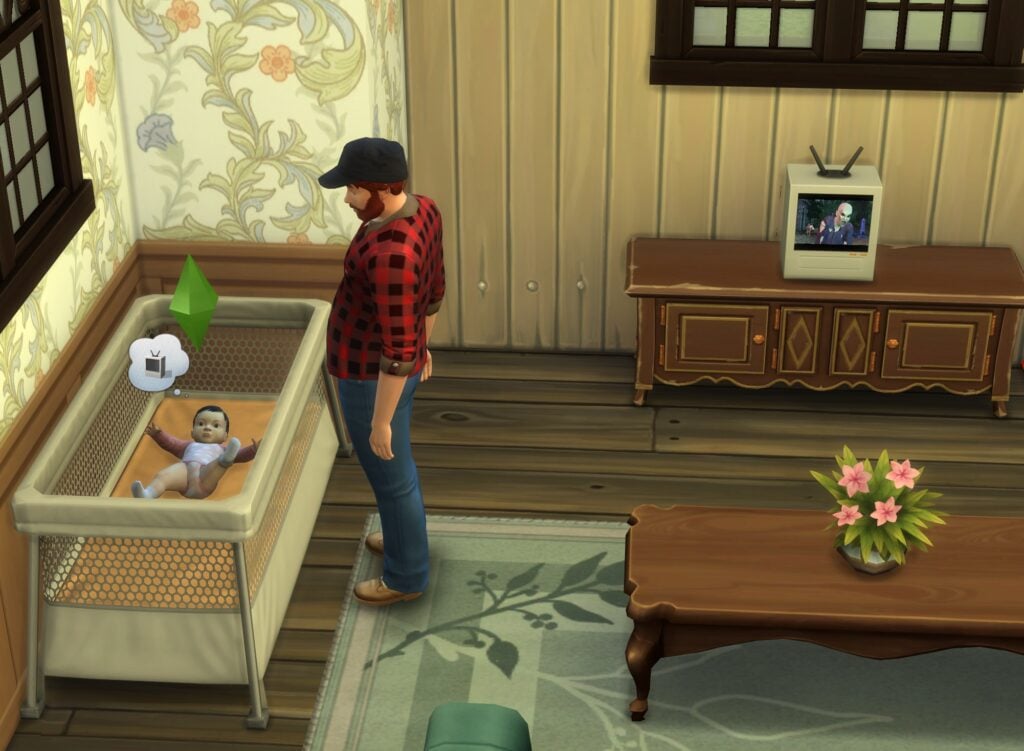
A few new additions were also added to make gameplay more understandable and obvious for players. These include hovertips over interactions to better explain them, and new thought bubbles and moodlets to explain why an infant is not sleeping.
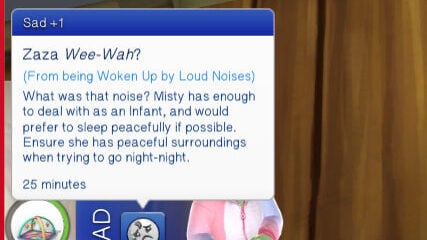
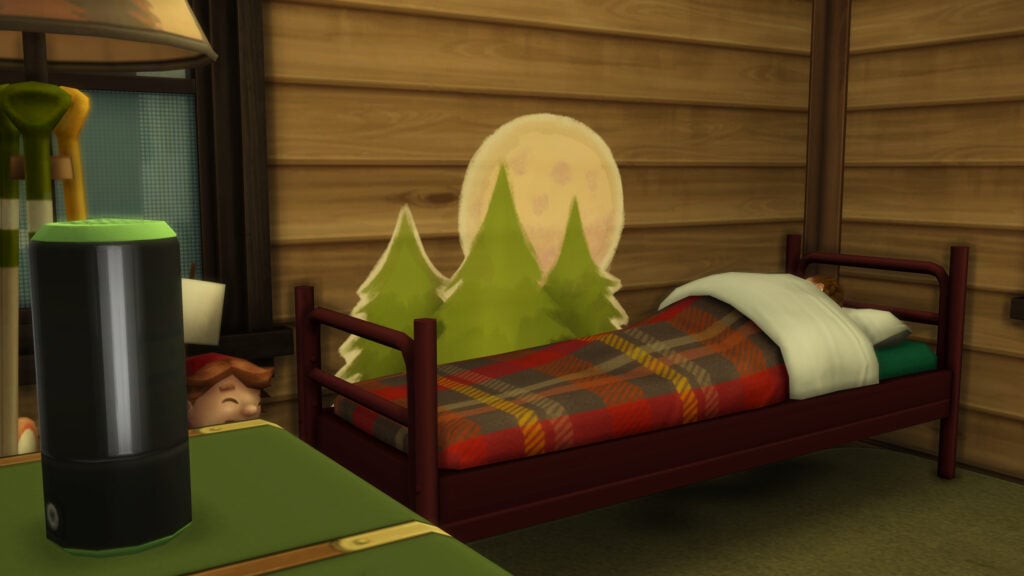
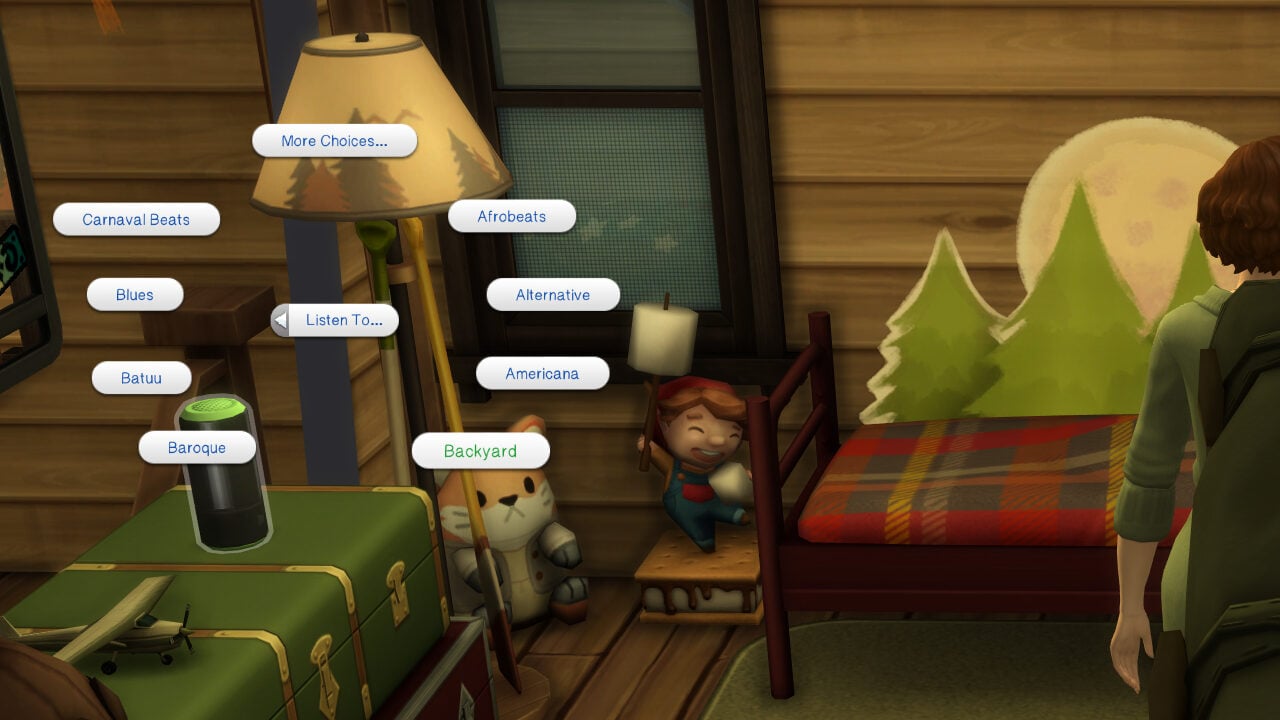
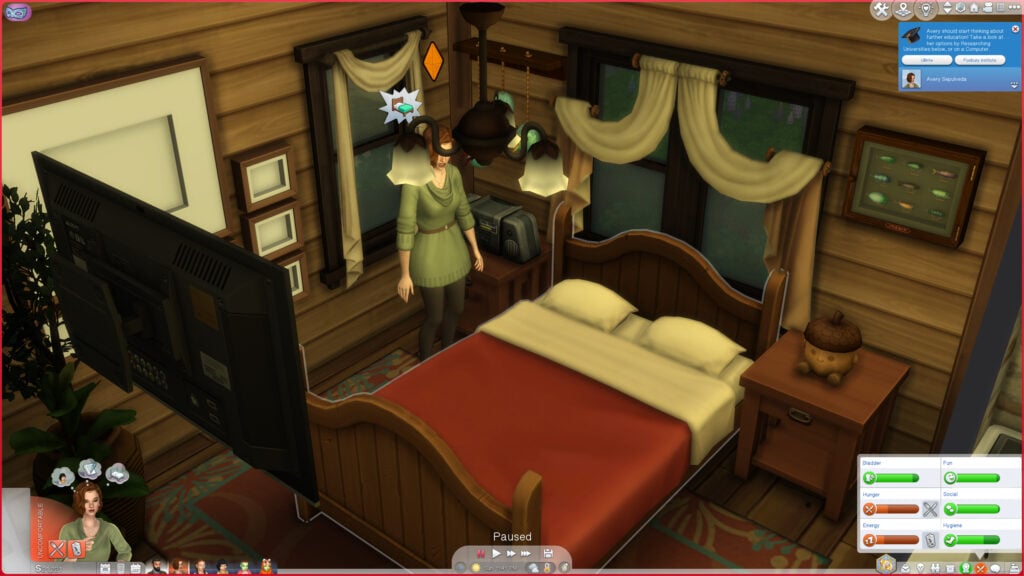
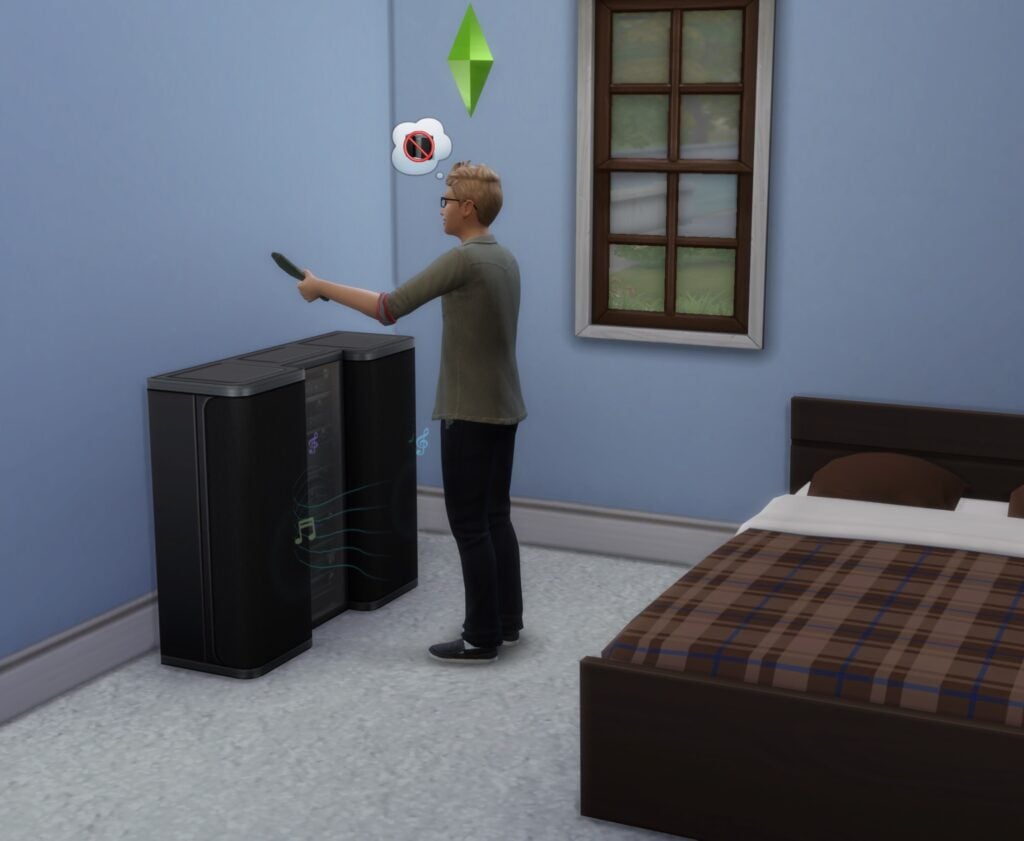
If an infant is interrupted from sleeping by a loud noise, typically a television or radio, they will now wake up with a thought bubble that shows the offending object, and they will also gain a buff explaining why they woke up.
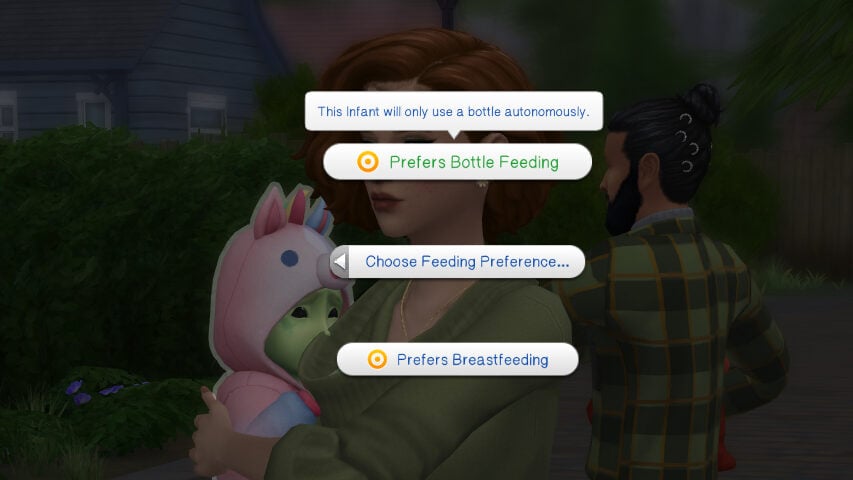
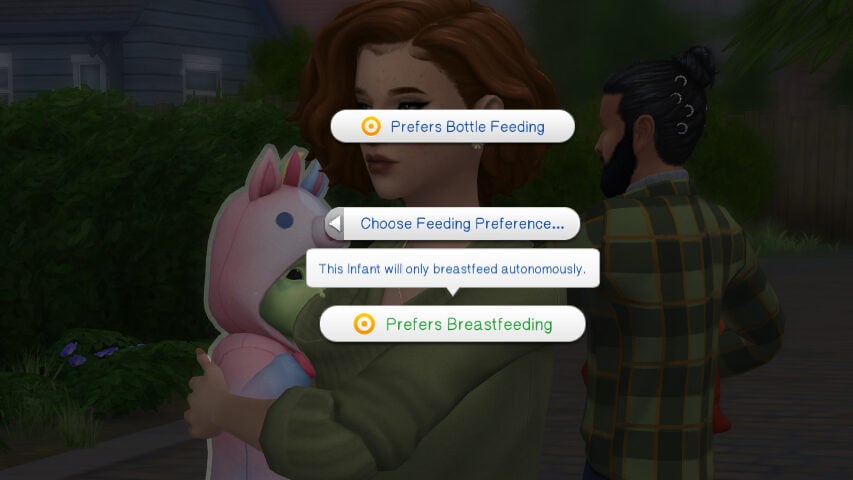
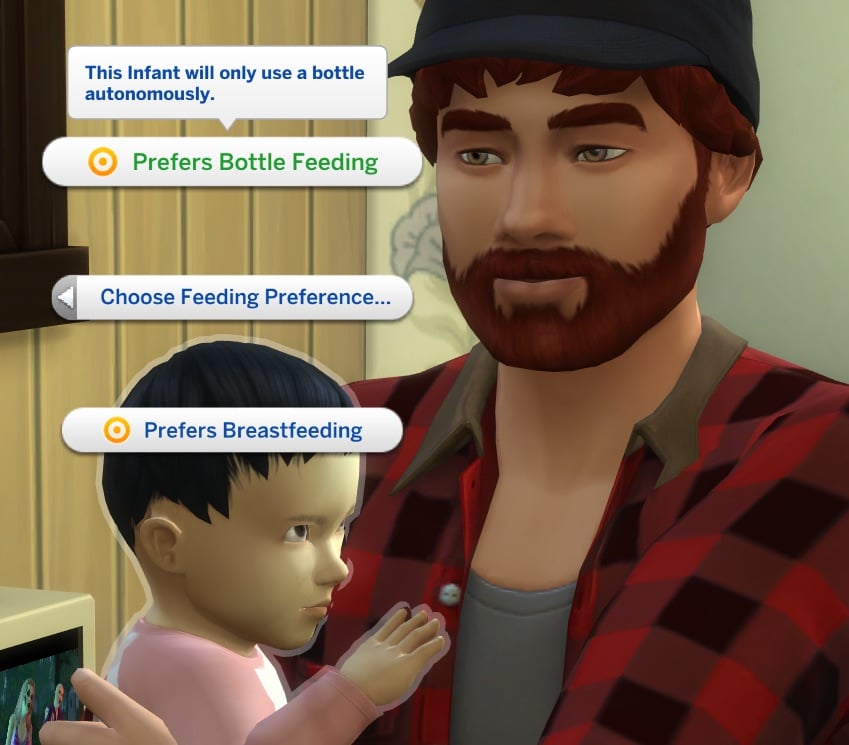
When choosing if you want an infant to autonomously breastfeed or bottle feed and what they prefer, the game now shows hovertips to explain them further, as these do not restrict your ability to direct sims to feed infants in a non-preferred way.
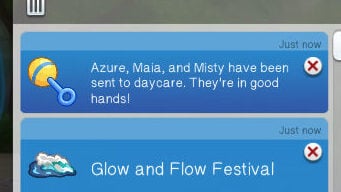
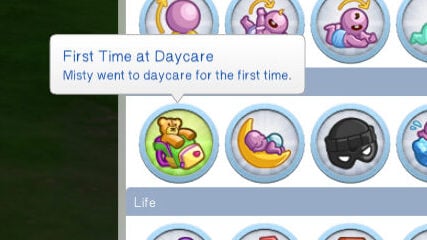
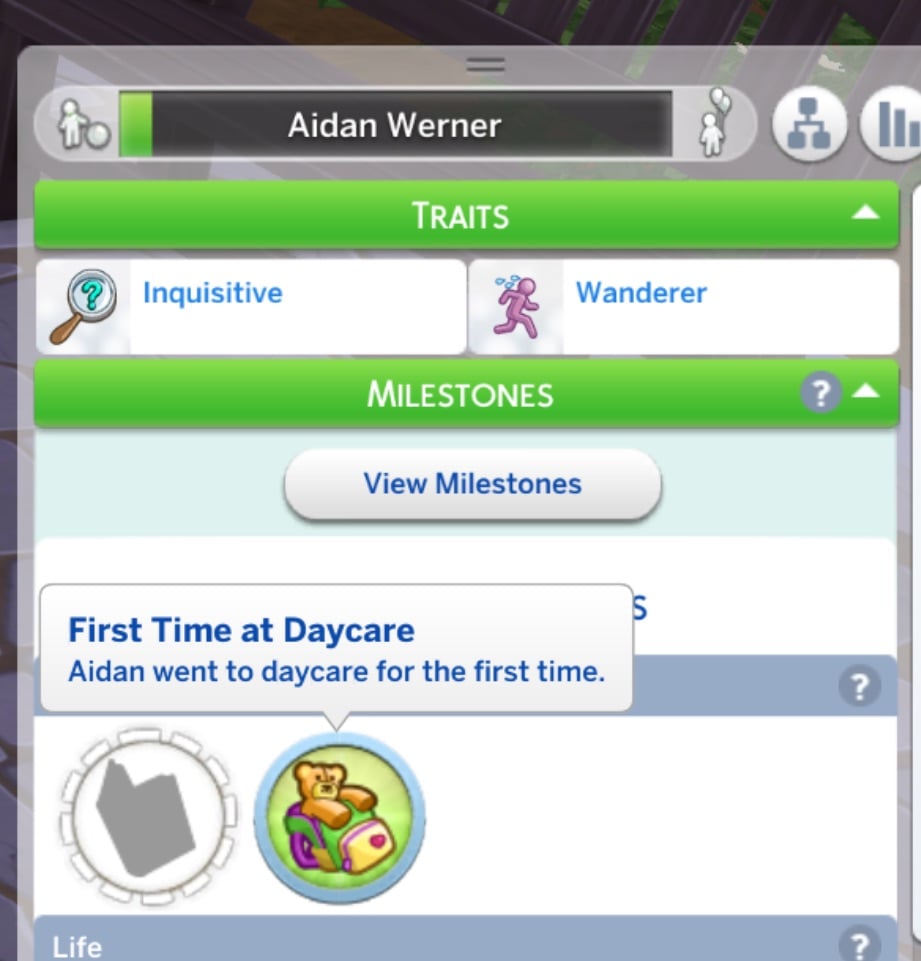
On a smaller note, infants and toddlers now get milestones when they go to daycare for the first time!
What Didn’t Work?
Outside of the main infant changes and such, one feature that was supposed to be fixed (But also did not work in the Sims 4 May Patch livestream itself) was Sims autonomously turning off the source of noise if they are woken up by it. I attempted this with radios and televisions, with both an adult and a child in separate bedrooms. Even when extremely tired, they would wake up but not turn off the source of the loud noise.
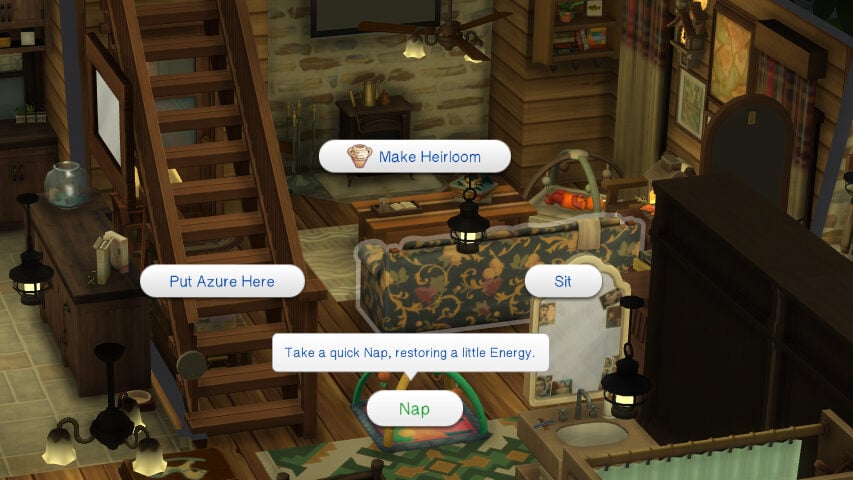
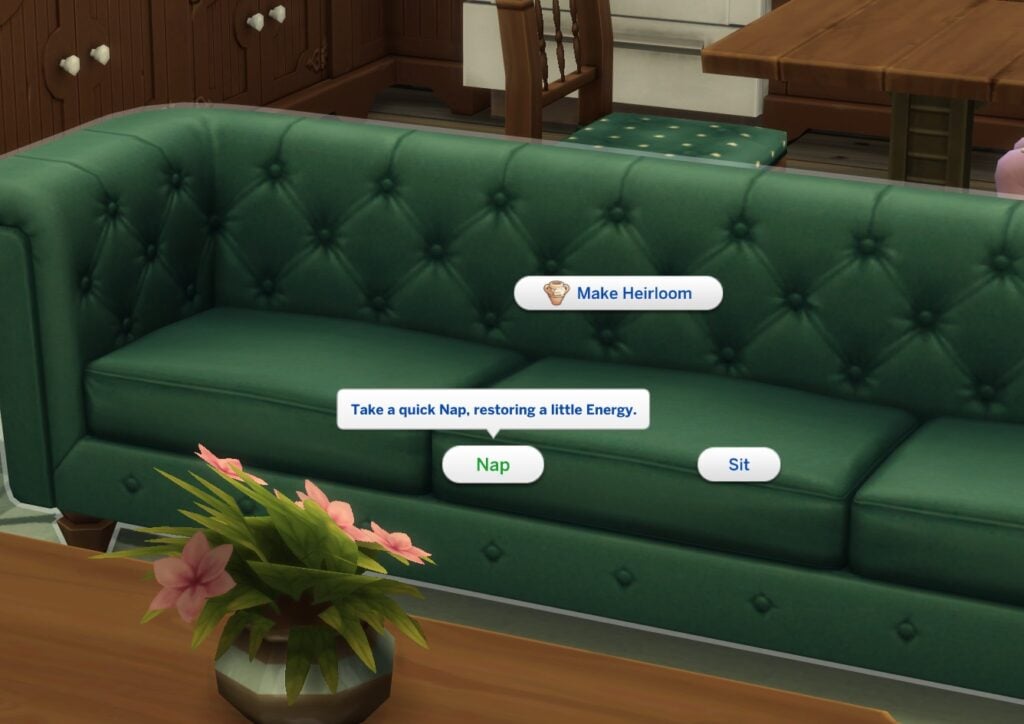
But hey, at least we now know that naps are quick and restore a little energy.
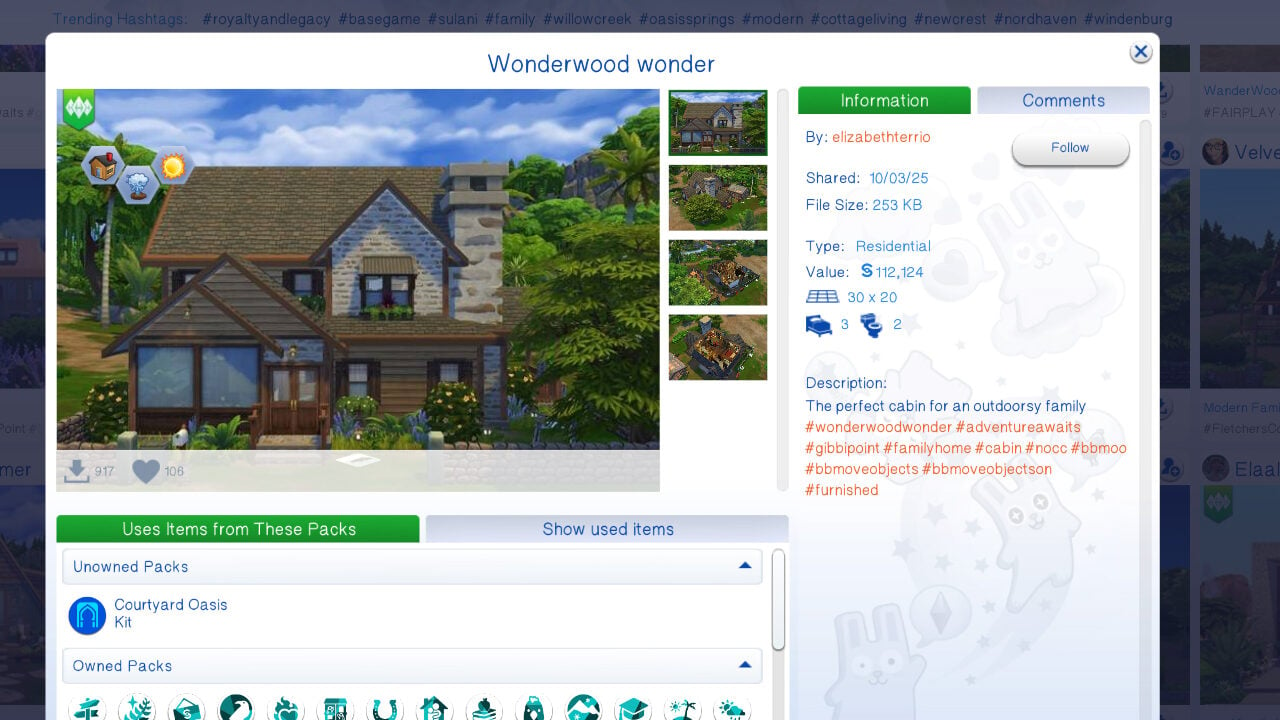
As a small side note, thank you to Sims 4 Gallery User @elizabethterrio, who created the “Wonderwood Wonder” build I used to play this family!
How are you feeling about the new patch? Have you run into new issues, or do old issues that should’ve been fixed still persist? Let us know, and also make sure to report them to the Sims Team directly on the EA Forums, or look for your issue and upvote another thread! We’ll keep you in the loop with any new patches and assets, so follow The Sims Community for more!
Not being able to scroll and select in Create A Sim is a new issue with the latest patch!
If you’ve been wondering why it’s so difficult scrolling through the Create A Sim catalogue with the recent game patch on Consoles then you’re not alone. The latest Sims 4 issue for Xbox and Playstation forbids the player to search through the items catalogue such as tops, bottoms within the “show all” section. The ability to scroll through the catalogue and select an item of your choice is gone!
Forum user 87458054 also verified that using specific subcategories such as Jackets or Tank Tops will resolve the issue. “Necklaces and hats but out a lot too” they’ve stated on the latest EA Forums thread, with several more comments on the thread:
After the newest update I can’t scroll down shirts or pants in the ‘show all’ section, but if I specify jackets or tank tops or any of the other ones it works. Necklaces and hats bug out a lot too but I managed to scroll eventually
I also can not scroll down the long hair, hats, jackets, boots, and Tank tops. I play on xbox next gen, getting a bit sick now of every time there being new update something else brakes it’s becoming a bit of a joke.
Experiencing the same on PS5! I hoped for today’s update to patch up some of the technical issues, but now it’s even more unplayable. I’m so disappointed
The Sims Direct Team acknowledged this issue on X, releasing a short statement that they’re looking into fixing this Sims 4 issue on Consoles.
Simmers, We’re aware of the issues with scrolling in Create A Sim on console & are actively investigating reports in the EA Forums thread here.
You can follow the linked thread for updates, thank you for your patience while we work to resolve this.
Have you experienced this Sims 4 issue on your console platform? Make sure you leave a report in the linked forum thread above and stay tuned to Sims Community for more information about the game’s stability!
Let’s take another look at InZOI deaths with the current knowledge the players have gathered.
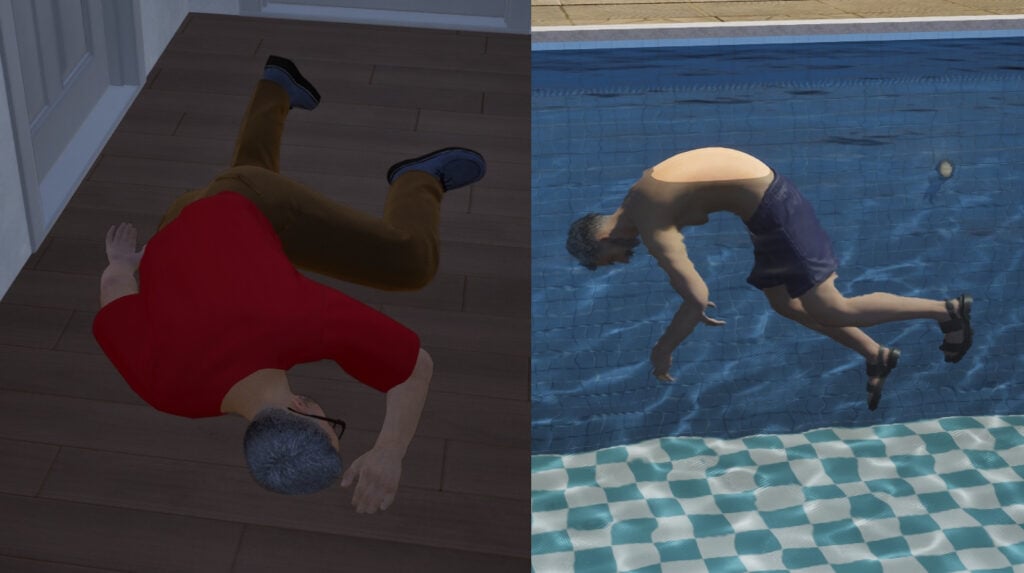
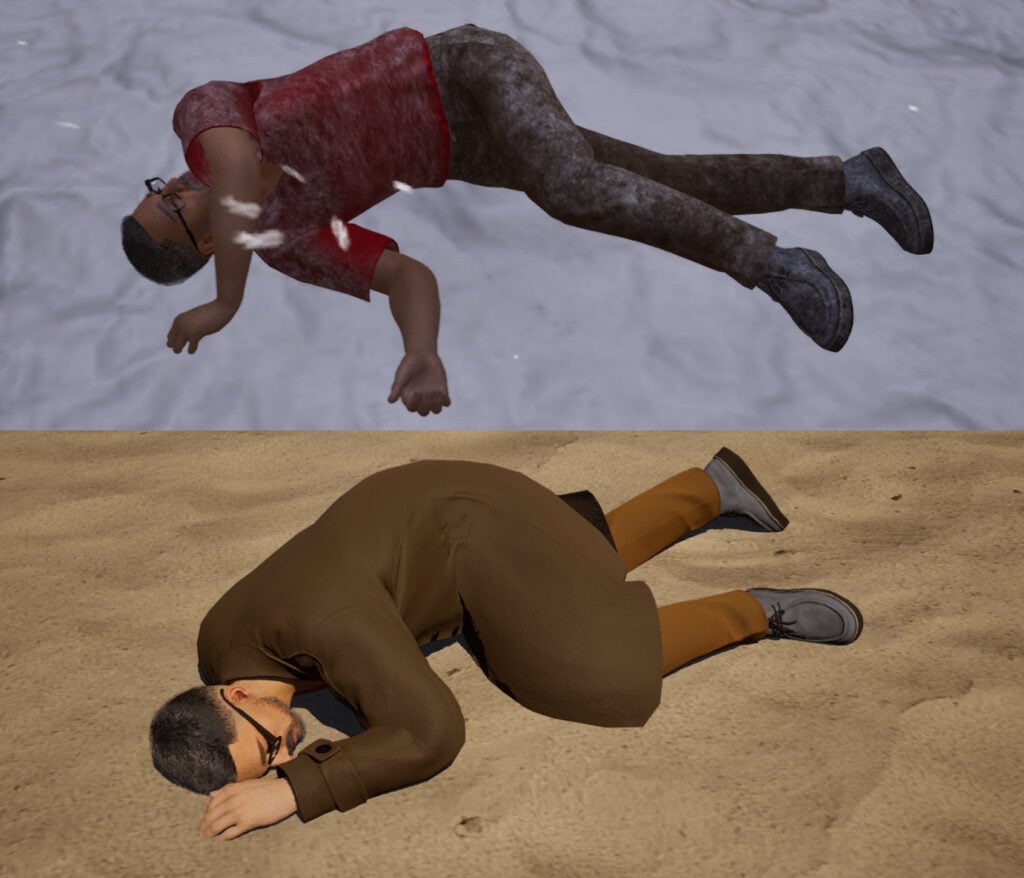
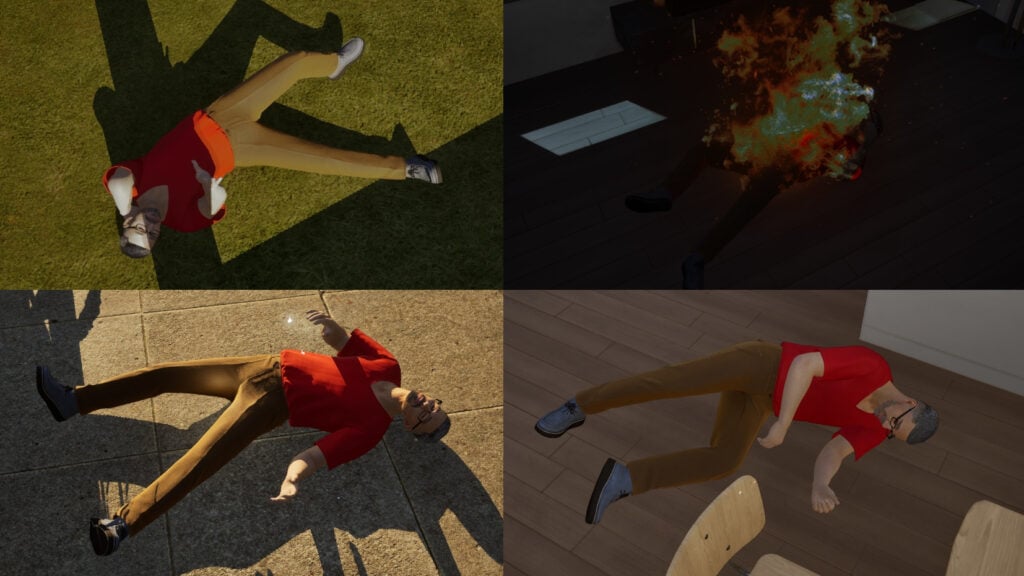
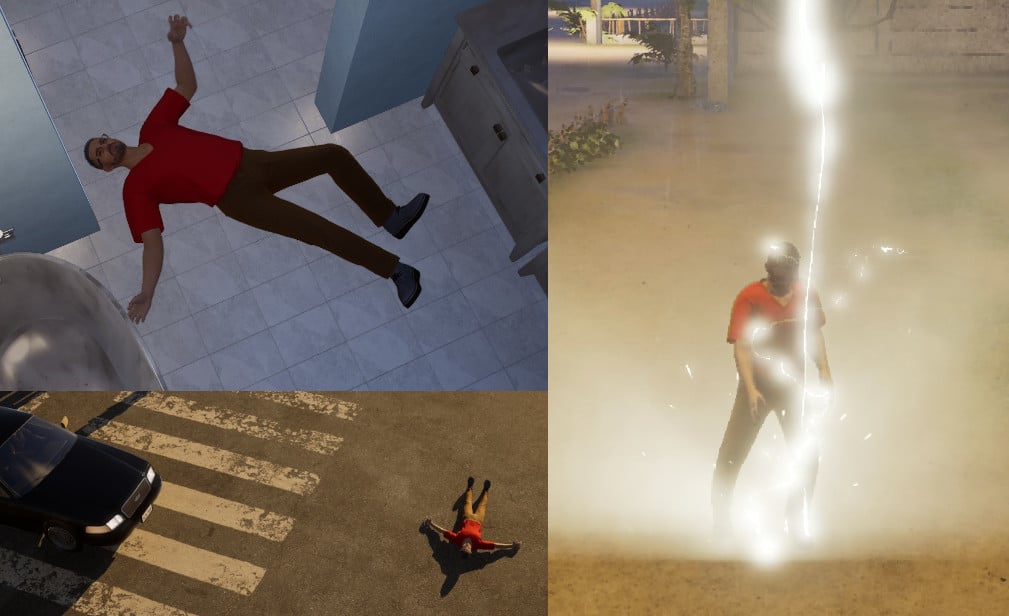
As a life simulator game, InZOI is full of possibilities, yet also full of danger. While it may not be easy to have your Zoi die and become a ghost, it helps to be aware as sometimes, as death can come from unexpected places.
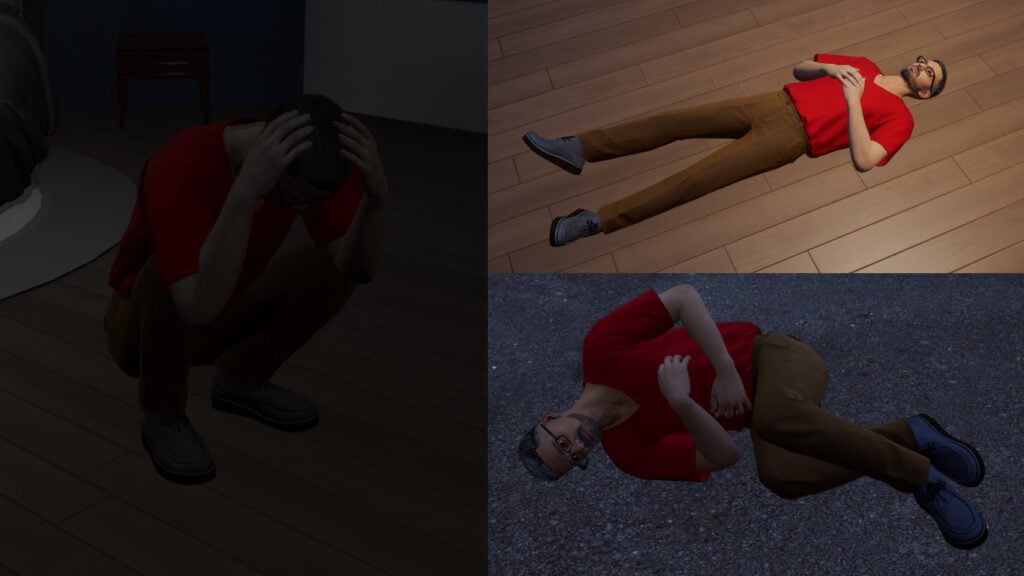
As of the time of writing, InZOI has 17 ways for your Zois to die. As an Early Access game, InZOI features can change, so the guide aims to capture the general idea of each death.
Table of Contents
Death by Natural Causes
As Zois age, they will eventually reach the Senior stage, the final life stage. If aging is enabled under the Simulation menu, then eventually the death will arrive to them. How soon it happens is affected by 3 factors:
Aging Speed: found under Simulation options, players can set the aging speed from 0.25x (40 days) to 4x (3 days). By default, it’s on 1x speed (10 days).
City’s Health Level: found in the Manage City section while editing the city, this not only affects the likelihood of diseases. The lower the setting is, the less days Senior Zois may have. At the lowest setting, a Senior Zoi could even die after 12 hours.
Gender: Female Zois tend to live longer than Male Zois.
In addition, removeZoi [Zoi ID] cheat can be used to trigger this death for any Zoi. For more about using cheats in InZoi, check out this guide.
Low Needs
There are three needs that when empty will cause death:
Hunger (Leads to Death by Malnutrition)
Sleep (Leads to Sleep Deprivation)
Recognition (Causes Zoi to run away), though this won’t turn your Zoi into a ghost.
Zois tend to survive without these for 2 days. However, when the need is empty, Zoi won’t die (or run away) immediately. It begins as a 12-hour negative moodlet, turning into a worse 24 moodlet after that. The game will warn the player when 12 hours are left. Ignoring that will eventually cause Zois to die or run away. Children will be taken to the Child Protection Agency when hungry or haven’t been recognized, or simply faint for a moment if they lack sleep.
Death by Overwork
A special case of low needs deaths is this. However, empty Energy need alone is not enough. For that, Zois must continue energy consuming activities while it is empty, be it physical (like working out) or mental (like painting). To avoid this, make sure your Zois get plenty of rest. Even a quick sit-down is enough to get that Energy up.
Death by Drowning
Another case of death caused by empty Energy need. Swimming tends to deplete the need faster. Once the Zoi has no Energy left, you’ll get warned. With 3 hours left, prioritise getting your Zoi to land as soon as possible. During that time, your Zoi cannot swim fast, so make sure your Zoi does not swim too far away from land.
Temperature Deaths
Usually the safest temperature range is from 0°C/32°F to 30°C/86°F. When outside the range, Zois should wear weather-appropriate clothing (hot weather or cold weather) and seek ways to warm or cool themselves. If this isn’t done, eventually you will get a warning. After 30 minutes, your Zoi can die by either Hypothermia or Heatstroke at one point. Children will be sent to the Child Protection Agency however.
Note that although you can temporarily change the weather is City Appearance menu, it does not last long enough for any Zoi to die.
Death by Anger
Just like in The Sims, the more emotion points your Zoi has from moodlets, the stronger the emotion is. In case of Annoyance, 7 points are needed for this emotion to become Enraged (easily achieved with Max Annoyance Donut from the Meow Store). At that state, any mean interaction done to other Zois carries a risk of death. For now, this death has become much more rarer, but still worth keeping in mind when being mean or doing criminal actions.
Death by Fire
Fire can break out due to various reasons, be it cooking, malfunctioning electronics, or simply playing with fire. Should one break out, simply standing near a burning object for some time will cause Zoi’s death.
If you are having trouble getting fire started, try lowering Fire Prevention Rate in the Manage City panel. This will raise the chance of devices like TVs malfunctioning, which may simply break them or cause a fire.
Death by Electrocution
Speaking of broken objects, repairing broken objects or intentionally breaking them carries a very small chance of death. The lower the Appliance Durability is set in the Manage City panel, the more will objects break. However, your Zoi can have a higher risk of electrocution by hacking an ATM. Having the Mysterious Scent from a flower bouquet also increases the chance.
Death by Food Poisoning
Leaving food out to spoil can turn dangerous in Inzoi. While Zois are not willing to eat food that has already been spoiled, they can still smell it. After eating or smelling a spoiled food, there is a chance for the Zoi to die.
There is, however, a much easier way. You can simply buy a Poison Doughnut from the Meow store for 50 Meow Coins.
Death by Falling
Keeping up with housework is important, especially with cleaning and repairing. If you don’t clean your house and leave plumbing broken, Zois can slip and fall near plumbing. Each time this happens, there is a chance that the Zoi just won’t get up anymore.
In the future patch, it will be possible for Zois to pour water from the cup on the ground, creating a puddle. Any Zoi stepping into the puddle has a risk to slip, but most of the time they’ll get up, annoyed at the prank.
Death by Traffic Accident
Just like in real life, it’s important to use caution when in traffic, especially when driving vehicles with Manual Driving. A speeding car can very easily cause someone’s death, and speeding with a smaller vehicle like a motorcycle or scooter can result in the death of the rider on collision. Currently, drivers that cause death of other Zois will face jail-time for 1 day, but in the future, it is in the plans to add trials for these cases too.
Death by Lightning
InZOI features some natural disasters that can happen. One of those is Heavy Rain. These naturally occur in Cahaya and feature rain with flash floods and lightning strikes. Any Zoi that is outdoors at the time run a chance of being struck by lightning, which will cause death.
Death by Water Threats
And last but not least, we have two more deaths.
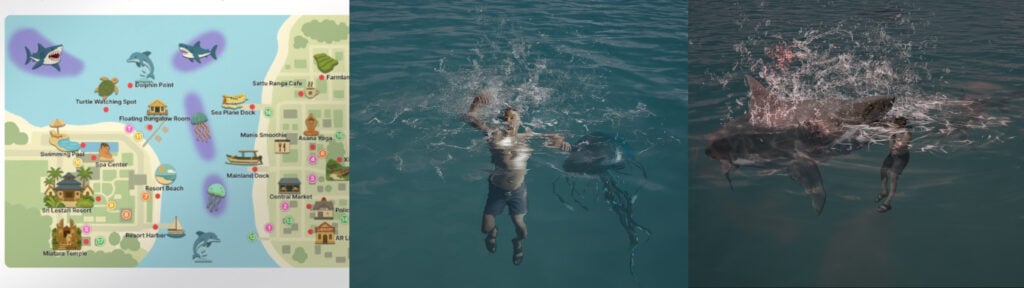
Bliss Bay and Cahaya both feature an ocean where Zois can go swimming. While the ocean can hold beautiful areas that can be discovered through snorkeling, it also features Jellyfish areas and Shark areas. You can find Cahaya’s danger areas in the Guide and in some town boards. In Bliss Bay, the rule of the thumb is not to swim too far from the beach.
Entering those areas will give you a warning that will repeat after some in-game minutes. The first warning is safe, but the further warnings onwards will make your Zoi terrified. This is the point where death can occur when spent too long in the area swimming, be it through jellyfish sting or gruesome shark attack.
What can change?
InZOI is still an early access game, thus things can change and more deaths can be added. For example, the Karma system played an important role by having the Negative Karma increase the chance of death. This has been changed with the addition of ghosts, with Karma no longer having a large effect on living Zois.
However, in the code, there are references to more deaths. These include Death by Shame and High Fever. Death by Shame is the death that is the most complete, having an animation and trigger condition. However, as it does not have a pop-up message and ghost urges, so it is safe to conclude that it is not currently possible in the game. High fever on the other hand only exists in the code as a trigger.
While Death by Pollution has also gone around the Internet, there are no references to it in the code. The main source for this seems to be this pre-release Q&A posted by inzoiresource on June 2024. It is unknown if the death was planned or was completely removed from the game, but the existence of Green Planet location could hint towards it being thought of.
Conclusion
InZOI, as a new take on life simulation game, also has a new take on death. Some require the player’s intention while others can simply happen out of the blue. Yet as an Early Access game, some deaths (mostly accidental deaths) can change and new deaths may be added as the game is developed.
What are your thoughts about InZOI deaths? What deaths have you experienced in your own game? Or what do you think can change or be added? Let us know in the comments below.
The Sims 4 Bridgerton Event Rewards: Take a Look at the New Items Coming in the Lady Bridgerton Masquerade Ball Event!
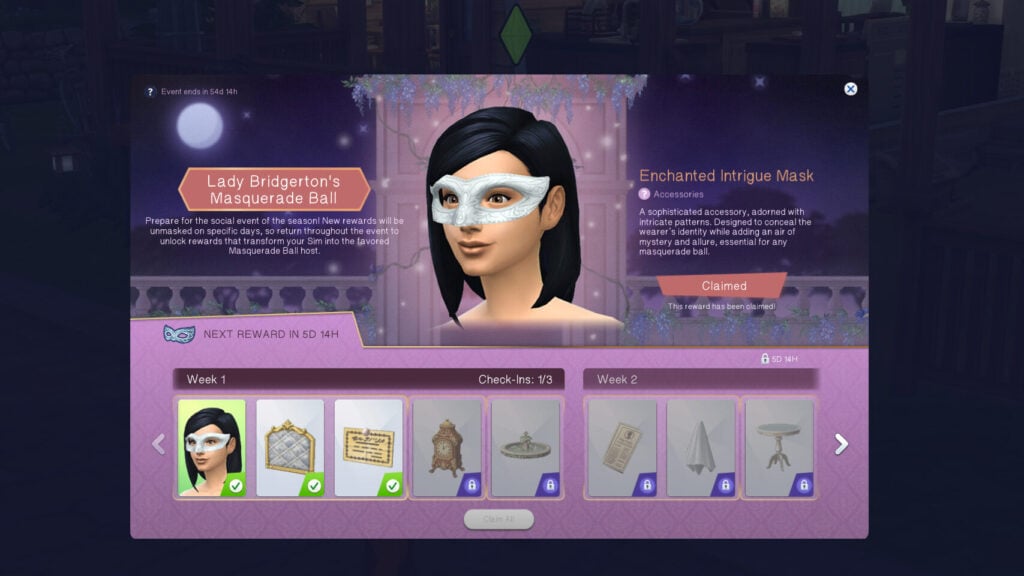
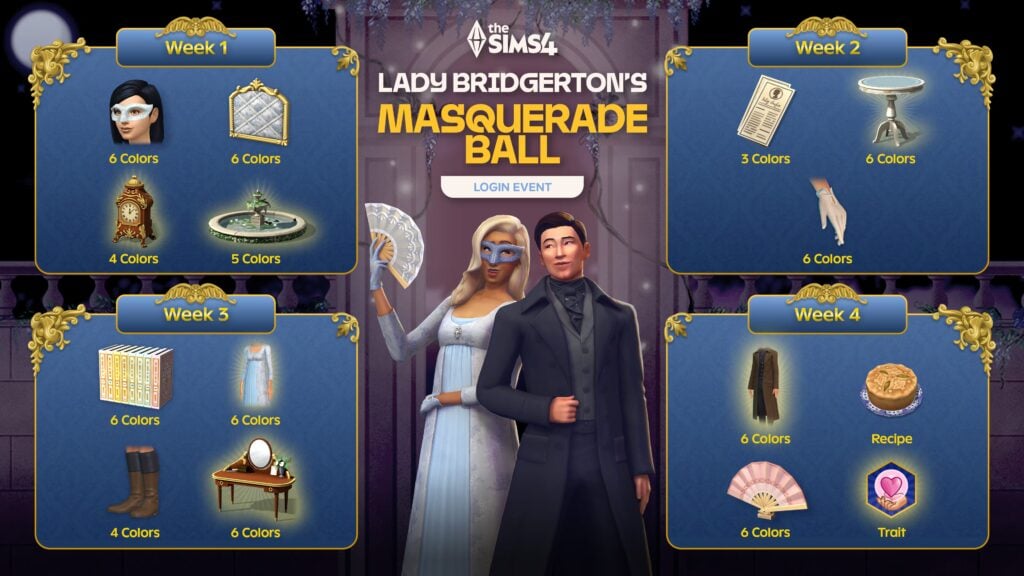
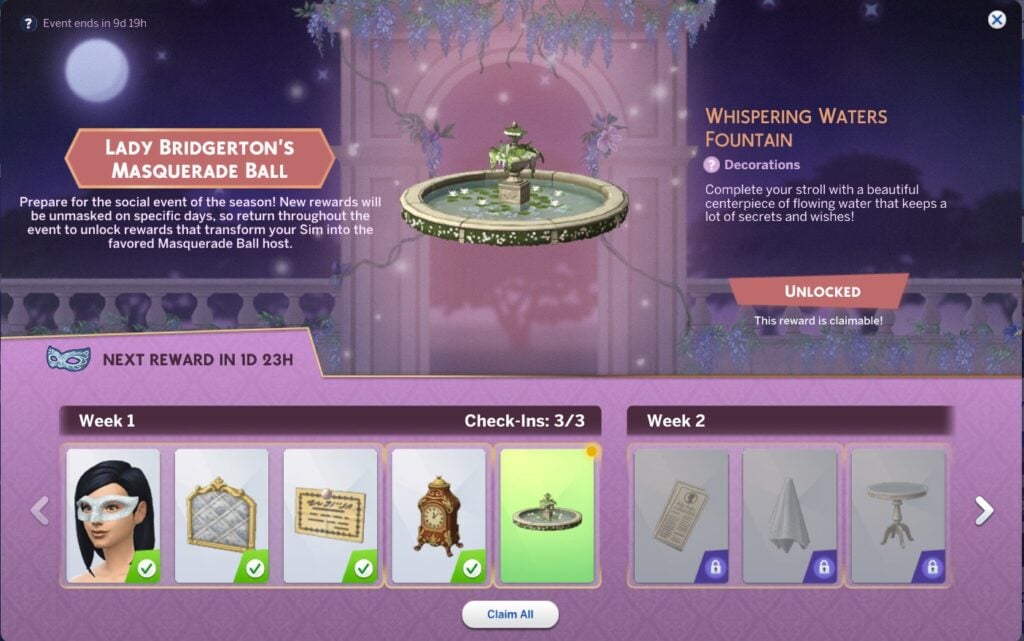
The Sims 4 Lady Bridgerton’s Masquerade Ball login event has begun, and over the next four weeks, you will have the opportunity to unlock a whole host of new items for both CAS and Build/Buy, as well as new collectables, traits, and recipeies. The event is running from May 12th to July 7th 2026, with rewards unlocking across the first four weeks. Simply unlock the items from the Event tab in the main menu, no need to complete any quests. Let’s take a look at all the new Sims 4 Bridgerton Event Rewards!
Table of Contents
Week 1 Rewards
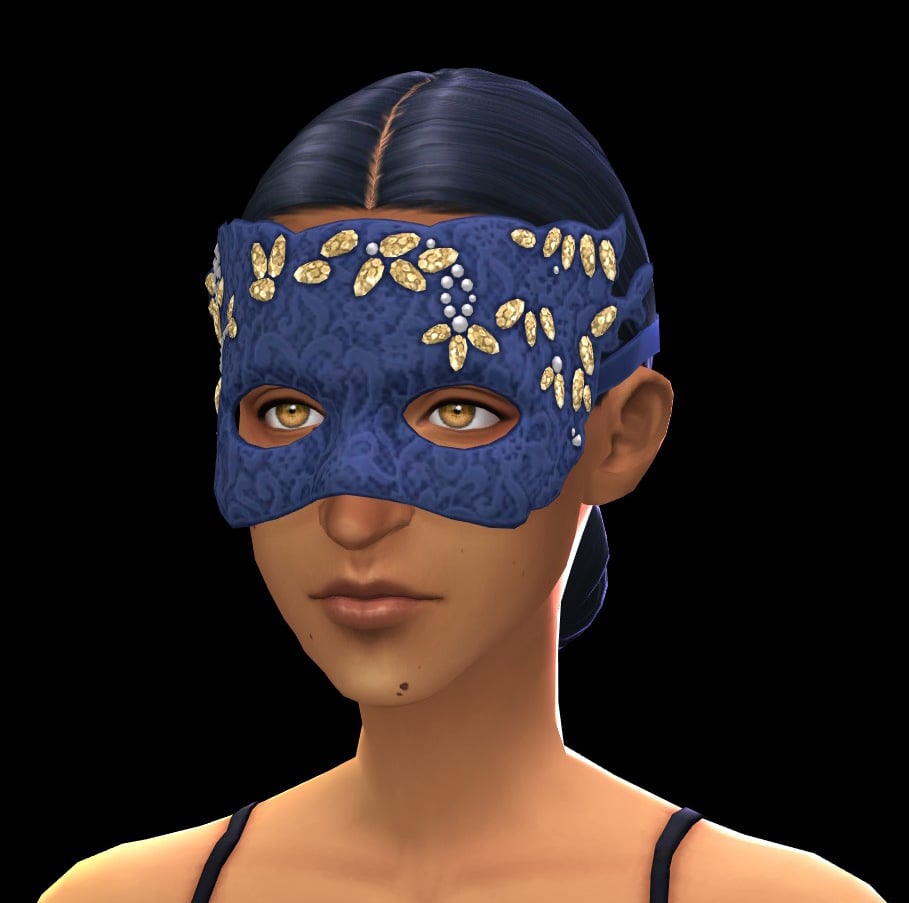
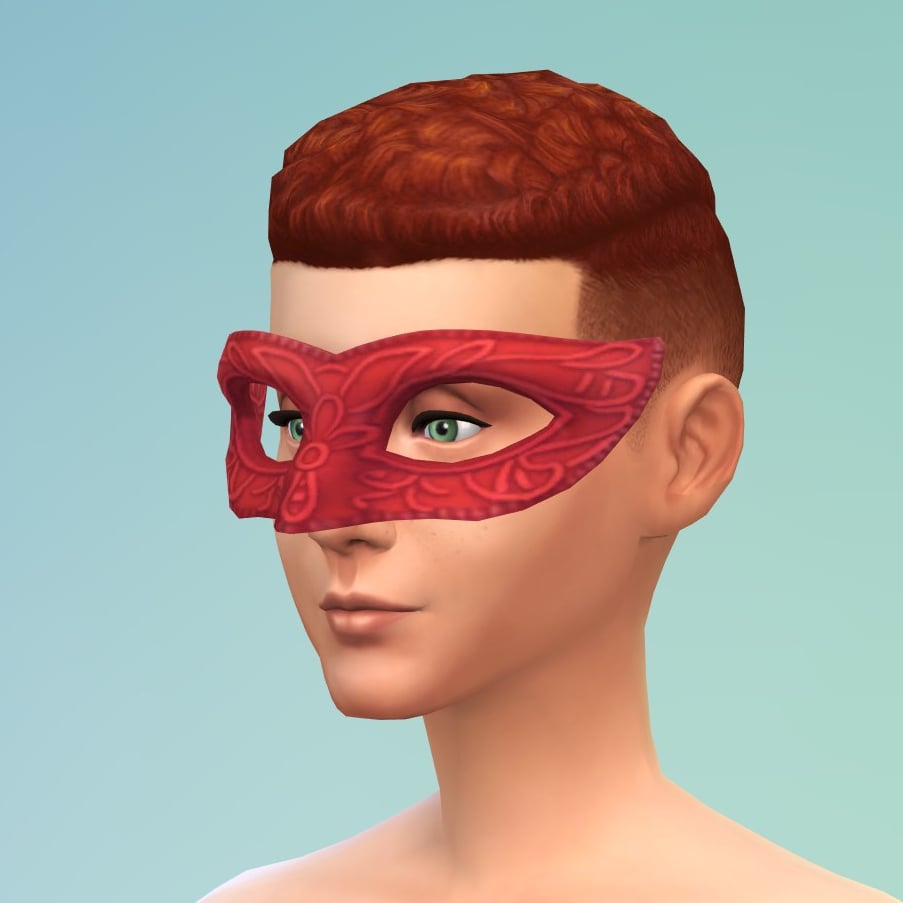
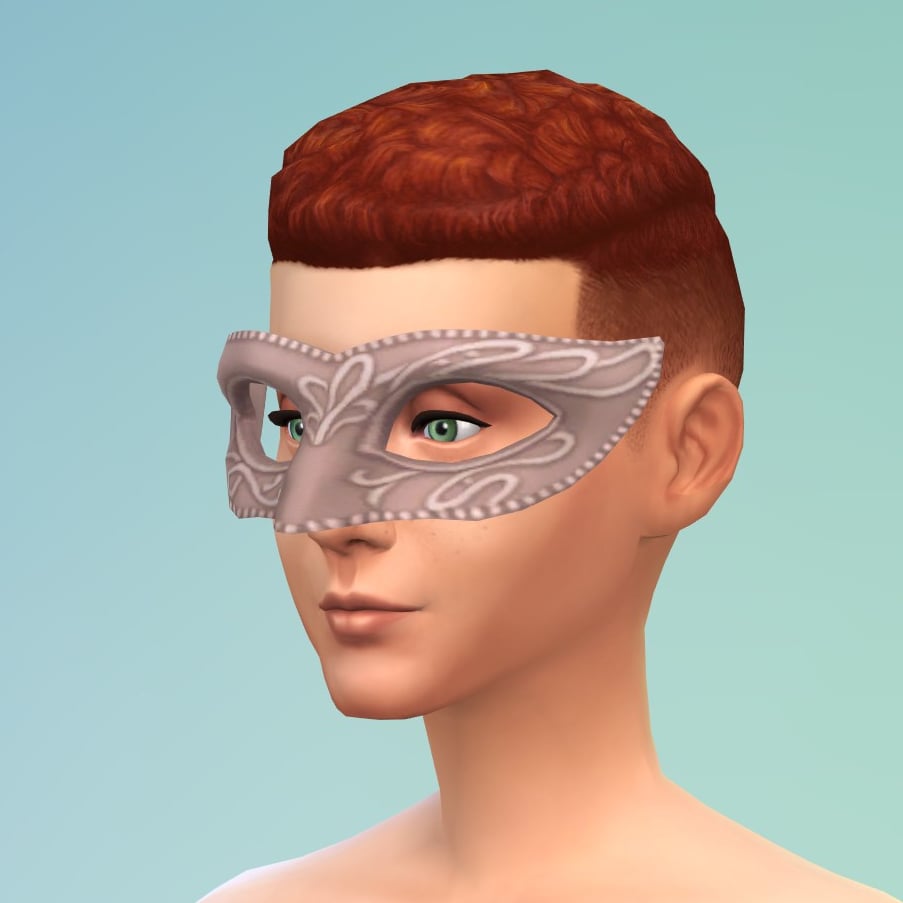
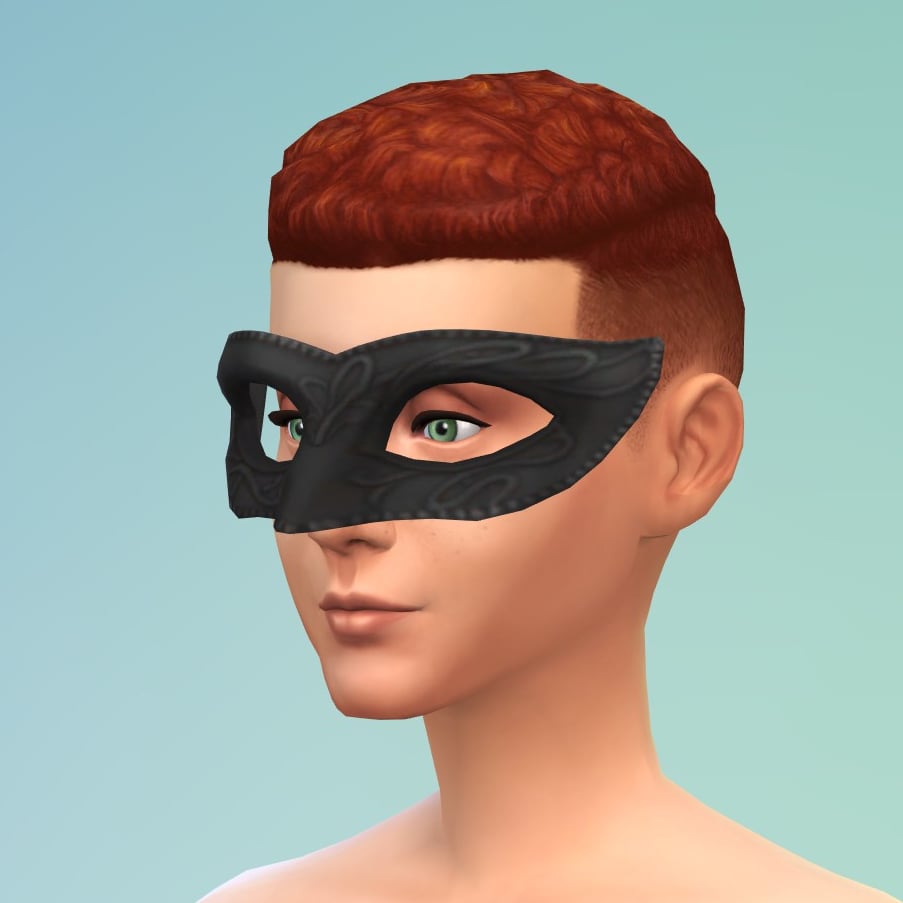
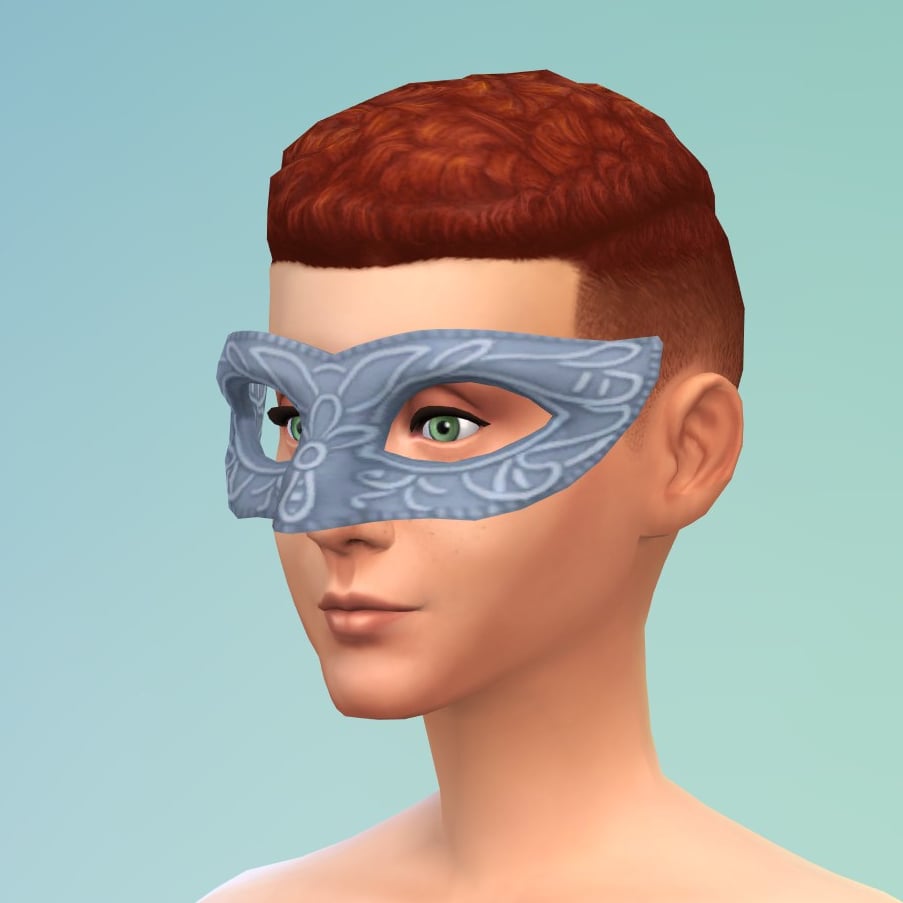
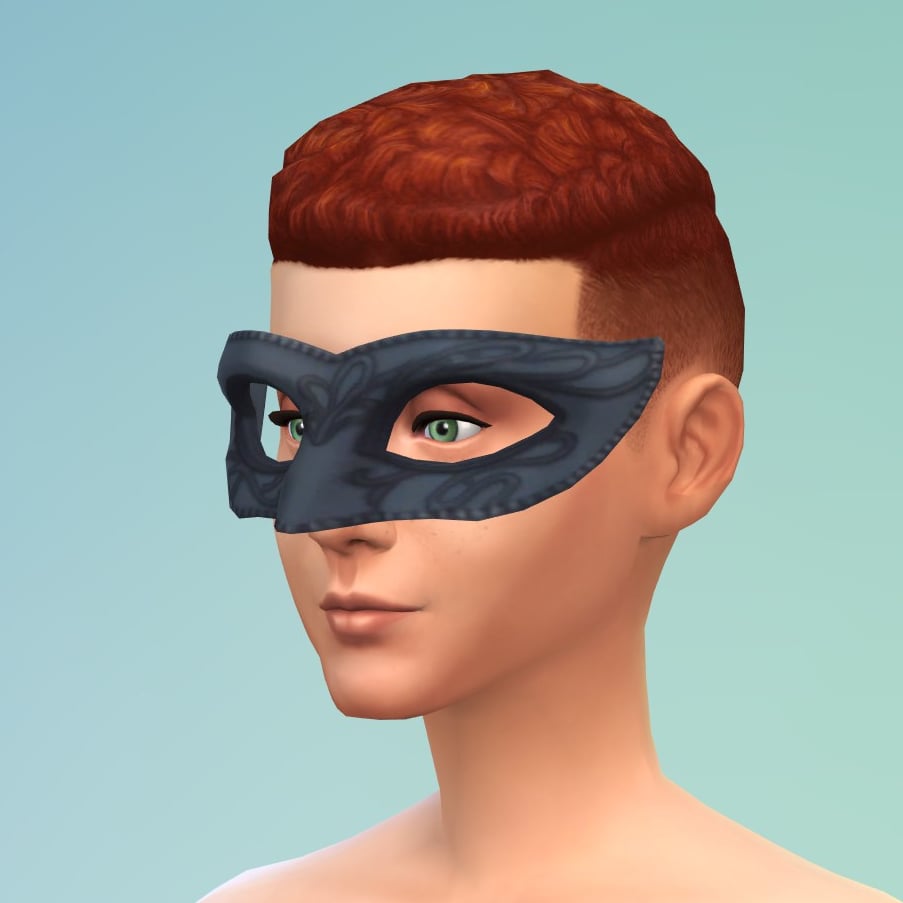
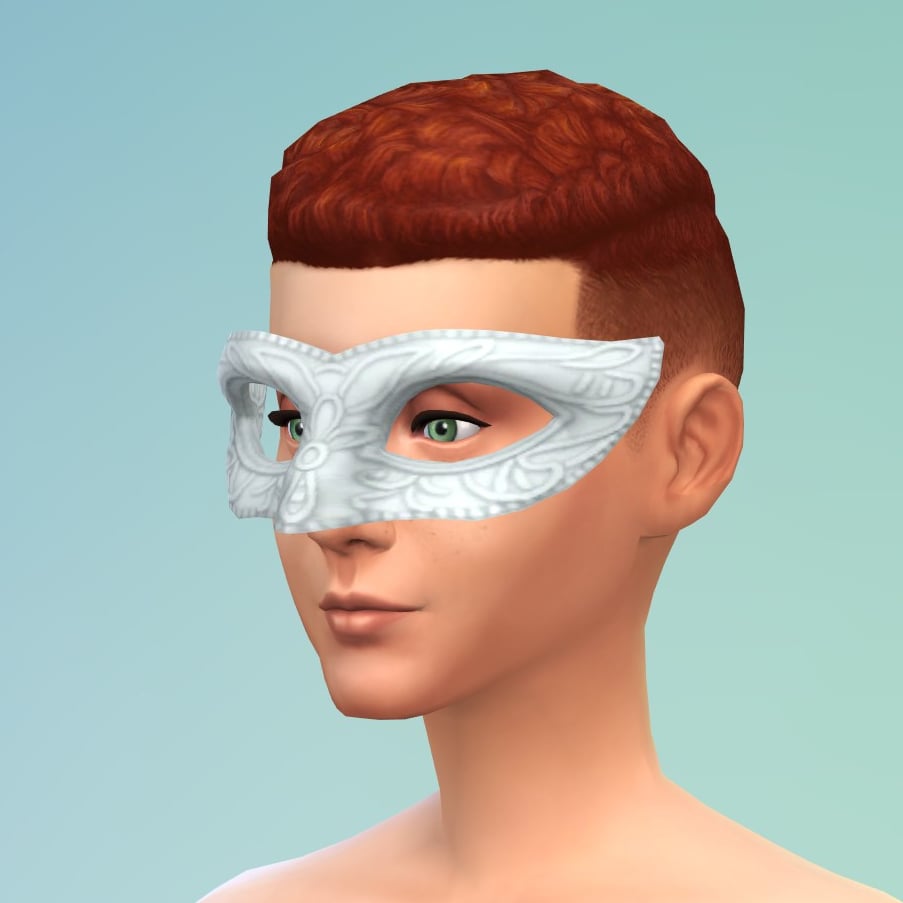
Enchanted Intrigue Mask
A sophisticated accessory, adorned with intricate patterns. Designed to conceal the wearer’s identity while adding an air of mystery and allure, essential for any masquerade ball.
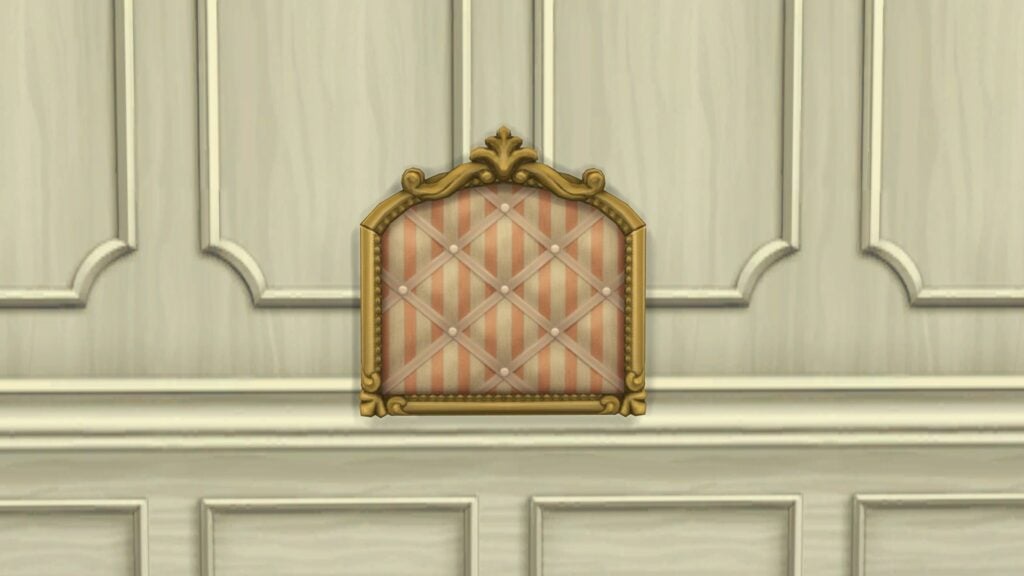
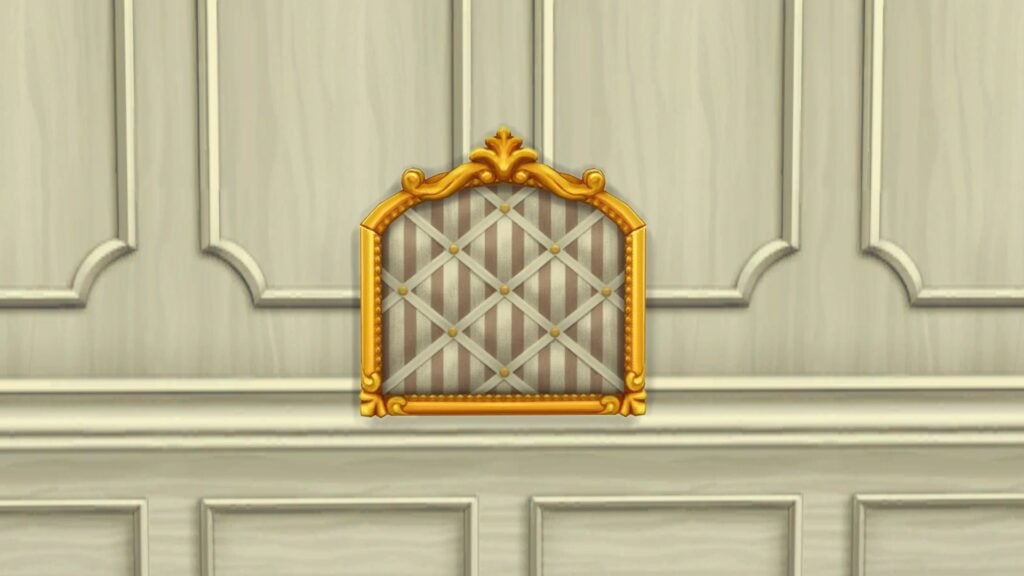
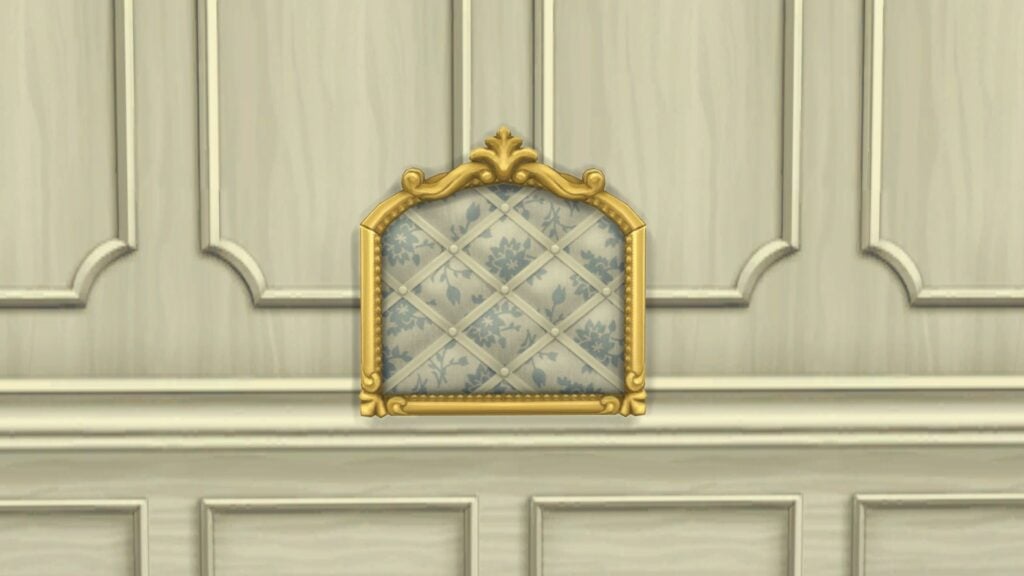
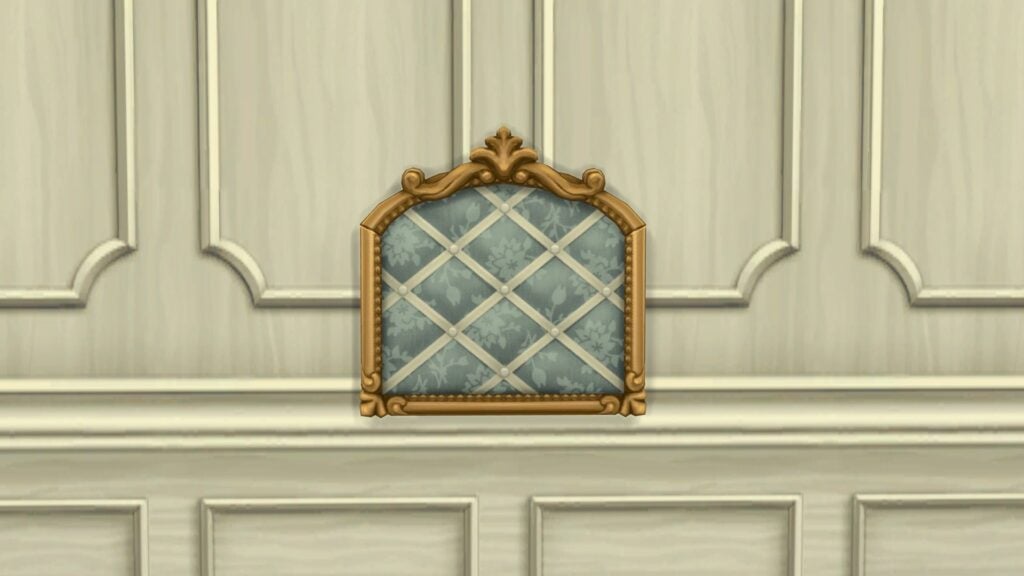
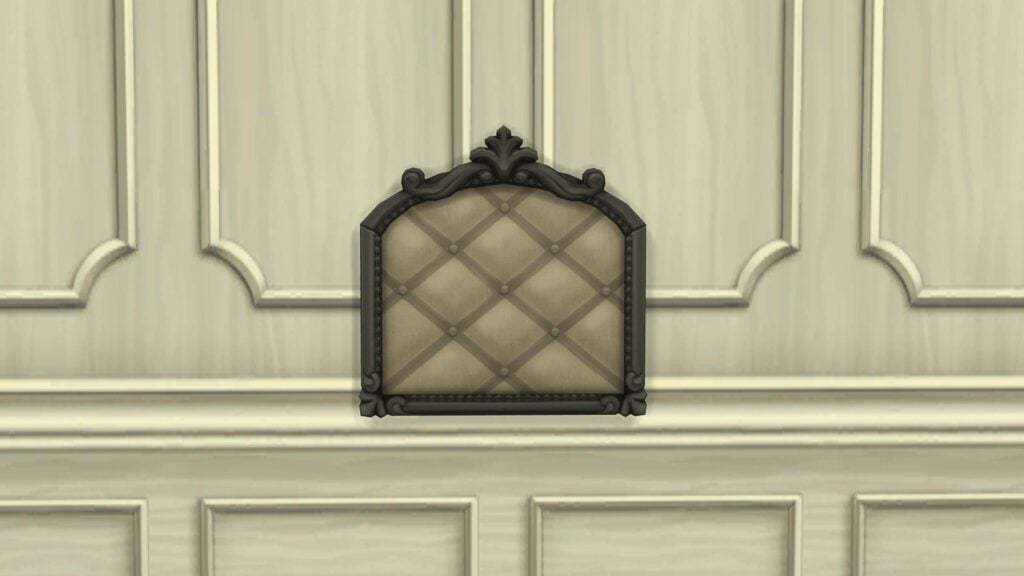
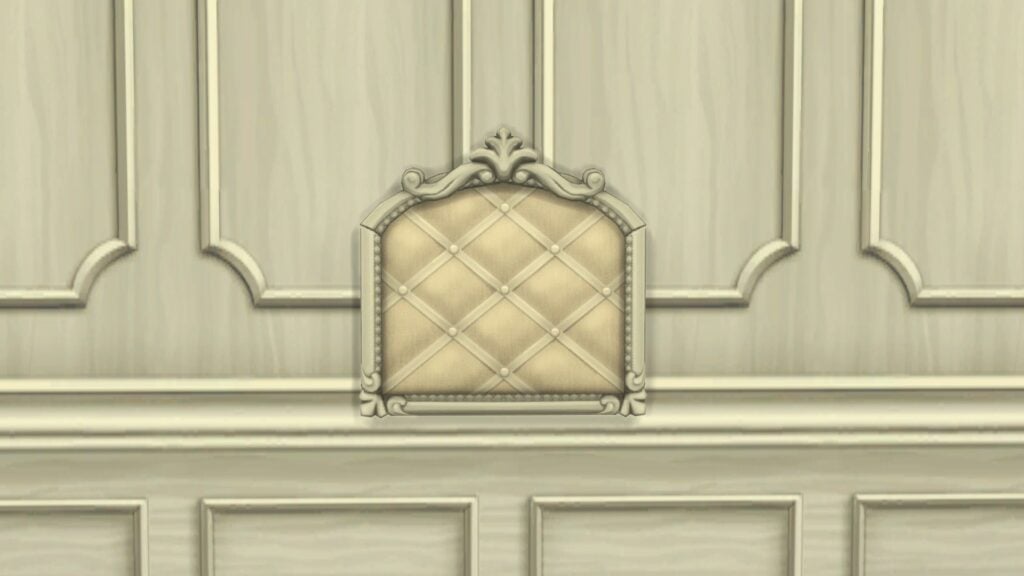
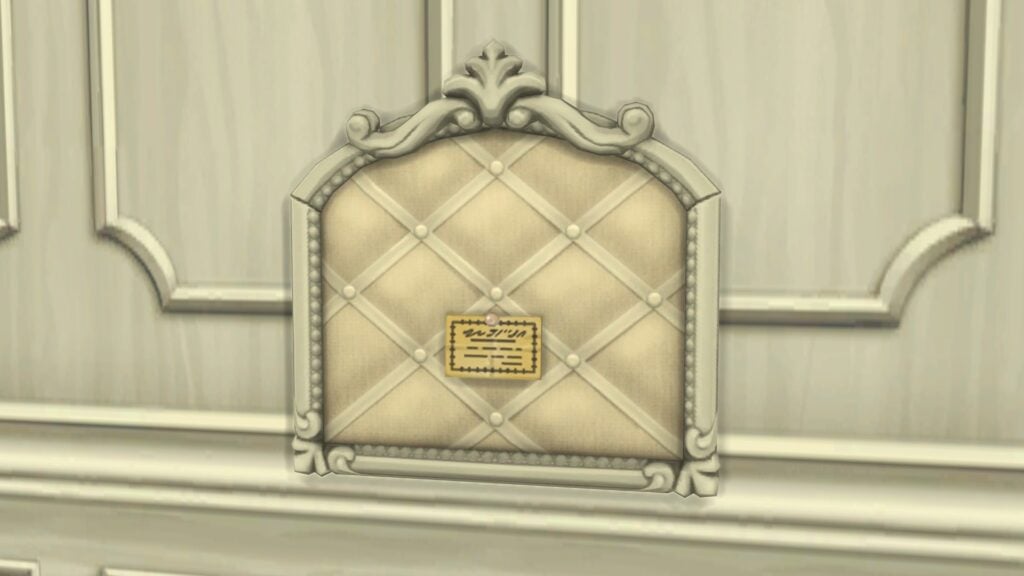
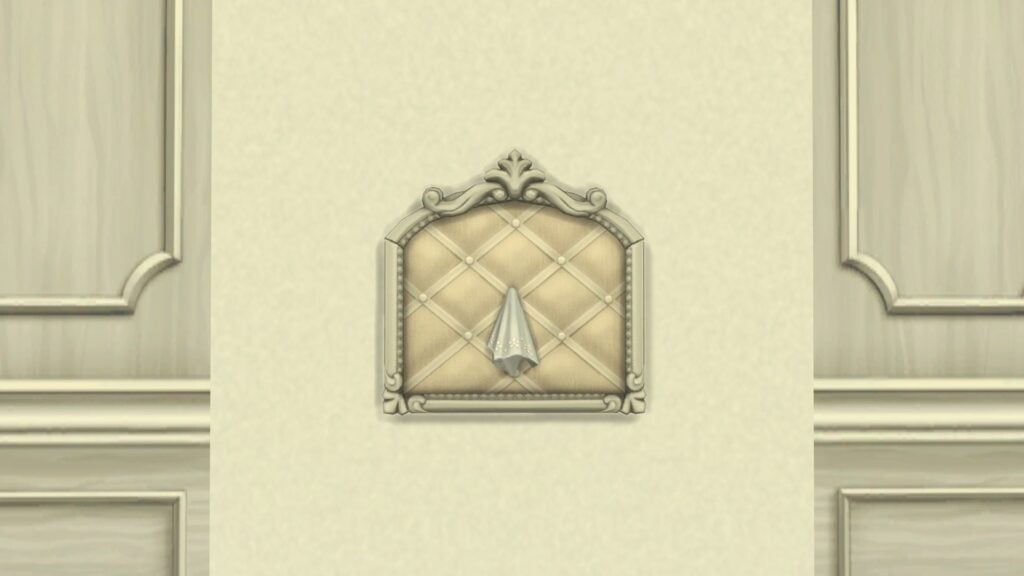
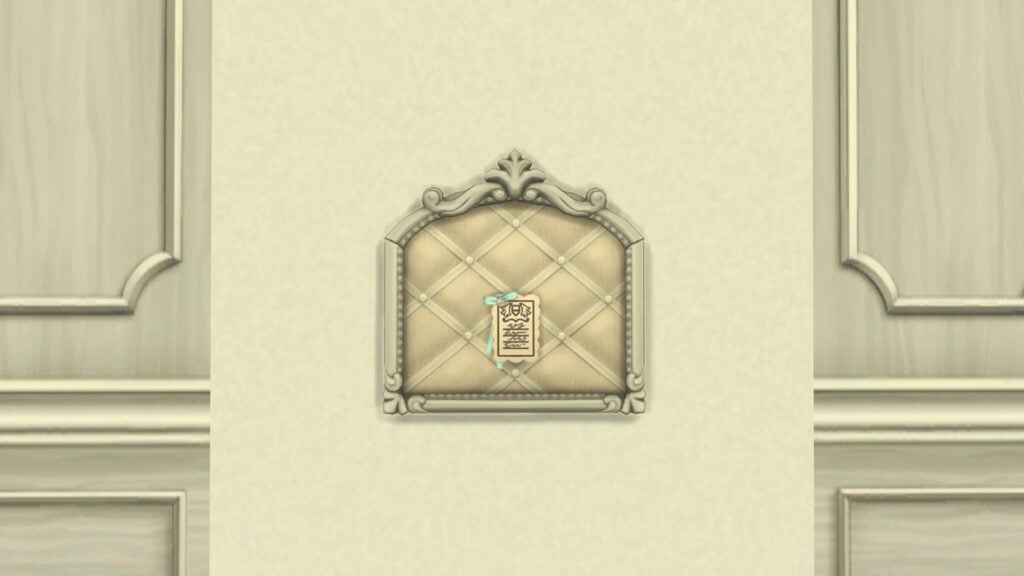
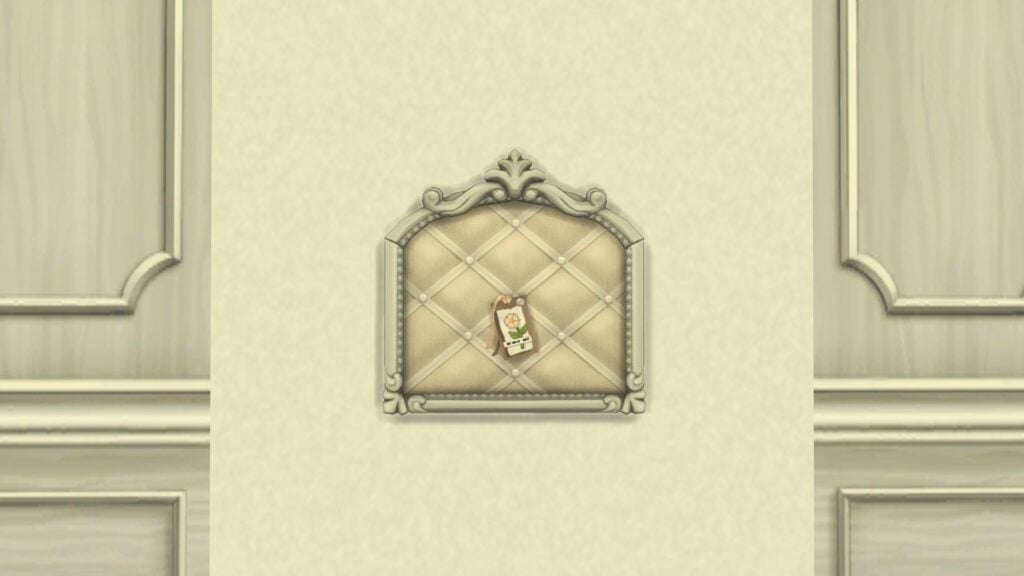
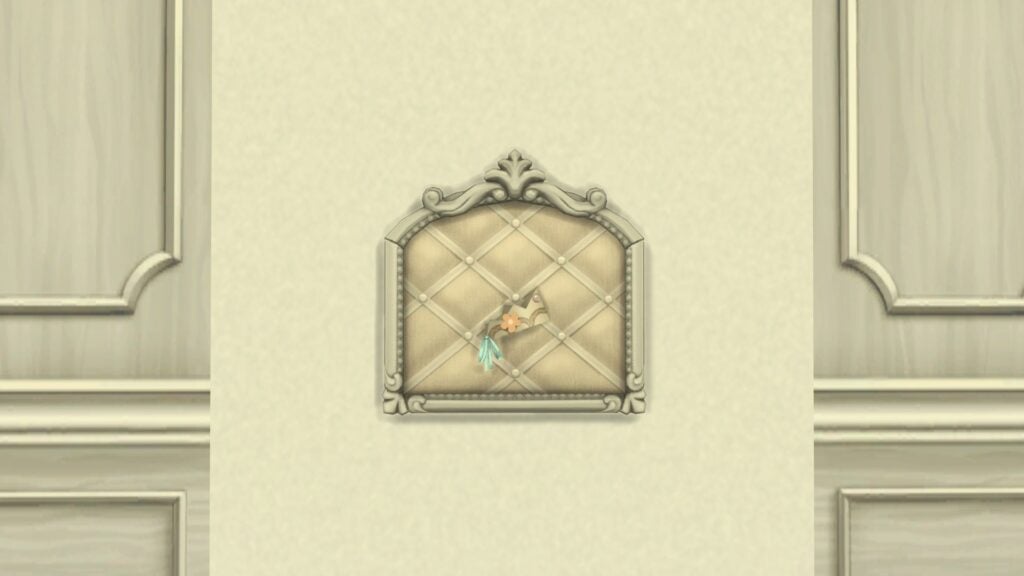
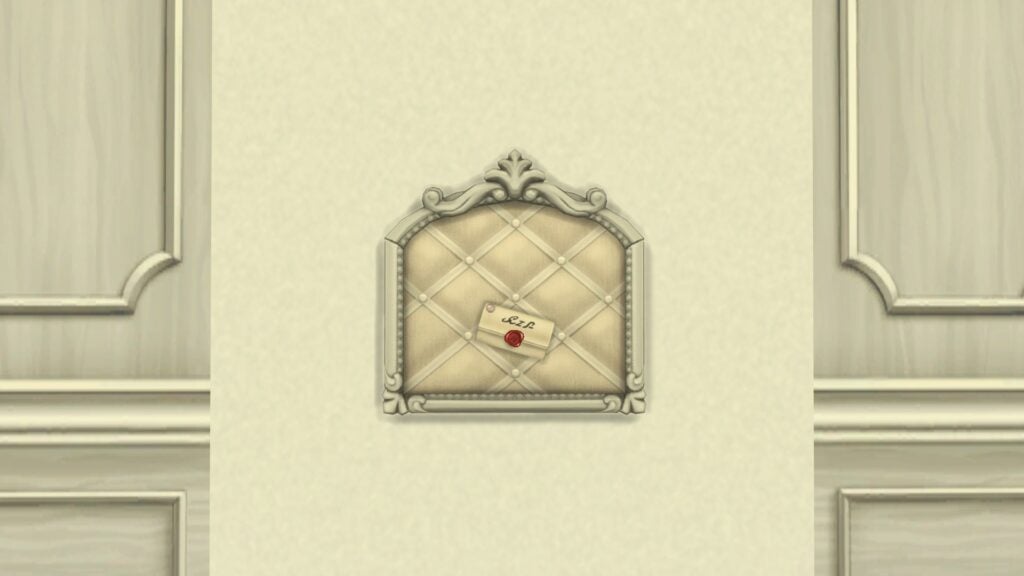
Mementos Pinboard
The perfect place to pin and display your keepsakes. A vibrant collage of memories, each item carefully chosen and arranged, evoking the stories and emotions attached to every cherished memento.
Lady Bridgerton’s Masquerade Ball Invitation
An elegant, gilded invitation beckons guests to an enchanting masquerade ball! Music, dancing, and secrets unveiled as masks conceal identities amid candlelight and anticipation.
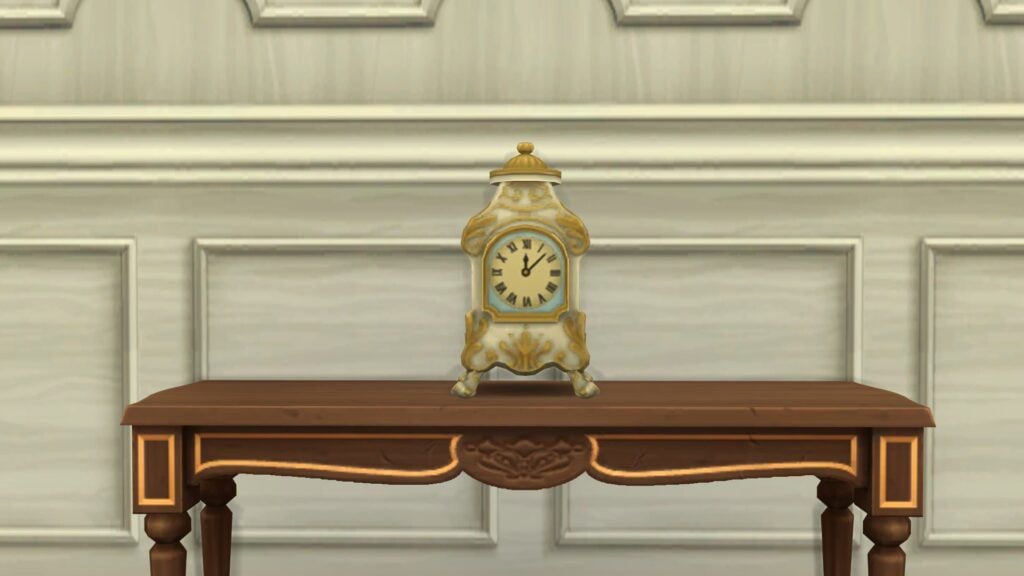
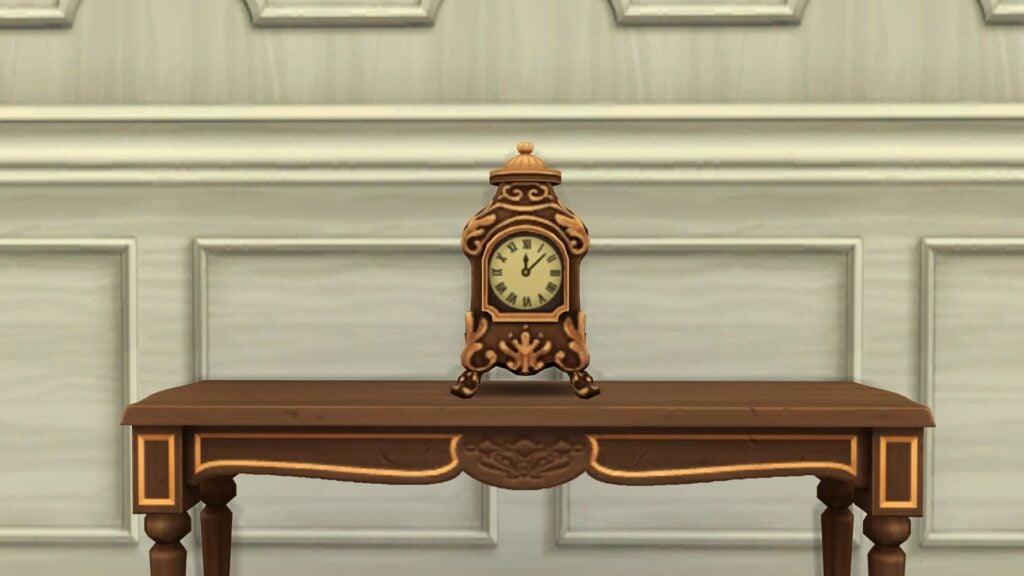
Midnight Chime Clock
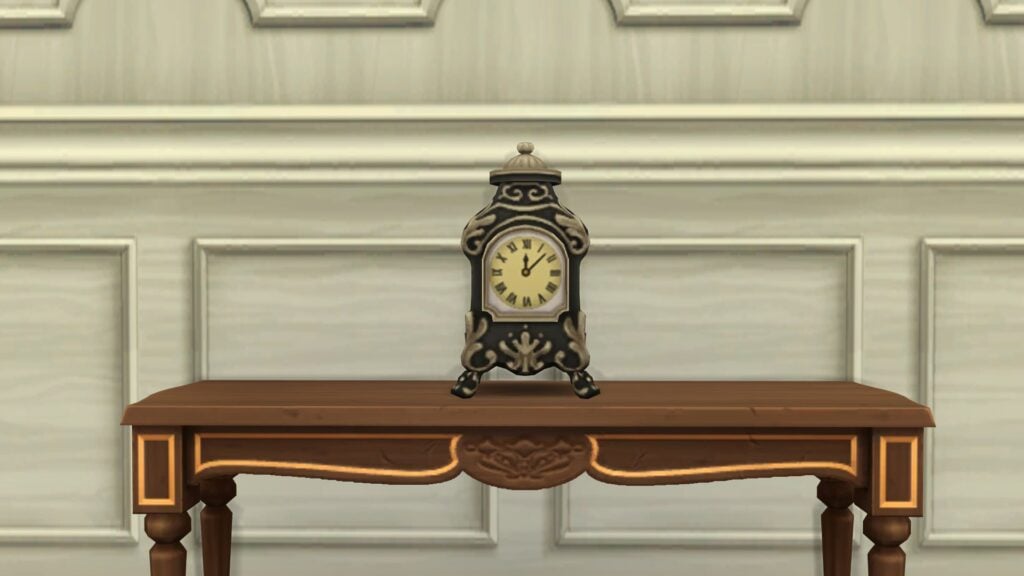
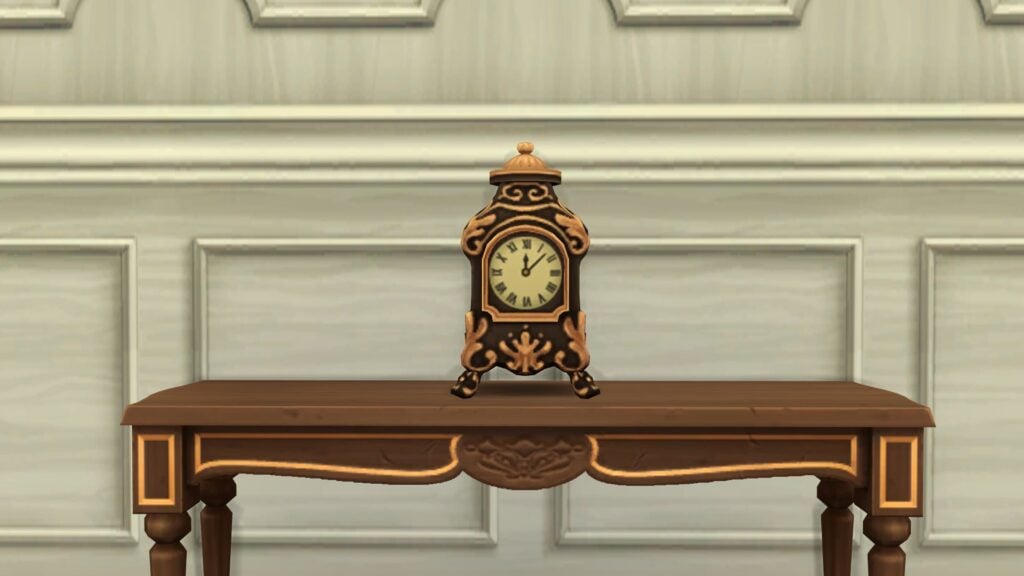
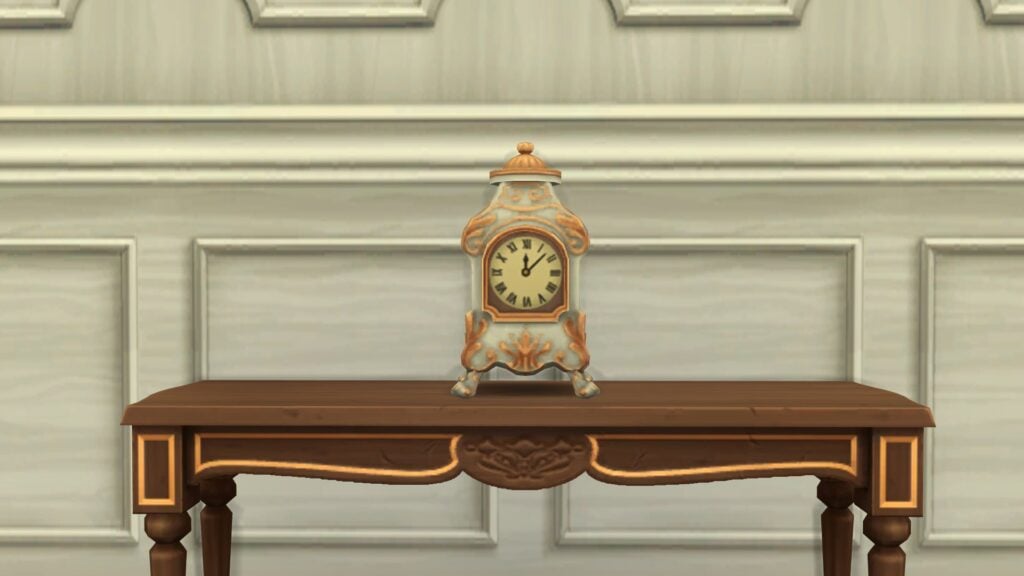
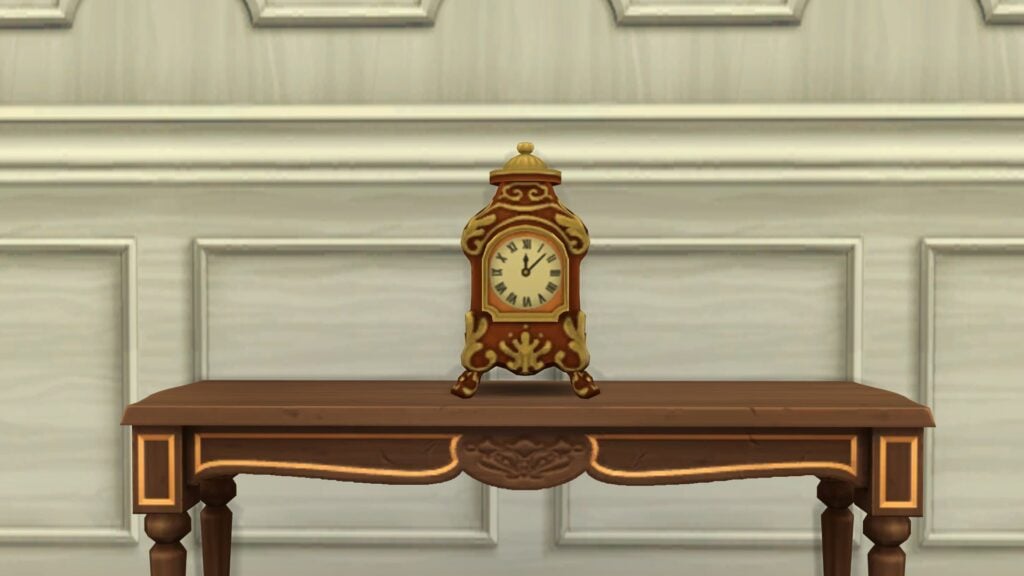
An ornate clock with gilded accents, filigree, and a motif-adorned face. Elegant hands glide over Roman numerals making it an exquisite centerpiece, embodying Queen Charlotte’s royal sophistication.
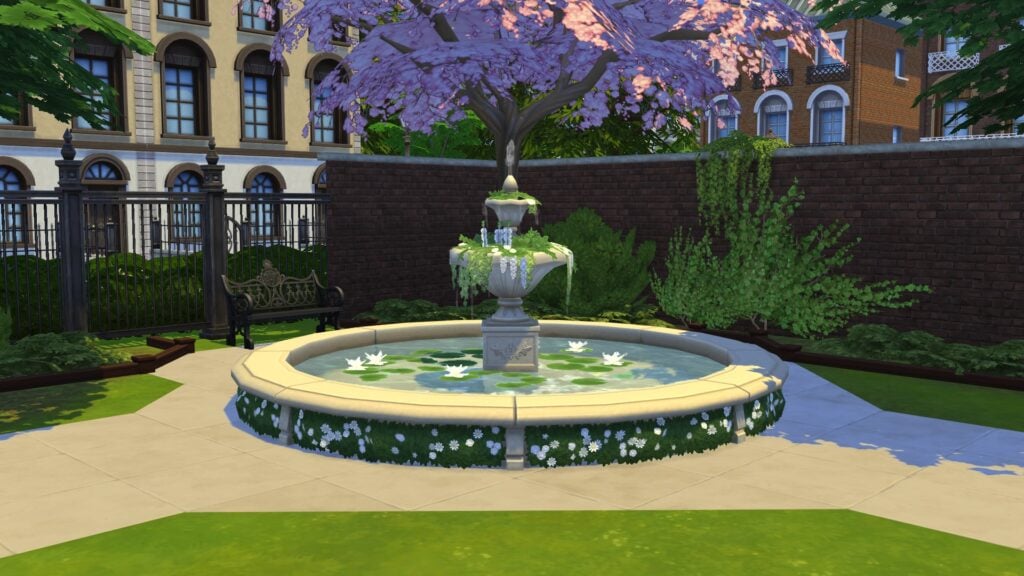
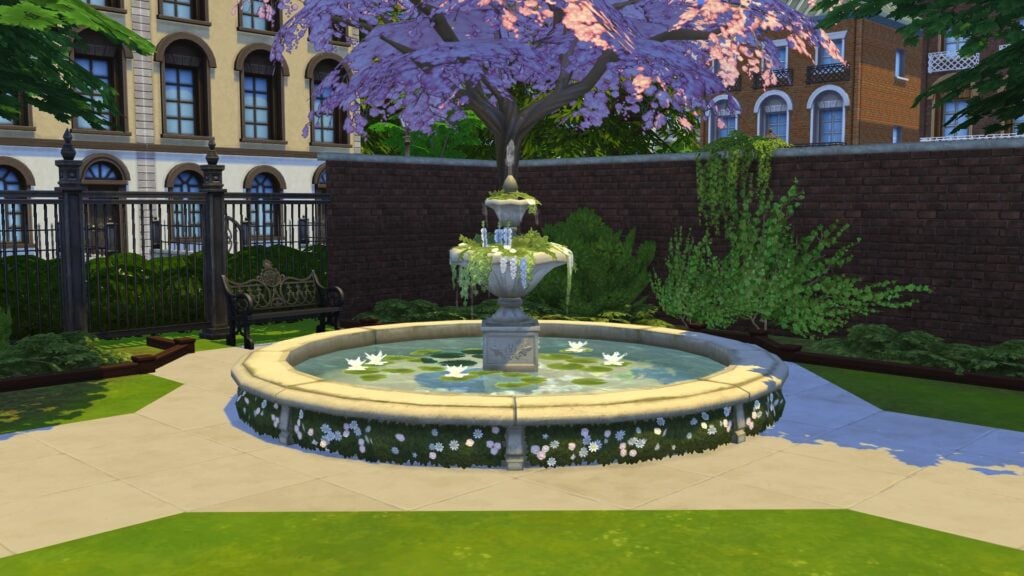
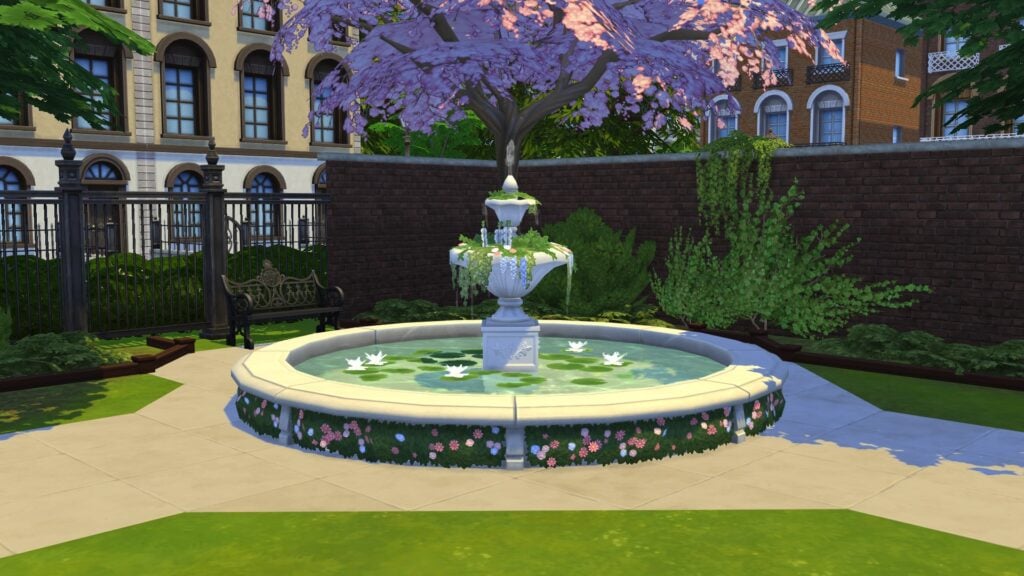
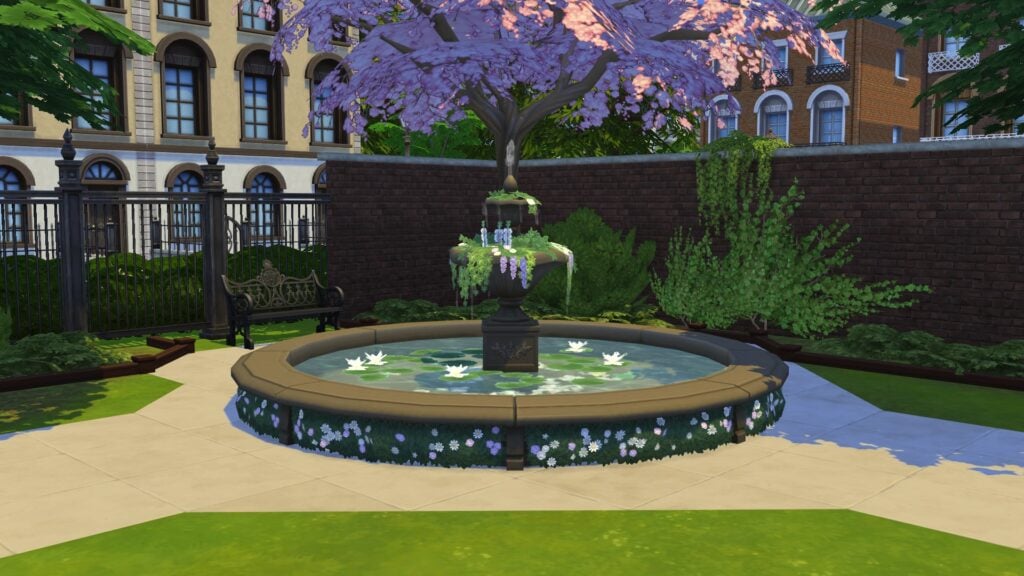
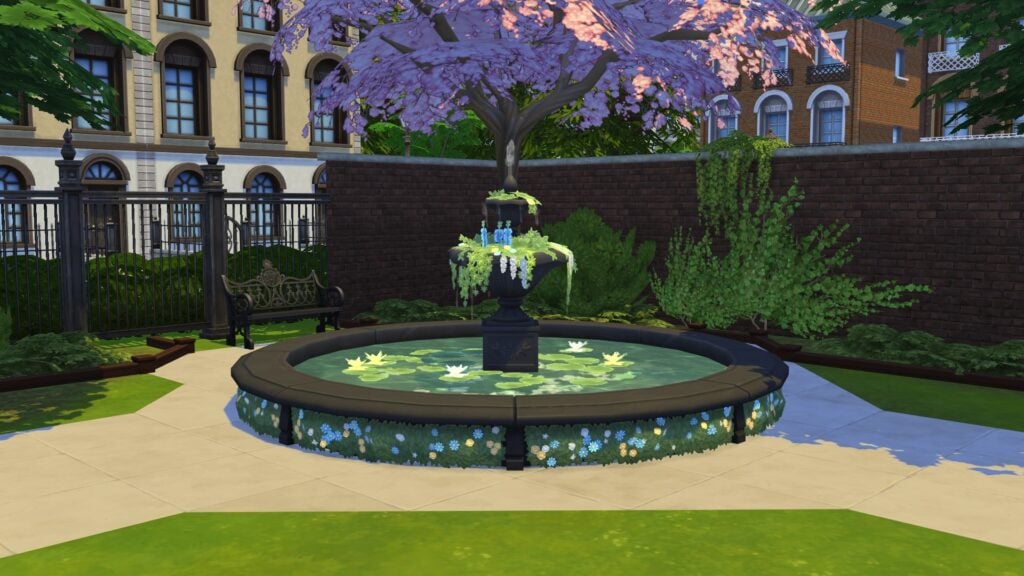
Whispering Waters Fountain
Complete your stroll with a beautiful centerpiece of flowing water that keeps a lot of secrets and wishes!
Week 2 Rewards
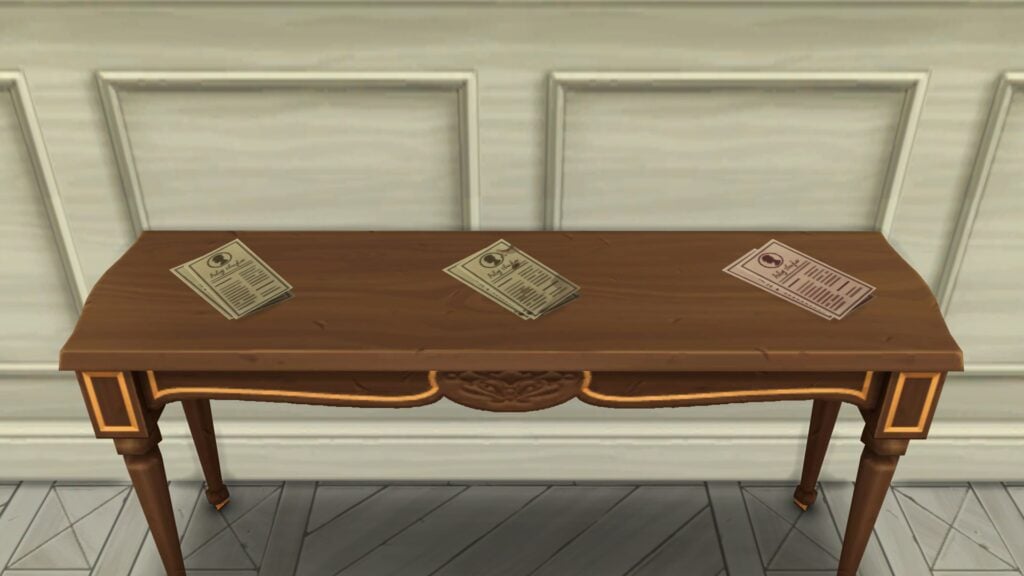
Lady Whistledown’s Society Papers
A neat stack of Lady Whistledown’s Society Papers, spilling elegant whispers and society secrets. Enjoy the latest scandals and claver of the Ton, all written for you, Dearest Gentle Simmer.
Moonlight Keepsake
Forgotten in haste or dropped in a moment of excitement, this handkerchief carries with it a sense of intrigue and romance, serving as a silent witness to the joys and mysteries of the evening.
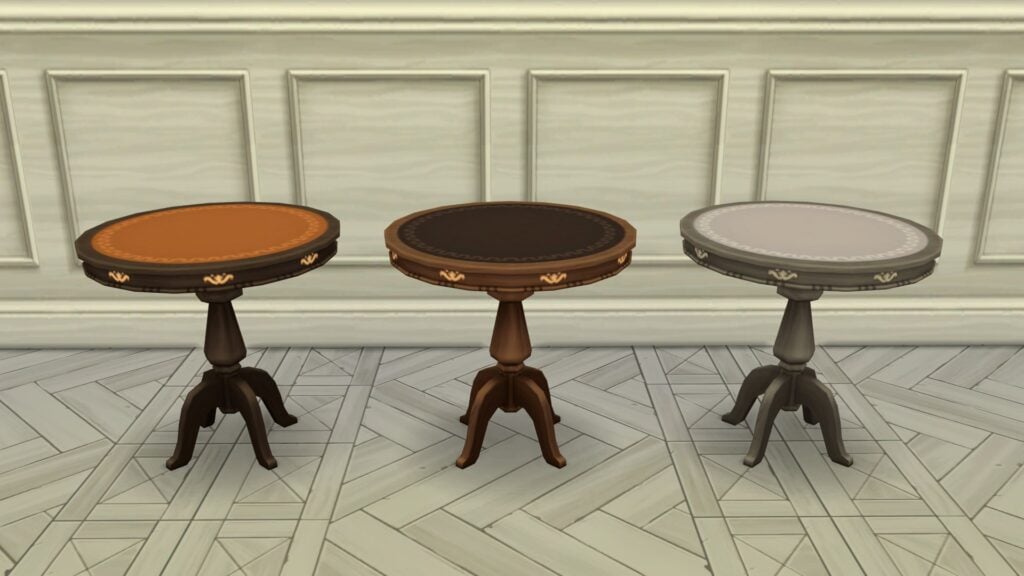
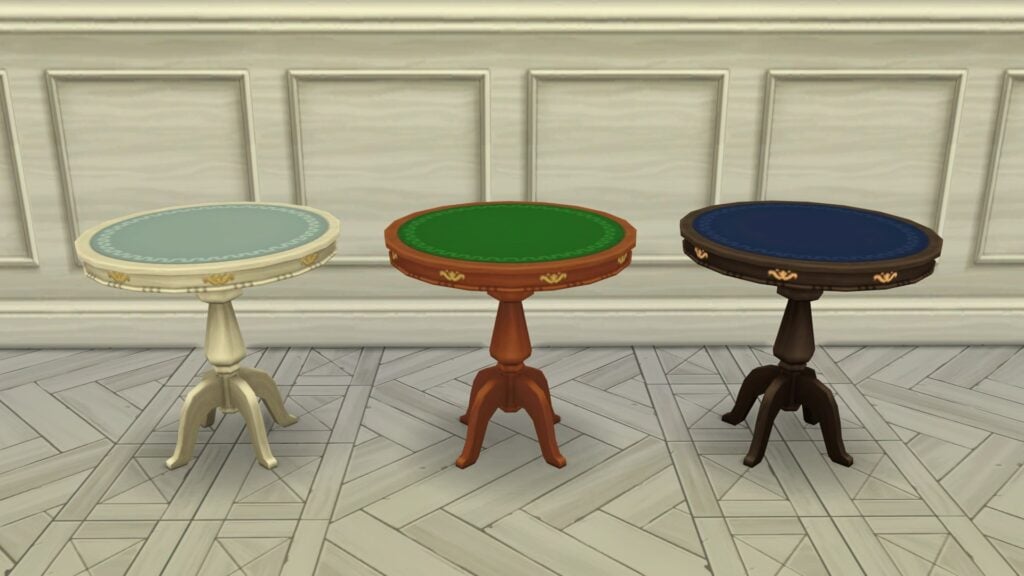
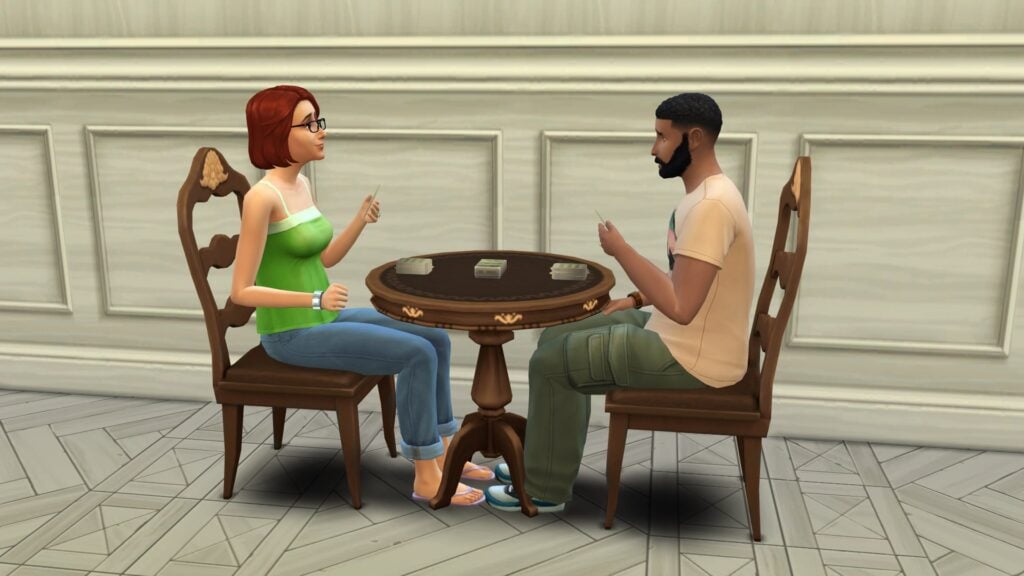
Felted Game Table
A game table with smooth surface and token compartments. Lady Danbury’s refined taste shines in this centerpiece for lively games, spirited chats, and genteel rivalry.
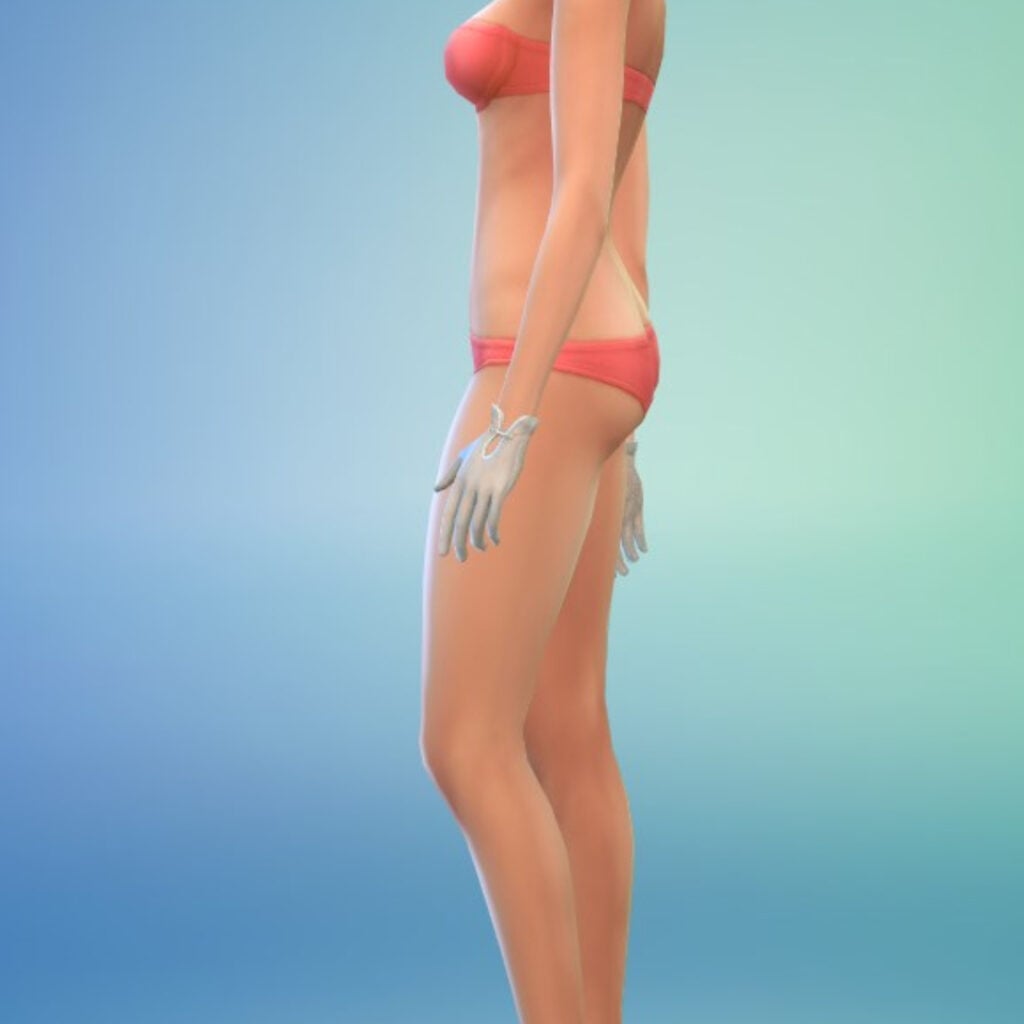
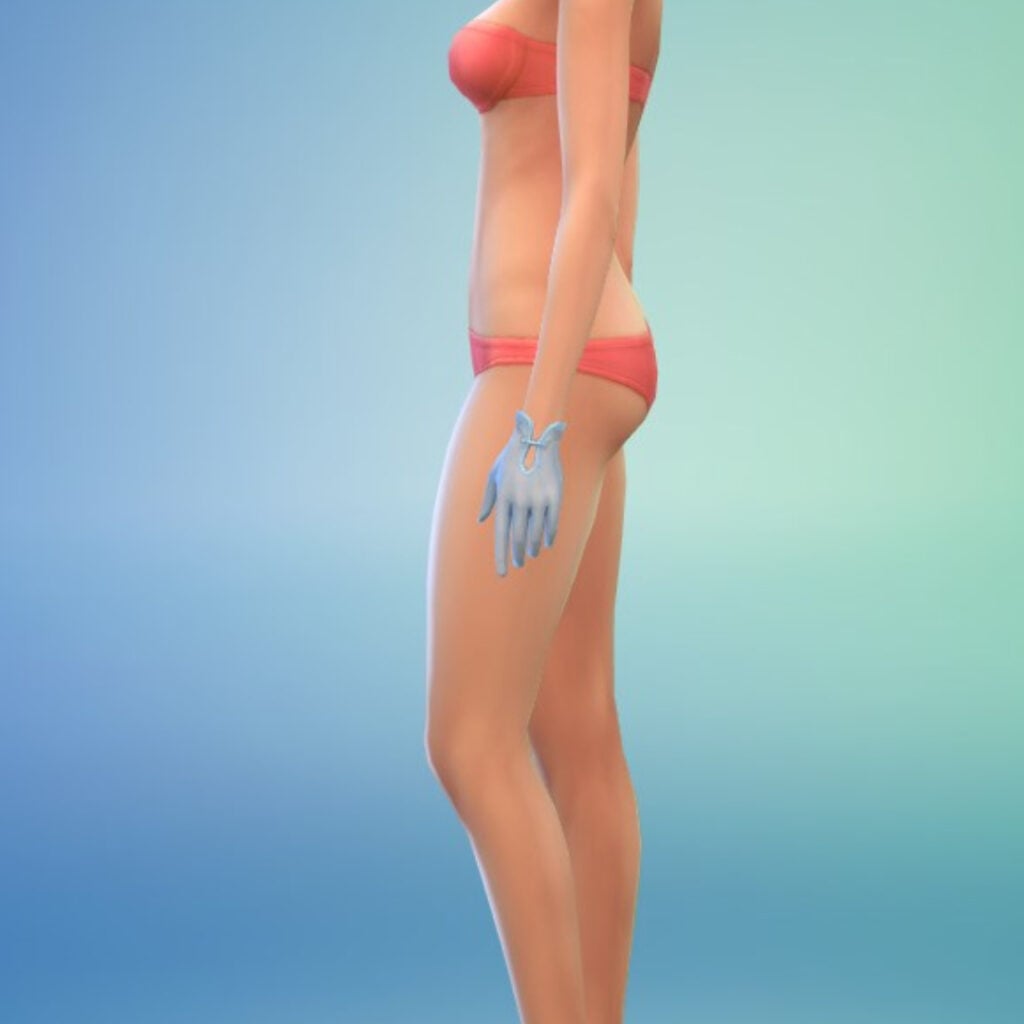
Sheer Gloves
Delicate, stylish gloves crafted for an elegant fit. Essential for social walks, they shield hands from sun and dust while showcasing every graceful gesture. A true symbol of propriety and fashion!
Filled Dance Card
Sorry, this dance card is full! A full dance card stands as a testament to a lady’s social popularity, and the lively anticipation of a night swirling across the ballroom floor with a suitor.
Week 3 Rewards
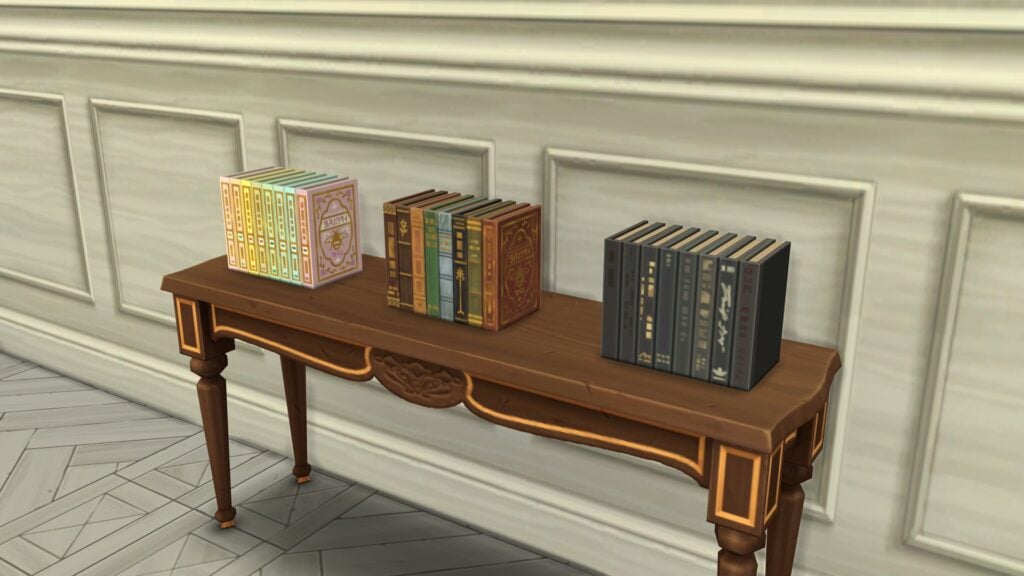
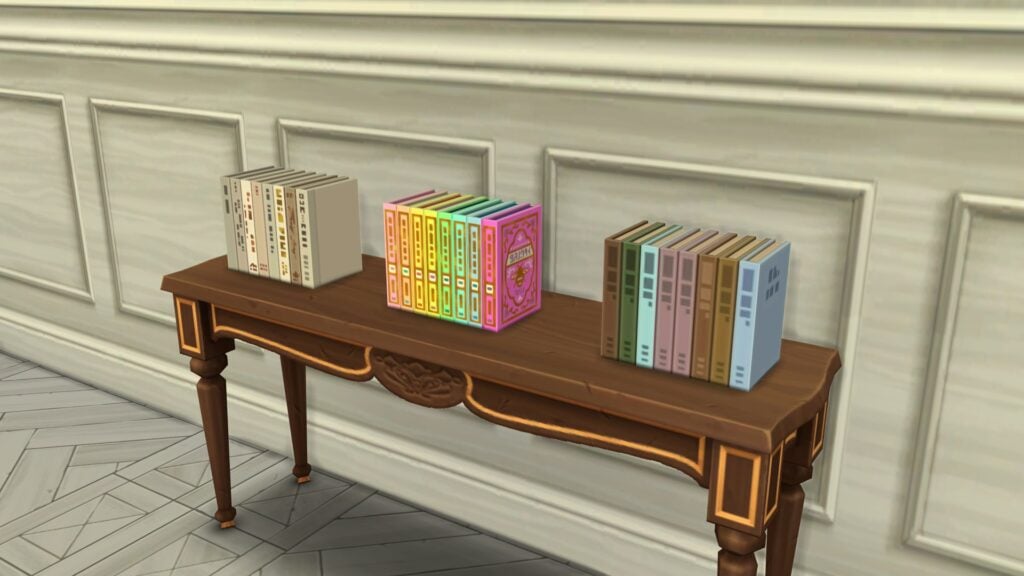
Buzz of Desire Book Set
A romantic book set with ornate covers, each volume a visual and heartfelt delight. Elegant designs make this collection both a trove of love stories, and a striking accent for any room.
Floral Bookmark
Tucked away in a book, this floral bookmark holds your place and adds natural elegance, preserving the fleeting beauty of flowers to be treasured for years. Perfect for any bookworm!
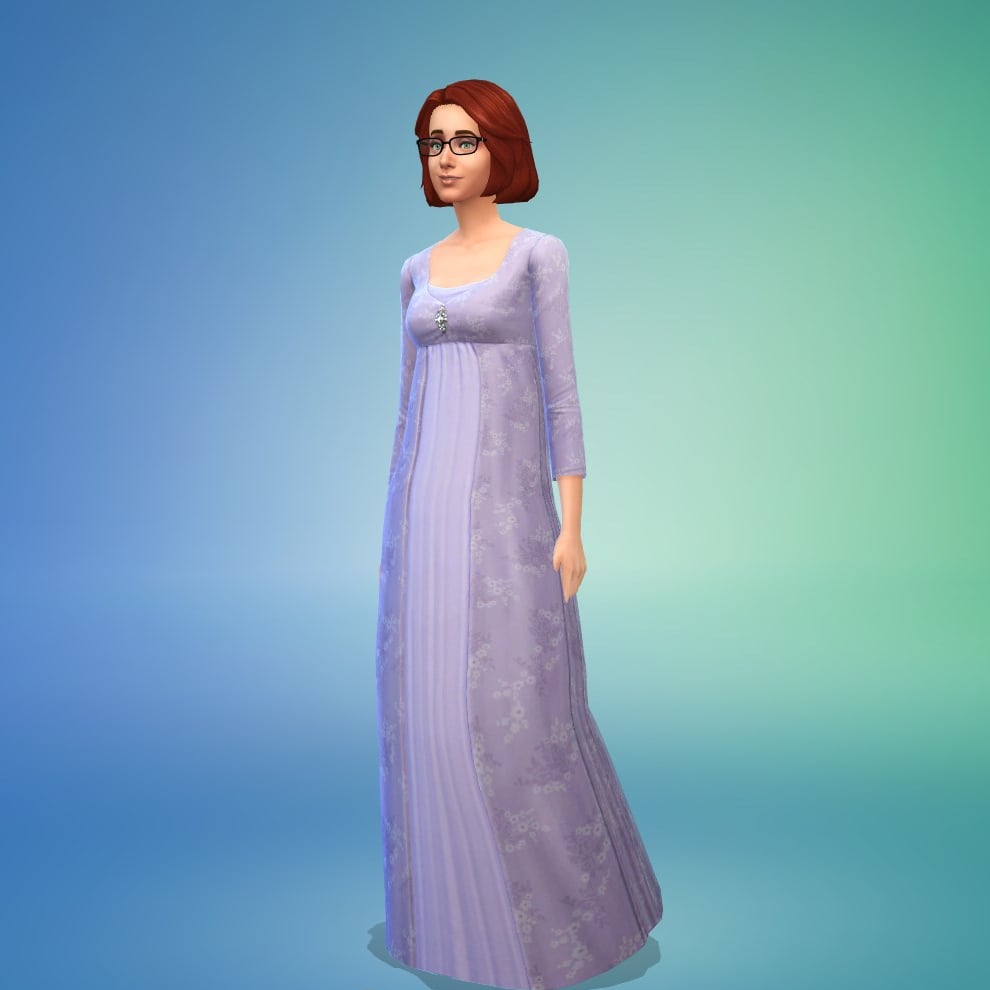
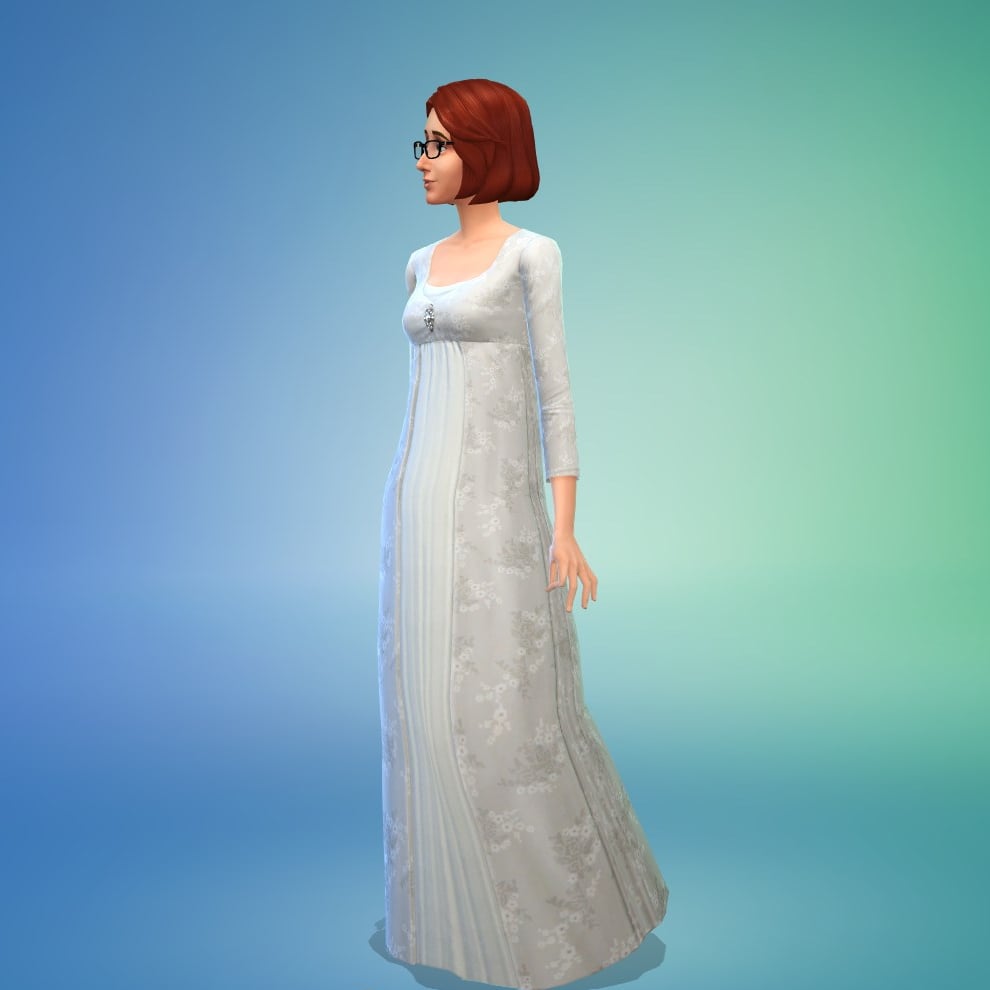
Daytime Stroll Gown
A stylish yet modest garment worn during daytime social outings and strolls. A floor length jacket and muslin dress are the perfect match for an afternoon stroll, or a visit to the tea shop!
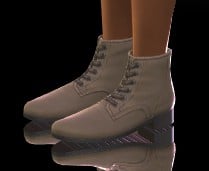
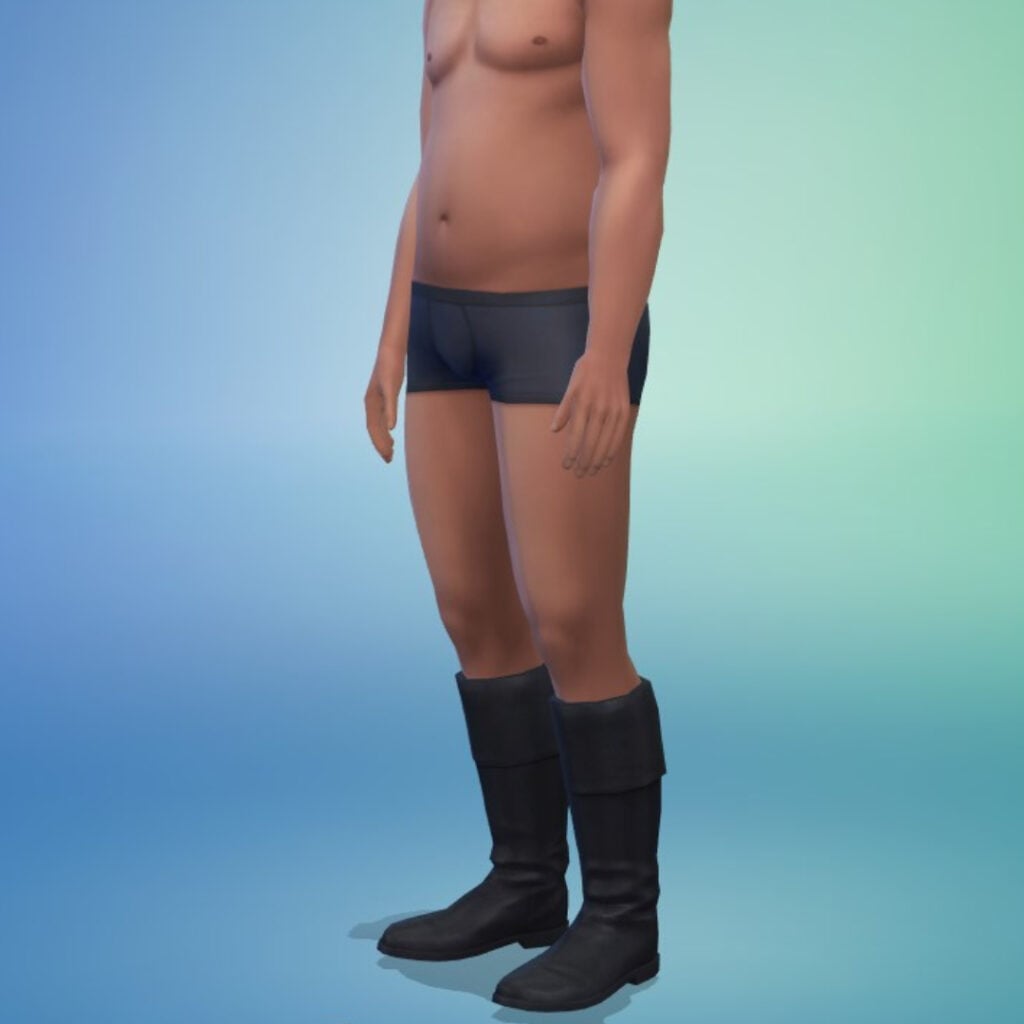
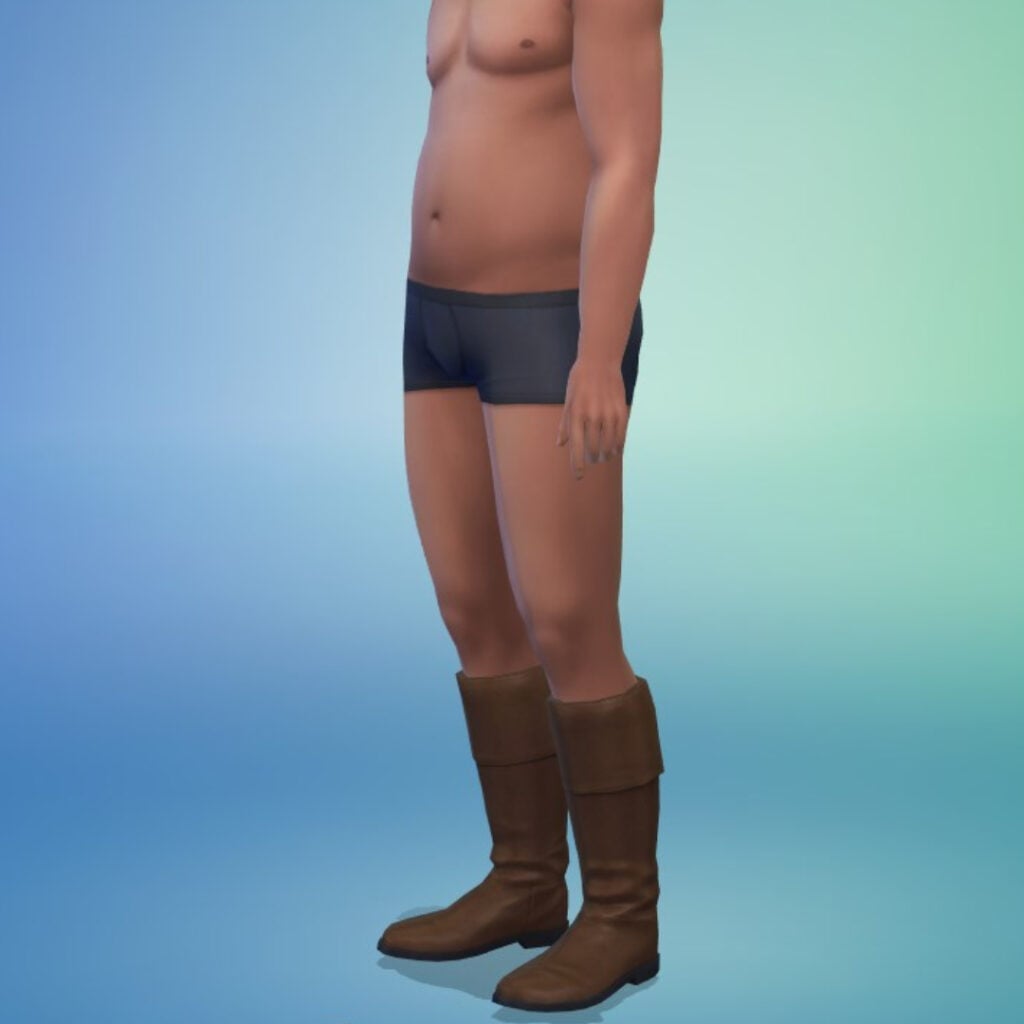
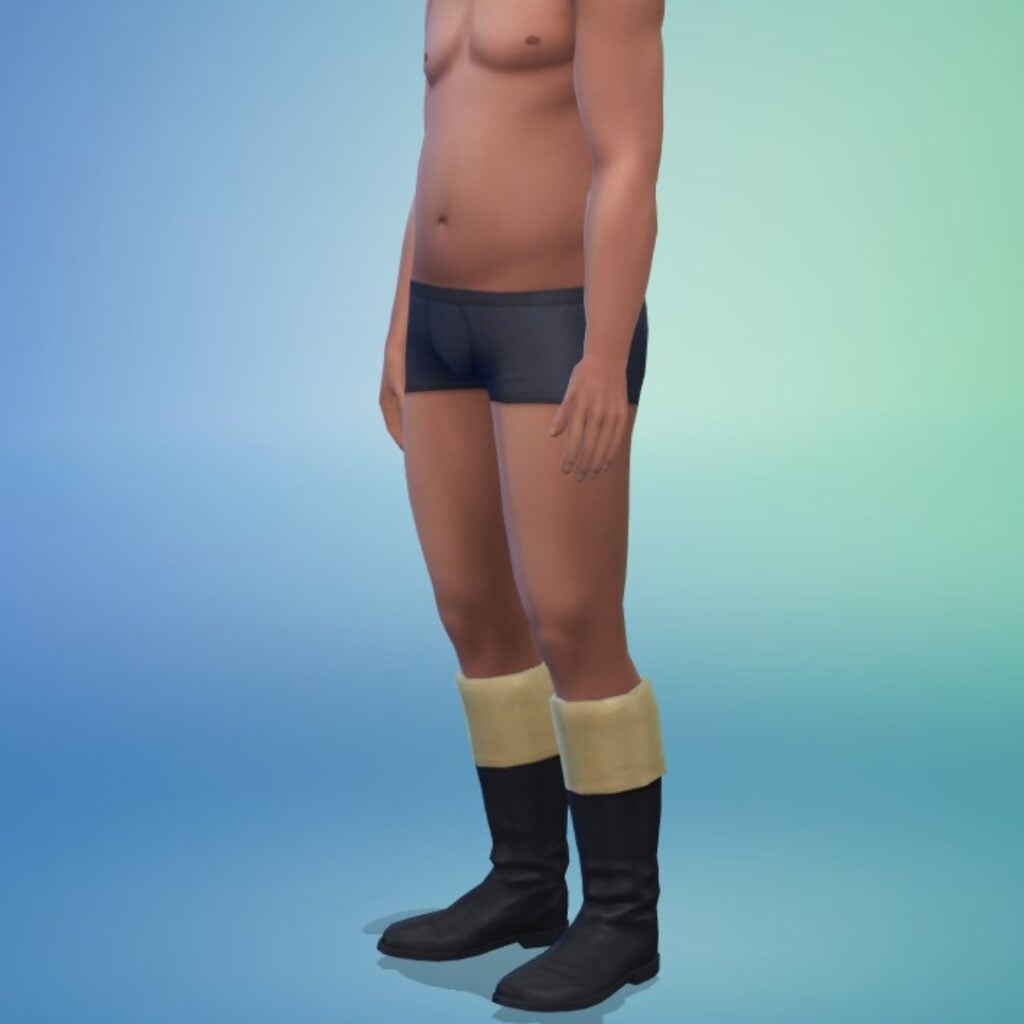
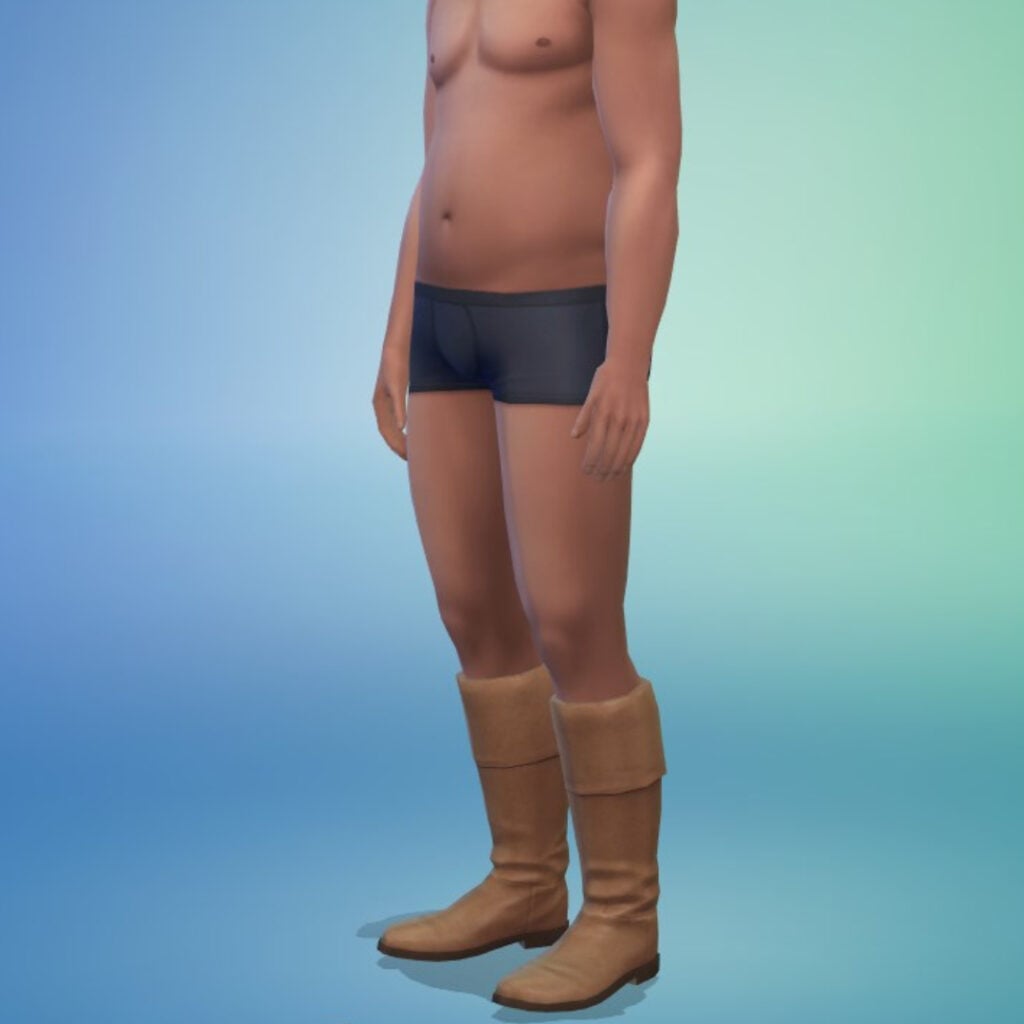
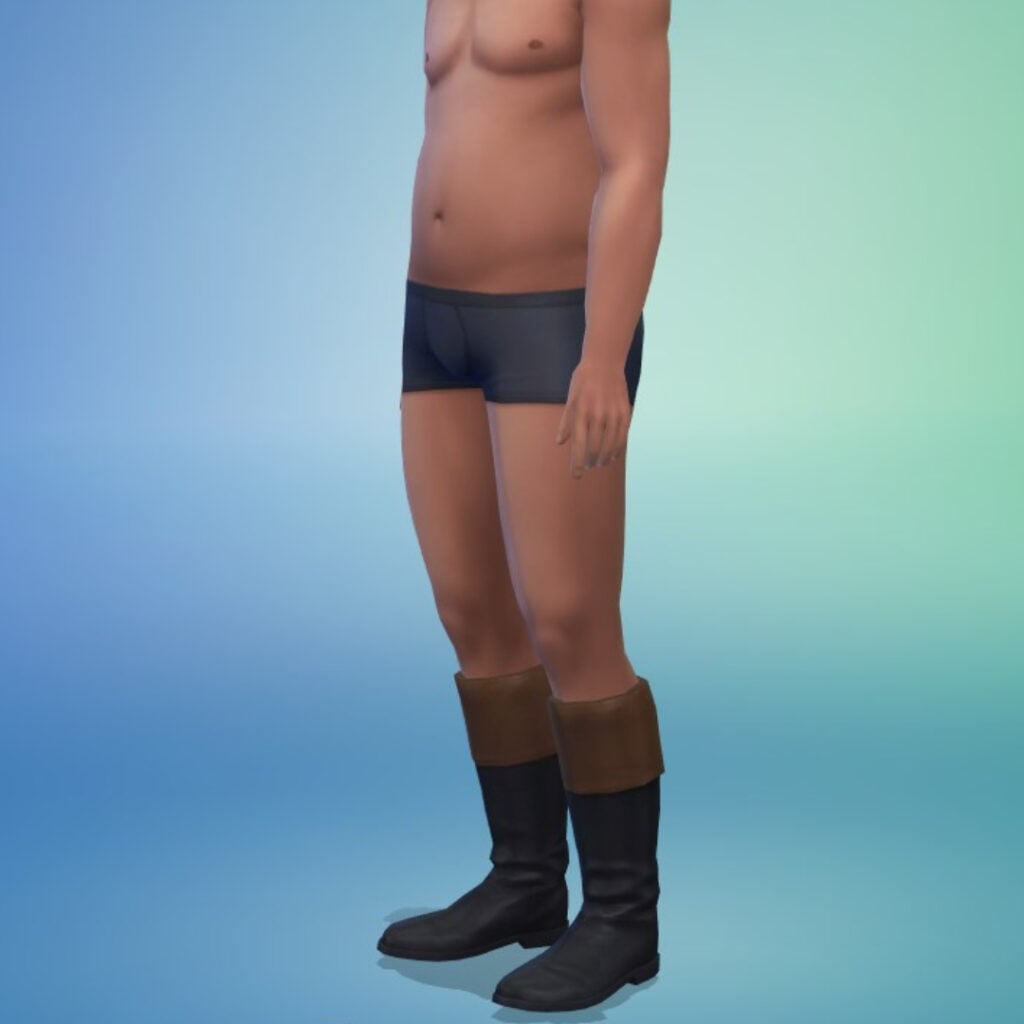
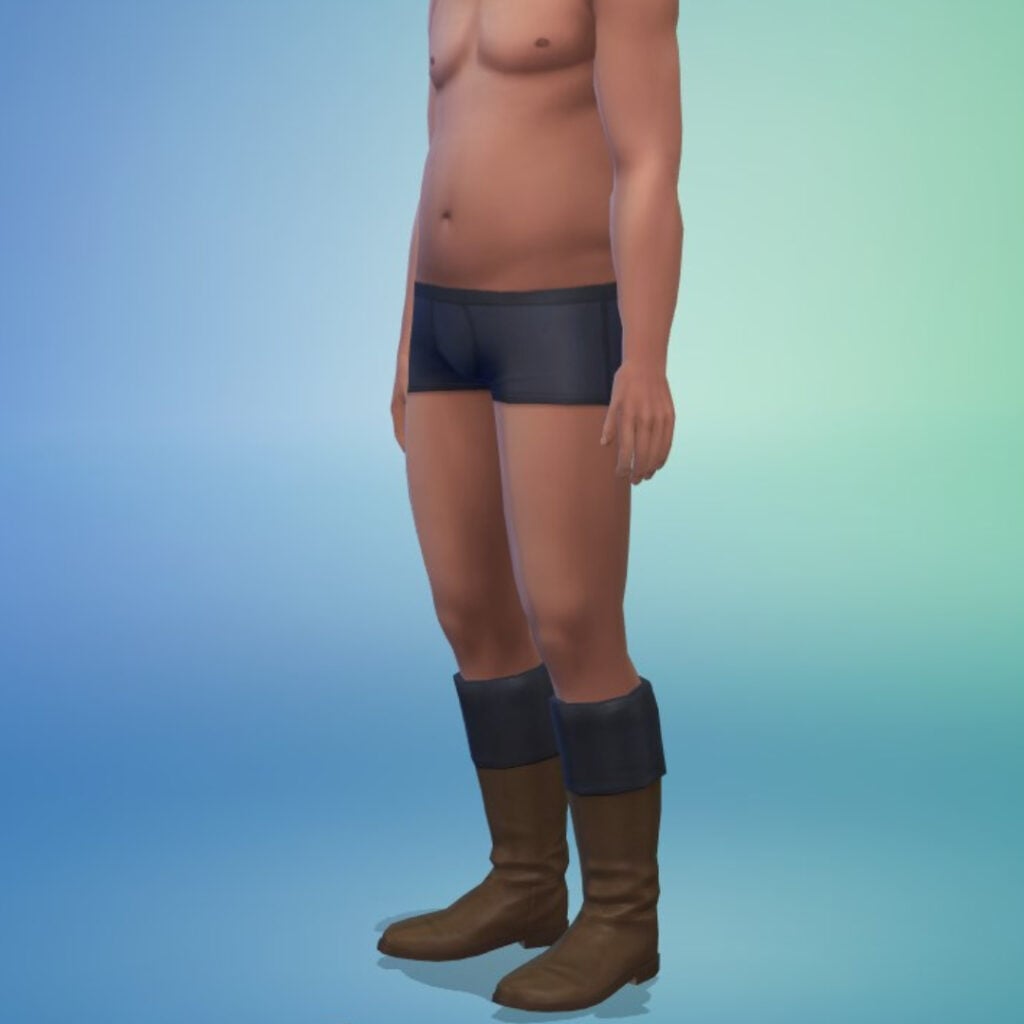
Sturdy Leather Boots
Used for everything from everyday events to travel, hunting, and sporting. They’re even practical for traipsing through mud to retrieve a pall mall ball gone astray.
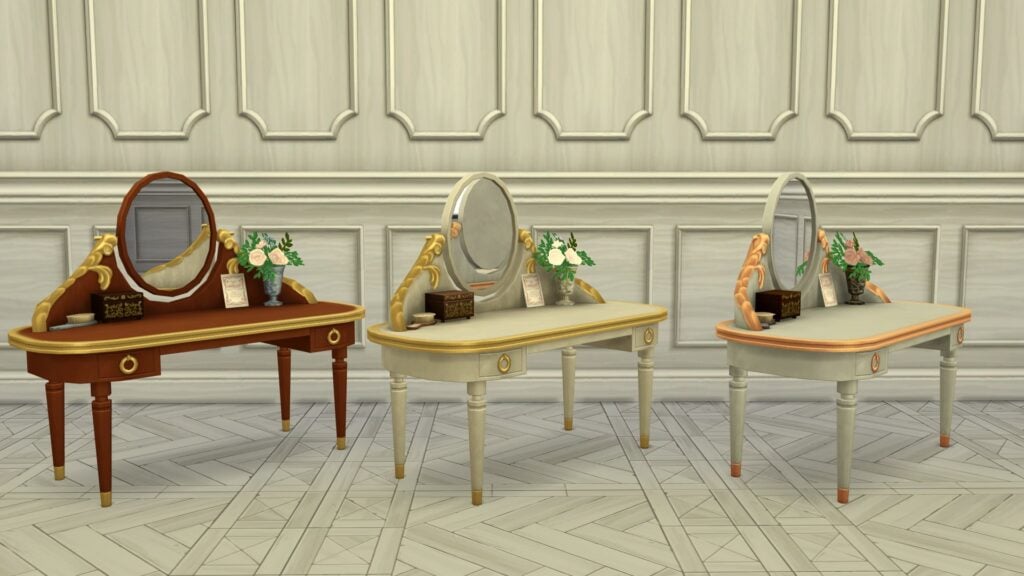
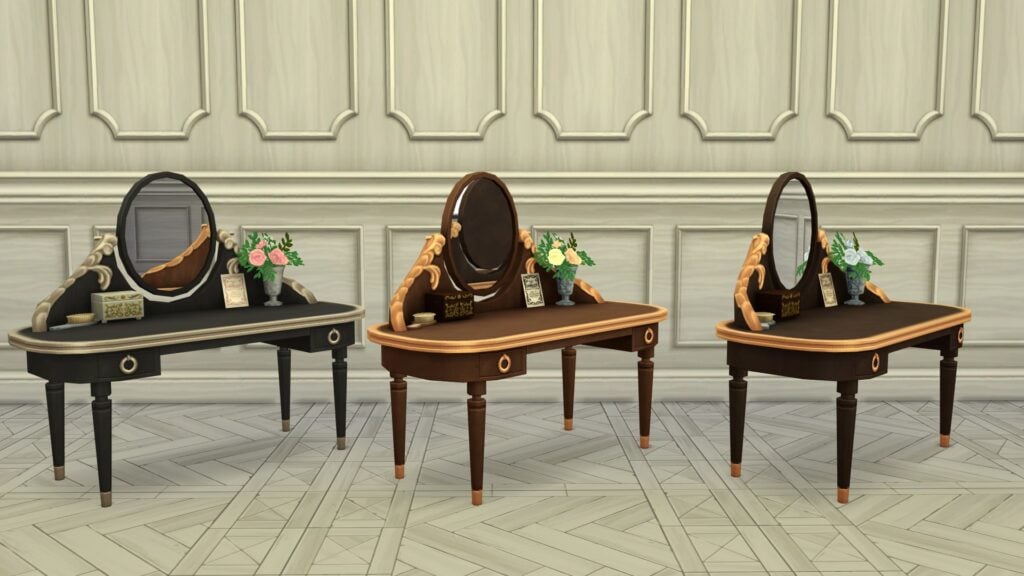
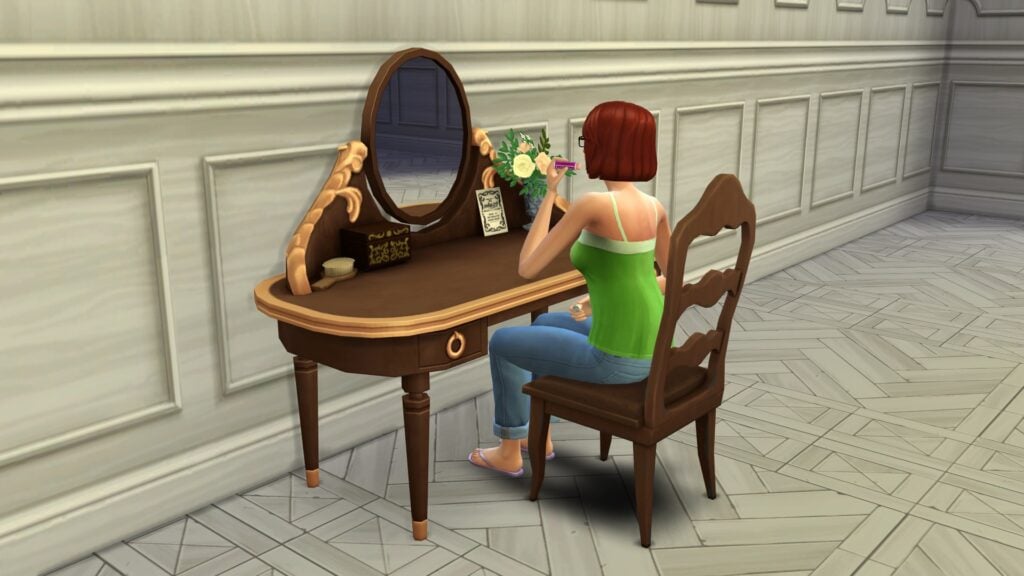
Debutante’s Vanity
A lavish vanity for grooming or reflecting before the ball…or your next scandal. Features space for perfumes, jewelry, and Lady Whistledown’s Society Papers, blending elegance with a hint of intrigue.
Handcrafted Birthday Crown
A family tradition of paper crowns thoughtfully crafted to celebrate birthdays. Playful and lightweight to bring a sense of joy and highlighting someone’s special day.
Week 4 Rewards
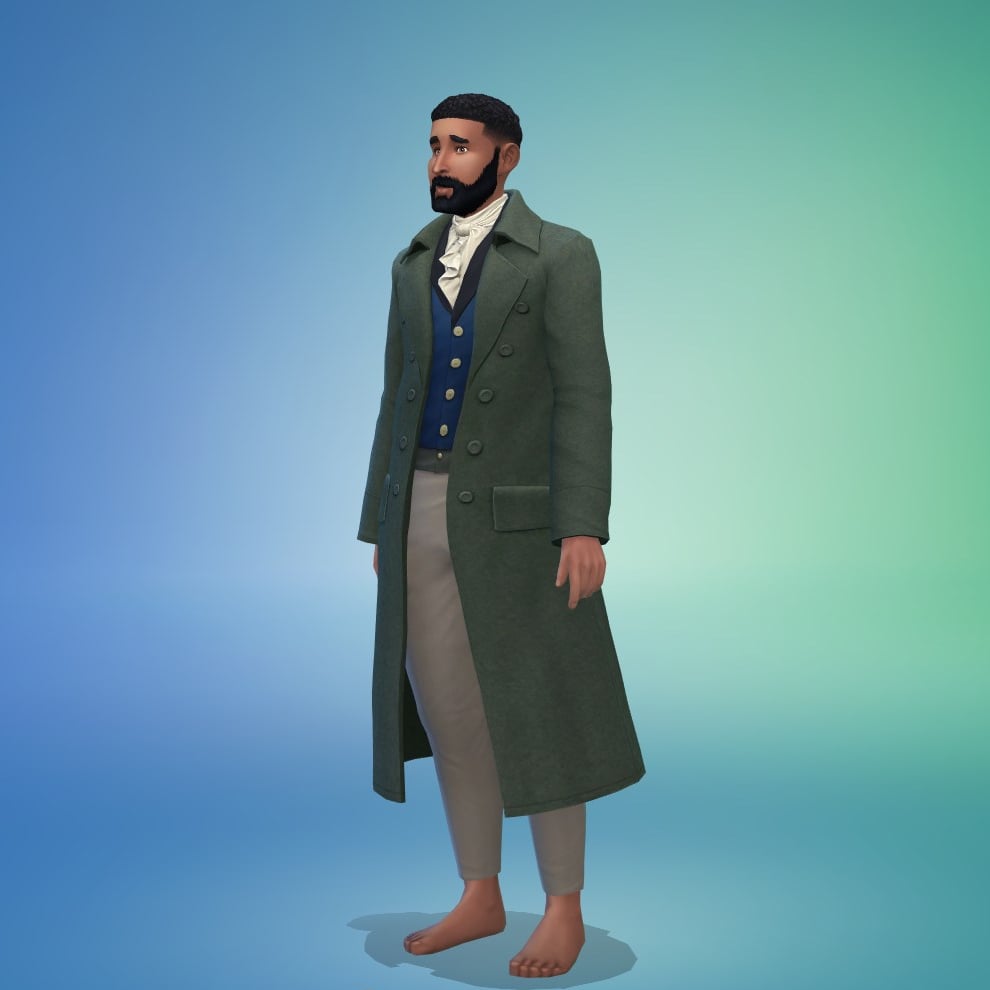
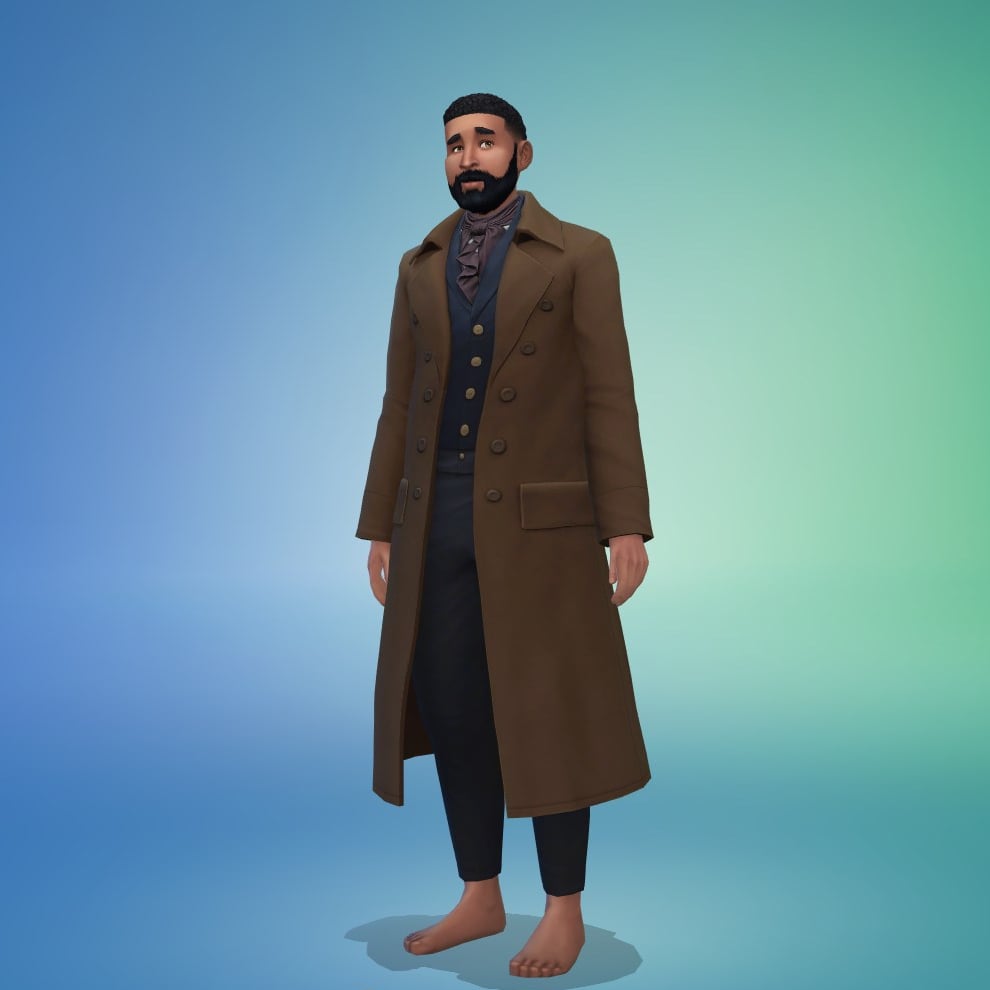
Gallant Wool Coat
A heavy overcoat often made from thick, durable wool, designed to provide warmth and protection against harsh weather. Amplifying the rogue-ish style of a rake with their charming but rebellious nature.
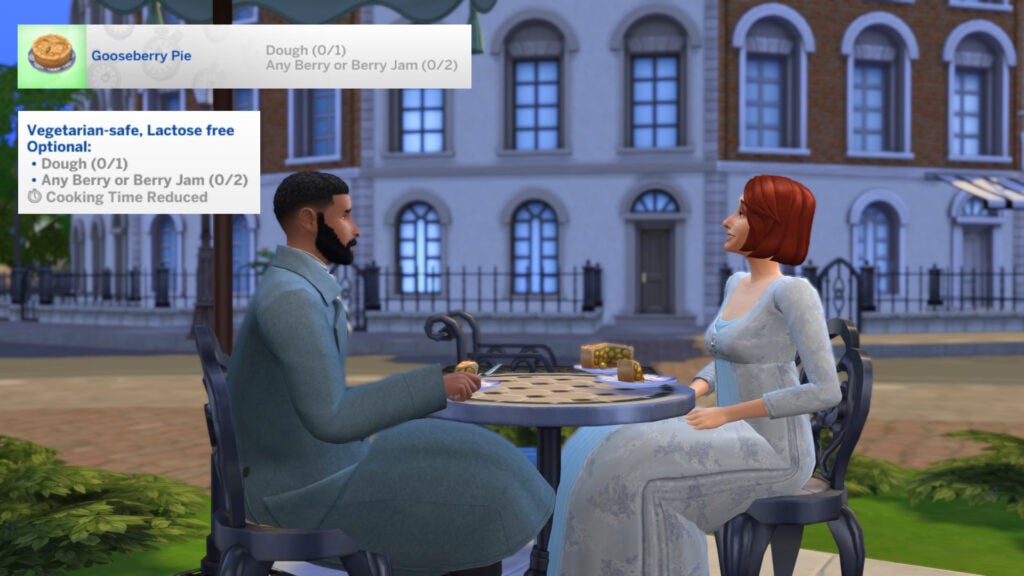
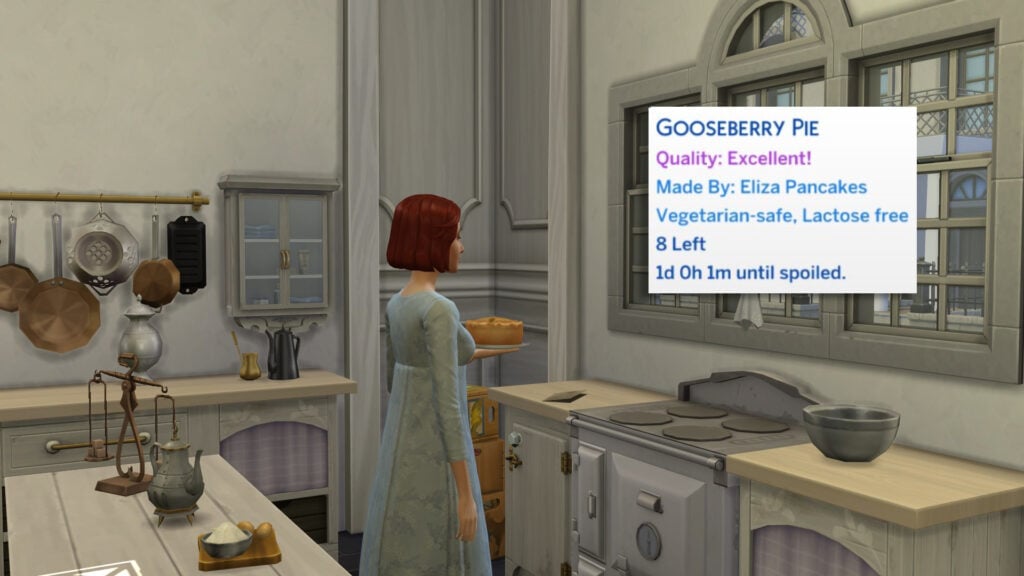
Gooseberry Pie (Recipe)
A classic dessert with a flaky crust and tart gooseberries, sweetened and brightened by citrus zest. This vibrant treat strikes a perfect balance that is favored by the Duke of Hastings!
Requires Cooking Skill Level 6
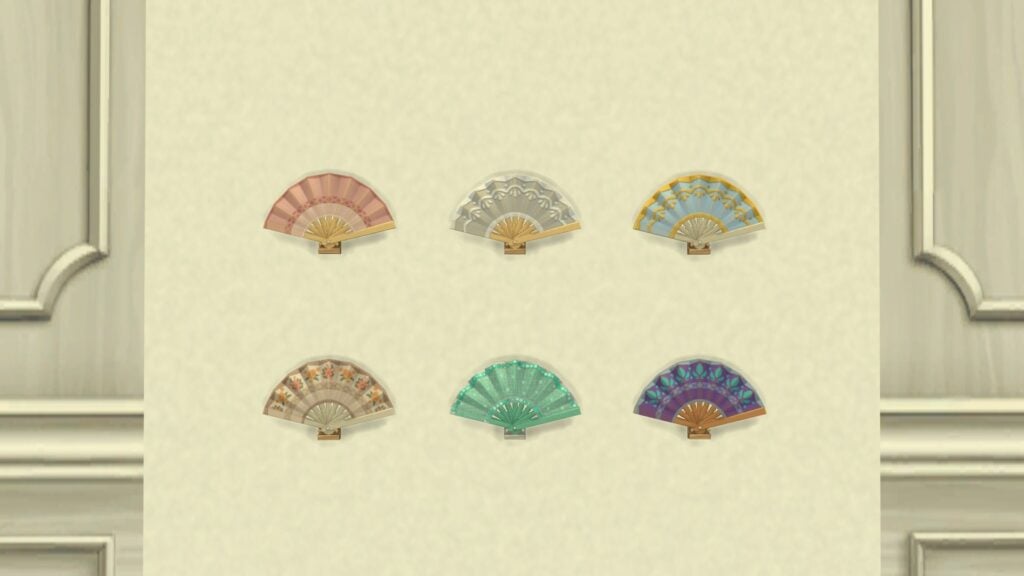
Fluttering Hand Fan
An elegant fan with carved sticks and pleated silk or paper, hand-painted florals and accents. Perfect for cooling off, making a statement, or discreetly signaling affections to a suitor.
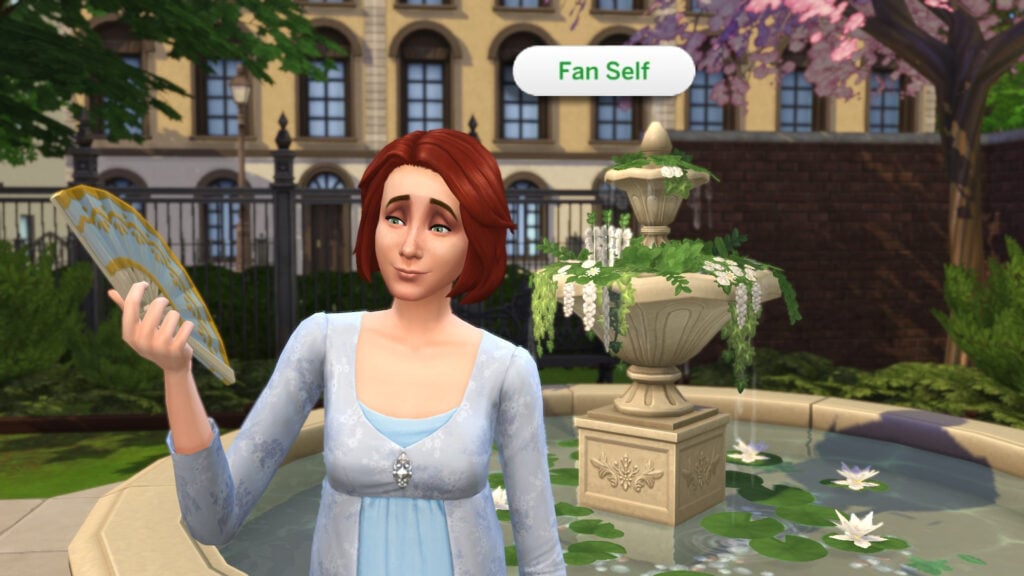
Fan Functionality
The Fluttering Hand Fan is meant to be functional, with Sims being able to fan themselves when they get too hot (Seasons Expansion Pack required). Unfortunately, this is not available as of writing, and can only be activated with the use of a mod by Lunar Britney.
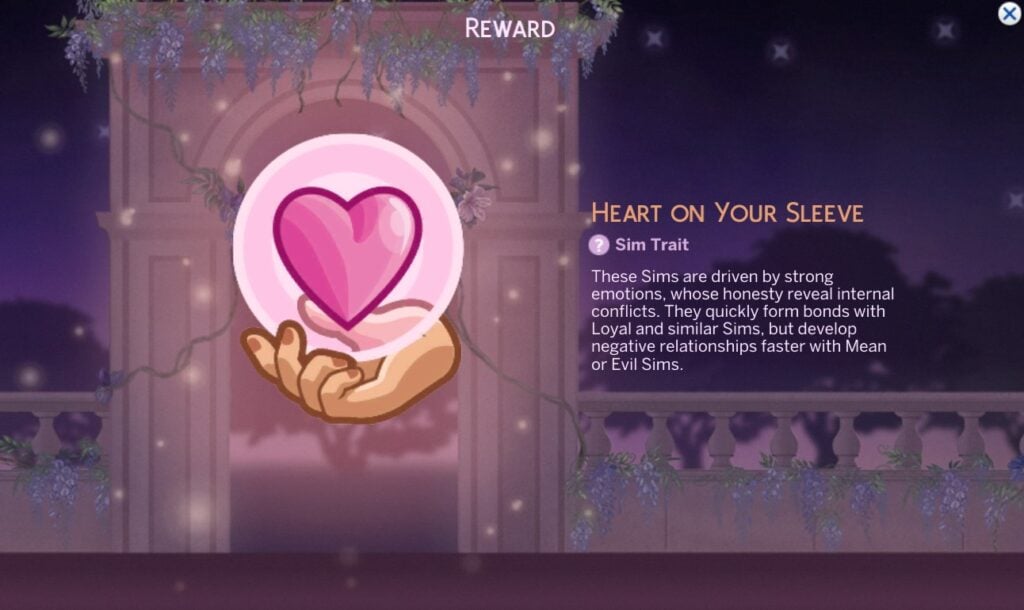
These Sims are driven by strong emotions, whose honesty reveal internal conflicts. They quickly form bonds with Loyal and similar Sims, but develop negative relationships faster with Mean or Evil Sims.
Sealed Love Letter
A carefully folded note sealed with mysterious wax and an enigmatic symbol. A hint of alluring perfume, teasing your senses and hinting at hidden passion. Preserving the words and amplifying intrigue.
Lady Bridgerton Masquerade Ball – Rewards Unlock Mod
Too impatient to wait for all the items or worried you’ll miss a week? Fear not, as Lunar Britney has created a mod that allows all items to be unlocked without waiting, and it even works retroactivley.
Hello, I removed the requirement to have the event items registered, allowing everyone to access the event items. Does not register the items to your account, for that, login daily to redeem stuff. All at once redeeming will not work with this type event. pic.twitter.com/ceiapL0rOt
You can download the mod from the page linked with the button below via Sim File Share. Also included are the mods that unlock items from past events, if there are any you missed out on!
What are your thoughts on The Sims 4 Bridgerton Event Rewards? Let us know in the comments below, and stay tuned to Sims Community for all the latest on Events!
Check Out All The New Items In Latest Sims 4 Login Event: Lady Bridgerton’s Masquerade Ball!
A new Sims 4 login event has begun with the latest Sims 4 Patch, and this time we’re taking a trip back in time to the Edwardian era. That’s right, Maxis have partnered with Shondaland to bring us The Sims 4 Lady Bridgerton’s Masquerade Ball event, inspired by the hit Netflix series ‘Bridgerton’.
Similar to the Deck the Halls Sims 4 Login Event, this event does not require you to complete quests to unlock new items. Simply log in once every few days to claim new items before they are gone forever. Players will have from May 12th to July 7th to complete the collection. Let’s take a look at the new items that come with Lady Bridgerton’s Masquerade Ball event this week!
Table of Contents
Lady Bridgerton’s Masquerade Ball Week 1 Rewards
Let’s take a look at the first set of items you can pick up in the first week of the latest Sims 4 login event. Over the course of the event, you will be able to claim 22+ new items, plus some bonus goodies for your regal Sims. There are three items available today, with two more unlocking later in the week.
Enchanted Intrigue Mask
A sophisticated accessory, adorned with intricate patterns. Designed to conceal the wearers identity while adding an air of mystery and allure, essential for any masquerade ball.
Mementos Pinboard
The perfect place to pin and display your keepsakes. A vibrant collage of memories, each item carefully chosen and arranged, evoking the stories and emotions attached to every cherised memento.
Lady Bridgerton’s Masquerade Ball Invitation
An elegant, gilded invitation beckons guests to an enchanting masquerade ball! Music, dancing, and secrets unveiled as masks conceal identities amid candlelight and anticipation.
Clicking on the invite in live mode will allow you to ‘Enable Emotional Aura’, with the item then giving an Inspired emotion to Sims nearby.
NOTE: This item is intended for placement on the Mementos Pinboard.
Midnight Chime Clock (Available Later)
An ornate clock with gilded accents, filigree, and a motif-adorned face. Elegant hands glide over Roman numerals making it an exquisite centerpiece, embodying Queen Charlotte’s royal sophistication.
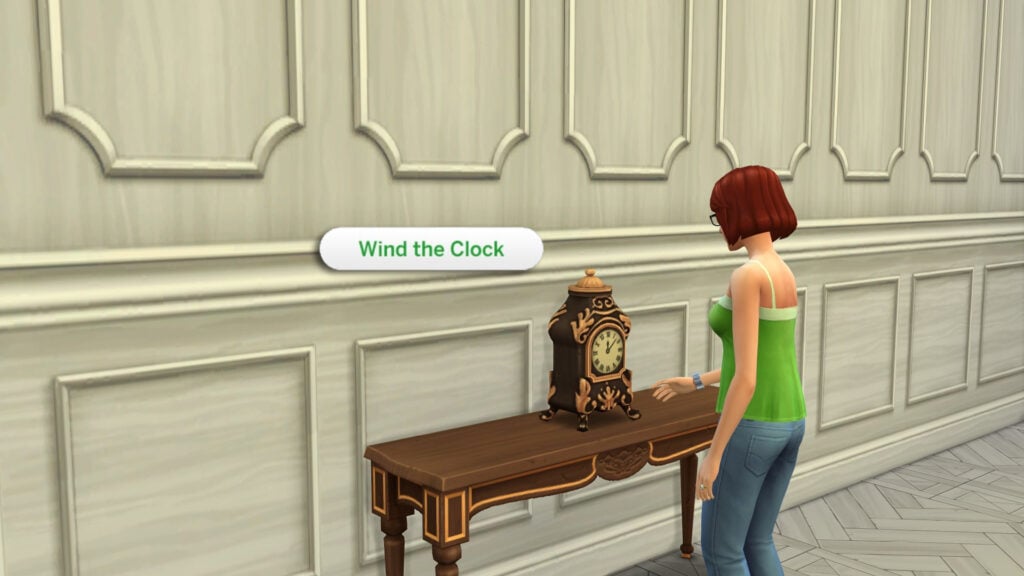
Clicking the clock in Live Mode gives your Sim the option to ‘Wind the Clock’. This interaction seems to have no buff or outcome associated and has a cooldown until your Sims can wind it again.
Whispering Waters Fountain (Available Later)
Complete your stroll with a beautiful centerpiece of flowing water that keeps a lot of secrets and wishes!
Future Login Rewards + Unlock All Rewards Mod
As previously mentioned, there are 22+ new items to unlock for your Sims between today and July 7th, including some bonus recipes and traits. You can view all future rewards by heading to the ‘Event’ tab on the main menu.
Don’t feel like waiting for all the rewards? Well modder Lunar Britney has already created a mod that unlocks all the event items instantly, allowing you to keep the rewards in your game forever without having to partake in the event!
Hello, I removed the requirement to have the event items registered, allowing everyone to access the event items. Does not register the items to your account, for that, login daily to redeem stuff. All at once redeeming will not work with this type event. pic.twitter.com/ceiapL0rOt
You can download the mod from the page linked with the button below via Sim File Share. Also included are the mods that unlock items from past events, if there are any you missed out on!
What items are you looking forward to unlocking? Let us know in the comments below, and stay tuned to Sims Community for all the latest on The Sims 4 Login Events!
Find out everything new, improved and fixed in the latest Sims 4 Update.
The newest Sims 4 Update has just begun rolling out across PC, Mac, Xbox and Playstation supported platforms. As announced last week in the latest Sims 4 Laundry List, official Discord Q&A Session and even a full 1 hour livestream presentation – the latest update promises to add 150+ bug fixes, first autonomy improvements to adult Sims and full improvements to Toddlers and Infants.
Players can also expect the first addition of layered clothing, including new free layered clothing for Sims of all ages that you can now find in the Accessories section in full body. Simply select the first layer of your choice, variant you want and put a jacket or an outfit on!
Simmers can also expect the addition of a new Sims 4 Login Event titled Lady Bridgerton’s Masquerade Ball. Lasting from May 12th to July 7th 2026, players can unlock new items simply by logging into the game’s Main Menu. All in promotion for the upcoming Sims 4 Bridgerton Kits Bundle releasing on May 14th.
From improvements to save backup feature to new game player settings, discover everything added in today’s Sims 4 Update:
The Quality of Life Update
Table of Contents
Installing the Latest Sims 4 Update
You can get the latest The Sims 4 Update on the following official launchers and platforms:
You can download the latest Sims 4 Update by checking for a Patch through the EA App, Steam or Epic Games launcher for Desktop. If you have Automatic Updates enabled the update will automatically download through your client program. In case your EA App is not working properly ensure you’ve cleared your app cache!
If you play The Sims 4 on Xbox Series X / S and Playstation 4 and 5 you can request a new update by checking for updates under The Sims 4 game in the Main Menu. If you’ve enabled automatic updates the Patch should download right away.
This Sims 4 Update is quite a big one and changes some core fundamentals in autonomy and CAS. Brace yourself for the impact of some of the current mods breaking and ensure your Mod creators have released a new version to match the latest game patch.
There’s also a handy official guide to Mods and CC maintenance, as well as backing up your Saves! Click here to learn all about healthy upkeep of your The Sims 4 files.
Official Sims 4 Patch Notes
Update: 5/12/2026 PC: 1.124.54.1030 / Mac: 1.124.54.1230 Console: Version 2.33
Dearest Simmers,
With the arrival of May, some of the season’s most anticipated improvements and bug fixes are making their grand entrance into The Sims 4. It is with great pleasure that we share a snippet of what is yet to come, sure to delight even the most discerning members of the Sims community.
Foremost among these, are dedicated improvements to Infant and Toddler gameplay, influenced by your gracious feedback and ever-helpful reports. We hope you find the caregiving experience most improved. Whispers also speak of a charming new basegame Infant Playmat, for all players, which I hear includes a variant adorned with the most fashionable motif – dainty little sheep.
To guard against the loss of any cherished stories, we’re implementing new save redundancy options for your Backup Saves, including day, week, and monthly options to better protect your Households and your progress.
In the realm of Create a Sim, a most fashionable Base Layers feature now allows for more fashion expression and truly splendid ensembles.
Over one-hundred and fifty bugs have been dutifully vanquished, with dozens of troubling infants and toddlers bugs gone forevermore! The Sims will now find their sleep more restful, thanks to refined autonomy improvements and bug fixes. And, of course, more than ten vexing issues from the community’s top twenty bugs list have also been addressed.
Finally, this Season brings news sure to set games aflutter. A collaboration most grand, as two new Kits, Lady Bridgerton’s Masquerade Ballroom & Fashion, and a log-in event have entered the game, ensuring your Sims may dress and dwell in the height of regency splendor. And as a most delightful bonus, those who acquire Lady Bridgerton’s Masquerade Ball Bundle – featuring both kits – shall be rewarded with three exclusive items including the Bundle of Joy bassinet, a cradle fit for the tiniest debutante or young duke, and an elegant gazebo.
Thus, dearest Simmers, prepare yourselves for an experience most improved, and delight in the season’s remarkable bounty.
Yours truly, The Sims Dev Team
What’s New?
The Sims 4 Lady Bridgerton’s Masquerade Ball
Lady Bridgerton’s Masquerade Ball – Login Event
Prepare for the social event of the season! Running May 12 – July 7th, a limited time login event that brings a bit of the Ton to The Sims 4! Earn exclusive rewards as you log in week by week like the Heart on Your Sleeve trait, Daytime Stroll Gown, Gallant Wool Coat, and more! New rewards will be unmasked on specific days, so return throughout the event to unlock rewards that transform your Sim into the greatest host!
A preview of the Lady Bridgerton’s Masquerade Ball event
Based on your feedback from the last Login Event, we’ve made improvements to the Event Menu! You’ll now see a counter showing how many weekly check-ins you’ve completed while rewards are available to unlock. We’ve also segmented the weeks, added a countdown timer for when the next week begins, plus a subtle highlight showing what rewards will be available to claim the next time you log in! You can start earning rewards on May 12th, but be sure to log in no later than June 25th so you do not miss the chance to earn all available rewards with subsequent logins!
Two New Kits and a Dazzling Bundle
For players looking to bring the decadence and grandeur of Lady Bridgerton’s Masquerade Ball all in a single bundle, there are three exclusive items alongside the two enticing new kits:
The Digital Content … Yes, Lady Bridgerton’s Masquerade Ball experience is complete with the iconic Bridgerton House Gazebo, the beautiful Bridgerton House Piano, and well, as we know, sometimes balls can lead to … ahem, rushed nuptials and so, a Bundle of Joy bassinet, for those looking to expand their family. Make sure you get the bundle before August 14 for these most splendid gifts.
The Fashion Kit, inspired by the season’s most talked about event, Lady Bridgerton’s Masquerade Ball. With costumes and masks to hide one’s true identity. But of course, you can find even more dresses and accessories to play out the most perfect ballroom fantasy.
The Ballroom Kit, provides decor and objects that will have builders swooning, like the Ballroom Banquet Table, floral wall adornments, and the Elegant Macron Display. Recreate the ballroom that set the season in motion inspired by Lady Bridgerton’s own delightful decor.
Looking for a more singular experience? Well, have no fear, you can get all the latest fashions direct from Lady Bridgerton’s Masquerade Ball or all the delightful decor from the Ballroom, by getting individual kits directly from the in-game store or on your preferred platform.
A screenshot showing the Lady Bridgerton’s Masquerade Ball Bundle items including pictures of a Sim in a mask, gazebo, chandelier, bassinet, and piano.
A Basegame Infant Playmat
To celebrate this release’s bundle of Infant fixes and updates, we’re giving away a free Infant Playmat in basegame. You can find the Lil’Wiggle Playmat in Build Mode’s Kids’ Room Category in the Infants and Toddlers section.
A screenshot showing the new “Lil’Wiggle Playmat” in each of its nine variants in a variety of colors. Some playmats have shapes while others have little sheep.
Create a Sim Base Layer Feature
We’re adding a new accessories category to Create a Sim! Base Layers give your Sim a new way to customize their outfits, make any top more weather-friendly, and find comfort and confidence in extra coverage or undergarments like the layerable binder. There are 8 Base Layer options for Adults, 4 for Children, and 2 for Toddlers, all in a variety of colors and sleeve lengths!
With 380+ new Base Layer styles, your Sims never have to wear the same outfit twice! The new accessory works just like the tights accessory that you layer with pants and skirts, or wear on their own. These pieces layer under any Top or Full Body CAS asset as well as any other accessory like bracelets or necklaces.
Five Sims of different ages, all wearing variations of outfits with Top Layers under their Top or Full Body assets.
Day, Week, & Month Backup Save Versions
We’ve made additions to the Backup Save feature for players with this patch! In the previous rendition of this feature, the game would automatically generate a series of Backup Saves that pulled from your last five previous game sessions. These Backup Saves can be loaded to recover past game states if your main save is in a state you don’t want – such as your main save experiencing a form of save corruption. This functionality is still available.
With this update, we’ve added three new types of states for Backup Saves to help you recover more options for previous versions of your game. This menu now retains old saves from over a Month, Week, and Day ago. This means if you load your save six times in one day, you won’t just have six Backup Saves from that day. You’ll also still have older options available to you.
We know it’s very frustrating when you lose your saves or experience a game breaking bug, and we’re working to address these sorts of issues. However, we hope this quality of life improvement will be a useful fallback in case these situations do occur.
A screenshot of the Backup Save Version User Interface, showing a series of days old backup saves that have been labeled to indicate how old they are.
Bug Fixes
We have over 150+ Bug Fixes coming with this patch, which include major improvements to Infants, autonomy, and sleep, as well as a wide range of highly voted community issues across the Base Game and packs. Here’s a list of the Top 5 Most Voted Issues.
Top 5 Most Voted Fixes:
“Black Photos”: 6 fixes for different causes of texture loss, plus extensive QV testing on paintings and photos to catch any unreported cases. At time of writing, all tracked “black photo” bugs will have been resolved, but we’ll continue monitoring any new reports.
[EA Forums] A “black photo” issue could occur when a filter was applied during capture, the photo was placed, and then another filter was applied. This has been fixed to prevent future occurrences, including in old saves when taking new photos. Existing black photos cannot be restored, but photos that had only one filter applied (and not changed again) are now fixed in old saves and can safely have a new filter applied.
[EA Forums] [EA Forums] Custom paintings (Paint from Reference) created off-lot could appear white on the easel. The game now correctly checks for textures even when the Sim isn’t on the current lot. This fix is compatible with old saves, and existing paintings will still resolve when the lot is loaded.
[EA Forums][EA Forums][EA Forums] Custom “Paint from Reference” paintings uploaded and downloaded from the Gallery now retain their textures correctly, with the related assert and “System Issue” when placing them on a lot issue also resolved. This fix is retroactive and applies to affected Gallery uploads.
[EA Forums] All wall and surface Photos should now be able to properly retain data when being uploaded to the Gallery. This fix is retroactive and should no longer occur when downloaded from a Gallery upload where the bug was occurring.
[EA Forums] Medium and Large Photos captured with the in-game camera will no longer appear blurry. This fix is not retroactive and will not fix photos that were already taken in past saves.
“Paint from Reference” no longer turns white when a Sim resumes a painting after traveling. This fix is partially retroactive: incomplete paintings in old saves can now be resumed and finished correctly, but completed paintings already stored in inventory will still appear as white canvases when placed.
Sims putting down Infants before picking them up [EA Forums]
Sims will no longer receive the “Secret Witness” Sentiment when a married or engaged Sim is witnessed WooHooing with their partner by another Sim. [EA Forums]
“Can’t place item”: Fixed in both new and old saves. [EA Forums]
Sims could get stuck with Scandal and its VFX if the Scandal ended in a different session than when it was revealed. This is now fixed for new cases, and existing affected saves will have the lingering VFX cleared. [EA Forums]
A screenshot of an Infant dressed like a little, fuzzy, white bear, laying on a teal and white Playmat that has little sheep and clouds on it
Infant and Toddler Improvements and Fixes
This patch focuses on improving quality of life for Infants and Toddlers, based on top EA Forums issues and additional feedback from Discord and Reddit. After extensive playtesting, we’ve made significant improvements and are excited to share them with you!
Infant Gameplay Additions
We’re adding a new Infant Playmat to Basegame!
Sims are meant to take Infants out of cribs, but placing them on the ground can feel awkward. Sims prefer using Playmats, which provide more gameplay and allow for intentional placement. To support this, all players are receiving a free Base Game Playmat!
A screenshot showing the new “Lil’Wiggle Playmat” in each of its nine variants in a variety of colors. Some playmats have shapes while others have little sheep.
We’ve added a new toggleable option in the Options Menu to “Disable Caregiver Autonomy for Infants.” This is located in Game Options under the Gameplay tab.
Caregiver autonomy for Infants has been improved, but we added a new option that allows players to disable it entirely for full, manual control. This setting is off by default; when enabled, all Infant care must be handled by the player. If care is neglected, the Infant may be taken by social services.
With this option enabled, Sims will still autonomously socialize with their Infant.
With “Disable Caregiver Autonomy for Infants” enabled, the “Check Infant” interaction remains available for manual use. This allows players to simulate uncertainty in caregiving (especially with low Parenting skill).
A screenshot showing the new Disable Caregiver Autonomy options available in the Gameplay tab. The text reads: “Enable this option to ensure Infant caregiving is only handled by the player. Warning: Turning this on will disable Caregiver autonomy for Infants, which may result in Infants being taken away for neglect if not manually cared for.”
Infants now gain a buff and show a thought bubble when woken by loud noises, with a one-time TNS tutorial explaining the behavior. This makes it clearer why Infants wake and call for Caregivers, helping reduce repeated pickups by allowing players to address the noise source.
A screenshot showing an Infant thinking about a television that has just woken them up from a nap due to it being loud.
[EA Forums] An issue with the Infant Stand Up Milestone was traced back to a previously fixed problem where Infants needed specific nearby objects to pull themselves up. We’d fixed this previously, and are including it here again. While the Milestone still unlocks as before, clarity was improved with a greyed-out interaction and hovertip guiding players to use a crib.
<A screenshot showing the “Practice Standing” interaction’s hovertip text beside another image showing the “Attempt Pull to Stand” interaction that’s available for Infants while in a Crib.
Hovertips have been added to the “Prefers Breastfeeding” and “Prefers Bottle Feeding” interactions to clarify that choosing a preference restricts autonomous feeding to that method only.
A screenshot showing the explanatory hovertip on the “Prefers Bottle Feeding” interaction on an Infant which reads, “This Infant will only use a bottle autonomously.”
Autonomy Improvements & Fixes
[EA Forums][EA Forums] [EA Forums] Frequent Infant pickups and put downs, caregiver conflicts, and Sims freezing during care were major frustrations. This update includes multiple interconnected fixes to address these issues, all available in the Base Game:
Caregivers should now need a reason to want to pick up an Infant from a crib (such as the Infant having a dirty diaper, etc.), and Infants will call less frequently to ask to be removed from the crib.
We’re limiting the amount of times Caregivers run caregiving interactions autonomously (feeding, changing diapers, etc.).
Sims should no longer freeze during “Check Infant, “Give Infant a Nap,” “Tummy Time” while an Infant is sleeping, when an Infant is crying, or while another Caregiver is already holding or interacting with an Infant. If there are other instances of this occurring, please report them, and we’ll see if we can address them for a future update.
Sims now place Infants on the floor far less often, and they are also not placed on the floor when attempting to hand them to another Sim. Caregivers may still occasionally put Infants on the floor to adjust positioning for certain interactions (like Tummy Time). This behavior is expected since Infants can’t move.
Infants will no longer get stuck between a Sim’s legs when “Hold Infant” is canceled during “Put Infant Down Here.” This can still occur if the game is paused, which is being tracked for a future fix.
Sims can now successfully autonomously give an Infant a bath.
[EA Forums] Infants will no longer immediately get taken out of the Back Carrier as soon as they’re put into one.
“Check Infant” can now be canceled if it’s the next interaction in a Sim’s queue, though it can’t be canceled if it’s queued behind another action. A full fix wasn’t possible for this Base Game update, but if that’s something you’d like to see fixed still please provide feedback in the EA Forums and give it a vote.
Infant care interactions (Give Bottle, Change Diaper, etc.) should now appear on the first Pie Menu when an Infant’s Needs are low for your ease of access.
A screenshot showing the available interactions on the front page of an Infant’s Pie Menu. These available interactions in the screenshot include: “Give Bath,” “Bottle Feed,” “Clean Up,” and “Give Bubble Bath” as examples.
Sims will now clean up bottles that were left on the ground. We also decreased how frequently Infants will be hungry. Between these two changes, we hope to have addressed the community feedback around bottles being left everywhere. (Basegame)
Sims will now clean up diapers left on the floor after changing an Infant or Newborn (as long as a trash can is nearby). This keeps some of the intended messiness while reducing frustration. (Base Game)
Changing an Infant’s diaper at the Changing Table should take about a third less time than it used to. (Base Game)
The Infant Hunger Need will now decrease slightly more slowly. We received light feedback on this and we’re hoping this slight tweak will prove the right balance for player realism and fun. (Basegame)
Feeding an Infant will now take about fifteen minutes (Sim Time), which is half the time it previously took. (Base Game)
Taste Testing baby food in the High Chair now provides a substantial boost to an Infant’s Hunger. (Base Game)
The “Needs Nap” Moodlet for Infants has been reduced to Strength 1. This keeps the intent of encouraging regular naps while making it less intrusive and allowing other Moodlets to take priority when the Infant is otherwise happy. (Base Game)
Care interactions on objects (e.g., Bathtub, Playmat, Changing Table, High Chair) will no longer appear while an Infant is sleeping, preventing failed interactions and reducing confusion. (Base Game)
Infant Milestones tied to Tummy Time now unlock twice as fast, addressing feedback that progression felt too slow – especially on shorter lifespans. With reasonable attention, most Milestones can now be achieved by around day 3. (Growing Together)
Other Infant & Toddler Bug Fixes
An excerpt from a Sims Butler’s Memoir for your reading pleasure: “Persistence.” A quality they taught me at the Windenburg School of Butlery. So believe me, when I saw those dirty diapers on the ground, I thought to myself… my goodness, I’m going to vacuum those bad boys up. But today, I was taught a new skill. Using my hands. From now on, I shall endeavor to pick up diapers with my… dare I say it… my hands. A more efficient and actually productive method of disposal. *Takes a bow* Butlers and Maids will now pick up diapers and throw them away, rather than trying to vacuum them for hours and hours and hours… and you get it. (Basegame & Vintage Glamour Stuff)
Butlers will also now properly dispose of pet fur and ash piles by picking them up and throwing them away. (Multiple)
[EA Forums] Infant and Toddler Needs will no longer decrease when the Active Sim (and the player) is on another lot, away from them. We hope that this change will make caregiving for Infants and Toddlers more enjoyable. (Basegame)
[EA Forums] We’ve addressed an issue where Toddler Sims could be hungry but would remain idle, despite having food. This should no longer occur. (Basegame)
[EA Forums] If an Infant is fed finger food and the interaction is canceled, there is now an interaction on the food that will allow the Infant to resume eating the finger food again. (Basegame)
[EA Forums] We fixed an issue where caregiver Sims would be standing in the yard next to an empty rug (with no Infant) when switching control between a Sim at Home and a Vacationing Sim in the same Household. Now Infants should remain in their position within the house. (Basegame)
[EA Forums] We’ve added a fix that will disable the Cause of Death selection UI for Infants and Toddlers. (Basegame)
[EA Forums] We investigated a Top Community issue where interactions with Infants and Toddlers were not available after they returned from daycare. However, we determined that this was already fixed in the November update and not reported. We’re including it here to inform players who might have been tracking this issue. (Basegame)
[EA Forums] We investigated the issue where Infant, Toddler, and Children Sims could not be played once merged with other Households after having been taken away. We were able to verify that at some point in the past it was fixed in a previous update. (Basegame)
Interactions like “Practice Standing,” “Tummy Time,” and “Practice Crawling” will no longer be greyed out and unavailable while in a basement. (Basegame)
[EA Forums] Infants no longer T-pose when swapping from the “Accessories” category to “Bottoms” and back to “Accessories” again in Create a Sim. (Basegame)
We received feedback that “reading to Toddlers” wasn’t working well, and we started work investigating these issues. We were able to address a few bugs relating to this, but there are some other reading related bugs that are still open we’re investigating. If the interaction was queued already in a loaded save and Sims are frozen, this also will not be retroactively fixed. Please cancel the interaction in the interaction queue, and it should work going forward in old saves. (Basegame)
[EA Forums] Toddlers are now able to successfully run the “Ask to Read Book” interaction on a teen or older Sim.
The “Be Read to By” interaction on Toddler Books should now function when selected by an Infant.
We fixed a code exception that could cause Sims to reset when an Adult Sim would click on a book and choose to “Read to Children.” (Basegame)
We fixed an exception that could trigger when a Sim performs the “Practice Standing Up” interaction on an Infant that was being held by a Sim. (Basegame)
We fixed a typo error in the Infant’s Angry Mood hovertip where it said “a little TLC can go along way.” It now reads, “A little TLC can go a long way.”
[EA Forums] Infants will no longer get a “Controlled Emotions” moodlet when they sleep near fireplaces. Nobody should expect “controlled emotions” from Infants – that’s just silly! (Snowy Escape)
[EA Forums] The Holiday Tradition to receive a gift from Father Winter is now completed for Toddlers when they “Ask for Present” and get a gift. (Seasons)
[EA Forums] We addressed an issue where the Maxed Movement Milestone wasn’t unlocking for Toddlers after all skills were maxed. This fix will work retroactively in saves where it was occurring. However, it can still occur if mods are used that would cause the Toddler’s movement to jump from 1 to 5 directly. (Growing Together)
[EA Forums] Infants Milestones are no longer disappearing or being reset when that Infant’s Household is visited while playing another Household. This is fixed in old saves as well as new ones. (Growing Together)
[EA Forums] Infants are now able to act on their unlocked Milestone developmental progress when they are not at their Residential lot. This fix is retroactive in old saves where the bug had previously been occurring. (Growing Together)
[EA Forums] The First Time at Daycare Milestone now unlocks for both Toddlers and Infants. (Growing Together)
A screenshot a Toddler Sim’s Milestones UI. They have the “First Time at Daycare” Milestone unlocked with text that reads: “Aidan went to daycare for the first time.”
We fixed an issue where Infants would not acquire or gain Milestones after traveling to another lot and then going to Daycare from a lot that wasn’t the Home lot. (Growing Together)
[EA Forums] We addressed an issue where Infant Milestone TNS notifications could appear twice when traveling to another lot and then returning to the Home lot. (Growing Together)
[EA Forums] The Fun Need will now properly remain greyed out until an Infant Sim unlocks the Sit Up Milestone. (Growing Together)
[EA Forums] Infants no longer display the “Inquire about Local Hauntings” interaction. Though, it must be said, if an Infant in real life started asking about local hauntings… that would be pretty creepy! (Life & Death)
[EA Forums] Teen and Adult Sims with the Grouch trait can no longer “Spread Rumors about Others” with Infant Sims. The Infants didn’t really understand the rumors anyways. (Multiple)
Sleeping Improvements and Fixes
Sleeping autonomy has been improved following community feedback, addressing a mix of bugs and quality of life issues. Overall sleep behavior should be more reliable. A rare case of Sims not sleeping could not be consistently reproduced and was not fixed, though reloading resolved it during testing. This issue is still being tracked.
Base Game
[EA Forums] Sims woken by a nearby TV or radio will now turn the device off and return to sleep. This keeps the intended wakeup behavior while making the cause clearer and reducing repeated interruptions.
A screenshot of a Sim who was previously sleeping, but then was woken by a radio’s loud music, standing in front of that radio. The Sim has a remote control in their hand and is actively turning off the radio on their own. They have a thought bubble indicating that they do not like the radio right now because it woke them up.
[EA Forums] We’ve added a hovertip to the Nap interaction to clarify that this interaction is meant to be shorter with a boost to Energy (rather than an interaction that fills the Need fully). Sims should not stay in the nap interaction until their Energy is full, but we wanted to help clarify this expected behavior.
A screenshot of a green sofa with all interactions available. The “Nap” interaction is highlighted, and the hovertip is overtop and reads, “Take a quick Nap, restoring a little Energy.”
[EA Forums] Fixed an issue where exhausted Sims could get into bed but still collapse from fatigue. Sims who fall asleep in bed will now remain there instead of getting up and passing out.
[EA Forums] There is an idle interaction where Sims are supposed to “Think About Partner.” This will no longer play while a Sim is sleeping, resulting in them waking up. Finally, Sims can both be infatuated and well-rested!
[EA Forums] There were callouts in the sleeping EA Forums thread where Sims weren’t sharing a bed with another Sim. We believe our other fixes have addressed this issue, though as a note, Sims will only sleep in the same bed when their relationship is high enough.
[EA Forums] When a bed is assigned to two Sims and another sim hovers over the “Sleep” interaction it will now show both of the Sims’ names that the bed belongs to, rather than just one of the two Sims.
Players can now assign a side of the bed to Sims when a Sim is Multi-tasking.
Lovestruck
[EA Forums][EA Forums] There was an issue where Sims in a romantic relationship were getting out of bed when told to sleep simultaneously. We added an interaction called “Sleep and Cuddle” which will now allow this gameplay to function properly.
[EA Forums] Canceling Cuddle on a sleeping Sim will no longer wake both Sims or interrupt their sleep. If the interaction is canceled after one Sim has joined another already in bed, both will remain in bed. Canceling Cuddle before either Sim is in bed will still result in both Sims getting up, as intended.
General Autonomy Fixes
While we focused this update on Infant, Toddler, and sleep fixes, we were also able to address a handful of other autonomy fixes. We know “autonomy” is a facet of the game you’re interested in seeing improved, so we’ll be continuing to address more issues in this area in future updates.
Base Game
Sims will no longer autonomously drink water, addressing feedback about repeated and disruptive behavior. This was tied to a hidden “thirst” system, and removing it makes actions more predictable and player-directed.
[EA Forums] We fixed an issue that was causing NPCs to enter a house to drink water. Unfortunately, this fix was unable to be retroactive for saves in which this gameplay was already occurring.
We previously adjusted how frequently Sims would dance autonomously. Based on feedback, we’re further reduced this so that they should only dance autonomously around once a day or so (if they choose to).
[EA Forums] Fixed an issue where Children could be taken away despite not being neglected. New checks ensure a Child must be actively failing (F) before this occurs. The fix is retroactive, but previously removed Children cannot be restored.
[EA Forums] We addressed an issue where Children Sims could enter a state where they wouldn’t eat after traveling or when hungry. This is fixed retroactively in old saves.
[EA Forums] Child Sims are now able to eat normally both while traveling and after returning home from a Restaurant Venue. This fix is retroactive.
[EA Forums] Sims with the Jealous trait will no longer get upset when their partner interacts with their own children Sims.
Knifty Knitting
The March updates we made to “dancing happening less frequently” didn’t affect the METAL Radio station. We’ve updated the cooldown to include this station now.
General Bug Fixes
In addition to Infant, Toddler, Autonomy, and Sleep improvements, we have continued to address highly voted community issues (and also some issues that were easier fixes).
Base Game
[EA Forums] Packs that were disabled in the Properties menu for EA App and Steam will no longer appear in the game.
[EA Forums] Photos taken with a camera will no longer get stuck in the inventory after trying to place them on the wall. We are still investigating a wider bug where this is occurring for stacked items and paintings as well.
[EA Forums] Photos taken on phone or camera will no longer be duplicated in a Sim’s inventory.
[EA Forums] We fixed an issue where certain connections on a Family Tree could be overlapping or missing. If there are more cases of this occurring in your saves, please report them.
[EA Forums] We fixed an issue where Spouse Sims could become related if you create a genetic sibling for one of the spouse Sims in CAS and both Sims have a child together. This doesn’t fully address all instances reported in this forum thread but makes progress.
We fixed an issue where it was possible for a Sim to be sorted as both a brother and a son in CAS.
We fixed a deformation issue affecting several clothing assets, specifically causing problems with pants. The issue occurred when a Sim’s gender or physical frame didn’t match the asset’s original “male” setup at the time it was created. The following assets have been updated: (ymBody_HoodieHiphop), (ymBody_CoatShortTrench), (ymBody_ShortsHigh), (ymBody_EP03SuitWideLapel), (ymBody_EP05SuitLoveDay), (ymBody_EP09OverallHenley), (ymBody_EP11SuitMayor), (ymBody_EP11CrittterTender), (ymBody_EP11Suspenders), (ymBody_EP11OverallFarmand), and (ymBody_Tourist). Moving forward, we plan to explore applying similar fixes to additional assets.
[EA Forums] We fixed an issue where the game wasn’t able to properly pick a Sim to be a Police Officer, resulting in no Police Officer showing up. When called, Police officers should now show up.
[EA Forums] Stove Hoods can now be replaced with new ones via an interaction after a fire.
A screenshot of a kitchen that has been destroyed by a fire. The Stove Hood is selected with an interaction that reads, “Replace ($140).”
[EA Forums] There was a coffee drink appearing in menus that was placeholder and never meant to be available. We’ve removed it.
Console
Marketplace visitors using the virtual cursor input method on a controller would find the Right Stick would not scroll through the Marketplace without toggling input types. Right Stick will now scroll on the Marketplace in all input types.
We identified an issue where by scrolling through, then back up in the Marketplace while using Virtual Cursor input type would force the game back into what we call the Snap Cursor (as it snaps between parts of the UI for quicker navigation on a controller) input method. Scrolling Marketplace will no longer force you out of the input type you are using.
Simmers who ran into the issue above that went back to the Main Menu would find that the controller was still navigating an invisible Marketplace making it impossible to navigate the Main Menu without restarting the game. Main Menu navigation works again, and we won’t need you to restart your game to use it.
While using a controller, Simmers who uploaded their creations to or deleted their creations from the Gallery would find the controller focused on the Main Menu instead of the Gallery. This should no longer happen and the details panel can be closed as usual.
[EA Forums] We fixed an issue where the Confirmation button was missing from Schedule Preset UI when using a Keyboard and Mouse on Xbox. (Adventure Awaits)
Gallery
[EA Forums] Gallery uploads should experience fewer timeouts, as the upload timeout duration has been increased to better accommodate varying connection speeds. Further feedback is encouraged if issues persist.
[EA Forums] The “My Favorites” Gallery category will now load all favorites. It was previously only loading 25 items.
[EA Forums] After receiving community feedback, we’ve updated Gallery default sort order to be “Newest” rather than “Most Popular” again.
City Living
[EA Forums] The “Participate in Hackathon” interaction is now available on festival computers at Geekcon.
A uniquely dressed walkby Sim in San Myshuno is now labeled “Local Weirdo” to clarify that their unusual outfits are intentional.
Cats & Dogs
[EA Forums] We’ve greyed out the “Family Dynamic” relationship options for Pets in Create a Sim since they didn’t apply to Pets.
Get Famous
[EA Forums] Using the salon chair, hair and makeup will now change properly when a Sim’s skin tone has also been changed.
Island Living
[EA Forums] We fixed a rather silly looking bug where a Sim’s portrait appearance could get distorted after Sunbathing when a Sim was nude or in a Swimsuit.
Cottage Living
[EA Forums] Hens and Chickens will no longer randomly disappear when saving and loading the game. This was caused because they were roaming and their positioning caused the game to delete them.
High School Years
[EA Forums] We fixed an issue where a Teen Sim could age up into a Young Adult and they wouldn’t lose their acne, and there also wouldn’t be a way to cure their acne. This fix is retroactive, so if it was already occuring in a save, it should be fixed now.
Horse Ranch
[EA Forums] The price of Nectar shown in a Sim’s inventory is now the same as the actual selling price for the Nectar.
[EA Forums] Fixed an issue where Nectar bottles sold at food stands displayed incorrect prices. Pricing across unopened bottles, opened bottles, and poured glasses has been reviewed and remains unchanged, with values aligned to intended design.
Lovestruck
[EA Forums] Fixed an error that could block Sims from sitting on certain objects when the Lovestruck “Watch Sky/Stars” interaction was available. Also resolved an issue where incompatible Sims could appear as options for this interaction.
For Rent
[EA Forums] Fixed an issue where household items could remain on a lot after moving if the lot type had been changed to Rental and back. Items now correctly move to inventory on Residential lots (unless selling furniture), while items on Residential Rental lots remain unless manually moved. Applies to all container items and their contents.
Life & Death
[EA Forums] Children Sims are now able to attend Grief Counseling. This fix is retroactive for old saves where they were unable to.
Enchanted by Nature
[EA Forums] We’ve fixed an issue where certain facial features on a Sim wouldn’t match between a Sim’s normal form and Fairy form.
[EA Forums] Fairy Sims with wings will now always have their wings appear in their Sim Portrait at the bottom left of the screen.
[EA Forums] Fairy Sim wings will reappear after a Fairy Sim puts away their book. This fix is retroactive if the wings were missing.
Adventure Awaits
[EA Forums] We fixed an issue where Sims with the “Danger Kid” trait would have bladder thought bubbles without having low Bladder Need or needing to use the restroom.
Royalty & Legacy
[EA Forums] We addressed an issue where the “Poor Leadership” sentiment could be added to a Dynasty Head when the player opens and closes the Dynasty Panel without changing anything. It’s still possible (and as working as intended) that Sims can acquire this sentiment by editing information in this panel.
[EA Forums] Offspring of pre-made Dynasties are now automatically added to the Dynasty.
[EA Forums] Babies born after patch [1.121.361.1020] (Royalty & Legacy’s patch) will no longer be born as a “secret” when the pregnancy started before the patch. This is retroactive in old saves. However, if a baby was already born after this patch and you experienced this bug where the baby was born a “secret,” then the baby is already a “secret” and that is not retroactively fixed as we’re unable to update that without potentially removing real “secret” babies from the game.
[EA Forums] Sims with the “Scholarly” Dynasty Ideal will no longer cancel player queued interactions to read books.
[EA Forums] Sims will now arrive wearing the selected dress code to a Grand Ball event (in line with the functionality for Funerals). As a note: any remaining oddities are due to tagging and would need reported and fixed individually. We did a pass and felt that outfits looked good with all packs, while selecting more common combinations.
[EA Forums] The Mask option is no longer disabled after entering Create a Sim to change the Host’s outfit for a Grand Ball event.
We fixed the mask icon in the UI for hosting a Grand Ball event.
We addressed an exception in the code that would happen when a Sim had a scandal due to the game checking to see what age groups were available for this scandal.
Tiny Living
[EA Forums] We fixed an issue where furniture wouldn’t show up in the Household inventory after moving the Household with the “Keep Furniture” option. Upon investigation, we found that this bug was connected with Tiny Homes specifically.
Multiple
[EA Forums] Horses and Cats can no longer unlock the Special Touch Family Recipe when they are sick.
Events
[EA Forums] Teen Sims can now play Chess in both Residential and Community lots when Discovery Quests and Events are active for players.
Tagging, Text, and Thumbnail Fixes
Base Game
[EA Forums] We fixed an issue where male Child Sims would be wearing the feminine styled underwear in CAS by default. Now they’ll wear the boxers by default.
[EA Forums] (yfHair_AfroMedium_NeutralBlack) and (yfHair_AfroMedium_Black) will now display distinct swatch colors in Create a Sim.
A screenshot of a Sim using the (AfroMedium) hair styles. The “NeutralBlack” variant is on the left, and the “Black” variant is on the right. The side-by-side comparison shows a slight different in hue variation.
[EA Forums] All Jewelry that was in the Everyday category has been added to both Hot and Cold Weather Outfit category as a sorting option.
[EA Forums] The Aloe Vera Plant in Build Mode now costs 30 Simoleons. It was previously free.
The (SDX037DressAline) and (SDX037DressPencil) Dresses now sort as Feminine Fashion choices in Create a Sim.
We deleted an extra space in the text description for “Square Fountain” in Build Mode.
Cats & Dogs
[EA Forums] The (EP04ShaggyCatEars_DirtyBlonde) swatch will now show the correct color swatch.
A screenshot of a Sim using the (ShaggyCatEars) hairstyle. The picture shows the “Dirty Blonde” variant of the hair that previously wasn’t available in this color.>
Island Living
[EA Forums] The (cmBottom_EP07SkirtGrass) skirt asset will no longer cause the texture to apply over certain tops for Children Sims.
Cottage Living
[EA Forums] The (yfHair_EP11MessyPixieBabyBang) hair is now also tagged to sort and appear for Masculine Sims.
The (yfTop_EP11BlouseShirred) top no longer has the texture overlay on nail assets.
Snowy Escape
The (EP10SnowsuitExtremeUnisex) asset will now appear for both masculine and feminine frame Sims. It was previously only appearing for Female frame Sims.
A screenshot of a male Sim wearing the (EP10SnowsuitExtremeUnisex) asset.
Adventure Awaits
[EA Forums] The Woodland Lodge Bath and The Cabin Shower are now functional Off-the-Grid and they sort under the Plumbing Off-the-Grid Category in Build Mode.
A screenshot of the Woodland Lodge Bath and The Cabin Shower objects placed on a lot. Below them is the “Off-the-Grid” Build Mode UI showing these items sorted in the Plumbing category.
Royalty & Legacy
[EA Forums] The (ymHair_EP21GoldDecoBraids) hair asset will now sort properly for Masculine Sims in Create a Sim.
Outdoor Retreat
(yfTop_GP01Hermit) has wrong color swatches when applied to Sims.
Realm of Magic
[EA Forums] (yfTop_GP08BlazerBow_SolidBlack)’s blazer color texture will no longer appear on shoes.
Strangerville
[EA Forums] The Crabby Bottom Armadillo Yellow and Wacky Wonderful Carnival Sock Alien objects have been moved to the Kid’s Decoration Category in Build Mode.
Dream Home Decorator
The (GP10SkinnyJeanFlanel) asset now shows for male Sims with a masculine frame when removing the Masculine Style Preference filter in the catalog.
Backyard Stuff
[EA Forums] The (yfTop_SP08TeeBoatNeck_SimlishWhite) top asset and thumbnail are now matching in Create a Sim.
Crystal Creations
[EA Forums] The (cuAcc_EarringsSP49GemStuds), (iuAcc_EarringsSP49GemStuds), and (puAcc_EarringsSP49GemStuds) earrings will now sort in the Formal Create a Sim category.
Business Chic Kit
(WristLeftSP56CK001WatchLuxury) now sorts properly for Masculine and Feminine Sims in Create a Sim.
(yuAcc_GlassesSP62CK001Reading), (yuAcc_GlassesSP62CK001CatEye), and (yfAcc_NecklaceSP62CK001Elegant) will now sort proplery for Feminine Sims.
Refined Living Room
[EA Forums] The Woody’s Wallpaper wall pattern is now categorized under Paneling in Build Mode.
Prairie Dreams
Prairie Dreams Create a Sim outfit asset swatches will no longer appear more darkened than intended in the thumbnail.
The (ymAcc_NecklaceSP81CK011Daisy) necklace thumbnail image now also includes the pearl.
Multiple
[EA Forums] We addressed some issues where NPC Sims were wearing a headband and sandals for Swimwear. The (yuHeadDeco_EP19HeadbandBoho) headband asset will no longer randomize on NPC Sims. We also removed the (yfShoes_EF63EVRMuckySandals) and (ymShoes_EF63EVRMuckySandals) shoes from the Swimwear category, so they won’t randomize on Sims going swimming. These can still be viewed and manually applied by removing the Swimwear filter if desired for Swimwear attire. This will not be fixed for Sims who already had outfits created using these randomization rules, but it will be fixed in new saves or with new Sims that are created in old saves going forward.
[EA Forums] We’ve updated various wallpapers to appropriately sort as purple color.
We added Hot and Cold weather filters for the following Skirts and Short bottoms in Create a Sim: (cfBottom_GP10Skirt), (yfBottom_GP10ShortsPaperbag), (yfBottom_GP10SkirtMini), (yfBottom_GP10SkirtWrap), (yfBottom_GP10WorkKilt), (yfBottom_SP15MoschShortsLeather), (yfBottom_SP15MoschSkirt), (yfBottom_SP15SkirtFlaredMosch), (ymBottom_GP10ShortsPaperbag), (ymBottom_GP10SkirtMini), (ymBottom_GP10SkirtWrap), (ymBottom_GP10WorkKilt), (ymBottom_SP15MoschShortsLeather), (ymBottom_SP15MoschSkirt), and (ymBottom_SP15SkirtFlaredMosch).
We updated around 45 doors to have Style tags for sorting in Build Mode.
(sculptWall_EF02GENstockTicker01), (sculptWallRWSpyTactMap), (photoDigitalFramePortrait_SP15GEN), (photoDigitalFrameLandscape_SP15GEN), and (photoCollage_SP15GEN) have been sorted into the Electronics > Miscellaneous Build Mode Categories.
Author Release Notes
The update is around 1GB on Mac computers.
What is your experience so far with the latest Sims 4 Update? Let us know in the comments section down below and stay in the know for all the new additions right here on Sims Community!
Can Your Sim Escape the Friendzone with The Sims 4 Friendzone Mod?
Can your Sim get out of the friendzone? Well, with The Sims 4 Friendzone Mod 2.0 by Sasha’s Space you just have to find out. This storytelling mod adds so many new features to bring out more of your gameplay. It adds drama, new interactions, around 100 buffs, and more. Let’s get our Sim friendzoned and see what this mess is all about.
Table of Contents
The Sims 4 Friendzone Mod by Sasha’s Space
The Sims 4 Friendzone Mod is made by the talented mod creator Sasha’s Space. This is the 2.0 version release packed with new features and compatibility for the latest Sims 4 game version. You can find the 1.0 version release here.
What’s included?
There are 10 new social interactions, 2 interactions through the computer, 1 through the phone, and 1 relationship interaction. There’s also 2 new milestones, 10 notifications, and best of all, 100 new buffs. I have never been more excited to get friendzoned!
In the pie menu there is an option called Change Relationship. After you have asked the other Sim to just be friends, they become friendzoned and a new option Friendzone will appear.
The Sims 4 Friendzone Mod Playthrough
Here’s our Sims Bella and Nick. Bella is happy and in love, but unfortunately Nick doesn’t feel the same way back…we can’t control how we feel right? Anyhow, Nick decided to friendzone Bella, and she didn’t get so happy about it.
Why Did You Friendzone Me?
One question, so many answers! Well, Bella is seeking answers. Why did Nick friendzone her? Will he say, It’s Not You, It’s Me, I Don’t Want to Ruin Our Friendship, or what answer will it be? You can even ask to get out of the friendzone and start over again. Or you’ll get a no for an answer and things will get more awkward than it already is?
Make a Post About Being Friendzoned
You can make a post on Social Bunny about being friendzoned. Your Sim will upload it with a Sad Narrative and say something like: Why did they break my heart like that? Or I kinda feel bad not gonna lie, but I have to be true to who I am. In the end it will make your Sim feel better and they will get a relieved buff.
Talk With a Friend About Being Friendzoned
Bella is still seeking answers to this unwanted drama, and decided to talk with her friend about being friendzoned. Her friend was supportive and relived that Bella got out of that relationship.
Talk With a Friend About Friendzoning Someone
But then Nick decided to talk with his friend about friendzoning someone and well, they started gagging and gossiping.
You’re Being Transactional With Me
In the friendszone pie menu there’s also an option called You’re Being Transactional With Me. This will add more drama and discussion between your Sims. Bella and Nick are really annoyed with each other at this point, and their relationship seems to be over for real.
Apologize for Friendzoning
However, Nick couldn’t take it anymore. He was drowning in his own guilt and decided to apologize to Bella for friendzoning her. Luckily she accepted his apology.
Bella said she accepted Nicks apology, but decided to throw a drink at him anyway.
I Am You’re Friend, Not Romantic Partner!
But then one way led to another, and they started arguing again about being treated as a friend, and not a romantic partner. There’s also two other options in the pie menu saying It Feels Like We Broke up (Delulu) and You Strung Me Along. It seems like Bella is not ready to give up on this relationship yet, but Nick sure is.
Send a Friendzone Text
Nick is friendzoning Bella once again, but this time over a text. She still have her hopes up and believes they are perfect for each other. Meanwhile, Nick also friendzoned another Sim through text, who didn’t take it so well and got a bit… angry.
Using the Web
Back at home, Bella is feeling very stressed and decides to take a “Friendzone Quiz” online. She also spends time researching, reading multiple articles about what it means to be rejected by someone you love, and wondering if it’s really worth it.
Lastly, in my opinion, this mod is a lot of fun. It adds tons of realism and introduces more meaningful dialogue between your Sims. It’s especially interesting to read their moodlets and see how they react based on the interactions and choices you make for them. Overall, it makes your Sims feel much more alive, and…emotional.
Download the Mod
The Sims 4 Friendzone Mod 2.0 is currently available in Early Access. The Public Release version is expected for May 28th, 2026. When you can download the mod entirely for free!