The President of CWA Canada Has Called on the Federal Government to investigate the $55 Billion EA Buyout.
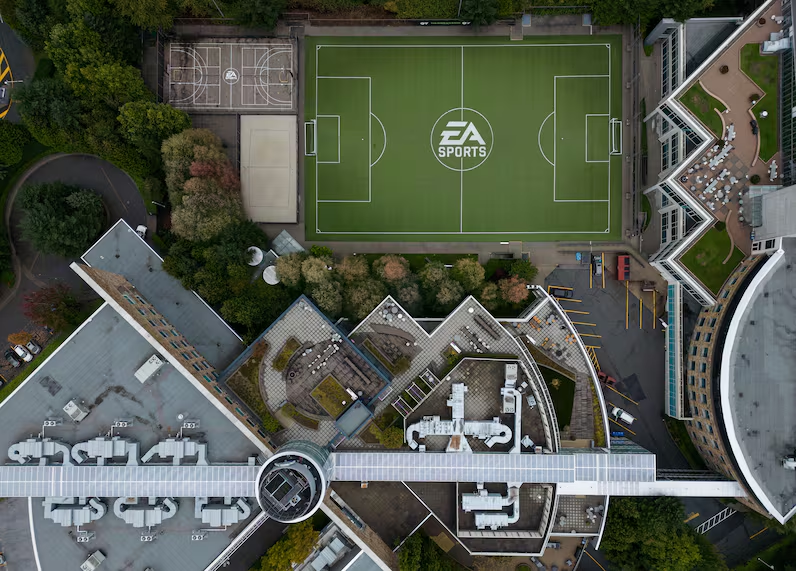
President of the Communications Workers of America (CWA) Canada, Carmel Smyth, has called upon the Canadian government to investigate the $55 billion EA buyout by the Saudi Arabian PIF, Jared Kushner’s Affinity Partners, and Silver Lake. In a letter to Canadian Minister of Industry Mélanie Joly, Smyth said, “The structure of the proposed acquisition puts the thousands of Canadian EA workers at increased risk”, among other concerns raised. Electronic Arts has a large presence in Canada with 5 locations across the country, with offices in Vancouver, Toronto, Victoria, Montreal, and Edmonton. This new call for scrutiny follows similar actions taken by 46 US House members in a recent letter to the US Federal Trade Commission.
Table of Contents
Canadian Parliament – Bill Badzo/Flickr
Canada’s Cause for Concern
The call for action from the CWA echoes similar concerns raised by other groups, such as the recent US House letter to the FTC, and the Players Alliance HQ, the group currently petitioning the US government to investigate (and hopefully halt) the sale. Among the three investment groups seeking to purchase EA in the landmark $55 billion deal is Saudi Arabia’s Public Investment Fund (PIF), the sovereign fund of Saudi Crown Prince Mohammed bin Salman. Many have voiced concern over Saudi Arabia’s involvement due to the state’s previous human rights record and international relations. In Smyth’s letter to the Canadian Minister of Industry, she highlighted the power that Mohammed bin Salman holds:
[…] it is also highly relevant that, because the deal would put EA under the near-absolute control of PIF, not only would EA be closely economically integrated with the Saudi Arabian government, but control would effectively be solely in the hands of Crown Prince Mohammed Bin Salman, the unelected monarch of a country with, at best, a very different approach from Canada to personal autonomy and privacy and at worst a highly troubling record of human rights abuses including surveillance and misuse of information.
Darryl Dyck – The Canadian Press
National Security Fears
Not only is the CWA concerned about Saudi Arabia’s human rights record, but they are also worried about the threat that sovereign control by a foreign power could pose to national security. Smyth said:
Saudi Arabia could utilize its access to Canadians’ personal information for purposes of mass surveillance, censorship, or propaganda, and we are highly skeptical Saudi Arabia would engage in these activities in a manner that is consistent with Canadian values
Another major cause for concern is the effect that the EA buyout may have on Canadian workers, with the CWA fearing layoffs “The deal is being financed with US$20 billion in debt; as a result, some analysts suggest layoffs are one of the key ways the company will seek to cut costs in order to service its massive debt.”
You can read Smyth’s full letter on the CWA website linked below:
What are your thoughts on Saudi Arabia’s ownership of Electronic Arts? Let us know in the comments below, and stay tuned for all updates on the EA Buyout!
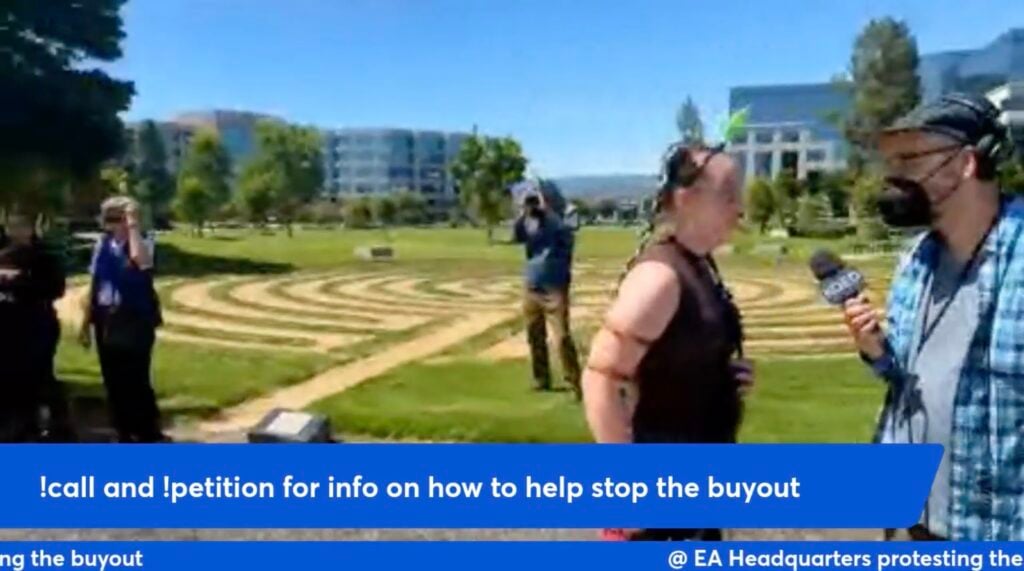
Today at 11AM Pacific Time there was an EA Raid. More specifically, an EA Raid protest.
Typically what you would assume when hearing about an “EA Raid” is people causing mayhem and running around places they shouldn’t. As possibly seen in recent newer trends on social media and TikTok.
This was just titled as such. This raid was essentially a peaceful protest in front of the barricaded EA headquarters. The security and EA team allowed for folks to gather and tell their part, but not further into the premises of the EA building.
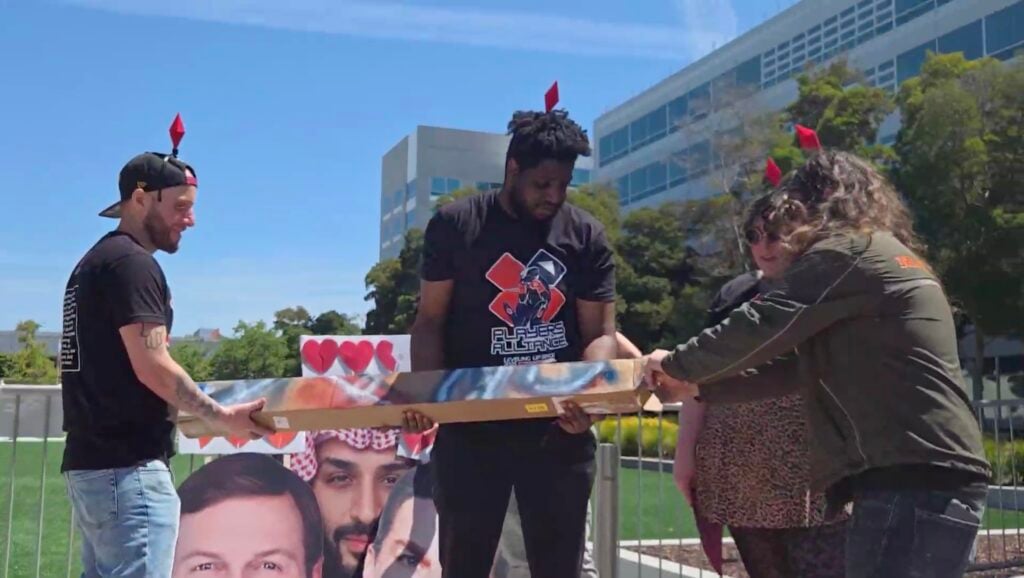
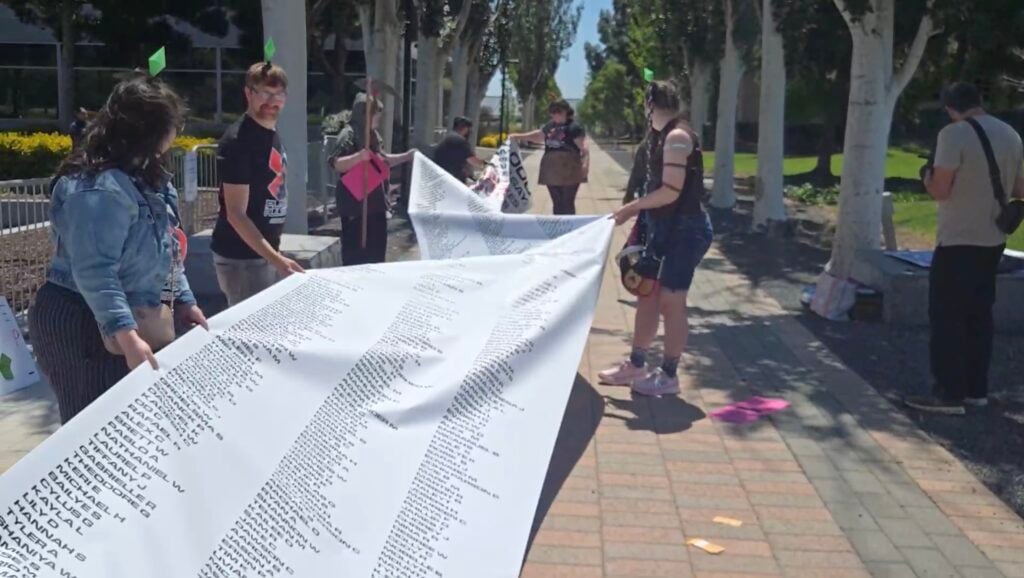
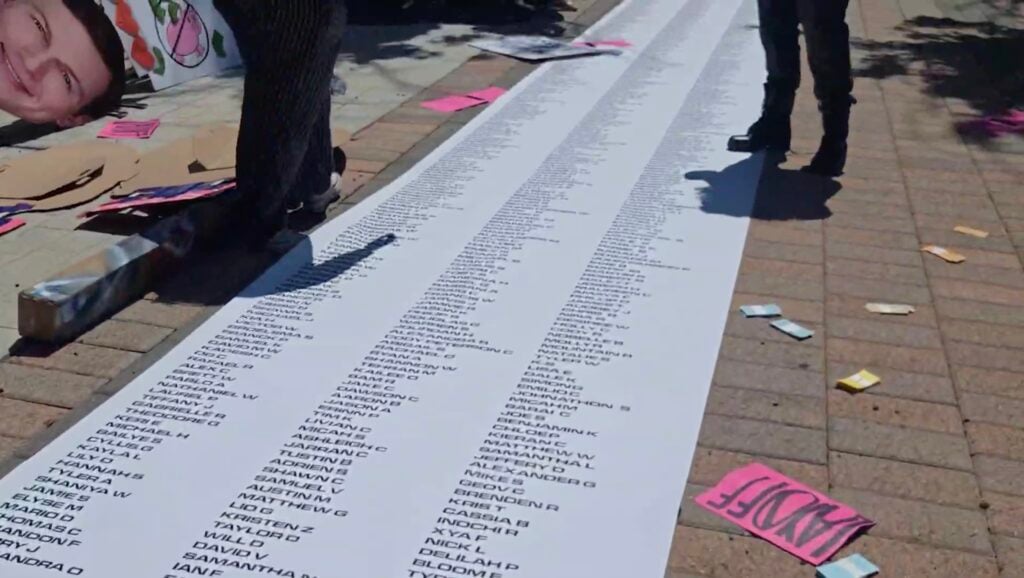
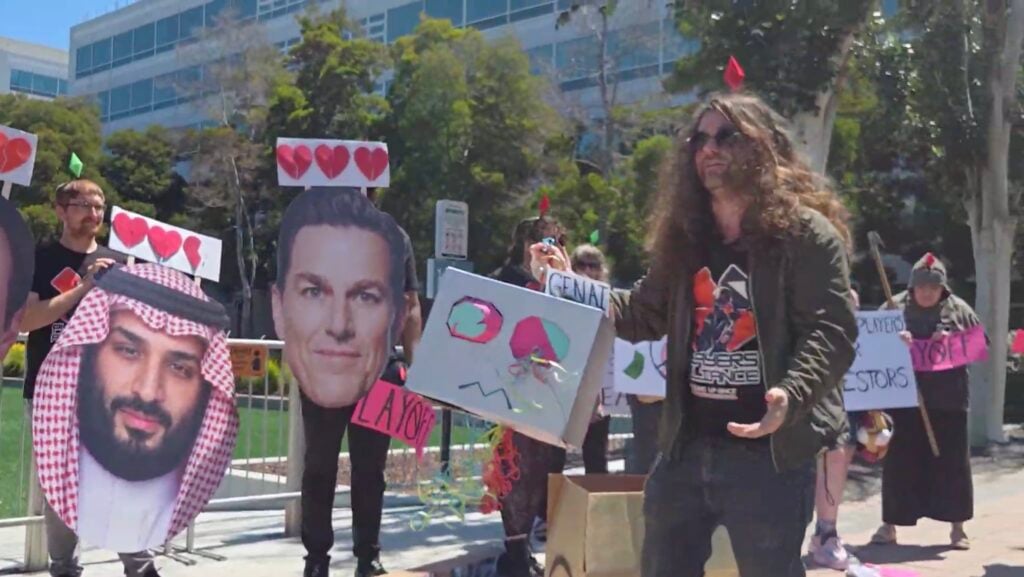
Event organisers of this raid Player Alliance worked excellent to get the message of this EA Raid protest across by delivering excellent props, metaphors and a 50-foot scroll of everyone who signed the recent petition to stop the EA buyout.
Here’s how the story developed:
The EA Raid Protest on May 11th, 2026
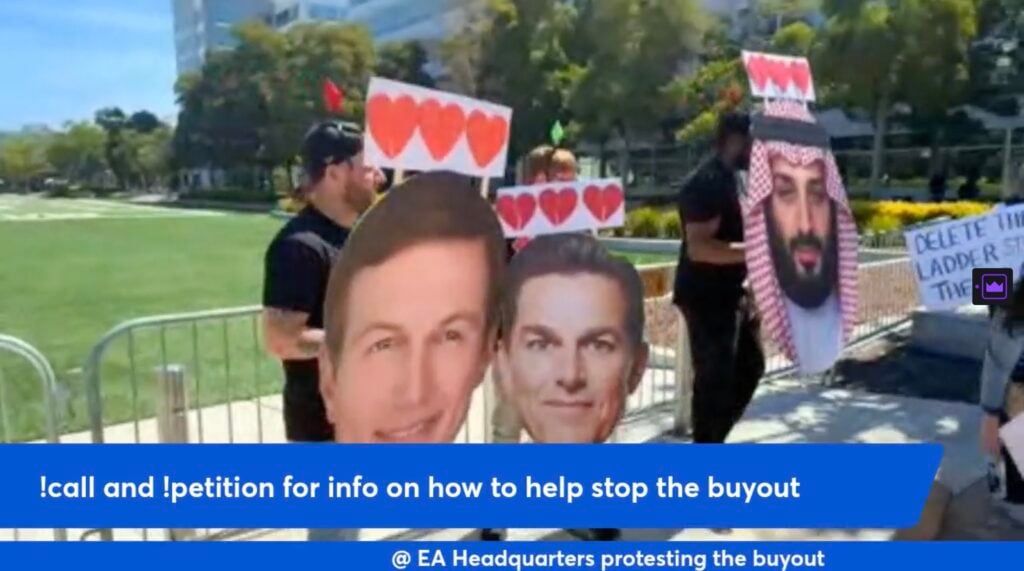
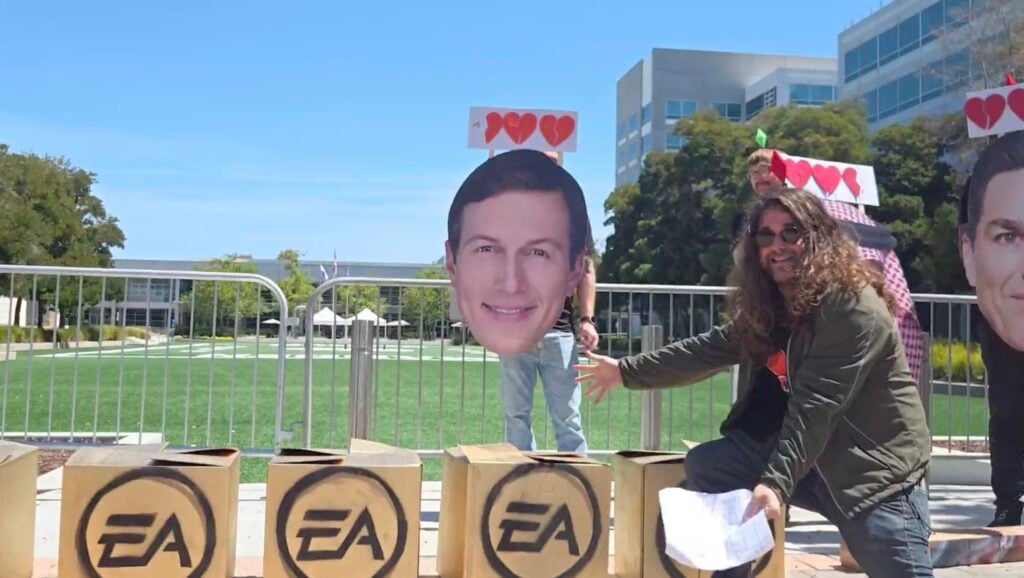
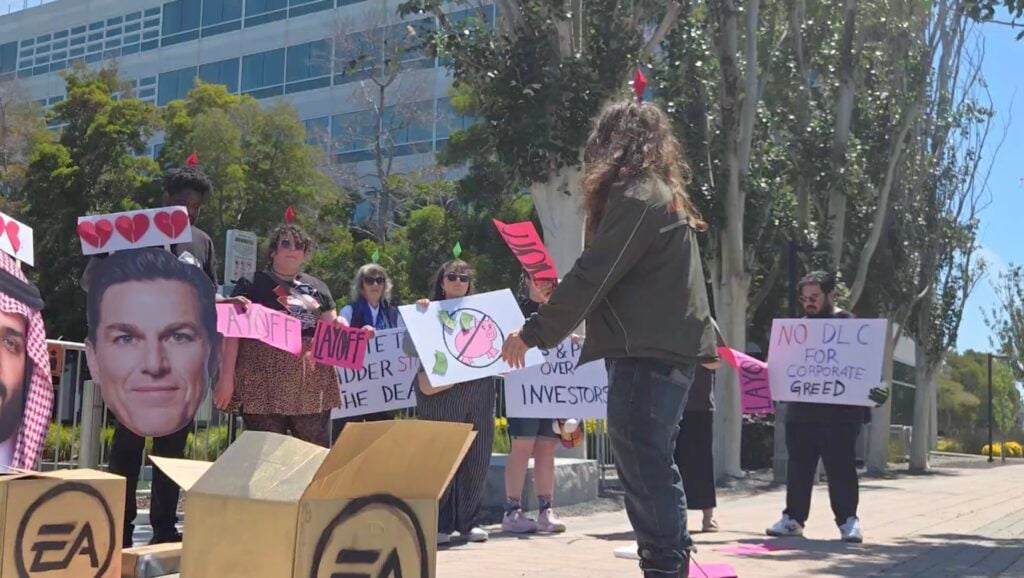
Image captures courtesy of Zefrine and SlayerKase Twitch channel livestreams
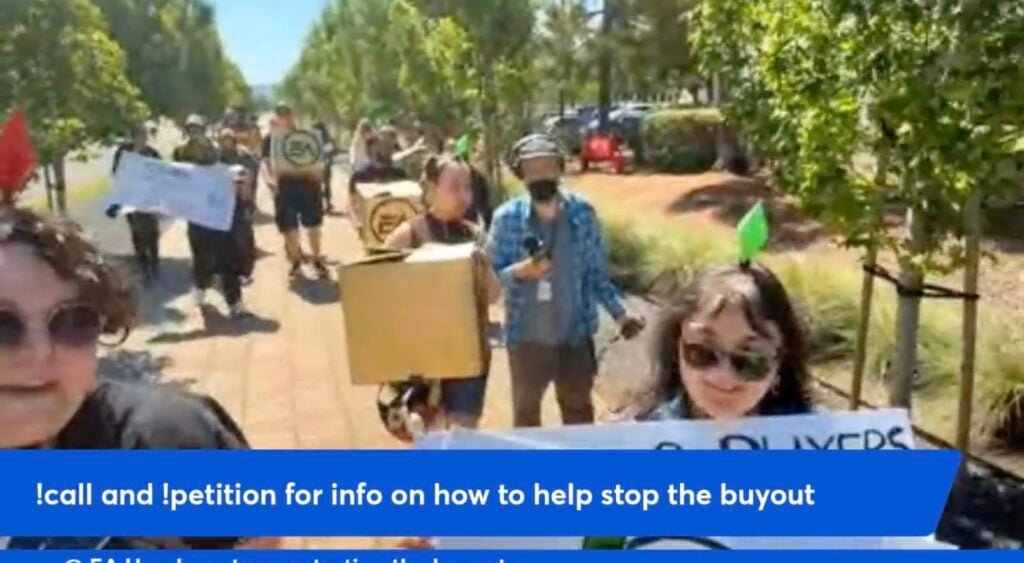
The protest began at 11AM sharp, with members of the Players Alliance team and other protesters joining to support the cause. With first signs and protest items being carried through the EA campus. Where the protesters stopped at the newly placed barricade at the Madden open grass field, further blocking the access to the main entrance building.
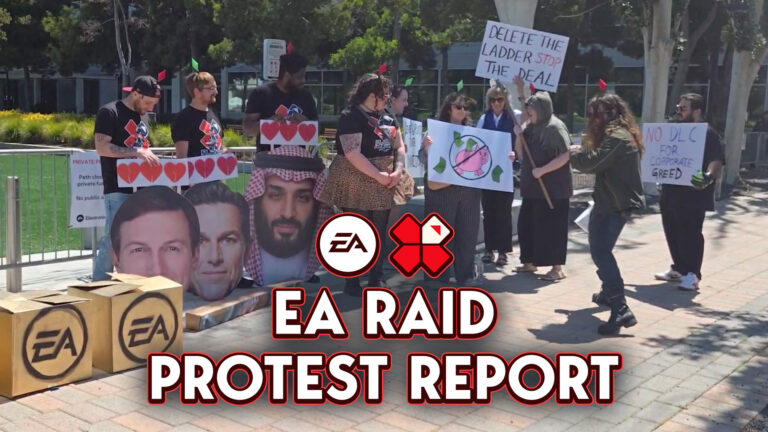
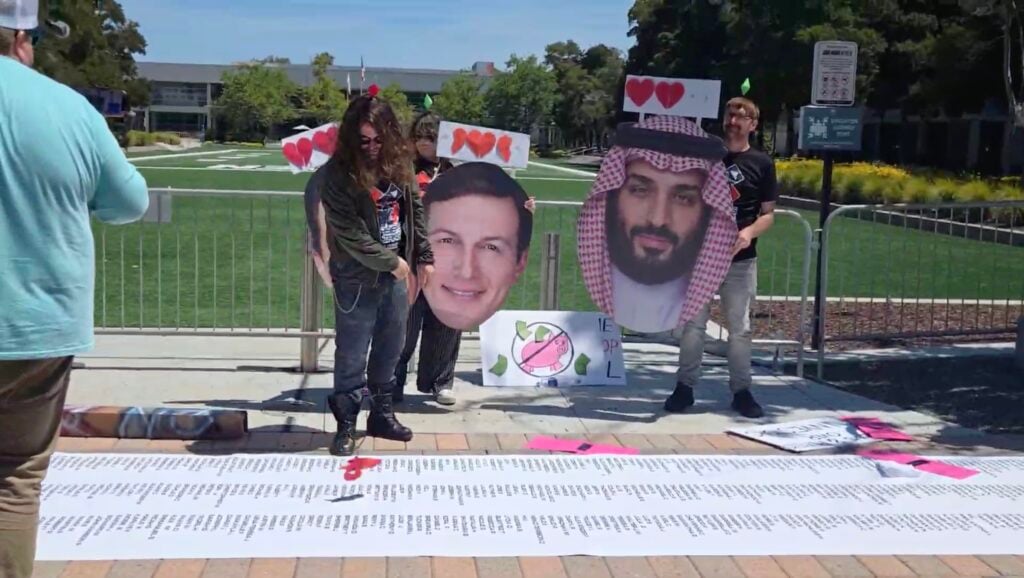
The protesters were accompanied by media outlets and official media team members who were ready to capture the EA raid as it happened. After which the protesters revealed their first protest props – including the large sized head cutouts of Jared Kushner, Andrew Wilson and Mohammed Bin Salman. The main stars of the EA buyout controversy that’s been reported about over the last couple of months!
This protest had its main speaker SlayerKase who was charming with his humor and kept the attention on serious topics after each joke. Without stuttering a single time during the stream, I was under the impression that the entire 1 hour speech, interview process and prop comedy was rehearsed times and times before.
But it was natural, with passion and followed through several different topics of discussion. Introducing the viewers to the main stars (Andrew, Jared and Mohammed) and their impact on the industry, interviewing the members of the Players Alliance team and other protest members. After which SlayerKase slowly shifted the attention to the loot boxes in front.
Each loot box placed in front of the EA headquarters was filled with statements, papers and props that represented what players will be getting after the EA buyout goes through.
“Wait there’s more?! Why are they closing industries” the presenter says as he opens the final EA loot box. “Why are they closing studios. I gave them my money. Why are they telling me I didn’t buy enough of their games?!”
“Layoffs for everyone” after which he handed out papers with “Layoff” written on them.
The demonstration in front of the EA campus concluded with the final box getting opened. Which is the 50-foot scroll of over 70 thousand signatures requesting to revert the EA buyout deal.
As promised by the event organisers, this list will only get bigger.
The EA raid protest demonstration ended on a lighter note. With the protest organisation telling players and viewers to call their legislators, have their voices be heard and get active in with real life movements. “We have to put a stop to this at one point so why not now?” stated Zefrine in the closing statements.
“This is just a metaphor of the industry they championed, and we wanted to use their terms. The only way we can keep this going is with you guys. We can’t do enough just us here. We need all of us together.
I have some other ways that you can level up. That you can gear up. That you can recruit the party. I want you to talk about it. I know you have that gaming buddy that rants about stuff like this. I know you’ve got someone who’s fed up with EA in your life or is fed up with some gaming corporation. The corruption that these three men champion – I need you to talk to them.” – Slayer Kase
The EA raid protest team concluded the protest by telling everyone to leave the place as they found. No trash, no littering and leaving it as if nothing happened. Which is the best way you can conclude a peaceful protest.
The full documentation, list of demands and 70K signatures were later handed over to EA representatives at a different entrance. When the protesters tried to enter further they were greeted with “It’s private property” by the EA spokespeople, who kindly accepted the papers and said they’d forward them to the EA team.
“We’re here to deliver a petition. We’re not here to ruffle any feathers or throw anything around or yell.” said SlayerKase as he politely shook hands while handing over the documents.
The EA raid protest was a great demonstration on how to set an example for a first peaceful protest for this type of ocassion. It felt like the EA security team was prepared for the worst given the current climate in the video gaming industry and general creator media, and were possibly themselves surprised with how everything turned out in the end.
This wasn’t done for personal attention. It was done for the love of the game, the legacy behind them and the people that make them. We can judge and become the best backseat protest organizers and high critical thinkers of what should’ve been done better for this occasion, but anyone who takes the first step to do something in real life has no room for additional remarks.
This protest isn’t anything that can single-handedly overturn Andrew Wilson, Jared Kushner and Mohammed Bin Salman’s decision to join forces and enjoy the money they’re set out for. But it can certainly rock the waves of people and media encouraging change and that things can be better.
“Be active. Do something. Doing something is better than doing nothing. Make those keystrokes. Make those phone calls. Tell people how you feel. And know that with this scroll and with this Player’s Alliance – you are not alone.” – SlayerKase from Player Alliance
Replay of The EA Raid Protest
A full replay VOD and proffesional video of the EA raid protest with no stutters will be available soon. is here! Check out the full replay from Zefrine’s channel:
There are 35 minutes of the EA Raid that you can watch through in bits down below on SlayerKase’s channel.
What are your thoughts on the latest EA raid protest that took place today? Let us know in the comments below and stay tuned on Sims Community for more games coverage!
The Sims Insider claims they’ve been asked to stop sharing insider details following the report of Sims Pack sales.
All good things come to an end. So does the (almost) constant flow of weekend insider reports on The Sims and its future projects in development. After revealing the sales performance of Sims 3 and Sims 4 Expansions and DLC, the Sims Insider from ATRL reveals with a heavy heart that they cannot keep updating the information with public knowledge.
The latest report from this Sims insider was posted just two hours ago. With the insider stating that they’ve been contacted by an “ex-employer” with heavy emphasis on the air quotes, asking them to stop sharing certain information.
Apparently, sharing the sales figures “have caused some controversies as they didn’t want that information public” inside the EA circles. The Sims insider gave out a final reason stating that “there’s a reason” for this. Possibly hinting that the sales figures of Sims 4 Packs and DLC will determine the order of future releases for The Sims Project X.
Table of Contents
Read the full statement below:
Final Statement on The Sims Secrets
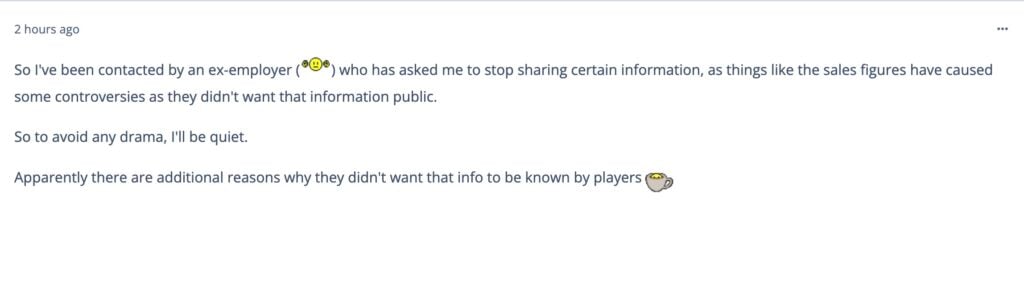
So I’ve been contacted by an “ex-employer” who has asked me to stop sharing certain information, as things like the sales figures have caused some controversies as they didn’t want that information public.
So to avoid any drama, I’ll be quiet.
Apparently there are additional reasons why they didn’t want that info to be known by players
Final Secrets from The Sims Insider
Before this final goodbye, this Sims Insider shared last bits of information on The Sims sales performance and The Sims Project X development. Revealing interesting information like 7-12 million concurrent players of The Sims 4 on Console every month. And the fact that The Sims Project X development is doing well.
Read the final insider statements:
Sims 3 Sales and Sims 4 Console Performance
Question: Why did the numbers dip so much during TS3 when it started out with 2.1 million with World Adventures ?
Sims Insider: I know I’ve missed a lot of responses and I’ll get to them, just very time poor at my current job, deadlines and stuff.
The Sims 3 started really strong but gradually overall interest faded quite quickly. The open world wasn’t received as well as expected for both technical/performance reasons and design feedback. There was quite a large amount of internal feedback that the game didn’t focus on “the sims themselves” and too much about the world.
I don’t know if I agree with that as being the biggest reason but it’s the one that was considered throughout 4’s development and framed how EA announced it to the world. But I think it goes back to what I’ve said in the past, that EA found with the smaller environments; players were more likely to explore and invest when something new was always a short distance from their Sims houses in the world etc. I’ve talked about it in the past.
And yes. EA know they struck gold with 4’s overall presentation with the public etc. and the gameplay loop that built from that.
But console also has a decent part to play in that, console alone gets around 7 – 12 million or so players a month for the last year or so, which is insanely high for any game, let alone for a mostly PC based audience. So while console alone isn’t the sole reason for the games success, it’s definitely adding quite a boost to every DLC that The Sims 2 and 3 didn’t have. Though not enough to even out the playing field.
But you can understand why EA want to try and profit off console players with things like Creator Kits and the Marketplace being largely framed as “giving console players access to CC” because there’s a good sized audience they’re targeting.
But overall it’s something to consider when you compare Sims 3 to Sims 4, Sims 4 is getting a slight boost that Sims 3 didn’t have the opportunity to have. But not enough to drastically change numbers.
On Sims 4 Bridgerton Kits
Statement: One hour until the Bridgerton Kit reveals… I can’t believe this is what we have resulted to
Sims Insider: It’s quite interesting that EA are choosing now to have collaborations. I knew an event was coming, had no idea it was Bridgerton themed. This whole collab in this case has been in the works since Dec/Jan when I was told about the event.
Sales and Investors
Statement: These numbers are very insightful. I expected the occult packs to have higher numbers considering how they keep making them, and yet the buggiest, worse functioning game pack (Dine Out) is out there outselling half the expansions
Sims Insider: The answer is Investors.
Obviously, Investors know how much money the game makes, but what EA doesn’t want is a constant flux of sale figures to paint the story for them.
For example, Free to Play. A lot of investors likely didn’t think it was a good move to move to Free to Play, so EA had to show them it was.
That’s the reason why on the same day they announced Free To Play, they confirmed 50 million players had already been playing the Sims 4. The second thing they did, was announce to the world that Growing Together was super successful in its first month and actually confirmed sales of over 1 million. The reason they did that was simply to ease Investors who weren’t on board with the strategy.
Otherwise, it’s a numbers game. Look at 2022 versus 2023.
2022 had 1 Expansion Pack, as did 2021. Post going Free to Play, EA couldn’t 100% confirm it would backfire sales wise and that the drop in base game revenue wouldn’t result in a dip in overall profit. So they secured three Expansions and brought back Stuff Packs for extra measure.
Luckily for them, it worked extremely well. But had it not, they had an additional two Expansions plus a Stuff Pack over the previous year to make up the difference.
And even if each DLC sold less on average than something like Cottage Living, the amount of DLC would pick up the revenue in hopes year on year it would be similar or better.
So really EA making the Sims 4 sales private works in their favour because it allows them to control the narrative. Instead of having “hey our DLC flopped this year” and risking investors pulling back, they can just say “hey we had X amount of revenue this year” and make it up that way.
That’s why the only time you’ll hear EA ever confirming sales for something is to ease investor concerns. Once they are eased, it’s all private so they can control the narrative. Very rarely will EA as a whole report sales for the sake of it. There’s no incentive for them to do so.
Statement: I could see this being a part of the issue.
I got The Sims 3 when it launched in 2009 and installed it on our family computer. The performance was obviously not good, but it also didn’t feel very intuitive to navigate which left my first hand impression of the game unexicited. I went back to play The Sims 2 until a few packs in.
Sims Insider: It could be. I think the issue lies the overall package. I personally don’t mind the look of the Sims or the game in general, but I suppose I’m blinded by nostalgia. All I dared about was crossing the road and being able to leave my Sims lot boundary. But at the time, people thought the Sims especially looked awful. I believe the term devs spoke about was pudding chins or faces or something was a big talking point. In my opinion, a Sims game where people don’t like the look of the Sims is probably a huge red flag before you even get into the open world. You probably lose a decent chunk of your audience there when they can’t make their Sims look how they want. The world design I don’t think was perfect for keeping players invested, but I don’t think it was the biggest problem.
Especially when The Sims 4 released that Create a Sim demo and the reception was extremely positive despite the rest of the game people were more critical of. I do think that was a strategic move that paid off and was probably the one thing EA did well in 2014. People immediately felt more happy with the results of their Sims and probably had a whole plan in their head of what they were going to do with them which only helped people feel ready to move on when the game launched.
This is of course my opinion, EA’s finding was the open world was the biggest pain point, I just think character design in a life simulator game is extremely important. You want your characters to look good.
Things Going Well For Project X Development
Question: Hey! While I’m reading through your posts, can I ask if there’s any new or old info about Project X that you haven’t shared yet? Honestly, I was expecting some kind of leak from the April playtest, but it seems like everything there was super strict, because we still have absolutely nothing…
Sims Insider: I don’t really have any news on that front. Things are going well. No news on any changes or cancellations, they’re just in the thick of it right now. They’re in that long stretch of development where everything is at different stages.
What are your thoughts on the latest, and seemingly final report from The Sims insider? Let us know your opinions on The Sims Project X, Sims 4 Console performance and more interesting tidbits shared above in the comments down below. As always, stay tuned to our Latest News section for breaking Sims coverage!
The offices in Electronic Arts, Redwood City have been barricaded ahead of the announced “EA Raid”.
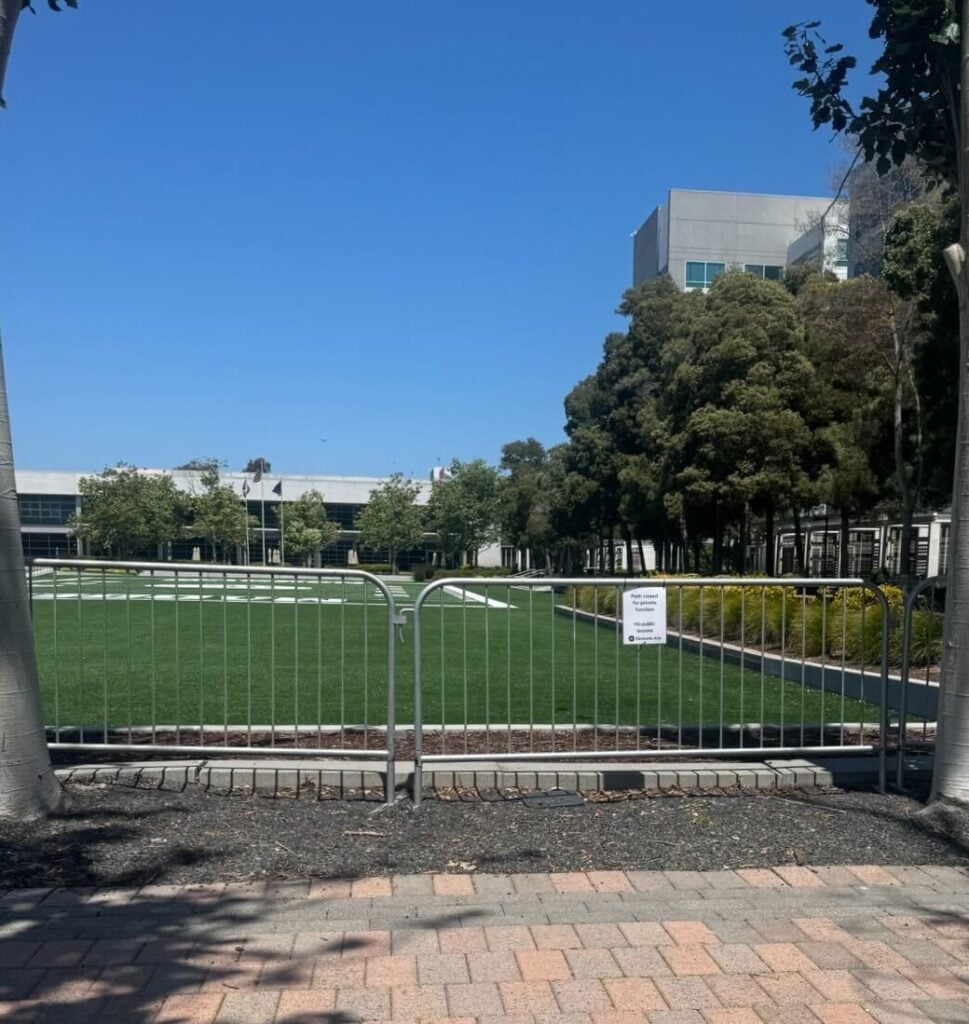
We received an official Press Release from The Players Alliance HQ regarding today’s planned “EA Raid” on the EA Headquarters in Redwood City, California. According to the official release and first photos from the EA HQ site, the security team at EA Redwood City have barricaded the public Madden campus and any public areas that non-employees could access and visit.
Here’s what the Players Alliance just reported about the new metal barricades placed down at the EA HQ campus:
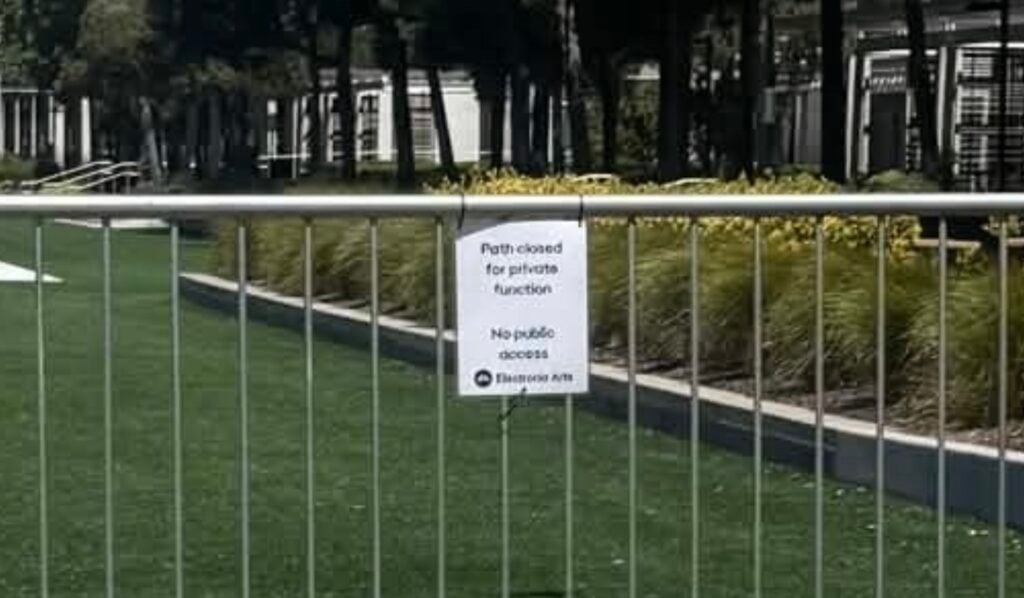
Ahead of the raid, EA has placed metal barricades around the Madden field in an apparent effort to prevent gamers from accessing the center of the campus, a move organizers say shows EA is already feeling the pressure from growing public opposition to the deal.
In addition to the metal barricade, EA has also put up a printed note that says “Path closed for private function. No public access”.
Here’s the full Press Release from The Players Alliance in full. Including information about today’s planned EA Raid on May 11th, where people can watch it and what they can expect during the EA Raid protest.
TODAY: Gamers Raid EA HQ to Denounce $55 Billion Saudi Buyout
Delivering 70,000 Petition Signatures Demanding Federal Regulators Block Deal
Redwood City, CA — With federal regulators yet to approve the $55 billion leveraged buyout that would hand Electronic Arts (EA) to Saudi Arabia’s Public Investment Fund (PIF), gamers with the Players Alliance will “raid” EA’s headquarters in Redwood City, California to denounce the deal and demand the stop of the sale. The deal would load EA with $20 billion in debt, which gamers say would pressure the company to cut jobs, replace developers with AI, and impose price hikes through more aggressive monetization.
Gamers in cosplay as video game characters will unroll a 50-foot scroll bearing more than 70,000 petition signatures on the Madden football field at the center of the campus. Gamers playing the role of the corporate villains behind the deal will appear alongside large cardboard cutouts of EA CEO Andrew Wilson, Jared Kushner, and Saudi Crown Prince Mohammed bin Salman, along with oversized loot boxes and placard signs highlighting the consequences of the buyout, including mass layoffs, studio closures, and exploitative monetization.
Ahead of the raid, EA has placed metal barricades around the Madden field in an apparent effort to prevent gamers from accessing the center of the campus, a move organizers say shows EA is already feeling the pressure from growing public opposition to the deal.
WHAT: Gamers will stage a direct action at EA’s headquarters to denounce the $55 billion buyout of EA, led by a Saudi-backed private equity consortium.
WHO: Members of the Players Alliance, an organization of gamers, developers, and creators fighting corporate greed in the gaming industry.
WHERE: EA Headquarters, 270 Redwood Shores Pkwy, Redwood City, CA (Meet up in the Nobb Hill Grocery Parking lot).
Even in a drought of major content and new additions, we will still see major Sims 4 Updates and all the fun things the come along with them. Some things will be fixed, some things will be broken, and any mods will have to be updated. The Sims 4 May Patch is major and plans to answer over 150+ player-reported issues listed on the Laundry List recently released by The Sims Team. Everything from horrible caregiving autonomy to the dreaded black and missing photos, and really everything in between is at least being partially addressed.
While the majority of players have been through this before and this is not their first rodeo, it is always a good reminder to take steps to prepare for updates to avoid the many problems that can arise when you mix brand new features, fixes, and changes to the game when colliding with brand pre-existing saves and mods folders.
Table of Contents
What To Expect?
A new Base Game update is dropping for the Sims 4, this coming Tuesday May 12th 2026. This update is set to include new features and over 150+ bug fixes of glitches, broken features, and problems in the game that have plagued the community for a long while, some for years. This update is set to come out for all platforms, including Windows PC (Both the EA App and Steam), MacOS, Playstation, and Xbox.
This update is part of a much larger project by EA to go back and correct issues for players that have persisted through the multitude of updates, DLC, and content over the life of the Sims 4. While this update will contain only certain fixes, the Sims Team is still actively requesting that players post on the EA forums, upvote problems that they’re also experiencing, and provide save files and other evidence of these issues.
To check the full laundry list and what is to come, click here!
What’s Coming In This Update?
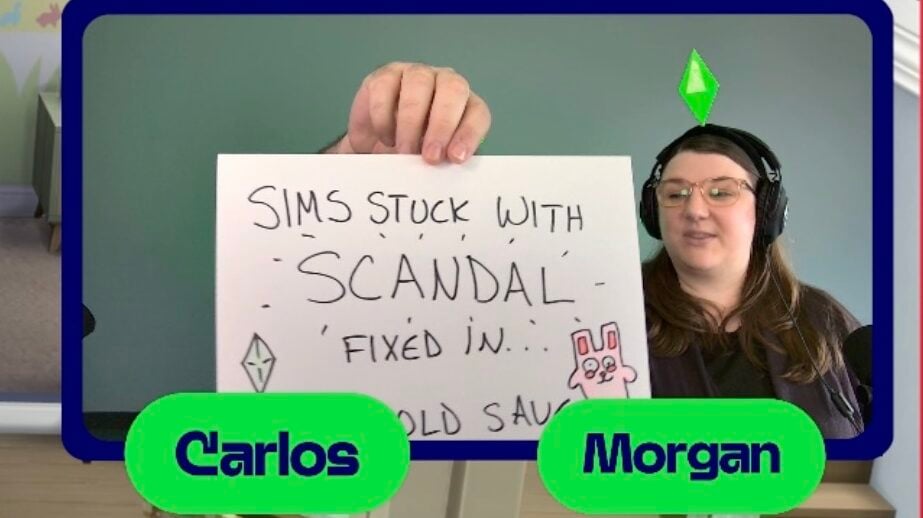
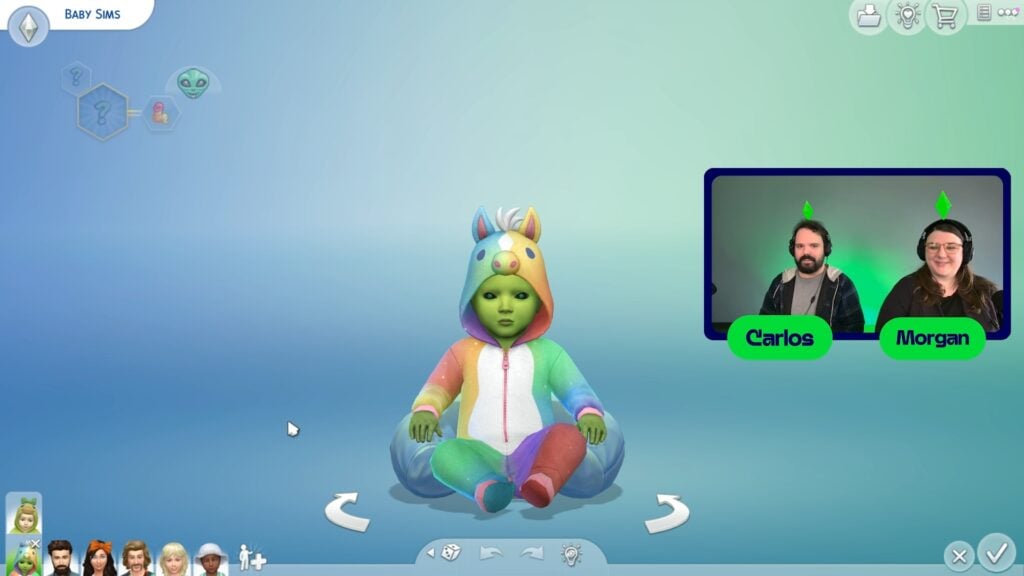
To go over the major fixes in the Sims 4 May Patch, the Sims Team went over them in a massive EA Forums post, and they also hosted a livestream where the team played the updated game to show the fixes to an audience directly, answer questions, and dive deeper into what the update entails.
If you weren’t able to tune in, you can check out our livestream recap here!
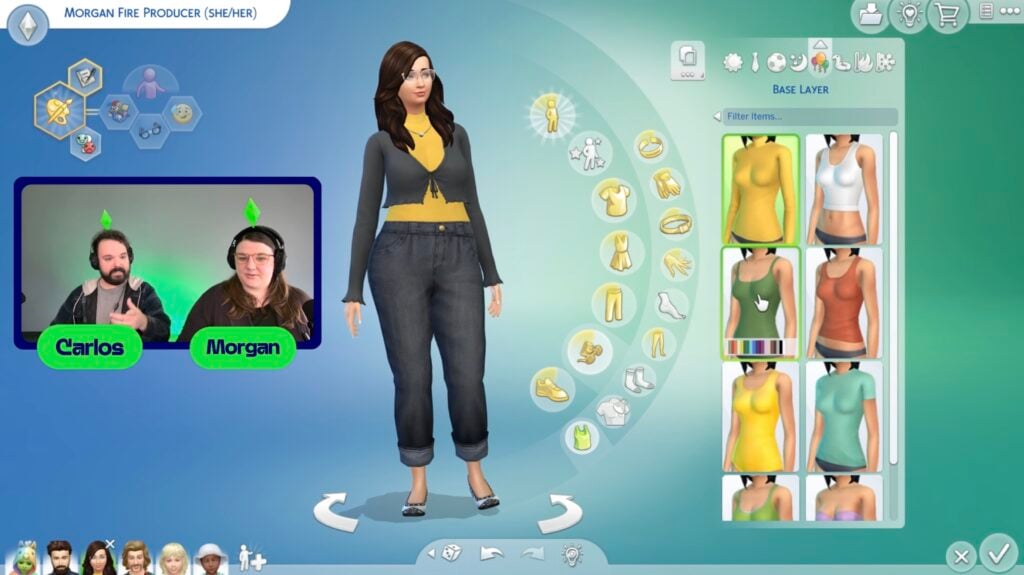
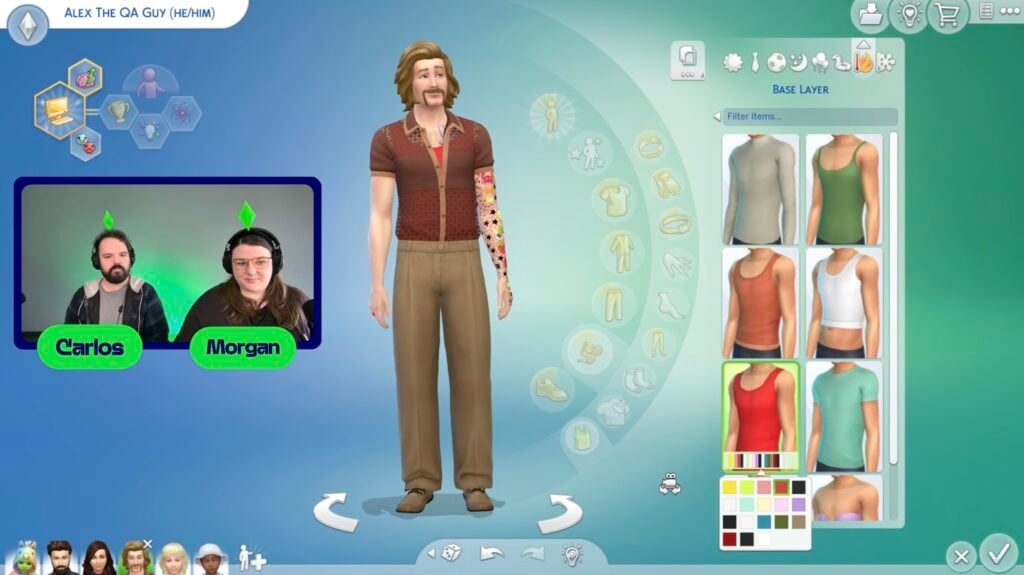
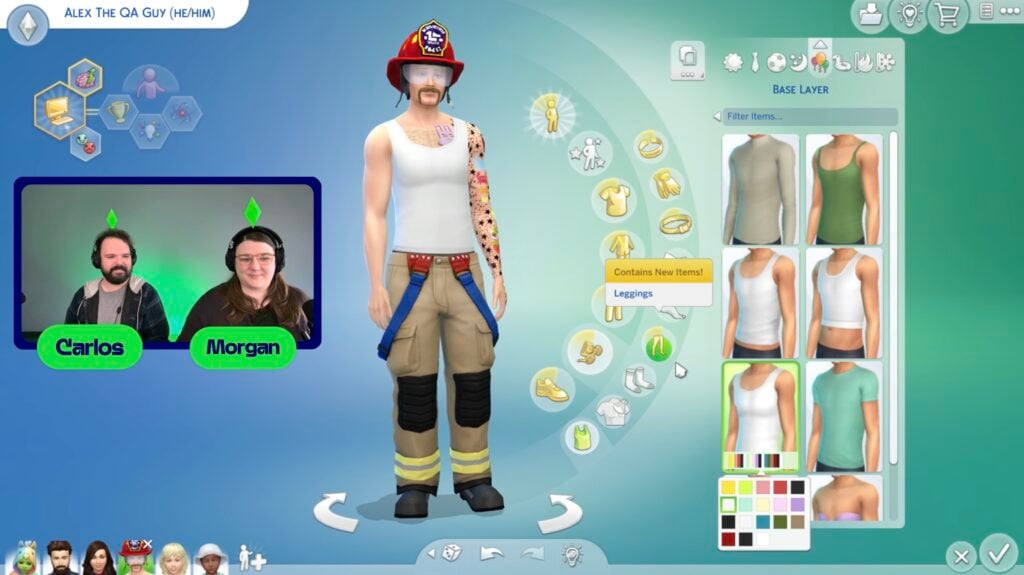
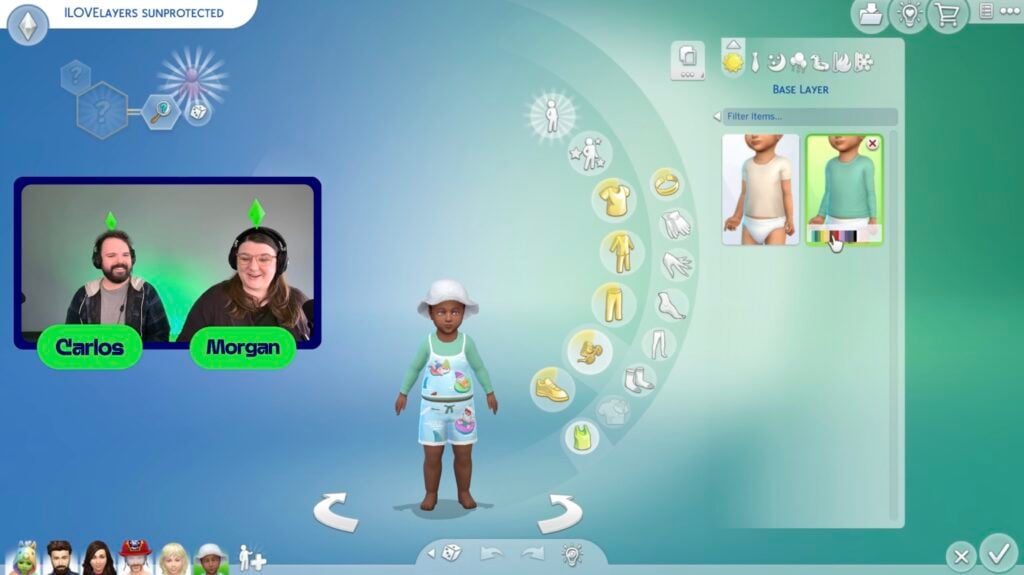
Base Layers
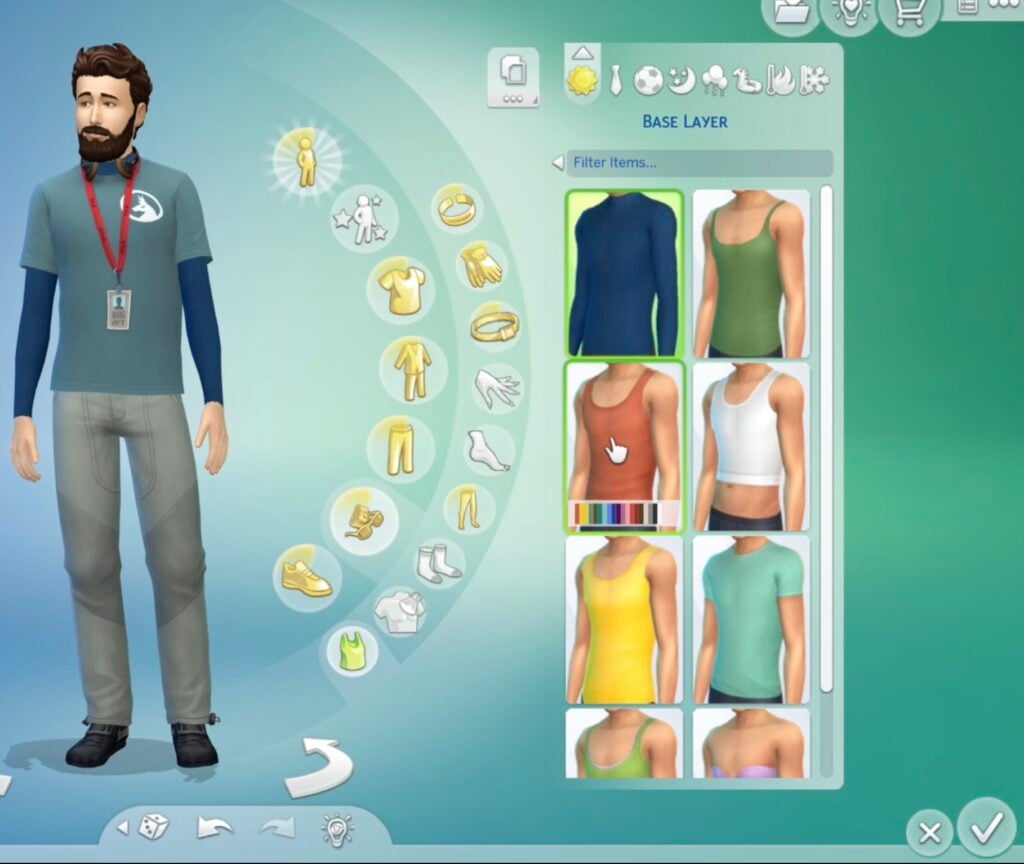
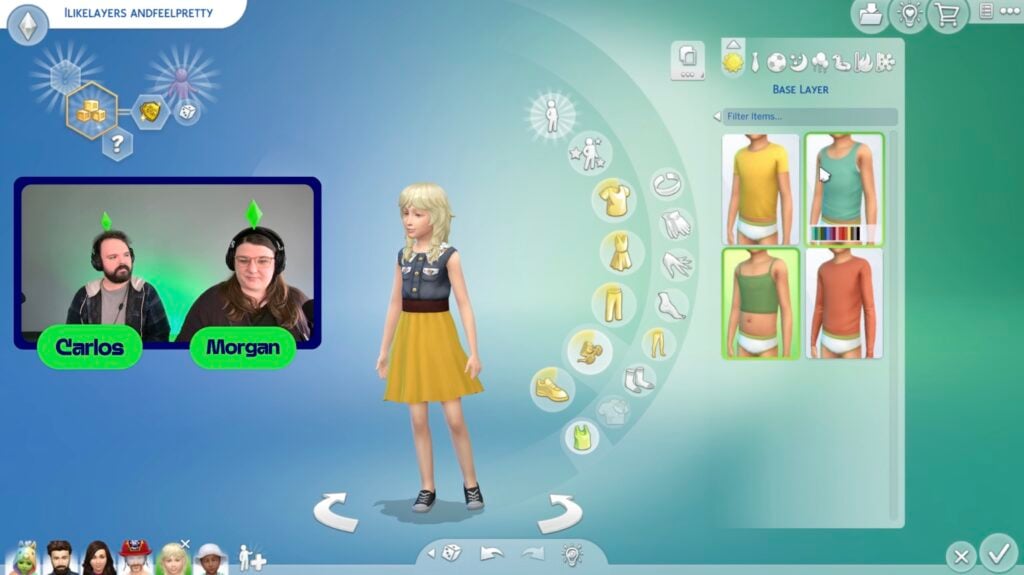
A new system for “Base Layers” has been added to Create-A-Sim, functioning similarly to tights in the accessories category. They’ll be adding this category for all ages excluding newborns and infants, with toddlers having two options, children having four options, and teens and older having eight options. These includes t-shirts, turtlenecks, tank tops, and more to add extra coverage or warm up an outfit.
Infant Fixes, Changes, and Addition
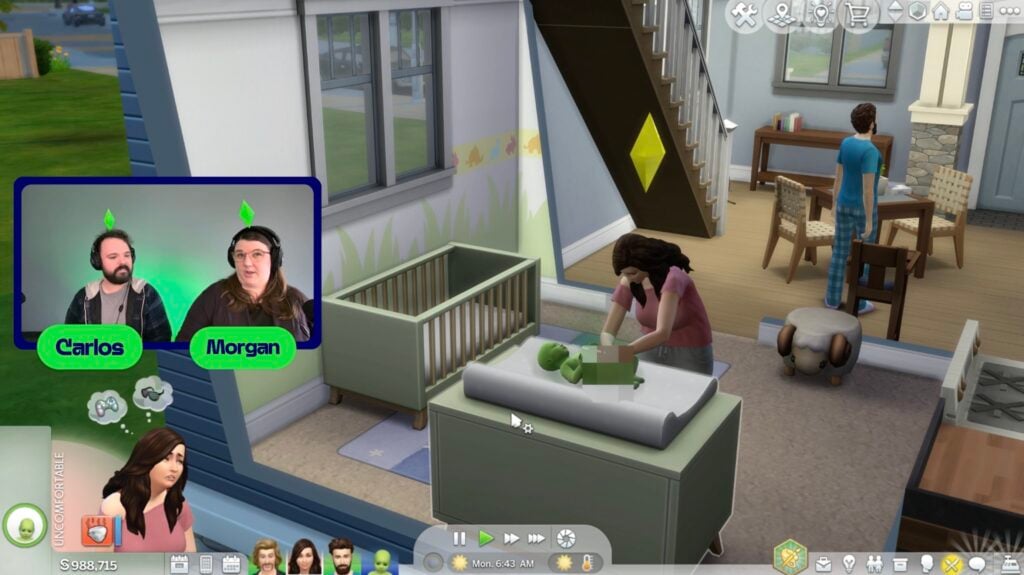
A constant issue that has persisted since infants were added years ago is the inability of Sims to function as proper caregivers. Constantly checking on infants over and over, leaving bottles and diaper trash everywhere, picking them up and putting them down, or taking them out of a crib just to put them on the floor. These have made playing with infants, especially with autonomy on, irritating for most players and sometimes downright unplayable.
Including fixing these consistent caregiver issues, there is now also an option to fully disable caregiver autonomy, making the care of infants entirely manual and player-directed. This is not a recommended setting, and is instead added for a challenge, or for players who like to have a large amount of control. Sims will still interact with their infants as sims socially, but will not perform basic caregiving tasks autonomously.
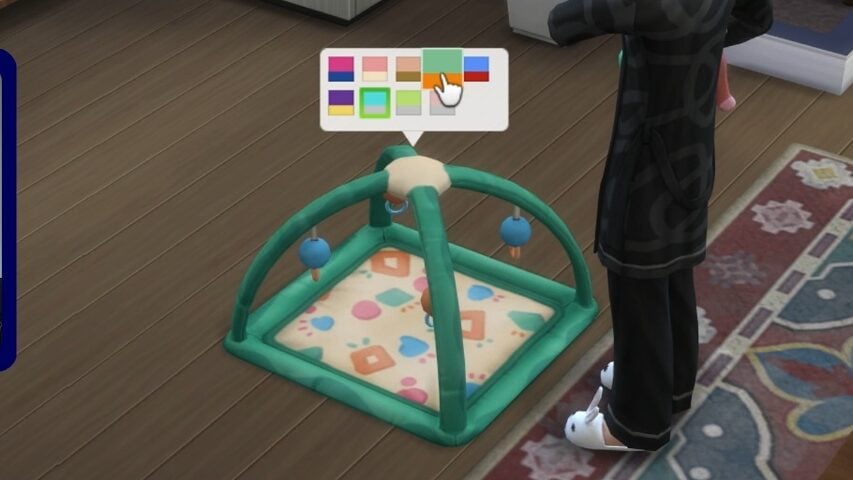
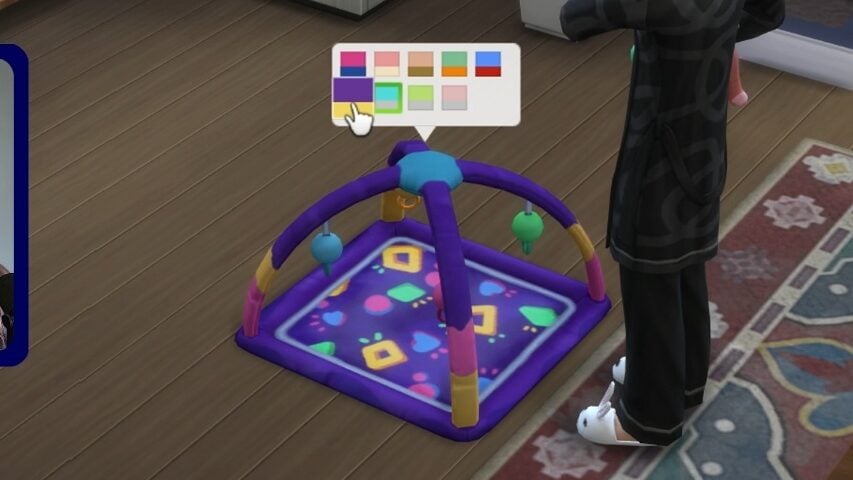
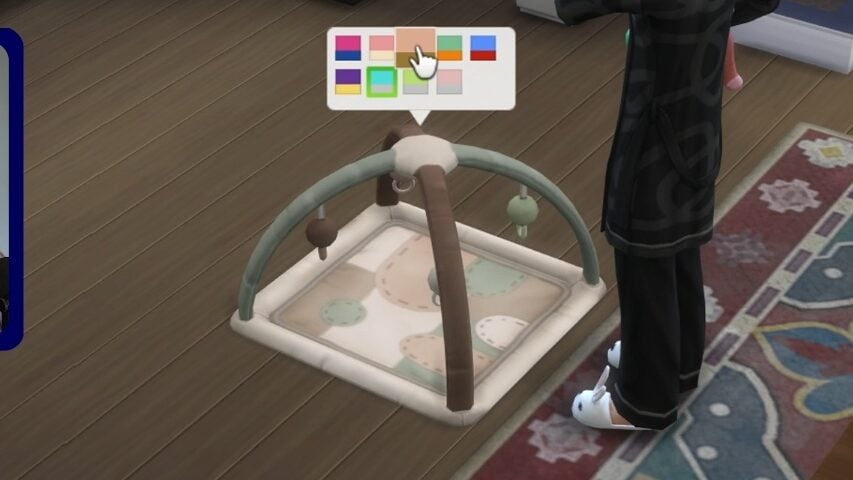
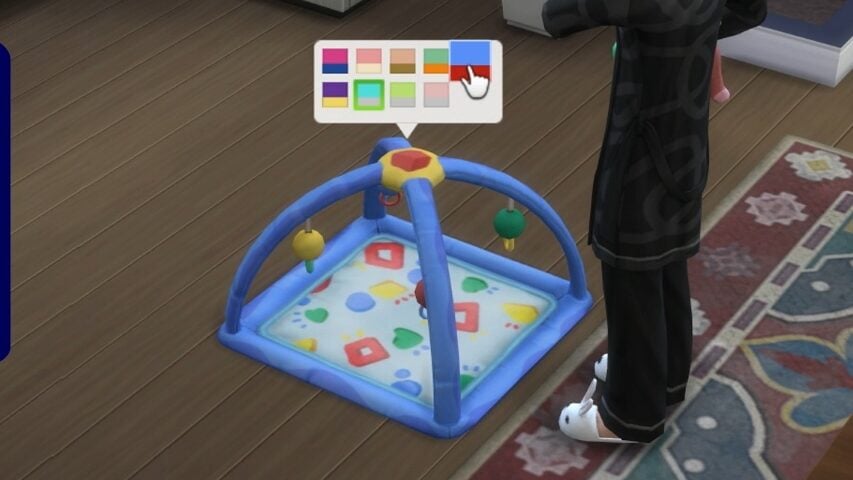
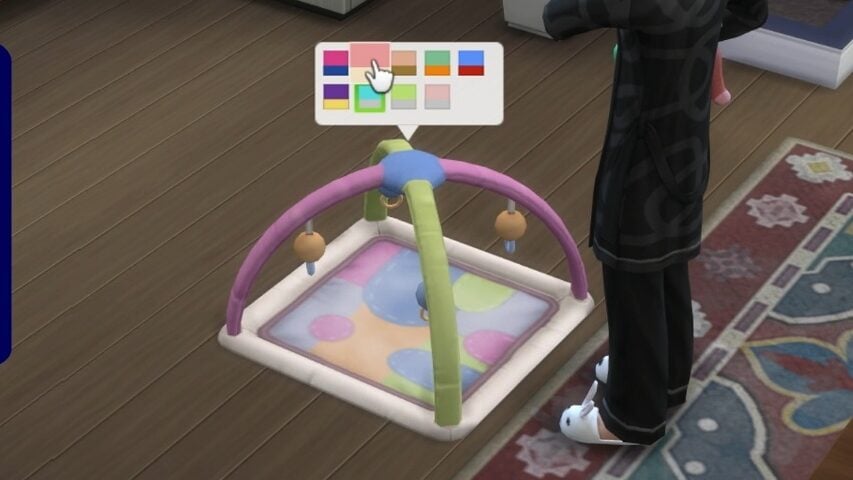
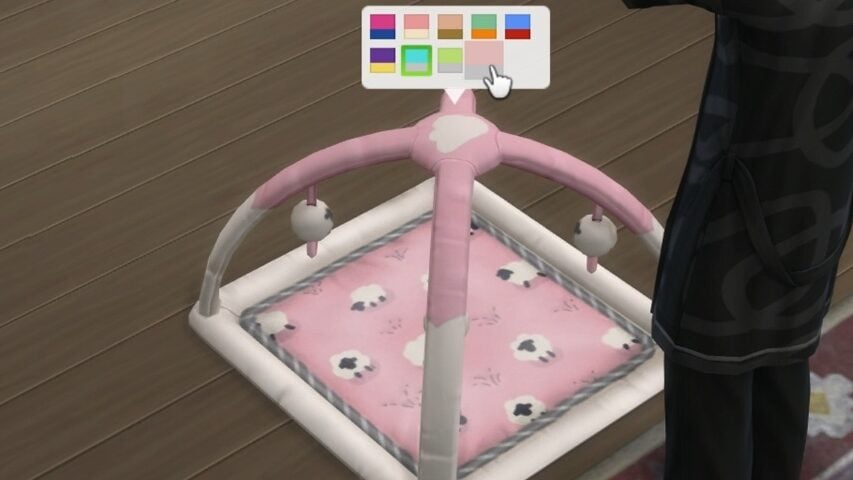
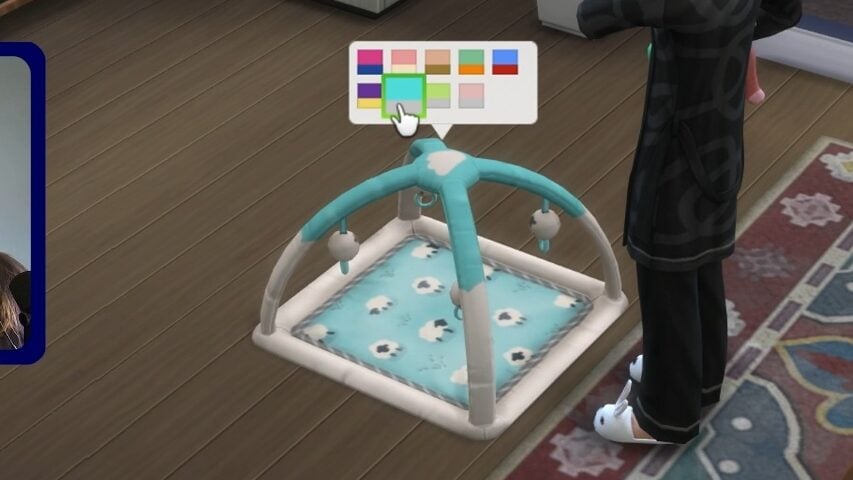
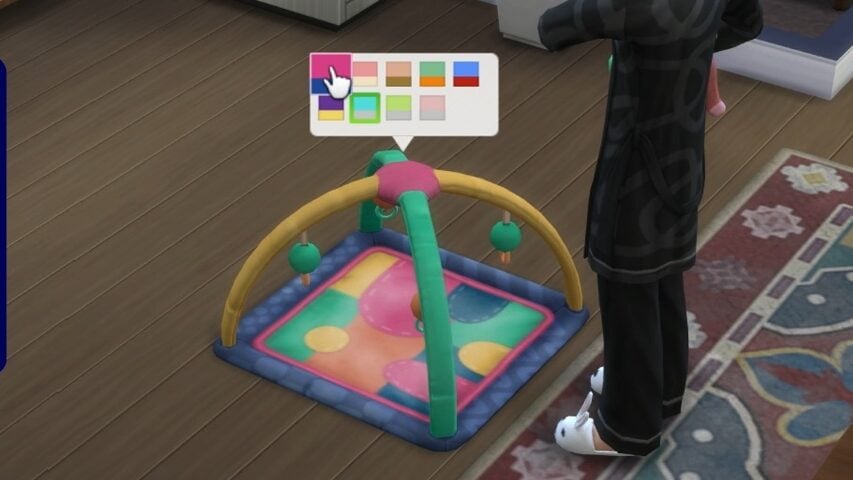
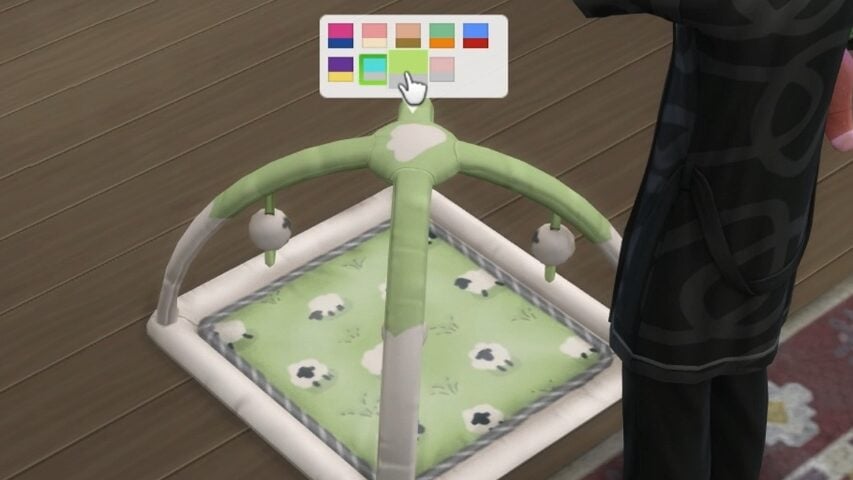
A new playmat in nine swatches is also being added in this update!
The Major Fixes
There were five large updates that are a huge focus of this
Black Photo Fixes – The team has fixed multiple instances where photos are turning black or turning white in between saves, though they requested people to keep reporting any new instances that might pop up.
Infant Interaction and Autonomy Issues – Sims should no longer obsessively check on their infants, pick them up just to put them back down, and milestones should take less time.
No secret witness sentiment for engaged sims witnessing woohoo.
Can’t place item error for new and old saves.
Sim stuck with a scandal, even after resolving it in some way, should no longer be stuck with their scandal.
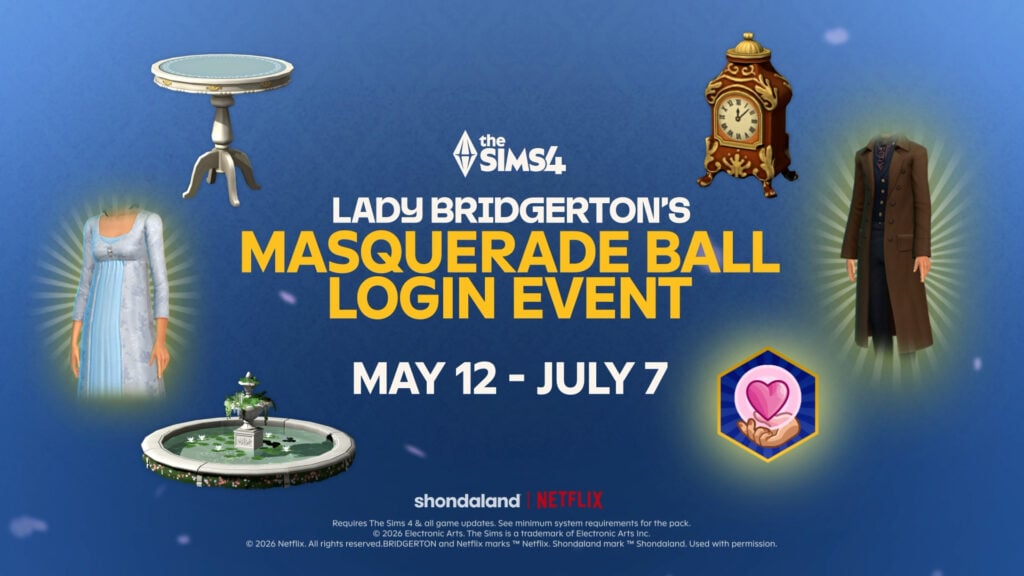
Lady Bridgerton’s Masquerade Ball Login Event
Another planned content addition is the new Login Event in collaboration with the Netflix series Bridgerton. Like previous login events, this is primarily focused on how often players check in on the game during the period it is active, and will add new content and rewards over the time of the active event.
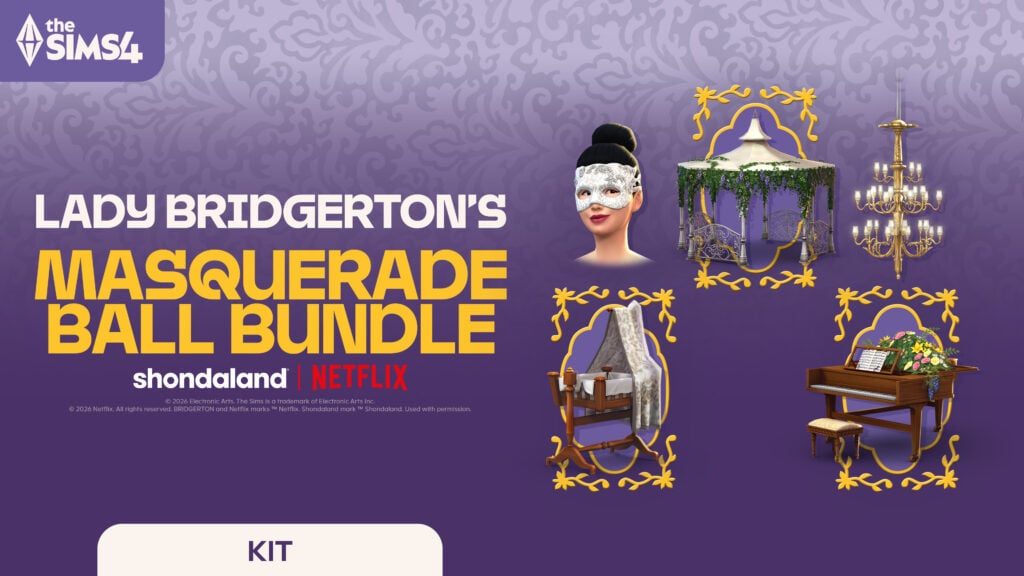
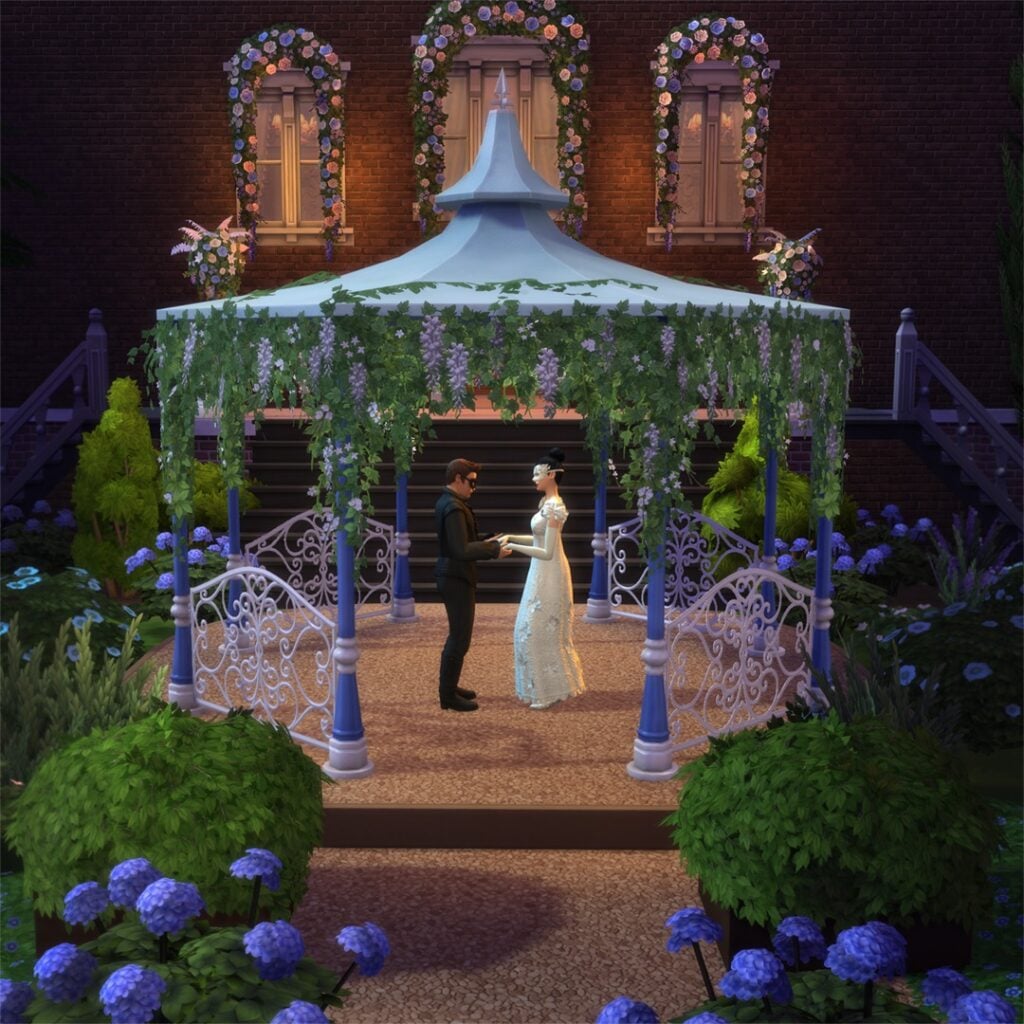
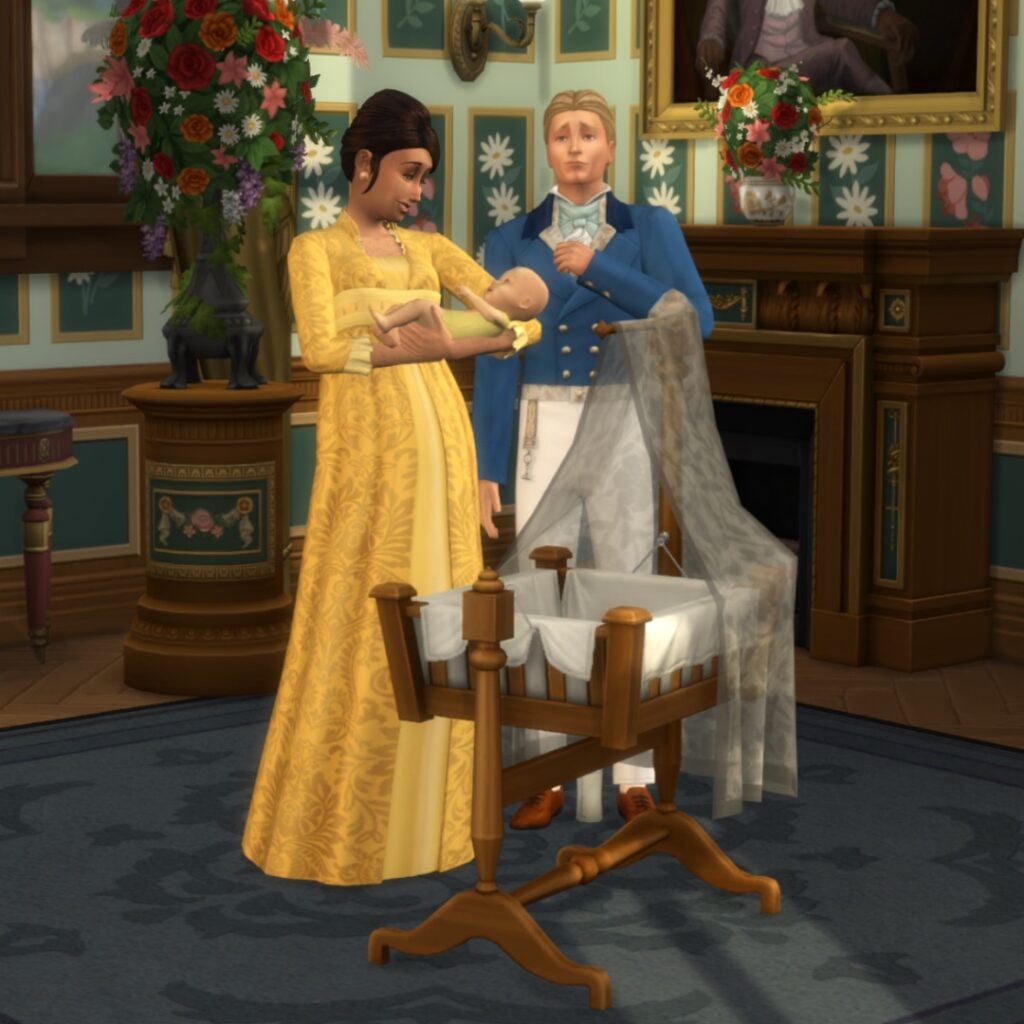
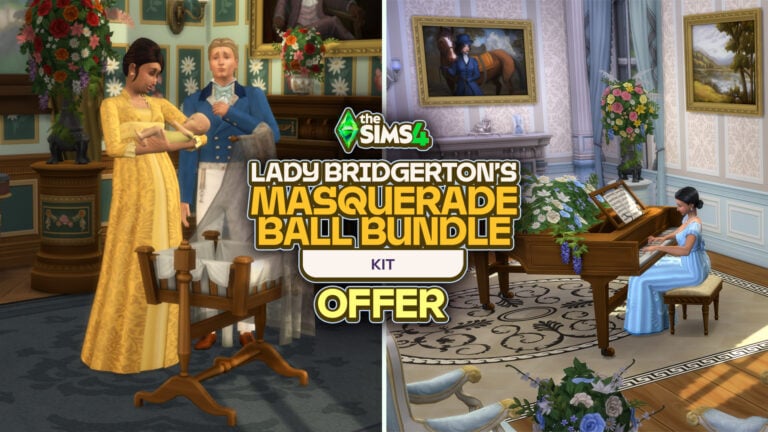
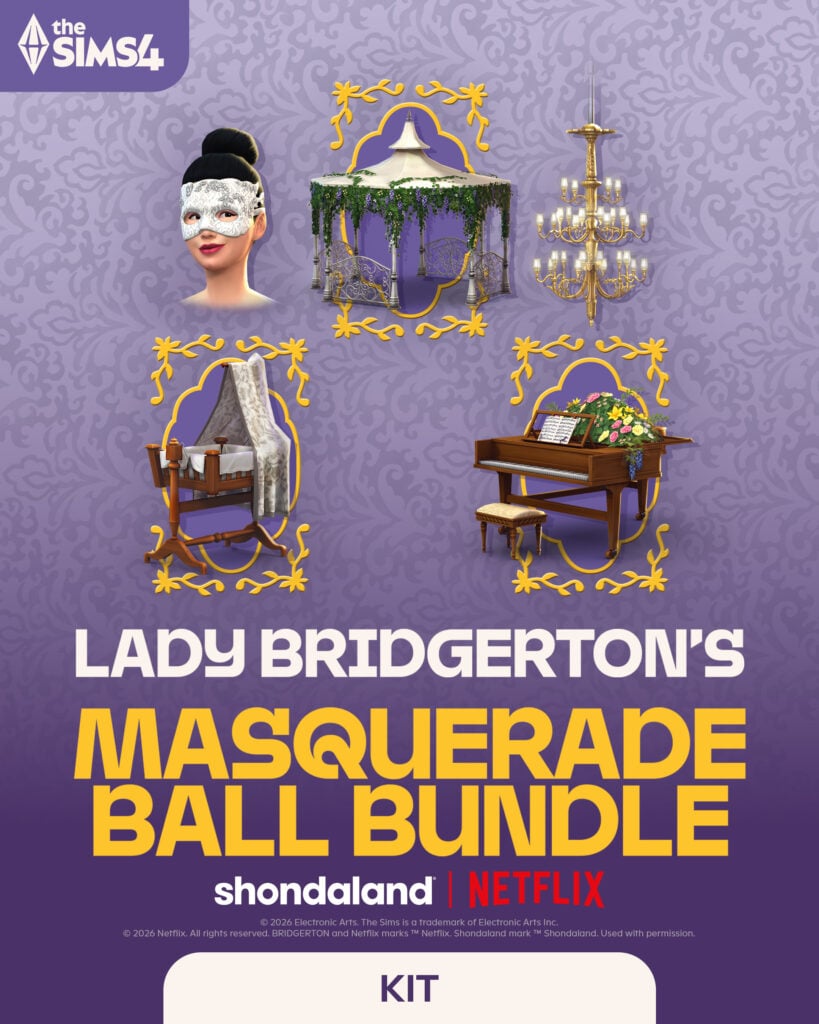
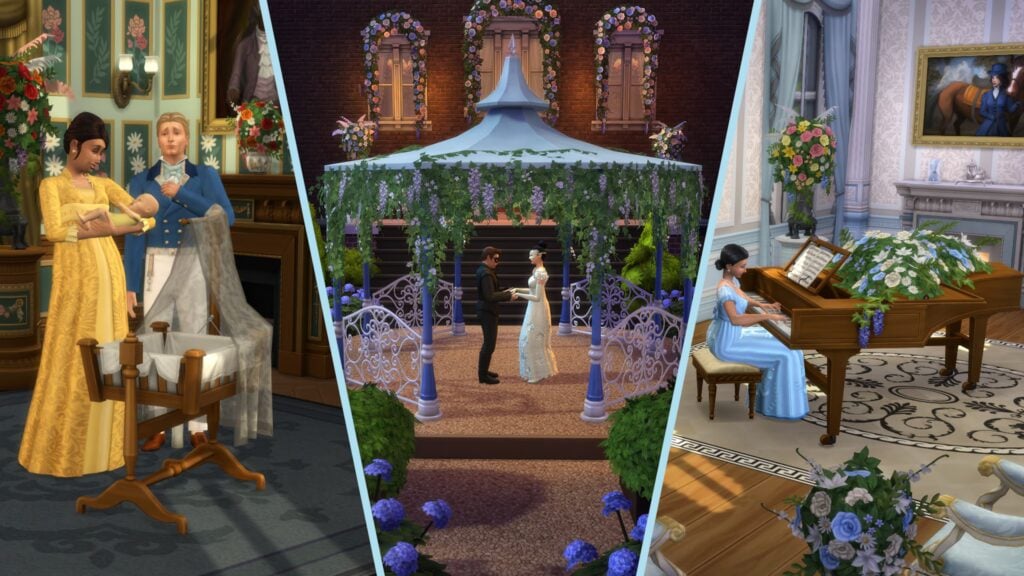
This is intended to line up with the upcoming release of the Lady Bridgerton’s Masquerade Ball Kit Bundle offer. The kits included are the Sims 4 Lady Bridgerton’s Masquerade Ball Fashion Kit, and The Sims 4 Lady Bridgerton’s Masquerade Ballroom Kit. This offer, similar to the Spongebob Kits offer from earlier this year, will also give three new items if purchased by August 14th, 2026. These include a Bundle of Joy Bassinet, the Bridgerton House Gazebo, and The Bridgerton House Piano.
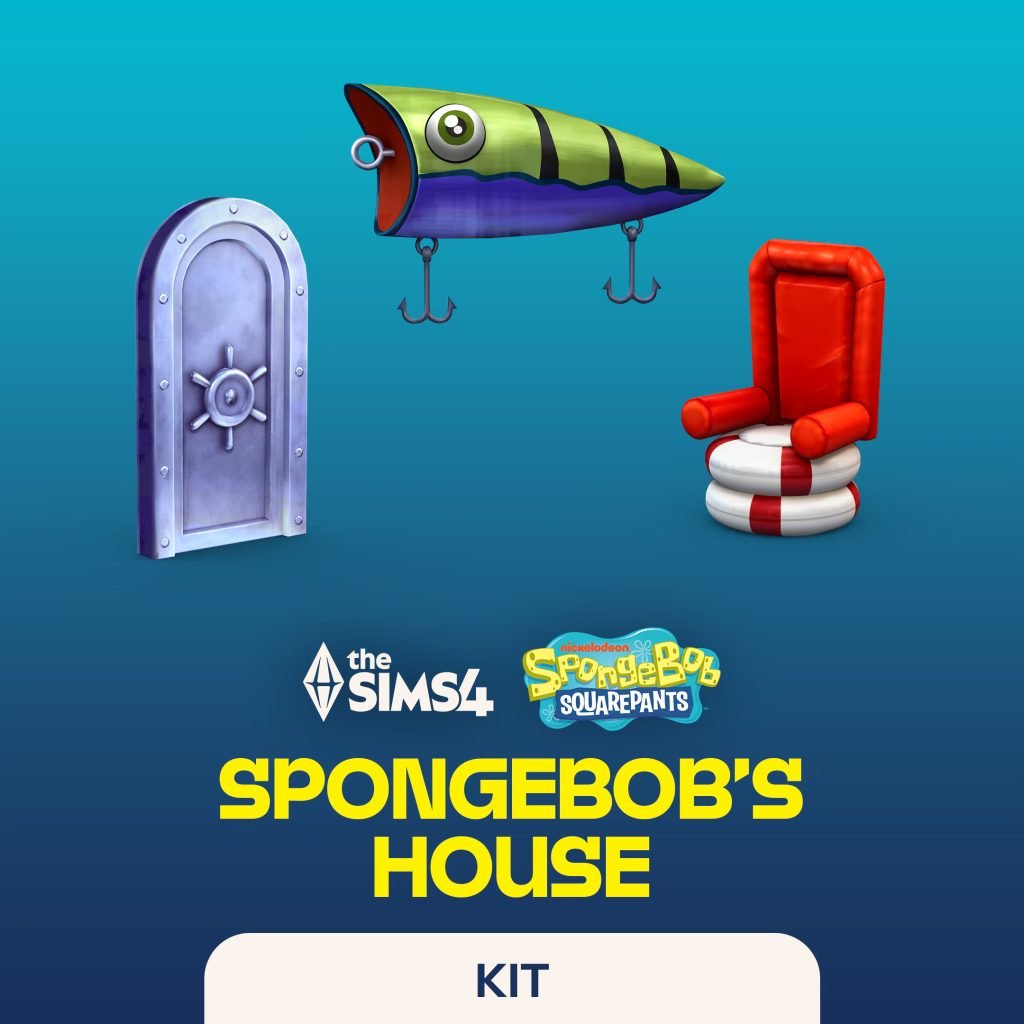
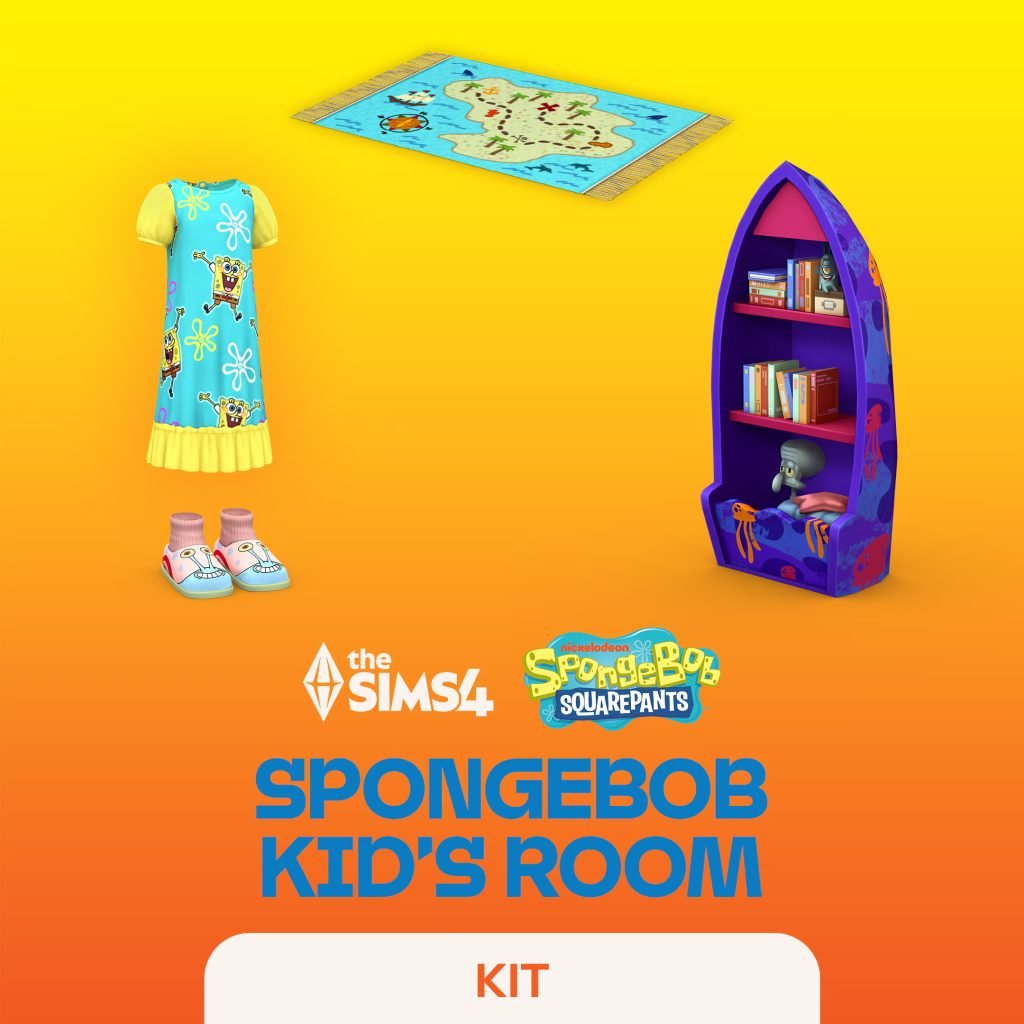
Like the previous licensed Sims 4 Kits, the Sims 4 Spongebob Kid’s Room Kit and Sims 4 Spongebob’s House Kit, will retail for $6.99 USD separately, and $9.99 USD when combined in the bundle.
How to Prepare?
Saving Your Save Files
One of the biggest problems with Sims 4 Patches and updates is the havoc they can wreak on longstanding existing save files, especially those that have been modded. Outside of major updates, consistently backing up your files to a separate point on your computer can be important to give you a save point to return to in case of corruption, accidental file deletion, system crashes, etc.
To back up your Sims 4 save files, you can follow these steps:
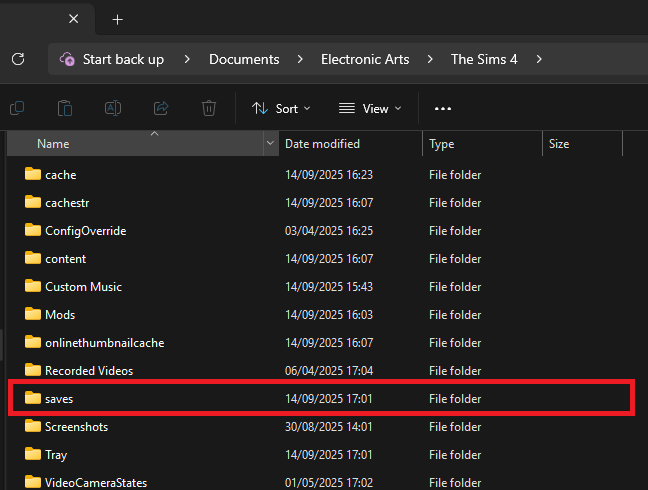
Go to your save files folder. This will vary depending on your operating system.
For Windows PC: C:\Users\[USERNAME]\Documents\Electronic Arts\The Sims 4\saves
For MacOS: Macintosh HD/Users/User/Documents/Electronic Arts/The Sims 4/saves
Copy any save files you want to back up for safe keeping. These will just be numbers so finding them may be slightly difficult, but anything recently played will automatically be at the top. You can also choose to sort files by the date they were last edited, and anything recently saved over should be at the top.
If you’re not sure, a good practice is to just copy all your saves to a backup folder.
This can also be done with Your Sims 4 tray files, which are the files that contain the data for anything saved in your library through the Sims 4 Gallery.
For Windows PC: C:\Users\[USERNAME]\Documents\Electronic Arts\The Sims 4\tray
For MacOS: Macintosh HD/Users/User/Documents/Electronic Arts/The Sims 4/tray
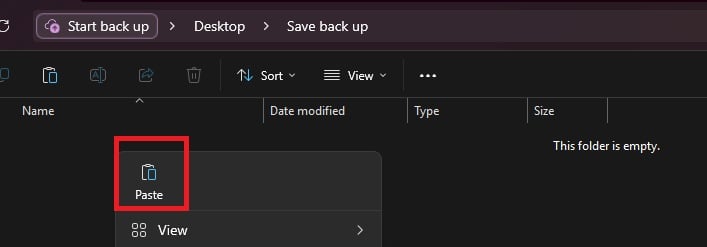
To back up your files, save them to separate locations. These can be folders on your computer (Like on your desktop or in a separate section of your documents folder), but it is recommended to use separate storage in case of hardware issues. These can include a USB flash drive, external hard drive, a cloud program, etc.
A good tip is to place them in a folder with the date of the back ups as the folder name.
If a save needs to be restored to a previous version, you can just copy paste from the folder back into your main Sims 4 Saves folder directly.
Your Mods Folder and the 50/50 Method
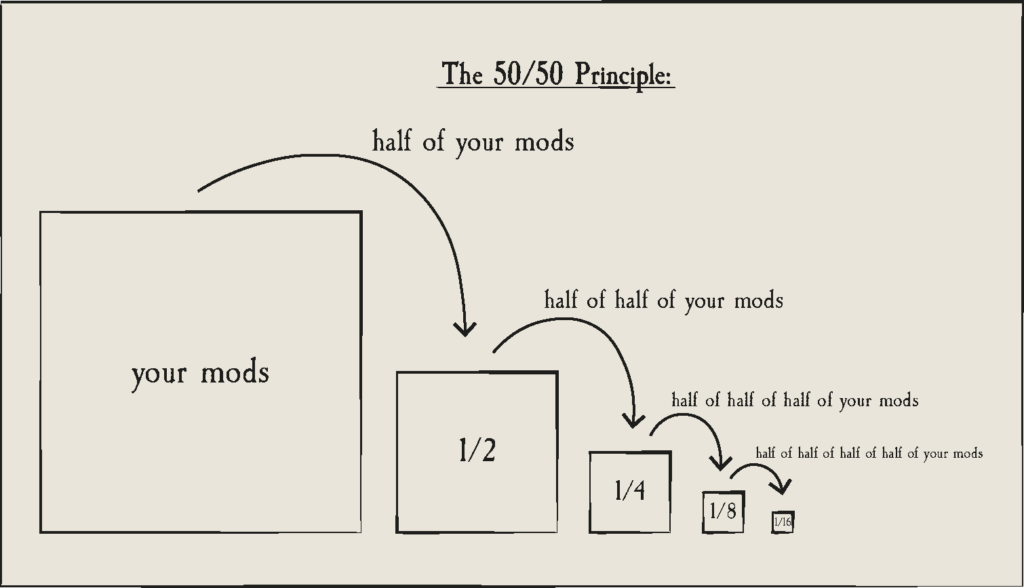
The 50/50 method is a tried and true way of testing your mods after an update, or really any time when your game is not functioning properly or you can’t figure out what is causing a certain issue or unintended feature. As with all updates, it is good practice to remove your mods folder, keep gameplay and UI mods separate, and test them or wait for updates from their creators who will also test them before letting users know whether they are safe, need updates, or have been updated.
The 50/50 method is where you split your mods folder in half, and then test each section in your game to recreate errors or find bugs. If a folder functions properly and nothing happens that is abnormal, you swap to the next folder. When a folder starts to have issues or creates errors, you then split that folder in half and test both halves, storing folders and the items within them once they have been tested. This continues until you can find the file(s) causing issues that either need to be removed, updated, or replaced due to conflicts.
Gameplay mods will typically be anything that adds or changes features, often containing a .ts4script file. Since these can change how the game functions, they are very likely to break with updates.
UI mods are anything that changes the user interface. These include UI Cheats, More Columns in CAS, and any User Interface replacement mods. These, due to changes in the User Interface with new additions, events, and features, will also be very likely to break with updates.
It is also good practice to keep these items separate from your standard custom content, as they will require more troubleshooting than your custom hairs, clothes, skin details, etc.
For a more in-depth guide to the 50/50 method, ThatSimsLady has broken it down previously and provided a guide that walks you through it, but here’s a general diagram from Sims After Dark.
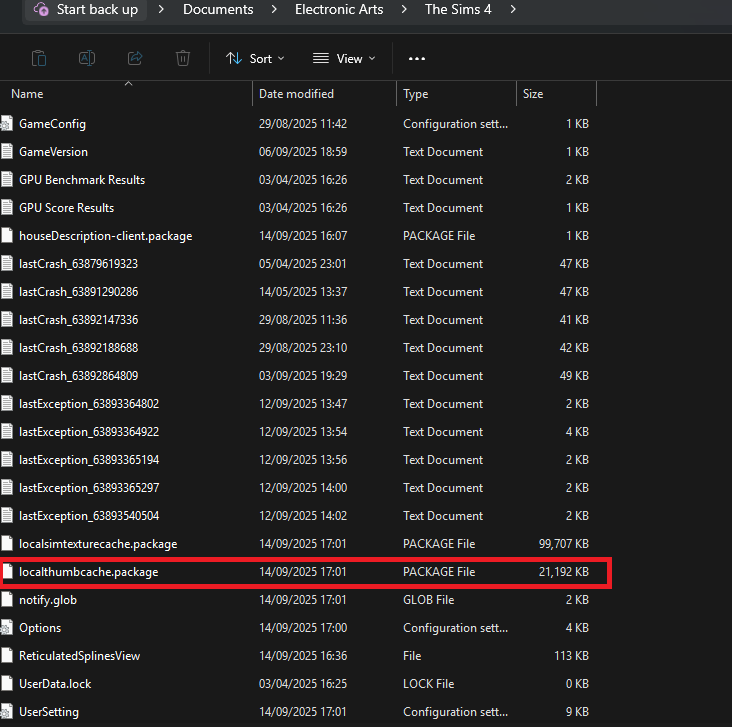
Another important rule is to always delete your thumbcache file. This file will regenerate every time your Sims 4 game is launched. It is good practice to delete it when you change your mods folder in any capacity, but it especially needs to be deleted before running every test while doing the 50/50 method.
It is also recommended, to avoid the issues and corruption that can occur when removing mods or saving with broken mods, is to use a fresh save file and to not save so you’re testing on the same save file in the same state each time.
Two points of note while doing the 50/50 method.
Some mods come in two or more parts. These include mods that have optional modules, those that have separate .package and .ts4script files, and more. These will break and not function properly if the files are separated, so you always have to make sure they are being tested together in the same folder.
If a mod has a dependency on another mod, make sure to test them together. Some dependencies include Lot51’s Core File, the XML Injector, Lumpinou’s Mood Pack, and so many more mods that help other mods to function. Always check the download pages for any mods you have for their dependencies.
Countdown to The Sims 4 May Patch Release
The upcoming Sims 4 May Patch is set to release on May 12th, 2026 at 10AM PT / 7PM CET / 6PM BT across PC, Mac, Xbox and Playstation supported platforms. To make things easier we’ve included a handy countdown below that’ll tell exactly when the latest Patch is available to download.
00
Days
:
00
Hours
:
00
Min
:
00
Sec
Countdown to the new Sims 4 Patch drop
Make sure you stay tuned to Sims Community to be the first to know when the latest Sims 4 Update drops. Along with Patch Notes, previews and mod functionality after the patch!
The Players Alliance HQ Is Planning an EA Raid on May 11th in Protest of the EA Buyout in Redwood City, California.
The backlash against the leveraged buyout of Electronic Arts continues, with a new protest movement organised by Players Alliance HQ now calling on cosplayers and gamers to “raid” the Electronic Arts headquarters in opposition to the proposed Saudi-backed takeover deal. Dubbed the “EA Raid”, the campaign follows the criticism of the reported $55 billion acquisition effort involving Saudi Arabia’s Public Investment Fund, among other investment groups. Attendants will arrive outside EA’s headquarters in Redwood City, California, and unravel a 50ft scroll with over 70,000 signatures from the recent petition.
The Players Alliance is raiding EA’s HQ in Redwood City, California
On May 11th, the Players Alliance will rally gamers from across the country to raid the HQ in spectacular fashion. We’ll be delivering our 70,000 petition signatures, yes, but we’ll do it in a way that they can’t ignore.
We’re fighting to block the $55 billion by the Saudi monarchy and private equity consortium led by Jared Kushner. We’ve already recruited help from Congress — hosting a Twitch stream with Rep. Maxwell Frost. This already caught EA’s attention, so now’s the time to bring more heat.
We want to get as many Bay Area gamers to join us as possible. The action will be in the morning, Can you join us?
Fill out the form and an organizer will be in touch.
The protest will be taking place on May 11th 2026, at the Electronic Arts Headquarters in Redwood City, California. The protest will begin at 11 AM with the unravelling of a 50ft scroll featuring the signatures from the recent buyout petition. The petition was recently promoted in a livestream by Lilsimsie, who was joined by US Representative Maxwell Frost, in which discussions were held about the potential impacts of the buyout. You can register your interest below:
What Concerns Are Held by Players About the EA Buyout?
A comment we often receive, and you may have seen across social media, is “why should we care?” The reported buyout would see Electronic Arts come under new ownership, with a majority held by Saudi Arabia’s Public Investment Fund (PIF), the sovereign fund of the Gulf nation. Alongside the PIF, the buyers also include Affinity Partners, headed by Jared Kushner, the son-in-law of President Donald Trump, and Silver Lake. A buyout of this size would see EA go under several major changes, such as more aggressive monetisation to clear any debts, mass employee layoffs, wage suppression, and further expansion of AI tools that replace human jobs.
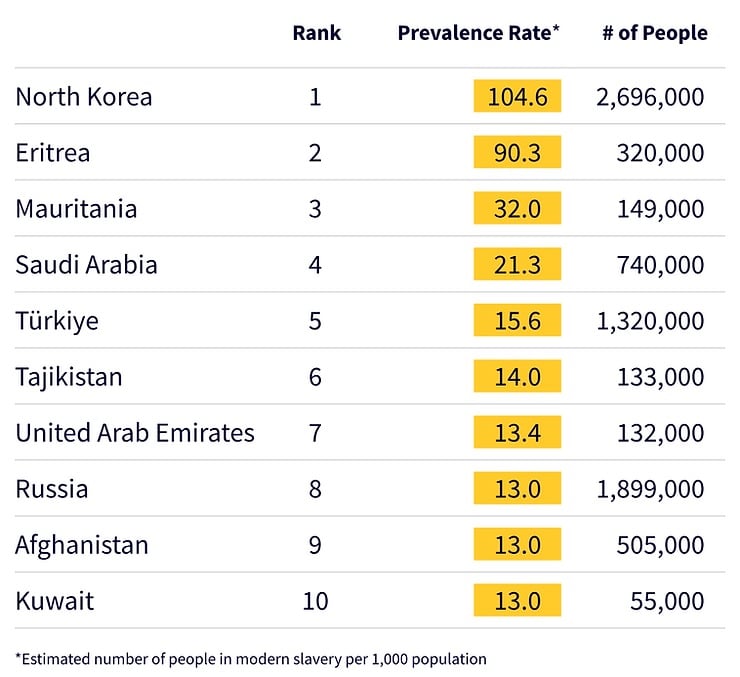
The background of the new owners should also give players pause for concern. The PIF is the personal investment fund of the Saudi Arabian crown, the same government known for extreme censorship, complicity in war and genocide, and human rights abuses. Saudi Arabia ranks 4th in the Global Slavery Index’s estimation of the number of people in modern slavery.
Have you pledged support for the EA Buyout petition yet? Let us know in the comments below, and stay tuned to Sims Community for all the latest on the EA Buyout.
After the drop of the April 29th update, that seemed to initially be the May update, we have finally heard word from the InZOI team about the next InZOI Update! Hyungjun ‘Kjun’ Kim, Producer and Director of InZOI, shared a new development diary that is based around foundational systems. Meaning, these features may not seem groundbreaking or incredibly expansive right now, but they will be the base for many new features added later and can expand so much of what InZOI’s game is currently capable of.
Next InZOI Update Coming June 2026!
○ As stated in Kjun’s Development Diary, the next update will be coming in June 2026! It was also noted that the features introduced or worked on this week are more foundational, intending for them to be basic systems to be expanded upon for later updates and features.
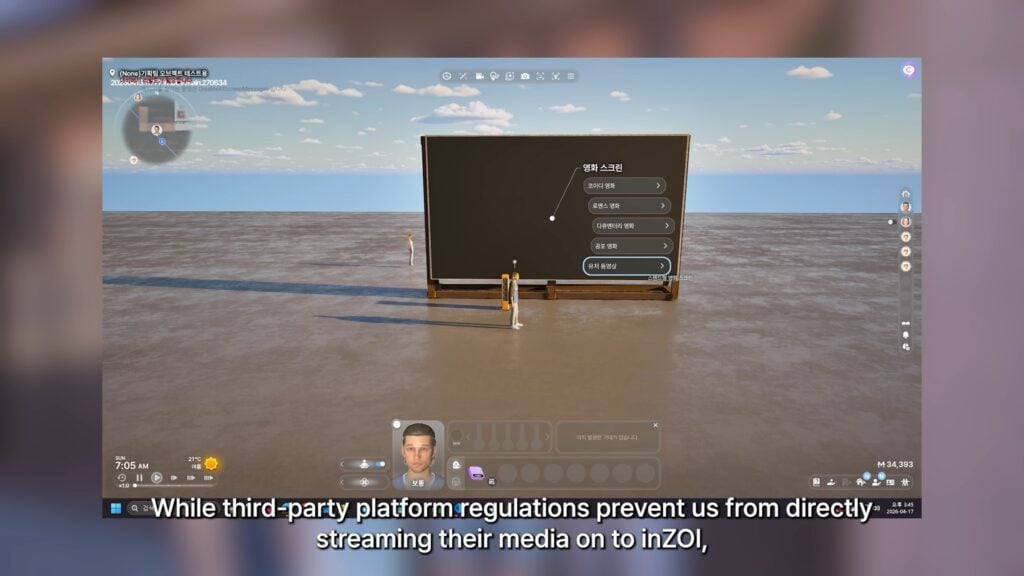
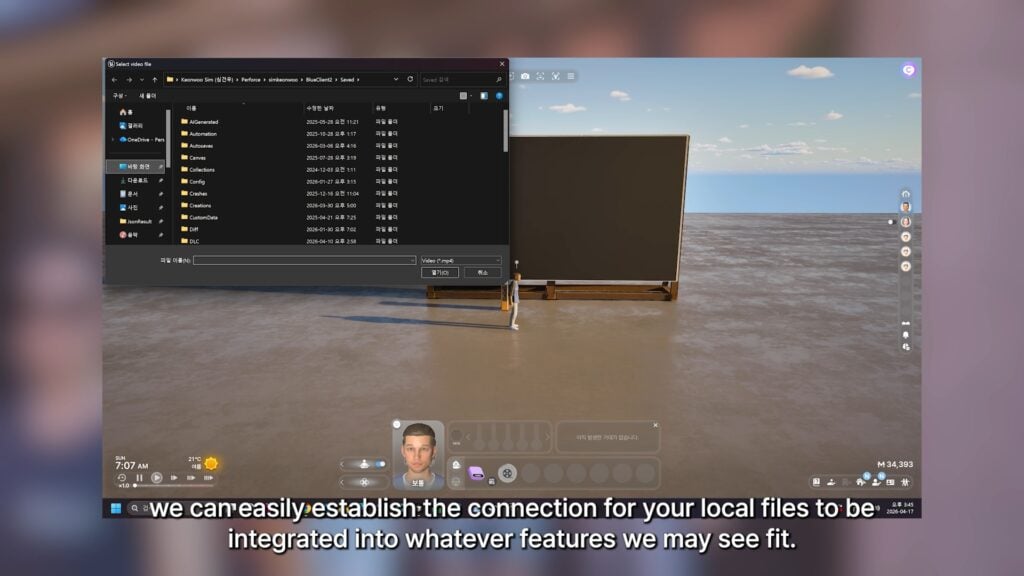
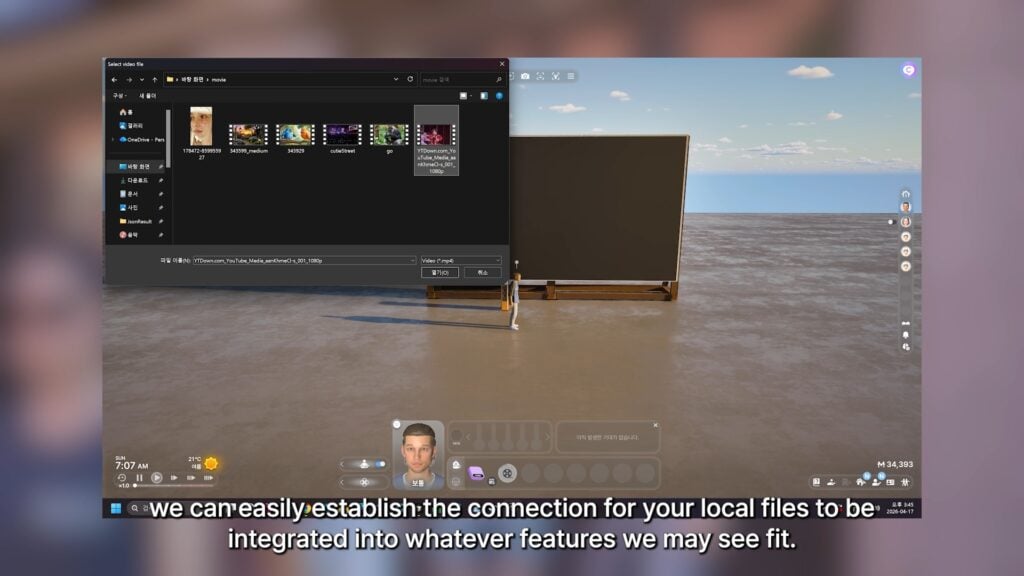
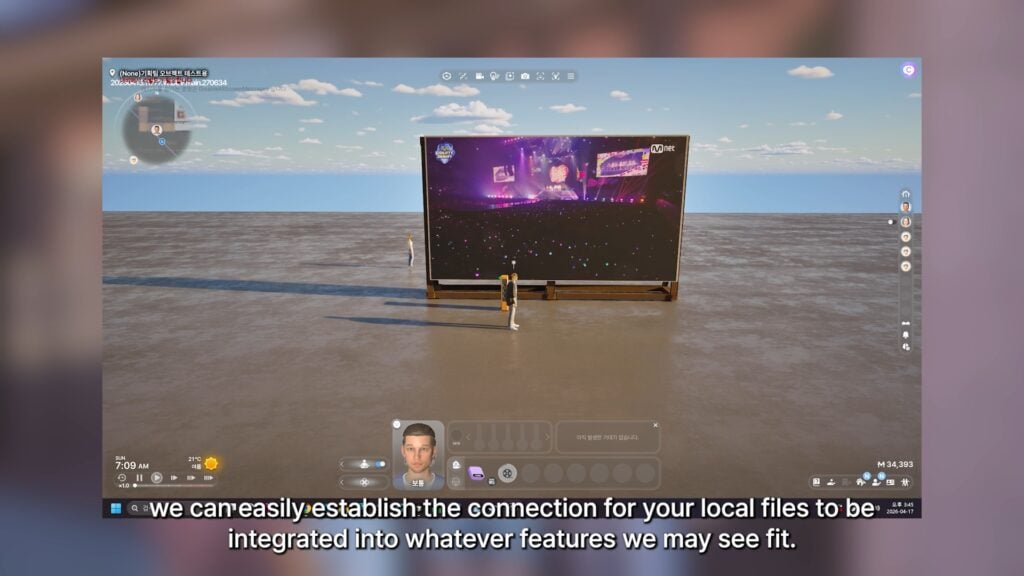
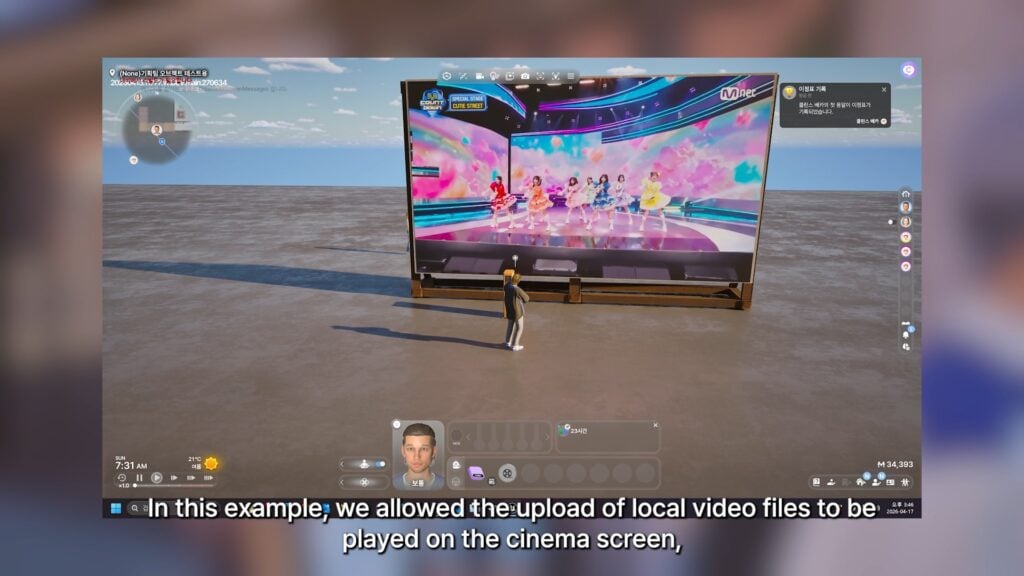
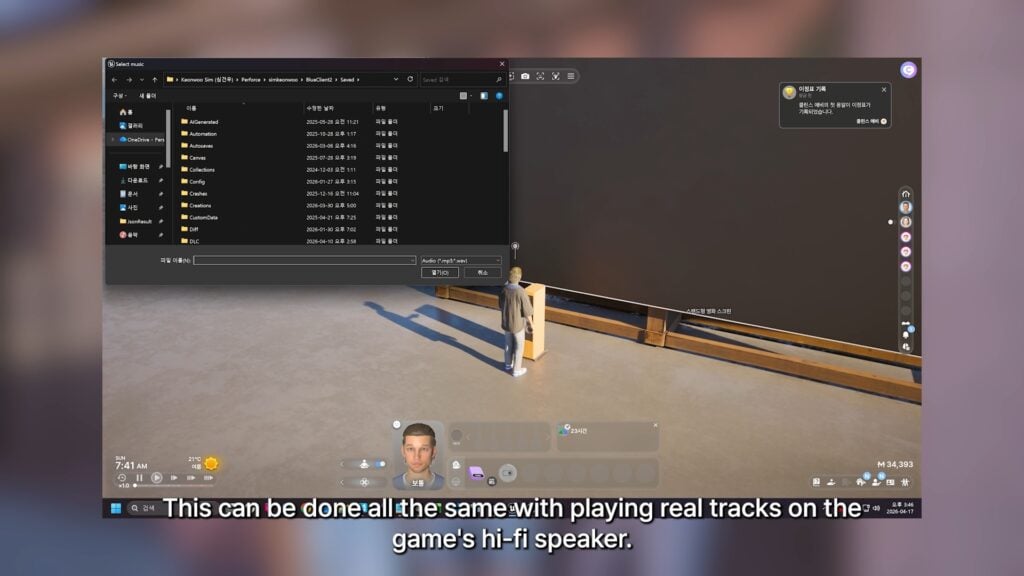
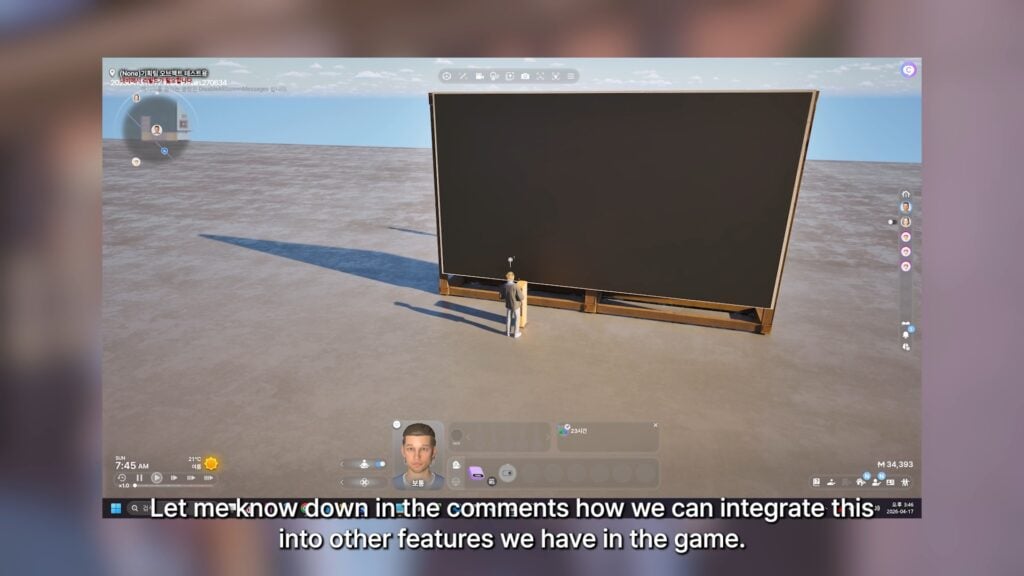
○ Work towards establishing items you can use to stream video directly from the local files on your PC. It was noted that due to licensing and other issues, direct streaming from media companies would not be possible. You can also change the audio, video/audio speed, and angling of the video.
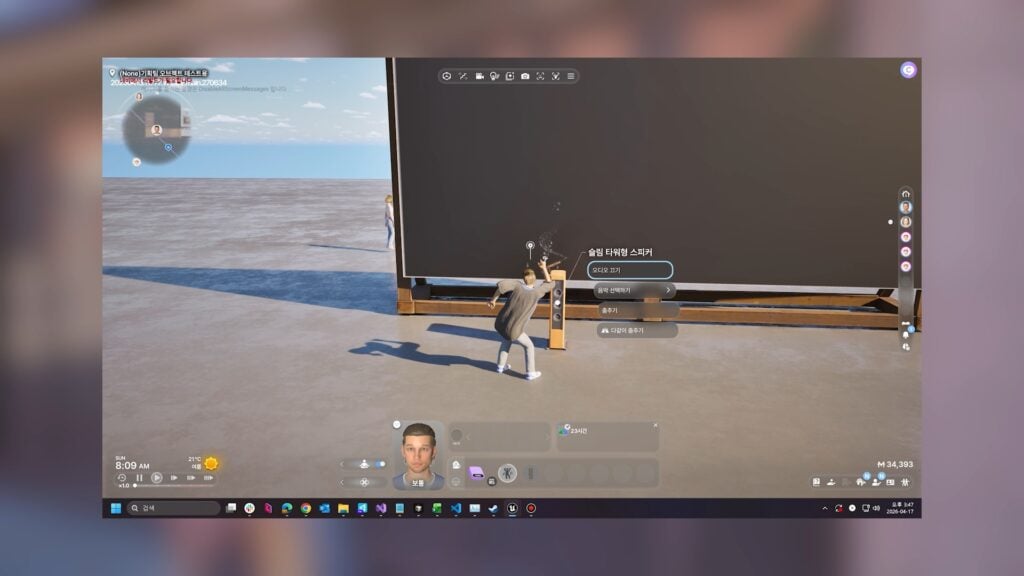
○ This feature will also likely include playing music from your local files directly to speakers in-game.
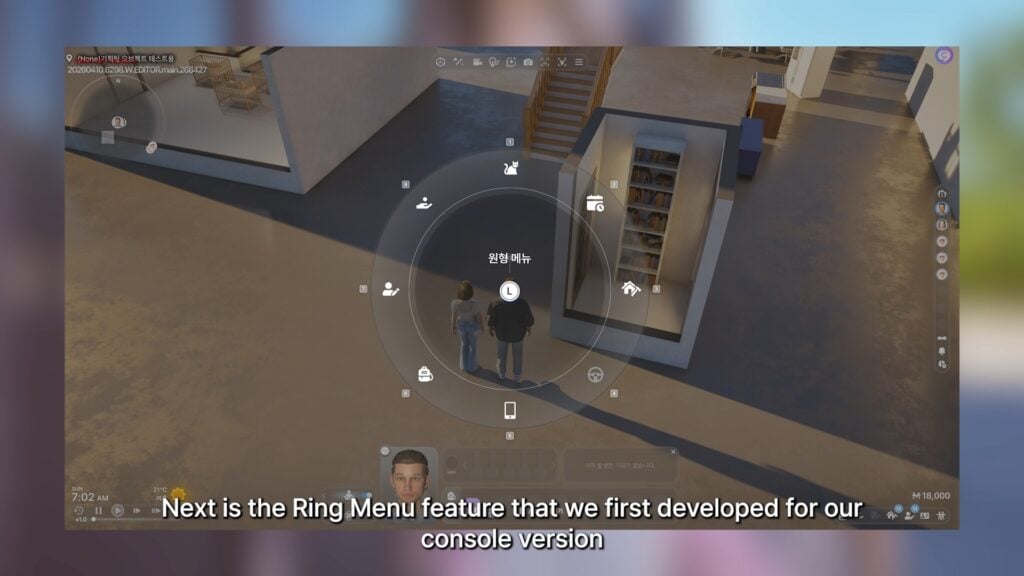
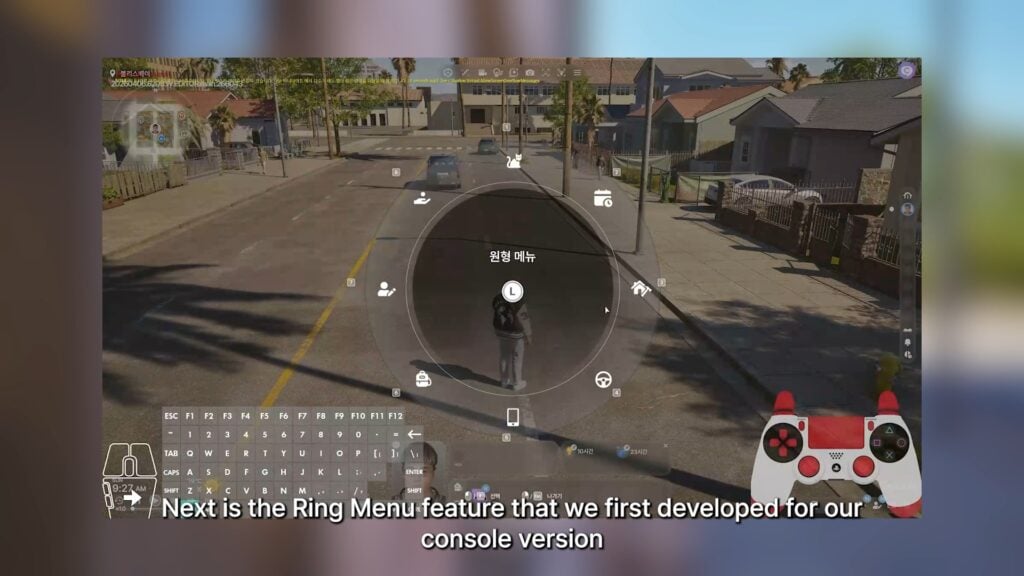
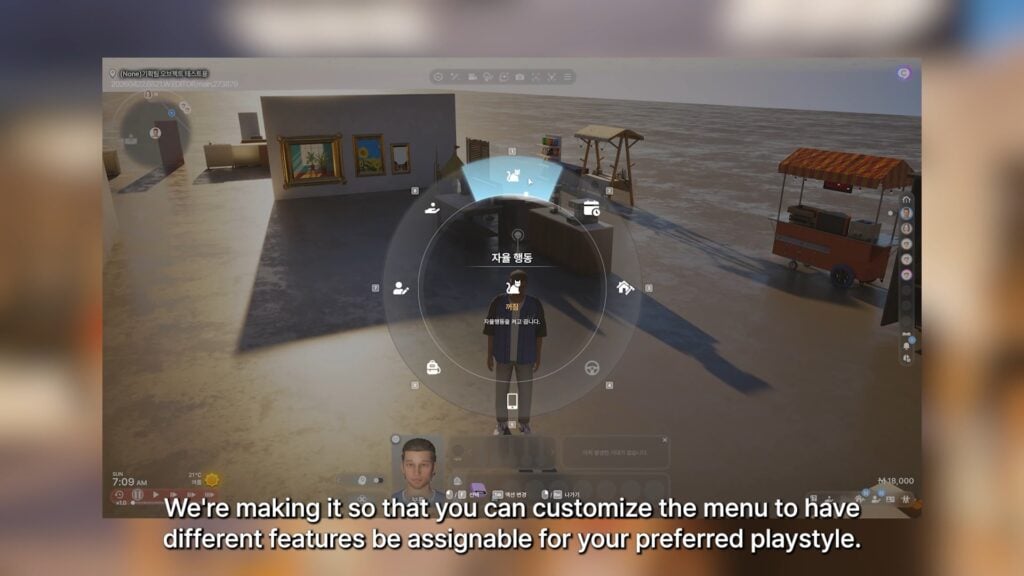
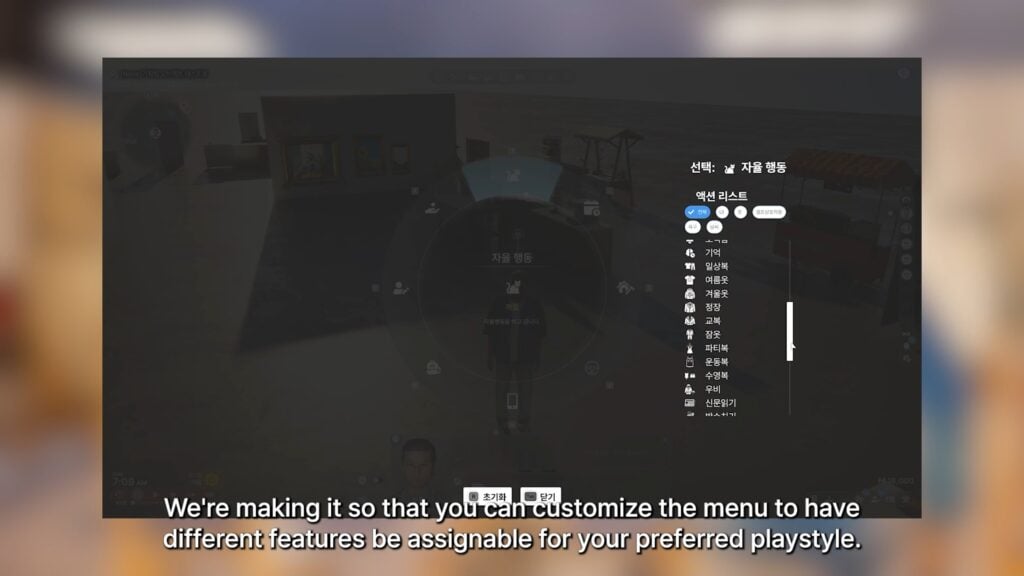
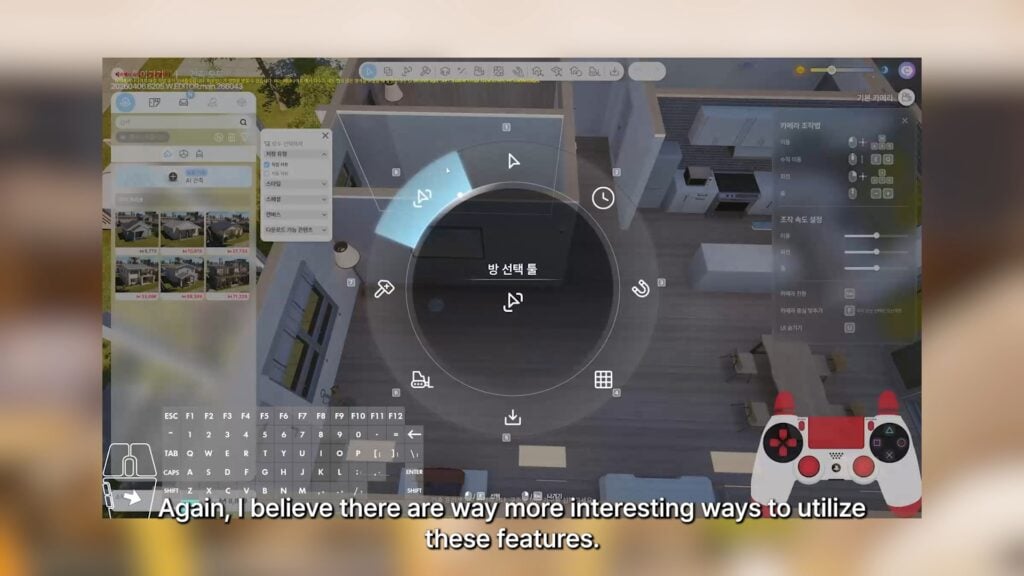
○ A ring menu feature is in development for the console version of InZOI, but is also now being adapted to the PC version. Will allow customization so you can choose what is present.
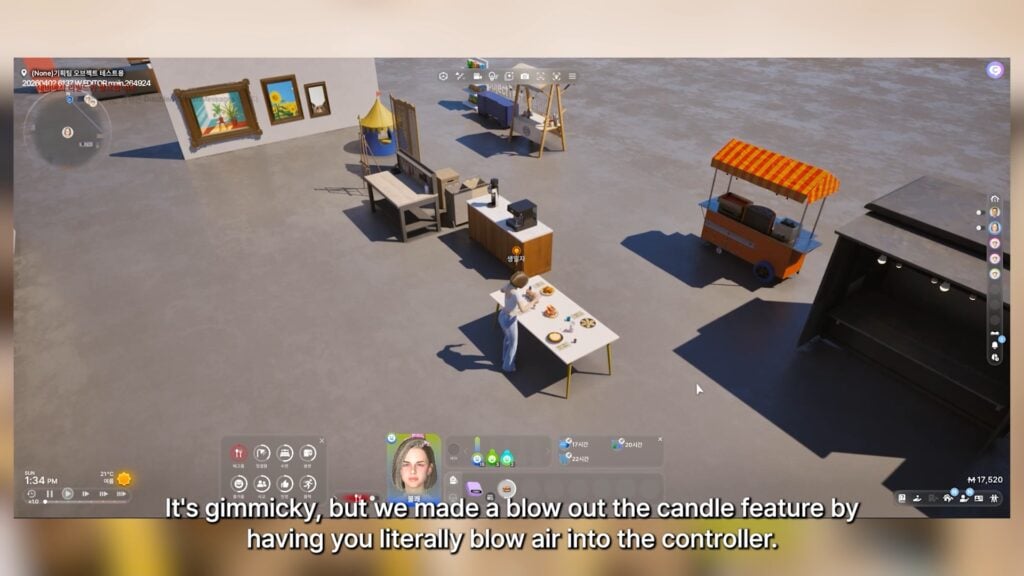
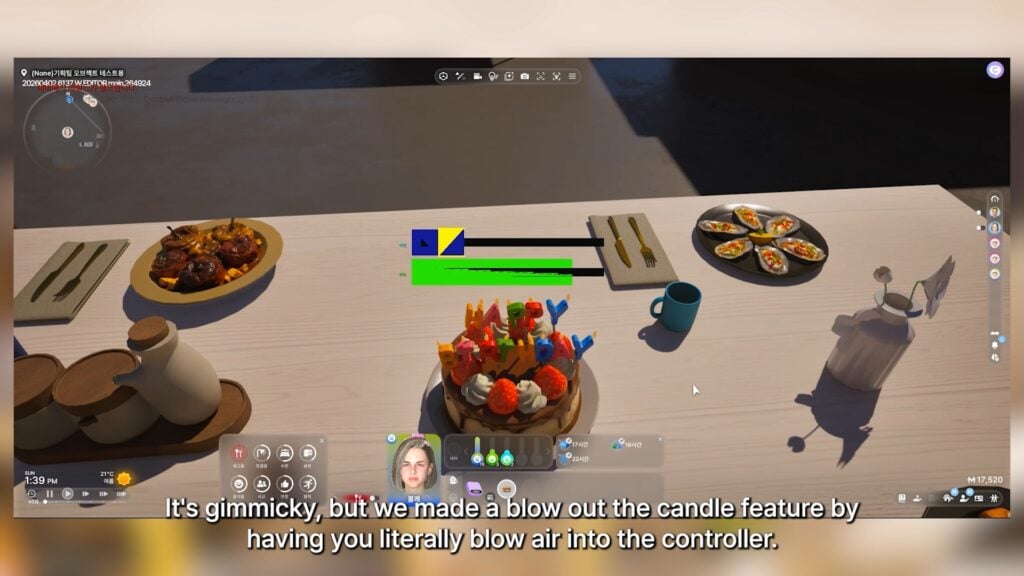
○ There are plans to implement features that use the Playstation 5 DualSense controllers, like a mini-game/feature to “Blow out” birthday candles in-game by blowing into the controller.
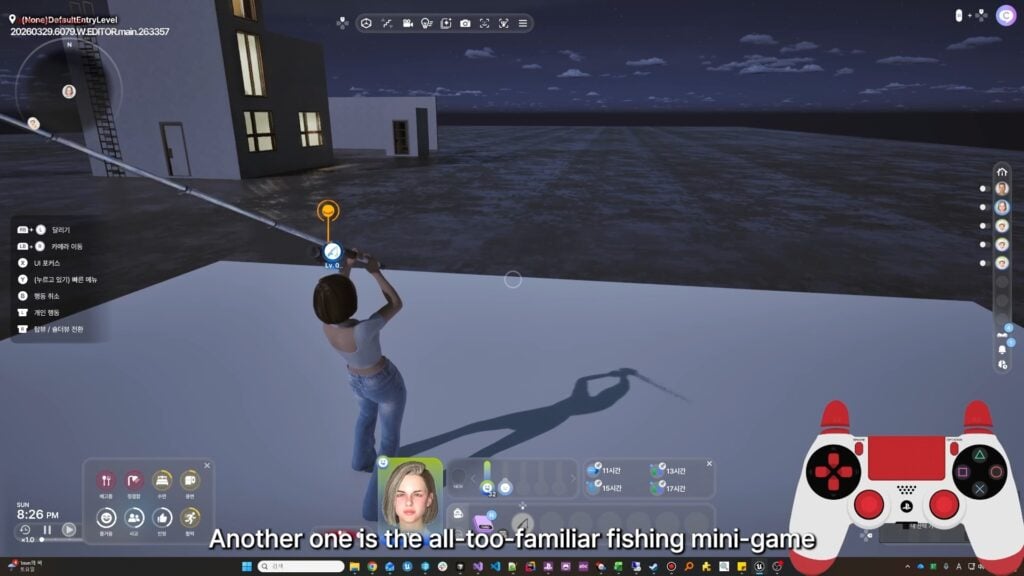
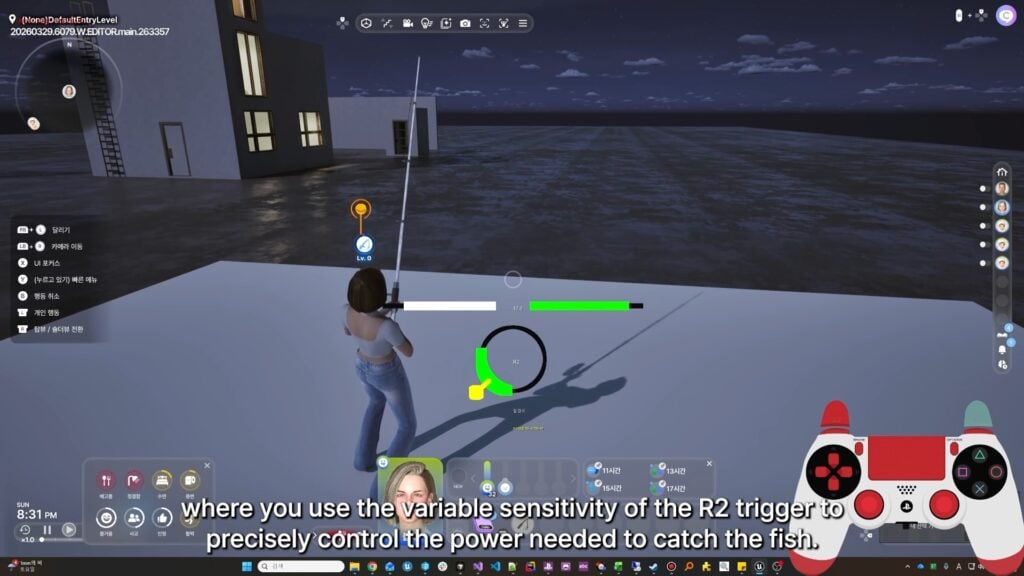
○ Another DualSense feature being worked on that may be added is a fishing minigame.
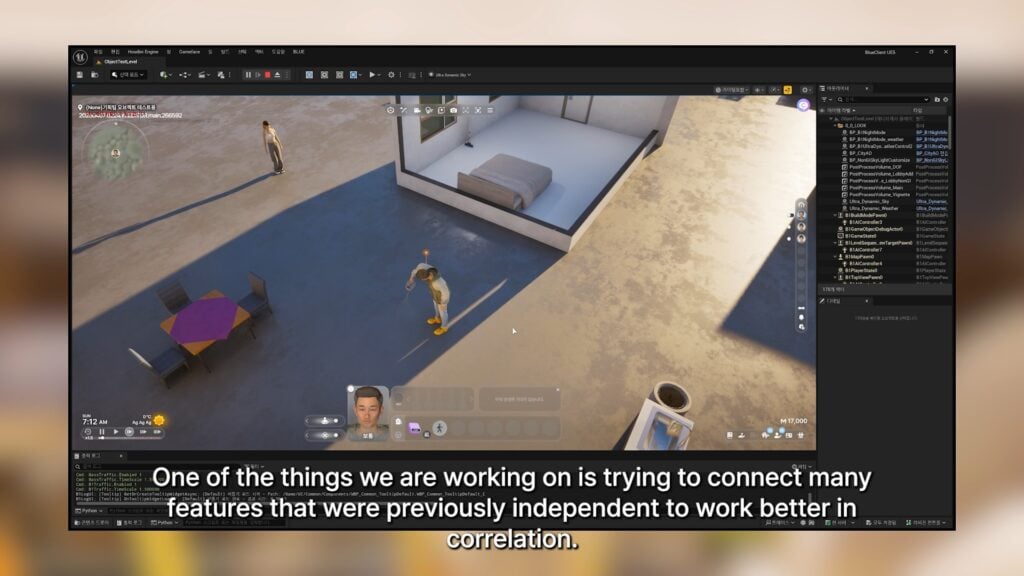
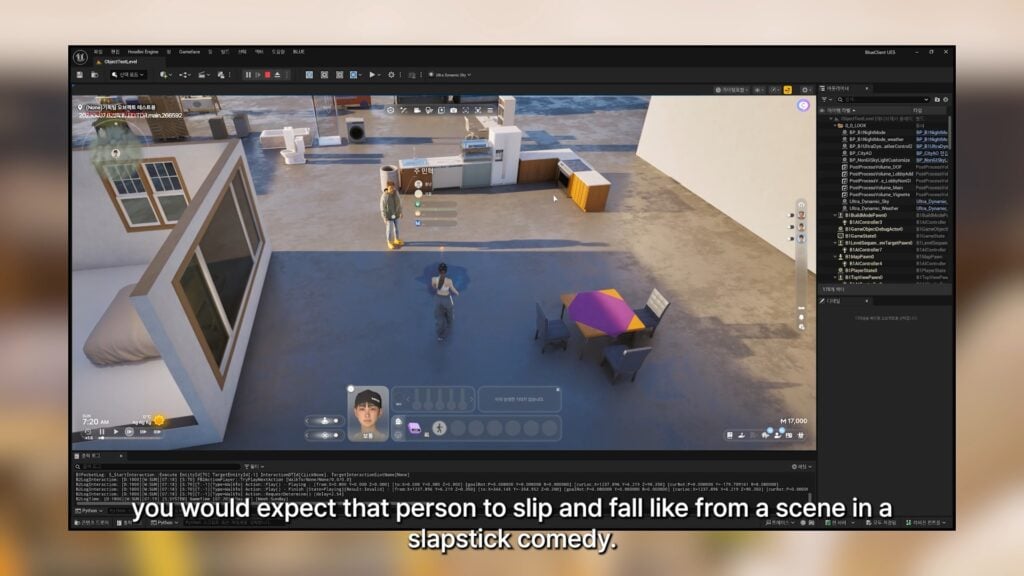
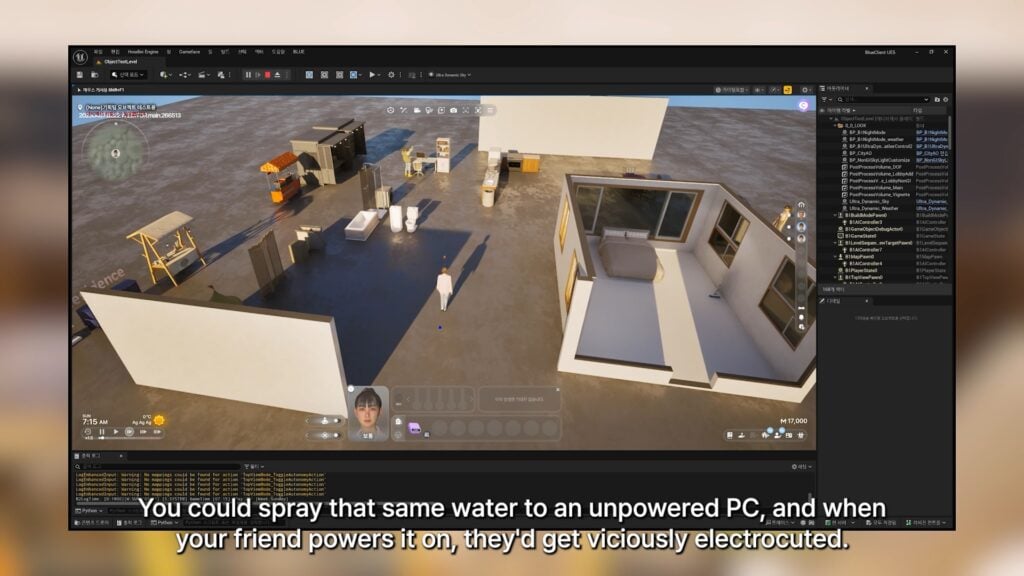
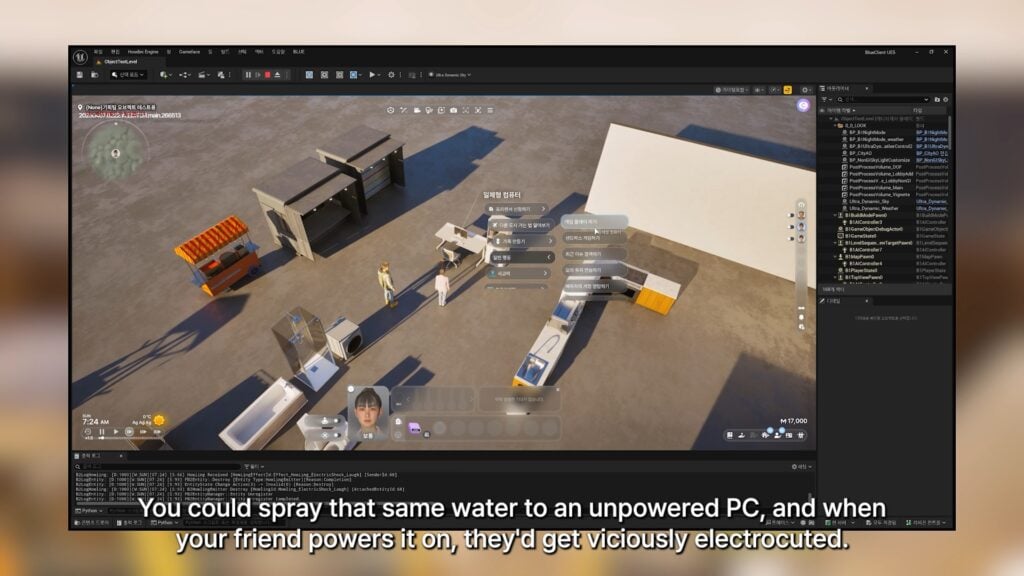
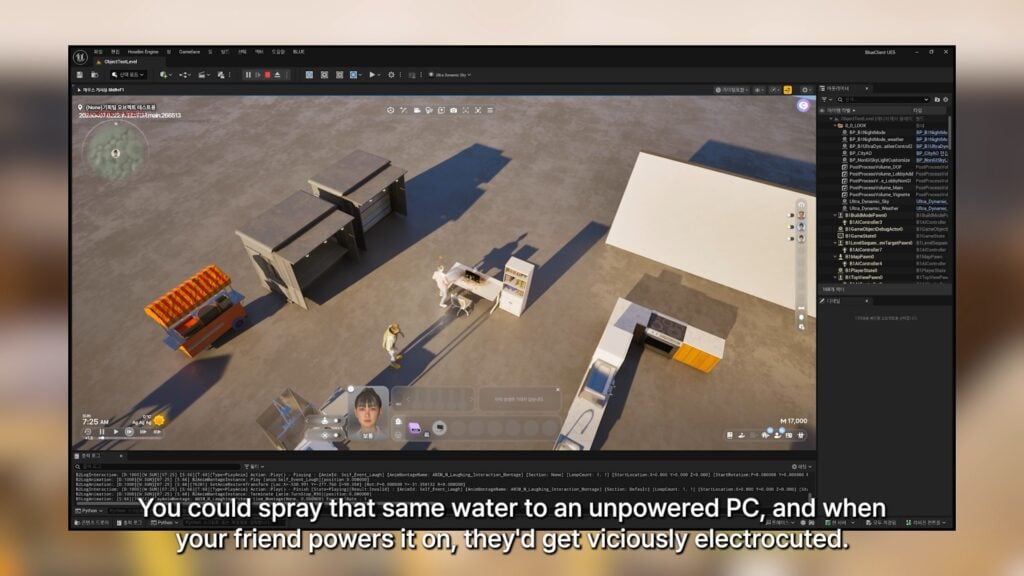
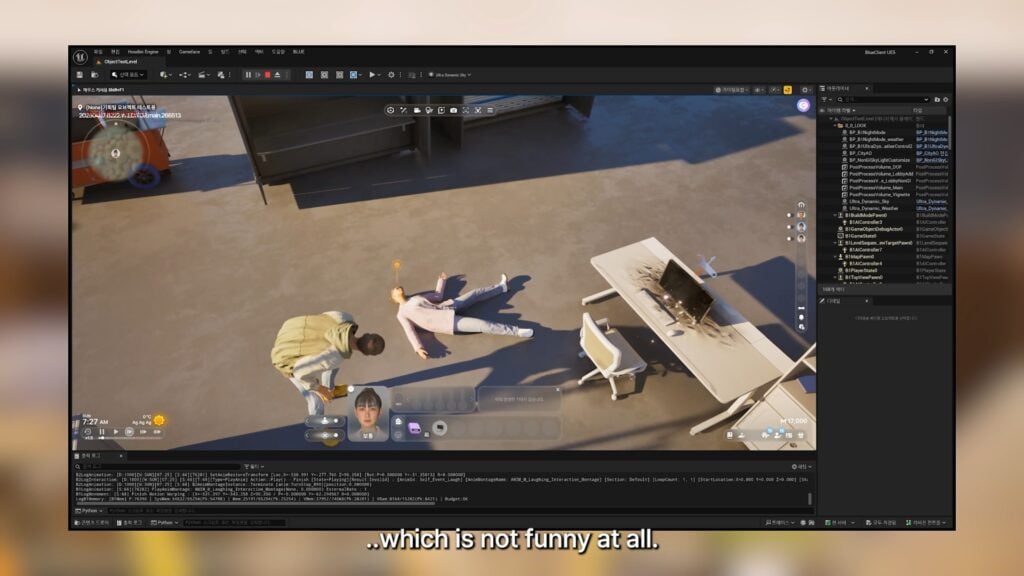
○ They are working on adding more cause and effect events, or connections, to items and actions in game. The examples provided are..
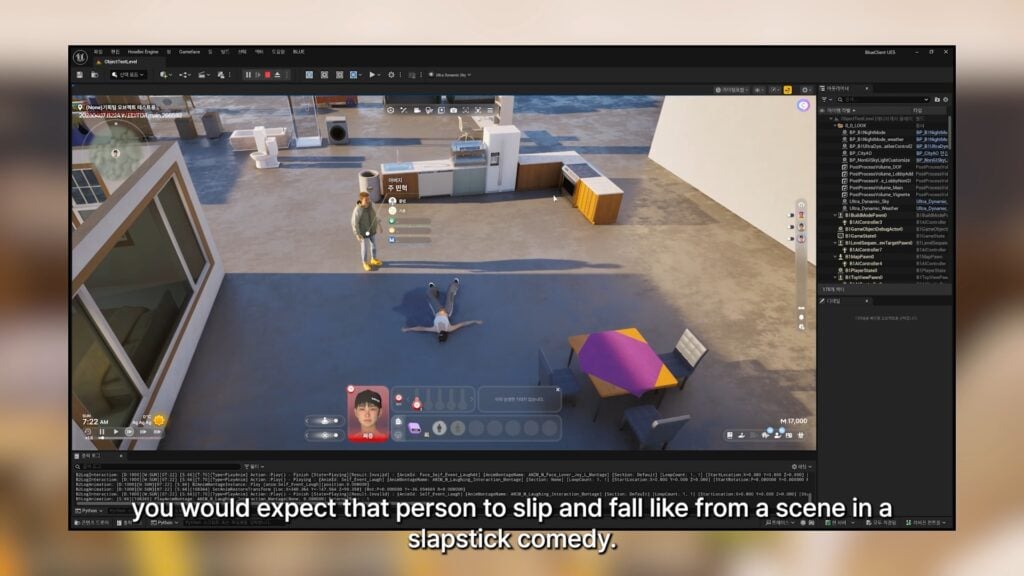
○ Spilling water on the ground and another Zoi walking over it, causing them to slip.
○ Spilling water on a PC, causing your friend who is using it or repairing it to be electrocuted.
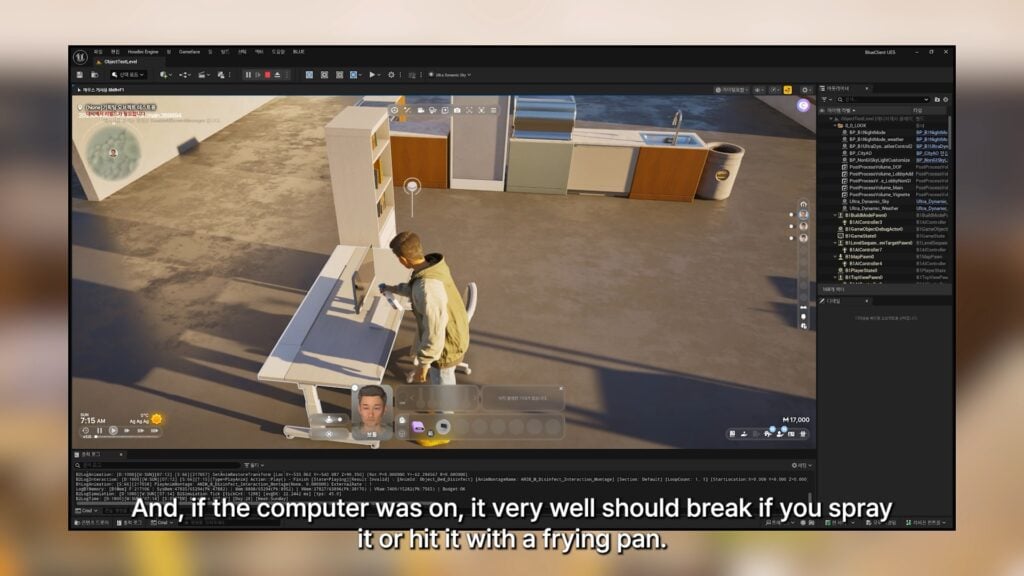
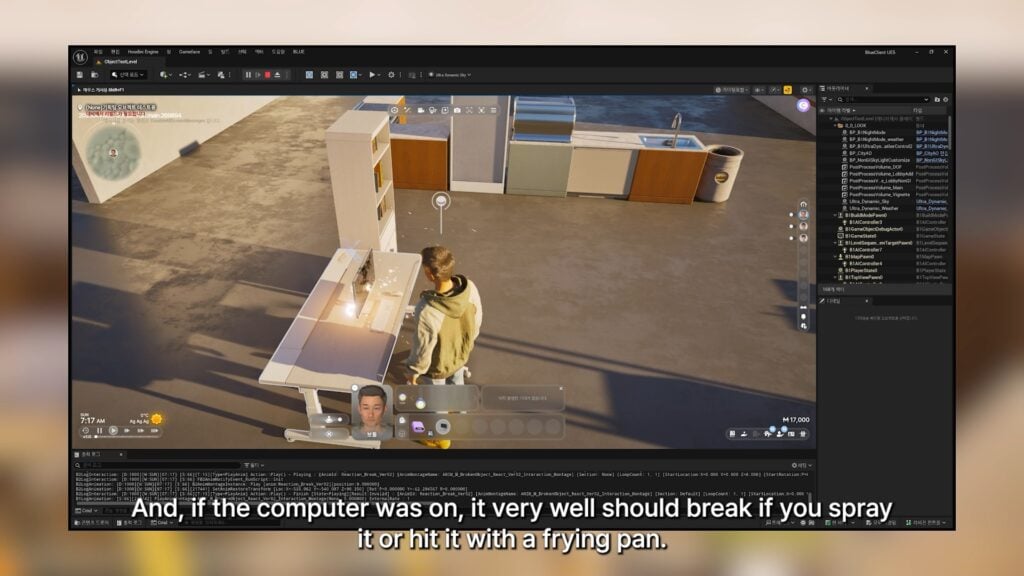
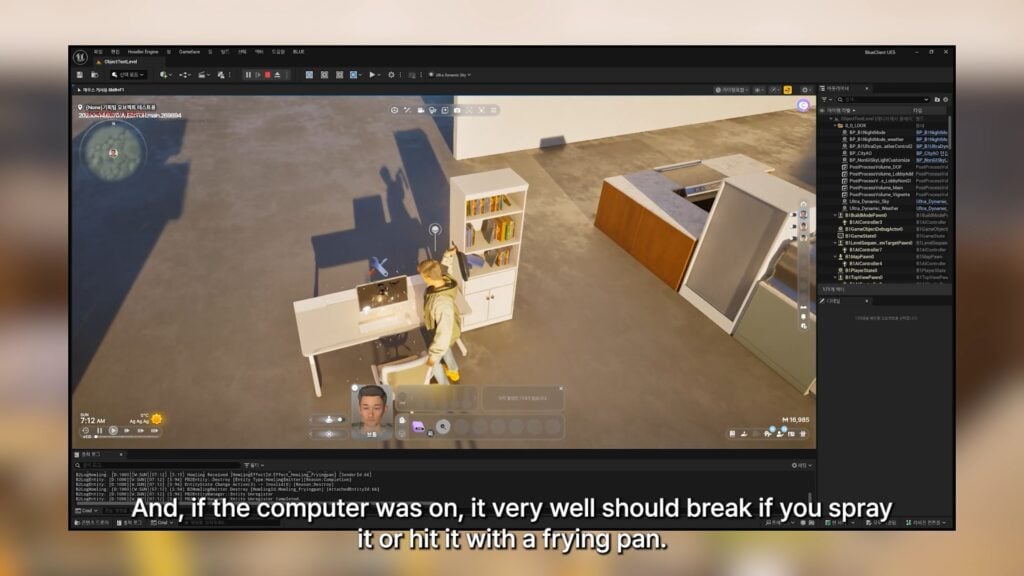
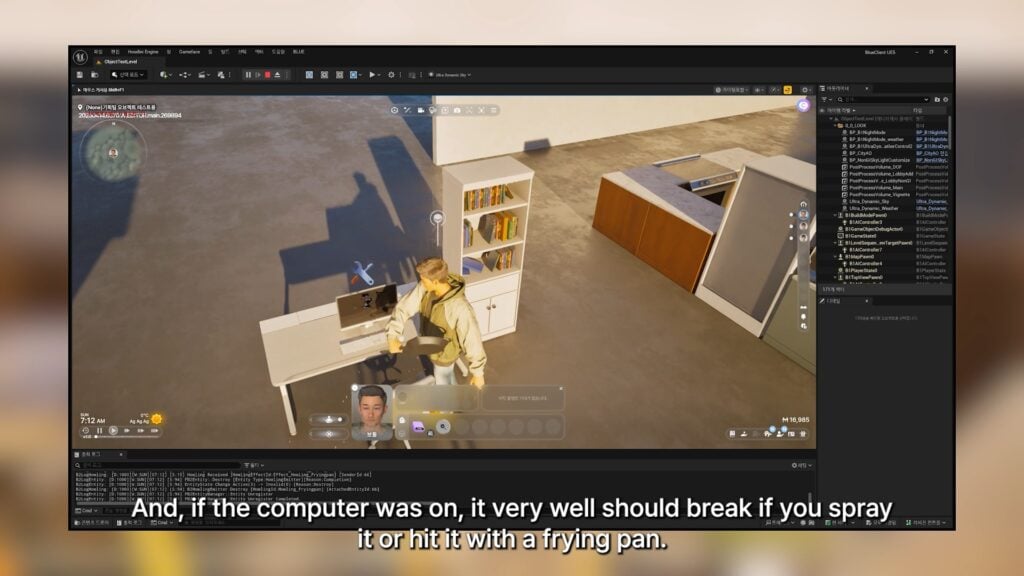
○ Spilling water or hitting a computer with a frying pan, causing it to break.
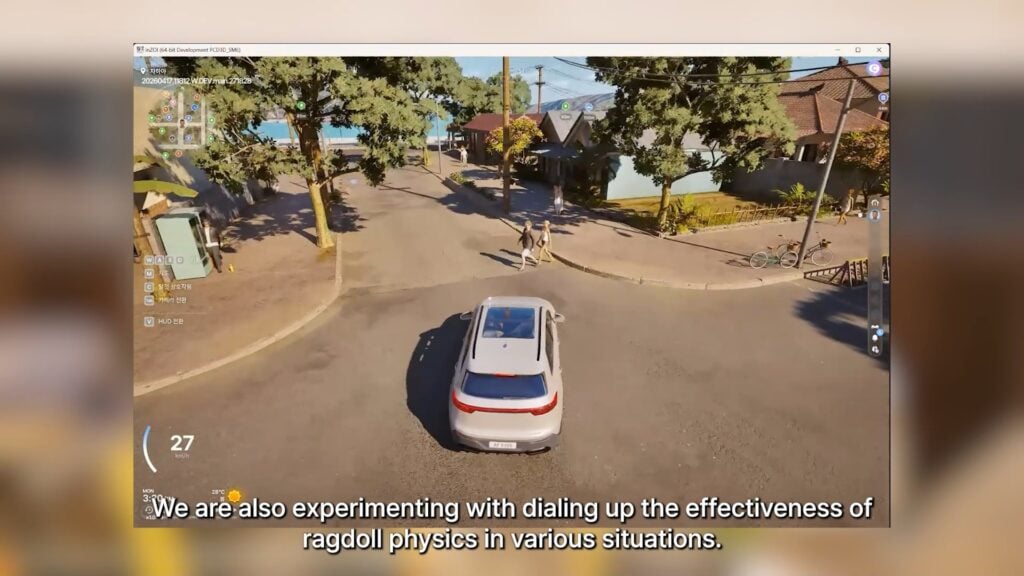
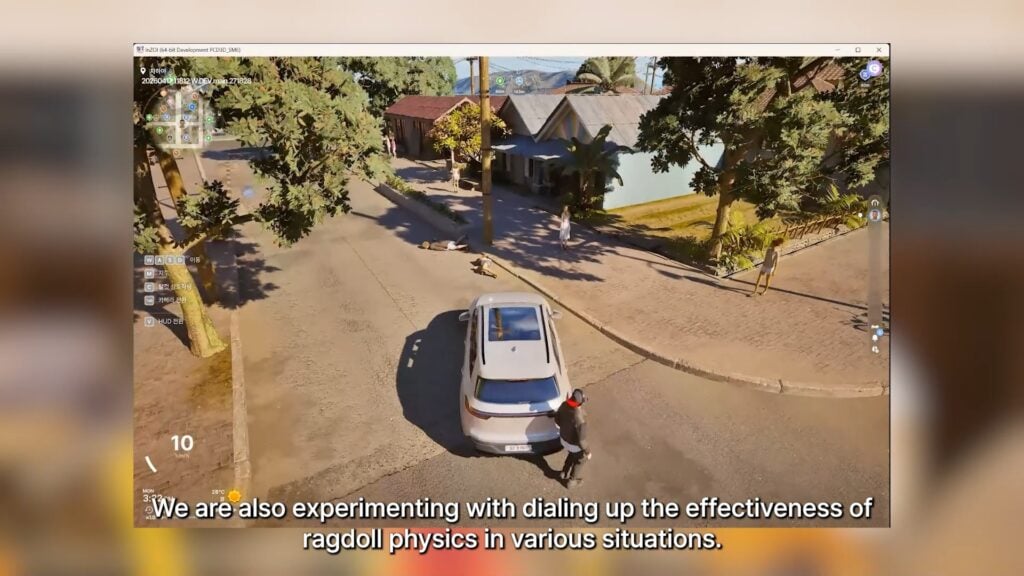
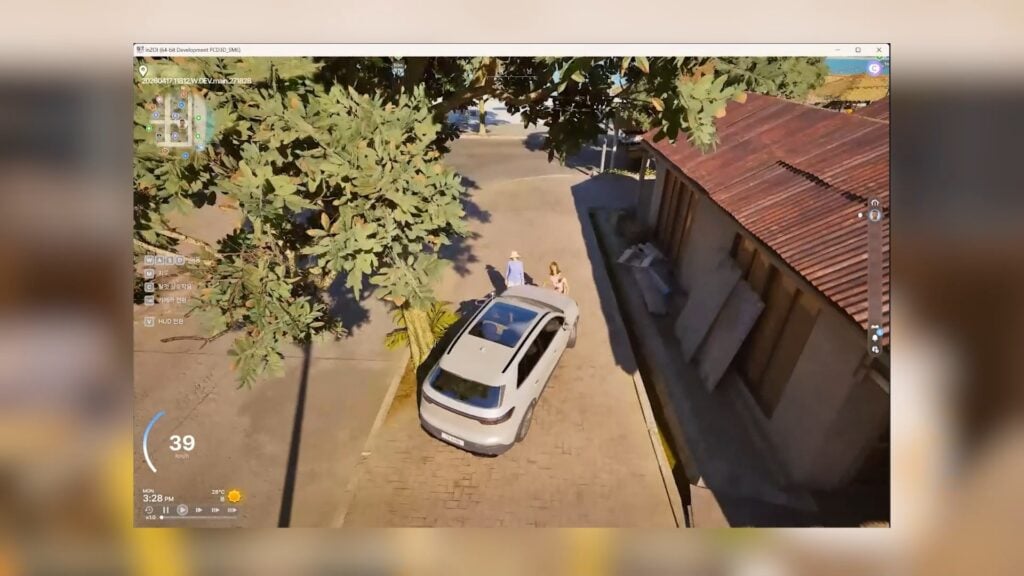
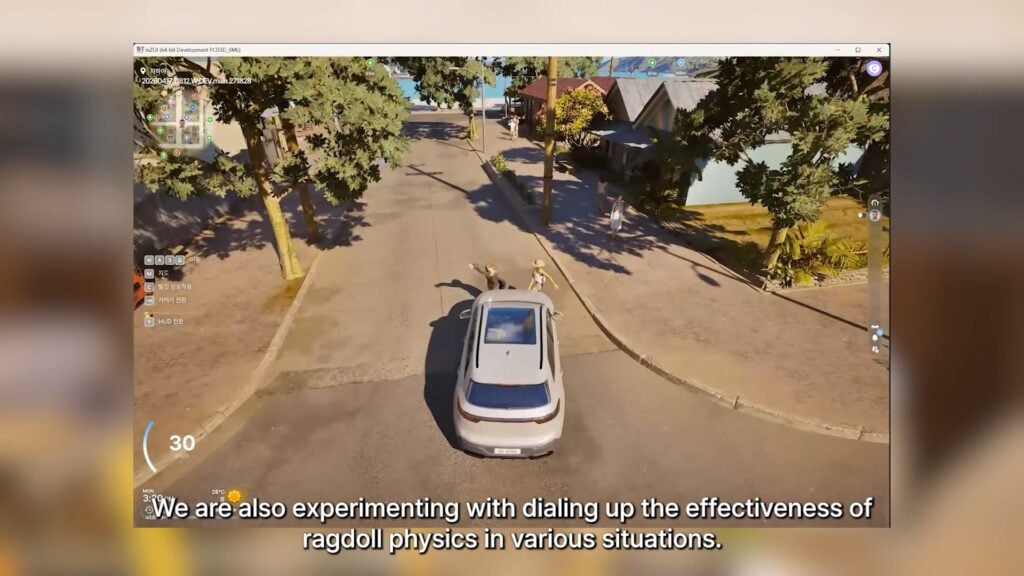
○ Adjustments are also being made to the ragdoll physics depending on the situations in which they are triggered.
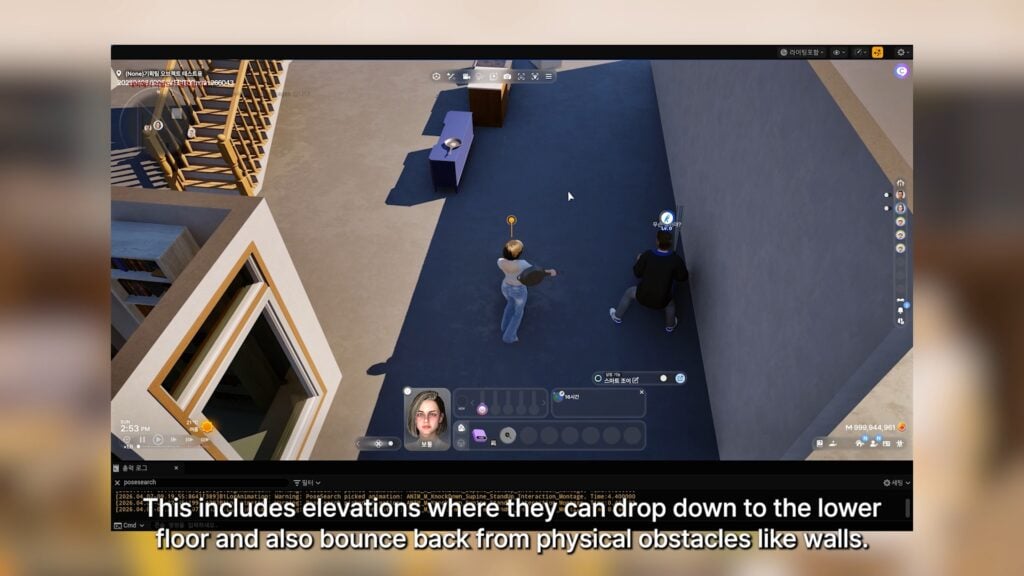
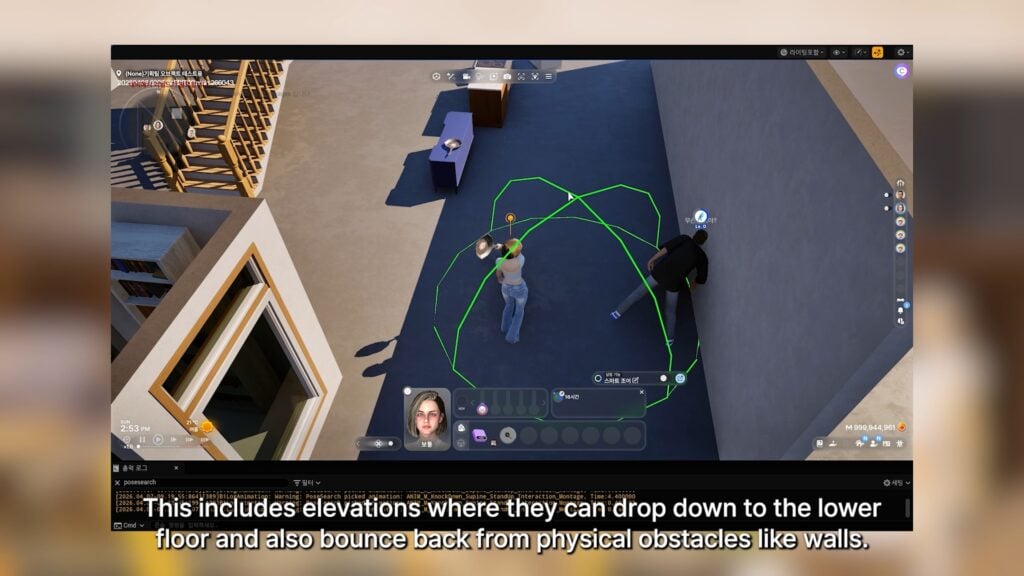
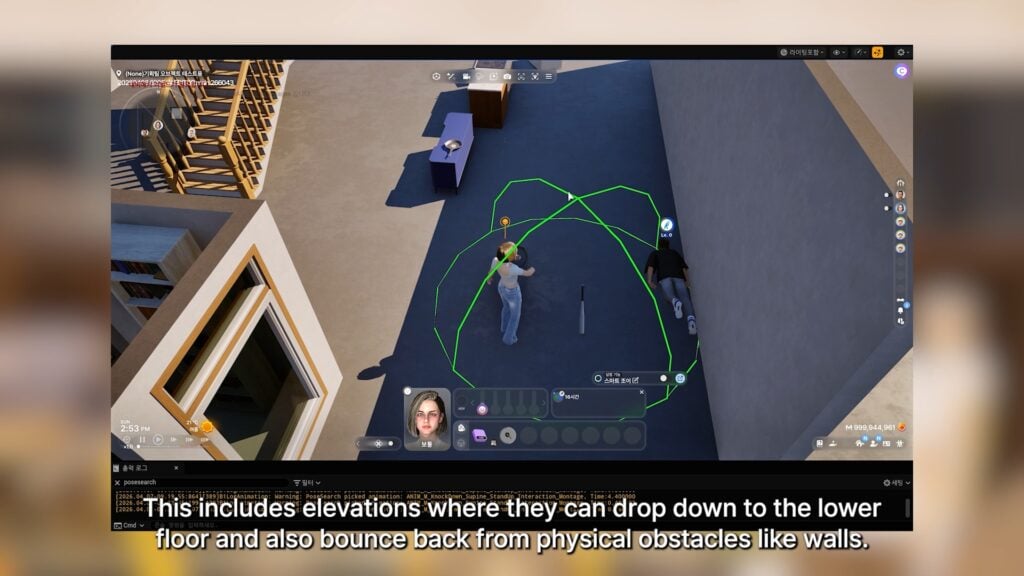
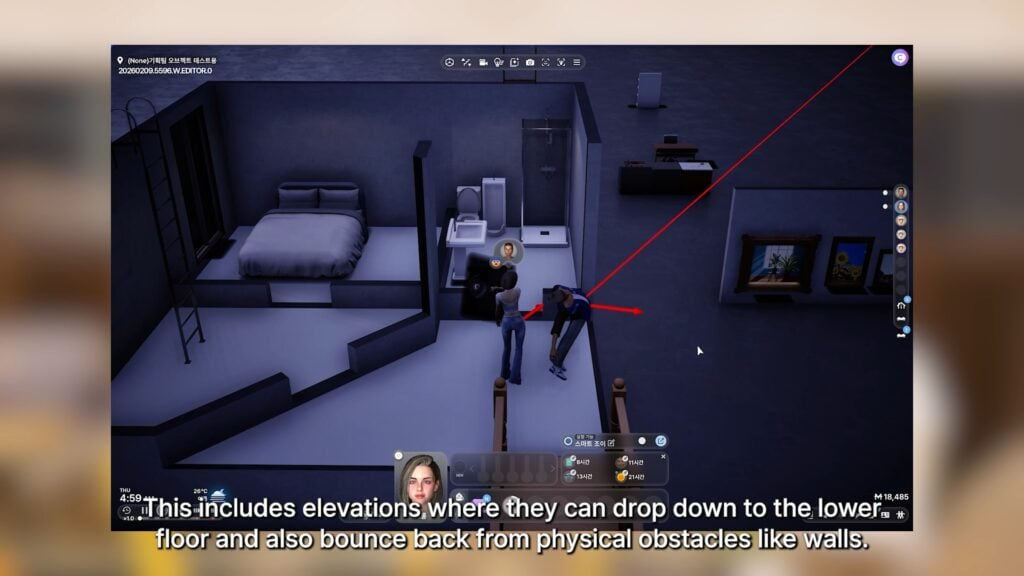
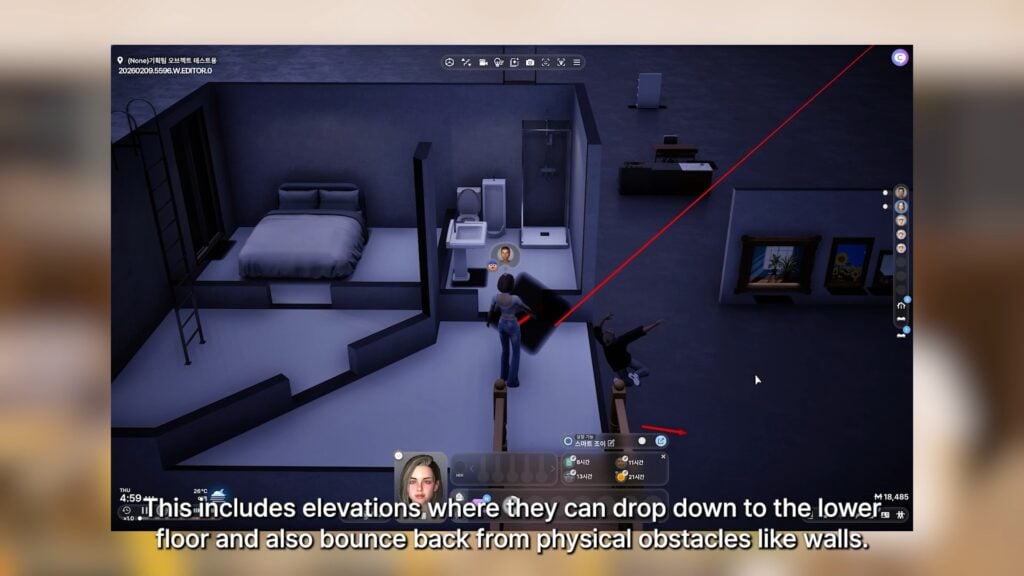
○ These adjustments seem to be specifically to make the ragdolling more sensitive, reactive, and dramatic. This includes Zois being ragdolled and falling off of platforms or roofs, and also Zois ragdolling and hitting other objects, like walls or furniture.
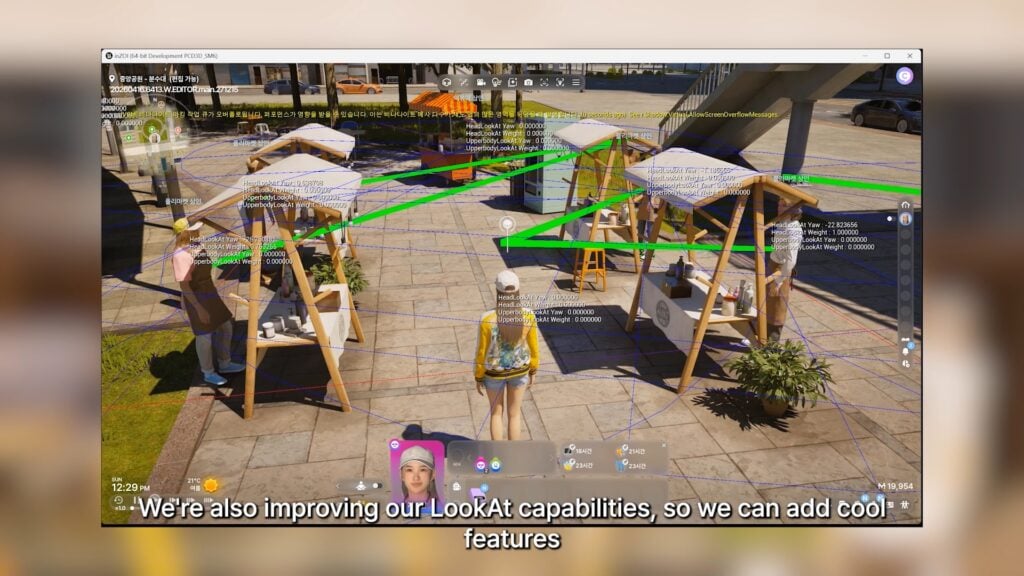
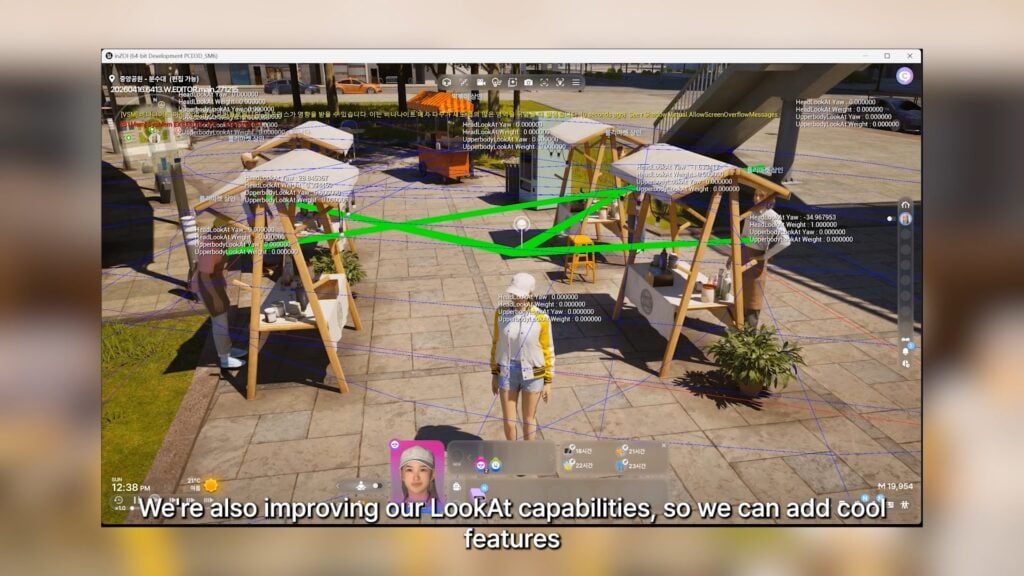
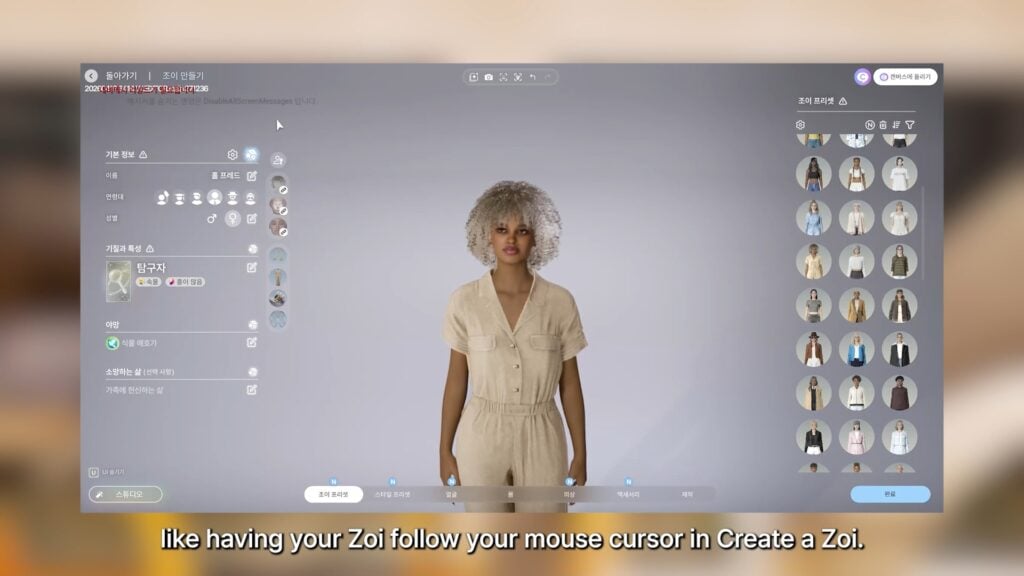
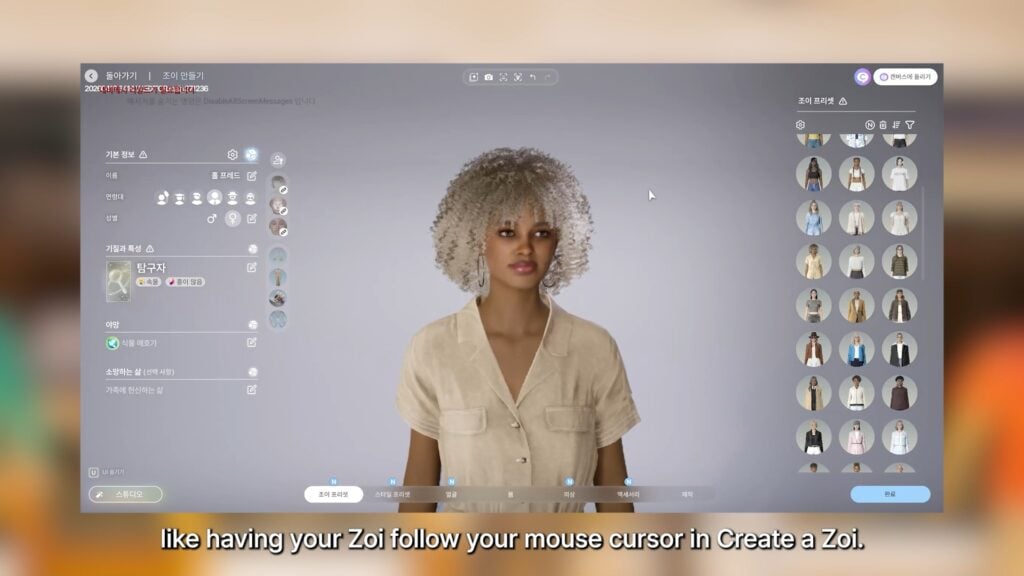
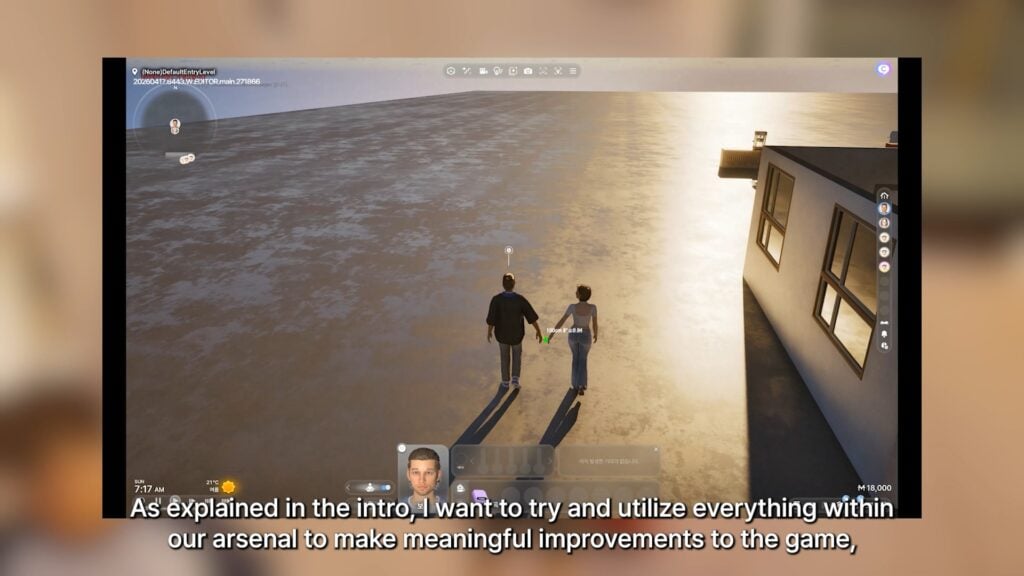
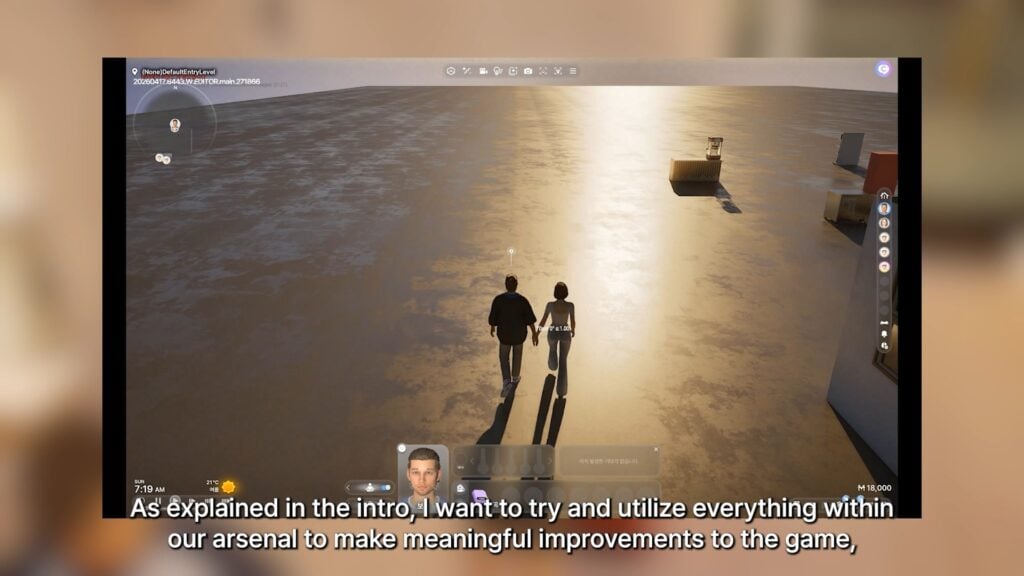
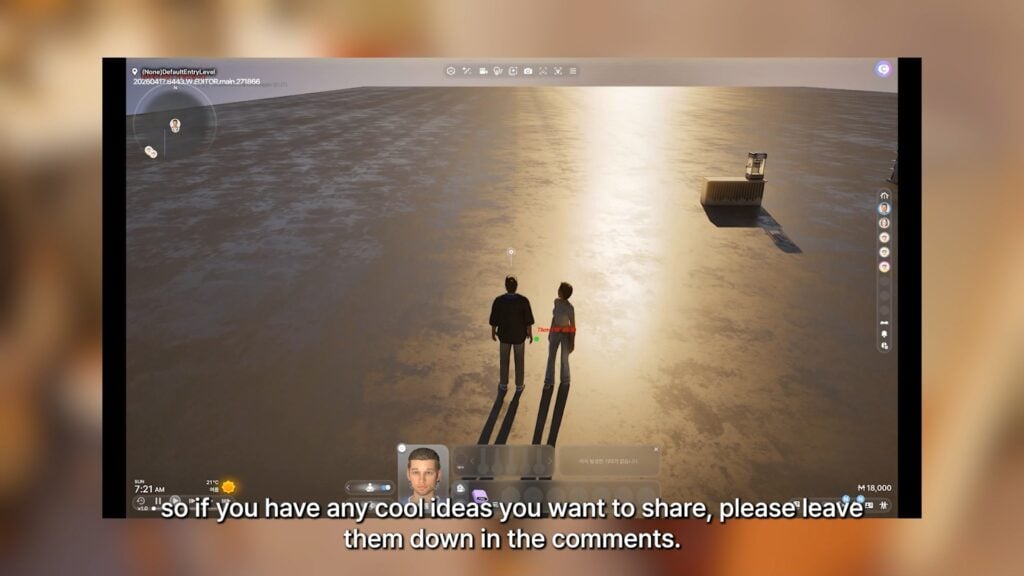
○ Working on expanding the “Look At” system in the game. Some ways this will be implemented is to allow your Zoi to follow your cursor in Create-A-Zoi, as well as to adjust the systems required to allow Zois to walk while holding hands.
05.08.26 Expanding on Foundations
Hello,
Sorry everyone for the late upload.
As soon as the video was finished, we found out an API error occurred on Discord, but luckily, it didn’t last too long, so I’m uploading it now
Though the Brainstorm topic for this week is well explained throughout the video, I want to ask again through text to have you all share how you would utilize some of these fundamental features from the video. Looking forward to all of your wonderful ideas
I hope everyone has a joyous weekend.
-Kjun
What features expected in the next InZOI Update in June are you most excited to see expanded upon? Do you have any ideas for how these features could be used that wasn’t touched on? Comment and brainstorm below!
Make sure to keep up with The Sims Community as we keep you up to date on all things InZOI and the life simulation genre! Make sure check in with InZOI and their official website as well for more detailed info and socials!
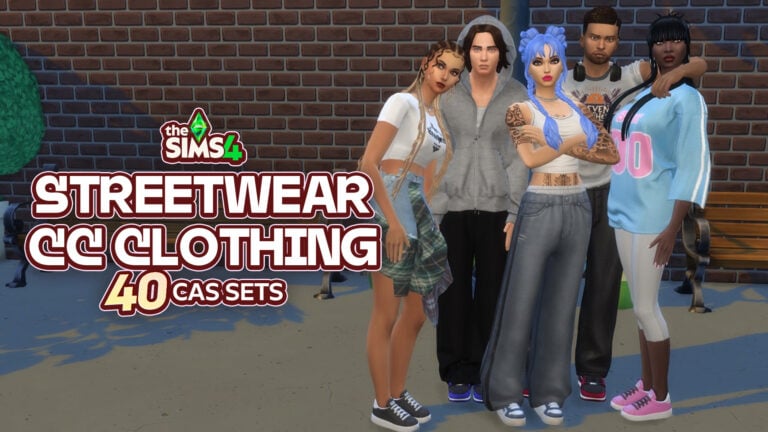
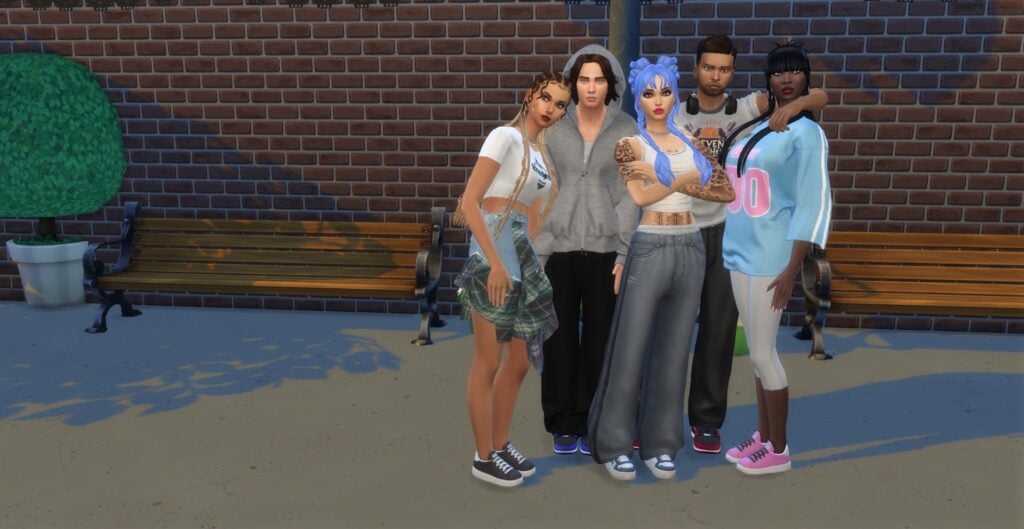
The streets just got a whole lot more stylish in The Sims 4. Suppose you’re looking to build a closet that is modern, expressive, and just a tad effortless. Sims 4 Streetwear CC is where the real fun begins. From casual, comfy looks to colorful, bold, statement pieces, this style brings that everyday “Off Duty Model” vibe straight into your CAS.
In this post, we’re heading straight into some of the best CAS CC picks to create the ultimate street vibe for your Sims. Whether you’re looking for clean, minimal outfits or grunge- and skate-inspired combos, these CC finds will have your Sims looking and feeling fresh!
Sims 4 Streetwear CC: 44 CAS Pieces For Crisp, Stunning Outfits
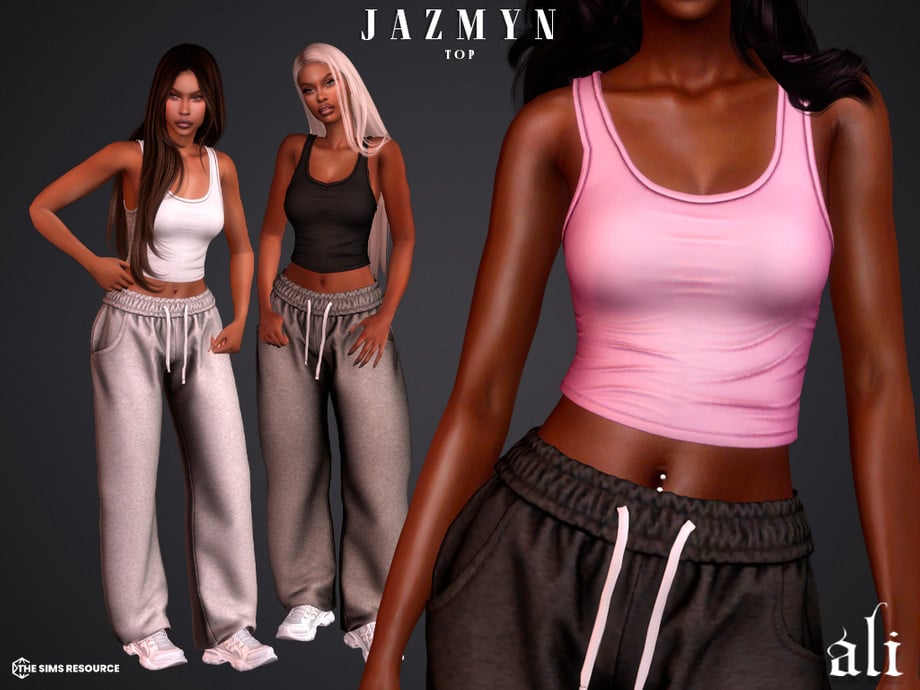
Jazmyn Top by ali
Your Sim will be laid-back but styled up in this Sims 4 Streetwear CC top by ali! Jazmyn Top is a simple, tight-fitting crop top available in 12 swatches. Paired with the matching sweatpants – mentioned below, would create a cute, everyday style for a streetwear vibe!
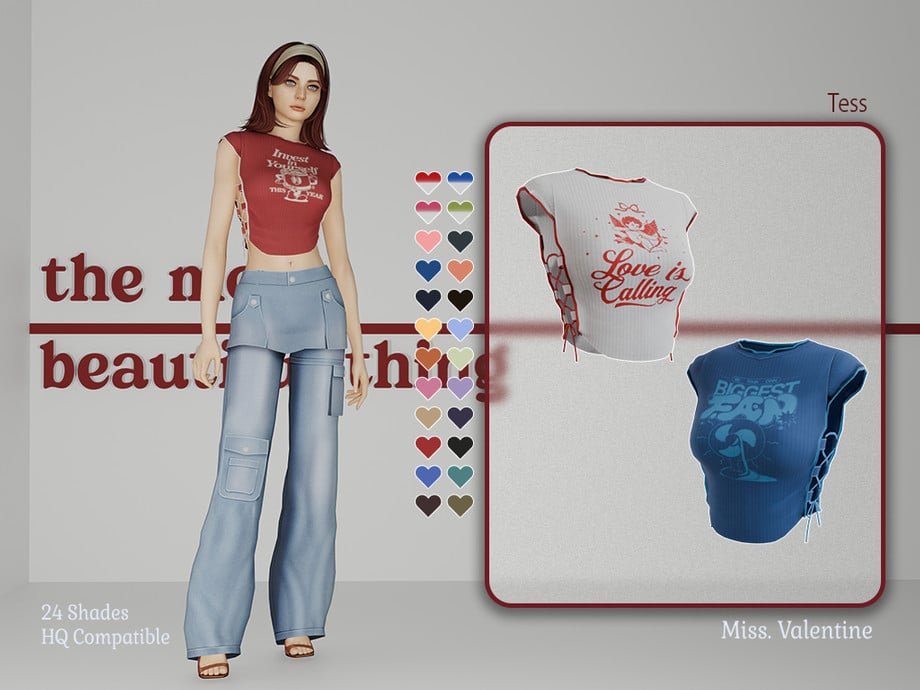
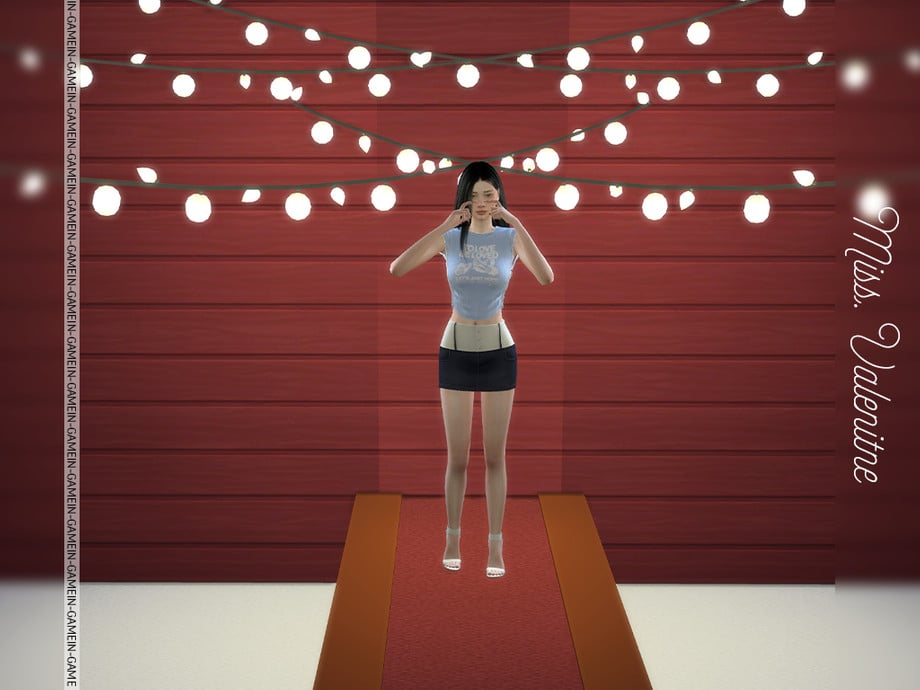
Tees Ribbed Shirt With Open Sides by MissValentine142
This ribbed, CC top by MissValentine142 is most certainly a downtown, inspired essential! This top, available in 24 swatches, features a cropped, short-sleeve T-shirt with open sides pulled together in a braid.
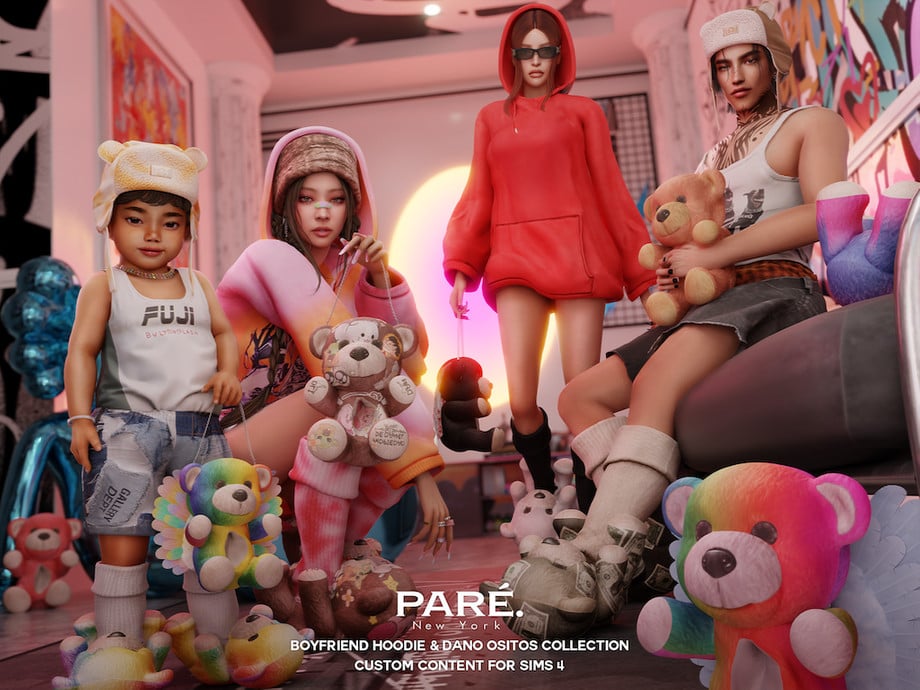
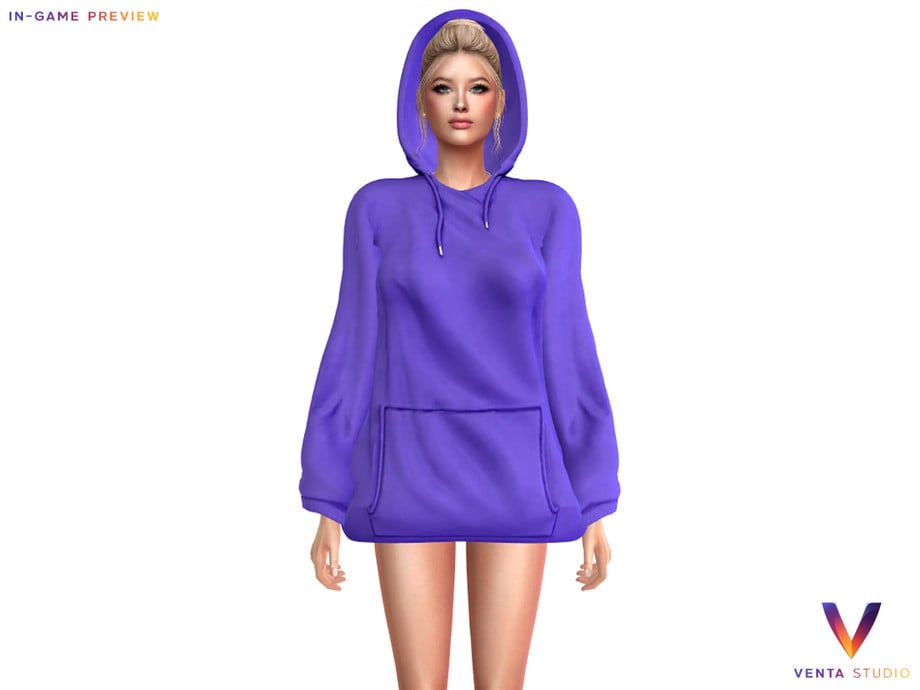
Hood up, mood set! PARE – Boyfriend Hoodie by VentaStudio is a full-body outfit that has its hood up and features small fabric wrinkles, available in 10 swatches!
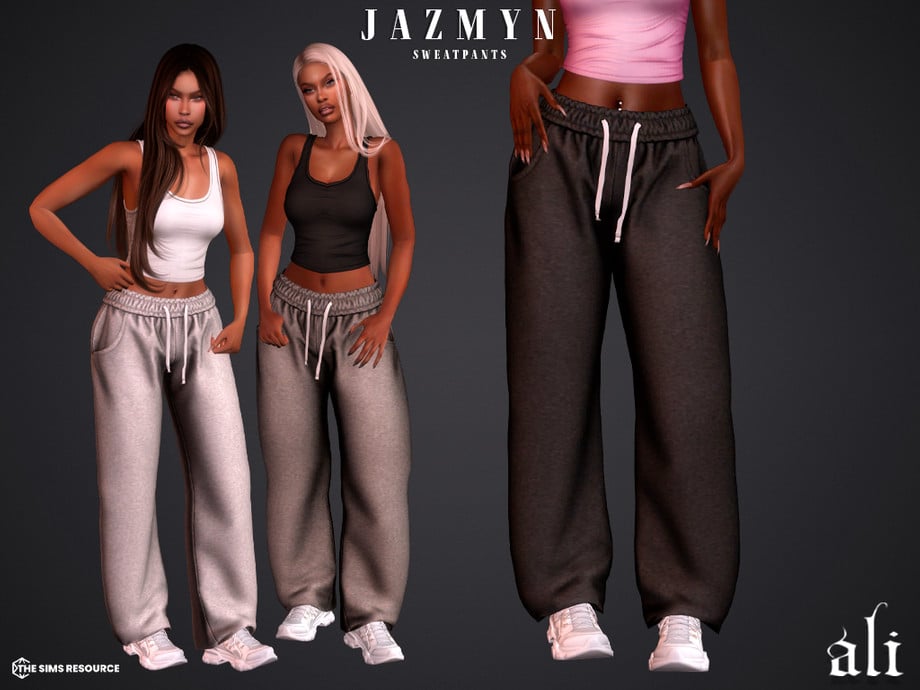
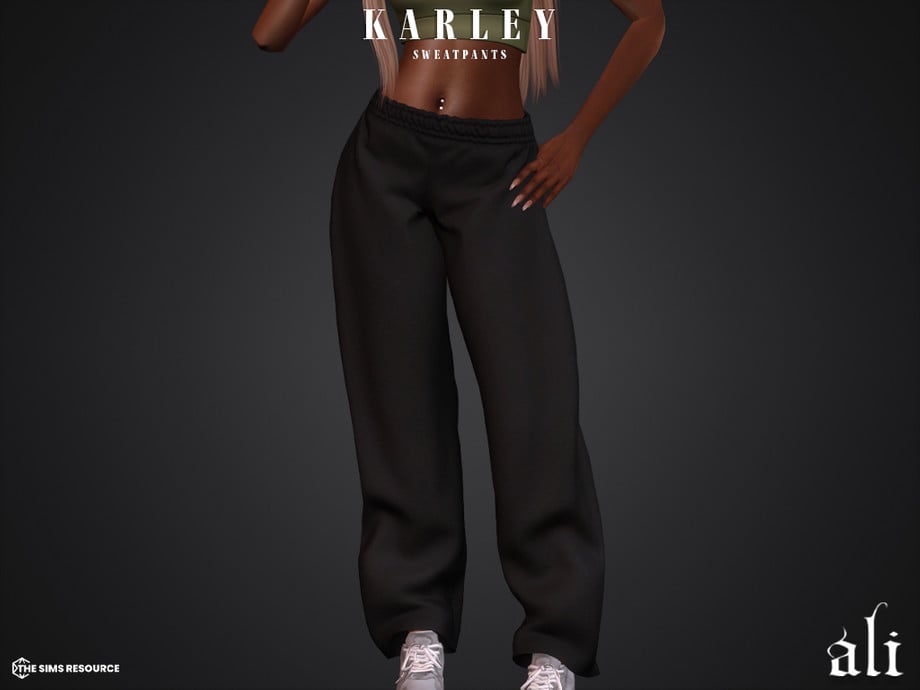
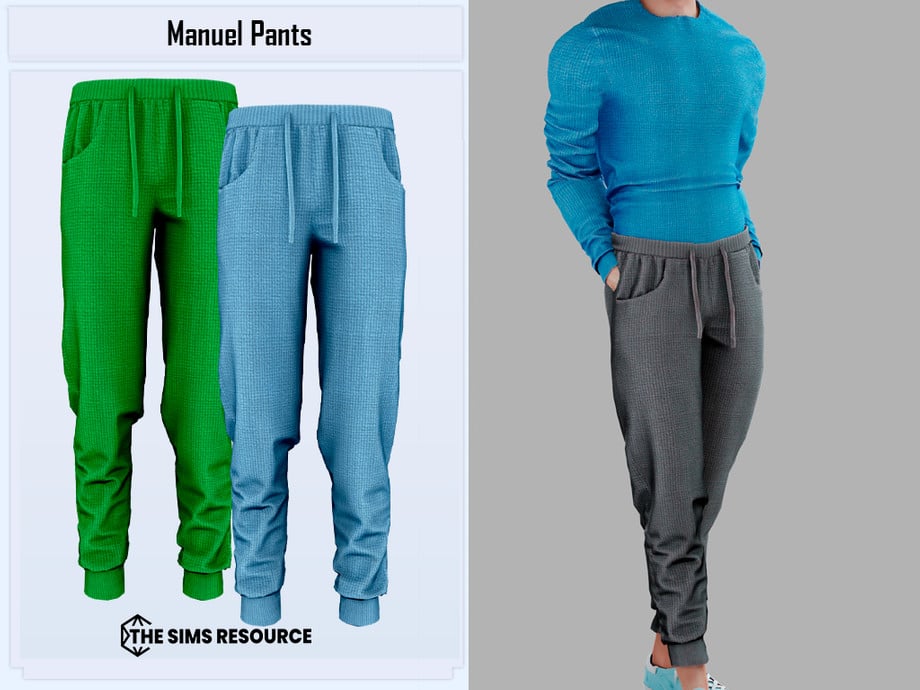
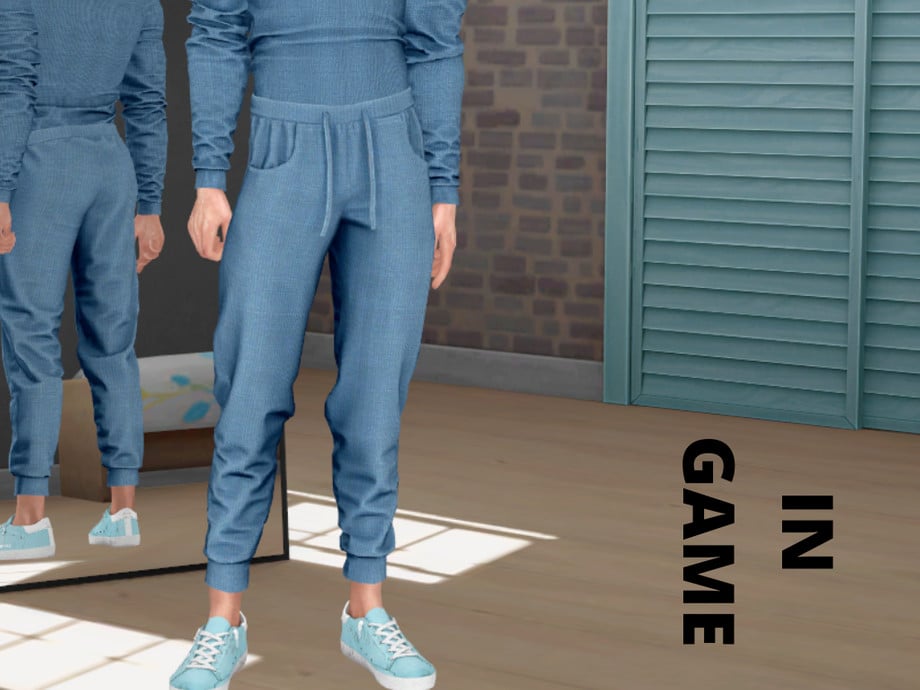
Sweatpants in streetwear are part of the everyday chill uniform! These CC bottoms by ali are a pair of loose-fitting, low-waist sweatpants – perfect for the streets, and the matching bottoms to the top listed above by ali. Available in 12 swatches for feminine-frame Sims, aged teen through elder.
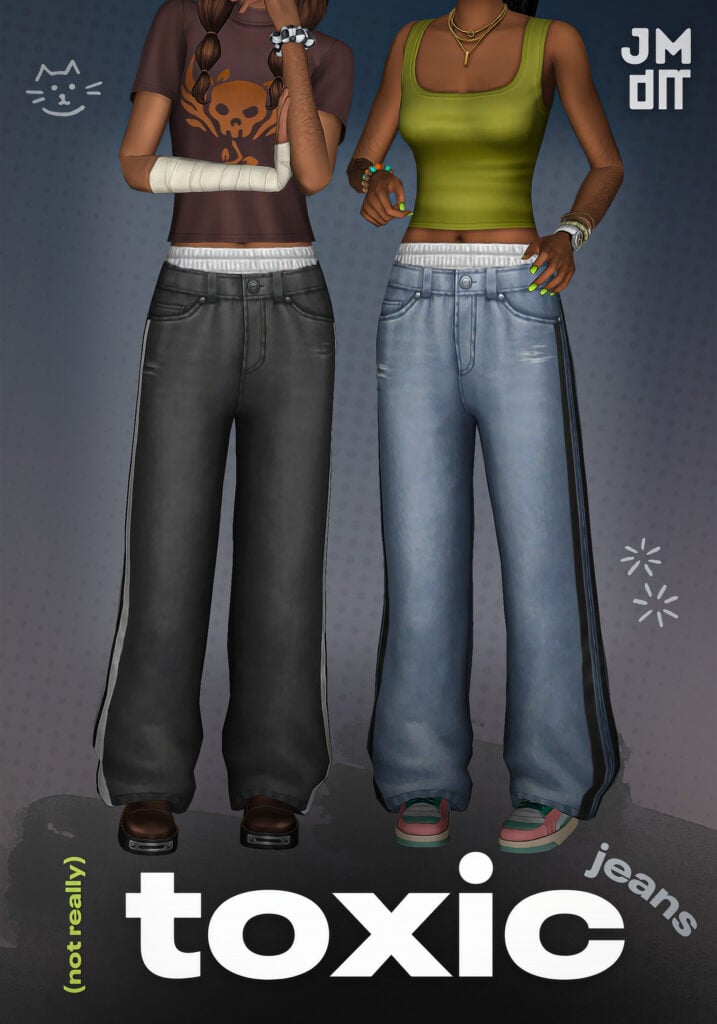
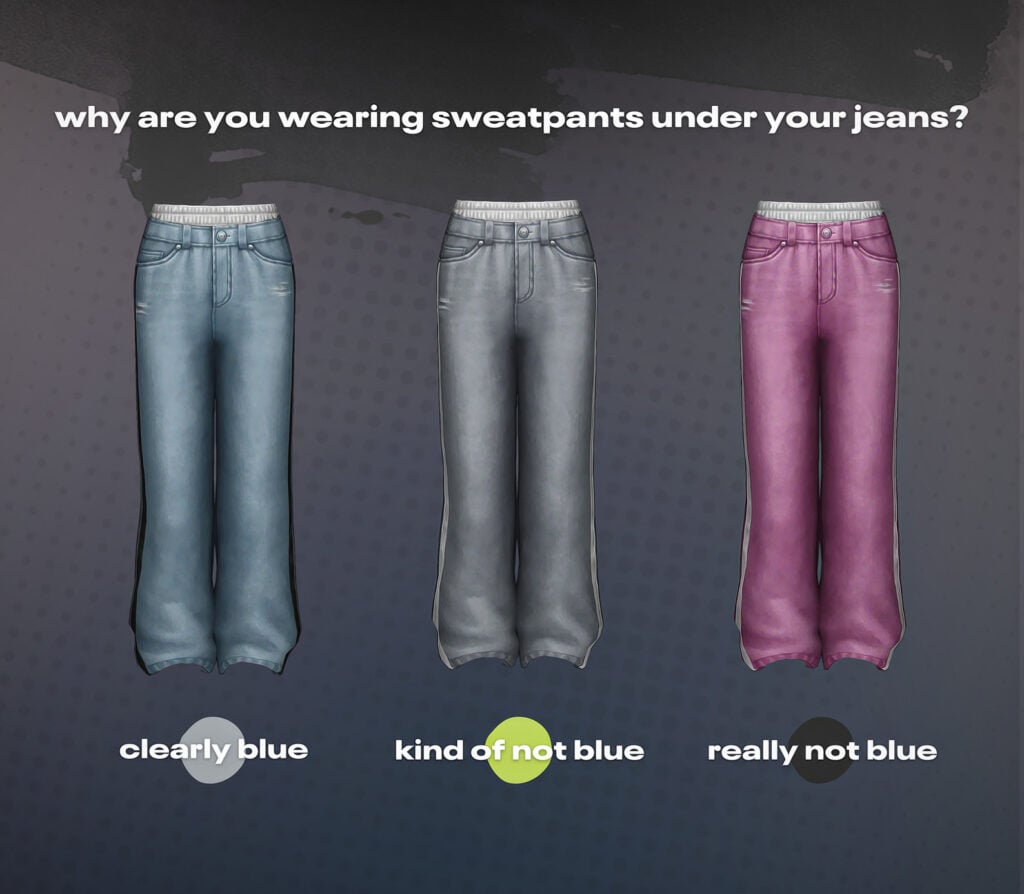
Stacked layers mean stacked style. Toxic Jeans by jellymoo are a pair of baggy, denim jeans with stripes at the sides of the legs for feminine-frame sims – available in 16 amazing swatches.
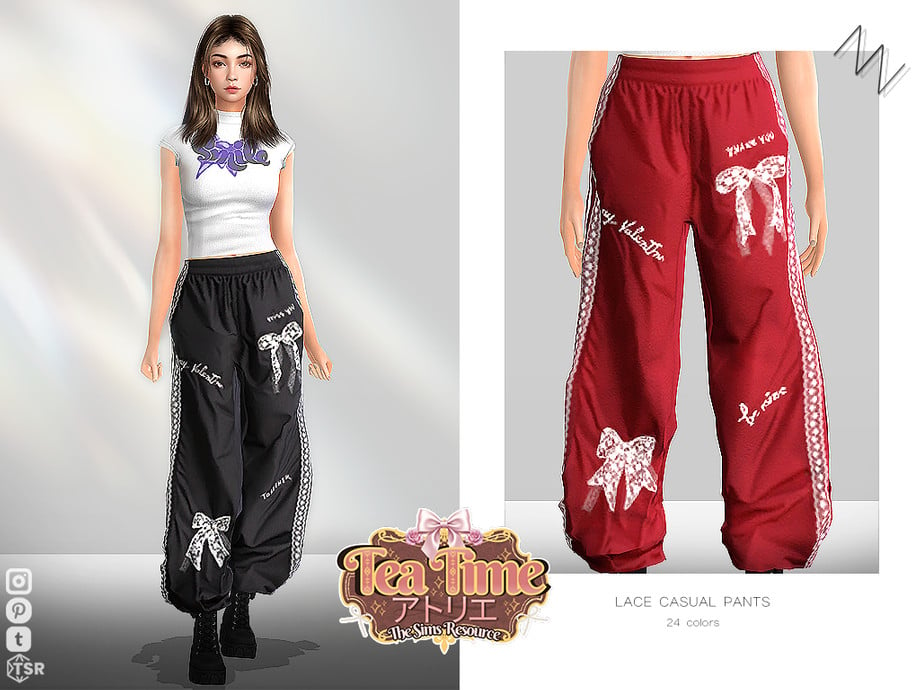
Relaxed fit, but real attitude – Lace Casual Pants by ZNsims is a pair of loose-fitting, sweatpants for feminine-frame Sims that feature bow graphics, words, and lace graphics at the sides of the legs. Undeniably stunning!
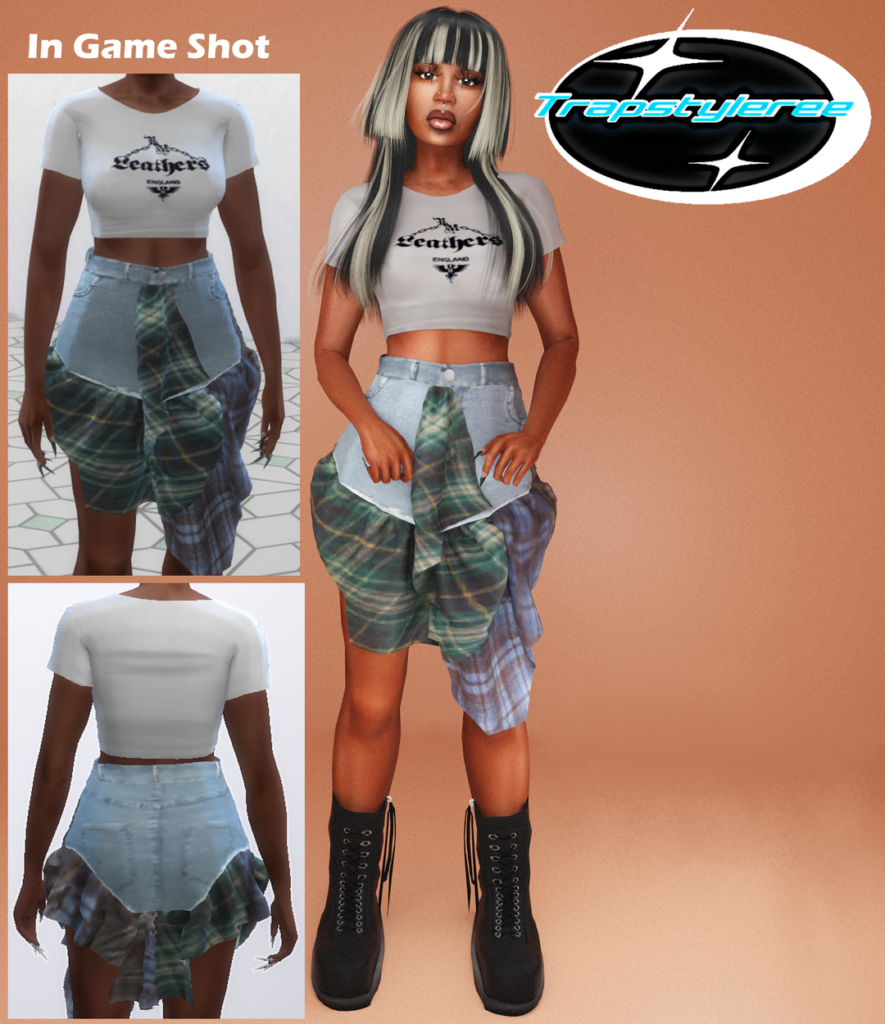
Crop Tee & Plaid Skirt by trapstyleree provides effortless street energy with its cropped, short tee, available in 10 swatches – paired with the layered, denim skirt, with green, plaid frills that hang in the front and back, make for the cutest, streetwear look!
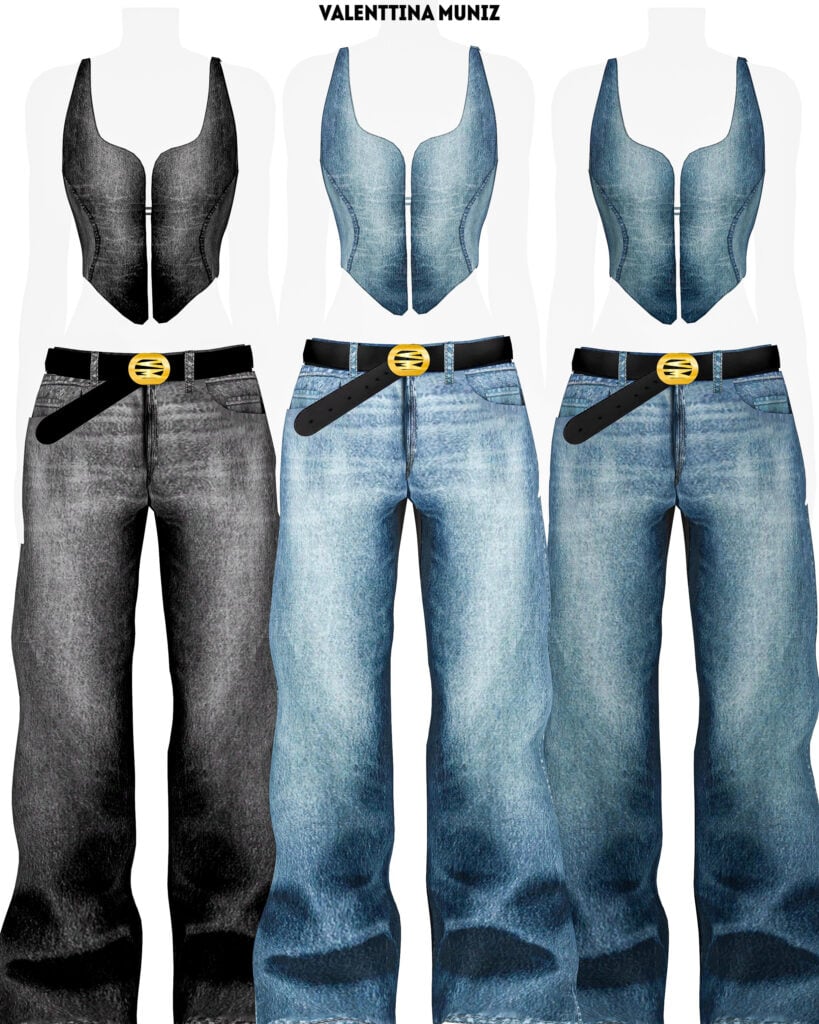
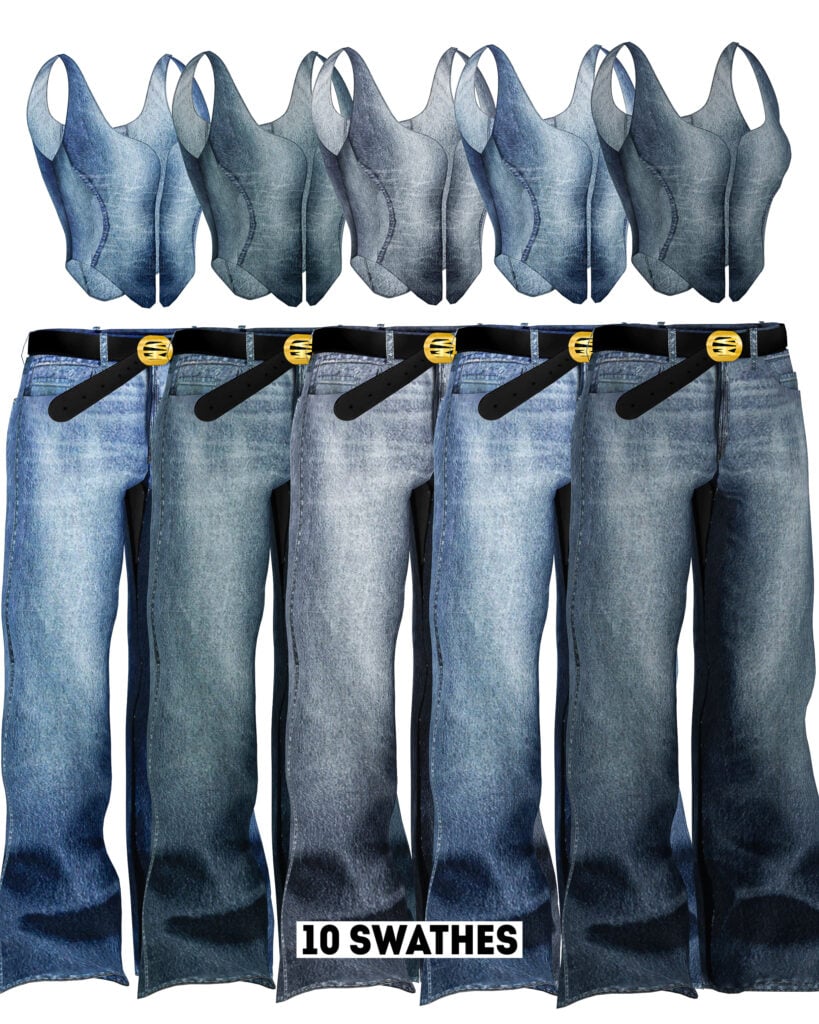
Zaha Outfit by ValenttinaMuniz is a denim, Sims 4 Streetwear CC outfit that is fitted, faded, and flawless! Included are a baggy pair of denim jeans with a belt and a denim tank top fitted with a zipper – available in 10 cool swatches.
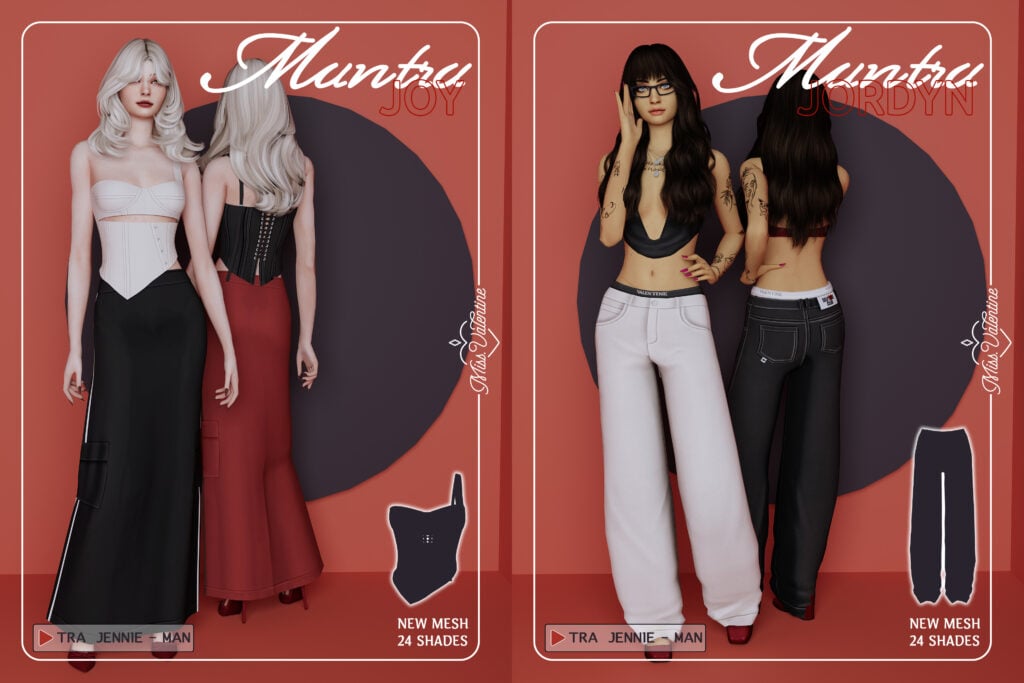
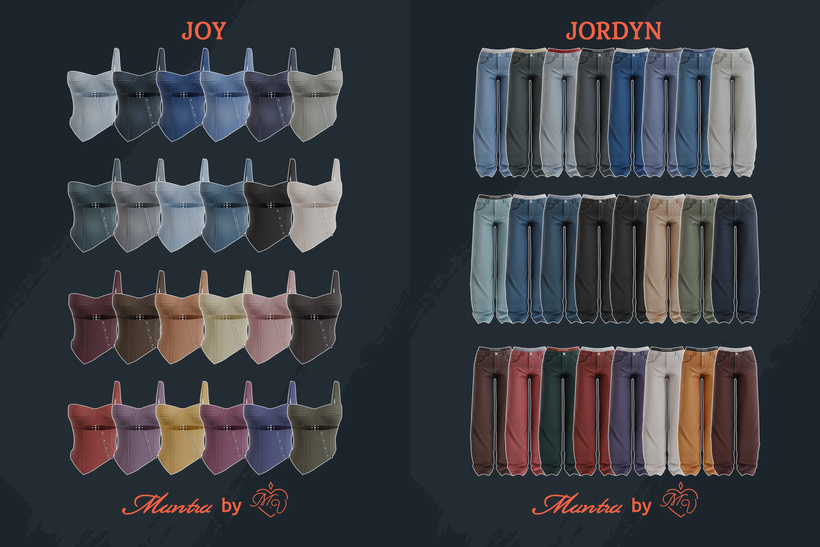
Another denim CC outfit packed with attitude! Joy Top is a one-shouldered, fitted tank with a cut out at the sternum, while Jordyn Pants are a pair of loose-fitted jeans with underwear detail at the top – available in multiple swatches each!
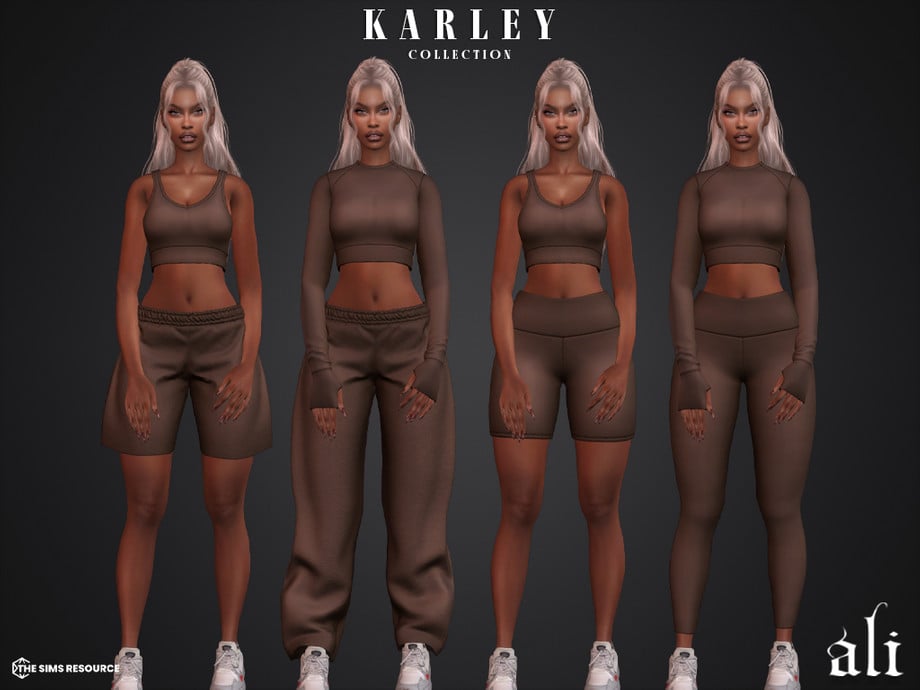
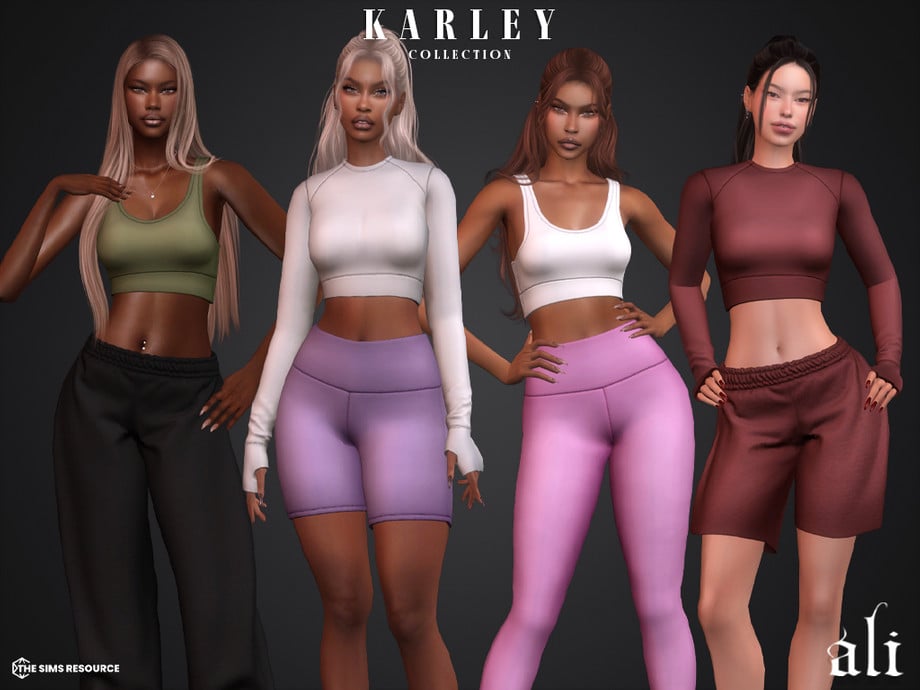
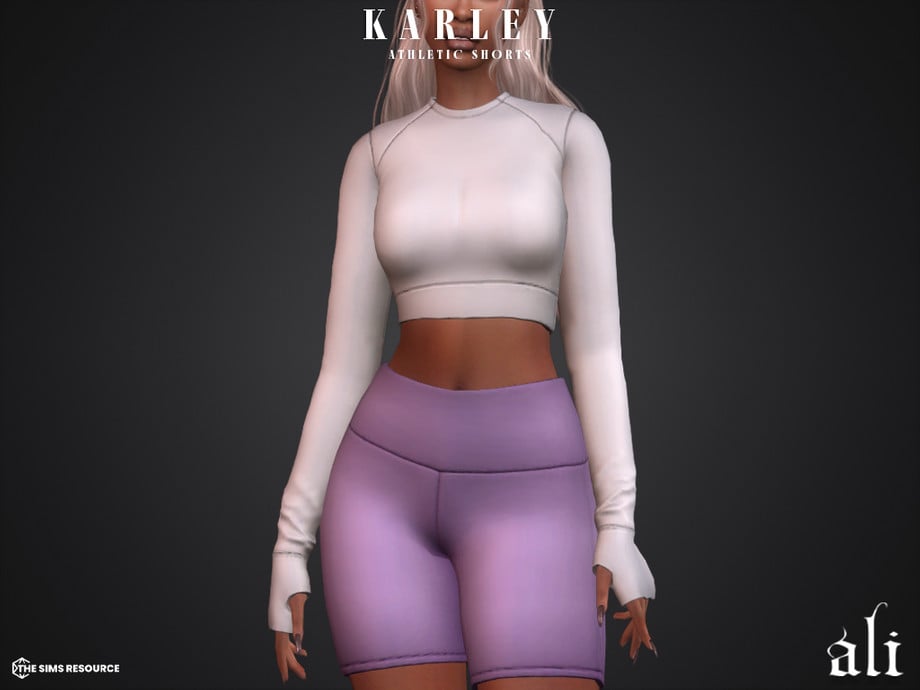
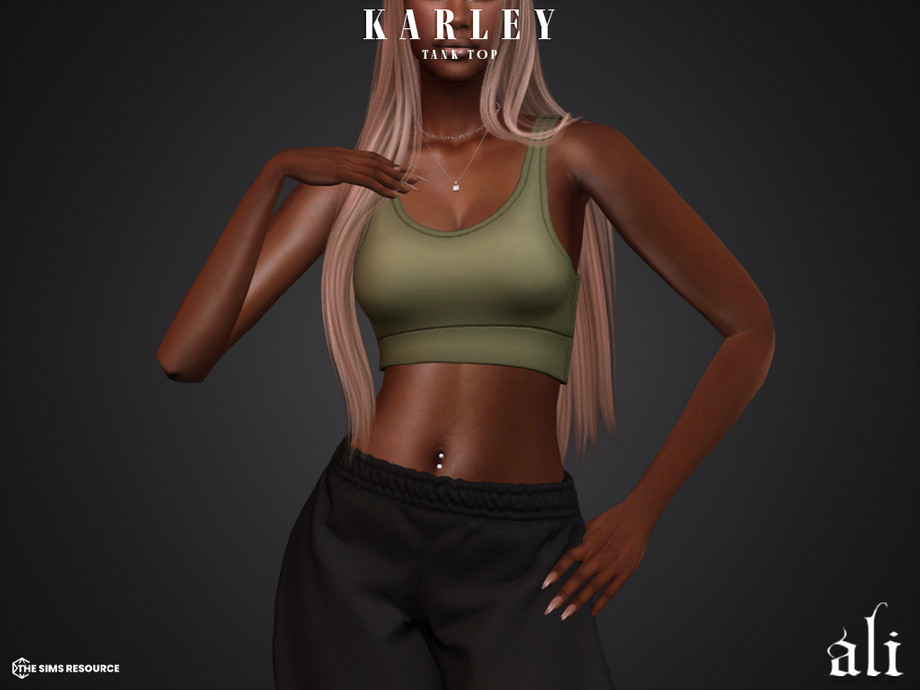
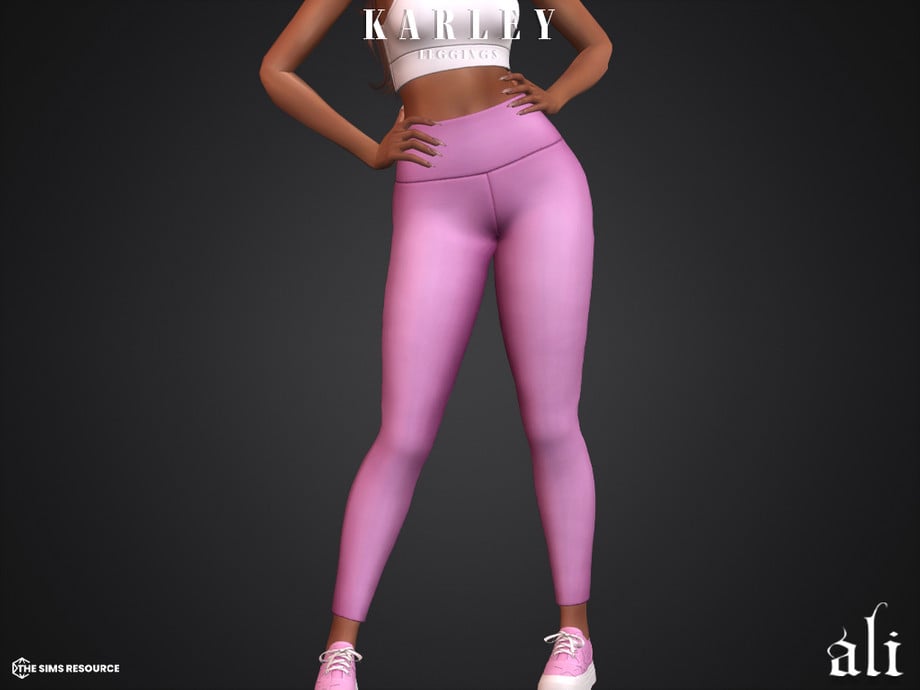
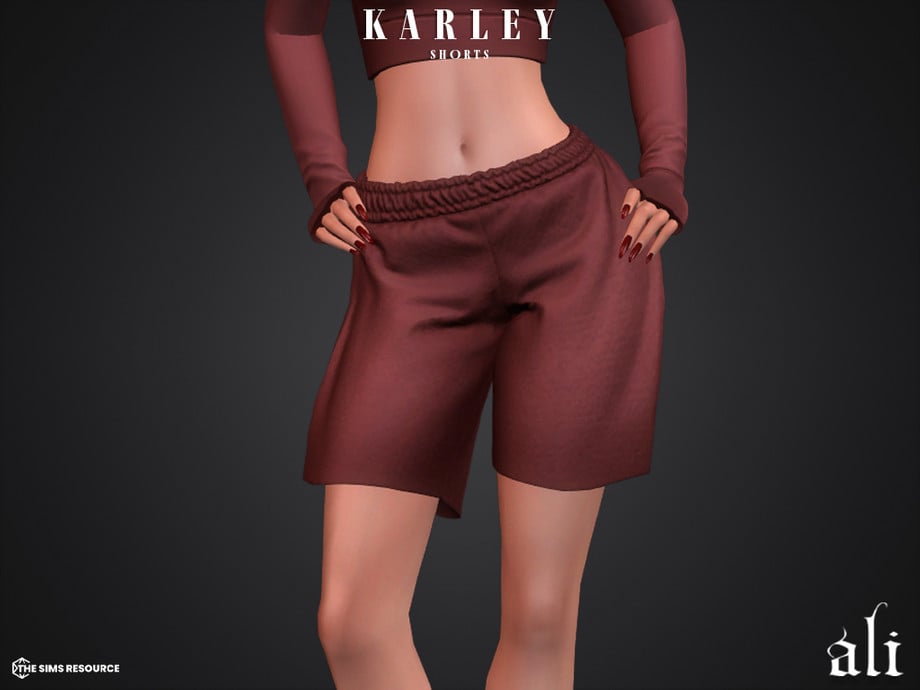
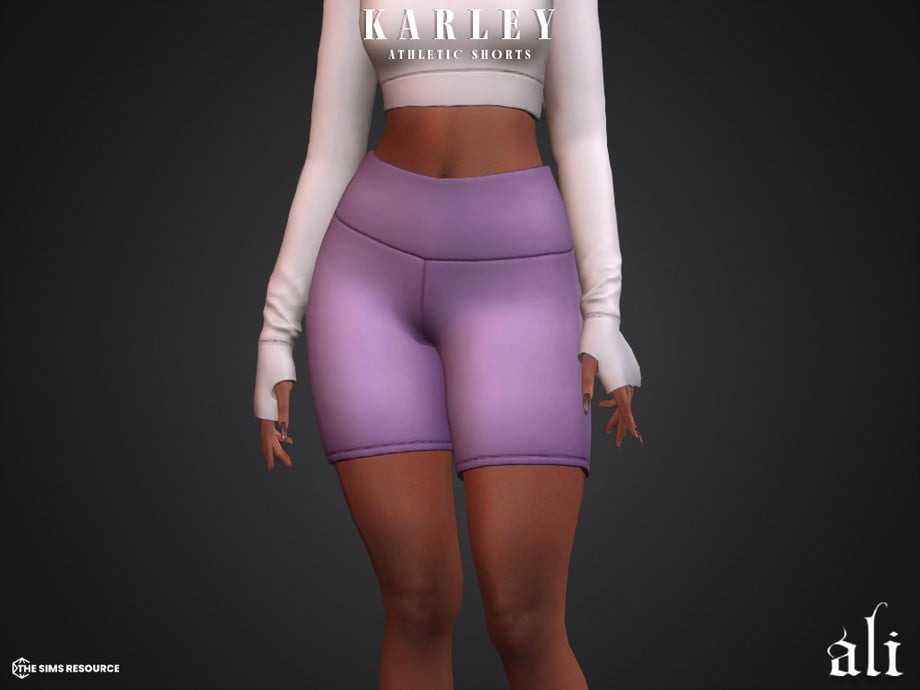
Everything your Sim needs to run the streets in comfort and style! KARLEY Collection by ali contains 2 tops, a bralette, and a fitted, cropped, long-sleeved T-shirt. There are also 4 CC bottoms included, such as a pair of sweatpants, leggings, biker shorts, and loose athletic shorts – all available in 15 swatches.
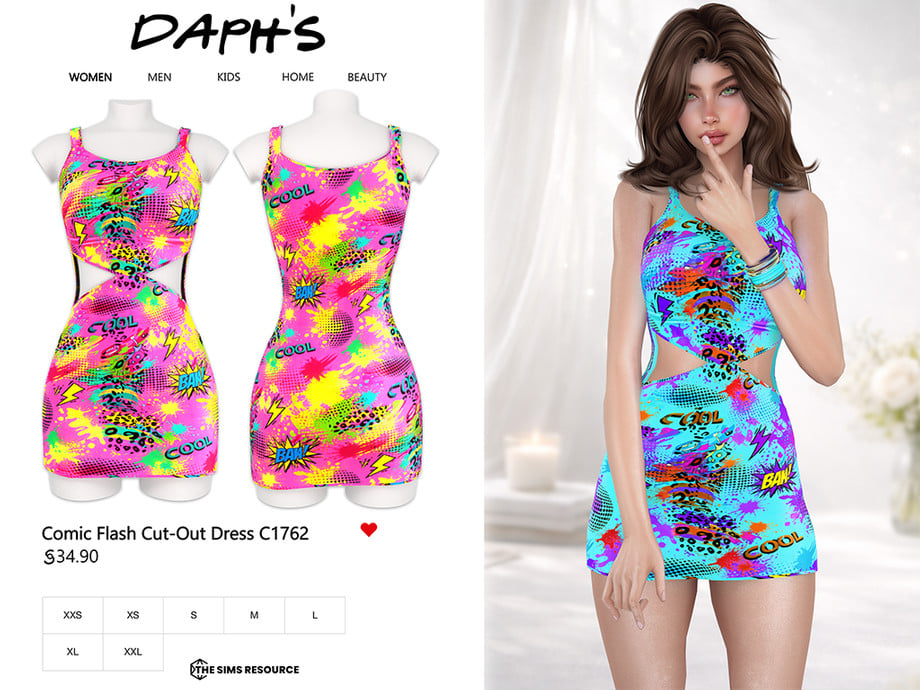
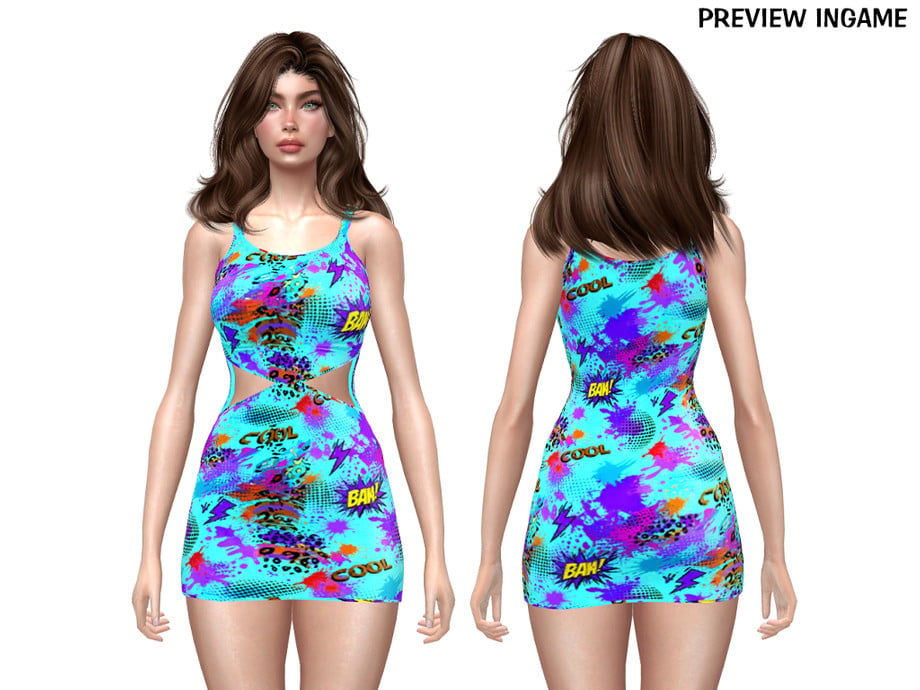
Streetwear but with a kick of color! This sleeveless, CC dress by Daph’s features bright, comic graphics and small cut-outs at the front of the hips. Available in 6 eye-catching swatches!
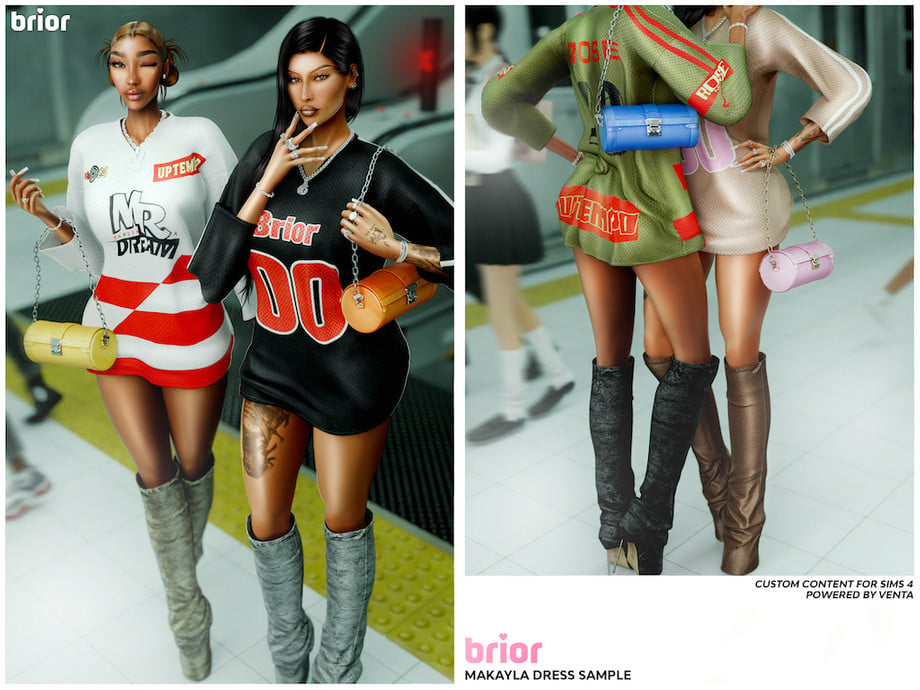
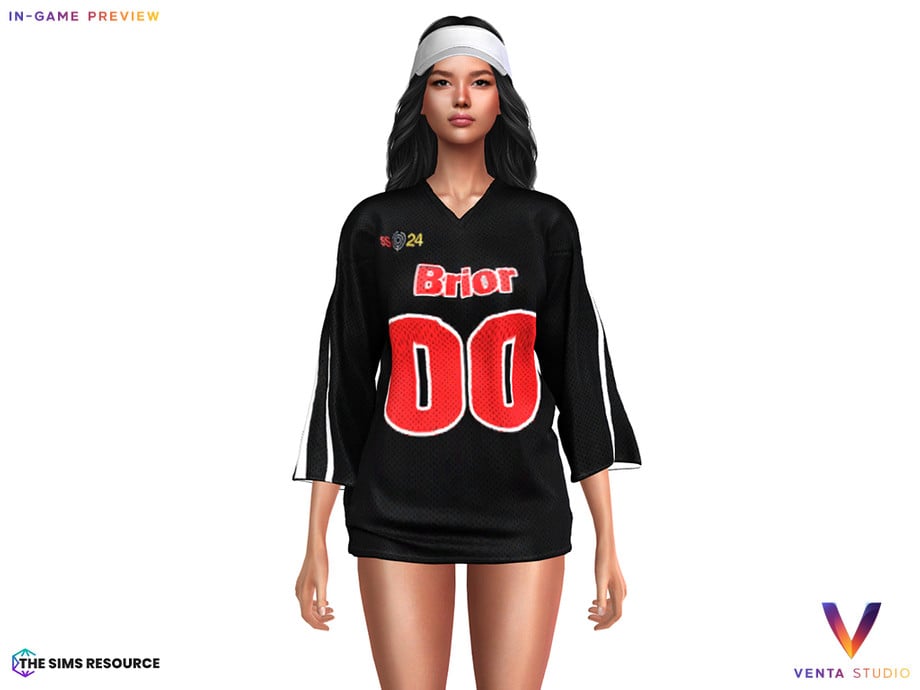
Your Sim will be giving off main-Sim-energy with this beautiful CC dress by VentaStudio! A short, ¾ sleeved dress, with a jersey theme and accents at the front and back. Show off your style in 5 lively swatches!
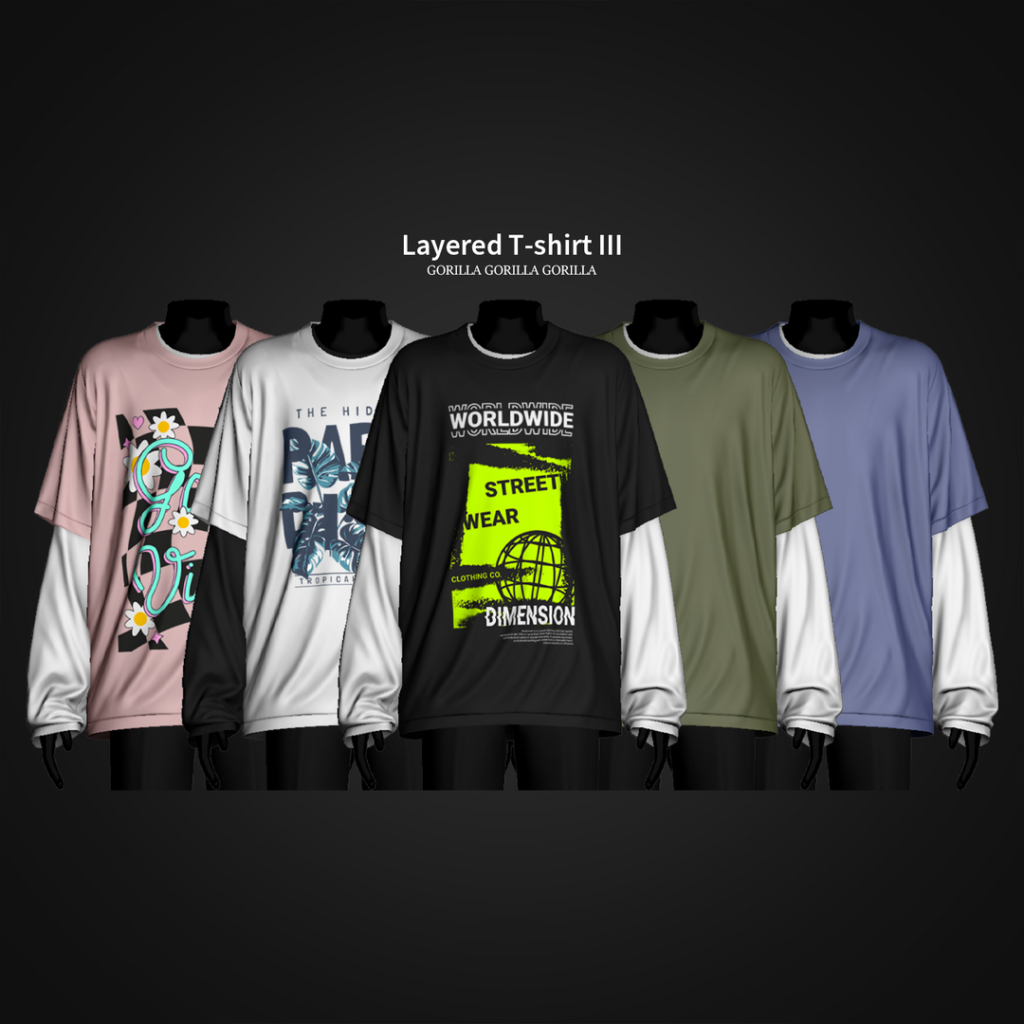
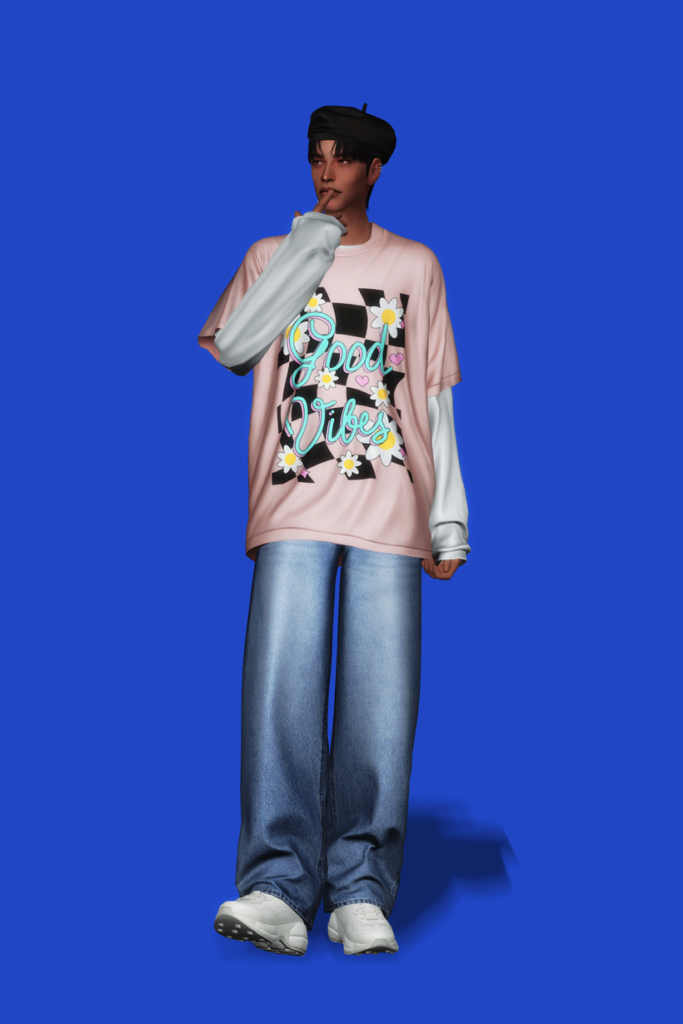
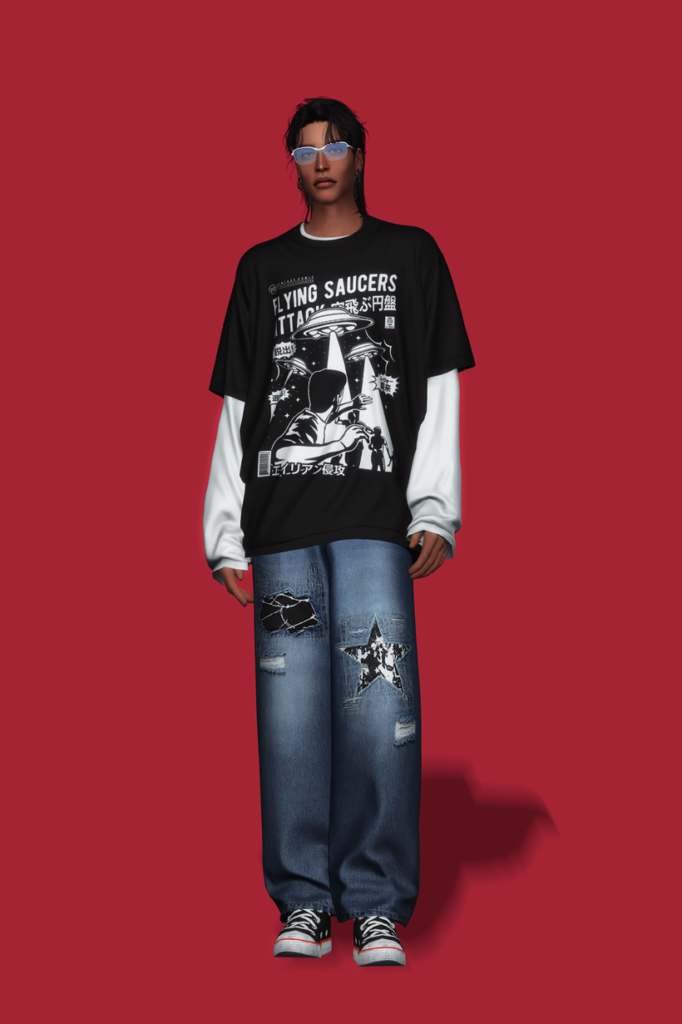
Layers upon layers of street style! Layered T-shirt III by Gorilla Gorilla Gorilla is a CC top for masculine-frame Sims that features a long-sleeved, baggy undershirt, with a graphic T on top in 50 swatches. Paired with baggy jeans makes a streetwear staple!
Corduroy Sweater Detailed Streetwear Jacket by rvn2seven
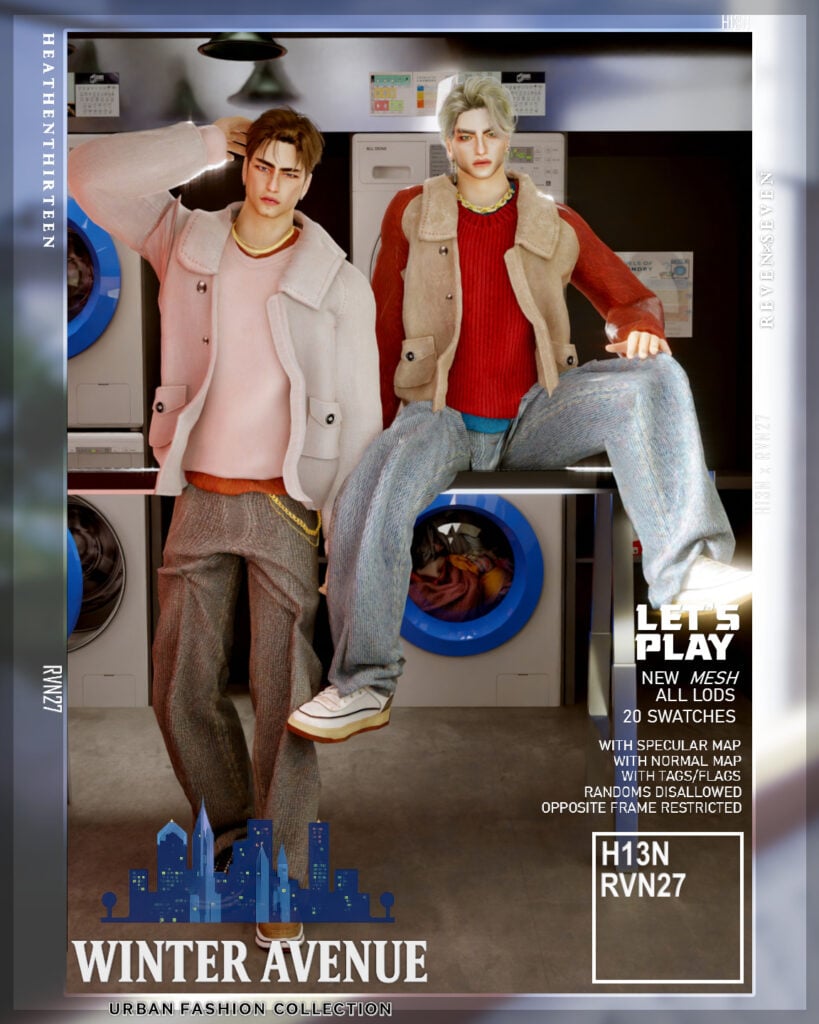
For a softer, cozy but definitely still streetwear vibe – Corduroy Sweater Detailed Streetwear Jacket by rvn2seven features an undershirt, with a detailed sweater on top, paired with a textured vest or long-sleeved jacket – available in 20 amazing swatches! Walk the streets in comfort and look amazing doing so.
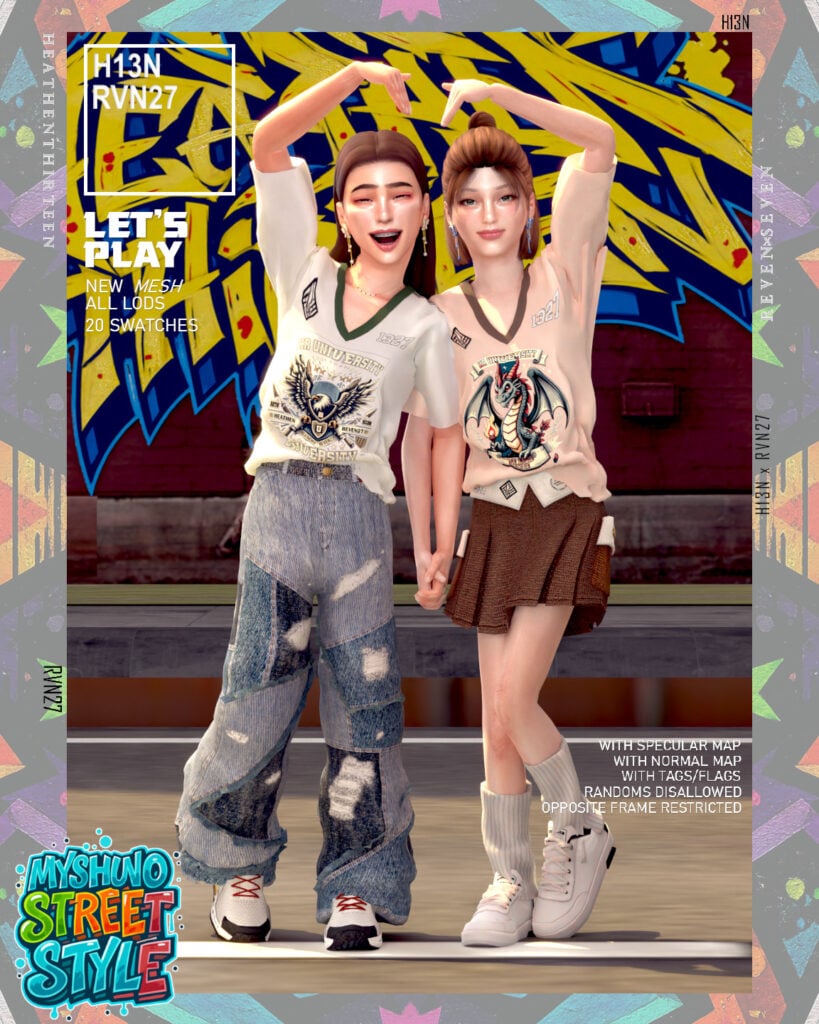
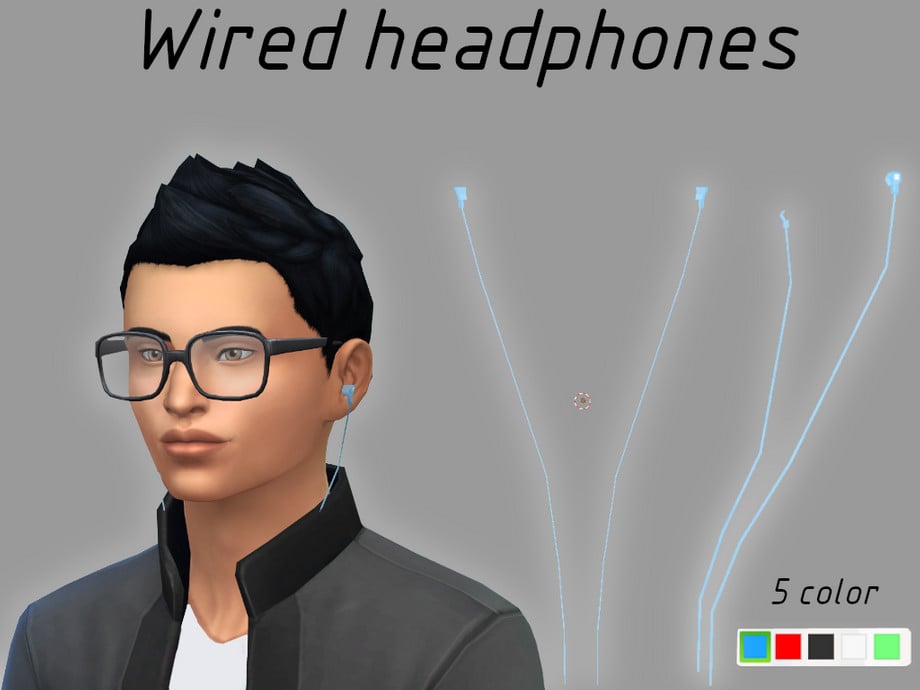
Urban Streetwear Sleeveless Graphic Tee & Headphone by heatherthirteen
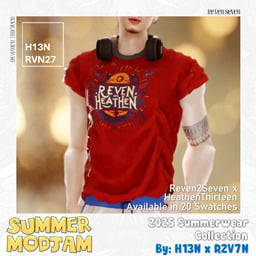
This Sims 4 Streetwear CC top by heatherthirteen may be laid-back, but it will certainly level up your Sim’s streetwear look! A short-sleeved T with rolled sleeves in 20 swatches is paired with matching headphones to complete the look. A must-have for your masculine-frame Sim’s streetwear CC closet!
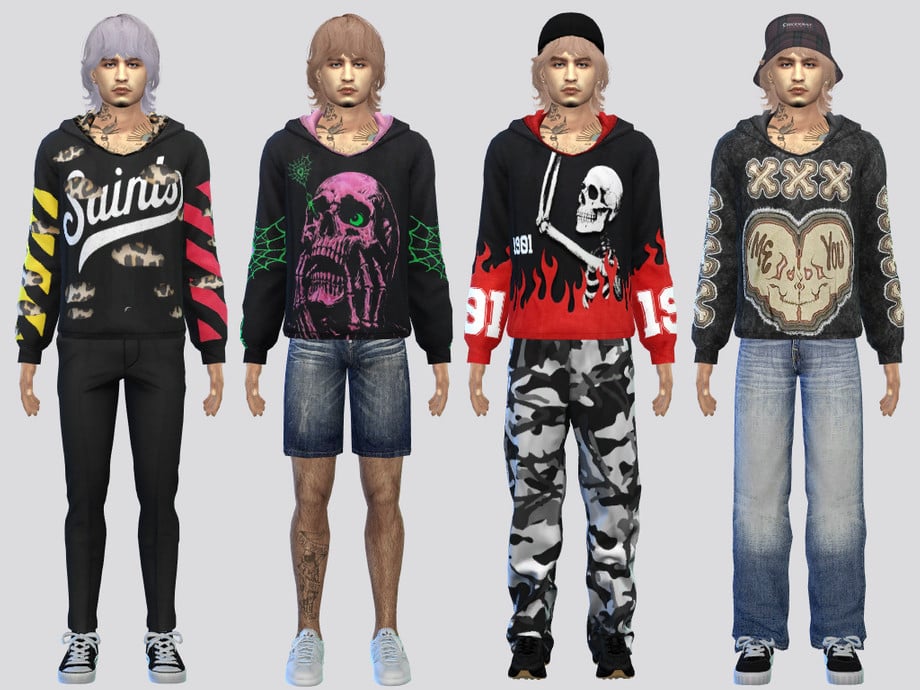
Functional meets fashionable in Artsy Hoodie Shirt by McLayneSims! This hoodie features a loose neckline with a more fitted look in 5 swatches. No matter what kind of street vibe your Sim may hold, this hoodie will be sure to elevate your look.
Built for chill days, these CC sweatpants by couquette feature a loose fit with a textured detail in 8 swatches. The perfect CC bottoms to pair with an oversized hoodie or T for a relaxed street vibe.
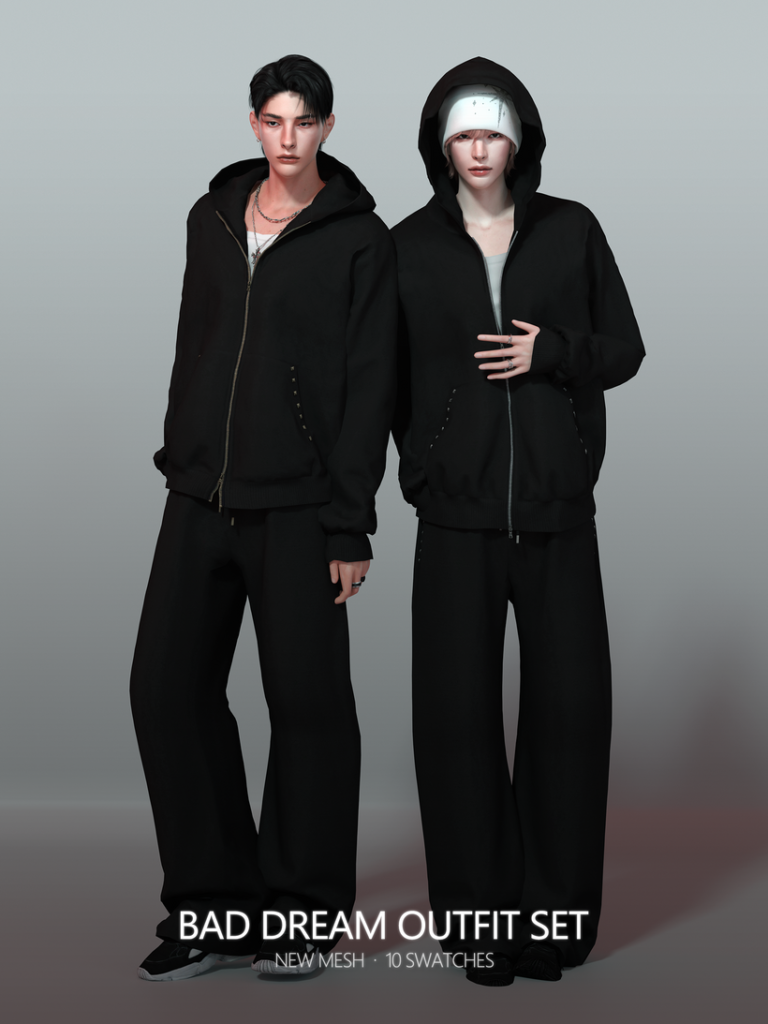
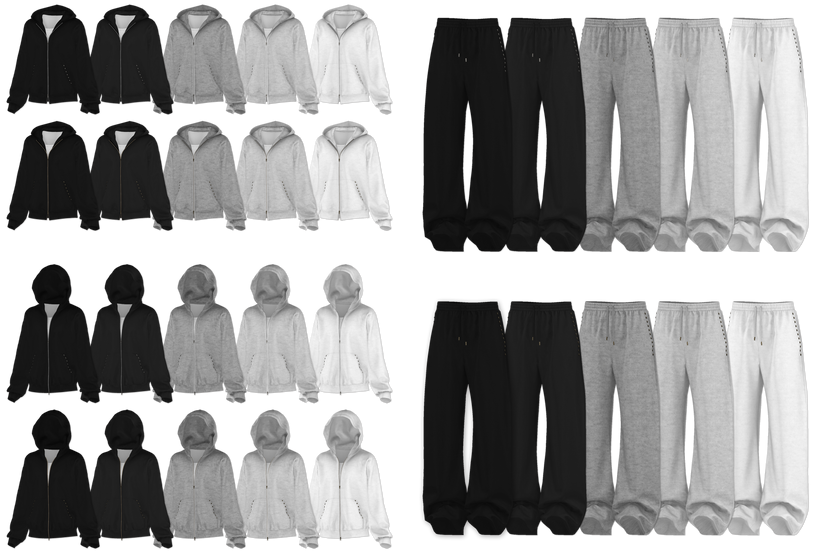
Looking for a more laid-back but put-together set for your masculine-frame Sims? Bad Dream Outfit Set by RONA_SIMS features a pair of loose-fitting sweatpants, with a plain undershirt, and a zipped hoodie with either the hood up or down. This amazing set comes in 10 different swatches of black, grey, and white. Handsomely simple but with a bad boy, street edge.
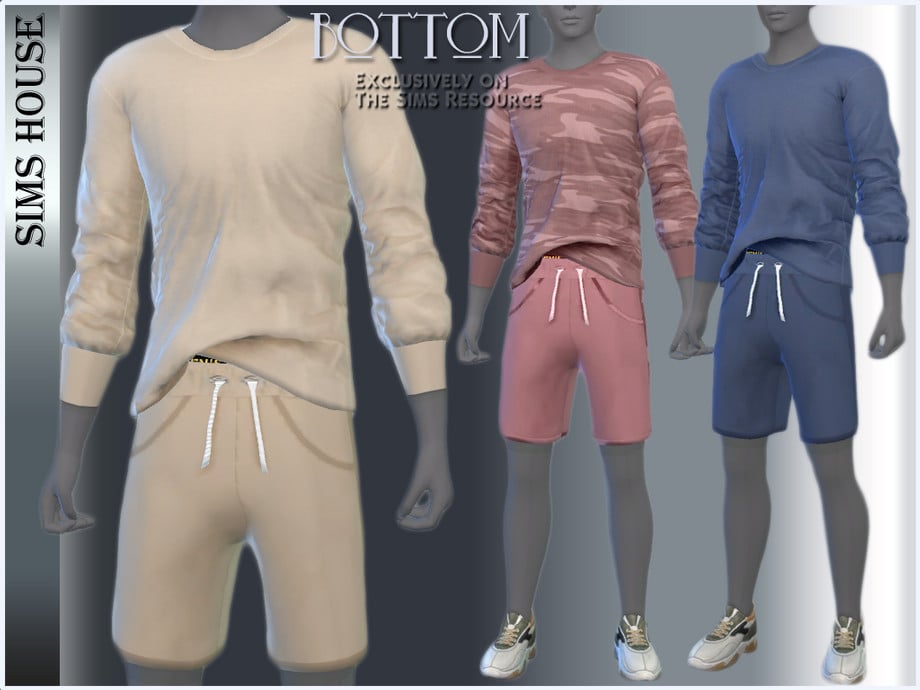
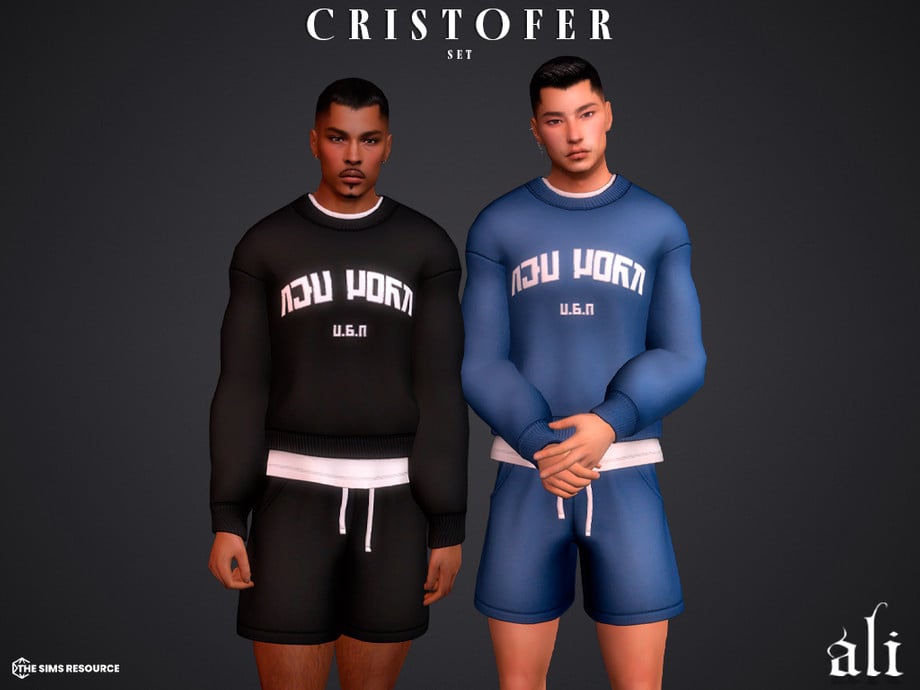
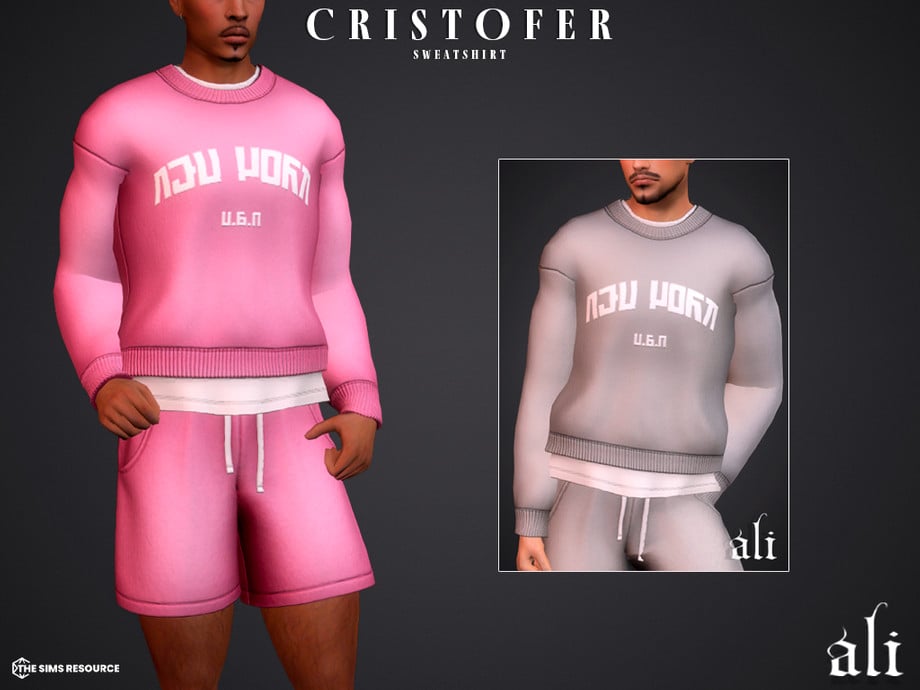
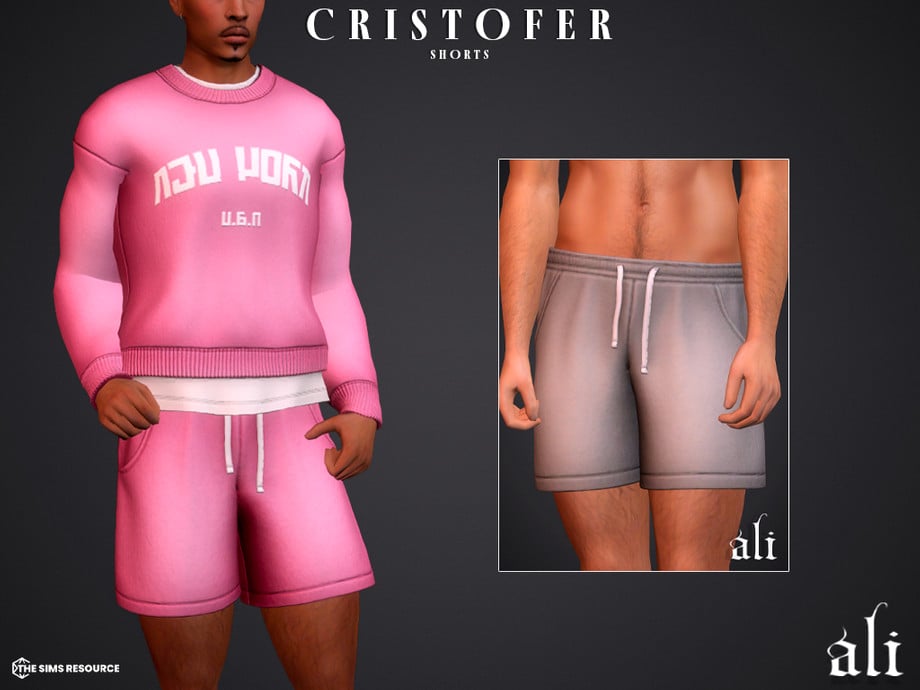
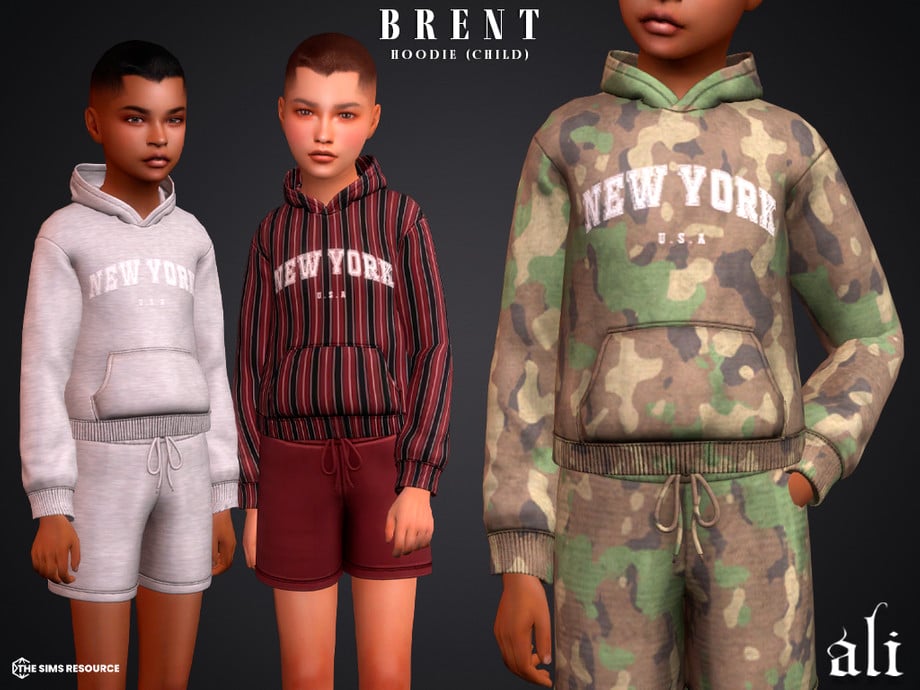
Cristoffer Set by ali offers an effortless urban edge – included is a CC sweatshirt with a plain undershirt, paired with loose-fitting gym shorts sweats with drawstrings. Mix and match with accessories to create your ultimate streetwear vibe!
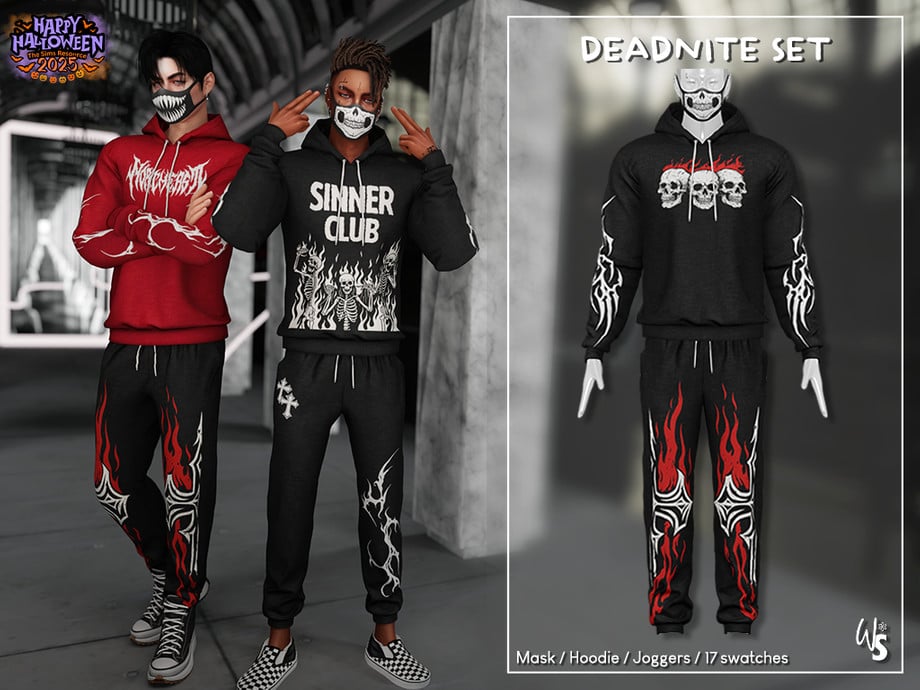
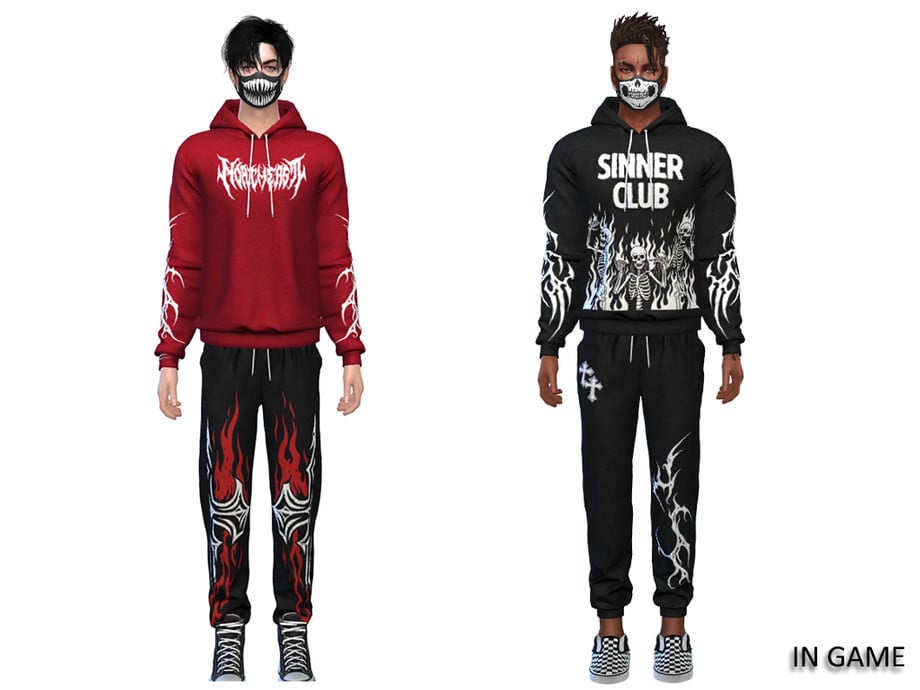
Worn-in street chaos with Deadnite Set For Men by WisteriaSims. This CC set includes a graphic hoodie, loose-fitting sweatpants with graphics, and a facemask with different mouth motifs – available in 17 swatches for masculine-frame Sims aged teen through elder. The perfect grunge attire for your edgier, street vibing Sims.
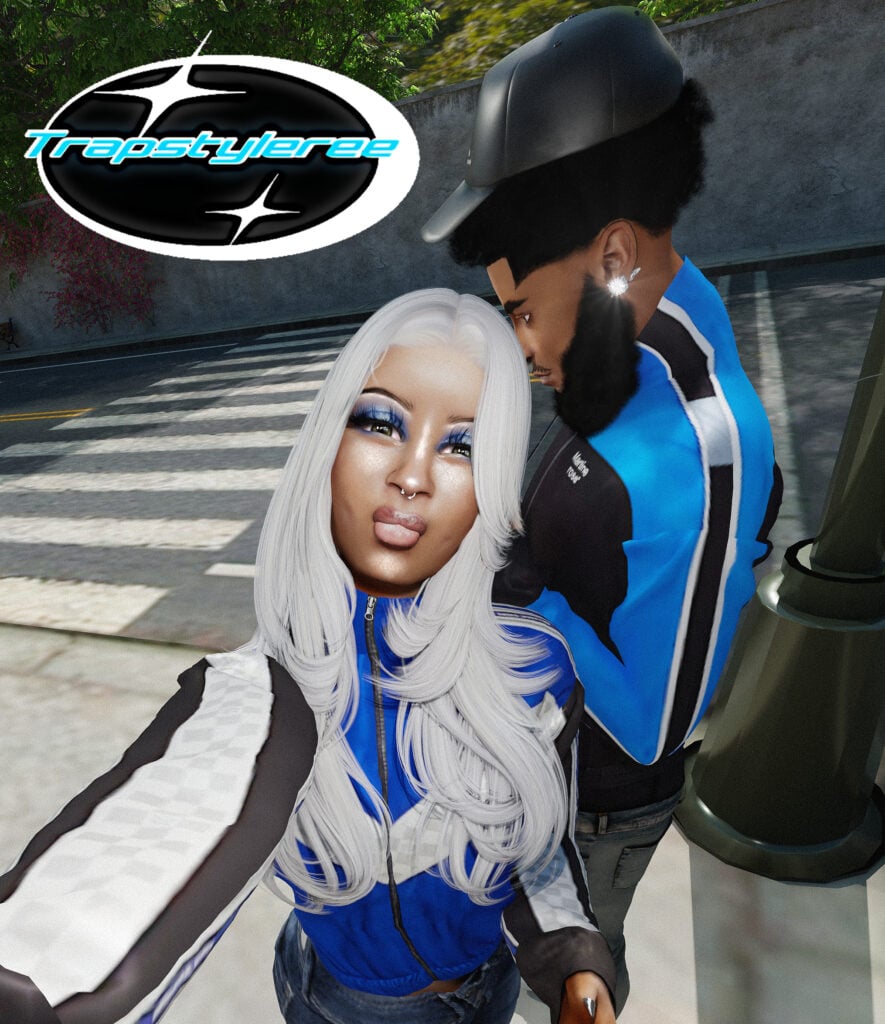
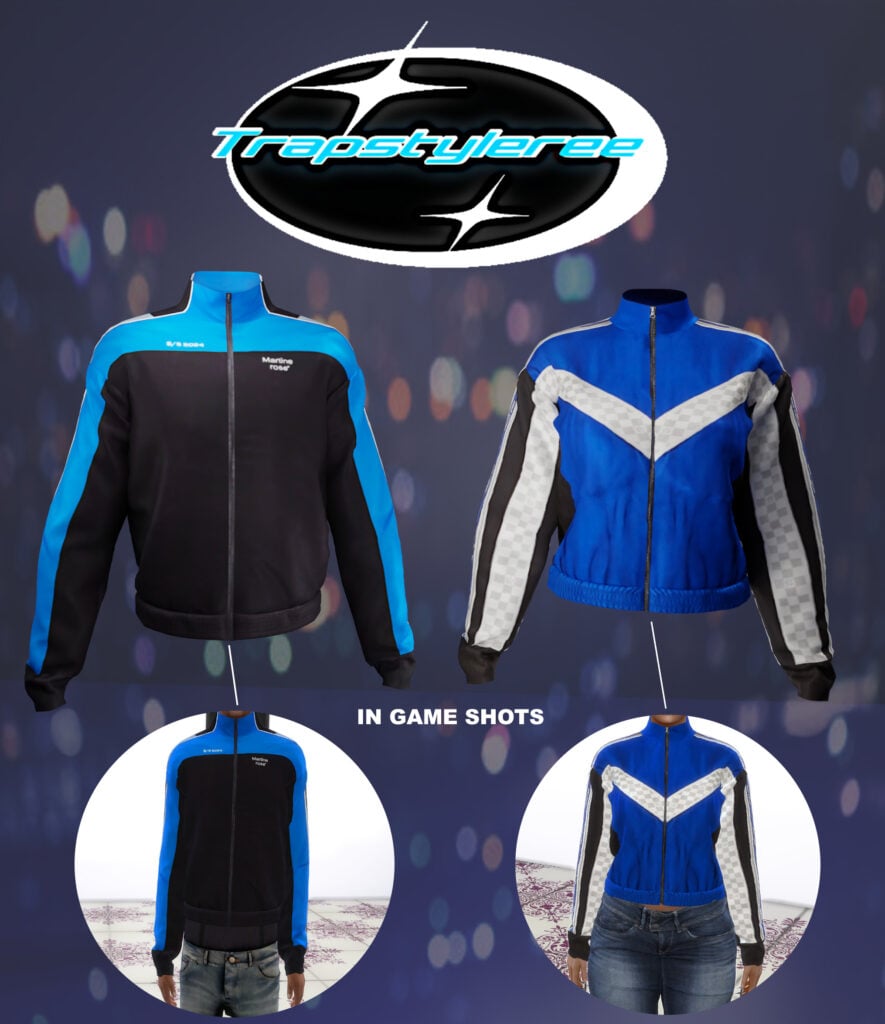
Track jackets are the perfect old-school, streetwear drip! trapstyleree has us all covered with their awesome CC, unisex top! Blue Jackets come in 2 different versions, a Louis Vuitton style for feminine-frame Sims, and a Martine Rose style for the masculine-frame Sims. A must-have for every Sim’s streetwear style closet!
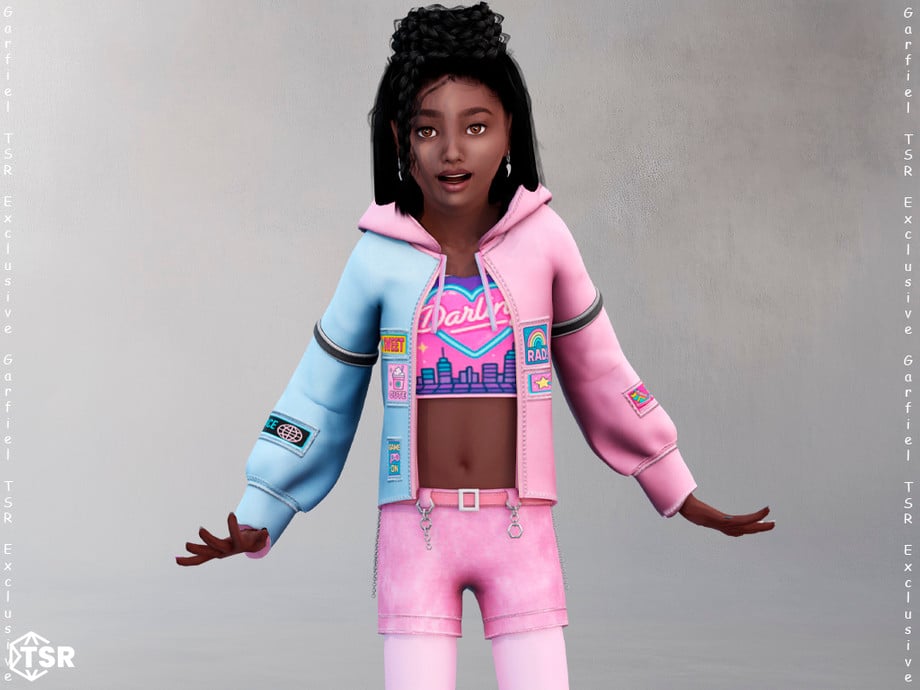
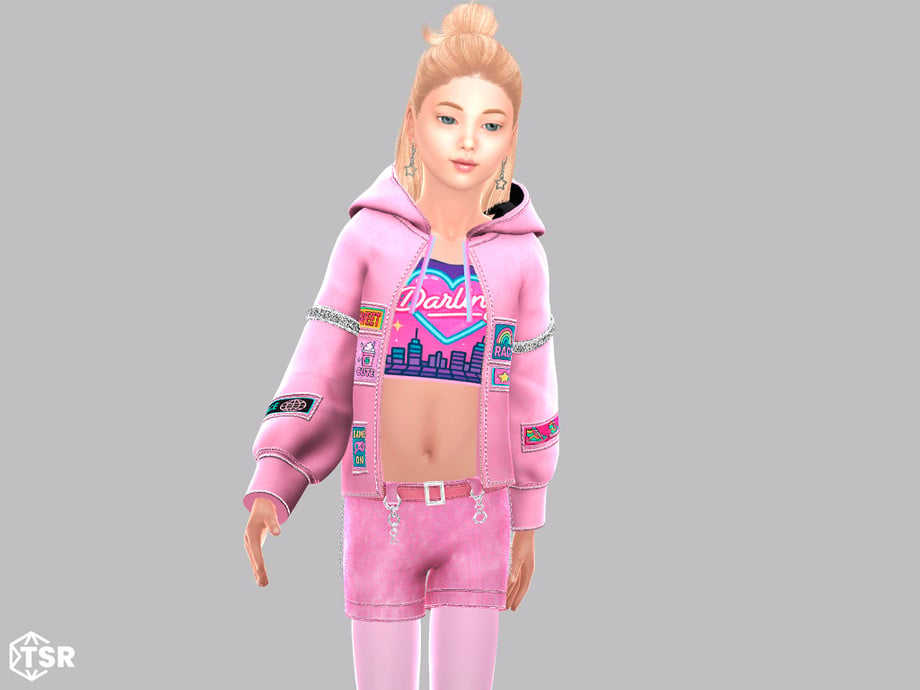
An absolutely adorable, streetwear CC style jacket for your feminine-frame child Sims! This cute jacket by Garfiel features a two-toned jacket with patches, a cropped shirt with the word “Darling,” and a city skyline motif. To finish off this outfit, Garfiel has also included a pair of denim ombre shorts with a belt buckle. A bold, fashionable look that gives off colorful street vibes.
Girl’s Streetwear Style V-Neck Sports Jersey Shirt by heatherthirteen
The perfect athletic-inspired streetwear for children – this CC top by heatherthirteen is a short-sleeved, athletic jersey with wrinkled, breathable fabric, with contrast stripes, and is available in 20 swatches!
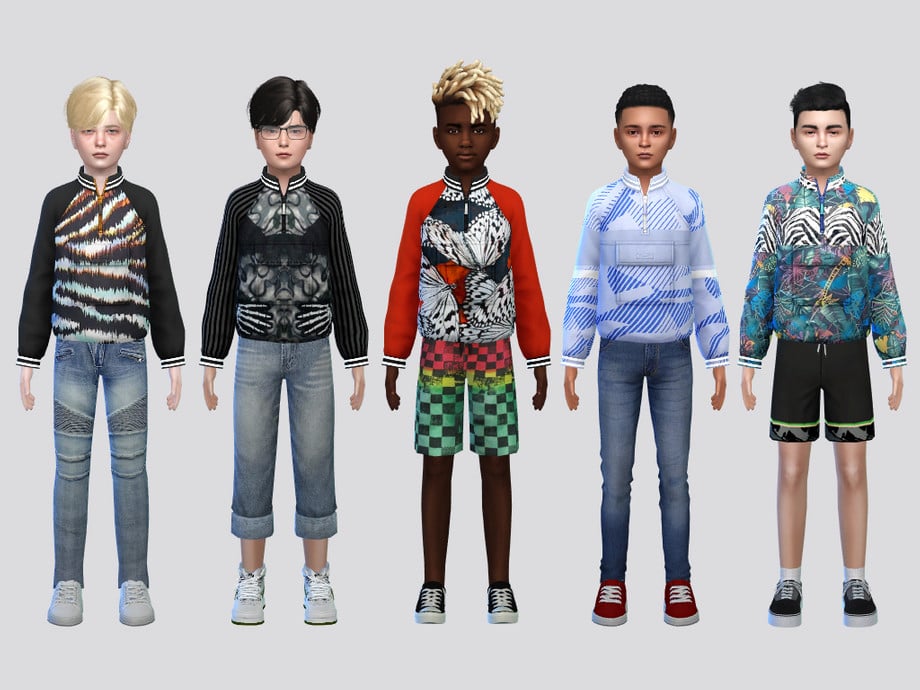
Little fits, but big energy! Printed Running Jacket Boys by McLayneSims features long sleeves, a quarter zipper, and a pocket at the front in 6 cool swatches.
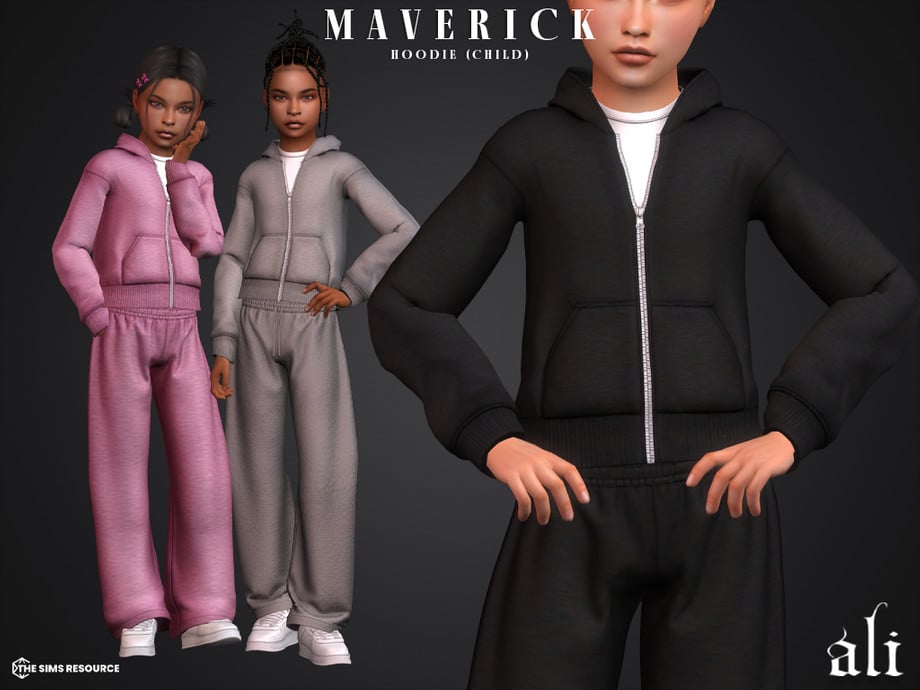
Your Sim will be play-ready street style in the Maverick Hoodie by ali! This zip-up hoodie has a plain undershirt underneath and has a baggy fit – available in 18 swatches for both masculine and feminine-frame children aged Sims.
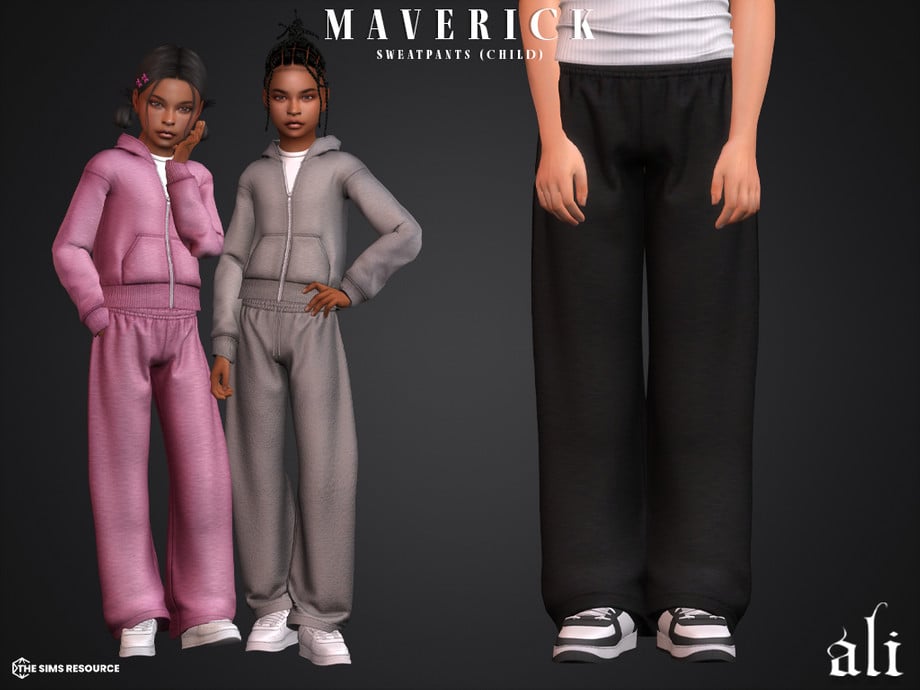
The matching bottom to the top above! Maverick Sweatpants by ali helps complete the relaxed, kid-friendly, street wear look in the same 18 lovely swatches.
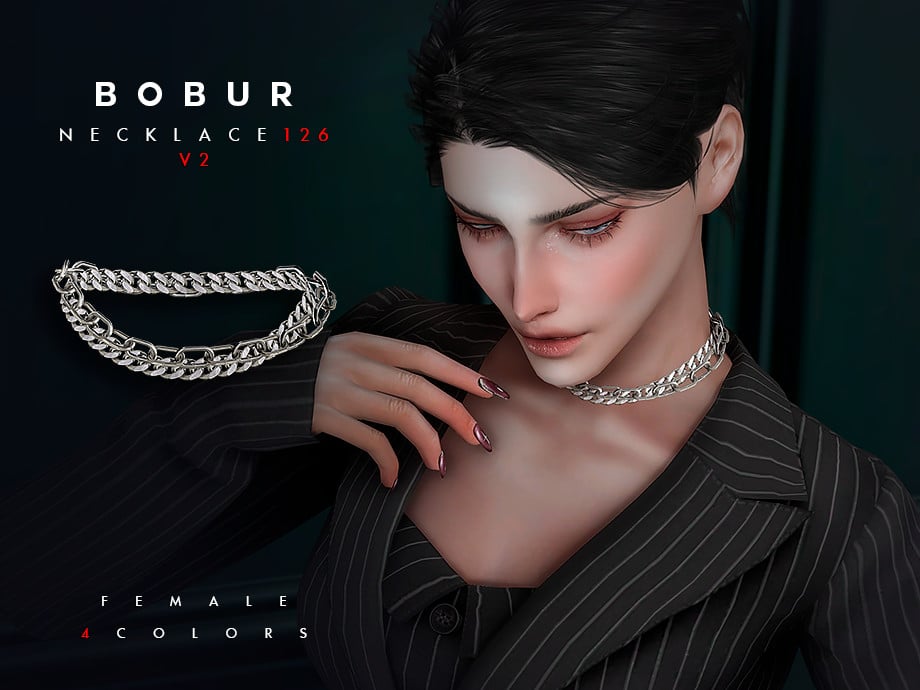
Clean chains make bold statements in streetwear vibes! This choker chain necklace by Bobur3 features a double chain in 2 different styles for feminine-frame Sims in 4 colors.
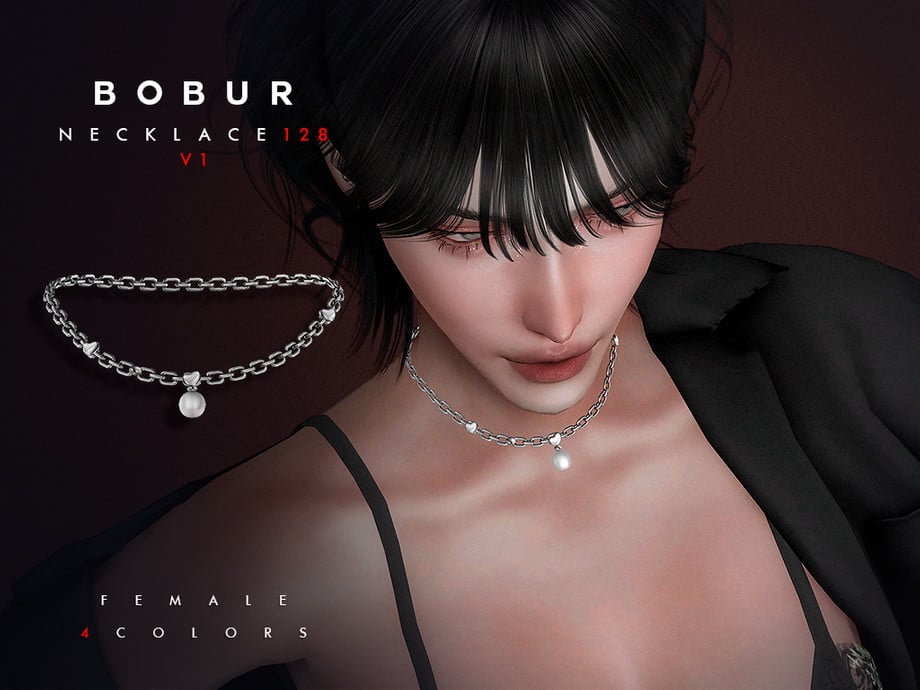
Necklace Chain With Pearl Pendant & Heart Set by Bobur3
For a more low-key luxury vibe, this chain by Bobur3 features a delicate chain with 3 heart motifs, and a subtle pearl pendant in 4 colors for feminine-frame Sims.
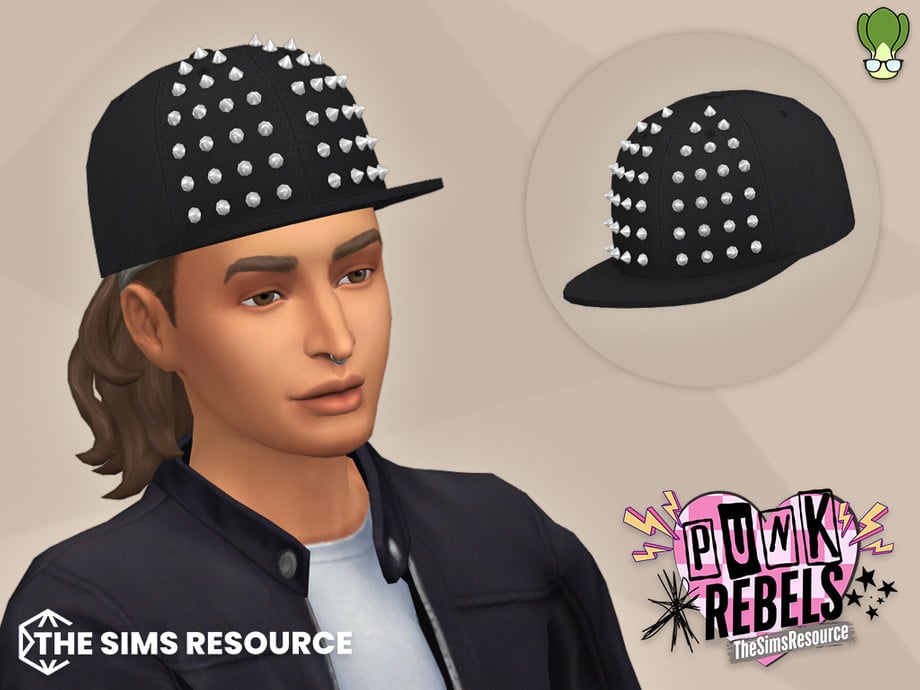
Spiky Snapback Hat by BokchoiJo will be an everyday street topper for your Sims. A black snapback-style hat, adorned with spikes to create an edgy, modern street vibe.
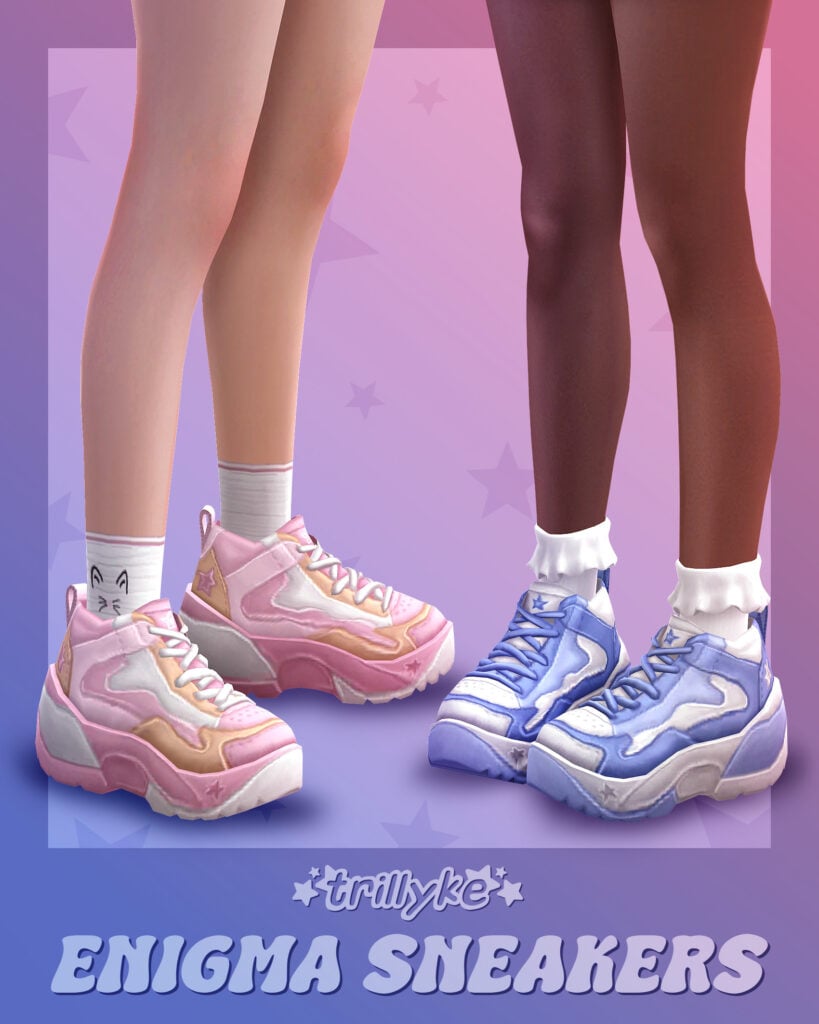
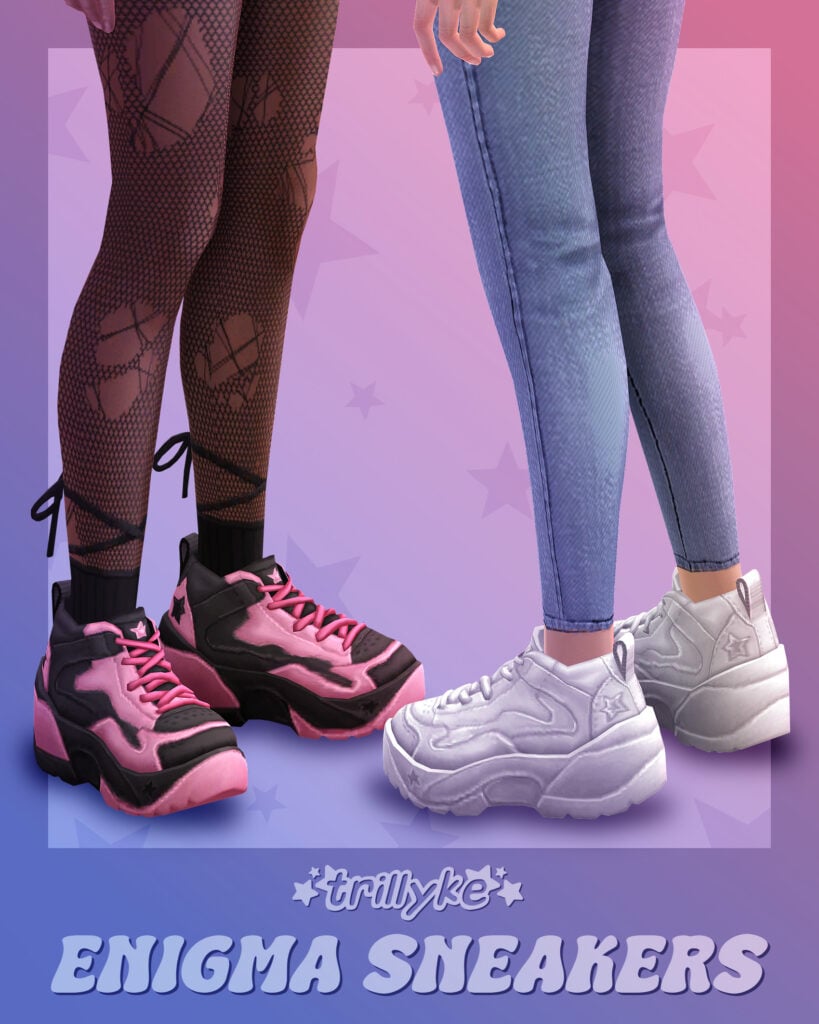
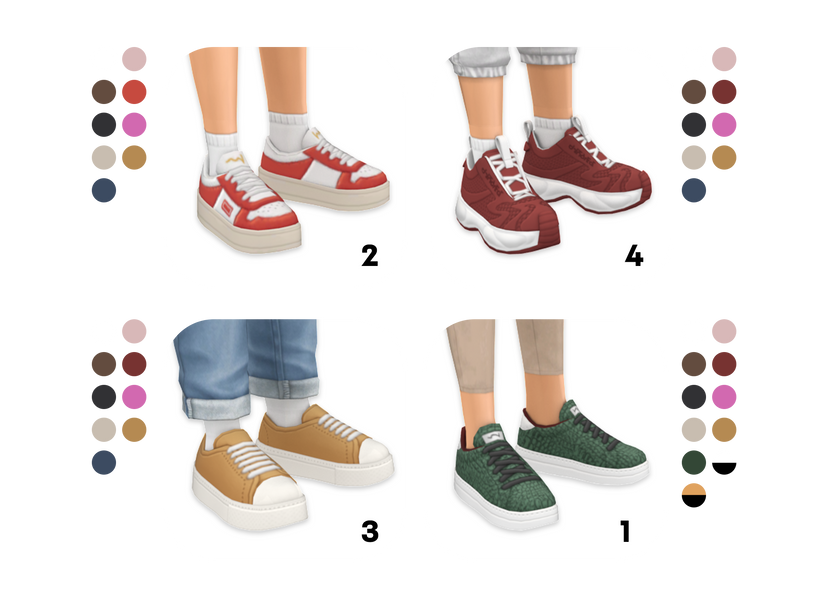
Fresh kick energy! Enigma Sneakers by Trillyke is a unisex, chunky, platform sneaker available in 30 swatches. The perfect finishing touch for any streetwear outfit!
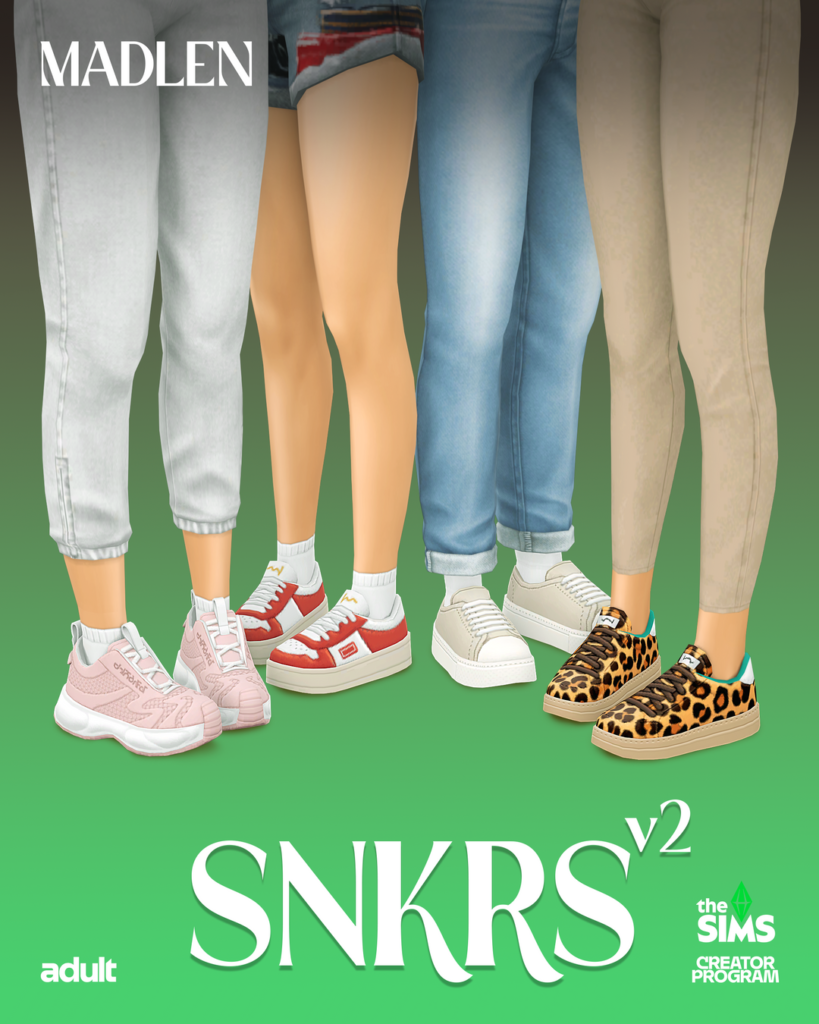
SNKRS v2 by Madlen are classic street kicks with a skater vibe that come in 4 different versions with multiple swatches each. Mix and match to create the ultimate street vibe for your Sims.
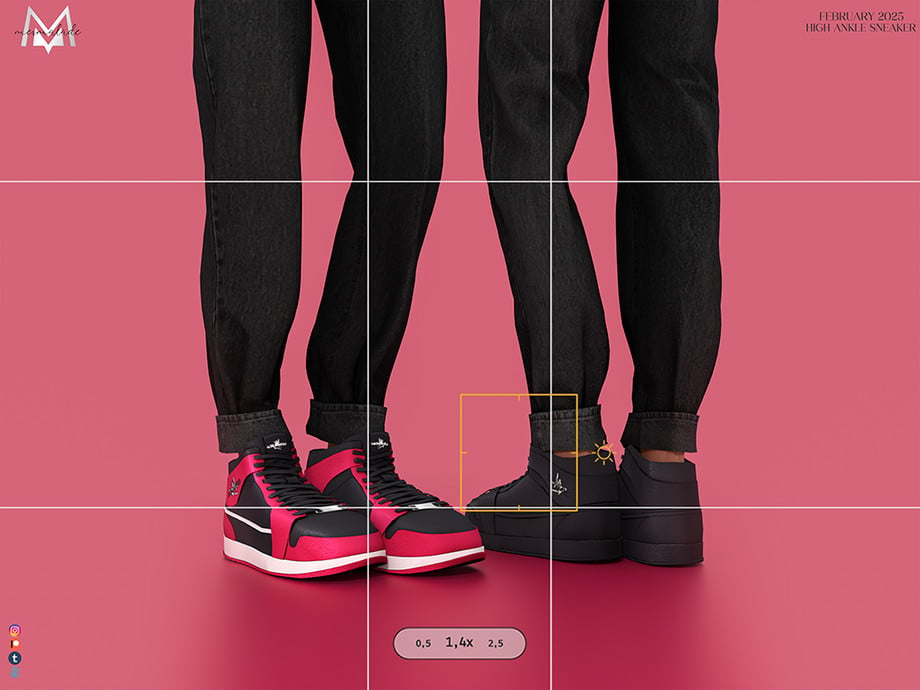
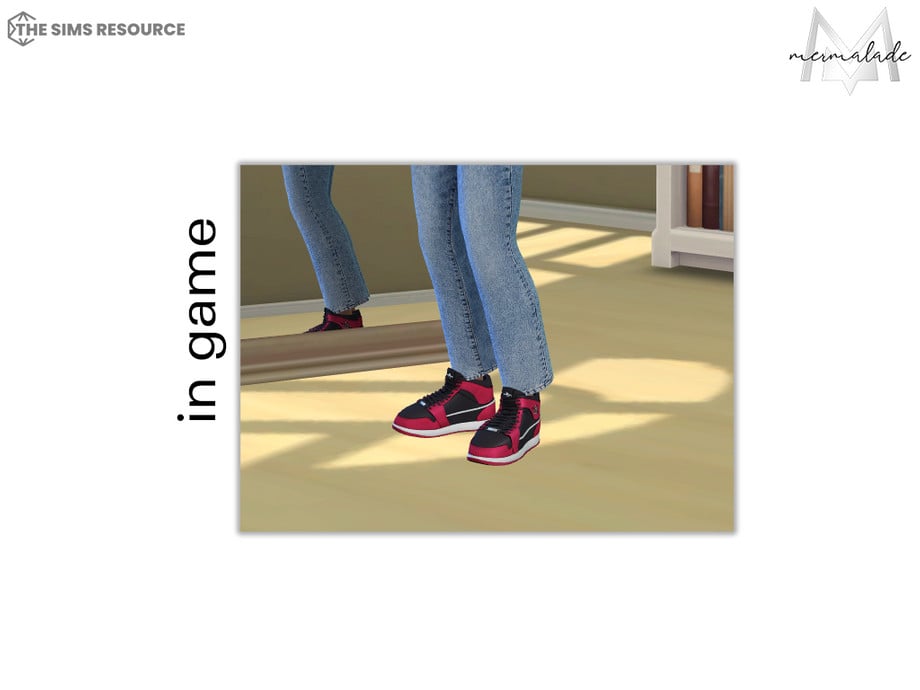
These CC shoes by Mermalade will have your Sims going from minimal to maximum flex! These high-top sneakers for masculine-frame Sims come in 40 swatches and are wearable for Sim’s aged teen through elder.
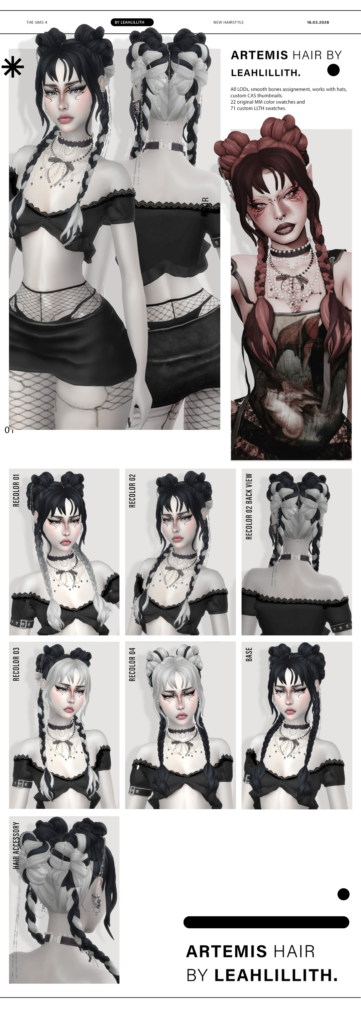
Artemis Hairstyle V1 + Hair Accessory by LeahLillith
Grunge updo chaos! This CC hairstyle by LeahLillith features a double bun, with face-framing bangs, 2 braids that fall from the buns, and an optional bow hair accessory – available in multiple styles and swatches. The ultimate hair for any modern, edgy, streetwear look.
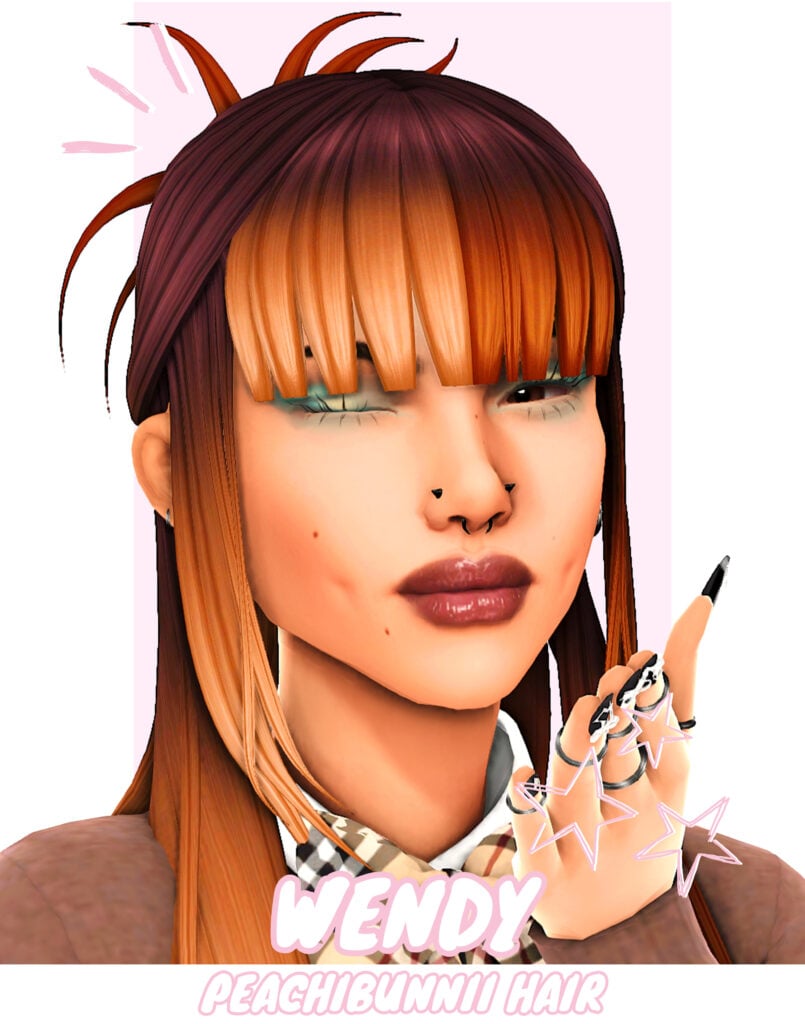
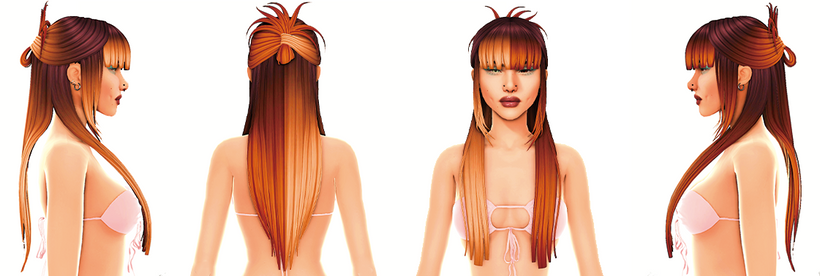
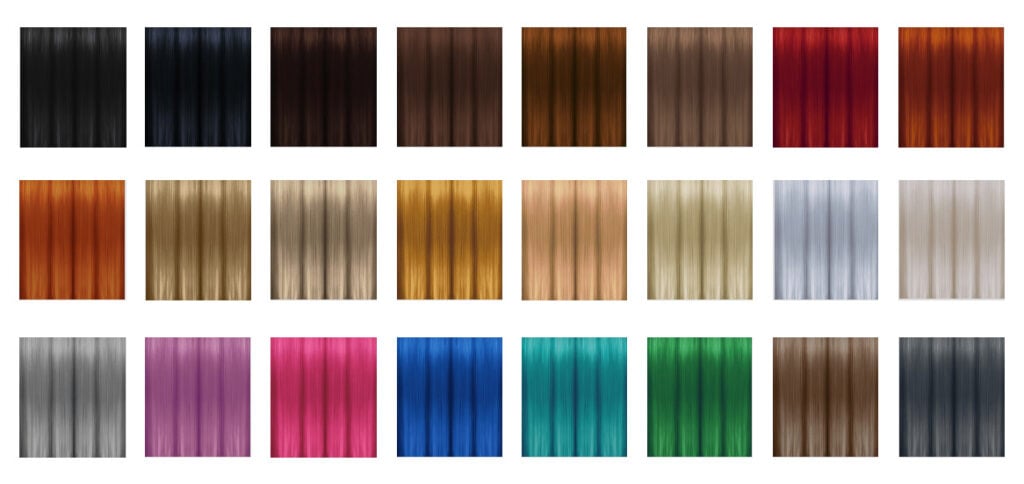
Wendy Hair by Peachibunni is a CC hairstyle that gives off elegant, modern, edgy street vibes with its flat bangs, face-framing, cascading hair off to the sides, and the back is pulled into a gorgeous updo. Bring a little sophistication to your streetwear look!
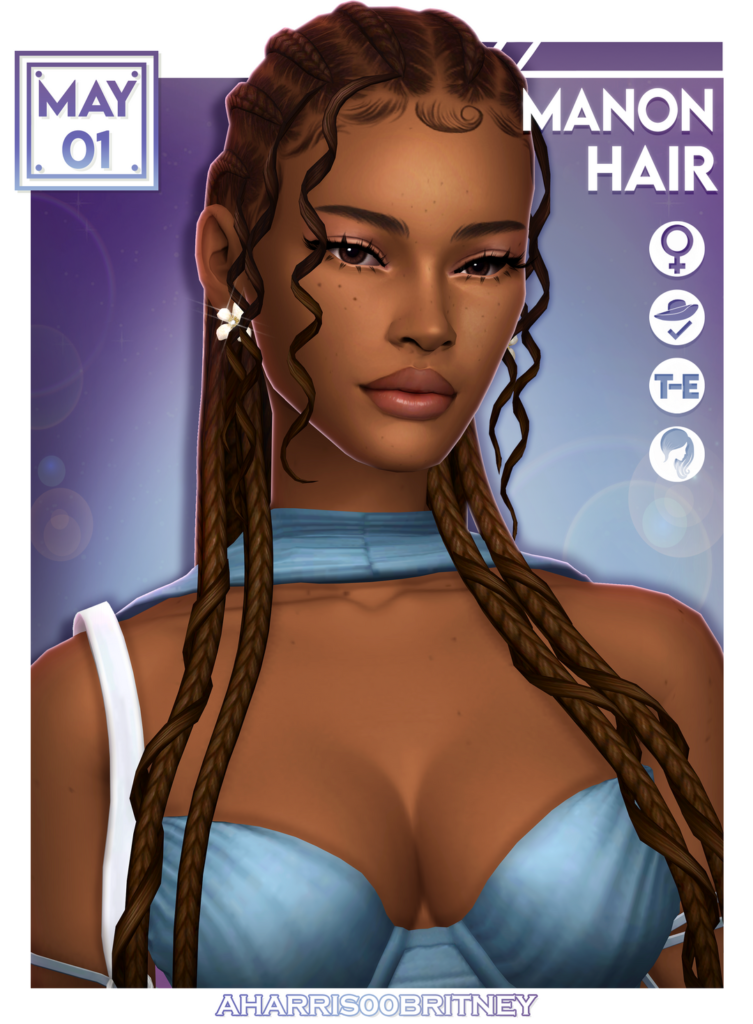
A natural braided charm – Manon Hair by aharris00britney features 2 cascading curls with woven braids available in 28 swatches and is hat compatible. Whether you’re going for a more modern or casual street vibe, this CC hairdo will have your Sim strutting in style!
Streetwear is all about mixing comfort with style, so don’t be afraid to layer pieces, experiment with accessories, and really make each Sim look their own. Hopefully, this list gave you a bit of inspiration for your Sim’s next style, and if you enjoyed this, please be sure to check out all of our other amazing CC finds!
The history of Brand Collab exclusive offers repeats with The Sims 4 Lady Bridgerton Kits!
The announcement of new Lady Bridgerton Kits releasing May 14th, 2026 also came packed with a reveal of The Sims 4 Masquerade Ball Bundle offer. Which is an exclusive combination of both a Deal cut and Reward incentive for purchasing the Bundle in time.
Take a look into the contents of this Bundle offer and its limited availability:
Table of Contents
The Sims 4 Masquerade Ball Bundle Offer
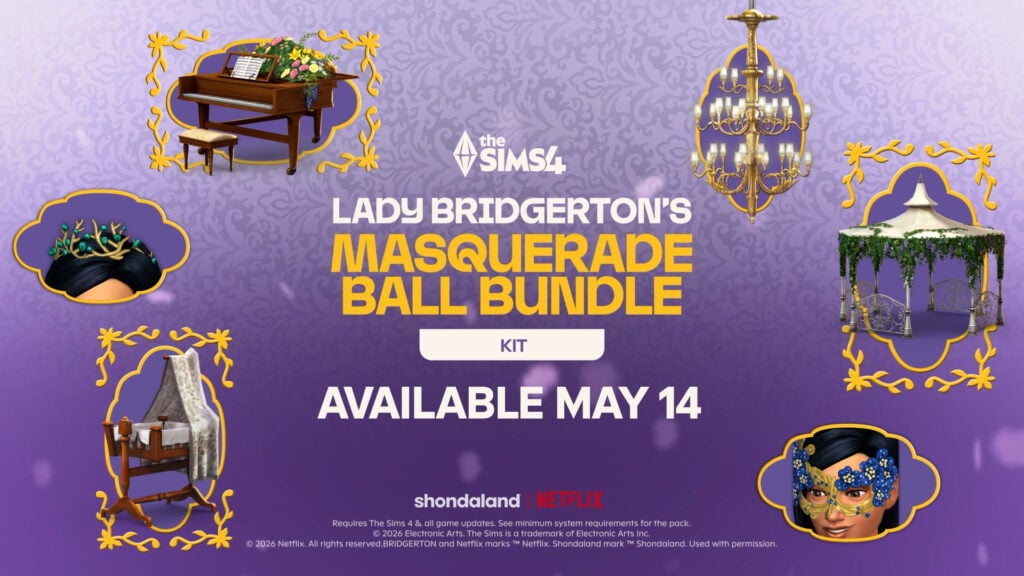
EA and Netflix are partnering up to bring you three extra items from the imaginative universe of Bridgerton into The Sims 4. You get a Bundle of Joy Bassinet, The Bridgerton House Gazebo and The Bridgerton House Piano if you purchase the Bundle for 10USD until August 14th, 2026.
This all comes with a strategic price deal cut of two The Sims 4 Bridgerton Kits releasing May 14th, along with the Bundle deal. These Kits will be priced $6.99USD individually after the Ball Bundle offer expires in August, meaning that you have three months to invest into EA’s portfolio and get a price cut.
Full release information below:
Official Release Info on The Bundle
For the hosts most intent on distinction, the Masquerade Ball Bundle offers the complete experience: uniting The Sims 4 Lady Bridgerton’s Masquerade Ball Fashion Kit and The Sims 4 Lady Bridgerton’s Masquerade Ballroom Kit alongside three exclusive items inspired by moments from the Ton.
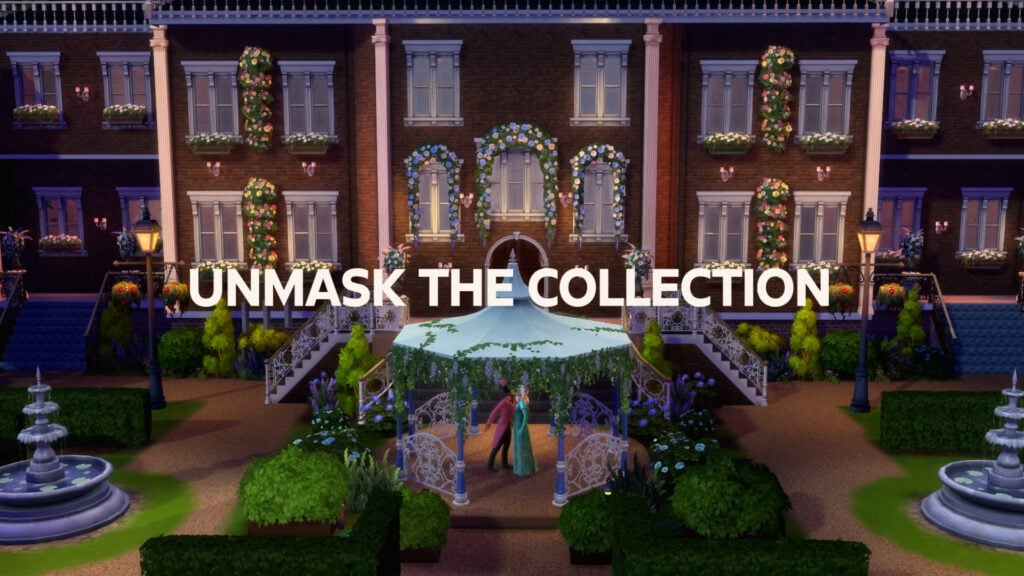
The Bridgerton House Gazebo, for clandestine encounters worthy of Benedict and Sophie
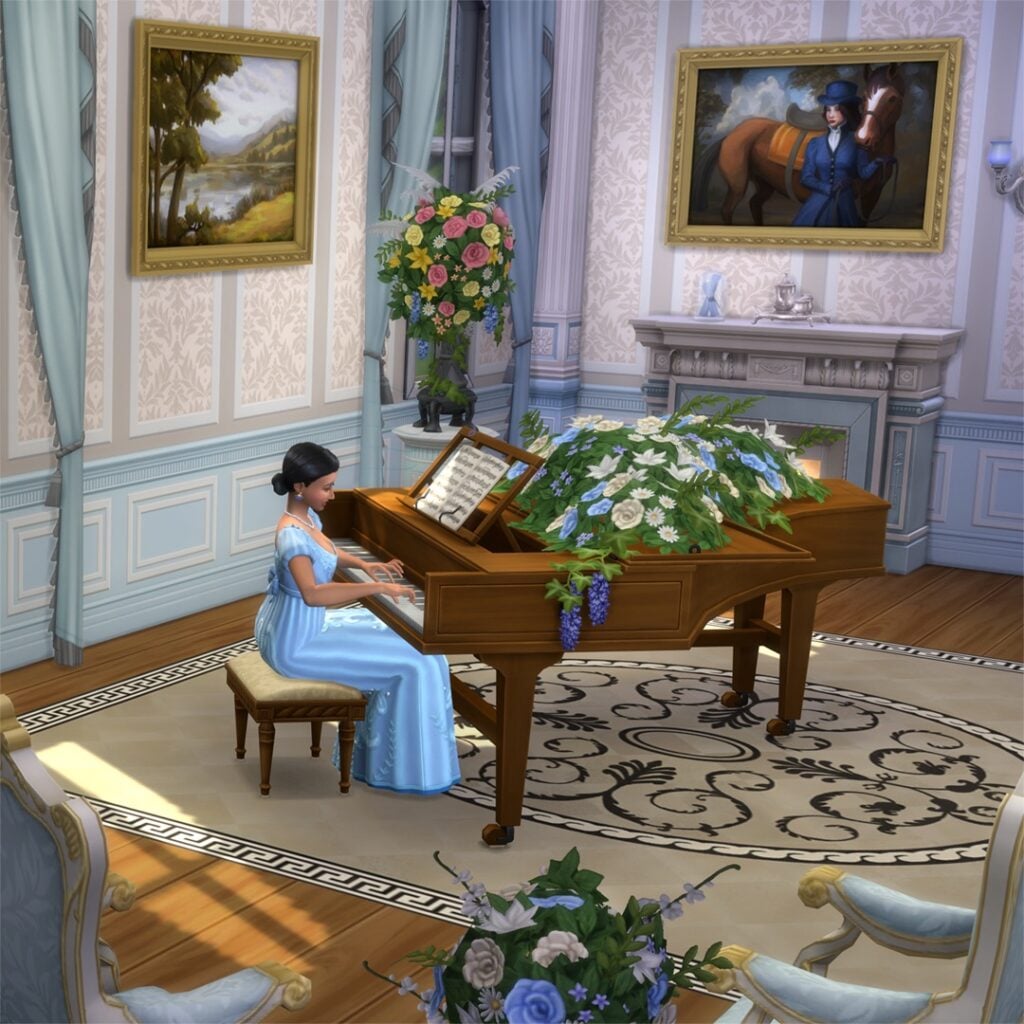
The Bridgerton House Piano, for tender declarations that might stir even Francesca…
And for those with dreams of a growing household, a Bundle of Joy Bassinet, like one you may see for Penelope and Colin
Such indulgences, however, are as fleeting as the season itself. Lady Bridgerton’s Masquerade Ball Bundle offer concludes on August 14, 2026, so one would be wise to make haste!
The Sims 4 Lady Bridgerton’s Masquerade Ball Bundle will be available May 14, 2026 through August 14, 2026 on PC via EA app, Mac via Origin, Epic Games Store and Steam, PlayStation 5, PlayStation 4, Xbox Series X|S and Xbox One systems. The Sims 4 Lady Bridgerton’s Masquerade Ball FashionKit and The Sims 4 Lady Bridgerton’s Masquerade BallroomKit are available to purchase separately for $6.99 each. The Sims 4 Lady Bridgerton’s Masquerade Ball Bundle retails for $9.99. Offer ends August 14, 2026.
Both The Sims 4 Bridgerton Kits will release seperately on May 14th for 7 bucks. The Masquerade Ball Bundle offer will expire on August 14th, 2026 at 10AM PT across platforms.
Do you like how these new Kit collaborations are being packed together? Let us know what you think in the comments down below and stay tuned for more The Sims 4 Kits updates!
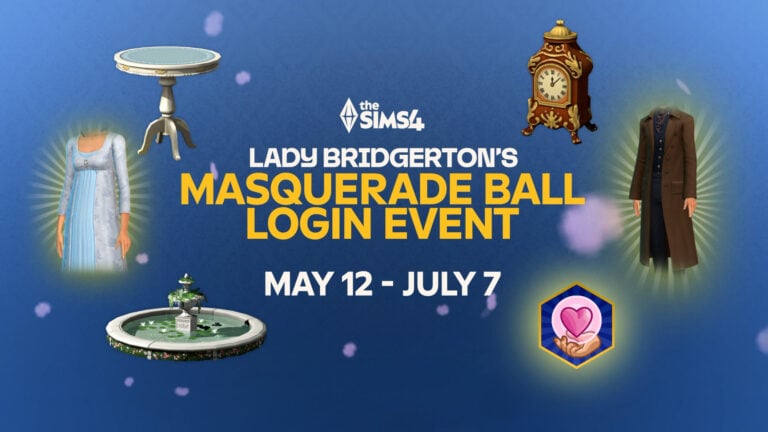
It’s been revealed in today’s announcement of The Sims 4 Lady Bridgerton Kits that there will be a new Sims 4 Login Event titled Lady Bridgerton Masquerade Ball.
This Netflix TV show is introducing its contents for free in The Sims 4 Base Game through a Login Event. Which is subcategory of Sims 4 Live Events, seperate from Quest Events that take place on occasion.
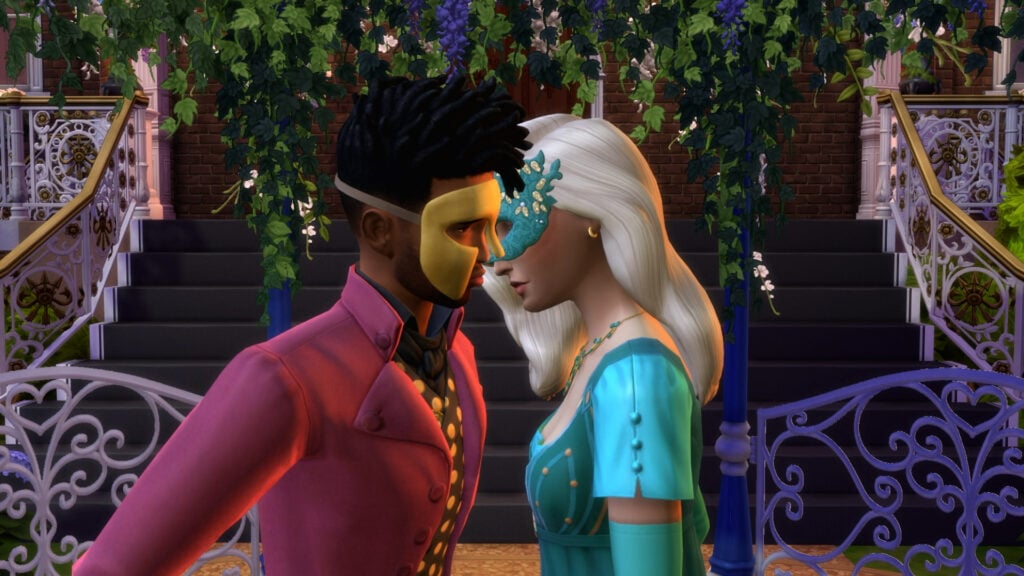
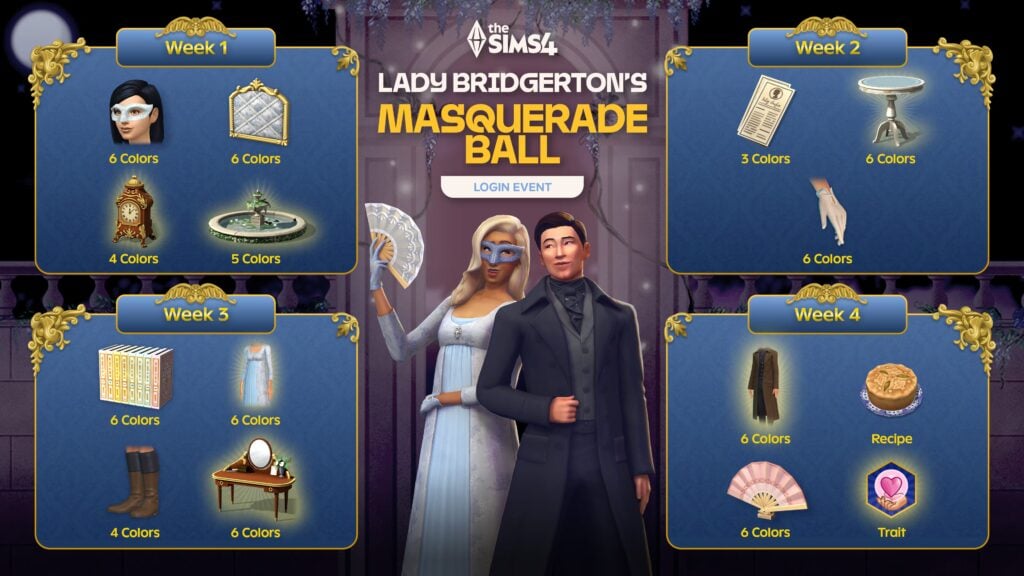
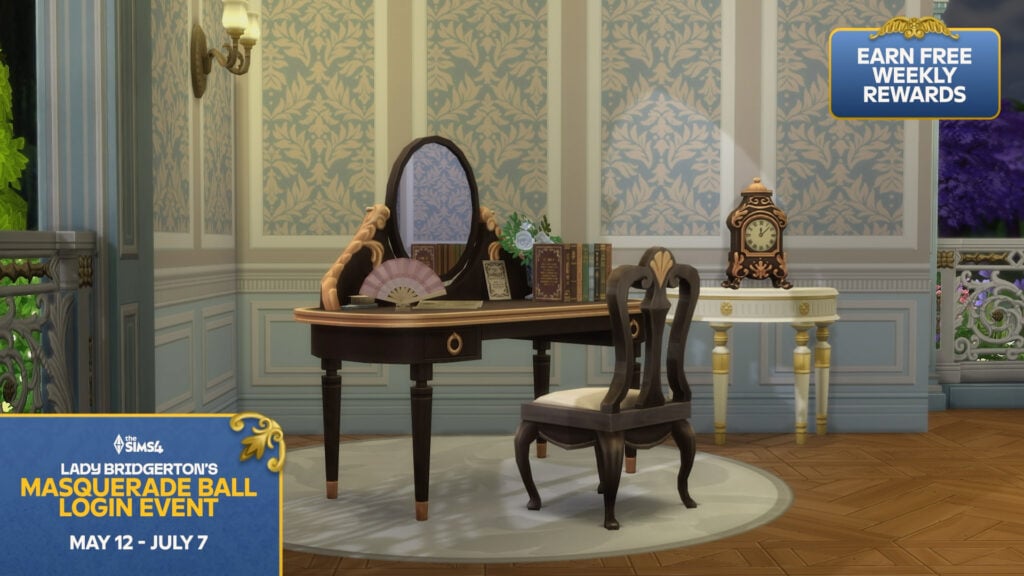
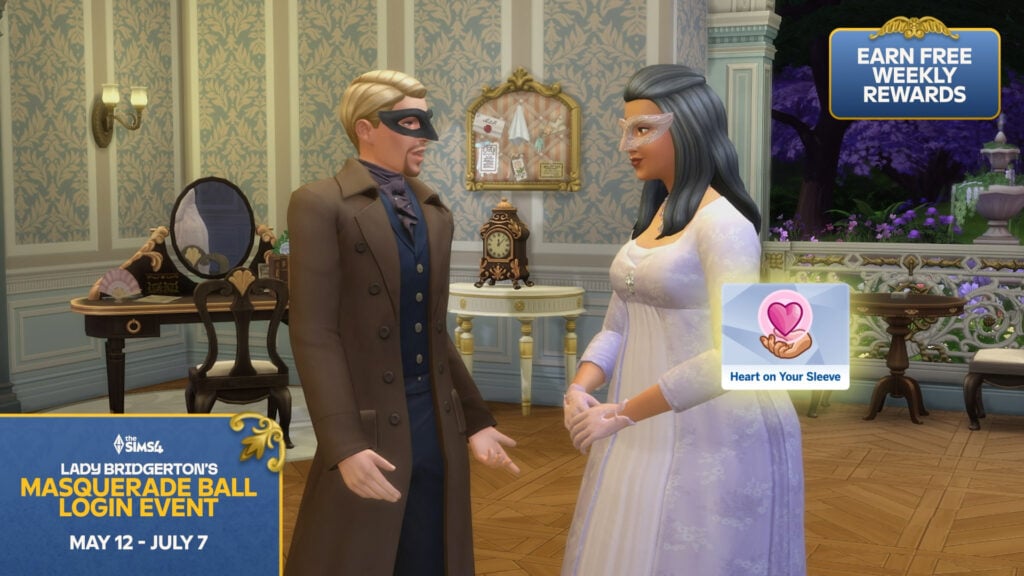
This upcoming Sims 4 Login Event delivers 22+ new items across Create A Sim and Build Mode, along with the new “Heart on Your Sleeve” Trait.
Table of Contents
Lady Bridgerton Masquerade Ball
For this event you won’t need much effort compared to Quest Events. Simply log in on marked specific times in The Sims 4 Login Event social calendar to claim your reward!
For example, on May 12th you’ll unlock 4 items to claim. 3 items to claim in the following week on May 19th and so on! More rules regarding general The Sims 4 Login Event functionality is explained below:
Earn rewards through Login Events
When you launch the game, select the EventsTab in the Main Menu to bring up the Events Screen and claim your first reward.
Login Events run for several weeks. You’ll need to log in multiple times throughout the Event to unlock all rewards. Each Login Event may run for different periods of time, so the amount of times you’ll need to log in will vary from Event to Event. You can claim different rewards each week.
Once you’ve claimed the rewards for that week, you’ll need to come back the following week to claim more.
Earn rewards through Login Events
When you launch the game, select the EventsTab in the Main Menu to bring up the Events Screen and claim your first reward.
Login Events run for several weeks. You’ll need to log in multiple times throughout the Event to unlock all rewards. Each Login Event may run for different periods of time, so the amount of times you’ll need to log in will vary from Event to Event.
You can claim different rewards each week. Once you’ve claimed the rewards for that week, you’ll need to come back the following week to claim more.
Here’s the official press information about the upcoming login event:
The Sims 4 Login Event: Official Blog Info
From May 12 through July 7, 2026, a free multi-week login event shall unfold, inviting players to return to discover a host of limited-time rewards: 22+ items spanning Create a Sim, Build/Buy items, and even a new Trait.
Pray you do not miss a single moment. Society notices everything.
The Social Calendar*
May 12 marks the beginning of the masquerade festivities, with a limited-time login event.
On May 19, the game is afoot! Ton shall gather to revel in the latest trends.
Then, by May 26, it is time to prepare for the evening, as the season’s finery comes fully into view.
June 2nd, host the event of the season, meet all the most eligible of the ton, and make sure you wear your heart on your sleeve.
*For the two weeks that follow, players shall have the opportunity to see the event through to its end.
Additional Screens
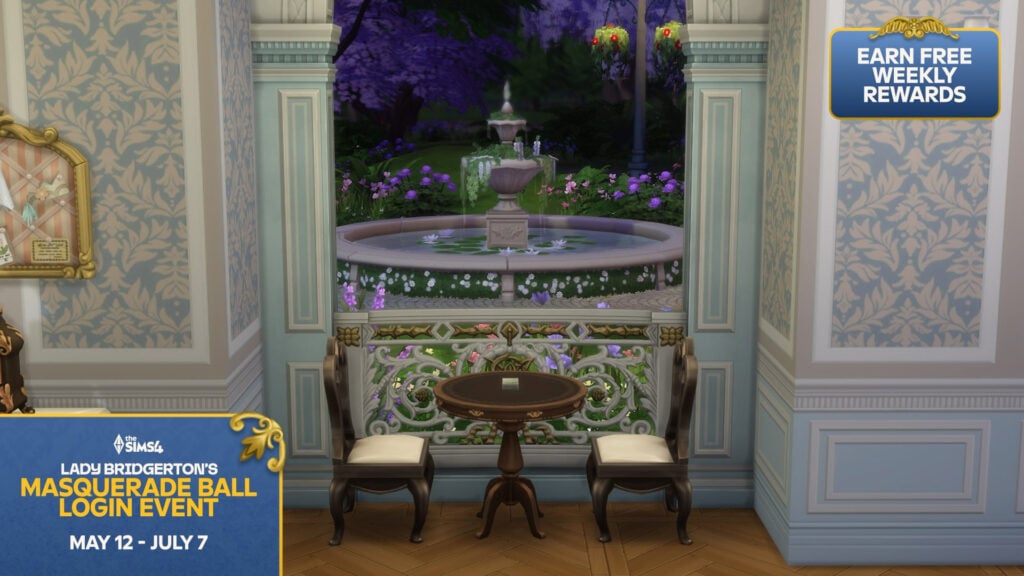
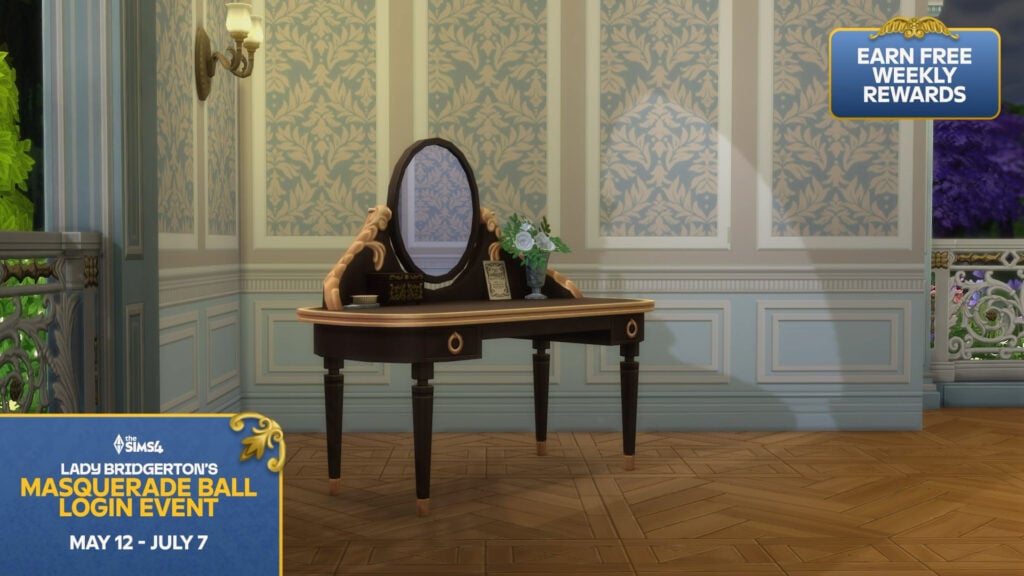
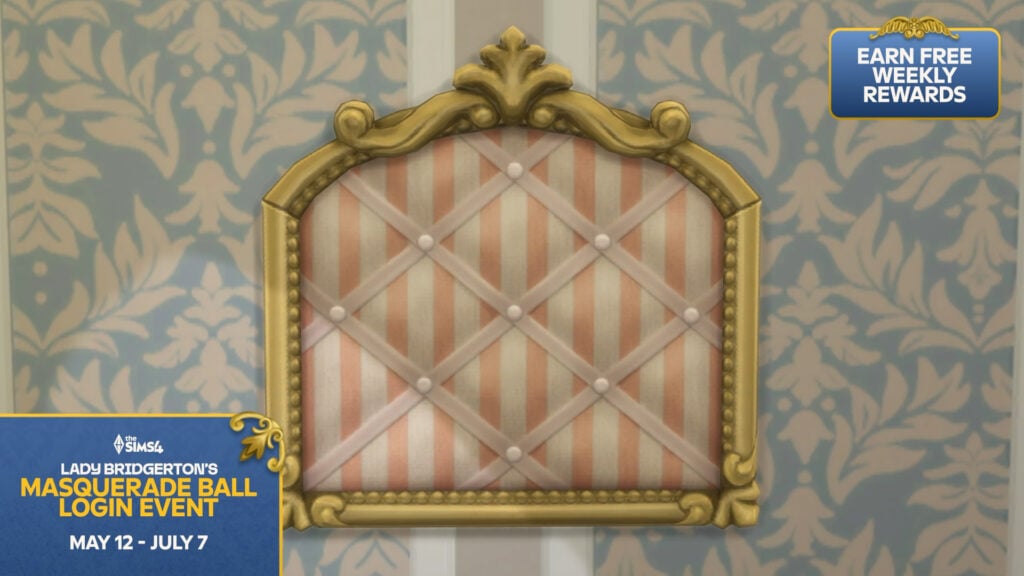
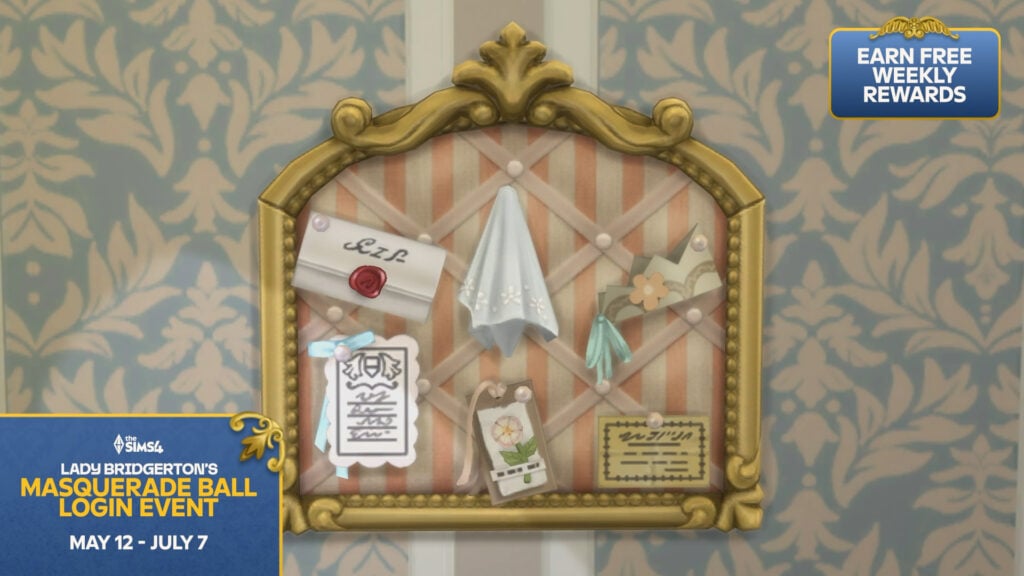
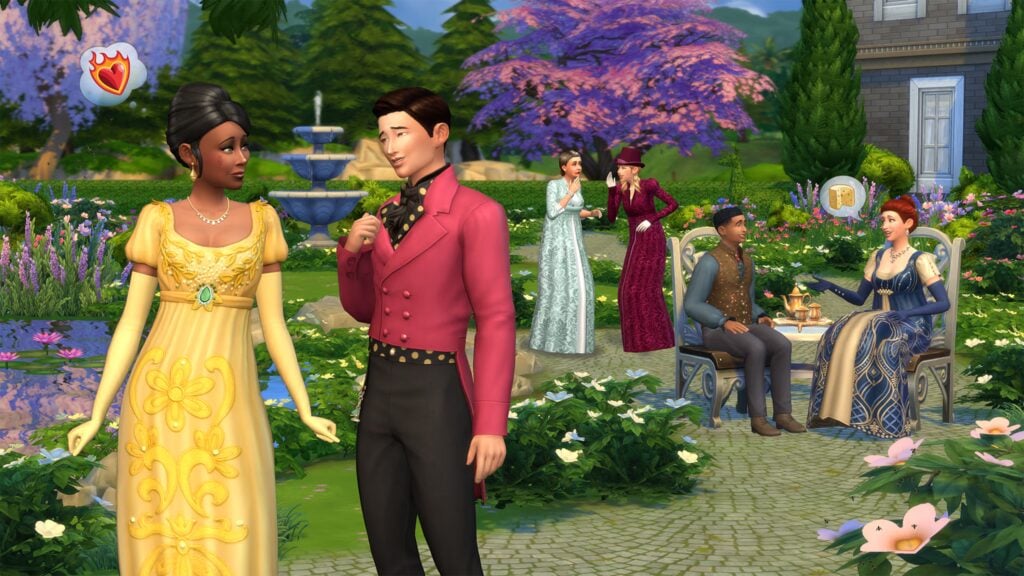
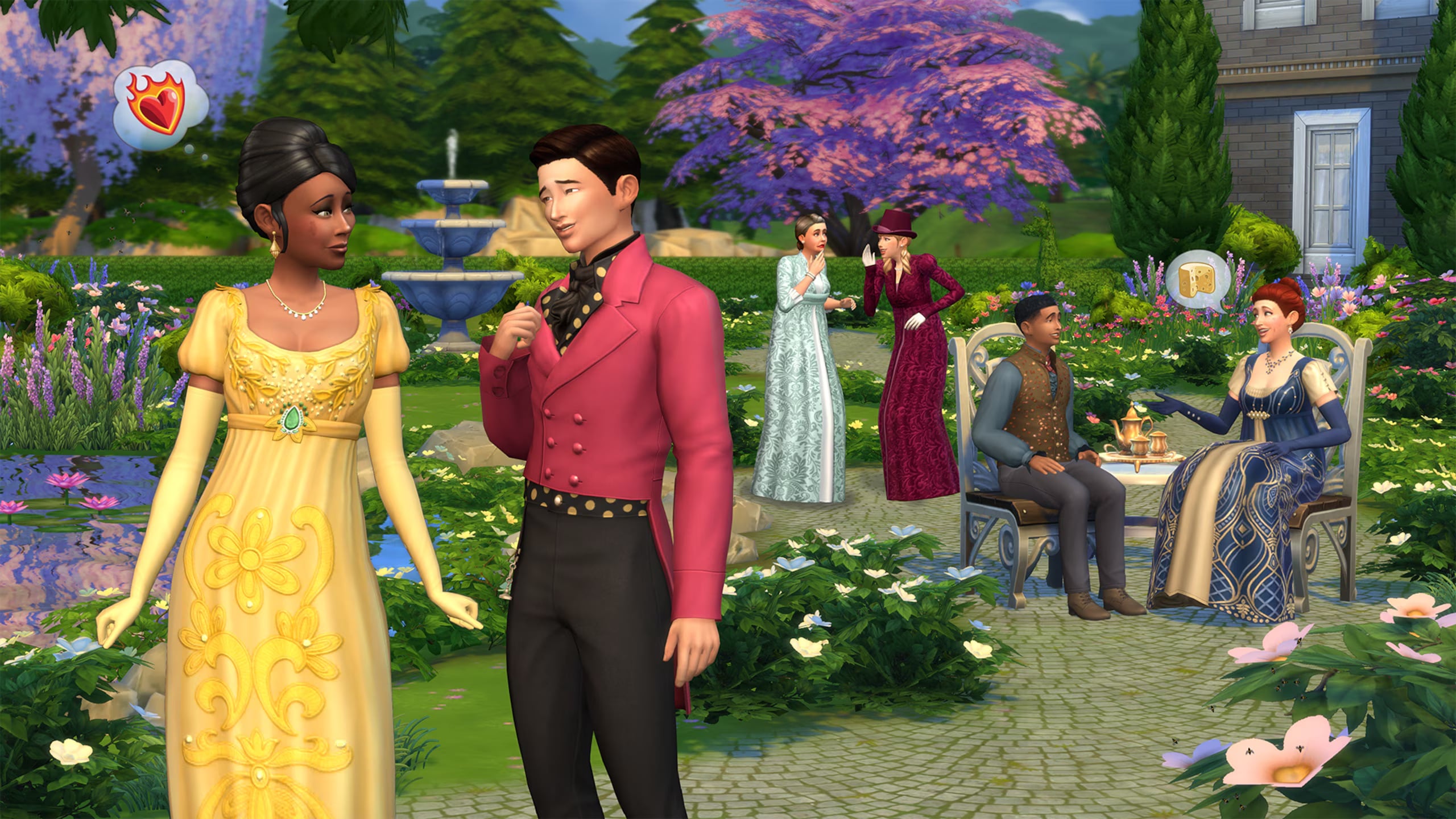
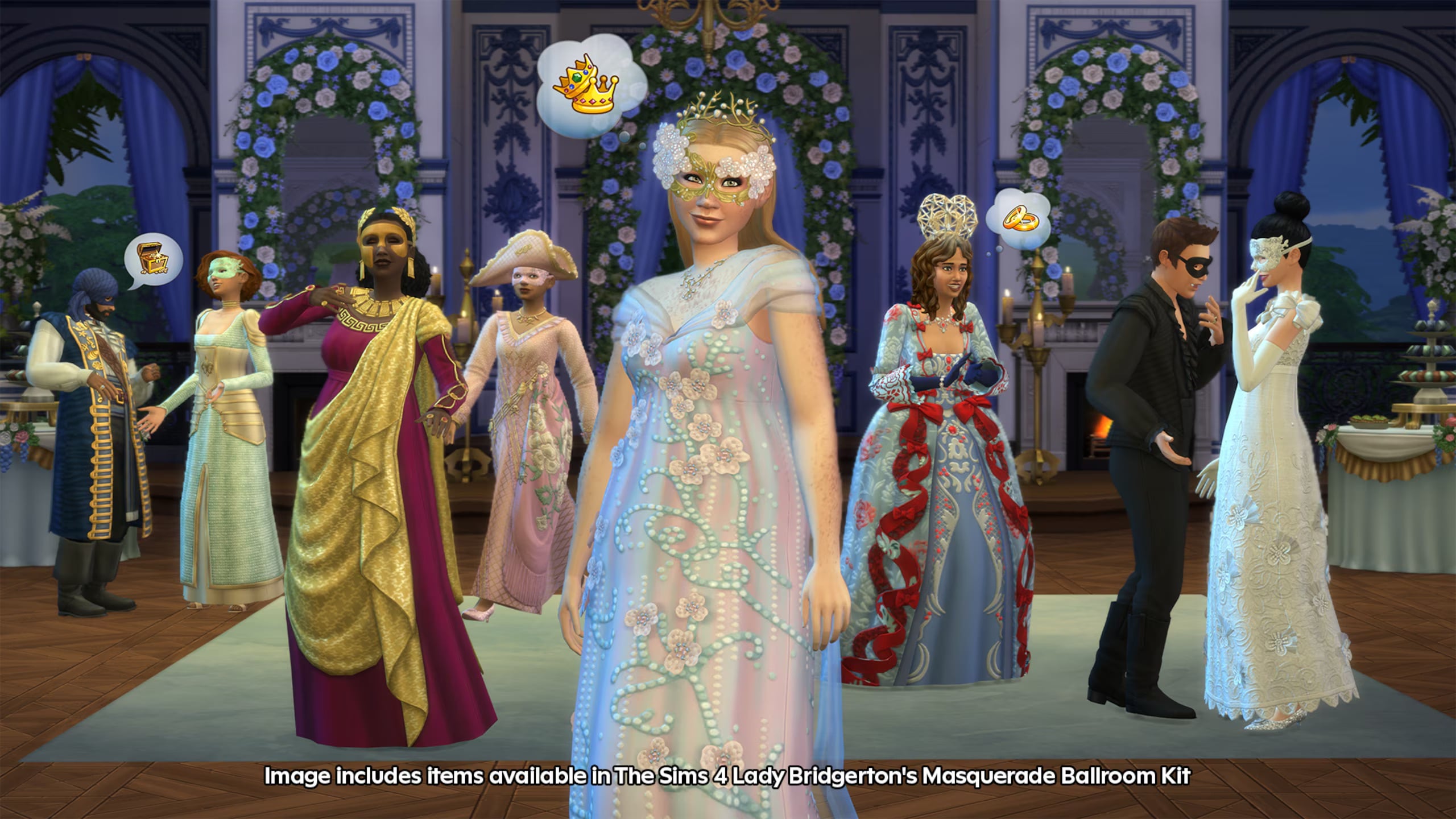
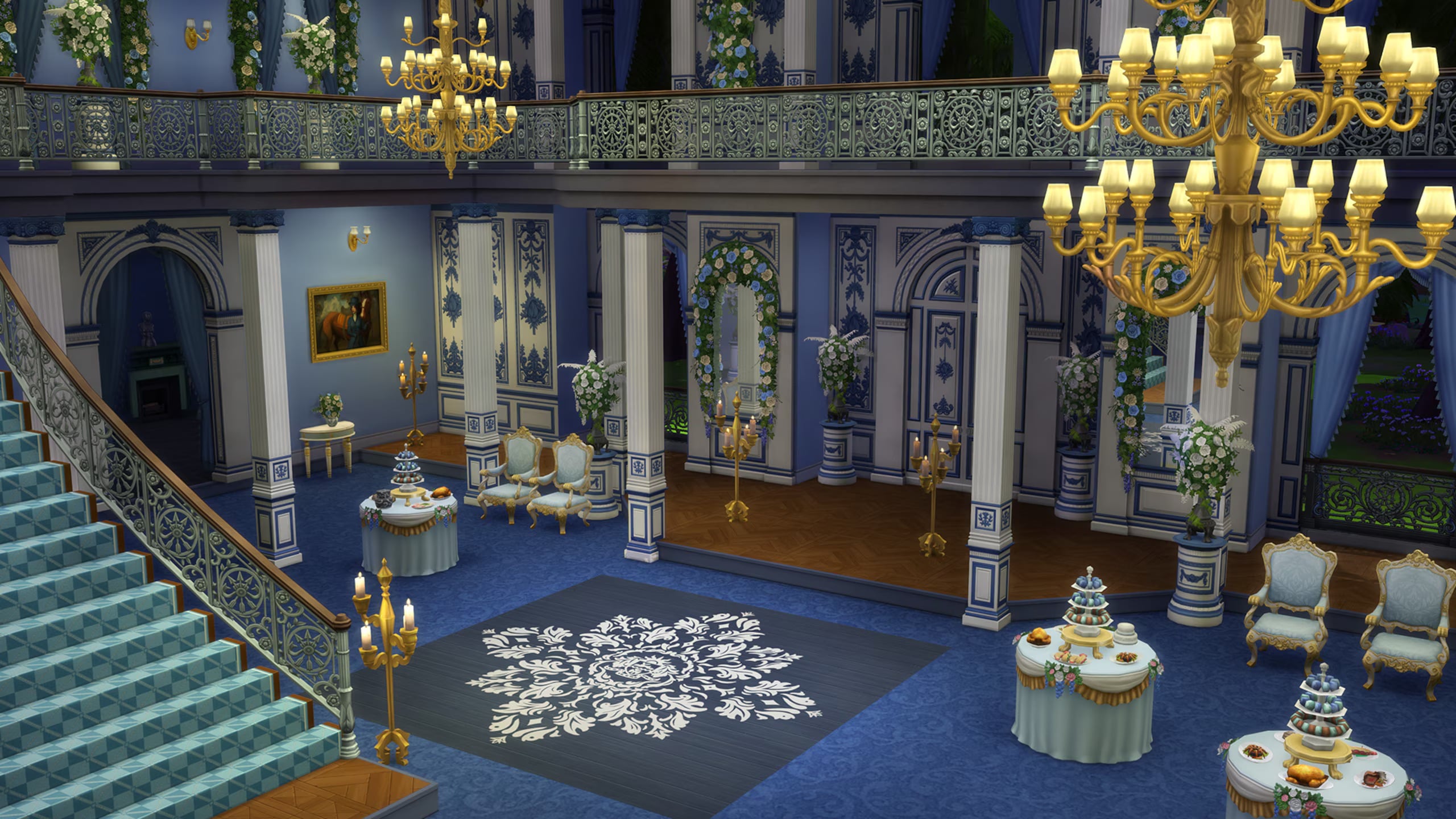
As we await additional information and this Sims 4 Login Event to begin, we have some extra screenshots of how the items look like ingame from the Kits announcement.
Will you be participating in the upcoming Sims 4 Login Event in theme with the upcoming paid Bridgerton collaboration? Let us know in the comments down below and stay tuned to The Sims 4 Live Events updates to find out the 1st week rewards early next week!
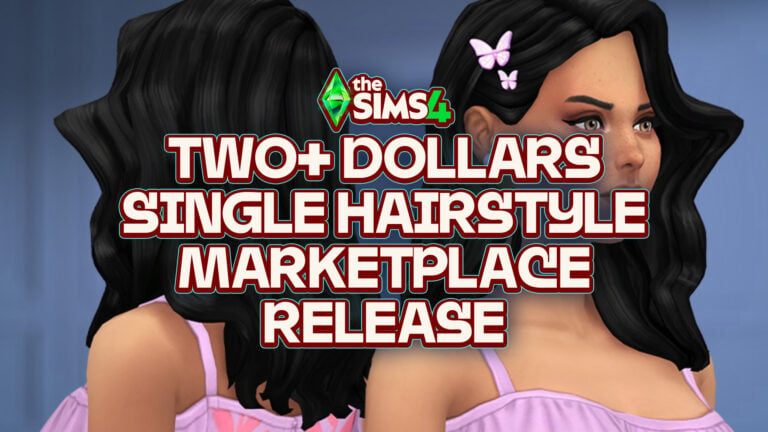
You’ve heard of 5 dollar power outlets, now get ready for single pieces of hairstyle that cost more than 2 bucks!
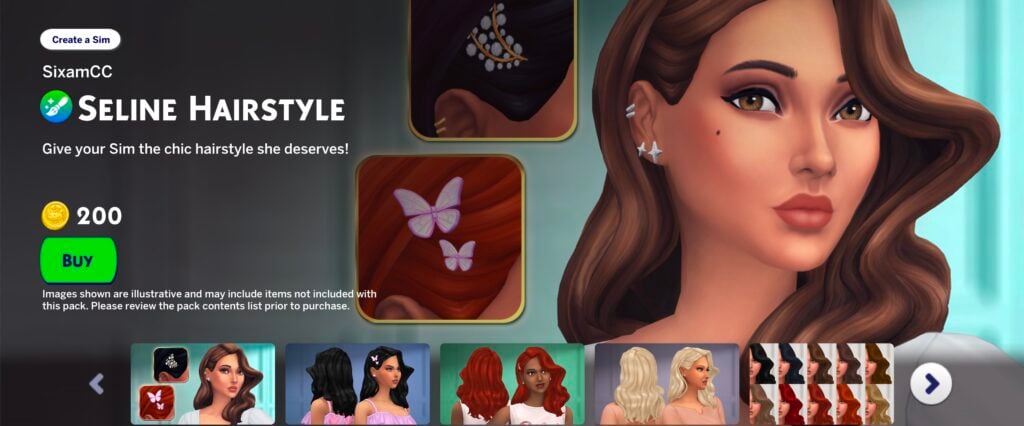
The Sims 4 Marketplace keeps pushing the limits of whats really possible…and morally right. Today’s Marketplace release is a Sims 4 Maker Pack by SixamCC, who also brought you two-parter Build Sets and two-parter Sets for Power Outlets in Europe and North America.
The latest release from this creator is peculiar – considering it’s the first ever Hairstyle release. Ever! We’ve never had Hairstyle releases in Kits before, and now they’re debuting for the first time on The Sims 4 Marketplace.
If you’re interested in contributing to the trend of paying 2+ dollars (200 Moola) on single individual Hairstyle releases (with a few accessories here and there) then be our guest and get this single piece of Hairstyle right now!!!
All jokes aside, it’s unclear why The Sims Team is testing the waters for new Hairstyles through the most absurd ways. Still, it feels at this point that Makers are also starting to contribute to this new era of releases.
See the features for The Sims 4 Seline Hairstyle Maker Pack by SixamCC down below:
The Sims 4 Seline Hairstyle Maker Pack by SixamCC
Price: 200 Moola
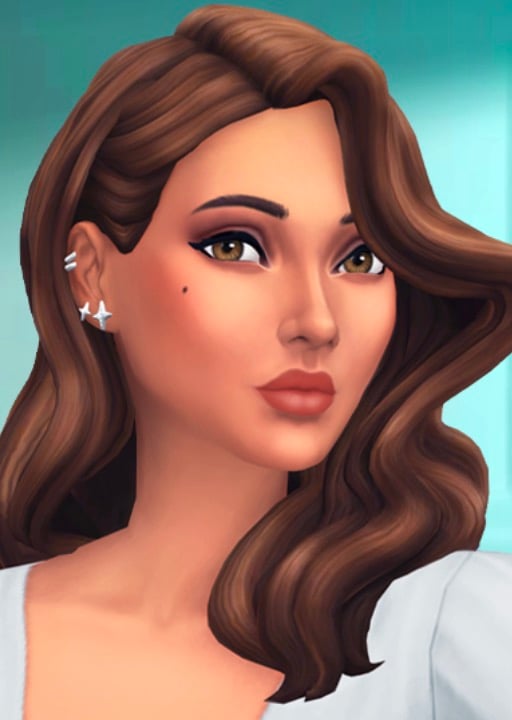
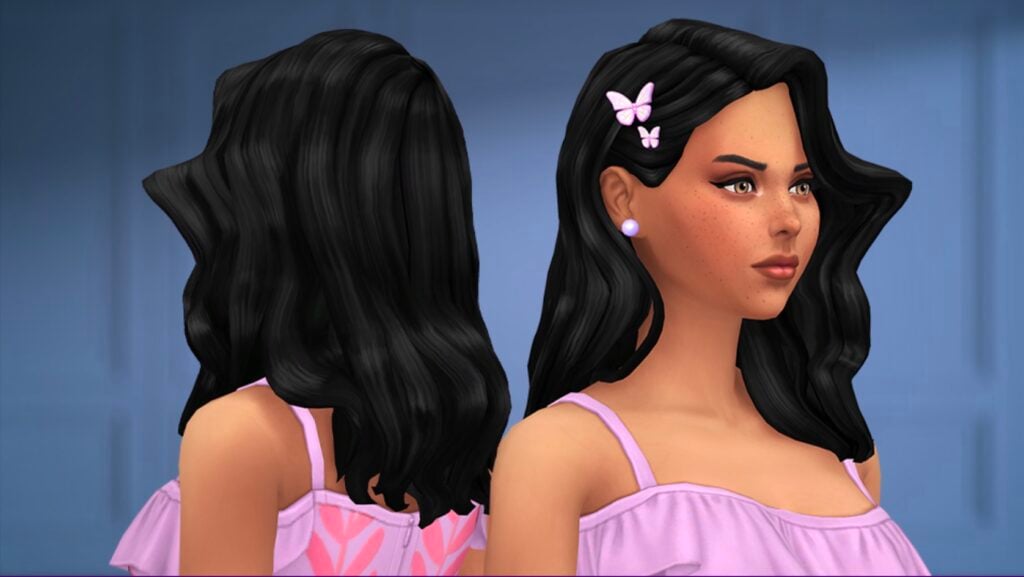
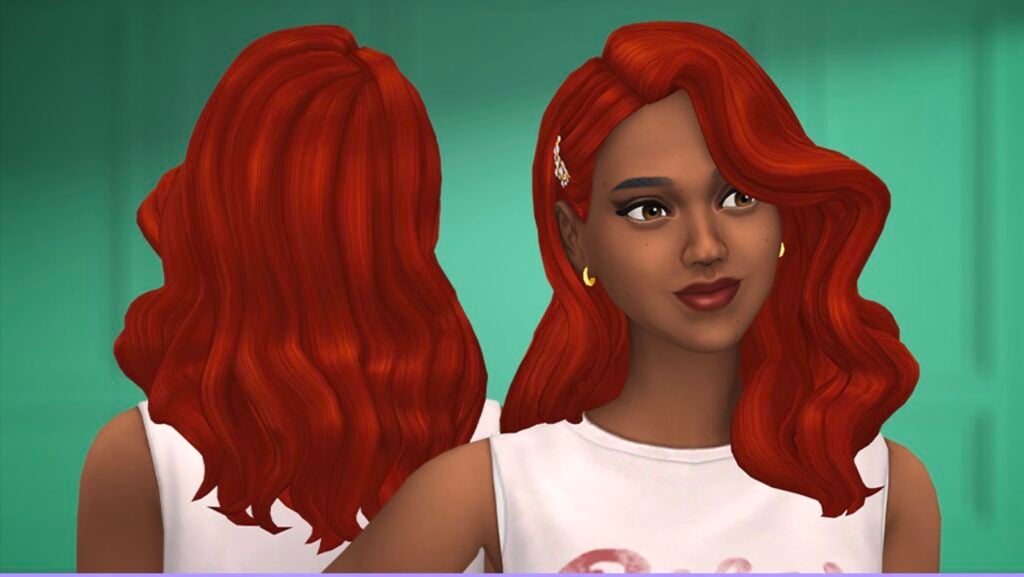
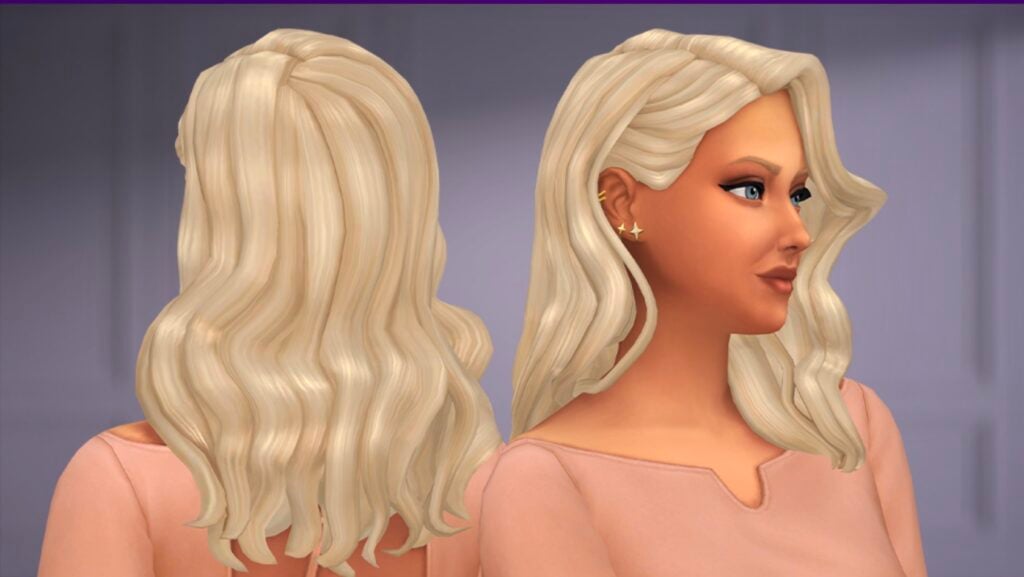
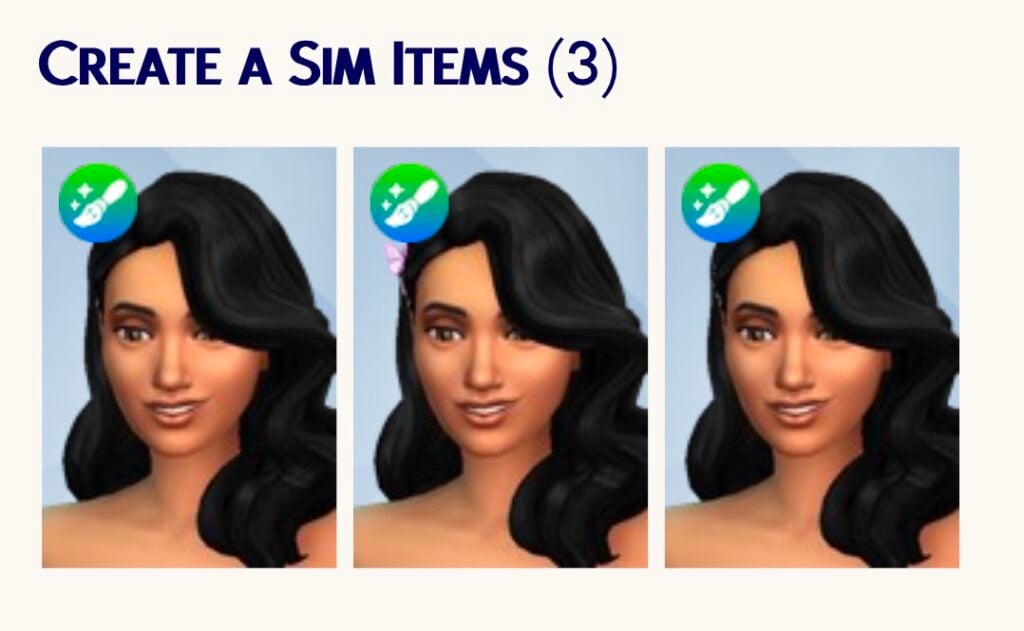
The Seline Hairstyle brings soft, cascading waves and an effortlessly chic silhouette to your Sim’s look: captivating and full of charm. What makes it versatile are the two included clip variants: a glamorous crystal branch clip for formal events and elegant occasions, and sweet butterfly clips for a whimsical, playful vibe. Style her for a dreamy a night out, a garden party, a glamorous gala, or a casual afternoon that still turns heads.
Whether you’re dressing up a sophisticated Sim or a free-spirited one, Seline has a look for her. Add it to your collection today! By SixamCC.
Maker Pack Features
SOFT WAVES WITH BUTTERFLY CLIP DETAIL
A closer look at the butterfly clips, showing how they add a playful decorative touch.
HAIRSTYLE WITH CRYSTAL BRANCH CLIP
A closer look at the crystal branch clip, adding a refined touch that works well for more styled and formal looks.
CLEAN SILHOUETTE
A clean version of the hairstyle. Soft waves with natural volume create a simple and polished look that works easily with any outfit.
COMPLETE COLOR SWATCH SET
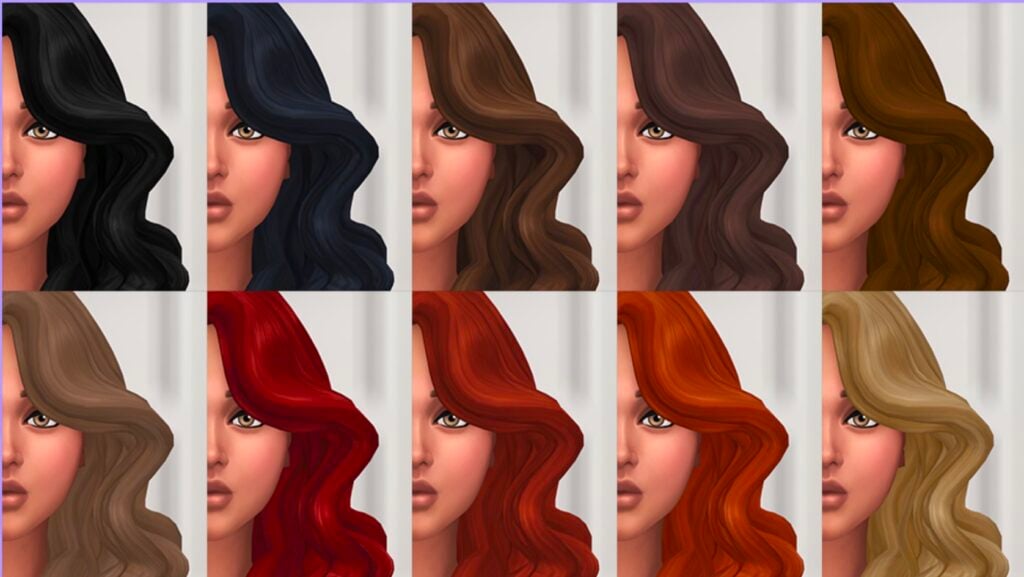
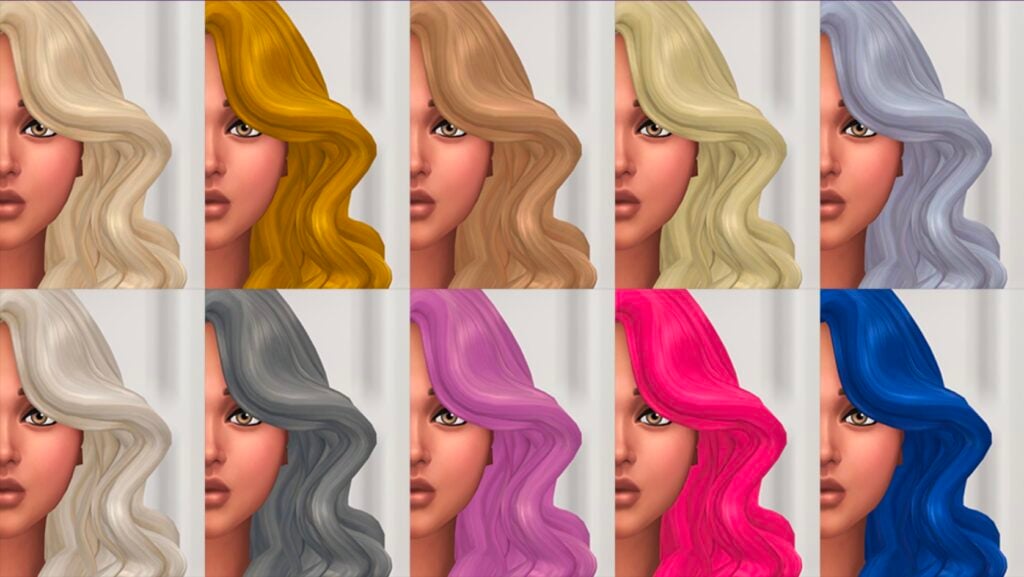
Includes 24 Maxis Match color swatches with a mix of natural and dyed tones, making it easy to match different styles and preferences.
Maker Pack Items
Are you interested in purchasing individual single Hairstyle pieces on The Sims 4 Marketplace for two dollars and more? Let us know what you think in the comments down below and stay tuned on Sims Community for general Sims Franchise updates!
EA reveals two The Sims 4 Lady Bridgerton Kits – coming May 14th!
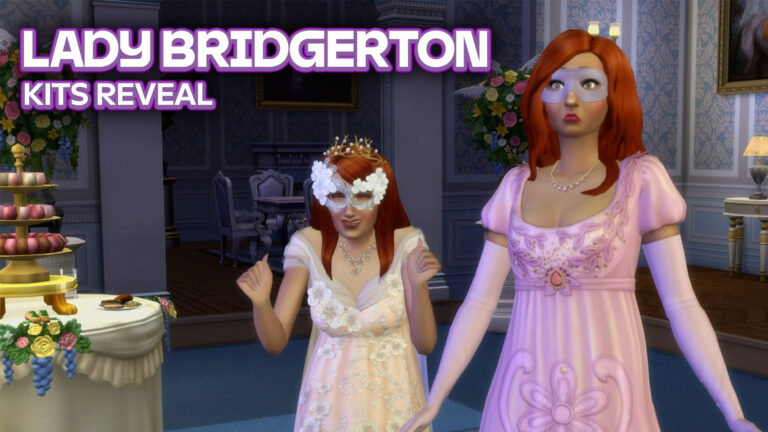
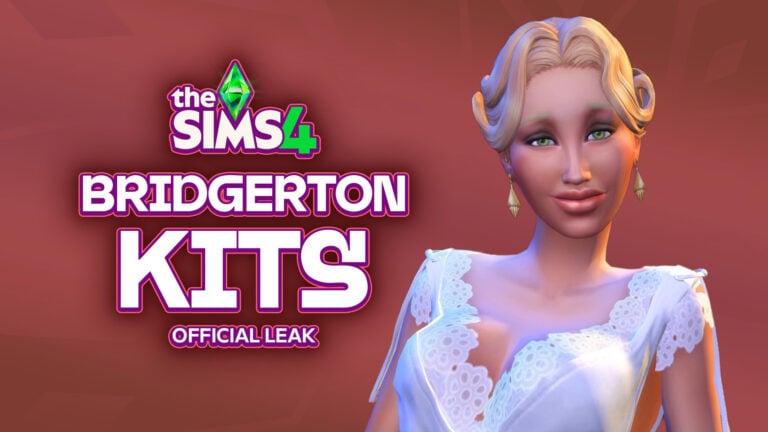
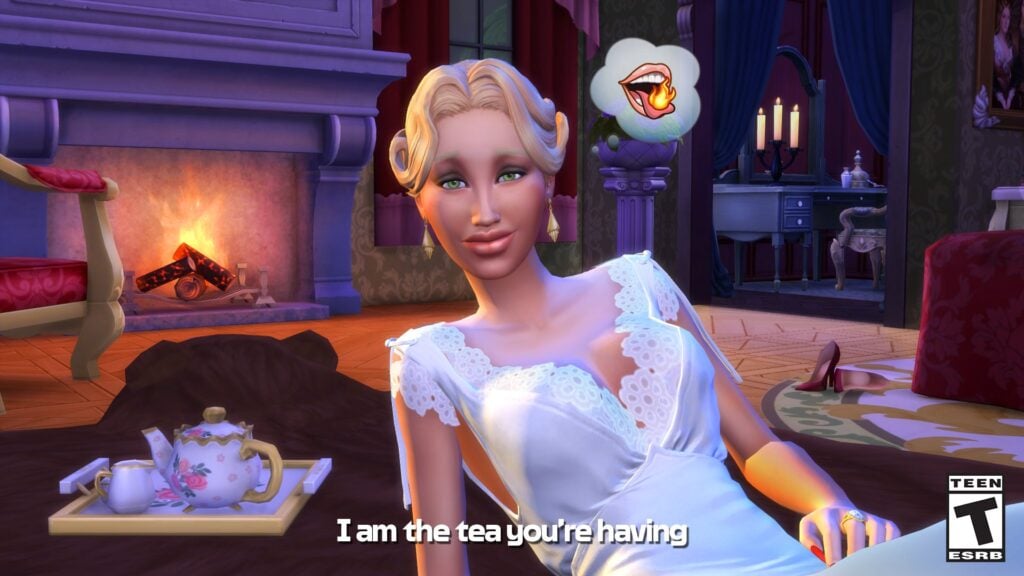
As speculated in the leaks found ingame, there’s a new collaboration coming your way in a form of Kits. The Sims Team and Electronic Arts have just revealed the two Sims 4 Lady Bridgerton Kits, coming to The Sims 4 next week on May 14th!
Along with the reveal is also a first look at the upcoming Sims 4 Masquerade Ball Live Event, starting May 12th in The Sims 4 Base Game!
Take a look at the first photos, official blog information and more reveals coming your way about the upcoming Sims 4 Bridgerton Kits collaboration:
Table of Contents
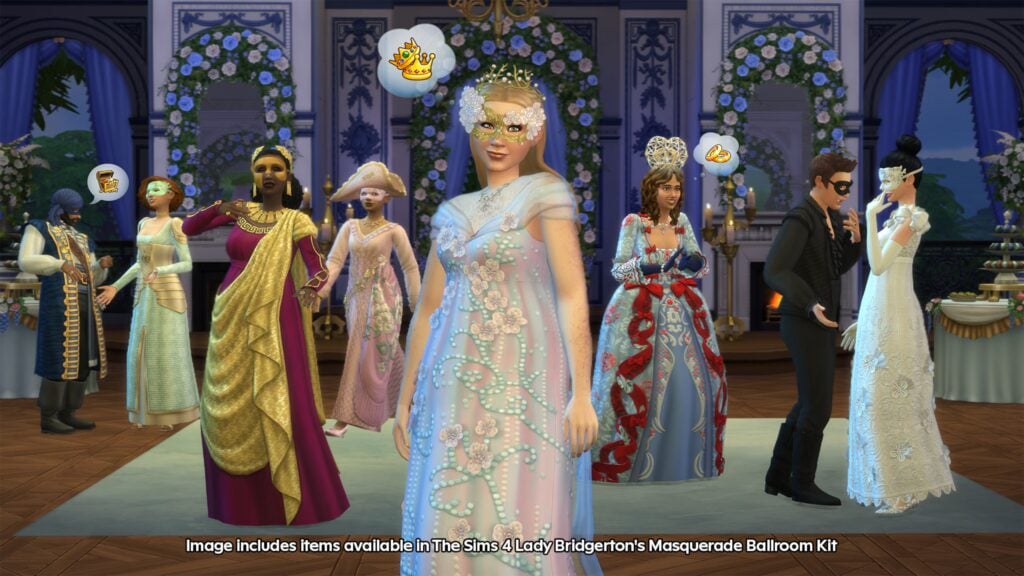
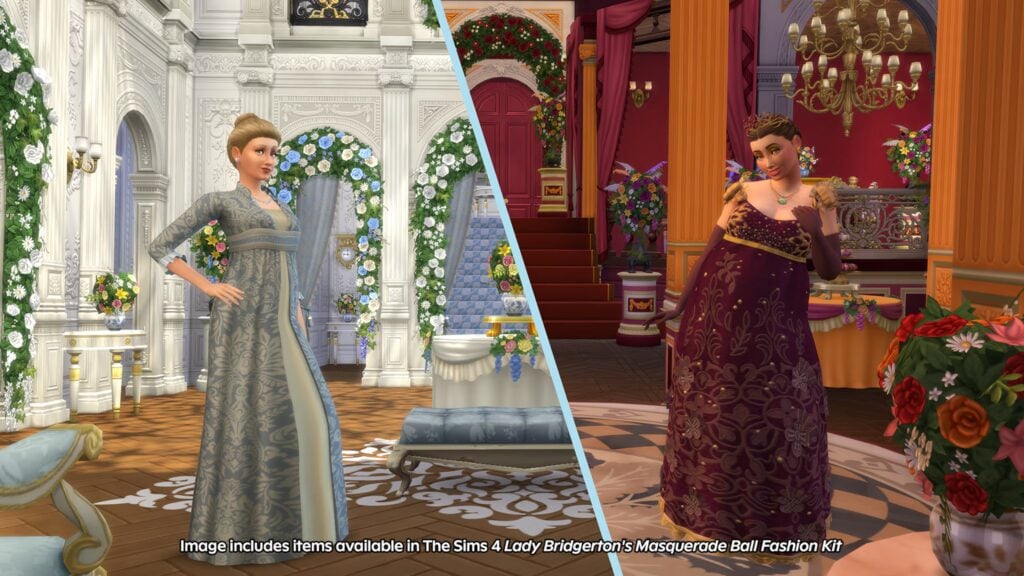
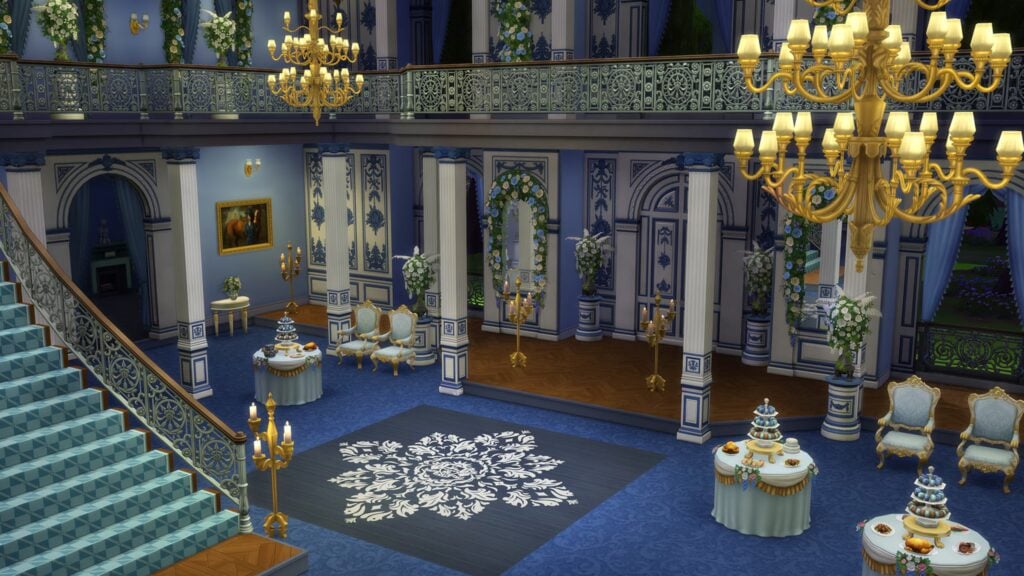
First Photos
Official Blog Post
The Sims Team revealed in the official blog post that The Sims 4 Lady Bridgerton Kits will cost $6.99USD each, or a price equivalent to your local currency. You can also get the exclusive The Sims 4 Lady Bridgerton’s Masquerade Ball Bundle for $9.99USD, or a price equivalent to your local currency.
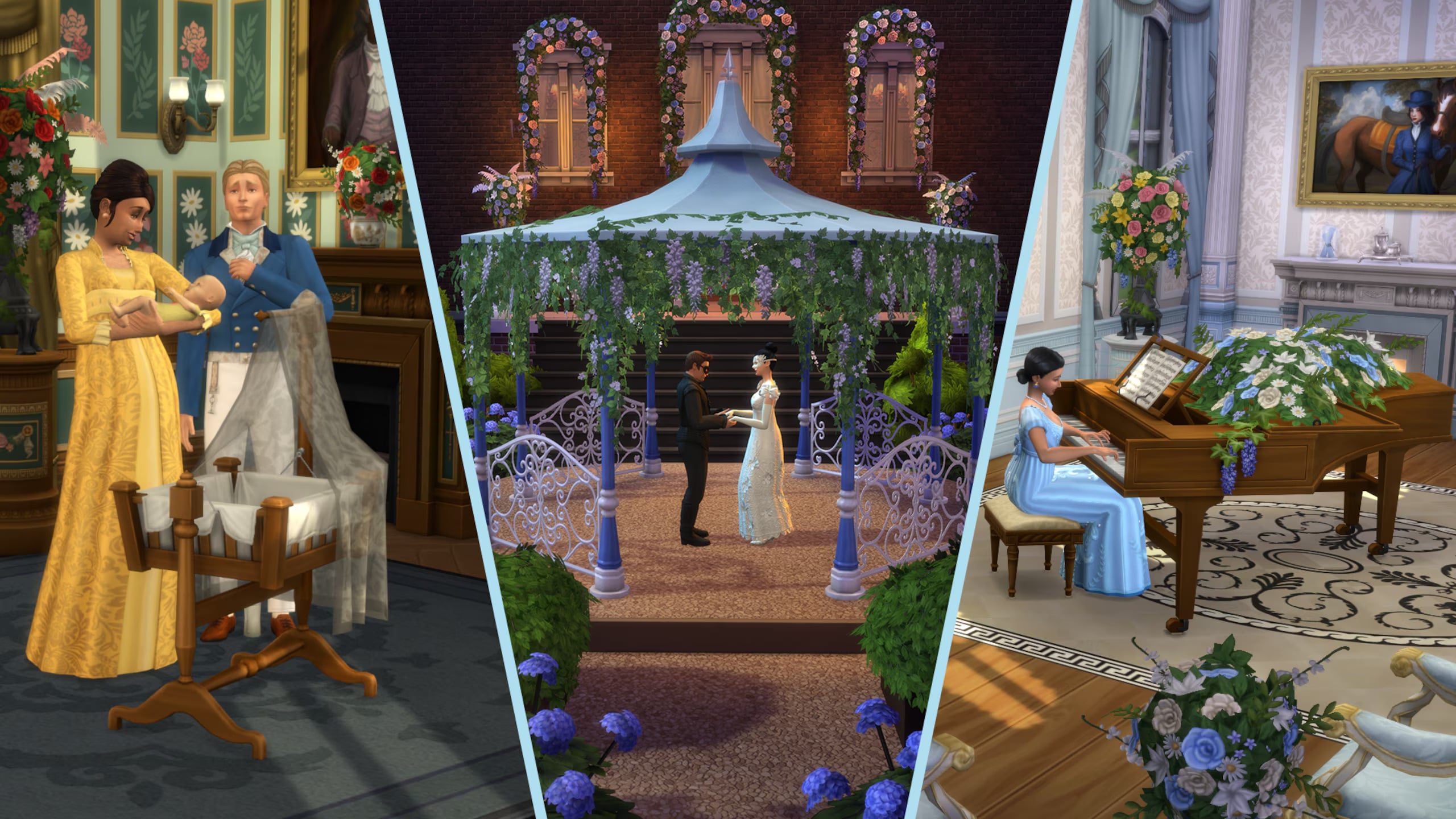
Also granting you access to these three exclusive items ingame, including a new Piano, a Gazebo and a Baby Bassinet.
You have until August 14th, 2026 to claim the Kits Bundle offer and get them for a discount in pair.
It has come to this author’s attention that a most intriguing affair is soon to unfold: one promising fashionable spectacle and no small measure of decadent décor.
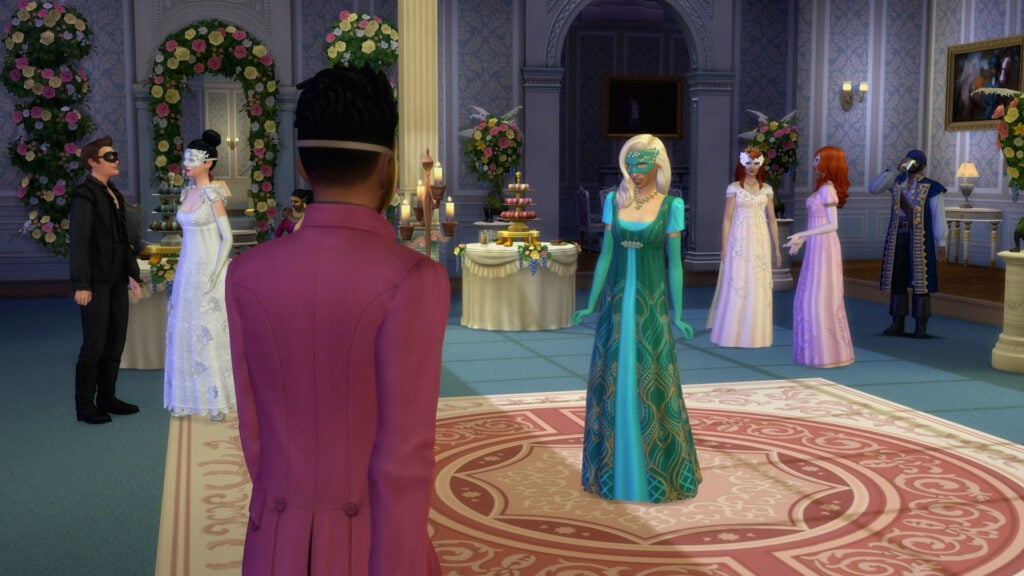
For the first time, in partnership with Netflix and Shondaland, the world of The Sims 4 is abuzz with the elegance, glamour and anticipation for Lady Bridgerton’s grand social season. And what, dear reader, is a season without a proper ball?
The festivities begin on May 12, 2026, with a free limited-time login event filled with rewards fit for the season.
Then, on May 14, the celebration continues with The Sims 4 Lady Bridgerton’s Masquerade BallroomKit, The Sims 4 Lady Bridgerton’s Masquerade Ball FashionKit, and The Masquerade Ball Bundle, complete with both Kits and three exclusive bonus items for those who desire it all.
Kits Trailer
For A Masquerade Ball to Rival Them All
For the hosts most intent on distinction, the Masquerade Ball Bundle offers the complete experience: uniting The Sims 4 Lady Bridgerton’s Masquerade Ball FashionKit and The Sims 4 Lady Bridgerton’sMasquerade BallroomKit alongside three exclusive items inspired by moments from the Ton.
The Bridgerton House Gazebo, for clandestine encounters worthy of Benedict and Sophie
The Bridgerton House Piano, for tender declarations that might stir even Francesca…
And for those with dreams of a growing household, a Bundle of Joy Bassinet, like one you may see for Penelope and Colin
Such indulgences, however, are as fleeting as the season itself. Lady Bridgerton’s Masquerade Ball Bundle offer concludes on August 14, 2026, so one would be wise to make haste!
A Most Fashionable Affair
One cannot attend a masquerade without the proper attire, for appearances are everything.
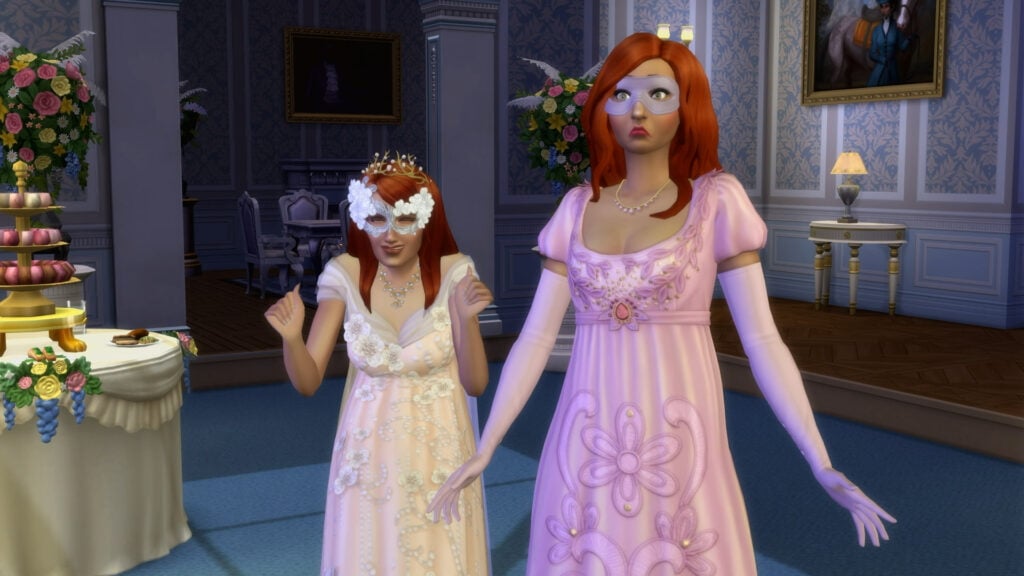
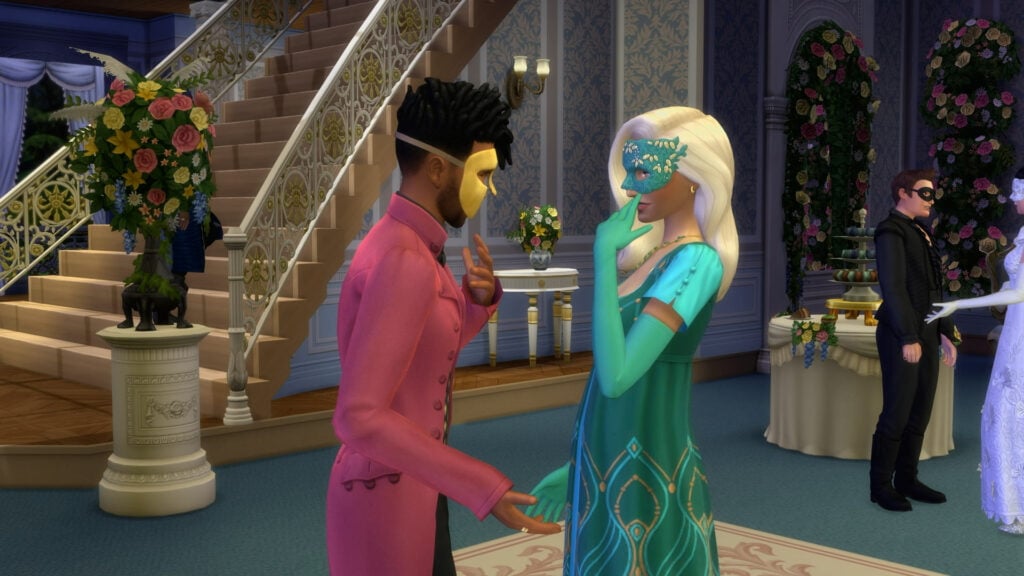
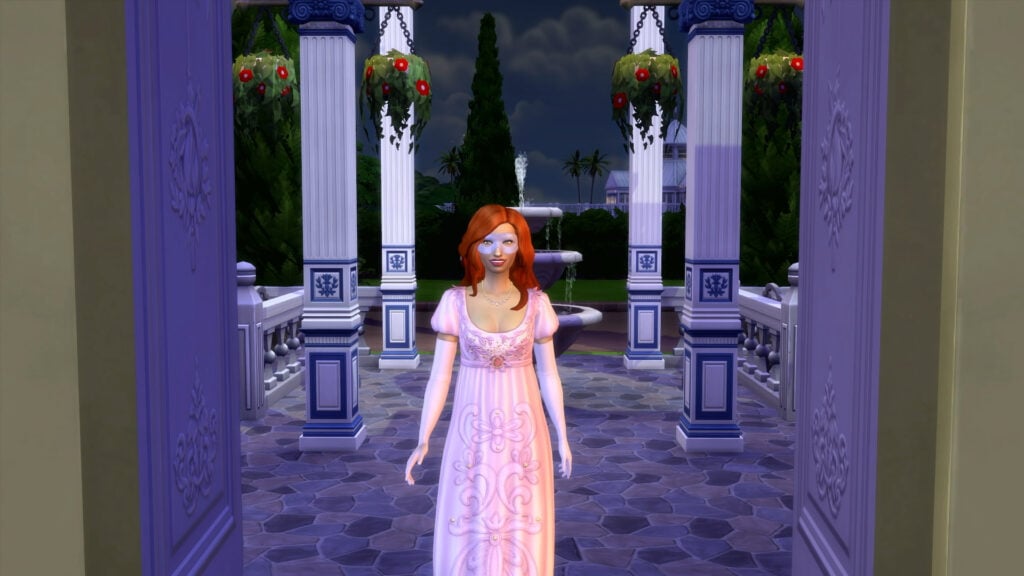
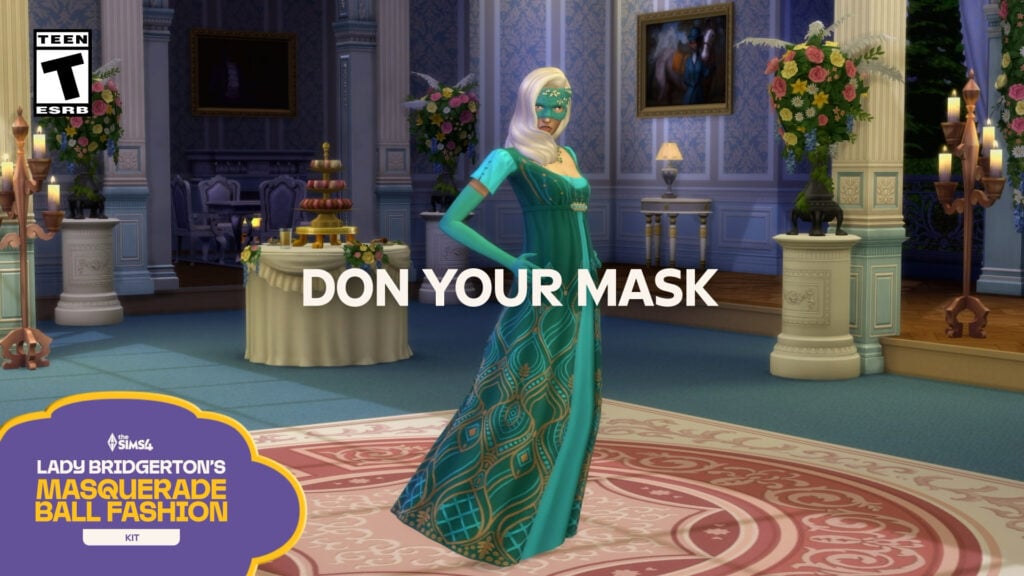
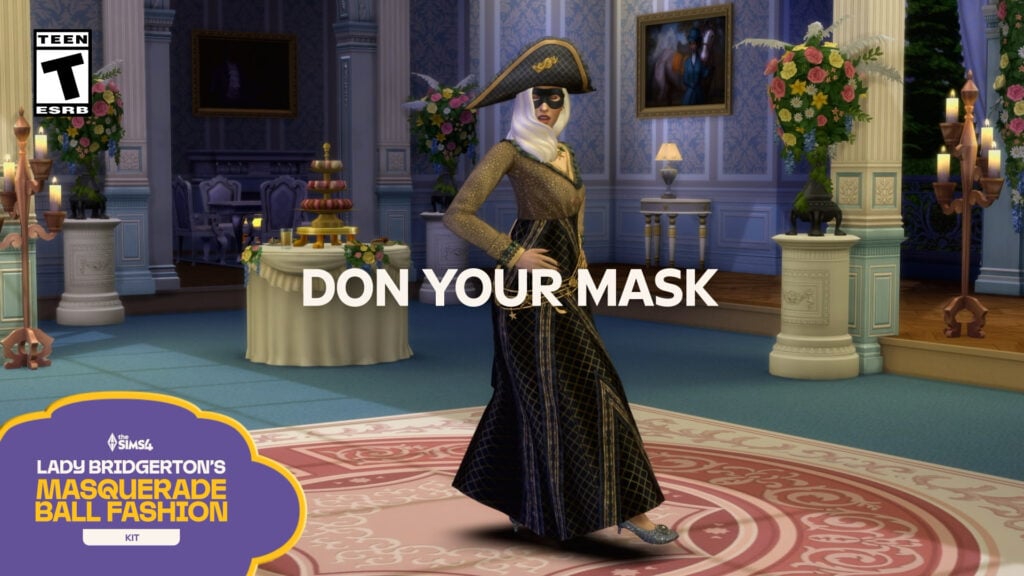
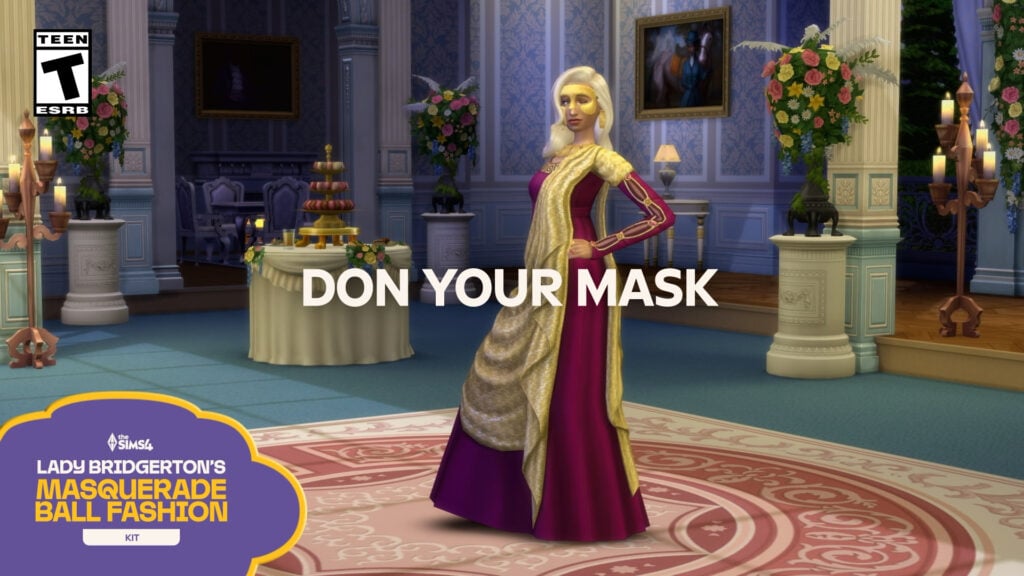
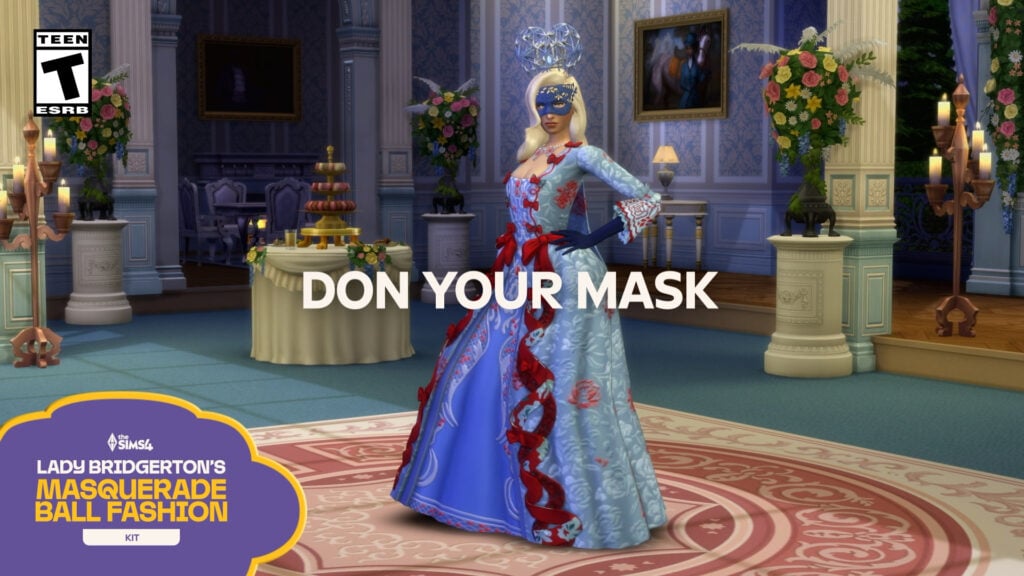
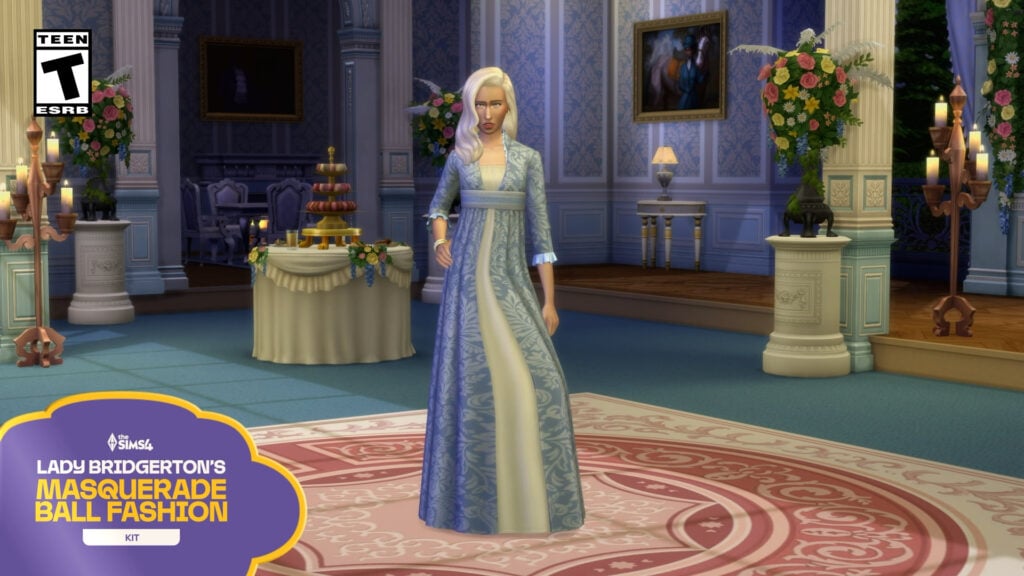
With the Masquerade Ball FashionKit, one may don suave tailcoats, dazzling gowns, and accessories worthy of the season’s most talked about affair: from Sophie’s Lady in Silver dress, paired with shoes and mask, to Benedict’s effortlessly styled look that is sure to invite intrigue. Adorn oneself further with Lady Bridgerton’s opulent mask and tiara, or command the room in Queen Charlotte’s striking Celestial Wig and gown. These ensembles are plucked straight from the grandest ballrooms of the ton themselves.
Whether one seeks admiration, or incites envy, rest assured: heads will turn, and whispers will follow.
Of course, fashion alone does not make the evening.
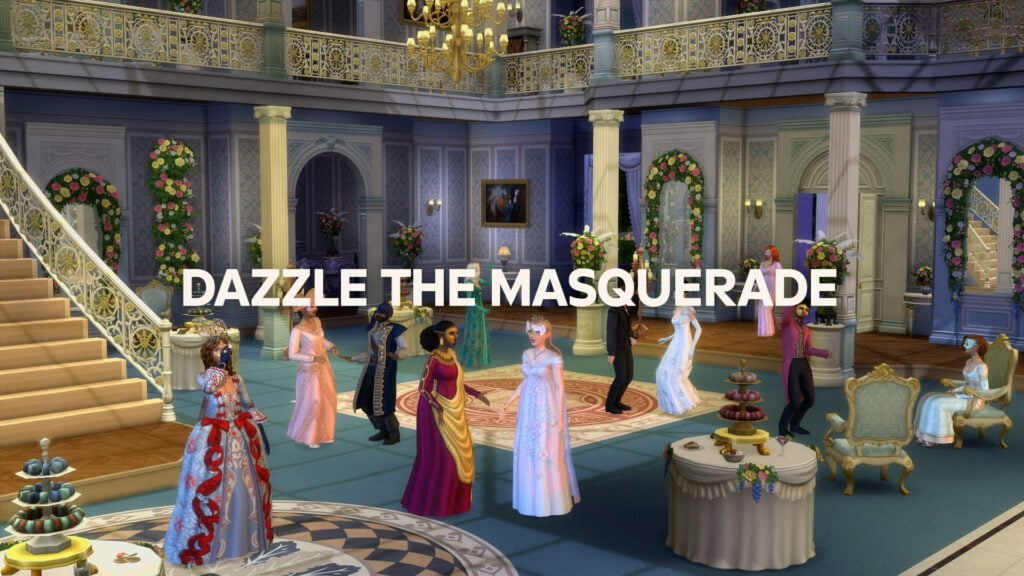
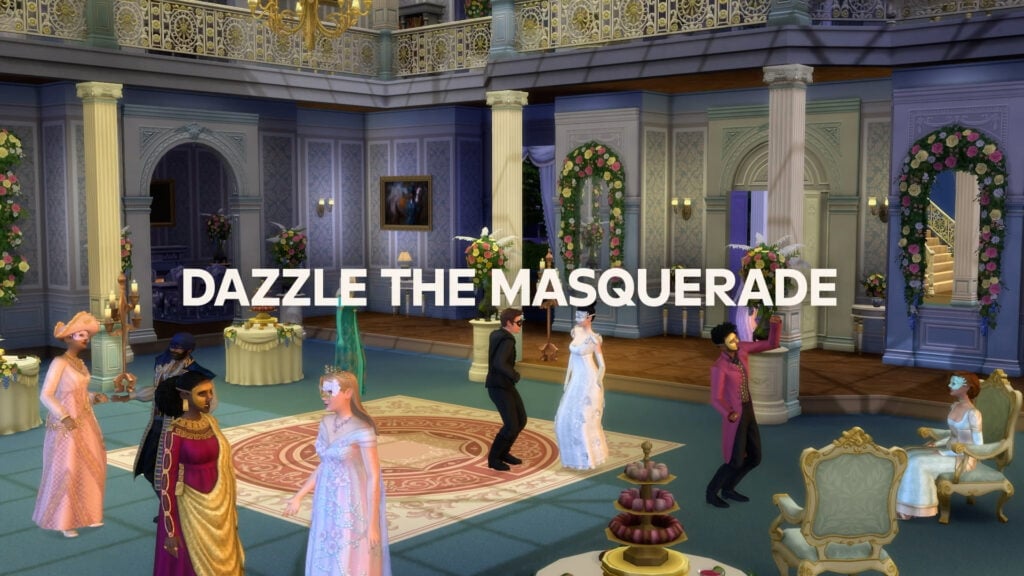
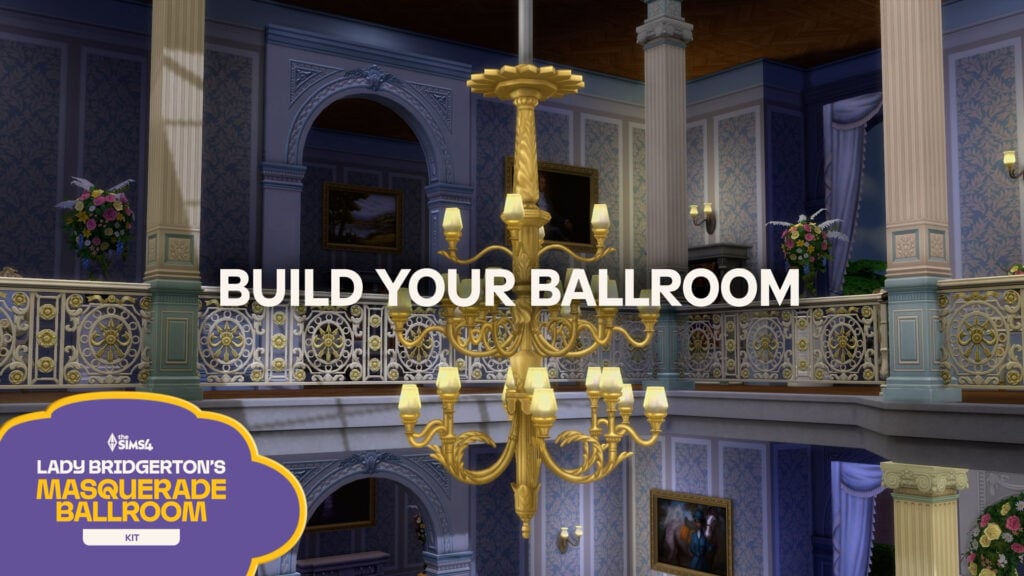
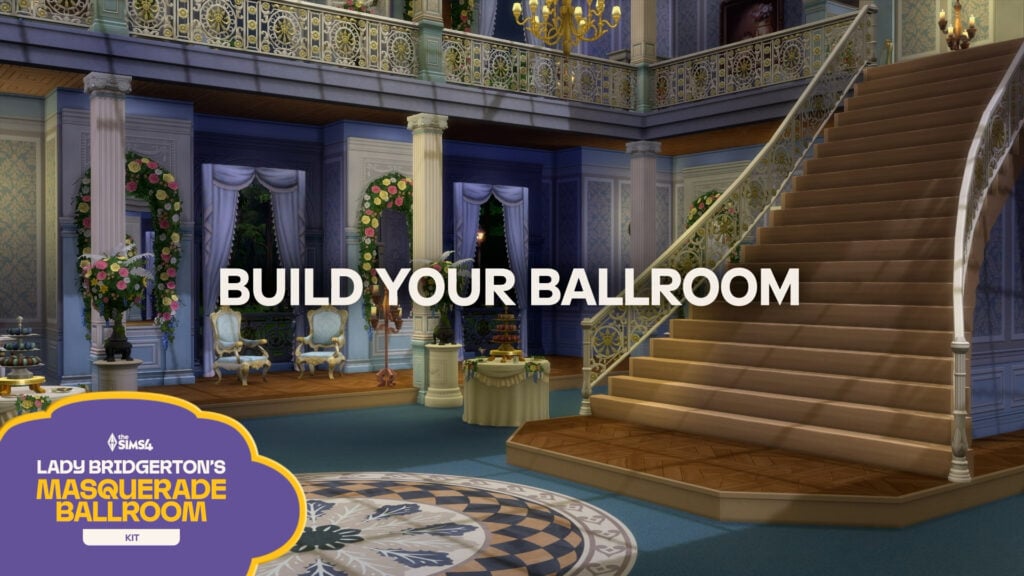
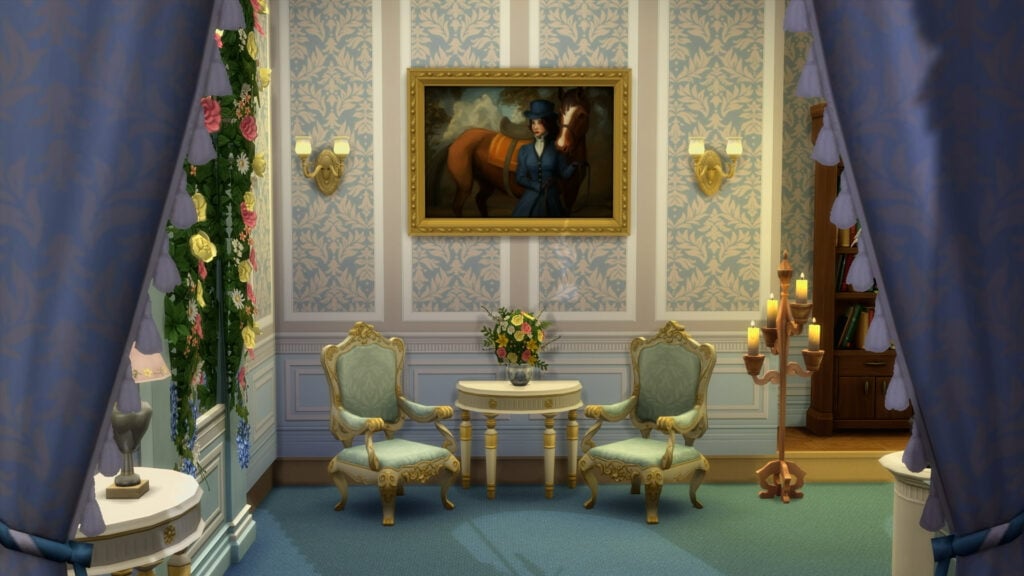
With Lady Bridgerton’s Masquerade BallroomKit, one may construct a perfect setting befitting the social event of the season. Picture glittering crystal chandeliers, opulent florals, and a dance floor upon which every glance, and every step, carries meaning.
From marble fireplaces to lavish banquet tables, the stage is set for romance… or ruin.
The Invitation Extends Further Still…
And what is a season without anticipation?
From May 12 through July 7, 2026, a free multi-week login event shall unfold, inviting players to return to discover a host of limited-time rewards: 22+ items spanning Create a Sim, Build/Buy items, and even a new Trait.
Pray you do not miss a single moment. Society notices everything.
The Social Calendar*
May 12 marks the beginning of the masquerade festivities, with a limited-time login event.
On May 19, the game is afoot! Ton shall gather to revel in the latest trends.
Then, by May 26, it is time to prepare for the evening, as the season’s finery comes fully into view.
June 2nd, host the event of the season, meet all the most eligible of the ton, and make sure you wear your heart on your sleeve.
*For the two weeks that follow, players shall have the opportunity to see the event through to its end.
So, tell me dear reader,
Will you design a ballroom to rival the great houses of the ton?
Will you arrive in a disguise that conceals, or reveals, your truest intentions?
Or will you simply observe from the sidelines… as others make history?
I, for one, shall be watching most closely.
Vooz Trelby,
Simzee Mindyof The Sims Team
The Sims 4 Lady Bridgerton’s Masquerade Ball Bundle will be available May 14, 2026 through August 14, 2026 on PC via EA app, Mac® via Origin, Epic Games Store and Steam®, PlayStation®5, PlayStation®4, Xbox Series X|S and Xbox One systems. The Sims 4 Lady Bridgerton’s Masquerade Ball FashionKit and The Sims 4 Lady Bridgerton’s Masquerade BallroomKit are available to purchase separately for $6.99 each. The Sims 4 Lady Bridgerton’s Masquerade Ball Bundle retails for $9.99. Offer ends August 14, 2026.
Additional Trailer Screens
What do you think about the latest reveal of The Sims 4 Lady Bridgerton Kits from The Sims Team? Let us know your thoughts in the comments down below, and cast your vote in our simple poll included below:
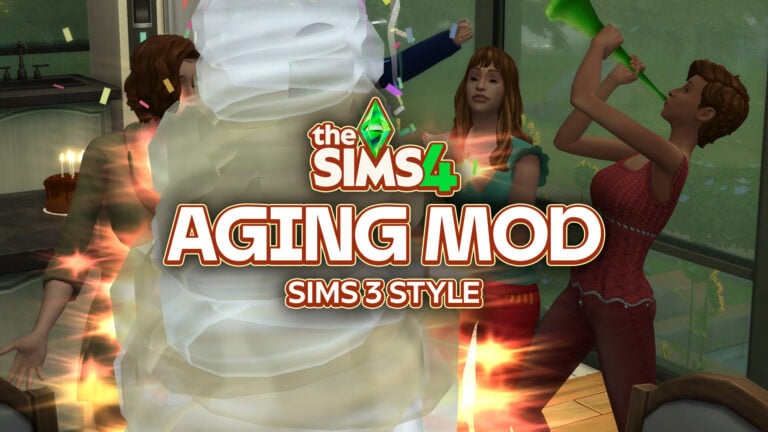
One major complaint of The Sims 4, primarily, is that some players who have played previous entries find it to be too easy, predictable, etc. Sims are harder to kill, harder to neglect, and tend to have a happier disposition depending on traits and other factors. It doesn’t feel like there is enough drama or consequences, even in some systems added with expansion packs that are intended to do so, like Royalty & Legacy’s Scandal System, or Life & Deaths Bucket List/Unfinished Business system. Also, you can control so many factors of their lives, that it feels closer to the idea of a dollhouse simulator than a life simulator for many players.
A well-known feature of The Sims 3, the first mainline The Sims series entry to feature a personality traits system, was that how happy your sim was upon aging up would influence your choices as a player. Sims who were raised well and happy in their life stage would get positive traits, or you would have full control to pick their next trait. If a sim grew up unhappy, neglected, or just negatively in general, they would randomly inherit a “negative” trait. These would include traits like “Evil”, “Slob”, “Grumpy”, etc.
With The Sims 4, the other mainline entry that has a personality traits system, you can always choose a Sim’s traits upon aging up. You can opt to randomize them, as well, but you are still largely in control. The only negative to sims growing up unhappy, neglected, or unfulfilled is a random age-related trait (Like Unhappy Infant), or missing out on possible bonus traits that could influence their life later. It feels less like a punishment, and more like a slap on the wrist for being downright neglectful.
Table of Contents
A Sims 4 Aging Mod With Sims 3 Aging Up Mechanics?
Bestie tyjokr has made a mod bringing a mechanic that takes after The Sims 3's age up system, where poor upbringing can result in you not being allowed to pick traits yourself! Can make for some interesting gameplay! pic.twitter.com/KDX1K2Tqo8
Community member and modder Lunar_Britney posted on X recently, sharing a new mod currently in early access that may be the answer to the complaints of these exact players!
Modder tyjokr, someone who always enjoyed the variety that came from this Sims 3 feature, decided that it doesn’t have to be this way. Now in Beta testing, the “TS3 Age Up” mod by tyjokr will now take into account your sims experiences to indicate whether you get to pick a trait or not.
The System Itself
To start off, there was a change in the mod during beta testing where infant traits are now entirely random. This means that when you decide to age up a newborn from their bassinet to infancy, what trait they receive is uncontrollable, as there isn’t much to do outside of basic care for newborns and they do not inherit traits based on this experience.
It varies by age stage and effects every age differently, because of the way the aging system works. Only two ages have reward traits related to their upbringing, which are Infant and Toddler. Infants can receive Unhappy Infant, Happy Infant, and Top-Notch Infant based on their needs, milestones, relationships, and mood at time of aging up.
Infants who age to toddlerhood with low caregiver relationships, low needs, or tons of bad buffs will have the Unhappy Infant trait. On the other hand, toddlers aging into children can receive the Top-Notch Toddler trait or the Happy Toddler trait based on their skill levels. Since toddler skills range from 3 to 5 levels, Happy Toddler is given with all skills at 3 or higher, and Top-Notch Toddler is given with all skills maxed out.
After these stages, the most vital aspect of whether or not you will get to choose a trait, or what traits your sim can get, is their grades. Per tyjokr’s Patreon mod page…
Tyjokr’s TS3 Age Up Mod
Now when your Sim ages up, the game may choose their new trait for you. Like TS3, whether you get to pick the trait or not depends on how well your Sim performed in their previous life stage.
Infant → Toddler
Outcome is based on the reward trait your infant receives.
Top-Notch Infant: You choose the trait
Requires all motives to be in excellent condition on age up
Happy Infant: Random trait, negative traits excluded
Requires all motives to be in good condition on age up
Unhappy Infant: Fully random trait
Requires all motives to be in poor condition on age up
Toddler → Child
Outcome is based on the reward trait your toddler receives.
Top-Notch Toddler: You choose the trait
Sim must have four toddler skills at level 5 when becoming a child.
Happy Toddler: Random trait assigned, negative traits excluded
Sim must have four toddler skills at level 3 when becoming a child.
No reward trait: Random trait assigned
Child → Teen & Teen → Young Adult
Outcome is based on your child or teen’s performance at school.
A grade: You choose the trait
B grade: Random trait assigned, negative traits excluded
C grade or not enrolled: Random trait assigned
D or F grade: Random negative trait assigned
Newborn → Infant
Outcome is now always randomized.
In-Game
Infancy to Toddlerhood
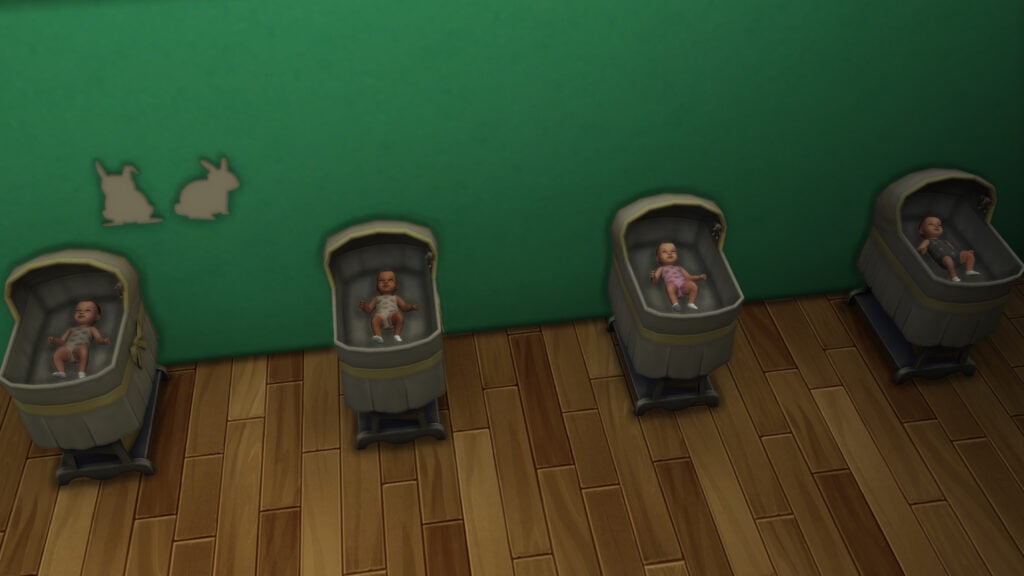
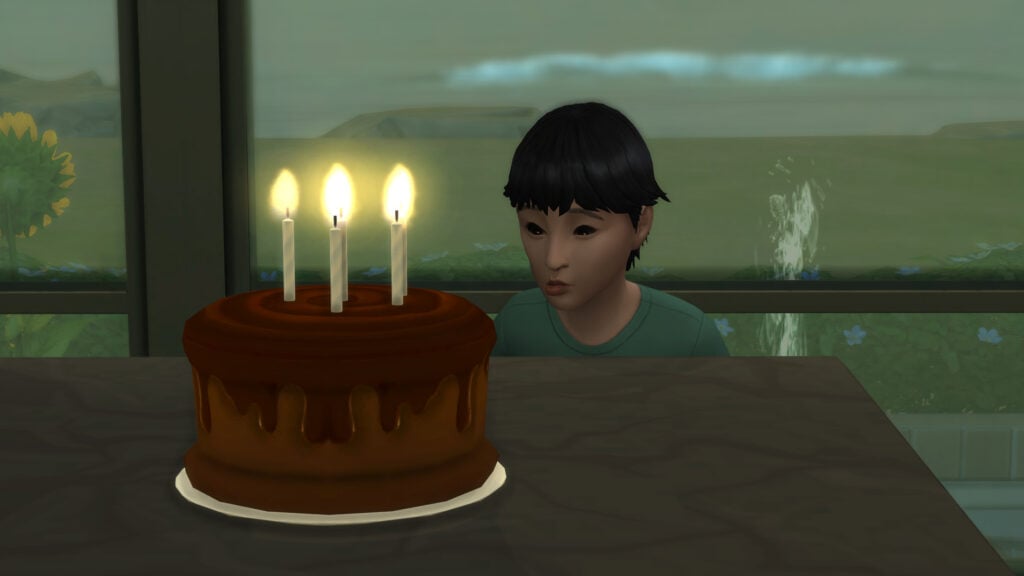
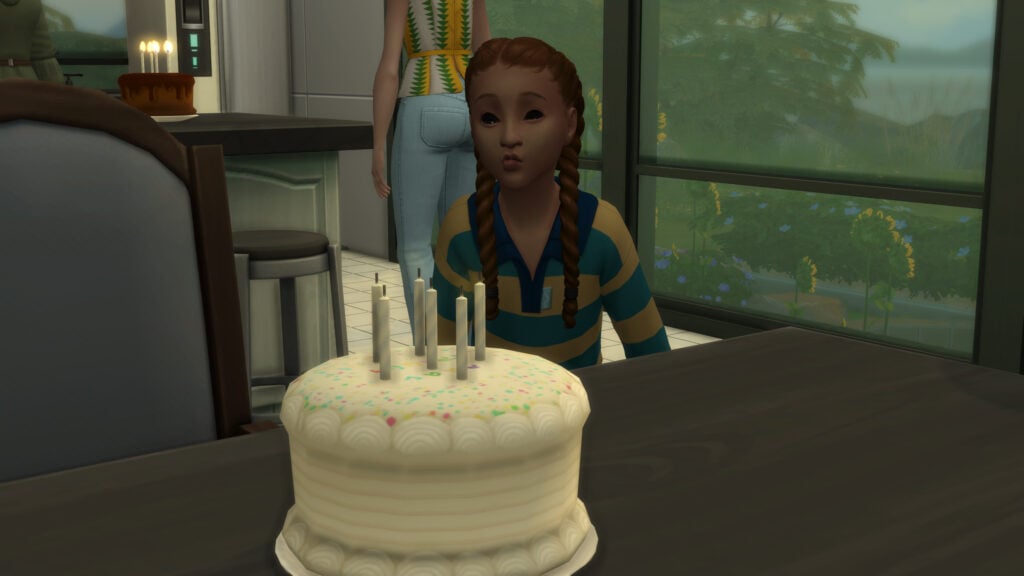
the little test subjects in question
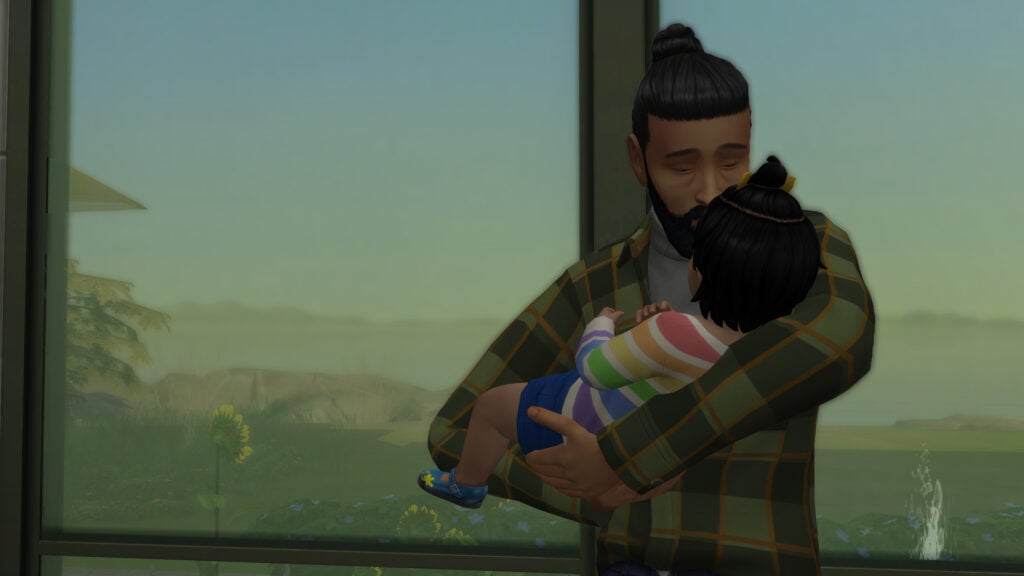
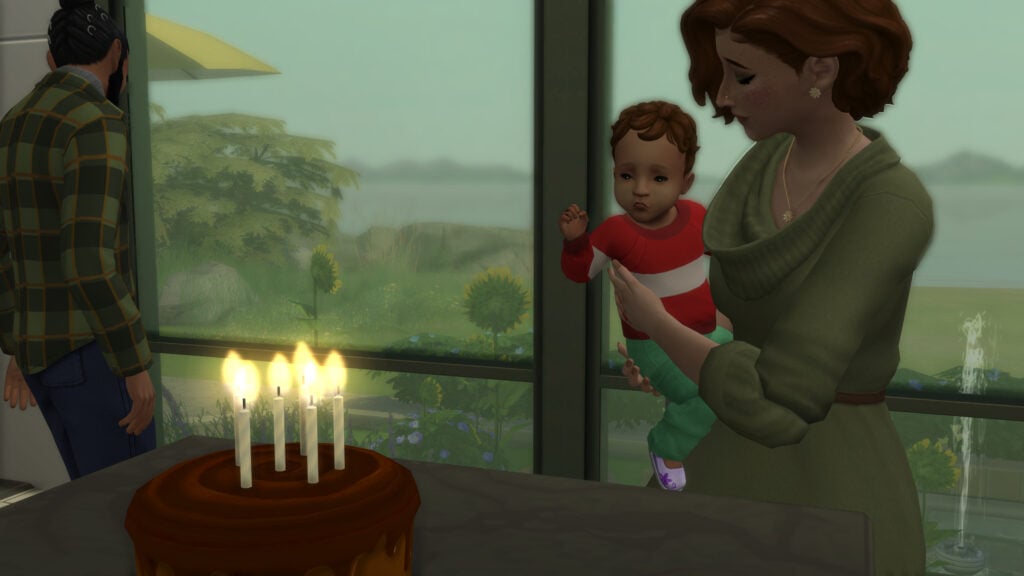
To test this mod out, I created a couple and cheated two pregnancies for a total of four newborns. Throughout their growing up, I adjusted their needs, skills, milestones, grades, and more to account for all the possible outcomes at each age stage.
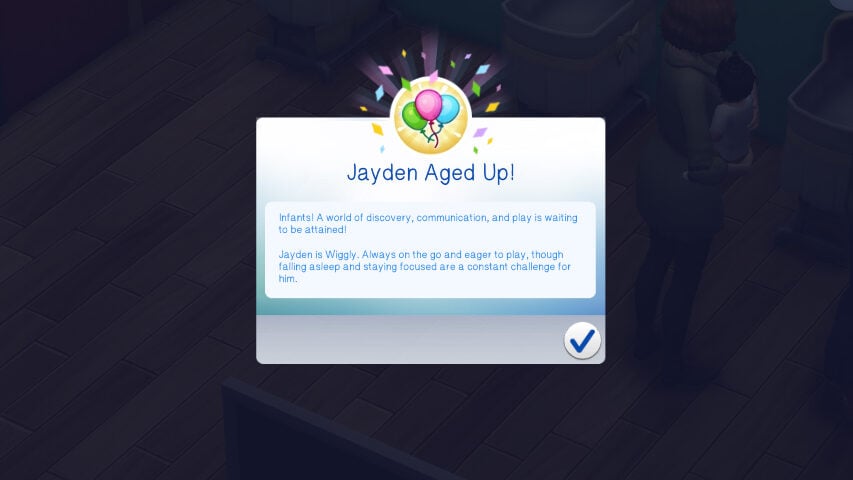
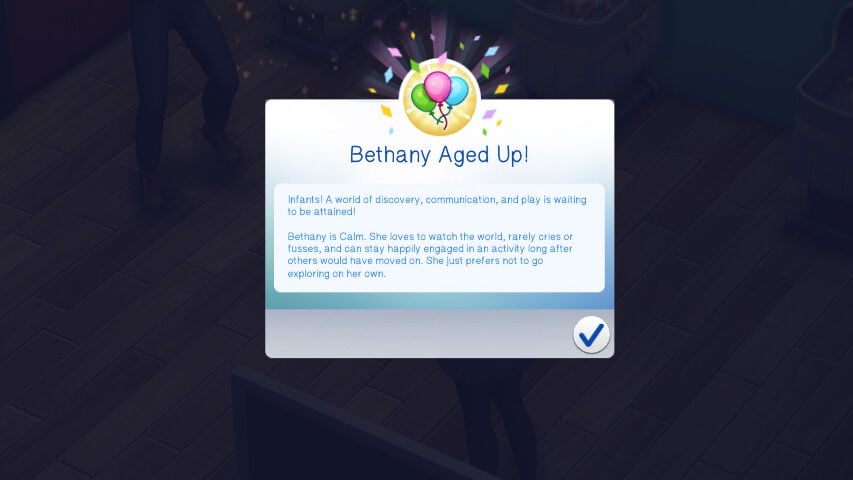
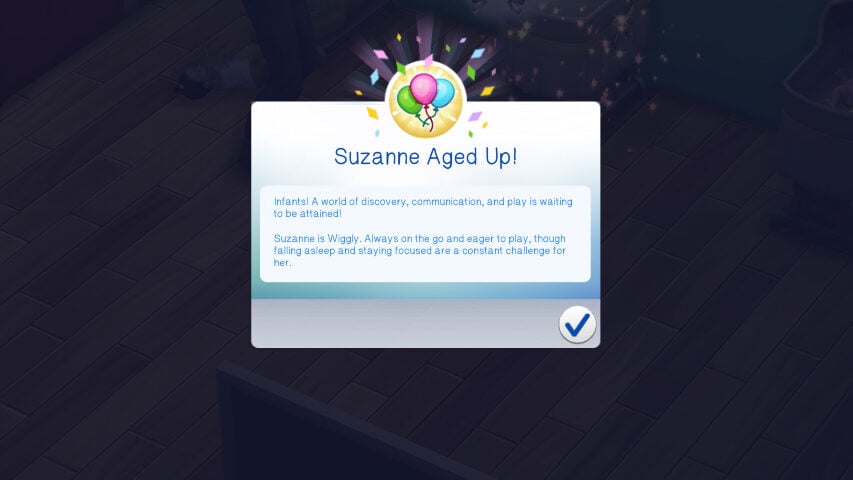
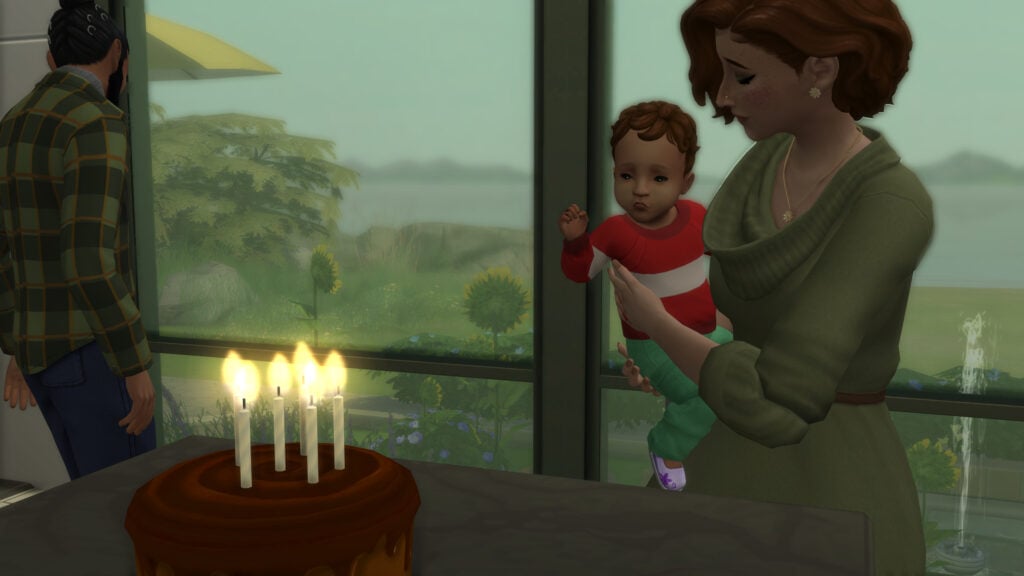
Growing into infancy, the traits were all randomized, but somehow three out of four of the babies were Wiggly, with a single one being Calm. After that, milestones, care, and needs were a huge part of how they grew up. This meant that each child needed to grow up entirely differently to be able to show the full range of the mod itself.
To test this mod, my sims were truly terrible parents. They did not care for nor love their children equally, they neglected certain kids, etc. Just downright awful. Because of this, each infant had a different experience going into toddlerhood.
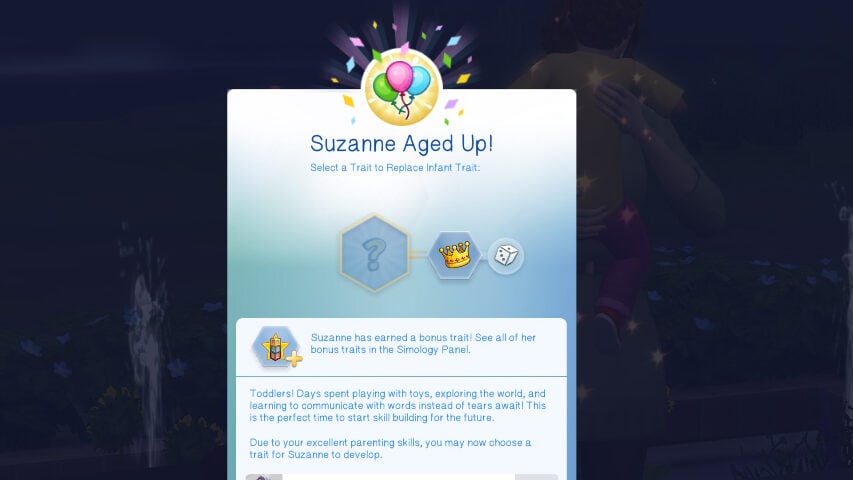
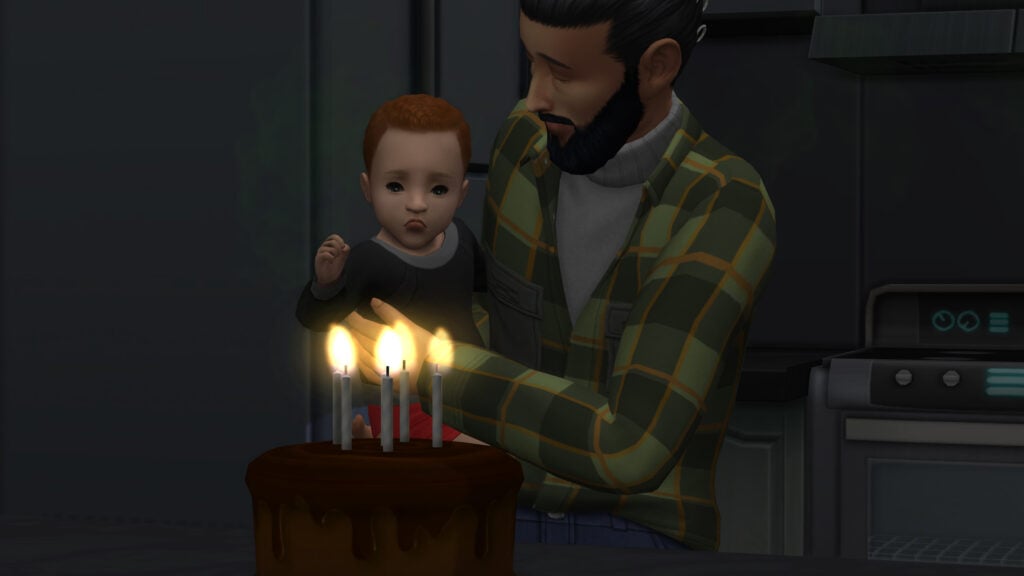
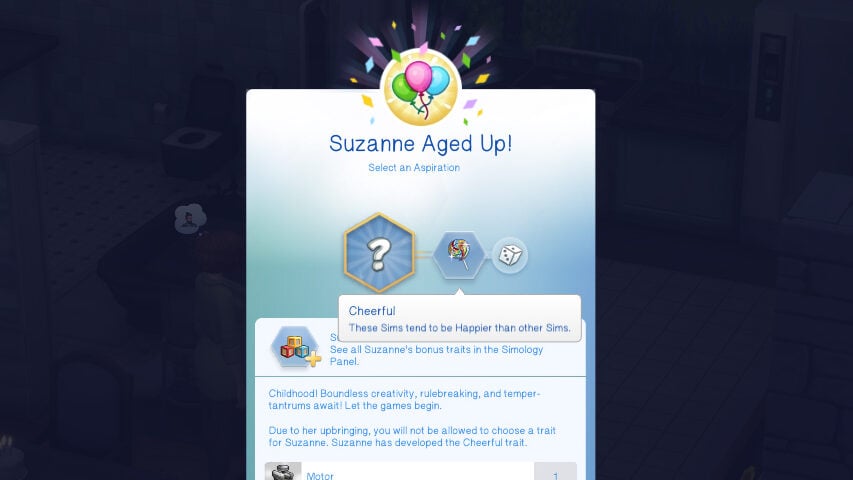
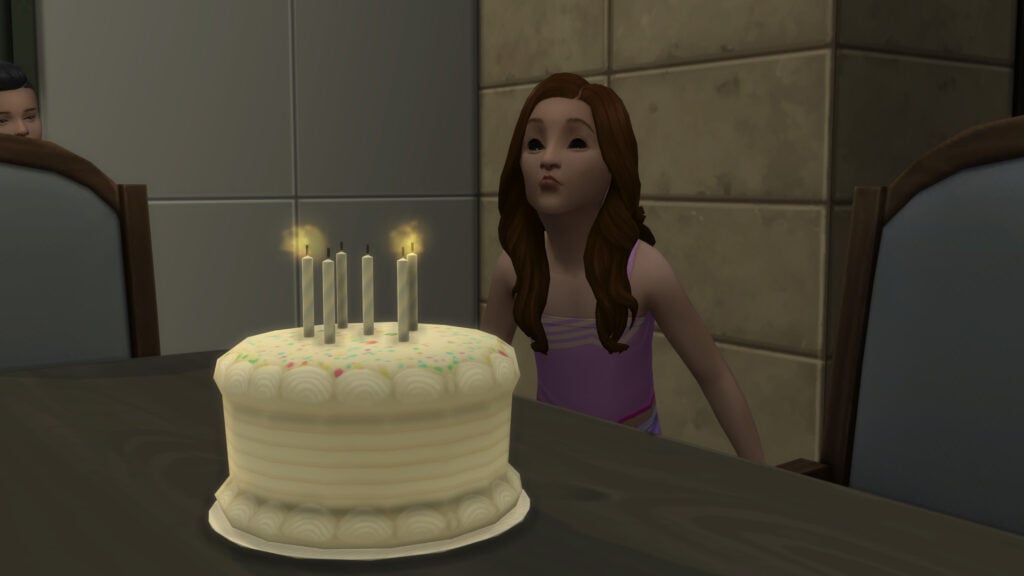
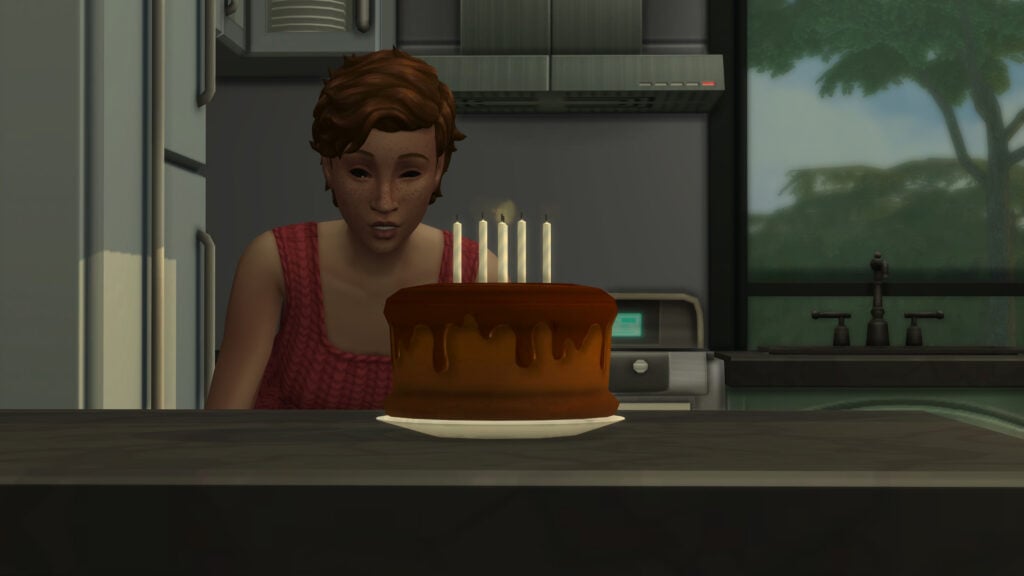
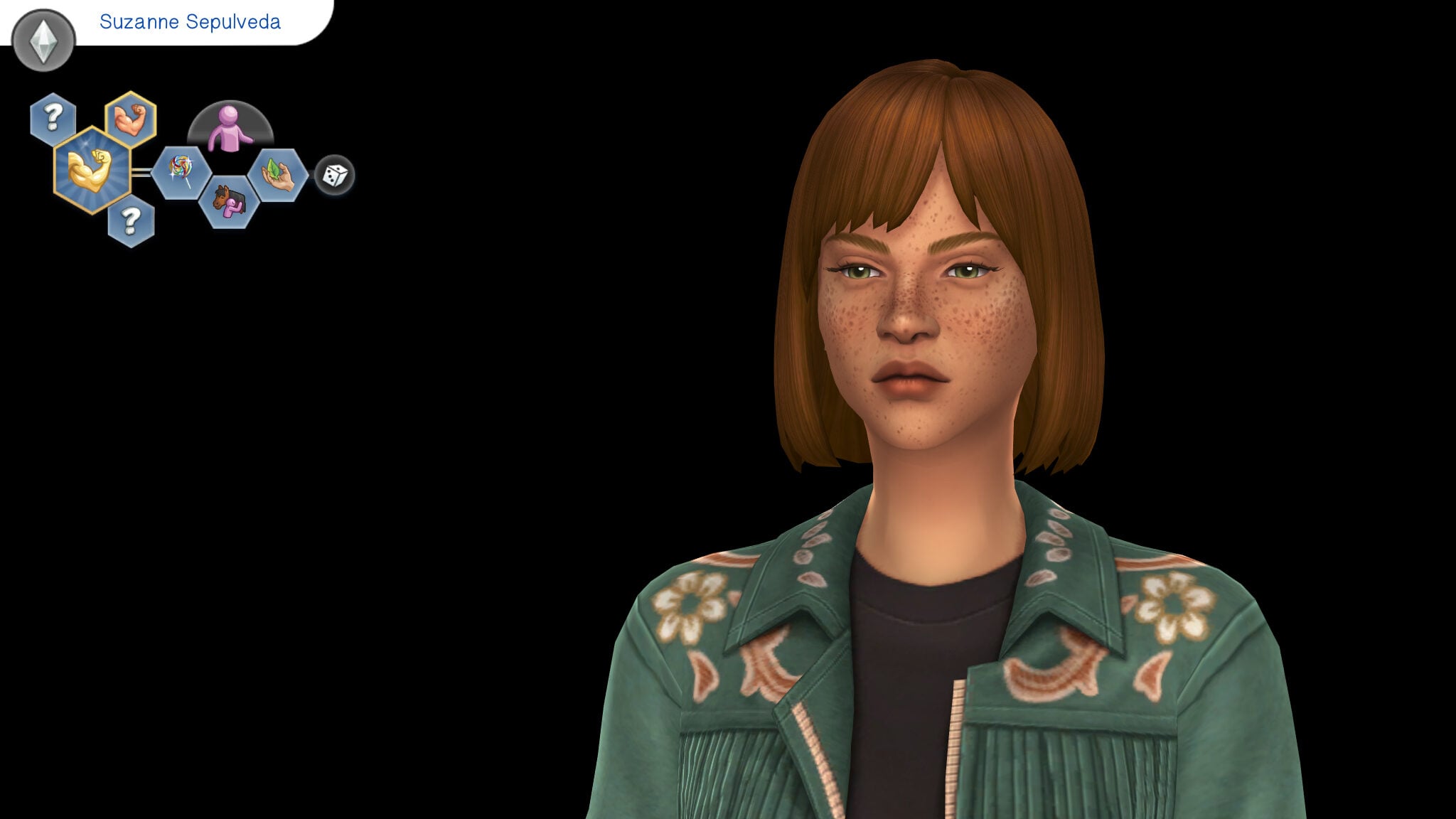
Suzanne was doted upon. Her parents had her in their arms all the time, played with her, kept her needs topped up, and had insanely high relationships and attachments to her. Upon aging up, she had multiple happy moodlets about the affection they give, milestones she achieved, and her needs being fully. Since she received the Top-Notch Infant trait, I was able to pick her trait upon aging up. I ended up randomly rolling the Independent trait.
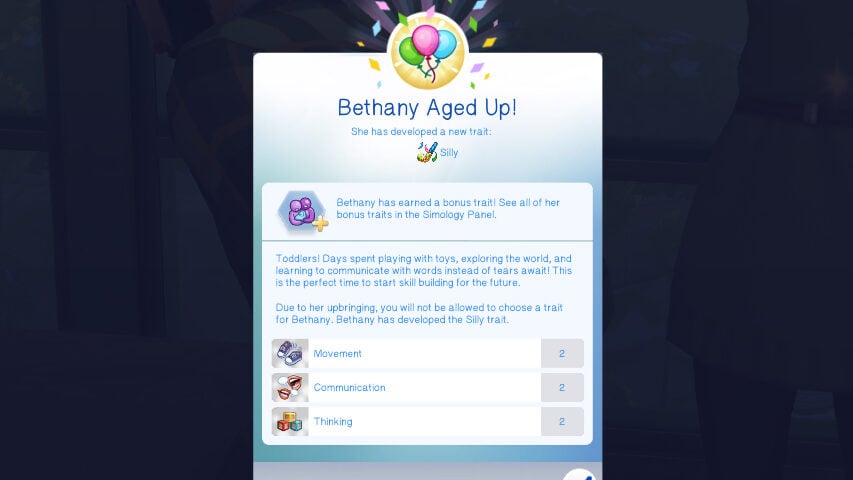
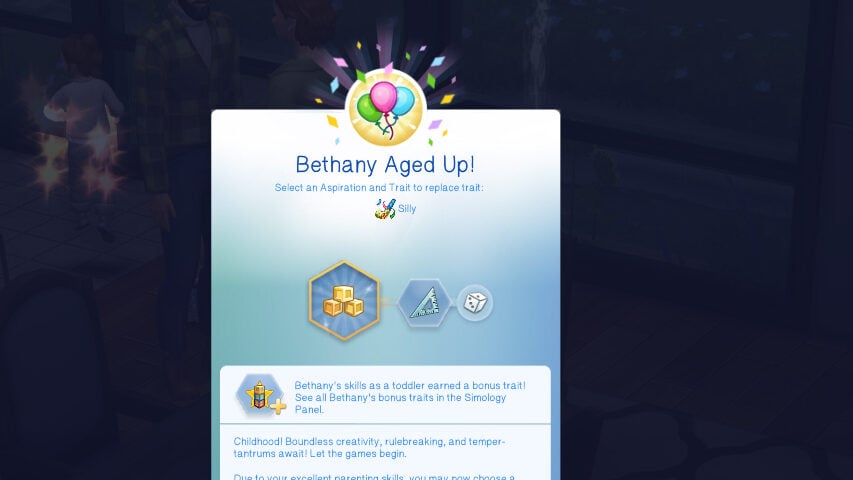
Bethany, her sister, also received adequate care, but not as much as Suzanne did. She was happy, cared for, and hit some milestones, but she did not have tons of attention nor did she receive all the doting upon that her sister did. Upon aging into toddlerhood, she inherited the Happy Infant trait, and therefore, she rolled a “positive” random trait that I could not choose. She was a Silly Toddler.
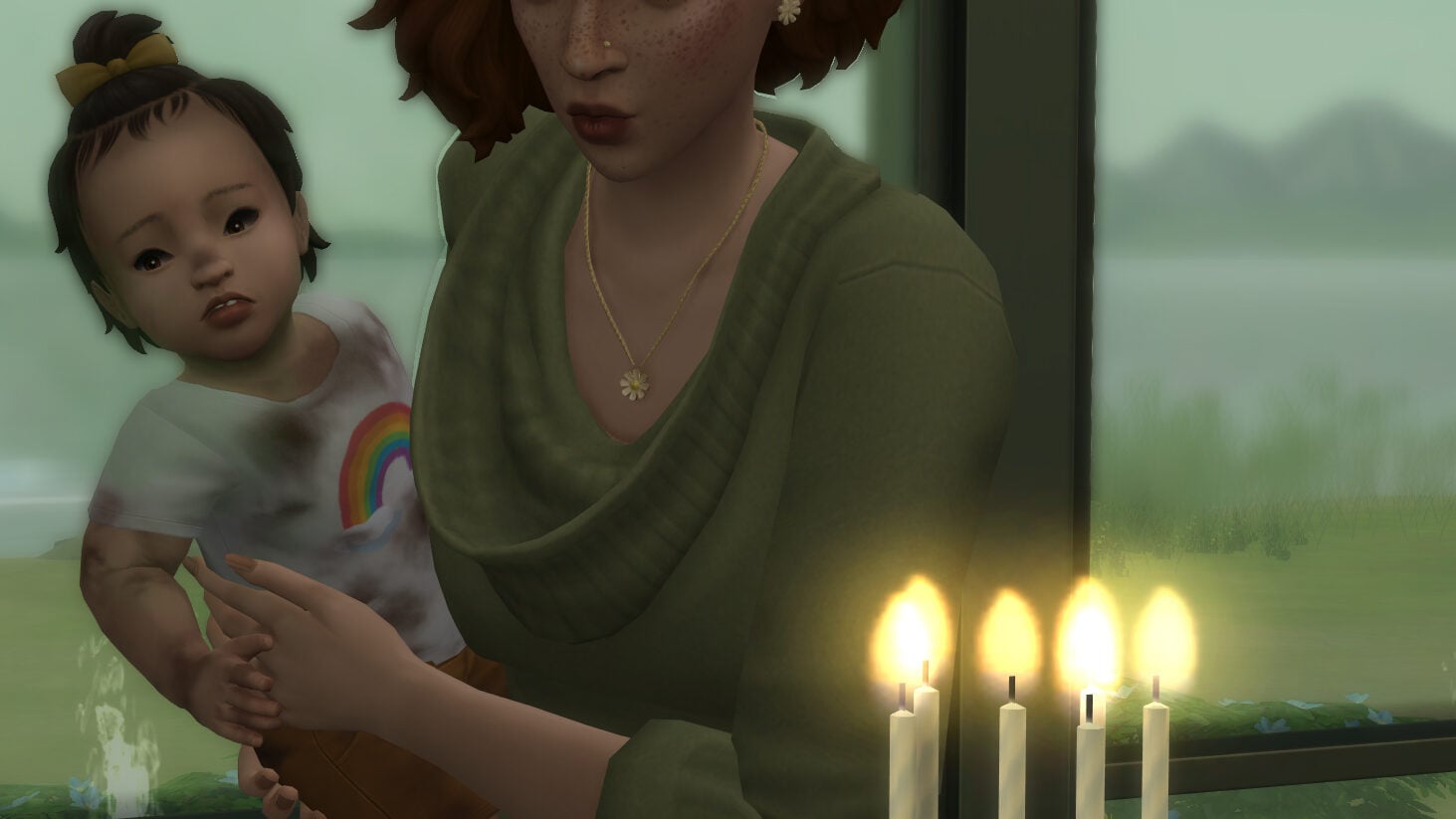
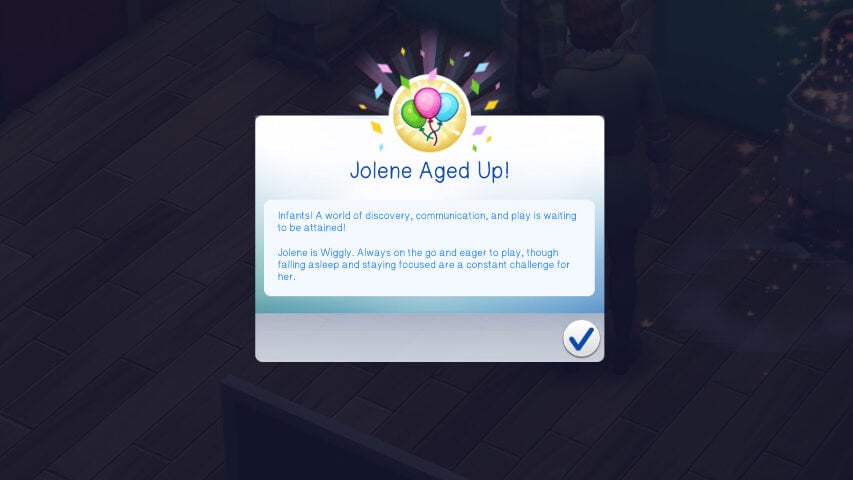
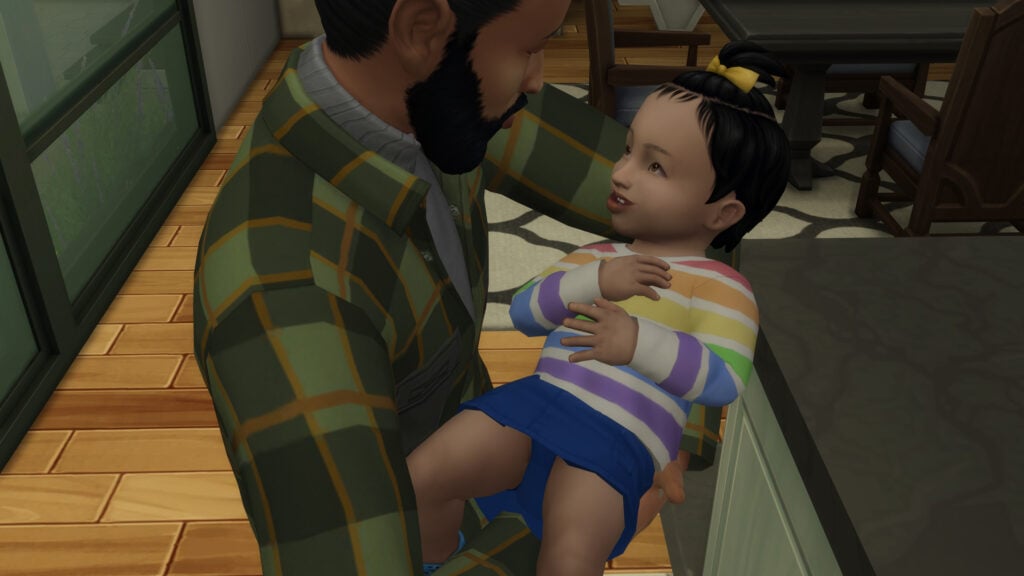
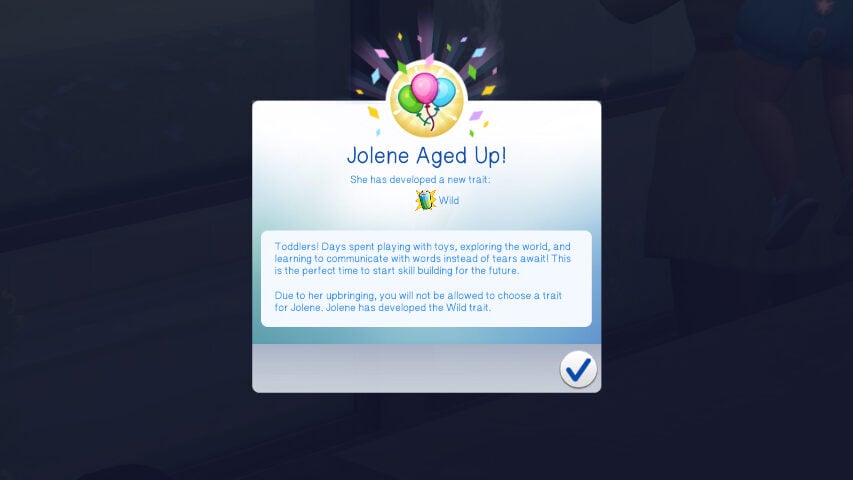
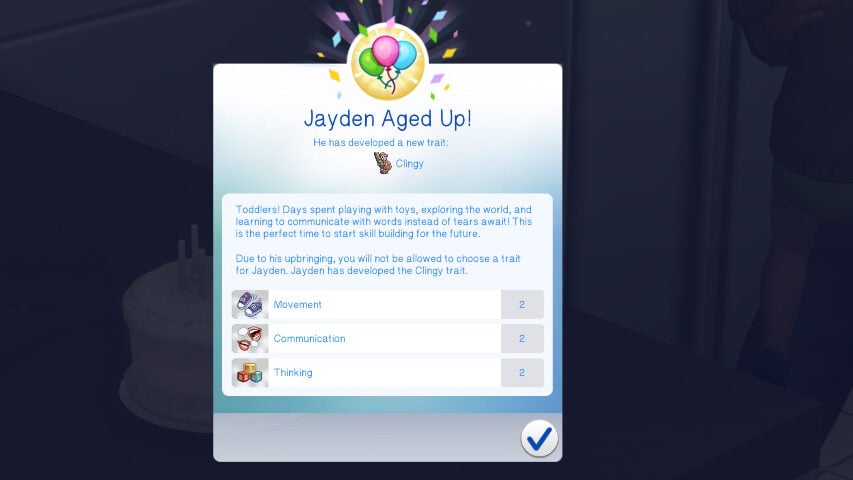
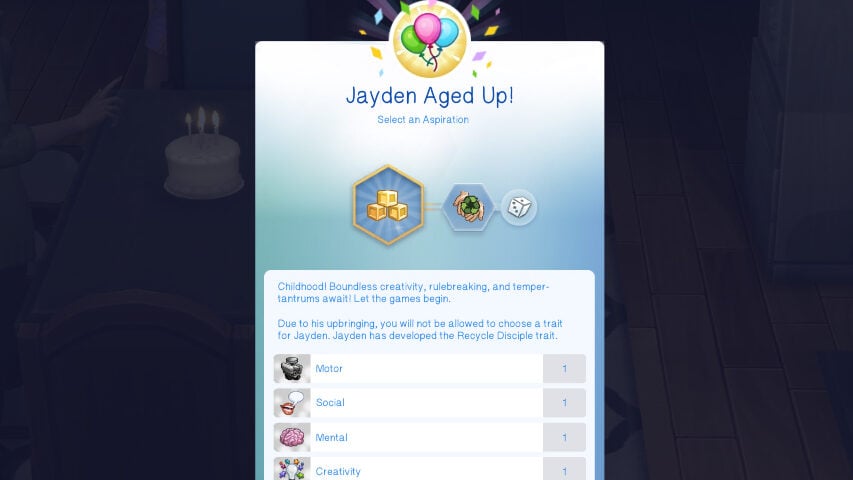
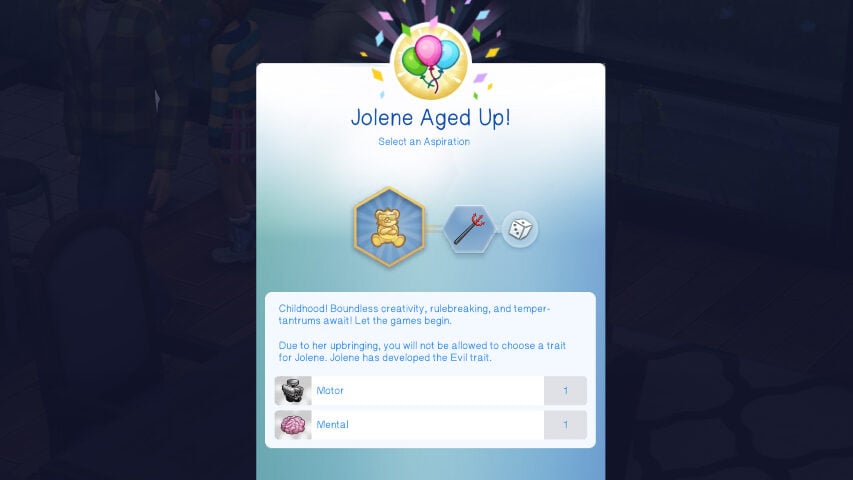
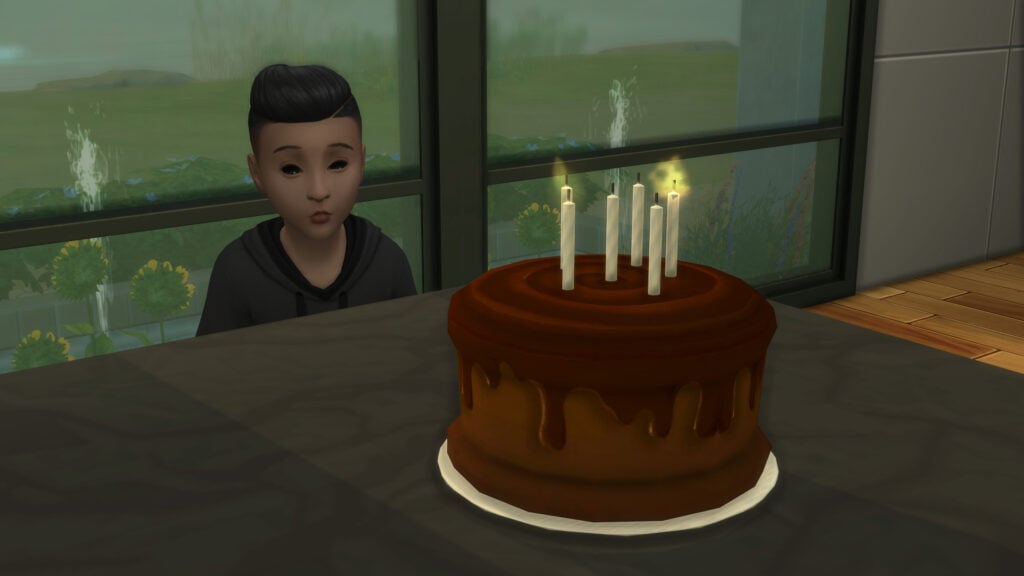
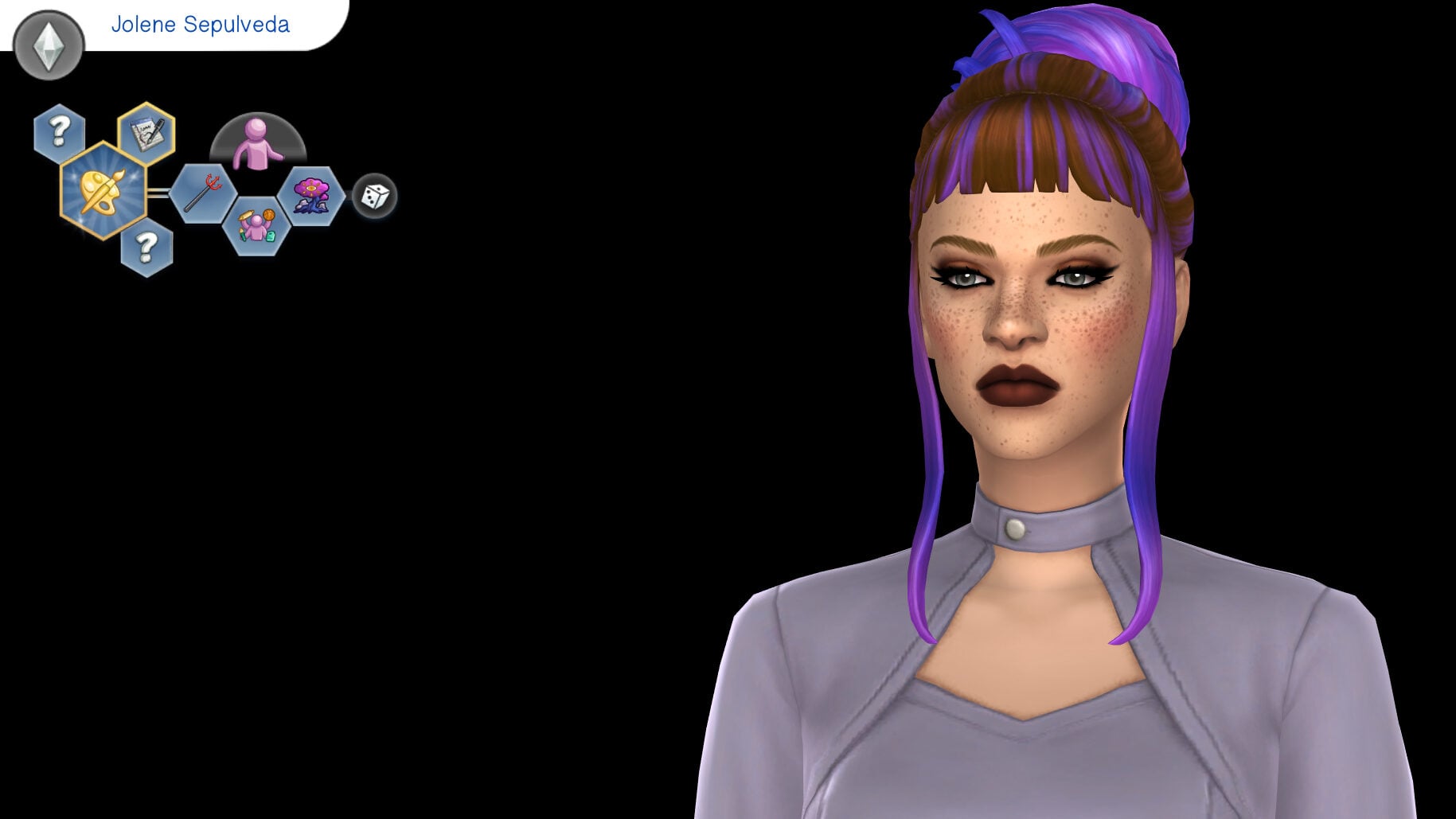
Lastly, Jolene and Jayden were kind of just.. ignored. They didn’t get taken away, but their needs were not great upon aging up, their milestones varied between being completed or completely disregarded, and they had highly neutral or even low positive relationships with their parents. Due to this, Jolene grew up with the Wild trait, and Jayden rolled the Clingy trait, which are two of the more “negative” toddler traits.
Toddlerhood to Childhood
Since the outcome of a Sims toddler years is determined based on their skill levels upon aging up, it depended on the teaching, experiences, and overall learning your toddler received. Age them up too soon with not much experience? You don’t get to pick the trait and there is a chance of any trait available to children being rolled.
More significantly? This is where your sim begins to develop the traits that they will have for the rest of their lives. Since infancy and toddlerhood have their own traits, it is almost not as much of an issue as it is in the later years, where the result of their toddler experience will possibly change their entire personality and dictate it for in-game years to come.
Once again, Suzanne had the textbook perfect experience. Her needs were kept up with, and she was taught everything. With maxed out skills and being happy and healthy, her trait could be picked and there were no random consequences. Suzanne gained the Cheerful trait. However, Bethany also had a good experience this time around. Bethany gained the Perfectionist trait.
Jolene and Jayden, again, were forgotten. Jayden was able to get skills to three, which earned him the Happy Toddler trait. His randomized trait upon aging to a child was Recycle Disciple, which I wouldn’t say is really negative or positive. However, Jolene didn’t really level any skills. Since she did not receive a reward trait, all skills were possible, and she rolled the Evil trait.
Childhood to Teen
Grades are everything for this mod now, with Children and Teenagers being much more independent than the younger life stages. While aspirations also seem to be a big part, those already give reward and bonus traits upon completion. Your ability to pick traits once a sim ages to a teen is based on how good of a student they were, and how much you or your sims fostered their education.
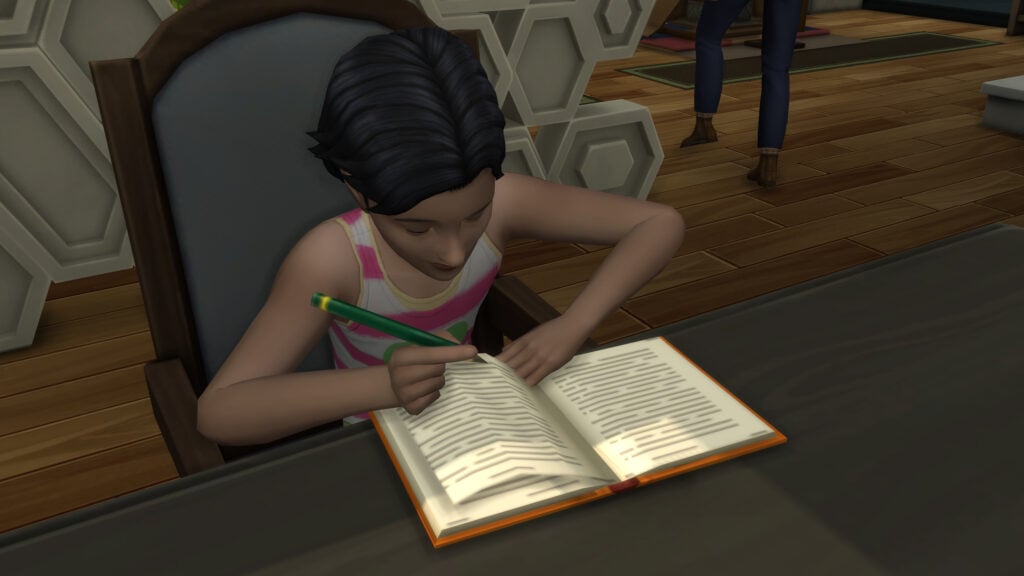
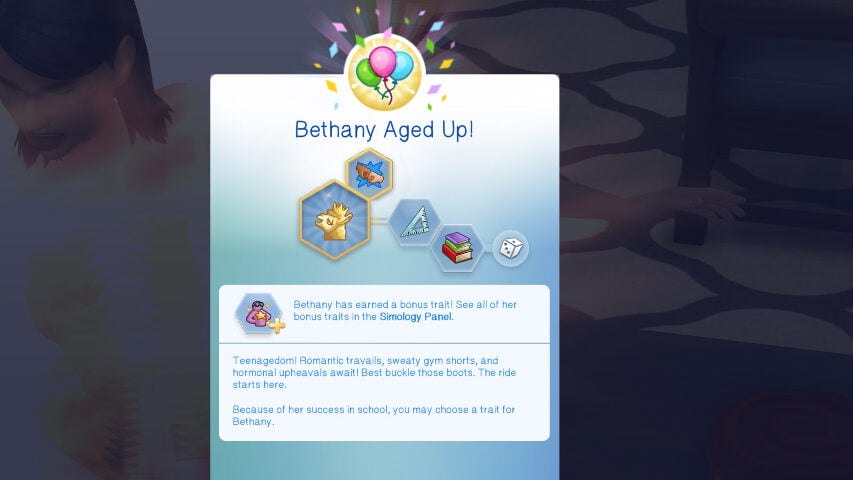
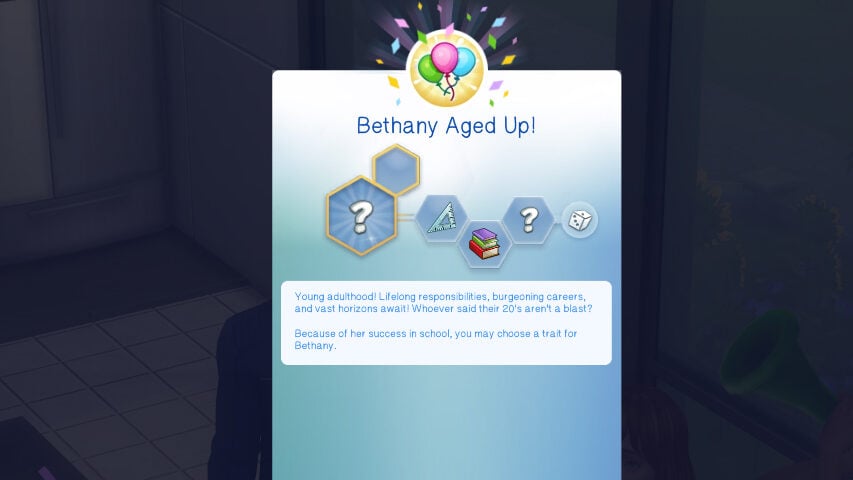
This time around, Bethany was able to do the best in school. She was an A student, had all her marks, and performed incredibly well. This meant I was able to choose her trait, and she rolled the Bookworm trait upon aging to a teen.
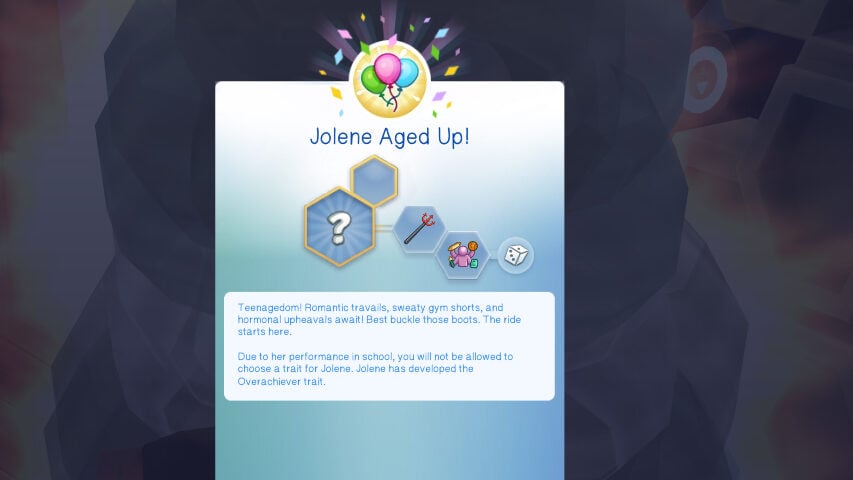
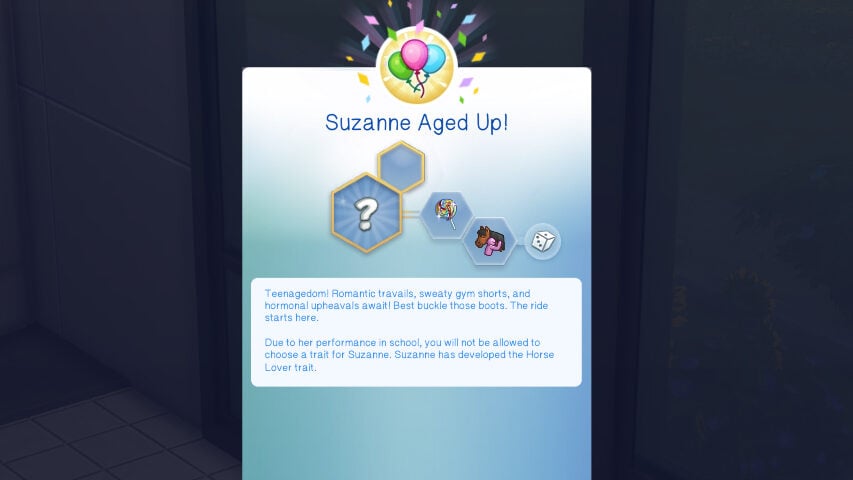
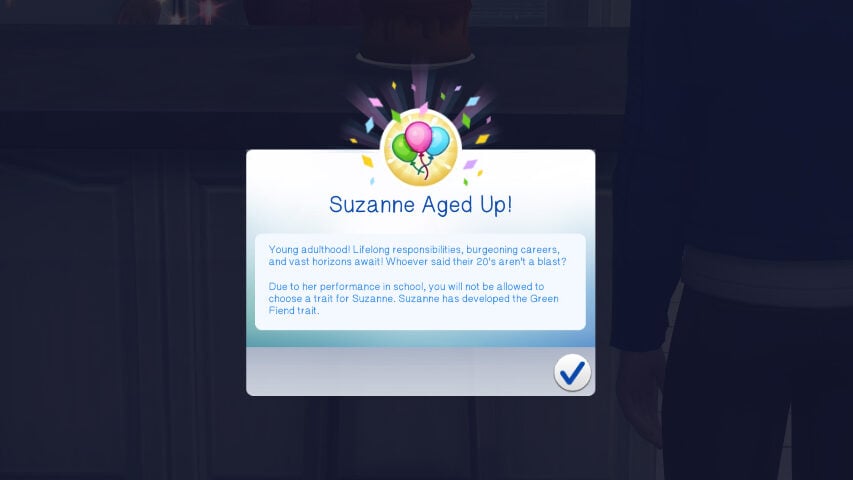
Suzanne and Jolene were middle of the road. With them being B and C students respectively, they weren’t shining stars, but they weren’t flunking out of class either. Their traits were random, but not inherently terrible. Suzanne being a B student meant that she got a random trait but negative traits were excluded, meaning she gained the Horse Lover trait. Jolene being a C student meant that she got a random trait as well, but all traits were up for grabs, and she rolled the Overachiever trait.
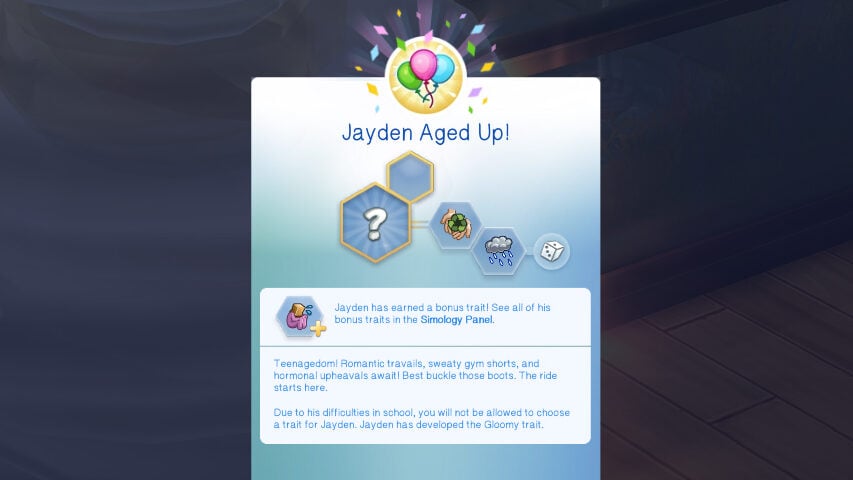
The poor, poor, Recycle Disciple Jayden did not in fact do well in school, ending his childhood as a D student. D and F grades are treated the same with this mod, so either way, it wasn’t a great outcome. Upon aging to a teen, he rolled the Gloomy trait.
Teen to Young Adulthood
Once again, the importance of grades is vital if you want to be able to pick your sims traits. The range and grading in the mod are the same. To recap, A Students will have a pickable trait, B Students will have a random positive trait, C Students can roll any random trait, and D or F Students will have a random negative trait.
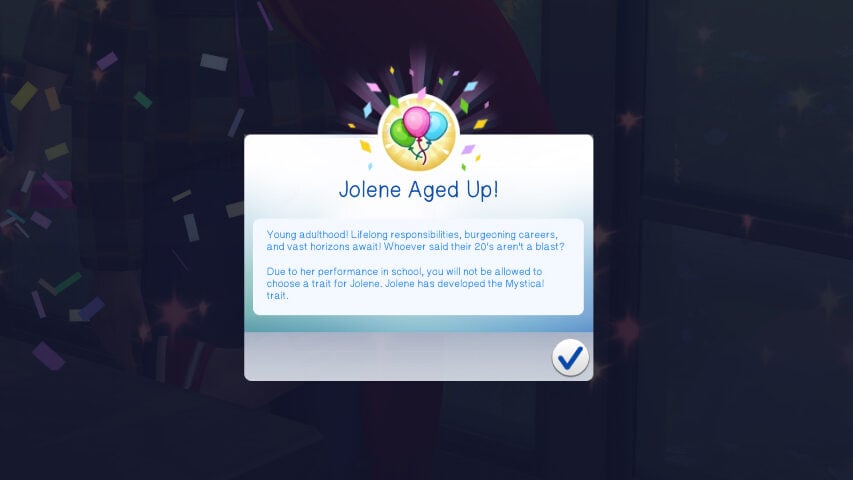
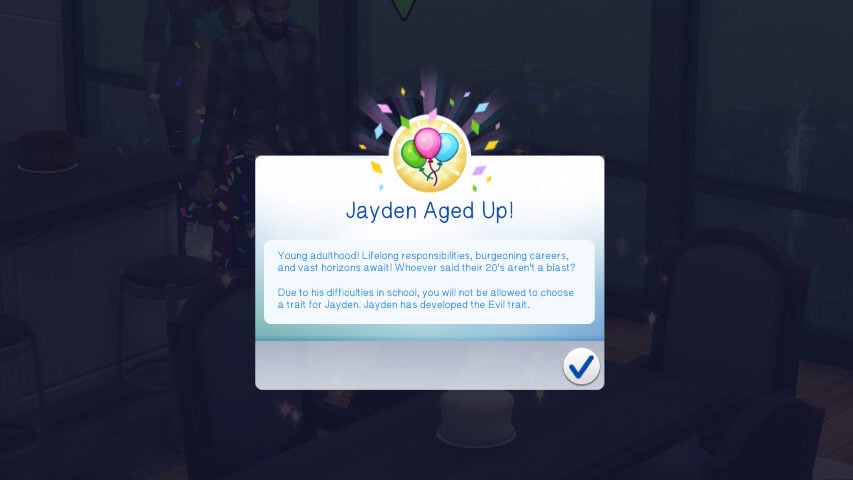
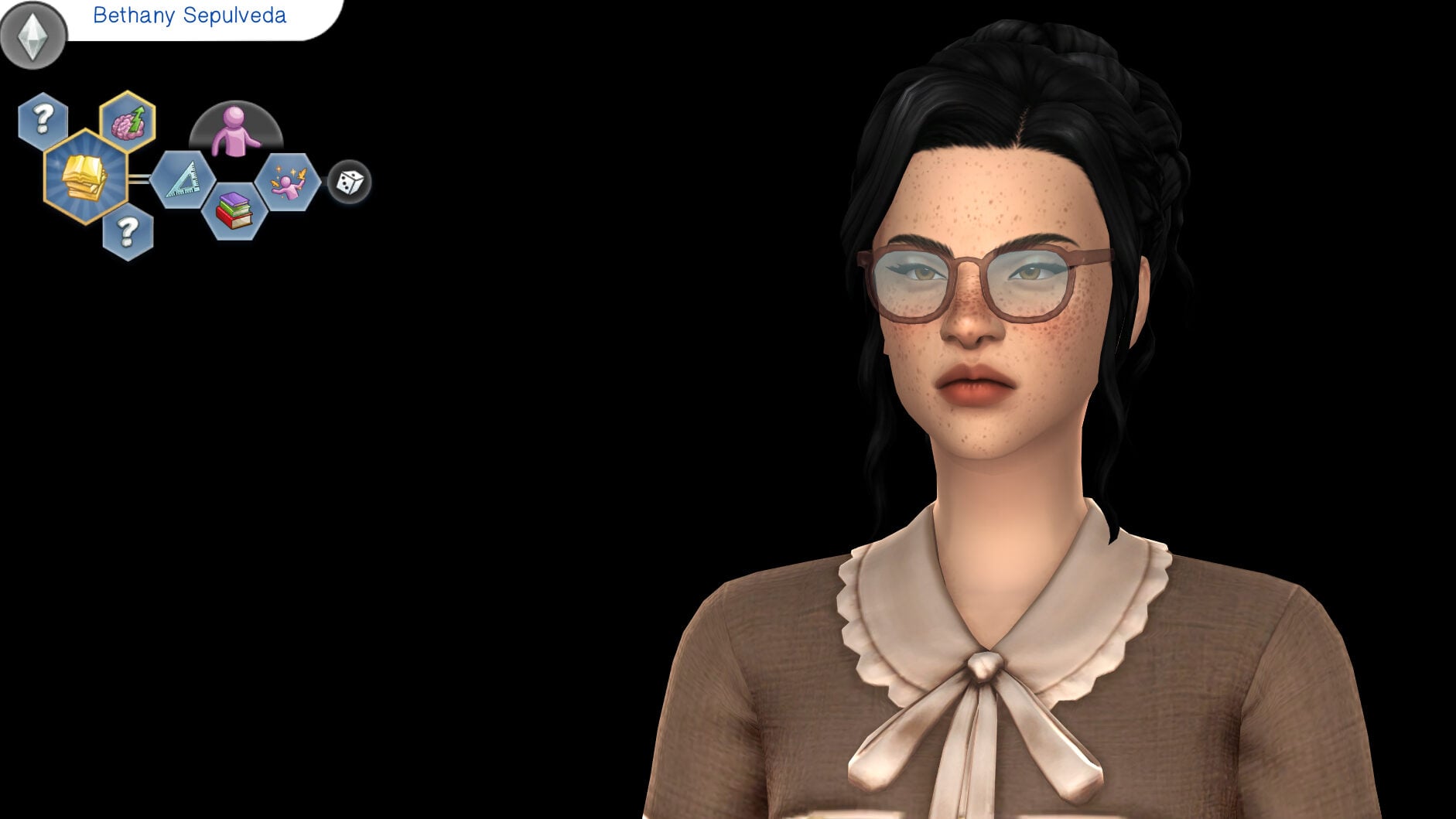
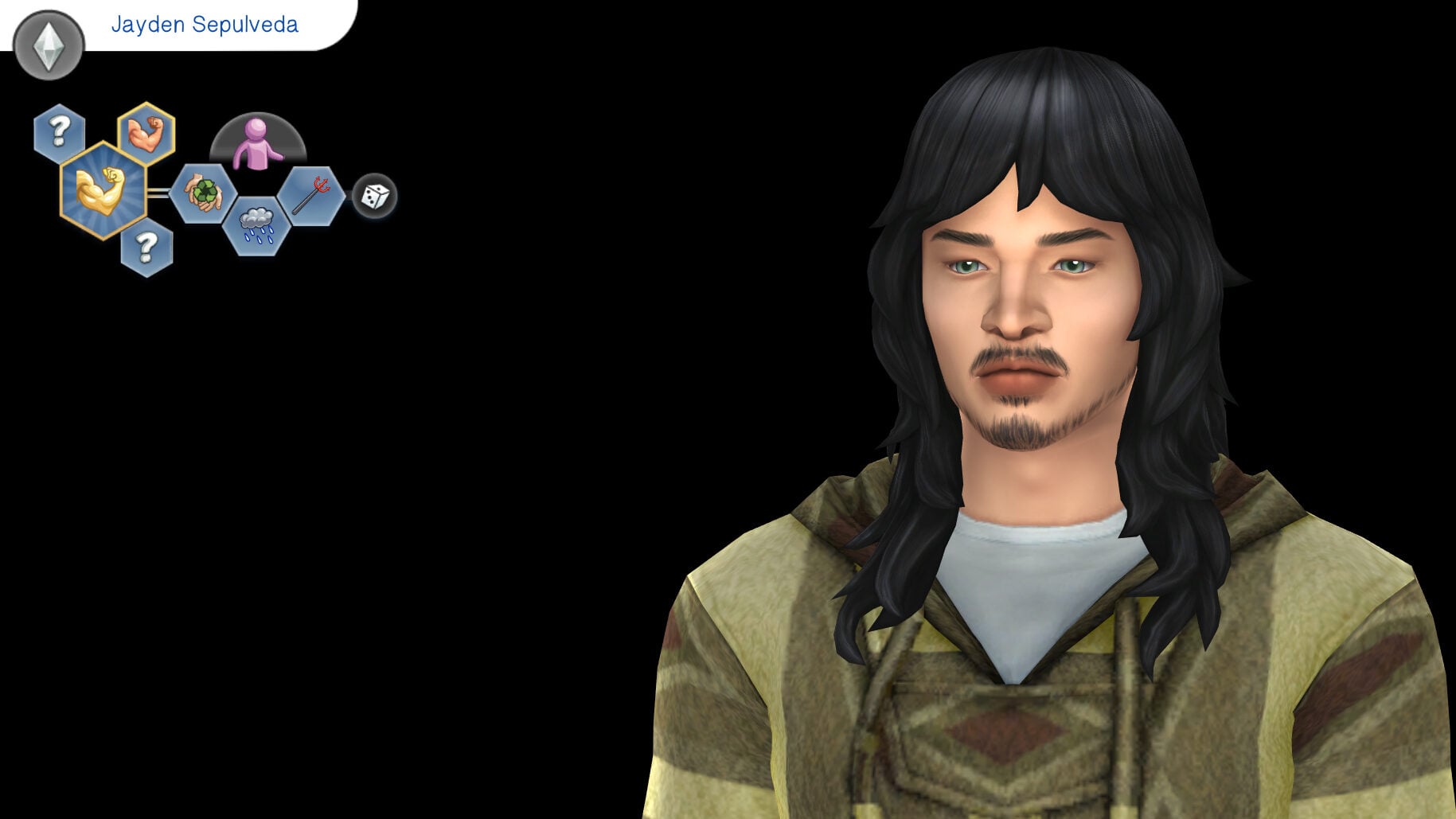
Bethany hit her marks and ended high school with an A grade, giving me the ability to pick her trait. Her final trait was the Idealist trait. Suzanne was a B student, and rolled the trait Green Fiend. Jolene was a C student, and rolled the Mystical trait. Lastly, Jayden ended high school with an F grade, and he rolled the Evil trait as a result.
The End Results
I tested this mod in a new save to get a clean slate and see how it goes, and I know I am keeping it in at this point. I am family and legacy-style player, and I am someone who deeply enjoys my game when everything is not entirely under my control. Having Sims who grow and develop as they age without me guiding every single thing is so much fun, and it gives them more personality and more permanency when I play, as I adjust their lives to accommodate new and unexpected traits.
The four children that grew up are interesting and varied, and once they were young adults, I got a very clear idea for how to style them based on those traits that I might not have picked if I had a choice in the matter. Even as someone who randomizes traits generally upon aging up in my normal gameplay, I cannot say I haven’t hit the randomize button a few times because I didn’t really like the trait it gave me. Having no choice, somehow, made it way more fun!
This mod is currently in an Early Access/Beta Testing Period, and will be released to the public soon. Although a specific date is not yet listed, modder Tyjokr did note in the comments that it will likely be released this coming weekend as there were no prominent issues, and it gives them time to account for custom traits players requested.
Do you like mods that give more of a challenge, or take away some of the in-game options? Is there something from past games you would love to see brought to Sims 4, either officially or through mods? Comment below and let us know!
Keep an eye out for more mod guides, overviews, and deep dives from us at The Sims Community!
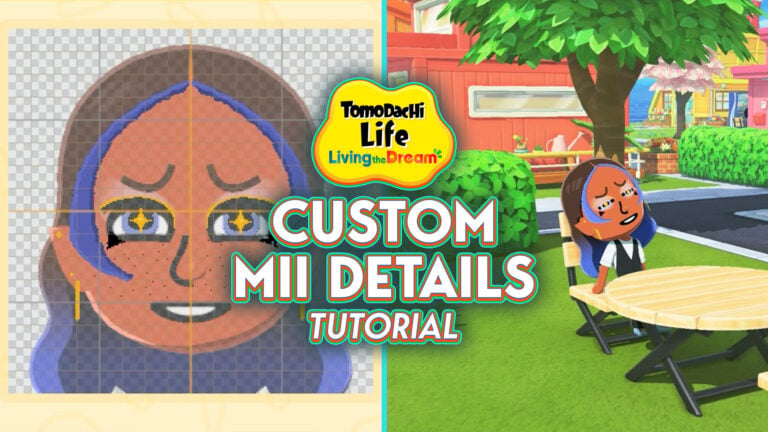
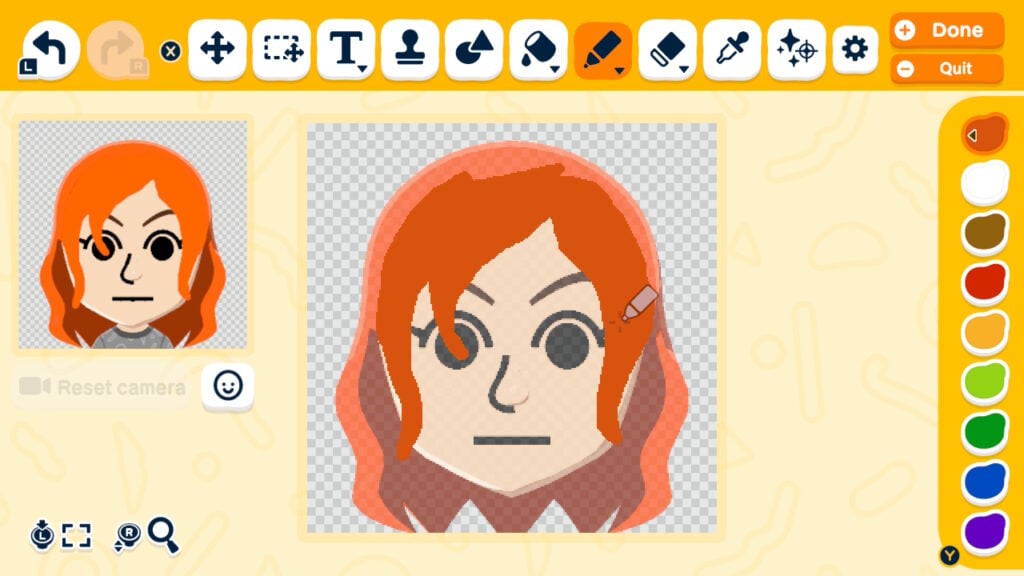
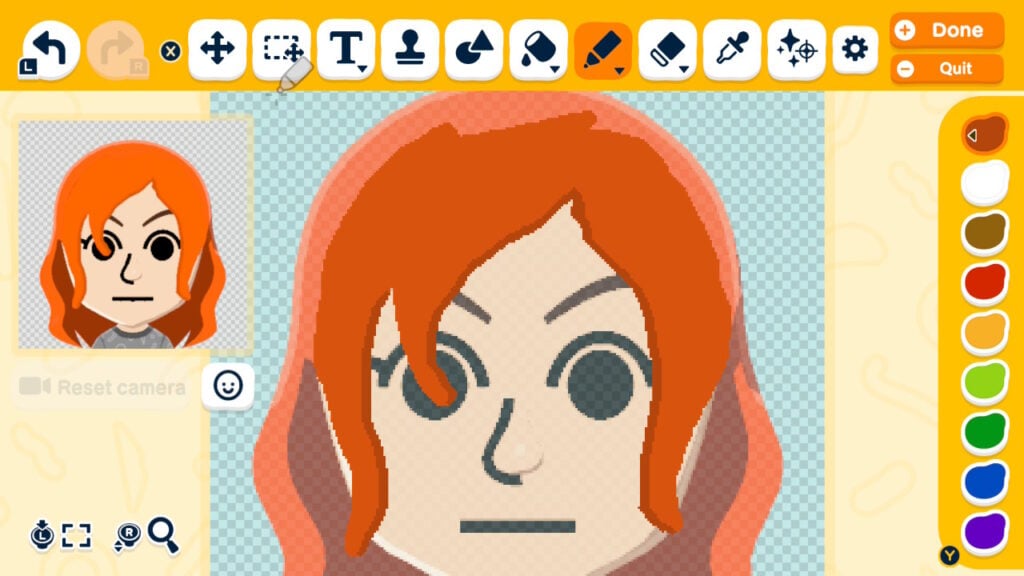
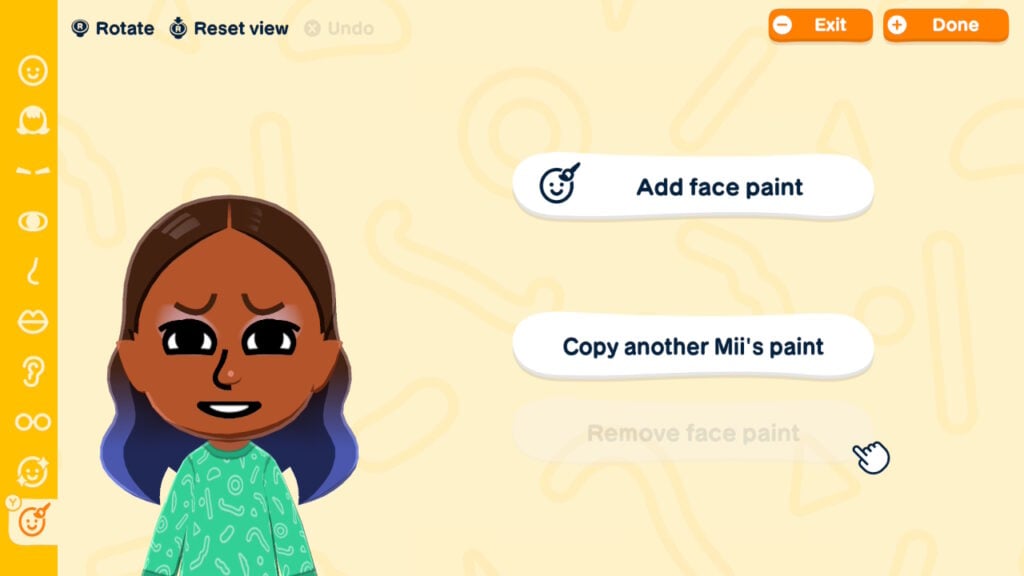
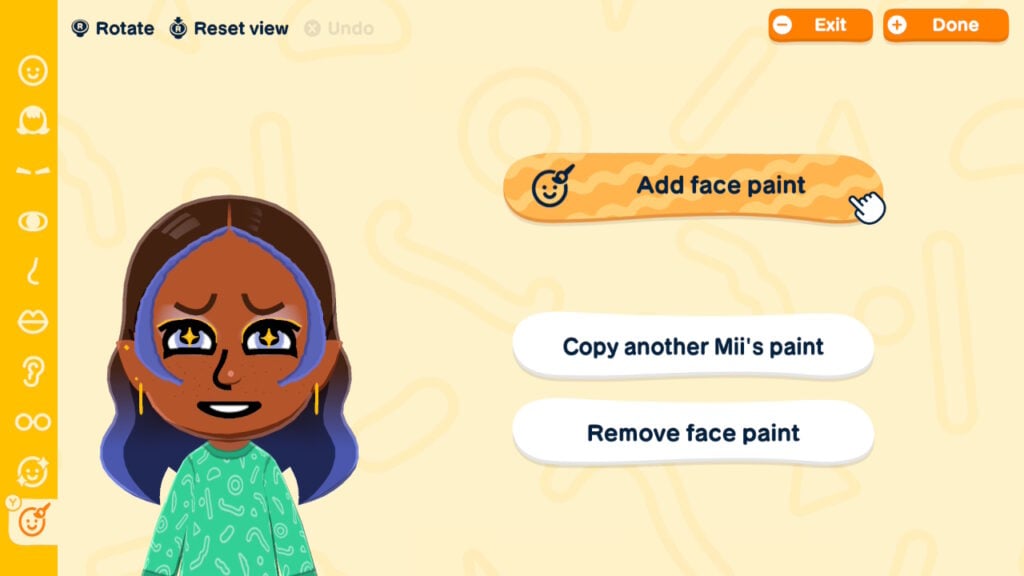
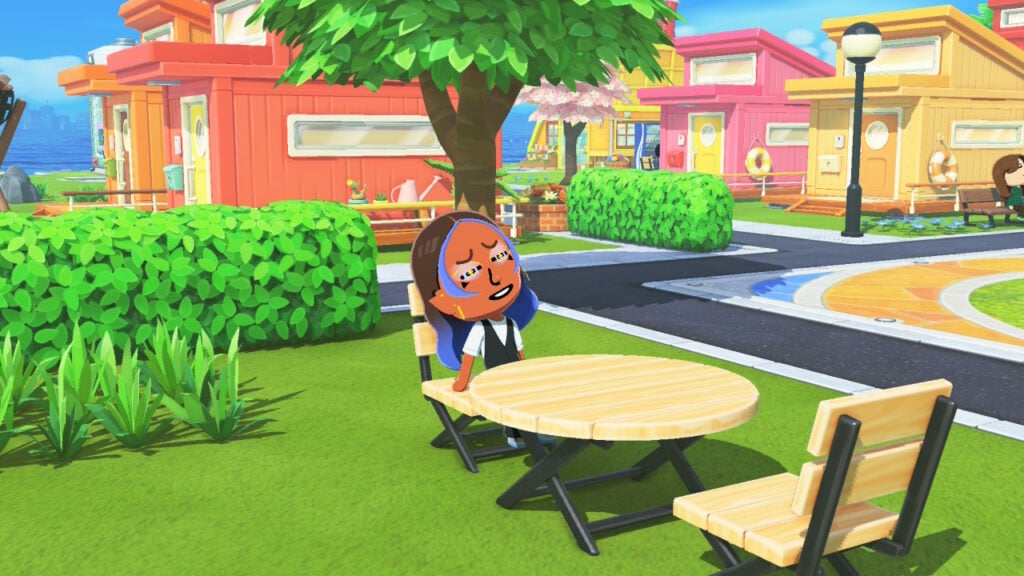
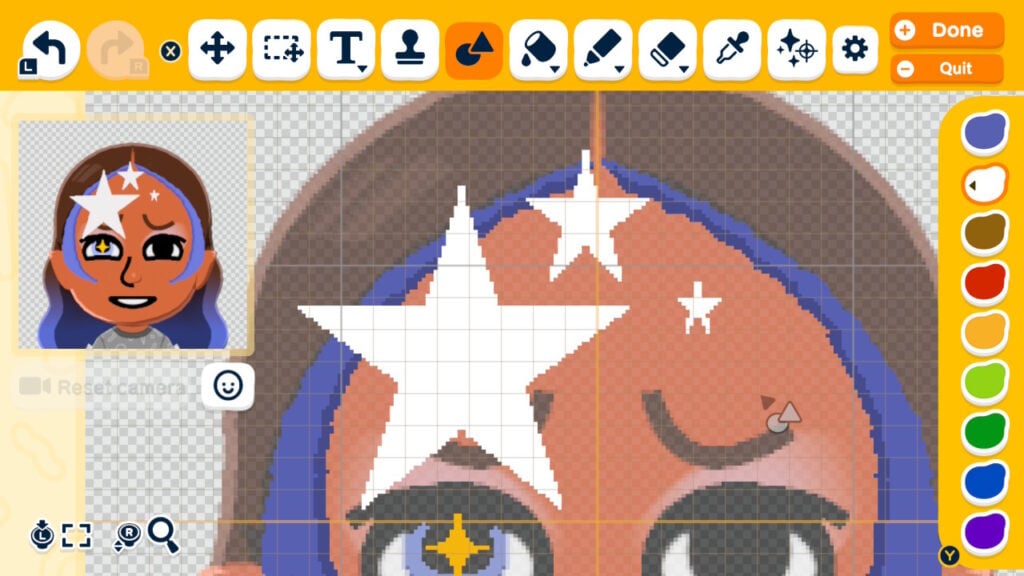
Living the Dream brought upgrades to many of the previous Tomodachi Life’s features, especially when it comes to making Miis. LTD introduced more hairstyles, the ability to mix and match bangs and styles, highlights (and the ability to have colored hair without the need for hair color spray!), elf ears, and just in general more choices.
But if you still aren’t satisfied with what’s provided, you also have the new face paint mechanic to make custom Mii details. Face paint mode is like the Palette House for Mii making. And while you can use it to add “normal” touches like better freckles and bangs, additional facial features and makeup, or earrings, you can also use it to make creatures of your wildest imagination. Animals, fictional characters, even animated objects — if you can think of it, you can probably find a way to create it in Living the Dream.
Table of Contents
Non-Face Paint Custom Mii Details
If drawing isn’t your thing, you can still be clever with your customization even without painting. Using the tools on the right sidebar to rotate features and move them up, down, closer together, and further apart will give you more custom features. You can use blush as eyeshadow, eyelids as eyelashes, hair as ears, or you can manipulate the existing facial lines to make custom eyes or give dimension to a Mii’s face. However, these tricks can only take you so far. If you’re really looking to get into custom Mii details, face paint mode is the way to go.
Face paint mode is neither easy nor self-explanatory, and will take a decent bit of trial and error to get where you want to go. Pro mode is going to be a must. As is using at least your fingers, if not a stylus, because painting with the joysticks is a challenge to say the least.
Then, you need to adjust your settings depending on what your goal is. If you’re trying to create bangs or make an entire face to go on top of your Mii’s face, you’re going to want to click on the little face icon below the face camera on the left and click “Paint on top.” Otherwise, your paint will hide behind existing features. That said, depending on what your design is, you may want to make the Mii have no features so you can paint everything yourself.
To make your designs look textured or not flat, shading is unfortunately a must. There are a few ways to do this. First, use the color range to make lighter or darker shades of your base color. You can also use the “bright” or “dark” features under the paint tool, which simply means that when you put your base color on top of your base color, it will be lighter or darker (you can click it over and over to get it as light or dark as you want). Depending on what you’re shading, the outline tool may also work to at least get you started with shading.
Just How Creative Can You Get With Face Paint?
Your imagination and your artistry skills are pretty much the only limits to what you can create. You can do everything from making your Miis more realistic or more cutesy to creating characters from your favorite TV shows, movies, books, or video games (how meta!) to turning animals and objects into Miis. If you’re looking for inspiration for what to create, or ways to get better at face paint mode, hop onto your socials because people are posting their custom Miis and how they made them. There’s also a website, Tomodachi Plaza, where people are sharing all their Mii creations. Just keep in mind that while people are sharing images of them, you can’t download other people’s Mii designs.
While face paint mode opens up your customization options, it has its limitations. Features drawn by you will not be 3D. If you take a gander at your face-painted Miis from any angle other than the front, you’ll see that the paint hovers in front of their face. You could say it’s a small price to pay for creativity.
The painted features are also stagnant, so if you’re making custom mouths or other features that regularly animate, keep in mind that you lose that feature with the paint. It may look a little funky when your Mii’s mouth doesn’t move, or they blink and the paint doesn’t go with their eyes. There are ways to make certain things work, like for lips, you can paint the lips behind the mouth so that your Mii’s mouth still moves.
As well, stamps and shapes tend to get distorted when making them bigger or smaller. It’s not as if they’re unusable, but it’s certainly something to keep in mind.
The learning curve can be a little steep when you first start using face paint (speaking from personal experience). There are a lot of little tools, tricks, and features in pro mode to get used to. But the more you play around with it, the easier it gets. Turn to the internet for inspiration or, if you’d rather not see all the incredible creations people are making, just mess around in face paint mode for yourself.
EA continues promoting The Sims 4 Kits and Brands with the latest Bridgerton Kit!
From releasing two brand collaboration Kits with animated series SpongeBob to revealing The Sims 4 Bridgerton Kits inspired by a live action Netflix TV show. Electronic Arts is continuing its trend of partnering with brands through The Sims 4 Kits with the latest Bridgerton Kits collaboration.
Let’s see what you can expect today on May 7th, 2026:
Table of Contents
First Teaser
The first teasers for The Sims 4 Bridgerton Kits seems to have started all the way back in February 25th, 2026. When The Sims Team posted a photo of a Sim character resembling the one from Bridgerton, with the caption“the tea is HOT”.
Nothing more was shared about the potential Kits collaboration – until today.
I guess you could say that EA and The Sims wanted to keep this as a surprise, as new Sims 4 Kits titles started appearing in The Sims 4 after which EA wrote this statement acknowledging the leaks:
Kettle is on. Tea is served tomorrow at 10 am PT
What made The Sims make a premature teaser for an announcement? Well it’s all because of a premature leak in their own game, of course!
It was also hinted from a recent Sims promotional video that The Sims 4 will continue to deliver “Collaborations and Partnerships”. They probably meant more things like this I guess!
The Sims 4 Bridgerton Kits Leak
Two Sims 4 Bridgerton Kits started appearing in the Base Game’s pack filters just a few hours ago. There are two Kits listed, including:
The Sims 4 Lady Bridgerton’s Masquerade Ball Fashion Kit
The Sims 4 Lady Bridgerton’s Masquerade Ballroom Kit
Huge thanks to our authors OwlWolf and Karlazos for capturing these screens!
The SpongeBob collaboration also got seperated into two seperate Kits – one CAS + Build Kit titled SpongeBob Kid’s Room and another being a full Build Kit titled SpongeBob’s House Kit. These two Sims 4 Kits now cost 7USD – or 700 Moola in The Sims 4 Marketplace.
If you’re getting the upcoming Sims 4 Bridgerton Kits collaboration through EA App / Steam for PC / Mac then you’ll be able to purchase the Kits using real money currency. If you play The Sims 4 on Xbox and Playstation your only options are buying Moola first and spending approximately 1000 Moola on the full Bundle.
If we were to look at the pricing structure and release features of the previous Sims 4 Brand Kit collaboration with SpongeBob, we can expect this Bridgerton Collaboration to go down the similar route with:
A Bundle of Two Sims 4 Kits Priced for 10USD together
3 Exclusive Objects as part of Bundle Offer that expires in 2-3 months
Brand Kits that cost 7USD each after promotion because EA possibly wants to turn around 70% of comission into 100% by making players pay for brand loyalty fees
A Sims 4 Live Event that follows the theme of a Brand Kits Release
Biggest surprise here? The Kit information is no longer stored locally in the game files, which is how we got some of the leaks before. Since The Sims 4 Marketplace update which allows players to download Kits in-game and play right away, the Kits meta information is now pulled from online servers too.
Now, about the official reveal:
Countdown to The Sims 4 Bridgerton Kits Reveal
This combination of a Sims 4 Build and Sims 4 CAS Kit will get its full trailer reveal and features blog shown today on May 7th, 2026. To make sure you don’t miss out on anything shown today we added a handy countdown below that counts exact time to the premiere of these Sims 4 Bridgerton Kits.
00
Days
:
00
Hours
:
00
Min
:
00
Sec
Countdown to The Sims 4 Bridgerton Kits Reveal
The new Sims 4 Bridgerton Kits could release along with the new Sims 4 Patch coming May 12th, 2026. As mentioned above, a new Sims 4 Live Event could also be coming along with the paid double release next week. We’ll know for certain after today’s reveal!
Are you interested in knowing more about the new Bridgerton collaboration with The Sims 4? Share your thoughts in the comments below and stay tuned on Sims Community for more Sims 4 Kits Brand Collabs!