


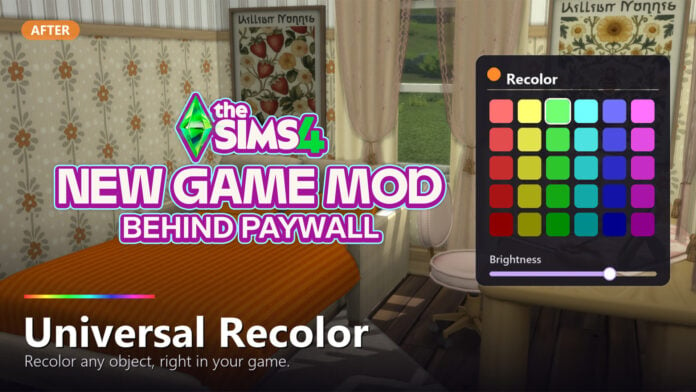
A feature many veteran The Sims series players often miss is color wheels in The Sims 3, which was a feature available for just about everything in the game, including Create-A-Sim, Build Mode, & Buy Mode. One of the primary reasons for the Create-A-Style feature not being fully implemented in The Sims 4 was that it tended to require higher specs and could cause severe lag in the game when using it or loading assets from it.
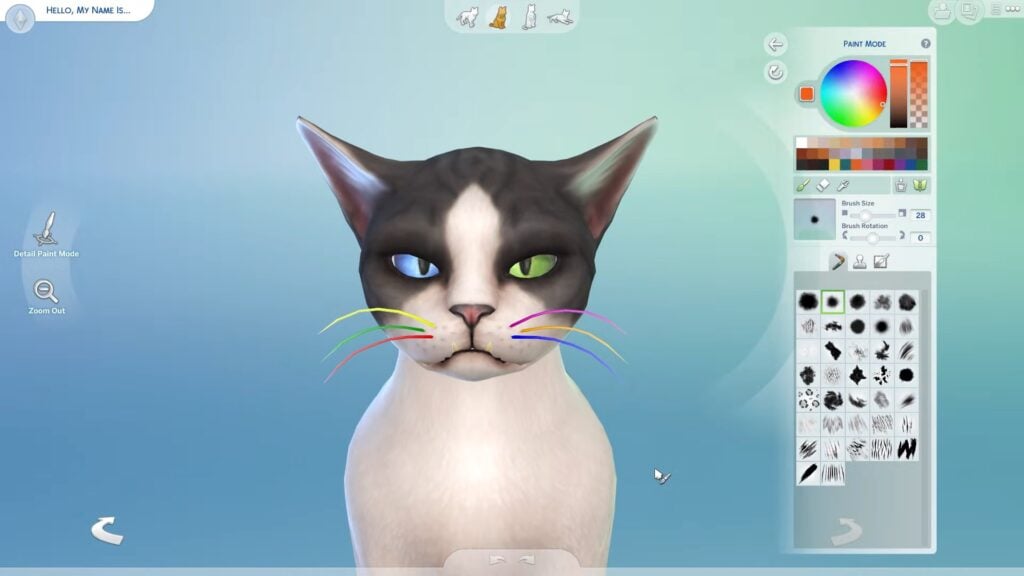

Since The Sims 4 went with set color palettes and swatch choices for most items in the game, there have been obvious pros and cons. While there is overall better performance without issues with lag caused by Create-A-Style and similar features, limitations in swatches, mismatched patterns, and non-matching swatches are often the issues players experience when working with the items in The Sims 4, excluding a certain few areas of the game. Although, some parts of The Sims 4 in DLC and Expansion Packs have access to a color wheel or recolor system, including Cats, Dogs, Horses, Werewolves, Makeup, and Custom Tattoos.
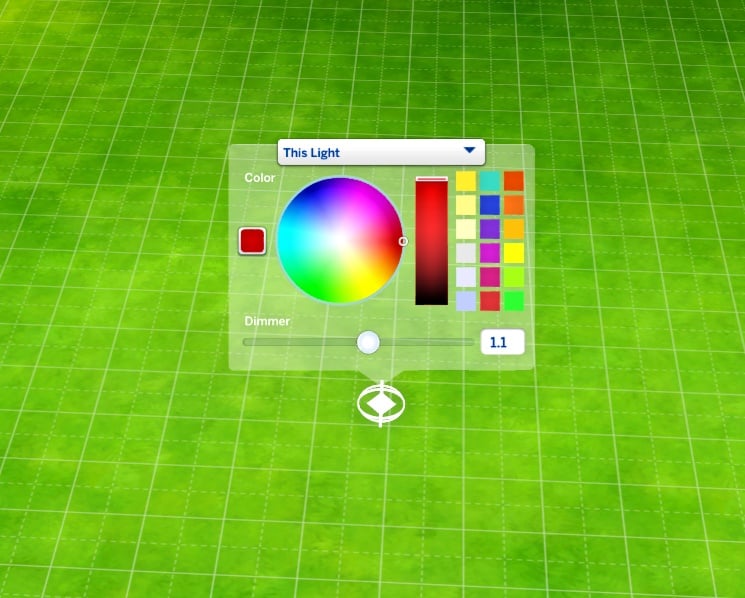
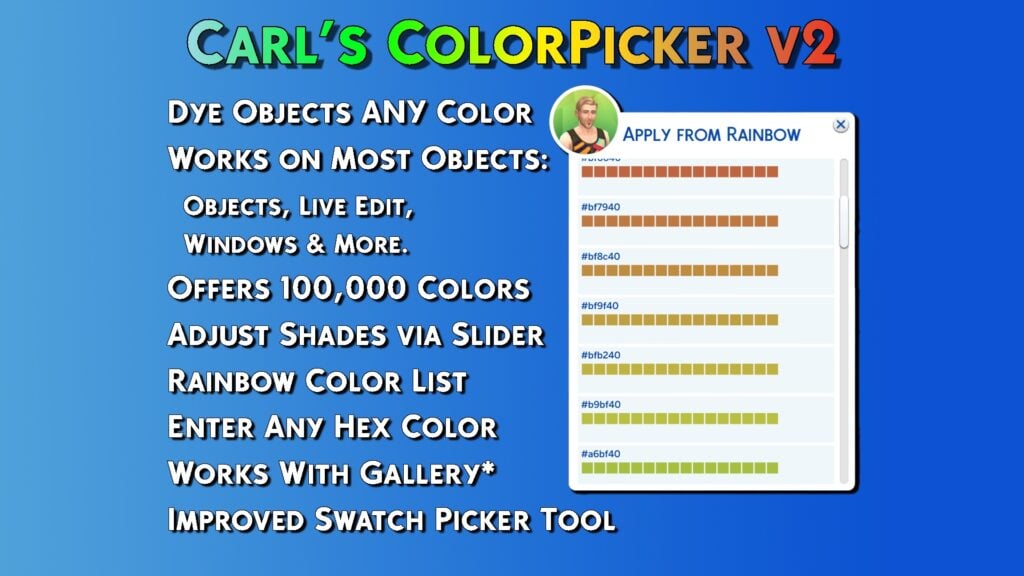
This isn’t to say that there’s no way to add these things to The Sims 4. Modders have already made mods like this that add color wheels to CAS, Build/Buy Mode, Lighting Settings, etc.; The original Color Slider mod by MizoreYukii and thepancake1 (now only maintained by thepancake1), Better BuildBuy by TwistedMexi, and ColorPicker by Carl’s Guides. However, another modder has now claimed to have created a new Sims 4 Universal Recolor Mod, which would allow you to recolor just about any object in game entirely from live mode, including with a separate file where this info is saved to so it supposedly cannot cause save or game corruption.
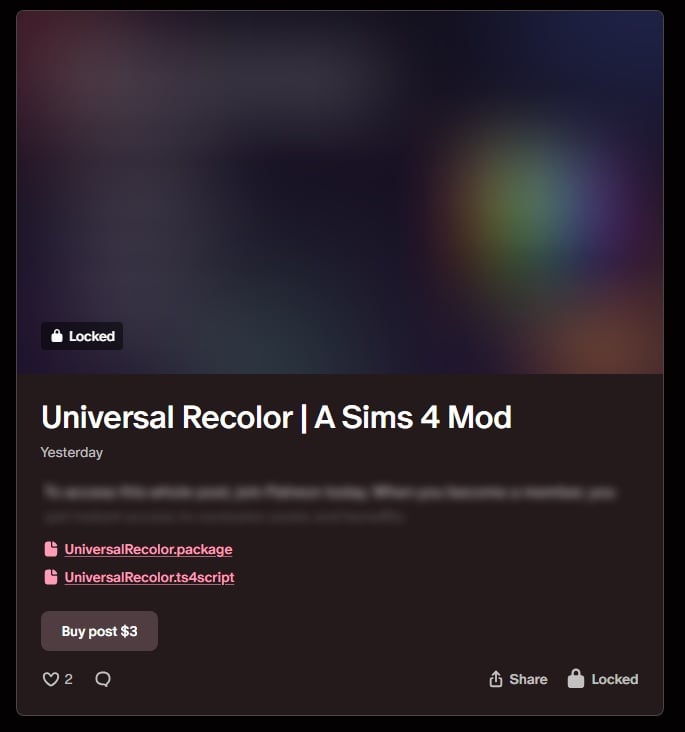
However, unlike most other modders in The Sims 4 Community that have early access for beta testing mods or for a limited period of time, this mod is behind a permanent paywall. The paywall is currently $3 on the creator, Jellypaws’, Patreon.



While most of their recent large-scale mods and external programs have also made sweeping promises, like being able to draw in a program to model Sims 4 CC Hair or adding an entire weather and natural disaster system, those other mods are behind $3 paywalls but can also be accessed with a certain tier of Patreon membership. It seems that The Sims 4 Universal Recolor mod by Jellypaws is not accessible to early access members without paying the additional $3 USD “one-time” payment for the mod and “including future updates”.
The Sims 4 Universal Recolor Mod by Jellypaws
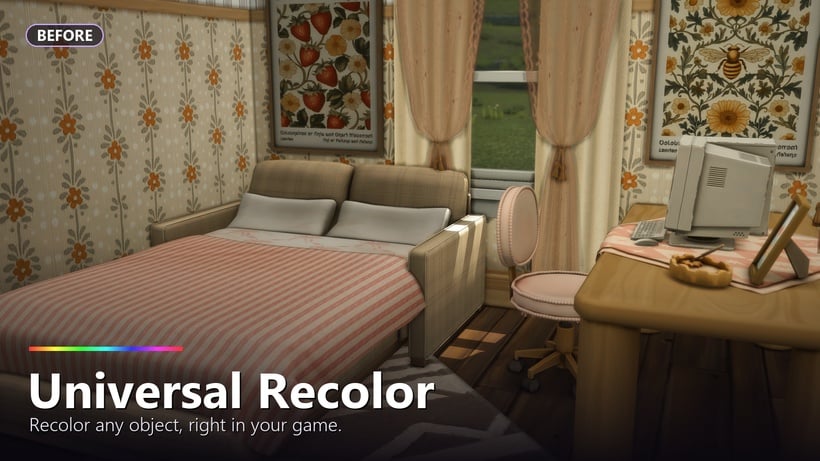
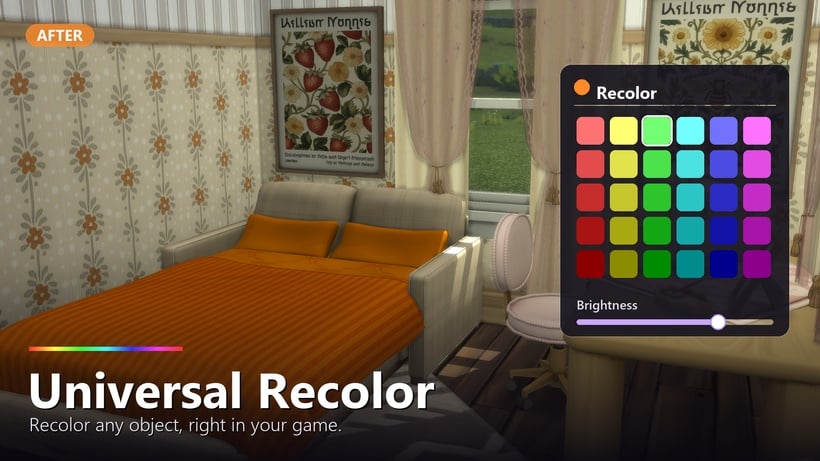
The Sims 4 Universal Recolor Mod: Public Post
🎨 Universal Recolor — Recolor ANY Object, Right in Your Game
Tired of hunting for the perfect swatch, downloading fifteen recolors of the same lamp, or settling for “close enough”? Universal Recolor lets you recolor any Build/Buy object directly in-game with a built-in color picker, a brightness dimmer and ability to use hex and rgb codes!
Just click an object, pick a color, done. 🌈
✨ Features
- Recolor any object — click any item → “Recolor…” → pick a color. Furniture, décor, clutter, beds, anything.
- Built-in color picker with a brightness dimmer for fine-tuning the shade.
- “Reset Color” to instantly return an object to its original look.
- Colors persist through saving & reloading — your recolors stick. ✅
- Exact colors via console — type a precise HEX or RGB value for perfect matching.
- Universal — works on every object, from every pack, any mod/cc, with zero per-object setup.
- No dependencies — just the base game with script mods enabled.
🖥️ Console Commands (optional — for exact colors)
Click an object’s “Recolor…” first, then open the console (Ctrl+Shift+C):
- recolor.hex FF8800 — set an exact hex color
- recolor.rgb 255 136 0 — set exact R/G/B (0–255)
Bonus bulk commands (session-only, fun for experimenting):
- recolor.hsv 200 0.8 1 · recolor.all 1 0.2 0.2 · recolor.named chair 1 0 0 · recolor.reset
📥 Installation
- Download both files.
- Drop UniversalRecolor.package + UniversalRecolor.ts4script into your Mods folder (max one folder deep).
- In-game: Game Options → Other → enable Script Mods, then restart.
- Click any object → “Recolor…” 🎉
ℹ️ Good to Know
- Recolors show in Live Mode; the tint is a color overlay, so lighter objects take color most vividly.
- Colors save to a small separate file that never touches your actual save — it can’t corrupt anything.
- Base-game compatible, works with all packs.
Yours forever, including updates. Thank you so much for supporting my mods!
The final statement at the end of Jellypaws’ Mod Preview for The Sims 4 Universal Recolor Mod
As mentioned in our recent article discussing The Sims 4 Early Access culture popping up in Paralives’ first month of release, EA is one of the few companies who have a specific stance on permanent paywalls.
. . . Mods must be non-commercial and distributed free of charge. Mods can’t be sold, licensed, or rented for a fee, and they can’t contain features that would support monetary transactions of any type.
We recognize that creating Mods takes time and resources. To offset these development costs, Mod developers may:
offer an early access incentive for a reasonable amount of time. After a reasonable early access period, all players must be able to access the Mods in full for free regardless of whether they donate.
run passive advertisements and requests for donations so long as they are limited to the Mod website or distribution site, and don’t appear within the Mod itself.
Although some could say that the water has been a bit muddied by the addition of The Sims 4 Marketplace, but either way, it is something that causes a good bit of tension in the community.
How do you feel about modders using permanent paywalls for The Sims 4 Mods? Let us know down below, and make to follow The Sims Community for more news about The Sims 4 and the community surrounding it!


















I would highly suggest people interested in more color in their games to look up either “Recolor Tutorials” or the Berry Sweet Community as a whole. Both offer plenty of options, most if not all of which are completely free, and if you follow tutorials you can recolor things to your own specific swatches/desires. (Side note: if a thing asks you for Photoshop, look up Photopea; online photoshop for free.)
Because this is egregious. I offer a minuscule amount of grace to TMex’s CAW program, since that’s still in Alpha, but this? Of course it’s Jellypaws. Of course it is.
The greedier the modder the more dizzy water drinkers set sail.