


Do you find The Sims 4’s Main Camera Mode a bit too hard to control?
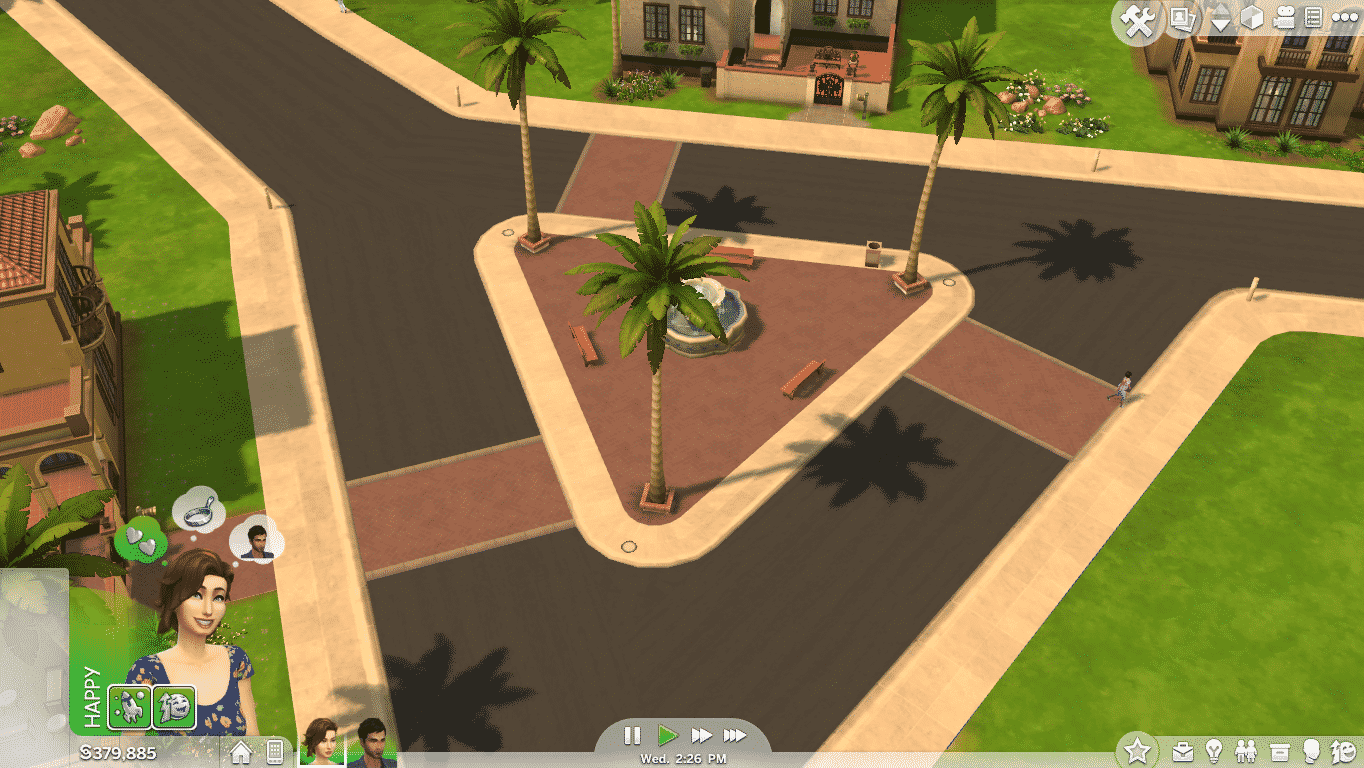
For some reason, that Camera Mode does note come with the Camera Pitch ability. Luckily, they added another, The Sims 3 Camera mode, which basically lets you control and move around the same way you could in The Sims 3.
To change the Camera Mode to The Sims 3, click on the Options button and go to Settings. Now, go to the Controls & Camera Tab and click on the ”The Sims 3 Camera” check button. Select ”Apply Changes” you’ve successfully changed the camera mode.

Congrats! Now you can look at the Worlds in a much more beautiful way!














I’ve never played Sims 3, and I’ve tried using that Sims 3 camera mode in my Sims 4 game several times, but cannot get the hang of it. Everything moves too quickly, or too far, and seems to go the opposite direction from where I’m trying to go. Is there a tutorial on how to use that cama mode? Everyone says it’s better, but I can’t use it, lol.
[…] Source: The Sims 4 Tutorial: Switching Camera Modes […]
[…] Source: The Sims 4 Tutorial: Switching Camera Modes […]
[…] Source: The Sims 4 Tutorial: Switching Camera Modes […]
[…] Source: The Sims 4 Tutorial: Switching Camera Modes […]
[…] Source: The Sims 4 Tutorial: Switching Camera Modes […]
[…] Source: The Sims 4 Tutorial: Switching Camera Modes […]