Home Blog Page 276

The Sims 4 Get Famous: Perks & Quirks Livestream

4

We are going LIVE with The Sims 4 Get Famous Expansion Pack at 9PM CET / 8PM BT / 12PM PST!

During this livestream we’ll be exploring some major features that Get Famous has to offer so we can finalize our final impressions about the game. Join us during this livestream as we’ll also be featuring your Sims and guide them through the wonderful path of fame…with some help of cheats as the road to fame is really long in this game.

The Sims 4: New Update + Patch Notes! (November 20th, 2018)

The Sims 4: New Update + Patch Notes! (November 20th, 2018)

The Sims Team has released a brand new Update for The Sims 4 on PC and Mac!

To download the latest version of The Sims 4, simply open your Origin program and if the game doesn’t update automatically, right click on The Sims 4 and select ”Update”.

In case you have Mods or Custom Content, the game will automatically disable them for you after first launching The Sims 4 after the update. To re-enable all your Mods and Custom Content, select the Settings option in the Menu and select Settings. Under the”Other” section you’ll find the ”Enable Custom Content and Mods” option. Check it and restart your game in order for it to take effect!

Patch Notes

UPDATE: 11/20/2018 – PC/Mac: 1.47.51.1020 / 1.47.51.1220

Father Winter’s Babies:
With a snap of his frozen fingers they were gone. Not some. Not half. But all of his children. Gone. While that is certainly one way to abdicate parental responsibilities, it’s admittedly not the best look for the Sim with a supposedly pristine reputation. Father Winter’s PR team and media handlers have assuredly taken note of the social backlash, and a subsequent press release has stated that he will no longer banish his children.

CAS Aging:
One day you’re just a teen trying on clothes in CAS and the next thing you know: BAM – you’re an elder! While it’s true that the icy embrace of mortality inevitably comes to claim us all, it probably should not happen in CAS. So shake free from the shackles of mortal coils and live eternally once more! *Begins to sing* Here we belong, fighting to survive in a world with the darkest power. Here we are…

Terrain Paints & Laptops:
While in laptop mode the terrain paints will now display. They were just being a little shy and hiding from sight. We’ve worked with them on their confidence and offered them a cookie. It was enough to get them out from under the table and back into your game. Finicky little things. But they’re good paints.

Custom Content Hair Color Swatches:
This can now be changed again. Sims were going through their “natural look” phase and were rejecting CC hair. But all the Dev team Dads commented on how hip it looks so, needless to say, Sims want their CC back. A little reverse psychology works wonders.

Del Sol Valley National Park is now editable:
Deforestation is an important issue. But not in downtown Del Sol Valley so go ahead and change that National Park into whatever you want. (I think a nice restaurant would be fantastic provided you have that Gamepack. If not, it’s a great deal right now. Consider picking it up. #ShamelessPlug)

Jasmine? What are you doing here?
Sometimes Jasmine was showing up to conduct the Positivity Challenge instead of Millie Bobby Brown. That is no longer the case. Go home, Jasmine! You’re… confused. This isn’t your job, silly. I get it though. You’re feeling a little insecure. Some cool, new Sim appeared and you think they’re trying to show you up. Trying to take your job; your purpose even. It’s reasonable to feel upset. What isn’t reasonable, Jasmine, is pushing other Sims down so you can get to the front door first. NOT COOL! Go sit down and think about what you did. Maybe the next challenge you can come back.

The Sims 4: Hot Fix Update Coming Today

2

SimGuruKate has just announced that The Sims Team will be pushing out a hot fix update for The Sims 4 on PC and Mac to address some of the bugs and issues that were added from the major November update.

Some of the issues that you can expect to be fixed are the CAS aging issue, disappearing Father Winter babies and more that should be addressed in a few. Stay tuned for the latest information when the update goes live!

SimGuruNick also responded saying that Mods / CC won’t automatically be disabled with this update. However, it’s still advised to remove the mods before applying the upcoming update.

The Sims 4 Get Famous: Creating Clubs with Get Together

The Sims 4 Get Together Expansion Pack that we’ve gotten back in 2015 still makes adjustments and additional features for new releases and Get Famous is no exception!

With the latest Expansion Pack you are able to mix and match the best from both worlds – the Celebrity System from The Sims 4 Get Famous and the Clubs System from The Sims 4 Get Together.

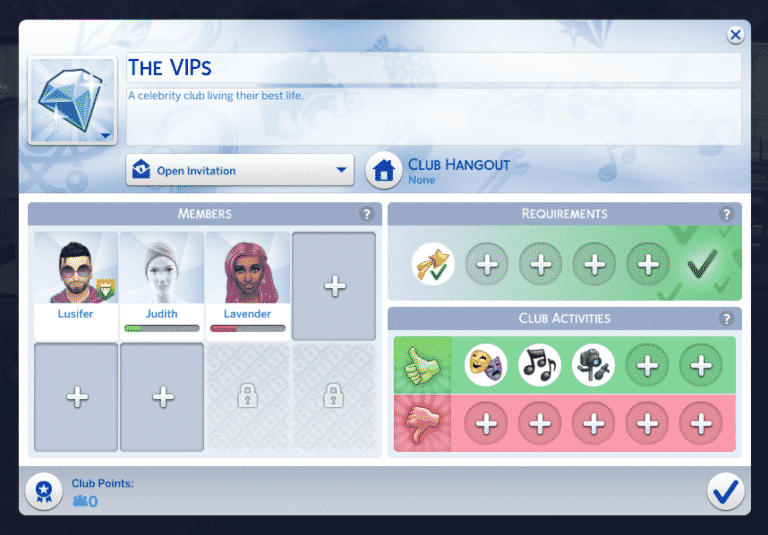
When creating a new club (or moderating an existing one) you now have an additional Club Requirement which is the Celebrity Level requirement.

The Sims 4 Get Famous: Creating Clubs with Get Together

With this Club Requirement Category you are able to detail which Sims you want to be invited into your Club – specifically which Sims are allowed to join / ask to join and which Sims are not.

The Club Requirement allows you to create different Celebrity Club tiers. You can have a club that consists of all celebrities by ticking all 5 tiers down below, or you can choose to create a truly exclusive Celebrity Club by only choosing the Five Star Celebrities requirement.

This feature really goes in-depth when it comes to different layers of clubs that you can create. If your Sim(s) are just starting out with their Celebrity life you may want to create a club which only consists of lower-level celebrities that together will rise to the maximum Celebrity Level.

The Sims 4 Get Famous: Creating Clubs with Get Together

There’s also 3 new Get Famous interactions that are now integrated with Clubs, including:

  • Acting Routines
  • Produce New Track
  • Record Video

The Sims 4 Get Famous: Creating Clubs with Get Together

With these club interactions you’re able to create Clubs that together can level up their Acting and Media Production Skills while also benefitting as a group and earning Club Points.

There are new Club Skill Perks that you get with The Sims 4 Get Famous Expansion Pack. The 2 new Skill Perks include the Media Production Skill Boost and the Acting Skill Boost. With these boosts your Sims are gonna get an additional boost when performing skill interactions while having a gathering.

The Sims 4 Get Famous: Creating Clubs with Get Together

Origin Black Friday Sale: Save up to 60% off on The Sims 4 Games!

28

Origin is having a huge Black Friday Sale which has just started allowing you to save up to 60% off on all The Sims 4 games – yes, even The Sims 4 Seasons is included with a 50% off discount!

The sale covers all Base Game Editions, Expansion Packs, Game Packs and pre-built Bundles. Here are the current offers:

  • The Sims 4 Base Game – 60% off
  • The Sims 4 Expansion Packs – 50% off (Get Famous excluded)
  • The Sims 4 Game Packs – 20% off
  • The Sims 4 Bundles – 20% off

The Sims 3 Expansion Packs are also up for sale for 50% off!

Make sure you take advantage of these offers before it’s too late – the sale ends on November 27th at 10AM PST.

Click below to start saving!

Origin Black Friday Sale: Save up to 60% off on The Sims 4 Games!

The Sims Official Merch Store has been updated with New Designs!

0

The Sims Team has just updated their official Merch Store with 5 new designs including:

  • Tasty Treats
  • The Sims 4 Expansion Packs Icons
  • Villain Llama Logo
  • The Sims 4 Logo
  • Hero Llama Logo

These designs are applied to multiple merch types including T-Shirts, Accessories, Phone Cases and more!

The Sims Team also has posted an update saying that some of the older designs will be retiring in January 2019. If you planned to purchase some of the Merch before now’s the right time to do it.

Don’t forget they also have FREE shipping on orders over $45 US and $80 for International. This offer ends at 11:59pm CST on 28th November 2018. (Exclusions apply)

Click here to check out the new designs!

The Sims Official Merch Store has been updated with New Designs!

The Sims 4 PC and Console Sale: Black Friday Deals Megapost

It’s Thanksgiving week in the United States and that only means one thing – Black Friday deals that occur worldwide!

Black Friday is that one period that gets celebrated every year at the end of November where all sorts of products go on sale for a specific period and this year won’t be different. Considering that there are going to be multiple retail and online stores all across the globe offering promotional prices for The Sims 4 games we’ve decided to create a Mega Post containing all of the trustworthy sites and their deals.

Down below we’ll be listing all the deals available for The Sims 4 games including both PC / Mac and Console versions. Please note that you can expect a few deals from retailers that are exclusive to a specific territory which is why we’ve categorized each deal properly.

Make sure you bookmark this post and check regularly as we’ll be updating it as soon as a new deal surfaces! We can also expect a special Black Friday sale from Origin.

If you stumble upon a good sale from a trustworthy retailer let us know in the comments!

PC / Mac

Worldwide

United Kingdom (With availability to purchase Worldwide)

  • HUGE DEAL: The Sims 4 Seasons – Amazon UK (50% off)
    • Click on the link above to be directed to Amazon UK’s page from where you can find different packs and deals including:
      • Expansion Packs (excluding Get Famous) – 50% off
      • Game Packs – 40% off

Console

Worldwide Deals

United States

  • The Sims 4 + Cats & Dogs Bundle – Walmart (25$ – deal is not live yet)

United Kingdom (With availability to purchase Worldwide)

The Sims 4 Get Famous: The Lifestyle Brand Perk Feature is broken

I’ve seen plenty of messages and reports saying that simmers about a particular big feature that came with The Sims 4 Get Famous Expansion Pack isn’t working… at all.

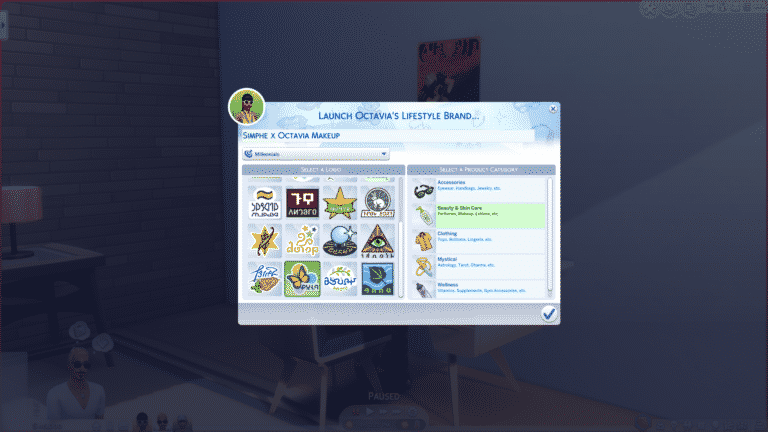
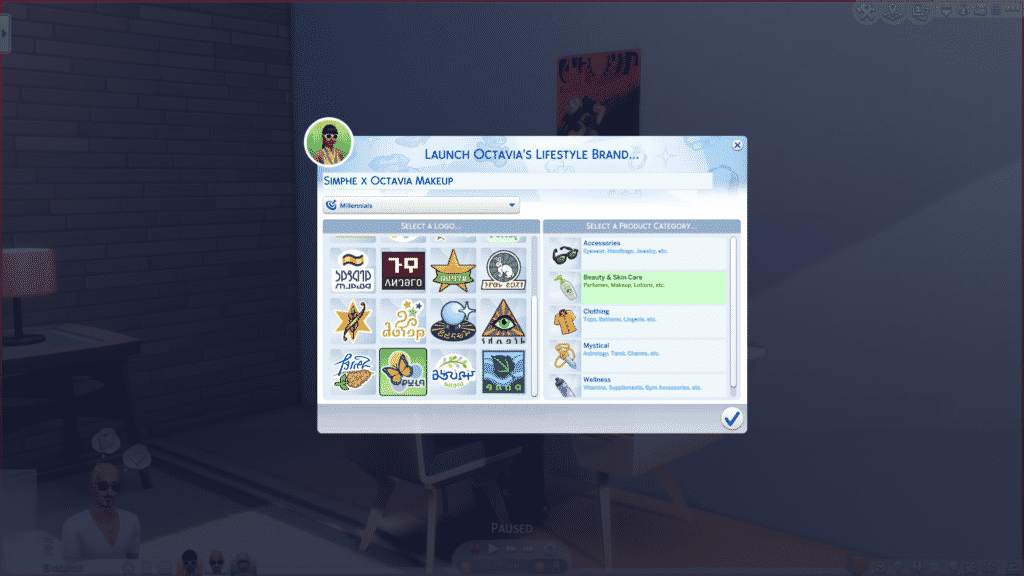
In case you guys are not aware, one of the Celebrity Level 5 perks is the ability to run your own Lifestyle Brand which lets you sell merch, accessories and other themed objects that you can select from the menu. You also have an option to give your Brand a name and an audience which you’ll be selling your Brand to.

After purchasing the top tier Lifestyle Brand Perk you have the ability to start off your brand using the computer for 300 Simoleons.

Screenshot 11

After spending your Simoleons you’ll be greeted with a special User Interface where you can fully customize your brand which will later bring you big bucks to your funds.

Screenshot 13

However, after doing all that and confirming that you are ready to launch your brand the game will completely ignore everything you’ve done. I’ve tried launching my brand several times but with no luck. I’ve also asked around on social media and it’s apparent that this is an issue with the game that almost everyone is experiencing.

Hopefully The Sims Team will come up with a hot fix to this solution in an upcoming update considering there are also some crucial bugs to be fixed in the game…

You can expect a full walkthrough article of this feature on our website as soon as there’s a fix to this issue.

The Sims 4 Get Famous: Video Overview of the New Cheats

0

We’ve made a new video explaining all of the cheats that come with The Sims 4 Get Famous Expansion Pack. Those include the new interactions that you can access through Shift + Click after entering testingcheats true cheat, as well as a wide array of cheats that you can enter in the cheat console.

Check out the video above explaining how you can enjoy the new Get Famous Cheats!

The Sims 4 Get Famous: Interactive Del Sol Valley Overview

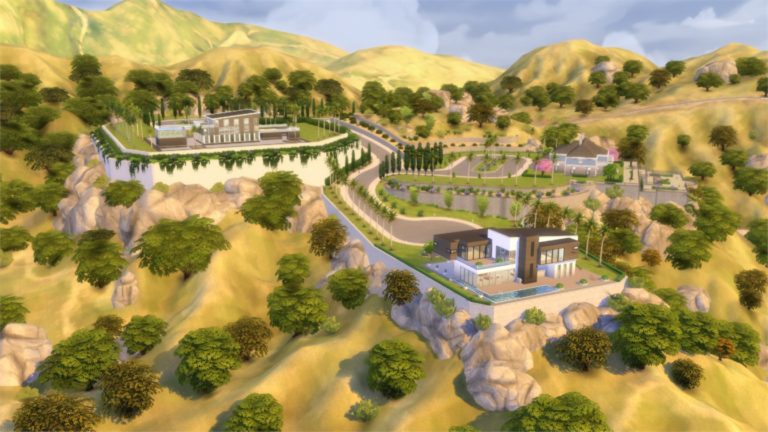
The Sims 4 Get Famous Expansion Pack comes with a brand new world called Del Sol Valley.

Del Sol Valley is an LA / Hollywood themed world with 4 neighborhoods (one of them being a career neighborhood) and 11 lots in total.

Down below you can find Del Sol Valley’s World Map with details about each lot such as size, type and occupied Sims.

Del Sol Valley Map

[ult_hotspot main_img=”id^80527|url^https://simscommunity.info/wp-content/uploads/2018/11/Screenshot-15.jpg|caption^null|alt^null|title^Screenshot (15)|description^null”][ult_hotspot_items icon=”Defaults-map-marker” icon_size=”32″ icon_color=”#bf1e89″ icon_style=”advanced” icon_border_style=”solid” icon_color_border=”#bf1e89″ icon_border_size=”2″ icon_border_radius=”500″ icon_border_spacing=”50″ tooltip_custom_color=”#1e73be” tooltip_custom_bg_color=”#ffffff” tooltip_animation=”glow” tooltip_continuous_animation=”glow” glow_color=”#ffffff” hotspot_position=”20.52401746724891,25.398773006134967″ tooltip_custom_border_size=”border-style:solid;|border-width:2px;border-radius:3px;|border-color:#bf1e89;”]

Mirage Park

With reasonably priced homes and so close to downtown. Mirage Park is the perfect place for an up and coming star to start their rise to fame.[/ult_hotspot_items][ult_hotspot_items icon=”Defaults-map-marker” icon_size=”32″ icon_color=”#bf1e89″ icon_style=”advanced” icon_border_style=”solid” icon_color_border=”#bf1e89″ icon_border_size=”2″ icon_border_radius=”500″ icon_border_spacing=”50″ tooltip_custom_color=”#1e73be” tooltip_custom_bg_color=”#ffffff” tooltip_animation=”glow” tooltip_continuous_animation=”glow” glow_color=”#ffffff” hotspot_position=”9.149836244541484,79.87730061349694″ tooltip_custom_border_size=”border-style:solid;|border-width:2px;border-radius:3px;|border-color:#bf1e89;”]

The Pinnacles

Fit for the rich and famous, The Pinnacles boast the most expensive homes in all of Del Sol Valley. If you want to live here you need to make it big![/ult_hotspot_items][ult_hotspot_items icon=”Defaults-map-marker” icon_size=”32″ icon_color=”#bf1e89″ icon_style=”advanced” icon_border_style=”solid” icon_color_border=”#bf1e89″ icon_border_size=”2″ icon_border_radius=”500″ icon_border_spacing=”50″ tooltip_custom_color=”#1e73be” tooltip_custom_bg_color=”#ffffff” tooltip_animation=”glow” tooltip_continuous_animation=”glow” glow_color=”#ffffff” hotspot_position=”47.22639192139738,21.472392638036812″ tooltip_custom_border_size=”border-style:solid;|border-width:2px;border-radius:3px;|border-color:#bf1e89;”]

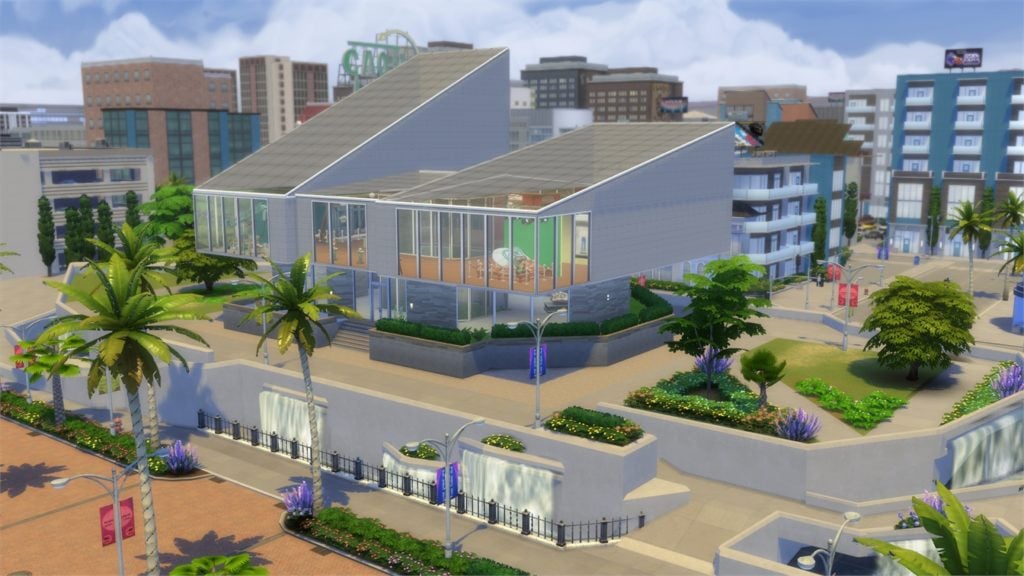
Starlight Boulevard

When it comes to night life Starlight Boulevard can not be beat. Where only the most famous Sims have access to the most exclusive night club in town. It is where the who’s who of the industry come to show off.[/ult_hotspot_items][ult_hotspot_items icon=”Defaults-map-marker” icon_size=”32″ icon_color=”#bf1e89″ icon_style=”advanced” icon_border_style=”solid” icon_color_border=”#bf1e89″ icon_border_size=”2″ icon_border_radius=”500″ icon_border_spacing=”50″ tooltip_custom_color=”#1e73be” tooltip_custom_bg_color=”#ffffff” tooltip_animation=”glow” tooltip_continuous_animation=”glow” glow_color=”#ffffff” hotspot_position=”74.75777838427948,63.80368098159509″ tooltip_custom_border_size=”border-style:solid;|border-width:2px;border-radius:3px;|border-color:#bf1e89;”]

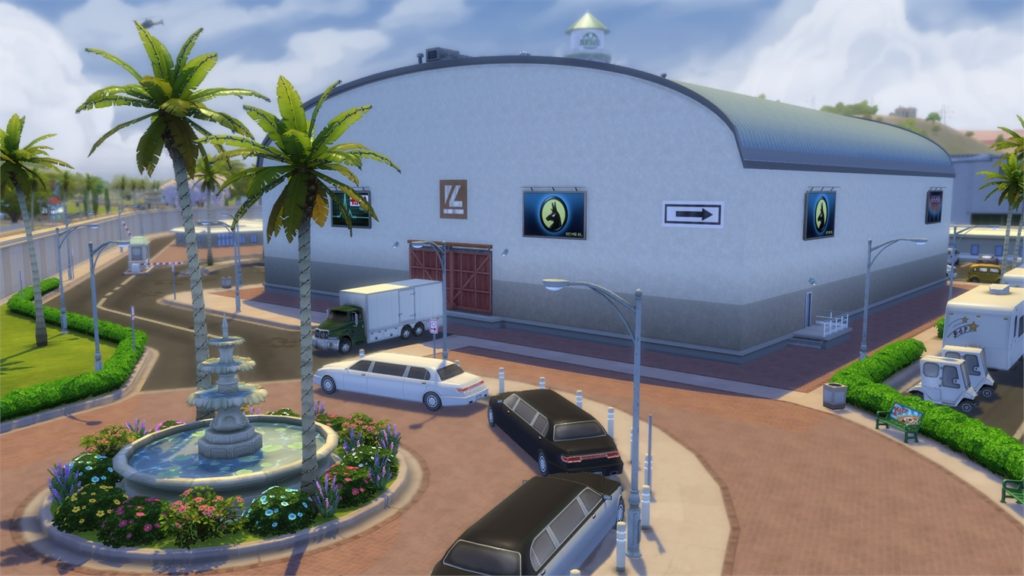
Plumbob Pictures

This is a Career Neighborhood that can be accessed through the Acting Career. Sims can choose to spend their day in this Neighborhood after finishing their shift.[/ult_hotspot_items][ult_hotspot_items icon=”Defaults-map-marker” icon_size=”18″ icon_color=”#bf1e89″ icon_style=”advanced” icon_border_style=”solid” icon_color_border=”#bf1e89″ icon_border_size=”2″ icon_border_radius=”500″ icon_border_spacing=”25″ tooltip_custom_color=”#1e73be” tooltip_custom_bg_color=”#ffffff” tooltip_width=”” tooltip_animation=”glow” tooltip_continuous_animation=”glow” glow_color=”#ffffff” hotspot_position=”55.543804585152834,41.104294478527606″ tooltip_custom_border_size=”border-style:solid;|border-width:2px;border-radius:3px;|border-color:#bf1e89;”]

Name: Orchid A Go Go
Lot Type:
 Lounge
Size: 30×30

[/ult_hotspot_items][ult_hotspot_items icon=”Defaults-map-marker” icon_size=”18″ icon_color=”#bf1e89″ icon_style=”advanced” icon_border_style=”solid” icon_color_border=”#bf1e89″ icon_border_size=”2″ icon_border_radius=”500″ icon_border_spacing=”25″ tooltip_custom_color=”#1e73be” tooltip_custom_bg_color=”#ffffff” tooltip_width=”” tooltip_animation=”glow” tooltip_continuous_animation=”glow” glow_color=”#ffffff” hotspot_position=”50.620906113537124,32.26993865030675″ tooltip_custom_border_size=”border-style:solid;|border-width:2px;border-radius:3px;|border-color:#bf1e89;”]

Name: Ward Park
Lot Type:
 National Park
Size: 20×20

[/ult_hotspot_items][ult_hotspot_items icon=”Defaults-map-marker” icon_size=”18″ icon_color=”#bf1e89″ icon_style=”advanced” icon_border_style=”solid” icon_color_border=”#bf1e89″ icon_border_size=”2″ icon_border_radius=”500″ icon_border_spacing=”25″ tooltip_custom_color=”#1e73be” tooltip_custom_bg_color=”#ffffff” tooltip_width=”” tooltip_animation=”glow” tooltip_continuous_animation=”glow” glow_color=”#ffffff” hotspot_position=”64.86421943231441,19.631901840490798″ tooltip_custom_border_size=”border-style:solid;|border-width:2px;border-radius:3px;|border-color:#bf1e89;”]

Name: Studio PBP
Lot Type:
 Lounge
Size: 40×30

[/ult_hotspot_items][ult_hotspot_items icon=”Defaults-map-marker” icon_size=”18″ icon_color=”#bf1e89″ icon_style=”advanced” icon_border_style=”solid” icon_color_border=”#bf1e89″ icon_border_size=”2″ icon_border_radius=”500″ icon_border_spacing=”25″ tooltip_custom_color=”#1e73be” tooltip_custom_bg_color=”#ffffff” tooltip_width=”” tooltip_animation=”glow” tooltip_continuous_animation=”glow” glow_color=”#ffffff” hotspot_position=”73.37950327510917,33.49693251533743″ tooltip_custom_border_size=”border-style:solid;|border-width:2px;border-radius:3px;|border-color:#bf1e89;”]

Name: Plumbob Pictures Museum
Lot Type:
 Museum
Size: 40×30

[/ult_hotspot_items][ult_hotspot_items icon=”Defaults-map-marker” icon_size=”18″ icon_color=”#bf1e89″ icon_style=”advanced” icon_border_style=”solid” icon_color_border=”#bf1e89″ icon_border_size=”2″ icon_border_radius=”500″ icon_border_spacing=”25″ tooltip_custom_color=”#1e73be” tooltip_custom_bg_color=”#ffffff” tooltip_width=”” tooltip_animation=”glow” tooltip_continuous_animation=”glow” glow_color=”#ffffff” hotspot_position=”73.37950327510917,33.49693251533743″ tooltip_custom_border_size=”border-style:solid;|border-width:2px;border-radius:3px;|border-color:#bf1e89;”]

Name: Pectoral Fitness
Lot Type:
 Gym
Size: 30×30

[/ult_hotspot_items][ult_hotspot_items icon=”Defaults-map-marker” icon_size=”18″ icon_color=”#bf1e89″ icon_style=”advanced” icon_border_style=”solid” icon_color_border=”#bf1e89″ icon_border_size=”2″ icon_border_radius=”500″ icon_border_spacing=”25″ tooltip_custom_color=”#1e73be” tooltip_custom_bg_color=”#ffffff” tooltip_width=”” tooltip_animation=”glow” tooltip_continuous_animation=”glow” glow_color=”#ffffff” hotspot_position=”33.47775655021834,29.570552147239265″ tooltip_custom_border_size=”border-style:solid;|border-width:2px;border-radius:3px;|border-color:#bf1e89;”]

Lot Type: Occupied Residental Lot (Jeong Household)
Size: 40×30

[/ult_hotspot_items][ult_hotspot_items icon=”Defaults-map-marker” icon_size=”18″ icon_color=”#bf1e89″ icon_style=”advanced” icon_border_style=”solid” icon_color_border=”#bf1e89″ icon_border_size=”2″ icon_border_radius=”500″ icon_border_spacing=”25″ tooltip_custom_color=”#1e73be” tooltip_custom_bg_color=”#ffffff” tooltip_width=”” tooltip_animation=”glow” tooltip_continuous_animation=”glow” glow_color=”#ffffff” hotspot_position=”21.138100436681224,33.86503067484662″ tooltip_custom_border_size=”border-style:solid;|border-width:2px;border-radius:3px;|border-color:#bf1e89;”]

Lot Type: Unoccupied Residental Lot
Size: 50×40

[/ult_hotspot_items][ult_hotspot_items icon=”Defaults-map-marker” icon_size=”18″ icon_color=”#bf1e89″ icon_style=”advanced” icon_border_style=”solid” icon_color_border=”#bf1e89″ icon_border_size=”2″ icon_border_radius=”500″ icon_border_spacing=”25″ tooltip_custom_color=”#1e73be” tooltip_custom_bg_color=”#ffffff” tooltip_width=”” tooltip_animation=”glow” tooltip_continuous_animation=”glow” glow_color=”#ffffff” hotspot_position=”25.49126637554585,42.69938650306748″ tooltip_custom_border_size=”border-style:solid;|border-width:2px;border-radius:3px;|border-color:#bf1e89;”]

Lot Type: Unoccupied Residental Lot
Size: 40×30

[/ult_hotspot_items][ult_hotspot_items icon=”Defaults-map-marker” icon_size=”18″ icon_color=”#bf1e89″ icon_style=”advanced” icon_border_style=”solid” icon_color_border=”#bf1e89″ icon_border_size=”2″ icon_border_radius=”500″ icon_border_spacing=”25″ tooltip_custom_color=”#1e73be” tooltip_custom_bg_color=”#ffffff” tooltip_width=”” tooltip_animation=”glow” tooltip_continuous_animation=”glow” glow_color=”#ffffff” hotspot_position=”24.426855895196507,73.9877300613497″ tooltip_custom_border_size=”border-style:solid;|border-width:2px;border-radius:3px;|border-color:#bf1e89;”]

Lot Type: Occupied Residental Lot (Ward Household)
Size: 50×40

[/ult_hotspot_items][ult_hotspot_items icon=”Defaults-map-marker” icon_size=”18″ icon_color=”#bf1e89″ icon_style=”advanced” icon_border_style=”solid” icon_color_border=”#bf1e89″ icon_border_size=”2″ icon_border_radius=”500″ icon_border_spacing=”25″ tooltip_custom_color=”#1e73be” tooltip_custom_bg_color=”#ffffff” tooltip_width=”” tooltip_animation=”glow” tooltip_continuous_animation=”glow” glow_color=”#ffffff” hotspot_position=”22.69718886462882,58.40490797546012″ tooltip_custom_border_size=”border-style:solid;|border-width:2px;border-radius:3px;|border-color:#bf1e89;”]

Lot Type: Occupied Residental Lot (Bailey-Moon Household)
Size: 50×40

[/ult_hotspot_items][ult_hotspot_items icon=”Defaults-map-marker” icon_size=”18″ icon_color=”#bf1e89″ icon_style=”advanced” icon_border_style=”solid” icon_color_border=”#bf1e89″ icon_border_size=”2″ icon_border_radius=”500″ icon_border_spacing=”25″ tooltip_custom_color=”#1e73be” tooltip_custom_bg_color=”#ffffff” tooltip_width=”” tooltip_animation=”glow” tooltip_continuous_animation=”glow” glow_color=”#ffffff” hotspot_position=”18.330376637554586,66.99386503067485″ tooltip_custom_border_size=”border-style:solid;|border-width:2px;border-radius:3px;|border-color:#bf1e89;”]

Lot Type: Unoccupied Residental Lot
Size: 64×64

[/ult_hotspot_items][/ult_hotspot]

Down below you can check out each neighborhood individually. Simply hover over a plumbob to check out the area of your choice!

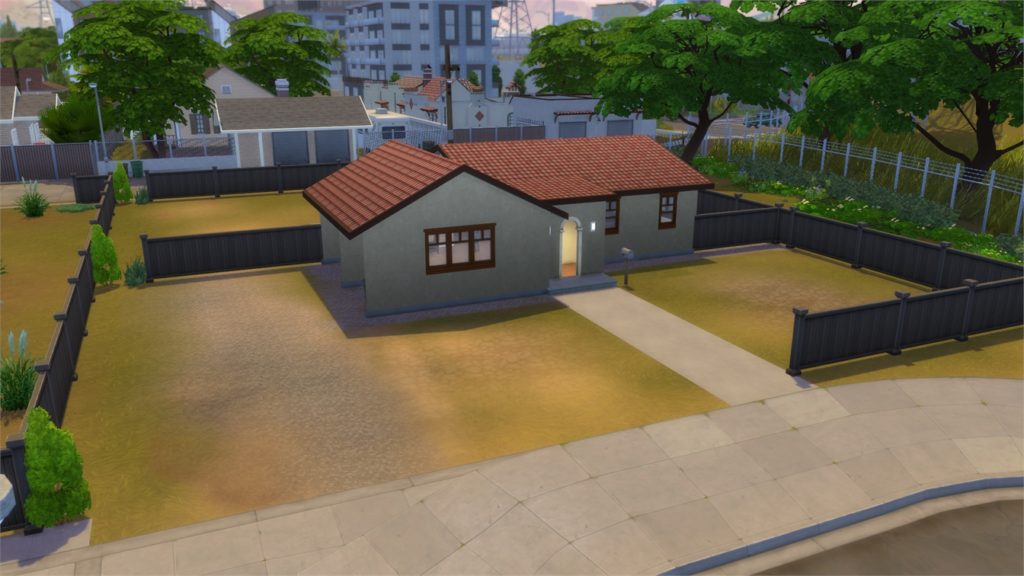
Mirage Park

[ult_hotspot main_img=”id^80508|url^https://simscommunity.info/wp-content/uploads/2018/11/11-19-18_5-50-40-AM.jpg|caption^null|alt^null|title^11-19-18_5-50-40 AM|description^null”][ult_hotspot_items icon_type=”custom” icon_img=”id^39525|url^https://simscommunity.info/wp-content/uploads/2015/09/plumbob2.png|caption^null|alt^null|title^plumbob2|description^null” img_width=”38″ tooltip_custom_color=”rgba(76,76,76,0.01)” tooltip_custom_bg_color=”rgba(255,255,255,0.01)” tooltip_width=”450″ tooltip_position=”right” enable_bubble_arrow=”off” tooltip_continuous_animation=”on” hotspot_position=”42.5764192139738,39.50920245398773″]

The Sims 4 Get Famous: Interactive Del Sol Valley Overview

[/ult_hotspot_items][ult_hotspot_items icon_type=”custom” icon_img=”id^39525|url^https://simscommunity.info/wp-content/uploads/2015/09/plumbob2.png|caption^null|alt^null|title^plumbob2|description^null” img_width=”38″ tooltip_custom_color=”rgba(76,76,76,0.01)” tooltip_custom_bg_color=”rgba(255,255,255,0.01)” tooltip_width=”450″ tooltip_position=”right” enable_bubble_arrow=”off” tooltip_continuous_animation=”on” hotspot_position=”46.39396834061135,16.930598159509202″]

The Sims 4 Get Famous: Interactive Del Sol Valley Overview

[/ult_hotspot_items][ult_hotspot_items icon_type=”custom” icon_img=”id^39525|url^https://simscommunity.info/wp-content/uploads/2015/09/plumbob2.png|caption^null|alt^null|title^plumbob2|description^null” img_width=”38″ tooltip_custom_color=”rgba(76,76,76,0.01)” tooltip_custom_bg_color=”rgba(255,255,255,0.01)” tooltip_width=”450″ tooltip_position=”right” enable_bubble_arrow=”off” tooltip_continuous_animation=”on” hotspot_position=”59.798034934497814,30.182131901840492″]
The Sims 4 Get Famous: Interactive Del Sol Valley Overview

[/ult_hotspot_items][ult_hotspot_items icon_type=”custom” icon_img=”id^39525|url^https://simscommunity.info/wp-content/uploads/2015/09/plumbob2.png|caption^null|alt^null|title^plumbob2|description^null” img_width=”38″ tooltip_custom_color=”rgba(76,76,76,0.01)” tooltip_custom_bg_color=”rgba(255,255,255,0.01)” tooltip_width=”450″ tooltip_position=”right” enable_bubble_arrow=”off” tooltip_continuous_animation=”on” hotspot_position=”44.43572598253275,56.19440184049079″]
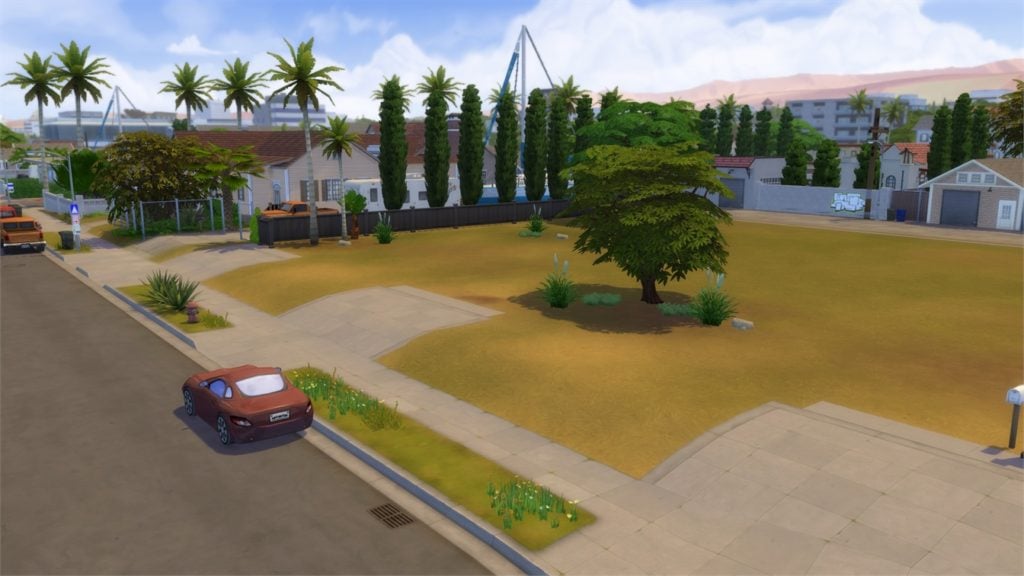
The Sims 4 Get Famous: Interactive Del Sol Valley Overview

[/ult_hotspot_items][ult_hotspot_items icon_type=”custom” icon_img=”id^39525|url^https://simscommunity.info/wp-content/uploads/2015/09/plumbob2.png|caption^null|alt^null|title^plumbob2|description^null” img_width=”38″ tooltip_custom_color=”rgba(76,76,76,0.01)” tooltip_custom_bg_color=”rgba(255,255,255,0.01)” tooltip_width=”450″ tooltip_position=”right” enable_bubble_arrow=”off” tooltip_continuous_animation=”on” hotspot_position=”31.55704148471616,30.302914110429448″]
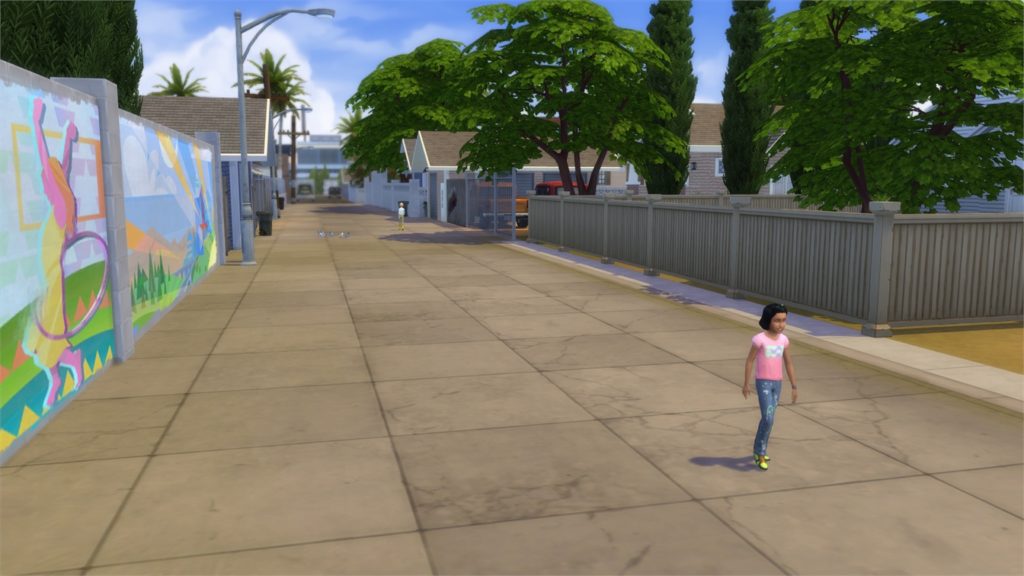
The Sims 4 Get Famous: Interactive Del Sol Valley Overview

[/ult_hotspot_items][/ult_hotspot]

The Pinnacles

[ult_hotspot main_img=”id^80521|url^https://simscommunity.info/wp-content/uploads/2018/11/11-19-18_5-56-15-AM.jpg|caption^null|alt^null|title^11-19-18_5-56-15 AM|description^null”][ult_hotspot_items icon_type=”custom” icon_img=”id^39525|url^https://simscommunity.info/wp-content/uploads/2015/09/plumbob2.png|caption^null|alt^null|title^plumbob2|description^null” img_width=”38″ tooltip_custom_color=”rgba(76,76,76,0.01)” tooltip_custom_bg_color=”rgba(255,255,255,0.01)” tooltip_width=”450″ tooltip_position=”right” enable_bubble_arrow=”off” tooltip_continuous_animation=”on” hotspot_position=”16.815638646288207,49.07783742331288″]
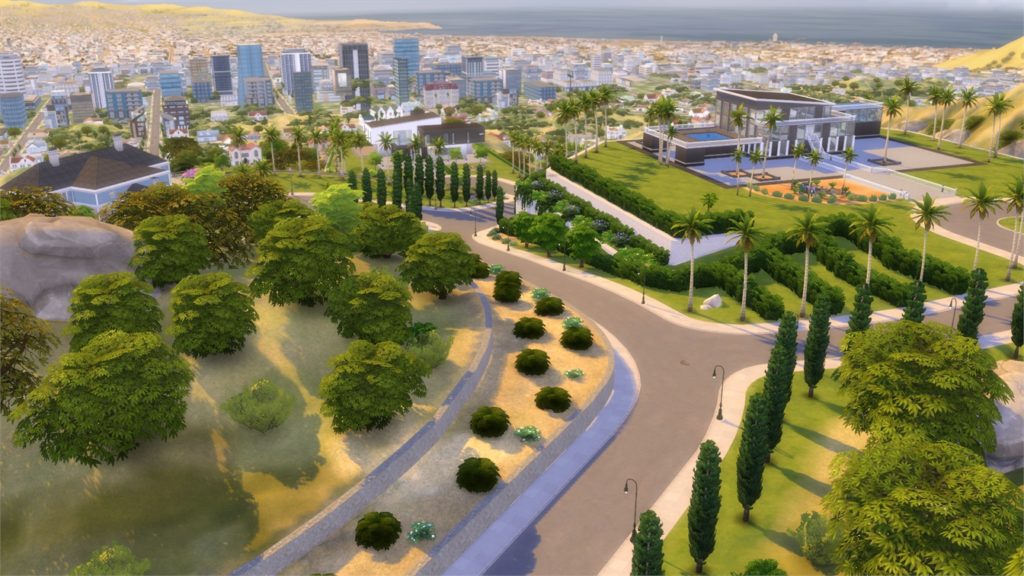
The Sims 4 Get Famous: Interactive Del Sol Valley Overview

[/ult_hotspot_items][ult_hotspot_items icon_type=”custom” icon_img=”id^39525|url^https://simscommunity.info/wp-content/uploads/2015/09/plumbob2.png|caption^null|alt^null|title^plumbob2|description^null” img_width=”38″ tooltip_custom_color=”rgba(76,76,76,0.01)” tooltip_custom_bg_color=”rgba(255,255,255,0.01)” tooltip_width=”450″ tooltip_position=”right” enable_bubble_arrow=”off” tooltip_continuous_animation=”on” hotspot_position=”41.604121179039296,89.93481595092024″]
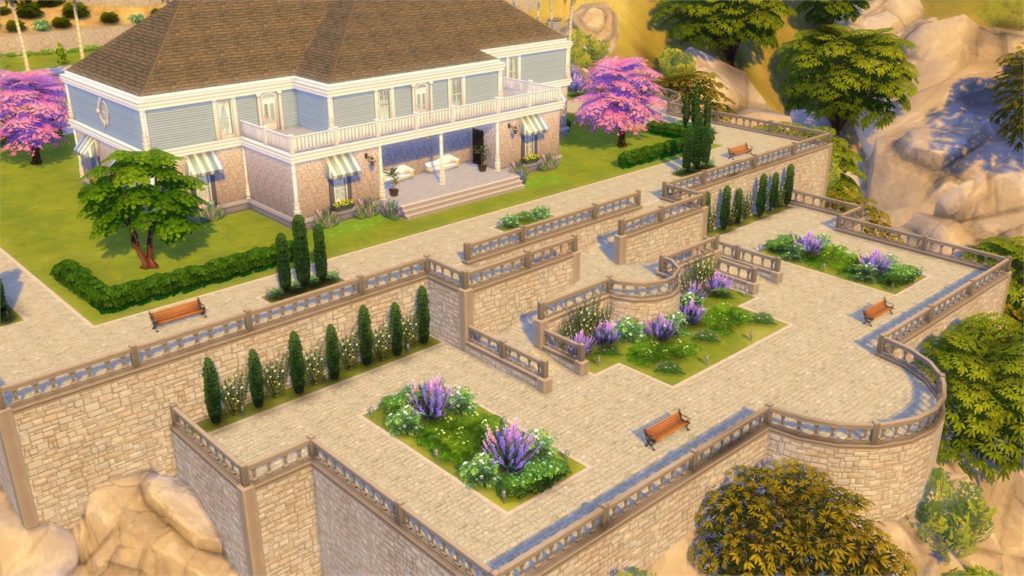
The Sims 4 Get Famous: Interactive Del Sol Valley Overview

[/ult_hotspot_items][ult_hotspot_items icon_type=”custom” icon_img=”id^39525|url^https://simscommunity.info/wp-content/uploads/2015/09/plumbob2.png|caption^null|alt^null|title^plumbob2|description^null” img_width=”38″ tooltip_custom_color=”rgba(76,76,76,0.01)” tooltip_custom_bg_color=”rgba(255,255,255,0.01)” tooltip_width=”450″ tooltip_position=”right” enable_bubble_arrow=”off” tooltip_continuous_animation=”on” hotspot_position=”49.249454148471614,57.17407975460122″]

The Sims 4 Get Famous: Interactive Del Sol Valley Overview

[/ult_hotspot_items][ult_hotspot_items icon_type=”custom” icon_img=”id^39525|url^https://simscommunity.info/wp-content/uploads/2015/09/plumbob2.png|caption^null|alt^null|title^plumbob2|description^null” img_width=”38″ tooltip_custom_color=”rgba(76,76,76,0.01)” tooltip_custom_bg_color=”rgba(255,255,255,0.01)” tooltip_width=”450″ tooltip_position=”right” enable_bubble_arrow=”off” tooltip_continuous_animation=”on” hotspot_position=”34.838973799126634,62.45015337423313″]
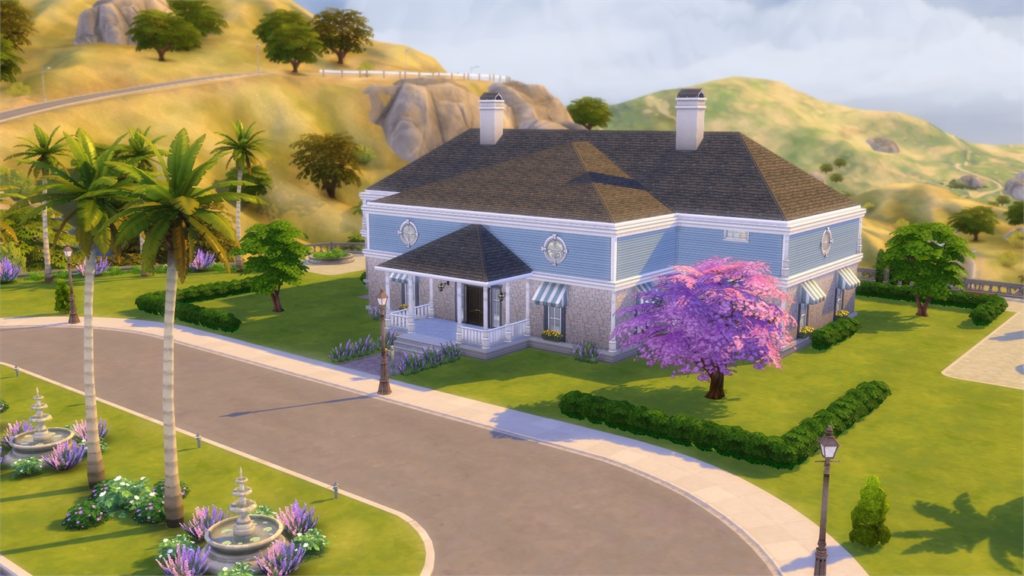
The Sims 4 Get Famous: Interactive Del Sol Valley Overview

[/ult_hotspot_items][ult_hotspot_items icon_type=”custom” icon_img=”id^39525|url^https://simscommunity.info/wp-content/uploads/2015/09/plumbob2.png|caption^null|alt^null|title^plumbob2|description^null” img_width=”38″ tooltip_custom_color=”rgba(76,76,76,0.01)” tooltip_custom_bg_color=”rgba(255,255,255,0.01)” tooltip_width=”450″ tooltip_position=”right” enable_bubble_arrow=”off” tooltip_continuous_animation=”on” hotspot_position=”18.98881004366812,32.390720858895705″]
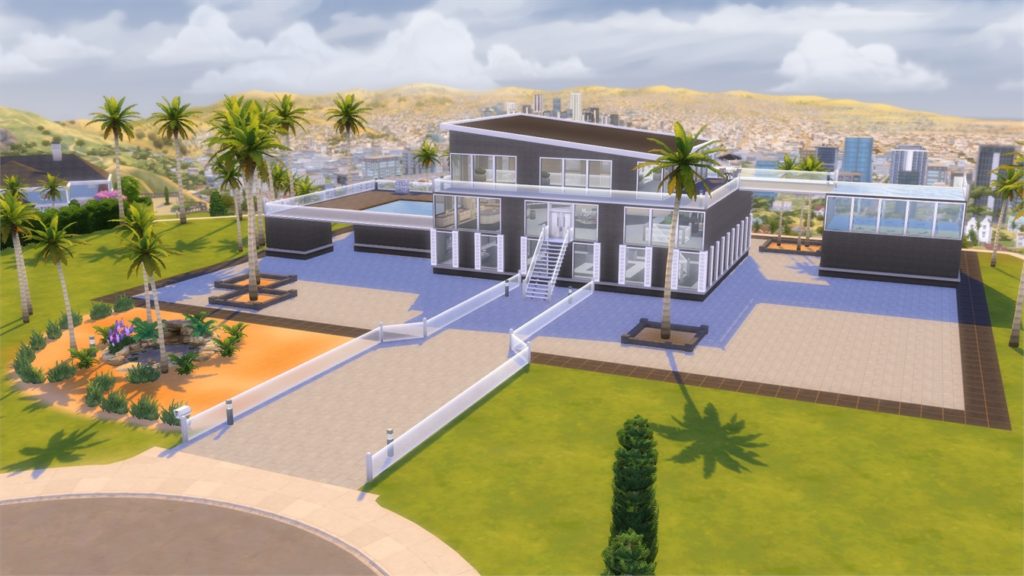
The Sims 4 Get Famous: Interactive Del Sol Valley Overview

[/ult_hotspot_items][/ult_hotspot]

Starlight Boulevard

[ult_hotspot main_img=”id^80514|url^https://simscommunity.info/wp-content/uploads/2018/11/11-19-18_5-53-40-AM.jpg|caption^null|alt^null|title^11-19-18_5-53-40 AM|description^null”][ult_hotspot_items icon_type=”custom” icon_img=”id^39525|url^https://simscommunity.info/wp-content/uploads/2015/09/plumbob2.png|caption^null|alt^null|title^plumbob2|description^null” img_width=”38″ tooltip_custom_color=”rgba(76,76,76,0.01)” tooltip_custom_bg_color=”rgba(255,255,255,0.01)” tooltip_width=”450″ tooltip_position=”right” enable_bubble_arrow=”off” tooltip_continuous_animation=”on” hotspot_position=”48.44432314410481,68.95513803680981″]
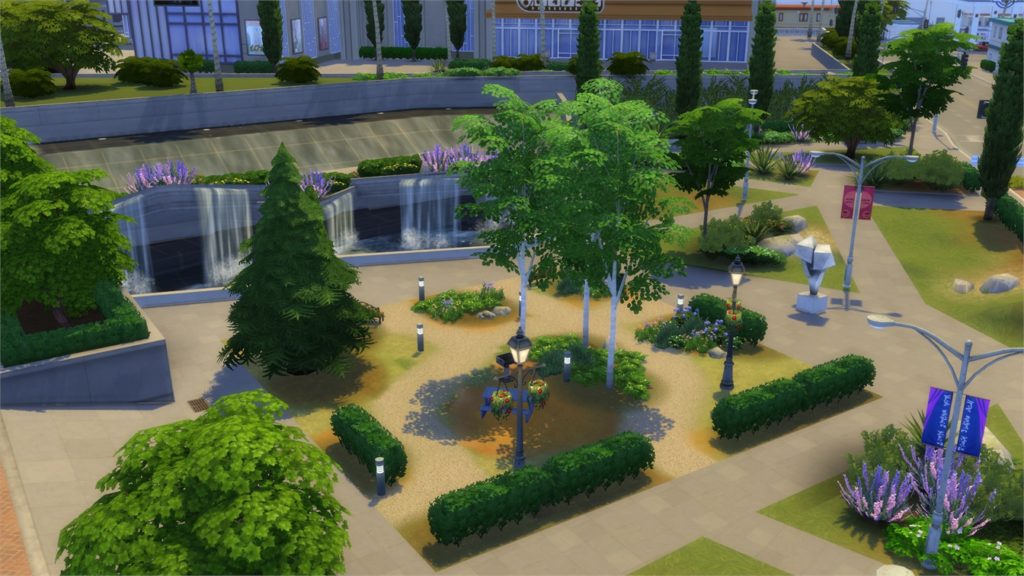
The Sims 4 Get Famous: Interactive Del Sol Valley Overview

[/ult_hotspot_items][ult_hotspot_items icon_type=”custom” icon_img=”id^39525|url^https://simscommunity.info/wp-content/uploads/2015/09/plumbob2.png|caption^null|alt^null|title^plumbob2|description^null” img_width=”38″ tooltip_custom_color=”rgba(76,76,76,0.01)” tooltip_custom_bg_color=”rgba(255,255,255,0.01)” tooltip_width=”450″ tooltip_position=”right” enable_bubble_arrow=”off” tooltip_continuous_animation=”on” hotspot_position=”31.77538209606987,79.99616564417178″]
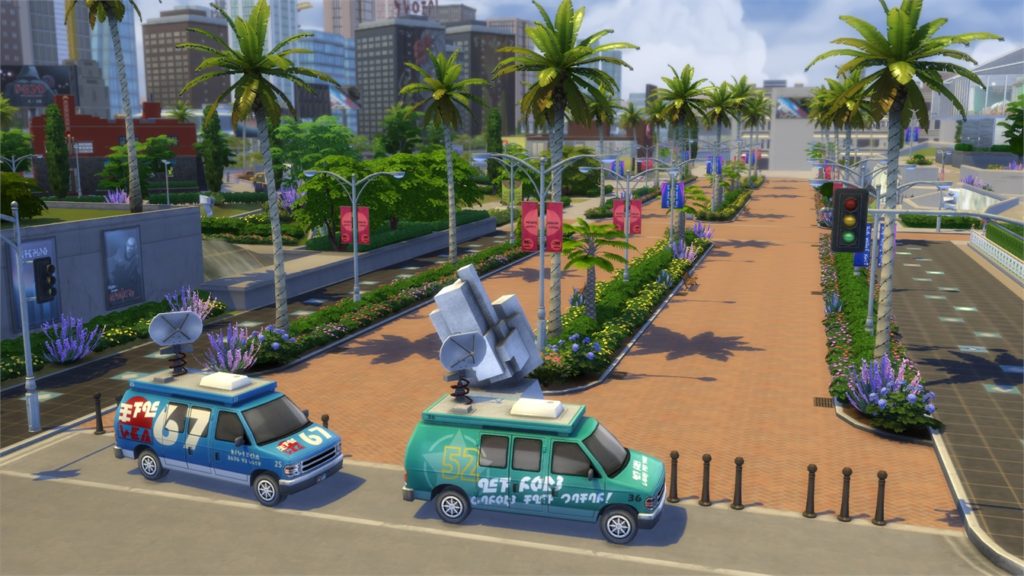
The Sims 4 Get Famous: Interactive Del Sol Valley Overview

[/ult_hotspot_items][ult_hotspot_items icon_type=”custom” icon_img=”id^39525|url^https://simscommunity.info/wp-content/uploads/2015/09/plumbob2.png|caption^null|alt^null|title^plumbob2|description^null” img_width=”38″ tooltip_custom_color=”rgba(76,76,76,0.01)” tooltip_custom_bg_color=”rgba(255,255,255,0.01)” tooltip_width=”450″ tooltip_position=”right” enable_bubble_arrow=”off” tooltip_continuous_animation=”on” hotspot_position=”23.47502729257642,70.18213190184049″]

The Sims 4 Get Famous: Interactive Del Sol Valley Overview

[/ult_hotspot_items][ult_hotspot_items icon_type=”custom” icon_img=”id^39525|url^https://simscommunity.info/wp-content/uploads/2015/09/plumbob2.png|caption^null|alt^null|title^plumbob2|description^null” img_width=”38″ tooltip_custom_color=”rgba(76,76,76,0.01)” tooltip_custom_bg_color=”rgba(255,255,255,0.01)” tooltip_width=”450″ tooltip_position=”right” enable_bubble_arrow=”off” tooltip_continuous_animation=”on” hotspot_position=”36.01937772925764,38.64838957055215″]
The Sims 4 Get Famous: Interactive Del Sol Valley Overview

[/ult_hotspot_items][ult_hotspot_items icon_type=”custom” icon_img=”id^39525|url^https://simscommunity.info/wp-content/uploads/2015/09/plumbob2.png|caption^null|alt^null|title^plumbob2|description^null” img_width=”38″ tooltip_custom_color=”rgba(76,76,76,0.01)” tooltip_custom_bg_color=”rgba(255,255,255,0.01)” tooltip_width=”450″ tooltip_position=”right” enable_bubble_arrow=”off” tooltip_continuous_animation=”on” hotspot_position=”59.58992903930132,92.63420245398774″]

The Sims 4 Get Famous: Interactive Del Sol Valley Overview

[/ult_hotspot_items][ult_hotspot_items icon_type=”custom” icon_img=”id^39525|url^https://simscommunity.info/wp-content/uploads/2015/09/plumbob2.png|caption^null|alt^null|title^plumbob2|description^null” img_width=”38″ tooltip_custom_color=”rgba(76,76,76,0.01)” tooltip_custom_bg_color=”rgba(255,255,255,0.01)” tooltip_width=”450″ tooltip_position=”right” enable_bubble_arrow=”off” tooltip_continuous_animation=”on” hotspot_position=”56.219295851528386,27.850843558282207″]

The Sims 4 Get Famous: Interactive Del Sol Valley Overview

[/ult_hotspot_items][/ult_hotspot]

Plumbob Pictures

[ult_hotspot main_img=”id^80544|url^https://simscommunity.info/wp-content/uploads/2018/11/11-19-18_1-46-41-PM-1.jpg|caption^null|alt^null|title^11-19-18_1-46-41 PM|description^null”][ult_hotspot_items icon_type=”custom” icon_img=”id^39525|url^https://simscommunity.info/wp-content/uploads/2015/09/plumbob2.png|caption^null|alt^null|title^plumbob2|description^null” img_width=”38″ tooltip_custom_color=”rgba(76,76,76,0.01)” tooltip_custom_bg_color=”rgba(255,255,255,0.01)” tooltip_width=”450″ tooltip_position=”right” enable_bubble_arrow=”off” tooltip_continuous_animation=”on” hotspot_position=”55.403930131004365,58.77108895705522″]

The Sims 4 Get Famous: Interactive Del Sol Valley Overview

[/ult_hotspot_items][ult_hotspot_items icon_type=”custom” icon_img=”id^39525|url^https://simscommunity.info/wp-content/uploads/2015/09/plumbob2.png|caption^null|alt^null|title^plumbob2|description^null” img_width=”38″ tooltip_custom_color=”rgba(76,76,76,0.01)” tooltip_custom_bg_color=”rgba(255,255,255,0.01)” tooltip_width=”450″ tooltip_position=”right” enable_bubble_arrow=”off” tooltip_continuous_animation=”on” hotspot_position=”27.749727074235807,54.10659509202455″]

The Sims 4 Get Famous: Interactive Del Sol Valley Overview

[/ult_hotspot_items][ult_hotspot_items icon_type=”custom” icon_img=”id^39525|url^https://simscommunity.info/wp-content/uploads/2015/09/plumbob2.png|caption^null|alt^null|title^plumbob2|description^null” img_width=”38″ tooltip_custom_color=”rgba(76,76,76,0.01)” tooltip_custom_bg_color=”rgba(255,255,255,0.01)” tooltip_width=”450″ tooltip_position=”right” enable_bubble_arrow=”off” tooltip_continuous_animation=”on” hotspot_position=”58.47093340611353,39.50728527607362″]
The Sims 4 Get Famous: Interactive Del Sol Valley Overview

[/ult_hotspot_items][/ult_hotspot]
The Sims 4 Get Famous: Create A Sim Overview

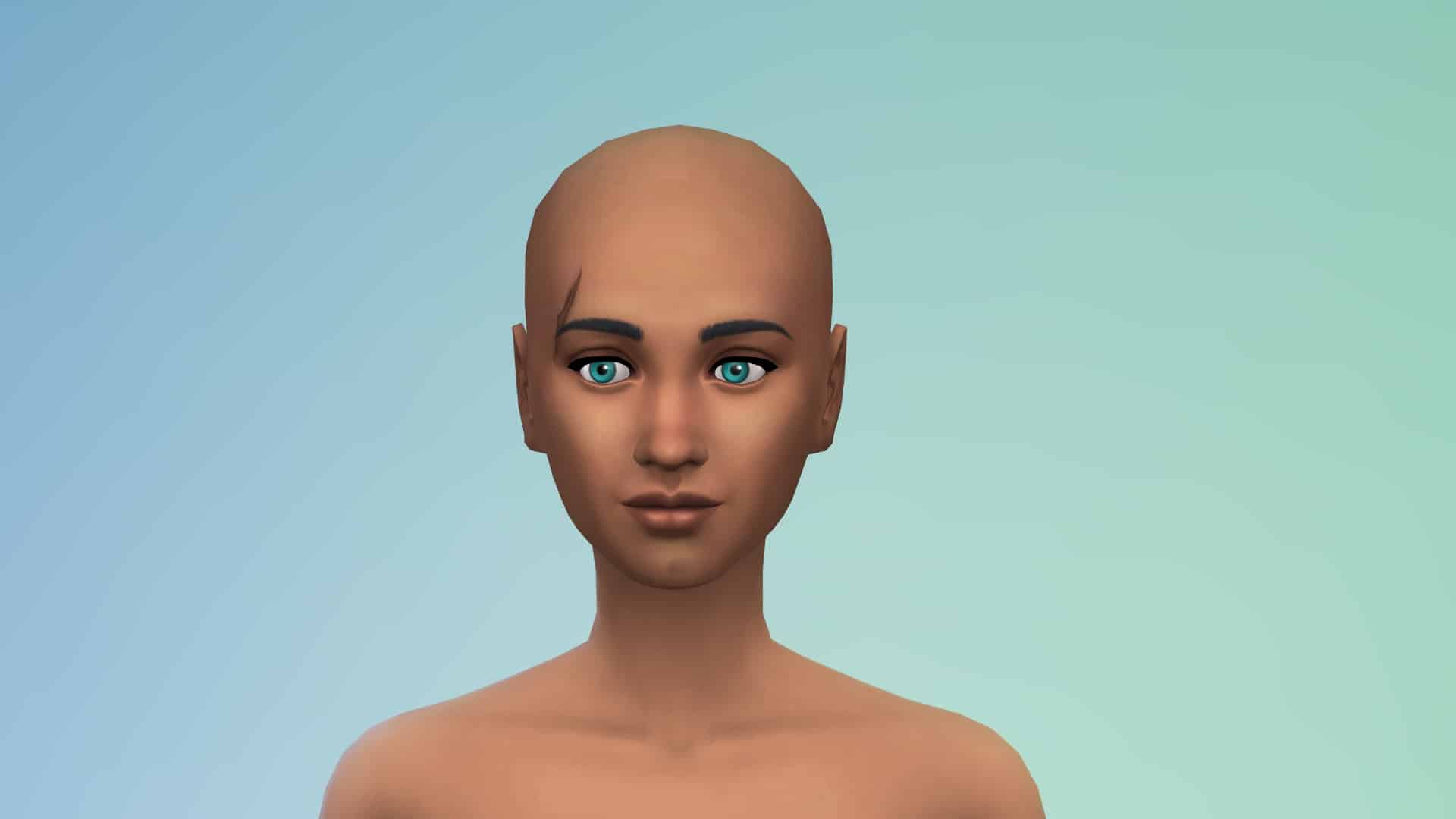
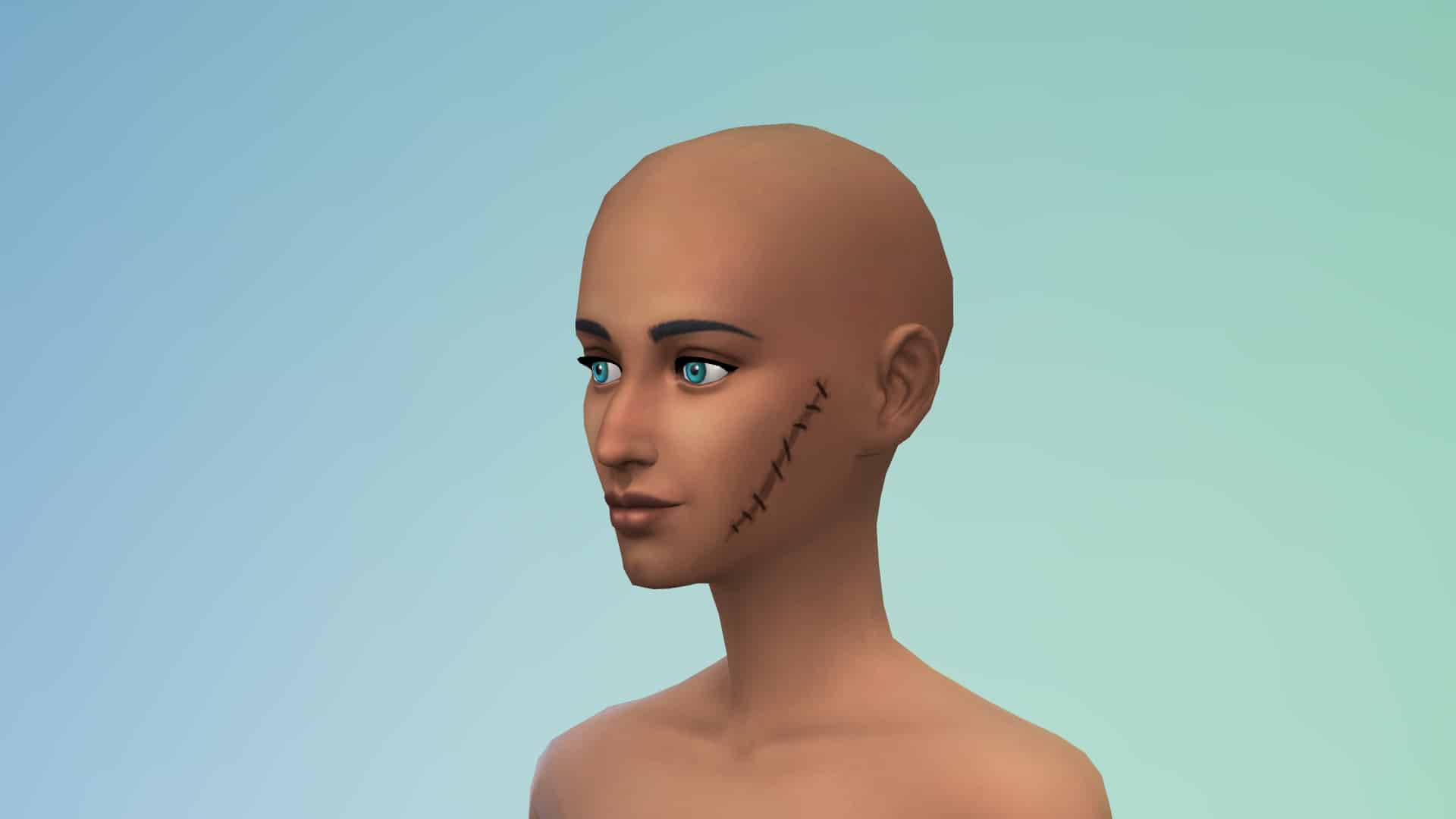
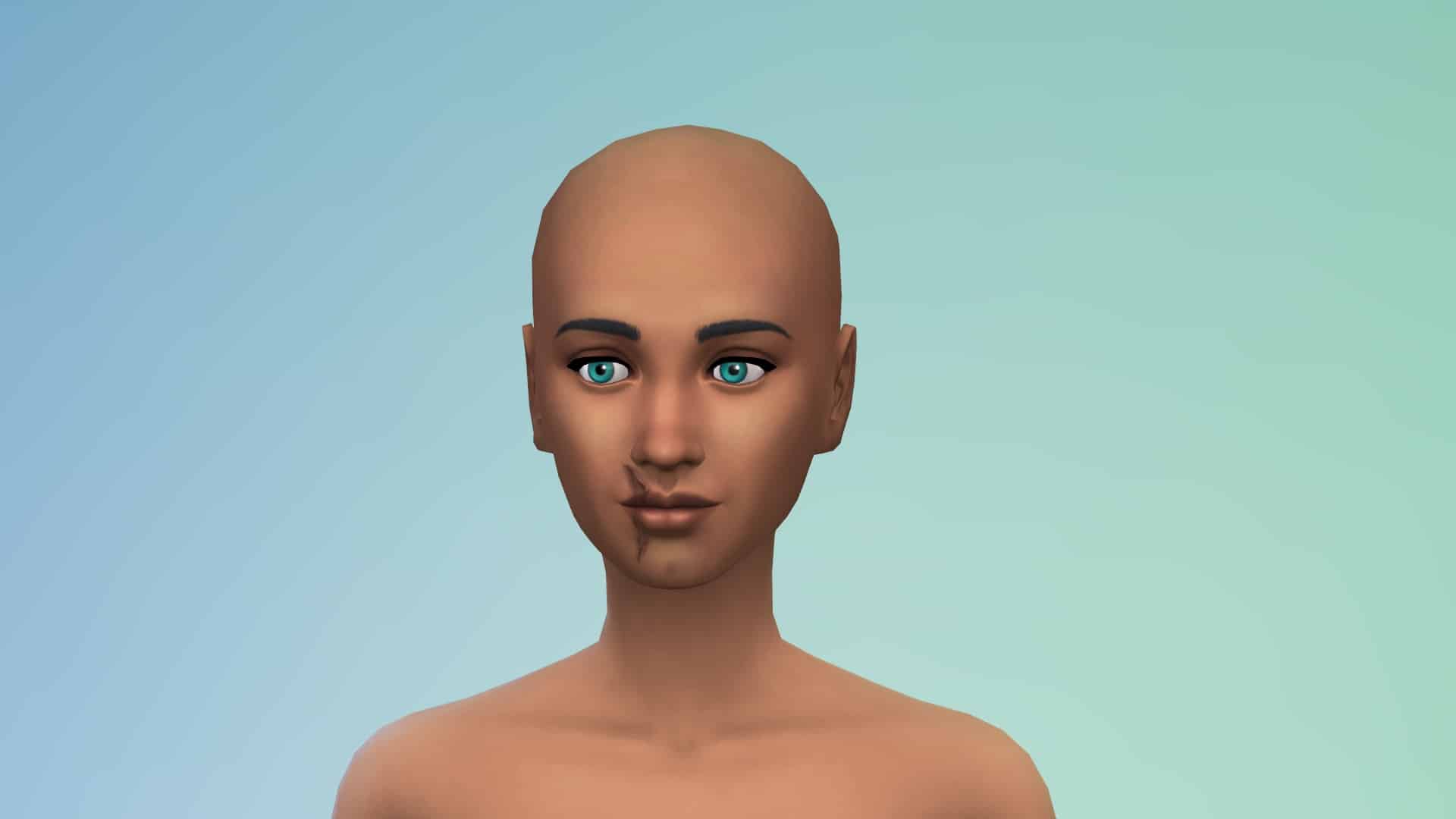
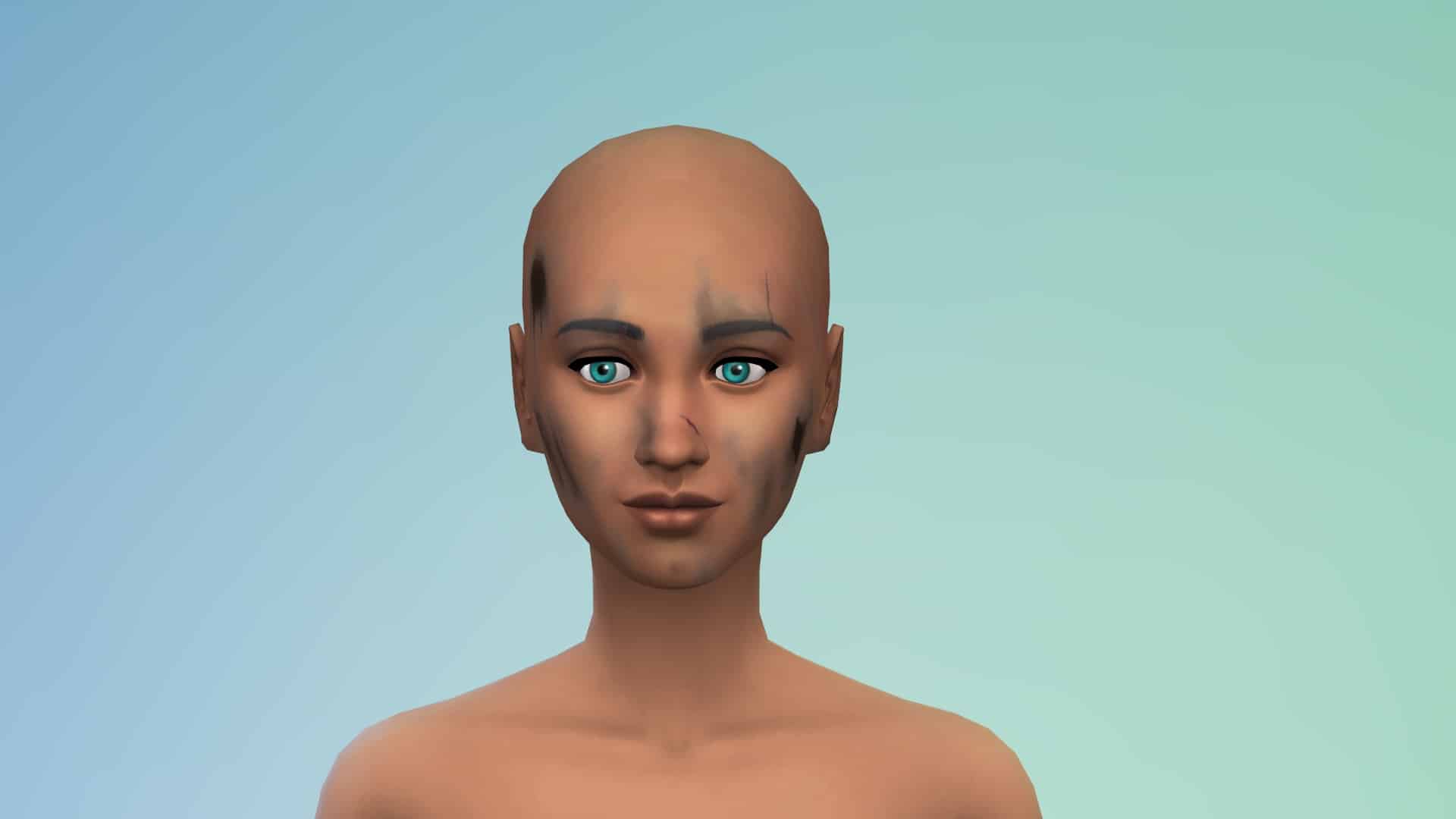
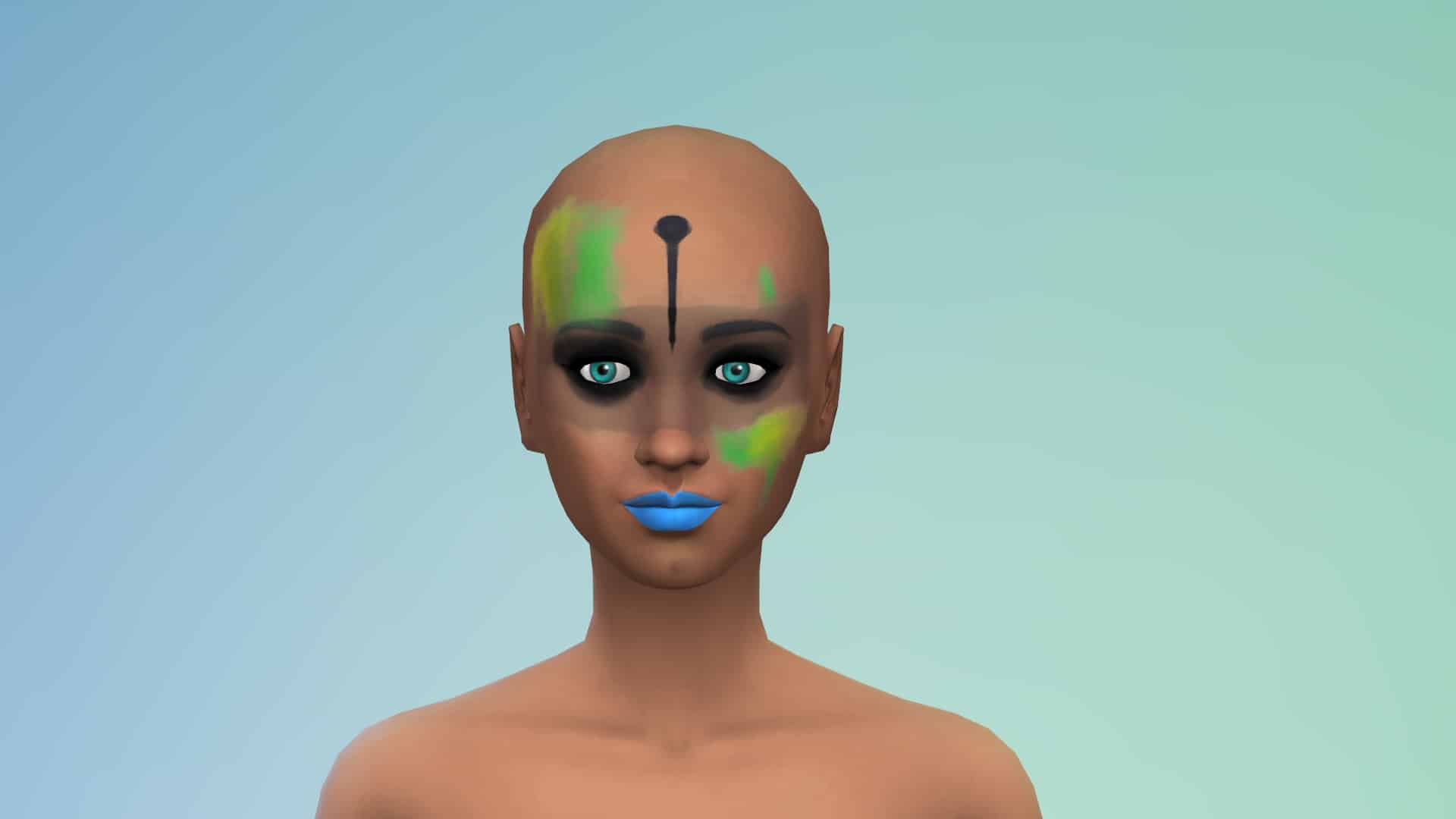
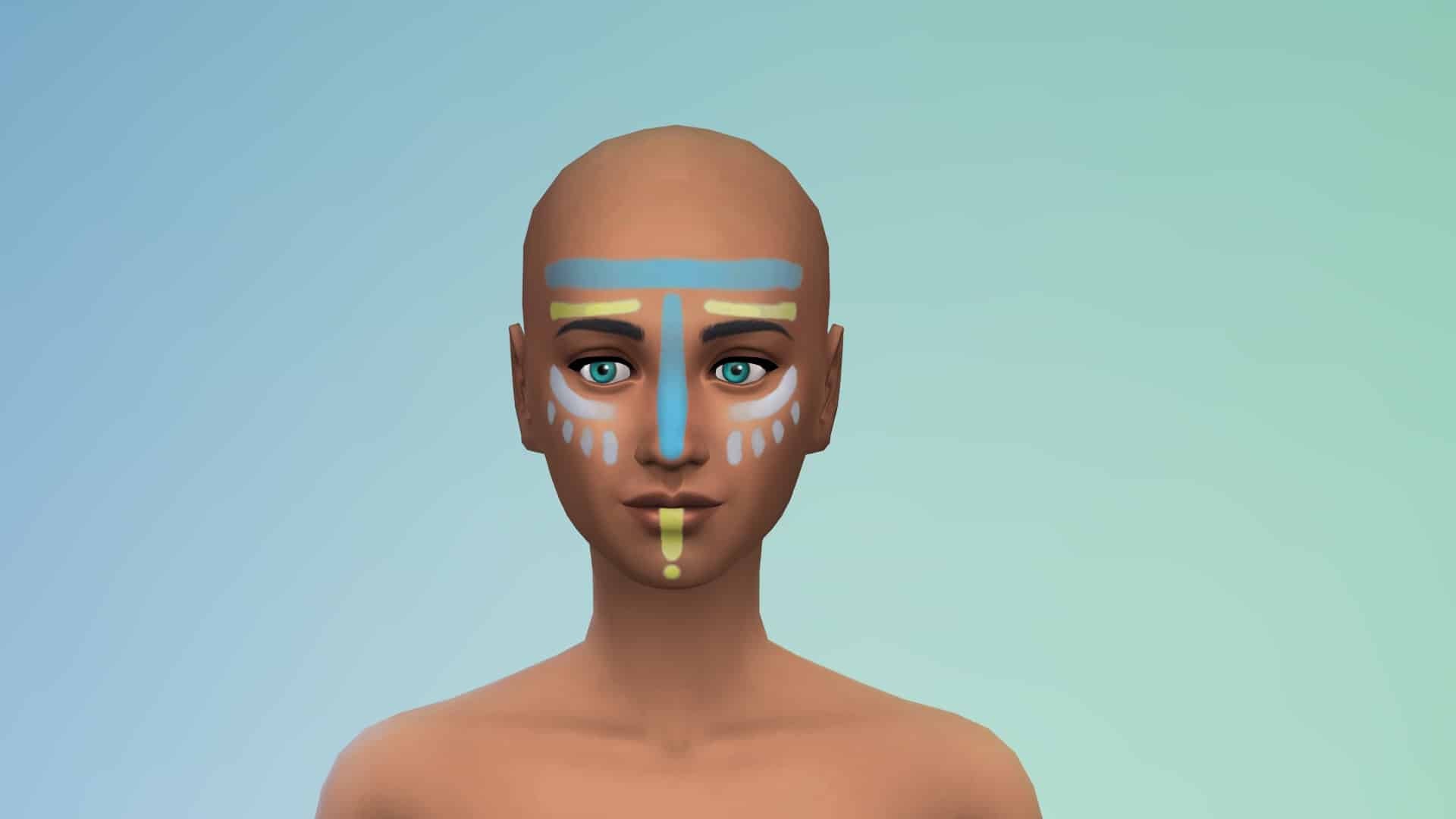
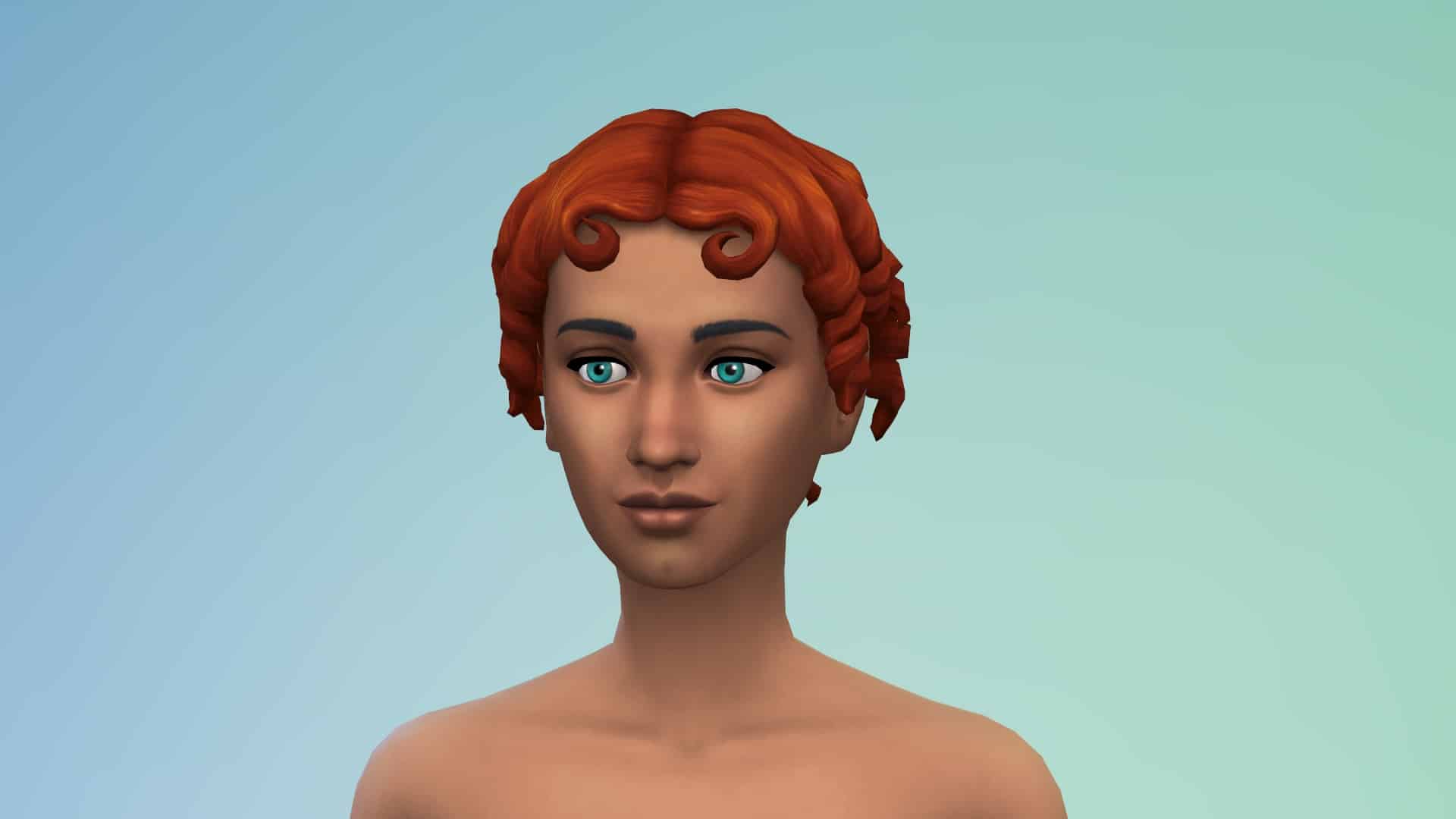
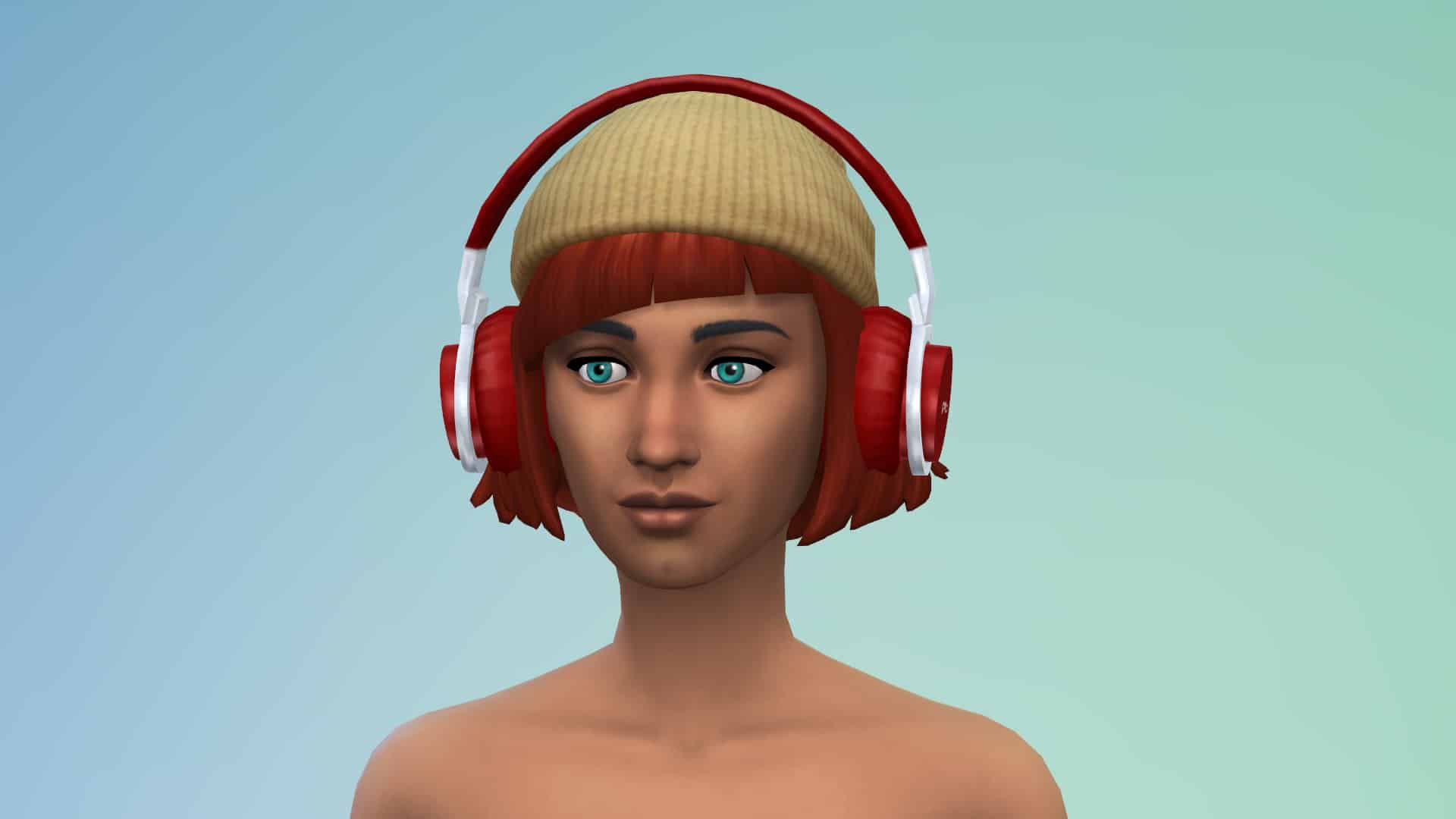
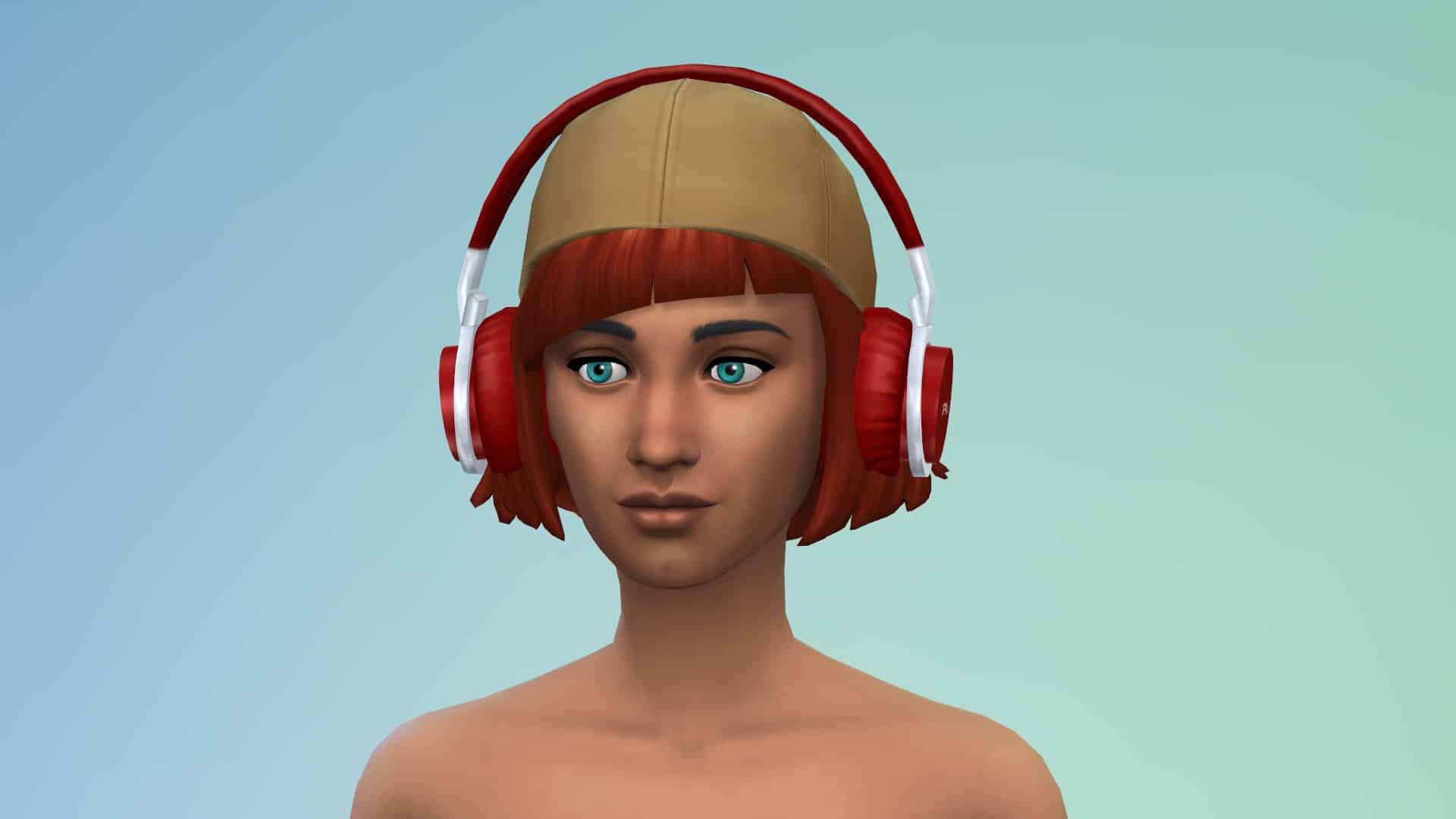
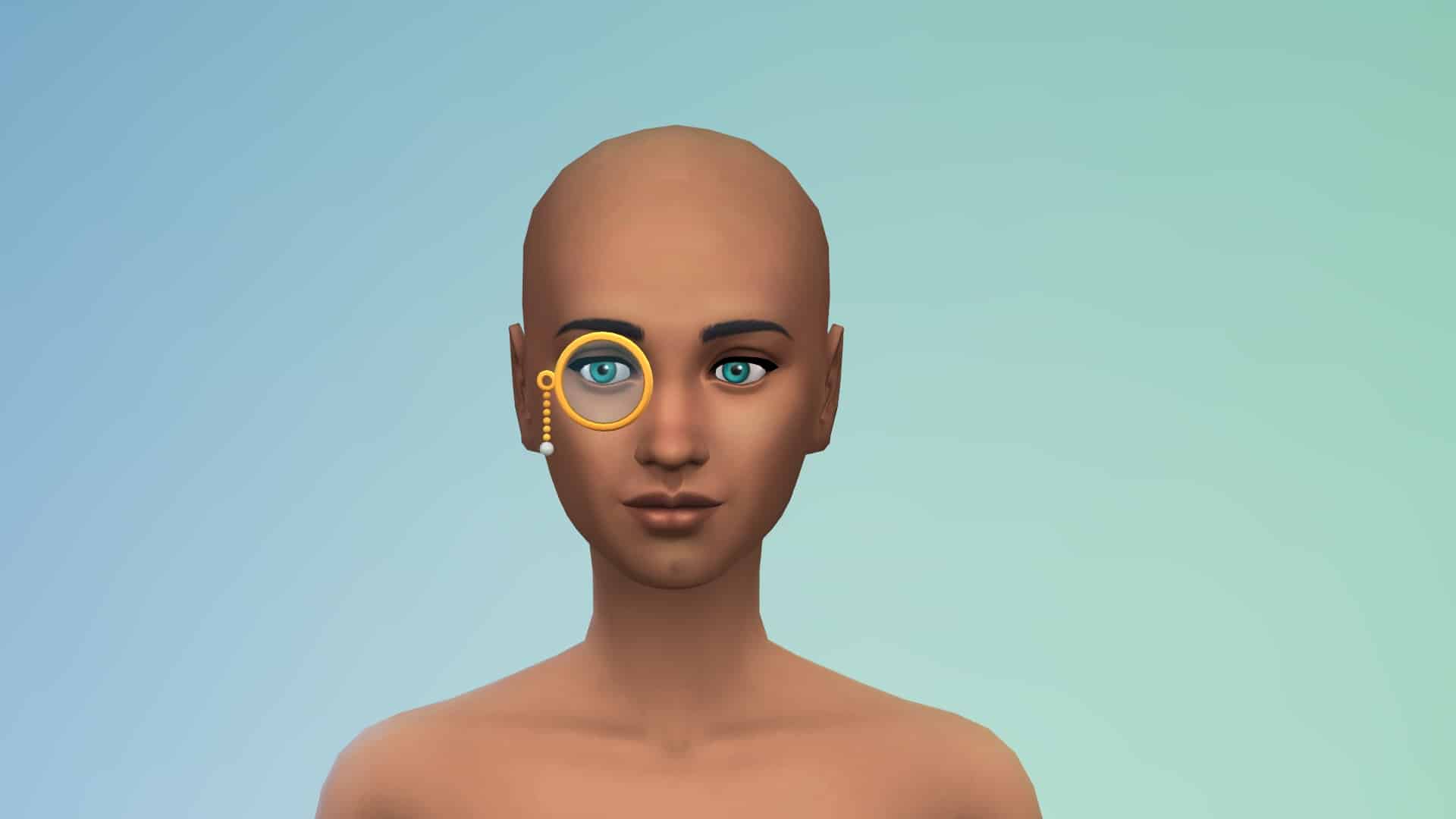
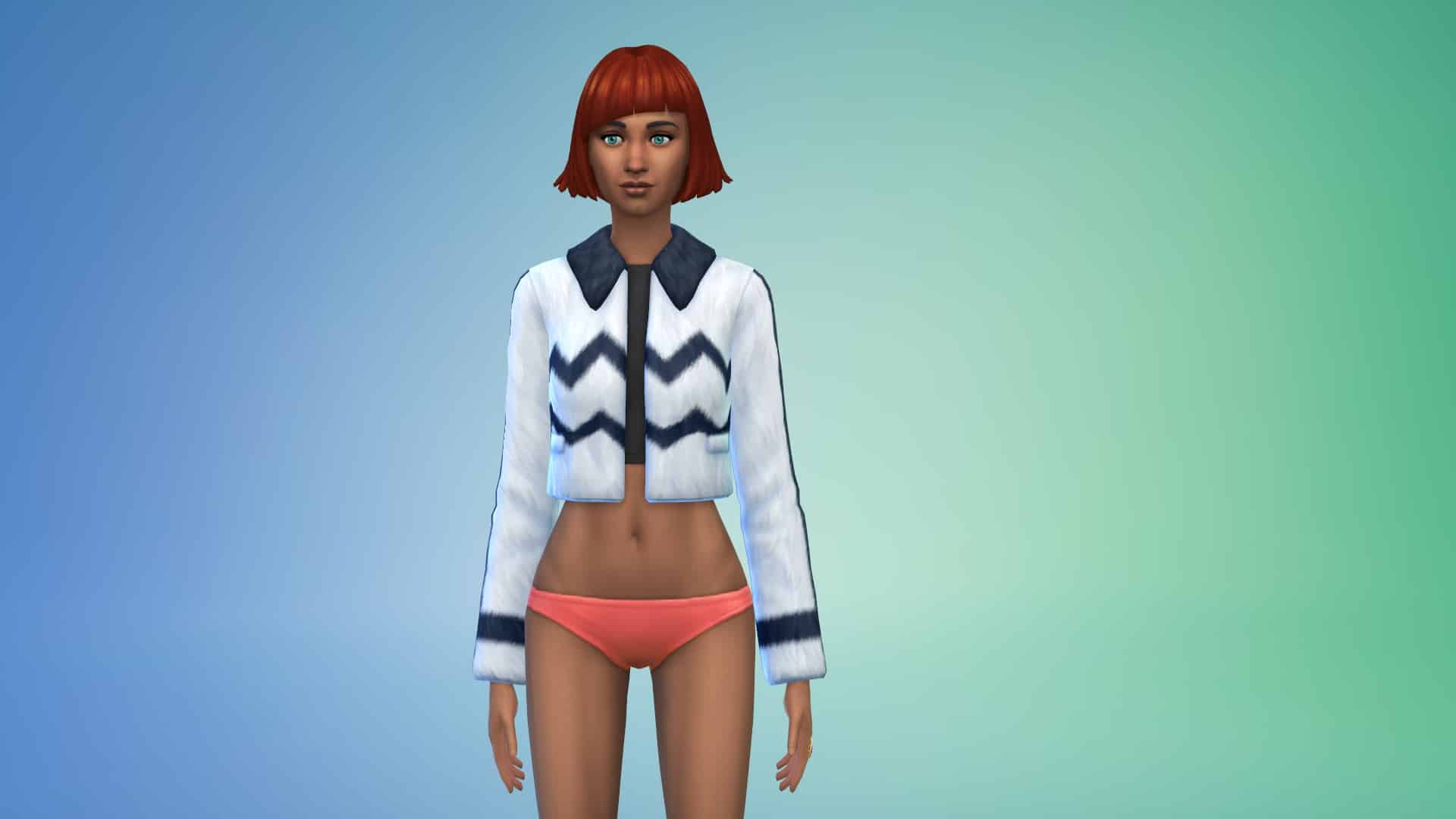
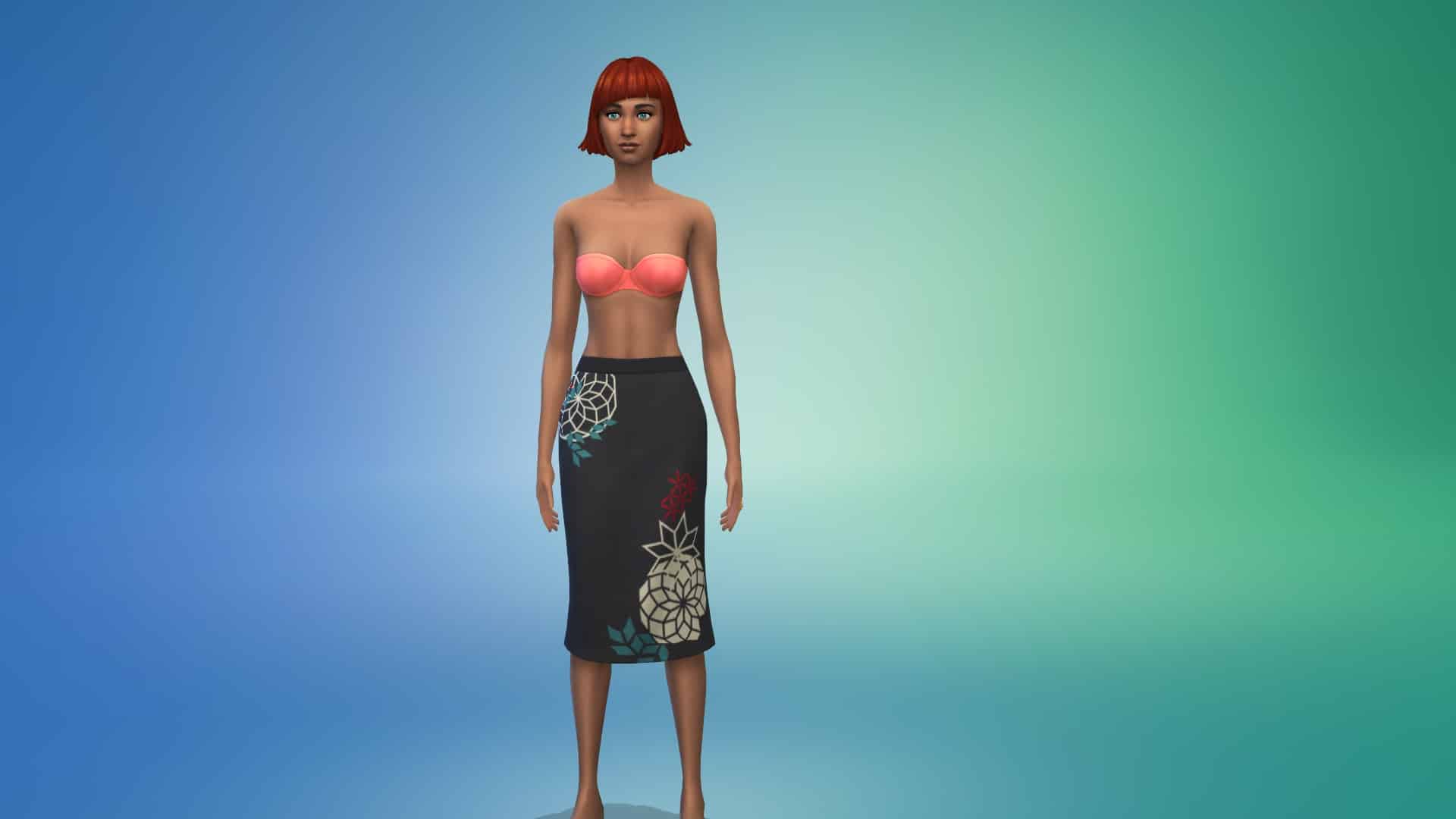
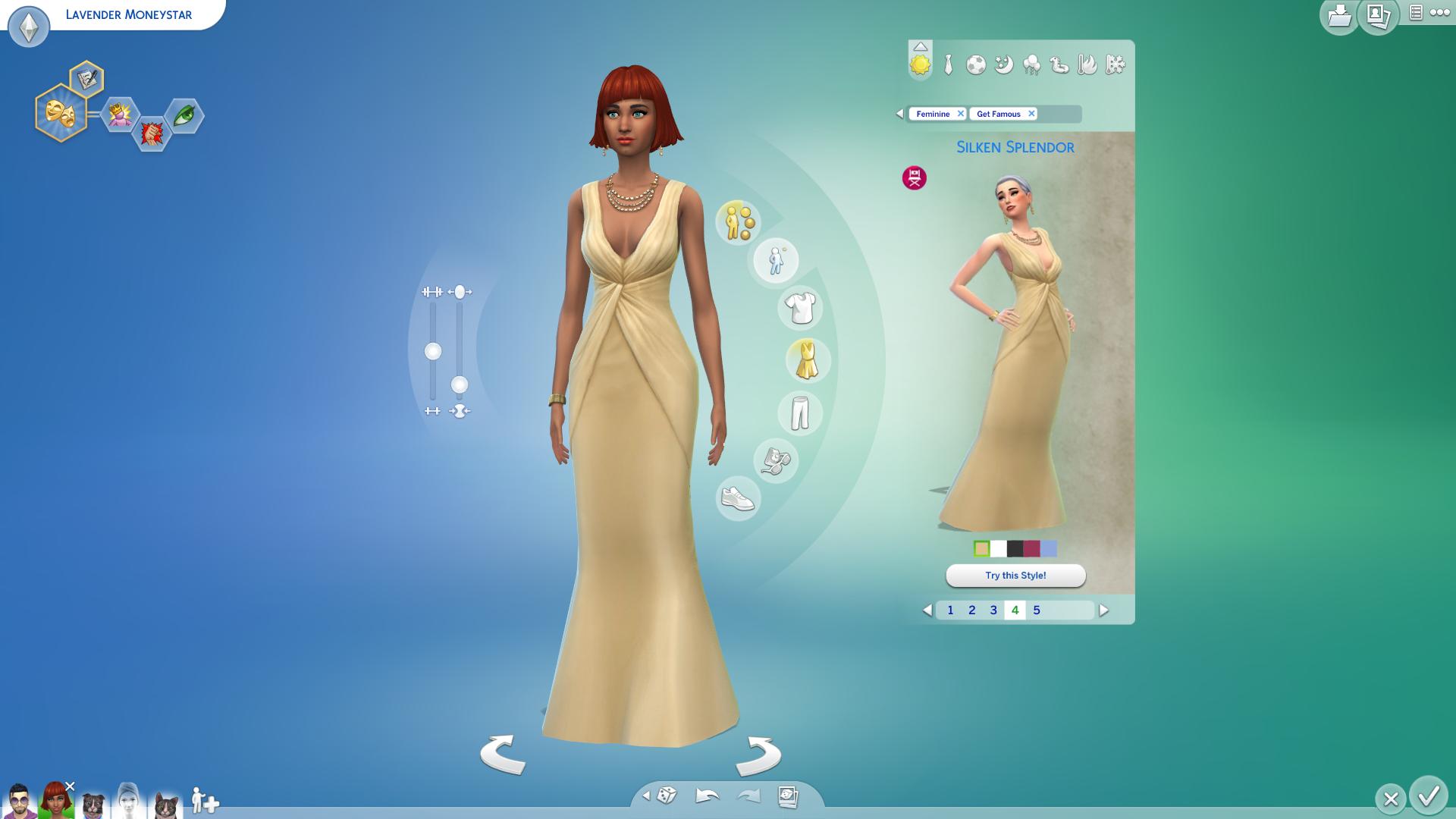
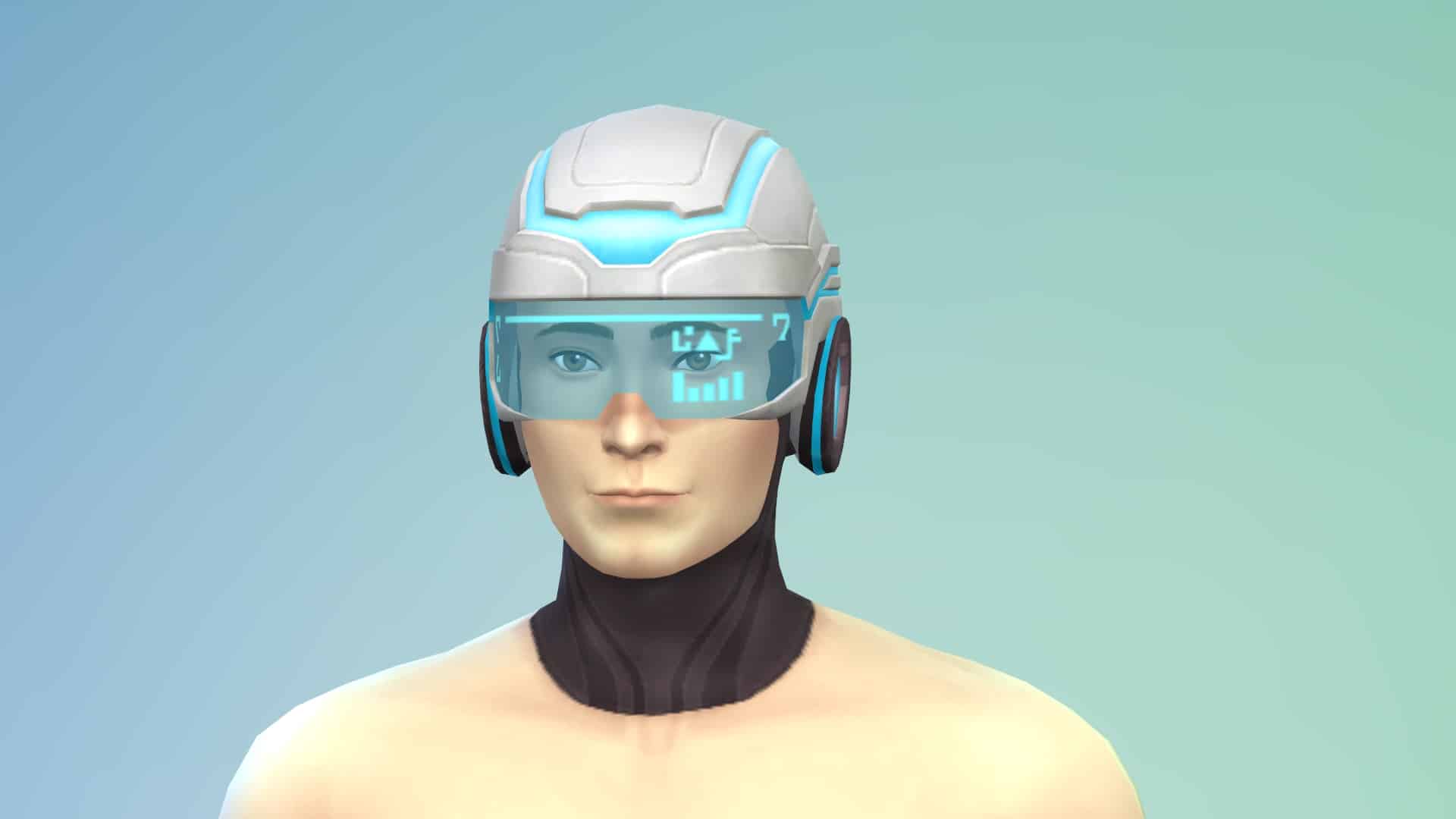
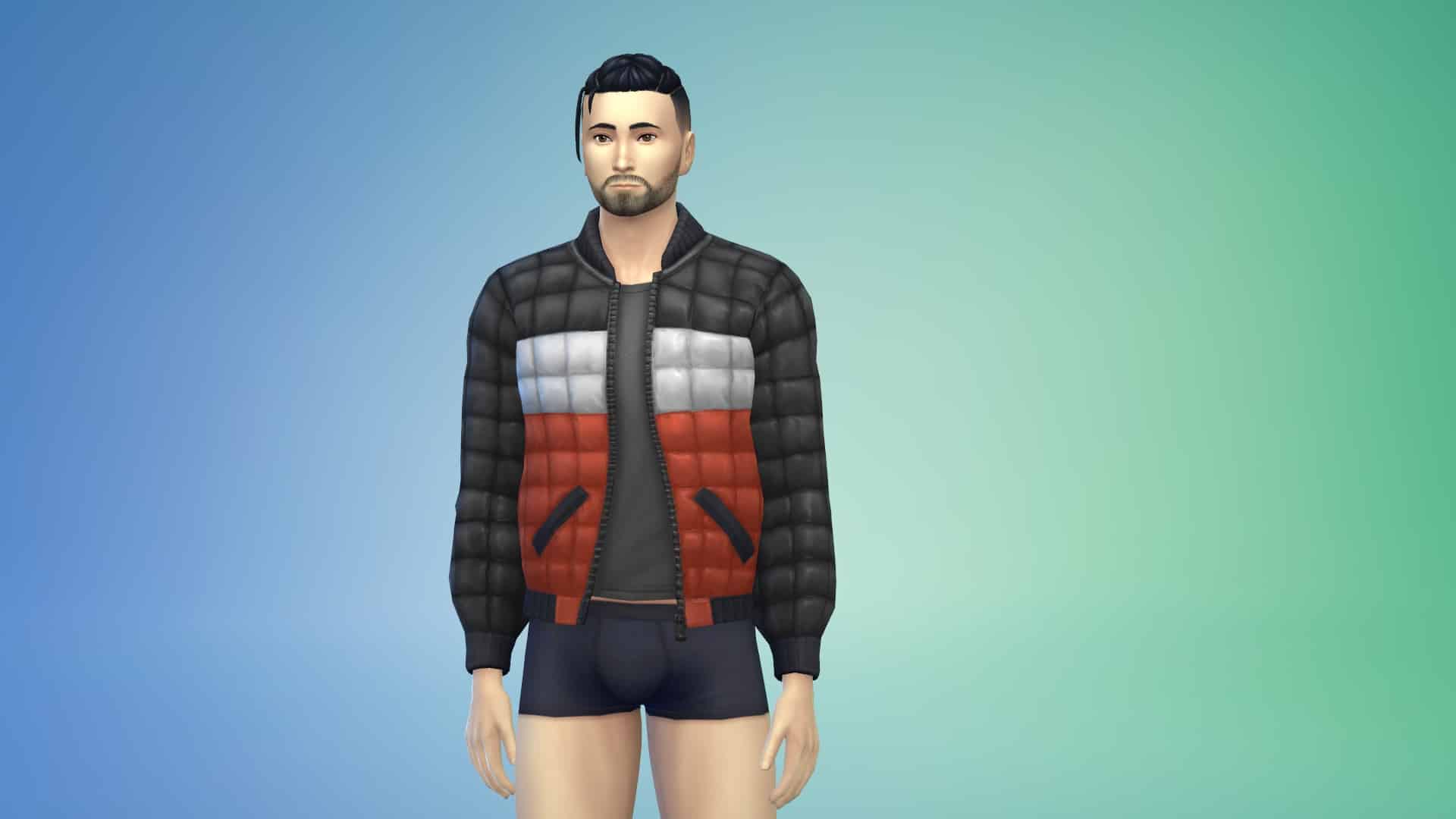
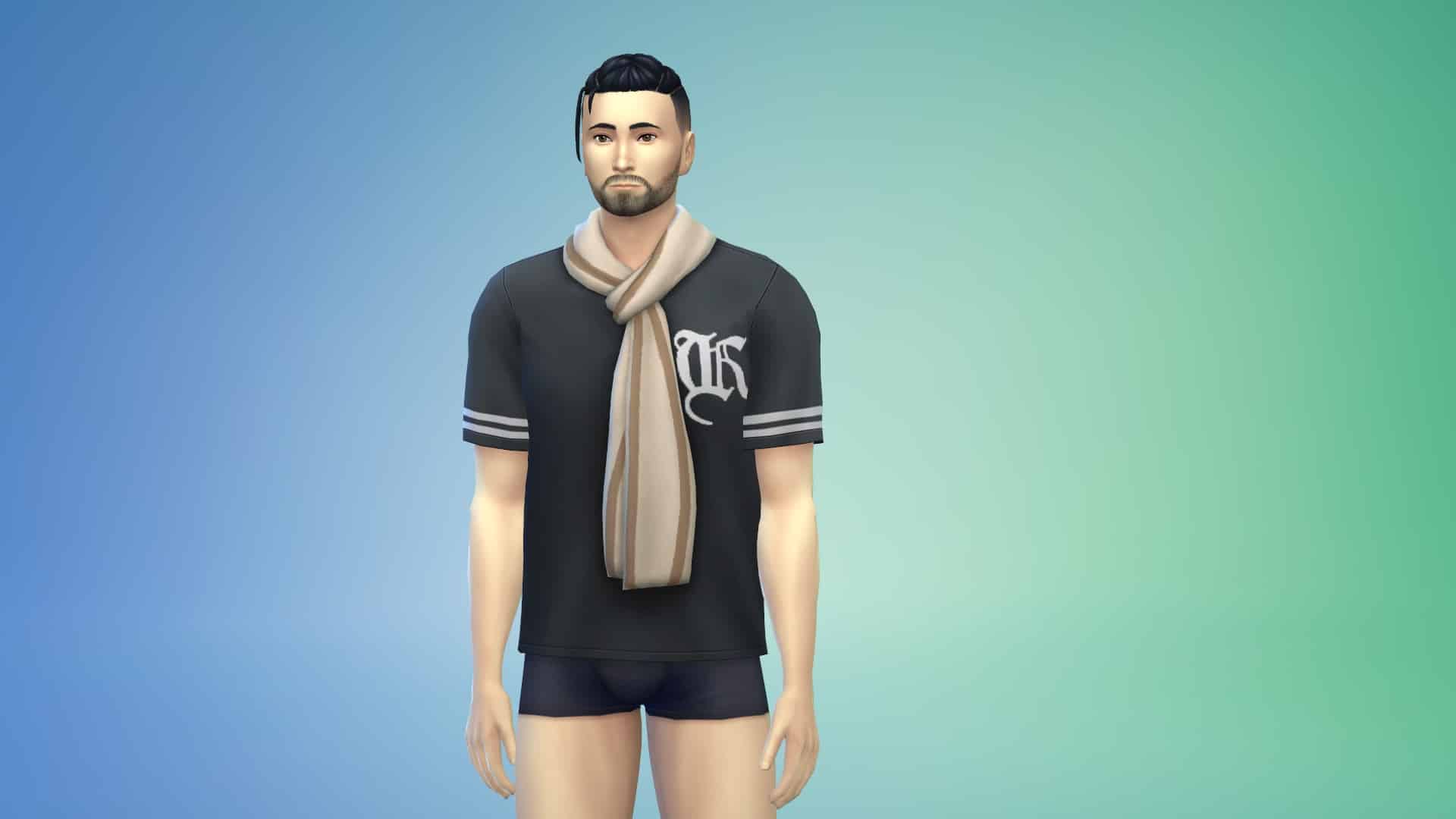
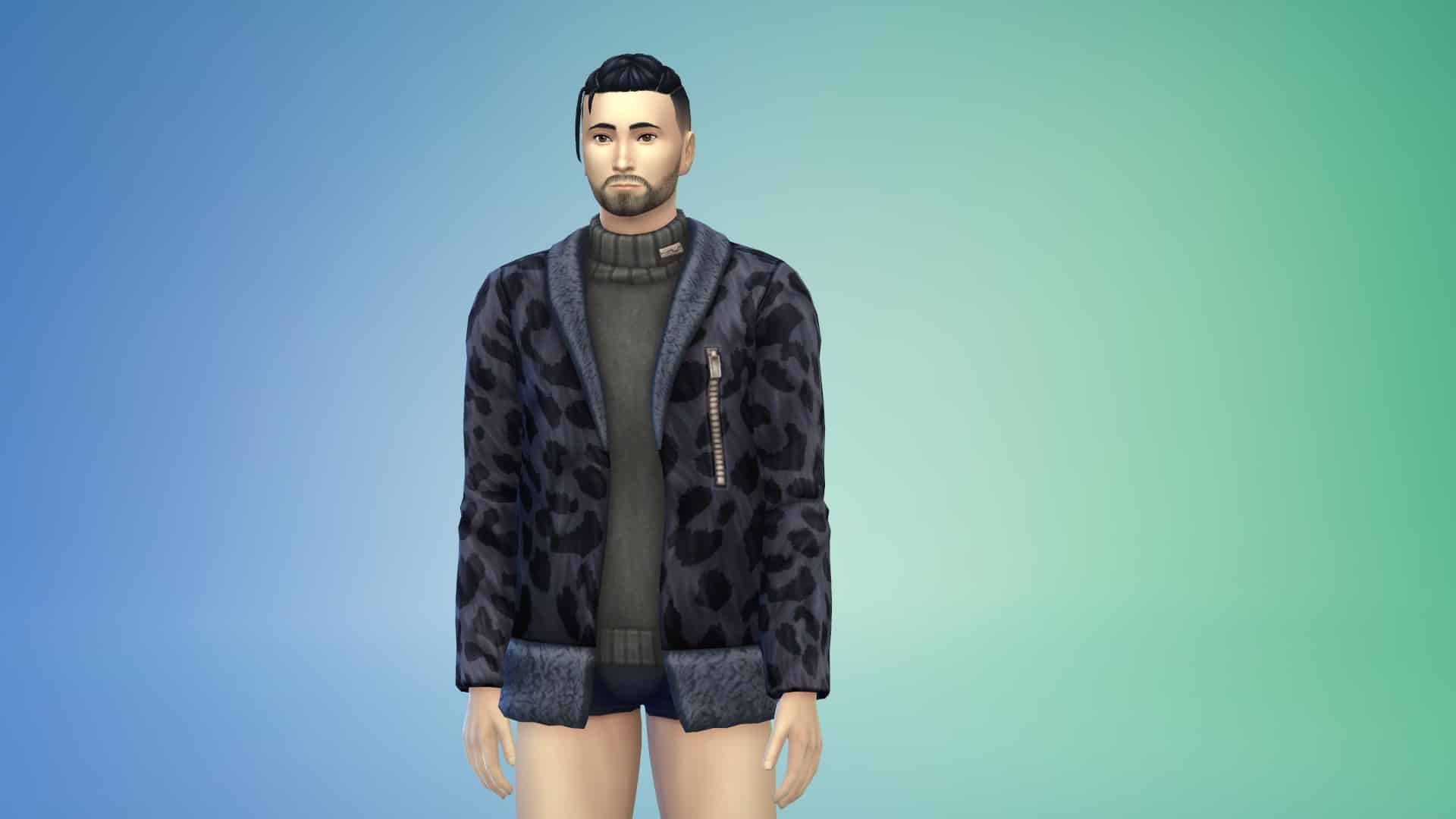
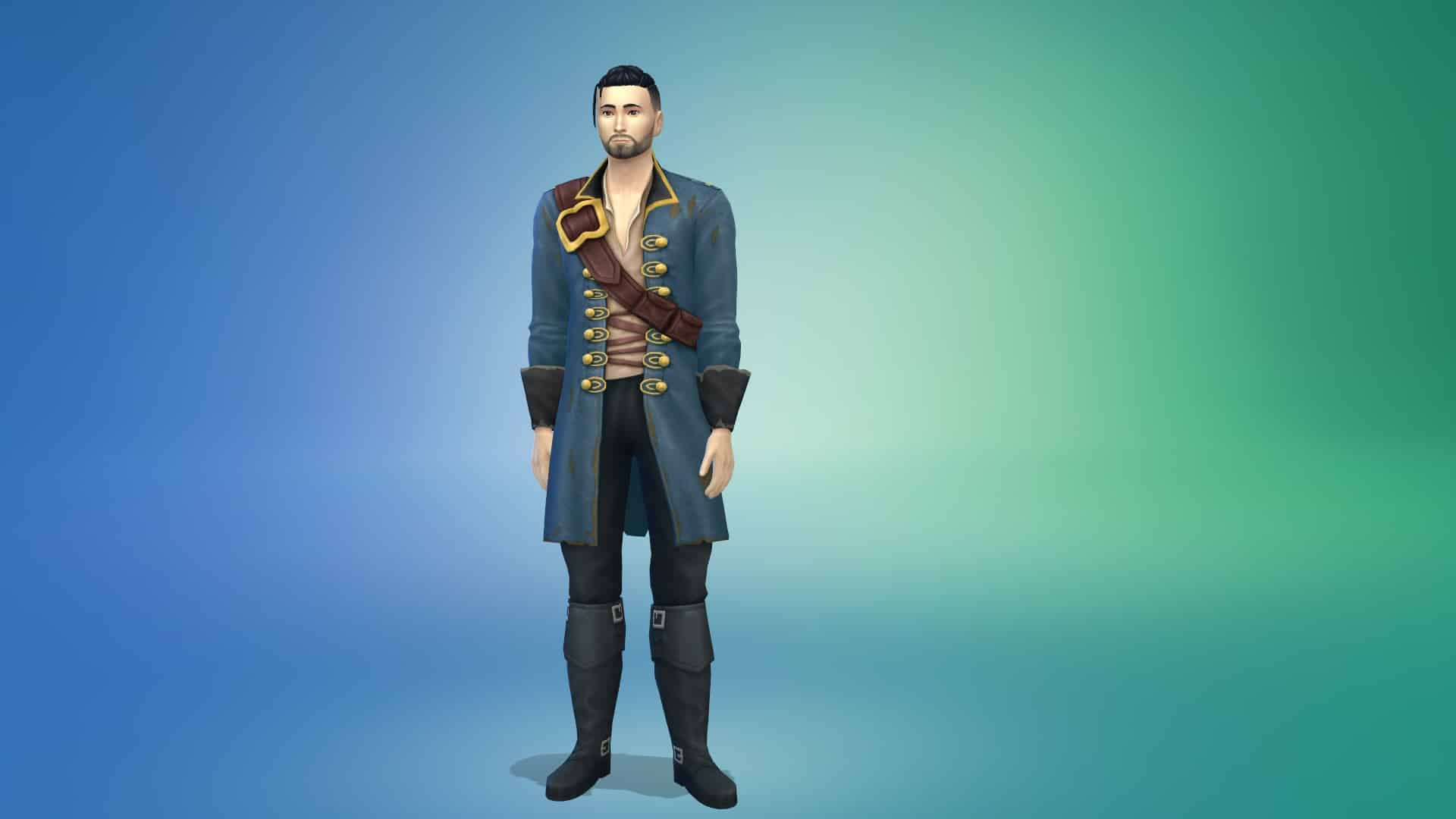
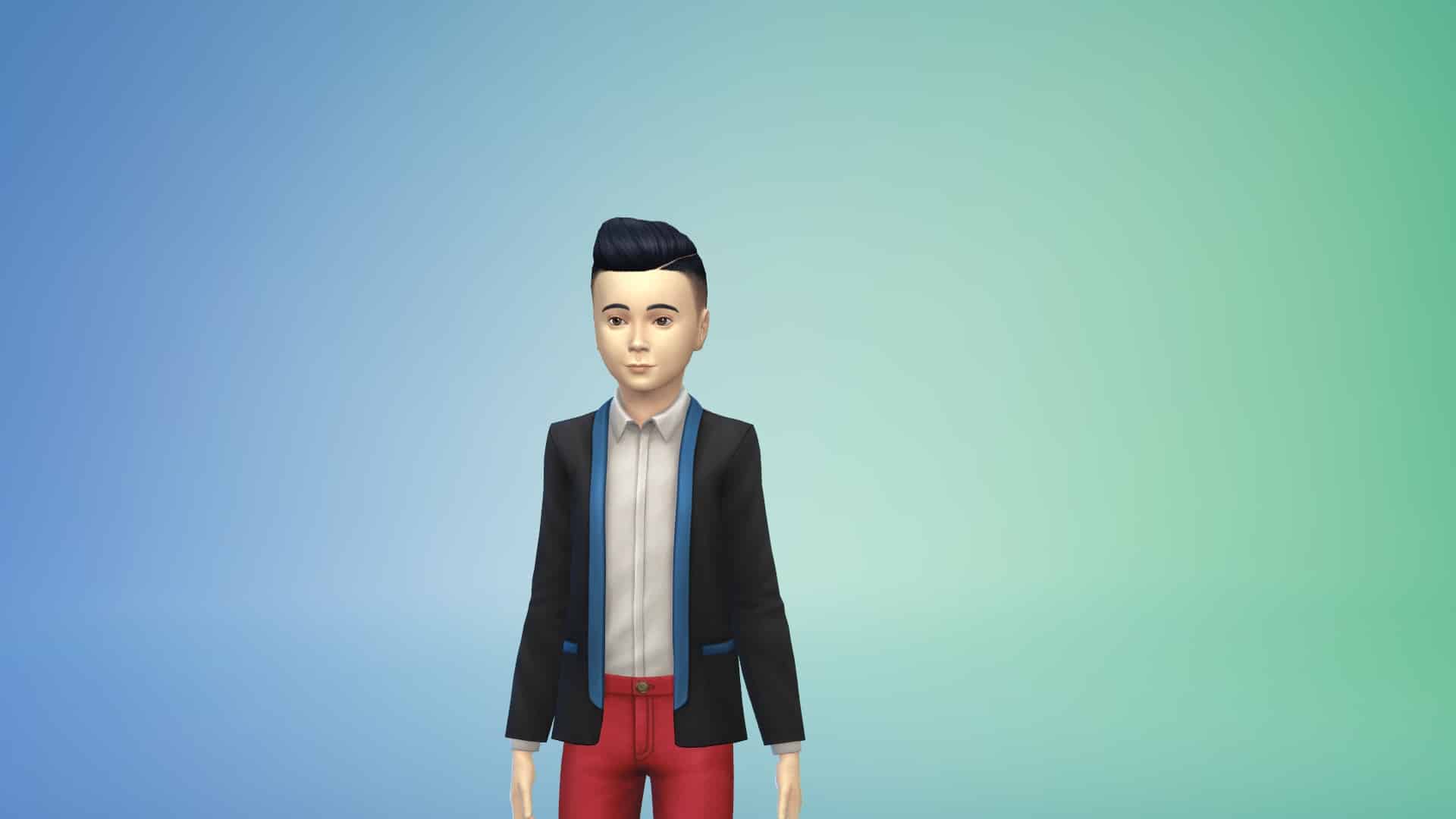
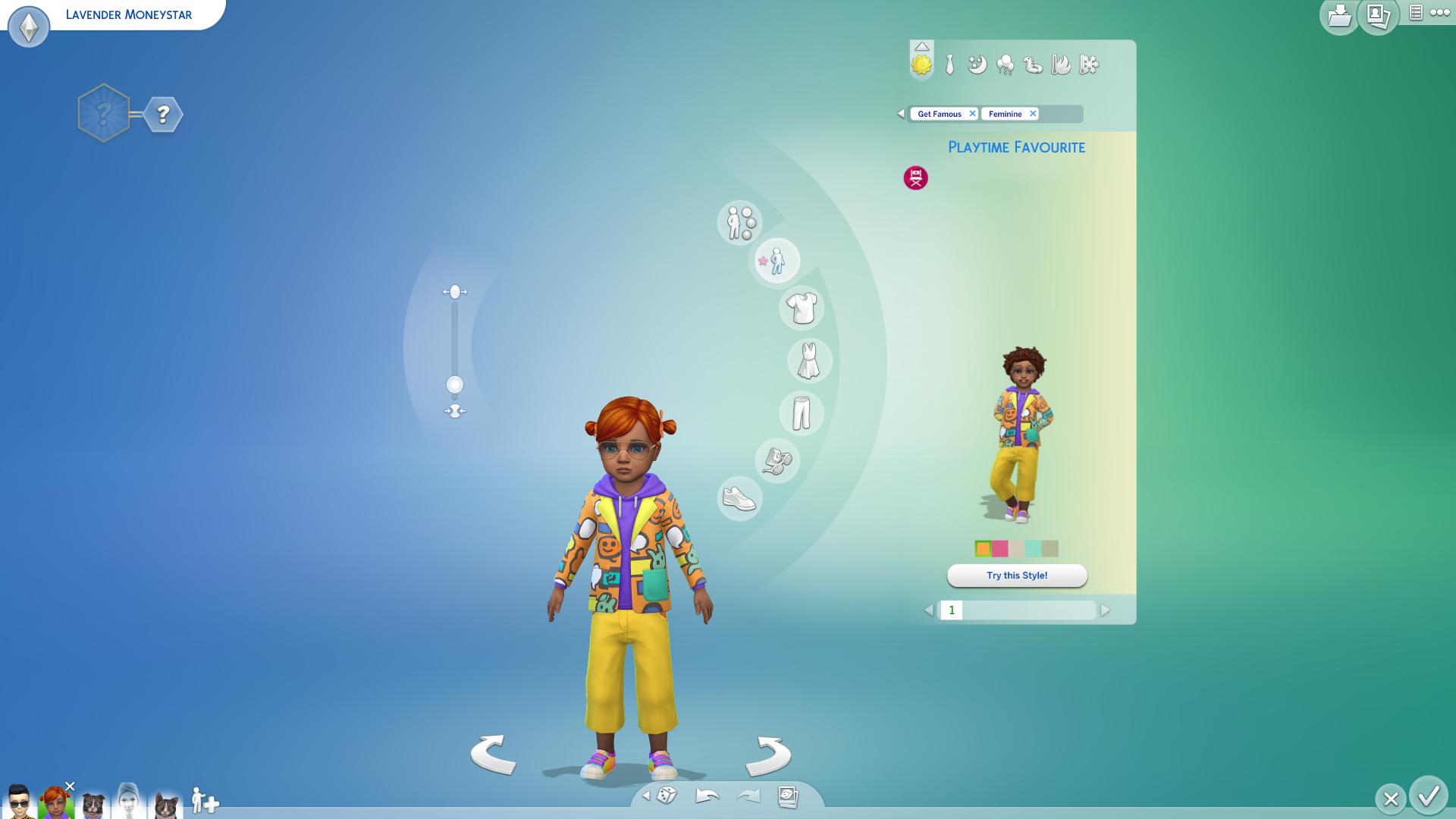
The Sims 4 Get Famous Expansion Pack comes packed with plenty of new items in Create A Sim for Sims of all ages including new face details, hairstyles, clothing and accessories!

Down below you can check out over 180 new items that are included with this pack, along with the styled looks that come in this pack. In the list below you’ll also see some items which have been unlocked through the new Acting Career.

Adult Unisex

Face Details

The Sims 4 Get Famous: Create A Sim OverviewThe Sims 4 Get Famous: Create A Sim OverviewThe Sims 4 Get Famous: Create A Sim OverviewThe Sims 4 Get Famous: Create A Sim OverviewThe Sims 4 Get Famous: Create A Sim OverviewThe Sims 4 Get Famous: Create A Sim OverviewThe Sims 4 Get Famous: Create A Sim OverviewThe Sims 4 Get Famous: Create A Sim OverviewThe Sims 4 Get Famous: Create A Sim OverviewThe Sims 4 Get Famous: Create A Sim OverviewThe Sims 4 Get Famous: Create A Sim OverviewThe Sims 4 Get Famous: Create A Sim OverviewThe Sims 4 Get Famous: Create A Sim OverviewThe Sims 4 Get Famous: Create A Sim OverviewThe Sims 4 Get Famous: Create A Sim OverviewThe Sims 4 Get Famous: Create A Sim OverviewThe Sims 4 Get Famous: Create A Sim OverviewThe Sims 4 Get Famous: Create A Sim OverviewThe Sims 4 Get Famous: Create A Sim OverviewThe Sims 4 Get Famous: Create A Sim OverviewThe Sims 4 Get Famous: Create A Sim OverviewThe Sims 4 Get Famous: Create A Sim OverviewThe Sims 4 Get Famous: Create A Sim OverviewThe Sims 4 Get Famous: Create A Sim OverviewThe Sims 4 Get Famous: Create A Sim Overview

Face Paint

The Sims 4 Get Famous: Create A Sim OverviewThe Sims 4 Get Famous: Create A Sim OverviewThe Sims 4 Get Famous: Create A Sim OverviewThe Sims 4 Get Famous: Create A Sim OverviewThe Sims 4 Get Famous: Create A Sim OverviewThe Sims 4 Get Famous: Create A Sim OverviewThe Sims 4 Get Famous: Create A Sim OverviewThe Sims 4 Get Famous: Create A Sim OverviewThe Sims 4 Get Famous: Create A Sim OverviewThe Sims 4 Get Famous: Create A Sim OverviewThe Sims 4 Get Famous: Create A Sim OverviewThe Sims 4 Get Famous: Create A Sim OverviewThe Sims 4 Get Famous: Create A Sim OverviewThe Sims 4 Get Famous: Create A Sim Overview

Feminine Adult

Hairstyles

The Sims 4 Get Famous: Create A Sim OverviewThe Sims 4 Get Famous: Create A Sim OverviewThe Sims 4 Get Famous: Create A Sim OverviewThe Sims 4 Get Famous: Create A Sim OverviewThe Sims 4 Get Famous: Create A Sim OverviewThe Sims 4 Get Famous: Create A Sim OverviewThe Sims 4 Get Famous: Create A Sim OverviewThe Sims 4 Get Famous: Create A Sim Overview

Headwear

The Sims 4 Get Famous: Create A Sim OverviewThe Sims 4 Get Famous: Create A Sim OverviewThe Sims 4 Get Famous: Create A Sim OverviewThe Sims 4 Get Famous: Create A Sim OverviewThe Sims 4 Get Famous: Create A Sim OverviewThe Sims 4 Get Famous: Create A Sim OverviewThe Sims 4 Get Famous: Create A Sim OverviewThe Sims 4 Get Famous: Create A Sim OverviewThe Sims 4 Get Famous: Create A Sim OverviewThe Sims 4 Get Famous: Create A Sim OverviewThe Sims 4 Get Famous: Create A Sim OverviewThe Sims 4 Get Famous: Create A Sim OverviewThe Sims 4 Get Famous: Create A Sim Overview

Head Accessories

The Sims 4 Get Famous: Create A Sim OverviewThe Sims 4 Get Famous: Create A Sim OverviewThe Sims 4 Get Famous: Create A Sim OverviewThe Sims 4 Get Famous: Create A Sim Overview

Tops

The Sims 4 Get Famous: Create A Sim OverviewThe Sims 4 Get Famous: Create A Sim OverviewThe Sims 4 Get Famous: Create A Sim OverviewThe Sims 4 Get Famous: Create A Sim OverviewThe Sims 4 Get Famous: Create A Sim OverviewThe Sims 4 Get Famous: Create A Sim OverviewThe Sims 4 Get Famous: Create A Sim OverviewThe Sims 4 Get Famous: Create A Sim OverviewThe Sims 4 Get Famous: Create A Sim OverviewThe Sims 4 Get Famous: Create A Sim OverviewThe Sims 4 Get Famous: Create A Sim Overview

Bottoms

The Sims 4 Get Famous: Create A Sim OverviewThe Sims 4 Get Famous: Create A Sim OverviewThe Sims 4 Get Famous: Create A Sim OverviewThe Sims 4 Get Famous: Create A Sim Overview

Outfits

The Sims 4 Get Famous: Create A Sim OverviewThe Sims 4 Get Famous: Create A Sim OverviewThe Sims 4 Get Famous: Create A Sim OverviewThe Sims 4 Get Famous: Create A Sim OverviewThe Sims 4 Get Famous: Create A Sim OverviewThe Sims 4 Get Famous: Create A Sim OverviewThe Sims 4 Get Famous: Create A Sim OverviewThe Sims 4 Get Famous: Create A Sim OverviewThe Sims 4 Get Famous: Create A Sim OverviewThe Sims 4 Get Famous: Create A Sim OverviewThe Sims 4 Get Famous: Create A Sim OverviewThe Sims 4 Get Famous: Create A Sim OverviewThe Sims 4 Get Famous: Create A Sim OverviewThe Sims 4 Get Famous: Create A Sim OverviewThe Sims 4 Get Famous: Create A Sim OverviewThe Sims 4 Get Famous: Create A Sim OverviewThe Sims 4 Get Famous: Create A Sim OverviewThe Sims 4 Get Famous: Create A Sim OverviewThe Sims 4 Get Famous: Create A Sim OverviewThe Sims 4 Get Famous: Create A Sim OverviewThe Sims 4 Get Famous: Create A Sim OverviewThe Sims 4 Get Famous: Create A Sim OverviewThe Sims 4 Get Famous: Create A Sim OverviewThe Sims 4 Get Famous: Create A Sim OverviewThe Sims 4 Get Famous: Create A Sim OverviewThe Sims 4 Get Famous: Create A Sim Overview

Shoes

The Sims 4 Get Famous: Create A Sim OverviewThe Sims 4 Get Famous: Create A Sim OverviewThe Sims 4 Get Famous: Create A Sim OverviewThe Sims 4 Get Famous: Create A Sim OverviewThe Sims 4 Get Famous: Create A Sim Overview

Accessories

The Sims 4 Get Famous: Create A Sim OverviewThe Sims 4 Get Famous: Create A Sim Overview

Styled Looks

The Sims 4 Get Famous: Create A Sim OverviewThe Sims 4 Get Famous: Create A Sim OverviewThe Sims 4 Get Famous: Create A Sim OverviewThe Sims 4 Get Famous: Create A Sim OverviewThe Sims 4 Get Famous: Create A Sim Overview

Masculine Adult

Hairstyles

The Sims 4 Get Famous: Create A Sim OverviewThe Sims 4 Get Famous: Create A Sim OverviewThe Sims 4 Get Famous: Create A Sim OverviewThe Sims 4 Get Famous: Create A Sim OverviewThe Sims 4 Get Famous: Create A Sim Overview

Headwear

The Sims 4 Get Famous: Create A Sim OverviewThe Sims 4 Get Famous: Create A Sim OverviewThe Sims 4 Get Famous: Create A Sim OverviewThe Sims 4 Get Famous: Create A Sim OverviewThe Sims 4 Get Famous: Create A Sim OverviewThe Sims 4 Get Famous: Create A Sim OverviewThe Sims 4 Get Famous: Create A Sim OverviewThe Sims 4 Get Famous: Create A Sim OverviewThe Sims 4 Get Famous: Create A Sim Overview

Head Accessories

The Sims 4 Get Famous: Create A Sim OverviewThe Sims 4 Get Famous: Create A Sim Overview

Tops

The Sims 4 Get Famous: Create A Sim OverviewThe Sims 4 Get Famous: Create A Sim OverviewThe Sims 4 Get Famous: Create A Sim OverviewThe Sims 4 Get Famous: Create A Sim OverviewThe Sims 4 Get Famous: Create A Sim OverviewThe Sims 4 Get Famous: Create A Sim OverviewThe Sims 4 Get Famous: Create A Sim OverviewThe Sims 4 Get Famous: Create A Sim OverviewThe Sims 4 Get Famous: Create A Sim OverviewThe Sims 4 Get Famous: Create A Sim OverviewThe Sims 4 Get Famous: Create A Sim OverviewThe Sims 4 Get Famous: Create A Sim OverviewThe Sims 4 Get Famous: Create A Sim Overview

Bottoms

The Sims 4 Get Famous: Create A Sim OverviewThe Sims 4 Get Famous: Create A Sim OverviewThe Sims 4 Get Famous: Create A Sim OverviewThe Sims 4 Get Famous: Create A Sim OverviewThe Sims 4 Get Famous: Create A Sim OverviewThe Sims 4 Get Famous: Create A Sim OverviewThe Sims 4 Get Famous: Create A Sim Overview

Outfits

The Sims 4 Get Famous: Create A Sim OverviewThe Sims 4 Get Famous: Create A Sim OverviewThe Sims 4 Get Famous: Create A Sim OverviewThe Sims 4 Get Famous: Create A Sim OverviewThe Sims 4 Get Famous: Create A Sim OverviewThe Sims 4 Get Famous: Create A Sim OverviewThe Sims 4 Get Famous: Create A Sim OverviewThe Sims 4 Get Famous: Create A Sim OverviewThe Sims 4 Get Famous: Create A Sim OverviewThe Sims 4 Get Famous: Create A Sim OverviewThe Sims 4 Get Famous: Create A Sim OverviewThe Sims 4 Get Famous: Create A Sim OverviewThe Sims 4 Get Famous: Create A Sim OverviewThe Sims 4 Get Famous: Create A Sim OverviewThe Sims 4 Get Famous: Create A Sim OverviewThe Sims 4 Get Famous: Create A Sim OverviewThe Sims 4 Get Famous: Create A Sim OverviewThe Sims 4 Get Famous: Create A Sim OverviewThe Sims 4 Get Famous: Create A Sim OverviewThe Sims 4 Get Famous: Create A Sim Overview

Shoes

The Sims 4 Get Famous: Create A Sim OverviewThe Sims 4 Get Famous: Create A Sim OverviewThe Sims 4 Get Famous: Create A Sim OverviewThe Sims 4 Get Famous: Create A Sim OverviewThe Sims 4 Get Famous: Create A Sim Overview

Accessories

The Sims 4 Get Famous: Create A Sim OverviewThe Sims 4 Get Famous: Create A Sim OverviewThe Sims 4 Get Famous: Create A Sim Overview

Styled Looks

The Sims 4 Get Famous: Create A Sim OverviewThe Sims 4 Get Famous: Create A Sim OverviewThe Sims 4 Get Famous: Create A Sim OverviewThe Sims 4 Get Famous: Create A Sim OverviewThe Sims 4 Get Famous: Create A Sim Overview

Child Feminine

Tops

The Sims 4 Get Famous: Create A Sim OverviewThe Sims 4 Get Famous: Create A Sim OverviewThe Sims 4 Get Famous: Create A Sim Overview

Outfits

The Sims 4 Get Famous: Create A Sim OverviewThe Sims 4 Get Famous: Create A Sim Overview

Shoes

The Sims 4 Get Famous: Create A Sim OverviewThe Sims 4 Get Famous: Create A Sim Overview

Styled Looks

The Sims 4 Get Famous: Create A Sim OverviewThe Sims 4 Get Famous: Create A Sim OverviewThe Sims 4 Get Famous: Create A Sim Overview

Child Masculine

Tops

The Sims 4 Get Famous: Create A Sim OverviewThe Sims 4 Get Famous: Create A Sim OverviewThe Sims 4 Get Famous: Create A Sim OverviewThe Sims 4 Get Famous: Create A Sim Overview

Shoes

The Sims 4 Get Famous: Create A Sim OverviewThe Sims 4 Get Famous: Create A Sim Overview

Styled Looks

The Sims 4 Get Famous: Create A Sim OverviewThe Sims 4 Get Famous: Create A Sim Overview

Toddlers

Tops

The Sims 4 Get Famous: Create A Sim OverviewThe Sims 4 Get Famous: Create A Sim Overview

Bottoms

The Sims 4 Get Famous: Create A Sim Overview

Styled Looks

The Sims 4 Get Famous: Create A Sim Overview

The Sims 4 Get Famous: Build / Buy Items Overview

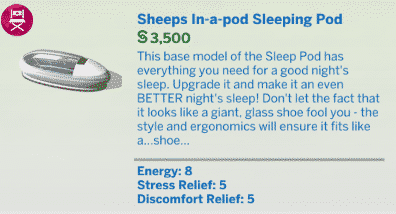
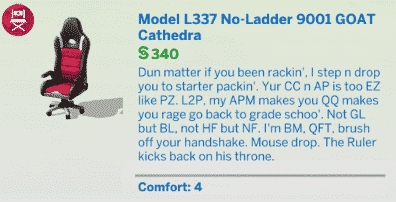
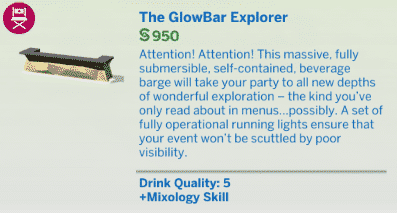
The Sims 4 Get Famous Expansion Pack comes with over 270 new items in Build / Buy Mode! There’s a lot of objects that are included in this pack including new furniture, decor, tech, interactive objects, stage props, wallpapers & floorings, miscellaneous build objects and more!

Down below we’ve included all items and their descriptions of those items that you can check out. Below the list of objects you can also find a list of new styled rooms!

New Items

Styled Rooms

The Sims 4: How to Enable / Disable Whims

You’ve probably noticed something strange and missing in Live Mode after installing The Sims 4’s latest update. Yup, the thought bubbles above your Sim’s thumbnail, also known as Whims, are not automatically disabled from the game.

The Sims 4: How to Enable / Disable Whims

However, the feature wasn’t fully removed from the game – it was just disabled along with the introduction of a new section in Game Options. To bring back Whims, go to Options > Gameplay > Show Whims. Ticking the box will bring back the Whims feature in your game.

The Sims 4: How to Enable / Disable Whims

You’ll be able to play and earn Satisfaction Points once again after enabling this feature. It’s not known why the feature has been automatically disabled in the first place considering that Whims were one of the main ways to earn Satisfaction Points for the Satisfaction Rewards. However, it could be related to the fact that you get a lot more Satisfaction Points by completing Holidays with The Sims 4 Seasons or that the feature just isn’t that played enough to be considered as a mandatory feature that would hog up the User Interface.

The Sims 4: How to Enable / Disable Whims

The Sims 4 Get Famous: Media Production Skill Guide

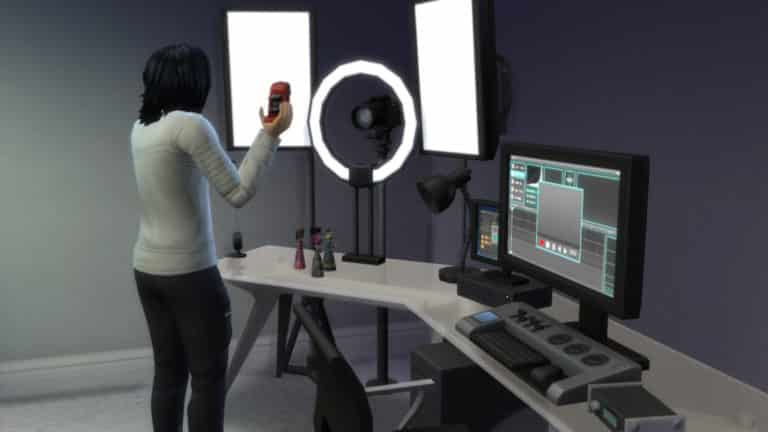
The Media Production skill is a brand new 5-level skill that comes with The Sims 4 Get Famous. Sims who want to master this skill will be making use of three key objects; the Music Station, the Video Station, and the Drone. For a detailed description of these objects’ features, see our article, The Sims 4 Get Famous: All About Media Production Skill Objects.

This article is about the skill itself and will cover each level of the skill and what features you can unlock by building the skill. As you build the Media Production skill, more features will become available to you on both the Music Station and the Video Station.

Get in the Mood

The ideal emotion for the Media Production skill is the Inspired emotion. Thankfully, becoming Inspired is not difficult at all. Take a thoughtful shower or cloudgaze for a few minutes (with The Sims 4 Outdoor Retreat). If you have the plumbob mood lamps that were given to players who purchased The Sims 3 expansion packs, you can use those to easily make your Sims inspired. Even if you don’t have the mood lamps, any object with an Inspiring aura will do the trick.

Level 1

The Sims 4 Get Famous: Media Production Skill Guide

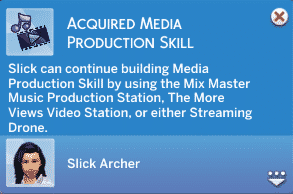
Like all other skills, Sims will reach level one of the Media Production skill as soon as they start learning it. Interact with the Video Station or Music Station to start building this skill. Use this first level to get used to all your new equipment. Play around with the features on the Music and Video Stations to see what your Sim can do with them. Try uploading a few videos or burning a couple of tracks. Get a feel for how everything works while your Sim is still learning the basics of Media Production.

Level 2

The Sims 4 Get Famous: Media Production Skill Guide

At level 2 of the Media Production skill, your Sim will start to open up a few more options to improve the quality of their music and videos. You’ll be able to add transitions to your videos and one new track will be available to you on the Music Station, called Rooba Vay. Your Sim will also have more remix options available to them when creating new tracks on the Music Station. Be careful when adding transitions to your videos! Sometimes they can make the video worse. Continue building the Media Production skill to lower your chances of accidentally ruining a video’s quality while editing it.

Level 3

The Sims 4 Get Famous: Media Production Skill Guide

Reaching Level 3 of the Media Production skill will allow your Sim to add effects to their videos and combine videos with the Video Station. Be careful when adding effects to your videos! Sometimes they can make the video worse. Continue building the Media Production skill to lower your chances of accidentally ruining a video’s quality while editing it.

Although the skill notification doesn’t mention this, your Sim will also open up a new track on the Music Station at level 3, called Yome.

Level 4

The Sims 4 Get Famous: Media Production Skill Guide

Level 4 of this skill doesn’t add any new options to the Video Station, but it offers a big improvement for the Music Station. Your Sim will be able to produce two new tracks on the Music Station, called Looling and Oopella. You’ll also have a much wider array of remix options available to your Sim when creating new tracks.

The Sims 4 Get Famous: Media Production Skill Guide

Level 5

The Sims 4 Get Famous: Media Production Skill Guide

Congratulations on mastering the Media Production skill! While the skill notification doesn’t mention this, mastering this skill opens up two more tracks on the Music Station; Arribay and Plonky Zombray. Your Sim’s skills are so refined that the quality of their music and videos will be much higher, resulting in more fame and better royalties. Your Sim can also add transitions and effects to their videos with a much lower chance of ruining the video’s quality. With the right add-on components and upgrades, your Sim should be able to easily release excellent quality music and videos all the time.

The Sims 4 Get Famous: Media Production Skill Guide

Have you started exploring the Media Production skill yet? Let us know what you think about this new skill in the comments or tell us all about it on social media!

The Sims 4 Get Famous Cheats

Progress your fame and unlock Perks and Quirks with these Sims 4 Get Famous Cheats!

With the help of SrslySims we’ve managed to uncover all of the cheats that come with The Sims 4 Get Famous Expansion Pack. Those include Career Cheats, Skill Cheats, Fame & Reputation Cheats, Perks & Quirks Cheats and more!

Down below you can find the entire list of all of the cheats we’ve uncovered. Please note that these cheats require you to enter the testingcheats true cheat before using them.

Most of these cheats require a SimID. The SimID is a unique identification number which you can discover by using the following cheat:

sims.get_sim_id_by_name <yoursimfirstname> <yoursimlastname>

Once you type in the cheat, in the window below the command bar it will say “Has sim id:” followed by a long number. You only need to know the number that is generated. This is your Sim ID for that sim. If you have other sims in your household you will need their Sim ID as well, as each sim has their very own Sim ID. Down below you’ll find specific cheats which have [SimID] in them. Simply replace that part with the number you’ve unlocked using the cheat above.

Want to see how you can apply these cheats directly in the game? Check out the tutorial video below:

Some of the cheats we’ve listed below still require testing and have been marked with red.

Click here for a full list of cheats in The Sims 4!

Skill Cheats

  • Acting – stats.set_skill_level major_acting [1-10]
  • Media Production – stats.set_skill_level minor_media [1-5]

Get Famous Career Cheats

  • Acting Career – careers.promote actor
  • Drama Club (Kids) – careers.promote dramaclub

Add Fame Points

  • famepoints [value]

Freeze and Start Fame

  • fame.set_freeze_fame
  • fame.set_allow_fame

Fame Perk – Squad

  • fame.add_sim_to_squad [SimID]
  • fame.remove_min_from_squad [SimID]

Trait Cheats

  • Unstoppable Fame (Aspiration Reward Trait) – traits.equip_trait unstoppablefame
  • World Renowned Actor (Aspiration Reward Trait) – traits.equip_trait worldrenownedactor

Sims 4 Perks and Quirks Cheats

  • bucks.unlock_perk [PerkName] true 61441 [SimID]
  • bucks.lock_perk [PerkName] 61441 [SimID]

Down below you can find all of the Perk and Quirk cheats. Simply paste them in the cheat box and replace the [SimID] with the number you’ve received using the cheat we’ve posted in the beginning of this post.

You can also remove any perk or quirk by simply removing the “true” part from the cheats below.

Bad

  • Who’s Bad – bucks.unlock_perk whosbad true 61441 [SimID]
  • Play The Villain – bucks.unlock_perk playthevillain true 61441 [SimID]
  • Feud Bringer – bucks.unlock_perk feudbringer true 61441 [SimID]

Good

  • Giving Back – bucks.unlock_perk givingback true 61441 [SimID]
  • Good Reputation – bucks.unlock_perk GoodReputation_Rally true 61441 [SimID]
  • Star Treatment – bucks.unlock_perk startreatment true 61441 [SimID]

Brand and Influencer

  • Trailblazer – bucks.unlock_perk trailblazer true 61441 [SimID]
  • Lifestyle Brand – bucks.unlock_perk lifestylebrand true 61441 [SimID]
  • All Nighter – bucks.unlock_perk allnighter true 61441 [SimID]
  • Influencer – bucks.unlock_perk influencer true 61441 [SimID]
  • Corporate Partnership – bucks.unlock_perk corporatepartnership true 61441 [SimID]

Career

  • Easy Street -bucks.unlock_perk easystreet true 61441 [SimID]
  • Career Hopper – bucks.unlock_perk careerhopper true 61441 [SimID]
  • Established Name – bucks.unlock_perk establishedname true 61441 [SimID]
  • Celebuserum – bucks.unlock_perk celebuserum true 61441 [SimID]
  • Noticeable – bucks.unlock_perk noticeable true 61441 [SimID]

Fame

  • PR Person – bucks.unlock_perk prperson true 61441 [SimID]
  • Squad – bucks.unlock_perk squad true 61441 [SimID]
  • Fan Favorite – bucks.unlock_perk fanfavorite true 61441 [SimID]
  • Instant Besties – bucks.unlock_perk instantbesties true 61441 [SimID]
  • Networking – bucks.unlock_perk networking true 61441 [SimID]

Quirks

  • Vain Street – bucks.unlock_perk vainstreet true 61442 [SimID]
  • Refined Palate – bucks.unlock_perk refinedpalate true 61442 [SimID]
  • Public Number – bucks.unlock_perk publicnumber true 61442 [SimID]
  • Phone Fanatic – bucks.unlock_perk phonefanatic true 61442 [SimID]
  • Aserious Actor – bucks.unlock_perk aseriousactor true 61442 [SimID]
  • Paparazzi Darling – bucks.unlock_perk paparazzidarling true 61442 [SimID]
  • Brushed With Fame – bucks.unlock_perk brusheswithfame true 61442 [SimID]
  • Emotion Bomb – bucks.unlock_perk emotionbomb true 61442 [SimID]
  • No Touching – bucks.unlock_perk notouching true 61442 [SimID]
  • Fan Mail – bucks.unlock_perk fanmail true 61442 [SimID]
  • Juice Enthusiast – bucks.unlock_perk juiceenthusiast true 61442 [SimID]
  • Stan – bucks.unlock_perk quirks_stan true 61442 [SimID]

Tested Sims 4 Cheats that don’t work

Reputation

  • reputation.set_allow_reputation
  • reputation.show_allow_reputation

Opt-Out Fame

  • fame.set_start_all_sims_opted_out_of_fame

Drama Cheats (Requires testing)

  • drama.run_node [Actor SimID]
  • drama.run_node_with_zone_id [Actor SimID]
  • drama.schedule_node [Actor SimID]
  • drama.show_scheduled_nodes
  • drama.show_active_nodes
  • drama.score_nodes
  • drama.enable_drama_scheduler
  • drama.disable_drama_scheduler
  • drama.show_drama_calendar
  • drama.cancel_scheduled_node
  • drama.cancel_scheduled_node_by_type

Drama Festival? (Requires testing)

  • drama.travel_to_festival_zone
  • drama.show_festival_info
  • drama.print_scoring_info

Bouncer? (Requires testing)

  • bouncer.print_exclusitivity_options

Opt-Out Fame

  • fame.set_start_all_sims_opted_out_of_fame

Drama Cheats (Requires testing)

  • drama.run_node [Actor SimID]
  • drama.run_node_with_zone_id [Actor SimID]
  • drama.schedule_node [Actor SimID]
  • drama.show_scheduled_nodes
  • drama.show_active_nodes
  • drama.score_nodes
  • drama.enable_drama_scheduler
  • drama.disable_drama_scheduler
  • drama.show_drama_calendar
  • drama.cancel_scheduled_node
  • drama.cancel_scheduled_node_by_type

Drama Festival? (Requires testing)

  • drama.travel_to_festival_zone
  • drama.show_festival_info
  • drama.print_scoring_info

Fame Moments

  • fame.force_fame_moments

Lifestyle Brand (Feature doesn’t work – requires testing)

  • fame.turn_off_lifestyle_brand

Fame Bonus

  • fame.award_parent_fame_bonus [Child SimID]
  • child_fame.add_vale [VALUE]