Home Blog Page 333

The Sims 4 Cats & Dogs is coming to Consoles TODAY, according to EA France

EA France tweeted out an interesting tweet, saying that The Sims 4 Cats & Dogs is coming to consoles TODAY!

The link that they’ve provided hasn’t gone live yet, meaning that they’ve probably tweeted this out prematurely. Please keep in mind that there’s still no solid proof or fully official confirmation that this Expansion Pack is coming to Consoles today. However, from all the leaks that we’ve received so far (including the listing on Empik), we can say with confidence that Cats & Dogs will be available eventually.

We’ll update this post with more information as they appear.

The Sims 4 Cats & Dogs is coming to Consoles TODAY, according to EA France

The Sims 4 Console is now available Worldwide!

0

The Sims 4 for Xbox One and PS4 has just released to consoles worldwide!

This means that both Deluxe Party and Standard Edition are now available for purchase / download on the Microsoft / Playstation store.

If you missed out on the opportunity to get Perfect Patio by Pre-Ordering the game and / or just want to see which packs are currently available for The Sims 4 Console, check out this page!

The Sims 4 Console is now available Worldwide!

Build Creative Roofs in The Sims 4: The Witch Hat

0

How about getting creative with roofs?

Let’s try something new with this medieval roof that is perfect for picturesque cottages, gazebos or fantasy/medieval architecture in general. Or perhaps you just want to build a giant umbrella!
It’s time to raise the roof, party people!

Build Creative Roofs in The Sims 4: The Witch Hat

Witch Hat Roof

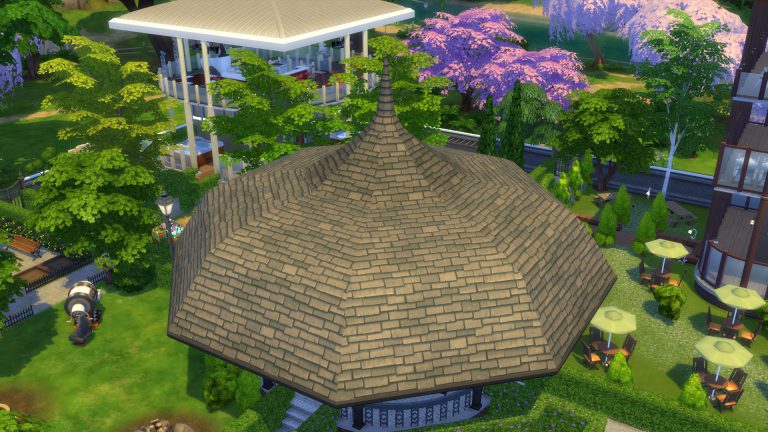
We will use a new tool: the Octagonal Roof. It debuted in the November 2017 patch for all players, free of charge. It has eight sides, exactly like the gazebo we are finishing building.

Build Creative Roofs in The Sims 4: The Witch HatHere’s where you find it.

Build Creative Roofs in The Sims 4: The Witch HatThis will be the first of three roofs that we will employ, even though the idea is that the final result looks like a single roof. Let’s place number one atop of the gazebo.

Build Creative Roofs in The Sims 4: The Witch Hat

Now we use these four identical arrows to stretch it until it fits over the entire ceiling.

Build Creative Roofs in The Sims 4: The Witch HatOne more stretch.

Build Creative Roofs in The Sims 4: The Witch Hat

There you go!

Build Creative Roofs in The Sims 4: The Witch Hat

Now we are going to use the spheres to tune our roof. Its base form is a straight slope, but we can add or subtract volume so it bends inwards or outwards. Let’s add volume to make it rounder.

Build Creative Roofs in The Sims 4: The Witch Hat

NOTICE: These controls are somewhat tricky to master because they react to the slightest movement, so you need to move your mouse slowly and steadily to fine-tune it. 

This roof is too tall for a base roof. Let’s bring it down.

Build Creative Roofs in The Sims 4: The Witch Hat

Let’s add a bit of overhang for shade and style. This is how you do it.

Build Creative Roofs in The Sims 4: The Witch HatTime to add the second octagonal roof.

Build Creative Roofs in The Sims 4: The Witch Hat

Let’s adjust it, being careful so it doesn’t clip through the base roof.

Build Creative Roofs in The Sims 4: The Witch Hat

Once it’s perfectly positioned, let’s use the sphere control to refine volume. We made the first roof rounder. Let’s do the opposite here.

Build Creative Roofs in The Sims 4: The Witch Hat

Let’s find the ideal height.

Build Creative Roofs in The Sims 4: The Witch Hat

I believe we got it. Time to plop down the third and last roof.

Build Creative Roofs in The Sims 4: The Witch Hat

Since it is already small enough, instead of stretching it to fit, we’ll just move it, so it’s central.

Build Creative Roofs in The Sims 4: The Witch Hat

We need to make it really tall, so it can be a pointy end.

Build Creative Roofs in The Sims 4: The Witch Hat

Time to add some trimming to the base roof. I’m matching the wooden columns I used on the gazebo, but you might also match doors and windows or wall trims.

Build Creative Roofs in The Sims 4: The Witch Hat

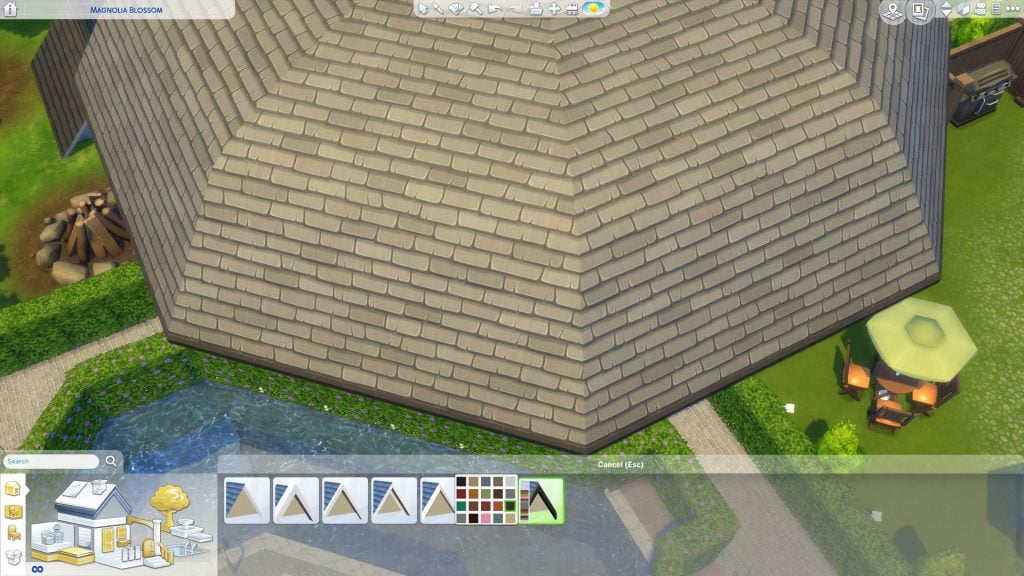
Let’s paint the roof.

Build Creative Roofs in The Sims 4: The Witch Hat

Don’t forget to paint all three!

Build Creative Roofs in The Sims 4: The Witch Hat

And we are done!

Build Creative Roofs in The Sims 4: The Witch Hat

SPECULATION: Seasons Hints are strong in The Sims 4 Cats & Dogs

We know how much The Sims Team likes to hint at future content – whether they care to admit that or not.

Back in May this year they released The Sims 4 Parenthood Game Pack where they included several hints for The Sims 4 Cats & Dogs.

One of the most obvious hints is their hint at the Veterinarian Career in The Sims 4 Cats & Dogs. Just check out that object description!

SPECULATION: Seasons Hints are strong in The Sims 4 Cats & Dogs

There were also some subtle Cat / Dog hints in various assets, including the paw print on this jacket:

SPECULATION: Seasons Hints are strong in The Sims 4 Cats & Dogs

Now that we finally have The Sims 4 Cats & Dogs, it’s starting to feel like The Sims Team has a few tricks in their sleeves. Let’s check out some of the possible hints they’ve included in this Expansion Pack!

The Pet Calendar

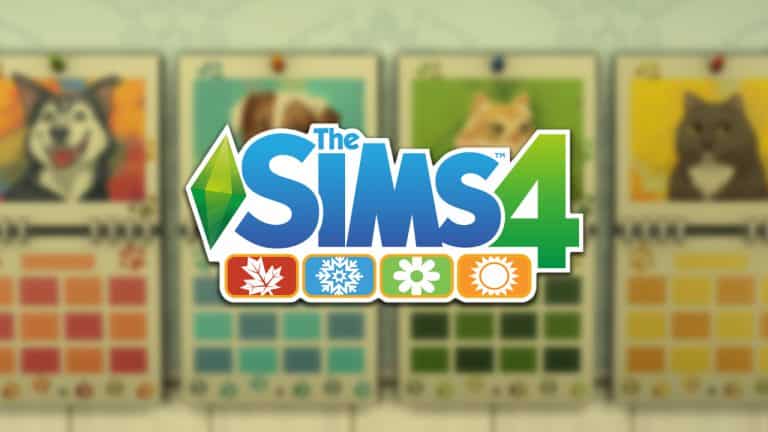
There’s an object in this Expansion Pack called “6 Days of Pets”. What’s interesting about it is that it comes with only 4 presets, and each preset carries a certain Season color:

SPECULATION: Seasons Hints are strong in The Sims 4 Cats & Dogs

Cavalier Cove Beach

Have you noticed anything strange about the Cavalier Cove Neighorbhood? If you look around closely you’ll see Sim silhouettes in bikinis near the beach playing with kites. These visual effects seem to appear only in this beach-themed neighborhood.

SPECULATION: Seasons Hints are strong in The Sims 4 Cats & Dogs SPECULATION: Seasons Hints are strong in The Sims 4 Cats & Dogs

The World Itself

The Sims 4 Cats & Dogs is the only pack so far which brought new trees with autumn leaves to the game! Brindleton Bay is full of trees which seem to be impacted by the weather.

There’s another possible hint and that’s a statue of a man wearing a raincoat which you can find in Whiskerman’s Wharf.

SPECULATION: Seasons Hints are strong in The Sims 4 Cats & Dogs SPECULATION: Seasons Hints are strong in The Sims 4 Cats & Dogs

All those Trees…

There are several new trees in this pack which come with presets that tell a gradual tale of a tree slowly decaying / blossoming (depending on which tree you picked out).

SPECULATION: Seasons Hints are strong in The Sims 4 Cats & Dogs

Also, check out these object descriptions!

SPECULATION: Seasons Hints are strong in The Sims 4 Cats & Dogs SPECULATION: Seasons Hints are strong in The Sims 4 Cats & Dogs

This Reddit Post Comment

SimGuruDaniel, one of the producers on The Sims 4 has commented this on a post which talks about adopting strays who could be left out in the rain or snow:

SPECULATION: Seasons Hints are strong in The Sims 4 Cats & Dogs


What do you think – are we reaching too far with this post or is there actually something in here that could hint at Seasons coming soon to The Sims 4? Let us know in the comments!

The Sims 4 Cats & Dogs: Official Lot and Households

1

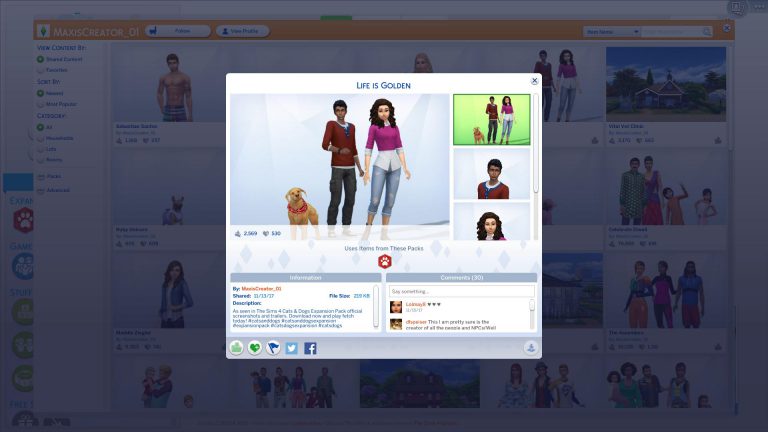
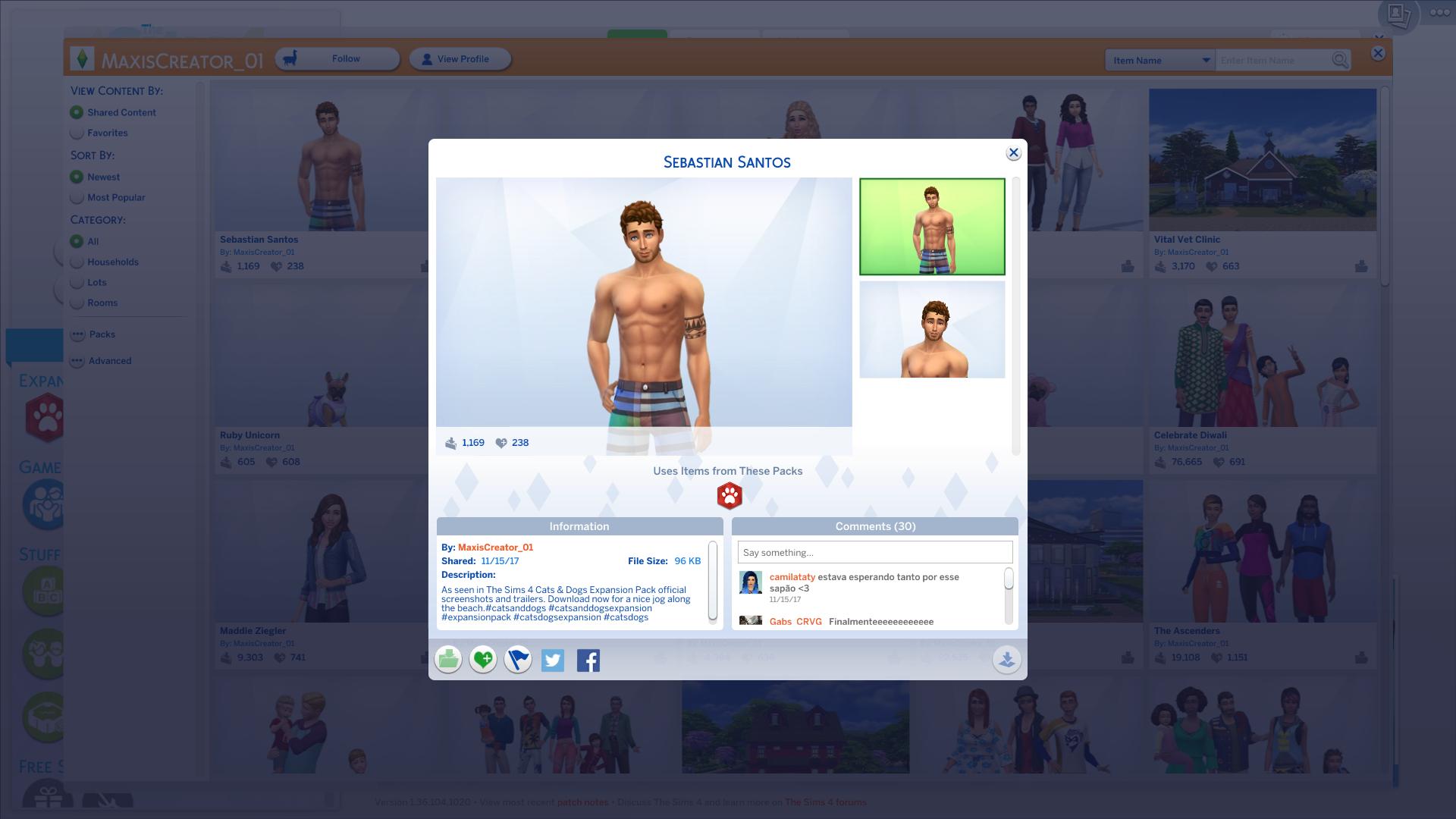
The Sims Team has uploaded official creations on their MaxisCreator_01 Gallery ID – including a Vet Clinic and some Households which you’ve probably seen in promotional materials for The Sims 4 Cats & Dogs.

You can check these out below. Each creation can be downloaded by selecting the heading of a certain creation!

Vital Vet Clinic

The Sims 4 Cats & Dogs: Official Lot and Households

Life is Golden

The Sims 4 Cats & Dogs: Official Lot and Households

Miriam & Laika

The Sims 4 Cats & Dogs: Official Lot and Households

Joaquin

The Sims 4 Cats & Dogs: Official Lot and Households

Sebastian Santos

The Sims 4 Cats & Dogs: Official Lot and Households

The Sims 4: New Update + Patch Notes! (November 15th, 2017)

The Sims 4: New Update + Patch Notes! (November 15th, 2017)

The Sims Team has released a brand new Update for The Sims 4, fixing the save game issue!

To download the latest version of The Sims 4, simply open your Origin program and if the game doesn’t update automatically, right click on The Sims 4 and select ”Update”.

In case you have Mods or Custom Content, the game will automatically disable them for you after first launching The Sims 4 after the update. To re-enable all your Mods and Custom Content, select the Settings option in the Menu and select Settings. Under the”Other” section you’ll find the ”Enable Custom Content and Mods” option. Check it and restart your game in order for it to take effect!

Patch Notes

Update: 11/15/2017 PC 1.36.104.1020 / Mac 1.36.104.1220

I like to count things, sometimes things you don’t even know I’m counting. 99, 100, 101, 102… Did you see 102? Well, if you did rest assured, we saw it too.  We cleaned up that little mess with 102, and your saves are now peachy keen.

Dead Sims hiding in the Netherworld have also been a little troublesome lately.  A dead Sim that hasn’t re-surfaced will no longer be counted toward the Sim Count in Manage Households. Phew! Thank goodness because that was a lot to count!

– SimGuruCleaningLady

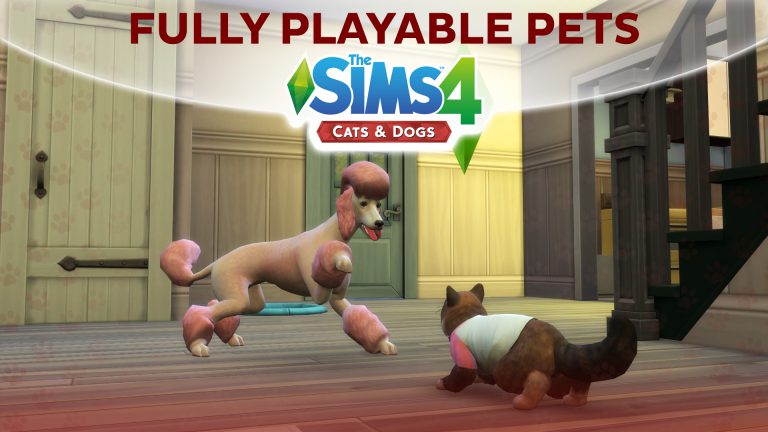
The Sims 4 Cats & Dogs: Fully Playable Pets Mod Video Overview

0

We made a video overview for the latest mod for The Sims 4 Cats & Dogs Expansion Pack which gives you full control over your pets. Check it out!

12 Animals recreated in The Sims 4 Cats & Dogs

The Sims 4 Cats & Dogs’ Create A Pet feature brings amazing customization features which let you modify any part of your Cat or Dog’s body. To top it all of you are able to use Paint Mode and paint your Pet’s body. This tool is so in-depth that you’re gonna feel like you’re using Photoshop.

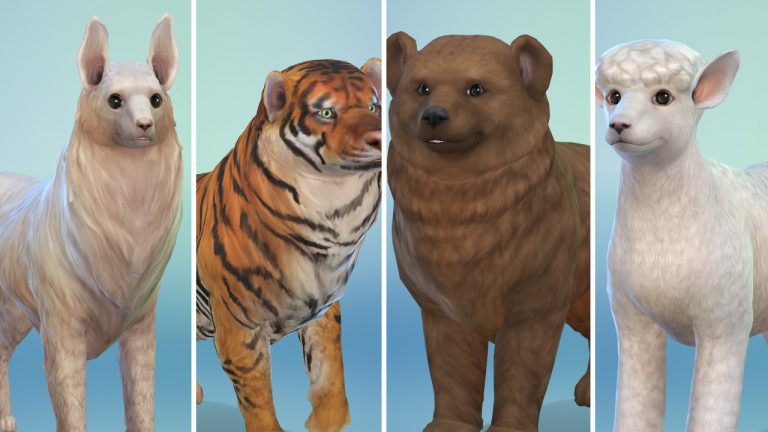
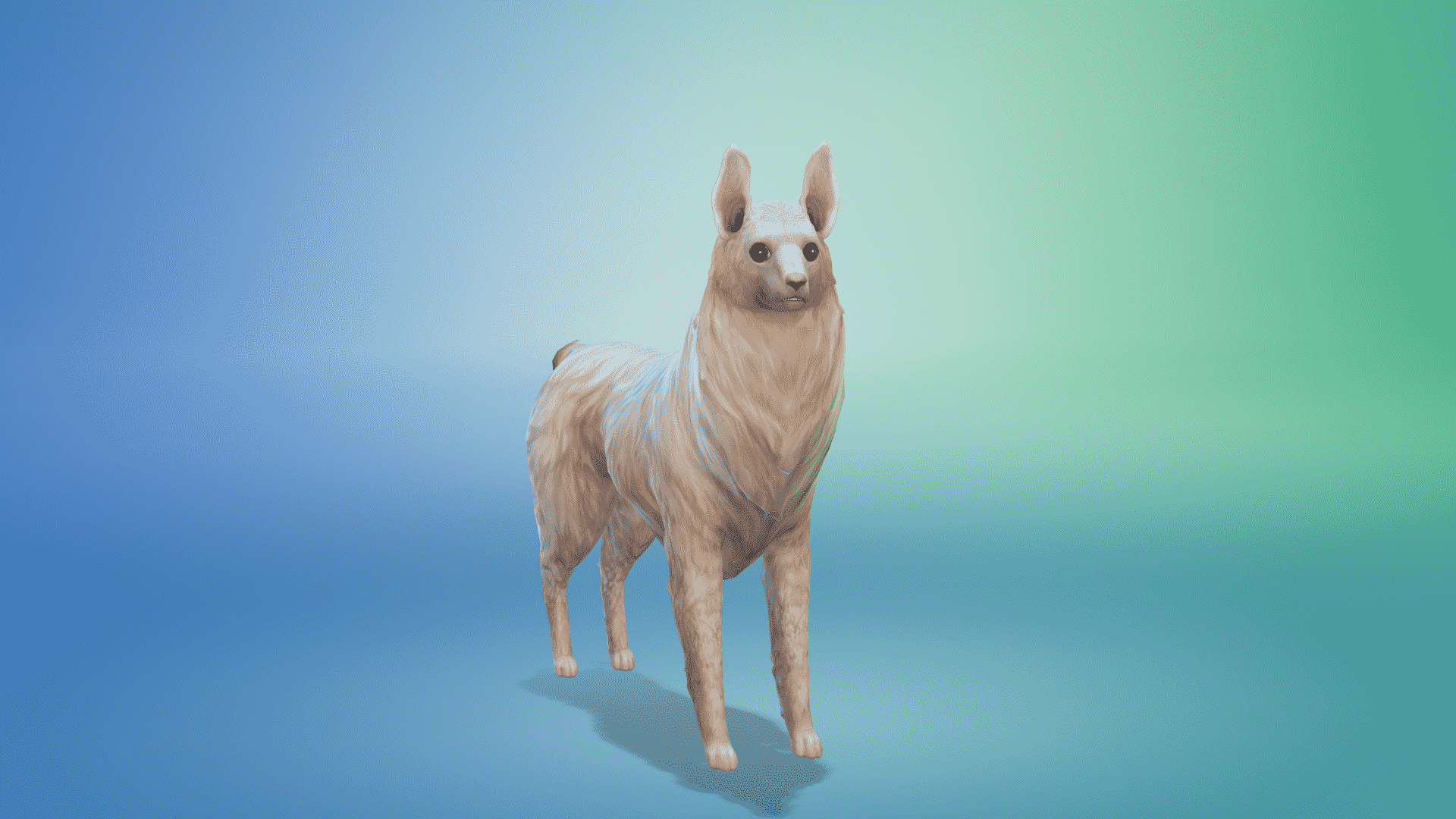
Simmer TheKalinotr0n (find him on The Gallery for more animals!) has recreated plenty of animals in The Sims 4 Cats & Dogs. Although they are either Cats or Dogs and not the actual animals that they represent – the appearance of these are really accurate. Check them out below!

Bear

12 Animals recreated in The Sims 4 Cats & Dogs

Badger

12 Animals recreated in The Sims 4 Cats & Dogs

Black Panther

12 Animals recreated in The Sims 4 Cats & Dogs

Puma

12 Animals recreated in The Sims 4 Cats & Dogs

Llama

12 Animals recreated in The Sims 4 Cats & Dogs

Big Panda

12 Animals recreated in The Sims 4 Cats & Dogs

Fallow Deer

12 Animals recreated in The Sims 4 Cats & Dogs

Skunk

12 Animals recreated in The Sims 4 Cats & Dogs

Sheep

12 Animals recreated in The Sims 4 Cats & Dogs

White Tiger

12 Animals recreated in The Sims 4 Cats & Dogs

Cheetah

12 Animals recreated in The Sims 4 Cats & Dogs

Tiger

12 Animals recreated in The Sims 4 Cats & Dogs

A Lookback at The Sims Console Games: Part Four

With The Sims 4 on Console being release this week and Cats & Dogs out now, we take one final look back at The Sims games on consoles with today focusing on The Sims 3 era!

The Sims 3

Xbox 360 & PlayStation 3

The Sims 3 was released on Xbox 360 and PlayStation 3 in October 2010. This was also the first time that players could download content from the Exchange using their Xbox Live and PlayStation Network memberships. Also this was the first time you could upload and download player created content as well.

The Xbox 360 and PlayStation 3 versions of the game were very similar to the PC version of the game but with the addition of the new Karma Powers which, you could use to help your Sims or ruin your Sims.

Of course that’s not all that the the Xbox 360 and PlayStation 3 versions had to offer. There were some features that hadn’t been seen in previous

  • There are live cycles and it is possible to have Child Sims.
  • Your Sims wishes are up to you to fulfill. You can make your Sim’s dreams come true or not!
  • Completeing challenges unlocks more objects, buildings and landmarks.
  • Create-A-Sim allows you to make very unique Sims especially with their traits!

There was some paid and free downloadable content for The Sims 3 which was available from the Xbox Marketplace/PlayStation Store. These packs included Asian Fusion, Ultra Lounge Pack, Hairstyles Pack, Ultra Lounge Kids Bedroom and Ultra Lounge Teens Set.

Nintendo Wii

The Nintendo Wii version of The Sims 3 was released in November 2010, a few weeks after the initial console release. The Wii version of the game was similar to that of the Xbox 360 and PlayStation 3 version except for a handful of differences.

  • The Wii version is based in the Vista Beach neighbourhood where as the Xbox 360 & PlayStation 3 version is based in Moonlight Bay.
  • Exclusive Toruism Career and Skate Park community lot.
  • Sims can learn to swim and surf.
  • Weather can be controlled by using Karma Powers.
  • A handful of traits, careers and lifetime wishes as well as weather are exclusive to the Nintendo Wii version of the game.

Nintendo DS

The Sims 3 wouldn’t be complete with out having a trusty handheld version of the game. The Nintendo DS version was released at the same time as the Nintendo Wii version in November 2010.

The game itself was again set in a different neighbourhood but this time your Sims would find themselfs in Beacon Bay surrounded by some familar faces as well like Malcolm Landgraab and Alexander Goth.

The Nintendo DS version was similar to that of the Xbox 360, PlayStation 3 and Wii versions and again featured the exclusive Karma Powers.  You can complete challenges to unlock more content and control your Sim’s destinies.

Nintendo 3DS

The Nintendo 3DS version of The Sims 3 was released in March 2011 and although may have the same box art as the Nintendo DS version except the game was very different and you have the added option to play in 3D. With an improved user interface, new graphics and some other smaller changes. The game itself though has the same concept of that as the other console versions. It still includes the Karma Powers, Create-A-Sim features (now with face mapping) and everything else that players loved about The Sims 3.

Don’t worry we haven’t forgetten about The Sims 3 Pets! Just carry on to the next page to continue reading.

VIDEO: How to use Cheats on The Sims 4 Console (Xbox One / PS4)

0

Want to know how to access cheats in The Sims 4 for PS4 and Xbox One and how to use them? Check out our overview video for all the details!

For a full list of The Sims 4 Cheats check out this page!

DOWNLOAD: Icons from The Sims 4 Cats & Dogs

4

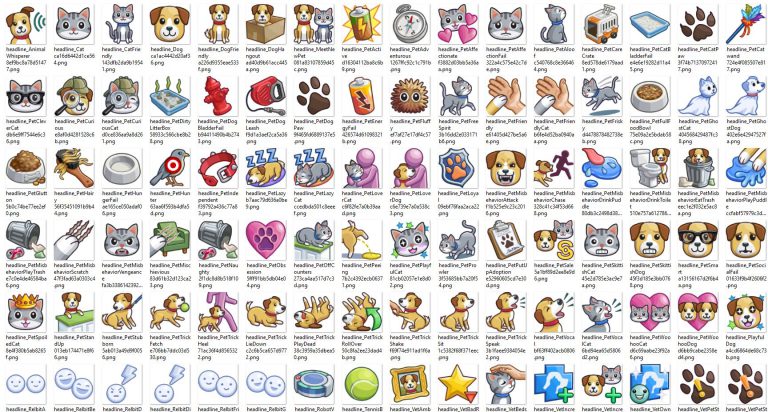
We’ve extracted over 200 icons from The Sims 4 Cats & Dogs Expansion Pack! Click below to download.

DOWNLOAD: Icons from The Sims 4 Cats & Dogs

The Sims 4 Cats & Dogs: Playable Pets Mod

8

The simming community keeps on with amazing surprises – proving that impossible is possible!

People over at Sims 4 Studio have created a mod which lets your Cats & Dogs be fully playable – just like in The Sims 3!

FYI: This isn’t a full on mod that gives new features – it’s a .ts4script file which enables options that are already built in The Sims 4’s game code. It functions like an off / on switch which enables things that are already there!

To download this mod click on the image below. To install it, place the .ts4script file to Electronic Arts > The Sims 4 > Mods folder. Make sure you have Mods / CC enabled in your game options AS WELL AS script mods!

The Sims 4 Cats & Dogs: Playable Pets Mod

The Sims 4: Single Sim Challenge

20

Single Sim Challenge

In this challenge, it’s your task to control ONLY ONE Sim from Toddler to Elder. You will have to play as if you cannot control anyone else in your household. You may do anything in your Sims life but the tasks must be complete before aging up. You can complete the tasks in any order. (I would set age span to long unless you really want a challenge)

Before starting the challenge, you need to create a family. My recommendation is 2 parents and a child sibling however you can choose to have 1 parent, no siblings or multiple siblings etc it’s up to you. Then you need to move them into a home worth under $40,000, this can be in any world or neighborhood. I would then recommend getting your parents jobs and cheating them up to level 2 or 3 of that profession. Once you begin the challenge no changes, apart from clothes/hair in CAS, can be made to the family. (Only exception is if you need to debug a sim)

Adult Exceptions (A time where you may control another sim while your Single Sim is a Toddler or Child)

  • Pay Bills
  • Repair Objects (Adults may also hire someone) 
  • Clean (Adults may also hire a maid) 
  • Feed and bathe Pets
  • Put out a fire
  • Make a Birthday Cake 

Toddler:

As a helpless toddler you must ask your parents for meals, baths, potty, learn how to walk, talk and more! This is the stage of life where you’re totally dependant on your parents.

Task 1: Master the potty

Task 2: Become Good friends with your parents

Task 3: Master 2 Toddler Skills.

The Sims 4: Single Sim Challenge


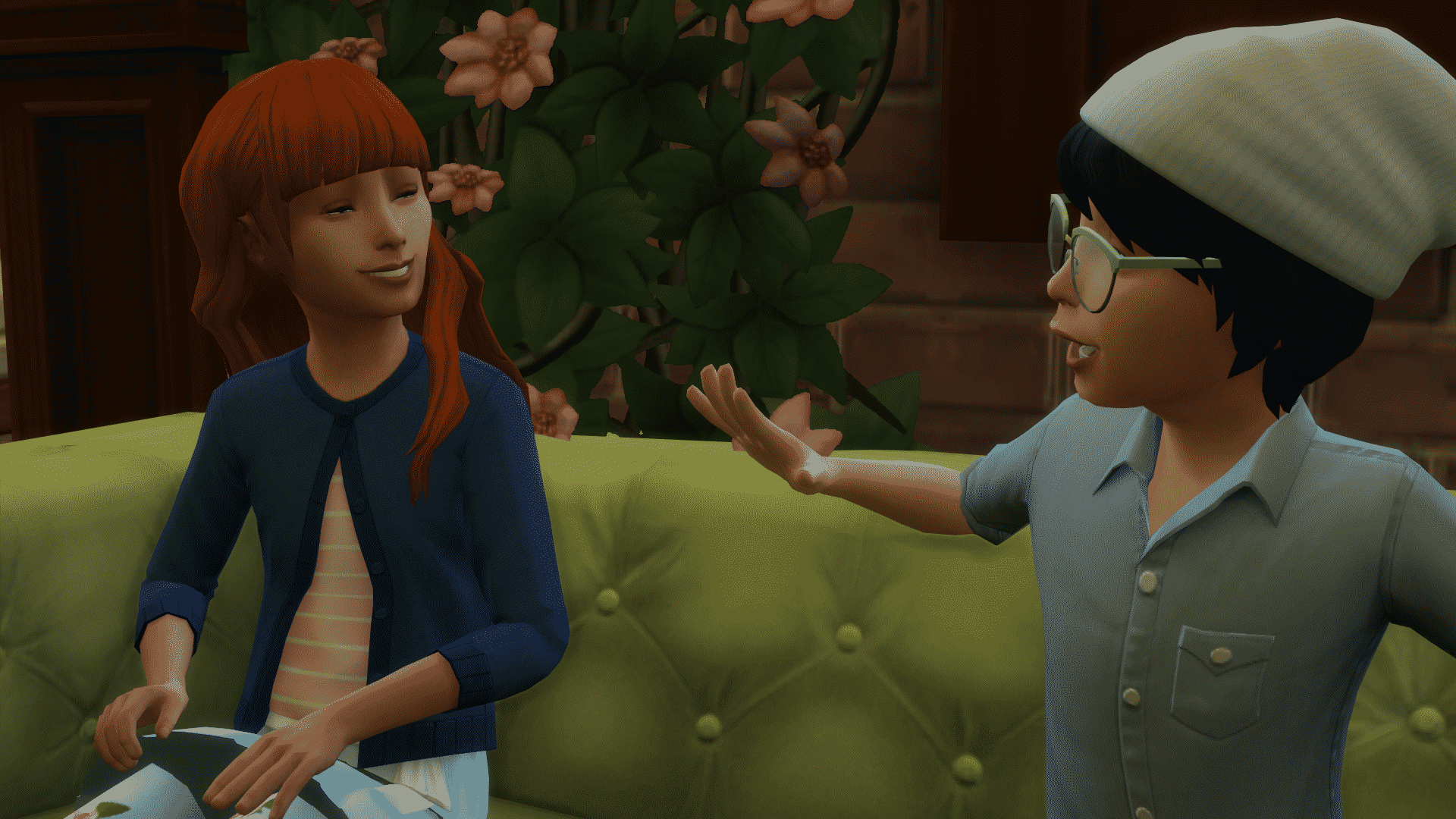
Child:

So you’ve learned the basics of life, nows the time to start getting those all important skills ready for the big world! You’re struggling through with friends and finding it hard to figure out where you belong in the world.

Task 1: Complete a child aspiration

Task 2: Complete one child skill and then get to level 2 of an Adult Skill

Task 3: Make a best friend from School

Task 4: Become Masters in Crime with your best friend and set at least 3 pranks

Task 5: Become an A Student
The Sims 4: Single Sim Challenge


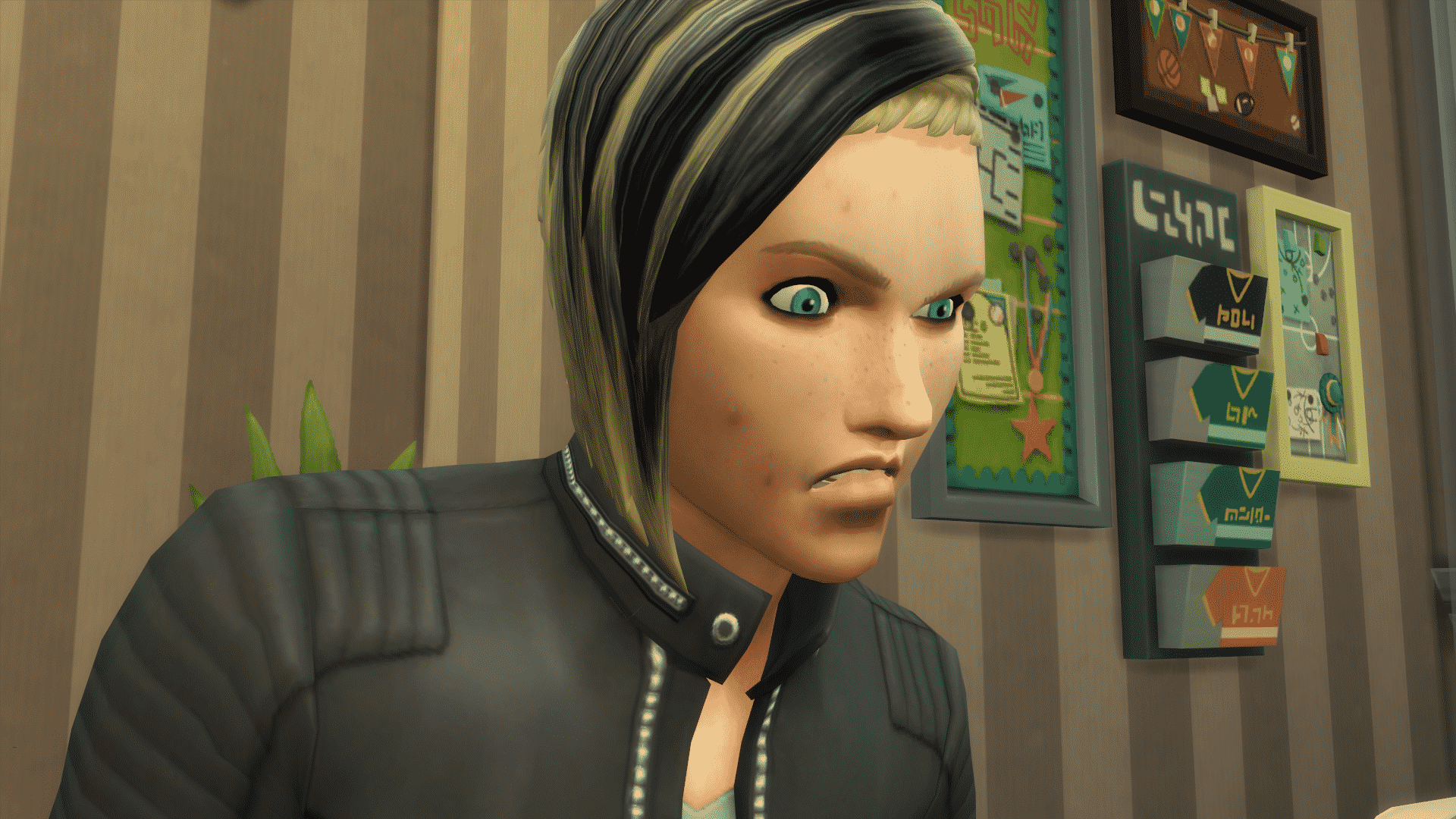
Teen:

Anger, Angst and hormones. The trials of a teenager are just so much, your parents will never understand you. It’s not just a phase mum!

Task 1: Become Disliked by one of your parents or siblings

Task 2: Drastically change your Sims style

Task 3: Have you and your Best Friend skip school 4 times

Task 4: Fool around with someone then dump them

Task 5: Get a tattoo
The Sims 4: Single Sim Challenge


Young Adult:

Those awkward teen years are behind you but now the real word is ahead. Can you figure out where you’re meant to end up? Or will your adult life be more of a train wreck than a fairy tale?

Task 1: Mend your broken relationship with a sibling/parent from your Teen years.

Task 2: Find a job and get to the 5th career level

Task 3: Get into 2 relationships, at the same time is up to you, and get engaged.

Task 4: Complete an aspiration

Task 5: Own a house worth over $70,000

The Sims 4: Single Sim Challenge


Adult:

Life’s end is coming at you fast, you’re ready to start your family and settle down. Let’s master that career and start new life as yours comes towards its end.

Task 1: Get Married

Task 2: Have 2 children

Task 3: Get to level 10 in your career

Task 4: Become Good Friends with your children

Task 5: Become Best Friends with one of your siblings or parents (If they are still alive) and make sure to visit them once a week.
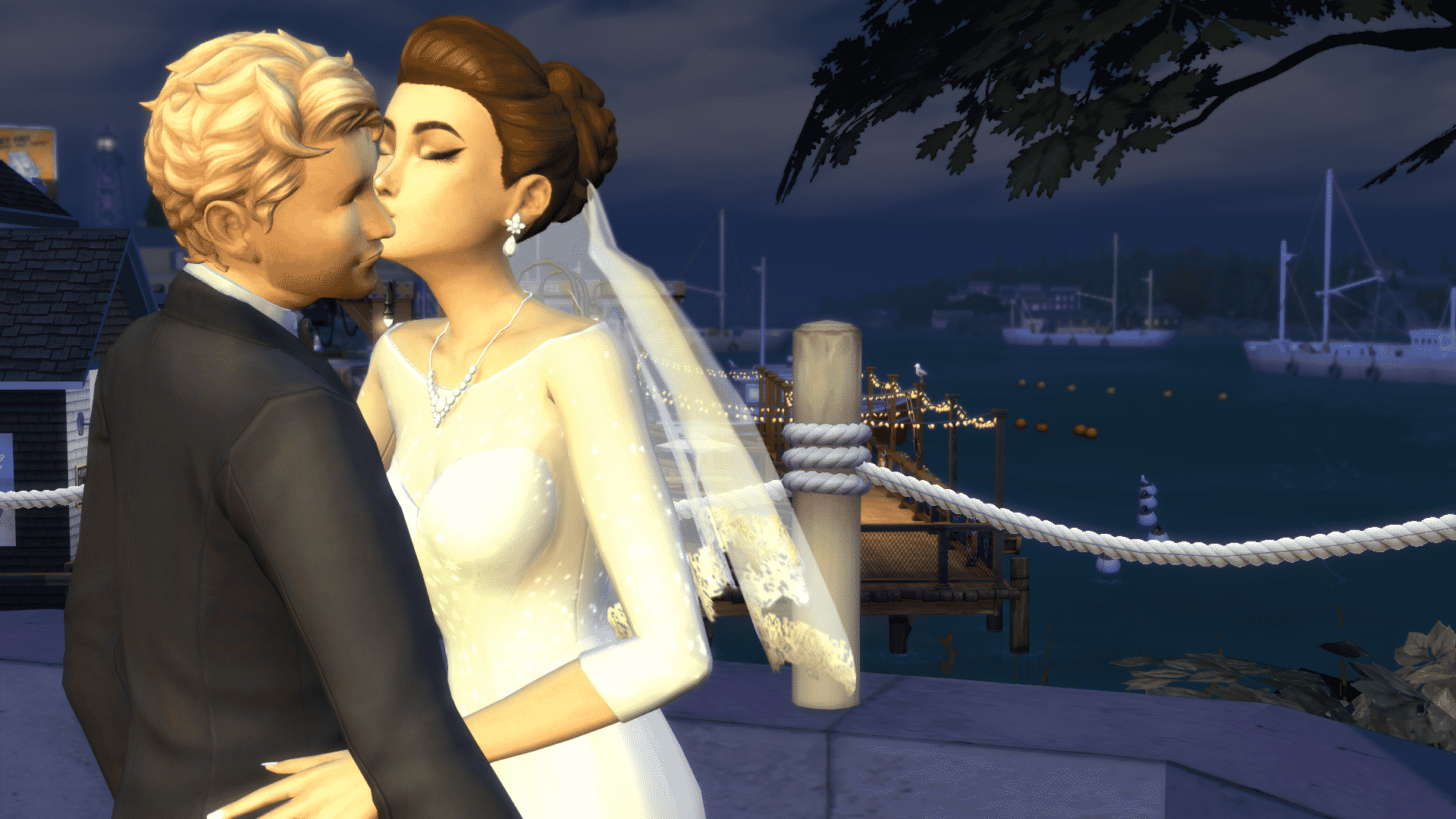
The Sims 4: Single Sim Challenge


Elder:

You’ve lived a full life, one with its ups and downs. You’ve made your bed, but can you help shape your family’s legacy before your time is up.

Task 1: Retire from your career

Task 2: Have 3 skills mastered

Task 3: Go on 3 different romantic dates with your partner

Task 4: Have your house worth $120,000

Task 5: Dye your hair a wacky colour
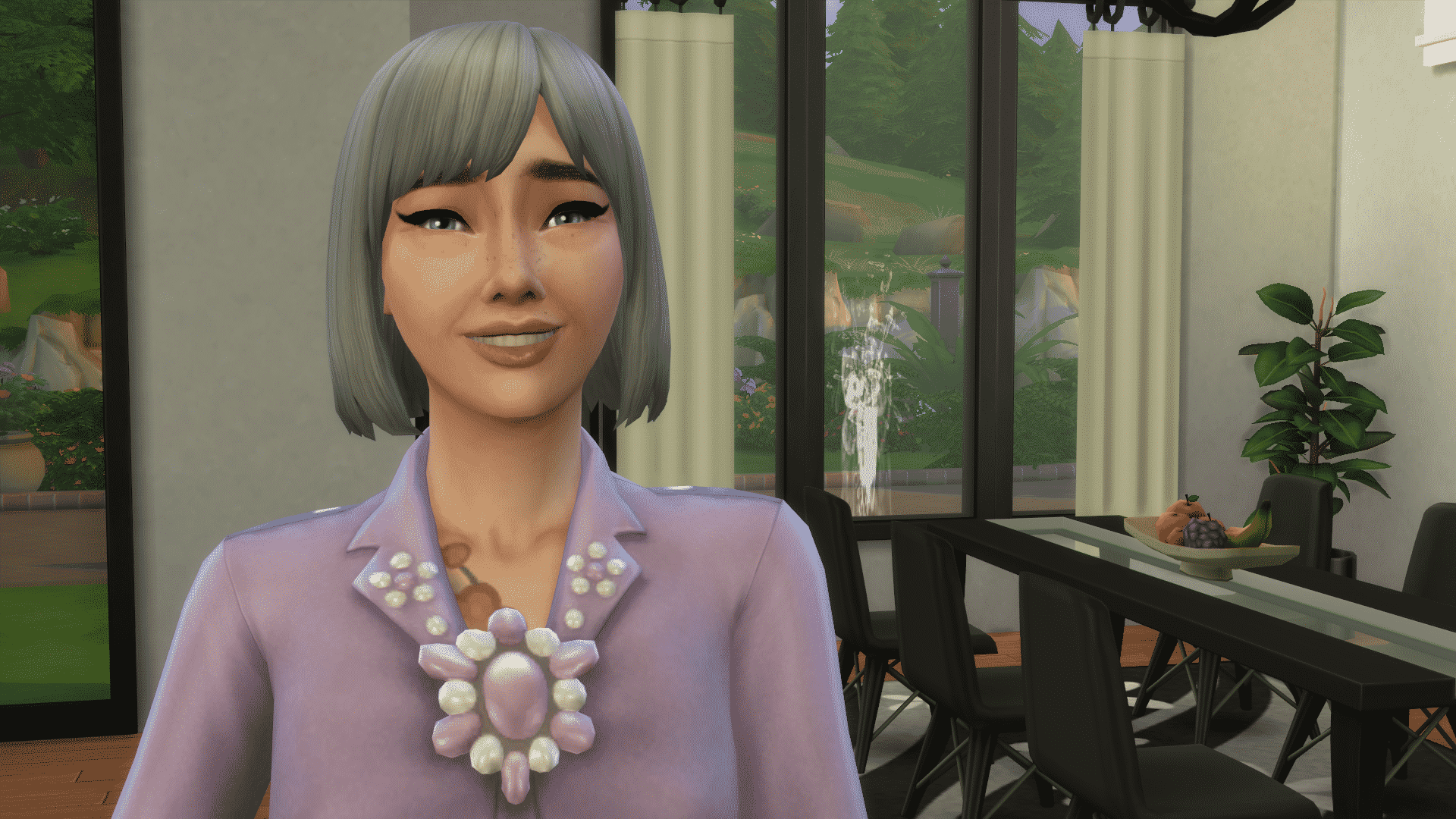
The Sims 4: Single Sim Challenge


If you guys participate in the challenge please tweet us @TheSimCommunity and Lady Hope, the creator of the challenge @EmmaGuyan so we can see how you’re doing in the challenge!

Good luck!


How to resize objects on The Sims 4 Xbox One / PS4

One of the things that The Sims Team didn’t cover that much in The Sims 4 for Xbox One / PS4 is how to resize objects in build mode.

To resize an object first you need to enter Build Mode. Then, select an object you want to resize and press L2 + R2 (PS4) / LT + RT (Xbox One) and use your D-pad (up and down buttons) to make objects bigger or smaller.

You can really go crazy with this and make objects cover up the entire lot!

How to resize objects on The Sims 4 Xbox One / PS4

Want to bring back the object to its original size or make it smaller than it actually is? Select the object that you resized and use the same tricks while pressing the D-pad down to make it smaller.

The Sims 4 Console: Day One Pack Pricing

0

The Deluxe Party Edition of The Sims 4 has now released on Xbox One and PlayStation 4 worldwide and the Standard Edition of the game is just a few days away from release.

Below you can find the official pricing of City Living, Vampires and Vintage Glamour packs. These packs are out now for those who bought the Deluxe Party Edition. If you have purchased the standard version of the game you will be able to purchases the additional packs from the relevant store on release day as well.

Xbox One/Xbox One X

The Sims 4 Console: Day One Pack Pricing

PlayStation 4

The Sims 4 Console: Day One Pack Pricing

Do remember that depending on where you live in the world, prices may vary from what is shown in this post.