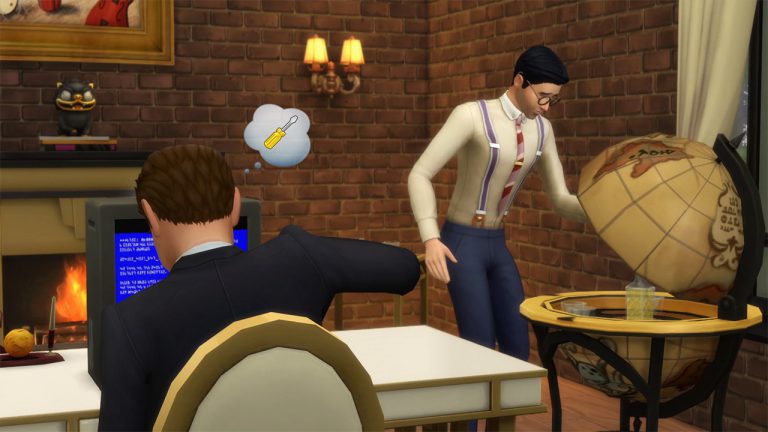
Home Blog Page 398

The Sims 4 Vintage Glamour: The Vanity Table / Globe Bar

Along with the Butler NPC, The Sims 4 Vintage Glamour also comes with 2 new gameplay objects: The Vanity Table and The Globe Bar! Both of these objects bring new gameplay for both kids and adults, so let’s dive in!

The Vanity Table

There are 2 variations of the vanity table in this Stuff Pack. The one on the left is 455 Simoleons while the one on the right is 825 Simoleons. Both bring the same interactions, animations and gameplay.

12-10-16_9-51-04-pm

Along with the usual mirror interactions, the vanity table lets you apply makeup from the base game using the following interactions that have been categorized into different color variations:

  • Blacks / Grays…
    • Black Eyeliner / Coral Lips
    • Black Eyeliner /Satin Pink Lips
    • Black Eyes / Glossy Orange Lips
    • Black Eyes / Pink Lips
    • Black Eyes / Satin Black Lips
    • Brown & Gray / Coral Lips
    • Gray Eyes / Coral Lips
    • Gray Eyes / Glossy Pink Lips
    • Gray Eyes / Red Lips
  • Blues…
    • Blue Eyes / Glossy Blue Lips
    • Blue Eyes / Glossy Pink Lips
    • Blue Eyes / Pink Lips
    • Blue Eyes / Red Lips
    • Blue Eyes / Rose Lips
    • Blue Eyes / Satin Bronze Lips
    • Blue Eyes / Satin Pink Lips
  • Browns…
    • Beige Eyes / Dark Red Lips
    • Beige Eyes / Red Lips
    • Bronze Eyes / Glossy Pink Lips
    • Brown Eyes / Coral Lips
    • Brown Eyes / Pink Lips
    • Brown Eyes / Rose Lips
    • Brown Eyes / Satin Red Lips
  • Goth…
    • Black Cat Eyes
    • Black Eyeliner
    • Black Eyes
    • Black Eyes / Satin Black Lips
    • Black Eyes / Satin Red Lips
    • Brown Eyes
    • Light Blue Eyes / Pink Lips
    • Red Eyes
  • Greens / Turquoises…
    • Green Eyes / Bronze Lips
    • Green Eyes / Glossy Pink Lips
    • Green Eyes / Red Lips
    • Green Eyes / Satin Coral Lips
    • Green Eyes / Satin Pink Lips
    • Turquoise Eyes / Coral Lips
    • Turquoise Eyes / Rose Lips
    • Turquoise Eyes / Satin Red Lips
  • Pinks / Purples / Golds…
    • Gold Eyes / Glossy Pink Lips
    • Magenta Eyes / Red Lips
    • Mauve Eyes / Coral Lips
    • Mauve Eyes / Glossy Coral Lips
    • Pink Eyes / Glossy Coral Lips
    • Plum Eyes / Satin Red Lips
    • Purple Eyes / Satin Violet Lips
    • Violet Eyes / Red Lips
  • Silvers…
    • Silver & Black / Satin Bronze Lips
    • Silver & Blue / Rose Lips
    • Silver & Blue / Satin Blue Lips
    • Silver & Blue / Satin Red Lips
    • Silver & Brown / Satin Beige Lips
    • Silver & Brown / Satin Red Lips
    • Silver & Green / Satin Coral Lips
    • Silver & Pink / Pink Lips

Kids can use the vanity table too! However, as they cannot wear makeup they can only use the Play with Makeup interaction.

There are 2 buffs that your child sim might get after performing this interaction: Glamorous and Oops. Each buff lasts for 4 hours, giving your child sim a temporary makeup on their face that might or might not look so pretty..

Globe Bar

The Globe Bar can be purchased for 310 Simoleons. It brings ¸5 exclusive drinks that you can pour into the globe bar:

  • Bacciform Firkin (13 Simoleons)
  • Old Yorkfield Classic 16 (17 Simoleons)
  • Simadder Cherry Sap (20 Simoleons)
  • Black Fern (Mixology Level 5) (36 Simoleons)
  • McDillan’s Single Nect (Mixology Level 8) (42 Simoleons)

You can also pour up 4 drinks on a drink platter!

12-10-16_10-26-36-pm

Depending on your Sim’s traits, there are 4 trait-based interactions that you can perform on the globe:

  • Ponder Exotic Locals (Loves Outdoors Trait)
  • Ponder World Domination (Evil Trait)
  • Search for My Name (Childish Trait)
  • Contemplate the Big Picture (Genius Trait)

12-10-16_10-37-33-pm

Child Sims can use the globe to study using the Study Globe interaction which’ll help them build their Mental Sill!

12-10-16_10-31-21-pm

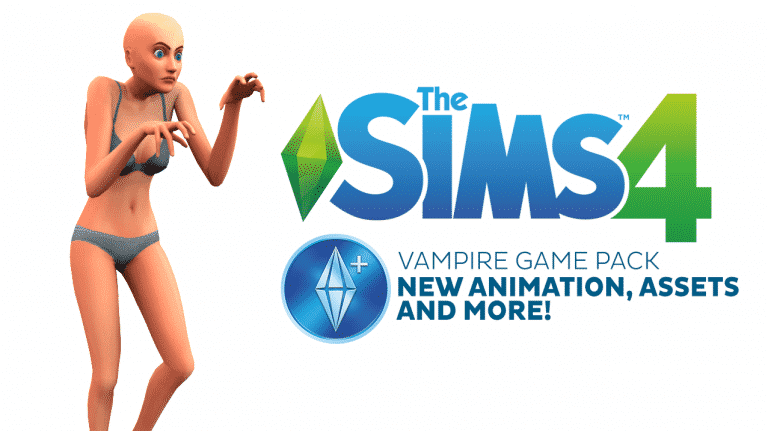
The Sims 4 Vampire Game Pack: New Animation, Assets and more!

56

Sims4Studio member max20 was able to uncover new assets from the upcoming The Sims 4 Vampire Game Pack!

As you can see down below, he found, what appears to be, a new walk style called ”Old and Creepy”, a new red eye color and some new icons. Check it out!

It’s only a matter of time until The Sims Team announces this Game Pack. Stay tuned by following our Game Pack 4 category and by participating in the Game Pack 4 Discussions!

9e1503037bc579638166643172277852

 8f9e86c11027334f018137449dbed449

New Version of The Sims 4 Go to School Mod Now Available

26

https://www.youtube.com/watch?v=NW7_GIhnANg

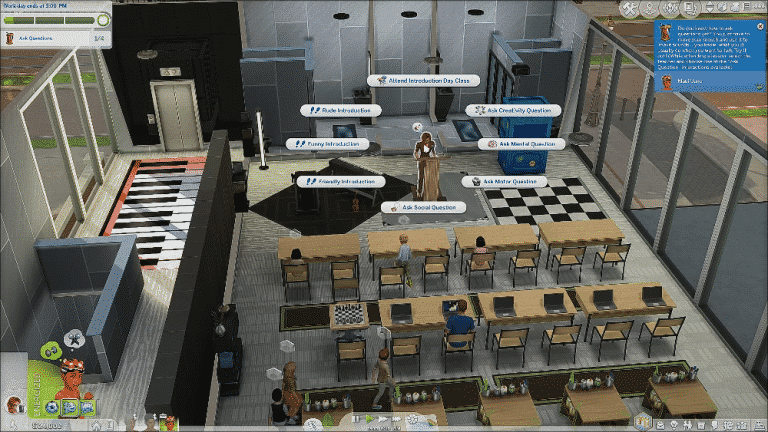
Follow your Sims to school and help them achieve their education. Attend a different subject every day with the teacher NPC, and demonstrate your knowledge through activity goals. Bored? See the Counsellor for a boost of spirit. Want more to do? Elementary students can apply for special opportunities (unlockable aspirations) from the Principal for a chance to earn Emblems and redeem them for reward traits that will help them later in life.

That’s not all! Older Sims (or unusually gifted Child Sims who have succeeded in boosting their adult skills) can pass their knowledge onto other Sims and teach entire classes with the podium.

You can download the mod from here: http://zerbu.tumblr.com/gotoschool

ss1 ss2 ss4

Origin: 30% Off Storewide!

0

Origin released a new promo code that you can use on checkout which’ll cut 30% off the price on any EA title!

Simply enter the code GIFTOFPLAY at the checkout and enjoy the savings!

The offer will expire on December 13th at 8AM PST. You can use this code on all The Sims 4 titles except The Sims 4 Vintage Glamour Stuff as the pack has just been released.

capture

Building the Talking Toilet in The Sims 4 City Living

0

Via EA.com!

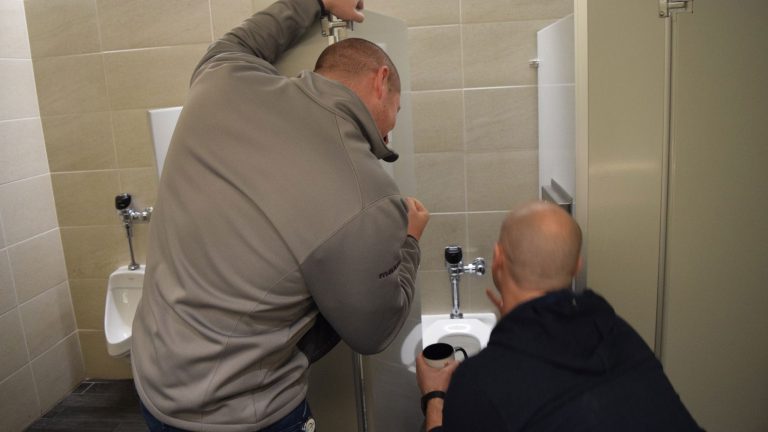
In developing The Sims, we sometimes make weird decisions that lead us on strange and wondrous journeys. For The Sims 4 City Living, that weird decision was a talking toilet. Yes, you heard us correctly. A Talking Toilet.

Initially, we were very fascinated by the notion of culture in the city. This is reflected aesthetically in the styles of the city, the fashion of the Sims, the wide variety of ethnicities shown in the city, the food, and the festivals.

large-img-13

But, for a while there, we were trying to look to objects and activities we associated with different cultures around the world. One such culture upon which we were focused was Japan, for obvious reasons. Tokyo is an amazing, inspirational city from which we drew many ideas, and the people of Japan are just amazing.

The thing is, it’s difficult to abstract something as complex as culture into something in The Sims. Ideas don’t always translate well into in game content. There are very high tech gadgets in Japan, including toilets that are effectively plumbing fused with a smart phone, and we thought it would be fun to create a high-tech robot toilet ourselves. It’s really that simple.

large-img-17

We knew a robot toilet would need to do a few things. Firstly, Sims needed to be able to form a relationship with it, positively or negatively. This is not only funny, and fictionally strange, but provides a strong in game benefit for the expense of the toilet. Sims who don’t have time (or interest) in leaving the home or calling over friends to socialize can do so with their toilet. And, our early testers latched onto this. During a beta external playtest one of our testers said my favorite test feedback ever, which was: “The toilet was my best friend.”

large-img-15

Next, we knew the toilet needed to provide benefits beyond your standard porcelain throne. Hygiene bonuses? Sure! Entertainment value? How about mid-poo movies? Can we gussy up the place? How about a bidet show? Some of these things are obvious – who hasn’t wanted to watch a movie in the bathroom? – and some of these were less expected. Then again, if the Bellagio could spruce up their toilets with a fountain show, I’m fairly certain they would. We’re ahead of our time here.

large-img-19

We also wanted high tech upgrades to allow for rich progression and gameplay. If you’re building a relationship with a robot, well, you should be able to show your affection and appreciation for them. Nobody wants to communicate with last year’s model. That’s just shameful.

large-img-20

Upon reflection, the robot toilet is definitely one of our strangest contributions to the Sims landscape. It started from a noble place, became something bizarre, and evolved into a rich, aspirational object for lonely Sims, or merely Sims who want the latest gadget (and a clean behind).

https://www.youtube.com/watch?v=tNwjIK3CehU

James’ Sims 2 Thoughts: The Sims 2: University (2005)

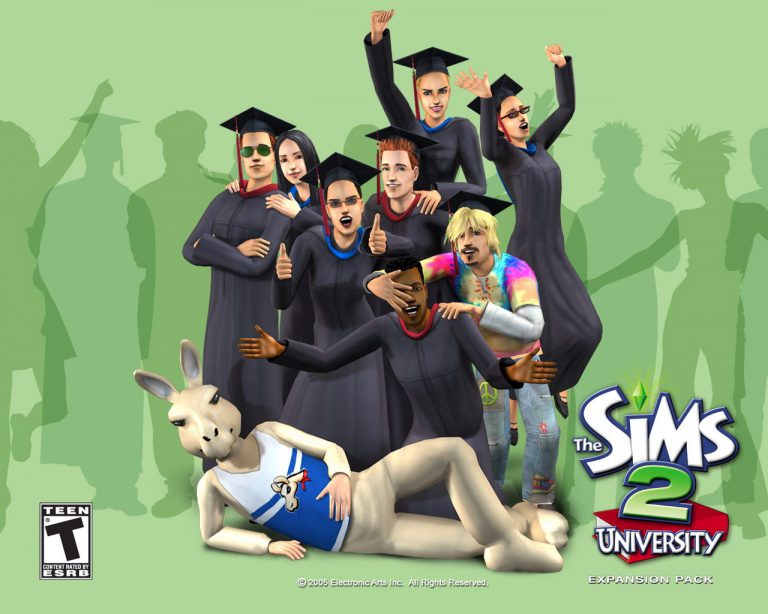
So by March 2005, we had The Sims 2  for about five months. During this time, we had a chance to really get into all of its new features and amazing start of the art graphics. But in March of 2005, The first expansion pack of The Sims 2 was unveiled and released…

So, without any further a do, lets travel back to March 1st 2005, when The Sims 2: University was released.

University gave us the amazing opportunity to send our sims to college! And if this wasn’t enough, the Maxis team gave us a new life stage: Young Adult.  This did come with a catch, however.  The young adult stage only existed when your sims were at university.

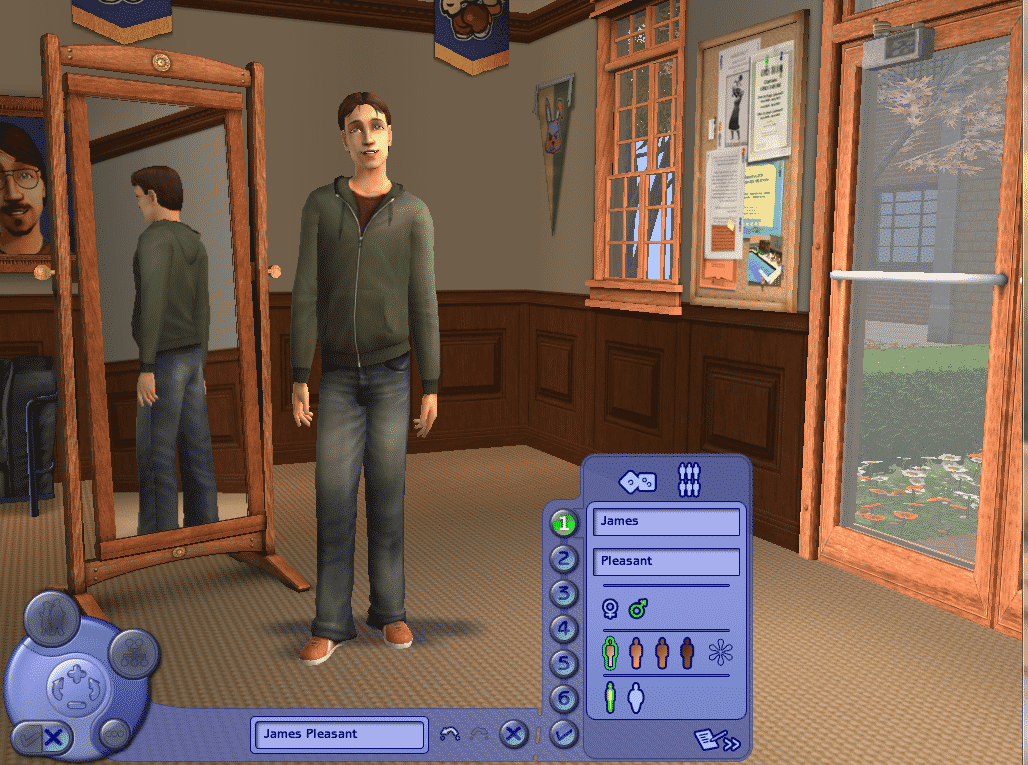
First, a New Create a Sim skin was added, called Create a Student.  This was like CAS, but only had one life stage: Young Adult.

capture2

The game gave us 3 brand new college sub-neighborhoods to explore:

  • La Fiesta Tech
  • Académie Le Tour
  • Sim State University

capture

The only difference between the  towns were the asthetics. Each “College Town” gave us the same 11 majors our sims could declare.

  • Mathematics
  • Philosophy
  • Physics
  • Political science
  • Psychology
  • Art
  • Biology
  • Drama
  • Economics
  • History
  • Literature

capture6

Each one of the already existing careers had a specific major that went along with them. For example, if you wanted your sim to be in the slacker career, you’d have your Sim be a Philosophy Major. If they wanted a career as a scientist, they would have two majors to pick from, Biology or Mathematics

When a sim moves into one of the three college towns, they have one of 3 residences that they can choose from:

  • Dorms
  • Private Residences
  • Greek Houses

capture7

Once your sim moves into one of the three types of residences, they get to declare their major by either the phone or a computer.  Once they declared their major, it was time to begin their college career!

To do well in university, you needed to do certain things to get high grades, such as writing a term paper, attending class, doing assignments and going to the final exam.  If you had good grades by at the end of each semester, the school would offer you a grant for the next semester.  The higher your grades were, the amount of money you would receive would be higher too.

If your Sim failed a semester, they would be put on academic probation. If they failed two consecutive semesters in a row, they would be kicked out of the school, and receive an extra “fear” slot, as a shameful remainder on what happened in their college career.

On a more positive note, if they did well for all 8 semesters, they will graduate with all the Pomp and Circumstance as they deserve. Plus, when they come back home from university, they will have an extra 2 “want ” slots, which brings up their “wants” to six.

University also came with 4 new Career tracks. The catch with these tracks, however, is that only college alumni can go into them. They are:

  • Artist
  • Show Buisness
  • Natural Science
  • Paranormal

These also came with brand new career rewards, which including the infamous Cowplant ( Laganaphyllis simnovorii).

The Sims 2: University was a really great addition to the series. I never actually owned it until a few years after it came out in 2005. But The Sims 2 University wasn’t the only University pack in the history of The Sims. “The Sims 3: University Life” was modeled after the Sims 2 University (2 is better in my opinion, but that’s because I adore everything about the Sims 2, so take or leave my biased opinion :D)

Thanks for reading! Next week, I will be taking a trip to downtown, with The Sims 2: Nightlife

Gaming Community is coming January 2017!

4

I’m happy to announce that our Gaming Community web project will launch in January 2017!

gcteaserr

I’ve recruited some wonderful people who you’ll get to meet over the next few weeks. Each Gaming Community member will explain their position on the site, as well as their passion for the game they’re writing about.

After the launch of Gaming Community we’ll offer new opportunities for you to join the site team.

In case you don’t know, Gaming Community won’t be just an ordinary video gaming website that focuses on delivering news. Gaming Community is going to be a website powered by enthusiastic fans who enjoy reporting on their favorite video games. I’m sure most of you don’t like reading articles and news posts delivered to you by people who don’t really know their way around a certain video game. For example, when it comes to IGN’s and Gamespot’s news reporting for The Sims franchise, it’s really sloppy. They give out updates when a new Expansion Pack is announced but that’s about it. This is not what Gaming Community will be about.

Each Gaming Community editor is assigned to one or two video games they really love playing. Let’s say you can’t wait for Mass Effect Andromeda to come and you played all 3 previous Mass Effect games. As a Mass Effect fan you meet all the requirements to join the Gaming Community and write news articles about the game. Your role as a Mass Effect editor would be to keep readers updated whenever a new trailer, blog or any important piece of information gets released.

Stay updated by following Gaming Community on Twitter and liking Gaming Community on Facebook!

Previous Art Director for The Sims 4 comments Vintage Glamour Stuff

Magnus Hollmo who worked on The Sims 3 and The Sims 4 as an art director and who left that position in February 2016 gave a few comments about the direction of The Sims 4 Vintage Glamour Stuff Pack and how much disappointed he is in the final product.

Sad to see how bland TS4 Vintage Glamour turned out to be, I had such high hopes for it when I started it.

Tweet

capture

I started it, worked on the initial idea for it, but after I left it seems like it went another direction.

Tweet

capture

Question: I’m assuming the idea was more celebrity/red carpet themed?

Magnus: That was the starting point, but I steered it towards Old Hollywood Glamour instead. Not sure what the end result is really..

Tweet

capture

The Sims 4 Vintage Glamour: Butlers 101

The Sims 4 Vintage Glamour Stuff Pack introduces a new butler NPC that you can hire using your phone. To hire a butler, click on your phone > Career / Household > Hire a Service and select the butler option.

capture

A random butler will immediately be assigned to your household. They’re basically residents of your house, except they won’t count as an actual household member nor will you have the power to control them.

Butlers only have 3 needs that need to be satisfied: Energy, Hunger and Fun.

When it comes to energy, you can satisfy it in a humane way by assigning a bed specifically for butlers.

capture

Butlers will take care of themselves when it comes to hunger. When they make a meal to eat they usually tend to serve a meal for the entire household. This is great considering that no Simoleons will be taken from your household funds.

12-07-16_5-12-32-pm

The Fun need is usually taken care of by the butler when your Sims are either away for work or asleep. That’s when they’re prone to using the computer, drink from the bar or enjoy in other fun activities. They might become embarrassed if your Sim walks in the room where they’re perfoming activities that are satisfying their fun need.

12-07-16_5-17-18-pm

A butler comes with several interactions:

  • Assign Task…
    • Cook Family Meal (§40)
    • Cook Meal (§20)
    • Cook Party Meal (§60)
    • Play Guitar
    • Play Piano
    • Play Violin
    • Prepare Bar Drink (§8)
    • Water Plants
    • Burn Up the Dance Floor (Get Together)
    • Use DJ Booth (Get Together)
  • Management…
    • Praise
    • Reprimand
    • Fire
  • Responsibilities…
    • Stop Attending to Minors
    • Stop Cleaning
    • Stop Repairing Objects
    • Stop Gardening
  • Visitors….
    • Invite All Visitors Inside
    • Dismiss All Visitors
    • Ignore Front Door

12-07-16_5-34-52-pm

Here are some of the facts that you should know about butlers:

  • Your Sim doesn’t have to be near the butler to assign them a task. Even if your Sim is on the other side of the lot away from the butler that Sim will just ring their bell after you’ve selected a certain task!
  • Each butler you hire will come with a different set of traits. If, for example, you have a kleptomaniac butler there is a chance that he/she will steal objects from your lot without your notice. You can always fire a butler and hire a new one.
  • You can get rid of a butler in a polite way by selecting your phone > Career / Household > Dismiss Butler Service. Instead of the Fire interaction which after hiring will bring a new butler, the dismiss interaction will bring back the butler you had before after hiring.
  • If you want to sculpt a perfect butler you can do so by using testingcheats true + cas.fulleditmode cheats. Shift + click on the butler and select Modify in CAS to edit your butler.
  • You can socialize with your butler, have woohoo or even marry them and move them into your home. Please note that you’ll need to fire your butler in order to do so.
  • You can dedicate a special room for your butler by using a door lock that will only allow your butler to enter. Click on a door of a certain room and select Lock Door For… > Everyone But Butler.
  • Butlers who die will be replaced by a new butler!

The Sims 4 Vintage Glamour: Build Items Overview

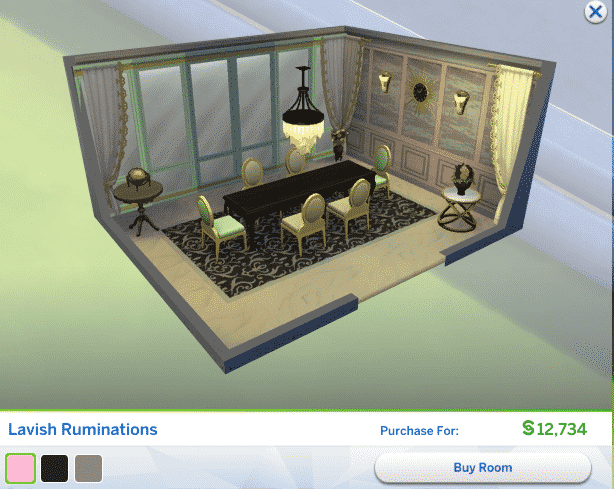
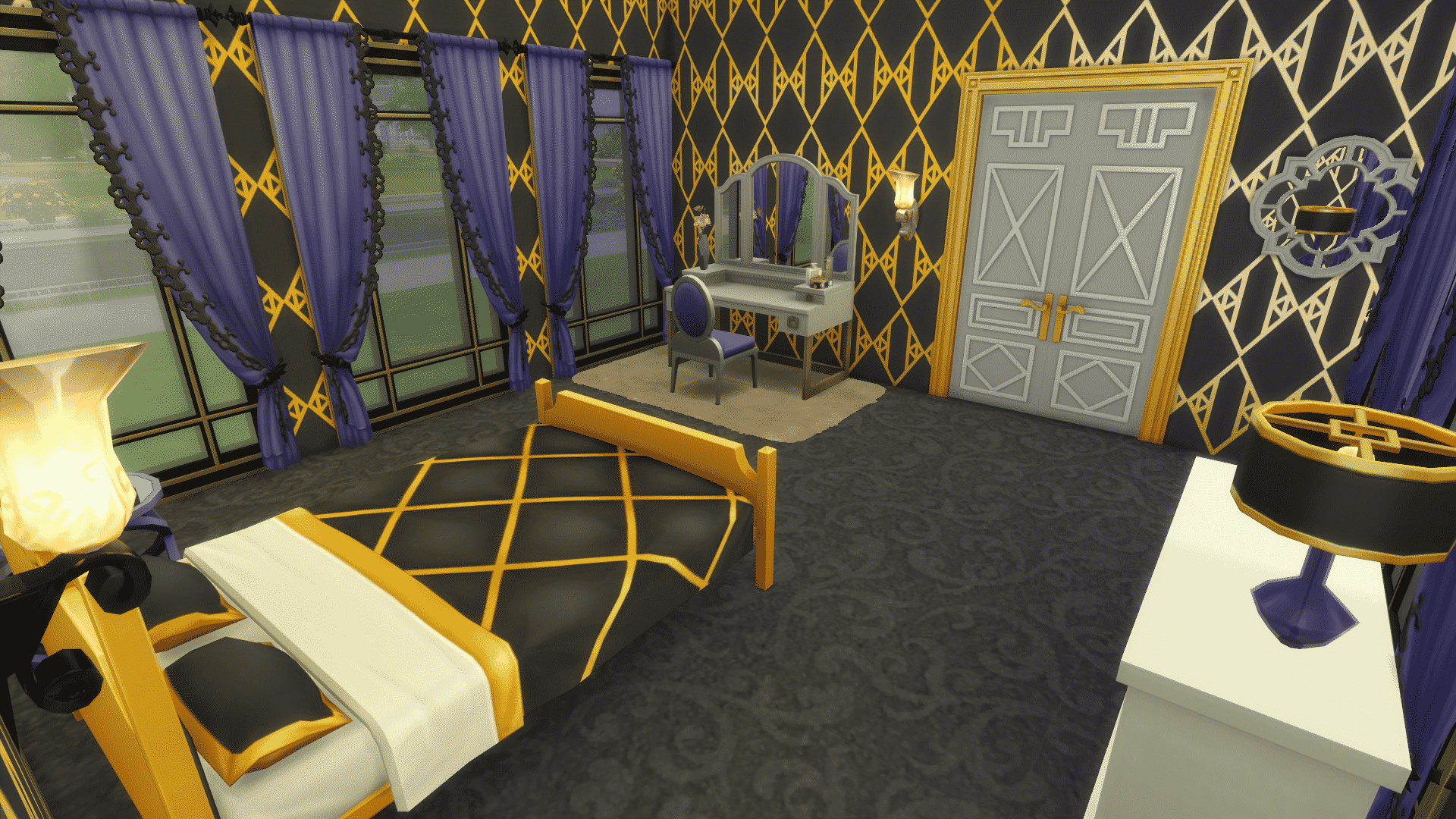
The Sims 4 Vintage Glamour Stuff brings around 40 new items, including new objects and wallpapers!

Down below you’ll see a list of all the new objects and styled rooms, as well as some of the screenshots that showcase these objects. You can enlarge a photo by simply clicking it.

New Objects

Styled Looks

Screenshots

The Sims 4 Vintage Glamour: Create A Sim Overview

The Sims 4 Vintage Glamour Stuff brings over 30 new CAS items for Sims of all ages!

Down below you’ll find a full list / gallery of all the new items in CAS. You can enlarge any image by clicking on it.

Masculine Adult

Hair (1)

12-06-16_8-25-19-pm

Head Accessories (1)

12-06-16_8-25-40-pm

Tops (2)

12-06-16_8-27-23-pm 12-06-16_8-27-17-pm

Outfits (3)

12-06-16_8-27-51-pm 12-06-16_8-27-47-pm 12-06-16_8-27-42-pm

Shoes (2)

12-06-16_8-29-00-pm 12-06-16_8-28-55-pm

Accessories (1)

12-06-16_8-28-07-pm

Styled Looks (2)

ts4_x64-2016-12-06-20-26-35-36 ts4_x64-2016-12-06-20-26-19-02

Feminine Adult

Hair (2)

12-06-16_8-29-29-pm 12-06-16_8-29-33-pm 12-06-16_8-29-39-pm

Head Accessories (5)

12-06-16_8-30-30-pm 12-06-16_8-30-35-pm 12-06-16_8-30-43-pm 12-06-16_8-30-10-pm 12-06-16_8-30-07-pm

Tops (2)

12-06-16_8-31-51-pm 12-06-16_8-31-46-pm

Bottoms (1)

12-06-16_8-32-08-pm

Outfits (3)

12-06-16_8-32-26-pm 12-06-16_8-32-20-pm 12-06-16_8-32-16-pm

Accessories (2)

12-06-16_8-33-25-pm 12-06-16_8-33-18-pm

Shoes (3)

12-06-16_8-33-02-pm 12-06-16_8-32-58-pm 12-06-16_8-32-52-pm

Styled Looks (2)

ts4_x64-2016-12-06-20-31-15-87 ts4_x64-2016-12-06-20-31-20-86

Masculine Child

Hair (1)

12-06-16_8-38-44-pm

Tops (1)

12-06-16_8-34-57-pm

Styled Looks (1)

ts4_x64-2016-12-06-20-34-47-80

Feminine Child

Hair (1)

12-06-16_8-33-57-pm

Outfits (1)

12-06-16_8-34-29-pm

Styled Looks (1)

ts4_x64-2016-12-06-20-34-21-00

The Sims 4 Vintage Glamour: Official Household and Rooms

The Sims Team has uploaded the official Household and Rooms that you’ve seen in promotional content for The Sims 4 Vintage Glamour Stuff Pack!

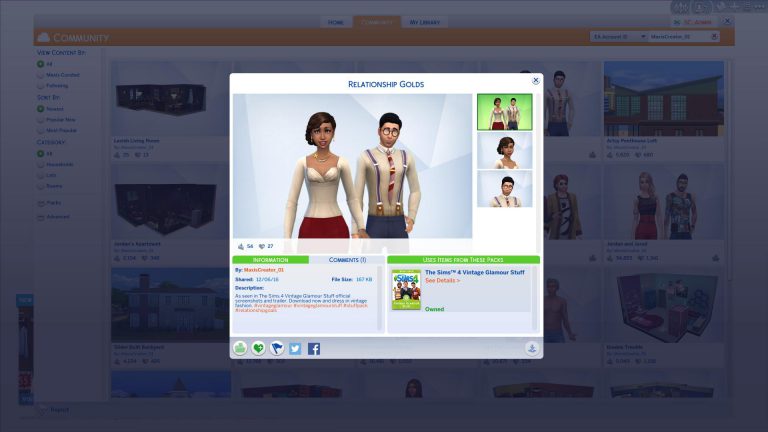
To download these creations simply click on the title above each image.

Relationship Golds

ts4_x64-2016-12-06-20-16-23-35

Elegant Slumber

ts4_x64-2016-12-06-20-16-31-31

Luxurious Living

ts4_x64-2016-12-06-20-16-39-16

Lavish Living Room

ts4_x64-2016-12-06-20-16-44-07

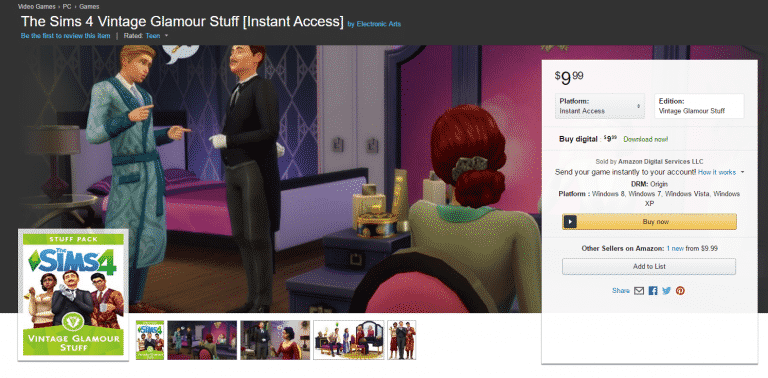
The Sims 4 Vintage Glamour Stuff: Now Available on Amazon!

0

The Sims 4 Vintage Glamour Stuff Pack is now available for purchase on Amazon! If you prefer receiving a game code or just want to gift the code of Vintage Glamour Stuff to someone else then purchasing from Amazon is the right thing for you!

Click below to get Vintage Glamour on Amazon!

capture

The Sims Blog: The Sims 4 Vintage Glamour Stuff Is Out Now

0

Via TheSims.com!

Is your Sim tired of having to fetch their own beverages? Longing for decadent furniture? Then we’ve got some great news for you: link is out right now The Sims™ 4 Vintage Glamour Stuff Pack* is out right now!

ts4_811_sp09_lifts_05

If your Sim really enjoys the finer things in life, then this pack is going to be perfect for them. Let’s start with the new Butler NPC! Your Sim will be able to hire a Butler to make their lives just that little bit easier and more comfortable. Fancy a drink? Butler. Ready for dinner? Butler! Cleaning? You guessed it, BUTLER! This helpful NPC is going to make your Sim’s life easier and give them more time to do the important things in life, like throwing lavish soirees and dressing excellently.

ts4_811_sp09_lifts_04

Speaking of dressing excellently, there’s also the Vanity Table! Here your Sim can adjust their make up, without having to go in to Create a Sim. Kids can also use this item, though the results can be a lot messier! Of course, your Sim can also use it to perform most of the other mirror interactions too, with the added luxury of being able to sit down while they give themselves a pep talk.

ts4_811_sp09_lifts_01

And if you’re going to have a Butler & look the part, then you should probably re-decorate too! There’s plenty of great decorative and furnishing items in this pack to make your Sim’s home feel decadent and glamorous. Of course no opulent home would be complete without the 16th Century Monte Vista Globe Bar, making the perfect centerpiece in any Sims home.

The Sims 4: New Update! (December 6th, 2016)

ts4e3logo

The Sims Team has released a brand new Update for The Sims 4!

To download the latest version of The Sims 4, simply open your Origin program and if the game doesn’t update automatically, right click on The Sims 4 and select ”Update”.

In case you have Mods or Custom Content, the game will automatically disable them for you after first launching The Sims 4 after the update. To re-enable all your Mods and Custom Content, select the Settings option in the Menu and select Settings. Under the”Other” section you’ll find the ”Enable Custom Content and Mods” option. Check it and restart your game in order for it to take effect!

Patch Notes

Update: 12/6/2016 – PC Version 1.25.136.1020 / Mac Version 1.25.136.1220

“I could disappear forever and it wouldn’t make any difference!” Au contraire, my friend, it makes a difference, it really does. We’re sorry for making you go away, it wasn’t our intention. We’re so glad to have you back.

Get Together

  • Fixed an issue where club points would incorrectly display as 0, and purchased club perks would go missing.
    • If you saved your game when in this state, any Sims added to the unlocked 7th or 8th slots would have been evicted from the club and will need to be re-added.