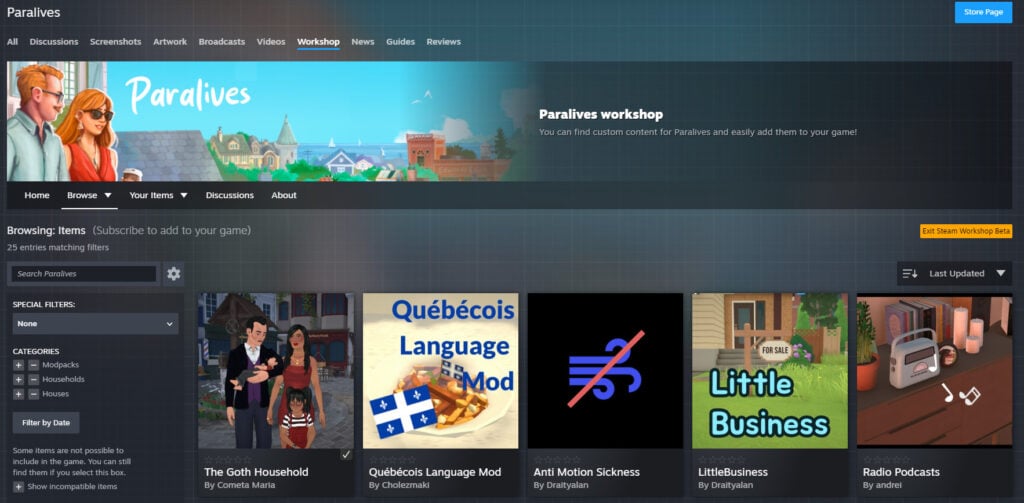
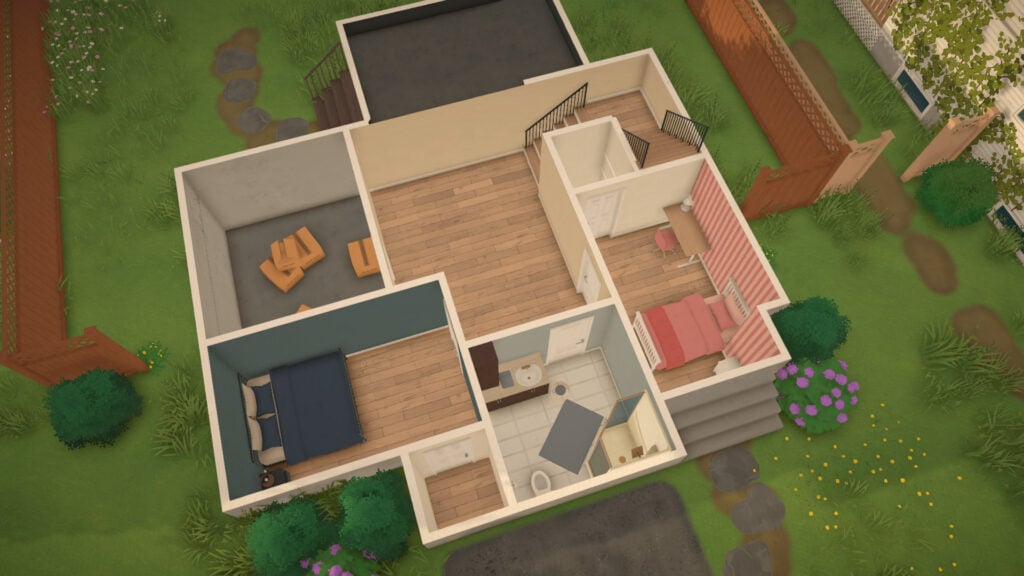
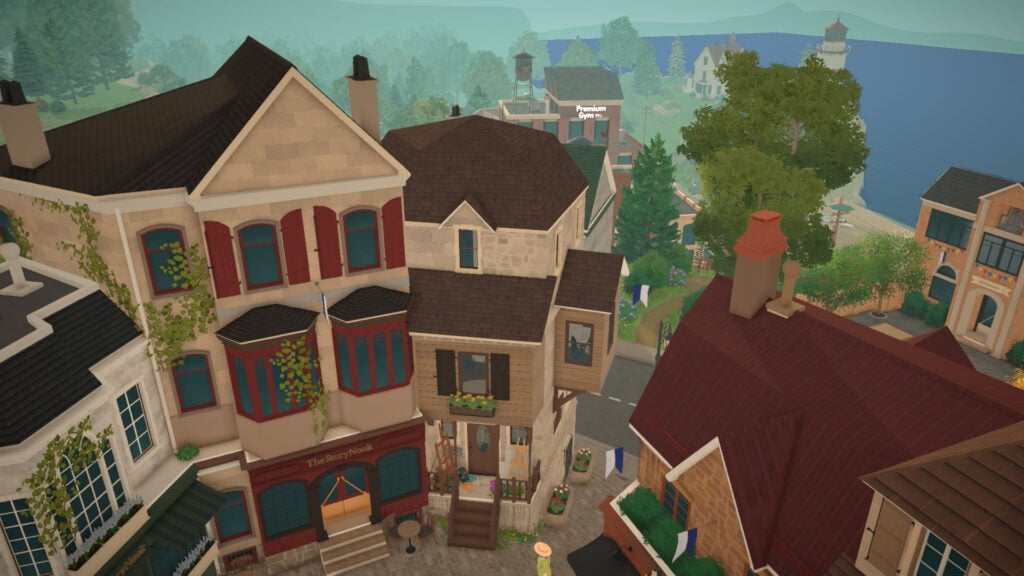
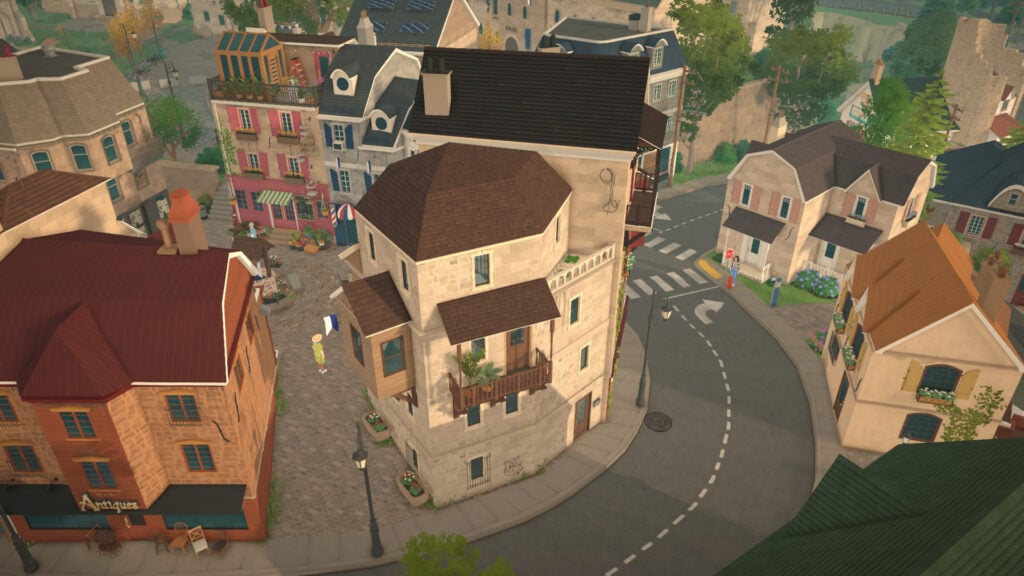
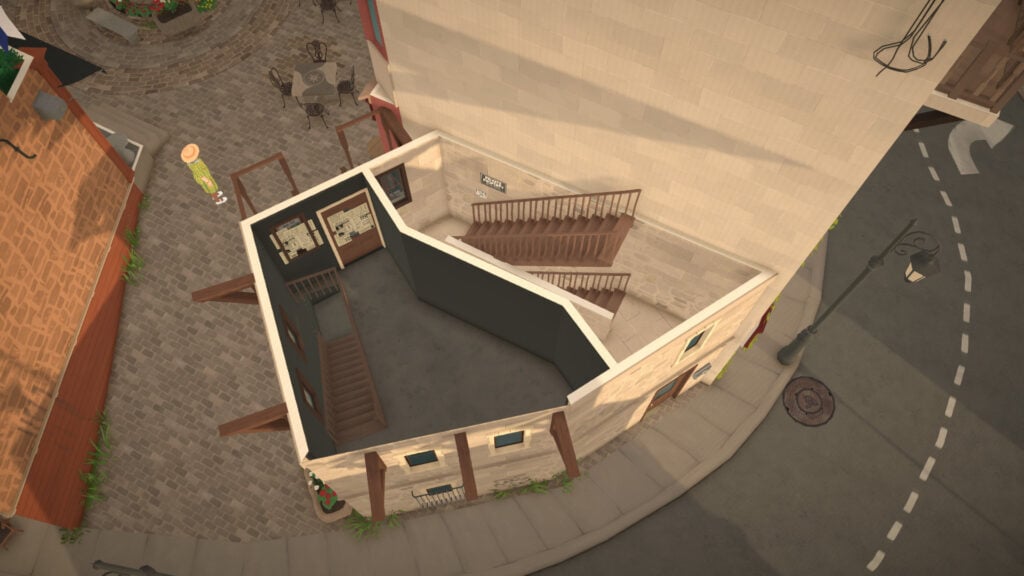
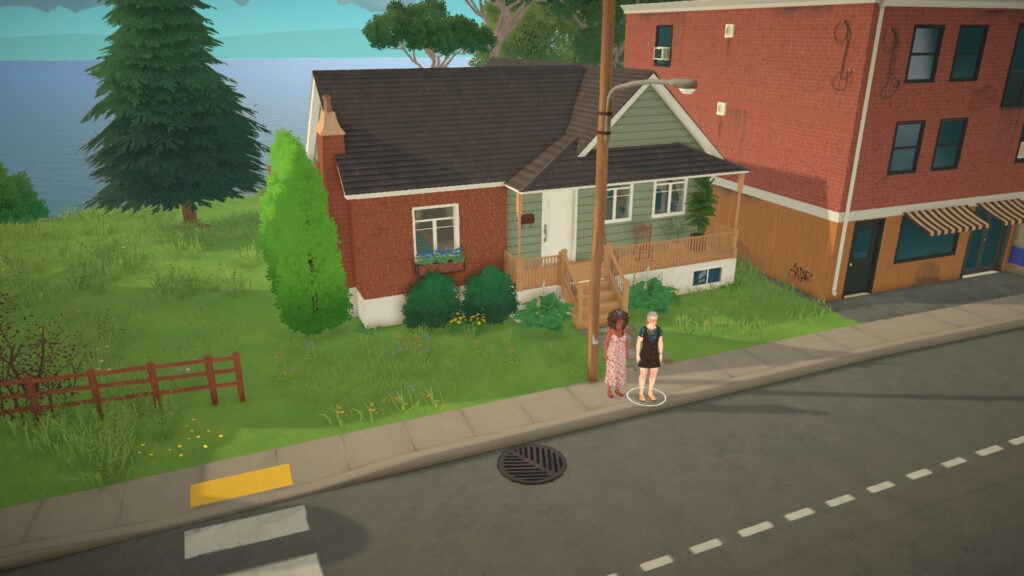
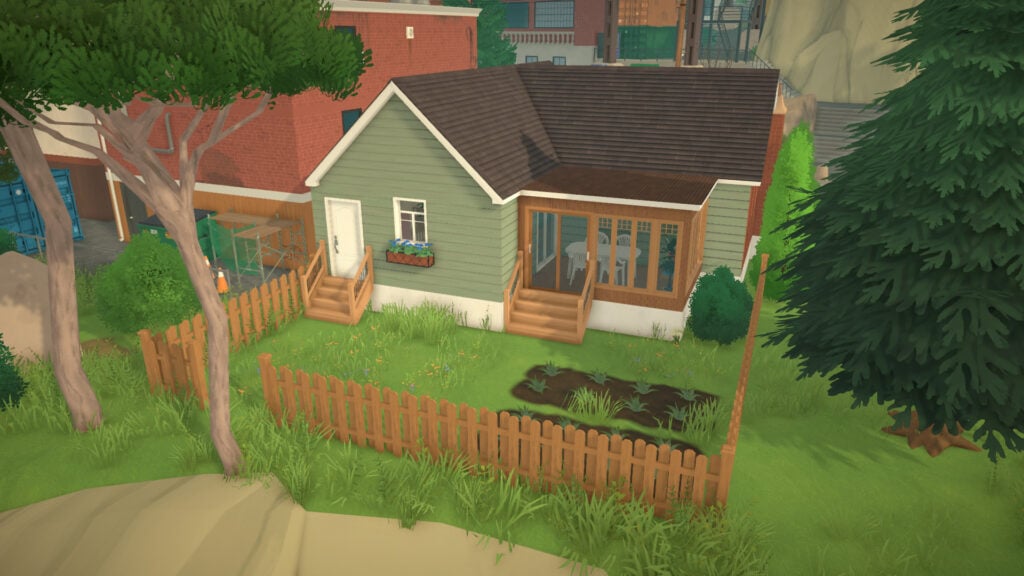
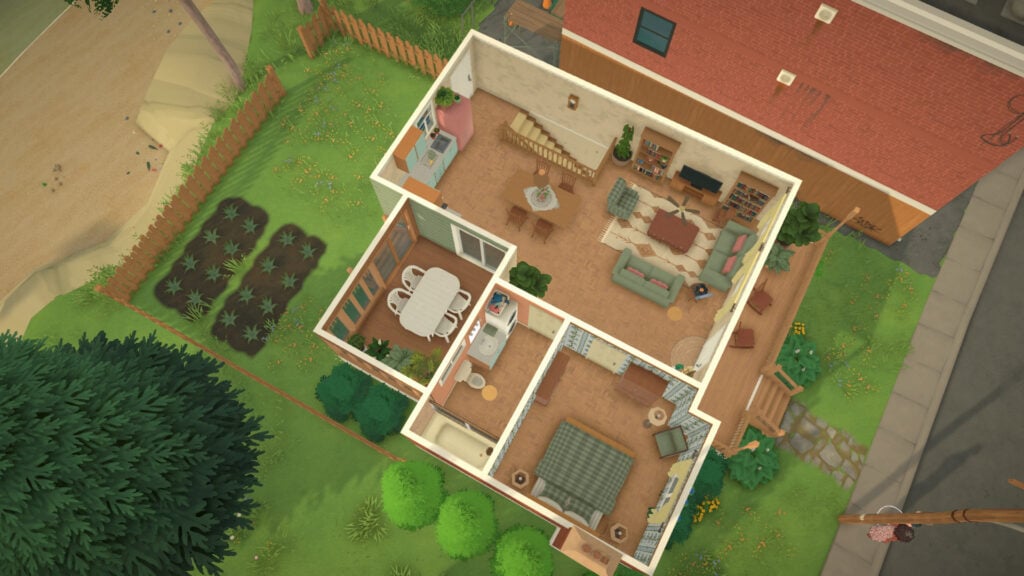
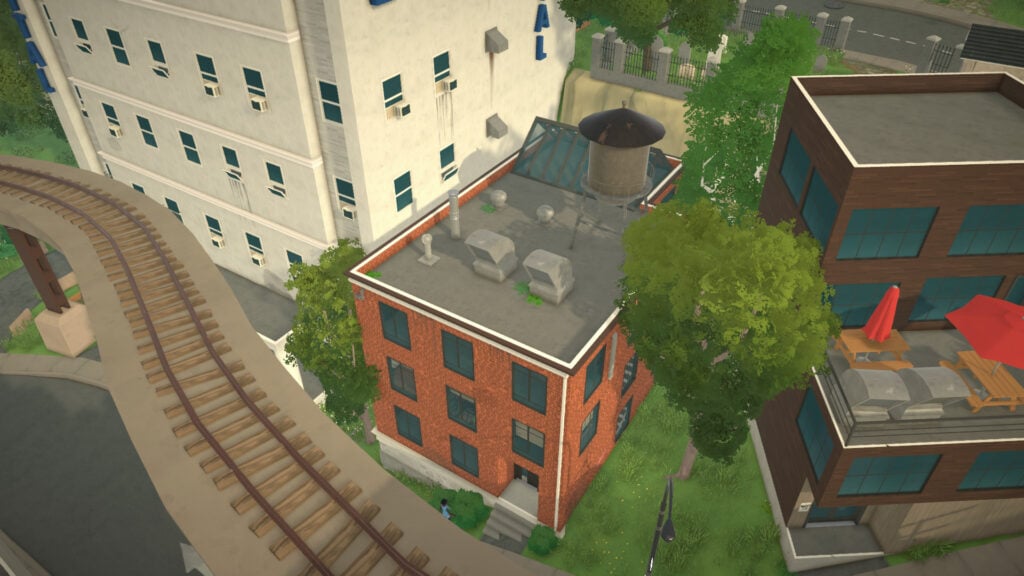
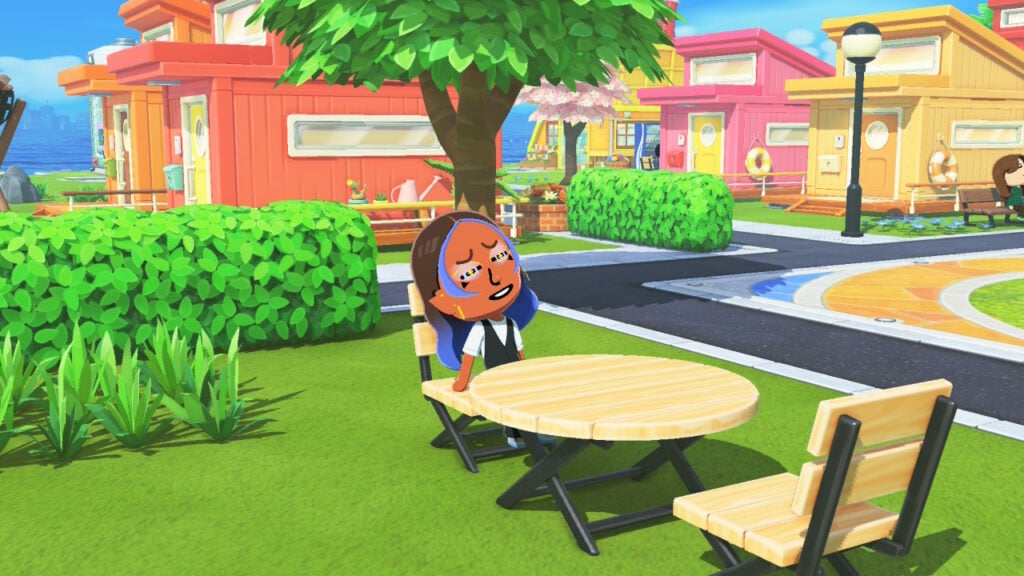
The use of mods in life simulation games is not a new thing. Mods, created and supported by the community, have the power to enhance or even completely change the game experience. For Paralives, the team has chosen to work with Steam Workshop to make it really easy for players to create, manage, and download mods.
Let’s explore how to use Steam Workshop with this guide!
Table of Contents
What is Steam Workshop?
Steam Workshop is a content-sharing service that developers can provide to players, created to make it easier for players to share their creations with each other. This means that Paralives players won’t need to search third-party sites for extra Paralives content, and that households, lots, and mods can be shared and installed directly on Steam.
How to access the Steam Workshop for Paralives
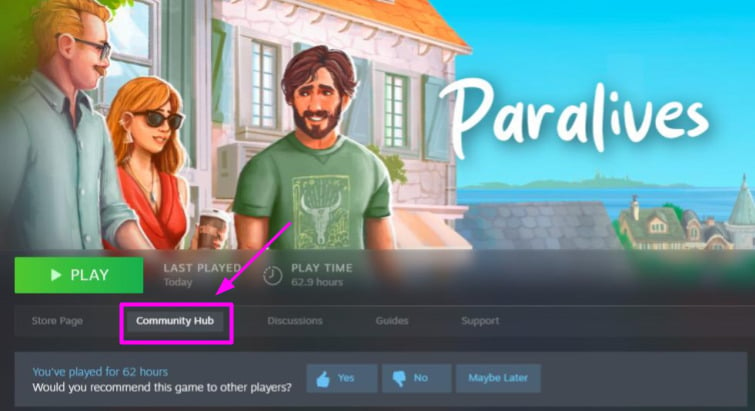
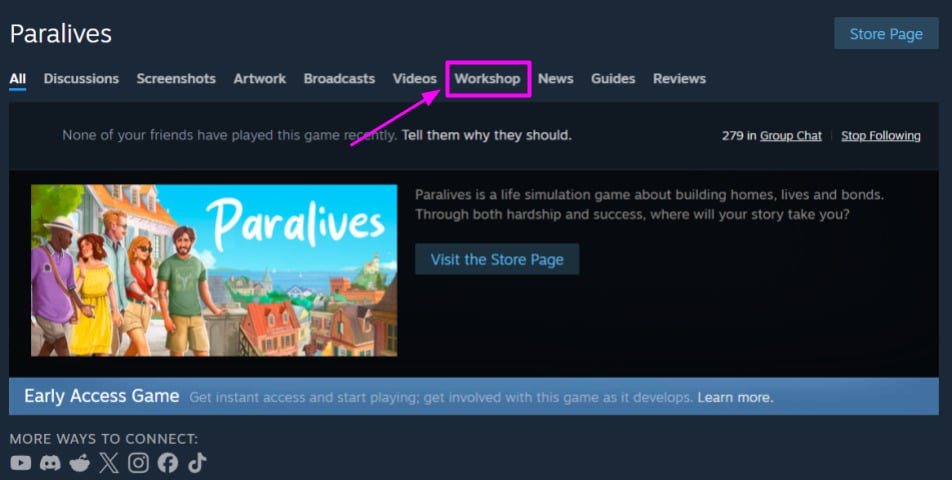
When you get your copy of Paralives on Steam, clicking on the game in your library will take you to its game page. On that page, click on “Community Hub”, and it will take you directly to the Paralives Community Hub on Steam. Then, to find the Steam Workshop, simply click on “Workshop” at the top menu.
How to download Paralives mods from the Steam Workshop
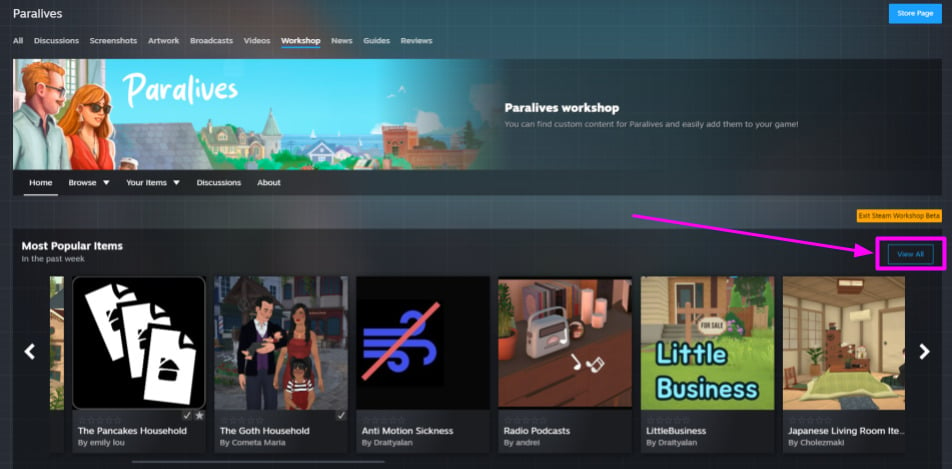
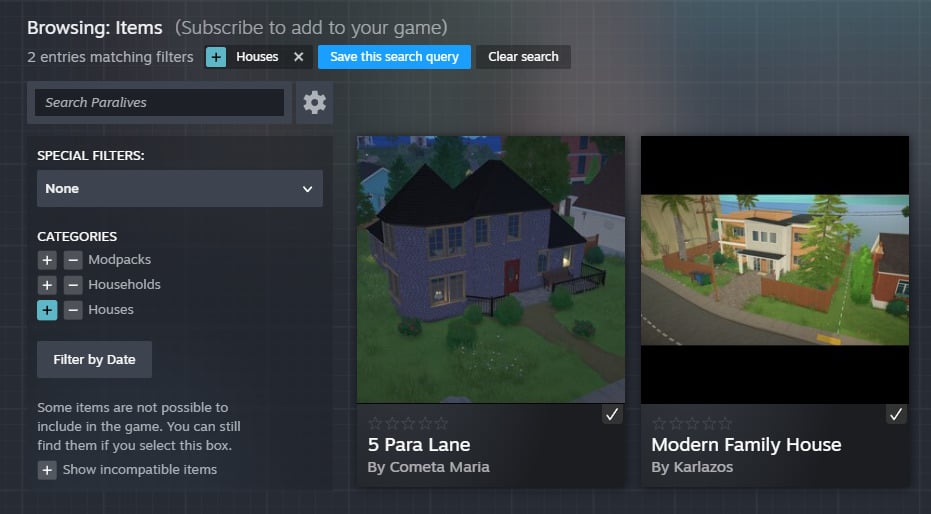
Downloading Paralives content from the Steam Workshop is pretty simple. Once you’re on the Steam Workshop page, you can already start subscribing to mods, or click the “View All” button to browse all content uploaded by other players.
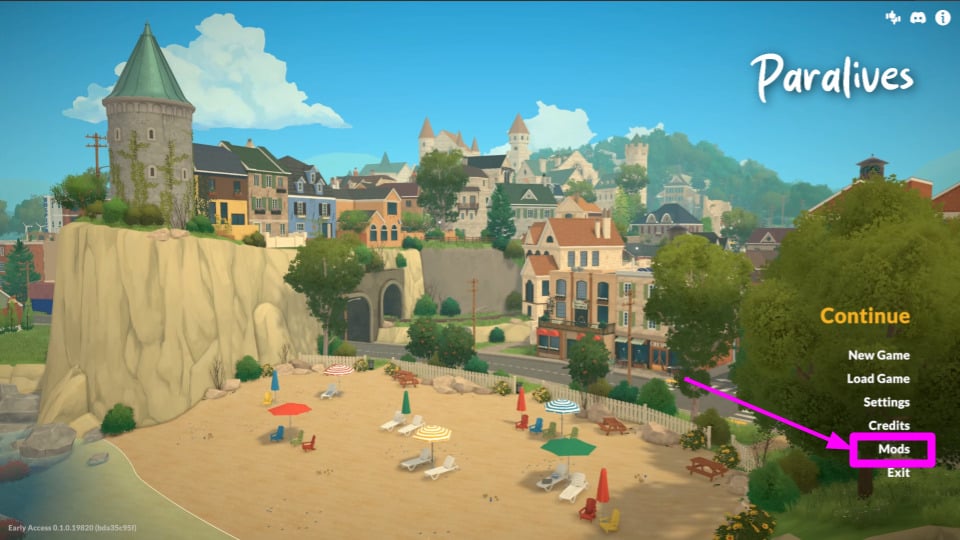
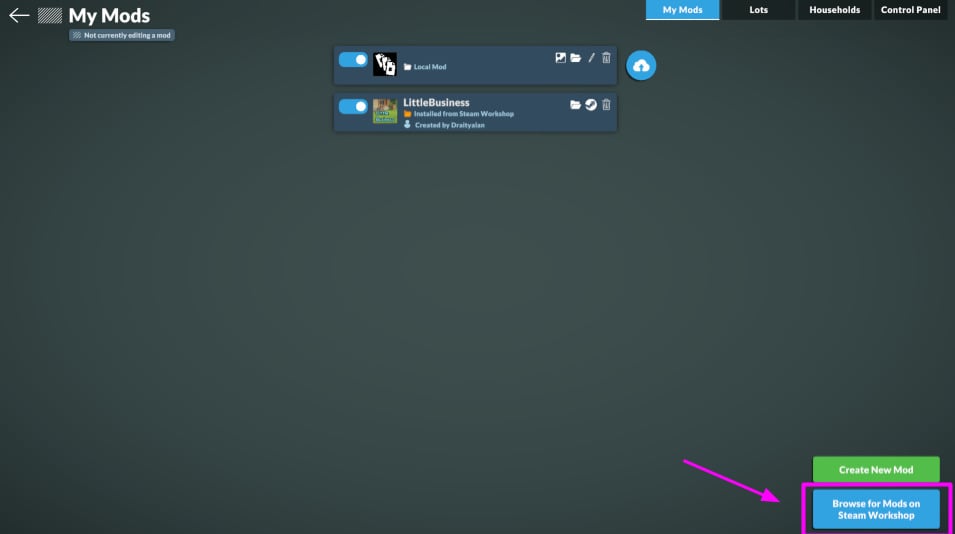
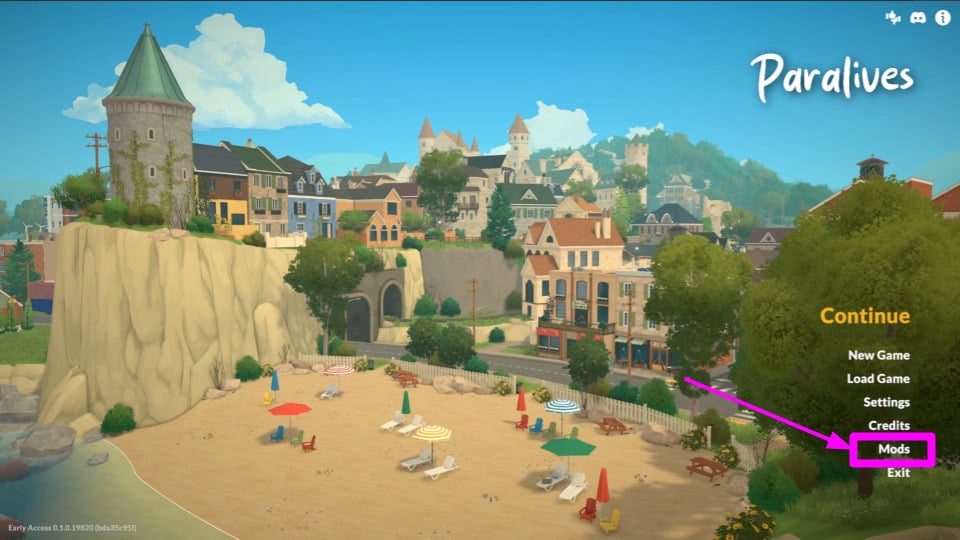
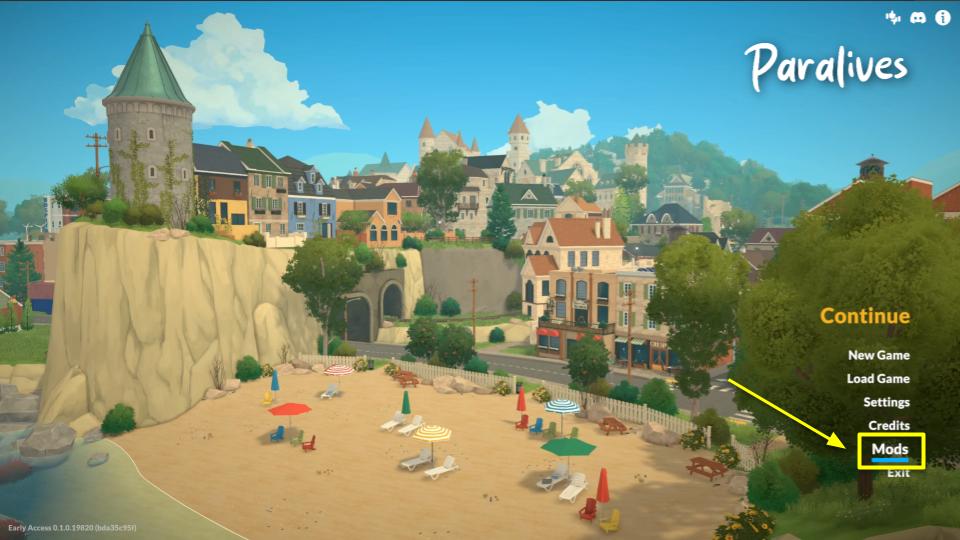
If you are already in the game, you can go to the Main Menu → Mods. You’ll notice that it contains a button that reads “Browse Mods on Steam Workshop”.
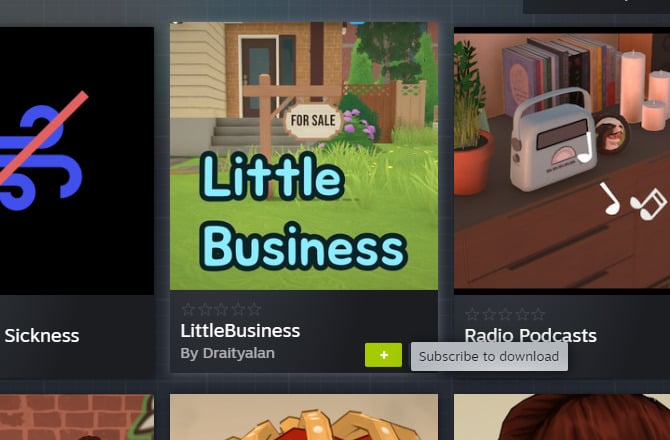
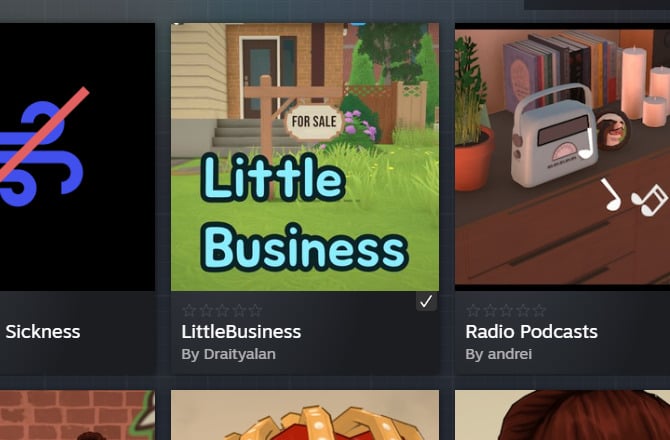
To download a mod, simply click on the + sign that appears when you hover your mouse over the item!
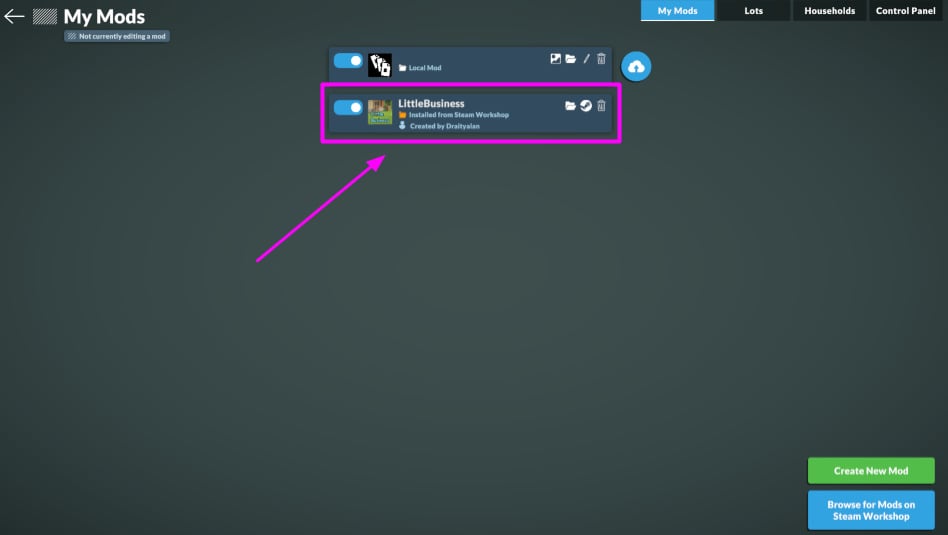
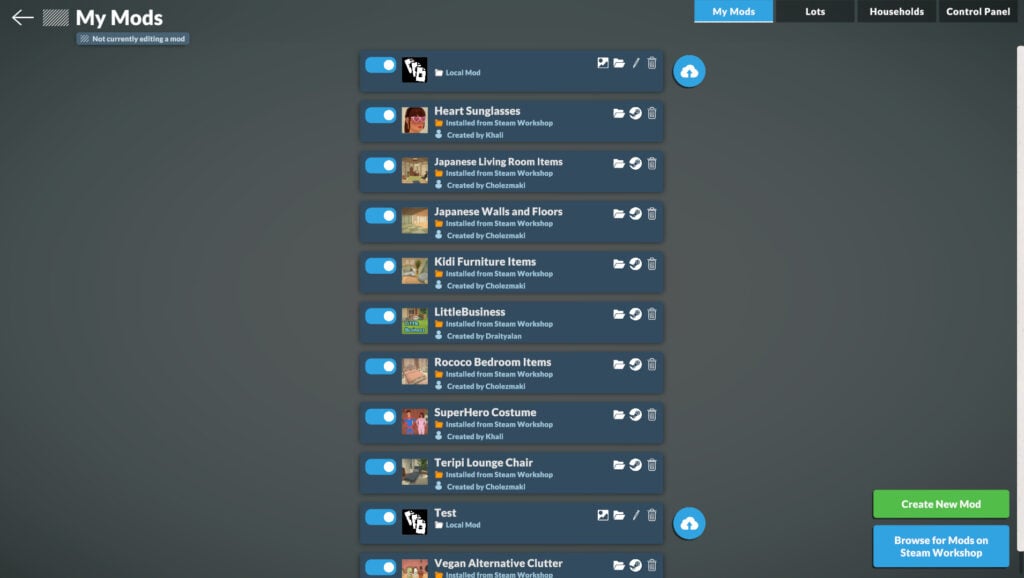
To confirm that the item has been installed, launch the game and navigate to Mods → My Mods.
The best part is that when the modder updates the mod, it will be automatically updated, and you won’t have to worry about downloading a new version!
Steam Workshop Search, Categories and Filters
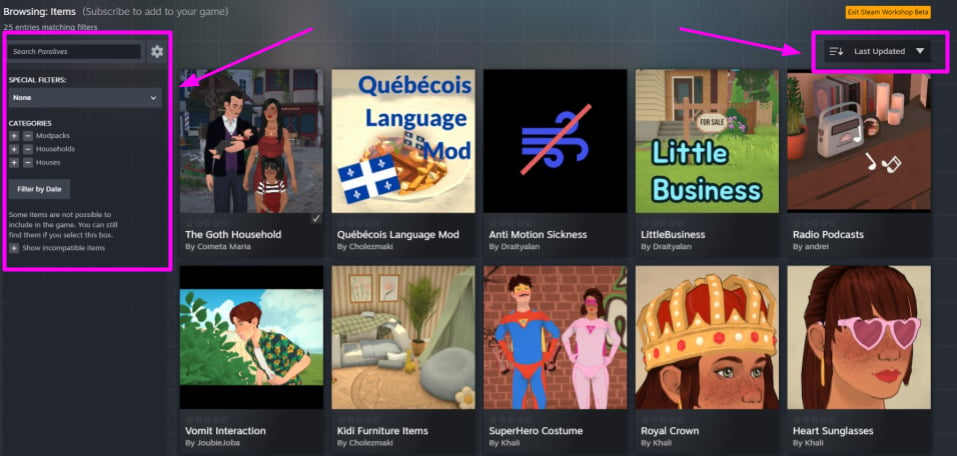
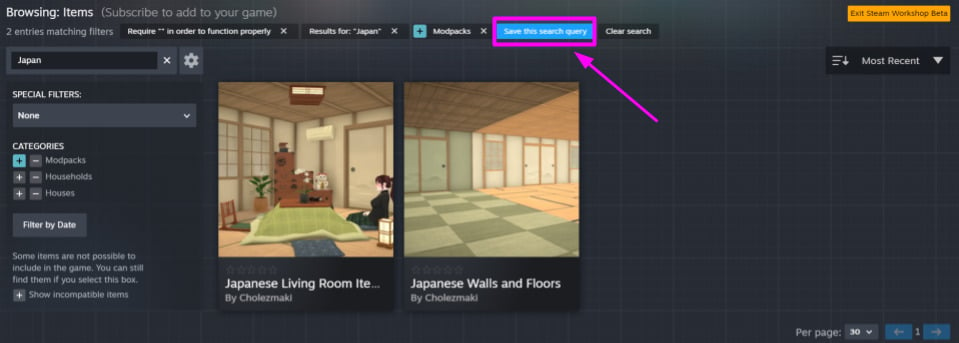
The Steam Workshop offers filters to help you find the kind of mod you want. The three main categories are: Modpacks (for furniture, new interactions, new radio stations, etc.), Households, and Lots.
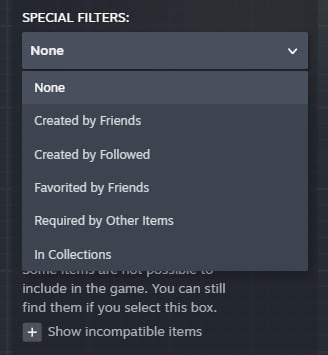
On the left menu, you’ll also have access to the search and special filters, which are: Created by Friends, Created by Followed, Favorited by Friends, Required by Other Items, and In Collections.
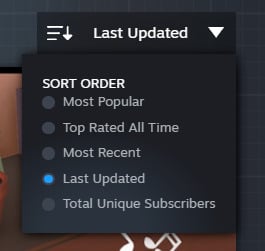
On the right, you’ll find a dropdown menu where you can select how to sort the items. The options are: Most Popular, Top Rated All Time, Most Recent, Last Updated, Search Relevance, and Total Unique Subscribers.
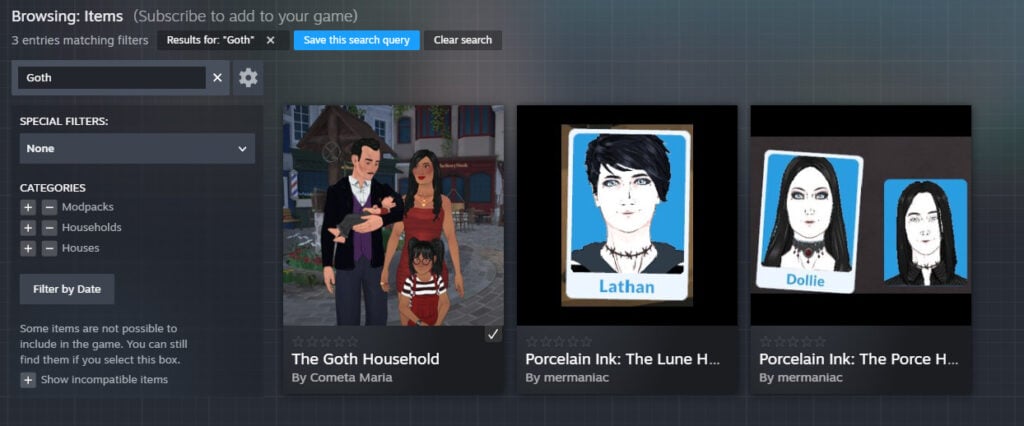
You can search for a specific mod:
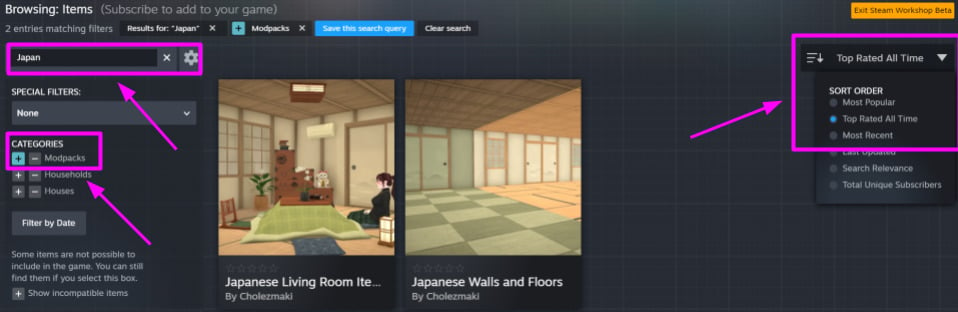
You can combine multiple filters to make your search even easier if you want!
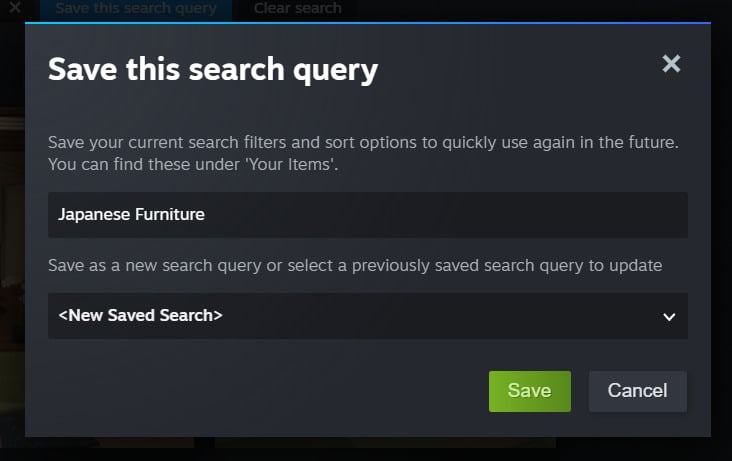
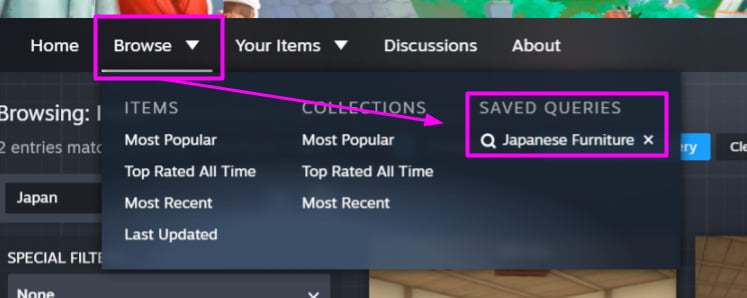
You can also save the query to make future searches even easier!
How do I find the items I subscribed to on Steam Workshop?
To manage your mods, go to the Main Menu and select Mods. On this page, you’ll be able to see everything you have installed and can easily manage and delete items.
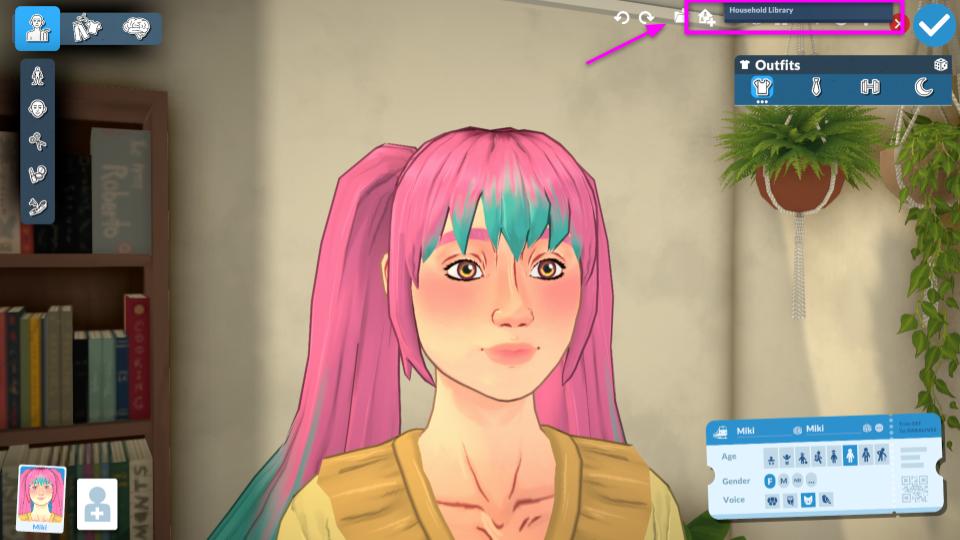
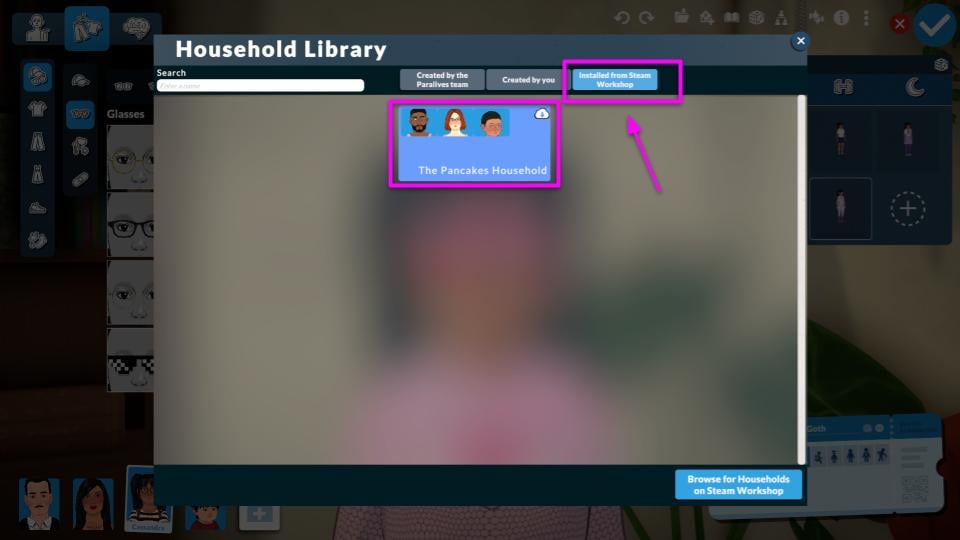
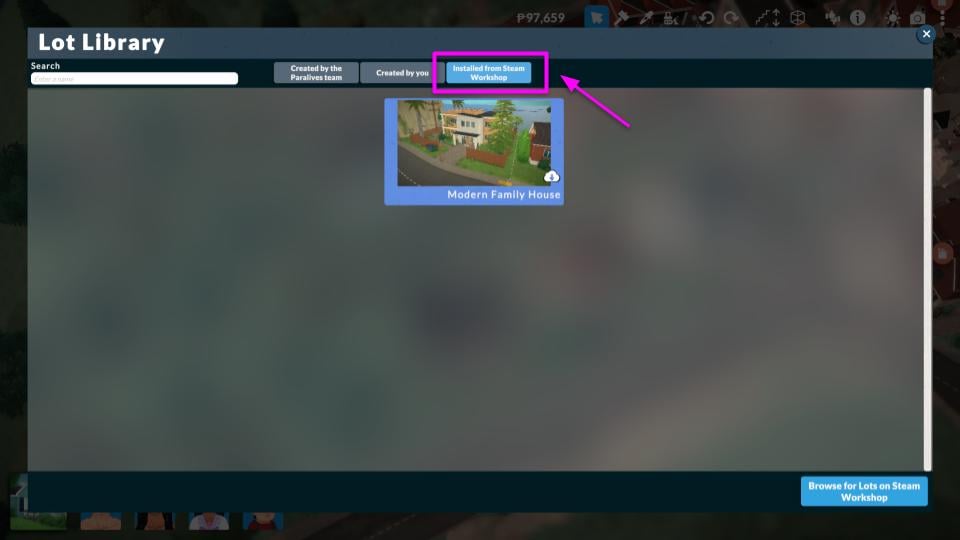
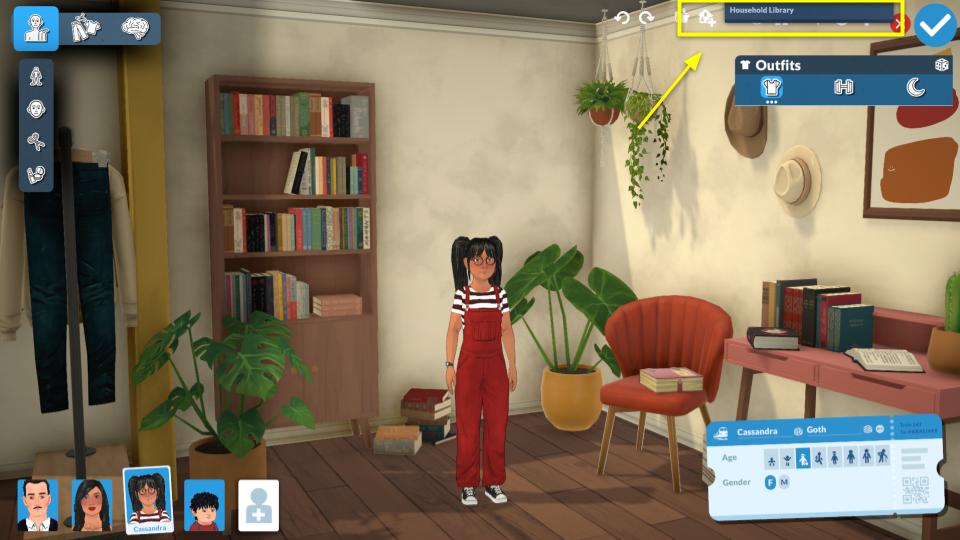
To find the households you saved, enter the Paramaker and click on “Household Library”. You can switch to the “Installed from Workshop” tab.
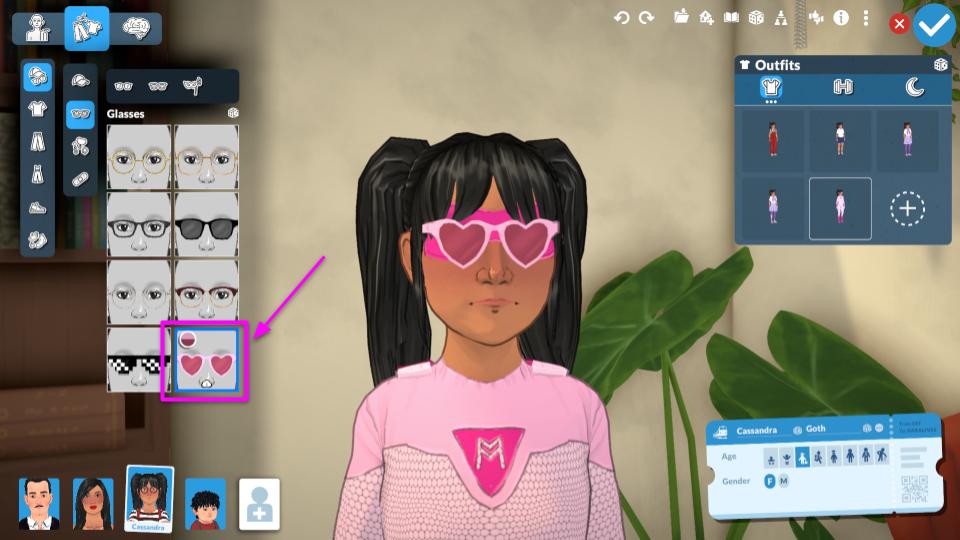
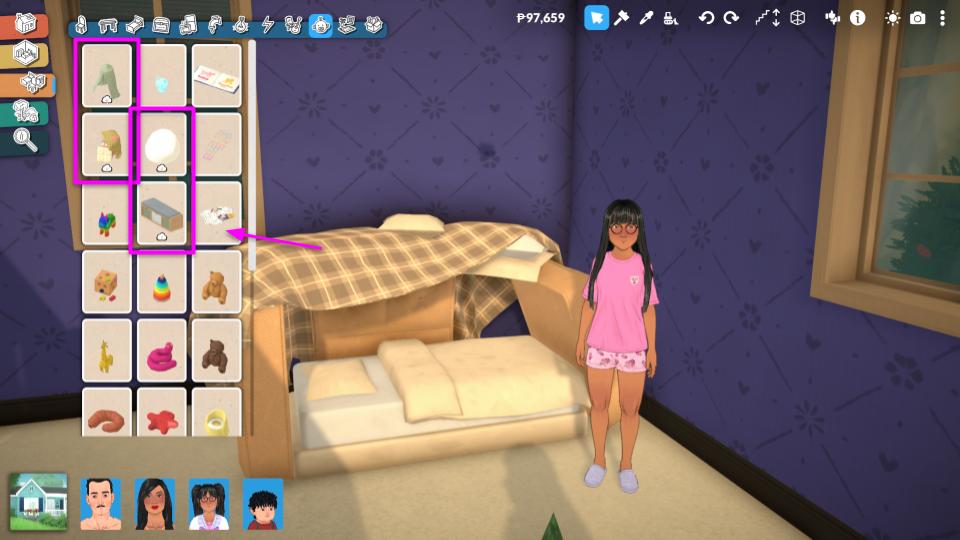
In the Paramaker, you’ll also find the items you downloaded in their respective categories. You can tell an item is a mod because it will have a cloud icon on it to make it easier to identify.
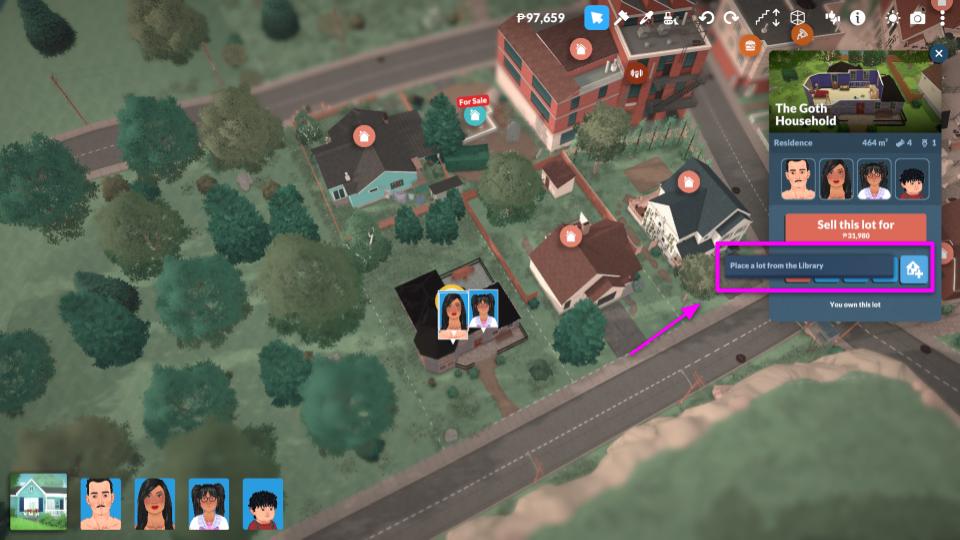
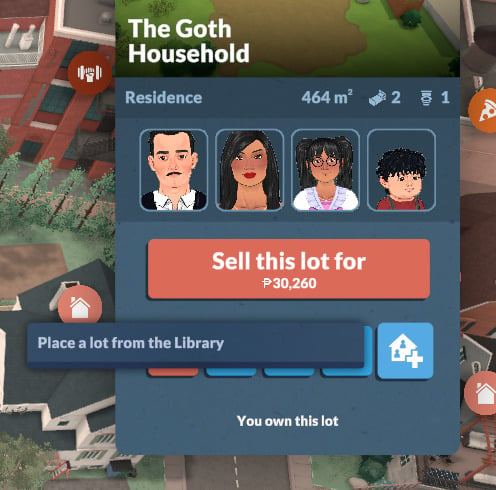
For lots, you’ll find them in the town view lot menu when you click “Place a Lot from the Library”.
You can find Build and Buy mode items in their respective areas. The cloud icon makes them easy to identify.
How to Upload Mods to Steam Workshop
It’s very simple to upload a mod from Paralives to the Steam Workshop, as the process is already fully integrated into the game. In this part of the guide, we’ll focus on teaching you how to upload lots and households to the Steam Workshop, as well as give some tips on the process.
Uploading Lots
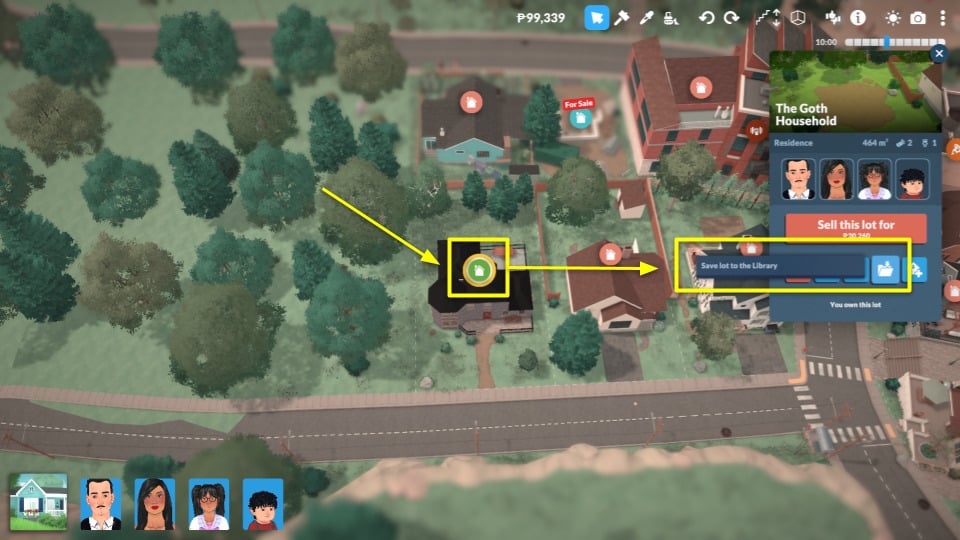
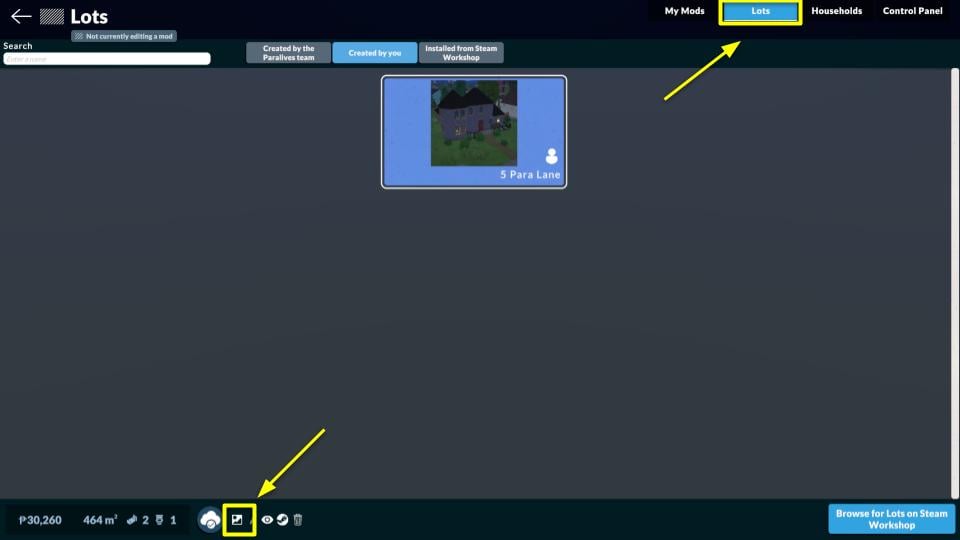
After you finish building, zoom out to reveal the lot’s town options. Then click on “Save Lot in the Library” (image below).
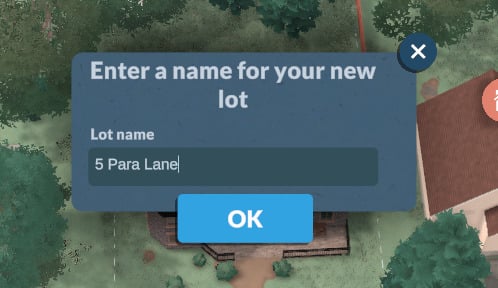
Give your lot a name and click “OK”.
To upload the lot, go back to the lot menu and click “Place a Lot from the Library” to access your library.
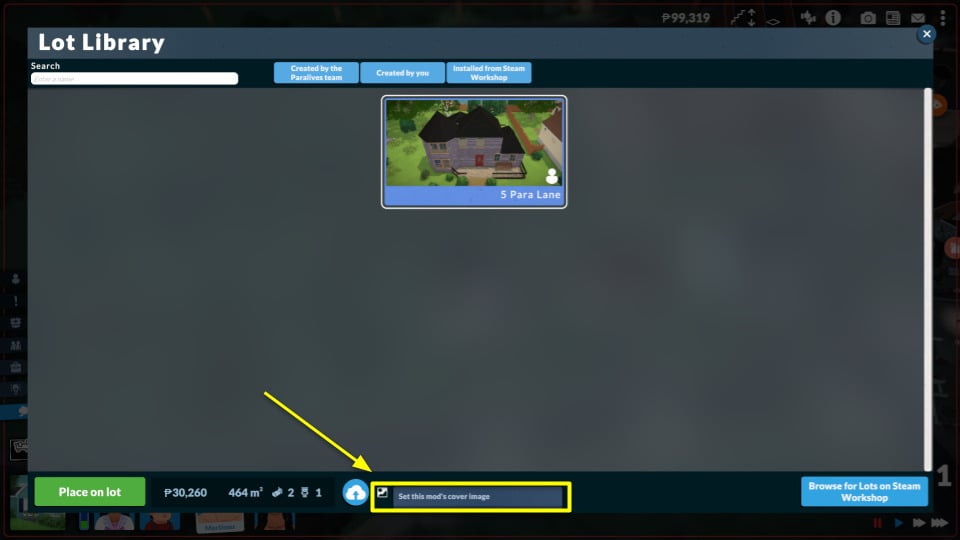
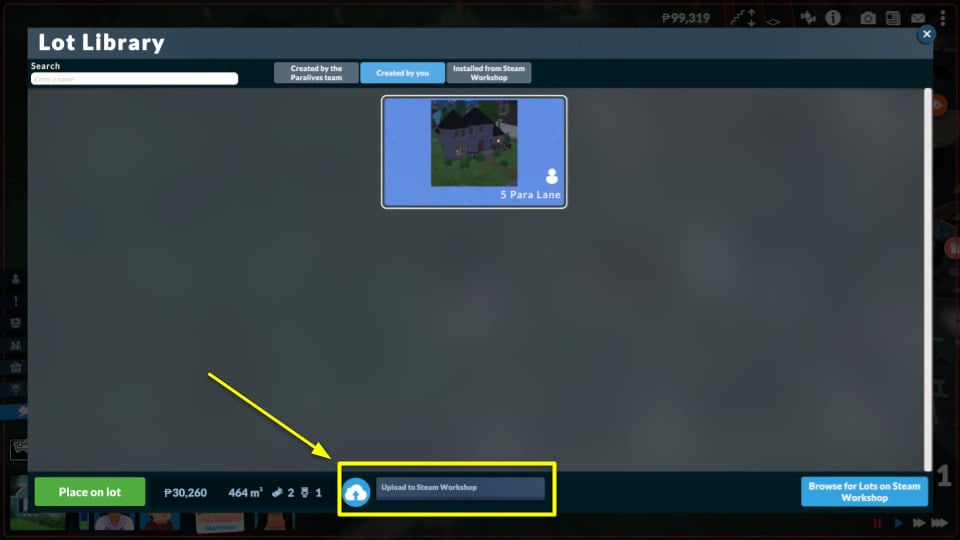
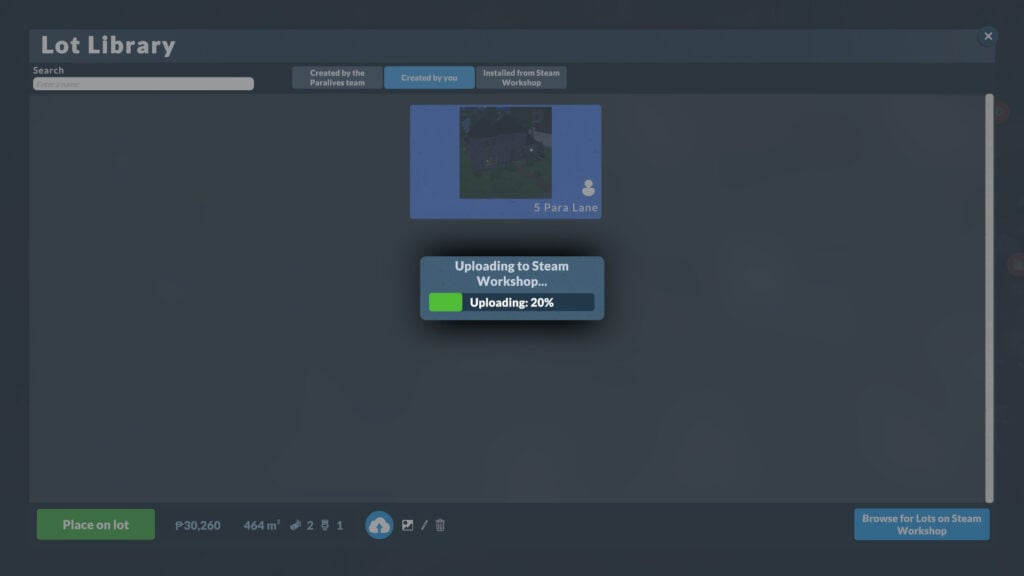
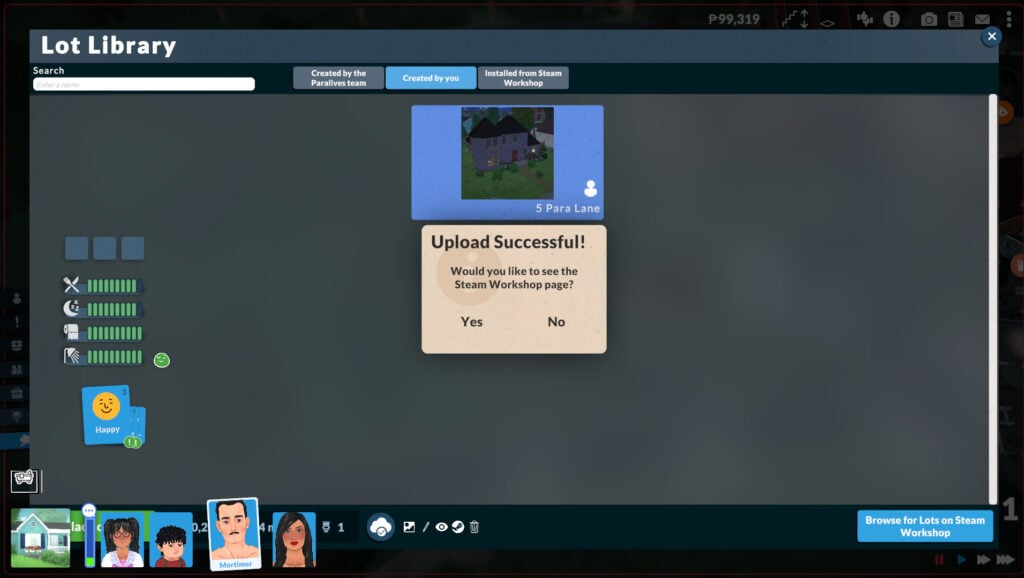
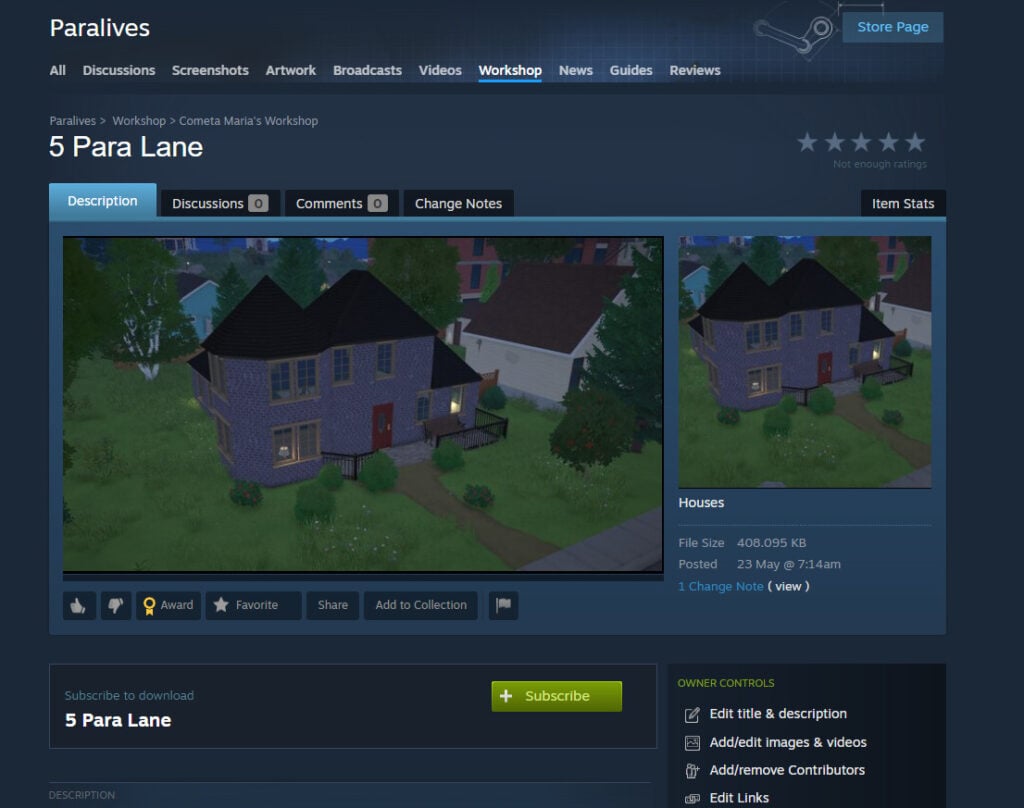
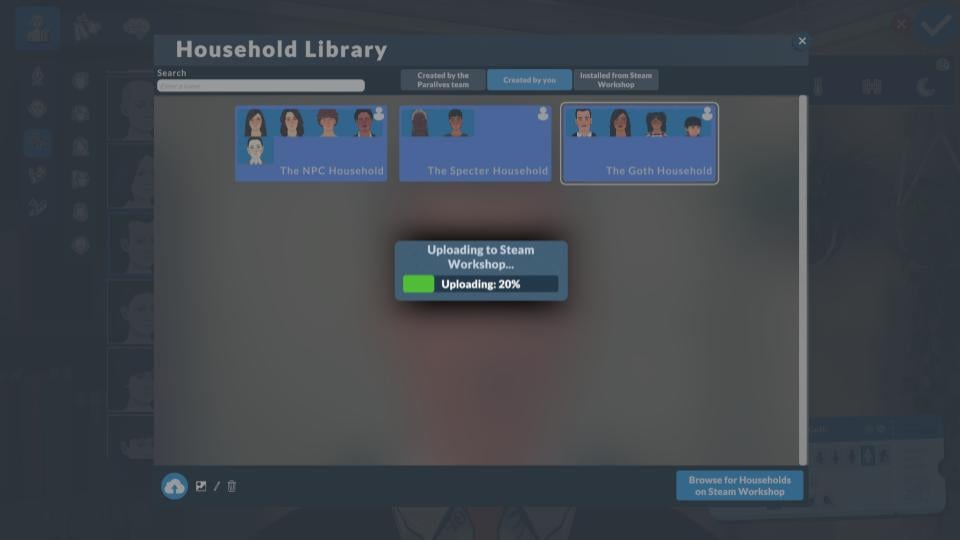
In the lot library view, you’ll find the “Upload to Steam Workshop” option. You have the option to upload a custom thumbnail and add a name and description for your mod, which will then be displayed on the Steam Workshop.
You can update your creation’s images and description directly on your Steam Workshop creation page, but changing the thumbnail requires repeating the steps described earlier or going to Main Menu → Mods → Lots, and clicking “Set This Mod’s Cover Image”.
Pro-tip: Using a 1:1 (square) image is recommended so the thumbnail displays correctly without cropping!
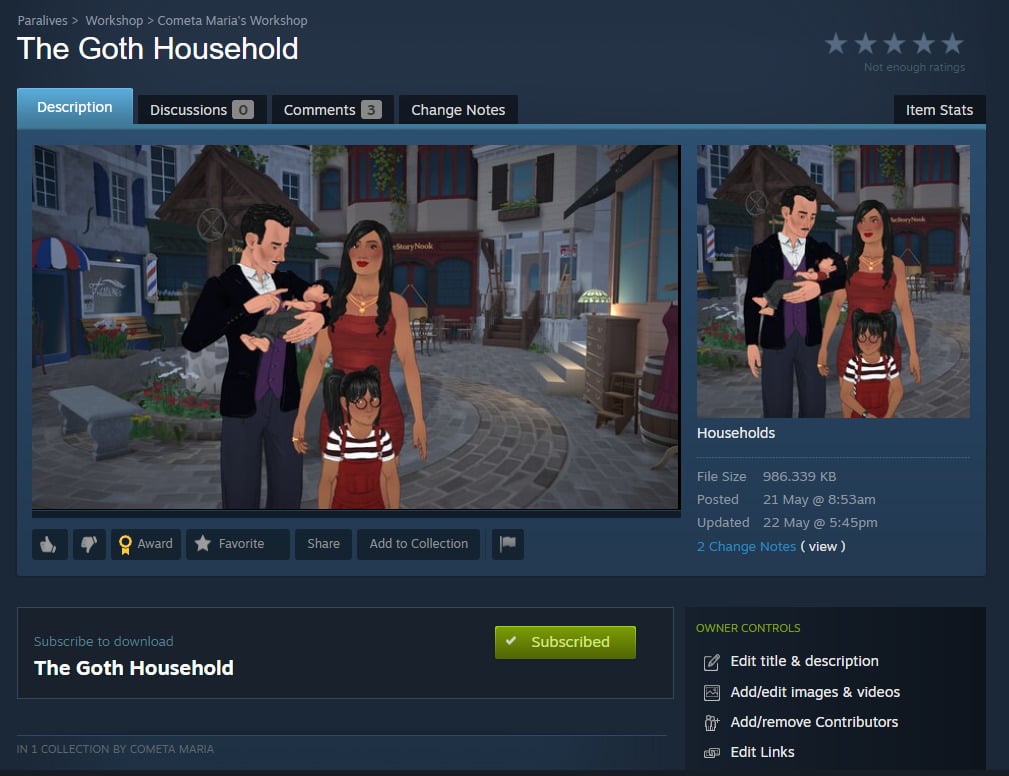
All uploads go through a moderation process from both Steam and the Paralives team, so your creation won’t appear on the Workshop right away. Once it’s approved, you should see it listed.
Uploading Households
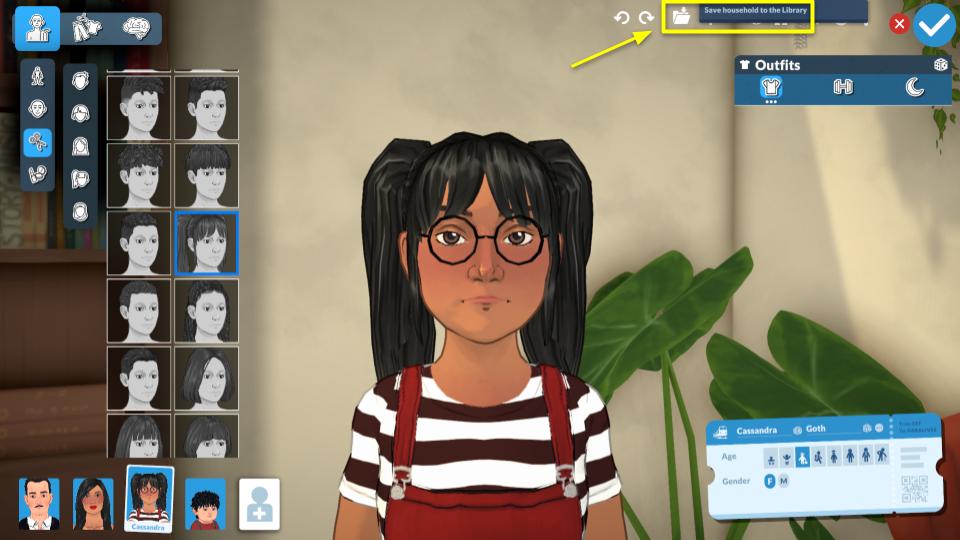
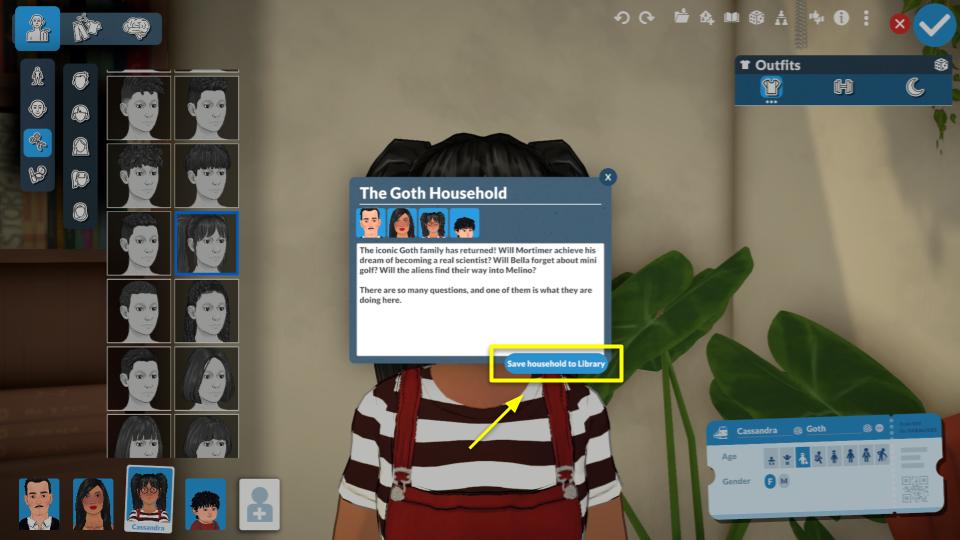
When you finish editing the household you want to upload, click “Save Household to Library”. You have the option to write a bio for your household, which will then appear as their in-game description.
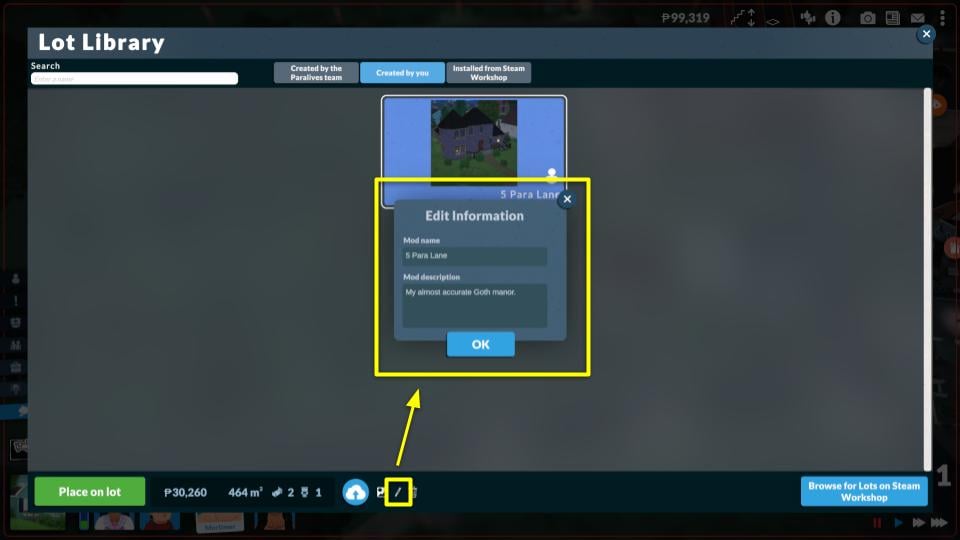
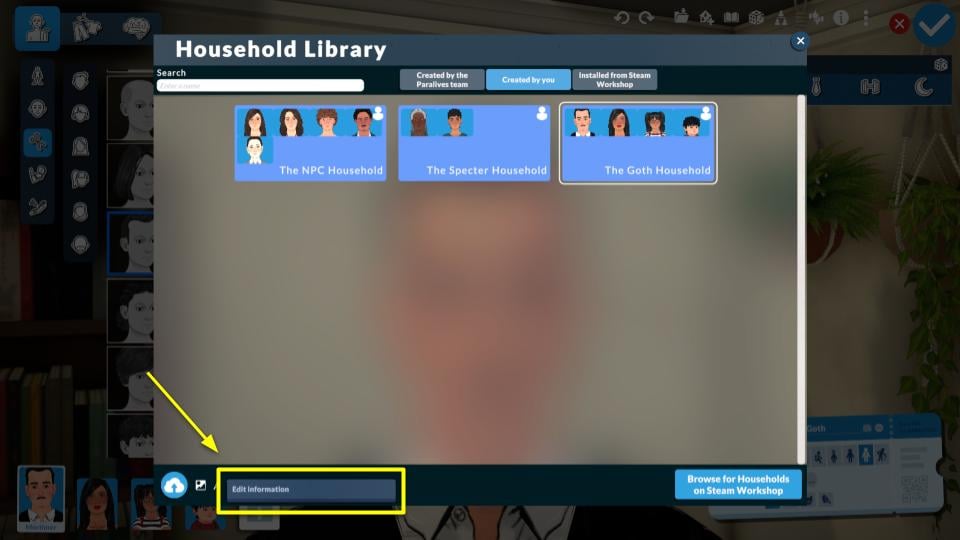
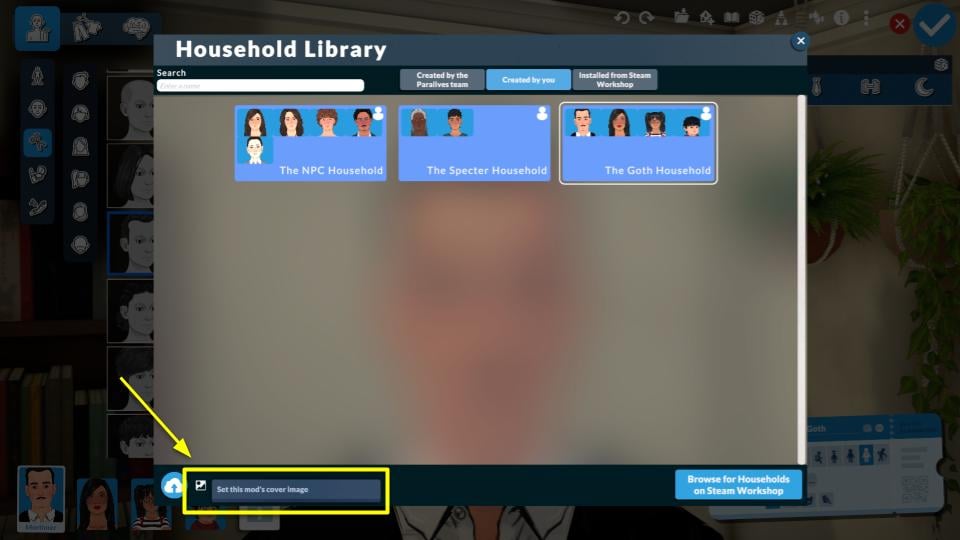
Next, go to Household Library, add a description via “Edit Information,” and select a thumbnail image with “Set This Mod’s Cover Image” for the Workshop.
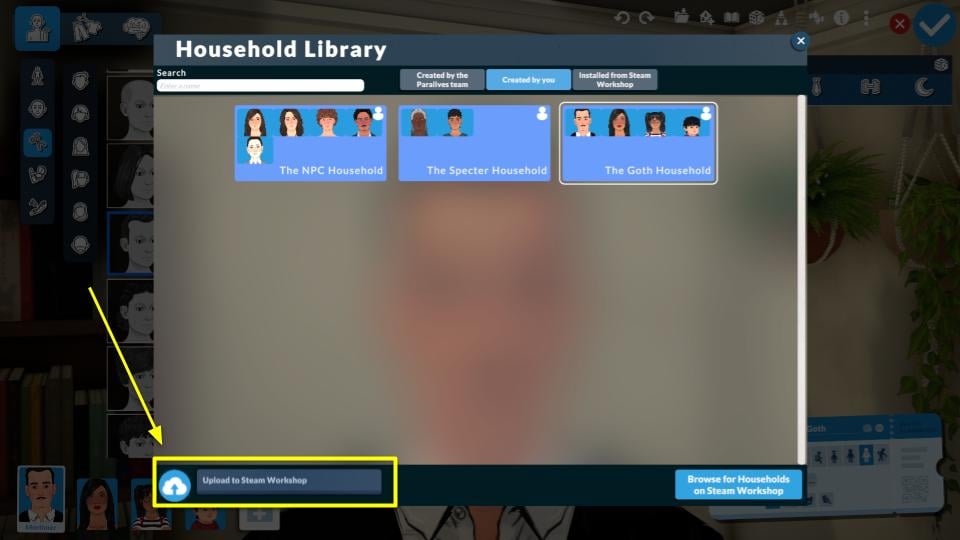
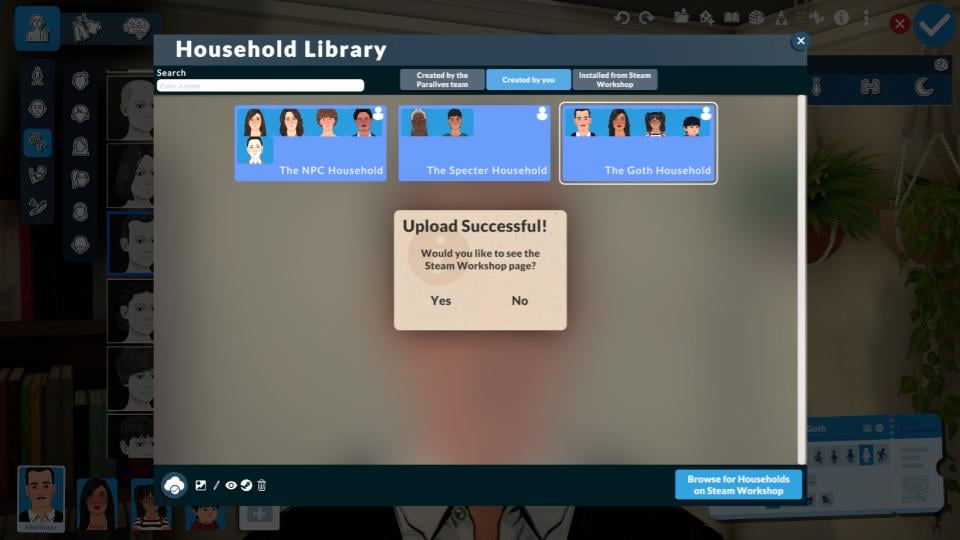
Then you’re ready to click “Upload to Steam Workshop”.
Like sharing a lot, households won’t appear right away on the Workshop due to moderation by both Steam and the Paralives team.
Final Thoughts
Past life simulation games often lacked a safe, user-friendly modding hub. Steam Workshop changes that: it’s easy for beginners, has all the essential tools, and adds a security layer with moderation from both Steam and the Paralives team. Choosing Steam Workshop as the official modding platform was a great decision!
Now we want to hear from you. What do you think about Steam Workshop? Will you use mods in your game? Let us know in the comments and check out more of our Paralives Guides.
It appears that Electronic Arts has quietly retired one of the of The Sims Spin-Off titles from 2010. We’re most certainly talking about the timeless classic The Sims Medieval, which seems to have been pulled back from official stores including EA App and Steam with no prior warning or public announcement. Here’s everything we know so far:
Table of Contents
The Sims Medieval Store Page
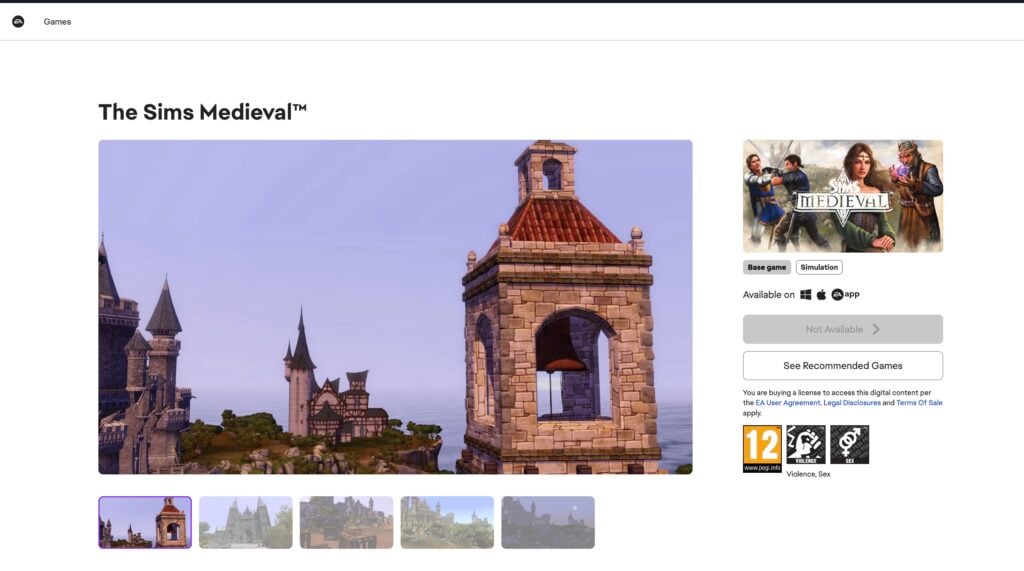
The official EA Store page for The Sims Medieval is still up. However, if you look into the right side of the page you’ll notice that the game is “Not Available” for purchase, and instead directs you to other recommended Sims games still active.
The Sims Medieval Gone From Steam
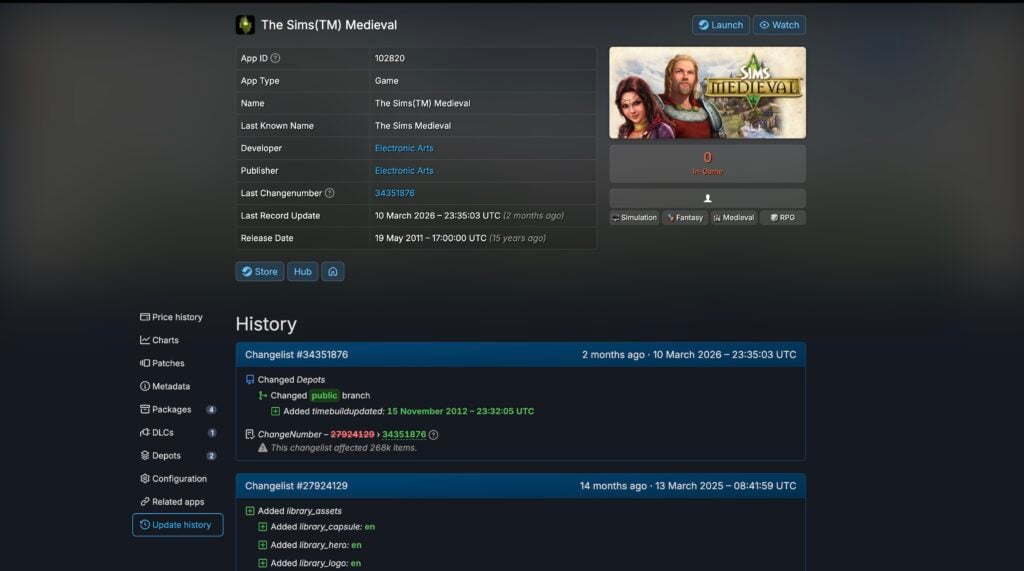
Looking into the history of The Sims Medieval’s presence on Steam, it appears it was pulled back from the Store page quietly 2 months ago on March 10th, 2026. According to the last update provided from SteamDB.
ARTICLE UPDATE: The Sims Medieval was apparently delisted from Steam back in 2016. One of our readers explained the listing above:
The game has been delisted off Steam since 2016. The March 2026 changelist was just a Steam‑wide automated update affecting about 268k items.
Source: Leo
It’s still a major novelty that The Sims Medieval was pulled back from its official EA App storefront this weekend with no prior announcement.
What now?
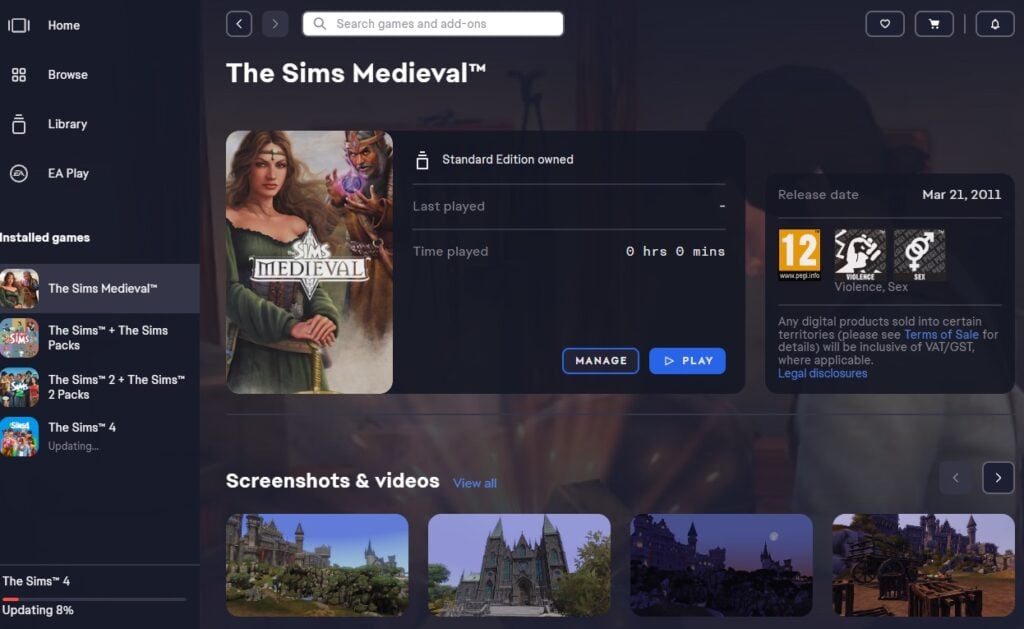
If you’ve previously purchased The Sims Medieval from either the EA App or Steam you’ll still be available to access the game, download and play it. However, any potential new players looking to try The Sims Medieval will no longer be able to purchase it.
The game was originally released in March 2011 for PC and Mac, several months after The Sims 3 got its 3rd Expansion Pack “Late Night”. The Sims Medieval released an additional “Pirates & Nobles” Expansion Pack which later become a part of the standard The Sims Medieval package on official EA storefronts.
Slowly but surely EA is making their list of abandoned software evergrowing. Will this be in any way related to other Sims Spinoffs announced for 2026 and beyond or are they planning to release a Remaster and call it a new thing again? We’ll know more when the time is right.
Until then, let us know what you think about EA abandoning The Sims Medieval in the comments section down below. For all the latest news and updates on The Sims Franchise (and beyond) stick around to Sims Community!
With Paralives being days away from coming out in early access, now is a great time to learn about Paralives relationships and all the different relationship levels and labels your Parafolk can have.
Paralives Relationships
Developing Paralives Relationships
To build a relationship, you can have two or more Parafolk perform any interaction together while in a group. As they spend time together, their bond gradually changes and grows.
Instead of relying on a long queue of perfectly orchestrated and micromanaged social interactions like in other life simulation games, relationships evolve simply through shared activities and experiences, as well as together cards.
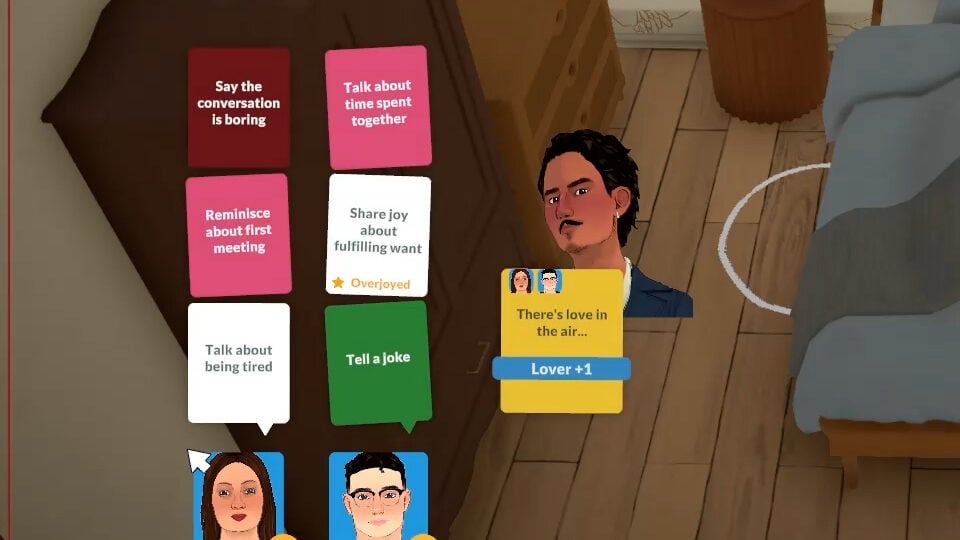
Together Cards
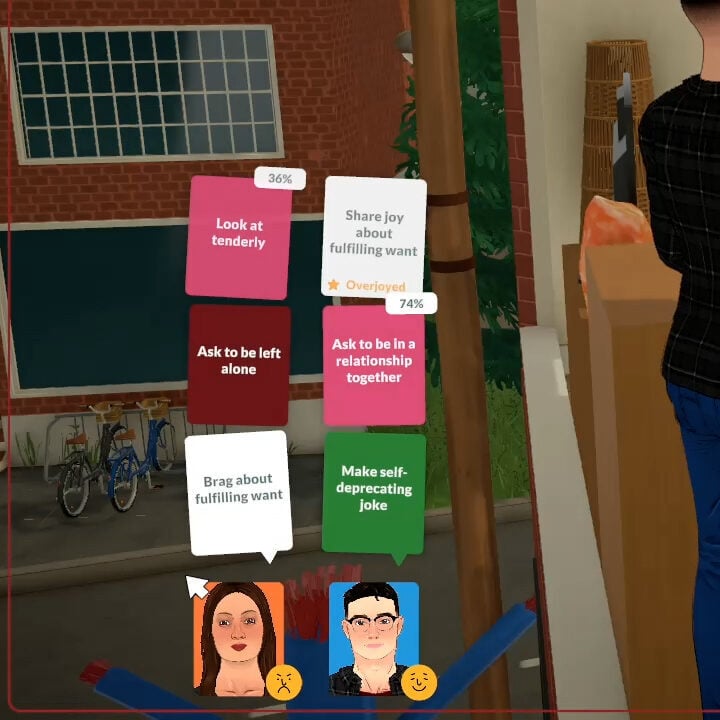
Together cards are how you interact with your Parafolk and control the conversation’s direction. These are the main ways you will be able to have input into your Paralives relationships.
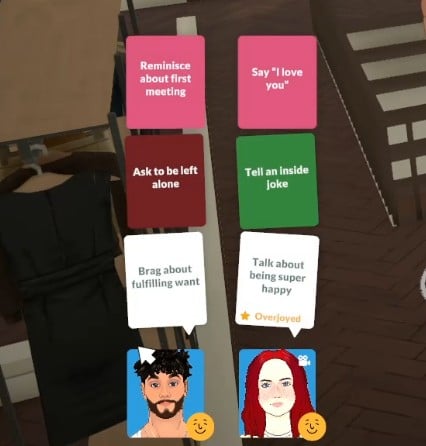
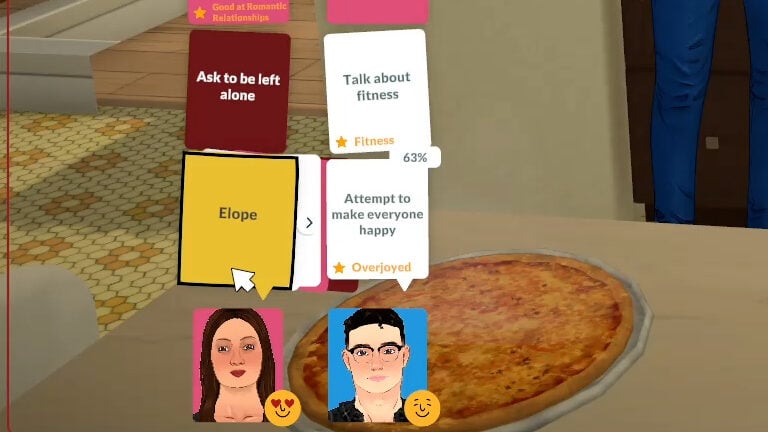
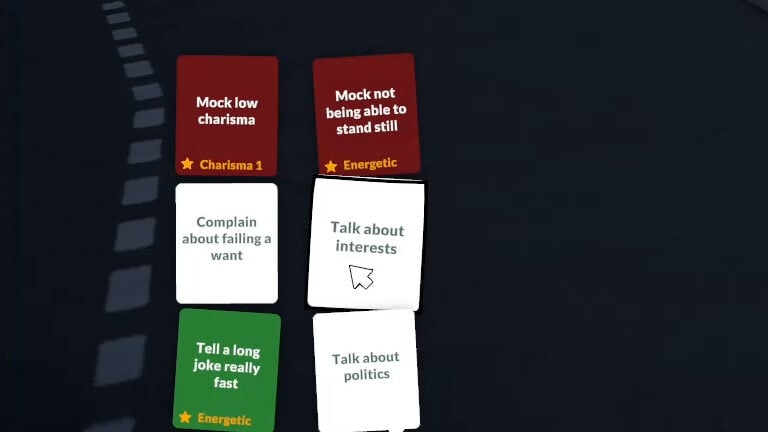
The colour of each card is linked to the direction the conversation will go.
White together cards: Neutral conversation
Pink together cards: Flirty interactions
Dark blue cards: Learn information about the person you are talking to, like their job.
Green together cards: Funny or happy interactions
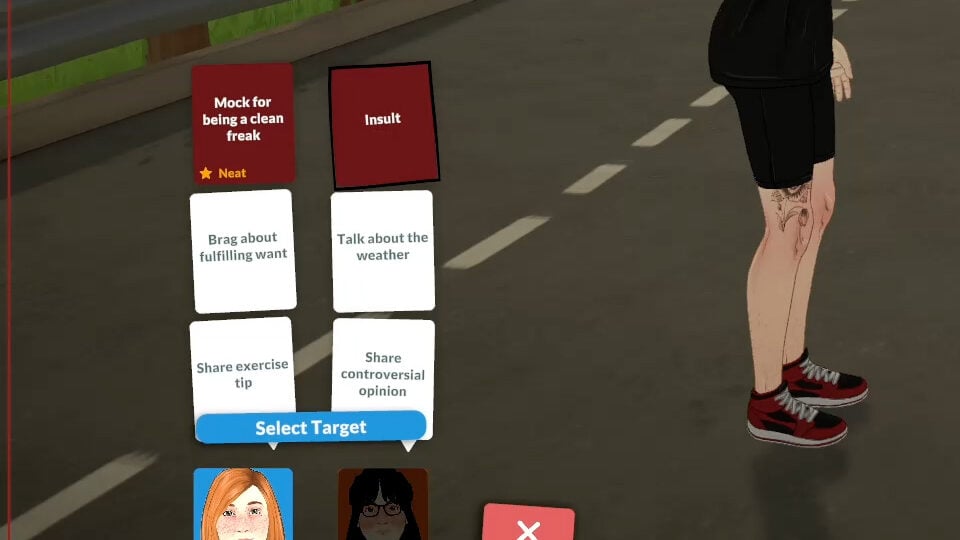
Red together cards: Mean or negative interactions
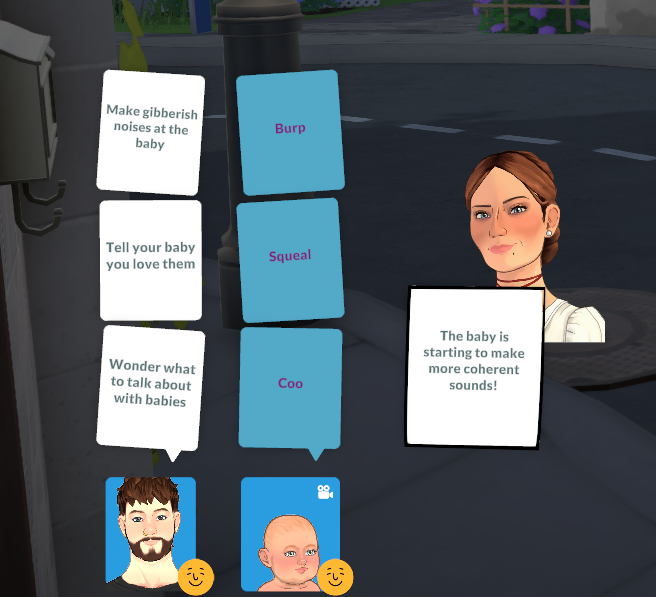
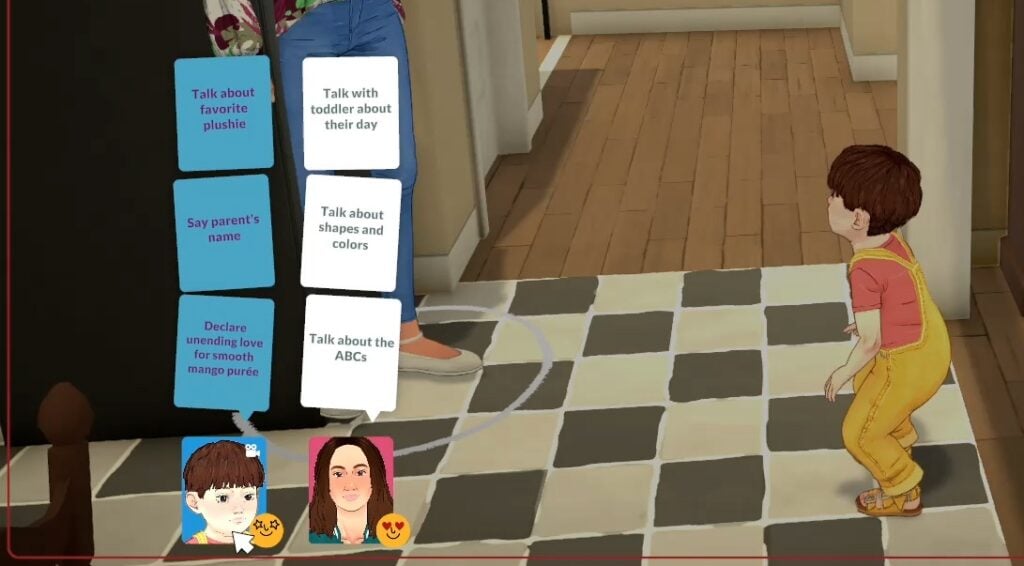
Babies and toddlers also have a unique blue card for their conversation options. Picking these in conversation will level up their language skill.
Relationship Labels
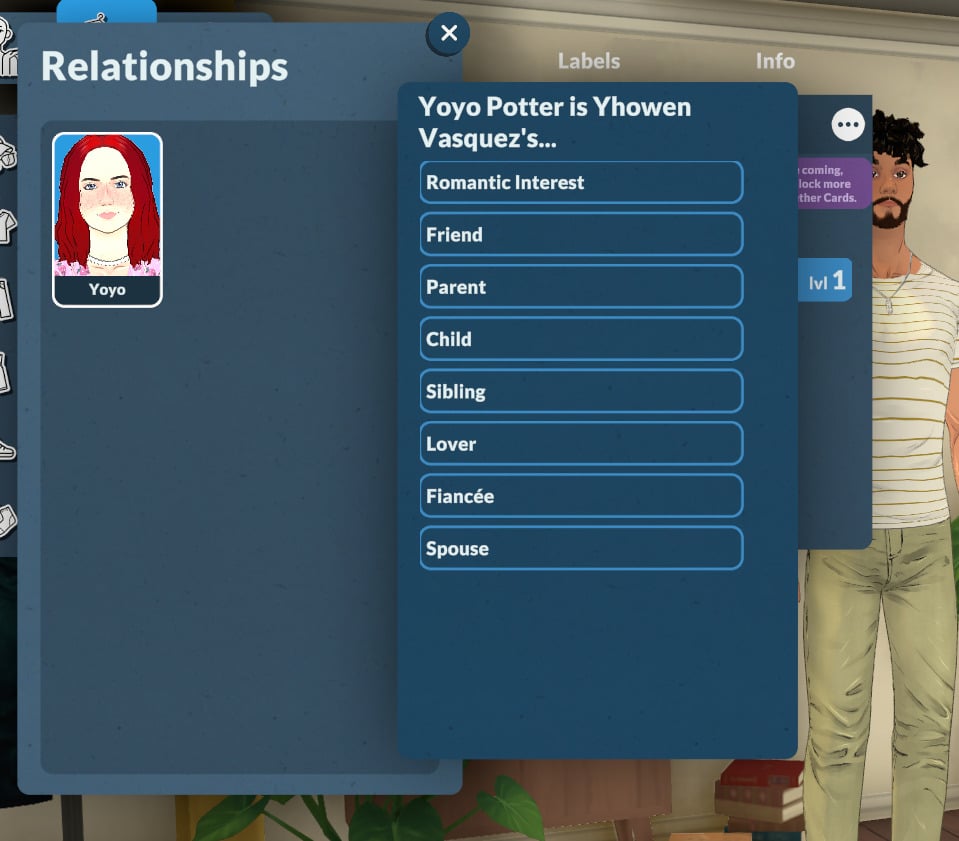
Love interest, friend, and family labels can be added in Paramaker when you create your family, and the team have confirmed that more relationship labels will become available as early access continues.
Outside of the Paramaker menus, relationship labels can only be unlocked through the storyteller and their input into the relationship.
If you perform a bunch of interactions in a row from the same type of together card, the storyteller you have chosen will pop up and give you the option to add a relationship label or level up a relationship.
Levelling up your relationship will unlock new together cards, so when they pop up it’s a good idea to take it.
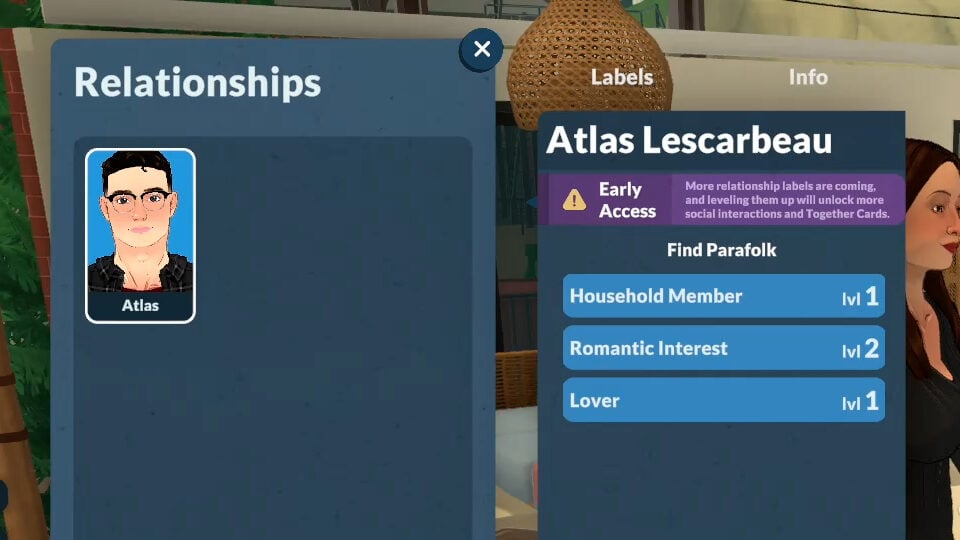
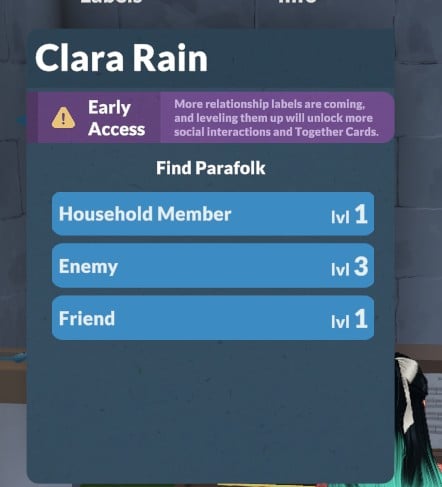
To check on the relationship labels and levels between any two Parafolk, you can find all their information in the Relationships tab.
You can also have relationship labels which might seem conflicting, like lover and enemy or friend and enemy, so relationships can be as complex as you want them to be in Paralives.
Friendship
Forming friendships in Paralives is really straightforward and doesn’t require too much input, unlike romantic and negative relationships.
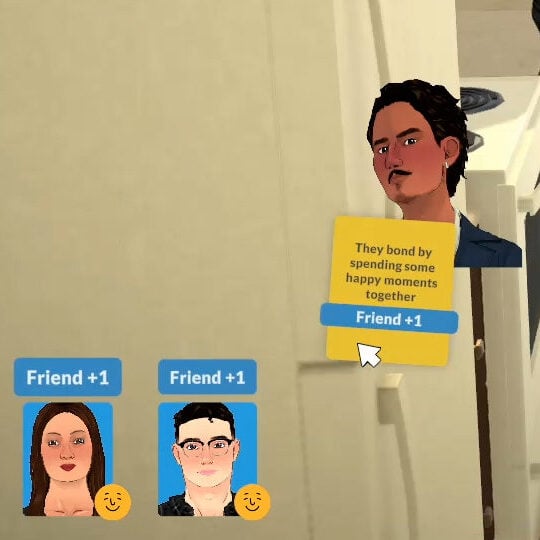
As long as Parafolk spend time together in a group, whether chatting or doing an activity, they will build a positive connection.
The higher your friendship level the more dialogue options you will unlock, including things like the ability to tell inside jokes.
Romance
Building romantic relationships in Paralives involves elements of chance, as well as the together cards and activities.
Personality Impacts Romance
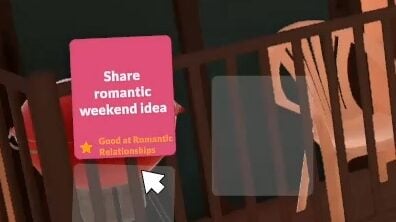
When creating your characters in the Paramaker, you can assign them specific personality traits and perks which impact socialisation. Selecting the Good at Romantic Relationships perk gives your Parafolk higher success rates and unlocks unique together cards.
Chances Of Flirtation Success
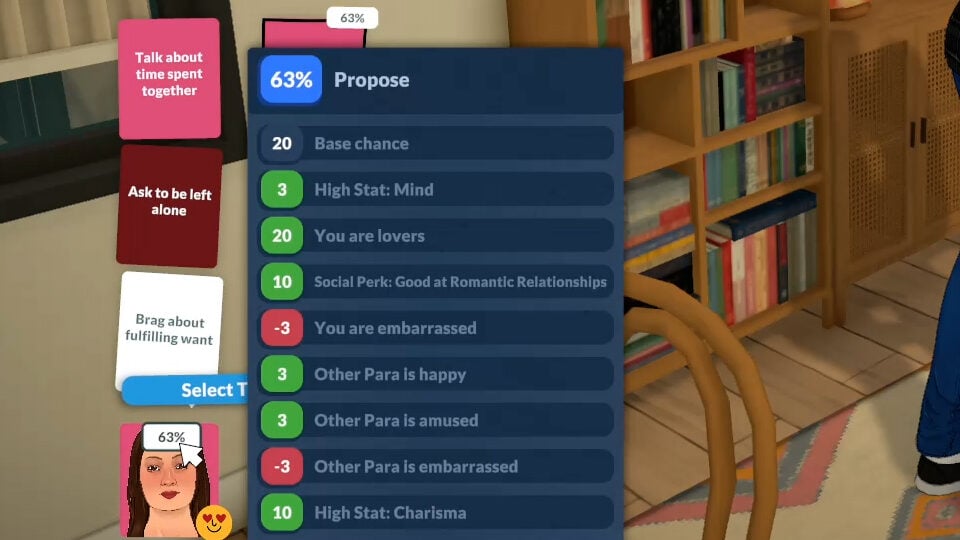
Flirtation success depends on a host of factors, including how close your Paras are, the vibe of the conversation, and how the Paras are feeling.
Hovering over the target Para’s icon will show you how likely you are to succeed and provide a more detailed breakdown of the factors influencing your chances.
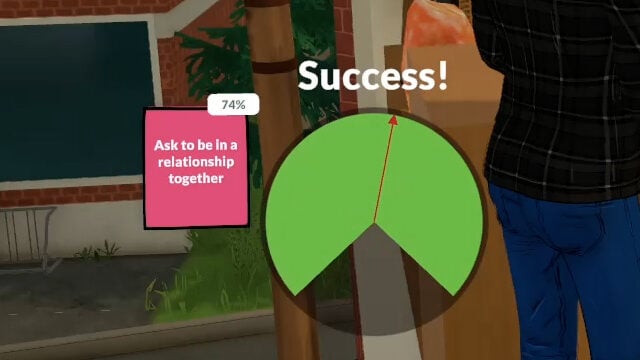
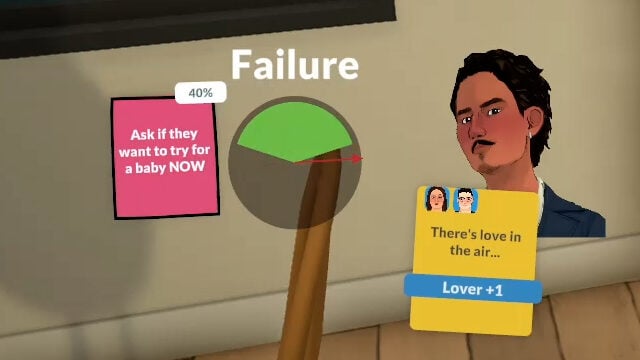
Once you select an interaction and target, a spinning wheel animation will indicate if you were successful or not.
If the flirting wasn’t successful, there is a good chance that your Parafolk will be embarrassed or sad.
Proposing
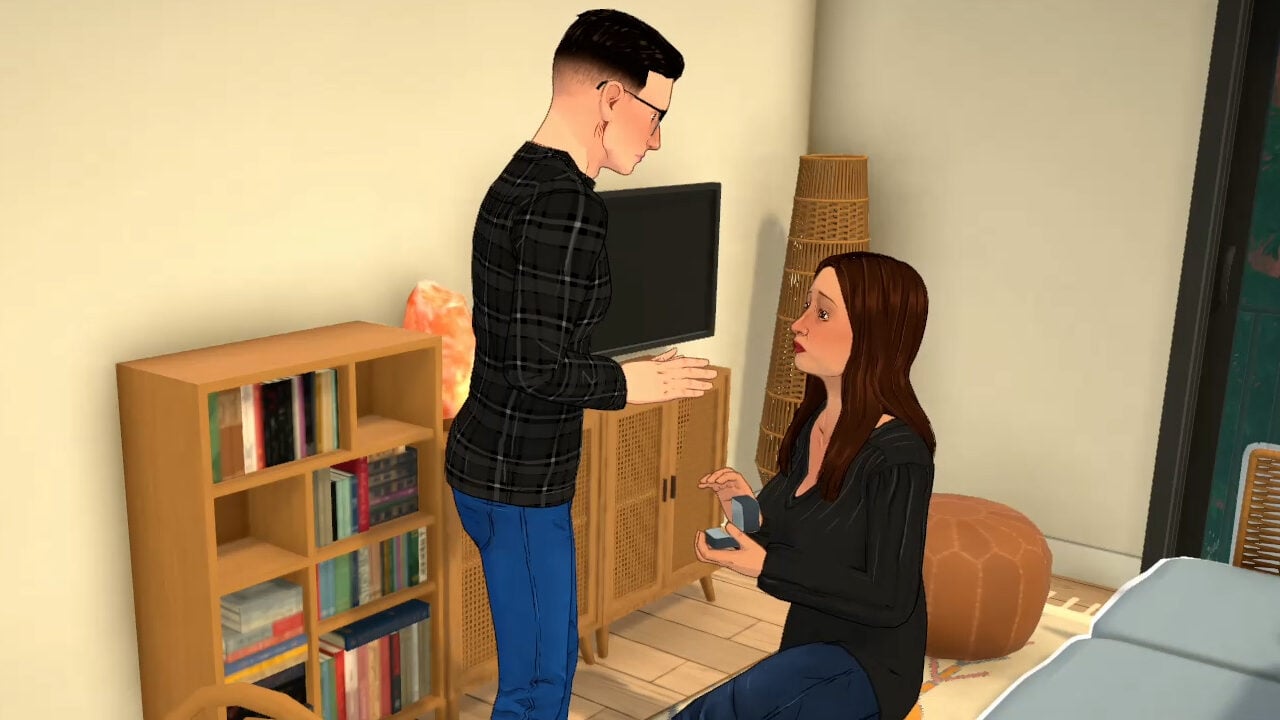
Proposing comes with a unique animation depending on if the Parafolk being proposed to agrees or rejects their partner.
Understandably, a failed proposal is going to make them feel embarrassed.
Successful proposalFailed proposal
Marriage
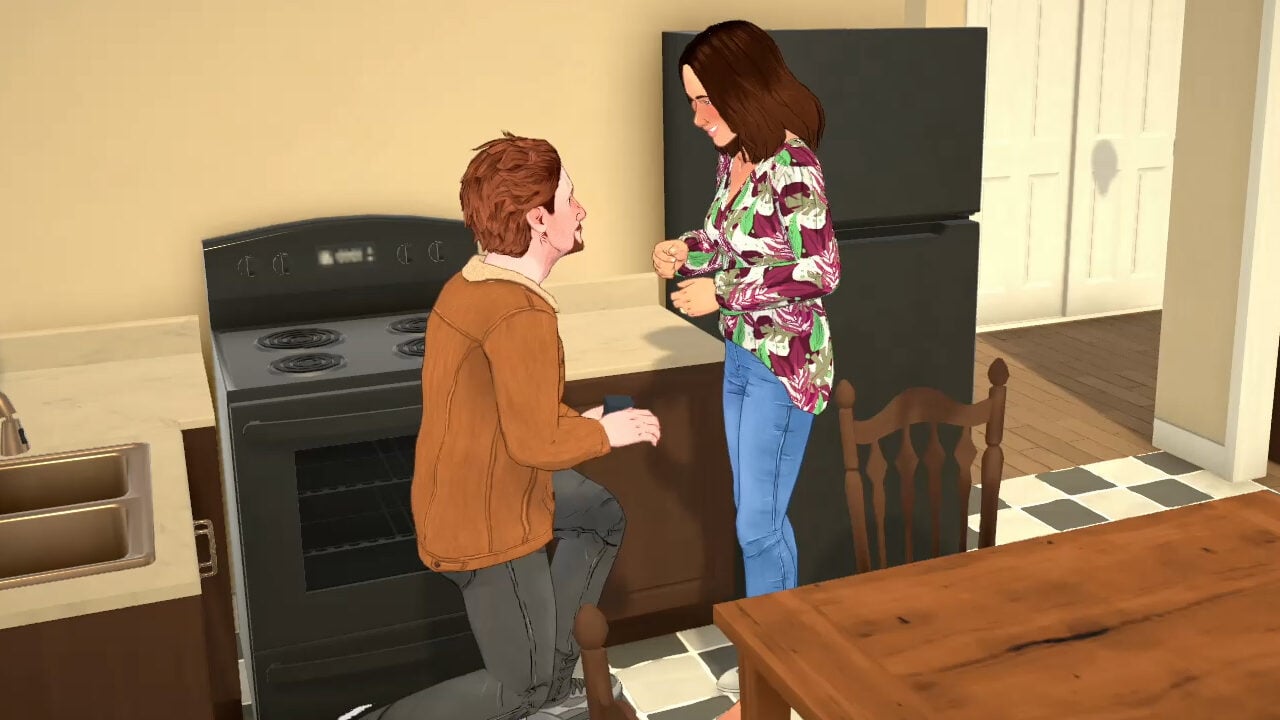
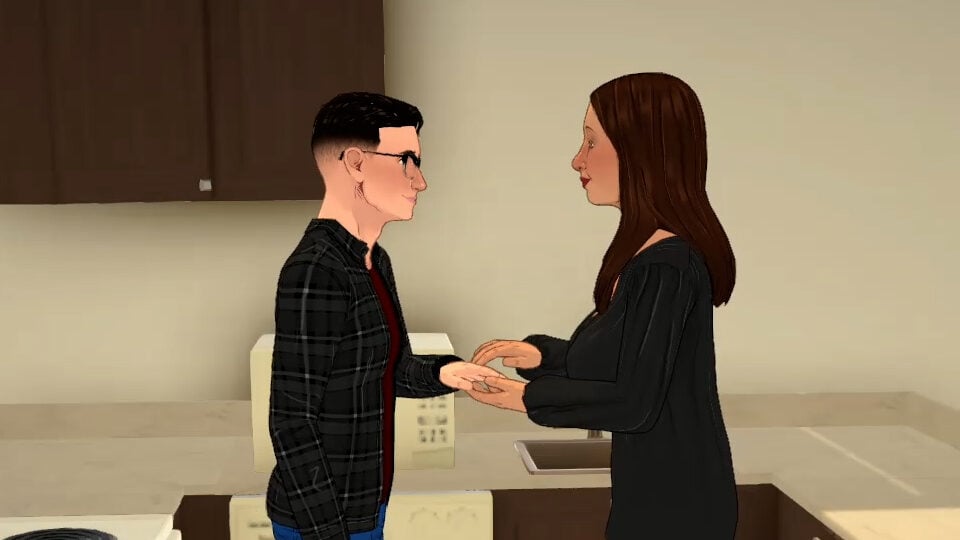
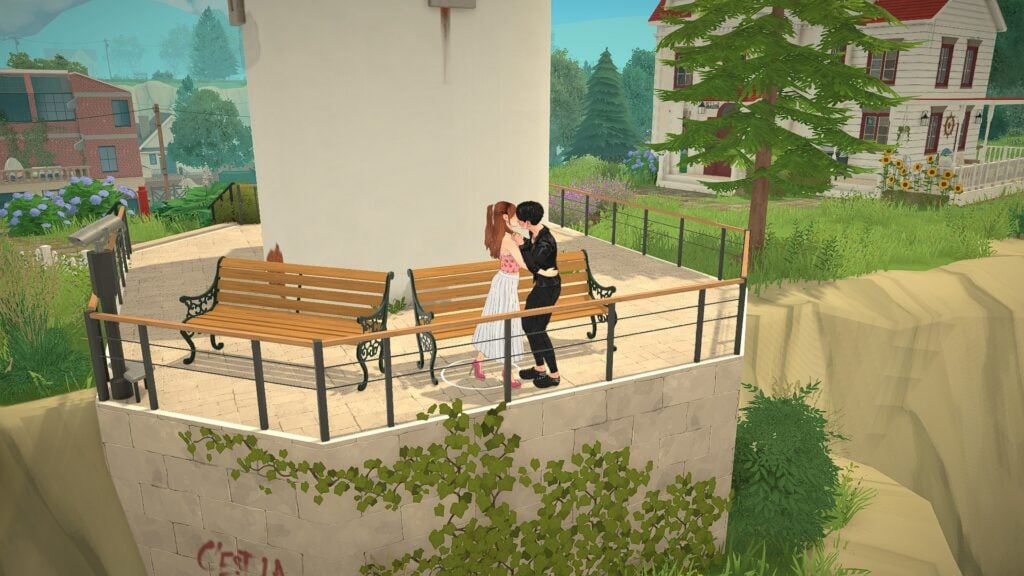
At the time of writing this guide, it’s not possible to plan a wedding, so look out for a special yellow together card in the options to elope. Selecting that will start a quick wedding sequence.
There’s something very vintage Sims about proposing and then immediately getting married in the kitchen!
Making Enemies & Fighting
Where’s the fun in a life simulation game with no enemies?
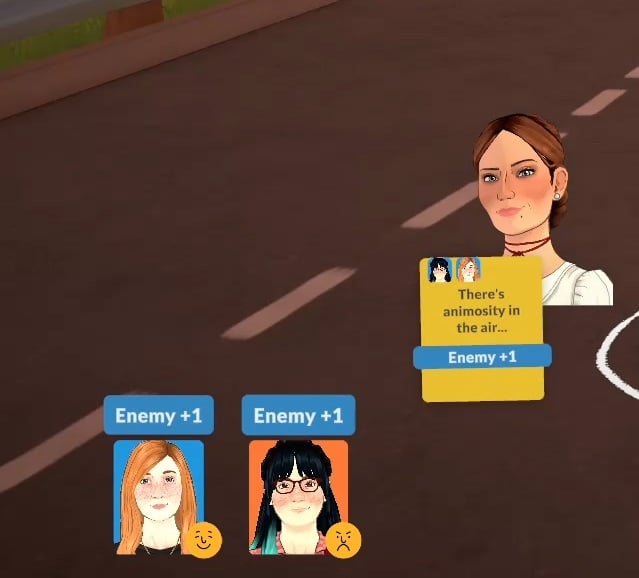
Negative relationships are just as easy to create as positive ones. If you want to make someone enemies with another Para then just select the red together cards whenever they come up.
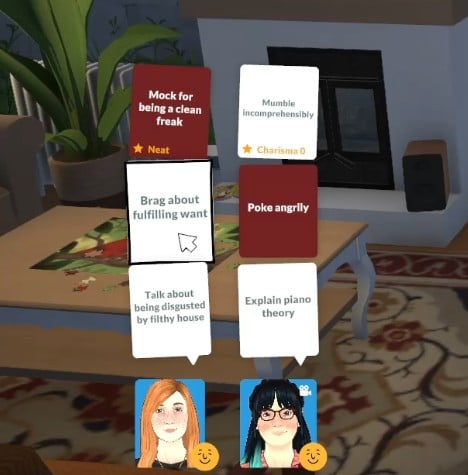
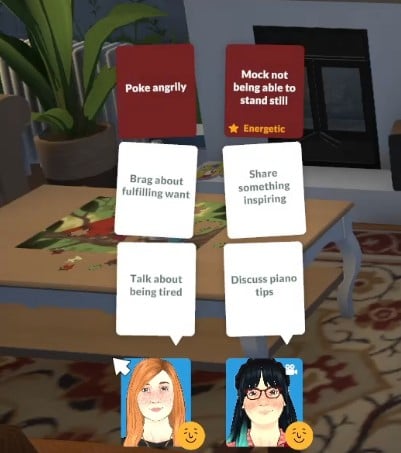
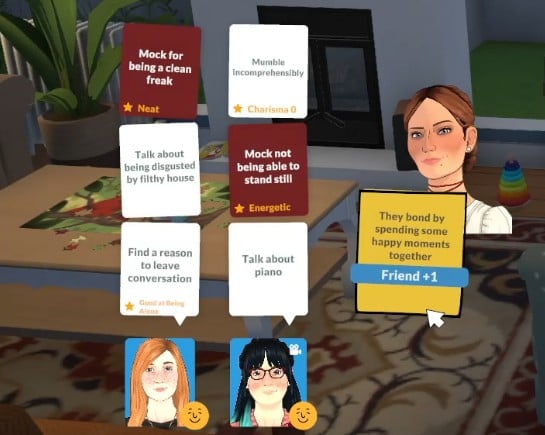
Insults have the ability to be personal, with options like “mock for being a clean freak” or “mock low charisma”, so the options you choose for your Parafolk in the Paramaker and their personality traits are all fair game.
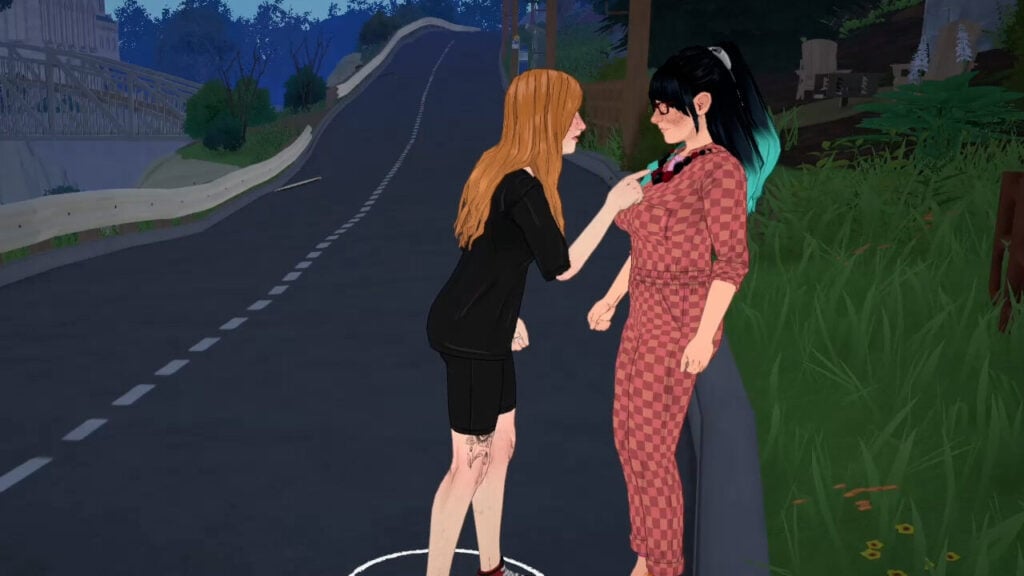
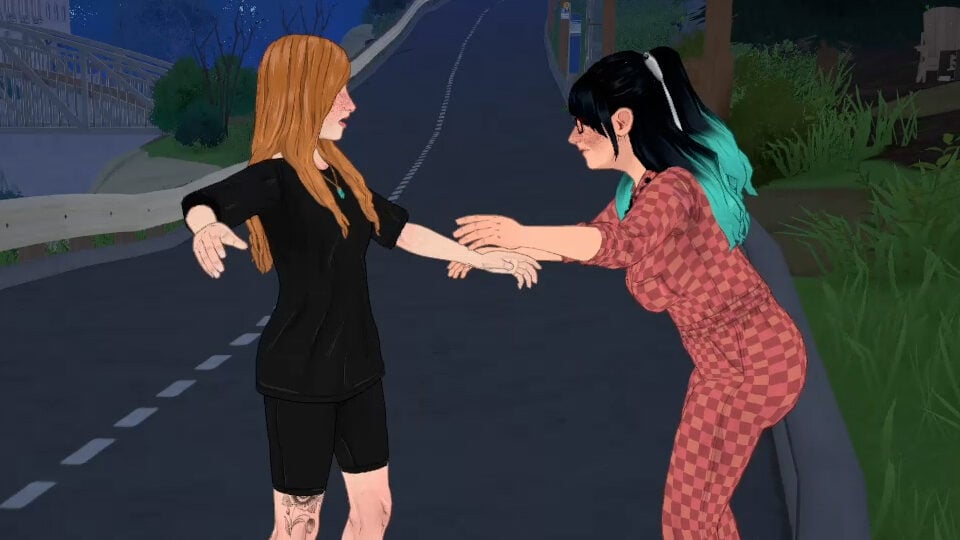
Some options, like poking, have a unique animation too. Selecting this option, you’ll see your Para square up to whoever they’re arguing with and poke their chest, before being shoved backwards.
Do enough of these negative interactions, and you’ll be sure to escalate your Parafolk’s relationship to enemies in no time.
From Enemies To Friends
Having a friendly interaction with someone you’ve made your enemy takes a bit more work.
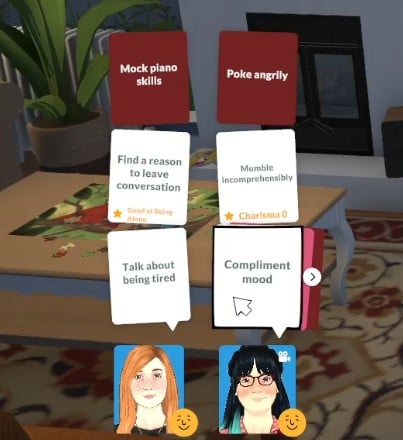
At first all conversation options which are remotely friendly will be very surface level – my Parafolk chatted about pianos for about 4 hours – before you start getting prompts to tell jokes and compliment each other, and eventually your storyteller showing up to give you the option to become friends.
Paralives relationships are much more complex than the simple conversation style and levelling up system would lead you to believe.
The together card system also takes all the forced micromanagement out of your choices and gameplay, giving you some control but also leaving some choices up to the Parafolk and storyteller fate.
Are you looking forward to levelling up and exploring Paralives relationships and all the different dynamics? Let us know below!
We’ve also written lots of different Paralives guides, which you can find on our dedicated page here.
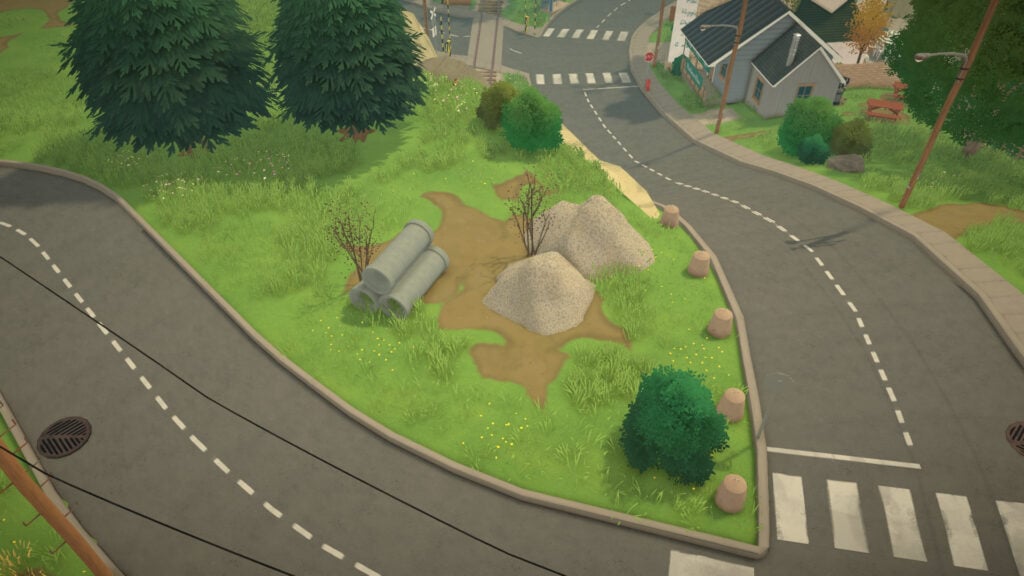
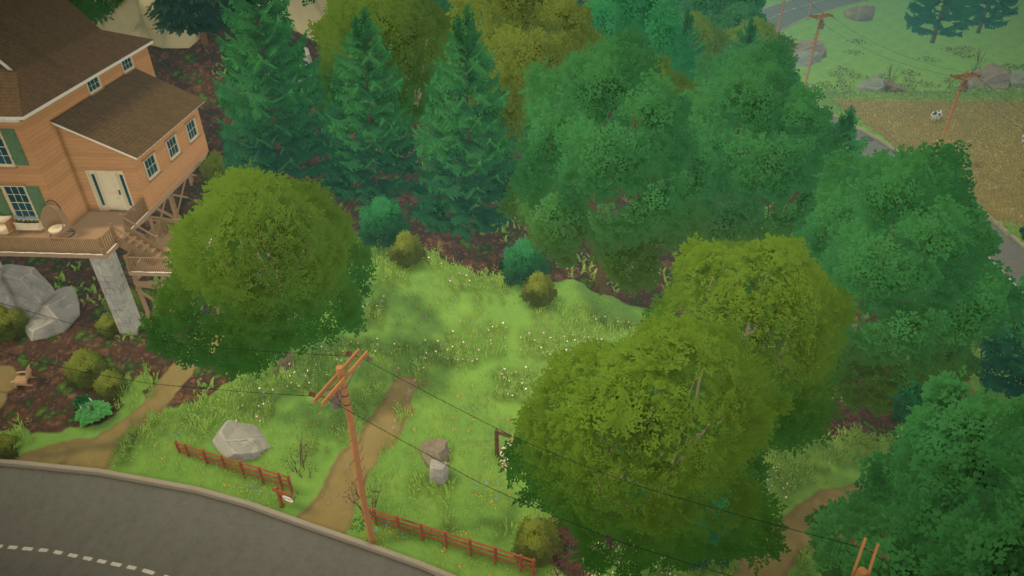
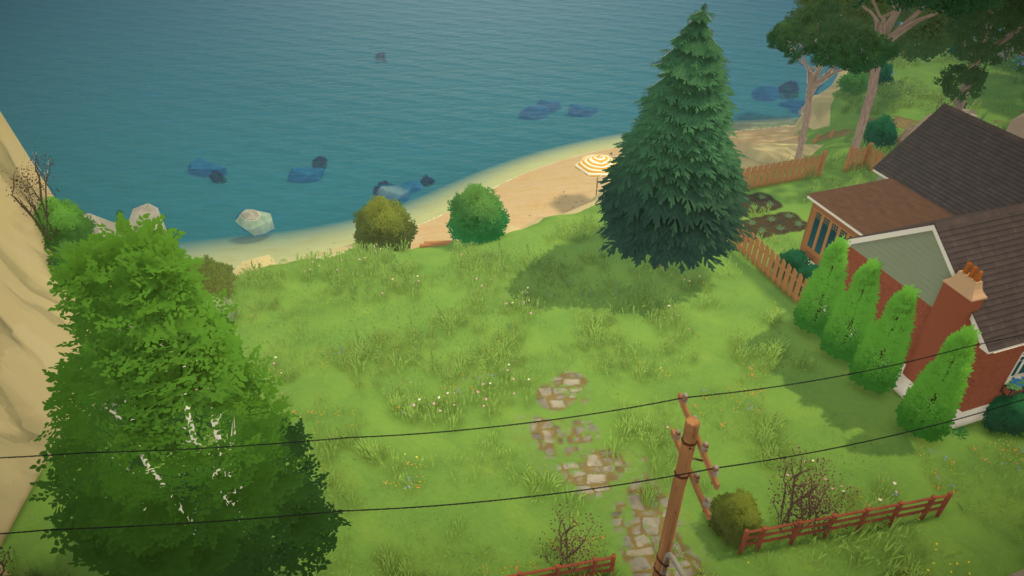
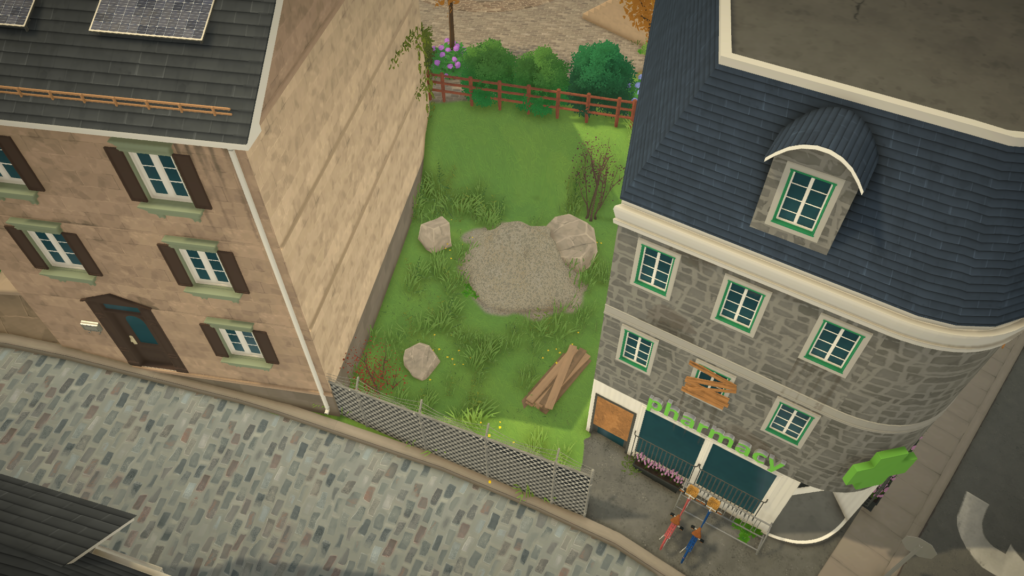
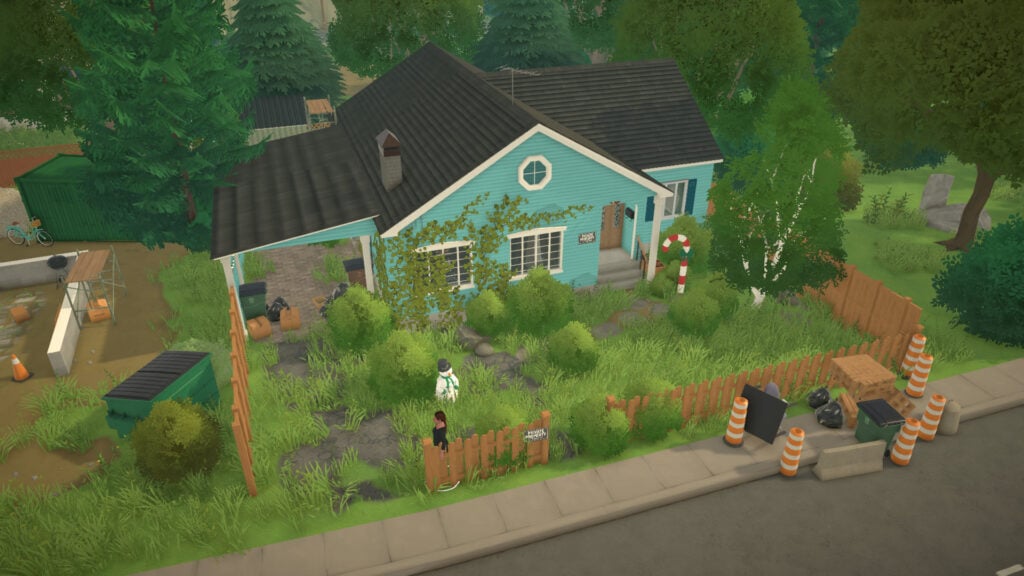
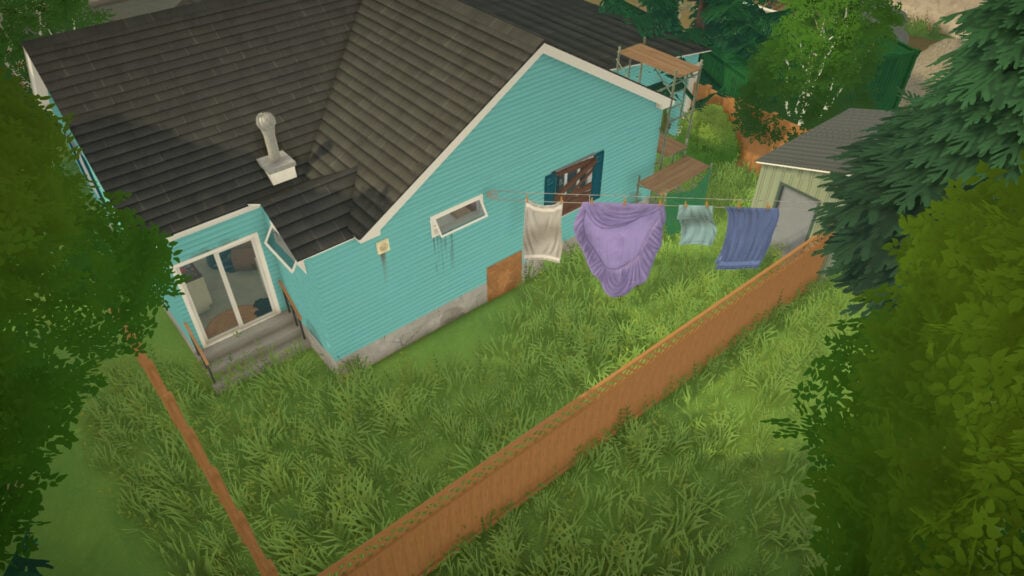
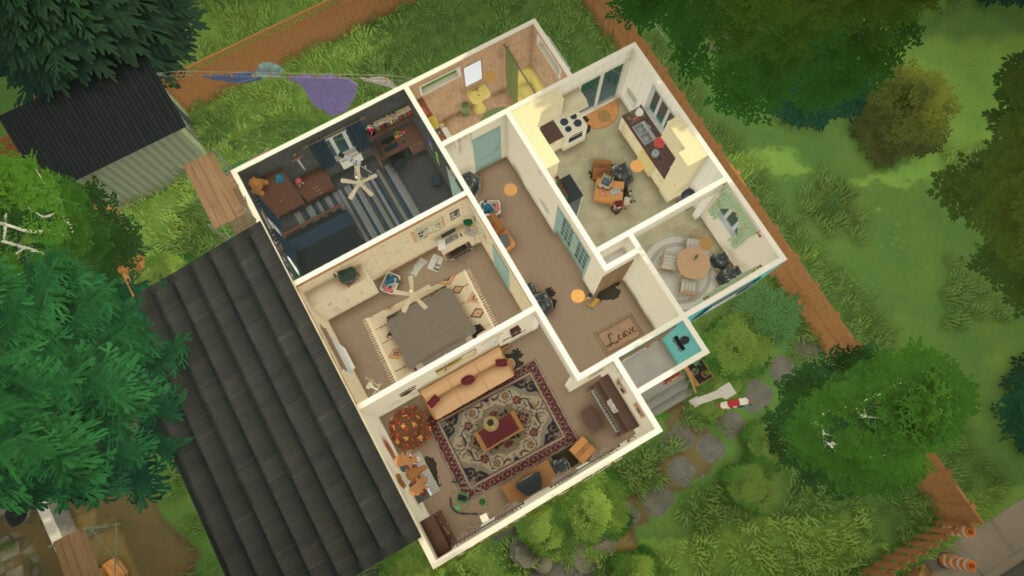
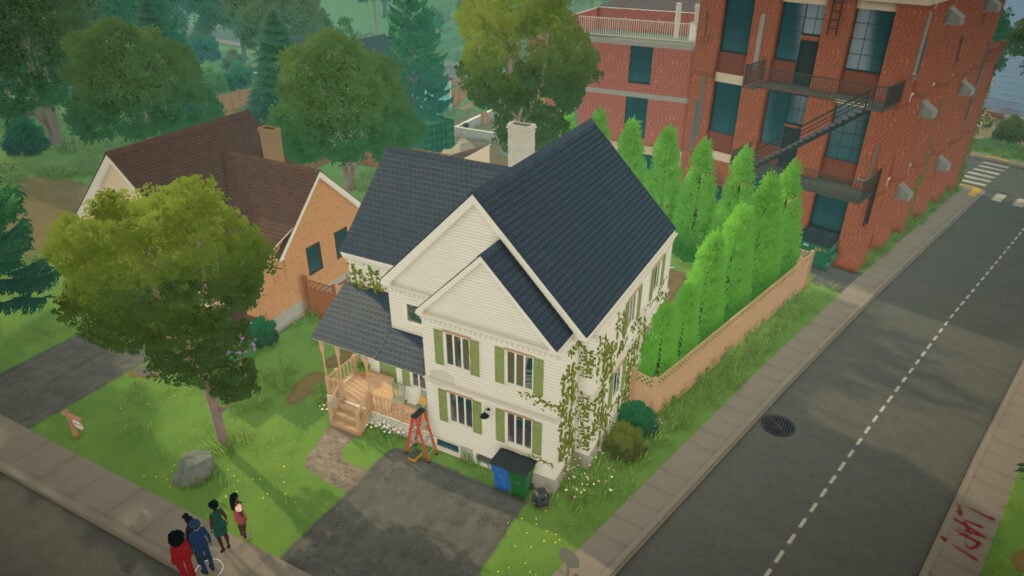
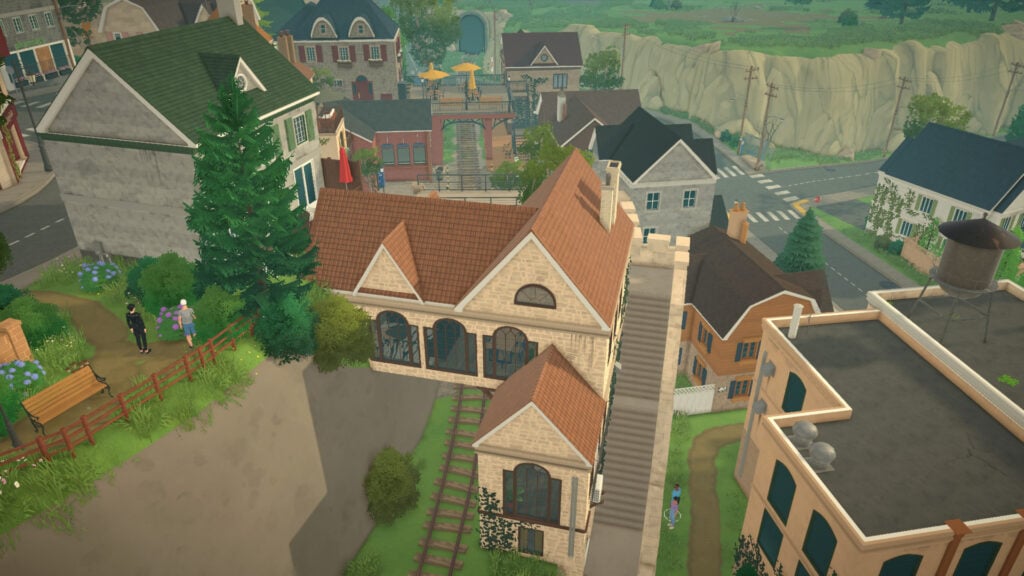
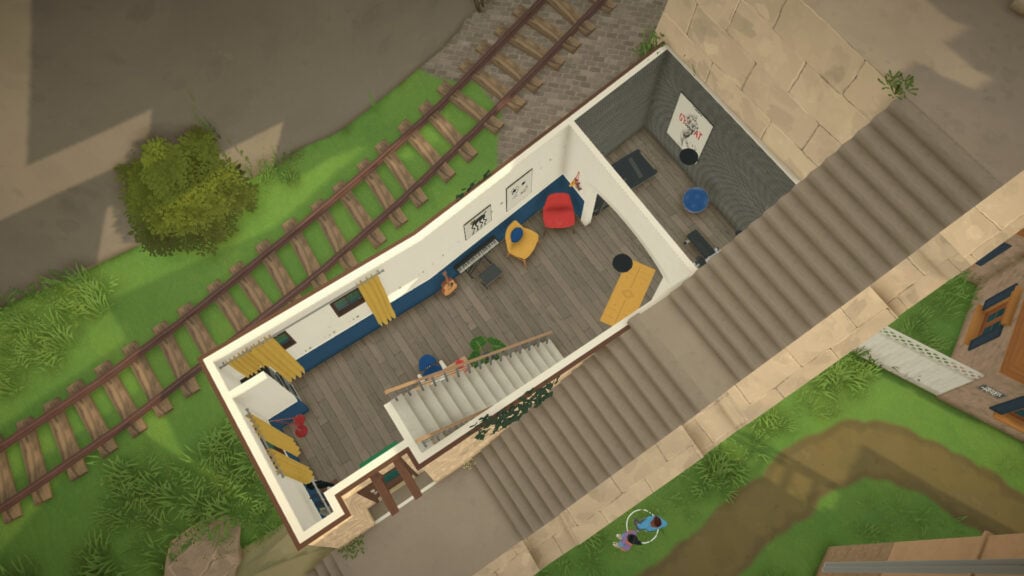
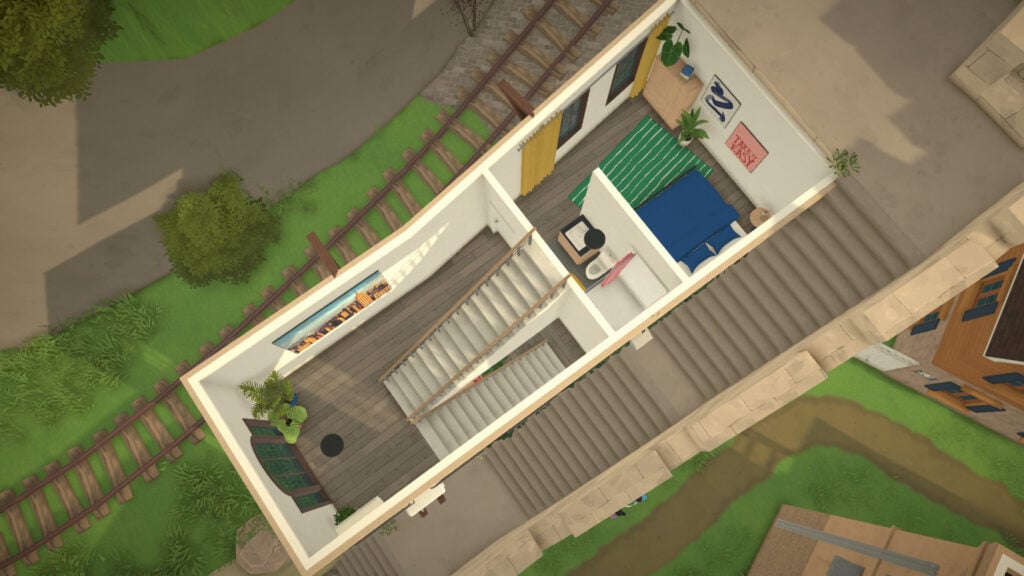
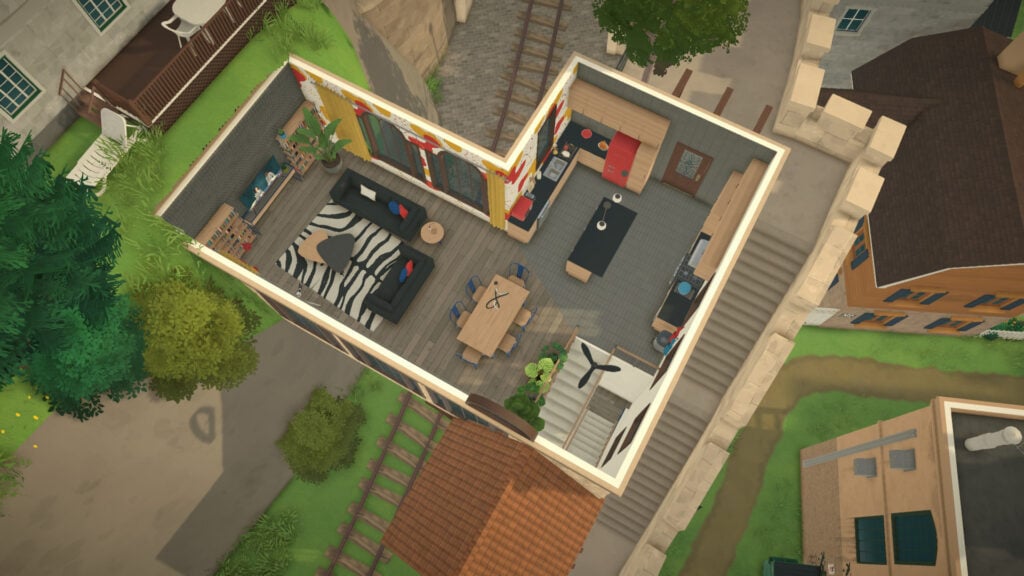
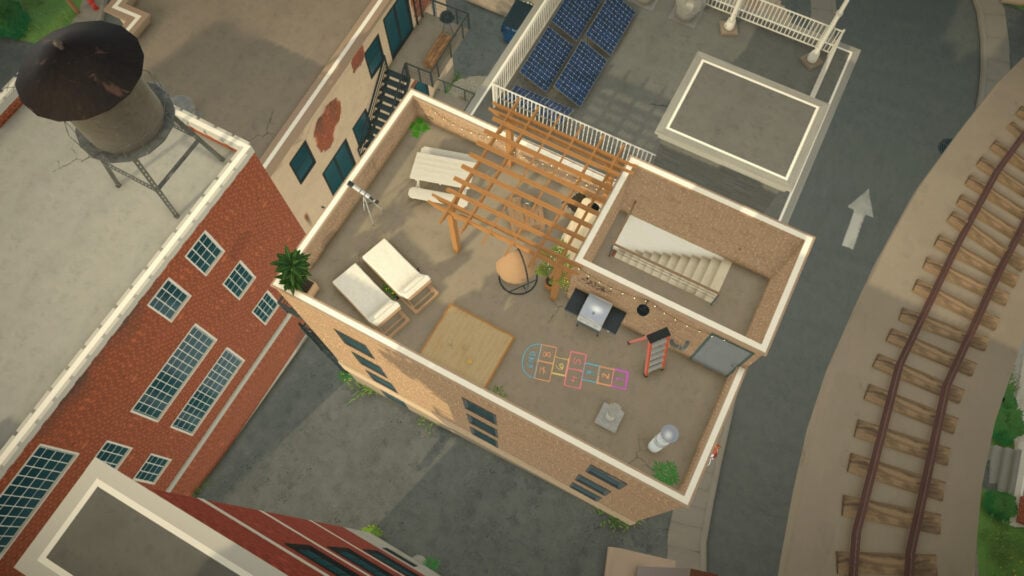
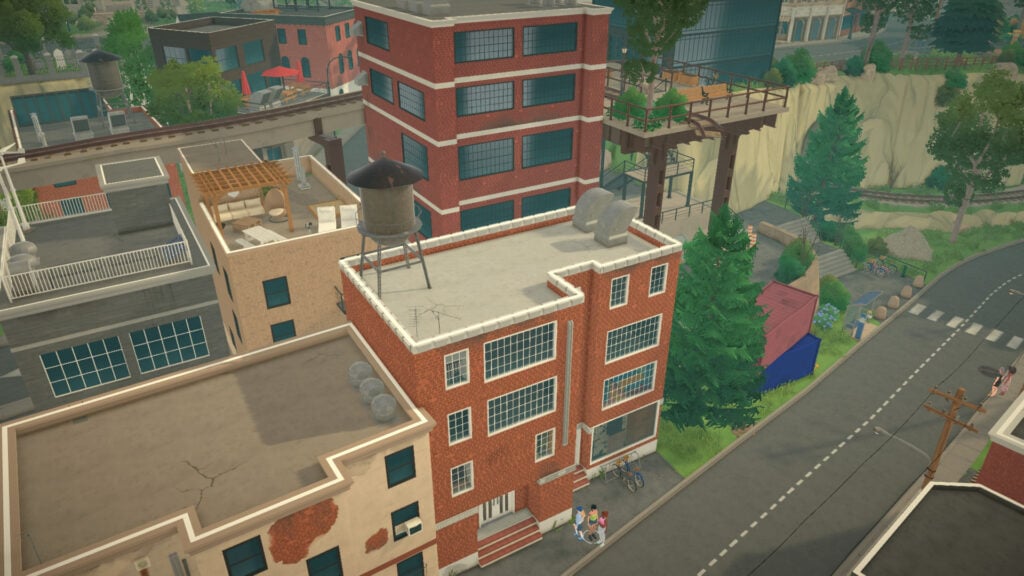
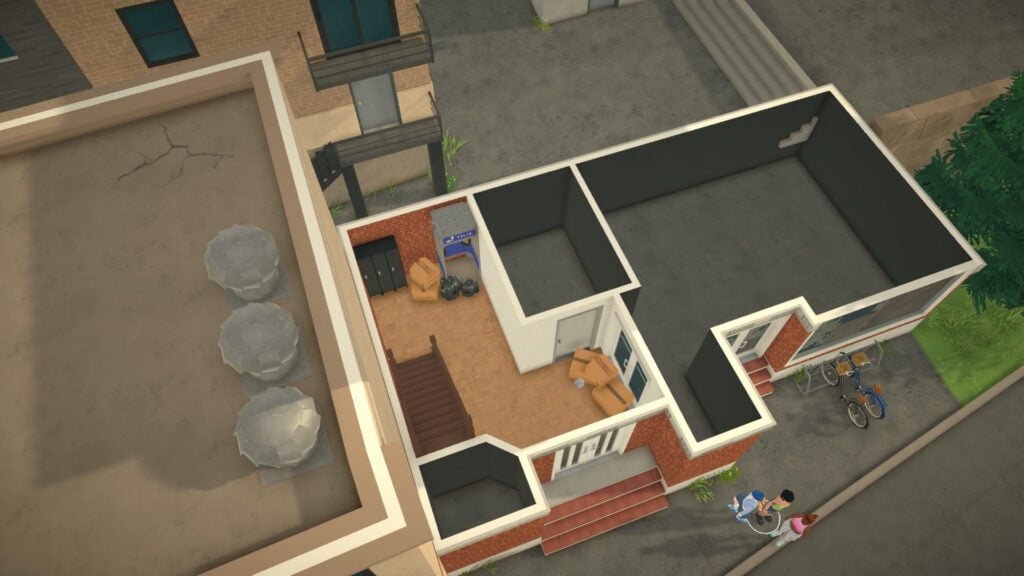
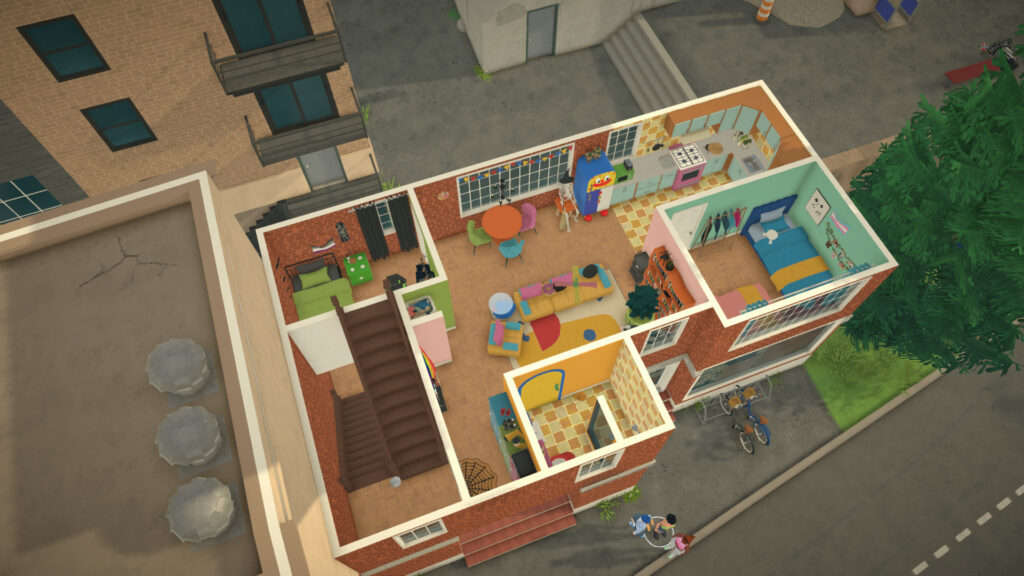
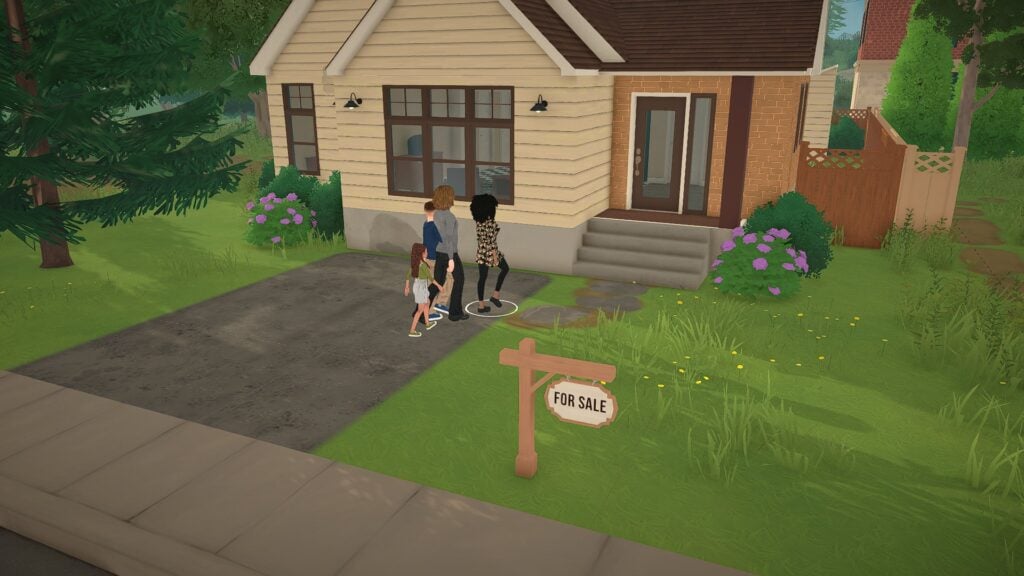
Your trip to Melino is right around the corner, and that means it’s time to start looking for the perfect place to call home. The world of Paralives includes several empty homes ready for players to move into from the very beginning, giving every new save a variety of living options depending on your budget and preferred neighborhood.
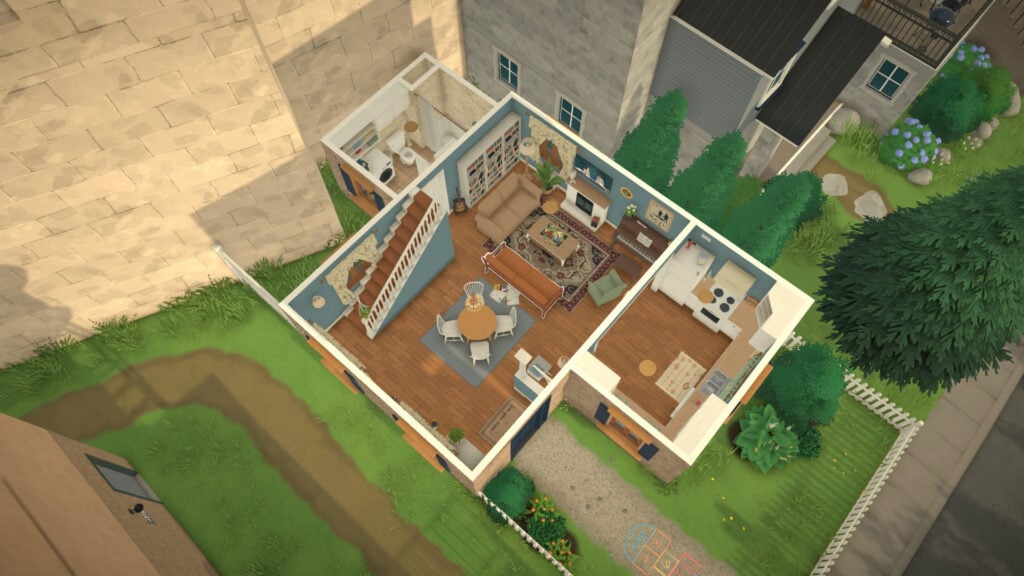
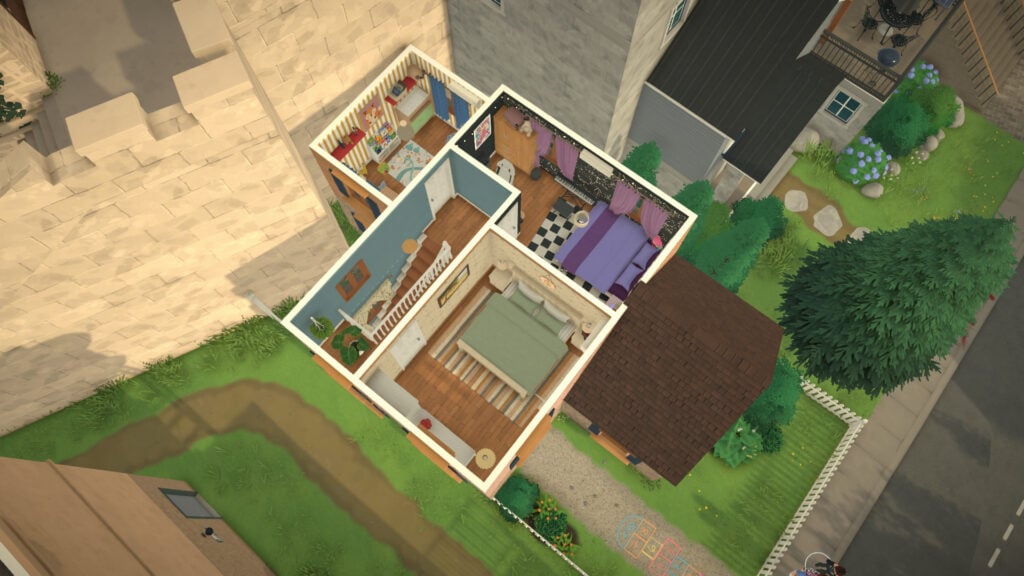
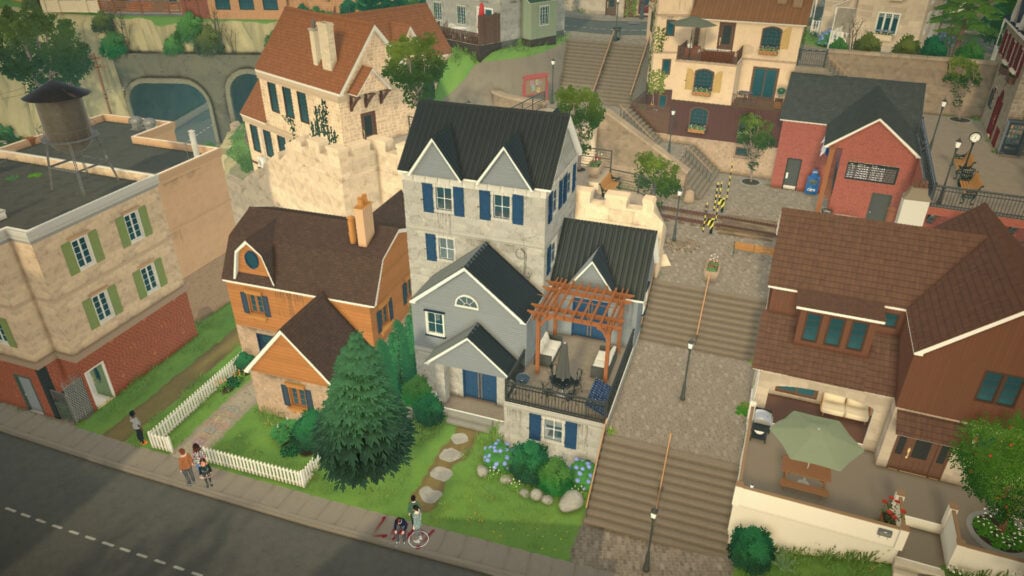
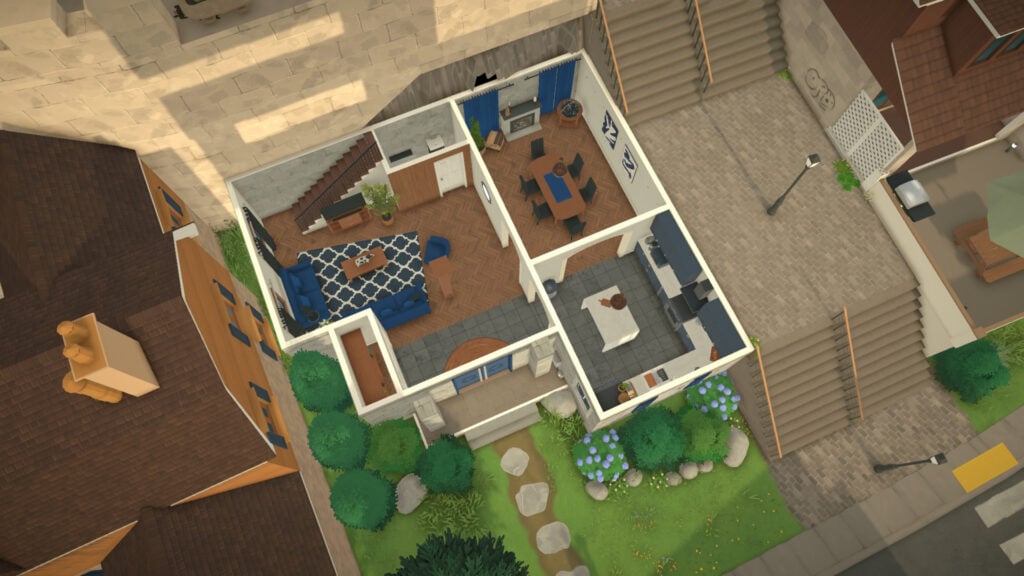
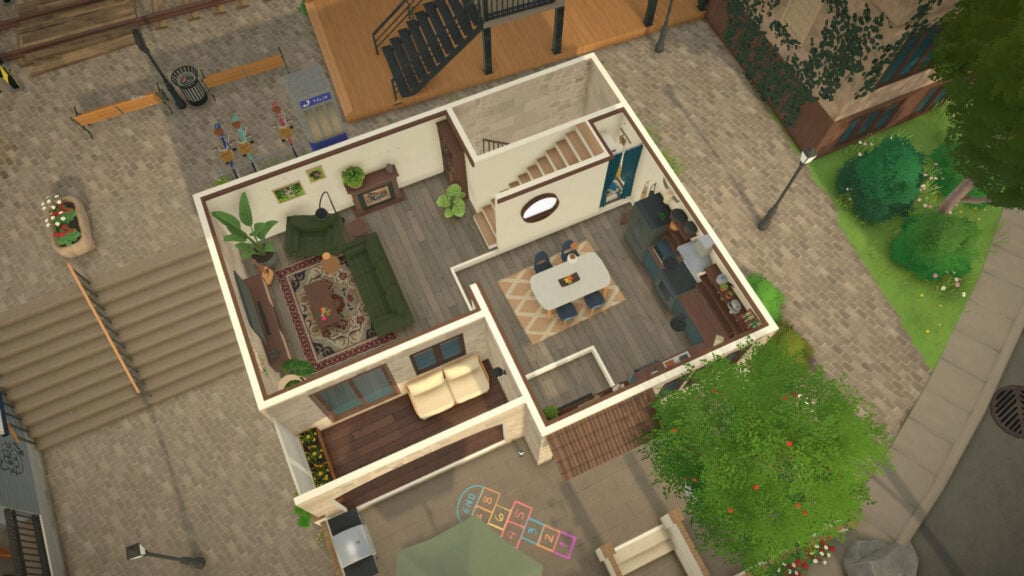
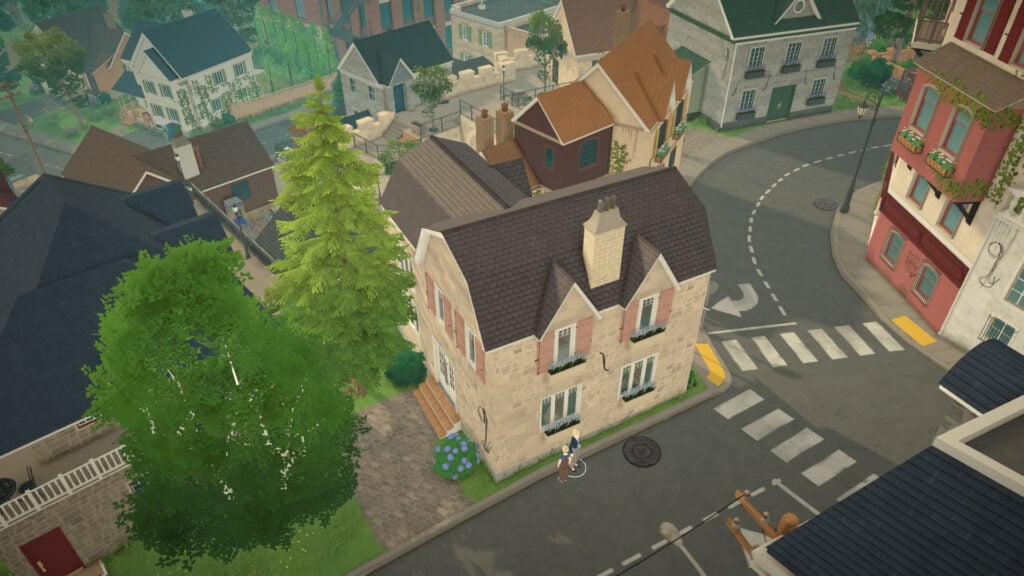
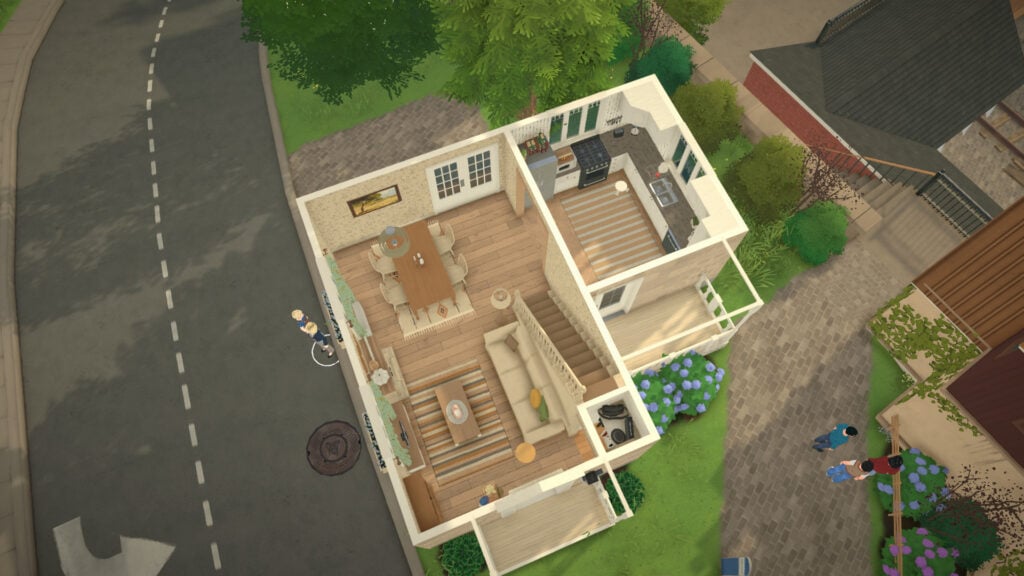
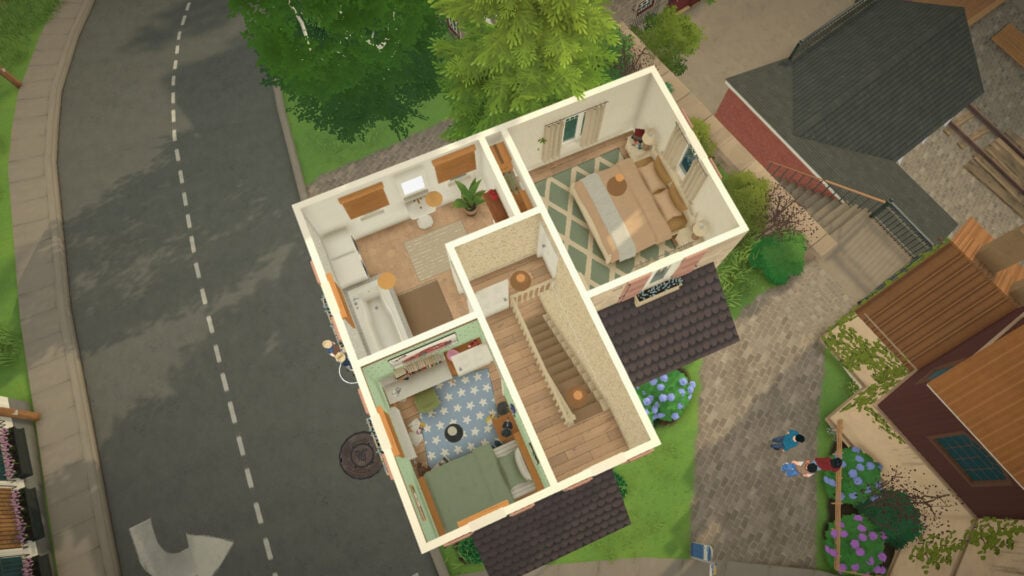
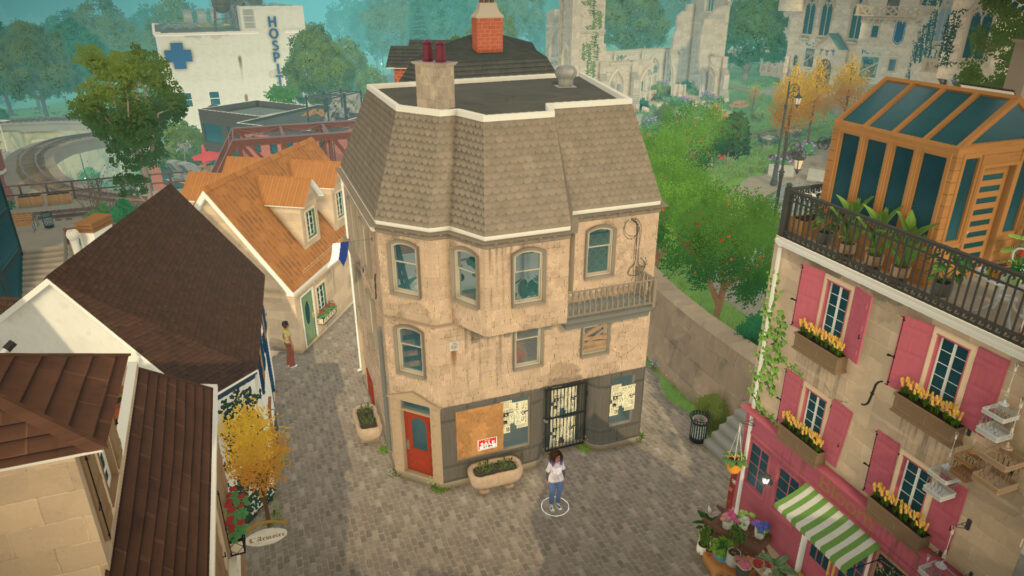
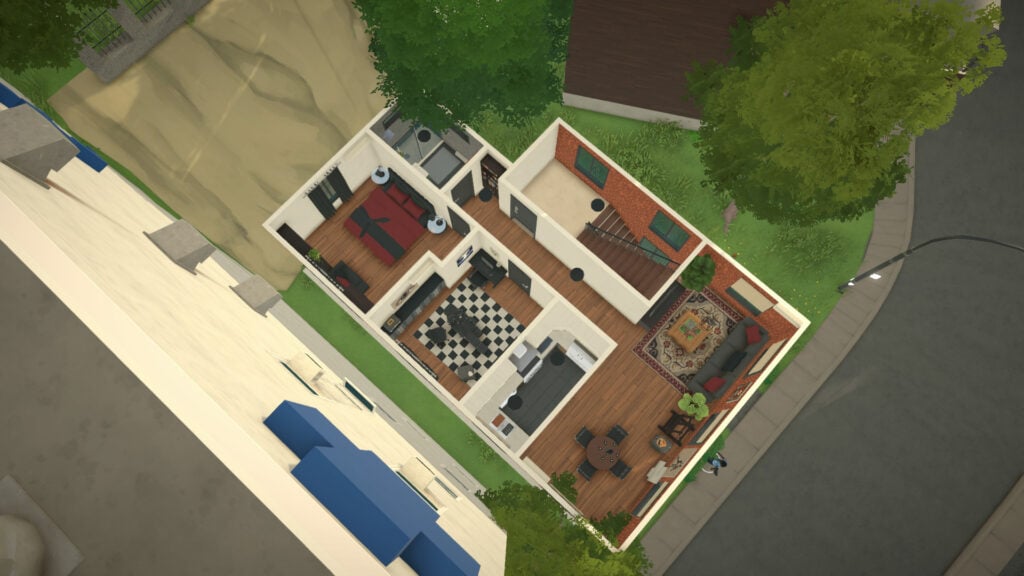
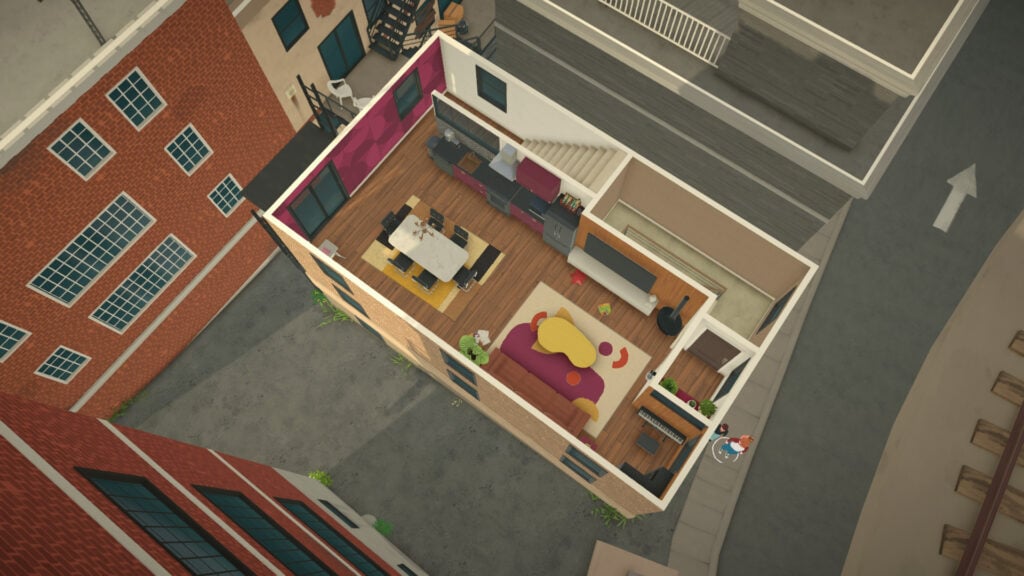
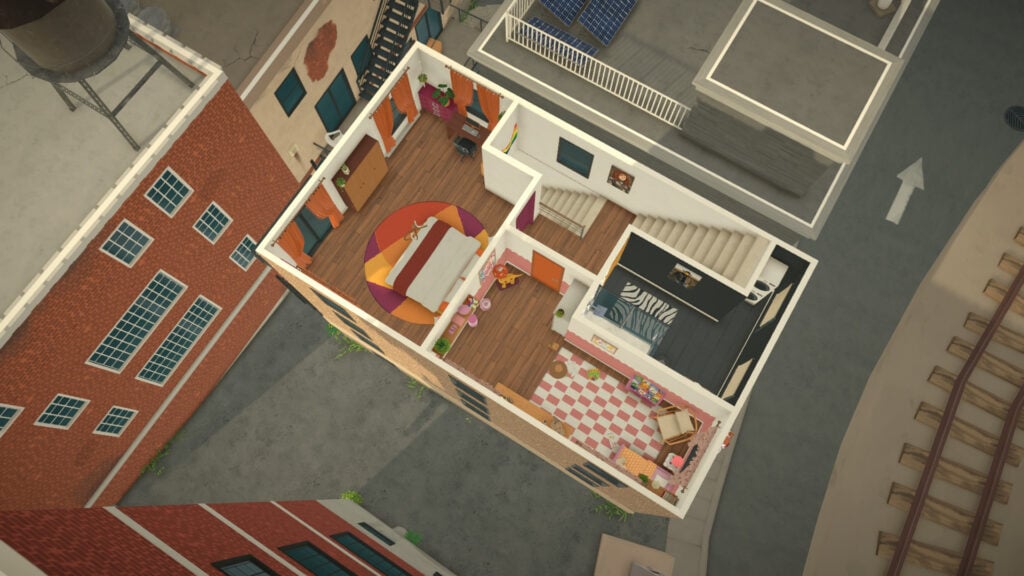
In this guide, we are taking a look at all available Paralives lots that can be purchased at the start of a new game. These are fully built homes that currently have no residents living inside, making them perfect for fresh households or players planning a new story from scratch.
We’ll also show how many Paradimes each property costs, alongside a few in-game screenshots to help you get a better idea of each home’s style, size, and overall atmosphere before choosing where your Para will live next.
Table of Contents
Homes for Purchase in Melino
Before jumping into all the available Homes for Purchase in Melino, it’s important to mention that this guide is organized from the cheapest homes to the most expensive ones. This way, you can easily find which Paralives lots best fit their starting household budget before moving into the city.
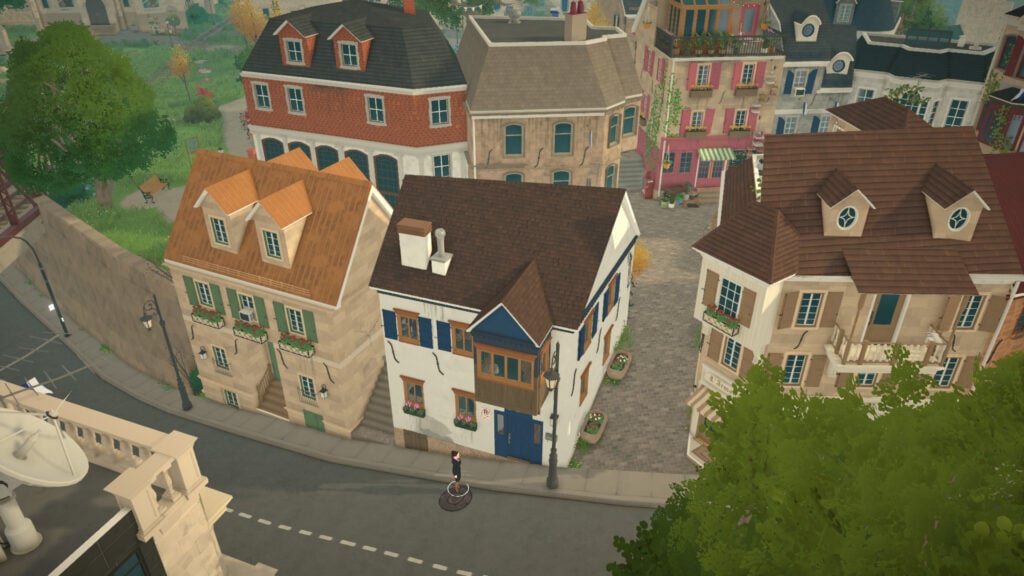
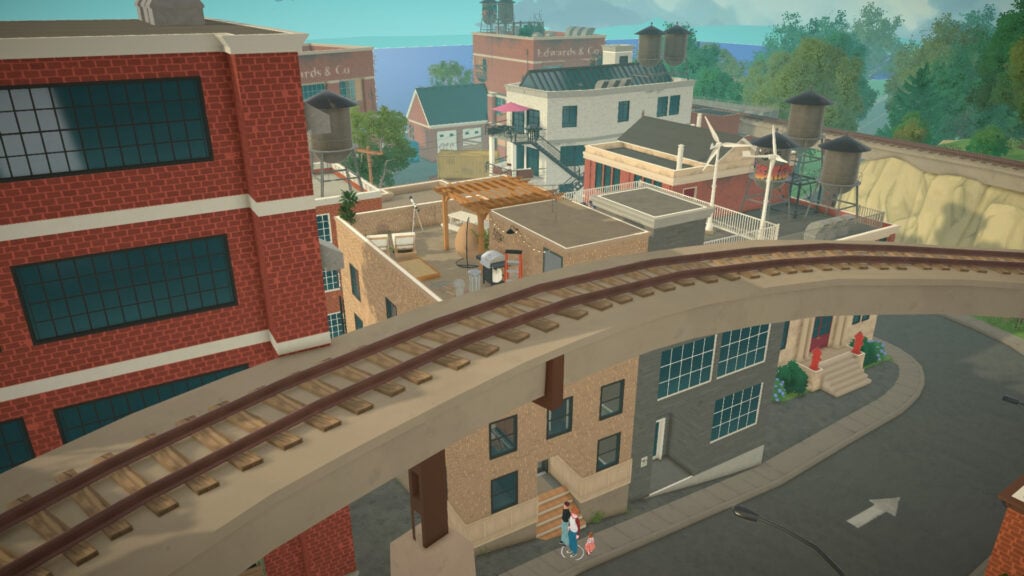
We’ll also be exploring the homes by neighborhood, beginning with Old Town, the area with the highest number of empty residential lots available at the start of a new save. From smaller and more affordable homes to larger properties with unique styles, each neighborhood in Melino offers a different atmosphere for players looking to begin their next story.
Total of Buildable Lots
In Melino, players can find 44 available Paralives lots spread across the entire town. This includes residential homes with existing residents, empty houses ready for new households to move into, and completely blank buildable lots for players who prefer creating their own homes from scratch.
Based on our current count, Melino features around 25 occupied homes, 10 empty buildable lots, and 9 fully built houses without residents that can be purchased and lived in at any point during gameplay, whether starting a new save or moving households later on.
Available Lots in Old Town
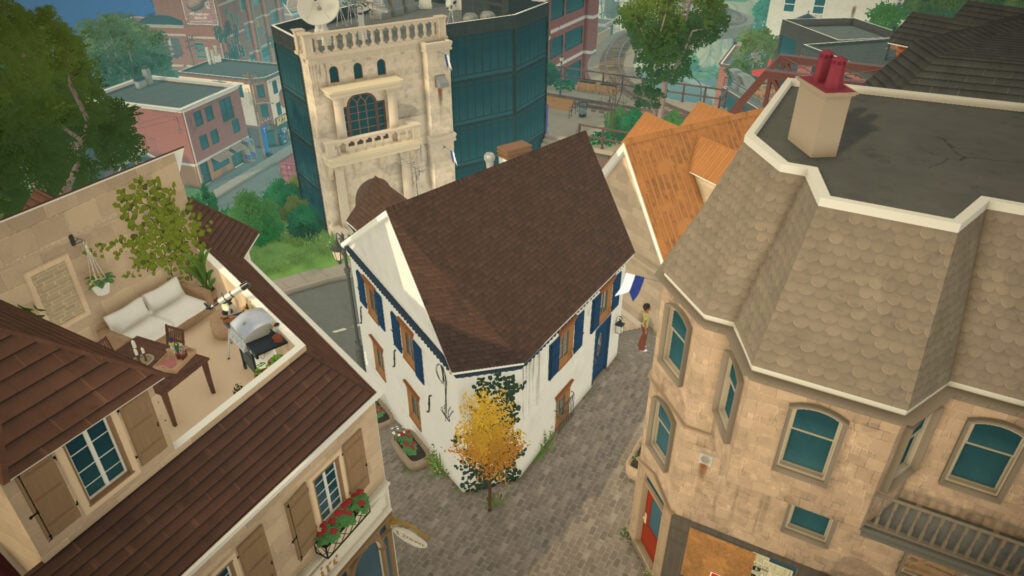
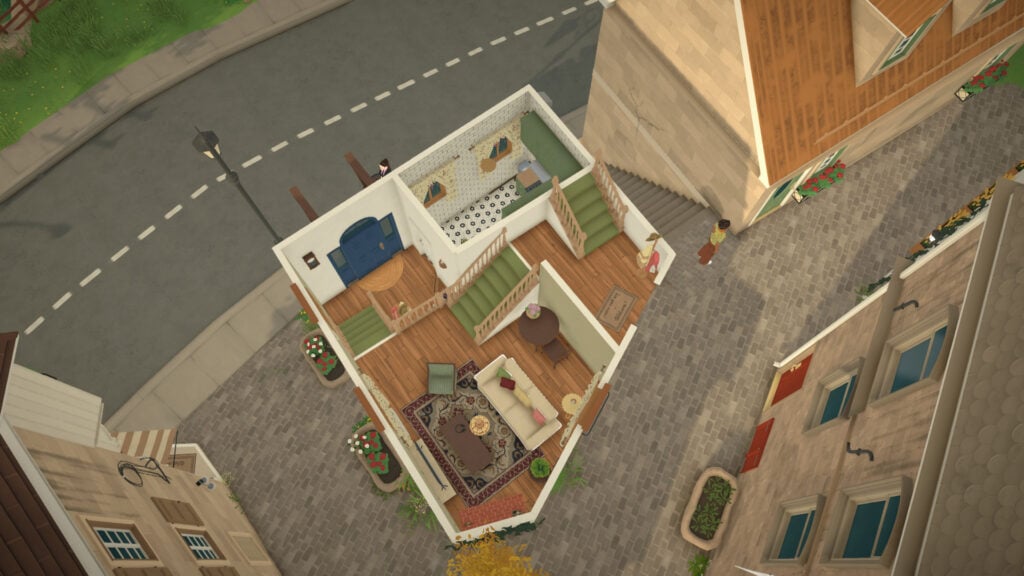
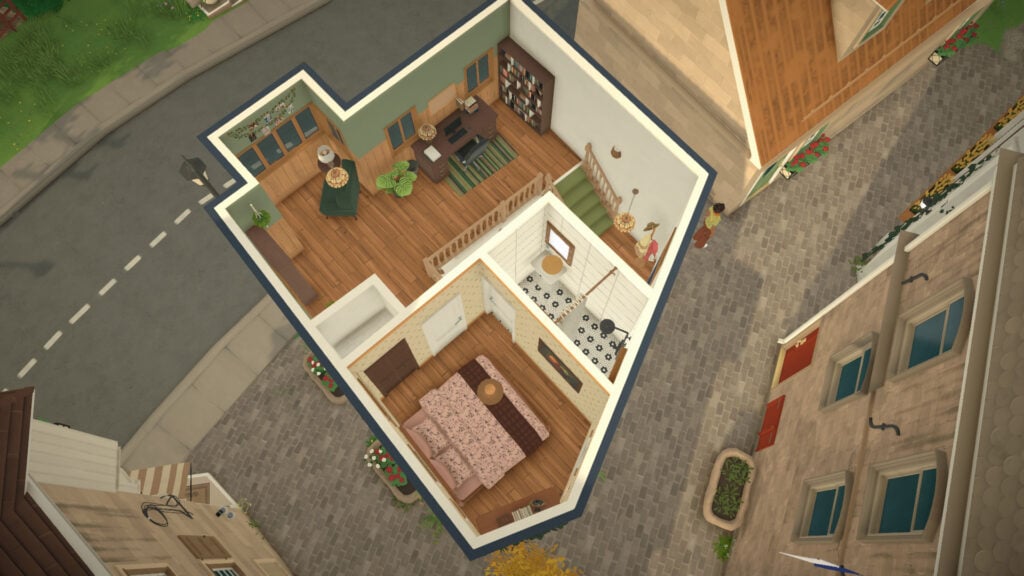
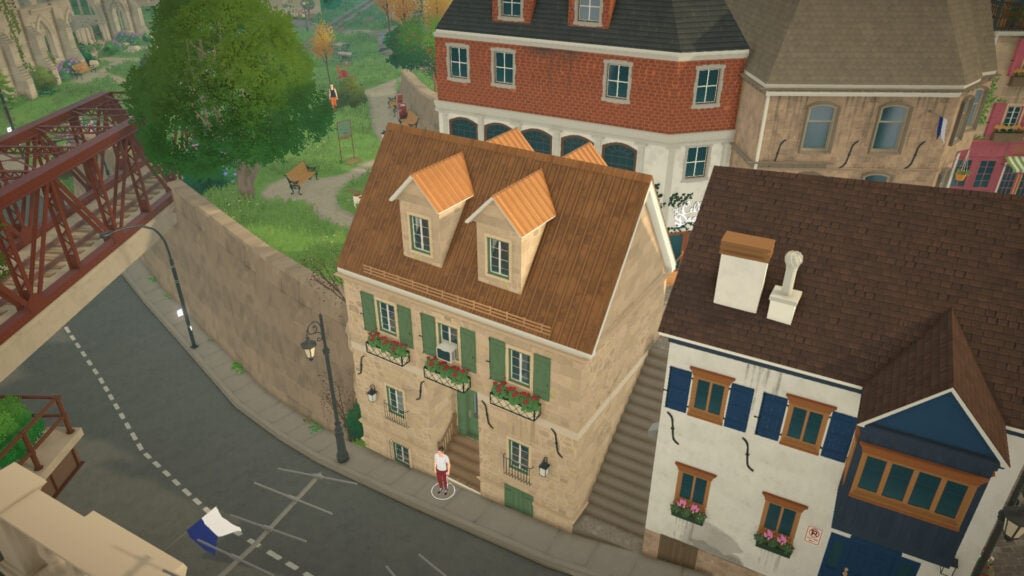
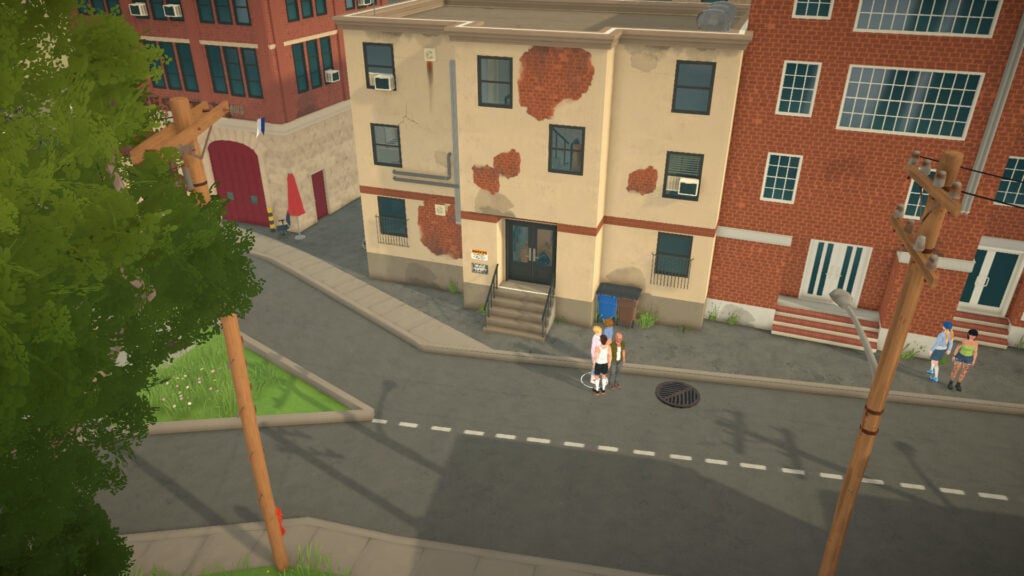
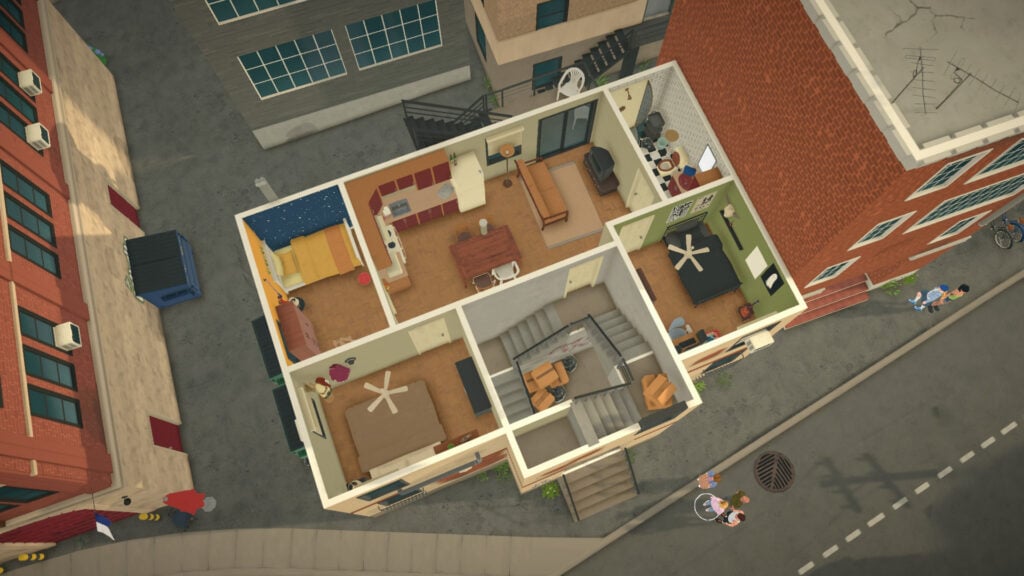
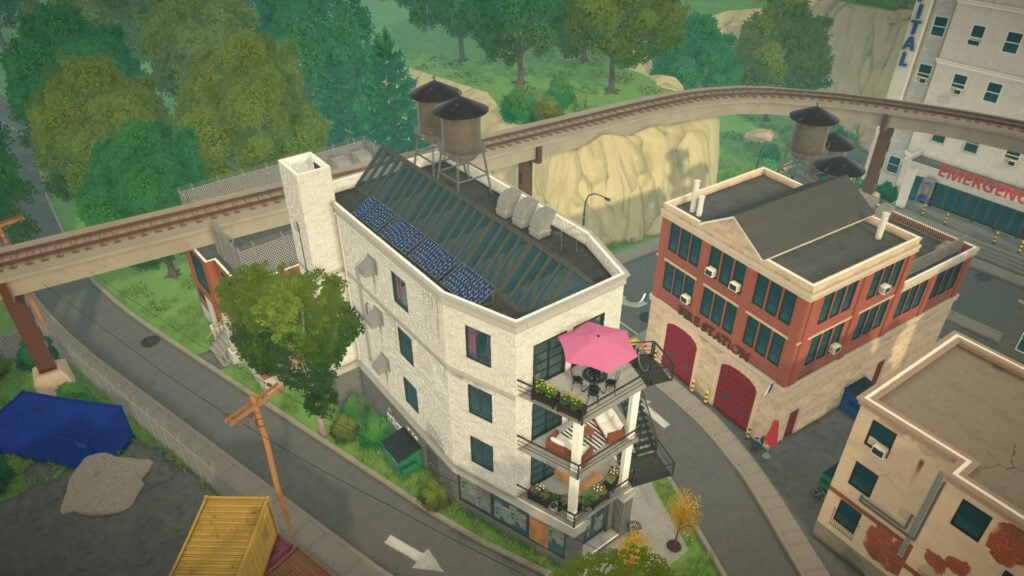
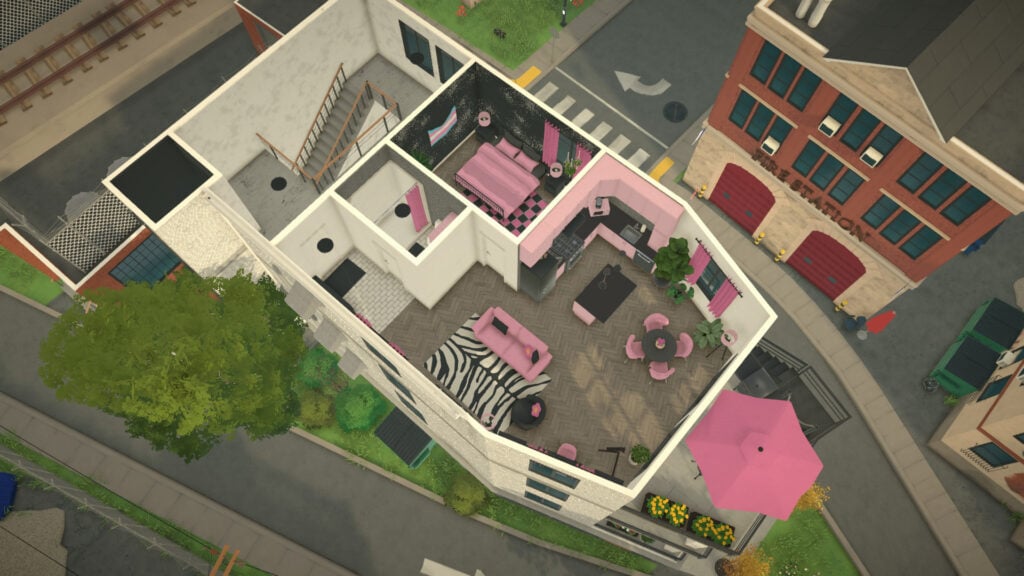
Residence for 27,436 Paradimes
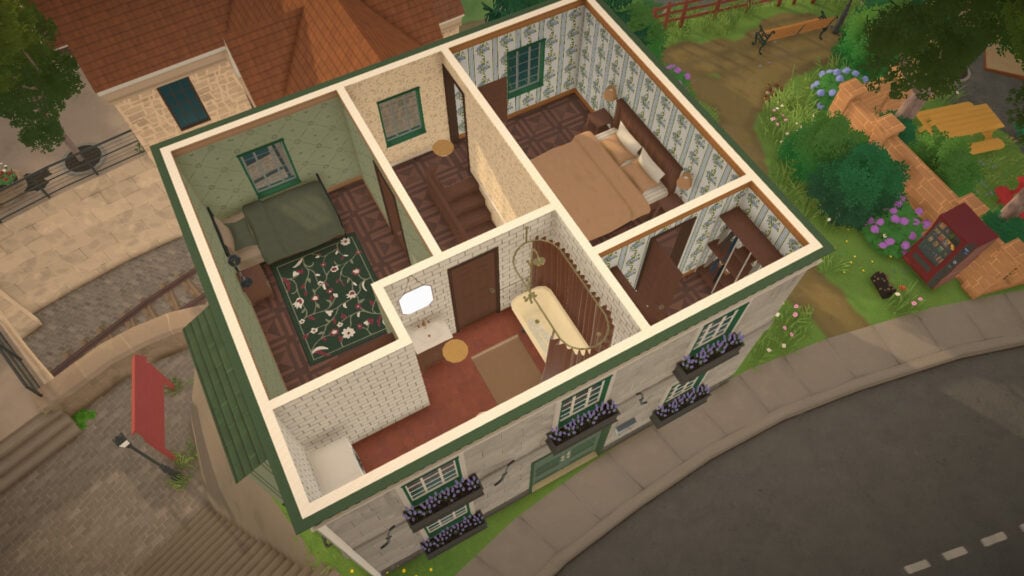
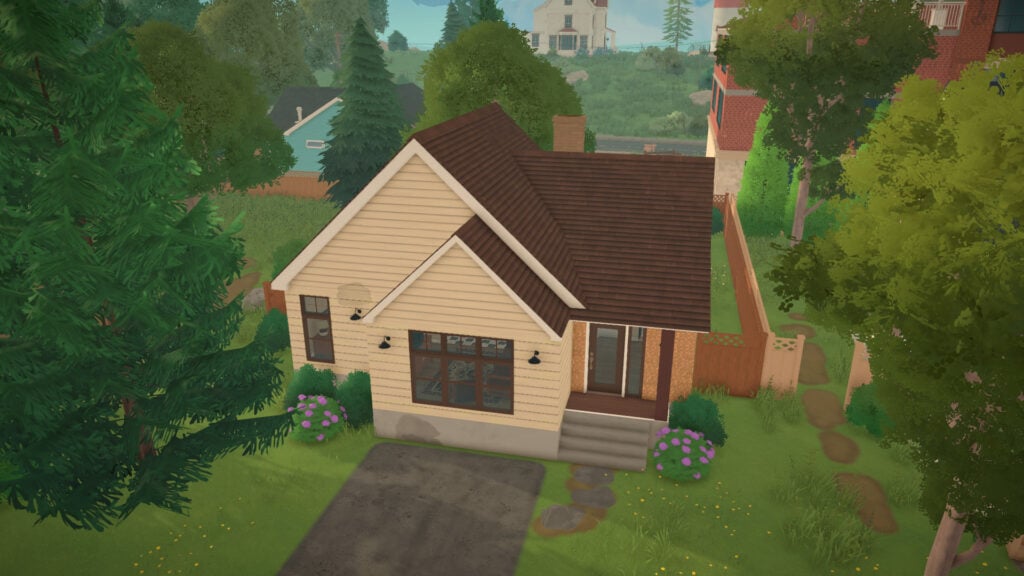
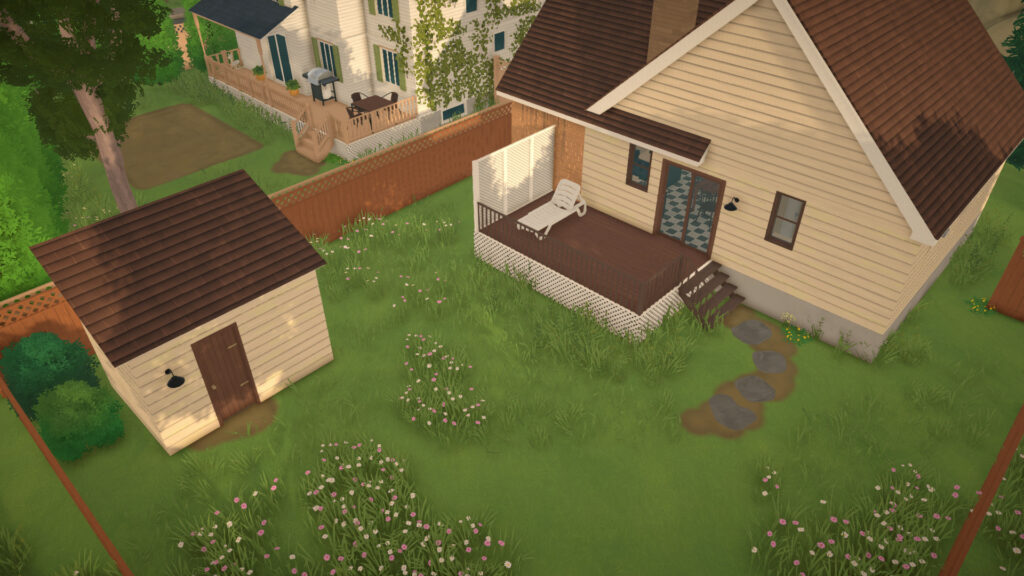
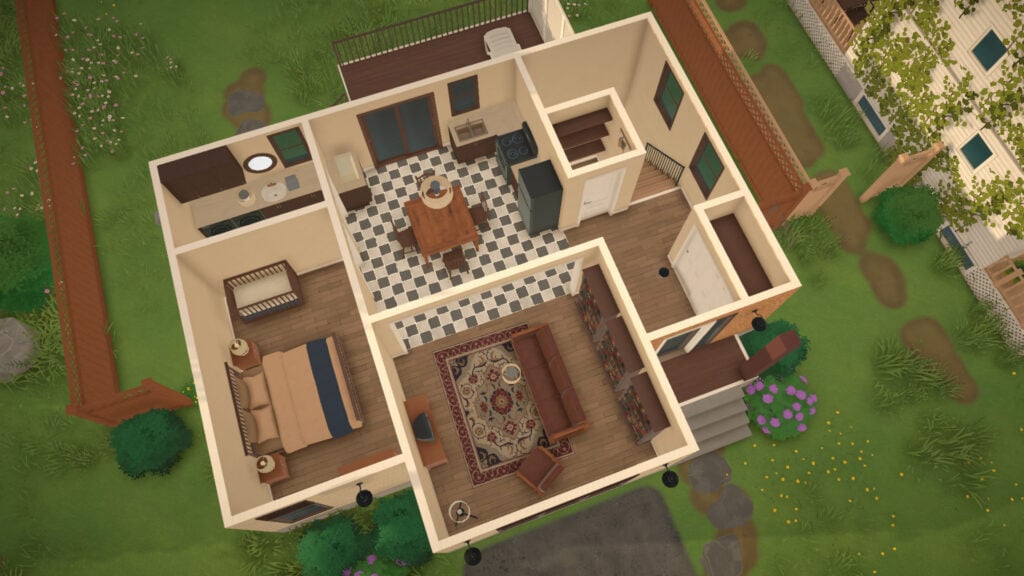
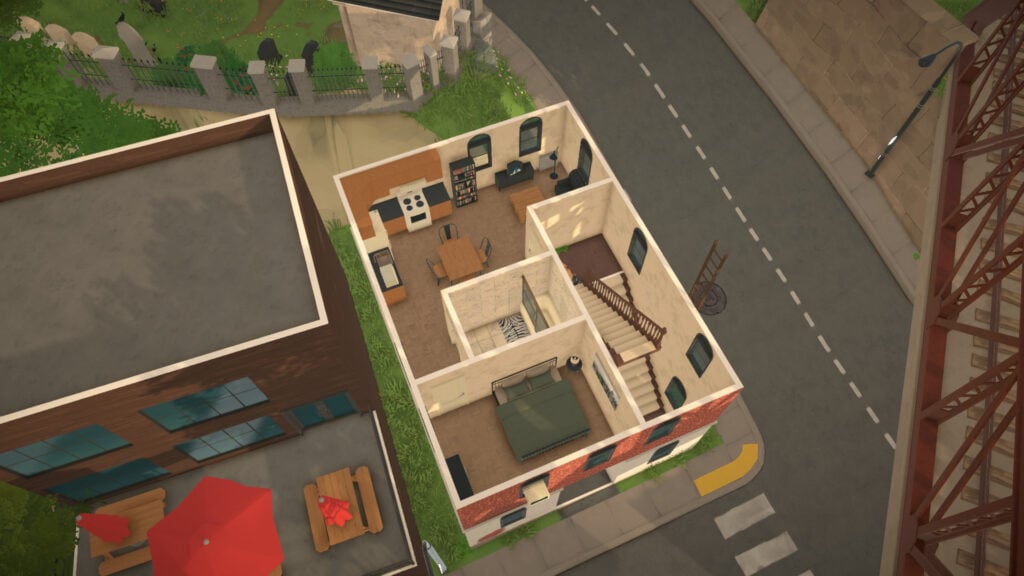
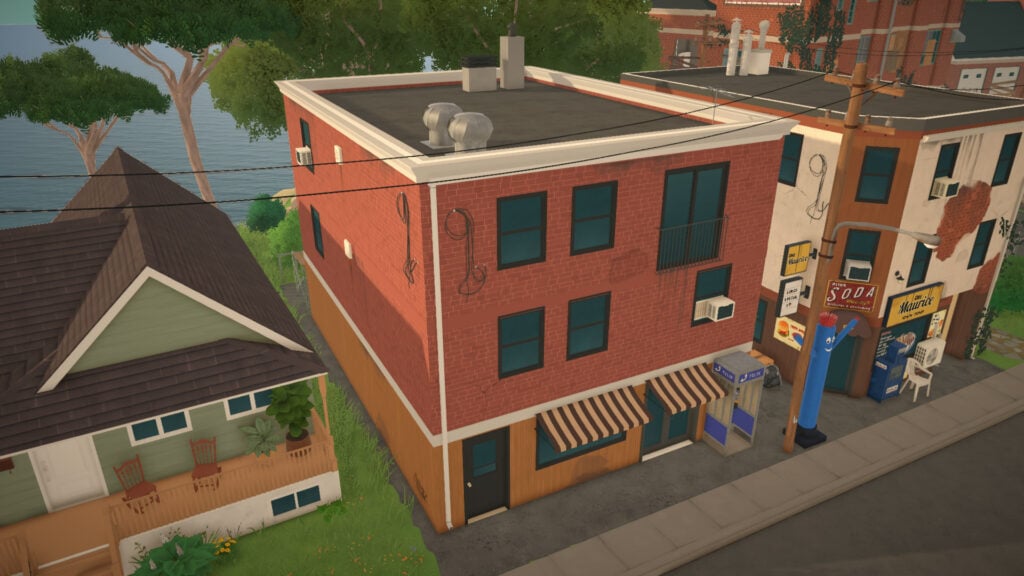
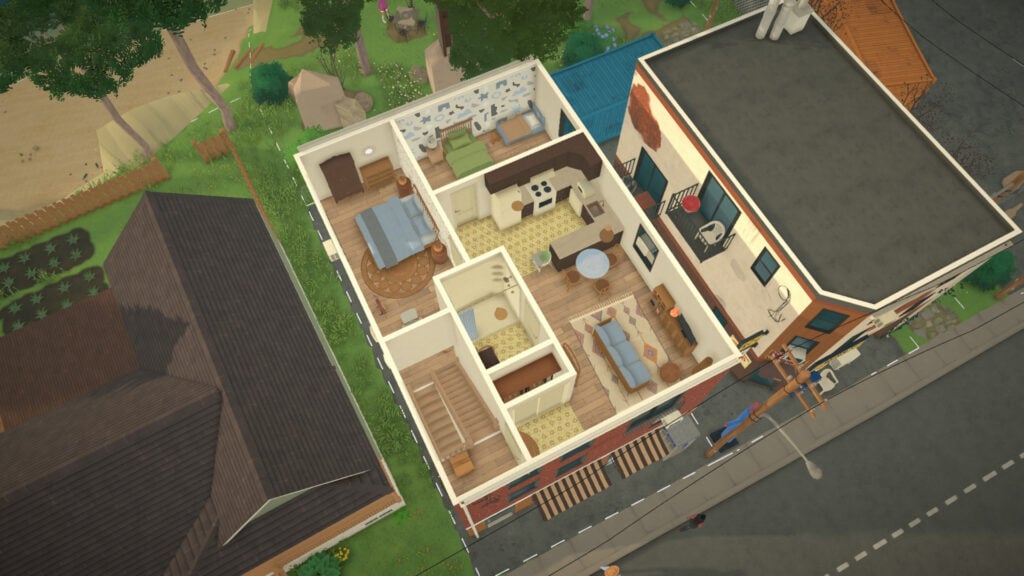
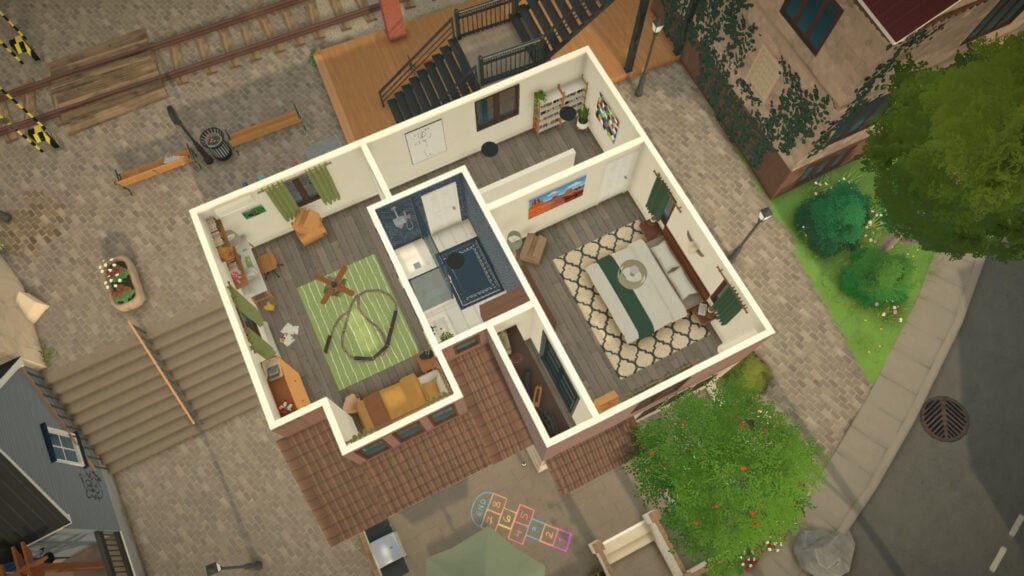
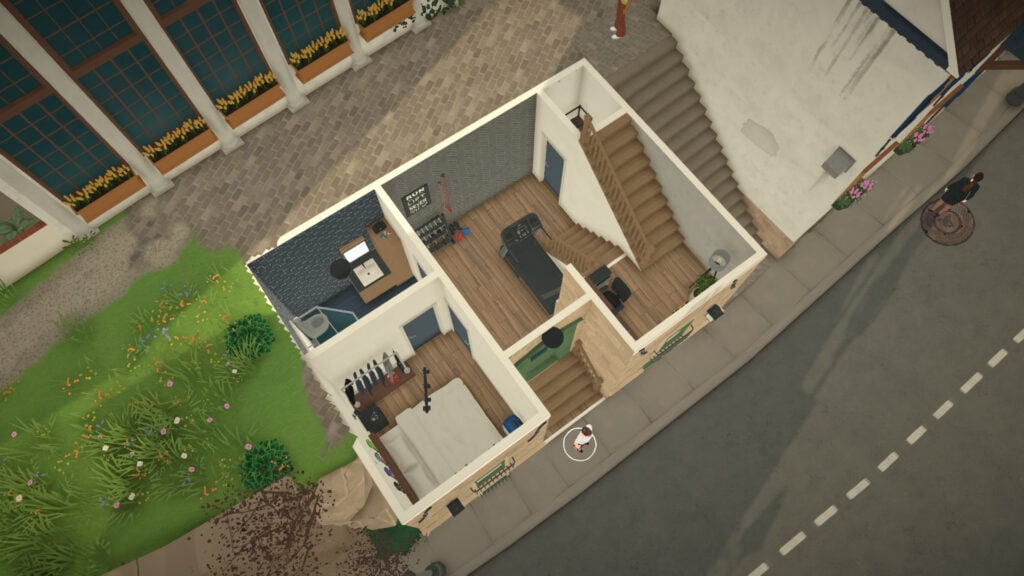
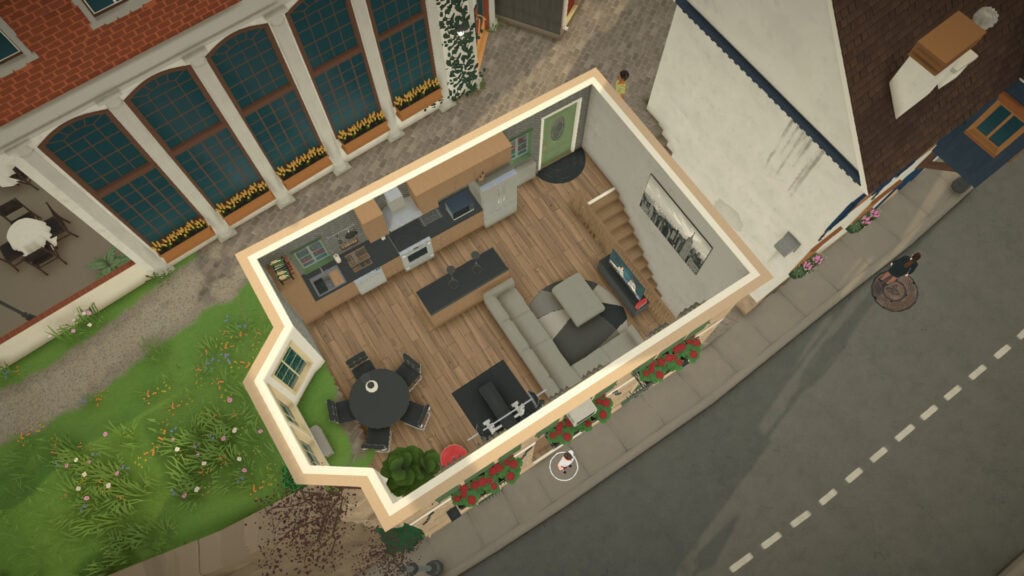
This house, besides the primary school, offers 2 bedrooms and 1 bathroom.
Residence for 27,838 Paradimes
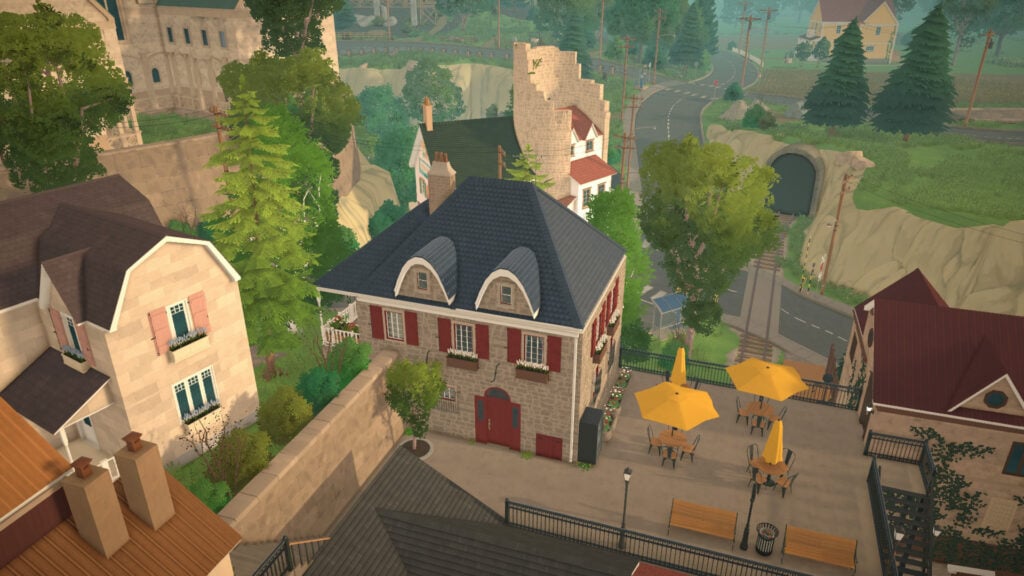
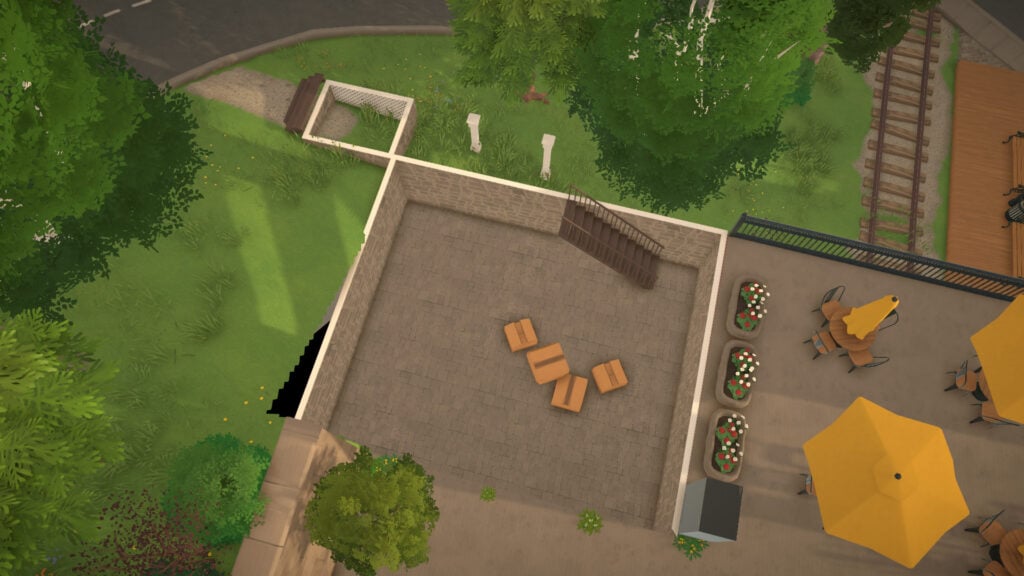
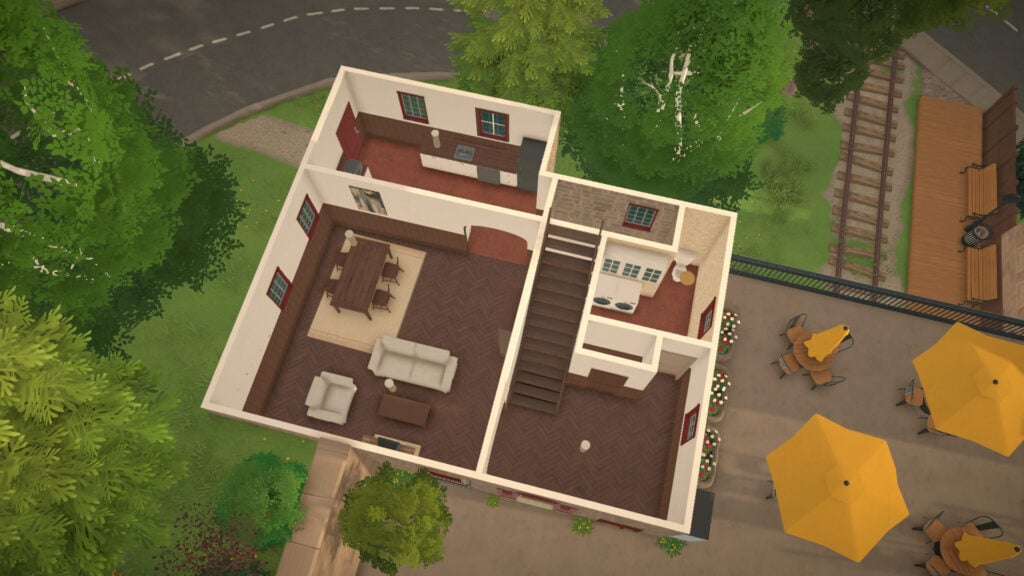
This home in the middle of the train station offers 2 bedrooms and 2 bathrooms.
Residence for 28,203 Paradimes
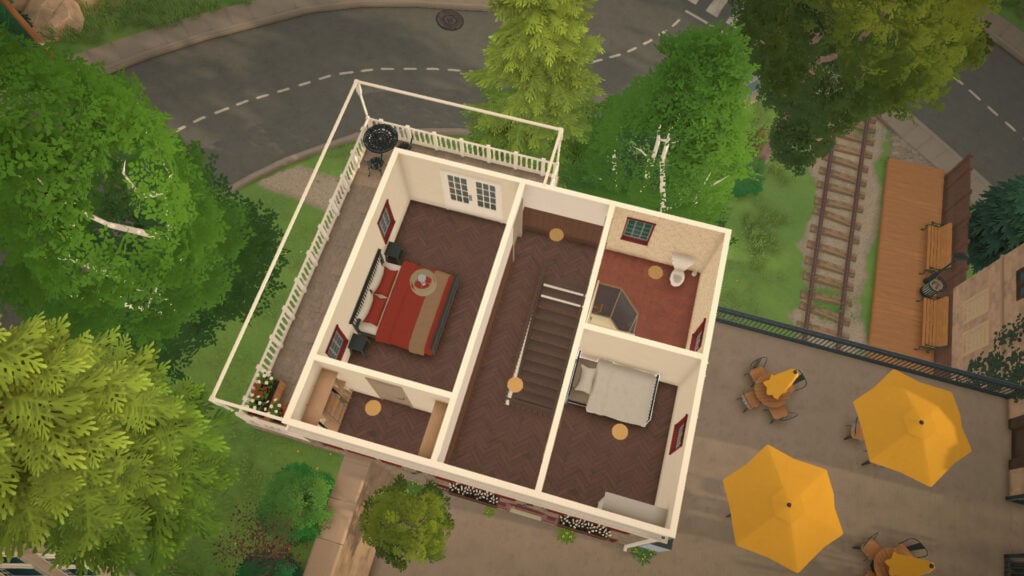
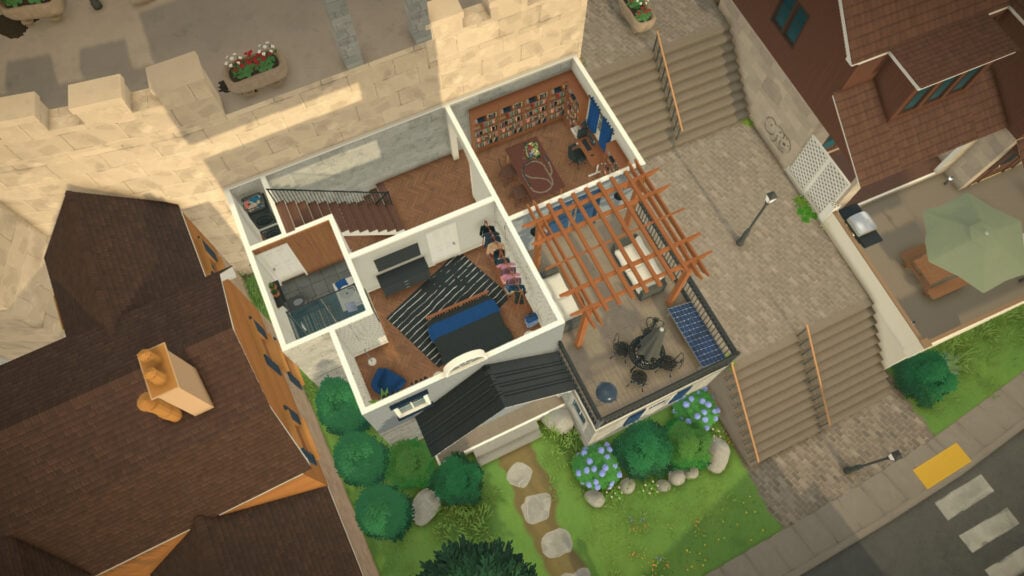
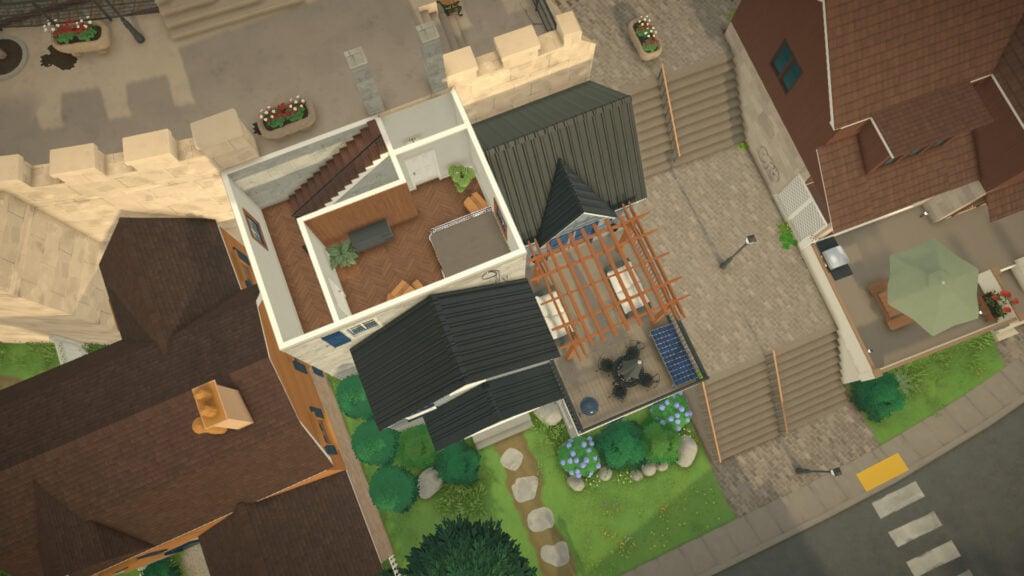
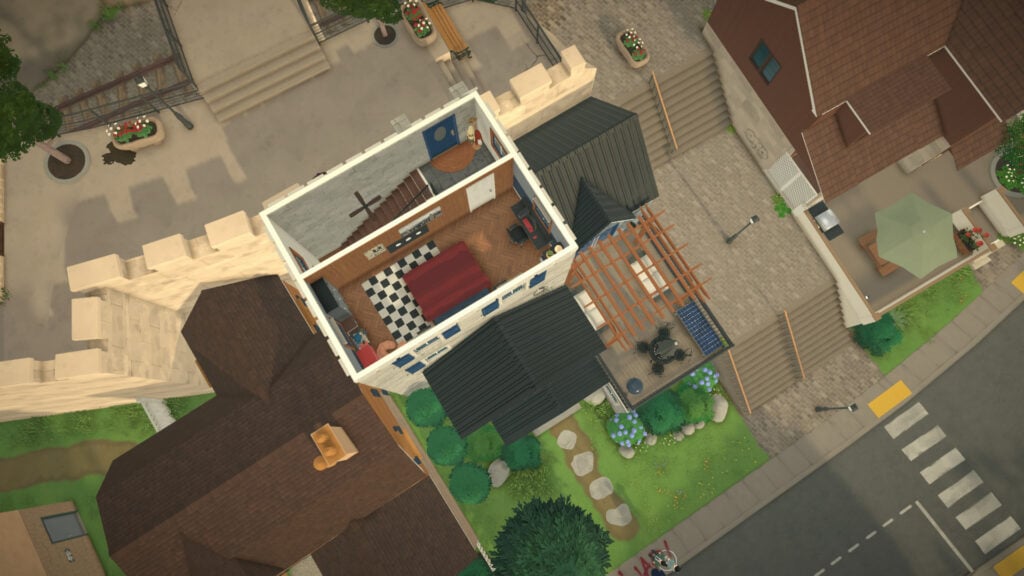
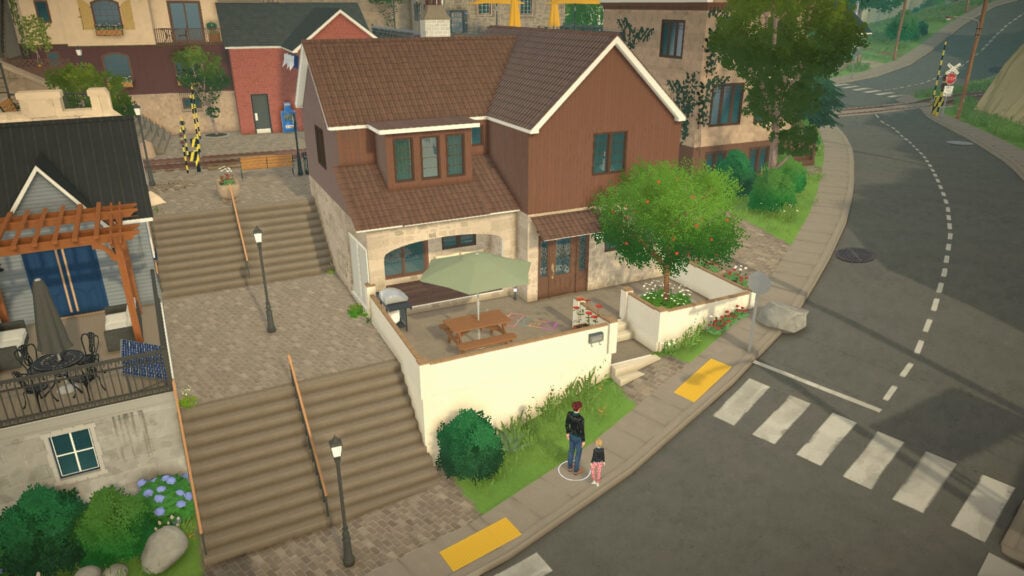
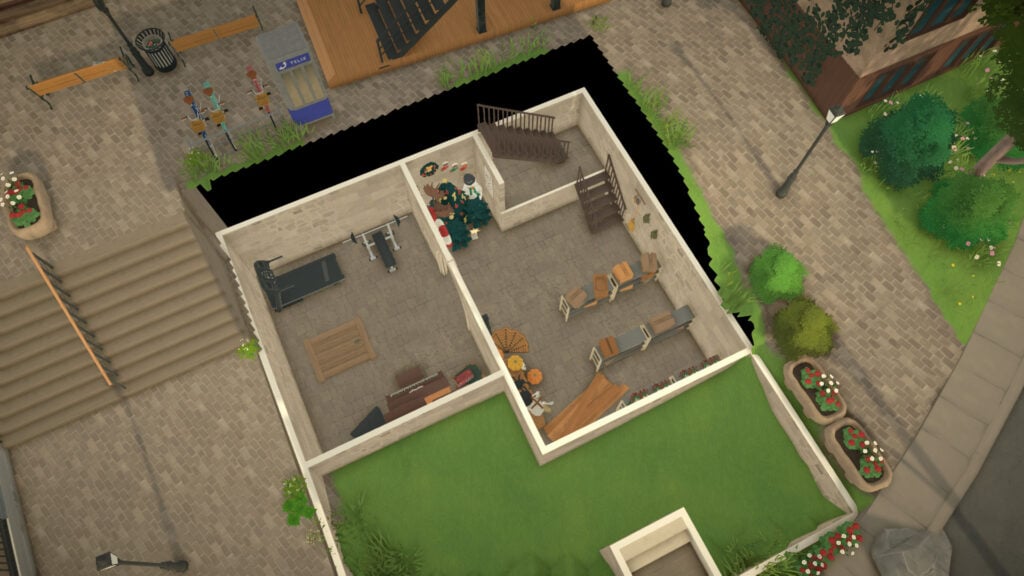
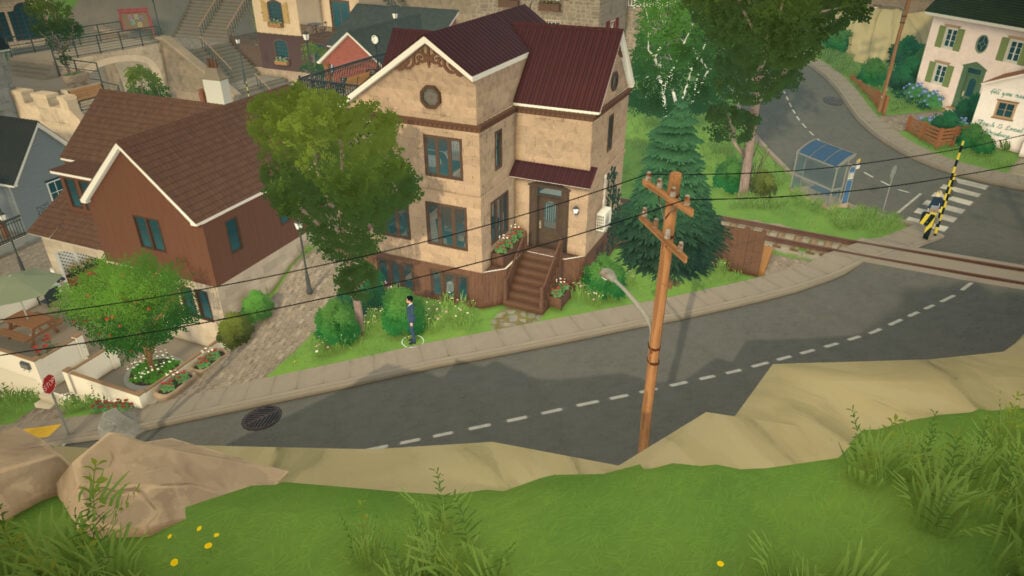
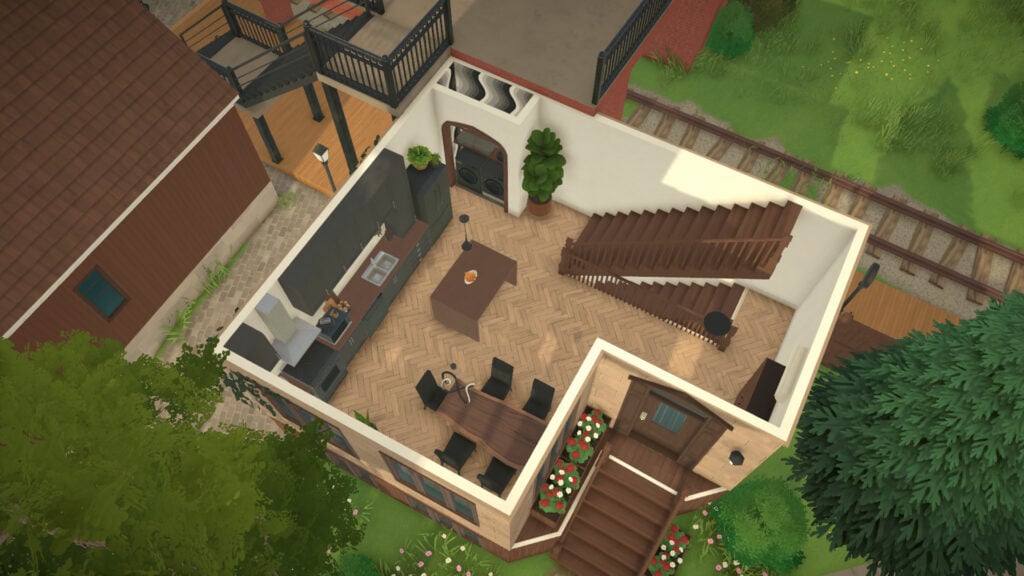
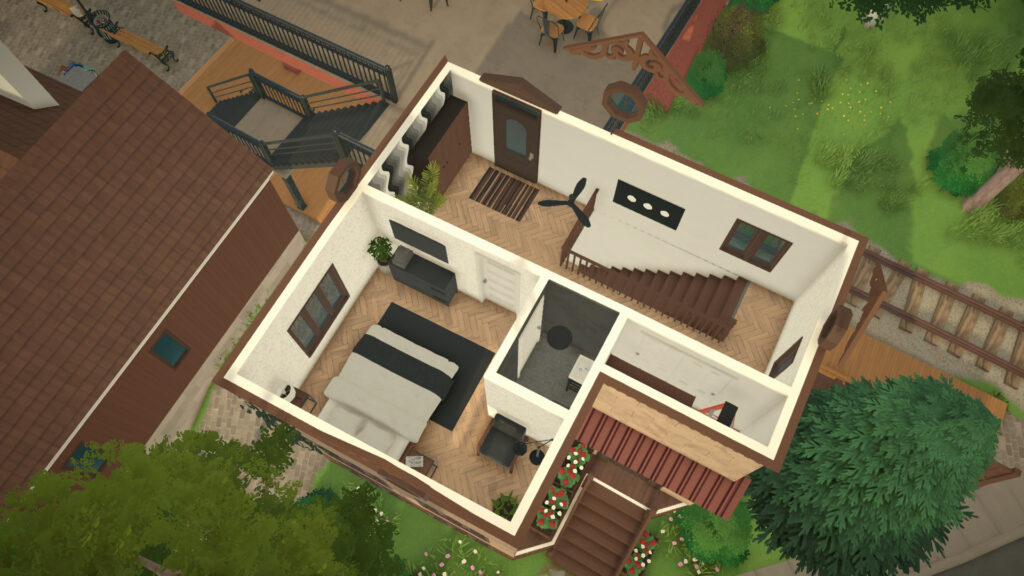
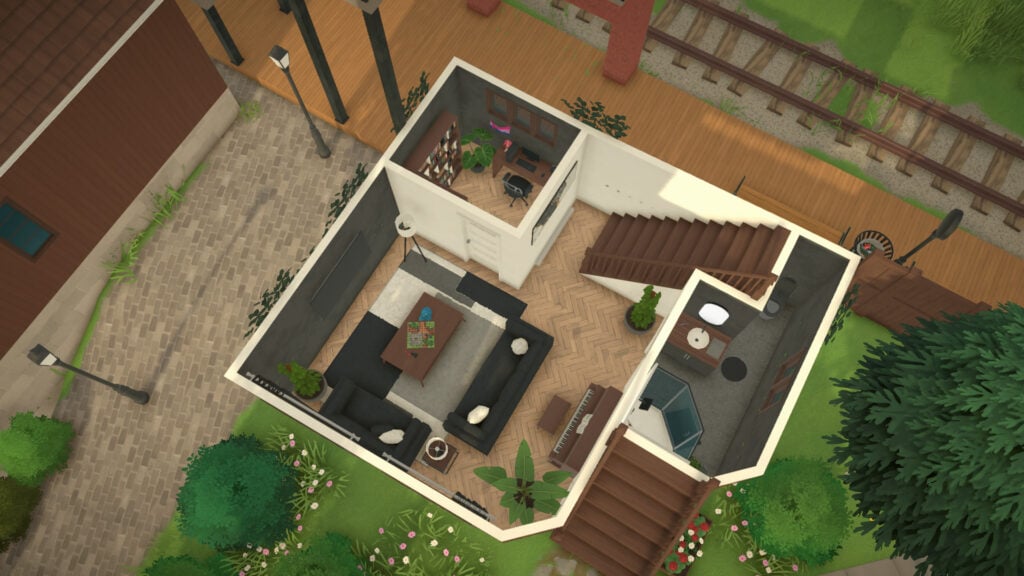
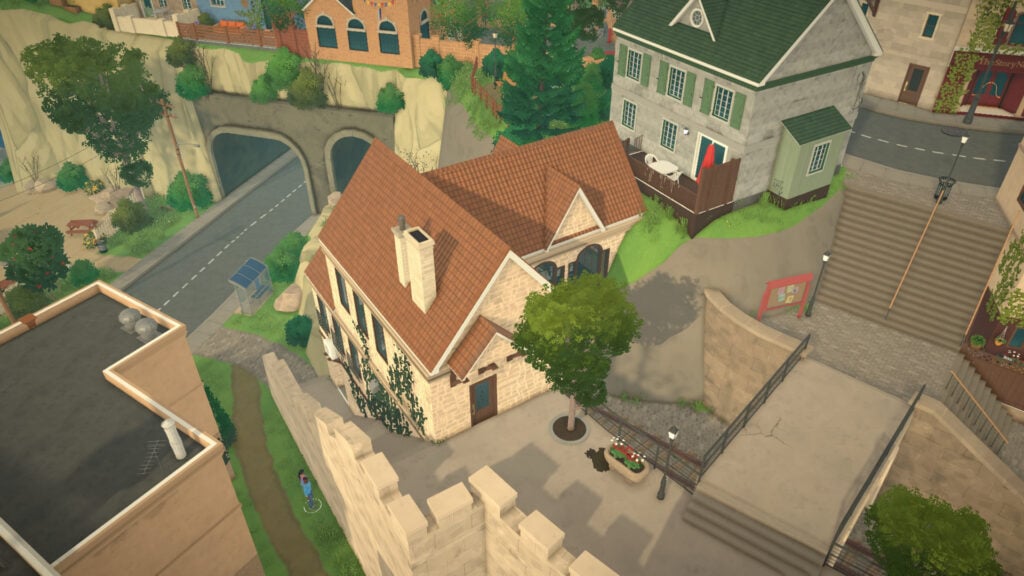
This home is placed in the suburban area of Old Town, offering 4 bedrooms and 2 bathrooms. The basement has no windows, by the way.
Apartment for 28,473 Paradimes
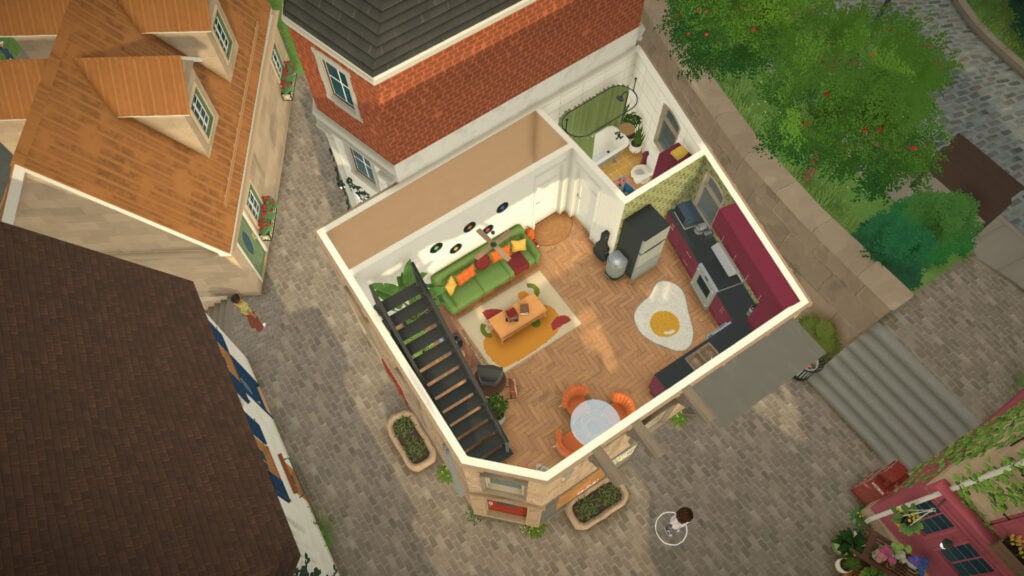
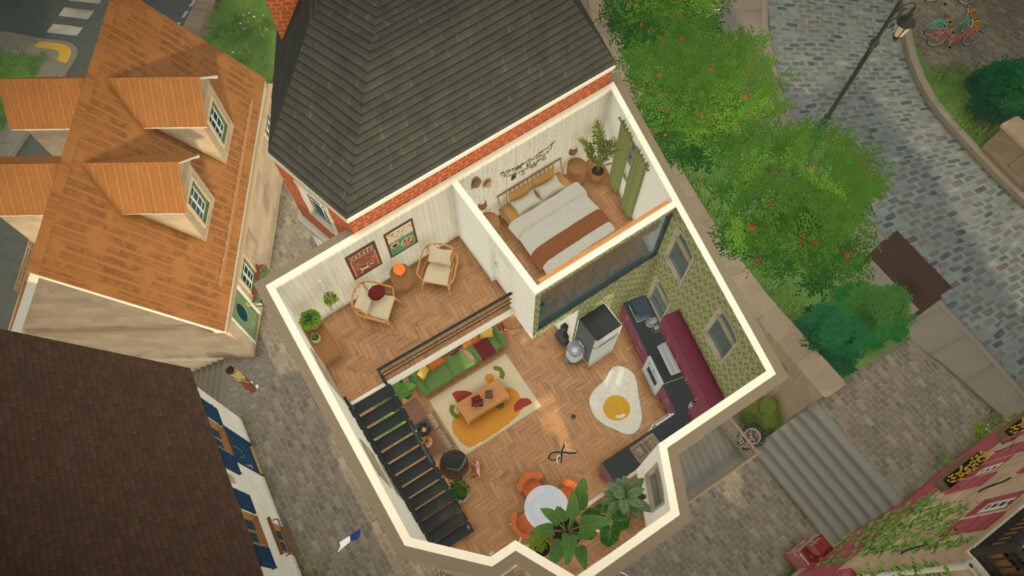
This tiny apartment in the main plaza of Old Town offers 1 bedroom and 1 bathroom.
Residence for 46,316 Paradimes
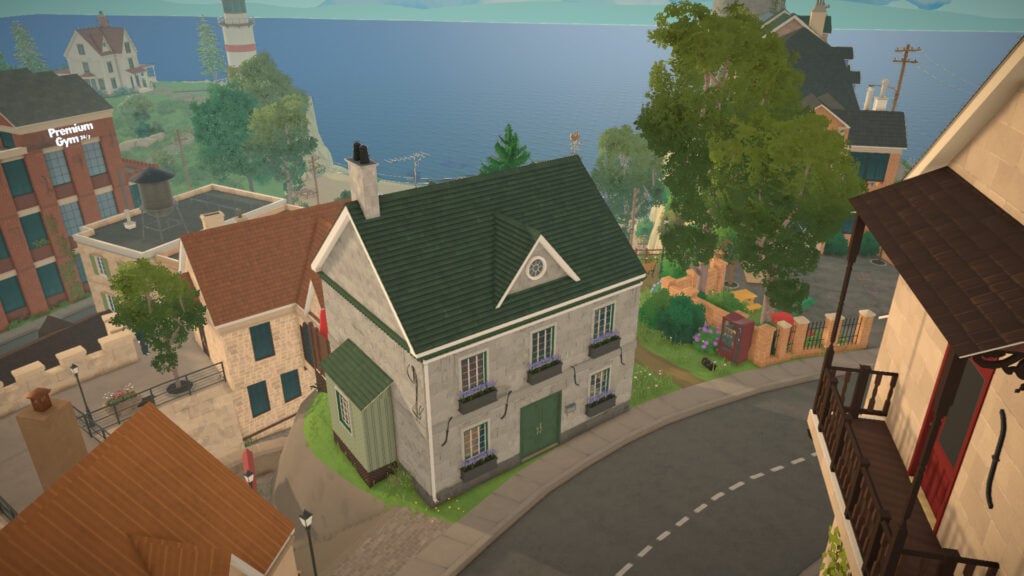
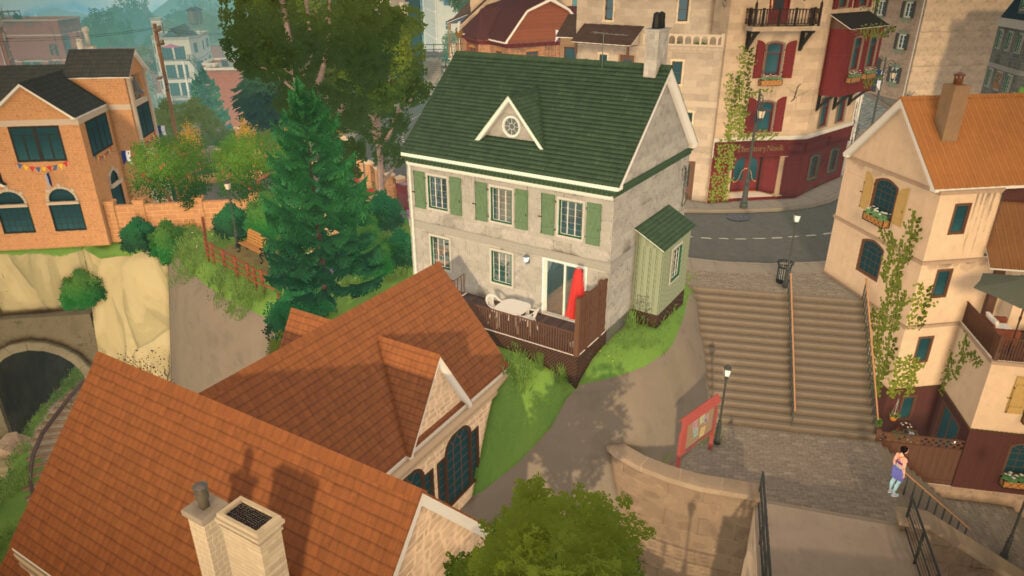
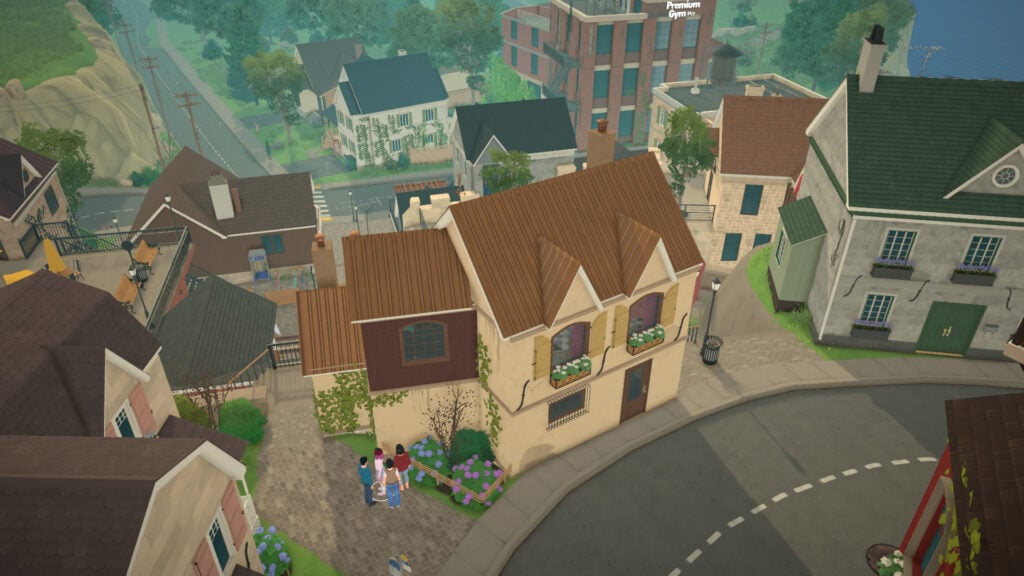
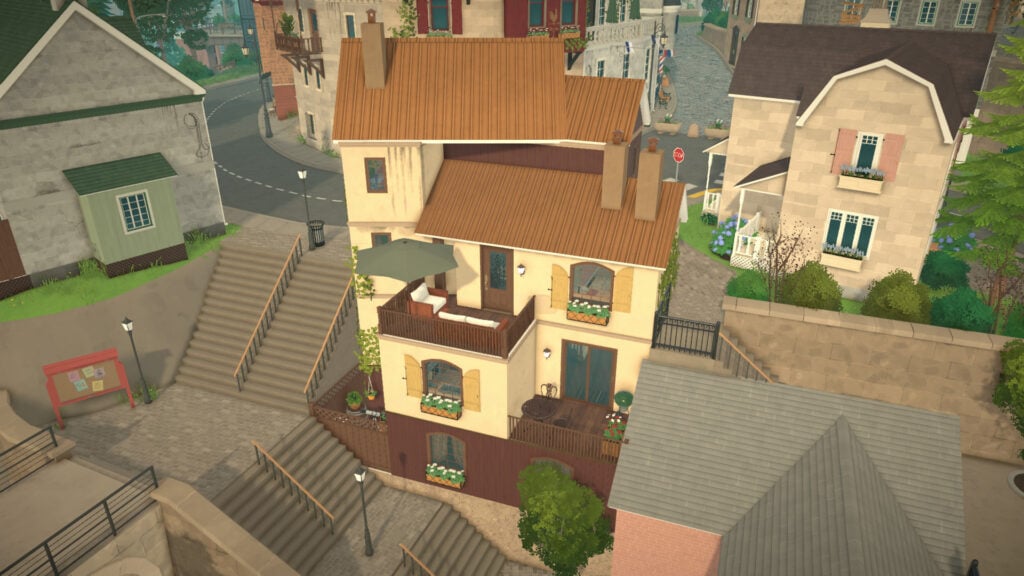
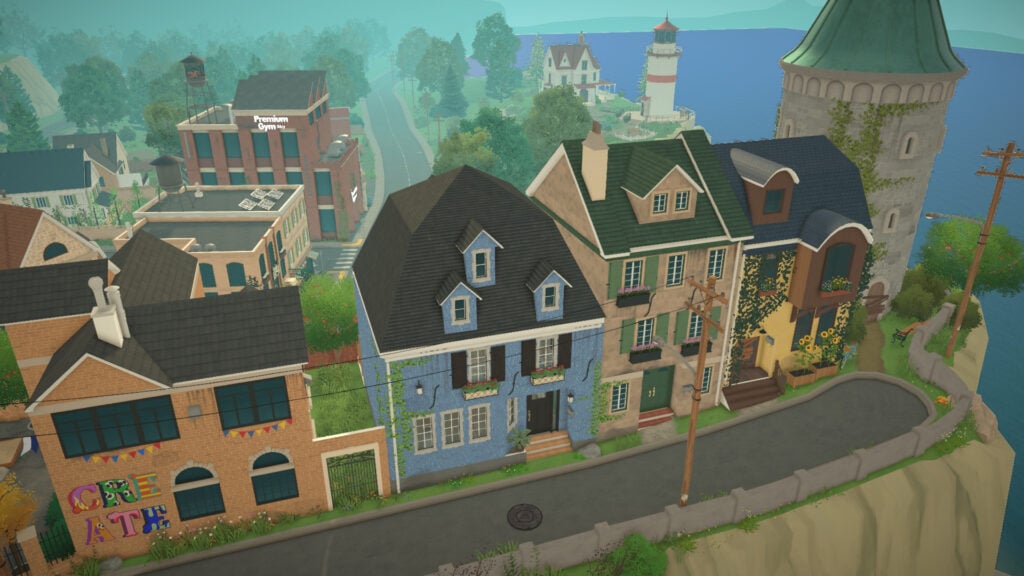
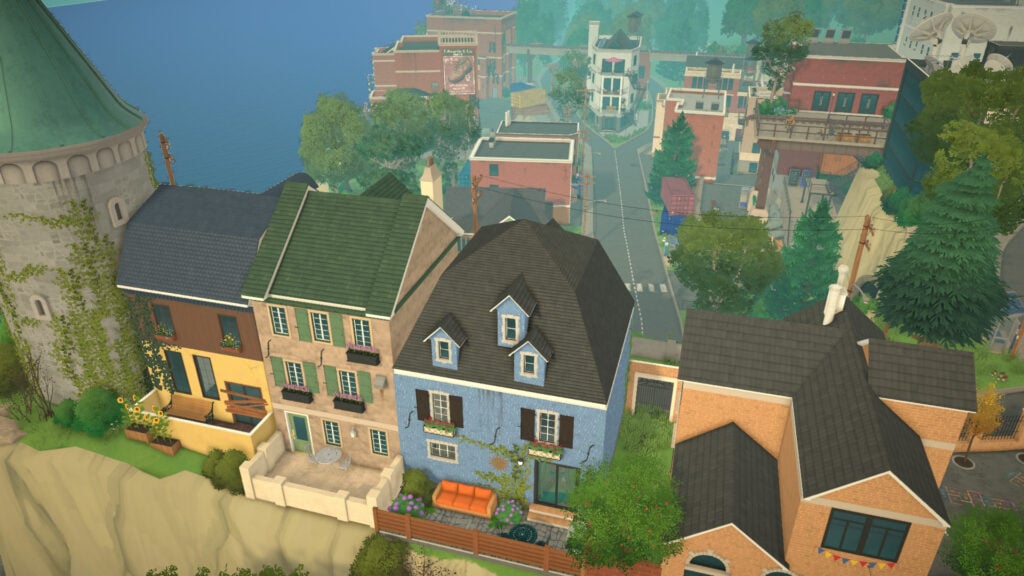
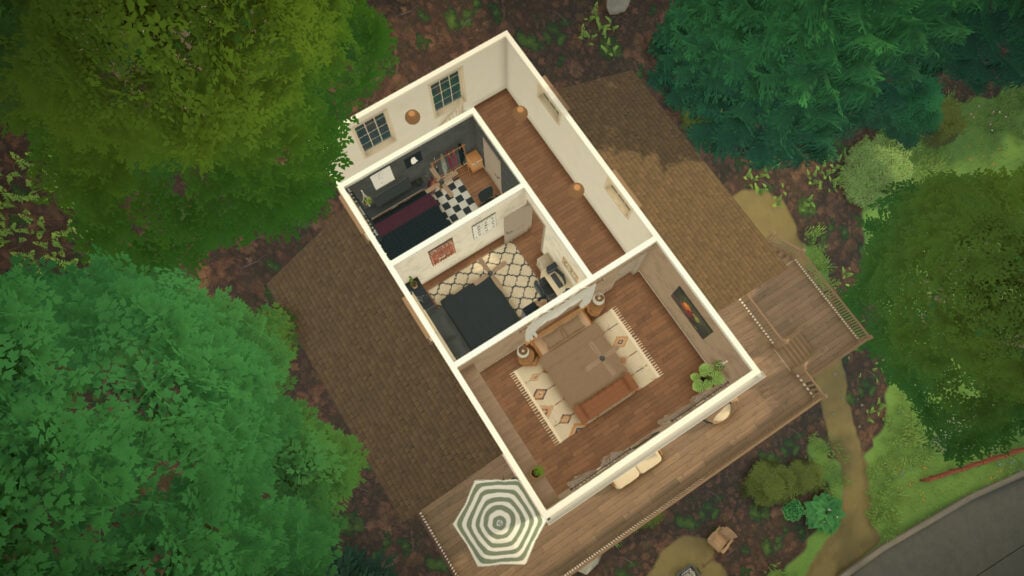
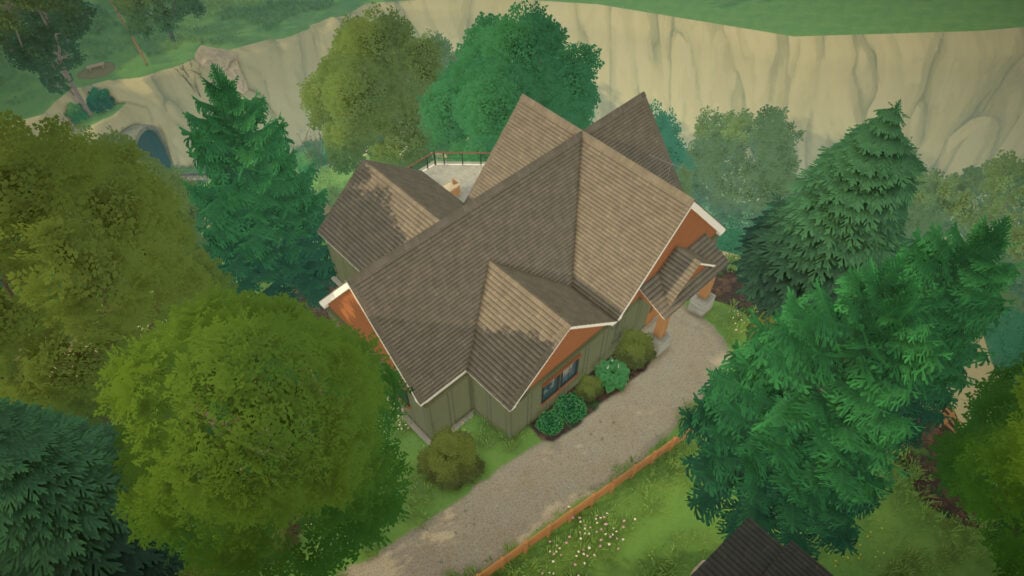
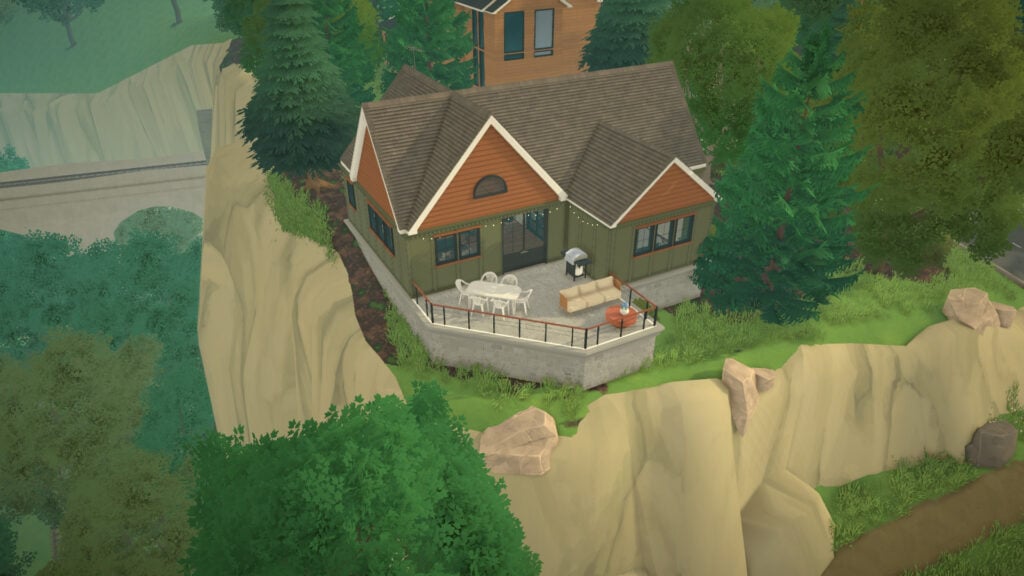
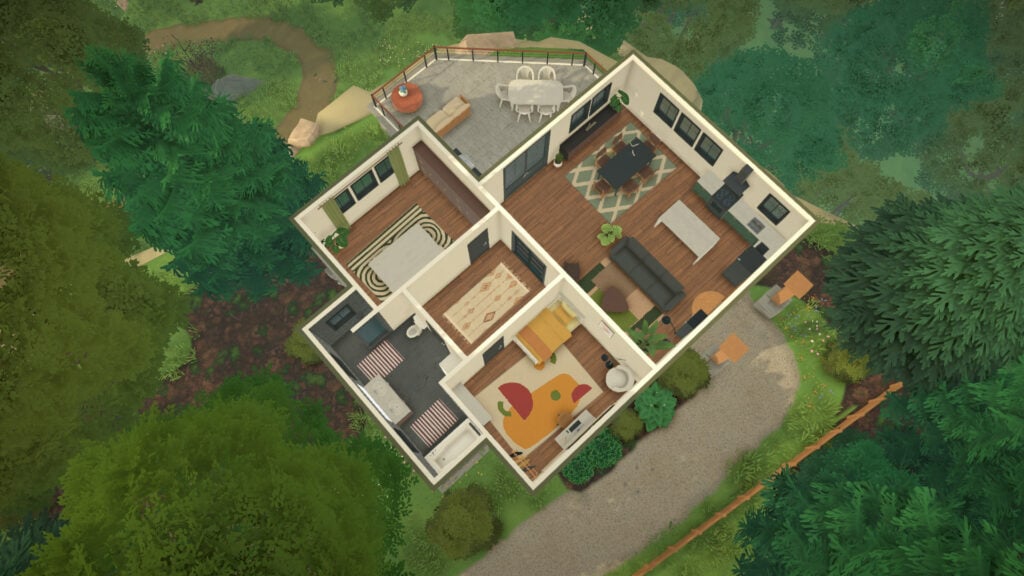
This house, right on the town’s cliff (beware), is the most expensive in this neighborhood with 2 bedrooms and 2 bathrooms.
Available Lots in the Industrial Neighborhood
Apartment for 24,848 Paradimes
This apartment, right next to the railway, is the cheapest home in Melino with 1 bedroom and 1 bathroom.
Apartment for 26,912 Paradimes
This apartment offers 3 bedrooms and 1 bathroom.
Available Lots in the Forest Neighborhood
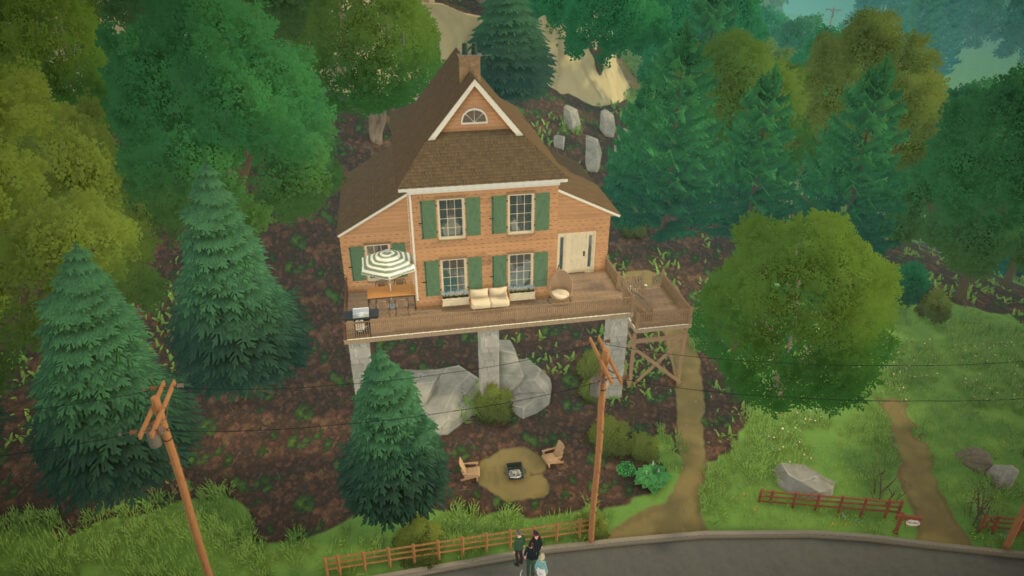
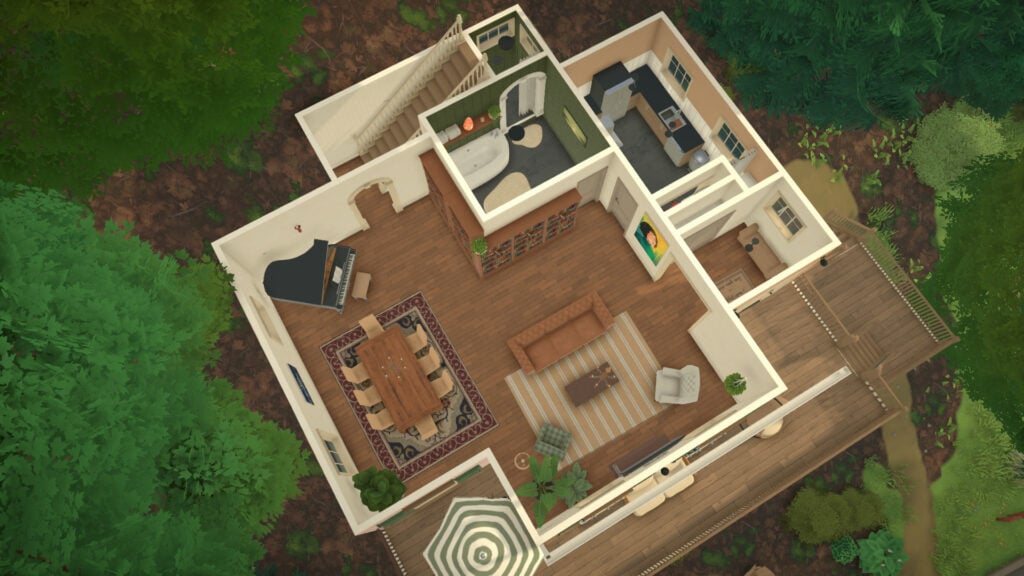
Manor for 43,138 Paradimes
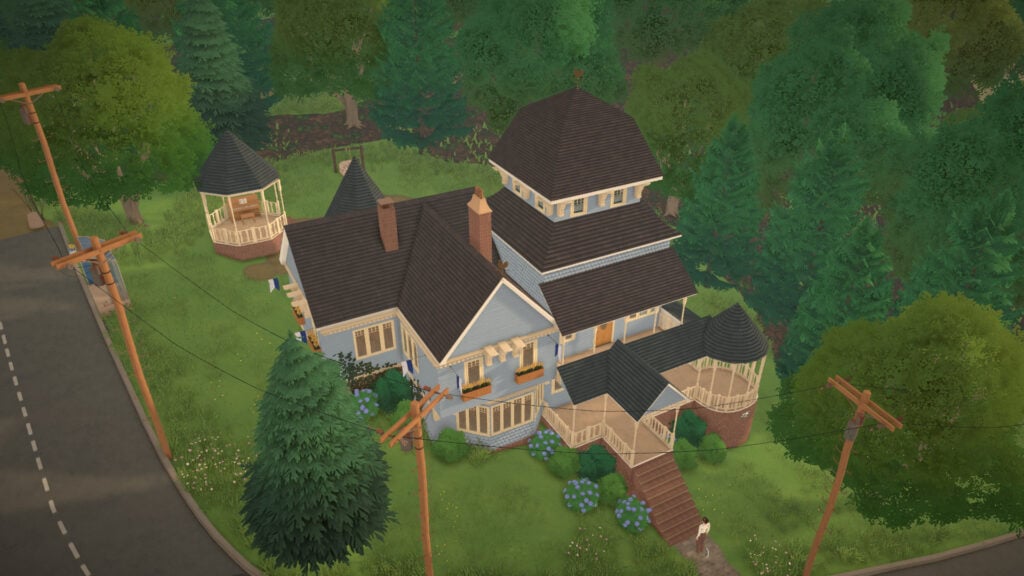
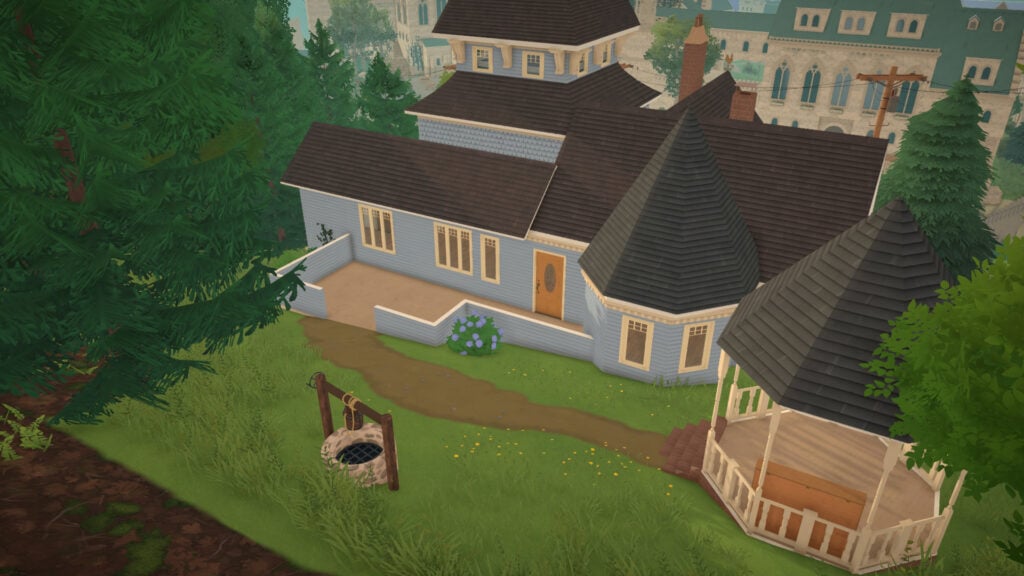
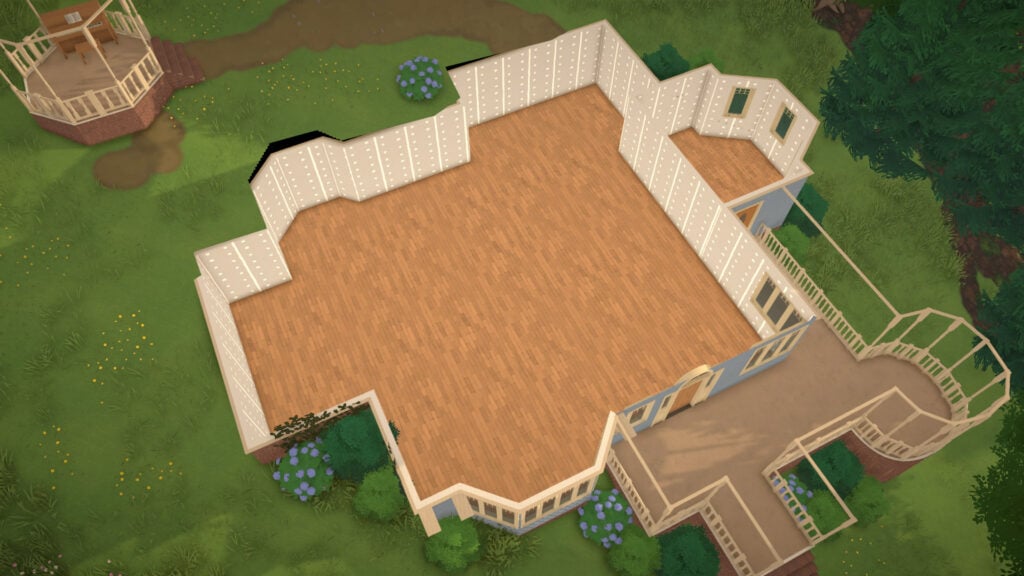
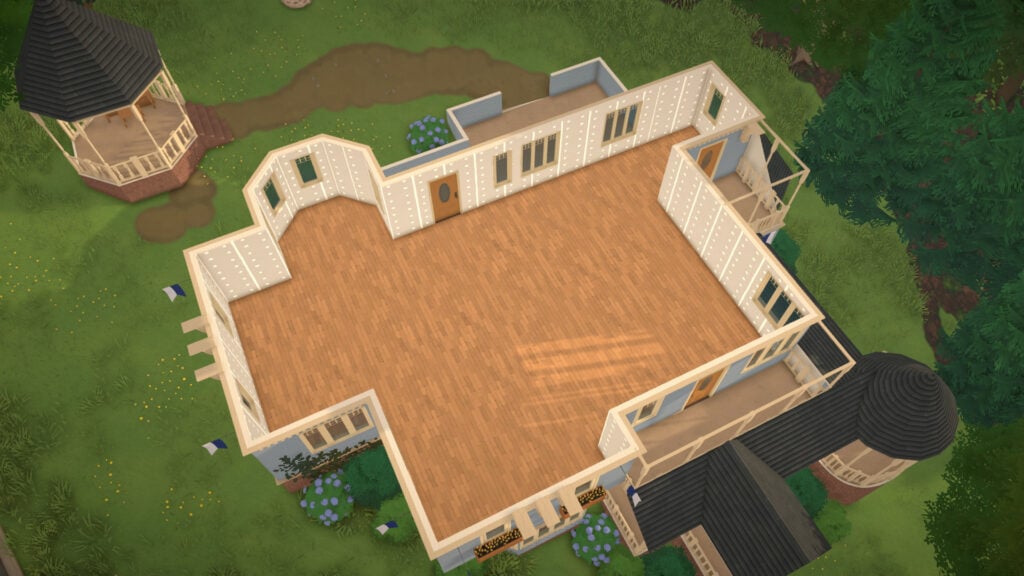
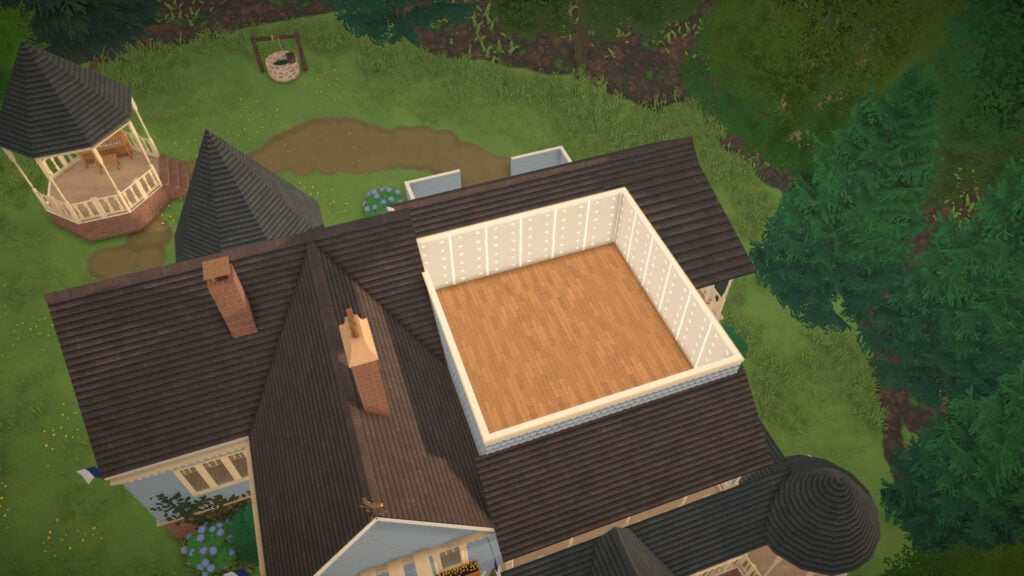
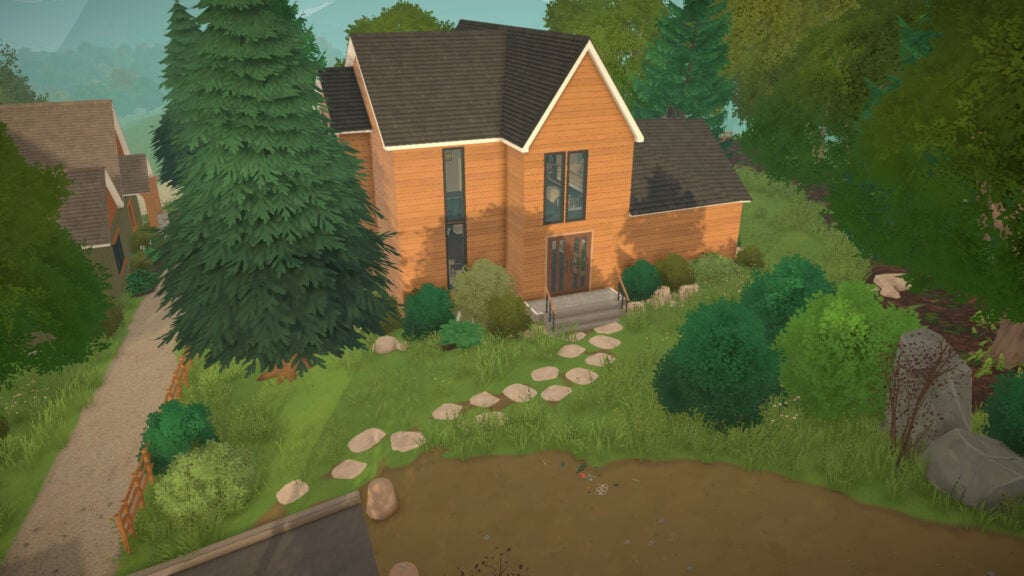
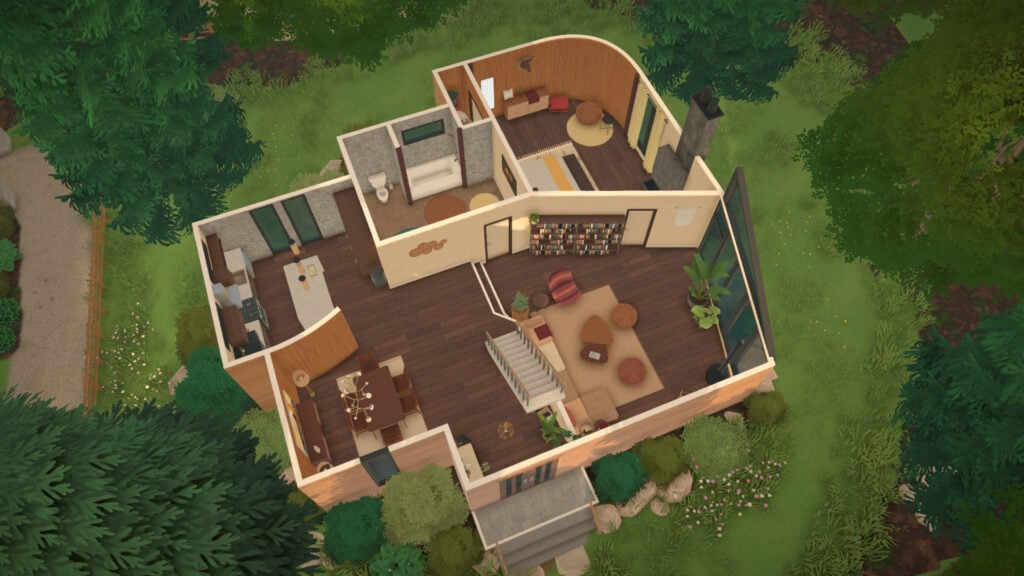
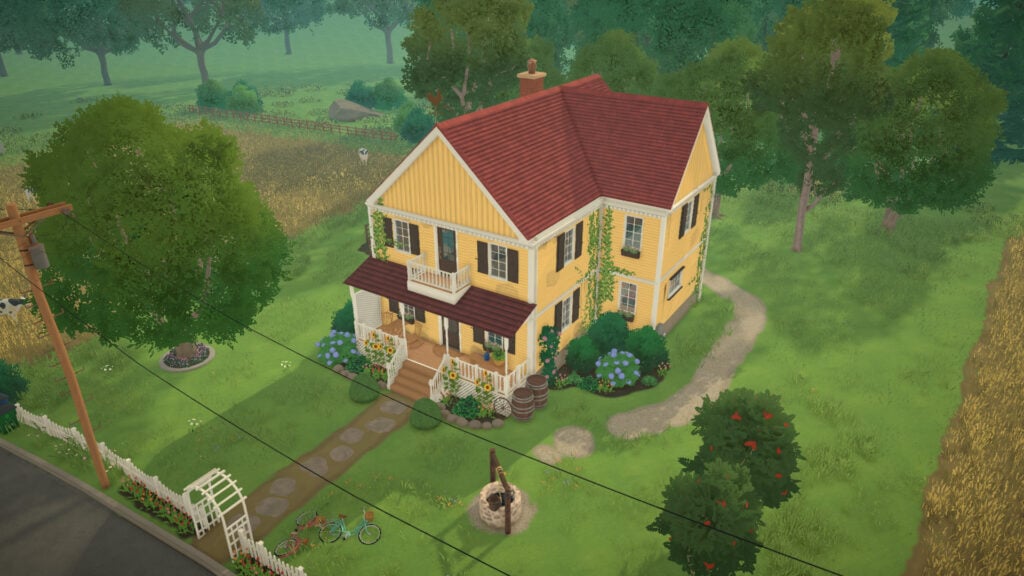
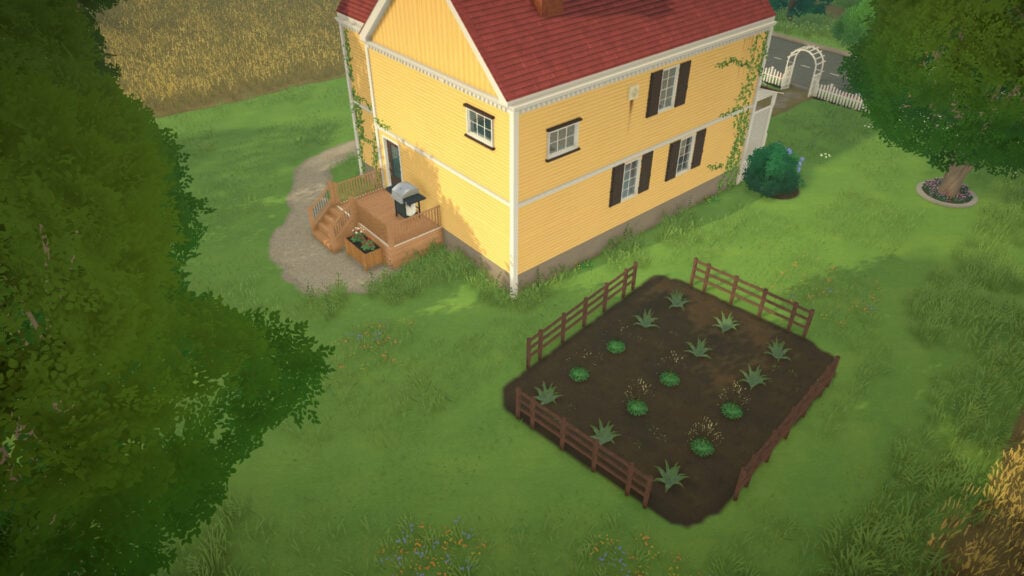
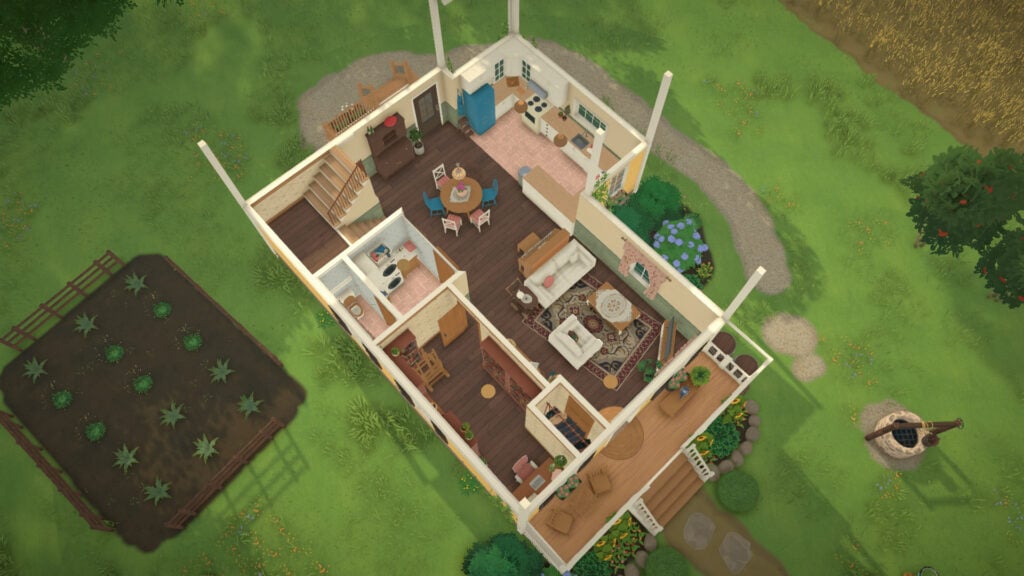
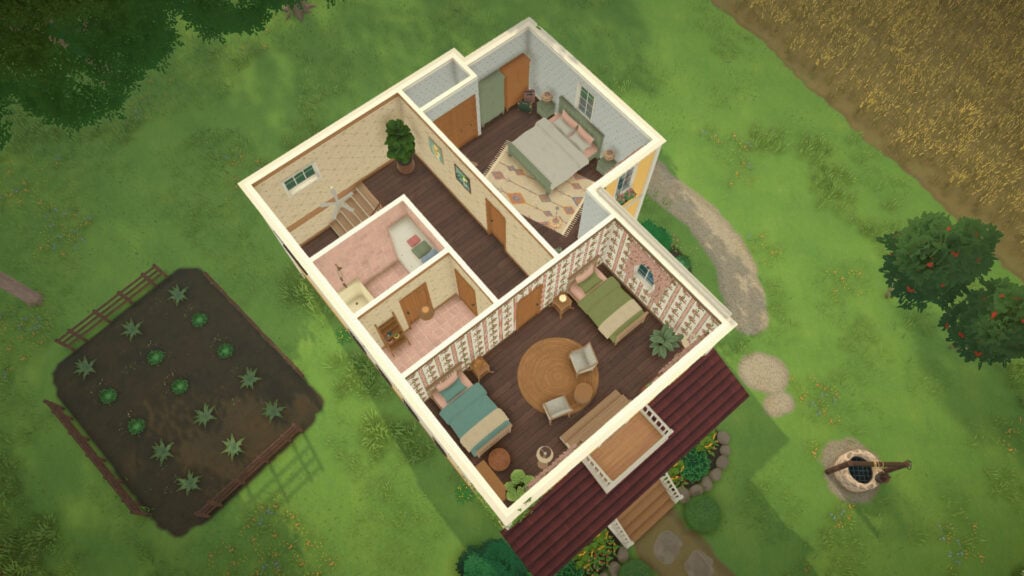
This manor, located outside of town, is the biggest home you can purchase in Melino, although it comes completely unfurnished. It offers plenty of empty space to build and customize inside, alongside a charming backyard area featuring a small well.
Manor for 71,742 Paradimes
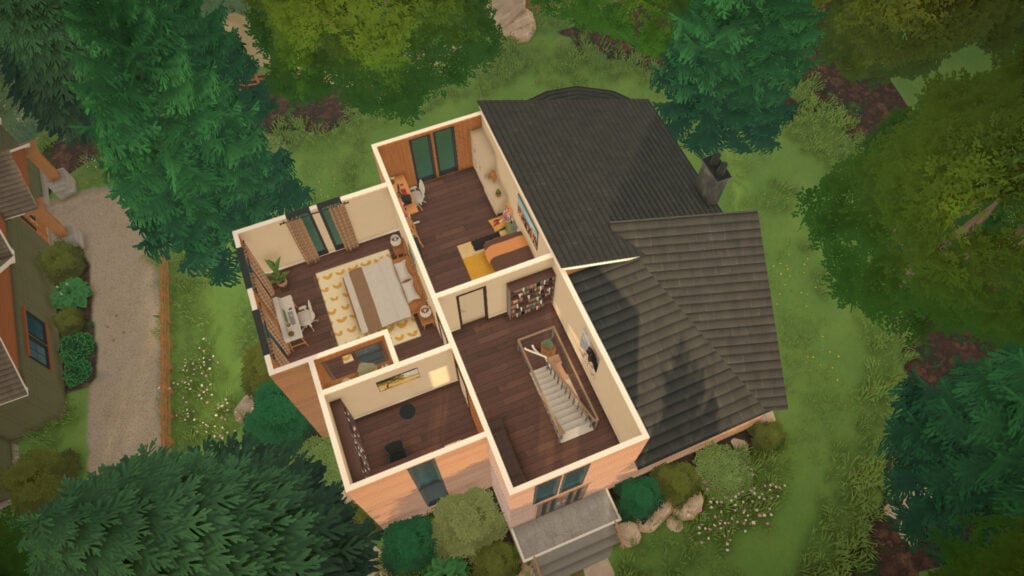
This modern house, located outside the city, is the most expensive home available in Melino. The property includes three bedrooms, one bathroom, and is fully decorated with high-end furniture and modern interior design.
Melino offers a surprisingly large variety of homes for players who want to jump directly into gameplay without building a house from scratch. From tiny and affordable apartments located in the industrial district to massive luxury mansions outside the city, the selection of Paralives lots available for purchase helps support many different types of stories and households.
Whether you want to create a humble family slowly building their future, a group of roommates living in a small apartment, or a wealthy dynasty ruling the city from an enormous estate, Melino already provides plenty of options to match your playstyle. Each neighborhood also brings its own atmosphere, helping every home feel unique within the world of Paralives.
Buildable Lots, Start from Scratch!
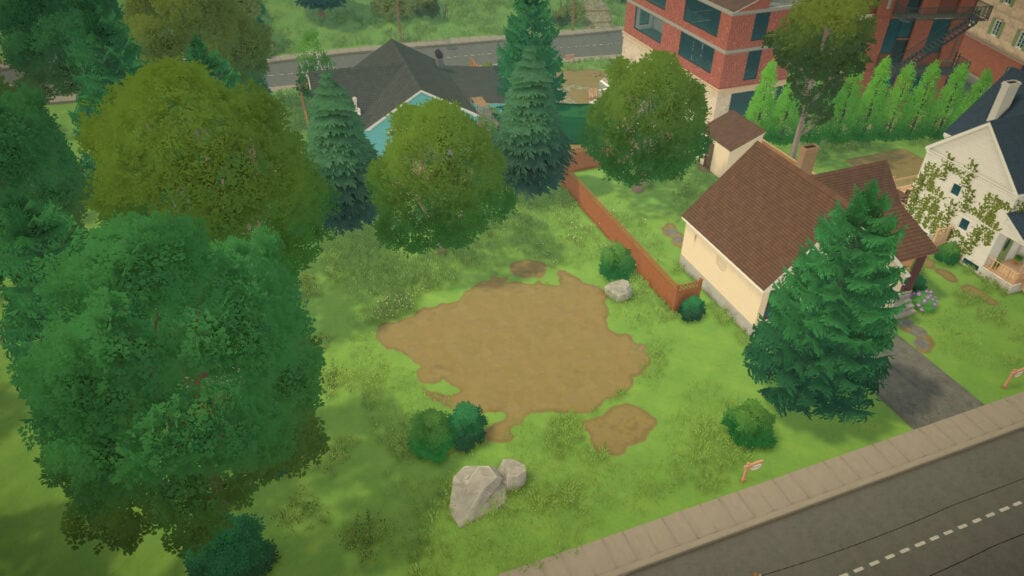
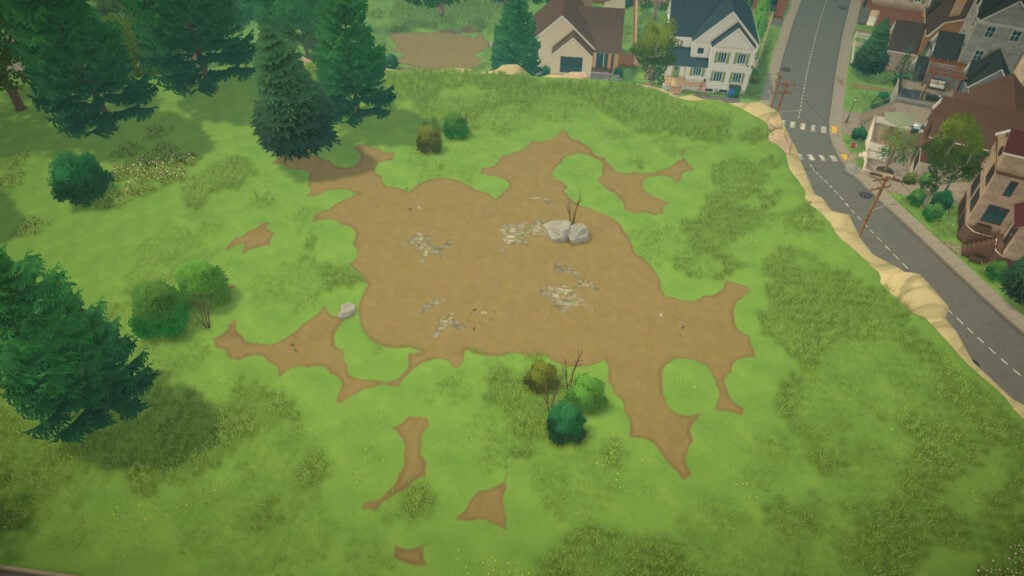
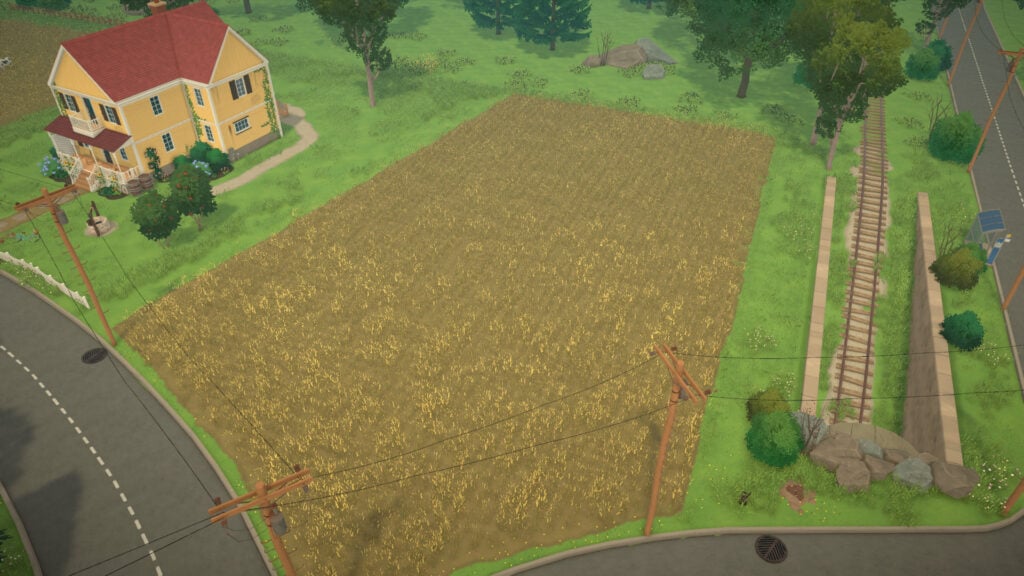
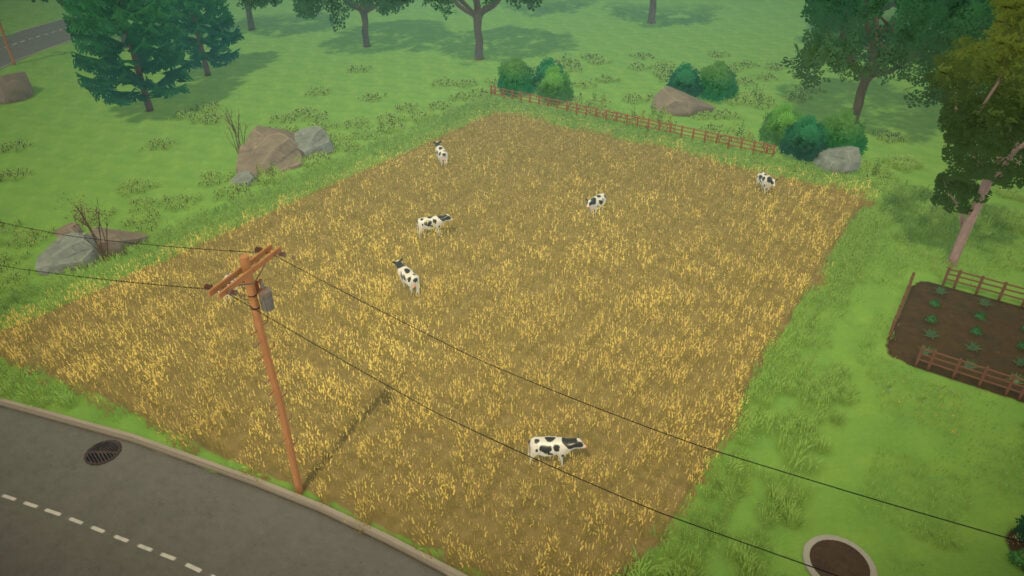
Do you prefer living surrounded by suburban neighborhoods? Maybe the quiet life of a countryside farm sounds better. Or perhaps you want your future Para home sitting on top of a cliff with a beautiful view across Melino.
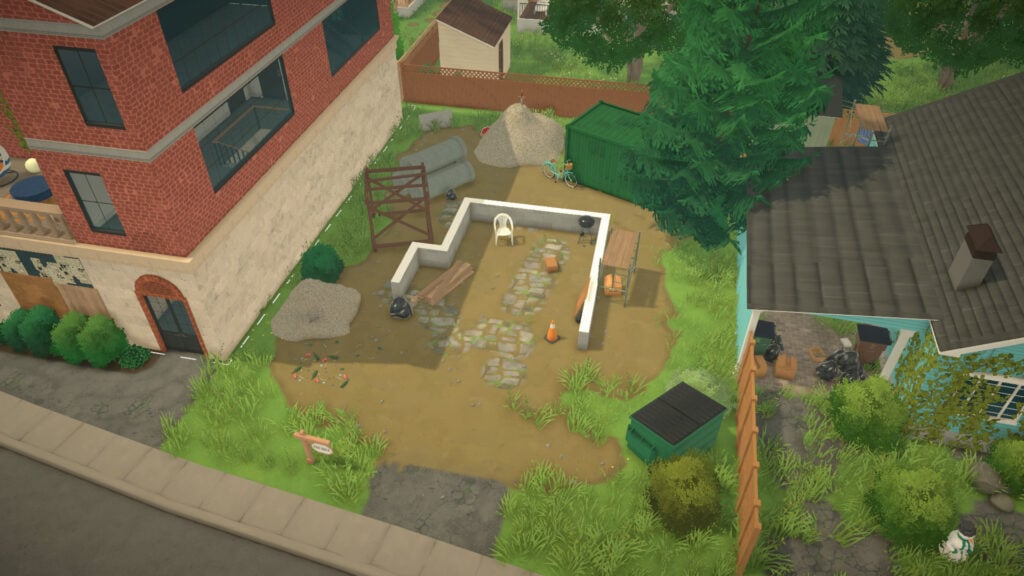
Thankfully, Melino offers plenty of empty buildable lots for every type of player and story. Whether you want to create a tiny starter home, a modern mansion, or a chaotic generational household, there are several places across the town where you can start building completely from scratch.
Empty Lot for 1,430 Paradimes
Empty Lot for 3,365 Paradimes
Empty Lot for 11,980 Paradimes
Empty Lot for 5,790 Paradimes
Empty Lot for 8,465 Paradimes
Empty Lot for 1,180 Paradimes
Empty Lot for 5,491 Paradimes
Empty Lot for 3,408 Paradimes
Empty Lot for 644 Paradimes
Empty Lot for 10,046 Paradimes
House with Residents in Melino
Melino is far from an empty town. Plenty of… Melinians? Melinoans? Honestly, we still have no idea what the correct demonym is, but a lot of Paras already live across the city, and some of them have pretty amazing homes. From cozy apartments and colorful suburban houses to huge countryside mansions, the town is already full of personality before players even move in.
So now, it’s time to take a look at all the occupied homes in Melino and see where the locals are already living their lives.
Vaughan Residence
This house is worth 61,317 Paradimes and has 1 bedroom and 1 bathroom.
Moreau Residence
This house is worth 73,326 Paradimes and has 3 bedrooms and 2 bathrooms.
Patel Residence
This house is worth 50,337 Paradimes and has 2 bedrooms and 1 bathroom.
Camara Residence
This house is worth 82,935 Paradimes and has 4 bedrooms and 2 bathrooms.
Wake Residence
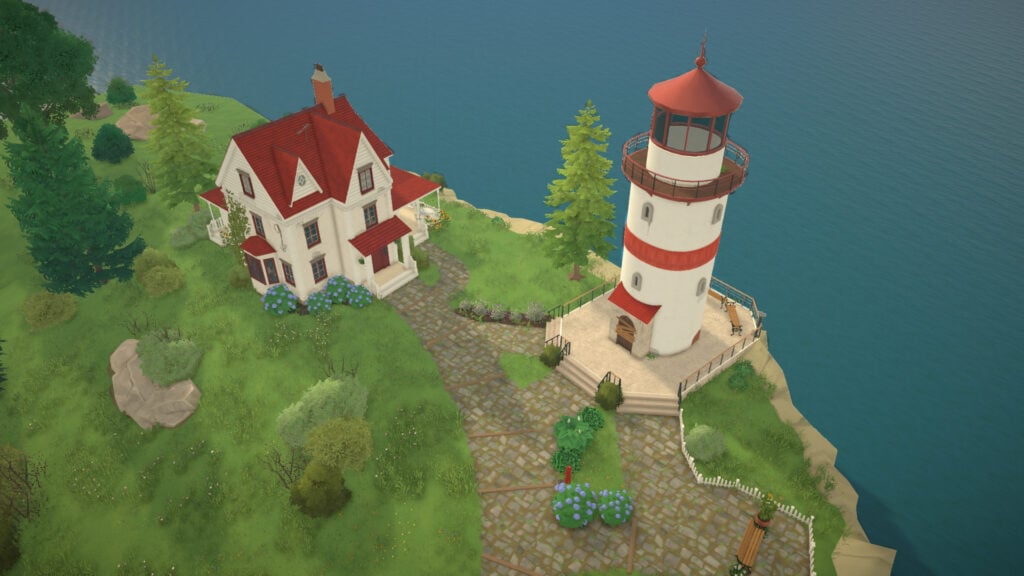
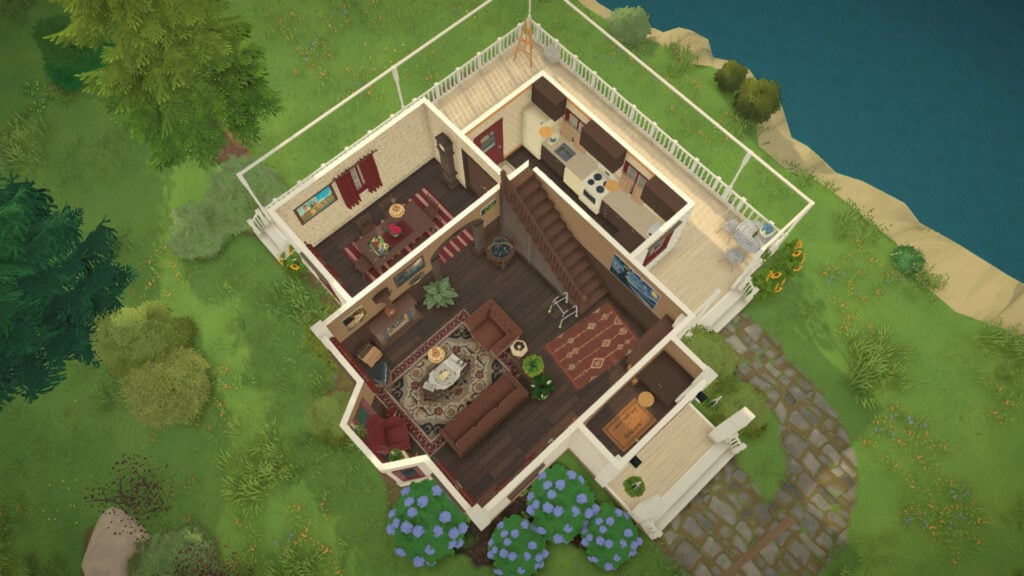
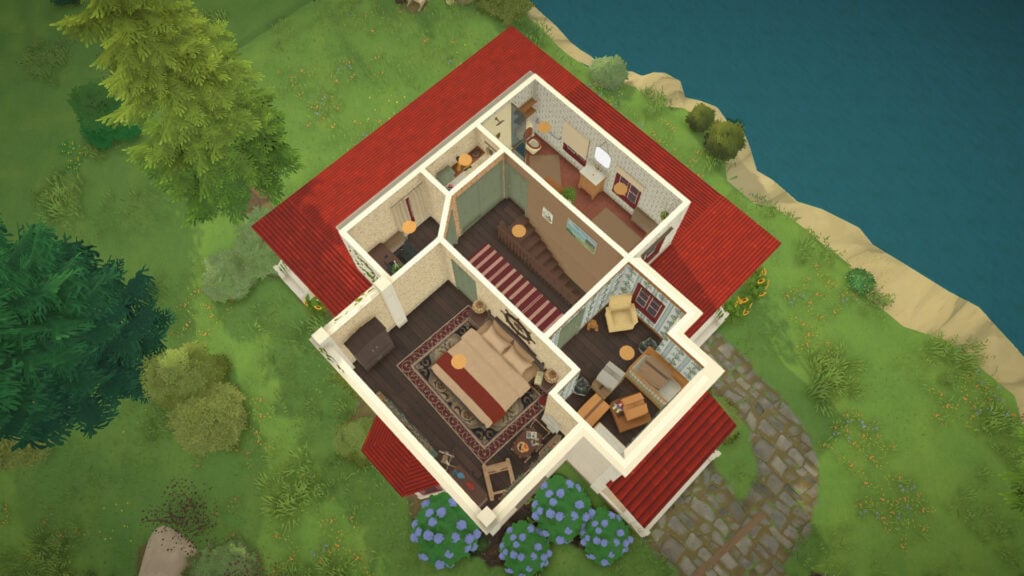
This house + lighthouse is worth 98,835 Paradimes and has 2 bedrooms and 1 bathroom.
Preston-Beaumont Residence
This house is worth 47,248 Paradimes and has 3 bedrooms and 1 bathroom.
Pelletier Residence
This house is worth 87,491 Paradimes and has 3 bedrooms and 3 bathrooms.
Marquez Residence
This house is worth 69,114 Paradimes and has 2 bedrooms and 1 bathroom.
Gervais Residence
This house is worth 55,387 Paradimes and has 1 bedroom and 2 bathrooms.
Cooper Residence
This house is worth 47,177 Paradimes and has 1 bedroom and 1 bathroom.
Chen Residence
This house is worth 157,185 Paradimes and has 4 bedrooms and 6 bathrooms
Lavigne Residence
This house is worth 40,046 Paradimes and has 2 bedrooms and 1 bathroom.
Harper Residence
This house is worth 52,864 Paradimes and has 2 bedrooms and 1 bathroom.
Barnes Residence
This house is worth 123,832 Paradimes and has 2 bedrooms and 2 bathrooms.
Nasser Household
This house is worth 30,962 Paradimes and has 1 bedroom and 1 bathroom.
Stark Residence
This house is worth 46,219 Paradimes and has 1 bedroom and 1 bathroom.
Reed Residence
This house is worth 43,805 Paradimes and has 1 bedroom and 1 bathroom.
De Belcourt Residence
This house is worth 98,571 Paradimes and has 3 bedrooms and 1 bathroom.
Kim Residence
This house is worth 39,657 Paradimes and has 2 bedrooms and 1 bathroom.
O’Reilly Residence
This house is worth 45,439 Paradimes and has 2 bedrooms and 1 bathroom.
Strong Residence
This house is worth 56,441 Paradimes and has 1 bedroom and 1 bathroom.
Gibbs Residence
This house is worth 66,279 Paradimes and has 2 bedrooms and 1 bathroom.
Wolf Residence
This house is worth 41,161 Paradimes and has 3 bedrooms and 1 bathroom.
Stanlon Residence
This house is worth 32,376 Paradimes and has 3 bedrooms and 1 bathroom.
Darcier Residence
This house is worth 132,185 Paradimes and has 1 bedroom and 1 bathroom.
Which of these homes for purchase in Melino would you choose for your very first Para household? Let us know in the comments, and make sure to check out our other Paralives news, guides, and coverage for even more details about the upcoming life simulation game.
The unthinkable upgrade just happened with The Sims 4 For Rent!
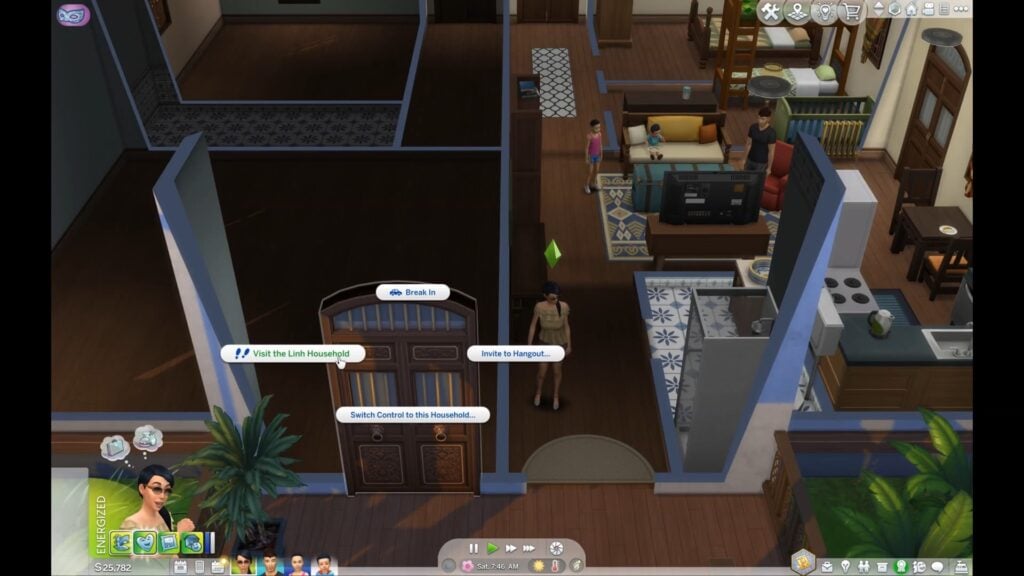
Modders have come to the rescue in making The Sims 4 a more deep and rich experience with this year’s focus on Quality of Life Updates. Modder tyjokr decided out of the blue to make a huge leap and expand The Sims 4 For Rent by delivering the Open Apartments Mod. Allowing you to quickly stop by into the neighboring apartment through a Social Event without ever having to encounter a loading screen!
The functionality of this mod is very easy to grasp. With a Drop By interaction you’re able to check up what the household next door is doing without encountering a loading screen.
The Sims 4 Open Apartments Mod for the For Rent Expansion Pack is currently in the Early Access phase. The modder describes that some features won’t work on release as they’re actively expanding the mod with new features.
Table of Contents
Read the full announcement on this grand mod below:
The Sims 4 Open Apartments Mod: Official Introduction
Visit your multi-unit neighbors seamlessly, without a loading screen!
The loading screen standing between you and your neighbors has been DEFEATED. In a Residential Rental, you can now walk your Sim next door, knock, hang out in your neighbor’s place, and then head home again, all without a single loading screen!
🕒 Download: Patreon Requires: For Rent Expansion Pack Supported Languages: All 🌍
How It Works
As we’re all painfully aware, The Sims 4 only allows one lot to load at a time. Open Apartments sidesteps that for Residential Rentals by saving and instancing a neighboring unit’s furniture and Sims on demand.
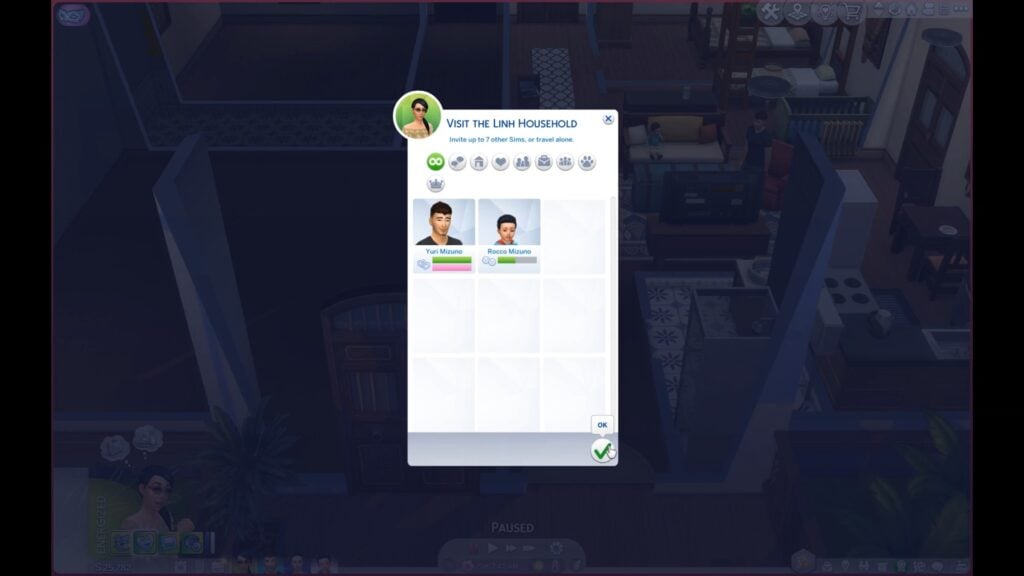
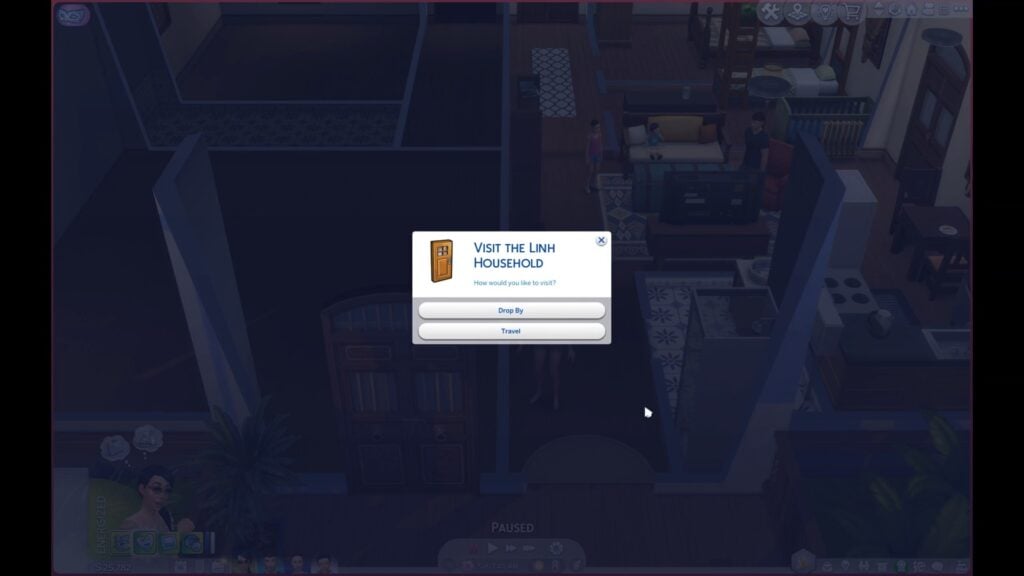
After the initial setup (more on that below), simply click a neighbor’s front door or anywhere inside their unit and you’ll get a dialog with two options:
Drop By: the seamless, no-loading-screen visit
Travel: the normal loading-screen trip
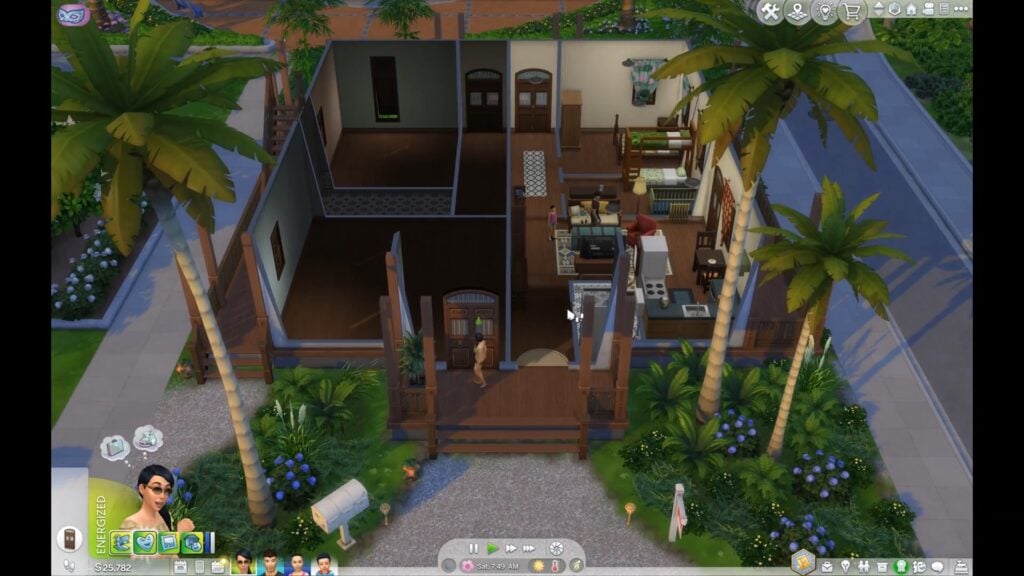
Choose Drop By and your active Sim walks over and knocks. If anyone age Child or older is home, the unit loads, an event starts, and a resident comes to greet you and invite you in. From there, you just play.
See It In Action
Who’s Home
When you drop by, the unit can load with the following household members:
Sims age Toddler and up
Infants in their cribs
Newborns in their bassinets
Cats and dogs
Some residents won’t be there:
Anyone away at work or school (they’ll show up once their shift ends)
The following household members aren’t supported yet and will be skipped:
Horses
Farm animals
Small pets
Neighbors settle into their own routines while you visit, and because your Sims are guests in their space, they’re treated like visitors, not residents.
ℹ️ By default, only the Sims you originally chose in the picker to Drop By will freely walk into the neighbor’s unit. If you want any other Sim in your household to be able to go in autonomously, just direct them into the unit once (or have them interact with something inside it) and then they’ll come and go freely.
Managing a Drop By
The Drop By is managed by an event, and only one Drop By can be active at a time. The event lasts either until you end it or until every household resident age Child or older has left for work or school (at which point it wraps up on its own). To end a Drop By, just end the event; the neighbors will route back to their own units.
During an active Drop By you won’t be able to enter Build Mode. This is a safety precaution. Build Mode unlocks again a few in-game minutes after the Drop By ends, once everything has been cleaned up.
By default, the Sims you’re visiting won’t be allowed to wander into your own household’s unit. If you’d like to let them in, click your unit’s front door and choose: Allow the {Household} to Enter
You can also send them back to their own unit this way without ending the event. Simply choose: Prevent the {Household} from Entering
How to Set Up the Mod
Setup is mostly automatic.
Before the mod can recreate a unit for a Drop By, it first needs to capture what’s inside of the unit. A unit’s data can be captured in the following ways:
Automatically, just by being there. Whenever a unit is the one currently loaded (your own home on every save load, for instance), the mod captures it.
By Traveling there the normal way. Take the loading-screen Travel into a neighbor’s unit and it’s captured on arrival. From then on, you can use the “Drop By” option.
By making a Manage Worlds pass. Enter Build Mode on the building from the world map. This loads and captures every unit in the building at once, which is the fastest way to prep a whole building.
Captured data is stored in its own file alongside your save game, so you typically only need to capture a unit once per save file. After that, it’ll update on its own whenever you make edits to the lot.
If you don’t have data saved for a particular unit you’re trying to visit, the mod will let you know and offer to Travel there the normal way, which captures it for next time.
Known Issues
Some modular furniture instances imperfectly. Corner counters and corner cabinets don’t retain their join when instanced during a Drop By.
Appropriateness feedback is limited. Neighbors will react to your Sim being inappropriate in their unit, but they currently don’t keep track of how many times you’ve been inappropriate or notify you the way they would during a normal visit.
Only visits are supported. Break-Ins and Eavesdropping aren’t supported at this time, and landlord interactions like maintenance requests are untested, so treat them as unsupported too.
Save from Live Mode when you can. Saving and exiting straight from the Manage Worlds map is safe for your game, but it can skip the mod’s data update. Whenever you edit a Residential Rental, return to Live Mode and save there to keep your captures current.
ℹ️ This mod was a huge undertaking, and while I’ve tested it thoroughly, there’s always a chance something slipped through.
Future Plans
There are a lot of ways this mod can be expanded. Here’s what’s currently on my mind:
Resolve known issues
Relationship-aware visits, where neighbors on bad terms can refuse to answer the door, and a Sim who misbehaves can get scolded and eventually shown out
Explore if this functionality can be expanded to City Living apartments
Explore if this functionality can be expanded to residential lots within a neighborhood
If you’d like to support this mod and its development, please consider subscribing!
Compatibility & Download
This mod is compatible with Better Apartment & Rental Behaviors by lunar_britney.
This mod most likely conflicts with Dimmed Inactive Rentals and Labeled Rental Units by TwistedMexi. Open Apartments dims inactive units and labels units on its own.
This mod does not directly overwrite any files
I’ve taken every precaution to safeguard the mod’s functions against other mods, but if for some reason you experience a conflict, please let me know and I’ll look into it!
Mod is in early access and will become public in 2-3 weeks
@lunar_britney, who was one of the Mod testers for The Sims 4 Open Apartments Mod shared a unique video preview of what the mod looks like in action. Check it out!
AHH IT'S IN EARLY ACCESS I was helping test tyjokr's new Open Apartments mod, which uses some clever tricks to let simmers like me, who despise reloading the game for a fkn visit, just drop by a neighbor's place! pic.twitter.com/M09nxELJCm
What are your thoughts on The Sims 4 Open Apartments Mod from tyjokr? As mentioned above, it’s currently available in Early Access and will be available for everyone free to download in the next two to three weeks!
Let us know what you think in the comments below and stay tuned to Sims Community for the latest creator news!
Collecting stamps is a hobby that is not very popular these days, especially because receiving letters that have interesting stamps on them is rare. But that is not true for Melino residents! And even if you don’t have a stamp collection in real life, now you get the opportunity to have one in Paralives.
Let’s take a look and learn more about stamp collecting!
Table of Contents
About the Stamps Collection
The ability to collect stamps certainly wasn’t on many people’s radar when thinking about the new gameplay mechanics that Paralives would bring. The feeling is that everyone was expecting collections for the Museum and the Community Center, but the ability to collect stamps is something new, and this surprisingly fun new collection was already introduced in early access!
Let’s check what there is to know about it for now.
Where to find the Stamps Collection?
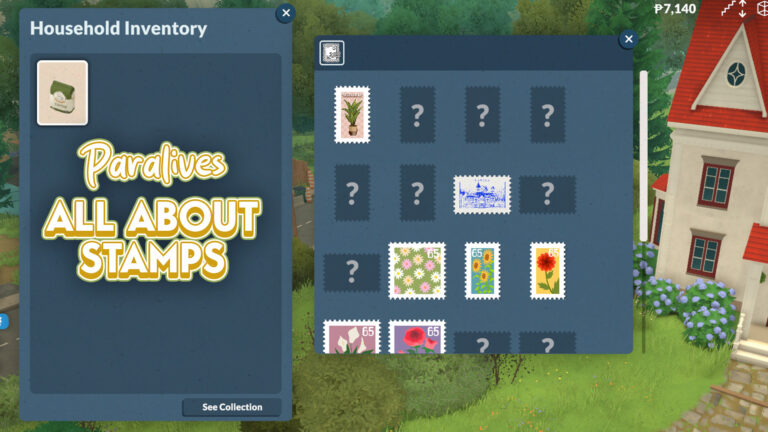
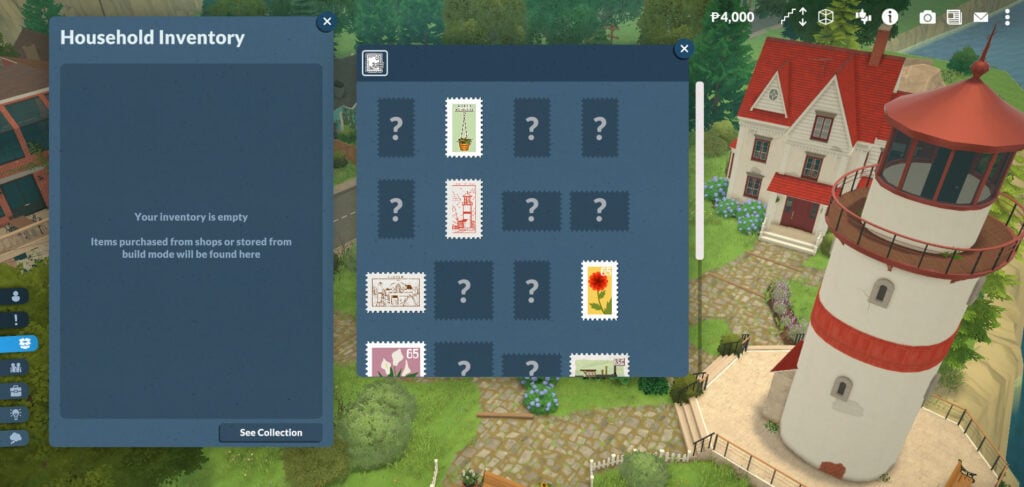
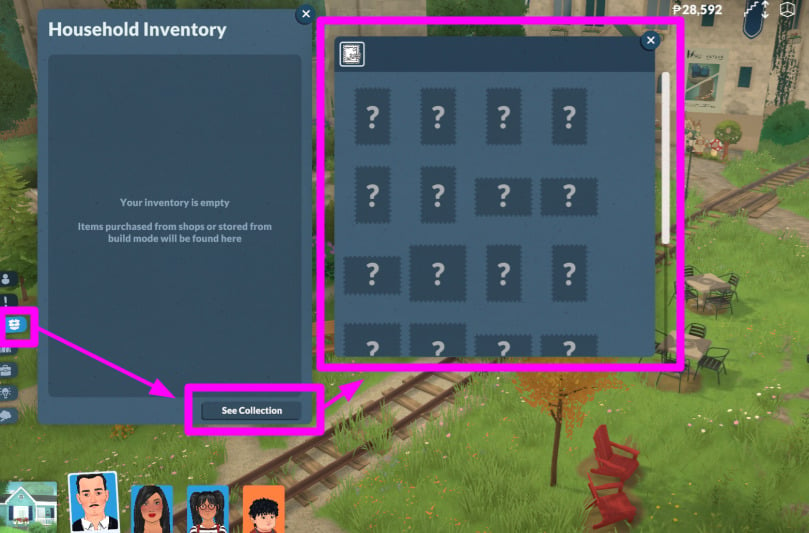
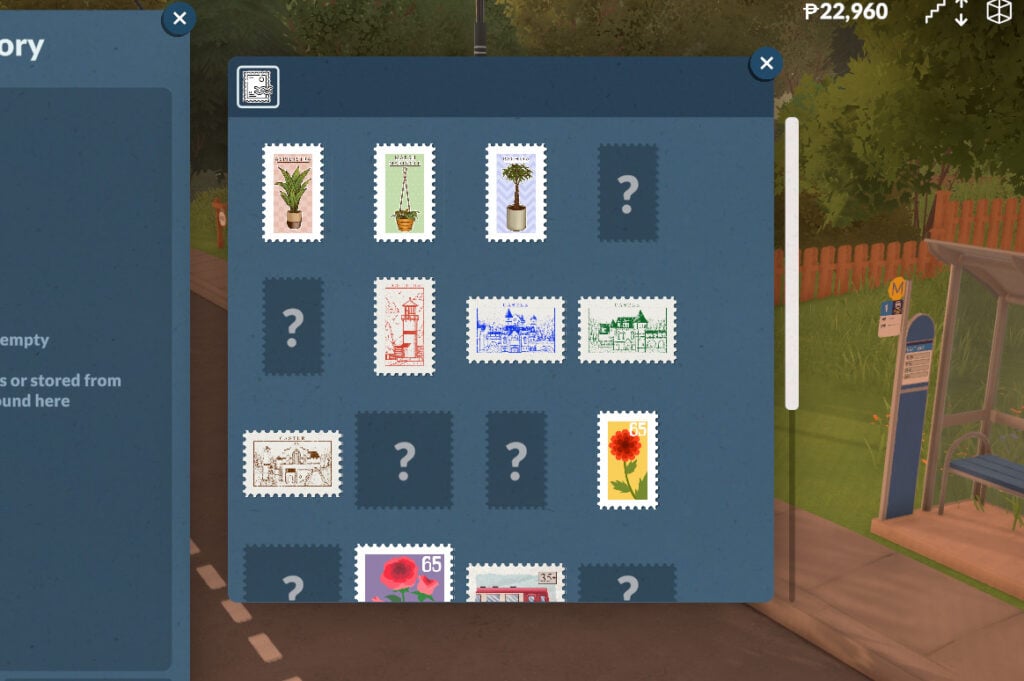
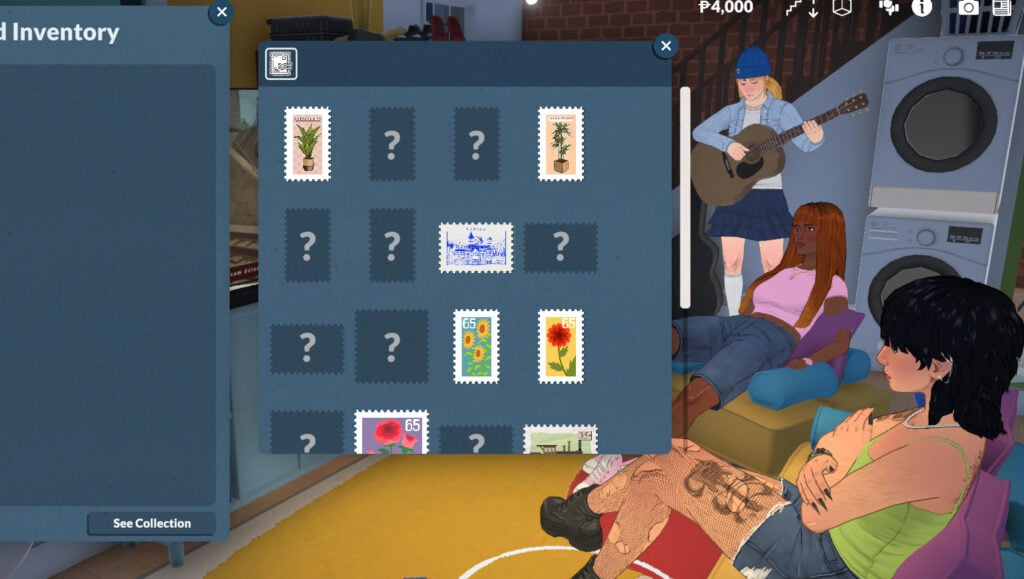
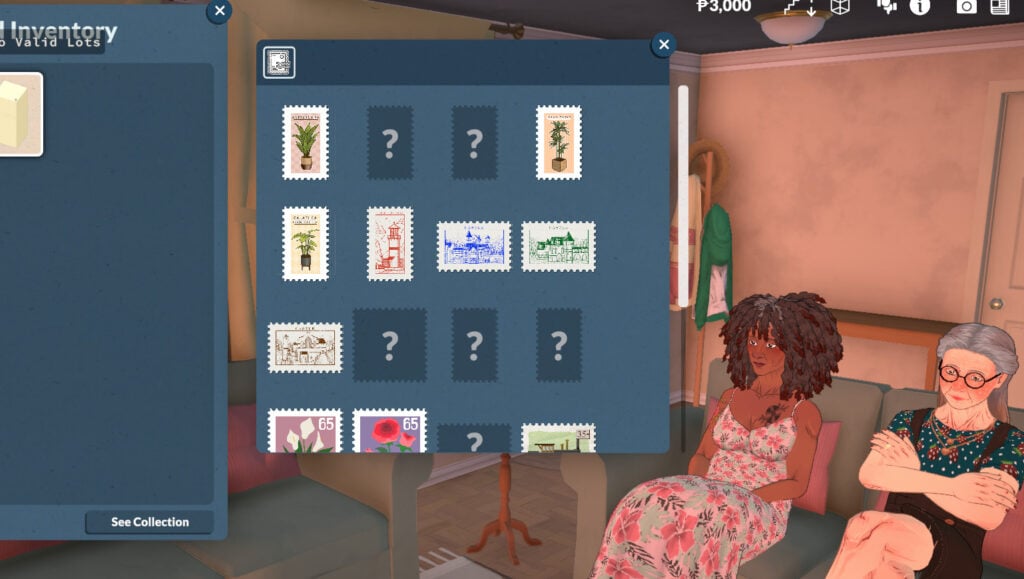
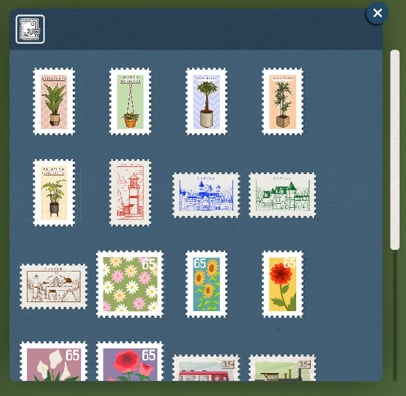
To find the Stamps Collection, you can click on Inventory, then click on “See Collection” (image below). This will open a new window where you can see the collection.
How to collect stamps?
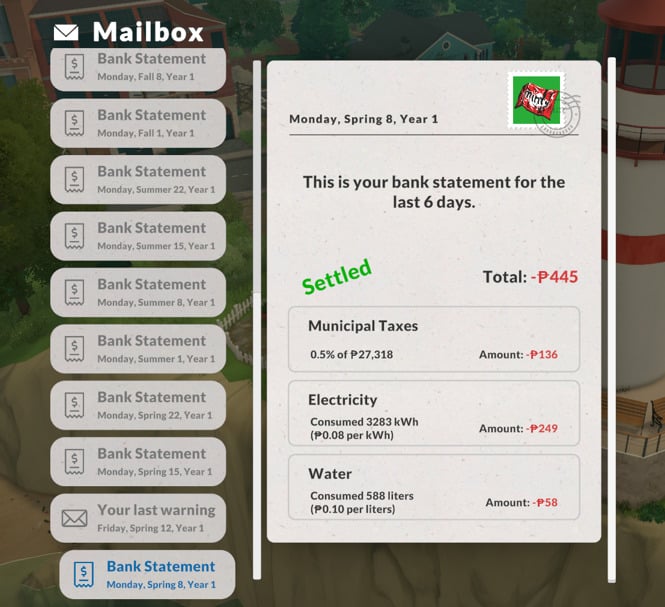
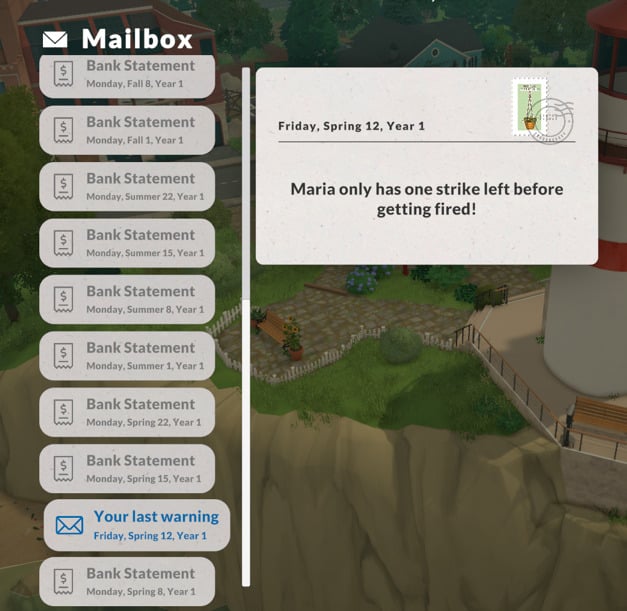
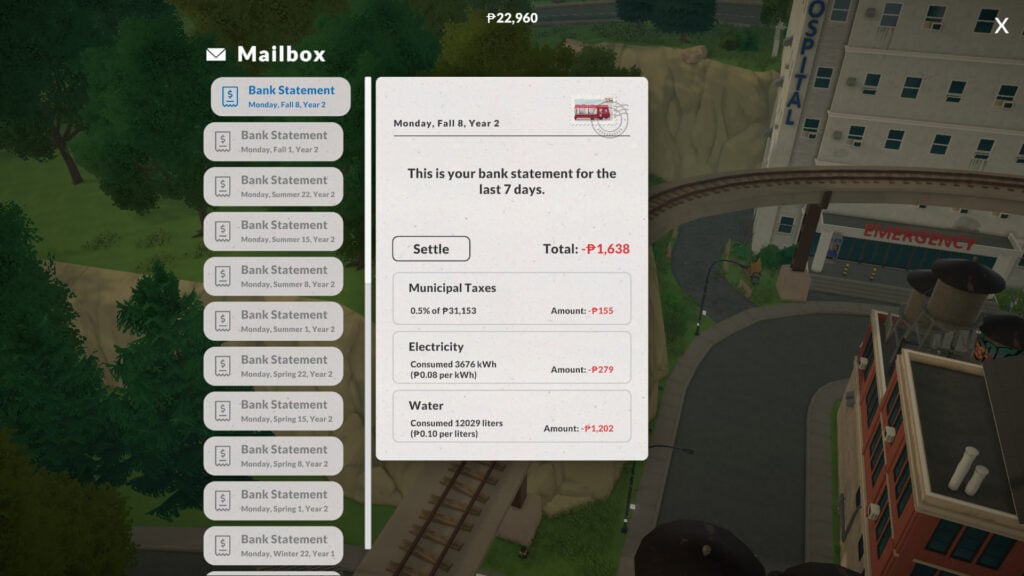
Every Monday you’ll receive a utilities bill. If you pay attention, you can see that it will have a stamp attached to it. But that’s not the only way to get them! In fact, you can also get them from letters in general, which means you will also get stamps on the letter that warns you that you are about to get fired! Is there a positive side to almost getting fired? If so, that’s probably it.
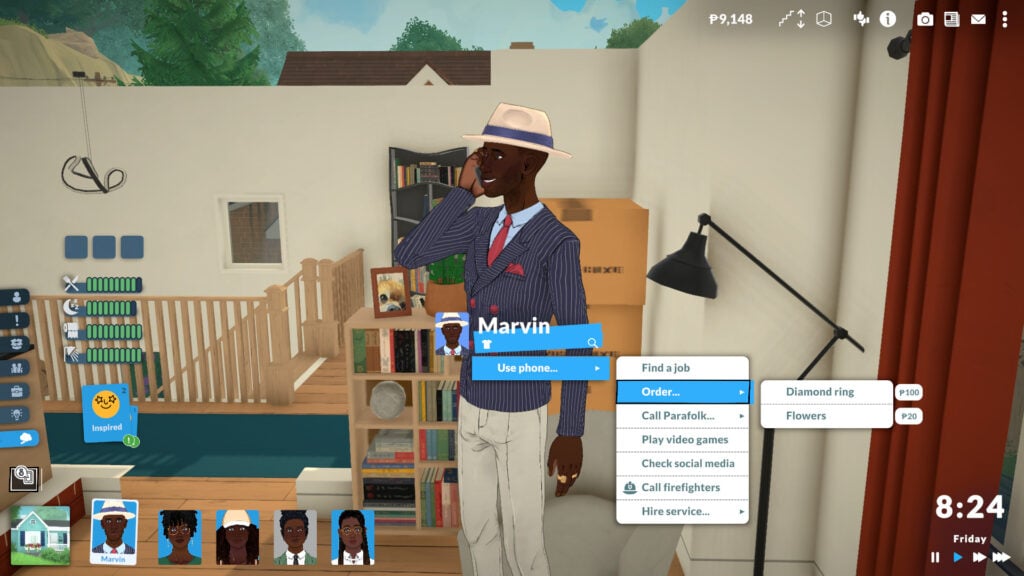
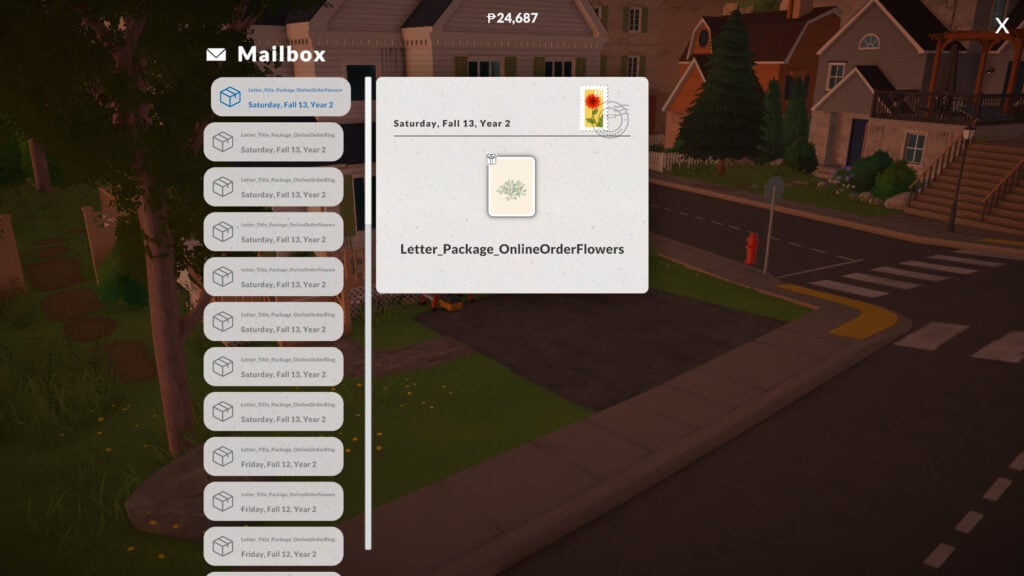
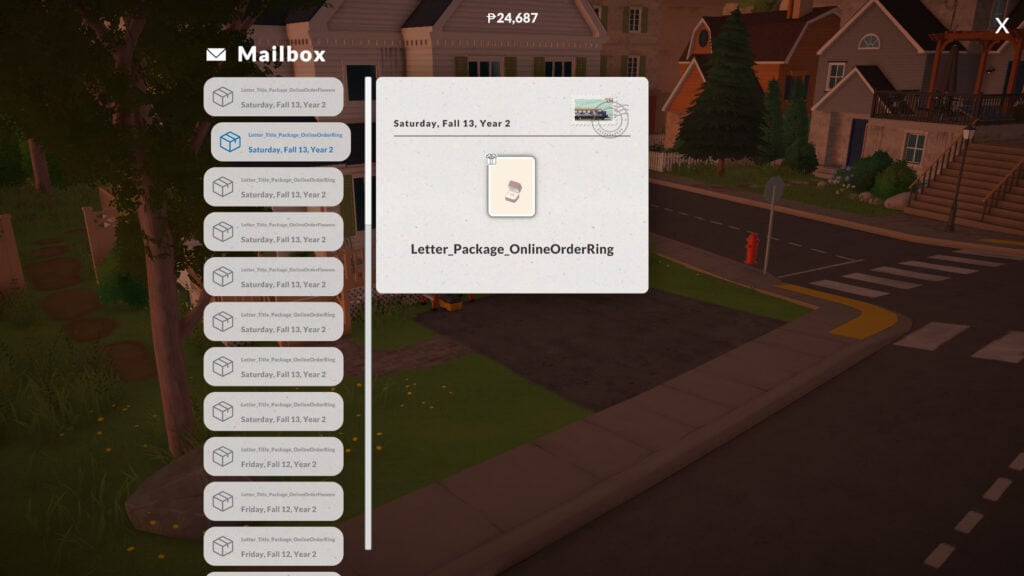
Another way to get stamps is by ordering diamond rings and flowers online. To find this option, click on your Parafolk and select Order → Diamond Ring or Order → Flowers. The orders will come with a stamp attached!
How to add the stamp to my collection?
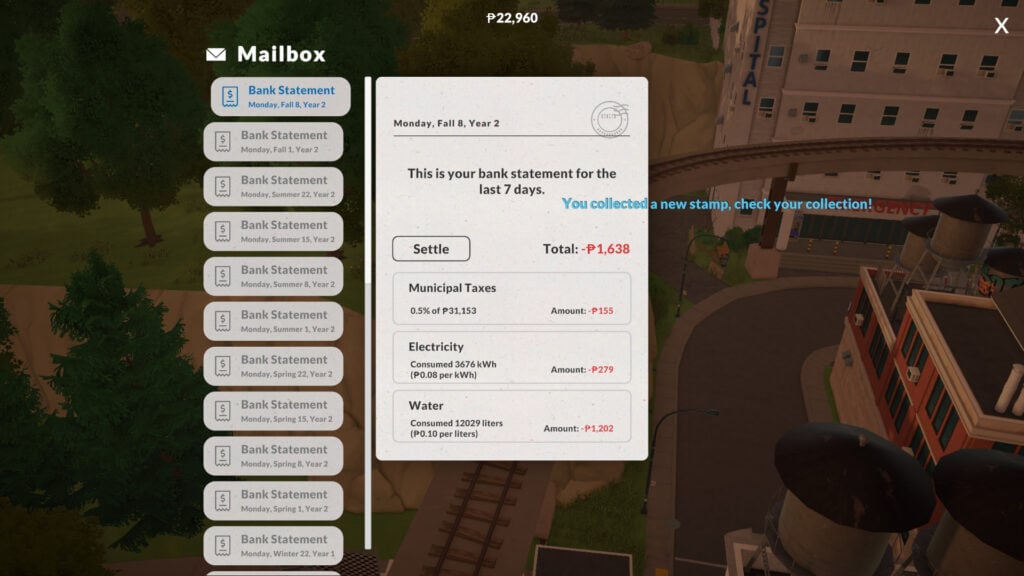
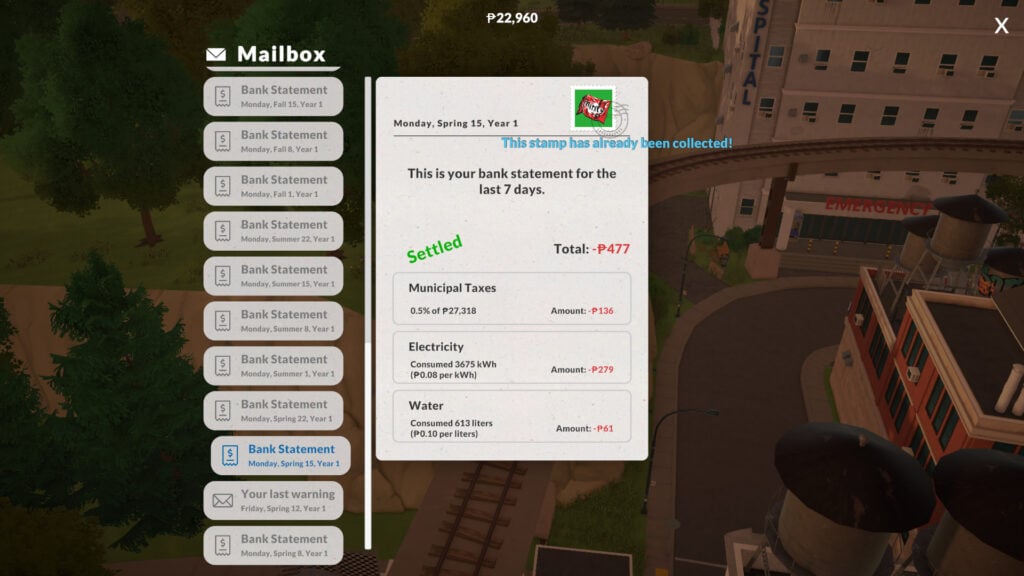
To add the stamp to your collection, simply click on it! If you already have that stamp, a message will appear letting you know you’ve already collected it.
How long does it take to complete the collection?
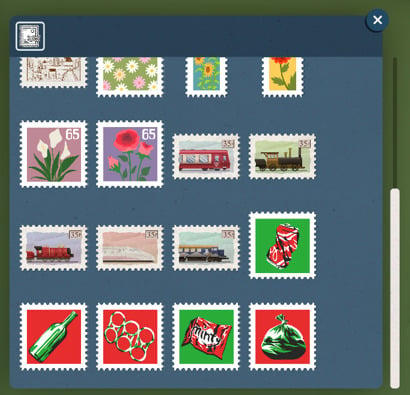
The amount of time you’ll need to complete the collection will depend purely on your luck! There are 24 stamps, so if you are very, very lucky and don’t get any duplicates, you could finish it in 24 weeks. But in all my tries, it took me in-game years to finish it since you can get the same stamp multiple times. I wish you luck, though!
Playing with multiple households
What if you change the played household? What happens to your collection? If you start playing another household in the same save file, the collection will not be shared with them. The collection is per household, not per save file!
How to get stamps from old letters?
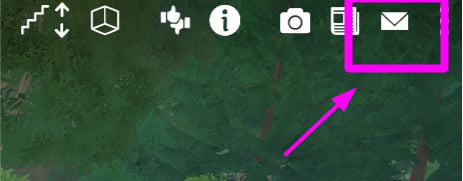
Suppose you missed the fact that stamps are collectible. Can you still get them from past letters? Yes, absolutely! Simply click the top-right menu to find them.
Completing the Stamp Collection
For now, finishing the stamp collection doesn’t give you any reward other than the completion itself. You’re just collecting because you enjoy it. Who knows if that’ll change, but to me, simply having it done is already really cool. In total, there are 24 stamps for you to find and collect. Gotta catch them all!
Final Thoughts
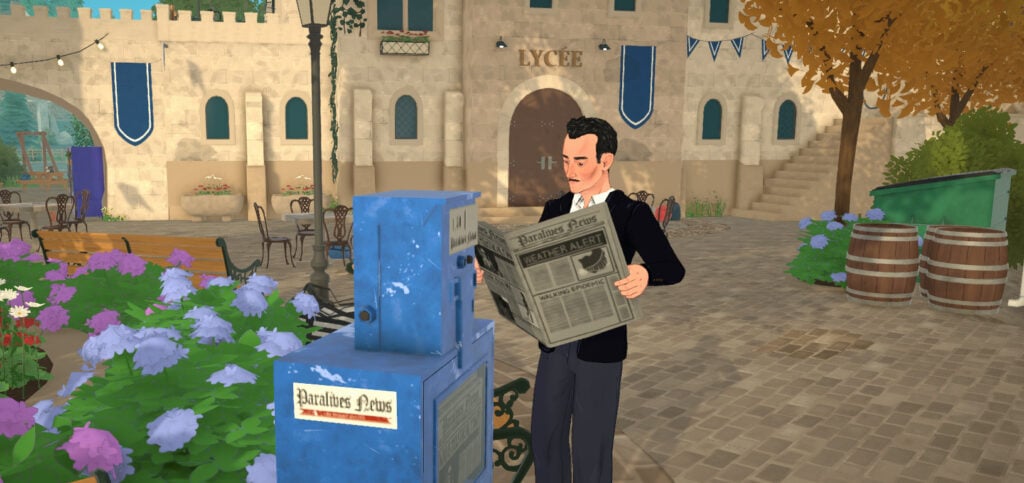
Paralives is bringing fresh new ways to play to the life sim genre while also adding many old-fashioned elements to its gameplay. From small details like the game starting with a tutorial that takes place on a train and getting the news directly from a newspaper, to collecting stamps from letters, the game feels modern while also having a heavily nostalgic touch to its gameplay.
The stamp collection is such a simple, small touch that shows how much care is being put into the development. It’s really funny how they took something that is essentially bad (like paying bills or getting warnings about getting fired) and turned it into something where you can find something special and even look forward to, in the hope of getting the stamp that is missing from your collection.
Now we want to hear from you. What do you think about collecting stamps in Paralives? Which stamp is your favorite? Let us know in the comments!
With the now rapidly approaching release of Paralives into Early Access on May 25th, 2026 (which, as of writing this, is just a little over a week away) enthusiasts of the Life Simulation genre are waiting in the wings with baited breathe to see whether or not this highly anticipated indie game will be the new the infusion of life into the scene that players have been hoping for!
I was lucky enough to be one of the few members of The Sims Community Team tasked with playtesting an early copy of Paralives, and, while said playtesting, it reminded me of the initial anticipation around the release of The Sims 4 in 2014. The adrenaline around this next chapter of The Sims franchise and how it might leave it’s mark on it’s now twenty-six year long history. It made me wonder how similar (or dissimilar) the two truly are now that Paralives is at the beginning of a promising lifespan.
Can you believe I bought a physicalcopy of The Sims 4, at a store, and installed the game using the two discs it came on, with a laptop that had a disc drive, like some sort of grandma!
For this comparison, we’ll make like Emit Relevart, and go back to the past. Not just to get a better perspective on the early days of The Sims 4, but also to visualize how much of an influence (if any) it may have played in the development of Paralives and the way it’s presented for this Early Access period. Because videogame development isn’t just a simple matter of “Make, Ship, Sell” but the many, many steps in the process until the end-stage of production.
Table of Contents
A Refresher on Early Access
I know I got a big sigh out of someone including this section; there’s just one person on their phone rolling their eyes out there. Which, okay, valid, as we’ve already made an article about the Paralives Team’s Early Access expectations. But, I feel like clarification is important, not only for the meat of the comparison, but for anyone that still may a bit foggy Early Access as a concept. So, if you are, this is for you!
After all; the Paralives Team themselves thought it was important enough to repeat
Early Access is a funding framework where videogame developers publish their respective games before they’re completed for the purpose of community feedback and support. While early access is more common in the indie scene it’s also found success as a medium in the AAA (or “big budget”) gaming market. A great example of a AAA early access game some of you may be familiar with is Baldur’s Gate 3, which was playable in early access for three years before it was officially completed.
In essence; Paralives will be coming out a little undercooked so that the community can help shape it’s final form. Bugs, incomplete gameplay, and general teething problems abound. This will ebb and sway as the community gives their input and the developers finetune the details.
So, please keep that in mind as we go deeper into the article that The Sims 4 (2014) is/was a finished product in comparison to the relatively “raw” state of Paralives.
Though, of course, this isn’t to say that The Sims 4 hasn’t had it’s share of developmental hiccups. With Paralives? We as a community will be there for every twist and during the Early Access process, but as The Sims 4 was a more traditionally produced we we’re privy to it’s teething issues.
The Sims 4 (Preproduction Problems)
It could be argued that some Simmers don’t often parse that The Sims 4 is considered a AAA game. As one of EA’s flagship properties and part of one of it’s oldest franchises it can stand with some of the more traditional games it offers on it’s platform in terms of engagement and profits. So, when it first launched in 2014? It was a huge deal. A bit of a bigger deal than the release of The Sims 3, you could argue, because the style direction was such a massive creative leap from what was expected of the franchise. Going from the more “realistic” graphics of The Sims 3 to the cartoony, clay-style we’re familiar with today was seen as a bit of a risk.
Though that wasn’t the only leap forward that had been attempted for the series.
A Preproduction Screenshot of The Sims 4 during it’s initial multiplayer build in 2012
EA has always flirted with notion of creating a multiplayer The Sims experience—from the eventual dissolution of The Sims Online, to EA’s grandstanding on Project Rene’s future, we’ve seen a variety of attempts to make it happen. The Sims 4 has also brushed up against this series-long desire of EA’s with it’s initial version being that of Project Olympus.
Project Olympus was The Sims 4‘s codename during it’s earlier build stages in 2009 as a prototyped multiplayer game. While the details during this period are a bit hazy, but, due to a spur of the moment reddit Q&A with a former production member we have some details. Specifically with the scrapping of Project Olympus all together and rebuilding the game from the ground up in early 2012 because it was (and this is a direct quote) “bad”.
Pre-production images shared by u/vertexnormal of Titanopolis
According to multiple reports and sources, The Sims 4 development started in late 2009 up until 2014 when the game was released. Keep in mind that The Sims 4 development was in early pre-production phase up until 2012, meaning that only a small team of few people worked on game ideas and individual game prototypes. The full production of The Sims 4 as new project started sometime in 2012, when hundreds of people joined the development by the time the game was first released in 2014.
Which now (finally) brings us to The Sims 4 at release.
The Sims 4 (2014)
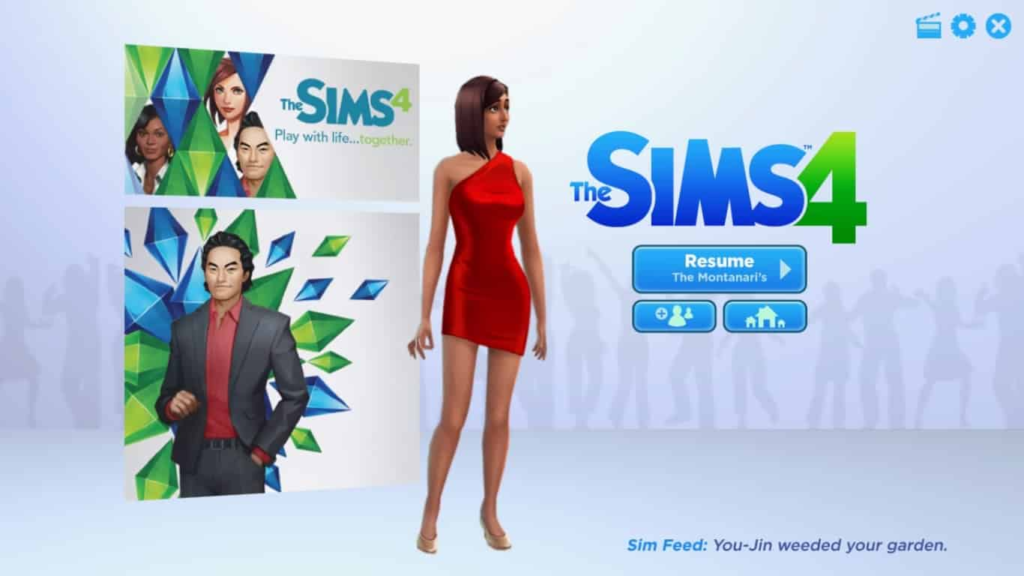
The Sims 4’s original Main Menu screen
Currently, The Sims 4’s base game is Free-to-Play, but at the time it retailed for $59.99 USD (or $69.99 USD, if you were feeling fancy and wanted the Digital Deluxe Edition). It was originally purchasable physically in stores on discs with included codes as well as on online.
What was in the Digital Deluxe version, you ask?
Honestly? The Tiger Hat kind of slays
A Tiki Bar, a set of party decorations and costumes, and the “awesome animal hats”! Hurray! Isn’t it worth the extra $10 USD?
That sounds very sarcastic, but I promise, at the time? We were excited.
Create-A-Sim
I feel like the biggest gap in The Sims 4’s initial Create-A-Sim is the lack of gender settings and overall deficiency of choice. The Sims 4 has inarguably expanded so much within the last twelve years that the original base game feels jarring looking back.
At launch, you were only limited to male and female with no tweaking of reproductive preferences as we can now. There were no custom pronouns; only the use of She/Her and He/Him. Only three available voice types, and CAS was locked between the two available genders. So the freedom to share clothing between body types wasn’t available. We wouldn’t see the removal of all gender based restrictions until 2016.
We also only had five initial life stages at launch; Child, Teen, Young Adult, Adult, and Elder. Babies, of course, were “mere objects” locked to their bassinet after birth until they aged directly into Child Sims. We wouldn’t receive the Toddler life state in a patch until 2017, three years after launch. The new-to-the-franchise Infant life stage wouldn’t come until 2023 which was nine years later.
Kleptomaniac and Jealousy were two traits that were also missing as they were patched in later to correspond to the release of complimentary expansions. The Insane trait was also patched to become the Erratic trait to be more respectful.
I could go ad nauseum of what launch CAS lacked—expanded skin tones selection, the multiple hair inclusivity updates (remember the infamous “cauliflower” ‘fro?), the entire Swimsuit category, the Cold Weather/Hot Weather clothing categories (which came with The Sims 4 Seasons in 2018), Eyelashes in Makeup, Medical Wearables, etcetera, etcetera. I trust you get it.
The Gameplay
“No pools, no ghosts, and no toddlers!” Has become a bit of a memetic arc-phrase to veteran Simmers. While we’ve already addressed the missing Toddler life stage, and tangentially mentioned the lack of pools and swimming via the missing Swimwear category, in my opinion? The lack of ghosts was the most frustrating. While they did eventually make their return in a patch a month after launch it just highlighted the holes in available gameplay.
This, on top of the colorless Map Selection screen, endless loading screens, and limited the feeling of player freedom, and, in a time before Story Progression was patched in, also to a stagnant worldscape.
The core of early The Sims 4 gameplay was advertised as social events but…they didn’t work fantastically. In a time before the seemingly dozens of Sim autonomy patches we’ve experienced Sim intelligence was spotty. They often moved around more than required for a conversation, and generally were more of a lovable nuissance than they already are.
Buildmode was also more limited as basements weren’t available until the launch of The Sims 4 Get to Work in 2015 along with half-walls.
In general, The Sims 4 was limited, to say the least of it. While I’m sure we all can poke holes in the current experience that EA has presented for us; the game has also vastly improved. Listening to it’s community and integrating certain community concerns and complaints well into it’s existing infrastructure. While I want to stay as neutral as possible in this article I will say that, despite everything, I do love The Sims 4. Despite it’s imperfections I still hope that The Sims Team will continue to listen to community critique and try to make the game a better experience for the rest of it’s lifespan. However long that will be after a little over a decade.
Paralives (in Early Access)
According to Steam I have played a total of almost twenty hours of Paralives since I received my review copy the previous week. That’s almost a full day of gaming, and from that? I can tell you that Paralives has some very, very good bones. Doubly so for a game slated to arrive to Steam at just $35.99 USD with it’s launch discount! After the launch period it will raise to a cool $39.99 USD.
I’m sure everyone is anticipating what 7 years in development to an Early Access state will provide. This section is simply just a brief overview for comparative purposes for this article. If you would like a more in-depth overview of Paralive’s many features you can read one of the many articles because put out by my colleagues.
Facts About Paralives Development and Launch
The game was announced in June 2019, with the official development start date being January 2019
It started as a single development production effort by Alex Massé, later expanding to a team of 15 people through Patreon crowdfunding
The game was delayed once in November 2025, but so far everything’s been pretty transparent thanks to the game’s direct funding and constant communication from the developers
Unlike The Sims 4 which released as a marked “complete” product in 2014, Paralives is releasing with an “Early Access” tag. With a 40% lower price than The Sims 4 at launch and more features planned during the Early Access Post-Release Season
The Paramaker
“Robust” is the best word I can use to describe the Paramaker—it’s minimal UI hiding powerful creative tools. The game allows for a full range of potential gender fluidity. Not only can a Para identify as nonbinary (abbreviated as NB as seen on the ticket). Within the Advanced Personality settings you can choose if they can become impregnant or impregnant other Pars (or neither), whether or not they can breastfeed, and whether or not they’re polyamorous. The latter, or which, being chosen by whether or not they become jealous by seeing their partner kissing, having physical contact, or getting intimate with another Para. Though, currently, the only pronouns available are She/Her, He/Him, and They/Them.
The Para life stages are; Baby, Toddler, Child, Preteen, Teen, Young Adult, Adult, and Elder. All of these life vary in height between each other but maintain the ability to have unique heights based on the slider.
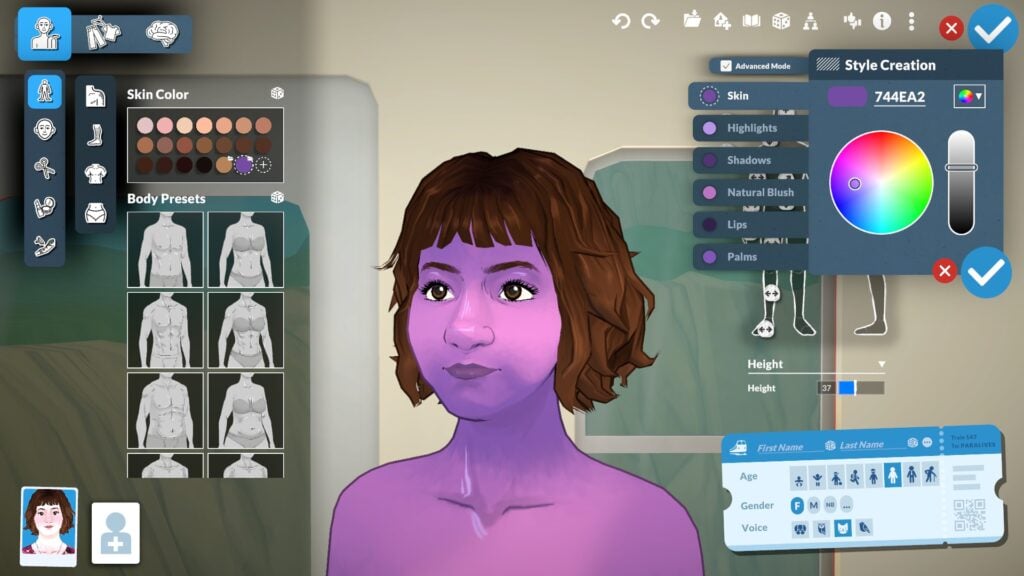
The depth of choice goes on with the ability to use a color wheel to make custom presets for every asset in the Paramaker. From your Para’s skintone, to their accessories, and even their clothes, you have access to the colors of the rainbow. These custom swatches are even saved within the Paramaker so your next Para is able to utilize them! Can’t wait to see the Very Berry challenge in Paralives.
(Psst! Occult addicts who’re eagerly waiting for anything spooky in Paralives! You can also fully customize the color of the whites of your Paras eyes to make them as creepy as you like, even if it’s just for pretend!)
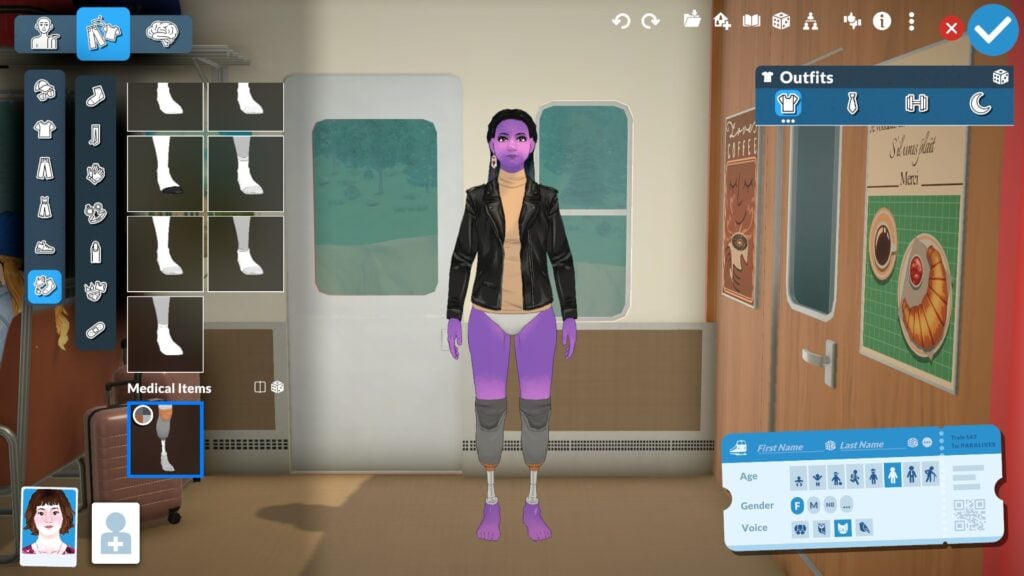
Para’s are even able to layer certain makeup and skin customization options. Want a Para with freckles but acne scars? You got it. Obsessed with an eyeshadow style but want the opacity of another? Just select them both and give your Para the makeover of your dreams. Paras also have access to medical wearables like hearing aids, but, also, prosthetic limbs. Of which you’re able to choose freely if either one or both legs are amputated.
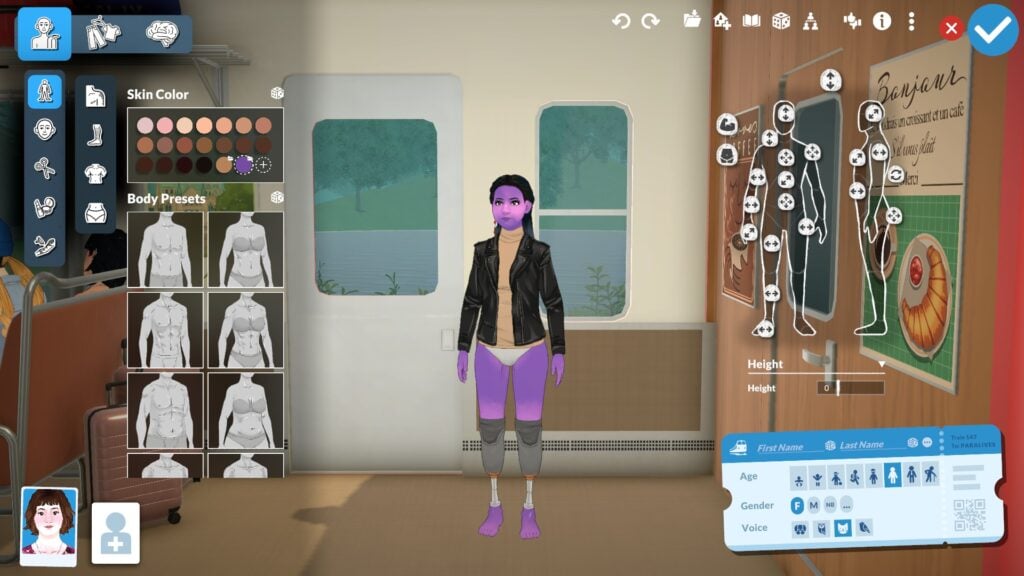
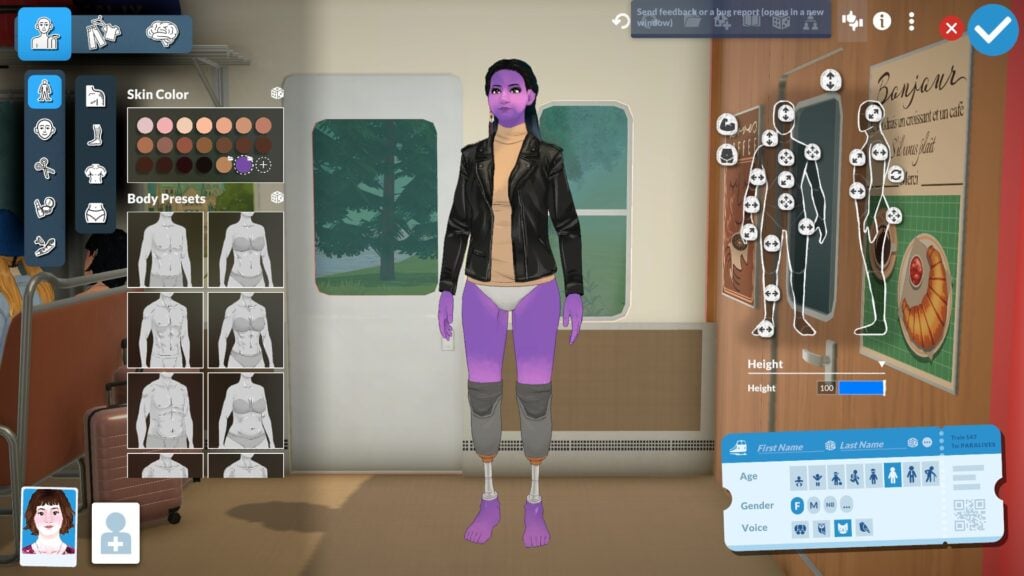
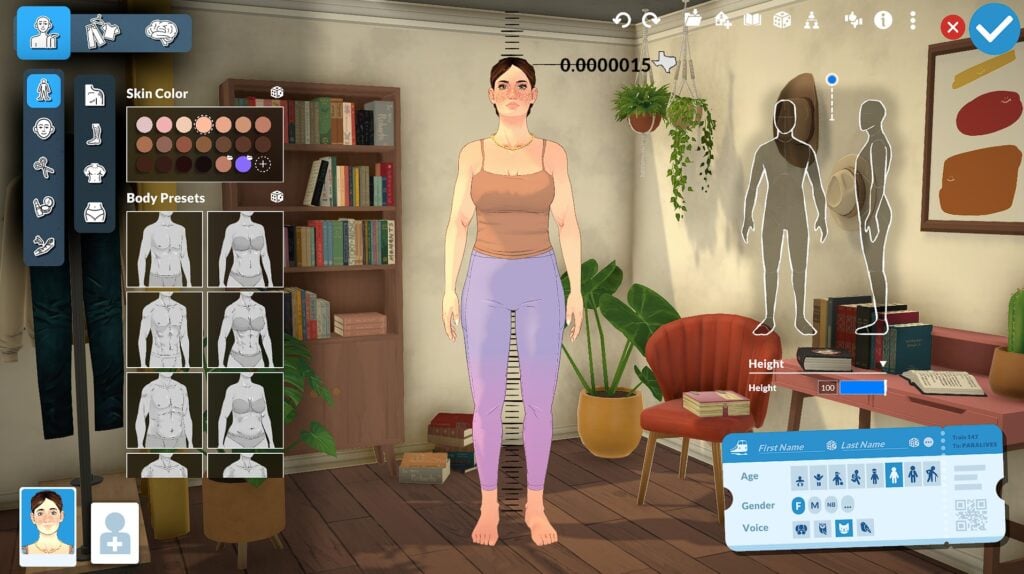
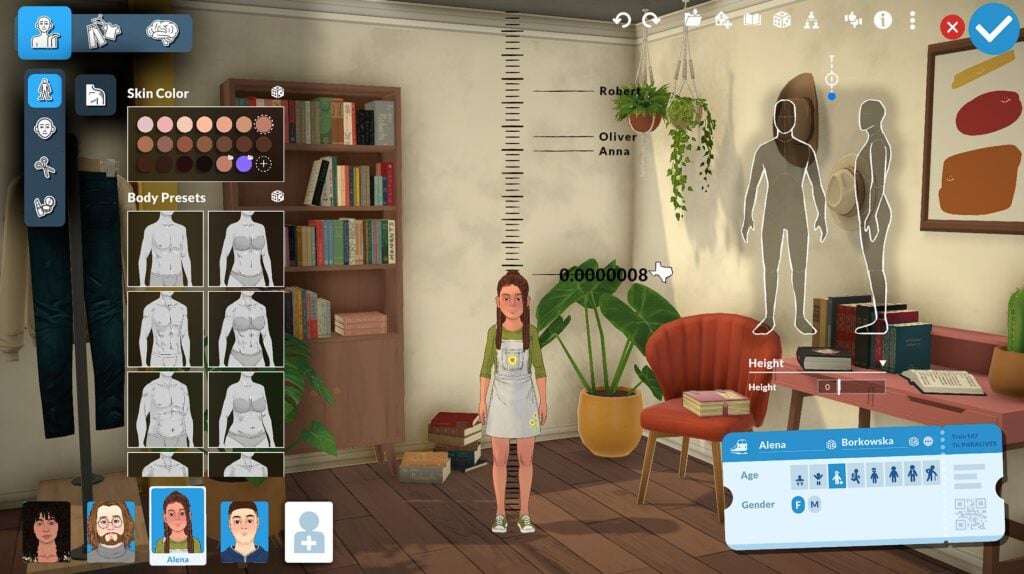
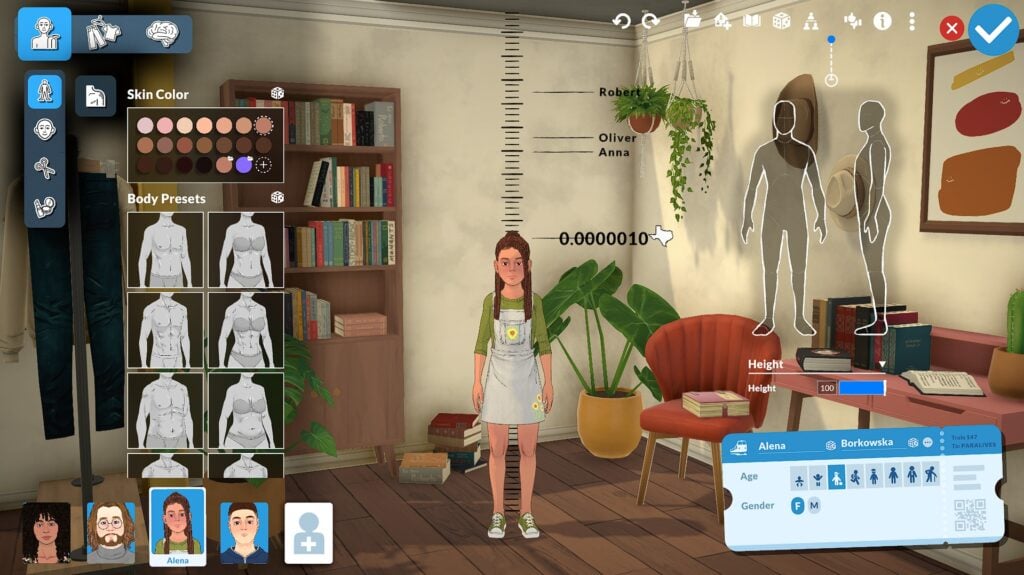
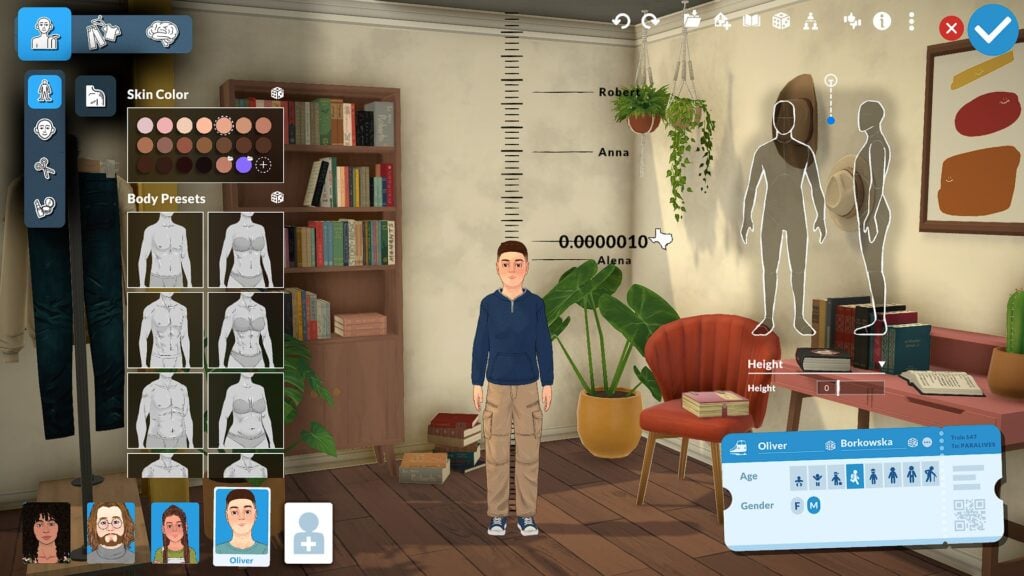
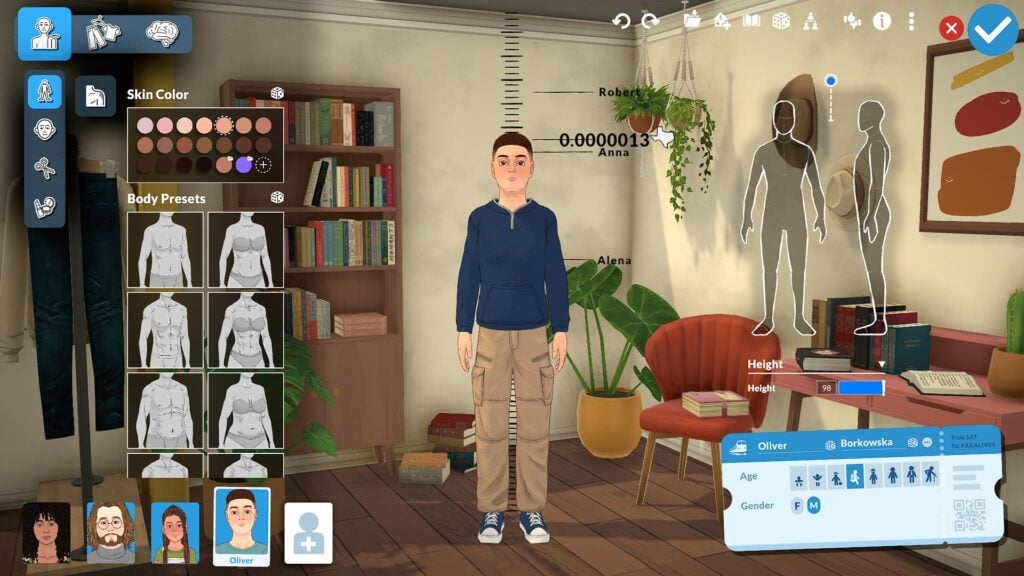
There is also a height slider! Included within the complex suite of sliders available in the Paramaker. Allowing you to shape your Para in however way they seem fit. You’re also able to freely add masculine and feminine features to any Para. Such as breasts, flat chests, shallow hips, wide hips, a wide variety of body hair, facial hair, and so much more. Play with life however you like.
The Storytellers
The Storytellers act as mascots for the game settings; Ricardo Castello III, Maxence, and Stella, the pooch, each represent a different difficulty. While they’ve been listened from most to least difficult they, too, are entirely customizable! So you’re able to tailor whatever experience pleases your best in game.
The Storytellers also appear in gameplay when your Para wakes up to start a new day via Chance Cards that give them new Goals for the day. These goals shake up gameplay, and are as little as learning a new skill, to big Life Goals such as increasing a Para’s net worth!
The Gameplay
As I stated earlier, Paralives has very good bones and, in a way, bones is quite apt.
As the Paralives Team has stated before—the game is incomplete! It has some bugs, jitteriness, and overall is very much an Early Access title. In my book, that’s okay, because I’ve been having fun despite it all.
The build mode? I’ve already used “robust” for the Paramaker, and so I’ll simply just say it’s extensive* (asterisk, mind the asterisk). In a lot of ways Paralive’s build mode rivals that of modern day The Sims 4. Not only are we provided with all of the same amenities as the former. barring, ironically, pools and water-based landscaping as swimming has not been included yet. Despite that we get curved walls, half-walls, free placement of objects without cheats! Though, currently, windows aren’t able to be placed on curved walls.
Alas…a sunroom isn’t in the cards for now.
A consequence, however, is that the life simulation aspects sometimes feel somewhat flat. Para’s are able to get in relationships, fall in love, and have child, yes, but social experiences aren’t quite fleshed out just yet. We’re unable to have wedding ceremonies and, instead, can simply opt to elope. Adopting babies is currently…free! You can simply walk to the nearest health center and pick up a new infant whenever you fancy. Which, in a perfect world, is a lovely thought, but most likely isn’t intended for the long term. Doubly so since each health clinic is of a different size and scale. So obviously we’re in for a variety of health related options for each one instead of just a broken baby vending machine.
Similarly to The Sims 4 (2014) there are some teething issues to be worked out with autonomy. Paras often walk straight through one another to get to where they need to go. Fast-forwarding through sleeping can also be a bit of a hazard since the Storyteller’s chance cards can pop up without pausing. Causing your Para to be late to work and potentially face consequences.
Despite this, your Para can still enjoy the sites of Melino and it’s many Para. Gathering collectables to donate to the museum, spending many cozy minutes decorating their spaces ju-u-st right, and making the perfect Para are ahead of you. As well as the ability to help shape the game as it develops over it’s many free patches as promised by the developers.
A Conclusion (On An Old Game and One Just Beginning)
This article wasn’t written with the intention of “riffing” on one game and uplifting another. It was meant to illustrate that while two things can be different there are things inherent to game development that will always be the same.
The Sims 4 is a twelve year old game that has flowed with the times as best that it can. For good, or bad, is entirely up to the individual person. I believe a lot of players are of the perspective that one game will “kill” another, and I don’t think that’s the case. Game development is a process. Both games have value and I encourage you to go between them at your leisure. Don’t drop one because of frustration but, if you need a break, always know that’s okay.
Videogames are a journey, and I’m excited to watch where said journeys take both games into the future.
Be sure to let us know in the comment section down below, and always know that The Sims Community will bring you all the latest and greatest updates on The Sims 4, Paralives, and other great Life Simulation games! Make sure to check out our other Paralives articles in anticipation of it’s upcoming release!
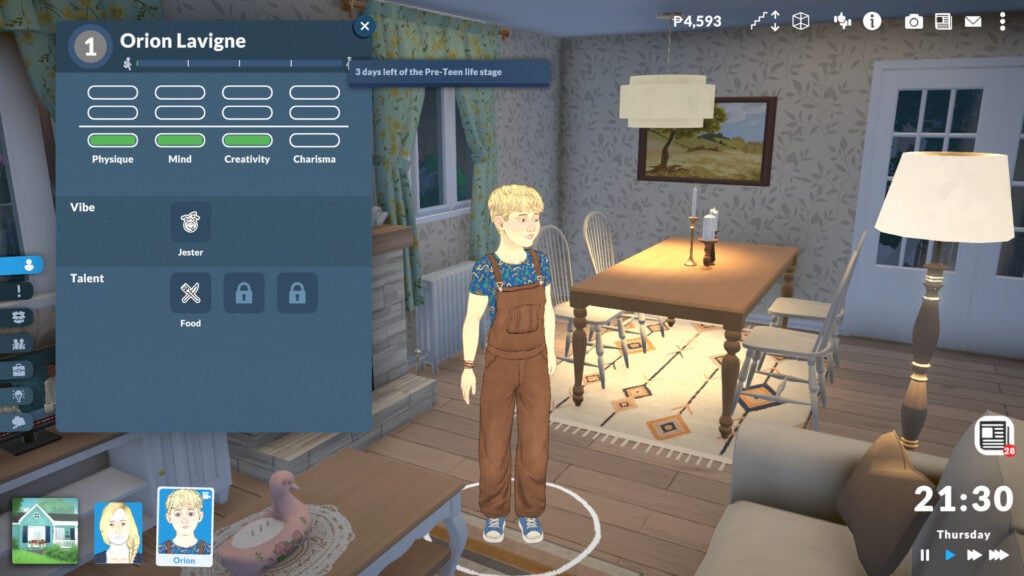
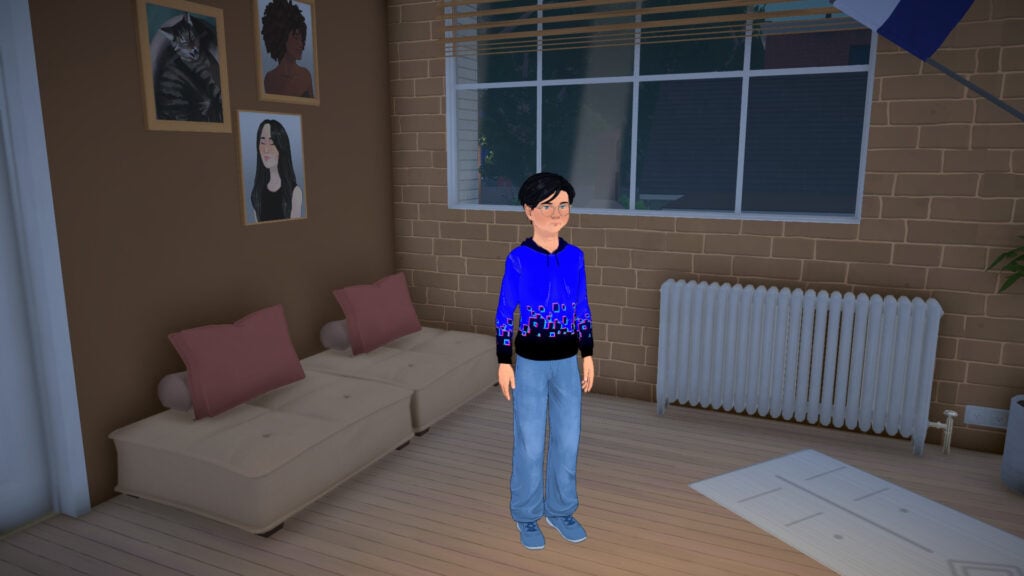
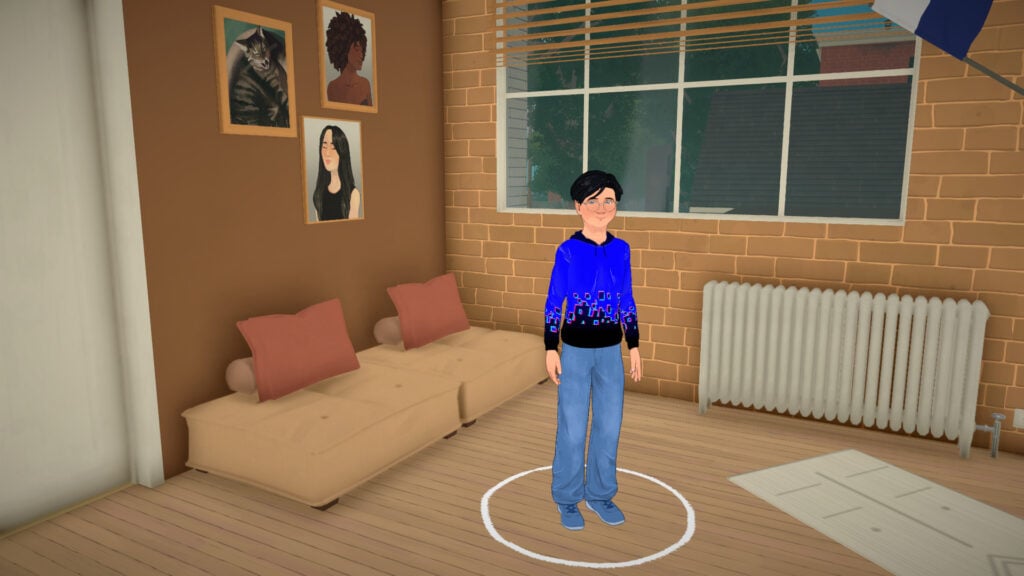
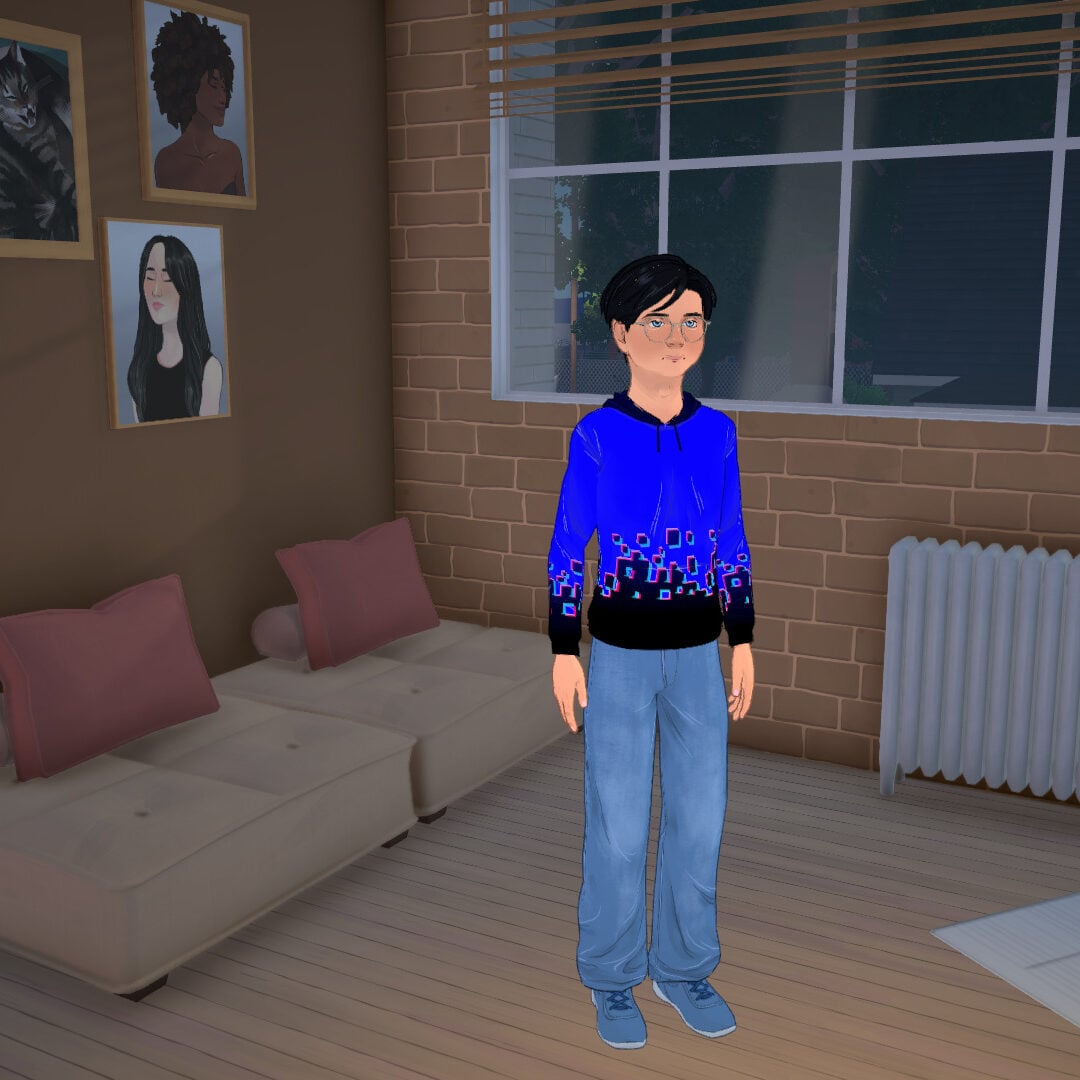
As players continue discovering new gameplay details through Paralives’ early access preview period ahead of the game’s Early Access launch on May 25, one feature in particular has caught the attention of life simulation fans: dynamic height growth for younger Paras. Instead of children and teens instantly changing appearance when aging up, Paralives introduces gradual growth spurts that allow younger Paras to physically grow taller over time.
For many sim-game players, this is the kind of immersive detail that helps make families feel more alive and believable across multiple generations. Watching children slowly grow throughout gameplay adds a stronger sense of time passing, not only within your household, but also across the entire neighborhood and community. The feature was recently showcased by content creator @onlyabidoang on X, giving fans a closer look at how these growth spurts work in-game before the title officially enters Early Access.
In Paralives, child, pre-teen, and teen Paras will experience growth spurts every few days, which periodically increase their height! 🤯 #Paralivespic.twitter.com/i93xZHiBsJ
This dynamic height growth system in Paralives works progressively over time rather than instantly changing a Para’s appearance between life stages. As days pass, younger Paras will gradually grow taller through multiple growth phases, making aging feel more natural during gameplay.
Players can track this progression directly from the life stage interface, where several growth bars appear depending on whether the Para is a child, pre-teen, or teen. These bars visually show how far a Para has progressed through their current physical growth stage before reaching the next one.
The speed of these growth spurts depends on the aging settings selected through the Storyteller system. Players can choose between short, normal, or long growth progression options, and these settings can be configured either when starting a new save or adjusted later during gameplay.
Unlike regular aging, these growth phases are specifically tied to physical development. This means Paras can continue visibly growing taller throughout their current life stage before eventually aging up entirely.
Child Parafolks
Child Paras experience the first stage of dynamic height growth in Paralives. During this life stage, the growth bar is divided into three separate growth phases, allowing children to gradually become taller over time instead of remaining visually identical throughout the entire stage.
On the short lifespan setting, Child Paras remain in this stage for 5 days before becoming pre-teens. On normal lifespan settings, this increases to 11 days, while the long lifespan option extends childhood to 47 days before aging up.
Pre-Teen Parafolks
Pre-Teen Paras continue using the dynamic height growth system with even more visible physical progression. Their growth bar is divided into four separate phases, creating a smoother transition between childhood and adolescence.
With short lifespan settings enabled, Pre-Teen Paras stay in this stage for 3 days before aging into teens. The normal setting increases this to 7 days, while long lifespan saves extend the pre-teen period to 31 days.
Teen Parafolks
Teen Paras have the most advanced version of the system before reaching adulthood. Their growth progression is divided into five separate phases, allowing teens to continue physically developing throughout the entire life stage.
Using the short lifespan setting, Teen Paras will spend 6 days before aging into Young Adults. On normal settings, this lasts 13 days, while the long lifespan option extends the teenage stage to 55 days before adulthood.
Paralives’ dynamic height growth system may seem like a small feature at first, but it adds a surprising amount of personality and realism to family gameplay. Instead of children and teens instantly changing appearance after aging up, Paras now physically develop little by little throughout each life stage, helping households feel more alive over time.
Combined with customizable lifespan settings through the storyteller system, this feature gives players even more control over how quickly their families evolve.
What do you think about this dynamic height growth system? Are you excited to see younger Paras gradually grow over time in your own saves? Let us know your thoughts, and make sure to check out our other Paralives guides and our latest coverage on the game’s upcoming launch!
The Paralives Team announces the future of Paralives after first Early Access reception.
The Paralives Team has just shared its first ever public post on Patreon, revealing the final 3 day countdown to the first launch of Paralives (Early Access). Talking about the first reception from press and media as well as revealing exciting bits, such as:
Table of Contents
Launch Discount
Players will get to enjoy a 10% off Paralives during the launch season of Paralives, cutting the price from $39.99USD to $35.99USD – or equivalent to your local currency. Steam’s regional pricing will be activated for this offer!
Post-Release Roadmap
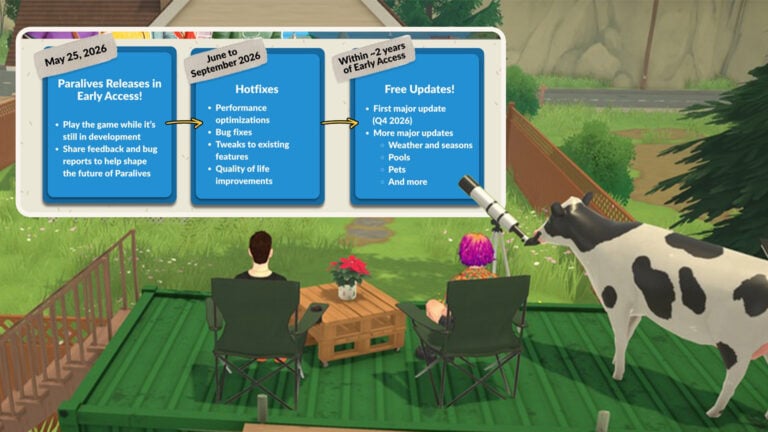
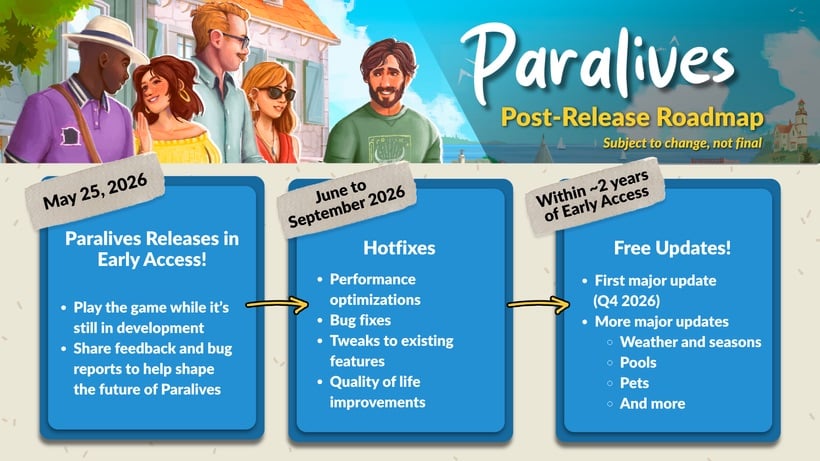
The Post-Release Roadmap for Paralives reveals the developer’s sharp focus, especially from June 2026 to September 2026 where they’ll be specifically focusing on performance, bugs, tweaks and quality of life improvements to the base game. Then the fun part begins!
Paralives — Post-Release Roadmap (Subject to change, not final)
May 25, 2026 Paralives Releases in Early Access!
Play the game while it’s still in development
Share feedback and bug reports to help shape the future of Paralives
June to September 2026 Hotfixes
Performance optimizations
Bug fixes
Tweaks to existing features
Quality of life improvements
Within 2 years of Early Access Free Updates!
First major update (Q4 2026)
More major updates
Weather and seasons
Pools
Pets
And more
Read the full first Paralives public Patreon post down below:
Paralives Public Patreon Post
Hi, Alex here! There’s only 3 days left until the Early Access release on Steam, I’m so excited!
We’re Getting a Good Feeling for the Launch!
With the gameplay trailer and live mode stream Tuesday, followed by the influencer and press coverage since Wednesday, it’s been a crazy week! We couldn’t be happier with the reception so far! While people notice bugs and missing content (normal for an Early Access game), they can play and enjoy the features that are already there, and think the foundation is really solid 😁🥰
This positive press and influencer coverage will really help us have a successful launch marketing-wise since more people will learn about the game and purchase it when it comes out, funding the development for years to come. We can’t wait for you to try the game Monday and to read what you think of it! 🎉🎊💃
FAQ
❓ How much will Paralives cost? The price is $39.99 USD but there’s a 10% launch discount making it $35.99 USD!Steam’s regional pricing is activated, meaning the price will be adapted to your currency.
❓ What are the system requirements? Paralives is available on PC and Mac and the minimum system requirements are listed at the bottom of our Steam page, or:
Windows
MINIMUM:
OS: Windows 10
PROCESSOR: Intel Core i5 or AMD Ryzen 5 @ 2.5 GHz
MEMORY: 12 GB RAM
GRAPHICS: GTX 1060 or RX 6600 XT
DIRECTX: Version 11
STORAGE: 8 GB available space
ADDITIONAL NOTES: If your framerate is low, lower the display resolution and other graphic settings
RECOMMENDED:
OS: Windows 11
PROCESSOR: Intel Core i5 or AMD Ryzen 5 @ 3.0 GHz
MEMORY: 16 GB RAM
GRAPHICS: RTX 2060 or RX 7600 XT
DIRECTX: Version 11
STORAGE: 8 GB available space
ADDITIONAL NOTES: If your framerate is low, lower the display resolution and other graphic settings
MacOS
MINIMUM:
Requires an Apple processor
OS: macOS Big Sur 11 (or newer)
PROCESSOR: Apple M2
MEMORY: 12 GB RAM
GRAPHICS: Apple M2
ADDITIONAL NOTES: If your framerate is low, lower the display resolution and other graphic settings
RECOMMENDED:
Requires an Apple processor
OS: macOS Big Sur 11 (or newer)
PROCESSOR: Apple M3
MEMORY: 16 GB RAM
GRAPHICS: Apple M3
ADDITIONAL NOTES: If your framerate is low, lower the display resolution and other graphic settings
❓ When will I get my Patreon rewards?
Name in the credits: When you launch the game, you will be able to see your name in the credits under Super Patrons or Patrons, depending on your pledge tier.
Soundtrack: Monday, you will receive a DM on Patreon with a link to download the soundtrack!
Character recreation: On May 25th, just before the game releases, you will receive an email with a code to use inside the game’s cheat window to play with the household of Parafolks we have created for you as part of this reward. If you still haven’t claimed your characters by filling the form we sent you over email sometime in the last year, the deadline has passed, unfortunately. One exception is for pets, which will be created and delivered at a later time, when we add them to the game (we will reach out again about that in the future).
Item naming and random Para name: You will be able to notice items you have named in the game and when randomizing the name of a Para, you might stumble upon the random name you sent us!
Signed poster: We will start working on that reward soon, once the rush of release has passed!
To see your membership tier and your rewards, click here.
Just after the game releases on Monday, we will make it so you won’t be charged anymore for your membership.
We plan to make all posts public in the next few weeks so that the Patreon acts as an archive for the development before release.
If you had access to Patrons-only Discord channel, you will retain that access
We will keep posting on Patreon from time to time to inform you of upcoming updates, but we will no longer post weekly on Fridays!
I’m getting emotional writing this, and I can’t be thankful enough for your support on Patreon! The crowdfunding has allowed us to release Paralives in Early Access, and so the Patreon has completed its mission. Now, we’re on to the next chapter of Paralives’ development with you and we’re eager to read your feedback on the game!
Roadmap
The goal of Early Access is to collect feedback while the game’s core features are still being developed and improved. As such, the first few months of Early Access will look like this for us devs:
We called repair services to fix our toilet and stove. Once the guy arrived, his autonomy decided to do this!
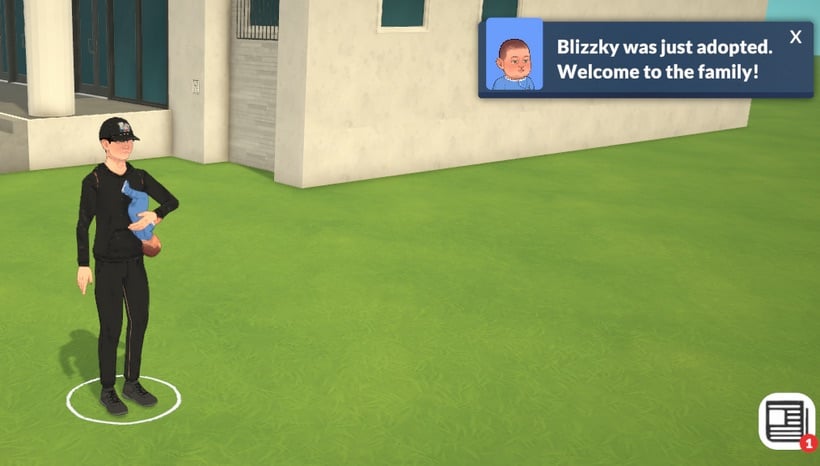
Maybe some people shouldn’t be allowed to adopt? The baby spawned in the arms of his new father with the wrong rotation!
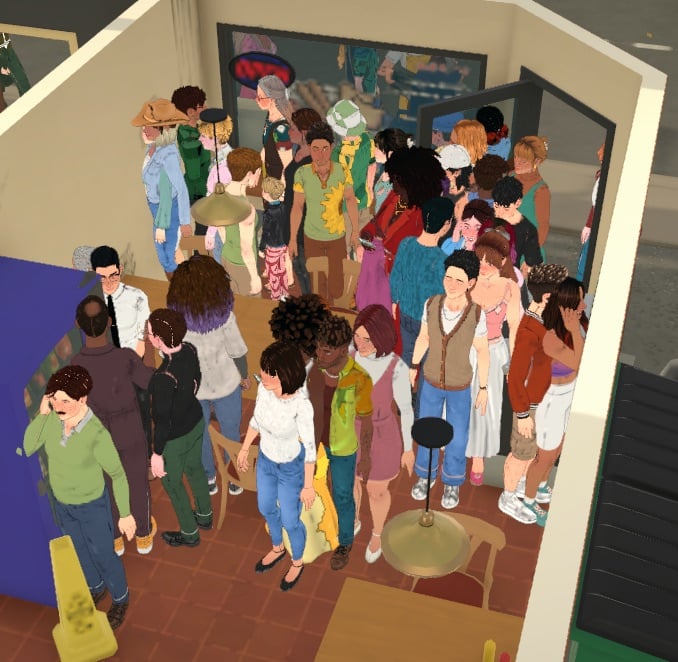
This place is a bit too crowded.
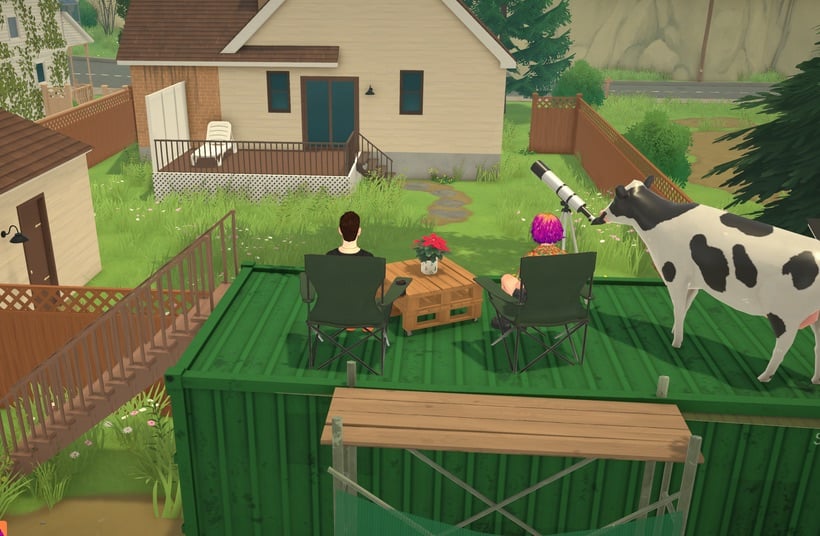
Not a bug but a cool thing: Anna used a container to hide a room, and now it looks like a cool secret spot that Parafolks can access!
Since we didn’t have a firefighter outfit for a while, we used a placeholder outfit for them!
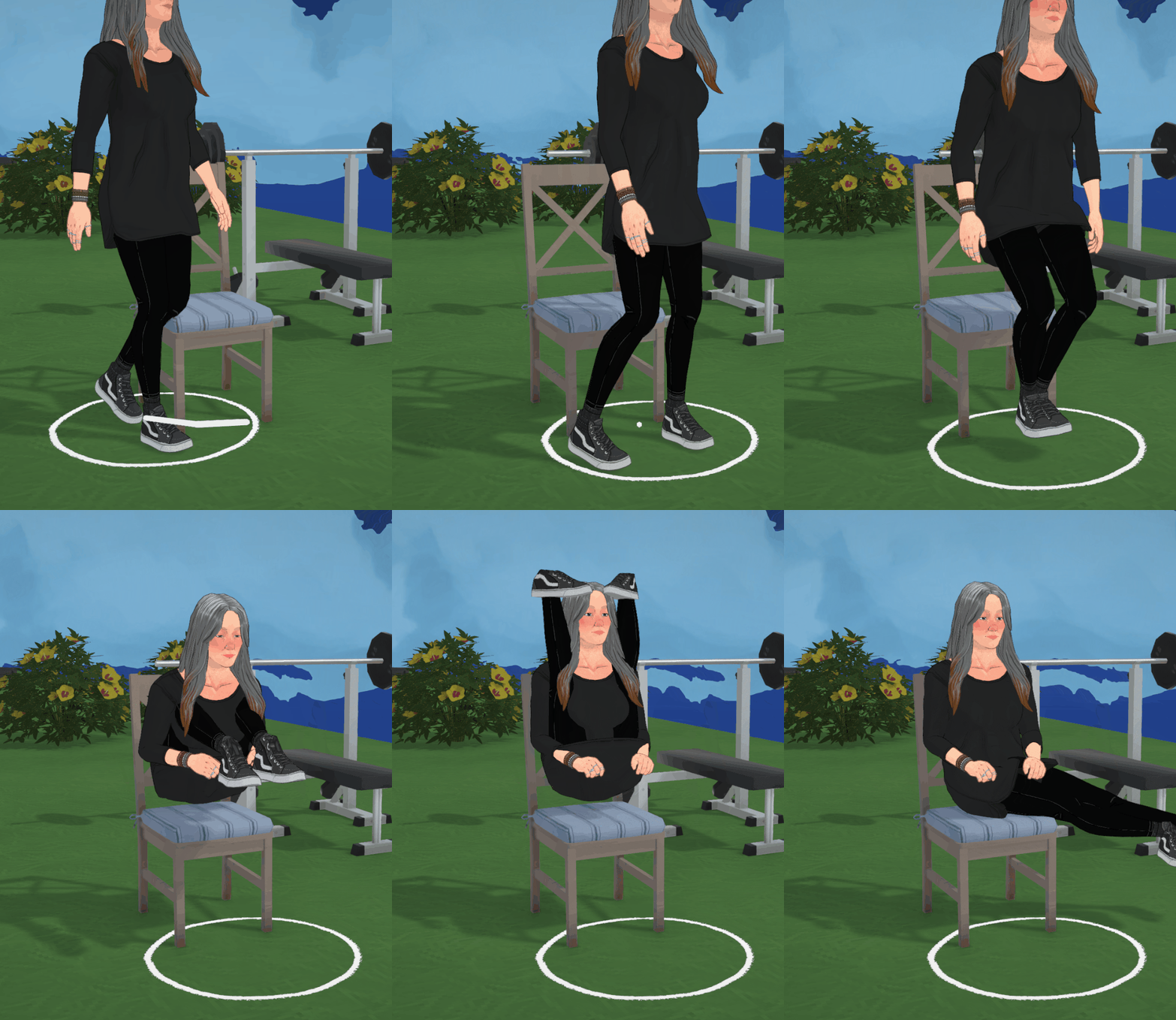
Sitting correctly is really hard for Parafolks sometimes, it seems…
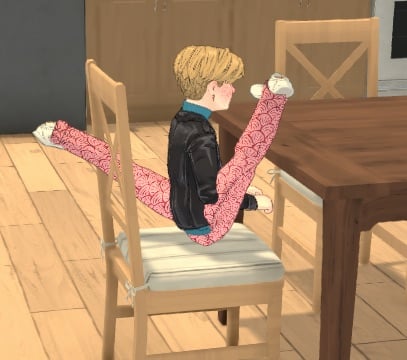
Eli has some trouble with chairs as well.
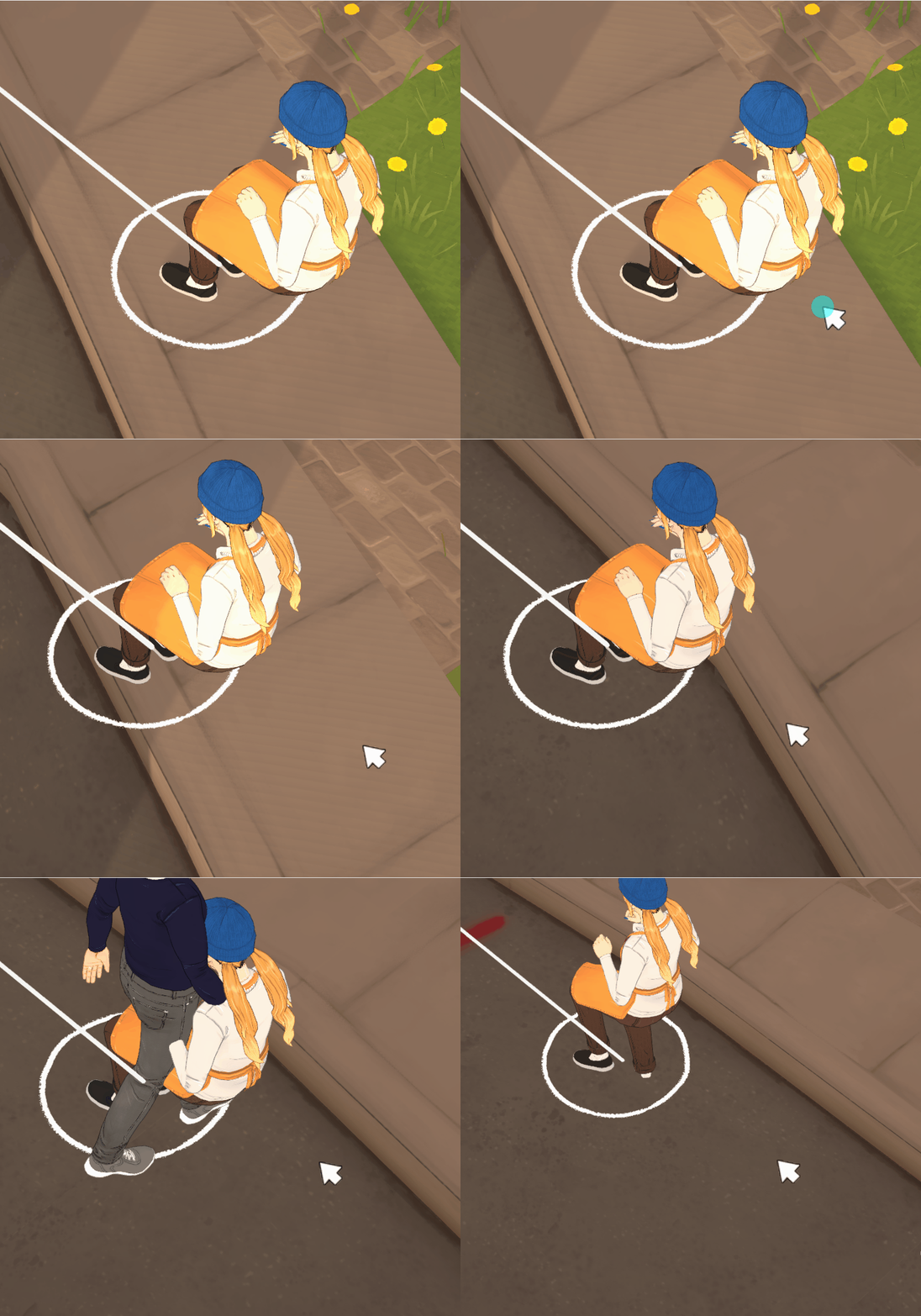
This Para doesn’t want to get up for work, so she’s keeping her sitting pose!
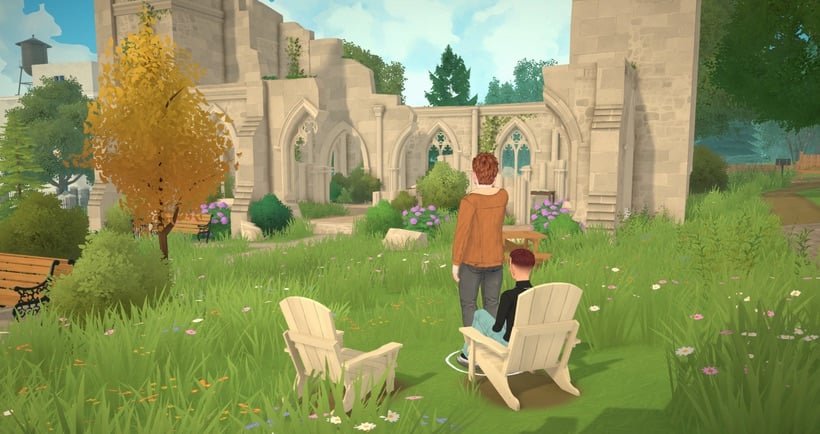
You’re blocking the view…
Thank you
Jérémie:
This has been an incredible experience and opportunity. I’ve learned so much, and we managed to make a pretty cool game too. It’s all thanks to you! Hope you enjoy what we’ve made 🙂
Alice:
I can’t believe we are just 3 days away from launch! 🥺 Having been part of this project since 2020, it has truly been one of the best experiences of my career, and I am so grateful for this journey. I am reeeeally excited for all of you to finally experience Paralives, and I hope you love playing it as much as I do. A massive thank you to everyone who supports us, we couldn’t have done this without you! 💙
Léa:
When I started to work for Paralives, I was still a student, absolutely obsessed with this project. We are now releasing in 3 days, six years later. Your support completely changed my life, and I’m forever grateful to have been able to create this beautiful game with our amazing team. So much more is coming in the future, I can’t wait for you to play ❤️
Anna: This has been quite an adventure! I feel really proud and honored to be part of Paralives development, I can’t fully believe it is finally going to release, but I’m really happy you will get to play it for real now! You all should also be proud to have contributed to the game because your feedback, comments and brainstorming sessions over the years have been super useful for the development. Thank you so much for believing in us for so long, your support means the world to us and I hope you will enjoy playing and modding Paralives!
Chloé:
I will forever be grateful to have been part of the team, as it was a pleasure to see the project and team grow throughout the years. Paralives allowed me to grow as an artist and make memories I will never forget. I love the team, the game, and the community, and I cannot wait for you all to get to play the game after all these years! Thank you for believing in us and making Paralives a reality.
Sonia:
Thanks to everyone who supported us, I’m truly happy and proud to have been part of this project for so long, and hope it will continue for years to come! It’s hard to fully realize that the project you’ve been working on for so many years is this close to early access. I sincerely hope you’ll enjoy Paralives and witness the improvements we’ll make with each update!
Lina:
I am so grateful to have been able to join the Paralives team two years ago and be part of such an amazing project. I have learned so much thanks to the team and the community, and It feels surreal that you will all be able to play the game in just three days!!
Thank you for believing in us and making the Paralives dream a reality. I hope you will all love this game as much as we do, I can’t wait to see all of your creations! 💌
Carina:
These past months I’ve been with the team have been a whirlwind- and even though I haven’t been with Paralives as long as some of my colleagues, I’ve felt the passion and excitement emanating from everyone, fans included! I’m so grateful that you’ve stuck with us through all this time, and I count myself as incredibly lucky to be a part of it all 💖 I can’t wait for you to explore, create, and become a part of our dream! (and maybe a little midnight spaghetti in there, who knows 🤭)
Alex: I can’t believe it’s been 7 years since I started this small (big) project! I’lll never stop feeling grateful for you who supported us on Patreon all these years. It allowed us to build a great team and to build our vision for Paralives while remaining indie and true to what we would want for a life simulation game as fans of the genre ourselves. From the bottom of my heart, thank you, and here’s to keep updating and improving Paralives with you all for many years to come!
See you on Monday!
The Paralives team
What are your thoughts on the latest Post-Release Roadmap and Paralives launch discount news? Let us know your opinions in the comments section down below!
Stay tuned to our dedicated Paralives News section for more information and tips on the game.
Everything you need to know about SpinningPlumbobs’ immersive new Sims 4 Mod.
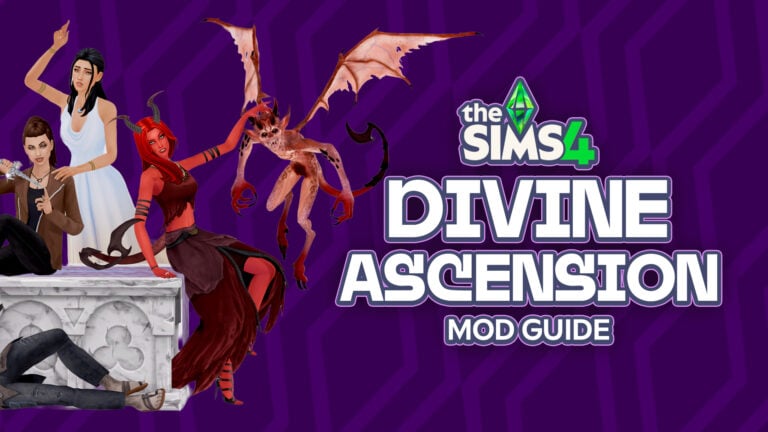
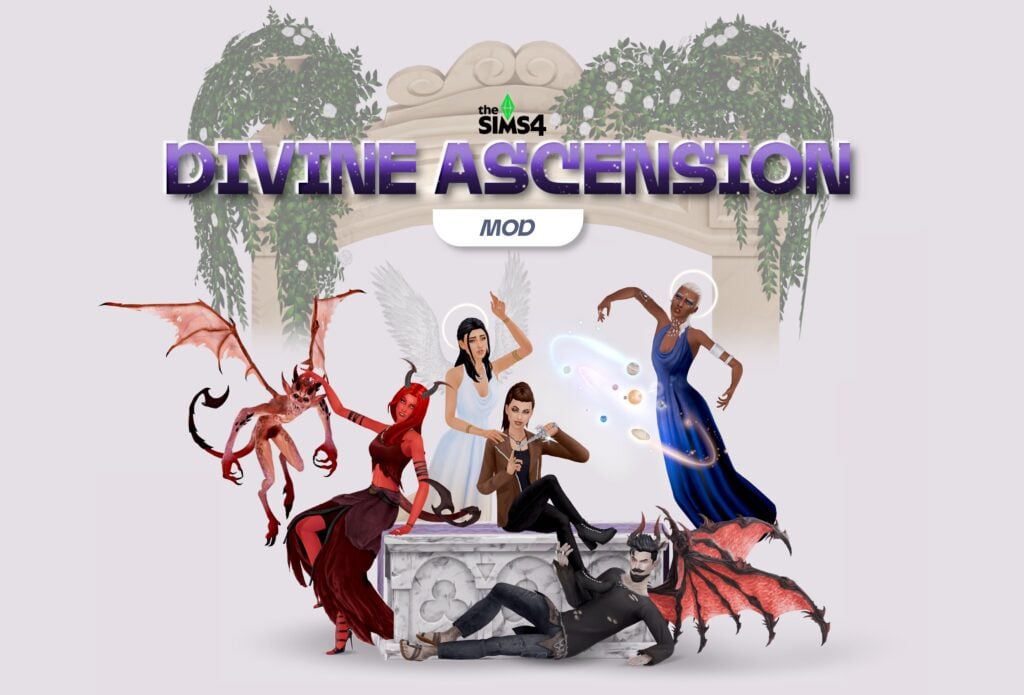
Two new occults comes with the Divine Ascension Mod created by the talented mod creator SpinningPlumbobs. Who will you become? The Good or the Bad? Let’s check out this mod guide and see everything the supernatural has to offer!
Photo by SpinningPlumbobs
Table of Contents
Two New Occults
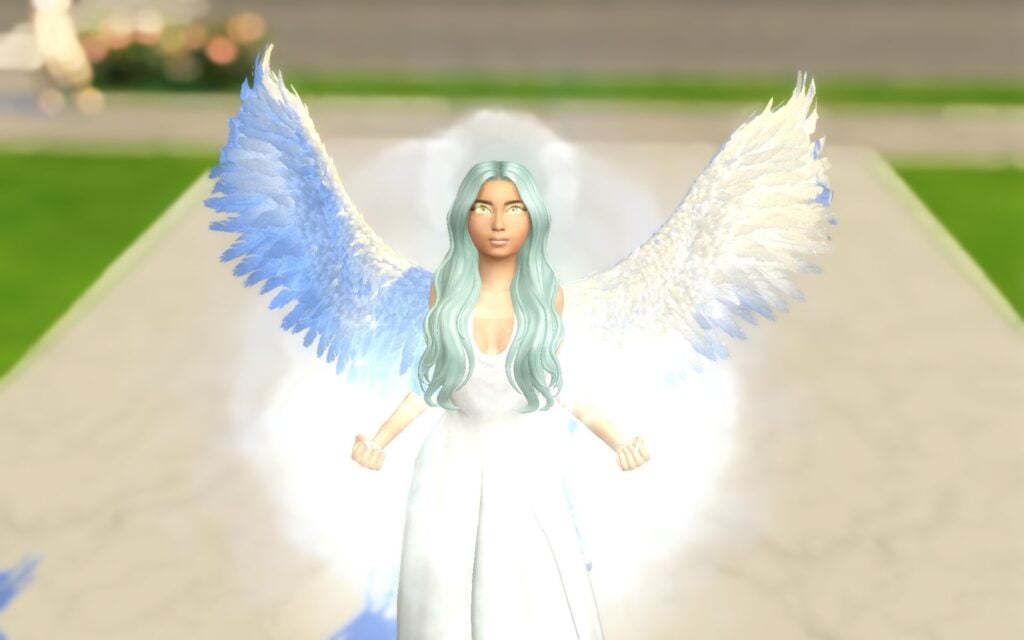
Just like the other occults we already have in the game they have their own special abilities, and powers as well. These occults also have their own unique look inspired by angels and demons mythology and history.
Photo by SpinningPlumbobs
Celestials
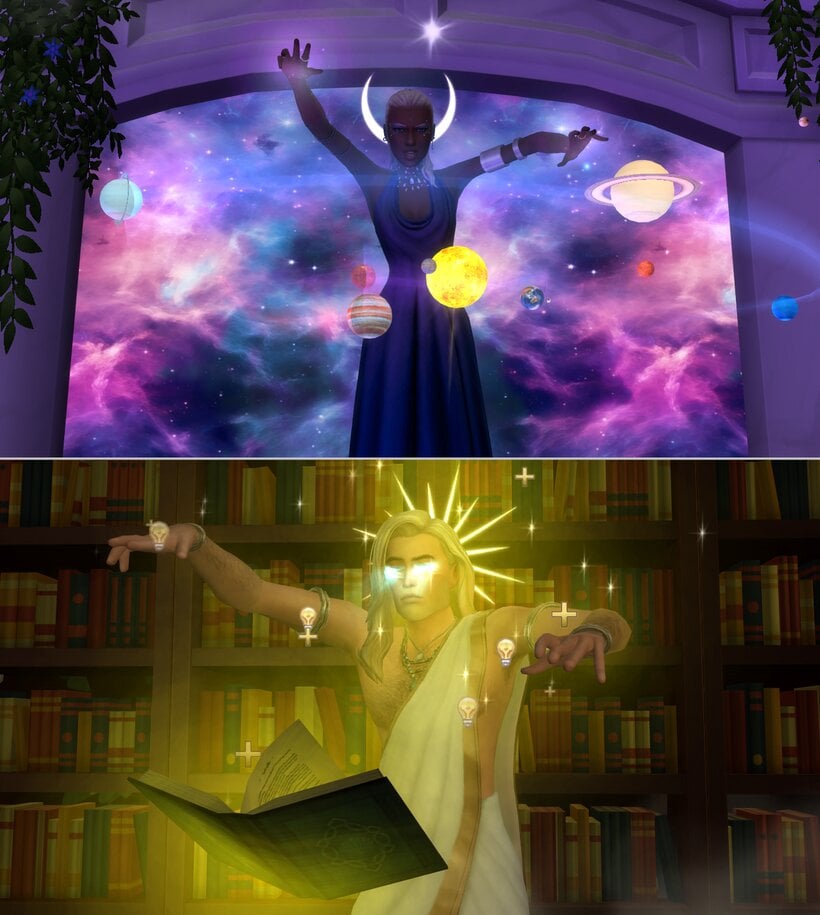
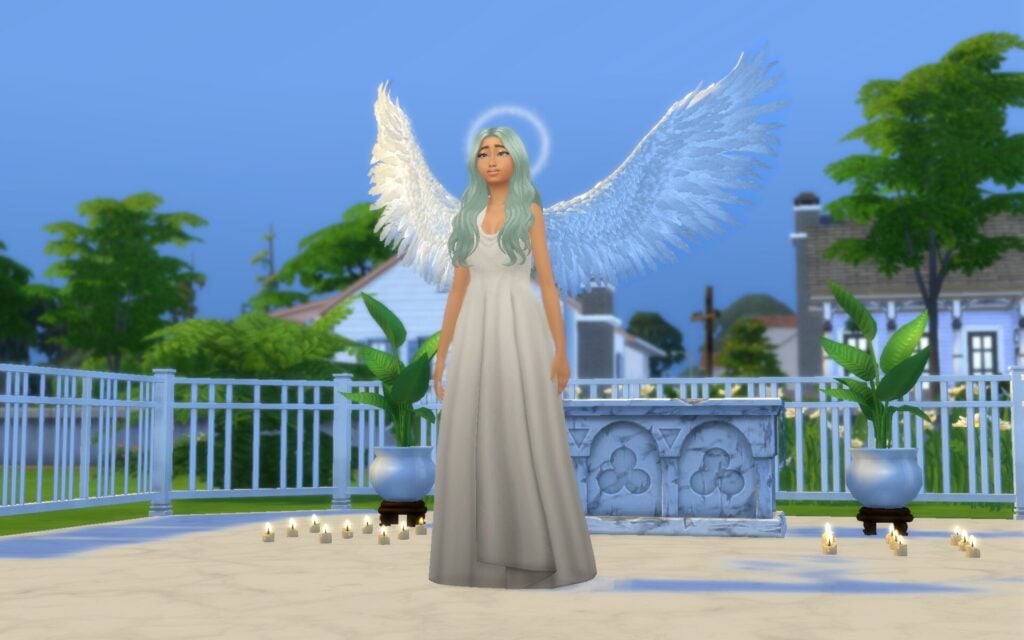
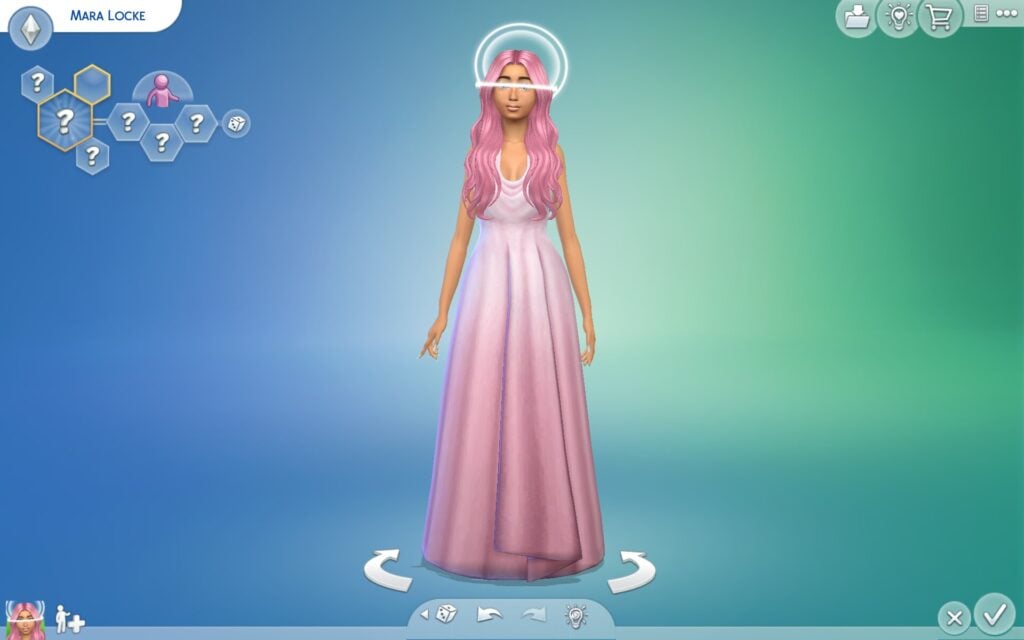
Celestials are kind guardians that are connected to heaven. They can guide and protect Sims, using a so called Divine Energy to heal, watch over others, and create magical Astral Bodies which is self-contained planets that they watch over. Their energy can be restored by connecting with The Heavens or absorb Celestial Ether which is substance resource that comes from your natural divine powers.
Infernals
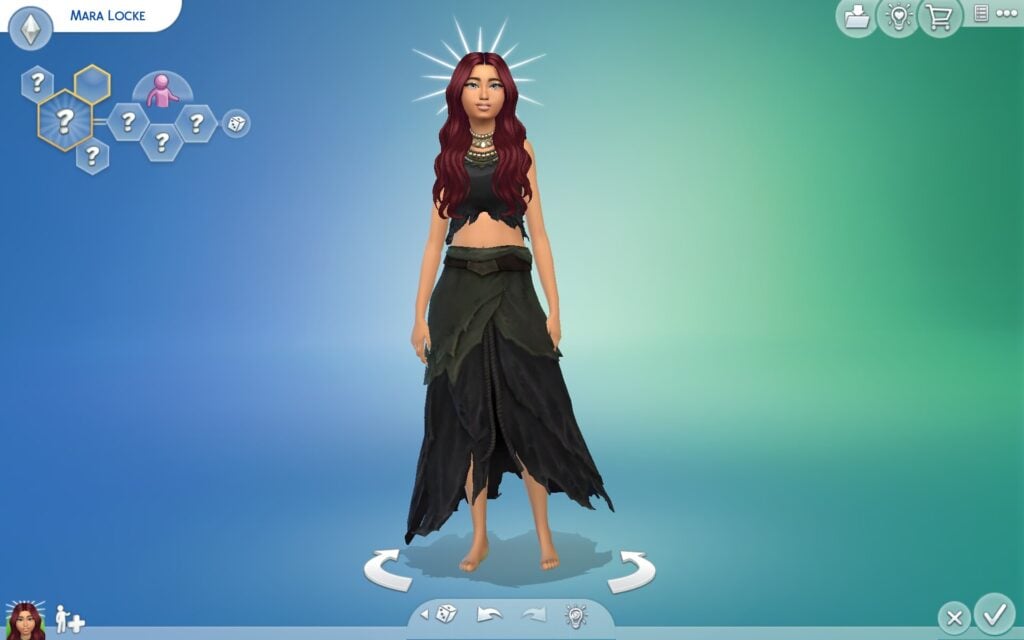
Infernals are mischievous occults from the underworld that love causing chaos and convince Sims to lean towards evil. They use a power called Malevolent Power that comes from hell. With this power they to harm, manipulate, and spread darkness. Their power can be restored by connecting with The Hell or absorbing Infernal Iron from the underworld.
Photo by SpinningPlumbobs
Powers
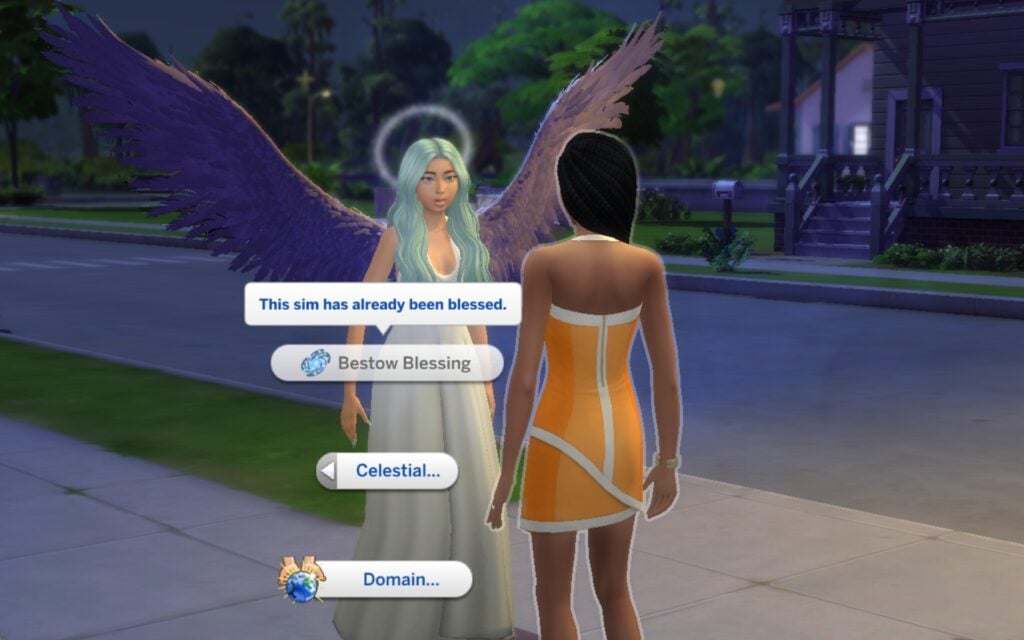
As mentioned earlier, these occults have their own abilities and powers like other occult in game. You can only unlock up to 6 powers, but gain more abilities if you dedicate your occult to different domains. You earn points through gameplay and by building skills. You can also earn point by connecting with the Heavens or Hells, using Celestial Ether or Infernal Iron, and battling other divine beings.
Photo by SpinningPlumbobs
Domains
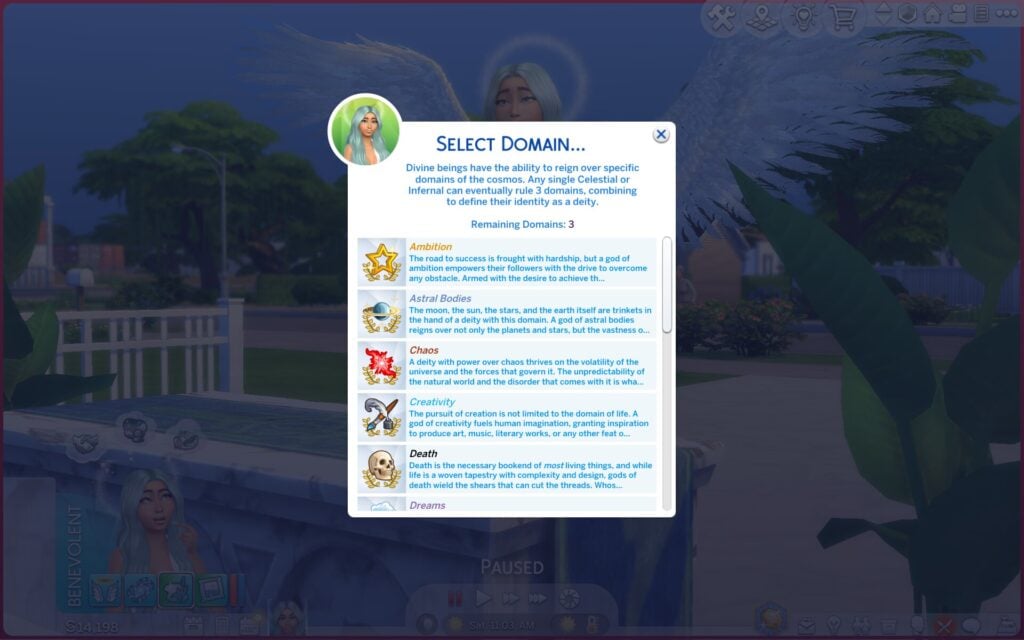
Domains are occults with even more experience that are much stronger. That’s why you are able to pick a Domain that represent your occults power and personality. It’s a total of 15 different Domains, and you can combine up to 3 of them. A few Domains that you can pick are Chaos, Elements, Dreams, Love, Nature, Ambition, Wisdom, Death and more.
How Do You Become a Celestial or Infernal?
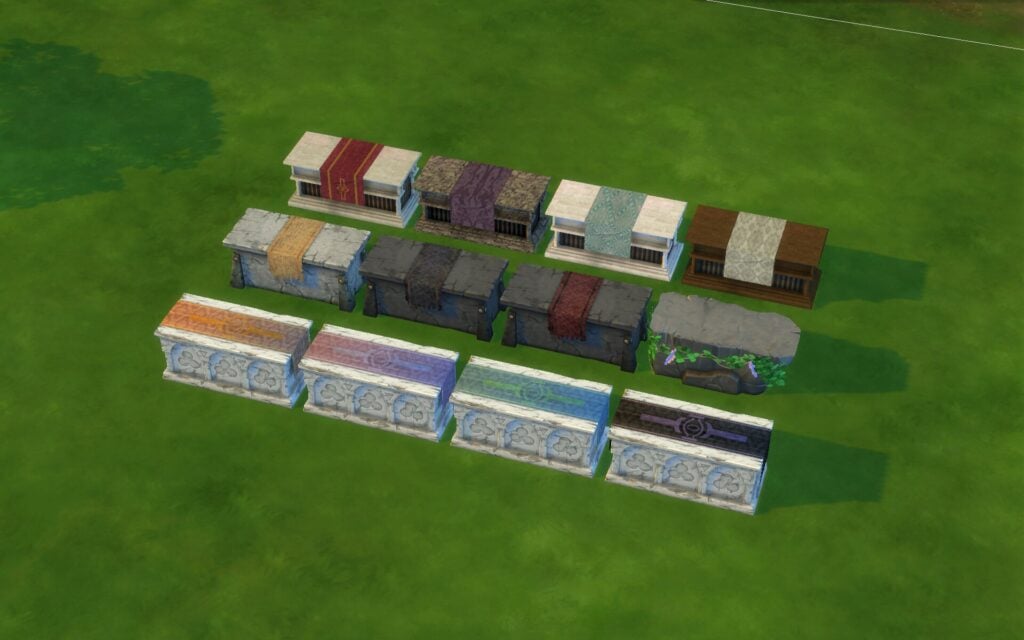
The easiest way to become a Celestial or Infernal is to buy an altar in Build/Buy. Then you interact with it by using Contemplate Beliefs option. After some time you’ll see if your Sim is a Good or Evil Sim, and then be gifted a reward, an Ambrosia or a Demonic Athame. Depending on what you got, your Sim will need to eat it and then they’ll turn into a Celestial or Infernal.
There are also other ways to turn. A Sim can become a Celestial or Infernal by eating two servings of Ambrosia in a row, getting hit by an athame/dagger with the “Infernal Conversion” power, being infected by an infernal athame, or you can cheat with testingcheats enabled using the altar.
CAS Items
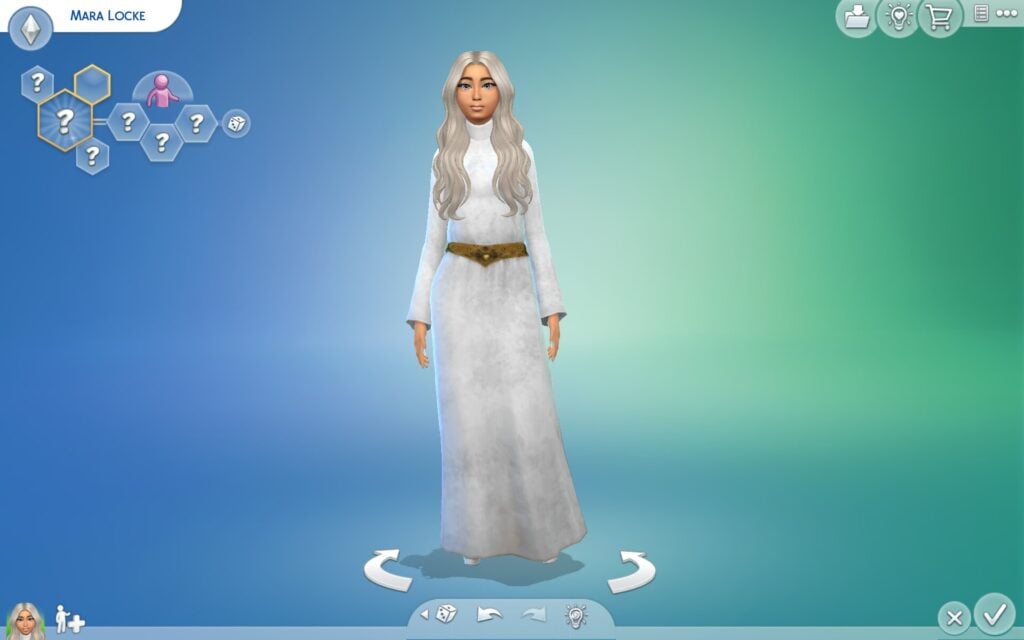
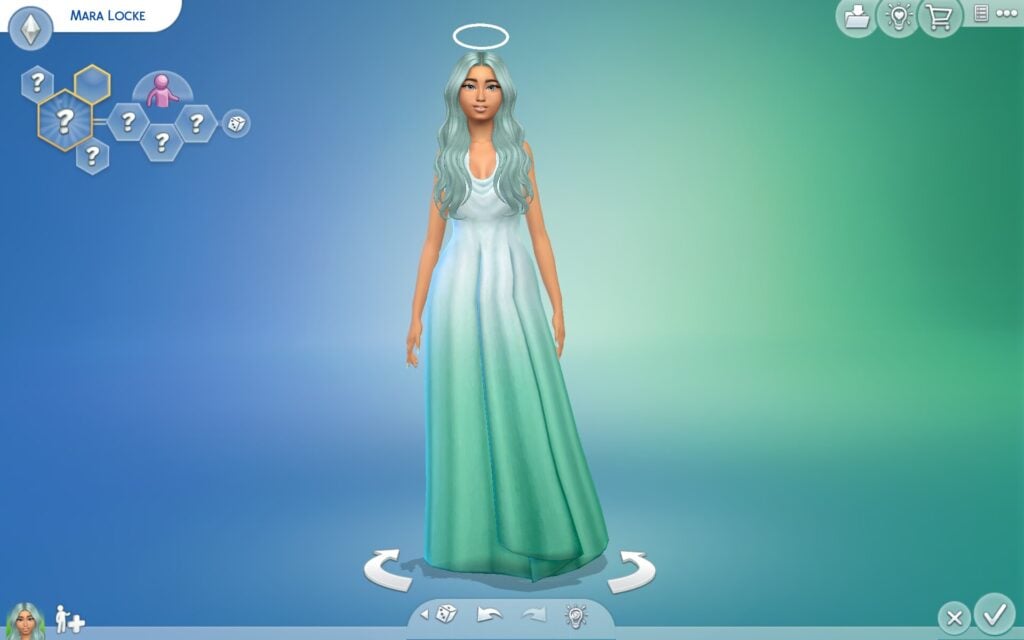
In CAS you’ll can find a few different halos, horns and clothing to make your Sims aesthetic fit what Celestial or Infernal look you’re aiming for.
Dedicate your Celestial/Infernal to an Altar and Gain Followers
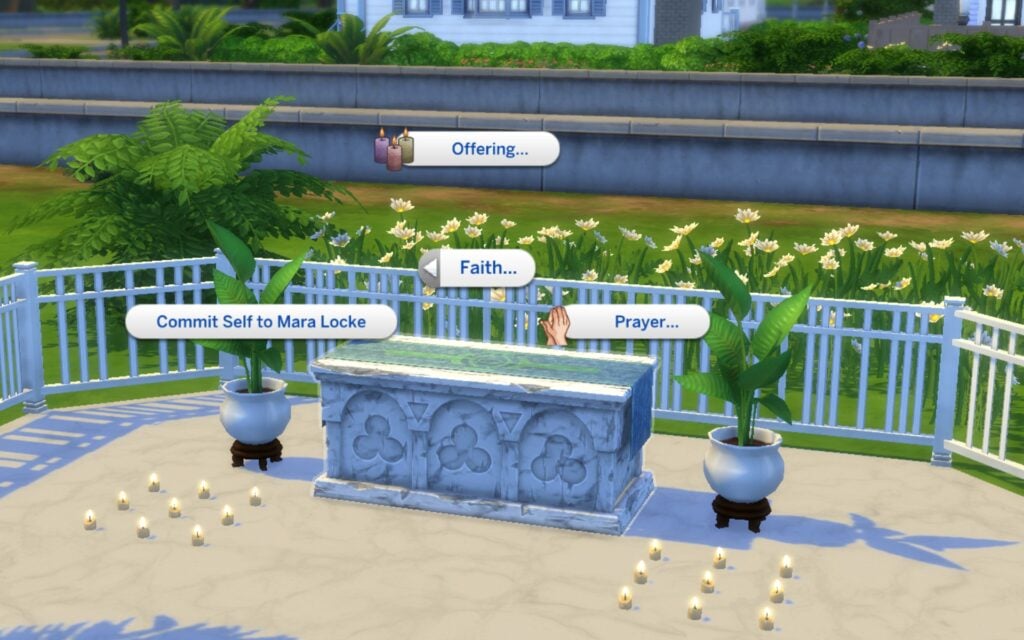
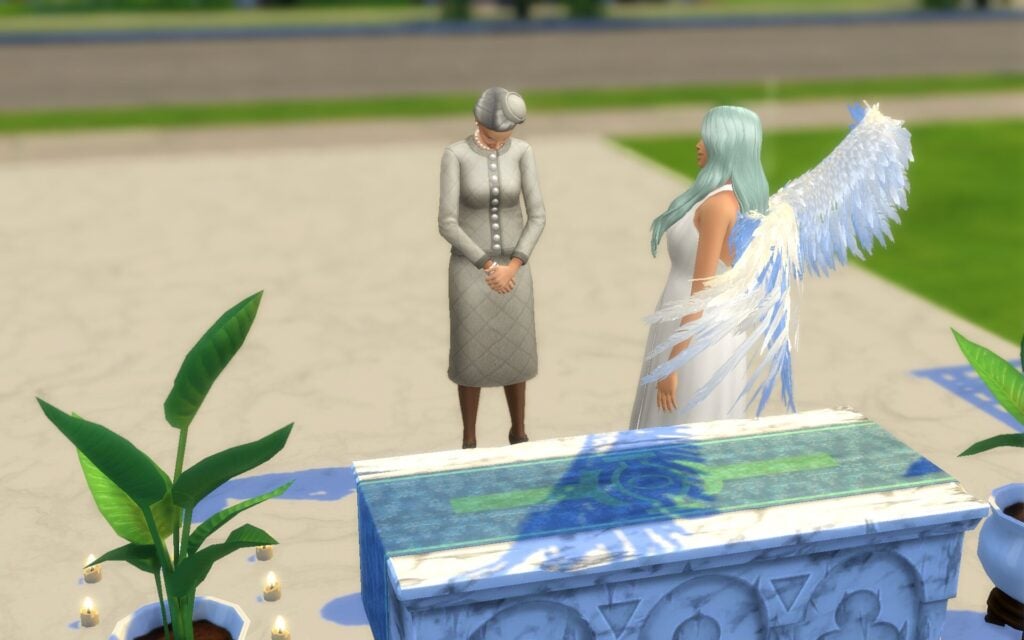
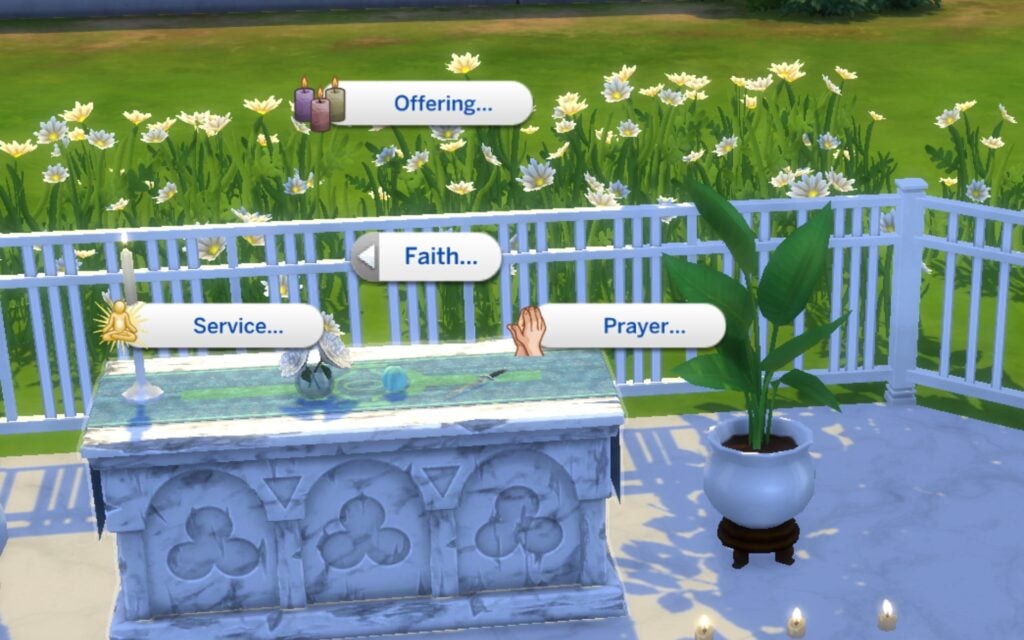
If you decide to dedicate your Celestial/Infernal through an Altar you will create your own following. Meaning, you are now a type of God or whatever you want to call it. From now on your Sim will become stronger and powerful, and Sims will follow you, look up to you, and come to you for guidance. Sims can come to your altar and pray, offer gifts, and read information.
Prayers
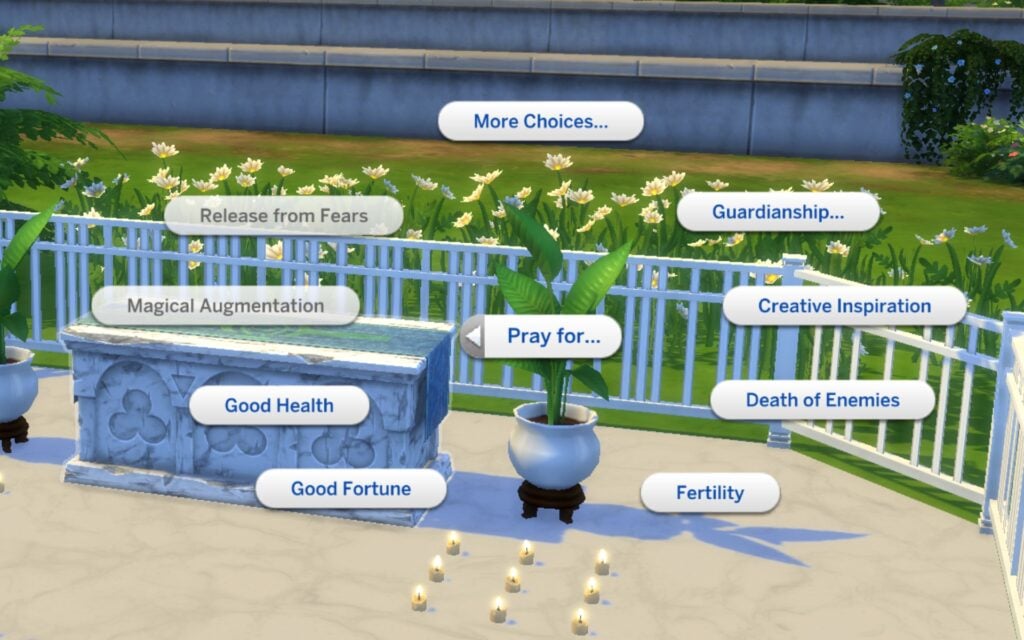
Sims can pray to their guardian for help, like health, money, promotions, or for something bad to happen to your enemies. You don’t need to be a follower to pray, but followers have way better chances of getting good results. Every prayer can turn out different, and higher Faith makes positive results more likely.
How Do You Build Faith?
Followers build Faith with their guardian, and those relationships affect how much influence, trust, and support they receive. By dedicating themselves to a guardian, Sims can unlock unique blessings, abilities, and responsibilities through their Faith.
Quests
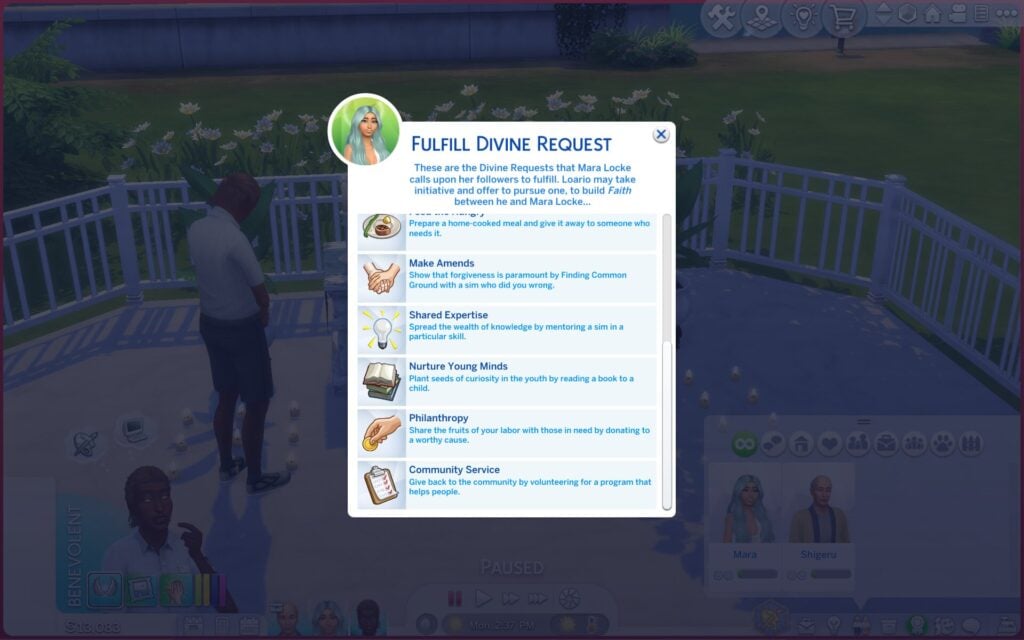
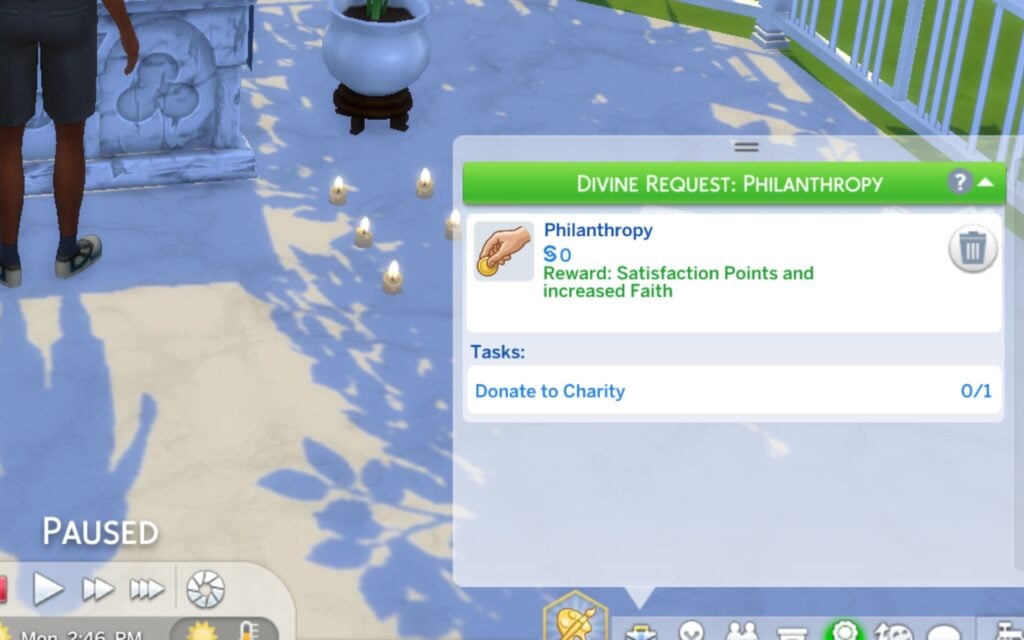
Another way to build faith between the followers and the guardian is completing Divine Request. These quests will show up when a Sim is calling you, or you’ll see them directly when you pray at the altar which is the Service option. By doing these quests you’ll earn rewards. If you don’t accept the quests when asked your Faith will start decreasing…However, if a Sim is dedicated and keeps praying and doing the Divine Requests, they can unlock amazing gifts. These are special rewards gifted from their guardian when their Faith is strong enough.
Special Daggers
There are special daggers called Athames included with this mod. These are sacred daggers are used to perform sacrifices or fight Infernals. Combat strength depends on Fitness skill, especially against stronger occults like infernal, or vampires.
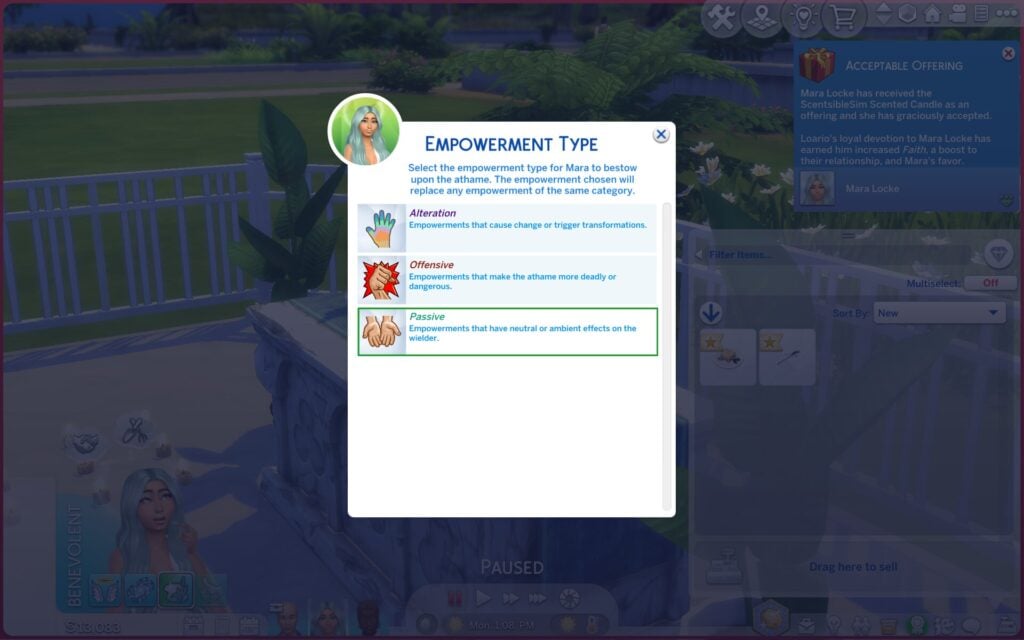
The blades also have different strengths so for example, wooden stakes are stronger for vampires, silver for werewolves, and iron for fairies. These daggers can even be empowered with special powers which can be very dangerous if you decide to use it on another Sim.
Wings
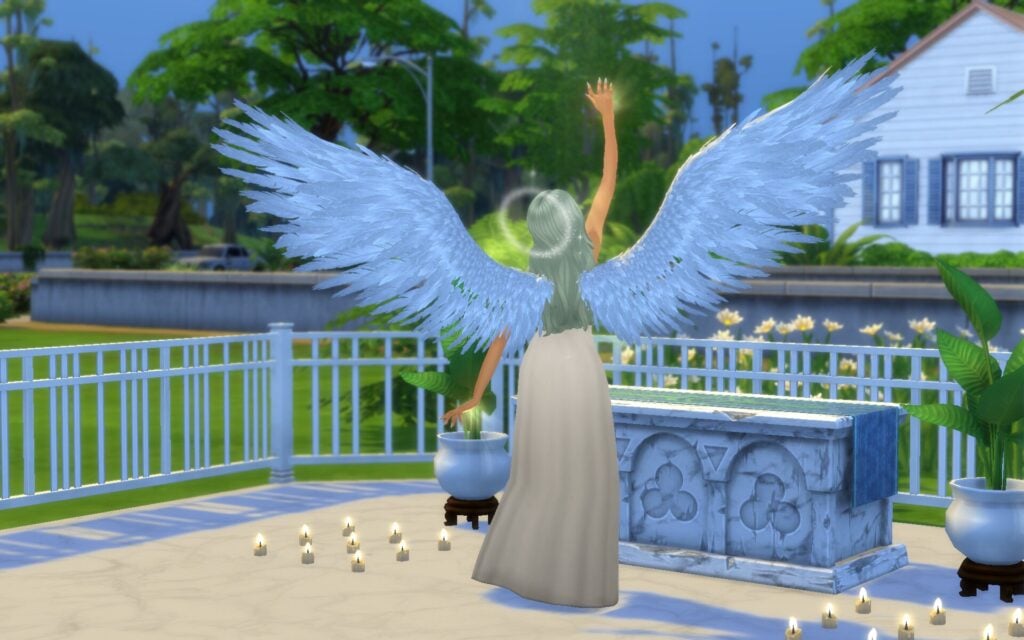
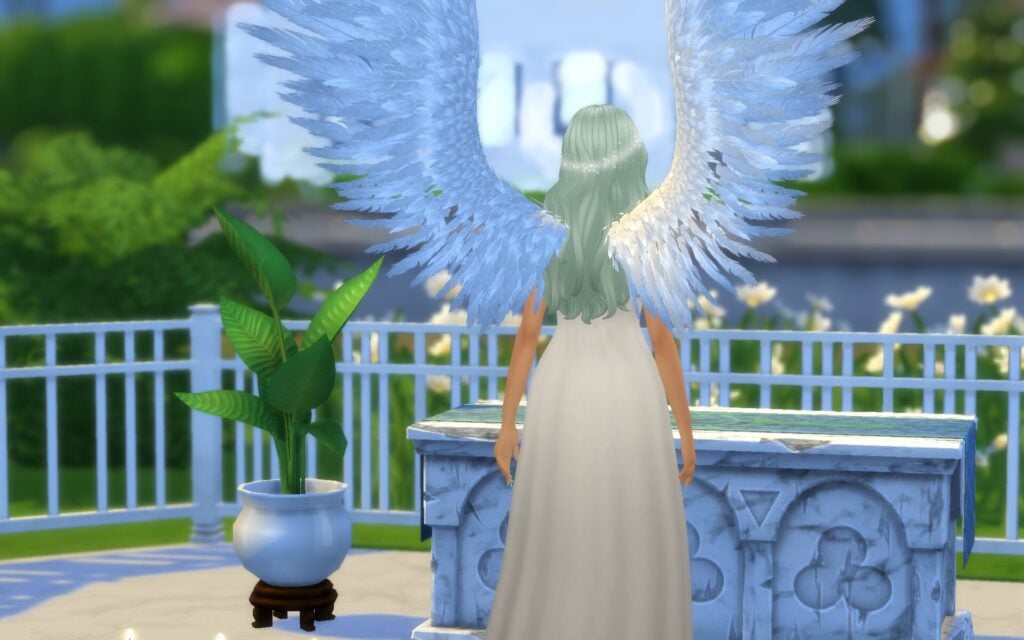
Lastly, the wings are not included whiting this mod, you can download them separately through the link below. I highly recommend downloading them, there’s a huge variety of wings.
The Sims 4 Divine Ascension Mod is free to download throughout their Patreon, and it’s Base Game Compatible. There’s still so many more features SpinningPlumbobs want to add to this mod, like more abilities and gameplay, which is super exciting!
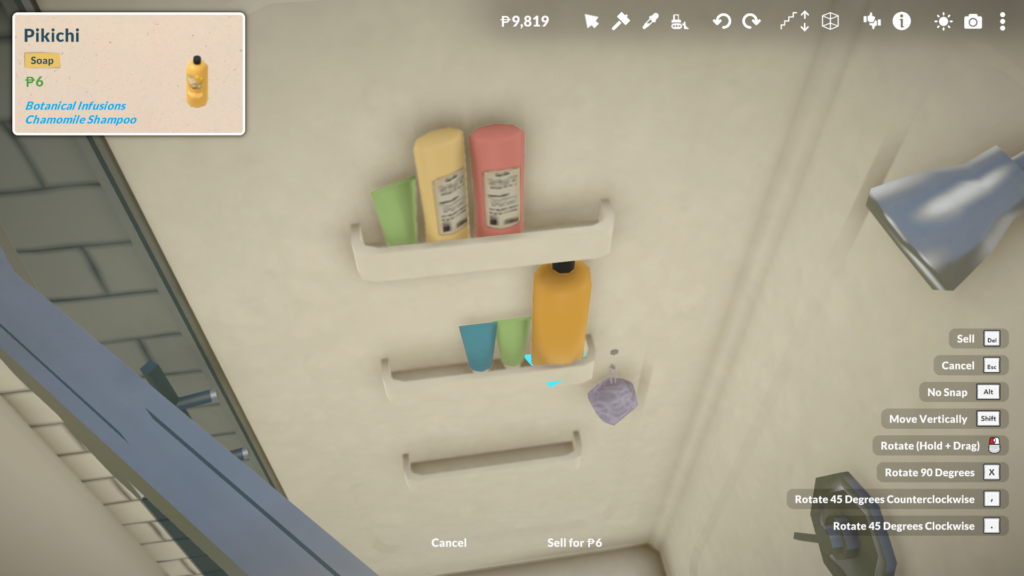
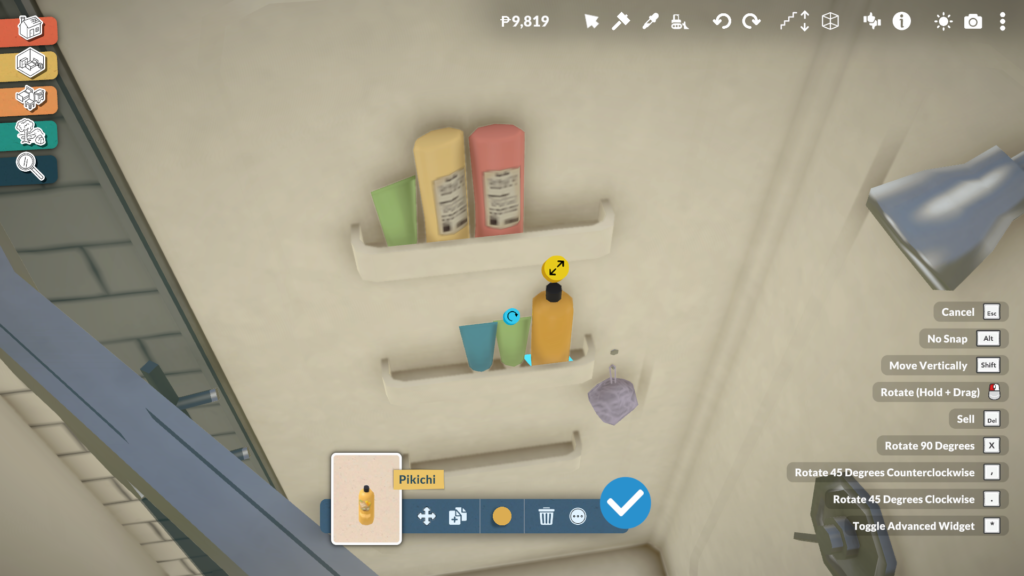
Paralives offers a deep object customization system that gives players far more freedom than what is usually seen in life simulation games. Through Build Mode, Buy Mode, and even the Paramaker, players can fully customize furniture, decorations, clothing, and countless other elements using custom styles, advanced resizing tools, and an extensive color customization system. It’s the kind of creative freedom life simulation fans have wanted for years.
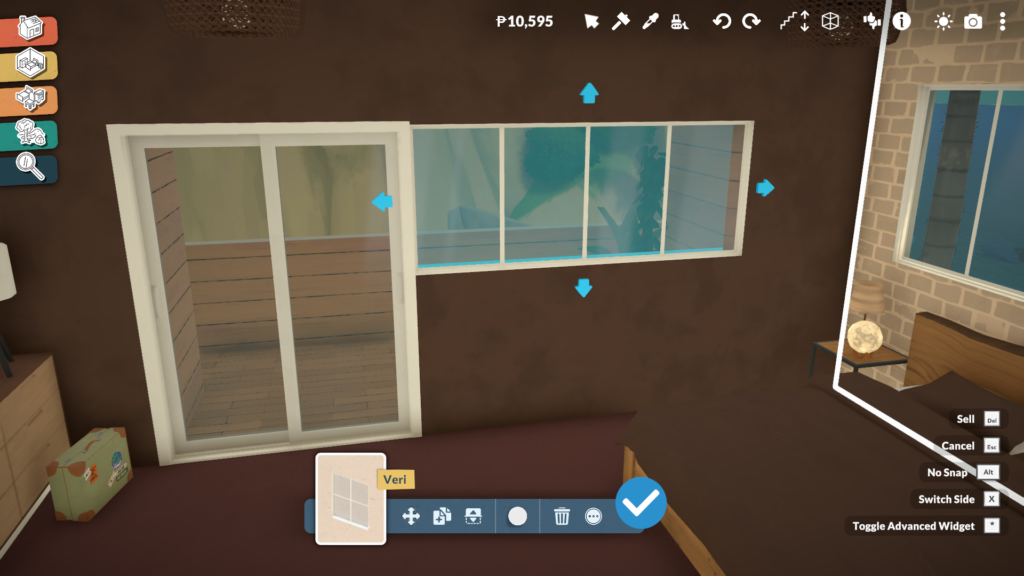
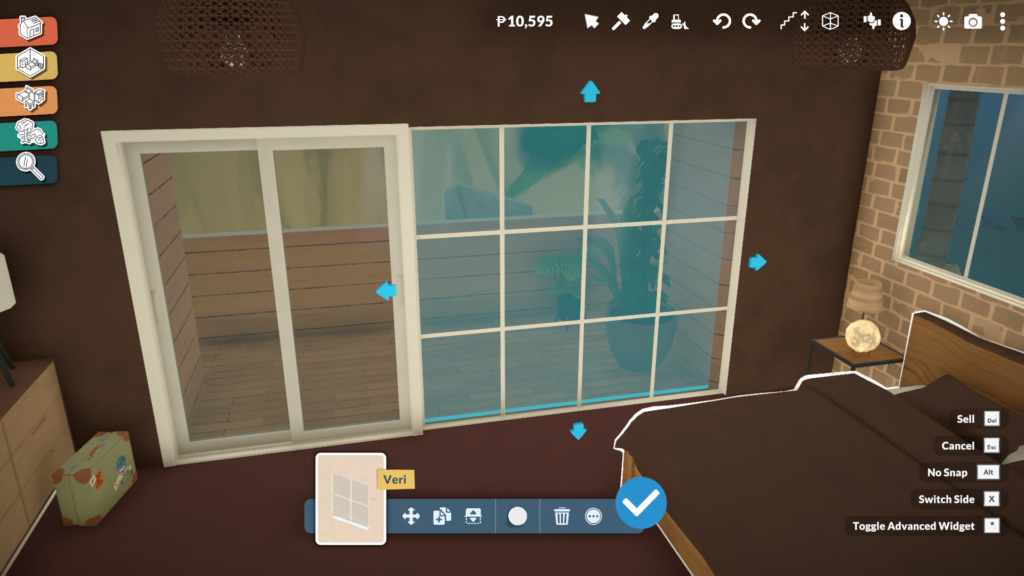
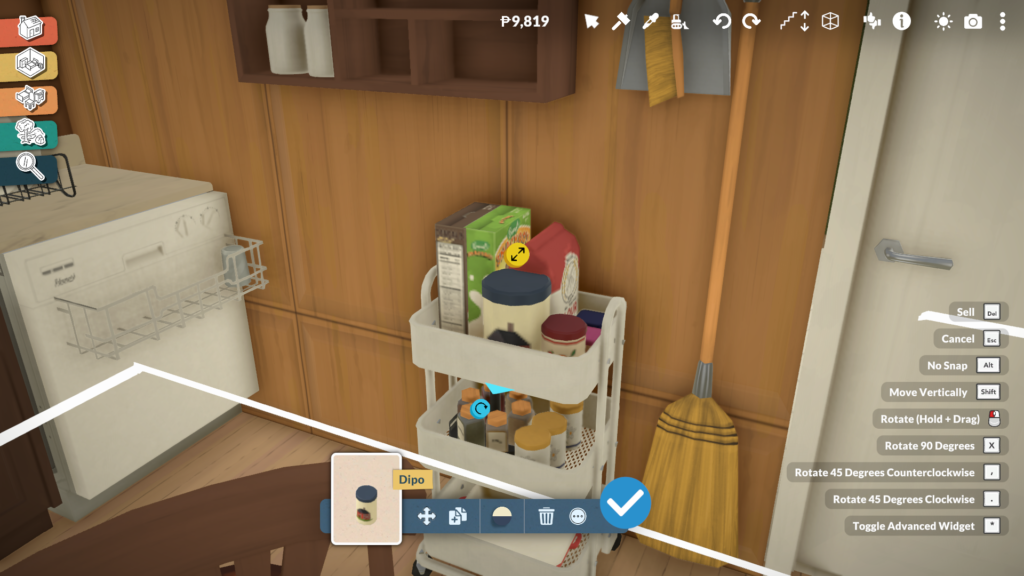
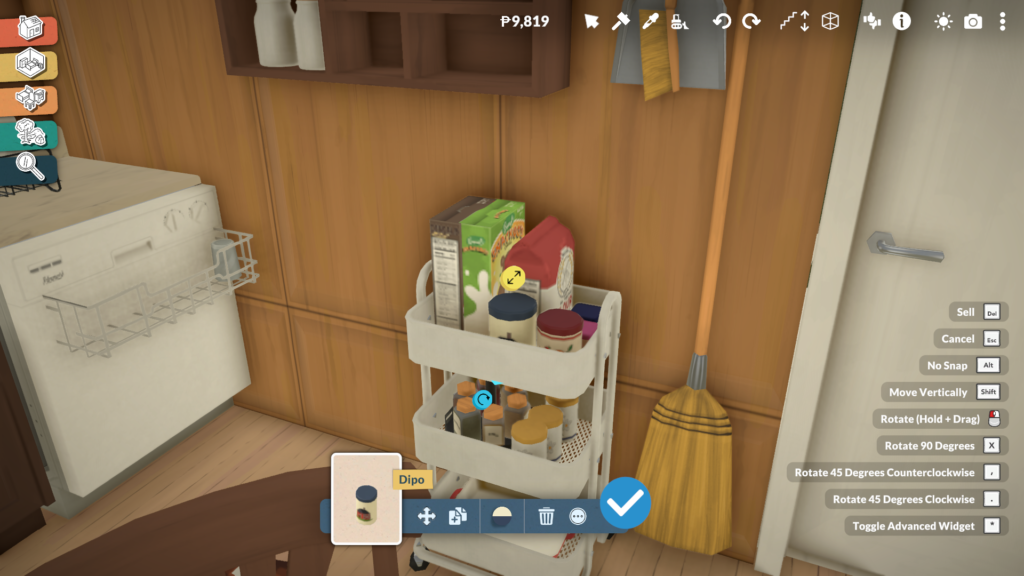
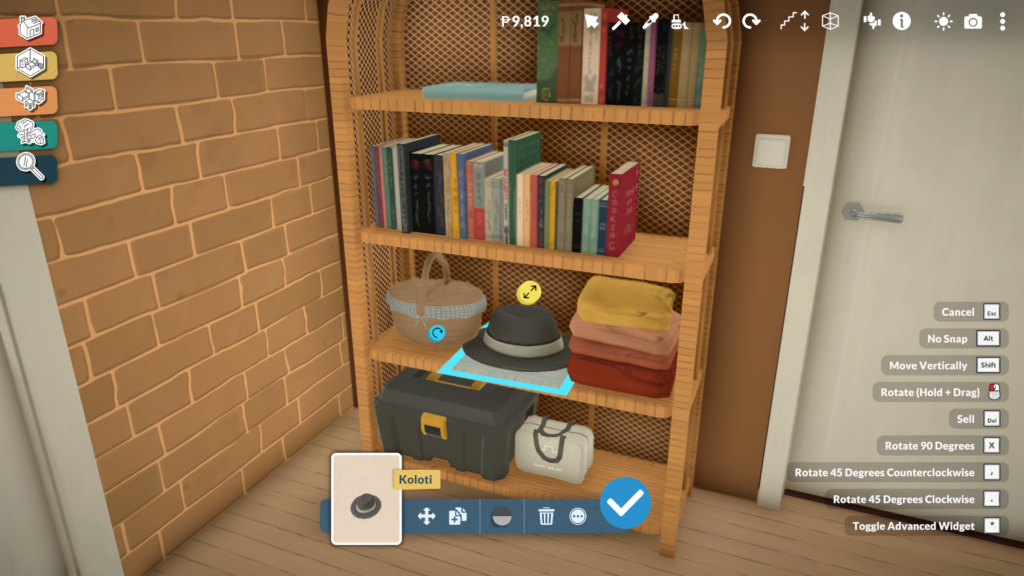
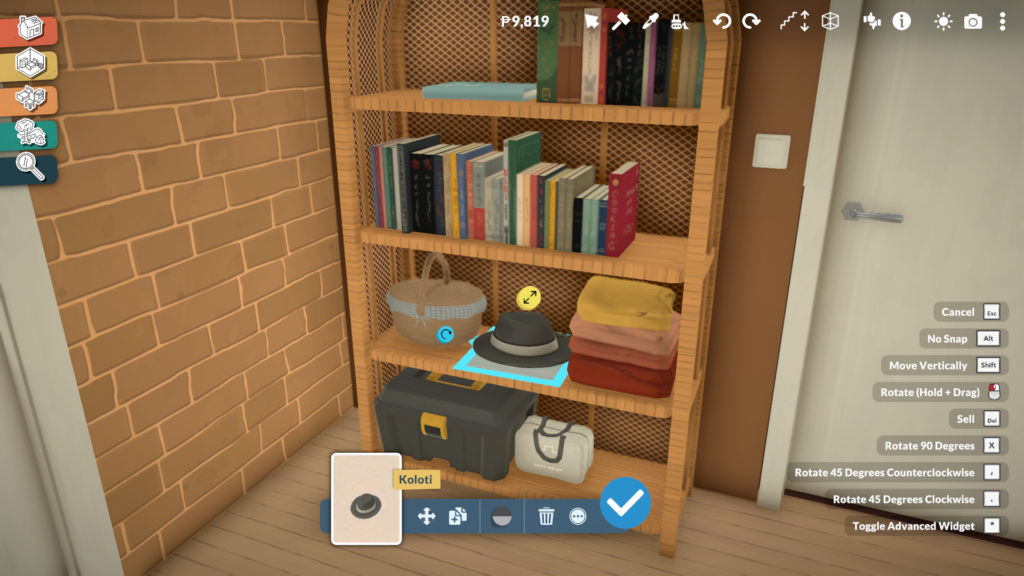
One of the most exciting aspects of Paralives’ tools is how natural and flexible they feel during gameplay. Many objects can be stretched, resized, recolored, or reshaped to suit the player’s needs, while smaller decorative items can still be scaled up or down for added detail. On top of that, every object supports custom styles, allowing players to freely combine colors, materials, and textures instead of being limited to a few preset swatches.
In this article, we’ll explore how these features work, what players can do with them, and why they massively expand the creative possibilities in Paralives.
Table of Contents
How Object Customization Works in Paralives
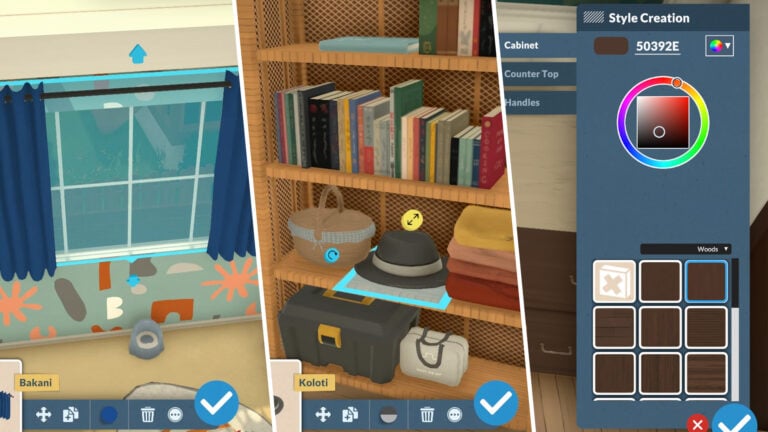
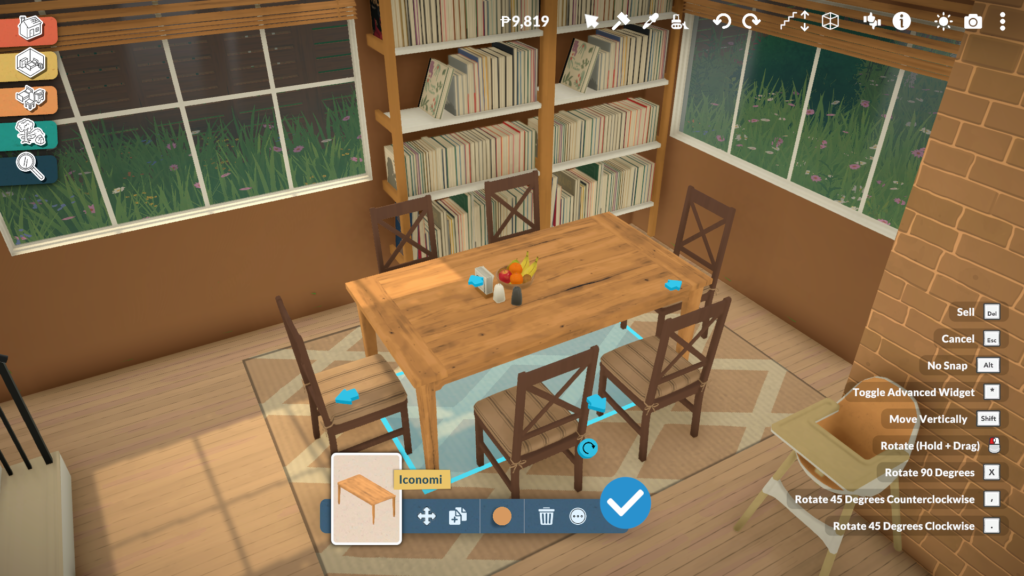
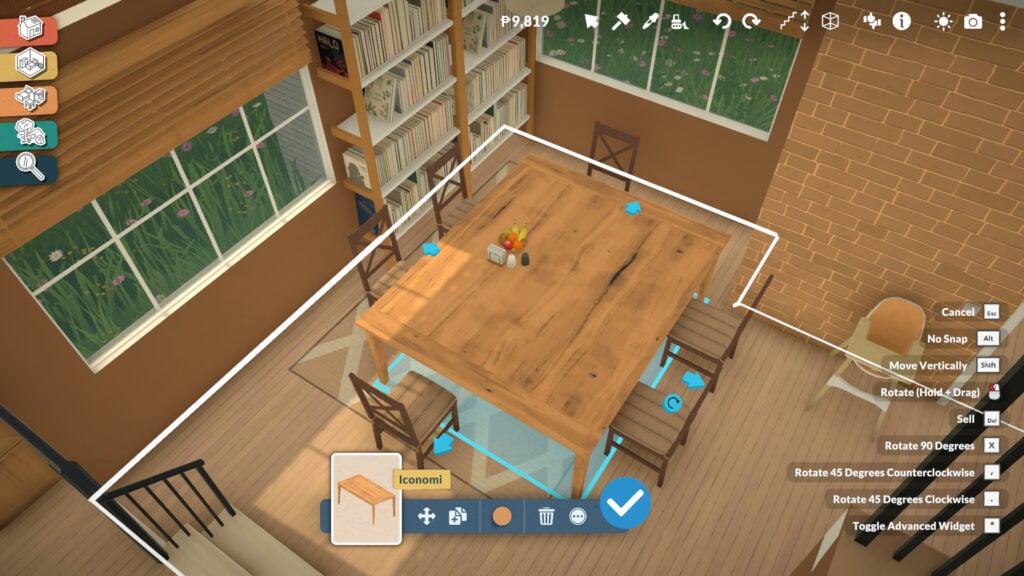
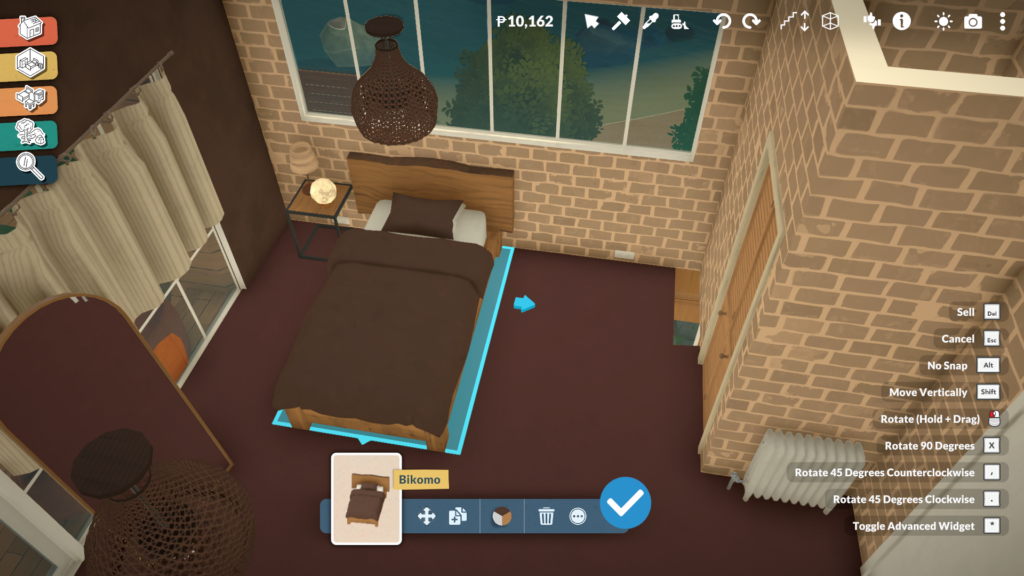
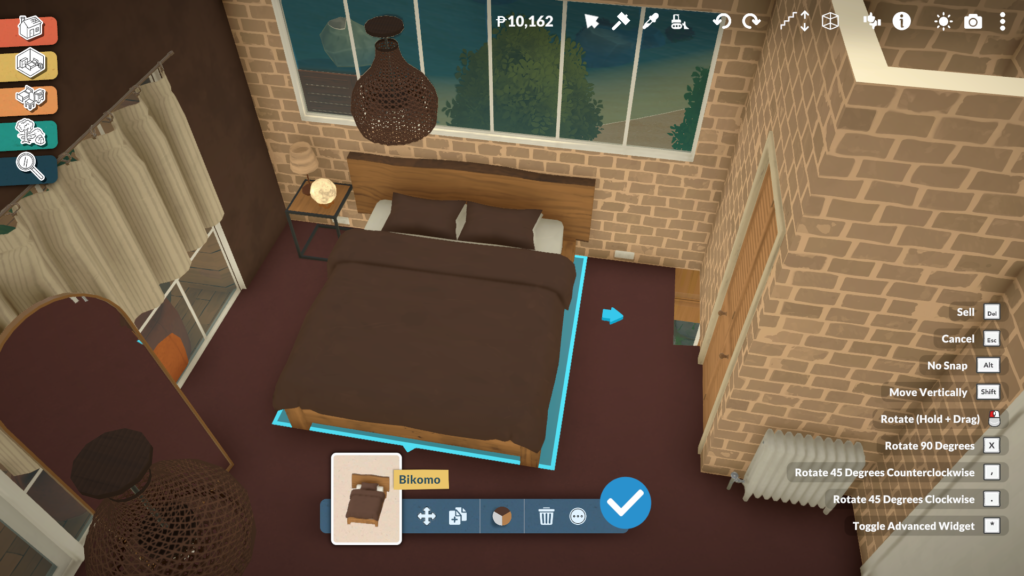
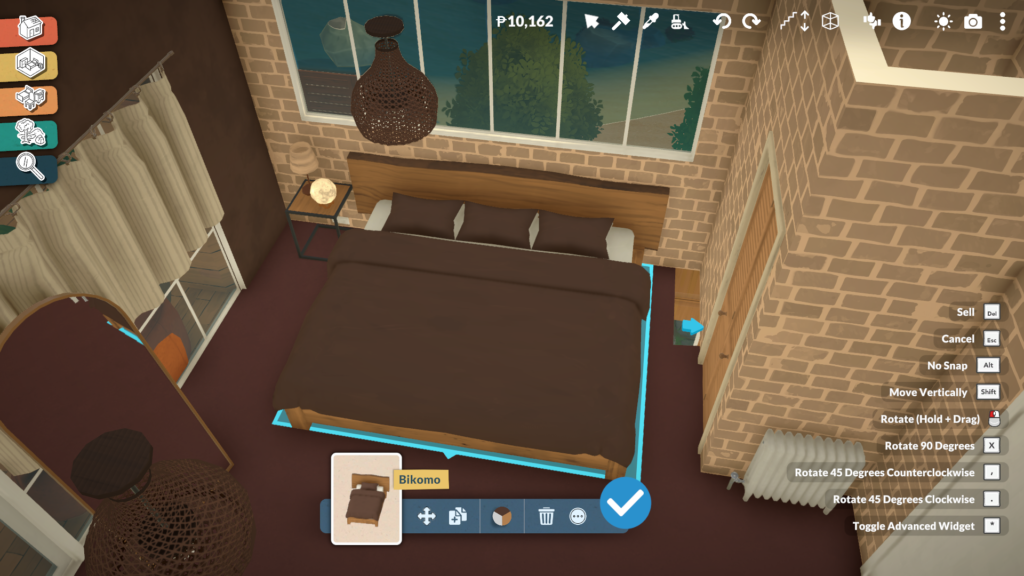
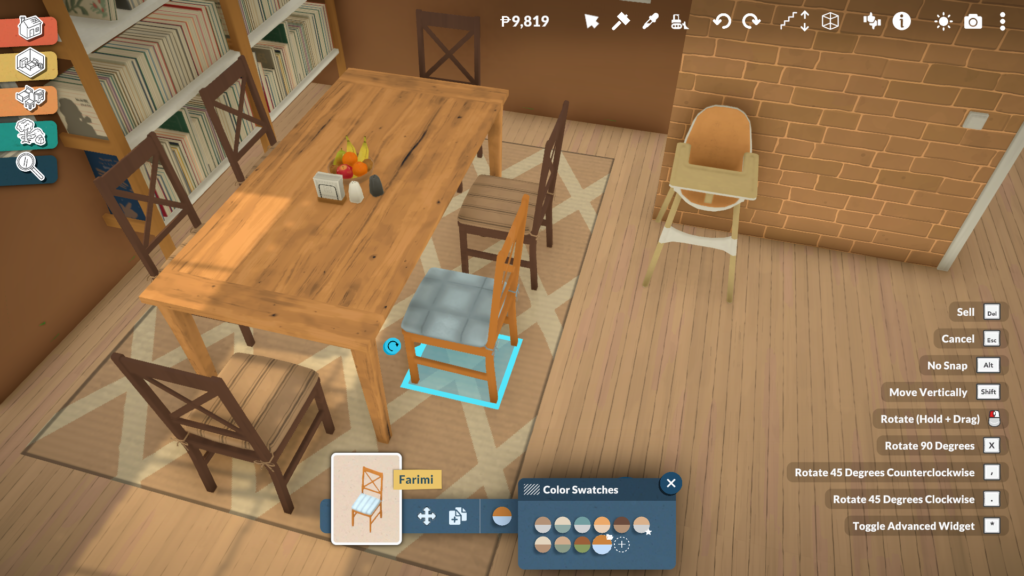
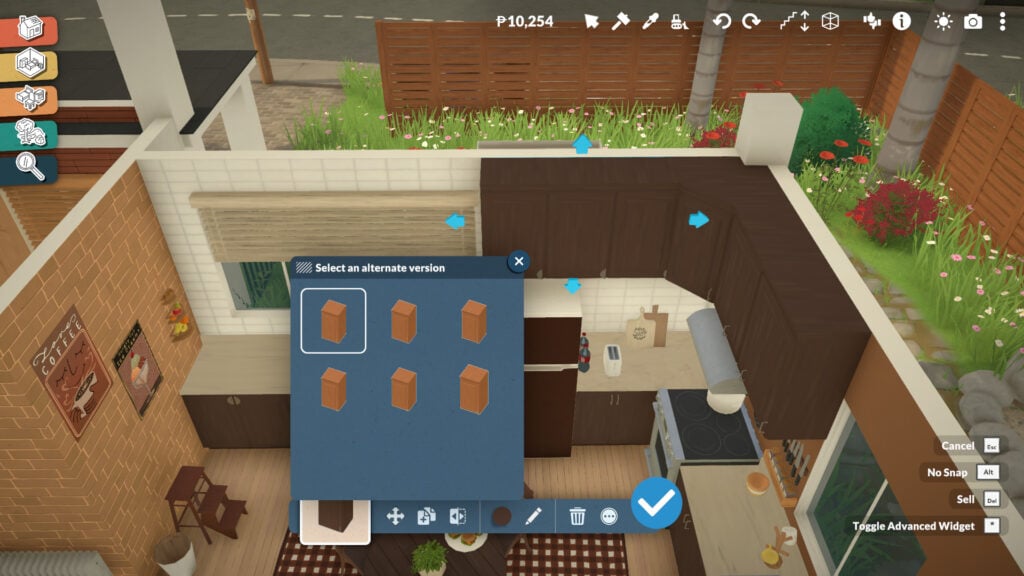
Using object customization in Paralives is incredibly simple and intuitive. In both Build Mode and Buy Mode, players only need to click on an object to access its customization options. Depending on the item, this can include resizing, stretching, changing proportions, selecting different variants, or fully recoloring the object through the Custom Styles system.
Not every object supports the same level of personalization, though. Some gameplay-related items, especially objects connected to babies and toddlers, such as cribs or gym equipment, keep fixed proportions to preserve their animations and functionality. However, even these objects can still be recolored and customized visually through different materials and color palettes.
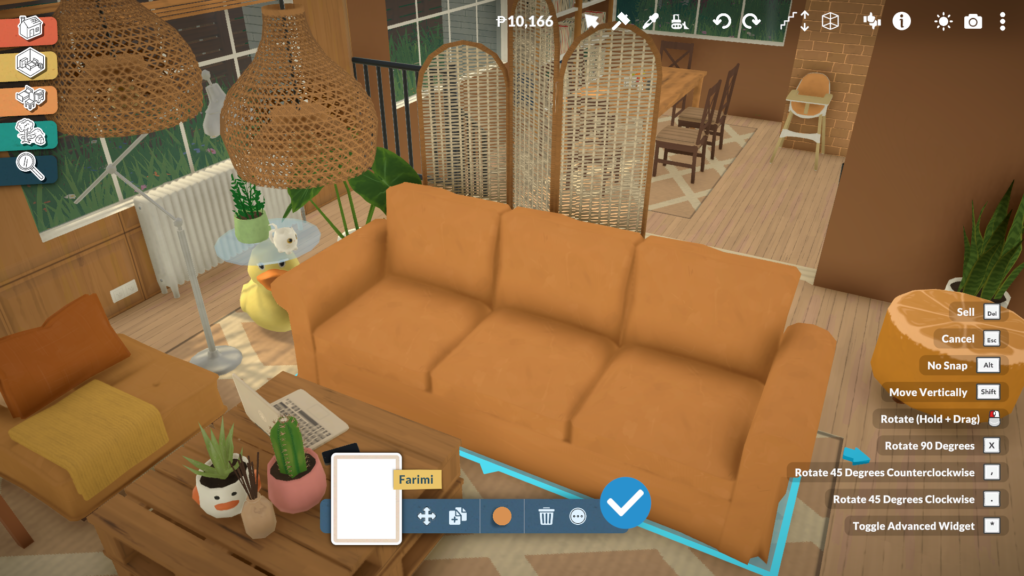
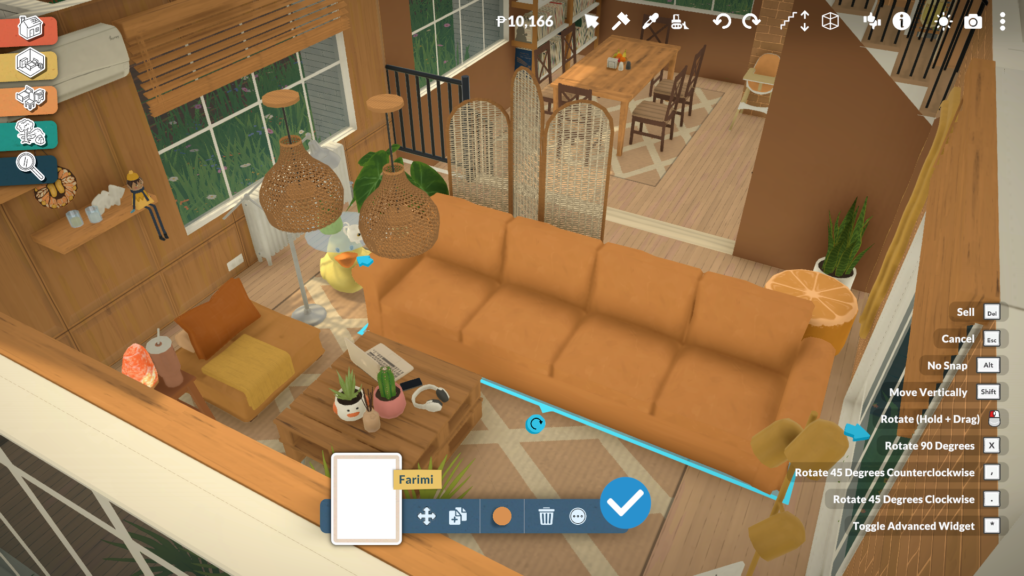
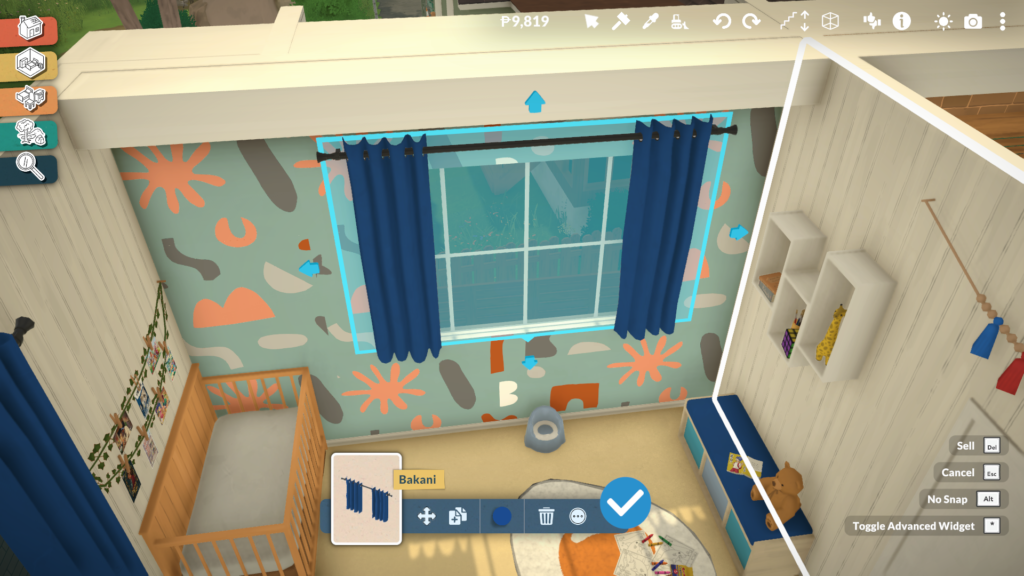
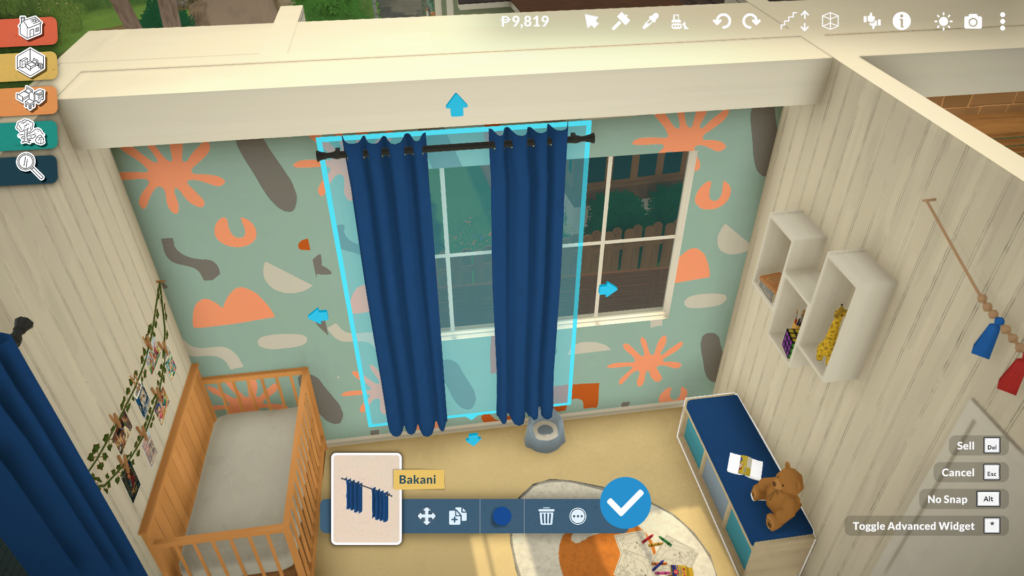
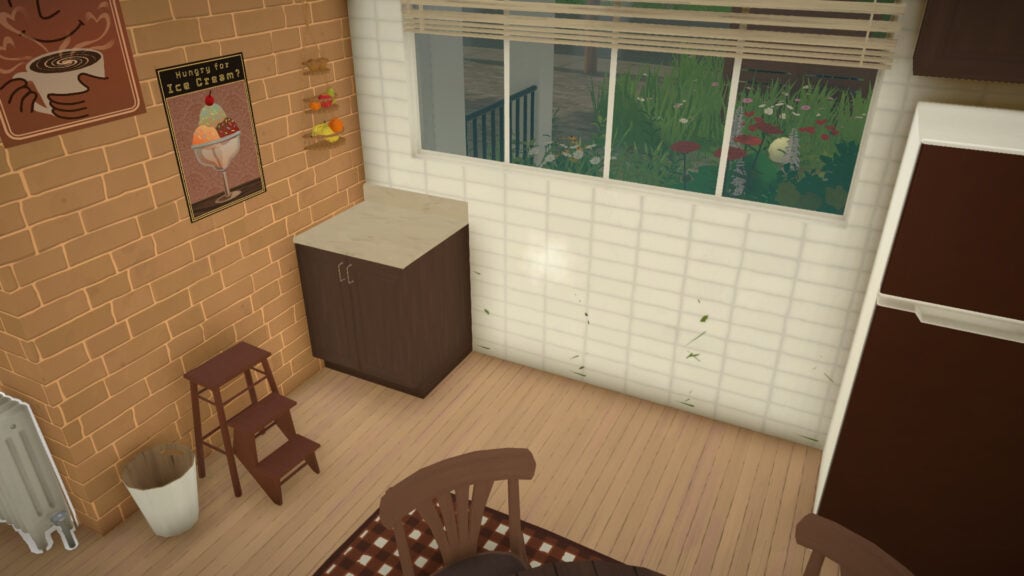
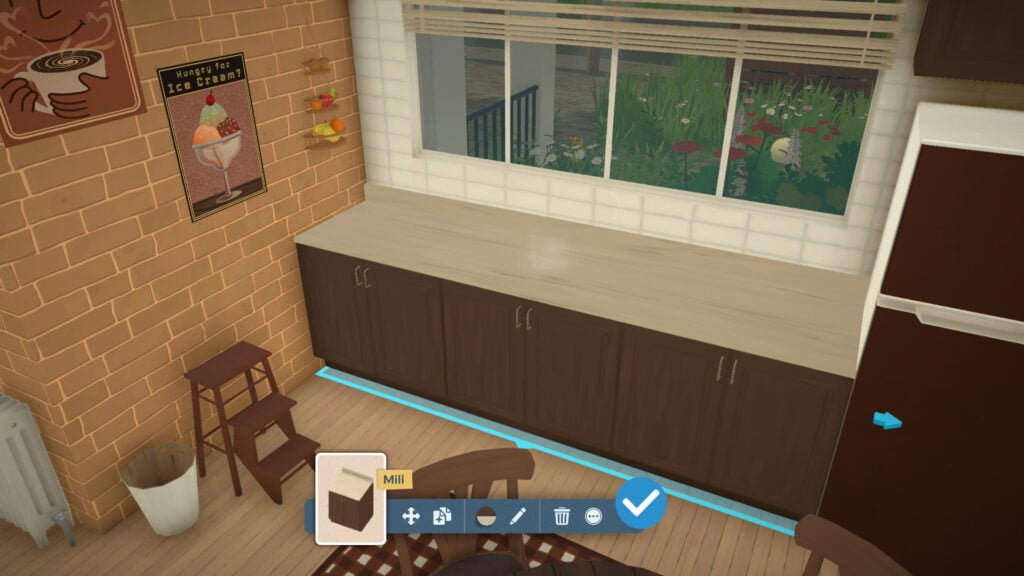
Most furniture pieces offer much more flexibility. Sofas can be expanded to include additional seats, curtains can be adjusted to fit different window sizes, and tables can become longer or shorter depending on the space players want to create. Even many decorative objects and clutter items can be resized freely, making it easier to create more natural and personalized interiors without relying on repetitive assets.
Custom Styles Allow Full Color and Material Customization
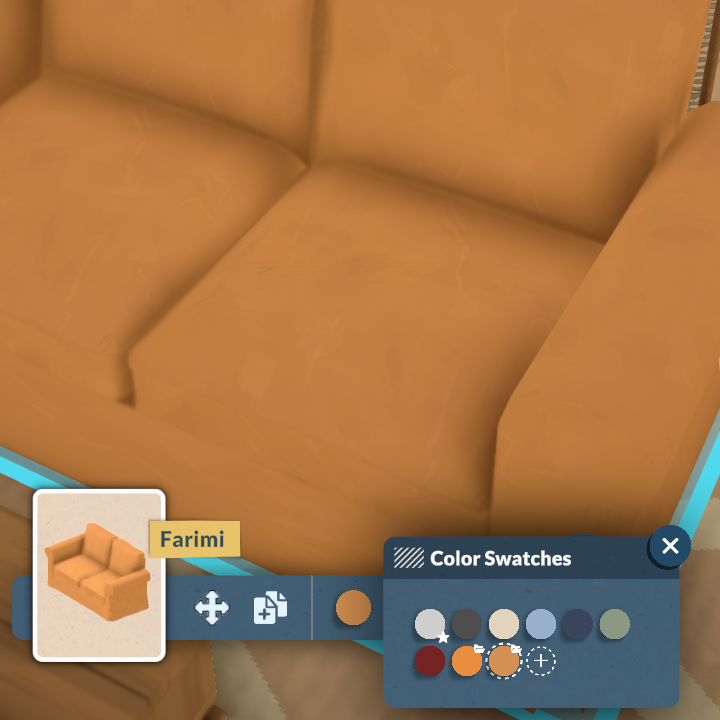
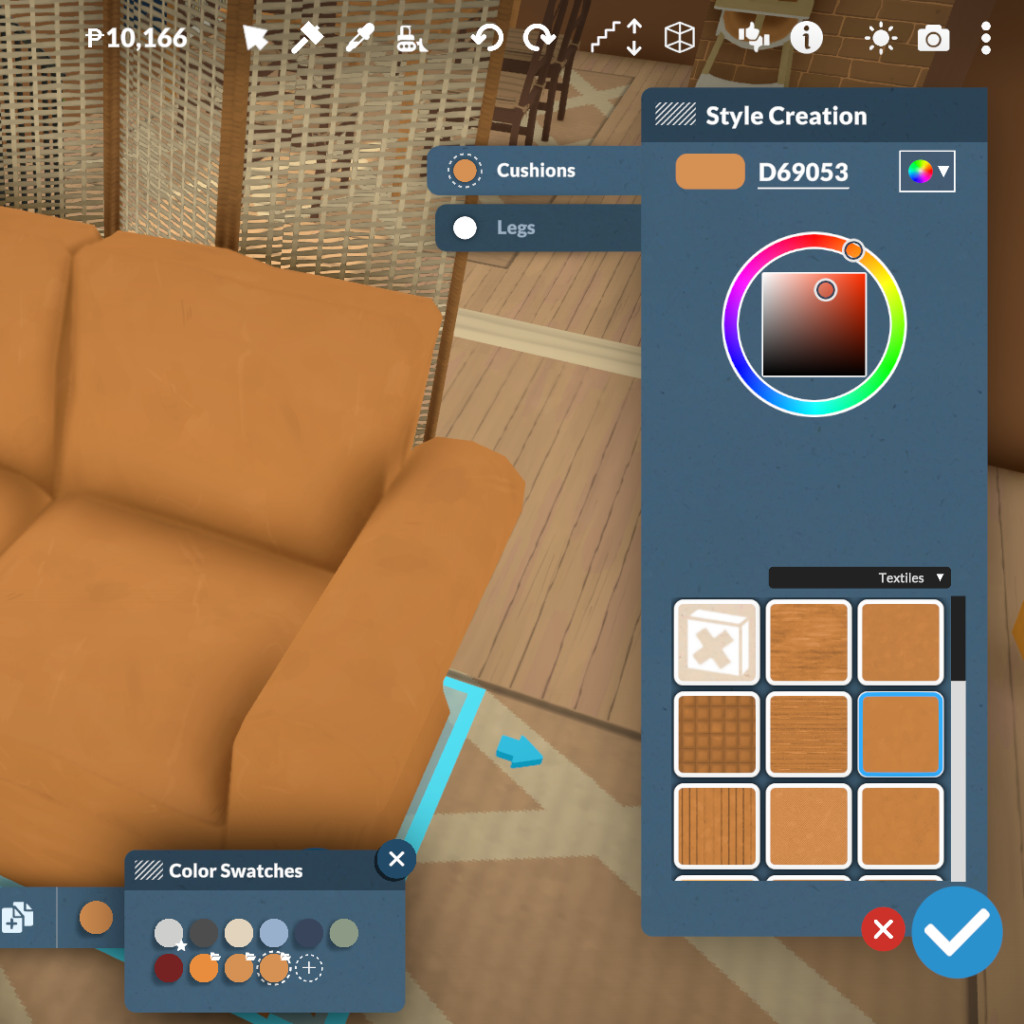
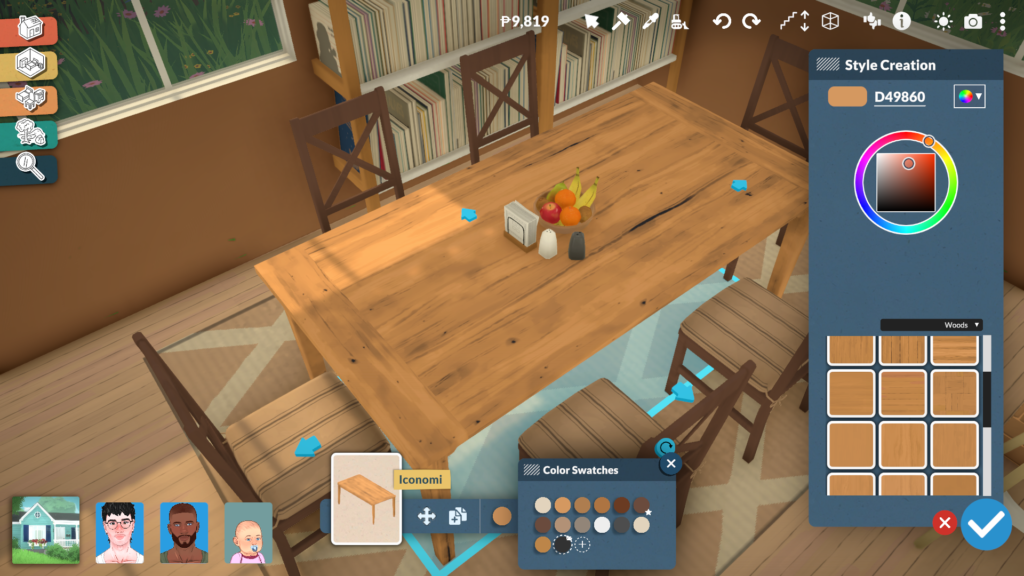
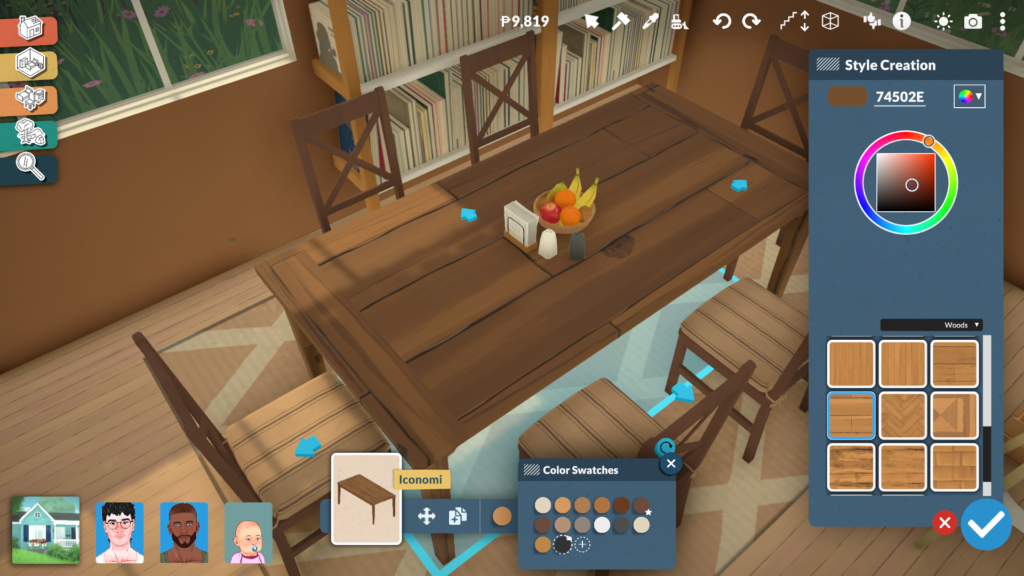
The Custom Styles system in Paralives is accessed directly from the same menu used in Build and Buy Mode. After clicking on an object, players can select the color icon located at the bottom center of the screen to open a panel filled with preset swatches created by the Paralives team. These ready-made recolors already offer a wide variety of visual styles, but the real flexibility begins once players select the option to create a new custom style.
From there, Paralives opens a much more advanced customization menu that allows players to edit objects part by part. Different sections of the furniture can be selected individually, such as sofa cushions and legs, or tabletops and frames, making it possible to apply unique colors and materials to every component separately. The system also includes a large library of textures divided into categories like woods, textiles, metals, plastics, ceramics, and more, alongside a full color wheel for complete freedom when creating custom styles.
This system makes it much easier to create cohesive interiors without being limited to pre-made swatches or repetitive assets. Whether players want realistic wood finishes, colorful patterned fabrics, or fully matching furniture sets, the Paralives custom styles tools allow almost every object in the game to fit a specific aesthetic or design vision.
Kitchen Customization Shows The System at Its Best
Kitchen counters are one of the best examples of how deep Paralives’ object customization system can become. Instead of relying on a few fixed versions of the same furniture piece, players can completely transform counters into different modular variants directly from the object menu. A single cabinet can instantly become a wider counter, a drawer unit, a corner piece, or a taller cabinet, making it much easier to create kitchens that feel unique and realistically assembled rather than repetitive.
The system also allows players to adjust the length of counters using directional arrows, extending surfaces dynamically to better fit the available space. This flexibility makes kitchen building feel far less restrictive compared to traditional life simulation games, especially when trying to create compact apartments or more unconventional room layouts.
Customization goes even further once you enter the Style Creation menu. Players can independently modify cabinet colors, countertop materials, handles, and even the way drawers or doors visually appear. Different opening styles and handle designs can completely change the aesthetic of a kitchen, allowing the same furniture set to fit modern, rustic, minimalist, or cozy interiors without needing entirely separate objects in the catalog.
Combined with the full recoloring system and material categories, Paralives’ modular kitchen tools offer an impressive level of creative freedom that makes building kitchens feel much more personal and adaptable.
Windows Can Also Be Fully Resized and Adjusted
While many Build Mode objects in Paralives support resizing and modular modifications, windows are easily one of the most exciting additions for life simulation fans. Instead of relying on dozens of nearly identical catalog variants, players can directly adjust window dimensions in real time.
It is a feature many players have wanted in the genre for years, especially because it allows builds to feel more cohesive without constantly compromising on proportions or architectural details. The system also perfectly reflects Paralives’ overall design philosophy: giving players more control over how objects adapt to their creativity rather than forcing creativity to adapt to fixed assets.
We explored this feature in more detail in our dedicated Paralives Build Mode article, where we break down additional advanced building tools and customization mechanics.
Clutter Objects Can Also Be Resized for Better Decoration
Paralives’ personalization tools are not limited to large furniture pieces. Many decorative clutter objects can also be resized proportionally, allowing players to better adapt smaller items to shelves, bathroom counters, storage spaces, desks, and other surfaces around the house.
Even though most clutter items retain their original proportions when scaled, this feature still adds a surprising amount of flexibility when decorating interiors. Small objects no longer feel locked to a single size, making it easier to create spaces that look more natural, detailed, and less repetitive.
This becomes especially important because many storage surfaces and shelves in Paralives start empty by default, encouraging players to decorate and personalize them manually. For example, even bathroom showers do not automatically include decorative shampoo or soap bottles, meaning players can freely decide how cluttered, minimalist, or lived-in they want each room to feel.
These Systems Reduces Furniture Repetition
One of the biggest advantages of Paralives’ customization systems is how much they reduce the feeling of repetition inside the furniture catalog. In many life simulation games, players often need dozens of separate versions of the same object just to achieve small variations in size, color, or shape. Paralives approaches this differently by allowing players to directly modify many objects instead of searching endlessly through the catalog for slightly altered duplicates.
This characteristic becomes especially noticeable when building kitchens, decorating shelves, or creating cohesive interiors. Instead of relying on multiple versions of the same furniture set, players can resize objects, modify materials, and create personalized color palettes that completely change how an item looks and fits into a room.
As a result, the catalog feels significantly more flexible and efficient, while also giving players more control over how unique their homes and creations can become. It is a design approach that benefits creativity and also helps Paralives avoid one of the most common long-term issues in the life simulation genre: overly repetitive furniture libraries.
Paralives’ object customization systems already demonstrate an impressive level of ambition for an Early Access life simulation game. Features such as modular furniture, resizable objects, adjustable windows, and fully customizable materials show a strong attention to detail that directly impacts how personal and believable player creations can become. Instead of treating modifications as a secondary feature, Paralives places creative freedom at the center of its entire building philosophy.
More importantly, systems like these could have a major impact on the future expectations of the genre itself. For years, life simulation players have become used to working around limitations in furniture catalogs, object sizes, or fixed color palettes. Paralives challenges many of those restrictions by giving players tools that adapt to their creativity rather than forcing creativity to adapt to the game’s assets. Even in its current Early Access state, the game already hints at how much more flexible and player-driven building systems could become in future life simulation titles.
What do you think about Paralives’ object customization systems so far? Do you think features like modular furniture, custom styles, and resizable objects could change the future of life simulation games?
Let us know in the comments, and don’t forget to check out more of our Paralives reviews, guides, and Early Access coverage here at Sims Community.
There is something surprisingly calming about stepping into Paralives for the first time. From the moment the game loads, the soft opening music immediately establishes a warm and comforting tone, almost like being wrapped in a quiet hug after a long day. Combined with the relaxed visuals, cozy neighborhoods, and slower pacing, Paralives already creates an atmosphere that encourages players to settle in and simply exist within its world.
Even during Early Access, the game captures a peaceful energy that makes everyday moments feel meaningful. From quiet apartments filled with personality to warm cafés, intimate social interactions, and scenic town spaces, this Paralives Cozy Escape experience feels less focused on chaos and more focused on comfort, creativity, and daily life.
Instead of constantly pushing players toward larger objectives, Paralives allows smaller moments to shine. Many of the game’s strongest scenes happen during ordinary activities, and that slower, more thoughtful approach already helps the game stand out from other life simulation experiences.
Table of Contents
Small Living Spaces Feel Warm and Personal
One of Paralives’ greatest strengths already comes from its interior design and environmental storytelling. Bedrooms, apartments, and shared living spaces feel lived in rather than overly staged. Posters on the walls, overflowing bookshelves, gaming setups, plants, and layered decorations all help spaces feel personal.
The smaller apartments especially contribute to the game’s cozy atmosphere. Instead of oversized empty rooms, many homes feel intimate and carefully arranged. A compact desk setup glowing late at night or a softly decorated bedroom filled with collectibles instantly creates the feeling that someone truly lives there.
Even simple details like warm lighting, wood textures, and clutter placement help every room feel inviting. The game’s art style also softens everything visually, creating spaces that feel comfortable to spend time in.
Paralives Cozy Escape Gameplay Comes From Everyday Moments
Paralives feels most immersive when it focuses on simple daily activities. Cooking breakfast, painting in the middle of the afternoon, practicing guitar for family members, or watching children play outside all help create a quieter and more grounded gameplay loop. Even watching light pass through windows during different times of day contributes to the atmosphere. The game constantly creates smaller visual moments that make homes and neighborhoods feel peaceful.
These are not massive cinematic moments, but they are memorable because they feel believable. The game slows players down enough to appreciate ordinary routines instead of constantly pushing toward bigger rewards.
That slower pacing gives Paralives a comforting “slice of life” feeling that works especially well alongside the game’s soft visuals and relaxed soundtrack. Watching characters naturally move through their homes and neighborhoods already creates a surprisingly peaceful experience.
The Cozy Town Design Encourages Exploration
The world design in Paralives plays a huge role in establishing its cozy atmosphere. The towns feel walkable, layered, and full of small gathering spaces that naturally encourage exploration.
Narrow staircases, elevated patios, outdoor cafés, balconies, scenic overlooks, and quiet sitting areas all make the environment feel thoughtfully designed. Instead of feeling empty, the towns feel connected and active without becoming overwhelming.
Some of the most relaxing moments happen while simply observing the environment itself. Watching Parafolk sit together outside at night or seeing couples spend time together near scenic overlooks gives the world a comforting sense of calm.
The European-inspired architecture, soft lighting, and cobblestone streets also help the game feel visually distinct from many other life simulation games.
Relationships Feel Soft and Relaxed
Social interactions in Paralives currently feel more subtle and grounded than overly exaggerated. Conversations, quiet hangouts, and romantic moments all fit naturally into the slower tone of the game.
Even smaller interactions feel meaningful because the environments surrounding them already feel so cozy. Sitting together on a balcony at night or talking inside a small bakery creates scenes that feel comforting to watch unfold.
The game also does a strong job of making neighborhoods feel connected. Families moving into homes, couples exploring town together, and friends casually spending time outside all help create the sense that the world continues moving around the player.
Final Thoughts
What makes Paralives stand out right now is not a single feature. It is the collection of smaller details that work together to create atmosphere. The game understands how powerful quiet storytelling can be. Warm apartments, relaxing social spaces, soft lighting, and slower daily routines all contribute to an experience that already feels comforting even in Early Access.
There is still plenty of room for growth as development continues, but Paralives already succeeds at creating a world that players may simply enjoy existing in. That feeling alone gives the game a strong identity very early on.
And for players looking for a life simulation game that feels relaxing, creative, and emotionally cozy, Paralives is already beginning to feel like a true escape.
Paralives is currently scheduled to launch into Early Access on Steam on May 25, 2026. For more information about Paralives, upcoming features, and additional Early Access coverage, readers can visit the Sims Community Paralives Section for the latest news and updates.
What part of Paralives are you most excited to experience once Early Access launches? Let us know in the comments below!
An anonymous email tip was sent to us with alleged screenshots of Project Rene from 2026.
A new anonymous email tip was sent to us this morning with new screenshots that allegedly showcase The Sims Project Rene. I’m emphasizing on “allegedly” this time around after sharing images of The Sims Project X this January that were investigated further as AI photos.
Here’s what the anonymous email says in the latest email sent to us May 21st, 2026:
Hi! I was a part of a youth panel focus group for EA for about 6 months. Attached are some screenshots from one of the surveys on Project X UI. The study also included input on cozy game gameplay, fashion styles, and build mode. You may have already seen these, you may not have. I hope these are interesting. I would like to stay anonymous, thank you.
The email emphasized that “attached are some screenshots from one of the surveys on Project X UI”. Still, after further investigation of the photos I noticed that they’re for The Sims Project Rene. Which just made me question more about the validity of this source…but to be continued I guess?
Here are the photos of The Sims Project Rene that they’ve shown:
Photo 1
The first photo appears to be a UI splash screen of The Sims Project Rene in 2026. Interestingly enough there are details on the top right corner and bottom right that refer to the game as “Project Lotus 2026”. In case you don’t know, The Sims Project Lotus name was first discovered in October 2021 as a reference for The Sims Project Rene. Or what we thought at the time would be “the next generation Sims game” as Andrew Wilson and the company promised to investors.
There are interesting references to subway tickets and material design as seen in the Paralives user interface…except EA seems to be utilizing all of this “inspiring” effort for a multiplayer, mobile-first project.
Photo 2
Three new photos appear for The Sims Project Rene stacked together. All of them appear as horizontal preview of screenshots taken on an iPhone.
The first photo showcases the ability to “Choose your style”; which appears to be a premade set of clothing that you’ll be able to customize later. Project Lotus iconography can be spotted on the bottom left.
The second photo showcases graphical improvements done to The Sims Project Rene. With a screenshot taken in, what appears to be, a timed event multiplayer challenge of dressup. Where you have a limited time to dress up your Sim character with set clothing.
The third photo showcases updated elements to the user interface as well as in-game graphics. The content showcased though still appears to be the same from what we’ve seen in the past few playtests…
Photo 3
The third photo shared to us also appears to be a staged setting. Possibly emphasizing more on the User Interface elements rather than displaying new Project Rene content in the background.
Nothing more was shared about The Sims Project X specifically but we’ll keep you posted if we know more. For now these all appear to be showcasing The Sims Project Rene specifically, with just a few updates to the user interface and assets to show.
What are your thoughts on the latest alleged screens showcasing The Sims Project Rene? Join the discussion below and stay tuned for more Sims Franchise news on Sims Community!
The Paramaker sliders in Paralives offer an impressive level of character customization for players who enjoy fine-tuning every detail of their Parafolk. While many character creators rely mostly on presets and a handful of sliders, Paramaker combines presets, direct manipulation points, side-profile editing, body sculpting, and a full color wheel system into one deeply customizable experience.
After spending time experimenting with the system, it quickly becomes clear just how much freedom the Paramaker gives players. Nearly every region of the face and body can be adjusted using a combination of presets, manipulation points, and advanced sliders, allowing players to create Parafolk with highly personalized facial features, body proportions, and styles.
This guide focuses primarily on Young Adult and Adult Parafolk since they currently provide the largest range of slider options and manipulation points. Different life stages will also be covered briefly through the height system and general body scaling features.
Table of Contents
Understanding Paramaker Sliders in Paralives
Before diving into specific facial and body features, it helps to understand how Paramaker Sliders in Paralives are organized and how the overall interface works. The system is divided into three primary categories: Appearance, Clothing, and Personality. Most slider customization is found inside the Appearance section, where facial regions are separated into categories including the eyes, nose, mouth, forehead, ears, and facial structure.
Each category combines presets with advanced manipulation points that allow players to directly shape different facial and body features. Players can quickly select presets for faster customization or spend more time fine tuning details through traditional slider bars and direct manipulation. Features can also be adjusted from both front-facing and side-profile views, making the editing process feel much more interactive than many traditional Create-a-Sim systems.
One of the most impressive parts of the Paramaker interface is how approachable the system still feels despite the large number of customization options available. While the amount of sliders and manipulation points may seem overwhelming at first, the category-based layout helps keep customization organized and easy to navigate. After spending time experimenting with the system, the interface begins to feel far more intuitive than it initially appears.
Face Slider Options in Paramaker
Facial customization is where the Paramaker begins to show just how detailed the system can become. Nearly every area of the face includes its own collection of presets, sliders, and manipulation points, allowing players to shape facial features with a surprising amount of precision.
Eye Sliders and Customization
Eye customization includes controls for eye height, depth, width, eyelid shape, rotation, and corner positioning. Players can also customize eyelashes, iris colors, highlights, and dark circles, adding smaller details that help faces feel more expressive and unique. The ability to fine-tune these features from both front-facing and side-profile views makes the editing process feel much more interactive than a traditional Create-a-Sim menu.
Nose Sliders and Presets
Nose customization also goes far beyond simple presets. Players can adjust bridge width, nostril size, nose depth, tip rotation, and overall profile shape using a combination of sliders and direct manipulation points. Side-profile editing is especially useful here since it allows players to sculpt the overall silhouette of the face more naturally.
Mouth Sliders and Lip Customization
Mouth and lip editing offer similar flexibility. Players can shape upper and lower lips independently while also adjusting mouth width, depth, lip fullness, cupid’s bow shape, and mouth corners. Combined with broader facial structure sliders for the jawline, chin, cheeks, forehead, and ears, the Paramaker allows players to create highly personalized faces with a level of control that already feels surprisingly advanced for a life simulation game.
Facial Structure Sliders
Beyond individual facial features, Paramaker also includes broader facial structure sliders that affect the overall shape and proportions of a Parafolk’s face. Players can adjust areas such as the jawline, chin, cheeks, forehead, and ears using a combination of presets, manipulation points, and detailed sliders. These larger structural changes help create more distinct face shapes while also making smaller adjustments to the eyes, nose, and mouth feel more natural together. The ability to sculpt both subtle and dramatic facial differences gives Paramaker a level of flexibility that feels much more advanced than relying only on preset face templates.
Teeth Customization
One of the smaller but memorable details is the inclusion of teeth customization, including different preset styles and color swatches. While subtle, these smaller options help reinforce just how much attention Paramaker gives to individual character details.
Body Shape Slider Points
Paramaker also allows players to adjust overall body proportions using both front-facing and side-profile manipulation points. Unlike systems that separate masculine and feminine body types into fixed presets, Paramaker uses a more flexible slider-based body system that encourages greater body diversity and customization. Players can shape areas such as the waist, hips, chest, height, and overall body frame while also adjusting side-profile proportions to create more distinct silhouettes. The result is a character creator that feels much more flexible and personalized, allowing players to create a wide range of body types instead of relying on a limited set of predefined shapes.
Height Sliders and Life Stages
One of the standout features in Paralives is the adjustable height system, which allows players to create meaningful height differences between Parafolk instead of forcing every character into the same height range. Different life stages also scale appropriately, helping characters feel more natural as they progress through life. The currently shown life stages include Baby, Toddler, Child, Preteen, Teenager, Young Adult, Adult, and Elder. Young Adults and Adults currently appear to offer the most extensive slider customization options, making them the primary focus for players interested in deeper facial and body editing.
Color Wheel and Style Creation
The Paramaker color wheel system extends far beyond simple hair and clothing recolors. Players can customize skin tones, highlights, shadows, blush, hair roots, hair tips, eye colors, makeup, clothing colors, patterns, and accessories using a highly flexible color system that encourages experimentation and personalization. The color wheel also supports hex code entry for more precise customization, allowing players to fine-tune colors instead of relying entirely on preset swatches. Combined with the layered customization system, these tools make it possible to create Parafolk with highly unique styles and appearances.
Personality and Clothing Overview
While the main focus of this guide is sliders and body customization, Paramaker also includes clothing and personality systems that help shape each Parafolk beyond physical appearance. Players can create multiple outfits for different situations including everyday, workout, formal, and casual looks while also customizing clothing colors, layering options, and accessories. The Personality section further expands character creation through systems like Vibes, Talents, Social Perks, and Lifestyle traits, helping Parafolk feel more distinct both visually and socially once gameplay begins.
Why Paramaker Feels Different From Traditional Create-a-Sim Systems
What makes Paramaker feel different from many traditional Create-a-Sim systems is how interactive and flexible the customization process becomes once players begin experimenting with manipulation points, side-profile editing, and advanced facial sculpting. Instead of relying mostly on presets and a small collection of sliders, Paramaker encourages players to directly shape facial features and body proportions from multiple angles, creating a system that feels closer to digital sculpting than a standard character creator. Combined with adjustable heights, layered customization options, detailed body editing, and a full color wheel system for hair, skin, clothing, and accessories, Paramaker offers a level of freedom that makes creating unique Parafolk feel far more personal and expressive.
Even after spending hours experimenting with different sliders and presets, the Paramaker still feels like a system with more features left to discover. Smaller details like facial depth adjustments, layered color customization, and side-profile editing help make the customization process feel much more immersive, encouraging players to spend time experimenting with different looks rather than quickly moving through character creation.
Our Final Thoughts
Paramaker already shows an impressive amount of depth for players who enjoy character customization. Between advanced facial sculpting, detailed body editing, layered clothing systems, and a highly flexible color wheel, the system offers far more control than many players may expect at first glance.
Even after hours of experimentation, there still appear to be additional manipulation points and customization systems to discover. For life simulation fans who love detailed character creation, Paramaker may become one of the most exciting systems in Paralives.
Paralives is currently scheduled to launch into Early Access on Steam on May 25, 2026
For more information about Paralives, upcoming features, and additional Early Access coverage, readers can visit the Sims Community Paralives Section for the latest news and updates.
What feature of the Paramaker are you most excited to experiment with in Paralives? Let us know in the comments below!
Bringing The Sims Community and Life Sim Games together!
It’s been quite a journey working on this project for 13 years now. The Sims Community website started on this day, May 21st in 2013, just several short days after The Sims 4 was first announced to the world.
13 years ago I would’ve never predicted the trajectory of where this website would be today. Or where the franchise we started things from would end up eventually. But I still think the website and its current focus are headed towards the best direction possible.
With major Expansion and other Pack releases out of the question for The Sims 4, we’re headed towards the new territory of covering information and rumors about the next Sims Base game installment. Along with other Sims Franchise Roadmap projects set for 2026 and beyond, we’re always dedicated to reporting on the news and information on The Sims Franchise. Whether it’s good or bad.
With new Life Sim game releases like Paralives, Tomodachi Life and InZOI updates, I always found it natural to cover multiple game releases that could be related to The Sims in a way.
For example, Tomodachi Life and its sister release Animal Crossing from Nintendo both have inspired EA and Maxis to create a dedicated MySims Franchise. The idea first came from Animal Crossing, after which EA saw opportunity in making a seperate spin-off with multiple releases on Nintendo’s gaming platforms. With rumored information on MySims getting a brand new installment, talking about other games that inspired Sims releases and making coverage for them feels natural and right.
We keep our readers informed on what the competition is up to > the readers find out that there is a different standard / feature expectations for certain Life Sim game > their opinion impacts feedback on what they want from The Sims in the future. This arrow of thinking and approach doesn’t always connect with every reader, because let’s be honest, some of us are here just for the information we need.
Some of it can also drive great inspiration and talking points to drive positive change. I’ve seen The Sims Team take major overhaul to their Discord communications after InZOI stepped up their directory and ways of sharing feedback through this platform. There’s many examples and game features (such as curved walls) that were first showcased in Paralives and then later introduced in The Sims 4 as a Base Game Update.
We’ve reported about many attempts of Life Simulation games during 13 years of the Sims Community web platform. I even remember the good old “Project Vie” timeless classic from 2017 that only drew attention to how badly we needed healthy competition.
None of them felt promising like the latest attempts that we’re covering now. And if anything, we know for certain that it’ll inspire great change and feature improvements for the franchise where this all started from. But also inspire the competition to get more creative with competing features.
As the website name suggests – this is Sims Community. Not The Sims Community. And we’ll always follow the road and paths that our readers take next. Whether it’s towards The Sims or other Life Sim(s).
Very grateful for the last 13 years of Sims Community and I’m looking forward to where this project is headed next!
P.S. – I’ve heard all the feedback related to website loading and delivery across select browsers. I’m happy to say that big works are already underway in changing how we deliver content with a new frontend infrastructure currently in development.
All the work you see on this website co-exists along with a dedicated team of authors, designers, code developers and talented people that make this project a whole. Very grateful to each and every member as we move to new chapters!