


Start posing!
The Sims 4 comes with a wide variety of animations and poses that immerse you more deeply into the gameplay and the life itself. For simmers who like to tell stories and share unique photos, it’s hard to catch the perfect moment that they were expecting from their Sims, but luckily there’s a solution for that!
Andrew over at Sims4Studio created an awesome tool called The Sims 4 Pose Player that lets you play with over 12,000 animations/poses!
To get started, you’ll need to enable Script Mods from The Sims 4’s settings. If you haven’t enabled Script Mods before, you’ll need to restart The Sims 4 after enabling them.
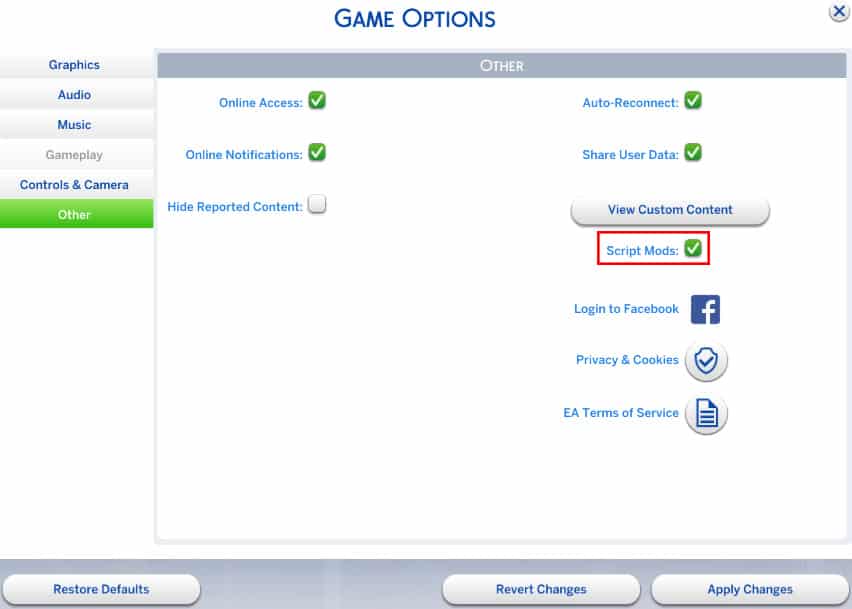
Then, download the Pose Player mod from Sims4Studio HERE! (download button can be found on the bottom of the first post).
Extract the .zip file in Electronic Arts > The Sims 4 > Mods.

Now you’re ready to start! Load up your household (or start a new one, doesn’t really matter) and make sure the Sim you want to test poses on is standing. Click on a Sim of your choice and select ”Pose by Name’‘. Now, download the full list of all animation/pose codes for The Sims 4 from HERE!
Now:
- Select the animation/pose code of your choice
- Press CTRL + C
- Pop up The Sims 4 game window
- Press CTRL + V + check button

To see this procedure in action, check out the video below!
[vc_video link=’https://www.youtube.com/watch?v=K2ERRM7Xgw8′]
You can create some beautiful screenshots using this mod. Here are some that I’ve taken:
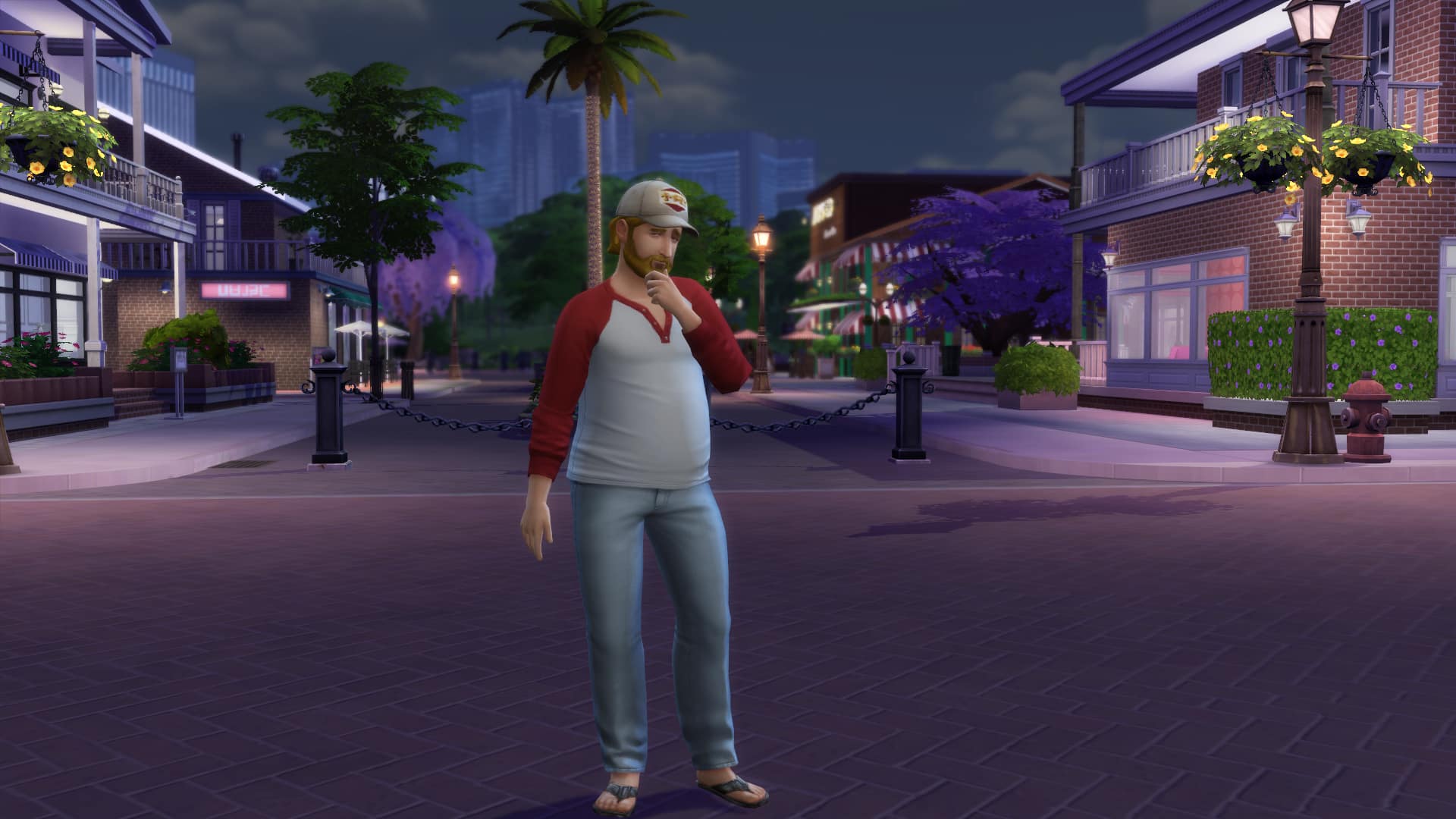


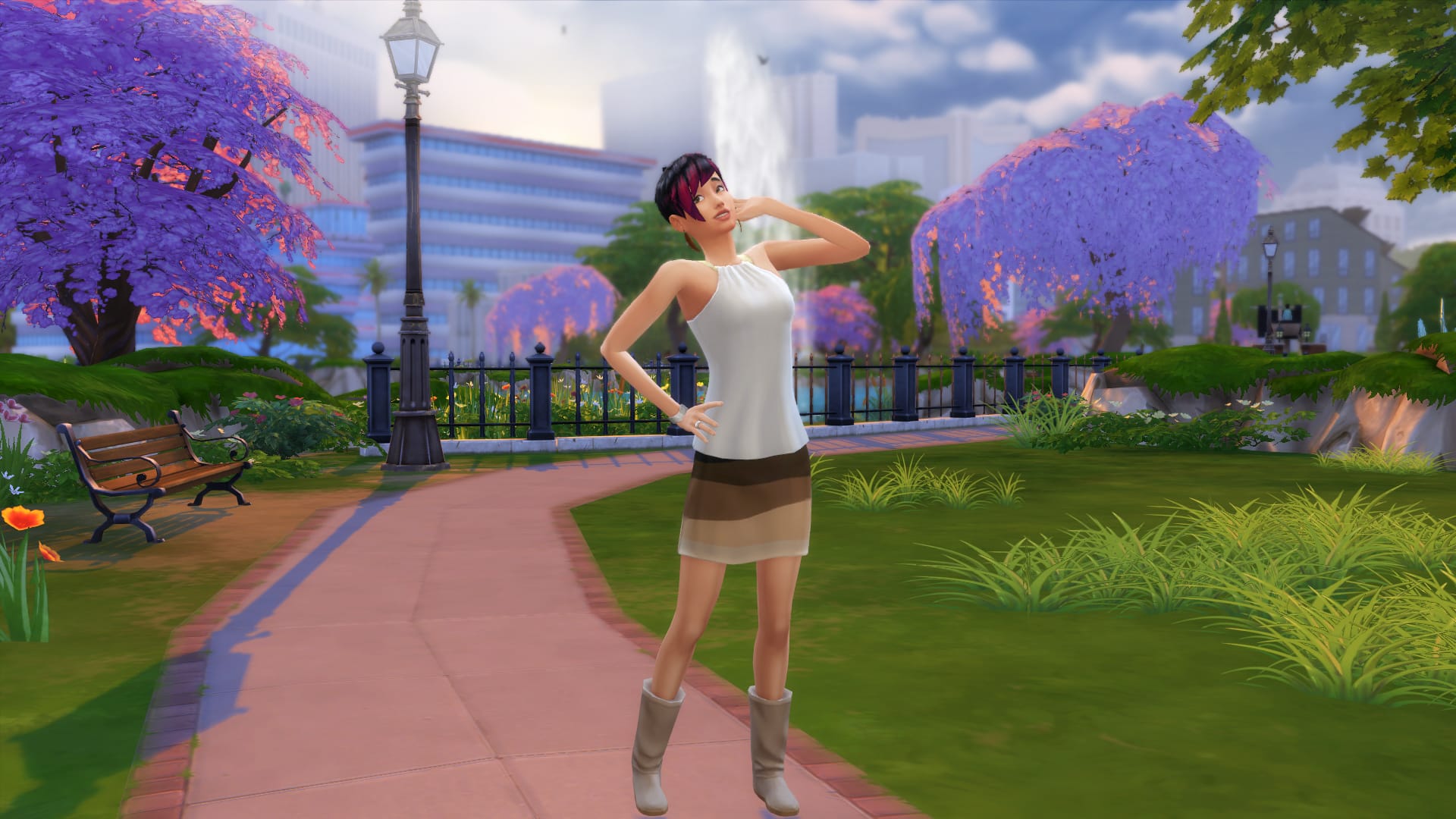
And now, we want to see your screenshots of your Sims doing all sorts of poses! (we accept both beautiful and funny pics). Click on the Sims Community Social logo below to start submitting your screenshots!




19 Comments
I downloaded everything to do this in my sims and it wouldn’t work. What dos I do wrong? I even put everything in the mid folder.
Reply to Erica Nicole
I did the same as well, and it doesn’t work for me either.
Reply to NaKiyah N
One possible reason for this problem is that script mods can’t be placed within subfolders within the Mods folder. That’s what happened to me, when I took it out of a subfolder and directly into the Mods folder it worked.
Reply to Erica Nicole
Anyone having issues with this mod:
Make sure under game options -> other->… that you have enabled the box that says “script mods allowed”. If you do not do this then the pose player will not work…
Reply to Jay Wright
I have it checked, and absolutely nothing works for me
Do the animations code go in the mods folder?
Reply to Chanice Williams
No, You just copy and paste them into the box to use them 🙂
Hi! So I want to know how you can get custom poses onto the localthumbcache.package file. Because I want to use custom poses in my thumbnails but I dont know how to.
Is there a way to save the poses in the game so I don’t have to alt tab copy and paste them each time? Just a lot of going back and forth which takes fun out of the game for me. I’m not lazy just looking for easier ways to do things.
Hi! I did everything correctly, it appeared in my Sim’s choose-list. It opens fine, but the folder won’t open. Any idea why?
Hello! I recommend downloading other sets of custom poses, for as when you click your Sims the option of “Pose By Pack. . .” will appear, and the sets you’ve downloaded will appear. Considering the “Andrew Poseplayer” set did not work, this certainly did. I hope it works for everyone else. 🙂
The link for all the codes don’t work. If you could update it or provide another link that would be great.
Good write-up, I’m regular visitor of one’s web site, maintain up the excellent operate, and
It is going to be a regular visitor for a lengthy time.
I have been struggling with poses and I only just downloaded them and I don’t know what I did wrong
I wish it worked on Xbox
When I click the “HERE” link to get the full list of animation/pose codes, it tells me that dropbox can’t find the page i’m looking for. Does anybody know why and how to fix it? Besides that, the traits poses seem to be working great!
PSA—-
For everyone experiences issues with it not working, check to see if it is in a sub-folder in your Electronic Arts>The Sims 4> Mods folder. Script mods of TS4, unlike CC, CANNOT be in another folder in the Mods folder. It HAS TO BE on its own, so if you have it Electronic Arts> The Sims 4> Mods, then that is fine, but Electronic Arts>The Sims 4>Mods>Pose Packs IS NOT OK
I downloaded everything correctly yet when I enter the name of my Pose By Name my sim doesn’t do anything. I downloaded kpop dance poses and the file is called (e.g. Dalla Dalla converted by AR Sims) so I just enter that but they still do nothing. Does anyone know why?
I can’t download the list of animations
Welcome to Sims Community!
Our community is about connecting people through open and thoughtful conversations. We want our readers to share their views and exchange ideas in a safe space.
In order to do so, we've created a simple set of rules that will improve your experience. Simply put, keep it civil.
Your post will/might be rejected if it contains:
User accounts will/might be blocked if we notice:
So, how can you be a power user?
Thanks for reading our community guidelines. Please note that we're aware of certain issues with Sign In / Log In and Create Account / Email Confirmation issues. We're working behind-the-scenes on a new Account Creation process. Thank you for your patience and remember - freedom of speech is not freedom of reach