



Outdoor Photos
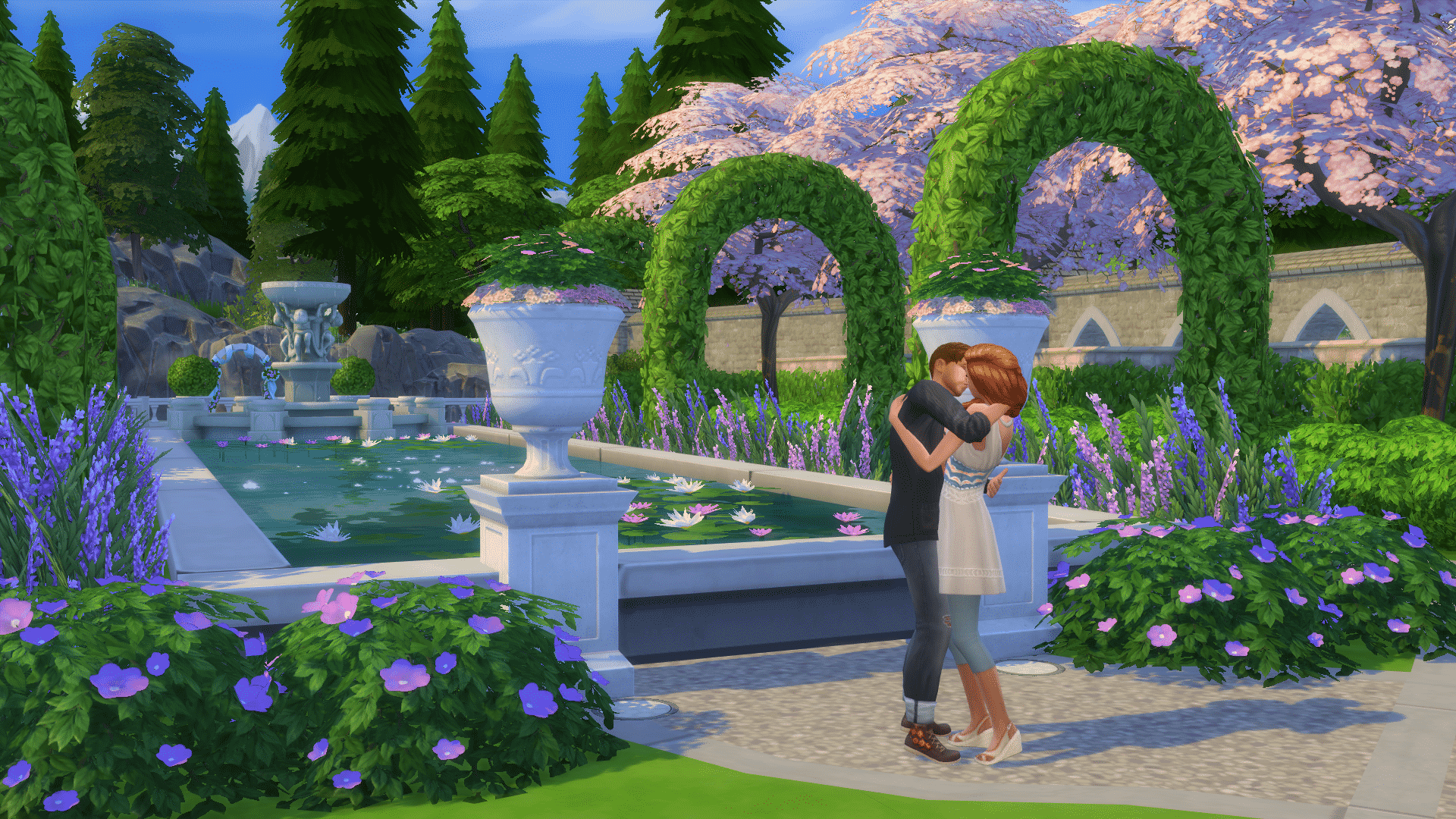
It’s important that you focus on the environment while taking Outdoor Photos. If you want to feature your Sims inside an Outdoor Photo, make sure they don’t take up too much space as you want to focus on the environment.
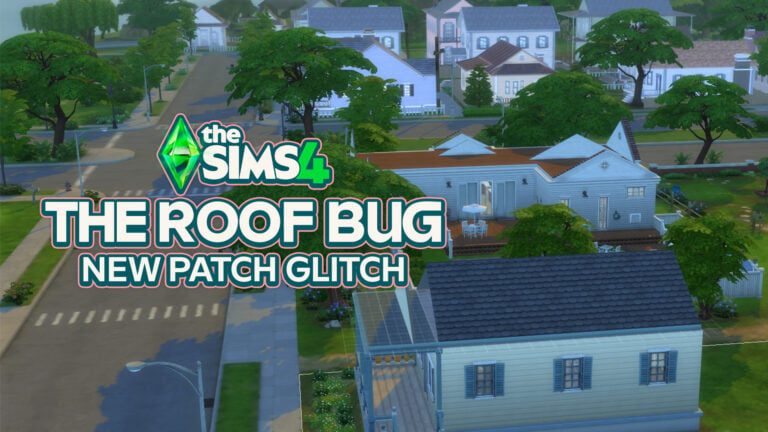
In case you haven’t noticed, Trees fade as you get closer to them. Luckily, that can be solved!
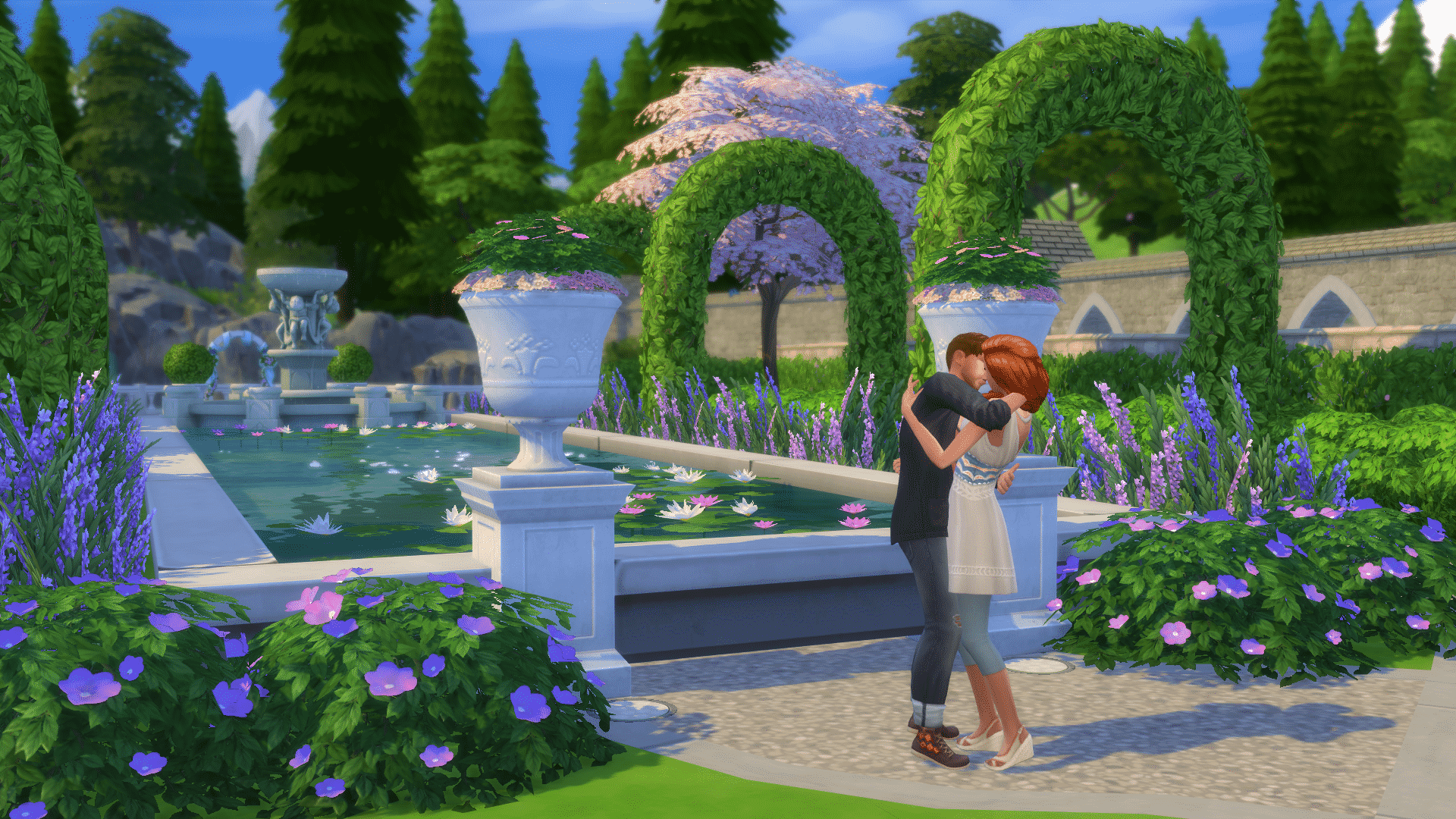
Simply press the TAB button and the UI will disappear while all ”fadable” items will re-appear.
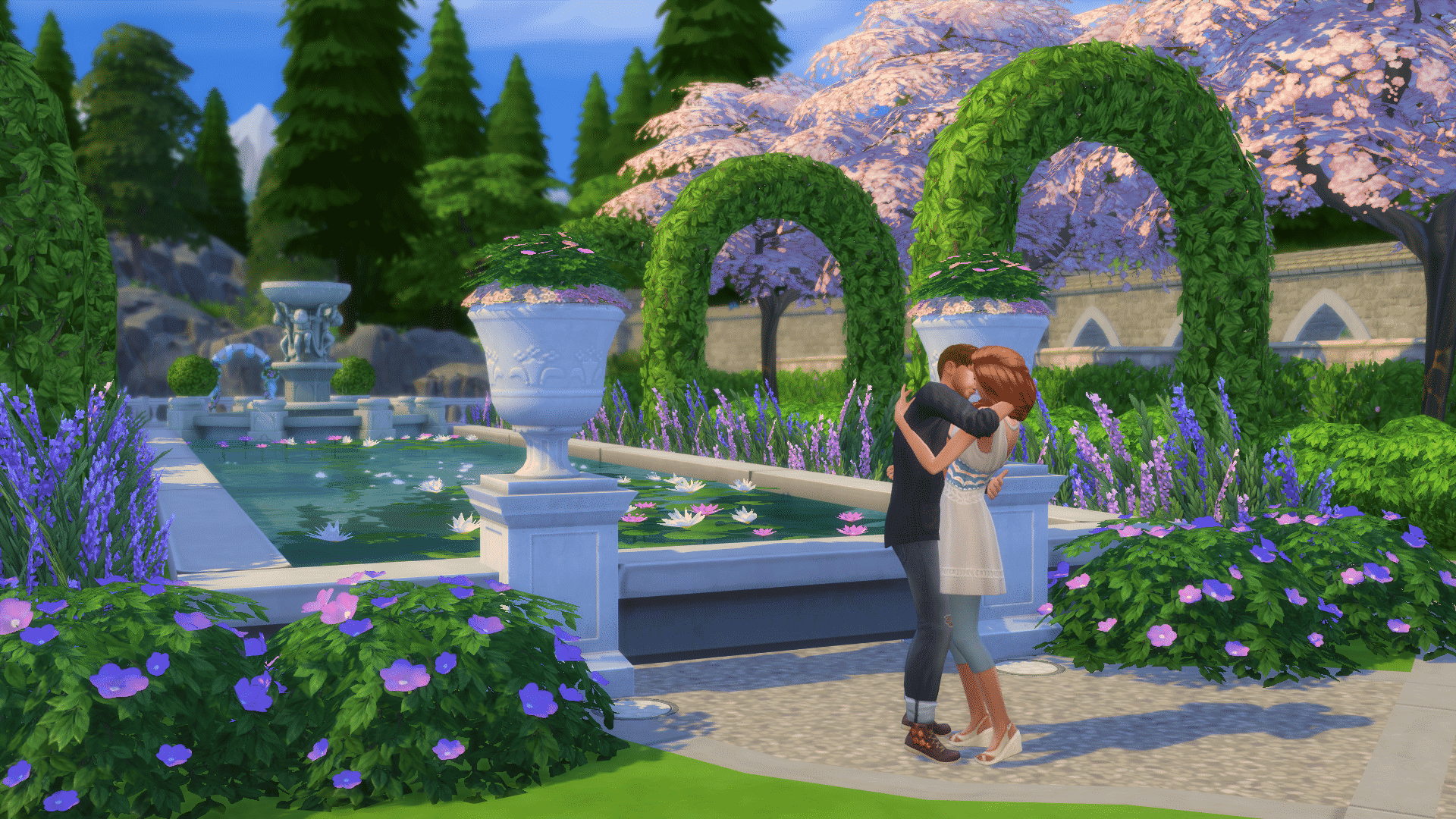
If you want to make your Outdoor Photo more clear, download Shimrod’s No Distance Blur Mod!












Thanks, this article was really helpful.
After reading this article, I’m confident I’ll be taking better sim pictures 🙂 Thank you!
Thank you for this very helpful article! My Sims screenshots have already improved tremendously!
Is there a way to undo one of my saved photo angle? I use the 9 key to raise an item to my desired height and now when I try to use it for that, it goes to the picture angle that I saved on 9!