Home Blog Page 2

Review Of The Sims 3 Camera Mods For Paralives

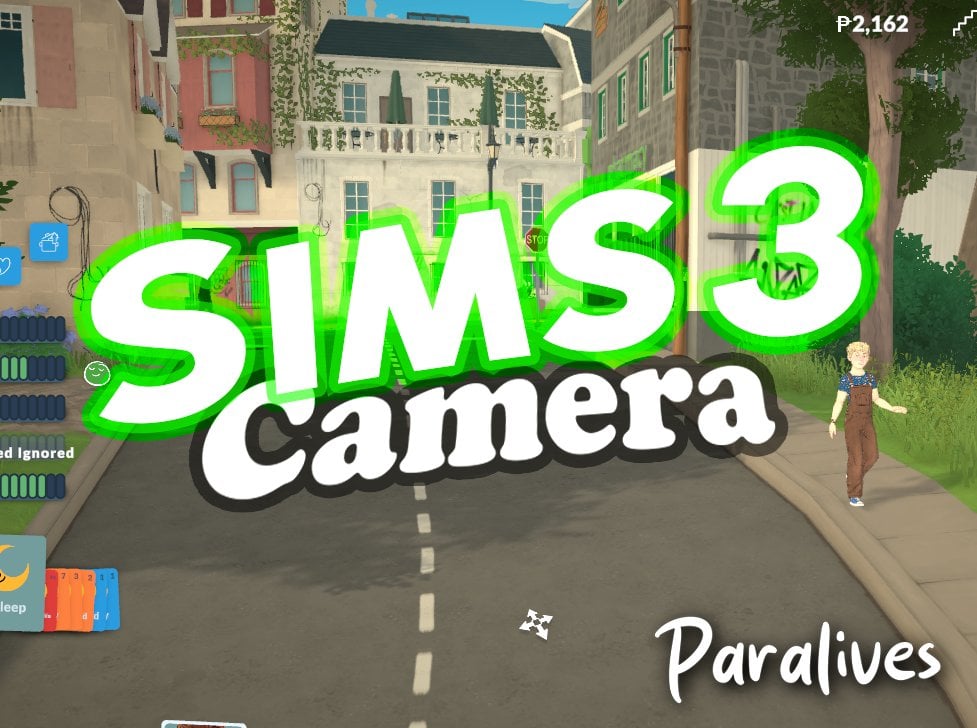
Two mods for Paralives bringing the same Camera Solution from a 2009 game!

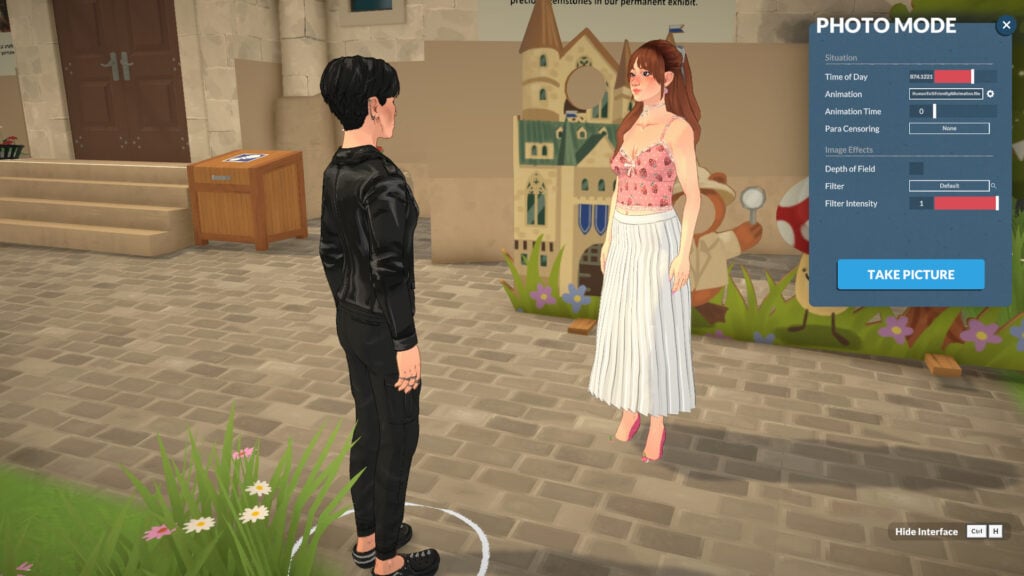
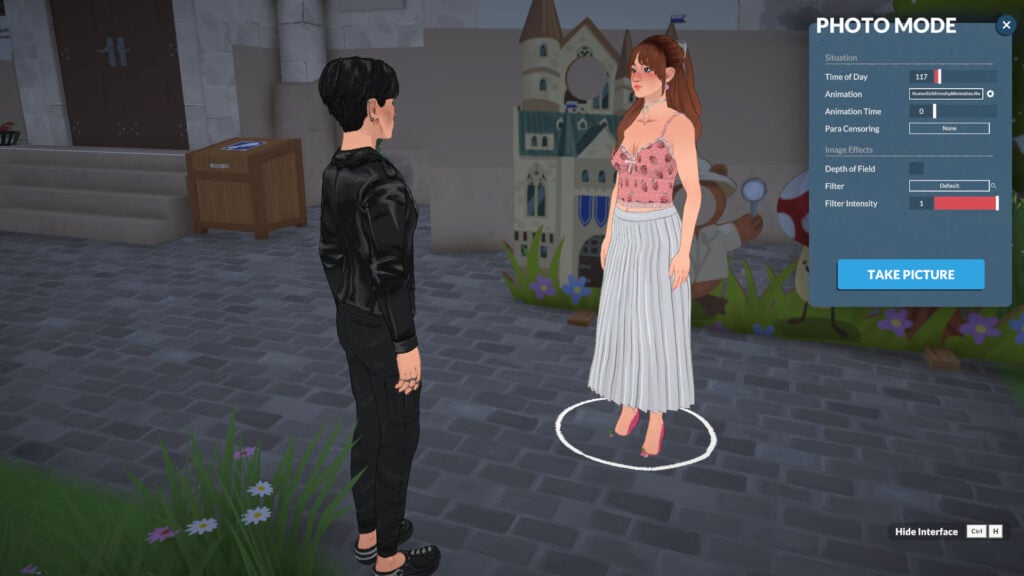
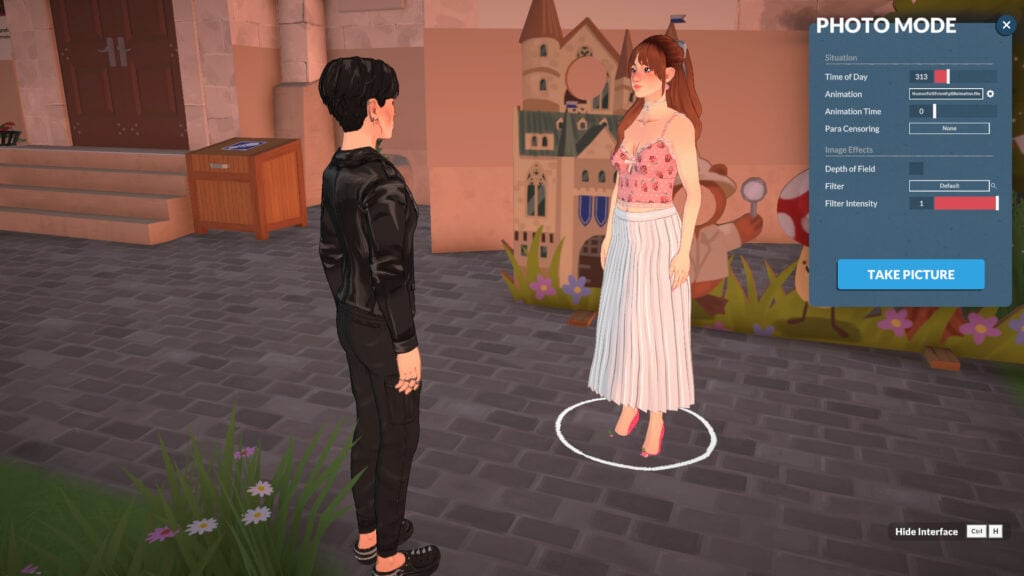
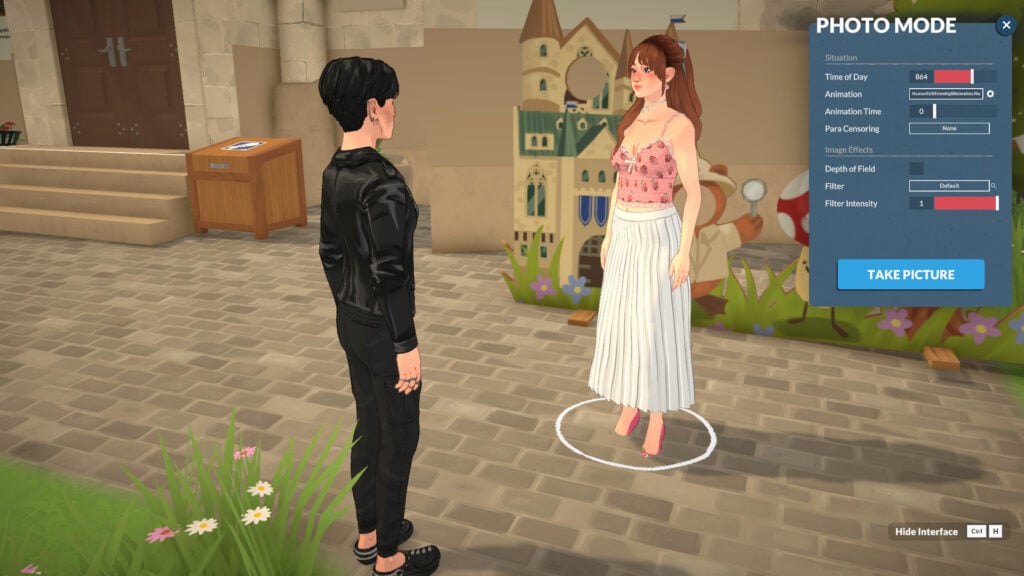
The Paralives Mods have exploded with the game’s first launch week. Ranging from funny “twerking” dance animations to useful solutions – like the latest Sims 3 Camera for Paralives Mods!

There are currently two Mods available: the first one was released by TwistedMexi titled “Sims 3 Camera – First Paralives Script Mod” from the same longtime Sims 4 .package and script modder who brought expanded Mod solutions like Better Build / Buy, T.O.O.L. and many more! The second mod titled by a longtime Sims 3 Modder ArroNow – who brought Sims 3 Mod solutions and even Expanded CAS UI to the 2009 entry – released a mod called “Paralives Sims 3 Camera”.

In this review we’re going to talk about the pros and cons of both Paralives mod solutions and what they bring to the table!

Sims 3 Camera – First Paralives Script Mod by TwistedMexi

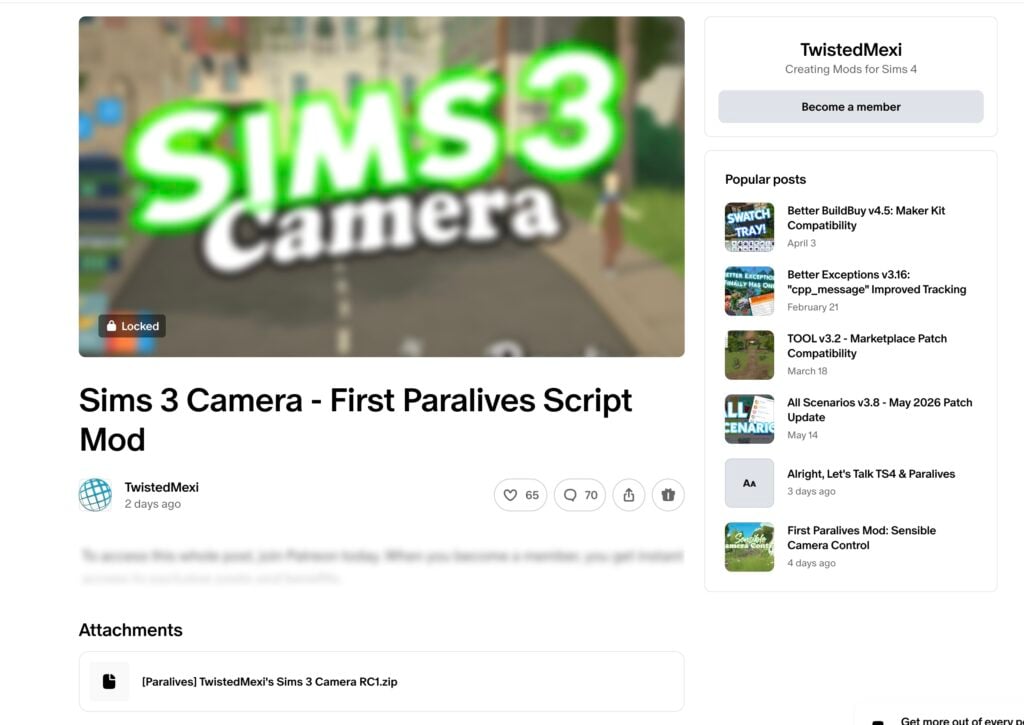
The first Sims 3 Camera mod that was released is titled “Sims 3 Camera – First Paralives Script Mod” released by Twisted Mexi two and a half days ago. According to the modder, it’s also the “First Paralives Script Mod” released by them.

The public statement on social platform X states the following:

CONVERSATION 2

First Paralives Script Mod is out!

Sims 3 Camera: Swaps camera controls out for Sims 3 Camera controls we all know and love.

Get Early Access: https://patreon.com/posts/sims-3-camera-159388568

Public Release set for 6/23

Be sure to read the tutorial for installation!

sims 3 camera mod twistedmexi early access

Source: TwistedMexi on X

We tried to access the Sims 3 Camera mod content and files for review but unfortunately it was hidden behind a first-tier $5 dollar paywall. We’ll make sure to update the article with new information and mod usabilty after the Mod goes public in twenty five days.

Screenshot 2026 05 30 at 14.29.12

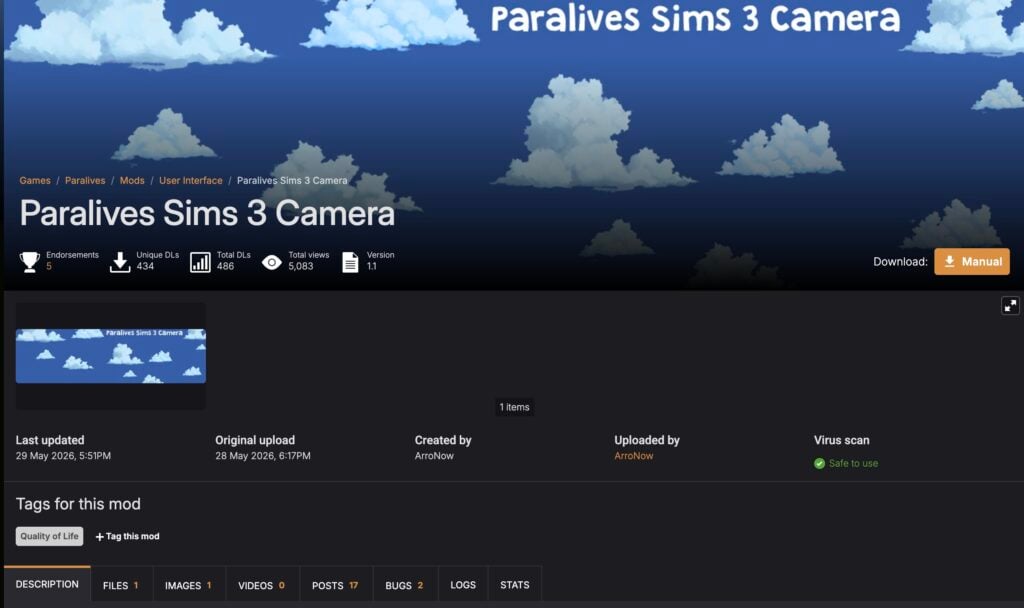
Paralives Sims 3 Camera by ArroNow

The Paralives Sims 3 Camera by ArroNow released more than two days ago, with what I’m guessing a similar principle and delivery of game camera controls from The Sims 3. This one was uploaded with the same dependency on script modding Paralives, except it links to the source of the first script mod released 5 days ago.

Installing BepInEx

Before installing The Sims 3 Camera Mod for Paralives by ArroNow, the player has to download and setup the new “BepInEx” script modding system first discovered by John Baccarat and posted just hours after Paralives Early Access release.

Paralives

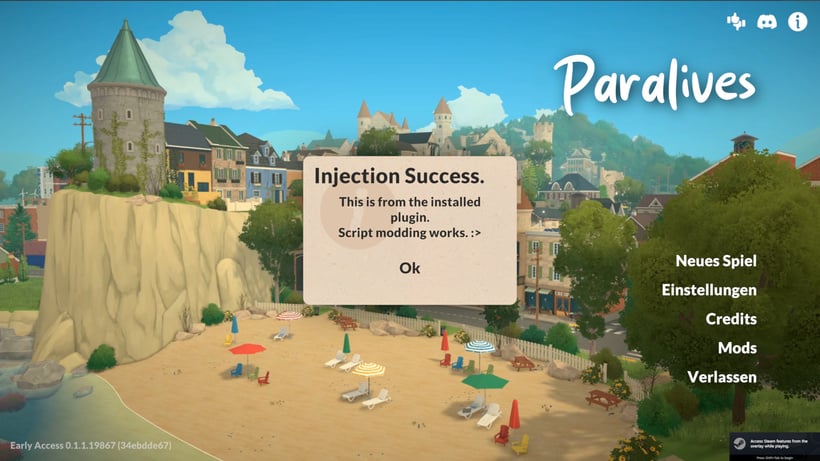
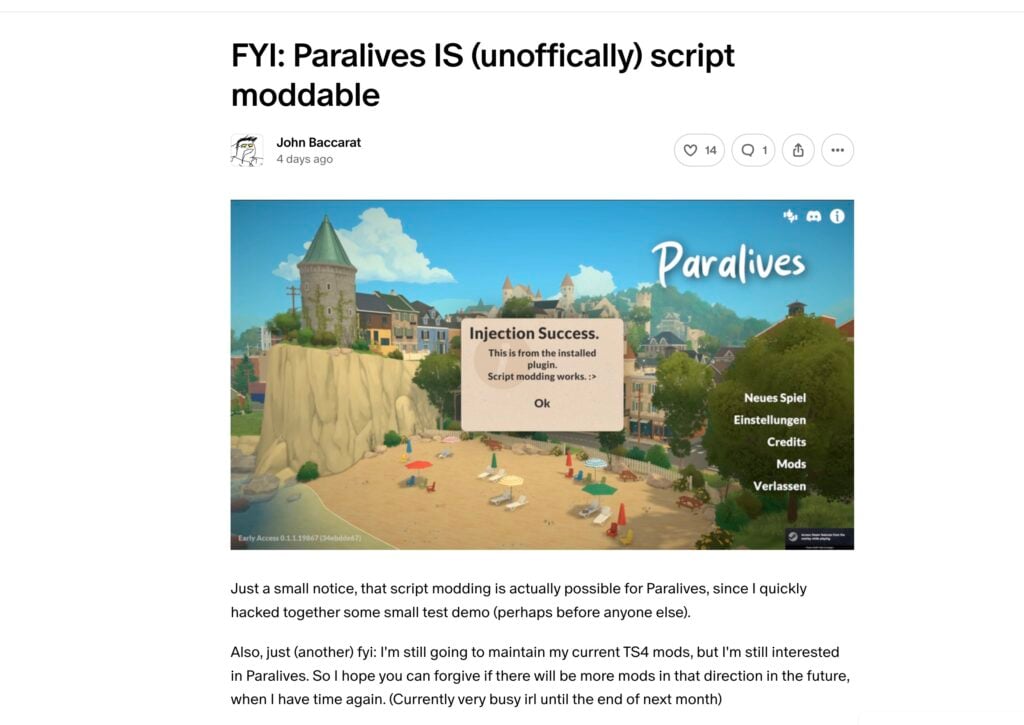
Just a small notice, that script modding is actually possible for Paralives, since I quickly hacked together some small test demo (perhaps before anyone else).

Also, just (another) fyi: I’m still going to maintain my current TS4 mods, but I’m still interested in Paralives. So I hope you can forgive if there will be more mods in that direction in the future, when I have time again. (Currently very busy irl until the end of next month)

Screenshot 2026 05 30 at 14.37.26
Source: John Baccarat on Patreon, May 25th, 2026

The same modder who discovered Paralives script modding also provided a video and install instructions, along with the file that allows for script modding. All within a public Patreon post released first May 25th, 2026:

clipboard sc

0. A WARNING – READ ME
Do NOT install random script mods on a whim, but make sure that the creator is trustworthy first.
Mod plugins are just .dll files, which are program libraries that can contain viruses or other malicious code.

With that said…

1. Download BepInEx
This is a modloader that basically works with pretty much all Unity games.
Download “BepInEx_win_x64_5.4.23.5.zip” from here:
https://github.com/BepInEx/BepInEx/releases

2. Extract to Paralives directory:
From the downloaded .zip file extract:
– winhttp.dll
– doorstop_config.ini
– BepInEx (The whole folder)
into the same folder as where Paralives.exe is

3. Run the game once and then close the game when at the main menu
This is so that BepInEx creates its own directories.

5. Go to the right directory
Go to:
Paralives -> BepInEx -> plugins

6. Extract the contents of “TestDemo.zip” into the plugins folder.
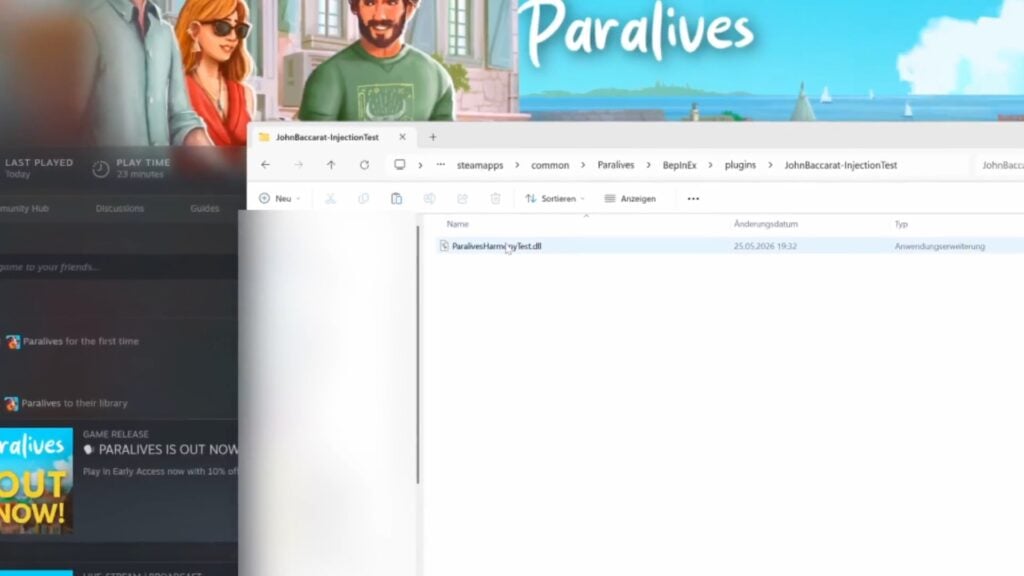
So that “JohnBaccarat-InjectionTest” exists in the plugins folder and in that folder is “ParalivesHarmonyTest.dll”

7. Start the game
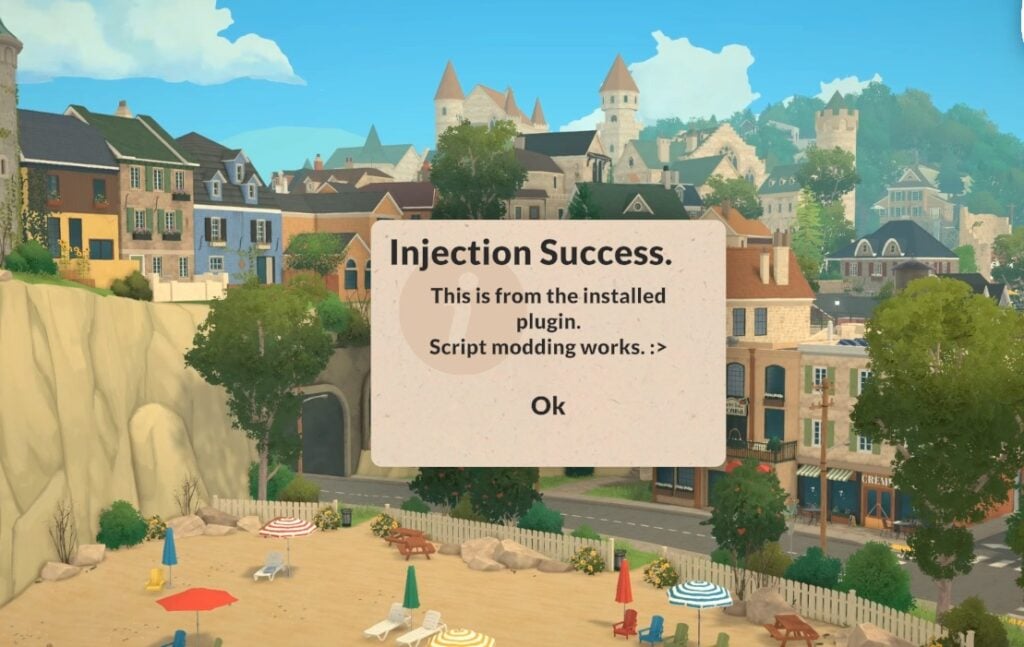
It should now show you the prompt when at the main menu.

paralives script modding install instructions img


After following the instructions on Paralives script modding, posted publicly just hours from game’s first release, I was able to continue downloading the free Paralives Sims 3 Camera Mod by ArroNow.

Here are the modder’s instructions posted for their Camera Mod:

Installation instructions
1. Make sure you have BepInEx installed. Great guide!
2. Place “Arro_ParalivesSims3Camera.dll” inside *\Paralives\BepInEx\plugins (create a “plugins” folder if you don’t have it).

Requires Nexus Mods Account Registration

A small note: The information about script modding test file has been removed as you only require one mod file after installing BepInEx – and that’s Arro_ParalivesSims3Camera.dll!

Screenshot 2026 05 30 at 14.45.29

In-Game Impressions

After injecting the script Mod released shortly after the game’s early access launch, I also installed the Sims 3 Camera Mod by ArrowNow released 2 days ago. The game immediately recognized the Paralives script Mod solution from John Baccarat and recognized the camera Mod by ArrowNow behind the scenes.

sims 3 camera mod for paralives1

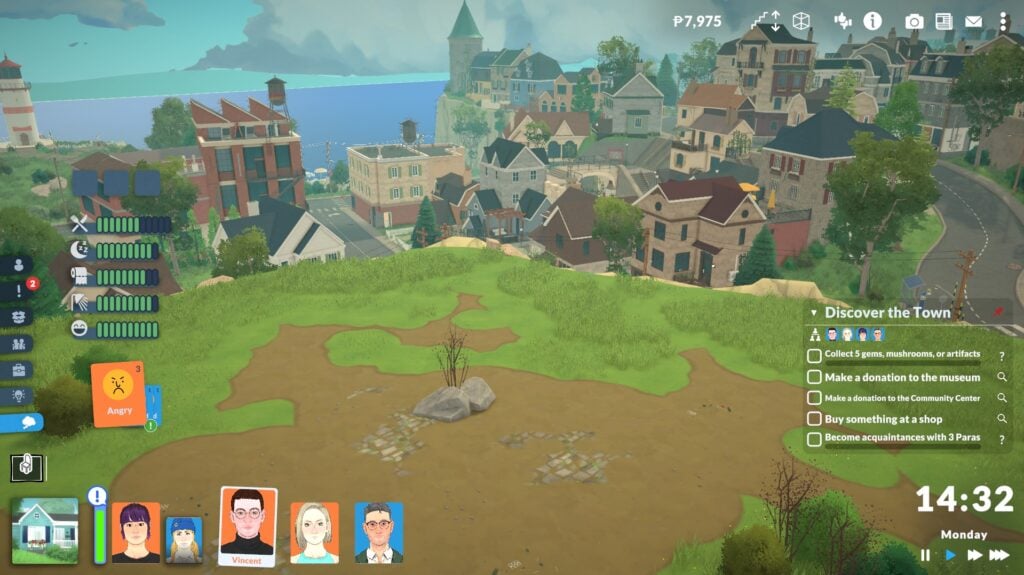
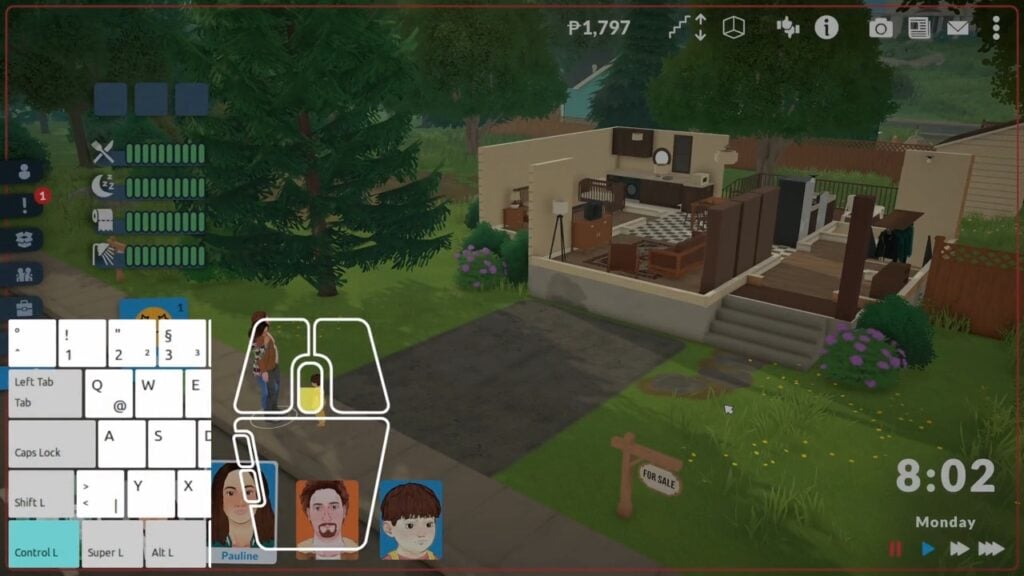
I clicked, dragged and moved the camera using the WASD key combinations alongside regular mouse controls like right click and mouse wheel rotation. It felt nostalgic coming back to old controls on a new Early Access game release!

sims 3 camera mod for paralives2

There are definitely some bugs to be considered such as the focal point effect happening when moving around town, objects being hidden when they shouldn’t be at certain camera angles and more. But that’s the joy of exploring new game mechanisms together, first week into the game’s release!

sims 3 camera mod for paralives3

Final Verdict

We decided to wait for the public release of TwistedMexi’s First Script Mod released almost 3 days ago, considering the mod is going public later next month. We will update the article with in-game overview, functionality and install instructions from them once it goes public June 23rd!

For The Sims 3 Camera Mod by ArroNow released 2 days ago I was impressed how similar it felt to Sims 3 Controls, down to the full zoom out effect and checking up what my Parafolks are up to more up close.

John Baccarat, who first tested script modding for Paralives publicly also posted a great new mod titled “Scroll to change Floor” which uses a special keyboard + mouse functionality. Read more and download here!

new paralives mod scroll

Both mods are great solutions for Simmers and all those players who want to know what controlling The Sims 3 felt like, and it’s great to see efforts in making a new Life Sim game entry as moddable as possible.

What are your thoughts on The Sims 3 Camera Mods released in the Launch Week of Paralives Early Access? Let us know your thoughts in the comments down below and stay tuned for the latest Life Sim Games coverage reports on Sims Community!

Paralives Update: Official Patch Notes (May 29th, 2026)

A brand new Paralives Patch has been released on Steam!

The Paralives indie team has just released a brand new Paralives update across PC and Mac platforms through the Steam launcher.

The latest Paralives Update brings a ton of new bug fixes and game improvements to the existing game systems. Within the Patch Notes they’ve also included a list of Known Issues that the Paralives team aims to fix in the next couple of updates.

The current Paralives Patch is estimated to be around 460MB.

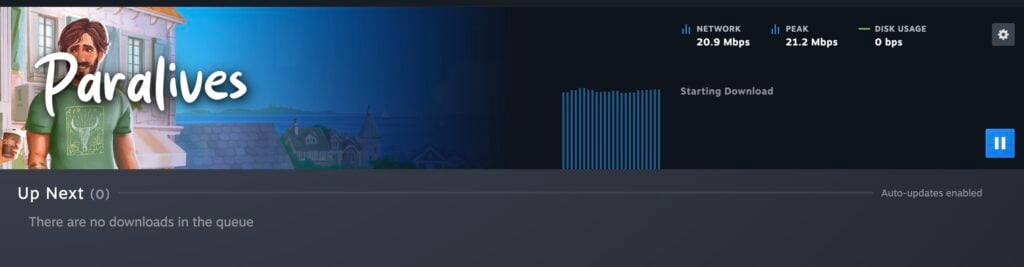
Paralives Update on Steam
Paralives updating on Steam.

You can download the latest Paralives Update by opening up your Steam launcher. If you don’t have automatic updates enabled make sure you check for an update!

BOOK PATTERN

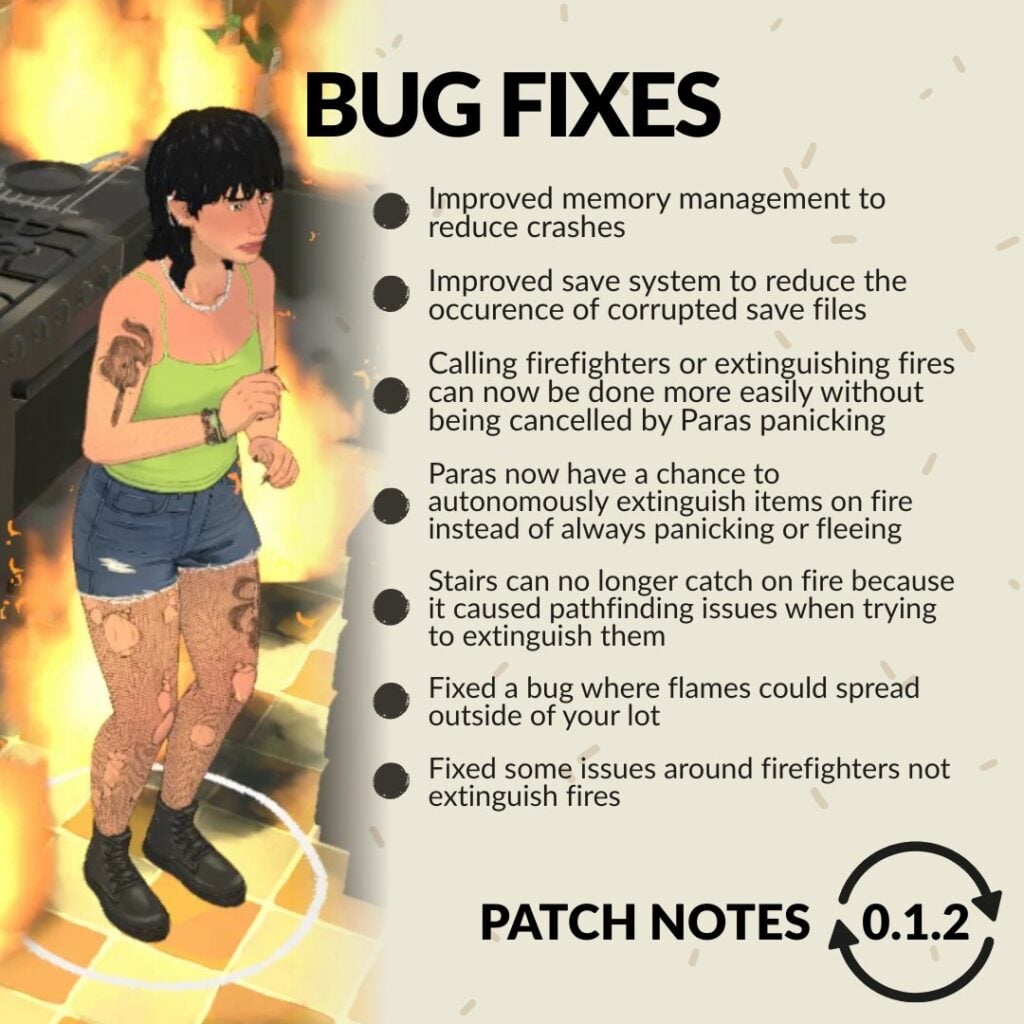
Paralives Update: Official Patch Notes

Bug Fixes

  • Made improvements to memory management to eliminate a memory leak and reduce crashes.
  • Fixed a bug where some interface windows could not be closed.
  • Fire: Parafolks now have a chance to autonomously extinguish items on fire instead of always panicking or fleeing.
  • Fire: Stairs can no longer catch on fire because it caused pathfinding issues when trying to extinguish them.
  • Fire: Fixed a bug where flames could spread outside of your lot.
  • Fire: Fixed some of the issues around firefighters not extinguishing fires.
  • Fire: Calling firefighters or extinguishing fires can now be done more easily without being always cancelled by Parafolks panicking.
  • Chinese localization: Players should now be able to type Chinese characters for their Paras’ name in the Paramaker and in the other text fields as well.
  • In a new save file, players will now correctly receive an in-game letter from the devs.
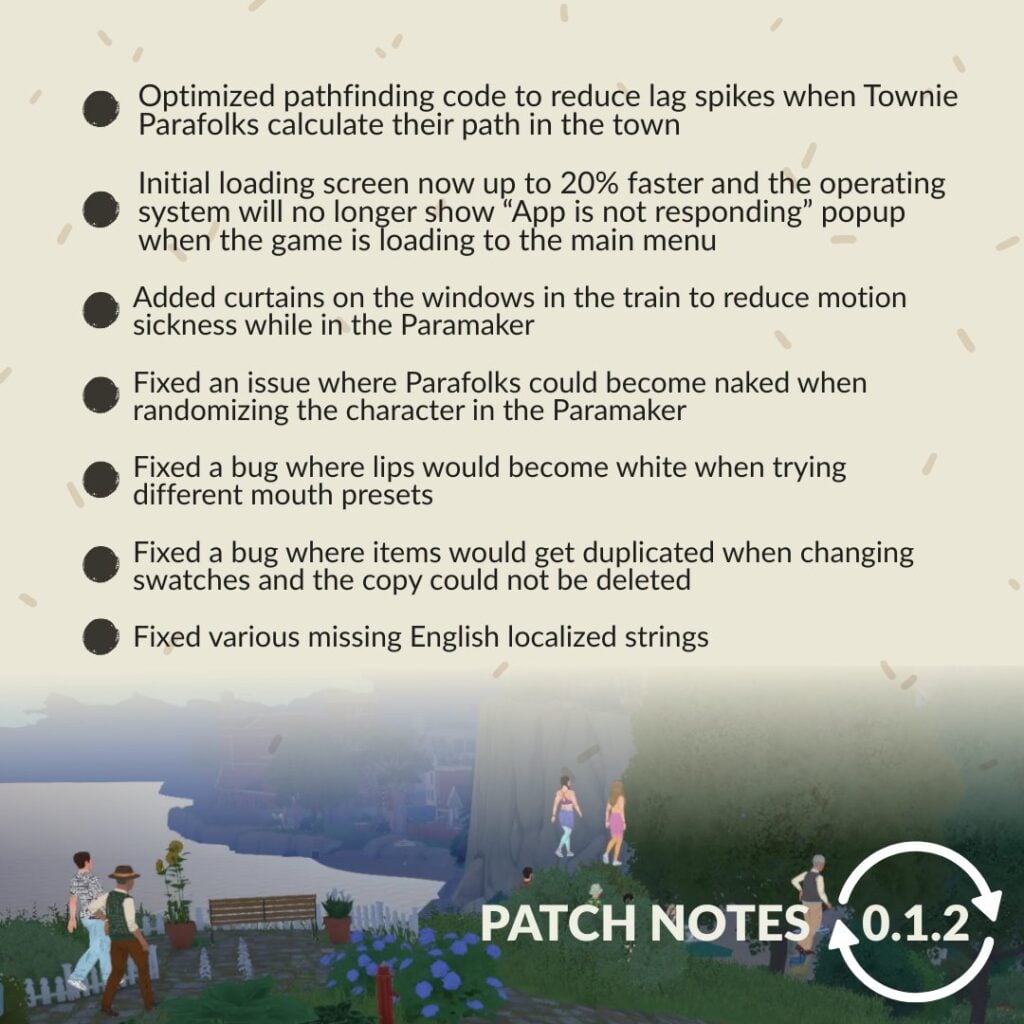
  • Fixed a bug where lips would become white when trying different mouth presets.
  • Updated and added the names of some Patreon supporters in the credits.
  • Fixed the default angle of the grid on certain empty lots to make sure it’s aligned with the street (this fix will only be applied to new save files).
  • Added a divider to cover the windows in the train to reduce motion sickness while in the Paramaker.
  • Fixed an issue where Parafolks could become naked when randomizing the character in the Paramaker.
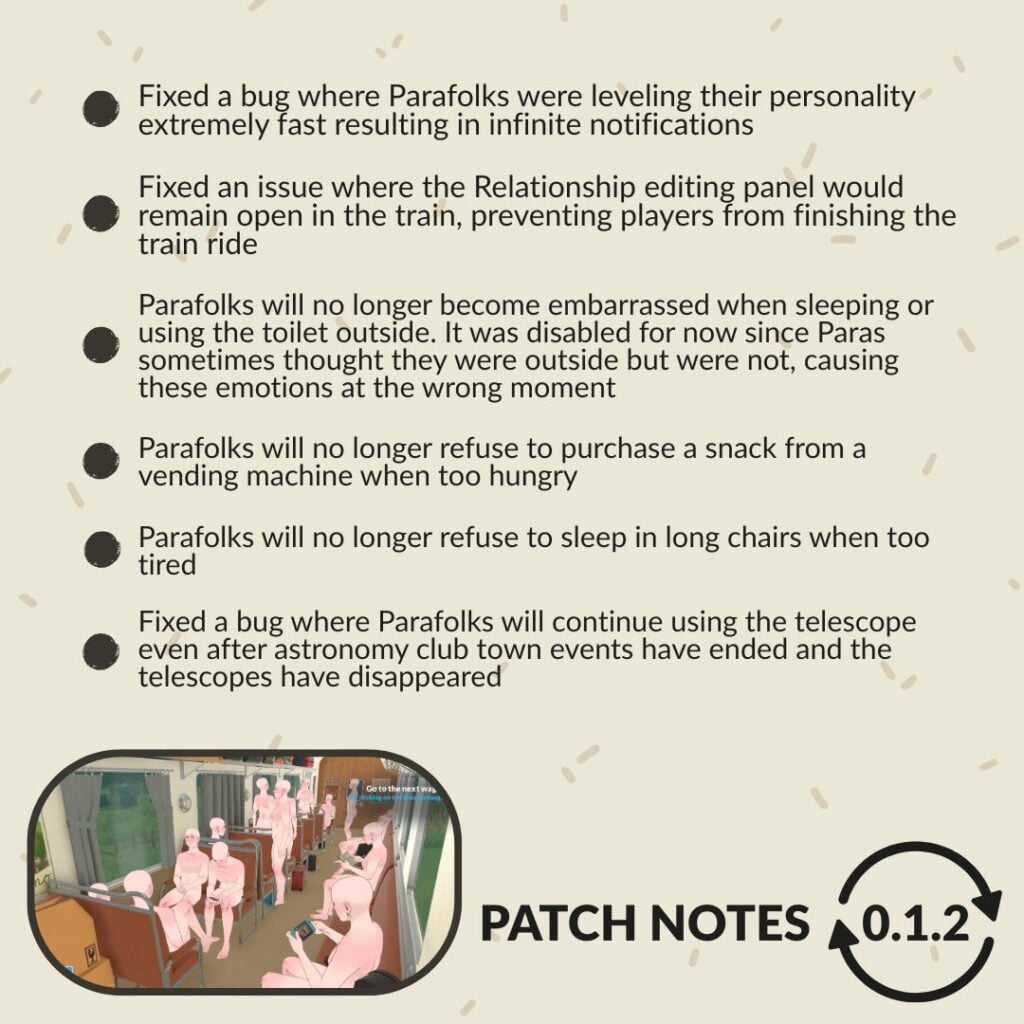
  • Parafolks will no longer become embarrassed when sleeping or using the toilet outside. It was disabled for now since Paras sometimes thought they were outside but were not, causing these emotions in the wrong moment.
  • Fixed a bug where Parafolks were leveling their personality extremely fast resulting in infinite notifications.
  • Made improvements to the save system to reduce occurrences of corrupted save files.
  • Fixed a bug where items would get duplicated when changing swatches and the copy could not be deleted.
  • Fixed an issue where the Relationship editing panel would remain open in the train intro, preventing players from finishing the train ride.
  • Optimized one aspect of the pathfinding code to reduce lag spikes when Townie Parafolks calculate their path in the town.
  • Fixed various missing English localized strings.
  • Parafolks will no longer refuse to purchase a snack from a vending machine when too hungry.
  • Parafolks will no longer refuse to sleep in long chairs when too tired.
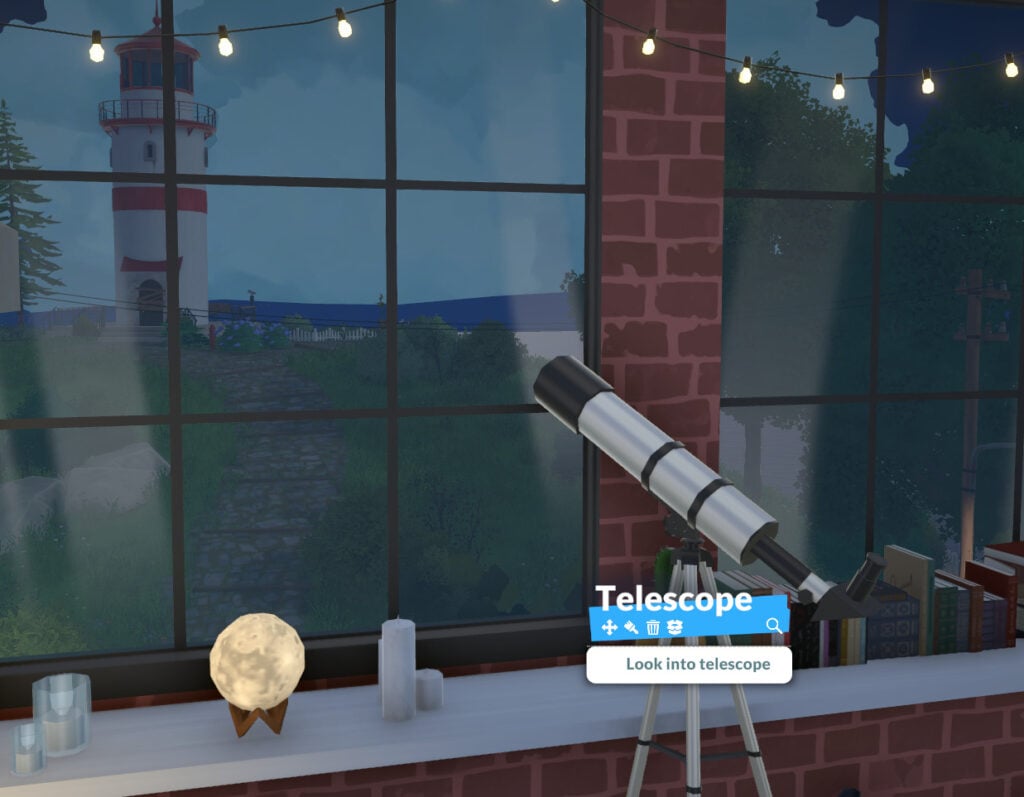
  • Fixed a bug where Parafolks will continue using the telescope even after astronomy club town events have ended and the telescopes have disappeared.
  • The operating system will no longer show the “App is not responding” popup when the game is loading to the main menu. Also, this initial loading screen now takes up to 20% less time.

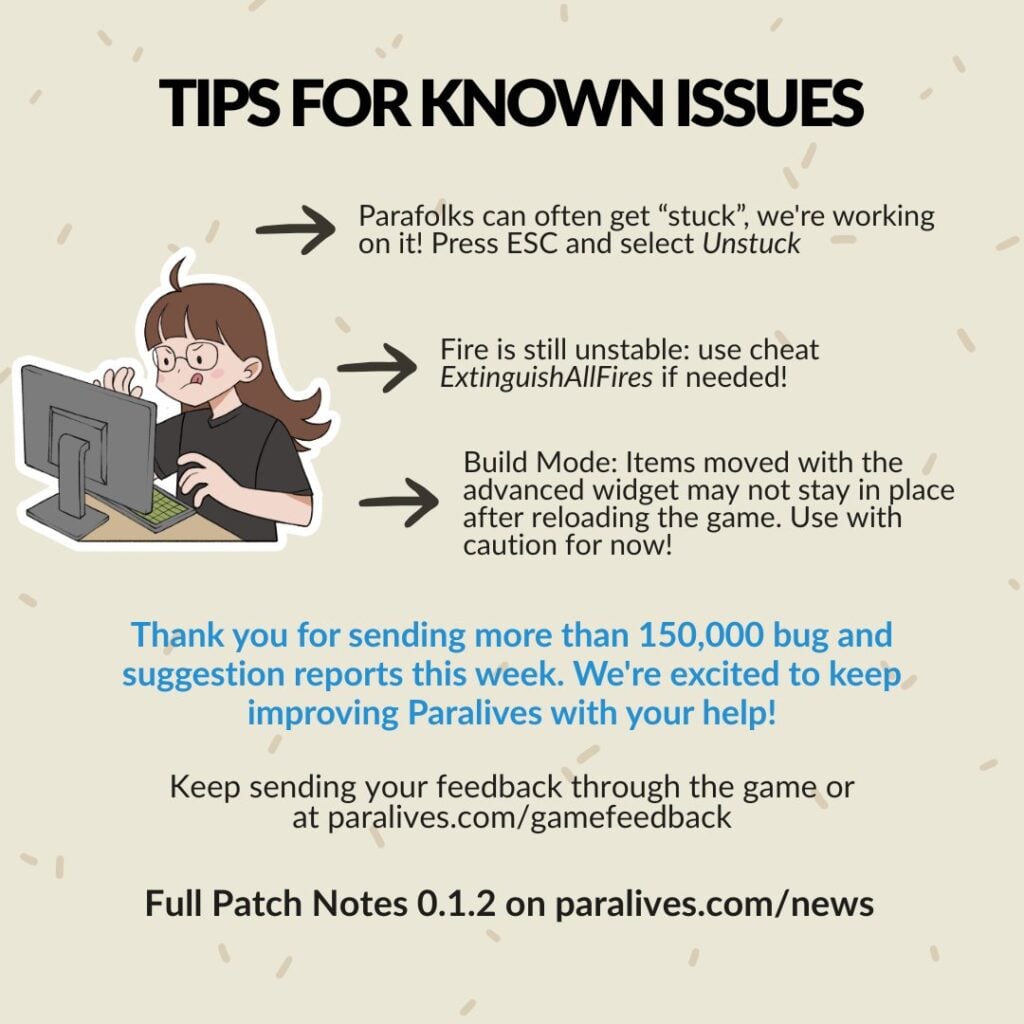
Known issues

*We are aware of many other issues but we will only list some of them here.

  • Crashes and freezes
    • Today’s patch should reduce crashes and freezes.
    • Make sure your computer meets the minimum system requirements listed on our Steam page.
  • Stutters in live mode
    • We will be working on more optimizations to reduce these lag spikes over the next few months.
  • Save files not loading
    • We are investigating and working on fixing these issues. Today’s patch might reduce the chances of future save files getting corrupted.
  • Build mode: Advanced widget
    • If you move or rotate items using the advanced widget, these items might not remain at their position when reloading the save file. Use this widget with caution until we can fix it (no timeline for that yet).
  • Parafolks get stuck and can’t do anything
    • Press the “Unstuck” button in the ESC menu.
  • Fire is hard to take control over
    • We did some improvements in today’s patch but please use the cheat ExtinguishAllFires if other fire-related problems persist for you.
  • Parafolks thumbnails do not always update
    • We are investigating and working on a fix.
  • Mac inputs
    • Some Mac users have trouble with clicks and rotating the camera.
    • We will be working on that issue. In the meantime, playing with a mouse instead of the trackpad could help.

Thanks for your patience with these issues and for the feedback you send us! We received over 150 000 bug and suggestion reports so far! It’s a great tool for us to identify the issues that get reported the most and fix them in priority. Thank you for helping us improve Paralives during Early Access!


What are your thoughts on the latest Paralives update? Have you managed to test out some of the fixes listed above? Let us know in the comments down below and stay tuned to Sims Community for the latest Paralives Updates!

Paralives Mods And The Fast Approaching Early Access Culture

*Update: The Paralives development team has clarified their stance on Early Access and Paywalling Mods as of May 29th, 2026.

If you’re someone who is involved in or who keeps up with The Sims mods and custom content communities, you’ve likely heard of “Early Access” as a concept in mods and custom content. This is also used in the gaming industry in general, like with Paralives being in Early Access release. This means that you pay to receive access before something is available to the public, even if it is an unfinished or testing stage.

Early Access Modding Culture Explained

Early Access is when a creator makes content and releases it to paid members, often through platforms like Patreon, for a limited time before it is openly available to the public. There are also creators who are Perma Paywallers, meaning they will put their items behind a paywall forever and do not plan on releasing them to the public.

While this is a familiar topic for many The Sims 4 players, it was not really present in any major capacity prior to The Sims 4. While there were websites and individual creators from prior mainline entries that thrived off of donation and paid content, it was largely not engaged with by the community since so much content was available without having to pay. The communities were largely fostered by players modding and adding custom content as a hobby and sharing that with others.

While nowadays, some modding communities have paywalled or paid mods, most modding communities mod as part of the hobby and for, frankly, the love of the game. Most games do not police this if it does happen, rather allowing the community surrounding the game to do any policing and to socially decide what is acceptable and what is not. EA is one of the only companies to have made a specific statement and developed a policy surrounding it,

. . . Mods must be non-commercial and distributed free of charge. Mods can’t be sold, licensed, or rented for a fee, and they can’t contain features that would support monetary transactions of any type. 

We recognize that creating Mods takes time and resources. To offset these development costs, Mod developers may:

offer an early access incentive for a reasonable amount of time. After a reasonable early access period, all players must be able to access the Mods in full for free regardless of whether they donate.

run passive advertisements and requests for donations so long as they are limited to the Mod website or distribution site, and don’t appear within the Mod itself.

UPDATE: Paralives Developers Stance on Paralives Mods being Paywalled or Early Access

On May 29th 2026, after this article had been published, some did wonder what the actual stance was from the Paralives Developers. While they did make a statement quite a while back during a Dev Chat before the game was available, their stance has been reinstated. Although they plan on keeping DLC free for the life of the game, especially while it is in early access, their stance on paywalling mods and early access is a bit different.

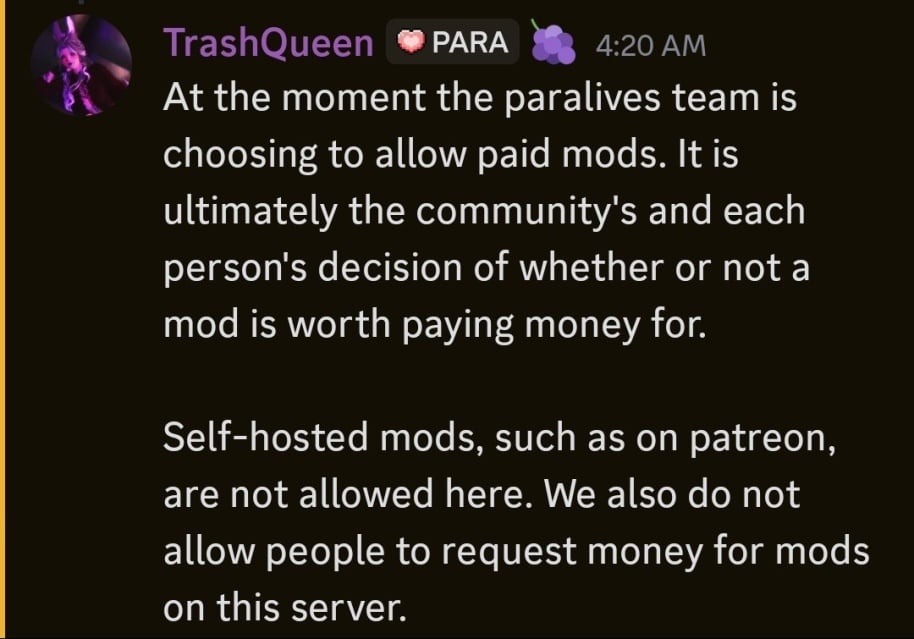
At the moment the paralives team is choosing to allow paid mods. It is ultimately the community’s and each person’s decision of whether or not a mod is worth paying money for. Self-hosted mods, such as on patreon, are not allowed here. We also do not allow people to request money for mods on this server

HJgtv58XQAYLkfq
TrashQueen, a Helper/Mod of the Paralives Official Discord on May 29th, 2026

The Paralives team, which is a fairly small team with only 15 developers and no plans on tons of expansion currently, decided against policing paid mods. They will not allow advertisements of paywalled mods or self-hosted mods on the Paralives Official Discord server, as they are not supported like Steam Workshop mods, but they will not stop modders from doing so.

Paralives Mods And The Fast Coming Early Access Culture

Only a few days post release of Paralives Early Access period, making it available to the public, the first few script mods have begun to trickle in. Since script mods are not officially supported through the Steam Workshop, where the vast majority of Paralives Mods and Custom Content are uploaded, those building script mods have had to upload them on separate platforms since they often require additional external programs, similar to XML injectors for certain The Sims mods.

Two modders well known for their The Sims 4 mods are TwistedMexi and Plumlace. TwistedMexi is best known for utility mods like BetterExceptions, BetterBuildBuy, and T.O.O.L (Take Objects Off Lot). Plumlace is best known for gameplay mods like Immersive Social Bunny, SimFi, and SimCare.

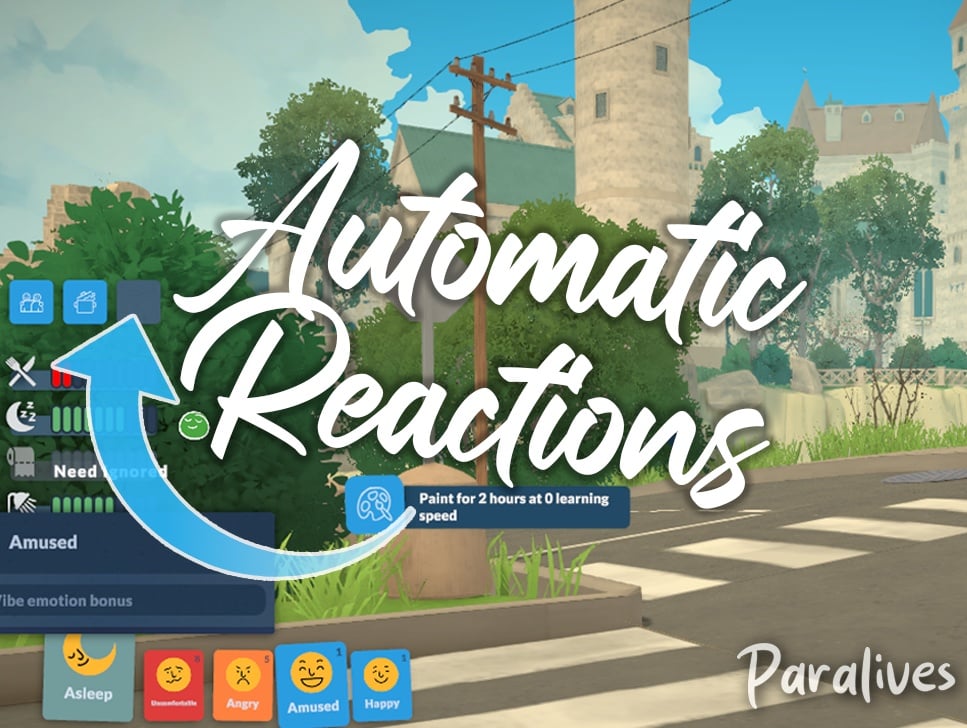
TwistedMexi claimed the title for the first Paralives Script mod when they released TwistedMexi’s Sims 3 Camera, and soon after, released TwistedMexi’s Automatic Reactions for Paralives. The prior changes the camera controls to best reflect the camera from The Sims 3, which players are typically familiar with since it is also a popular camera setting option in The Sims 4. The latter will automatically pick wants/reactions from Parafolks emotions, adding a randomization aspect instead of players having to manually pick their wants over and over again.

Both mods are currently in Early Access. TwistedMexi’s Sims 3 Camera will publicly be available on June 23rd, 2026, and their Automatic Reactions mods will be publicly available on June 18th, 2026.

Plumlace

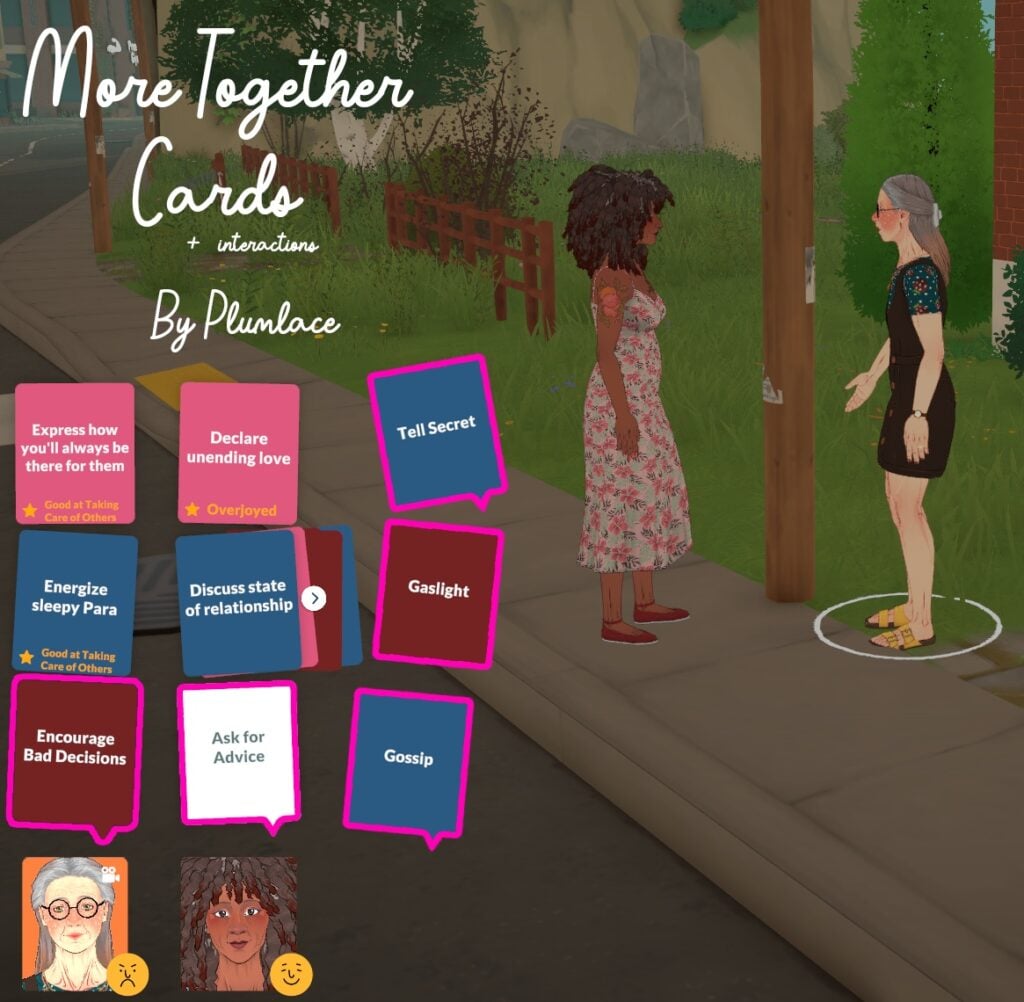
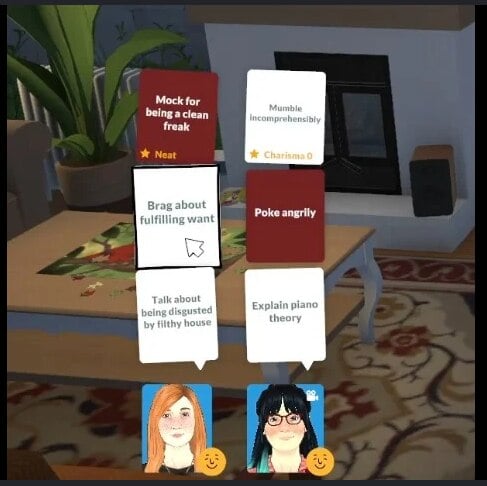
Plumlace’s first mod for Paralives is More Together Cards + Interactions. This mod specifically adds more phone interactions, as well as new together cards, which are the interactions used to influence Para relationships while they are having a conversation. This mod will be publicly available on June 3rd, 2026.

Community Reaction & Feedback

Reddit

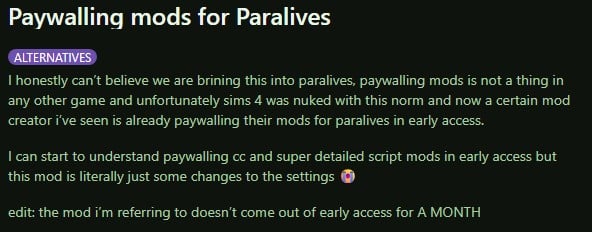
From a thread by Reddit User u/Spare_Conclusion_861 titled Paywalling mods for Paralives on the subreddit r/HighSodiumSims,

I honestly can’t believe we are bringing this into paralives, paywalling mods is not a thing in any other game and unfortunately sims 4 was nuked with this norm and now a certain mod creator i’ve seen is already paywalling their mods for paralives in early access.

I can start to understand paywalling cc and super detailed script mods in early access but this mod is literally just some changes to the settings

edit: the mod i’m referring to doesn’t come out of early access for A MONTH

u/Spare_Conclusion_861 on r/HighSodiumSims
Reddit1 1

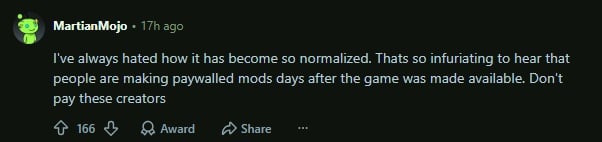
I’ve always hated how it has become so normalized. Thats so infuriating to hear that people are making paywalled mods days after the game was made available. Don’t pay these creators

u/MartianMojo on r/HighSodiumSims
reddit 4

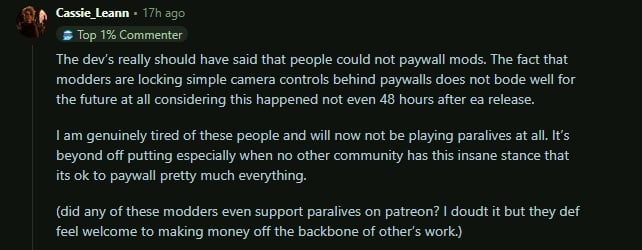
The dev’s really should have said that people could not paywall mods. The fact that modders are locking simple camera controls behind paywalls does not bode well for the future at all considering this happened not even 48 hours after ea release.

I am genuinely tired of these people and will now not be playing paralives at all. It’s beyond off putting especially when no other community has this insane stance that its ok to paywall pretty much everything.

(did any of these modders even support paralives on patreon? I doubt it but they def feel welcome to making money off the backbone of other’s work.)

u/Cassie_Leann on r/HighSodiumSims
reddit 3

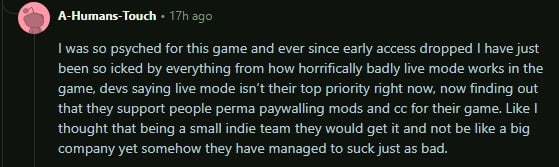
I was so psyched for this game and ever since early access dropped I have just been so icked by everything from how horrifically badly live mode works in the game, devs saying live mode isn’t their top priority right now, now finding out that they support people perma paywalling mods and cc for their game. Like I thought that being a small indie team they would get it and not be like a big company yet somehow they have managed to suck just as bad.

u/A-Humans-Touch on r/HighSodiumSims, in reply to u/CassieLeann
reddit 2

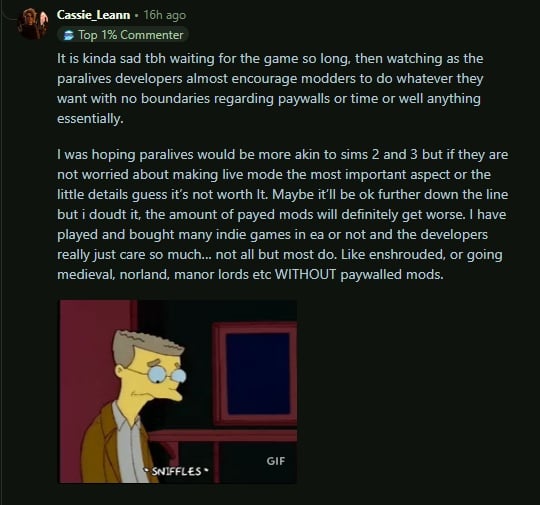
It is kinda sad tbh waiting for the game so long, then watching as the paralives developers almost encourage modders to do whatever they want with no boundaries regarding paywalls or time or well anything essentially.

I was hoping paralives would be more akin to sims 2 and 3 but if they are not worried about making live mode the most important aspect or the little details guess it’s not worth It. Maybe it’ll be ok further down the line but i doudt it, the amount of payed mods will definitely get worse. I have played and bought many indie games in ea or not and the developers really just care so much… not all but most do. Like enshrouded, or going medieval, norland, manor lords etc WITHOUT paywalled mods.

u/Cassie_Leann on r/HighSodiumSims, in reply to u/A-Humans-Touch
reddit 1 1

X/Twitter

Making paywalled early access content for a crowd funded indie game made by a small team is REALLY distasteful

User @ImJustUntall on X

Not even a week in and they already paywalling mods

User @spiceeed on X

Putting Paralives Mods/CC behind a paywall or early access makes you a loser btw.

User @CakePiiee on X

im not understanding the point in “early access” for paralives MODS. am i tripping and being entitled? like, the para team themselves don’t even wanna charge us for DLC. why are are mods being early accessed??

User @missmani09 on X

I didn’t wanna say nothing but- yeah it’s crazy to bring your EA antics over here to a different community especially where the game devs not even co opting off of their own game in that manner. This let’s me know this is something strictly unique to the sims community.

User @agustmehhh on X

Paralives is an indie game from a team that rejected paid dlc and refused to exploit their community, yet now their work is being held hostage by greedy people foaming at the mouth to cash in on it. I’d feel absolutely sick being on that team.

User @billypereke on X

Tumblr

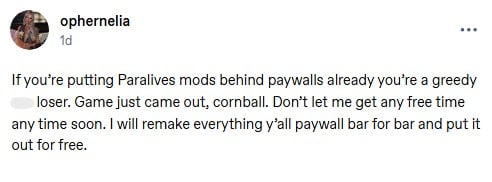
If you’re putting Paralives mods behind paywalls already you’re a greedy a** loser. Game just came out, cornball. Don’t let me get any free time any time soon. I will remake everything y’all paywall bar for bar and put it out for free.

Tumblr user @ophernelia
ophernelia

Lovelies,

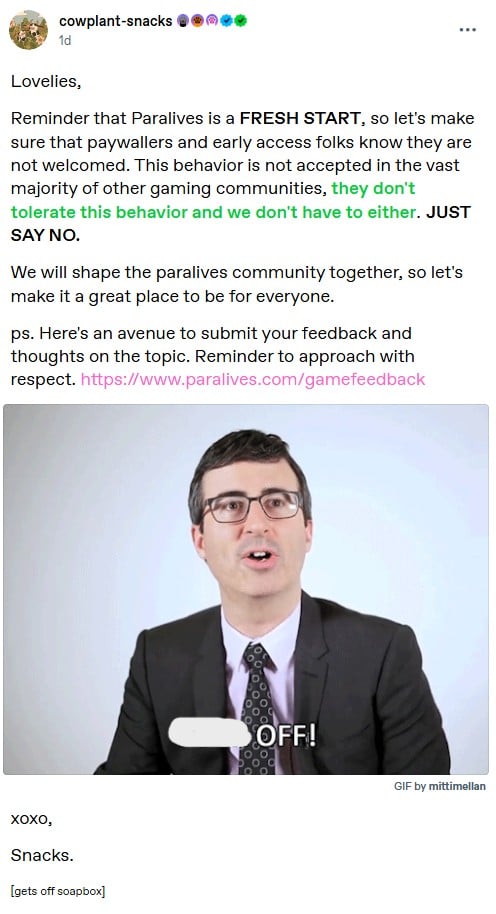
Reminder that Paralives is a FRESH START, so let’s make sure that paywallers and early access folks know they are not welcomed. This behavior is not accepted in the vast majority of other gaming communities, they don’t tolerate this behavior and we don’t have to either. JUST SAY NO.

We will shape the paralives community together, so let’s make it a great place to be for everyone.

ps. Here’s an avenue to submit your feedback and thoughts on the topic. Reminder to approach with respect. https://www.paralives.com/gamefeedback

xoxo,

Snacks.

User @cowplant-snacks on Tumblr
cowplantsnacks

I’m not one to witch hunt. never will and i wont condone doing it. However i really don’t like sims cc creater bringing their paywalling b******* to Paralives. I think we need to activate our brains cells for a minute and rethink our actions here. its a F****** indie game.

if you see someone locking para cc, a nice f*** you in the comments is truly deserved

User @silentgrim on Tumblr
silentgrim 1

Go look at the number of patreon members and how much their tiers are before you say that it doesn’t matter if those creators are making a profit off of paralives. They are already making BANK off of their sims stuff. Stop giving these a******* more money

User @kashisun on Tumblr
kashisun

I’m sorry, run that by me again?

We’re doing early access mods/cc for an INDIE game that has been out for no more than 3 DAYS?

If you’re gonna be a bunch of greed driven m************, keep it in the sims 4 and leave that newly started community of players alone… holy F***, dude.

User @j3llyflesh on Tumblr
j3llyflesh

Community Poll

[totalpoll id=”209414″]


What are your opinions on paywalling custom content and mods in general, and how do you feel about that sprouting up in the Paralives Mods and Custom Content Community? Let us know! Make sure to follow us on The Sims Community and we’ll keep you up to date on all things Life Simulation games and the communities surrounding them!

The Sims 4 Formal Wear CC: 54 Sets For Luxury CAS Gameplay

When creating elegant Sims in The Sims 4, nothing upgrades your gameplay quicker than high-quality Formal Wear CC CAS downloads! Whether your Sim is headed off to a friend’s wedding, prom, a fancy dinner, or a celebrity event, these Sims 4 CC Formal Wear CAS pieces will have your Sim looking runway-ready. From glamorous gowns and handsome tuxedos to trendy hairstyles and luxury accessories, these picks will provide all the glam your Sim needs!

Modern Layer Sweater by Gorilla Gorilla Gorilla

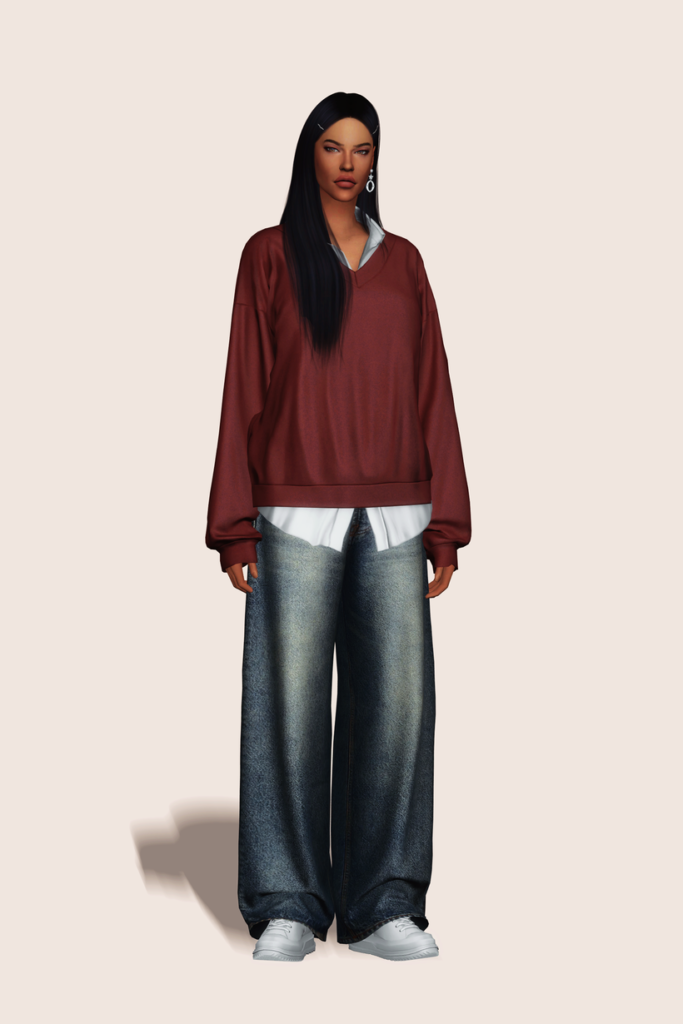
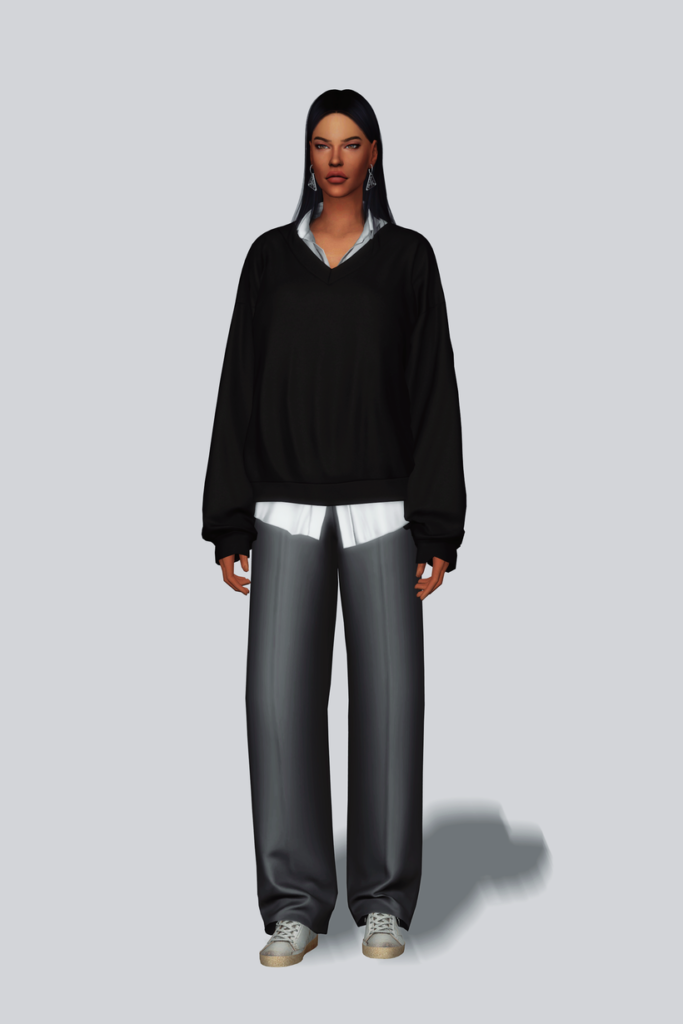
ModernLayer1

Modern Layer Sweater by Gorilla Gorilla Gorilla gives off serious CEO vibes! This Sims 4 Formal Wear CAS CC sweater features a collared, long-sleeved, buttoned undershirt, with a cozy, V-neck sweater layered over top. Perfect for the office or stepping out for an upscale lunch – available in 25 sleek swatches.

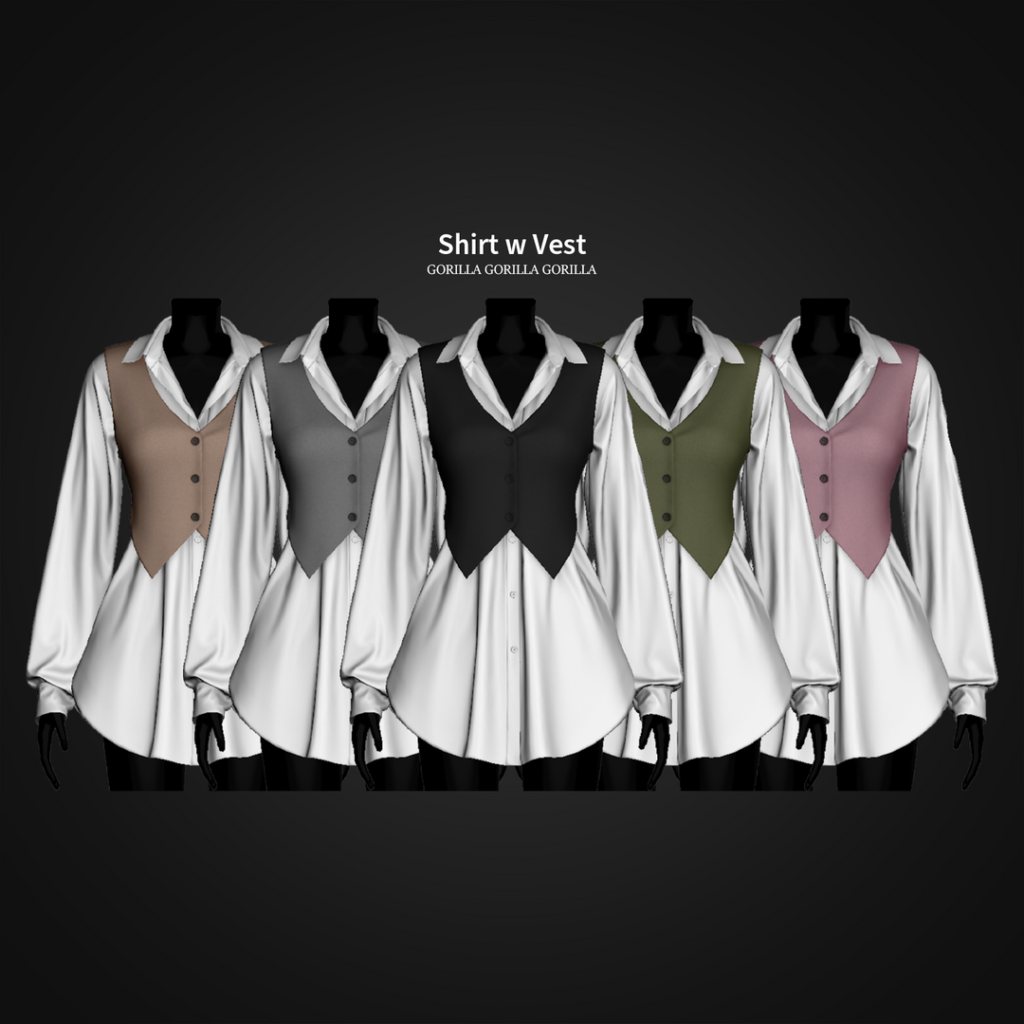
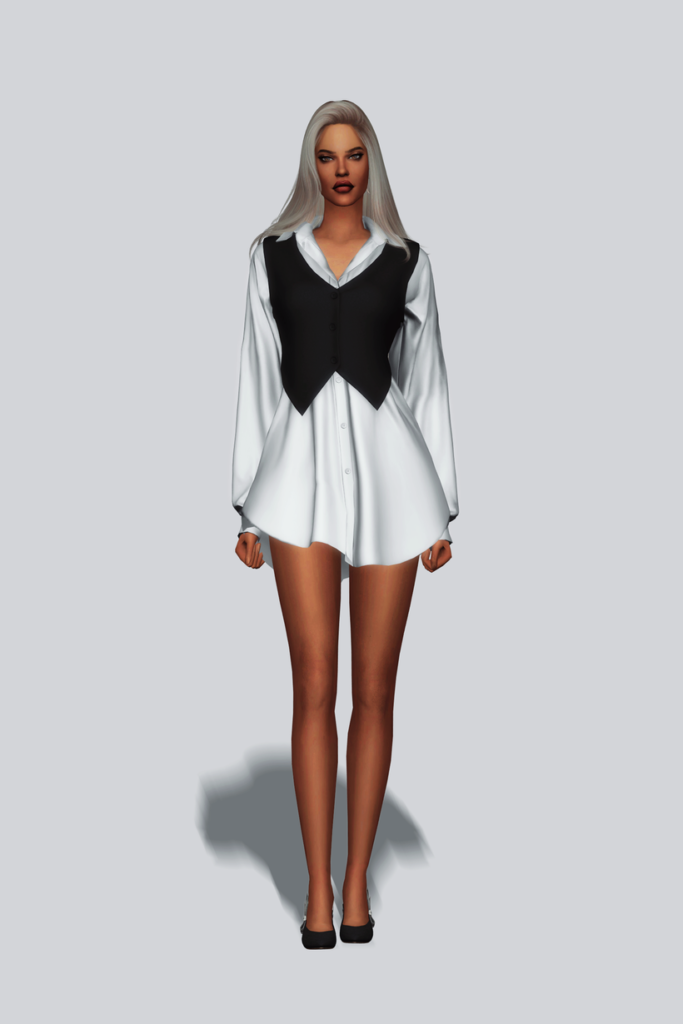
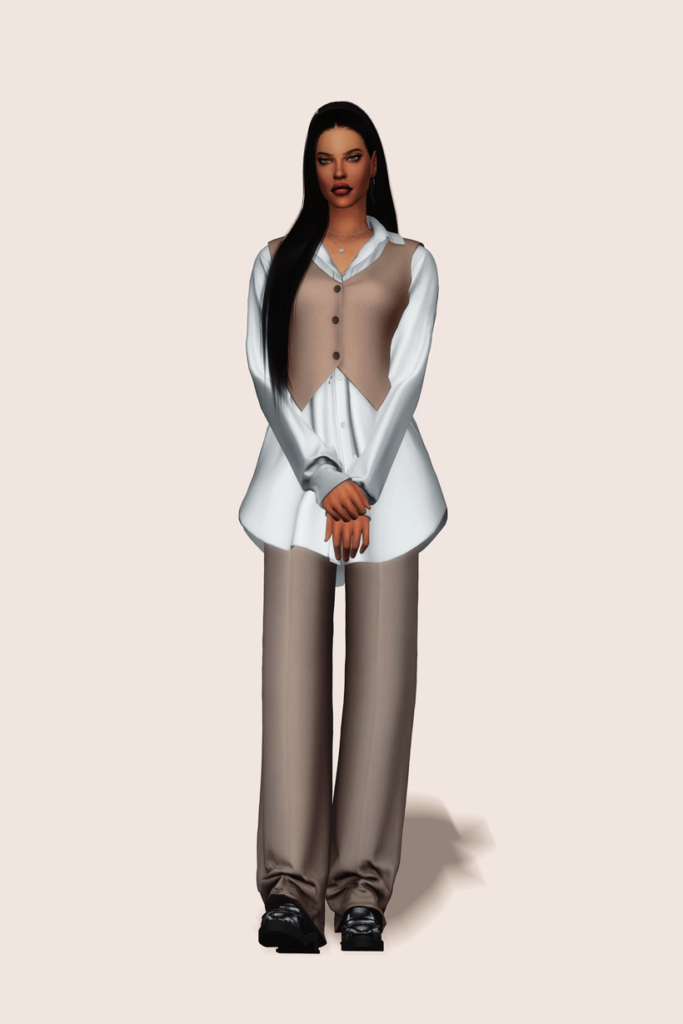
Shirt With Vest by Gorilla Gorilla Gorilla

ShirtWithVest

Corporate cutie! Shirt With Vest by Gorilla Gorilla Gorilla features a detailed, long-sleeve, buttoned top with a cropped vest layered over top, creating a sleek office style look – available in 20 swatches.

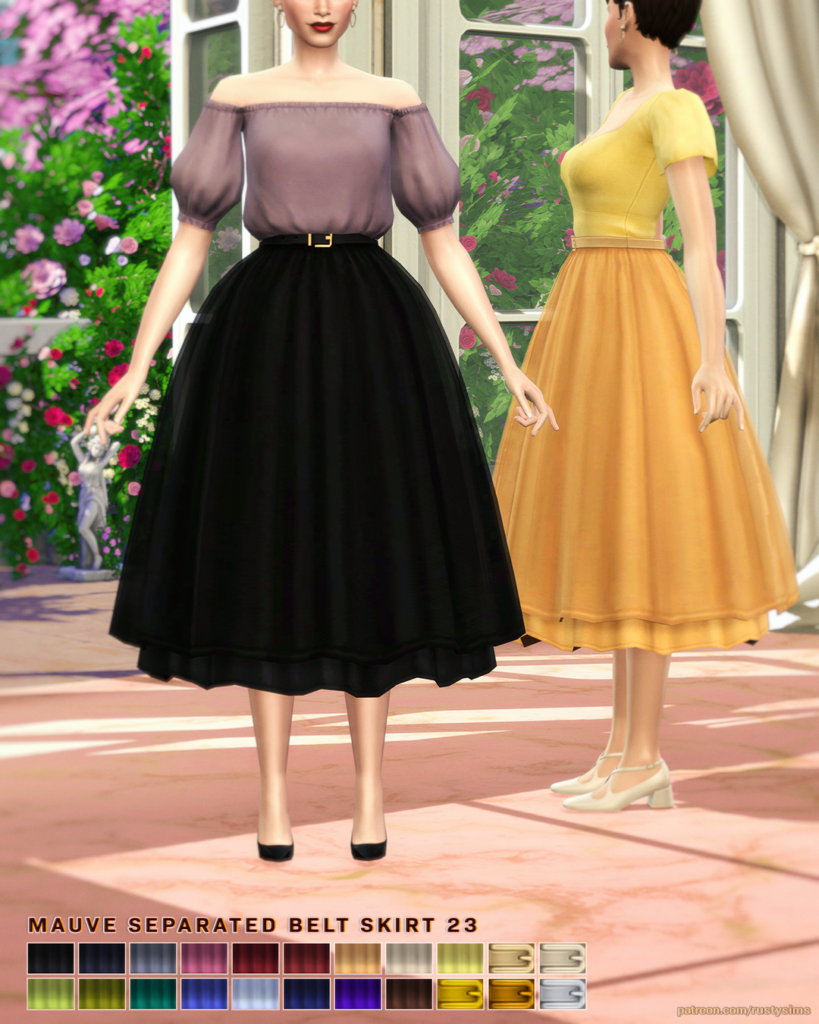
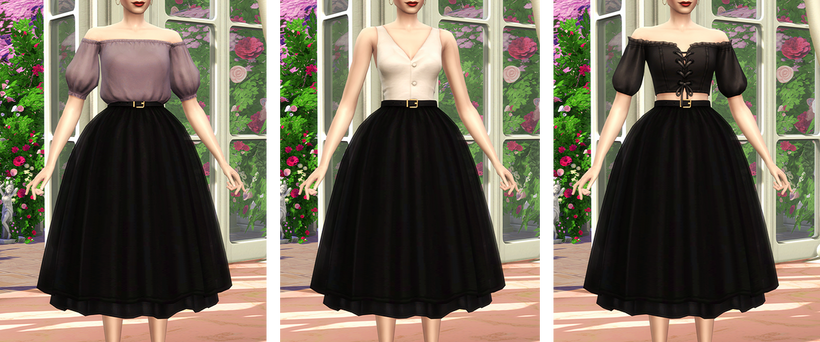
MAUVE Seperated Belt Skirt by Rusty’s

Mauve

MAUVE Seperated Belt Skirt by Rusty’s will have your Sim looking elegant in every step with its long, flowing, puffed style and simple belt – available in 22 lovely swatches.

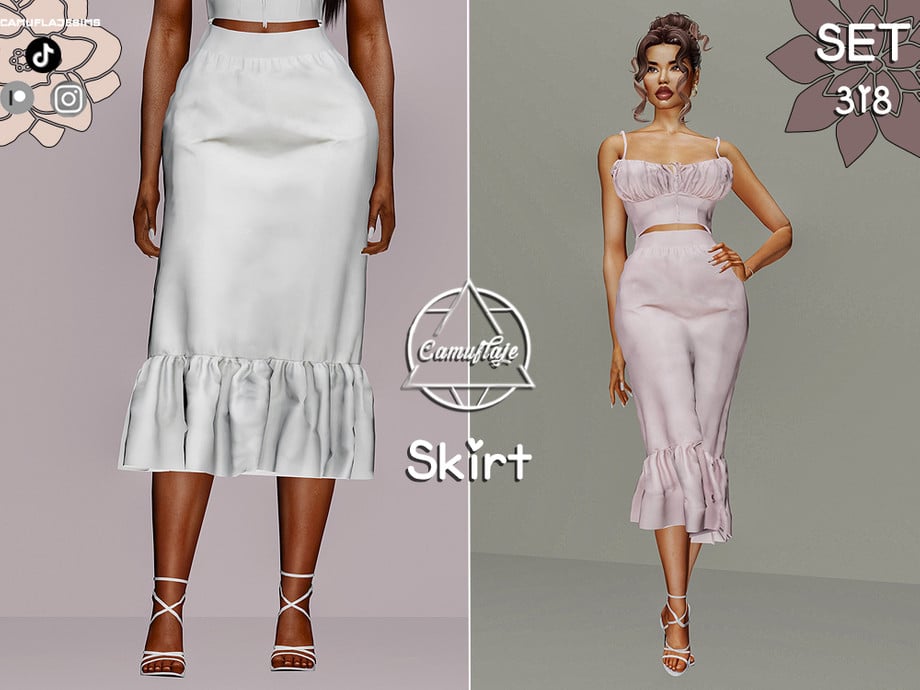
Set 318 – Skirt by Camuflaje

Skirt

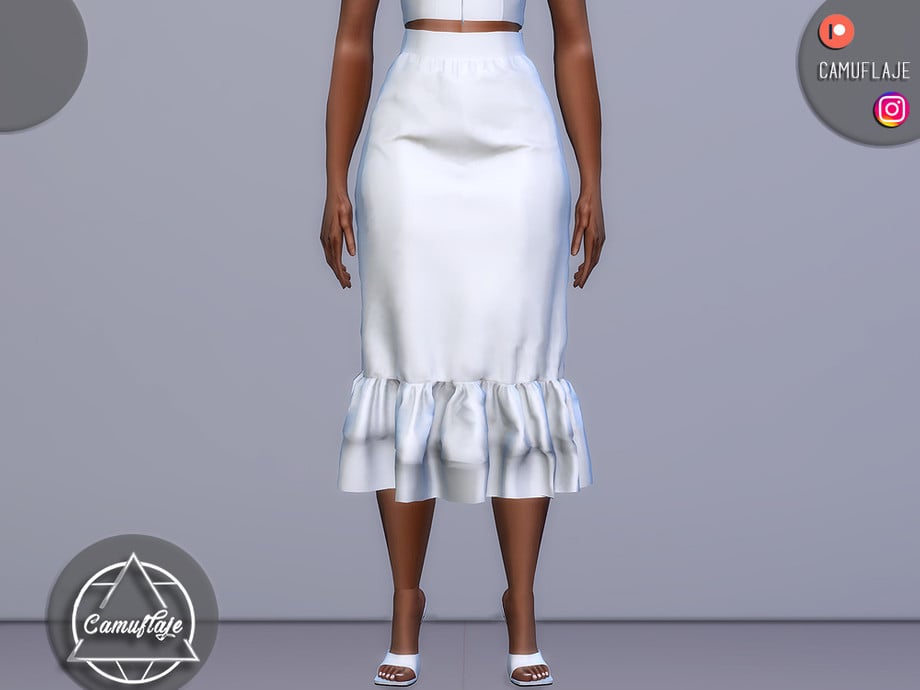
Skirts can be the ultimate, classy staple to any elegant outfit, and this skirt by Camuflaje definitely fits the bill! This lovely, formal wear, CC skirt hangs just below the knees and features a small ruffle at the bottom with a sleek waistline. A perfect addition to a soft tank top or fitting top, to create a classy, modern, and elegant outfit – available in 6 swatches.

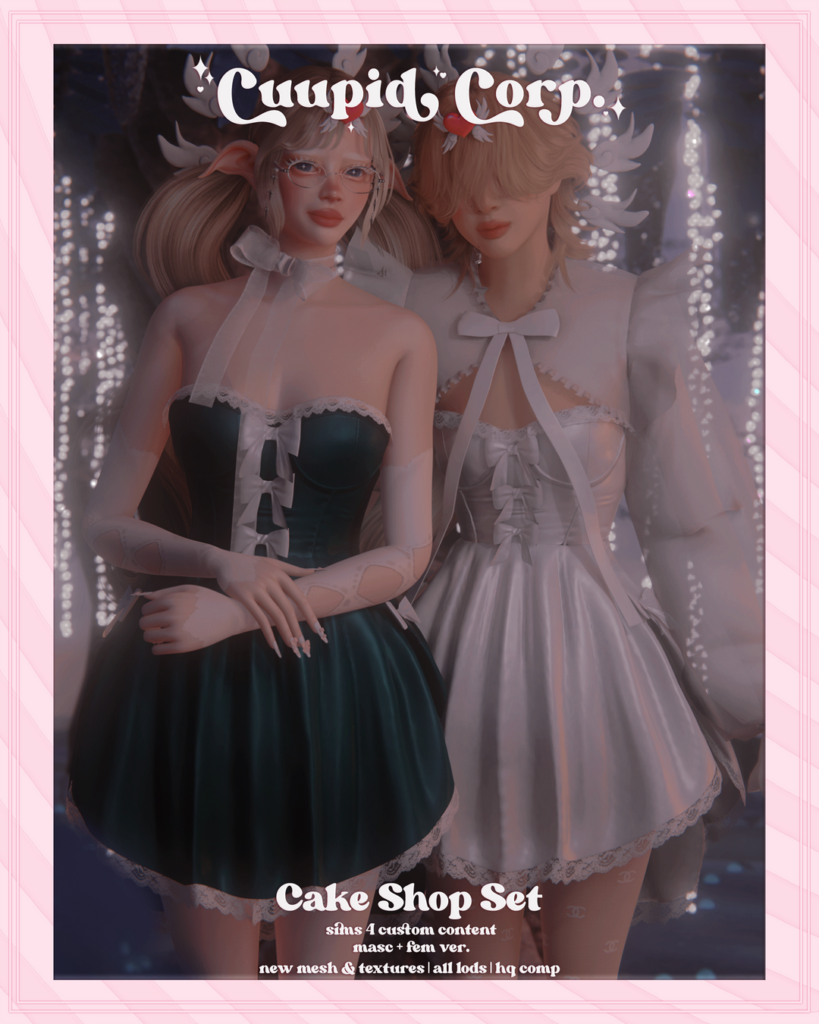
Cake Shop Set by 1-800-CUUPID

CakeShop

Elegant with a touch of sweetness, Cake Shop Set by 1-800-CUUPID includes a short, sleeveless dress with small lace details and bow ties. This amazing CC creator has also included a bolero featuring large, puffy sleeves, with lace details, and a large bow to tie the top together. The dress is available in 13 swatches, and the bolero in 11 swatches.

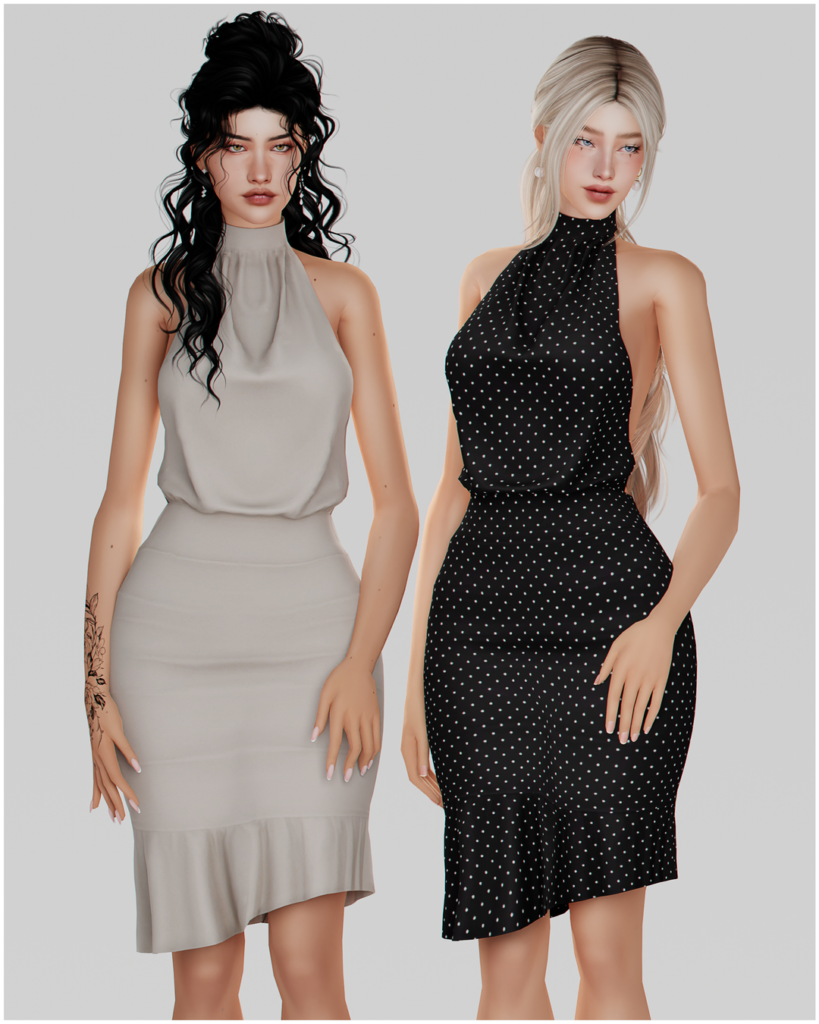
Halter Open Back Dress by korkassims

HalterOpen1

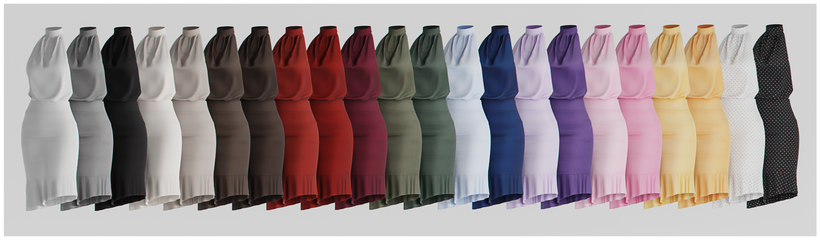
Sophisticated and stylish! Halter Open Back Dress by korkassims is an Alpha formal wear dress with an open back and a slight fringe at the bottom. Whether your Sim wants to turn heads at dinner or be in the spotlight during a “Red Carpet Moment,” this dress will have your Sim looking their best! Available in 22 beautiful swatches.

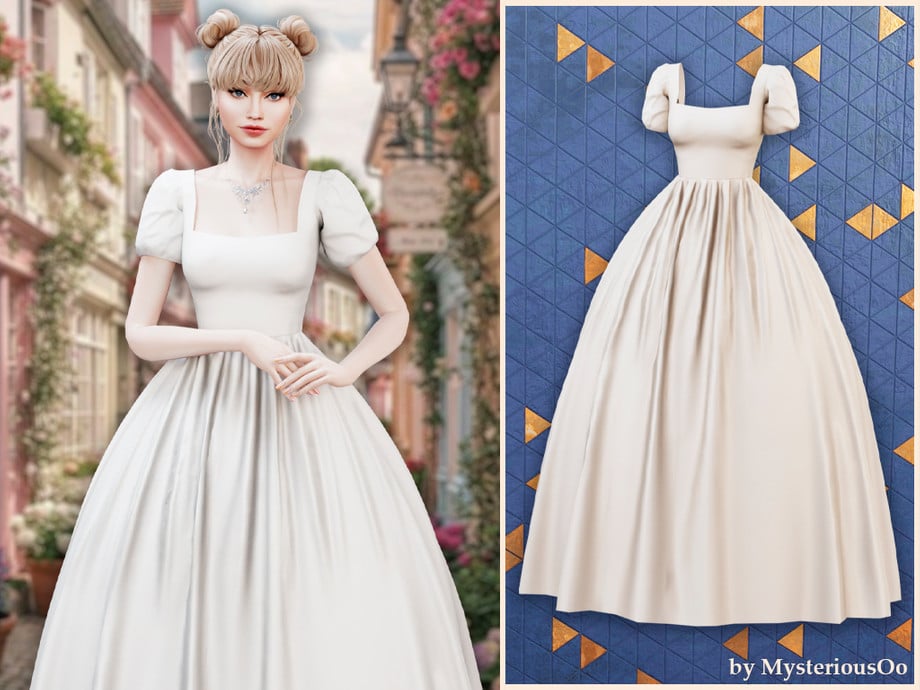
Romantic Puff Sleeve Gown by MysteriousOo

RomanticPuff1

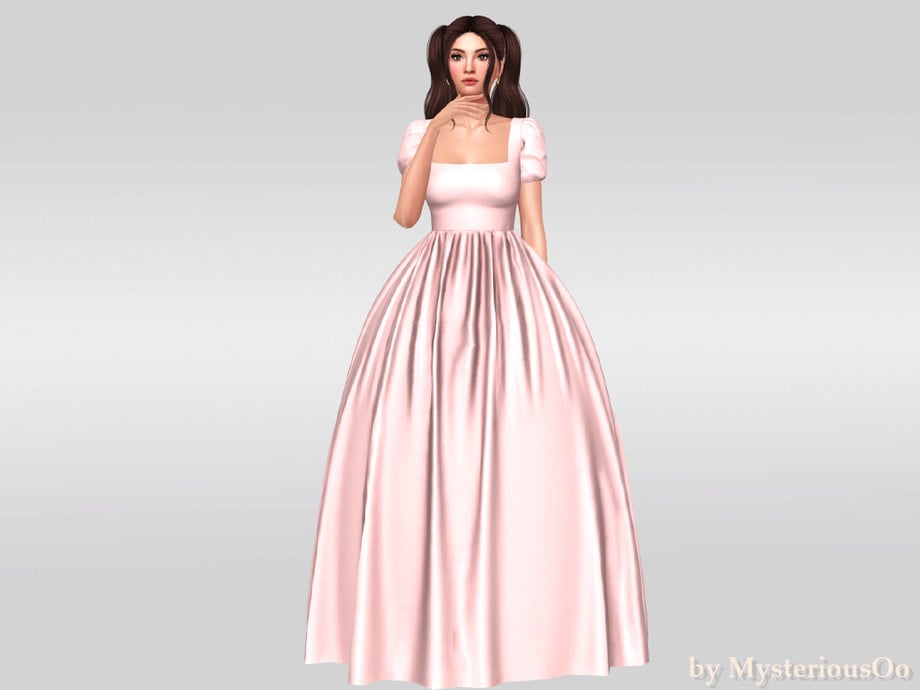
Fairytale fashion at its finest! This gorgeous, formal wear, CC dress by MysteriousOo is a classic ball gown in Alpha style, with puffy sleeves, a fitted top, and a lovely, flowing bottom, with small fabric wrinkles.

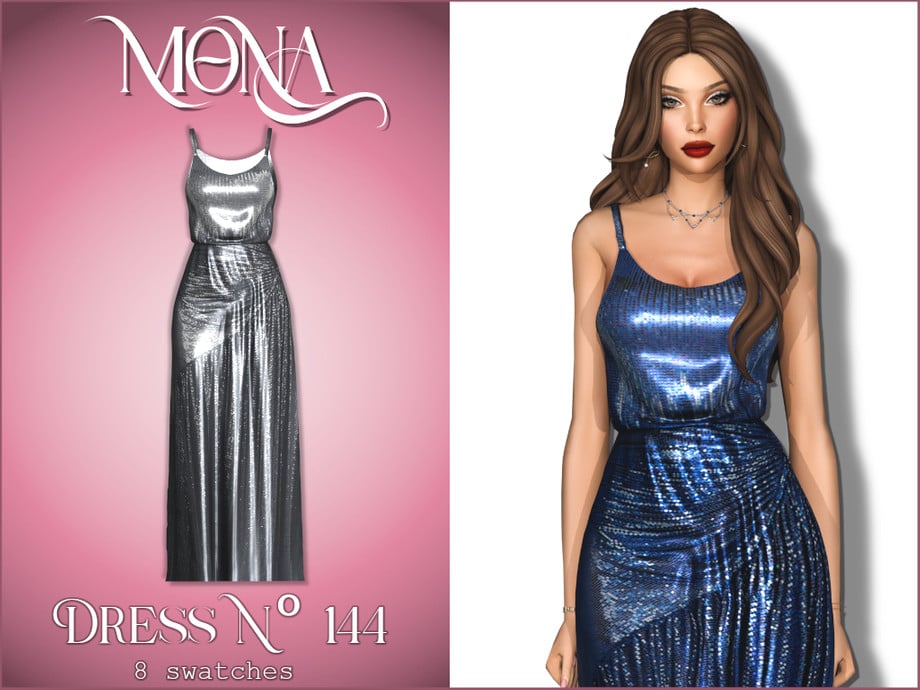
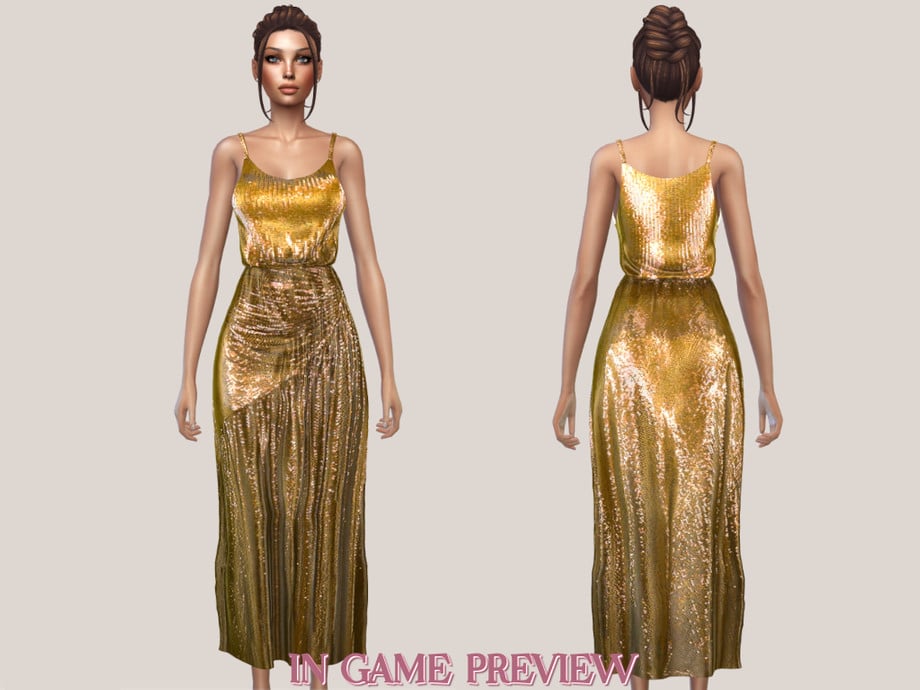
Devil Wears Prada 2 Anne Dress by Mona

Devil1

Straight from the runway! This glamorous and commanding dress by Mona is inspired by the “Devil Wears Prada 2” film and features shiny sequins, with a wrapped bottom, and a fitted, spaghetti-strap top – available in 8 eye-catching swatches.

Rosa Dress by BackTrack

Rosa1

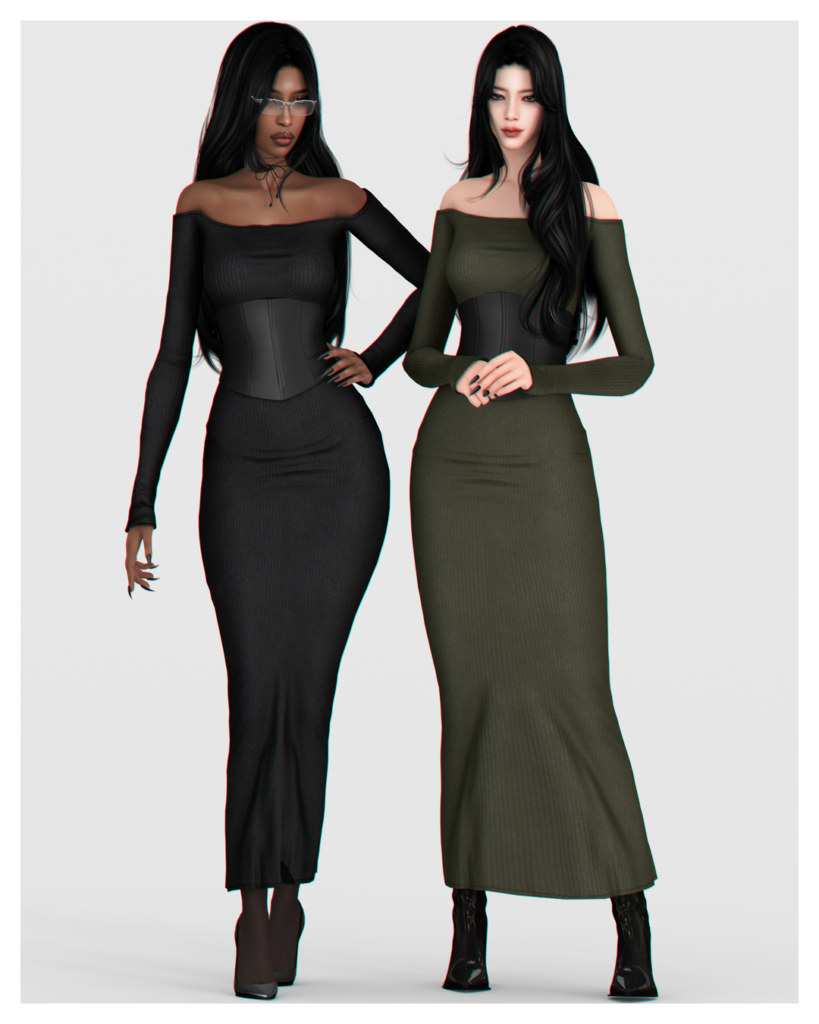
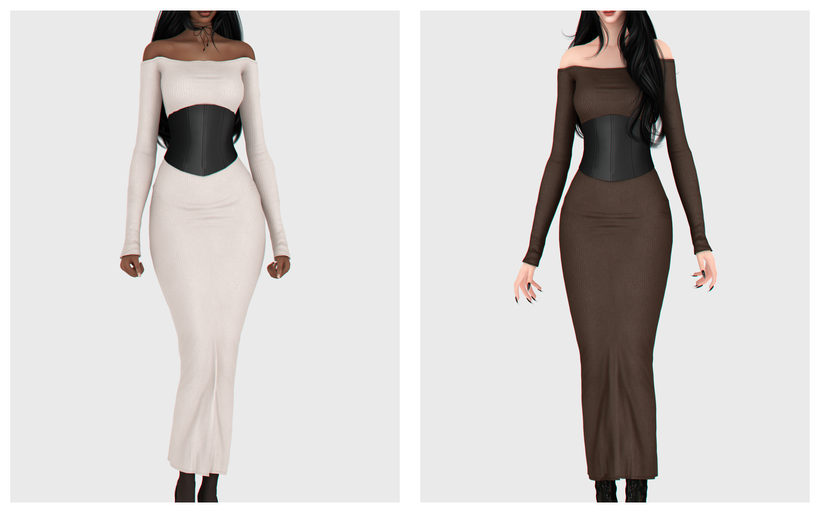
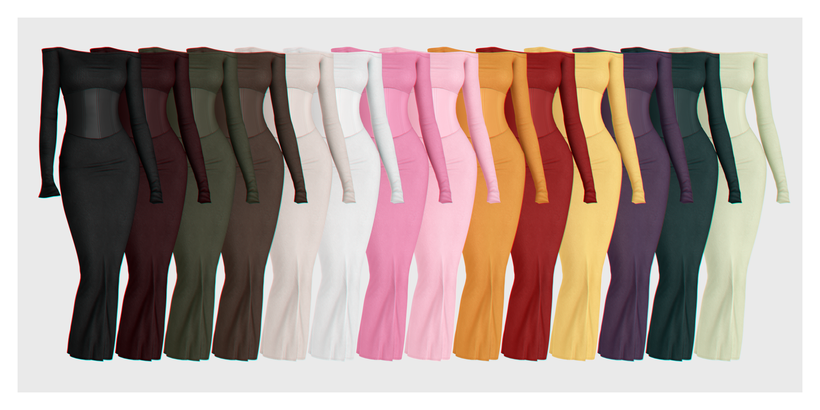
Rosa Dress by BackTrack is definitely a classy, CAS essential! This fitted, Formal Wear, CC dress features off-shoulder, long sleeves, with a fitted look, and a black corset adorned at the waist. Elegance at its finest! Whether your Sim wants a darker look or something brighter and eye-catching, the 14 swatches will have you covered.

Lenore Set by MIRO

Lenore1

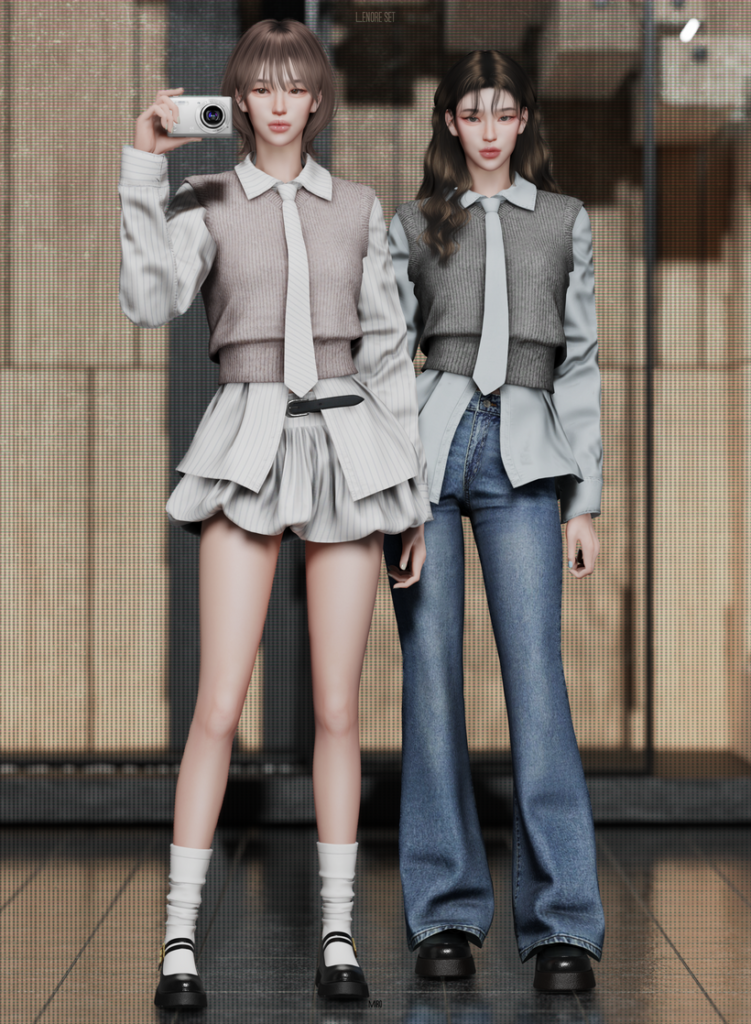
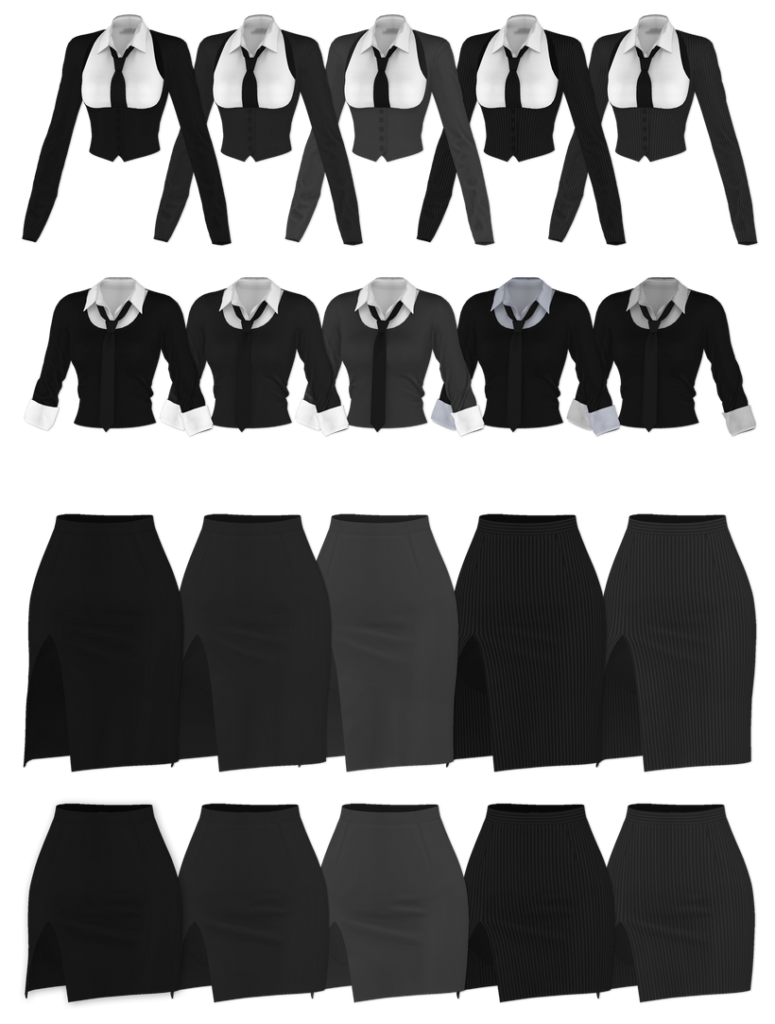
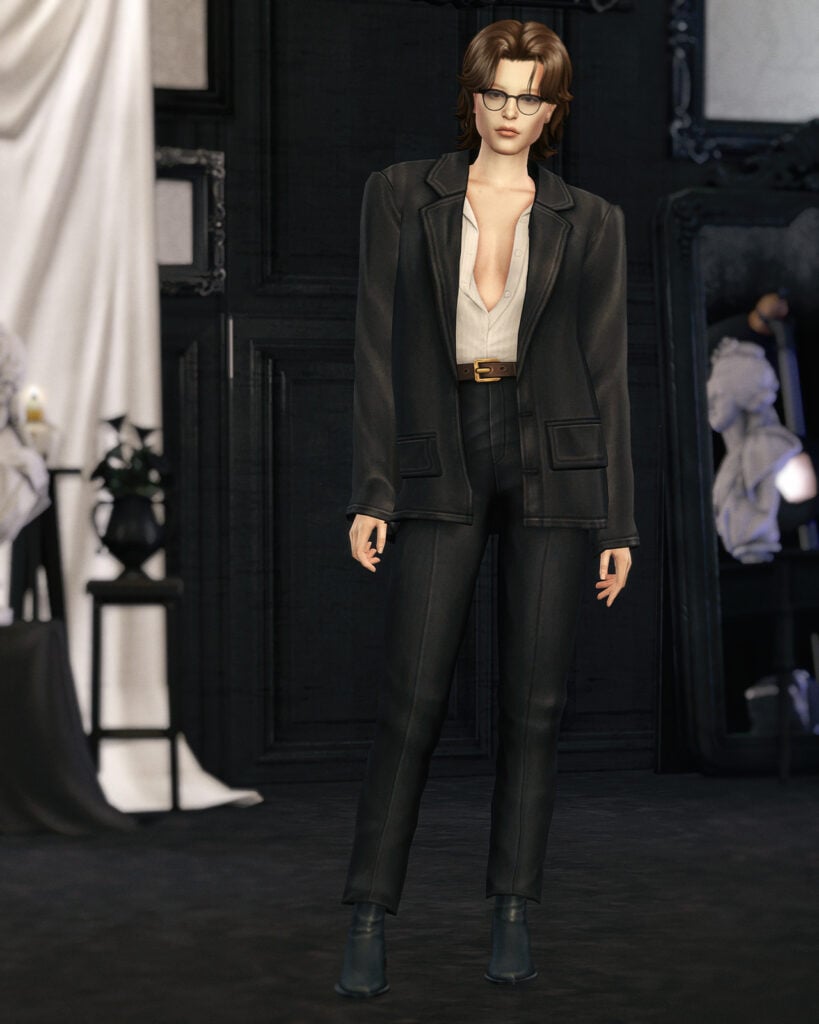
Looking for a more casual, business-ready look for your feminine-frame Sims? Check out this CC pack by MIRO. Included is a long-sleeved, collared button-up, with a cropped sweater layered over it, and an adorable tie. Pair it with the adorable, matching, ruffled skirt with a simple belt or the tight-fitting, boot-legged jeans for a more casual vibe – each item is available in multiple swatches as well for the perfect mix and match, CC pack!

Miniskirt Outfit Set by RONA_SIMS

Miniskirt

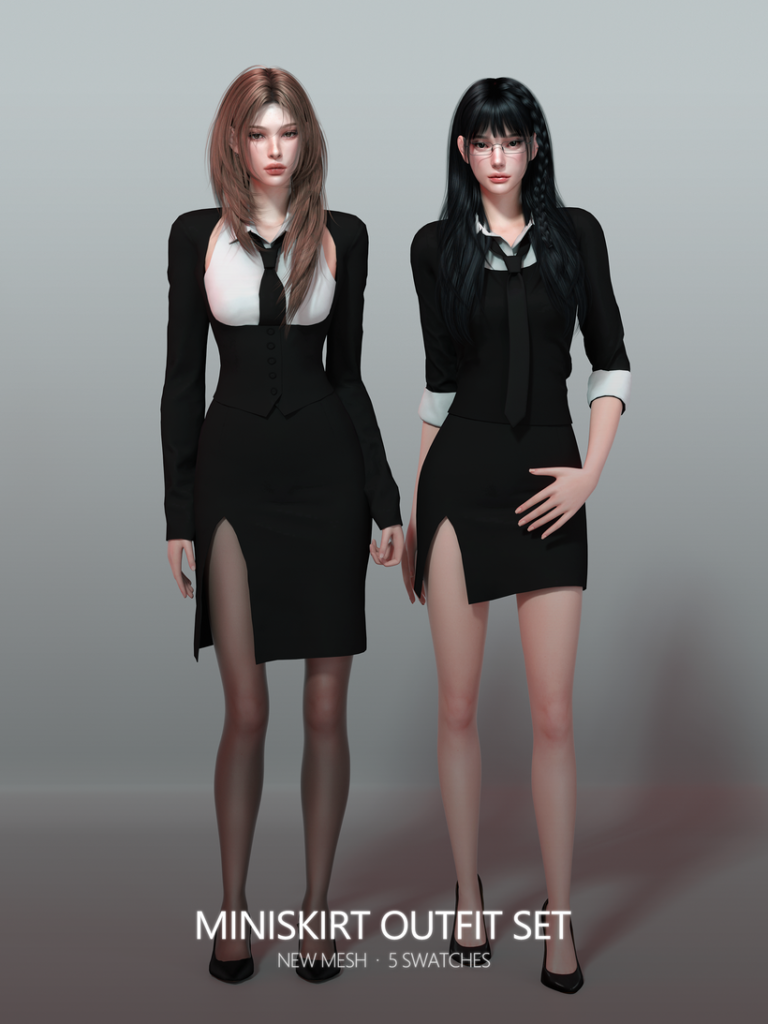
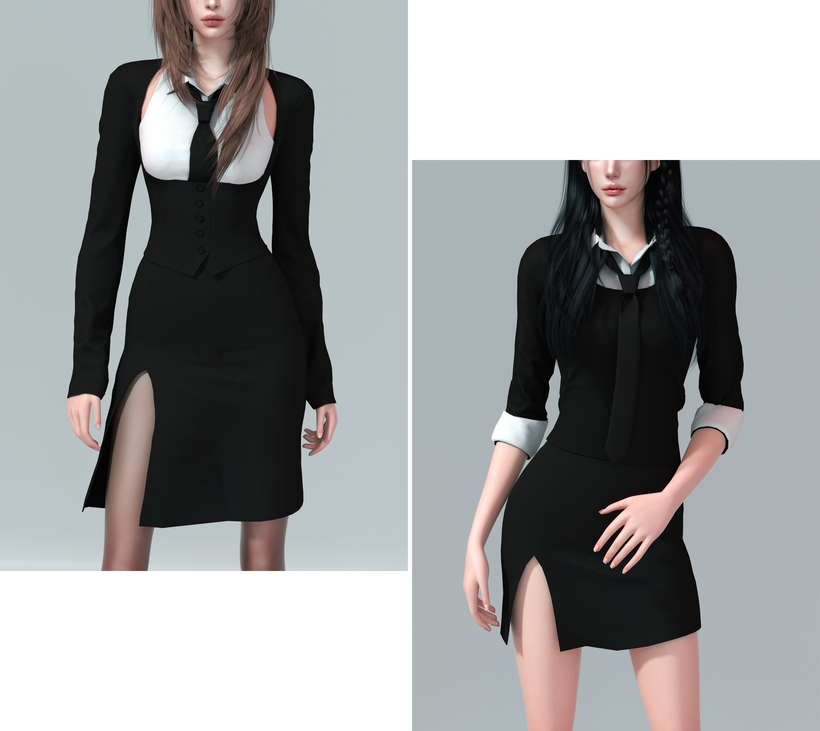
Simple, chic, and stunning! Miniskirt Outfit Set by RONA_SIMS includes 2 different Formal Wear outfits that provide the same business-ready energy but in different styles. A day in the office or for a date afterwards, this CC pack will have your Sim looking their best – available in 5 swatches each.

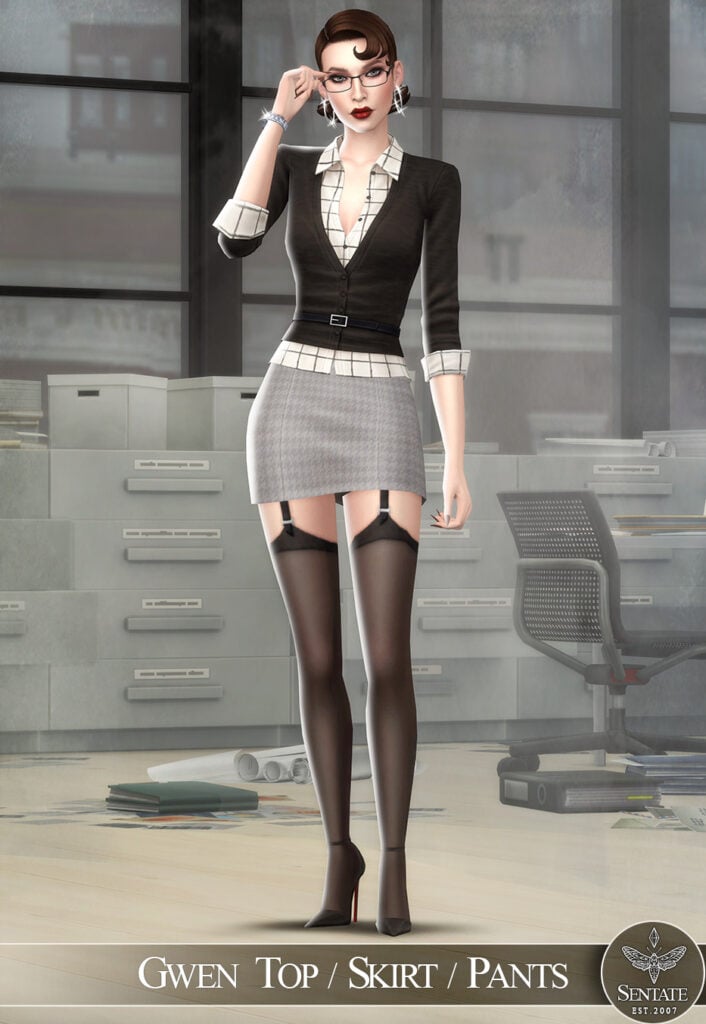
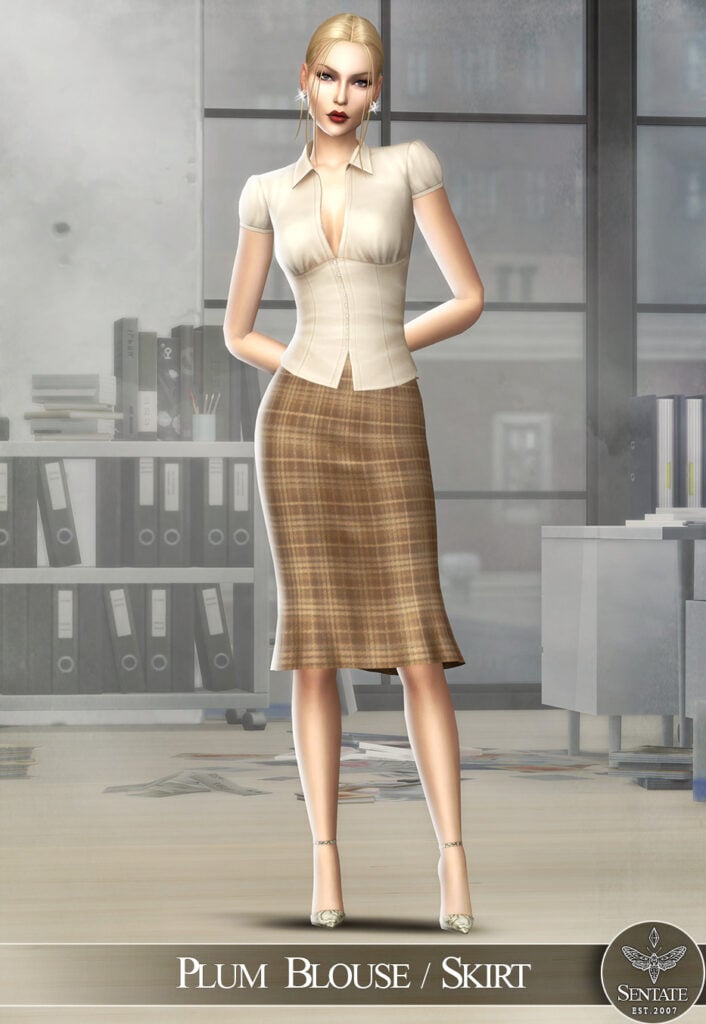
The Memo Collection by Sentate

Memo1

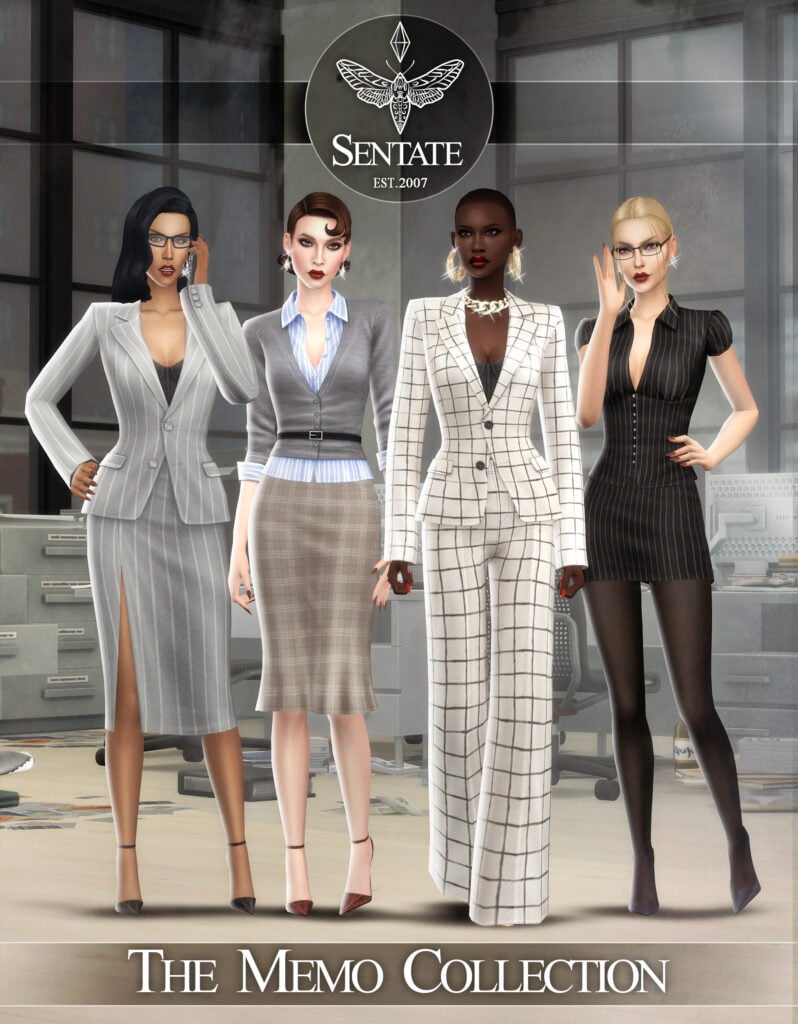
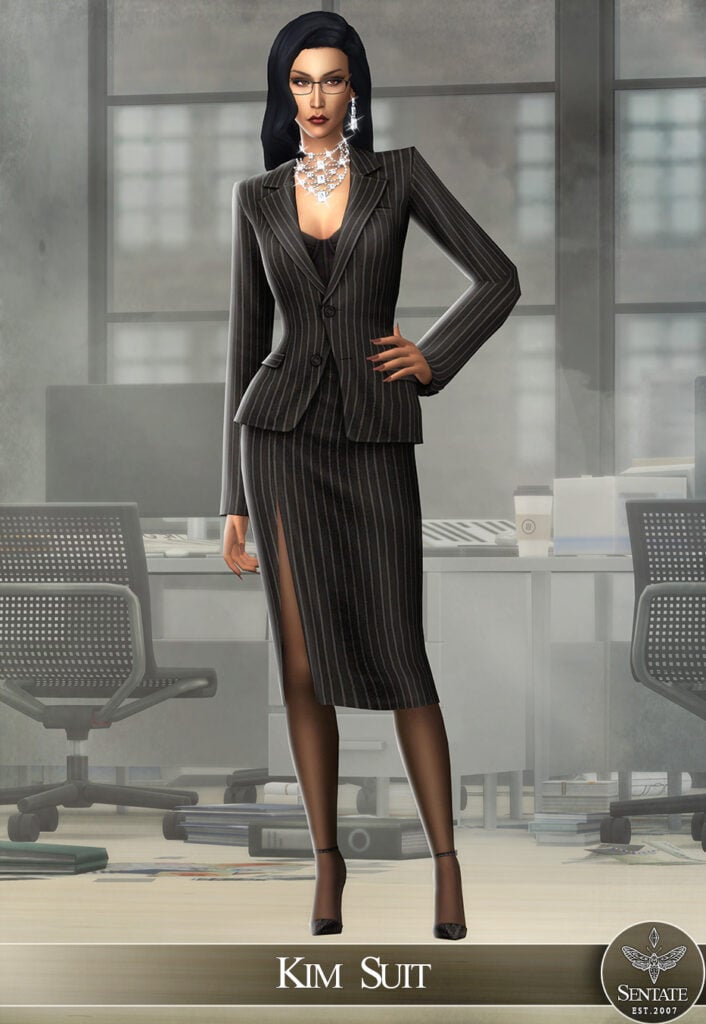
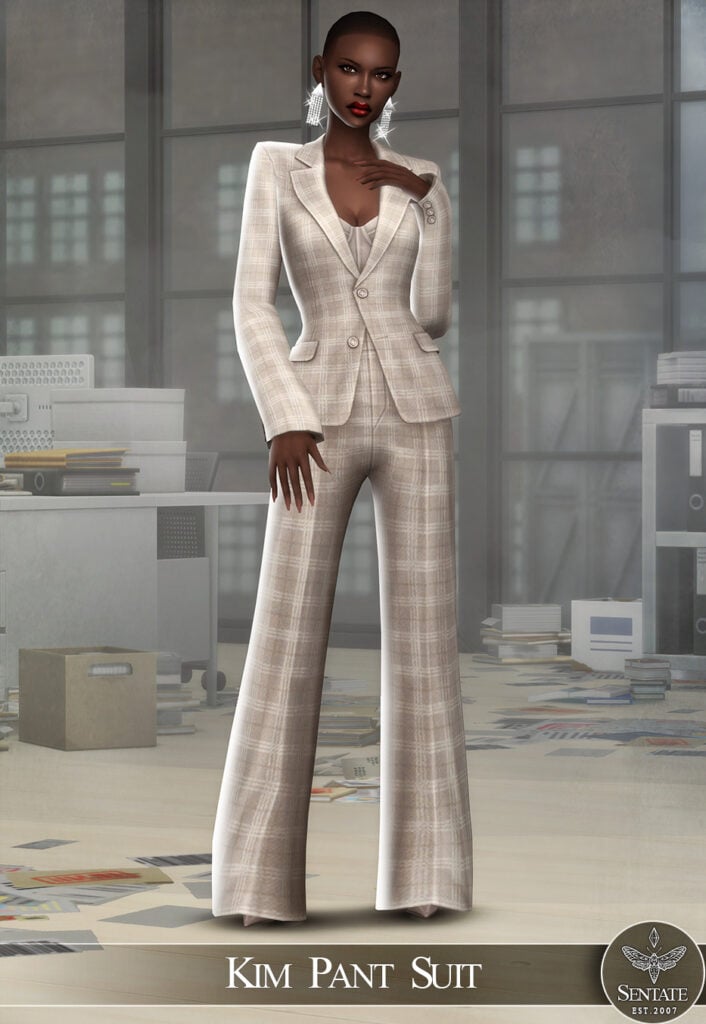
Sentate never fails to impress with their realistic and beautiful CC packs! The Memo Collection is no different, with 8 stunning items that make 4 different Formal Wear outfits that are modern, sleek, and flawless. Some of the items included are a pair of Monique Pumps that go with all of the outfits, the Kim Pant Suit – a gorgeous, flowing outfit, A Plum Blouse with a matching skirt, and more!

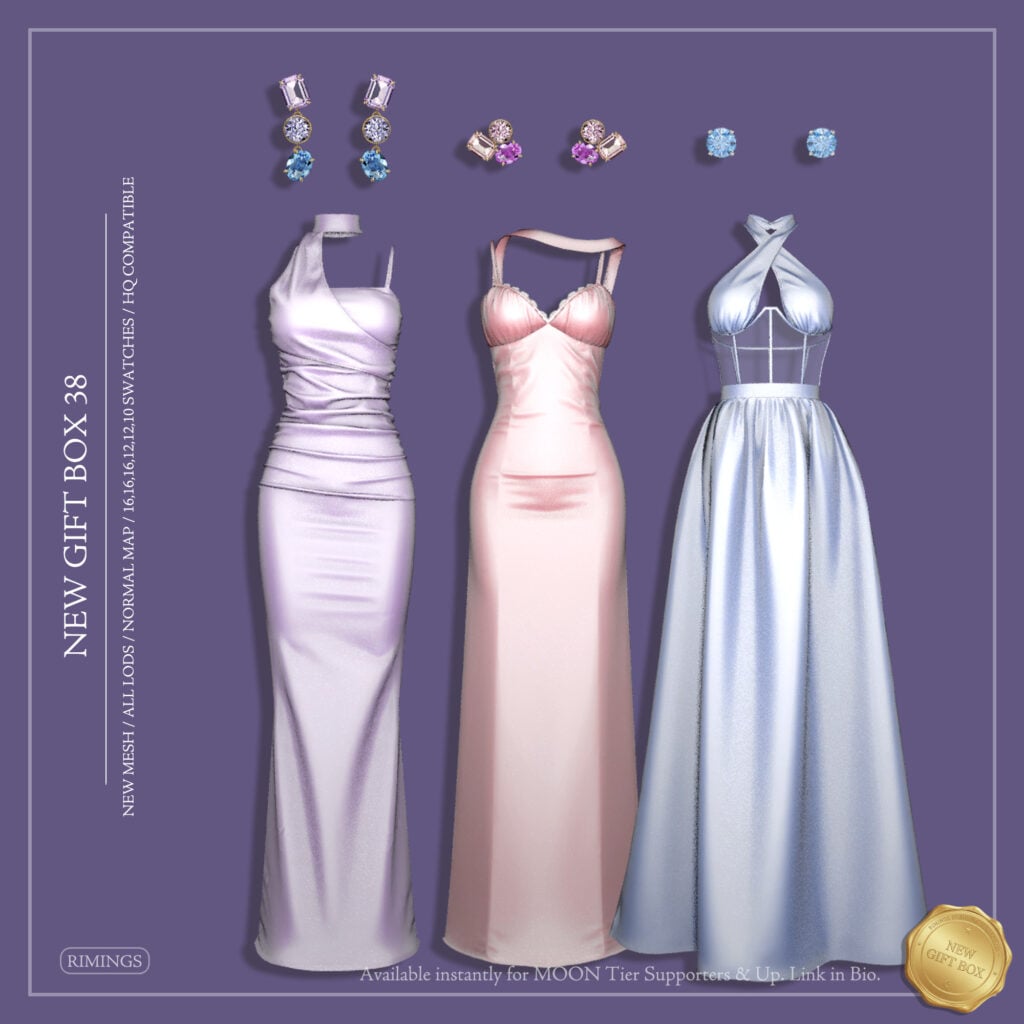
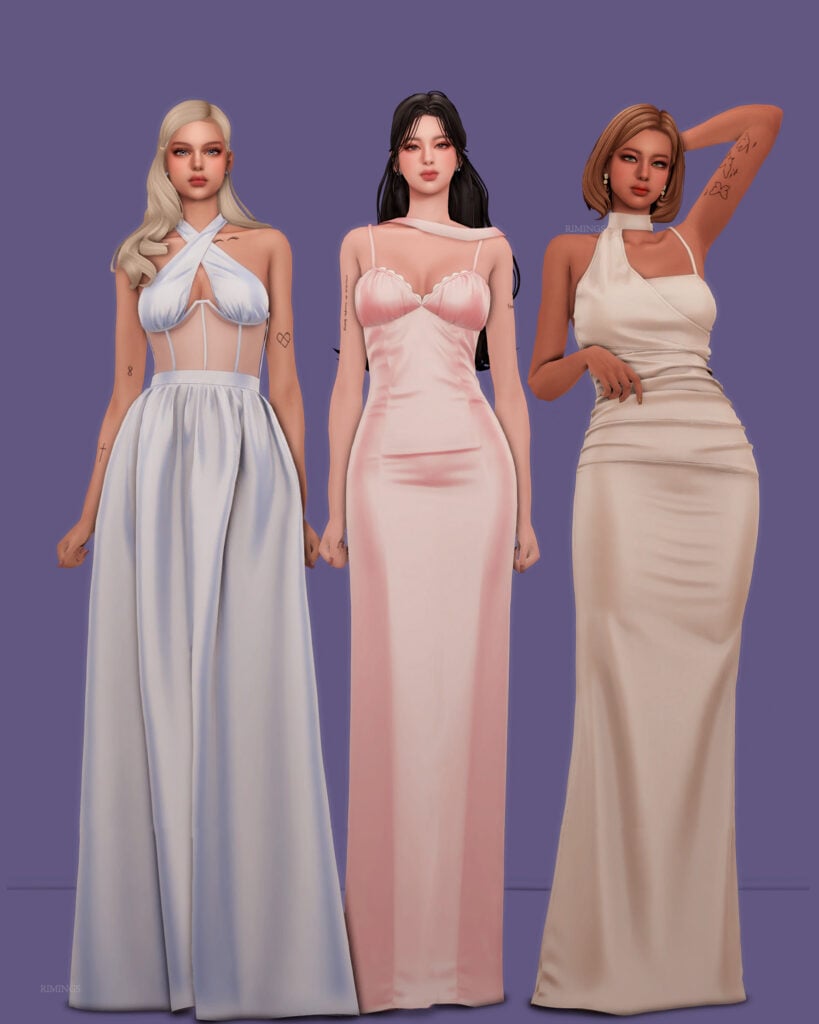
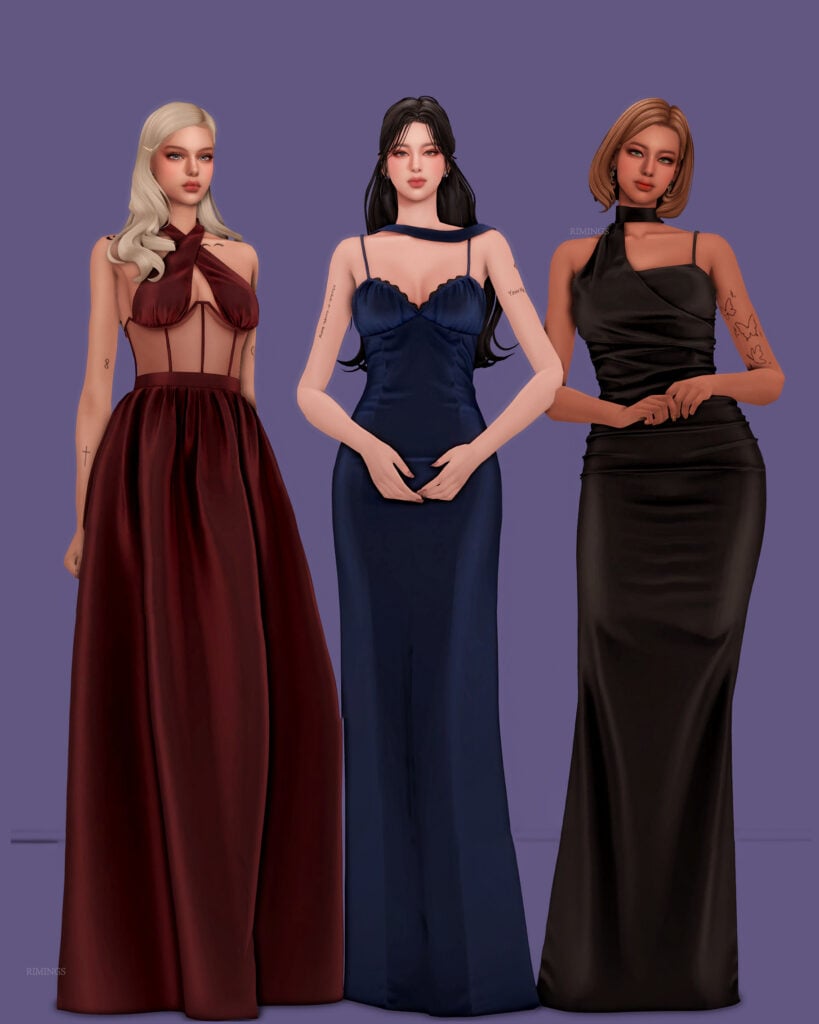
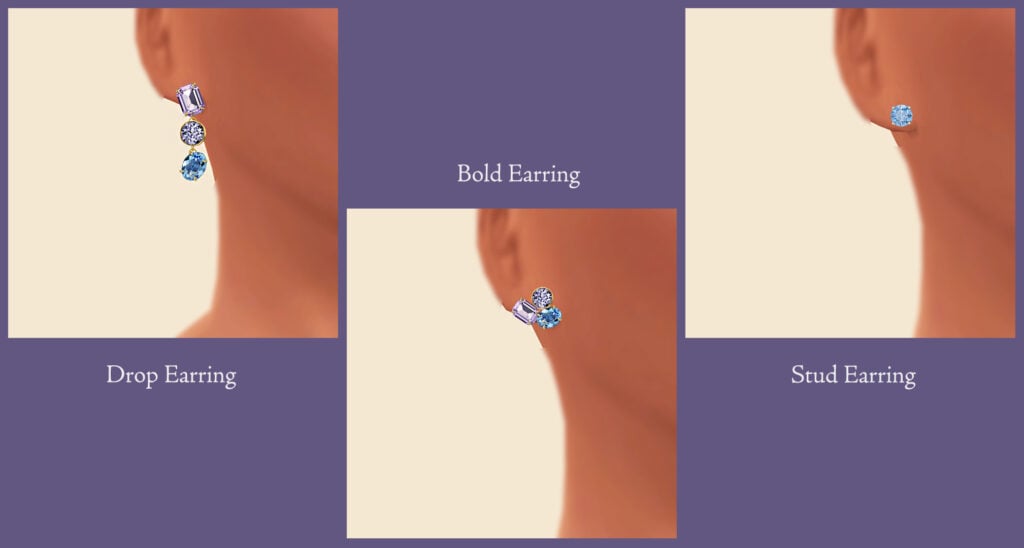
New Gift Box 38 by RIMINGS

NewGift1

Your Sim will be a total show-stopper in any of these amazing, Formal Wear, CC, CAS dresses by RIMINGS! Included are 3 different sleeveless dresses and 3 pairs of gorgeous earrings to go with them. These would be perfect for prom or a fancy ball! Available in multiple swatches each, this CC pack is a must-have, and I can see myself using this in multiple saves!

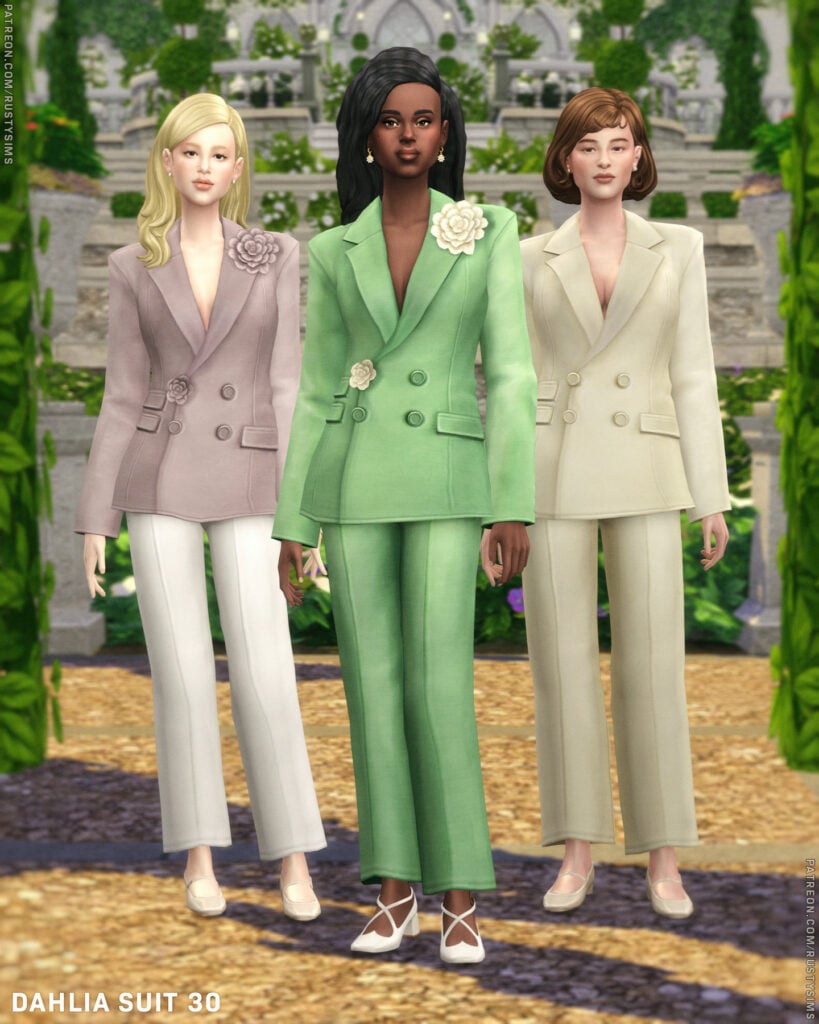
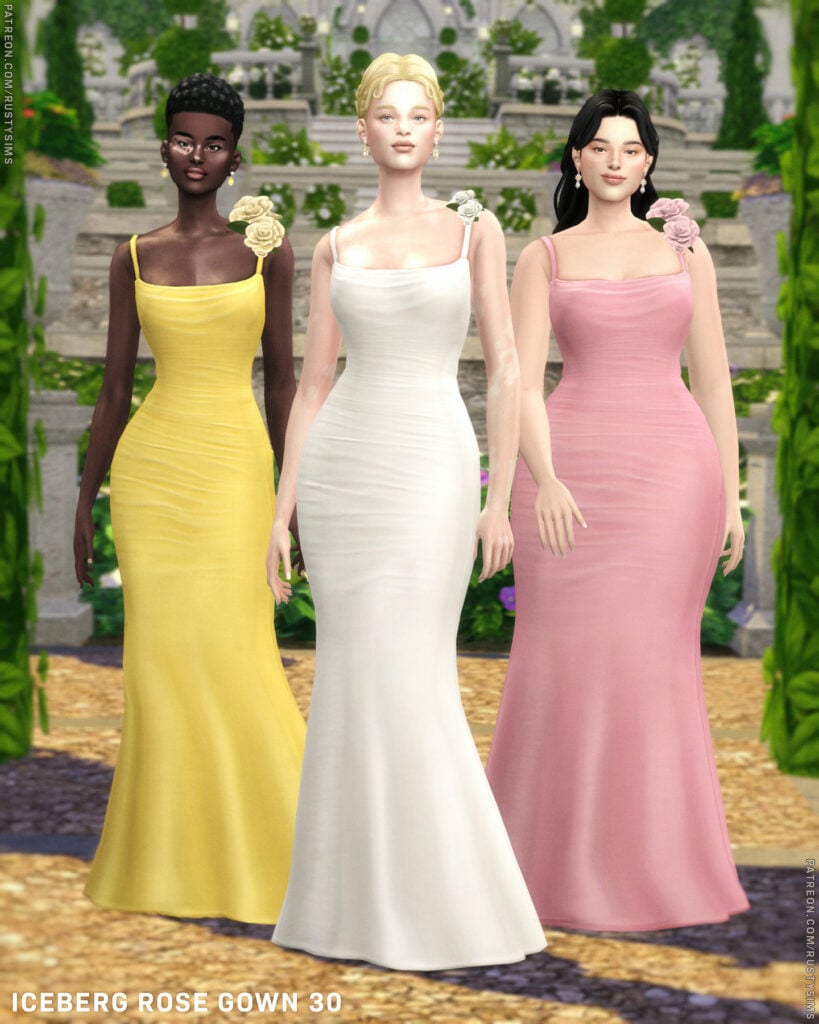
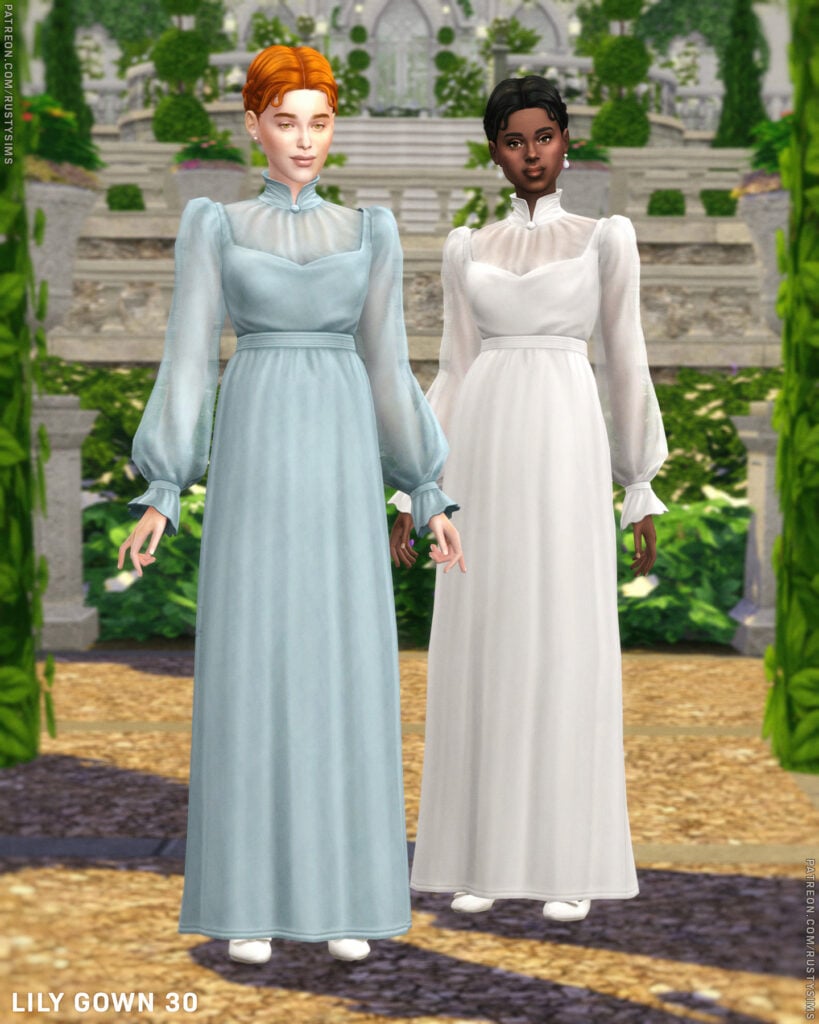
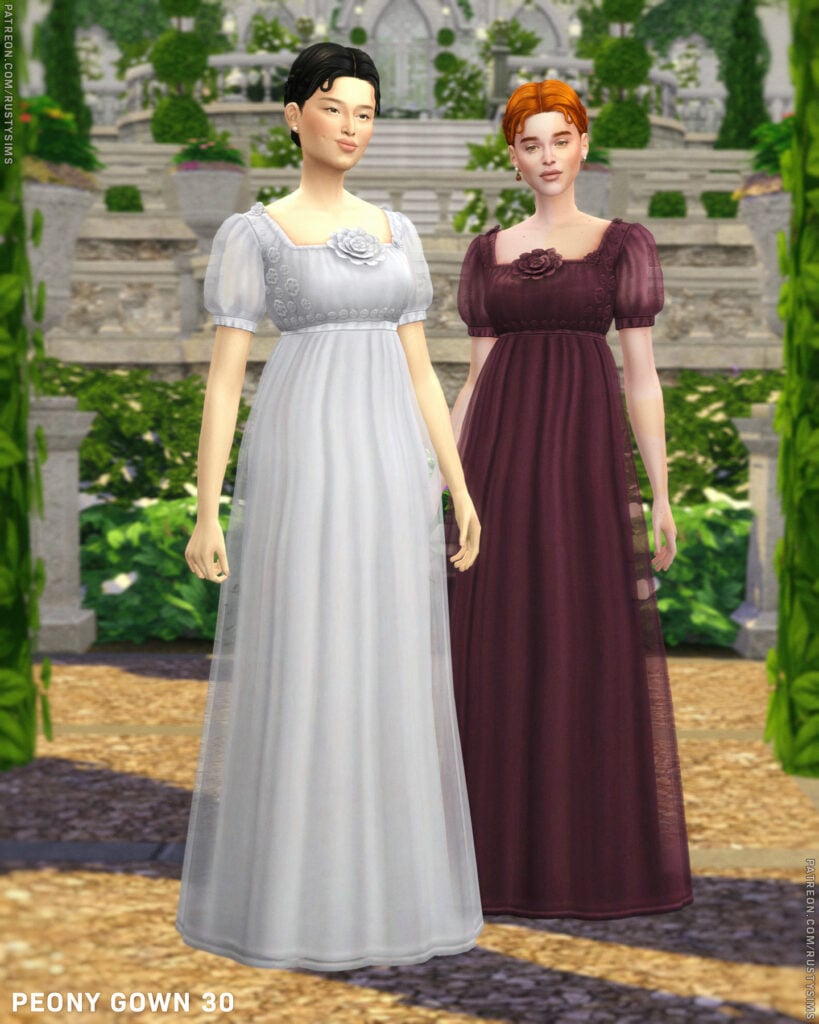
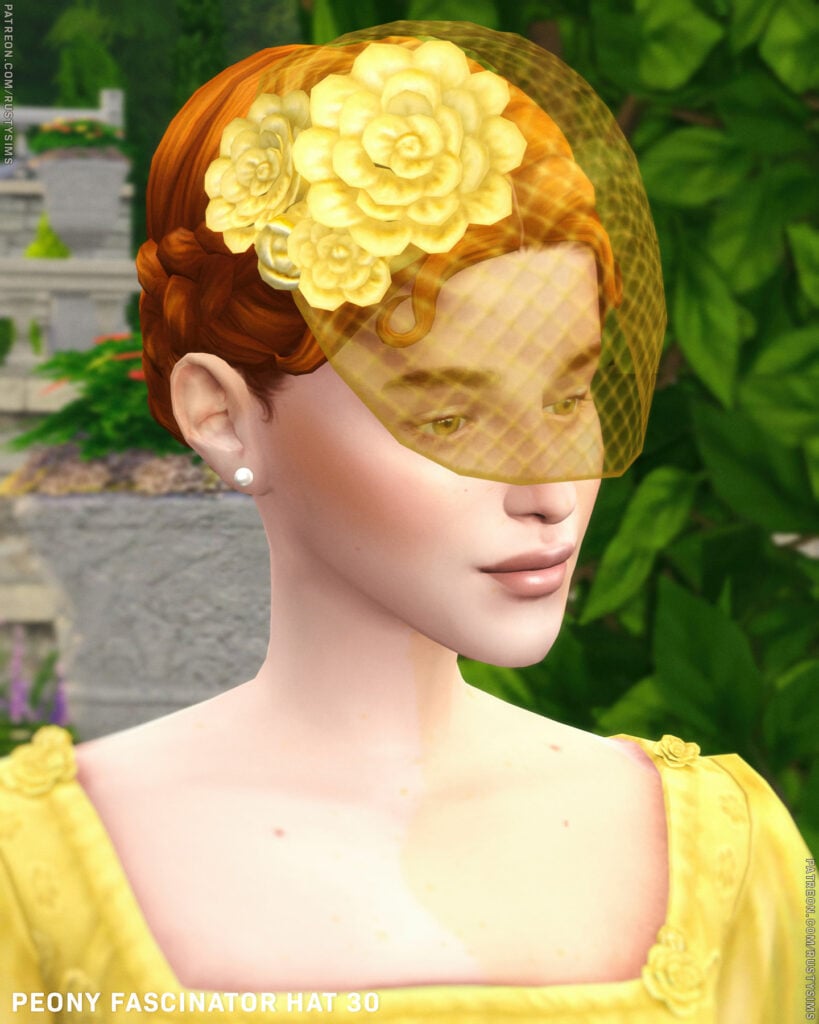
2026 White Garden by Rusty’s

WhiteGarden1

Blooming with style and springing in elegance, 2026 White Garden by Rusty’s is a gorgeously done Formal Wear, CC pack that includes 4 different, feminine-frame, Sims outfits, an accessory veil with matching gloves, and an elegant, multi-generational, CC hairstyle. Some of the outfits included are a lovely, fitting pantsuit, adorned with flower accents, as well as a long, flowing dress with puffy sleeves and a flower at the top.

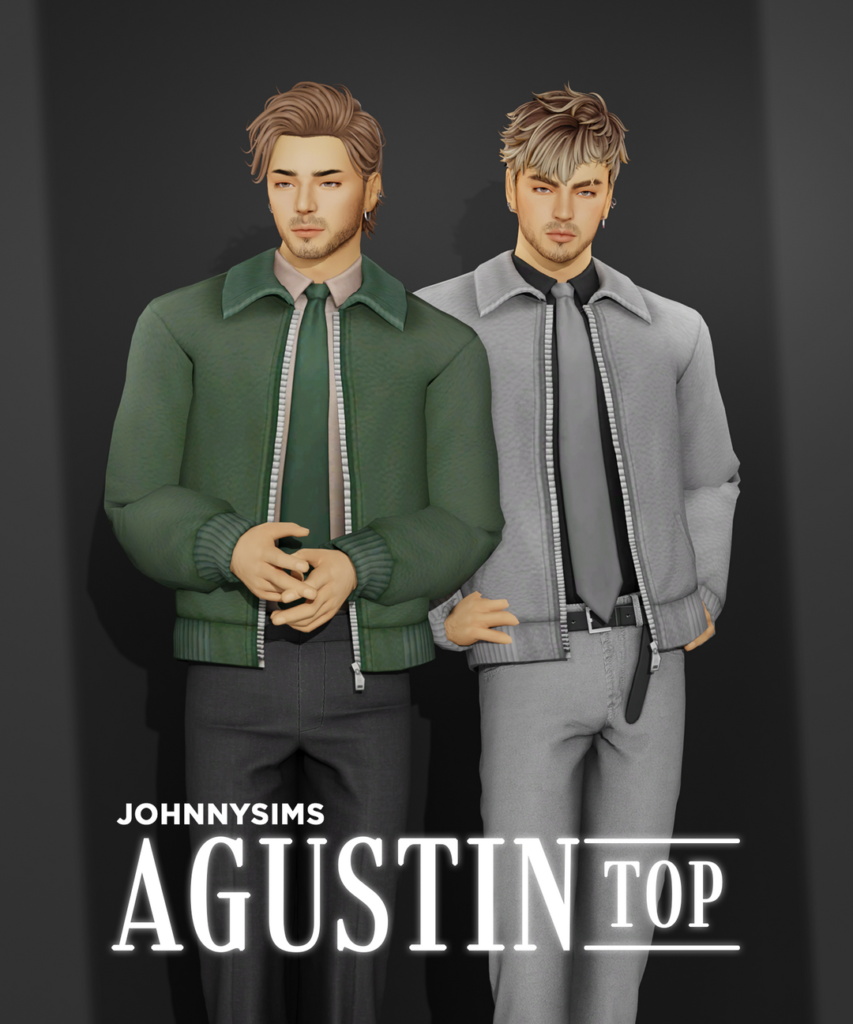
Agustin Top by JohnnySims

Agustin1

Formal made simple with Agustin Top by JohnnySims! This masculine-frame, Formal, CC top features a casual overcoat with zipper details, and a clean, collared undershirt, paired with a long, well-done tie – available in 21 handsome swatches.

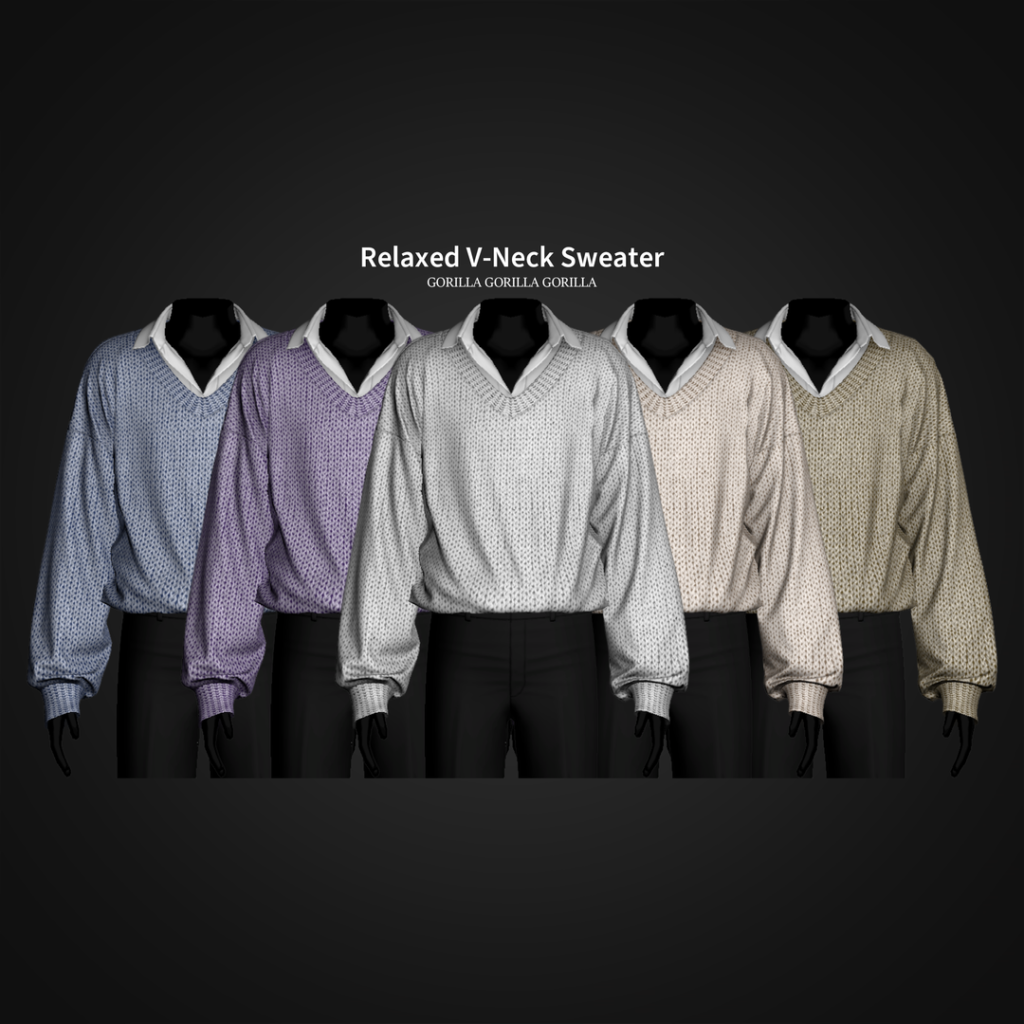
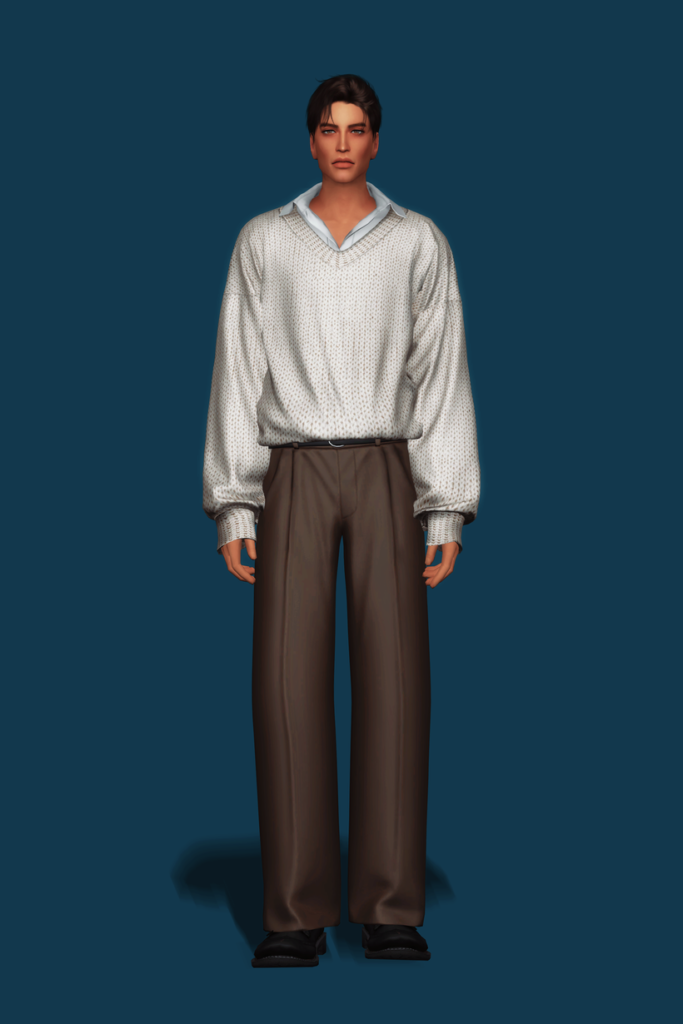
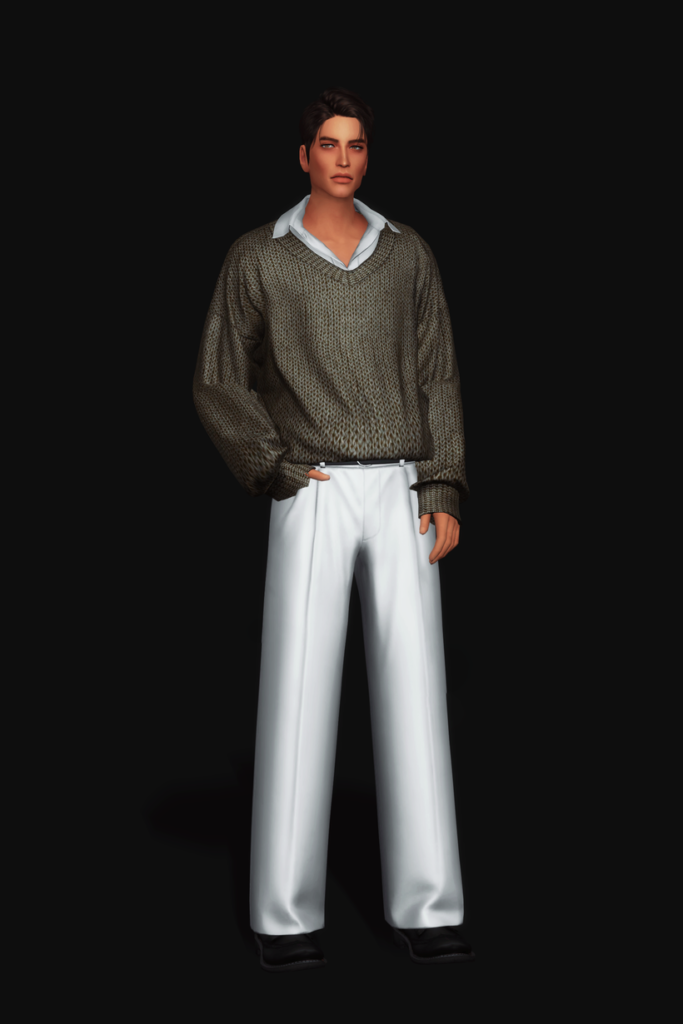
Relaxed V-Neck Sweater by Gorilla Gorilla Gorilla

Relaxed

Relaxed V-Neck Sweater by Gorilla Gorilla Gorilla is a polished and professional CC top for your masculine-frame Sims that features a collared undershirt, with a slight open at the top of the chest, and a textured, V-neck sweater overtop with fabric details and loose sleeves – available in 20 swatches.

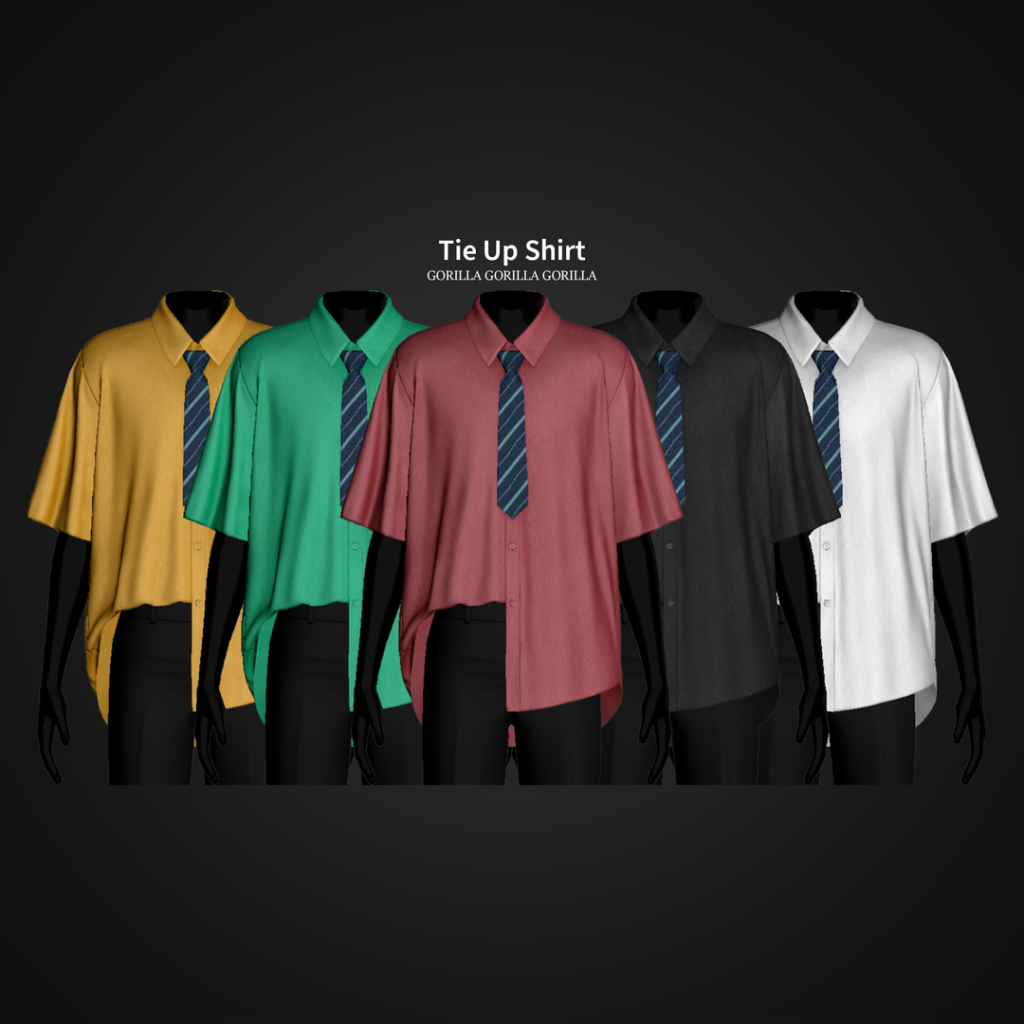
Tie Up Shirt by Gorilla Gorilla Gorilla

TieUp

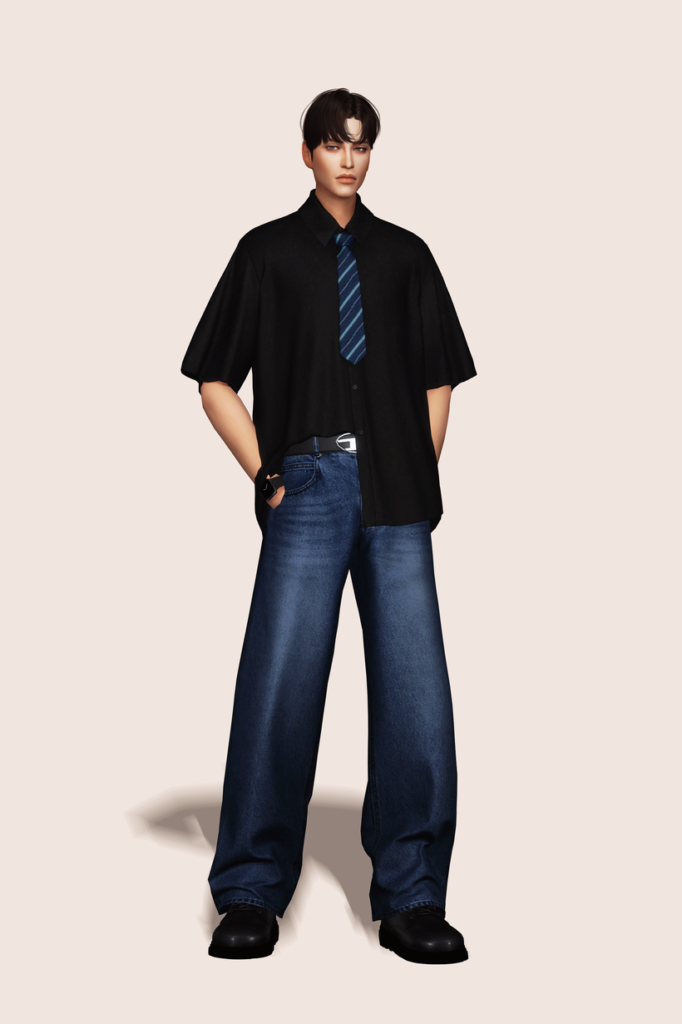
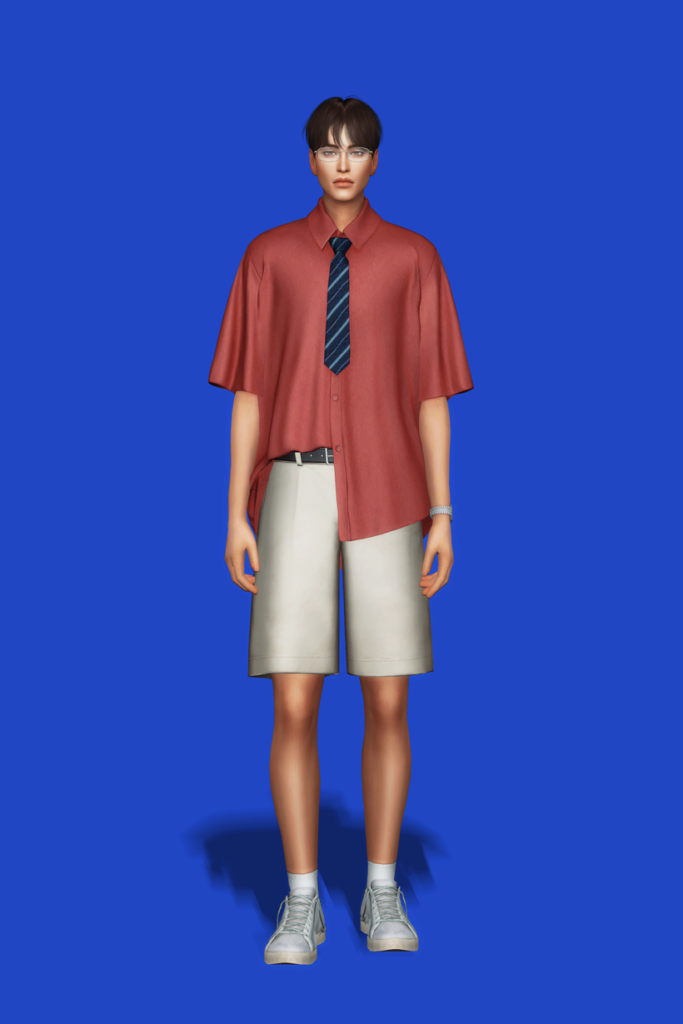
Chill but classy! Tie Up Shirt by Gorilla Gorilla Gorilla features a short-sleeved, buttoned-up top, with one side tucked in and one side tucked out, adorned with a handsome tie – available in 25 swatches.

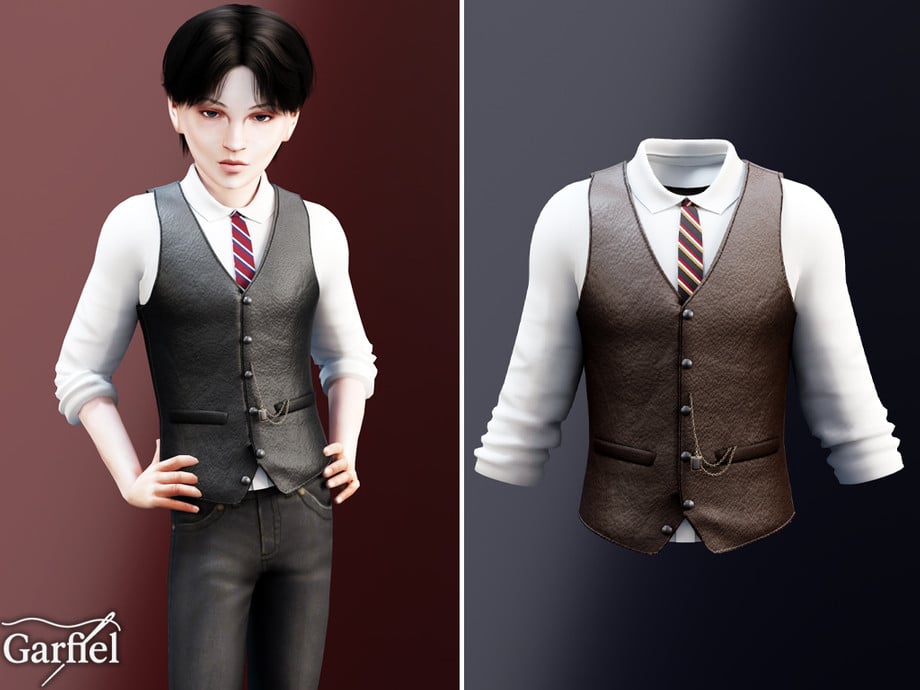
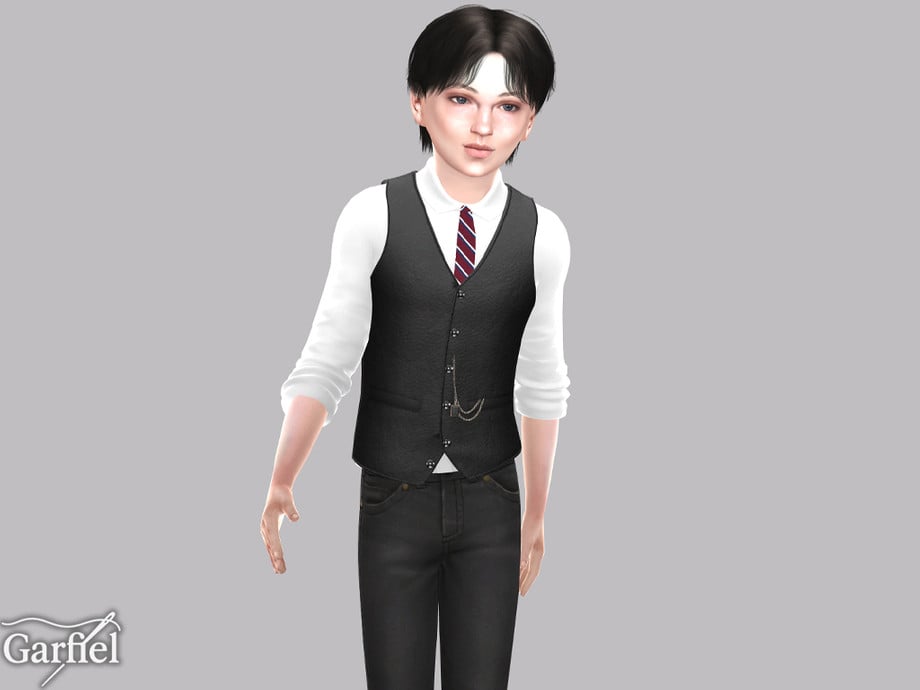
Formal Buttoned Up Vest With Tie by Garfiel

Buttoned

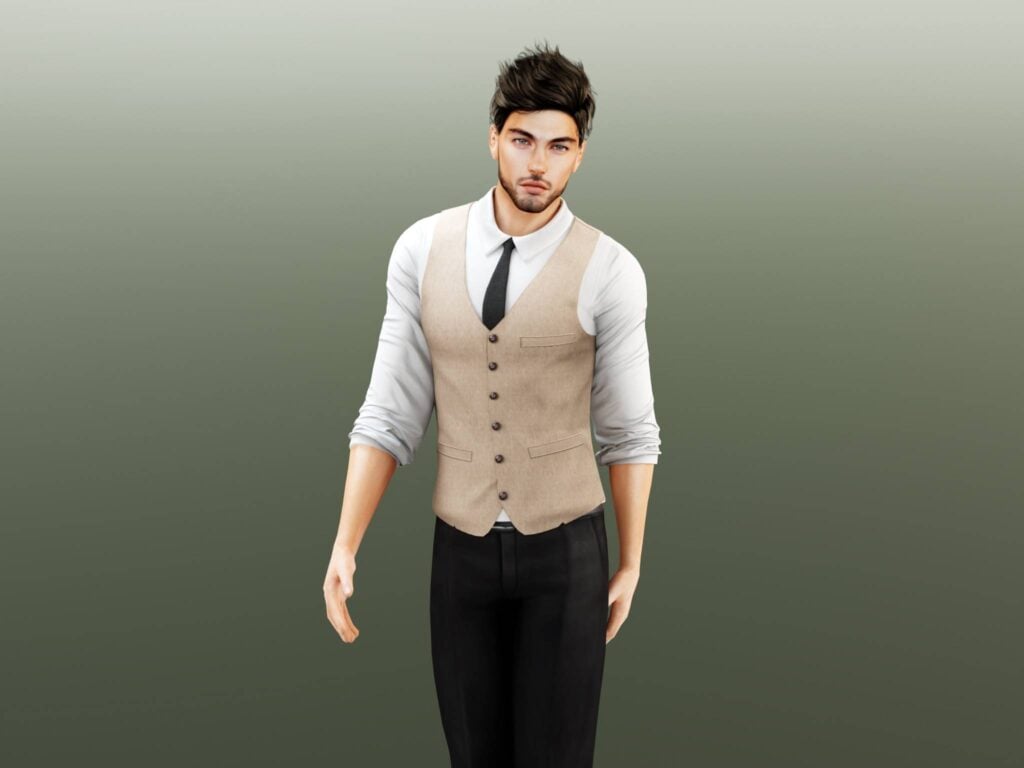
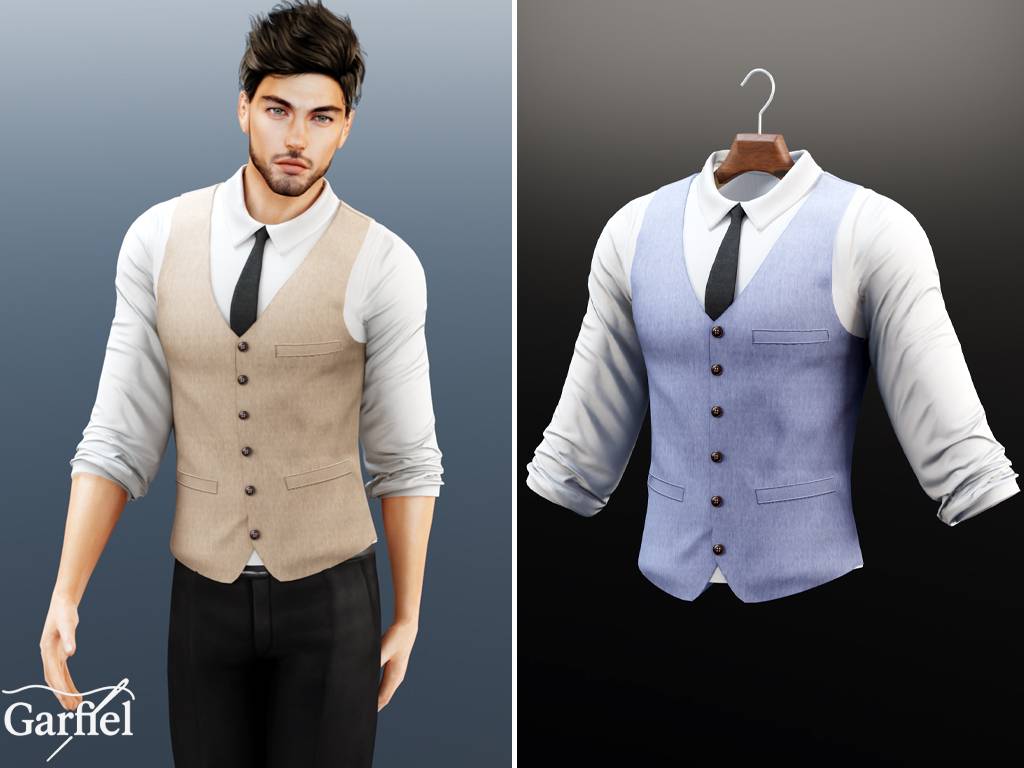
Your Sim will be dressed to impress in this stunning, CC top by Garfiel for your masculine-frame Sims! This top features a long-sleeved undershirt, with its sleeves rolled up, a simple vest over the top, and a matching tie. A must-have download for your Formal Wear CC folder!

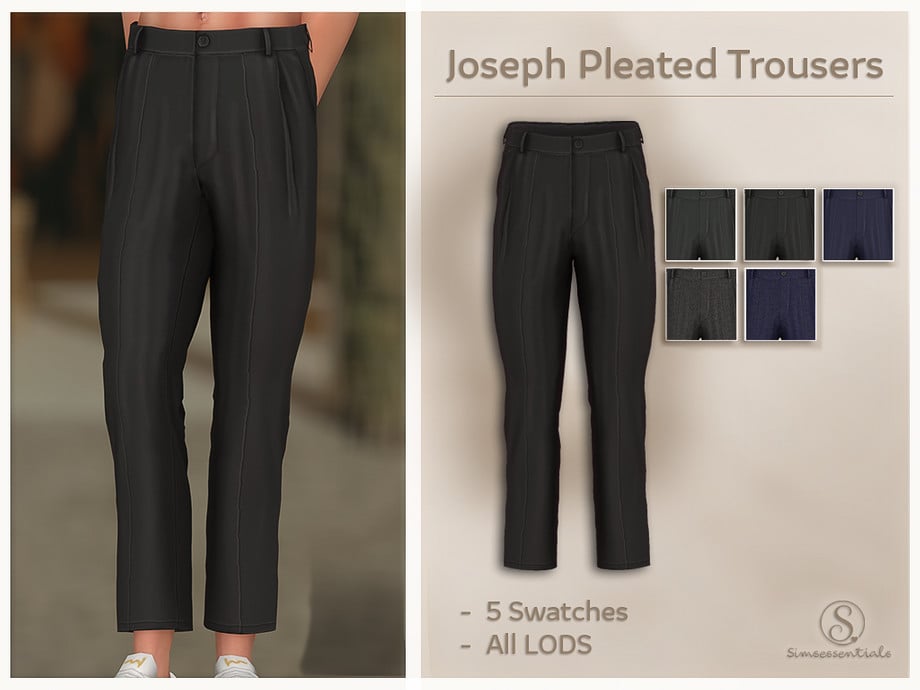
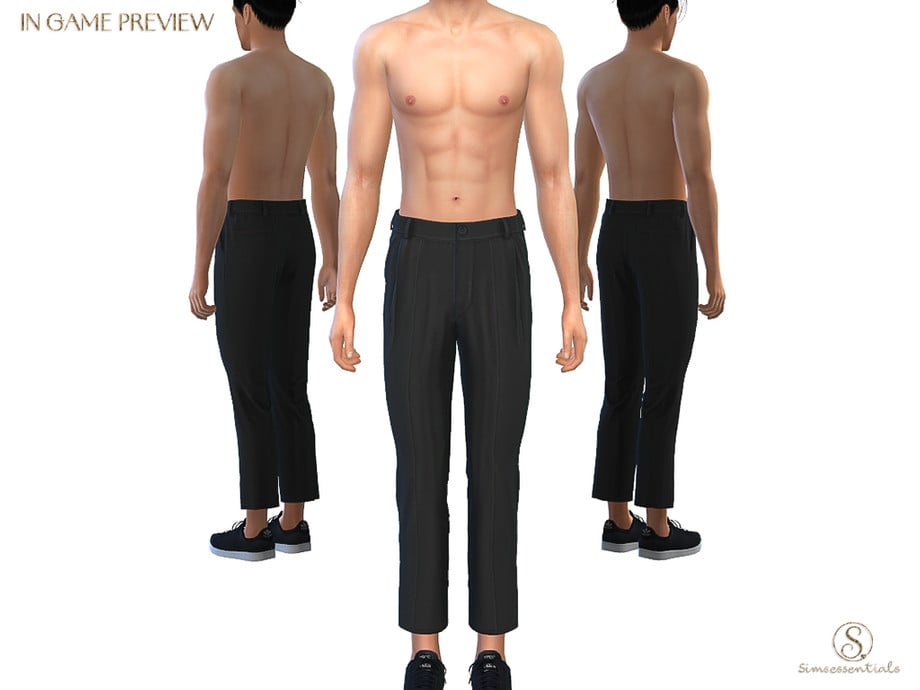
Joseph Pleated Trousers by Simsessentials

JosephPleated1

Sharp, simple, and timeless – Joseph Pleated Trousers by Simsessentials is a Formal, CC bottom that features simple cleats and a tailored waistline – available in 5 swatches.

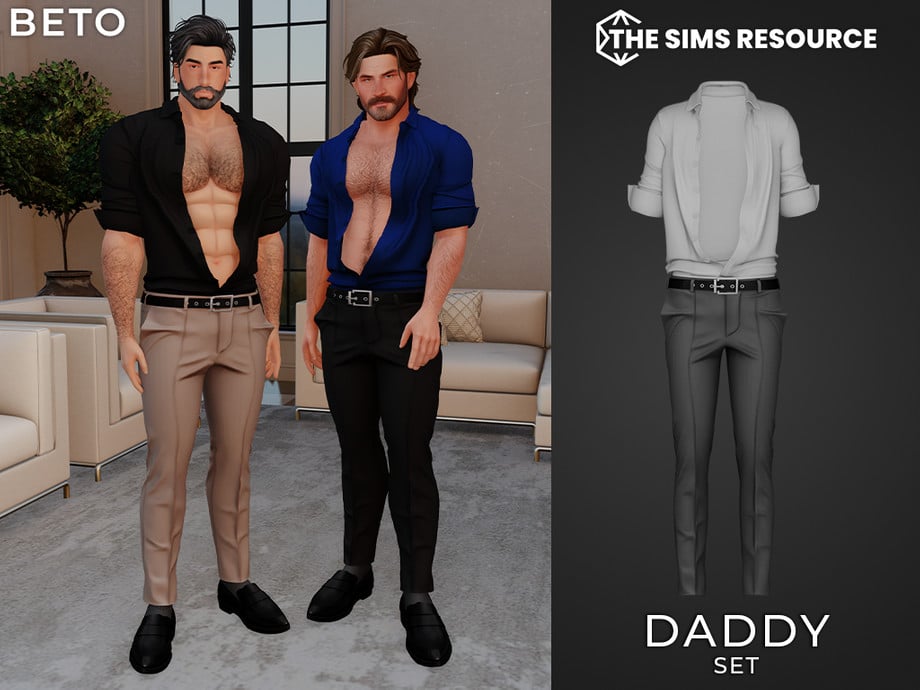
Daddy Pants by Beto_ae0

DaddyPants

Need a tighter, more modern CC bottom for your Formal wear? Daddy Pants by Beto_ae0 are a pair of pleated, skinny-legged pants for your masculine-frame Sims, and it is also available as an entire outfit set. If you love these, make sure you check out the matching shirt, found on the download page as well.

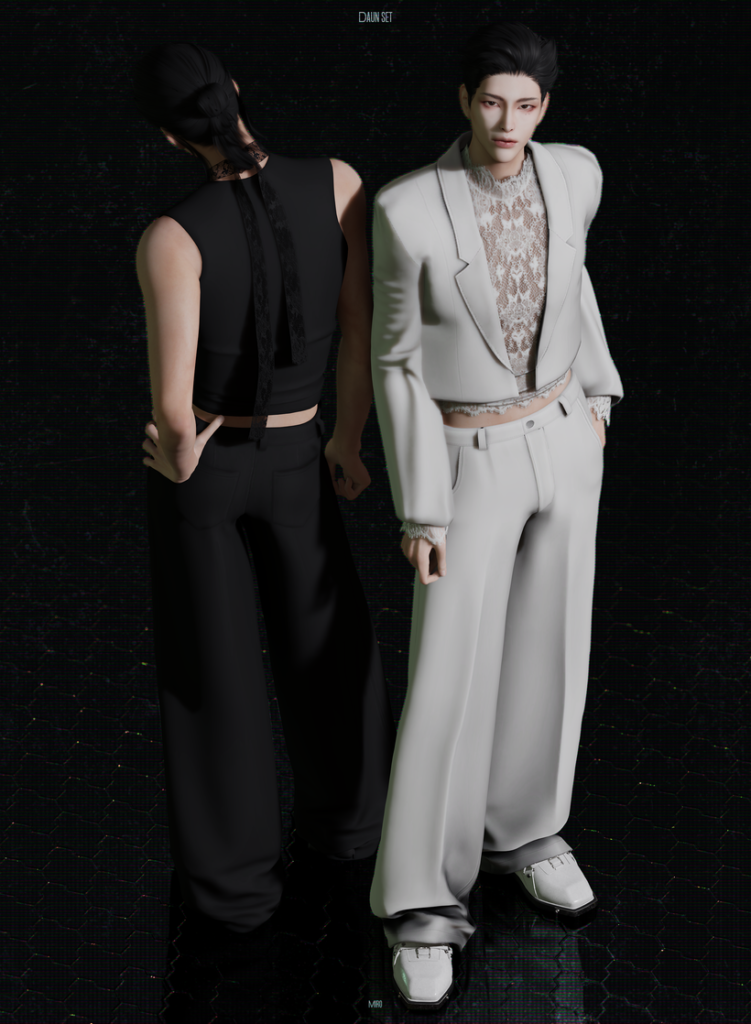
Daun Set by MIRO

Daun

Daun Set by MIRO offers head-to-toe sophistication with its loose, pleated pants, sheer, lace undershirt, and matching suit jacket to bring it all together. Wear with or without the jacket for a more elegant or casual look. The 2 tops included are available in 28 swatches each, while the bottom is available in 18 swatches.

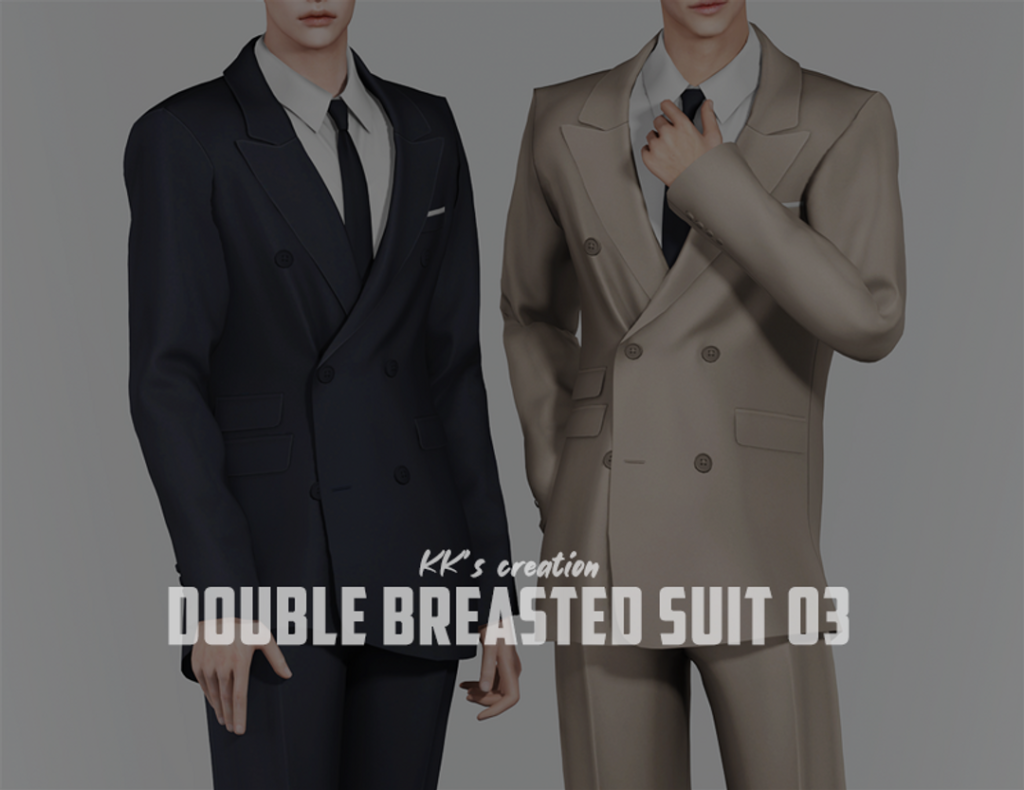
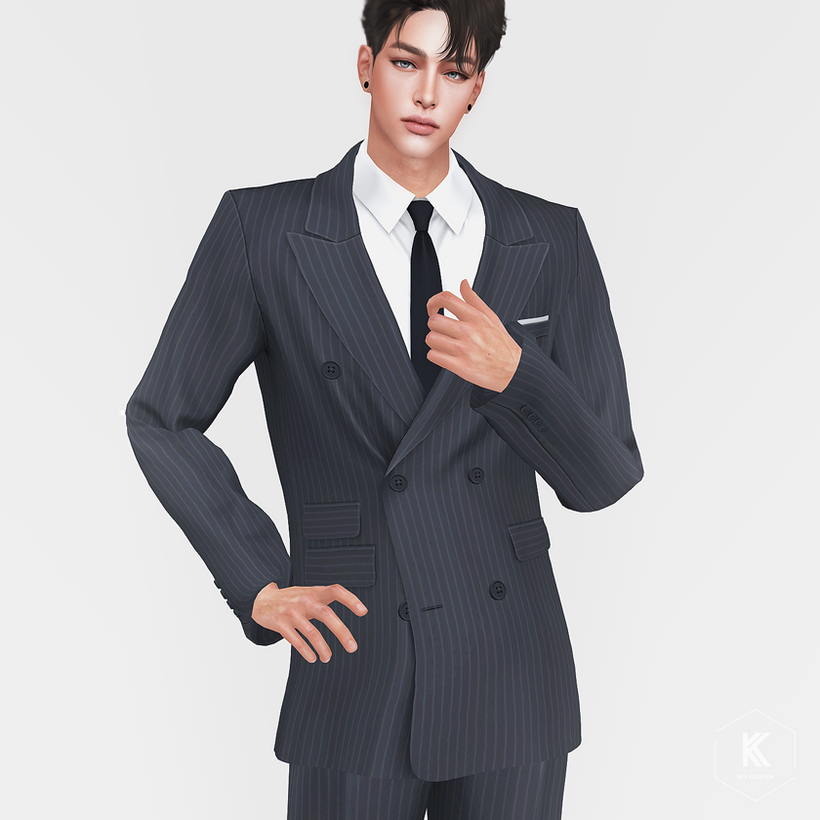
Double-Breasted Suit 03 by KK’s creation

DoubleBreasted1

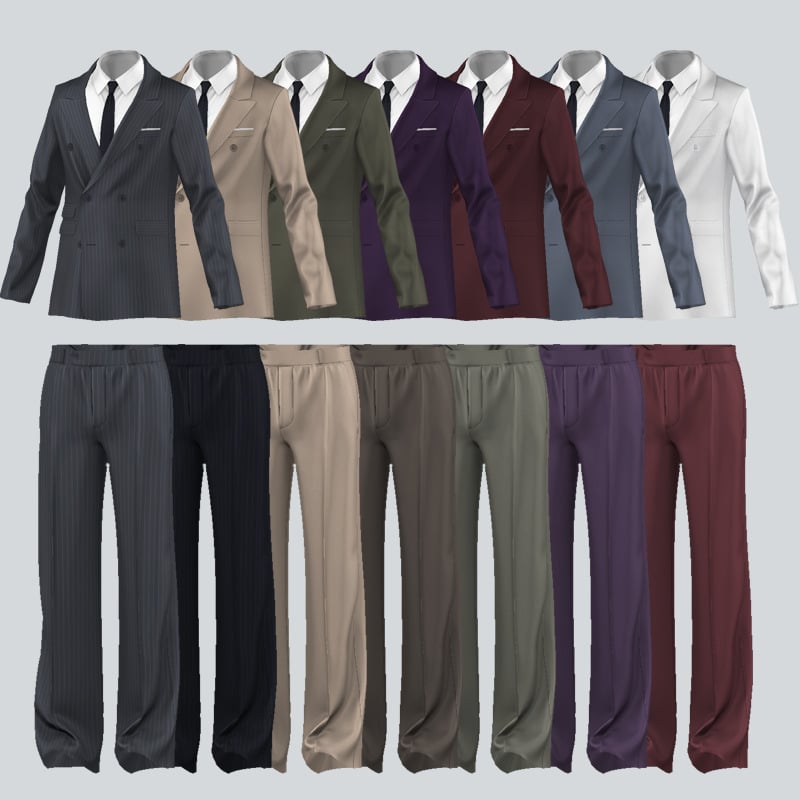
Suits are the ultimate classy, formal look, and thanks to KK’s creation, you can bring a bit more of that to your game with their Double-Breasted Suit 03. Included is a sleek suit top, with a white undershirt, tie, and matching suit bottoms – available in 25 swatches each.

City Frame Set AM by Gorilla Gorilla Gorilla

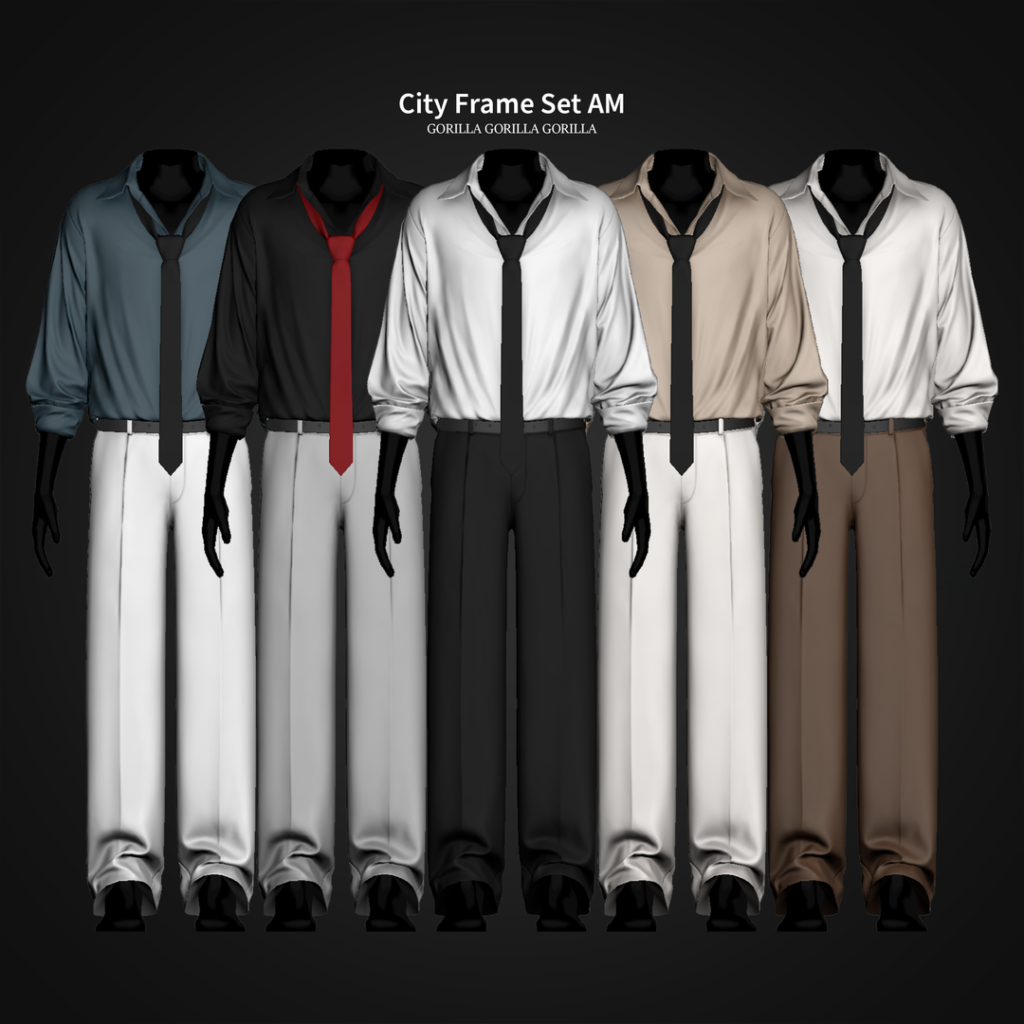
CityFrame

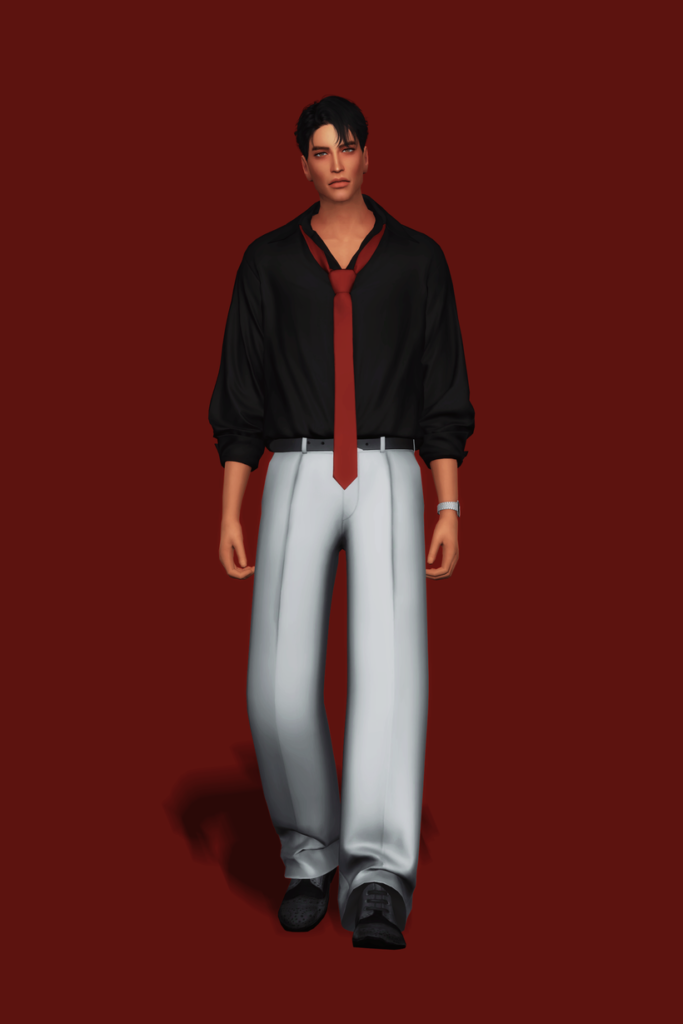
Polished but without overdoing it, City Frame Set AM by Gorilla Gorilla Gorilla is a relaxed, Formal, CC outfit for your masculine-frame Sims that features a plain, loose, long-sleeved undershirt that is slightly undone at the top, a loose tie, and a pair of suit bottoms – available in 20 swatches.

Gatsby Themed Party Set by HappyLifeSims

Gatsby

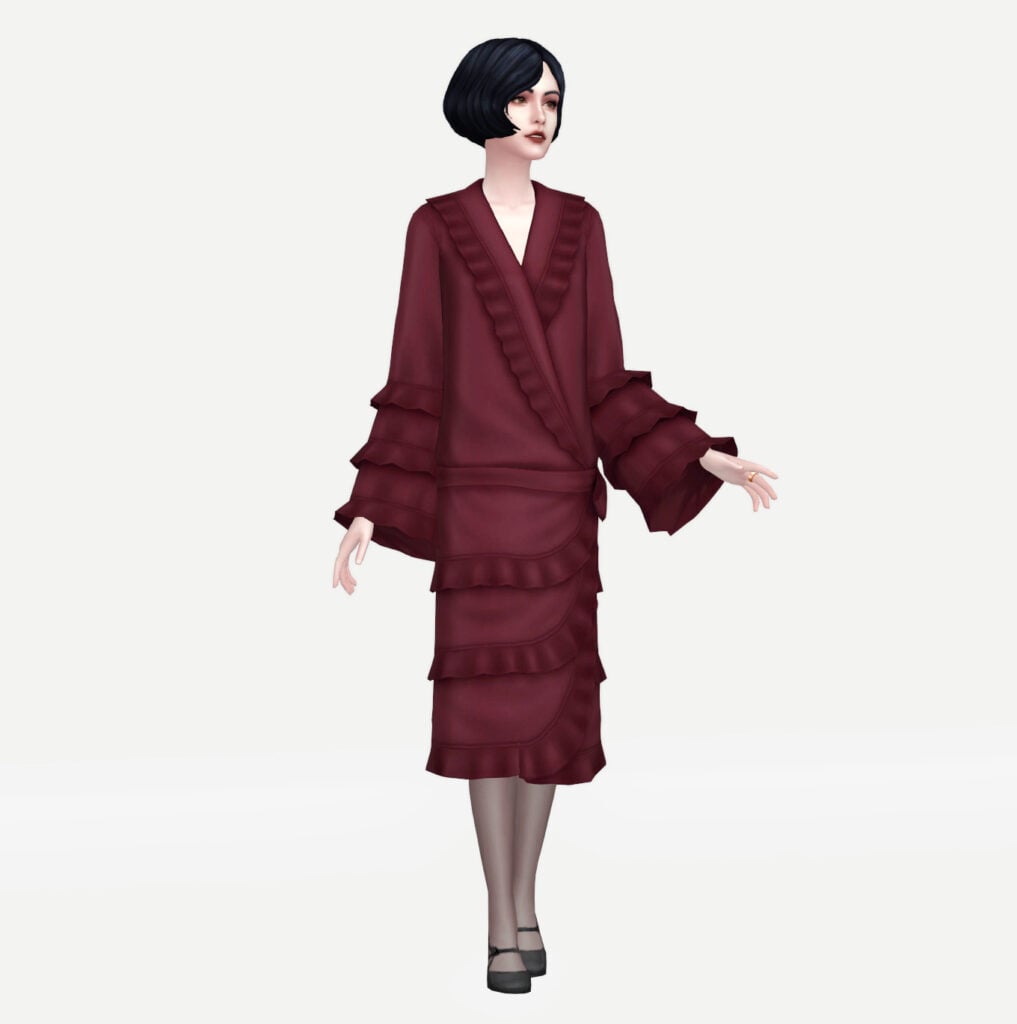
A perfect blend of vintage luxury and timeless sophistication, this Gatsby-inspired formal set by HappyLifeSims brings serious roaring twenties energy to CAS. From the sharp tailoring to the elegant details, everything about this look feels rich, refined, and effortlessly classy with its 3 stunning outfits and accessories! Whether your Sim is attending a lavish mansion ball or a glamorous garden party, this CC outfit set delivers pure old-money elegance with a touch of vintage charm – a must-have download for your Formal Wear CC folder.

1920’s Vampire Attire Set by HappyLifeSims

Vampire

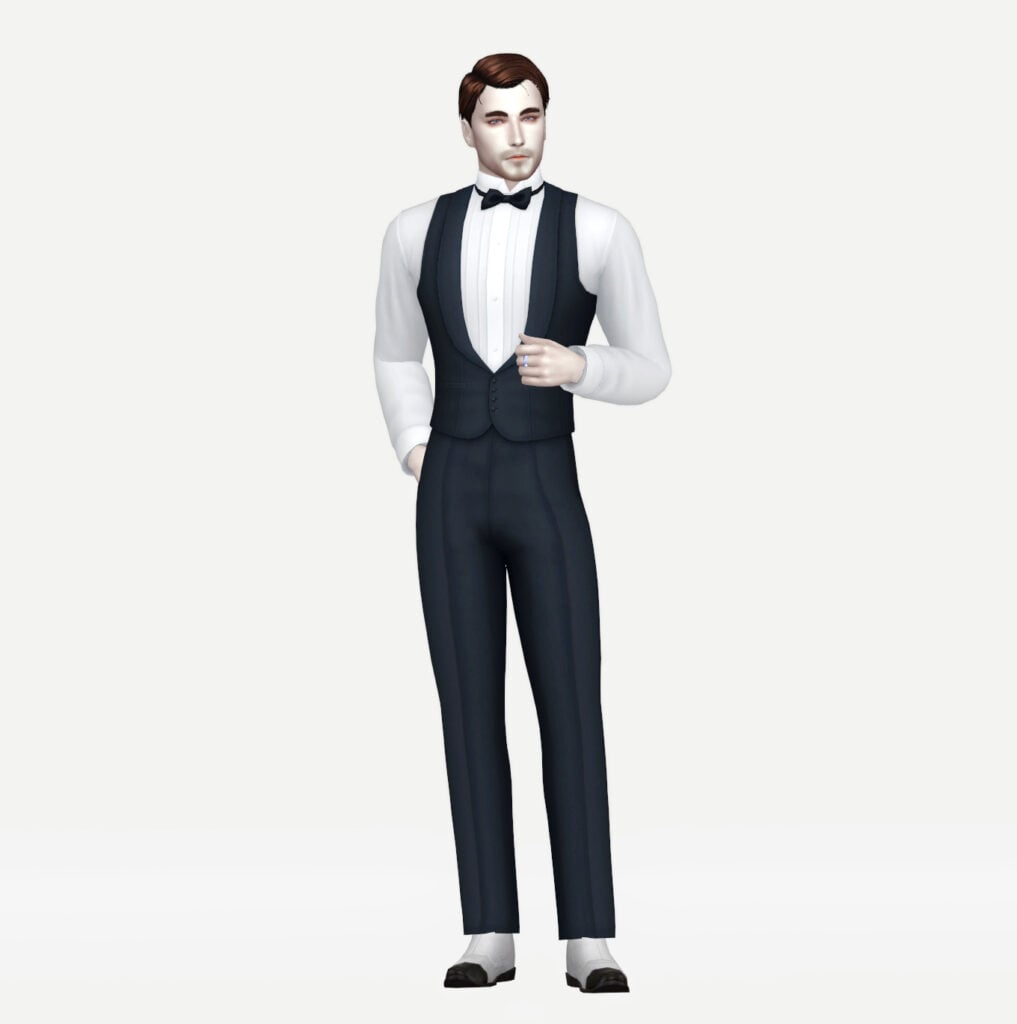
Dark, elegant, and effortlessly dramatic, this vampire-inspired formal outfit set by HappyLifeSims brings gothic luxury straight into your game! Included are 2 formal outfits for your Sims that have a vintage, classy charm and are available in over 8 swatches each.

Tailored Collection II by Rusty’s

Tailored

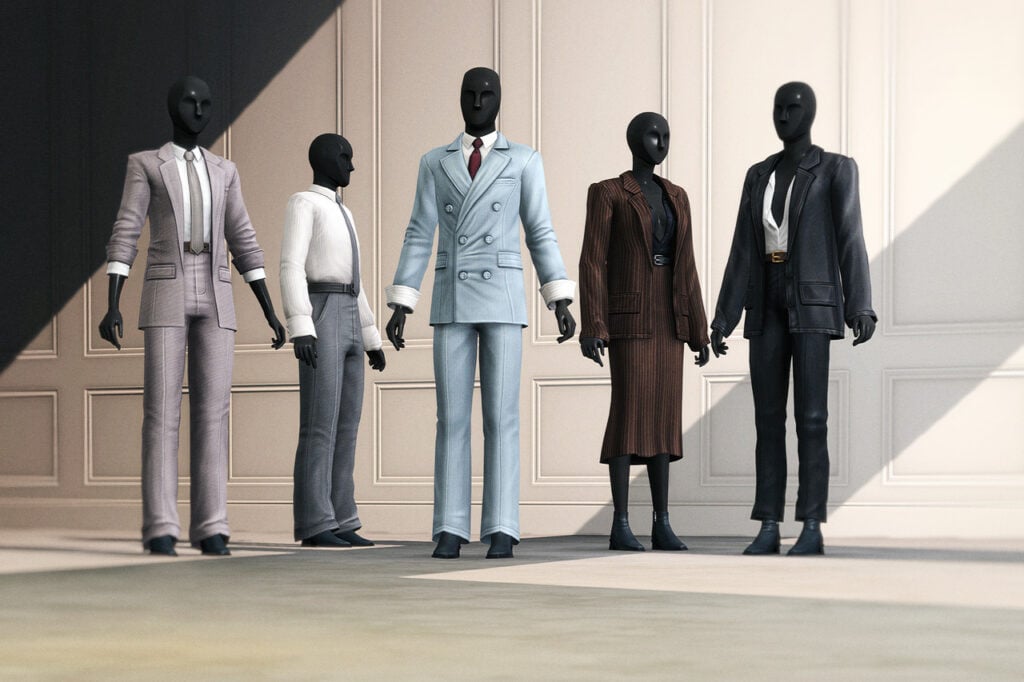
Rusty’s has all of your Sims’ formal wear/business attire needs with Tailored Collection II CC, CAS pack! Included are 5 different formal outfits, from entire suits to casual looks, to business skirts. This CC pack has it all and is available for both feminine and masculine-frame Sims!

Floral Collar Dress by MysteriousOo

FloralCollared1

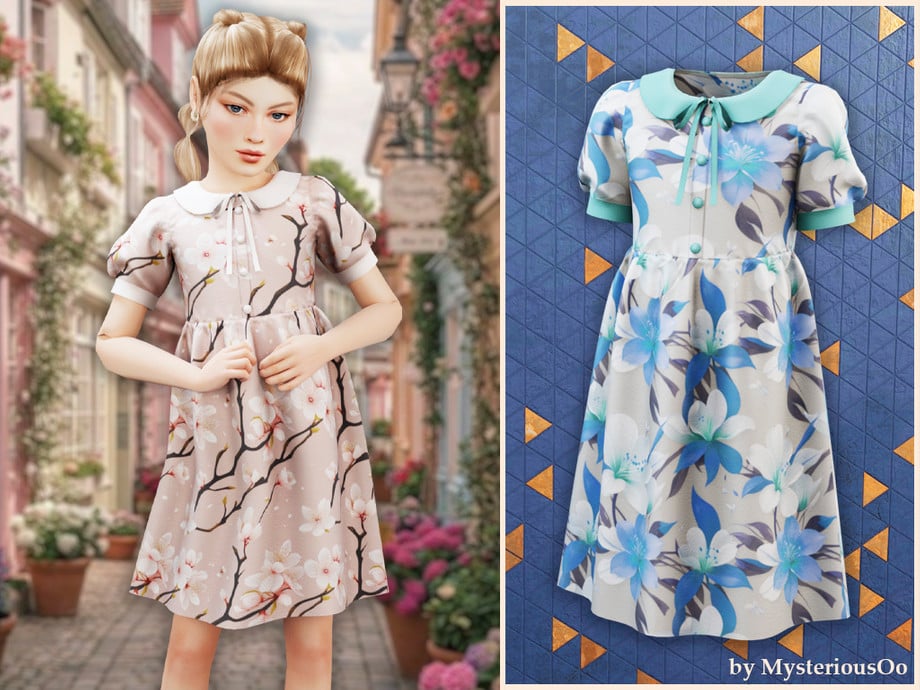
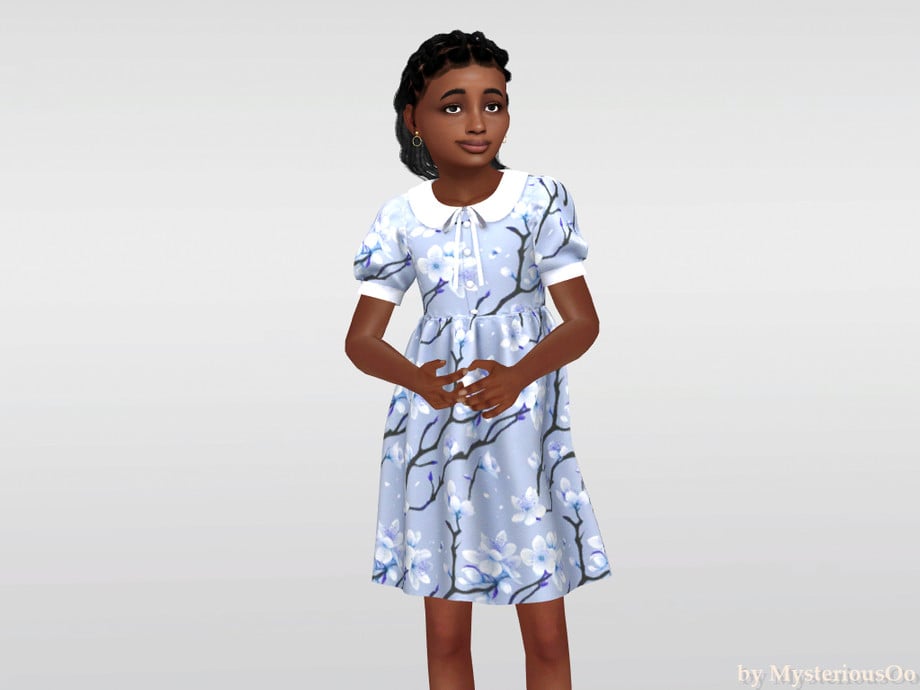
Your Sim will be adorably elegant in Floral Collar Dress by MysteriousOo. This CC for feminine-frame, child Sims features a mid-length, flowing cut with puffed sleeves, and a cute collar with a small ribbon. Perfect for tea parties or small formal get-togethers!

Girls’ Gown 062025 by ErinAOK

GirlsGown

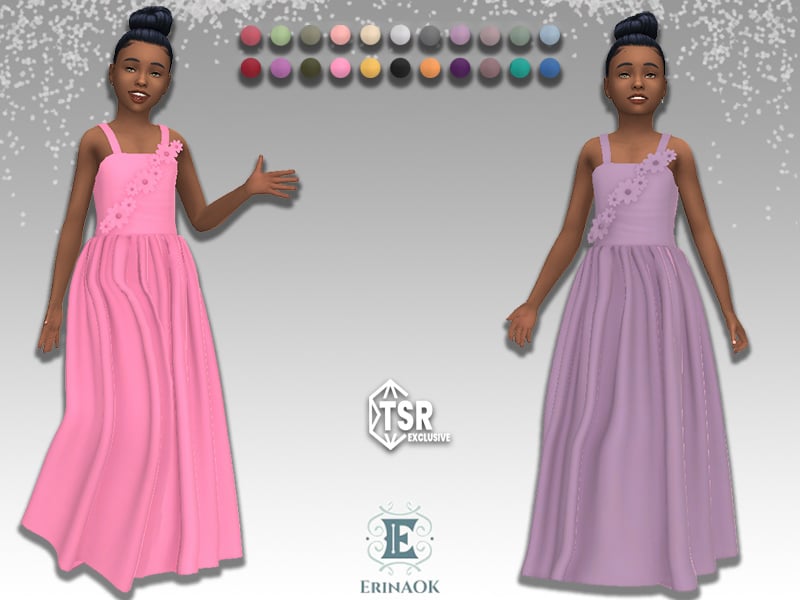
Formal wear made extra sweet! Girls’ Gown 062025 by ErinAOK is a long, flowing, CC, formal dress that features spaghetti straps, small fabric wrinkles, and flowers that stretch from one hip to a shoulder in a diagonal pattern – available in 22 cute swatches!

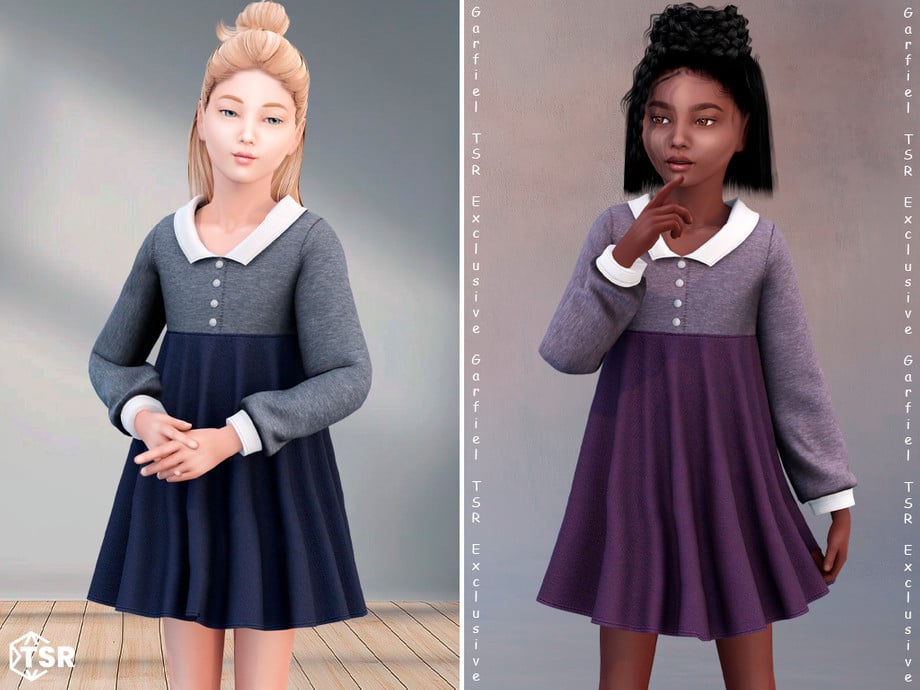
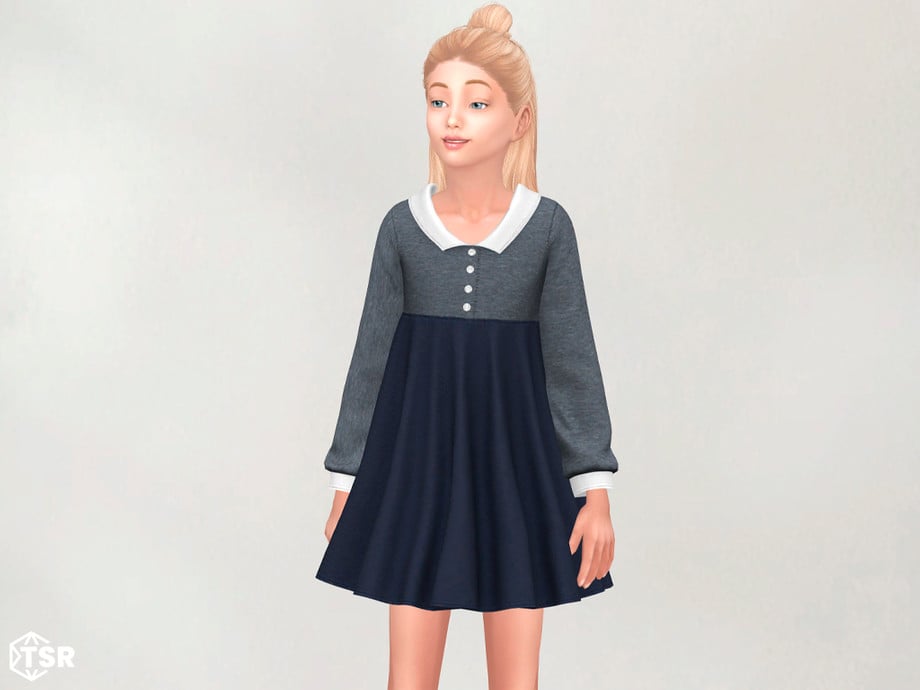
Edeline – Cozy Long Sleeve Dress With Collar by Garfiel

CozyLong1

This CC dress by Garfiel is twirl-worthy cuteness with its shorter cut, fabric wrinkles, long sleeves, and simple collar that give off serious classy, vintage vibes. Available in multiple swatches, this dress is perfect for fancy dinners or to show off a little class in school!

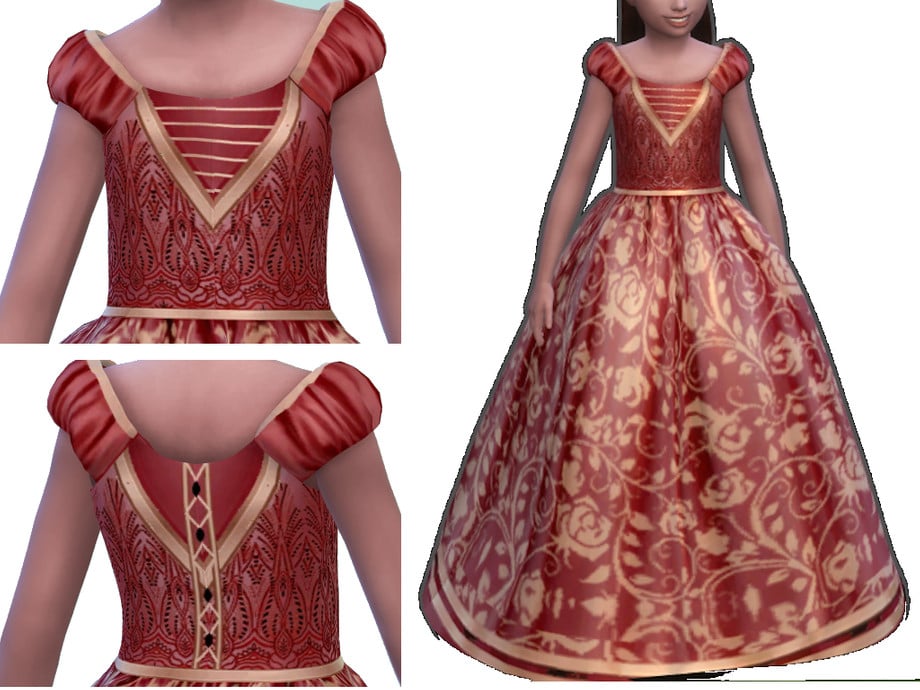
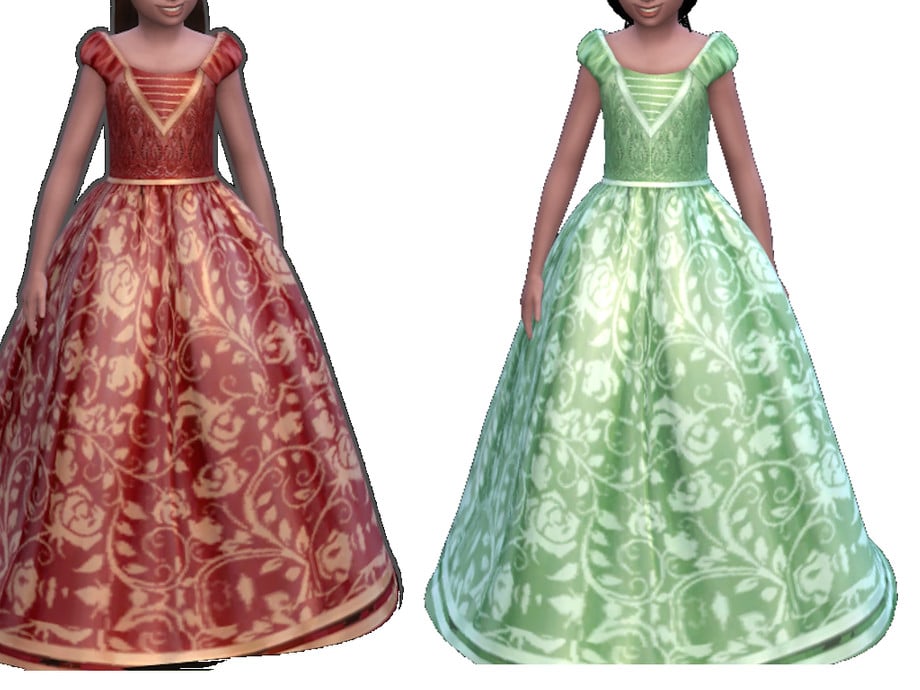
Regal Brocade Girl Ball Gown by ayshala

RegalBrocade

Made for magical moments, Regal Brocade Girl Ball Gown by ayshala is a recolored CC dress that features a long, puffy bottom, short, puffed sleeves, and comes with beautiful lace, beads, and ribbons! You will need to download the original CC dress named “Melody Dress” by Sifix for this to work. An absolute must-have for your Sims’ first gala or ball!

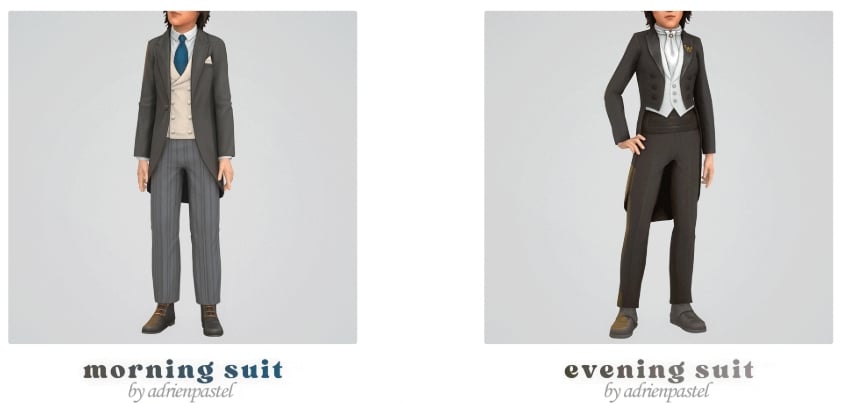
Morning & Evening Suit by adrienpastel

MorningSuit

Formal wear for future gentlemen! Morning & Evening Suit by adrienpastel includes 2 formal, CC suits for your masculine-frame, child Sims. Morning Suit features a looser fit and a tailored jacket. While the Evening Suit features a tighter look with a flared suit top, these outfits are also boot compatible.

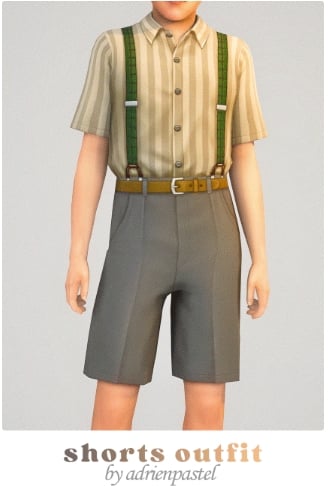
High Shorts Outfit by adrienpastel

HighShorts

Classic formal wear done right! High Shorts Outfit by adrienpastel is a full formal, CC outfit that includes a pair of high-waisted, pleated shorts, a short-sleeved, buttoned-up, collared shirt, and suspenders to complete the vintage vibe – available for both feminine and masculine-framed, child Sims.

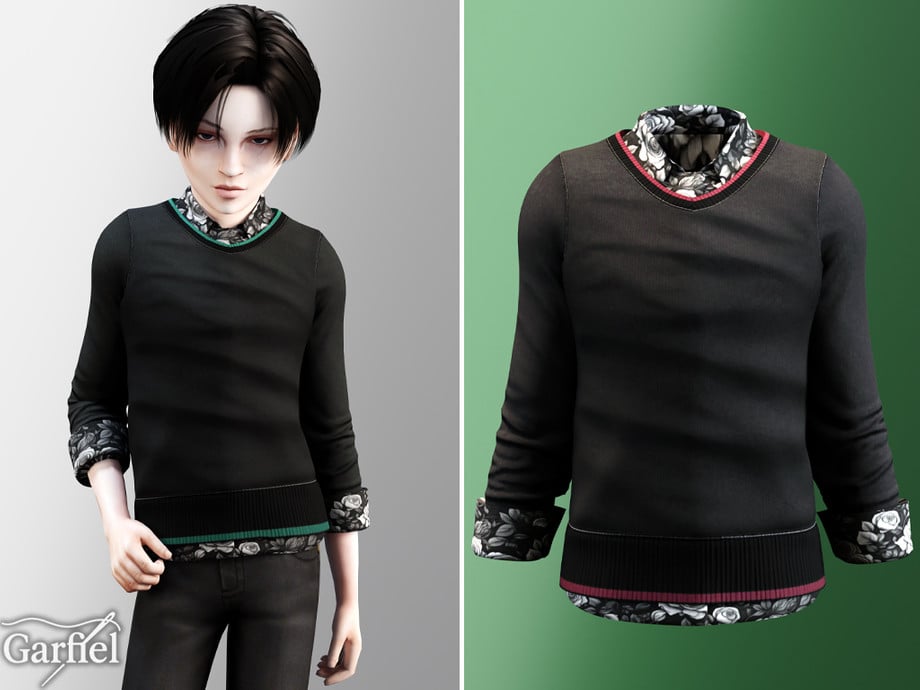
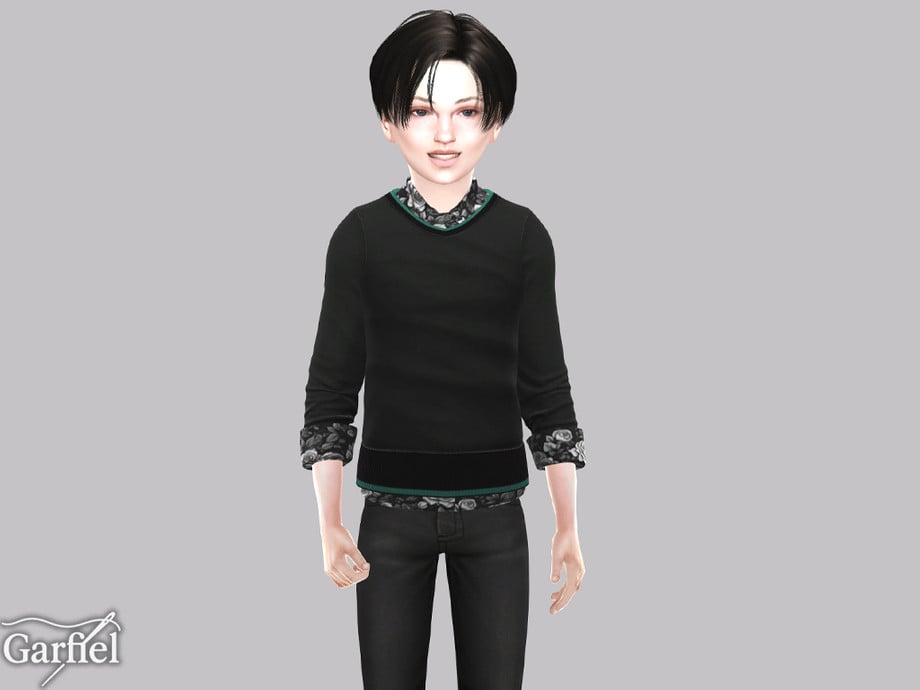
Casual Sweater With Floral Shirt Underneath Details by Garfiel

CasualLayered1

Your Sim will look sharp and adorable in this CC top by Garfiel! This quarter-sleeved top features a floral undershirt and a plain sweater with colored lines, layered over top to create the perfect party-ready formal wear!

Leather Waistcoat Outfit With Tie & Chain Accent by Garfiel

LeatherWaistcoat

This formal, CC top by Garfiel gives off serious little gentleman energy! This top features a plain undershirt, with its sleeves rolled up a quarter of the way, a leather waistcoat, and is adorned with a tie and a metal chain. The perfect formal, modern touch to any outfit!

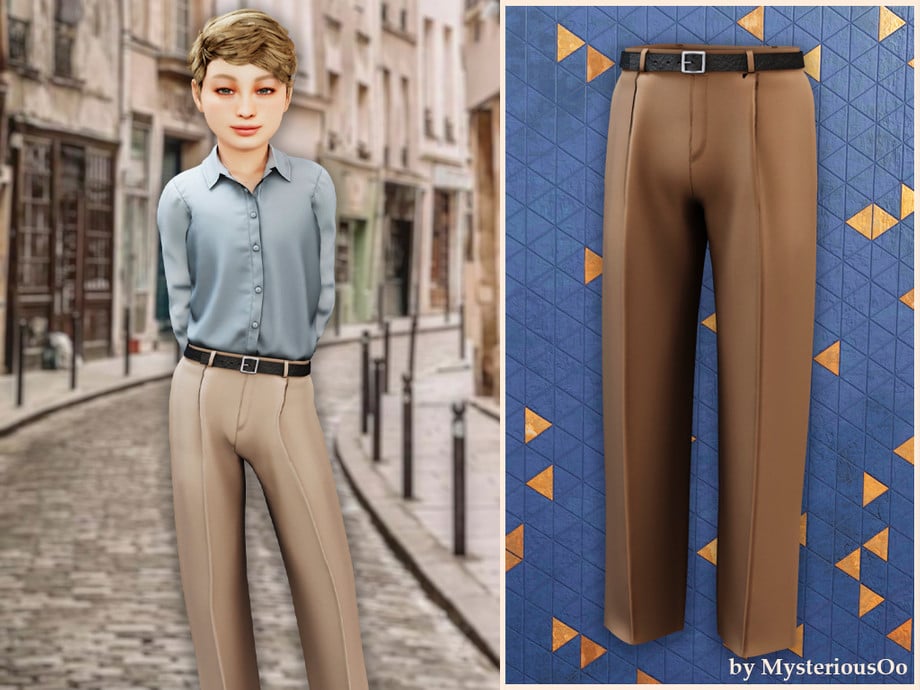
Tailored Straight Pants With Belt by MysteriousOo

TailoredStraight

Tailored Straight Pants With Belt by MysteriousOo are the ideal finishing touch for any masculine-frame child Sim’s formal outfit! Its pleats provide a tailored look, and it also comes with a simple, leather belt to help elevate your Sims business-ready vibe.

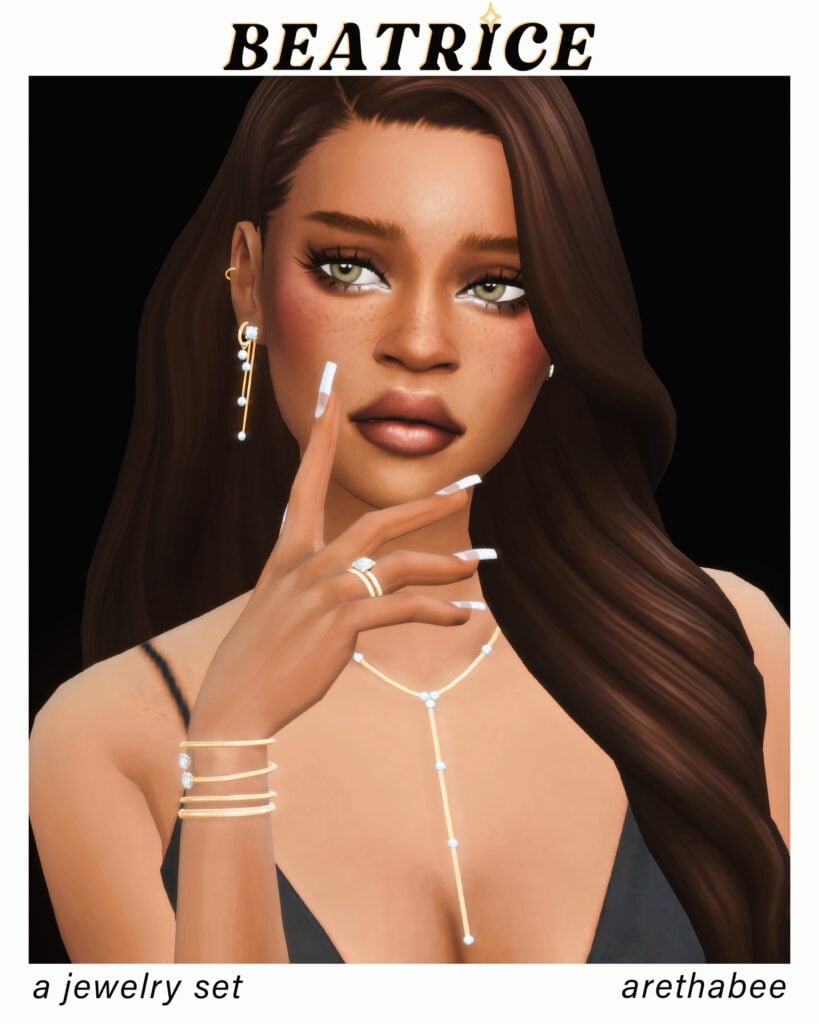
Beatrice Jewelry Set by arethabee

Beatrice1

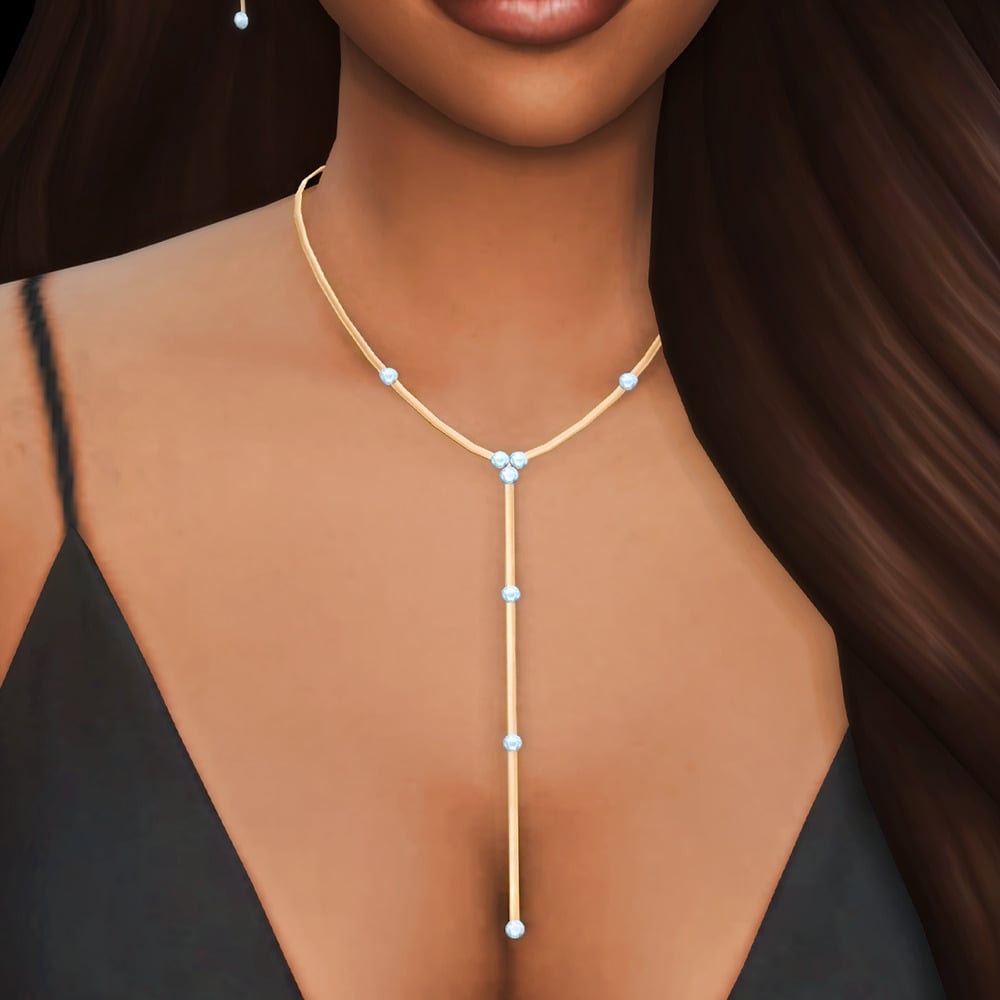
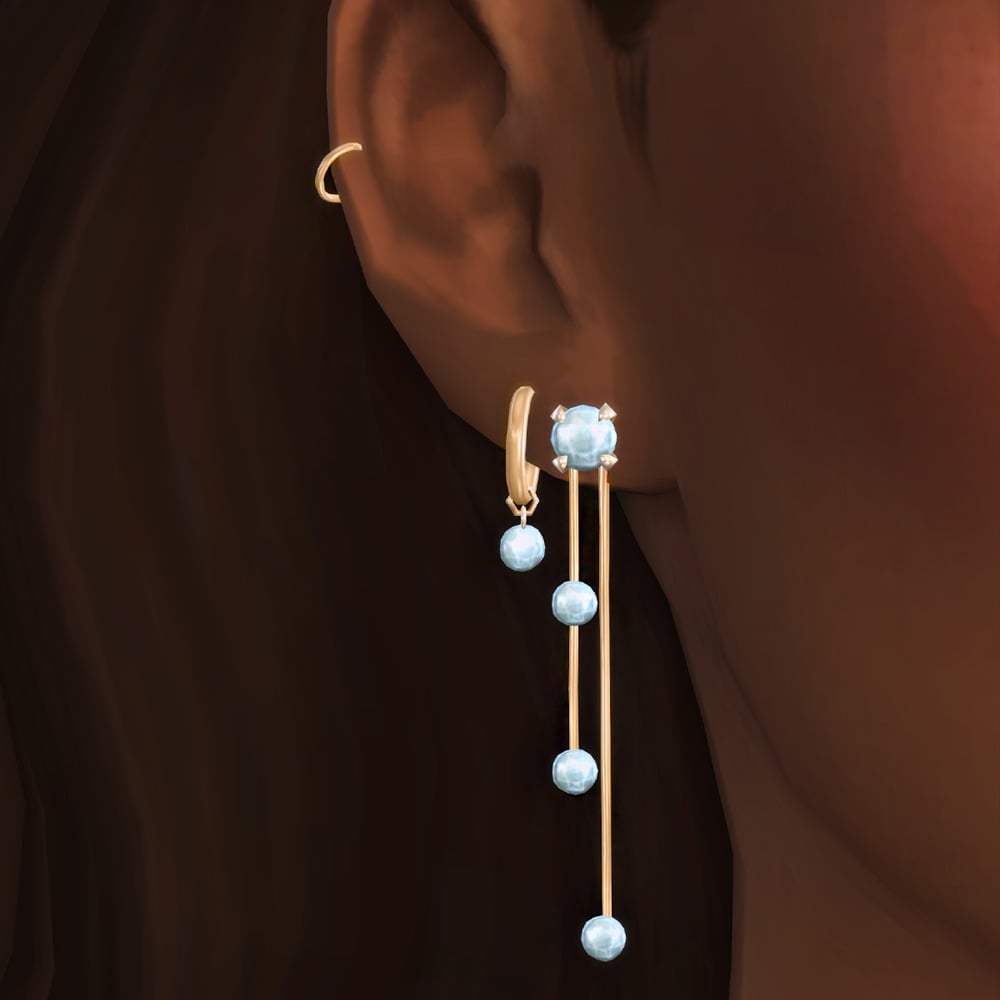
Delicate yet eye-catching, these formal accessories by arethabee add a polished and luxurious feel to any Sim. Beatrice Jewellery Set includes an elegant necklace, ring set, bracelet, and double earring set. These pieces are available in silver or gold, and the swatches come with different gem colors as well.

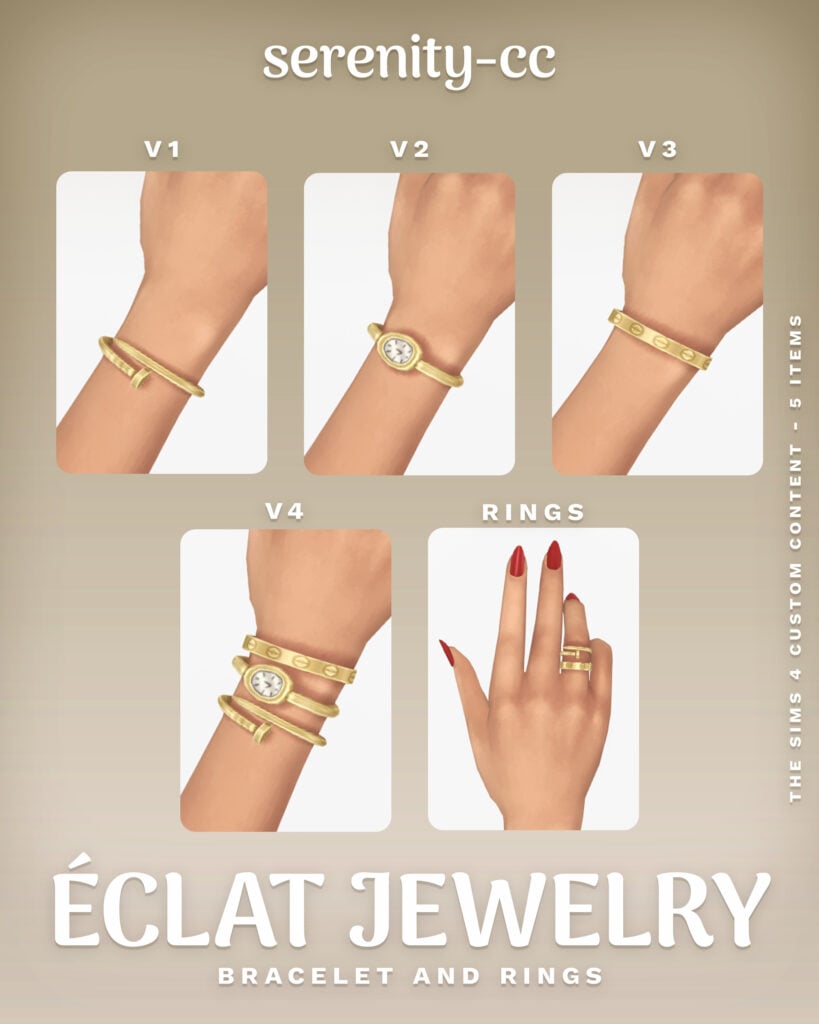
Eclat Jewelry Collection by Serenity-cc

Eclat1

Eclat Jewlery Collection by Serenity-cc is the perfect watch-and-jewelry combo for a refined, classy finish. This set is available in 4 different swatches, as well as 4 different styles and a bonus accessory ring!

CELIA Jewelry Set by Rusty’s

Celia1

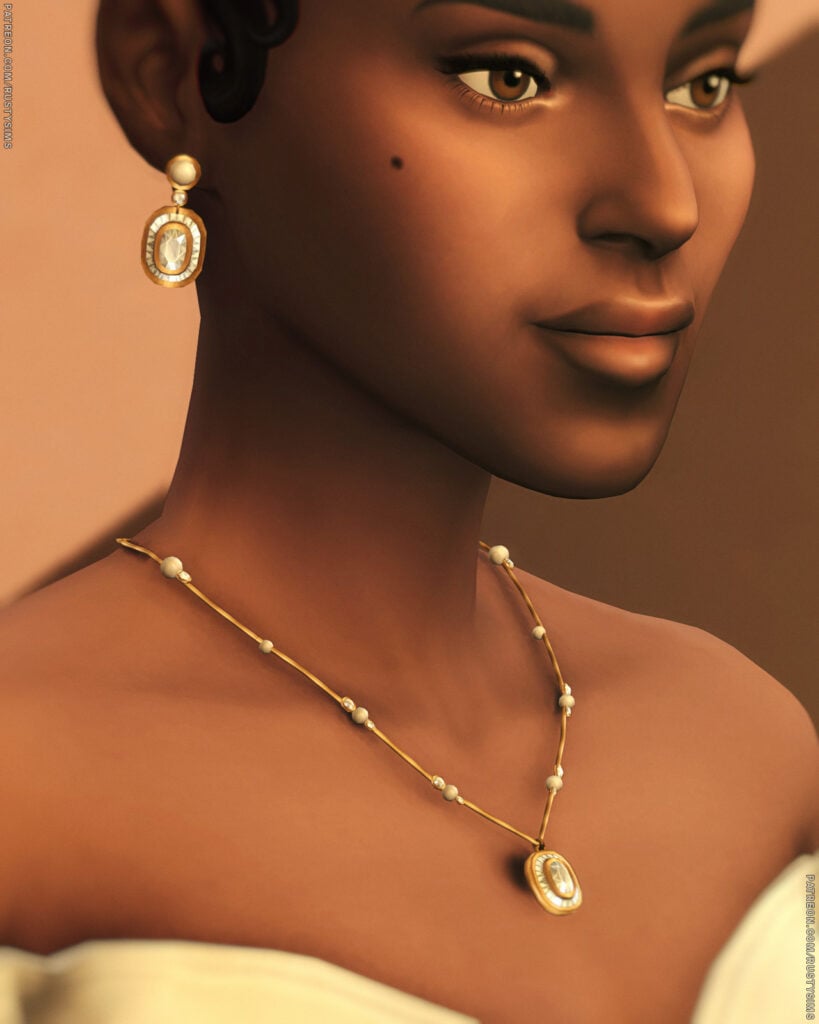
Chic and sophisticated, these accessories by Rusty’s are perfect for weddings, galas, and upscale events. CELIA Jewelry Set includes a sparkling necklace with a gem and a pair of matching earrings, available in 2 different versions. The gems are available in 16 swatches, and the jewelry set is available in gold, silver, and bronze.

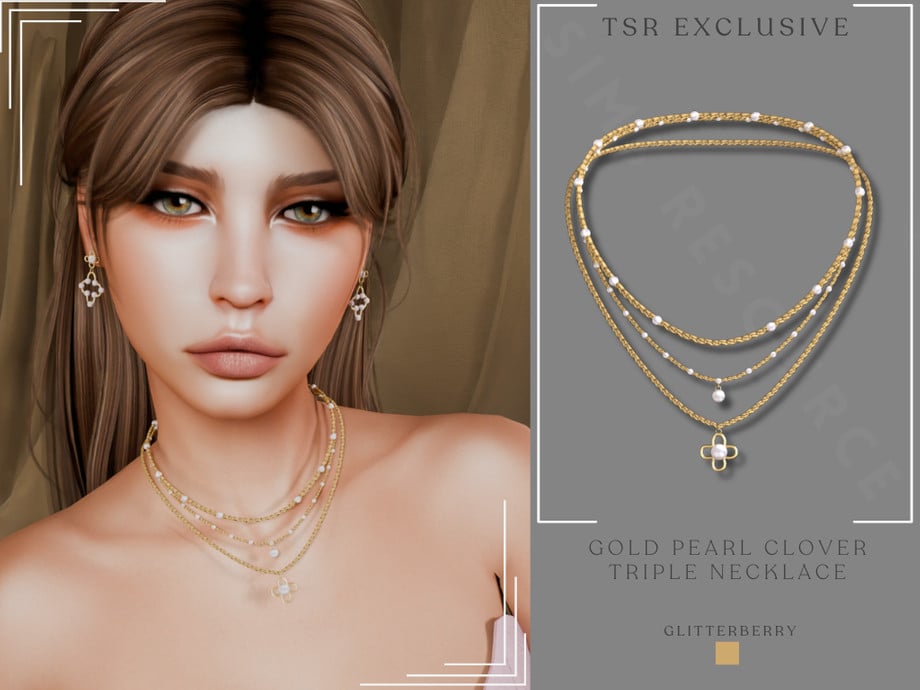
Gold Pearl Clover Triple Necklace by Glitterberryfly

GoldClover

Designed to elevate every formal outfit instantly, the Gold Pearl Clover Triple Necklace by Glitterberryfly is a triple-layered, gold necklace set with pearls and a clover pendant.

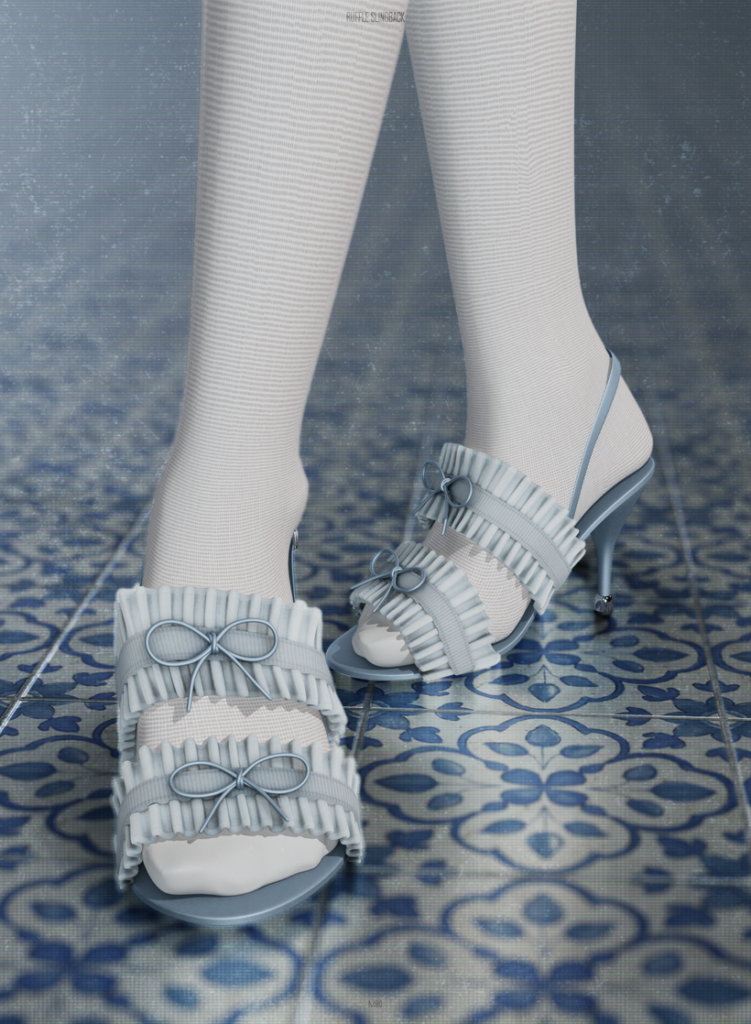
Ruffle Slingback by MIRO

RuffleSlingback

Step into elegance with these beautifully detailed formal shoes by MIRO. Ruffle Slingback is a small heel with a double ruffled top, and small bows to create a soft, elegant look – available in 20 cute swatches.

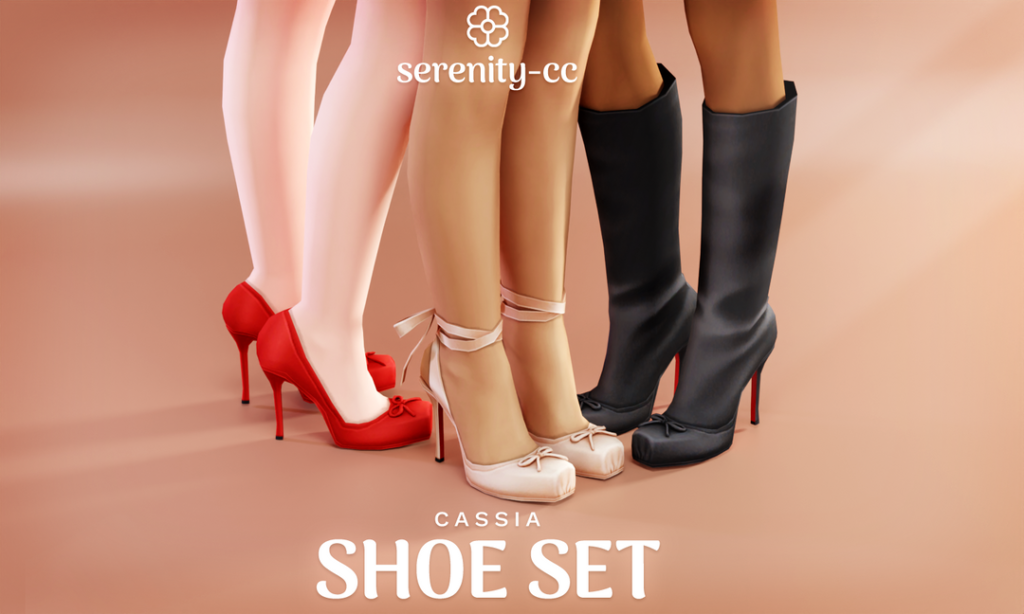
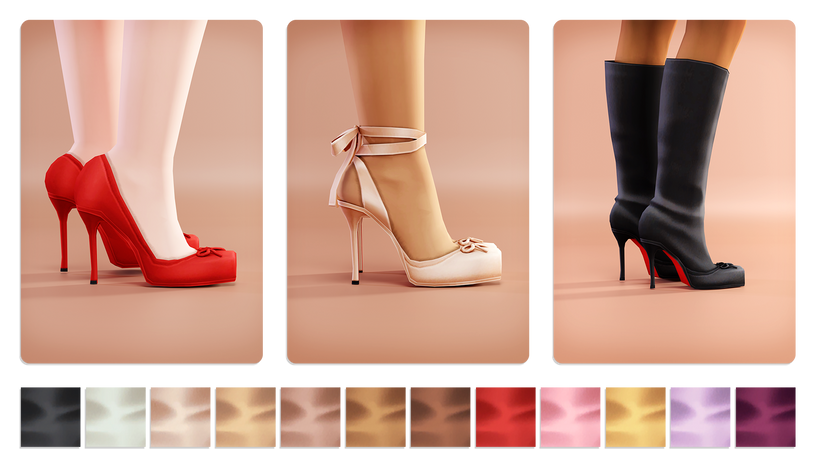
Casia Shoe Set by Serenity-cc

Cassia1

Cassia Shoe Set by Serenity-cc is designed to complete your Sim’s look with subtle, elegant flair with 3 different, CC shoes. You will find a mid-height, simple heel with a bow adorned on top, the same heel but with an elegant ankle strap, and a tall heeled boot version – available in 12 swatches each.

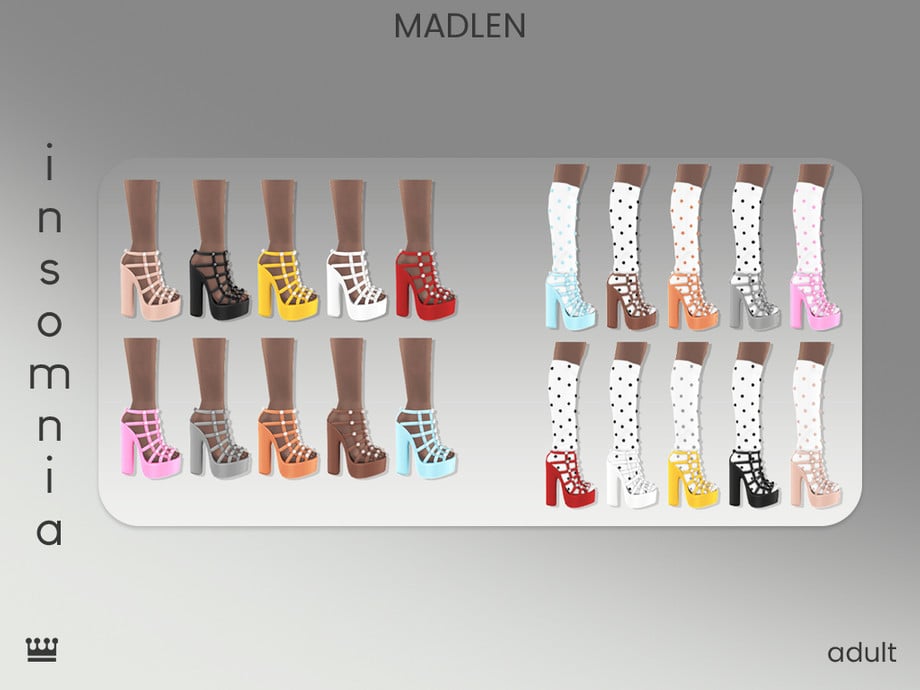
Insomnia Shoes by Madlen

Insomnia

Insomnia Shoes by Madlen is a chic footwear choice that brings polish and sophistication to your Sim with its tall heel, caged look, and metal accents. Perfect for walking the red carpet in! Available in 10 swatches, and there is a second version that includes socks, which is mentioned on the download page as well.

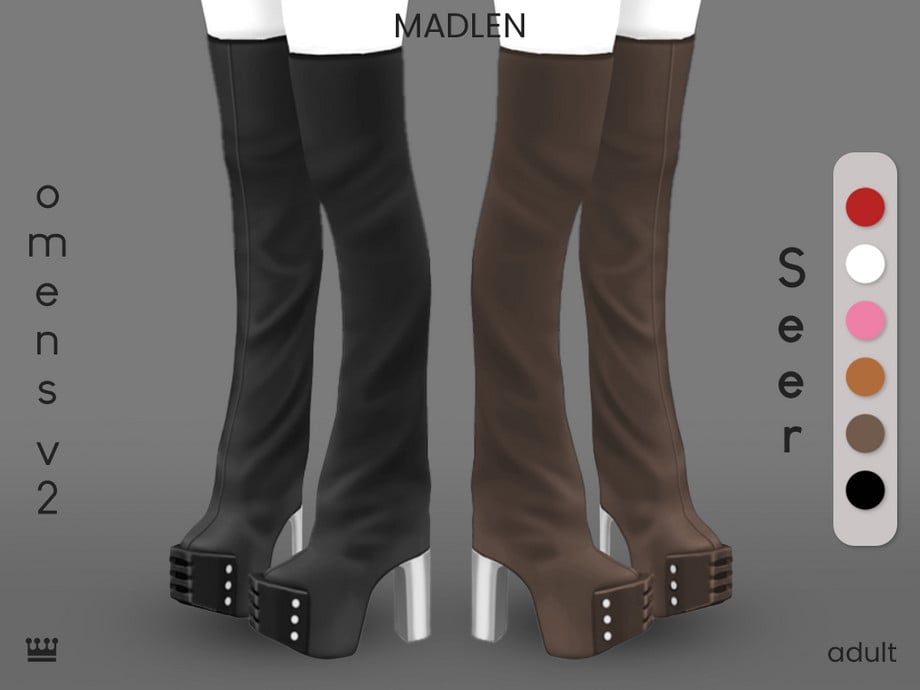
Omens V2 Seer by Madlen

Omens

Boots are a must for any Formal CC closet; they add sophistication, modernism, and elegance. Omens V2 Seer by Madlen is an over-the-knee, chunky, platform style boot with a leather look.

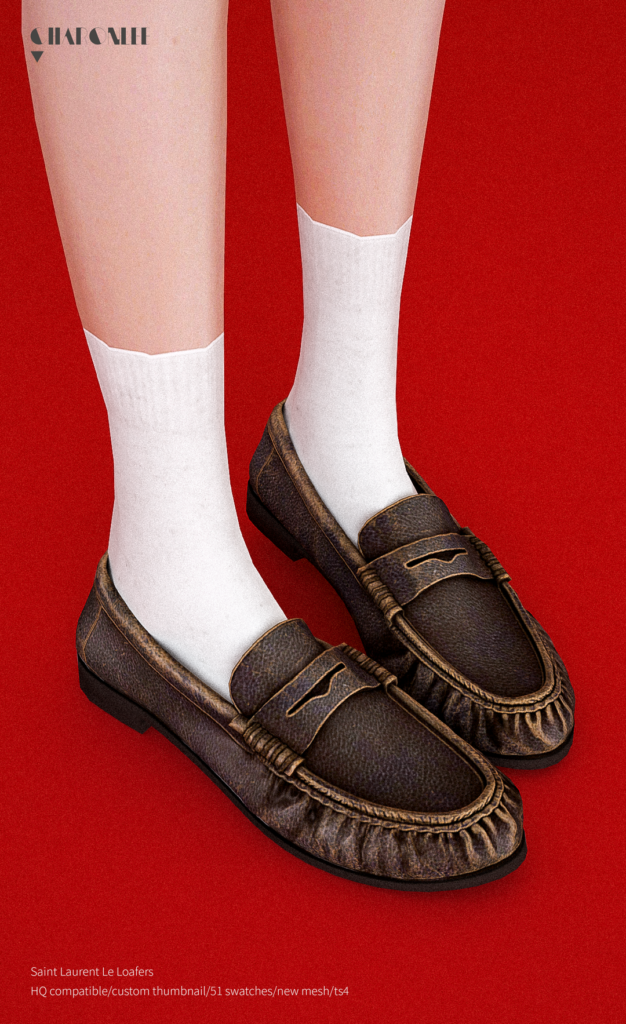
Saint Laurent Le Loafers by Charonlee SIMS

Saint

Loafers work well for formal looks in The Sims 4 when you want something neat and understated, giving an outfit structure without drawing too much attention. These Alpha, CC loafers by Charonlee SIMS feature a realistic look with a small heel – available in 51 swatches.

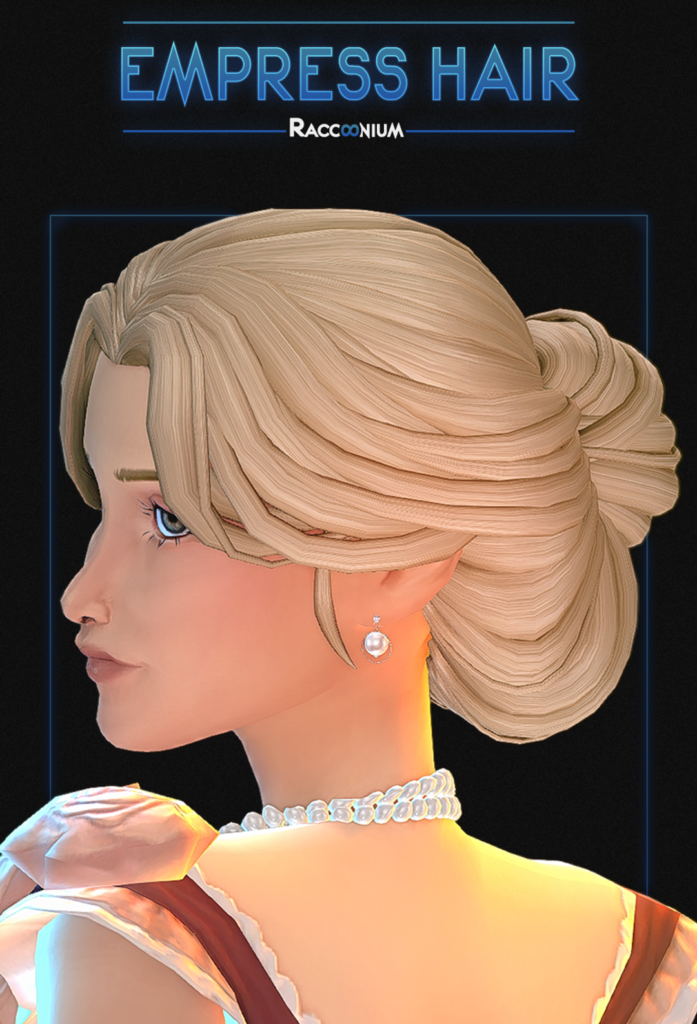
Empress Hair by Racoonium

Empress

Empress Hair by Racoonium is a graceful finishing touch to any formal outfit with its loose, updo, and subtle face-framing bangs.

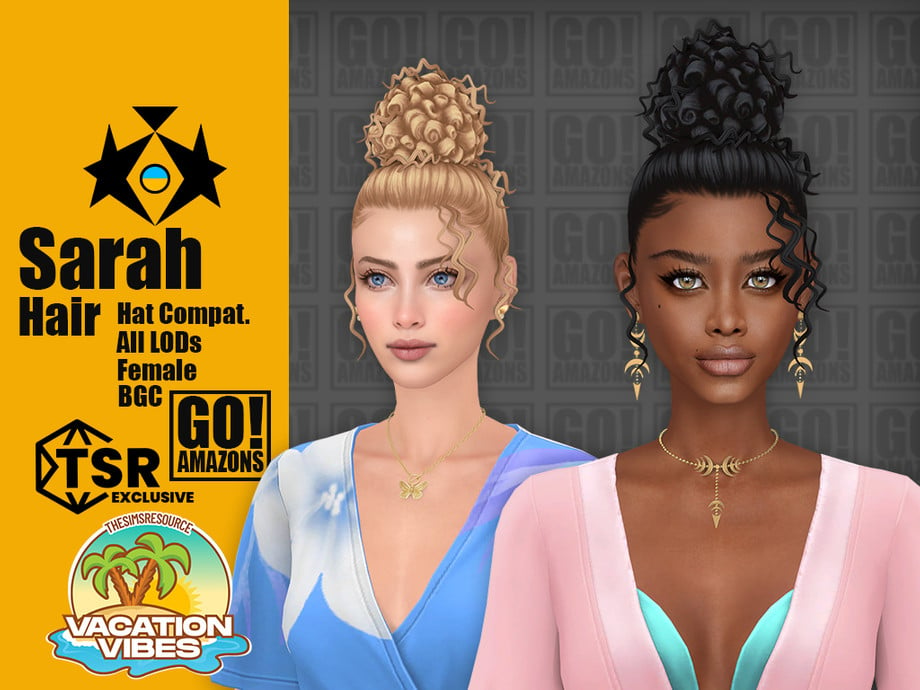
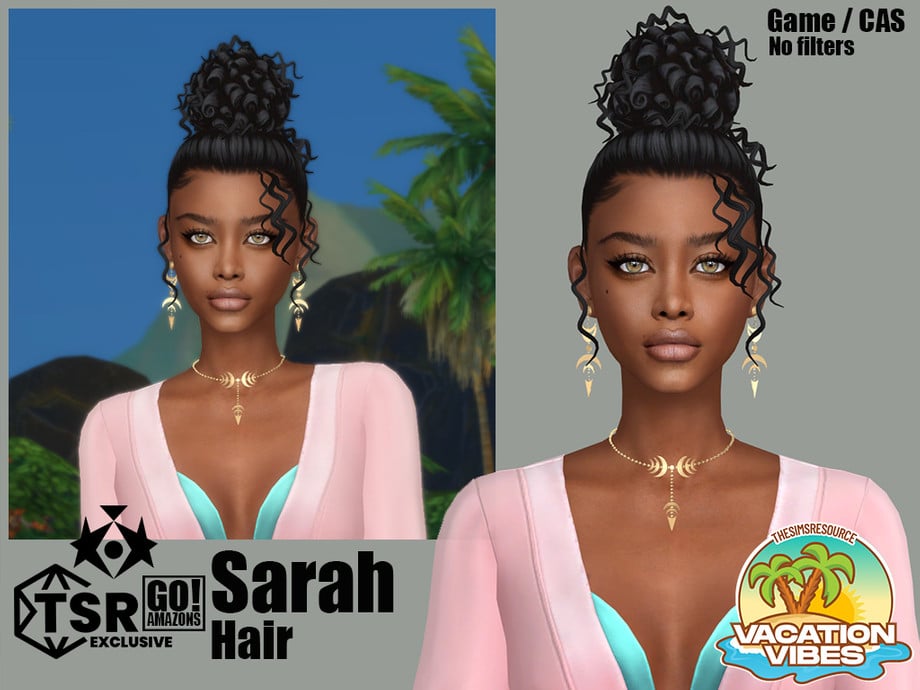
Sarah Hair by GoAmazons!

Sara1

Elegant updo perfection with Sarah Hair by GoAmazons! This lovely, CC, formal hair features a tight, tall, curly updo, with some loose curls hanging at either side. Perfect for your Sims’ next dance or upcoming date!

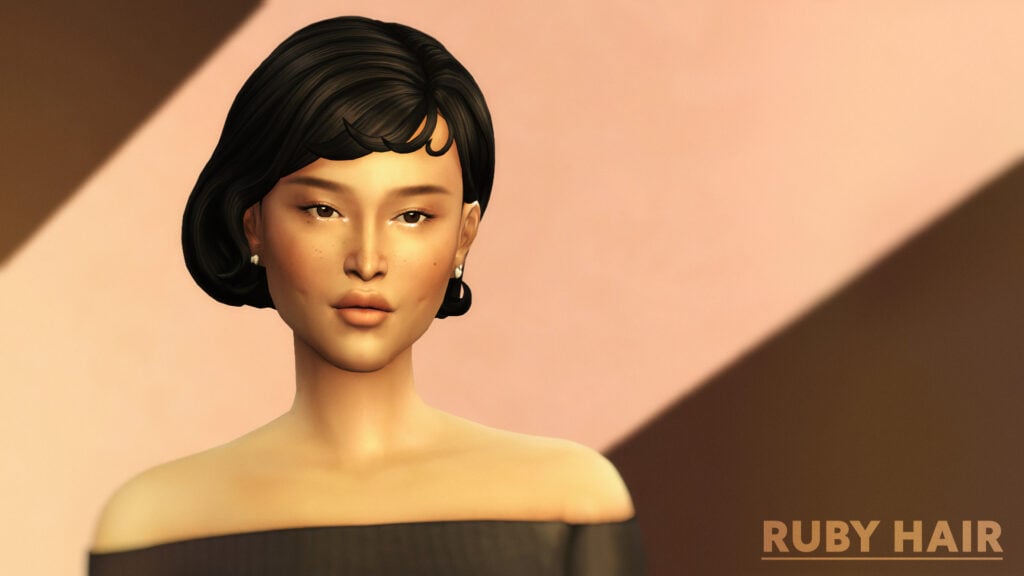
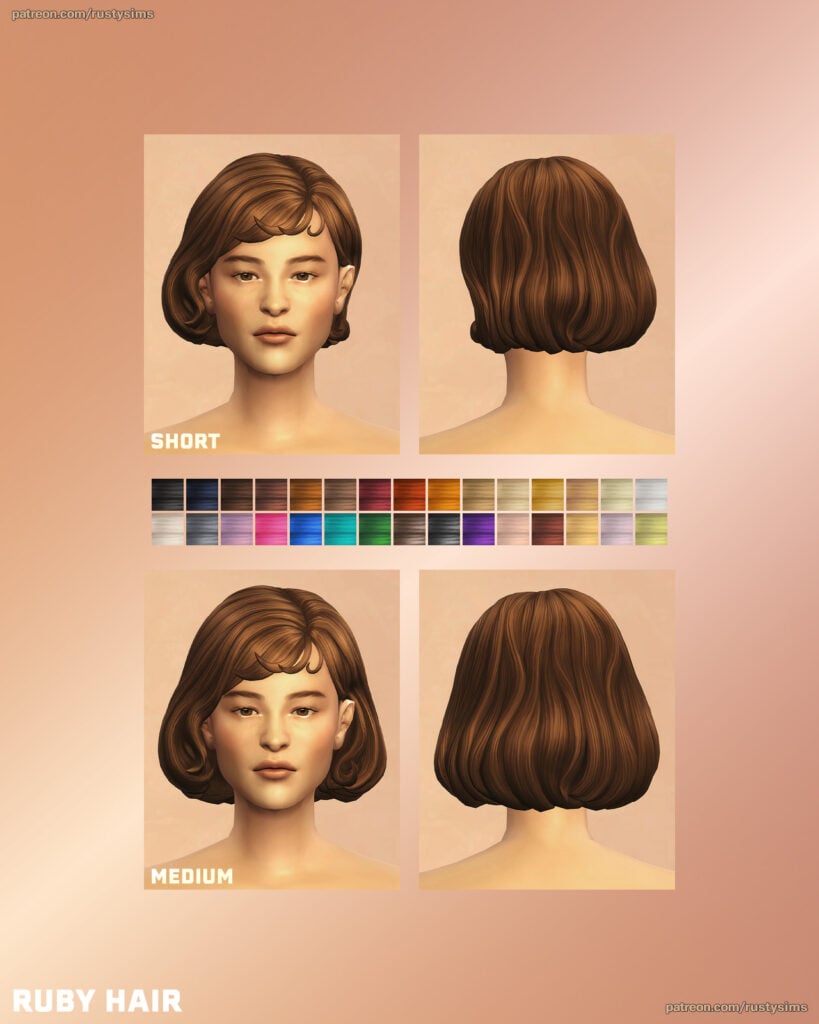
Ruby Hair by Rusty’s

Ruby

Ruby Hair by Rusty’s gives off serious old-school glamour vibes. This short hairdo features short bangs with the hair pulled behind one ear – available in 30 different swatches.

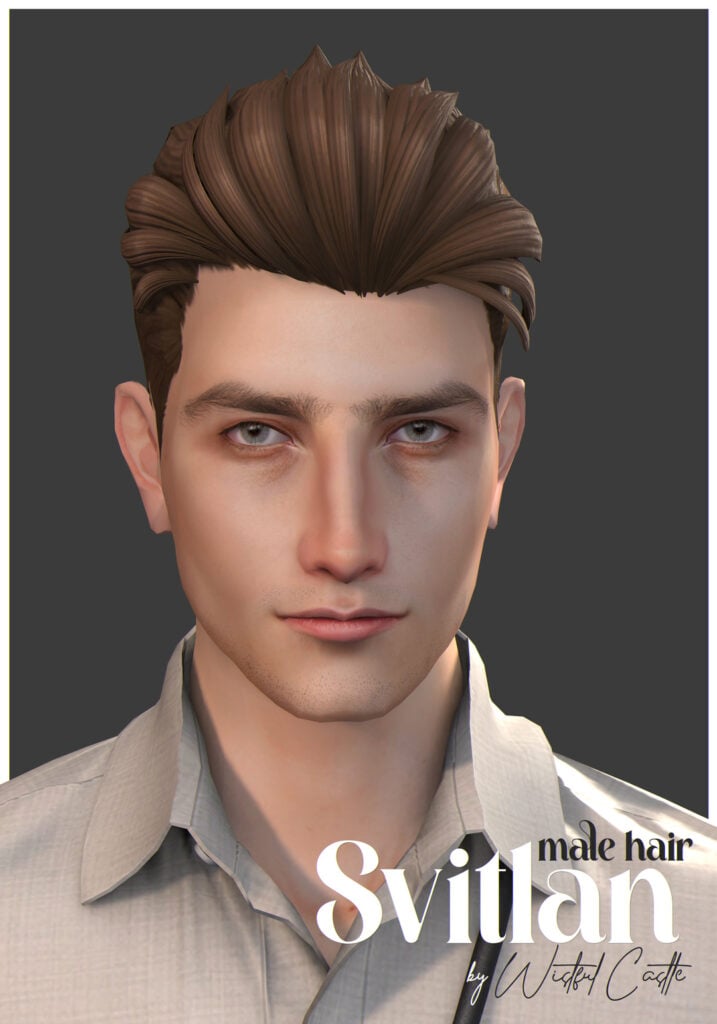
Svitlan Male Hair by Wistful Castle

Svitlan

Neat, modern, and clean, Svitlan Male Hair by Wistful Castle is a staple formal CC hairdo for masculine-frame Sims that features a flowing look, pulled back into a business-ready vibe.

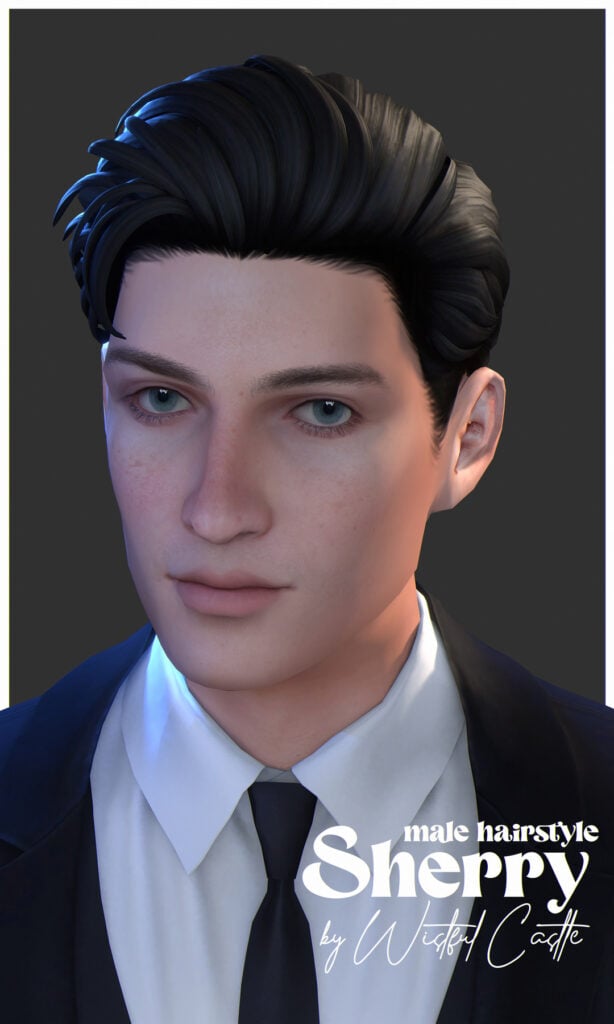
Sherry Male Hair by Wistful Castle

Sherry

Simple but sharp, Sherry Male Hair by Wistful Castle is a clean, modern, formal, CC hair that has short sides but with a longer top pulled back for a more elegant, handsome look – available in 32 EA swatches for masculine-frame Sims.

With so many stunning Sims 4 formal CC options available, it’s easier than ever to create elegant, stylish, and sophisticated looks in CAS. Whether you’re dressing your Sims for weddings, galas, prom nights, or red carpet events, the right CC can completely transform their style and bring your CAS outfits to life. Don’t forget to mix and match pieces to create unique looks that match your Sims’ personalities and story. If you loved this CC list, be sure to check out some of our other amazing CC finds!

Guide To Paralives Skills

Paralives skills are similar to the skills in other games of the genre, but at the same time, they have a completely new system. Even though the game is still at the beginning of early access, it already has many skills that your Para can learn as a hobby or to help them in their career. In this guide, we’ll talk about each skill and how to learn them.

Let’s get started!

How to Learn Skills in Paralives

Paralives skills work similarly to learning skills in other games of the genre. The main difference, though, is that in Paralives, you also gain ‘knowledge’ while learning a skill, and you can also learn a ‘knowledge’ skill by itself.

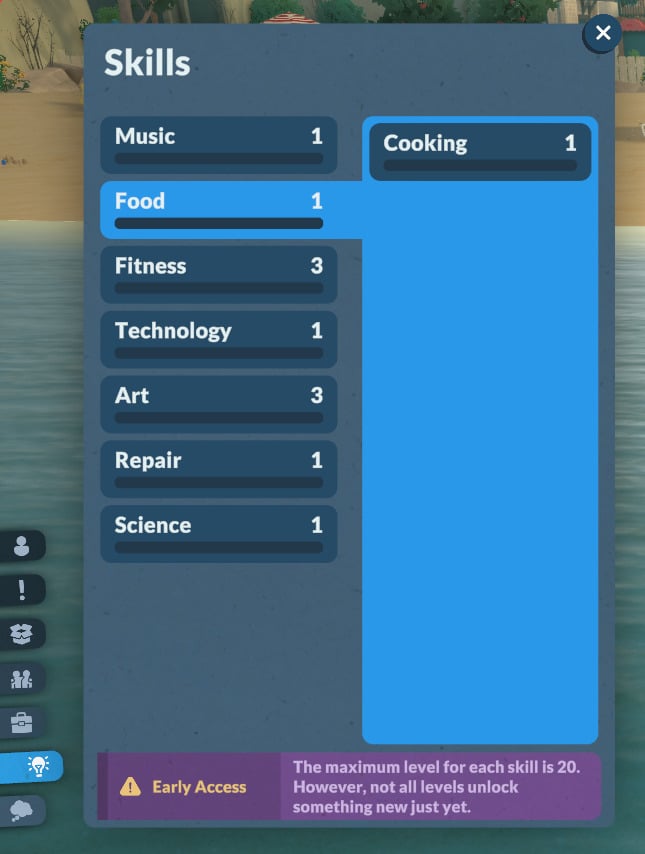
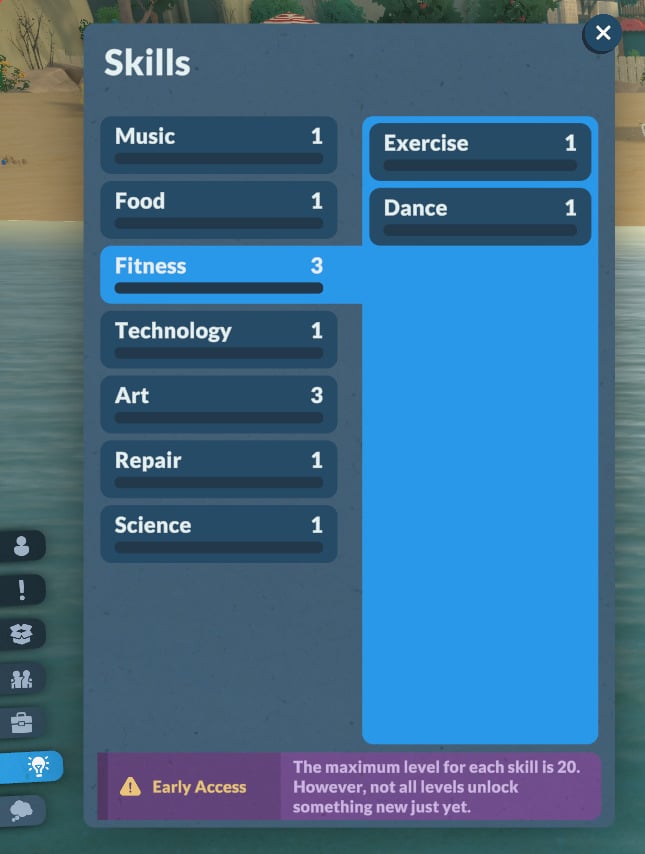
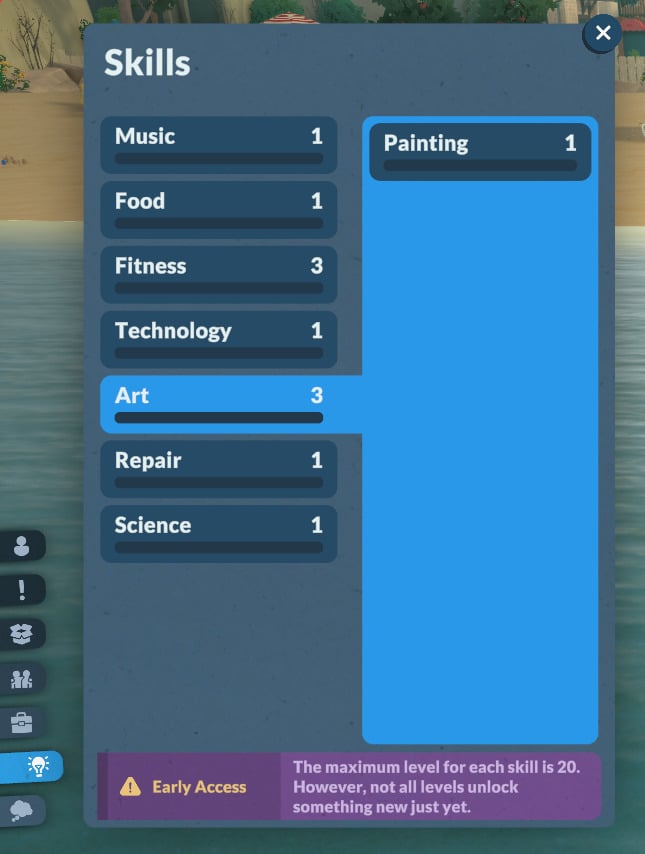
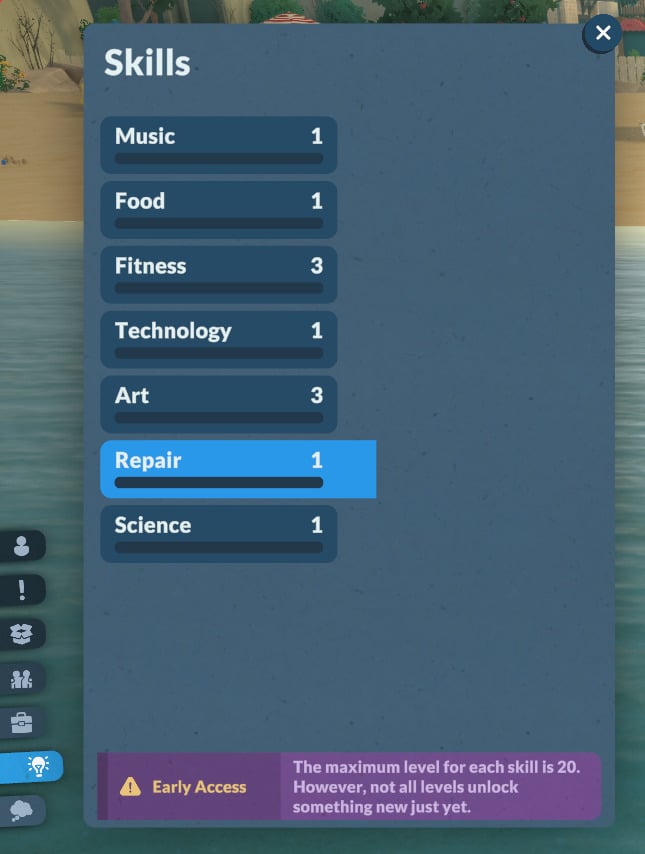
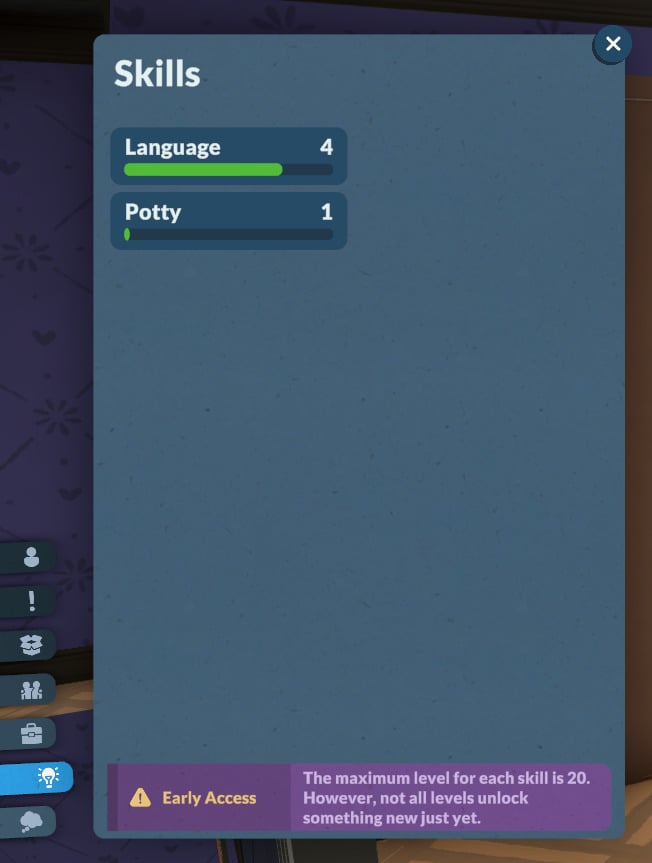
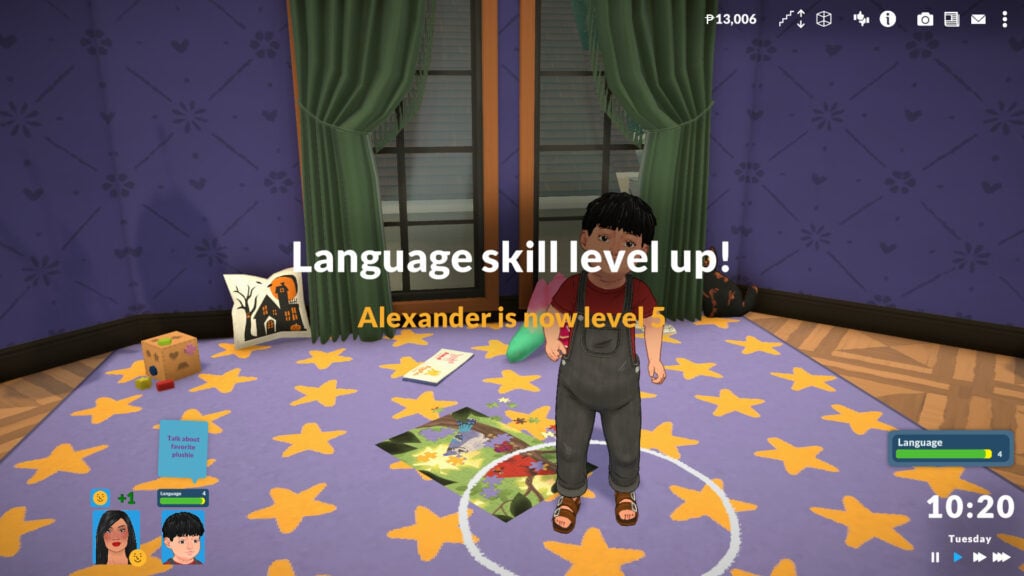
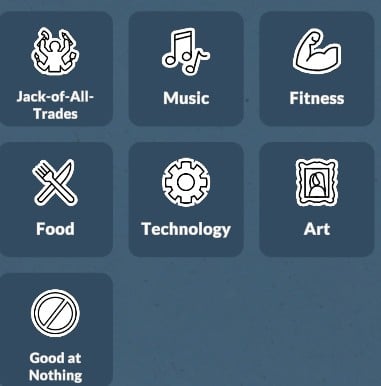
For children to elders, the knowledge skills available are: Music, Food, Fitness, Technology, Art, Repair, and Science. Toddlers can learn Language and Potty skills, and babies can only learn the Language skill.

Let’s take a look at how to learn each of them and how they work!

Music

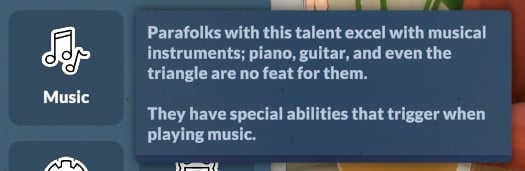
First on the list is the Music knowledge skill. The official description reads:

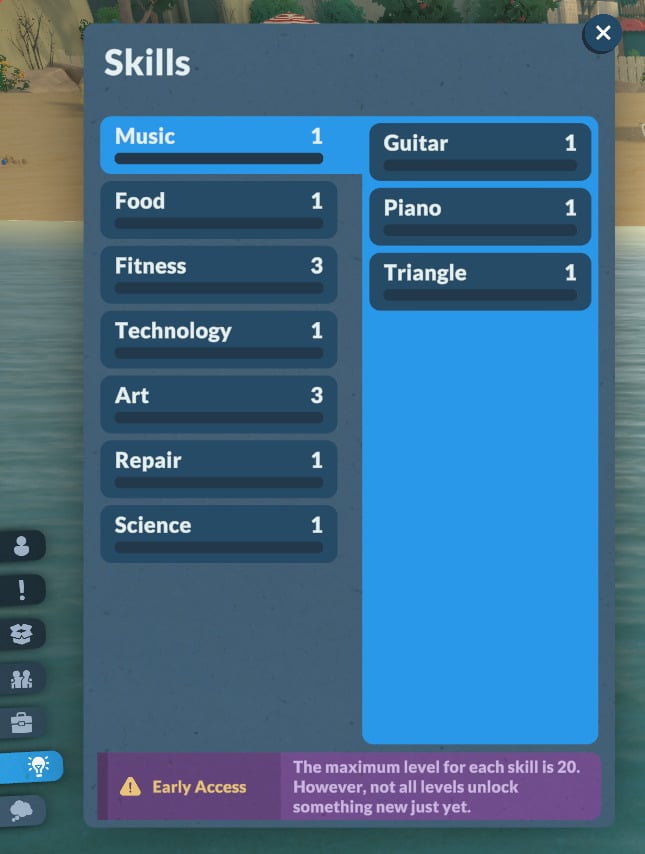
In-game description: The knowledge of instruments, songs, and rhythm. Improve it by learning about it on the computer. This is a knowledge skill — improving skills under it will improve it as well. Improving your knowledge will also increase the learning seep of the skills under it.

Skills7

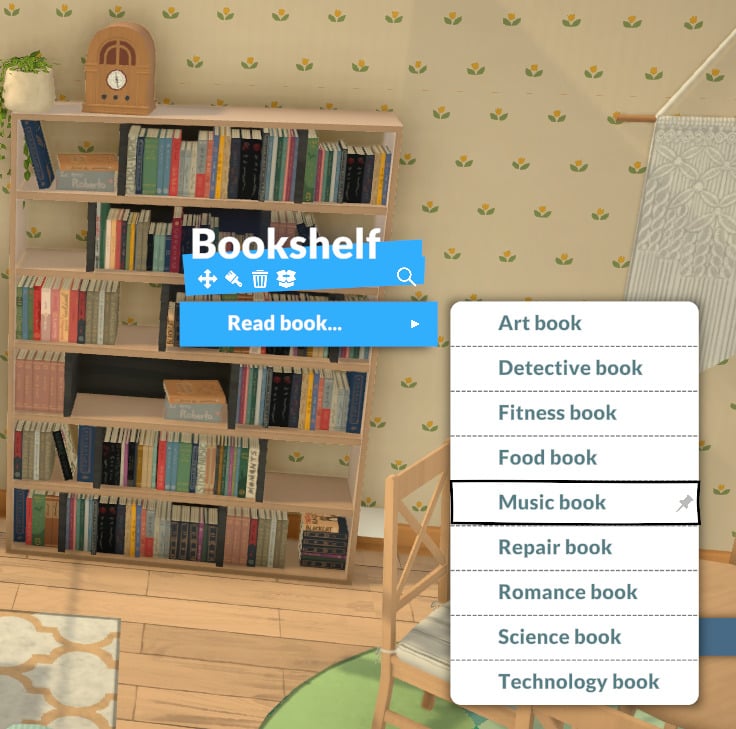
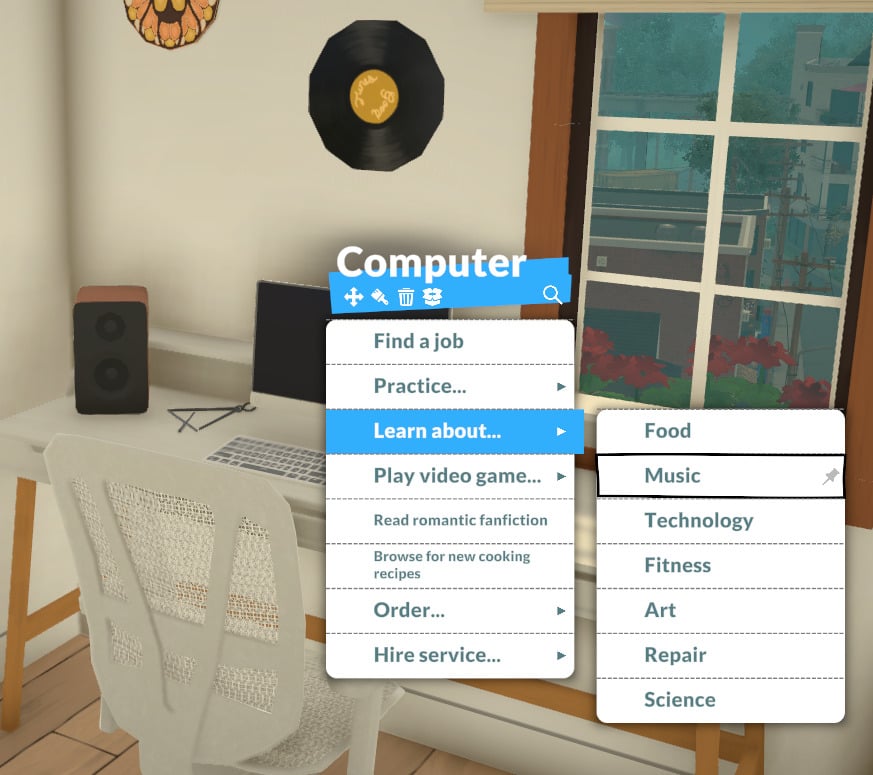
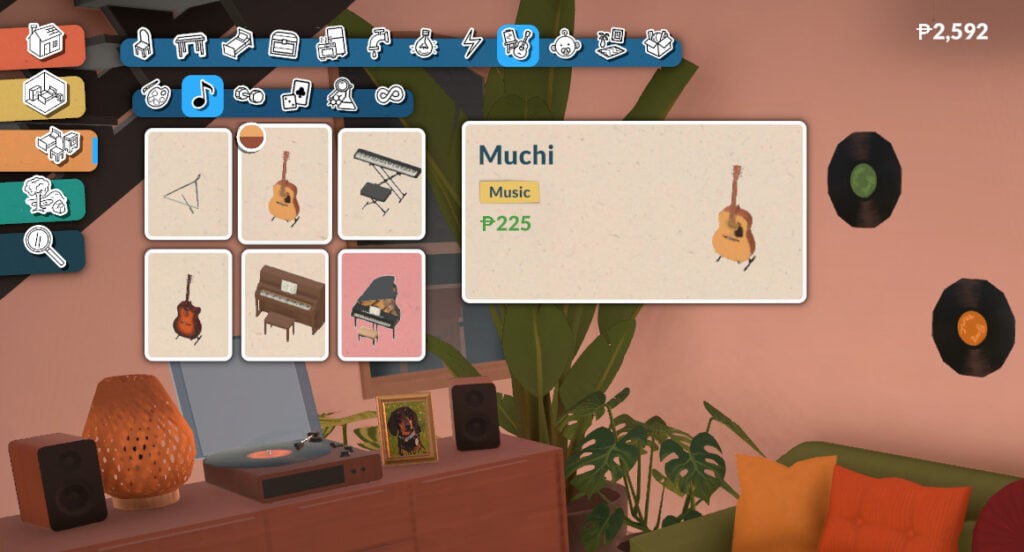
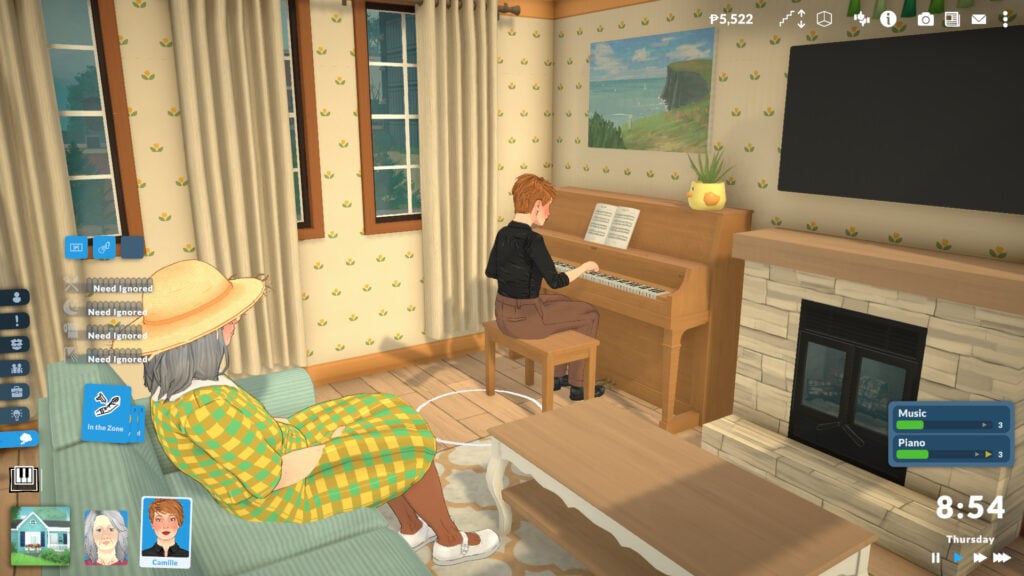
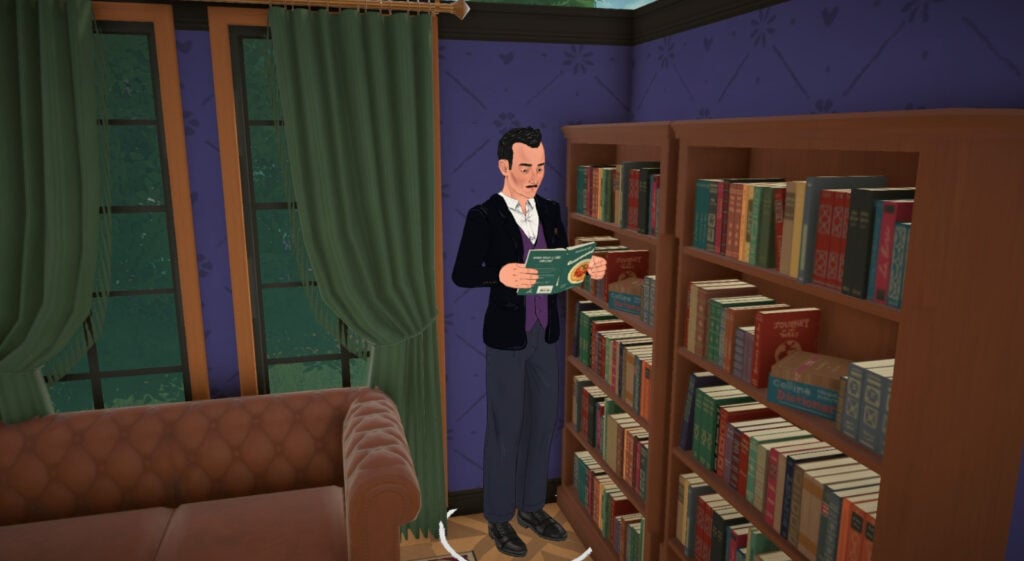
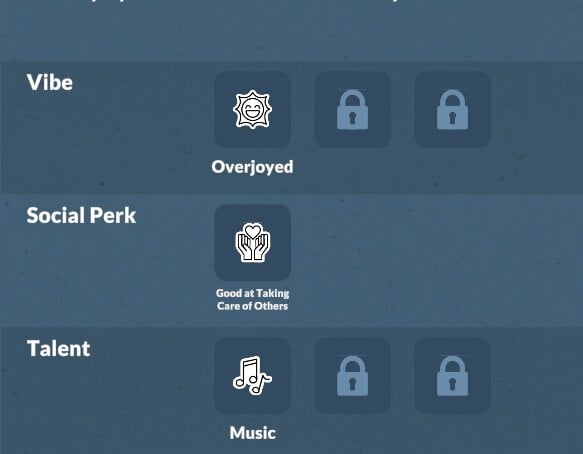
Currently, you can learn Music while your Para is playing any instrument (guitar, piano, or triangle), searching for information about it on the computer, or reading at the bookshelf. It’s also possible to unlock a perk to learn it at work.

Guitar Skill

In-game description: Your skill level in guitar. Improve it by practicing and playing songs on the guitar.

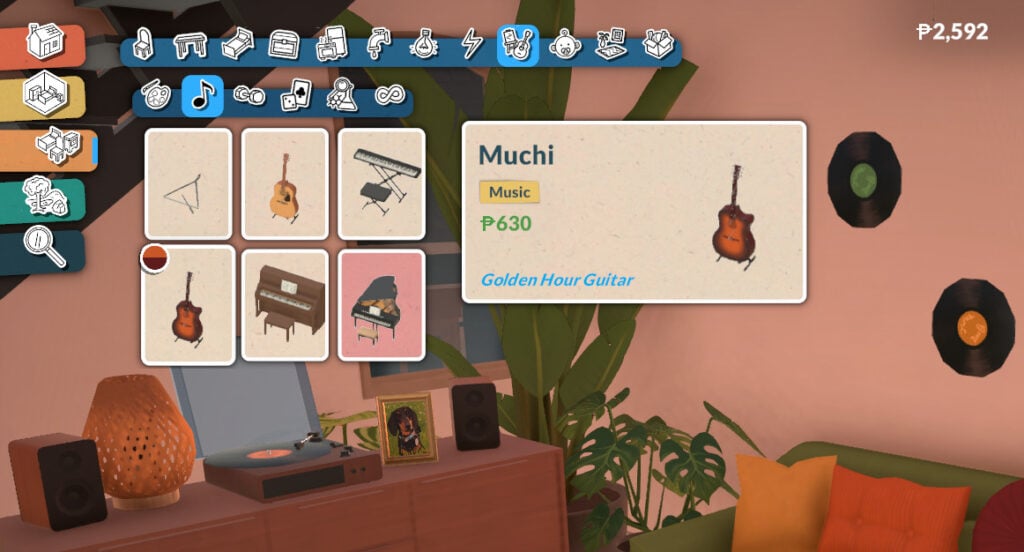
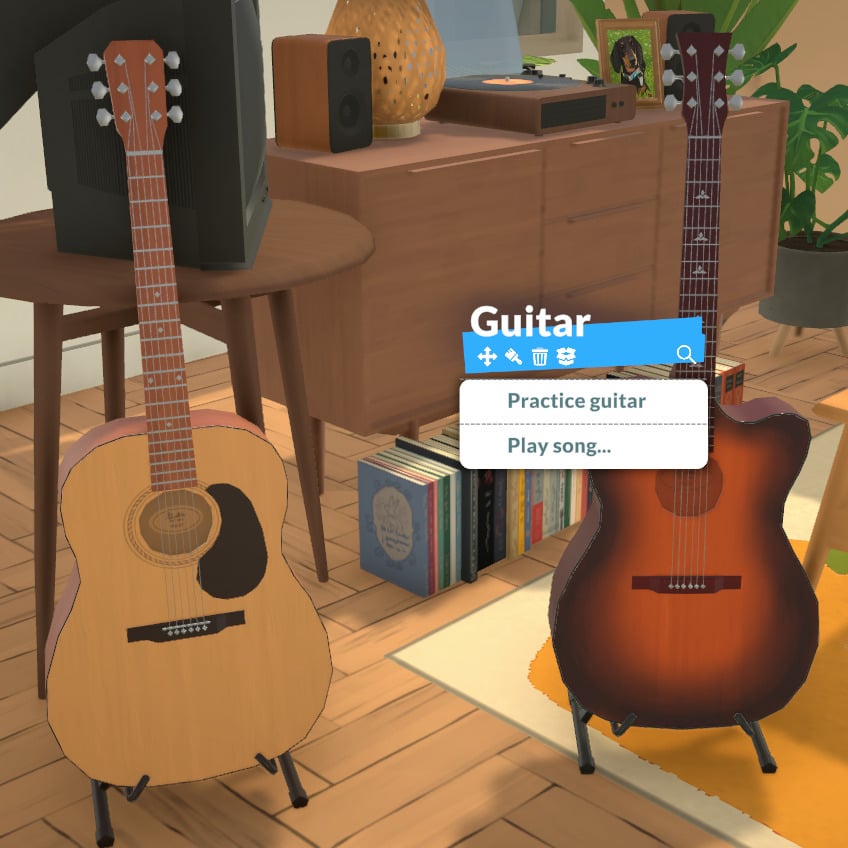
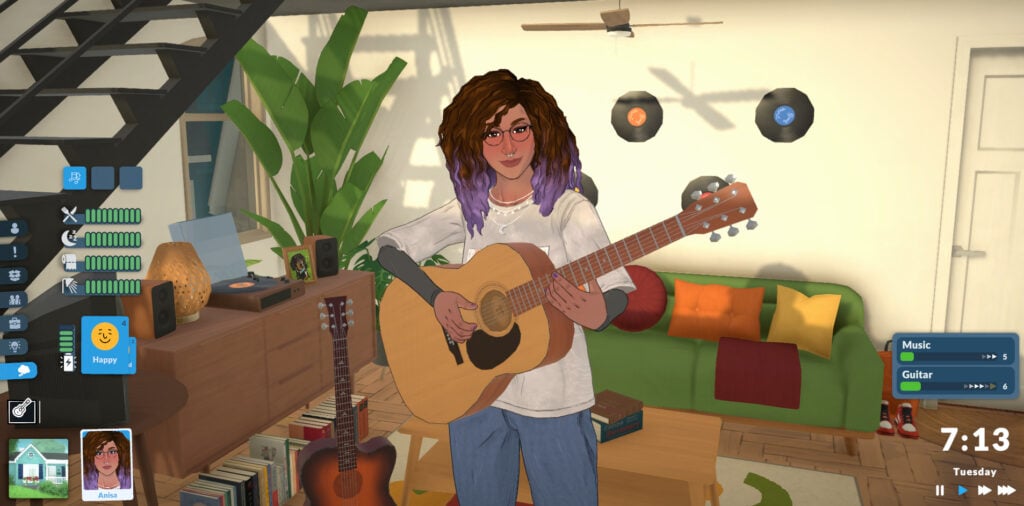
Your Para will develop the Guitar skill while practicing guitar. There are currently two guitar options in the game:

The guitar has two interaction options: “Practice guitar” and “Play song…”:

Music Guitar1

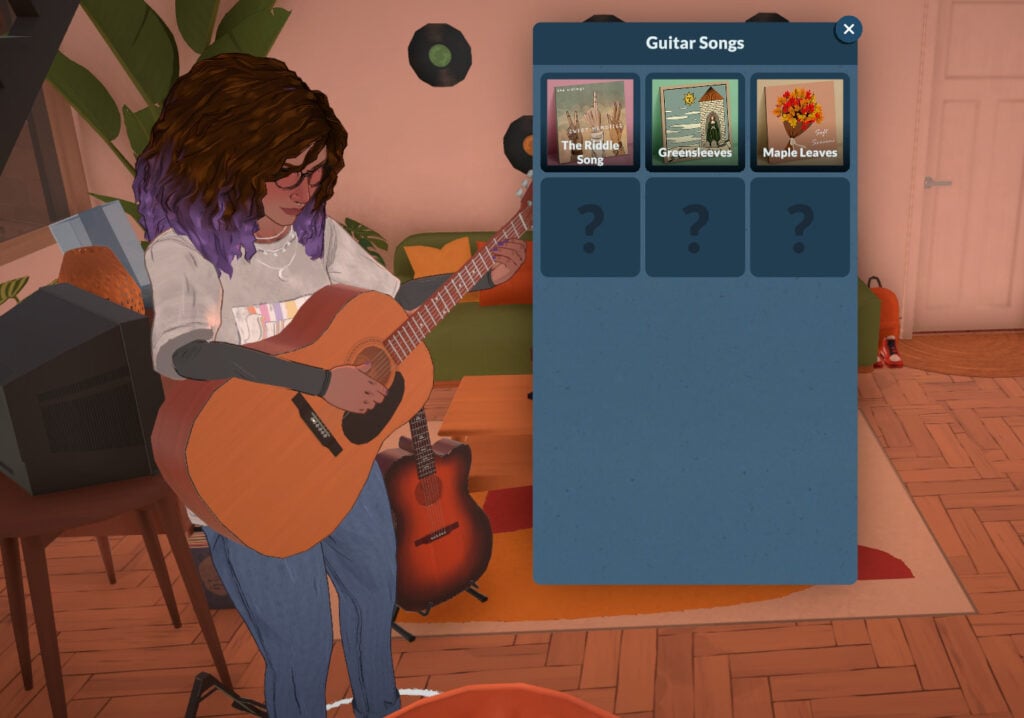
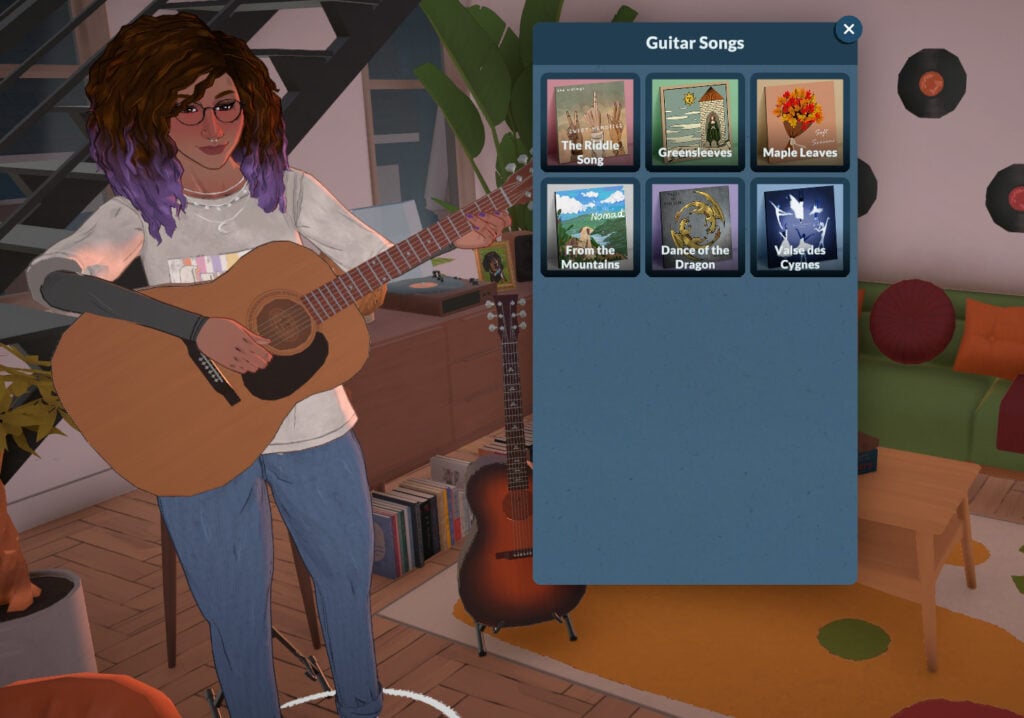
The songs available will depend on your Para’s current Guitar skill. If they are below level 5, they will be able to play “The Riddle Song”, “Greensleeves”, and “Maple Leaves”. After reaching level 5, they will also be able to play “From the Mountains”, “Dance of the Dragon”, and “Valse des Cygnes”:

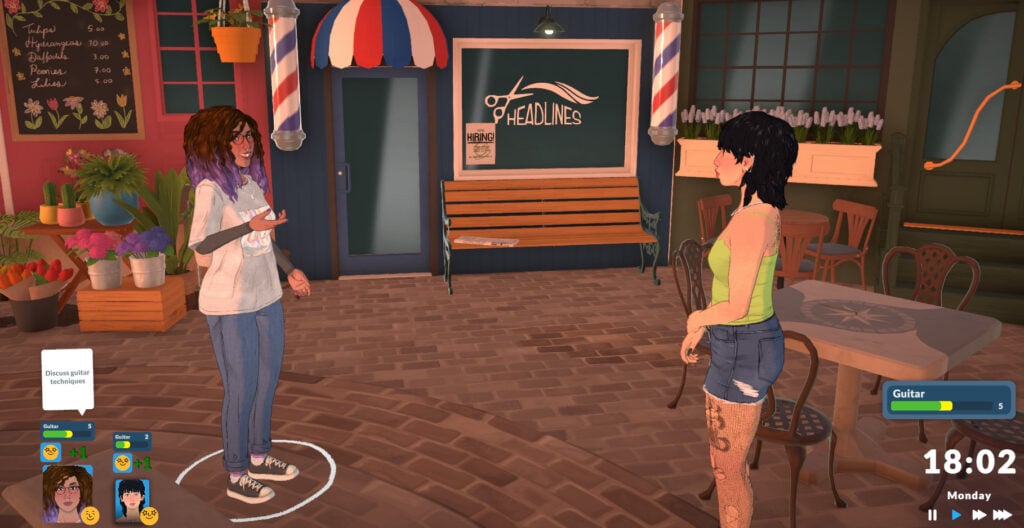
Your Para can also improve their Guitar skill by discussing it with other Paras:

Music Guitar6

The higher your level in the Music skill, the faster your Para will learn guitar. The higher your Guitar skill, the more confident your Para will look while playing.

Music Guitar7

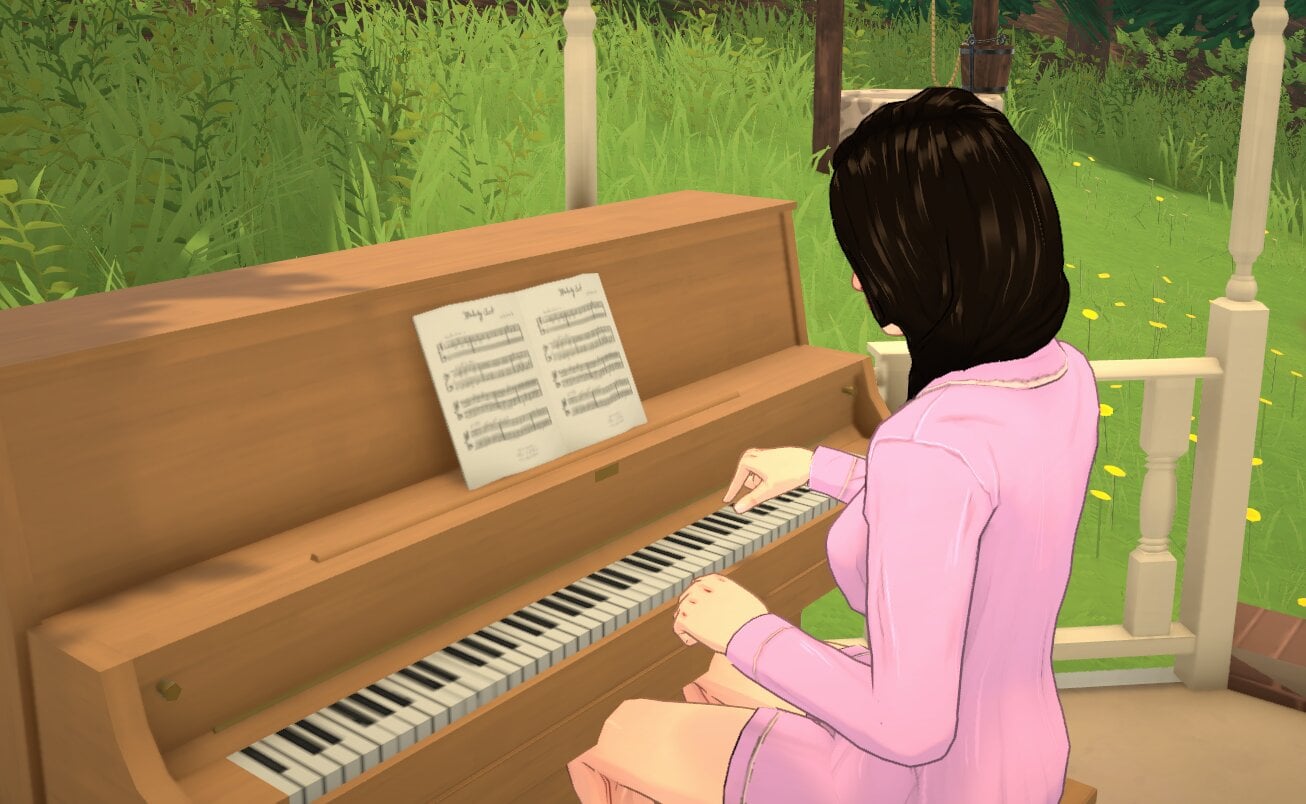
Piano Skill

In-game description: Your skill level in piano. Improve it by practicing and playing songs on the piano.

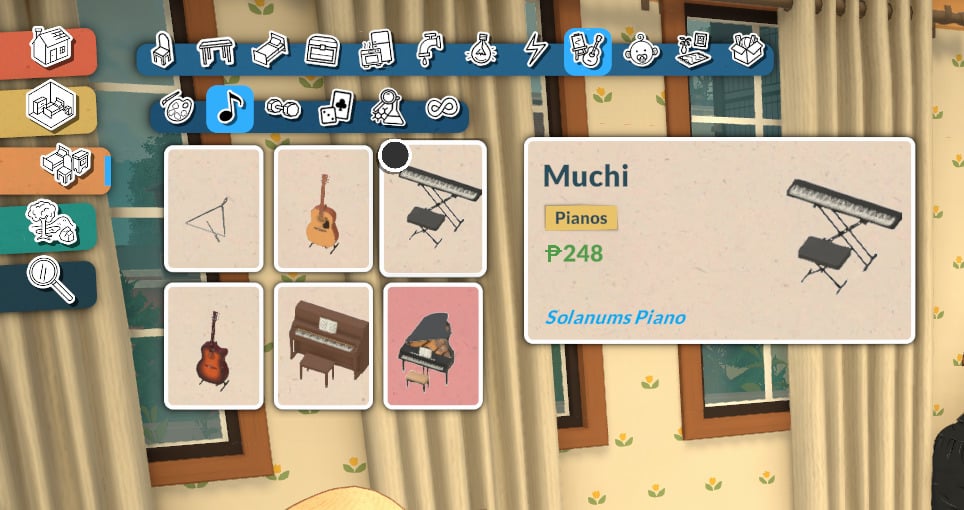
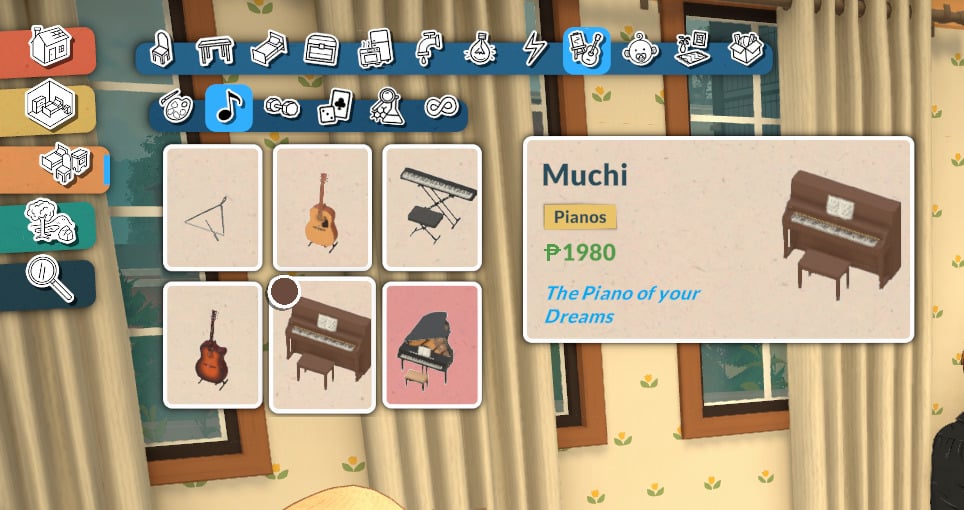
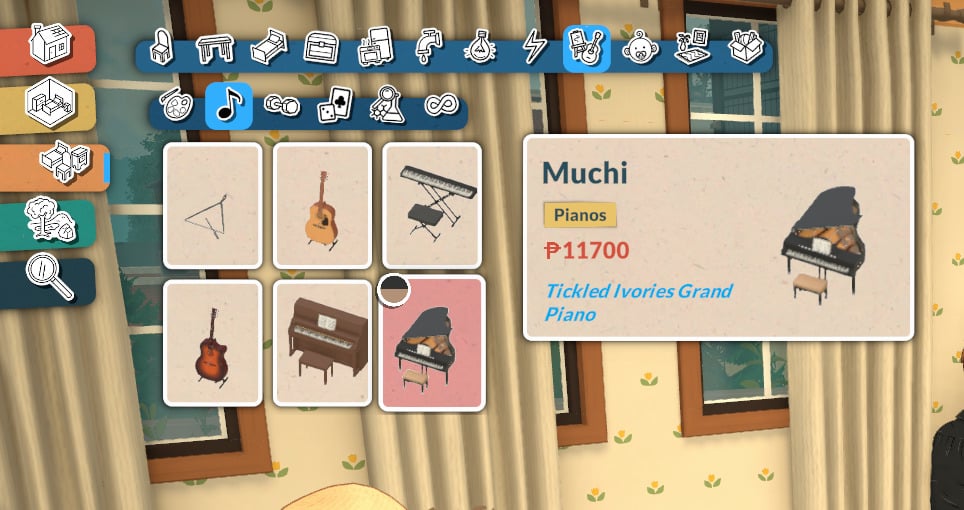
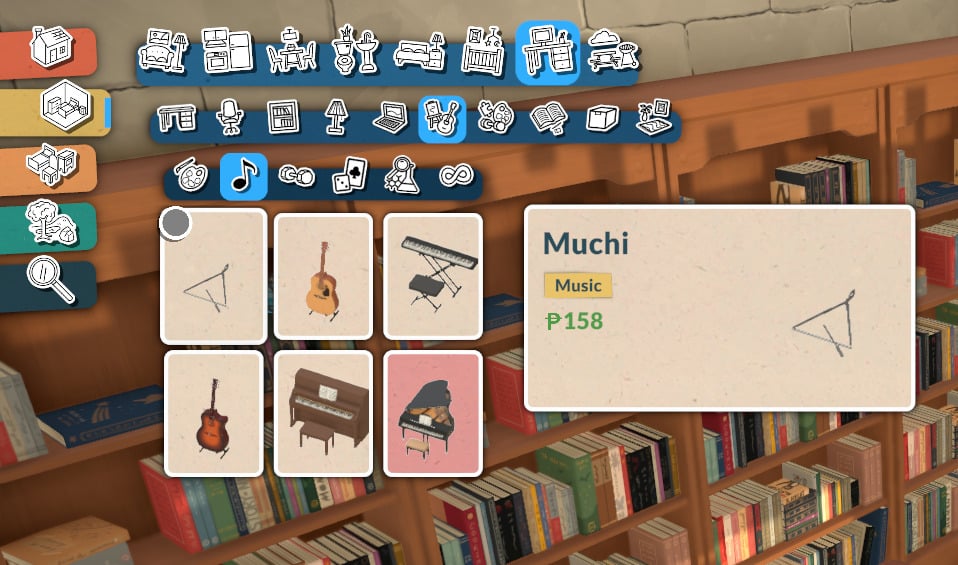
Your Para will develop the Piano skill while practicing piano. There are currently three piano options in the game:

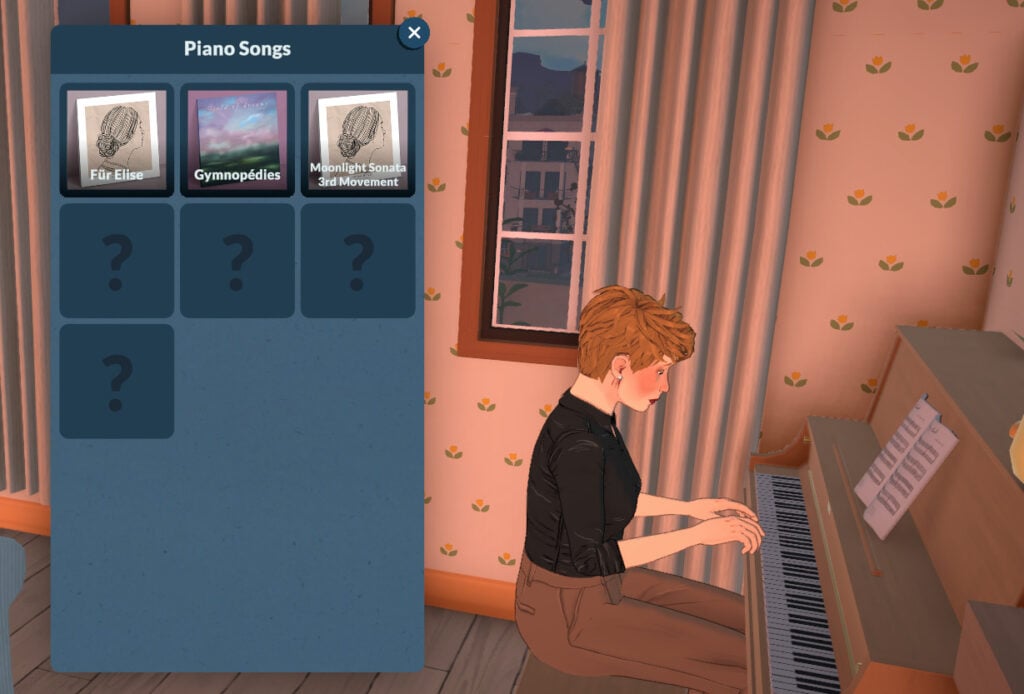
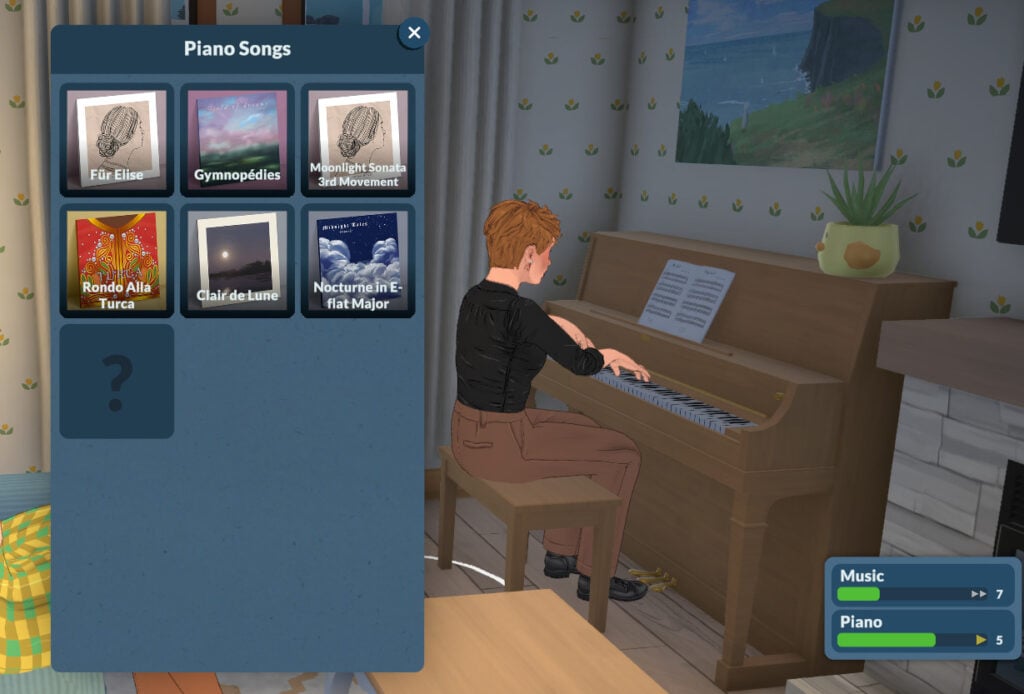
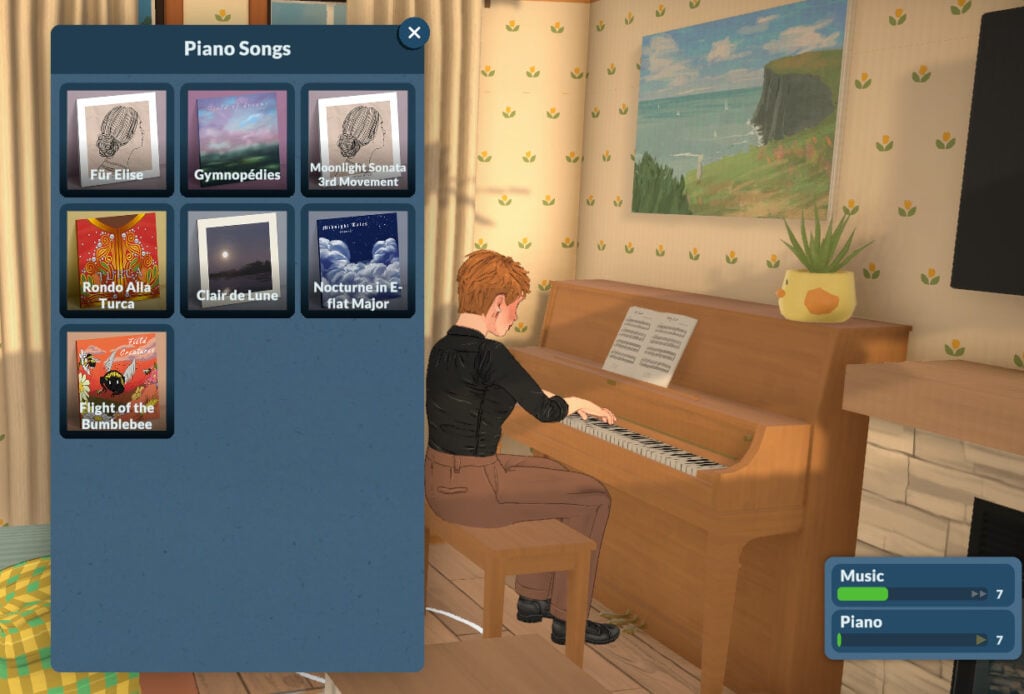
If your Para’s Piano skill is below level 3, they will be able to play “Für Elise”, “Gymnopédies”, and “Moonlight Sonata 3rd Movement”. When your Para reaches Piano level 5, they can also play “Rondo Alla Turca”, “Clair de Lune”, and “Nocturne in E-flat Major”. To unlock the final piece, “Flight of the Bumblebee”, your Para must have the Piano skill at level 7.

The higher your Para’s skill level, the more confident they will look while playing. They will also learn the Piano skill faster the higher their Music skill is.

Music Piano1

Triangle Skill

In-game description: Your skill level in triangle. Improve it by practicing and playing songs on the triangle.

There is currently one triangle available in Buy Mode:

Music Triangle1

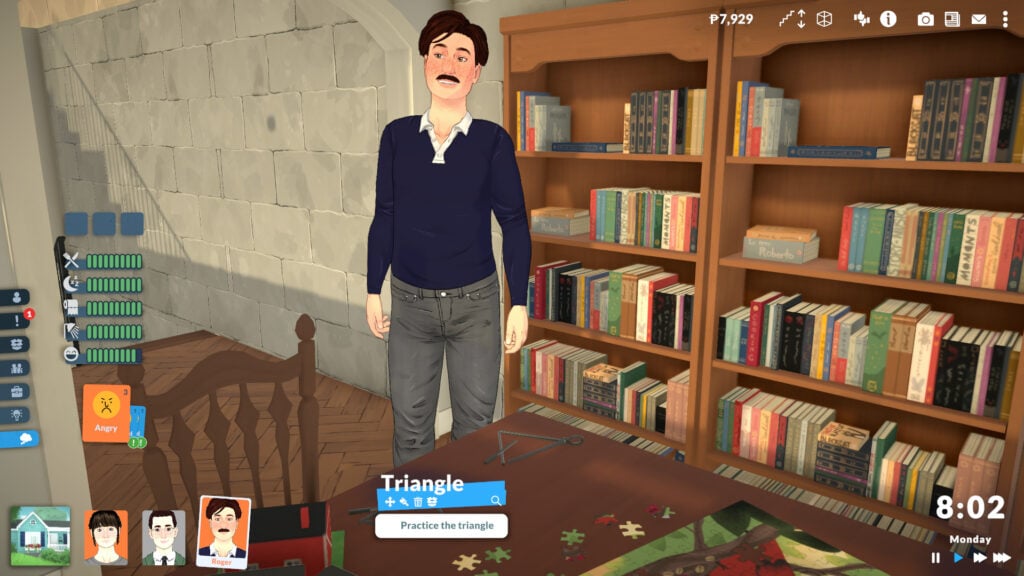
The game technically allows you to learn the triangle, but the animation isn’t implemented yet, so your Para stops playing right away. We’ll update this guide when new patches arrive, so keep an eye on our Paralives section!

Music Triangle2

Food

The next topic on Paralives knowledge skills is Food.

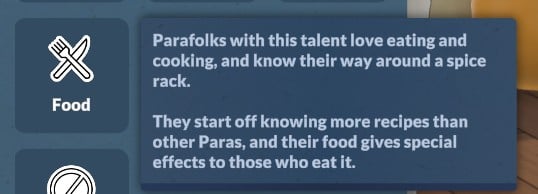
In-game description: The knowledge of taste, ingredients, and cooking techniques. Improve it by learning about it on the computer. This is a knowledge skill — improving skills under it will improve it as well. Improving your knowledge will also increase the learning seep of the skills under it.

Skills6

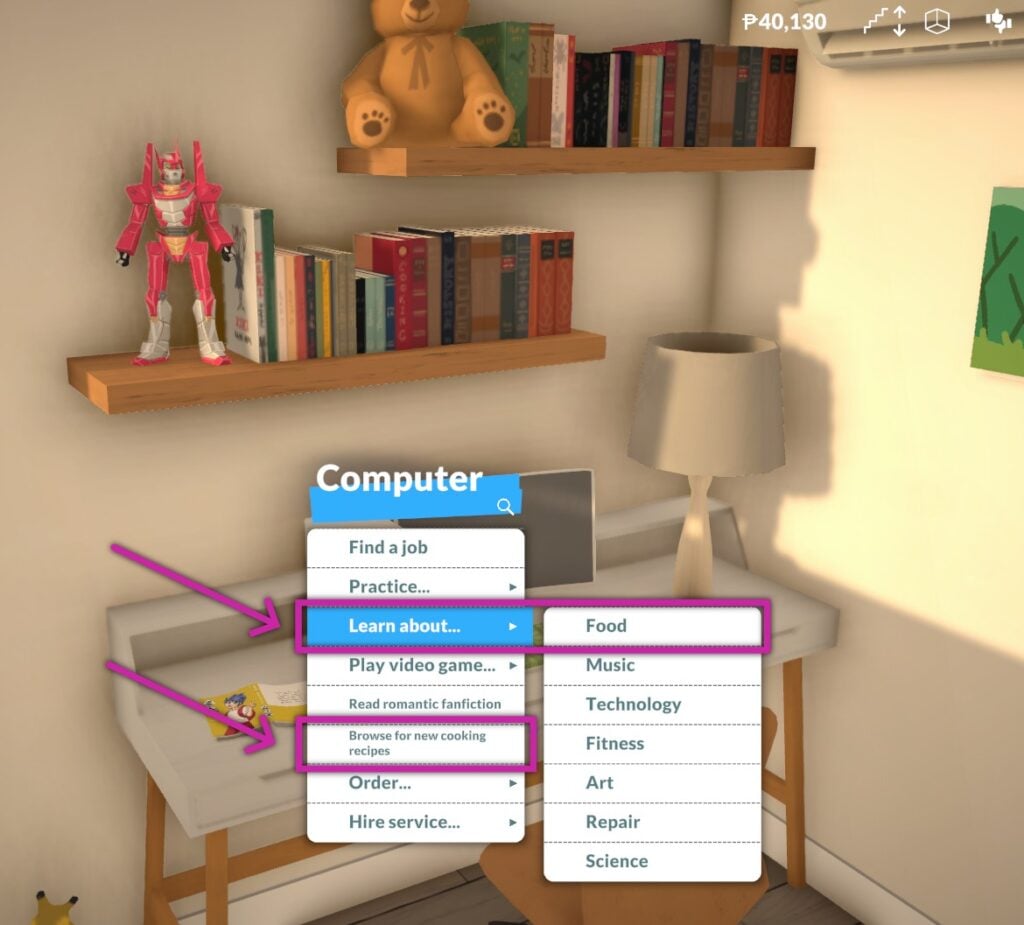
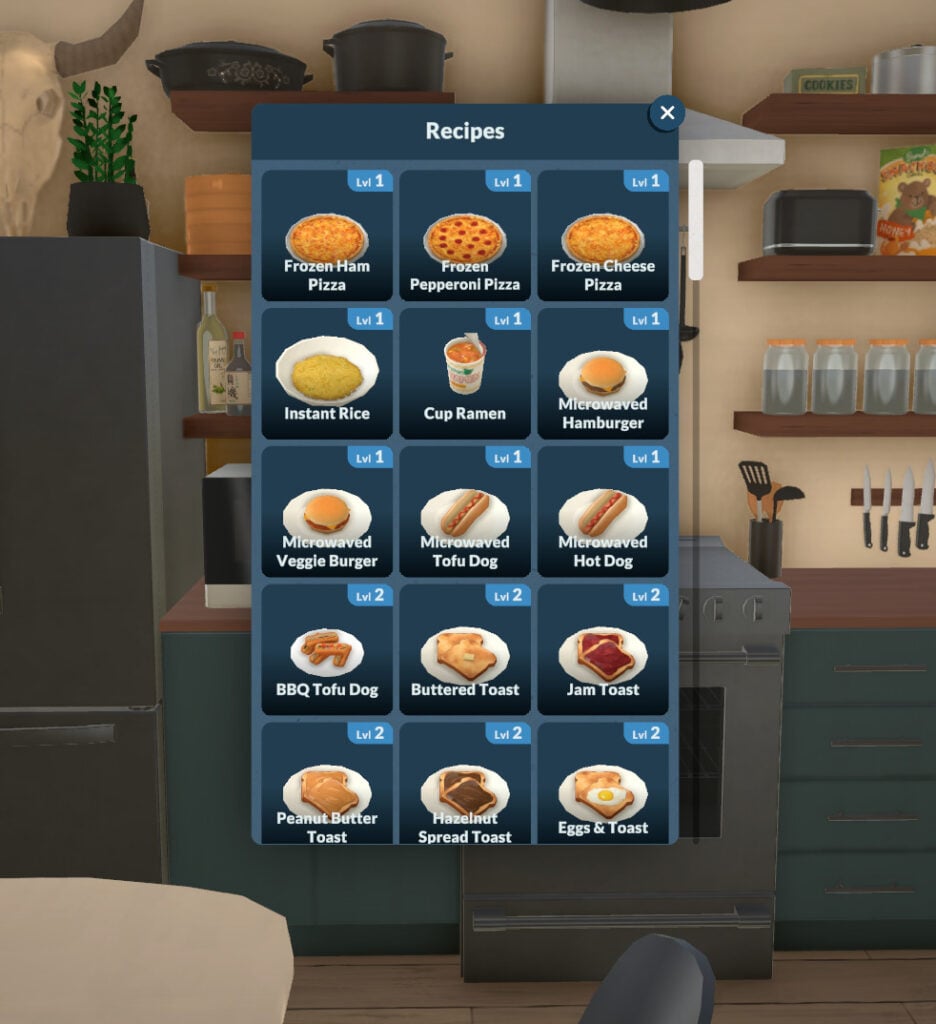
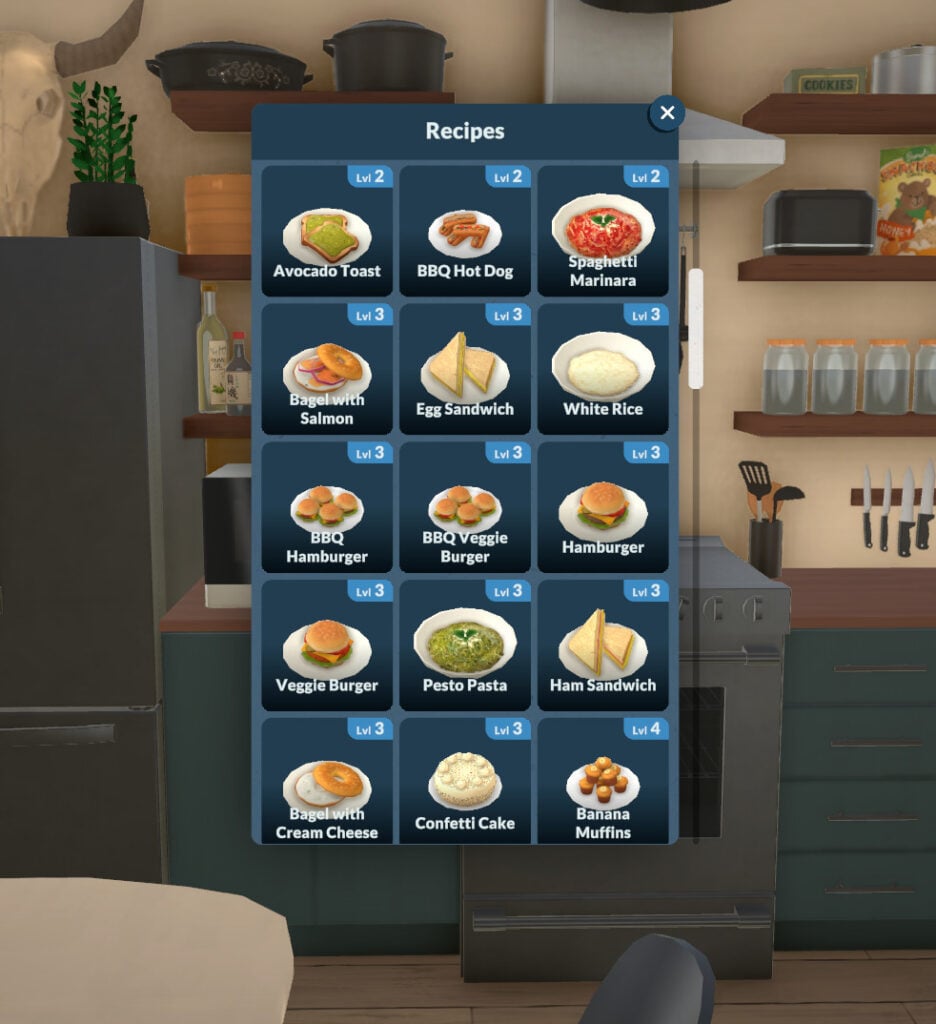
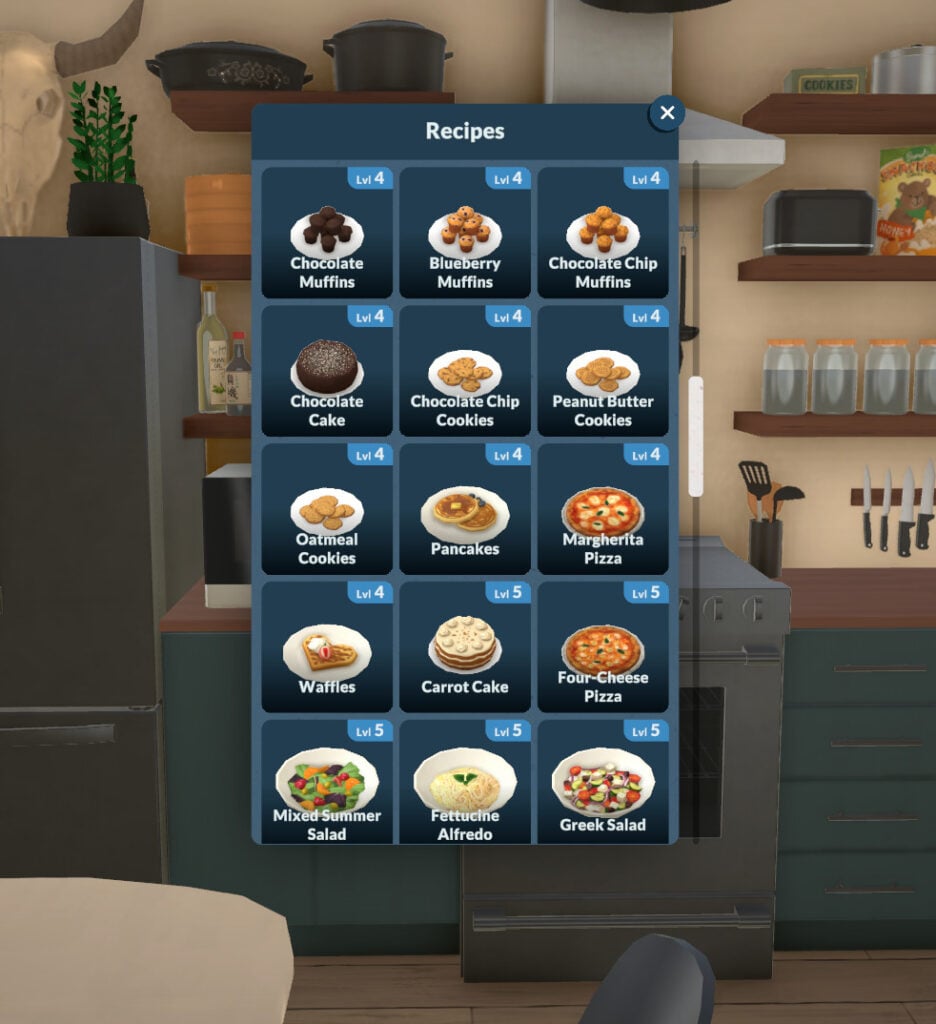
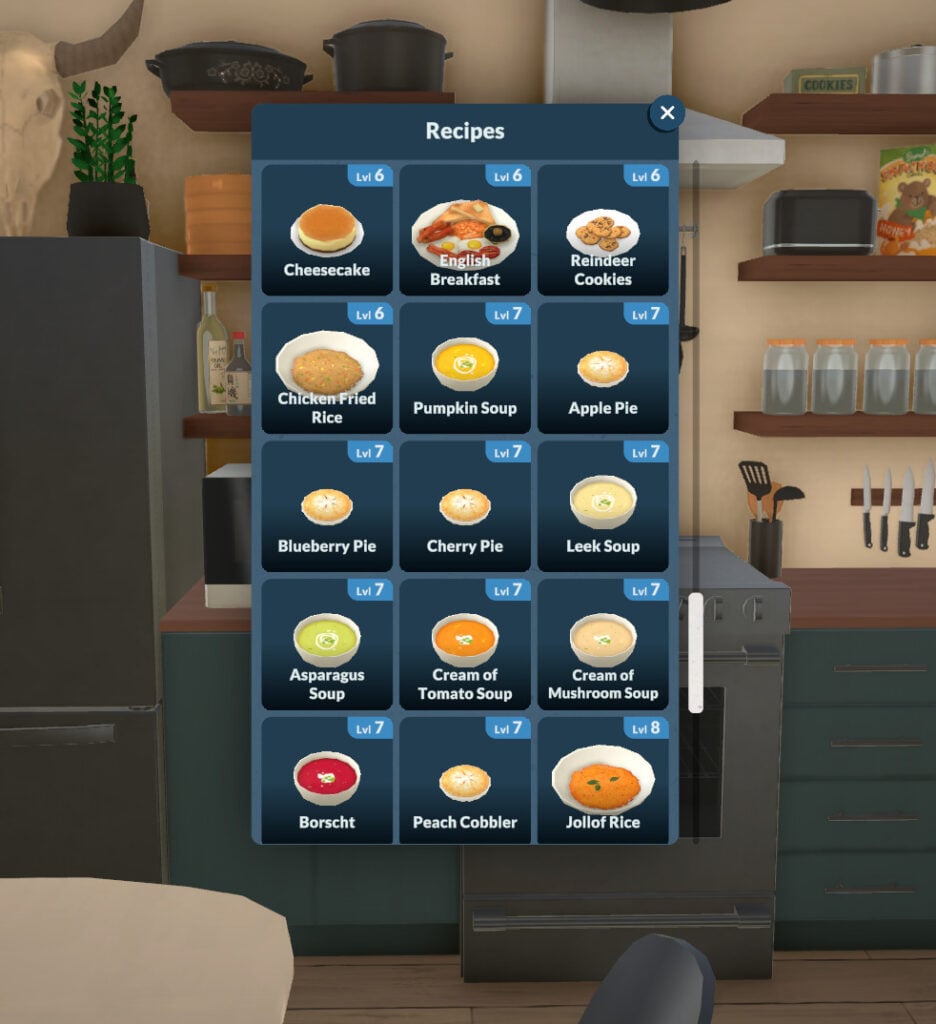
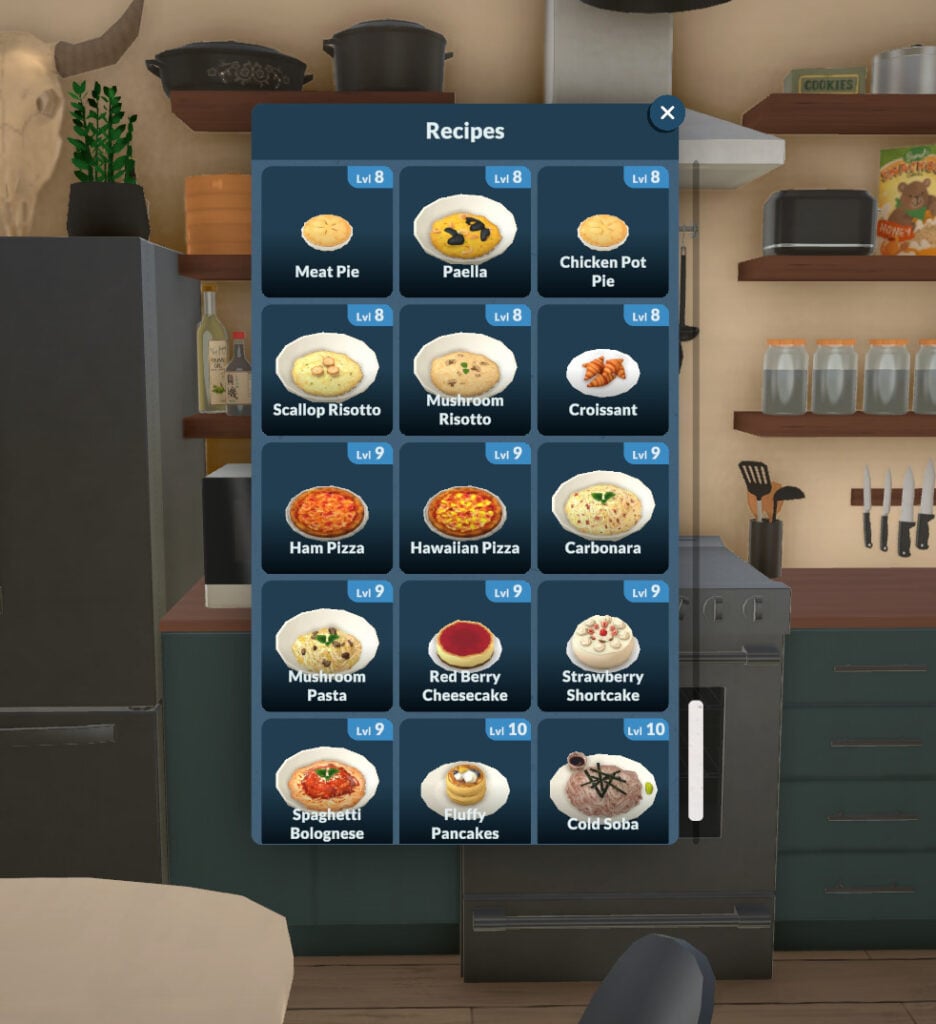
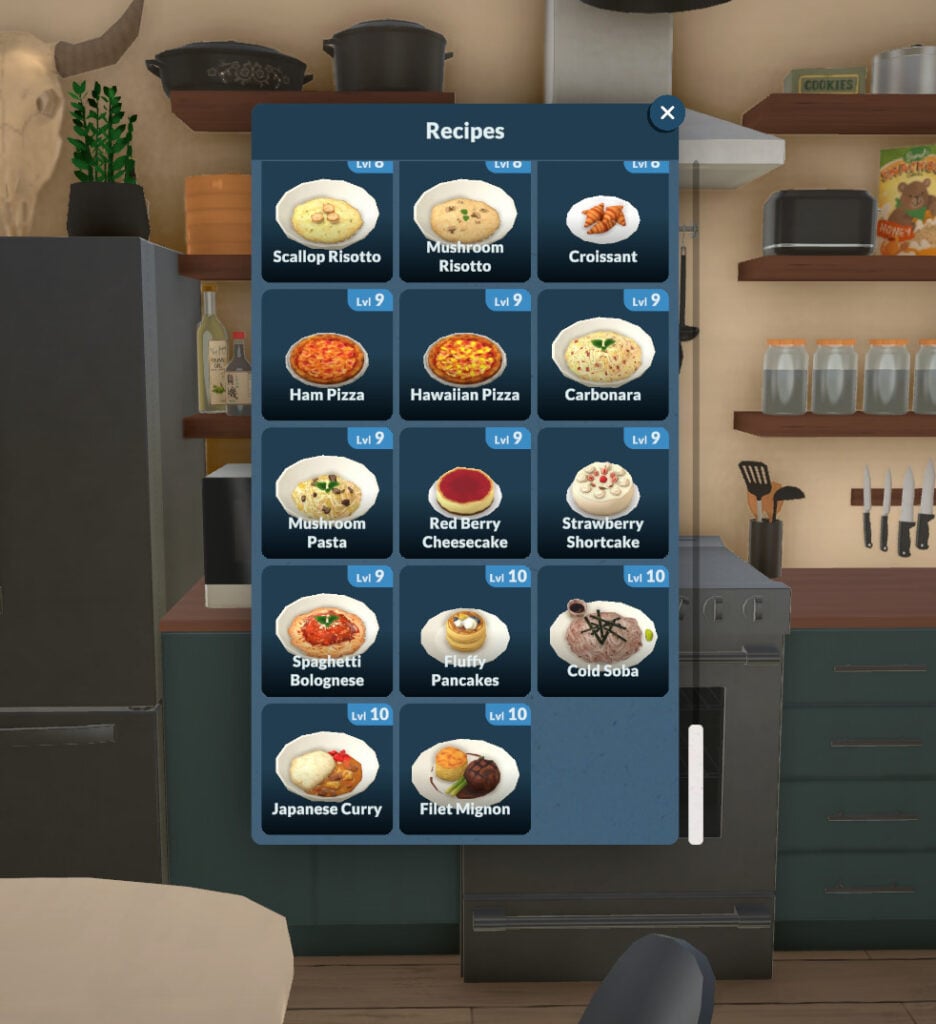
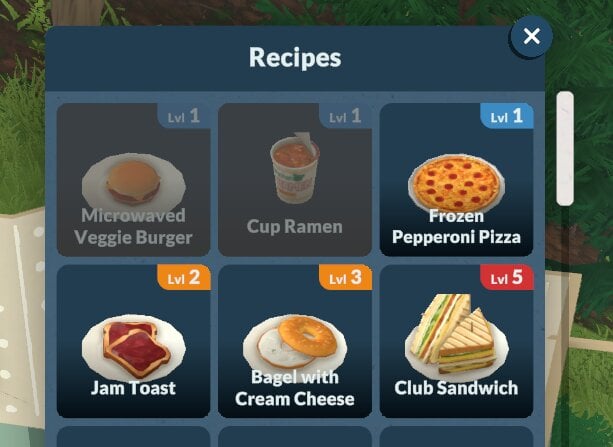
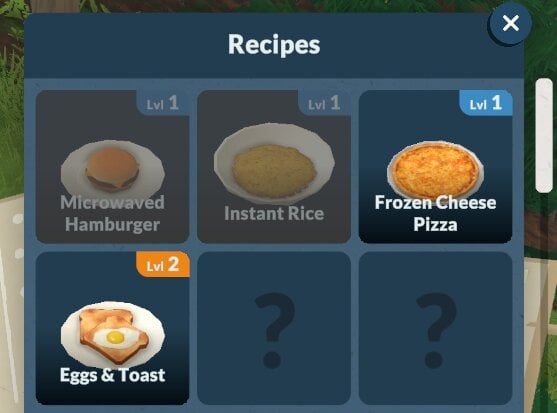
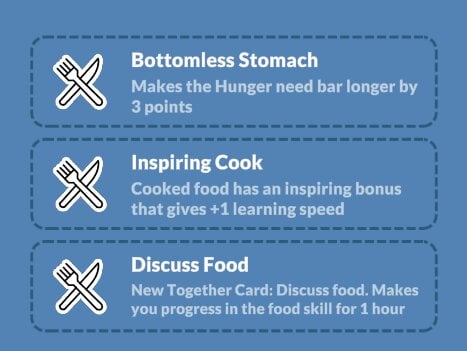
In Paralives, Food knowledge and recipe learning are independent. You can learn recipes through computers or bookshelves, but your Cooking skill level doesn’t affect recipe discovery. Your Para could know all recipes but be unable to cook them due to low skill, or have max skill yet miss certain recipes they never studied.

Food CookingSkill10

You can check the list below for all the recipes available and what level they require to be successfully cooked:

Cooking Skill

In-game description: Your skill level in cooking. Improve it by learning about it on the computer.

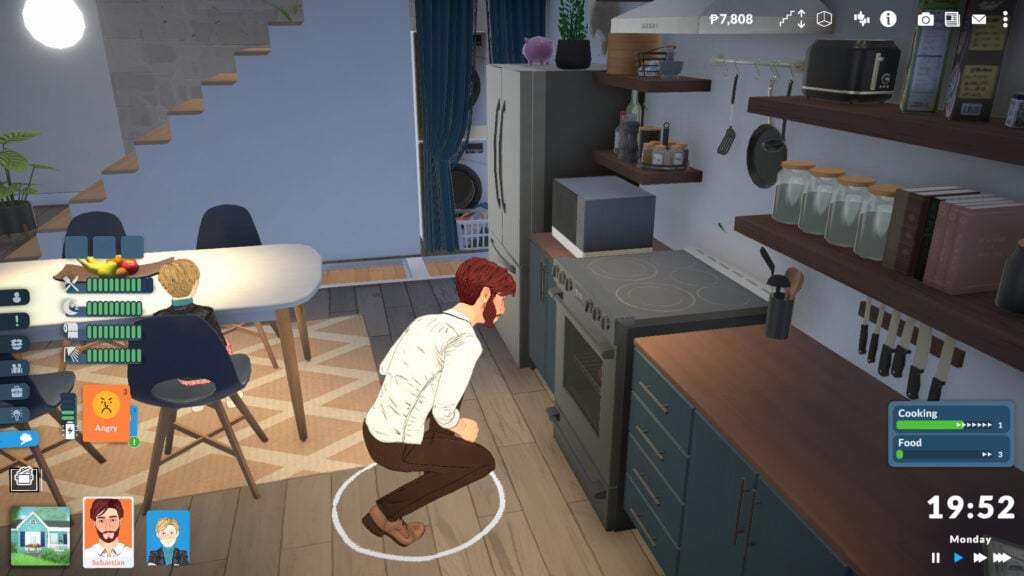
The Cooking skill, as you can imagine, is strongly tied to the Food skill. The higher your Food skill, the faster your Para will learn Cooking. At the moment, the available snacks don’t change regardless of the Cook or Food skills.

Food CookingSkill1

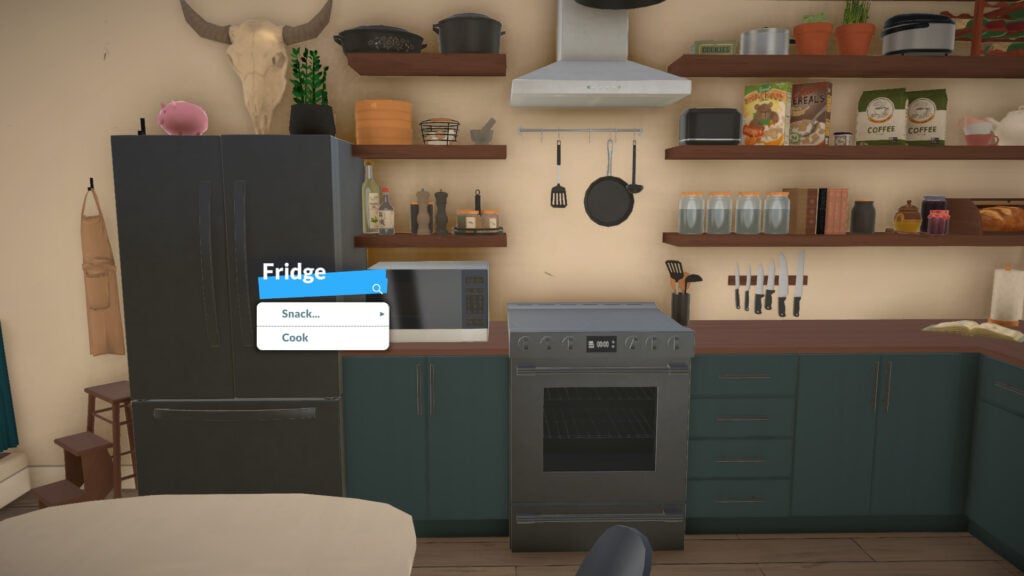
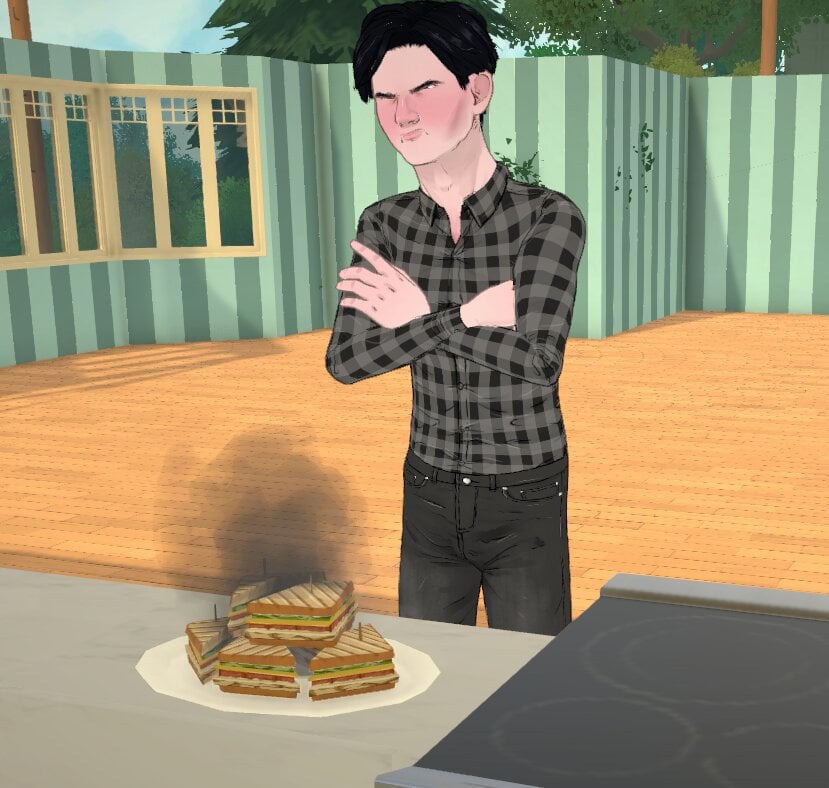
As your Cooking skill increases, you’ll have a better chance of cooking high-quality meals and a lower risk of starting a fire with the stove.

Food Cook

Fitness

In-game description: The knowledge of improving one’s body. Improve it by learning about it on the computer. This is a knowledge skill — improving skills under it will improve it as well. Improving your knowledge will also increase the learning seep of the skills under it.

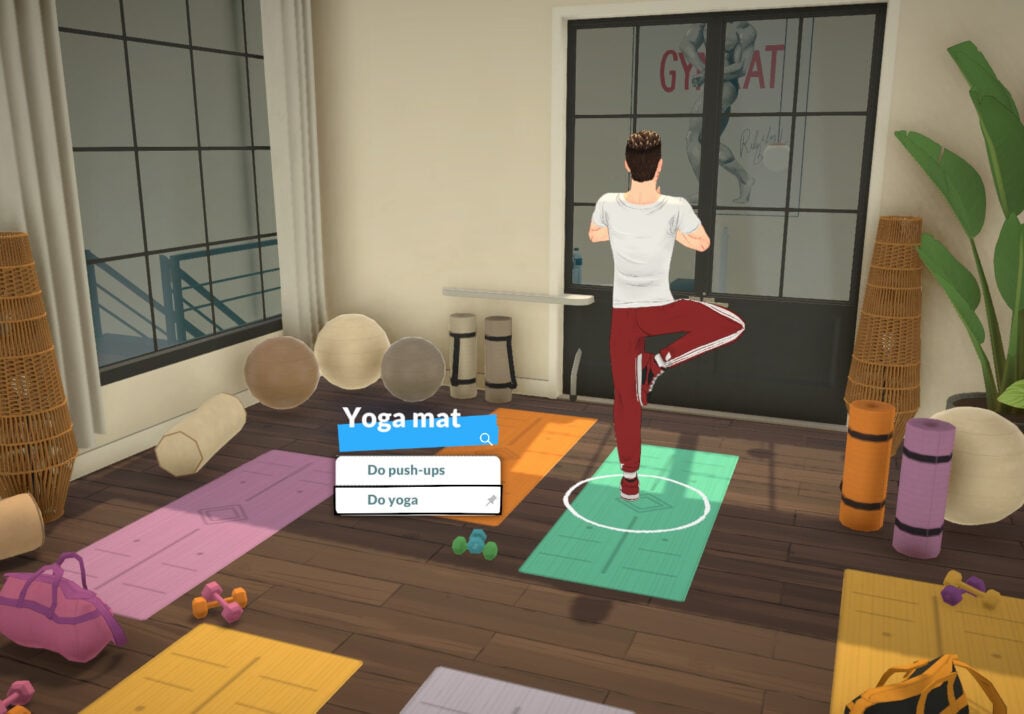
The Fitness knowledge skill in Paralives has two related skills: the Exercise skill and the Dance skill. You can learn about Fitness by reading about it on the computer or at a bookshelf, and you can also gain this knowledge skill by doing yoga, exercise, running, jogging or dancing.

Skills5

Exercise Skill

In-game description: Your skill level in exercise. Improve it by doing floor exercises or using exercise machines. Running and jogging also improves it.

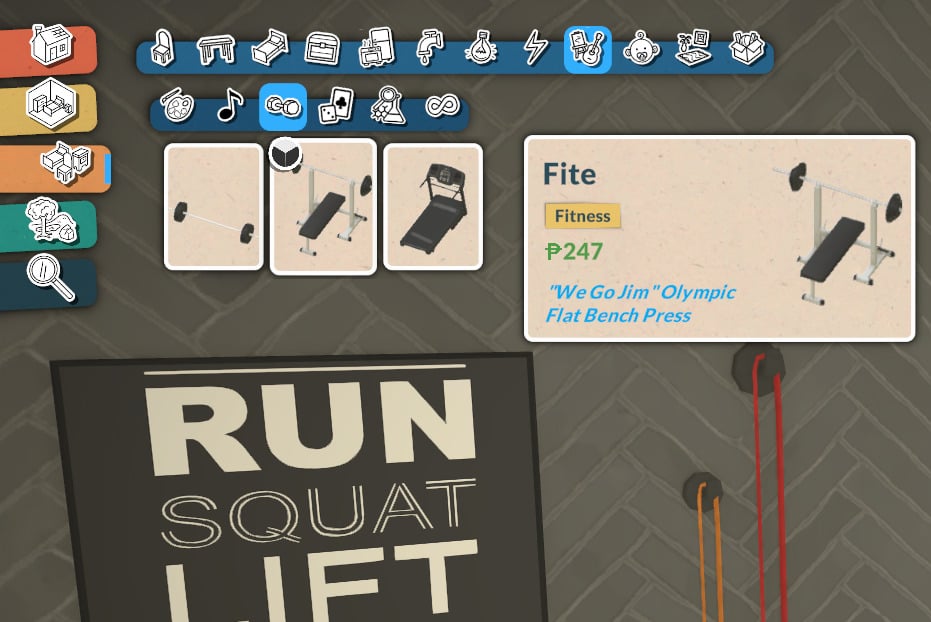
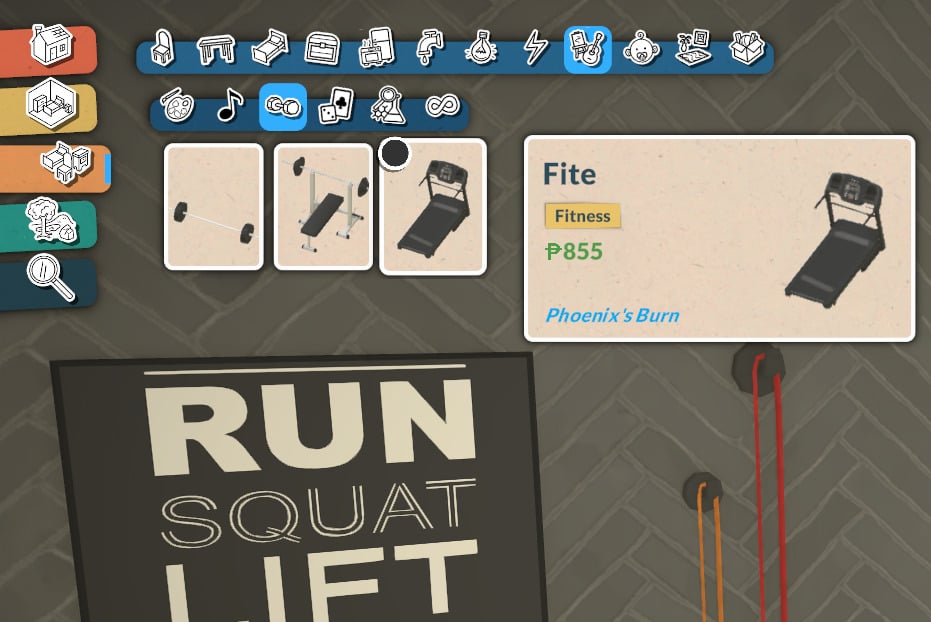
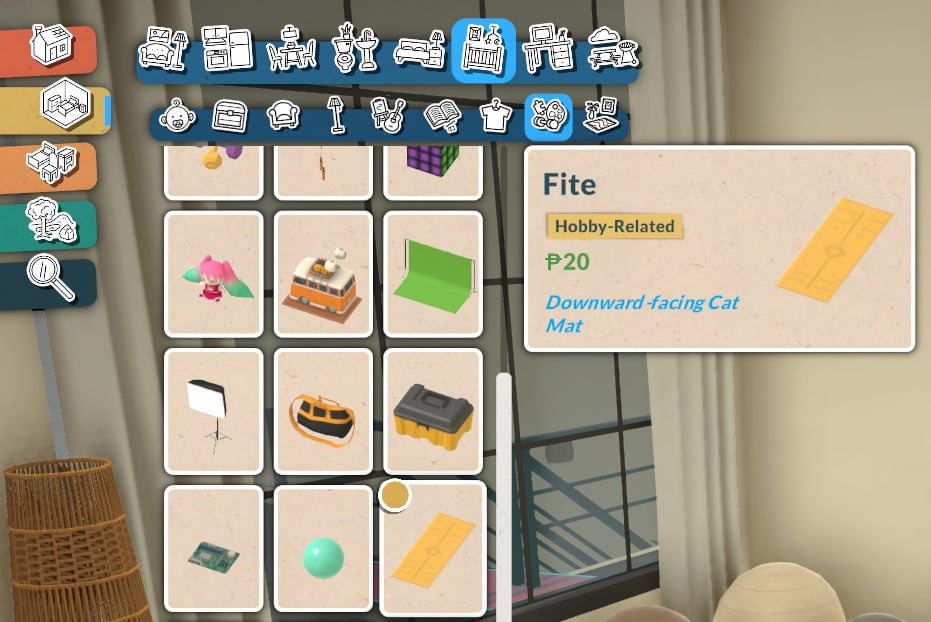
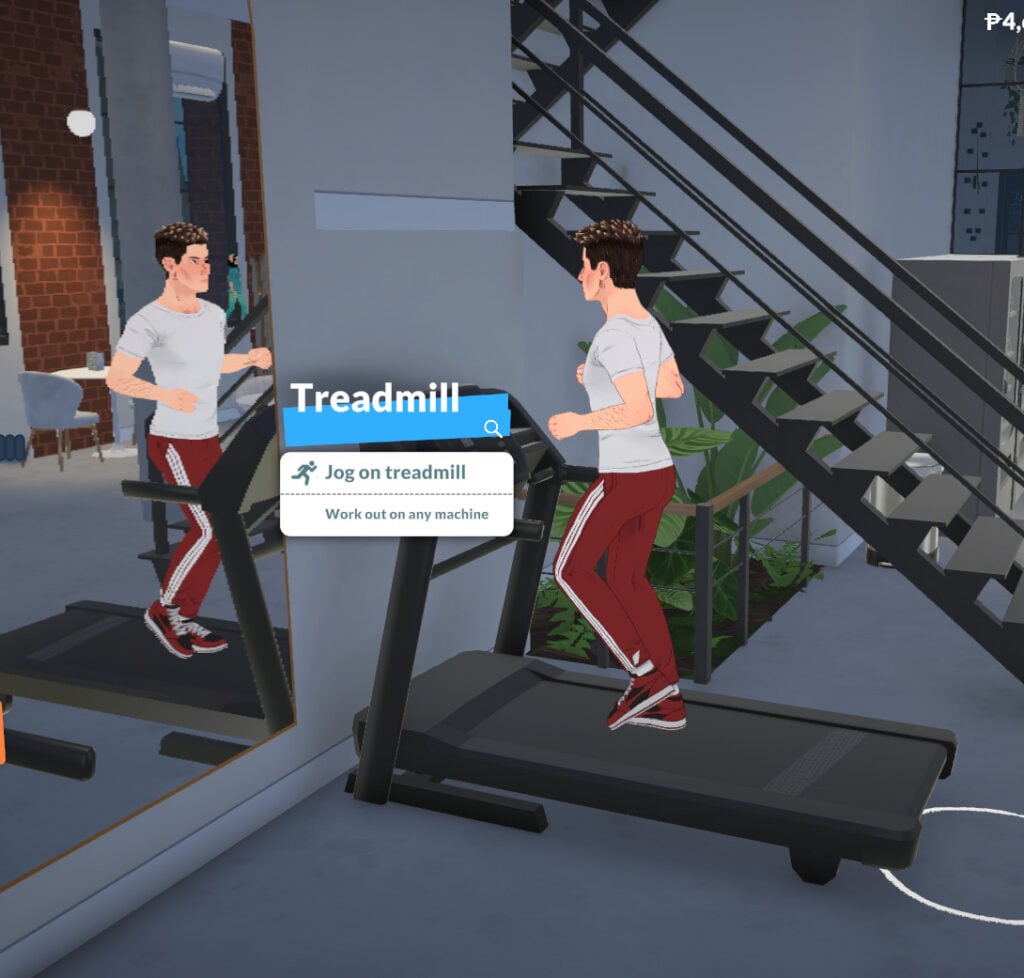
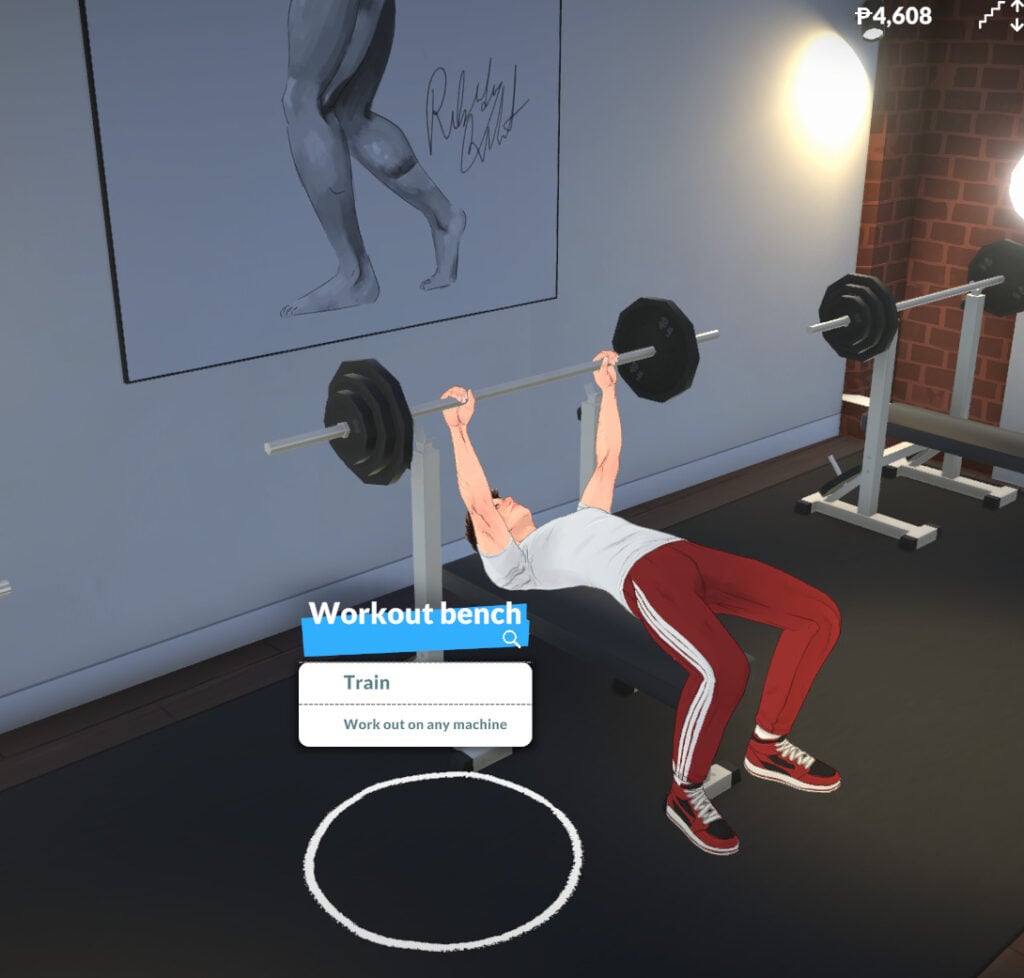
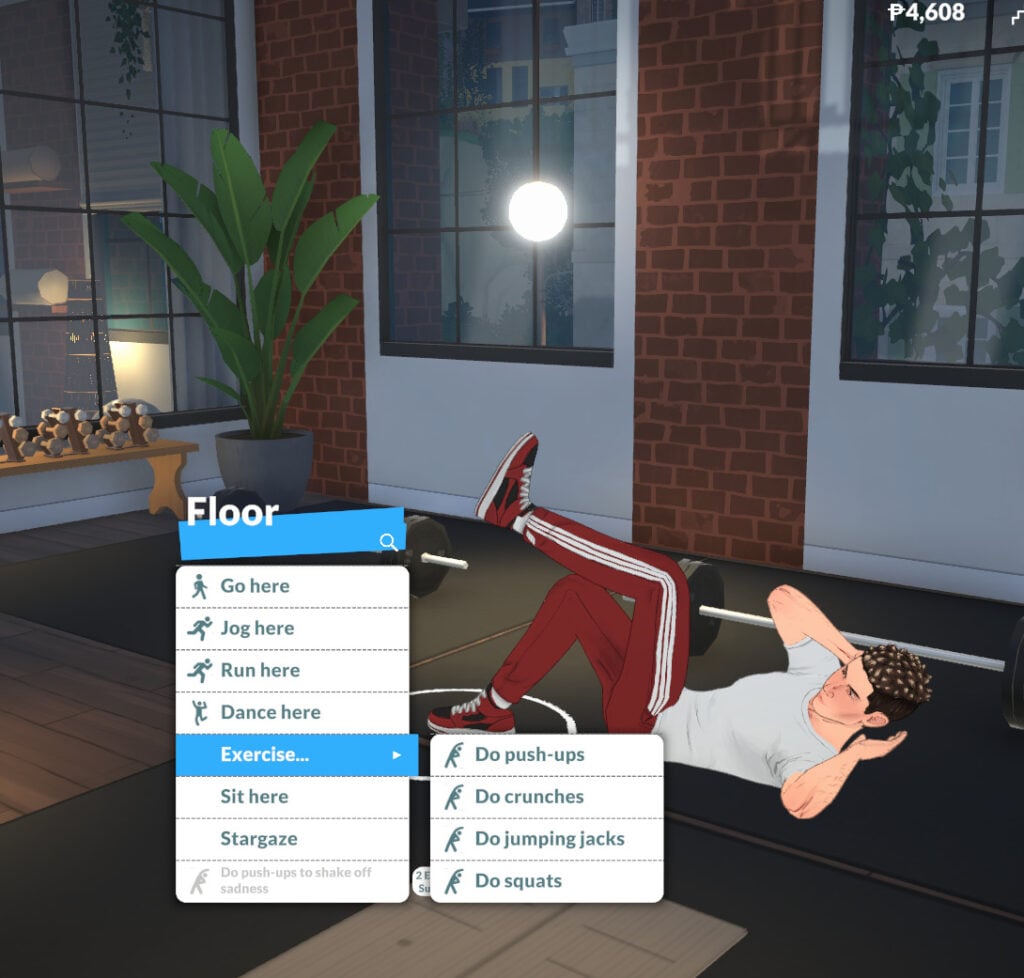
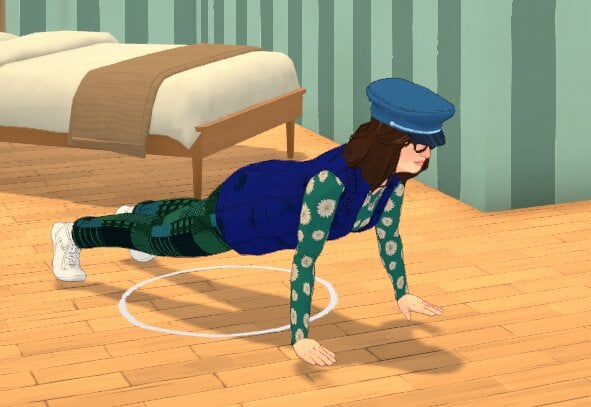
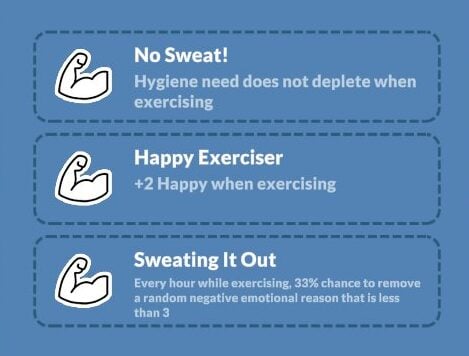
Learning the Exercise skill in Paralives doesn’t require any expensive gear. You can click on the floor anywhere to run, jog, or do exercises. That said, Buy Mode also offers some items that let you practice and improve the skill:

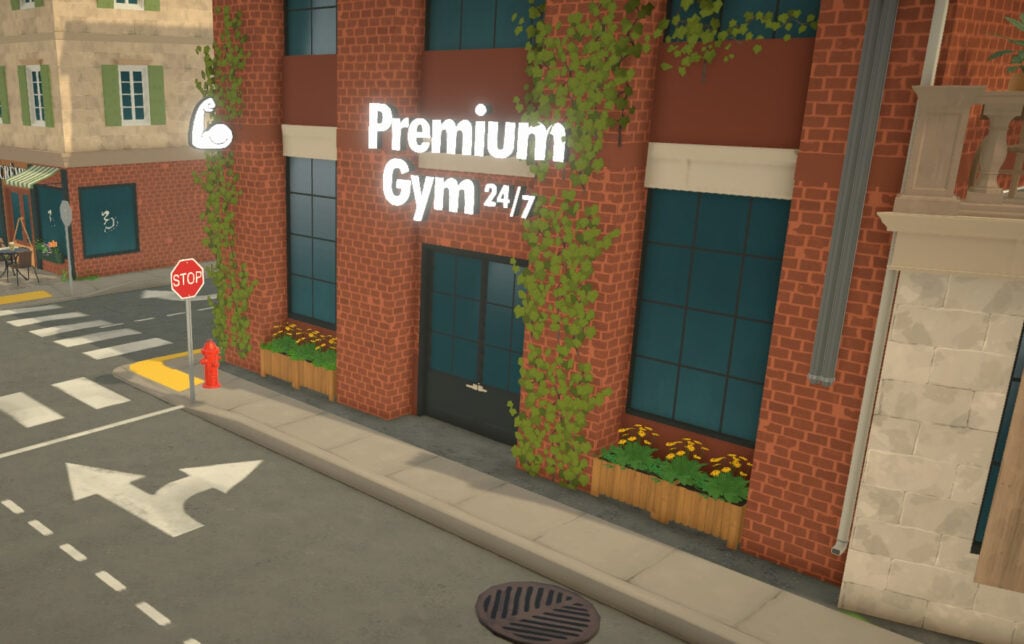
To exercise, you can use a workout machine, a treadmill, or a yoga mat. If you don’t have room at home, you can find all of this equipment at the gym. As always, the higher your Fitness skill level, the faster your Para will learn exercises!

Dance Skill

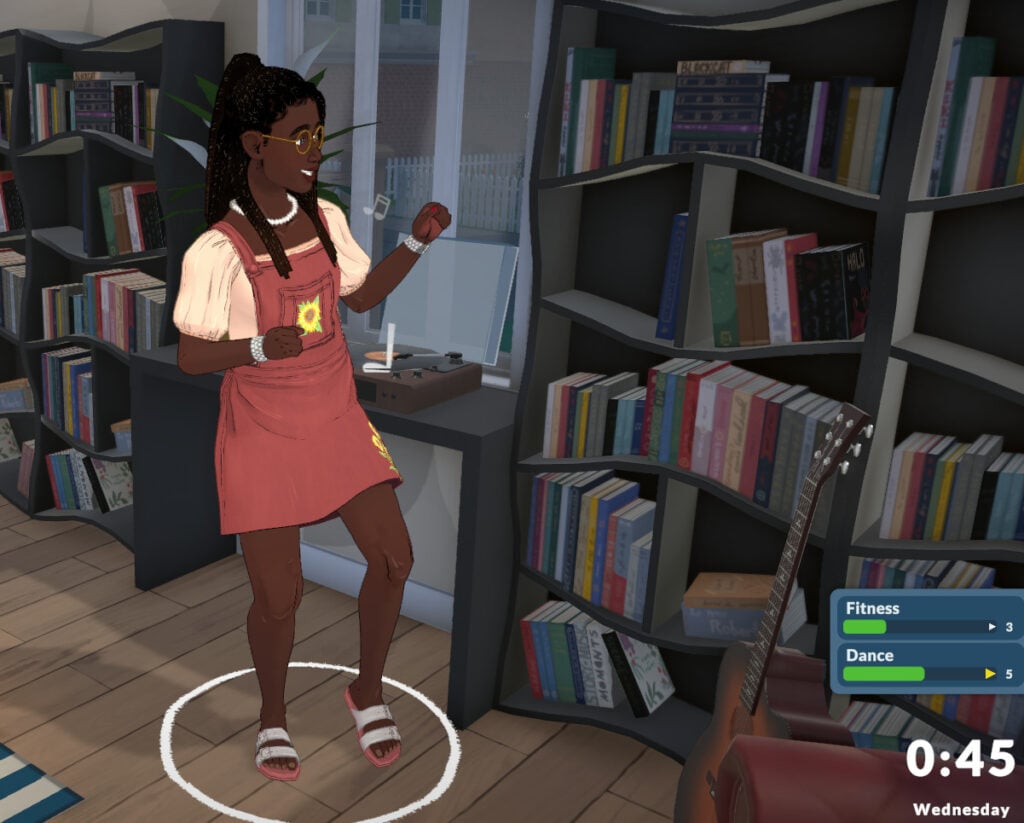
In-game description: Your skill level in dance. Improve it by dancing, which can be done anywhere.

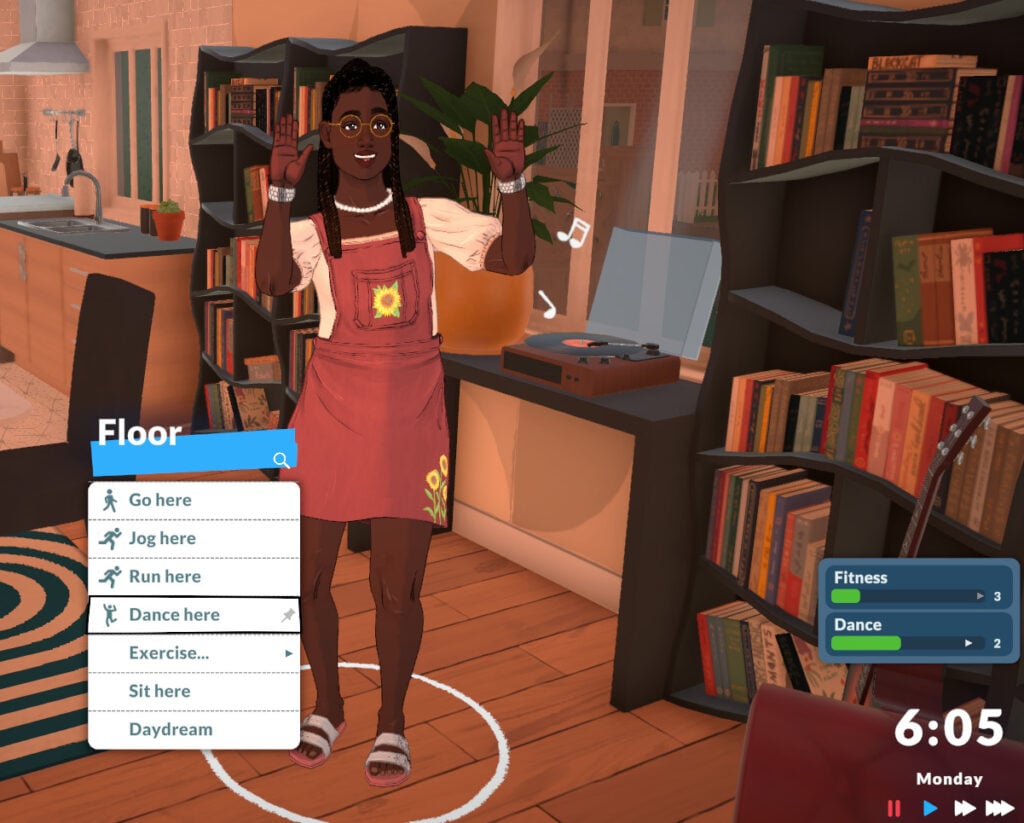
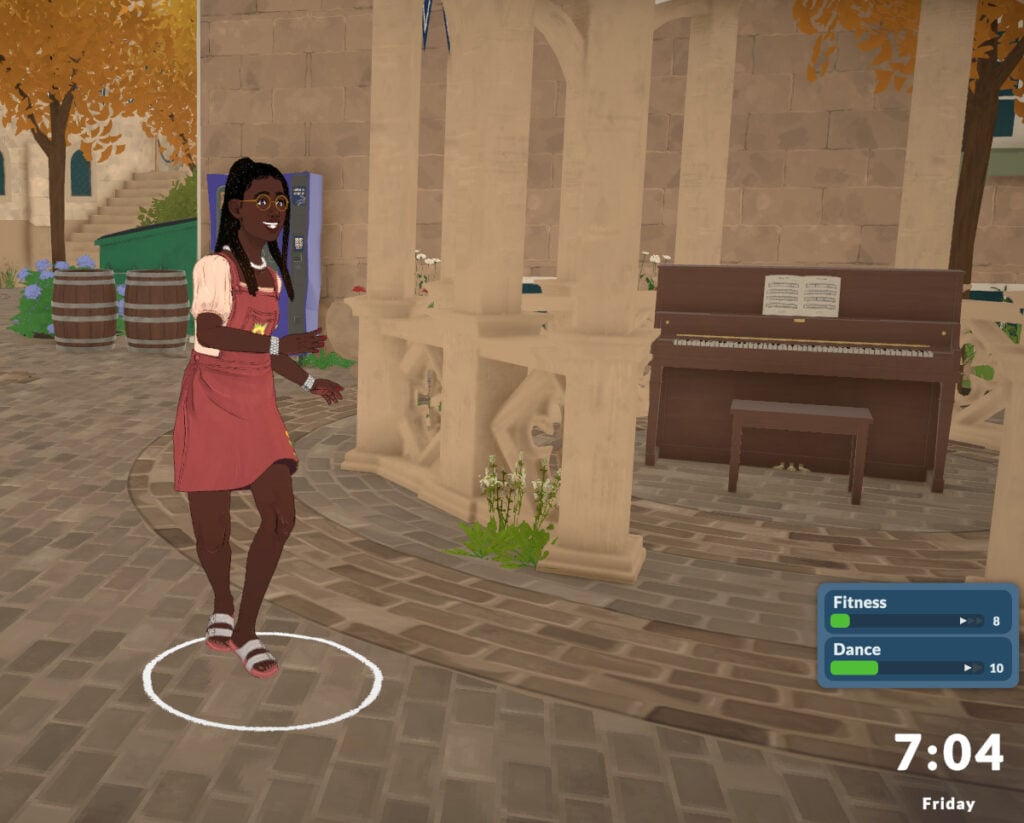
Learning to dance in Paralives doesn’t currently require any items. When you click on the floor anywhere, you’ll see the option to “Dance Here”, and your Para will immediately start dancing. The higher your Dancing skill level, the more confident and proficient your Para will look while dancing.

Technology

In-game description: The knowledge of all things technological. Improve it by learning about it on the computer. This is a knowledge skill — improving skills under it will improve it as well. Improving your knowledge will also increase the learning seep of the skills under it.

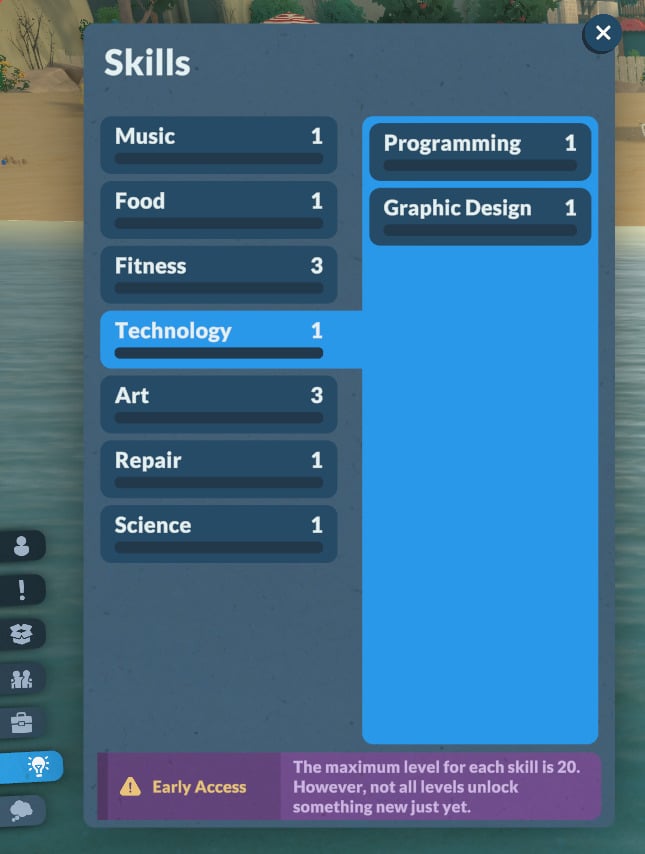
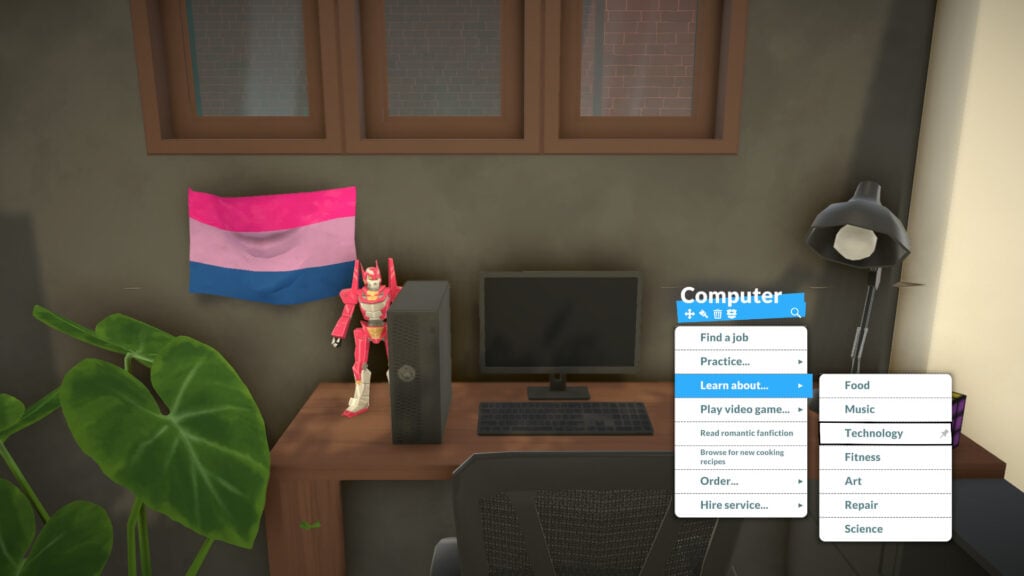
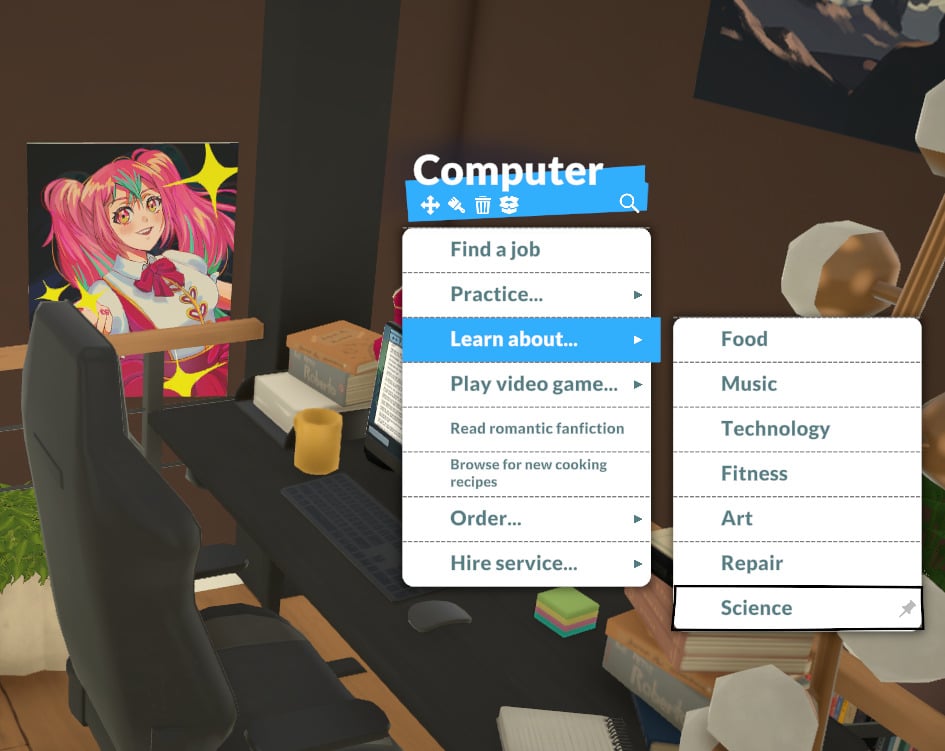
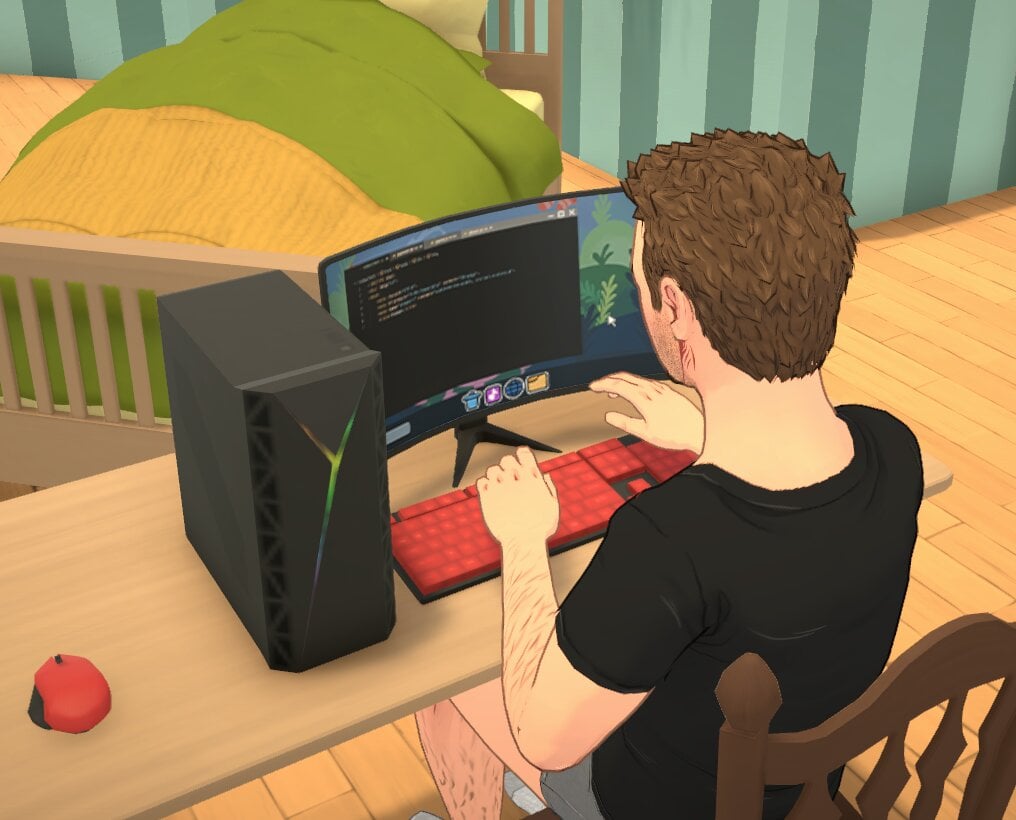
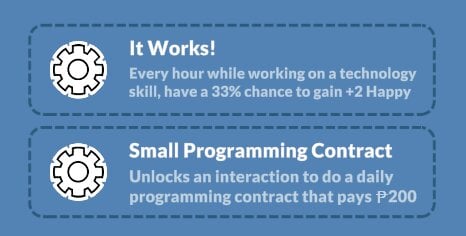
Your Para can learn the Technology knowledge skill by reading about it on the computer or at a bookshelf. Your Para will also gain Technology knowledge when learning Programming or Graphic Design.

Skills4

Programming Skill

In-game description: Your skill level in programming. Improve it by learning about it directly on computer.

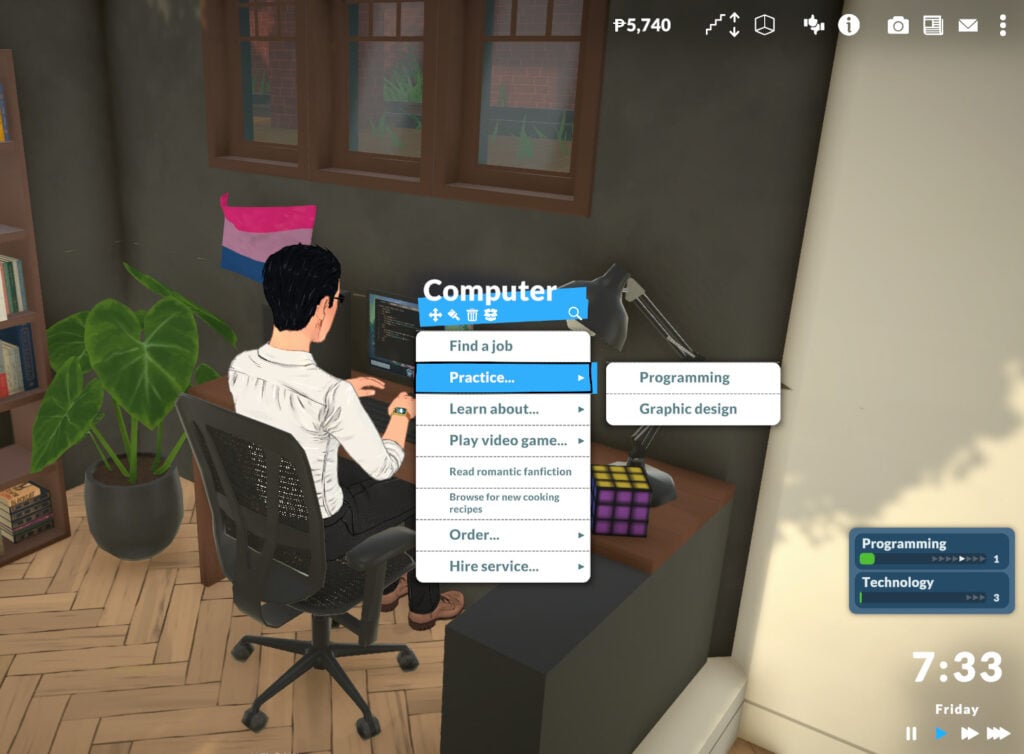
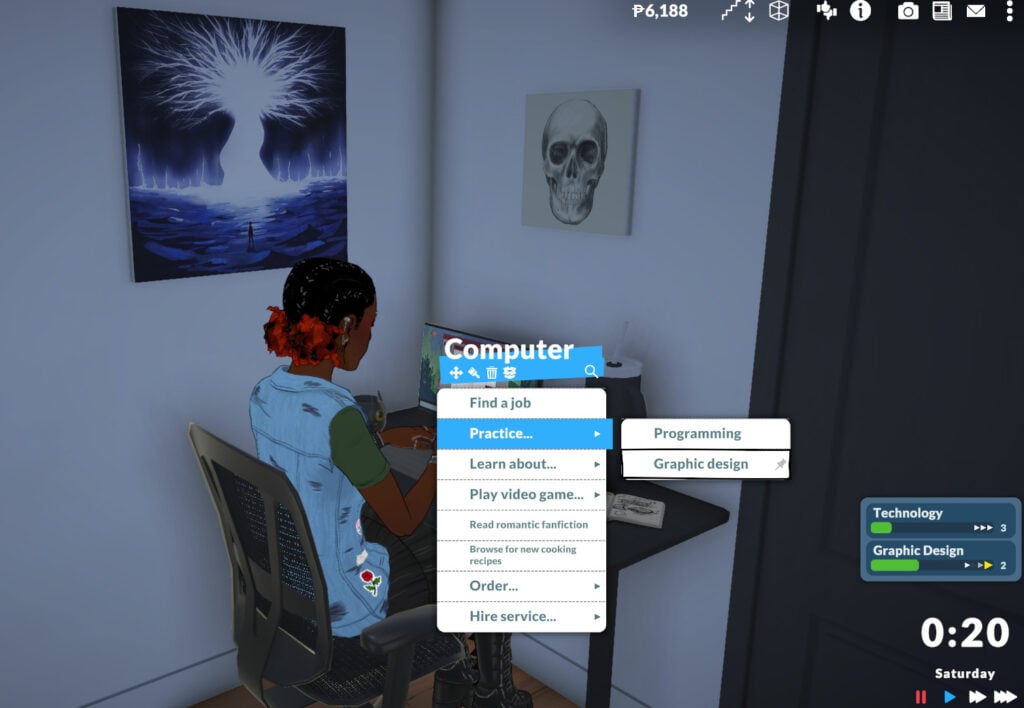
To learn Programming, go to a computer and choose the “Practice…” interaction. Your Para can also gain the Programming skill through certain job perks, and the higher their Technology skill, the faster they will learn to program.

Graphic Design Skill

In-game description: Your skill level in graphic design. Improve it by learning about it directly on computer.

Similar to the Programming skill, Graphic Design can currently be learned by interacting with the computer and clicking “Practice…”. The more your Para knows about Technology, the faster they will learn Graphic Design.

Skill graphicdesign

Art

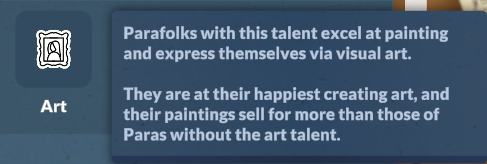
The next knowledge skill is Art. Your Para can learn about Art by reading about it on a computer, at a bookshelf, or by creating paintings on an easel, as you might have guessed.

In-game description: The knowledge of visual arts and painting. Improve it by learning about it on the computer. This is a knowledge skill — improving skills under it will improve it as well. Improving your knowledge will also increase the learning seep of the skills under it.

Skills3

Painting Skill

In-game description: Your skill level in painting. Improve it by learning about it by painting on an easel.

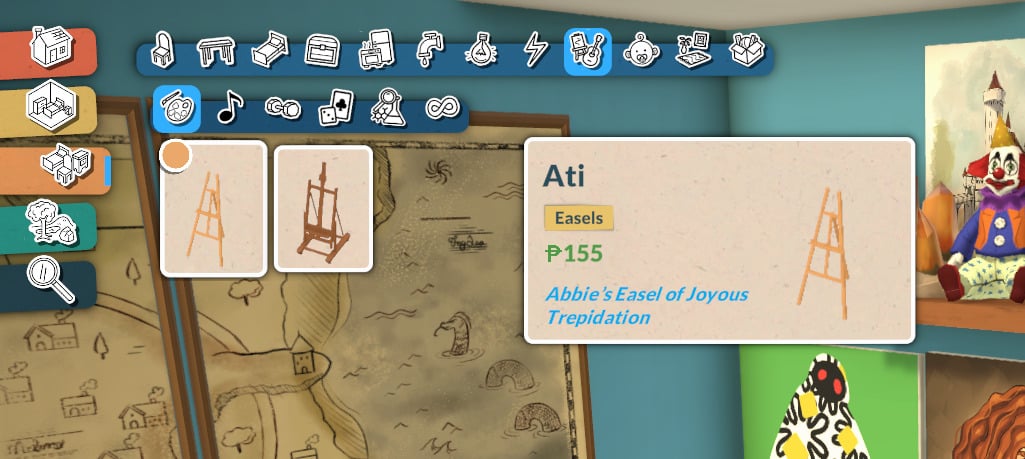
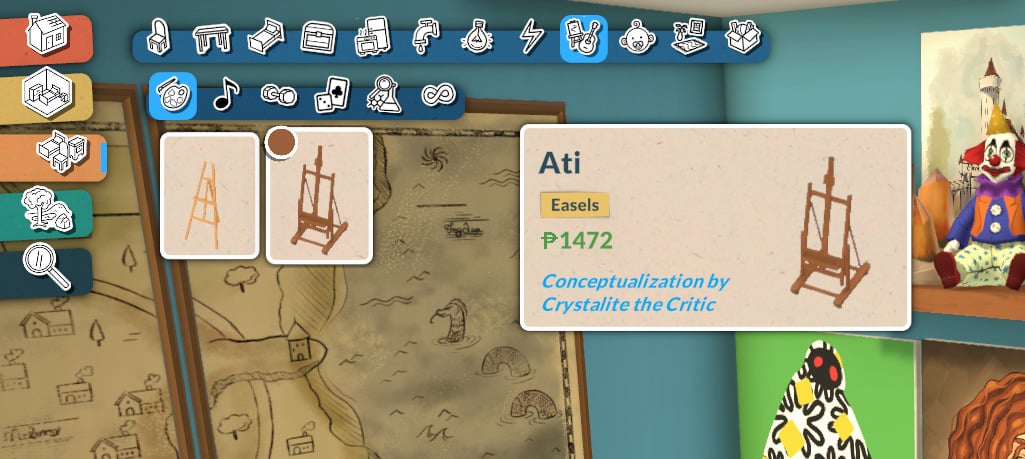
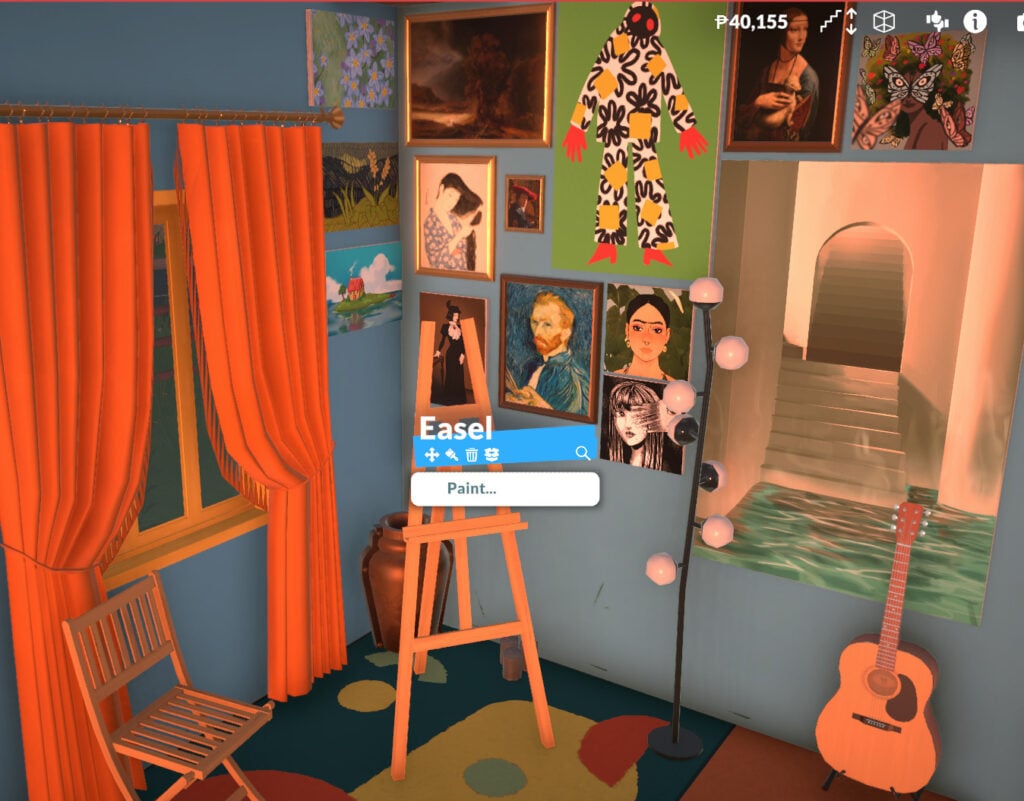
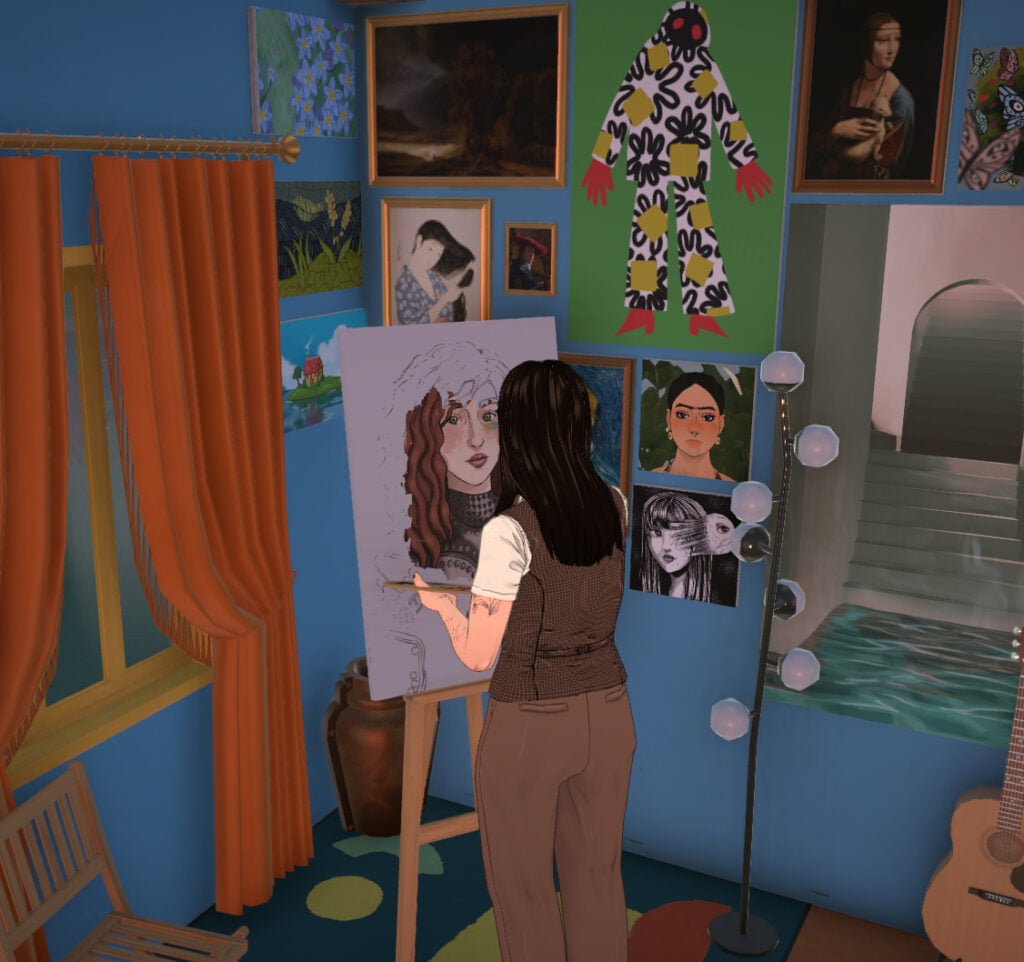
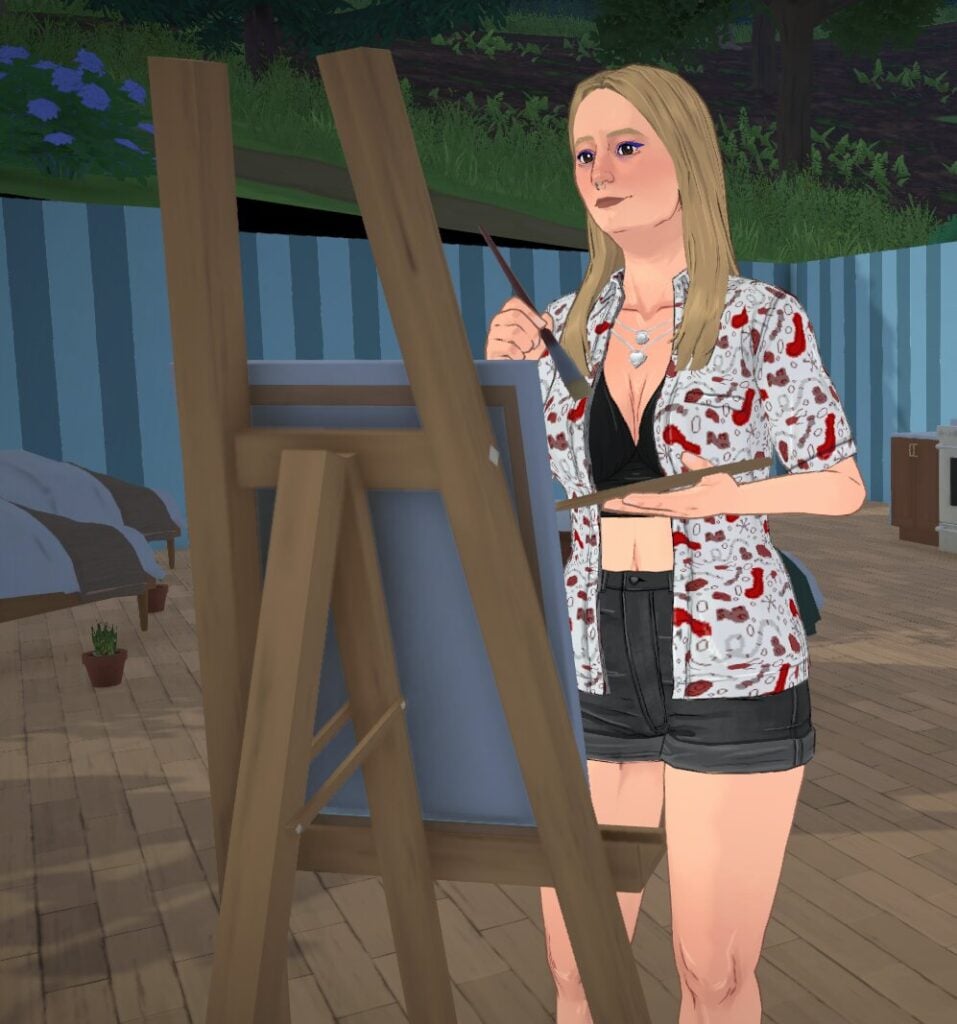
To start learning how to paint, your Para will need an easel. You can buy one for your home lot or use one at certain locations around Melino.

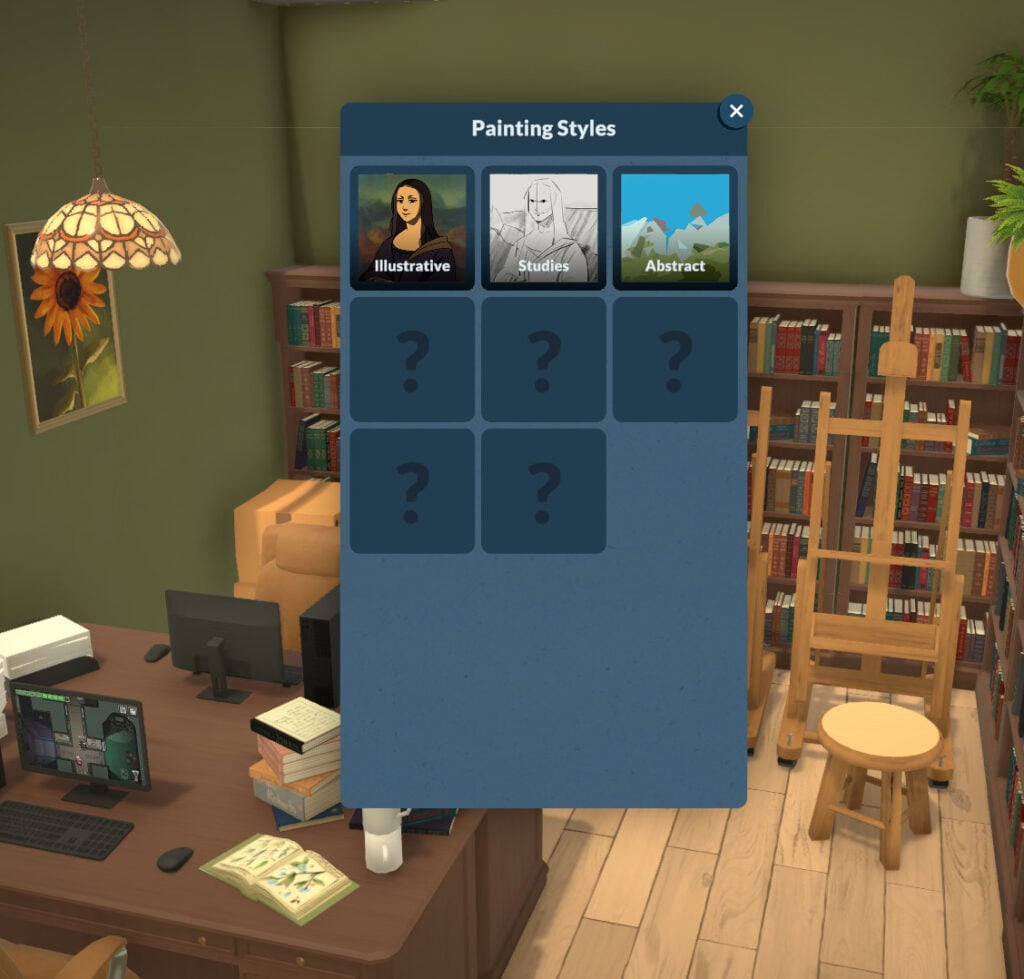
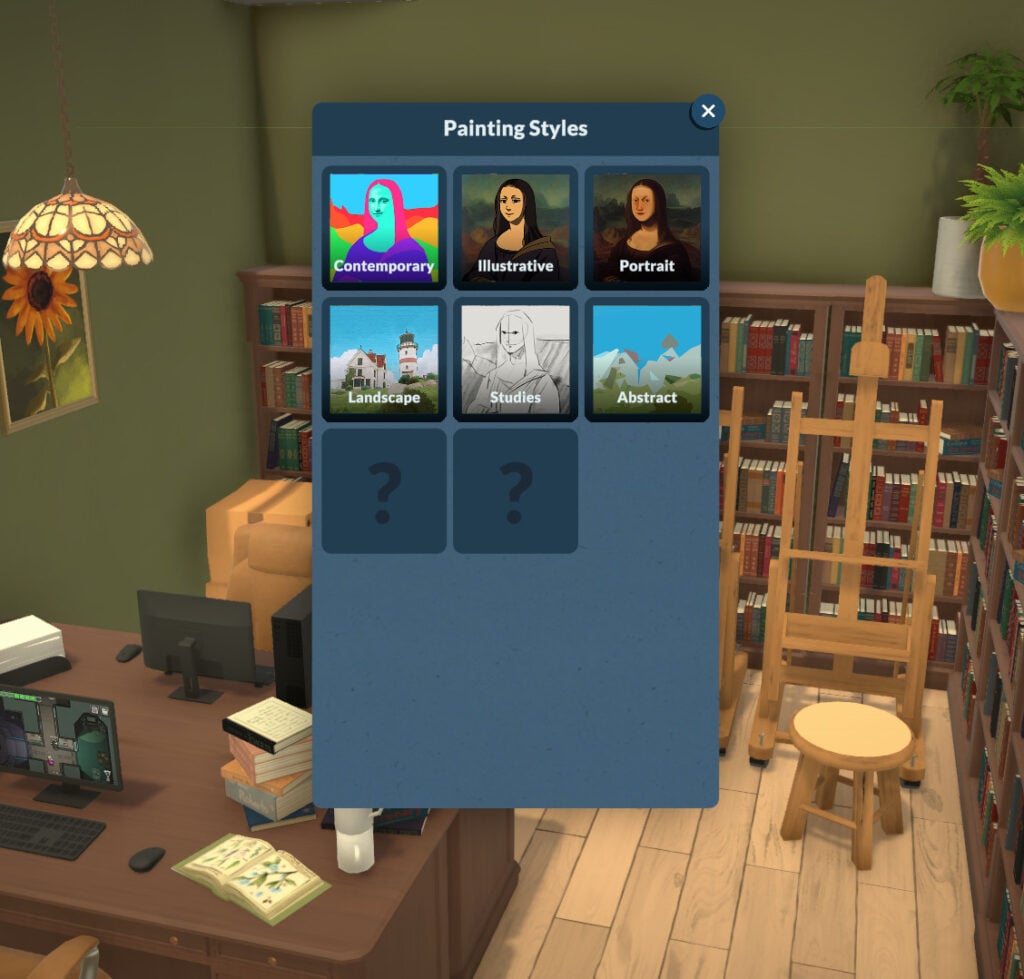
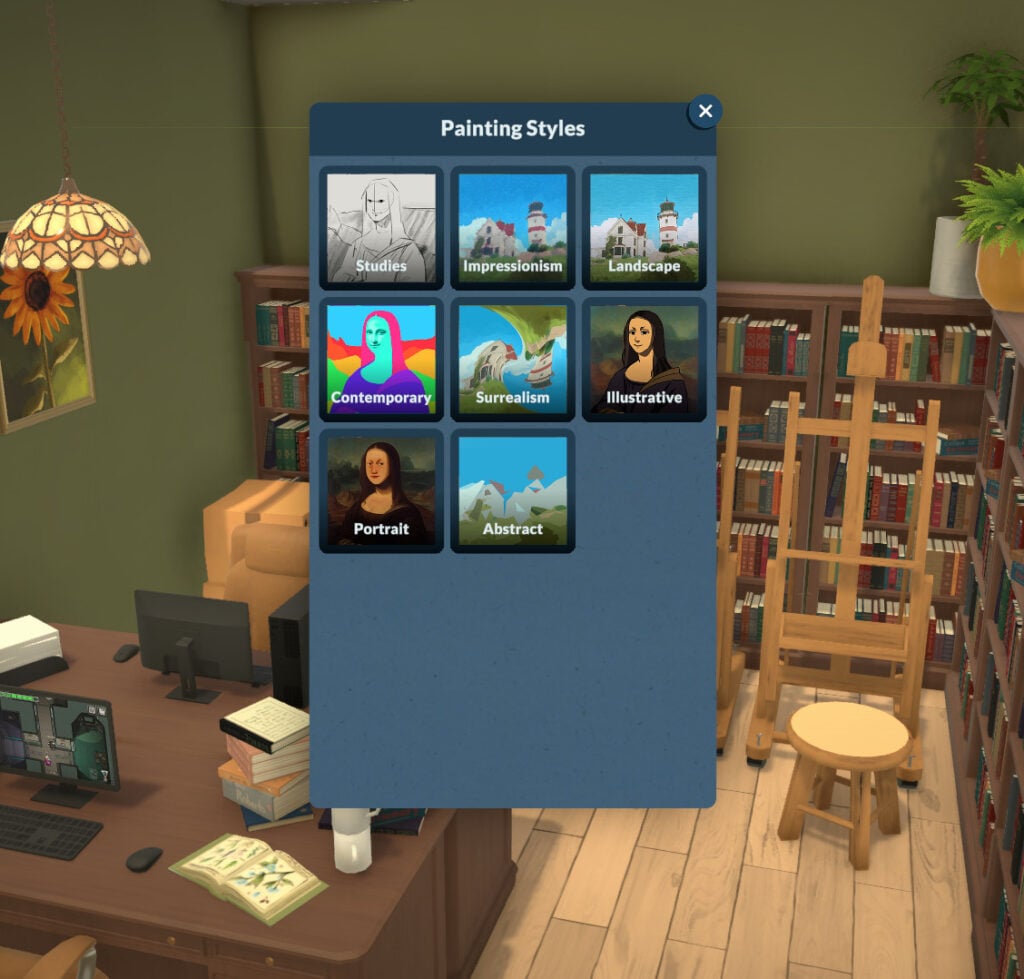
The type of art your Para can create depends on their Painting skill level. If they are below level 3, they can paint small paintings in the Illustrative, Studies, and Abstract categories. At level 5, they can paint small and medium paintings in the categories mentioned earlier, and can also paint Contemporary, Landscape, and Portrait. After reaching level 10, your Para can also paint large paintings in all previously mentioned categories and unlock two more categories: Surrealism and Impressionist.

Repair

In-game description: The knowledge of fixing broken items. Improve it by learning about it on the computer. This is a knowledge skill — improving skills under it will improve it as well. Improving your knowledge will also increase the learning seep of the skills under it

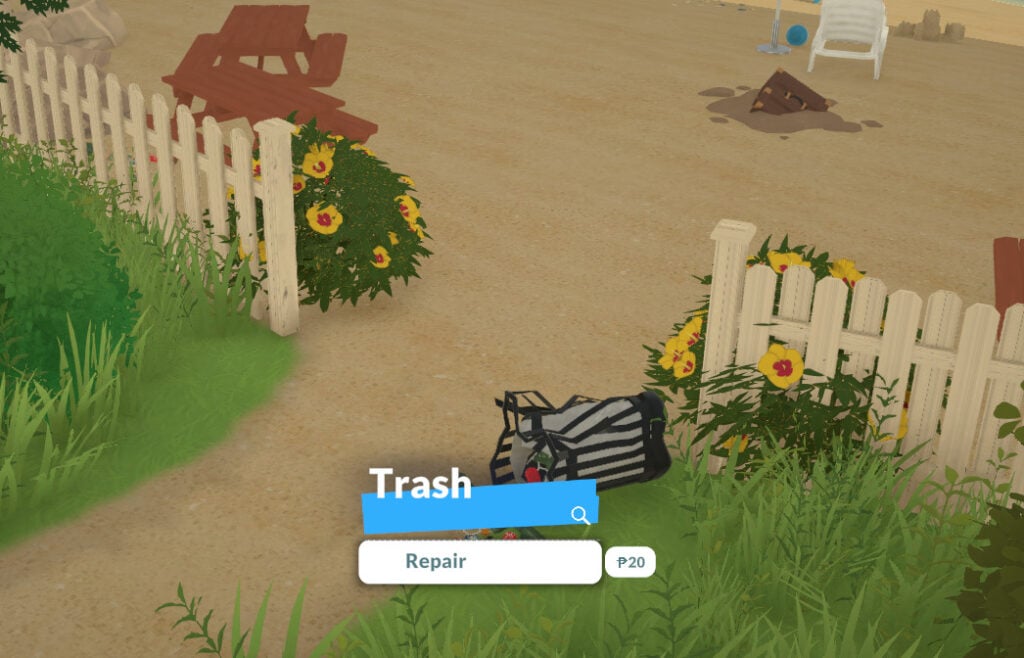
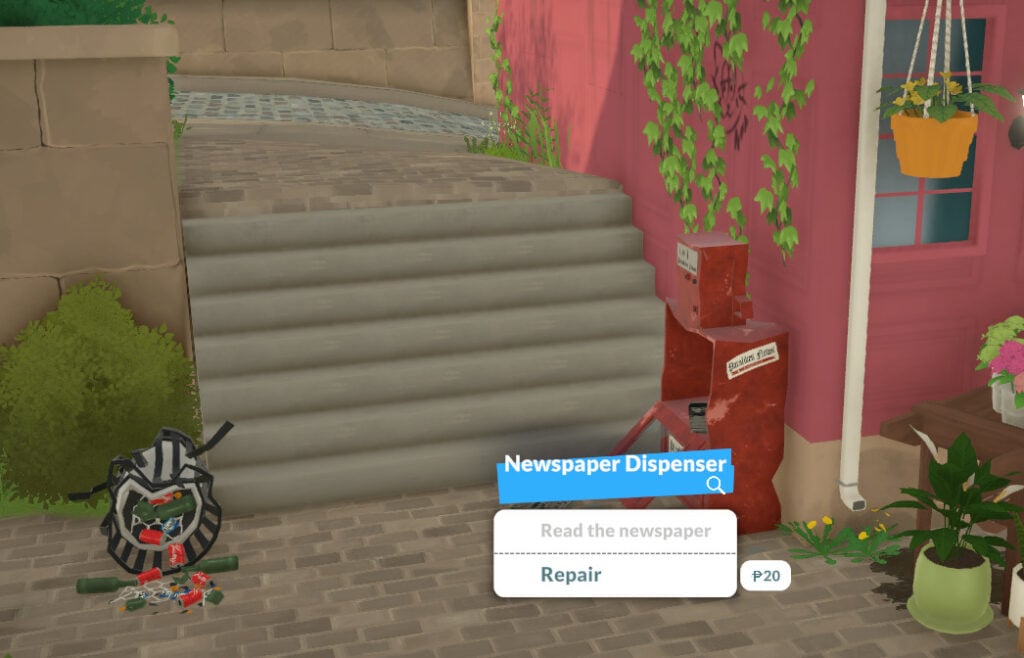
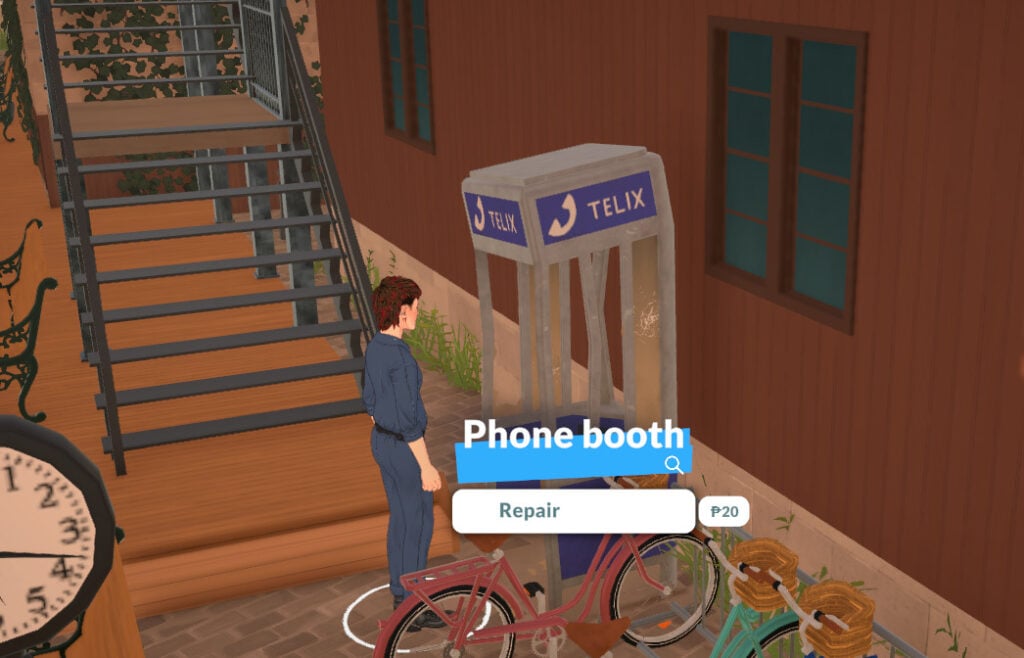
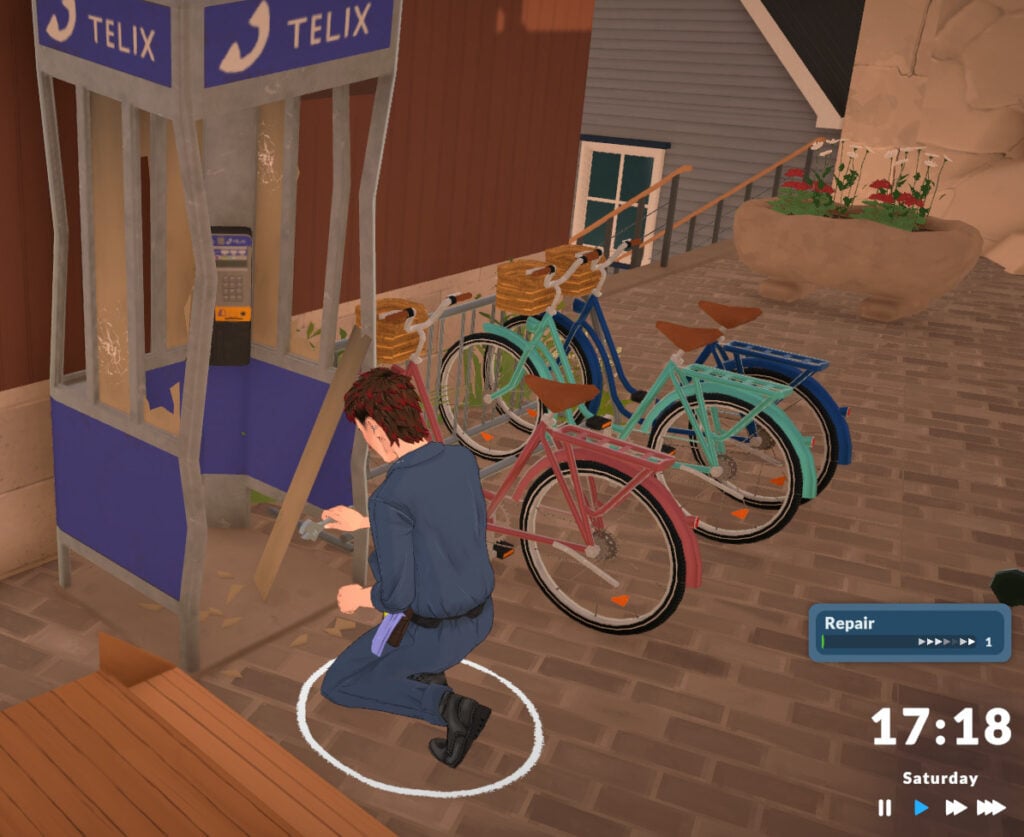
The next knowledge skill is Repair. It doesn’t have any related skills right now, but it’s one of the skills you can practice almost all the time. You can learn it by reading about it on the computer, by using a bookshelf, or by repairing any broken item.

Skills2

Your Para can repair any vandalized item around town, and they can also vandalize items themselves to then fix them right after! I’m just saying.

Skill Repair4

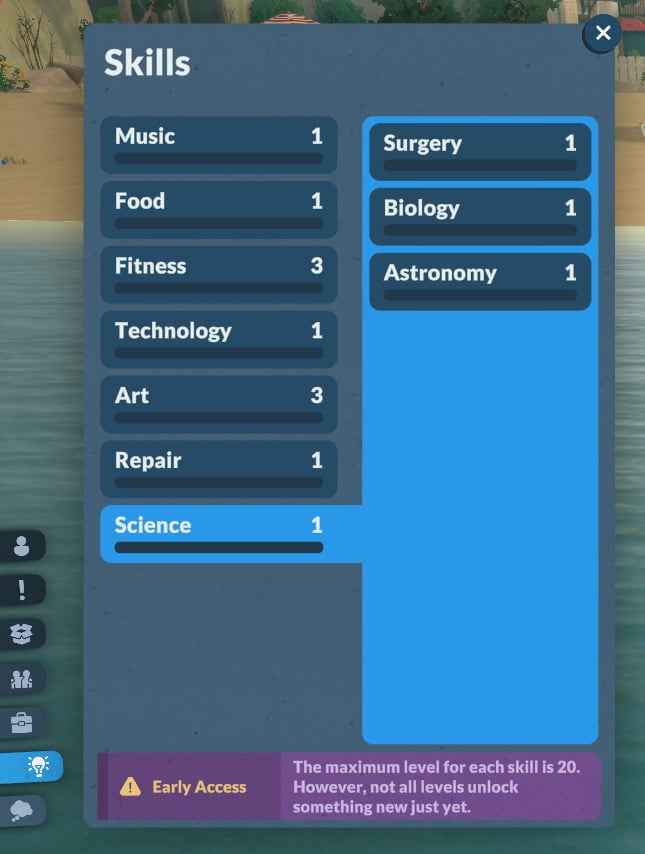
Science

In-game description: The knowledge of different sciences. Improve it by learning about it on the computer. This is a knowledge skill — improving skills under it will improve it as well. Improving your knowledge will also increase the learning seep of the skills under it

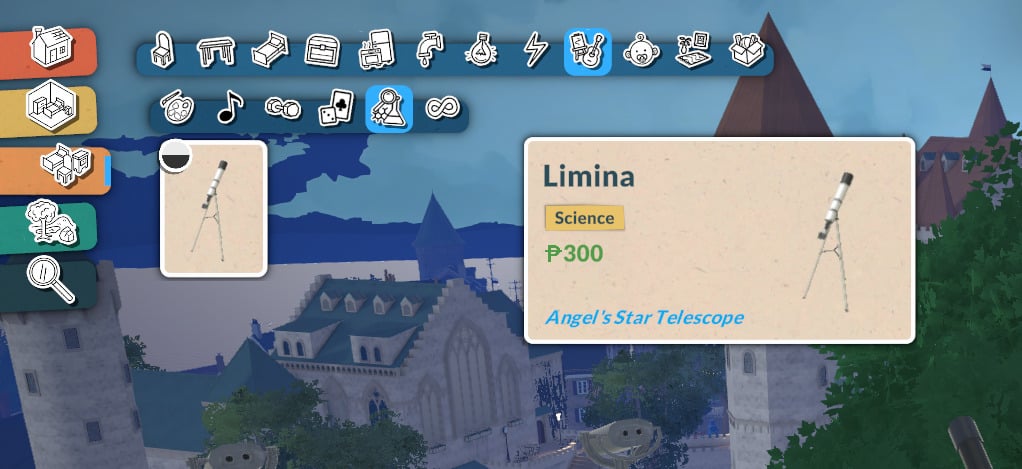
The Science knowledge skill is a very promising one! At the moment, it is linked to Astronomy, Biology, and Surgery. Unfortunately, it is not possible to easily learn any of them yet, but we’ll leave the official in-game descriptions here. When the patch fixing these skills is released, we’ll update this article to keep it up to date.

Skills1

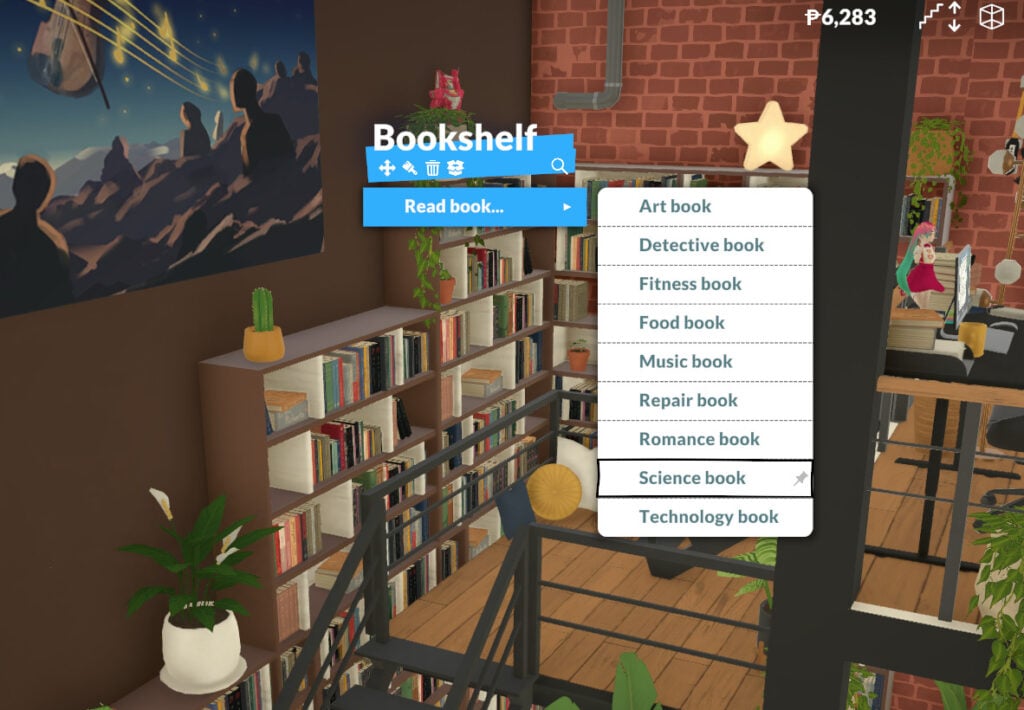
But even if the related skills cannot be learned yet, the Science skill can be increased by reading about it on the computer or at a bookshelf!

Astronomy Skill

In-game description: Your skill level in astronomy. Improve it by learning about it on the computer.

As said before, your Para is not able to learn Astronomy right now. However, by using the telescope, you can improve your Science knowledge skill!

Skill Astronomy
Skill Astronomy3

Biology Skill

In-game description: Your skill level in biology. Improve it by learning about it on the computer.

Surgery Skill

In-game description: Your skill level in performing surgery.

Babies and Toddlers Skills

Babies and toddlers also have specific skills they can learn. They aren’t fully implemented, but they are already present in the game!

Toddler Skill

Language (for babies and toddlers)

In-game description: Babies and toddlers need to learn how to talk. Use Together Cards in a group with them and see how far they go!

Babies and toddlers can gain Language skills by interacting with other Paras, so don’t forget to include them in group activities so they can learn it faster!

Language Skill

Potty (for toddlers)

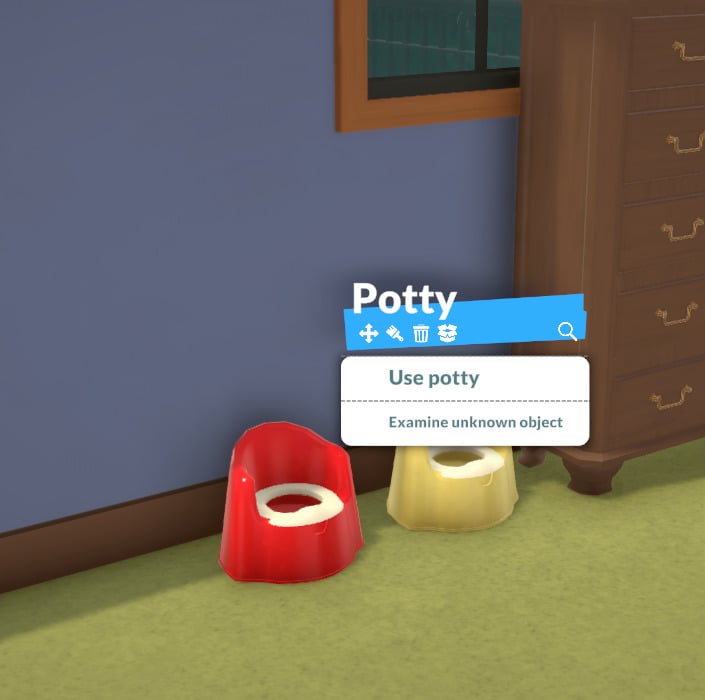
Toddlers can increase their Potty skill on their own. Currently, they don’t require adult supervision.

In-game description: Your skill level in using the potty.

Potty Skill

Final thoughts

Those are all the skills in the game right now. Even though they aren’t fully implemented yet, there’s plenty to learn about them, and additional skills are on the way!

Skills

Now we want to hear from you! What do you think about the skills in the game? Which ones are you hoping will be added? Let us know in the comments!

Choosing Your Level of Difficulty: Paralives Storytellers Guide

A unique twist to the life simulation genre, the Paralives Storytellers system, allows you to tailor your game difficulty and settings to your liking. While there are three default options to choose from, all three of these can be further refined to your exact specifications with more options coming as game development continues.

Let’s take a look at all of the Paralives Storytellers settings you can define.

Paralives Storytellers

When you first boot up the game and start a save file, you’ll be greeted with a lovely train intro tutorial that is reminiscent of your first moments in the OG Animal Crossing. Here you will create or choose your first Paras and be introduced to the Paralives Storytellers.

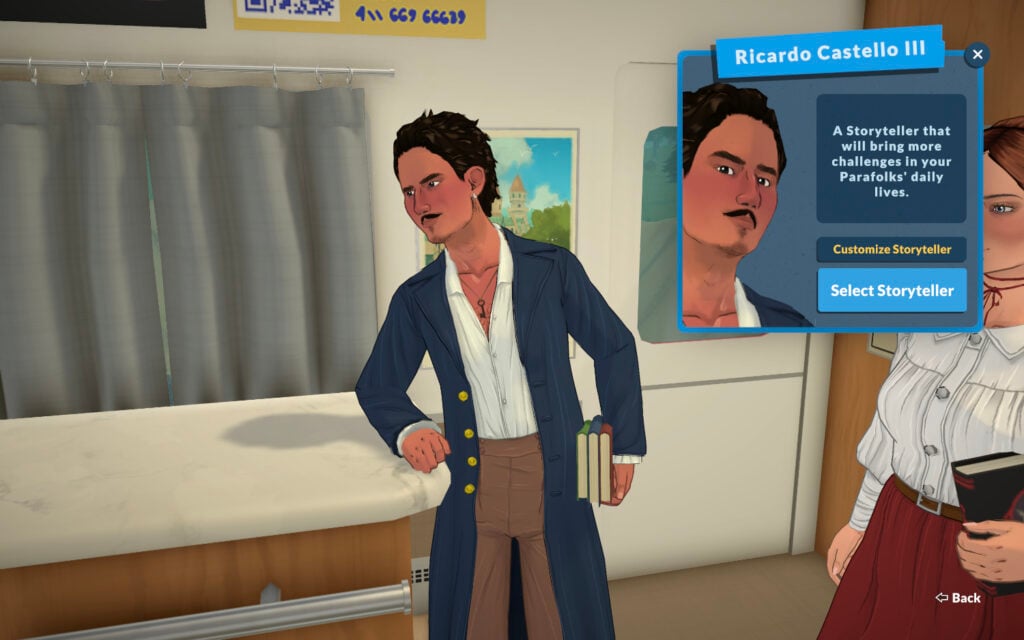
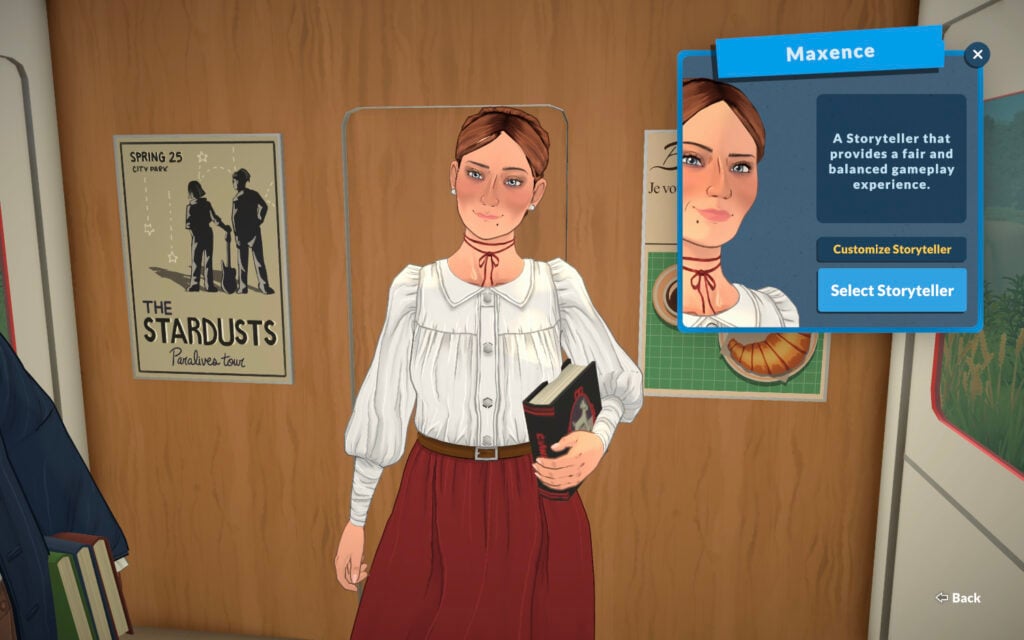
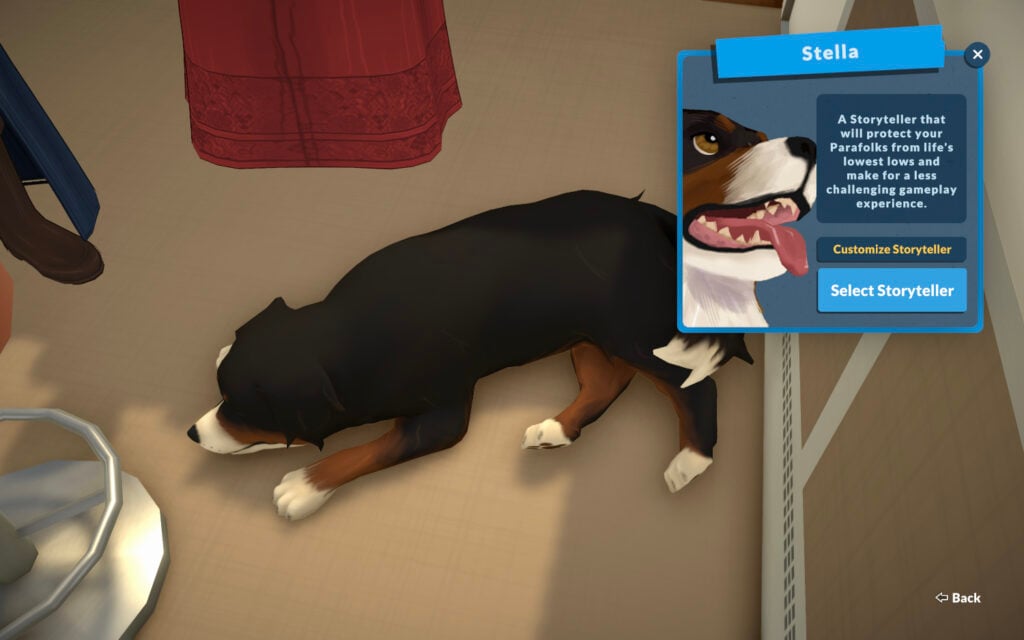
The three default Paralives Storytellers are Ricardo Castello III, Maxence, and Stella the dog. The predefined difficulty levels of the three has Ricardo as the most difficult, Maxence as a balanced experience, and Stella as the easiest.

Now that we’ve been introduced to the three Paralives Storytellers, let’s have a closer look at their default configurations.

Default Configurations

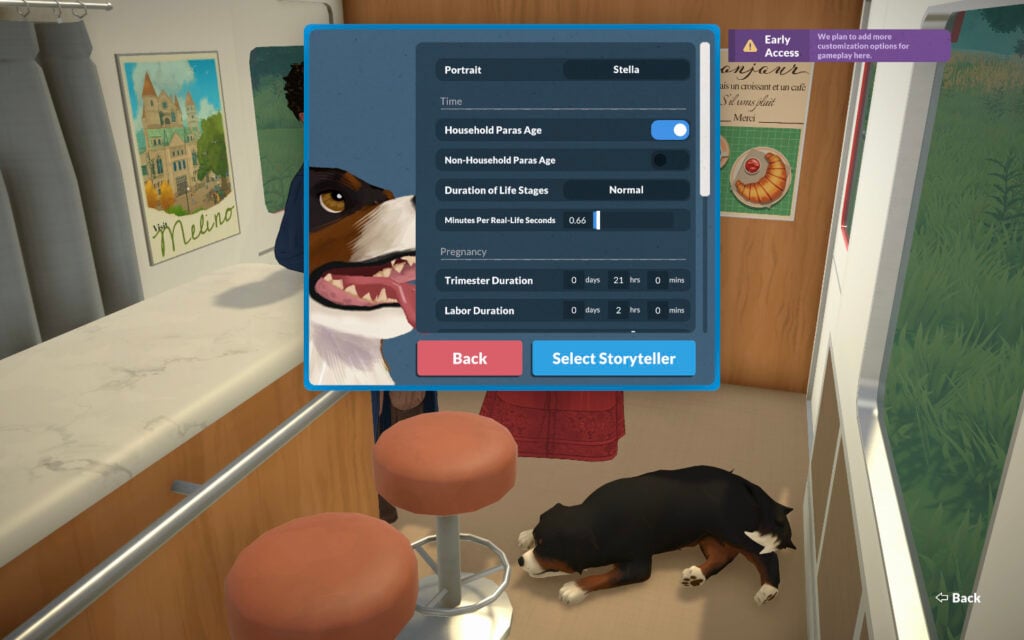
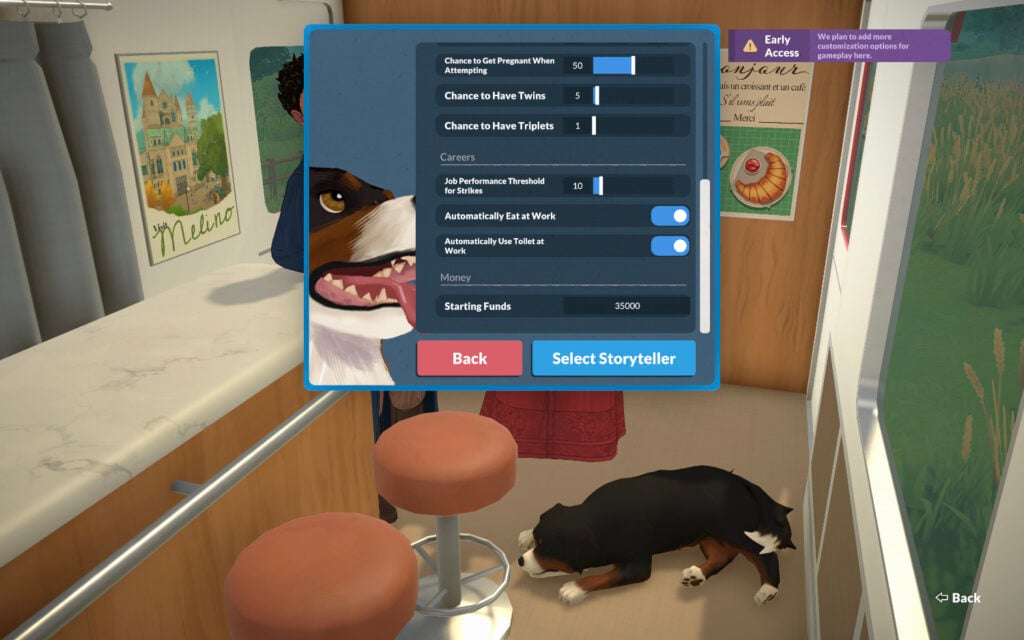
At the game’s launch, there are a total of thirteen aspects to the Paralives Storytellers system that affects your game in various ways. These aspects are separated into four categories: Time, Pregnancy, Careers, and Money.

Time

SettingRicardo Castello IIIMaxenceStella
Household Paras AgeYesYesYes
Non-Household Paras AgeNoNoNo
Duration of Life StagesNormalNormalNormal
Minutes Per Real-Life Seconds.66.66.66

Pregnancy

SettingRicardo Castello IIIMaxenceStella
Trimester Duration0 Days, 21 Hours, 0 Mins0 Days, 21 Hours, 0 Mins0 Days, 21 Hours, 0 Mins
Labor Duration0 Days, 2 Hours, 0 Mins0 Days, 2 Hours, 0 Mins0 Days, 2 Hours, 0 Mins
Chance to Get Pregnant When Attempting505050
Chance to Have Twins5205
Chance to Have Triplets1101

Careers

SettingRicardo Castello IIIMaxenceStella
Job Performance Threshold for Strikes101010
Automatically Eat At WorkNoYesYes
Automatically Use Toilet At WorkNoYesYes

Money

SettingRicardo Castello IIIMaxenceStella
Starting Funds30,00030,00035,000

As you can see from the charts above, not too much changes between the default configurations for each of the Paralives Storytellers. The good news, however, is that you’re able to fine-tune each of these settings to your heart’s content.

While you can choose short, normal, or long for the duration of life stages, it doesn’t clarify how long each of these settings actually are. Hopefully in the future this will be rectified. Never fear, however, as we have a chart of life stage durations for your convenience!

Changing Storytellers

As Paralives is a game all about customization, it’s no wonder they allow you to change Paralives Storytellers on the fly, whenever you’d like. Not only can you choose a new default storyteller, but you can still edit all of their settings or create a new one entirely at any time.

To change Paralives Storytellers, go the to pause menu (… in the top right corner) and choose “Storyteller.” Here you’ll be able to switch back and forth as you fancy. All settings are able to be changed anytime no matter how long you’ve been playing a save file.

It’s this dedication to player choice that Paralives excels at already even from the very beginning. I personally cannot wait to see what options will be added to the Paralives Storytellers system in the future.

Storytellers Gameplay

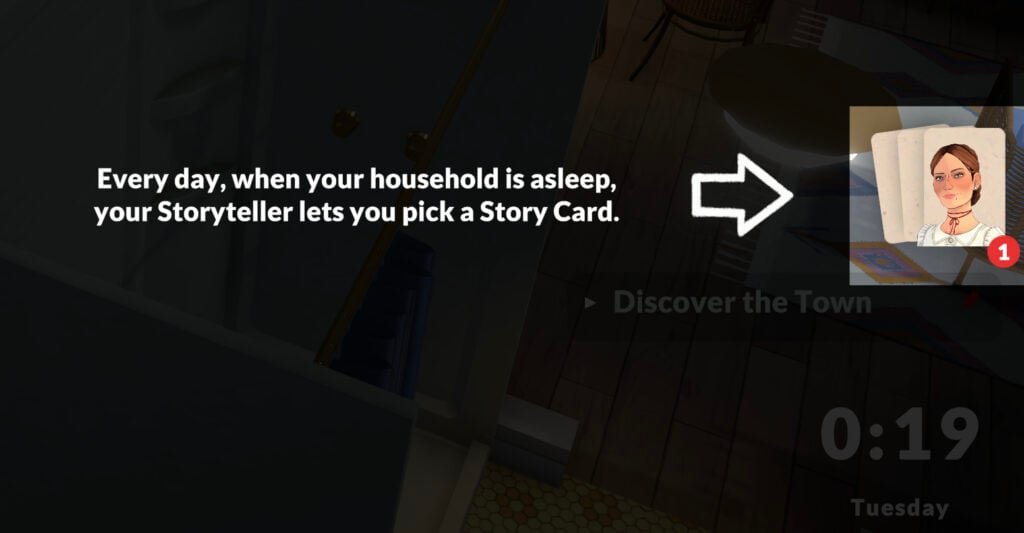
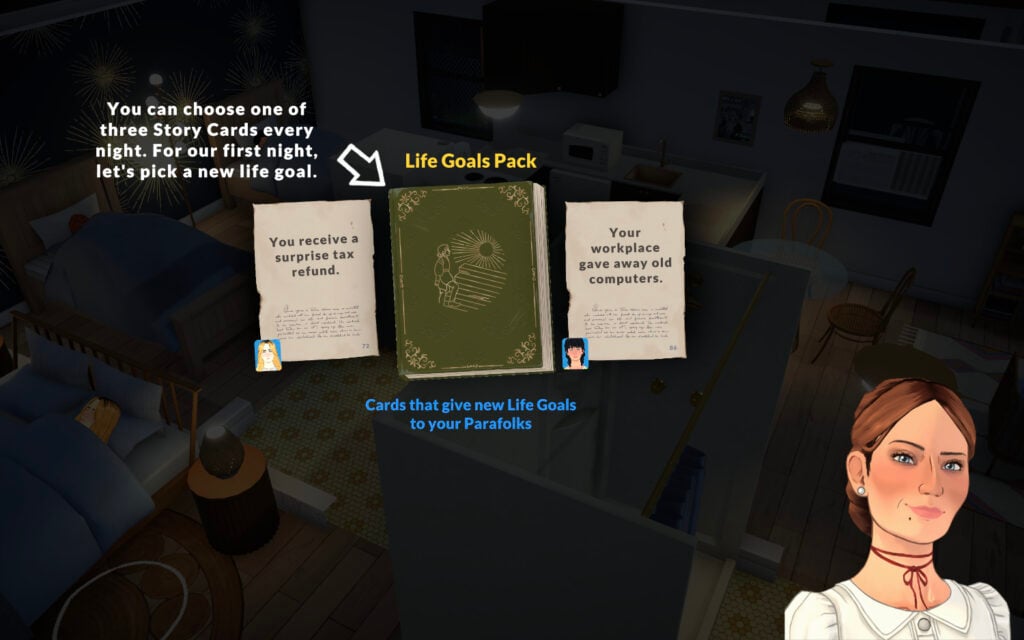
The effects of which of the Paralives Storytellers you choose does not end with the aforementioned settings options. They also play a large part in your gameplay as each night while your Paras are sleeping, your chosen storyteller will appear and allow you to choose a Story Card.

Story Card option explained
Screenshot

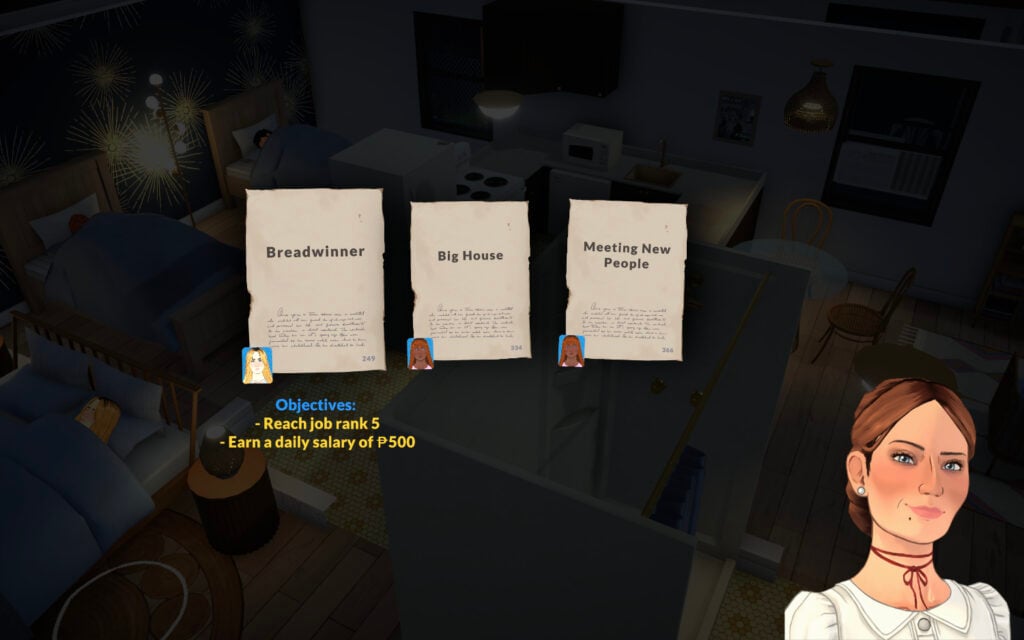
You’ll be given several options each night and it’s up to you which to choose depending on what you’re prioritizing for your Paras. For the tutorial, it has you choose a Life Goals Pack. Once you do, you’ll then be given another option between three different life goals.

Life goal story card
Screenshot

These life goals vary drastically so you can choose the type of life you want for your Paras. Each goal is also specific to different Paras, so make sure you select the right goal for the right one if you have an idea in mind for them.

One of the story cards goals
Screenshot

Occasionally when your Paras are socializing you’ll also get a visit from your chosen storyteller who will give you a special dialogue action with a bigger benefit than the others. It’s unclear what causes them to appear and how often they do, but it’s in your best interest to choose their option for the boost given.

Storyteller dialogue option
Screenshot

The Paralives Storytellers is one of the biggest standout differences between any other life simulation game out there. It’s a unique system unlike any I’ve seen before and I cannot wait to see it grow and develop alongside the game.


For all things Paralives, follow along with our full game coverage for a steady stream of articles, guides, and news.

ParaTwerk With Even MORE Paralives Mods: Part 2 Showcase

Only halfway through the first week of Paralives Early Access being openly available and public, the modding scene is warming up and we’re seeing huge influxes of mods and custom content being added! As of writing, there are over 600+ modpacks on the Steam Workshop, and Paralives Mods for all sorts of new features, fixes, and changes have been released and the scene is changing quickly. For some more popular options from Day 1, make sure to check out our first showcase article!

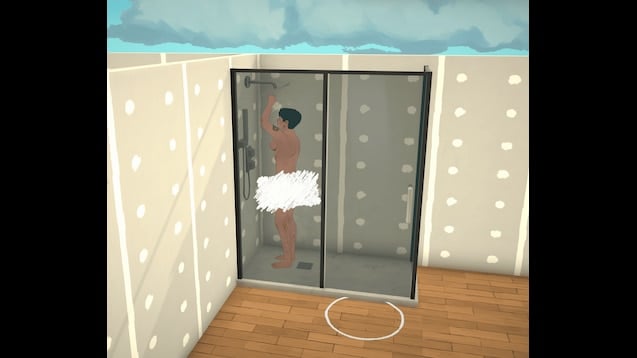
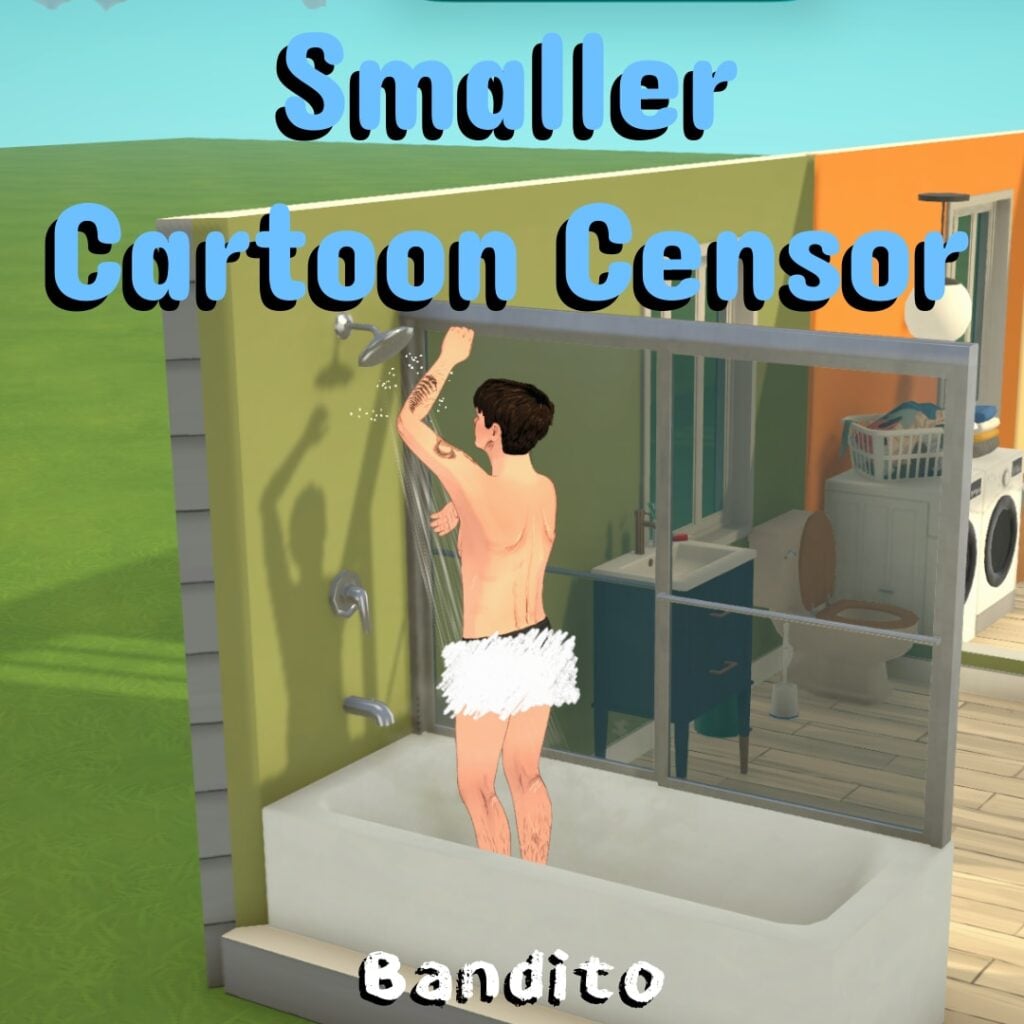
Cartoon Censor & Smaller Cartoon Censor by Bandito

paralives mods part 2 showcase

Replaces the pixelated censor effect with a hand-drawn cartoon version.

cartooncensorsmall

Smaller version of my cartoon censor mod.

Occupations Expanded Series by MrKewlFish

Mental Health

occupationsexpandedmentalhealth

Occupations Expanded: Mental Health adds new mental health-focused occupations to Paralives, designed to fit the tone, structure, and flavor of the vanilla occupations.

This mod expands several workplaces with new career paths related to counseling, therapy, psychology, social work and mental health administration. Whether your Para wants to work in a clinic, hospital, or school setting, this mod gives them new ways to build a career helping others.

What This Mod Adds:

New Domain: All new mental health occupations can now be found under their own custom domain banner. . .

New Occupations:Clinic:

  • Intake Specialist – Level 1
  • Mental Health Clinician – Level 2
  • Mental Health Supervisor – Level 3
  • Child Psychologist – Level 3
  • Director of Mental Health – Level 4

Hospital:

  • Case Manager – Level 1
  • Intake Specialist – Level 1
  • Social Worker – Level 2
  • Mental Health Clinician – Level 2
  • Mental Health Supervisor – Level 3
  • Child Psychologist – Level 3
  • Director of Mental Health – Level 4

Elementary School:

  • School Counselor – Level 2

High School:

  • School Counselor – Level 2

Career Perks:This update adds 4 Career Perks that you can unlock as your Para progresses through the new mental health careers.

  • Breakthrough with Client:
    At the end of the workday, your Para has a random chance of receiving +1, +3, or +5 Happiness.
  • Group Clinical Supervision:
    At the end of the workday, your Para gains +1 coworker relationship level with a random coworker.
  • Burnout:
    This is an instant event that gives your Para +2 Stressed.
  • Counseling Training:
    This event allows your Para to slowly learn the Counseling skill throughout the workday.

New Skills:

This mod also adds two new skills connected to the mental health career paths.

  • Counseling (Previously Therapy):
    The Counseling skill is learned while learning about science. You can also take the Occupation Unlockable: Counseling Training so that your Para can learn this skill slowly while working.
  • Psychology:
    The Psychology skill can be developed by learning about psychology on the computer or reading a psychology book. This skill is useful for Paras pursuing more advanced mental health and psychology-related roles.
occupationsexpandedlegal

Occupations Expanded: Legal adds new legal branching career paths to Paralives, designed to fit the tone, structure, and flavor of the vanilla occupations.

This mod expands several workplaces with new career paths related to the legal field. Will your Para protect the people and their rights, or chase ambulances and sellout to massive corporations? The choice is yours.

What This Mod Adds:

New Domain:The legal occupations can now be found under their own custom domain banner.

New Occupations:
City Hall:

  • Legal Secretary – Level 1
  • Paralegal – Level 2
  • Public Defender – Level 3
  • Assistant State’s Attorney – Level 4
  • State’s Attorney – Level 5
  • Judge – Level 5

Hospital:

  • Healthcare Attorney- Level 3

Billmore Law Group: (All New Custom Company)

  • Legal Secretary – Level 1
  • Paralegal – Level 2
  • Associate Attorney- Level 3
  • Partner – Level 4
  • Celebrity Attorney – Level 5

Parallel:

  • Corporate Attorney – Level 4

MappleWeb:

  • Corporate Attorney – Level 4

ClickMark:

  • Corporate Attorney – Level 4

New Skill:This mod also adds one new skill connected to the legal career paths.

Public Speaking:
The Public Speaking Skill is learned by practicing your speeches in the mirror (geez where have we seen that before).

Future Plans:
I am still exploring the Paralives modding tools but future updates may include:

  • Custom career outfits
  • Career-specific dialogue options or actions
  • Additional legal careers
  • Occupational Unlockables
  • Goals and Wants

Disable Outdoor Embarrassment by IcyPassionis

A basic mod for disabling embarrassment emotion you get from doing certain tasks on outside or on same room.

I made this mode primarily because currently parafolks think they are outside even if they aren’t. This mod should be quick fix if you don’t want to be embarrassed using toilet in your HOME.

Colourful Emotions by Paperbark

colorfulemotions

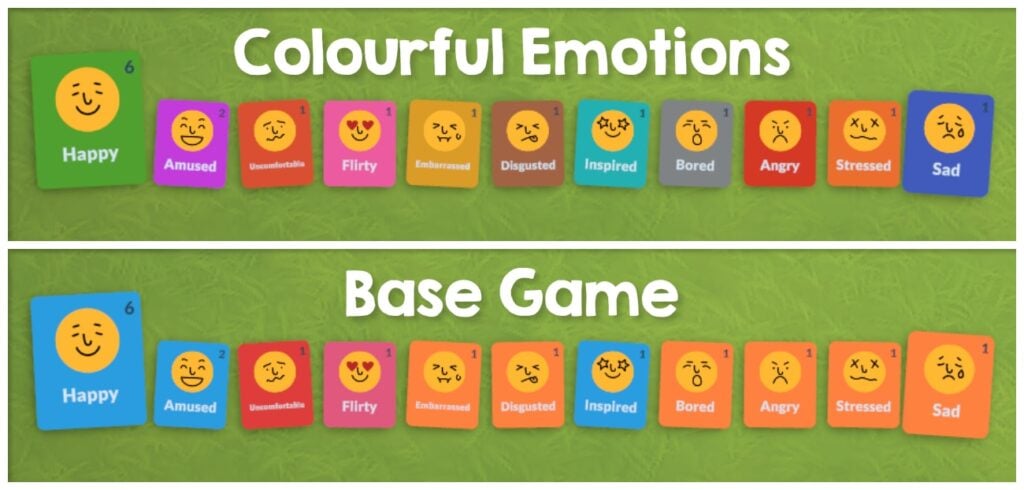
This mod gives every emotion a unique colour so they are easier to tell apart in the UI and on Parafolks’ portraits, inspired by the The Sims 4’s moodlets and made to fit nicely within Paralives.

All 11 of the base game emotions have a new unique colour:

  • Happy
  • Amused
  • Uncomfortable
  • Flirty
  • Embarrassed
  • Disgusted
  • Inspired
  • Bored
  • Angry
  • Stressed
  • Sad

. . .

The Digestive System VirusMushroom Poisoning, and Food Poisoning status effects are also changed so you can tell which Paras are sick. Some status effects like Asleep already have a colour in the base game and aren’t changed by this mod.

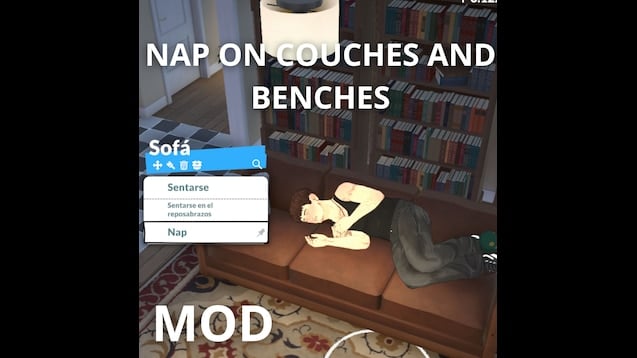
Nap on Couch / Sofa Mod by luca8fg

napon

This mod allows you to take a nap on the couch, or on a bench, works exactly the same as doing it on the bed. I might improve it in the future, thanks!

Faster Autonomy by PyroMcDips

download

A quick mod to make Parafolks do things by themselves more often. They decide to do something every 2 in-game minutes now. Town autonomy is unaffected.

I used the wiki and made this in less than 5 minutes. Thank you devs for making the game so moddable.

The Writer’s Path: Journalism & Careers at The Paragraph by fituflautaasas

writerspath

Breaking News! Your journey at The Paragraph starts now.Do you have what it takes to keep the city informed? This mod unlocks the professional path you’ve been waiting for. Choose your specialty and climb the ranks:

The Paragraph (Journalism)

  • Newspaper Columnist: Build your reputation by sharing unique takes on neighborhood life. From the best coffee shops to local legends, your voice is the soul of the community.
  • Sports Reporter: Live for the roar of the crowd! Whether it’s a neighborhood tournament or a city-wide championship, you’re on the front lines—even if the crazy schedule keeps you up all night.
  • Investigative Reporter: Uncover the city’s deepest secrets. Follow every lead, interview anonymous sources, and expose the truth that others want to keep hidden.
  • Section Editor: Manage the chaos of the newsroom! You decide what’s front-page news and keep the reporters on their toes to meet every midnight deadline.
  • Managing Editor: Oversee daily newsroom activities and coordinate between all reporting sections.
  • Executive Editor: Lead high-level strategic decisions and define the overall editorial policy.

Inkwell & Oak (Publishing)

  • Mailroom Clerk: The first step of your literary journey. Organize the chaos of incoming mail, sort manuscripts, and ensure every envelope reaches its destination.
  • Manuscript Transcriber: Bridge the gap between ink and screen. Meticulously digitize raw manuscripts while being the first to read potentially legendary stories.
  • Book Layout Artist: Design the soul of the book. Master typography and page structure to turn a simple story into a visual masterpiece.
  • Manuscript Reader: The gatekeeper of literature. Dive into the “slush pile” to separate the duds from the diamonds and hunt for the city’s next big bestseller.
  • Senior Editor: Review major manuscripts and supervise the creative development of key authors.
  • Publishing House Editor: Direct the publishing process and select high-potential works for mass production.

Academic & Teaching (Education)

  • Literacy Tutor: Help young Paras find their voice and discover the magic of letters.
  • Grammar Teacher: Master the rules of the language and inspire the next generation of writers.

New School Subjects!Education just got a revamp! Paras in Elementary and High School can now enroll in specialized Grammar classes, perfect for those aiming to join the literary world later in life.

New Professional Features!Journalism Skill (Writing Specialty) I have introduced a specialized Journalism Skill nested directly within the Writing category! This skill is now essential for those pursuing a career in The Paragraph, as it directly affects your performance and promotion chances in the newsroom.
The Press Portal Access the brand-new Press Portal! This dedicated function allows you to perform professional journalistic actions to sharpen your skills.

  • Current Feature: Perform specialized reporting tasks to increase your Journalism skill levels. More actions and professional tools are coming in future updates!.

New Together Cards Socializing as a reporter is now more immersive! I’ve added new Together Cards specifically designed for journalists. Use these cards to interact with other Parafolks, discuss the latest headlines, or gather information for your next big scoop

The Writing Skill

We’ve introduced the brand-new Writing Skill! Get ahead of the game and start typing away: for now, you can level it up by practicing on any PC.

Future Vision: From Headlines to Hardcovers

I’m planning to expand this mod far beyond the newsroom! My goal is to eventually introduce Parafolk Desires and specific wants related to writing and these new careers.
I am also working on expanding the Writing Skill with more depth and unique interactions. Soon, you’ll be able to pursue the dream of becoming a world-renowned Novelist, climbing the literary ladder from a junior editor to a legendary author!

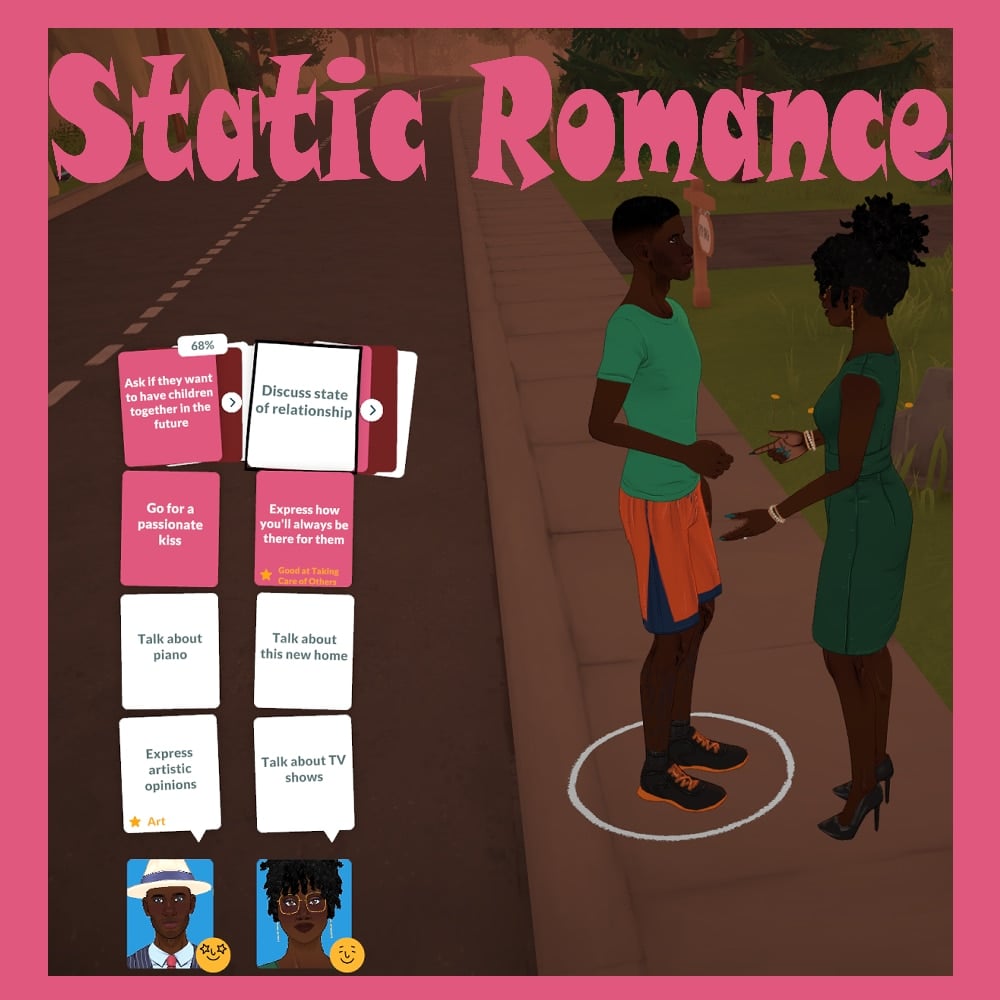
Static Romance Category by eirjf4

static

So I was trying to get my dating Paras to start a family, and the storyteller just would not give me the “Discuss State of Relationship” card. Six conversations in a row, nothing. So I made this.

This mod forces “Discuss State of Relationship” to always show up as one of the Together Cards when your dating Paras are chatting. Thus its easier to get pregnant, engaged, married etc.

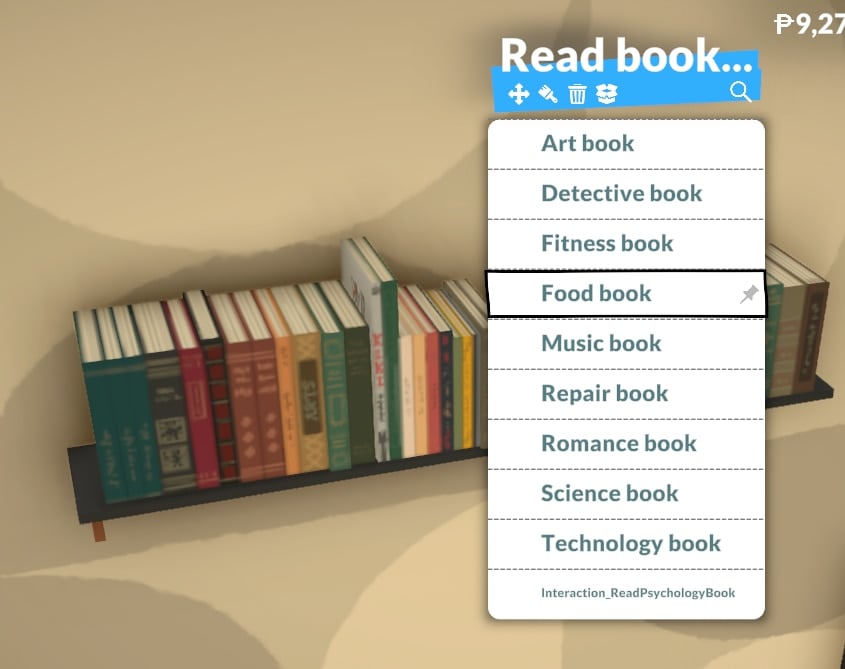
Read From Book Clutter Items by Dizzard

bookclutter

Makes it so you can click on the row or stack of books clutter items and use the read interaction.

I only added the interaction for book rows/stacks that have 3 or more books. I’m going to make a seperate mod that adds the read book interaction to clutter items that have just 1 or 2 books.

It uses the same bookshelf grab animation that’s already in the game, so it’ll look odd if the book clutter items are placed low or on the floor.

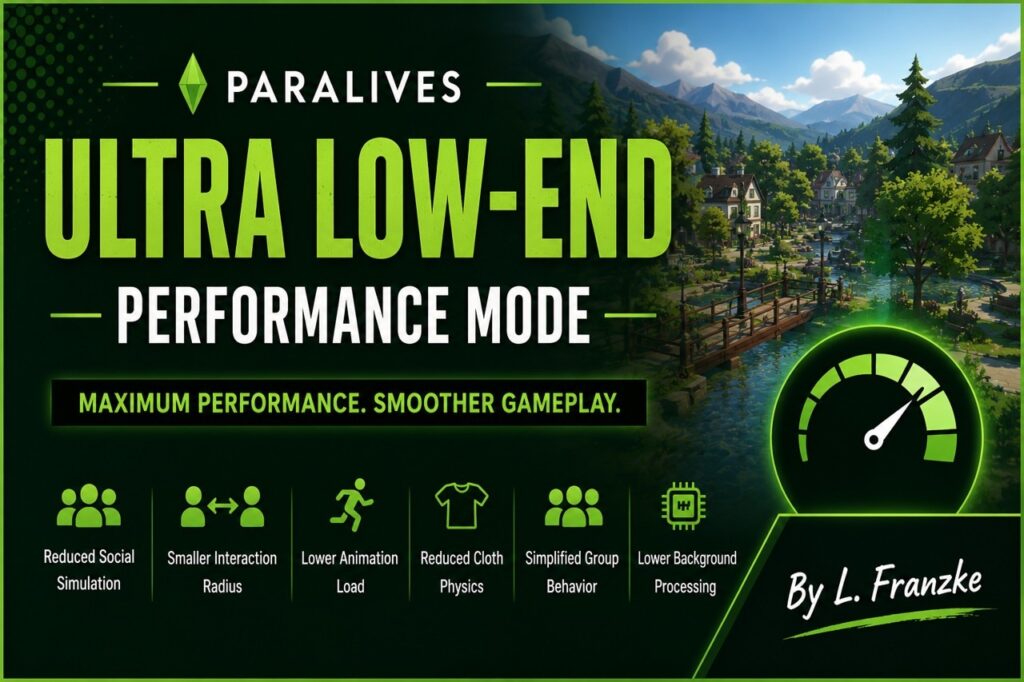
Optimization Profiles by L.Franzke

Important:
Only use ONE performance profile at a time to avoid conflicts with other performance settings mods.

Ultra Low-End Performance Mode

lowend

Ultra Low-End Performance Mode is designed for players running Paralives on weaker hardware or systems below the recommended requirements.

This mod aggressively reduces several background simulation and social calculation systems to improve overall game performance, reduce stuttering, and create a much smoother gameplay experience on low-end devices.

Optimizations include:

* Reduced social simulation complexity
* Smaller social interaction radii
* Lower animation point calculations
* Reduced cloth physics load
* Simplified group simulation behavior
* Lower background processing overhead

This mod was built using only existing in-game settings systems and does not use experimental or invented parameters.

Recommended for:

* Low-end PCs
* Older laptops
* MacBook Air systems
* Devices experiencing lag, stuttering, overheating, or unstable framerates

Other available profiles:

* Balanced Performance Profile
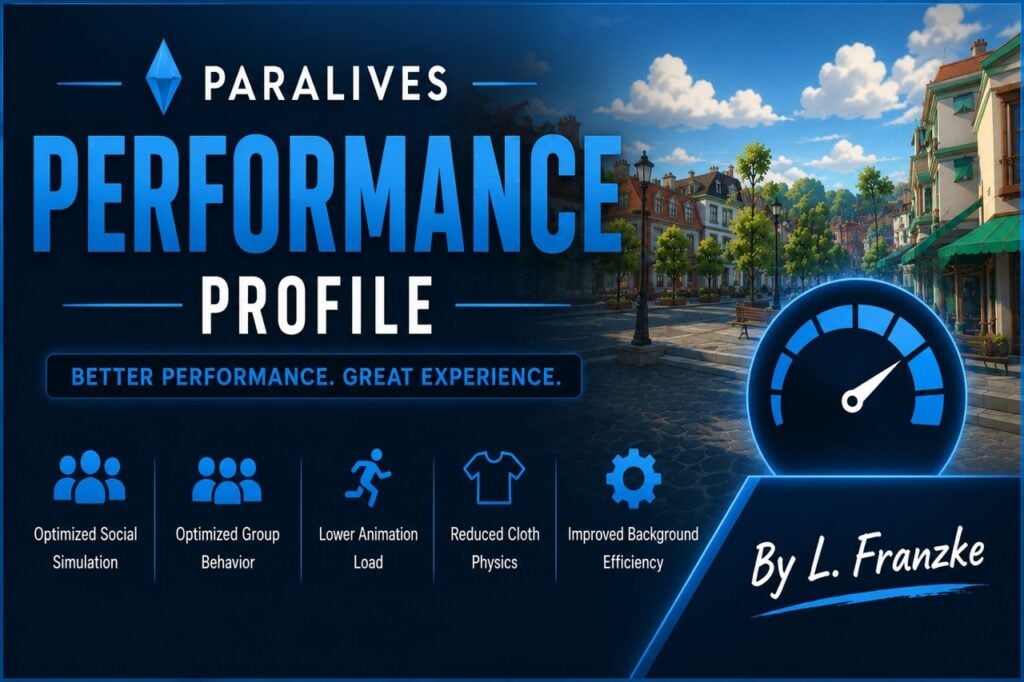
* Performance Profile

Performance Profile

performance

Performance Profile is designed for players who want noticeably smoother gameplay while still keeping most of the original Paralives experience intact.

This mod reduces simulation and animation overhead to improve framerate stability, responsiveness, and overall game smoothness without heavily impacting the feel of the game.

Optimizations include:

* Reduced social simulation calculations
* Optimized group behavior
* Lower animation processing load
* Reduced cloth physics calculations
* Improved background simulation efficiency

This mod was built using only existing in-game settings systems and does not use experimental or invented parameters.

Recommended for:

* Mid-range systems
* Players experiencing occasional lag or stuttering
* Laptops with thermal throttling
* MacBook systems needing improved stability

Other available profiles:

* Ultra Low-End Performance Mode
* Balanced Performance Profile

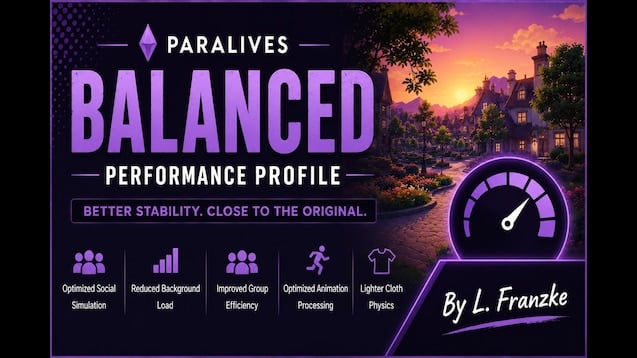
Balanced Performance Profile

balanced

Balanced Performance Profile is designed for players who want a lighter and smoother Paralives experience while keeping the game as close as possible to its original behavior and visual feel.

This mod applies gentle optimization changes focused on improving stability and reducing unnecessary simulation overhead without significantly changing gameplay behavior.

Optimizations include:

* Slightly optimized social simulation
* Reduced background calculation load
* Improved group interaction efficiency
* Minor animation processing optimizations
* Lighter cloth physics calculations

This mod was built using only existing in-game settings systems and does not use experimental or invented parameters.

Recommended for:

* Players wanting small performance improvements
* Systems close to recommended requirements
* Users wanting smoother gameplay with minimal visual compromise

download 2

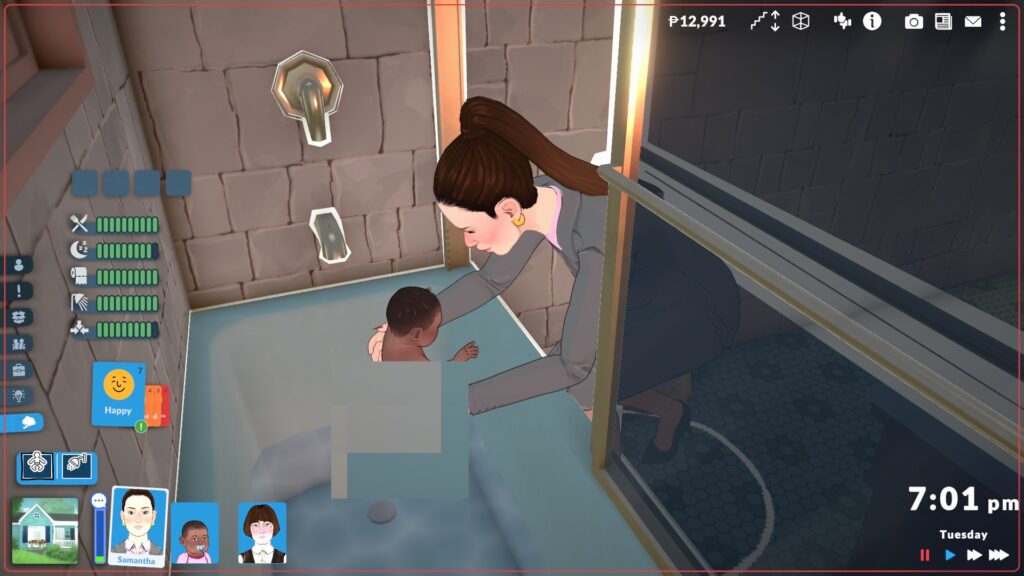
I couldn’t figure out how to clean babies, and an internet search showed that others were having the same issue, so I just edited the bathe toddler interaction to also allow babies. I’ve seen the suggestion for a bath in the sink option, and that was my initial idea, but that would require animations and an entirely new interaction instead of a simple edited action.

Thanks to some helpful comments, I now realize that babies hygiene can be increased by changing their diaper while they are in the crib. I still like the option to bathe them, though. 🙂

Shorter Together Card Time by Yonathor

shorter

I don’t mind waiting for a new card, but the default takes too long. I made it to 3 minutes (game time) waiting.

No Autonomous Phones by leyxcx

phoneaut

Stops Paras from autonomously using their phones. Doesn’t stop “NPC” Paras from acting like they’re talking on the phone.

RiskyIntimacy by JacobG5

riskyintimacy

Adds chance 10% for intimacy interaction to be unprotected. (Negative emotions increase unprotected chance the same way they do for other social interactions)

If interaction is rolled to be unprotected pregnancy chance is determined by storyteller try for baby settings.

Example:
With Storyteller Pregnancy Chance at 50%
0.1 * 0.5 = 0.05
5% Pregnancy Chance During Intimacy

link

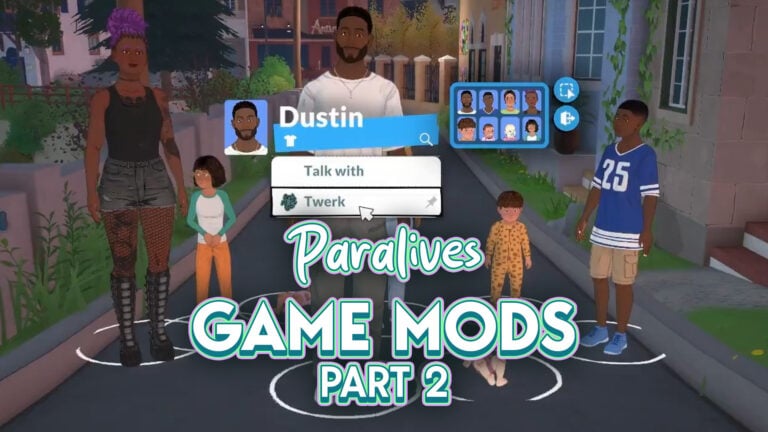
ParaTwerk by SacrificialMods

A mod that adds the ability for Parafolks of all ages to Twerk!

Click on a para and select “Twerk” to start the twerking.

Available on paras of all ages!

Enjoy!


Are there any mods you’ve discovered that have changed how you play Paralives? What are your favorites? Let us know! We’ll keep you up to date over here at The Sims Community on all things Life Simulation games!

Review Of The Sims 4 SimSearch Features: Enjoy Being A (BETA) Tester

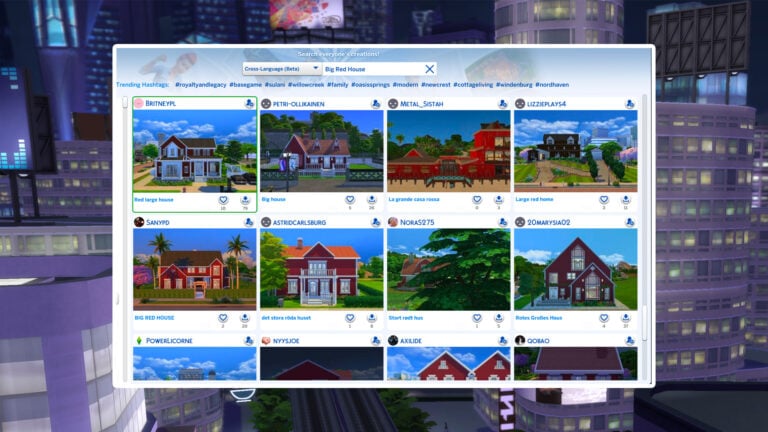
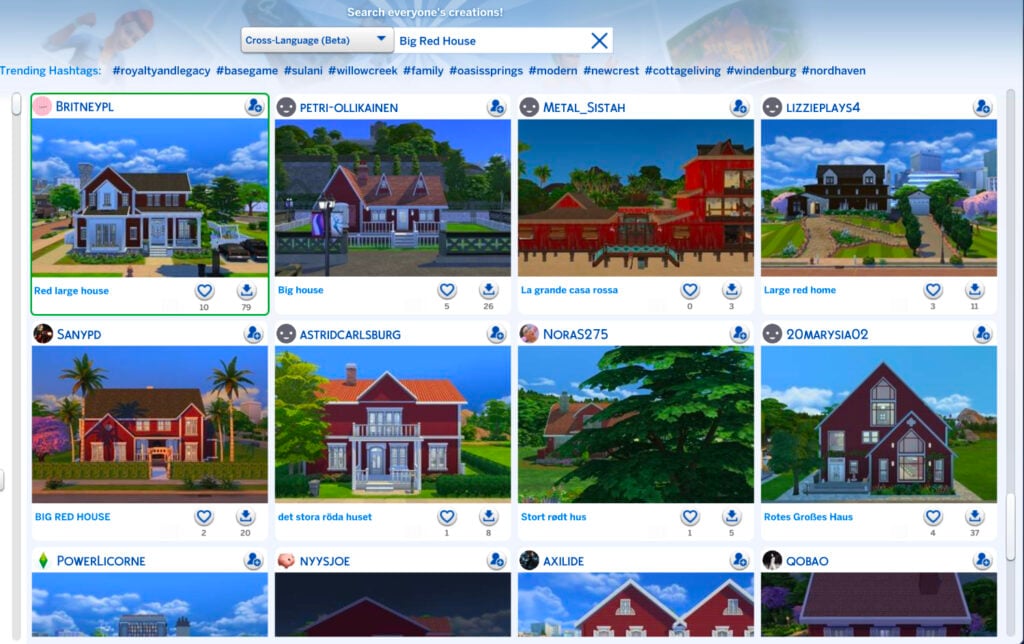
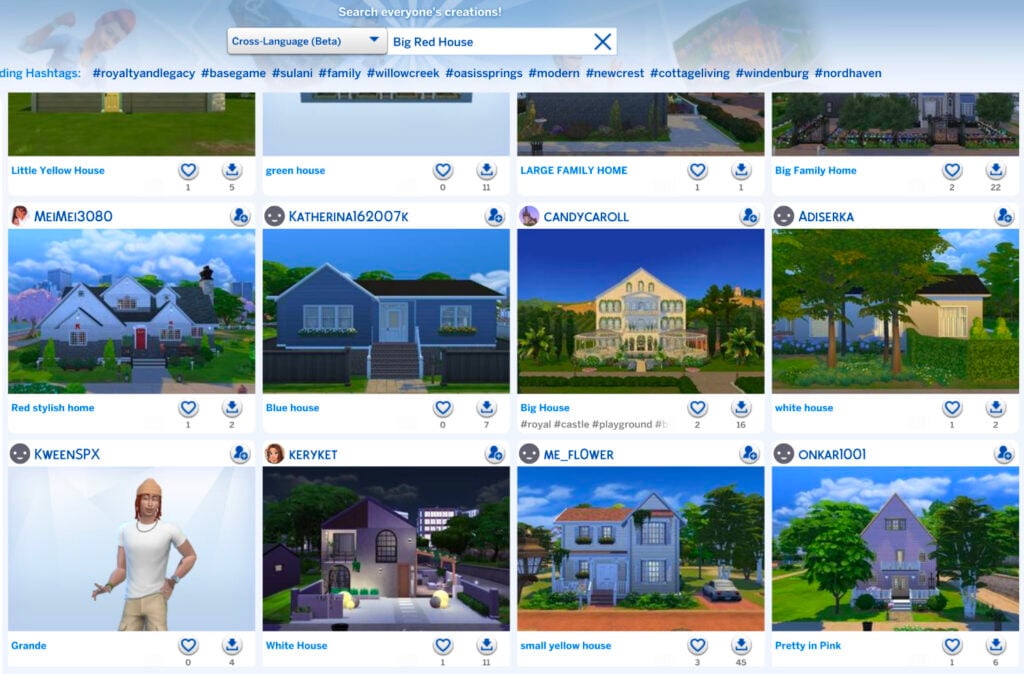
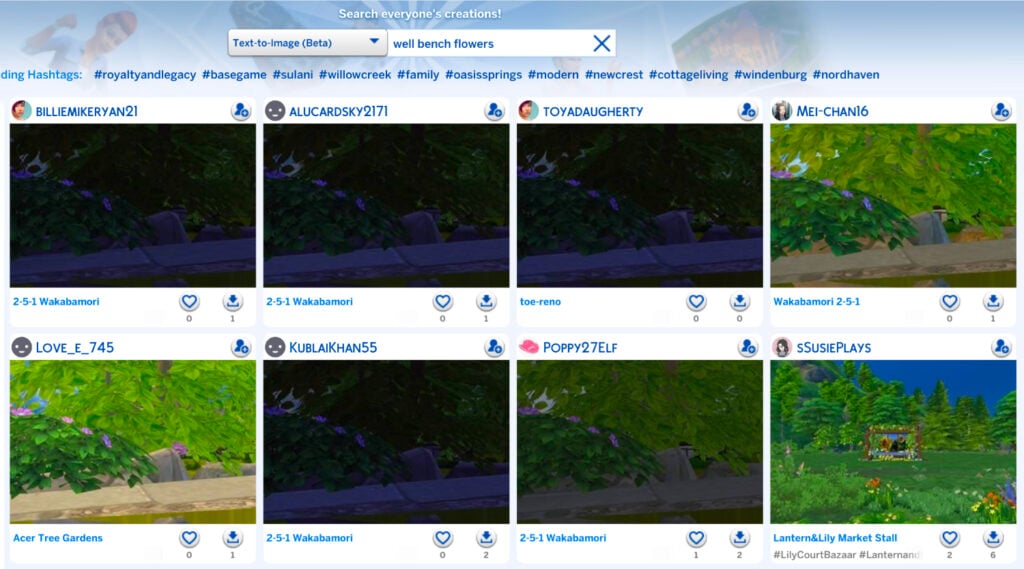
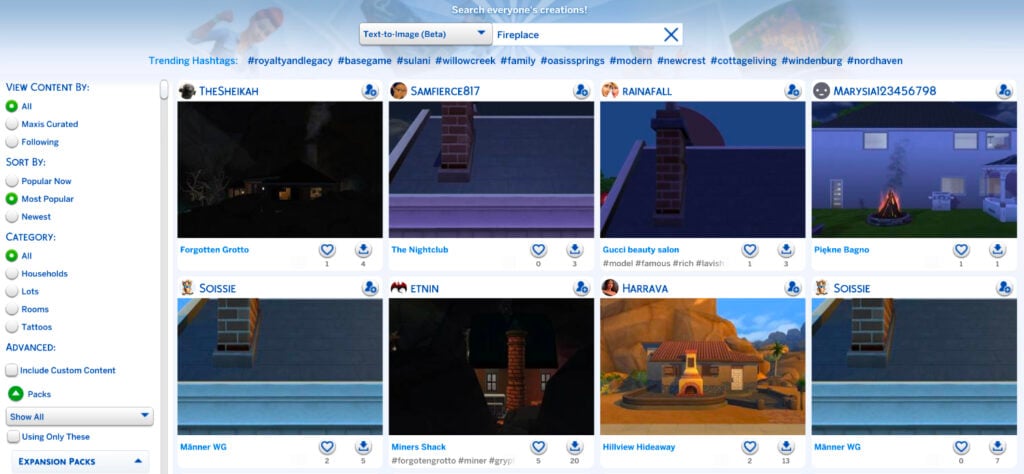
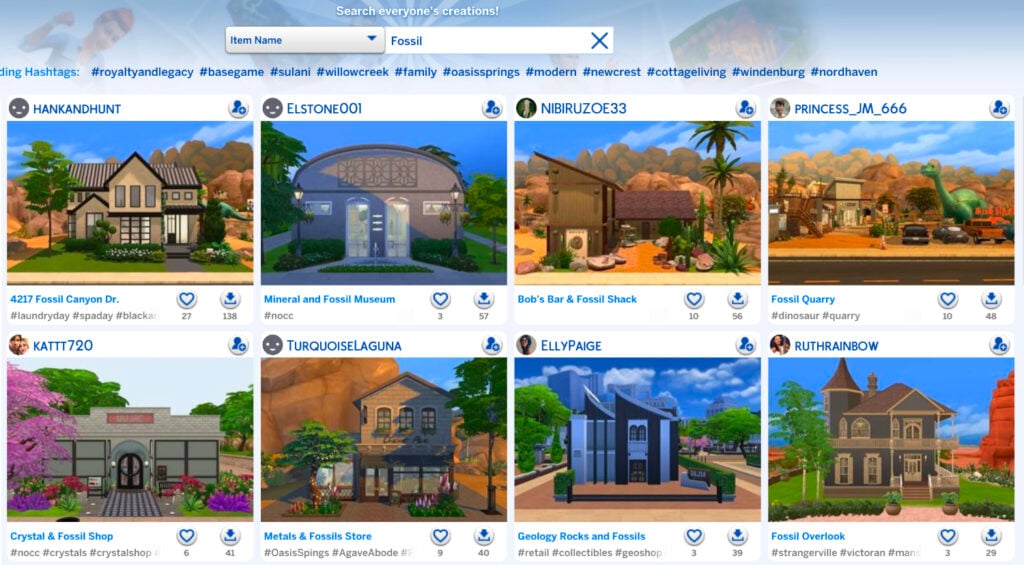
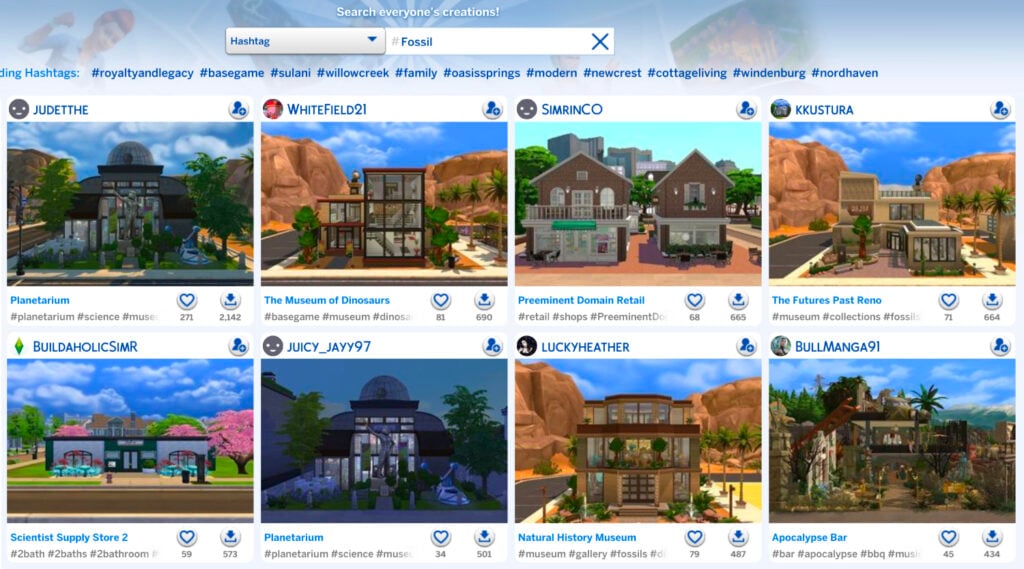
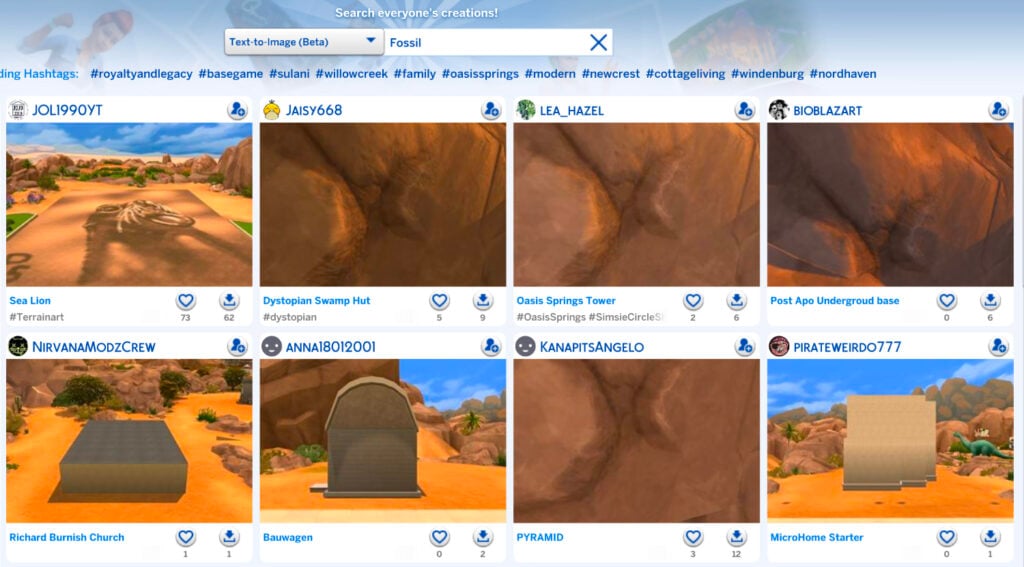
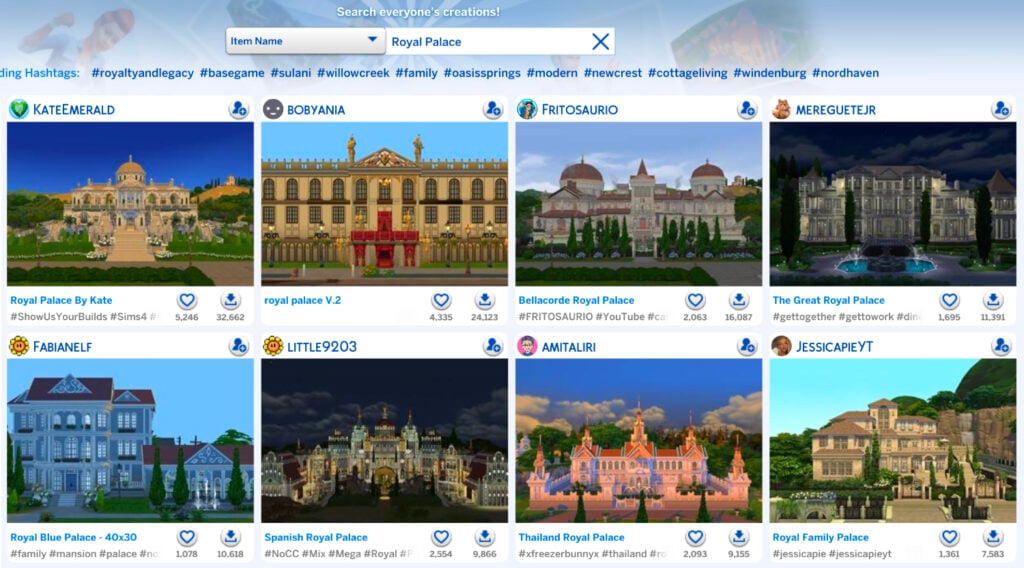
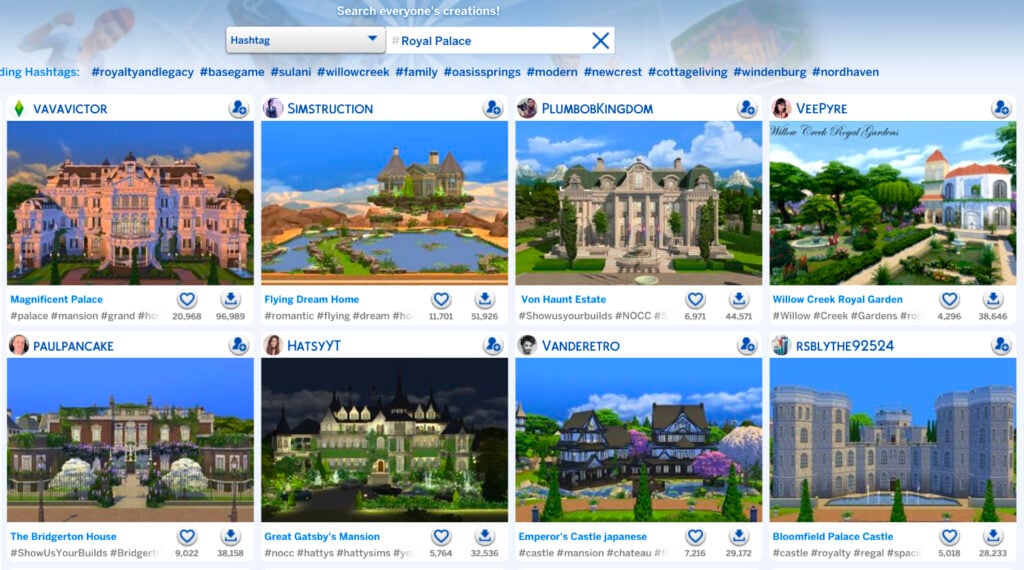
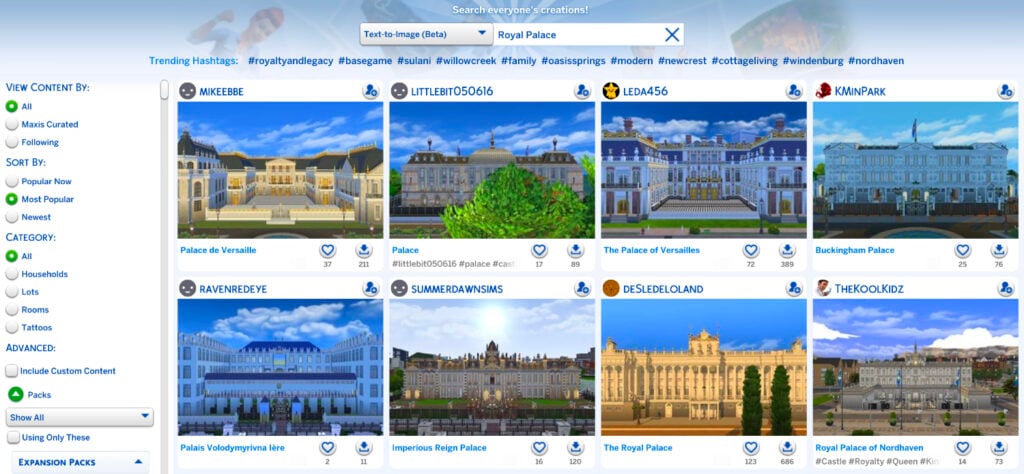
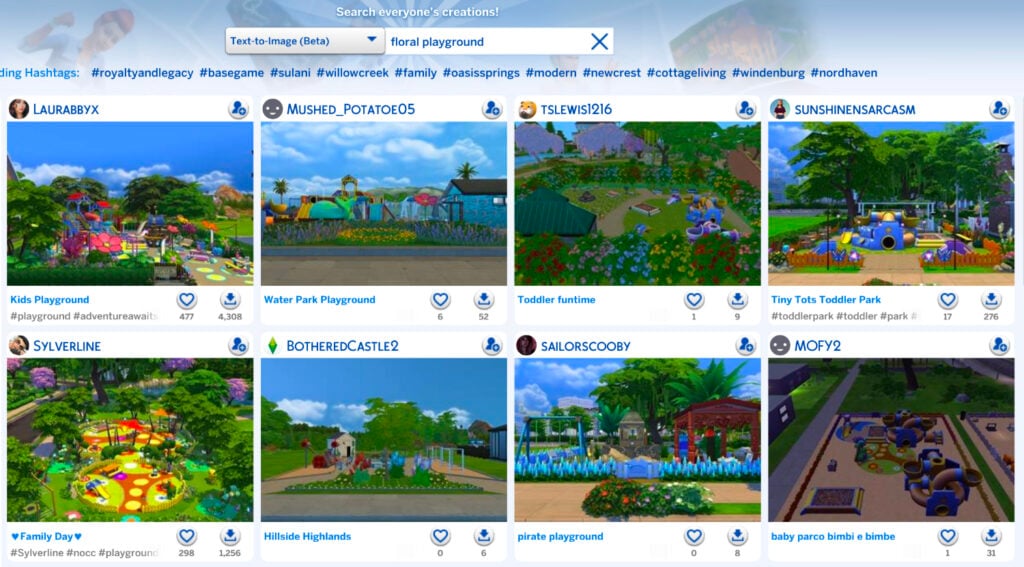
New ways to search the gallery have arrived in-game; say hello to the Sims 4 SimSearch features. Let’s put it to the test and see if it’s a worthy addition to the game.

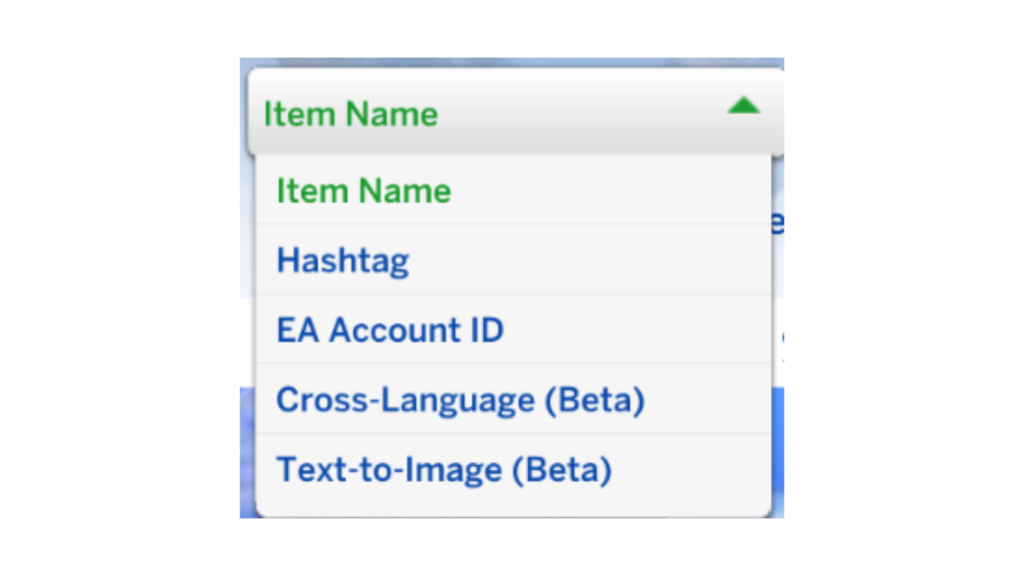
The feature was officially announced a few days ago with a blog post explaining in detail what the Sims 4 SimSearch features entail. There are two additional ways for you to search gallery items, Cross-Language and Text-to-Image.

Both of these features are still in their beta phase, so enjoy being an unpaid beta tester for EA.

  • Cross-Language (Beta)
    • This search option combines and expands on the Item Name and Hashtag searches by also integrating Description text for any matches. As well as looking through different text fields, the search will look at other supported languages to return results where the creator may not speak your set language. This means that if you were to search for “Big Red House,” you would also see results such as Spanish – “Gran Casa Roja,” French – “Grande Maison Rouge,” and German – “Großes Rotes Haus,” all without needing to know additional languages yourself. This allows us to surface more of the creativity on The Gallery which may have been hidden to you in previous searches.
    • Results will also be appended by related results acting as “things you may also like” which will open up discoverability for Simmer uploads that may be of interest to you but that you didn’t specifically search for.
  • Text-to-Image (beta)
    • Initially, this search is limited to Lots and Rooms. Households will not be available while we continue to work on the feature.
    • This new search function goes beyond text matching your search criteria with the image you see in The Gallery. If you were to search for “fireplace” you should see results where there is a fireplace or a camp fire within the images. For best results in this example, you can then use the Lots and Rooms filters to narrow in on more suitable results for your needs.

Cross-Language Search

First up we have the least interesting of the Sims 4 SimSearch features, Cross-Language Search. This feature sounds great in theory. Allowing users to search and see items across all different languages is a great way to bring the spotlight to players whose language might not have as large a player base.

Sadly, it doesn’t seem to make a difference at all.

I started my testing using the example from the announcement blog post, “Big Red House.” I had to scroll 15 lines before I saw a single lot that wasn’t English. This was true for sorting by Most Popular and Most Recent.

Big Red House Sims 4 SimSearch features results

Even more interesting, and sad, is that the results were actually spitting out all kinds of results, in English, or completely different color houses. Some examples included below for the search results of Big Red House include: Little Yellow House, Green House, Blue House, White House, White House, Small Yellow House, and Pretty in Pink.

Houses of all different colors

I tried several other searches as well for various lot types such as Floral Garden and Royal Palace, but none of the results included any from a language other than English after scrolling continuously for quite some time.

As I said, it’s a great feature in theory, but if results are going to be overwhelmingly in a player’s native language where they need to scroll for several pages, it’s not really doing much. Even worse is that it’s not even giving results of what is being searched for in the first place.

If the Sims 4 SimSearch features can’t even produce positive results with the literal example given by EA, is the feature really worthy of being implemented for the players? I’d have to personally say no.

Text-to-Image Search

The Text-to-Image concept of the Sims 4 SimSearch features intrigues me, mostly because I’m unsure how beneficial it can actually be for players. The idea is simple, you search for a word or concept and it gives you results that include that item in the screenshots of the lot. The unfortunate part is that most gallery listings have terrible auto-generated photos.

Case in point: My search of “Well Bench Flowers.”

Well Bench Flowers search results

Not only are these results tragic because of the trees covering everything in the default photo, but on further inspection, none of these lots had a visible well aside from the bottom right. For a majority of the results, it didn’t even give me what I had asked for.

I decided to again use their example from the blog post and searched for “Fireplace.” Thankfully, I was actually given results for lots that included fireplaces. So, I guess that’s a win? I’m unsure how beneficial this will be to players, though, because I can’t fathom who is going to download a house they can barely see just because it includes a close-up of a chimney.

Fireplace search results

I decided to push further and do some comparisons between the different types of searches to see if the text-to-image function of the Sims 4 SimSearch features produced better results than the original search types.

First, I searched “Fossil” with the Item Name feature. I think the results are pretty great.

Fossil Item Name results

I then did the same search of “Fossil” with the Hashtag function. Again, great results.

HashtagFossil

Lastly, I used the text-to-image function for “Fossil” and the results are… these.

Text-to-image fossil results

Maybe my search was too uninspired. I decided to try “Royal Palace” like I did for the Cross-Language function.

The results for “Royal Palace” by item name are as expected.

Royal Palace Item Name results

The Hashtag function for “Royal Palace” as essentially the same.

Hashtag Royal Palace results

It was time for the moment of truth. “Royal Palace” by way of text-to-image.

Text-to-Image results

Well, would you look at that. Those are the best results so far for any of the Sims 4 SimSearch features. Maybe there’s hope for it after all.

One of the biggest drawbacks of the text-to-image search, however, is the 25 character limit. Your searches can’t be descriptive, wordy, or include several different items because you’ll run out of characters before you’re done. Simple searches only, like when I searched “Floral Playground.”

Floral Playground results

As it stands, the Sims 4 SimSearch features aren’t the greatest. They’re great in theory and rough in execution. As mentioned, they’re still in their beta phase, so they have tons of room to grow. We’ll see what the future has in store for the Sims 4 SimSearch features as they move beyond their infancy.

What do you think? Are these features you’ll be using or do you find them lacking? Do you see a future for them with improvements or are they a lost cause? Let us know what you think below.


For even more news and coverage about all things Sims 4, head over here.

Today’s The Sims 4 Marketplace Release: Crusty New Eyelashes Available For 2 Dollars

At least we’re slowing down the momentum of The Marketplace releases!

It’s the day that everyone’s been eagerly waiting for – the day of a new Sims 4 Marketplace Release. Today on the menu: A pair of 10 eyelashes for 2 dollars – or 200 Moola.

There are 6 eyelashes to choose from: bat wings, swoop lashes and ones that we can’t tell the difference from the free Base Game release. There are also 4 eyeliners and highlights included as well.

Hurry up now – it’s just 200 Moola and it’s a great favor for Sims 4 Console players.

See the full official Sims 4 marketplace release set overview below:

The Sims 4 Essential Lashes

Screenshot 2026 05 28 at 19.14.38

Official Features

Essential Lashes is a versatile collection of 3D lashes and eyeliners. Go for a natural style using brown lashes and soft highlights, or create something more defined with thicker lashes and a smoky or colorful liner. The inner-corner and waterline highlights are perfect for adding a touch of detail and glam to everyday looks.

EYELASHES

A variety of eyelashes that all come in six swatches.

Screenshot 2026 05 28 at 19.15.45

EYELINER AND HIGHLIGHTS

A very soft, dark eyeliner paired with an inner-corner highlight; the highlight on its own; a white waterline liner; and finally, the last two combined.

Screenshot 2026 05 28 at 19.16.49

SMOKEY EYELINER

The smokey eyeliner comes in ten swatches and pairs perfectly with the lashes.

Screenshot 2026 05 28 at 19.17.07

Items Preview

Screenshot 2026 05 28 at 19.17.57

Price: 200 Moola


What do you think about the latest Sims 4 Marketplace release? Let us know in the comments below!

For more information on The Sims Franchise (and more) – stay tuned to Sims Community.

Mii Maker Comparison: From Miitopia to Tomodachi Life

Let’s take a look at how Nintendo expanded Tomodachi Life’s Mii Maker compared to others on Nintendo Switch.

As Tomodachi Life: Living the Dream is a Mii-focused game by Nintendo, it introduces new Mii customization options that builds on Miis. However, instead of sticking with clothing and voice, one of the biggest additions in the game is the improved Mii Maker, which allows even more customization than the system’s Mii Maker. Let’s take a look at how it compares with Nintendo Switch’s Mii Maker.

Looking into the System’s Mii Maker

Before looking into what’s new in Tomodachi Life’s Mii Maker, let’s take a look at what the system’s Mii Maker introduced.

The Mii Maker for Switch and Switch 2 can be found in the System Settings. Its main improvement is expanded color options for Mii parts, such as hair, eyebrows, eyes, mouth, facial hair, and glasses (with the exception of skin color). Instead of choosing from a limited amount of colors tailored to the part, players can expand the options to 100 different colors. In addition, there are also some new skin colors and glasses.

Showcase of expanded color options on Switch 1's Mii Maker.

Upon starting to create a new Mii, players can choose between Start from Scratch, Create from Likeness, and Copy Mii from amiibo. When creating from likeness, the player is prompted to choose a gender/style, after which 18 randomly generated Miis are presented. If none of them look good, the player can press the Y button to refresh the choices. After choosing one, you’ll be taken to the Mii Maker. Copy Mii from amiibo will copy the Mii set as the owner of the amiibo figurine. This is the only way to transfer Miis from Wii U and 3DS consoles though.

Pictures showing Mii creation options, alongside with Mii selection in Create from Likeness.

In Switch 2, the only change made was renaming gender to style. However, as all other options remain the same, Switch 2 Miis are essentially the same as Switch 1 Miis as they can be transferred between the consoles easily.

Some things lost however are the birthday date and sharing settings. In addition, moving the Mii Maker from the Home Menu into the System Settings has made many Switch owners overlook it. However, as system settings no longer require you to close the game, some games allow you to create a Mii from the Mii Maker before continuing. The application also lacks music (unless activated through a game).

Miis made on the system can be transferred to Tomodachi Life: Living the Dream by ‘Create from Mii on Console’ button. They can also be shared to other Switch and Switch 2 owners locally.

Miitopia’s Innovations for Miis

Miitopia is a 3DS port released for Switch on 21th of May 2021. It’s the first Mii-centered game on Switch, being an RPG that uses some Tomodachi Life elements like relationships and unpredictability of Miis. When creating a new Mii in the game however, you will be taken to the system’s Mii Maker first. However, more options open up after the character is created.

One of the new features in the port is Wigs and Makeup. This allows more expanded customization options like Tomodachi Life does. However, make-up allows customization of each part individually, making them work with the parts better than Tomodachi Life’s drawings.

In Makeup, after choosing a category, you can add new makeup elements to your Mii, from pre-sets to simple shapes. After adding one, options to edit makeup (position, size, rotation, and color), delete makeup, and change layering become available. For makeup that gets mirrored like eyes, it is possible to edit each side separately. Under Other category, it is possible to change the color of the face, nose, and eyes separately (unlike Tomodachi Life, Miitopia allows heterochromia). For glasses and eyebrows, the game allows you to remove the original Mii part, giving you an empty canvas to work on these.

There are limits however. While each category can have multiple makeup elements, overall each Mii can have up to 100 makeup elements. Due to mirroring, eyes, eyelashes, eyeshadows, and eyebrows will count as two. And there are times when Miis are shown in game without make-up, for example when looking through the Monster collection.

Miitopia's Makeup menu

However, wigs are a separate customizable ‘hat’ for Miis that look like animated hair. However, wigs are customizable in three parts: bangs, back, and cowlick. These have some limitations though. Miis wearing wigs can’t wear hats in-game, with a setting to remove the wig when the Mii is out on an adventure. In addition, status effects that affect the hair color (like aging) won’t change the wig’s color.

Miitopia's Wig menu

While Miis made on Miitopia can’t be directly brought to Tomodachi Life, they can be added to System’s Mii Maker (removing their make-up and wigs in the process). However, Miitopia allows Mii sharing with Access Codes, allowing people to share their Miis and download others’ over the internet (Nintendo Switch Online membership required).

Tomodachi Life Improvements

Tomodachi Life: Living the Dream brought some big improvements to Miis. So big that the game features its own Mii Maker complete with music to create new Miis, though system’s Miis can be imported there. However, due to Mii improvements, Miis in Tomodachi Life cannot be brought to the system’s Mii Maker.

When beginning, players are given 4 choices: using prompts, from scratch, create from Mii on console, and create based on existing island Mii. Creating from scratch begins from choosing a default Mii to start from, with now an option to change the default skin tone.

Creating from Scratch in Tomodachi Life: Living the Dream's Mii Maker

Creating using prompts will have the game ask the players questions on the features. After questions are answered, a Mii is generated, with an option to start over, tweak it, or go with it. When choosing to tweak, other similar faces are presented, akin to Wii’s ‘Choose from a lookalike’ option. In addition, certain parts can also be locked from the Shuffle menu. To enter the usual Mii maker, simply select Adjust the details button.

Pictures showcasing creating a Mii using prompts option.

There are a lot of new options in each part. Here’s the count of how many parts were added into each category alongside with the picture showing it:

Part CategoryAmount of New PartsAdded ModifiersPicture of New Parts
Face Shapes4More skin colors with 4 extra natural colorsImage of 4 new face shapes for Tomodachi Life: Living the Dream
Hairstyles115
(2 with hats removed)
Sub-colors
Fringe and back
Tying style for Back
Image of 115 new full hairstyles for Tomodachi Life: Living the Dream
Eyebrows19Image of 19 new eyebrows for Tomodachi Life: Living the Dream
Eyes15
(+ None)
Eye customization optionsImage of 15 new eyes for Tomodachi Life: Living the Dream
Noses13
(+ None)
Image of 13 new noses for Tomodachi Life: Living the Dream
Mouths16
(+ None)
Rotation
Add/Remove Lipstick
Image of 16 new mouths for Tomodachi Life: Living the Dream
Glasses38Frame color (for sunglasses)
Stretch/Shrink
Image of 38 new glasses for Tomodachi Life: Living the Dream
Facial Hair30
(2D & 3D separated)
Flip
Stretch/Shrink
Image of 30 new facial hair options for Tomodachi Life: Living the Dream
Wrinkles10
(+ 1 set separated)
Change Position
Change size
Stretch/Shrink
Image of 10 new wrinkle options for Tomodachi Life: Living the Dream
Facial Details6
(Sets separated)
Change Color
Change Position
Change size
Stretch/Shrink
Image of 6 new facial detail options for Tomodachi Life: Living the Dream

Hairstyles have received a visual overhaul, with texture and movement added to it. While all the original hairstyles (except the two variants with hats) are in the game, there are more hairstyles to choose from, with an additional ability to create a new hairstyle by choosing a fringe and a back separately. There are 83 fringes and 111 backs to choose from, with some backs allowing you to change the tying style.

Sub colors can also be added to hairs, changing the color of the accessory (hair tie, headband, ribbon etc) or adding highlights to the hairstyle. If customized with a fringe and back, both of these can have the sub color toggled separately, but they always share the color chosen.

Showcase of hairstyle customization in Tomodachi Life: Living the Dream's Mii Maker.

Eyes have received further customization options. After choosing an eye, you can further edit the eyelashes, eyebags, eyeshadows, and even add a sparkle to the eye. Some eyes already come with these details, which can now be removed from there, unlocking more eye shapes. Eyeshadows’ color can now also be changed. While mouths get a simple lipstick toggle, this effectively doubles the mouth shapes availabe.

An example of customized eyes in Tomodachi Life: Living the Dream's Mii Maker.

Facial details have been overhauled into a one separate category. For most of them, it is finally possible to change their size and position. Wrinkles are now contained in two categories: upper wrinkles and lower wrinkles. Facial hair is in three categories: stubble (2D beard), beard (3D beard), and mustache (which has been in a separate category before). Finally, upper make-up and lower make-up categories have been added, even allowing players to change their colors.

An example of facial details in Tomodachi Life: Living the Dream's Mii Maker.

The brand new part category are the ears. Miis were shown with ears in Wii Sports pre-release footage and in Nintendo World attractions. Yet with Tomodachi Life, players are finally able to add them. There are 4 options to choose from, with players being able to change their height (8 options) and size (5 sizes).

The ear category in Tomodachi Life: Living the Dream's Mii Maker.

There is one feature removed however: favorite color. This used to determine the color of clothing and equipment Mii would use in games. However, it also affects the color of hair accessories, be it hats or hair ties. If you import such Mii to Tomodachi Life: Living the Dream, the hair appearance will change. Hair ties will take the same color as the hair and Miis with hats will get a free hat in their clothing inventory (Plain baseball cap or Plain beanie), which may not match the Mii’s favorite color. Below is the picture which favorite color translates to which hat color.

Image showcasing how favorite color gets removed from hairstyles when transferring Miis to Tomodachi Life: Living the Dream.

Finally, face paints have been added, allowing further customization by drawing. For inspiration on what to draw, check out this article. It is worth keeping in mind that these parts aren’t animated.

Face drawing feature in Tomodachi Life: Living the Dream.

After the face is done, body type selection remains the same. The character limit for Mii’s name has been increased from 10 to 31, though if the name won’t fit into the bubble inputted in, fewer letters can be entered. Birthdays make a comeback, alongside with some other Tomodachi Life staples like voice and personality. Relations can also be set between any Mii, rather than the first Mii in the previous games.

The final improvement is the gender and dating preference. After creating a Mii, you can choose their gender from 3 options. If you import from Mii Maker, the gender is pre-set, but can be changed. This will affect the initial dating preference, event outfits, and pronouns. Dating preferences can be changed by pressing X in the gender selection, while the others can be changed after choosing the personality. The gender and dating preference can also now be changed anytime during the gameplay, though it will end the incompatible relationships if done so, reverting the couple back to friends.

Additional Mii info in Tomodachi Life: Living the Dream.

Miis created in Tomodachi Life: Living the Dream can only be shared locally. Miis shared that way will also retain phrases, quirks, and clothing given by the player.

Conclusion

Tomodachi Life: Living The Dream’s Mii Maker is a huge step towards modernizing and improving Mii characters, be it creating human or non-human characters. While this removes the option to transfer Miis from Tomodachi Life: Living the Dream to the system, there still remains a question: when will the possibilities become available to the system’s Mii Maker? Whether it’ll come with Switch 2 update or in the next console, only the time will tell.

So what do you think about the Mii improvements? Would you like to see Tomodachi Life: Living the Dream’s possibilities in the system’s Mii Maker? Share your opinions down below and stay tuned to Sims Community for more original LifeSim articles.

EA Announces The Sims 4 SimSearch For The Gallery

The first beta version of SimSearch for The Sims 4 Gallery is here.

EA has announced today the first iteration of The Sims 4 Simsearch feature for The Gallery. Introducing a new way of using text-to-image and cross-language search filters to look for the creation you want more quickly.

We first reported about SimSearch coming to The Sims 4 back in November 2025, when some of the first features accidentally leaked to the public. Now, we have a first official introduction to how the feature works:

clipboard sc

Sul Sul, Simmers!

Today, when you head into The Gallery, you may notice new search functionality. SimSearch introduces two new features, Cross Language and Image Search, designed to improve how you search and discover content. These new features are currently in Beta so we’re still fine tuning the experience, but starting today, they are available for Simmers who want to try them out.

  • Cross-Language (Beta)
    • This search option combines and expands on the Item Name and Hashtag searches by also integrating Description text for any matches. As well as looking through different text fields, the search will look at other supported languages to return results where the creator may not speak your set language. This means that if you were to search for “Big Red House,” you would also see results such as Spanish – “Gran Casa Roja,” French – “Grande Maison Rouge,” and German – “Großes Rotes Haus,” all without needing to know additional languages yourself. This allows us to surface more of the creativity on The Gallery which may have been hidden to you in previous searches.
    • Results will also be appended by related results acting as “things you may also like” which will open up discoverability for Simmer uploads that may be of interest to you but that you didn’t specifically search for.
  • Text-to-Image (beta)
    • Initially, this search is limited to Lots and Rooms. Households will not be available while we continue to work on the feature.
    • This new search function goes beyond text matching your search criteria with the image you see in The Gallery. If you were to search for “fireplace” you should see results where there is a fireplace or a camp fire within the images. For best results in this example, you can then use the Lots and Rooms filters to narrow in on more suitable results for your needs.
clipboard image 1 1779898697004 1

These new options are currently in “Beta” as we test the functionality. As such, there may be results in the new searches that do not meet your expectations or desired results which we would love to hear from you about to improve the results. While we are in Beta, the new search options will be available only in The Sims 4 game client while we gather your feedback and hear about your experiences. Eventually we will look to add the search options to the Web Gallery for a seamless searching experience. The new searches are in addition to the existing Item Name, Hashtag and EA Account ID searches that you currently see in the Gallery.

Some areas we are working on while in Beta, and taking on your feedback, for these new search options include:

  • The Sort By section in the Gallery does not work against the two new search options. This is due to how we are running our queries and the order we get the results in. This does have the added benefit of potentially exposing results from new creators and uploads you may never have seen before.
  • The Text-to-Image search currently uses an OR operator so you will get better results from single word searches. We are looking to expand this to an AND operator in the future. This means that at launch if you were to search for Cozy Fireplace, you would get results representing Cozy and results representing Fireplace mixed together. In the future, Cozy Fireplace could be combined in the search to get more precise and  customizable results.

Head to the EA Forums or Discord to share your feedback. As SimSearch is in Beta, we will continue to refine the feature over time and we would love to hear your input. 

If you are ever browsing in-game or on the Gallery webpage and encounter any inappropriate content or comments, report it by selecting the flag icon. For more information on content guidelines and how to flag Gallery content, head over to EA Help.


What do you think about The Sims 4 Simsearch feature being introduced to The Gallery? Let us know your thoughts in the comments below and stay tuned for more Sims News!

Paralives Personalities: Foolproof Guide To Levelling Up

In Paralives personalities are heavily impacted by a lot of different things, and will evolve with them as time goes on, as you are able to complete more of their wants, goals, and tasks around town.

Learn all about the different Paralives personality traits in this handy guide, as well as how to level up your Parafolk.

Personality Vibes

If you want Paralives personalities to be varied, that means selecting different vibes for each Parafolk.

There are five different vibes for you to choose from in Paramaker: Overjoyed, Gloomy, Energetic, Serious, and Jester.

Screenshot 2026 05 24 090907

Serious

Screenshot 2026 05 22 135012

Having a Para with a serious vibe will unlock unique together cards, like “introduce yourself in a serious manner” when meeting someone new.

Serious Parafolk can also benefit from the “in the zone” buff, where you will be able to ignore all your needs while levelling up a skill for a short period of time. It also increases your learning speed slightly.

in the zone

Jester

Screenshot 2026 05 22 135018

Parafolk with the jester personality love cracking jokes, and can make other Parafolk feel amused more successfully.

They are also prone to mood swings, however, and will feel the effects of a random emotion every so often, which will last a few in-game hours. Sometimes they can also get a huge ten-point bonus to their learning speed, which can be really helpful!

Screenshot 2026 05 26 174226

As well as random emotion bonuses, these Parafolk will also have a fun need. There aren’t any negative consequences of having low fun, but having a full fun bar will make them much happier and less bored.

Screenshot 2026 05 22 142520

Energetic

Screenshot 2026 05 22 135006

Energetic Paras will have an energy surplus, which means they get tired less quickly than other Parafolk.

However, having a surplus of energy will make them stressed, so you need to give them outlets for it.

Gloomy

Screenshot 2026 05 22 135000

Gloomy Parafolk are sad more often than they are happy, or any other emotion for that matter. The big perk here is that when they do get sad it doesn’t negatively affect things like their skill gain or performance – in fact, it actually will give them a learning boost.

Overjoyed

Screenshot 2026 05 22 134953

Out of all the Paralives personalities, overjoyed provides the most bonuses overall.

They will be happier much more often, can make other Parafolk happy more often through together cards, and they also produce a happiness aura that impacts the people around them, even when they aren’t interacting with them.

Personality Perks

As well as vibes, Paralives personalities come with unique perks for you can use these to customise your Parafolk even further.

The five main perks are: Good at Being Alone, Good at Making Friends, Good at Taking Care of Others, Good at Romatic Relationships, and Good at Cooperating.

paralives personalities perks menu

Good at Being Alone

Screenshot 2026 05 22 134908

As the name suggests, Parafolk with this perk thrive when they’re alone. They will also get a unique “Me Time” need metre which goes up when they spend time by themselves/not in a group.

Screenshot 2026 05 22 142131

Good at Making Friends

Screenshot 2026 05 22 134916

These Parafolk have much more successful and positive interactions, and build friendship levels faster.

Good at Romantic Relationships

Screenshot 2026 05 22 134935

Like the name suggests, these Parafolk will have better chances with romantic interactions and will get unique romantic together cards when talking to love interests.

romantic relationships edited

Good at Taking Care of Others

Screenshot 2026 05 22 134924

Having a Para with this personality perk in your household is a great way to help manage the needs of others, they’ll be able to offer comfort to others and try and reduce their negative emotions.

It doesn’t necessarily make them more autonomous when it comes to caring for young Parafolk, you will still need to encourage them to manage babies and toddlers needs.

Good at Cooperating

Screenshot 2026 05 22 134942

This personality perk will make Parafolk happier when doing things in groups.

Special Talents

Special talents are a big part of Paralives personalities, and are one of the things which you can level up once you have enough points.

There are seven talents you can choose from: Jack-of-all-trades, Music, Fitness, Food, Technology, Art, and Good at Nothing

talents

Music

Screenshot 2026 05 22 134739

The Parafolk with the music special talent will learn musical instruments and music theory faster than others without this talent, especially as they level up.

They also start out at a higher music level, meaning they also have higher application points to get a job in the music sector when starting out.

Screenshot 2026 05 27 155403

Good at Nothing

Screenshot 2026 05 22 134758 1

A good choice if you want a challenge!

Not only do Parafolk with the Good at Nothing trait fail at doing things more often, but as they level up, you will also be able to upgrade their personality to make their incompetence impact the skill gains and mood of the people around them.

Fitness

Screenshot 2026 05 22 134747

Parafolk with the fitness talent adore exercise, and their hygiene needs decay more slowly than other Parafolk. You’ll unlock more fitness benefits as they level up to help them with their gains.

They will also experience exercise-related wants to relieve their sadness, like levelling up in a fitness skill, and start with a fitness level of three instead of one.

Screenshot 2026 05 27 155209

Jack-of-All-Trades

Screenshot 2026 05 22 134728 1

Variety is the key in Paralives for anyone with the Jack-of-all-trades talent; they want a broad, versatile skill set rather than deep expertise in a single area.

As the saying goes, “Jack of all trades, master of none”.

Technology

Screenshot 2026 05 22 134706

Tech-loving Parafolk are happiest when they’re in front of a computer screen and enhancing their skills like programming, and will excel in careers which involve technology, like software development.

Parafolk will start with a base level of three instead of one in the technology skill with this talent.

Screenshot 2026 05 27 154836

Food

Screenshot 2026 05 22 134717

Parafolk with the food talent have a natural knack for cooking, and that shows right from the start as they begin having more recipes than other Parafolk.

They are also less likely to fail at cooking a recipe (but get really angry when they do).

Screenshot 2026 05 27 143643

Art

Screenshot 2026 05 27 155759

Artistic Parafolks love painting and being creative, and will start with a higher art skill than other Parafolk.

If you’re looking for the perfect talent to complement a rags-to-riches challenge, these Parafolk create artwork that also sells at a higher price than others.

Screenshot 2026 05 27 154439

Level Up Your Parafolk

In Paralives, the personalities of your Parafolk change and grow just as they do, and one reason for this is the levelling up feature that came with the game.

Screenshot 2026 05 27 143026

Looking at your starting stats at level one, you’ll see two slots for levelling up your Paralives personalities via their talent and vibe.

Levelling up your Parafolk and their personality starts with gaining enough XP to increase your level.

Gaining XP

Gaining XP can be done by completing wants, completing long-term goals, and also by completing tasks around town – these can all be found on the noticeboard, and they change daily, not all will offer an XP bonus.

Screenshot 2026 05 27 143347

Once you gain enough points, you’ll get the notification that you can now level up!

Once you choose to level up your Parafolk, you’ll be given three different options to choose between, all of which will link to either your vibe, perk, or special talent. The first time you level up, the options will always link to your talent.

Although you will be ‘levelling up’ your personality, not all of them will be positive! For example, levelling up your Good at Nothing perk will actually make you more incompetent, and give you an aura that impacts everyone around you.

Screenshot 2026 05 27 145258 e1779891255495

Have you played Paralives yet? What kind of Paralives personalities will you be curating? Let us know below.

We have a lot of unique Paralives guides available now and will be adding more as early access continues. Browse all of our Paralives updates and guides here.

Paralives Q&A With Developers: Full Summary Of New Information

14

Here’s all the fun new statements from the Paralives team following the game’s release.

The indie team at Paralives hosted their very first Paralives Q&A, or more specifically a Reddit AMA thread. The team answered some hot burning questions from Paralives players, more affirming about the game’s future, free DLC and Updates and more.

TALKING PATTERN

Hi Reddit!

We are the Paralives team, a small indie studio working on Paralives, a new life simulation game out in Early Access on May 25th on Steam.
We’re very excited to chat about our development and Paralives’ story, from a 2019 solo dev project to a 15 people team entirely supported by community funding!

About two thirds of the team will be here in r/Games to answer your questions, come join us 😄

Pictured from left to right:
Charlotte – Quality Assurance
Anna – Programmer & Game Designer
Carina – Community Manager
Alex – Founder & Lead Developer
Jérémie – Programmer & Game Designer
Gab – Comms & Marketing
Alejandro – Programmer & Game Designer
Andrei – Music Composer & Audio Designer
Sonia – Game Artist

paralives qa reddit ama screen

Source: Reddit

During the Paralives Q&A the indie team also revealed that they plan on slowly expanding their team size…but not too much.


Here’s the full collection of all the new information shared in the first Paralives Q&A session:

CONVERSATION 2

Question: My question is about the future – even though we can’t predict it.

You said “Paralives will never have paid DLCs,” and that’s beyond amazing, but how do you intend to keep development active? It’s a risk, I believe. Do you plan to offer merchandise, partnerships, or any paid content? (Not a DLC per se, but perhaps a special bundle?)

Furthermore, I’ve seen some people confused about “never having paid DLCs,” questioning whether this will only be the case during early access. Will this continue after Early Access?

Alex: There will never be paid DLCs, only free updates! Even after the Early Access. As life sim fans, we wanted to make a game we would like to play ourselves without the need to purchase a lot of extra content and we are happy to deliver that

Because the team is small (only 15 people) the sales we made so far will sustain us for many years, even if we increase the size of the team so we’re safe and really grateful for that!

Question: What is your stance on adult content being modded into the game? Cause games like these tend to be very popular for that sort of thing.

Alex: Regarding adult content on the Steam Workshop, so long as it follows Steam’s guidelines on user-uploaded content and is properly tagged as adult content, it is OK! We also only moderate mods inside of the Steam Workshop, so anything out of there will be out of our jurisdiction so to speak.

Thanks for the question ! :- )

Question: How do you guys plan to make free DLCs a sustainable business model? I also recall you saying you’re taking down the Patreon after the game launches, or am I mistaken?

Alex: Yes, the Patreon is being closed this week and the sales we made from the game so far will sustain our small team of 15 for many years so we are happy to be able to offer free-only updates in the future because it’s what we would like as life sim fans ourselves

Questions:

  1. Do you plan on adding farming/gardening/ranching? I was always a huge fan of the Cottage Living EP from Sims 4 and would love something similiar. I feel like it would fit the aestethic pretty well and I already spotted some wheat (probably) and the cow+hay at the store.
  2. In Q4 we’ll get the first content update you said. I know you probably can’t tell much about it and it’s pretty early but can you give a hint about what content we get? 👉👈

Carina: Basic gardening is planned as a feature during Early Access, but we will see if we can consider other types like farming and ranching based on how our players like it!

We’ll keep this a secret for now, but we do want to add a lot more content in that update, like together cards, for example!

Question: I think it was mentioned before, but are y’all planning on adding occults? I love playing with occults in sims, my favorites were the mermaids… so are y’all planning on adding mermaids at any point?

Carina: It’s not planned for now, but it’s a really cool idea to be considered in the future!

Question: Do you plan to hire more people to the team now that the budget has grown with sales? that could potentially accelerate the game development!

Alex: Hi! We’re now 15 people and it’s very possible we recruit a few more people to help soon! However, we like working as a small team so we don’t plan to grow the team too much

Question: Is there or will there be a way to “close” lots we’ve visited to optimise game performance?

Jérémie: They are currently “closed” if you visit another lot. We think that having one lot open isn’t that bad, performance wise, having an option to close them manually could be neat tho! Maybe in the future!

Question: Will we eventually get non-wormhole schools and work?

Carina: It’s not planned for now, but the idea is really interesting to us!

Question: My question is will we get fireworks? I think it would be fun if our Parafolks can buy and light fireworks and see firework shows in the park.

Sonia: That’s a good idea! It’s not on our list of additions at the moment, but it’s something we could make work in the game. Perhaps in a future patch!

Question: When interacting with other Paras, there seems to be a mix of direct input interactions (kissing, hugging, etc.) and the more “random”, less agentic cards. In my experience, this sometimes feels like it strips the potential for storytelling away as conversations are mostly inanely waiting for the bar to fill up and choosing a mostly random card instead of building a narrative through specific actions, even though the systems are in place for direct user input.

Is this aspect set in stone and a core part of the design philosophy? Or can we expect more agency when choosing how our Paras interact in the future?

Jérémie: At the moment we are pretty happy with how the Together Cards work out, instead of having to manually queue a bunch of interaction from a huge list you can choose the next step from time to time and we’ll keep on adding more cards, both for different types of gameplays and contexts. We also believe that because you can do interactions as a group, level up skills and the like, you do not need to just sit there and wait while the bar fills up. Some cards do unlock interactions that you can perform afterwards as well, and we might add more in the future.

It’s pretty core to our design philosophy I would say!

Question: I was wondering if steam achievements are planned to be added in the future, and if so, is there any estimate on when they might appear?

Gab: We do plan on adding Steam achievements at some point during the Early Access period. We can’t confirm an exact timeframe yet as we’re currently focused on bug fixing and improving the bigger issues that players are sending our way. We’re excited to look into it!!

Question: What was the best part of developing this game?

Alex: Having so many people supporting us and looking forward to play the game! Working on a project when you know that people are eager to try it is a lot of pressure, but also, very motivating

Question: I have a very short and simple question, I want to know if you are planning on adding pet bunnies and maybe some wild rabbits, and some other rabbit themed stuff like plushies and outfits, but mainly in the future can I have a pet rabbit in Paralives?

Carina: During Early Access, we plan to add dogs, cats and horses as pets but will consider adding other types of pets in the future 🙂

Questions: I have a couple questions about Relationships, Music, and Animation:

Lastly: how is the team feeling?? was the launch what you expected?? has the launch changed the team’s approach to developing this game? You all have done an incredible job! I can’t wait for the game to grow <3

Relationship Roadmaps: Will there be a visual roadmap showing us all the relationship possibilities we could have with Paras? Right now, I am levelling up “Friends” without an idea on how far the level can go, and if there is any benefit to it? I would love to know how the team plans to make these interactions meaningful to the gameplay.

Lack of music/sound in the world: There is minimal noise/sounds in the world. Does the team have plans to add atmospheric music (for example, depending on the time of day), or locational/scenic music (for example, specific music at the beach) when the Paras are nearby? It would add more life to the game.

Lack of animations: How important is adding more interactions and animations for the team? and how soon can we expect them? From playing for hours, the lack of actions became obvious and negatively impacted how great Live Mode could be.

Anna:

  1. A visual roadmap is not something we have planned right now, but there is definitely work to do on relationship! The friend label level doesn’t do much for now. Adding more relationship labels and unlocking new interactions, together cards or perks linked to the label levels is definitely on our to do list for early access.
  2. For now, there is some music in live mode depending on the Para’s mood, or via the radios on some of the lots (shops). We might add more in the future!
  3. It is definitely important to add content in general, just like for relationships and really all parts of the game, that’s what early access is for! The number of interactions and animations will increase with patches and updates. For now (the upcoming weeks/months), our main focus is to fix important bugs and crashes that impact the gameplay negatively. We are planning to release more content later this year though!
  4. It’s been unreal to be honest! I feel like we’re in a very weird space right now because there is so much things to do and so much

Question: Is adult-leaning mod content generally allowed in the modding ecosystem, or will modding be fully open as long as it doesn’t break other guidelines?

Charlotte: Regarding mods that have adult content, so long as they follow guidelines of their chosen platform and are properly tagged as adult content, they’re allowed ! We also only moderate the Steam Workshop, so anything outside of that won’t be moderated by us.

Question: Do you have any plans on creating a massive lot size for palaces, government buildings, etc for the next expansions? There are massive and growing fanbases for political simulation game, especially during feudal, regency and Victorian times. What about forbidden city or Versailles sized lot??

Sonia: We plan on increasing and adding more customisation to lots in future updates. Have more options for building items to create historic and impressive buildings.
Political gameplay, is not on our list of priorities; we’re more focused on a smaller scope of the life simulation for now.
As for other cities, it’s not on our roadmap for now, but it would definitely be nice to have!

Questions:

  1. Other than the sims, what other games was your inspiration for Paralives?
  2. How long will this game be under EA? Personally I never purchased a game under EA – I can play other games while the dev cooks.
  3. Your company is small, do you implement any type of AI assistance at all?

Gab:

  1. We’re big fans of The Sims games and they were a big source of inspiration for us! We were also inspired by a lot of games of all kinds; building games, cozy games, and even RimWorld for our Storyteller feature!
  2. For now, we plan on being in Early Access for about 2 years, or until major bugs are fixed and we’ve implemented all the features we’ve previously announced 🙂
  3. No AI was used in the development of Paralives.

Question: Will you be expanding your team thanks to the new revenue you are getting? Preferably are you hiring staff that will expand more on the live mode where the game has the biggest weakness?

Alex: We would like to expand the team a bit without becoming too big because we like working as a small team! In any case, we will be working on fixing bugs and improving the live mode gameplay in the coming months and the following major updates!

Question: I know we are on very early access so expecting a fully fledged non buggy game is just unrealistic but I would love to know how and when do you guys expect to improve the relationship system. How do you plan to make relationships more dynamic? I find the card system can be a little bit constraining. Will there be more card options to choose from in the future aside from the default three? Will there be an option to choose different “decks” (romantic, friendship, mean, etc.) before starting an interaction depending on how we would like to interact with a Para?

We currently are pretty happy with the together cards system, it’s true that you can’t pick up an option from a list of a million things to do, but the goal is also to make these choices more meaningful. We’ll keep on adding and tweaking cards to make them more relevant and interesting as the game develops, but ultimately we think that picking one option from a small list can also lead to interesting and dynamic stories.

Jérémie: There are already a few ways to influence the kind of cards your Para will get; for instance if you read romantic fanfiction and get a flirty emotion boost, you have more chance to get romantic together cards, if you make yourself angry by kicking something, you might get mean/angry cards. It’s always something we can improve, of course!

Questions: -When new features come out, such as pools and vehicles, will modding menus for those be added to the control panel? By the way, will NPCs be moddable?
-Will TV Channels eventually become a modding possibility?
-Could you potentially add vertical wall curving so we could create buildings such as quonset huts? Also, Triangular buildings ought to be possible for either the Great Pyramids of Giza and the Luxor Hotel in Vegas.
-Can you add the ability to duplicate/clone Control Panel elements? It makes it easier than creating new elements and then painstakingly copying all the settings from the original.

Alejandro: Hi!
– Yes, all features will have settings that will be added to the control panel! Also, NPCs should be moddable, you can mod their autonomy, their look and where they live.
– They are moddable now, it is through the skin system, so it is a bit more complicated that other systems.
– That is something that is not in the plans for the future, maybe one day we can explore the idea!
– Some elements have the duplicate feature, but some don’t as it has to be made by hand, and the sheer amount of elements in the game we could not do them all, we could try to add them little by little, and also some elements are very complex so duplicating them is hard.

Question: Do you plan to do more collabs? If so, I would highly recommend Stardew Valley when you finally have a gardening/farming update soon.

Gab: We actually do have a new collab coming up soon.. stay tuned 👀 We had a lot of fun setting up these collabs, it would definitely be cool to do more of them when we have more time 🙂

Question: Hey devs, there will be fantasy paras? Like vampires, mermaids, etc

Jérémie: “Official” occults are not planned to be considered before the end of early access 🙂

Question: will we be able to upload our own wallpaper patterns in future?

Jérémie: Adding new wallpapers is something that can be done via the mod system; It makes less sense to do it via the same system that picture frames use! Thank you for the question!

Question: How was the music composition process handled? And how much of the inspiration, or the desire to differentiate yourselves, came from the classic Sims OST?

Andrei: Hey! That’s a great question! We spent a whole year figuring out the musical direction making different demos with different approaches. We definitely wanted to have something different from other games but at the same time have the spirit of old classics like Sims 2. We took also a lot of inspiration from other indie soundtracks such as TOEM and Dorf Romantik. Thanks so much! 🙂

Question: I just made a post in the subreddit asking about teen romance. My teen paras can’t romance each other. Is this a bug or is it coming soon? Thanks so much! I’m having so much fun!

Jérémie: Howdy! Teen romancing each other is definitely something we want to add in future. It’s something missing to our romance mechanics for sure! Thank you for the question and kind words!

Questions:

  • do you have a timeline on adding in cloud saves for Steam?
  • do you have plans to work on Steam deck verification in the future?

Gab: We plan on adding Steam Cloud in the near future, we just need to tweak a few things on the technical side first before we can confirm a specific timeline 🙂

Steam Deck verification would be super cool and is definitely something we are considering. We’ll look into it later during Early Access though, when we’ll be considering porting the game to consoles and different platforms!

Question: Can we get more masculen outfits?

Alex: Yes, we do plan to add more and more outfits and clothing items through future updates!

Question: How did you feel about the official congratulations from The Sims team (on Twitter)?

Alex: It was a really nice gesture and we were pretty happy about it, as fans of The Sims ourselves!

Gab: We’re big fans of The Sims ourselves so we’re super flattered to have received their congratulations 😊

Question: Will we get nightclubs?

Answer: We do have the Story Nook pub with a dance floor in the basement! We would like to improve gameplay around that in the future though!

Question: Late to the party, sorry 😅. I played a few hours and I’m a bit confused by the career stuff. Is choosing a new perk for your job (not adding to your rank) supposed to increase the skill requirements? I saw the perks as something you shuffle around constantly so after doing this for a few days I need level 13 in programming in my rank 2 job which is weird. Is this a bug or aren’t you supposed to change perks so often? 😅

Either way, I like where you’re going with this. But either way, you should definitely see the changes of your skill requirements before you rank up or choose a perk do you can prepare 😉.

Anna: Thank you for your feedback! The skill requirement goes up every time you use an upgrade point for your job, whether it is for a perk or an extra rank. You’re right that it might not be very clear for now, so we should add more information so it is clearer to the player. We’re also keeping an eye on those feedbacks to see if it needs balancing!

Question: Would it be possible to add a grid in build mode?

Alex: Yes, the grid is only for walls for now! For items like windows and counters, there is snapping though to help you align items together. It could be nice to have a grid for items in the future!

Question: Hello! I have been following the game’s development for years and so happy for the release, and want to congratulate you all!  My question is, will you add more languages? I want my friends&family to enjoy the game too, but since Turkish isn’t in the game, it’s kinda impossible. I was wondering if there is a way for the fans to help translate the game? As someone with 7 years of voluntary translation work on youtube, I’d love to help out. 

Gab: Paralives is currently available in 8 official languages, we’d love to add more in the future but can’t confirm more details at this time.

In the meantime, we’ve seen that some community members are already working on their own translation mods to bridge these needs and share them on the Steam workshop!

Question: I loveeeee the idea of being able to adjust the windows and curtains to whatever size fits best, but there doesn’t seem to be many options when it comes to adjusting the exterior doors! I love a giant front door, so this would be awesome to be able to adjust those as well

Answer: For now, doors are not resizable because there was the extra technical challenge of having to resize to rotating part of the door as well! Maybe we can tackle that in the future though, it would be nice!

Question: Will there be an empty world where we can totally customize it in the future? I’d love to be able to build out a whole city or small farm town!

Alex: Right now, when you press New Game from the main menu, you can select the “Simple Terrain” map which is an empty terrain to build on. In the future, we plan to release tools to let players draw lot perimeters, place roads and more to create their own towns

Question: What improvements do you hope to make for Paralives autonomy in the next few months? Thanks!

Anna: We want to add more autonomous interactions and improve their balancing, also have more autonomous interactions linked to the personality and other contextual aspects of the characters.

Question: Will you consider (in time) adding a lot more socialization actions in a pop up menu beyond the together cards and/or finding a way to make them work together?

Like maybe after you’ve gotten the introduction and first impressions out of the way? I love the sims 3 and some of the options it gives, like being able to choose when you can talk about your plans to take over the world, or telling your kids to do their homework/clean up.

I’ve also heard people say the together cards got very repetitive fast (I haven’t had a chance to buy yet) and that they felt they got in the way of choosing some basic socialization options. I feel like it could maybe be nice to choose certain conversation topics from the go that could have an affect on things/actions and/or special animations maybe to keep it interesting.


Jérémie: At the moment we do not plan to have a parallel system to together cards, you currently can do certain interactions from the menu after you have performed them via together cards.

We certainly need more cards, just in general and for specific contexts, and we need more ways for parafolks to “prime” themselves to be in some specific moods so you have more cards of a type you want, but we are happy with the Together Card system! Thanks!

Question: Saw someone already got an answer to a similar question to mine, so here is another more fun one! What are some bugs you find really funny that have come up during development and/or early access? 🙂 I had my Para pick up the counter instead of their burger when going to eat, so that was kind of amusing!

Alex: Haha! The bug where we called the repair services and when the person came to our house, they started to draw on the floor with crayons like a child!

Question: Hi! Do you have any plans you can share about the deaths of paras? As in what happens to the paras after they die? Right now I think they straight up disappear XD

Alex: Hi! We didn’t find the time but we do want to make the moment where Paras die more important in the future! Maybe people reacting to the deaths, having a ceremony, an urn, etc

Question: I was wondering, how much will a Para’s personality or background actually affect how they react to emergencies? For example, if a fire breaks out, will a brave Para try to put it out while a more anxious one just panics and runs away?

Jérémie: It could be fun to have more autonomous reactions be based on personality traits, yes! That being said, sometimes they’re not super easy to map to all situations (it would be difficult to know how a Overjoyed para versus a Gloomy para would react to a fire, for instance!)

Question: My main ask will be: will/are you working on a multitasking system? Being able to eat while watching tv sat down etc?

Anna: That’s not planned for now since it is quite challenging technically, but we are keeping it as a potential option for a future update!

Question: any plans for further disability aids? 🙂 be it in Paramaker or objects. On that note as well, would the team want to try making things like wheelchairs and canes functional later down the line? I get that maybe there may be limitations (like stairs possibly forcing all Paras to be ambulatory users of mobility aids) but I think many people would appreciate that later down the line 🫶

Anna: There’s no specific plan for now, but we are considering making them functional! There are definitely some technical challenges linked to pathfinding and locomotion for mobility aids, but it’s something we are considering for a future update.

Question: Do you plan on adding vegetarian poutine to the game? I would love to see this as a vegetarian who loves poutine

Anna: I agree with you! It’s not planned yet but I’ll definitely bring this back once we add more recipes in the game haha

Question: Can you give us any info about the content of the major update in Q4 2026?

Carina: We’ll keep this a secret for now, but it will add more content to continue fleshing out live mode!

Question: Is there any possibility that other playable species or creatures will be added to the game in the far, far away future? (Werewolves, robots, vampires, ghosts, plantParas, witches, mermaids, etc.) that would be awesome

Carina: Supernaturals are currently being considered for the future, only after we leave the Early Access period 🙂

Question: Will this game ever be updated to work on laptops with lower specs than the current minimum? 

Alejandro: We are optimizing the game right now to better meet our minimum requirements. Because we have so much to do still optimizing for lower specs is not our future plans unfortunately but we will be working on optimizing the game throughout the years.

Questions:

I would like to ask about the conversation system between Paras. I understand the idea behind using conversation cards, and I can see how it could make interactions more dynamic. However, I am a little concerned that this system may take away some control from the player. For players who like to carefully guide what happens step by step, being dependent on randomly available cards may feel limiting, especially when the cards that appear do not match the direction the player wants the conversation to take. Are there any plans to add an alternative option, for example allowing players to choose whether they want to use conversation cards or a more direct/free interaction selection system? Oh! And will there be any negative options? It would be so great to make enemies, but for now we bearly can be mean for others :c

I know this question was droped a few Times, but.. Occults and Supernatural stuff. I know It can be added by mods. But when developers adds It as DLC or part of the game It just feels like It belonged there. So my question is if you are planing any supernatural stuff (fairies, aliens, ghosts, Grim Reaper or other afterlife guide), would it most likely be added as part of the base game, or as a separate DLC?

Jérémie: Having two parallel methods of managing conversations would be quite messy at this point, so currently we do not plan to have another system besides Together Cards. In any case, we’re pretty happy with the current system at the moment. We will improve that system by adding more options and adding more ways for the Parafolks to gain specific cards that they want. More mean or negative cards will certainly be coming in the future!

Supernaturals in an “official” fashion would have to be after early access so we’ll ponder about that when we get there!

Question: Andrei, The music is so beautiful, we need more!! Can you add the demo, “Outside the box” you posted on Patreon back in 2022? I love it so much!!

Andrei: Hey there! I’m so glad you liked the music thank you! I love “Outside the Box” too. Once we get to do more music, we might revisit it for inspiration! Thanks again!

Question: Will you be adding controller support? It’s a HUGE accessibility feature a lot of folks, including myself, would love to have!

Alejandro: Yes, we are planning to release the game on consoles one day, so controller support would be the first step! We are unsure yet when and how long it will take as it will require a whole new design for the UI and how the game behaves. But it will happen!

Question: How many bug reports have you gotten since EA release? Can you give us some pointers on how to make the reports easier or more useful for you? The do and do-nots essentially of bug reporting.

Carina: We received over 100,000 bug reports so far (thank you to everyone!) and we’re slowly making our way through them all, putting emphasis on ones that were reported frequently. For now, what helps us the most is details! The more information you have to give us about your computer’s specs, what you were doing when you encountered the bug, and any screenshots and videos helps!

Question: Hi! My question is will it be/is it possible to convert cc intended for certain other life sims to Paralives? Such as, say.. items for pointy ears, clothes, horns, static tails, accessories. While it’s possible to make new ones, I have a few things id like to port over for personal use, and not being able to make my D&D ocs (main reason I play other games) is currently my only sticking point on buying Paralives. If there’s a way to convert the files to be compatible even if a bit janky, that would 1000% sell it for me! Also, are/will fantasy skintones be an option? =) 

Sonia: I’m sure it’s possible if you already have an obj/fbx file.

You might have to do a few retakes on the UVs and skinning of your items, but we gave the blender files that we use, so you can start from there!

Question: I wanted to ask if you have any plans to bring Paralives to GeForce NOW in the future? A lot of people don’t have gaming PCs powerful enough to run the game, and cloud gaming would make it accessible to many more players. I’d personally love to play it on my phone or iPad through GeForce NOW.

Jérémie: We would love to support GeForce NOW but we need Cloud Saves to work beforehand and that means figuring out some optimization issues beforehand. So we’re a few steps away from having that at the moment, but we would love to do it!

Question: I would love to know If middle name and nickname will be an opioni for new born baby’s in the future? Because I want to give my para baby a middle name and nickname but it’s not a opinion. I hope you will add it. 🤞

Jérémie: Oh! You’re right. You can select the middle name and nickname for a Para in the Paramaker, but not in the “Baby is born” UI. You can always use the EDITCHARACTER cheat to open the PAM and edit your baby, but we might tweak that in the future, yeah!

Question: How are you going to fix and tweak autonomy in the game? I really think it should be a priority considering its a life simulation game and the Para’s just stand there doing nothing when not being talked to / interacted with (or on their phones).

Anna: Autonomy is definitely a big core feature of the game that needs more love, more balancing, and especially more content. The characters are on their phone a lot mainly because those interactions can be done without targeting any other character or item, so these are the “easiest” and most common thing they can do. Adding more autonomous actions and more interactions in general during early access will help, it should make the characters do more various things!

Question: Hello, I really love the inclusivity in the game, especially as a disabled gamer. I was wondering if there were plans to make any of the disability items functional in the game? Or add any others? Or add disabilities as a feature? I’m a rollator and mobility scooter user. I think it would be great to have items like these, especially for elder Paras.

Anna: There is no definite plans but we are considering making them functional in the future. There are some technical challenges linked to pathfinding, locomotion and interactions being adaptable to wheelchairs and other mobility aids, so for now it’s not something we are focusing on, but it might come as an update at some point!

Question: How high are the chances for a console release? Specifically on PS5?

Alex: For now, we will focus on fixing bugs, improving the performance and improving the gameplay but later on, we would like to work on console versions!

Question: will there be cars and garage

Sonia: Yes, we plan to add them during early access!

Question: Have you ever thought about adding personality traits like the sims 3/4 in? I know vibes exist, but to me, they feel more like sims 2 aspirations than personality traits, and the problem sims 2 had is that every sim of the same aspiration basically was the same.

Jérémie: Our personality trait system is a constant work in progress and we will add and tweak more vibes, talents and social perks as time goes on. Our long-term goals aren’t tied 100% to personalities (you have to get them from storytellers) but I see what you mean.

We have to balance the number of traits and having enough content for them to be meaningful in the game, so adding an evil para means having evil evolutions and evil interactions and evil together cards and the like, which is a fair bit of work 🙂

Question: you started Paralives as a solo project. How far did you get in development just on your own?

Alejandro: He was solo for 6 months! After that, little by little he hired 10 people during the year that followed!

Question: Would we be able to remove the different height restriction in build mode? I would love to build multi level decks and add fences but I am getting the error that I can connect different height walls.

I love the game so far, the build mode is fantastic otherwise. I suppose in the future we can have rooms to move around and move the whole house if needed.

Alejandro: Unfortunately no, as the walls are made dynamically it is not possible. However, a work around would be half-walls and platforms, you can create pretty complex builds with those tools.
And thank you! We are glad you are enjoying the game so far! Moving rooms in the future is something we want to add for sure! However, moving the whole house is possible, by the moving lot tool. It moves everything including the trees.


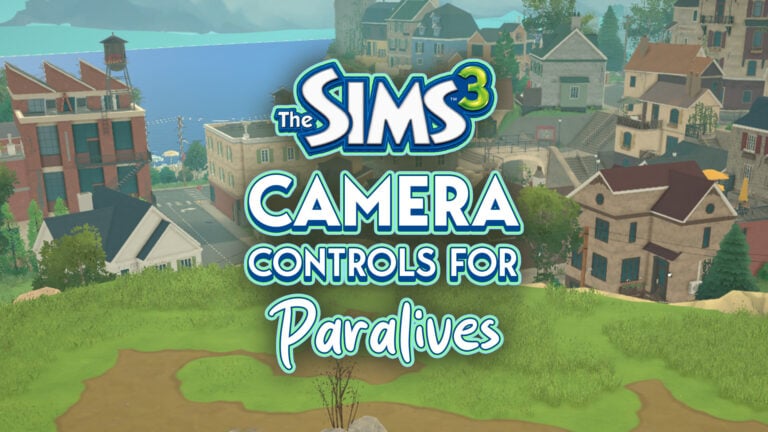
We’ll keep updating the article with new answers from the Paralives Q&A as they surface.

What are your thoughts on everything shared from the latest Paralives AMA with the team? Let us know your opinion in the comments section below and stay tuned for more Paralives News and Updates!

Paralives Photo Mode: Everything You Need To Know About Capturing Quality Screens

The ability to capture in-game screenshots to remember the best moments of your gameplay is a very important mechanic to have n life simulation games. Paralives has an exclusive mode dedicated entirely to this, allowing you not only to take in-game screenshots but also to craft the scene and let your imagination run free.
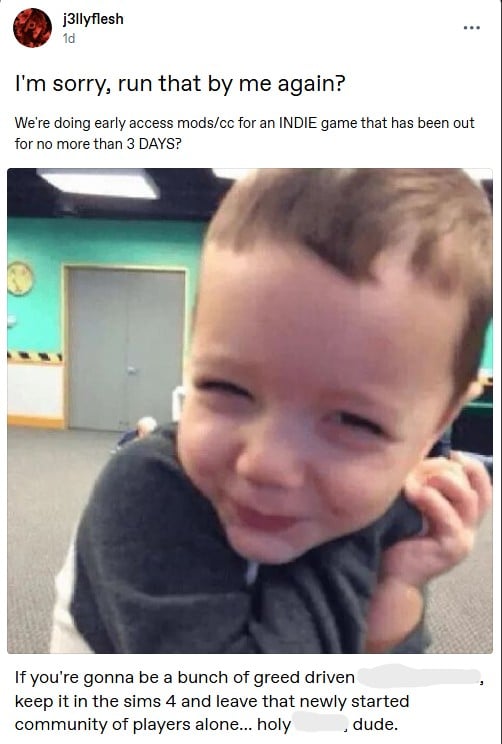
Let’s take a look at the Paralives Photo Mode!

PhotoMode34

What is Photo Mode?

Photo mode does exactly what it sounds like: it helps you take better in-game pictures. While in photo mode, time stops, and you can freely move your Paras, apply filters, select poses, set the time of day, and much more!
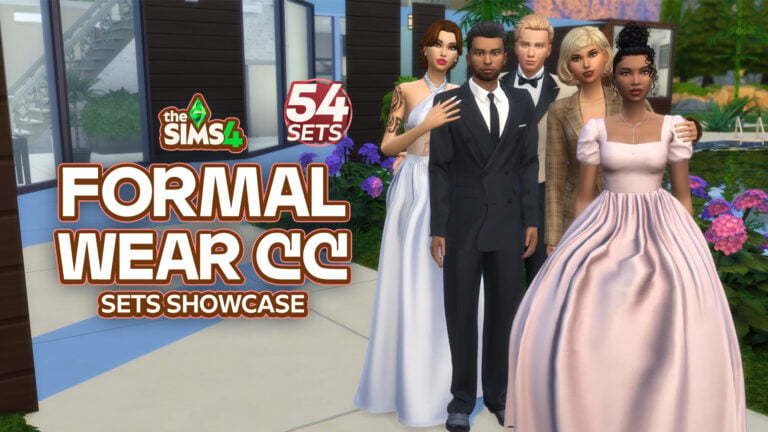
How to access the Photo Mode in Paralives

Using photo mode is pretty simple. Photo mode is already integrated into the game, and you can open it with the camera icon at the top of the screen, press the P key, or rebind it to any key you prefer (more on that in the next topic).
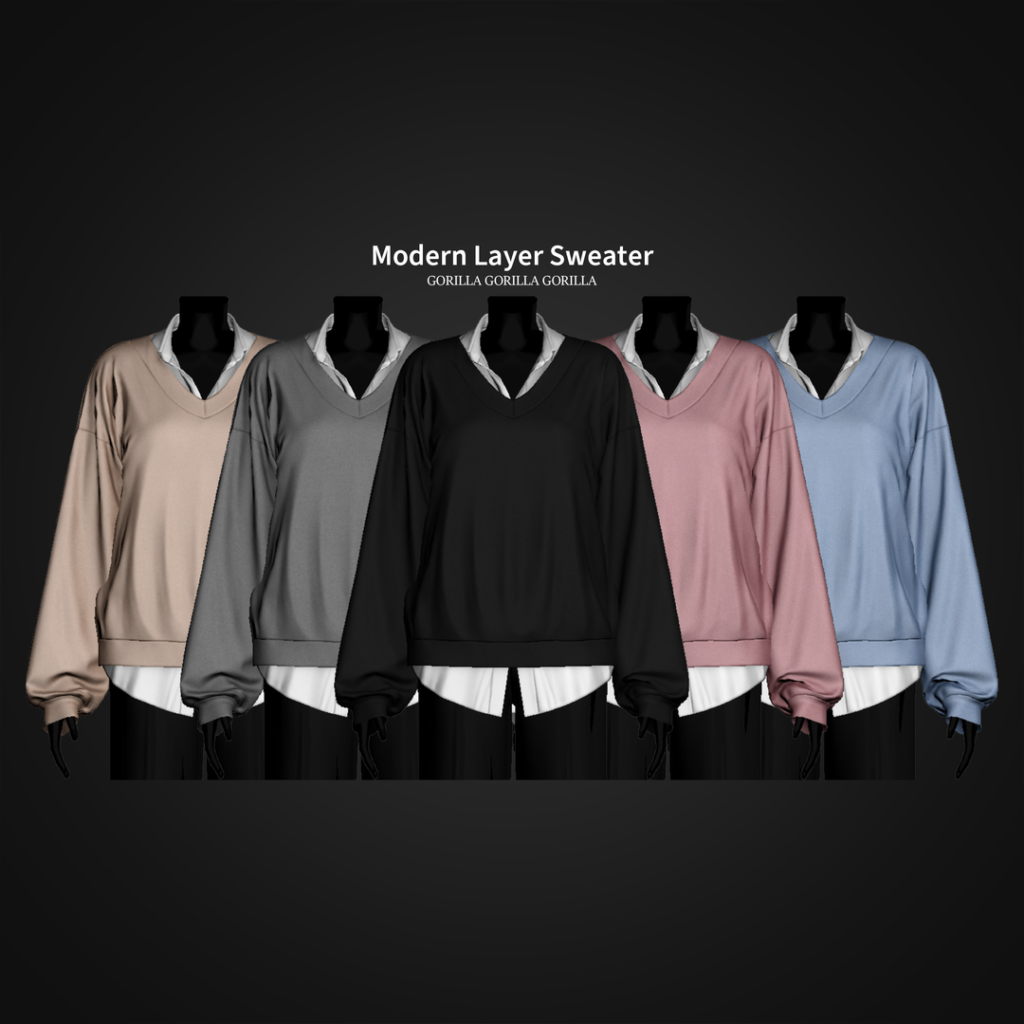
CameraMenu1

How to rebind keys for Photo Mode in Paralives

The first thing I adjusted in my game was the photo mode key binding. It’s set to P by default, but I’m so accustomed to using P to pause that I had to remap it. Luckily, the devs considered this, and rebinding is simple.

When in live mode, open the “…” (Options Menu) and click on Settings:

KeyBindings0

Then go to the “Key Bindings” tab and look for “Photo Mode.” Click on the current key binding, and a pop-up saying “Key Rebinding” will appear. You can enter whatever key you want, just be careful not to assign the same key to multiple functions.

KeyBindings1

And that’s it!

Key Features of Paralives Photo Mode

Photo Mode’s key features are divided into two categories: “Situation” and “Image Effects”. “Situation” lets you adjust: Time of Day, Animation, Animation Time, and Para Censoring. “Image Effects” gives you control over Depth of Field, Filter Type, and Filter Intensity.

PhotoMode0

How to use Paralives Photo Mode

Using Paralives photo mode is very intuitive. In this section, we’ll show you how each category in photo mode works.

Situation Category

When entering photo mode, you’ll notice that the characters stop their animations and become static, with no expressions. This happens because photo mode resets their current animations to the first frame. But don’t worry! You’ll be able to adjust everything. In the Situation category, you’ll be able to change the Time of Day, Animation, Animation time, and Para Censoring.

PhotoMode1

Time of Day

To start learning about Photo Mode, you can begin by adjusting the time of day you want the picture to be set in.

Animation

Select a character (by clicking on it) and choose an “Animation” for them. If you leave it unset, they’ll continue with their current default animation. All the in-game animations are present, so you can choose any you want!

PhotoMode6

Changing your Parafolk’s Location

You can adjust your Parafolk’s location by clicking on them once. This way, you can drag them wherever you want to fit your picture!

Animation Time

You can adjust the animation by changing the “Animation Time” in the photo mode menu. This allows you to take more control over your intended picture.

PhotoMode11

Bring more people in!

You can drag any Parafolk in the area into your picture and also choose any animation for them.

PhotoMode12

Para Censoring & Censoring Effects

To finish the “Situation” category, you can also select “Para Censoring” to introduce censoring into the screenshot. It works not only by pixelating but also by allowing you to select different types of stickers to censor your Parafolk. You can choose the censoring location in “Para Censoring” and the type of censoring in “Censoring Effects”, which will appear after you select any “Para Censoring” option.

PhotoMode14 1

Image Effects Category

You will find much more to customize your photos with the Image Effects category, without needing external software. In the Image Effects category, you’ll be able to adjust the Depth of Field, Filter, and Filter Intensity. Let’s take a look!

Depth of Field

Under Image Effects, Depth of Field controls the sharpness range around your focus point. Once activated, you can fine-tune it with Focus Distance, Focal Length, and Aperture to get the perfect in-game shot with no external editing needed!

PhotoMode20

Filter & Filter Intensity

There are also many filters built into the game that you can use to enhance your storytelling.

How to locate Photo Mode pictures in your local files

The photos you took with photo mode are for now being saved on your desktop in a folder named “ParalivesPhotoMode“.

PhotoMode30

Other tips for taking in-game screenshots

Hide Interface

You can remove the interface with Ctrl+H to take cleaner screenshots in live mode and capture real moments from your Parafolk without needing to open Photo Mode!

Getting in style! Change outfits for your pictures

Don’t forget to change your Parafolk’s outfit before starting to take pictures! The easiest way is to simply click on your Parafolk and select “Change Outfit”.

Get the walls up when taking pictures

In Paralives, after loading into a lot, players typically toggle the walls down. For photo mode, though, remember to raise the walls for a more realistic look in your screenshots!

Wrapping it up!

The photo mode is a thoughtful addition by the Paralives team, allowing players to capture better screenshots without external software. You can move your Parafolk, pose them, apply filters, and more, all with in-game features!

PhotoMode32 1

Now we want to hear from you! What do you think about photo mode? Are you using it during your gameplay? Let us know in the comments! And don’t forget to check out the Paralives section for more about the game!

The Sims Team Congratulated Paralives On Game Release…And Then Quickly Removed The Post (UPDATE)

5

The Sims Team sends their congratulations to Paralives.
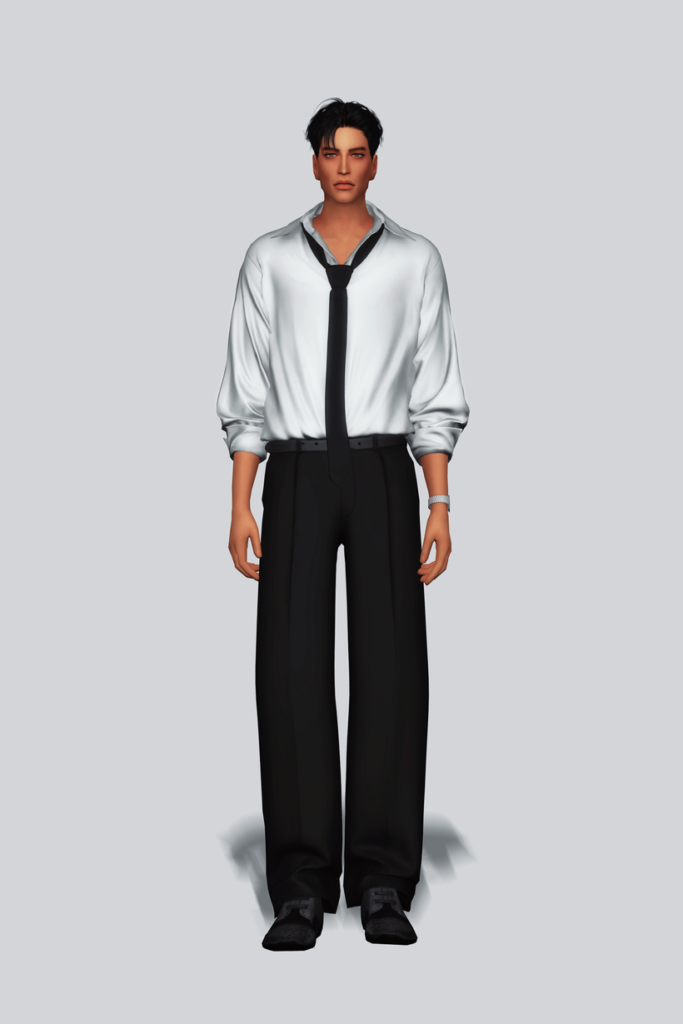
ARTICLE UPDATE #2: The Paralives Team has responded with an image reply of their plate offering with the following caption:

the more the merrier! tiku 🫶

HJWanDFXoAIEvgF

ARTICLE UPDATE: A new tweet reply from The Sims Team to the Paralives Team was sent out 3 hours ago. It appears the original tweet was deleted because the social media manager seemingly used the same graphic.

The newest graphic features more summer clothes to fit the season with the following caption:

Life sim fans are eating good! Gratzaloo on Launch!

HJSV0HjbYAAQVjL
Source: The Sims

Let’s hope The Sims Team is offering the full Fruitcake and not just 30% of it.

Another reply from The Sims Team was made on an announcement from Paralives that they sold 250K copies in 8 hours, with “Congratulations” written in Simlish:

All snark about the current bad infrastructure of The Sims Franchise aside, it’s nice to see a long-standing, genre-introducing Intellectual Property acknowledge an indie project like Paralives.
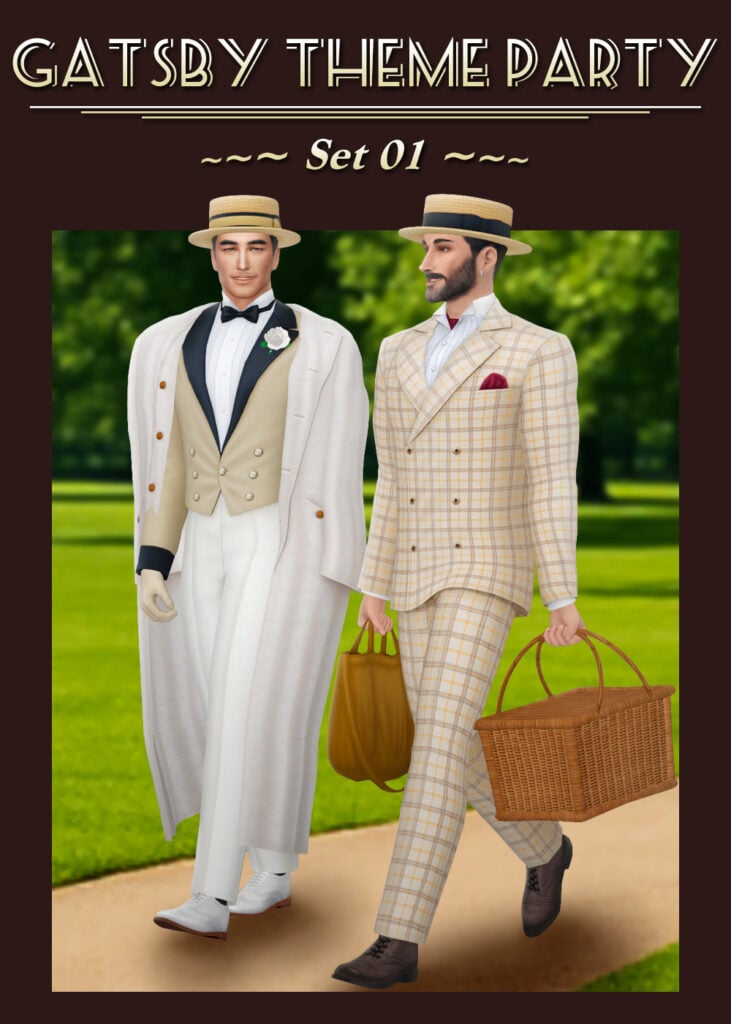
This also confirms our original suspicions on why the original tweet was removed – The Sims social media team simply wanted to use a fresh new graphic for a fresh new Life Sim game coming out.
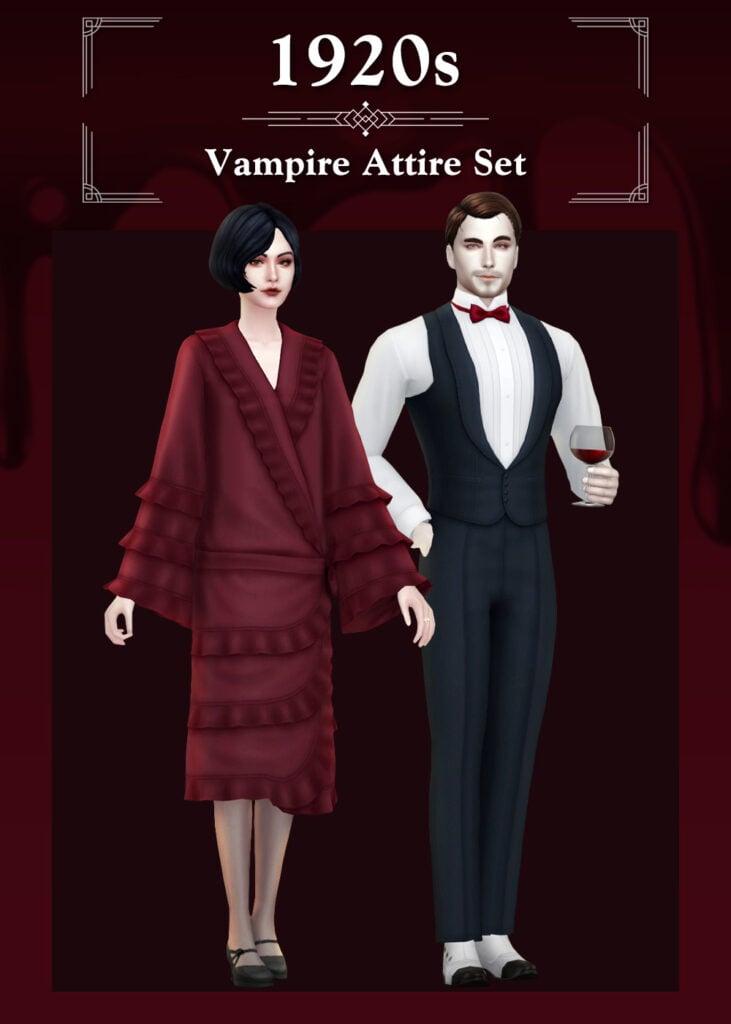

A somewhat weird scenario happened on the X social network 3 hours ago. The Sims Team was under fire recently for not having congratulated the team at Paralives for launching their game, in similar passion like they did with InZOI just last year:

sims cnesor tweet 1
Full tweet (uncensored)

In case you don’t know, The Sims Team congratulated InZOI’s Early Access release last year with a fruitcake and the “Phone Girl” NPC Sim holding it, stating: “Sul Sul! We brought fruitcake!”

GnFuv5ZbgAQ2zNw 1

Just a few hours ago the same picture was used in a reply to a tweet from Paralives stating that they’ve released the game.

In all fairness to the social media manager behind The Sims – yesterday was “Memorial Day” – a public US Holiday.

back from holiday the sims tweet
Image source: @LadyHope_RP

What’s interesting is that the congratulations were up only for a few hours, until The Sims Team decided to take the tweet reply down.

HJQlHswWoAEeMQX
Image source: @seafoamsim

As of the moment of writing this article there hasn’t been a new tweet reply from The Sims Team to Paralives. In defense (again) to The Sims Social media manager, this could be an error with wrong time schedule for publishing, wrong image used or something else.

What are your thoughts on this weird exchange attempt from The Sims? Let us know in the comments down below and stay tuned to Sims Community for more game coverage!