Home Blog Page 298

The Sims 4 Seasons: All About The Calendar + Creating Holidays and Events

The Calendar

The Calendar is a huge gameplay feature that comes with The Sims 4 Seasons Expansion Pack, letting you not only have an overview of the days to come but giving you the ability to plan every single day for up to 112 days!

Each year is defined by the seasons’ length. This means that if you choose seasons to last for one week you’ll have a year that lasts for 28 days; years with 2 week seasons last for 56 days and years with 4 week seasons last for 112 days.

Down below you can see how the calendar changes with each option that you select in the game options:

The calendar provides useful information such as the forecast for the next 7 days, current weather and work & school schedule. Down below you can see a full overview of the calendar and what you can do with it.

[ult_hotspot main_img=”id^76103|url^https://simscommunity.info/wp-content/uploads/2018/06/calendarmenu.png|caption^null|alt^null|title^calendarmenu|description^null”][ult_hotspot_items icon_type=”custom” icon_img=”id^39525|url^https://simscommunity.info/wp-content/uploads/2015/09/plumbob2.png|caption^null|alt^null|title^plumbob2|description^null” img_width=”32″ tooltip_custom_color=”#1e73be” tooltip_custom_bg_color=”#ffffff” tooltip_width=”” tooltip_continuous_animation=”on” hotspot_position=”20.565025252525253,12.147239263803682″ tooltip_custom_border_size=”border-style:solid;|border-width:2px;border-radius:3px;|border-color:#1e73be;”]Current weather status in your world.[/ult_hotspot_items][ult_hotspot_items icon_type=”custom” icon_img=”id^39525|url^https://simscommunity.info/wp-content/uploads/2015/09/plumbob2.png|caption^null|alt^null|title^plumbob2|description^null” img_width=”32″ tooltip_custom_color=”#1e73be” tooltip_custom_bg_color=”#ffffff” tooltip_width=”” tooltip_continuous_animation=”on” hotspot_position=”39.71590909090909,28.957055214723926″ tooltip_custom_border_size=”border-style:solid;|border-width:2px;border-radius:3px;|border-color:#1e73be;”]Your work & school schedule.[/ult_hotspot_items][ult_hotspot_items icon_type=”custom” icon_img=”id^39525|url^https://simscommunity.info/wp-content/uploads/2015/09/plumbob2.png|caption^null|alt^null|title^plumbob2|description^null” img_width=”32″ tooltip_custom_color=”#1e73be” tooltip_custom_bg_color=”#ffffff” tooltip_continuous_animation=”on” hotspot_position=”48.3080808080808,29.07975460122699″ tooltip_custom_border_size=”border-style:solid;|border-width:2px;border-radius:3px;|border-color:#1e73be;”]Holiday menu / holiday creation option. You can only create holidays for the days ahead and not on the day that you’re playing.[/ult_hotspot_items][ult_hotspot_items icon_type=”custom” icon_img=”id^39525|url^https://simscommunity.info/wp-content/uploads/2015/09/plumbob2.png|caption^null|alt^null|title^plumbob2|description^null” img_width=”32″ tooltip_custom_color=”#1e73be” tooltip_custom_bg_color=”#ffffff” tooltip_continuous_animation=”on” hotspot_position=”55.95643939393939,29.447852760736197″ tooltip_custom_border_size=”border-style:solid;|border-width:2px;border-radius:3px;|border-color:#1e73be;”]Events menu / create events. With this you’ll be able to plan social events in advance and even set the exact time when you want the event to begin. The ability to plan the hour of your event is exclusive to the calendar and cannot be set through your mobile phone.[/ult_hotspot_items][ult_hotspot_items icon_type=”custom” icon_img=”id^39525|url^https://simscommunity.info/wp-content/uploads/2015/09/plumbob2.png|caption^null|alt^null|title^plumbob2|description^null” img_width=”32″ tooltip_custom_color=”#1e73be” tooltip_custom_bg_color=”#ffffff” tooltip_continuous_animation=”on” hotspot_position=”52.32007575757576,64.1717791411043″ tooltip_custom_border_size=”border-style:solid;|border-width:2px;border-radius:3px;|border-color:#1e73be;”]One of the pre-made holidays that you’re able to customize or remove from the calendar.[/ult_hotspot_items][ult_hotspot_items icon_type=”custom” icon_img=”id^39525|url^https://simscommunity.info/wp-content/uploads/2015/09/plumbob2.png|caption^null|alt^null|title^plumbob2|description^null” img_width=”32″ tooltip_custom_color=”#1e73be” tooltip_custom_bg_color=”#ffffff” tooltip_width=”” tooltip_continuous_animation=”on” hotspot_position=”16.363636363636363,66.7465490797546″ tooltip_custom_border_size=”border-style:solid;|border-width:2px;border-radius:3px;|border-color:#1e73be;”]Weather forecasted for that day.[/ult_hotspot_items][/ult_hotspot]

Holidays

Through the calendar you’re able to plan your own holidays! However, just make sure that you plan holidays for the coming day(s) as you won’t be able to plan a holiday for the day that you’re currently in. Still, if there’s a holiday that’s going on at the moment you are able to edit it and customize it to your will.

To create your own holiday, select any day in the calendar that’s not the present day and select Add Holiday.

From here you have plenty of options to create your own holidays. First, you’re able to choose your own icon for the holiday that’ll follow you through the entire holiday. For example, if there’s an interaction that’s supported by one of the traditions that you’ve chosen, the holiday icon will appear next to that interaction.

You’re also able to write your holiday’s name, as well as choose the decoration theme and make a decision should that day be a day off work/school or not.

However, the most important part about creating a holiday is choosing traditions. These traditions define how all Sims will act in the world around you. There’s plenty of traditions and if you’re looking for a full list click here!

The Sims 4 Seasons: All About The Calendar + Creating Holidays and Events

You can choose up to 5 traditions for your holiday, however you don’t have to feel obligated to use every tradition slot. You can have only 1 tradition or if you want – none! Having no traditions will give you the opportunity to only have a day free from work and school and if you want – decorate the worlds with the theme that you want.

Events

With calendars you also get a feature that lets you plan events in advance. Unlike with holidays you’re able to plan an event for the current day as well. Any day on the calendar can be planned up with any social event that you want. However, planning events through a calendar over planning events through a phone gives you a slight advantage and that’s the ability to choose the time of when your event begins.

The Sims 4 Seasons: All About The Calendar + Creating Holidays and Events

What’s great about the calendar is that it allows you to have both social events and holidays planned up on the same day. This means that you’re able to have a Spooky Party (from The Sims 4 Spooky Stuff Pack) AND celebrate the Halloween Holiday that you’ve created.
The Sims 4 Seasons Review

It feels surreal that I’m finally writing an actual article reviewing The Sims 4 Seasons Expansion Pack instead of just writing a conspiracy theory (as I have in the previous few months) talking about how The Sims Team might be hinting at a Seasons pack BUT YES; The Sims 4 Seasons has finally released to the public and I couldn’t be more excited to review this Expansion Pack just because it’s something that I’ve been waiting for 4 years now.

Anywho, is The Sims 4 Seasons Expansion Pack a worthy $40 successor to its previous iterations? Let’s find out!

Game Review Standards

This review is based on 25+ hours of gameplay.  Even though I was given an early review copy by EA to test the game, I am not by any means paid or bribed to state positive (or negative) opinions about this Expansion Pack.  I will give my honest opinion of this pack; its content and what it brings to the game.


Create A Sim

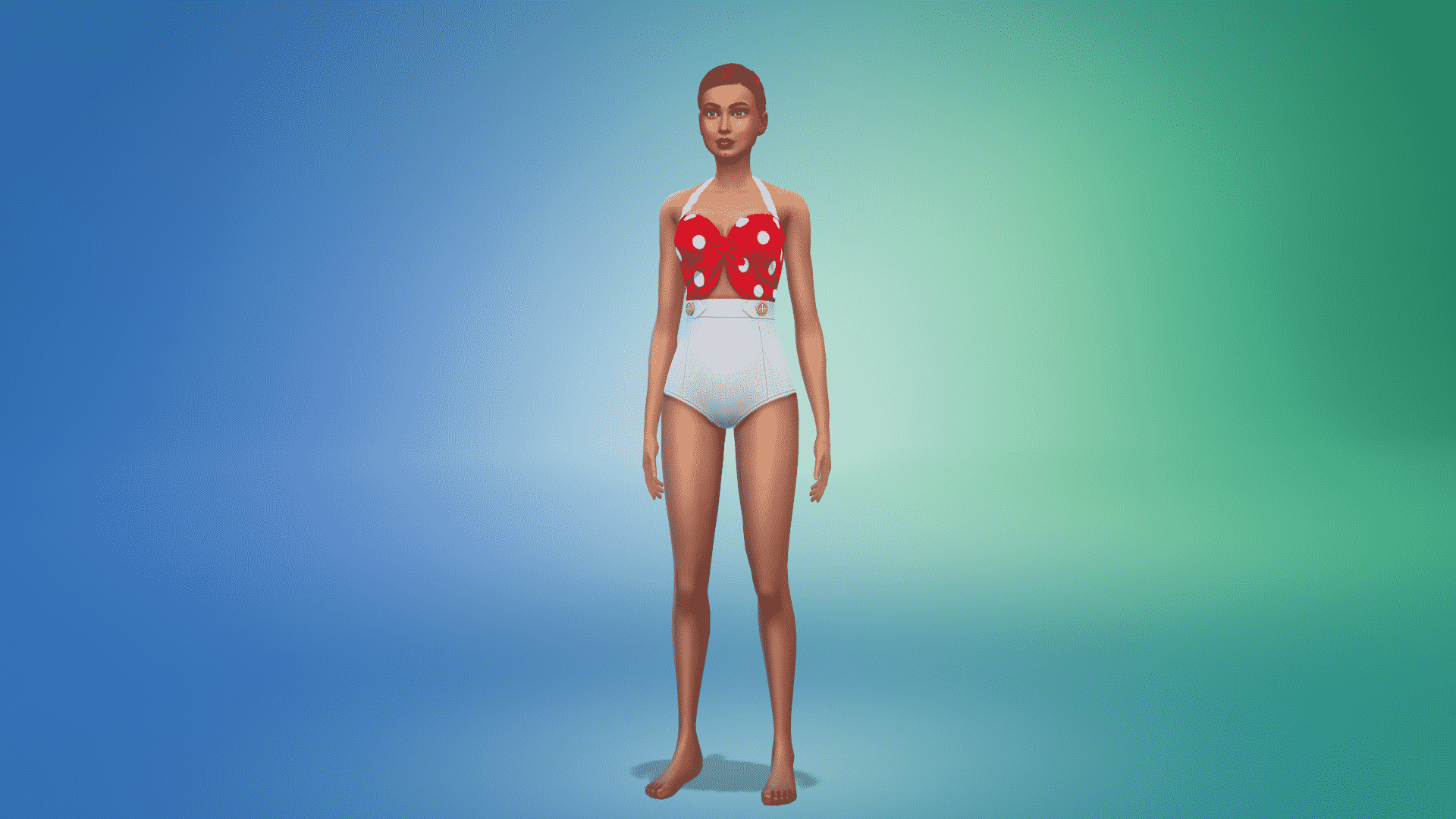
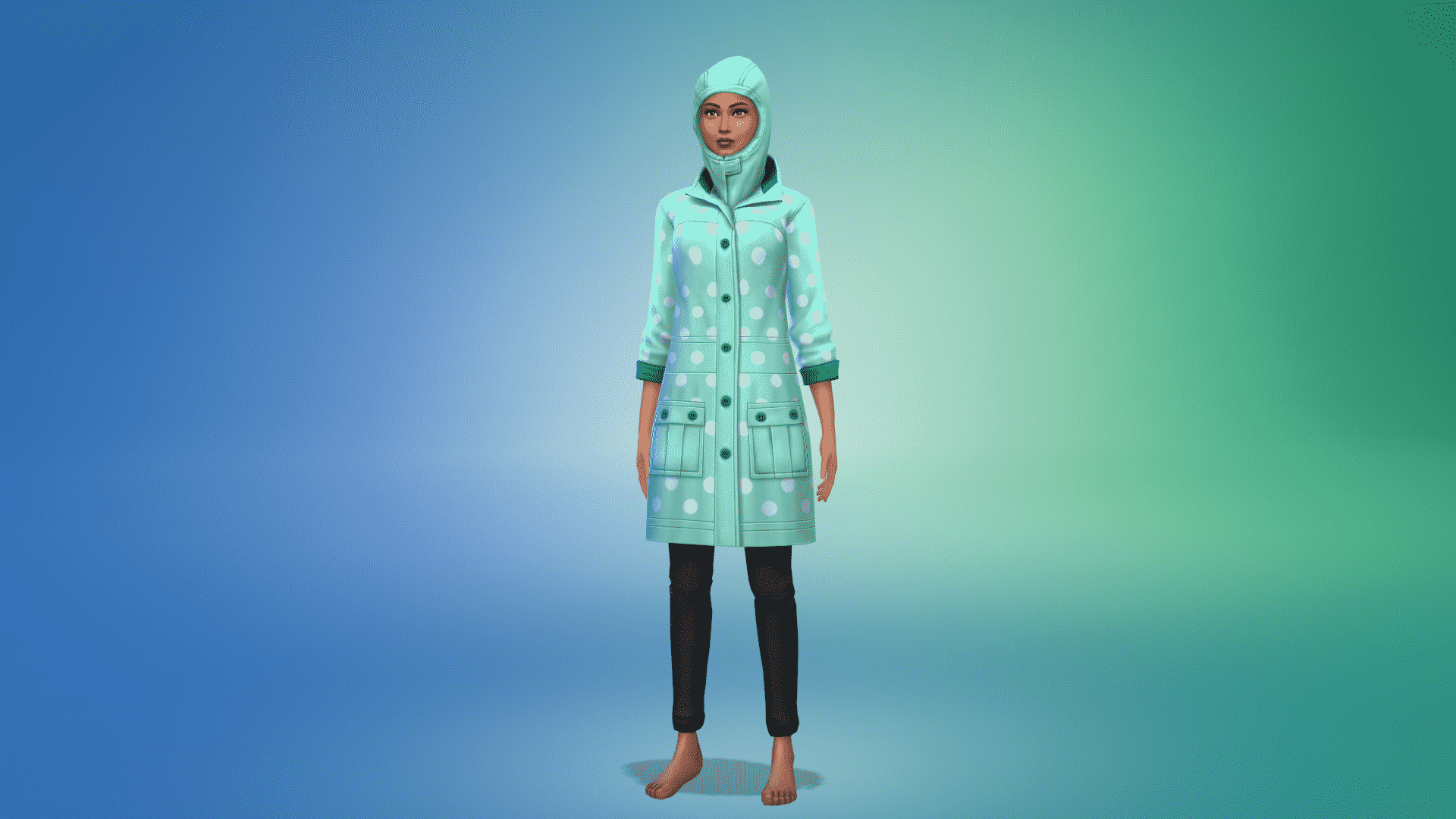
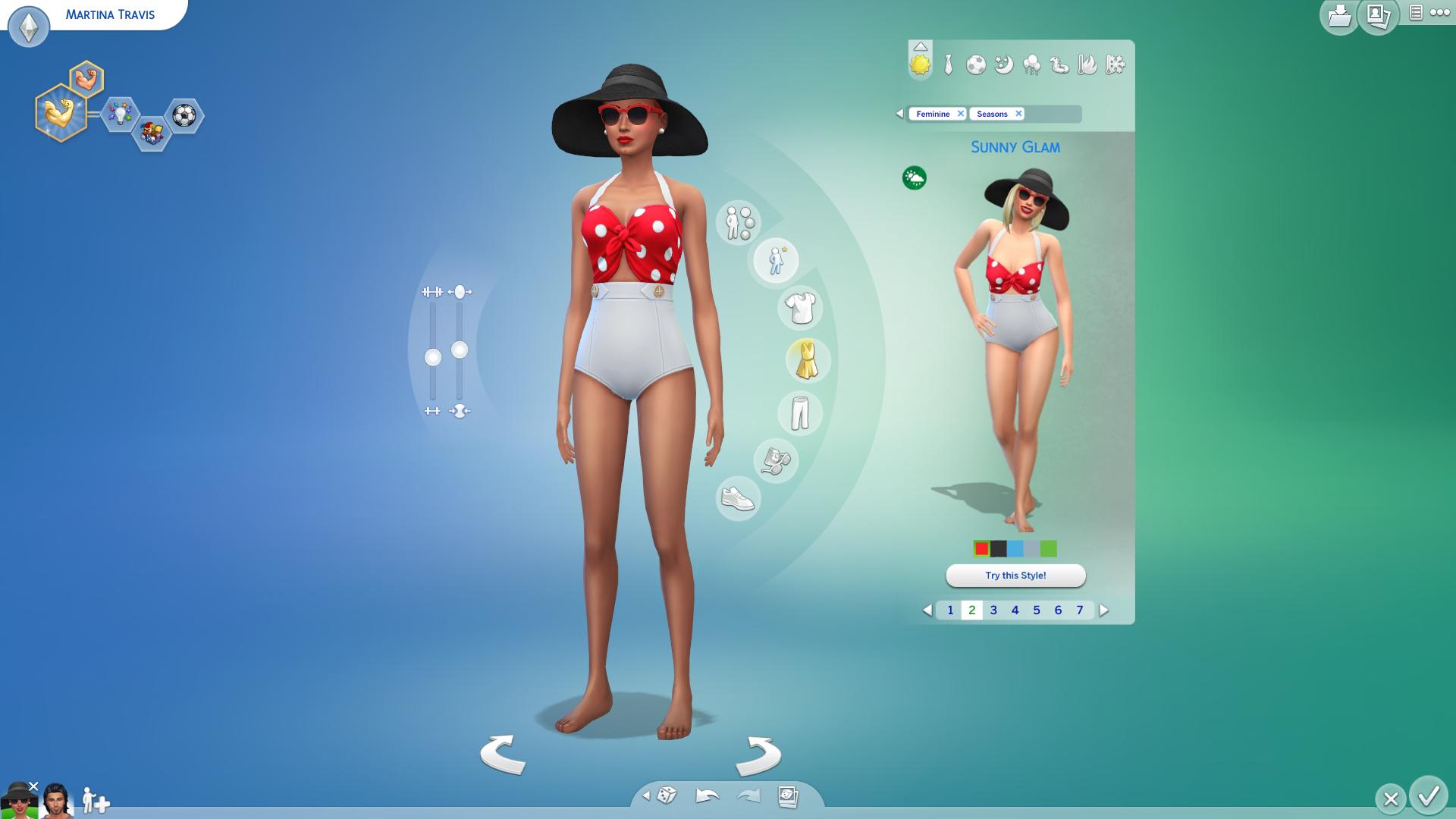
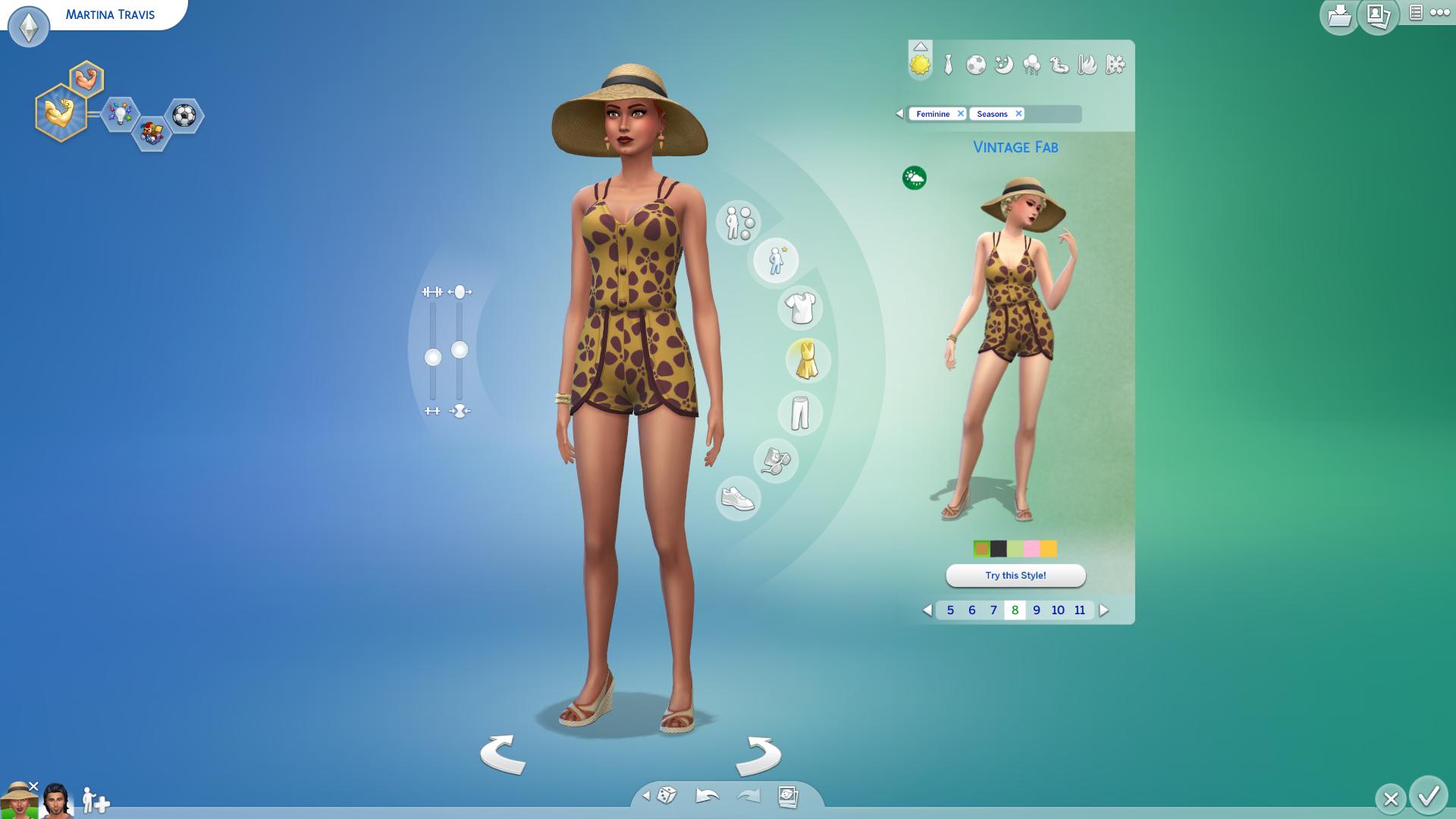
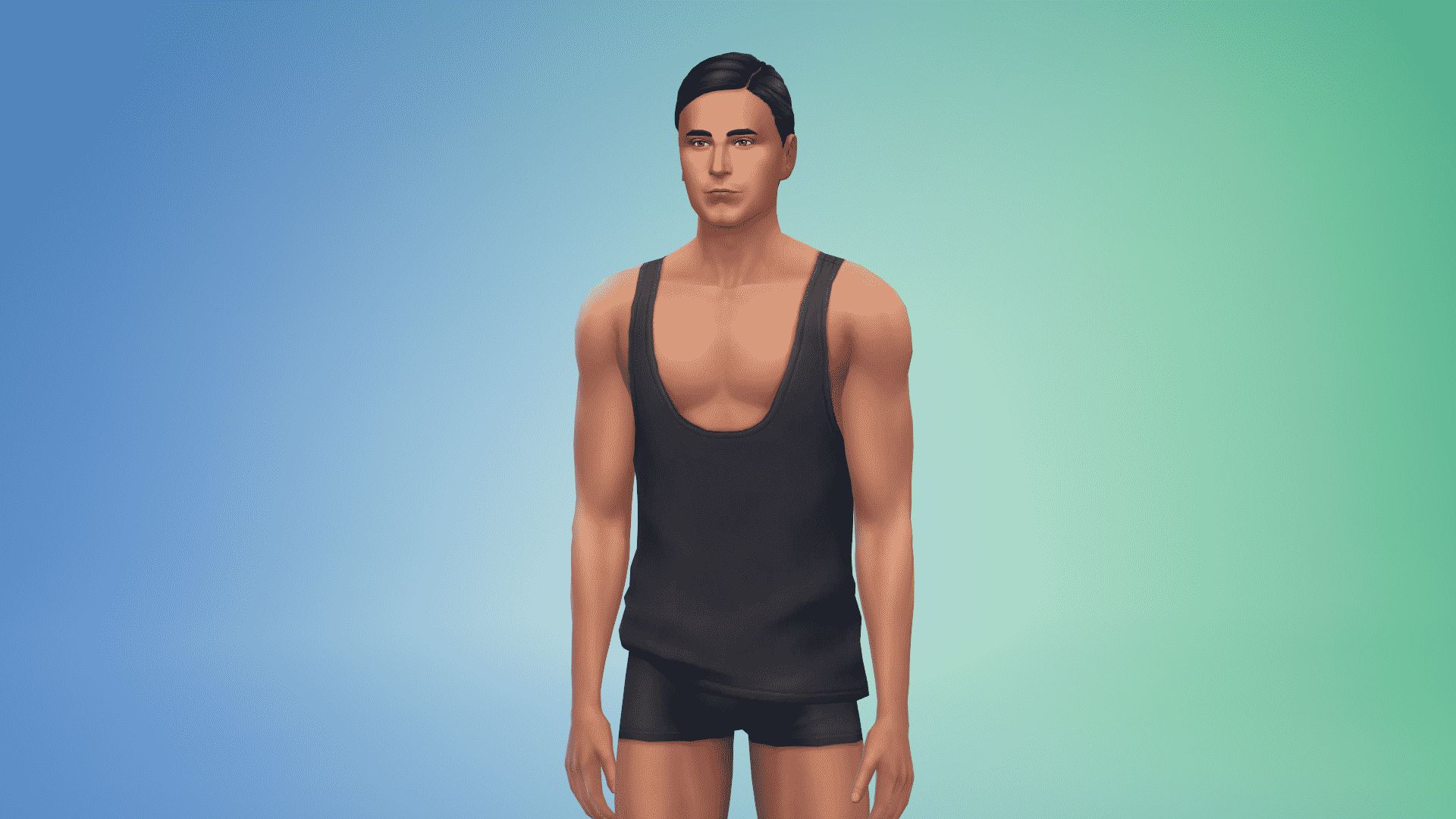
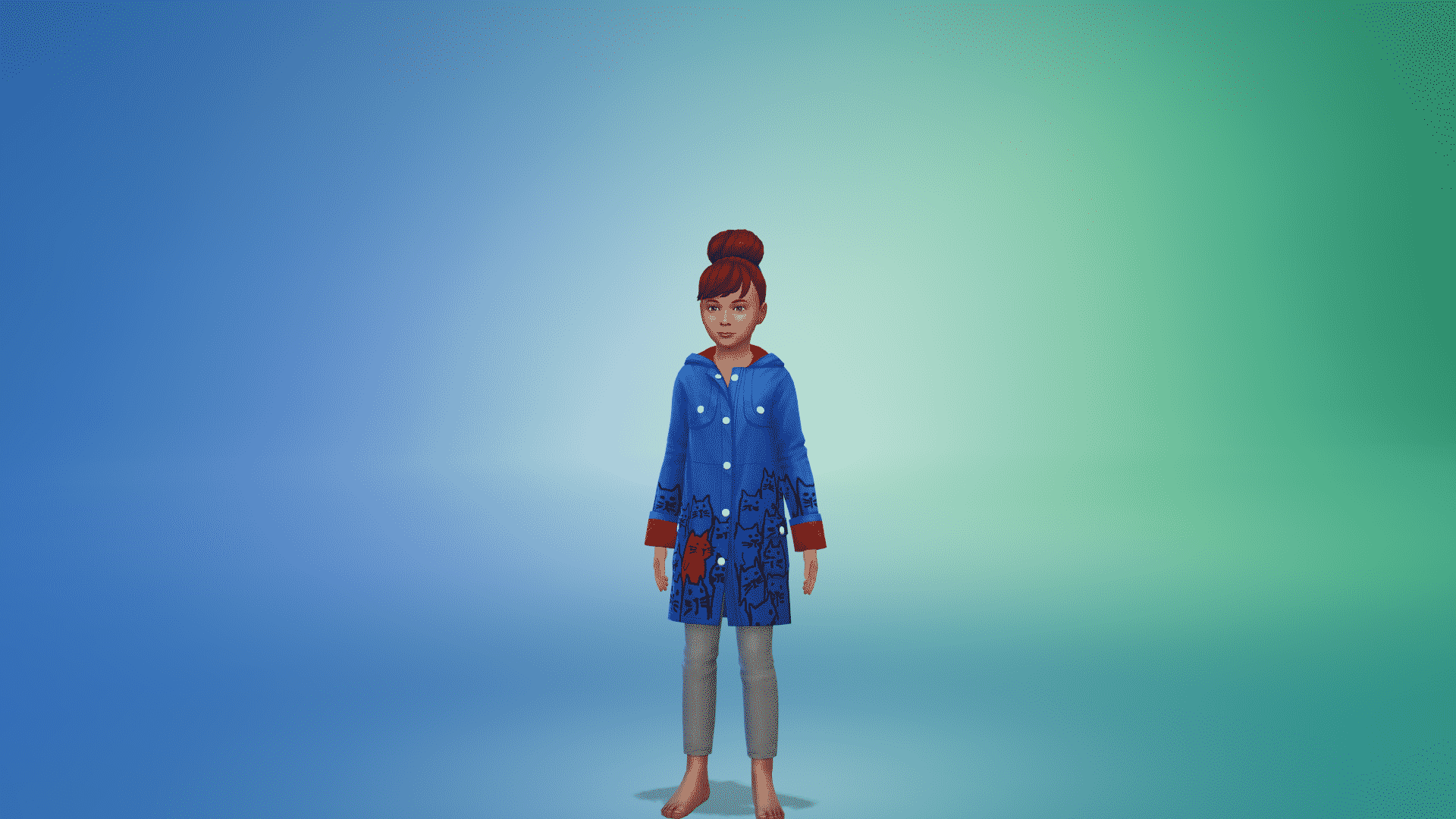
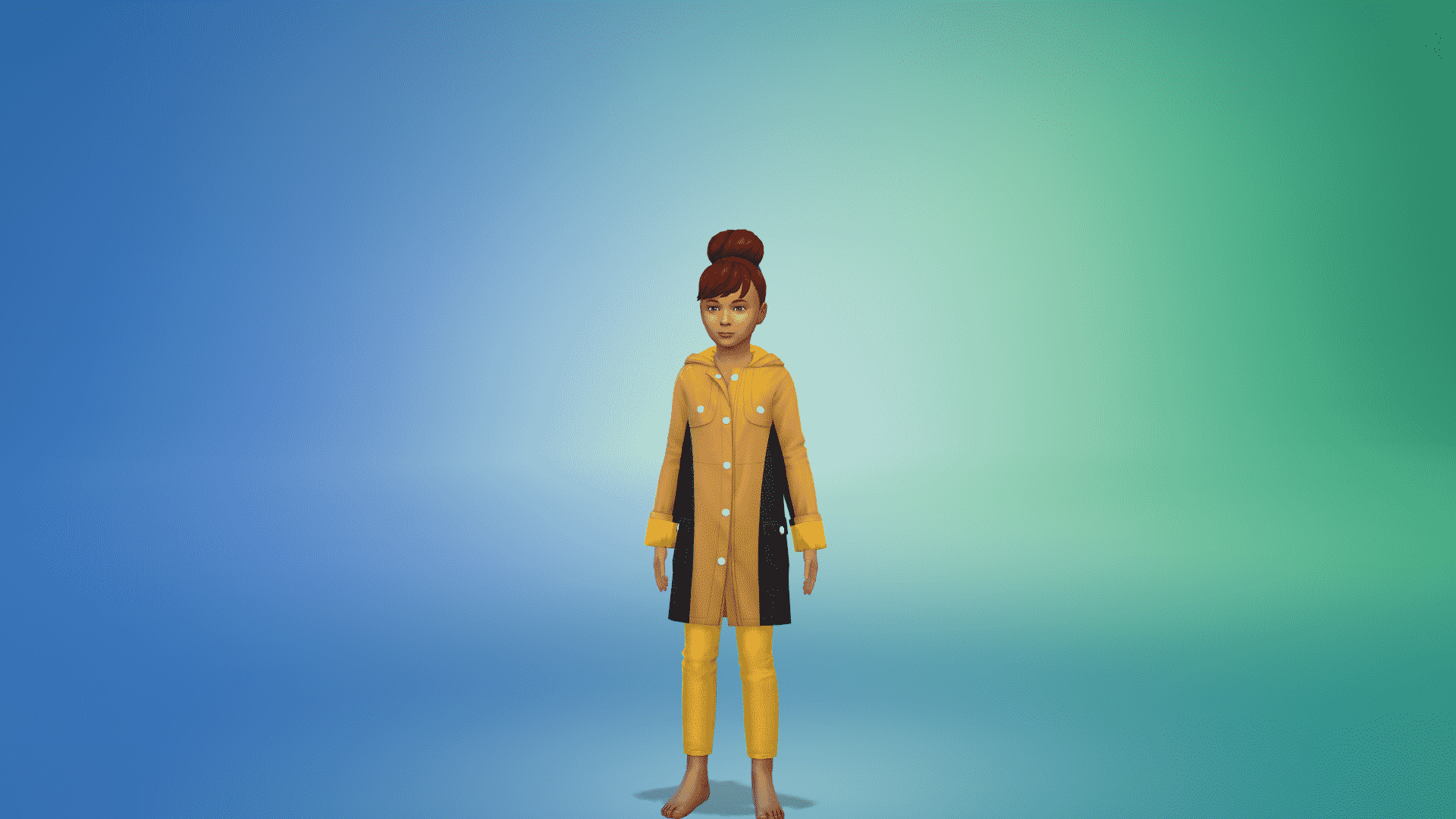
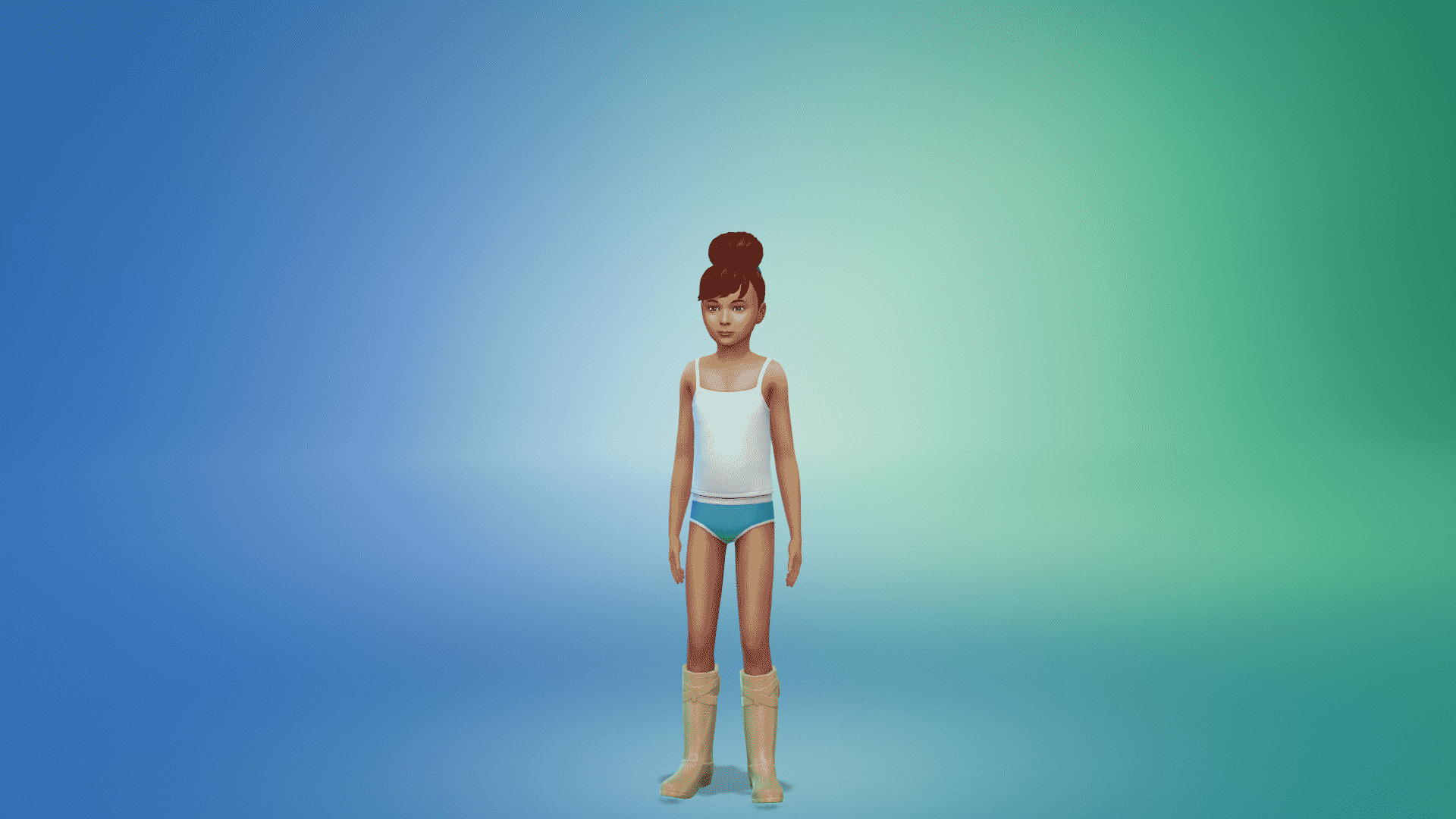
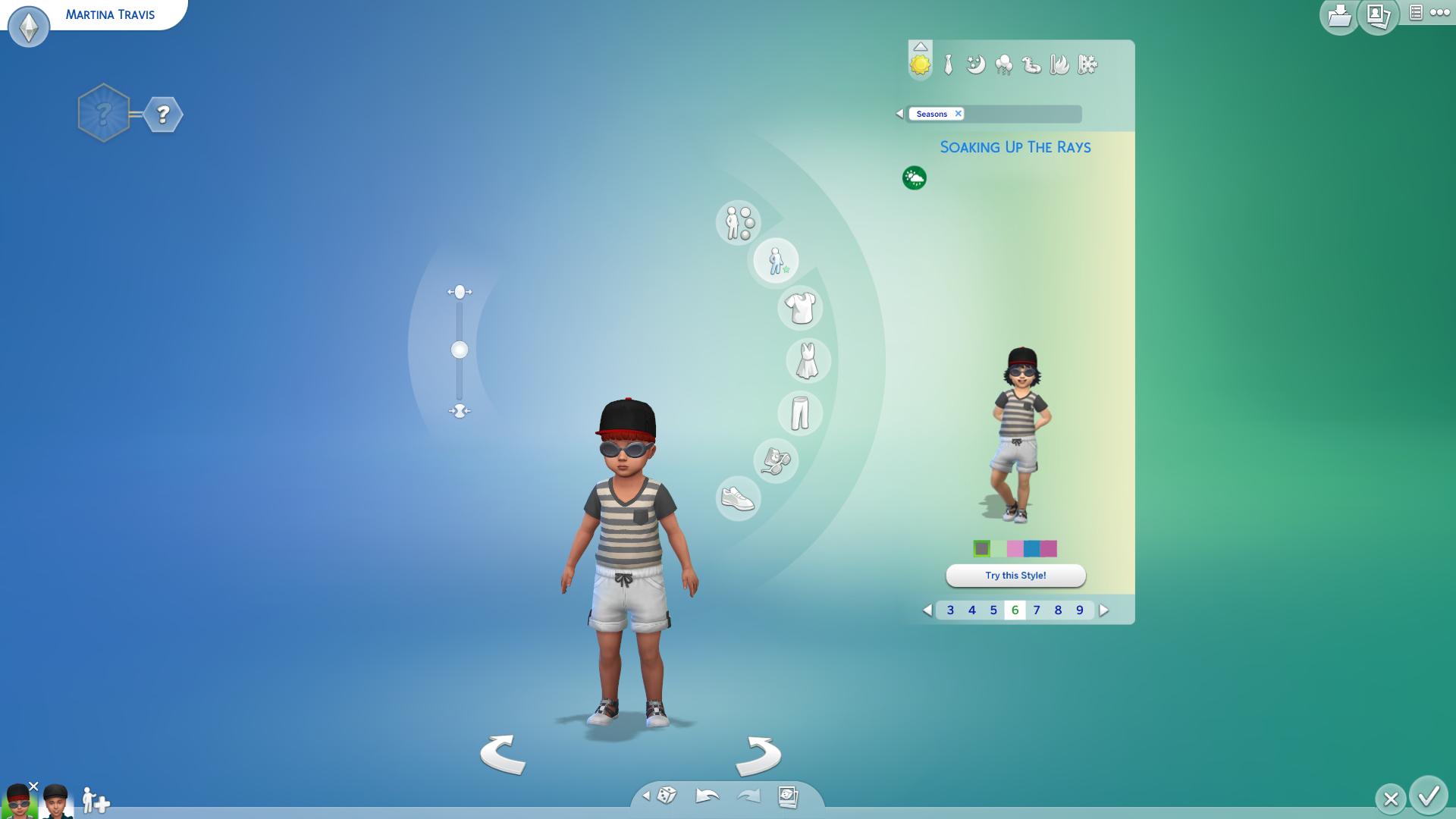
Create A Sim is full of surprises with The Sims 4 Seasons as there’s something new for almost every category, age and fashion choice. Adults get the biggest amount of new items as usual including new hairstyles, hats, accessories and of course outfits to prepare them for cold and hot weather. However, there’s also a surprising amount of new items that your Children and Toddlers can also enjoy.

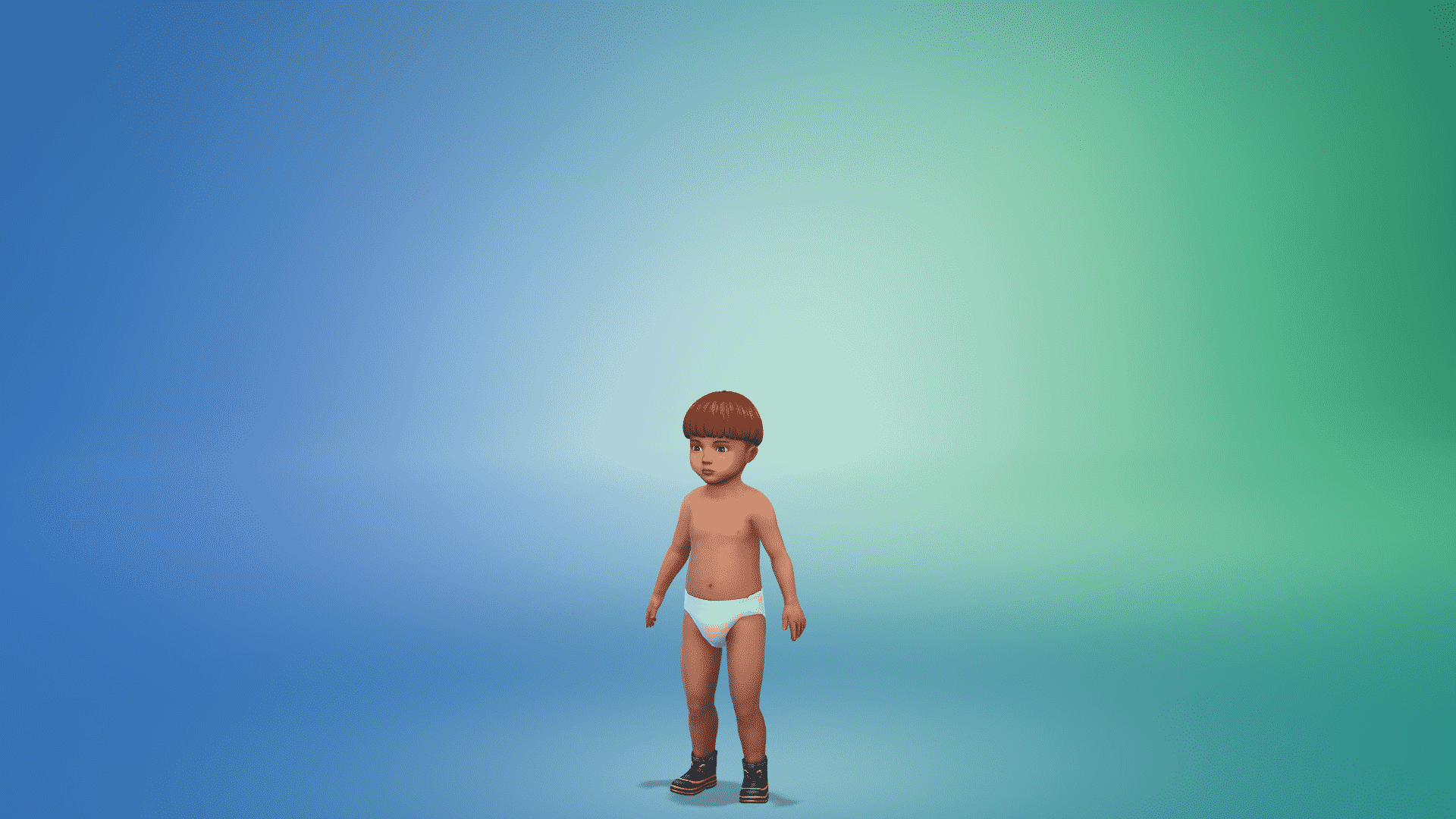
Yes, toddlers even get to enjoy new swimwear rather than having to use the diapers that you get with the Base Game.

Although there aren’t any new Aspirations or Traits that you can choose in CAS this time around, it seems that The Sims Team found a substitude for them with Holidays and Reward Traits that you get to purchase in Live Mode.

Click here for a full Create A Sim Overview!

Build Mode

Build Mode brings fresh new items to the table with a unique combination of wood and concrete materials & colors which weren’t that present in The Sims before, making your Sim become one step closer to nature with all the new items.

Other than the new furniture there’s a decent amount of new holiday decorations that you’ll find very useful for both pre-made holidays and custom holidays that you create.

Don’t be scared if not all decorations present to you in Build Mode as items such as the Evergreen Holiday Tree and the Decoration Box only give you more options to decorate the tree and your home by interacting with them in Live Mode.

Swingsets, Beekeeping boxes and Kiddie Pools are just some of the new objects that you’ll get with this Expansion Pack giving you more interactions and fun throughout the year. I must say that I was a little disappointed by the lack of objects for the actual pool which I think we all need.

Click here for a full Build Items Overview!

Weather & Seasons

Normally in previous reviews for Expansion Packs this is the part where I review the new world that we get. However, since the idea to add a new world with The Sims 4 Seasons Expansion Pack has been replaced with a better idea to add weather in each world that we’ve got so far, I’ll be showcasing and reviewing weather and seasons in some of the current worlds that we have in the game.

Fall

One of my favorite times of the year (at least in The Sims 4 Seasons). Not only because it looks so colorful when the skies are clear but also because this season (along with spring) is truly dynamic when it comes to surroundings with trees slowly decaying all around you.

Unlike in The Sims 3 Seasons, leaves won’t immediately fall from the trees. It will take a few days for trees around you to start decaying. Until then, you’ll slowly notice the gradual change of leaf colors go from green to brown.

World you see below is Brindleton Bay from The Sims 4 Cats & Dogs Expansion Pack

Weather occurances that you can mostly expect during fall are cloudy skies, rain and wind. However, you might be surprised by mysterious weather types that might strike you not only during fall but during other seasons as well.

Fall is beautifully done in The Sims 4 Seasons and it makes the game and its art style much more lovable.

Winter

The first (and only) thing that I was screaming my lungs out about was the announcement that The Sims 4 Seasons won’t have any snow depth in the game. What this means is that there’s not even a milimetre of extra layer added to the ground once snow falls. I was really displeased by this when it was initially announced by SimGurus but after actually getting my hands on the game the snow isn’t that bad at all. Sims (and their pets if you have Cats & Dogs installed) will leave actual footprints on the ground. There are a couple of things that make snow look really natural in The Sims 4 Seasons. Objects that are outside on the ground during snowfall will have a white gradient on the bottom part of the objects making it seemlesly blend with the ground instead of just sticking out of the snow like we had in previous 2 games. There’s also a truly unique texture pattern of snow that, when you zoom out, you’ll notice that snow and the way it fell down on the group doesn’t look the same in all areas.

Just like rain, snowfall also has different levels varying from Sunsnow to Blizzard, with Light Snow, Snow and Heavy Snow inbetween.

World on the left is Forgotten Hollow from The Sims 4 Vampires and world on the right is Windenburg from The Sims 4 Get Together

Winter positively surprised me after I got my hands on it and, along with Fall, it’s my favorite season – mostly because it completely transforms everything around you and make it seem like you’re playing a brand new world. Honestly, I’ve had so many comments on my videos / posts from people asking which world am I playing with mostly because they couldn’t recognize it instantly.

Spring

As you step into spring you’re going to notice the fac that snow won’t be gone right away. It’s a gradual process which takes a bit of time (and temperature).

With Spring the grass will gradually become more lush, there are flowers scattered on the ground around the worlds and the weather is much more pleasant for your Sims.

World on the left is San Myshuno from The Sims 4 City Living and world on the right is Brindleton Bay from The Sims 4 Cats & Dogs

There are times when you might be expecting a thunderstorm. However, the chances for that are low. Still, when that does happen it’s best advised to take cover as thunderstorms in The Sims 4 Seasons are frightening. Each lightning strike will completely light up the neighborhood that you are in.

World down below is Windenburg from The Sims 4 Get Together

The Sims 4 Seasons Review

Spring is beautifully portrayed and each day is full of surprises with this season.

Summer

I was quick to negatively judge this season considering the fact that we had eternal summer in The Sims 4 Base Game for almost 4 years and that previous iterations of Seasons in The Sims Franchise didn’t really change the look of your surroundings that much but I’m glad that that’s not the case with The Sims 4 Seasons.

Sure, occasionally there are fairly warm days when nothing much has changed around you. However, as soon as your weather user interface shows a heatwave coming up you should prepare for taking hundreds of screenshots (at least that was a case for me) because every world is simply brilliant during a heatwave. With heatwaves around noon the world will shine brighter than usual but during the sunset hours the sky will turn almost pink. Not only that but you might also notice that the sun is much bigger than before!

World down below is Brindleton Bay from The Sims 4 Cats & Dogs

With summer you can expect lots of sun, rain and even wind. Still, do note that weather is unpredictable in this pack and will change from year to year.

Speaking of year to year, does that mean that we get..

The Sims 4 Seasons Cheats and how to use them

0

We cover and showcase all the latest cheats that came with The Sims 4 Seasons Expansion Pack in the video above – even letting you create a thunderstorm during a blizzard!

The Sims 4: Hotfix Update coming this week

15

The latest update for The Sims 4 that prepared us for the release of The Sims 4 Seasons Expansion Pack brought a few issues to the game that plenty are aware of including broken skill cheats, lag in build mode and more.

SimGuruGrant confirmed that the update promising to fix this issue should come out this week.

Experiencing a particular issue that hasn’t been mentioned? Make sure you let SimGuruNick know!

The Sims 4 Spooky Stuff finally makes sense now

The Sims 4 Spooky Stuff Pack has been released back in late September 2015, mostly to celebrate the upcoming Halloween and try to boost some sales. However, as the Halloween season was fading out so were the sales of this pack. The pack only served a purpose to give you a very small taste of Seasons, only leaving you to want more.

3 years later, 2 Halloweens after and several discounts on this pack have finally led to a moment where The Sims 4 Spooky Stuff Pack is finally useful thanks to the release of The Sims 4 Seasons Expansion Pack.

With the ability to play with pre-existing and create custom holidays The Sims 4 Seasons offers a decent Halloween experience to the game with traditions such as Trick or Treating, Spooky Spirit, Wear Costumes and more. These traditions allow you to create your own Halloween story which only can be improved upon with Spooky Stuff.

The Trick or Treating tradition gets a slight improvement if you have Spooky Stuff installed. Sims who come by your house to trick or treat are able to go inside your home, take candy from the Candy Bowl that came with Spooky Stuff and walk away. You can, of course, also place the Candy Bowl outside if you don’t want your privacy to be violated. There’s still an option to Trick or Treat the trick-or-treaters that come by your home but the Candy Bowl just makes things a little bit easier.

The Sims 4 Spooky Stuff finally makes sense now

The Pumpking Carving Station that comes with Spooky Stuff will also be very useful for the Halloween Holiday that you create. Not just because you’ll be able to carve pumpkins that’ll decorate your home but also because interactions on the Carving Station are supported by the Spooky Spirit tradition which’ll help you complete it.

The Sims 4 Spooky Stuff finally makes sense now

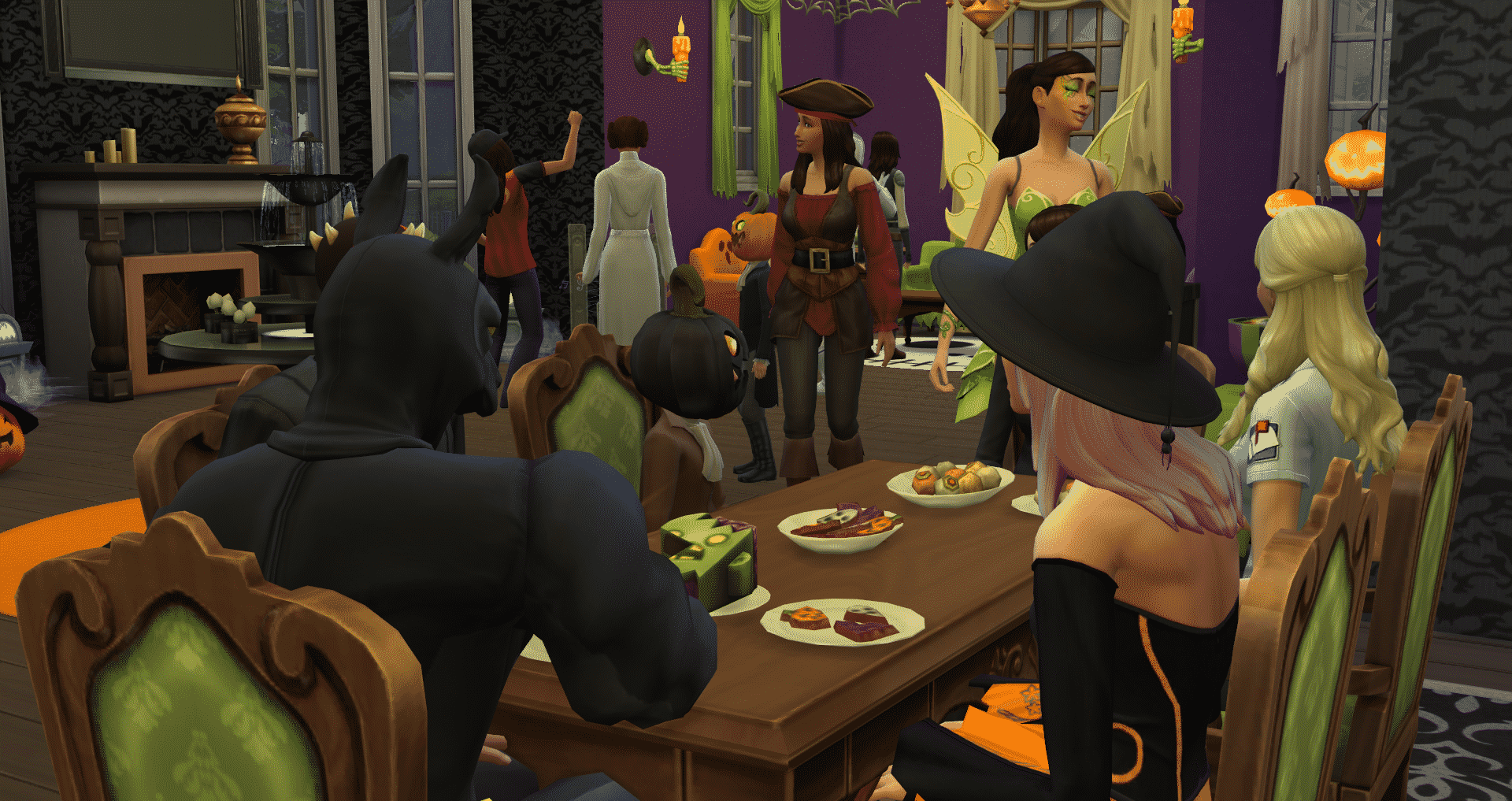
However, everything you do during the Halloween Holiday that you’ve created is not really worth it if there are no Sims to witness it. Throwing a Spooky Party that comes with the Spooky Stuff Pack will get a lot more interesting with Seasons. Sims that you invite for the party will arrive in costumes provided with Spooky Stuff rather than some of the base game preset costumes that we get with the “Wear Costume…” Seasons interaction.

More Sims on your lot also means that there’s a faster opportunity for you to complete all of the traditions during the party.

The Sims 4 Spooky Stuff finally makes sense now

The Sims 4 Spooky Stuff is still priced at 10USD. However, if you still don’t have Seasons, Spooky Stuff and a certain Game Pack from your collection you’re able to build your own custom bundle on Origin, giving you a huge discount on the total value!

The Sims 4 Seasons: Flower Arranging Skill

Arranging flowers in intricate ways takes some mad floral skills. Develop these skills to not only create beautiful organic creations, but also create feelings in Sims they might not even understand themselves.

Flower Arranging Skill is built by using ‘Violets are Blue Flower Arranging Table’. Increasing this skill will allow Sims to create different types of arrangements with different flowers. High-Skilled Sims will also be able to Scent arrangements with flowers, allowing Sims to have an emotional response to the arrangements.

The Sims 4 Seasons: Flower Arranging Skill

Level 1:

[table id=45 /]

Level 2:

Your Sim can now make arrangements with Roses, Snapdragons, and Crocuses

[table id=46 /]

Level 3:

Your Sim can now make arrangements with Begonias, Dahlias, and Tulips. They can also scent their arrangements with Snowdrops and Crocuses.

[table id=47 /]

Level 4:

Your Sim can now make arrangements with Snowdrops, Lilies, and Christmas Roses. They can also scent their arrangements with Daisies and Bluebells. Their Level 1 floral arrangements will also be of higher quality.

[table id=48 /]

Level 5:

Your Sim can now make arrangements with Orchids and Birds of Paradise. They also can scent their arrangements with Roses and Dahlias. Their Level 2 floral arrangements will also be of higher quality.

[table id=49 /]

Level 6:

Your Sim can scent their arrangements with Snapdragons and Chrysanthemums. Their Level 3 floral arrangements will also be of higher quality.

Level 7:

Your Sim can scent their arrangements with Tulips and Christmas Roses. Their Level 4 floral arrangements will also be of higher quality.

Level 8:

You Sim can scent their arrangements with Begonias and Birds of Paradise. Their Level 5 floral arrangements will also be of higher quality.

Level 9:

Your Sim can scent their arrangements with Lilies and Death Flowers.

Level 10:

Your Sim can scent their arrangements with Orchids.

The Sims 4 Seasons: Flower Arranging Skill

The Sims 4 Seasons Cheats

Control the weather and unlock gameplay with these Sims 4 Seasons Cheats!

With the release of The Sims 4 Seasons, we have a few more cheats to use in our games. There are new death cheats, career cheats, trait cheats, and skill cheats! Thanks to Sims Online for finding the death & trait cheats!

All of the following cheats require testing cheats to be enabled, CTRL + Shift + C and type in testingcheats true

You can find all The Sims 4 cheats on our Official Cheats Page!

The skill cheats have not been added to this page. They will be added once The Sims 4 team fixes the bug.

Here is the official post on twitter for the skill cheats bug:

A few issues we’re aware of, that I’ve been getting lots of reports on:

Skill cheats aren’t working
Watering plants loops infinitely if your Gardening skill is level 1
Grass is greener, dirt is browner than usual
Fireplaces won’t light
Roof texture is on the eaves

— SimGuruNick (@SimGuruNick) June 19, 2018


Seasons Cheats

  • seasons.advance_season – skip to next Season
  • seasons.set_season 0-3 (0 – Summer, 1 – Fall, 2 – Winter, 3 – Spring)
  • weather.summon_lightning_strike – cause lightning to strike something randomly on the ground
  • weather.lightning_strike_object – cause lightning to strike a random object
  • weather.lightning_strike_here – You can enter x y z coordinates to hit a specific location on the terrain
  • weather.request_forecast 1-28 – Shows weather forecast on calendar for 1-28 days

Sims 4 Death Cheats

Death by Overheating

traits.equip_trait Ghost_Overheat

traits.remove_trait Ghost_Overheat

The Sim will immediately turn into a ghost. You’ll be able to use the special interaction to warm up other Sim.

Death by Freezing

traits.equip_trait Ghost_Frozen

traits.remove_trait Ghost_Frozen

The Sim will immediately turn into a ghost. You’ll be able to use the special interaction to cool Sim off.


Sims 4 Seasons Career Cheats

Gardening Career Promotion

careers.promote Adult_Gardener

Get promoted in the Gardener career (Botanist and Florist) can level up to 10.


Trait Cheats

Storm Chaser Sim

traits.equip_trait Stormchaser

Storm Chaser Sims love stormy weather and thrive in terrifying conditions.

Waterproof Sim

traits.equip_trait Waterproof

Waterproof Sims do not get wet in the rain.

Iceproof Sim

traits.equip_trait IceMan

Iceproof Sims are not negatively affected by cold temperatures and enjoy the cold.

Heatproof Sim

traits.equip_trait BurningMan

Heatproof Sims are not negatively affected by hot temperatures and enjoy the heat.

Heat Acclimation

traits.equip_trait HeatAcclimation

Sims with Heat Acclimation aren’t affected as much by hot weather, but can still feel the effects.

Cold Acclimation

traits.equip_trait ColdAcclimation

Sims with Cold Acclimation aren’t affected as much by chilly weather, but can still feel the effects.

Scouting Aptitude

traits.equip_trait ScoutingAptitude

All of your Scouting ability makes future earning of Skills a little bit easier. This works for kids, teens and adults.

Father Winter’s Baby

traits.equip_trait FatherWinterBaby

Your Sims dad is Father Winter!

Gardening Item Spawnables

Want to add new seeds in your game? We’ve updated our Sims 4 Cheats Page with all of the new gardening collectibles that you get!

The Sims 4 Seasons: Simmers share their Holiday Ideas

With The Sims 4 Seasons Expansion Pack giving you the ability to create any type of holiday with numerous traditions, we’ve asked simmers on Twitter about which types of holidays do they plan to create or have already created in the game.

Here are their responses:

Which holidays do you plan to create? Let us know in the comments!

The Sims 4 Seasons: Build Items Overview

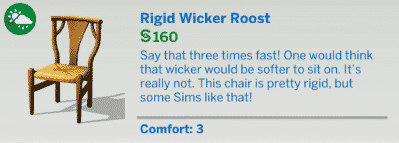
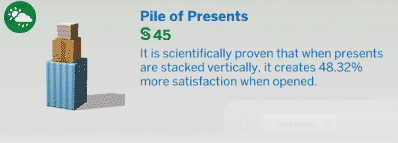
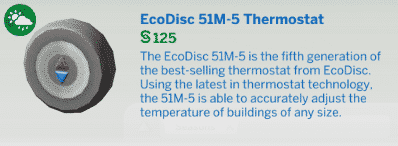
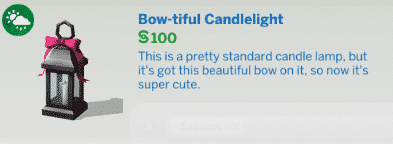
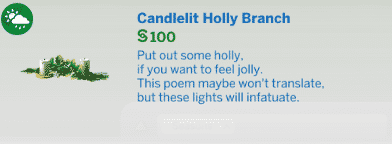
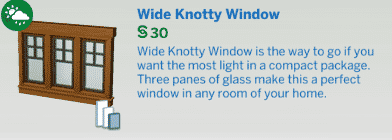
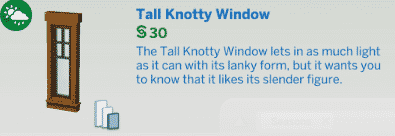
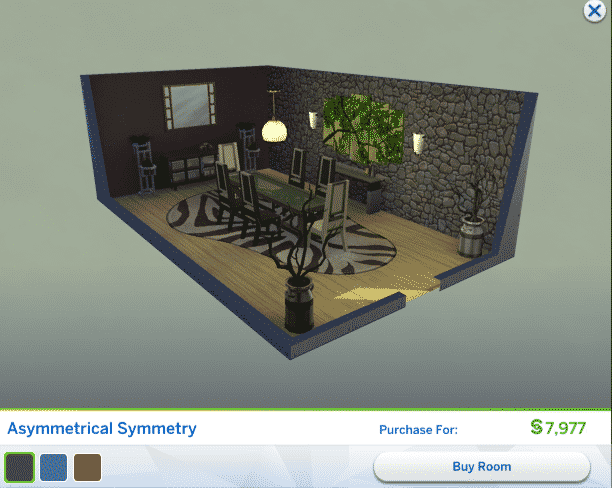
The Sims 4 Seasons Expansion Pack comes with over 180 new items in Build Mode, including new furniture, appliances, outdoor objects & objects that bring new activities for your Sims – as well as new wallpapers, staircases and more that’ll help you build your lot.

Down below we’ve included all items and their descriptions of those items that you can check out. Below the list of objects you can also find a list of new styled rooms!

New Items

Styled Rooms

The Sims 4 Seasons: Create A Sim Overview

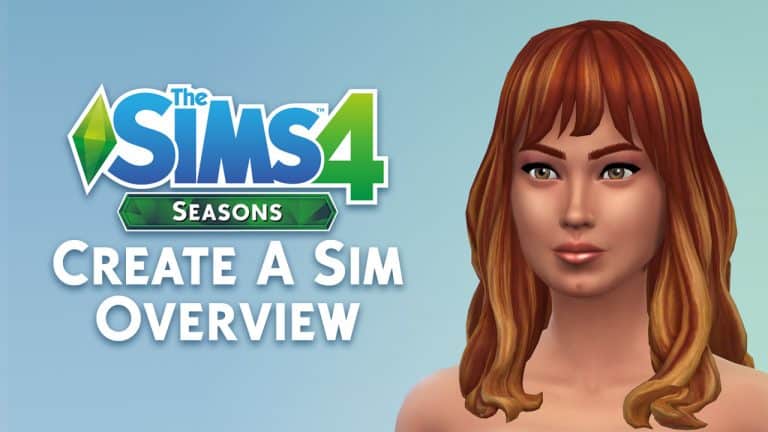
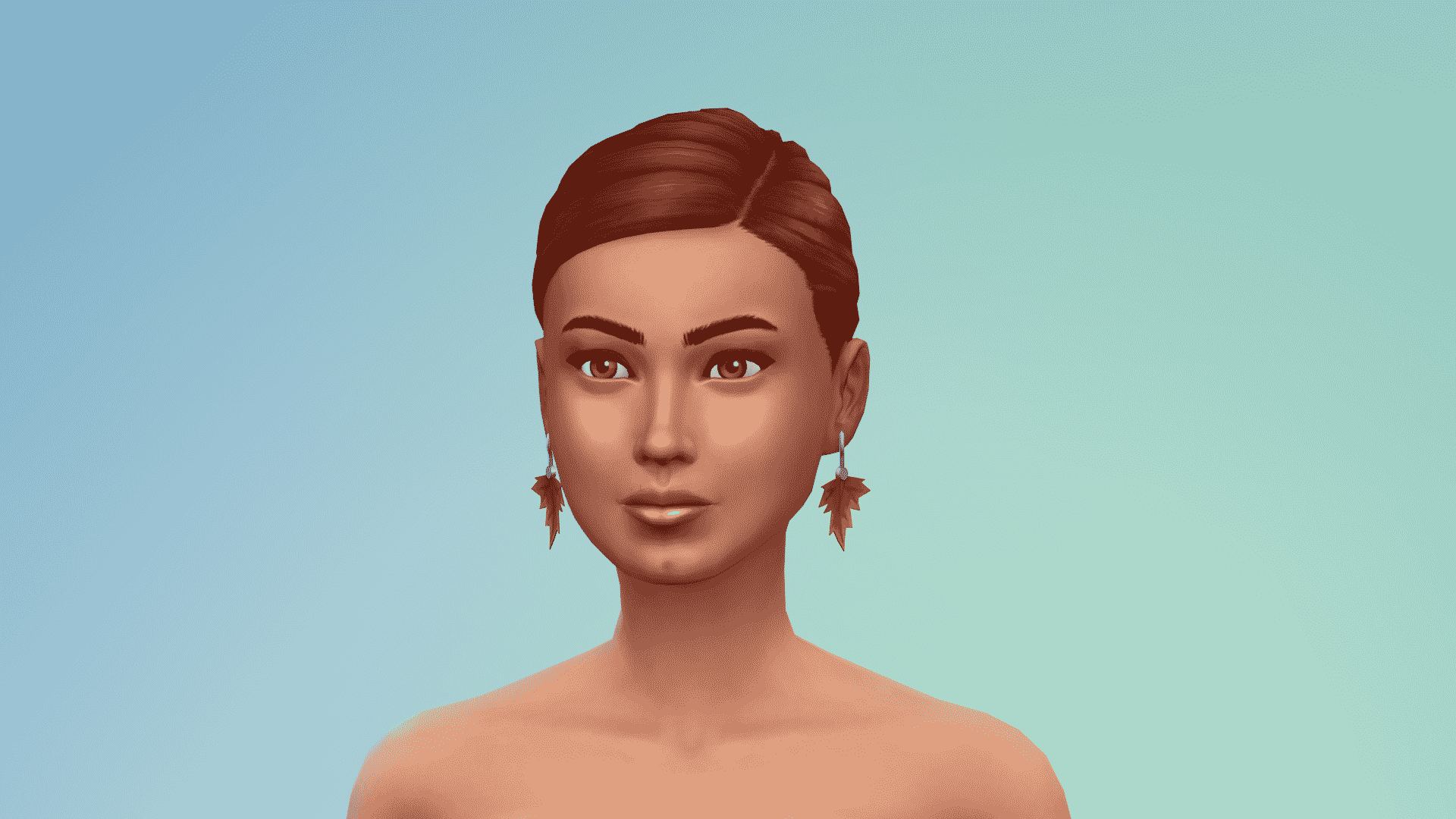
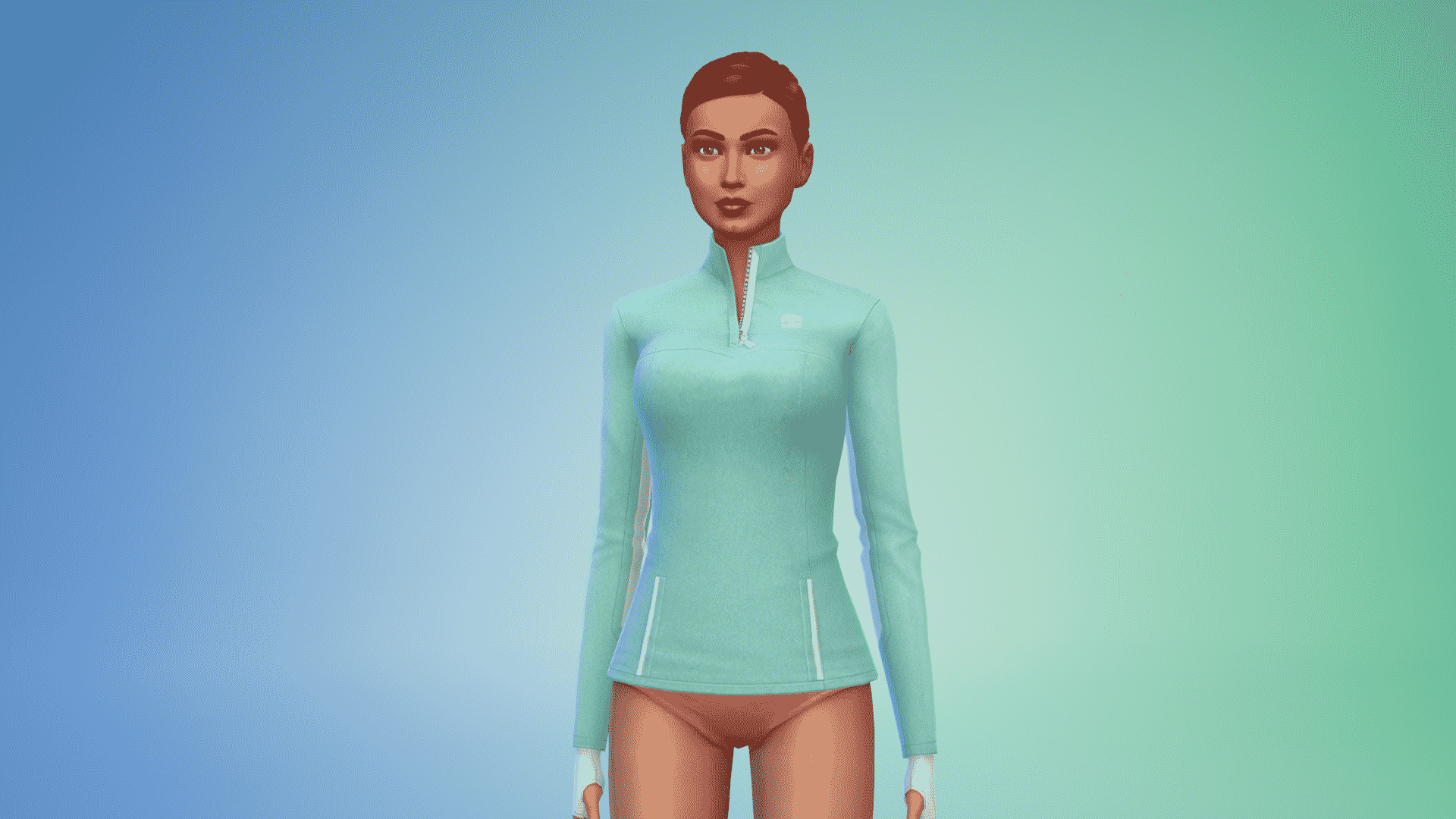
The Sims 4 Seasons Expansion Pack comes packed with over 180 new Create A Sim items for Toddlers, Children and Adults. Almost each category brings something new for your Sims!

Down below you can check out all the CAS items included in this pack. To enlarge an image simply click the image of your choice.

Adult Feminine

Hairstyles

The Sims 4 Seasons: Create A Sim OverviewThe Sims 4 Seasons: Create A Sim OverviewThe Sims 4 Seasons: Create A Sim OverviewThe Sims 4 Seasons: Create A Sim OverviewThe Sims 4 Seasons: Create A Sim OverviewThe Sims 4 Seasons: Create A Sim Overview

Hats

The Sims 4 Seasons: Create A Sim OverviewThe Sims 4 Seasons: Create A Sim OverviewThe Sims 4 Seasons: Create A Sim OverviewThe Sims 4 Seasons: Create A Sim OverviewThe Sims 4 Seasons: Create A Sim OverviewThe Sims 4 Seasons: Create A Sim OverviewThe Sims 4 Seasons: Create A Sim OverviewThe Sims 4 Seasons: Create A Sim OverviewThe Sims 4 Seasons: Create A Sim OverviewThe Sims 4 Seasons: Create A Sim OverviewThe Sims 4 Seasons: Create A Sim Overview

Head Accessories

The Sims 4 Seasons: Create A Sim OverviewThe Sims 4 Seasons: Create A Sim OverviewThe Sims 4 Seasons: Create A Sim OverviewThe Sims 4 Seasons: Create A Sim OverviewThe Sims 4 Seasons: Create A Sim OverviewThe Sims 4 Seasons: Create A Sim OverviewThe Sims 4 Seasons: Create A Sim OverviewThe Sims 4 Seasons: Create A Sim OverviewThe Sims 4 Seasons: Create A Sim Overview

Tops

The Sims 4 Seasons: Create A Sim OverviewThe Sims 4 Seasons: Create A Sim OverviewThe Sims 4 Seasons: Create A Sim OverviewThe Sims 4 Seasons: Create A Sim OverviewThe Sims 4 Seasons: Create A Sim OverviewThe Sims 4 Seasons: Create A Sim OverviewThe Sims 4 Seasons: Create A Sim Overview

Bottoms

The Sims 4 Seasons: Create A Sim OverviewThe Sims 4 Seasons: Create A Sim OverviewThe Sims 4 Seasons: Create A Sim OverviewThe Sims 4 Seasons: Create A Sim OverviewThe Sims 4 Seasons: Create A Sim OverviewThe Sims 4 Seasons: Create A Sim Overview

Outfits

The Sims 4 Seasons: Create A Sim OverviewThe Sims 4 Seasons: Create A Sim OverviewThe Sims 4 Seasons: Create A Sim OverviewThe Sims 4 Seasons: Create A Sim OverviewThe Sims 4 Seasons: Create A Sim OverviewThe Sims 4 Seasons: Create A Sim OverviewThe Sims 4 Seasons: Create A Sim OverviewThe Sims 4 Seasons: Create A Sim OverviewThe Sims 4 Seasons: Create A Sim OverviewThe Sims 4 Seasons: Create A Sim OverviewThe Sims 4 Seasons: Create A Sim OverviewThe Sims 4 Seasons: Create A Sim OverviewThe Sims 4 Seasons: Create A Sim OverviewThe Sims 4 Seasons: Create A Sim OverviewThe Sims 4 Seasons: Create A Sim OverviewThe Sims 4 Seasons: Create A Sim OverviewThe Sims 4 Seasons: Create A Sim OverviewThe Sims 4 Seasons: Create A Sim OverviewThe Sims 4 Seasons: Create A Sim OverviewThe Sims 4 Seasons: Create A Sim OverviewThe Sims 4 Seasons: Create A Sim Overview

Accessories

The Sims 4 Seasons: Create A Sim OverviewThe Sims 4 Seasons: Create A Sim OverviewThe Sims 4 Seasons: Create A Sim OverviewThe Sims 4 Seasons: Create A Sim OverviewThe Sims 4 Seasons: Create A Sim OverviewThe Sims 4 Seasons: Create A Sim Overview

Shoes

The Sims 4 Seasons: Create A Sim OverviewThe Sims 4 Seasons: Create A Sim OverviewThe Sims 4 Seasons: Create A Sim OverviewThe Sims 4 Seasons: Create A Sim OverviewThe Sims 4 Seasons: Create A Sim Overview

Styled Looks

The Sims 4 Seasons: Create A Sim OverviewThe Sims 4 Seasons: Create A Sim OverviewThe Sims 4 Seasons: Create A Sim OverviewThe Sims 4 Seasons: Create A Sim OverviewThe Sims 4 Seasons: Create A Sim OverviewThe Sims 4 Seasons: Create A Sim OverviewThe Sims 4 Seasons: Create A Sim OverviewThe Sims 4 Seasons: Create A Sim OverviewThe Sims 4 Seasons: Create A Sim OverviewThe Sims 4 Seasons: Create A Sim OverviewThe Sims 4 Seasons: Create A Sim OverviewThe Sims 4 Seasons: Create A Sim Overview

Adult Masculine

Hairstyles

The Sims 4 Seasons: Create A Sim OverviewThe Sims 4 Seasons: Create A Sim OverviewThe Sims 4 Seasons: Create A Sim Overview

Facial Hair

The Sims 4 Seasons: Create A Sim Overview

Hats

The Sims 4 Seasons: Create A Sim OverviewThe Sims 4 Seasons: Create A Sim OverviewThe Sims 4 Seasons: Create A Sim OverviewThe Sims 4 Seasons: Create A Sim OverviewThe Sims 4 Seasons: Create A Sim OverviewThe Sims 4 Seasons: Create A Sim OverviewThe Sims 4 Seasons: Create A Sim Overview

Head Accessories

The Sims 4 Seasons: Create A Sim OverviewThe Sims 4 Seasons: Create A Sim Overview

Tops

The Sims 4 Seasons: Create A Sim OverviewThe Sims 4 Seasons: Create A Sim OverviewThe Sims 4 Seasons: Create A Sim OverviewThe Sims 4 Seasons: Create A Sim OverviewThe Sims 4 Seasons: Create A Sim OverviewThe Sims 4 Seasons: Create A Sim OverviewThe Sims 4 Seasons: Create A Sim OverviewThe Sims 4 Seasons: Create A Sim OverviewThe Sims 4 Seasons: Create A Sim Overview

Bottoms

The Sims 4 Seasons: Create A Sim OverviewThe Sims 4 Seasons: Create A Sim OverviewThe Sims 4 Seasons: Create A Sim OverviewThe Sims 4 Seasons: Create A Sim OverviewThe Sims 4 Seasons: Create A Sim OverviewThe Sims 4 Seasons: Create A Sim Overview

Outfits

The Sims 4 Seasons: Create A Sim OverviewThe Sims 4 Seasons: Create A Sim OverviewThe Sims 4 Seasons: Create A Sim OverviewThe Sims 4 Seasons: Create A Sim OverviewThe Sims 4 Seasons: Create A Sim OverviewThe Sims 4 Seasons: Create A Sim OverviewThe Sims 4 Seasons: Create A Sim OverviewThe Sims 4 Seasons: Create A Sim OverviewThe Sims 4 Seasons: Create A Sim OverviewThe Sims 4 Seasons: Create A Sim Overview

Accessories

The Sims 4 Seasons: Create A Sim OverviewThe Sims 4 Seasons: Create A Sim OverviewThe Sims 4 Seasons: Create A Sim Overview

Shoes

The Sims 4 Seasons: Create A Sim OverviewThe Sims 4 Seasons: Create A Sim OverviewThe Sims 4 Seasons: Create A Sim OverviewThe Sims 4 Seasons: Create A Sim Overview

Styled Looks

s The Sims 4 Seasons: Create A Sim OverviewThe Sims 4 Seasons: Create A Sim OverviewThe Sims 4 Seasons: Create A Sim OverviewThe Sims 4 Seasons: Create A Sim OverviewThe Sims 4 Seasons: Create A Sim OverviewThe Sims 4 Seasons: Create A Sim OverviewThe Sims 4 Seasons: Create A Sim Overview


Children Feminine

Hairstyles

The Sims 4 Seasons: Create A Sim OverviewThe Sims 4 Seasons: Create A Sim Overview

Hats

The Sims 4 Seasons: Create A Sim OverviewThe Sims 4 Seasons: Create A Sim OverviewThe Sims 4 Seasons: Create A Sim Overview

Tops

The Sims 4 Seasons: Create A Sim OverviewThe Sims 4 Seasons: Create A Sim OverviewThe Sims 4 Seasons: Create A Sim OverviewThe Sims 4 Seasons: Create A Sim OverviewThe Sims 4 Seasons: Create A Sim OverviewThe Sims 4 Seasons: Create A Sim Overview

Outfits

The Sims 4 Seasons: Create A Sim OverviewThe Sims 4 Seasons: Create A Sim OverviewThe Sims 4 Seasons: Create A Sim OverviewThe Sims 4 Seasons: Create A Sim OverviewThe Sims 4 Seasons: Create A Sim OverviewThe Sims 4 Seasons: Create A Sim OverviewThe Sims 4 Seasons: Create A Sim OverviewThe Sims 4 Seasons: Create A Sim OverviewThe Sims 4 Seasons: Create A Sim OverviewThe Sims 4 Seasons: Create A Sim OverviewThe Sims 4 Seasons: Create A Sim OverviewThe Sims 4 Seasons: Create A Sim Overview

Accessories

The Sims 4 Seasons: Create A Sim Overview

Shoes

The Sims 4 Seasons: Create A Sim OverviewThe Sims 4 Seasons: Create A Sim OverviewThe Sims 4 Seasons: Create A Sim Overview

Styled Looks

The Sims 4 Seasons: Create A Sim OverviewThe Sims 4 Seasons: Create A Sim OverviewThe Sims 4 Seasons: Create A Sim OverviewThe Sims 4 Seasons: Create A Sim OverviewThe Sims 4 Seasons: Create A Sim OverviewThe Sims 4 Seasons: Create A Sim Overview

Children Masculine

Hairstyles

The Sims 4 Seasons: Create A Sim OverviewThe Sims 4 Seasons: Create A Sim Overview

Hats

The Sims 4 Seasons: Create A Sim OverviewThe Sims 4 Seasons: Create A Sim OverviewThe Sims 4 Seasons: Create A Sim Overview

Tops

The Sims 4 Seasons: Create A Sim OverviewThe Sims 4 Seasons: Create A Sim OverviewThe Sims 4 Seasons: Create A Sim OverviewThe Sims 4 Seasons: Create A Sim OverviewThe Sims 4 Seasons: Create A Sim OverviewThe Sims 4 Seasons: Create A Sim Overview

Outfits

The Sims 4 Seasons: Create A Sim OverviewThe Sims 4 Seasons: Create A Sim OverviewThe Sims 4 Seasons: Create A Sim OverviewThe Sims 4 Seasons: Create A Sim OverviewThe Sims 4 Seasons: Create A Sim OverviewThe Sims 4 Seasons: Create A Sim OverviewThe Sims 4 Seasons: Create A Sim OverviewThe Sims 4 Seasons: Create A Sim OverviewThe Sims 4 Seasons: Create A Sim Overview

Accessories

The Sims 4 Seasons: Create A Sim Overview

Shoes

The Sims 4 Seasons: Create A Sim OverviewThe Sims 4 Seasons: Create A Sim Overview

Styled Looks

The Sims 4 Seasons: Create A Sim OverviewThe Sims 4 Seasons: Create A Sim OverviewThe Sims 4 Seasons: Create A Sim Overview


Toddlers

Hairstyles

The Sims 4 Seasons: Create A Sim OverviewThe Sims 4 Seasons: Create A Sim Overview

Hats

The Sims 4 Seasons: Create A Sim OverviewThe Sims 4 Seasons: Create A Sim OverviewThe Sims 4 Seasons: Create A Sim Overview

Tops

The Sims 4 Seasons: Create A Sim Overview

Outfits

The Sims 4 Seasons: Create A Sim OverviewThe Sims 4 Seasons: Create A Sim OverviewThe Sims 4 Seasons: Create A Sim OverviewThe Sims 4 Seasons: Create A Sim OverviewThe Sims 4 Seasons: Create A Sim OverviewThe Sims 4 Seasons: Create A Sim OverviewThe Sims 4 Seasons: Create A Sim OverviewThe Sims 4 Seasons: Create A Sim OverviewThe Sims 4 Seasons: Create A Sim OverviewThe Sims 4 Seasons: Create A Sim OverviewThe Sims 4 Seasons: Create A Sim Overview

Accessories

The Sims 4 Seasons: Create A Sim Overview

Shoes

The Sims 4 Seasons: Create A Sim OverviewThe Sims 4 Seasons: Create A Sim OverviewThe Sims 4 Seasons: Create A Sim Overview

Styled Looks

The Sims 4 Seasons: Create A Sim OverviewThe Sims 4 Seasons: Create A Sim OverviewThe Sims 4 Seasons: Create A Sim OverviewThe Sims 4 Seasons: Create A Sim OverviewThe Sims 4 Seasons: Create A Sim OverviewThe Sims 4 Seasons: Create A Sim OverviewThe Sims 4 Seasons: Create A Sim OverviewThe Sims 4 Seasons: Create A Sim OverviewThe Sims 4 Seasons: Create A Sim OverviewThe Sims 4 Seasons: Create A Sim Overview

The Sims 4 Seasons: Money Tree Tips & Tricks

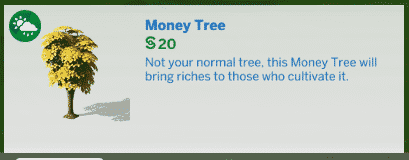
The launch of The Sims 4 Seasons brought around the return of a fan favorite object previously missing from the game – the money tree! Want one for yourself? Here’s how to get your hands on the tree and ensure it provides your sims with plenty of simoleons! 

The Rewards Store

The Sims 4 Seasons: Money Tree Tips & Tricks

Clocking in on the more expensive side at 5,000 points, a money tree fruit can be purchased from the rewards store in live mode! After purchase, the fruit will be found in the appropriate sim’s inventory.

Debug Mode

A favorite cheat amongst builders, bb.showhiddenobjects, allows you to access debug objects in buy mode! Searching the catalog for “money fruit” or “money tree” with the cheat enabled will allow you to purchase either the fruit or tree itself!

The Sims 4 Seasons: Money Tree Tips & TricksThe Sims 4 Seasons: Money Tree Tips & Tricks

While definitely an easier route to take, some players may consider this cheating! Be aware before using this in any challenge that prohibits cheat codes.

Growing Your Money Fruit

The Sims 4 Seasons: Money Tree Tips & Tricks

Much like any other plantable item in game, the money fruit can be cultivated by placing it on the ground or in a planter and instructing your sim to plant it!

After some care from your sims, the tree will reach full maturity and begin producing fruit! After several rounds of testing, it appears the the tree will produce a maximum of five money fruit per harvest cycle.

Unlike other trees in game, the money tree cannot be harvested! Your sims only have the option to sell their fruit directly from the tree itself.

The Sims 4 Seasons: Money Tree Tips & Tricks

The Sims 4 Seasons: Official Households from the Promo Material

1

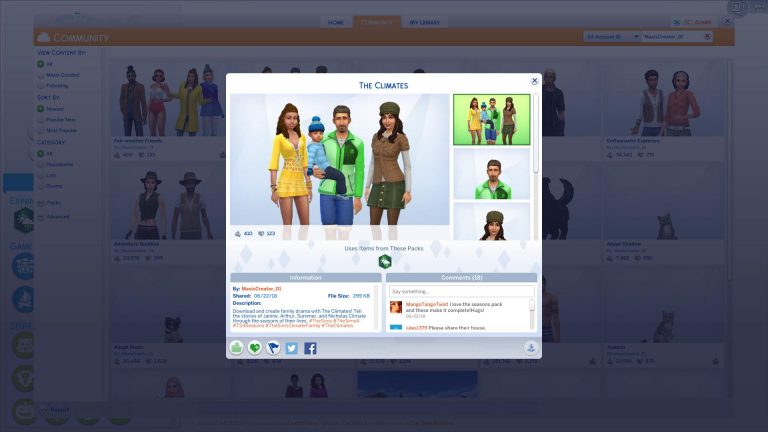
The Sims Team has just uploaded 2 households that they’ve featured in promotional material for The Sims 4 Seasons Expansion Pack.

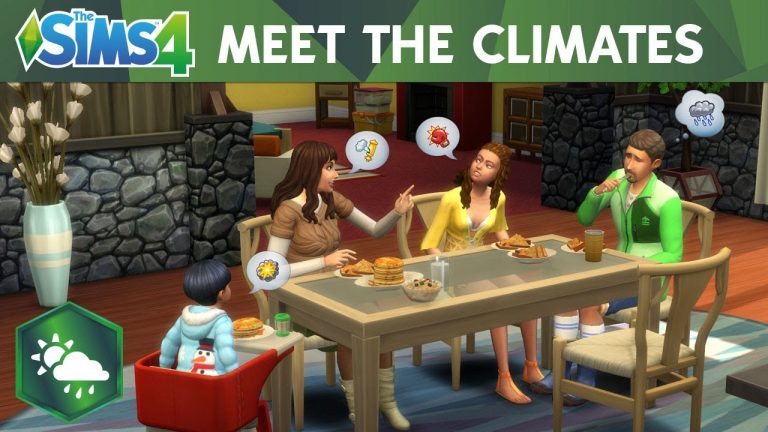
Down below you can see Fair-Weather Friends Household which has been used in the boxart and renders as well as The Climates Household which you’ve seen in several official Blog posts as well as the recent launch trailer.

You can download these households by clicking their names below:

The Sims 4 Seasons: Becoming A Master Llamacorn Scout

In the post 12 Features We Love In The Sims 4 Seasons, I talked about a new after-school activity for Child and Teen Sims. This is the new Scout activity added with the expansion. I’m sure many of you reading this have been a Scout, Girl Guide or something similar in your life so seeing this added into The Sims 4 brings back memories of collecting badges yourself but now without further ado let’s jump in and find out what it takes to become a Master Llamacorn Scout!

Enrolling Your Sims into Llamacorn Scouts

  • To join an After School Activity just go to your child or teen Sims’ Smart Phone. Then Career/Household and then click Join After School Activity. Once your Sim starts to use the phone you will get a pop up asking which activity they would like to join.
  • Once joining you will get a notification stating that your Sim has joined the Scout Career and you can keep track of your Sims progress under where you can track their school progress.
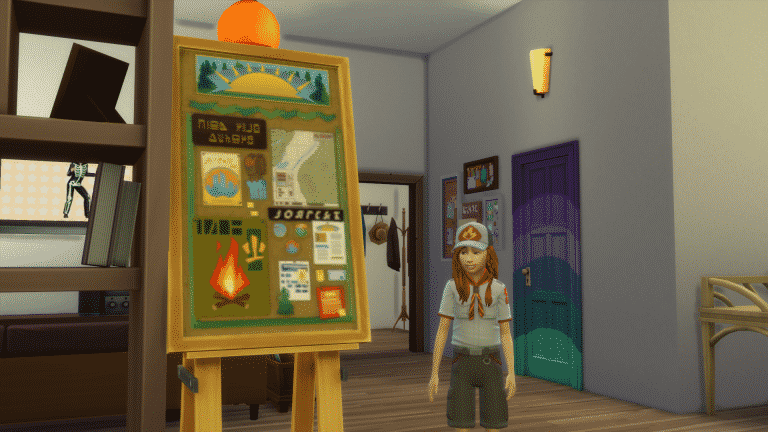
  • Don’t forget to buy a Scout Board so your Sim can keep track of their badge progress!
  • Make sure your Sims attend their Scout meetings, complete any daily and advancement tasks and also work towards getting their badges!

The Sims 4 Seasons: Becoming A Master Llamacorn Scout

When clicking on the badge board you are presented with four options. View badge progress, collect badge, change into Scouting Uniform and put in inventory.

One thing to note is that Child Sims Scout Uniform consists of a baseball hat, neckerchief, short sleeve shirt and long shorts where as the Teen Sims Scout uniform is the same other than they have full length trousers and a more traditional Scouting hat.

Badges

There are a total of nine different badges your Sims can collect.

The Sims 4 Seasons: Becoming A Master Llamacorn Scout

  • Arts & Crafts – Make crafts, drawings or paintings.
  • Civic Responsibility -Perform cleaning or repair actions.
  • Give Back – Donate items for charity from the Mailbox and Computer or perform the friendly social to Give Gifts.
  • Good Deeds – Entertain a toddler, make someone laugh, take out the trash or help someone with their homework.
  • Keep Fit – Perform a dance or exercise activity/
  • Outdoor Adventure – Perform outdoorsy activities like catching fish, finding frogs and grilling outdoors.
  • Scholarly Aptitude -Perform studious activities like reading books or completing homework.
  • Sociability – Perform friendly socials with another Sim.
  • Young Scientist – Perform scientific activities like computer programming, using the microscope and telescope.

As you carry out the various tasks to complete each badge you’ll notice that little symbols which relate to the badge will appear briefly by your Sims head before disappearing. This is showing that the action your Sim is doing contributes to one of the badges.

Everytime you complete all of the tasks for a badge you will get a notification in the middle of the screen telling you that your Sim has completed a badge and for them to go to the Scout Board to collect their badge. Simply go to the board and select “collect badge” and go from there.

Scout Career Levels

Llama Scout
Ideal Mood: Energized
Advancement Tasks: Earn a Scouting Badge to become a Griffon Scout
Daily Task: Check Badge Progress on Scouting Badge Board
Meetings: Sunday & Saturday 2pm-4pm

Griffon Scout
Ideal Mood: Energized
Advancement Tasks: Earn 3 Scouting Badges to become a Unicorn Scout
Daily Task: Check Badge Progress on Scouting Badge Board
Meetings: Sunday & Saturday 2pm-4pm
Reward: Scouting Manual for being promoted to Griffon Scout.

Unicorn Scout
Ideal Mood: Energized
Advancement Tasks: Earn 3 Scouting Badges to become a Unicorn Scout
Daily Task: Check Badge Progress on Scouting Badge Board
Meetings: Sunday & Saturday 2pm-4pm
Reward: Bronze Scouting Trophy

Pegasus Scout
Ideal Mood: Energized
Advancement Tasks: Earn 3 Scouting Badges to become a Pegasus Scout
Daily Task: Check Badge Progress on Scouting Badge Board
Meetings: Sunday & Saturday 2pm-4pm
Reward: Silver Scouting Trophy

Llamacorn Scout
Ideal Mood: Energized
Advancement Tasks: N/A
Daily Task: Check Badge Progress on Scouting Badge Board
Meetings: Sunday & Saturday 2pm-4pm
Rewards: Gold Scouting Trophy, expert Scouting outfit and Scouting Aptitude trait.

The Scouting Aptitude trait allows all of your Scouting ability makes future earning of Skills a little easier.

Once you’ve progressed through the different levels of the Scout Career, your badge collection should look a like this.

The Sims 4 Seasons: Becoming A Master Llamacorn Scout

Once you have completed all the badges your Sim can still attend Scout meetings every week, can wear their Expert Scout uniform (with all the badges) all the time and display their Scouting trophies with pride!

The Sims 4 Seasons: Becoming A Master Llamacorn Scout

If your Sim also uses the computer at all you’ll notice they have options to update the Scout Pack site, Donate to Charity and also post comments on the scout forums. Other than donating to charity these tasks are fun for your Sims.

So get your Sims into a new after-school activity and become the Master Llamacorn Scout they’ve always wanted to be!

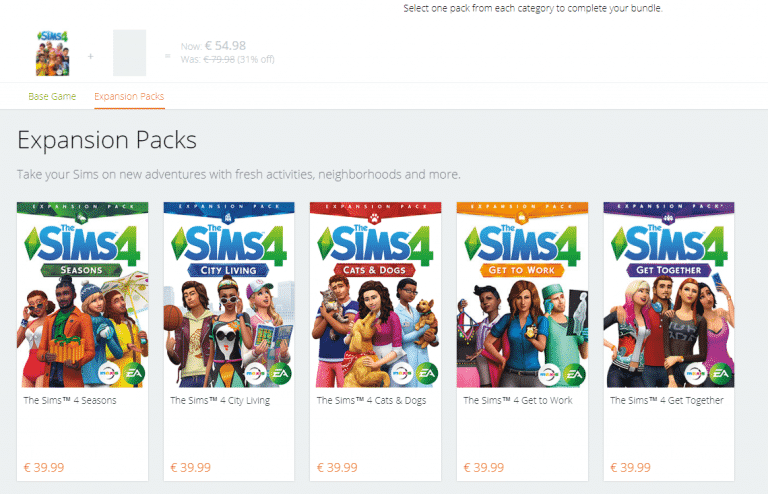
You are now able to build a Bundle with The Sims 4 Seasons

0

With the latest release of The Sims 4 Seasons Expansion Pack, Origin has updated their Build Your Bundle Page for The Sims 4, letting you build your own bundle and get a discount on the total price!

If you don’t own the base game you’re able build a bundle which consists of The Sims 4 Base Game + The Sims 4 Seasons.

Having The Sims 4 Base Game but not having at least 1 unique Expansion Pack (in this case Seasons), Game Pack and Stuff Pack will give you the ability to build a bundle which consists of 1 SP, 1 GP and 1EP, also giving you a discount on the total price.

Ready to build your own bundle with The Sims 4 Seasons? CLICK HERE!

You are now able to build a Bundle with The Sims 4 Seasons

The Sims 4 Seasons: Official Launch Trailer

0

The wait is finally over and The Sims 4 Seasons is here! Check out the new official launch trailer from The Sims team featuring the Climates!