

The Sims FreePlay Team just released a new screen of which seems to be a new Wedding Update.
It’s not known when they’ll be releasing this update but following the patterns of previous update releases we can expect it this monday / tuesday.

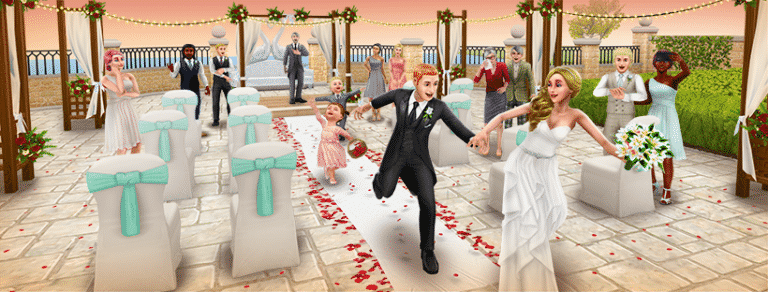
The Sims FreePlay Team just released a new screen of which seems to be a new Wedding Update.
It’s not known when they’ll be releasing this update but following the patterns of previous update releases we can expect it this monday / tuesday.
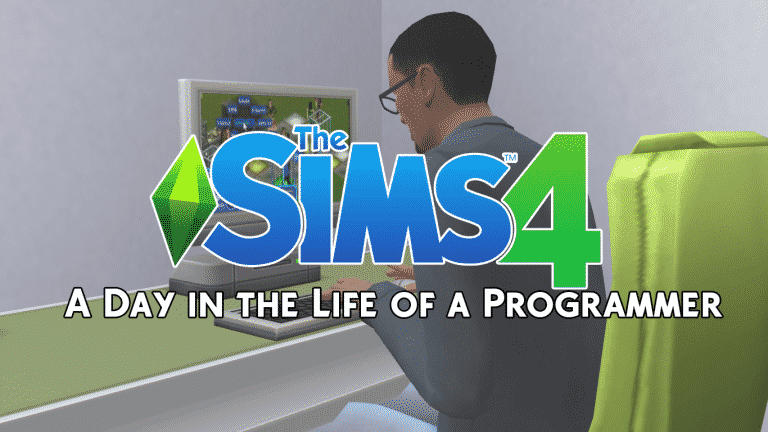
Hey Simmers and welcome to another Day in the Life article! I hope you’ve been enjoying this new article series, but have you heard that Sims Community is doing themed weeks now? This week is base game week and in honour of base game week, I’ll be walking you through one of the brand new, never-before-seen skills that launched with The Sims 4; the Programming skill! This skill opens up many new computer interactions, providing your Sim with stronger moodlets and even simoleons. Join me as we code and hack our way to the top of this unique skill.
Meet Kayden Lane. He’s a Genius, a Loner, and a Geek with the Computer Whiz aspiration. He’s also 100% base game friendly! He’s going to be our Programming guinea pig– er, I mean “volunteer” for this article. Kayden has a great combination of traits for building the Programming skill. Being a Genius will make him Focused more often, which will boost the rate at which he gains the Programming skill. As a Geek, he enjoys playing video games, so as he mods his favourite games with the Programming skill, he’ll get better moodlets from playing those games, which will put him in a better mood to build the Programming skill further. Being a Loner means Kayden will be able to spend more time at his computer without needing to go out and socialize as much.
I move Kayden into one of the Oasis Springs starter homes and get his work station all set up. I sacrifice a few other luxuries like a TV and stereo in order to spring for a higher end computer. Before I’m able to start Kayden on the Programming skill, he’s already at the computer… browsing parenting forums? He gets an embarrassed moodlet from that, which doesn’t help us at all in building the Programming skill. Thanks a lot, Internet parents.
In order to combat his Embarrassed emotional state, I dig into Build/Buy and rummage up one of the plumbob mood lamps that gives off a Focused aura to place on his desk. As long as I have its emotional aura enabled, it will provide a constant +1 Focused Decor moodlet to all Sims in the room.
Unfortunately, the lamp isn’t enough to get Kayden out of the Embarrassed emotion, but we can’t wait around forever to get started. Let’s go ahead and have him Practice Programming which is located in the first level of the computer’s pie menu when you click on it.
All skills in the game have their own descriptions in the skill panel. Hover over any skill to read its description. We can see here that Kayden has discovered the Programming skill. Right now, all he can do is practice programming at the computer. Practice makes perfect! As he builds his skill level, new Programming options will open up to him, some more legally questionable than others. What kind of Programmer will your Sim be?
After a while, that unpleasant Embarrassed moodlet wears off and Kayden becomes Focused thanks to his nifty new lamp. As you can see from the purple glow around his skill bar, this means this emotion helps him build the Programming skill faster. Being Focused is boosting his skill gain rate. Always try to get your Sims into the ideal emotion for the skill you want them to build. It makes a big difference!
It pays off for Kayden because he levels up. We get a notification that he can now make plugins. That seems like a good way to make some money from programming so let’s have Kayden try his hand at that.

It’s fair to say that The Sims 4 base game has come a long way since its initial release and there has been so much added in for free, but there’s always room for improvement and I’ve put together a small list of things that I believe could be added into the game, check the list out and let us know what you want adding in the comments section down below.
The addition of pools to the game was one of the first major updaes to The Sims 4, it was a fantastic update and it was a relief to have them added back in to the game. The only problem is that it was missing some key features we were used to from previous games, we no longer had the curved pools which was a real shame and no longer did we have pool slides or diving boards, luckily diving boards eventually did get added but we’re still waiting on the slides. It’s not surprising these elements haven’t been added, curved pools didn’t arrive in The Sims 3 for severl years after the release and it was the same story with pool slides, so don’t give up hopes just yet!
This is something most of the community would love to see, recently one of the Guru’s tweeted asking if the community had any ideas on how cards could function in The sims 4. Many players assumed this meant they were working on them but as the tweet was asking for ideas it’s clear we won’t be seeing them for a while, but again, don’t give up hope because they are obviously interested in bringing them back.
We’re still missing a few core NPC’s in The Sims 4 base game, most of which have been there since the very start. The burglar was present in The Sims and many think it should be added in to the base game as it’s a vital part of the game, that initial shock and panic when the eary music started playing and you knew something was wrong. Police go hand-in-hand with burglars and should be added along side them, it’s another safe bet to think these two will eventually enter the game as it most likely wouldn’t be the hardest feature to program in. A fire service is another bunch of NPC’s we’d love to see, my guess is we will eventually get them again but as you can add sprinkler systems into your houses and put fires out yourself, it won’t be at the top of the agenda.
This is another huge feature that users want to see, a usual staple it was nowhere to be seen when the game was released almost 3 years ago, and it’s still not here. Several modders have claimed that due to the way The Sims 4 was built it isn’t something that could be added but we’re still hopeful, it would be a great feature and would go well with the intuitive building features within the game.
If you’ve ever had a pregnant sim you’ll know that the babies they produce are a little strange compared to in previous games, they act more like objects than sims and people have noticed. It’s clear many users just skip this life stage as it tends to be quite boring. This isn’t out of the question at all, there are already the animations for a baby in the game, all that we want is to have it separated from the crib, be able to move them around and walk with them, with the toddler update in January it’s clear the sims team are open to changing and adding life states so we should keep our fingers crossed.
Now you may be thinking that weather doesn’t belong in this list, it’s usually an expansion pack feature, well I believe it could easily be added to the base game. Seasons has been a staple expansion pack since The Sims 2 but originally weather was going to be added into The Sims 2 base game, so why not in The Sims 4? Seasons could easily be released as a game pack and adding weather in as a patch could be a possibility, it’s probably unlikely but it would be a great move by EA.
Do you agree with this list and what would you like to see in The Sims 4 Base Game? Let us know in the comments!
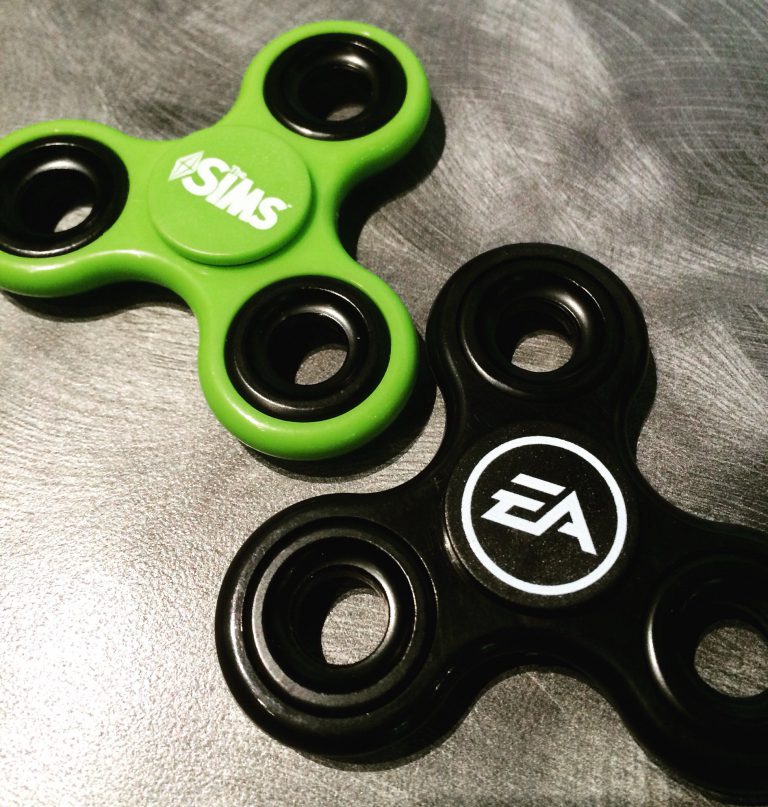
This is the future we’ve all been waiting for – the future where our favorite video games will get their own fidget spinners!
SimGurus are showing off the recently-released EA and Sims themed fidget spinners that they got at the EA Experience store.
They have fidget spinners in the company store now?!?! What’s happening?!?! 😱😱😱 pic.twitter.com/i1xbNWRblK
— SimGuruChibi (@SimGuruChibi) July 14, 2017
Ive avoided getting a fidget spinner. But after seeing the Sims one @SimGuruChibi posted I had to get one. pic.twitter.com/OmBn5JlsKf
— George Pigula (@SimGuruGeorge) July 14, 2017
The price of these are 8$ and even SimGurus are not feeling it:
$8 each! I was just at the store haha
— SimGuruNick (@SimGuruNick) July 14, 2017
$8?! Maaaan, that’s a little high for a random joke purchase.
— Steve Lansing (@SimGuruSteve) July 14, 2017
However, you won’t be able to get your own unless you work at EA or have been invited by EA to do a tour.
As much as you may want a Sims fidget spinner, as far as I know it’s employees, employee’s visitors (need a visitor badge), & tour guests.
— Steve Lansing (@SimGuruSteve) July 15, 2017
Welcome to the future everyone!
Several weeks after we posted a finding of EA listing several Sims mobile games for retirement, EA has officially announced this week that they’ll be retiring a couple of Sims 3 mobile games as well as their Sims 4 Gallery companion app.
Sul Sul!
The Sims team has had a lot of fun bringing you exciting experiences on mobile, and we hope you have enjoyed them too — but alas, the time has come to say goodbye to a few of our trusted friends.
On August 11, 2017, we’ll be removing a few games from the App Store and Google Play:
- The Sims 3 on Mobile*
- The Sims 3 World Adventures on Mobile*
- The Sims 3 Ambitions on Mobile*
- The Sims 4 Gallery Companion App
*EA will no longer be supporting updates to the game after Aug 11. If you already have the game installed, you can keep playing. If you delete the game or switch to a new device, you won’t be able to reinstall it again.
We hope you enjoyed playing and that you’ll try some of our other great mobile games like The Sims FreePlay and SimCity BuildIt. We also have a new game coming out soon: The Sims Mobile.
Thanks for playing!
The Sims Team
What will happen to my game progress and all I’ve collected?
You can still keep playing the game while you have it on your device. If you remove it, you will not be able to reinstall it.
I just bought something from the store and want a refund.
Contact iTunes and Google Play support for refund help.
With The Sims 4 there’s no “boss battle” or a certain goal that you have to achieve in order to finish the game. It’s a neverending quest of making Sims happy (or miserable) with twists and turns along the way. However, as a player you might feel overwhelmed with approaching this sandbox game and how to make it more entertaining, but don’t worry – we’re here to help!
Here are 20 things you should try in The Sims 4 Base Game (if you haven’t already).
Sometimes you really need to listen to what your Sim wants and not what you want.

Sometimes it’s best to continue where The Sims Team left off and continue the stories of Sims in Willow Creek and Oasis Springs. Will Johnny Zest finally be able to find the right crowd and prove his rich parents that he doesn’t need them?
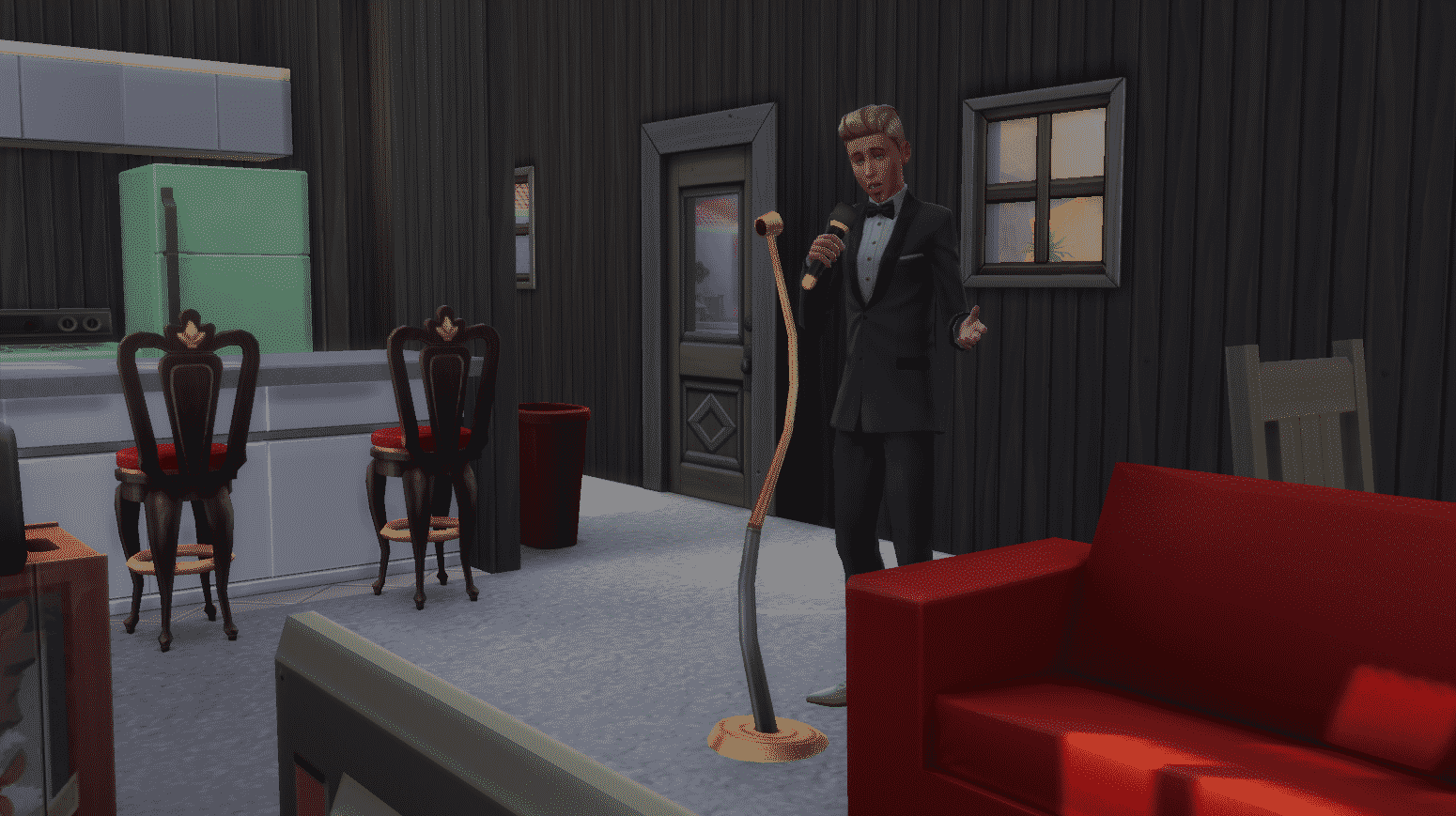
Things aren’t meant to be always perfect in The Sims 4. Why not make a Sim who will ruin all the perfect marriages in Willow Creek and Oasis Springs. You know, just for fun!

It’s hard enough to keep control of one toddler so controlling 7 toddlers is close to a nightmare.

Sometimes it’s important to switch things up. If you’re bored of your current household, see how others are doing, make those households interact with each other and see what happens!
Newcrest is completely blank and needs your help to be filled with Sims and lots. You don’t have to be the best storyteller or the best builder in the world but the outcome will definitely make you proud.
Cheat your way to the top and then watch your Sims crumble and re-start everything from scratch. If you have a Sim in your household who is doing really good in a certain career, make them neglect all their work duties which should get them fired. Eventually all your high bills (due to rich lot your Sims are living in) will catch you up and eventually you’ll have to sell bit by bit and start a new career in order to survive.

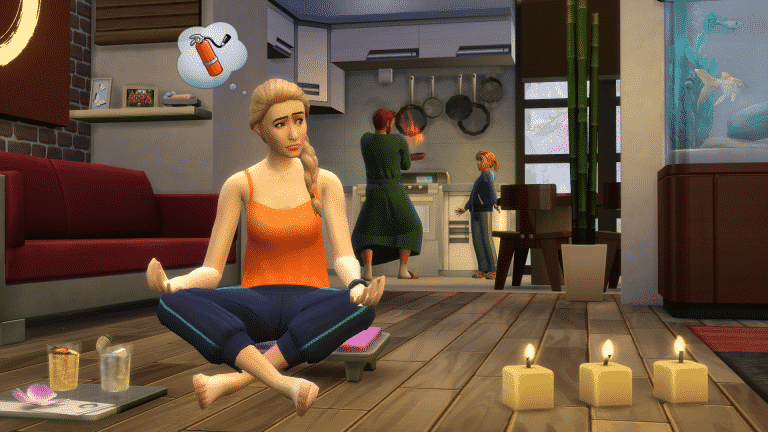
On this day just two years ago The Sims 4 Spa Day was released, it was a great addition to the game. This pack was all about letting your sims relax and added so many new functional items as well as brilliant decor and clothing for our sims to enjoy.
As well as adding loads of new items and clothing it also added a brand new lot type, spas were now an official place that our sims could travel to. The wellness skill was added in to the game as a way for our sims to become at peace (and eventually be able to teleport!), it allowed sims to meditate, perform yoga and give massages. But don’t forget about those emotions, with the new incense you could light it and let your sims bask in whatever mood you chose, from inspiring Evocative Lemon to energising Invigorating Cinnamon.
The pack was very positively received as it focused more on adding new content than adding worlds or big heavy features, but it worked well as a game pack, the amount of items and CAS item it added were staggering and it’s definitely one to add to the collection.
The Sims 4 only has a few traits that you can pick up in Create A Sim, but the real treasure of traits can be unlocked by finishing Aspirations. Here are some of the best aspiration reward traits that not only you’ll find useful but also entertaining:
 Hilarious (From Joke Star Aspiration)
This trait does not only ensure that your jokes will always be accepted by the crowd but you also get 3 unique jokes: Horryfing Joke, Funniest Joke in the World and Weaponized Joke. All of these 3 jokes will put another Sim in a certain mood: the Horryfing Joke will make your Sim embarrassed, the Funniest Joke in the World will give a Sim a +3 playful moodlet and the Weaponized Joke will make your Sim dazed for a few hours. You can manipulate the environments with some emotional auras and make another Sim die from laughter with these (well, if that other Sim already has a Playful moodlet or two).
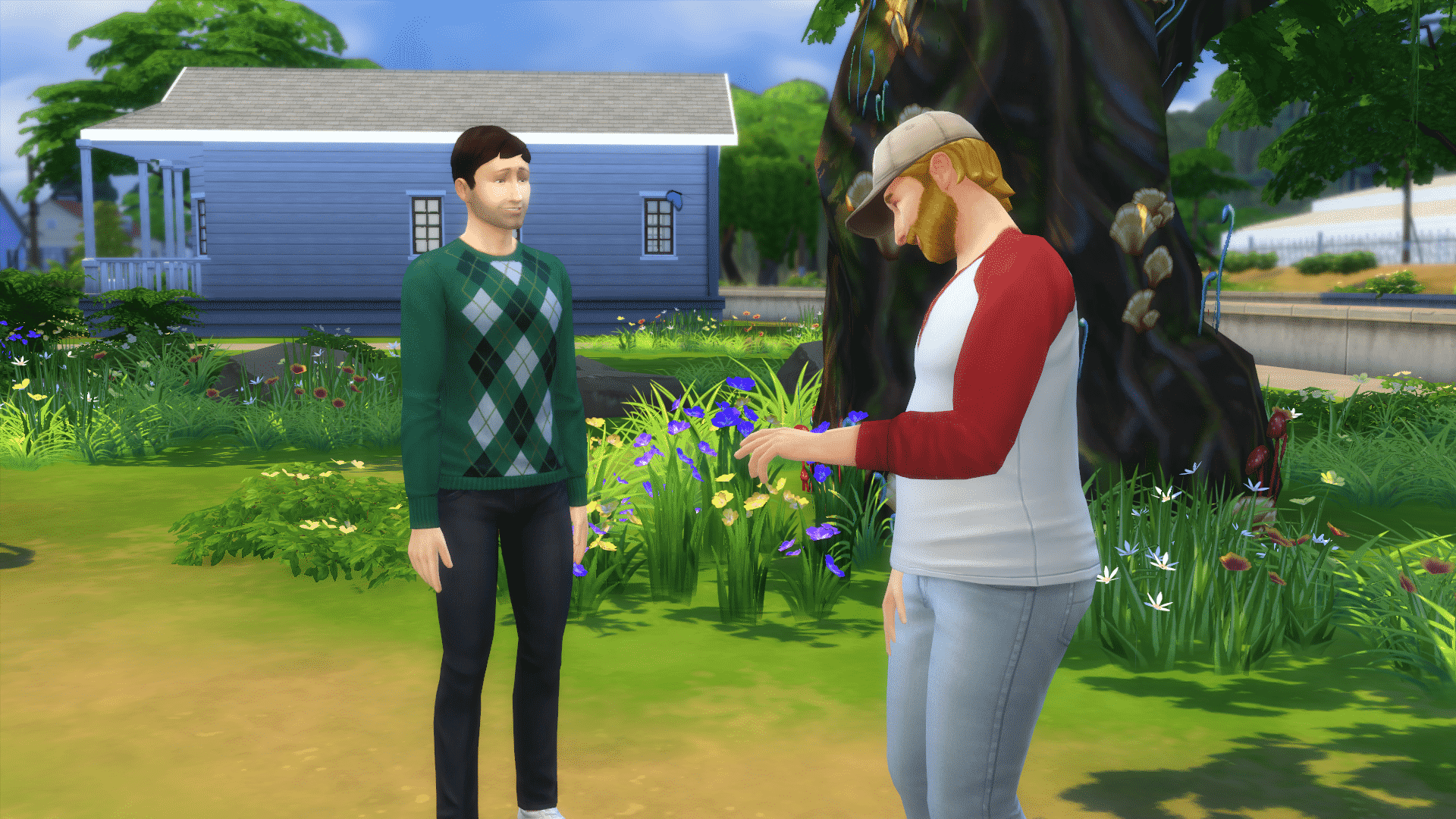
 Piper (From Musical Genius Aspiration)
This Trait can influence other Sims nearby to perform certain actions. Sims with the Piper trait can use a guitar, violin or the piano to perform the following compositions:

 Poetic (From Bestselling Author Aspiration)
This Trait is very, very powerful. With this Trait you can bring a Sim back from the dead, and here’s how. Once you write The Book of Life on the computer you can then capture a life saga of a Sim that your Sim has a relationship with. The book can then be read by any Sim and will have their needs refilled.
If a Sim whose life saga you’ve captured has passed away, he/she can bring themselves back to life by reading the book (you’ll have to add your ghost Sim to the household first).


 Tormentor (From Chief of Mischief Aspiration)
With this trait you can sabotage almost any object and every Sim! Sabotaging an object will cause it to break with the next use and sabotaging a Sim will give them a +1 dazed moodlet for 3 hours.


 Webmaster (From Computer Whiz Aspiration)
This trait brings 3 useful interactions on your computer:

Have you managed to obtain all aspiration traits in The Sims 4 and which ones are your favorites? Let us know in the comments!
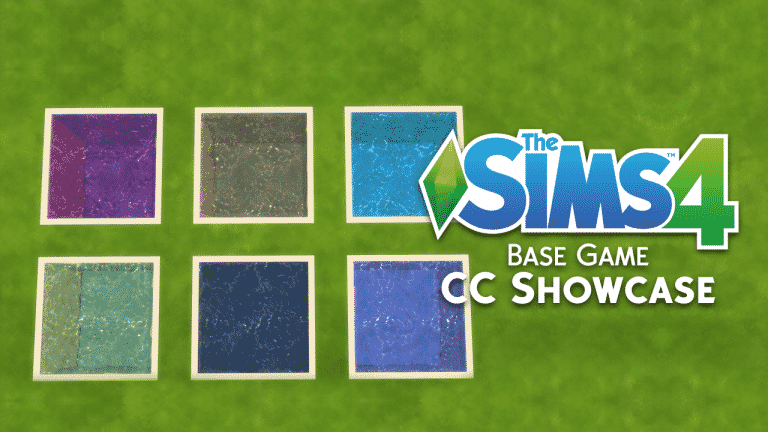
As part of our first ever themed week here on Sims Community, I decided to take a look at some of my favourite pieces of Base Game custom content that I have in my game.
When I look for new custom content for my game I always check out NoodlesCC and PictureAmoebea as they both always have a great selection of content to choose from. Of course there are many amazing content creators out there. I also check out wildlyminiaturesandwich , PickyPikachu and abundanceofpixels to name several others. Lana CC Finds is another good resource that I use when looking for custom content and there is even a dedicated Maxis Match section.
Colourful Shutters by Noodlescc


All The Water Pool Colours and Wall Patterns by PictureAmoebae


Toddler Patch Curtains by MayuOnline

Embrace The Storybook Chair by PictureAmoebea

12 Base Game Plants Recolour by PictureAmoebae


Welcome to Oasis Springs by Saartje


I could honestly spend ages sharing my favourite pieces of base game CAS items with you all but this one by Saartje is one of my more recent ones that I have added to my game. I also have recently added NoodlesCC base game hair recolours to my game which you can find here. Make sure you check out parts one and two from the collection as well!
That’s it for this Base Game custom content showcase. Let us know what your favourite pieces of base game custom content are in the comments below or over on Twitter!

The official Facebook page for The Sims Brazil has posted the following GIF, saying:
Who’s excited for the next news from The Sims 4?
Now, we don’t know what they mean with this, but there certainly won’t be anything for this week as SimGuruDrake confirmed that we shouldn’t expect any news this week.
We have a quarterly teaser which was released a couple of days ago – however the teaser has only shown one Stuff Pack which should be released in late Summer (which is probably around August/ beginning of September).
Considering we don’t have anything much going on, could there be a new announcement that The Sims Brazil is hyping us up for? Stay tuned!
As you may have heard, Origin is having a HUGE sale right now where you can save up 50% on Expansion Packs, 25% on Game Packs and 20% on Stuff Packs (Fitness Stuff is an exception which is only 10% off). I’ve received many questions asking “Which pack do you recommend?” so I decided to write a quick article letting you know some of my top picks. Please note that everyone has their own taste in games so it’s perfectly fine if you don’t agree with my pick 🙂
My favorite Expansion Pack so far is definitely The Sims 4 Get Together. Not only does it bring the biggest world The Sims 4 has ever gotten but it also introduces a game-changing feature: Clubs. You can manipulate multiple Sims and go out on adventures that you define. Clubs are a perfect tool for storytelling and the best thing about them is that they’re enhanced each time a new pack is released (meaning that you can encourage Sims from your club to do an interaction that a certain pack has brought).
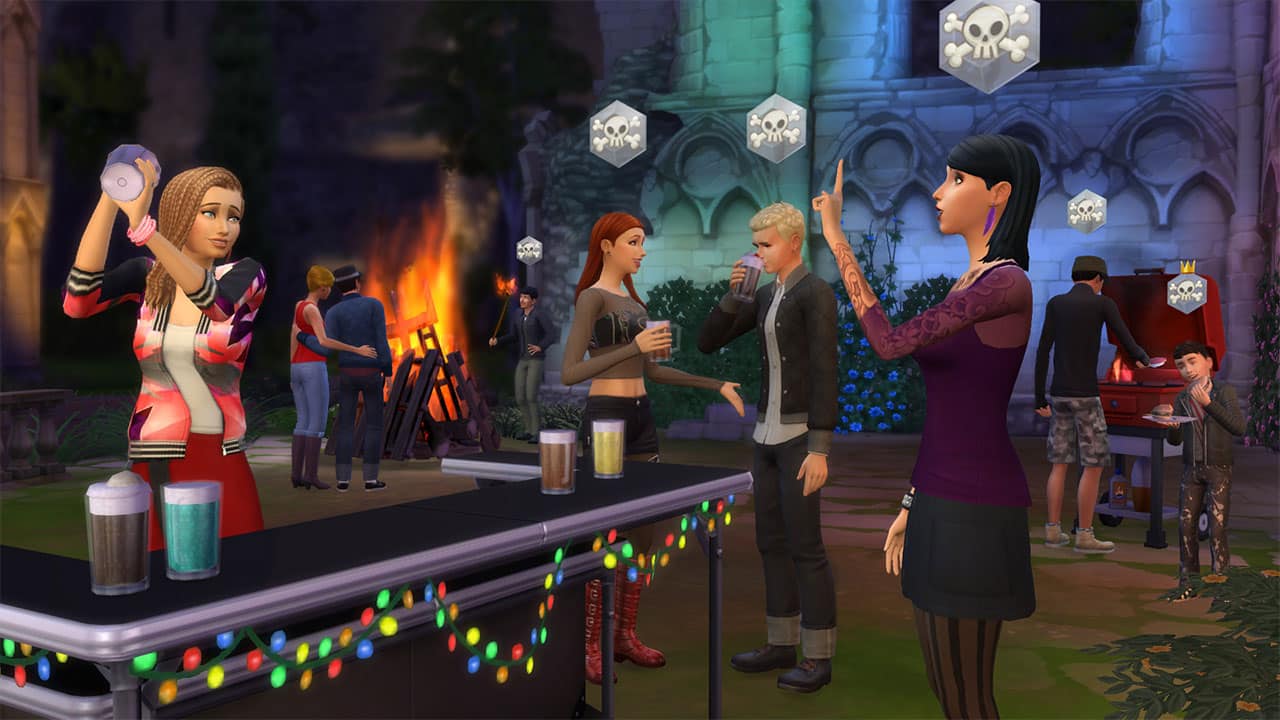
There are already 5 game packs for The Sims 4 so it came down to 2 of my favorite Game Packs: Dine Out and Parenthood.
On one hand we basically have a time-management “spin-off” for The Sims 4 where you get to create, visit and manage restaurants. It’s perfect for control freaks like me because you get to manage details like which recipes your restaurant will offer, who will work in your restaurant, what should your staff wear and many more options.
Parenthood delivers gameplay that we’ve been wanting since The Sims 4’s release – giving a lot more meaning to your Sim’s growing up. As a parent you get to discipline your young’uns and watch them develop into adults with positive (or negative) traits that they’ve earned during their growing up. There are plenty of interactions that you can explore that will influence your Sim’s character values which makes the pack so valuable.


It’s really hard to pick my favorite Stuff Pack because there are already 11 of them! Still, it came down to these 3 SPs: Kids Room, Backyard Stuff and Vintage Glamour.
Kids Room adds new objects and clothing that are focused just for kids! There’s also a ton of new gameplay (for a Stuff Pack at least) including the puppet theatre, Voidcritter battle station, voidcritter collectibles and a new TV channel.
Backyard Stuff is good because it adds plenty of small gameplay objects including wind chimes, flower power outdoor light, large umbrella table, bird feeder, summer drink tray and of course, the water slide.
Vintage Glamour stepped it up introducing a new NPC – the butler! The items and clothing bring a twist to all the modern objects we’ve already gotten used to. Along with the new NPC you get a vanity table and a globe bar.


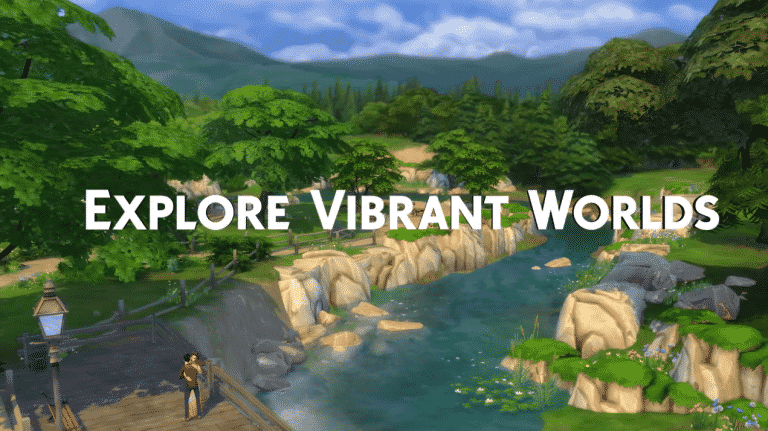
Origin has released a new trailer for The Sims 4 Base Game for the occassion of The Sims 4 joining Origin Access!
Origin just published brand new deals for The Sims 4 Games! Some games have crazy new prices including The Sims 4 Base Game which is only 15$, City Living (50% off) and Parenthood Game Pack (25% off).
Here are all the games included in this sale:
Make sure you take advantage of this sale as it ends on July 18th at 10AM PT.
Ready to complete your Sims collection? Click the image below!

Today’s the day! The Sims 4 Base Game (Digital Deluxe) is now finally available on Origin Access among 70 other video games!
If you don’t know what Origin Access is, it’s a subscription-based service which lets you play video games from Origin’s vault like Need For Speed, SimCity, Battlefield, Star Wars and many, many more for just $5 a month / $30 a year! You can play these games for an unlimited time and video games that support cloud save will store your progress in case your subscription is over and you want to join again.
For full information about Origin Access, CLICK HERE!

I’ve never gotten to a point where my Sims would die from strong emotions (death by anger, embarassment or laughter) because usually when I’m writing articles that involve such death causes I use cheats which boost emotions. However, this time around I’ll try to make my Sim die from an emotion without using any cheats.
For this article I’ll be trying to make my Sim die from anger. To make things easier for me I’ve made a Sim (Frank) with the Hot-Headed trait which should hopefully speed up the process.

I think the easiest way to make Frank angry is through socialization with other Sims so I’ll be waiting for the welcome wagon to heat things up.
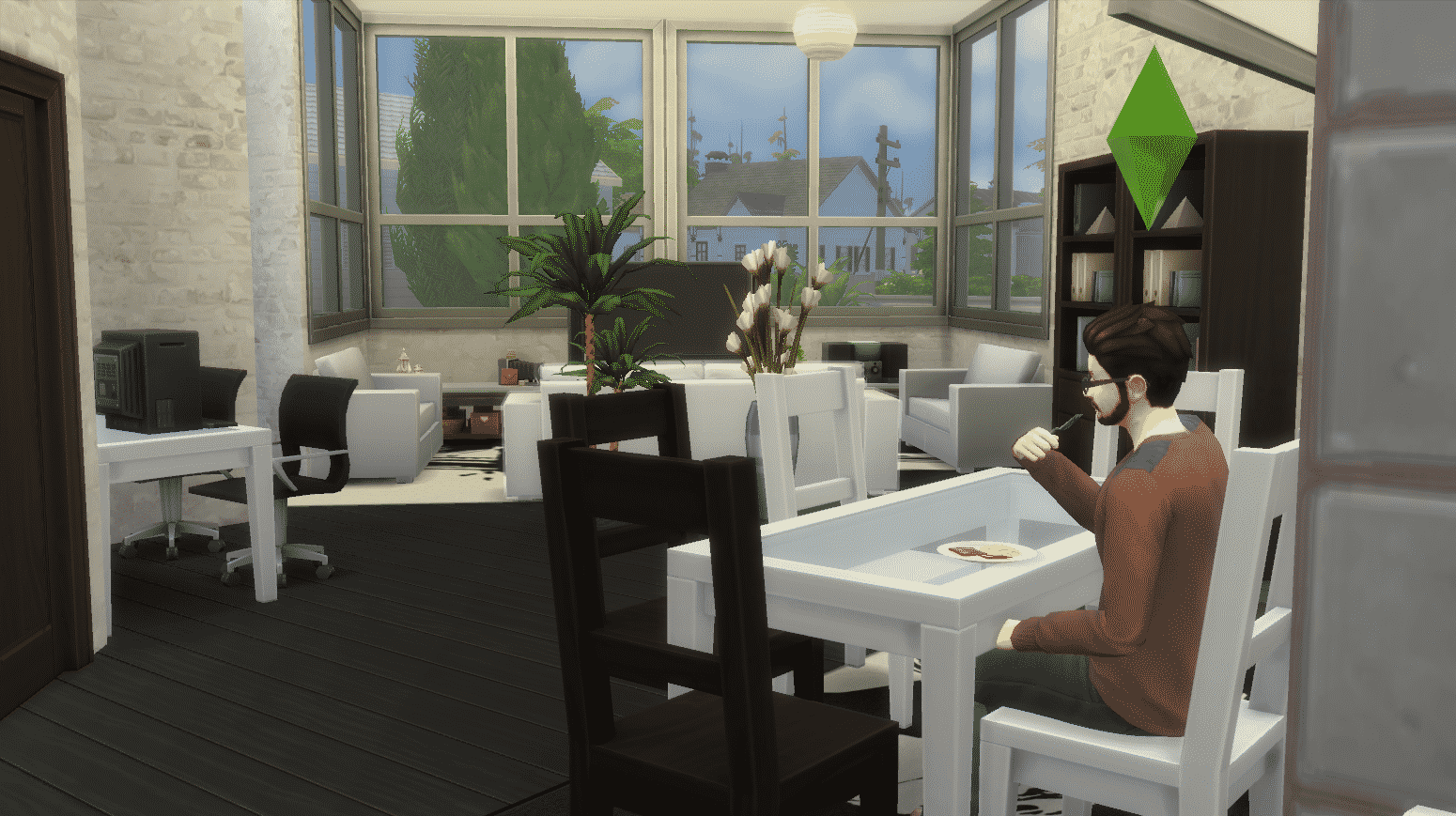
However, the welcome wagon didn’t show up for some odd reason so I had to go to the park and meet new people that my Sim will get angry at in the future.
I tried to be rude to the first Sim I saw in the park. However, that only made the Sim I was socializing with angry, not Frank who was just fine.

I was really surprised how hard it was to get my Sim angry other than the random angry moodlet which my Sim got from the Hot-Headed trait. Even that moodlet only lasted for 3 hours and didn’t have a strong effect on my Sim.
Maybe I’ll have better luck on the next day….
I couldn’t make Frank angry no matter what but I decided to give socialization another go. I went to the Rattlesnake Juice Bar in hope to meet new Sims that Frank could get angry at.
I tried to be rude towards Juliette but no matter what I do, Sims just don’t want to fight back and they quickly leave the conversation with anger.

Quite Frank-ly (haha, get it??? okay, I should leave..) I realized while playing that the best way to make my Sim die from anger is not to live alone but live with another Sim who will keep provoking Frank day and night. I went to the gallery and added Andre DaSilva to my household – another Hot-Headed Sim.

I tried to make Andre mean to Frank and it eventually worked – my Sim was finally angry! But, there are 2 more emotional levels to go through before my Sim can die from anger. To make his anger stronger I’ve made Frank do an angry painting which should emit an angry aura.
Thanks to the Hot-Headed Trait, Andre was able to rile up Frank which gave him another +2 angry moodlet, making him Very Angry. Let’s hope the angry painting will make him enraged.

Frank’s painting skills were so bad that he didn’t manage to make an angry painting with good quality, making the emotional aura really weak. It took 2 angry paintings to get one +1 angry moodlet:

Because Andre was angry as well thanks to the paintings, he had access to new mean interactions which should hopefully make Frank even more angry:
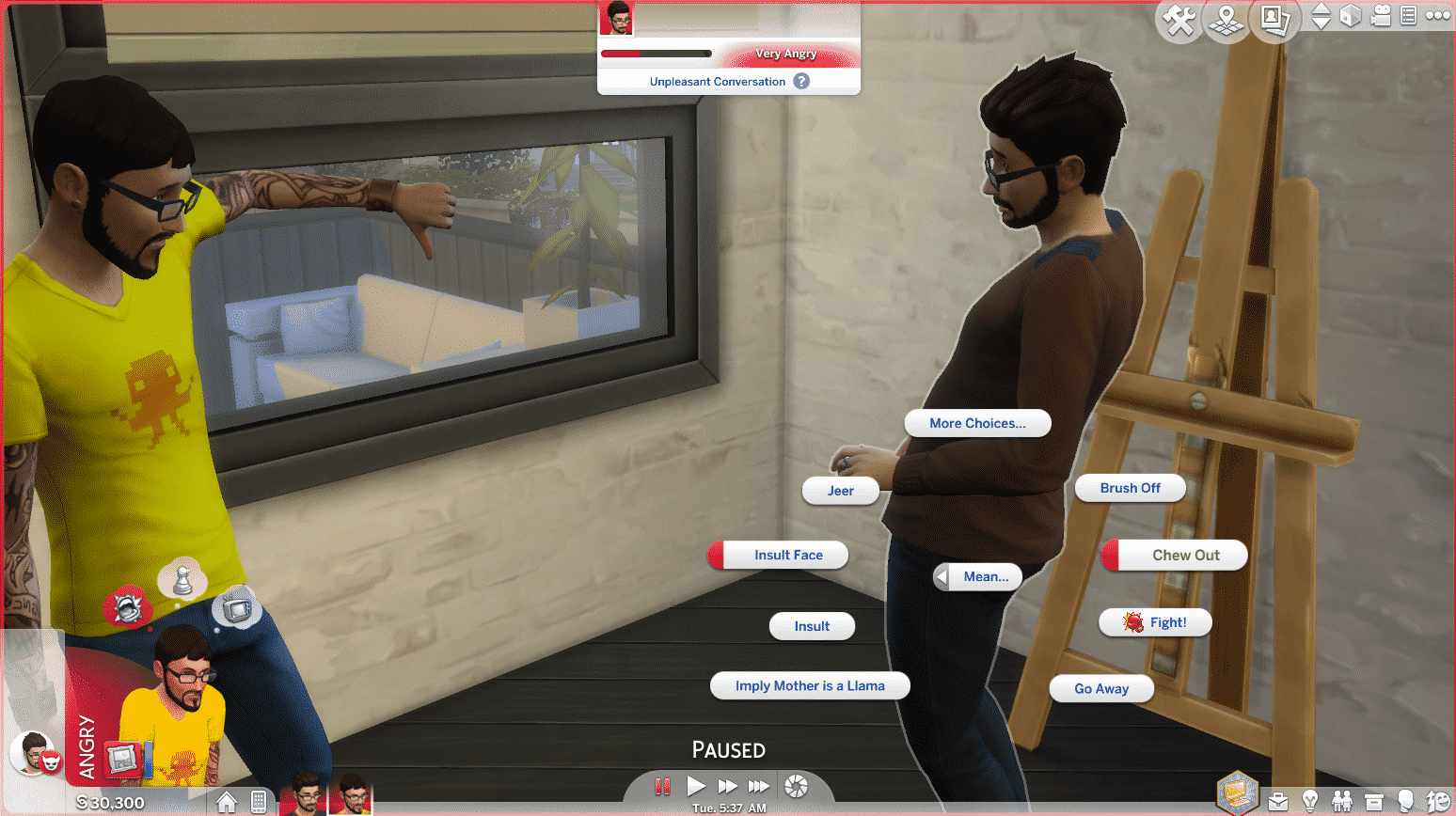
The interactions didn’t really help so I thought that the Fight option would be the best. I wish I didn’t do that as Frank lost the battle and the Dazed emotion was in full effect instead of Angry:

My Sims have been exchanging insults for almost a day without any significant results but I didn’t want to give up just yet. After the dazed emotion wore off I made Frank do another angry painting which didn’t result in anything. However, Andre declaring Frank as an enemy really helped a lot, giving Frank another +2 angry moodlet:

Whatever I did just wasn’t enough to reach the 3rd level of the angry emotion, so I tried the unthinkable.
I made Frank fall in love with Babs L’Amour, another Sim I’ve added to this household in order to succeed at killing Frank. I wanted to make things more extreme and have Babs and Frank marry each other, have Andre flirt on Babs and have Frank walk into the room during that scenario (really ambitious, right?) Thankfully this is The Sims so it should only take me about few hours to do that – or so I thought. I completely forgot the fact that Babs is Noncommittal which is why she rejected the proposal. That really hit Frank hard, making him very embarrassed.

Seeing how strong the “Rejected!” moodlet is I’ve decided to kill Frank by mortification. It shouldn’t be too hard this time around….
I had to carefully prepare for this. I took care of all of Frank’s emotions except bladder. Then, I made him and Babs go to the park and try the proposal again, which failed of course.
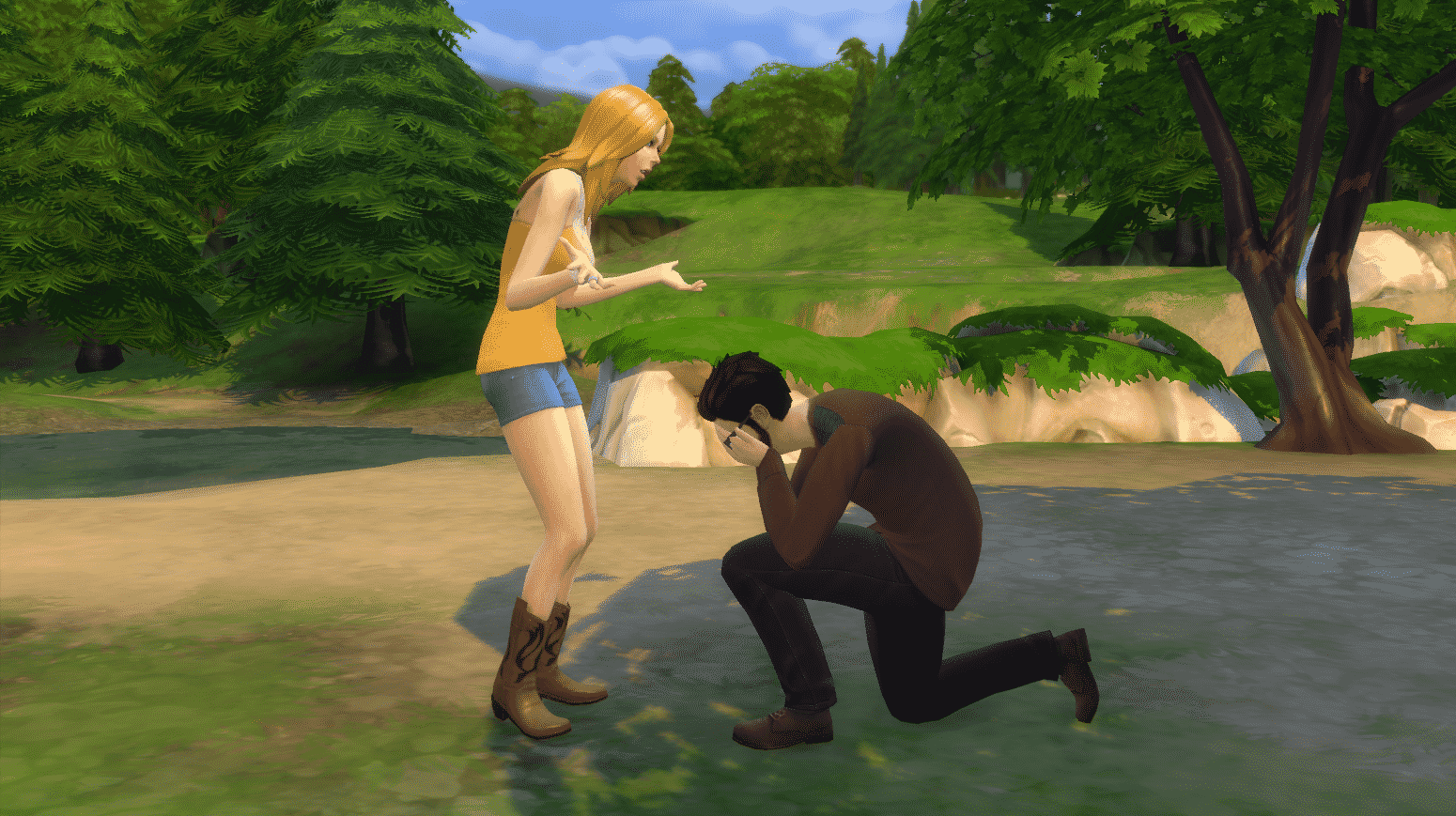
Then, just at the right time, my Sim’s bladder failed.

This is it – Frank finally reached the 3rd emotional level. He’s not dying from anger but at least my mission here to kill a Sim with an emotion is complete.


When it comes to trying to kill your Sim with anger, be patient. There are several reasons why I failed to kill my Sim with anger:
Still, this story is over and Babs and Andre ended up getting together.
And they lived happily ever after… (except poor Frank)
