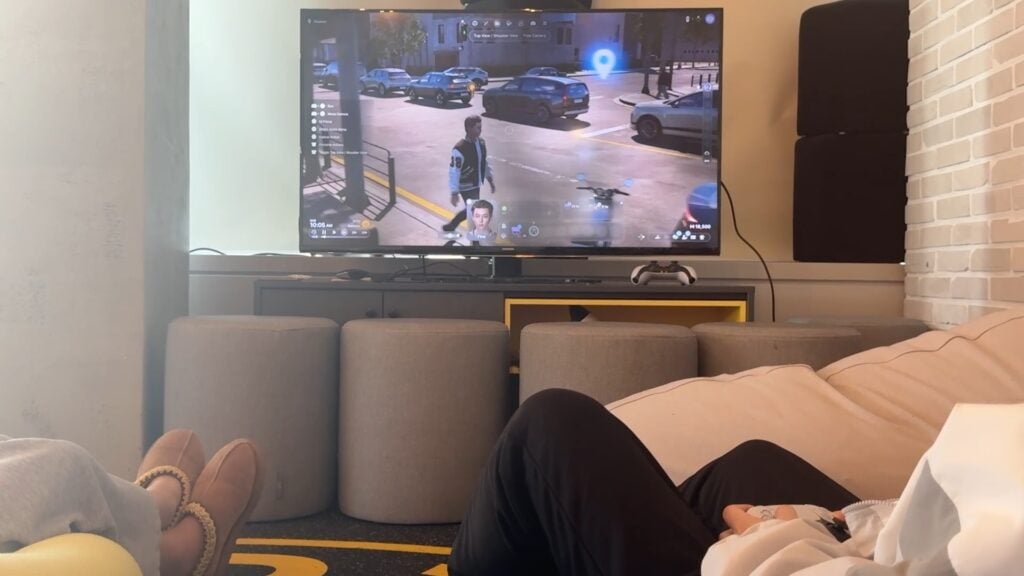
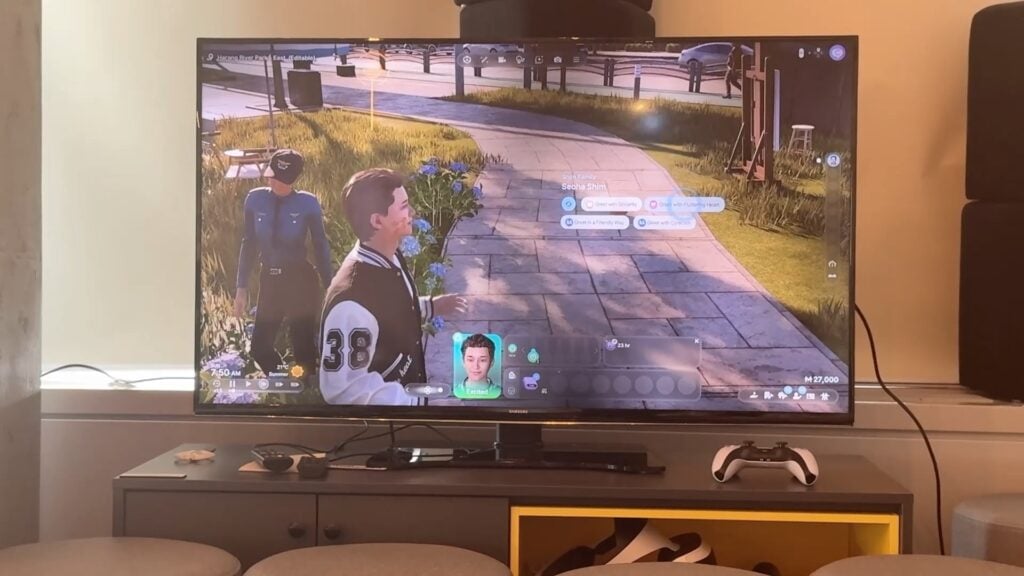
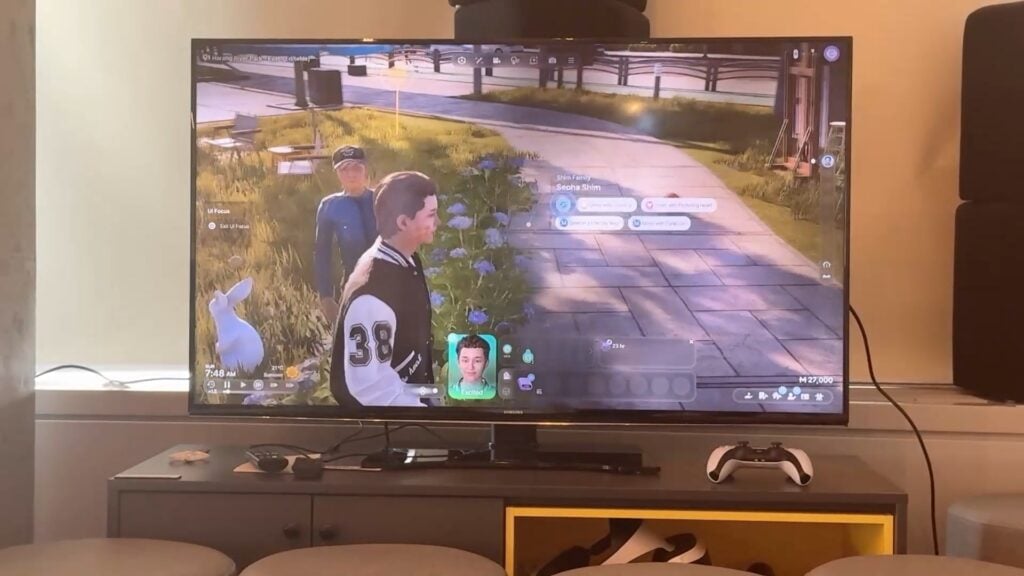
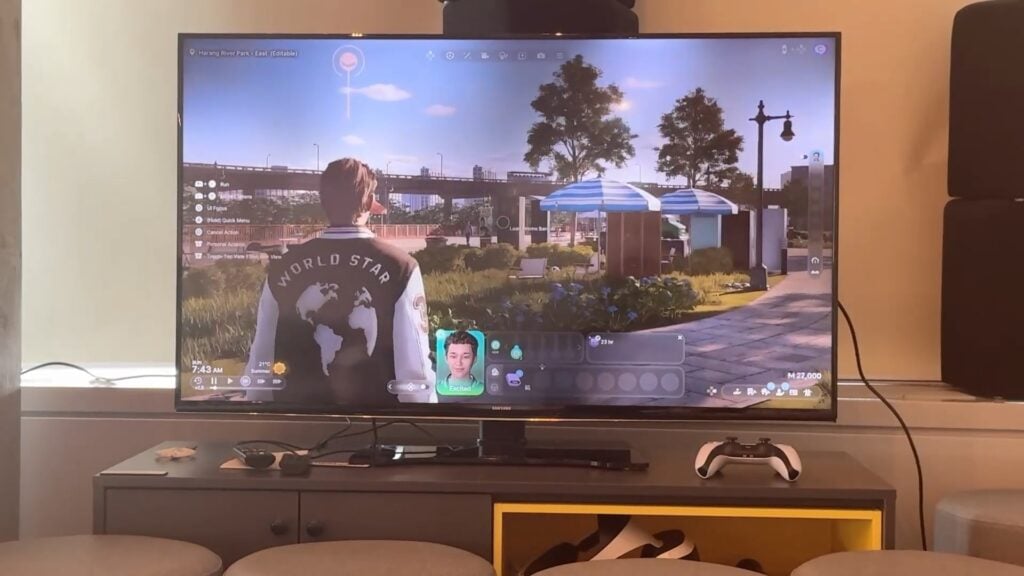
You’ll be emailed shortly with an inquiry for Paralives gifting. Thank you all for entering and stay tuned for more giveaways in the near future!
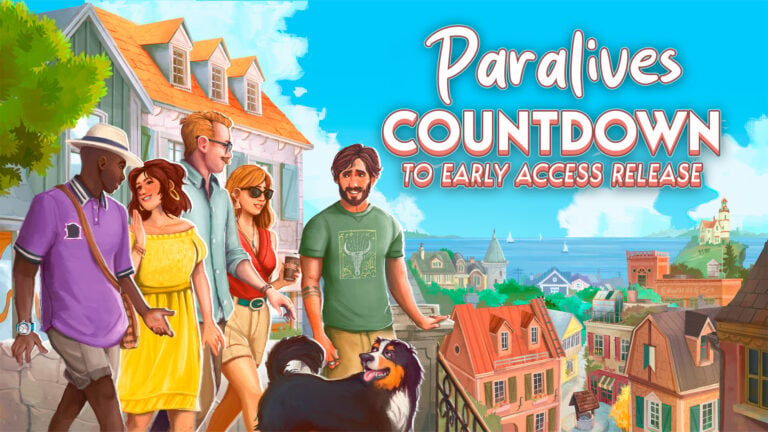
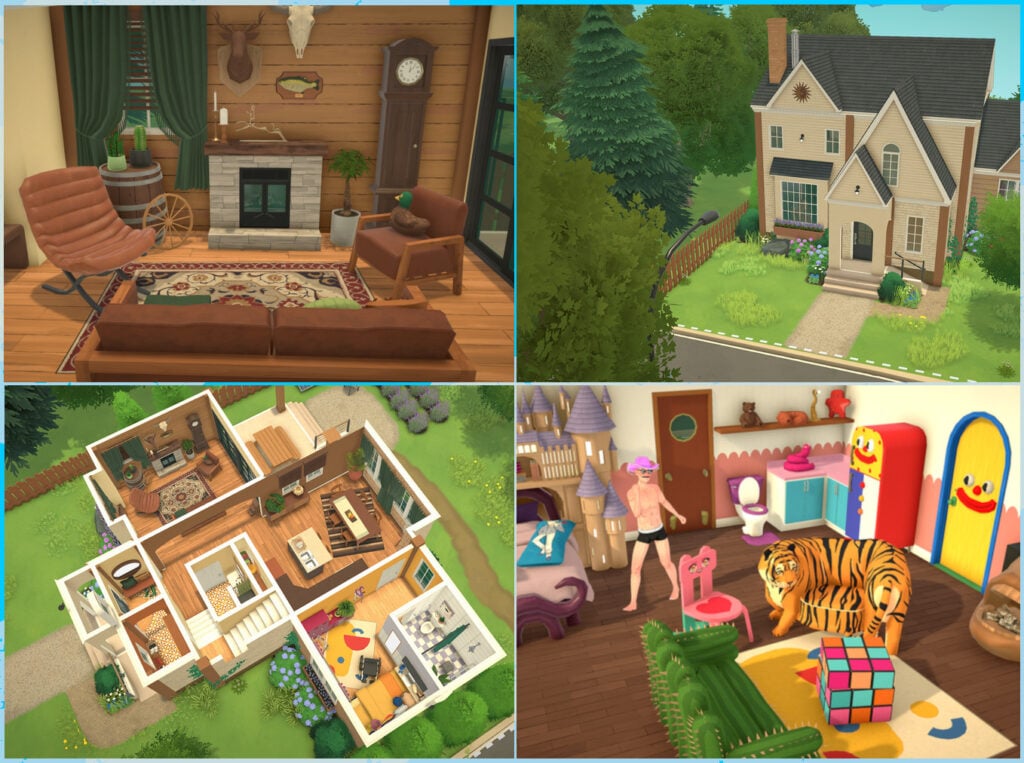
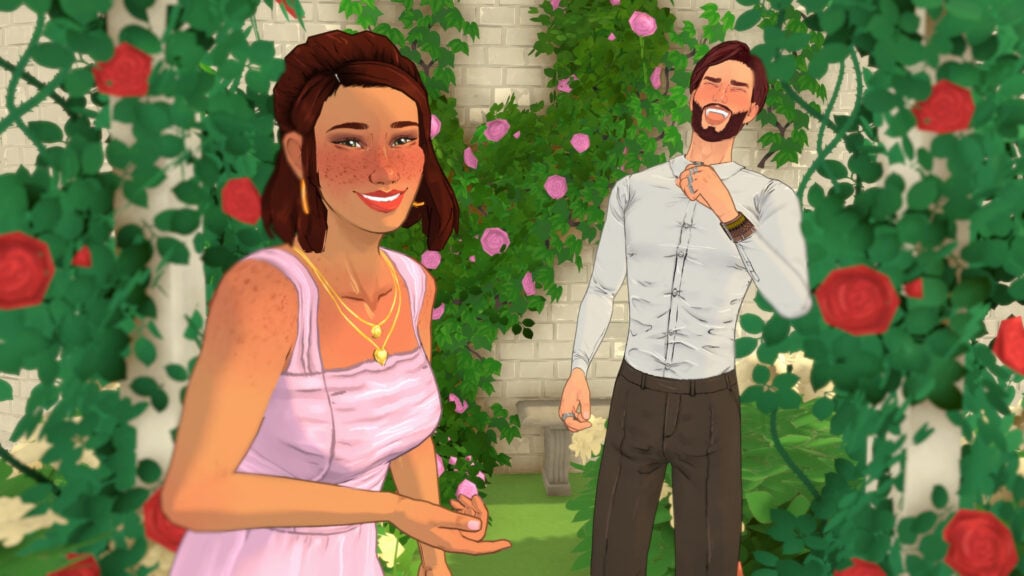
The new indie project that we’ve been reporting about for years is getting its first Early Access launch on Steam on May 25th, and we want to celebrate this occassion with a fun giveaway! We’re celebrating 13 years of Sims Community and want to throw a party for a promising new life simulator coming our way.
The entry rules are very simple, and the giveaway is open for everyone with a Steam account. And, preferrably, for everyone who can meet the minimum system requirements and start playing right away!
Extra chances of winning a copy wait for you in our dedicated giveaways on Sims Community Instagram and Twitter social media in partnership with the Paralives Team.
Here’s how you can enter the Paralives Early Access giveaway and enter a chance to win 1 out of 3 copies:
Paralives (Early Access) Steam Giveaway
You can win 1 out of 3 copies for Paralives Early Access by simply answering the following question in the comments section below:
Which game aspect would you like to try first: Paramaker, Build Mode or Live Mode?
That’s all there is to it it! Leave your comment down below and we’ll select three random winners in the dates mentioned below.
Three lucky winners will be chosen through a random generator using random.org. Your comment ID number will be used in the final comments number draw, and we’ll let the website randomize the rest!
This giveaway ends six hours before Paralives launches first in Early Access on May 25th, 2026 at 12PM CEST. We want to make sure we can select the winners and exchange contacts so the game is given around the same time of its launch. We’ve also included a handy countdown below which lets you exactly when the giveaway entry period is over!
00
Days
:
00
Hours
:
00
Min
:
00
Sec
Time until the giveaway entry period ends!
Before entering the Paralives (Early Access) Steam Code Giveaway, make sure you’re met up with all the official giveaway rules we’ve listed below:
Official Giveaway Rules:
Be respectful and follow the Sims Community Commenting Guidelines linked below.
Not more than 1 comment! We have ways of identifying multiple entries so don’t try!
Your comment might be saved for manual approval. Don’t worry, we will manually approve your comment in 24 hours if all is correct. There’s no need for creating multiple comments!
Make sure you have a working Steam account set up for receiving gifts.
Make sure you leave your correct information when filling in the user details. We’ll need a correct E-Mail address to contact the winners!
We will draw the winners and contact them about an hour after the giveaway ends on May 25th, 2026 at 1PM CEST.
Do not share your personal email and data in the conversation!
You can contact us at contact@simscommunity.info for any technical difficulties or additional inquiries about the giveaway.
As stated, giveaway winners will be announced shortly after on May 25th at 1PM CEST. Make sure you follow Sims Community for the latest Life Sim Games coverage on Paralives!
However, there is still a way to access this pack – it just involves utilising either physical discs or archived files, and a short workaround.
Using Discs
If you are lucky enough to still own any of the original discs for The Sims 2 DLC, then these will work with the legacy collection; you just need to take a few extra steps to install them.
You will often see these packs on sale online through sites like eBay and other second-hand game or electronic sites, so it’s worth checking these every now and again.
Downloading The Content
There is still a way to access the IKEA stuff pack using online archives, but proceed with caution.
How to Install
Before extracting the files, create a folder elsewhere called SP8 to extract them to.
Once you open the disc or ISO files, you should see all the subfolders.
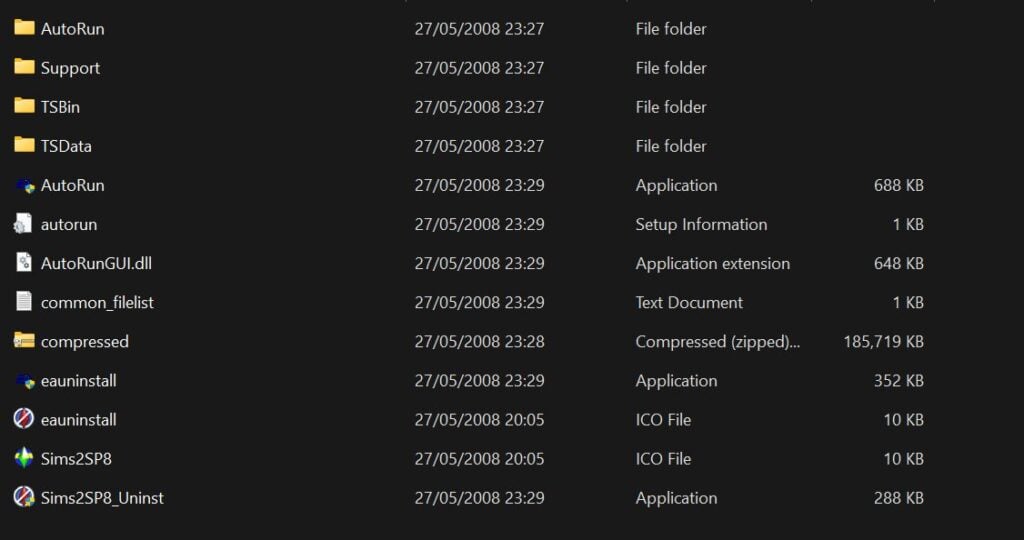
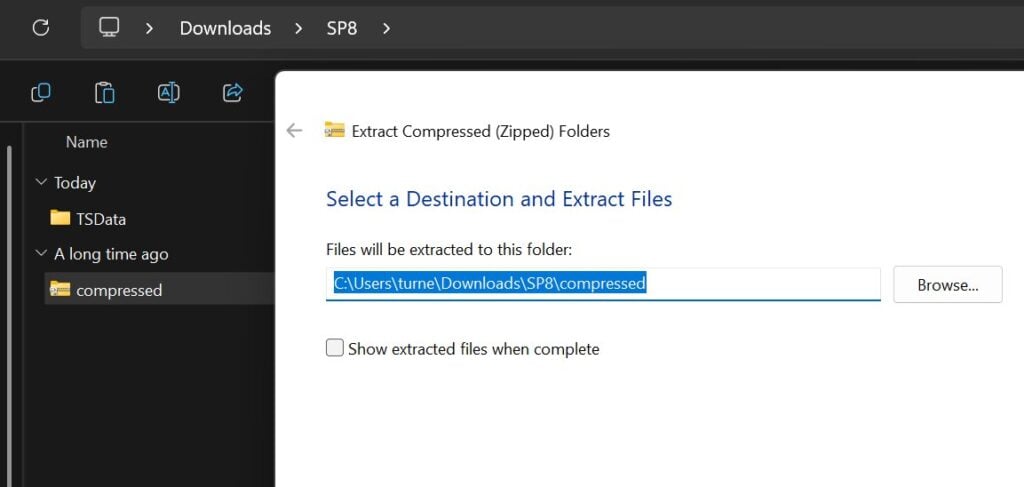
Copy the TSData folder and the compressed file folder into your new SP8 folder, then extract the compressed folder into here.
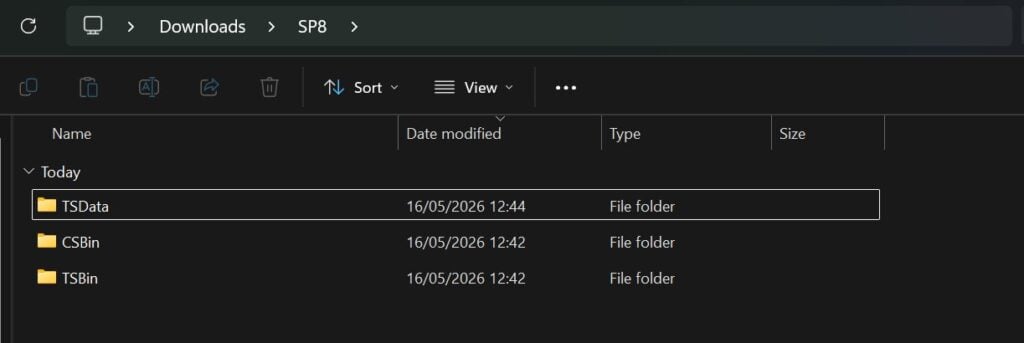
Once you’ve done that, the folder should look like this.
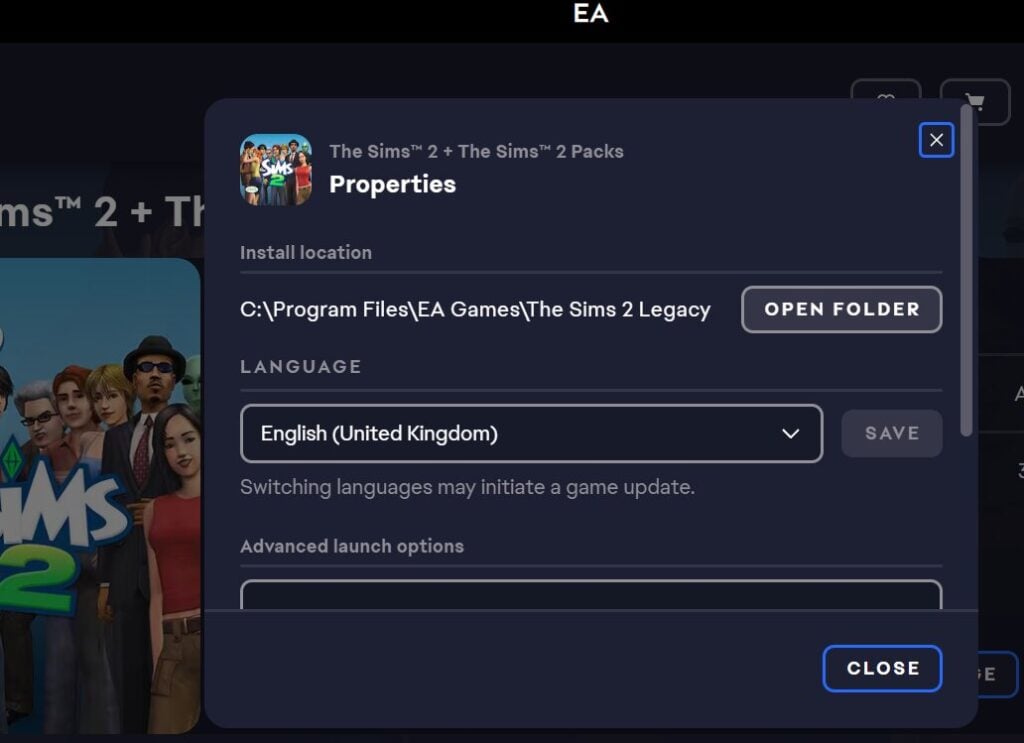
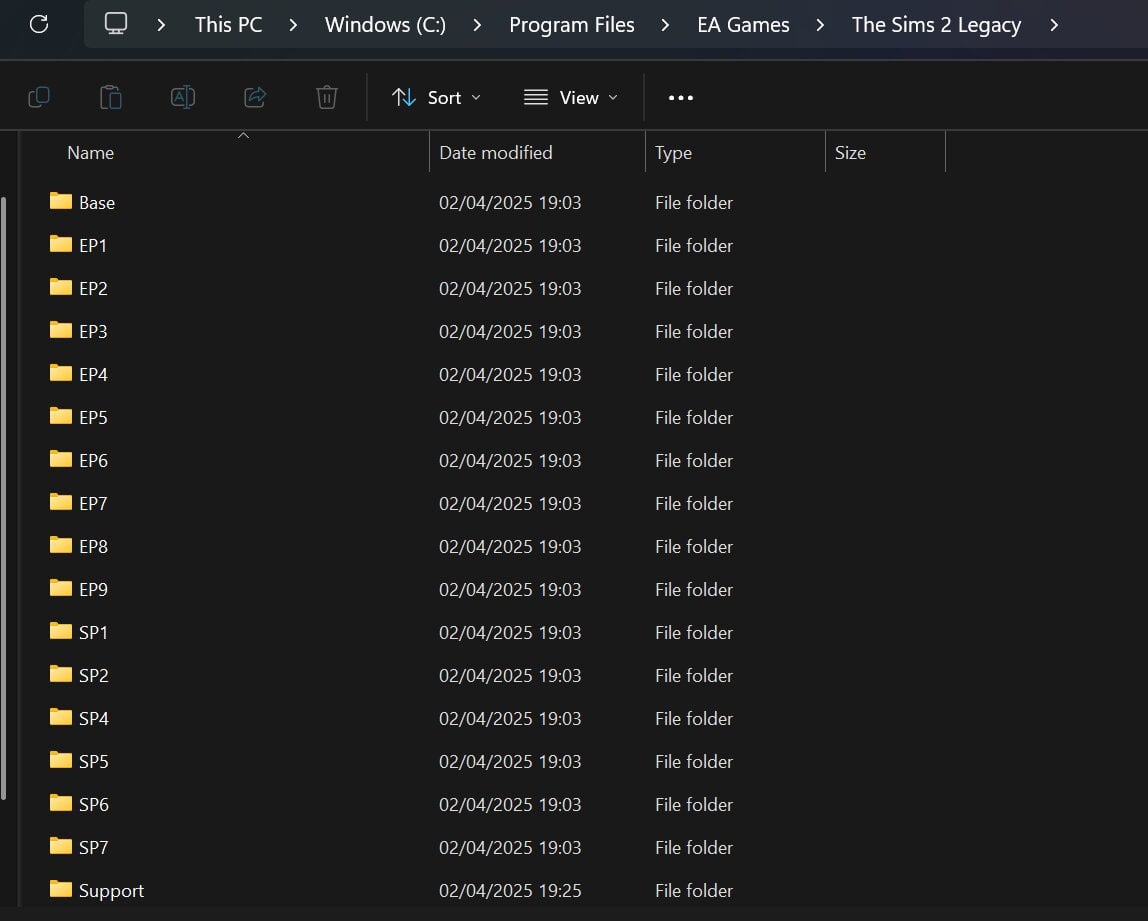
Then move this new SP8 folder into the The Sims 2 game folders. If you’re struggling to find this, you can use the game launcher to open the correct folder.
After Installation
You need to activate the content to ensure it appears in the game. The next step varies depending on whether you use Steam, the EA app or Epic Games.
If You Use Steam
Download the file 3314070_install.vdf from the online repo, and replace the one in the game files with this new one.
If You Use Epic Games or EA App
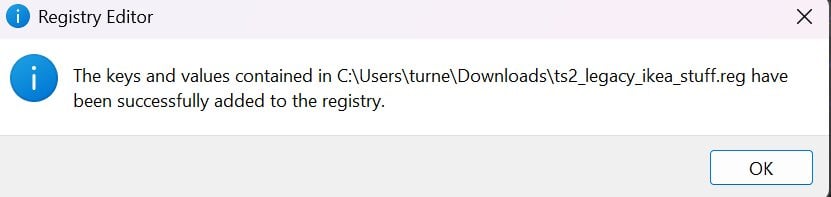
Download the file ts2_legacy_ikea_stuff.reg from the online repo. Open it with Notepad/Notepad++ or any other text editor. Change the path from the default to your game path and then click save.
Then run the registry editor file to make sure this redirect works.
To avoid game crashes, make sure you have cleared your game cache files.
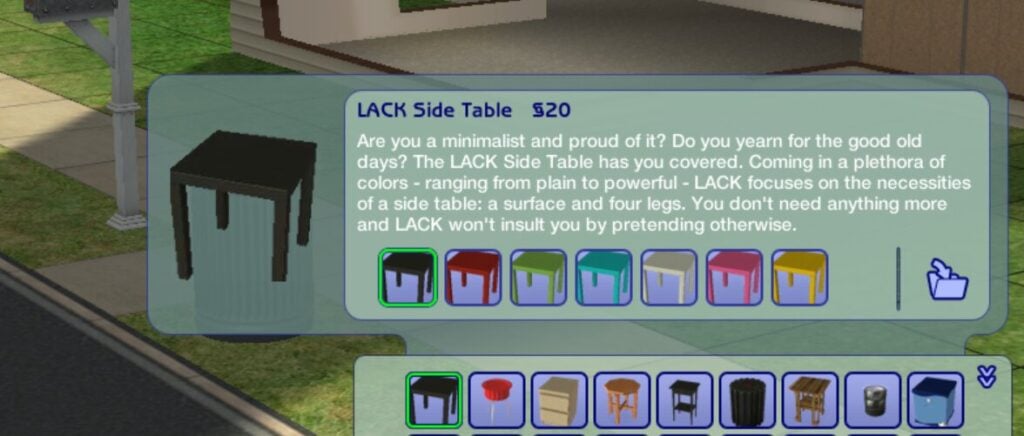
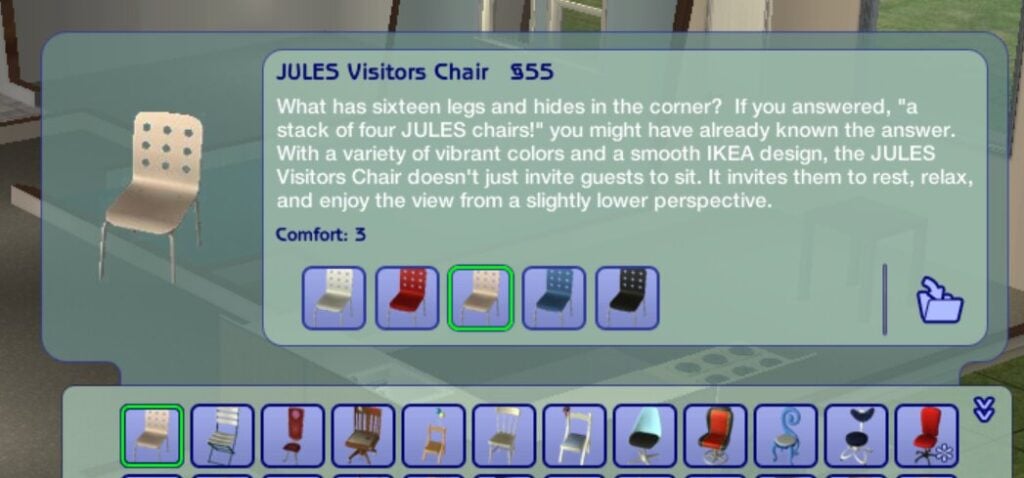
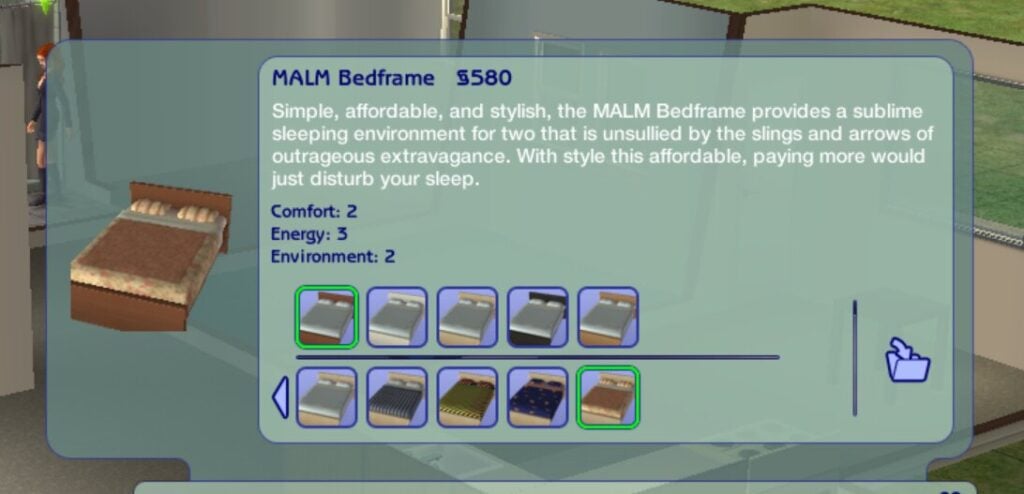
With some luck, you should be seeing the iconic IKEA items in your game once you launch!
The Sims 2 Preorder Bonuses & Maxis Store Items
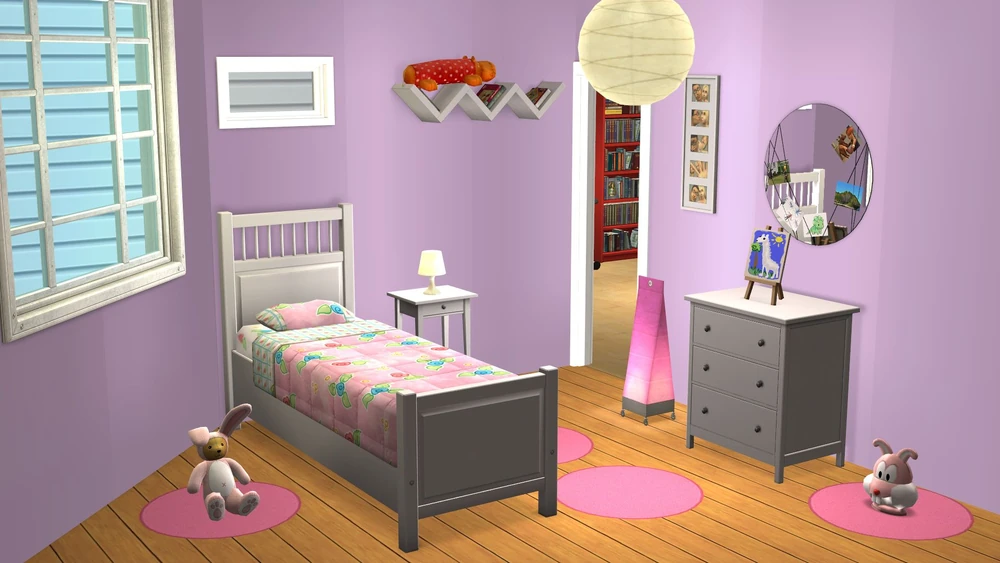
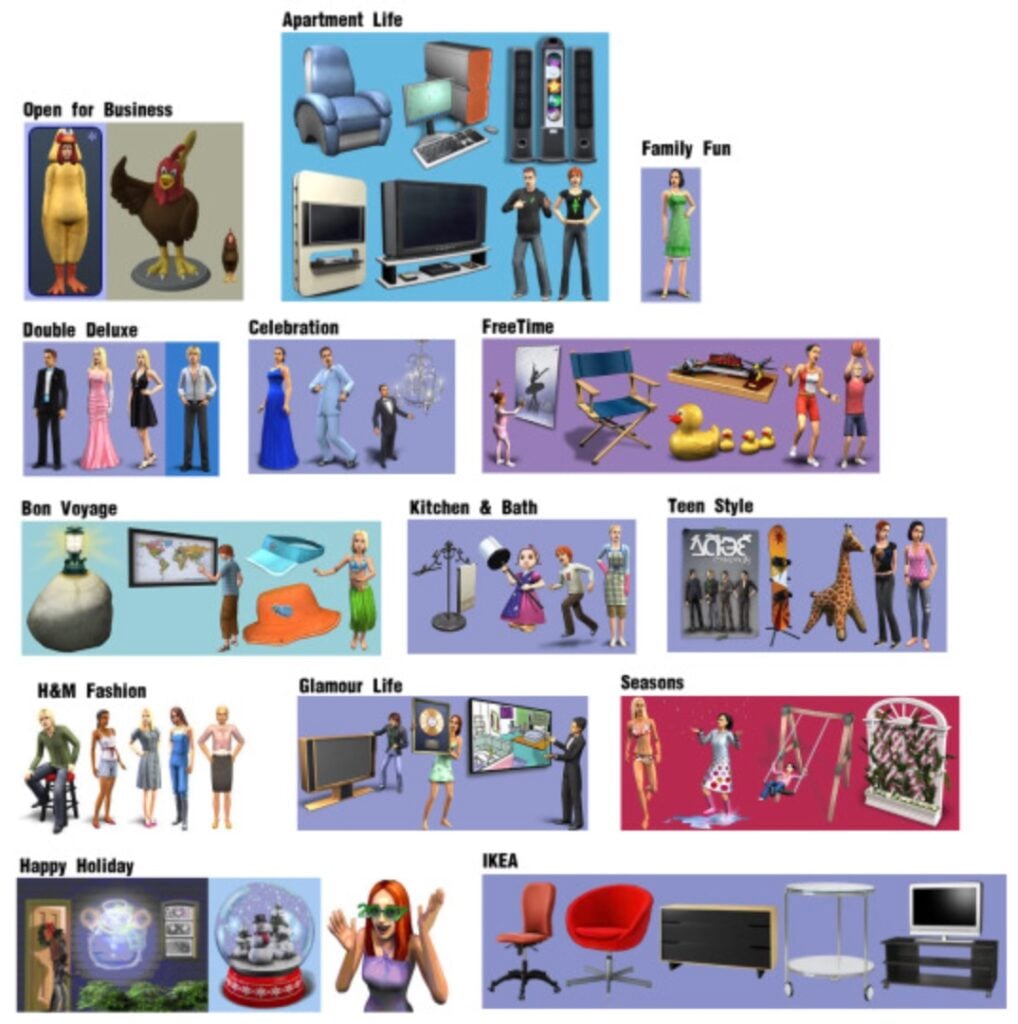
If you missed the preorder bonuses that came with The Sims 2, you are unfortunately about 20 years too late. Not to worry though, thanks to internet archives you can access all of these right now!
Using this archive, over 100 items are available to download and install for free.
How To Install The Sims 2 Preorder Bonus & Store Items
Go to the online archive and click view all items. The items you want to click will end with .rar
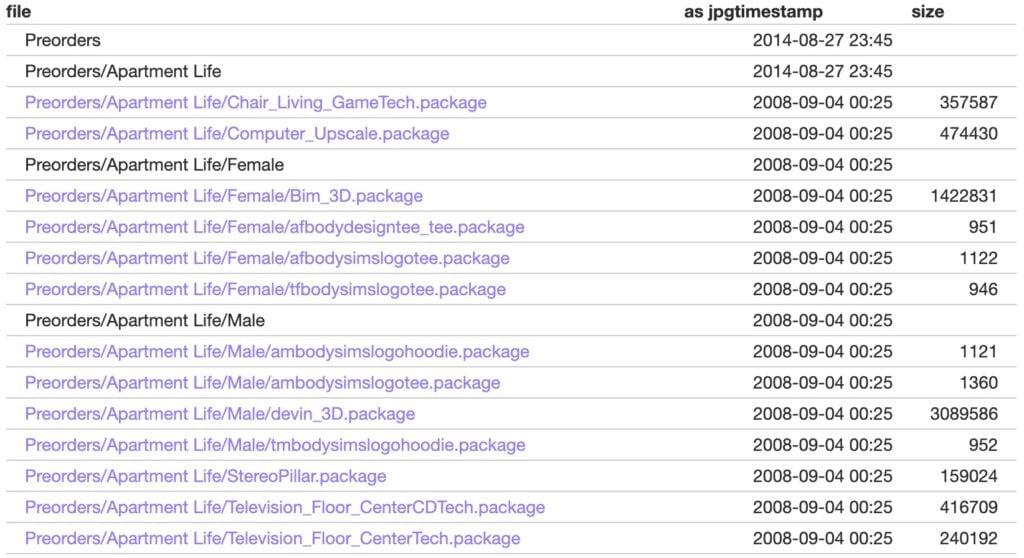
If you click on view contents you will see what each pack comes with.
So if you only want a couple of items rather than the entire folder, you can pick and choose what you would like to add.
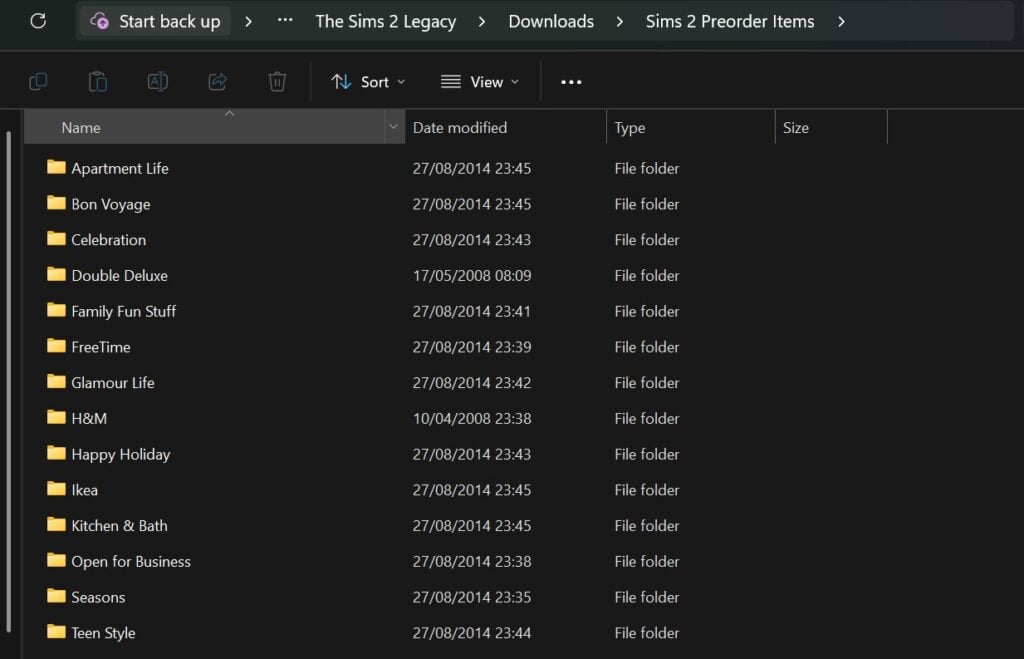
Then, once you’ve downloaded everything, extract it into your downloads folder in the game documents.
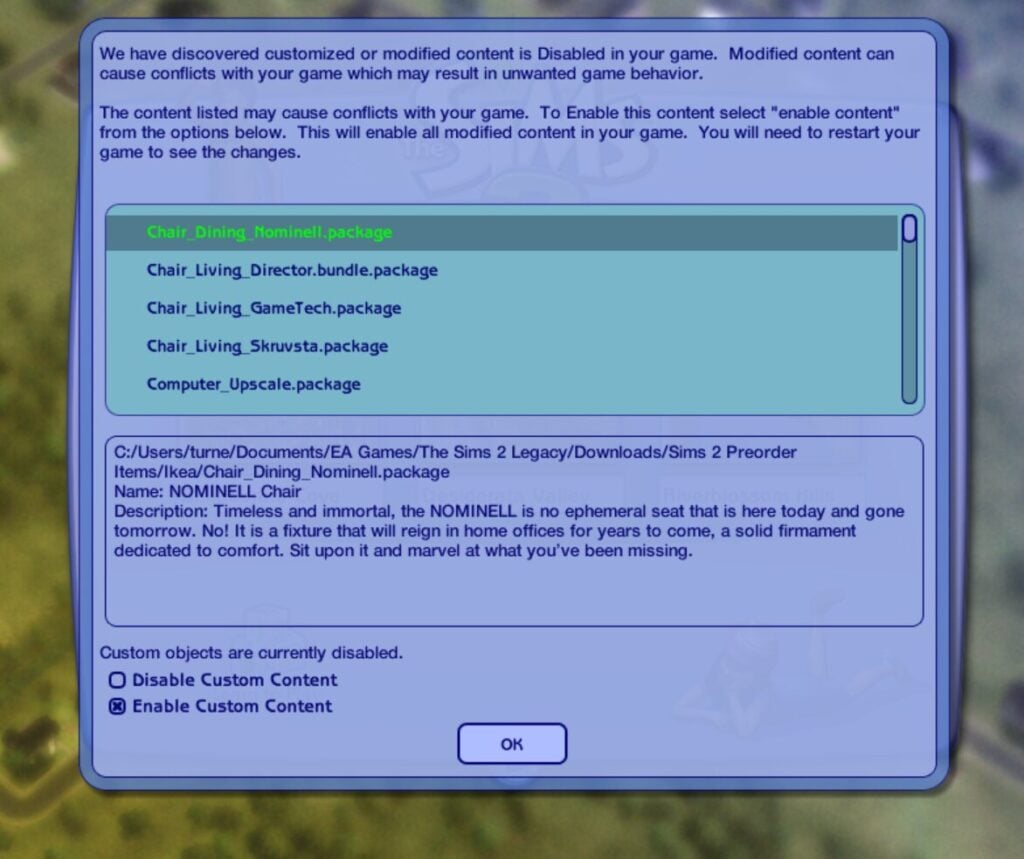
Because the game will recognise these items as custom content, for them to show up, you will need to make sure that custom content is enabled in your game settings.
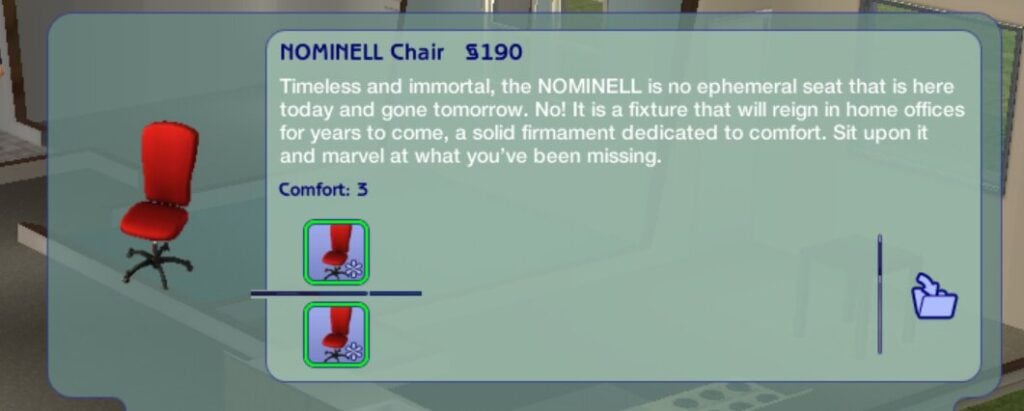
You will know if these are new items because in The Sims 2 any items which are custom content will have a pinwheel in the item thumbnail.
The Sims 2 Lost Items
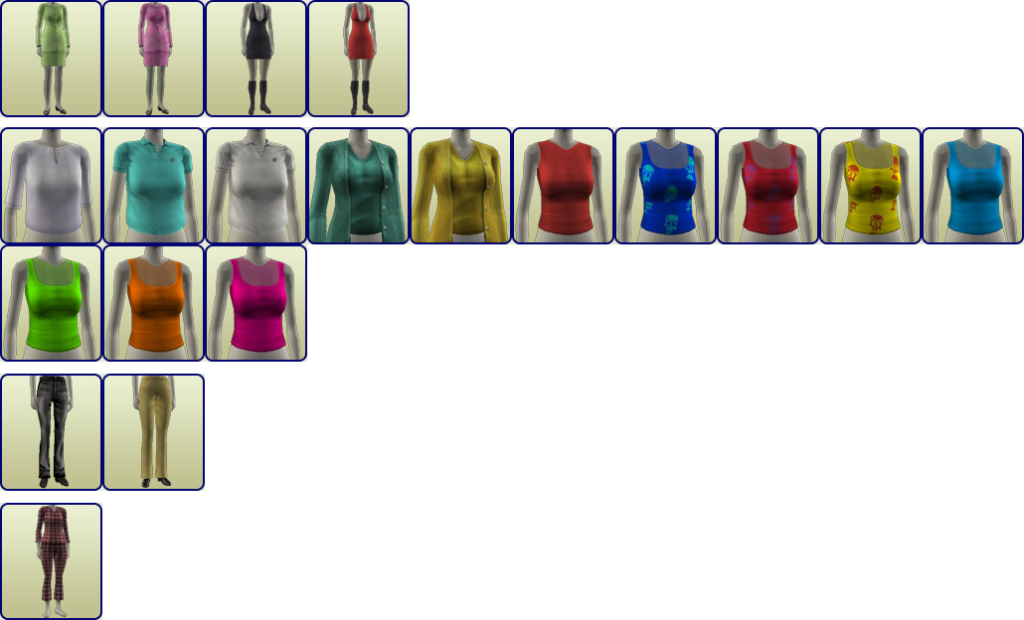
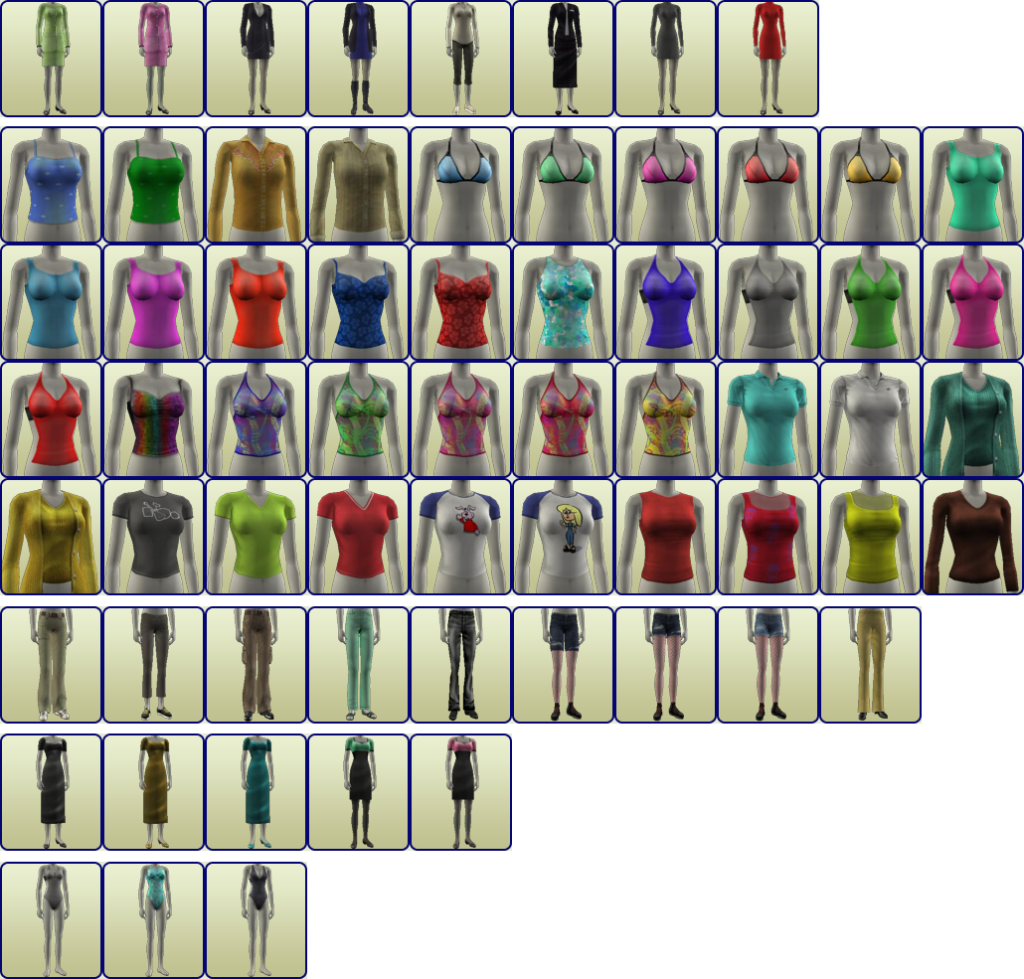
Archives have collected a bunch of lost or hidden items, which you can download and install for free. In this archive, you’ll find build/buy hidden objects, debug items, and unused or disabled objects from the game, and for Create-A-Sim (CAS), you’ll find a collection of hidden and unused clothing and hair.
Just open the archive, select the items you want to download, or download them all to complete the collection (there is a zip folder with everything in it towards the bottom to make it easier). Then follow the same instructions above.
If You Are Looking For More
There is a huge collection of Sims 2 custom content available online, and it’s totally free to download.
Sites like The Sims Resource have thousands of items to browse and download, and creators on Tumblr have also converted items from later games for The Sims 2.
When downloading custom content online, always be careful and make sure you use a reliable antivirus.
The Sims 2 is a classic and still loved by people to this day, so utilising this archive can help you get the most out of the game and access content which would otherwise be lost.
Do you still play The Sims 2? Will you be downloading the IKEA content and preorder bonuses? Let us know below or on social media.
The team reveals Paralives in action just days before the release!
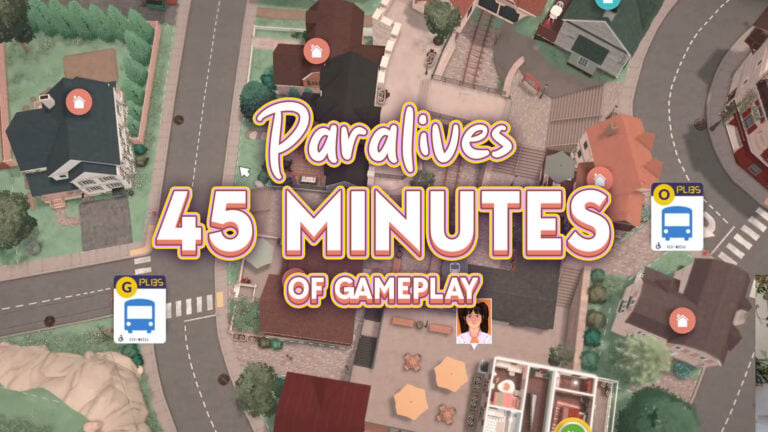
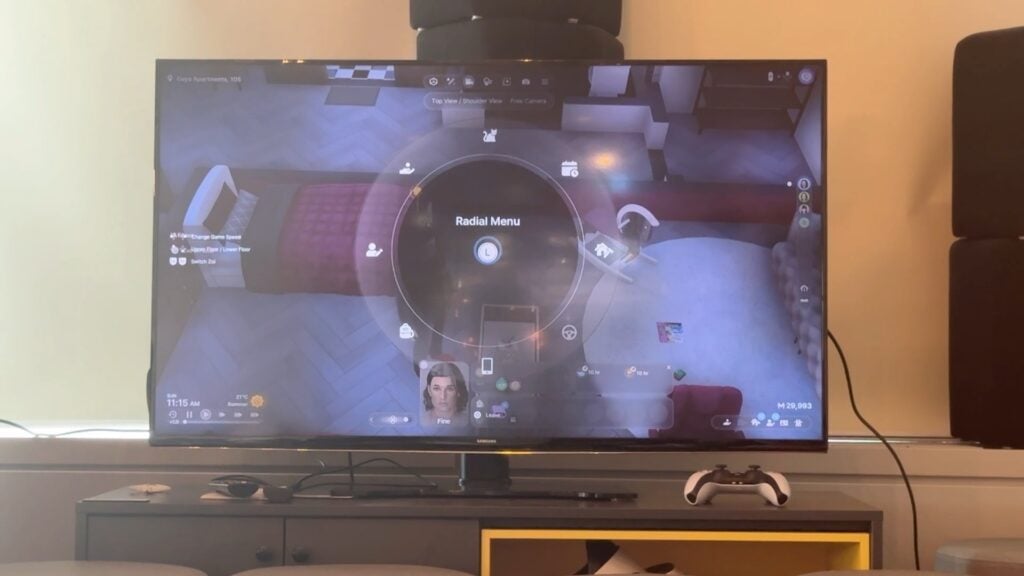
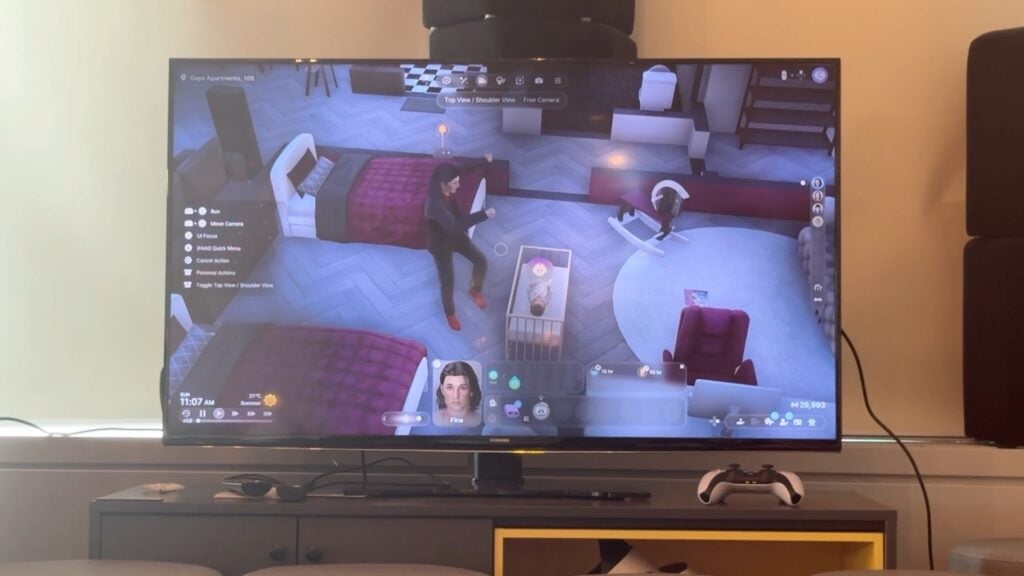
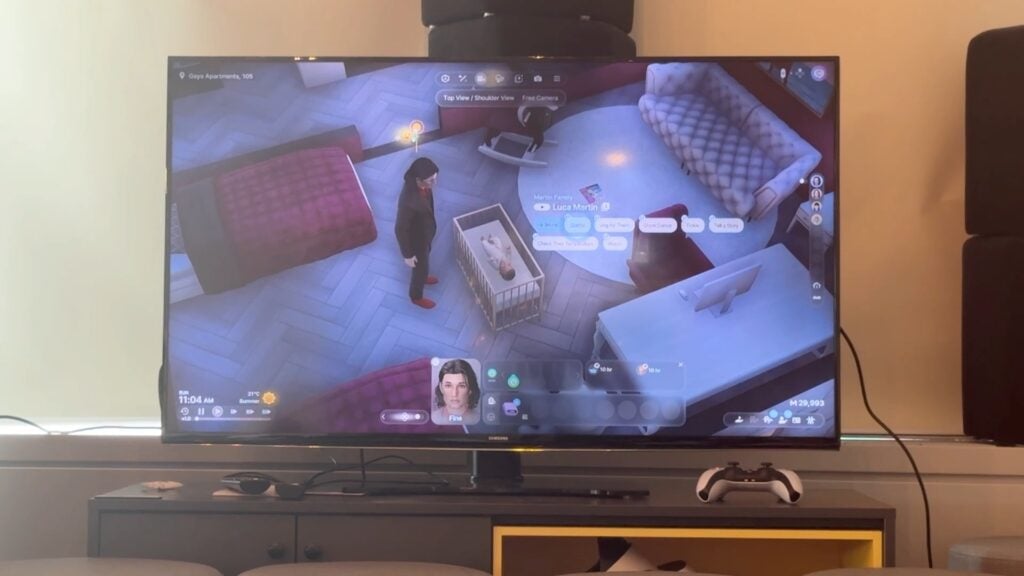
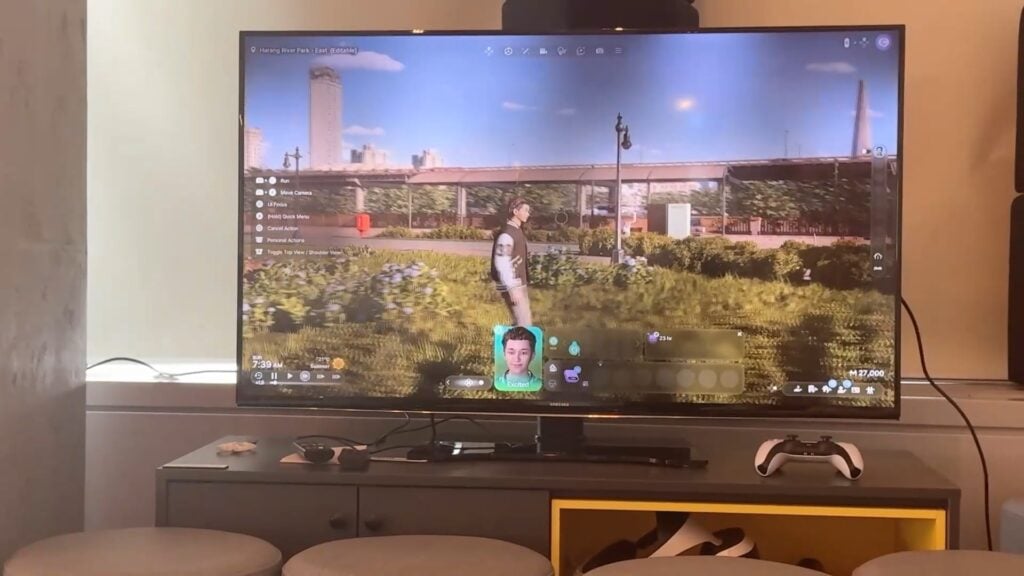
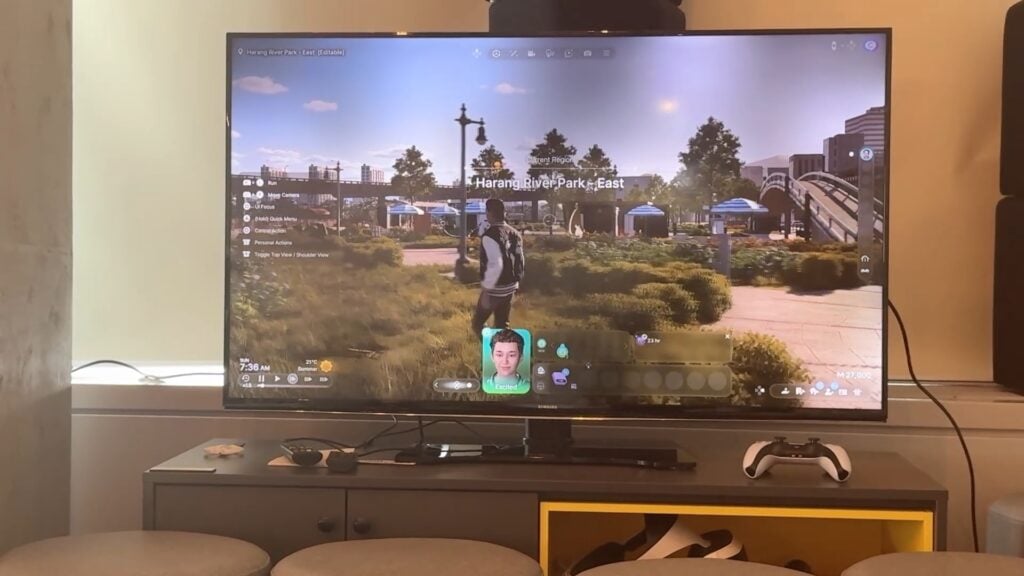
If you’ve been wondering how Paralives runs in the long run then don’t worry. The Paralives Team has just published 45 minutes of new gameplay from Paralives Early Access, revealing what 3 casual days of Live Mode look like in the game.
The game feels a lot more smoother from this latest playtest, but it’s best if you be the judge of that by watching the full thing below:
What are your thoughts on the new gameplay coming with Paralives? Let us know in the comments below and stay tuned to Sims Community for the latest Paralives Game Guides and Overviews!
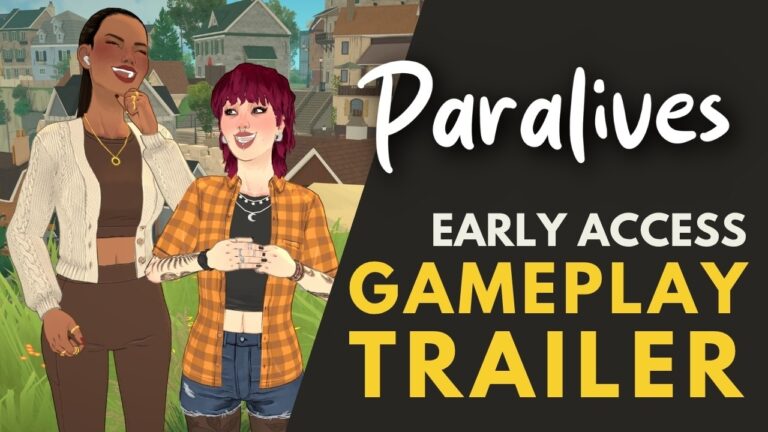
Join in for the premiere of a new Paralives Gameplay Trailer!
The Paralives Team has been hard at work at delivering the game in its final Early Access form. To help onboard the players with all the essential game features the team has prepared a new Gameplay Trailer.
The Early Access Gameplay Trailer for Paralives is set to premiere at 6PM CET /5PM BT / 9AM PT. You’ll be able to catch the gameplay trailer right after the premiere too in the watch page listed below.
There will also be a 45-minute prerecorded Live Mode stream posted right after.
What are you looking forward to from the new Gameplay Trailer? Let us know in the comments below and stay tuned on Sims Community for more Paralives articles!
Just because it’s over doesn’t mean it’s really over.
We thought that it would be truly over for us when it comes to insider gossip for The Sims Project X development and internal stories of the franchise’s success.
Table of Contents
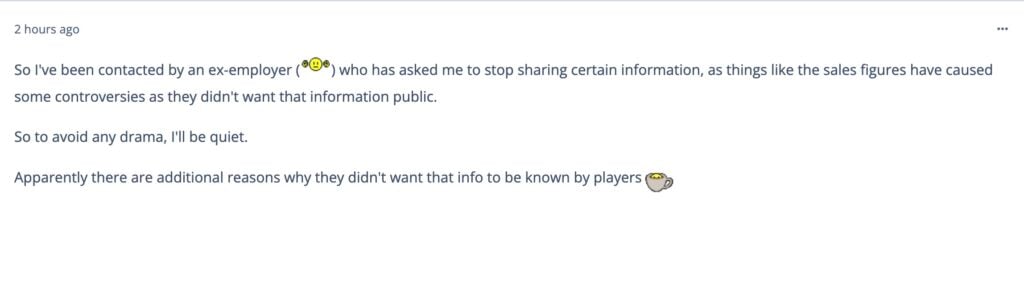
The Sims insider that we’ve been reporting about for almost a year now shared last weekend that they’ll be tuning out from sharing “certain information” on The Sims after being contacted by an apparent current EA employee. Information like The Sims 3 and The Sims 4 pack sales pushed the line of what can and can’t be shared in the insider circles, as suggested by the insider last week:
Final Statement on The Sims Secrets
So I’ve been contacted by an “ex-employer” who has asked me to stop sharing certain information, as things like the sales figures have caused some controversies as they didn’t want that information public.
So to avoid any drama, I’ll be quiet.
Apparently there are additional reasons why they didn’t want that info to be known by players
Contrary to what many believed (including us) – this doesn’t mean that they’ll stop with sharing information on The Sims Project X. Just very, very highly sensitive information that could jeopardize and give a look at next 10 years of future development (if all goes well) – like extremely detailed The Sims pack sales.
I can still talk about some stuff, I just can’t talk about things like sales figures or business practices. But the rest of the stuff they really can’t care less and I suppose it’s just because none of it is really going to matter once things are revealed. You’ll see the new game and what it is and the rest won’t even be considered.
The Sims Insider
The same insider who was first to bring up development talks of The Sims 4 Adventure Awaits, Royalty & Legacy as the last EP release, The Marketplace and May 2026 Sims 4 Live Event is back. With the latest gossip on The Sims Project X being posted just a few hours ago on ATRL.
Here’s everything new they’ve shared over the last week:
The Sims Insider Returns
Insider Explains Return And Why Sales Information Are Sensitive
Sims Insider: The comments on this are kind of crazy.
Saying that EA were the ones leaking the information is wild, and that I’m still working for them makes no sense. These people don’t think about the logistics of why EA would even want this information public.
To use an analogy, I’ll use music. Let’s say an artist has 10 albums in their back catalogue. People trying to get into an artist will likely look up which albums did the best and which albums didn’t, and probably buy/stream the ones that did and may not even give the ones that didn’t a go. Reviews are one thing but popularity is another. So maybe some artists would wish music sales figures weren’t publicly available so that people don’t skip out on certain projects and simply try their luck on any of them based on the genre or style. If that makes sense? And they might even buy/stream all of them eventually over time; even if a new “album” comes out in the future.
But the rest of the comments are so… Like people saying outside the Marketplace I’ve not said anything that can be verified, when I confirmed quite a few things. Even down to specific things like EP budgets for the last two EPs and that Adventure Awaits had a budget increase while R&L went the opposite under a new framework months before they came out. I remember people seeing the amount of things being repurposed/recycled and I confirmed that was the new angle even before the pack had properly been revealed and watched everyone else react weeks later when it became public. It doesn’t make me mad or anything it’s just funny people are so out of the loop on things and don’t even bother to check anything
Also I’ll say I was reached out to by someone I keep in contact with who still works for them who suggested to hush and it was a very friendly exchange, on behalf of the “employer”. The idea I’m “going up against a billion dollar company” is so dumb.
Anyway it makes for a good laugh I guess. But also I can still talk about some stuff, I just can’t talk about things like sales figures or business practices. But the rest of the stuff they really can’t care less and I suppose it’s just because none of it is really going to matter once things are revealed. You’ll see the new game and what it is and the rest won’t even be considered.
I think they just aren’t moving on from the Sims 4 just yet and public sales data just adds some curveballs they’d rather not deal with as I talked about above.
Sales of The Sims 3 Katy Perry Sweet Treats
Statement: Now we will never know how popular stuff packs and kits were
i just know Katy Perry’s stuff pack from Sims 3 outsold Laundry Day, Fitness and My First Pet stuff packs from Sims 4 combined
Sims Insider: It went double cardboard. Let’s just say the Katy Perry deal did nawt do what they thought it would and I won’t elaborate any further. Infact I don’t even think EA renewed the license before the Sims 3 even ended so that probably tells you what you need to know. But Yass Kitty Purr roar queen xoxo
The Sims 4 Outselling The Entire Franchise
Sims Insider: It honestly makes sense and I probably shouldn’t have mentioned them and just given some ballparks. I believe The Sims 4 is on track this year to eventually hit a number with its DLC sales that would top overall unit sales to be more than the rest of the franchise itself (everything from base games, spin offs, stuff packs, expansions and whatever else), which is a pretty huge feat for the game to achieve and of course by releasing sales figures they may see a drop in sales for packs that people were thinking about buying and may skip it instead. With such a huge amount of sales at play, they just don’t really want things to slow down. There’s every chance a pack like DHD had a “moment” since 2025 and sold a few extra 100k. Who knows.
I know EA trialed sponsoring creators to “play with every pack disabled except whatever pack” to help boost sales for certain packs as a test.
Project X Development Obstacle And Paralives Excitement
Sims Insider: On a completely different note, I’ve heard some vague information that a certain project is running “heavy” performance wise and EA is concerned it might be too heavy for the target audience and the teams are working together to keep it mind as they continue development. Not sure eXactly what this could mean, but thought I’d share. I’ve also heard some people within those teams are also very excited for Paralives launch and hope it’s successful after InZoi failed to attract any kind of audience to really give EA any pressure to compete. If anything, InZoi seemed to bring more people to the Sims 4. People on the team are hoping Paralives can be that product that makes EA rethink its strategy and the framework they’d tested with Royalty & Legacy (repurposing existing content when possible, I explained that better in the past) and then using Kits or other content to make it a more attractive and larger package. Paralives has a job to do in the eyes of certain people. We’ll see how it all goes.
If everything is true according to this Sims Insider, it seems that The Sims Project X has hit its first obstacle with the game’s development. Adding features and optimizing them for all platforms including Open Neighborhoods, new Graphics and Textures – among many other things surely is not a small feat.
According to the insider, the development team wasn’t excited that much for InZOI’s release considering many players went back to play The Sims 4. The insider reports that the development team of The Sims Project X is very excited for the launch of Paralives (early access) that’s set for May 25th. Apparently it’ll be the final good competitor to what The Sims 4 currently is, and will make EA’s higher-ups rethink the approach of The Sims Project X.
What are your thoughts on the latest Sims insider report? Join the discussion below and make sure you’re up-to-date on all The Sims gossip right here on Sims Community!
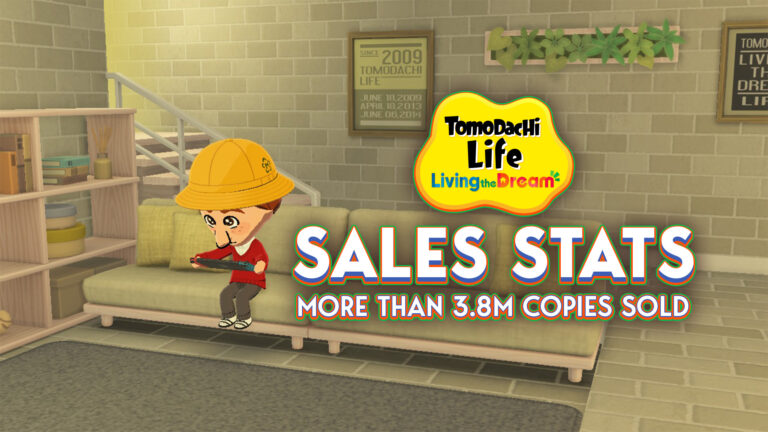
Nintendo’s latest life sim is off to a strong start, surpassing a huge 3.8 million sales in its first two weeks!
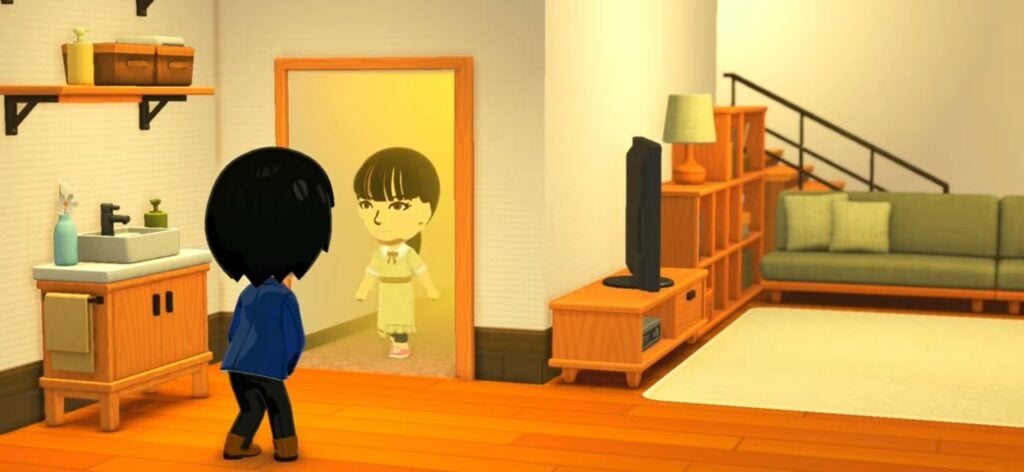
Last month, Nintendo’s highly anticipated life sim Tomodachi Life: Living The Dream was released for Switch and Switch 2. The game has been hugely successful so far, particularly on social media, with countless players sharing what their islands’ Mii residents have been getting up to.
Alongside the widespread positive response and a very active fanbase, we have now received further confirmation of the game’s success, thanks to Nintendo releasing their FY26 earnings report on 8th May. These financial results cover Tomodachi Life sales, reporting that the game impressively sold almost 4 million copies in its first two weeks. We’ll break down these figures in more depth below, as well as take a look at how they compare to some other Nintendo titles.
Table of Contents
Sales Figures Explained
Before we properly dive in, I would like to note that Nintendo’s FY26 covers data collected up until 31st March, meaning Tomodachi Life: Living the Dream is not technically considered part of these metrics as it launched on 16th April. Further details regarding Tomodachi Life sales will be included in Nintendo’s next quarterly report, which covers April through to June 2026.
Although Tomodachi Life: Living The Dream’s release fell outside the date range for the report, some initial statistics were still highlighted, stating that 3.8 million copies were sold in the first two weeks after release. Given the game’s massive popularity, it’s a fair assumption that these figures will be beaten in the Q1 report, but for a two week window this is a very strong start, especially given this is the franchise’s first entry in over 10 years. These figures refer to the sales of both physical and digital copies of the game.
In addition to sales data, Nintendo revealed another interesting statistic – while Living The Dream is a Switch title and hasn’t yet received a Switch 2 edition, it is still selling well amongst Switch 2 users: “Tomodachi Life: Living the Dream had solid release…although released as a Nintendo Switch title, approximately 40% of players are Nintendo Switch 2 owners.”
Earlier reports and chart data similarly indicted that Tomodachi Life sales were going well. In their weekly sales report, Japanese gaming magazine Famitsu stated that 565,405 physical copies had been sold in Japan during the game’s debut week. These numbers meant Tomodachi Life was Japan’s highest selling game across all platforms that week, outselling the rest of the top-ten bestsellers list by a mile.
In the UK, the game debuted at the top of GFK’s physical sales charts for the week ending 17th April, beating out Square Enix’s new release Pragmata. Chart performances like this in two major markets, combined with consistent sales worldwide, strongly indicate Tomodachi Life sales aren’t going to slow down any time soon.
How do these sales compare to other Nintendo games?
To put these numbers into perspective, let’s take a look at how they compare to some similar Nintendo titles.
Interestingly, the previous Tomodachi Life game, first released for the 3DS in 2013, is actually the system’s 10th best-selling game. As of 31st March 2025, over 6.7 million copies had been sold worldwide. Living The Dream’s early sales already total half of its predecessor’s all-time sales. If sales continue at this rate, it could realistically outsell the last game, especially factoring in the context that the original Switch has a much larger install base (over 155 million units) than the 3DS (around 75 million units).
One major point of comparison that has been noted on social media is Nintendo’s other recent life sim release, Pokopia. In the FY26 report, Pokopia’s global cumulative sales are stated to be over 4 million units in the five weeks since it launched in March. Impressively, Tomodachi Life sales have nearly matched these numbers in just two weeks.
It was reported a few weeks ago that Tomodachi Life had a better physical release in the UK – according to The Game Business’ Christopher Dring: “Tomodachi Life sold 36 percent better at launch in the UK than Pokopia“. Of course, Living the Dream has an advantage over Pokopia in that it’s a cross-gen game, while Pokopia is a Switch 2 exclusive, which significantly narrows its audience.
And obviously we can’t discuss Nintendo’s life sims without mentioning Animal Crossing: New Horizons. As you probably already know, the most recent entry to the beloved franchise was a huge hit, breaking numerous sales records. Nearly 2 million copies were sold in its first week, and Nintendo later reported that 11.77 million units had sold within the first 12 days, securing the game’s place as one of Nintendo’s best-selling games, not just on the Switch, but of all time. Although these figures for New Horizons dwarf Tomodachi Life sales, they do show that successful life sim sales are definitely nothing new for Nintendo.
Based on strong early sales figures and current popularity, which is certainly reminiscent of New Horizons, it will be very interesting to see how the trajectory of Living The Dream’s sales continues over the coming months.
Have you been enjoying Tomodachi Life: Living The Dream? Let us know in the comments below and check out our other Tomodachi Life coverage here!
The Hotfix for a Quality of Life Update is on the way for next week.
It’s never an easy patch release for The Sims 4. The Sims Direct Communications announced today that they’ll be releasing a new The Sims 4 Hotfix Update across both Computers and Consoles next week. Proving that there’s more to fix for this game rather than just scrolling CAS issues on Console.
The highlighted fixes include Create A Sim, eye dropper tool and controller scrolling issues.
Simmers, We are currently testing fixes for recently reported Create a Sim, eye dropper tool, and controller scrolling issues.
We hope to release these in a small Base Game update across all platforms next week. Thank you for your EA Forums reports, and for your patience.
Question: What about the soft locking for tattoos in the gallery for consoles it’s a very big bug you can’t use tattoos at all
Direct Team: We’re tracking that one on the EA Forums at the link here, we’ll update you as soon as we have more to share
The upcoming Sims 4 Hotfix update will arrive just a few days after the big Quality of Life Update. It sure wasn’t a small patch considering several new issues popped out from it, but it makes you wonder if every The Sims 4 patch will be met with the same question — Will it break something else?
Let us know what you think about the latest Sims 4 Hotfix Update announcement and stay tuned to Sims Community for more Sims News and Updates!
After the recent update from the InZOI Producer and Developer Hyungjun ‘Kjun’ Kim on the progress of getting InZOI onto consoles, a new development diary has been released with a demo video showing players and developers testing the game out on Playstation 5! While no specific release date has been stated, InZOI is planned to be launched on Playstation 5 in the first half of 2027!
InZOI Coming To Playstation 5 in 2027: Demo Footage Released!
While specifics of the changes made to the game so far to be ported over to Playstation 5 were not stated, footage of developers playtesting and working the controls on a Playstation 5 were shown, and it seems to be progressing well! It seems to be formatted user interface-wise like other life simulation console games, where controls are present on the screen and radial menus are present to make ease of accessing parts of the game easier.
Update of InZOI for Playstation 5 – May 15th, 2026
Hello everyone,
This week, I’d like to finally begin the long-awaited discussion about inZOI’s console development.
It’s been a long journey getting here, but we’re now ready to share more details about our direction, what we hope to achieve, and most importantly, a much clearer timeline for when you can expect inZOI on PlayStation 5. I’ll start with that first before explaining why we adjusted our previous schedule.
We are currently planning to release inZOI for PlayStation 5 in the first half of 2027.
For the PC version, we released the game in Early Access before it was considered complete. We chose this approach intentionally so we could receive direct feedback from players throughout development, improve the game based on that feedback, and continue repeating that cycle together with the community. That process has been incredibly valuable in helping us build the foundation of inZOI.
Originally, we hoped to follow a similar approach for the console version. However, as we studied the console player base and platform environment more closely, we realized expectations for console games are often quite different. Console players are generally accustomed to receiving a more complete and polished experience from the very beginning, without major setbacks during the process.
After understanding that perspective, we felt we needed to approach the PlayStation version differently, even if it meant changing the way we’ve developed inZOI so far. Because of this, we have been focusing on improving every aspect we can imagine of the unreleased PS5 version as much as possible.
This includes bringing our large, immersive cities full of autonomous Zois to console hardware while carefully optimizing performance for fixed system specifications. We are also redesigning the experience around the DualSense controller rather than keyboard and mouse controls, while considering gameplay on larger TV screens viewed from a greater distance than typical monitors or laptops.
We do not simply want to recreate the PC version one-to-one on console.
We want the experience to feel natural and fully suited for console players. Beyond smooth gameplay, we are also carefully considering screen transitions, UI structures, controls, and many other details that should feel comfortable when playing inZOI on PlayStation 5.
Most importantly, we want players to feel that even with just the base game of inZOI, they already have a complete and satisfying experience.
These are ambitious goals for the PlayStation version of inZOI, and we hope we can meet those expectations when the game releases in the first half of 2027. Because of this development structure, we expect it to be difficult for us to hold large-scale public beta tests for console players, which I know may disappoint some of you. However, because our philosophy of developing alongside player feedback has proven so valuable for inZOI, we still want to involve the community—especially players who primarily play on consoles—in the continued development of the PlayStation version.
We are planning to compile some gameplay videos where we demonstrate how different aspects of inZOI are being adapted for controller gameplay and larger screens. After watching, we hope you’ll share your thoughts on what feels right, what could be improved, and what you believe would create the best possible console experience. Whether through Discord or another suitable platform, we want to gather your feedback this way in the near future.
In the meantime, let me know what you’re most looking forward to when imagining inZOI on PlayStation 5.
Are you hoping for experiences that are unique to console gaming?
Or do you simply want the same experience as PC, playable on PS5?
What matters most to you when playing games on console?
Write down your thoughts in the comments. We’ll be reading your feedback and apply it where we can throughout development. Then, we’ll continue this discussion when we share that development video with all of you.
We thank you sincerely for your patience while waiting for the console release of inZOI. We will continue working hard to create an experience that feels meaningful, polished, and truly enjoyable from the perspective of a console player.
I hope everyone has a wonderful weekend, and I’ll see you again in my replies next week.
—Kjun
Will you be playing InZOI on Playstation 5, or are you hoping for another console release? Let us know! In the mean time, keep an eye on the Sims Community and we’ll keep you up to date with everything that happens in the life simulation genre, InZOI and beyond! Make sure to check out InZOI’s official website for roadmap and development details!
EA seems to be walking back on a lot of its major plans for the marketplace, specifically surrounding the marketplace and Sims 4 Kits. Just around a month ago, in April, EA released a private message to creators to let them know what while console would be getting the marketplace that day, that kits would be returning to Steam and the EA app. This meant that players did not have to purchase a secondary currency that can only be used on the marketplace just to purchase kits, unless they were a console player. Consoles players still saw all kits moved from their respective stores to the marketplace.
While the marketplace is still present, and there is no news of that changing anytime soon, it seems that some executives may have overestimated how many hoops people were willing to jump through to purchase kits. Only a few short days after the launch of the recent collaboration with the show Bridgerton, a change of plans has occurred!
Table of Contents
Sims 4 Kits and The Marketplace
When the Sims 4 Marketplace launched on March 17th 2026, one big point of contention for players is that Kits would be removed from online stores outside of the Marketplace. This meant that if players wanted any kits, including kits released years prior to this update, they would have to purchase the virtual currency “Moola” and engage with the marketplace to get them. This also meant that, to get their hands on kits, they may have had to purchase for Moola than necessary and have some just sitting around after making purchases. Unused virtual currency is one of the biggest critique of the marketplace, and microtransactions in general.
April and Removing Kits From the Marketplace on PC
Just one short month after that launch, things changed! While console players saw the Sims 4 marketplace swoop in and remove kits from Xbox & Playstation stores to place them behind the Moola Paywall, Steam & EA App players saw the return of kits to their respective stores.
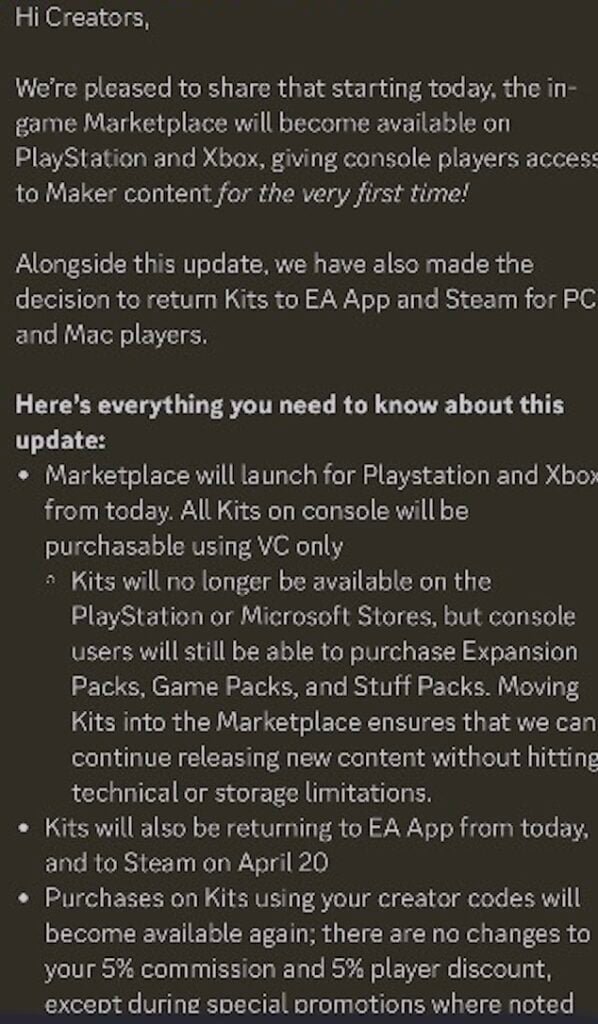
Private Update to Sims Creators From April 2026
Hi Creators,
We’re pleased to share that starting today, the in-game Marketplace will become available on PlayStation and Xbox, giving console players access to Maker content for the very first time!
Alongside this update, we have also made the decision to return Kits to EA App and Steam for PC and Mac players.
Here’s everything you need to know about this update:
Marketplace will launch for Playstation and Xbox from today. All Kits on console will be purchasable using VC only.
Kits will no longer be available on the PlayStation or Microsoft Stores, but console users will still be able to purchase Expansion Packs, Game Packs, and Stuff Packs. Moving Kits into the Marketplace ensures that we can continue releasing new content without hitting technical or storage limitations.
Kits will also be returning to EA App from today, and to Steam on April 20.
Purchases on Kits using your creator codes will become available again; there are no changes to your 5% commission and 5% player discount, except durine special promotions where noted.
While players could still use the marketplace to purchase kits for “more seamless route”, per a public message later posted to the official Sims discord, they were no longer required to purchase a virtual currency to obtain any new kits.
What Now?
And only another short month or so later, console players can rejoice that they no longer have to use the marketplace and a secondary virtual currency to purchase kits! Quietly and unannounced, kits have returned to the Playstation and Xbox stores, and you know the new Bridgerton kits and kit bundle are front and center.
Looks like I’ll be getting a code from my source after all cos they’re on the normal store
Thank you to @jackofallgames7 on X for posting and bringing this to our attention!
You can find The Sims 4 Bridgerton Kits and its bundles right now on both Microsoft and Playstation stores.
However, there’s more news that makes this an issue, even for players who like and regularly use the Marketplace. While Sims 4 Kits are now back on the standard digital platforms, if you have some extra Moola and want to buy a new kit, you just… can’t! Even on the marketplace, kits now must be purchased with a standard currency and Moola cannot be used.
With EA seemingly being unable to make up their minds about the marketplace means for the community and the future of the Sims 4, who knows if we’ll see even more changes in just a months time!
Did you still purchase or want kits after they went to the marketplace? Are you happy they’re back on standard purchase platforms? Let us know your thoughts! We’ll keep you updated on any new changes that are made with Sims 4 Kits and the life simulation genre as a whole at The Sims Community!
Read on for EVERYTHING You Need to Know for Paralives Release into Early Access!
Almost seven years after Paralives initial announcement in 2019, and after when development started to ramp up in 2020 and onward, Paralives’ Release into early access is on the horizon! The new life simulation game will be in early access, so not entirely complete, but the team’s transparency has given us an idea of what to expect on Thursday!
Table of Contents
When Does Paralives Release?
Paralives will release on Steam on Monday, May 25th. The Paralives Studio team confirmed that the game will release at 10:00AM EST/5:00PM EET/2:00PM UTC.
Further Release Information
The game, like most indie games, will be a digital only release. It cannot be preordered, but is listed on Steam and can be added to your Steam Wish List prior to release. The game will be priced at $39.99 USD, with the Paralives Studio team planning on giving free content updates and expansion throughout the early access period.
The team confirmed also later in the Post-Release Roadmap reveal that there will be a special 10% off launch discount on Steam. Meaning that you’ll be able to purchase Paralives (Early Access) for $35.99USD – or equivalent to your local currency. Steam’s regional pricing will be activated for this offer!
Paralives Early Access Confirmed Features on Day One!
The Paralives team, to properly set expectations, has re-released a set of graphics to explain early access periods to a large audience and to make sure everyone is on the same page when it comes to the game coming out and what will be present in it. While not everything will be in the game upon release, there is tons of partially developed and teased features that will be added in free updates, likely in the near future!
Paramaker
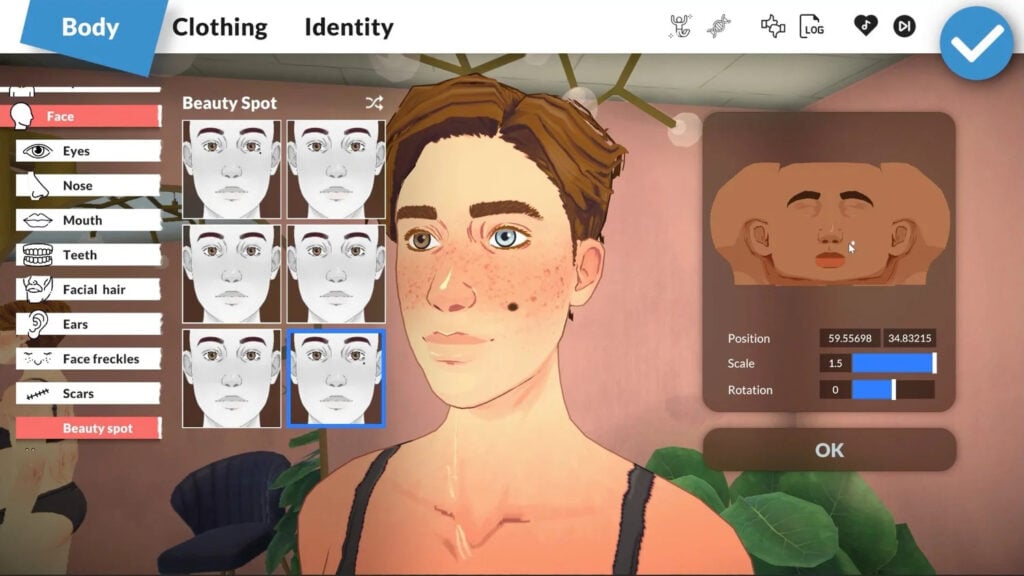
Starting with creating your own little Paras to set off into the little seaside town available in the Early Access release of Paralives, multiple exciting features have been confirmed for as soon as early access becomes available. Significant features you will see on day one…
Color Wheel for everything in the Paramaker
Varying body types with height, face, and body sliders
Layering system, so jackets and undershirts will be interchangeable
A genetics system that will be updated later on for more advanced tools
Asymmetry! Heterochromia, mismatched socks, etc.
Live Mode
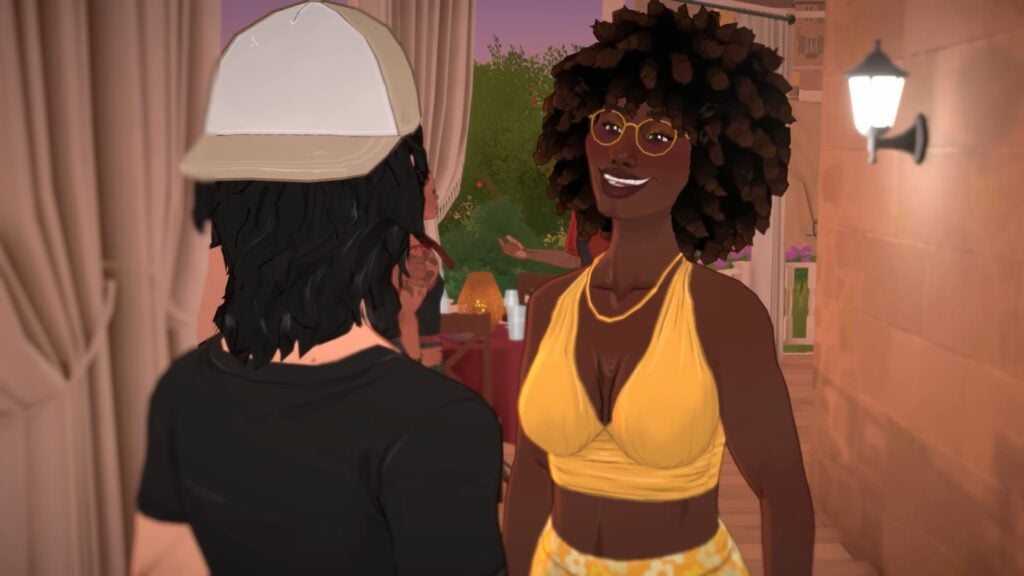
Paralives Live mode has been shown to us to a certain extent in livestreams and video clips, but there are some fun and exciting systems to expect on day one! The basic structure of a life simulation game will be there, including freedom, autonomy, progression in skills/jobs, etc. Your Paralives will not be completely free to chase their ambitions, though. You can expect all the not so fun parts of life as well! Bills, declining needs/motives, bills, death, etc.
Build Mode
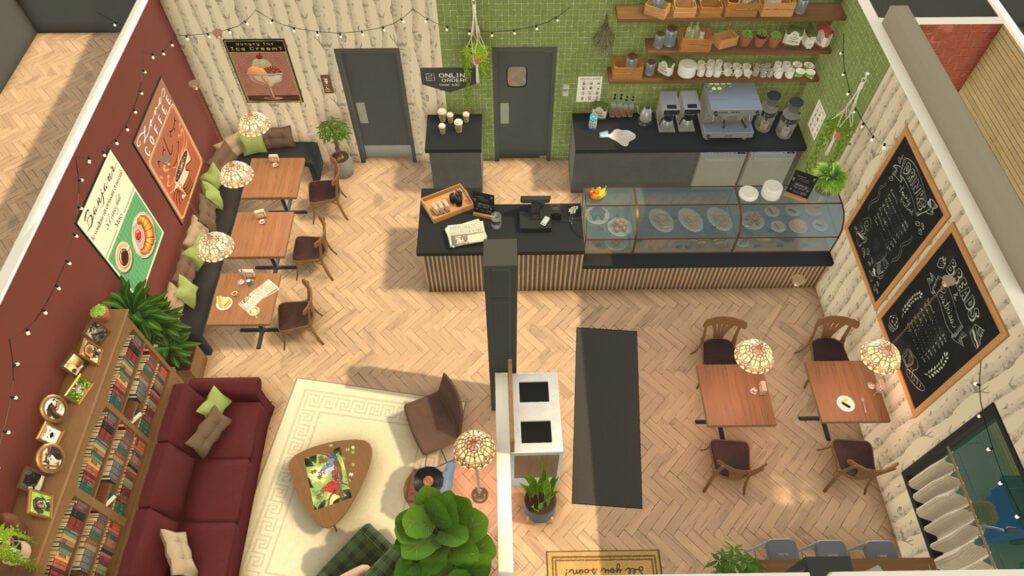
Build mode is one of Paralives biggest cornerstones of gameplay, with early development videos and promotional material including how unrestricted build mode is intended to be. Free placement of items, an optional grid system, split-level platforms, multistory homes, curved and variously angled walls, and of course, color wheels! This mode is likely to be decently fun to explore in the beginning, but will become more and more expansive as the game progresses.
Release Time & Countdown
Per the Paralives studio team, Paralives will release on Steam at 10:00AM EST/5:00PM EET/2:00PM UTC on May 25th, 2026. That’s 4PM CET / 3PM BT / 7AM PT. To make things easy for everyone we’ve included a handy countdown below. Letting you know that as soon as the timer hits zero you’ll be able to download and play with Paralives Early Access!
Paralives is coming to Steam on May 25th, 2026 for both Windows and macOS. It will retail for $39.99 USD. Do you plan to get it once it comes out? Let us know in this fun (and unofficial) early access release poll!
[totalpoll id=”205986″]
Are you excited for the release of Paralives? Will you be grabbing as soon as it is in early access, or are there features you want implemented before you commit to purchasing it? Let us know! Make sure to keep up with The Sims Community, and we’ll make sure to keep you up to date with everything Life Simulation games!
EA is interested in preparing The Sims Wiki to help highlight upcoming Sims releases.
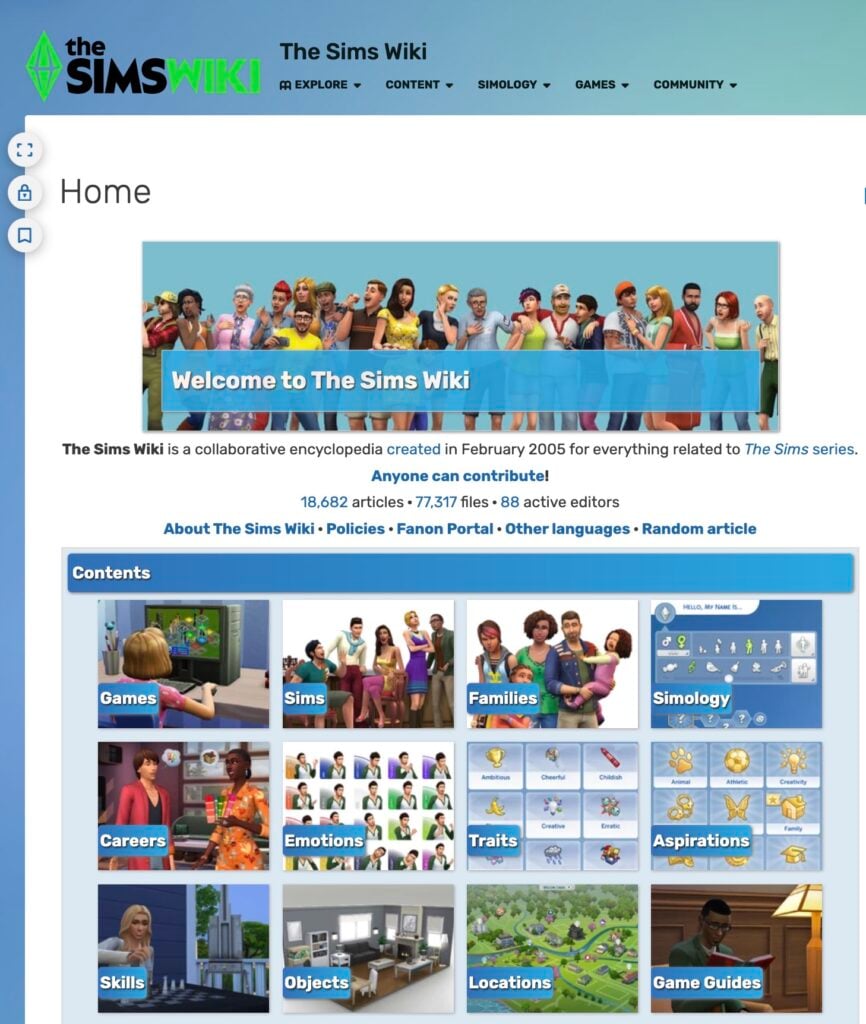
The Sims Wiki has been one of the longest running fansites within The Sims community. Operating with multiple authors through an open source project that’s powered by FANDOM – this source keeps very good track of all the fun facts, tips and information the old fashioned way. With proper credits, linkbacks and proper structuring, it makes for one of the strongest web projects for The Sims.
EA saw the potential they have and want to become a part of it! In a new email tip sent to us this morning, we discovered that Electronic Arts reached out to FANDOM Community Managers. Looking to get the word out on the new revamp project they’re trying to propose to The Sims Wiki editors.
Table of Contents
Here’s what the mail states:
SC Email Tip
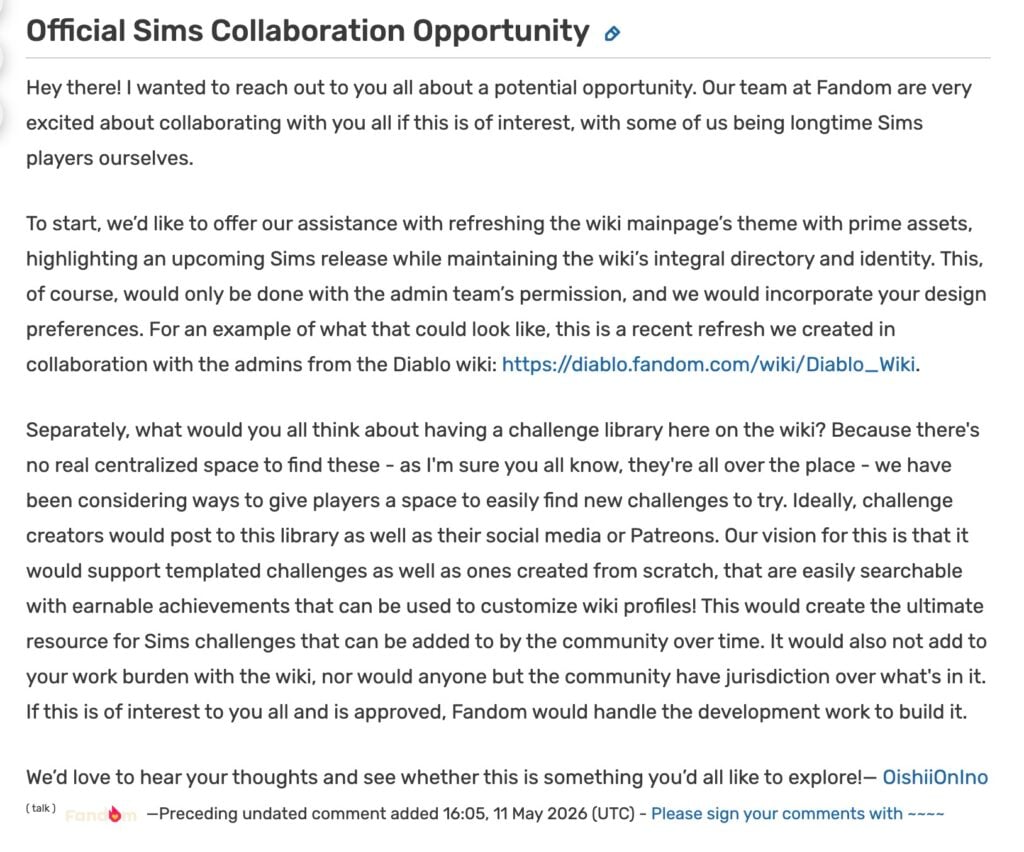
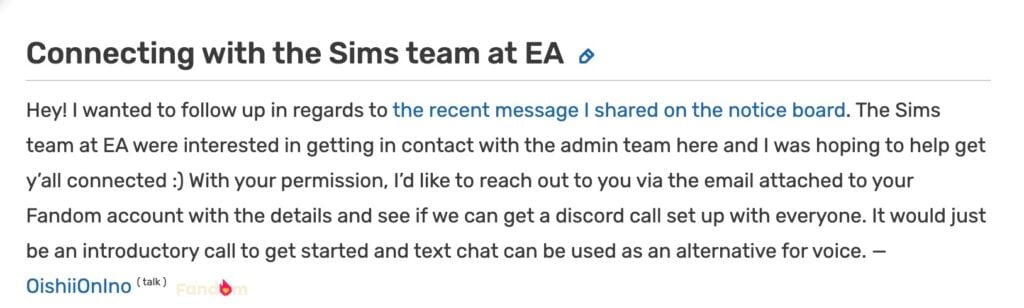
a FANDOM community manager contacted the wiki on the public admin notice board proposing an “Official Sims Collaboration Opportunity” for the wiki, which would involve a redesign (snore) that’s not the best bit, a few days after they left messages on a few of the user: talk pages for some of the admins regarding for a potentially “Connecting with the Sims team at EA”.
The Sims Wiki has been around for a very long time, i edit there on occasion and discuss stuff about the wiki on the discord server for it and it looks as though EA, after like 15 years of the wiki existing, has decided to take interest into it. Not much has happened though.
We went in to check out the two provided links the source has sent us. It includes two discussion boards through The Sims Wiki, where a Community Manager has sent a public announcement to The Sims Wiki team. All with another message that confirms this was all done in collaboration with EA representatives.
Read the full messages below:
Official Sims Collaboration Opportunity Message
Hey there! I wanted to reach out to you all about a potential opportunity. Our team at Fandom are very excited about collaborating with you all if this is of interest, with some of us being longtime Sims players ourselves.
To start, we’d like to offer our assistance with refreshing the wiki mainpage’s theme with prime assets, highlighting an upcoming Sims release while maintaining the wiki’s integral directory and identity. This, of course, would only be done with the admin team’s permission, and we would incorporate your design preferences. For an example of what that could look like, this is a recent refresh we created in collaboration with the admins from the Diablo wiki: https://diablo.fandom.com/wiki/Diablo_Wiki.
Separately, what would you all think about having a challenge library here on the wiki? Because there’s no real centralized space to find these – as I’m sure you all know, they’re all over the place – we have been considering ways to give players a space to easily find new challenges to try. Ideally, challenge creators would post to this library as well as their social media or Patreons. Our vision for this is that it would support templated challenges as well as ones created from scratch, that are easily searchable with earnable achievements that can be used to customize wiki profiles! This would create the ultimate resource for Sims challenges that can be added to by the community over time. It would also not add to your work burden with the wiki, nor would anyone but the community have jurisdiction over what’s in it. If this is of interest to you all and is approved, Fandom would handle the development work to build it.
We’d love to hear your thoughts and see whether this is something you’d all like to explore!
Hey! I wanted to follow up in regards to the recent message I shared on the notice board. The Sims team at EA were interested in getting in contact with the admin team here and I was hoping to help get y’all connected 🙂 With your permission, I’d like to reach out to you via the email attached to your Fandom account with the details and see if we can get a discord call set up with everyone. It would just be an introductory call to get started and text chat can be used as an alternative for voice.
EA seems to be very interested in the idea of giving “prime” assets and material to The Sims Wiki admins to help highlight “an upcoming Sims release while maintaining the wiki’s integral directory and identity”. This could either mean giving more assets and material to help support microtransaction content releases like The Sims 4 Maker Packs and / or The Sims 4 Kits. Or, they’re interested in helping prepare 3rd party sources for a new The Sims project. Both are speculations so take it all with a grain of salt! In the end, it could just end up being a web template refresh with the latest game branding. (Although The Sims Wiki looks up-to-date to us in terms of matching the current brand identity)
Next, EA wants to create a centralized “Sims 4 Challenges Hub” through FANDOM’s platform and become “the ultimate source for Sims challenges”. These type of projects for The Sims 4 Challenges have existed long before in shapes of many Sims forum sites, dedicated fansite pages and recently even mod releases. EA’s magic touch to it would be giving a unique achievement .png to The Sims Wiki’s user dashboard.
It appears that just like with The Sims 4 Marketplace and The Maker Suite for Makers, certain creators are getting asset packs and dedicated web developers to help compete with the current selection of user generated hubs and website.
Will it succeed or fail? Does this hint towards something big for the future of The Sims Franchise or is it just another collaboration just like with Curseforge? Time will tell! As the original email tip stated, it’s interesting how this move was made 15 years after The Sims Wiki first launched. If it turns out it’s nothing much it’ll still be one of the rare cases where a gaming company recognized a Wiki source.
Until more news surface on this topic stay tuned to Sims Community and be the first to know about upcoming official collaborations and community-made projects!
Just when we thought that The Sims 4 was taking a we’re transported back into the Regency Era with the introduction of the newest collaboration between The Sims 4 and the Netflix Original Series; ‘Bridgerton’! Lady Bridgerton’s Masquerade Ball Login Event began on May the 12th and has already presented a variety of intriguing favors for any and all ladies, lords, or lordems wishing to partake.
Said event ties into the release of The Sims 4: Lady Bridgerton’s Masquerade Ball Fashion Kit; one of the two kit’s being released in tandem with the the current event. Both of which, of course, being themed around the aforementioned ‘Bridgerton’ series in all it’s historical goodness.
Let’s party like it’s 1799!
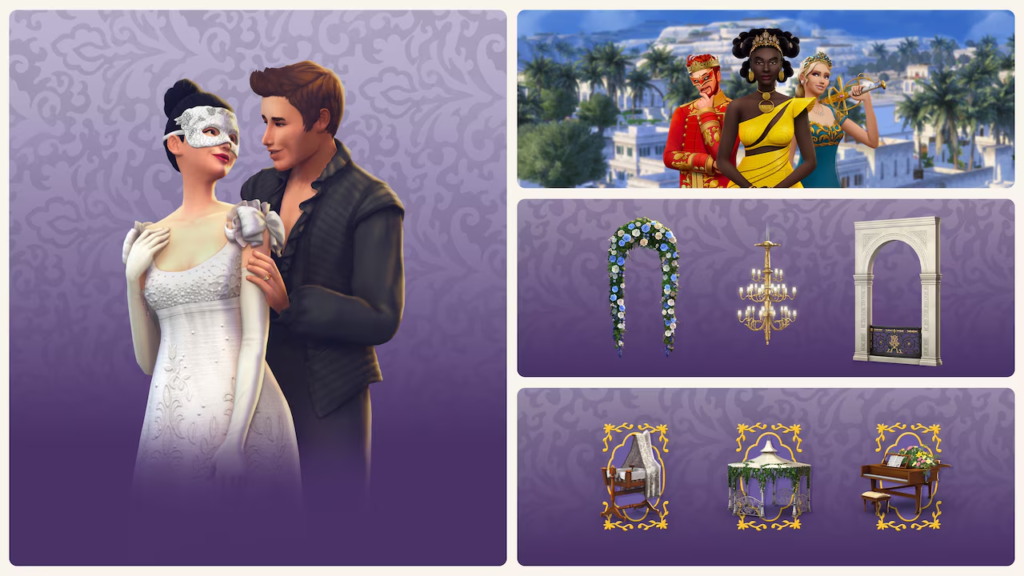
The Sims 4 Lady Bridgerton’s Masquerade Ball Fashion Kit will be bundled with it’s sibling, The Sims 4 Masquerade Ballroom Kit, as part of the aptly named Lady Bridgerton’s Masquerade Ball Bundle. This bundle will allow you to purchase both kits (along with a small variety of bonus items) for $10 USD until August 14th, 2026. After which you’ll be able to purchase both kits, separately, and without the additional items, for $7 USD.
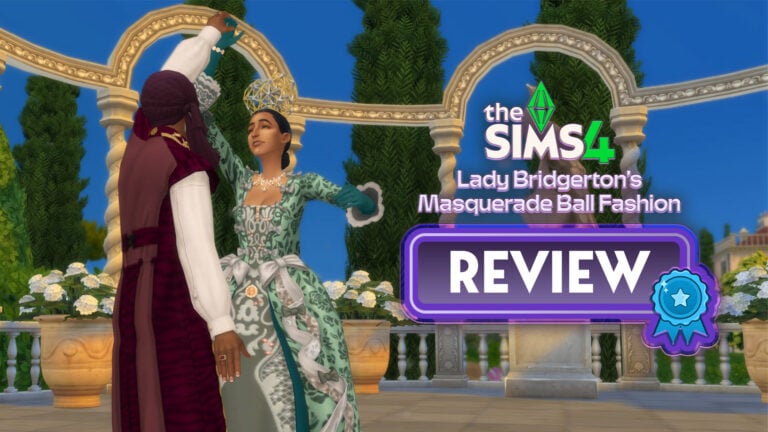
The Sims 4 Lady Bridgerton’s Masquerade Ball Fashion Kit Review: Belle of the Ball
Nonetheless, let’s dive into the newest The Sims 4 collaboration kit; whether you’re a diehard ‘Bridgerton’ stan excited to be the talk of the ton, or an enjoyer of historically-adjacent play, we’ll see if this kit is worth a name on your dance card, or, a less than polite dismissal with the wave of your fan.
(Get it…because one of the items in the event is a usable fan……and fan code for romance in the Regency Era was a thing…no? Oh, well, nevermind…sigh…)
Table of Contents
Lady Bridgerton’s Masquerade Ball Fashion Kit – Official Description
The pack information declares, as such;
Lady Bridgerton’s Masquerade Ball Fashion Kit – Official Image
A Most Fashionable Affair
One cannot attend a masquerade without the proper attire, for appearances are everything.
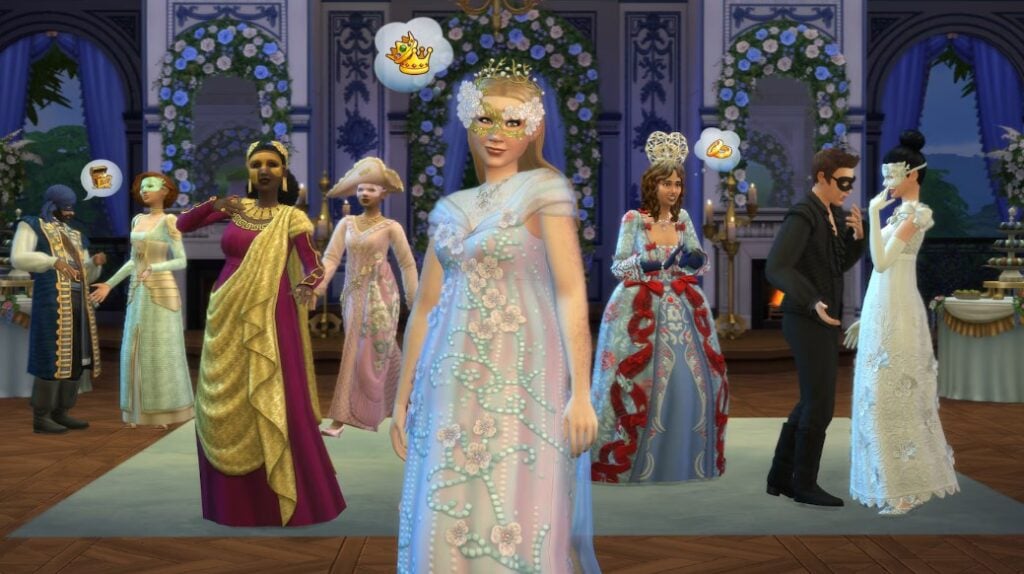
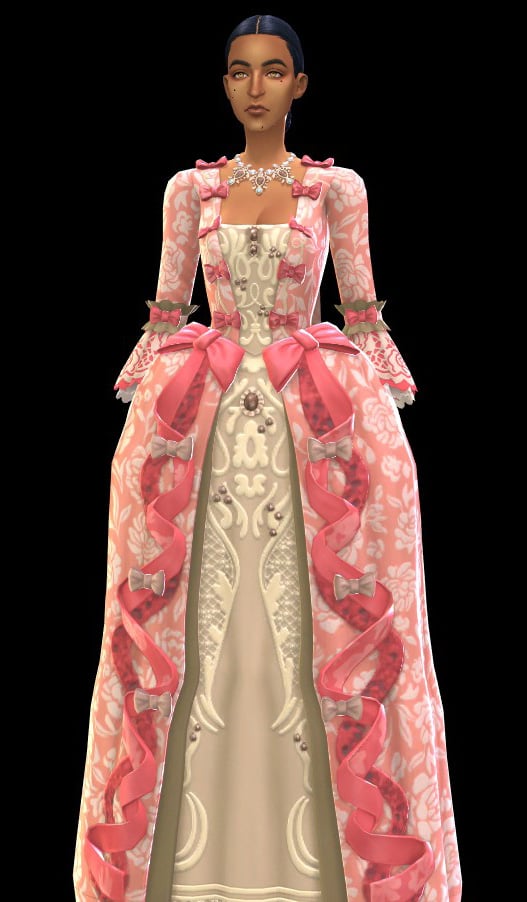
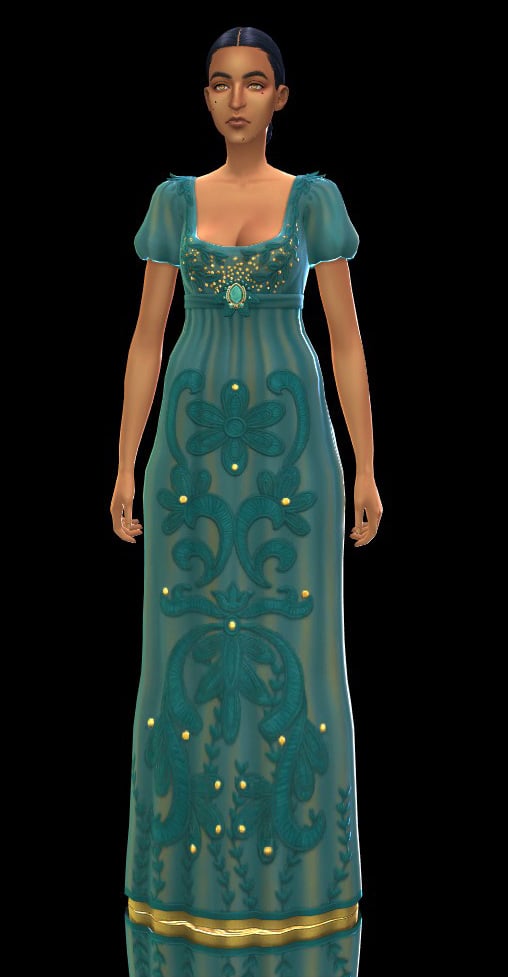
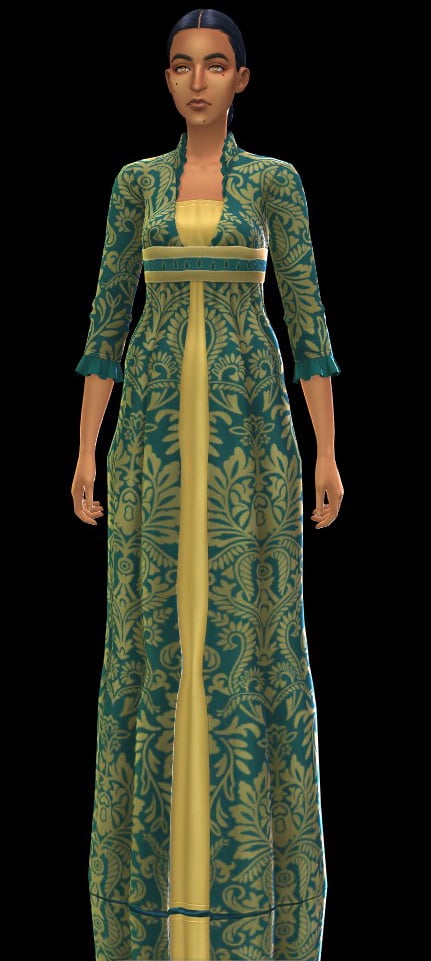
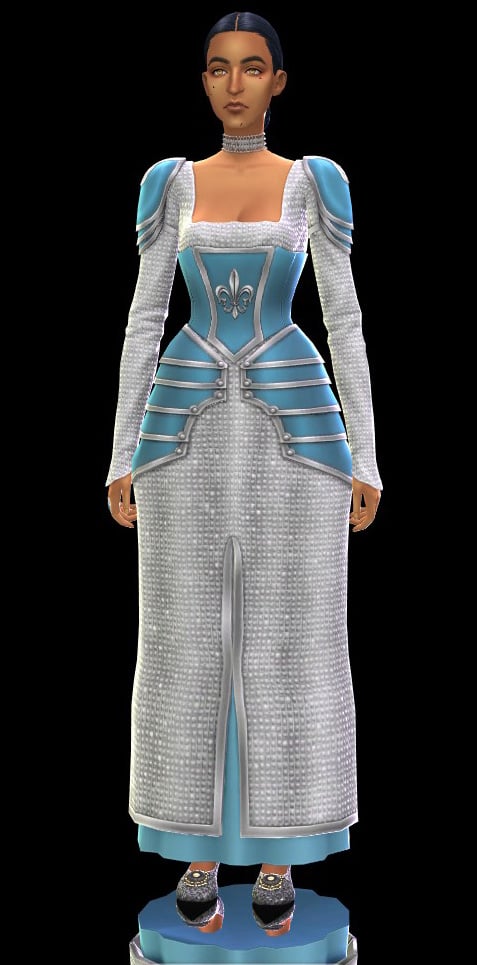
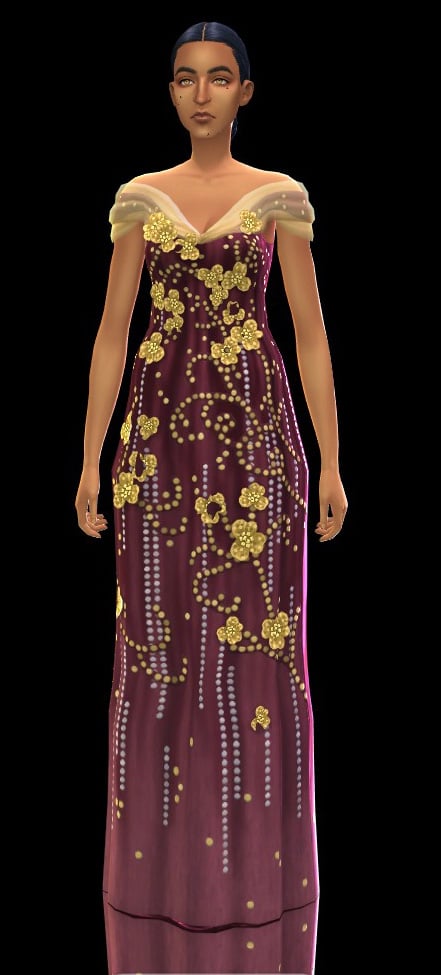
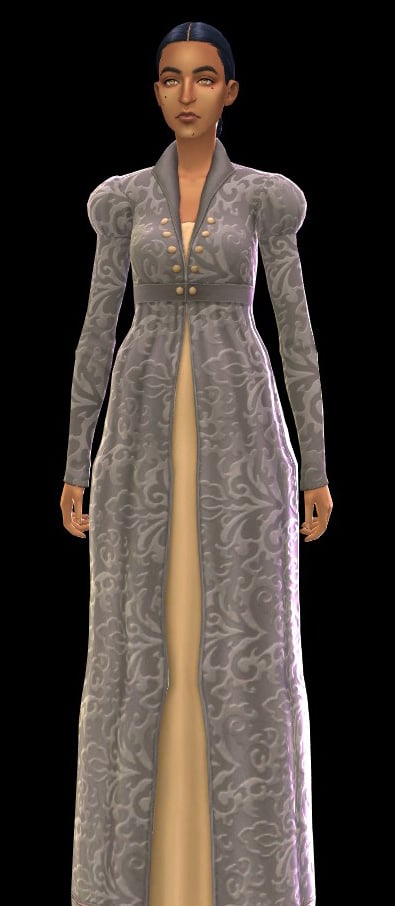
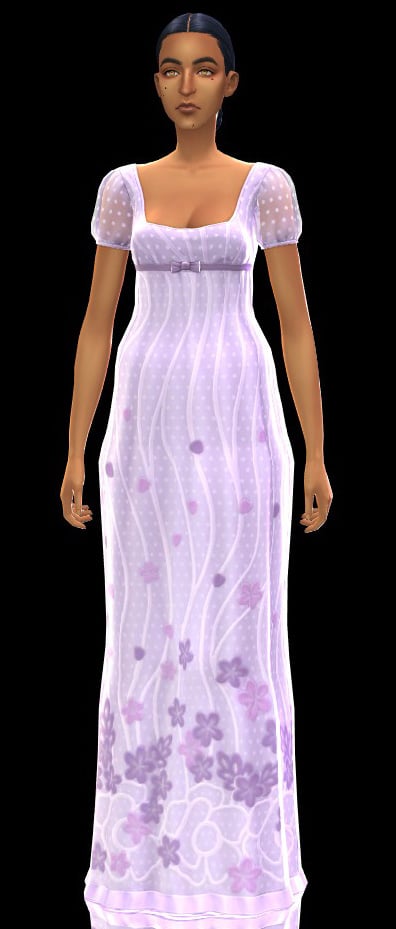
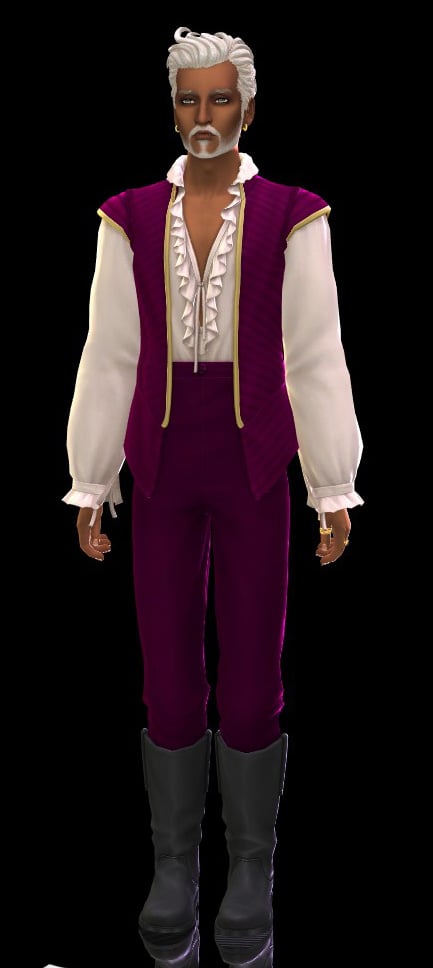
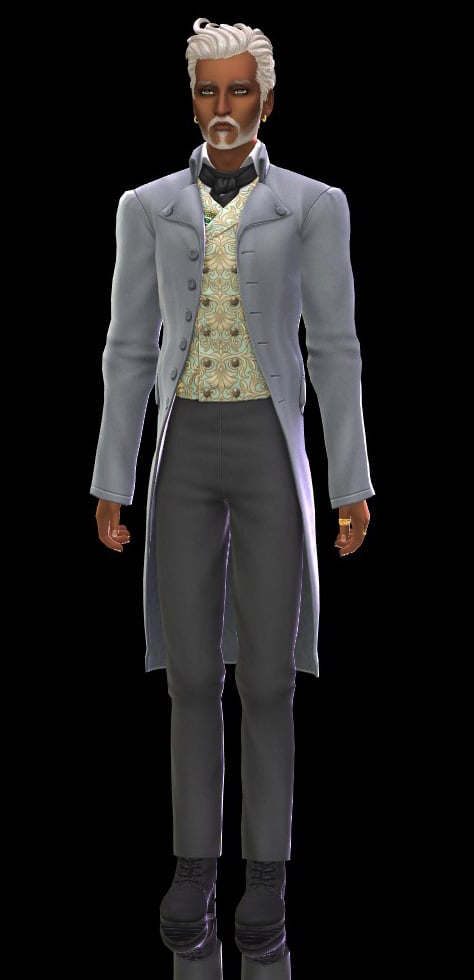
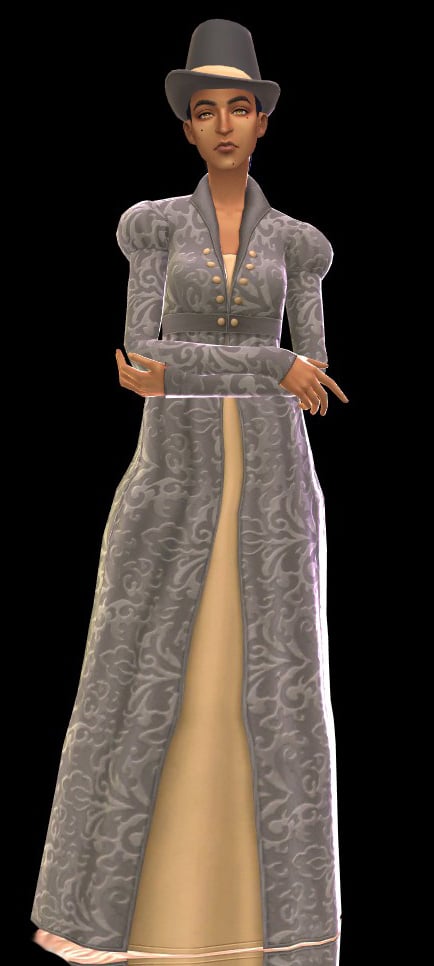
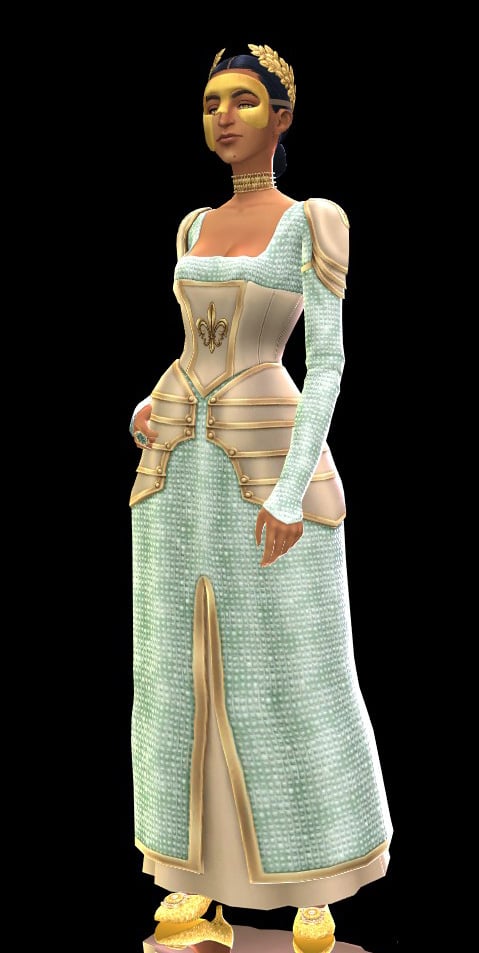
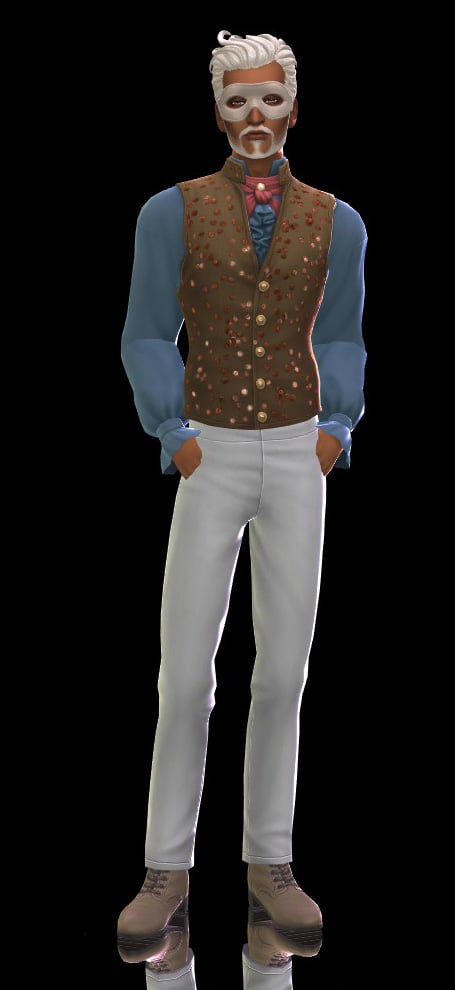
With the Masquerade Ball Fashion Kit, one may don suave tailcoats, dazzling gowns, and accessories worthy of the season’s most talked about affair: from Sophie’s Lady in Silver dress, paired with shoes and mask, to Benedict’s effortlessly styled look that is sure to invite intrigue. Adorn oneself further with Lady Bridgerton’s opulent mask and tiara, or command the room in Queen Charlotte’s striking Celestial Wig and gown. These ensembles are plucked straight from the grandest ballrooms of the ton themselves.
Whether one seeks admiration, or incites envy, rest assured: heads will turn, and whispers will follow.
Catalogue Overview
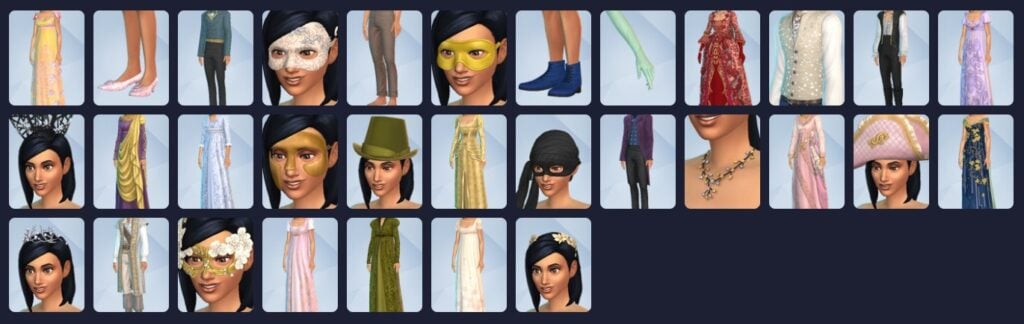
This kit adds a staggering 31 new assets to Create A Sim! The most we’ve ever gotten out of a CAS kit so far. All items are exclusively for Teen to Elder though because, of course, we can’t get too excited now, can we?
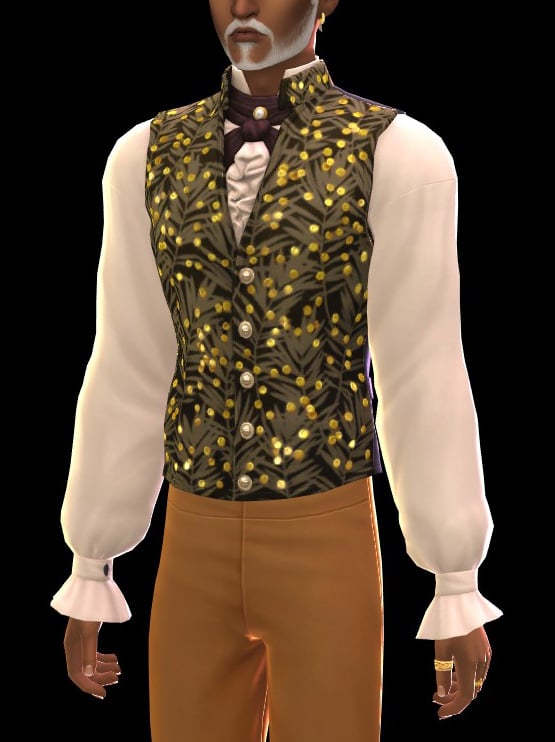
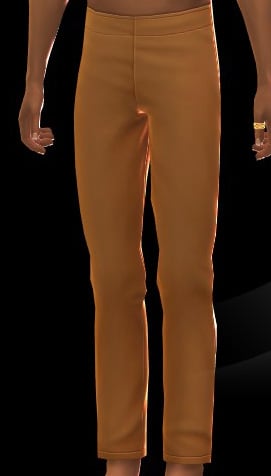
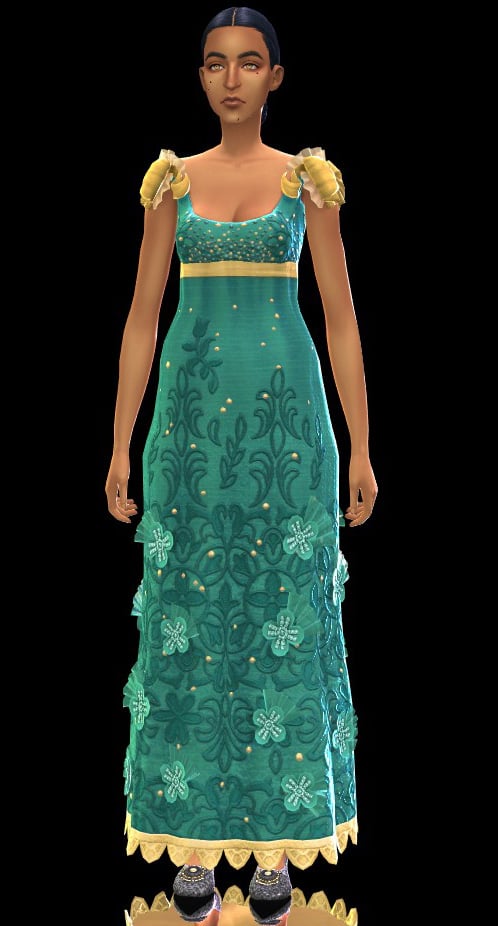
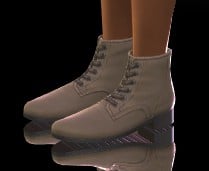
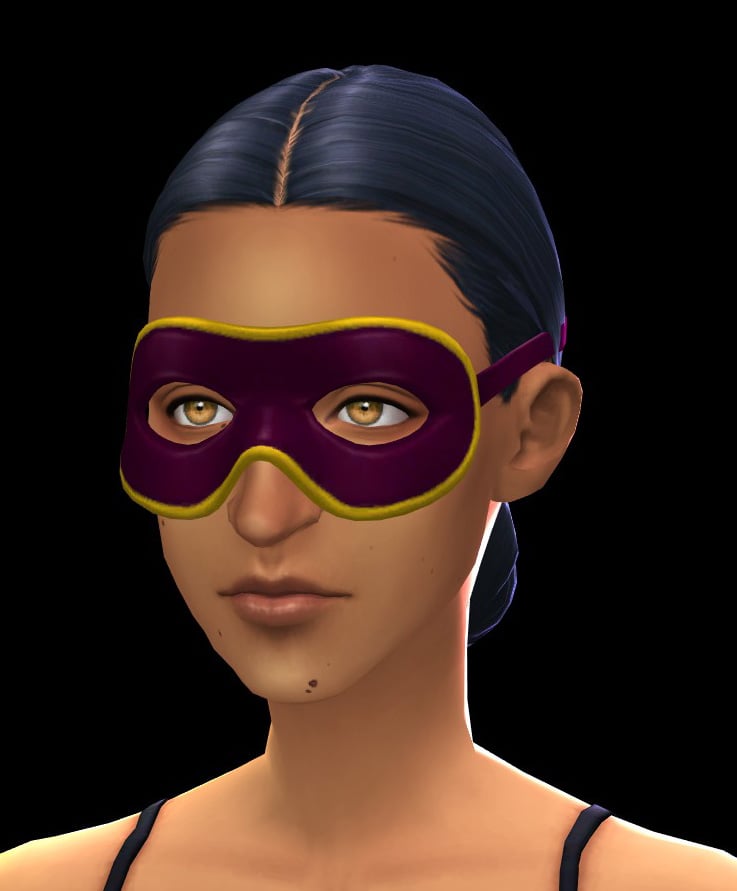
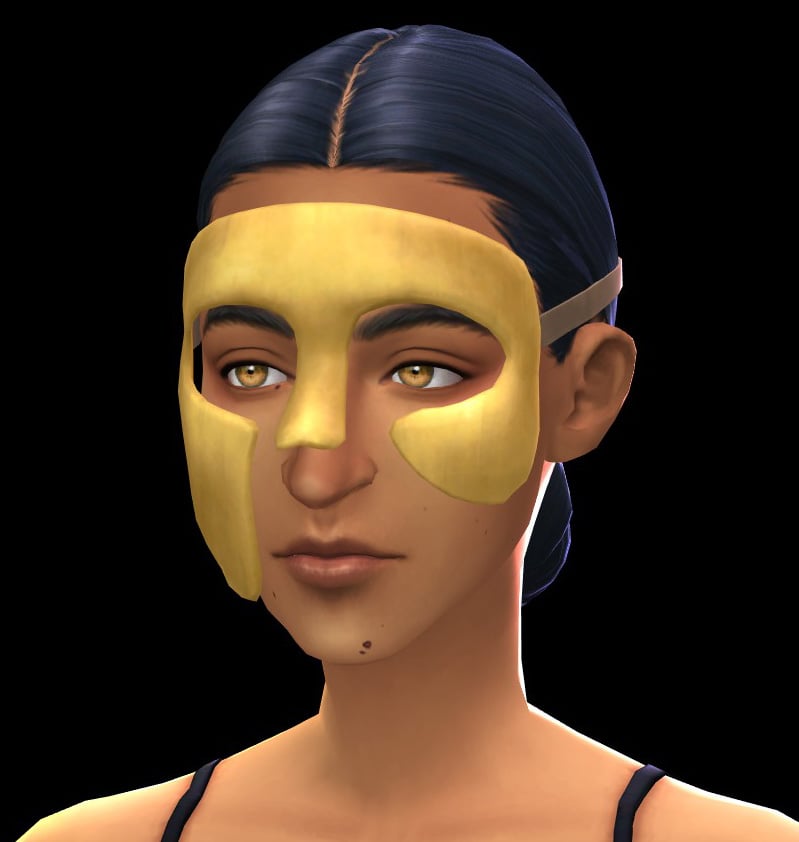
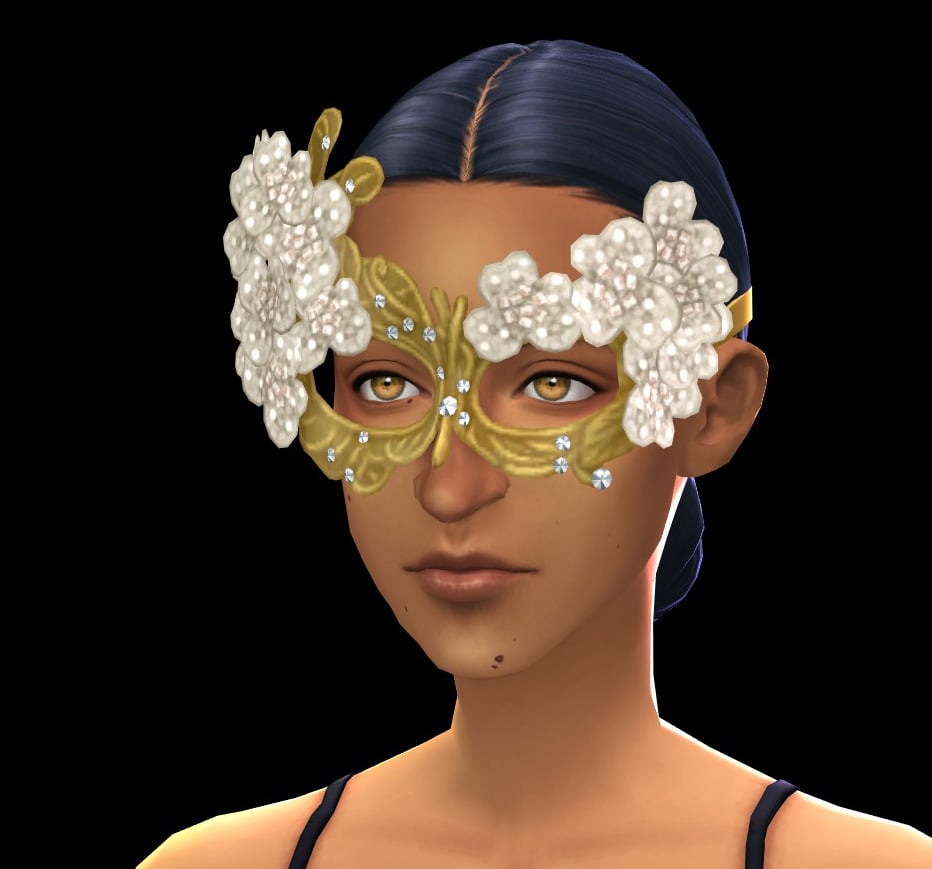
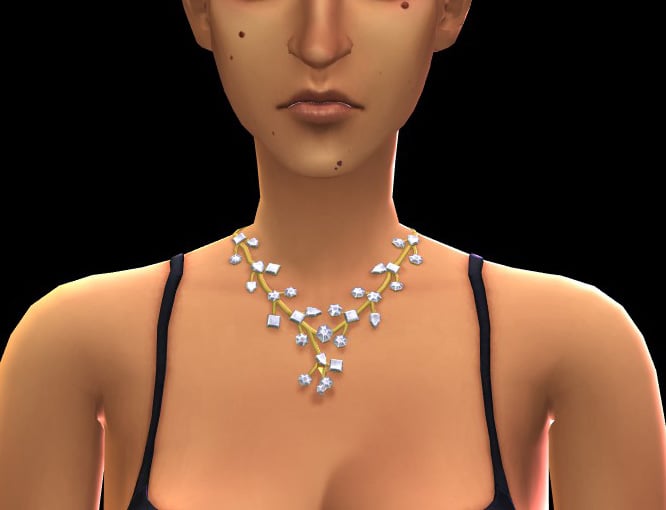
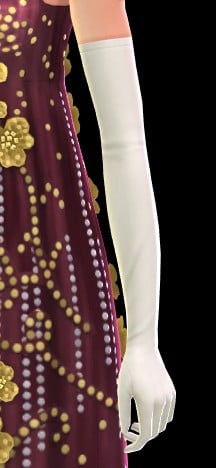
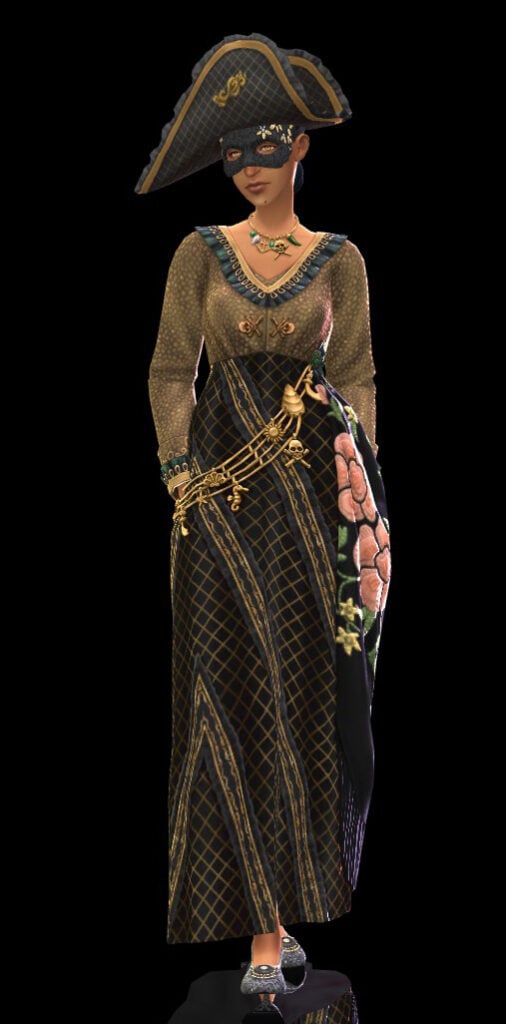
Our historical Sims have 5 Hats, 14 Fullbody Outfits, 5 Accessories (1 Necklace and 4 Masks), 2 Pairs of Shoes, One Pair of Gloves, One Top, and One Bottom available to them. As always, the clothing leans heavily toward feminine-framed Sims (with only 4 out of the 14 available Fullbody Outfits being for masculine-frames along with the Top and Bottom for 5 costumes and their associated accessories).
It’s important to note that some of the Fullbody Outfits for both frames come with attached accessories such as jewelry and/or shoes. The morphing of the clothes between both frames is also variable. With some dresses looking better than others on masculine Sims, and some masculine outfits looking better on feminine Sims, and I feel like it’s all down to your individual preferences on “how much warping is too much.”
Hats
Tops
Bottoms
Fullbody
Shoes
Accessories
Styled Looks – The Pink of the Ton
Our Review of The Sims 4 Lady Bridgerton’s Masquerade Ball Fashion Kit
I’ll be honest, I’m not a big Bridgerton fan. I’ve always had a deep appreciation for it’s literary family line in terms of bodice-ripper romances, but I’ve never been moved to seek it out in my Netflix binges. So there is no bias towards the show on my part when it comes to that side of this collaboration.
So you can trust me when I say I’m gagged by this kit? I mean it.
I feel like the major theme within my The Sims 4 pack reviews has always been my love for camp. In my opinion, The Sims 4 has become somewhat bleached of the delightful chaos and whimsy that ran rampant in it’s earlier predecessors. Not only in the gameplay, but also the assets, because my Sims don’t always have to be decked out in dupes of the latest fashion microtrend. Especially if you’re an occult enthusiast like myself, and you wish you had more niche clothing available for your play sessions.
Which is why my jaw quite literally dropped when they announced and I how spectacular these assets were! Again, not a ‘Bridgerton’ fan, but as someone who minored in History in college? This was straight up my alley.
It also doesn’t help that The Sim’s Team knocked it out of the park with these assets, because can we just:
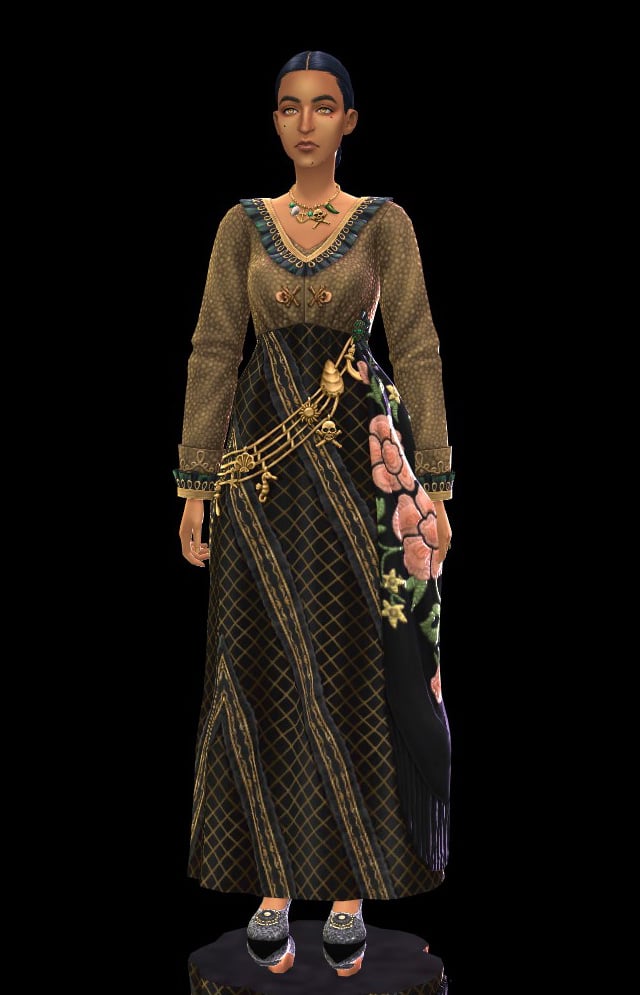
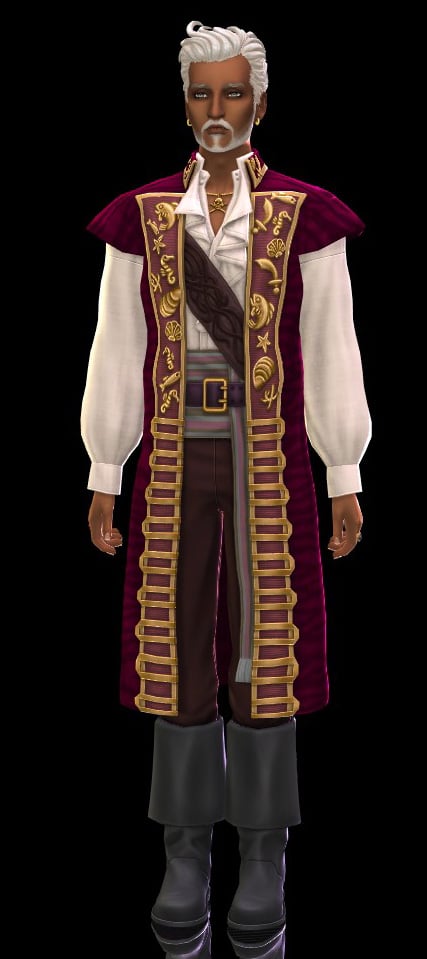
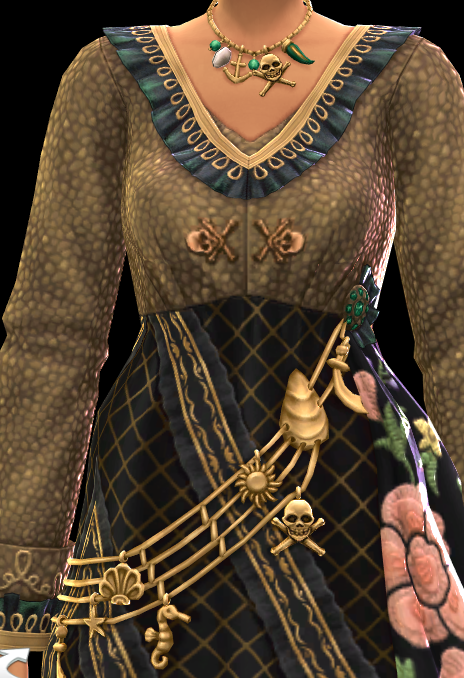
The sheer level of effort in this one garment alone has me floored—we’ve never gotten something like this before. This one full body asset has such a variety of layers, textures, and detail? The creasing in the fabric being so distinct? The necklace tying into the bandolier of nautically-themed charms? It’s spectacular.
I know that this kit isn’t something that perhaps that the average Simmer would use on a daily basis (though my occult-loving self is plotting many uses for these assets), but, it’s an excellent example of what The Sims Team can do if they’re allowed to really give it their all.
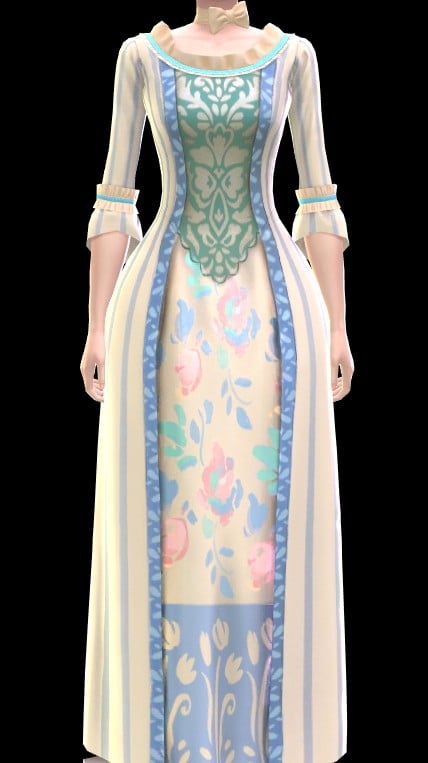
An example that immediately came to mind that truly highlights this? On the left is the Rococo-style gown unlocked from progressing in the Actor career in The Sims 4 Get Famous. On the right is the, again, very much Rococo-style gown that was inspired by the depiction of Queen Charlotte in ‘Bridgerton’. If I were to show these two screenshots to a non-Simmer, explain the difference between a kit and an expansion pack, and ask them to pick which came from where…do you think they’d get it right?
Though, of course, I have some criticisms.
For as much as I do love this kit, and do plan on using the contents of it during my own personal play sessions, I do still it was a bit of a cheap shortcut to have a good portion of the available fullbody outfits pre-accessorized. I know it most likely was based off of inspiration points within the show (and please feel free to tell me in the comment section if that’s true), but I feel like it limits player creativity to do so. The Queen Charlotte inspired gown was the asset I was most excited about, and, while I don’t hate the perma-gloves stuck to the dress, I can see myself using Sims 4 Studio to make a version without them.
While I have the ability and knowhow to do that—most players do not. So that’s one less level of customizability taken away. The same goes for all the necklaces, rings, and shoes that are technically part of the pack, but are adhered to a respective costume. If you’re able to mod/download mods? It’s not much of a problem? But it isn’t the fairest thing to console players who perhaps desperately want to attempt some form of historical play.
A large criticism I do have is that, honestly, you could make a big argument that all of this content could have been included along with The Sims 4 Royalty & Legacy. Which, yes, I have made that argument before, but, Jovan says I can write conspiracy theories in my reviews as long as they fold somewhat reasonably (he did not actually, but I’m doing it anyway!).
It just feels very interesting that, thematically, this kit slots a bit too well in with The Sims 4 Royalty & Legacy. So much so that this bundle, in my opinion, is superior to the previous bundle that the expansion launched with. It’s also interesting that the swatch color story also matches up quite will with The Sims 4 Royalty & Legacy and it makes me feel like they purposely made multiple kits complimentary to the expansion’s format in order to entice more people to purchase them. Which, I’m sure you’re sitting at your desk (or, let’s be real, rotting on the bed with your phone) and are thinking “Yeah, I mean, the same team definitely made all of these kits? So what?”
The fact of the matter is that if that’s the case…that would mean whatever gap that you, personally, have felt in the most recent expansion can be fulfilled with these kits. Which means that The Sims 4 Royalty & Legacy isn’t $39.99 USD, but, totaled up, it’s instead closer to $60 USD.
While this review is predominately for The Sims 4 Lady Bridgerton’s Masquerade Ball Fashion Kit Review, in light of the controversial EA Buyout, it makes you wonder whether or not we’re going to see more and more of this behavior. If this sequence of events was all just a massive coincidence, or whether or not it’s a warning of what’s to come in the future.
What are your thoughts on the ball Lady Bridgerton has put on? Is it your cup o’ tea, or do you only intend to play in the modern era? Be sure to let us know in the comment section down below, and always know that The Sims Community will bring you all the latest and greatest updates on The Sims 4 and other Life Sim games! Make sure to check out our other The Sims 4 Kits overviews before your next binge purchase.
With thanks to Helgatisha (as always) for the poses used in this article.
Plenty of game issues fixed in the latest Tomodachi Life: Living The Dream Patch!
Nintendo dropped a surprise Tomodachi Life Update on May 14h to May 15th, 2026 for their latest Living The Dream entry. This patch is available for download across all Nintendo Switch consoles and can be downloaded by checking for updates in your Main Menu and / or just letting the automatic update feature do its thing.
The newest Tomodachi Life update promises to fix several game issues, including seamless island progression, Mii character customization improvements and plenty more listed down below.
Table of Contents
Tomodachi Life Update: Ver. 1.0.2 (Official Patch Notes)
Fixed issues
Fixed an issue where, after player builds up their island, the game sometimes will not be able to progress.
Fixed an issue where if you change to an exterior of a house you made at the Palette House, the game sometimes will not be able to progress.
Fixed an issue where, after a Mii character confesses successfully and the player tries to save, it is displayed that “your save data is corrupted,” and the player is not able to save.
Fixed an issue where, after multiple Mii characters start to live together, and when the player saves, it is displayed that “data has been corrupted” and the player is not able to save.
Fixed an issue where, when a scene switches over, an error would rarely occur and the game would stop.
Fixed an issue where the player could store the wishing fountain using Island Builder, but would not be able to place it on the island again afterwards, and wishes could not be granted.
Fixed an issue where, after a Mii character failed to patch things up with another Mii character after fighting, its crush for a different Mii character would disappear.
Fixed an issue where a Mii character did not feel better even when its Sadness ran out.
Fixed an issue where the player could not send/receive things through local play.
Since the game was incorrectly using the image of the southern flying squirrel for the image of the treasure “sugar glider,” it was changed to the correct image.
Other issues were fixed to improve the gameplay experience.
Living The Dream Patch Install Official Instructions
Follow these steps to update Tomodachi Life: Living the Dream, or review the software’s update history.
Note
Save data will still be available for use after downloading the update.
The update will download and install automatically if the console is connected to the Internet and the Software Auto-Updates setting is enabled on your Nintendo Switch 2 or Nintendo Switch console. To ensure you have space to download the update, please review our storage tips for Nintendo Switch 2 and Nintendo Switch.
All players must be using the same version of the software to play together. Please make sure you have the same update version as the person you are playing with.
On May 14th, 2026, a new software update for Tomodachi Life: Living the Dream became available for download. Please take a moment to download and install this update while your Nintendo Switch 2 or Nintendo Switch console is connected to the Internet.
Complete these steps
Connect your Nintendo Switch 2 or Nintendo Switch console to the internet.
From the HOME Menu, select the icon for the software you wish to update without starting the game or application.
Press the + Button or – Button on your controller. The current version number will display under the software title.
Select Software Update followed by Via the Internet.
What is your experience downloading the latest Tomodachi Life update? Notice anything improved in Living the Dream? Let us know in the comments below and stay tuned for more Tomodachi Life News and Guides!
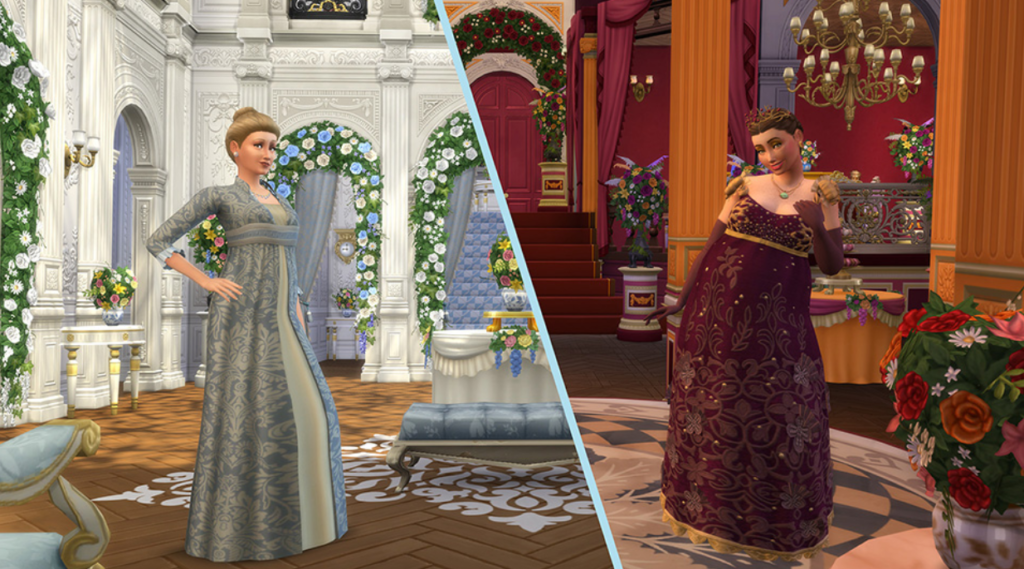
Few series have shaped the romantic fantasy aesthetic quite like Bridgerton. Its extravagant ballrooms, dramatic social gatherings, and luxurious Regency-inspired style have become instantly recognizable over the years. Now, that same atmosphere has officially arrived in The Sims 4 with The Sims 4 Lady Bridgerton’s Masquerade Ballroom Kit.
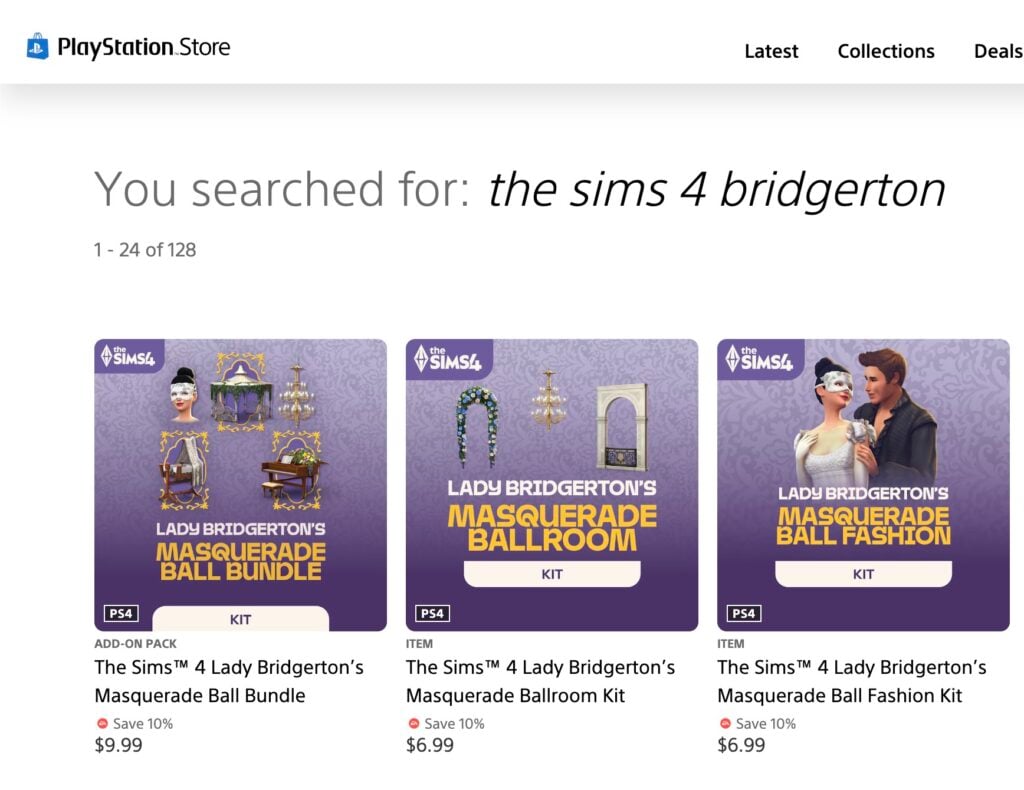
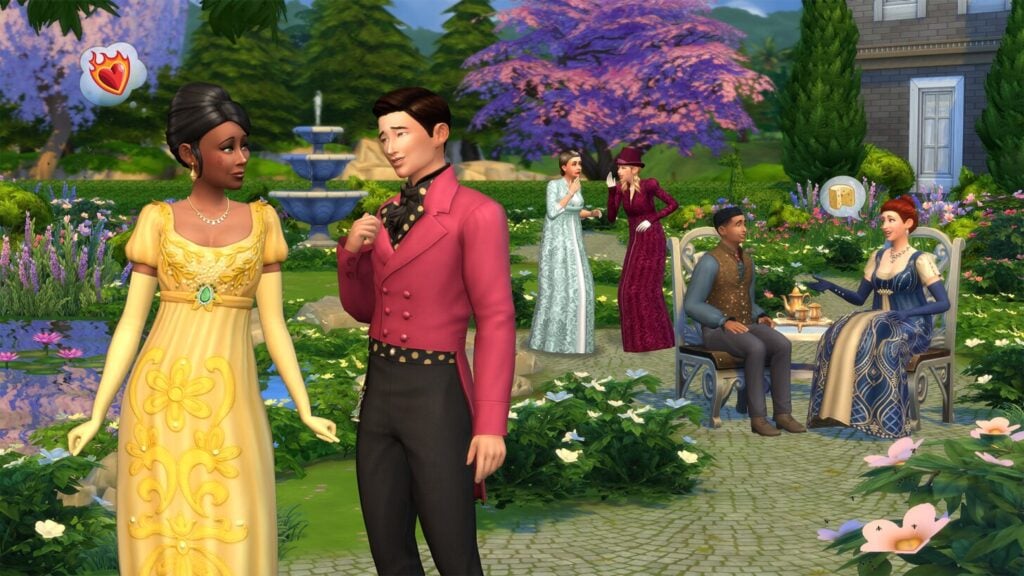
Inspired by the lavish masquerade events featured throughout the series, this new Build Kit is entirely focused on elegant ballroom spaces filled with romance and theatrical charm. The kit comes with 27 new objects split between Build Mode and Buy Mode, alongside three additional bonus items available through the complete bundle purchase. On its own, The Sims 4 Lady Bridgerton’s Masquerade Ballroom Kit costs $6.99 USD, while the full bundle is available for $9.99 USD. The bundle is a limited-time offer, so you only have till August 14th, 2026, to buy both at a reduced price (and get 3 bonus items)
Table of Contents
Official Lady Bridgerton’s Masquerade Ballroom Kit Description
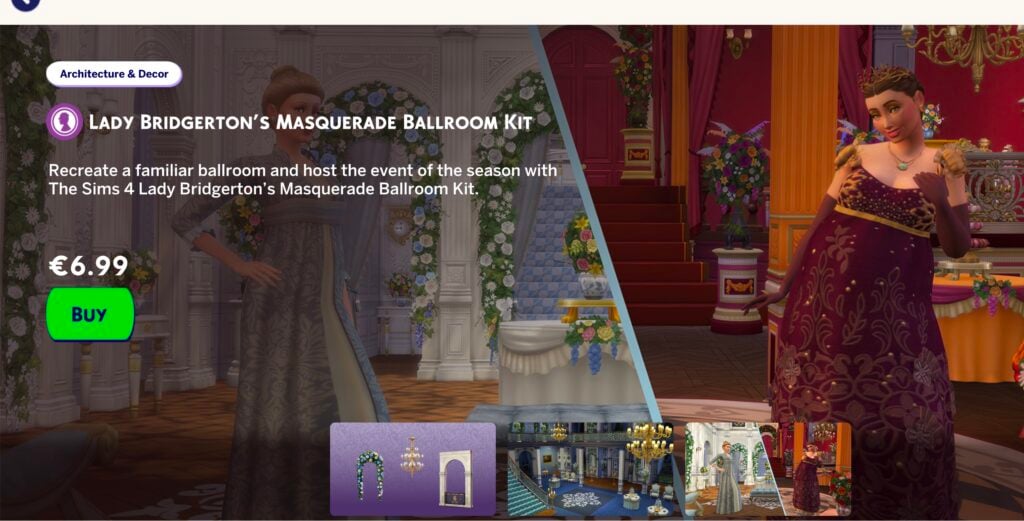
Recreate a familiar ballroom and host the event of the season with The Sims 4 Lady Bridgerton’s Masquerade Ballroom Kit. Captivate your guests with a romantic atmosphere. A chandelier is the most alluring mood lighting you can get, and with opulent florals lining the walls every Sim in attendance is sure to find their own beautiful moments. This decadent décor sets a stage where every dance – every glance – feels meaningful.
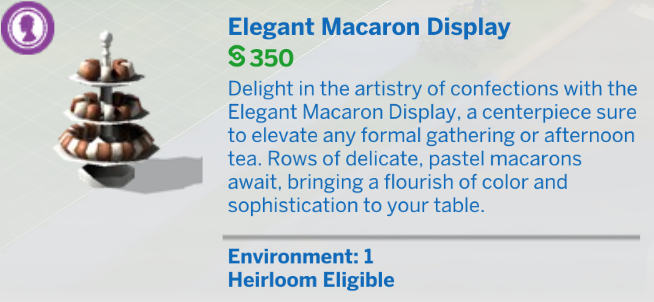
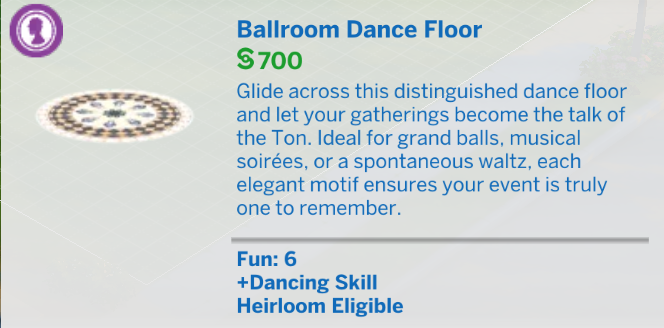
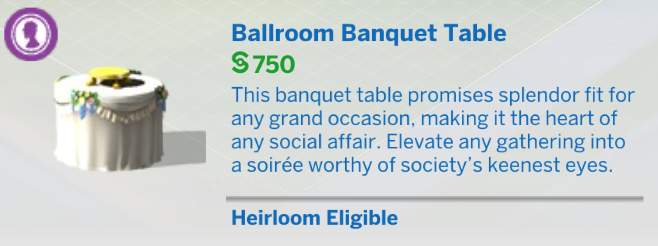
Lady Bridgerton herself would smile at the bountiful banquet table, dazzling dance floor, and Macaron Treat Tray of your enticing event. Set the perfect scene for Sims to find true love.
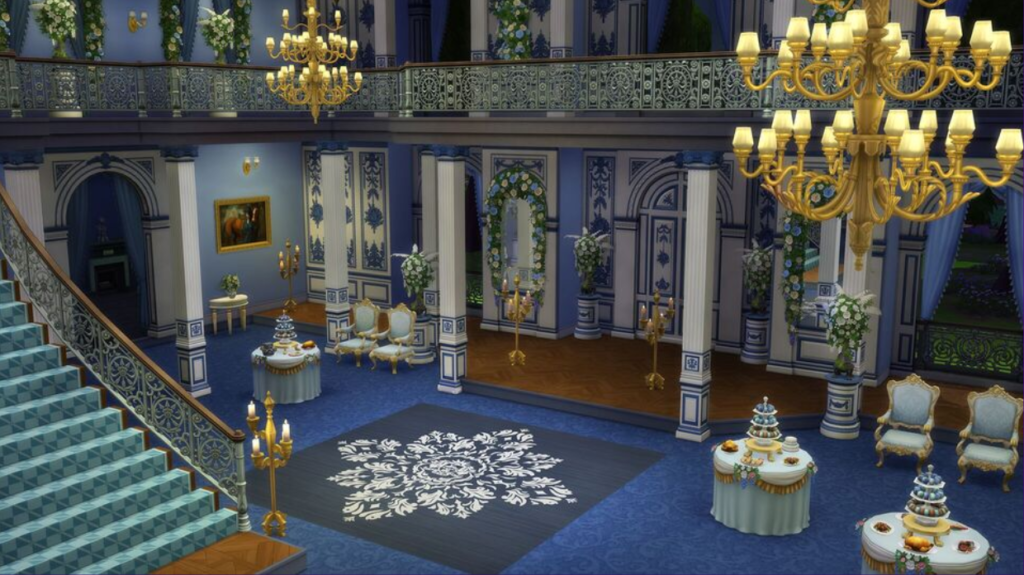
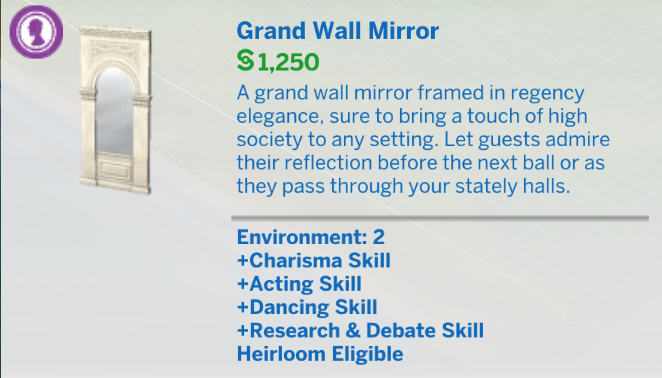
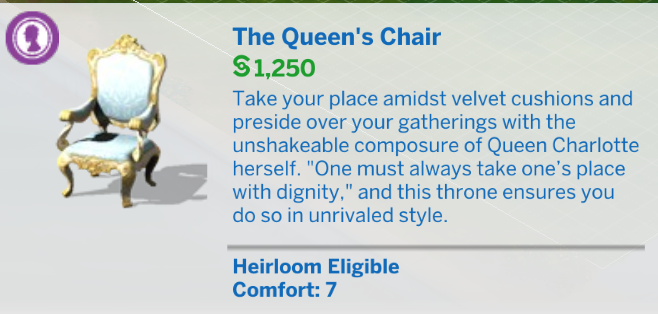
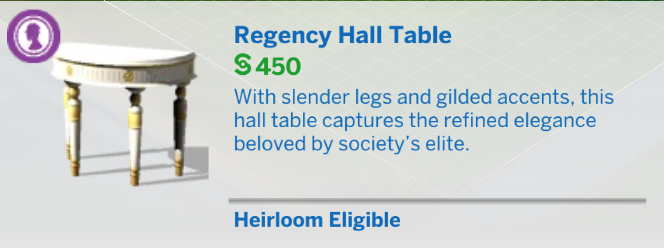
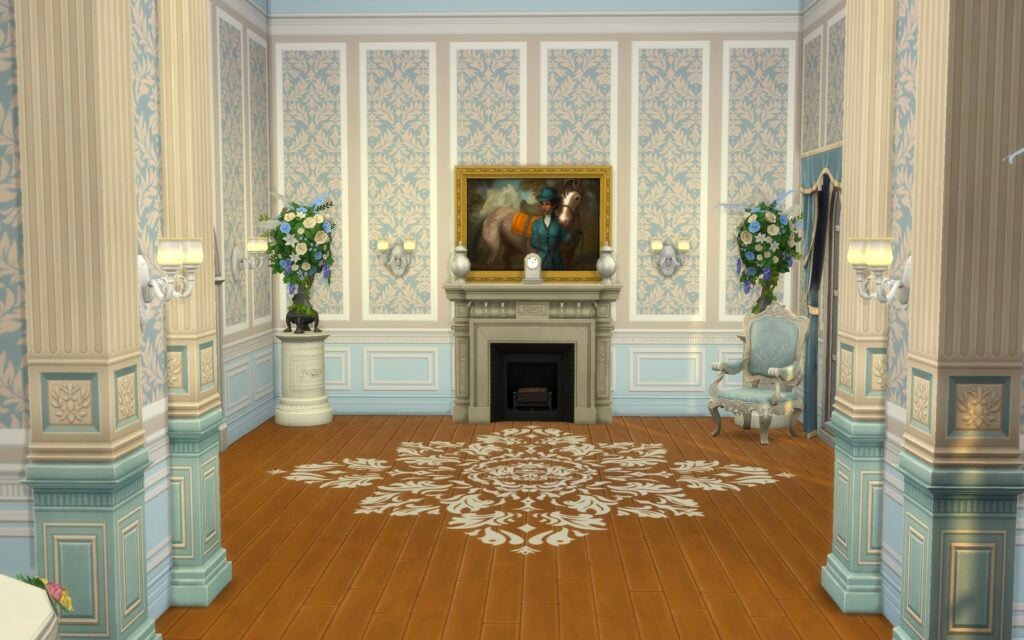
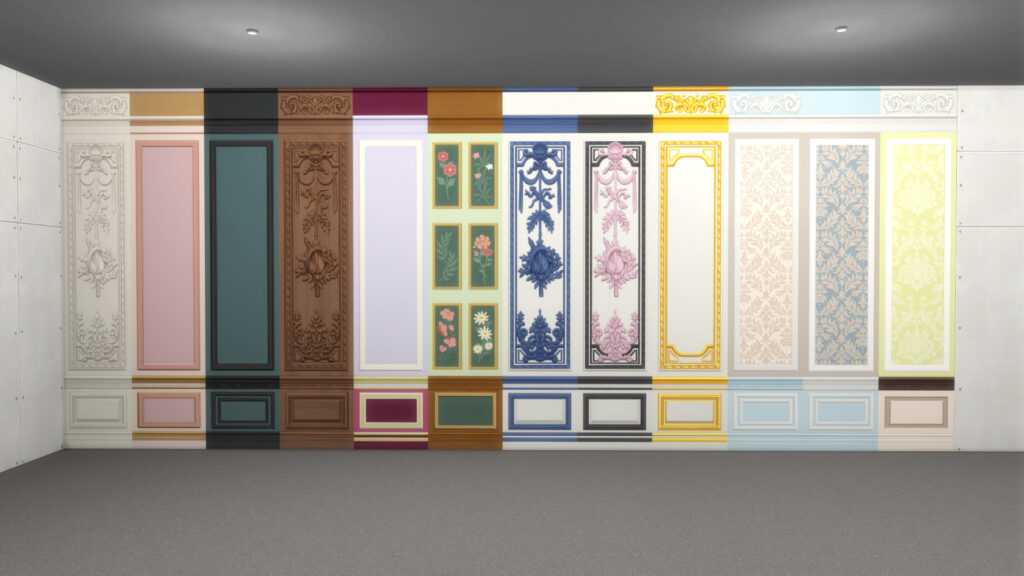
Recreate the opulence of balls thrown by the great families of the Ton. With a marble fireplace of the highest quality, intricately designed wall panels, and furnishings as delicate as a new romance, you might even impress the Queen.
Lady Bridgerton’s Masquerade Ballroom Kit Catalogue Overview
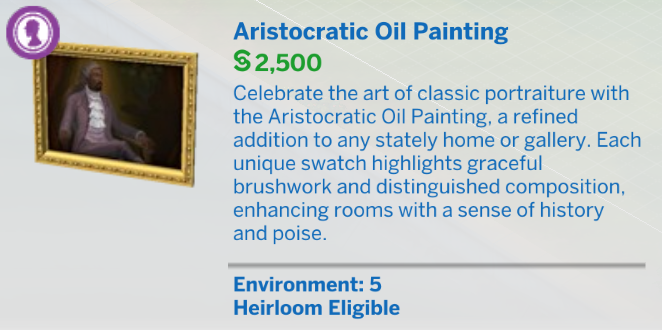
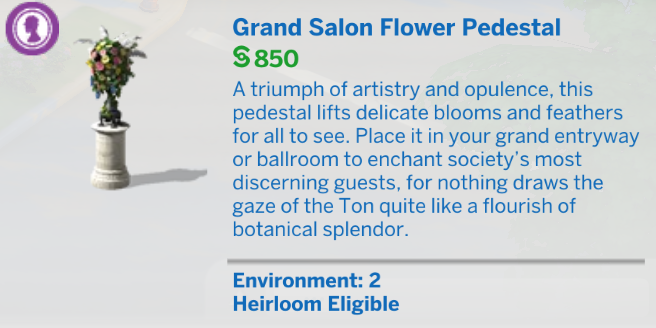
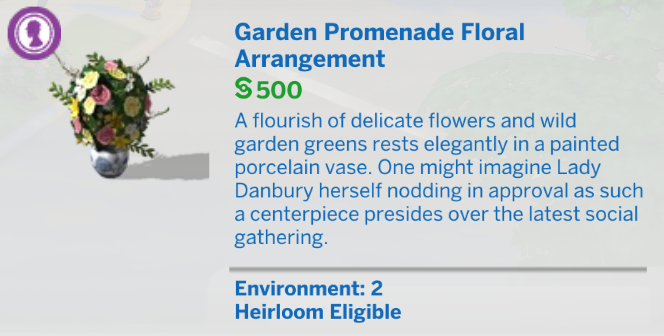
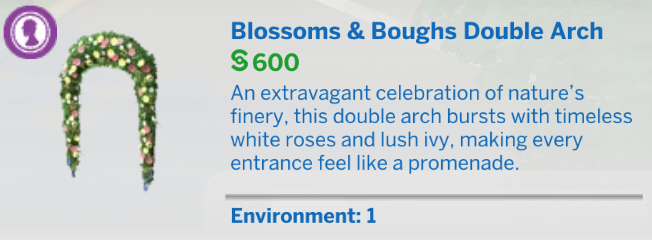
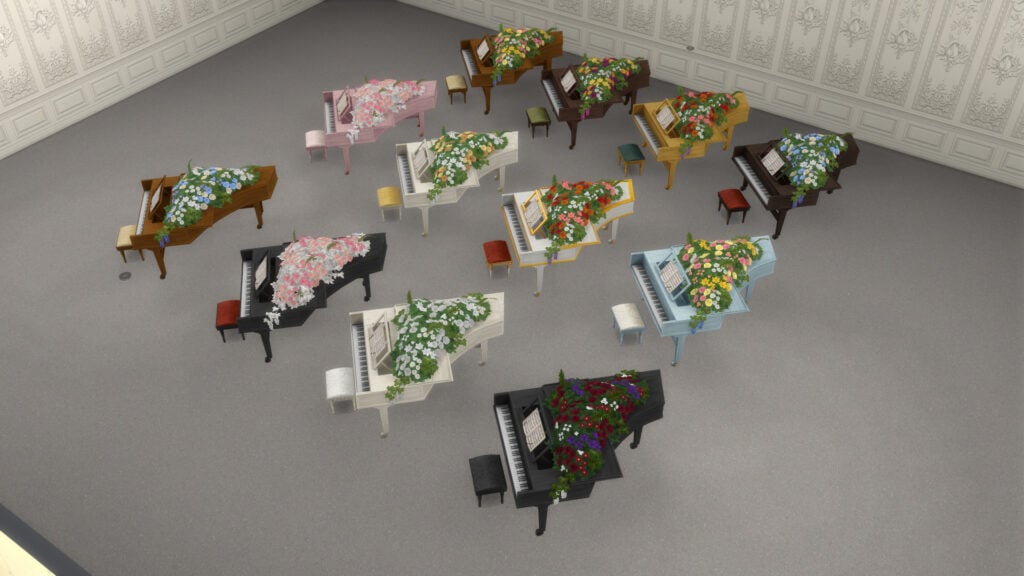
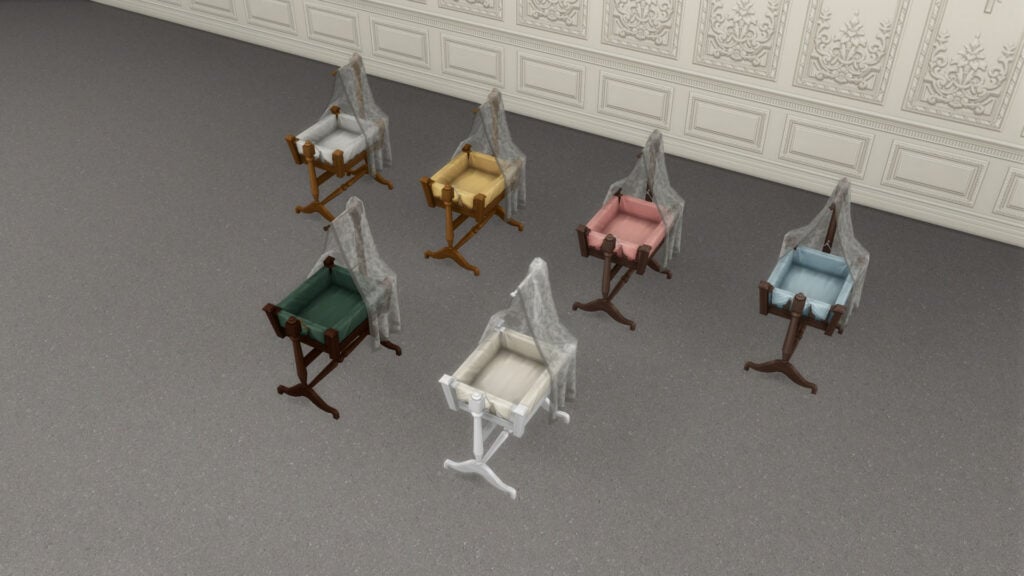
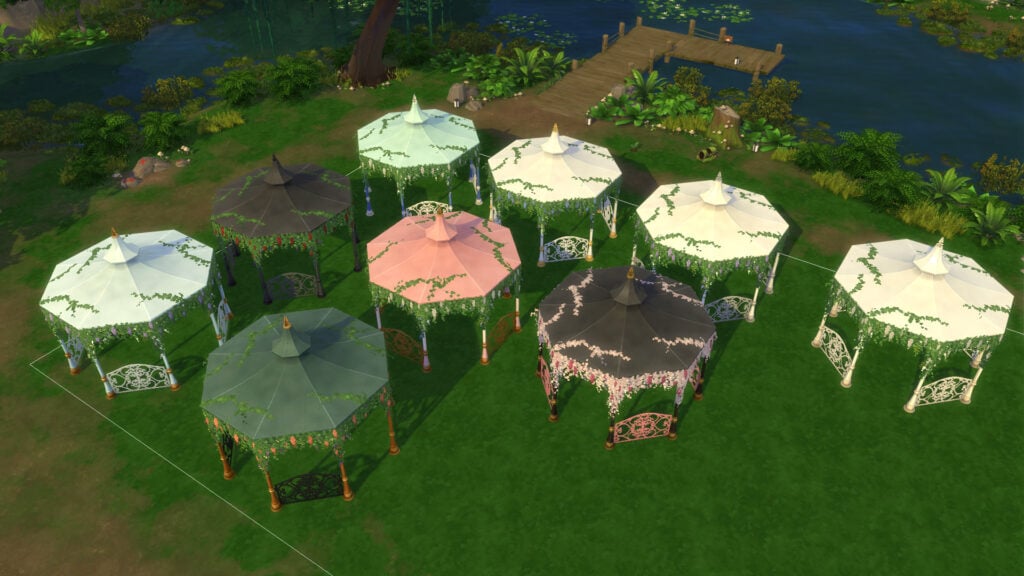
This new kit adds 27 assets to the Build/Buy category; 9 are for Build mode, with the rest for Buy mode.
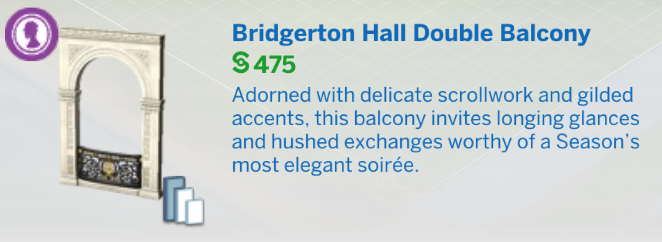
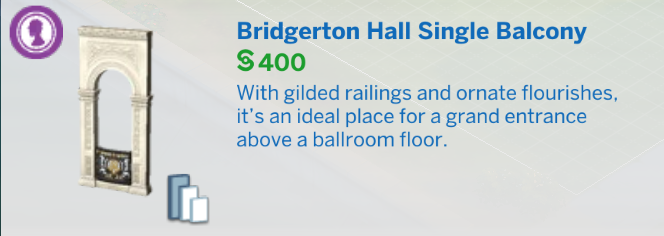
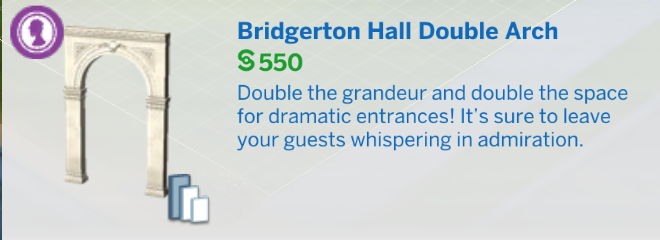
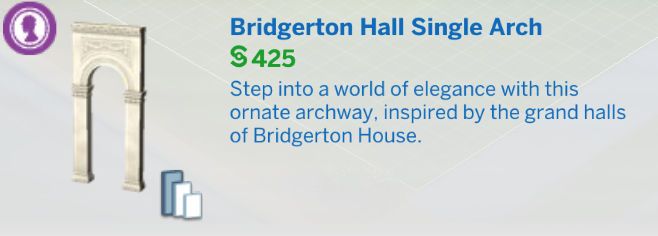
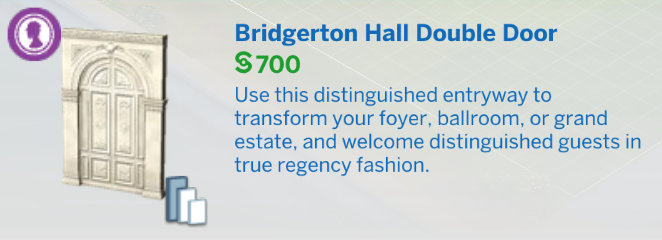
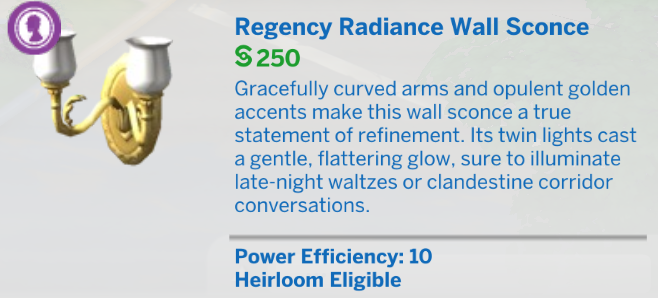
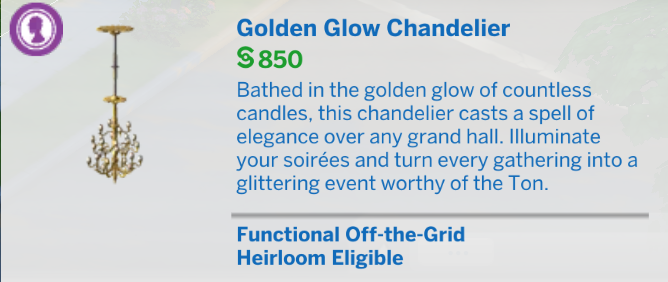
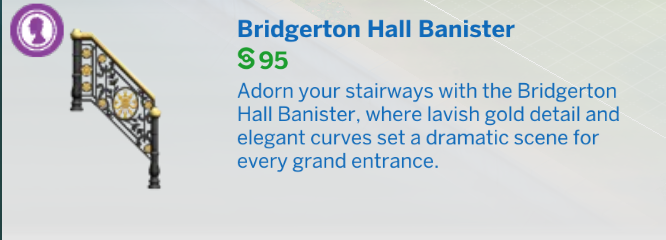
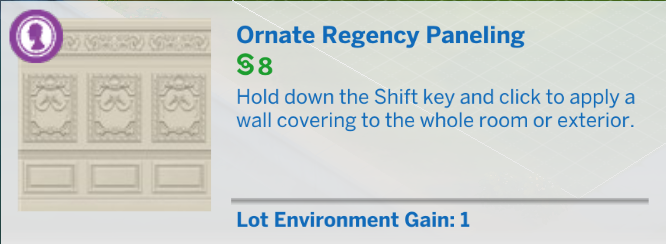
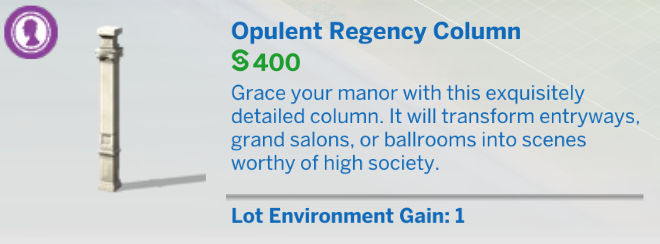
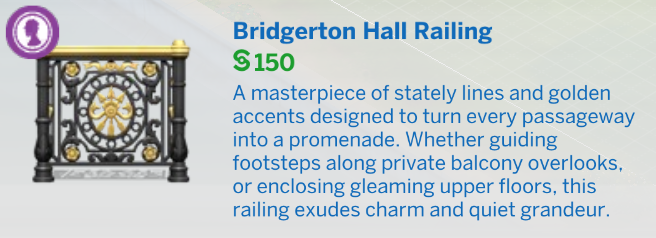
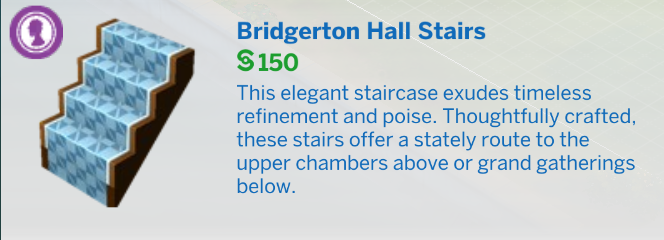
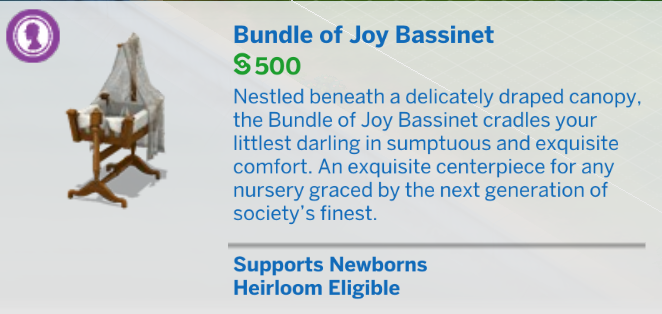
Check the official descriptions for each new item. There are plenty of references to the Bridgerton universe!
New Pre-Built Room
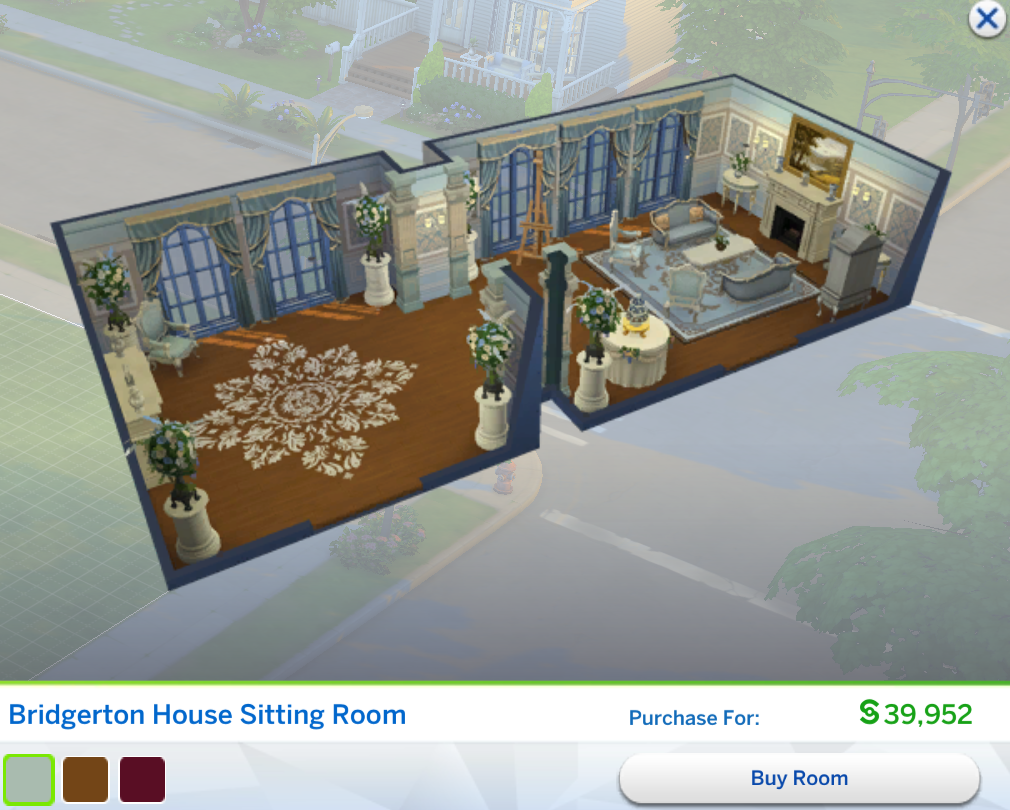
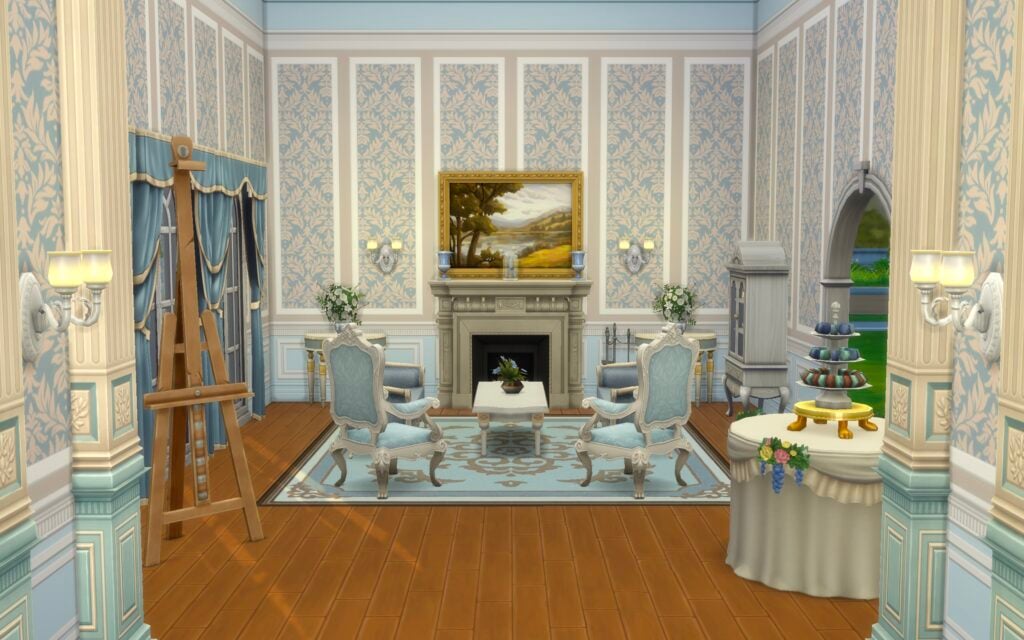
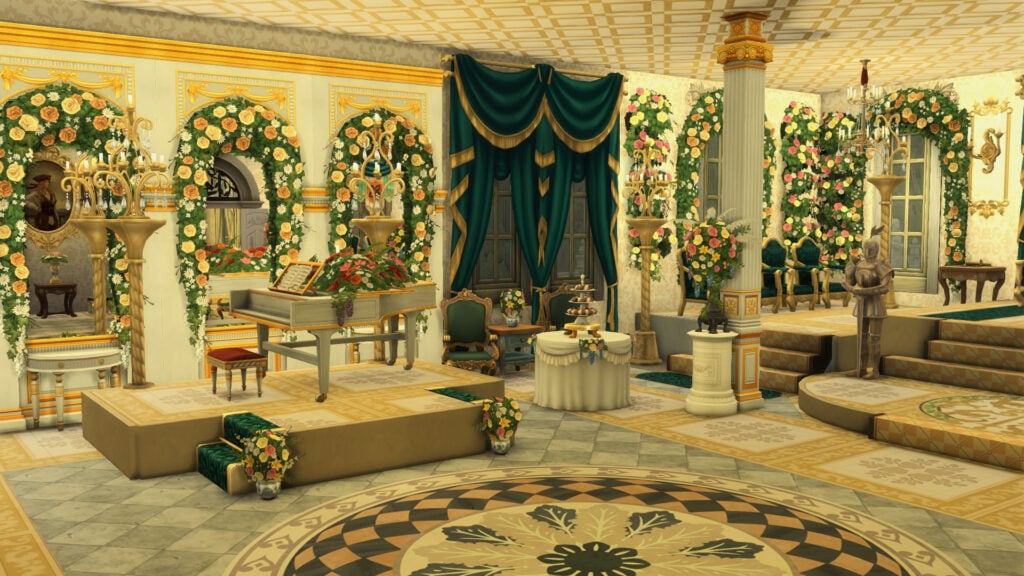
The kit also includes a new pre-built room: the Bridgerton House Sitting Room. It’s one of the most expensive pre-designed rooms currently available in The Sims 4, despite featuring very few of the new objects included with the kit itself.
Check the room in-game:
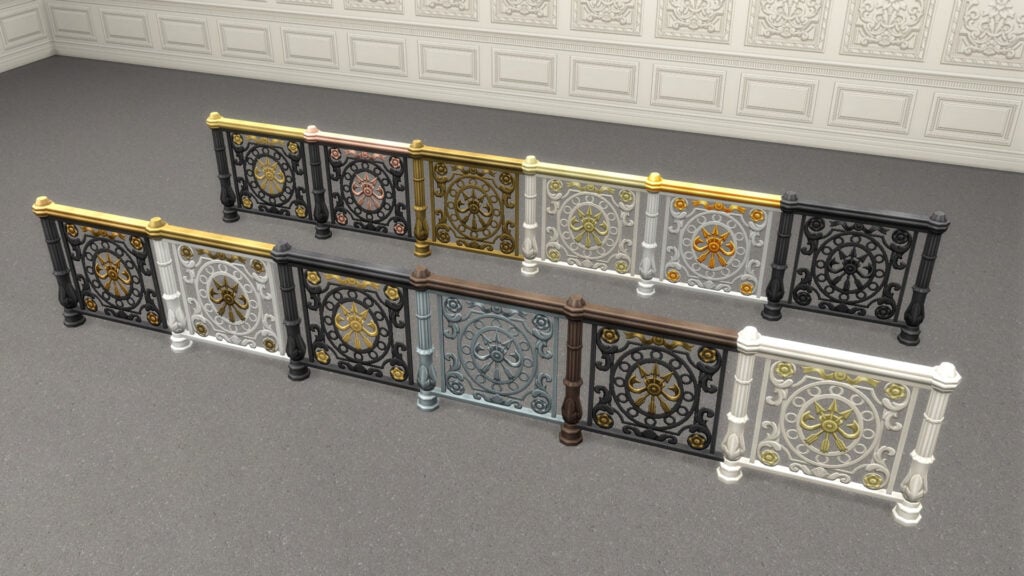
Swatches for Each Item
The Sims 4 Lady Bridgerton’s Masquerade Ball Bonus Items
Our Review of The Sims 4 Lady Bridgerton’s Masquerade Ballroom Kit
Even as someone who isn’t a massive fan of Bridgerton, I still came away genuinely impressed by the overall quality of both kits included in this collaboration. There are definitely some Buy Mode choices that feel a little less memorable unless they directly reference the series itself, but the moment the kit fully embraces the Bridgerton fantasy, the quality becomes incredibly noticeable. Both the Create-a-Sim assets and the Build Mode objects feel far more polished than what many players have come to expect from smaller releases in The Sims 4.
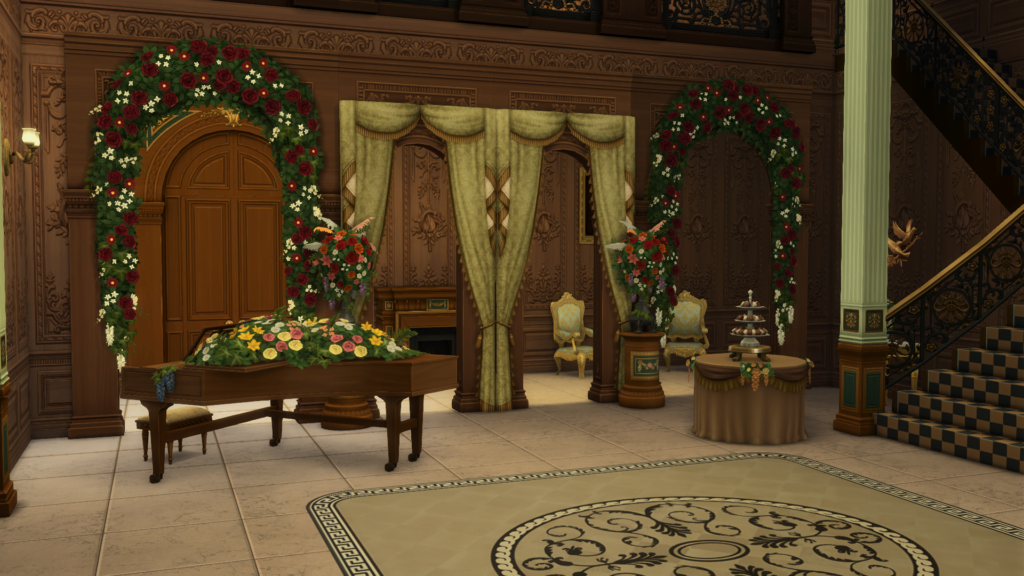
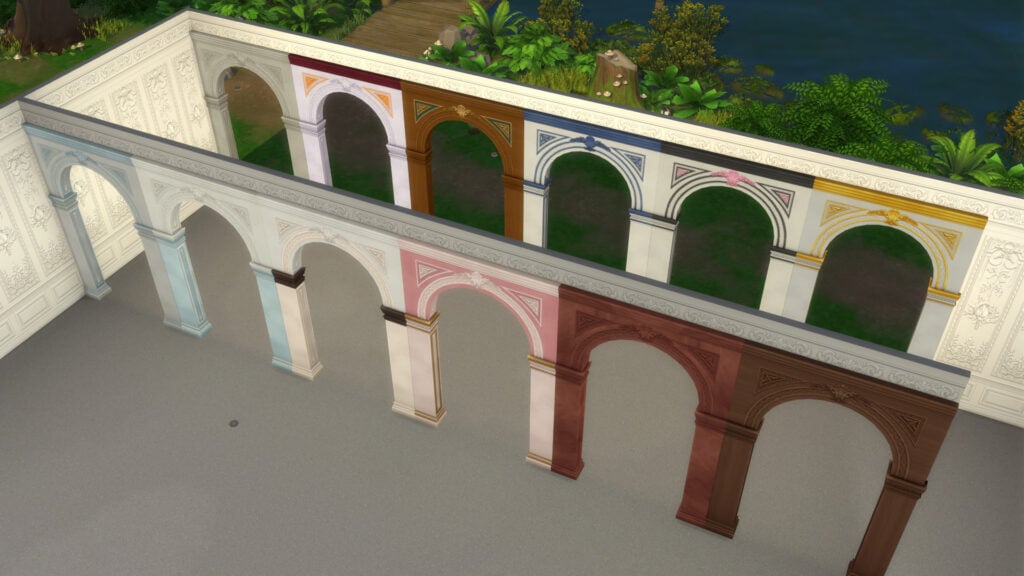
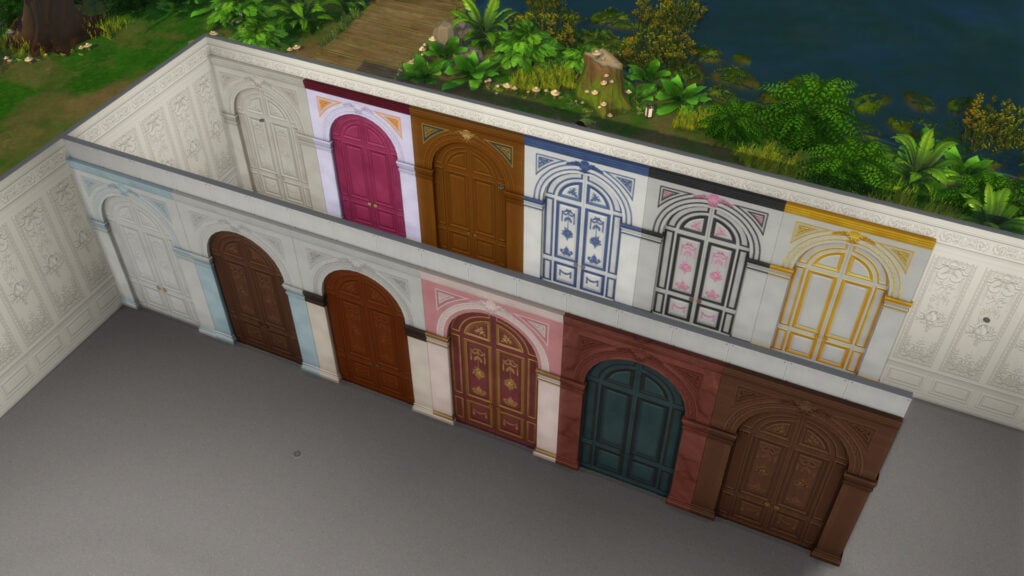
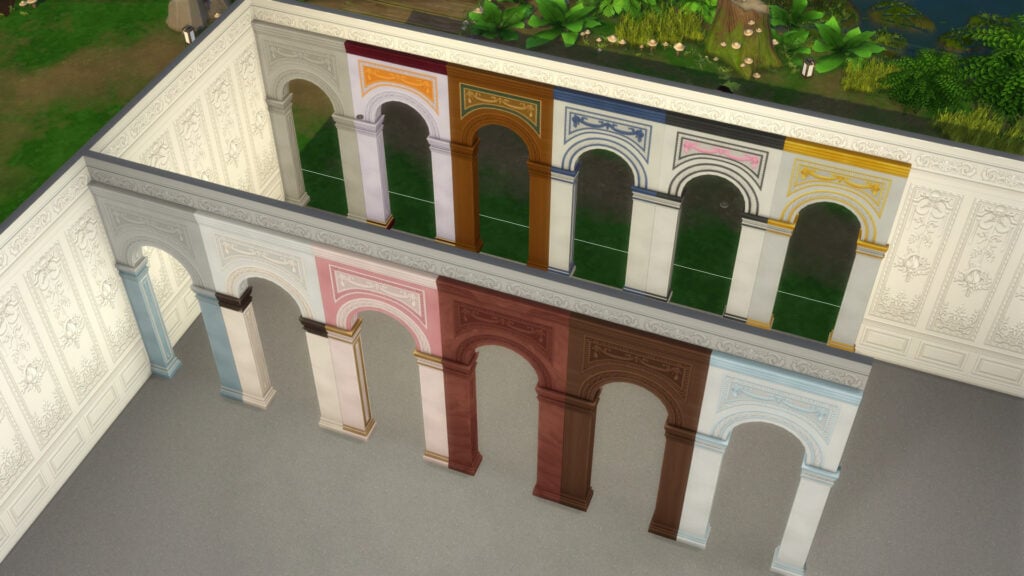
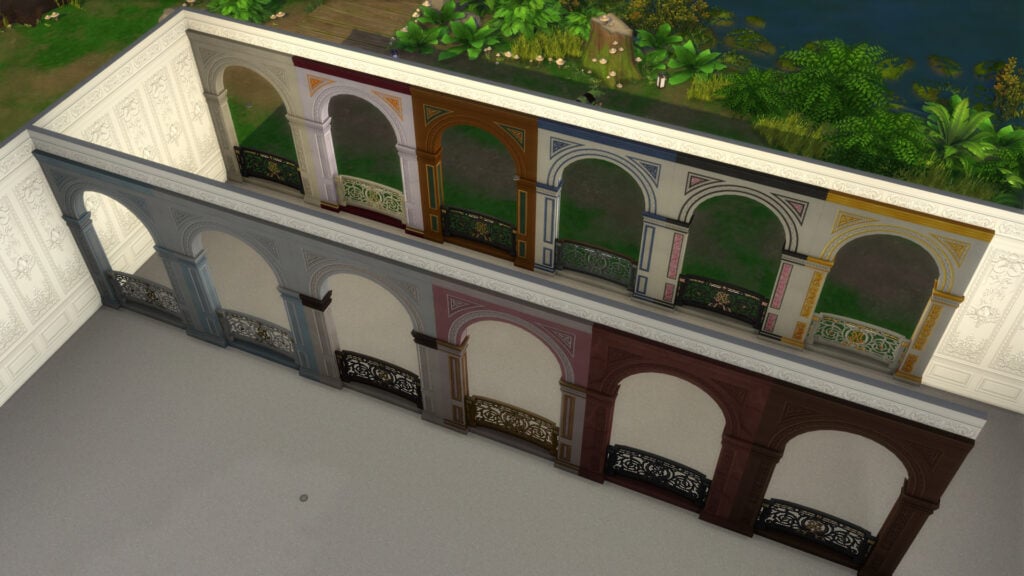
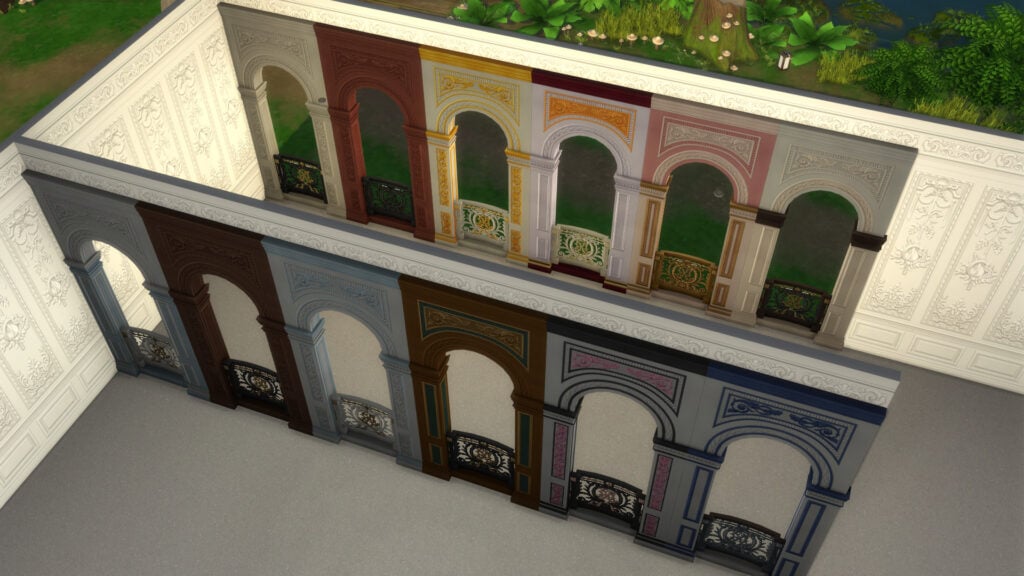
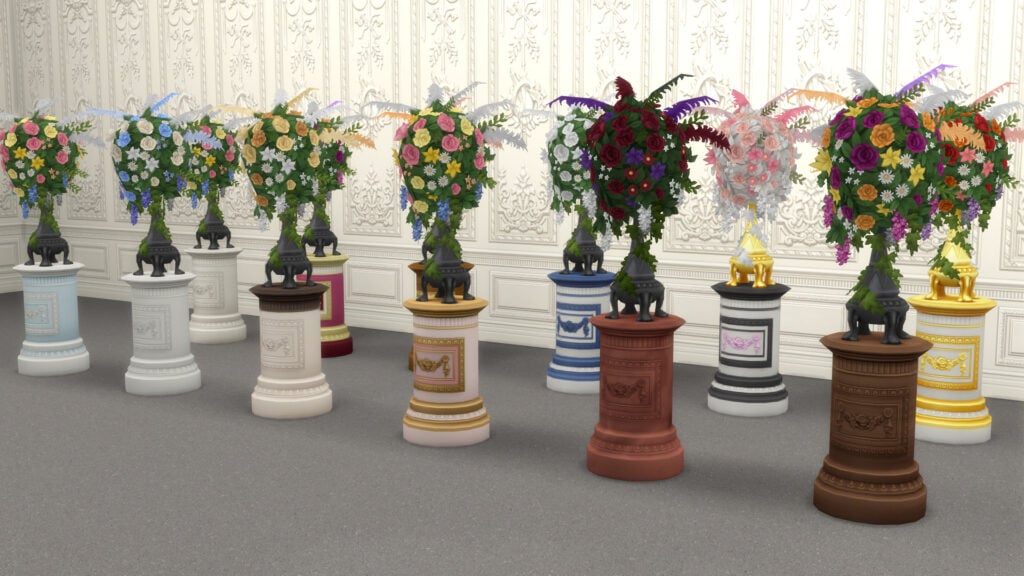
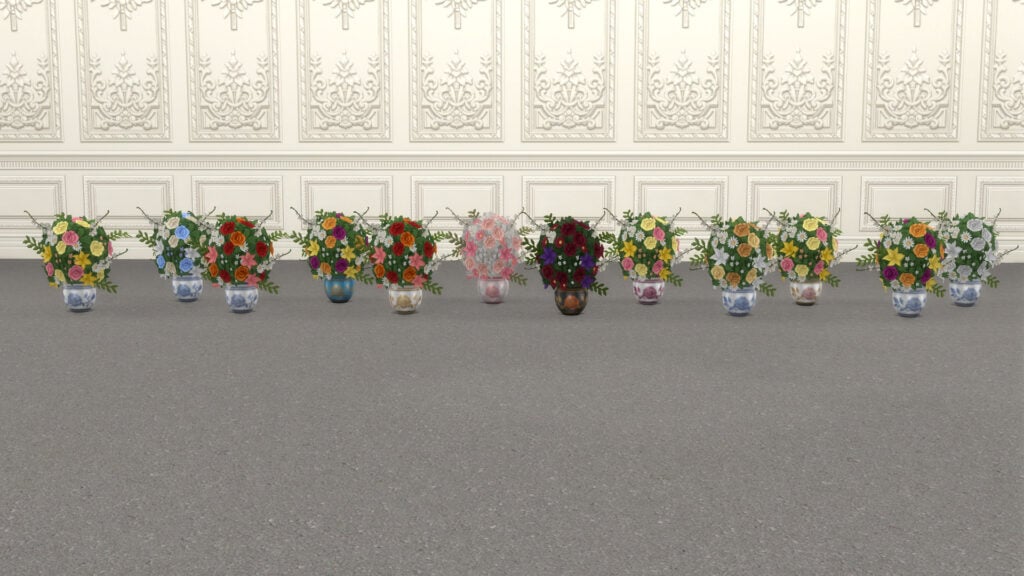
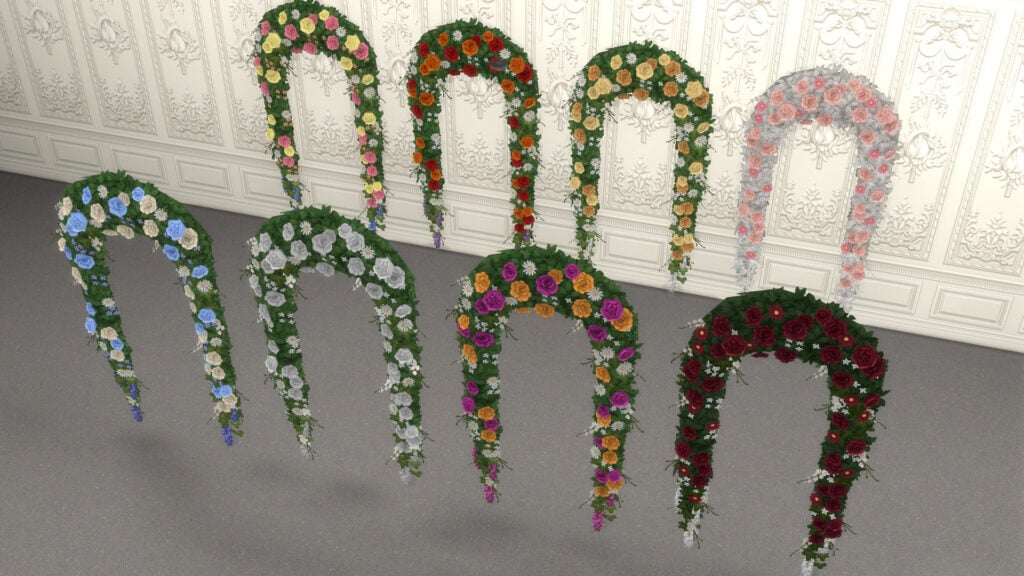
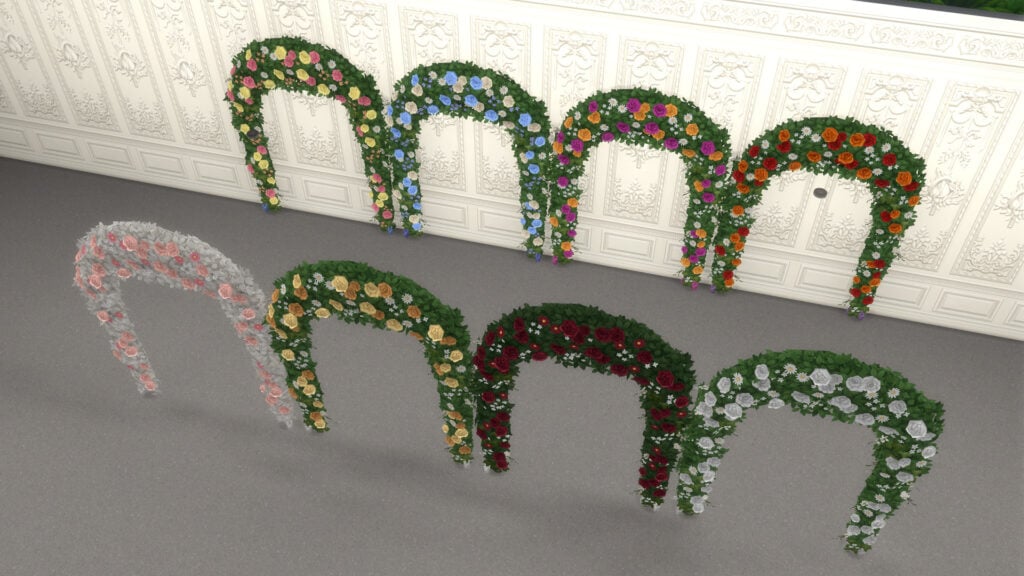
What surprised me the most was how many fresh ideas are included throughout the Build Mode catalog. The floral arches, oversized doors and windows, and vibrant color palettes instantly stand out and feel perfect for players who enjoy creating mansions, castles, noble estates, or historical-inspired builds. Some of these additions honestly feel long overdue for builders who love dramatic architecture and elegant interiors.
Original build by nikivertigo. Edited for this review with Lady Bridgerton kit assets.
At the same time, adapting Bridgerton into an architecture-focused kit was always going to be a difficult task. Personally, I’ve always felt that the identity of the series comes less from the buildings themselves and more from the characters, costumes, music, and overall atmosphere. There are only so many architectural details that immediately feel Bridgerton unmistakably, unless you directly recreate recognizable locations from the show itself.
That’s ultimately why I think both kits work so well as a tribute to the series. Instead of trying to perfectly replicate every detail from the Netflix adaptation, they focus on capturing its atmosphere through decorative elements, dramatic interiors, floral details, and elegant silhouettes. The result still feels versatile enough to fit naturally into different types of gameplay, especially alongside recent content focused on dynasties and royalty-inspired storytelling.
I’ve always believed that kits work best when they fully embrace highly specific themes instead of trying to appeal to every type of Sims player. Expansions and Game Packs should usually handle broader everyday content, while kits are at their strongest when they target niche aesthetics and creative communities directly. We already saw something similar with the previous SpongeBob collaboration bundle, and the same thing happens here. Out of all the crossover collaborations we’ve seen in The Sims 4 so far, this honestly feels like one of the most natural fits for the game.
What are your thoughts on The Sims 4 Lady Bridgerton’s Masquerade Ballroom Kit? Are you planning to add this Regency-inspired collection to your game, or are you skipping this collaboration? Let us know in the comments below.
For more coverage on the latest The Sims 4 releases, make sure to check out our other reviews and news articles here on Sims Community.
Paralives will be releasing in its initial early access release phase on May 25th 2026, roughly six years after the beginning of its development. While approaching around 10 days from this initial early access release date, the Paralives Team wants to make sure everyone is on the same page.
Paralives is a new life simulation game coming from the small indie studio Paralives Studio, with notably stylized graphics and an emphasis on creativity and freedom in gameplay and in-game creation of builds, characters, and mods or custom content. Proper expectations being set are vital when considering that this is a new life simulation game years in the making, coming from an indie studio with 15 team members.
Table of Contents
Paralives Team Wants To Keep Your Expectations Set For Early Access Release
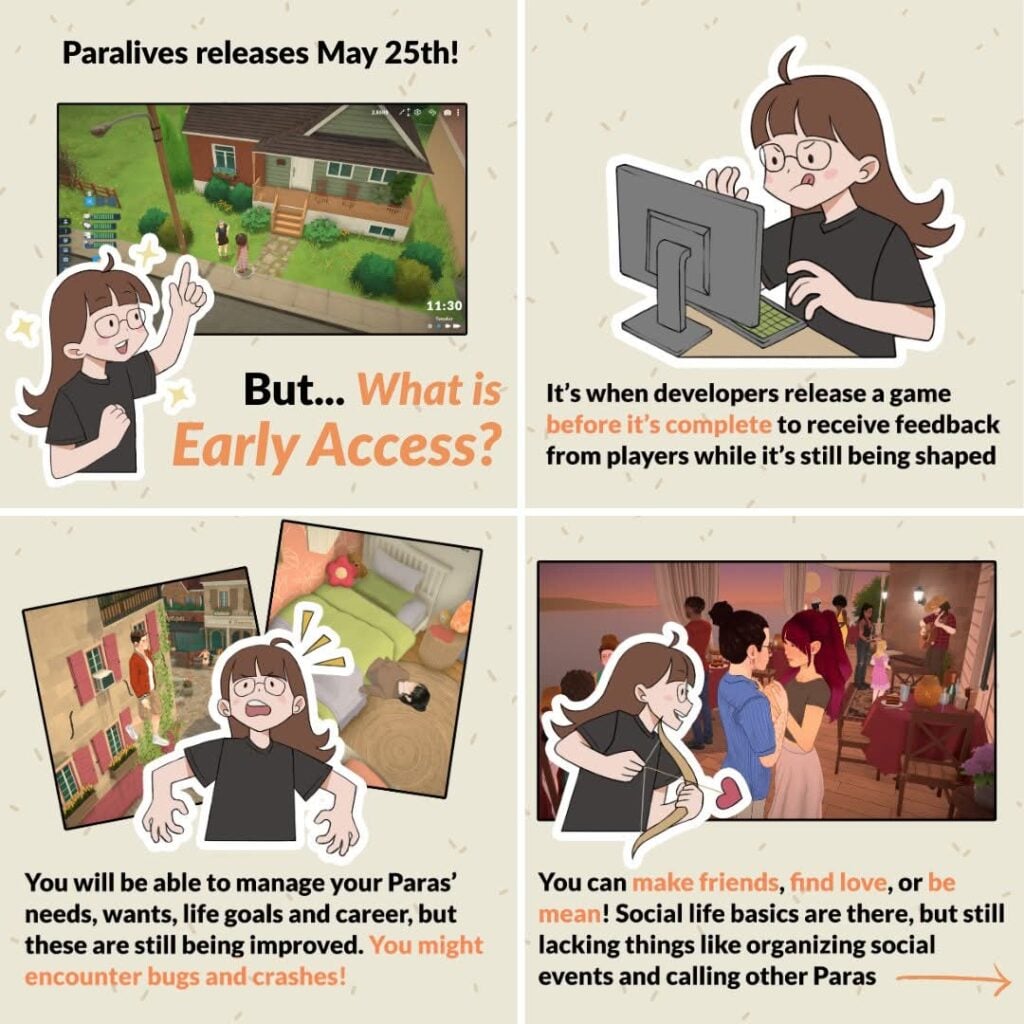
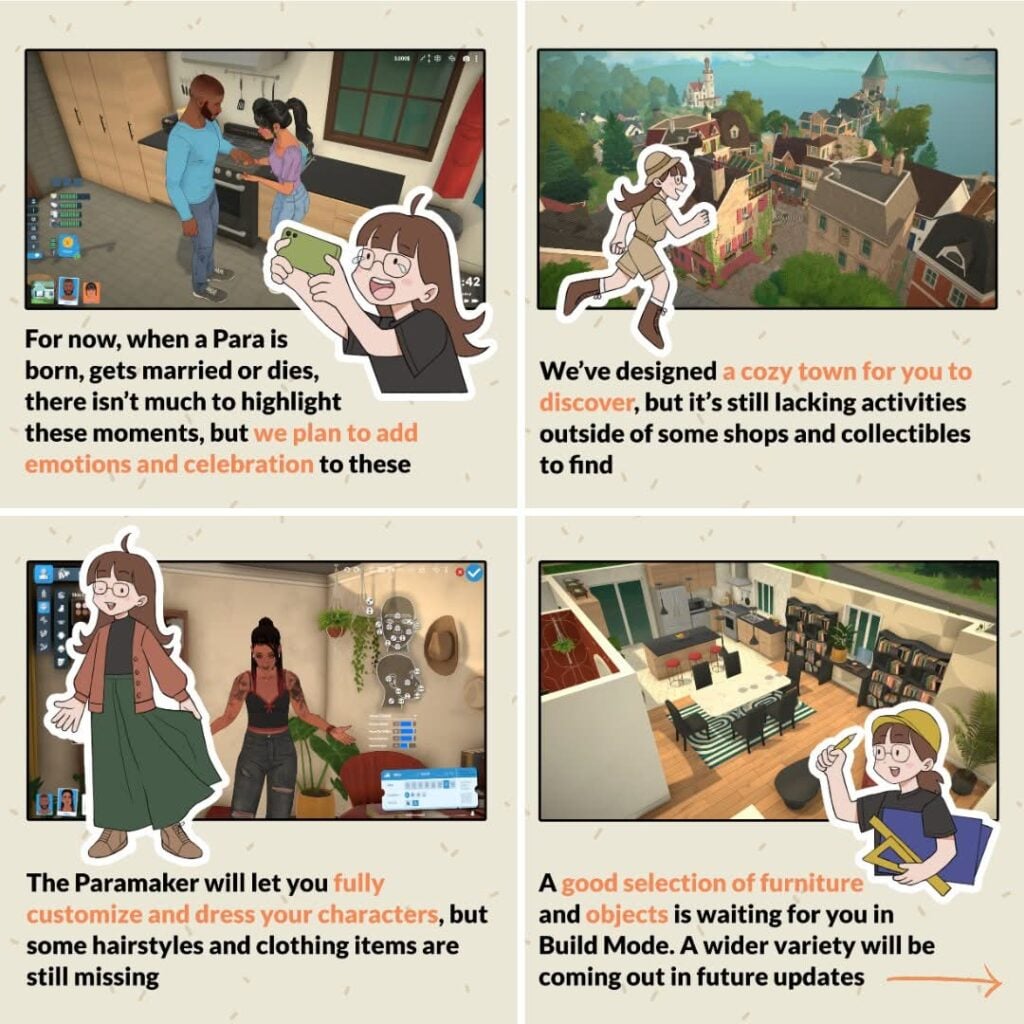
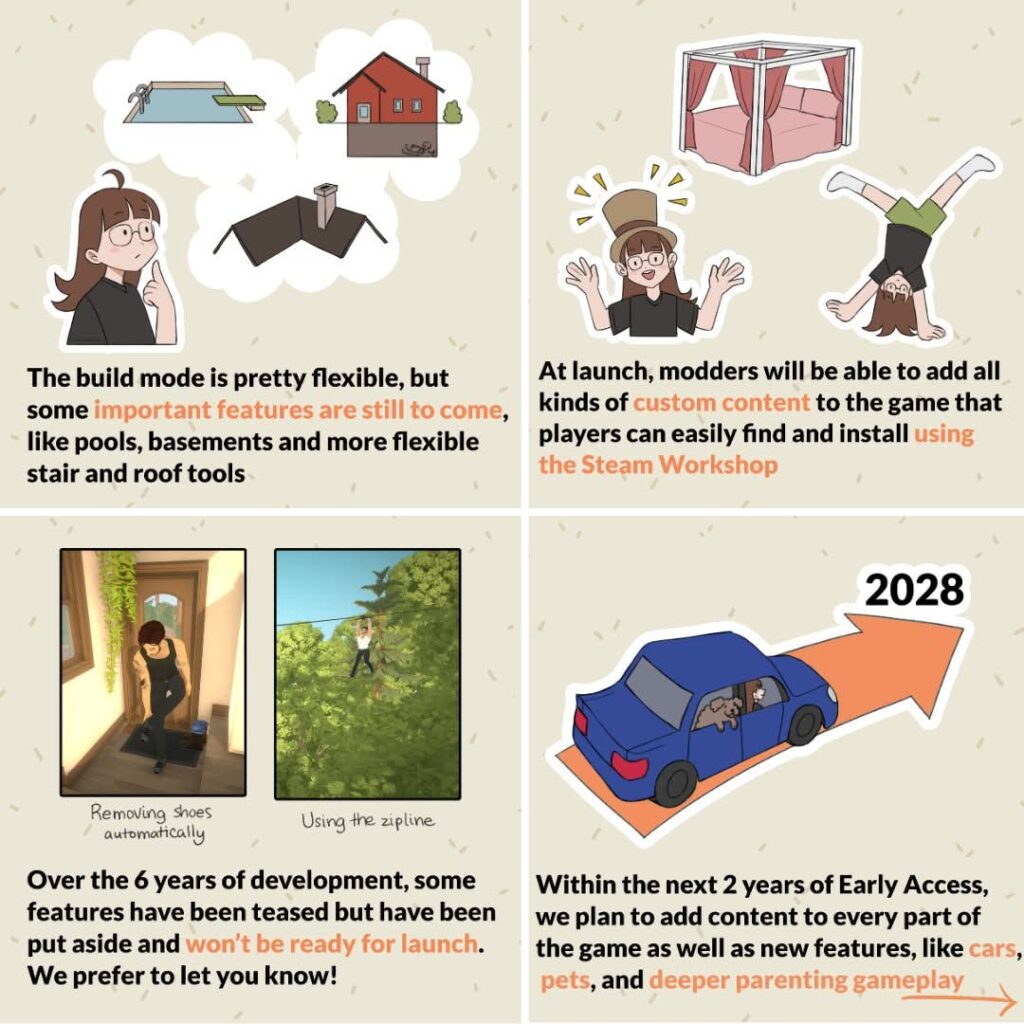
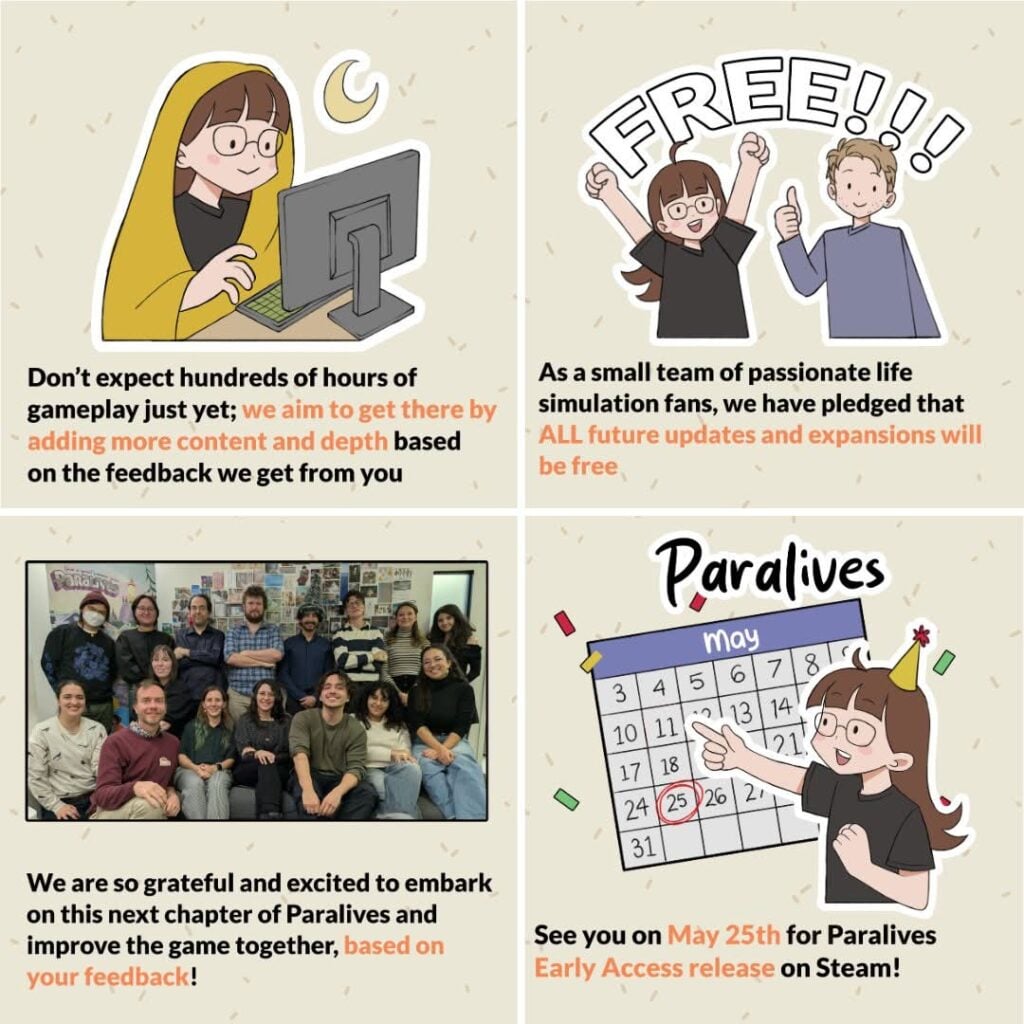
To keep expectations of the community and early access release players appropriate to the stage of the game, the Paralives Team official X account reposted some graphics that were initially released in November 2025.
with Paralives coming out in 10 days, we’re resharing some important information about what to expect from our Early Access release! pic.twitter.com/VpAt0wEYgJ
These graphics were initially published in November 2025 because the initial early access release date for Paralives was supposed to be December 8th, 2025. However, when approaching this time period, the team did not feel comfortable actually releasing the game in the state it was in at the end of 2025. They wanted to work on features more and to make sure it was a product they felt happy and comfortable about releasing, even in an early access state.
Early Access Release and the Basics
Games being in early access is not unheard of, but for players that haven’t engaged with developers online or who have not played loads of indie games, Early Access Release is a public release period for a game that can last a few months to multiple years. This period of time allows players to purchase the game and play it before it is fully done.
While it can be frustrating to experience the bugs and lack of gameplay that early access can initially bring, players often reap the benefits of being able to give feedback that truly shapes the trajectory of the games development, playing and getting to know the game much sooner, and often getting the game for a discounted price. Since they own it during the early access release period, they also get access to the full release without paying for a possibly increased price.
Gameplay Expectations
The gameplay features of Paralives will not be as expansive as it may be in a few years, or whenever the game comes to a full release, but the goal of the development team at Paralives studio seemed to be to create good structural bones for life simulations. Life simulations simulate… Life! This means that while some features may be added later or may be very simple now, the basics of Paras being alive will be present. They can be born or created, marry and develop relationships, and there will be ways for them to age and die.
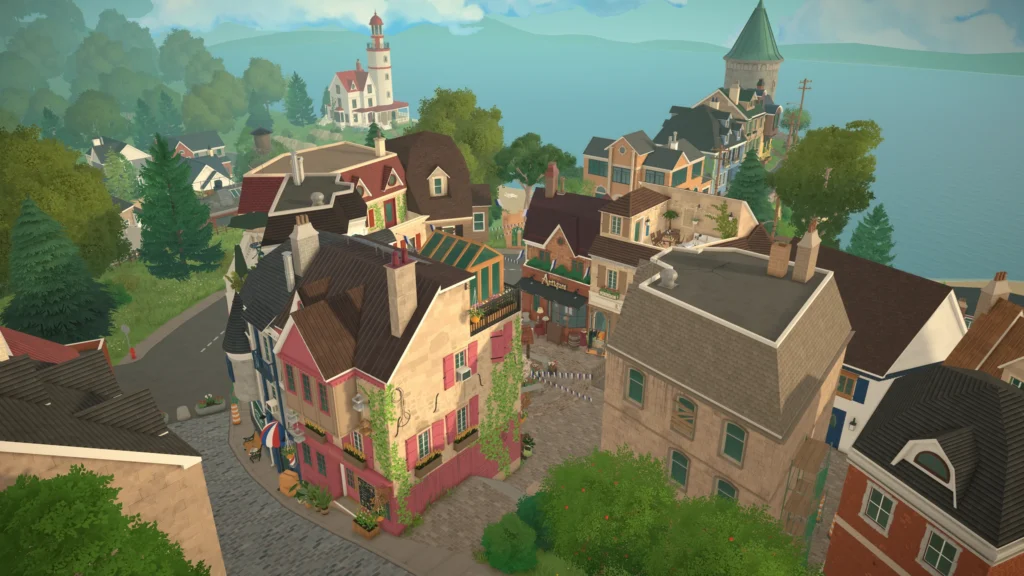
There is a small and cozy seaside town for players to explore and discover, including multiple shops, buildings, and a museum. Paras will be able to get jobs and progress through careers, though these will currently be rabbitholes, meaning Paras will disappear from the lot while working. There will be collections, allowing you to find new items and fill the museum with artifacts and other collectibles.
Creation and the Future
While features players might expect will not be present upon release, they are generally being worked on and will be added over the next two years in consistent updates. Some of these features seem simple, like roofing tools, but can be more complex when you considering what we’ve seen for Paralives build mode so far, and the general lack of constraints it seems to enforce upon the players.
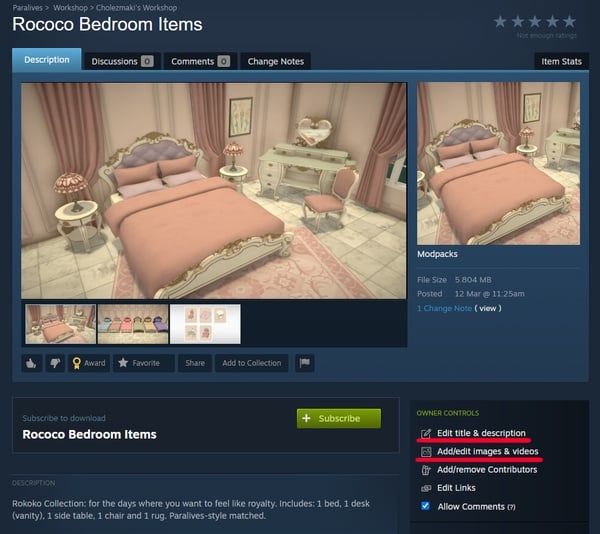
At launch custom content being available will be fun to see! These will more than likely be available through the Steam Workshop. This is directly connected to the game and makes creating, uploading, installing, and playing with mods easy and largely accessible for players. The tools will also be present to create custom content, meaning that anyone interested in diving into modding can get started in just a short ten days!
Final Notes
While getting such an expansive game and concept so soon and from a fresh new team is incredibly exciting for players and the life simulation community in general, having appropriate expectations is so important to avoid experiencing disappointment and disengagement from the game and community in general. A fully fleshed out life simulation is not the current state the game is in, and it likely will not be for quite a few months.
The point of an early access release is so players can provide developers direct feedback and help to guide the remaining course of the games development, as well as for developers to get continued support that will allow them to expand the capabilities of the game and their team.
For Paralives to succeed in such a small but competitive industry and genre, it needs player feedback, an engaged community, and support to continue to grow. If you decide to purchase the game in its early access stage and don’t like something about it, say something! Outside of their development road map and internal plans, the developers will only know what players want based on what players and the community actually tell them.
Will you be getting in on Paralives Early Access release, or will you be holding off? Let us know why or why not! Paralives will be releasing on Steam in its Early Access release phase on May 25th, 2026, and will retail for $39.99 USD. We at the Sims Community will keep you updated on gameplay, creations, and the overall roadmap and releases for the game.