


Nope – No CC!
When it comes to landscaping an urban commercial lot, your options seem limited with planter boxes. The Sims has a few options in the indoor plants category but the swatches can be too out there. Outdoor plants on the other hand look better in more naturalistic landscaping for homes but seem out of place in a concrete-laden lot.
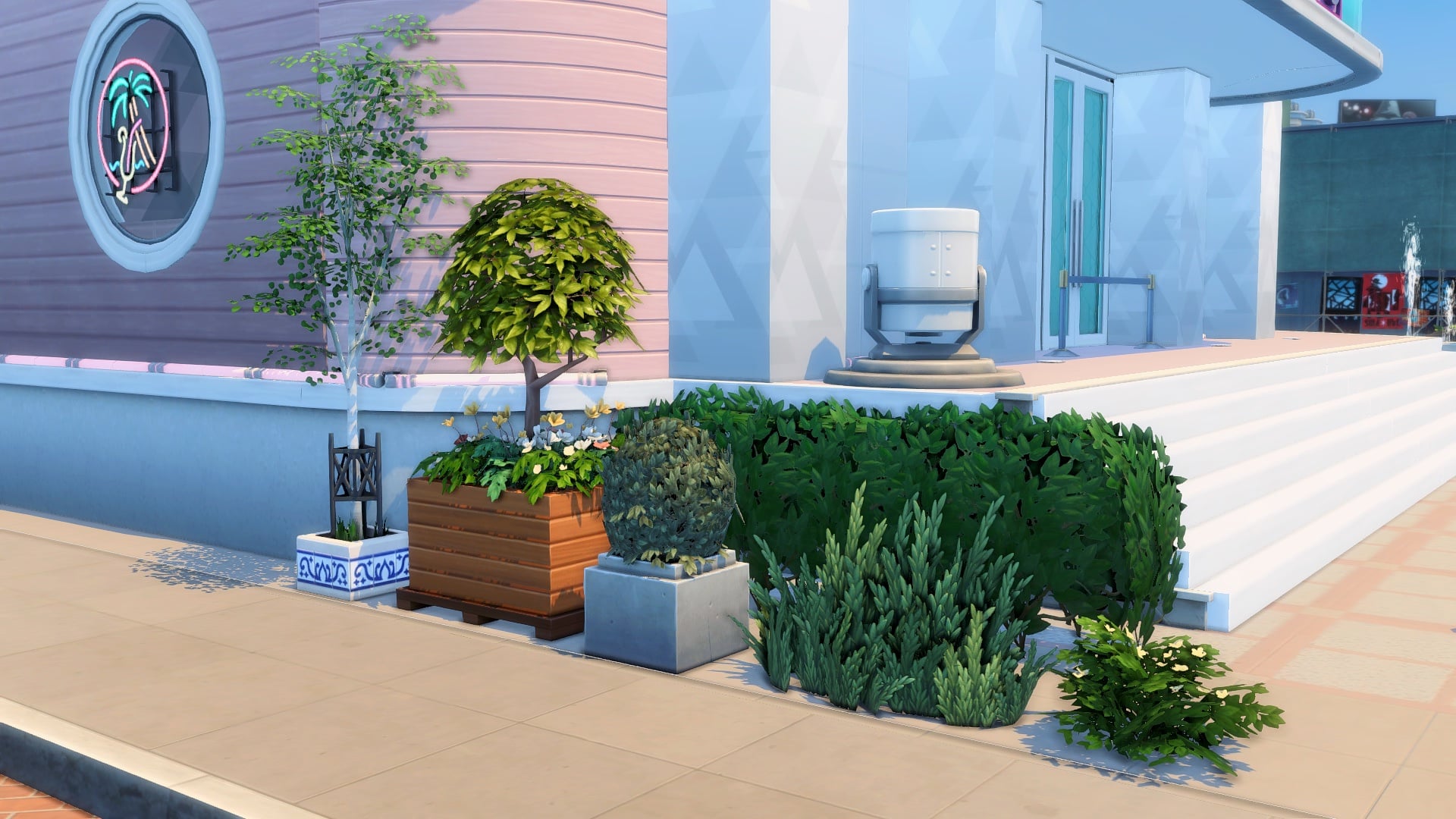
But what if you turned your indoor potted plants into planter boxes? With all the indoor plant options and swatches in the game, you could replace your boring planters with these versatile and modern designs that complement any type of build.
Don’t forget to type in the cheat ‘bb.moveobjects’ before getting started!
Draw a 1×1 fenced room with any of these half-wall trims from Get Famous or Dine Out. They come in different styles and swatches you could choose from. If you have neither of those packs, you could trade them for half-walls instead. Next, delete the tile in the room.

This is the most essential item for this to work: the In-Ground Garden Patch from Cottage Living. Use this to cover up the top of the fence. Size it down two times with the ‘[’ key and elevate it five times with ‘Ctrl+9’.


Now you can place and combine indoor plants in this planter box! Choose plants that have low or small pots so the soil patch can cover them.

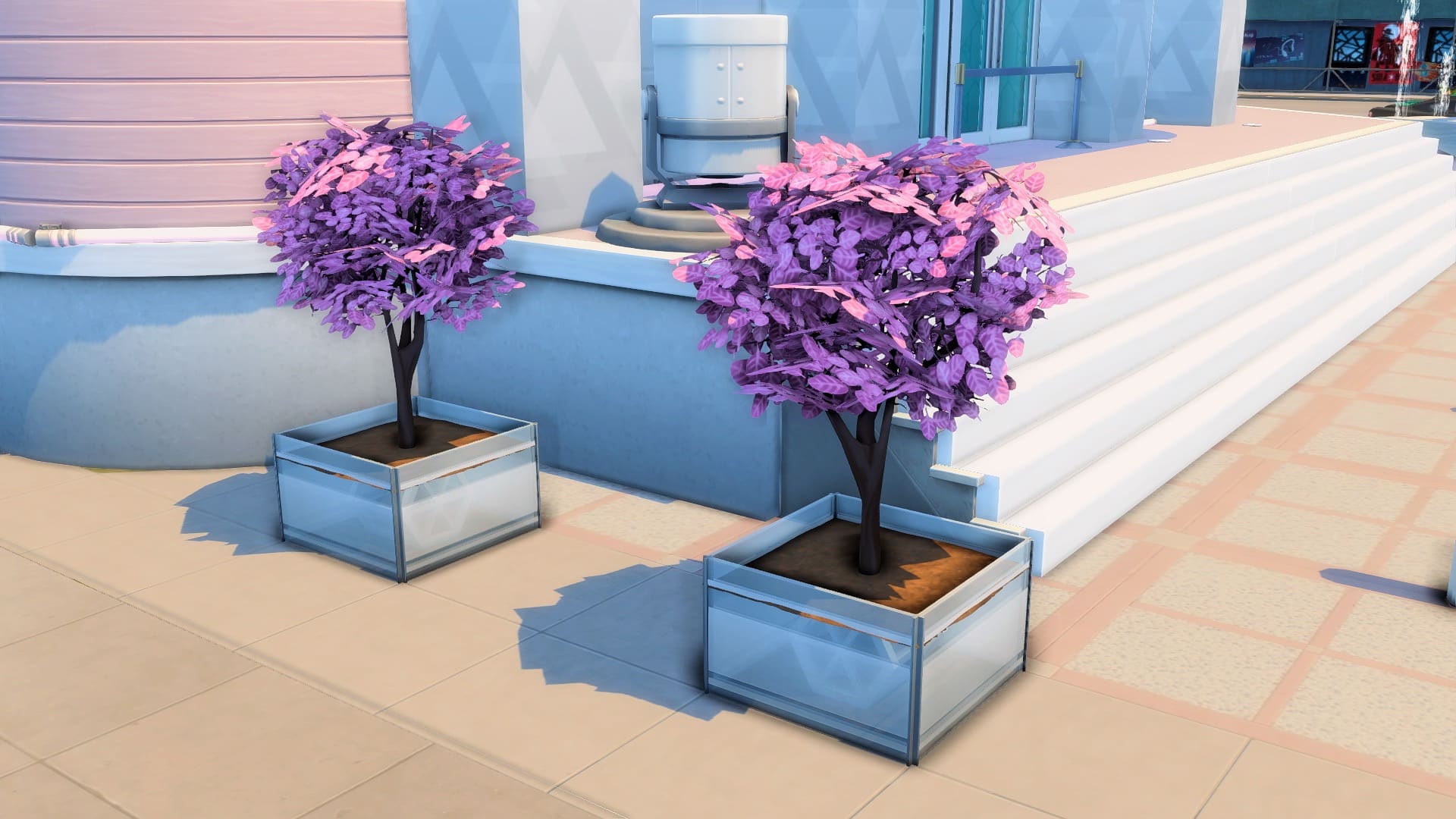
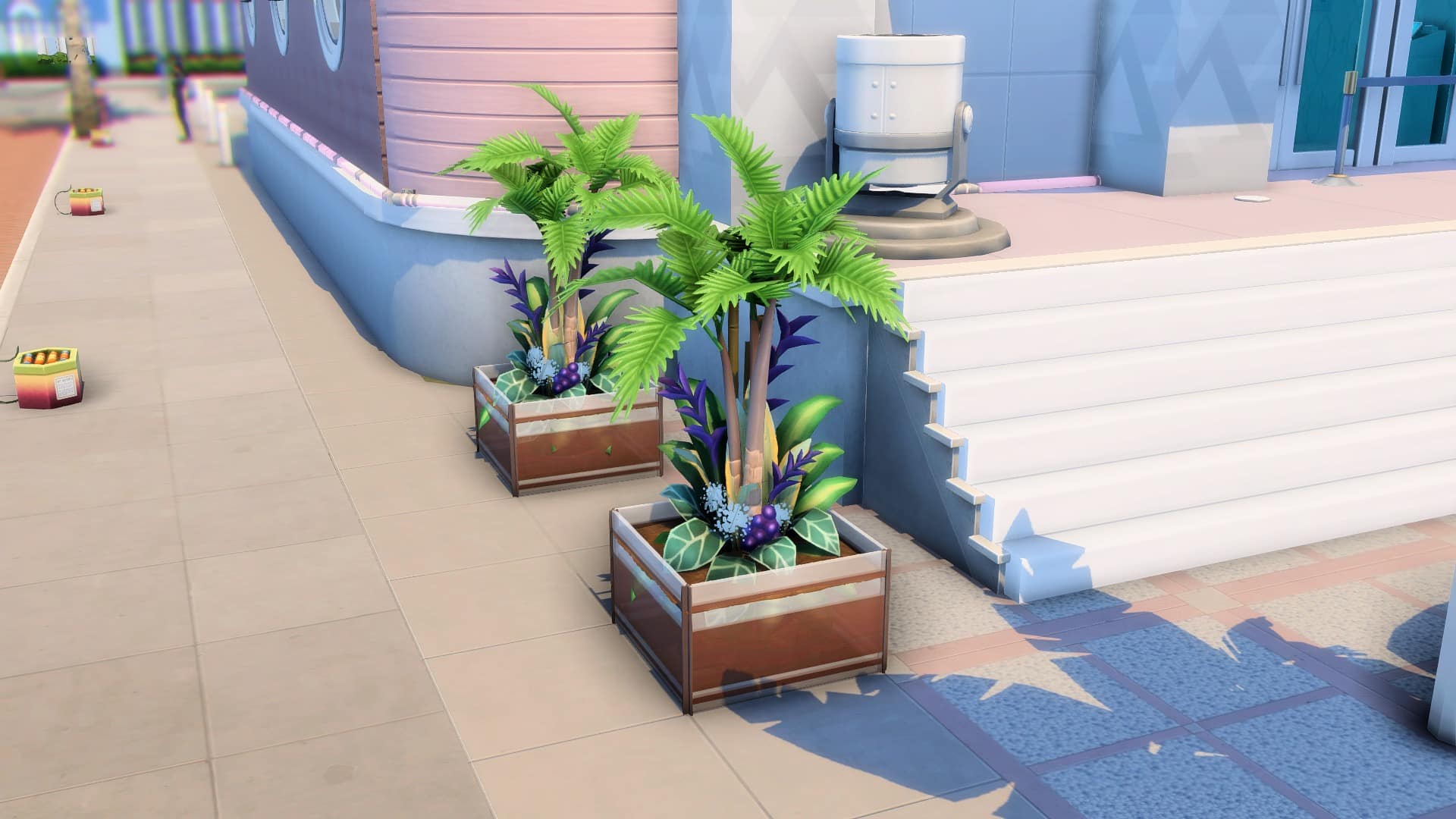
Here are some planters that you can make:


Bear in mind that these indoor plants would look the same all year-round. If you have Seasons, the weather will not change your plants’ color. On the upside, their permanent vibrant color is better for themed builds!
Other than giving you more landscaping options, this trick lets you use those hideous and cartoonish plastic plants that you ignore. Try the Potted Gumdrop from Perfect Patio for a simple look. Or combine The Exotic Fronds from Dine Out with The Palm Reader’s Palm Tree from Paranormal for an exotic tropical vibe.

This article is a guest contribution written by MAIA makes! You can check out her YouTube Short visually showcasing this written tutorial here!

0 Comments
Be the first to comment.
Welcome to Sims Community!
Our community is about connecting people through open and thoughtful conversations. We want our readers to share their views and exchange ideas in a safe space.
In order to do so, we've created a simple set of rules that will improve your experience. Simply put, keep it civil.
Your post will/might be rejected if it contains:
User accounts will/might be blocked if we notice:
So, how can you be a power user?
Thanks for reading our community guidelines. Please note that we're aware of certain issues with Sign In / Log In and Create Account / Email Confirmation issues. We're working behind-the-scenes on a new Account Creation process. Thank you for your patience and remember - freedom of speech is not freedom of reach