Memory Boost turns out to be nothing more than a Memory Borrow!
The Sims 4 Update that rolled out on July 21st brought Autosave and Memory Boost feature for all players. In case you missed what this latter feature is all about - it makes the core experience of The Sims 4 more stabile, including fewer lag spikes, less crashes and improved loading times.
The same loading times that used to take long between switching Households, Lots and Worlds should now be more quick. But that comes at a price of waiting extra seconds when opening The Sims 4 for the first time on the Main Menu.
Screenshot
Player mmartinsdemoura reports an issue on EA Help of the initial Sims 4 Loading Screen taking longer than a minute now, when it used to be 10 to 15 seconds.
My game usually took like 10-15 seconds to load the main menu after the game intro, but currently it's taking more than a minute to load it.
Initially I thought it could be related to mods, but even after removing all mods and repairing the game, it's still taking this unusual long time to load the main menu
This started happening after the June 30th update, prior to that my game was loading quicker.
This post received 500 upvotes with other players describing encountering a very similar occurrence.
The Sims Team acknowledged this issue - stating that it's not an issue at all. But an intential switch to how The Sims 4 Loading Screens prioritize the load amount.
Before Memory Boost was rolled out for everyone, the game would load the Python code more gradually. With Memory Boost rolled out for everyone the game now "front-loads" all the heavy work at the start to the Main Menu. Making the initial Sims 4 Loading Screen run slower by design:
Hey Simmers,
We’ve seen some questions about changes to loading times since our July update, and wanted to share exactly what’s happening under the hood.
We’ve changed where and when the game loads its core data. While getting to the Main Menu will now take a bit longer when you first launch the game, your loading screens once you are actively playing (like traveling between lots) will be noticeably shorter.
Previously, the game would load to the Main Menu, then perform heavy loading tasks in the background during your gameplay transitions. We have shifted things so that Python is fully initialized right at the start. By "front-loading" this process before the Main Menu, the game does the heavy lifting up-front. Once you press 'Play', your actual gameplay session will feel smoother, with faster transition times between worlds, lots, and zones.
You should not see initial load times longer than 1 to 2 minutes because of these changes. If you are experiencing initial boot-up times that exceed this 2-minute mark (especially on vanilla/unmodded saves), we want to hear from you.
If your game runs longer than one to two minutes you can send your error reports in this official EA help thread.
When Memory Boost rolled out for everyone, Maxis shared that the feature would help solve many core issues with The Sims 4 performance, including:
Improved memory management during gameplay
Reduced lag and performance slowdowns
Improved frame rates and responsiveness
Greater stability during extended play sessions
Reduced risk of memory-related crashes
Reduced loading times
The game may load better for vanilla players with Memory Boost auto-enabled, but CC and Mod users are telling a different story.
EA Help user Boldenbeau responded to another user regarding fears of how this will reflect to players with large amounts of Sims 4 Mods and CC in their save folders, saying:
Before the update a user may report the game loaded within 20min for their content and 'after' the update it now loads past 1 hour - which is not normal behavior. It's this front loading behavior that is causing a huge issue for PC legacy players.
And it is not fair to place blame onto the player and ignore how game engine optimization actually works. The community's frustration is justified because the June 30th patch fundamentally broke how the game handles asset loading on a structural level.
Do you think the new way of initial Sims 4 Loading Screen performing is better in the long run or do you think the old way was better? Let us know your opinion in the comments down below and stay in the loop for upcoming Sims News.
18 Comments
matrix54
This series is like an abusive relationship. Dangling the carrot in front of you only to pull it away time and time again.
“We’re making quality of life improvements!”
Now the game is worse off than it was before you touched it, and that wasn’t too great to begin with.
Rahlly
From 15 secpnds to a minute…. how terrible. As four an hour…. to me that was fast. Once i got a new computer, woha. When they stopped support for comps from 2010, it was even quicker. I didnt even realise it could be that quick. But yeah, hour is rough, an extra 15 to 45 seconds…. nah.
CrazzySimmer
I don’t notice any difference in game. Than again my main save is 4 years old, guess I’ll know when I move saves.
CrazzySimmer
Reply to CrazzySimmer
Also forgot, I’ve noticed since this change that while it’s loading it tends to max out my computers recourses in particular my CPU… guess this answer explains that too lol
Catariah
If a game took someone 20 minutes to load under normal circumstances, it means they need to reconsider whether they really need that many gigabytes of unoptimized CC, or whether they should have upgraded their computer in the previous decade. Sorry, but no other gaming community would blame anyone but the players themselves for this. If you heavily mod your game, you become responsible for how it runs.
bindingsilly
Reply to Catariah
seriously.. in what world do people think it’s normal or desirable for their games to take 20 minutes to load?
at that point you don’t even like the game, you’re just addicted to custom content
Gregory
Reply to Catariah
I highly doubt CC is making the game take 20 minutes to load, I have alot of CC and mods and my game loads way faster then that. I do keep my mods updated, though.
Tickle_me_emo
Reply to Gregory
Mine takes on average about 4 – 5 minutes when going into a save. No CC or mods. But I’ve noticed when they start playing ‘under the hood’ of the core game, it never ends well. I blame the Stuff and Kit Packs. There’s far too many of them that could have been either merged together as one large pack, or incorporated into the previous expansion packs. It’s not so much that people are using naff computers, its the fact the whole game needs properly streamlining instead of trying to pull so many things from different directories. And a lot of the ‘features’ they’ve done over the years, no one asked for, and the ones we did, should have been part of the game from the beginning.
NoCC All the Time
I personally absolutely do not mind waiting a minute for the game to start if it means I can 5 minutes between in-game loading screens. The in-game ones disrupt the flow of my storyline, the pre-game one just delays my gratification 1 minute longer. I’m an adult, I can live with that. But…HAS the game actually gotten faster? What are users saying about that?
NoCC All the Time
Reply to NoCC All the Time
*save
FreezerCan
I wouldn’t be mad about waiting longer on the initial loading if only the in-game loading times were reduced. But that’s not the case for me, the initial loading takes longer and in-game ones stayed the same smh
Dawn
I think they should put it back to the old way this is absurd.
JoJo
My game got stuck on the initial loading screen when I tried opening it after the August 6th Patch.
I had to force close it, removed all my mods (even though they said none SHOULD break this time..) & repaired the game & tried again WITHOUT any mods or CC at all. It still had me stuck on the opening loading screen for 3 full minutes before crashing. I didn’t even get to the main menu.
Gregory
Reply to JoJo
Hey, sometimes you have to delete the cache files, because they get corrupted. I believe they store information related to the mods or something. But it’s good to delete them, they repopulate automatically, so no worries.
Helen Craig
I love it, but I go between vanilla and a few mods with only a couple gigabytes of cc. It’s loading quickly on our mini pc and ps4 pro and it’s running a lot more smoothly than it was a few months ago.
k.noelle
My game runs so much better since the update. I have a seven year old legacy save file that was unplayable due to crashing before the update that now plays like a brand new save. I’ve had zero issues with lag, loading, or crashing within the game itself. I actually haven’t noticed the longer load time at all, but I’d take that any day over the issues I was having before. I’d be really upset if they rolled the update back because players with CC can’t play without it. You realize that’s a choice you’re making for yourself that is not necessary and should have nothing to do with the developers of the actual game. I’m honestly kind of tired of the entitlement consistent to a lot of CC players. I’ve just had an argument with someone else pissed off that they’re doing so many updates to fix the game because it “breaks their CC” every time and they have to spend an hour to fix it. I’m sorry but that’s a you problem. If you want to mod your game that’s completely fine, but don’t put it on the game or the developers if things don’t run ideally. If you’re putting that much CC in the game do you even like it at that point?
Miss V
I am a cc and mod user, but my game has gotten significantly more laggy than before. It takes anywhere from 5-20 seconds for the pie menu to show up when i click on a sim or object. You can
imagine how nightmarish that is when you’re doing an event.
I noticed this change right after the update though, and mods would be disabled then by default. So I’m not very sure if it’s a mods thing.
Cam
Try it on console. The loading screens are unbearable now.
Welcome to Sims Community!
Our community is about connecting people through open and thoughtful conversations. We
want our readers to share their views and exchange ideas in a safe space.
In order to do so, we've created a simple set of rules that will improve your experience.
Simply put, keep it civil.
Your post will/might be rejected if it contains:
Spam
Insults, profanity, incoherent, obscene or inflammatory language and threats of any kind
Attacks on the identity of other commenters or the article's author
User accounts will/might be blocked if we notice:
Continuous attempts to re-post comments that have been previously moderated/rejected
Racist, sexist, or homophobic comments
Attempts or tactics that put the site security at risk
So, how can you be a power user?
Stay on topic and share your passion. Feel free to elaborate to get your point across.
'Like' or 'Dislike' when you are filled with emotions!
Protect your community. Use the report tool to alert us when someone breaks the rules.
Thanks for reading our community guidelines. Please note that we're aware of certain
issues with Sign In / Log In and Create Account / Email Confirmation issues. We're working
behind-the-scenes on a new Account Creation process. Thank you for your patience and
remember - freedom of speech is not freedom of reach
Another Build Maker Pack enters The Sims 4 Marketplace! The Sims Team has dropped a new The Sims 4 Maker Pack on the Marketplace just after releasing two yesterday. Titled “Soft Balance” by Comiko, this Maker Pack gives you 10 Build Mode objects in exchange for 200 Moola – or 2 dollars. Find out alll…
Today, September 1st 2026, The Sims 4 Quality Assurance and Quality Verification team answered the community’s questions in the latest Q&A over on the Sims 4 official Discord server. The next update for The Sims 4 is due to launch September 22nd, and with it comes fixes for the most upvoted bug on the forum.…
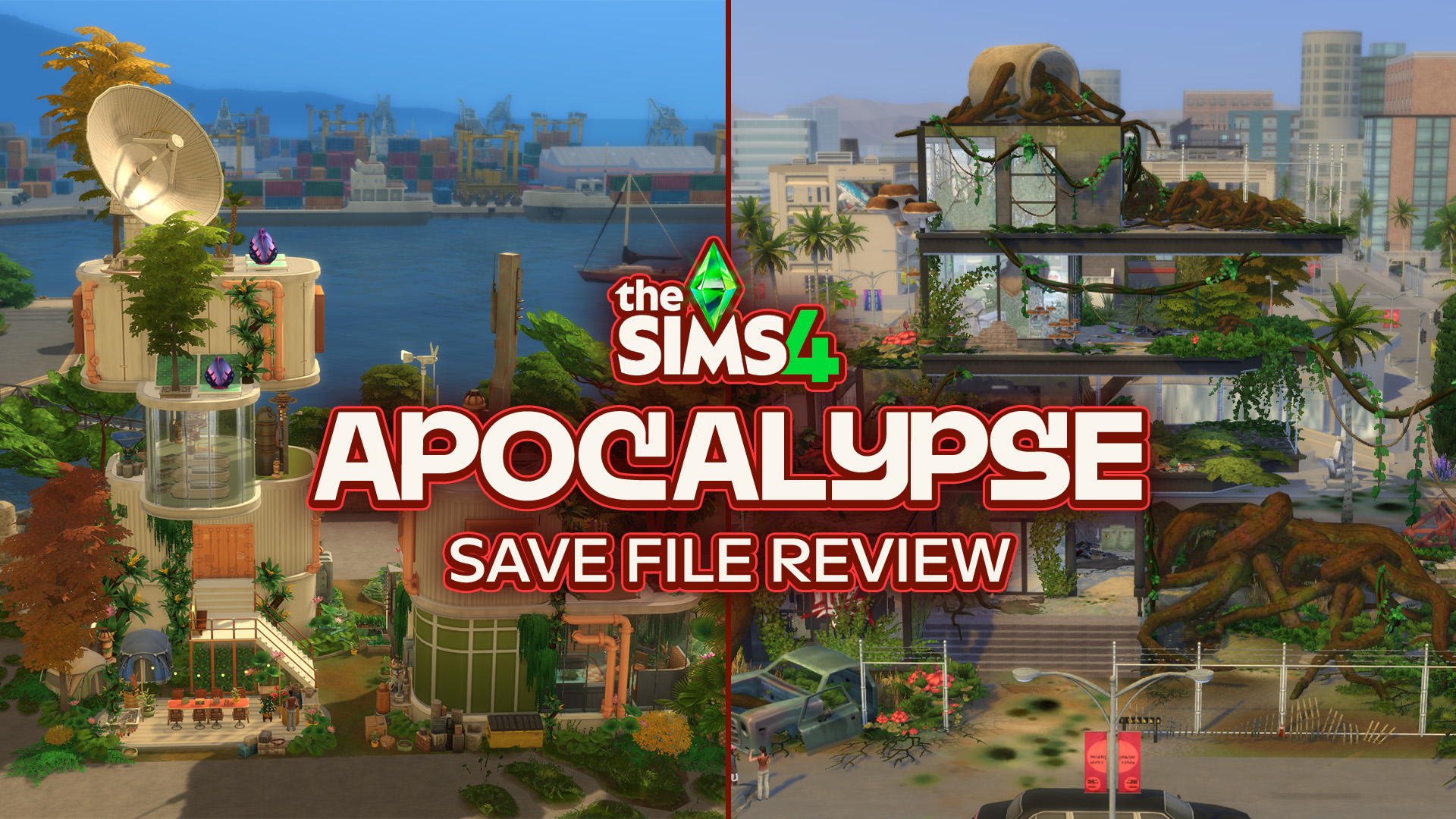
What happens to the worlds of The Sims 4 after everything falls apart? The Sims 4 Apocalypse Save File takes six familiar worlds and completely reimagines them after six very different disasters. Evergreen Harbor’s power grid has failed, Chestnut Ridge has become a refuge for survivors, Del Sol Valley has descended into a city where…
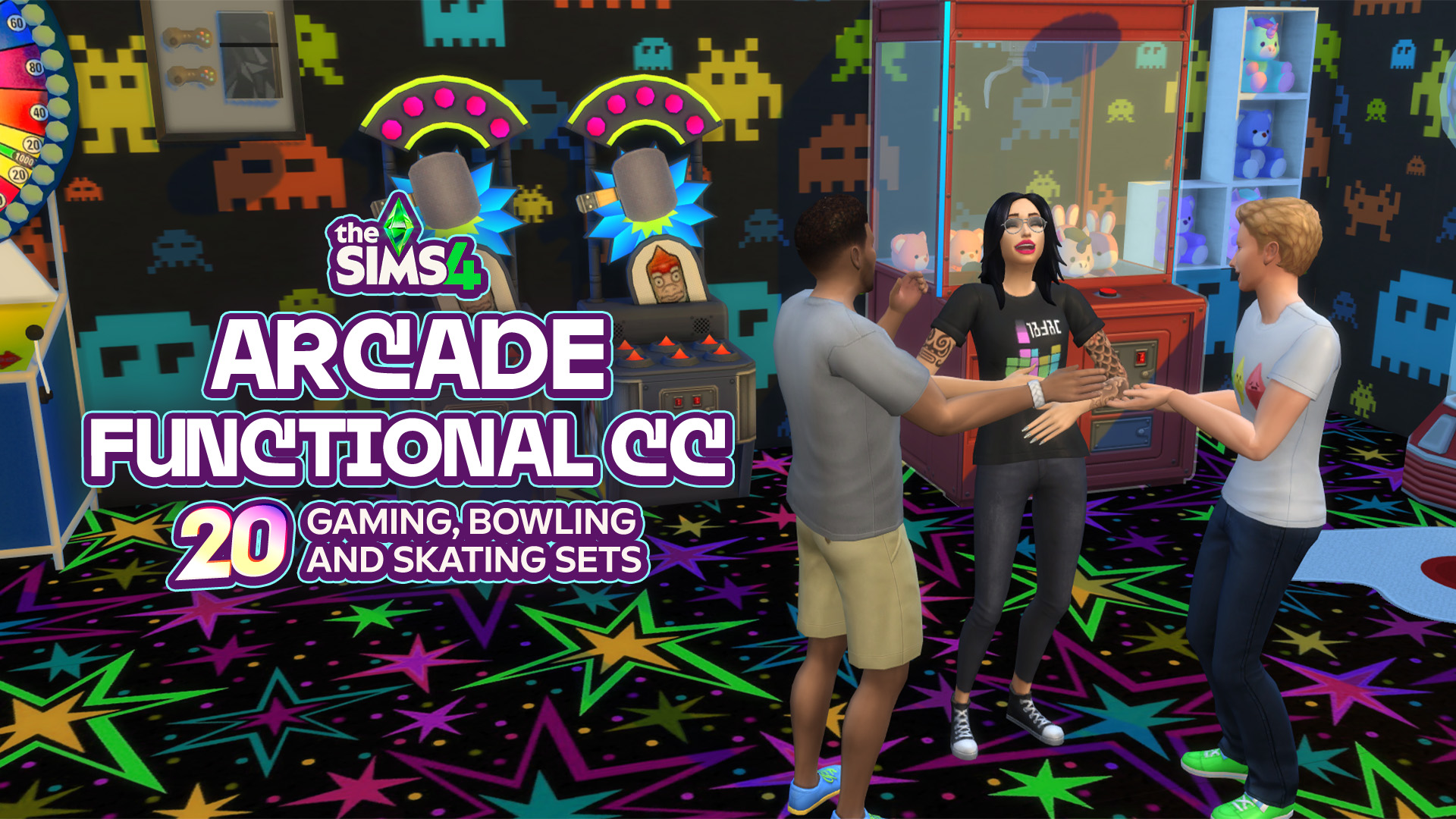
When your Sims are out looking for a fun place to hang out with friends, create memories, or just waste some time, an arcade, bowling alley, or skating rink could be the perfect place! From classic arcade machines and colorful decor to bowling objects and retro skating essentials, there are plenty of ways of creating…
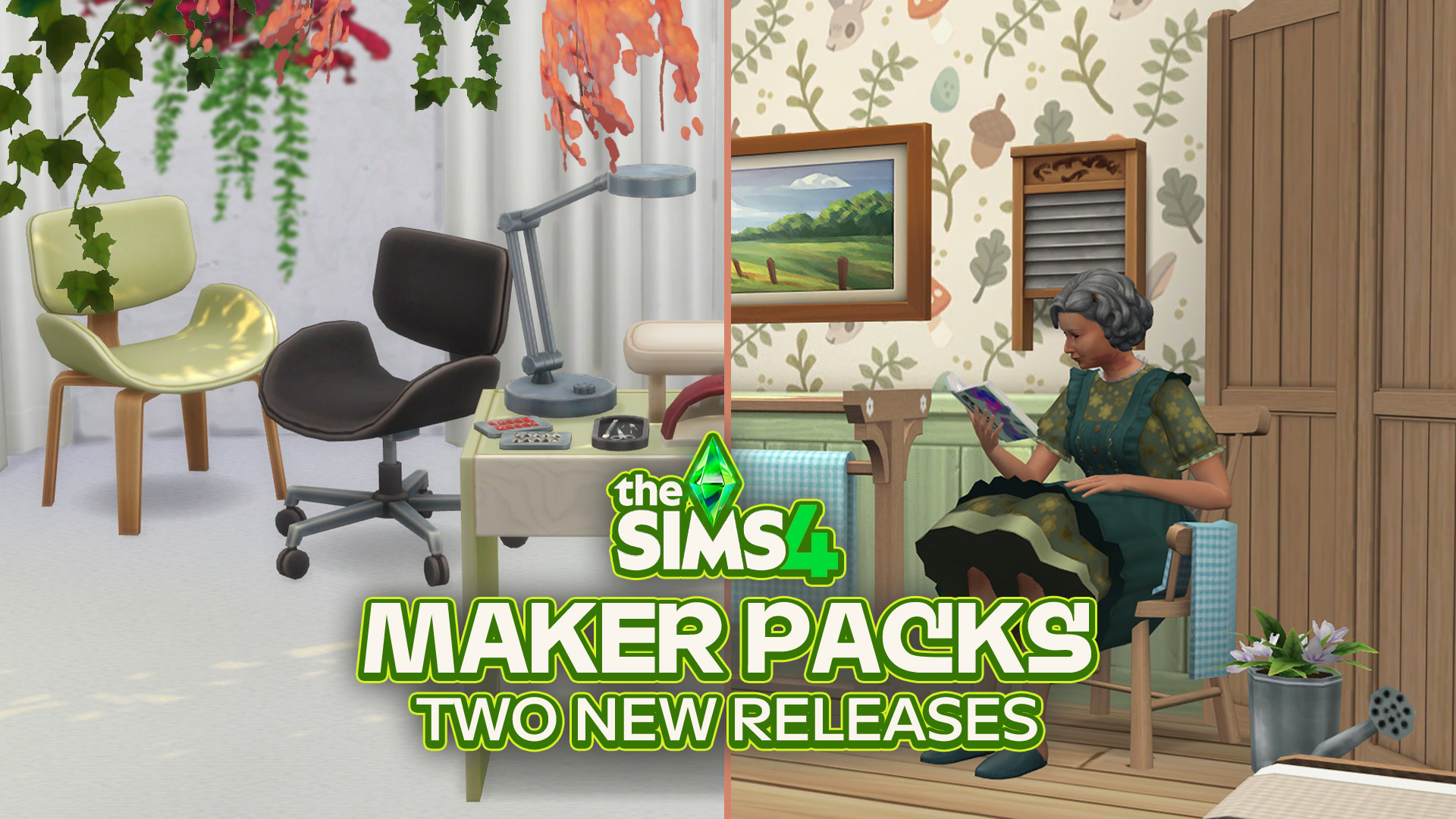
7 dollars worth of new content out now on The Sims 4 Marketplace! The Sims Team has just published two new The Sims 4 Maker Packs on The Marketplace: Manicure Ritual and Cozy Cottage. Both build sets bring new clutter and furniture to The Sims 4 Build Mode. As expected, The Sims 4 Manicure Ritual…
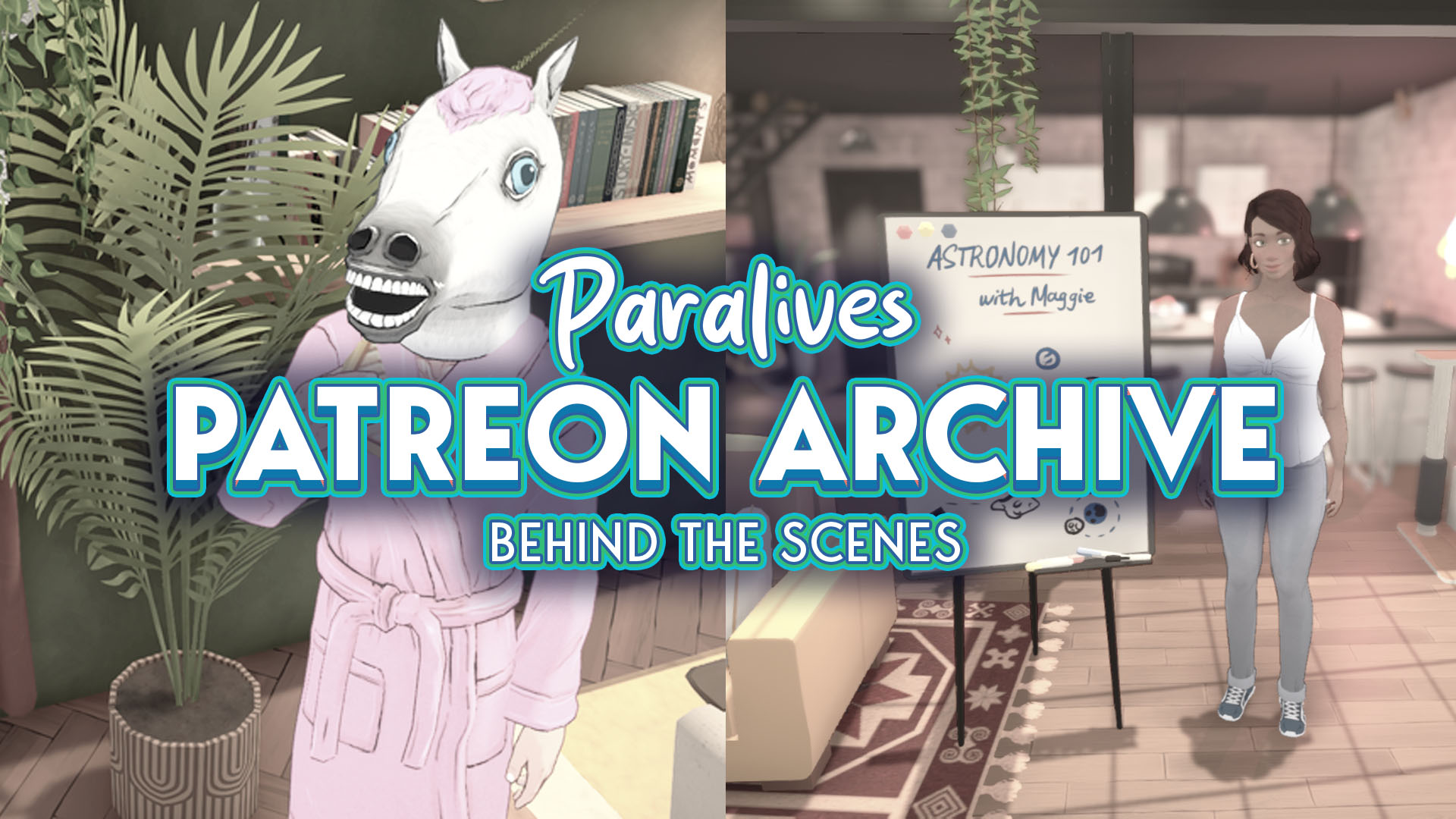
The Paralives team announced on August 25 across all their official pages that all Paralives Patreon posts are now public and available to everyone. The Paralives Patreon posts are especially interesting for those who want to know more about the game’s development history, are curious about why certain decisions were made, and what has changed…
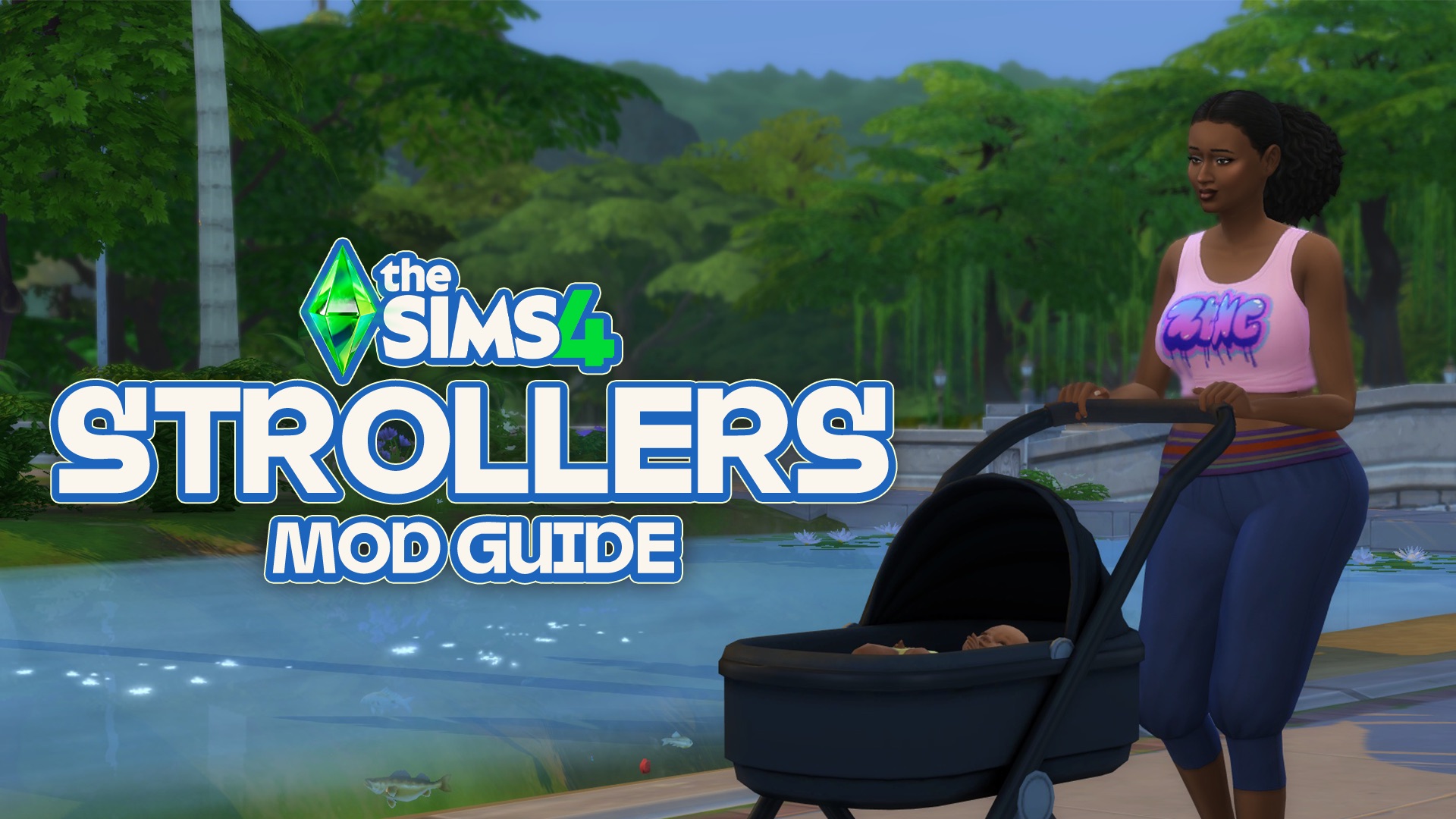
Pandasama’s Childbirth Mod Adds Sims 4 Strollers in New Update! Newborns, bassinet babies, object babies, etc., are just a few of the terms used for the most limited age stage in The Sims 4. Many players go straight to aging up these Sims into infants, while some keep them in this stage longer to avoid…
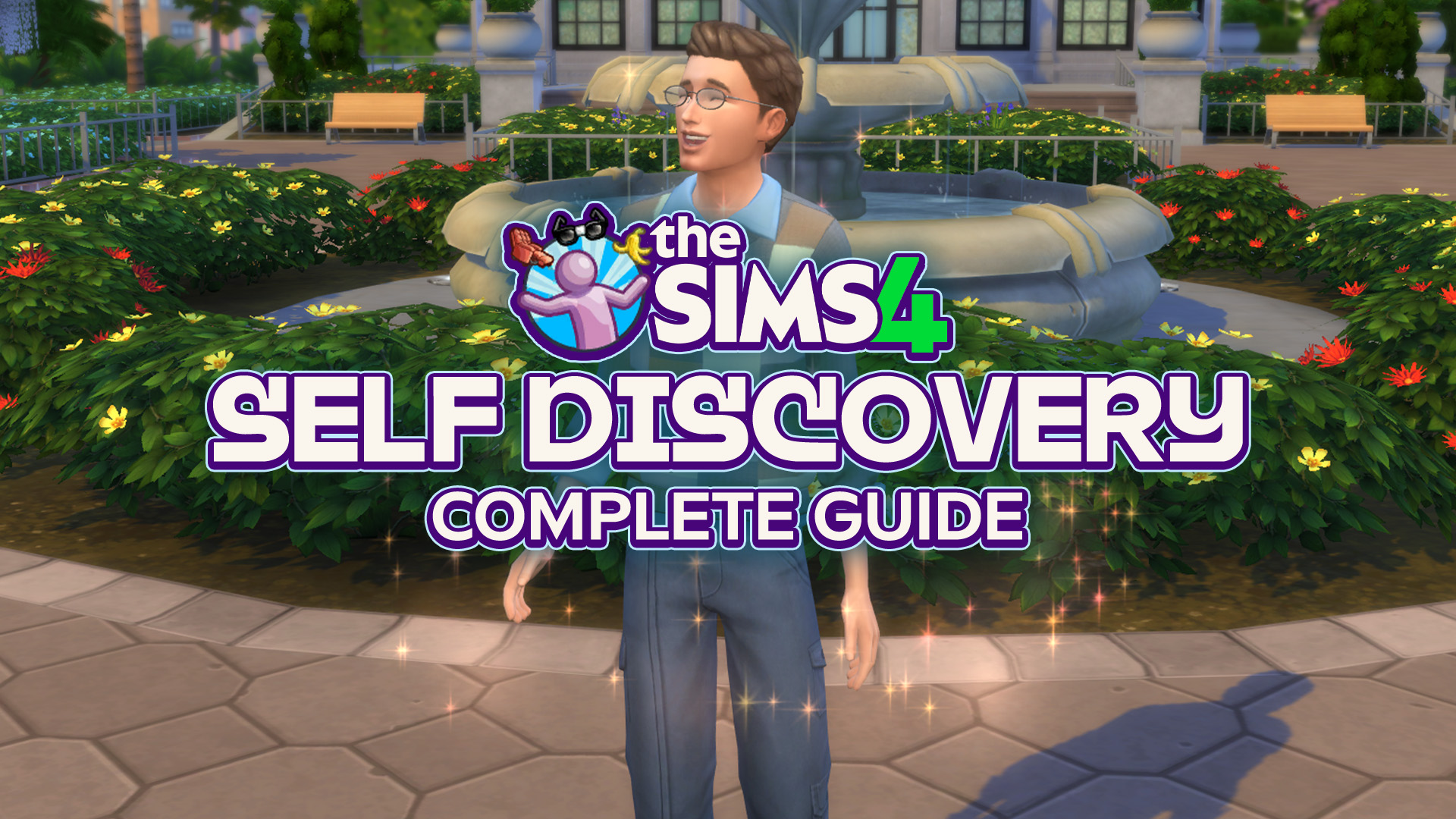
Let’s learn about Self Discovery and how to earn the trait you want! Or if you even can earn it… The Sims 4 Self Discovery is a feature from Growing Together Expansion Pack. With this, young adult and older Sims can gain or change their existing Personality Traits with new ones depending on the actions…
The Sims team has confirmed that the next major Sims 4 update is scheduled for “late September”, marking the start of another round of fixes and some potential new in-game content. While a full laundry list isn’t expected for at least a couple of weeks, players won’t have to wait long for some developer insight.…
The next upcoming InZOI Update is now fast-approaching! Another developer diary and mid-week message has released, and the new date of launch for the InZOI Update is September 3rd, next Thursday! New features and some tweaks are being added with a focus on adding some cornerstone features and making the simulation feel more natural, let’s…





18 Comments
This series is like an abusive relationship. Dangling the carrot in front of you only to pull it away time and time again.
“We’re making quality of life improvements!”
Now the game is worse off than it was before you touched it, and that wasn’t too great to begin with.
From 15 secpnds to a minute…. how terrible. As four an hour…. to me that was fast. Once i got a new computer, woha. When they stopped support for comps from 2010, it was even quicker. I didnt even realise it could be that quick. But yeah, hour is rough, an extra 15 to 45 seconds…. nah.
I don’t notice any difference in game. Than again my main save is 4 years old, guess I’ll know when I move saves.
Reply to CrazzySimmer
Also forgot, I’ve noticed since this change that while it’s loading it tends to max out my computers recourses in particular my CPU… guess this answer explains that too lol
If a game took someone 20 minutes to load under normal circumstances, it means they need to reconsider whether they really need that many gigabytes of unoptimized CC, or whether they should have upgraded their computer in the previous decade. Sorry, but no other gaming community would blame anyone but the players themselves for this. If you heavily mod your game, you become responsible for how it runs.
Reply to Catariah
seriously.. in what world do people think it’s normal or desirable for their games to take 20 minutes to load?
at that point you don’t even like the game, you’re just addicted to custom content
Reply to Catariah
I highly doubt CC is making the game take 20 minutes to load, I have alot of CC and mods and my game loads way faster then that. I do keep my mods updated, though.
Reply to Gregory
Mine takes on average about 4 – 5 minutes when going into a save. No CC or mods. But I’ve noticed when they start playing ‘under the hood’ of the core game, it never ends well. I blame the Stuff and Kit Packs. There’s far too many of them that could have been either merged together as one large pack, or incorporated into the previous expansion packs. It’s not so much that people are using naff computers, its the fact the whole game needs properly streamlining instead of trying to pull so many things from different directories. And a lot of the ‘features’ they’ve done over the years, no one asked for, and the ones we did, should have been part of the game from the beginning.
I personally absolutely do not mind waiting a minute for the game to start if it means I can 5 minutes between in-game loading screens. The in-game ones disrupt the flow of my storyline, the pre-game one just delays my gratification 1 minute longer. I’m an adult, I can live with that. But…HAS the game actually gotten faster? What are users saying about that?
Reply to NoCC All the Time
*save
I wouldn’t be mad about waiting longer on the initial loading if only the in-game loading times were reduced. But that’s not the case for me, the initial loading takes longer and in-game ones stayed the same smh
I think they should put it back to the old way this is absurd.
My game got stuck on the initial loading screen when I tried opening it after the August 6th Patch.
I had to force close it, removed all my mods (even though they said none SHOULD break this time..) & repaired the game & tried again WITHOUT any mods or CC at all. It still had me stuck on the opening loading screen for 3 full minutes before crashing. I didn’t even get to the main menu.
Reply to JoJo
Hey, sometimes you have to delete the cache files, because they get corrupted. I believe they store information related to the mods or something. But it’s good to delete them, they repopulate automatically, so no worries.
I love it, but I go between vanilla and a few mods with only a couple gigabytes of cc. It’s loading quickly on our mini pc and ps4 pro and it’s running a lot more smoothly than it was a few months ago.
My game runs so much better since the update. I have a seven year old legacy save file that was unplayable due to crashing before the update that now plays like a brand new save. I’ve had zero issues with lag, loading, or crashing within the game itself. I actually haven’t noticed the longer load time at all, but I’d take that any day over the issues I was having before. I’d be really upset if they rolled the update back because players with CC can’t play without it. You realize that’s a choice you’re making for yourself that is not necessary and should have nothing to do with the developers of the actual game. I’m honestly kind of tired of the entitlement consistent to a lot of CC players. I’ve just had an argument with someone else pissed off that they’re doing so many updates to fix the game because it “breaks their CC” every time and they have to spend an hour to fix it. I’m sorry but that’s a you problem. If you want to mod your game that’s completely fine, but don’t put it on the game or the developers if things don’t run ideally. If you’re putting that much CC in the game do you even like it at that point?
I am a cc and mod user, but my game has gotten significantly more laggy than before. It takes anywhere from 5-20 seconds for the pie menu to show up when i click on a sim or object. You can
imagine how nightmarish that is when you’re doing an event.
I noticed this change right after the update though, and mods would be disabled then by default. So I’m not very sure if it’s a mods thing.
Try it on console. The loading screens are unbearable now.
Welcome to Sims Community!
Our community is about connecting people through open and thoughtful conversations. We want our readers to share their views and exchange ideas in a safe space.
In order to do so, we've created a simple set of rules that will improve your experience. Simply put, keep it civil.
Your post will/might be rejected if it contains:
User accounts will/might be blocked if we notice:
So, how can you be a power user?
Thanks for reading our community guidelines. Please note that we're aware of certain issues with Sign In / Log In and Create Account / Email Confirmation issues. We're working behind-the-scenes on a new Account Creation process. Thank you for your patience and remember - freedom of speech is not freedom of reach