The Sims 4 Tutorial: How to Surpass The Gallery Follow Limit

gallerylimit4
gallerylimit4

Since Origin only lets you have up to 100 friends, The Sims 4 doesn’t allow you to follow more than 100 people in The Gallery. Luckily there’s an easy way to follow as much people as you’d like to..

TS4 2014-12-31 13-27-06-49

Open The Gallery Website and log in by clicking the Sign In button on the upper right corner using your Origin details.

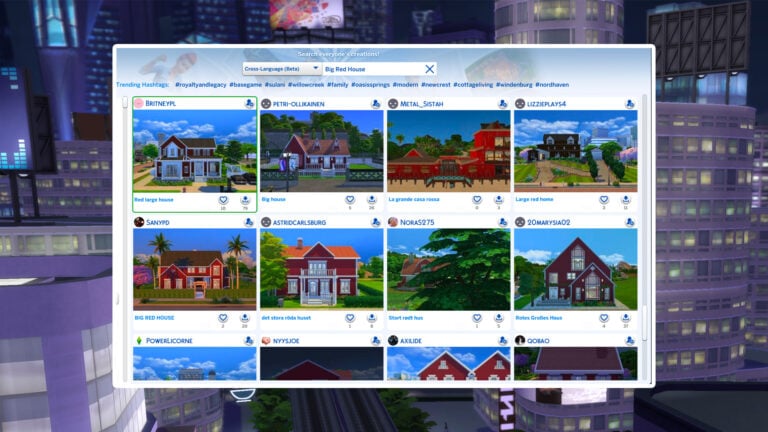
Now, search for The Gallery creations using the Origin ID that you’d like to follow and select one the creations that the person created.

gallerylimit1

gallerylimit2

Below their creation you can find a Follow button with a Llama icon. Click it!

gallerylimit3

With this you’re able to follow as many people as you want without encountering any errors in The Sims 4’s Gallery. Happy following!

gallerylimit4

Jovan
Jovan
Reticulating splines as a webmaster for Sims Community over the last 12 years. You can find me here writing articles and doing reports on your favorite life sim games, among other things!
You are logged in as
Subscribe
Notify of
guest
0 Comments
Inline Feedbacks
View all comments

The Sims 4 Castles: 11 Royal Residental Lot Picks from The Gallery

A few weeks have passed since the release of The Sims 4 Royalty & Legacy, and the community has already transformed the gallery into a kingdom of breathtak...

ModTheSims Accounts Compromised With Malicious Virus Uploads

To best protect yourself, it's suggested you don't download any Mods or CC from any account on the ModTheSims website currently, not just the ones mentioned be...