Which Traits do you use on the regular and which ones you avoid?
Everyone has their favourite traits in the game that they use over and over again. Then there’s everyone’s least favourite traits, the ones that are so annoying, you wouldn’t dare touch them and you immediately delete it from any Sims you come across in-game.
We want to know what those traits are! Today, you’ll be voting for your top ten traits out of all 57 traits in CAS across all currently released packs. We’re going to see which CAS traits the community loves and, by process of elimination, which traits the community does not love!
So cast your votes now and tell us which ten traits are your go-to traits in The Sims 4!
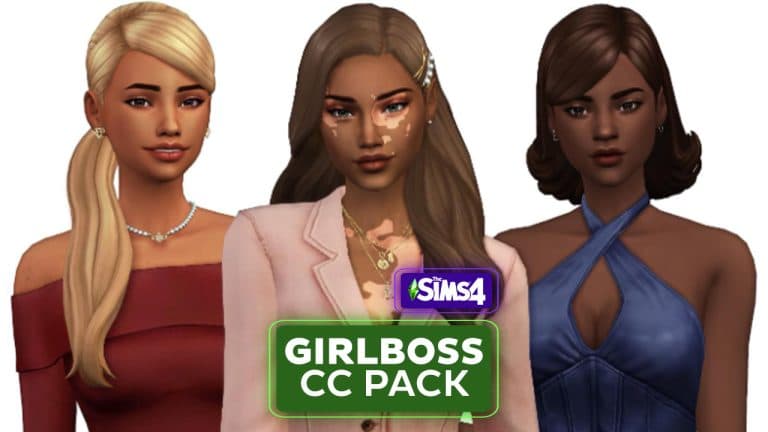
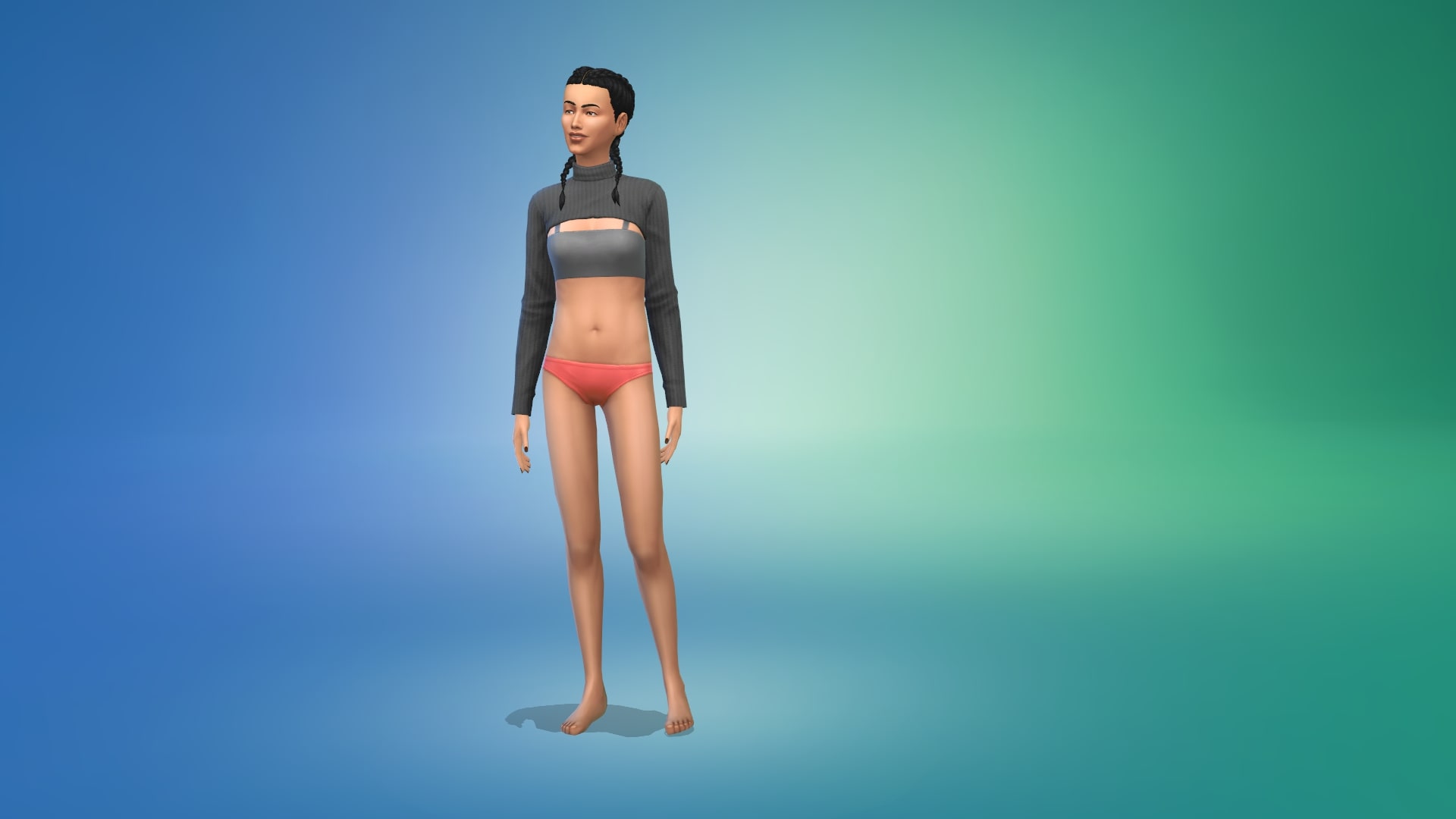
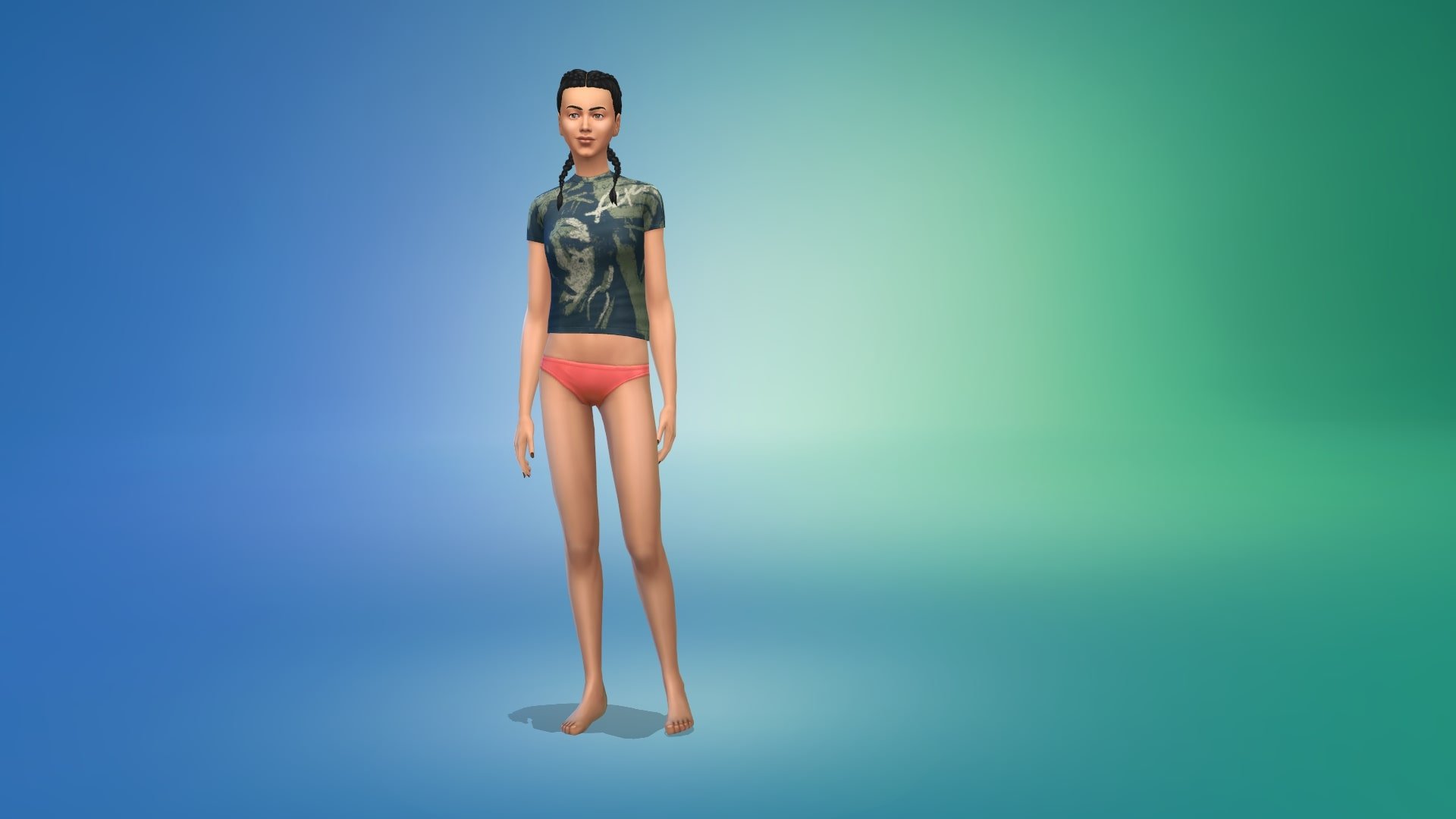
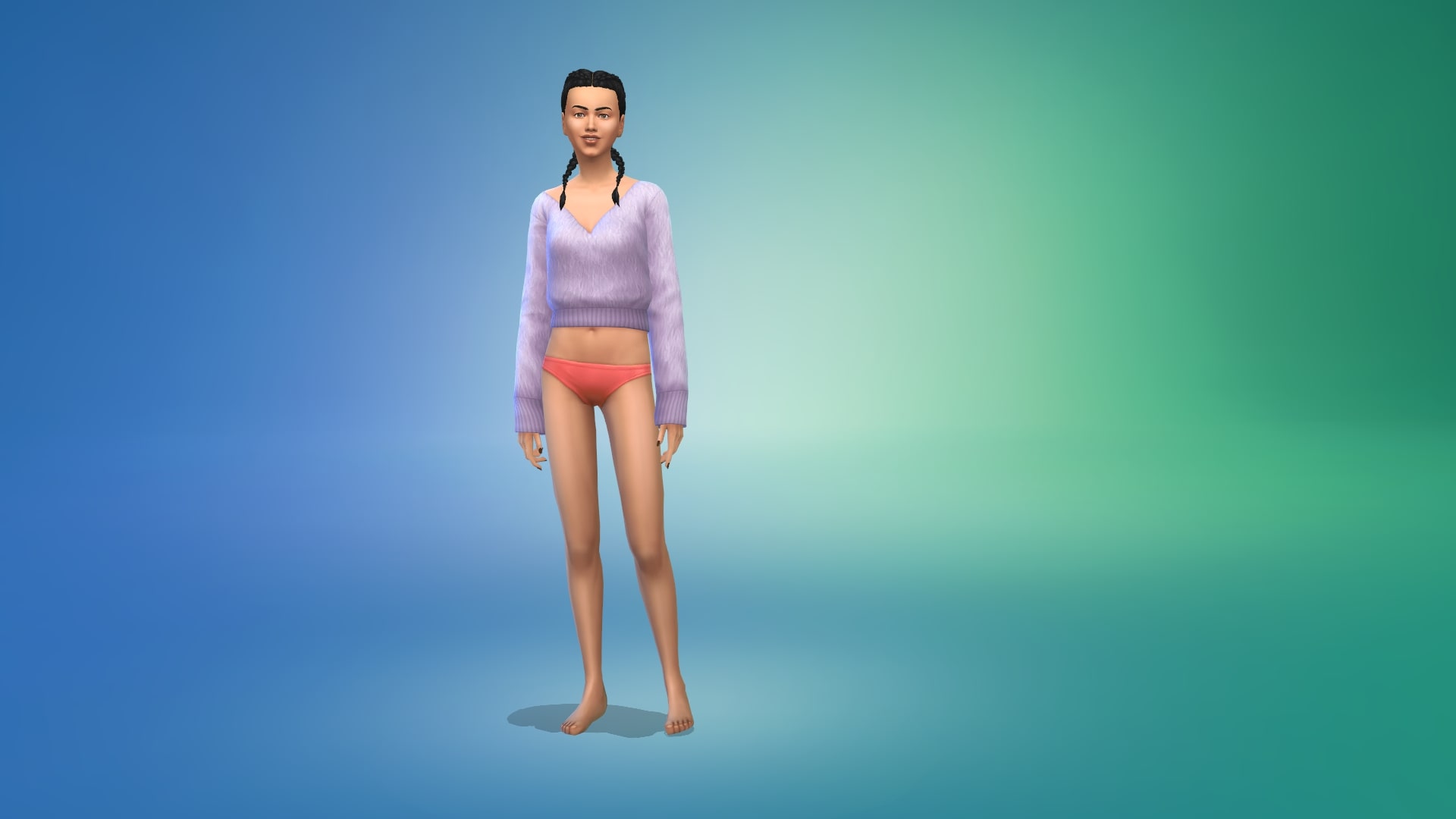
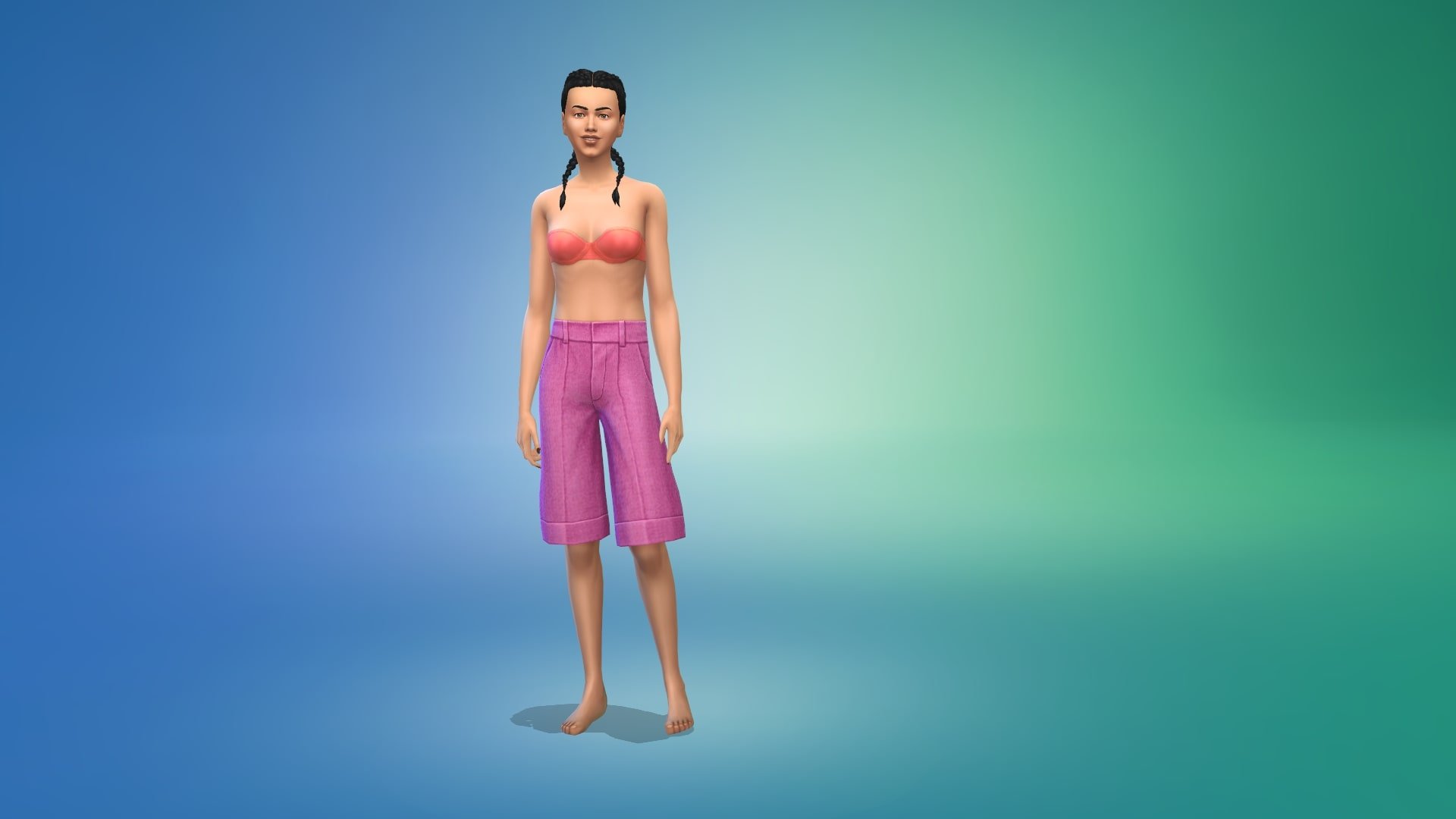
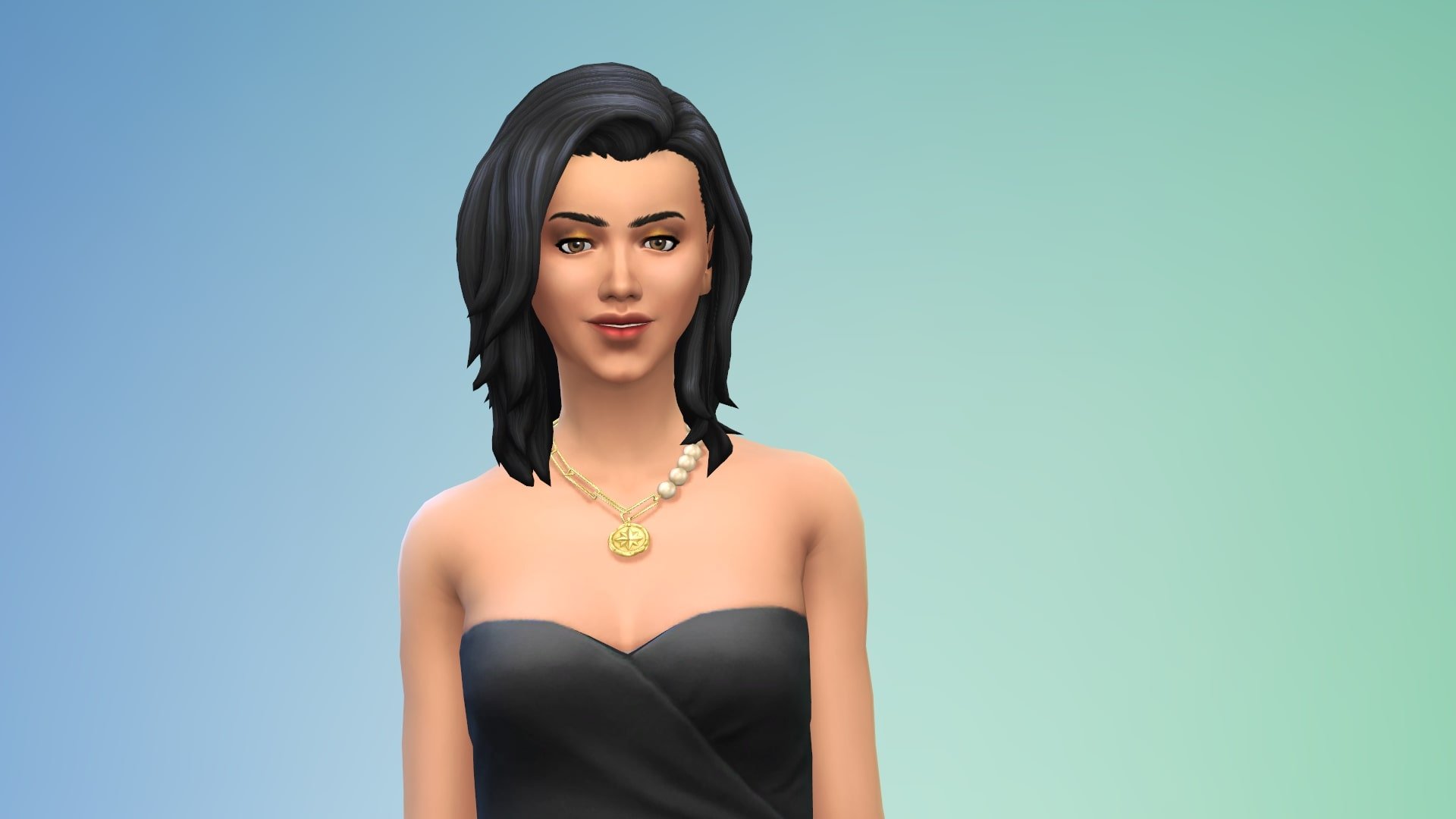
Let’s face it, we all need girlboss energy in our lives, even if it’s in The Sims. Two creators, ahariss00britney and Ayoshi, made a CC pack devoted to sorority mean girls and powerful Girlboss women, and anyone who feels like that.
Girlbosses come in all shapes and sizes, but the ultimate Sims girlboss is of course, the one and only Bella Goth. If the new Goth family makeover made you question her girlbossiness, do your own makeover with this pack.
Tops
There’s five tops – two identical blazers, one solid color and the other with patterns, two off the shoulder tops and a skimpy little number for happy hour drinks Bella would approve.
Bottoms
We also have six bottoms in three variants, solid and patter and shinny and mat, to match and/or clash with the tops.
Hair
Six cute but professional and classy hairstyles for a real lady, wife, mother and philanthropist.
Take beautiful cinematic screenshots on PS4 and Xbox One!
Have you ever wondered how PC players take beautiful, cinematic shots of their game from dramatic angles with no UI in sight? Did you know that you can take those same pictures on console? It’s easy, too! We’re going to show you how!
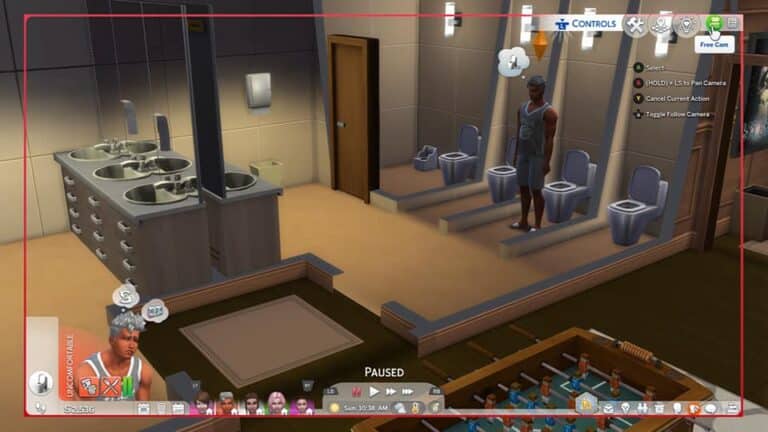
While in Live Mode, use the analog stick to move the cursor to the camera icon in the top right corner of the screen. This is called Free Cam mode, although PC players more commonly refer to it as TAB mode since they use the TAB key to enter Free Cam mode.
Select the Free Cam icon to remove the UI and open up more advanced, free camera controls! When in Free Cam mode, use the analog sticks to pan and tilt the camera to the desired angle for the best screenshots. It may take some getting used to at first but the more you play around with the camera in Free Cam mode, the more intuitive it will become for you.
To take a screenshot from your console, hold down the Share button on your PS4 to snap a quick pic or double click the Xbox button and then hit Y to save your screenshot. The image will be in your console’s library which you can then share to social media.
Go tell amazing stories with your amazing screenshots, console players!
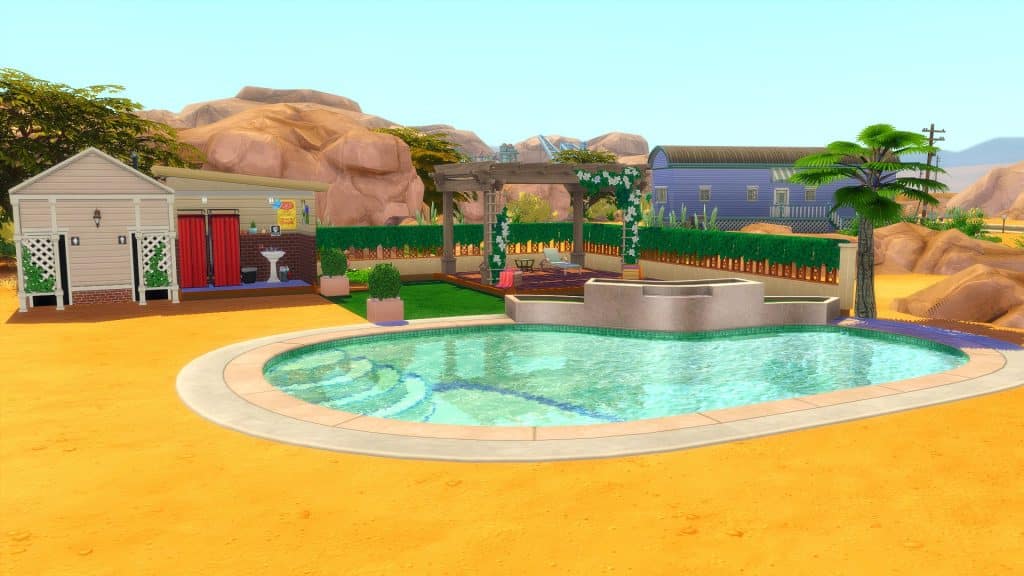
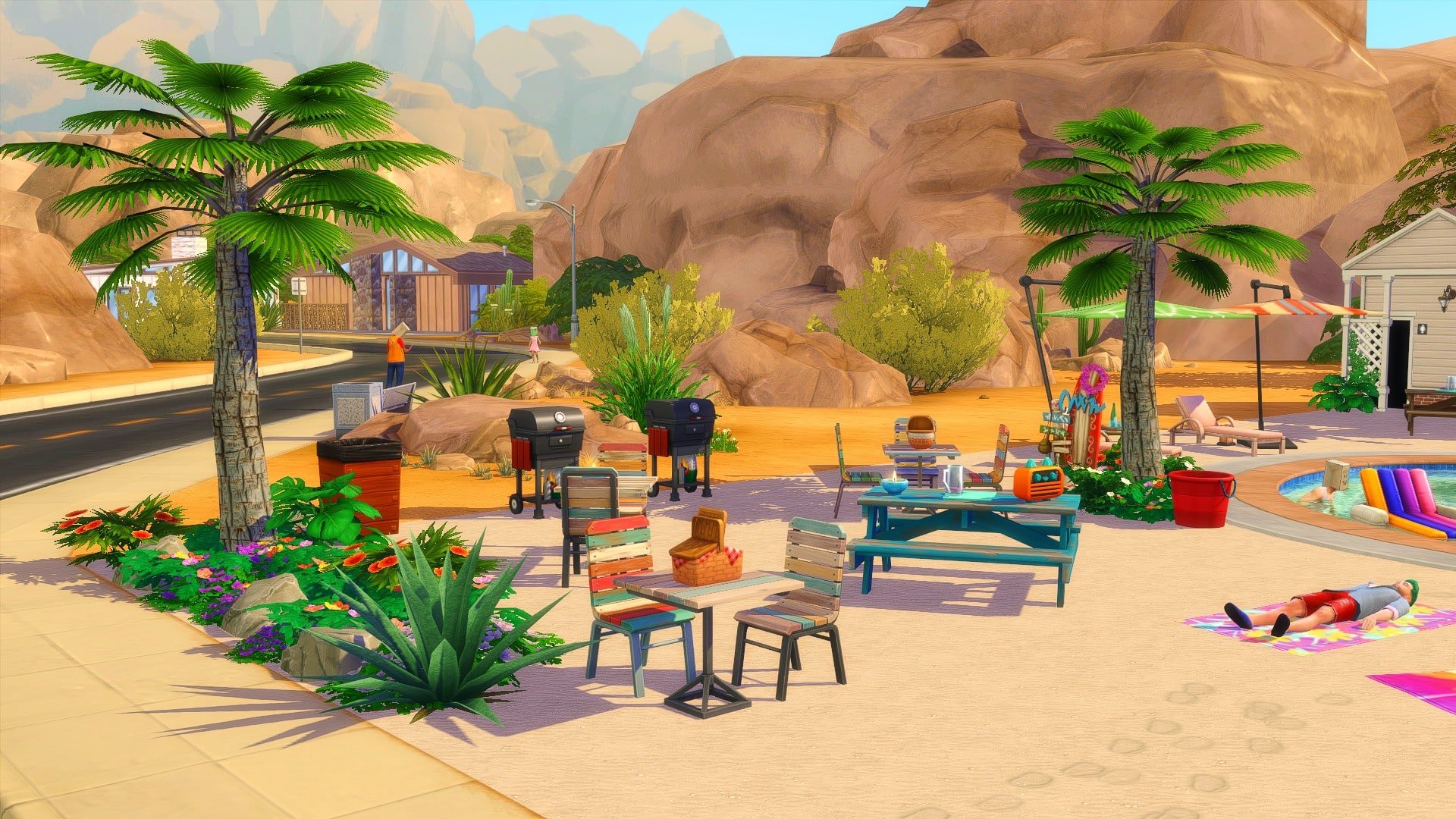
To start with, I needed to find the perfect place to build the Pool Hangout. I settled on using the Sandtrap Flat lot in Oasis Springs!
While the lot is not the largest, it still offered me plenty of space to build the ultimate Pool Hangout for my Sims! One of the things I wanted to try and avoid was making the lot feel overwhelmed and cluttered. This is where it took me a little time to figure out which of the custom pool shapes I wanted to use from the Cool Pools Custom Content Kit, as well as where I wanted to place it.
After some trial and error, I eventually settled on not only which pool type I wanted to use, but where I wanted to place it on the lot. Creating the pool was straight forward. Once the Custom Pool shape was placed, I was able to use the Custom Pool Tool to trace the outline of the pool inline with the model the Mr Olkan created.
From there I was able to roughly place where the toilets and shower area would be placed so that it fulfilled the Pool Lot Type requirements.
This is where the fun could start. Now that I had somewhat settled on where I wanted to place the core aspects of the lot, I could start to bring the lot to life!
It took a couple of hours, but eventually I finished filling the rest of the lot. I do have to admit, I struggled at times knowing what to put in the empty space, but now that I’ve finished it I do like how it has come together.
Take a look at the gallery below to see the finished Pool Hangout!
I have to say that while I love how the build came together, there are aspects that I would change or have done differently. One of these would be to try and build more out of my comfort zone and not be afraid to try different building techniques. I would also probably use a different pool model from the Cool Pools Custom Content Kit instead next time to a different one, as well as choosing an alternative empty lot in Sulani instead.
My favourite area of this Pool Hangout has to be where the decked area is just behind the pool itself. I wanted to create a slightly separate space that could be used for day to day use or hypothetically for an event or party. Using a combination of in game items and items from Mr Olkan’s Better Pools Collection, it came together perfectly.
Overall, I thoroughly enjoyed using Mr Olkan’s Cool Pools and Better Pools Custom Content while creating this Summer Pool Hangout! I can’t wait for my Sims to spend their Summer hanging out with friends, having fun and enjoying a swim!
What would your ultimate Pool Hangout look like? Let us know in the comments below!
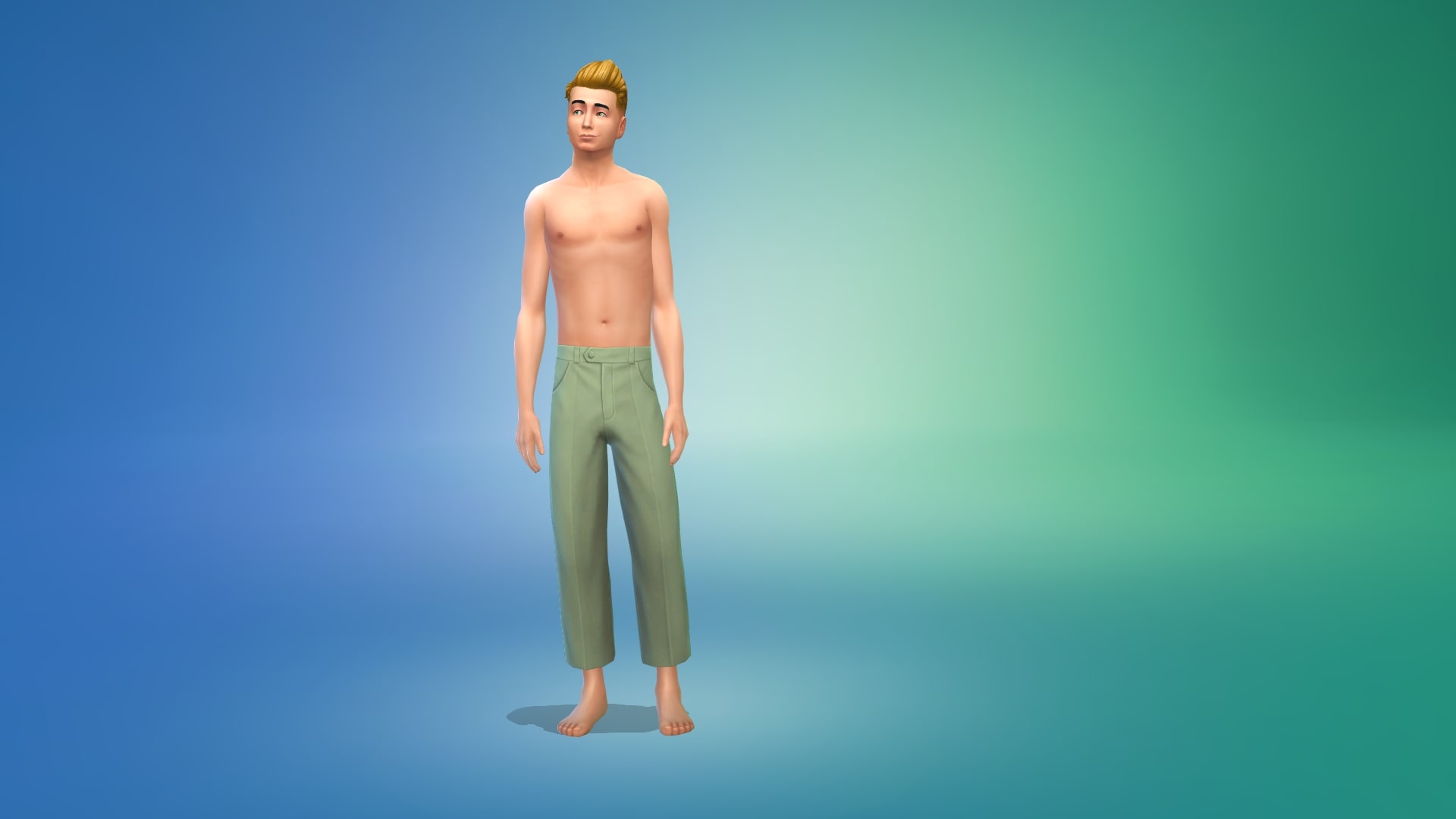
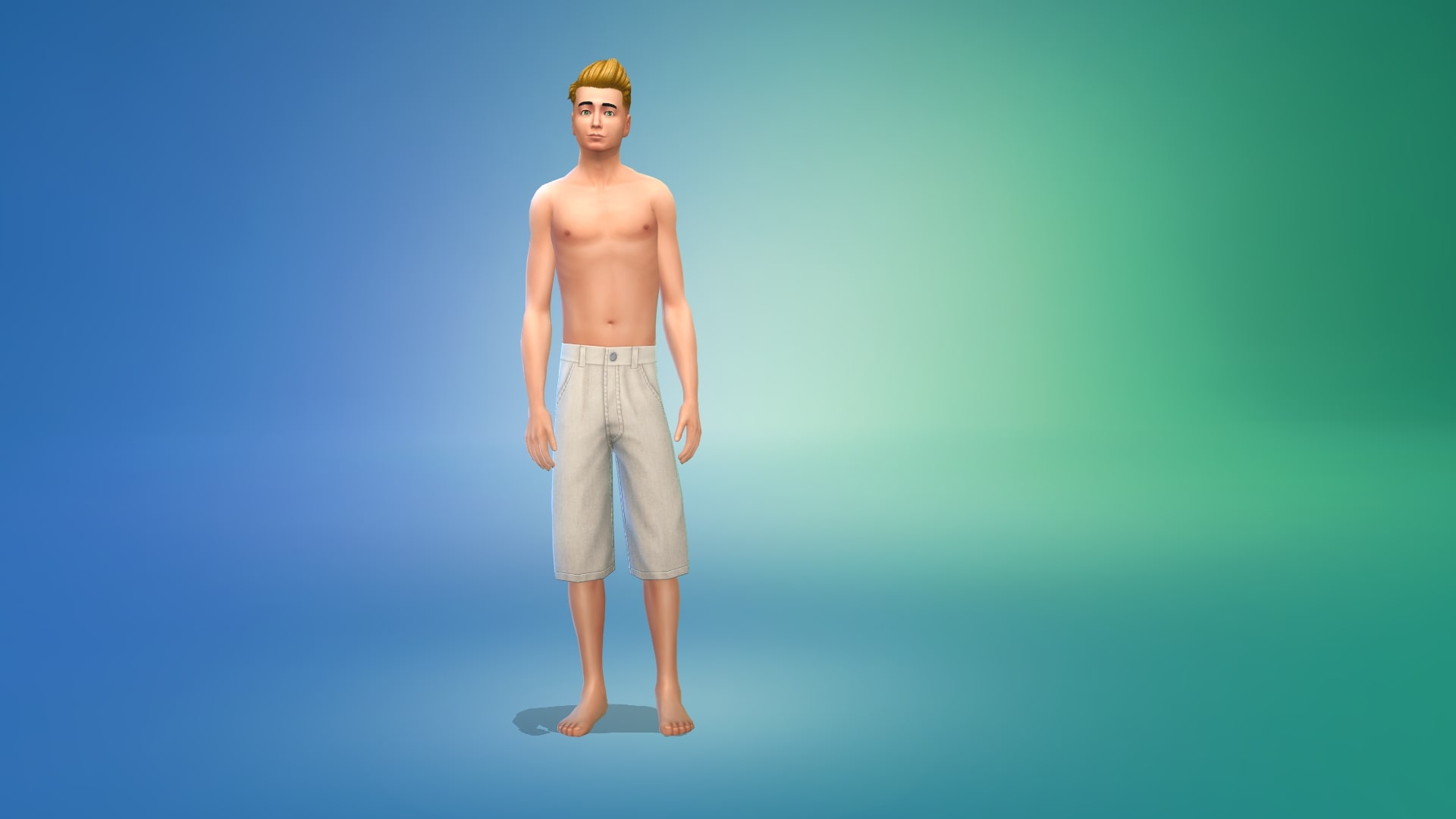
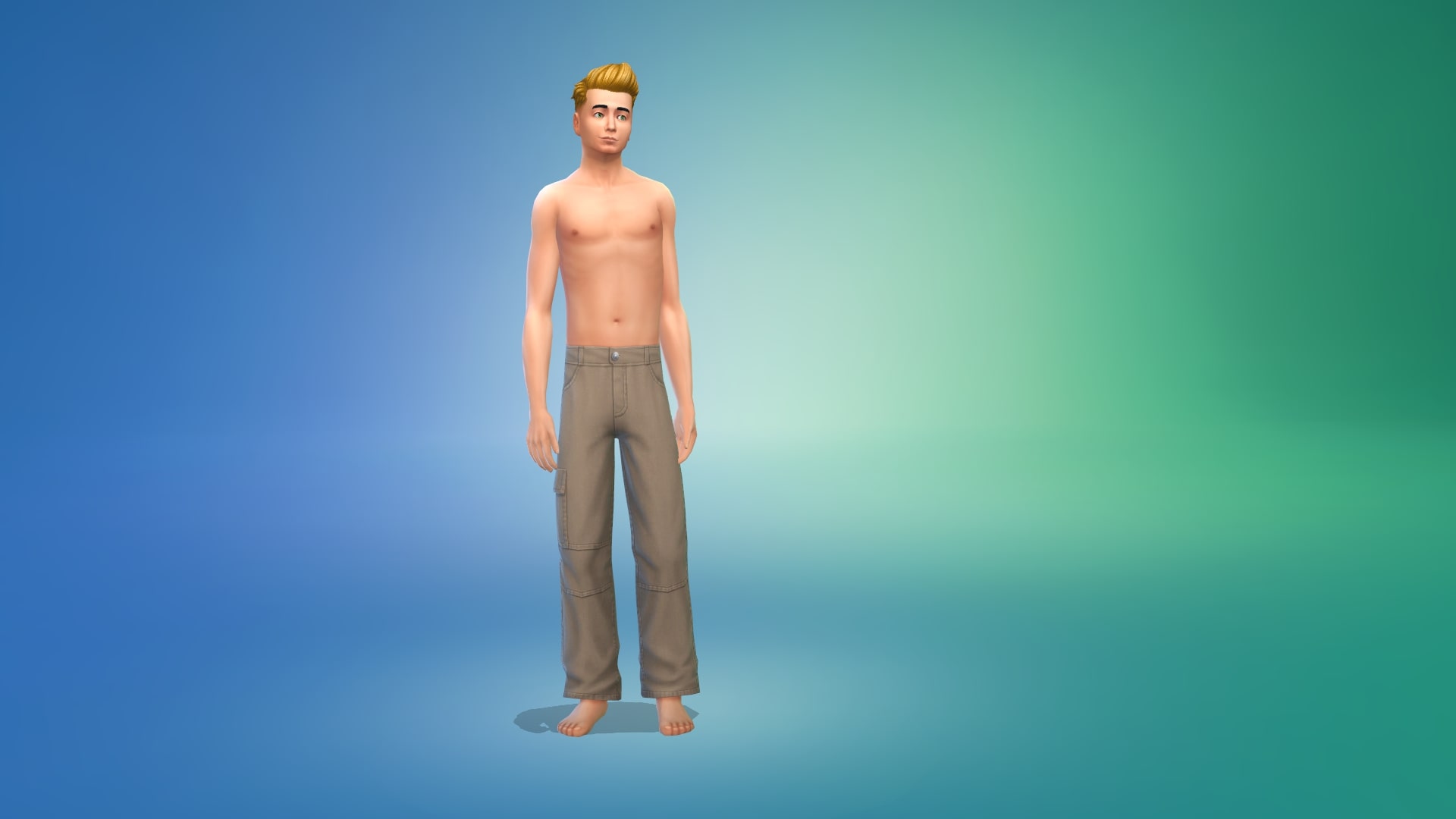
Dress your masculine Sims in over 50 new CC clothing pieces from this huge collection!
Are you frustrated with the lack of masculine clothing in The Sims 4? We are, too. Not only is there a huge lack of masculine clothes in the game but the masculine clothes we do have are dated and bland with very little variety in patterns and colours. The fandom has been practically screaming for more masculine clothes in the game for years and so far, The Sims has responded with one male clothing kit which… was not the vibe most of us were looking for. We asked for modern menswear, not… cable knit sweaters with lace doilies…
Anyway, all griping aside, we’re here to help you bridge the clothing gap with a HUGE set of custom male clothes and accessories brought to you by the creator, liliili-sims!
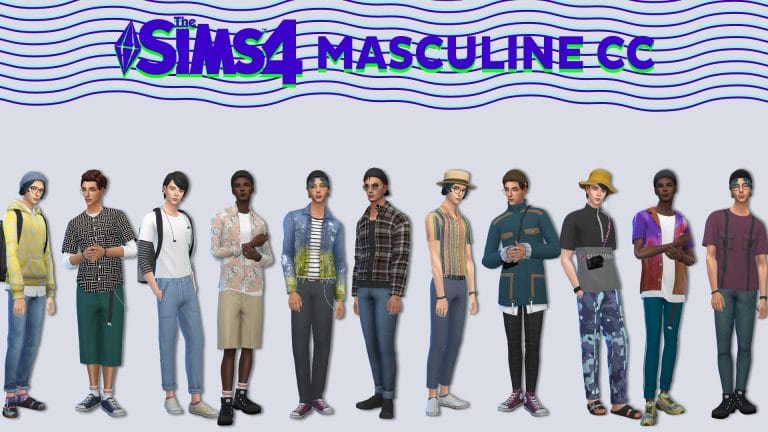
The set has over 50 items in total that range from hats to accessories to tops, bottoms, and shoes. A handful of the pieces are just accessory overlays for the undershirts of the layered tops to provide you with more colour combinations but we’re going to do a full overview of all the other pieces here for you today.
Since almost every item has 20+ swatches, we’re going to pick out some of our favourite combinations at the end of our overview and model them for you to give you an idea of some of the different looks you can create by mixing and matching swatches.
Hats (5)
Tops (17)
Bottoms (12)
Shoes (4)
Body Accessories (6)
Head Accessories (8)
Our Favourite Looks
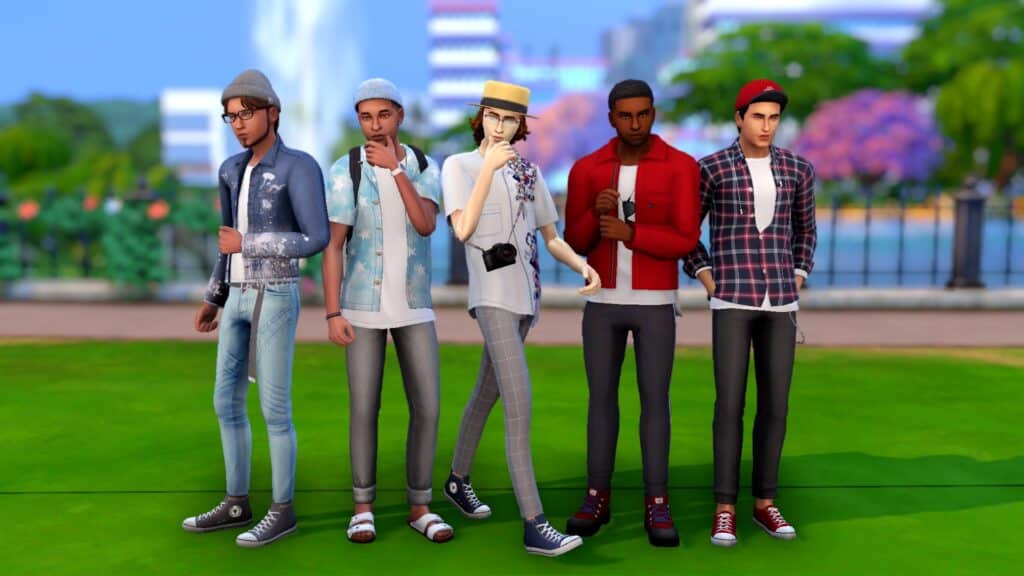
As promised, we wanted to show you some of our personal favourite looks from this amazing collection in our personal favourite swatches! We just love the wide variety of both loud colourful patterns and solid colours in muted tones for this set. It really allows you to get creative and create any type of look you want with these pieces. We’re also huge fans of the more unique accessory pieces, like the belts, pocket chains, and camera and backpack! Adding these kinds of touches really make masculine Sims look more individual and unique.
Of course, these are only a tiny fragment of the different styles and combinations you can achieve with just this CC set alone so if you like what you’ve seen of the set here, we definitely recommend adding the full collection to your game and letting your imagination go wild with what you can accomplish with your masculine Sims!
This male CC collection is base game compatible and you can get it from liliili-sims‘ website for free right now!
Ebonix x AKALUKERY x Farfetch – Celebrating icons past and present!
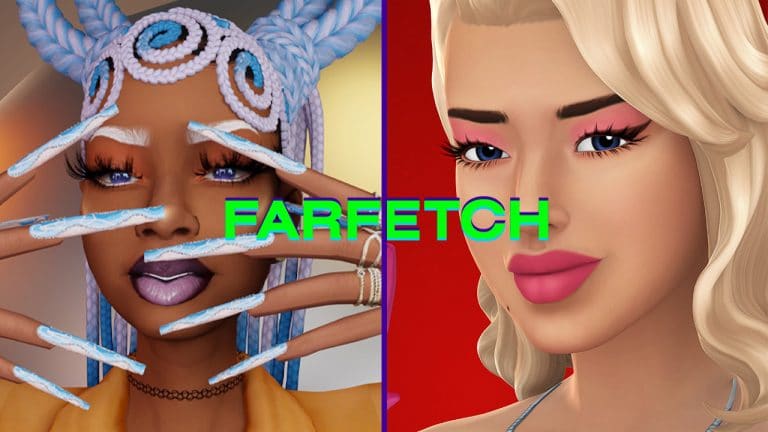
EA’s not the only one collaborating with luxury brands to create content. Now we have Farfetch, a luxury fashion retail platform, joining up with CC creators to create incredible looks inspired by the true icons past and present!
Ebonix and AKALUKERY, two well know creators interpreted the assignment in their own unique ways and this is what we’ve got!
Ebonix made hair, nails, and outfit Inspired by “Missy Elliot, Megan Thee Stallion, couture fashion & Cosmopolitan”!
Ebonix x Farfetch Beauty Spring Collection
Creative expression using an online persona has grown so much! I was thrilled when Farfetch asked me to create some unique beauty looks for mine in The Sims!
Inspired by Missy Elliot, Megan Thee Stallion, couture fashion & cosmopolitan.. Here’s my #Farfetchbeauty #ad
AKALUKERY referenced Madonna’s iconic material girl music video, with the key art pieces being a recreation of Madonna and the iconic pink dress.
AKALUKERY X FARFETCH
‘Celebrating icons past and present’
Ebonixsims and myself were both invited to take part in a campaign by Farfetch that was built around empowering creators and celebrating icons past and present. I chose to reference Madonna’s iconic material girl music video, with the key art piece I created being a recreation of Madonna and the iconic pink dress. I created 3 art renders for the campaign and also 3 custom content items.
Beauty Mark, Lipstick & Eyeshadow
If you want a thorough overview of the content, you are in luck, because there’s an audiovisual presentation by the creator himself.
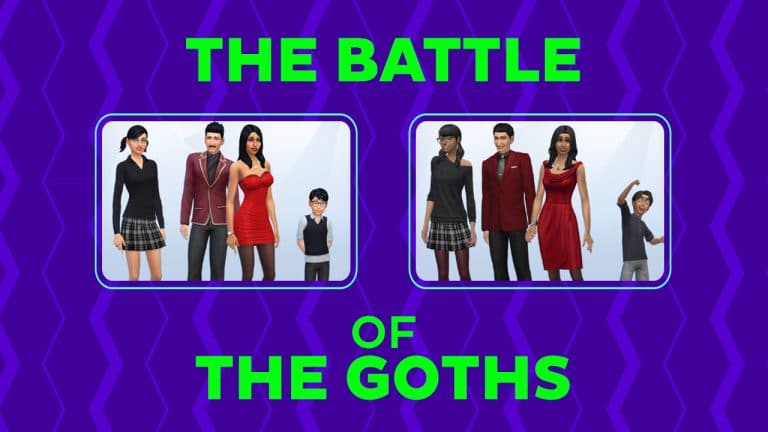
The iconic Goth family, a true staple of The Sims franchise, just got a makeover in a recent update. They have been around since the beginning, living in the macabre mansion with a graveyard in The Sims 1. In The Sims 2, they were the focal point of multiple scandals, some of them being Bella Goth’s disappearance and possible alien abduction, Mortimer’s subsequent relationship with a much younger Dina Caliente, and Cassandra’s tumultuous engagement with Don Lothario, who himself had an affair with previously mentioned Dina and her sister Nina!
The Sims 3, set around 50 years before The Sims 2 and 25 years before The Sims, gave us a glimpse into previous generations of the family and their legacy. There we find out that the Sunset Valley was “founded by the Goths and built up by the Landgraabs.” Revealing the longstanding grudge between two families we all knew existed.
But what about The Sims 4? The Sims 4 is officially considered an alternate universe from the previous installments of the game. The family has four members now: Mortimer, Bella, Cassandra, and Alexander. An adult, a young adult, and a child. Living their lives outside of the lore like the rest of their fellow The Sims 4 NPCs.
Along came the new update with changes in face shape, outfits, and the entire vibe. Of course, the change can’t come without controversies and naysayers. It seems like a lot of players think that the new version looks a lot like the Addams family. But was that the point of the original Goth family?
That is why we have gathered here today to determine once and for all which version is better in the ultimate Goth on Goth combat!
[totalpoll id=”112410″]
All in all, was this makeover successful? Tell us in the comments who’s your favorite Goth!
+ a chance for you to win a Sims 4 Kit of your choice!
We’re going on a bear hunt!
Okay, so maybe we aren’t going on a bear hunt as such, but I’m sure we can still go on an adventure with our Sims!
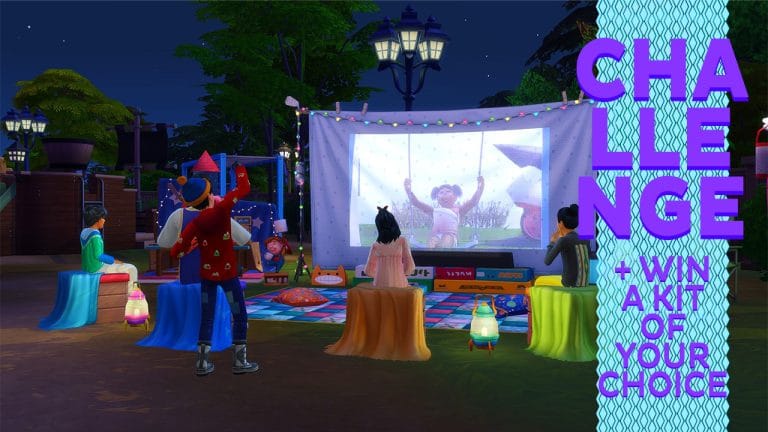
In honour of the recently released The Sims 4 Little Campers Kit, we want to see your best Little Campers inspired screenshots!
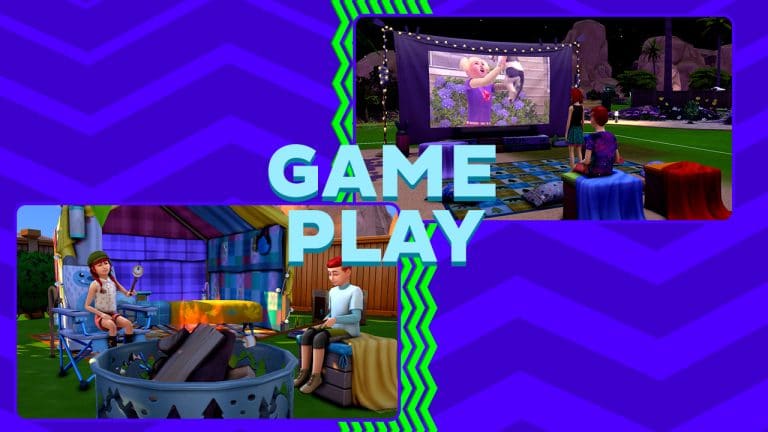
Whether your Sims are hanging out in the back garden watching a movie, camping in Granite Falls, or exploring Mt Komorebi, there are plenty of adventures awaiting our younger Sims!
The Challenge
Your challenge is to take a screenshot of your Child/Toddler Sims on an adventure! The backdrop or what that adventure is, is totally up to you! We want you to capture the best moment of that adventure with your Sims!
We will also be choosing our favourite five entries to win a Kit of their choice too!
Challenge Rules
One screenshot/entry per person
No Custom Content
Poses and ReShade are allowed.
Note:You do not need to own The Sims 4 Little Campers Kit to take part in this challenge.
Once you have completed both of these steps, you can submit your entries by one of the following ways.
Twitter – upload your screenshot and story to Twitter using the hashtag #SCLittleCampers
Discord – head over to our Discord Server and visit the Sims Community Challenge Channel, which you can find under the Announcements & News category. Upload your screenshot and story along with the caption #SCLittleCampers!
Click the button below to join The Sims Community Discord
Closing date for entries: Tuesday 7th June 2022at 10am PST/6pm GMT/ 7PM CET. The Spotlight post will be released shortly after entries have closed.
If you have any questions, feel free to ask them in the comments below, or head over to our The Sims Community Challenge channel on our Discord server! If you aren’t a member of our Discord Server, you can click here to join.
Good luck, have fun, and we can’t wait to see your Little Campers inspired screenshots!
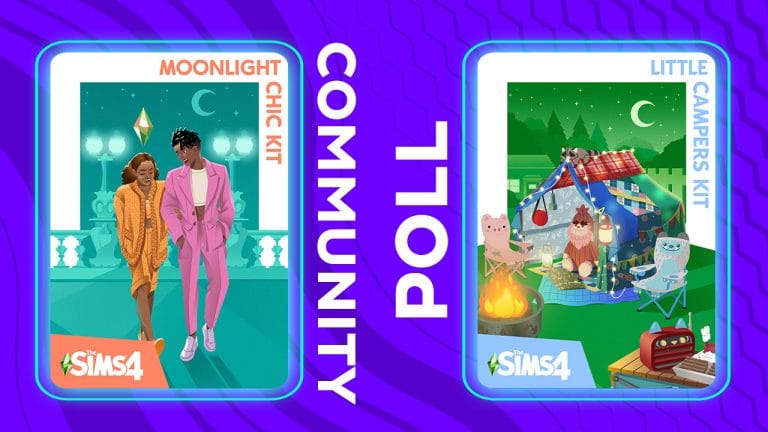
Tell us what you think of the latest Little Campers and Moonlight Chic Kits in our latest Community Poll!
The Sims Team has dropped two new kits simultaneously today; Little Campers and Moonlight Chic! Little Campers is a Build/Buy kit focusing on the imagination of a childhood camping trip in the backyard. Moonlight Chic is a CAS kit of French-inspired designs for the nightlife of Paris.
We’ve already written up handy overviews for the latest Kits. If you haven’t gotten a chance to play with the Kits you can check out our The Sims 4 Kits Articles for coverage and information!
We always love hearing your thoughts on new content so we’ve got a poll for you about the new kits! Let us know what you like and don’t like about the new Little Campers and Moonlight Chic kits below! We can’t wait to hear from you!
This is a community-run poll and is not endorsed by or affiliated with EA or Maxis in any way. It’s just for fun!
Little Campers is by far the most interactive Build/Buy Kit we’ve seen to date!
Little Campers is definitely my personal favourite kit we’ve seen so far! Not just because it’s the first kit to focus on children instead of adults but also because of how many functional objects it comes with, including new versions of different child toys that we haven’t had a revamp of in ages. Although Little Campers can’t really be called a gameplay kit, considering much of the “new” gameplay objects are updated versions of objects we previously had in the game, it still feels like the closest thing to a gameplay kit since Bust the Dust… which is still the only gameplay kit we’ve ever seen.
Seriously, The Sims Team. It’s been over a year since you introduced kits with the promise of gameplay, CAS, and Build/Buy kits to appeal to all players. So… where are the gameplay kits???
Ahem. Anyway, let’s dive into the Little Campers kit and check out all the functional items that our kids and toddlers can enjoy playing with!
The Swings
We’ve had swings in Seasons and Island Living but for players who don’t own either of those packs, the Little Campers kit will be their first time playing with a swing set! Like the other swing sets, these swings can be used by both children and adults. Sims can swing by themselves, swing with a friend, or be pushed on the swings by another Sim. There is a risk of kids becoming nauseous if they stay on the swings for too long. The design of this swing set is definitely my favourite of all the swing sets in the game. The lattice frame and faerie lights with the pillow chairs and rugs underneath really make this object feel fresh and new.
Fire Pit
This is another object that previously came in another pack but has been brought back in this kit. Players who don’t own the Outdoor Retreat game pack will no doubt enjoy having a brand new fire pit in their games! This fire pit is functional but does not have the full range of interactions available on it that the Outdoor Retreat fire pit does. The Sims Team wanted to be thoughtful about what functionality from past packs they chose to bring forward into future content so the Little Campers fire pit only has functionality directly related to the backyard camping experience. Sims can hang out at the fire pit and roast marshmallows on it but all other fire pit interactions remain exclusive to Outdoor Retreat.
Of course, players who do own Outdoor Retreat will have the full range of interactions available on the Little Campers fire pit.
Children cannot light the fire pit; that would be pretty dangerous but after an adult lights it for them, they can hang out with their friends around the fire and roast marshmallows to snack on.
Projector Screen
This adorable bedsheet projector screen strung with faerie lights is not only a super cute addition to the backyard but it’s a functional television, too! Like the fire pit, The Sims Team wanted to preserve new gameplay features from past packs, so all the regular TV channels are available to watch on the projector, but movies still remain exclusive to the Movie Hangout Stuff pack. Players will only be able to watch movies on the projector if they have Movie Hangout Stuff installed.
We recommend watching TV on the projector at night; that’s when the picture on the bedsheet shows up the brightest and clearest!
Rocket Ship Dollhouse
That huge DIY cardboard rocket ship we saw in the preview images? Yep, it’s a new dollhouse! It’s been a very long time since we’ve gotten a new dollhouse design to play with and this homemade version is a super unique take on this object and so, so cute!
Dollhouses can of course be played with by both children and toddlers and adults can play dolls with a child or toddler, too. We were delighted to see that this gigantic thing was not just a decorative waste of space and is actually something our little Sims can have fun with.
Cardboard Truck Activity Table
We have gotten a decent variety of different activity tables in various packs but we sure as heck aren’t about to say no to a new one! Especially something as cute as this cardboard truck with headlights that actually light up in the dark!
The activity table is usable by children only and like other cross-pack items, kids can draw at the activity table but they will only be able to make seasonal crafts on it if Seasons is installed.
Games Table
At first glance, it seems like The Sims Team accidentally gave us two identical patio tables but not so! One of those tables is, in fact, a games table! Children and older Sims can get together to play cards and for players with the Get Together expansion pack installed, they can enjoy an intense game of Don’t Wake The Llama at the games table, too!
Bigfoot Stuffy
I’m sure we all knew this adorable Bigfoot was a functional stuffed animal to build our little ones’ Communication and Social skills. We have gotten a few different varieties of this stuffed animal in different packs but we’re always happy to get a new one! The Bigfoot design pairs well with the backyard camping theme of this kit.
The stuffy is of course usable by both children and toddlers.
Ranger Toys
They might have been easy to miss since they’re so small, but the Little Campers kit does come with a new toy box toy! There are a variety of different forest ranger and forest monster designs for the toy. It can be stored in any toy box and both children and toddlers can play with it to build their Imagination/Creativity skill. If Parenthood is installed, playing with the toy will also build the Emotional Control character value.
Kitty Radio
Functionally, this is any other stereo in the game. You will be able to listen to any radio stations that come with the base game and any packs you own, dance to the music and everything else you can normally do with a stereo. Owning additional packs like Get Together or Jungle Adventure open up extra options such as building the Dancing Skill and dancing the RumbaSim with high enough Selvadoradean Culture skill.
Although it’s no different from any other stereo in the game, it’s still worth a mention because it’s the first stereo we’ve gotten that visually suits a child-like theme and would fit really well in a child’s bedroom or playroom.
Smore Gnome
This cute-in-a-slightly-unsettling-way statue? Yep, it’s a garden gnome! This smiling little guy holding up a big marshmallow standing on a smore can be named and put in your inventory like all his other gnome pals.
For players with Seasons installed, he will poof around the lot and can be kicked or given offerings on Harvestfest (or any holiday with the Holiday Gnomes tradition assigned to it).
The Little Campers Kit is available now for both PC/Mac and consoles! It is priced at $4.99 USD or your country’s equivalent currency.
The Sims Team has released a brand new update for The Sims 4 on PC and Mac only!
SimGuruNick confirmed that the latest update should be fixing the Lag Issue that was reported with the last Update:
Happy Patch Day for PC/Mac Simmers! This patch was to fix a crash we were seeing, but we’re hopeful that it will also fix the lag/freezing issue that players have been reporting. Please let me know if the newly introduced lag is gone for you! Thanks.
To download the latest version of The Sims 4, simply open your Origin program and if the game doesn’t update automatically, right click on The Sims 4 and select ”Update”.
In case you have Mods or Custom Content, the game will automatically disable them for you after first launching The Sims 4 after the update. To re-enable all your Mods and Custom Content, select the Settings option in the Menu and select Settings. Under the ”Other” section you’ll find the ”Enable Custom Content and Mods” option. Check it and restart your game in order for it to take effect!
PATCH NOTES
PC: 1.88.228.1020 / Mac: 1.88.228.1220
Hello Simmers!
We discovered an issue in the Base Game update that was released earlier this week that has caused some players to experience crashes on Windows and macOS only. This update resolves the issue. Happy simming!
– The Sims Team
The Sims 4
An issue that caused some players to experience crashes has been resolved.
Did you ever find the perfect window for your build and realize it doesn’t come with a matching door in a matching swatch? Or when they are in the same swatch but at different sizes? Or when you wished you had a door that looks exactly like a certain window?
Well, you don’t have to suffer from mismatched materials – you can turn your windows into doors!
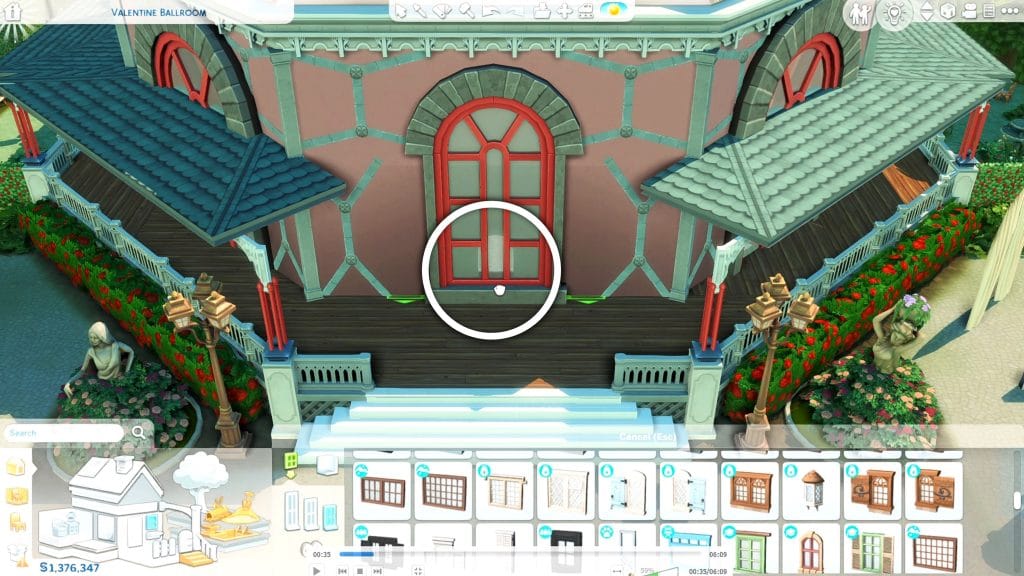
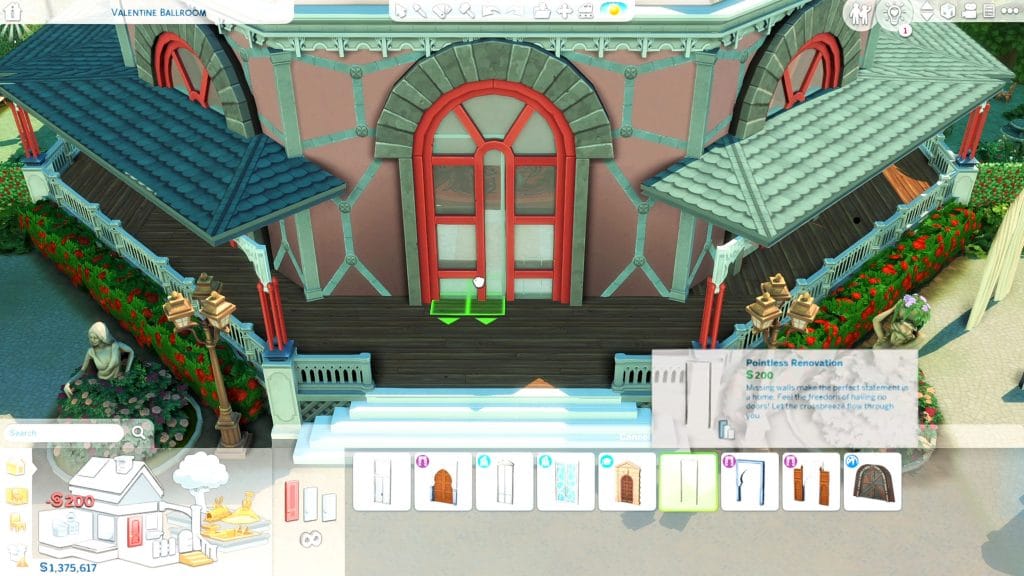
You can simply do this by overlaying windows on archways. Your Sims should pass through without any problems.
But what if the window you want has a complicated shape? Buckle up since this tutorial will require basic T.O.O.L. mod knowledge. And don’t forget to enable ‘bb.moveobjects’!
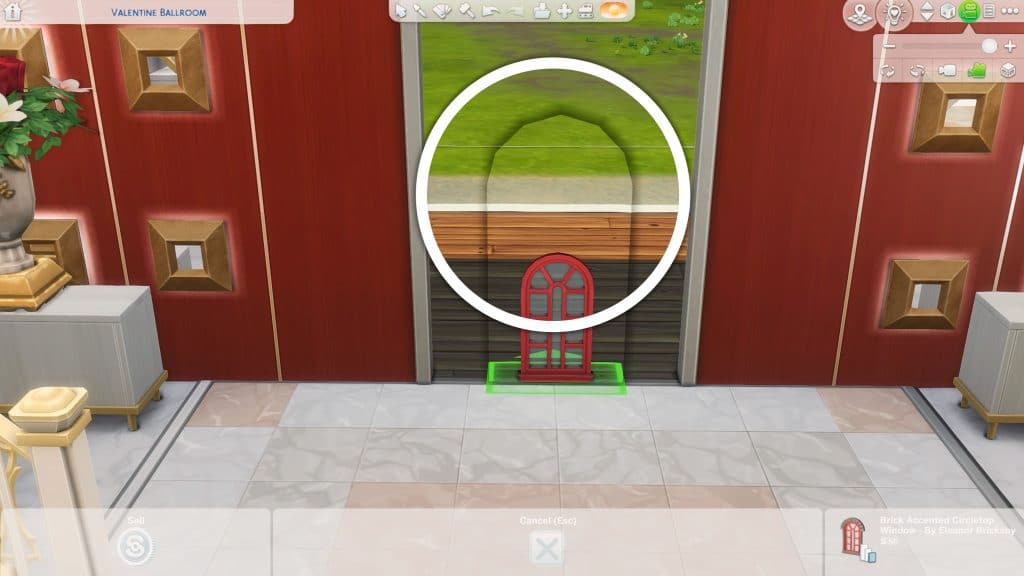
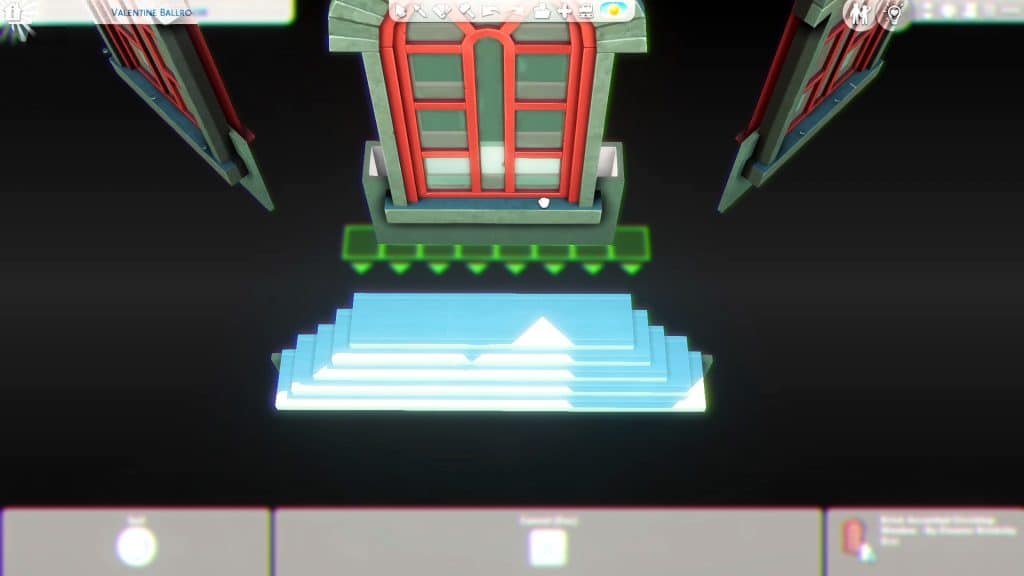
Step 1. Choose any window. You can size it up or down to your liking with the bracket keys ‘[’ and ‘]’ respectively. You will notice that there’s a cutout on the wall in the window’s original size. Also in the interior, there’s a weird shadow that surrounds the cutout. We’ll fix those later.
Step 2. Build a basement or a lower floor. Move your window to a wall that is directly below the original wall upstairs. You should place the window higher up on that wall (you can use Ctrl+9 to elevate it more) so that the window can be seen on the upper floor.
Now you’ll see inside that the cutout and shadow are gone. Also if you sized up windows, they could block your Sims’ path – moving the window to the basement doesn’t make it an obstruction anymore.
Once the window is placed appropriately, you can delete the room below by dragging the walls with arrows. Don’t just select the room and delete it or else the window will be deleted too!
Step 3. Size down doors to make a hole in the window space. For this intricate window, I mainly used these tall arches from Base game.
For the curved section of the window, I raised the pet doors from Cats and Dogs and sized them down.
You have to use the T.O.O.L. mod to completely size down these doors and make them disappear. Shift+Click on all these doors.
Select ‘Scale’ and set it to 0.01 (or lower). Now the window-door has a perfect cutout for your Sims to pass through!
Ok, that’s a lot of work for a door so how can you use this in your builds?
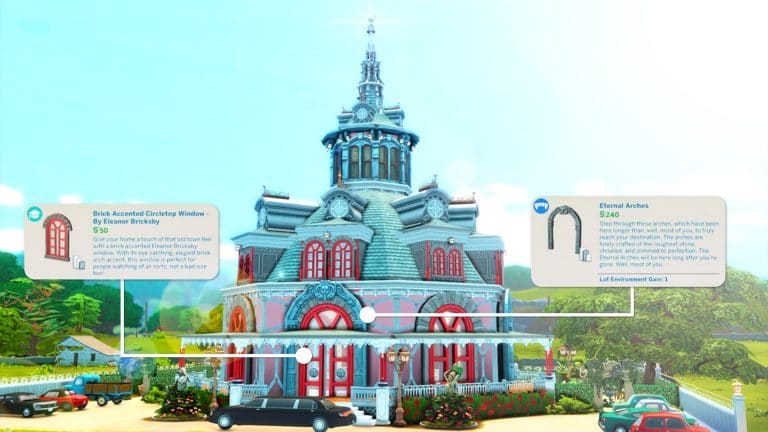
You can combine these window-doors with arches as seen in this Victorian structure. It looks so much more coherent and regal with those window-doors along with normal windows!
You can also use this trick on windows alone. The Is It Snowing? Slider Window from Snowy Escape just came in one size but in this build, it’s used in a slightly bigger size and as a sliding door in a perfectly matching swatch!
Depending on your mastery of building in the Sims and building with the TOOL mod, you can make so many more window-door designs and custom windows. Tell us how you’re going to use this in your next build!
However, our reader was able to spot that this won’t be the last Update / Content drop of this week. There’s another update that’s been scheduled on Origin’s systems for May 27th, 2022. Which is today.
In case you don’t know, plenty of Windows players have started reporting massive lag spikes on their computers after the latest Update. Draining their CPU power to abnormal levels.
It was stated by EA_Cade that The Sims Team is currently investigating the lag issues:
Hey all,
This issue is currently with the Sims team for investigation. I’ll provide any updates I get in this thread.
Thank you for all the information you’ve provided thus far to help us track this down.
Could the upcoming Update for The Sims 4 be a Hot Fix solution or something else? We’ll just have to wait and see!
A list of Broken and Fixed Mods affected by the new patch!
The Sims 4 had released a brand new update on PC and Consoles this week! Although when it comes to bugs and fixes the list there haven’t been any improvements, the team did change a lot of things when it comes to Text Strings. Specifically because of the addition of Customizable Pronouns!
The update changed a lot of things when it comes to the Text Notifications. So naturally, it’s expected for some things to not work the way they intend to. Especially with Mods that might rely on the Notifications system and usage of Pronouns within each notification.
Creator and player luthienrising has compiled a huge list of Broken and Updated Mods for The Sims 4 over at The Sims Forums. Highlighting some of the affected areas after the latest update, as well as keeping track of Mods that are outdated and don’t work and Mods that have been updated after the recent Patch.
For anyone who plays The Sims 4 with ReShade filters, there’s also a special note from Creator Simp4Sims:
For anyone having issues with MXAO and DoF using ReShade, seems like these are broken with the recent Sims patch — only ReShade 5.1 is working. If you can update then do — but know that some presets may be incompatible or require additional setup to work properly.
Mods like TOOL, Color Slider and more have been affected by this Update. There’s also a huge list of confirmed Mods that have been checked as fine!
FOR MODDERS: There’s also a new Tuning Description file update that you can download now from The Sims Forums!
You can keep track and contribute to the list if you find something is not working right in the official discussion on The Sims Forums linked down below!
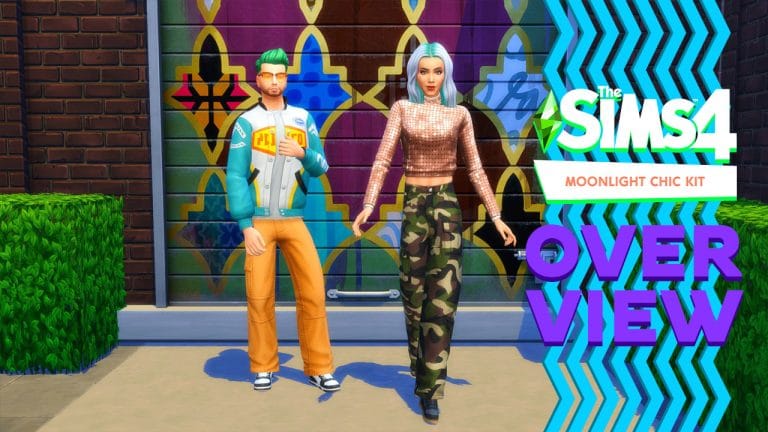
Everything included with The Sims 4 Moonlight Chic Kit!
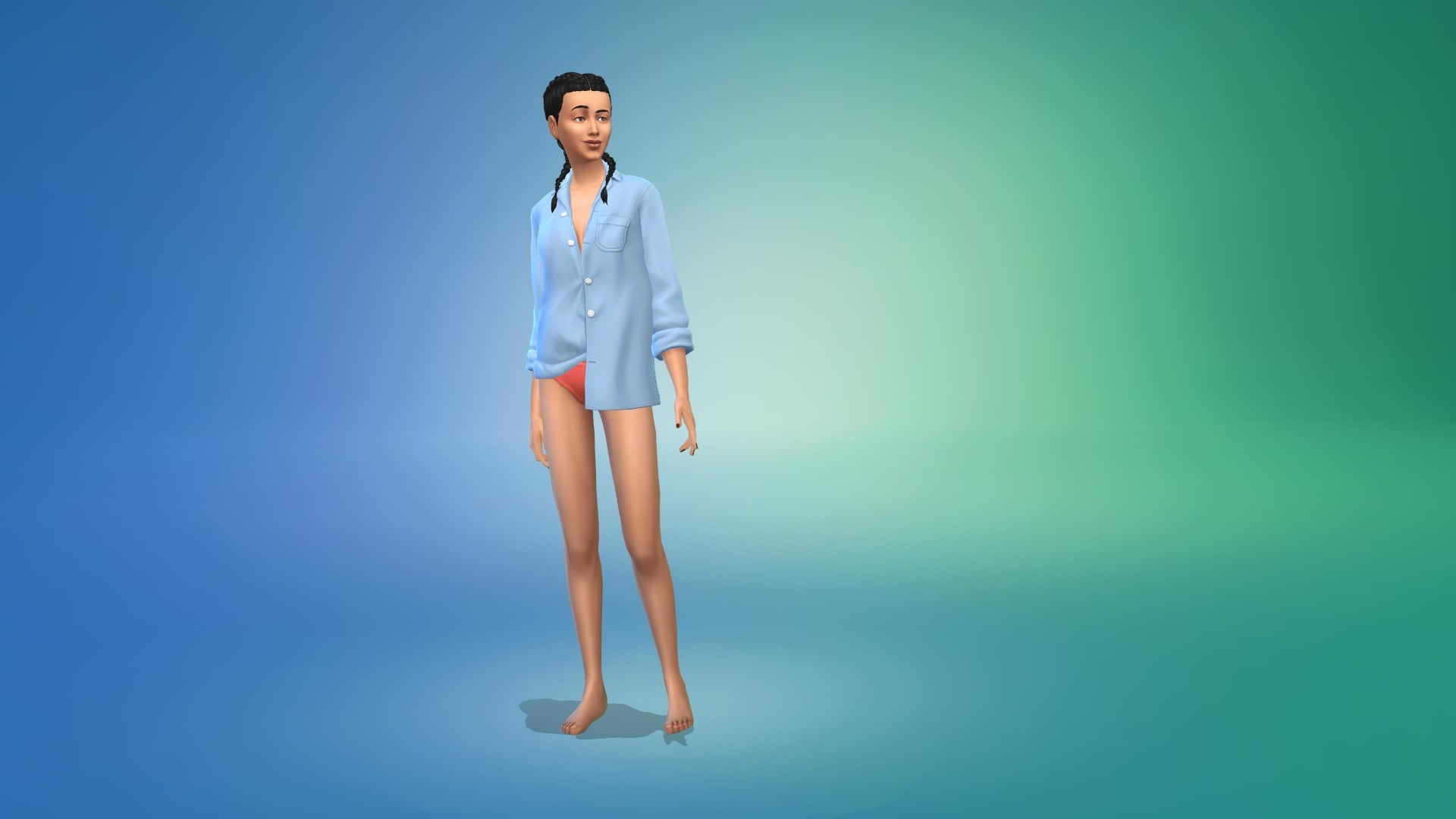
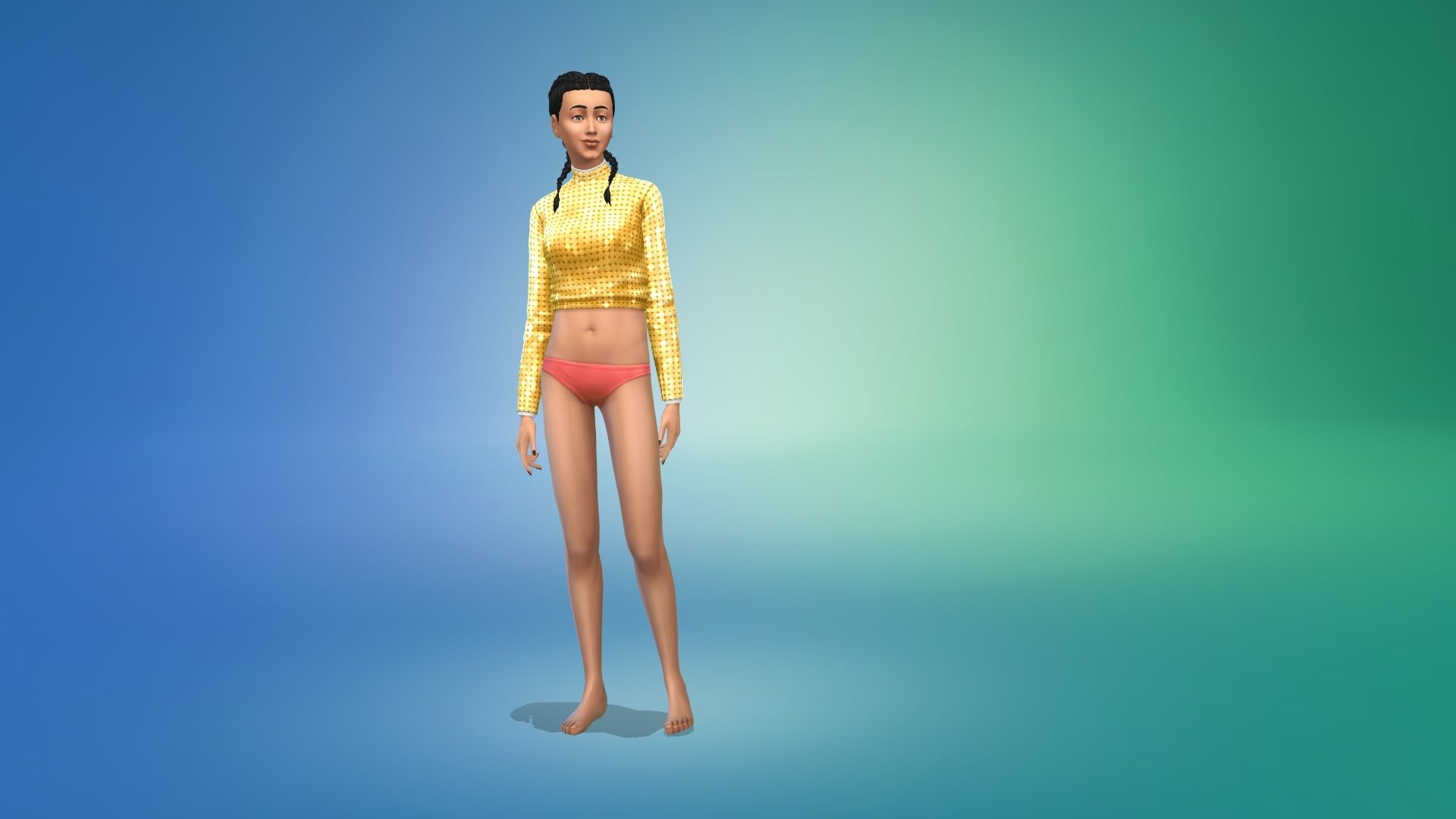
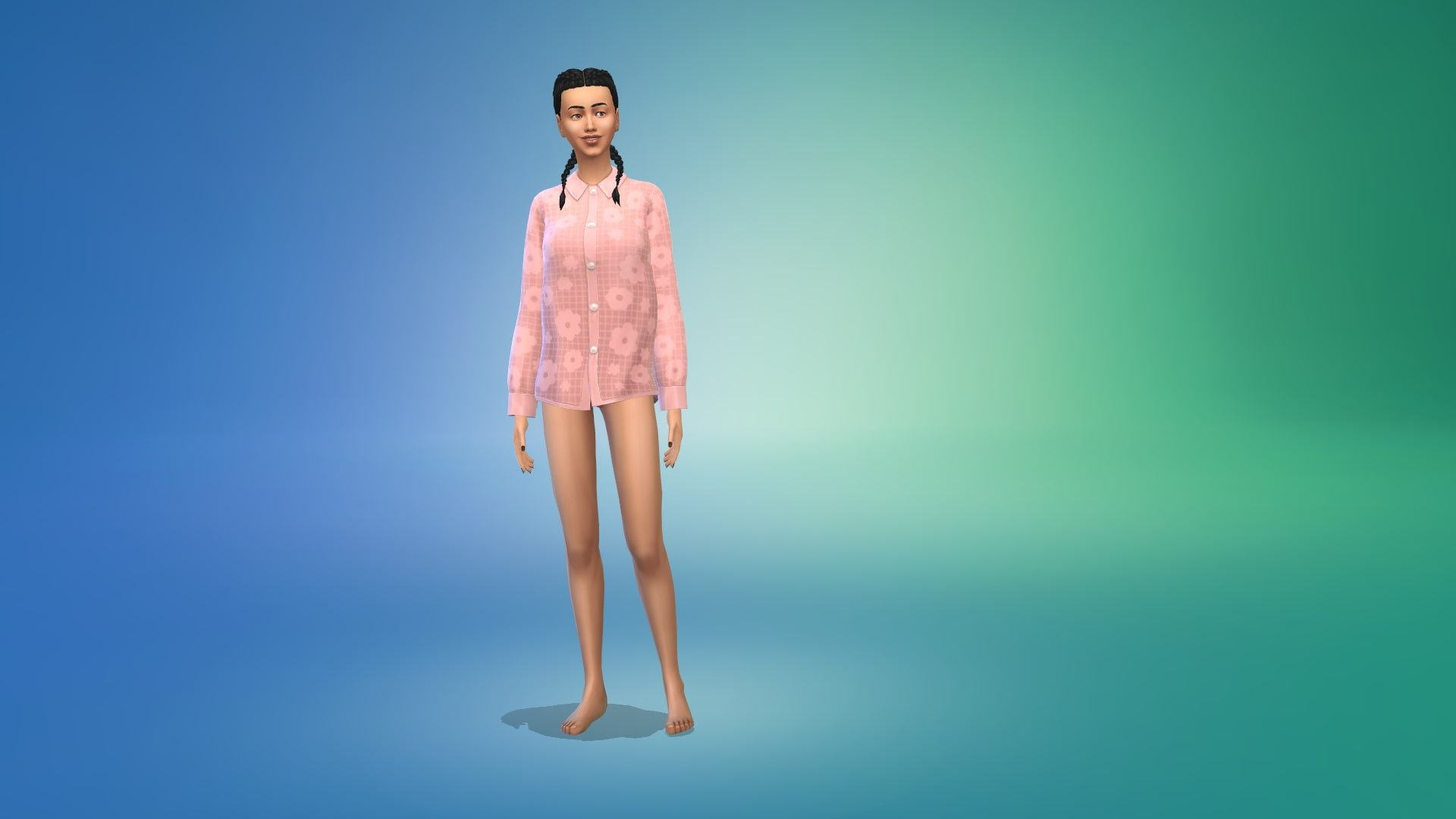
The Sims 4 Moonlight Chic Kit comes with 32 clothing items and accessories for both masculine and feminine adult Sims. This kit does not contain any content for children or toddlers.
Inspired by modern Parisian style, the fun and youthful items combined with classic styles to help you create the ultimate fashionable look for your Sims! Who knows, a fresh new-look may help your Sims find romance too!
Take a closer look at all the new additions below!