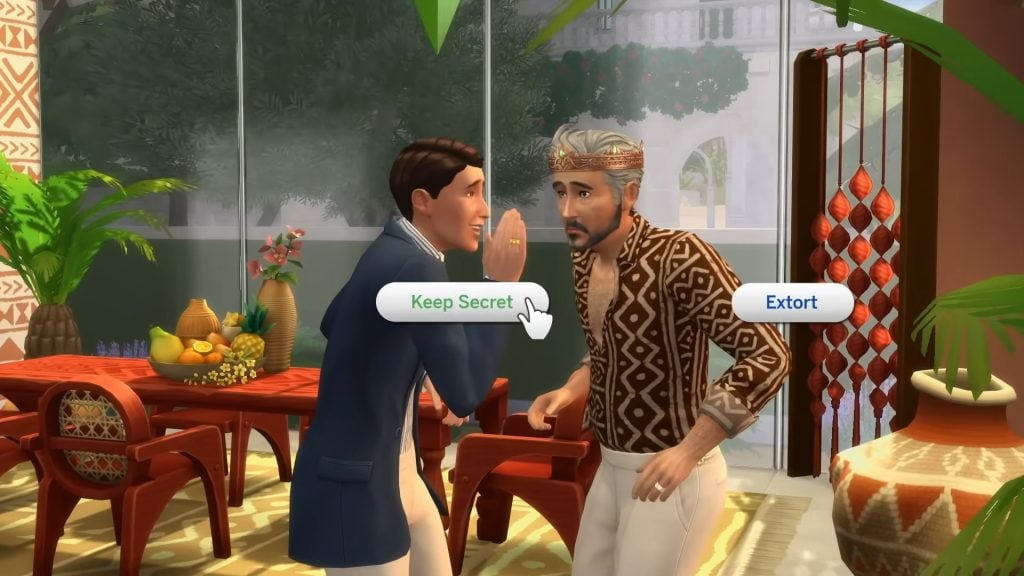
EA Community Managers tell their Creators within Creator Network to “Take Space if Things Feel Overwhelming” – among other things.
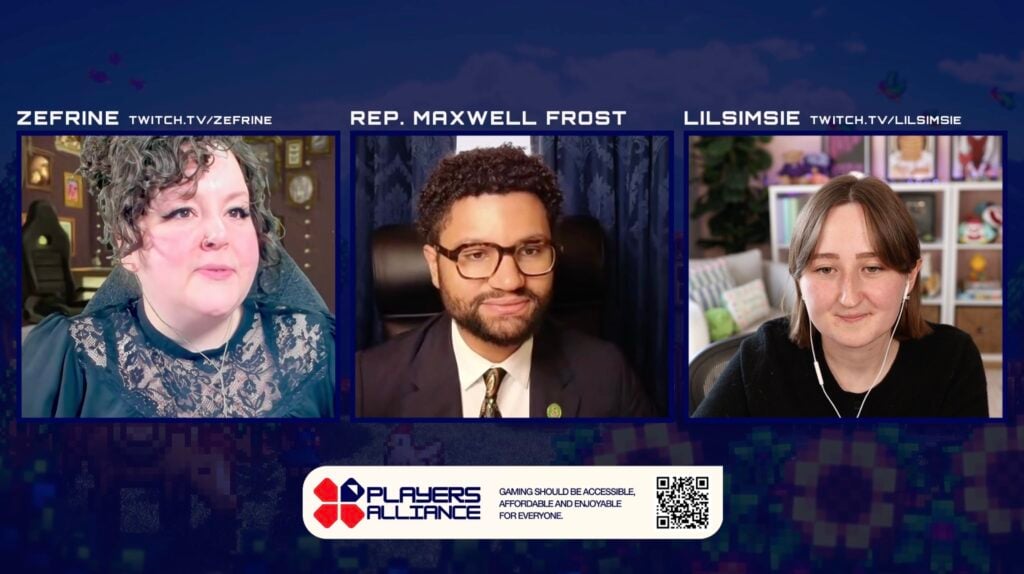
Might I suggest that you take space if things feel overwhelming? At least that’s EA’s suggestion in response to the latest EA Buyout livestream hosted by lilsimsie – who left their Creator Network in October and is now doing a livestream informing people about the buyout deal.
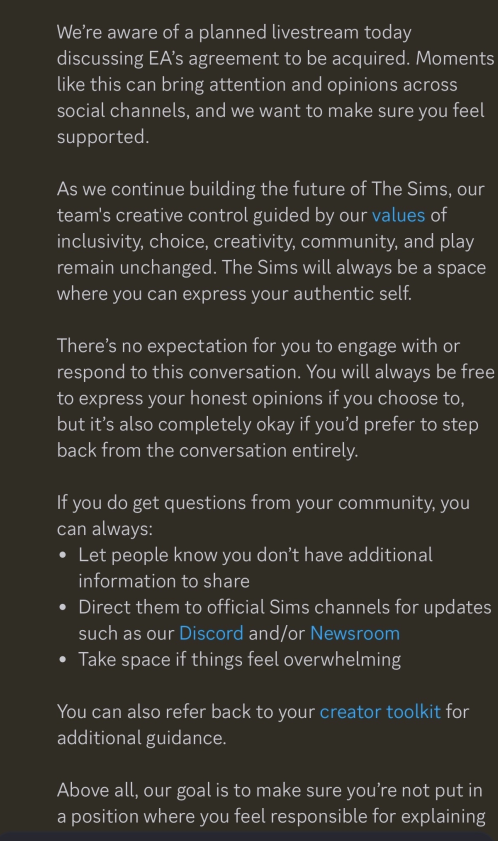
In a leaked message posted by @lunar_briney on X, we have a new message from Electronic Arts Community Managers sent internally to Sims members of the EA Creator Network.
The message acknowledges the current planned livestream happening today: “Moments like this can bring attention and opinions across social channels, and we want to make sure you feel supported.” The message gives creators internally the right to express honest opinions, but also “step back from the conversation entirely”.
They also hinted and stated that “as we continue building the future of The Sims” so that’s something for folks who are possibly looking forward to The Sims Project X. Our words though, not theirs!
Read the full private message down below:
Leaked Statement from EA Community Managers to Sims Creators
We’re aware of a planned livestream today discussing EA’s agreement to be acquired. Moments like this can bring attention and opinions across social channels, and we want to make sure you feel supported.
As we continue building the future of The Sims, our team’s creative control guided by our values of inclusivity, choice, creativity, community, and play remain unchanged. The Sims will always be a space where you can express your authentic self.
There’s no expectation for you to engage with or respond to this conversation. You will always be free to express your honest opinions if you choose to, but it’s also completely okay if you’d prefer to step back from the conversation entirely.
If you do get questions from your community, you can always:
Let people know you don’t have additional information to share
Direct them to official Sims channels for updates such as our Discord and/or Newsroom
Take space if things feel overwhelming
You can also refer back to your creator toolkit for additional guidance.
Above all, our goal is to make sure you’re not put in a position where you feel responsible for explaining.
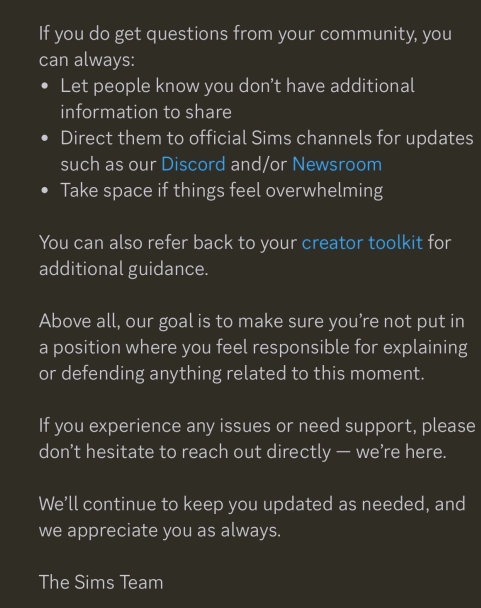
If you do get questions from your community, you can always:
Let people know you don’t have additional information to share
Direct them to official Sims channels for updates such as our Discord and/or Newsroom
Take space if things feel overwhelming
You can also refer back to your creator toolkit for additional guidance.
Above all, our goal is to make sure you’re not put in a position where you feel responsible for explaining or defending anything related to this moment.
If you experience any issues or need support, please don’t hesitate to reach out directly – we’re here.
We’ll continue to keep you updated as needed, and we appreciate you as always.
The Sims Team
This is probably the first time that EA and The Sims division have more directly acknowledged claims and thoughts about players on the EA buyout.
What do you think about this leaked message sent to Sims EA Creator Network members? Let us know in the comments below and bookmark Sims Community for all the latest up-to-date news!
Some new replies and theories from the current main Sims insider source have hit the internet.
We have another round of new theories and thread replies from one of the most current Sims insiders on ATRL that we’ve been reporting on for quite a few months now.
Some additional replies, theories and personal speculation have surfaced from this Sims insider. It’s very important to know that “Nothing is set in stone” – but still very interesting to read about some of the new theories.
For example, we could be getting the Residental Rental system in the base game (as a game theory) to maximize the Sim count and make the neighborhoods more dynamic.
There’s also a theory by the same Sims insider that the reason The Sims Team isn’t making any announcement that Royalty & Legacy is the last pack“because they don’t want people thinking in a Sims 5 ballpark [direction]”.
Read the latest roundup of The Sims Project X insider updates down below:
Project X Purpose, Feature Theories and More
Question: Tell your buddy insider friend to add apartments in Project X base game world just like with Eco Lifestyle and Royalty & Legacy where we got apartment units!
Sims Insider: I think there may be some kind of Apartment system available with X. I could be wrong but I believe the Residential Rental system may be base game in the new game to maximise lot count. Nothing is set in stone though. I believe the team are looking at Sims 4’s history and picking things that make realistic sense to be base game to maximise the game.
I feel like we will need to get news soon, it’s very unlike EA to allow the Sims to not have some kind of buzz for too long.
It seems they’re deliberately not addressing that Royalty & Legacy is the final Expansion, because they don’t want expectations to go sky high for “what’s next” because they don’t want people thinking in a Sims 5 ballpark. But too much of no noise will definitely start arousing suspicion amongst the casual playerbase.
I’m curious to know what’s happening in casual circles and whether they even think Sims 4 has sunsetted.
Sims Insider: I think there will be an element of being able to bring Sims and Builds over using a tool of some sort in some capacity, potentially Sim data as well. So they may be able to rule out starting over officially.
From what I’ve seen of the project, there’s no way they’re going to be able to frame this as anything other than a Sims 4 related product. They may try, but it would be like trying to say The Sims Mobile wasn’t a spin off of The Sims 4. The DNA of it is definitely there.
That’s also on purpose, they want people to feel right at home on this new platform and to not go back to The Sims 4. If they change too much, they’ll have an audience who likes Sims 4 too much refuse to come over. But if it’s similar enough to Sims 4, and improves on aspects, they’re hoping people will leave their previous game.
They also know they will be competing with a huge and deep modding scene soon when Sims 4 officially retires, and EA are hoping the shiny new stuff will be enough and that players won’t be smart enough to realise they’re being shortchanged by leaving their paid content behind for a new base that is largely a big standalone update on their existing game, rather than a new game entirely. They’ll want anyone who goes back to 4 to be reminded of X enough that they can’t help but play X.
It will be interesting to see if players do abandon Sims 4 or if EA underestimates the intelligence of their audience. The Sims 4 has insane modding potential once the code stays still. Time will tell.
The Marketplace and Reception on The Sims 3 Sales Info
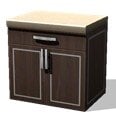
Statement: Basically Marketplace exceeded expectations by having people download that useless free kitchen turd, but no one bothered to pay real money to purchase Moola and bunch of face stickers and lighting buttons
Sims Insider: Not the craziest theory, I won’t lie. The marketplace may have exceeded expectations based on interaction, but not in actual spending.
EA keep their cards very close to their chest. They’re probably telling developers it’s exceeding expectations, while also pulling people into a room saying “not enough people are buying moola” and the success is a completely different metric.
I can’t really speak on it, but we ran into very similar statements with The Sims Mobile. Apparently it was super successful, meanwhile our job was to increase engagement and push purchases within the game because both were low. So is it successful because people download it? They had weird metrics for things I suppose.
Sims Insider: I’m not saying anything that isn’t public knowledge, EA struggled financially from around 2008 – 2014. It’s well documented EA kept promising The Sims 3 would be the game to turn things around, it just didn’t. I’m a Sims 3 fan too, but I probably have more patience than the average person to deal with all the issues the game has.
The Sims 4 was a turning point for EA to become successful again, but also became the backbone of having to be the financial support of other franchises. EA started turning profit again because of The Sims 4.
I’m always bewildered the Sims has such competitive fan bases within its own franchise. People really stan individual games but they don’t really stan the franchise. I don’t really know of any other franchise where that happens so strongly
Sims Insider: Just saw the tweet that the Marketplace is coming to console, seems the greenlighting problems were resolved with Sony.
It will be curious to know if any improvements are on the table, but it’s smart of them to withhold fixes by delaying the marketplace. Makes it hard for Sony to be disagreeable.
What do you think about all the new speculation and theories on The Sims Project X? According to the insider, “I feel like we will need to get news soon, it’s very unlike EA to allow the Sims to not have some kind of buzz for too long.” We hope all that upcoming buzz from EA isn’t just The Sims 4 Kits and Maker Pack releases.
Let us know your thoughts in the comments down below and stay tuned to Sims Community for the latest on Life Simulation Games and The Sims!
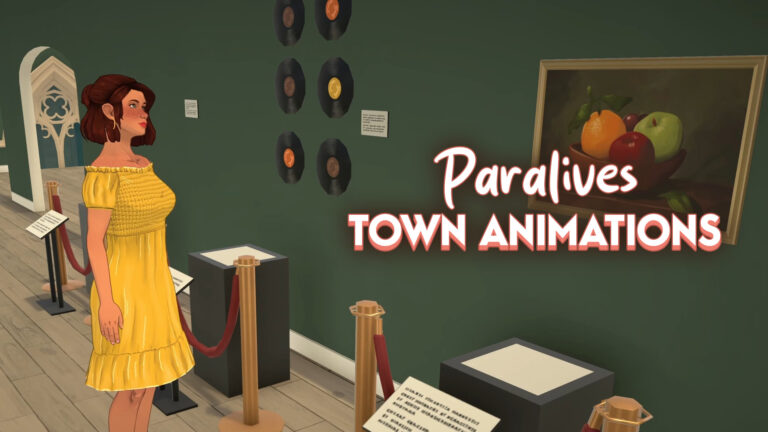
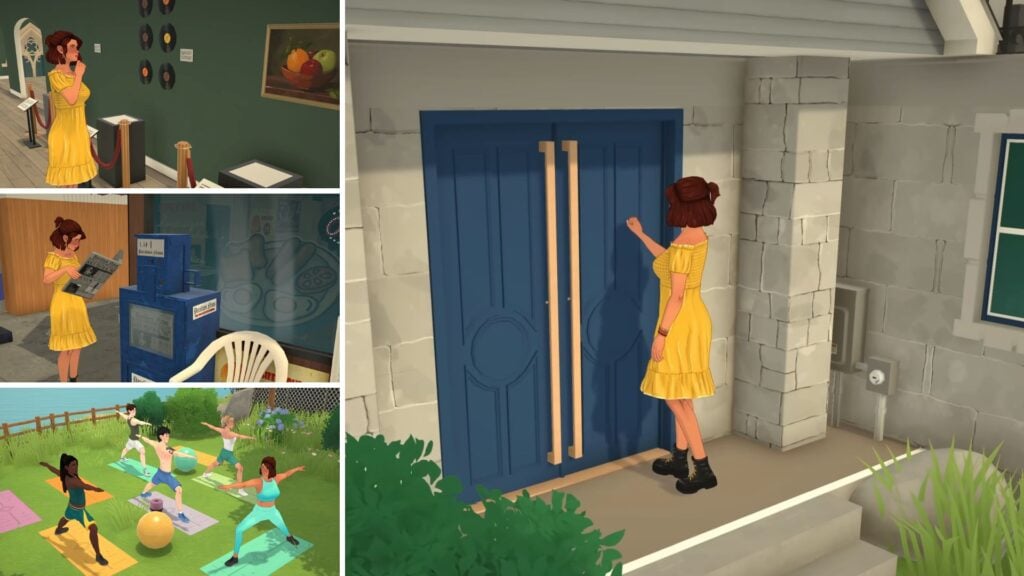
One of the challenges of making an open-world game is making sure that the world doesn’t feel too mechanical or empty. In the latest public update, the Paralives team has just shared 11 new animations (13 if you count the three variations separately for the yoga class!) to showcase some of the interactions that the Paras will perform around town to make it feel more alive and interesting for players. Let’s have a look at them!
Paralives: New Animations Around Town
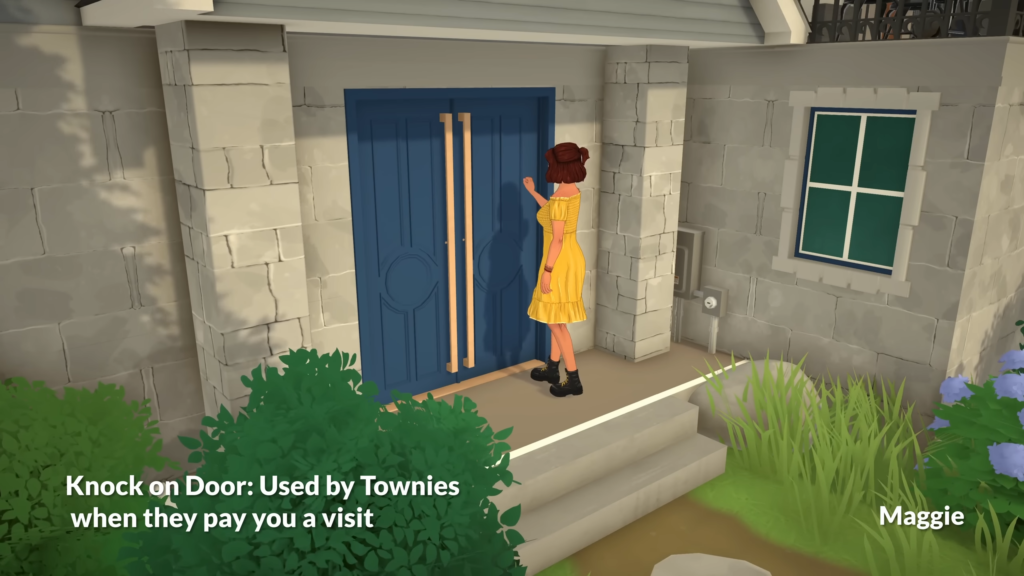
Knock on Door
Animation used when Townies pay you a visit. It was not explained if the Para was invited or if they just showed up randomly.
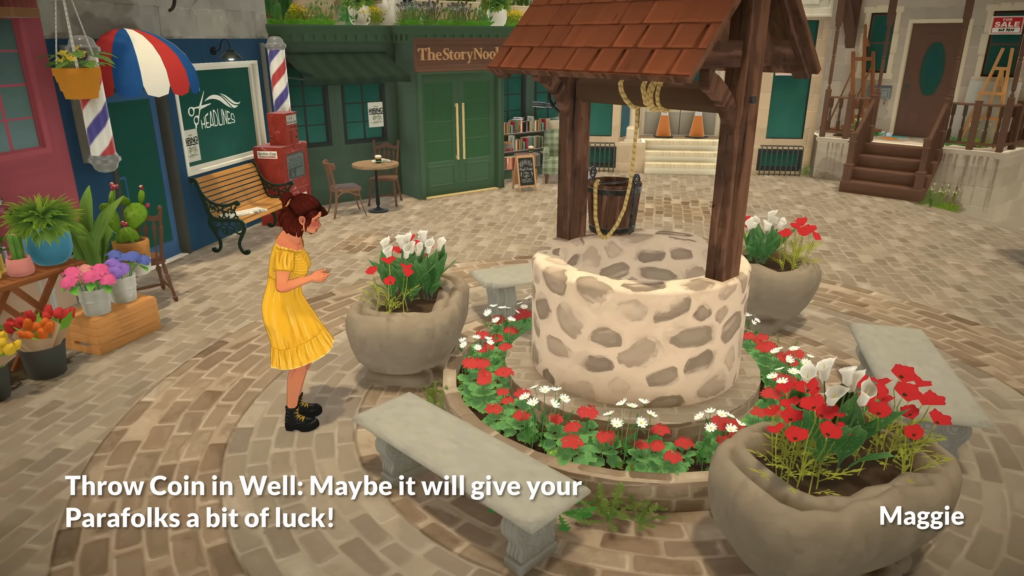
Throw Coin in Well
Animation for when a Para makes a wish when interacting with the well. It was hinted in the description that it may bring some luck for the Parafolk!
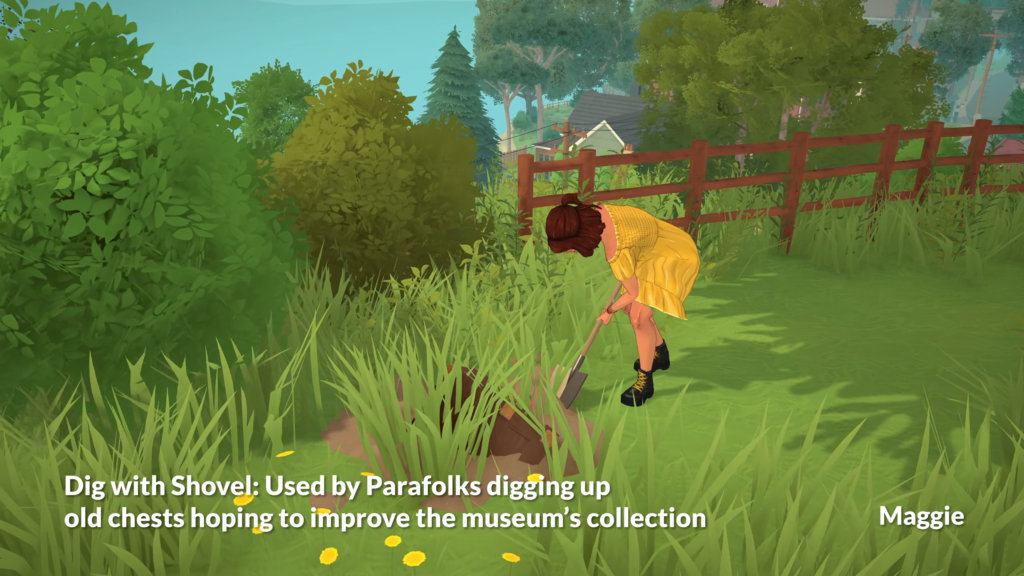
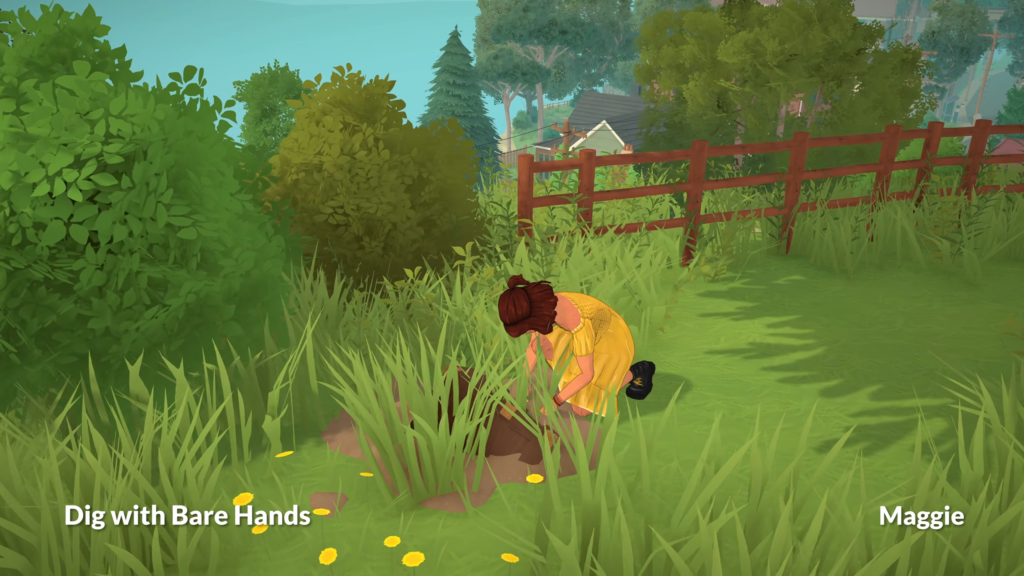
Animation for when the Para is digging at dirty spots. Similar to the treasure chest, his might also be a way of finding collectibles!
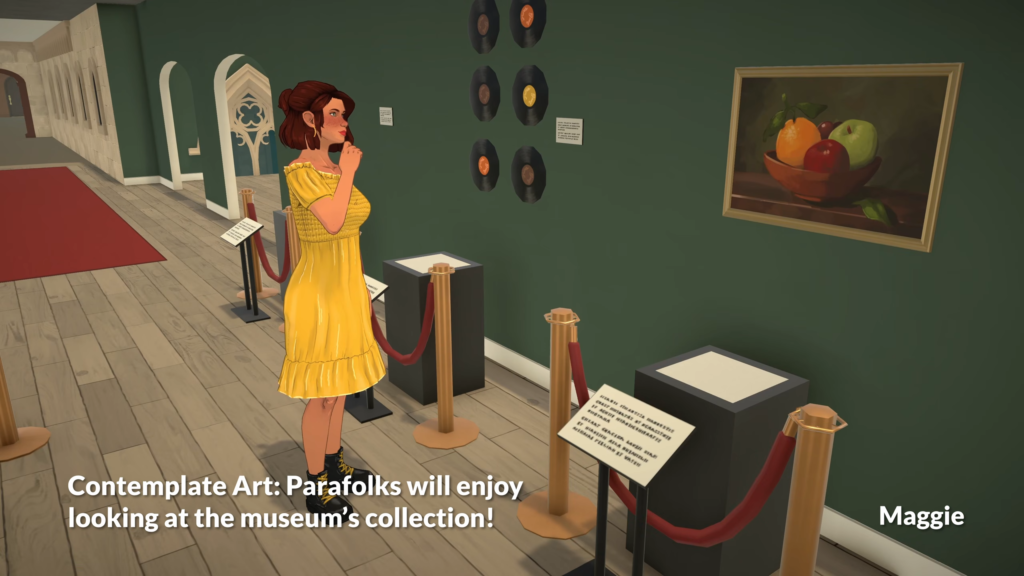
Contemplate Art
The first variation for when the Para is contemplating a piece of art in the museum. It will probably also be used for contemplating art in other places.
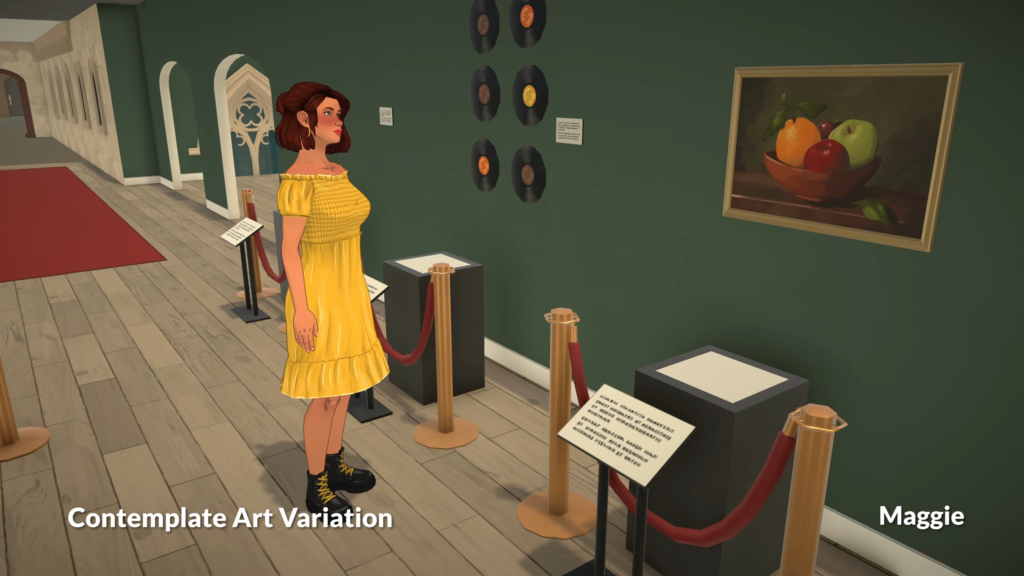
Contemplate Art Variation
The second variation for when the Para is contemplating a piece of art. This time the Para looks less focused and more relaxed.
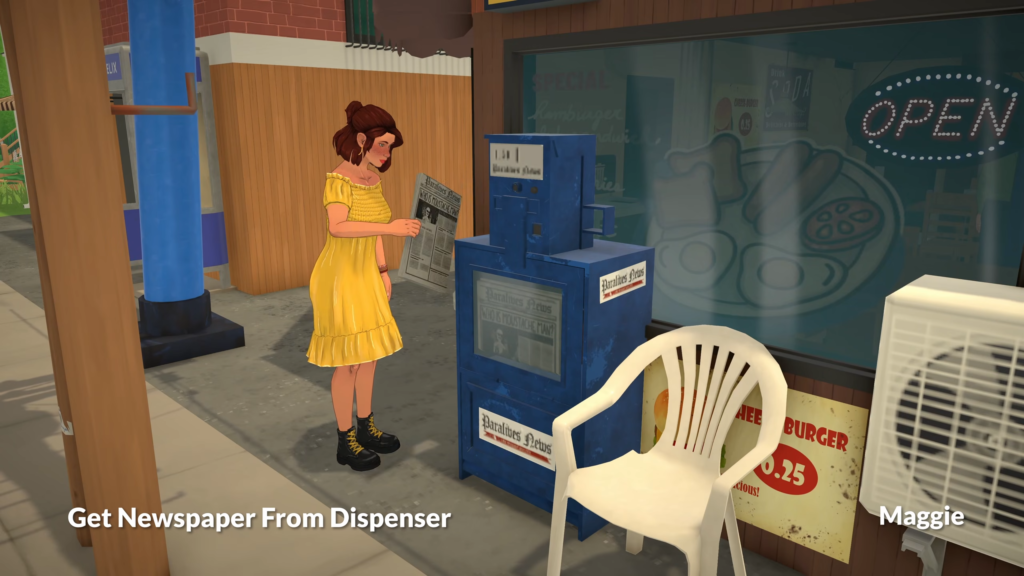
Get Newspaper From Dispenser
Animation used when the Para is getting a newspaper from a dispenser in town.
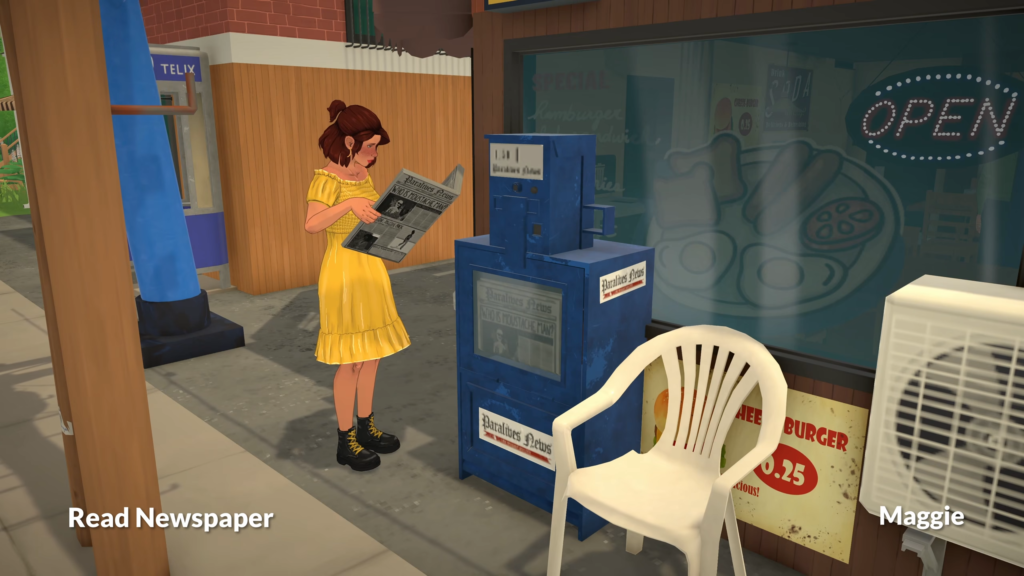
Read Newspaper
Animation used when the Para is reading a newspaper. It was shown in the past that this will be a way for you to learn about events around town. You can read more about it in our article A First Look At Paralives Town Events!
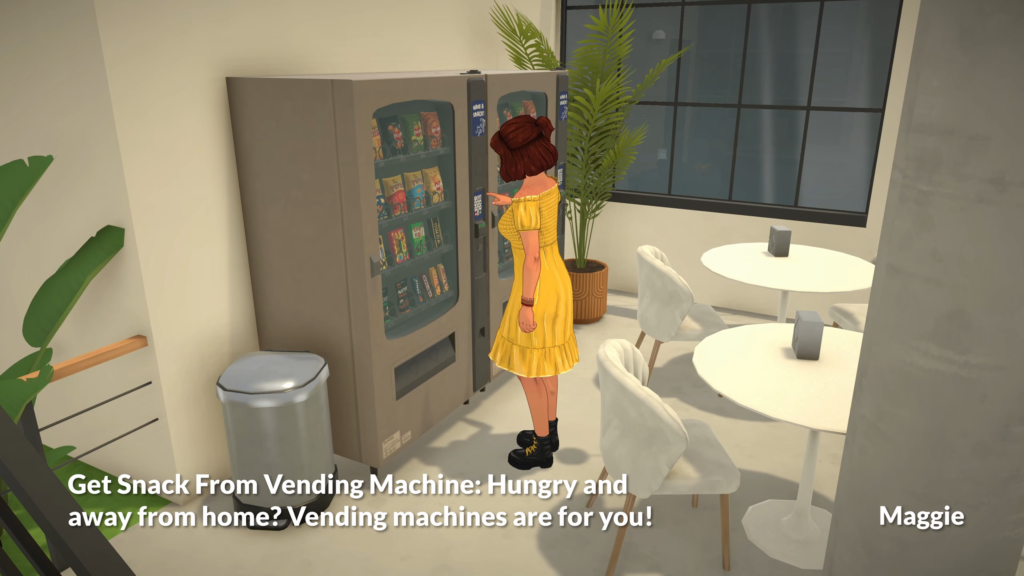
Get Snack From Vending Machine
Used when the Para is getting a snack from the vending machine. Since Paralives will not have any paid DLC, the vending machine is coming in Early Access and in the base game!
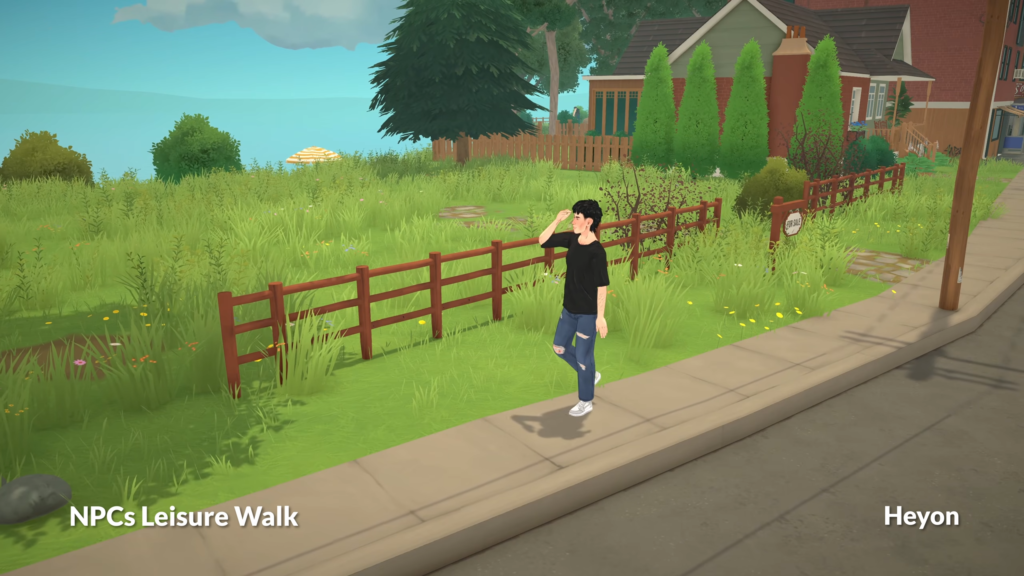
NPCs Leisure Walk
The leisure walk will be used as a variation of the walking style for the NPCs so the game doesn’t feel too mechanical, as stated in this Patreon post. The walk styles will be influenced by the Parafolk personality, their current emotional state and their life stage.
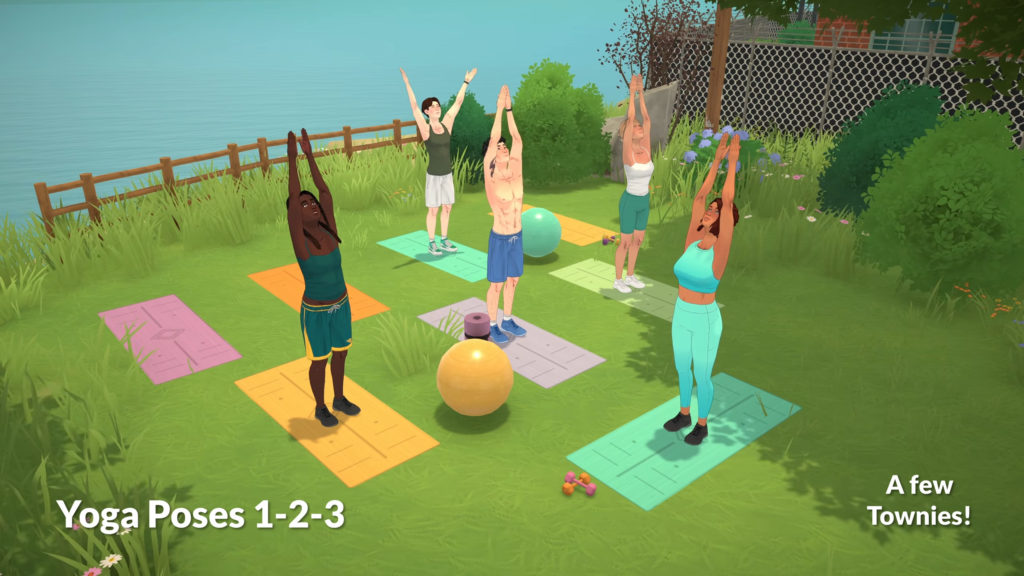
Yoga Pose (Variation 1)
The first variation of the animations that can occur during a yoga session. It was shown in the past that there will be an event in town with free yoga classes on some days of the week.
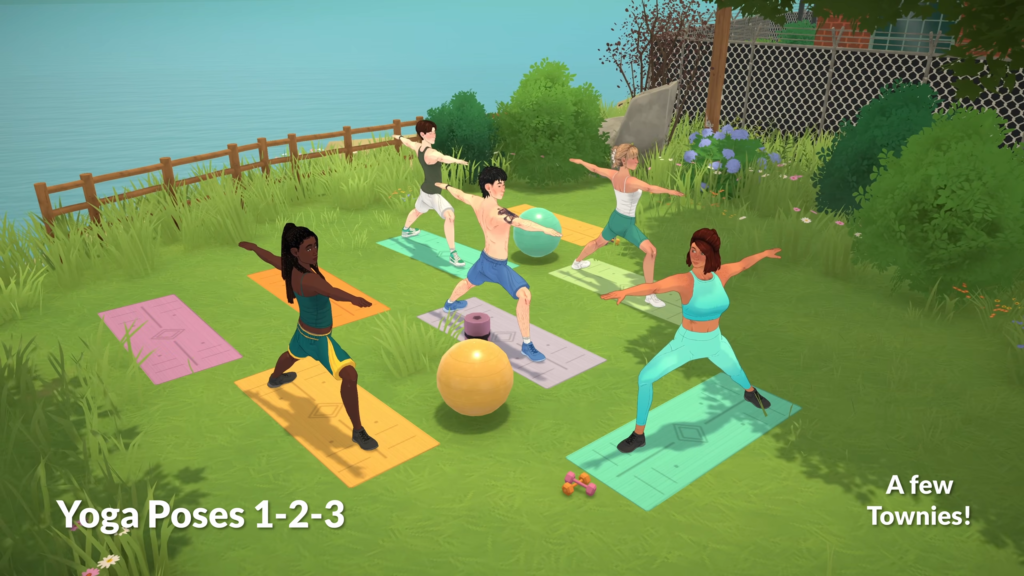
Yoga Pose (Variation 2)
A second variation for the yoga session.
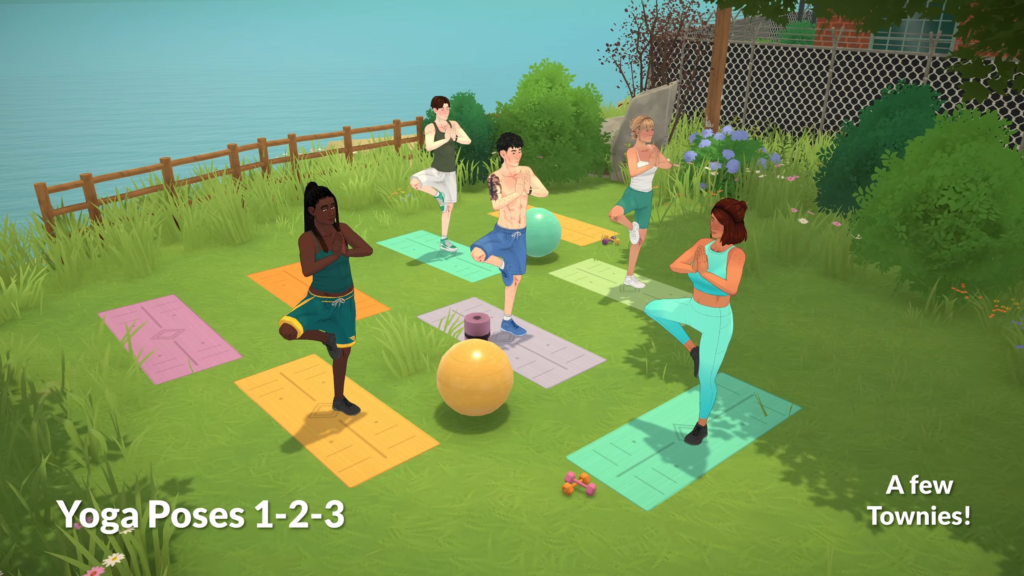
Yoga Pose (Variation 3)
Another variation for the yoga session.
It was also hinted in the Patreon post that there would be new animations, like searching through the town’s trash bins, but the animation wasn’t shown this time. Aside from that, all the animations displayed are available on the Paralives YouTube channel.
Paralives is set to release on PC and MAC on Steam on May 25, 2026.
What do you think about these new animations revealed to the public, and what other animations are you expecting to see in-game? Let us know in the comments!
Where, How, and When to Watch Lilsimsie’s Livestream with US Representative Maxwell Frost Against the EA Buyout!
ARTICLE UPDATE: The livestream has ended. We’ve updated the article with the official Livestream replay!
It was announced last week that Lilsimsie would be hosting a livestream with US Representative Maxwell Frost, in an effort to raise awareness around the potentially harmful effects of the controversial EA buyout and what the community can do about it. The pair will be playing Stardew Valley on Twitch while discussing the matter. But when can we expect the livestream, and what can we do to stop the EA buyout? We have you covered!
Table of Contents
When and Where to Watch the Livestream
The livestream will be hosted by Lilsimsie (Kayla) on her Twitch channel, and is hosted on behalf of the Players Alliance, an organisation that stands up to corporate greed and puts passion before profits. The livestream will begin at 10 AM ET/7 AM PT over on Lilsimsie’s Twitch channel. You can check out our countdown and direct link to the livestream below!
Watch The Livestream Replay
Begins exactly at the 8 minute mark
How Else Can We Support?
Players Alliance are also running a petition aimed at the US Secretary of the Treasury Scott Bessent, in hopes of communinacting public dissaproval to those who may be able to block the deal from going through. Over 47,000 signatures have been submitted at the time of writing, just a couple thousand short of their goal of 50,000 total. The petition letter to Scott Bessent:
To: Scott Bessent, United States Secretary of the Treasury From: [Your Name]
Electronic Arts (EA) is set to be taken private in a $55 billion leveraged buyout backed by Saudi Arabia’s Public Investment Fund (PIF), Affinity Partners, and Silver Lake. If approved, it would be the largest buyout of a publicly traded company in US history. This deal would hand over unprecedented influence in one of the fastest growing industries to Saudi investors and, due to the $20 billion in debt financing, further accelerate harmful anti-consumer practices that EA is already pushing.
Blocking the EA buyout is about protecting consumers and ensuring that the video game industry remains fair, competitive, and sustainable.
You can sign the petition linked below, and add your name to the growing number of signatories. The petition will require your name, email, and zip/post code. All information will be be collected, but will not be sold or shared to third parties.
The Sims Team pulls back The Sims 4 Kits on Playstation and Microsoft Stores in preparation for The Marketplace.
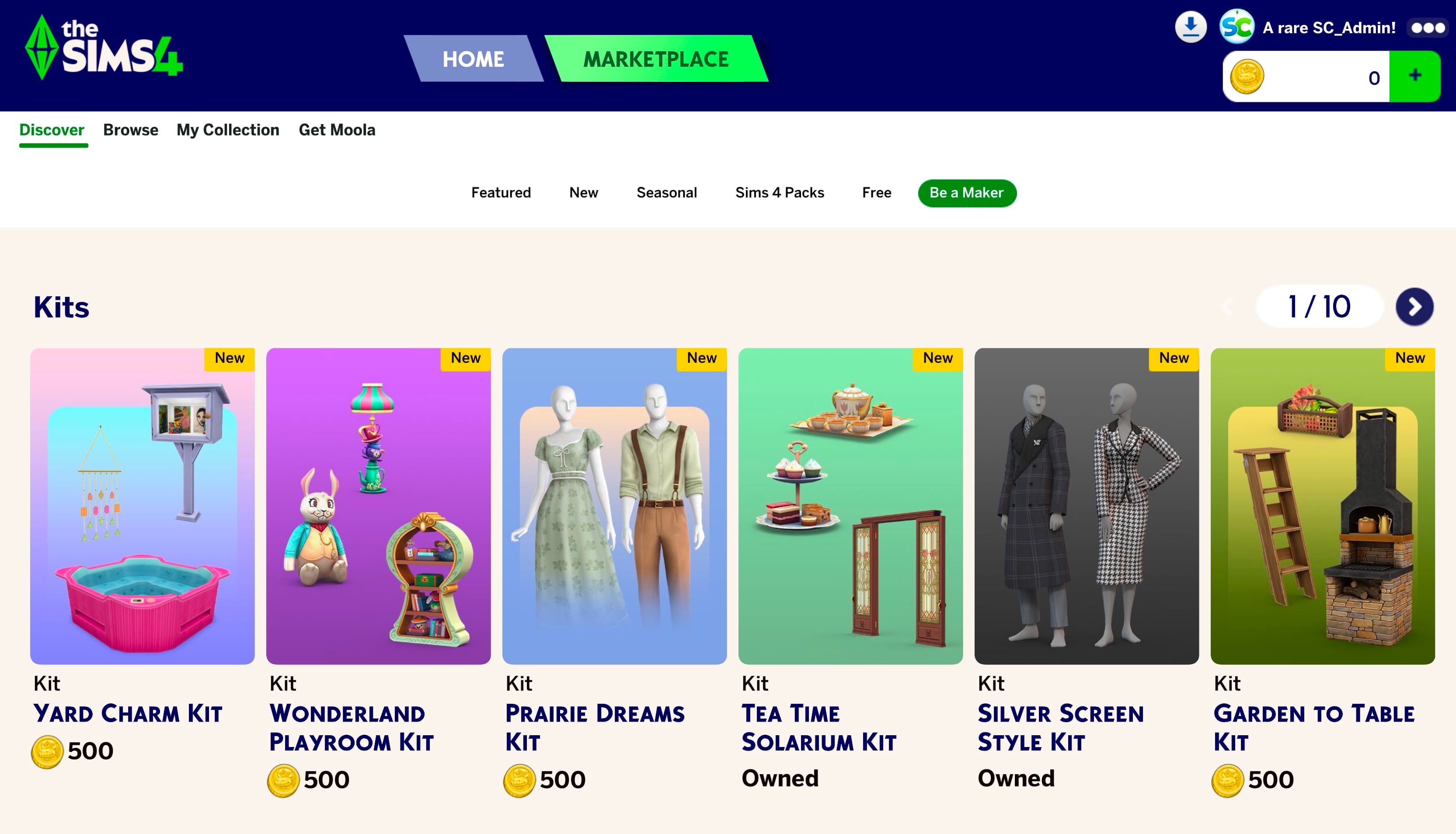
The Sims 4 Marketplace was released less than a month ago on March 17th, 2026. The introduction of this in-game hub for Maker Packs and Content also introduced a significant change in purchasing The Sims 4 Kits.
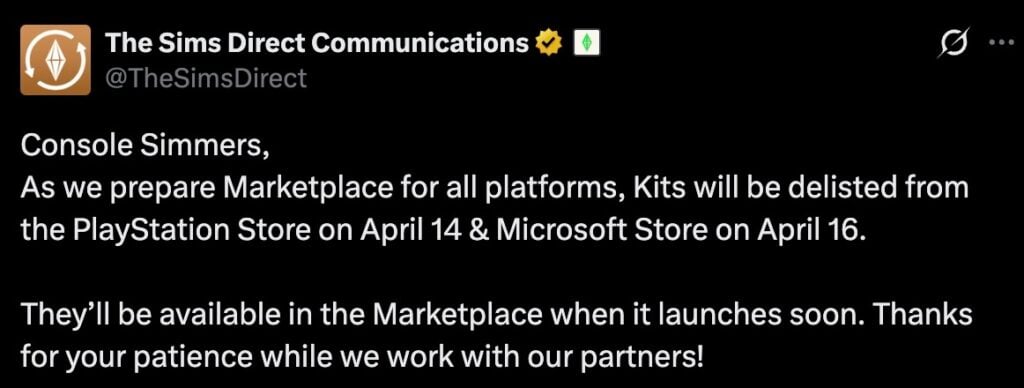
Today, The Sims Team announced suddenly that all The Sims 4 Kits have been removed from the Playstation Store. These official and Creator-made Kits will also be removed from the Microsoft Store on April 16th.
Although EA hasn’t clarified the exact date of The Marketplace coming to The Sims 4 Console, we can assume that it should happen in the next few days considering the removal of this huge DLC catalogue.
Console Simmers,
As we prepare Marketplace for all platforms, Kits will be delisted from the PlayStation Store on April 14 & Microsoft Store on April 16. They’ll be available in the Marketplace when it launches soon.
Thanks for your patience while we work with our partners!
Getting The Sims 4 Kits content, as it was first introduced with the PC / Mac Update, is now available exclusively through the Moola currency in the game. This gives you the advantage of downloading and installing Kits right away, with the disadvantage of all of that now being hosted on The Marketplace.
The Sims Team hasn’t clarified yet on what will happen to players who want to access and download purchased Kits content in the meantime. We’ll keep you posted once we know more information about this no-Kits limbo for Console players.
Are you looking forward to the upcoming release of The Marketplace on The Sims 4 Consoles? Let us know in the comments below and be the first to know when the Patch drops for Xbox and Playstation by tuning to Sims Community!
It’s time to share your feedback with EA on The Sims 4 Maker Packs.
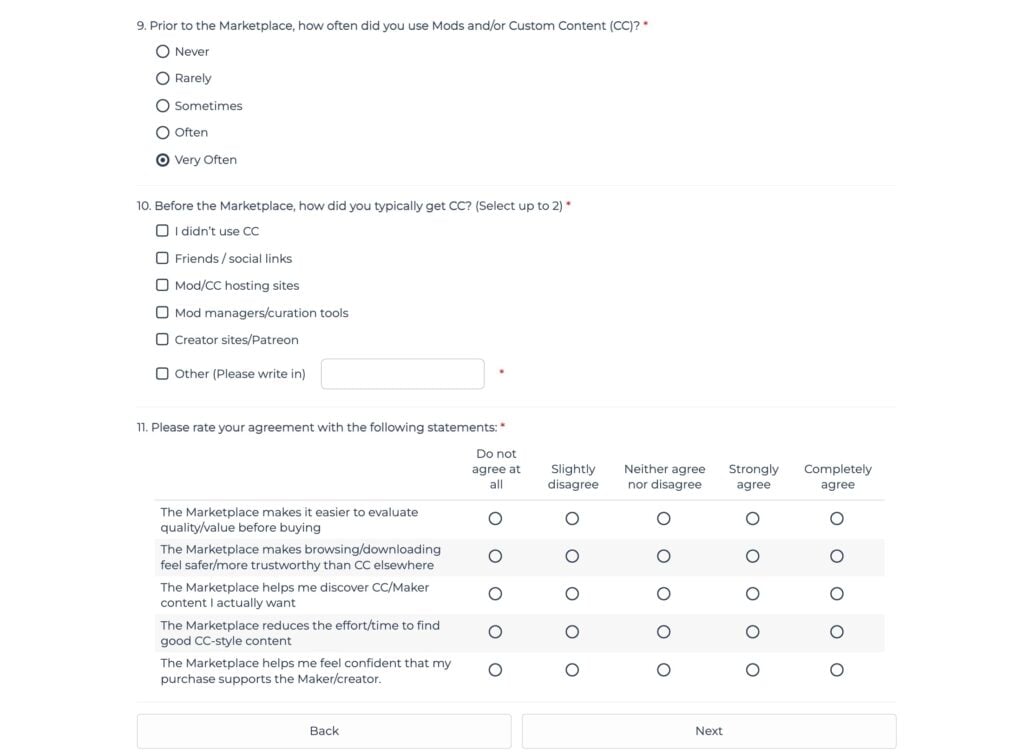
After doing a Survey on The Marketplace, EA conducts a new research specifically for The Sims 4 Maker Packs. There are questions asking players about the general satisfaction of Sims 4 Maker Packs, their quality and showcasing on The Marketplace and more that dive deeper into the player psychology.
Do you as a Sims player feel safe downloading 3rd party Custom Content or is the “Maker Pack” tag on The Marketplace giving you extra reassurance? Plus, are you satisfied with the already set regime of weekly Sims 4 Maker Packs drops? I’ve personally voted that there aren’t enough Maker Pack drops in a week. We need a drop every single day!!!
Here’s all the questions you should expect in the latest official survey from EA:
The Sims 4 Maker Packs Survey: Official Questions
1. Have you purchased any Maker Packs from The Sims 4 Marketplace?*
Yes
No
Not Sure
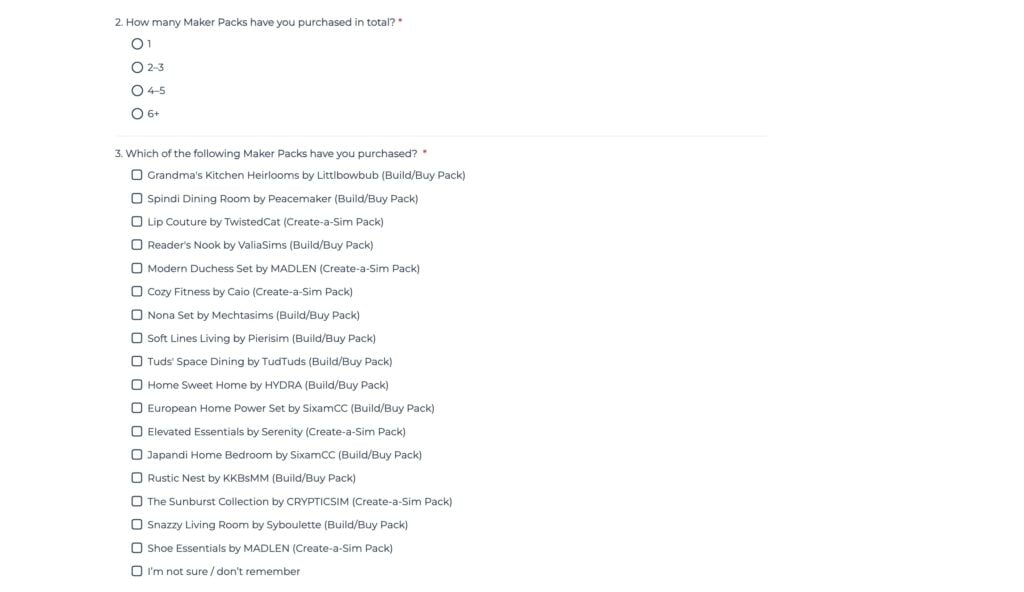
2. How many Maker Packs have you purchased in total?*
1
2–3
4–5
6+
3. Which of the following Maker Packs have you purchased? *
Grandma’s Kitchen Heirlooms by Littlbowbub (Build/Buy Pack)
Spindi Dining Room by Peacemaker (Build/Buy Pack)
Lip Couture by TwistedCat (Create-a-Sim Pack)
Reader’s Nook by ValiaSims (Build/Buy Pack)
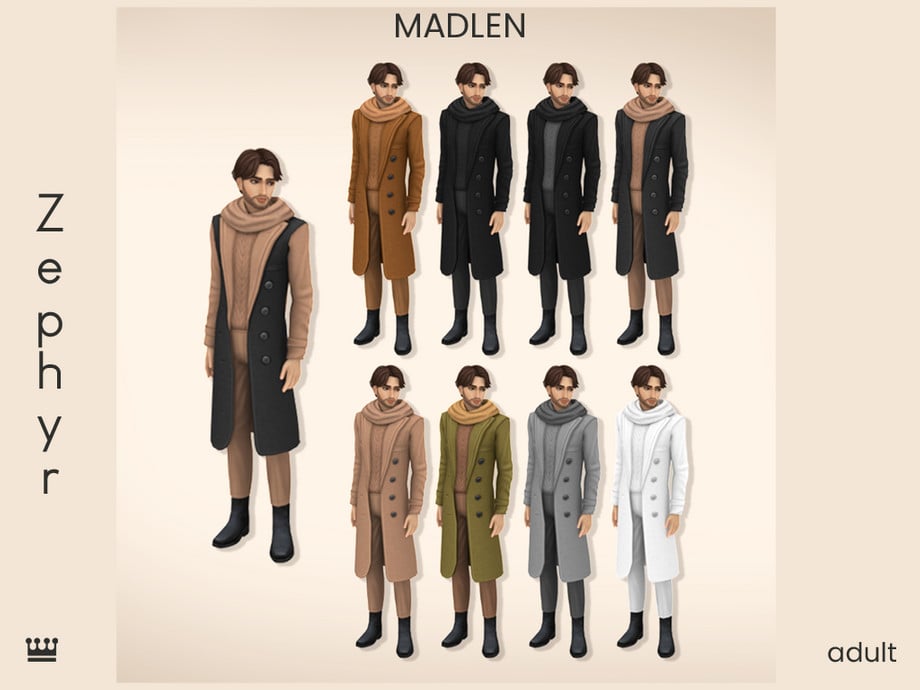
Modern Duchess Set by MADLEN (Create-a-Sim Pack)
Cozy Fitness by Caio (Create-a-Sim Pack)
Nona Set by Mechtasims (Build/Buy Pack)
Soft Lines Living by Pierisim (Build/Buy Pack)
Tuds’ Space Dining by TudTuds (Build/Buy Pack)
Home Sweet Home by HYDRA (Build/Buy Pack)
European Home Power Set by SixamCC (Build/Buy Pack)
Elevated Essentials by Serenity (Create-a-Sim Pack)
Japandi Home Bedroom by SixamCC (Build/Buy Pack)
Rustic Nest by KKBsMM (Build/Buy Pack)
The Sunburst Collection by CRYPTICSIM (Create-a-Sim Pack)
Snazzy Living Room by Syboulette (Build/Buy Pack)
Shoe Essentials by MADLEN (Create-a-Sim Pack)
I’m not sure / don’t remember
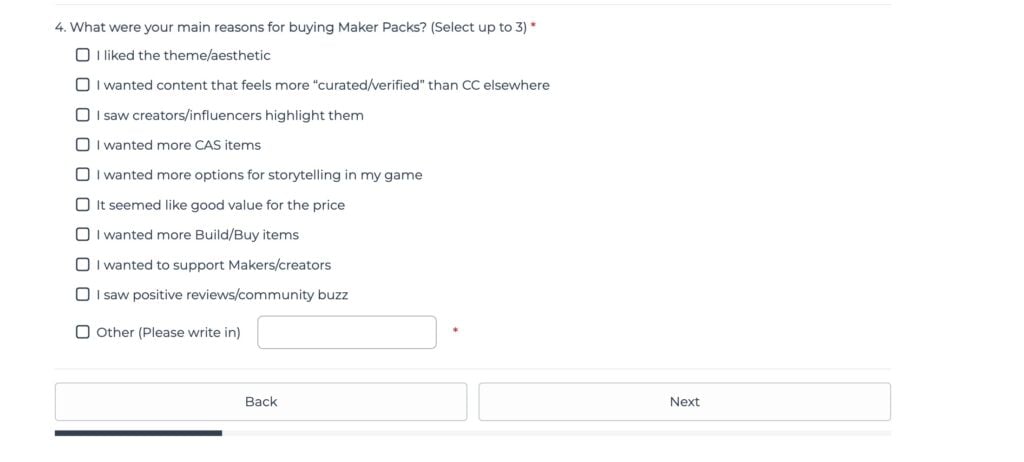
4. What were your main reasons for buying Maker Packs? (Select up to 3) *
I liked the theme/aesthetic
I wanted content that feels more “curated/verified” than CC elsewhere
I saw creators/influencers highlight them
I wanted more CAS items
I wanted more options for storytelling in my game
It seemed like good value for the price
I wanted more Build/Buy items
I wanted to support Makers/creators
I saw positive reviews/community buzz
Other (Please write in)
ScreenshotScreenshot
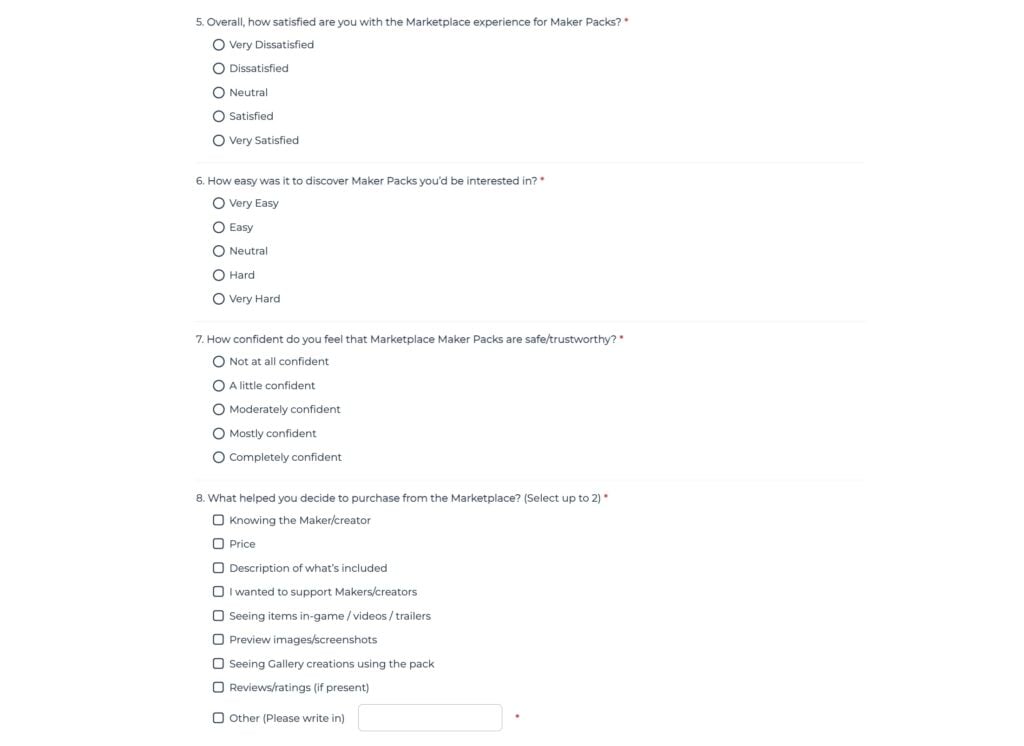
5. Overall, how satisfied are you with the Marketplace experience for Maker Packs? *
Very Dissatisfied
Dissatisfied
Neutral
Satisfied
Very Satisfied
6. How easy was it to discover Maker Packs you’d be interested in? *
Very Easy
Easy
Neutral
Hard
Very Hard
7. How confident do you feel that Marketplace Maker Packs are safe/trustworthy? *
Not at all confident
A little confident
Moderately confident
Mostly confident
Completely confident
8. What helped you decide to purchase from the Marketplace? (Select up to 2) *
Knowing the Maker/creator
Price
Description of what’s included
I wanted to support Makers/creators
Seeing items in-game / videos / trailers
Preview images/screenshots
Seeing Gallery creations using the pack
Reviews/ratings (if present)
Other (Please write in)
9. Prior to the Marketplace, how often did you use Mods and/or Custom Content (CC)? *
Never
Rarely
Sometimes
Often
Very Often
10. Before the Marketplace, how did you typically get CC? (Select up to 2) *
I didn’t use CC
Friends / social links
Mod/CC hosting sites
Mod managers/curation tools
Creator sites/Patreon
Other (Please write in)
11. Please rate your agreement with the following statements: *
The Marketplace makes it easier to evaluate quality/value before buying
The Marketplace makes browsing/downloading feel safer/more trustworthy than CC elsewhere
The Marketplace helps me discover CC/Maker content I actually want
The Marketplace reduces the effort/time to find good CC-style content
The Marketplace helps me feel confident that my purchase supports the Maker/creator.
12. Is supporting Makers important to you when deciding whether to purchase Marketplace content? (Maker = the person who created the pack for sale in the Marketplace)*
Yes
No
Unsure
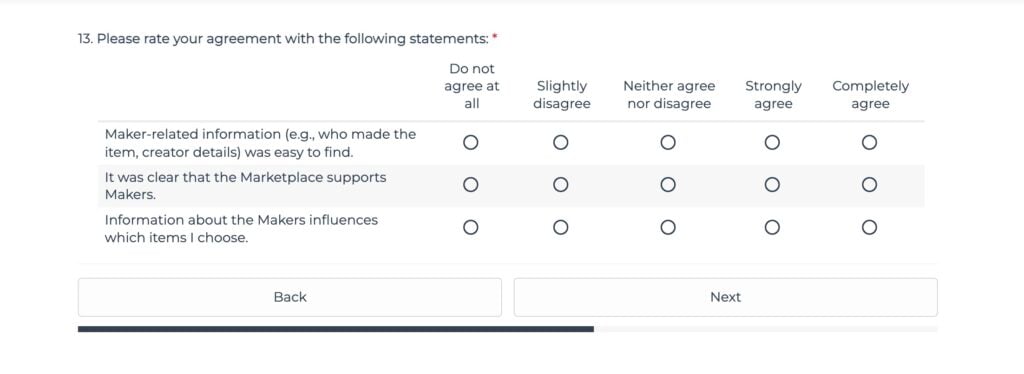
13. Please rate your agreement with the following statements:
Maker-related information (e.g., who made the item, creator details) was easy to find.
It was clear that the Marketplace supports Makers.
Information about the Makers influences which items I choose.
14. Which of the following best explains your ratings above? (Select up to 2) *
I didn’t notice anything about supporting makers
I wanted more info about makers (profile, socials, other work)
I didn’t trust that makers actually benefit
The messaging felt too subtle
It wasn’t clear how makers are supported
The messaging felt too promotional / “marketing-y”
I wanted clearer attribution/credit on listings
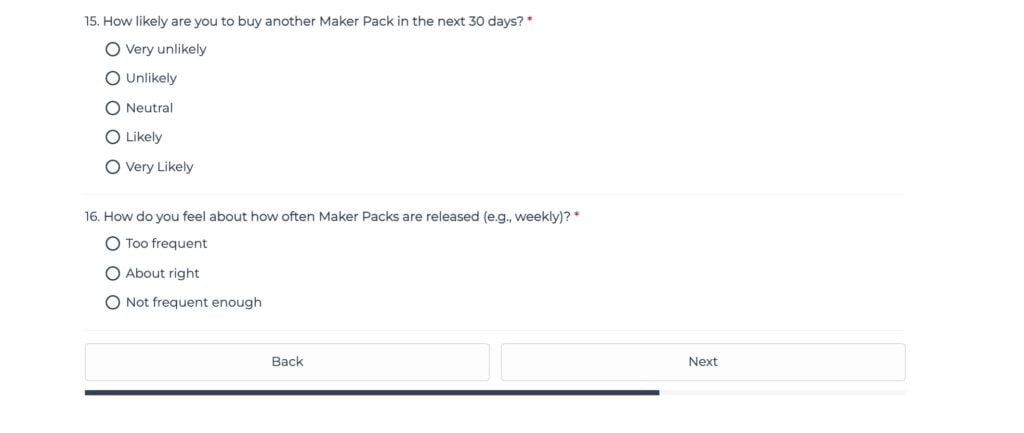
15. How likely are you to buy another Maker Pack in the next 30 days?*
Very unlikely
Unlikely
Neutral
Likely
Very Likely
16. How do you feel about how often Maker Packs are released (e.g., weekly)? *
Too frequent
About right
Not frequent enough
17. Do you have any other feedback about Maker Packs or the Marketplace you’d like to share? *
Take The Latest Official Survey
The latest official Sims 4 Makers Pack survey is currently public and available for taking by simmers worldwide. Click the button below and give EA your honest opinion!
Now that it’s just us squirrel friends – what did you share with EA about The Sims 4 Maker Packs? Let us know in the comments down below and stay tuned to the latest news on Sims Community!
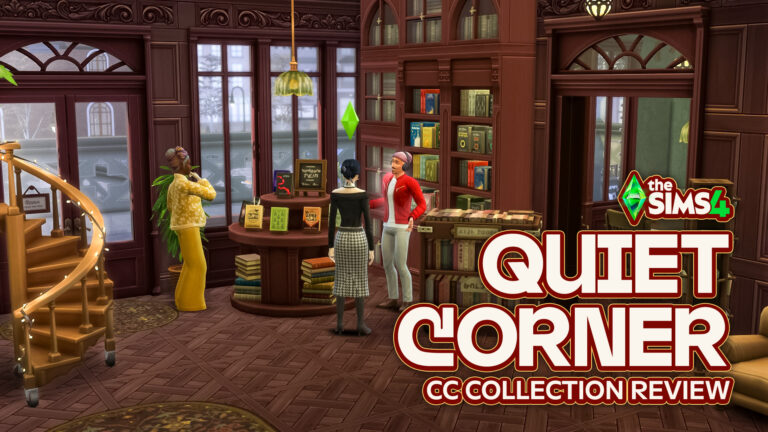
If you’ve ever wanted to build the perfect cozy bookstore, the Sims 4 Quiet Corner CC collection by VALIA delivers exactly that atmosphere.
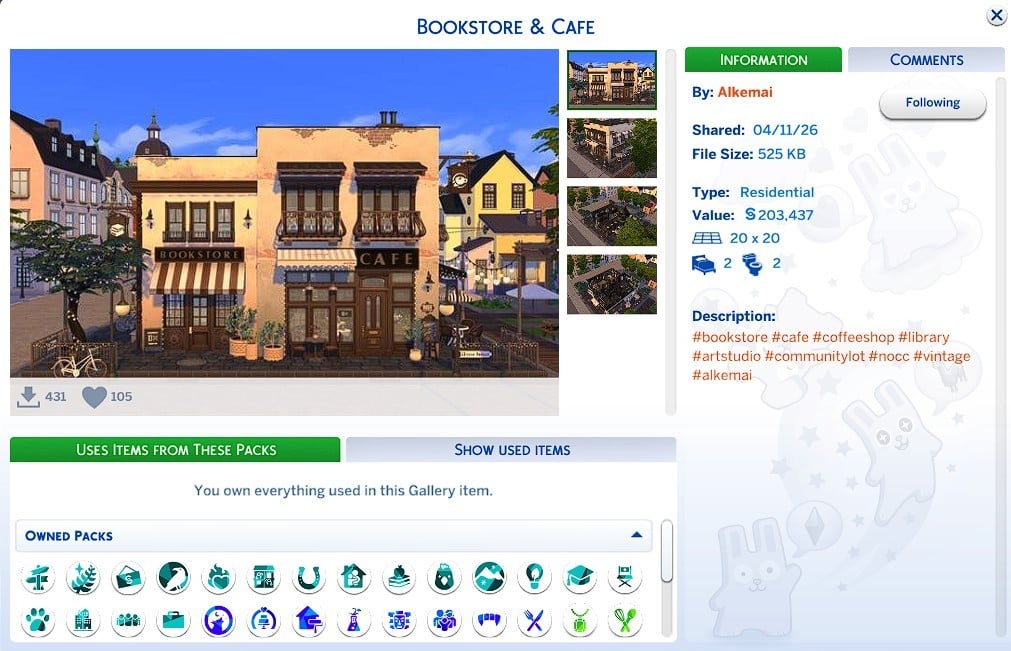
Original build by Alkemai from The Sims 4 Gallery, titled Bookstore & Cafe, with interior and exterior renovations.
This thoughtfully designed set is split into five parts, each focusing on a different area of a charming bookshop, from the exterior façade to a fully styled reading lounge. The result is a cohesive, warm, and inviting collection that feels straight out of a storybook.
Table of Contents
The Vision Behind Quiet Corner
The idea behind Valia’s Sims 4 Quiet Corner CC centers around a simple but relatable feeling: getting completely lost in a book while the world around you fades into quiet.
Each set builds on that concept, combining detailed build items, functional objects, and decorative pieces to create a complete bookstore experience that works beautifully for both community lots and your favorite storytelling save files.
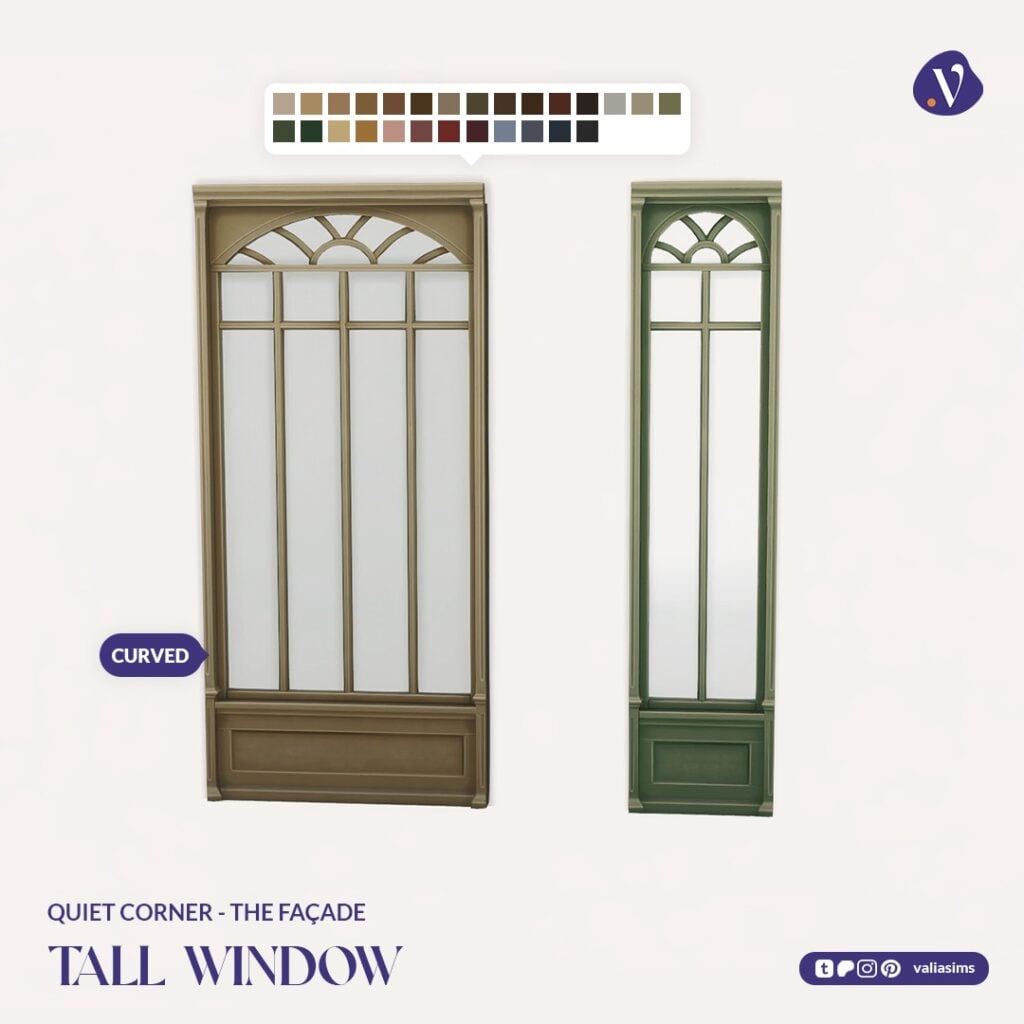
Quiet Corner – The Façade
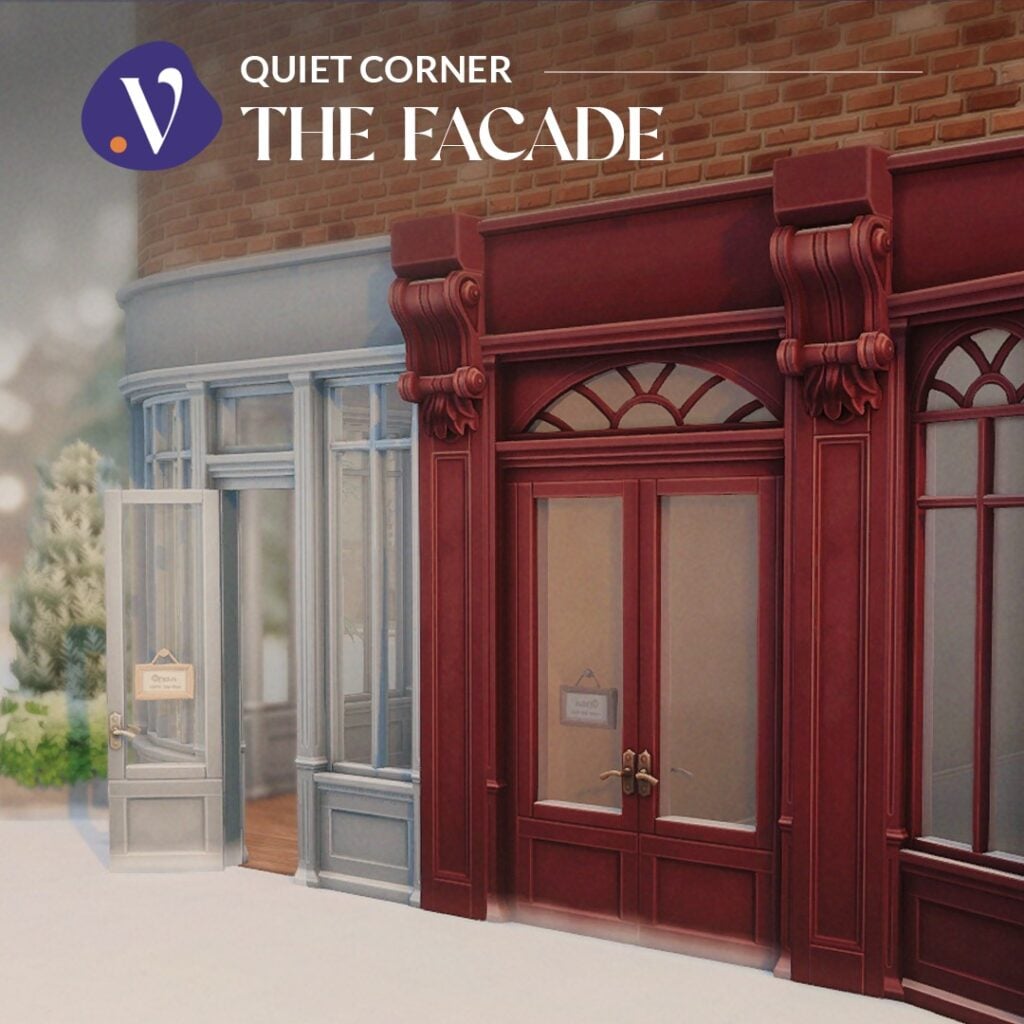
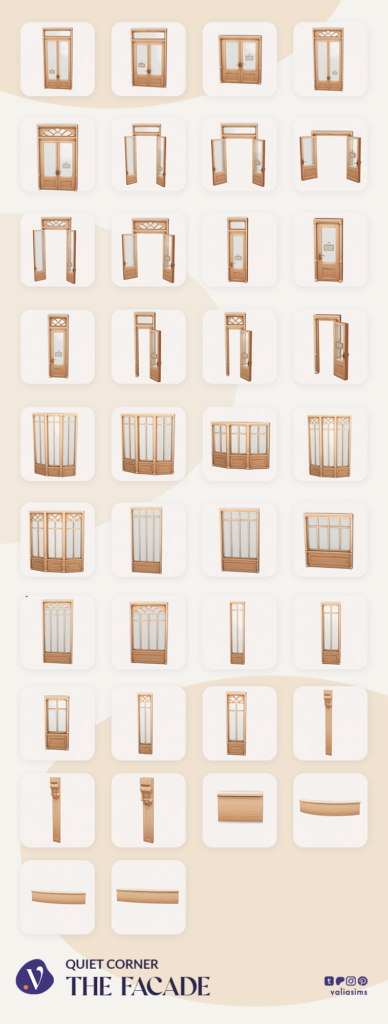
The Façade set lays the foundation for your build, focusing on exterior structure and customization.
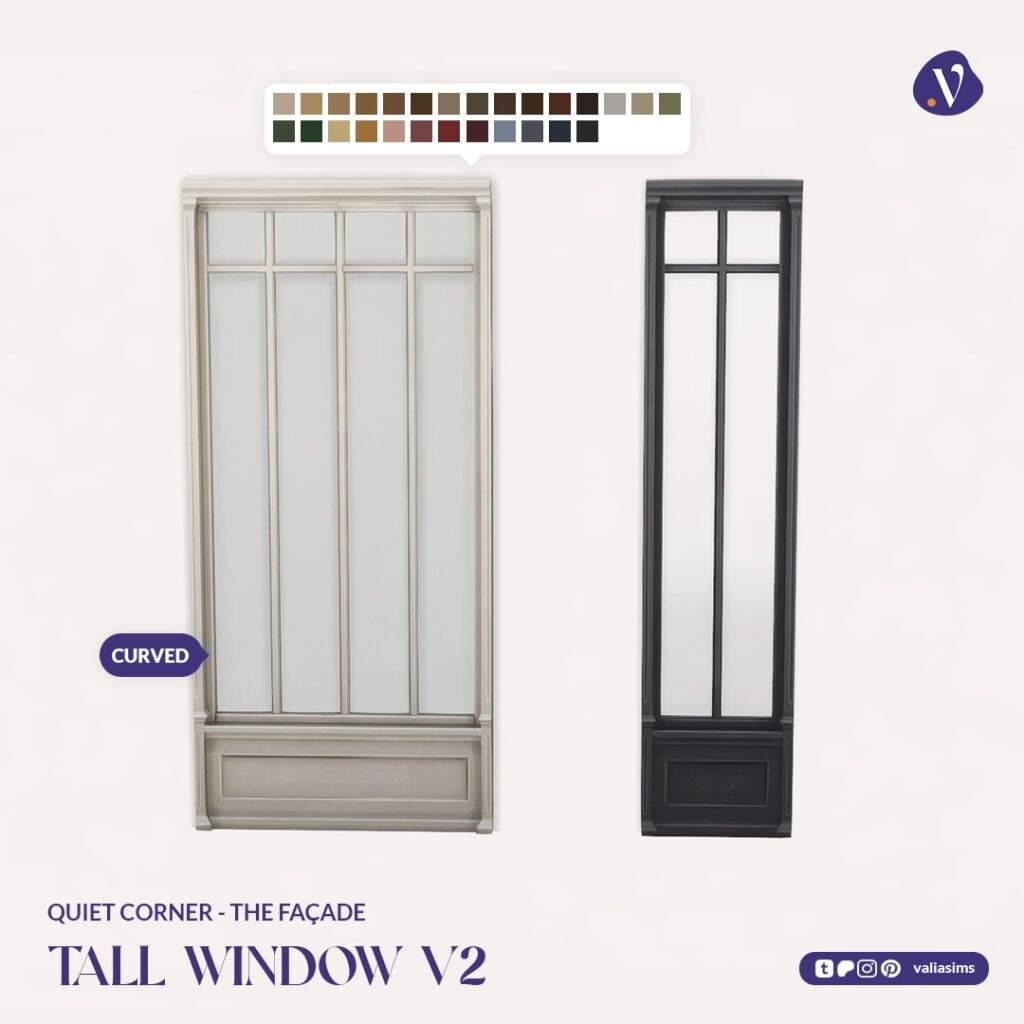
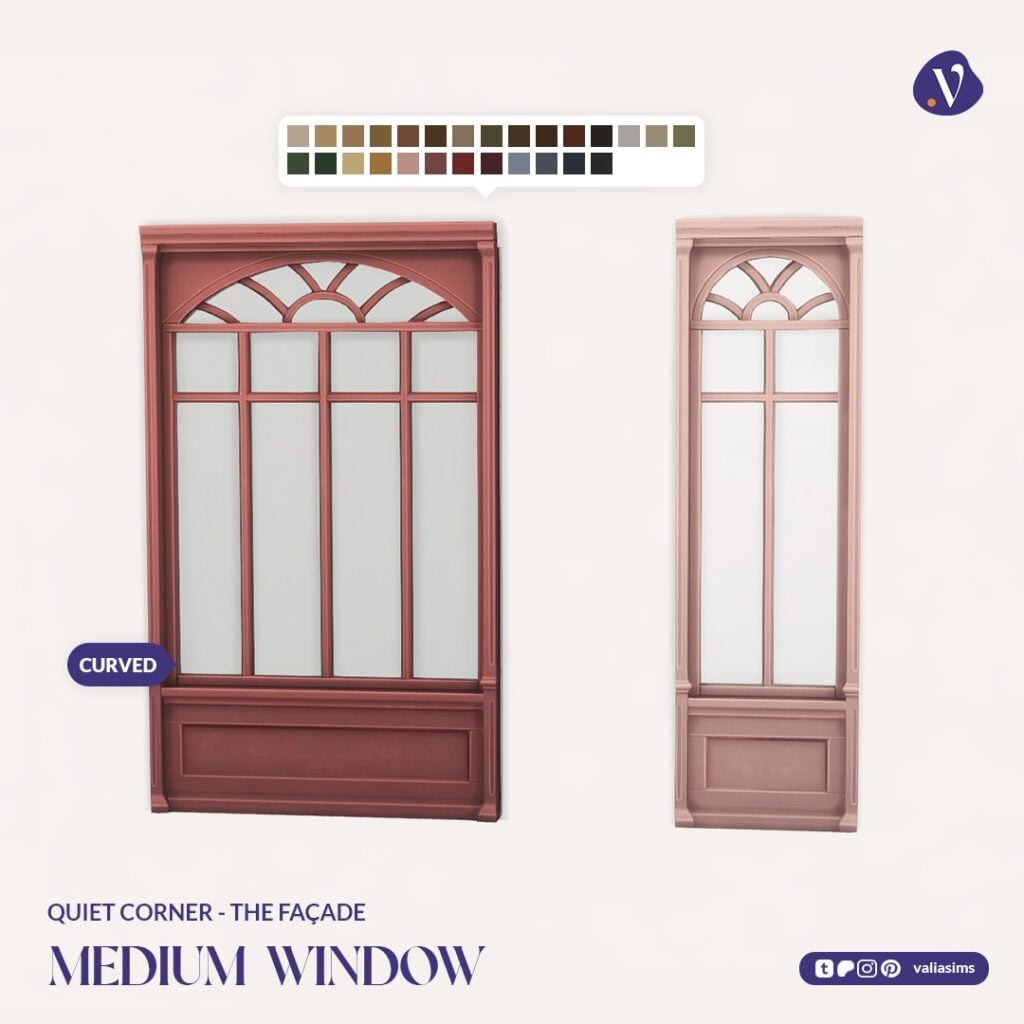
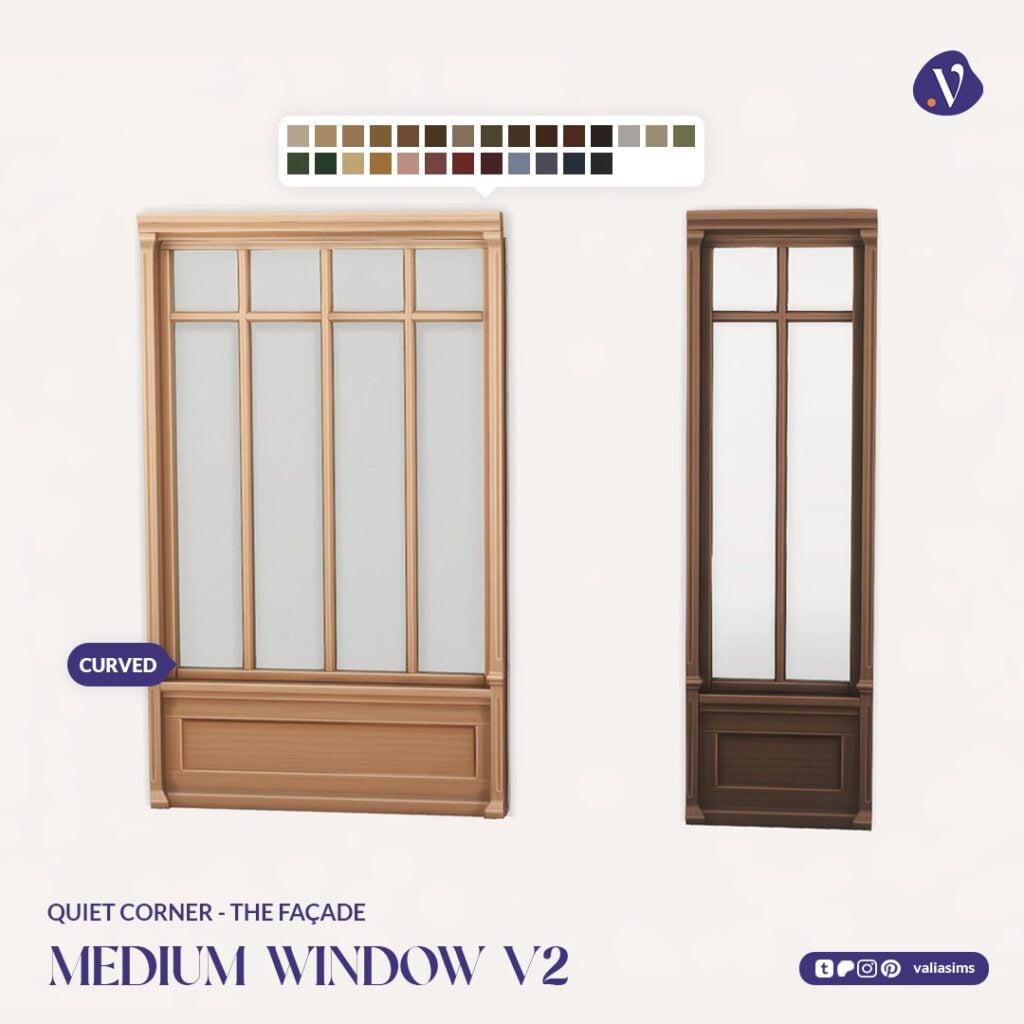
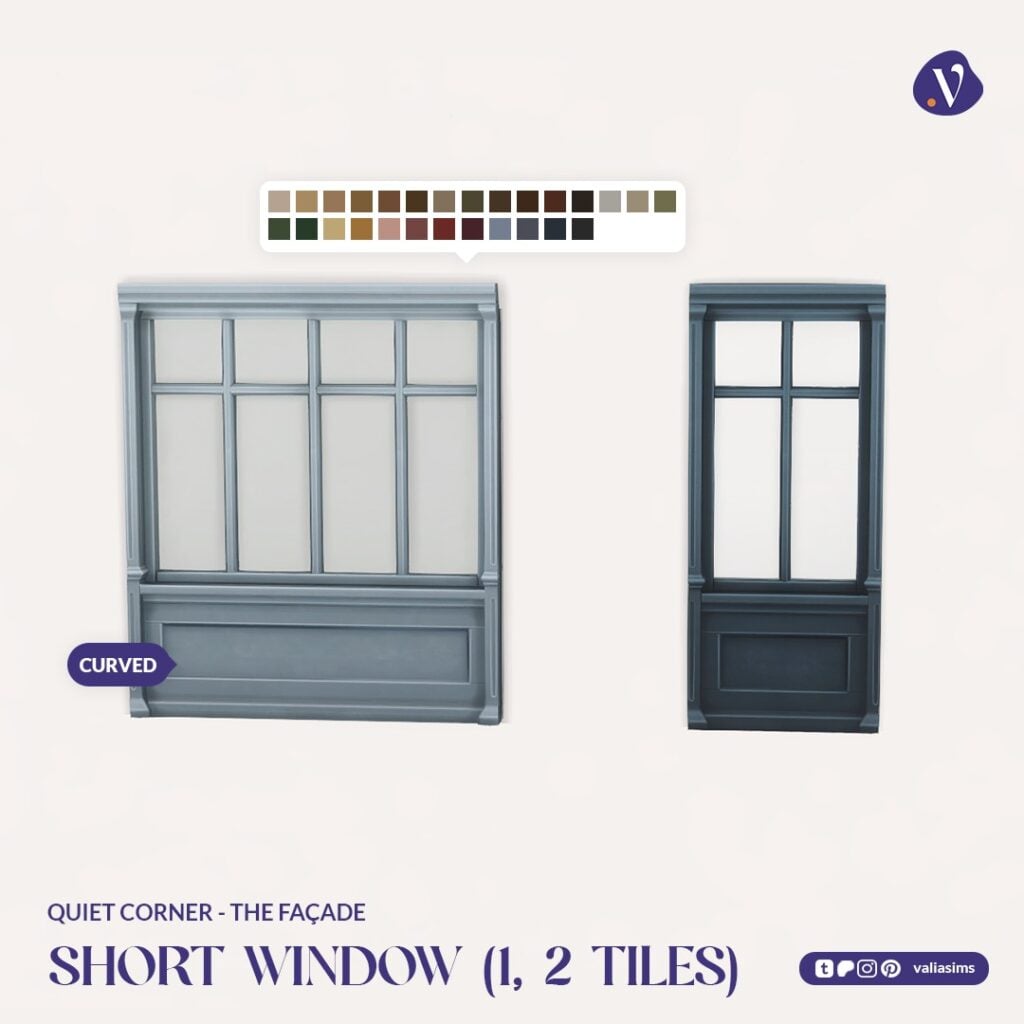
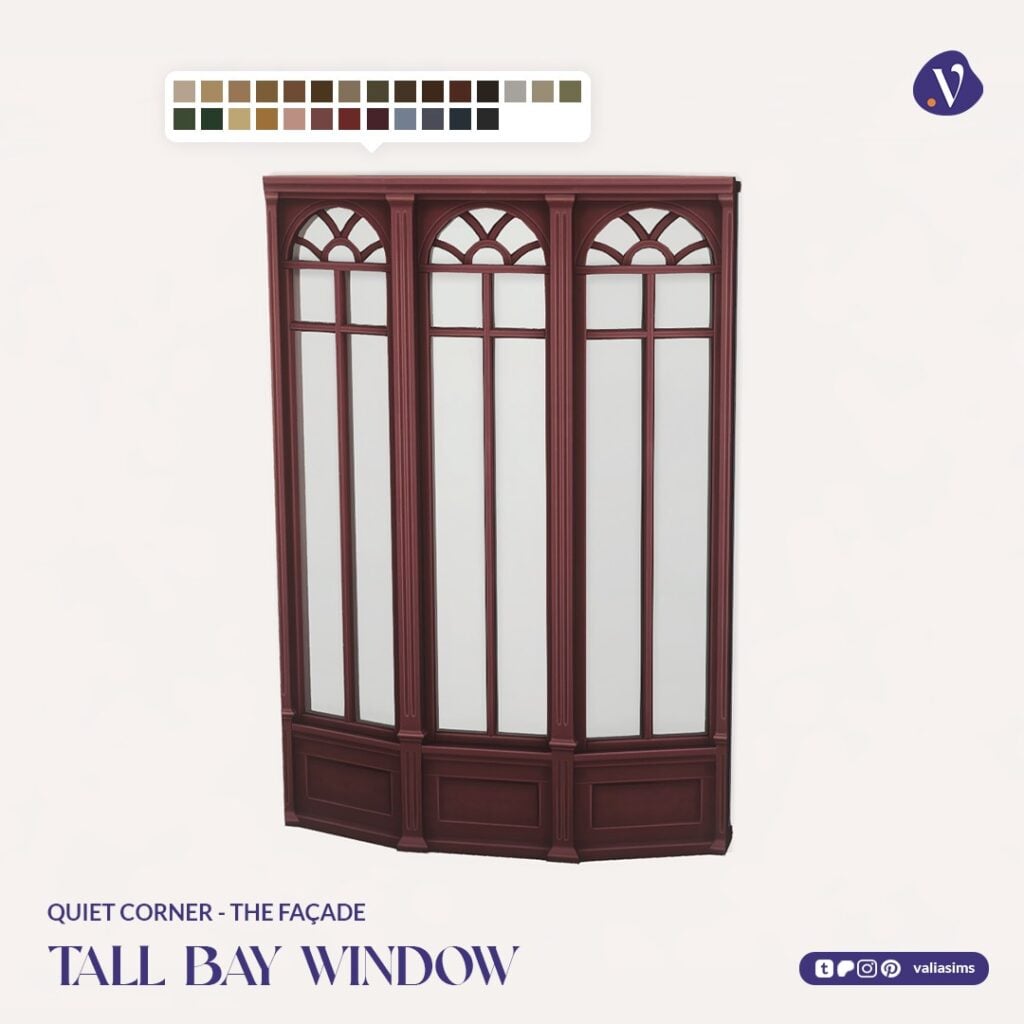
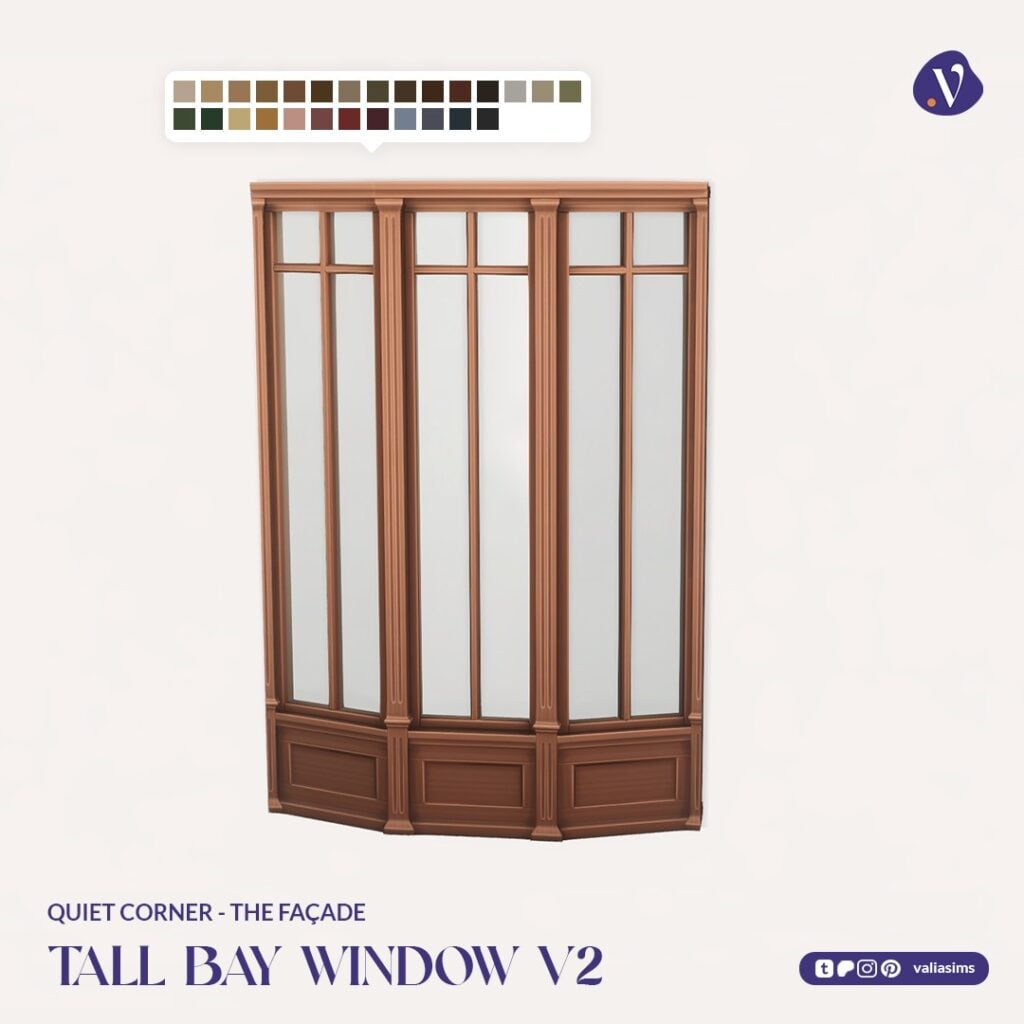
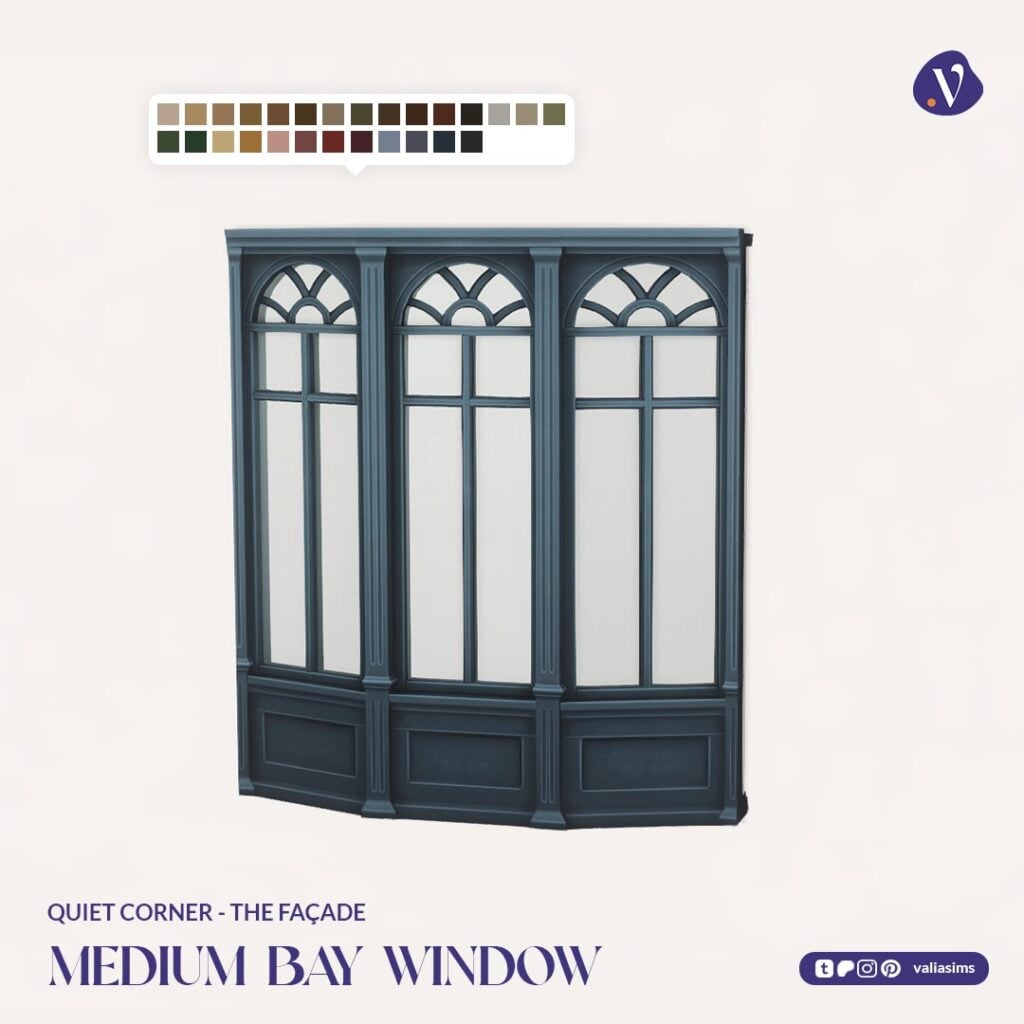
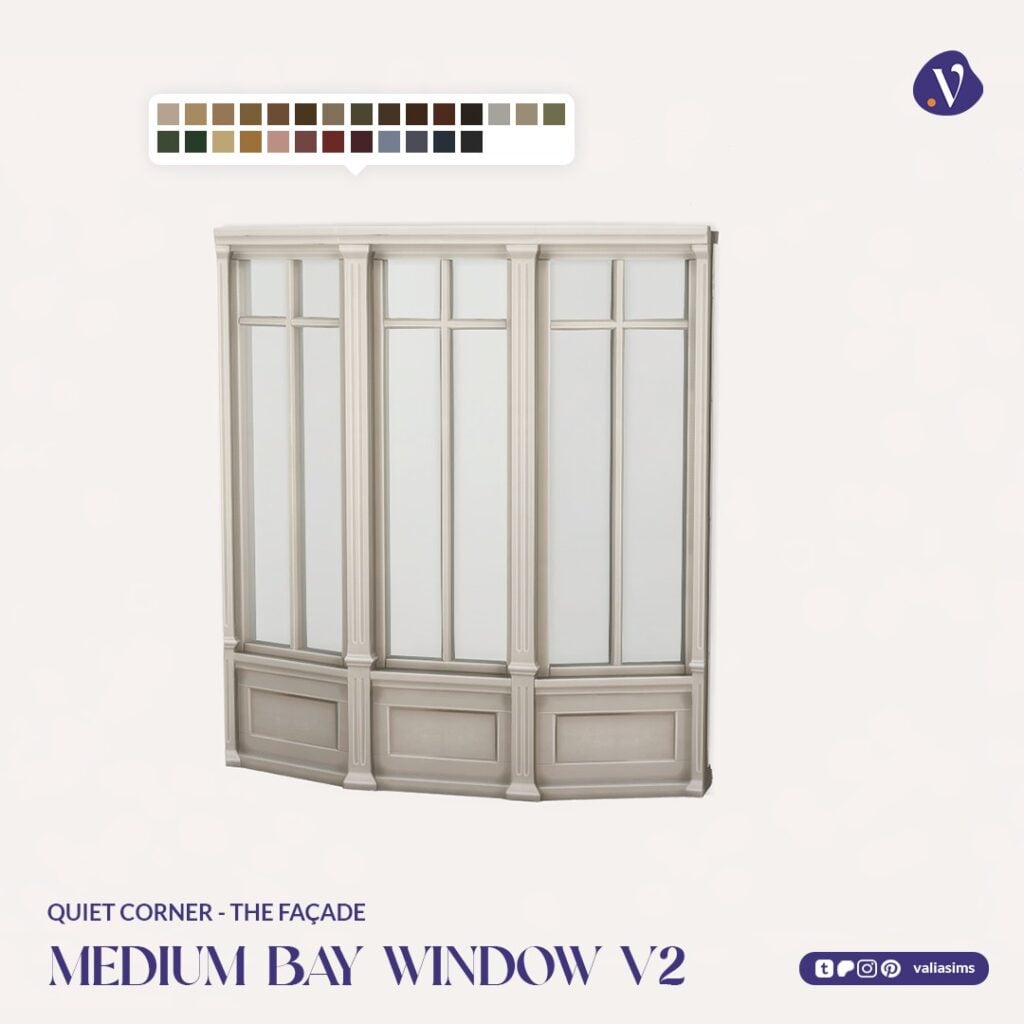
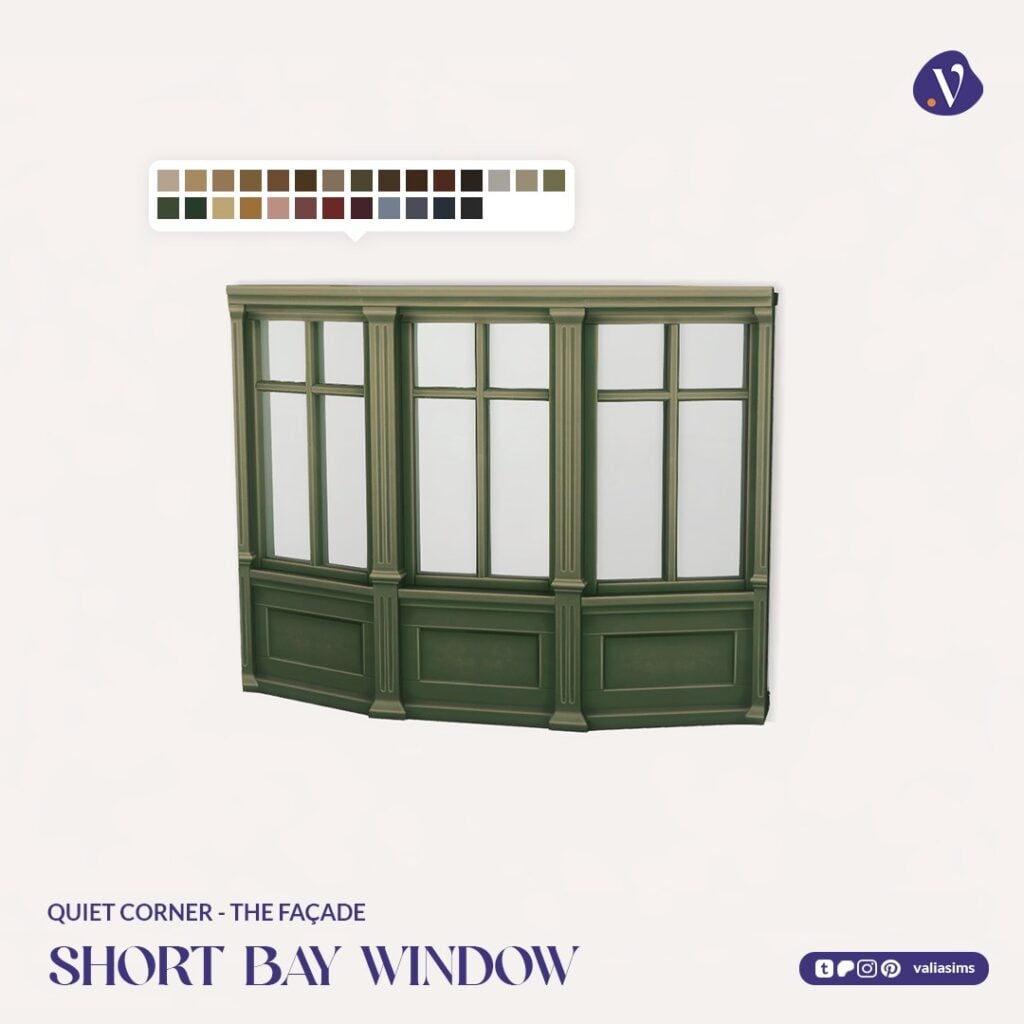
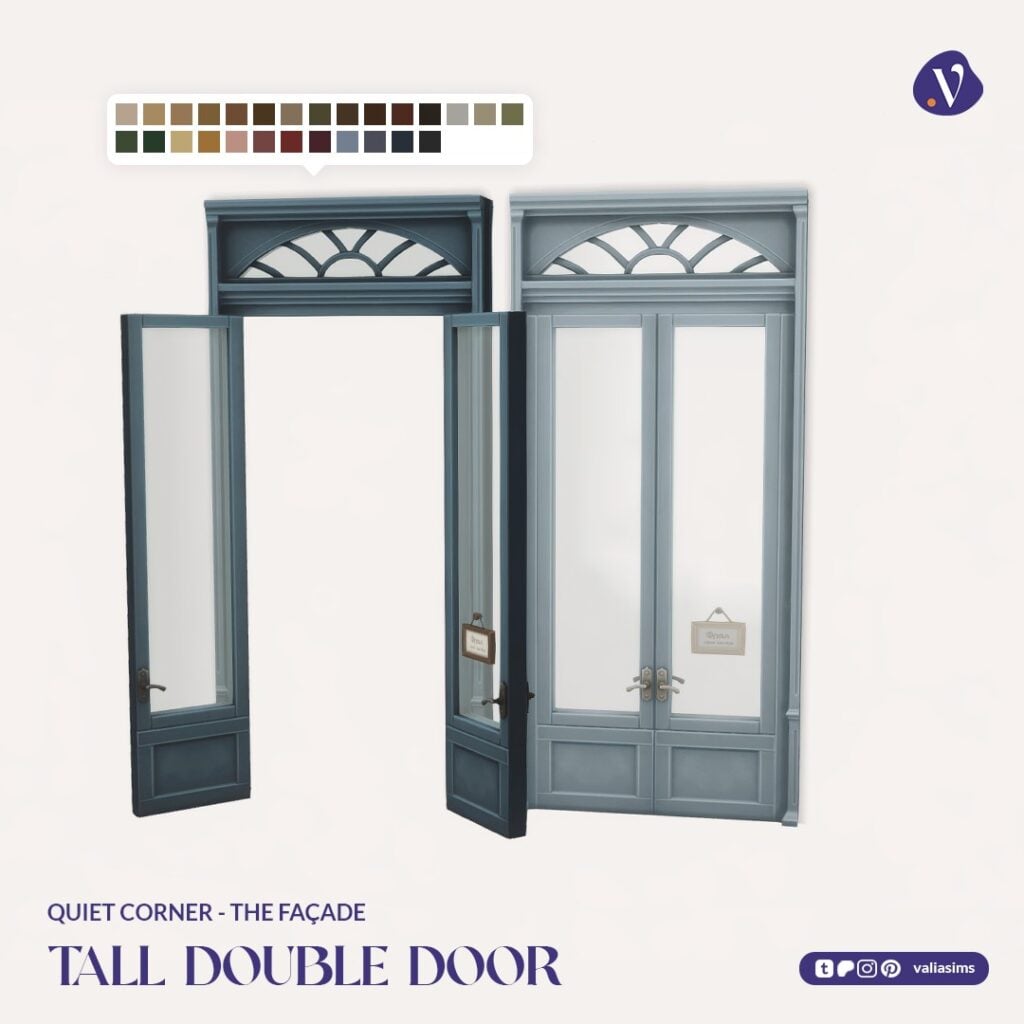
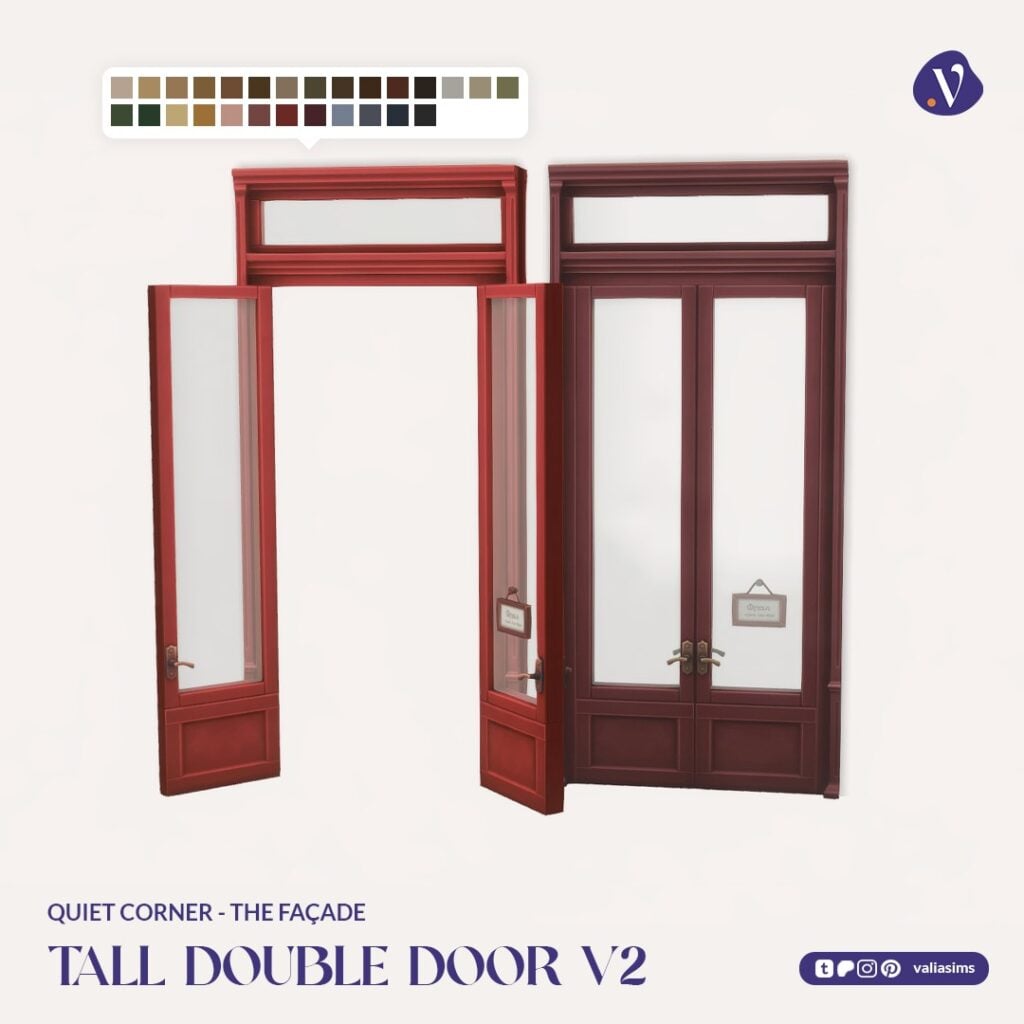
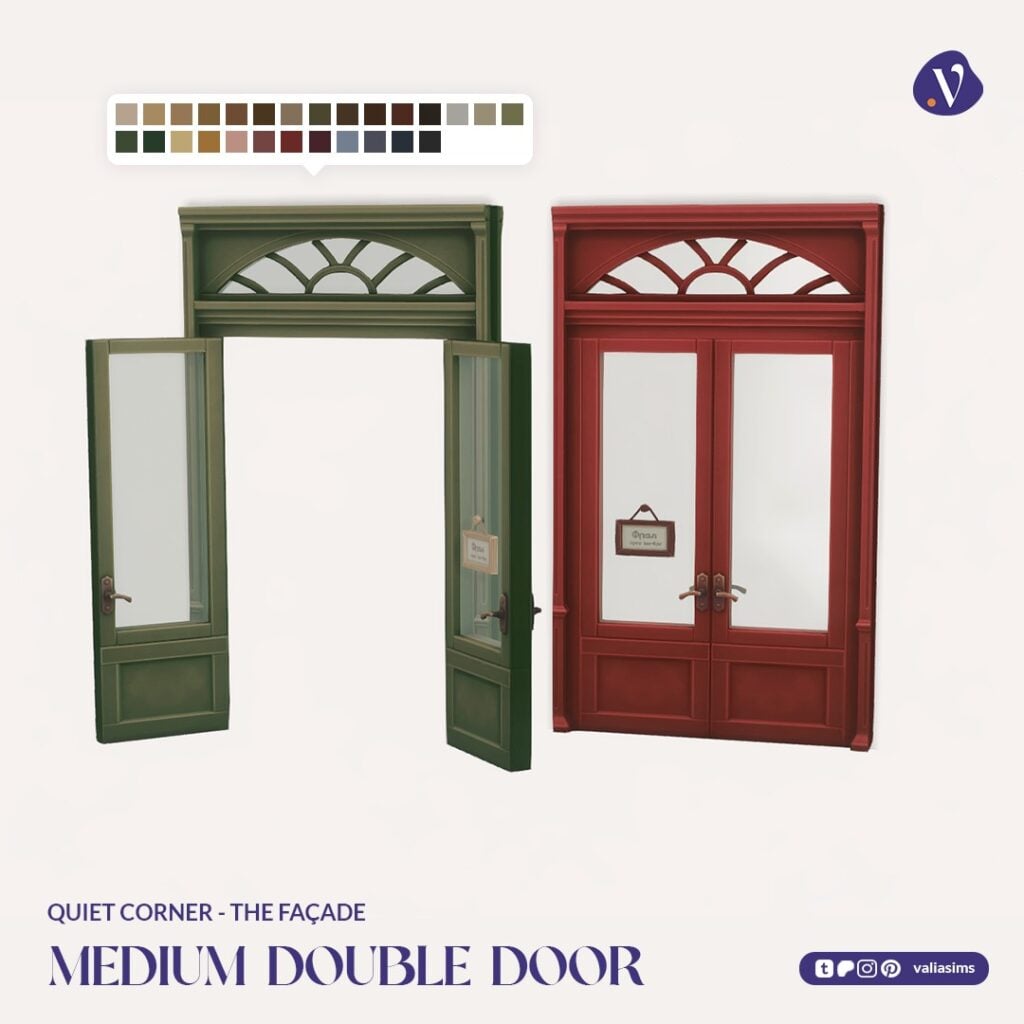
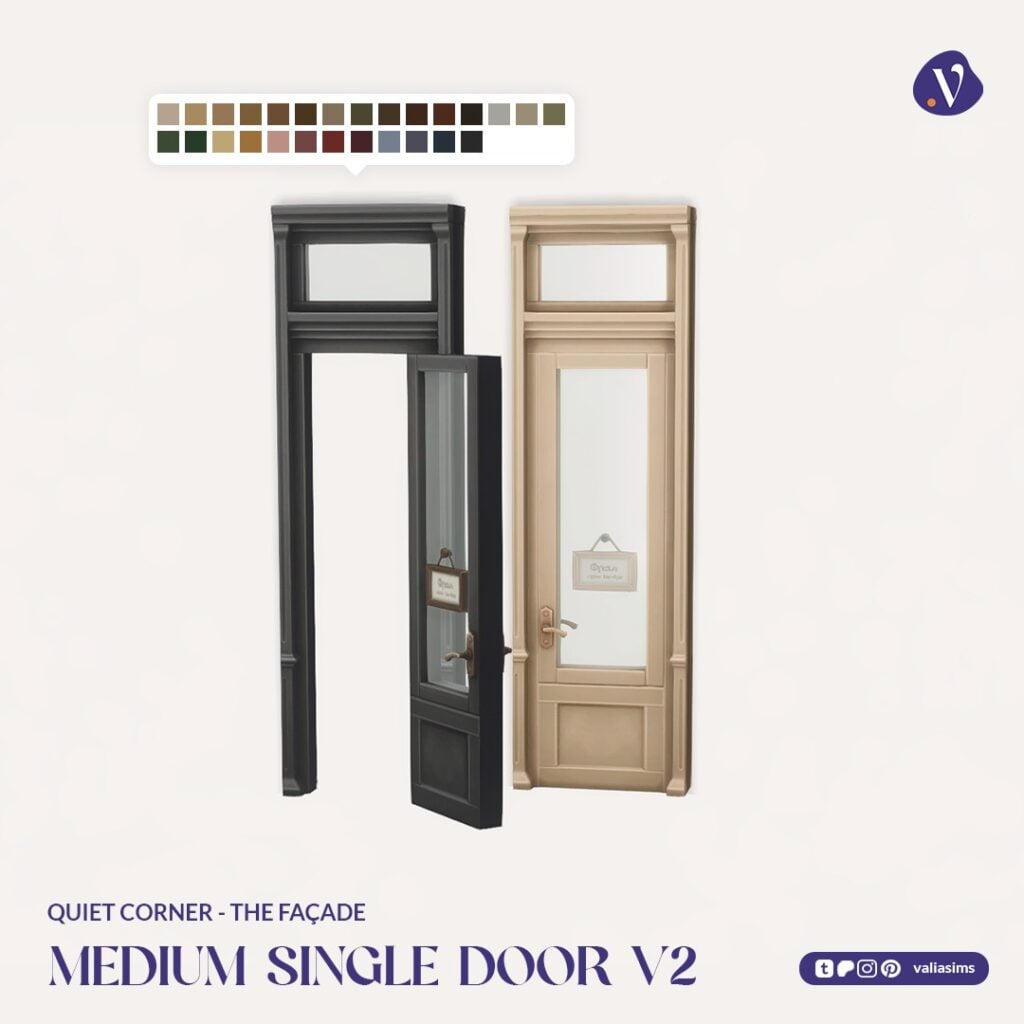
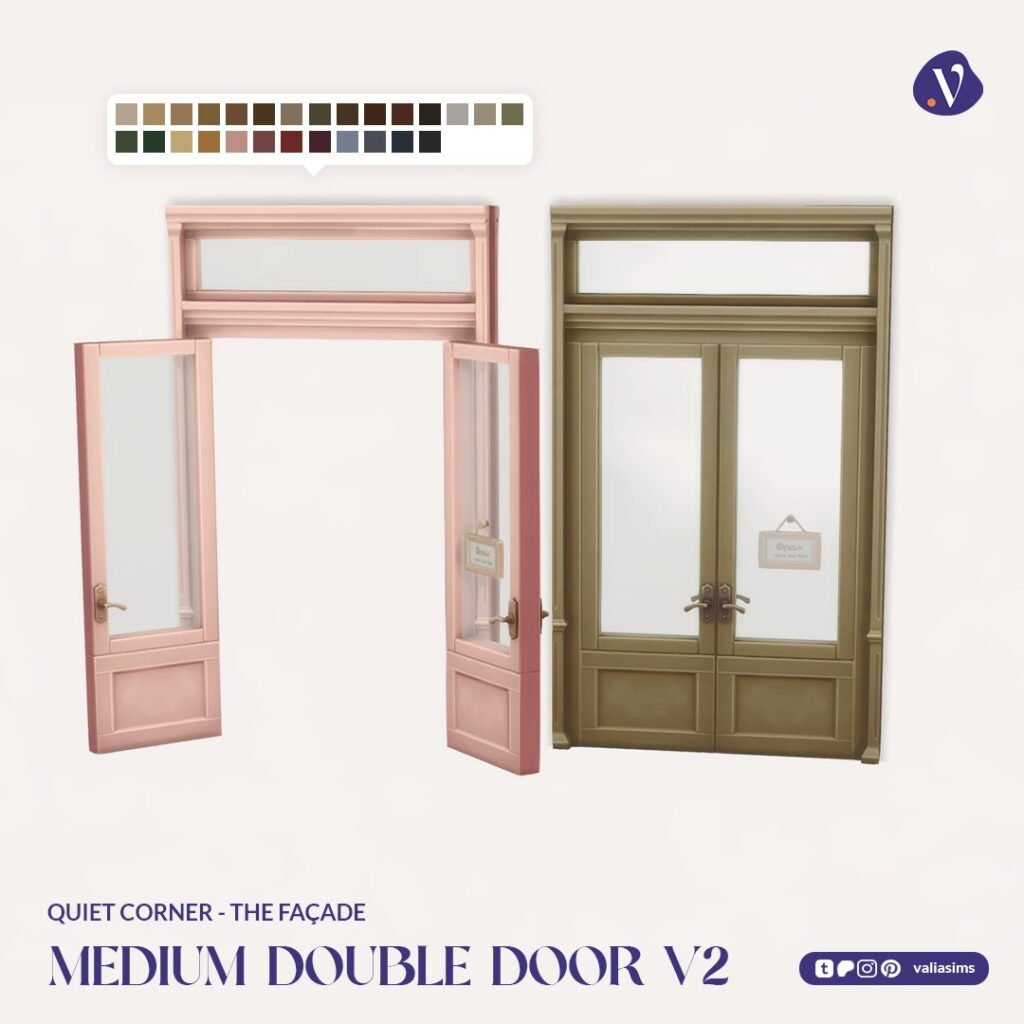
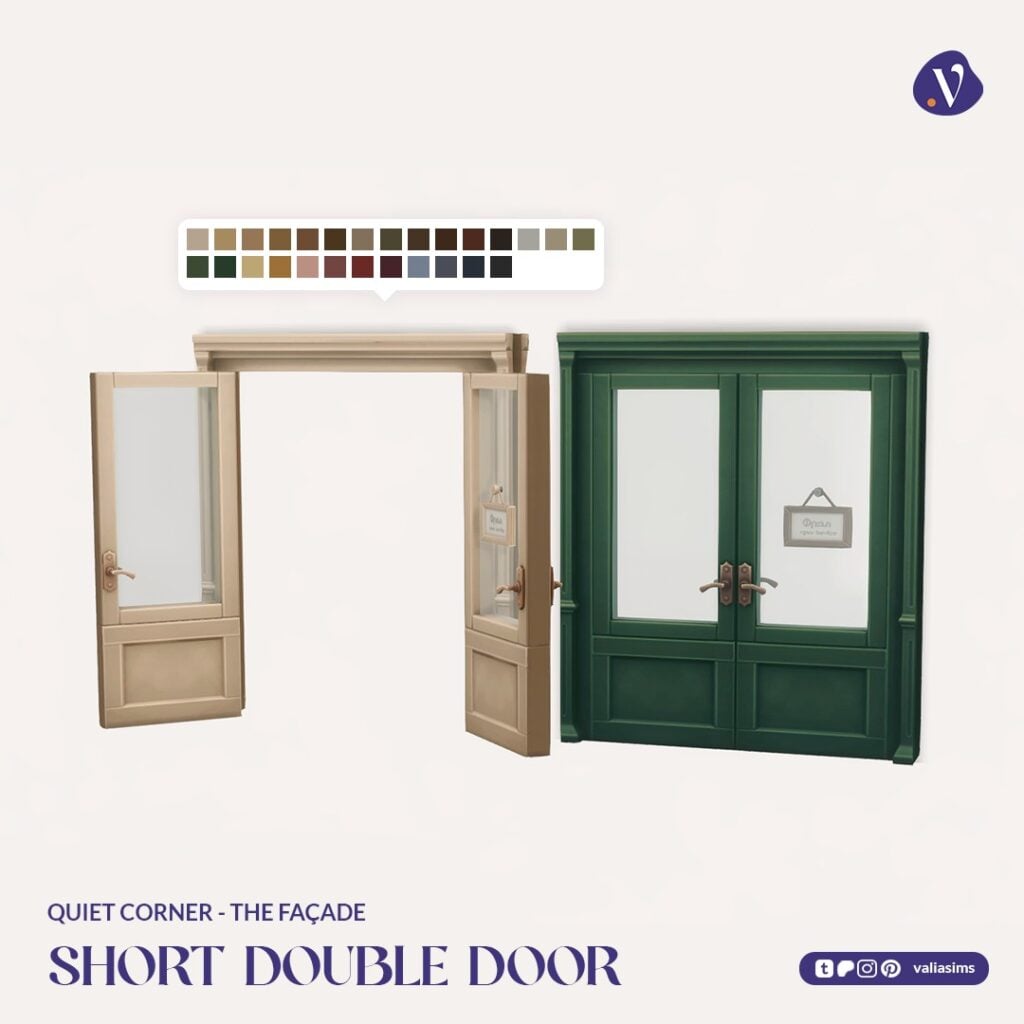
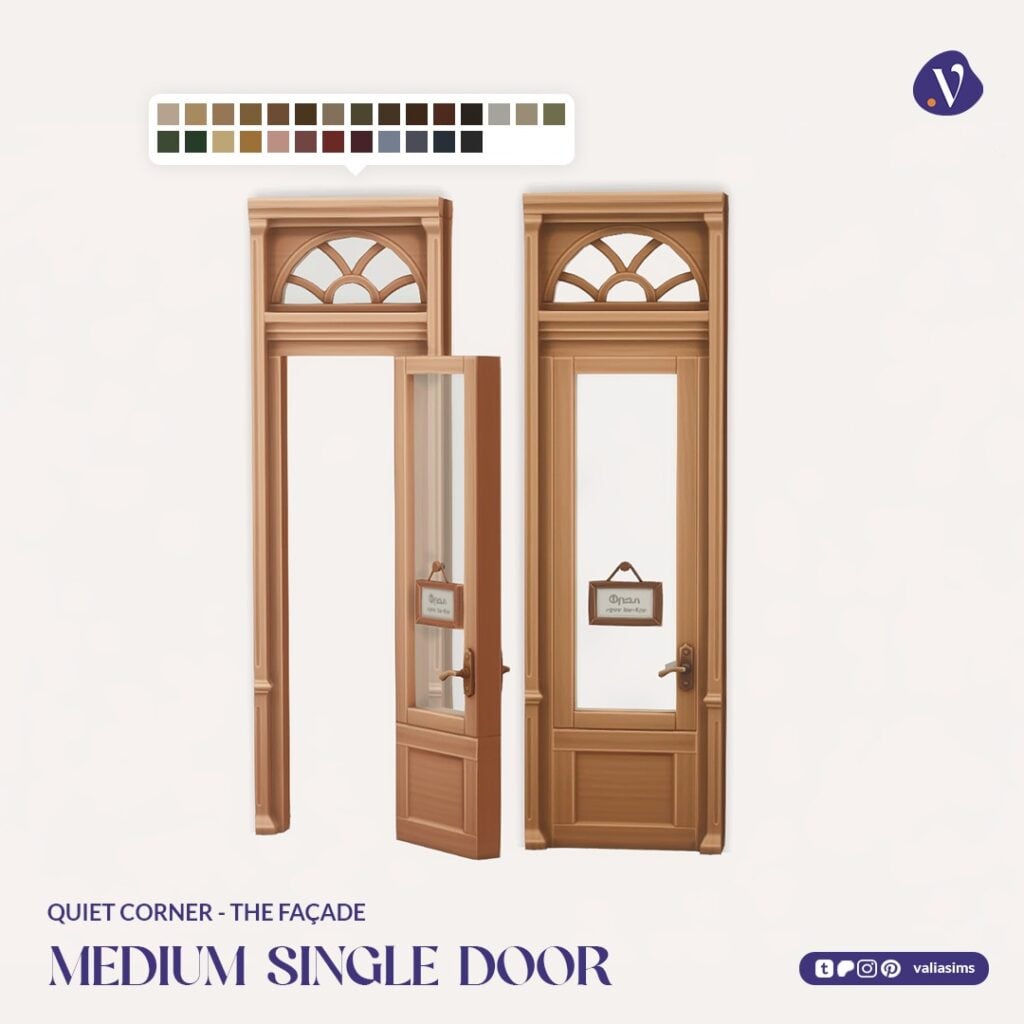
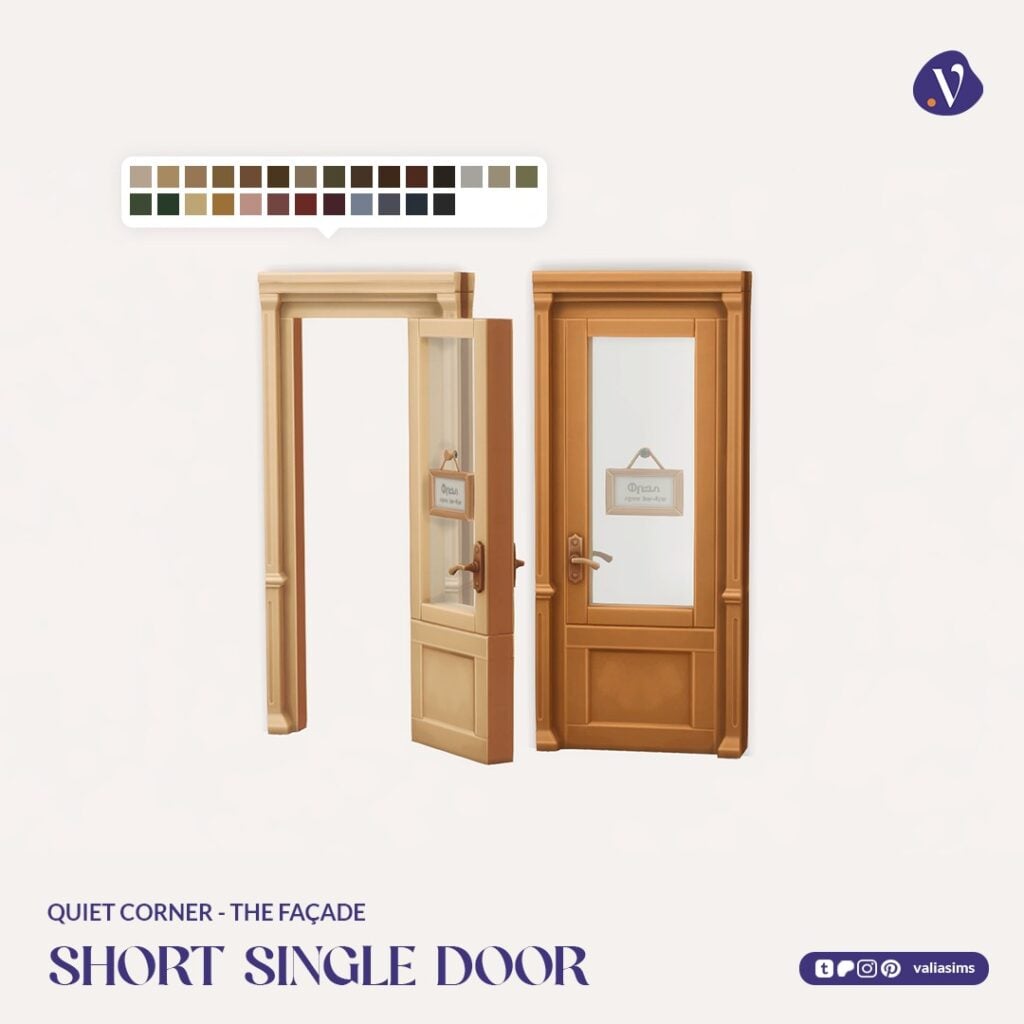
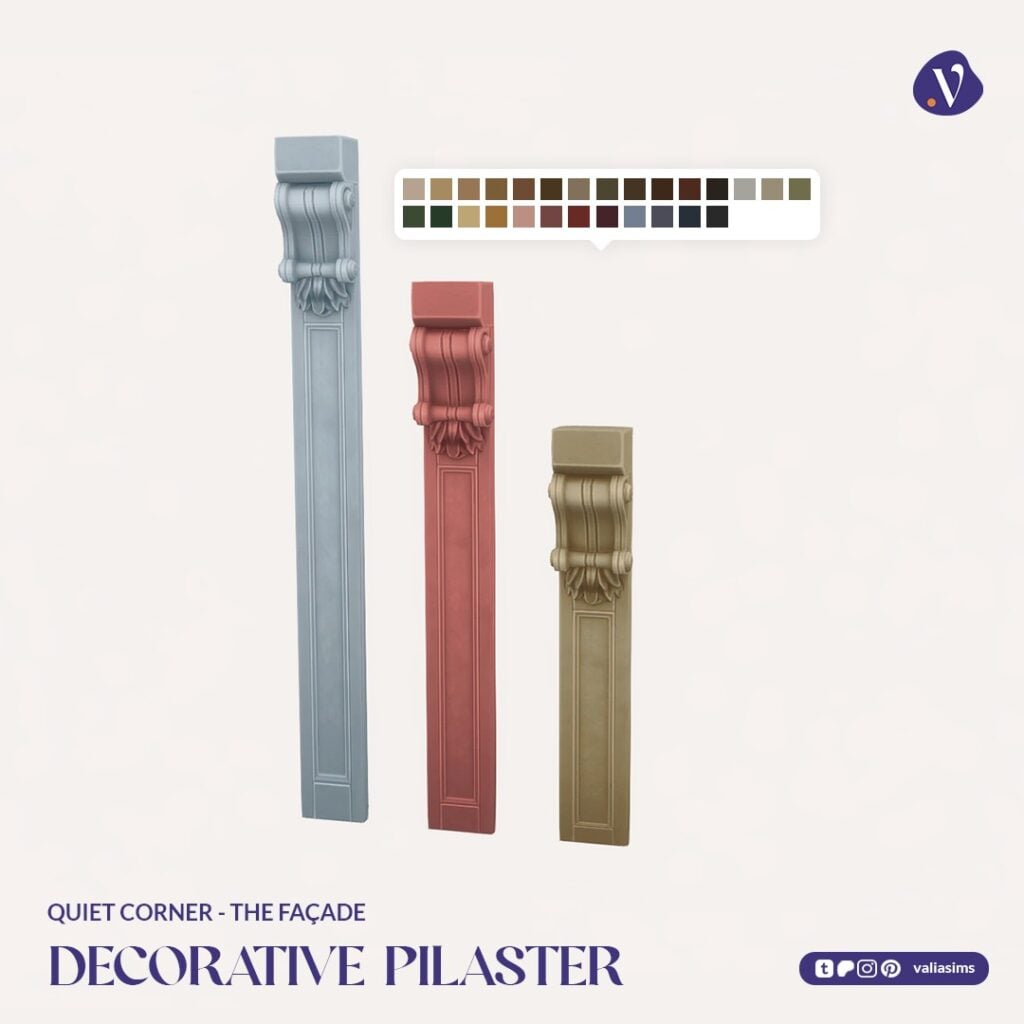
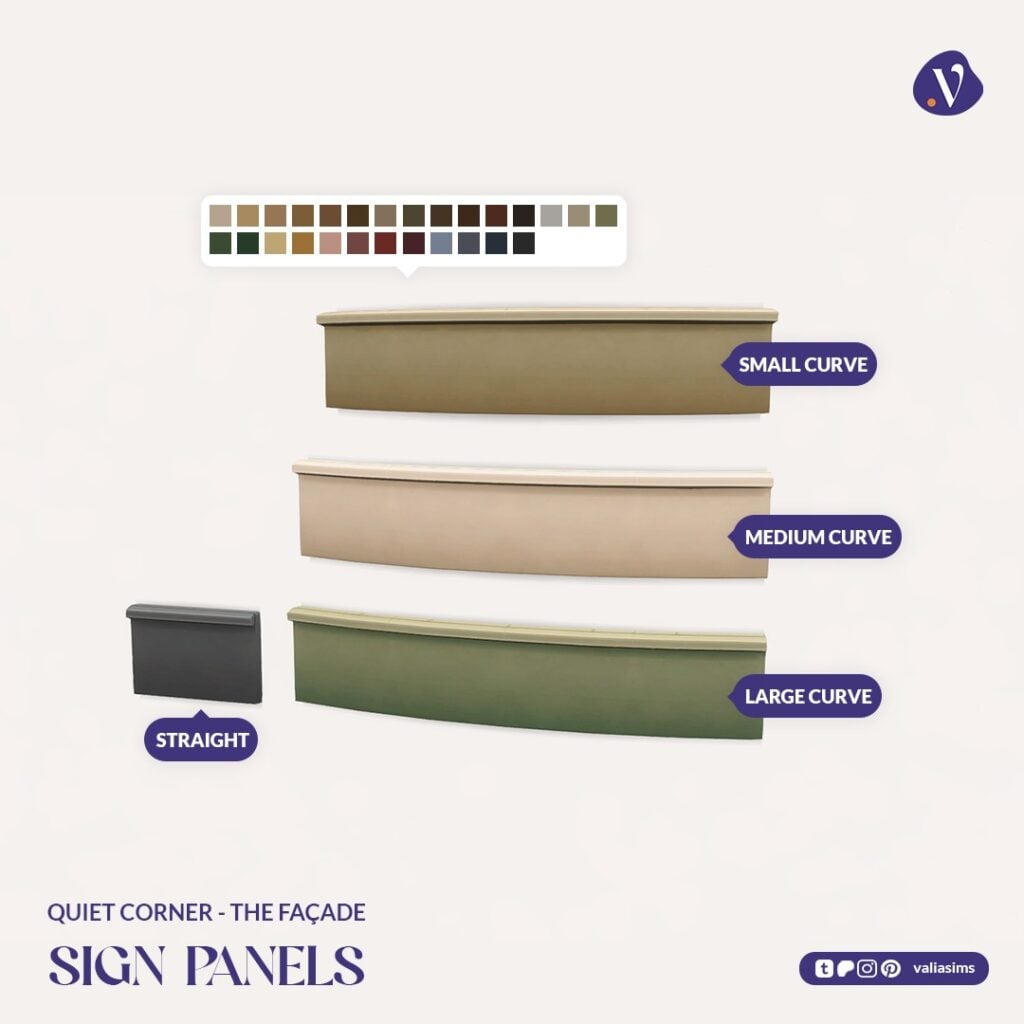
This part includes a wide range of doors and windows in multiple heights and styles, including curved and bay window variations. Decorative elements like pilasters and sign panels allow for even more customization, making it easy to design anything from a small corner shop to a larger bookstore front.
The modular approach really stands out here, giving players flexibility without sacrificing cohesion.
Set Includes Highlights:
Multiple door and window styles (including curved variants)
Bay windows and full wall-height options
Decorative pilasters and sign panels
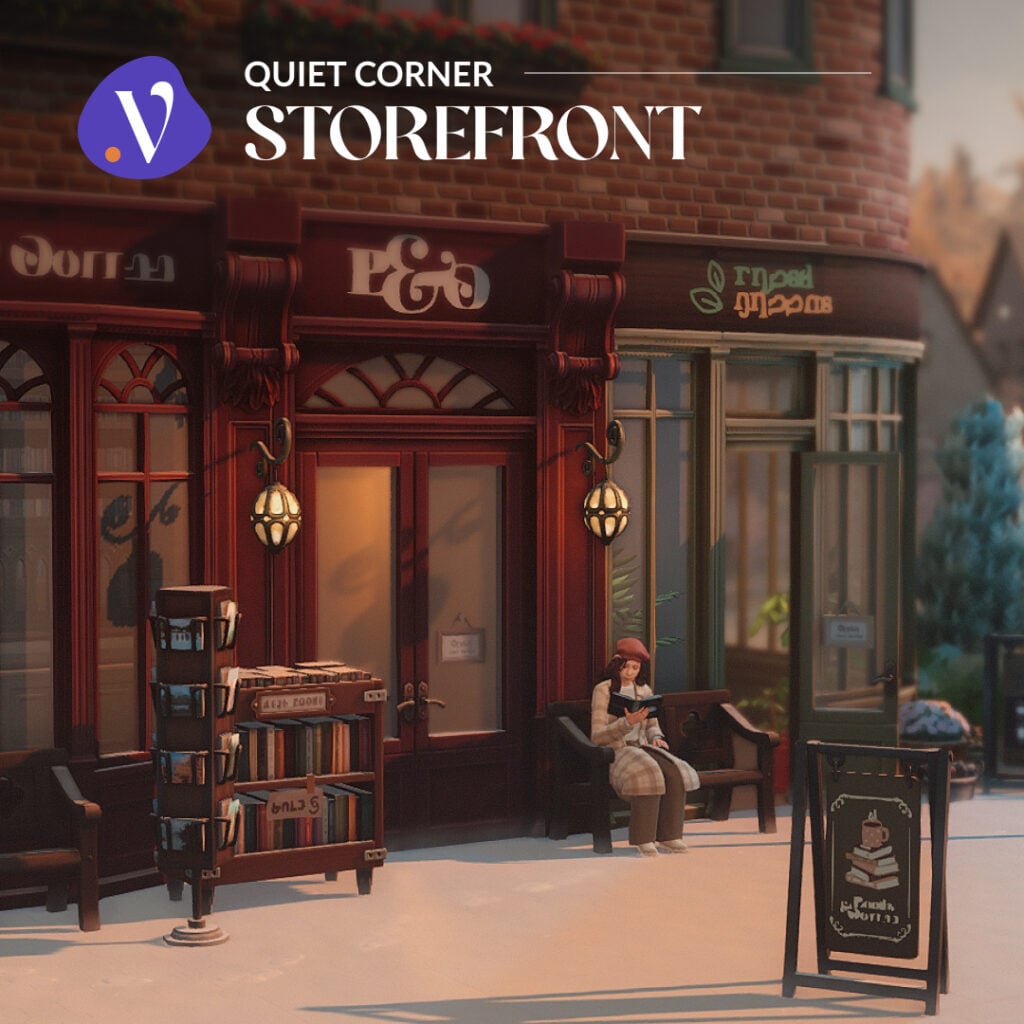
Quiet Corner – Storefront
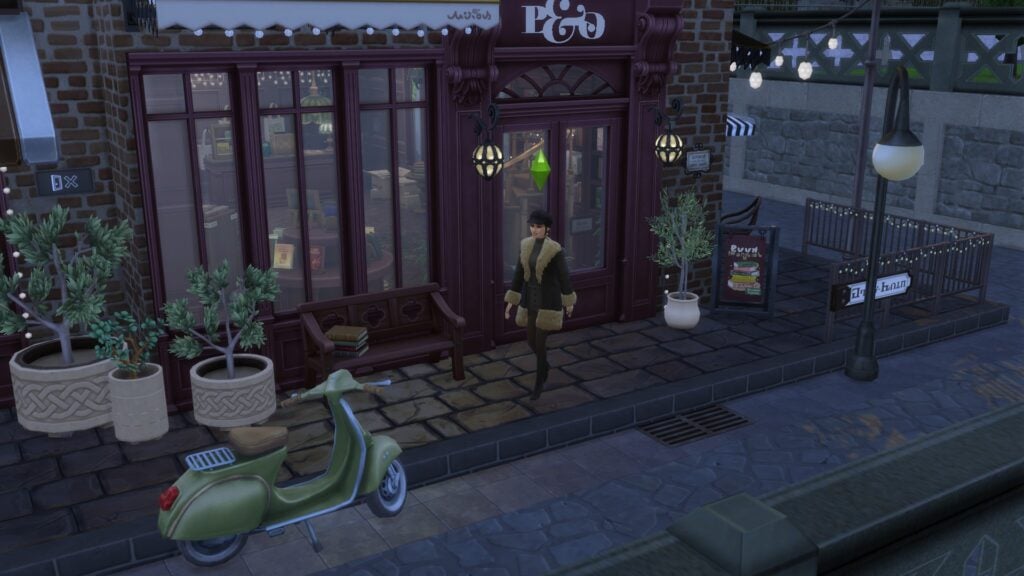
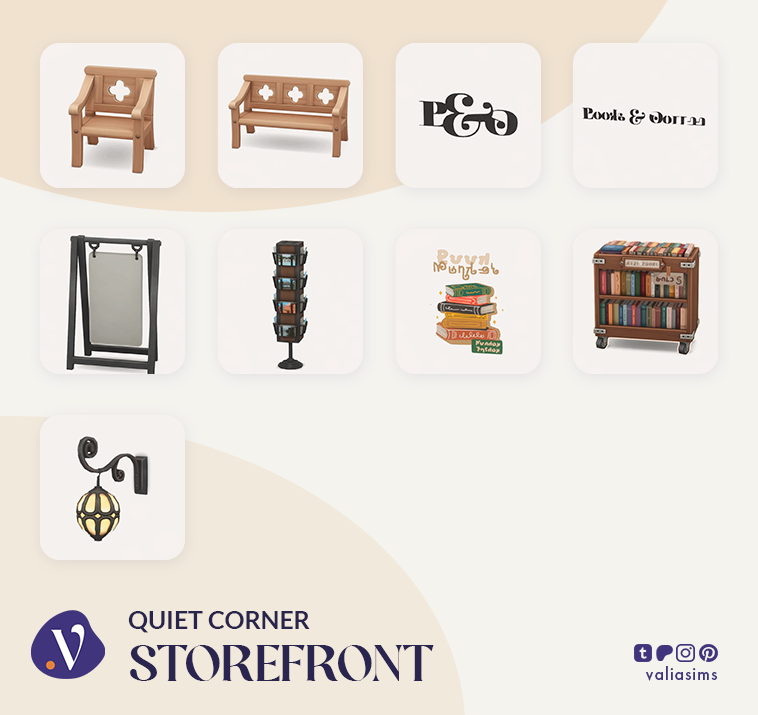
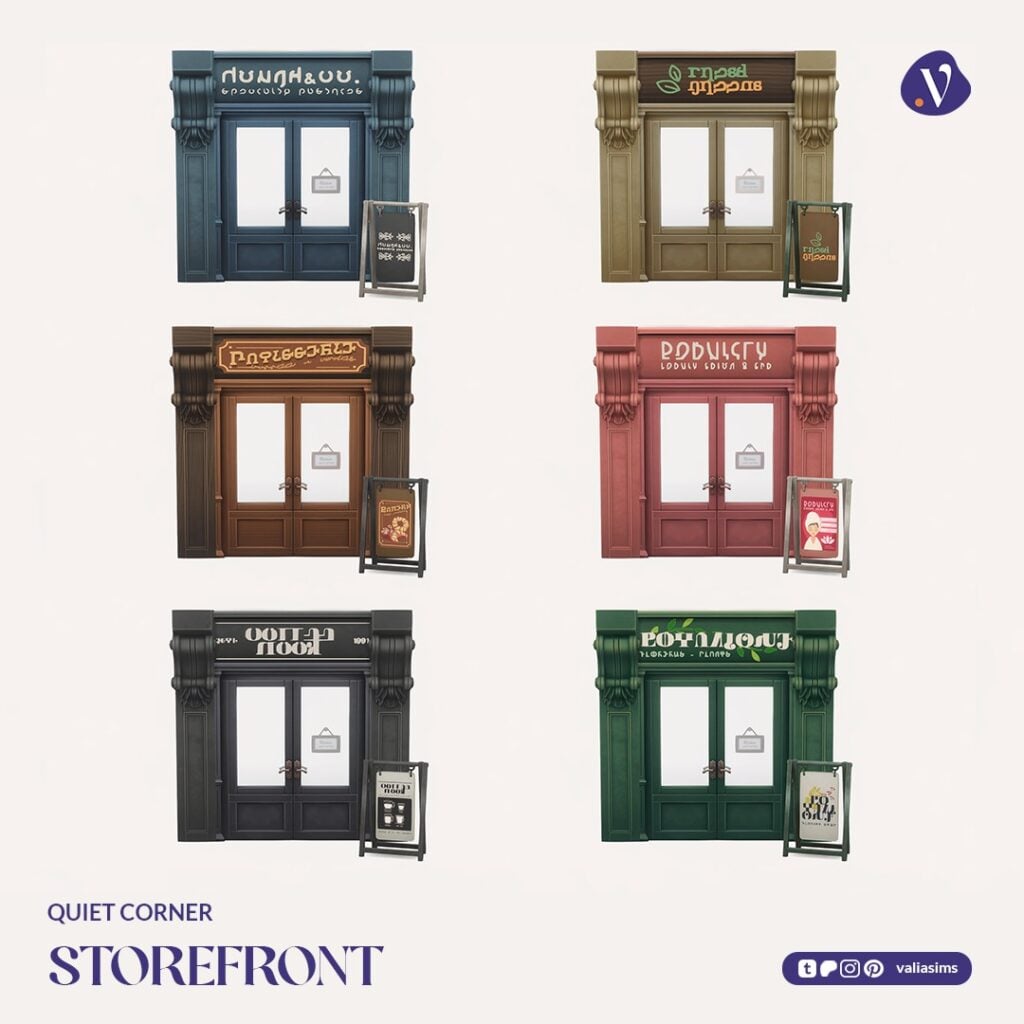
The Storefront set brings the exterior to life with details that make the space feel lived-in and welcoming.
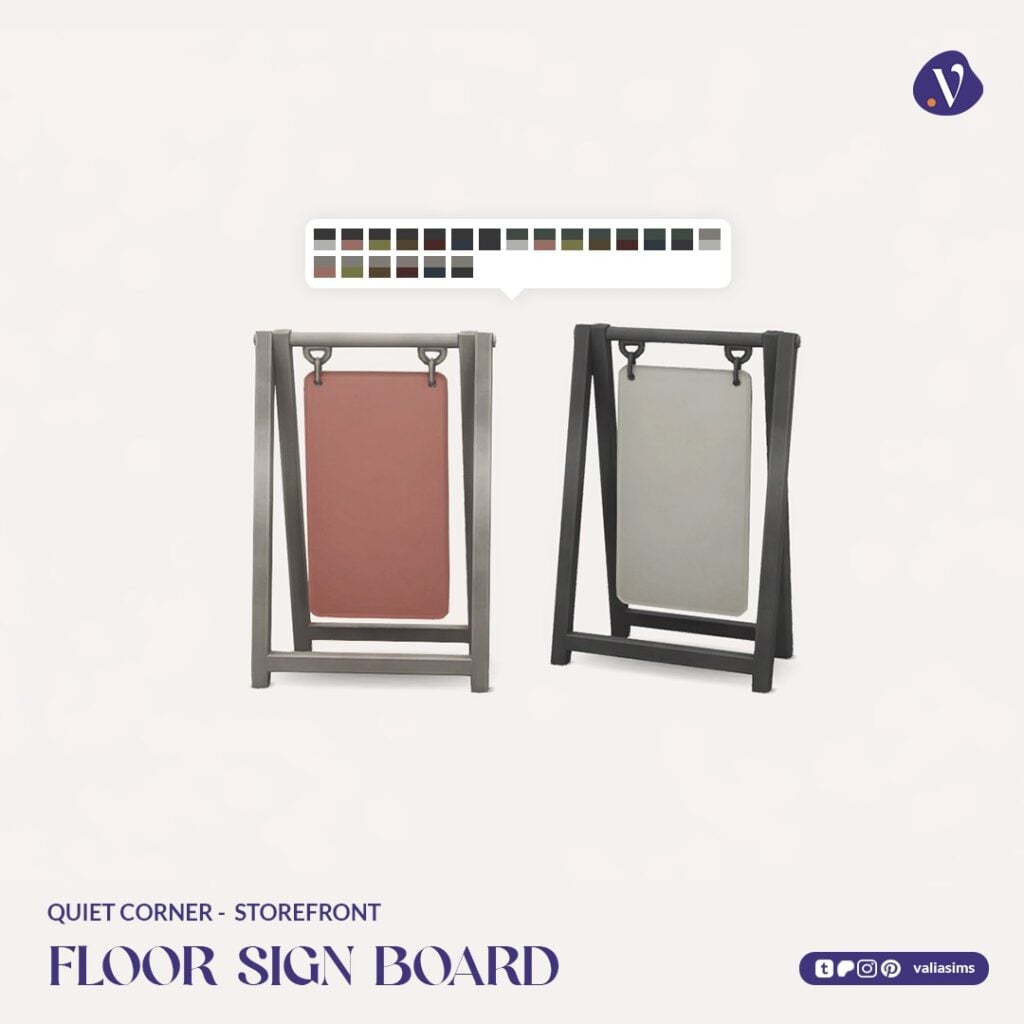
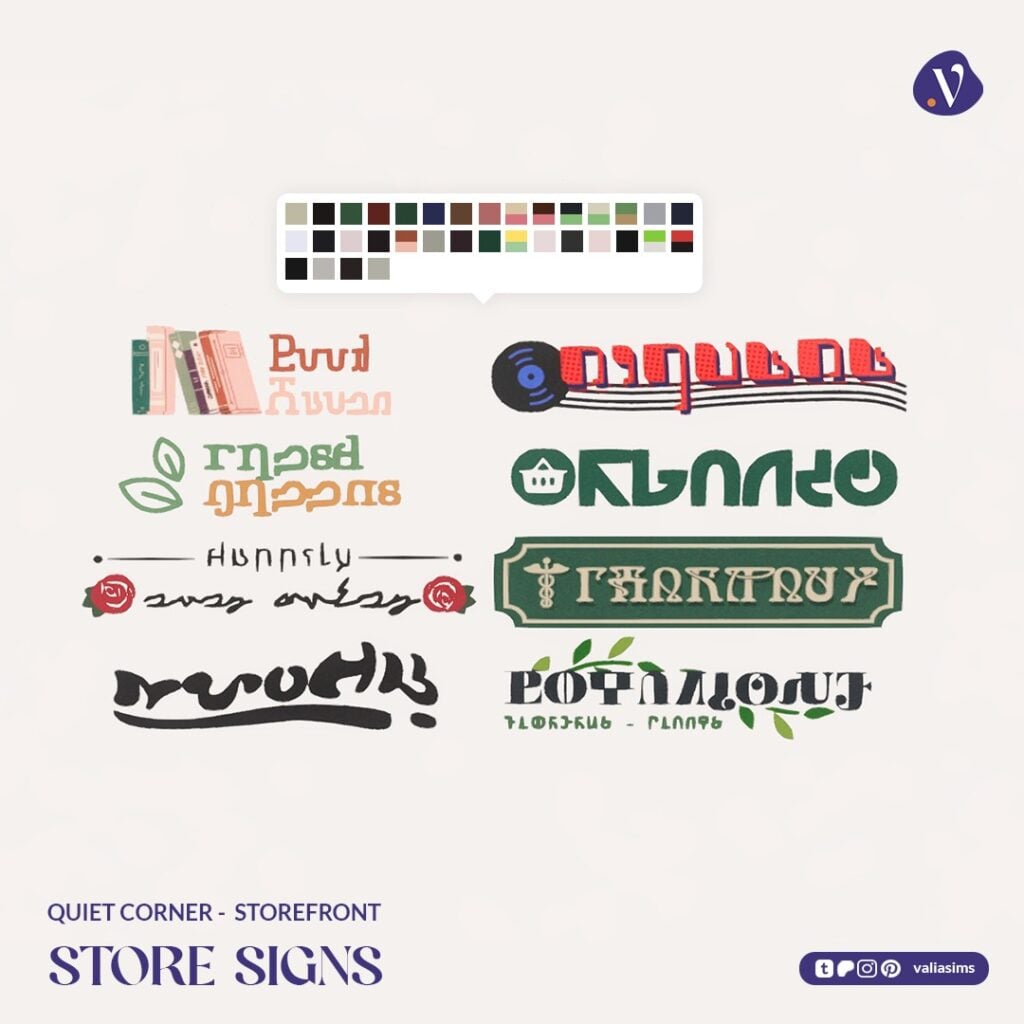
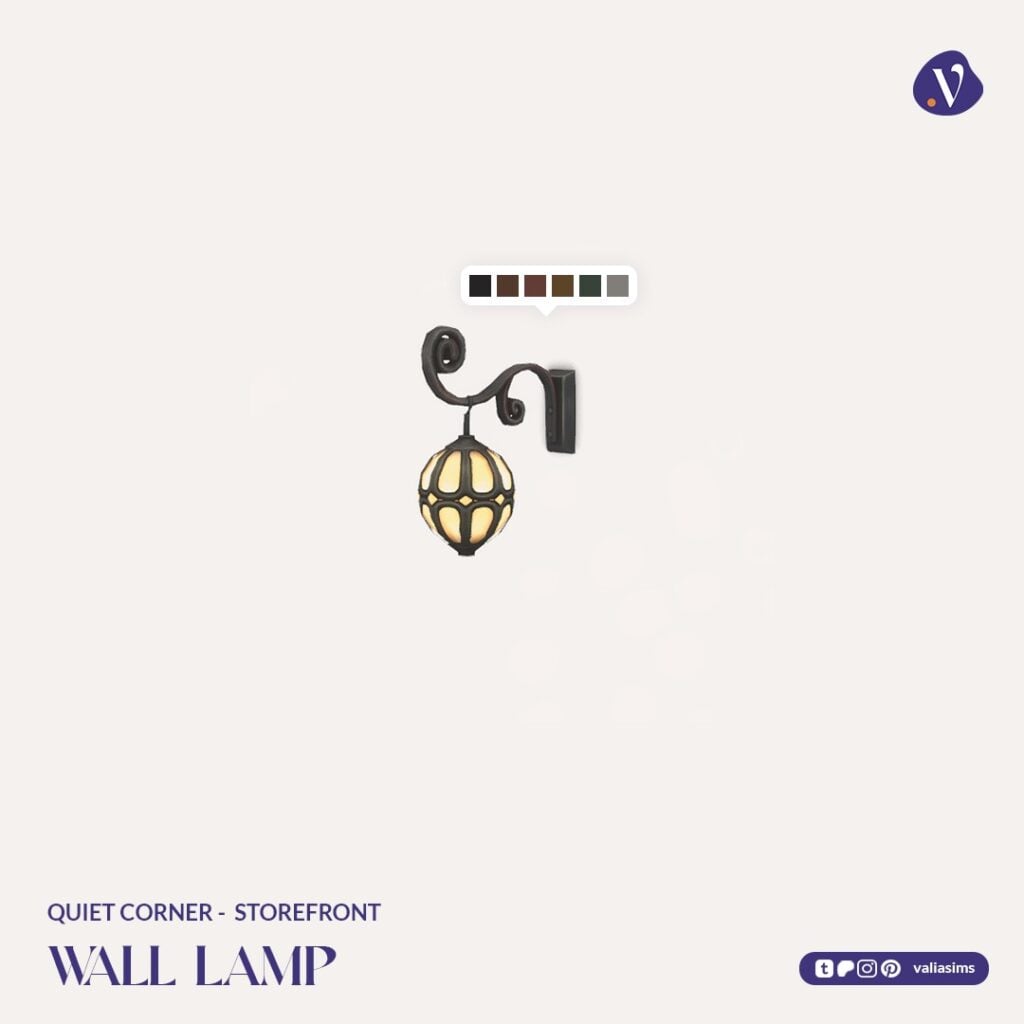
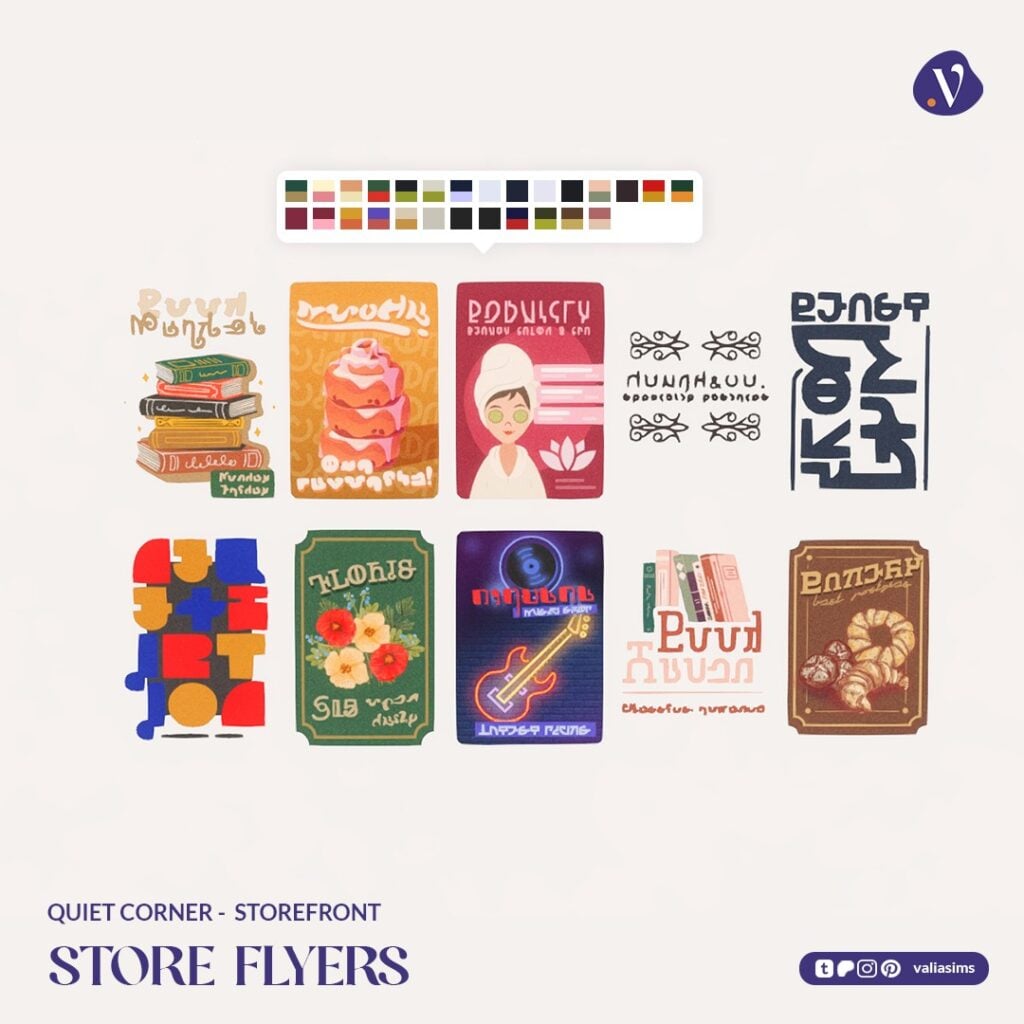
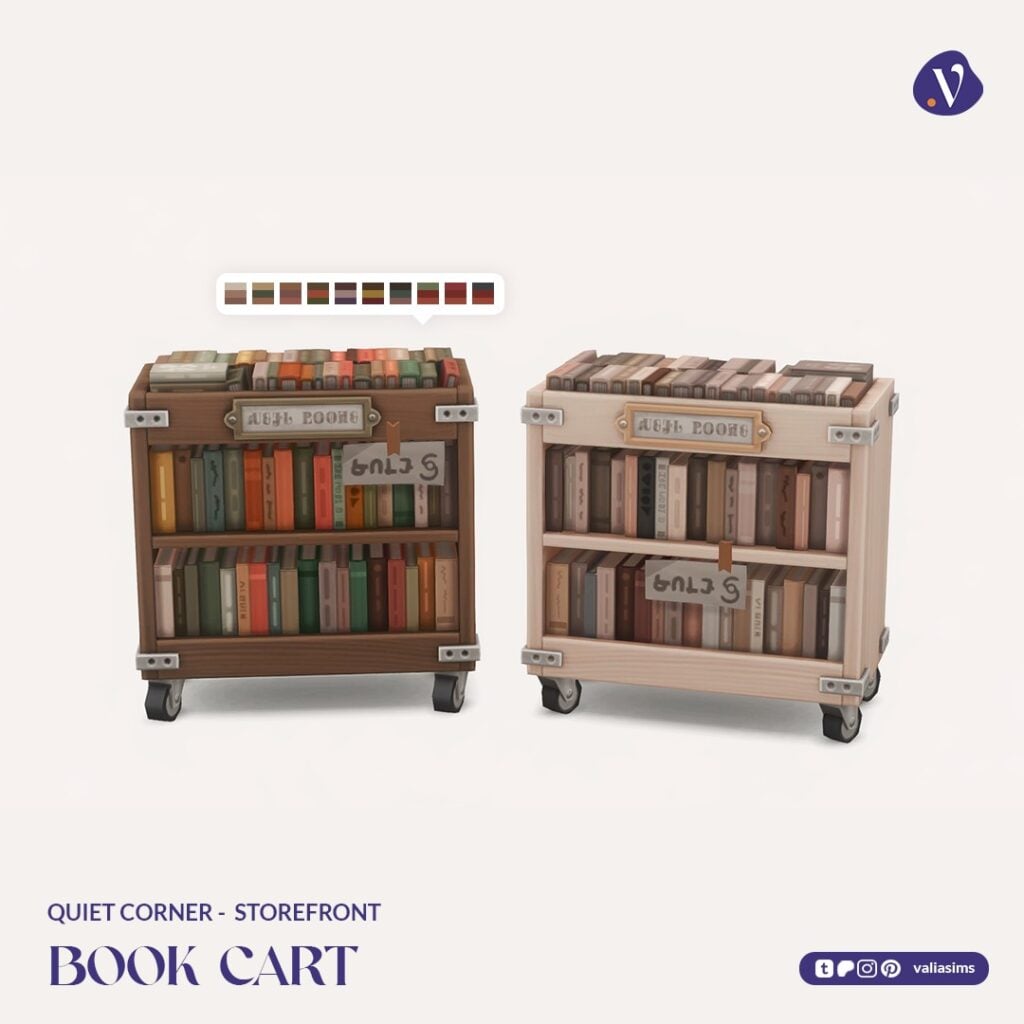
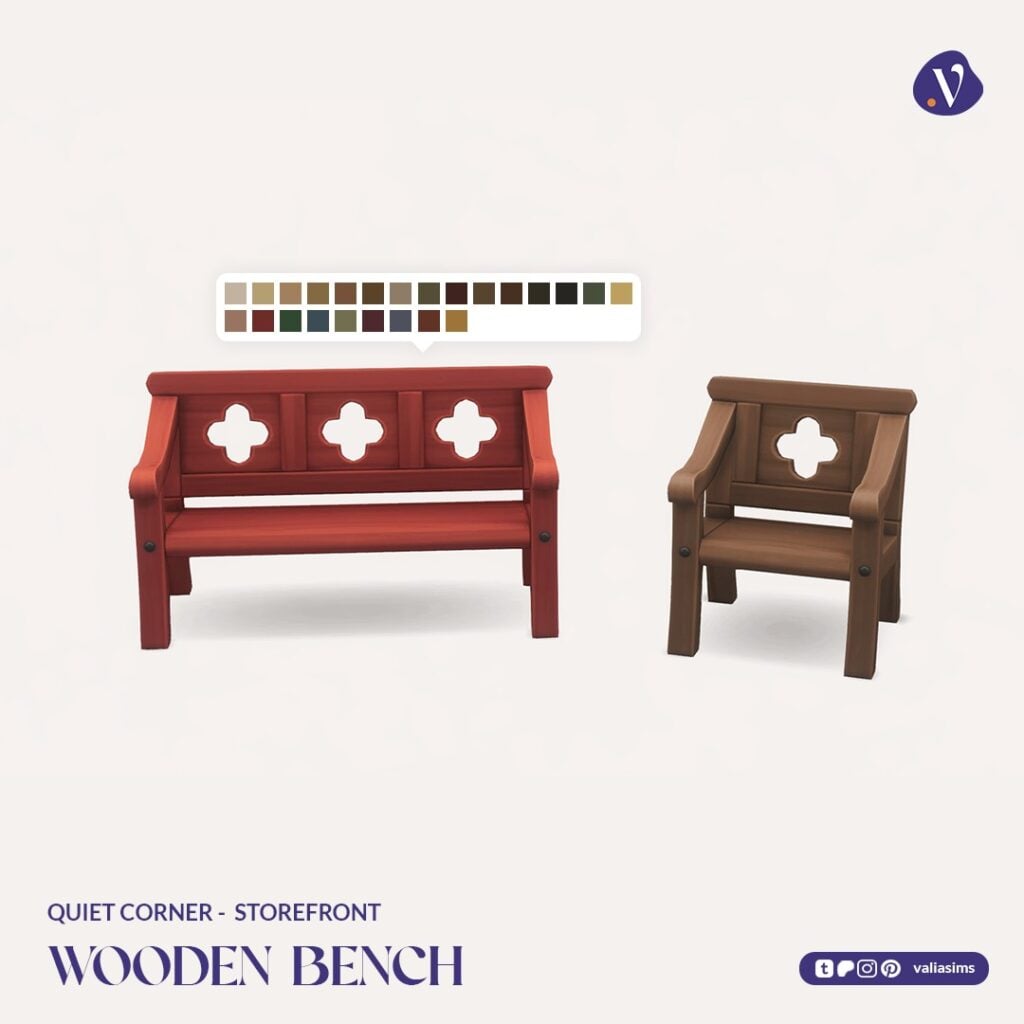
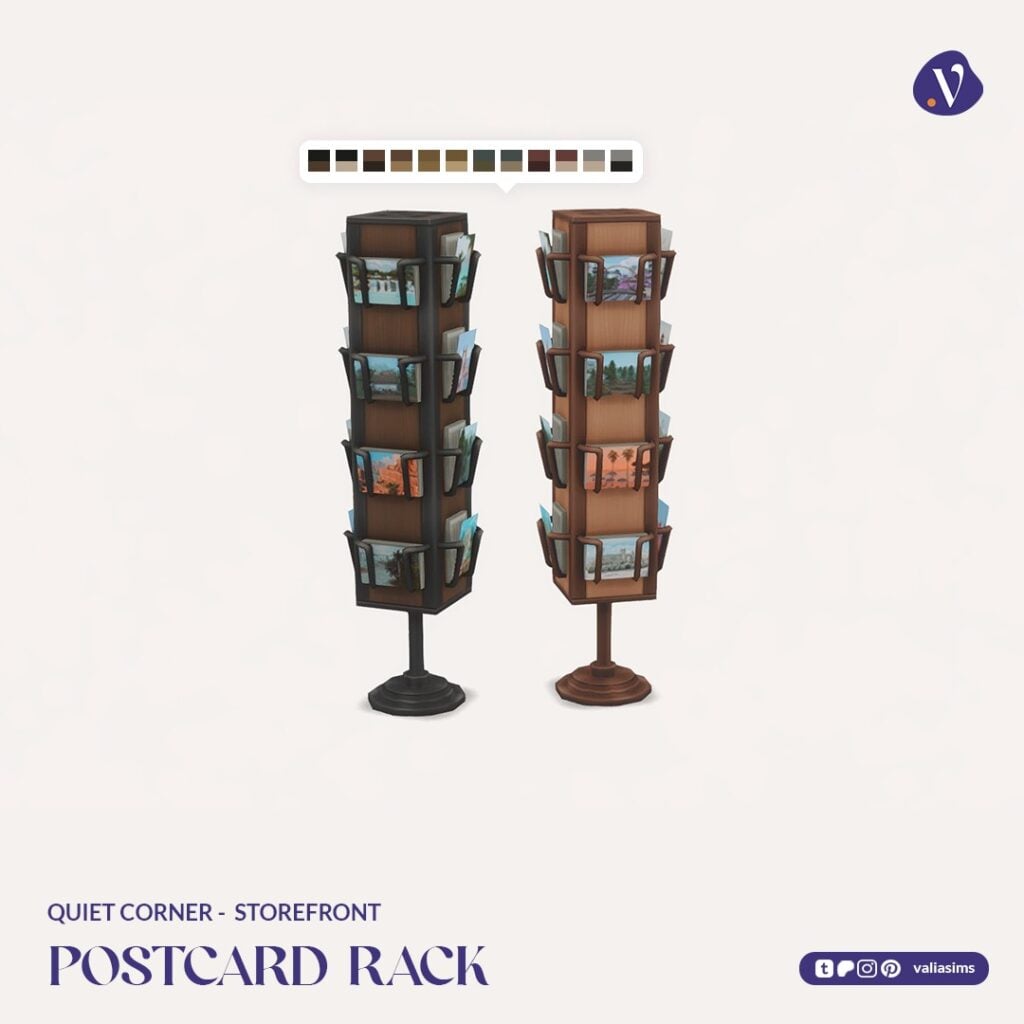
From wooden benches and book carts to wall lamps and postcard racks, this set adds personality to your build. A standout feature is the wide variety of signs and posters, designed to work across different types of shops, not just bookstores.
Set Includes Highlights:
Benches and decorative seating
Book cart and postcard rack
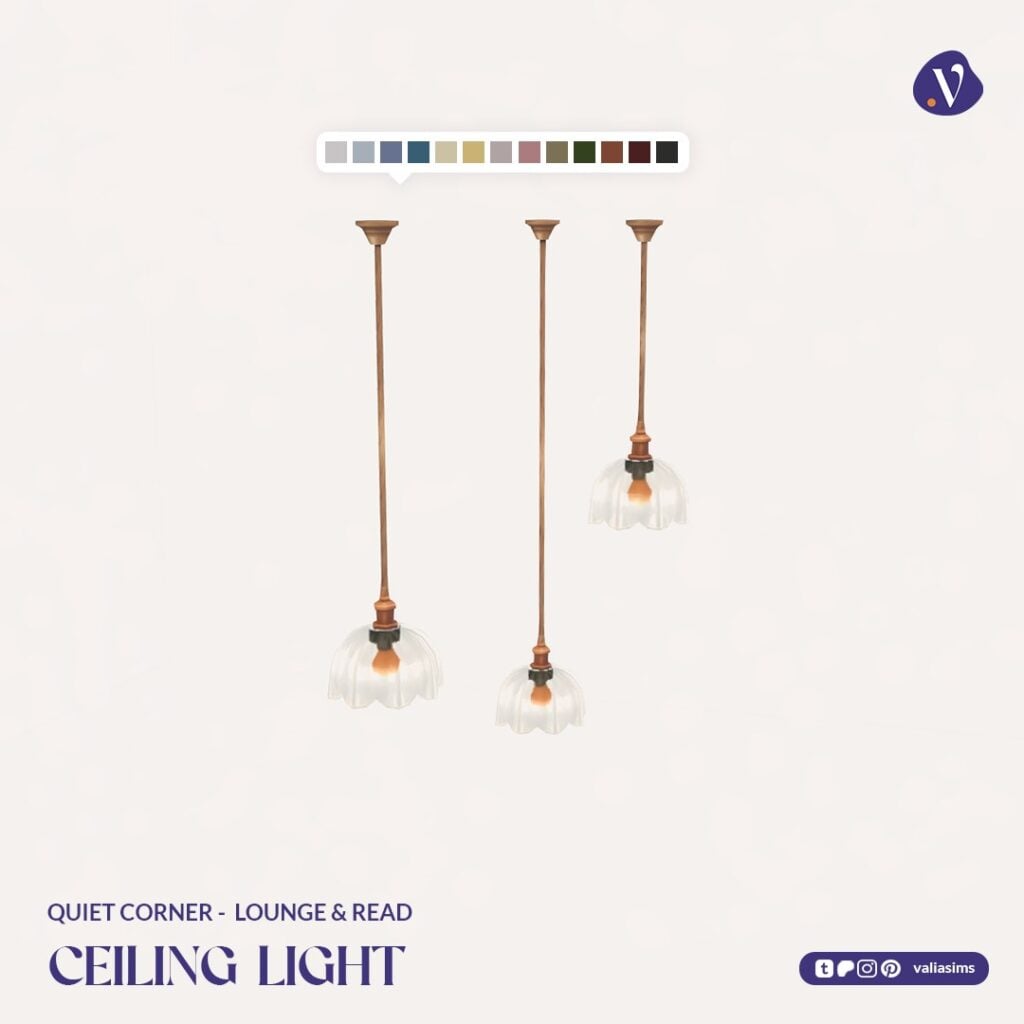
Wall lamps for exterior lighting
Multiple shop signs and posters
These additions make it easy to create that “stop and browse for a minute” feeling right outside your shop.
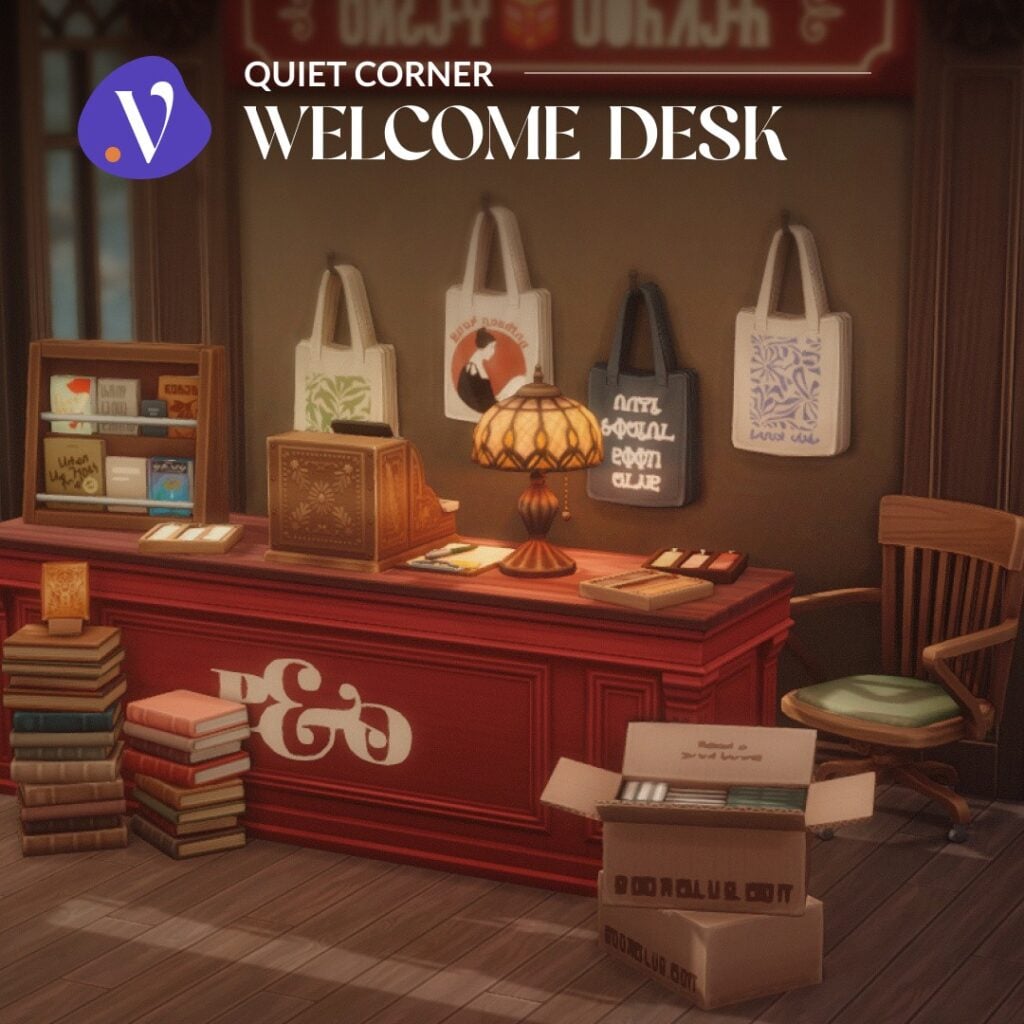
Quiet Corner – Welcome Desk
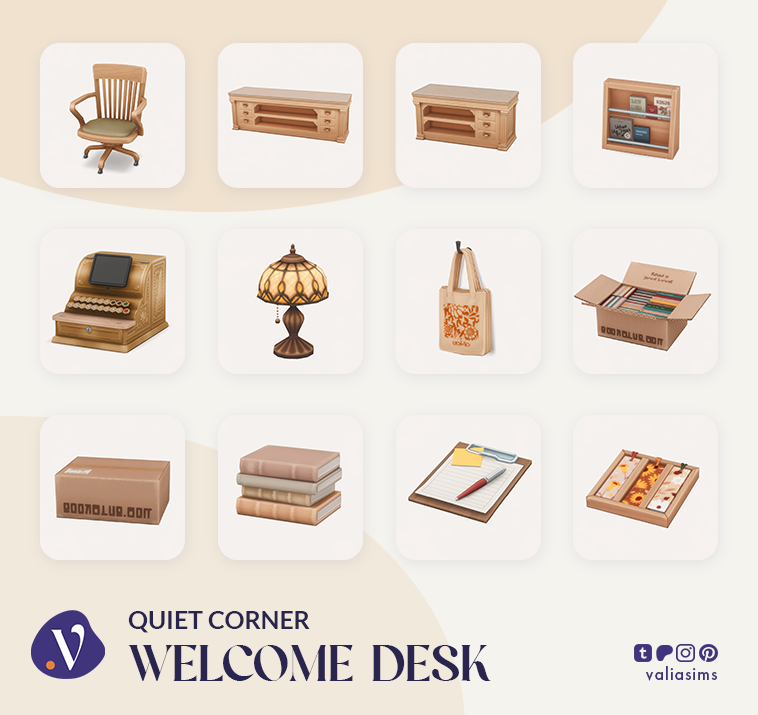
Moving inside, the Welcome Desk set focuses on the checkout area.
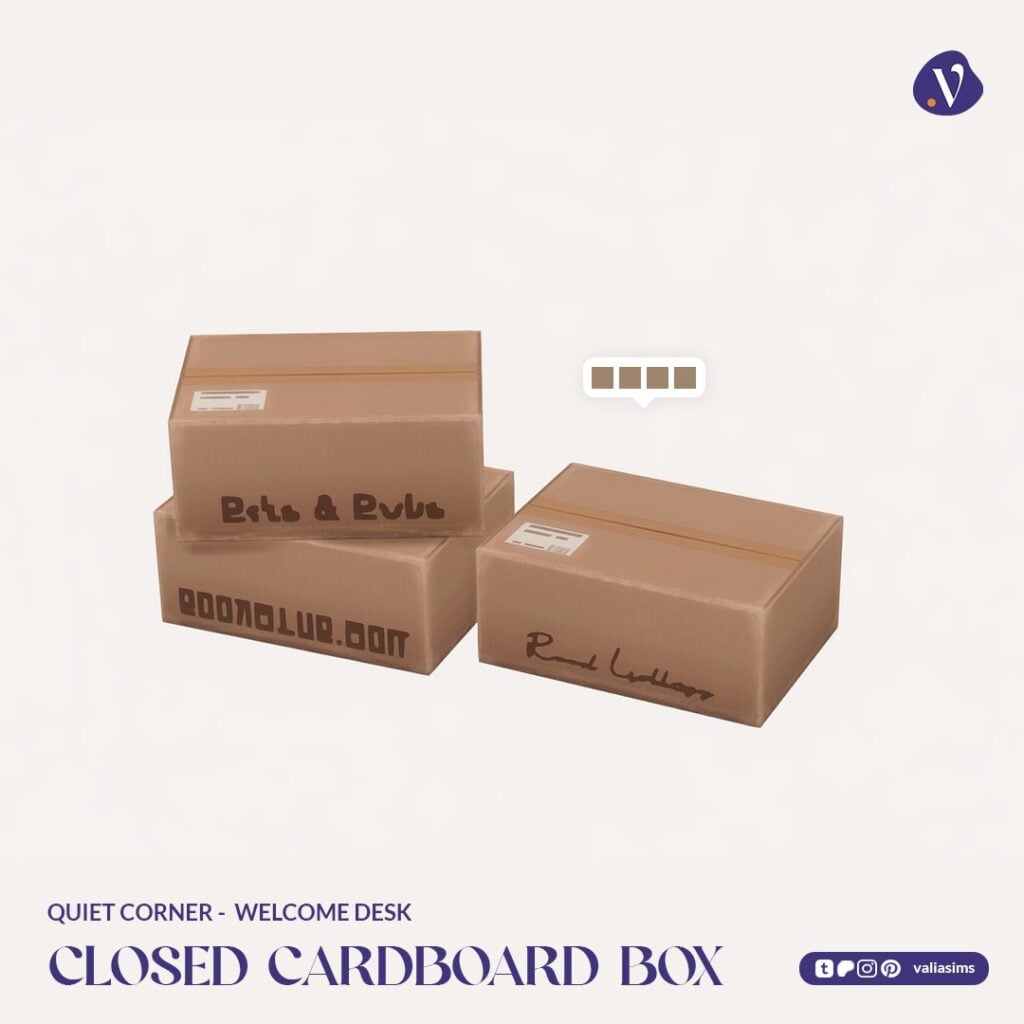
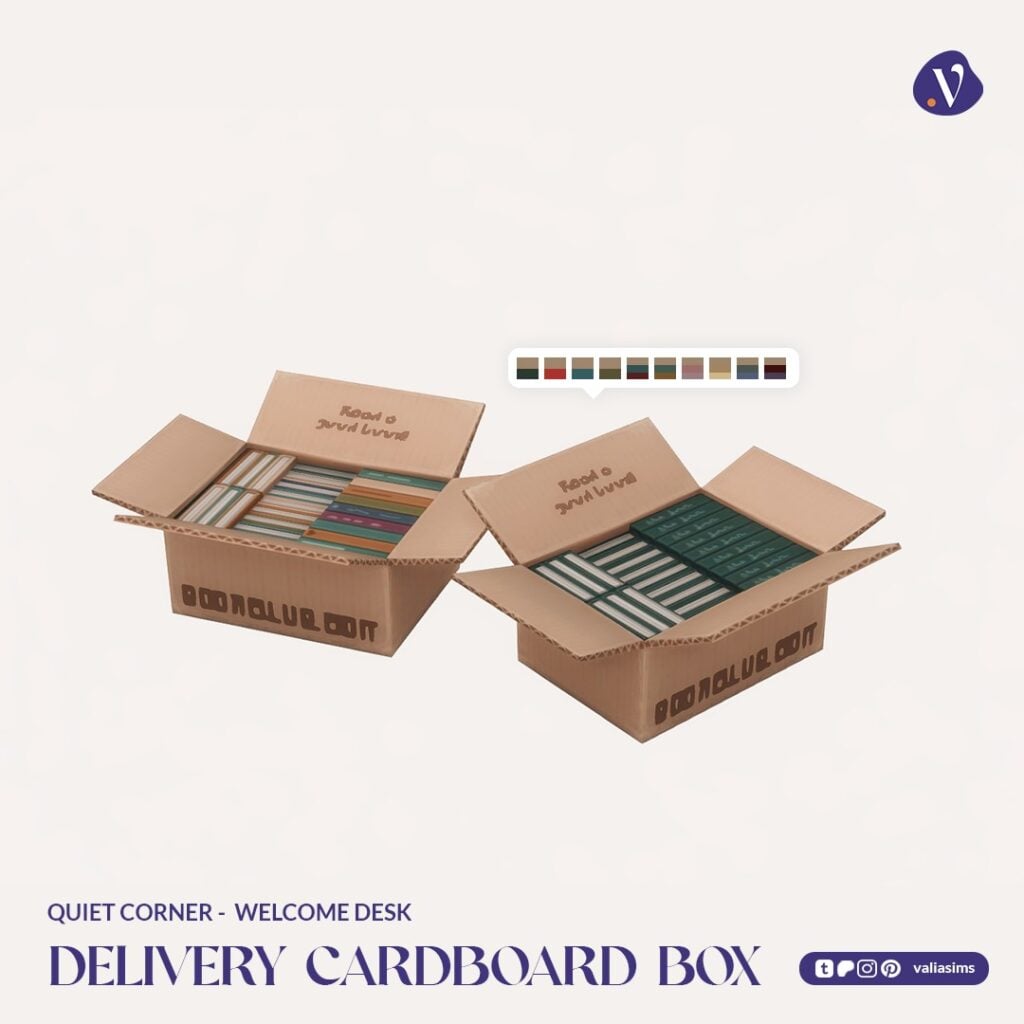
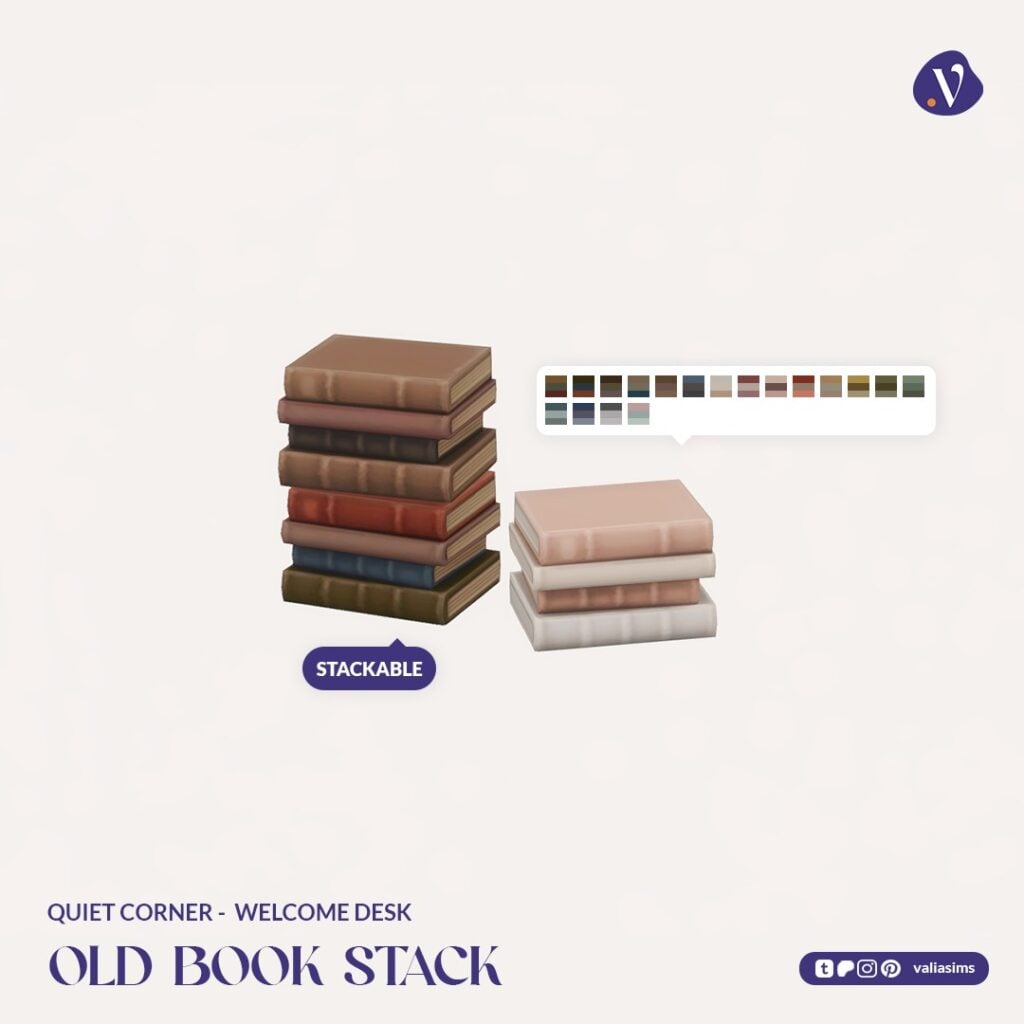
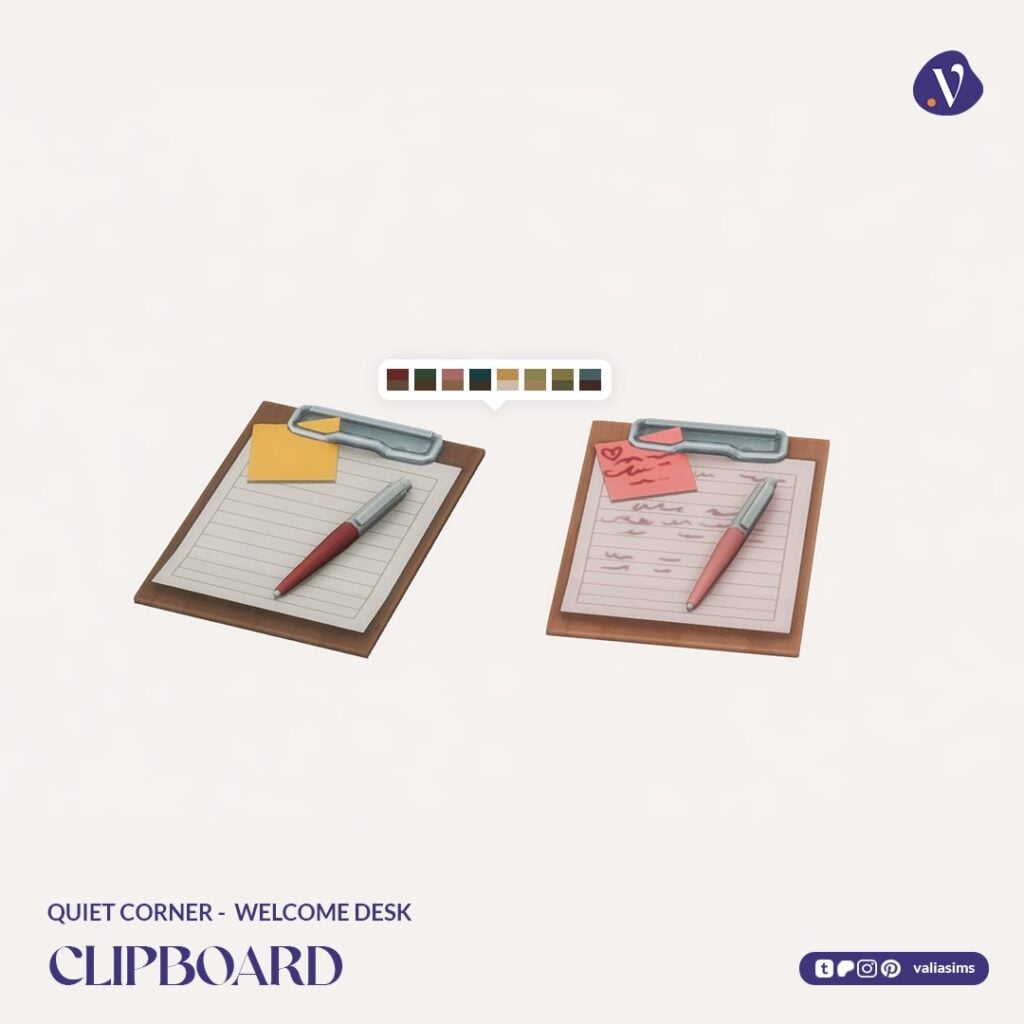
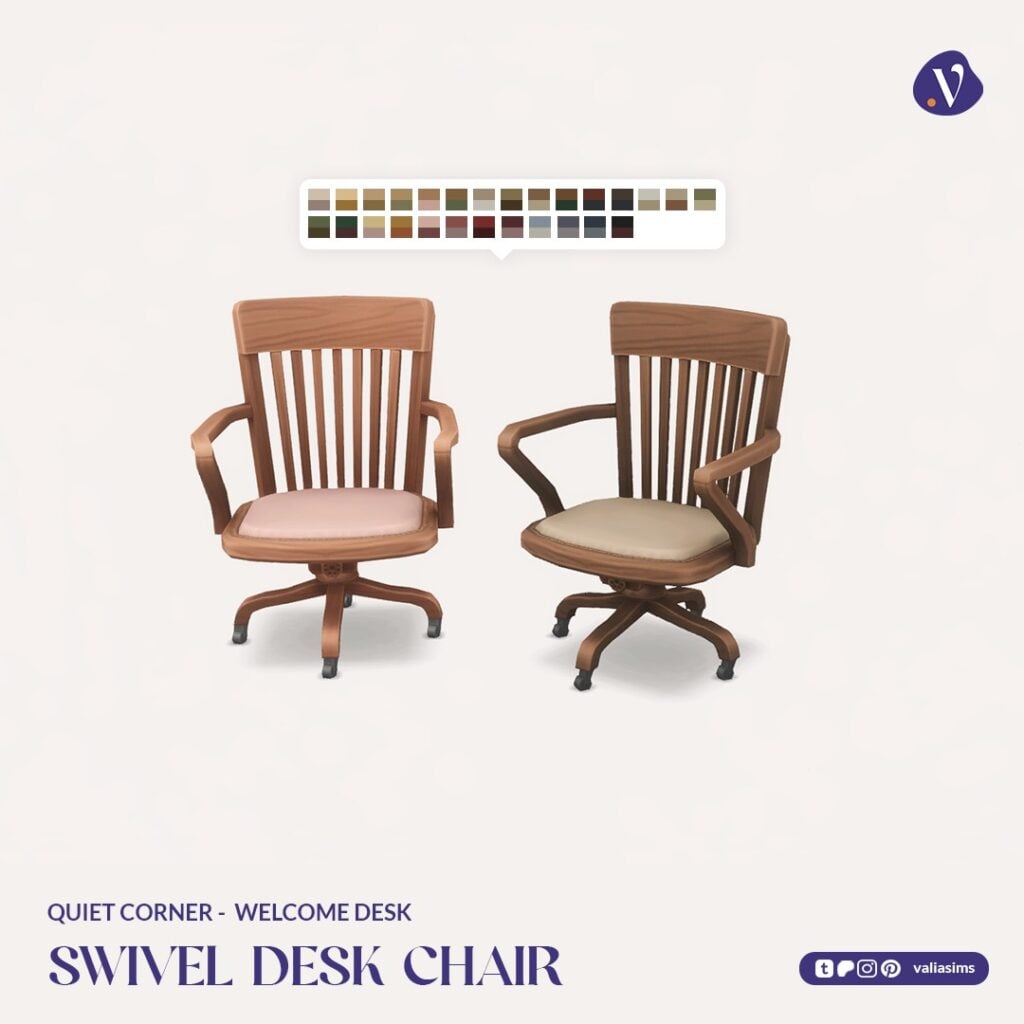
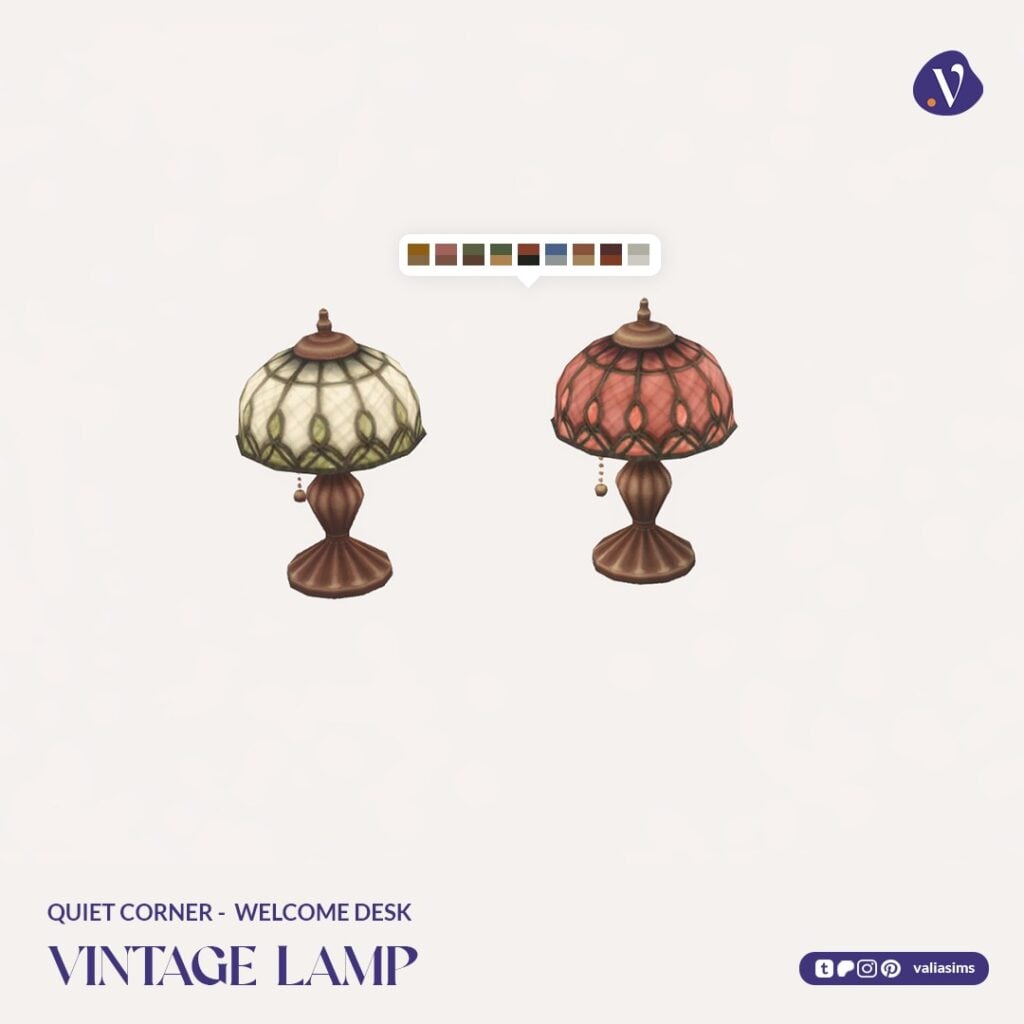
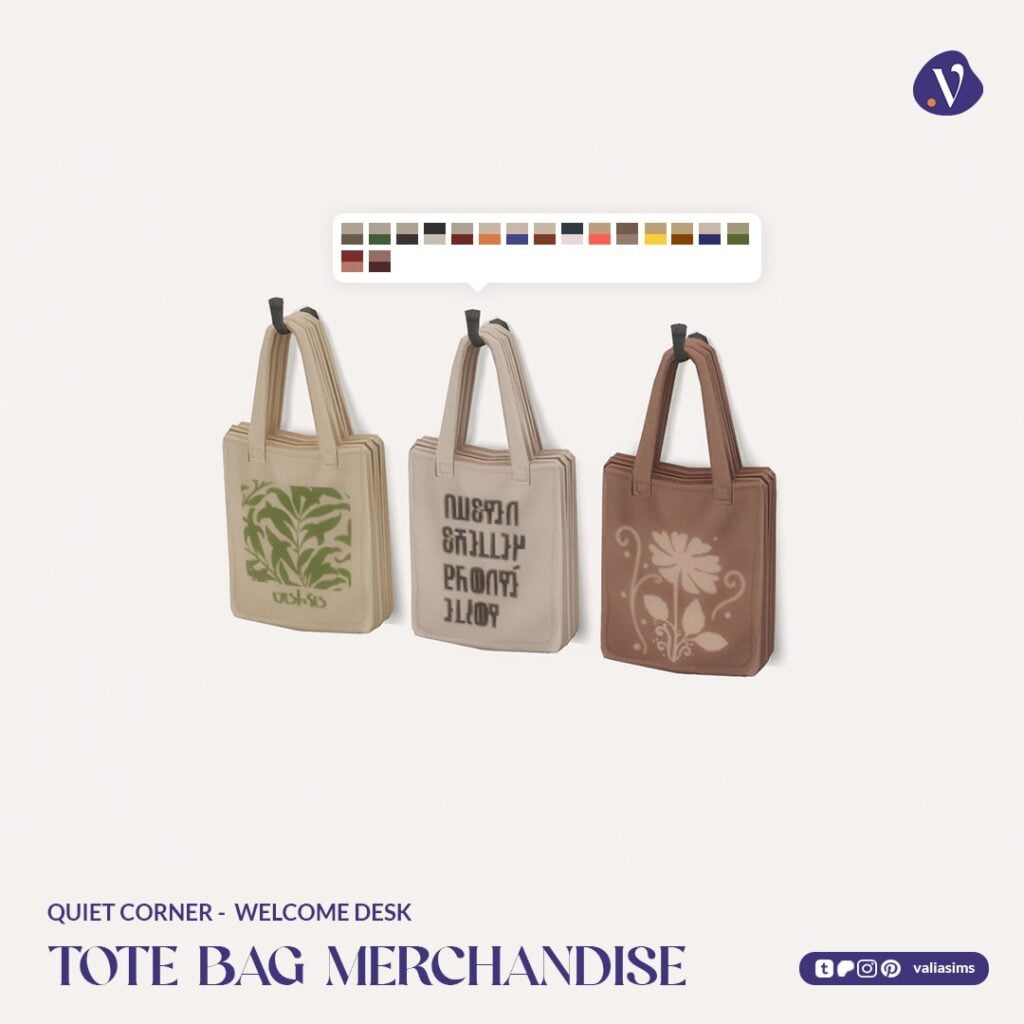
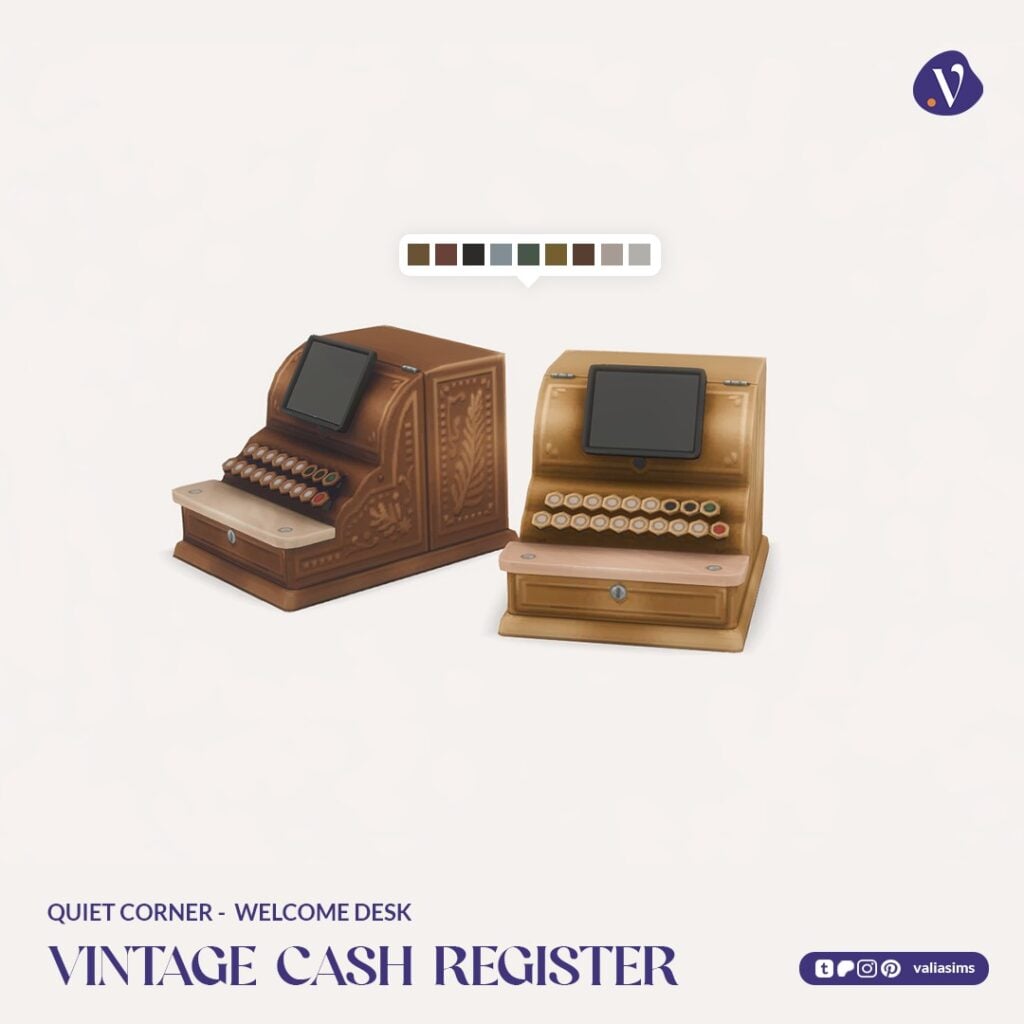
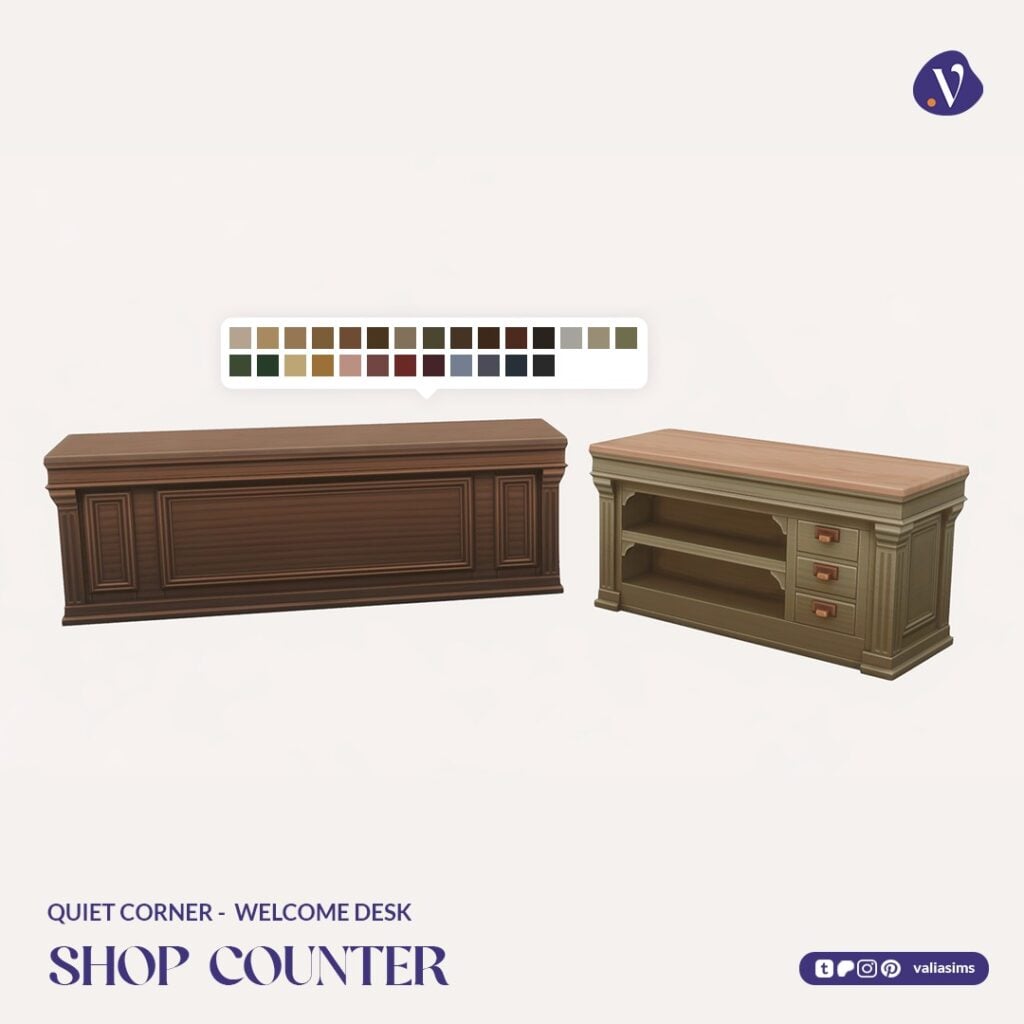
This part includes a functional cash register (compatible with Get to Work), along with a detailed counter setup and plenty of small decorative touches like tote bags, bookmarks, and stacked books.
Even without gameplay systems, the items still work as decorative pieces, making the set accessible for all players.
Set Includes Highlights:
Shop counters (2- and 3-tile)
Functional vintage cash register
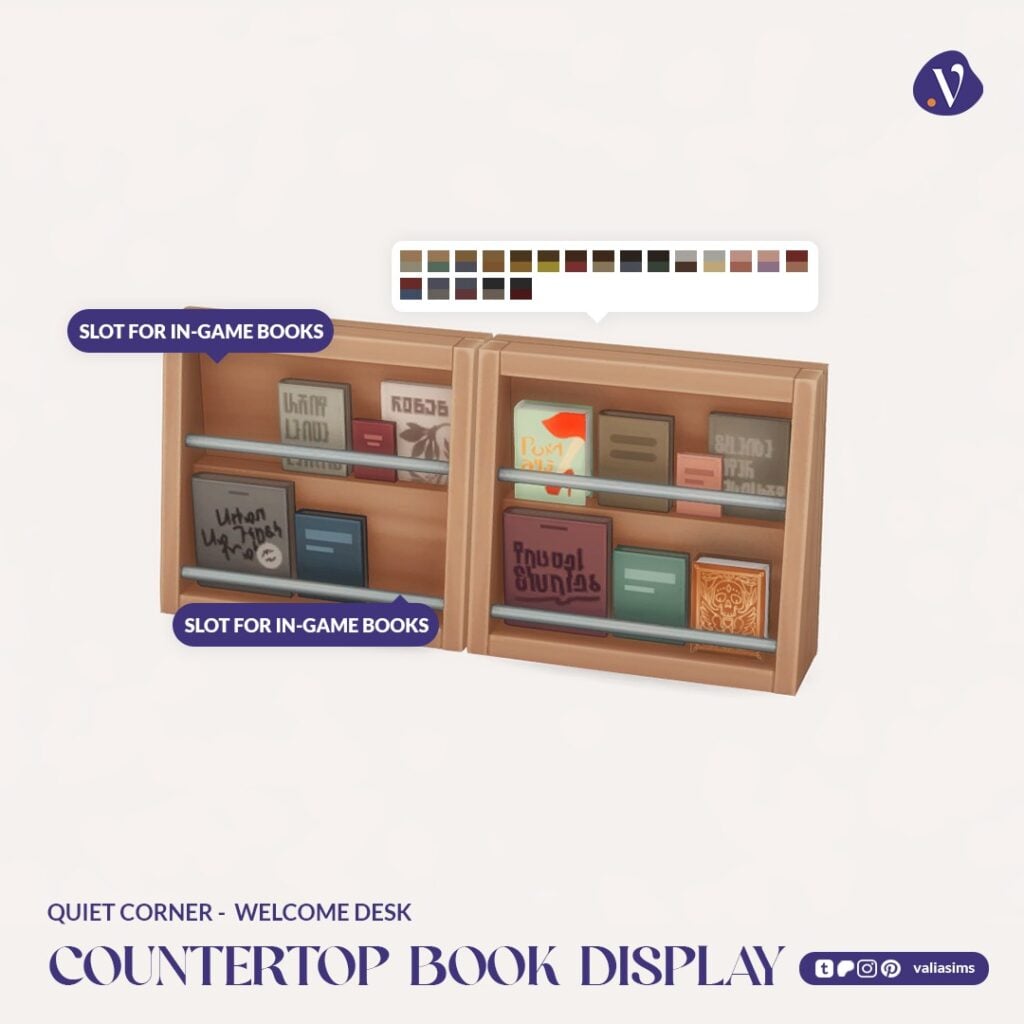
Book displays and stacks
Tote bag merchandise and small decor items
It captures that familiar bookstore moment of picking up “just one more thing” before leaving.
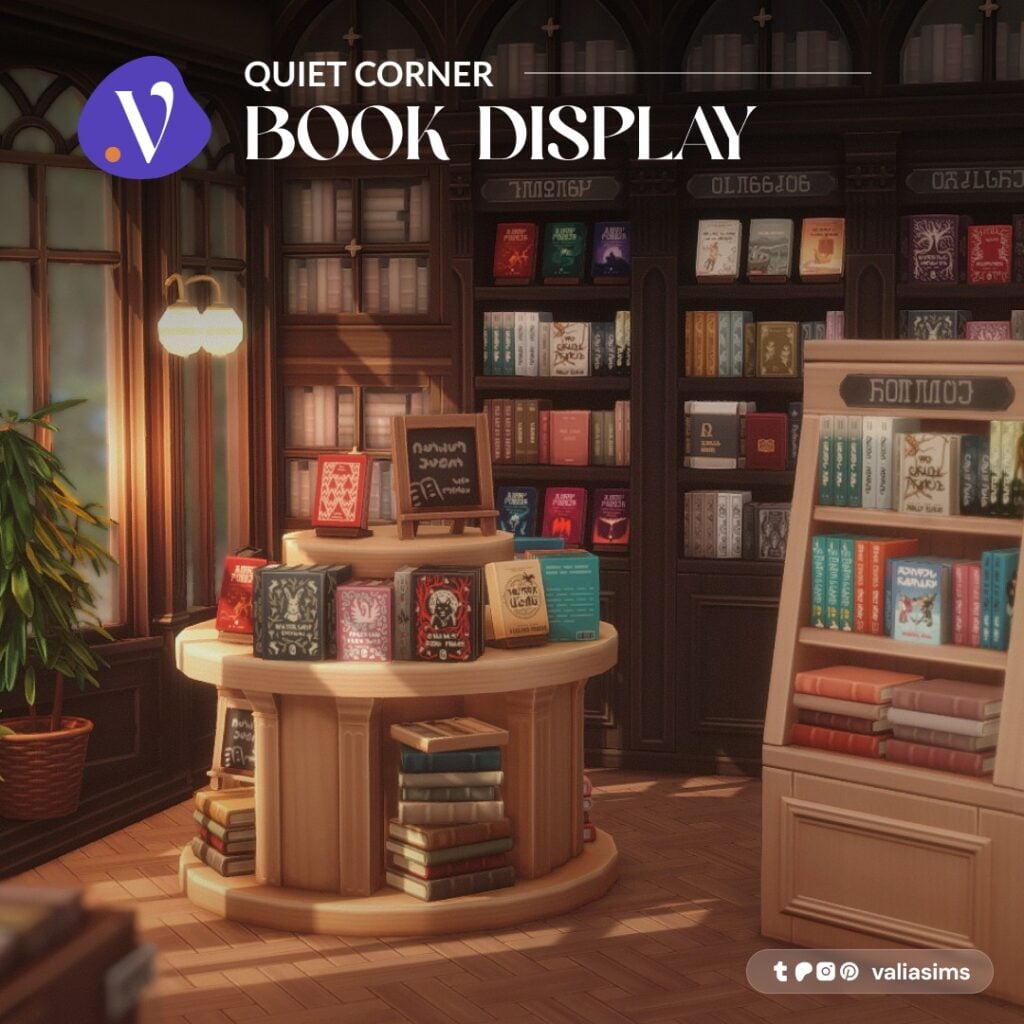
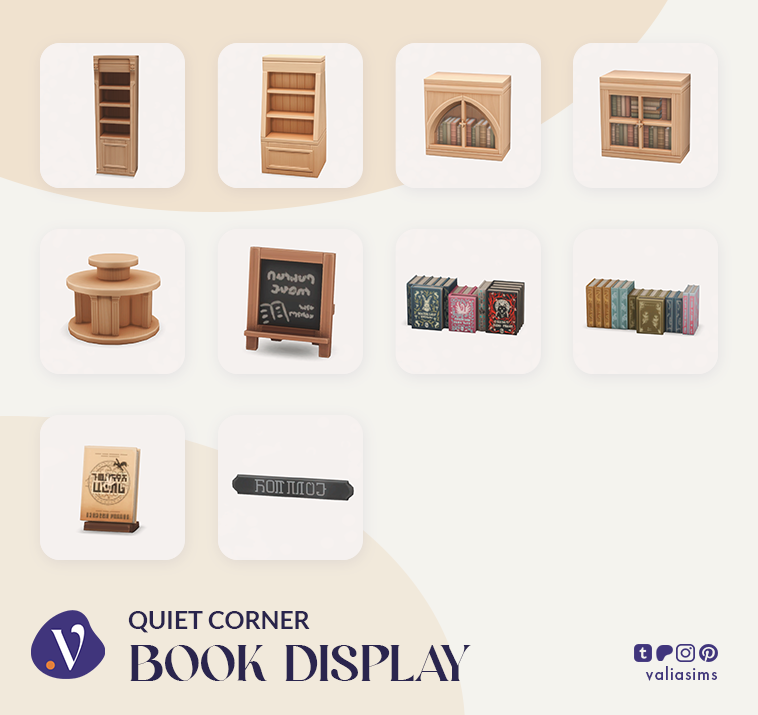
Quiet Corner – Book Display
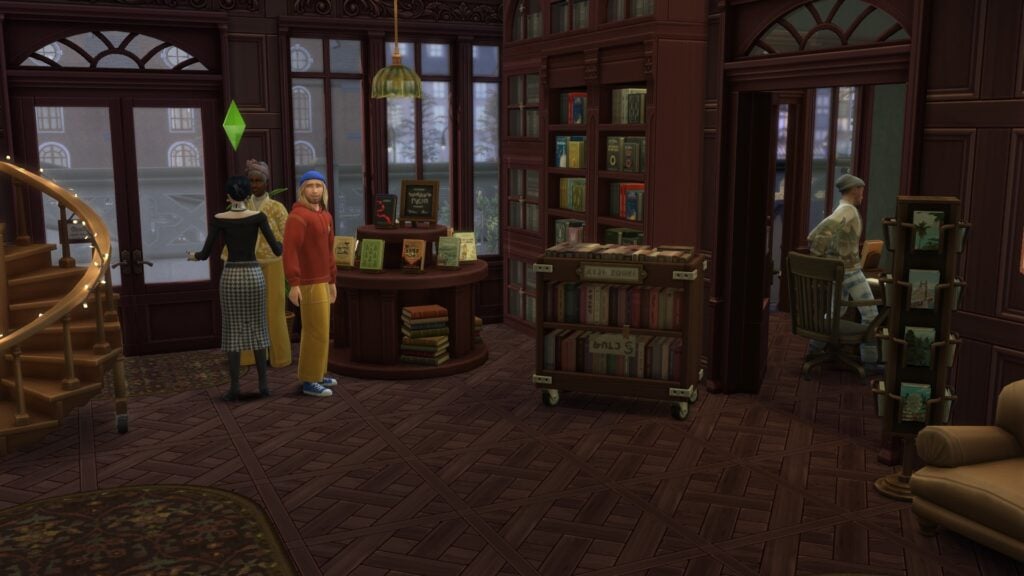
The Book Display set is the centerpiece of the entire Sims 4 Quiet Corner CC collection.
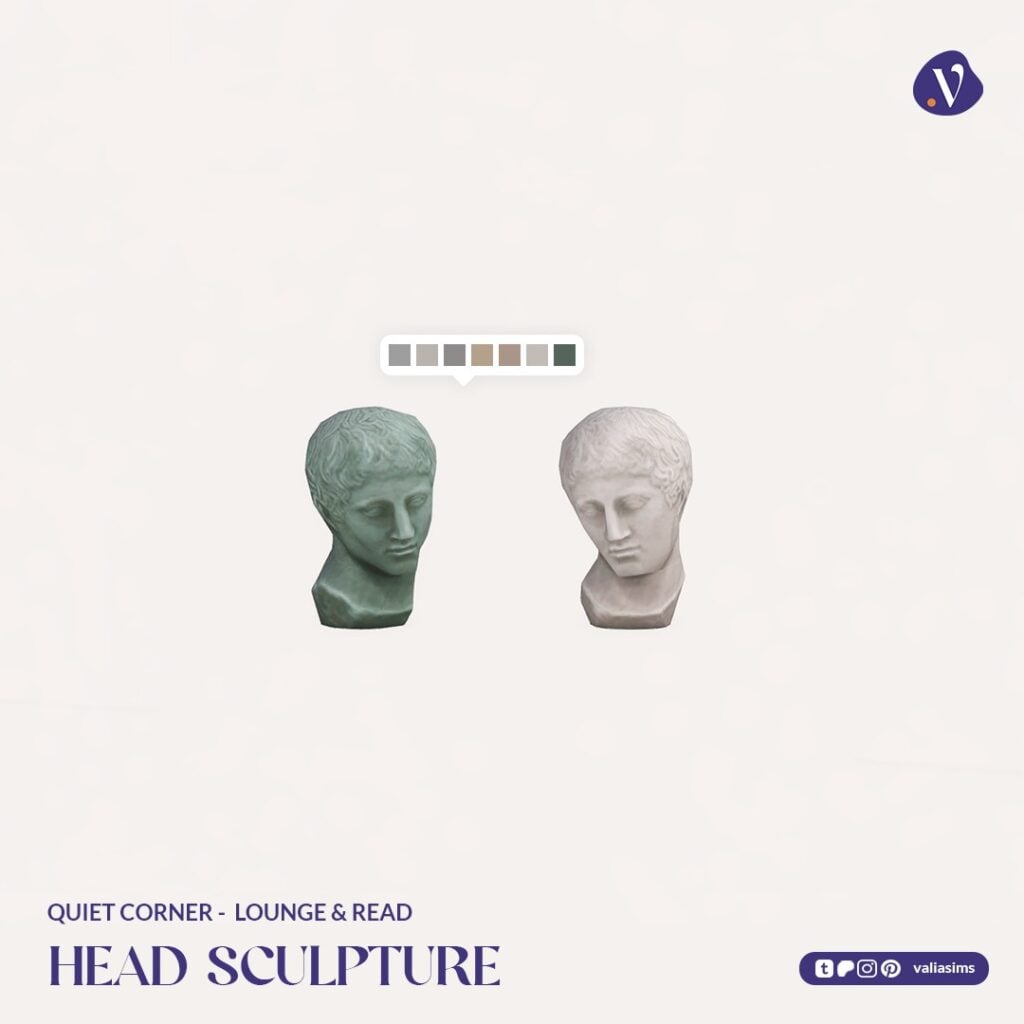
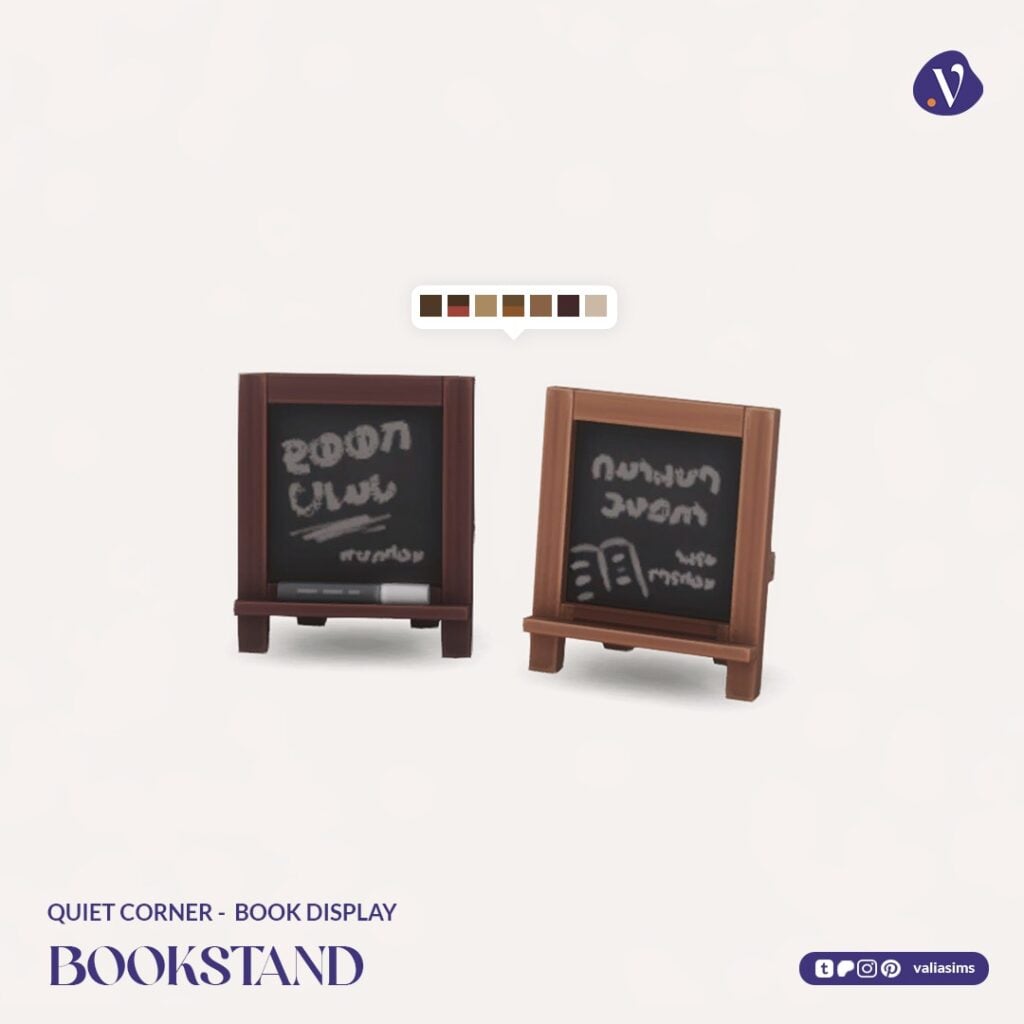
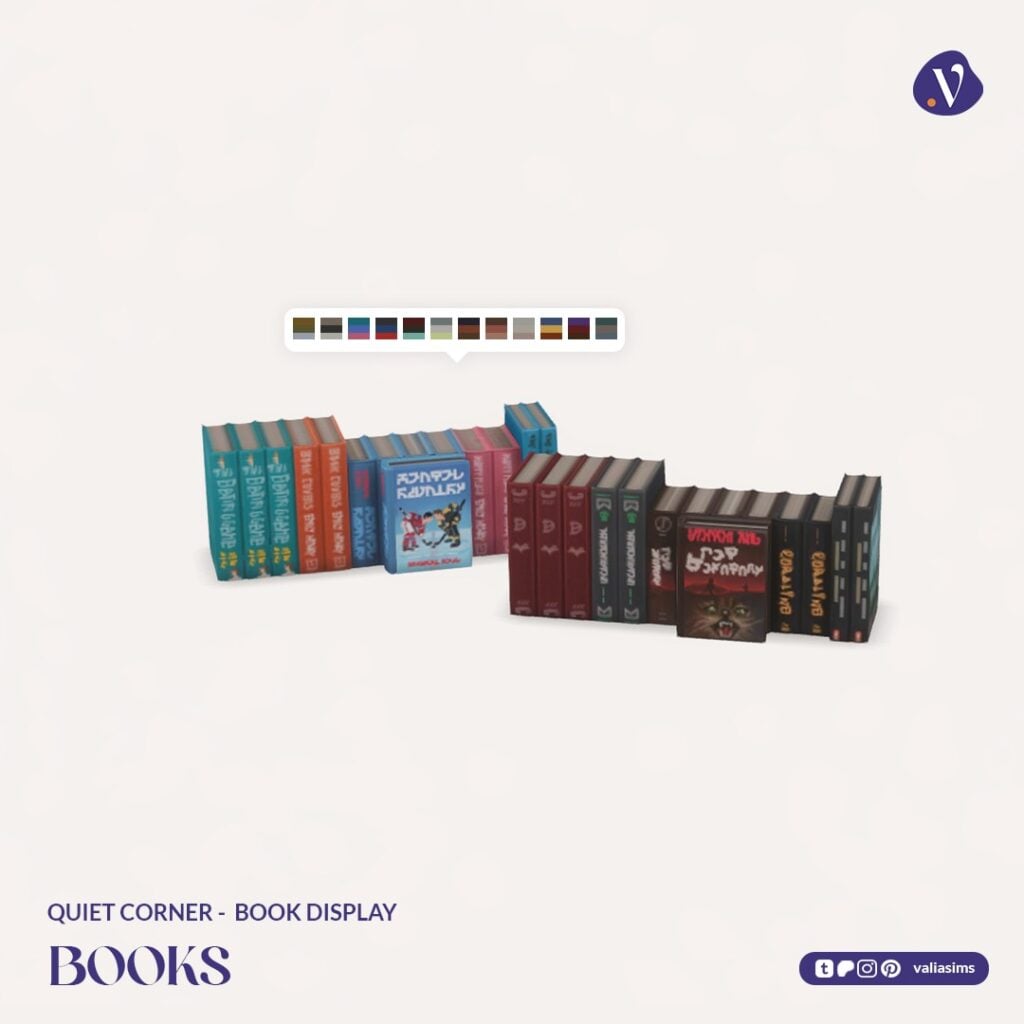
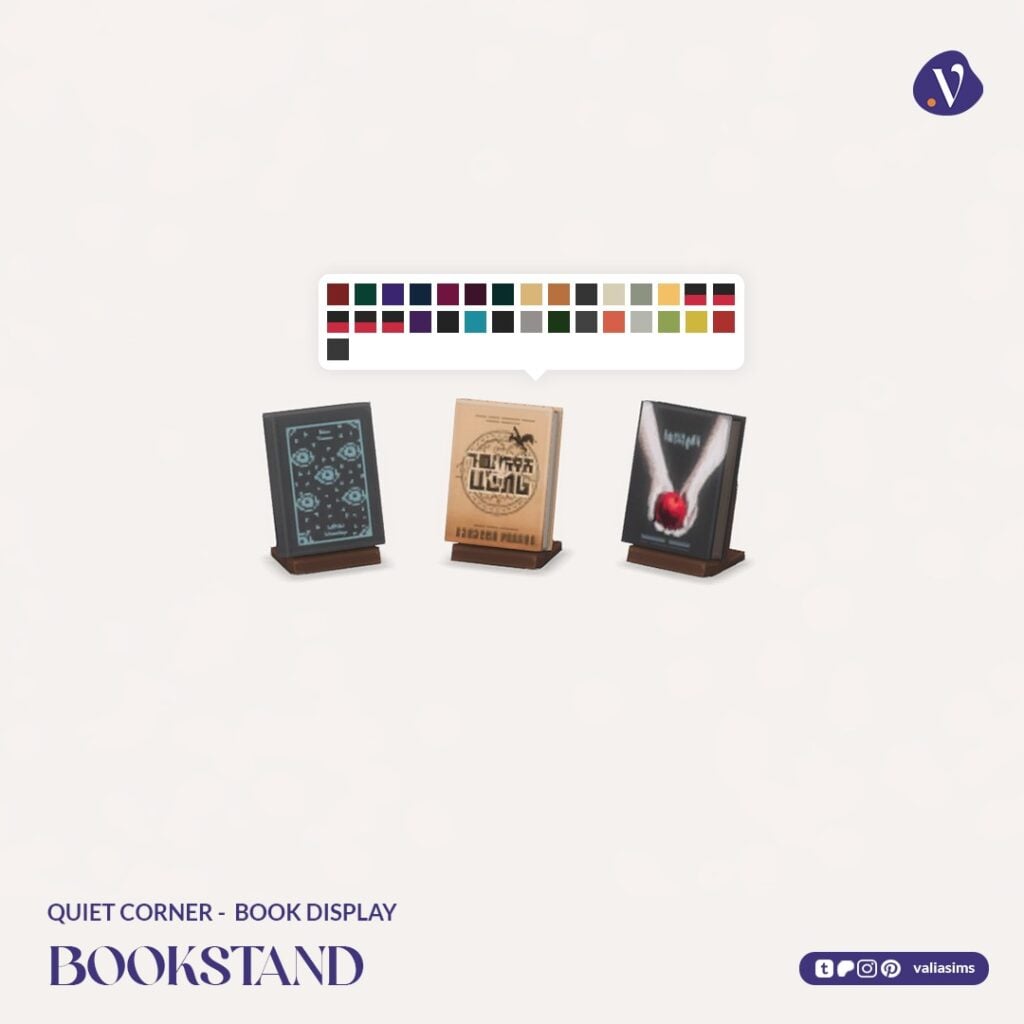
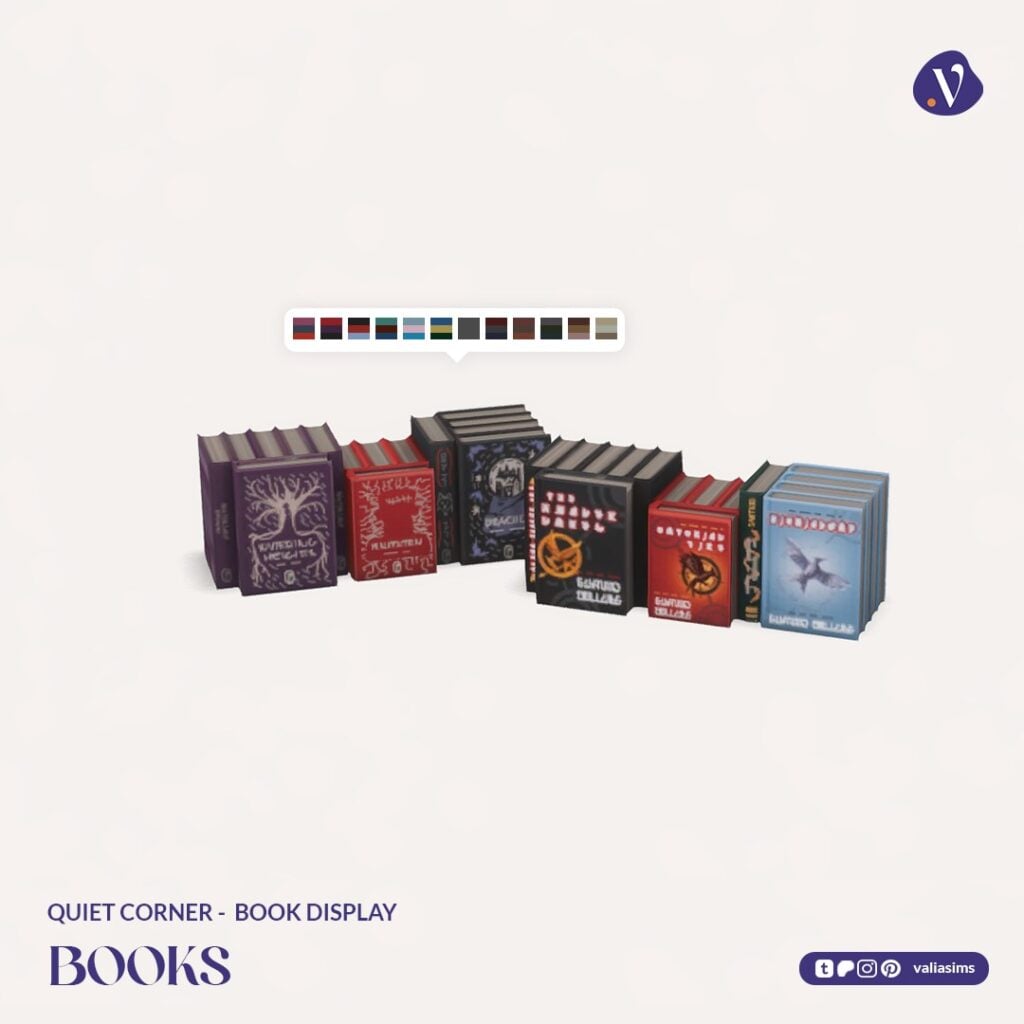
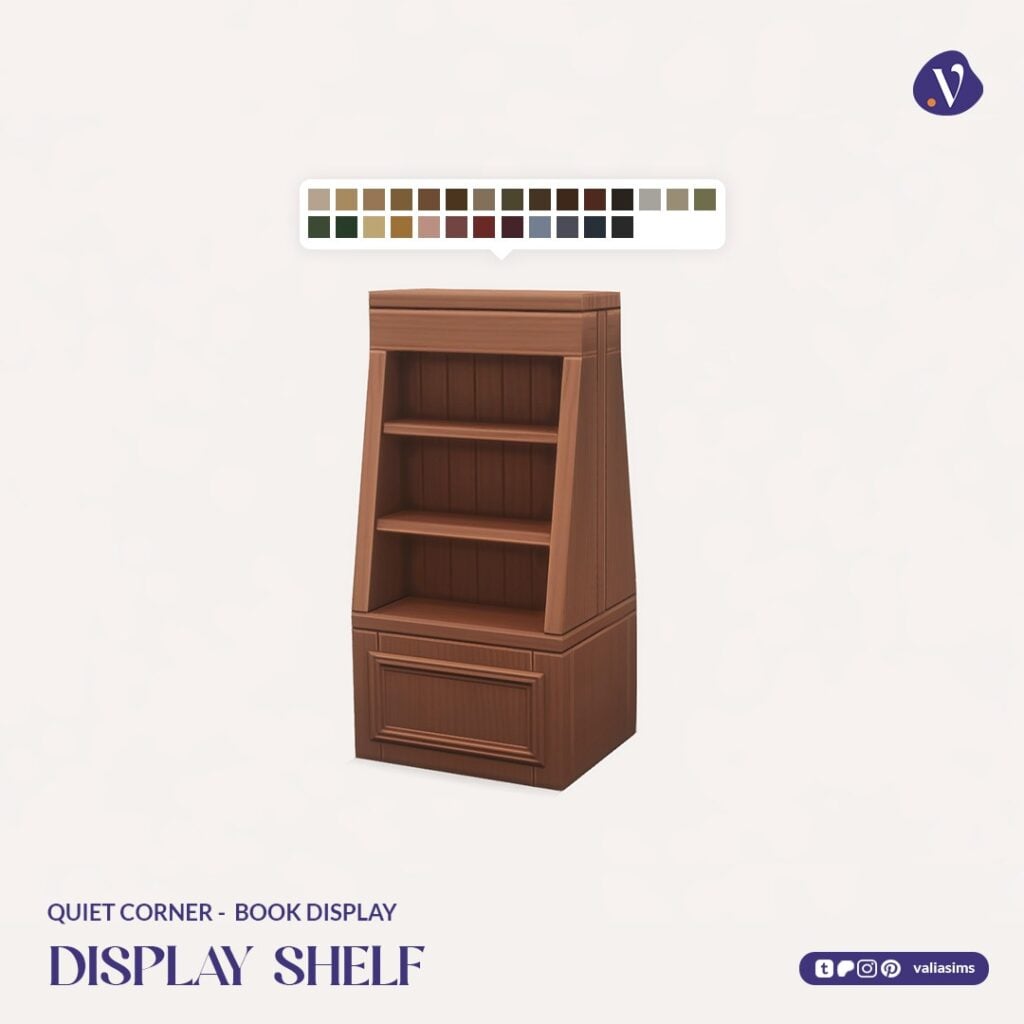
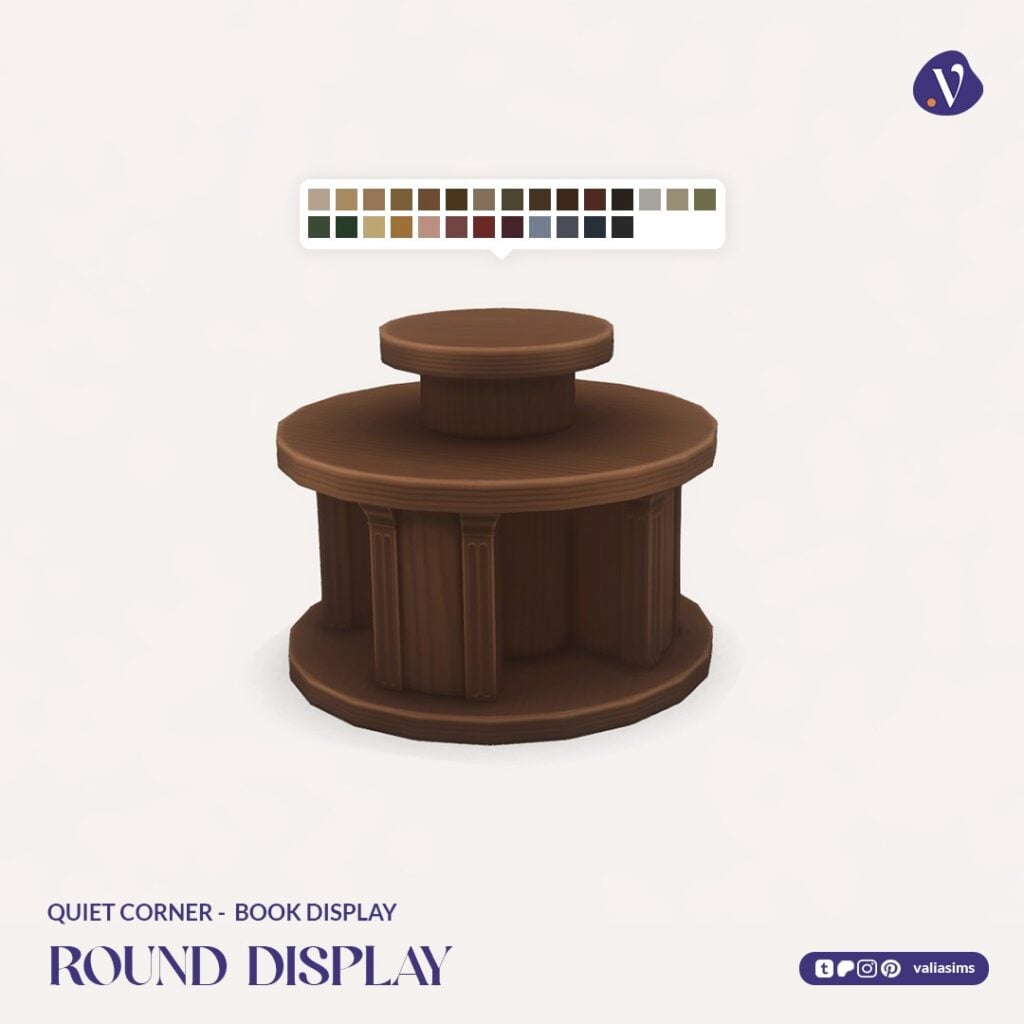
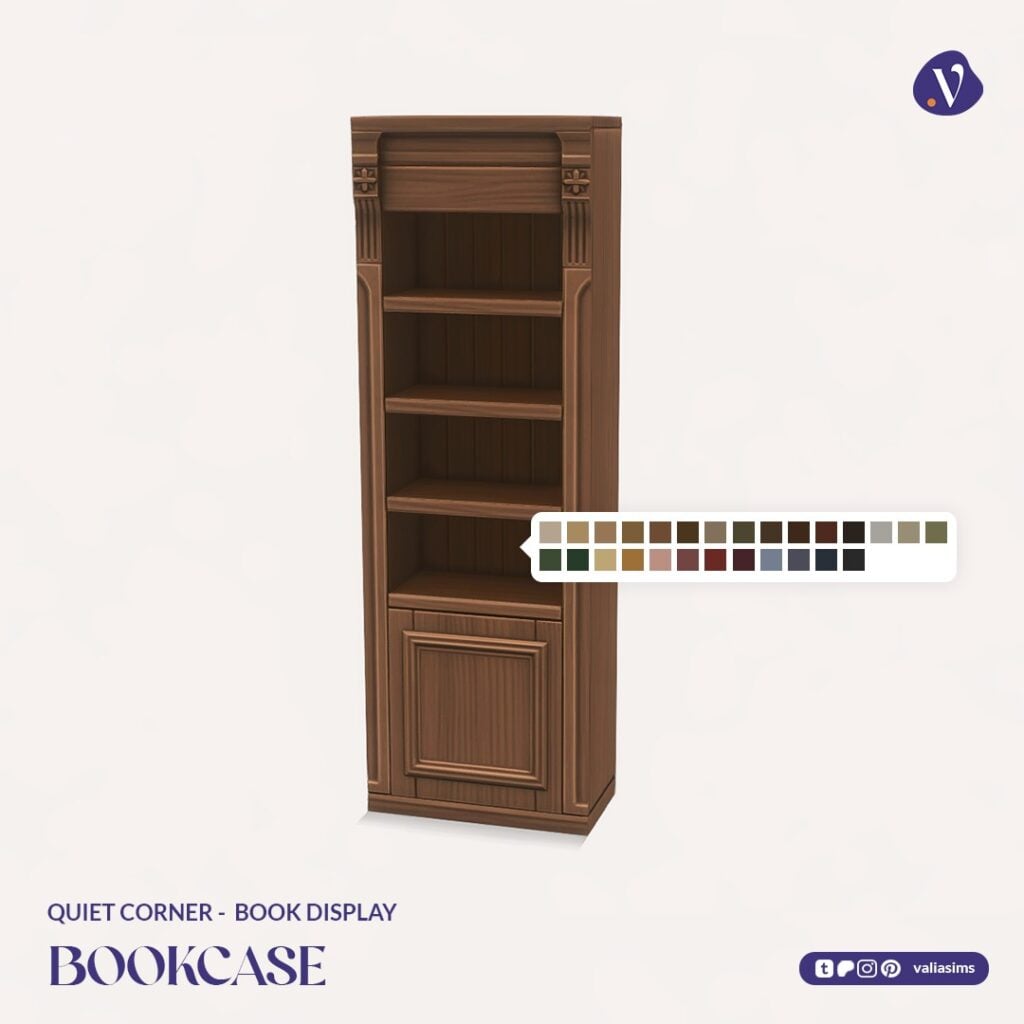
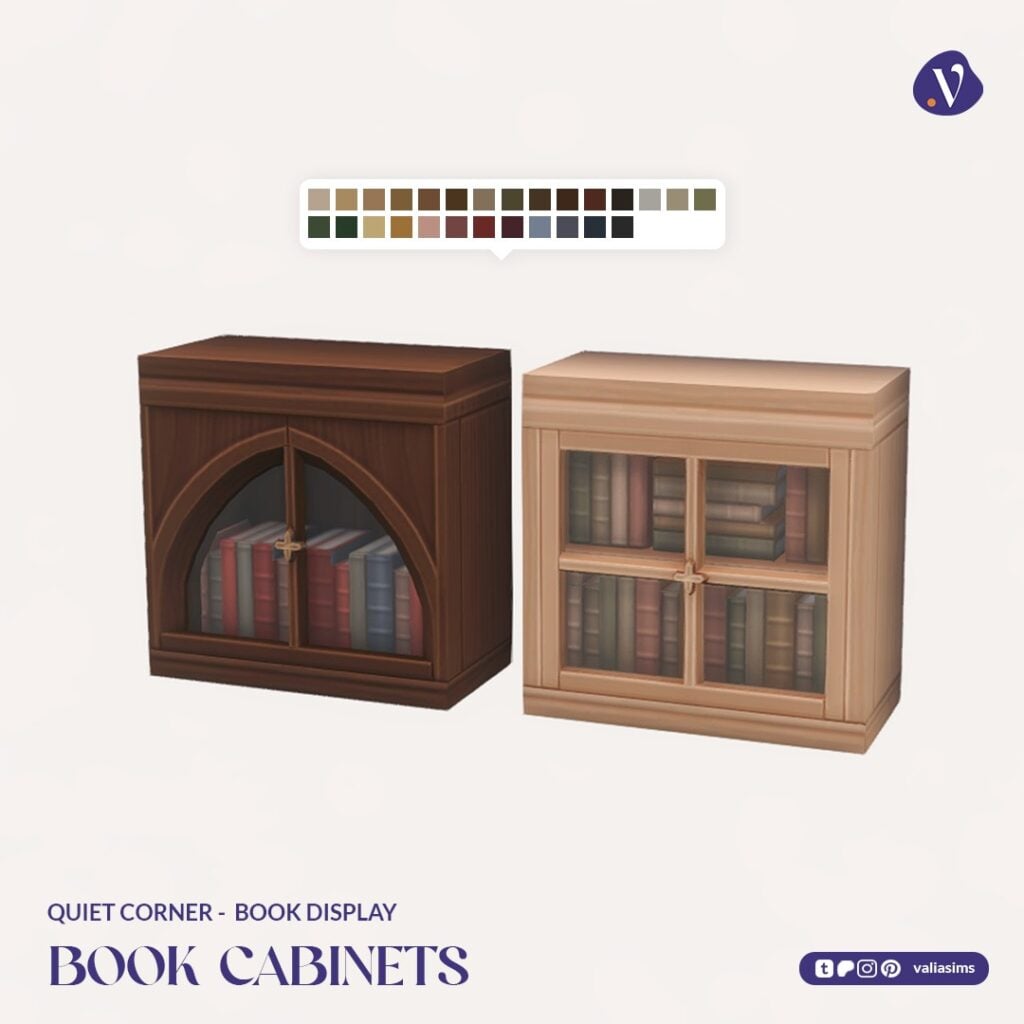
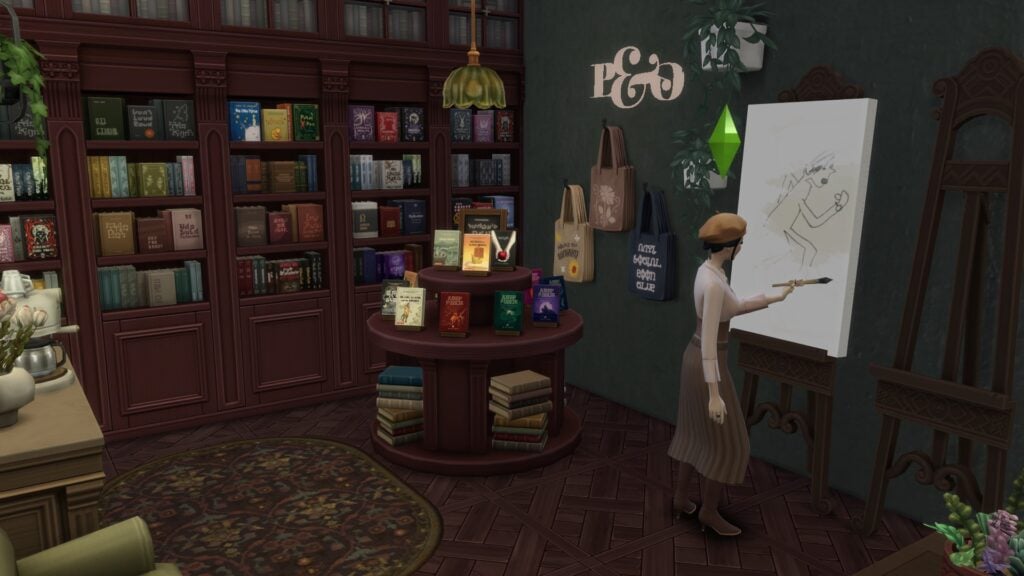
This part introduces modular bookshelves, display units, and a wide selection of books with hand-painted covers. The level of detail here really elevates the entire build, making the shop feel curated and unique.
Shelves can be combined seamlessly, and display units are compatible with retail gameplay for selling items.
Set Includes Highlights:
Modular bookshelves and cabinets
Display shelves and round display tables
Custom books and book stands
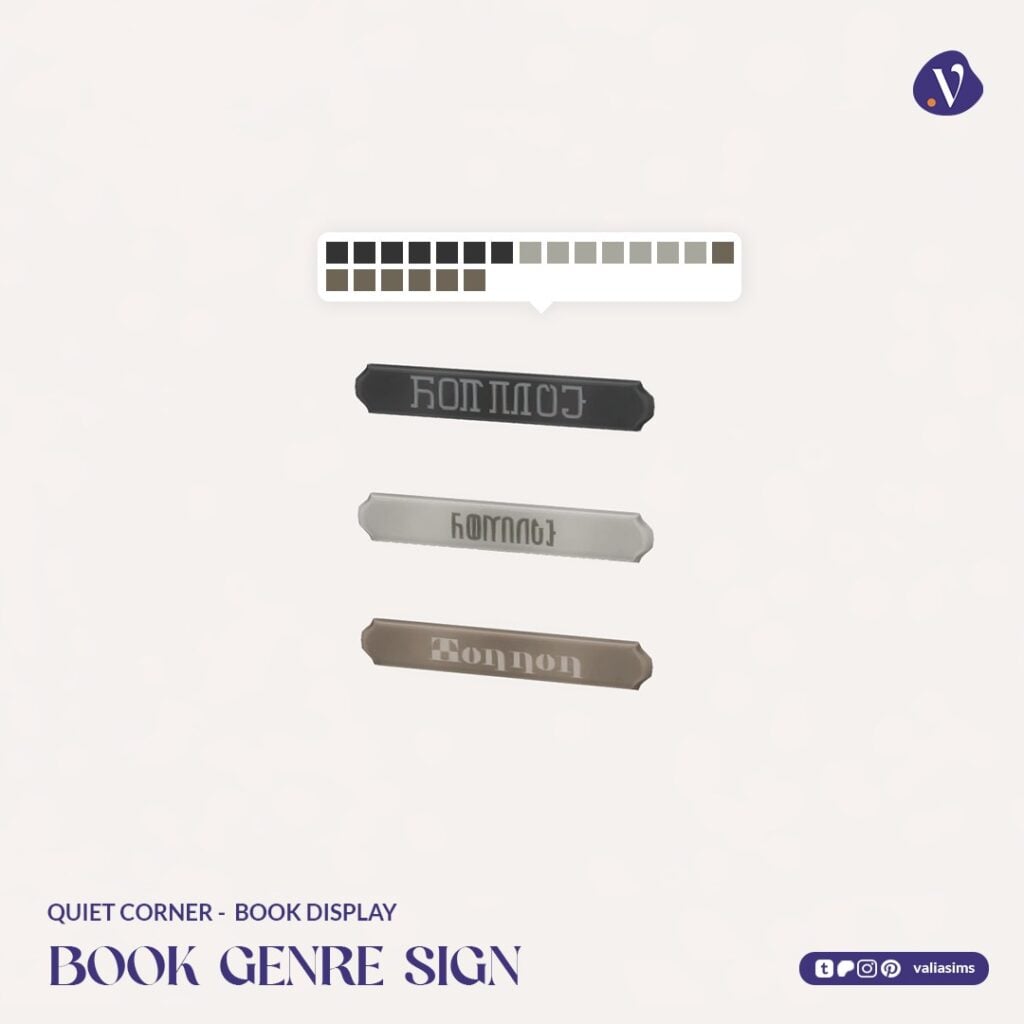
Book genre signage
The beautifully detailed handcrafted book covers add a subtle but meaningful layer of personality to every shelf.
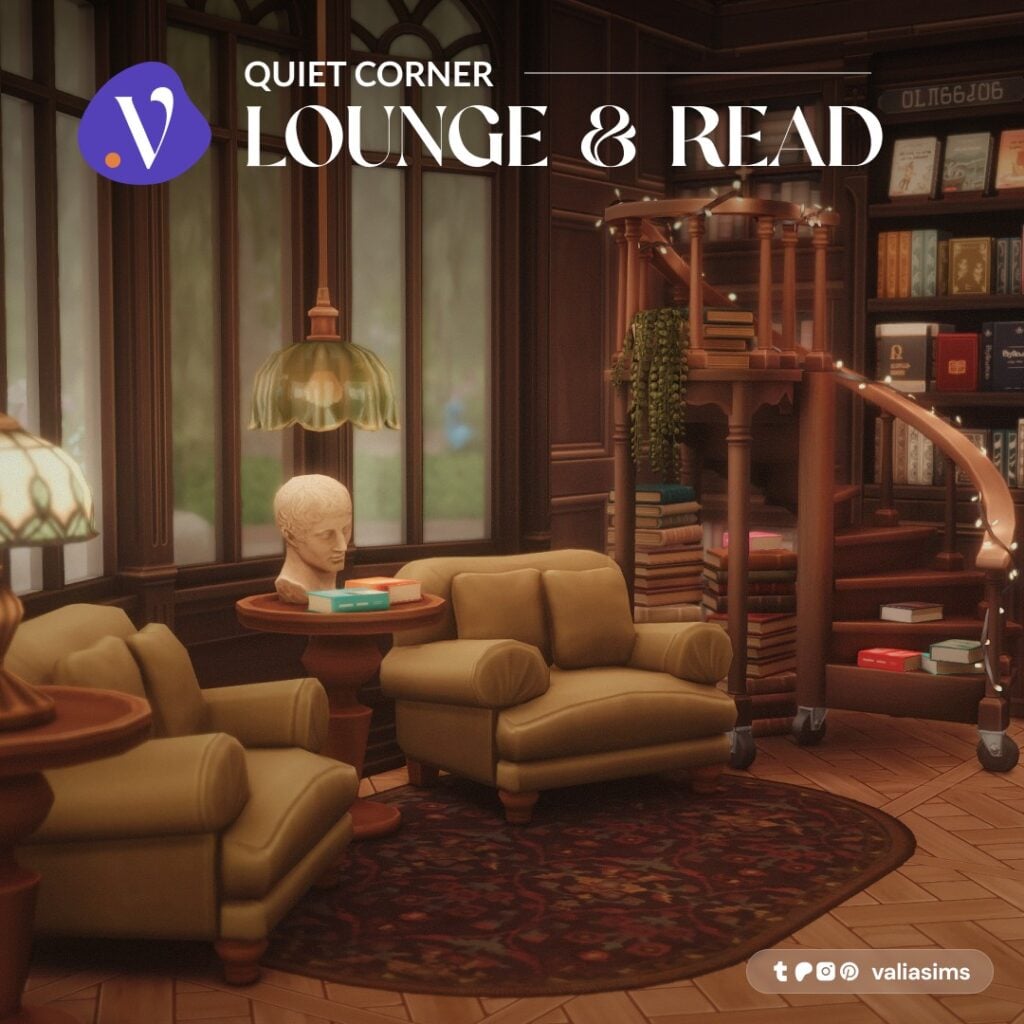
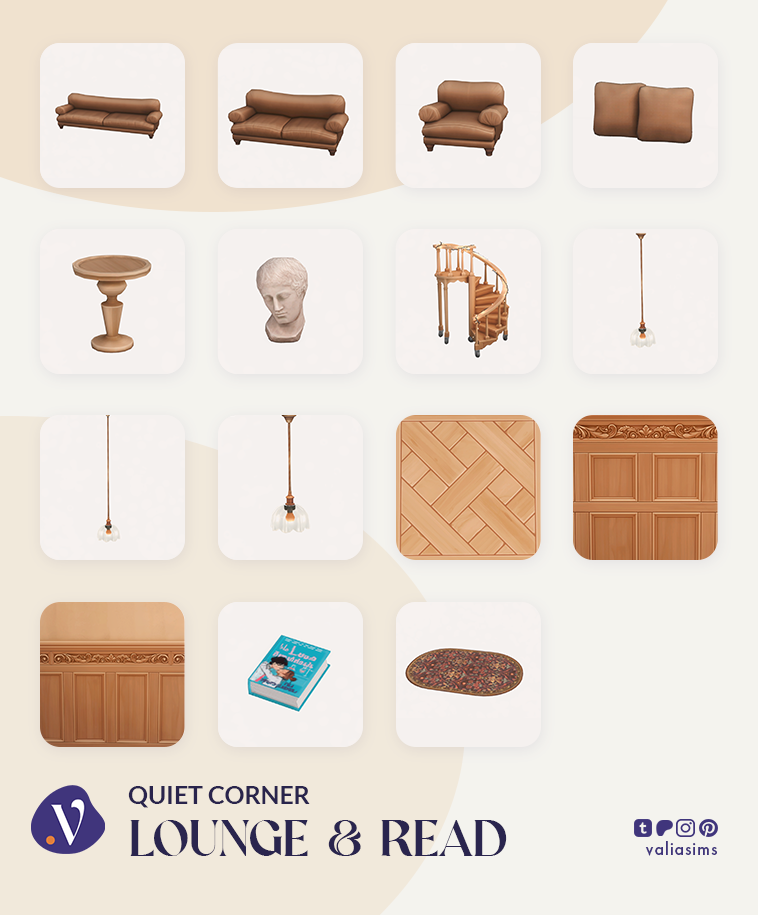
Quiet Corner – Lounge & Read
The final set completes the experience with a dedicated reading area.
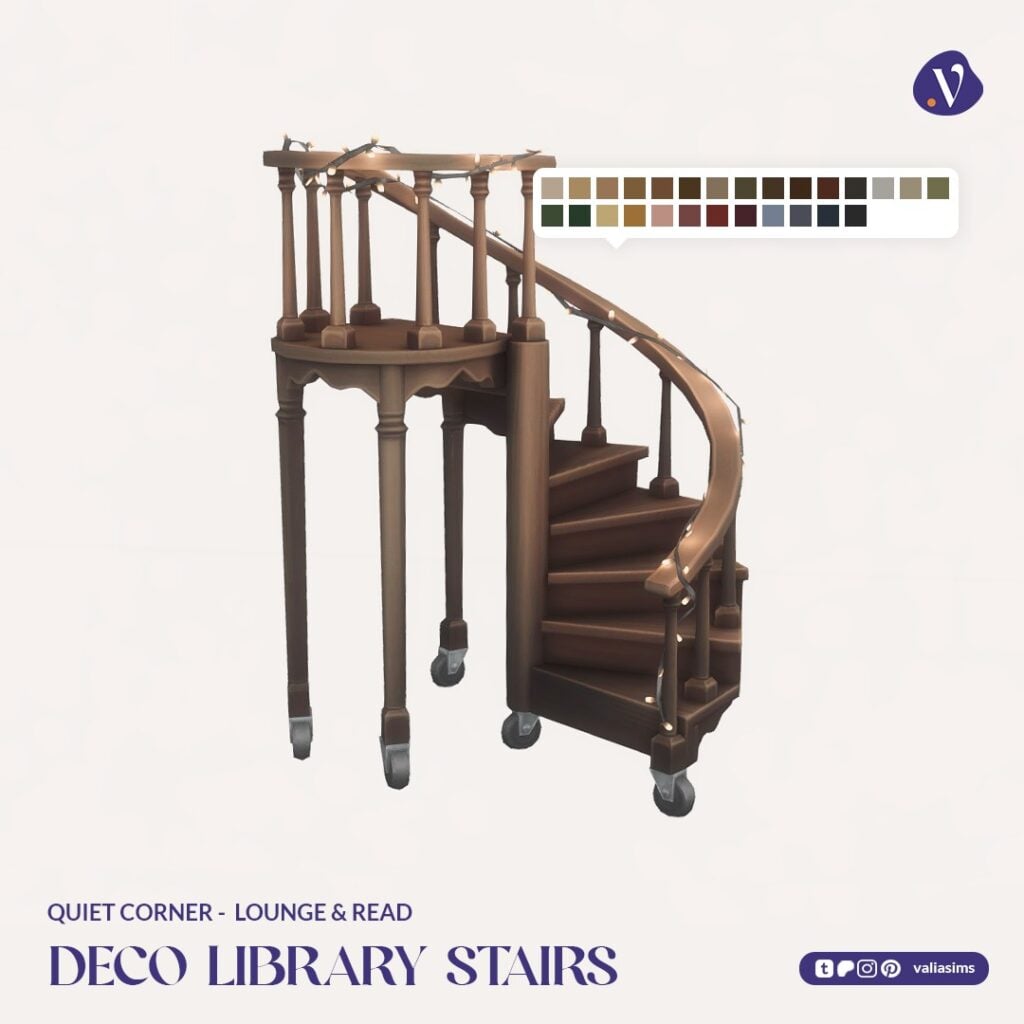
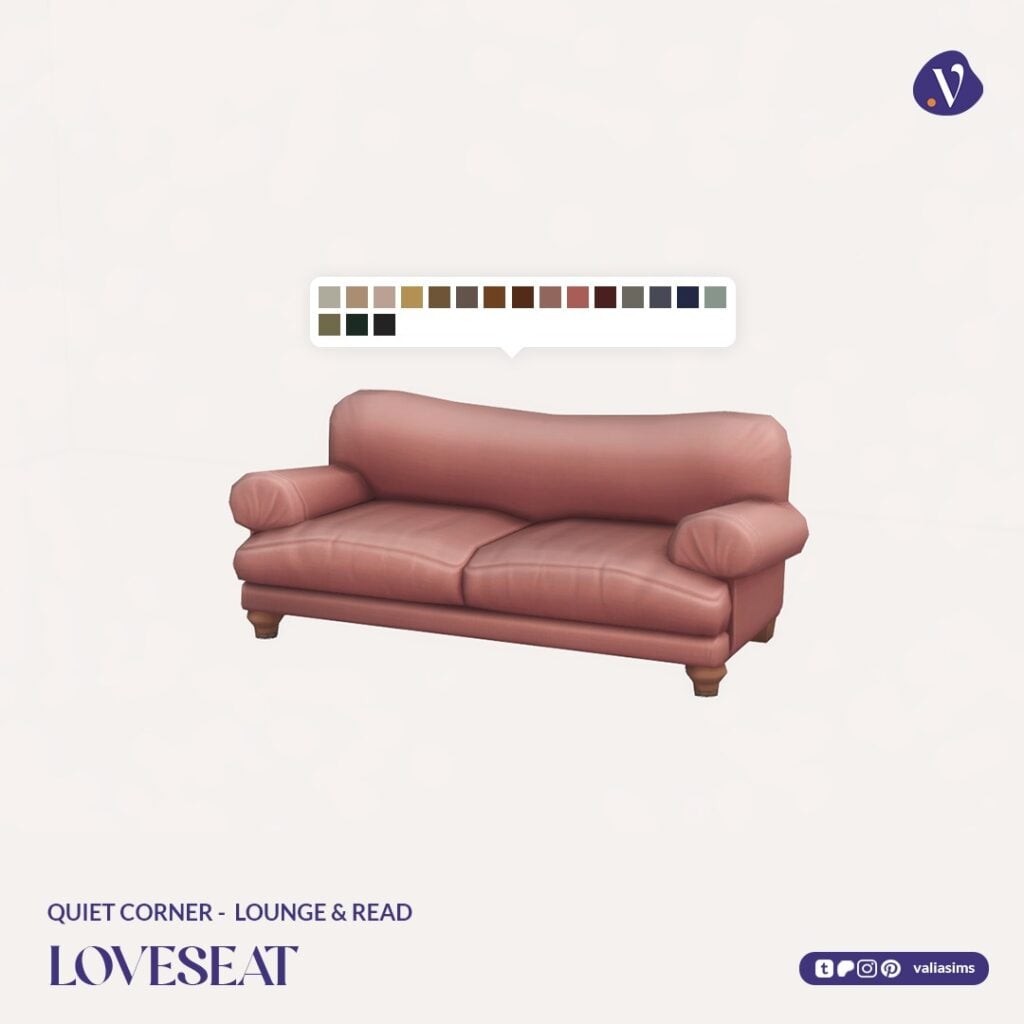
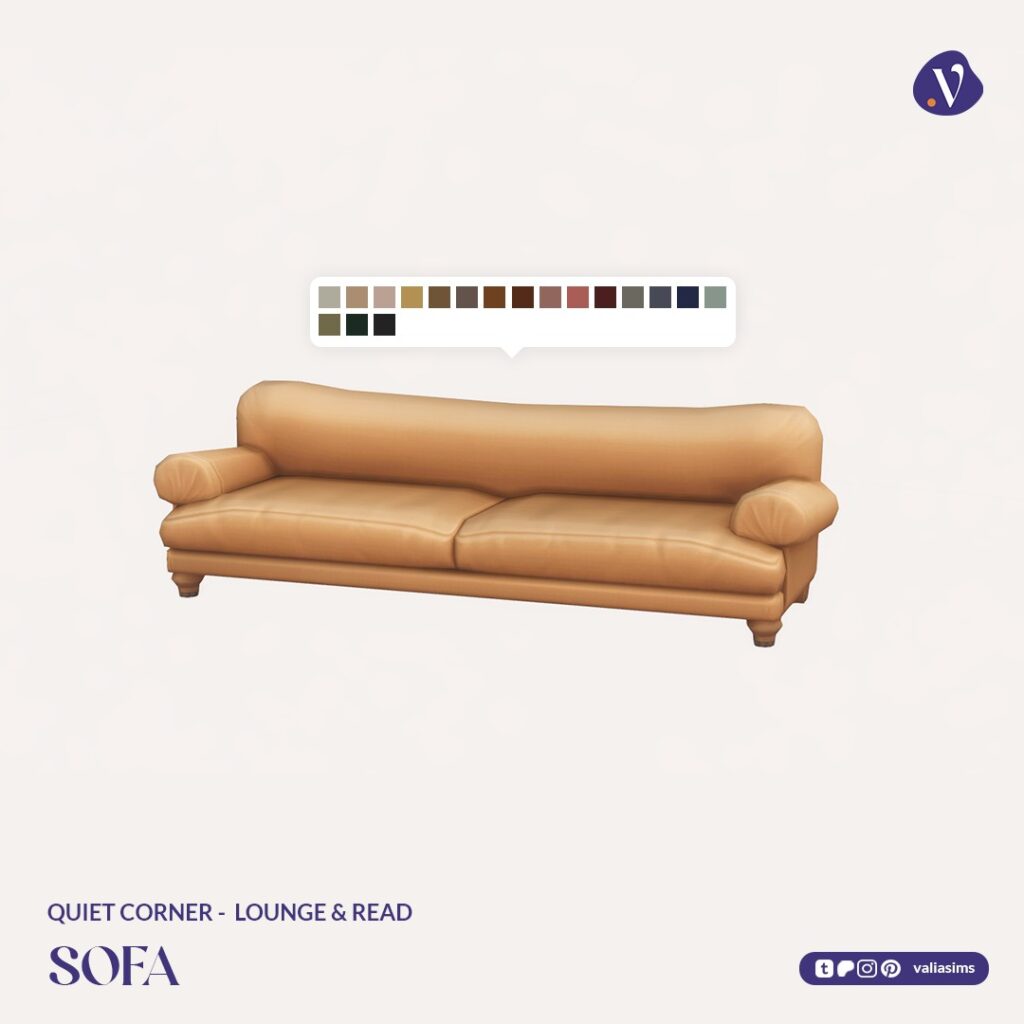
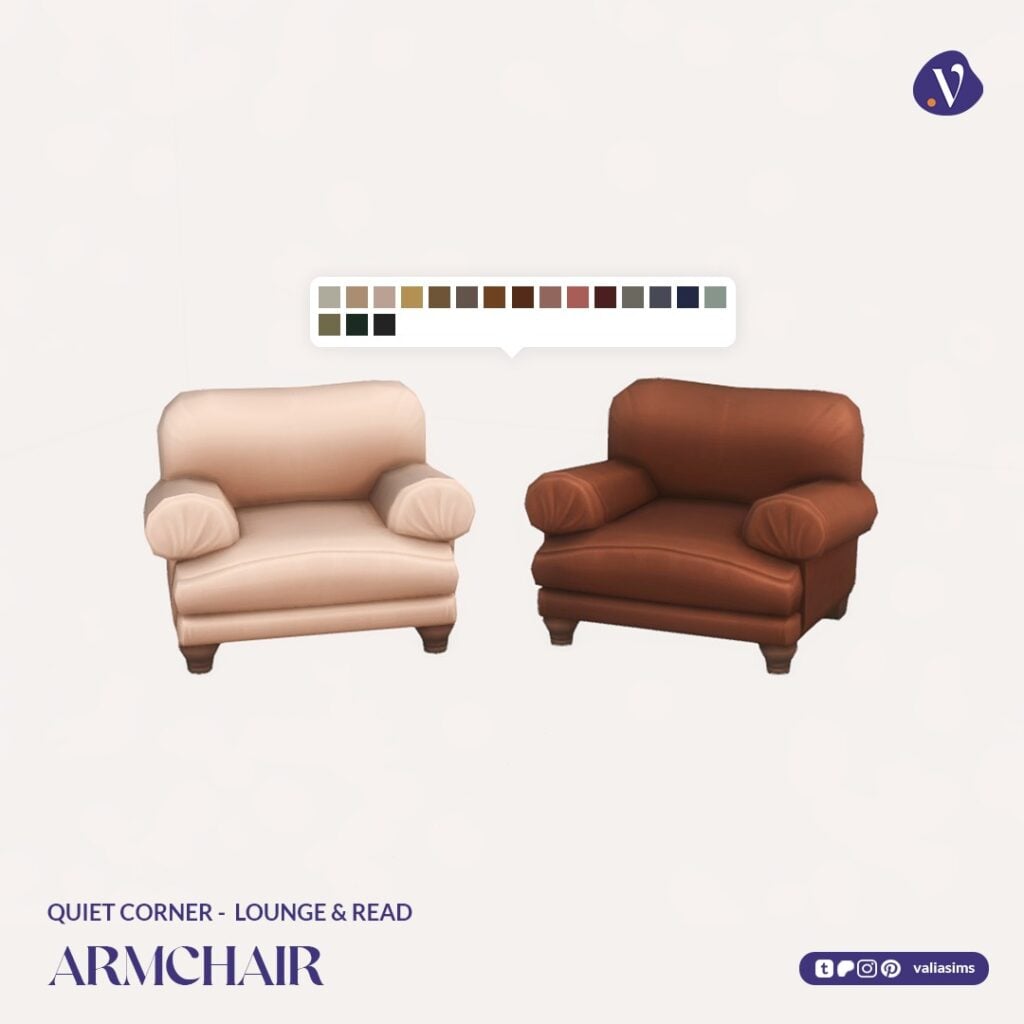
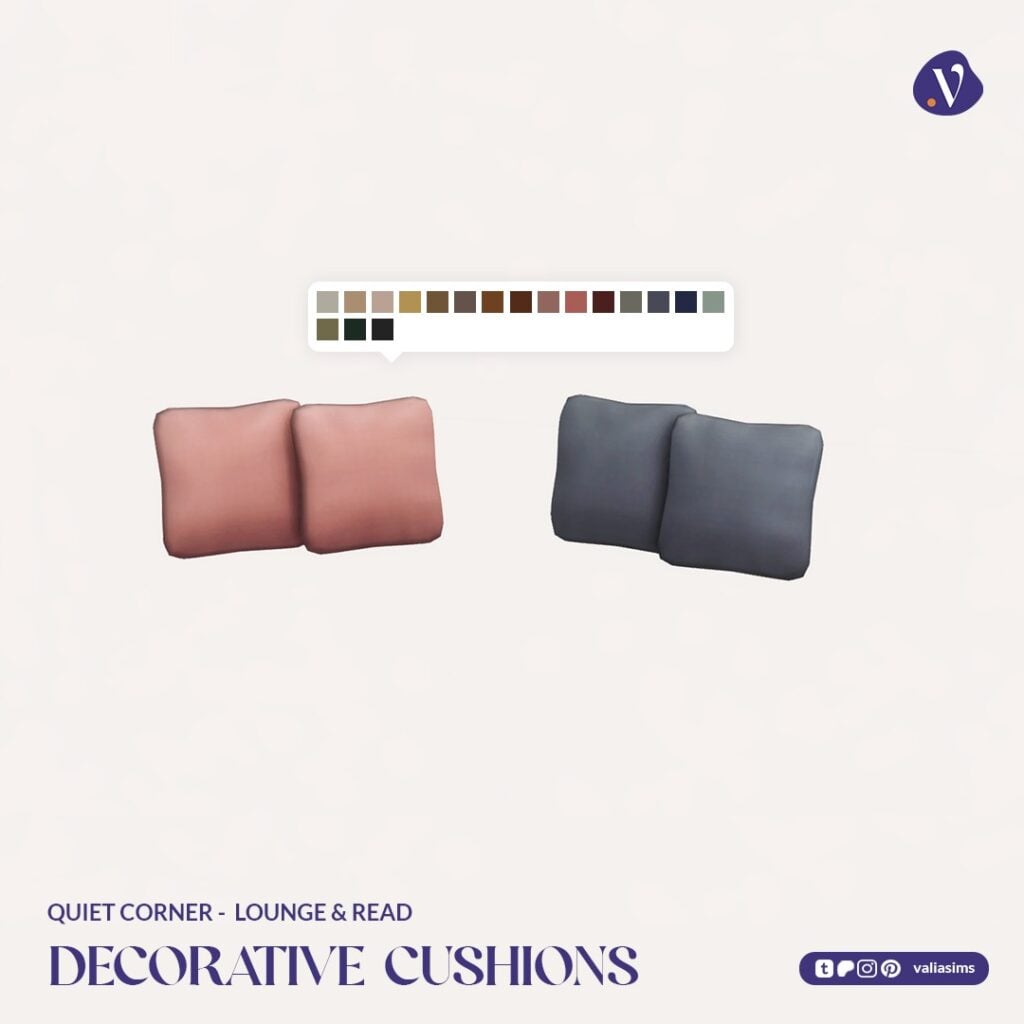
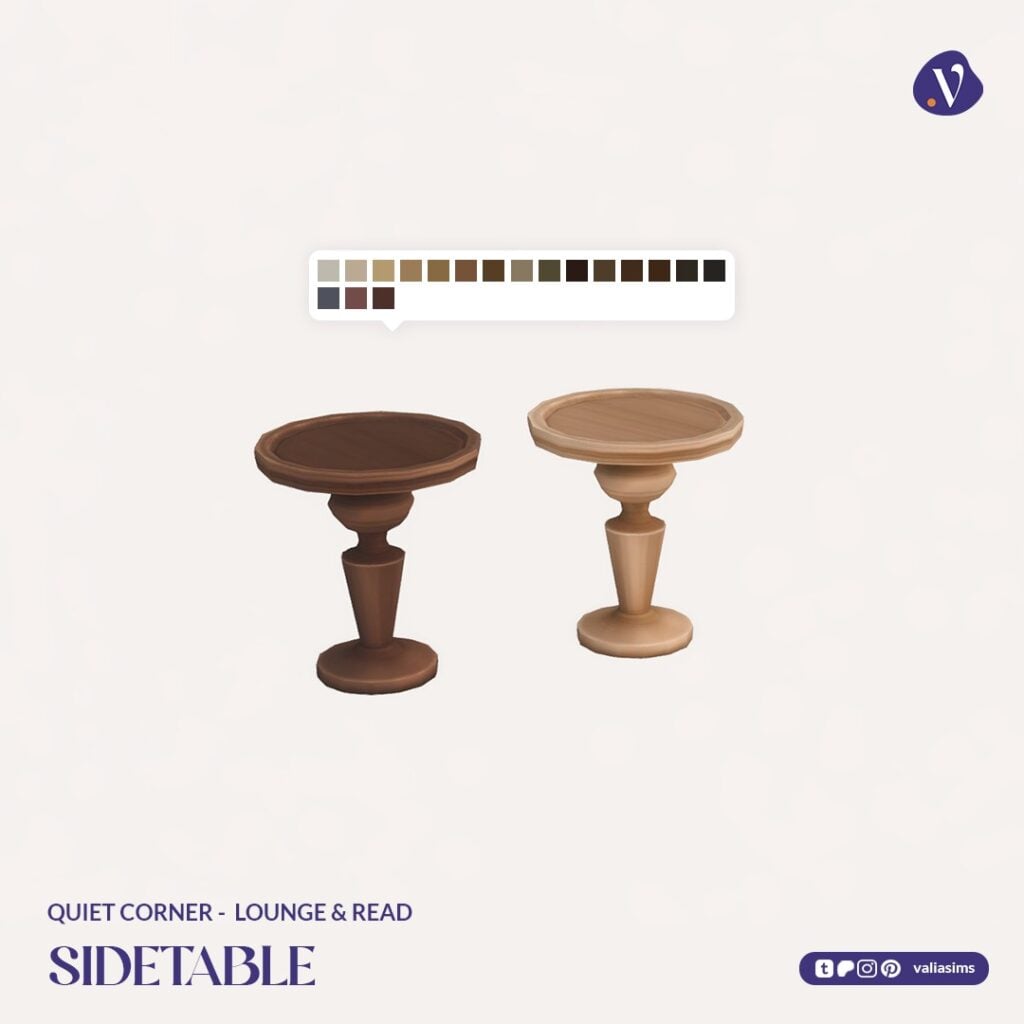
Featuring comfortable seating, decorative elements, and even a spiral staircase centerpiece, this set transforms the shop into a space where Sims can truly relax and stay awhile. It also introduces a collection of 20 readable books, adding even more depth to storytelling and gameplay.
Set Includes Highlights:
Sofa, loveseat, and armchairs
Decorative spiral library stairs
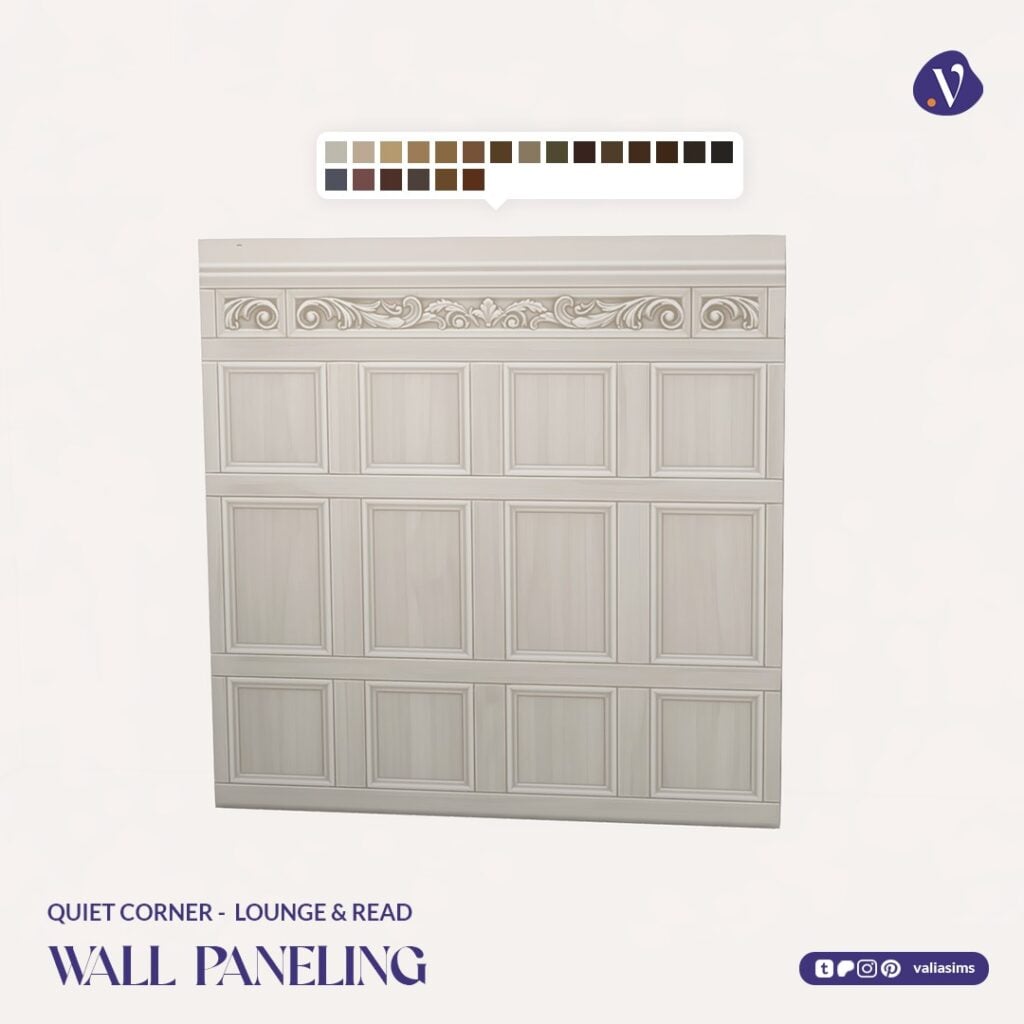
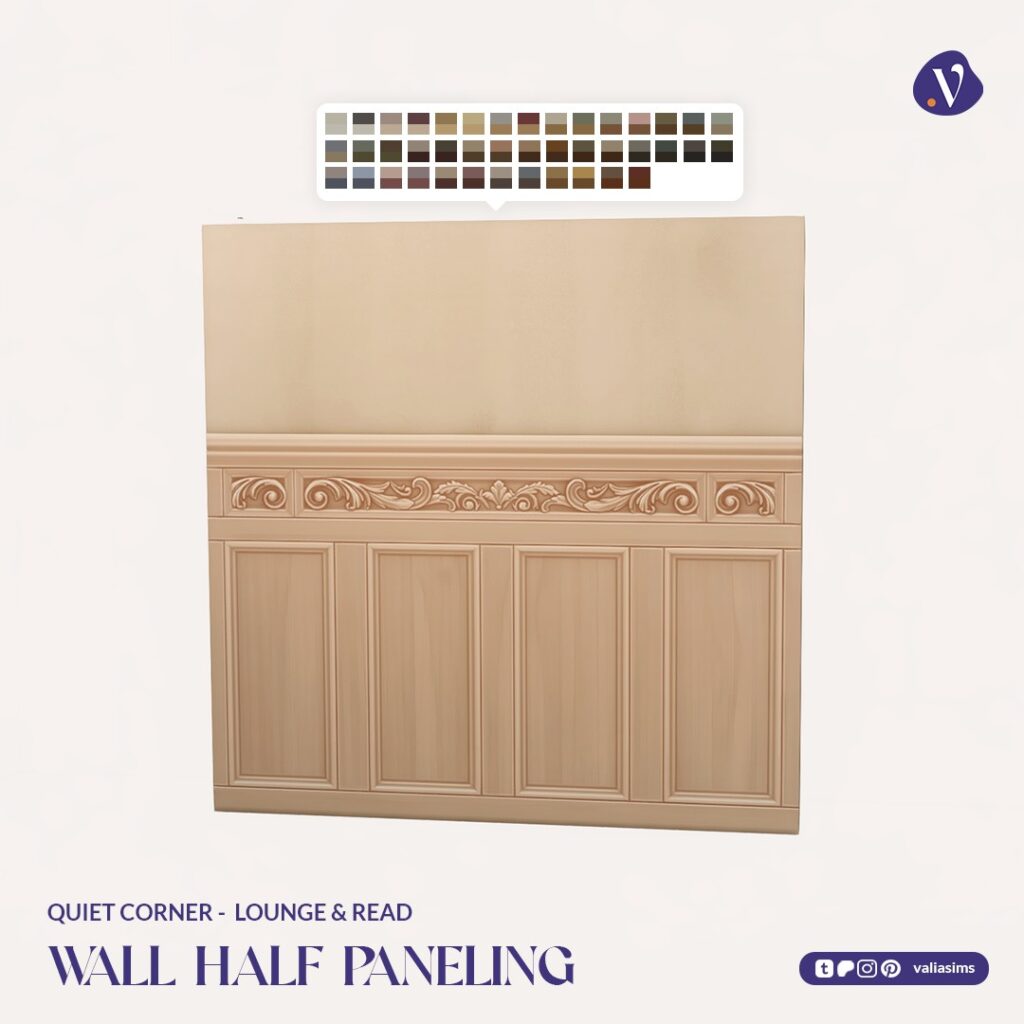
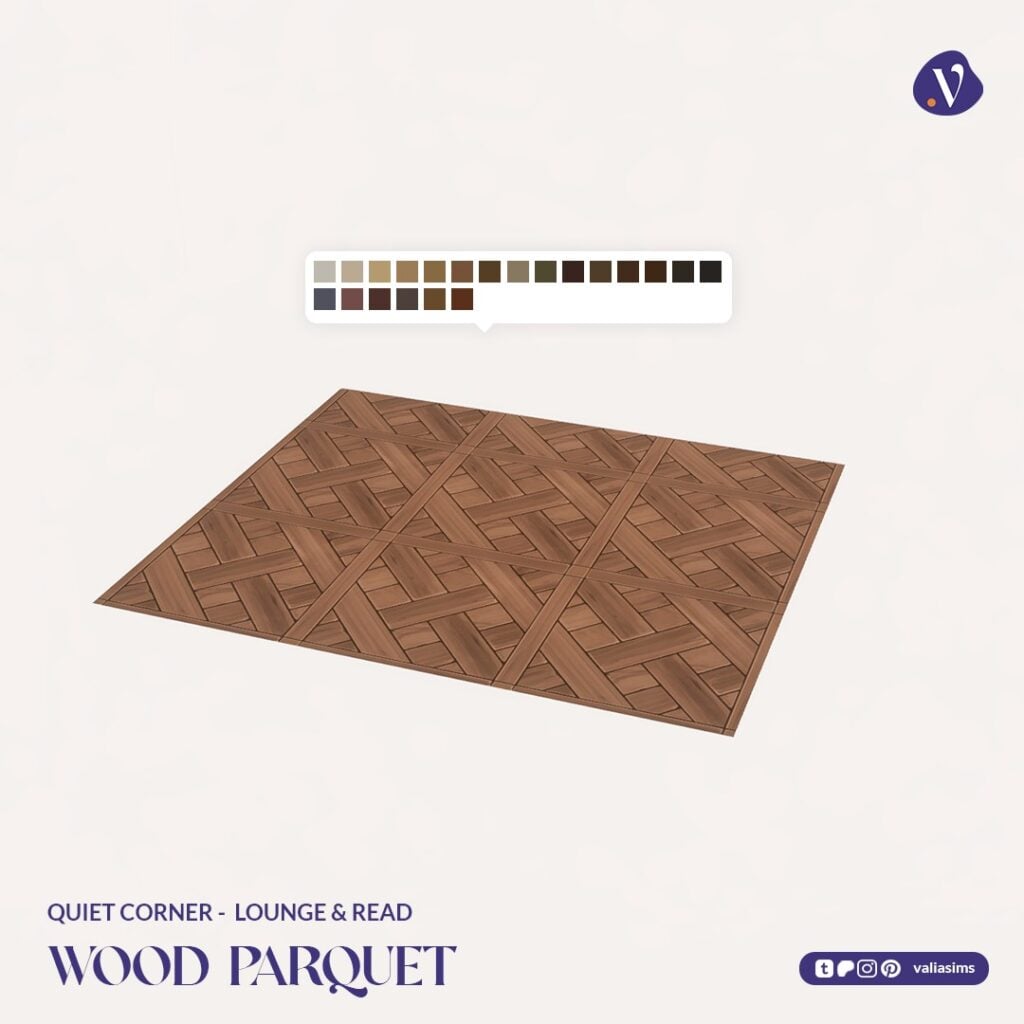
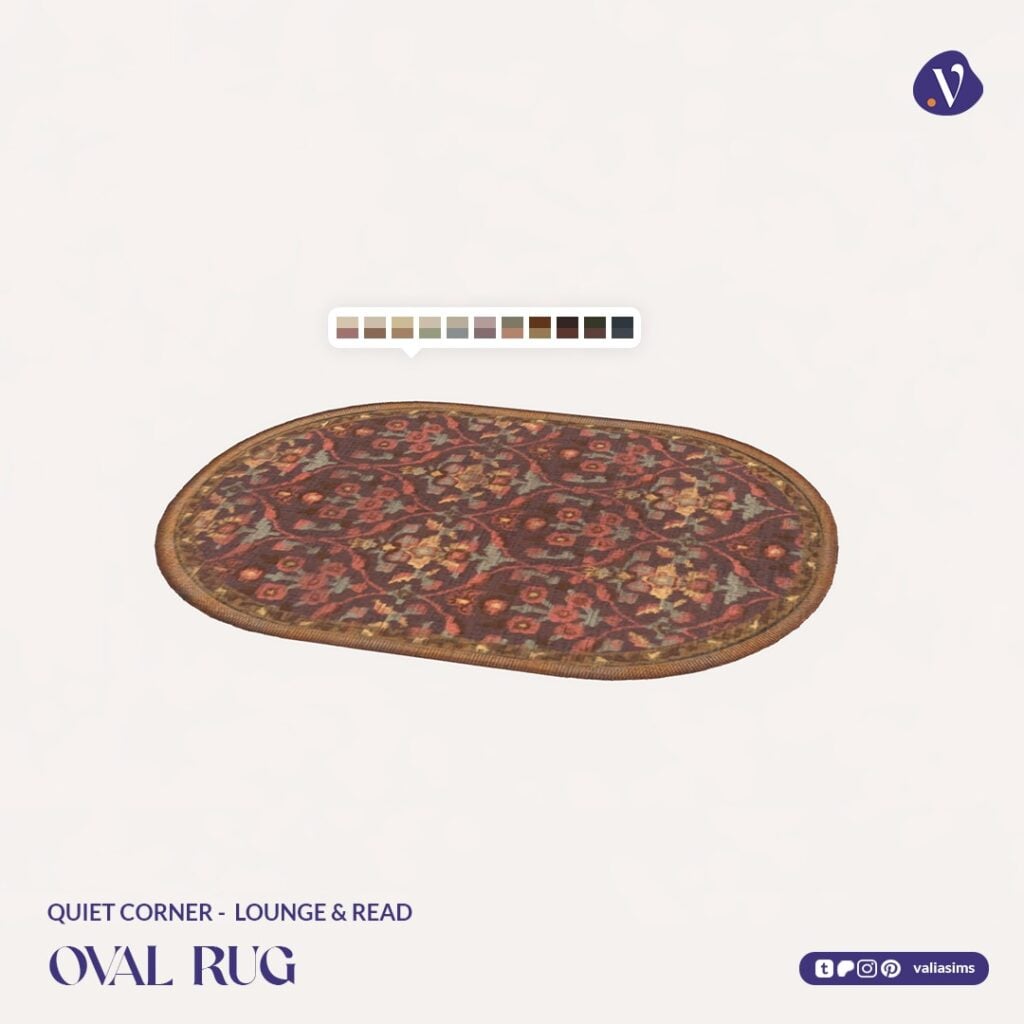
Rugs, lighting, and wall paneling
20 readable books
This is the piece that truly turns a simple build into a full experience.
Readable Books
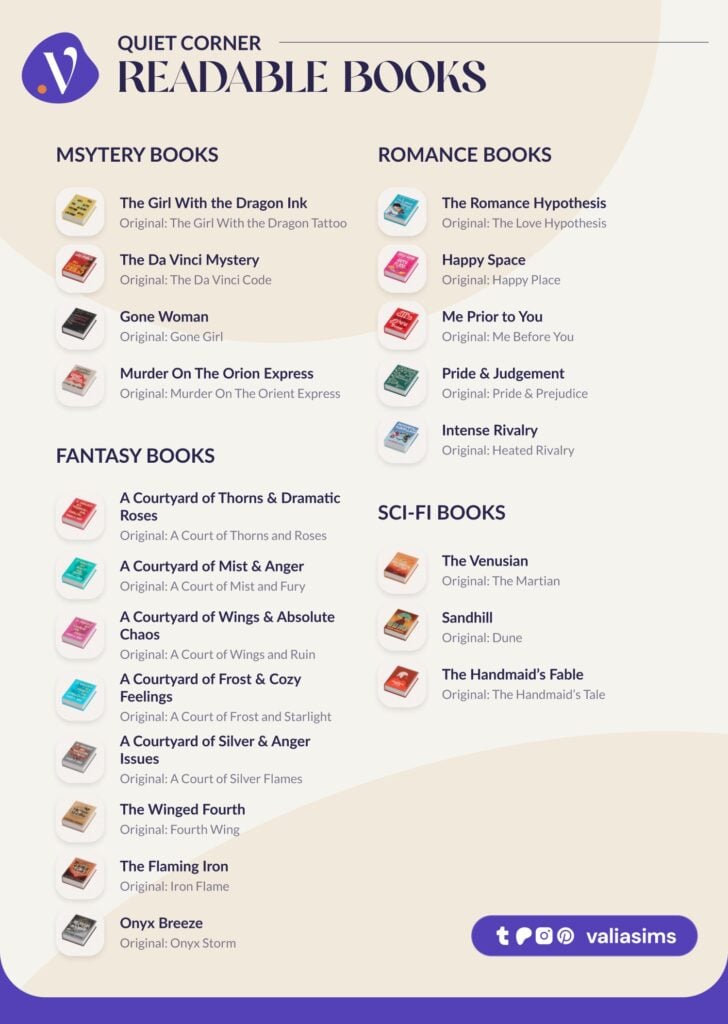
Another standout feature of the Sims 4 Quiet Corner CC collection is the addition of 20 readable books, spanning multiple genres including mystery, romance, fantasy, and sci-fi. Each title is a playful reinterpretation of familiar favorites, adding a fun and immersive storytelling element to your builds.
These books aren’t just decorative, they can be accessed and read in-game like standard books, making them a wonderful addition for players who enjoy storytelling, cozy gameplay, and detailed environments.
Build & Buy Catalog Overview
Across all five sets, the Sims 4 Quiet Corner CC collection offers a wide and cohesive selection of items that work together seamlessly. From structural build pieces to detailed clutter and functional objects, everything follows a consistent style that fits naturally into Maxis Match gameplay. Players can easily find items in-game by searching for “Quiet Corner” or “VALIA,” making organization simple even with the size of the collection.
Swatch Previews
The swatches continue the collection’s warm, earthy palette, combining rich woods, soft neutrals, and muted tones that help create a cohesive and inviting look throughout any build.
Early Access Details – How to Download It Now
Valia’s Sims 4 Quiet Corner CC collection is currently rolling out in stages. Sets 1 through 4 are available to download now, giving you immediate access to the façade, storefront, welcome desk, and book display items to start building your cozy bookstore.
The final set, Lounge & Read, is still in early access and is scheduled for public release on May 10 at 6PM CEST. Once released, it will complete the collection with the cozy reading area, seating, and additional decorative pieces.
If you’d like early access to the full collection, you can support the creator on Patreon. Otherwise, you can download the currently available sets now and add the final piece to your build once it becomes publicly available.
If you’d like to download and renovate the original build yourself, you can find it on The Sims 4 Gallery by searching for the lot titled Bookstore & Café by Alkemai. It’s a great starting point for creating your own cozy bookstore using the Quiet Corner CC collection.
Our Final Thoughts
The Sims 4 Quiet Corner CC collection is a beautifully crafted set that captures the feeling of a cozy, inviting bookstore in a way that feels both immersive and inspiring. Every part of this collection works together seamlessly, making it easy to create a space that feels lived-in, vibrant, and full of personality.
While larger CC collections like this may not appeal to players who prefer minimal downloads or simpler builds, it offers an incredible level of detail and flexibility for those who enjoy storytelling and richly designed environments.
This is the kind of collection that can easily become the centerpiece of an entire save file. For players who love cozy gameplay and detailed builds, Valia’s Quiet Corner stands out as a truly memorable addition to The Sims 4.
What do you think of the Sims 4 Quiet Corner CC collection? Will you be adding it to your game?
Discover even more Sims 4 CC packs, custom content reviews, and gameplay-enhancing mods in our Sims Community CC articles, where we regularly feature new releases, in-game previews, and plenty of gameplay inspiration.
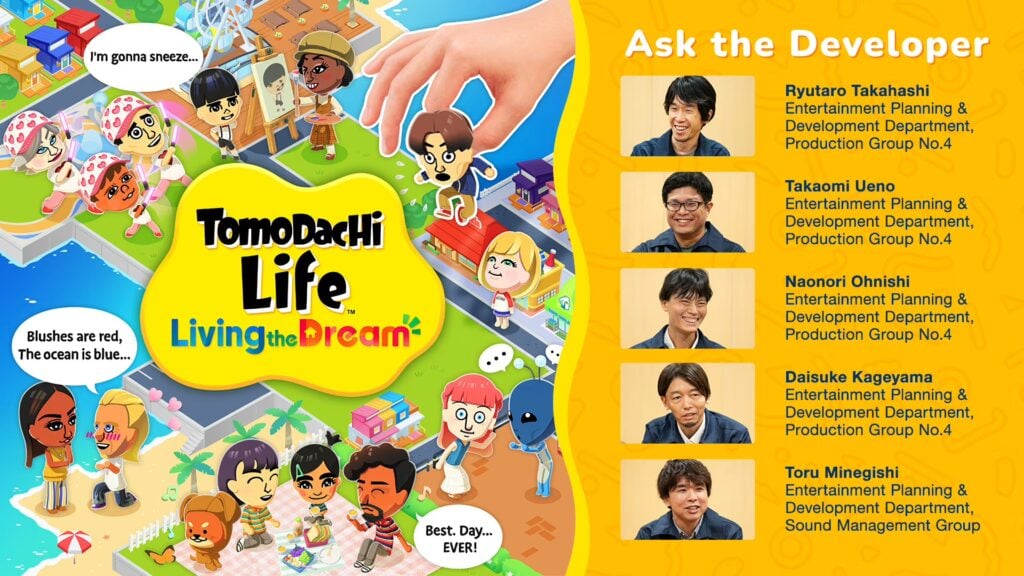
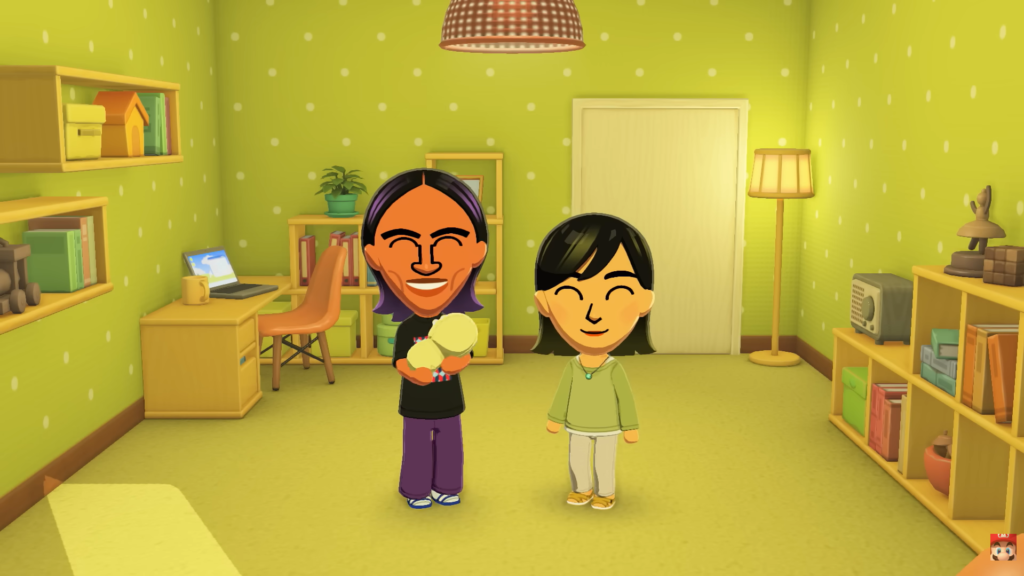
Nintendo developers share their part in making Tomodachi Life: Living The Dream a reality!
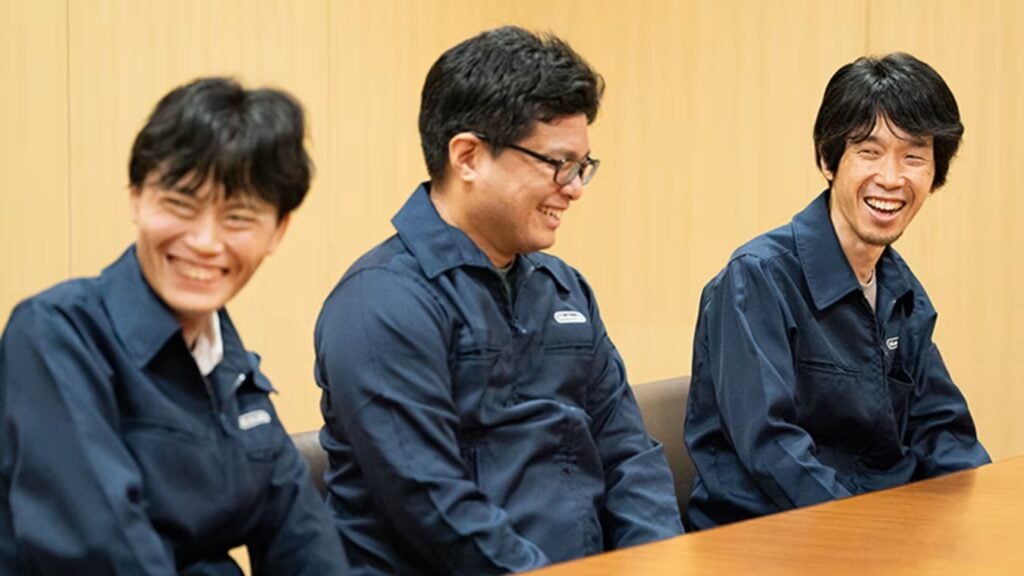
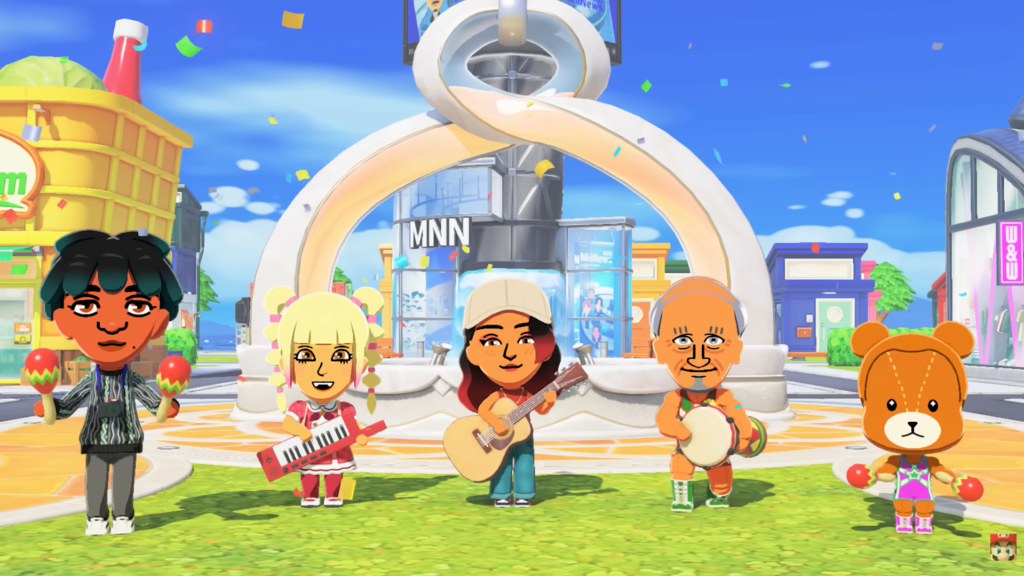
The latest official “Ask the Developer” series from Nintendo covers an exclusive interview with 5 developers who made Tomodachi Life: Living The Dream happen. It’s an interesting perspective on how different gaming companies other than The Sims are tackling different-styled life simulations. With the latest Living The Dream entry hitting the Nintendo Switch shelves this week!
Without further ado, here’s the full 3-part coverage on the Ask The Developer Vol.21: Tomodachi Life Living The Dream edition.
Table of Contents
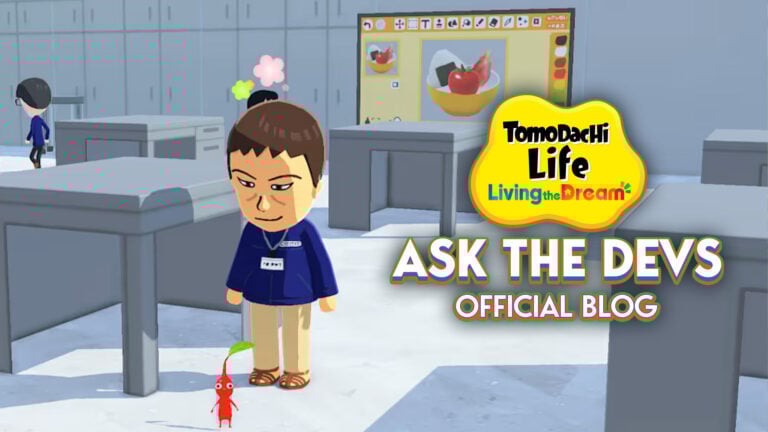
Tomodachi Life: Living The Dream Official Developer Blog
Part 1: Living beings with a will and personality
First, could you please briefly introduce yourselves?
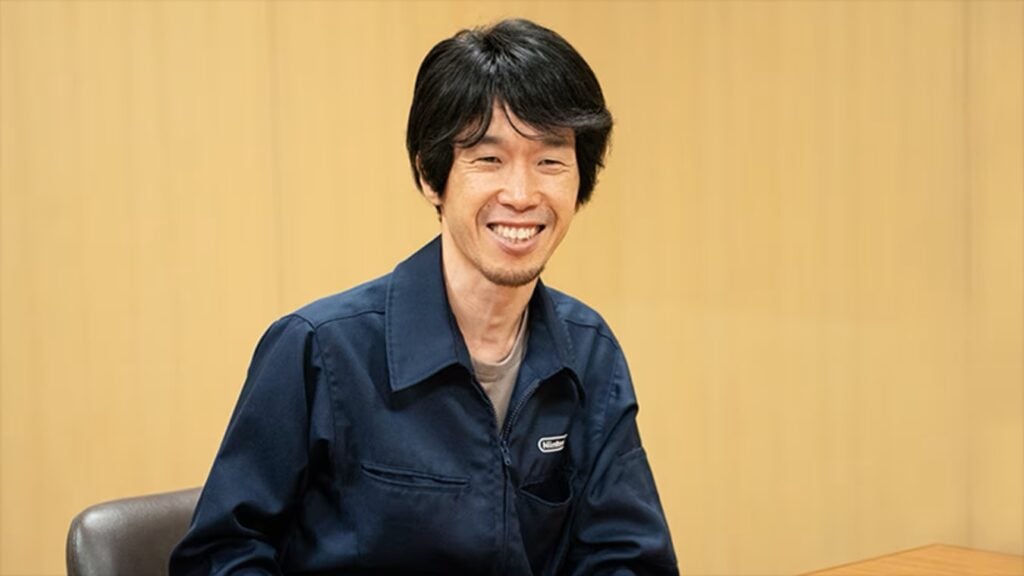
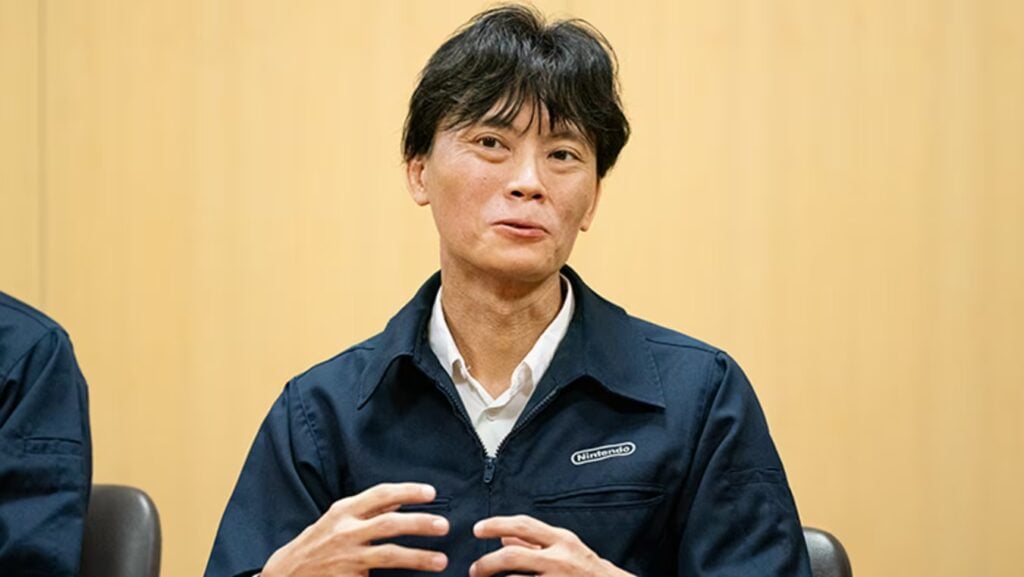
Ryutaro Takahashi (referred to as Takahashi from this point on): Hello, I’m Ryutaro Takahashi. I’ve directed the Tomodachi Life series since its first installment, and continued to serve as the director for Tomodachi Life: Living the Dream.
Takaomi Ueno (referred to as Ueno from this point on): Hi, I’m Takaomi Ueno, one of the programming directors. I was previously involved in the development of Tomodachi Life (1) for Nintendo 3DS as the programming lead, and Miitopia (2) as the programming director.
(1) A Nintendo 3DS™ game released in April 2013 in Japan and June 2014 in North America and Europe. Players create original characters called Mii characters, which resemble themselves, their family, or other people close to them, place them on an island, and watch over them as they go about their lives.
(2) A Nintendo 3DS game released in December 2016 in Japan and July 2017 in North America and Europe. Players create a cast of their favorite Mii characters and adventure in a world filled with their acquaintances. A Nintendo Switch version was released in May 2021.
Naonori Ohnishi (referred to as Ohnishi from this point on): Hello, I’m Naonori Ohnishi. As another programming director, I collaborated with Ueno-san, while also serving as a member of the planning team. Before that, I was the programming director for the smart device app Miitomo (3), but this is my first time participating in the development of the Tomodachi Life series.
(3) A smart device application released in March 2016. Create a Mii character that looks like you and communicate with your friends. The service ended in May 2018.
Daisuke Kageyama (referred to as Kageyama from this point on): Hi, I’m Daisuke Kageyama, the art director. This is my third project as an art director, following Wii Sports Resort (4) and nintendogs + cats (5).
(4) Released in July 2009 on Wii™. Set on the tropical resort, Wuhu Island, the game offers 12 activities such as Swordplay and Air Sports.
(5) A Nintendo 3DS game released in February 2011 in Japan and March 2011 in North America and Europe. A simulation game in which you enjoy everyday life with puppies and kittens, playing with toys, going for walks, and training them.
Toru Minegishi (referred to as Minegishi from this point on): Hello, I’m Toru Minegishi. As the sound director for Tomodachi Life: Living the Dream, I organized the development of background music, sound effects, and Mii character voices, while also composing much of the background music myself. I’ve been involved in the sound development for series such as The Legend of Zelda and Splatoon, but this is my first time working on the Tomodachi Life series.
Thank you very much. Let’s kick things off with a brief introduction to the game from Takahashi-san.
Takahashi:Tomodachi Life is a series in which you and those around you, such as friends, family, or people you admire, live inside the game as Mii characters, as you take care of them and watch over their island life. While keeping faithful to the series’ style, we’ve rebuilt Tomodachi Life: Living the Dream from the ground up and developed it as an all-new, reborn Tomodachi Life.
So, what sparked development of this all-new Tomodachi Life game?
Takahashi: I believe development started around 2017, after things had settled down on Miitomo. The producer, Sakamoto-san (6), and I both have a special attachment to Tomodachi Life and have been playing the previous game on Nintendo 3DS for many years. But we’d already squeezed all we could out of that game, and Sakamoto-san said to me sadly, “There’s so much that I want my Mii characters to experience, but there’s nothing more that I can do for them.” (Laughs) So, we talked about our desire to create a new Tomodachi Life game.
Takahashi: Yes, I know. (Laughs) That said, if we’d simply continued with the existing development style and added new items because we wanted them to experience new things, it would’ve inevitably turned into a quest for quantity. Besides, once players had seen everything the game had to offer, they’d have eventually tired of it again. So, we started development with the direction of leveraging user-generated content—also known as UGC—a system that allows players to create their own content to play with in the game. The concept of Tomodachi Life is to be “the ultimate inside joke game” that can be enjoyed among people who are close to each other or share things in common. We felt that UGC, which lets players create whatever they want, fit well with this concept. We thought that combining the gameplay provided by the development team with what players themselves create would open up infinite ways to enjoy the game.
Ueno: One thing that triggered the use of the UGC system was that the Mii characters’ sphere of influence had expanded from the previous game.
Now that the Mii characters could move around freely in a larger space, we wanted to take care of them in more ways.
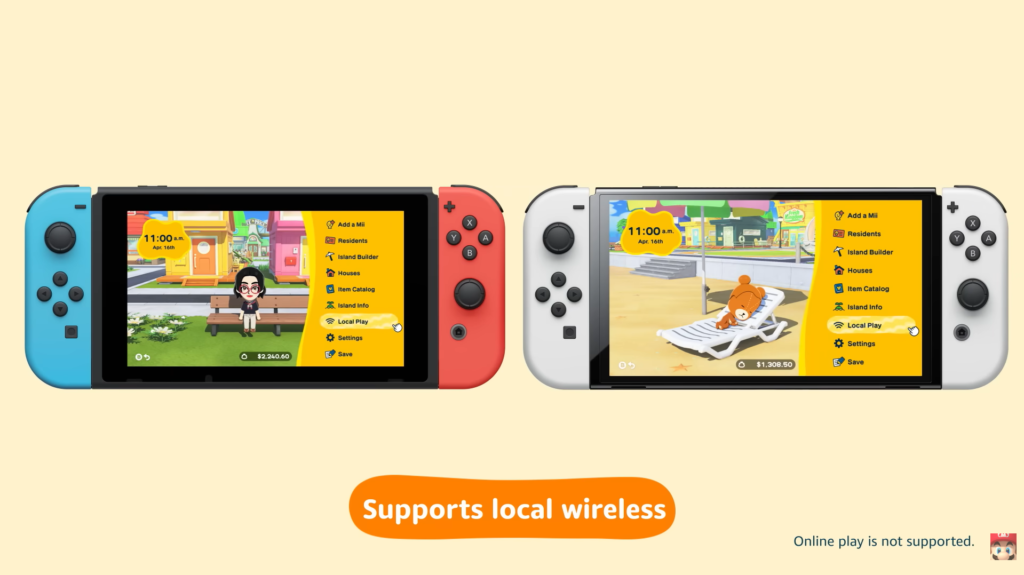
Takahashi: The Nintendo 3DS version was also set on an island, but due to the processing power limitations of the time, we couldn’t give lots of Mii characters free rein of the island, as much as we’d have loved to. The increased power of Nintendo Switch allowed us to expand the Mii characters’ active environment, and we thought we could replicate a wider variety of inside jokes with UGC. So, in the early stages of development, we focused on verifying those two points.
I see. So, the hardware’s processing power impacts those areas. You’d think that more powerful hardware would also allow for more sophisticated graphics for the Mii characters. Was that considered?
Takahashi: When we decided to create a new Tomodachi Life game, we wanted to make Mii characters’ visuals more appealing, in line with the current generation of game consoles. But after adding all sorts of new elements to the Mii characters, something began to feel…off.
Kageyama: Normally, as hardware resolution increases, so too do the possibilities for character design. So Mii characters’ expressions have evolved little by little alongside technology. However, after speaking to the producer, Sakamoto-san, as well as Takahashi-san and the previous development team, it seemed to me that the Mii characters in Tomodachi Life are treated differently from those in other titles. The fact that they don’t see Mii characters as mere avatars, rather they pour affection into them as living beings, came through strongly. Since the characters are filled with the emotions of many people, I didn’t think we should randomly alter their design just because the resolution had increased. So, although we tried out a lot of new things, we decided against changing things that define Mii characters’ identities, such as their existing facial features and the shape of their limbs. With that in mind, we re-examined each part’s structure and design from the ground up to ensure that they wouldn’t feel outdated, even with today’s more advanced graphics. On top of that, by adding new custom features and increasing the level of freedom for players, we aimed to bring a sense of newness unique to this game.
Takahashi: We didn’t make any major changes to the part designs, but we did brush up the appearance of the Mii characters.
Kageyama: We updated their appearance based on a simple, anime-inspired toon-style, allowing players to immerse themselves in the drama between Mii characters in cutscenes, for example. As we were reviewing the toon-style, I heard that the direction matched what Sakamoto-san had envisaged for the first Tomodachi Life game, and I thought to myself, “Yes, nailed it!” In fact, the Mii characters on the packaging of the first game have more of a toon-style design, unlike how they look in the game.
Minegishi: We had a similar discussion about Mii characters’ voices too. By implementing a new text-to-speech engine for Nintendo Switch, the voice that serves as the basis for Mii characters is now very realistic, with a high level of accuracy and a human-like quality. However, if we express that realism too directly, it doesn’t sound like a Mii character anymore. So, I intentionally processed the voices to sound robotic. But I had a hard time finding the right balance. We wanted to preserve the existing Tomodachi Life feeling, while making suitable updates to adapt to the times. It was challenging to strike the perfect balance. However, I don’t think that was limited to the voice—it’s something every team has had to give a considerable amount of thought to throughout the project. There was a lot to consider in terms of adjusting the Mii characters’ movements, too.
Kageyama: I often discussed with the animation staff members as to whether it was too realistic.
Whenever movements look too realistic and cool, it stops being Mii-like. We shaped the Mii characters’ movements through trial and error―deliberately omitting the wind-up motions that usually serve to make movements appear smoother, and adding more bold, memorable movements.
So, making the character designs more elaborate, or voices and movements more realistic, in line with improved hardware performance, was actually creating a sense of inconsistency with the series?
Takahashi: That’s right. The development team had numerous discussions on this topic, pondering what makes Mii characters in Tomodachi Life unique.
Ueno: This goes not only for appearance, voice and movements, but also for actions. As the Mii characters became more capable, they started to come across as too mature. The opinion gradually emerged within the team that these characters—who were so cute in previous games—had started to feel a little off.
Takahashi: We were all like, “Hmm, it just doesn’t feel like a Mii.”
Ohnishi: We wanted them to be lovable characters that you can’t resist taking care of. (Laughs)
This desire to take care of them reminds me of the “loving parent” topic from earlier. Speaking of which, one of the game’s new features is the ability to pick up Mii characters. Was this idea there from the early stages of development?
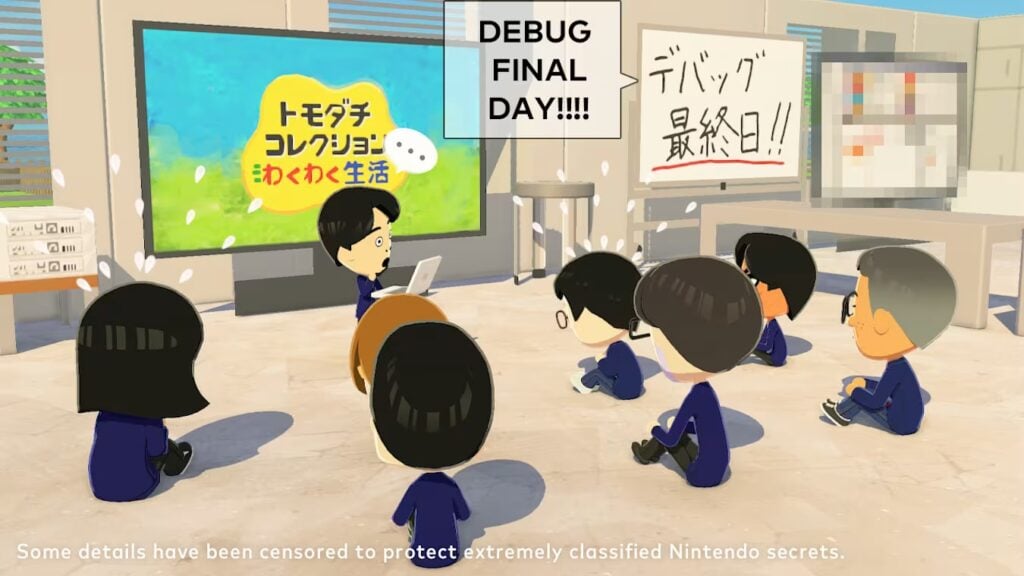
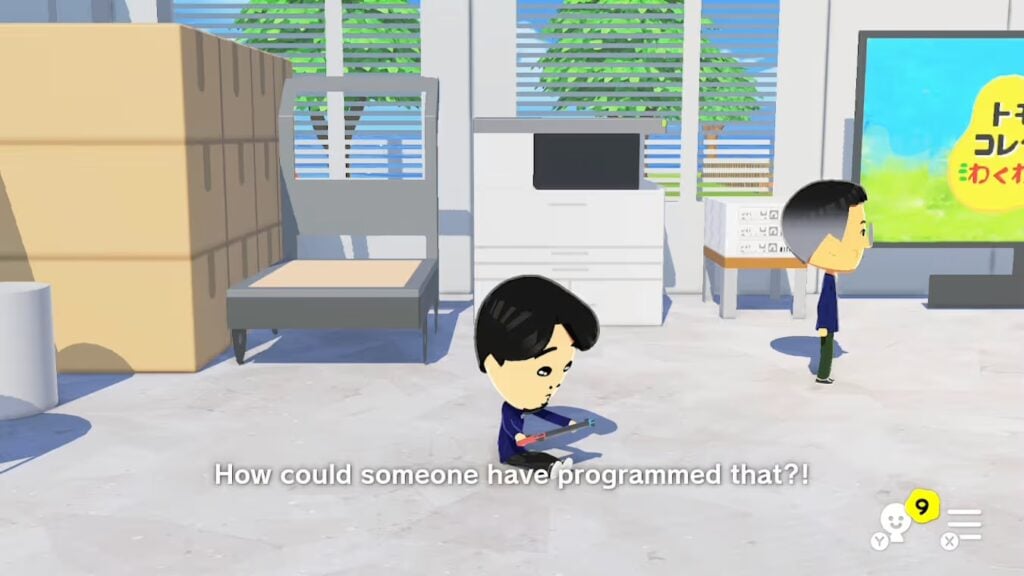
Ueno: Picking up Mii characters was originally implemented as a debug (7) function. Since the setting has changed from an apartment block to an island with this installment, the Mii characters have much more space to move about in, making it more likely for them to stray apart. So, we added a function that let us relocate Mii characters by force so we could perform various tests. However, as we tested things out and observed how the Mii characters reacted, we started to get greedy, hoping for specific outcomes like, “It would be nice if these two characters played together.” (Laughs) So, we thought it would be more interesting if we made the ability to pick up characters an actual part of the game.
(7) The process of playing in-development games for quality assurance and investigating program issues.
Takahashi: In the previous game, even if you wished for certain Mii characters to get along with each other, all you could do was wait and hope.
It’s very intuitive and easy to understand. It seems to have ended up being an important aspect of this title. At what point did you decide to make it the essence of the gameplay?
Kageyama: It was in the latter half of development, wasn’t it?
Ohnishi: That’s right. We were able to implement the ability to pick up Mii characters, but for a long time we struggled to decide what would be exciting to see happen after you drop one Mii character next to another so they could meet.
Minegishi: We made prototypes of things like string telephones to let characters interact with each other. Players could offer characters advice, such as, “Why don’t you try discussing this over the string telephone?”
Takahashi: You could, like, choose advice from four different options. But that led to Mii characters just doing whatever the player told them to, and losing all sense of agency. The whole appeal of the game is that Mii characters act of their own accord, resulting in outcomes the player doesn’t expect. If the player forces a relationship, the game loses the element of genuine surprise, which is the series’ true charm.
Ueno: It didn’t feel right to have players dictating Mii characters’ actions, so we settled on letting them pick up characters and drop them wherever they like. But what happens after that is totally up to the character.
I see. So the degree of influence players have over Mii characters was seen as important.
Ueno: I just remembered something that left a strong impression on me during testing. One time, a character that was picked up and dropped next to another character didn’t interact with them—they just stood there, staring at them. Seeing that piqued my curiosity. I thought to myself, “Are they not interested in the other character? Or maybe they’re just hungry?” and so on. It reminded me that the real fun comes from not knowing what the Mii character is thinking, or what’s going to happen next.
Minegishi: Mii characters occasionally act the fool, don’t they? When the development team revisited what it means to be a Mii character in the context of Tomodachi Life, the description that resonated with us the most was “an innocent being, akin to an adorable child.”
Kageyama: If they make smart-aleck or witty remarks—even just a little—they don’t feel like Mii characters.
Takahashi: There are times when you can’t really tell what they’re thinking, or they’ll blurt out whatever’s on their mind. While having that kind of innocence, they’re not just childish. Sometimes they’ll come out with a surprisingly mature comment that hits you suddenly. We were conscious of putting this kind of depth into their characters. This sparks your imagination and makes you wonder, “What kind of reaction will I get if I show the character this?”
That’s true. Conversations between Mii characters can be a little spacey, and while it seems like they’re talking about the same topic, they also seem to be talking past each other. Yet they might suddenly make a very sharp comment that results in something unexpected. When I see things like that, I can’t help but smile.
Kageyama: The Mii characters aren’t grounded or logical, and that’s been important throughout the series. They’re just silly and eccentric. (Laughs)
Takahashi: Mii characters already serve a silly role, so if we also have them point out the absurdity of what other characters are saying, the joke begins and ends inside the game. That’s why we want players to take on that role. They’ve got to be the ones to say, “What are you on about?!” (Laughs)
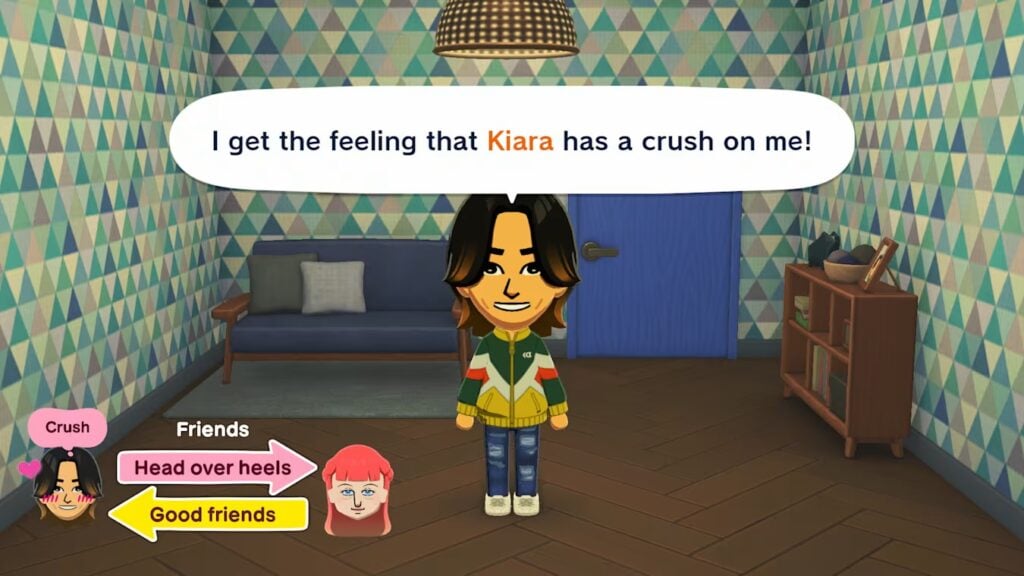
Ohnishi: I think seeing the relationship diagram between Mii characters gives players another perfect opportunity to do this. You might see the relationship diagram of one Mii character saying, “I bet that character likes me,” only to find out the other character is actually thinking, “We’re so not compatible.” (Laughs)
Or while observing Mii characters wandering around freely, you might see some characters eating and chatting together at a restaurant. Watching good friends dine together is heartwarming, but sometimes you’ll get two characters who don’t get along sitting together and talking. The characters are doing the exact same thing—chatting in a restaurant—but this time you feel unsettled, and it stirs up the imagination in a completely different way. In this way, we deliberately refrained from over-organizing things, aiming to strike a balance that would allow unexpected things to happen.
Takahashi: The Mii characters in Tomodachi Life are living beings that inhabit that world, with a will and personality.
Kageyama: What it means to be a Mii character in Tomodachi Life… The fun of observation because each character has their own personality… I think it was really important that the whole development team was aligned on these concepts from the beginning of development.
Part 2: Make anything you want
So, the development team had a shared understanding of what Mii characters are, rather than focusing on what’s possible with current technology. It sounds like that enabled the series to evolve while preserving the “Mii-ness” that’s unique to Tomodachi Life. Speaking of evolution, the freedom to customize Mii characters has expanded significantly in this game, hasn’t it?
Kageyama: You can of course recreate faces you made with past Mii characters, but now I believe it’s possible to go a step further and really fine-tune all those details. Along with new parts, more features like eyelashes, eyelid creases, and the mouth, can now be adjusted to different angles. With the addition of sub colors for hair, your Mii character can also have two-toned hair. Not only can you create characters with accurate likenesses, but we’ve made other adjustments to accommodate players’ needs, such as exaggerating certain features, making them more handsome, cuter, and so on.
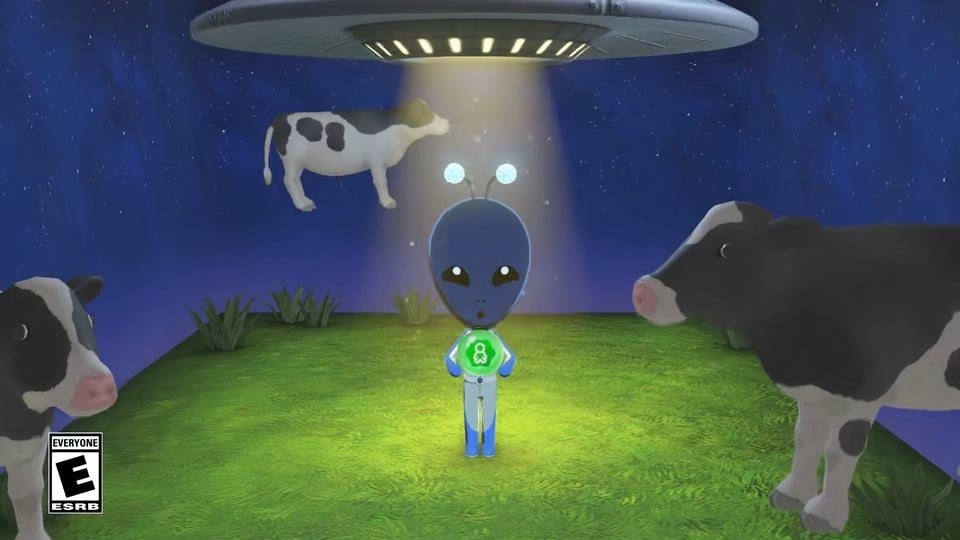
Takahashi: We also learned from past titles that some players want to create original characters, not just people who exist in real-life, like themselves, or their family and friends. So, we made it possible for players to create any kind of Mii with a bit of creativity. More freedom to adjust skin tone and the color of individual facial features means it’s now easier to create non-human Mii characters, such as animals or aliens.
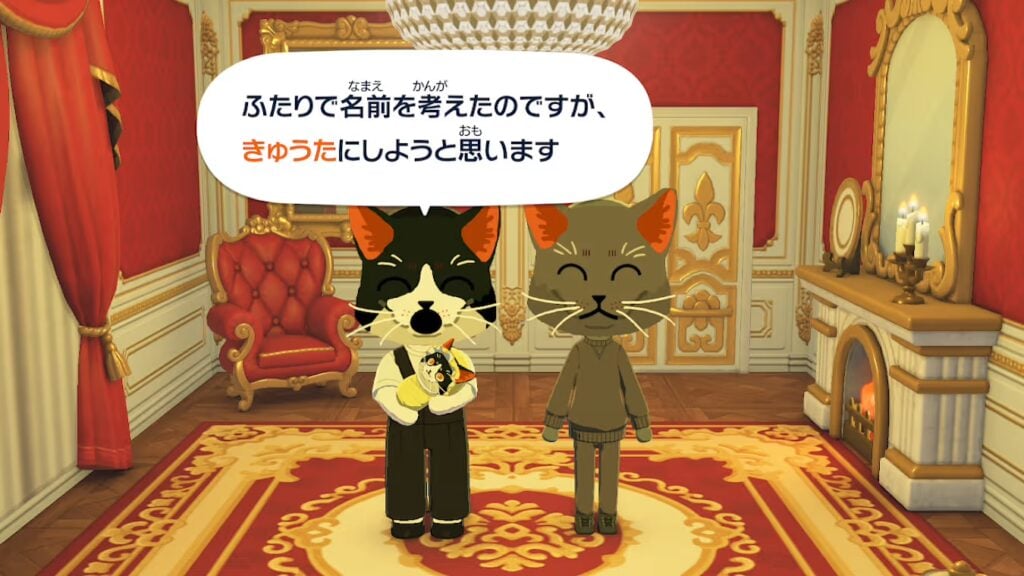
Kageyama: You can also draw face paint however you like, so depending on how you make use of it, you can draw whiskers, like this.
*Image created during development. **English Translation: We like the name Kyuta. What do you think?
Ohnishi: By the way, babies born to Mii characters inherit the characteristics of their parents. So, when these cat-like Mii characters had a baby, it inherited their cat-like qualities, which surprised even the development team. (Laughs)
Takahashi: We wanted to accommodate players’ wishes for the kind of Mii characters they want to create. Compared to the previous game, you have more freedom to choose not only their design, but also their dating preferences and gender, as well as the type of outfit they’d wear to an event such as a wedding. We did everything we could to enable players to create the characters they wanted.
You’re really giving players a lot of freedom. But if you give them too much freedom, couldn’t those who aren’t confident in drawing or creating Mii characters feel intimidated?
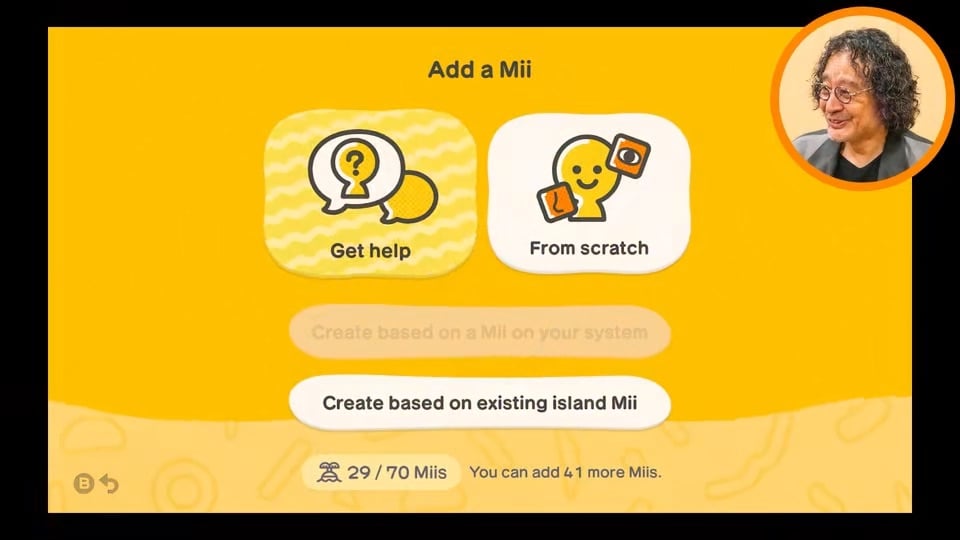
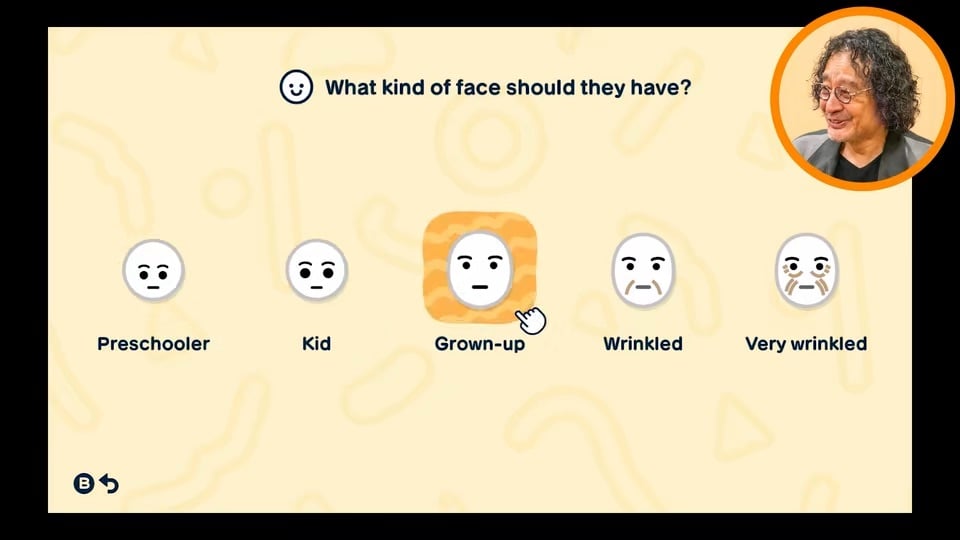
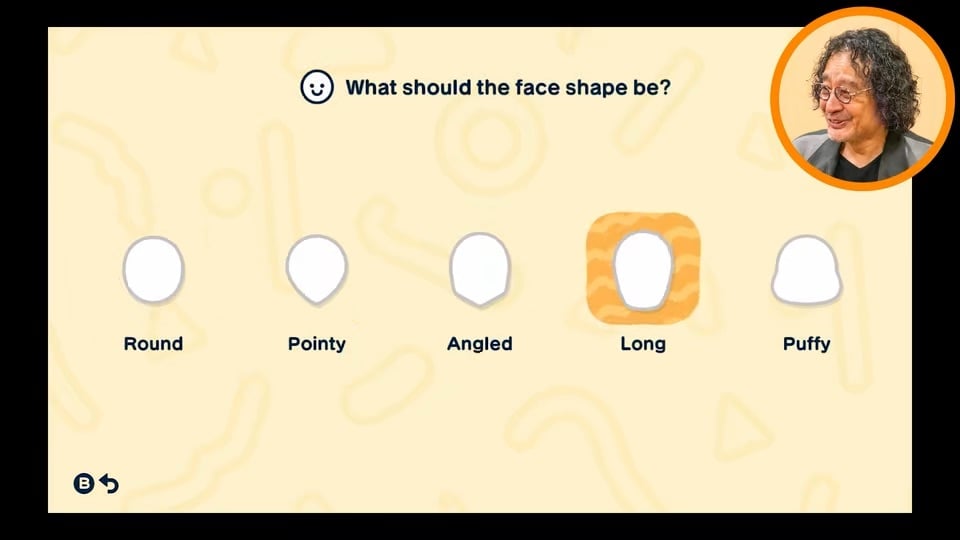
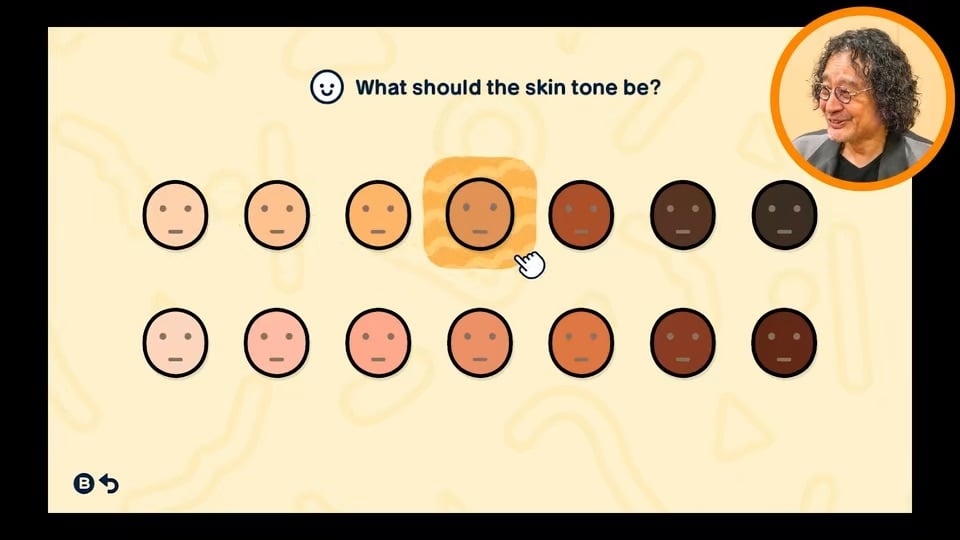
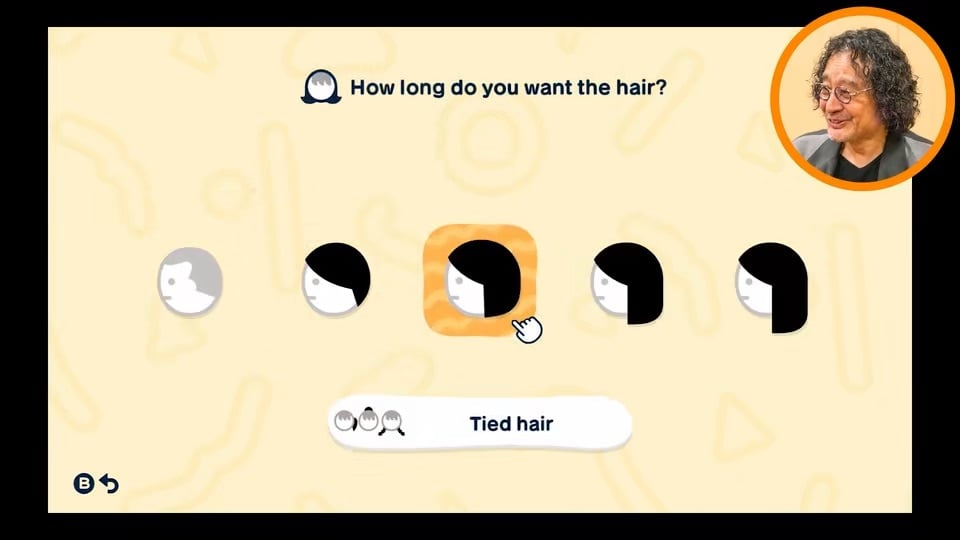
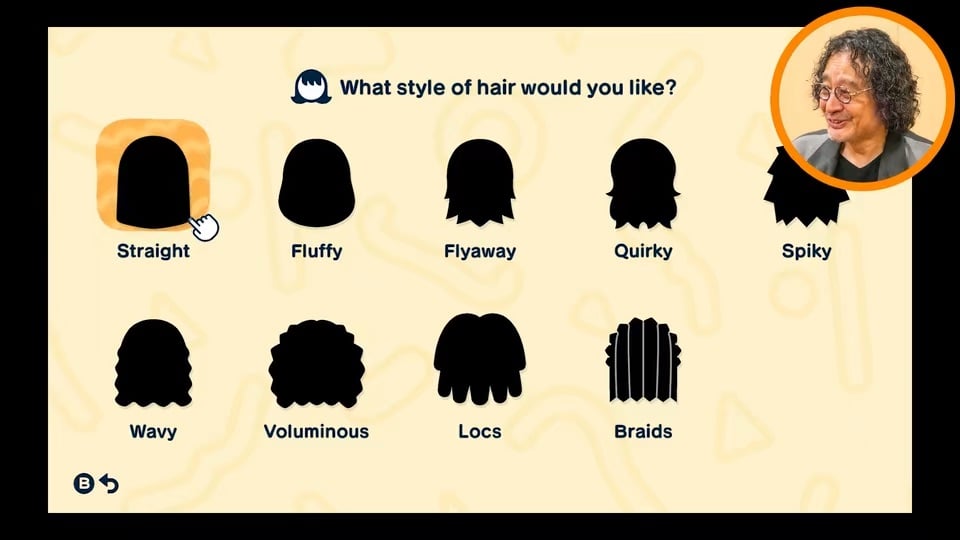
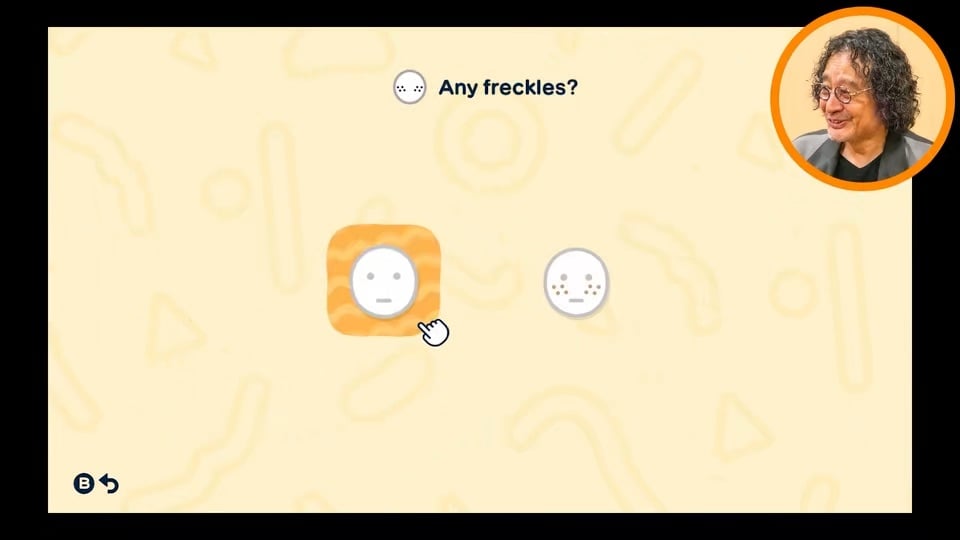
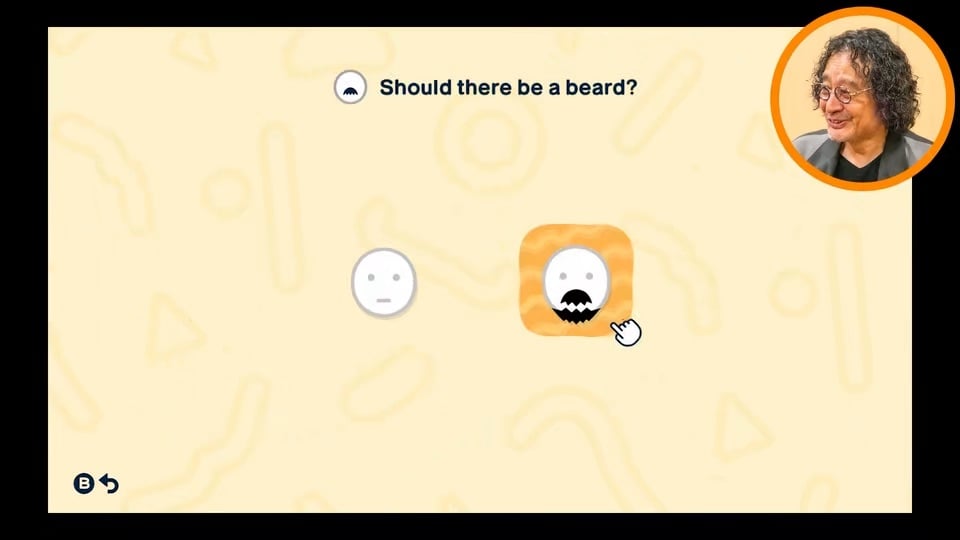
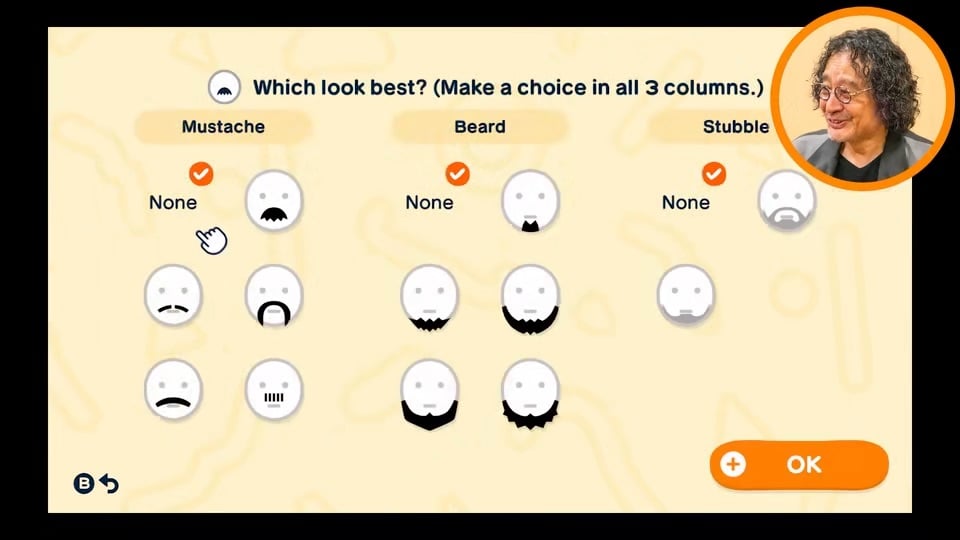
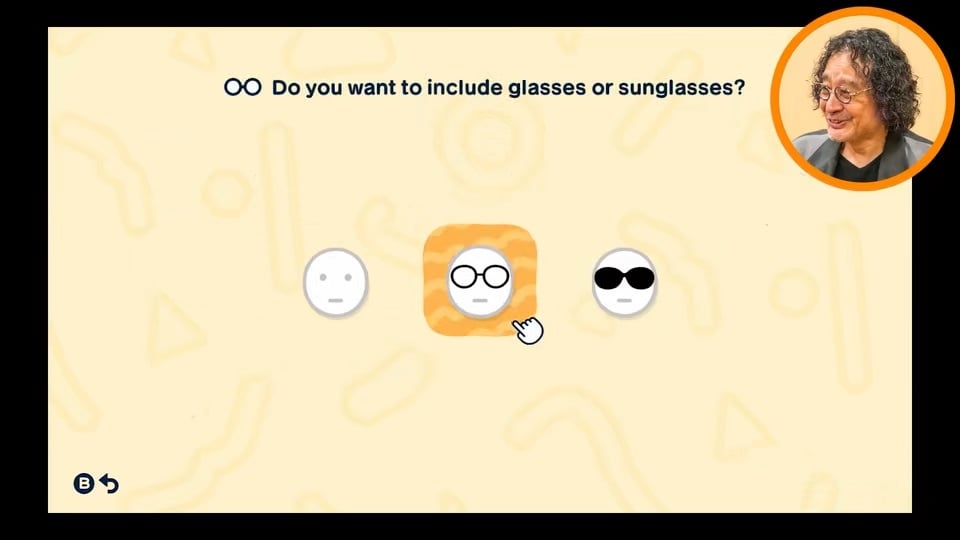
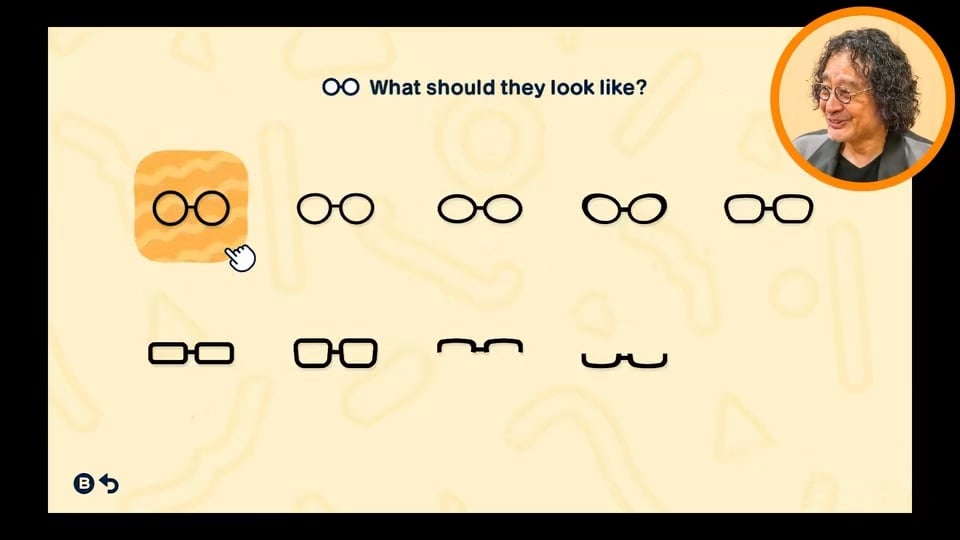
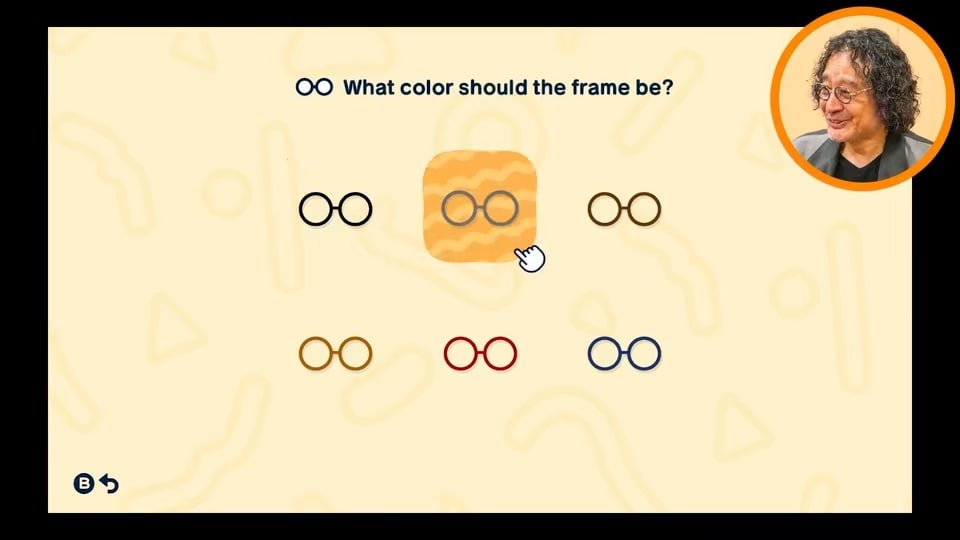
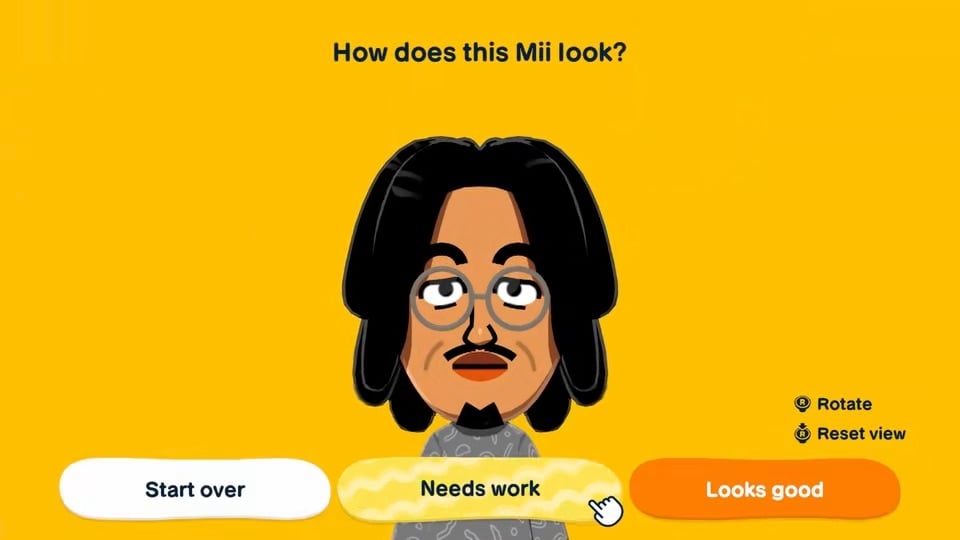
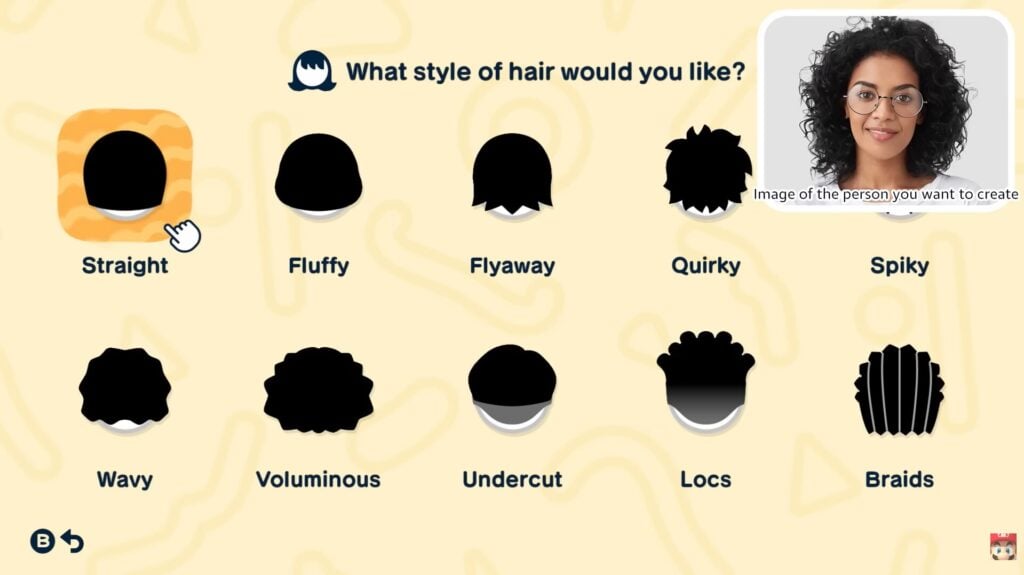
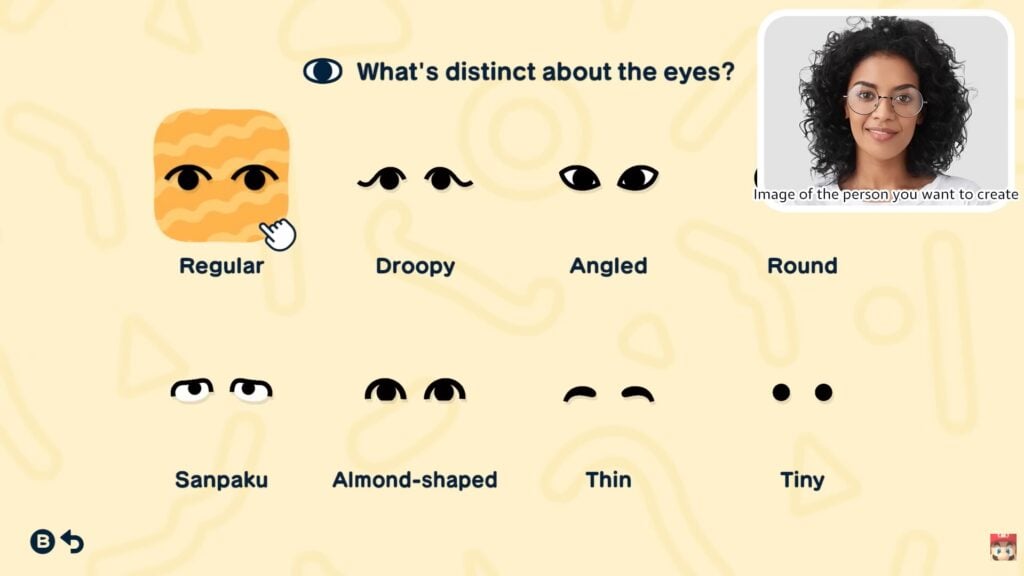
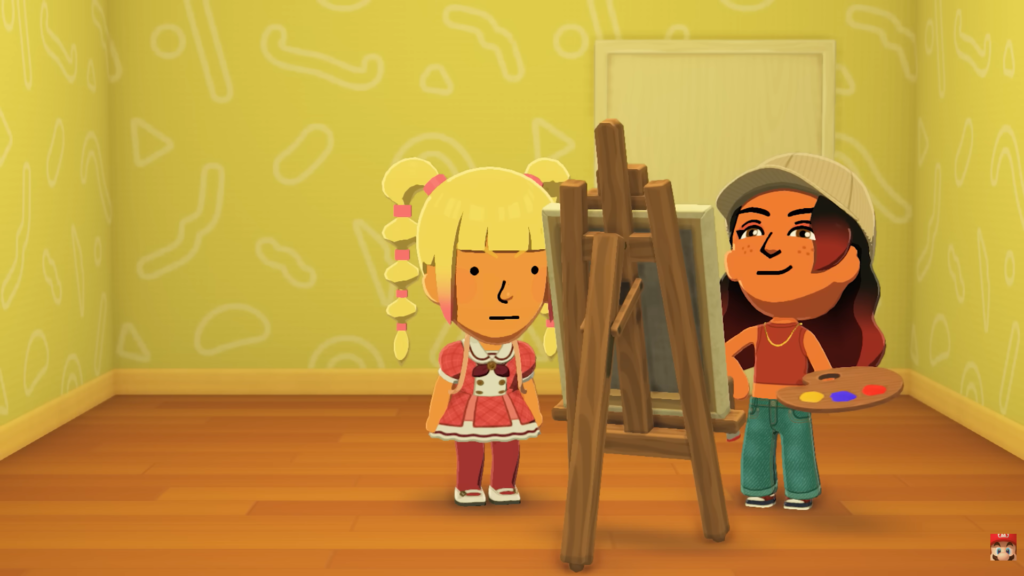
Takahashi: For those players who don’t have much experience creating Mii characters, we’ve implemented a new feature that lets you create them automatically by answering some questions. For example, whether they should have long hair or short hair, or what shape their face, eyes and mouth should be. After answering all the questions, a Mii character that matches the answer will pop up. Why don’t we give it a try right now using Sakamoto-san’s face?
Oh, it does give the right vibe, even though it was just based on our answers! (Laughs)
Takahashi: Even players who struggle with the traditional method of Mii creation should find it easy, as all they have to do is answer some simple questions. However, it does feel a bit unsettling when you’re answering the questions, wondering what kind of Mii character you’ll end up with. (Laughs) Even if the character doesn’t look like the person you had in mind, you can still joke around like, “Who on earth is this?!” or, if you’re with a group of friends, go, “You really nailed the eyes!” It makes me happy to think of players developing a fondness for the Mii characters they’ve created.
Enjoying the inside jokes that result from your own creations is definitely one of the highlights of this game.
Ohnishi: In Tomodachi Life, you can tell Mii characters things, and in this game, characters sometimes bring up those things with each other unexpectedly.
Takahashi: For example, when one Mii asked me, “Tell me something you could talk about endlessly with friends,” I answered, “My frozen shoulders have fully recovered.” Just when I’d forgotten I had that conversation, there was a group of Mii characters chattering. I went closer, wondering what they were talking about, and it said, “They are passionately talking about frozen shoulders being cured.” (Laughs) So the things you’ve told them will suddenly pop up in unexpected moments.
Players can give a Mii character all sorts of gifts, but how they use those gifts is entirely up to them. That’s what it means to be a Mii in Tomodachi Life, right?
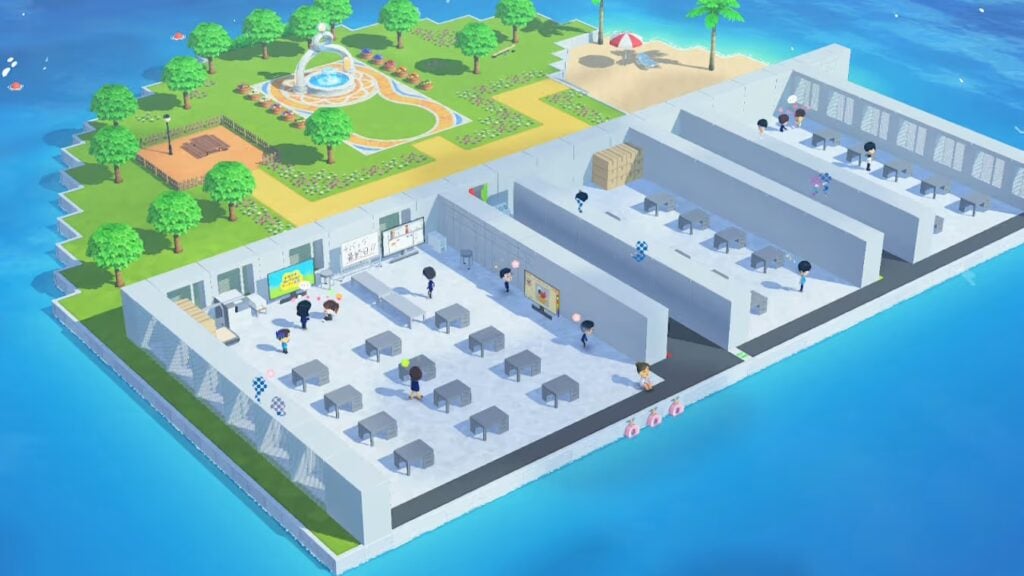
Takahashi: Right. Besides words, you can give Mii characters food, clothing, and even so-called “treasures,” like games and books. I hope everyone enjoys seeing a variety of reactions by giving them all sorts of different things. And the biggest gift you can give to the Mii characters is the island itself. (Laughs) Being able to freely customize the island where Mii characters live is another of the game’s highlights, and one of the UGC mechanics we put a lot of work into. I brought one example to share with everyone today. This is an island called Development HQ Island that one of our staff members created.
Everything you see here uses the Island Builder feature to recreate the development team’s office, which is inhabited by Mii characters of the development staff.
*Image created during development.
This place certainly looks familiar. Even so, it’s impressive to see what you can create with this much freedom―it’s beyond the scope of an island.
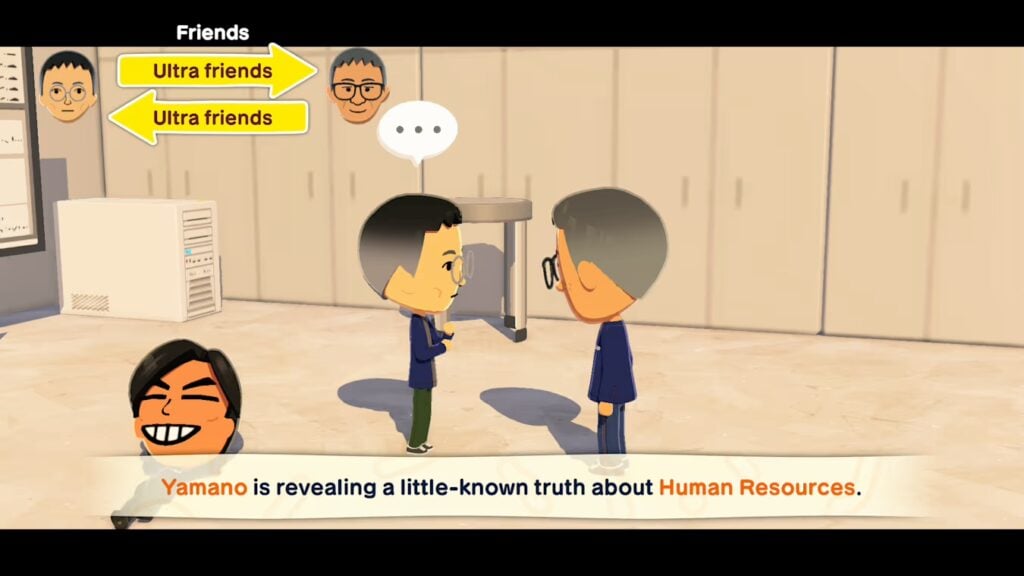
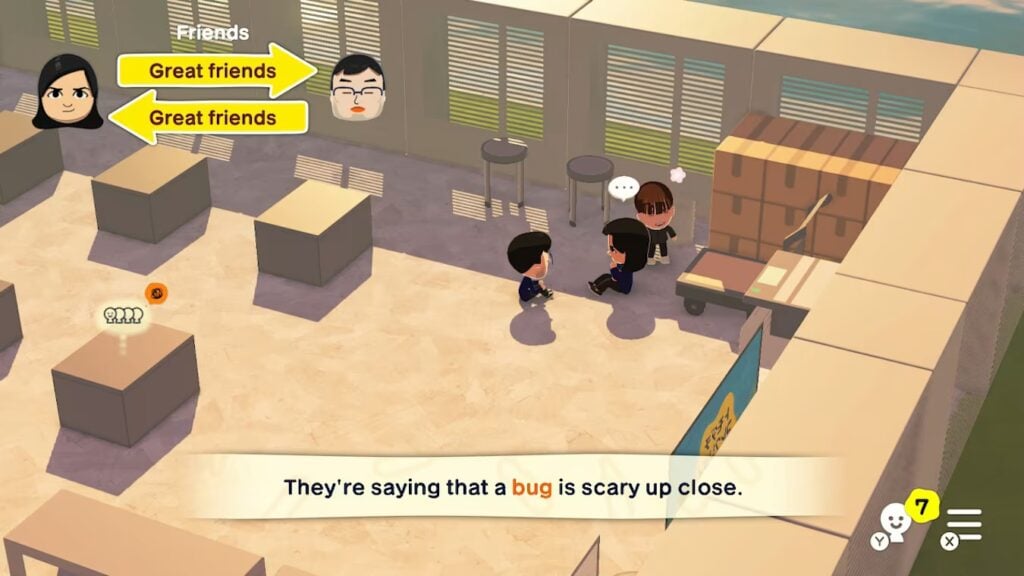
Takahashi: A lot of effort has been put into this, though. Actually, each desk is a Mii character’s home. Everyone’s talking or lounging around instead of going to their desks. (Laughs) The things you’ve told your Mii characters will come out at times like this.
*Image created during development.
This…makes you wonder what they’re talking about… (Laughs)
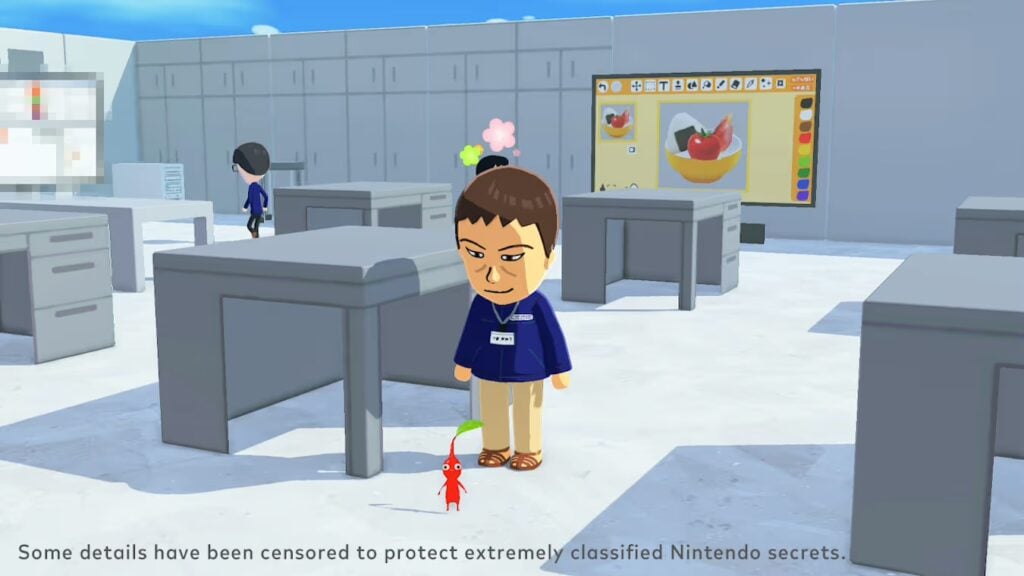
Ueno: Because you can create all sorts of things with UGC, we even made a “Ryutaro Takahashi staff security card.” We also made “pay check” items to use as gifts. In addition to creating UGC from scratch, you can also type in words or simply paste the faces of Mii characters that live on the island as designs, so even players who aren’t as good at drawing can have fun with it.
Kageyama: Oh, and there are pets on this island as well.
*Image created during development.
Is that a Pikmin?
Takahashi: That’s another example of UGC. You can create your own pets and give them to your Mii characters. We created Pikmin as pets since they’re familiar to us, and our Mii characters were taking them for walks. (Laughs) We made all sorts of items inspired by inside jokes that only the development team would get.
Ueno: We thought that if we developers got a laugh out of it, players will have just as much fun coming up with their own inside jokes.
*Images created during development.
So, players can create familiar places, items, and people in the game to see how their Mii characters interact in those settings, and that mix often leads to new inside jokes. Designing the game in such a way that all those freely created elements wouldn’t break it must have been a challenge?
Ueno: It was no easy feat for the programmers. Mii characters would sometimes pace up and down the same area, or several of them would try to use the same item at once… So, we set rules for each of those unintended behaviors, keeping the ones we thought were odd but amusing. After layering all those elements so they wouldn’t fall apart no matter how they were combined, everything finally clicked into place and made sense. Before we had those rules in place, it was pure chaos and really hard to manage.
There was even a time when we thought leaving it chaotic like that might actually be kind of fun. (Laughs)
Kageyama: Back when it was pure chaos, we kept experimenting, without finding the right solution, and asking ourselves what players would actually enjoy seeing.
Takahashi: It feels like we spent the entire project fine-tuning that balance. (Laughs) It took a long time until the final vision was clear, and we could say, “Now we just have to build the thing!” We originally planned to finish the UGC tools in about a year and a half. But because we wanted players to enjoy the game simply by observing the Mii characters, we came up with more and more ideas as development progressed.
Ohnishi: Takahashi-san and the UGC planner kept coming up with ideas like, “We want this feature…oh, and this one too.”
Takahashi: We ended up spending six or seven years on it. (Laughs)
Six or seven years?! That’s quite surprising. You must have gone through a lot of trial and error to put it all together and get the balance right. People play the Tomodachi Life series in so many different ways. Did you have that in mind during playtesting?
Takahashi: Once things had finally come together after all that trial and error, we conducted playtests, primarily with the families of our development team. Because Tomodachi Life is designed to be played over time, we asked the playtesters to spend about a week creating Mii characters and experimenting with different UGC. The feedback was overwhelmingly positive, which was a big relief.
Kageyama: Since we’d struggled with it for so long, it was really reassuring to hear that people had found it fun.
When you were conducting playtests, did some things go exactly as you expected, and others not?
Takahashi: I personally really wanted people to have a go at creating UGC. I was worried that if they couldn’t create exactly what they had in mind, it wouldn’t be fun for them. But in the end, they were just as eager as we’d hoped to dive in and make lots of things.
Minegishi: We were caught by surprise when my child reported a lack of interest in the romance elements.
Ueno: And we’d worked so hard on those elements, too! (Laughs)
Minegishi: My child still had fun making Mii characters and exploring friendships. But the romance elements didn’t capture their imagination, which is something we hadn’t accounted for, and that was really interesting to see.
Ohnishi: My child, on the other hand, was completely invested in my Mii character’s love life. (Laughs)
Everyone: (Laughs)
Takahashi: Everyone who took part in the playtest had a different approach to the game, and it was very rewarding to see each person discover their own way of enjoying Tomodachi Life. There are countless ways to play Tomodachi Life, and ever since the first game, we’ve wanted it to be something you can play casually, in a relaxed way. So, we wanted to ensure that, while you can create what you want in this game through UGC, you can have just as much fun even if you don’t create anything at all. There are ready-made templates for UGC that you can use if you like, but you can also choose not to create anything at all. Even island-building can be left entirely to the Mii characters. We wanted to ensure that anyone seeking a relaxed experience can play this game in the most carefree way.
Seeing players embrace all those different ways to play was one of the biggest takeaways we got from the playtests and was a huge encouragement for us.
Part 3: Nine years’ worth of ideas
You never grow tired of watching these Mii characters, who look just like people you know, going about their daily lives. With all those unexpected moments in the game, how did you come up with ideas for scenarios?
Kageyama: We set up an idea board where anyone on the development team could share their ideas.
If someone posted a fun idea, someone else in a totally different role might pick it up and make it happen. Bringing an idea to life meant setting up a proper workflow, which presented challenges. But we trusted the passion of the team members who wanted to drive it forward and encouraged them to refine their ideas. One of the defining features of this project was seeing that kind of collaboration all the way through into the later stages of development.
I see. So, this game is packed with scenarios that the developers themselves thought would be fun.
Kageyama: Even when it came to room designs, we packed in lots of ideas. To be honest, maybe we went a bit overboard adding little touches, as some rooms turned into a headache for the graphics team… (Laughs) But the excitement each team member felt while creating those details really gave the game its energy.
Ueno: Before I knew it, a bunch of things were moving, objects were making unexpected sounds, and smoke was coming out from somewhere… (Laughs) Things got pretty wild. A lot of the newer team members had played Tomodachi Life on Nintendo DS and Nintendo 3DS, and I think they were the ones most passionate about the series. They’d say things like, “We absolutely have to include this!” with so much enthusiasm.
Kageyama: Many of the directors and leads were focused on getting development across the finish line, so when the schedule got tight, they were tempted to let things go, thinking, “I’m not sure this’ll make it…” But then, a passionate team member on the ground would insist, “We can’t cut this, it’s absolutely essential!”
It was incredibly reassuring to see teammates stepping up, saying, “I’ll take charge!” and driving things forward. The game’s quality owes a lot to those passionate individuals who took ownership and responsibility.
Takahashi: For example, Mii News was something we almost dropped because we didn’t have enough time to fit it in. But then one of the younger designers said, “Without Mii News, it just wouldn’t feel like Tomodachi Life! It’s what really gives the game its character.”
Ueno: Meanwhile, the veteran developers were grumbling, “We don’t have time for that…” (Laughs)
Takahashi: That designer went around talking to different people, figuring out how we could make it work, and eventually came up with a realistic plan. It really struck me how someone who used to play the series as a fan was now a developer, bringing those memories to life in the game.
So, the experiences and memories that each developer brought to this game helped shape Tomodachi Life‘s uniqueness.
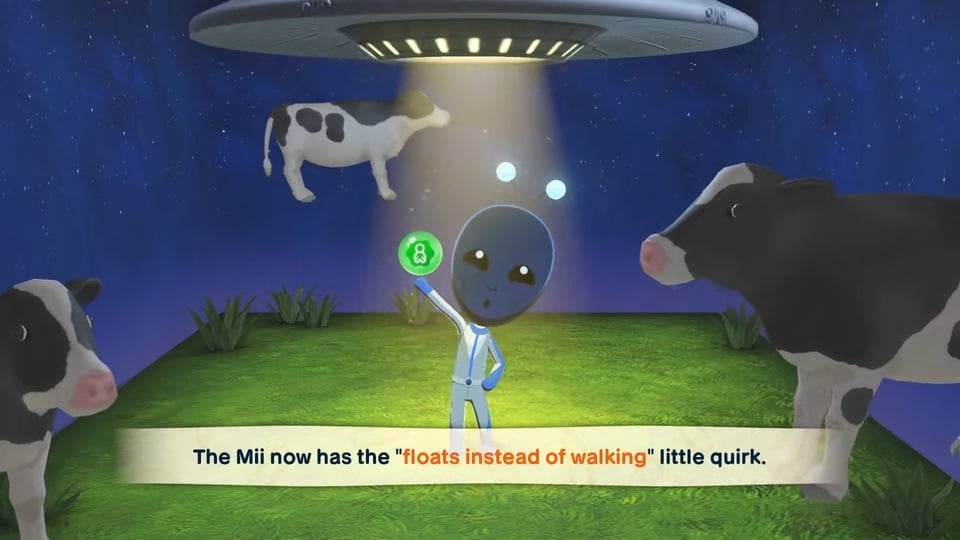
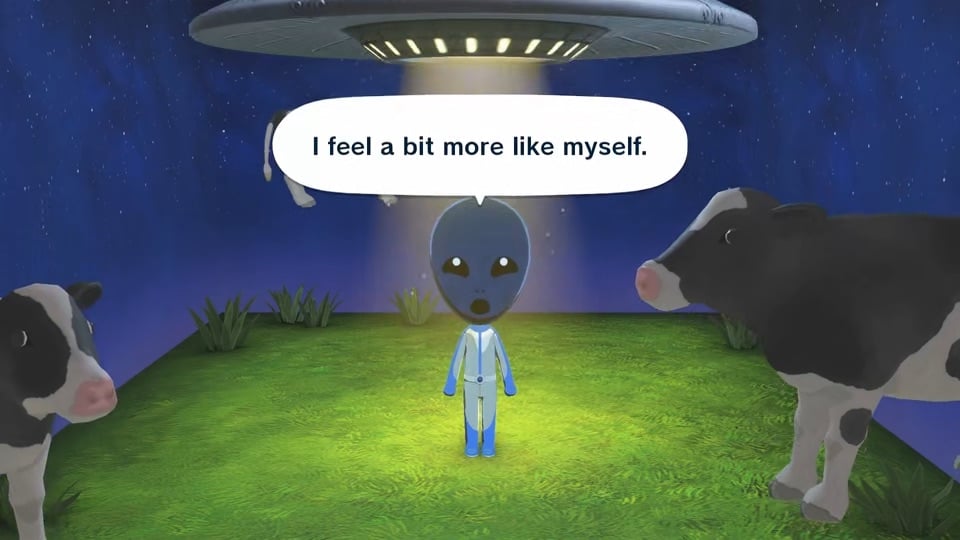
Ueno: Speaking of which, we added a feature called “little quirks,” where players can give their Mii characters traits and behaviors related to their walking style, how they eat their food, and so on.
Takahashi: The 16 personality types from the first game are still there with their characteristic phrases and movements. But we felt that alone wasn’t enough to represent all the personality types. Things like “loud voice,” “light eater,” or “sleeps restlessly.” If we forced those quirks into the 16 personality types, you’d end up with a Mii that doesn’t feel like the person you intended to create. So we thought if players could add in those details themselves, they could have fun creating Mii characters that feel even closer to the people they’re based on. That’s how little quirks came about. It’s totally up to players to decide which little quirks to give their Mii to make it feel like the person they have in mind, and giving them that freedom was a huge breakthrough for this game.
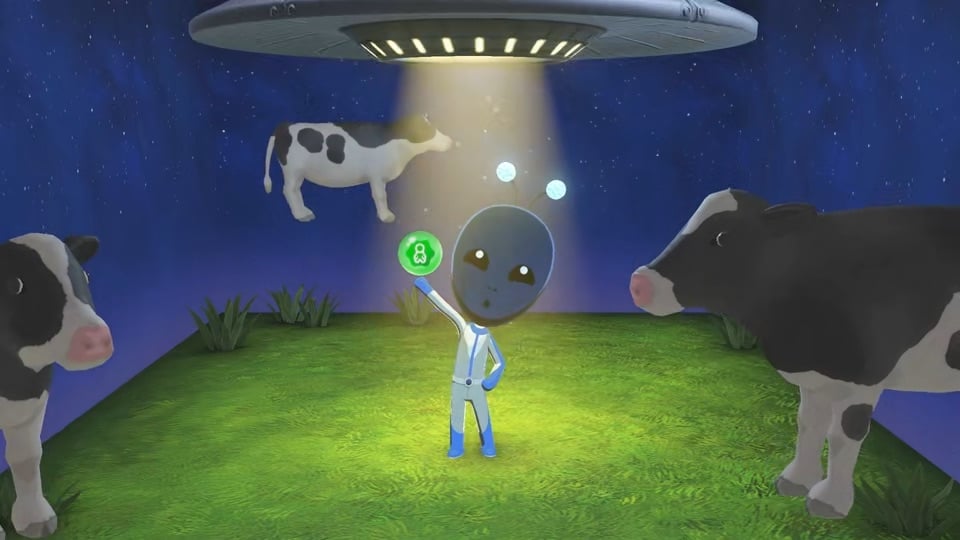
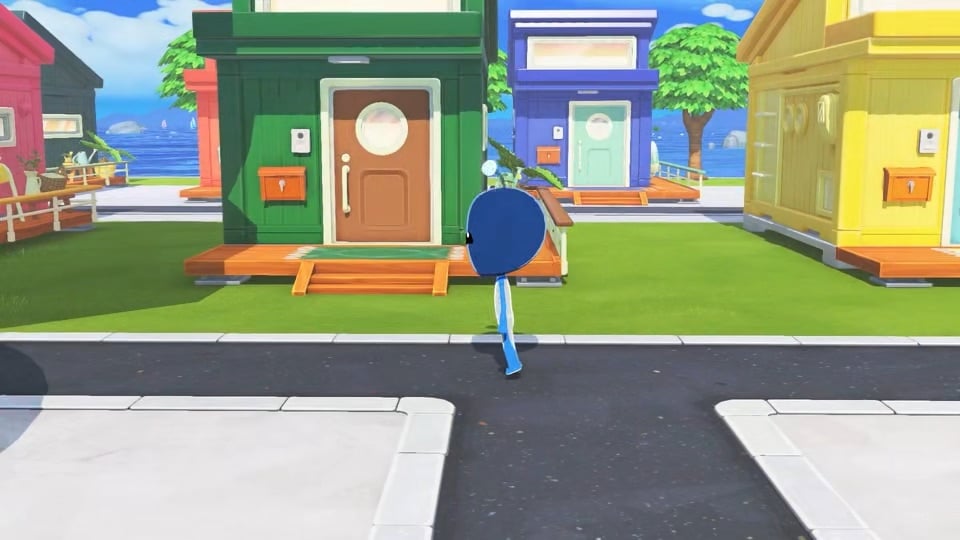
Minegishi: Some of them go way beyond quirks, though. Like floating in midair. (Laughs)
Takahashi: Right. You can even make a Mii character that’s not human-like. Floating might not exactly be a quirk, but if it makes that Mii unique, why not? Speaking of little quirks, there was a big debate among the team about whether Mii should be able to…break wind. (Laughs)
I beg your pardon?
Takahashi: Some people found it hilarious, while others thought it was a bit vulgar. After talking it over, we ended up making it a little quirk. If it’s your kind of thing, you can bestow the trait on your Mii. If not, you’re under no obligation.
Minegishi: While we’re on the subject, we really obsessed over getting the sound just right…
Ueno: We did so many retakes. (Laughs)
Minegishi: Tell me about it. I got comments like, “That’s a bit too realistic for my liking.”
Kageyama: We tried out all sorts of visual effects, too. For a while, the fart effect looked like an explosion going off. (Laughs)
Everyone: (Laughs)
That’s some serious attention to detail. From what I’ve seen of the game, it looks to be packed with things that make you chuckle or go, “Wait, what?”
Takahashi: It’s nine years’ worth of ideas crammed into one game. (Laughs)
Ueno: When it came to in-game food, we wanted to include items that would be familiar to players, so some of them are extremely local.
Takahashi: Because food varies so much by region, we made sure the items that appear in shops early on match the player’s region settings. If you set the game’s region to Japan, you’ll see things like rice balls or matcha. Change it to the US and you’ll come across s’mores, which aren’t well-known in Japan.
Ueno: Eventually, all foods become available no matter what region you’re set to, but if you’ve set it to Japan and the first thing you see in the shop is chicken pot pie, it might be a tad jarring. We thought that if it’s set to Japan, it should be something people in Japan are familiar with, like rice balls. We applied the same thinking to currency. Prices are set by region, so players will see familiar currencies like yen, dollars or euros. Introducing a fictional currency like “Tomodachi Coins” just didn’t seem right and would have instantly made the world seem unfamiliar.
I see. So, localization isn’t just about translating words, but about creating a world that feels relatable and familiar to players in each region. Speaking of world creation, the music really adds to Tomodachi Life’s unique atmosphere.
Minegishi: Right. When I first joined the project, I shared a rough demo with Sakamoto-san and Takahashi-san, asking if they thought it would be suitable for the upcoming game. I recall the music being fairly simple, inspired by the relaxed, lighthearted aura that Mii characters give off. But they weren’t very impressed… The same was true of the reworked version. I can laugh about it now, but back then, I spent months trying to figure out what to do. (Laughs) As I wrestled with the question, “What kind of music truly captures the essence of Tomodachi Life?” I revisited the soundtracks from previous titles. Then, one day, I tried playing the main theme from the original Nintendo DS game (8) on the piano, and realized how complex, jazzy, and full of character it was.
(8)The first Tomodachi Life game was released for Nintendo DS in Japan only.
When you listen to it in the game, it sounds playful with a folk dance-esque rhythm, giving it a warm, laid-back feel. But when I played it on the piano and focused on its core structure, I discovered it was surprisingly deep. That’s when it hit me—it’s actually a rich, nuanced piece of music, but by layering those playful sounds and carefree rhythms on top, it creates a delicate balance. I realized that this balance is one of the things that gives Tomodachi Life its unique musical character. Based on that idea, I wrote the main theme that serves as the world music for this title. When I shared it with Sakamoto-san and Takahashi-san, they said, “Sounds good.” (Laughs) Once the main theme was set, we continued to build out the rest of the soundtrack, adding more and more music.
So, the music’s looseness is an illusion caused by its laid-back tone, when in fact the piece itself is quite rich. And the fact that you can listen to the music in such a relaxed, effortless way is what gives it that Tomodachi Life vibe.
Minegishi: Exactly. It may sound playful and simple, but there’s real complexity under the surface. As I worked on the music, I began to think this might be true for Tomodachi Life as a whole, not just the soundtrack.
That makes sense. I can see now how the various elements, including the music, are delicately balanced to create Tomodachi Life‘s unique atmosphere. To wrap things up, could each of you share what you’d like players to look out for in the game?
Minegishi: Given the long hiatus since the release of the previous game, I focused on making the soundtrack feel current while preserving the essence of Tomodachi Life. The previous games were on handheld consoles, but now that it’s on Nintendo Switch, some players will hear it through the console’s speakers, while others will play it in their living room and hear it through their TV’s speakers. When developing the music and sound effects, I considered how they’d sound on a handheld console versus a TV. However you’re listening to it, the audio will feel distinct from what you’ve heard before. I hope you enjoy it.
Kageyama: With the expanded customization features, it’s easier than ever to make Mii characters that closely resemble your friends and acquaintances. By placing them on the island you’ve designed using Island Builder, you’ll get to see all kinds of funny situations. I’m sure you’ll have moments you just can’t keep to yourself, so I hope you’ll have fun telling your friends and family, “Guess what so-and-so did!”
Onishi: Previously, Tomodachi Life was only available on handheld systems, so the game screen could only be seen by the person playing. Now that the game can be displayed on a large TV screen, I hope you’ll gather together with your family and friends to bond over such moments.
Ueno: In previous games, you could only see how the Mii characters lived inside their apartment building, but now they can explore the island and interact in all sorts of ways. You can pick them up and take care of them anytime you want. It was a major technical challenge to make all these interactions possible, so I hope you’ll enjoy caring for your Mii characters.
Takahashi: It’s been over ten years since the previous title, and we’re truly thankful to everyone who’s been waiting. Your support and encouragement has kept us going. I hope longtime fans, as well as first time players, will enjoy this brand-new, evolved Tomodachi Life. It’s a quirky game where you create Mii characters of people you know and spend time watching and caring for them. The more you do that, the more attached to them you’ll become. And who knows, maybe you’ll even come to like the real person more? (Laughs) Beyond the in-game relationships, this game might even bring you closer to your family and friends in real life. I hope you’ll get to experience that, have fun playing together, and make wonderful memories.
An island packed with nine years’ worth of ideas. I’m looking forward to creating some Mii characters, deciding what kind of lives to give them, and discovering the stories they’ll tell. Thank you all so much.
What do you think about the latest “Ask The Developers” official entry for Tomodachi Life: Living The Dream? Let us know in the comments below and stay tuned for all the latest Life Sim updates on Sims Community!
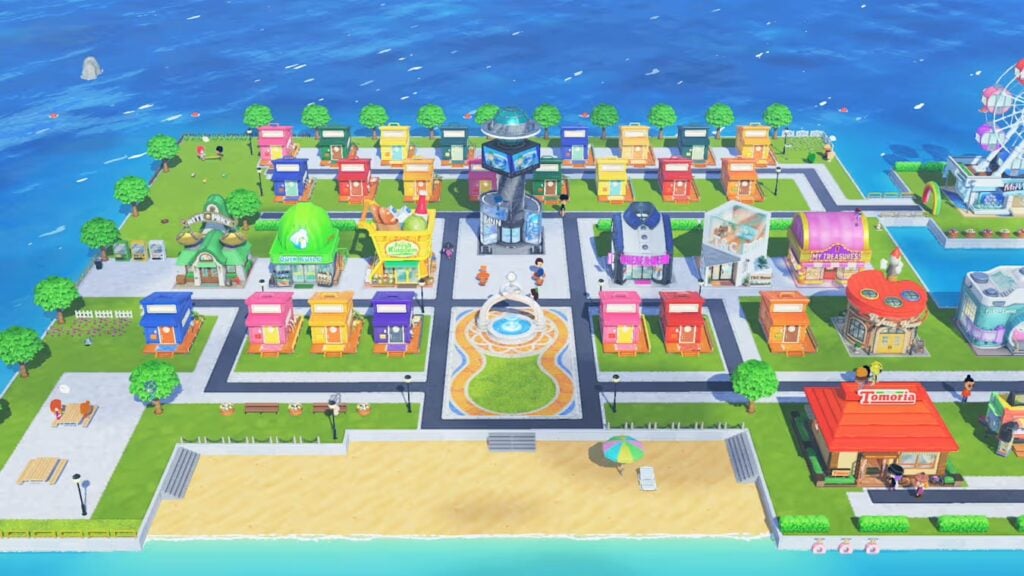
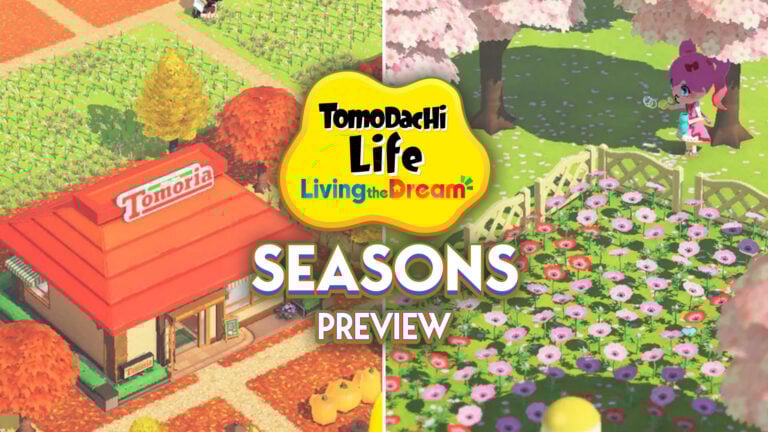
Tomodachi Life: Living the Dream release is just around the corner, and plenty of new and classic features have already started to emerge. One returning feature from the previous game is seasons. While this isn’t new to the series, players have noticed through various previews and early footage that the island’s landscape changes over time, shifting between greener tones, autumnal browns, and snowy whites depending on the season.
At first glance, Tomodachi Life seasons don’t seem to be tied to a traditional yearly cycle. Instead, they appear to function more as a customization option, giving players control over their island’s overall look and atmosphere. However, it’s also possible that the system blends both approaches, with seasons still linked to the console’s internal clock while offering additional customization on top. This would allow players to experience natural seasonal changes while also choosing specific settings at any time.
All You Need To Know
How Seasons Originally Worked On Tomodachi Life 3DS
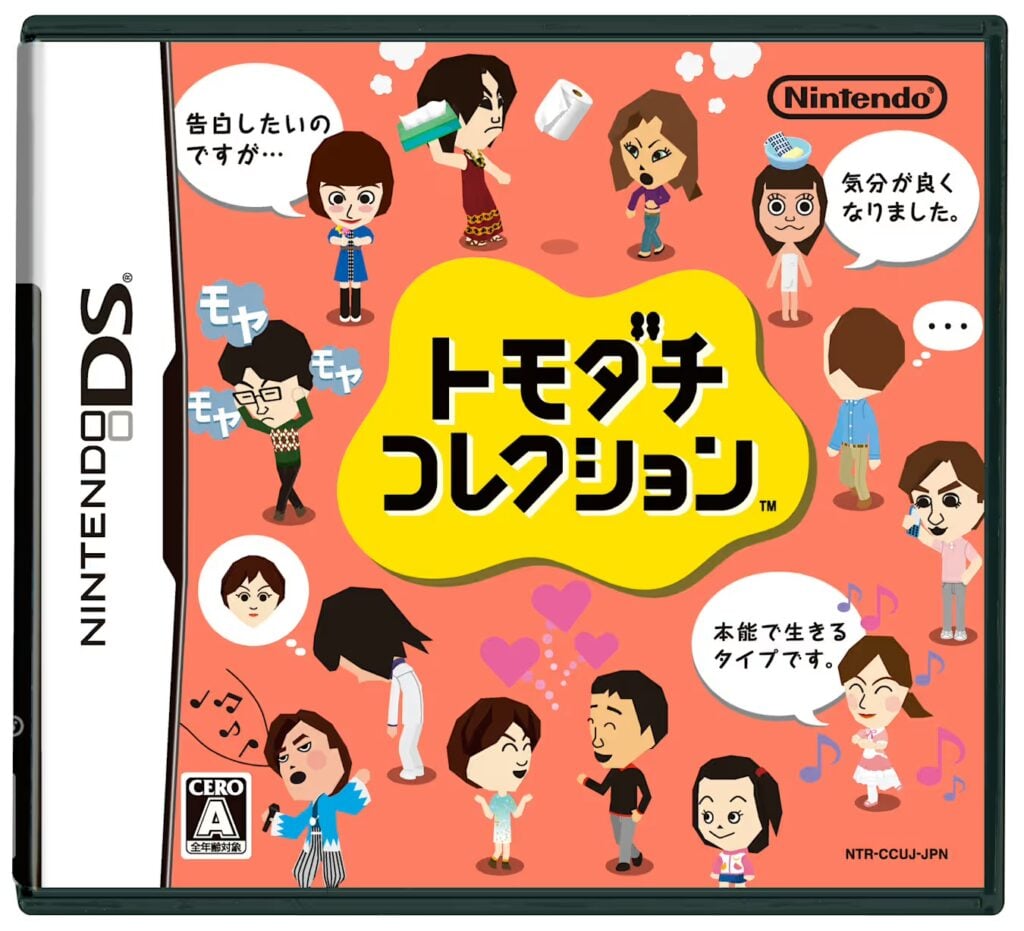
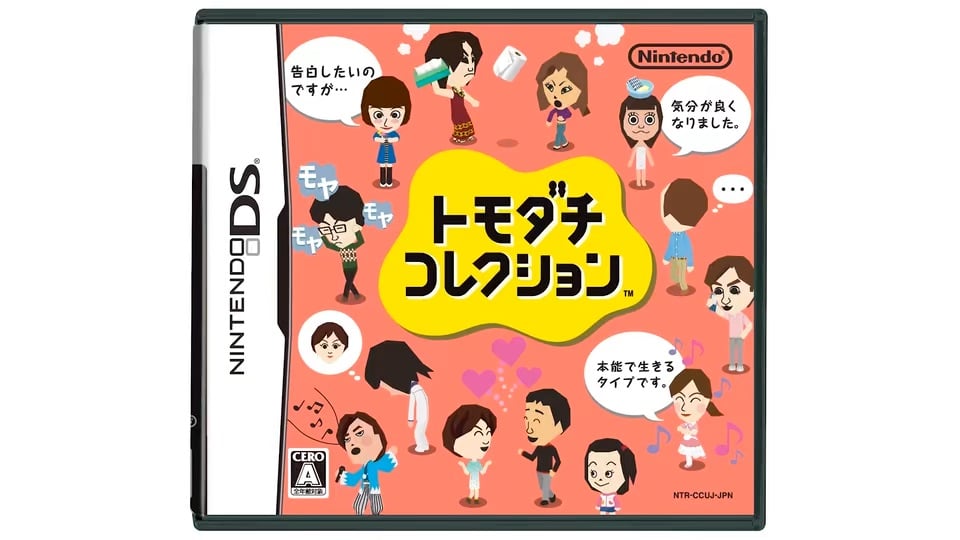
Seasons appear to be making a return in Tomodachi Life: Living the Dream, marking the first time the feature has been seen since the last entry on Nintendo 3DS back in 2013 (2014 in America and Europe). However, seasonal features have been part of the series since its early days. Tomodachi Collection, released in 2009 for Nintendo DS in Japan, already introduced a basic version of this system.
The island would reflect the time of year based on the console’s internal clock, introducing small visual changes and simple seasonal events. It wasn’t a deeply complex feature, but it helped give the game a sense of time passing and made the island feel more alive.
Screenshot from Tomodachi Life 3DSScreenshot from Tomodachi Life 3DS
This idea was expanded in Tomodachi Life for Nintendo 3DS. Seasons still followed real-world time, but their presence felt more noticeable across the experience. The overall look of the island would shift depending on the season, and shops would offer different items throughout the year. Certain events and small details, including some dialogue, also reflected the current season, reinforcing the feeling of a shared timeline between the player and the game.
A Look Into Tomodachi Life Seasons
Official images shared by Nintendo through trailers and its app Nintendo Today! clearly showcases seasonal variations, such as autumnal landscapes and spring settings with blooming cherry blossoms. However, players have noticed that these changes don’t seem to be tied to a dynamic system. There are no visible animations directly linked to seasonal transitions (at least from what we’ve seen so far), such as leaves falling or weather shifting over time.
Seasonal elements appear to be treated as individual items that players can obtain through the in-game shop, ranging from snowy ground and winter decorations to autumn foliage or bright, summery greenery. While these details point toward a more flexible system where different seasonal aesthetics can be combined freely, they don’t necessarily rule out a broader seasonal cycle.
Instead, this could suggest a hybrid approach, where the island still reflects the time of year while also allowing players to customize and layer additional seasonal elements on top. This would give players the freedom to shape their island’s atmosphere, whether by enhancing the current season or creating unique scenes for gameplay or photos.
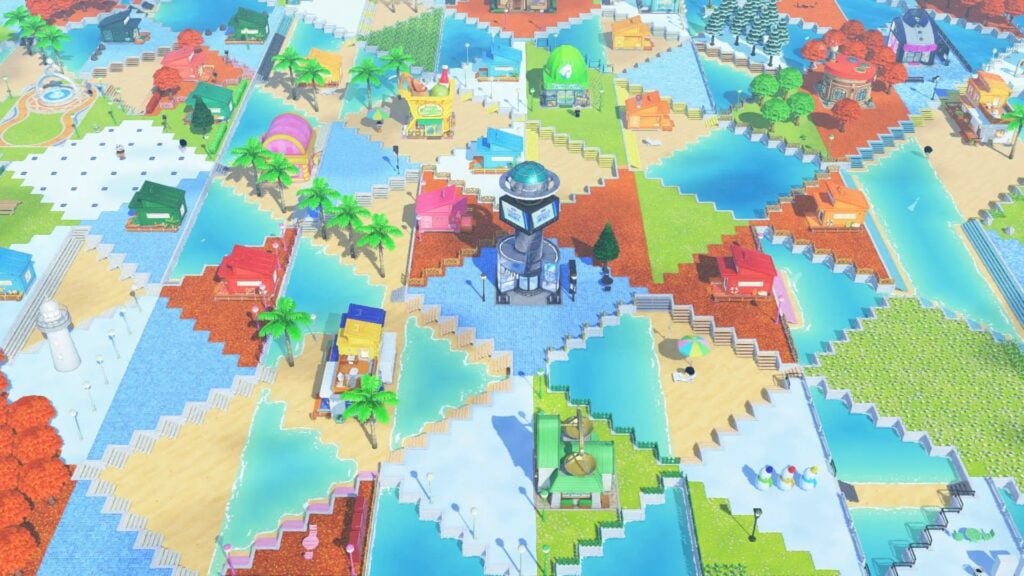
This idea becomes even clearer when looking at official footage, where different seasonal elements appear to coexist across the same island. Instead of the entire environment shifting uniformly, certain areas feature distinct seasonal aesthetics at the same time, from snowy patches to lush green spaces or autumnal tones.
Official screenshot by Nintendo.
What Kind of Tomodachi Life Seasons Can We Expect?
Based on what has been shown in official images so far, players can expect a familiar seasonal experience in this new Tomodachi Life entry, but with a noticeable twist that sets it apart from previous games. Rather than choosing between a real-time system or full customization, the game may combine both approaches. Seasons could still reflect the system’s internal clock, while also giving players the freedom to use seasonal elements as customization options. This would allow the island to feel alive and evolving, while still letting players shape its appearance to match their preferred time of year.
With Tomodachi Life: Living the Dream releasing on April 16th, players won’t have to wait long to see how this new take on seasons actually works in practice. It’s a different approach, but one that could open the door to more creative and personalized island experiences.
What do you expect from seasons in the new Tomodachi Life game? What will you try first? Let us know in the comments, and stay tuned for more Tomodachi Life updates on our site!
IllogicalSims is back with a host of brand-new CC pack addons available on their Patreon.
Known for making Sims 4 pack addons as well as his own original creations, he also will take requests from his patrons on Patreon for things they’d like to see tweaked in the game.
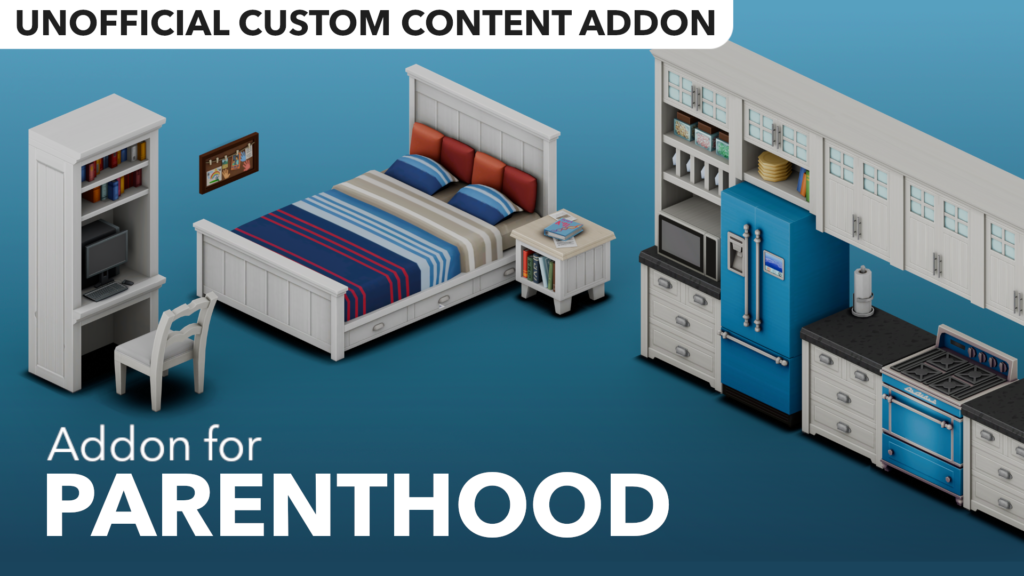
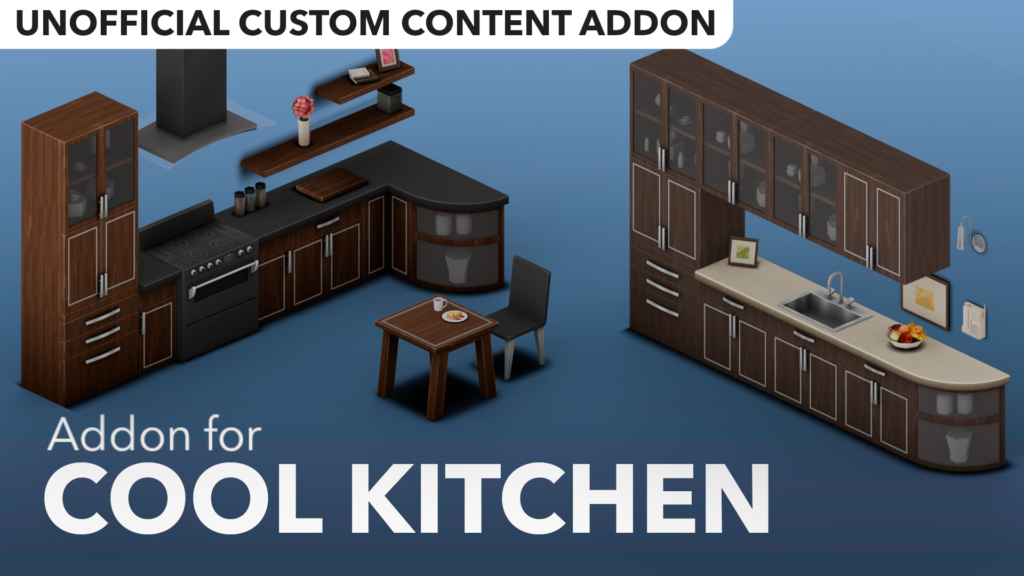
We’re going to go through his most recent CC pack addons for Growing Together, Parenthood, and Cool Kitchen Stuff, and include links for you to download them. Including a seperate “Simmer Requests” set with custom features and implementations.
We’ve covered lots of custom content creators, and you can read about each one on our dedicated page here.
Sims 4 New CC Pack Addons
The Sims 4 Growing Together Addon
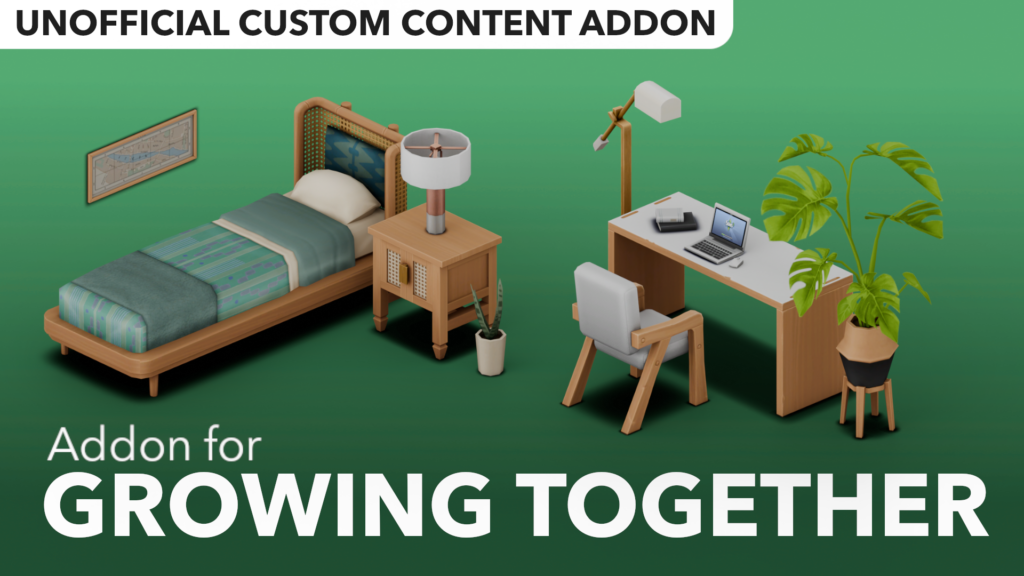
A very popular expansion pack, this custom content collection adds a variety of items matching the Growing Together style.
Among other things, in this collection you will find:
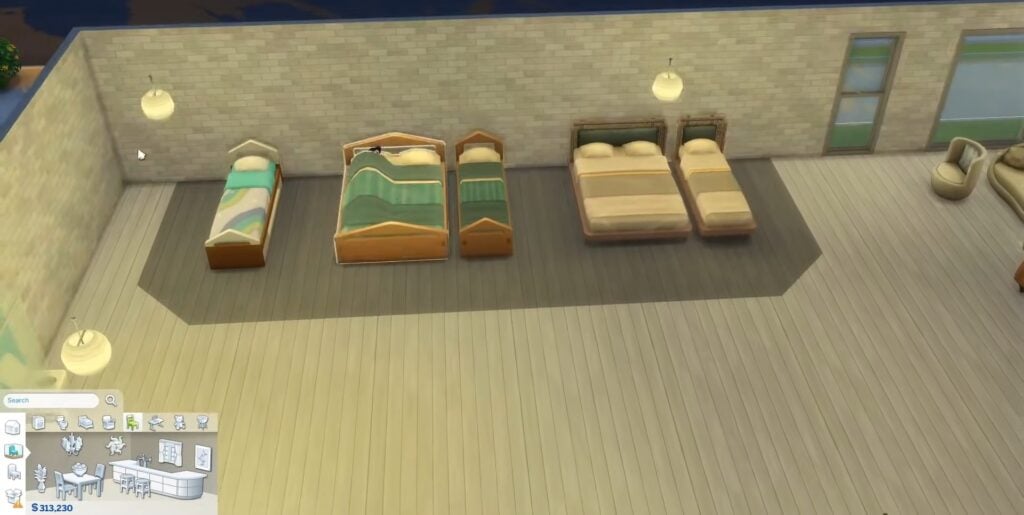
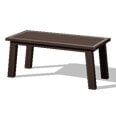
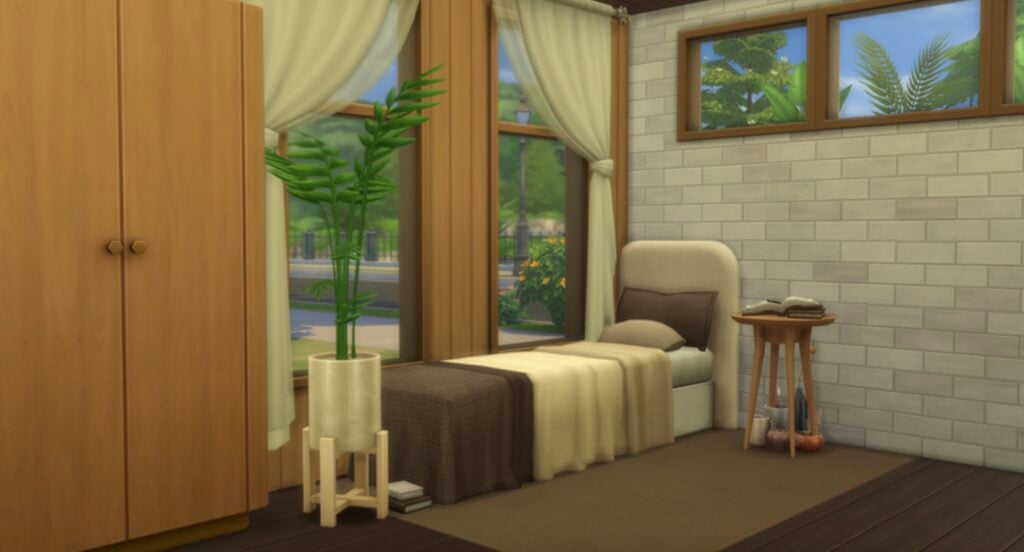
Various new bed options
Additional dining table, living room seating & desk options
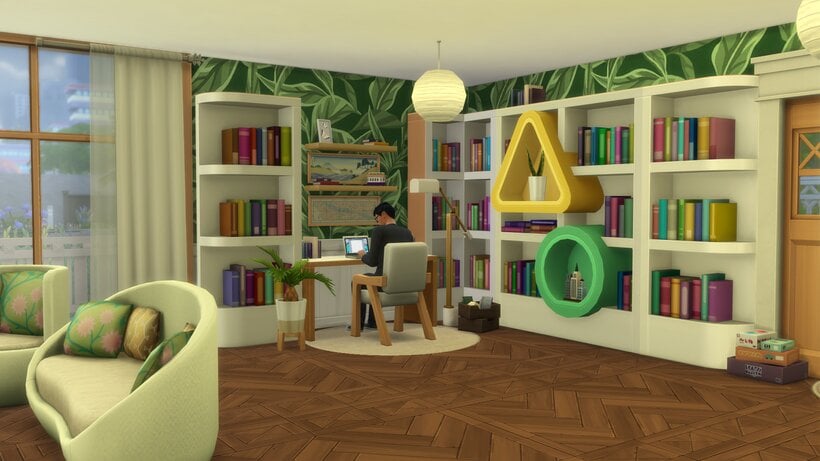
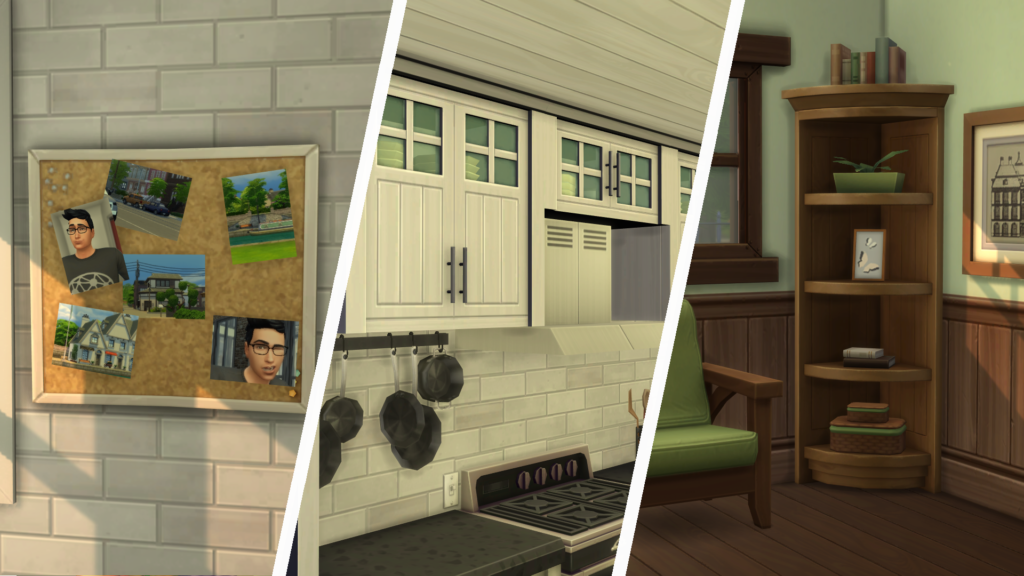
Corner piece for modular bookshelf set
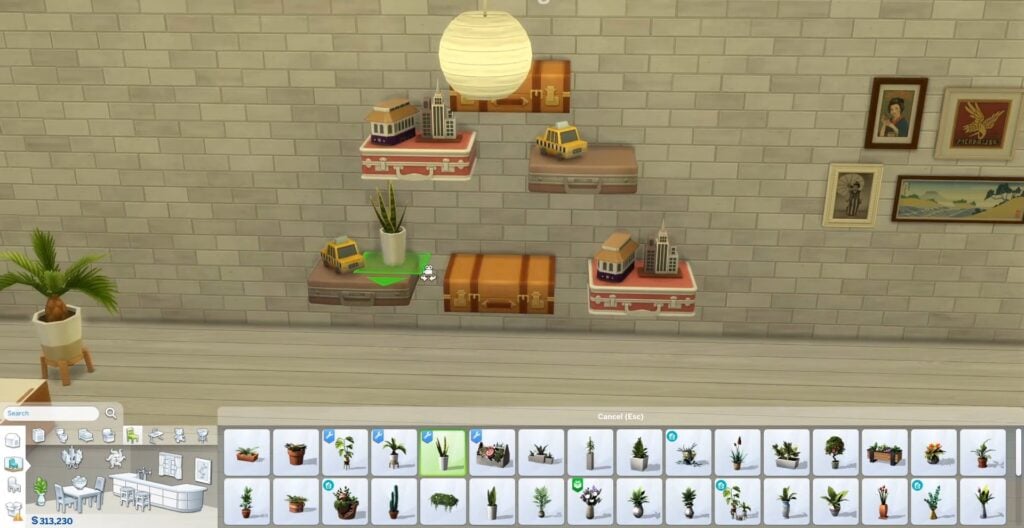
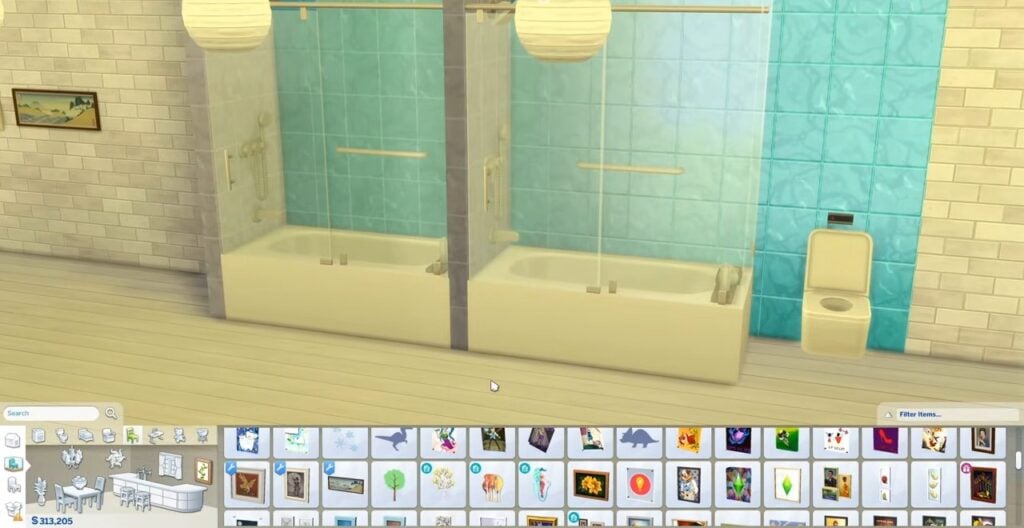
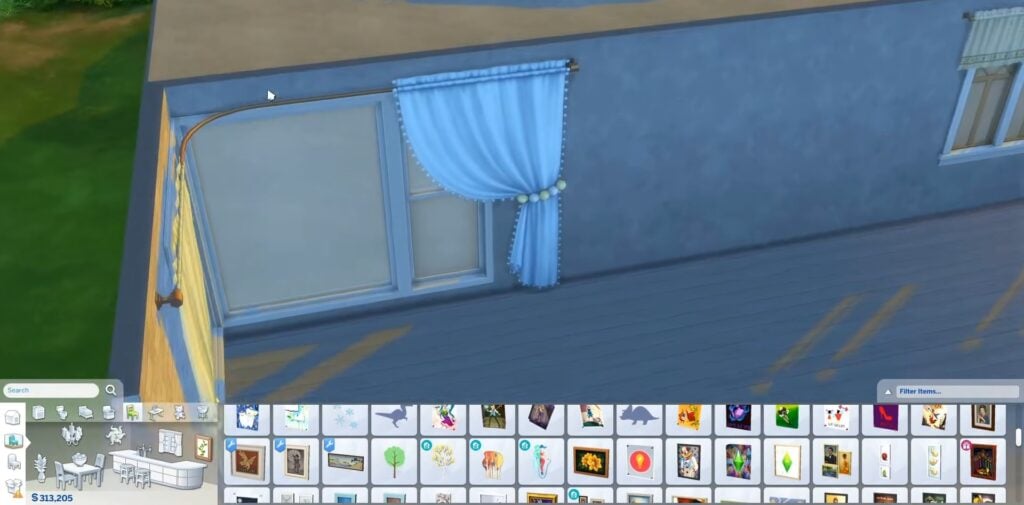
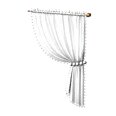
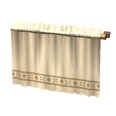
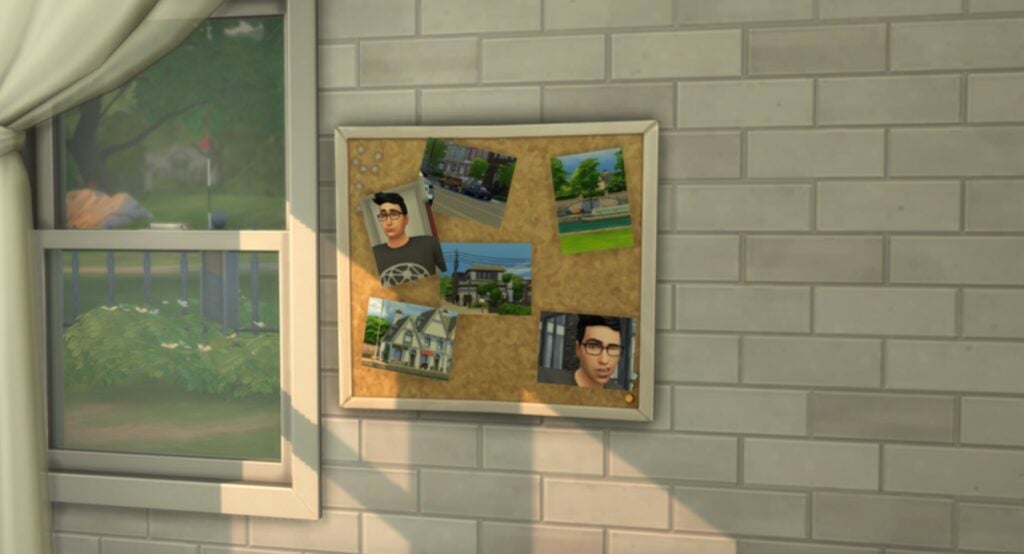
Separated clutter, wall decorations & new modular curtain options
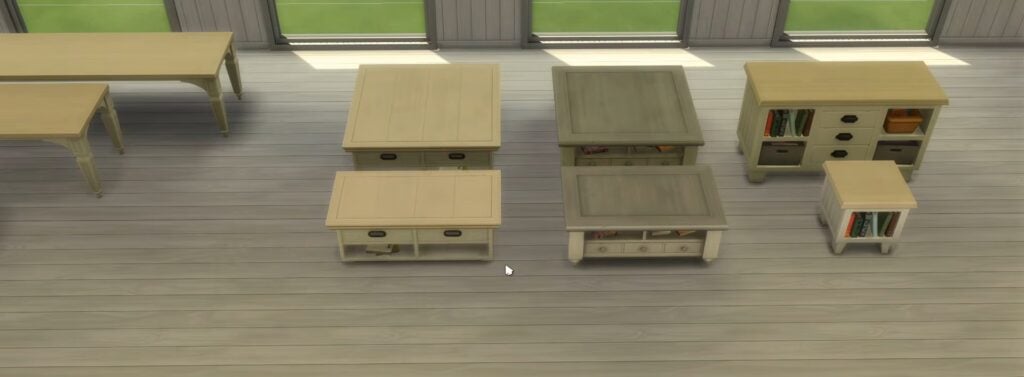
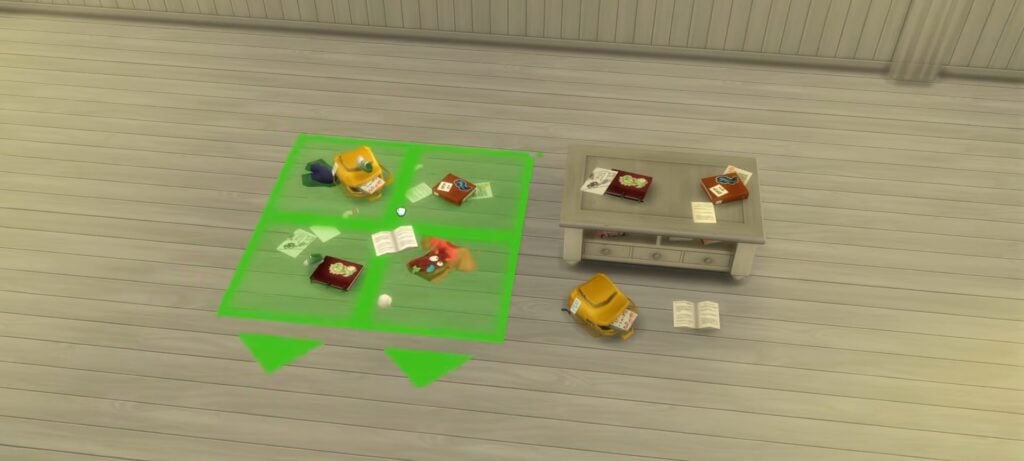
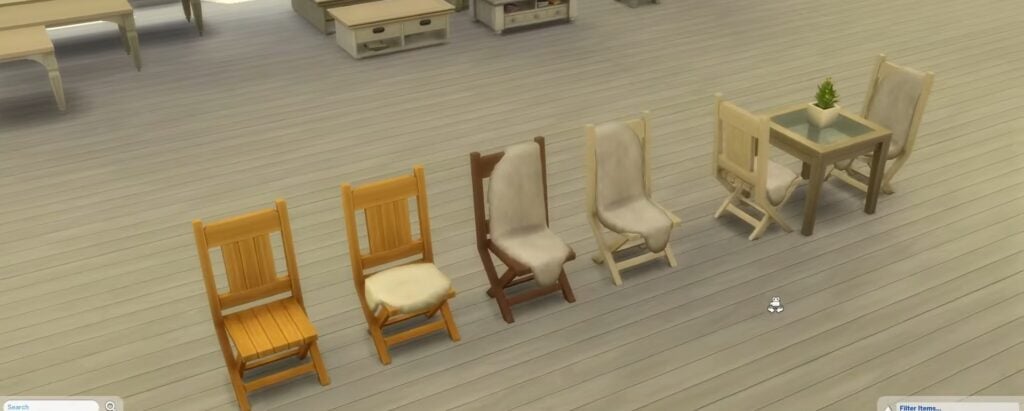
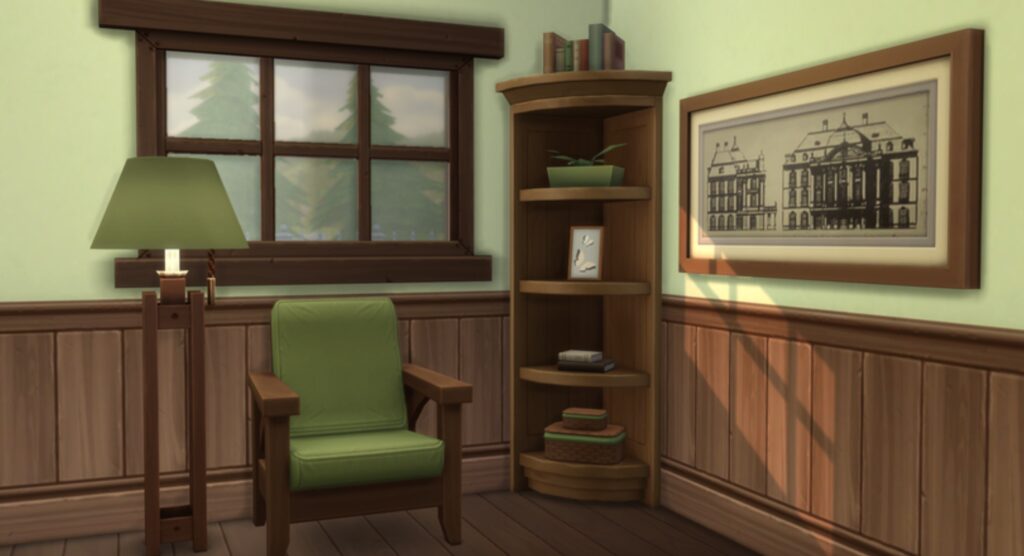
I was using some of the furniture from Growing Together recently and saw plenty of potential for an addon so I decided to make one! This addon adds a couple new bed options, since we always seem to get incomplete sets, as well as the usual things such as new table options, completed living room seating sets and separated decorations. I’ve also created modular versions of the curtains, as well as two versions of the built-in shower/bath object without the back panels. Oh, I also made a corner piece for the modular bookshelf set!
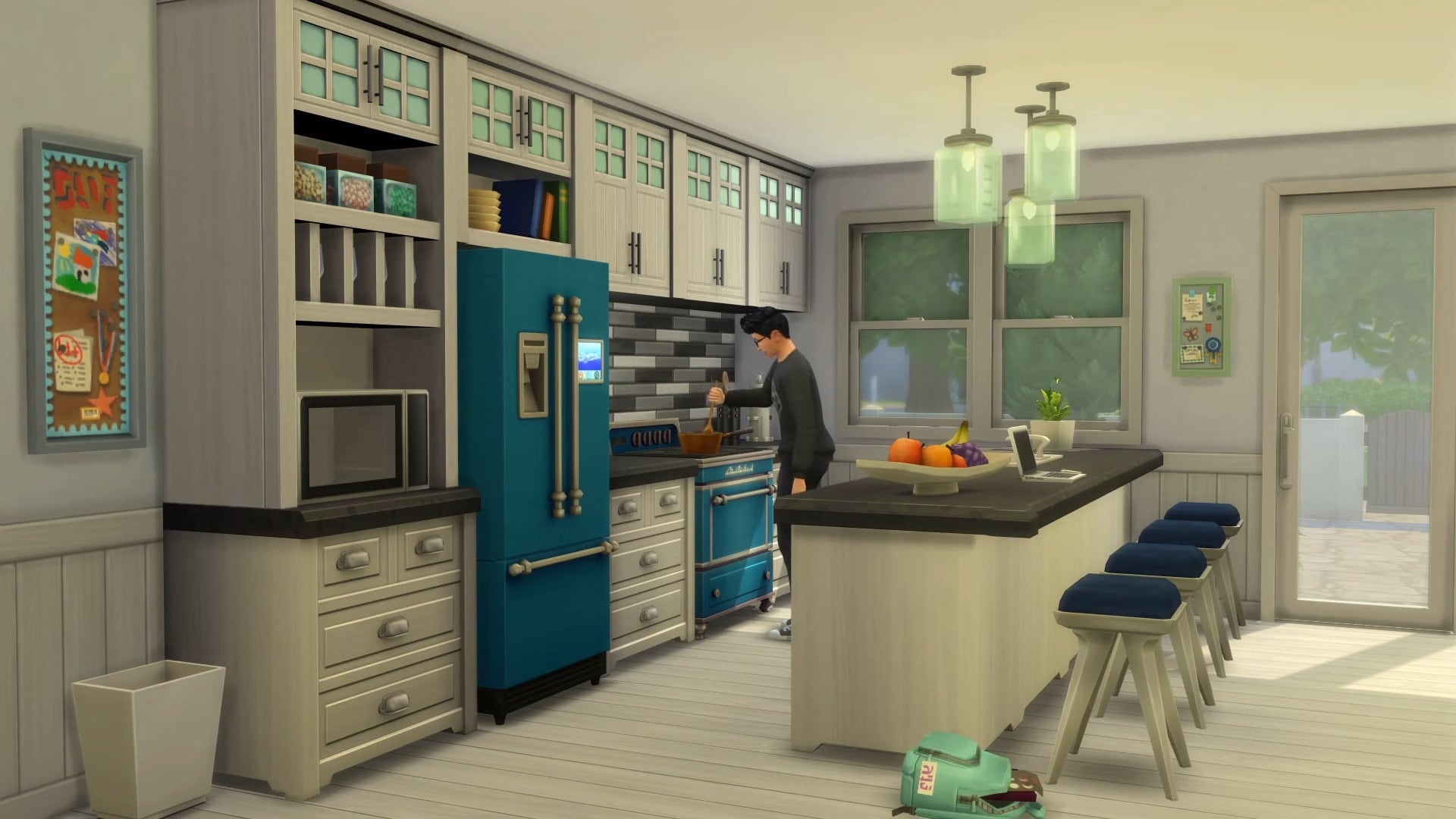
This addon aims to improve the overall experience when using the build/buy content from the Parenthood Game Pack. The initial focus was on the kitchen. I added a new version of the fridge that has the standard fridge size & footprint, making it much easier to use. I also included an updated island counter set which has the cabinets on the “correct” side and some new pieces for the wall-mounted cabinet set.
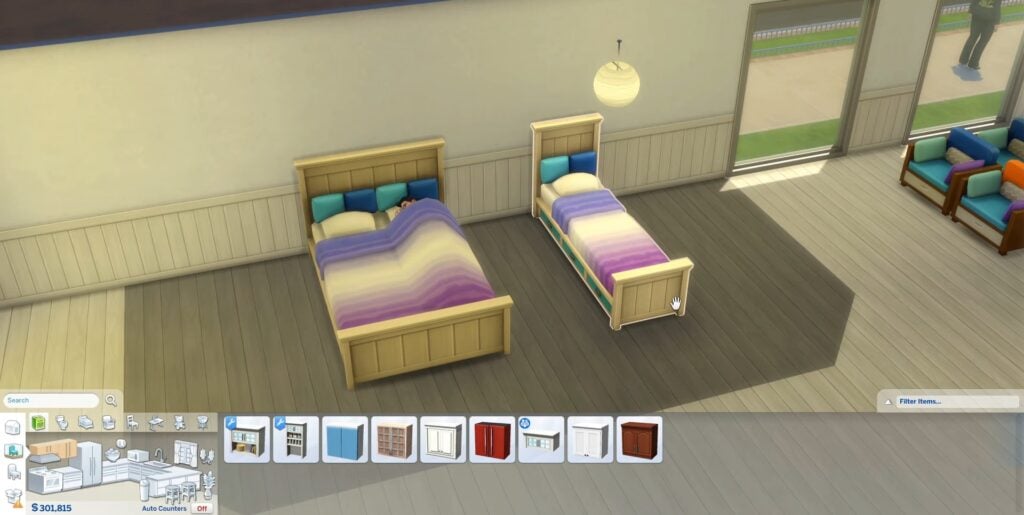
I’ve included a double bed version of the single bed, and added a new desk option alongside new dining table sizes. The living room seating sets have been completed with matching armchair, loveseat and sofas if they were missing any.
This is a stuff pack which has been around for a long time, and the items can feel dated as a result. This custom content addon gives them a much-appreciated refresh.
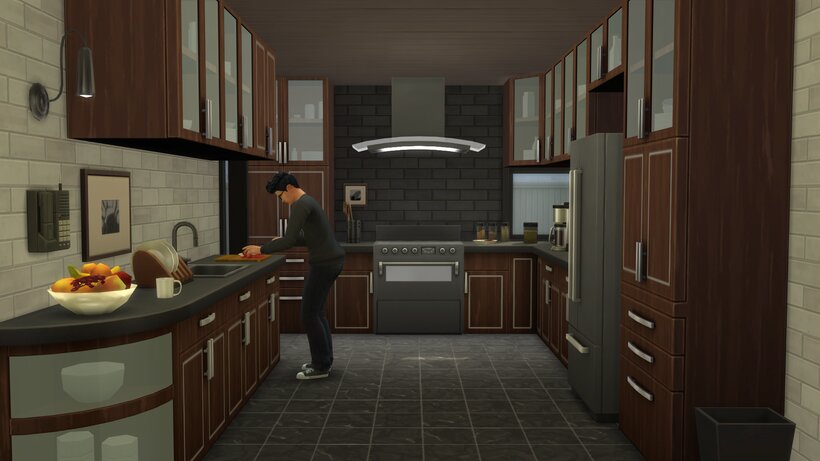
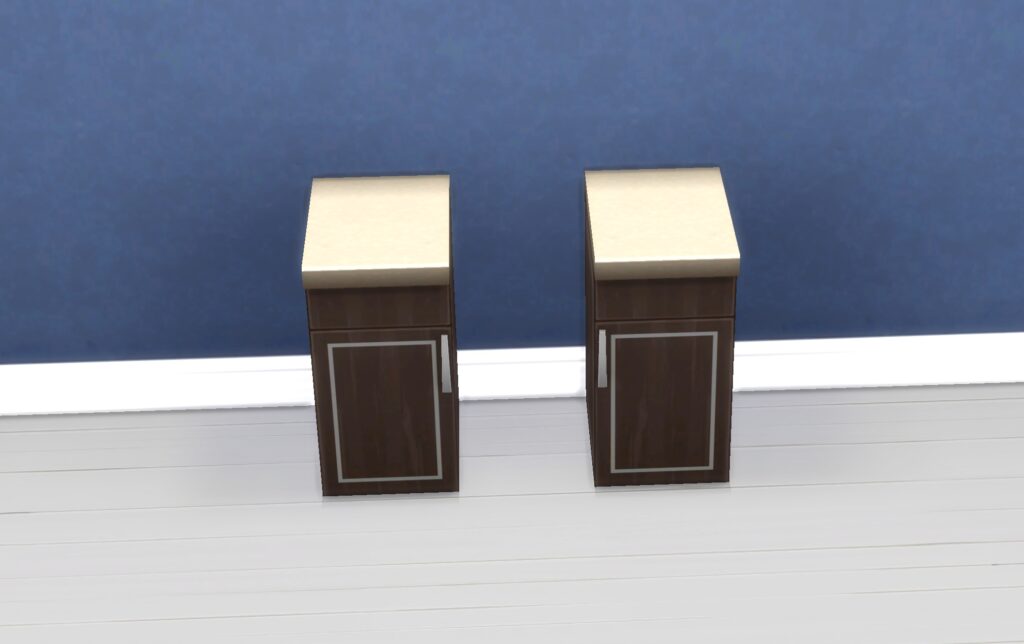
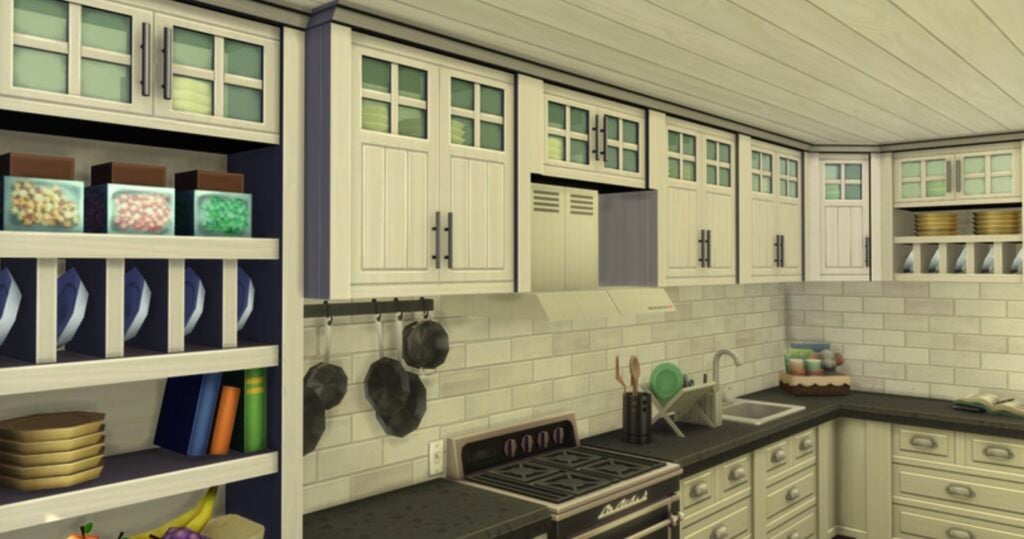
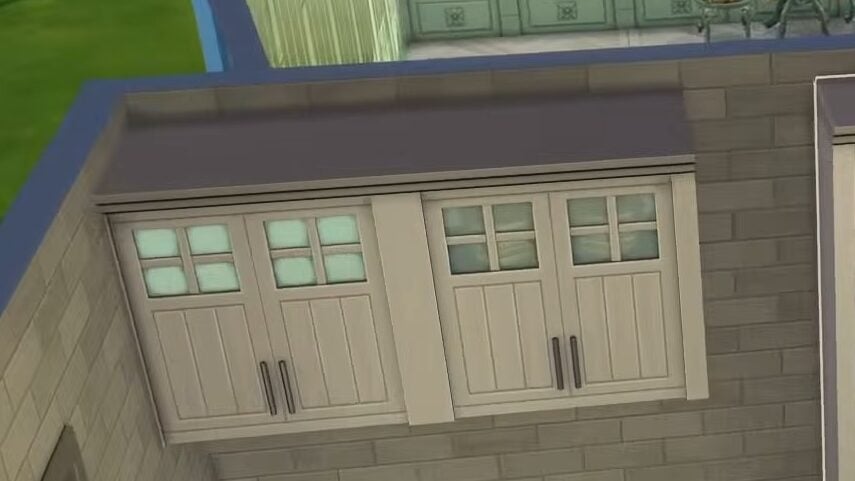
One of main things I wanted to adjust from this pack was the bright frosted glass cabinets and counter pieces. I’ve pretty much never used them before, since I’ve always found it difficult to use in household kitchens. I have added new versions of the counters and cabinets that don’t have the lights. In addition, I’ve also adjusted the island counter to have the cabinets on the “correct” side. I think these changes make the counters much more versatile and easier to use!
In this CC pack, you can expect to find:
New versions of the counters & cabinets without the lights
These new half-width counters look exactly like the regular counter split in two and will give you a lot of extra flexibility when creating cool, unique kitchens.
Half-width counters from IllogicalSims Cool Kitchen addon
This set is currently in Early Access and will be publicly available to download from April 18th.
Simmer Requests
As many custom content creators do, IllogicalSims receives regular requests to add tweaks or changes to items that have been released through Sims 4 official DLC or base game.
This latest round of simmer requests includes:
Override for Small Photos to enable placement onto corkboards
Three new Base Game doors in the “HBD” style
Empty Cats & Dogs corner shelf
Override for the Parenthood Cabinets to turn the glass transparent (also included in the Parenthood addon)
Single Bed version of the B&H Double Bed
Industrial Loft Bed without the large canopy frame
New Glass Wall for Tea Time Solarium
Parenthood cabinets before (left) and after (right) transparency update.
The requested creations may become a regular edition to IllogicalSims’ custom content collections, so if there is an item that you would like to see get some TLC, leave a request on his Patreon, and you may get lucky!
If you don’t have a certain pack installed, the zip folder is all organised by DLC, so you will be able to remove any items you don’t want to be included in your game.
Which Sims 4 packs would you want to see be given a complimentary addon next? Are there any individual items you’d like to see refreshed? Let us know below.
With Tomodachi Life: Living The Dream releasing later this week on April 16th, players have been itching to get into the game and make comparisons between this installment and the previous. Using the demo, some players have been extracting files to compile information prior to the official release to guide others on what to expect, and to just show off any new or fun stuff to expect!
“Food489” Extracted from the Tomodachi Life: Living The Dream Demo
With a total of 465 individual food items just in the demo, Tomodachi Life: Living The Dream looks like it will have a huge catalogue of food and will likely lack region locks found in the previous game, meaning that food won’t be restricted by player region as it had been in the past. While we don’t know for sure if these are all the items, or if more will be available in the full version, Reddit users and fans of the series did note that while there were 465 items, the last item is actually titled “Food489”, indicating a possibility of 25 removed food items, or 25 food items that will be added on release day in the full version.
A Reddit thread from user amxeeno details all the food items that can be found in the demo, extracting the files to show that the game has continued the trend found in the previous installment of mostly using real images of food, rather than modeling or drawing them.
Food items in the previous game, simply titled Tomodachi Life, were separated into four categories; Main Dishes, Side Dishes, Desserts, and Beverages. Despite the name, some items may not “neatly” fit into their categories. It largely includes anything sweet, or “junk food” as the previous game categorized items like Apples, Bananas, and Potato Chips as “Desserts”.
The categories typically will indicate how much that dish may be, as well as how much it will satiate a Mii’s hunger. Main dishes fill them up the most, and typically cost the most. Side dishes fill them less and cost less, and so on and so forth with Desserts and Beverages as well.
As previously mentioned, Reddit User amxeeno also mentioned that there are approximately 25 food items missing, meaning that no files extracted had these numbers as their title.
The total amounts to 465 food items but their number ID gets to 489, no clue what this could be about since that would mean 24* 25 food items are missing from the demo 🤷♂️
The food items that are missing from the files are :
142
219
228
239
262
291
309
313
333
335
339
341
394
395
396
399
400
403
408
414
419
420
431
436
449
There doesn’t seem to be a pattern for those that are missing, maybe they were removed during the development of the game.
Reddit user amxeeno, in the r/tomodachilife subreddit.
Author’s Note: Since some items are from other regional versions of the game, the categories they’re sorted into is currently based on the appearance and past references, but may not be accurate to the final release.
Main Dishes
Side Dishes
Desserts
Beverages
Do you think that the missing IDs for food items indicate more coming in the final release, or do you think some items were possibly removed before release? Let us know!
Tomodachi Life: Living The Dream is available for pre-order now, but will officially release on April 16th, at 12:00AM (Midnight) Eastern Standard Time. We’ll be keeping you in the loop for any new updates or news, so keep an eye on our Tomodachi Life category on The Sims Community!
Tomodachi Life: Living The Dream currently retails at $59.99/£49.99 for both digital and physical editions on pre-order. Make sure to keep an eye on our countdown to release day, and check out the ‘Welcome Version’ demo of the game if you’re not sure or just want to try it out!
Looking to refresh your Sims’ wardrobe without breaking that iconic Maxis style? In this Custom Content Maxis Match Spotlight, we’re diving into some of the best Sims 4 Maxis Match clothing CC—perfectly blending into your game while giving your Sims a fresh, stylish upgrade. From everyday essentials to standout pieces, these finds prove that Maxis Match CC can be both seamless and seriously fashionable.
Sims 4 Maxis Match Clothing CC Guide – Custom Content Spotlight
Crystal Heart Sweater by Trillyke
Have your Sim looking cozy and cute in this adorable, puffy top by Trillyke! Crystal Heart Sweater features small embroidered hearts and comes in 15 swatches.
Superstar Jeans & Waist Chain Belts by Trillyke is a pair of relaxed-fit denim jeans featuring star-shaped cutouts and patches, paired with 3 waist chain belts adorned with star details – this look is all about star power with a retro feel!
Looking for more Maxis Match sweaters for your female Sims? Check out BunBun Top by cloudcat; this cute top comes in 15 swatches and is available for female Sims aged teen – elder.
Loose pants, a cozy sweater, and a long coat combine to create an elegant, seasonal outfit for your female Sims aged teen – elder! This full-body outfit by Standardheld comes in a plethora of swatches and is an amazing example of customizable Maxis Match CC clothing!
You can never have enough formal options! EP19 Ruffles by Standard has beautiful swirls of sparkles and small ruffles at the top. There are a total of 146 swatches between solids and multi-colors.
It’s always tea time with this gorgeous Maxis Match dress by Mona! This mid-length, vintage, puffy dress features soft button-down details with a flowing skirt. Available in 20 swatches for all female Sims aged teen to elder.
Simple but stunning! Gabby Two Piece Dress by MissValentine142 features an open back, with rib cutouts, and a long flowing skirt. Available in 24 shades, this dress is a Maxis Match must-have!
Pleated skirts in Maxis Match! Plati Pleated Skirt by Dissia is a short, sassy skirt with plaid accents and a cute little bow tied at the top. Available in 20 eye-catching shades!
Give your game a little magic with Mariposa Dress by Dissia! A mid-length dress with a flower petal bottom, a top adorned with butterflies, and a majestic neckline. This fantasy dress is available in 67 swatches, so you can create the fairy princess of your dreams!
The Pompom Collection by Serenty-cc includes 4 different Maxis Match outfits suited for Winter weather! Whether you are looking for a standout dress or a warm thermal outfit, this set has it all!
Whoop whoop! Give your Sims some disco fever with this colorful, Maxis Match set by JolieBean! This set includes 4 groovy outfits and 2 pairs of shoes in 15 colors!
Just like Barbie, your Sims can be anything you want them to be! This Barbie-inspired dress features flowing feather designs and sparkles. Complete the look with the included tiara and choker necklace, which features a band (Available in multiple colors) and a gorgeous gem!
Sweet dreams are exactly what your Sim will be having in this adorable, Maxis Match, female, pajama set by Joliebean! Snuggly pants? A cute night gown? Or how about a cozy lounge set? With this CC set, your Sim will be set when it comes time for bed!
Petal Palace by clumsyalien is a 6-piece Maxis Match set which includes 2 tops, 2 skirts, and 2 hairs that give off a lovely Summer vibe. The Buttercup Blouse is a tube top with a little bow available in 50 swatches; Clover Blouse is an off the shoulder top with a bow tied at the opposite shoulder, available in 50 swatches; Fern Skirt is a long, layered, flowing skirt with a belt, available in 50 swatches; Leaf Skirt is a short denim skirt with a simple belt, available in 20 swatches. A gorgeous must-have download for your Maxis Match folder!
Mila Set by Madlen is one of the most gorgeous Maxis Match CC I have found while on my hunt! This stunning yet cozy Winter set features a heart-stopping long dress with a plaid sweater tied at the hips, a cozy sweater with puffy sleeves and small designs at the bottom, and a full outfit that includes the sweater and a layered skirt. Available in 8 shades to create an effortlessly beautiful look!
We all need a comfy, baggy set in our wardrobes! Now our Sims can have a Maxis Match version with this creation by Miiko! A short top with rolled up sleeves, and a pair of baggy sweatpants with pockets are included in 16 swatches!
Daily Look by Boschiana cc is a quick fix to your Maxis Match outfit needs! There are 15 full-body women’s outfits in 4 different versions, and they come in 30 lovely swatches. A tank top with a cardigan and jeans, a long-sleeved dress, an overall dress, and a cozy dress with a sweater underneath are all included!
Soft Promise by HuiEn is a 3-piece outfit set that features pearl details, soft silhouettes, and is available in shades of ivory and lavender. This Maxis Match CC set may be inspired by Valentine’s Day, but it will be gorgeous all year round!
Bring a touch of elegance to your game with Royal Grace Collection by LiyahSim. There are 8 items included in this set, such as 3 dresses, a skirt, 2 pairs of gloves, a hat, and a bodice. Show off your female Sims’ power in the daywear, and show their level of class in the daring formal wear!
Love in the City by Zeuszim is a 7 Maxis Match clothing set featuring a long, fluffy coat available in 40 swatches with hearts all over, a lovely, short silk dress with hearts, a tank top in 45 swatches, and a sweet, simple cardigan available in 45 swatches. Another dress with a classy wrap, a short skirt with frills, and the cutest heart jewelry is also included! This set is just as versatile as it is lovely!
Sass and style come together in this defining Maxis Match set by Plumbique! There are 3 outfits included: a low-cut, flowing tank top with high-waisted denim jeans, a short, off-the-shoulder dress with long sleeves, and another short dress with a buttoned-up long sleeve undershirt.
Show your love of the Sims 2 with Legacy Pack by dogsill! This Maxis Match set features 7 tops, 2 bottoms, 1 accessory sleeve, and 5 hairs – all inspired by your essentials in the Sims 2!
Love Day Dress & Tights by trillyke consists of a cute short dress with puffed sleeves, lace details, and a small heart cut-out at the chest – paired with the sheer tights, this Maxis Match outfit will make any Sim stop and stare!
Another amazing Maxis Match creation by trillyke! Flurry Sweater & Skirt consists of a soft off-the-shoulder, cable knit sweater with a big bowtie, and a short pleated skirt that goes perfectly with it! Available in 20 swatches, this outfit set is perfect for mix and matching!
Sophisticated and modern! Bella Set by arethabee is a 2-piece set which includes a mid-length layered skirt, and a tight, long-sleeve top with a deep V cutout.
The Praline Collection by Sentate includes 5 different cable-knit outfits for your Sims! There are a total of 4 different dresses that vary in style, and a pair of luxe leather boots that will look great with all of them. Turtleneck or not, the choice is up to you!
The Core Collection by Sentate – a mix between streetwear and gymwear, the 6 different pieces of Maxis Match CC in this pack vary from a dress, to joggers, to tank tops, to biker jackets! All of the pieces work well with layering or mixing and matching. Whether going to the gym or out to the town, this set will have you covered!
Edgy, sassy, and modern – Stacy Outfit by Black Lily consists of black shorts with a silver belt and a long-sleeve crop top. Available in 6 swatches, and all female Sims, teens to elders, will be able to rock this fit!
Zephyr Outfit by Madlen is a full-body male outfit for your Sims that is sleek and sophisticated. A long coat with a heavy scarf paired with a cable-knit sweater, fitting pants, and boots make up a classic piece you will find yourself using for multiple occasions!
Mateo Jeans by Joliebean is a Maxis Match bottom for your male Sims with the coolest and most retro flames at the bottom! Have your Sim looking fire in 13 amazing swatches!
Leather jackets never go out of style! With this creation by remaron, there is another amazing Maxis Match option for this kind of top! Available in 20 swatches, and wearable for all male Sims, teens through elders.
Sweater With Polo Menswear by remaron is another Maxis Match option that features a plain sweater with a button-up underneath. This one is also available in 20 swatches and wearable for male Sims, teens to elders.
Another classic option for your male Sims by remaron! Button-ups Menswear features a plaid overshirt – open, with a classic t-shirt. Available in 10 swatches, and again, they made sure all your male Sims teen – elder can rock this classic look!
Step out into the rain in style with Rocco Raincoat Outfit by adrienpastel! This multi-colored coat features 4 buttons down, and a rolled cuff at the arms. A pair of tight-fitting jeans and rain boots help create a look that is perfect for the rain or in the garden. Available in an array of swatches to best match your male Sims vibe.
Sophisticated and handsome! Bloom For Me Set by cloudcat is a full outfit set for your male Sims, consisting of a suit jacket, top, and bottom. The argyle designs and the popped collar give it a retro but modern vibe. A fantastic option for Maxis Match formal wear!
When you need a good bit of “refresh” in your game, CC dumps can be your best friend – a ton of good CC in one place! Assorted Collection III by nucrests contains a whopping 21 items for masculine frame Sims. Everything from cardigans to button-ups, to shorts, to overalls is included, and all of these pieces look absolutely fantastic!
Storm Collection by xiuminuwu contains Maxis Match Winter clothing options for your male Sims. There are pieces that are suited for male and female Sims, but this set is intended for male Sims, and the majority of the pieces are only for masculine frames. Cozy sweaters, puffy jackets, warm pants, cute mittens, and handsome hoodies – this CC set has it all! Whether you’re hitting the slopes of Komorebi or need to freshen up your Sims ‘ winter wear, you will find what you’re looking for in here!
They call me Mr.Hot Shot! Let your Sim do his thing with Love Shot Suits by xiuminuwu! There are a total of 6 different versions of this stunning suit in 46 amazing swatches! Tons of ways to mix and match to wear it your way.
Is your Sim a superstar, but the world just doesn’t know it? Look the part too with this Maxis Match set by xiuminuwu! Lonsdaelite Set comes in 17 different swatches, and the pants and top are separate as well.
Another amazing collection of Maxis Match CC for your masculine frame Sims by xiuminuwu! Happy Holidays Dump includes 5 cozy, warm tops and a Vanilla Balaclava in multiple different swatches each. This set gives off a warm but modern, street vibe, something very different, and a must-have download!
Vintage Velocity Collection by ice-creamforbreakfast
Give your game a taste of the good old times with Vintage Velocity Collection by ice-creamforbreakfast. This set features Beryl Romper, a short romper that gives off sailor vibes with the button-down and extra fabric at the back, available in 50 swatches. Katherine Dress – a short button-down dress with short sleeves, available in 50 swatches. Alfredo Sweater – a vintage top for masculine frame Sims, and Santo Tank – a classic tank for men, available in 50 swatches as well. They have also included Skipper Plimsoles, the perfect shoe to finish off any and all of these Maxis Match outfits!
Ollie Collection by Caio is the perfect Maxis Match skater outfit CC set! Ollie Collection features 3 tops with the matching bottoms and 2 hats to complete the look! There are outfits for both male and female Sims in this content pack, perfect to grind in or chill in!
Are you like me, and Friends is one of your favorite TV shows? Now your Sim can look the part of your favorite character with R.O.O.M.I.E.S by Madlen! This set features 3 full-body outfits, 3 tops, 3 bottoms, and 2 accessories to help you recreate their look. This set also includes build/buy objects if you are looking to create the iconic apartment as well.
Scene-Stealer by marmerizingsims is a very different take on Maxis Match, creating a new style but still maintaining The Sims core look. This set includes 6 different bottoms that will have your Sims standing out and stealing all the scenes!
Another Maxis Match set by marmerizingsims, Neuromancer gives off a futuristic, artsy vibe with 3 tops, 2 bottoms, 2 hats, and 1 pair of robotic gloves.
Give me all the coziness! New Horizons Collection by Nolan-Sims combines the coziness of Animal Crossing with the Sims style in this Maxis Match clothing CC collection! All 10 of these items are inspired by clothing items you would find in Animal Crossing: New Horizons, from the adorable tulip hat to the cozy sweater. I need it all!
Forage Skirt by adrienpastel is an adorable Maxis Match skirt for your female-child Sims! This two-toned skirt features a simple belt, a zipper, and a side pouch with a small design, available in 12 swatches.
An Oh-So-Cute Spring dress that even comes with a matching hat! Lina Dress by Daisy Pixels is a long-sleeved, long dress with a large frill at the bottom and handcuffs; the matching hat resembles a bucket hat with a cute little leaf sprouting on top! Available in 20 adorable swatches!
Hanne Dress by lilka is another Maxis Match full-body option for your child Sims, but this time for toddlers-girls! This mid-length outfit features a patterned skirt, with a long-sleeve top that has the cutest cartoon animals! Available in 6 swatches, this little dress is a must-have!
Sweet Spring Dress by Serasugee is a Maxis Match dress for your infant Sim girls! This dress features an overall dress with flowers, and a striped undershirt; available in 9 swatches.
CM Shirt No.9 by David_Mtv is a stylish and snappy formal top for your child-boy Sims. A ¾ rolled sleeve, with button-ups, and the most stylish bowtie create a very handsome and modern look!
It’s almost time to hit the beach! Marty Set by PowLuna is a full-body outfit for your infant-boy Sims that features an adorable romper tied at the shoulders and a pair of must-have flipflops! With over 40 swatches available, this will become a classic piece in your Maxis Match CC collection!
Sweater Weather Set by PowLuna is a Maxis Match clothing set for your child Sims that contains 4 sweaters and 4 bottoms. This set definitely gives off retro vibes with the patterned jeans and simple colors. Versatile for all occasions, and the sets blend perfectly together for the ultimate mix and match!
Does your frog-hunting Sim need a friend? This adorable accessory by Feral Poodles Sims is found in the right/left wrist category and is available in 6 swatches. Have a little frog friend on your shoulders at all times!
Soft Shapes Necklace by simspancake_cc is a gorgeous Maxis Match necklace that features small pearls and a simple design, available in 11 swatches. If you love this, be sure to check out the rest of the Soft Shapes Jewellery Collection by simspancake_cc!
Astral Earrings by simspancake_cc is another Maxis Match earring option that features a dangling star with a small tassel, available in 8 neutral, metallic swatches.
Dot Dot Dot Nails by trillyke is a Maxis Match Nails accessory that features simple polka dots in 15 swatches! Perfect for bringing a touch of color to your Sims wardrobe!
Using the same shoes in The Sims 4 can get old sometimes. This set by Trillyke will for sure freshen things up with its subtle heel and shiny anklet! The shoes are available in 30 swatches and the ankle in 10 swatches; they can and will go with everything!
Give your Goth Sims a bit more of an edge with this necklace by MisfitSim_. Gothic Cross Necklace features a double wrap-around look with a large cross and beads. Available in 30 different swatches and is Maxis Match!
Show off how glamorous your Sim is with Star Hoop Earrings by MisfitSim_. These Maxis Match earrings feature large hollow stars in 10 different metallic swatches!
And that wraps up this Custom Content Maxis Match Spotlight! Whether you’re giving your Sims a full wardrobe makeover or just adding a few fresh pieces, these Sims 4 Maxis Match clothing CC picks are the perfect way to keep your game feeling stylish and true to its original charm. If you loved these, make sure you check out our Maxis Match Hairstyles guide to complete your look!
Find out everything you should know about Tomodachi Life: Living The Dream ahead of the release.
After thirteen years, the wait is almost over – Tomodachi Life: Living The Dream is out this week for the Switch and Switch 2. As we approach the release date and anticipation builds, Nintendo has given fans a sneak peak at the game with an overview trailer, which teases both new and returning fan-favourite features. We’ll break down some of the new gameplay showcased in the overview, as well as give you all the information you need to know ahead of the game’s launch!
Table of Contents
When Does Tomodachi Life: Living The Dream Release?
Tomodachi Life: Living The Dream releases on both Switch systems on Thursday 16th April. At the time of writing, Nintendo hasn’t made any announcement confirming a specific release time, however new games usually launch on the eShop at midnight local time.
Further Release Information
The game is receiving a digital and physical release, and is available for pre-order now on Nintendo’s official online store. Both editions currently retail for $59.99/£49.99. Anyone who has pre-ordered the digital edition will have the option to preload the game from the 9th April, allowing for a quicker start-up on launch day. Please note that preloading will not give you earlier access to the game.
Can’t wait to play? The ‘Welcome Version’ demo lets players create up to three Mii characters. All progress from the demo can later be transferred to the full game, and players who complete the demo can unlock a free hamster costume as a reward.
Trailer Breakdown
We got an in-depth look at Tomodachi Life: Living The Dream earlier this year thanks to a dedicated Nintendo Direct, which we did a more detailed breakdown of here. The new overview from Nintendo has expanded on this, revealing a few more features we can look forward to.
Starting with the expanded Mii maker, we got a better look at the prompts for the ‘Get Help’ option, which is replacing the photo feature used in the previous game. This method of creating Miis gives you prompts about features and uses your input to generate a Mii. Don’t worry if it’s not the most accurate – you’ll be able to edit this Mii as usual afterwards. It’s also great to see more diverse hair textures and styles being added to the Mii maker.
The new trailer mentions that the island and its facilities will upgrade over time as the Mii population expands. While this progression was present in the 3DS game, the demo told us that a few additions have been made to the levelling-up process. Not only will you unlock new buildings and items as your island grows, but caring for your Miis rewards you with ‘Warm Fuzzies’, which you can then exchange for new gifts and Little Quirks at the new Wishing Fountain.
Miis can be seen throughout promotional videos engaging with new hobbies, such as knitting, painting and playing musical instruments. In the demo, a guitar is among the gifts you can give your Miis, and these other activities are most likely unlocked through the Wishing Fountain.
One change that has caused some debate amongst fans is the decrease in the maximum number of Miis you can have on one island. In an FAQ on their website, Nintendo confirmed that players can register up to 70 Mii characters in Tomodachi Life: Living The Dream, a significant drop from the previous game’s 100 Mii limit.
The overview and this short clip have shown us more of the relationship system, which is more detailed than the last entry to the series, with new cutscenes and autonomous conversation that utilises custom dialogue input. Additionally, we got our first proper look at babies, with a married couple announcing the arrival of their child. Babies can be toggled on and off in the game settings.
Tomodachi Life: Living The Dream supports local wireless, meaning players can share Miis and custom items with their friends so long as their systems are within range of one another. Local play can be accessed through the game’s main menu.
Nintendo previously stated that the game would not have any online communication or multiplayer features, which led to the assumption that sharing would be completely off the table. Although online play unfortunately still isn’t supported, it’s good to have some clarification on what sharing is possible.
Release Time & Countdown
As we mentioned earlier, there hasn’t been an official statement from Nintendo regarding a specific release time, but their first-party releases typically launch at midnight in each region’s Easternmost time zone. To give a few popular examples of how this release schedule works, it would mean 12:00AM ET in the USA, 12:00AM BST in the UK, and 12:00AM EET in Europe.
General Countdown
00
Days
:
00
Hours
:
00
Min
:
00
Sec
Countdown to Tomodachi Life Living The Dream Release
Time Zones Information
Region and Time Zone
Region Release Time
Pacific Time (PT)
9:00 PM, April 15th
Central Time (CT)
11:00 PM, April 15th
Eastern Time (ET)
12:00 AM, April 16th
Brasilia Time (BRT)
1:00 AM, April 16th
British Summer Time (BST)
5:00 AM, April 16th
Central European Summer Time (CEST)
6:00 AM, April 16th
China Standard Time (CST)
12:00 PM, April 16th
Korean Standard Time (KST)
1:00 PM, April 16th
Japan Standard Time (JST)
1:00 PM, April 16th
Australian Eastern Time (AET)
2:00 PM, April 16th
New Zealand Standard Time (NZST)
4:00 PM, April 16th
Tomodachi Life: Living The Dream is is out on Nintendo Switch and Nintendo Switch 2 on 16th April 2026.
Are you excited for Tomodachi Life: Living The Dream? Let us know in the comments! And make sure to check out our other Tomodachi Life articles.
An InZOI High School is Coming, and The Development Team is Back in Full Swing!
After the major March update to InZOI and the one-year anniversary of the InZOI Early Access release, the development team took a small break from development videos and keeping players in the loop to rest and begin work on their next big project; An InZOI High School features expansions that would allow players to fully play out their teen Zois’ days, have milestone moments, and make memories before they age up!
While features have not yet been fully described and fleshed out, InZOI Director and Producer Hyungjun ‘Kjun’ Kim did walk us through what assets have been created and a few features that are coming for this next feature expansion, as well as asking for feedback on some new technical settings and for guidance on what features players are looking for when they’re thinking of InZOI High School gameplay.
Developer Diary: InZOI High School Update Coming in May!
○ While the InZOI High School gameplay is still fairly deep in development, and will be introduced in May, the team decided to preview some features to players to receive feedback and guidance.
○ Since the development team for InZOI are largely native to South Korea, they were not aware of American culture surrounding high school prom. To expand gameplay for this, new create-a-zoi assets have been created.
○ In part for this update but also due to player request, high heels are also being added. Since variable heights can cause issues with certain animations and interactions, the heels do not change the Zoi’s height.
○ Many new assets are being added in this update to expand gameplay for an InZOI High School update, with some create-a-zoi items being added, but also many new buildings, lots, and furniture pieces.
○ Based on the assets and screenshots shown, there seems to be tons of gameplay being added for extracurriculars, hobbies, clubs, and specific class-types. Some shown include a gym, band room, art room, classrooms, cafeterias, and more.
○ The development team for InZOI is also asking for feedback on whether players would like a setting to toggle Zois spawning when far away from the player in exchange for increased performance. This would mean that when moving quickly, some parts of the world may seem emptier, and Zois will spawn closer to the player character.
April 10th, 2026 – School Gameplay: A Preview
Hello,
We’re finally ready to begin sharing some of our latest developments in video form. As we’re currently working toward the April and May update, we wanted to better organize the contents of these videos whenever possible.
For example, I know many of you are eager to see what School play will look like in inZOI, so we’ll show what we have so far for that this week.
Set to release in May, you can give us many feedback on this topic, and we’ll use our remaining time to implement those feedback.
Also, the last part of the video is to ask your opinion on a change we’re looking to make.
We are currently exploring multiple approaches to enhance CPU and GPU performance, as well as overall stability and crash prevention. Through testing, we have confirmed that reducing interior rendering and crowd density in areas outside the active Zoi’s vicinity can greatly improve game stability.
However, as this change may noticeably affect the gameplay experience, we are looking to implement it as an optional setting rather it being unchangeable.
We’re hoping this would greatly benefit performance for all players without losing very much as to what would be perceived as depth in your regular gameplay.
Since we would offer this as a changeable setting, those who prefer greater immersion can still turn it back on, even if it means you’ll be sacrificing some performance.
Let us know what you think about this and also our current rendition of School play.
Wishing everyone has a wonderful weekend,
-Kjun
What features are you hoping to see in the InZOI High School update to be introduced in May? What assets teased here do you find most exciting?
Make sure to follow The Sims Community as we keep you updated on new features coming to InZOI and other Life Simulation games! Also check out InZOI’s official website, which will include recent news, updates, roadmaps, and more!
Plus, get an insider look at the recent Sims 4 Packs Sales performance and Marketplace Updates.
The reliable insider on ATRL, best known for their confirmed insider reports on The Sims 4 Marketplace and talks of The Sims Project X development is back with new information. This time revealing the internal inspiration for The Sims Project X development, as well as Sales Performance of some of the recent Sims 4 paid releases.
Let’s break down the new information in the latest Sims insider report:
New The Sims Insider Report for April 11th, 2026
The Sims Project X Inspiration
Question: Hey! I saw that some people got invited to an in-person playtest happening in Vancouver from April 21 to 24. Before signing up, there were questions about The Sims 4 and The Sims 3.
Do you know what this playtest is about? Could it be related to Project X? I’m really curious what they’re planning to test in person.
Sims Insider: It could be! I’m not really in the know for those kinds of things.
The only news I know that I’ve not yet shared is people on the team are using Hello Neighbour 2 apparently for both visual direction and exploration/map inspiration. Not sure what specifically, but outside The Sims 4, that’s being used to gauge what the size and design of the maps could look like, while taking notes on things such as lighting effects and other visual elements.
They’re looking at other games that share a similar stylised look to The Sims 4, while being more modern, as they don’t really have a lot of time to explore their own prototypes like they have done so with previous games. Apparently, Hello Neighbour 2 is one they keep going back to. Never played the franchise myself, but I’ve heard it’s popular.
Question: I haven’t played Hello Neighbor 2 either, but I googled it to see what it’s like and yeah, it actually does look pretty similar to The Sims 4 visually.
I just hope they know how many players have been asking for bigger maps and that they’ll find some kind of compromise.
Sims Insider: They are similar visually. I’m seeing people online already running with “They’re making it look exactly like Hello Neighbour 2, wtf???”
When I say that, I mean elements that make sense for them. Like lighting or textures or whatever else. It’s inspiration. Obviously the parts that won’t work for The Sims won’t be carried over.
I’m glad to see you understand what I meant.
When it comes to world size, my other explanation kind of covers that. But remembering the Sims is designed for casual players, all this extra fidelity is already going to have a hardware cost. Making it too big will price people out of the genre.
That’s probably why they’re also looking at it from a map perspective as well. It’s probably a good size while also being slightly bigger than a typical Sims 4 neighbourhood as well.
What is The Sims Project X?
Question: I am still kinda confused on whether Project X is now The Sims 5 or still The Sims 4.5. I wish they’d just commit fully because this feels like a disaster waiting to happen.
Sims Insider: It’s not a Sims 5. At all. Very Sims 4. It’s not a Remaster but it’s also not a remake. 4.5 is also probably a bad description too.
Best way I can describe it is imagine the Sims 4 base game now is the original Fortnite and Project X is the equivalent of skipping to the most recent version without any knowledge of anything in-between. You’d know it’s the same game and not a remake, but it’s also drastic enough to feel very different. Except X at this stage is being sold as a seperate game unless they decide otherwise.
This game is being designed to keep Sims 4 fans happy, and primarily isn’t designed to bring over anyone who isn’t a Sims 4 fan. Though some changes will likely make people happier to switch from earlier games, they’re avoiding alienating the Sims 4 audience and their primary concern is to effectively keep the Sims 4 DNA alive through this new product.
Do not expect them to try and appeal to people who miss The Sims 3 for example. They know some passionate players about that game are out there, but the numbers don’t lie and they won’t be trying to compete with InZoi or Paralives that are clearly inspired by Sims 3 and trying to fill that gap. EA knows the Sims 3 formula works to build hype but quickly falls flat and people get more addicted when the scale isn’t big for the sake of a selling point.
The Sims 4 ‘Neighbourhood’ design works well as it can “push” players more easily into the gameplay in more isolated environments, getting them invested faster. While Open Worlds seen in Sims 3, makes it harder to isolate new gameplay and push players in the same way. Unless you know what you’re looking for, it can be hard to discover new things in amongst base game and other DLC venues that can automatically place. Once players check out the world, and explore, they tend to check out faster. Pushing goals via a UI feature doesn’t keep players invested for long either. It was explained to us that it was a big reason why The Sims Mobile followed the same approach, over doing something more like Freeplay.
There was a rule they started in the earlier Sims 4 packs that was explained to us that worlds should feel like there’s something new being presented to the player from the view of any lot. This could also include things seen in your Neighbours lots. So immediately once a player looks around from where their Sims move in, there’s some kind of gameplay avenue being pushed to them. So either there’s something in the world, or one of your neighbours houses is purposely designed so you want to visit and see what it’s all about. This seems to keep players playing longer and more in-depth, than UI based goals which had short term success.
In an Open World, this is much harder to do without too many things happening in the world or too many builds doing too much ruining a natural aesthetic flow of the town. 4 doesn’t have to worry about that, because the aesthetics exist even if you bulldoze every lot in a Neighbourhood.
I know this is a long explanation but once I put that developer hat on, it’s hard to not explain.
But tl;dr – very Sims 4, very much not Sims 3, EA very happy for their competitors to go down that route and fill that gap, too niche for EA’s plans for X.
Of course, anything can change. But that’s my understanding of “what is X?”
The Sims 4 Packs and Marketplace Performance Updates
Sims Insider: Just got some clarification, I originally said Adventure Awaits underperformed in a previous post.
Apparently it did really well in the Christmas rush and they’re putting it down to Expansion fatigue since it came so close after Enchanted By Nature which is why it didn’t do so well at launch. People apparently were also hesitant as a previous patch a few weeks before apparently broke a lot of mods due to a pack selector and had to wait for their mods to be updated or something.
Royalty & Legacy had the best launch since Life & Death apparently, people apparently are really engaging with the new world and club tools. EA are happy.
Also something really confusing that I’m not sure I understand what it means, but previously I said the Marketplace was exceeding expectations. That’s still true, but it contradictions another point where EA are unhappy with the amount of virtual currency being bought, and expected higher. God knows what that means but I’m just the messenger. I personally don’t understand it and neither does the person I spoke to about it.
On The Sims 3
Question: Can they remaster Sims 3 with modern fixes like they did for Sims 1 and Sims 2 and just be done with the franchise please?
Sims Insider: Short answer: I don’t think they’ll ever do any kind of update to the Sims 3.
Long answer: The Sims 3 really failed to maintain a longterm audience, and all the DLC (and especially the Expansions) they had planned in advance one by one performed worse and some of it failed to be decently profitable. That’s one of the reasons why the Sims 4 started with one Expansion in production per year (Get To Work counts as a 2014 project) and continued that way for several years. Just to avoid making the same mistakes.
So I don’t see them going back to The Sims 3 in any meaningful way because a lot of marketing deals failed to make a noticeable uplift and later DLCs performed less than what was required to be considered a success. It’s one of the reasons why delaying the Sims 4 was not an option, they pulled the plug on doing more with the Sims 3 because there was just no decent profit to be made and investors wanted the success they were promised.
I think that’s left a sting in EA’s butt that they won’t let go of. It doesn’t surprise me the 25th Anniversary went by and it wasn’t given a lick of attention. I don’t seem them ever doing so.
The Look and Feel of Hello Neighbor 2
One of the replies within this Sims insider thread was right. I was about to look up the look, feel and ways of discovering areas within Hello Neighbor 2.
As the Sims insider suggested, this doesn’t mean that game features and exact visuals / items will make its way to The Sims Project X. Hello Neighbor 2 is just being used as an inspiration for the game’s starting point of development. “For both visual direction and exploration / map inspiration” they stated.
Not everything is as it seems in Raven Brooks. Picking up directly after the events of the original game, the police show up at Mr Peterson’s house — where he had kids locked up in his basement.
As Quentin, an investigative journalist, you sneak into crime scenes and people’s houses to find clues and evidence. It’s up to you to piece this puzzle together. Building upon the formula of Hello Neighbor 1, you play in a larger open world with multiple houses inhabited by suspicious characters.
Sneak into suspicious characters’ houses, because that’s what investigative journalists do
The town of Raven Brooks is your playground, with AI-driven residents inhabiting its houses
Track down Mr Peterson – the infamous creepy Neighbor
It turns out that there’s some space for correction following the previous report of Sims 4 Marketplace being a success. The latest insider report claims that EA is still “unhappy with the amount of virtual currency being bought”, even if The Marketplace’s success did exceed their expectations.
When it comes to Pack success, The Sims 4 Adventure Awaits wasn’t that big of a flop after all. However, nothing came close to the release of The Sims 4 Royalty & Legacy, which according to this Sims insider was the best selling Expansion Pack since Life & Death.
What do you think about the latest Sims insider report on The Sims Project X and The Sims 4? Let us know in the comments down below and stay tuned to the latest Sims News!