The Sims Team has released a brand new update for The Sims 4 on PC, Mac, Xbox One and PS4!
To download the latest version of The Sims 4, simply open your Origin program and if the game doesn’t update automatically, right click on The Sims 4 and select ”Update”.
In case you have Mods or Custom Content, the game will automatically disable them for you after first launching The Sims 4 after the update. To re-enable all your Mods and Custom Content, select the Settings option in the Menu and select Settings. Under the ”Other” section you’ll find the ”Enable Custom Content and Mods” option. Check it and restart your game in order for it to take effect!
Patch Notes
PC: 1.81.72.1030 / Mac: 1.81.72.1230
Console: Version 1.49
Hello Simmers!
We hope this Game Update finds you well wherever you are in the World.
In this Season of Selves, I can’t help but to introspect. Maybe it is a byproduct of getting older and particularly hitting an age milestone this year, but I’m feeling like the turning of the seasons, the seasons in the sun… so to speak.
We have had an amazing year of content and the team is constantly in the works for new and interesting ways for you all to play the game as well as finding ways to give you more to play with, to play more with life.
In this update we are sharing with you two of the ways that we have thought about that have a pretty different approach to the way we had traditionally delivered non-paid content and features to you all. These two new features are the result of an iterative approach to our feature development as well with the promise of improvements and changes over time as part of that iterative approach to our non-paid content.
It was lovely to speak to you all from the Inside Maxis stream. I still think I should have burned some sage before the live show, but I’m glad you all had a good time!
Thank you again for all your continued support and feedback, we truly appreciate it.
Gracias Totales!
-SimGuruRusskii
WHAT’S NEW?
Scenarios!
As you all saw, or heard from a friend, in our latest Inside Maxis we introduced Scenarios as a new way to play The Sims 4, and starting Today you will be able to experience it.
But what are Scenarios?
Scenarios are situations that will be available in-game where Simmers can choose to participate and work toward an outcome for their Sims. Now the fun part is that there are different outcomes per Scenario and that there are many ways to achieve those outcomes. This means that there is more than one way to complete one Scenario so you as Simmers have multiple options toward the outcome that you want.
Each Scenario has a theme but what happens in said Scenario is up to you as you work toward your desired outcome; you never know how the story will go but only your actions and time will tell. <evil laugh>
In Today’s update we have two Scenarios:
Making Money: Money, money, money, money, MOOONNEEEY! <ahem> This Scenario places your Sim in quite the predicament by having their bank account reset after they have moved in a Lot – yup zero Simoleons, nada – the difficulty could increase if your Sim chooses between Unfurnished and Furnished Lots, or if they bulldoze their space. To complete the Scenario you’ll have to earn your way to one million Simoleons. How you get to one million – it can be however you wish, just don’t do anything I wouldn’t do. <wink>
Finding Love after a Break Up: Love hurts… love scars. This Scenario places your Sim right after they have broken up with their significant other. Your Sim’s task is to find love either by salvaging that relationship that broke apart, or finding new love with someone else. Which will your Sim choose? It’s your Sim’s time to dream; which Sim will win their heart?
If you choose to partake in either one – or both – remember that in this initial list of Scenarios you will do so with a new Household. And don’t worry! These Households will stay with you after they complete each Scenario.
As SimGuruDuck said in our Inside Maxis, sometimes some Scenarios will be there for a limited time, and some will be updated and tweaked – some will be like a challenge, some may not – but in all we will add more over time and you can expect improvements and/or additions to this system over time as well! I’m looking forward to hearing from you and what your Sims are up to with these.
A Sims Delivery is coming your way in an update near you.
<Freezer Bunny jumps out of a gift box – “Ding Dong”>
With this update we are preparing our game to welcome a new system that will allow us to deliver content to the Base Game for all of you as a complementary, more spontaneous little sibling of our regular game updates. Join us in welcoming Sims Delivery Express!
Sims Delivery Express, or SDX for short, will be able to make Sims Deliveries without needing a full game update. But what does this mean? What kind of things are a Sims Delivery? What do you eat with it? Well, let me tell you:
A Sims Delivery can be a Create A Sim or a Build Mode asset.
A Sims Delivery can be small pockets of gameplay that don’t require a Base Game update to be accessible by you all.
A Sims Delivery can also be tiny, little fixes that don’t need a Base Game update to release.
A Sims Delivery is always Free.
All this to say that even though some of you – I see you super tech savvy Simmers – will see through today’s update files that Sims Delivery is in existence, this feature will be available for you at a later date. A note for Console players, make sure you have linked your account to EA through the game so that you can be ready to receive Sims Deliveries when they are available; for more information on how to do so, I’ve got you – you can read about it here.
Stay tuned for a future update where I can share more details and facts about Sims Delivery Express.
Do you like Plants?
I like plants, and we like plants. Are you a proud Plant Parent? So are we! Well… some of us are anyway <looks at her dead plants a bit embarrassed>. In this update we’ve made some adjustments on the backend for decorative plants across the Base Game and Packs adding an environment score and a more appropriate price in Build Mode to match their fictional rareness or worth. This change goes hand in hand with a small change to the text related to Environment Gain/Loss in Build Mode assets that display it to be more appropriate with the true intent of that score. Instead of Minor Environment Gain/Loss, it is now called Lot Environment Gain/Loss.
We are hoping this change makes a difference for all of you!
BUG FIXES
Sims 4
We fixed an issue that made Toddlers walk with animations that were not quite fitting for a Toddler. I don’t know about you all, but if my Toddler in-game looked like they had a lot of coffee, I would be concerned – and this is coming from the caffeine queen herself. Luckily we were able to solve this issue and they should walk properly now.
Noticed the Bonsai Tree was a little… text averse? We did too – we made sure the Bonsai was properly potted and trimmed which solved its text attachment issues, so now its text should be displayed properly in Build Mode.
Speaking about text averse, some of the variants for the Mega Stacked Stone wall texture have been fixed in Build Mode as well to display proper text.
Spa Day
Over the years, Yoga practices have incorporated a number of equipment choices such as super comfy and hypoallergenic mats, yoga socks, sweat-proof technology clothing and towels, you name it… but what is never OK is practicing Yoga with shoes on. Sims should no longer be practicing Yoga with shoes on, as if.
Industrial Loft
The “I Took a Welding Class Once” Double Bed has been adjusted to show Stress and Comfort values as well as a reduced price. I mean, I took a welding class once, but I’m not quite in luxury status yet.
2 Comments
Nina
Did they add the window?
Kelly Gale
The scenario panel is barely accessible and not on the screen on PS4.
.
Welcome to Sims Community!
Our community is about connecting people through open and thoughtful conversations. We
want our readers to share their views and exchange ideas in a safe space.
In order to do so, we've created a simple set of rules that will improve your experience.
Simply put, keep it civil.
Your post will/might be rejected if it contains:
Spam
Insults, profanity, incoherent, obscene or inflammatory language and threats of any kind
Attacks on the identity of other commenters or the article's author
User accounts will/might be blocked if we notice:
Continuous attempts to re-post comments that have been previously moderated/rejected
Racist, sexist, or homophobic comments
Attempts or tactics that put the site security at risk
So, how can you be a power user?
Stay on topic and share your passion. Feel free to elaborate to get your point across.
'Like' or 'Dislike' when you are filled with emotions!
Protect your community. Use the report tool to alert us when someone breaks the rules.
Thanks for reading our community guidelines. Please note that we're aware of certain
issues with Sign In / Log In and Create Account / Email Confirmation issues. We're working
behind-the-scenes on a new Account Creation process. Thank you for your patience and
remember - freedom of speech is not freedom of reach
New features have arrived with in the latest InZOI Update! The KRAFTON team has just released a new InZOI Update on Steam and Mac App Stores worldwide. This September Update adds both quality of life improvements as well as new features, including ability to vacation in any world, expanded interactions, an entire Dine Out experience…
As we celebrate The Sims 4’s 12th anniversary, we look into the repeating pattern of what’s coming next. Happy birthday to The Sims 4 Base Game, which released first in United States back on September 2nd, 2014. With the retail version being $60, Deluxe and Limited Editions with 70$ and above prices, this launch felt…
Another Build Maker Pack enters The Sims 4 Marketplace! The Sims Team has dropped a new The Sims 4 Maker Pack on the Marketplace just after releasing two yesterday. Titled “Soft Balance” by Comiko, this Maker Pack gives you 10 Build Mode objects in exchange for 200 Moola – or 2 dollars. Find out alll…
Today, September 1st 2026, The Sims 4 Quality Assurance and Quality Verification team answered the community’s questions in the latest Q&A over on the Sims 4 official Discord server. The next update for The Sims 4 is due to launch September 22nd, and with it comes fixes for the most upvoted bug on the forum.…
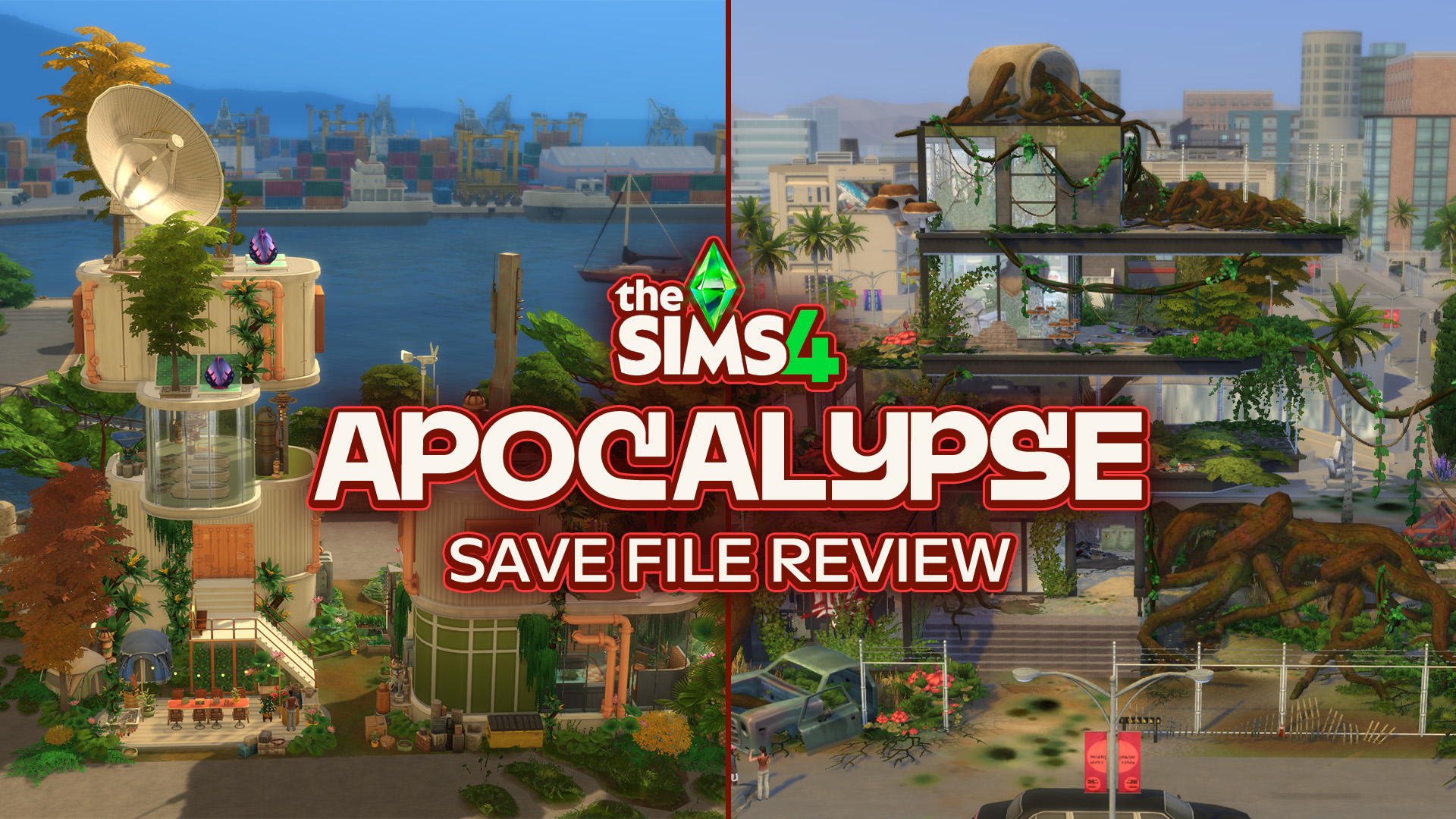
What happens to the worlds of The Sims 4 after everything falls apart? The Sims 4 Apocalypse Save File takes six familiar worlds and completely reimagines them after six very different disasters. Evergreen Harbor’s power grid has failed, Chestnut Ridge has become a refuge for survivors, Del Sol Valley has descended into a city where…
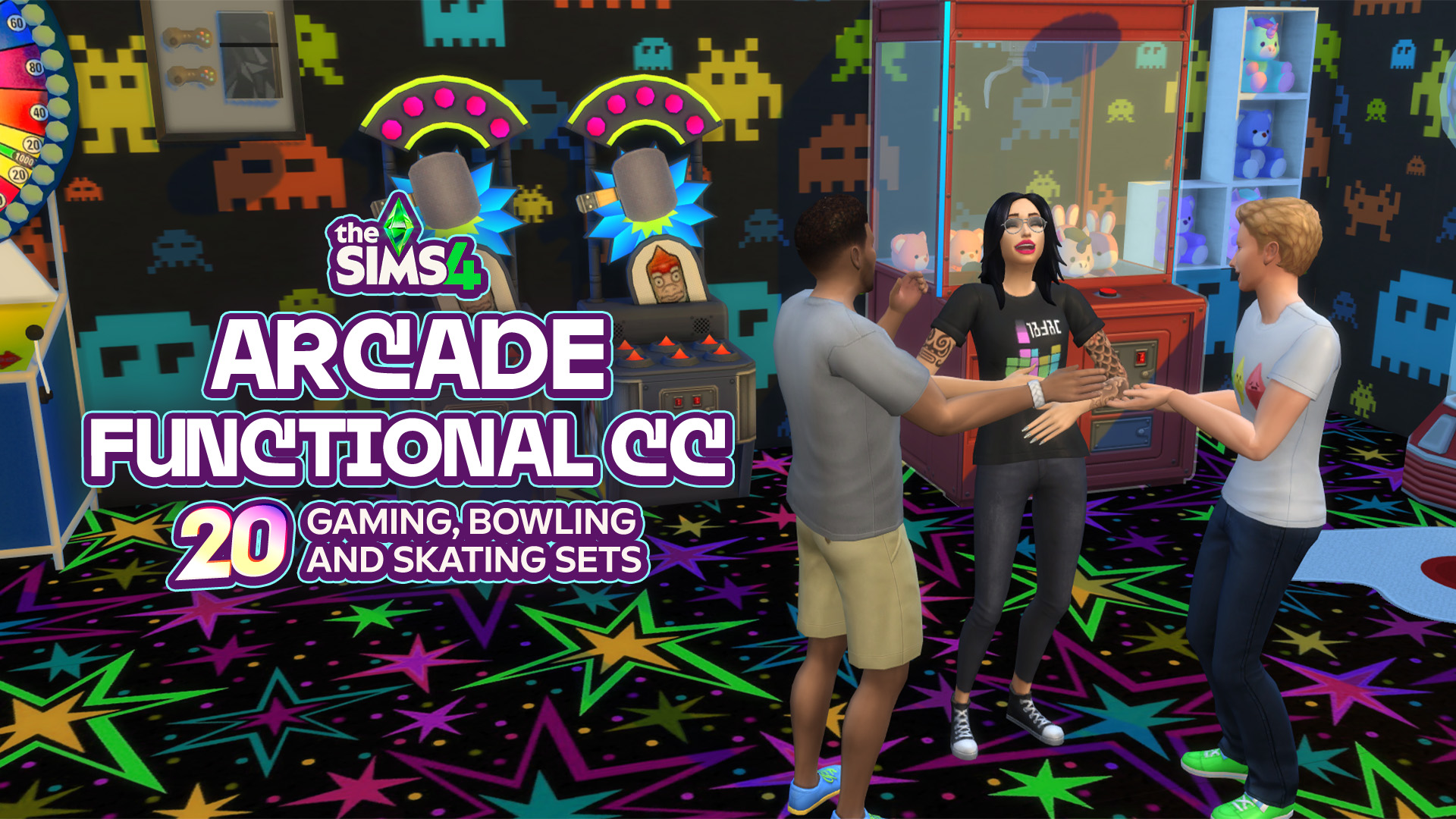
When your Sims are out looking for a fun place to hang out with friends, create memories, or just waste some time, an arcade, bowling alley, or skating rink could be the perfect place! From classic arcade machines and colorful decor to bowling objects and retro skating essentials, there are plenty of ways of creating…
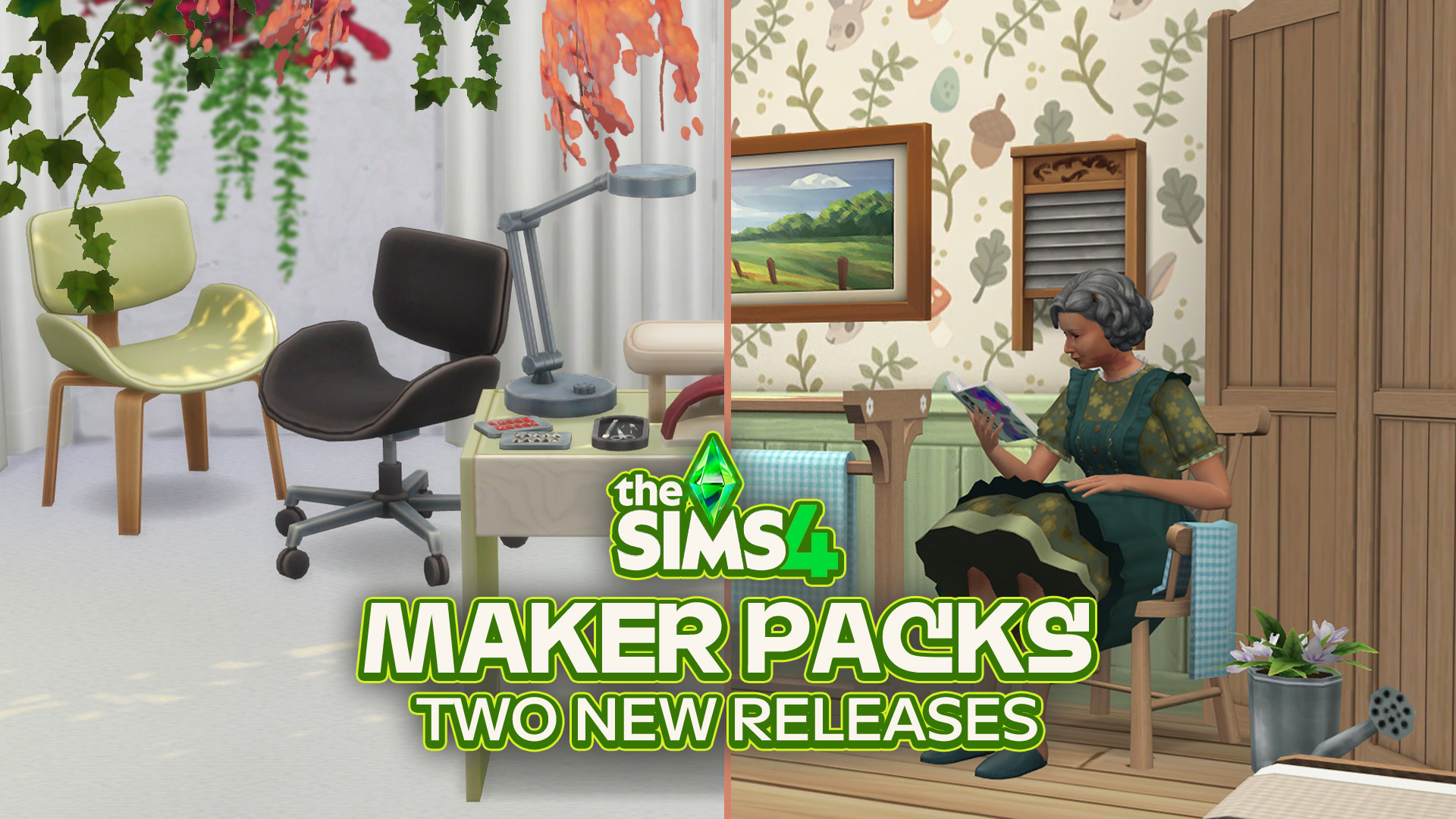
7 dollars worth of new content out now on The Sims 4 Marketplace! The Sims Team has just published two new The Sims 4 Maker Packs on The Marketplace: Manicure Ritual and Cozy Cottage. Both build sets bring new clutter and furniture to The Sims 4 Build Mode. As expected, The Sims 4 Manicure Ritual…
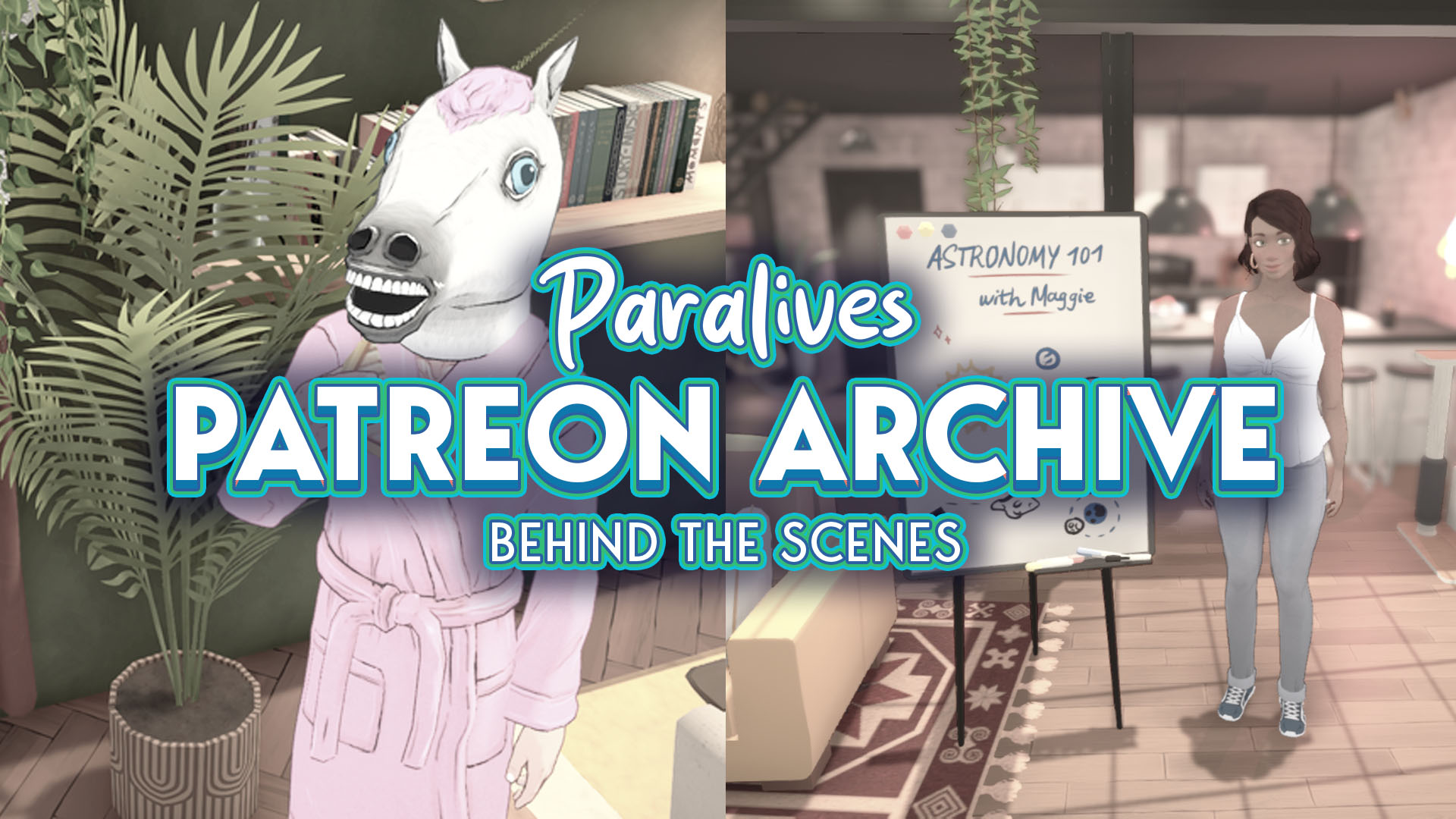
The Paralives team announced on August 25 across all their official pages that all Paralives Patreon posts are now public and available to everyone. The Paralives Patreon posts are especially interesting for those who want to know more about the game’s development history, are curious about why certain decisions were made, and what has changed…
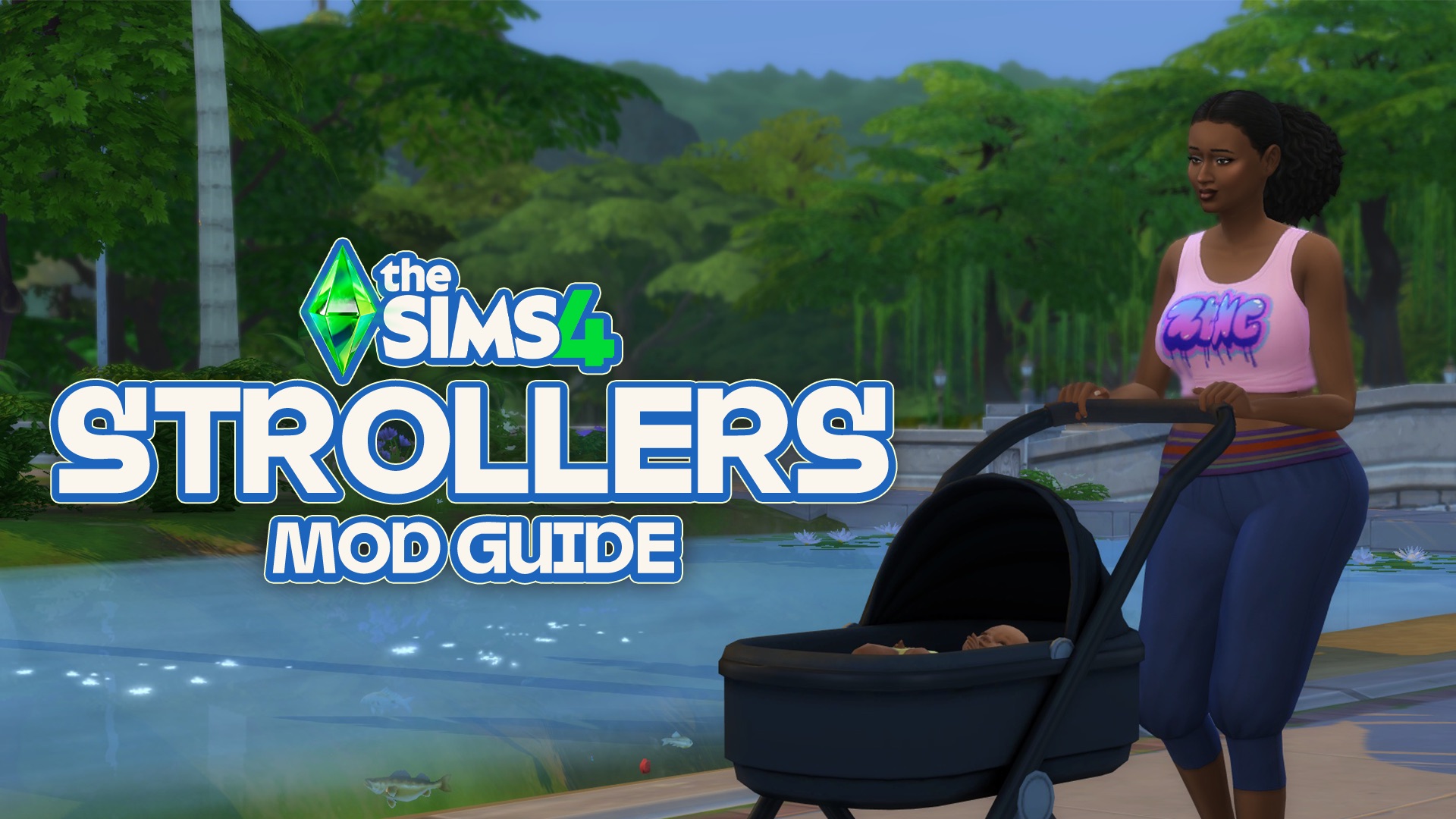
Pandasama’s Childbirth Mod Adds Sims 4 Strollers in New Update! Newborns, bassinet babies, object babies, etc., are just a few of the terms used for the most limited age stage in The Sims 4. Many players go straight to aging up these Sims into infants, while some keep them in this stage longer to avoid…
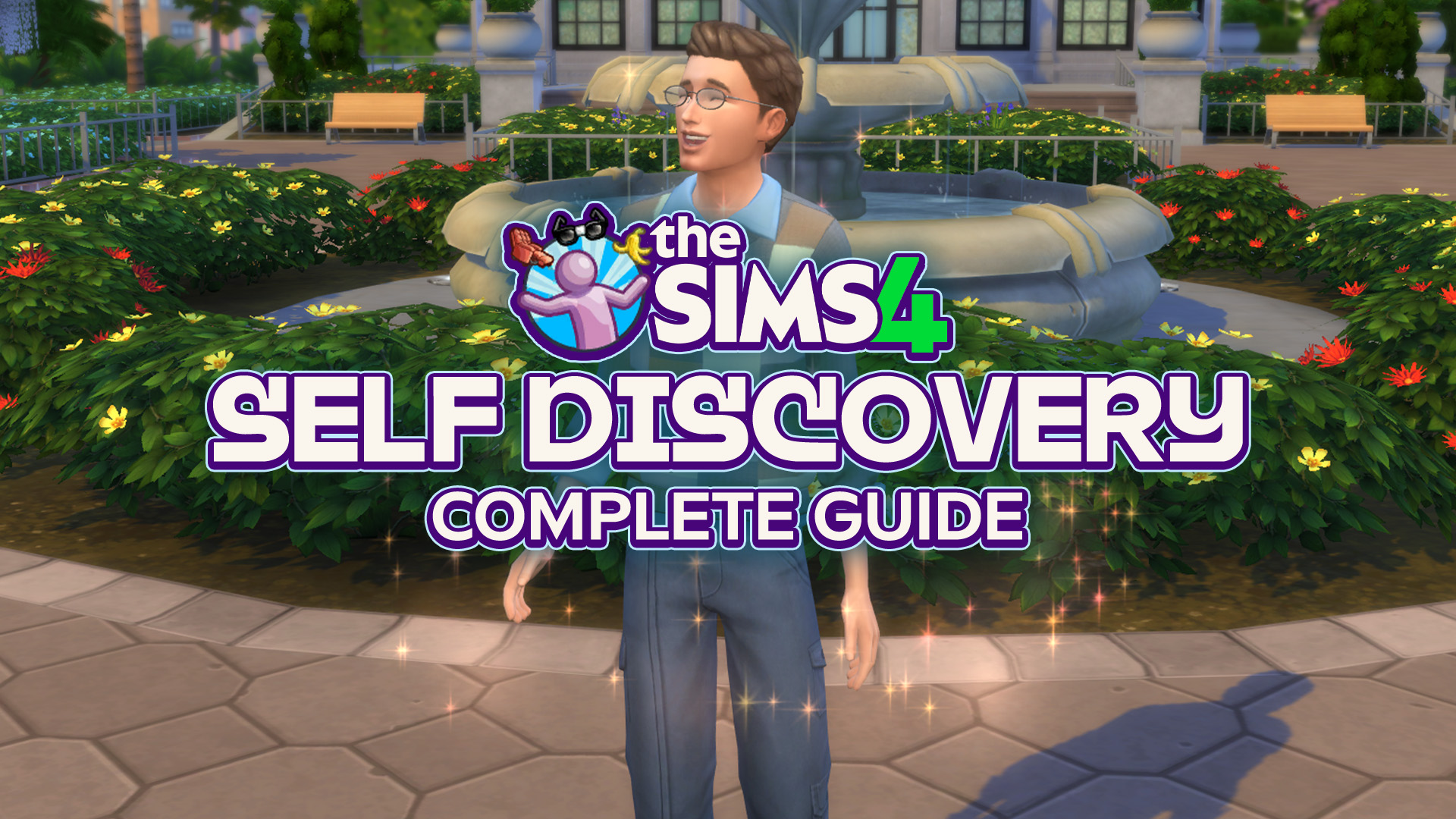
Let’s learn about Self Discovery and how to earn the trait you want! Or if you even can earn it… The Sims 4 Self Discovery is a feature from Growing Together Expansion Pack. With this, young adult and older Sims can gain or change their existing Personality Traits with new ones depending on the actions…







2 Comments
Did they add the window?
The scenario panel is barely accessible and not on the screen on PS4.
.
Welcome to Sims Community!
Our community is about connecting people through open and thoughtful conversations. We want our readers to share their views and exchange ideas in a safe space.
In order to do so, we've created a simple set of rules that will improve your experience. Simply put, keep it civil.
Your post will/might be rejected if it contains:
User accounts will/might be blocked if we notice:
So, how can you be a power user?
Thanks for reading our community guidelines. Please note that we're aware of certain issues with Sign In / Log In and Create Account / Email Confirmation issues. We're working behind-the-scenes on a new Account Creation process. Thank you for your patience and remember - freedom of speech is not freedom of reach