

Throughout The Sims 4's lifetime, we have only received a handful of true Active Careers, careers in which you can follow your Sim to their job and complete goals during the workday. But did you know that there are also a couple of ways to make almost every other career in the game active?
In this guide were going to be taking a look at utilising the Custom Venue lot type from Adventure Awaits, and the Club system from Get Together for custom active careers. This has been one of my favourite ways of storytelling for quite some time. Stick aroudn to the end to see our showcase of a few lots from the Gallery to get you started. Let's take a look at both methods and how you can use the game's mechanics to your advantage and create active workplaces!
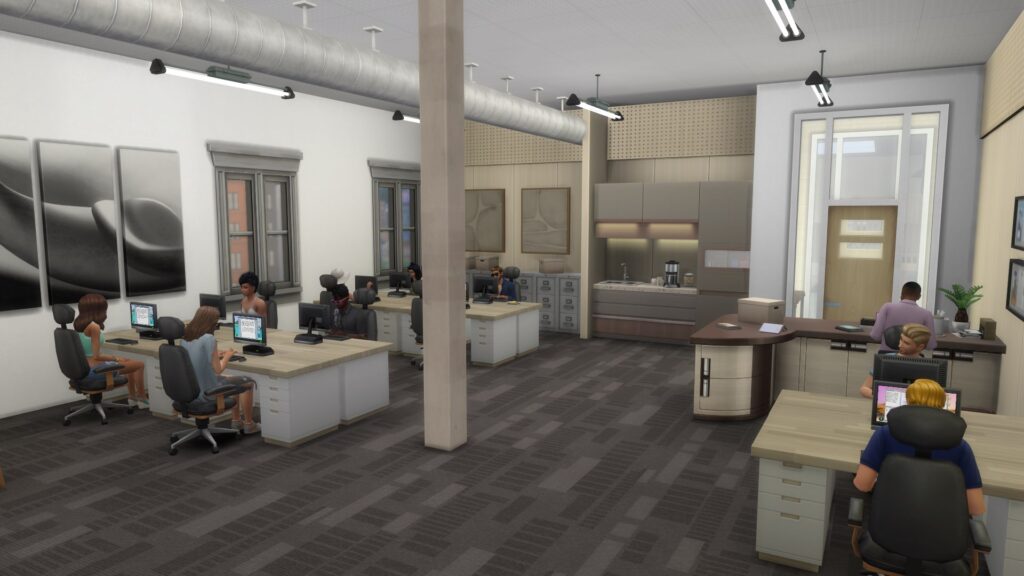
Table of Contents
Careers Available For Both Methods
The 'Work From Home' option was introduced with the three careers that were shipped with The Sims 4 City Living Expansion Pack. One hour before the workday is due to start, Sims will get a call on their phone asking if they want to go to work, work from home, or take a vacation day. Almost every full-time career that has shipped with packs since has this option available, bar a few exceptions.
We have created this table below so you can see exactly which careers these methods will work with:
| CAREER | PACK | CAREER TYPE |
| Freelance Artist | Base Game | Freelance |
| Freelance Writer | Base Game | Freelance |
| Freelance Programmer | Base Game | Freelance |
| Style Influencer | Base Game | Full-Time |
| Critic | City Living | Full-Time |
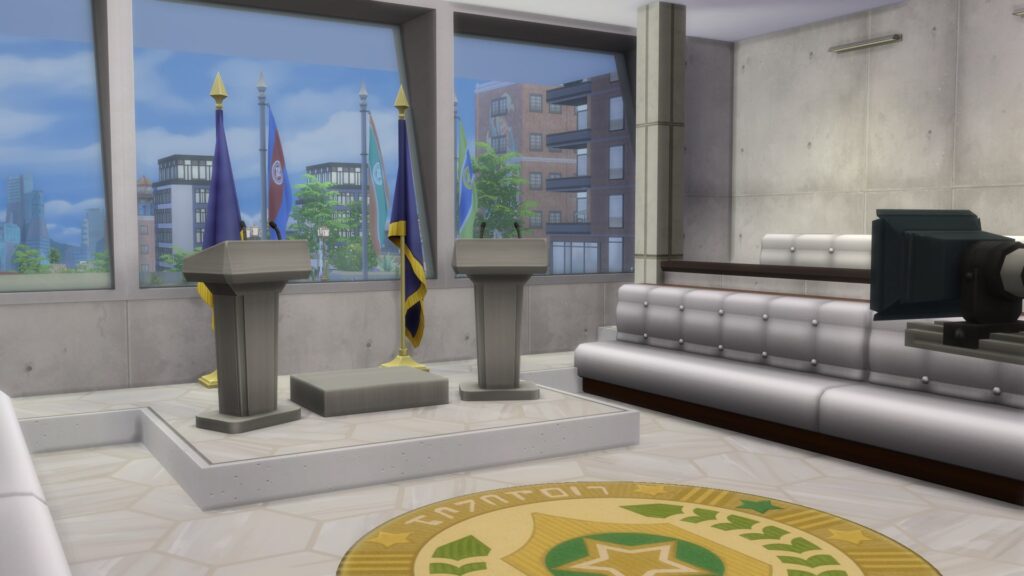
| Politician | City Living | Full-Time |
| Social Media | City Living | Full-Time |
| Gardener | Seasons | Full-Time |
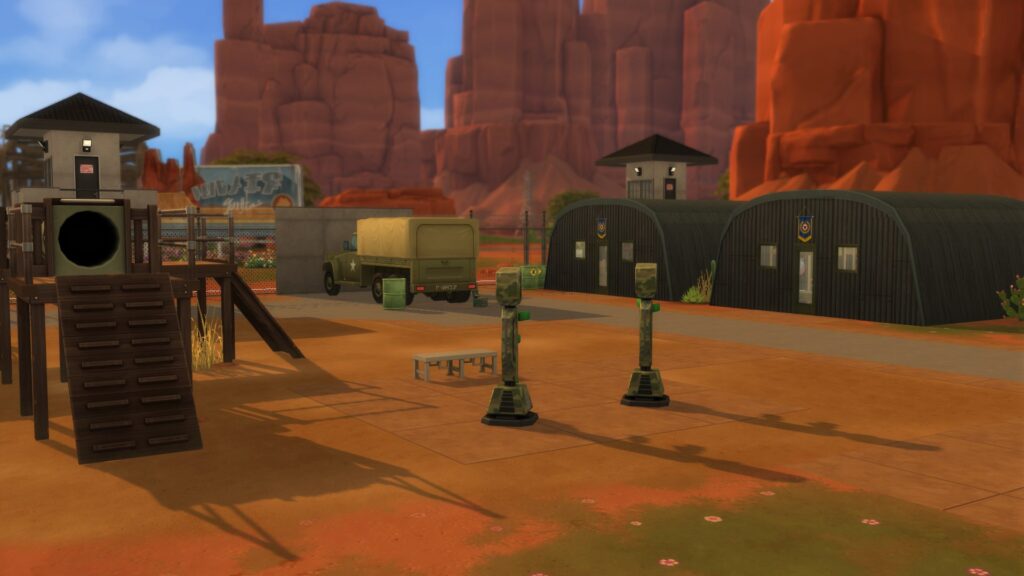
| Military | Strangerville | Full-Time |
| Conservationist | Island Living | Full-Time |
| Fashion Photographer | Moschino | Freelance |
| Education | Discover University | Full-Time |
| Engineer | Discover University | Full-Time |
| Law | Discover University | Full-Time |
| Civil Designer | Eco Lifestyle | Full-Time |
| Crafter | Eco Lifestyle | Freelance |
| Paranormal Investigator | Paranormal | Freelance |
| Simfluencer | High School Years | Part-Time |
| Video Game Streamer | High School Years | Part-Time |
| Handyperson | For Rent | Full-Time |
| Romance Consultant | Lovestruck | Full-Time |
Method 1: Using Custom Venues
The Sims 4 Adventure Awaits Expansion Pack introduced the Custom Venue lot type, a lot that can be assigned a custom schedule with custom roles. We have previously covered how to create hotels using this system in conjunction with the Getaway System, and spotlighted community creations.
But there is one major way to utilise the Custom Venue lot type that I haven't seen discussed by the community as much: creating active workplaces!
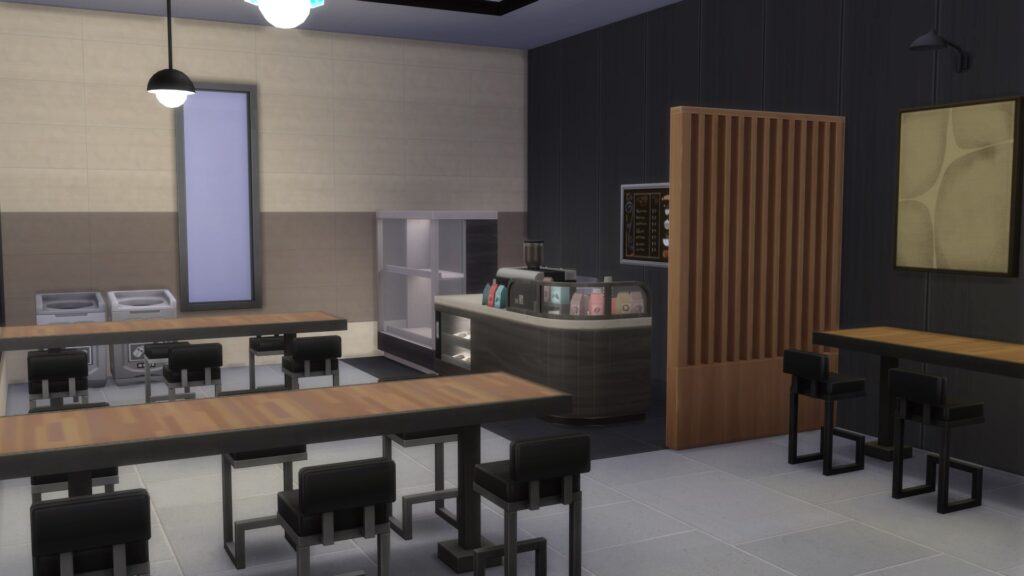
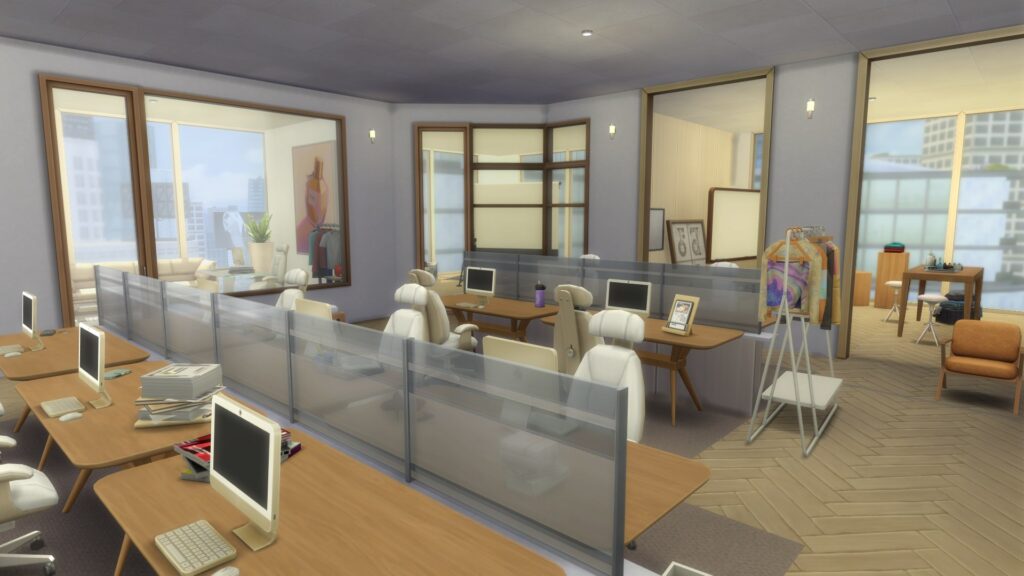
Creating Your Custom Venues
Of course, the most important part of this is creating the venue itself and setting it up correctly. It can seem a little bit tedious at first, but you will quickly get the hang of it.
Start by thinking about what objects your Sim may need to complete their daily and promotional tasks. For careers such as Law and Critic, Sims will require a computer to complete writing tasks on. For a job like Conservationist, the Sim will need to be in the Mua Pel'am neighbourhood of Sulani to complete their island cleanup tasks. You will also need items to take care of their needs throughout the day; a bathroom and a kitchenette wouldn't go amiss. Of course, the kitchen could be self-serve, a simple vending machine, or a full-blown cafeteria (Just make sure to assign a cafeteria worker Sim to tend the serving area).
Assigning Roles and Creating Schedules
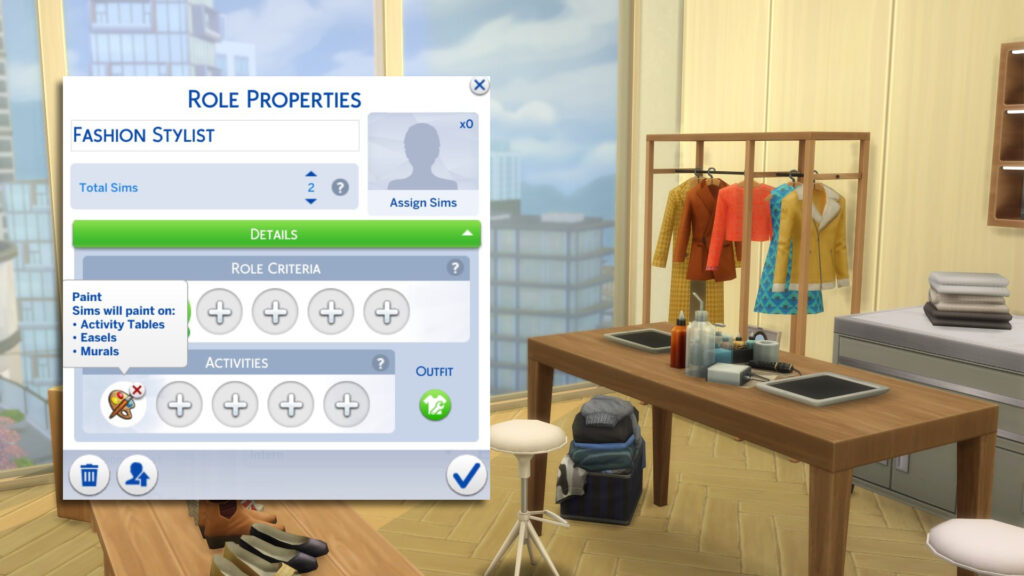
To make sure the lot is populated during working hours, it is important to create a variety of roles to make the active workplaces feel believable and realistic. You can get really creative with this and micromanage every aspect, such as what the employees wear, individual job titles, and personality quirks.
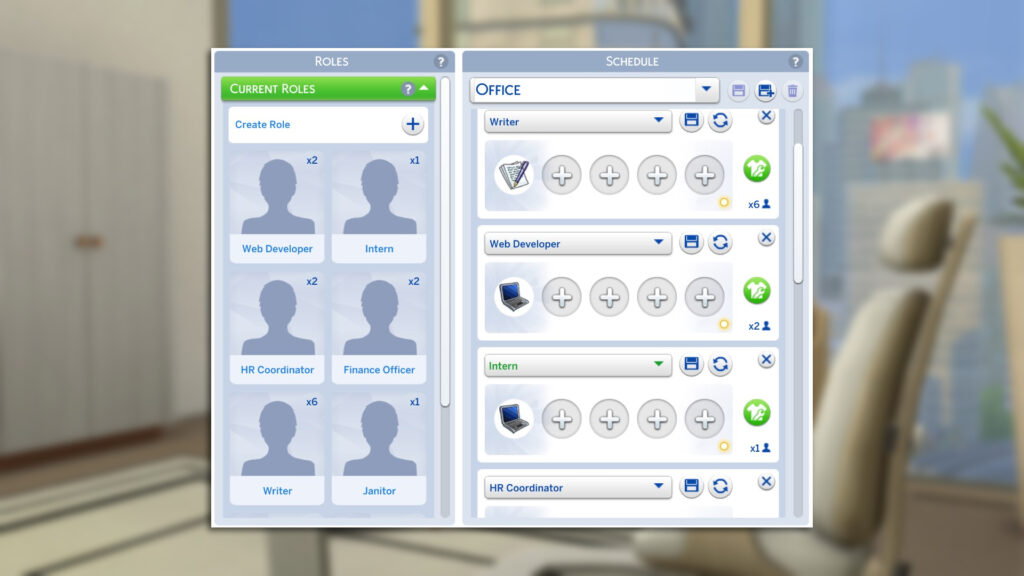
As you can see above, I have created smaller roles that you may find in an office in which a Style Influencer may work. To ensure Sims sit at the desks, you will need to select either the 'Write' or 'Program' activities. Be sure to leave at least one desk free for your Sim to complete their work tasks. For the example above, I have also created a variety of custom outfits for each Sim, but this is not required.
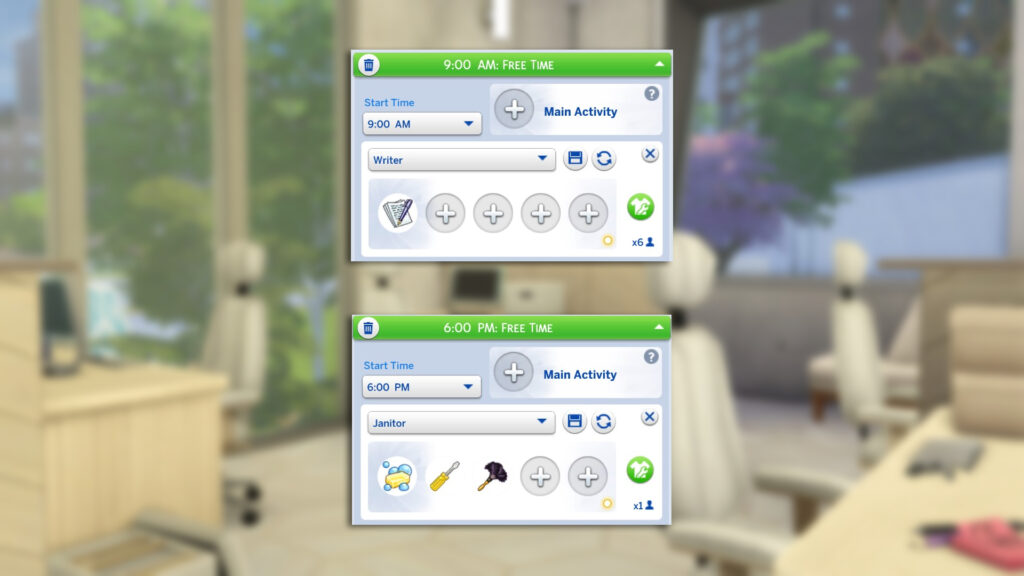
The schedule will determine exactly which Sims will show up and when (When a Sim is NOT assigned to a time slot, they will leave the lot!)
The start of the workday is 9 am and the next time slot is listed at 6 am. At 6 pm, the only role assigned is the janitor, who will be the only Sim on the lot until 9 am the following day while the office is "closed".
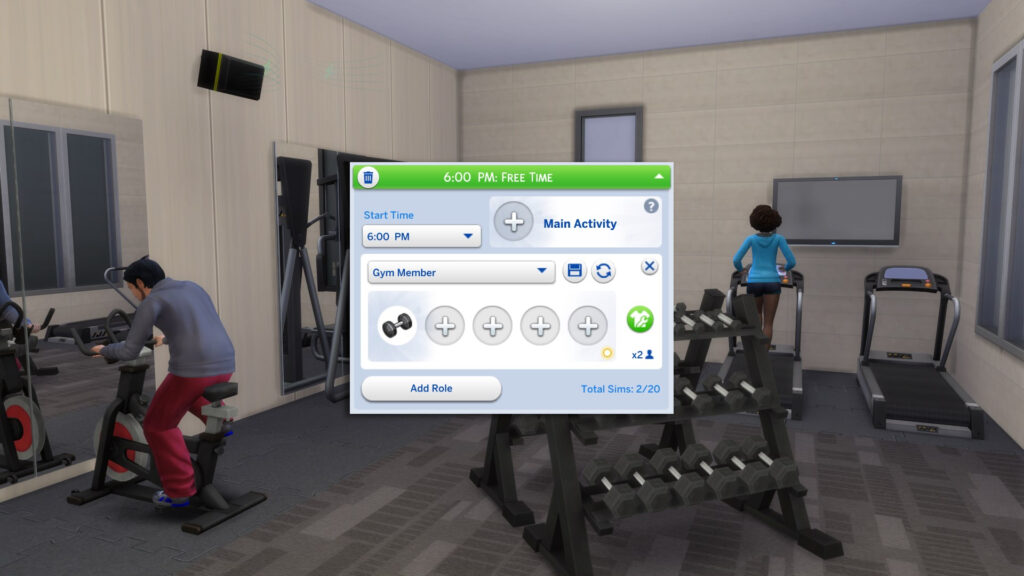
On one of my office lots, I have assigned a Gym area, which will be open at all hours of the day, essentially creating a multipurpose lot.
Playing Through a Workday
Once everything is set up; your custom office using the Custom Venues lot type, your roles or club activities, and your chosen Work From Home career, the workday itself is surprisingly smooth. The game doesn’t force your Sim to stay on their home lot, so you’re free to treat your custom space as a fully active workplace.
Starting the Day
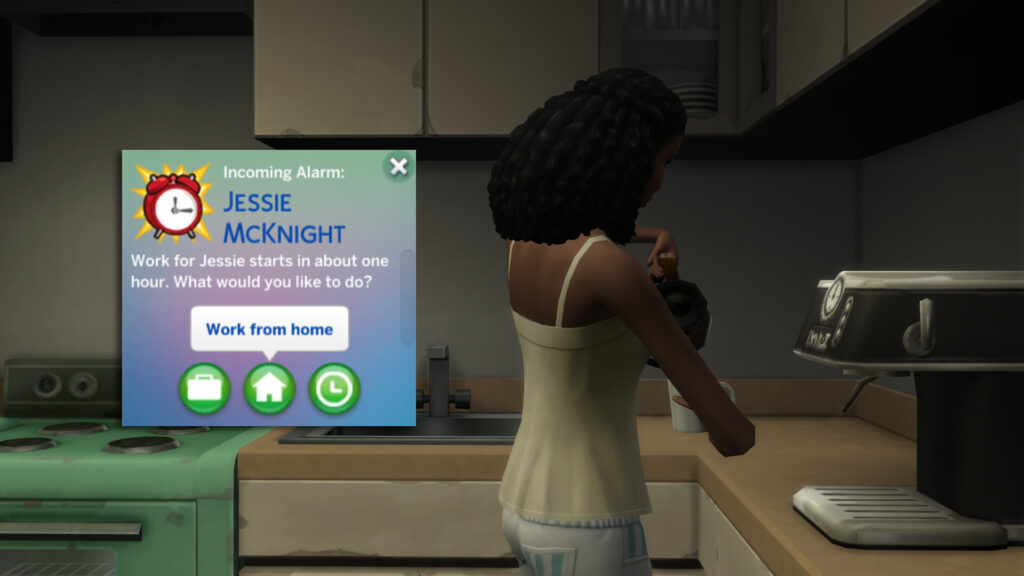
About an hour before your Sim’s shift begins, choose "Work From Home". This locks in your Sims daily tasks and gives you time to send them to your custom venue before the workday officially starts.
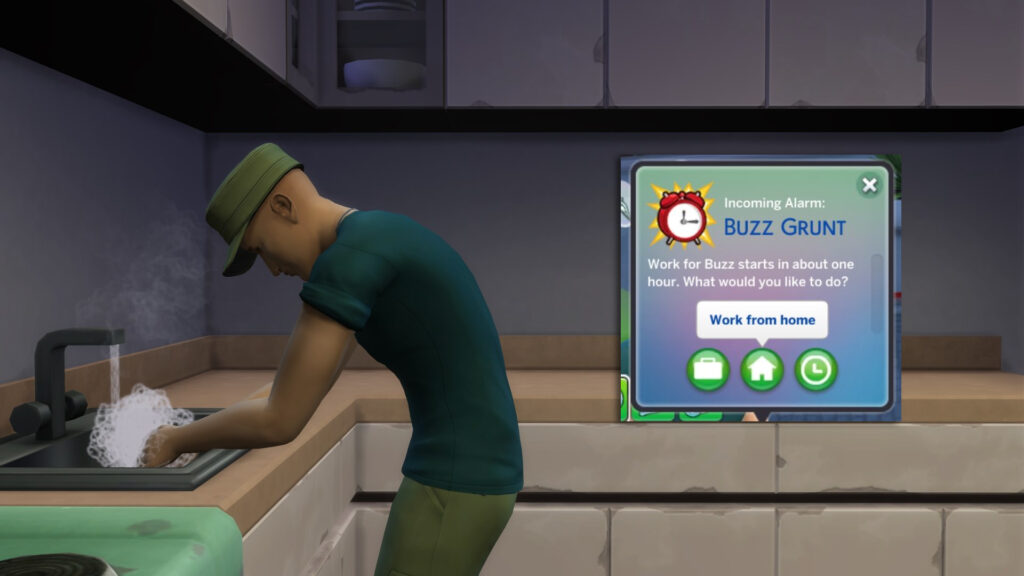
Arriving at the Workplace
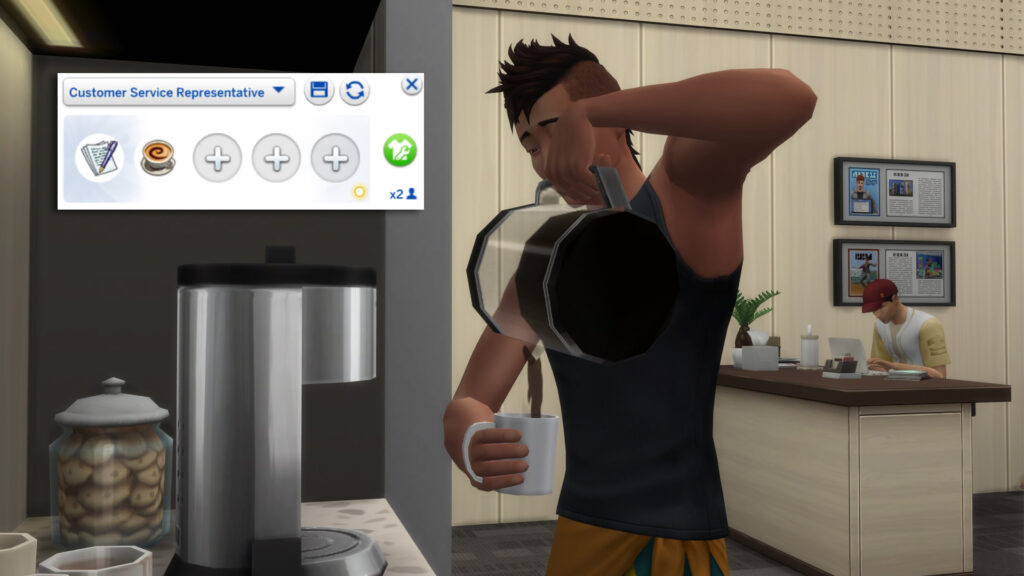
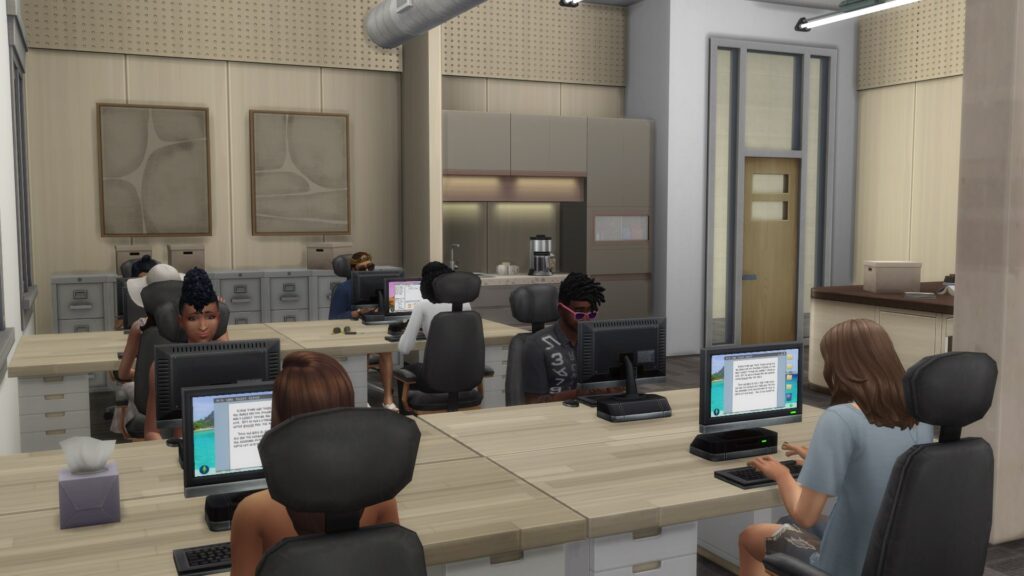
Send your Sim to the office you’ve built. If you’re using Custom Venues, you’ll usually see NPCs (coworkers) at the entrance of the lot, and they will then perform the roles you assigned: writers at computers, artists at easels, or stylists working at sketchpads.
Completing Tasks
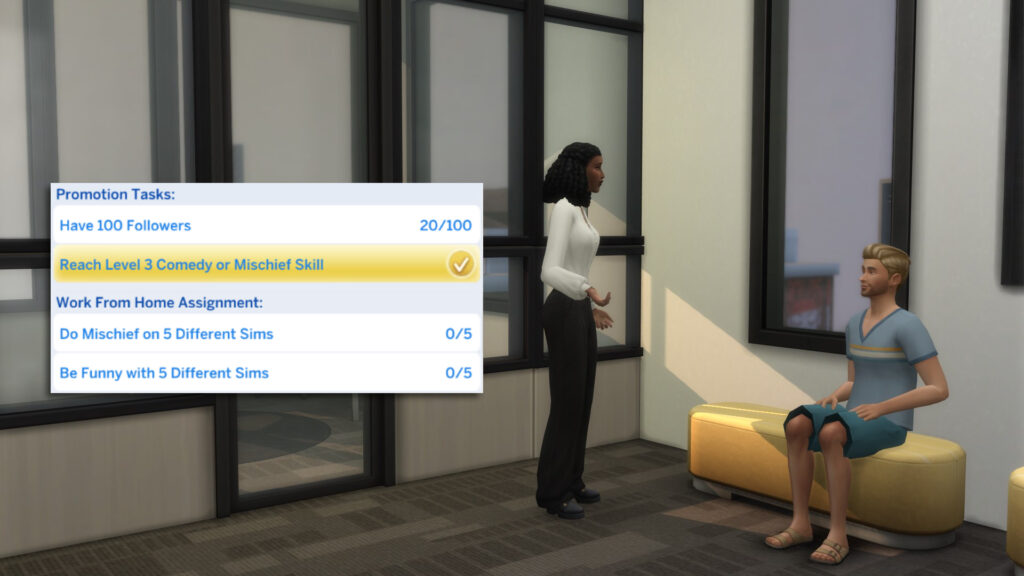
Work From Home tasks behave the same as they would on a home lot. As long as the objects exist in the Custom Venue, such as sketchpads, style boards, computers, easels, crafting tables, your Sim can complete everything on‑site. Promotion tasks also work normally, so you can build skills or work toward promotions.
Atmosphere and Immersion
The real benefit of this setup is the sense of activity around your Sim. NPCs working at computers or on career-specific tasks make the day feel like a proper active career, even though the game technically doesn't treat it as one. It’s a simple trick that adds a lot of life to Work From Home careers.
Method 2: Using Clubs
If you don't own The Sims 4 Adventure Awaits, but do own the Get Together Expansion Pack, Clubs can be utilised to create active workplaces, negating the need for custom venues. This system, while not as flexible, still adds more immersion to active workplaces. Using Club rules and hangouts, you can create a place for your Sim to spend their 9-to-5. Let's take a look.
Creating an Office
Set up your office space on any lot you wish. This means you could even get creative with storytelling and have your Sim work for a simple start-up at their friend's house, or even their own house. For a lot to be assigned a Club hangout, it must be assigned one of the following lot types:
- Residential (Must belong to Club leader or member)
- Arts Center (recommended)
- Backroom
- Bar
- Beach
- Cafe (recommended)
- Cemetary
- Community Garden/Market/Garden
- Custom Venue
- University Commons
- Gym
- Karaoke Bar
- Library (recommended)
- Lounge
- Maker Space
- Marketplace
- Museum
- Nightclub
- Onsen Bathhouse
- Park or Playground
- Pool
- Recreation Center (recommended)
- Restaurant
- Retail
- Small Business Venue
- Spa
- Thrift and Bubble Tea
- Vet Clinic
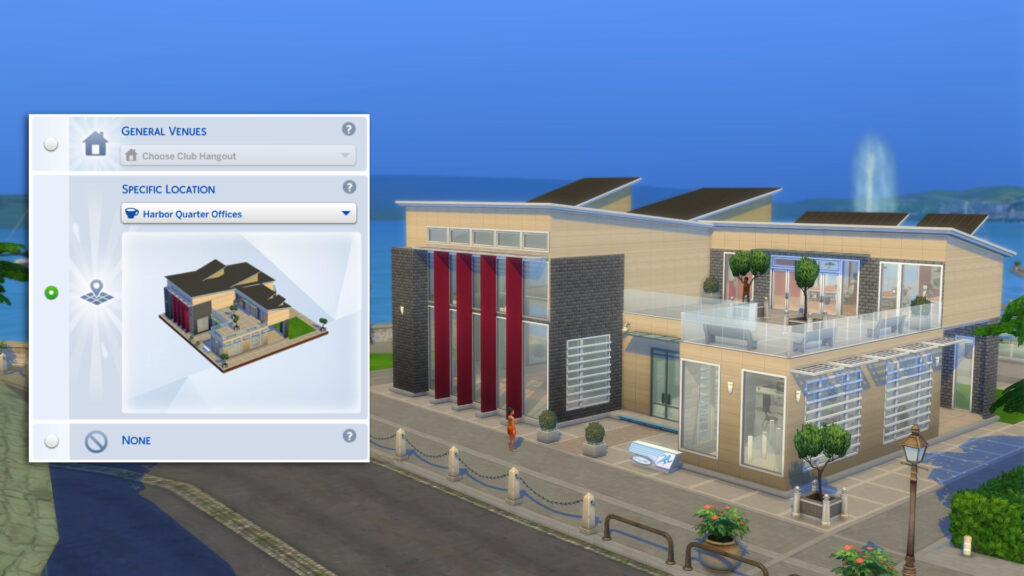
Creating an Employee Club
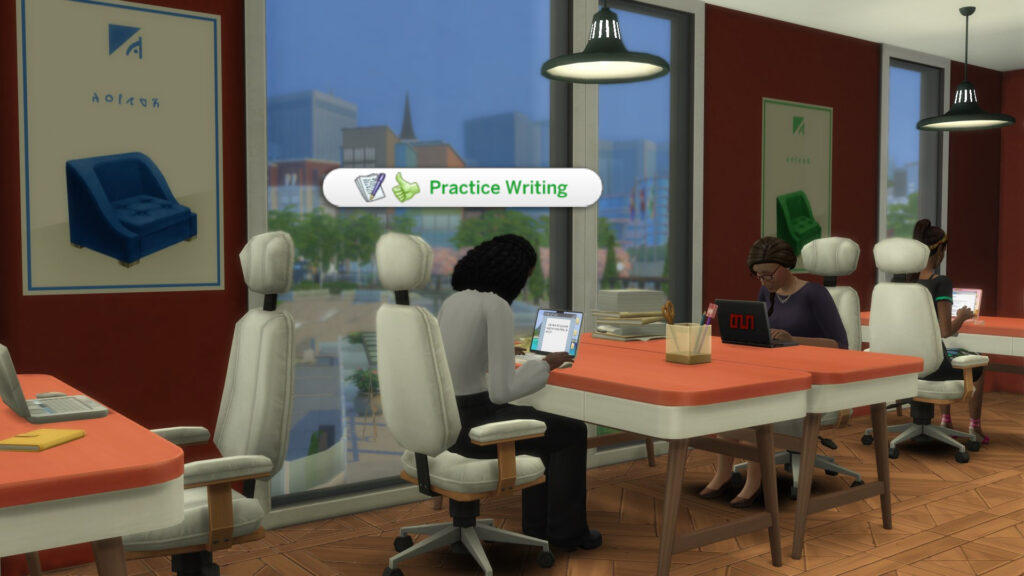
Create a Club made up of Sims who share your Sim’s career or interests. This is where the workplace feeling comes from; your Sim isn’t working alone; they’re surrounded by “coworkers” who behave consistently.
If you limit the joining Requirements to just your Sim's career, then you may have a limited pool of Sims you can invite, depending on the prevalence of the career within the population of your save file.
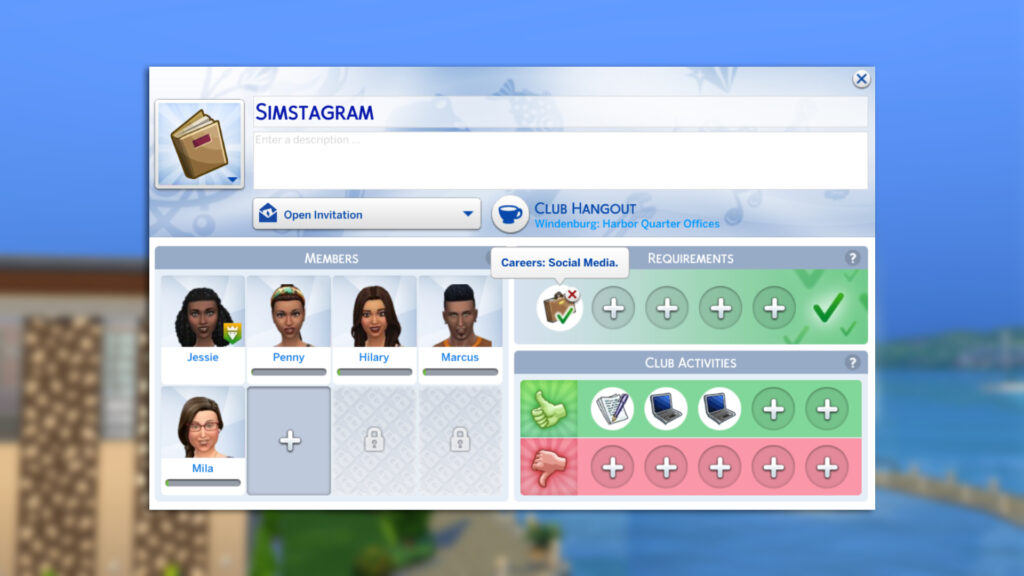
You will also want to set up some Club Activities to guide the autonomy of your Sim's coworkers. Any activities added to the section with the green thumbs-up icon will be preferred by Club members and will influence their autonomy.
Any Activities added to the Banned category will have a low chance of being performed by members.
Don't forget to add a club name and icon that reflects the Career you are playing with, and add a description if you wish.
Locking the "Office" From Non-Club Members
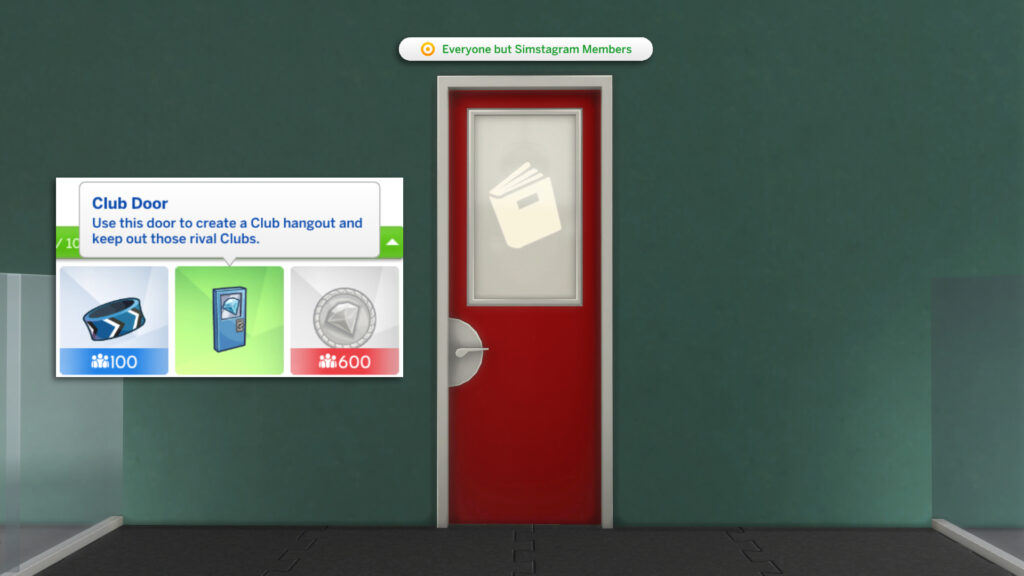
One of the benefits of Clubs in The Sims 4 Get Together is the Club Perks that can be purchased with points. If your "office" is above a cafe, purchase the Club Door perk, place it at the entrance, and set it so only Sims in the Club can enter.
Recommended Office Lots
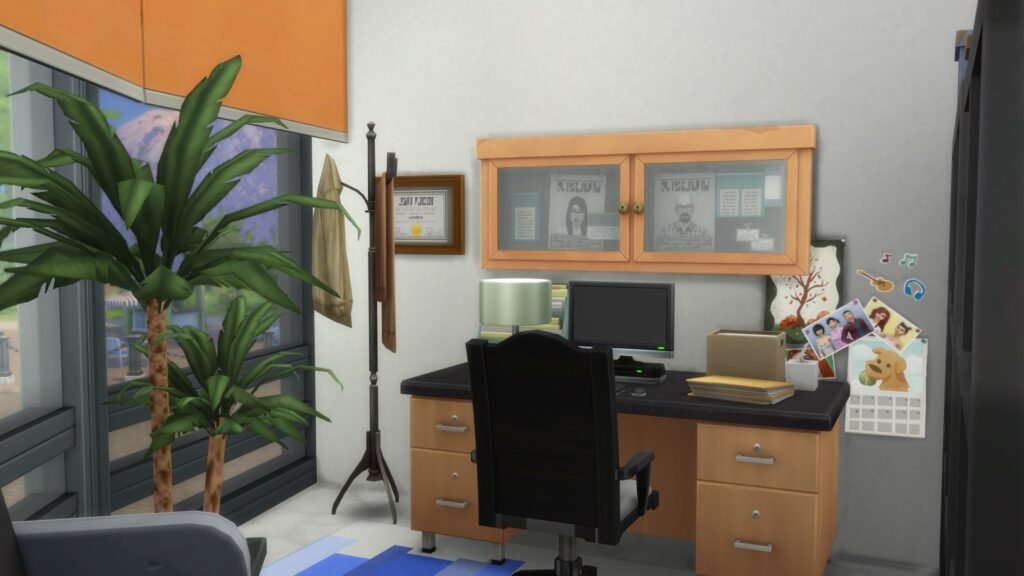
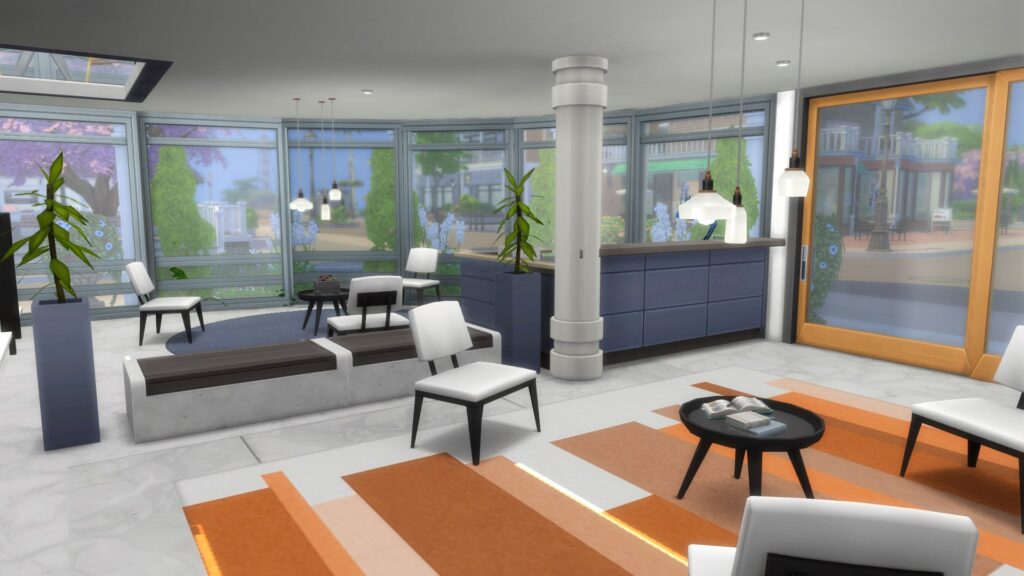
Not much of a builder? Don't fancy building your own? Don't worry, as I have curated a collection of Office lots available for download on the Gallery.
If you download these lots, don't forget to change them to Custom Venues, or a lot type compatible with the Club system (see above).
Check them out below!
RedAppleNet Office HQ - ItzVeVee
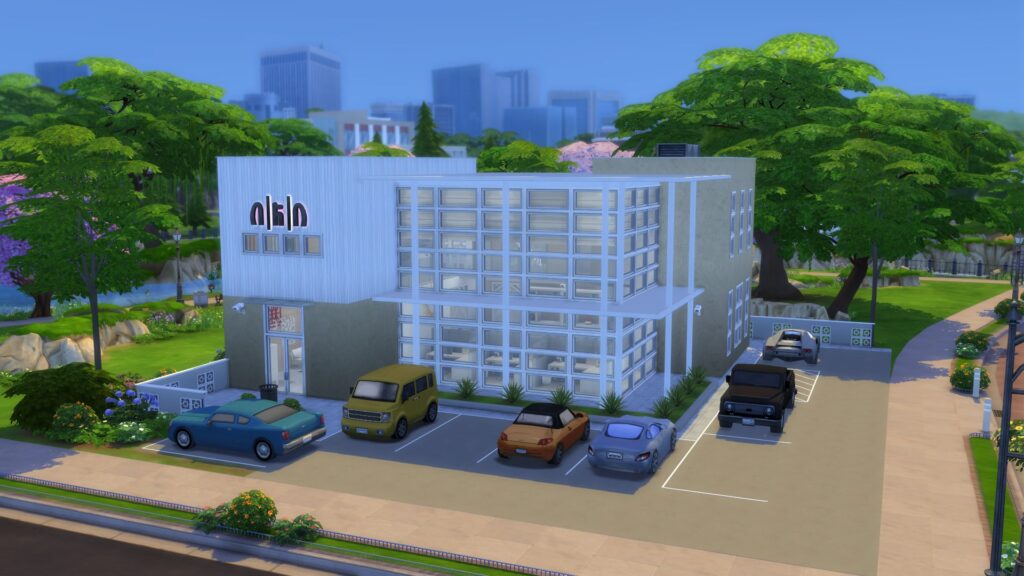
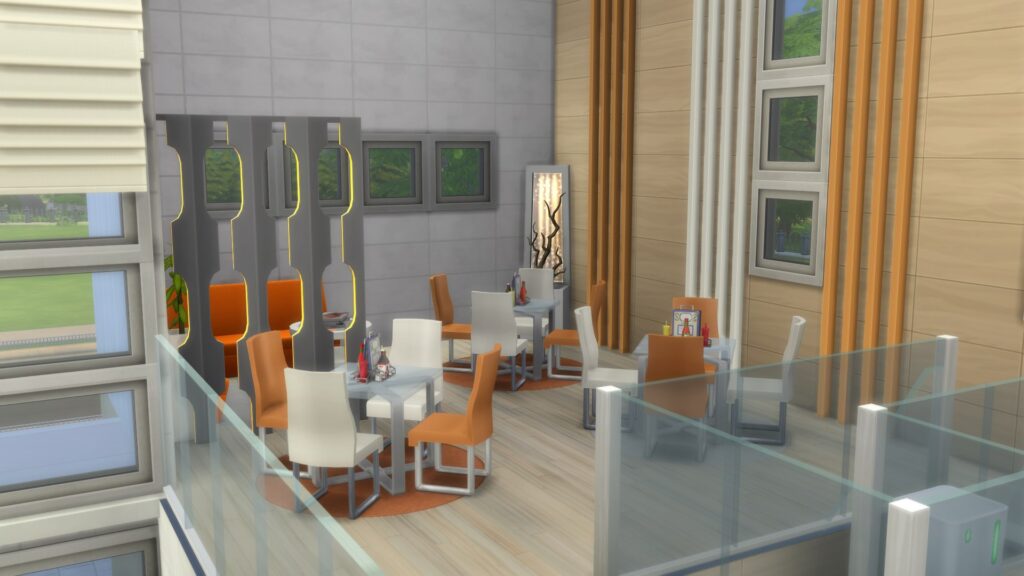
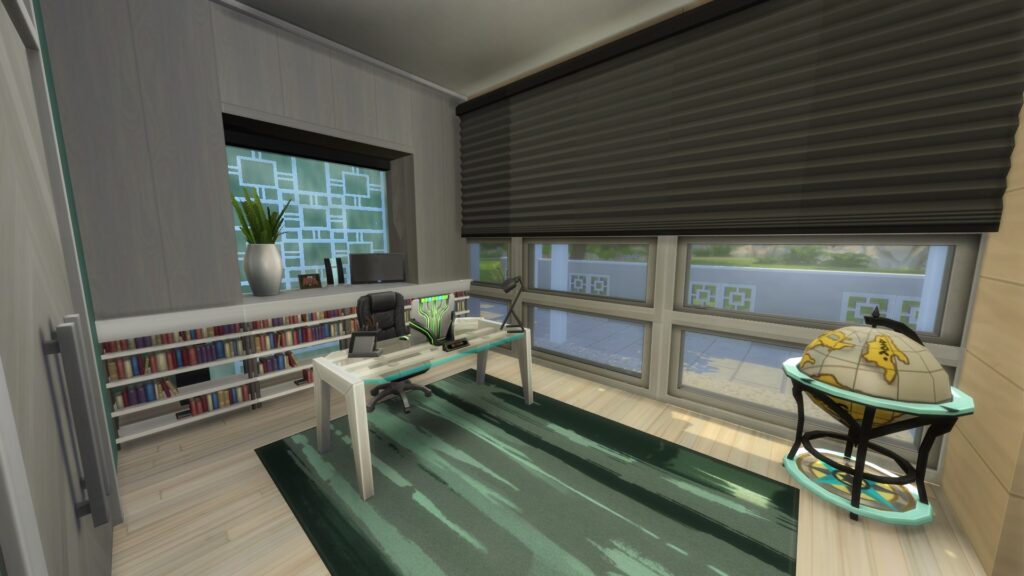
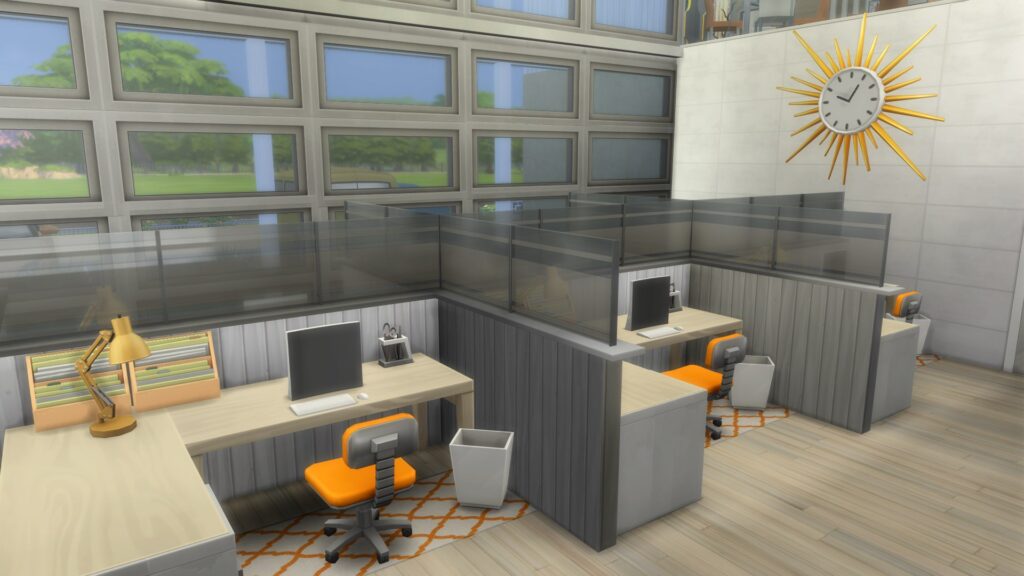
Lot Size: 30x30
Law Office - Denizzkumsalll
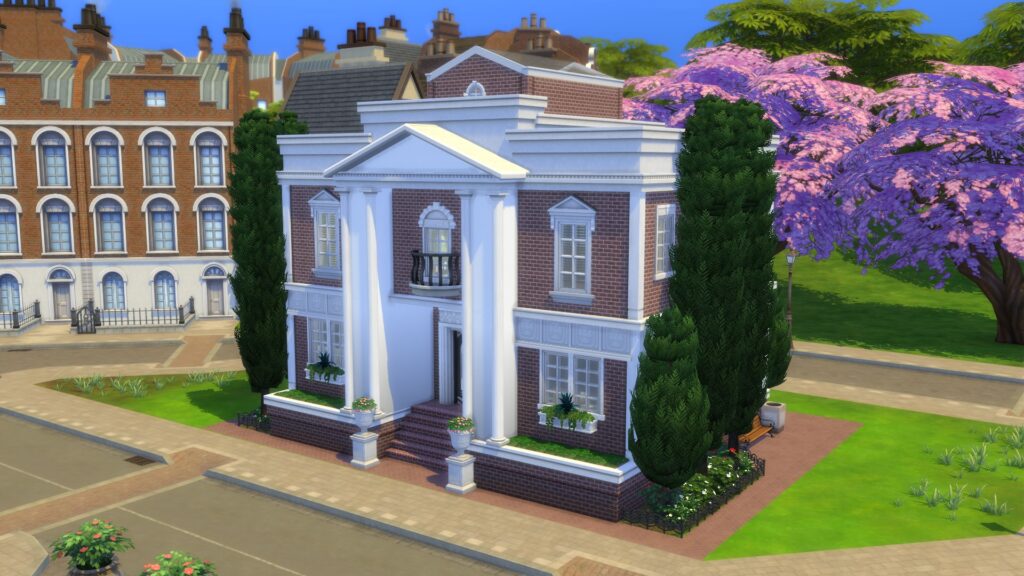
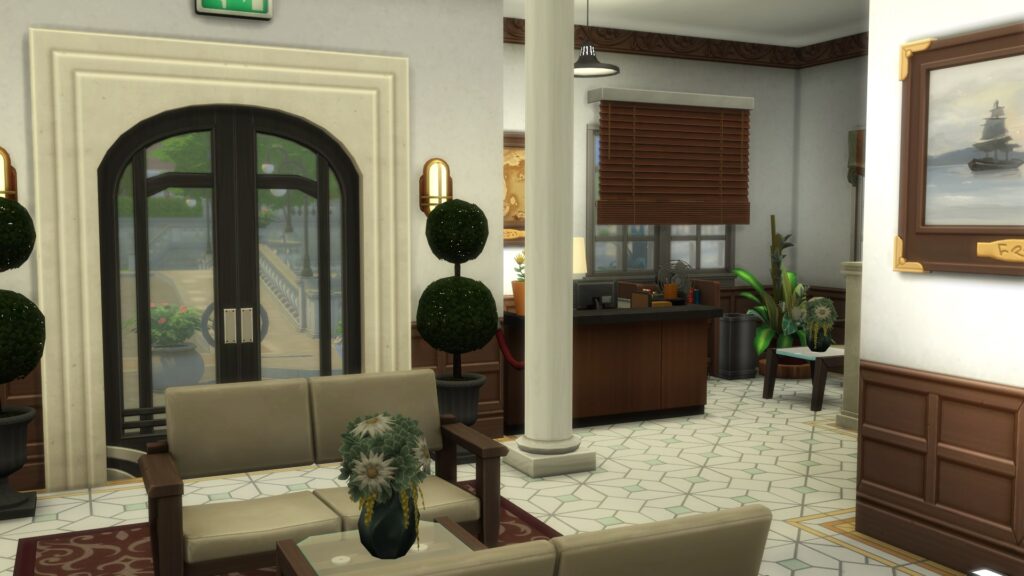
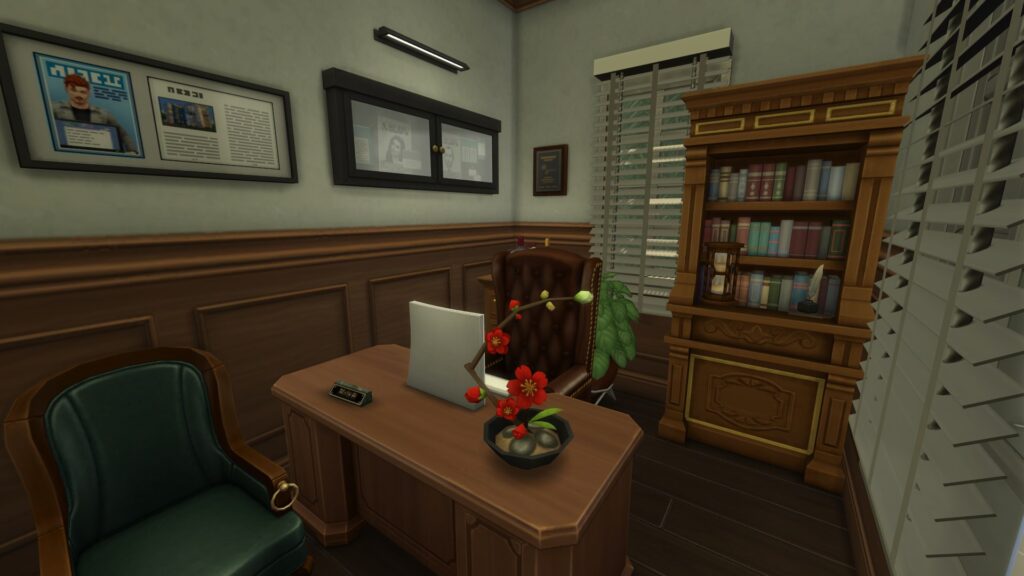
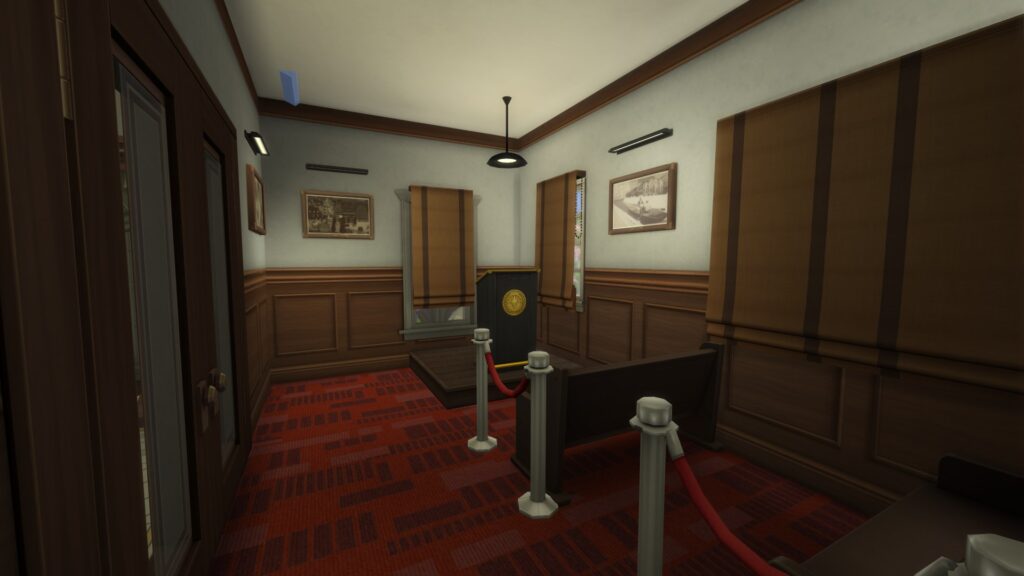
Lot Size: 20x15
Office Building - Law - KingPiccolo4
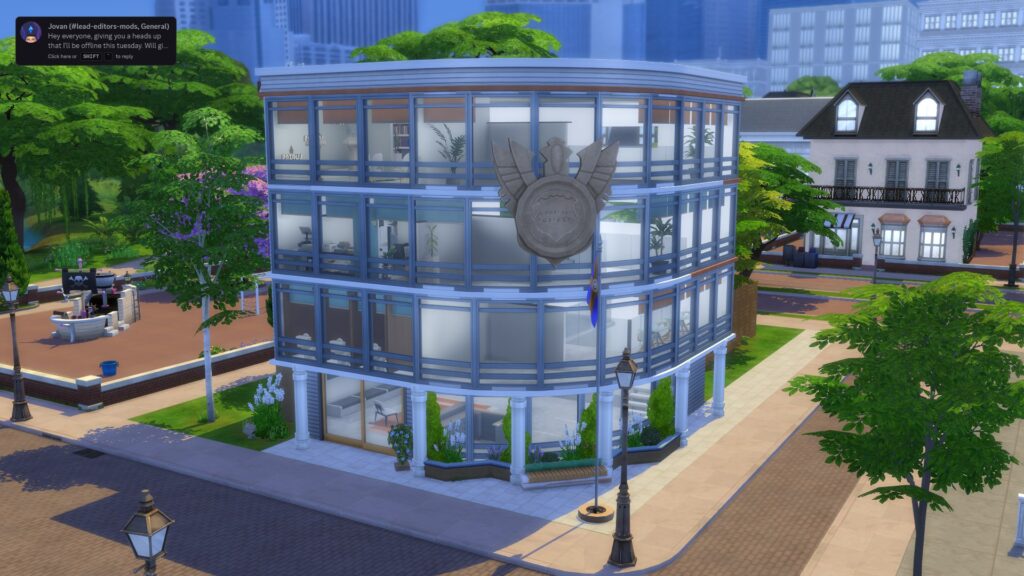
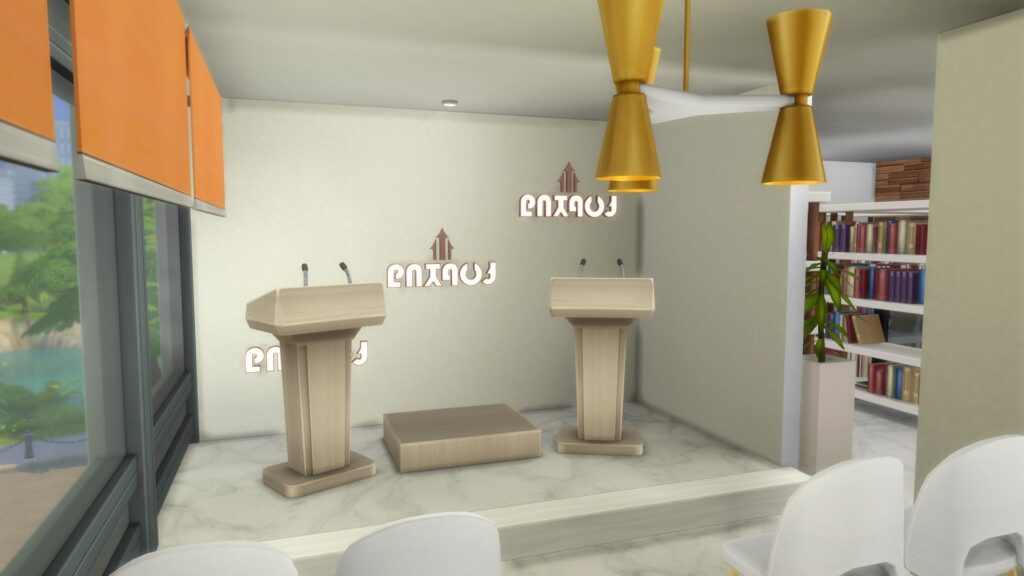
Lot Size: 30x30
Which careers are you going to try out with our methods? Let us know in the comments below, and stay tuned to Sims Community for all the latest on The Sims 4!


0 Comments
Be the first to comment.
Welcome to Sims Community!
Our community is about connecting people through open and thoughtful conversations. We want our readers to share their views and exchange ideas in a safe space.
In order to do so, we've created a simple set of rules that will improve your experience. Simply put, keep it civil.
Your post will/might be rejected if it contains:
User accounts will/might be blocked if we notice:
So, how can you be a power user?
Thanks for reading our community guidelines. Please note that we're aware of certain issues with Sign In / Log In and Create Account / Email Confirmation issues. We're working behind-the-scenes on a new Account Creation process. Thank you for your patience and remember - freedom of speech is not freedom of reach