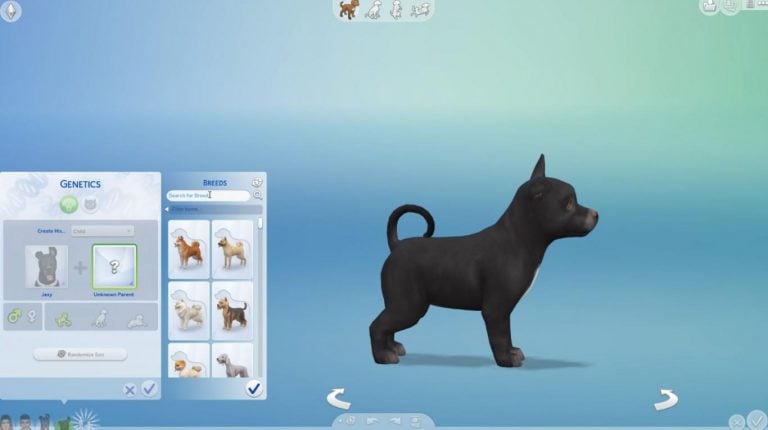
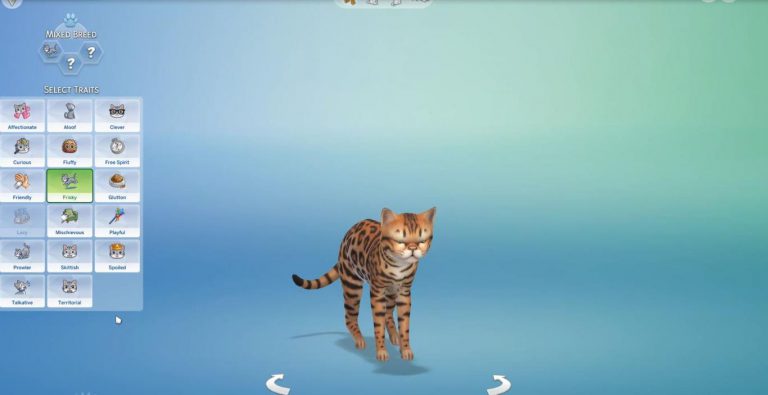
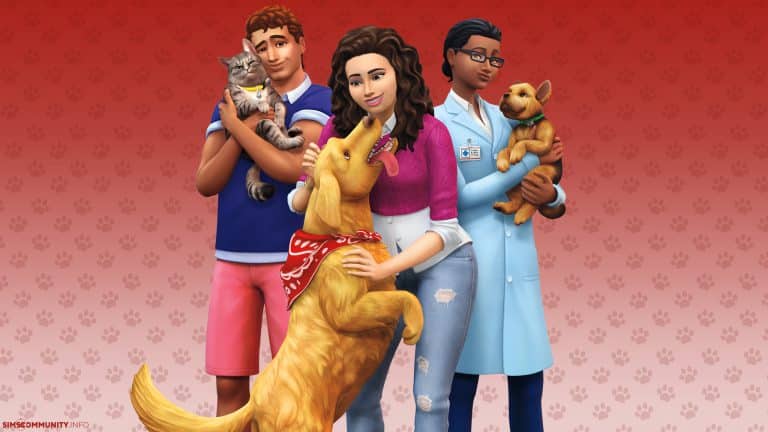
Player.one has revealed a first look at The Sims 4 Cats & Dogs’ Genetics Feature, letting you mix two different cat or dog breeds and create a new, unique breed.
You’ll be able to search for the breeds as well and randomize the outcome of each mixed breed.
Please note that you’ll only be able to mix breeds and not two different animals.
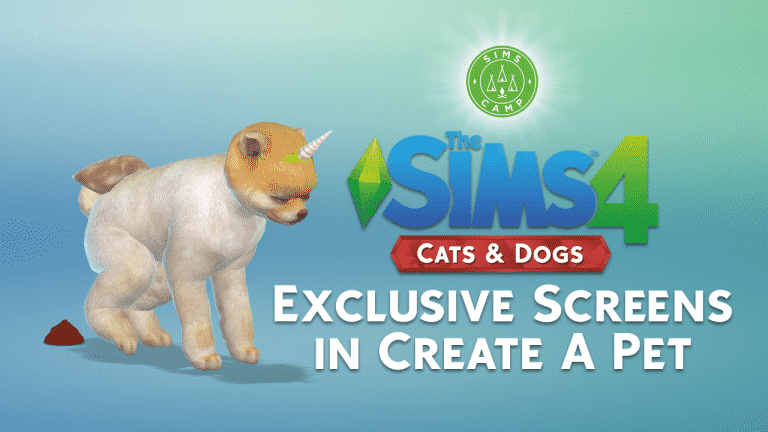
During Sims Camp 2017 we were able to capture exclusive footage of The Sims 4 Cats & Dogs. Our first embargo covers screens of the pets we’ve created in Create A Pet.
Down below you can see screens shared on social networks by Sims Camp attendees (including us). Each SimsCamper will share one screen of the cat or a dog they’ve created in CAP.
After each event attendee posts their photo we will update this post with embedded tweets / social network posts for a complete overview of all the screens.
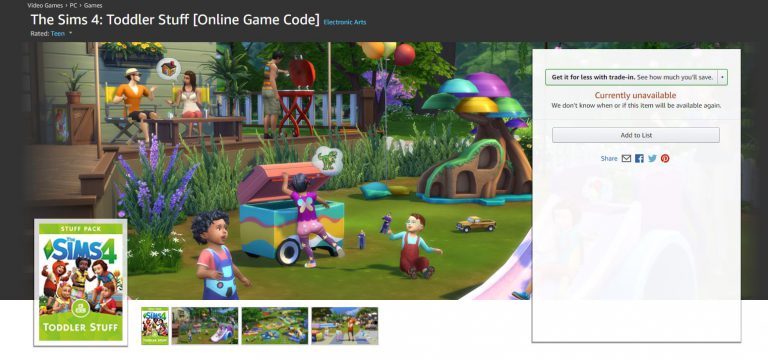
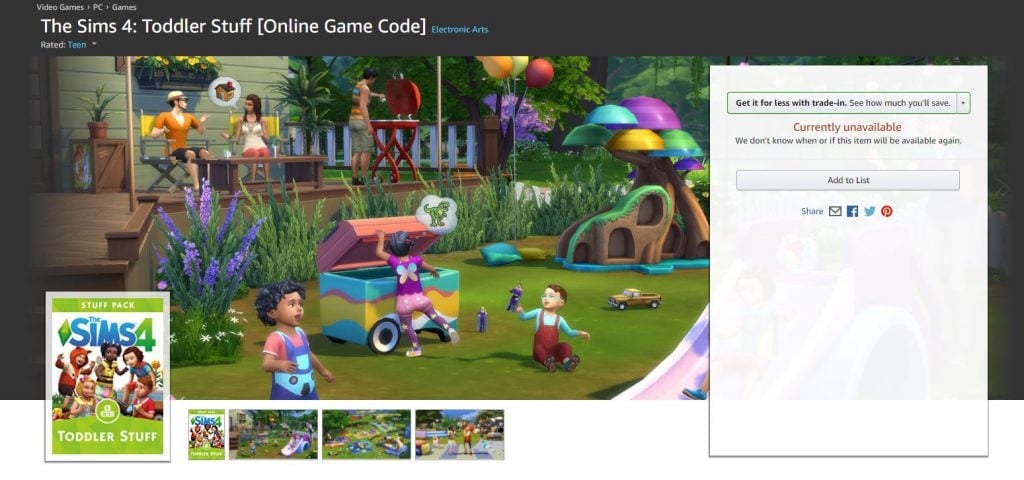
The online game code for this pack is currently unavailable, but considering that it’s just been listed we can expect it to be fully available in a day or two.
We completely understand you that sometimes 12 Stuff Packs for The Sims 4 just aren’t enough. That’s why we compiled a list of some of the best fanmade Stuff Packs for The Sims 4 created by talented Custom Content Creators!
Down below you’ll see a list of these Stuff Packs, what they include and a screen. You can download each custom Stuff Pack by clicking the headline of each one. Please note that as some of these packs are recolors and remeshes of existing content from EA you’ll require certain The Sims 4 Packs in order for the custom content to work.
Who knew that someone would dedicate their time to create a stuff pack that completely revolves around…grill cheese? Don’t look at me, I’m not complaining.
This fanmade Stuff Pack comes with:
Grilled Cheese Recolors
Grilled Cheese Accessories
Grilled Cheese Object Recolors
Grilled Cheese Objects (there’s even a Grilled Cheese plush guys)
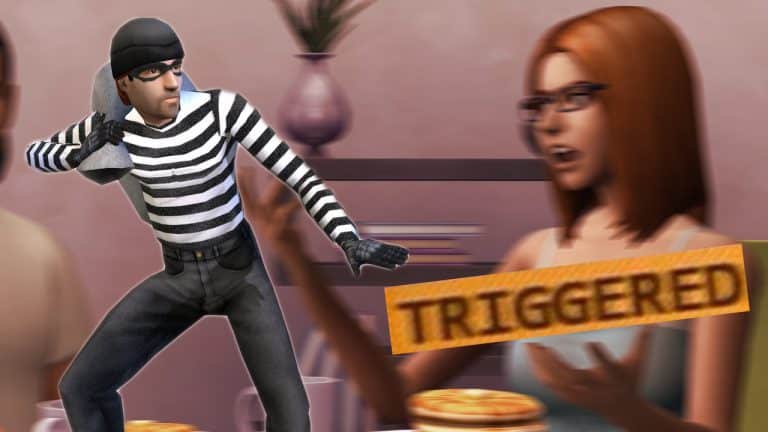
The Sims Forum member TOLKIEN, who’s often known for “inside scoops” of his friend that works at EA Sports in Burnaby has another crazy rumor – and this time he’s talking about why burglars are not included in The Sims 4.
According to him, the burglars are not included in the game because it might “trigger” sensitive players. That’s right. As crazy as it might sound, his explanation why they think the new generation of Sims players might not like this feature sounds very possible.
Apparently somebody during design felt that due to the nature of the Sims 4’s focus on the “home space lot”, that a burglar invading said space could feel like a violation to players, including inducing anxiety and possible trigger players who have experienced similar experiences.
Now I pointed out this seemed like a stretch considering previous Sims games had burglars, but my friend pointed out the Sims 4 was made for a new generation, with a team of producers surrounded by people OF that generation who would point out that the invasion of their home or safe place could create feelings of discomfort or possible even triggering. Indirectly I can see his point, I’ve been playing games for a long time and a lot of the stuff in earlier games I’ve played a decade ago would certainly NEVER make the cut in todays politically charged gaming environment.
My friend also pointed out that in “get to work” you investigate crimes, but that’s not the same as “BEING the victim of a crime”.
They’ve certainly had a lot of opportunity to add burglars with various expansions and patches (and who knows we might still get them!) However if you look at the overall goofy nature of much of the Sims 4, I could certainly see some truth in creating a safer, happy experience for sims players. Certainly being the victim of a burglary would be the opposite.
Now HOW much of this was embellishment on my friends part is hard to say, he LOVES to make a point – but still the basics of the rumor are believable – that “burglars” are simply no longer appropriate in a game like the Sims 4 targeting a new generation of players.
Many are not sure why did The Sims Team then allow Vampires to knock on the doors of your household in the middle of the night but that could just be a completely different scenario.
Of course nothing has been confirmed by EA so this is nothing more than a pure rumor (not even speculation as there’s no evidence).
We understand the hype and anticipation of the upcoming The Sims 4 Cats & Dogs Expansion Pack and that’s why we created 2 new wallpapers to decorate your desktops and smartphones!
We created 2 kinds of wallpapers in 2 different styles: two for desktop background and 4 for smartphones (2 are for lock screens and 2 for home background). All of these wallpapers come in super high quality, so you don’t have to worry about wallpapers getting blurry if your desktop / phone screen is in higher resolution.
To download these wallpapers, simply click on the wallpaper of your choice and select download on the bottom left corner.
The Gallery is one of the biggest features in The Sims 4 for PC and the announcement that it won’t be available in the final version of The Sims 4 Console was hard to swallow.
However, SimGuruDuke wanted to reassure that, just like the PC version, The Sims 4 for Consoles is also treated as live service, meaning that the game will get content updates and bug fixes regularly.
He didn’t want to say anything if The Gallery feature for Consoles is being worked on right now but he assured that adding it to The Sims 4 Console “is possible”.
It is a live service like the PC. So, yes, it is possible but there are no plans I can confirm
The latest The Sims Mobile update brought a ton of new features and improvements to the game. Let’s dig in!
New Intro
New players of The Sims Mobile will be greeted with a short but sweet intro at the beginning! You can check out how it looks like in the video below captured by Arsen Girl Gaming.
Thought Bubbles
FINALLY – Sims in The Sims Mobile now have thoughts! Their thoughts are portrayed by actual emojis of your device. If you’re using Android – Android emojis will appear in the bubbles and vice versa for iOS.
Confidence and Risky Actions
This feature is one of the biggest game changers in this update. Players are able to boost their confidence by performing career, hobby or social interactions.
With the confidence they gain they’ll be able to perform risky interactions. The benefit of performing risky interactions is that they’ll earn a big amount of event points if they succeed. If they don’t they’ll still get some event points.
The probability of your Sims succeeding in a risky interaction is shown in the stumble / success bar down below. You’ll be able to get better chances of succeeding by performing more event interactions which will level up your confidence.
Sims will also react differently to success and failure:
Screenshot 20170913 210706
Screenshot 20170913 205607
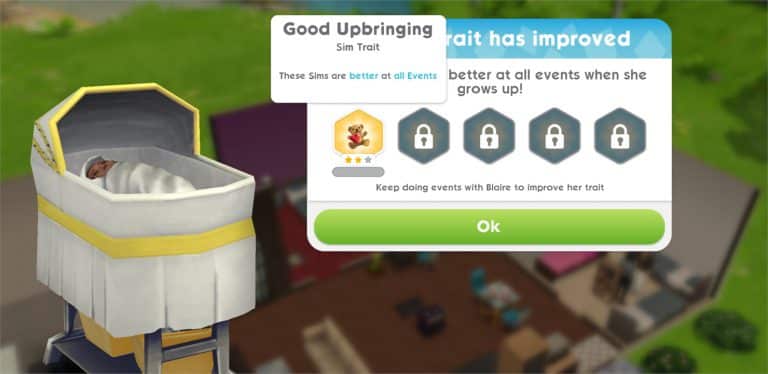
The Good Upbringing Trait
Your babies, toddlers and children now have a much bigger meaning. Taking care of your little ones will eventually trigger a “Bundle of Joy” event option which lasts for 30 minutes.
After finishing this event you’ll unlock a new trait for your baby / toddler / child called Good Upbringing.
With each Bundle of Joy event you’ll be able to progress and level up the Good Upbringing trait which will make that Sim perform really well at all events once they grow up.
New Attire
There’s some cool new clothing included in this update. Some are ported from The Sims 4 and some are made exclusively for The Sims Mobile!
Event Success UI
You’ll now have a complete overview of all items you’ve earned after completing an event.
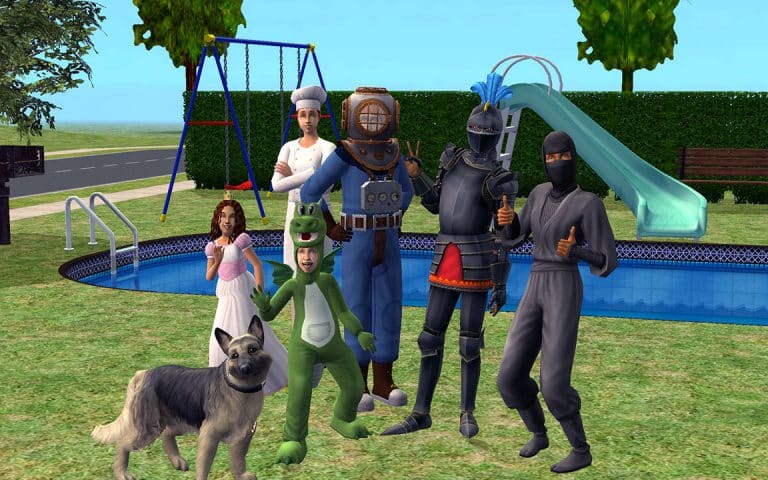
Simmers on social networks such as Reddit and Facebook are reporting that they’re able to claim The Sims 2 Ultimate Collection through customer support – 3 years after the promo action took place.
It all begain in 2014 in July when EA decided to give out The Sims 2 Ultimate Collection completely free. This offer only lasted for 7 days and because of the short duration of this offer many simmers haven’t been able to redeem their free copy in time.
If you still haven’t gotten your free copy of The Sims 2 Ultimate Collection you may be able to redeem one by contacting EA Support, and here’s how to do it (as told by simmers on Reddit). Please note that not every solution might work and that in some scenarios you have to be persistent because not every person at customer support will be ready to give you the game.
Here are two different methods that you can try out:
The Sims 2 Ultimate Collection > PC > Codes and promotions > Promotion questions > Select contact option > Chat
Some may require proof that you have a physical version of the game as a solid background to give you the game for free. Make sure that you attach an image of any of your Sims 2 games in a physical format.
Some may not require that.
Some may require proof of a digital game code found in any of your Sims 2 game boxes.
Some, once again, may not require that.
We hope you succeed in claiming your free Ultimate Collection game!
We have yet to find out which soundtrack will make its way to The Sims 4 Console as well as does The Sims Team plan to add such soundtrack to the PC version.
There seems to be a new attack of unknown origin (pun intended) that’s influencing many users of Electronic Arts’ Origin platform. The result of this attack is often being locked out of your Origin account and not being able to access it with the password that you previously used.
The source of this issue is still not known but many believe that the issue starts by receiving this e-mail. There’s a huge discussion about this currently happening on Reddit where plenty of people have reported the same problem – not being able to access their account after getting these e-mails.
Although the e-mail address from who these people got this e-mail from are legit it seems to be still causing issues when people click the link. Many have reported that they’ve been locked out after clicking the link until they managed to restore their account through customer support.
Here are some steps you should take to secure your account:
DO NOT CLICK any links that have been sent to you by EA without your knowledge / request!
CHANGE PASSWORD MANUALLY: To change your Password, go to Origin > Account & Privacy > Security and click the blue Edit text where you can change your Password. It’s also recommended that you add one or two security questions!
ENABLE 2-STEP VERIFICATION: Go to your EA Account settings and under Security add your login verification method!
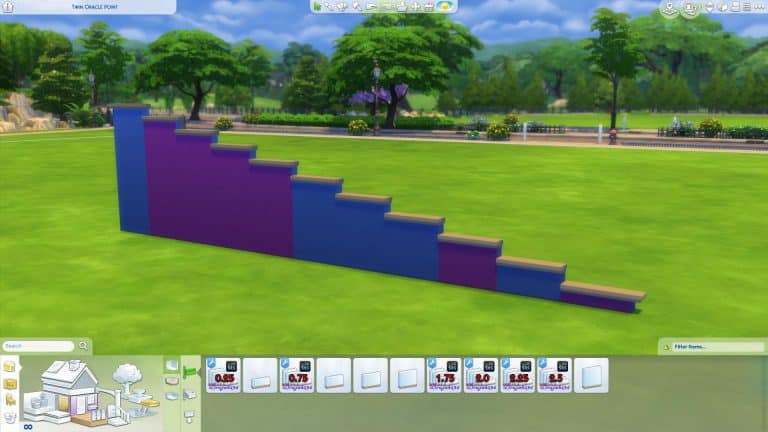
It seems The Sims Team included more than 5 different heights of half-walls in The Sims 4. Sims 4 Studio member brujah was able to uncover 6 new half-wall sizes which are originally included in the game. According to the modder, this mod only “unlocks” these hidden wall heights. We tested it in our game and it works!
The new half-wall heights are marked with purple:
This mod can be downloaded by clicking the download button below. You can install this mod by extracting it to Electronic Arts > The Sims 4 > Mods. Make sure you have Mods / CC enabled in your game options!
Dear community, there’s a huge mod being released for The Sims 4 next week and we want you to know all about it because it’s something you’ve been wanting for a long time in the game.
The Sims 4 Modder SACRIFICAL(also known as Dramatic-Gamer on Mod The Sims) created all sorts of mods for the game which were a bit…violent, but still really big, interactive and detailed. This time he’s putting all his talent and effort to bring a feature that you’ve been wanting for a long time in The Sims 4 and that’s Fame.
The Mod is currently available on his Patreon with a $5 monthly pledge. A complete, worldwide release has been scheduled for September 22nd.
You can check out his walkthrough of this mod down below:
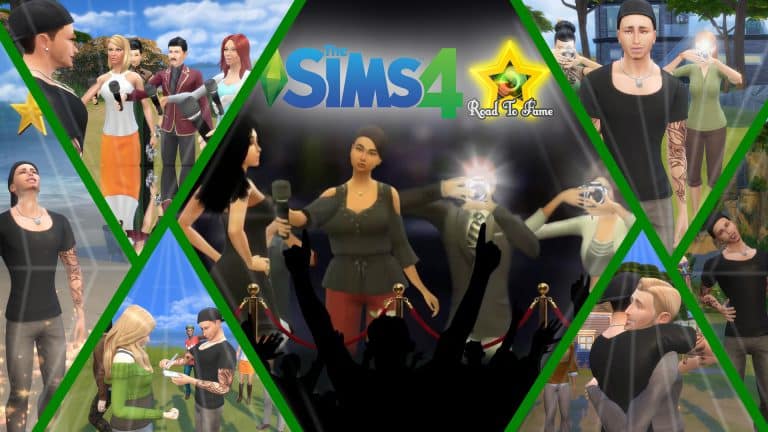
The Road To Fame Mod promises big new features, starting with Simstagram. In the video HERE you can see some of the interactions available with the Simstagram skill (the skill was first called Instagram but was eventually renamed to match with The Sims 4’s own universe of apps and tech).
But that’s not all! The mod also includes these features:
Paparazzi
Giving Fans a Hug
Signing Autographs
Answering Questions from the Paparazzi
Giving your Fans a Kiss
Fame Levels, which you can gain by posting on Simstagram and interacting with your fans and paparazzi. Being rude to fans and paparazzi will decrease your fame status.
SimGuruGraham published a new post on The Sims Forums, announcing the winners and results of The Sims 4 Laundry Day Stuff Pack’s Icon & Name polls!
Hey all! Two votes took place over the past two weeks, and I’ve got the final winners to share with you. While voting for this project has now concluded, please continue to share your feedback and thoughts here on the forum so that we can keep adjusting the pack with your great ideas as we continue development on it.
First, as this week’s blog announced, the official name of this Stuff Pack (as selected by you) is “The Sims 4 Laundry Day Stuff.” Out of tens of thousands of participants, this came down to an incredibly close result, with “Laundry Day” securing a razor thin 109 vote victory over “Rustic Lifestyle.” Such a narrow margin of victory had us holding our breath to see which name would win right up until the final minutes of voting!
Officially, the title results were in the following order:
Laundry Day
Rustic Lifestyle
Rustic Home
Laundry
Also this week, we asked you to vote to select the official pack icon for The Sims 4 Laundry Day Stuff. Although the results of this vote weren’t quite as close as the previous vote, there was still a spirited competition between the Washing Machine and the Laundry Basket. Ultimately, the Laundry Basket took the victory. While we’re likely to still make some final tweaks in collaboration with our brand design agency, it’ll largely resemble the icon from the survey.
The full icon result order is as follows. It turns out that people don’t much care for socks… but I wonder if it would have turned out differently had it been just a single sock? 😉