

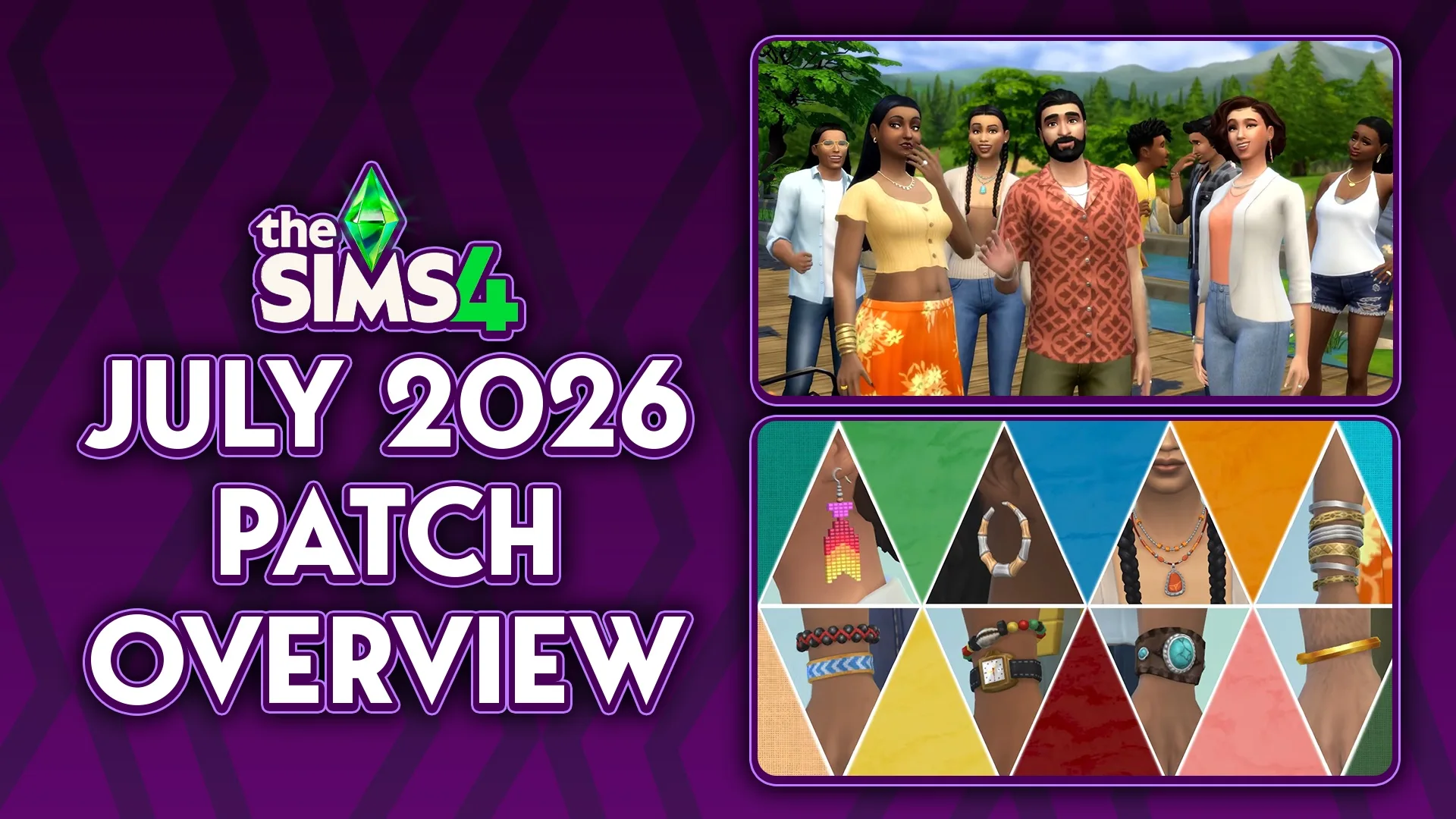
The new Sims 4 July 2026 Patch dropped on July 21st, 2026, with its own range of new features, tweaks, and bug fixes for issues that we've seen spring up over the last few patches while The Sims team focuses on cleaning the game up, per previous updates and Q&As. This patch features some new additions, including a new and improved autosave feature for Windows & Mac users.
Table of Contents
Sims 4 July 2026 Patch Overview: Autosave & Other Features
New Features and Items
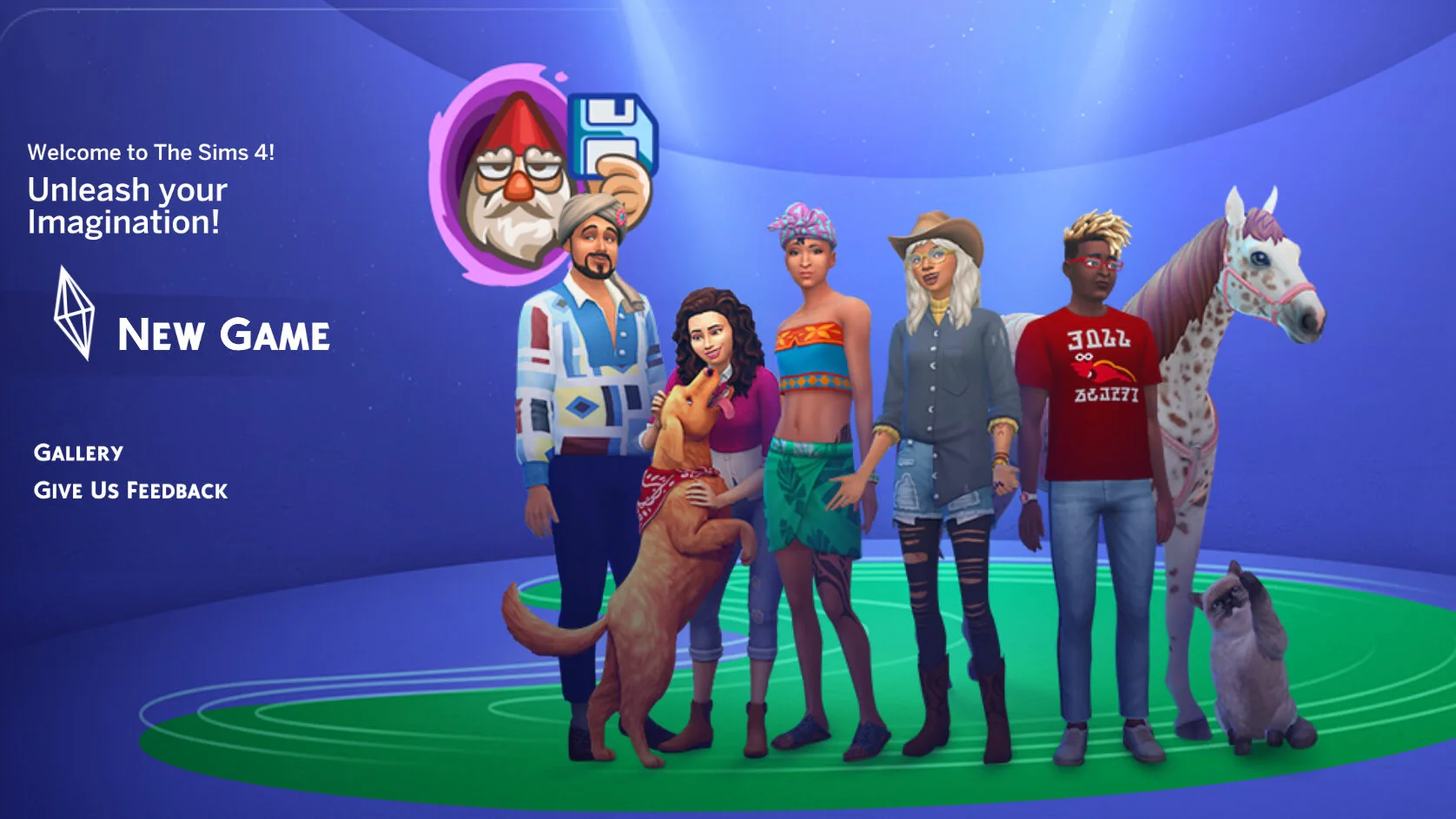
Some new features and items were added, and a new character has been an appearance with the new feature of Autosave and Save Reminders; The Save Reminder Gnome that will pester you to save your game (If you want it to!) has now appeared on the Home Screen.
New CAS Starter Sims
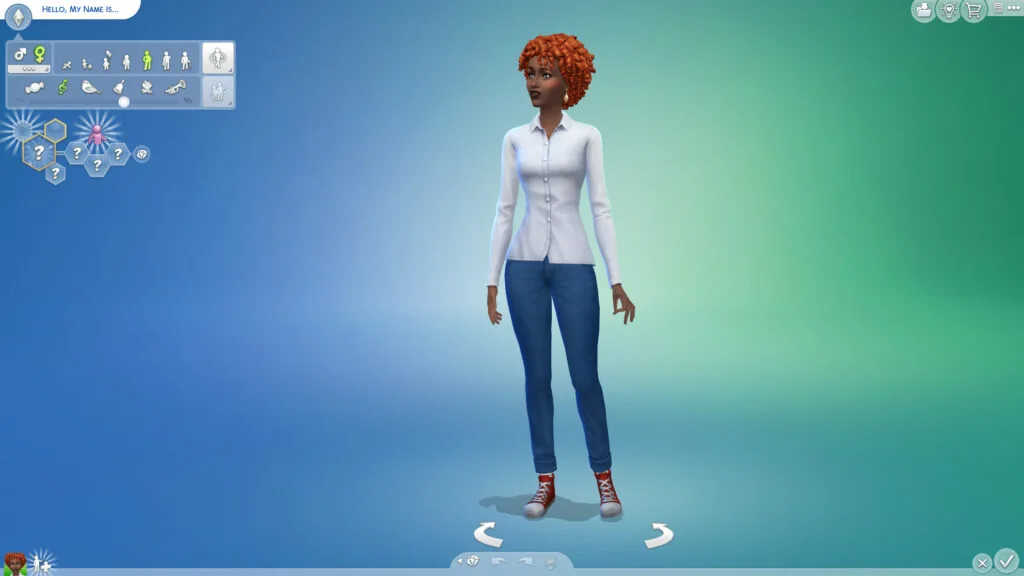
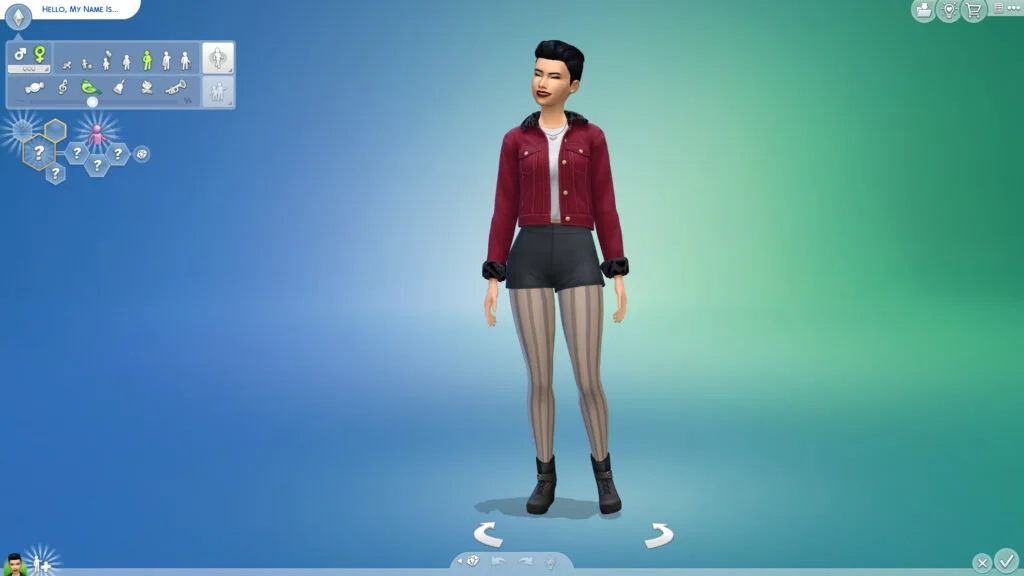
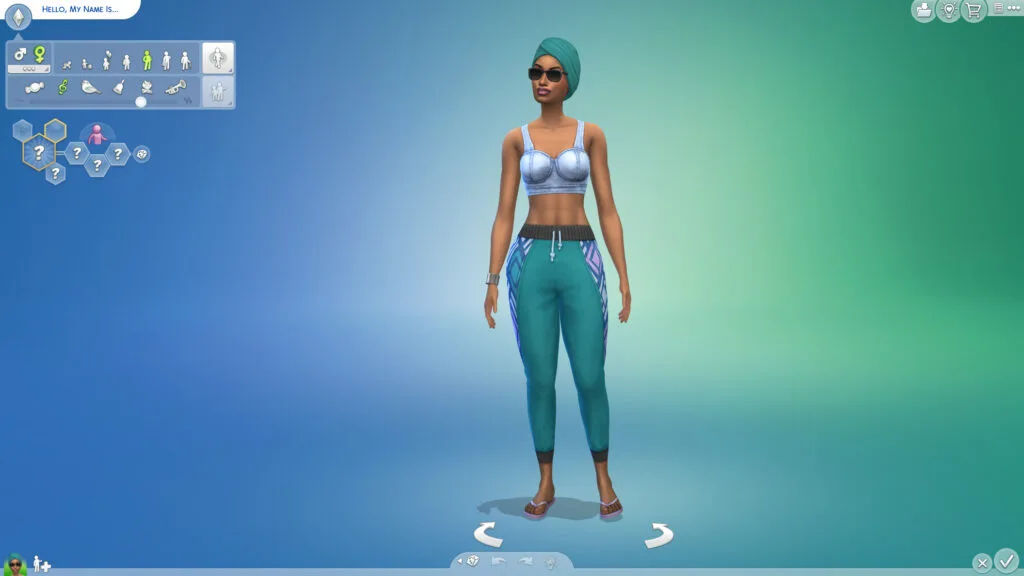
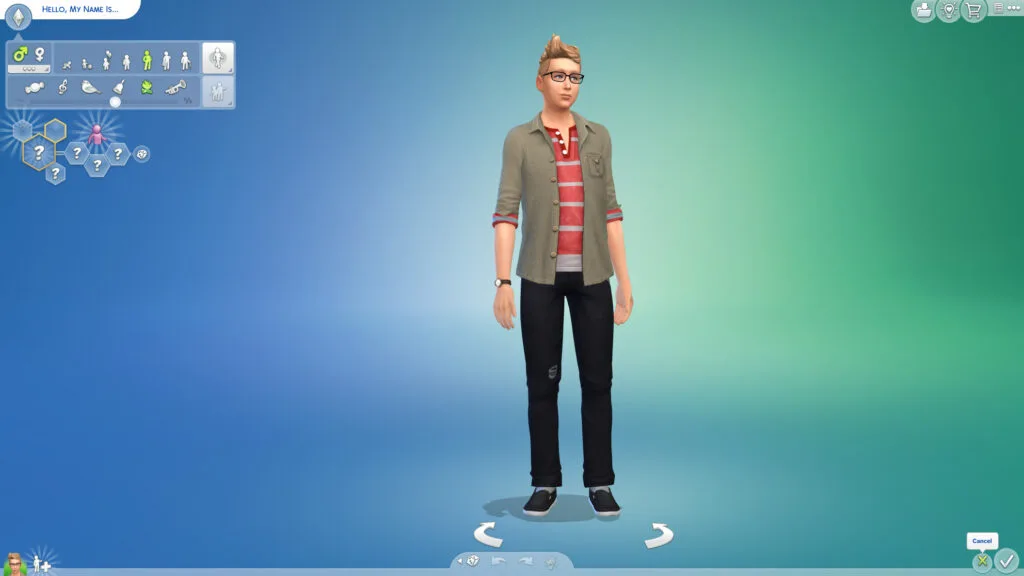
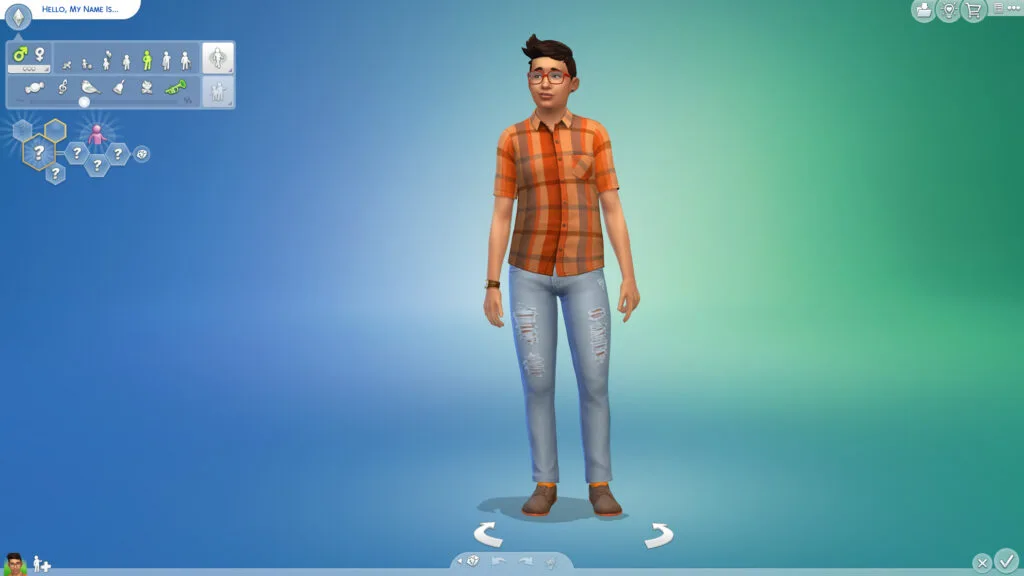
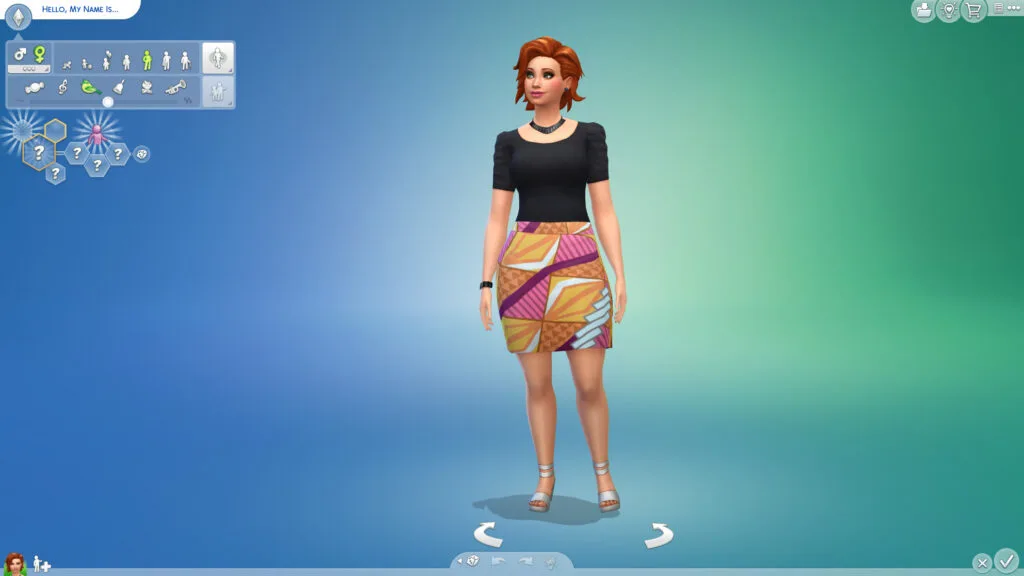
Are you familiar with any of these Sims? If you've spent time in the Sims 4 Create-A-Sim, you likely are! These are CAS Starter Sims, meaning that they show up as soon as you choose to create a new household or "Reset Current Household" in CAS. They have full outfits and appearances, as well as canon names, unlike randomized Sims that pop up otherwise.
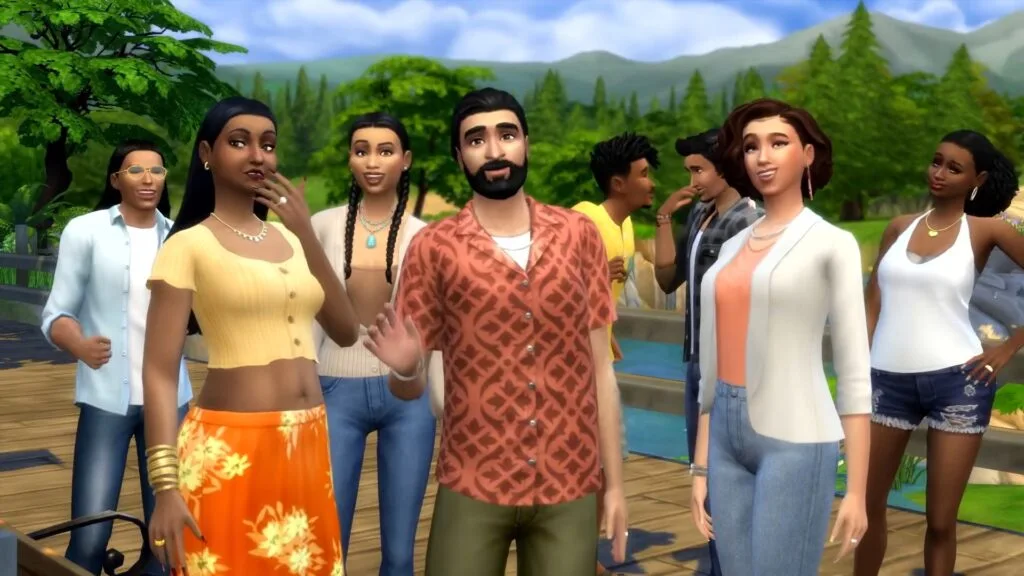
Initially introduced in a mini-trailer uploaded by The Sims Team, eight new Sims have been added to the CAS Starter Sims roster, wearing newer CAS items in the accessories category that have been added, as will be shown below.
Now for another bit of good news! We've added free, culturally inspired accessories influenced by Caribbean, Indigenous, Latin American, and South Asian cultures. You'll find eight new Starter Sims in Create a Sim and the Gallery wearing them. They are ready for you to shape their stories.
The Official Sims 4 Patch Notes Regarding the New CAS Starter Sims & The New CAS Accessories, July 21st 2026
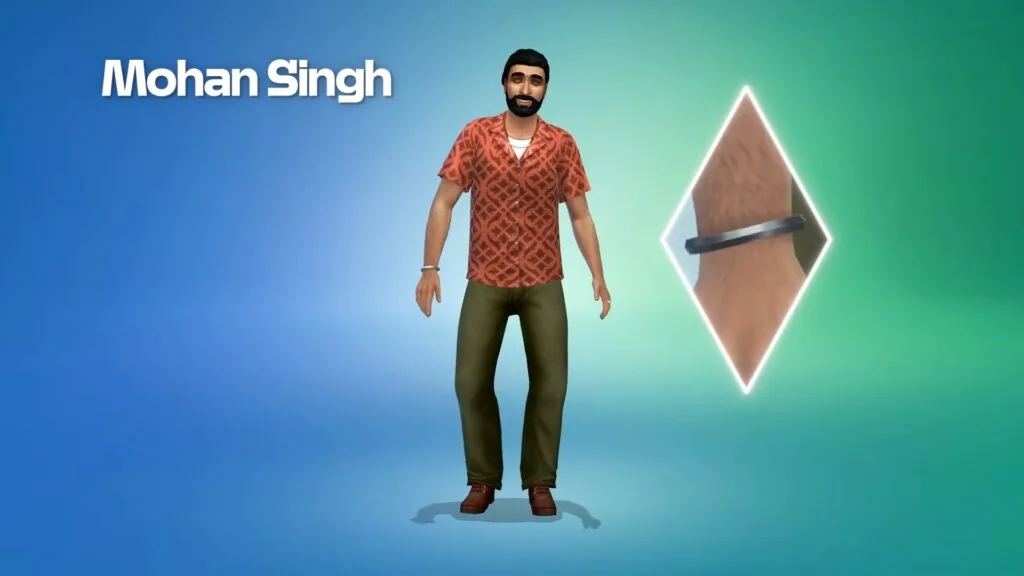
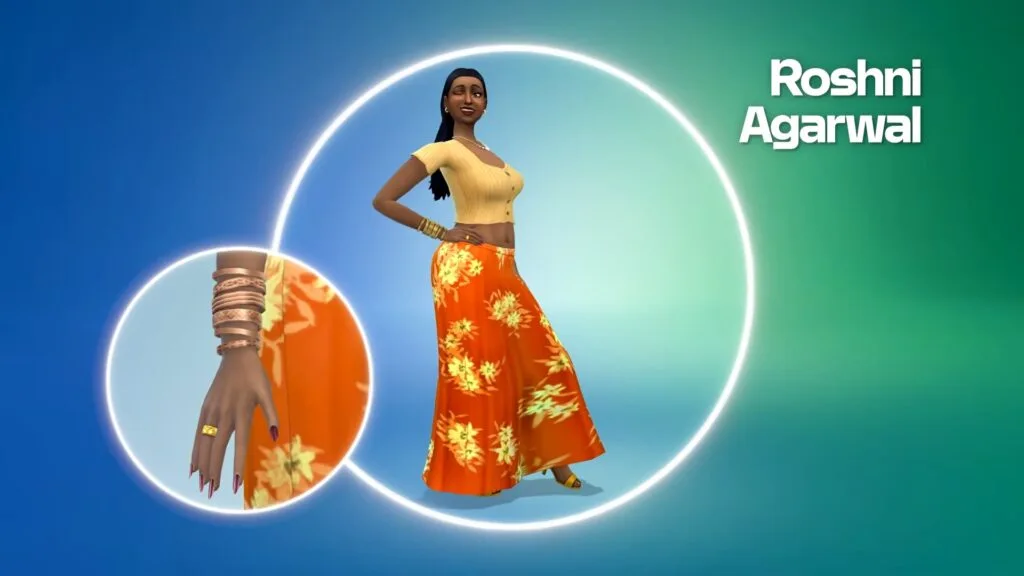
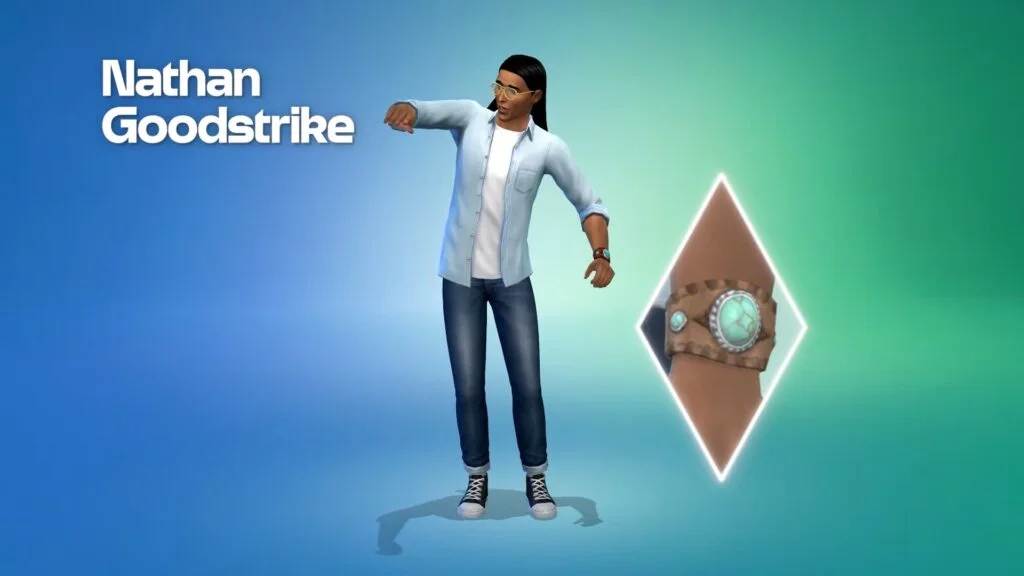
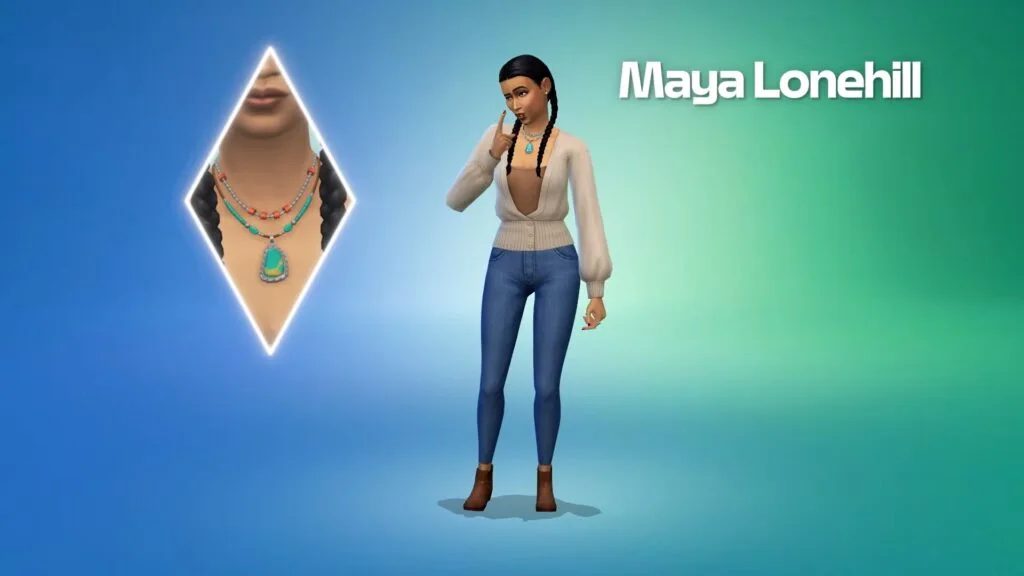
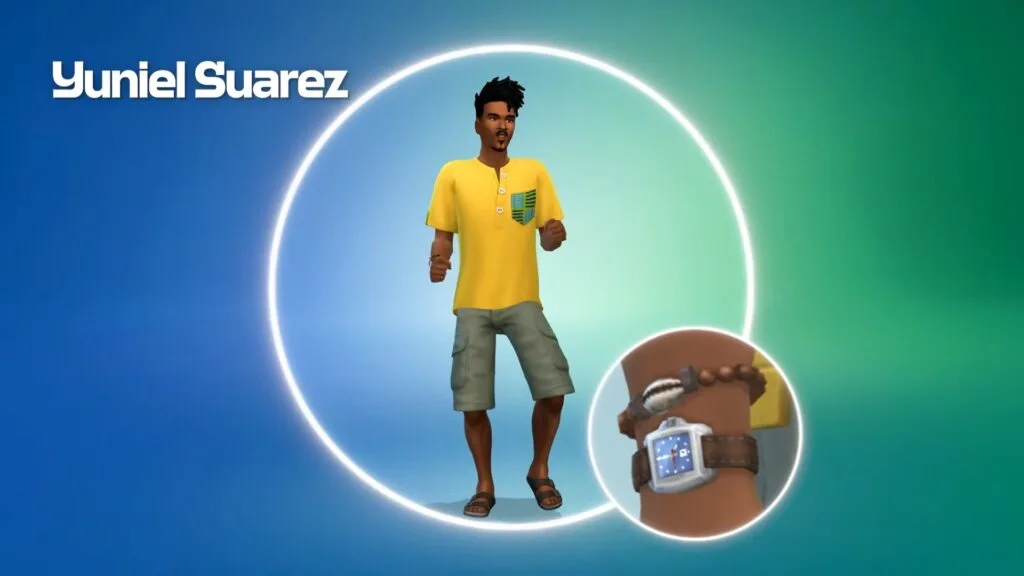
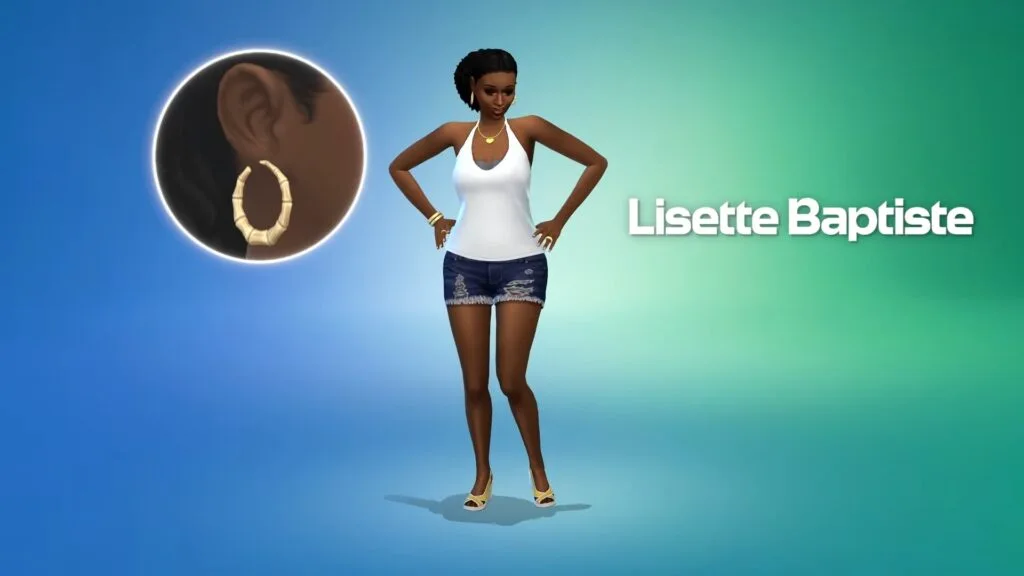
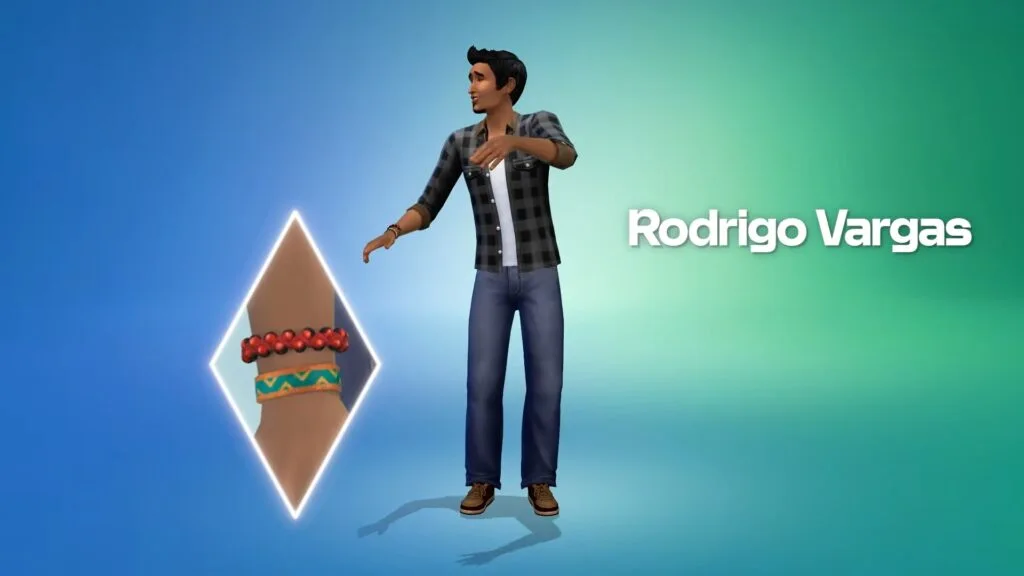
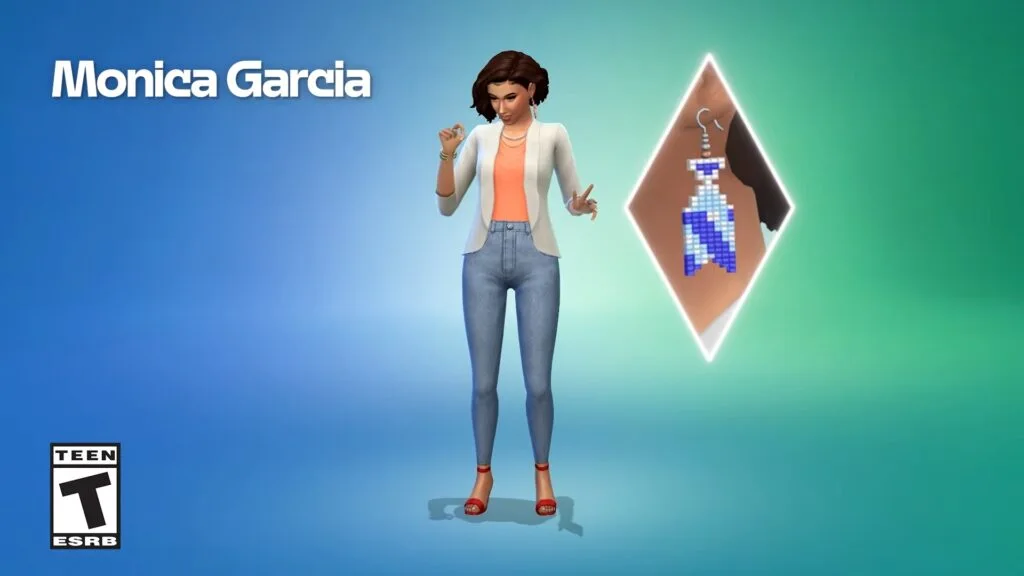
These are the eight new starter Sims, in-game and in the trailer, as getting them is completely random. However, you can consistently use the "Reset Current Household" button to "randomize" which one you have.
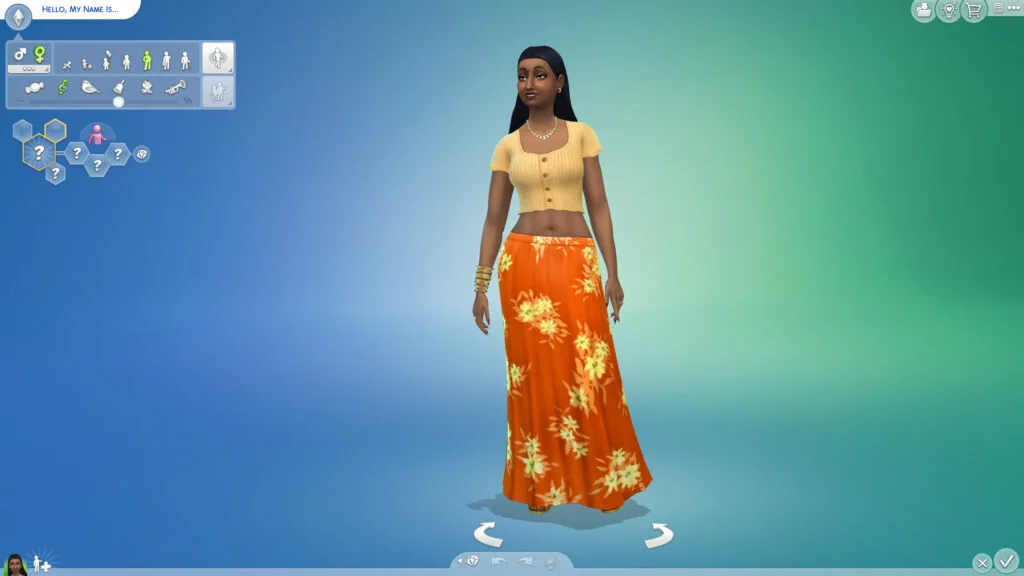
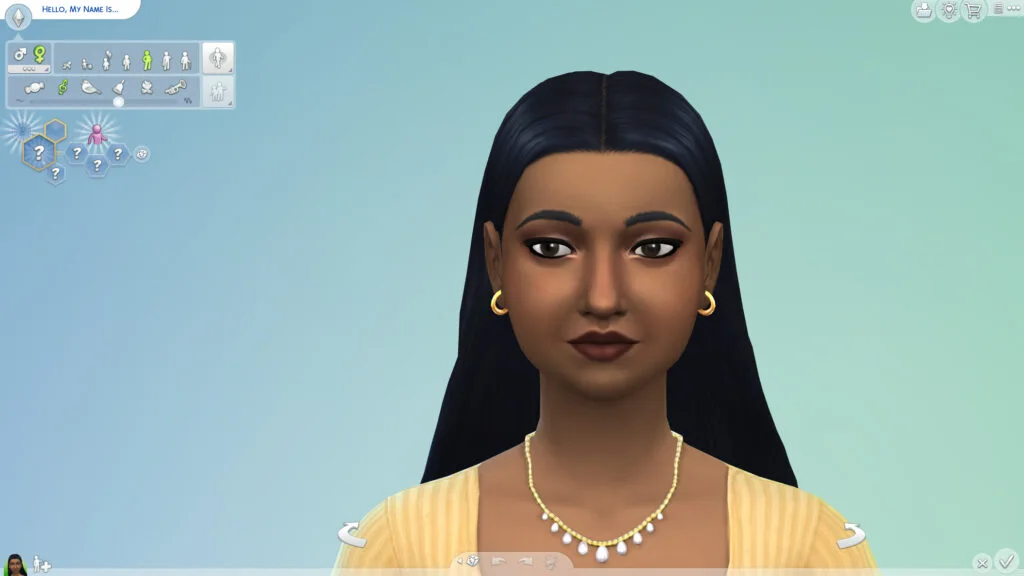
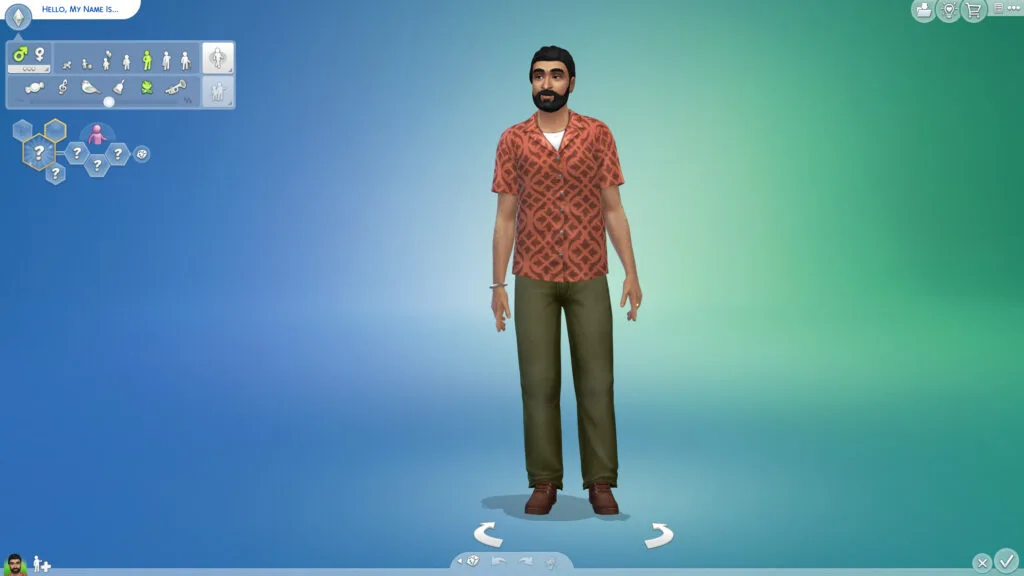
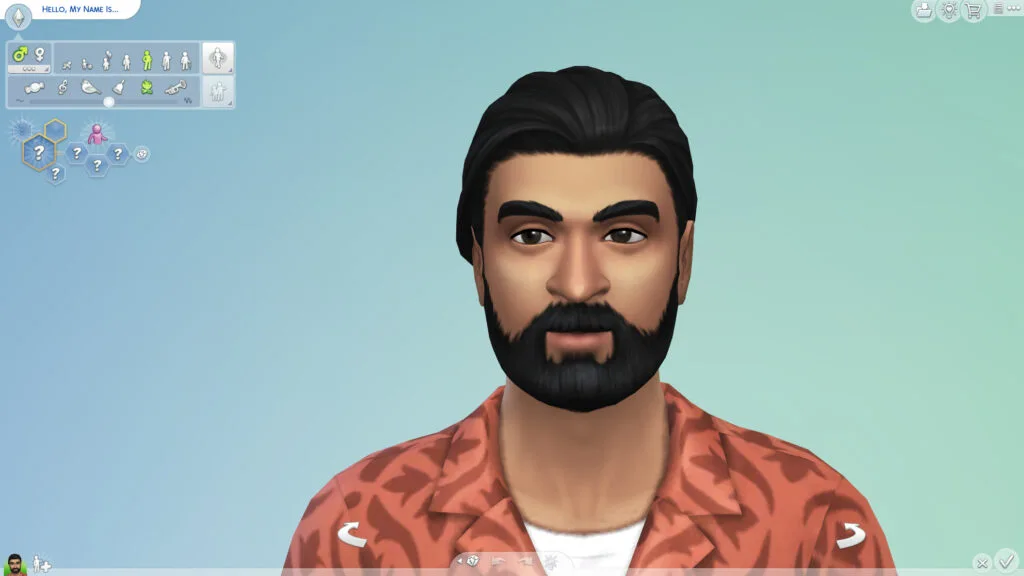
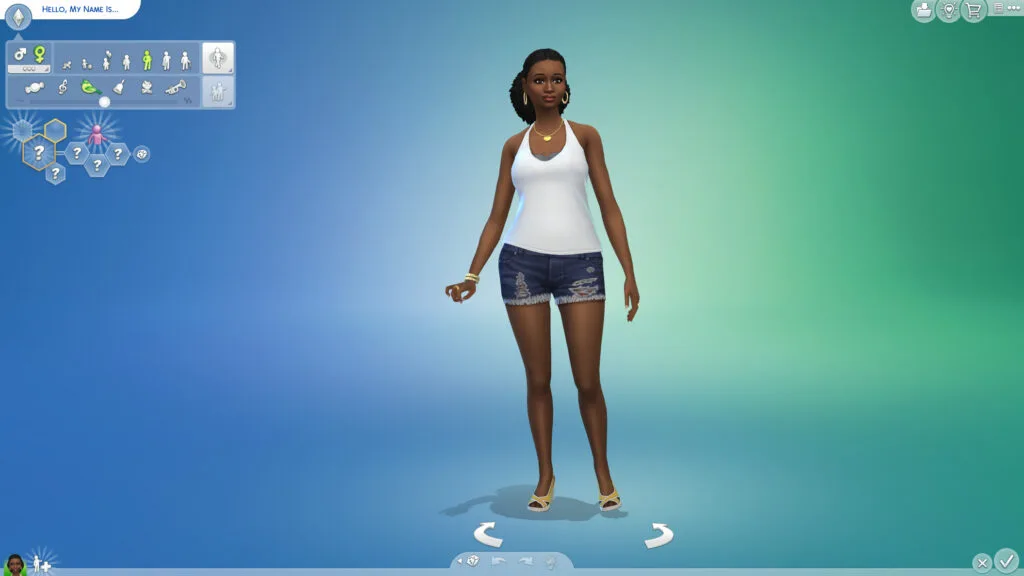
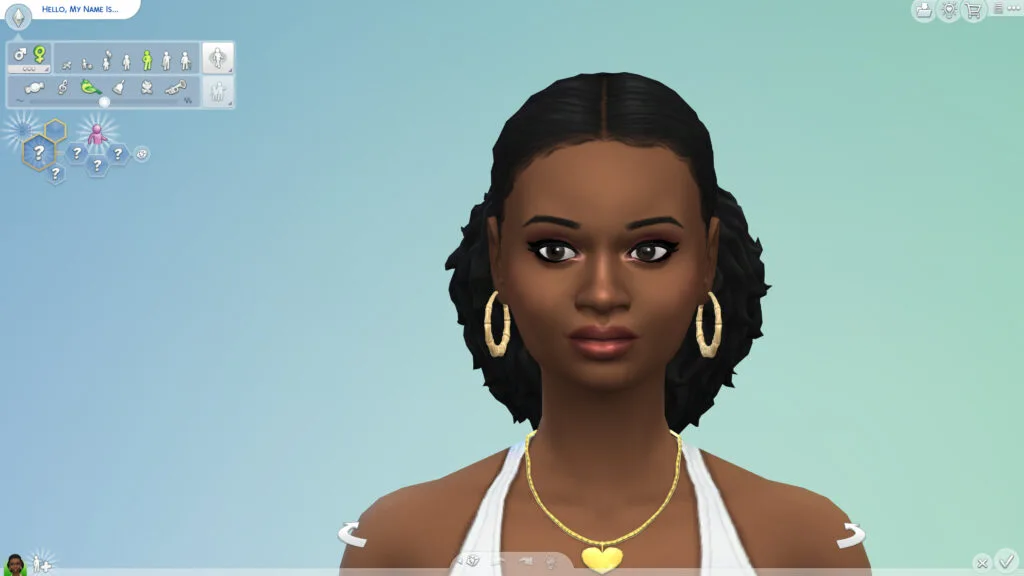
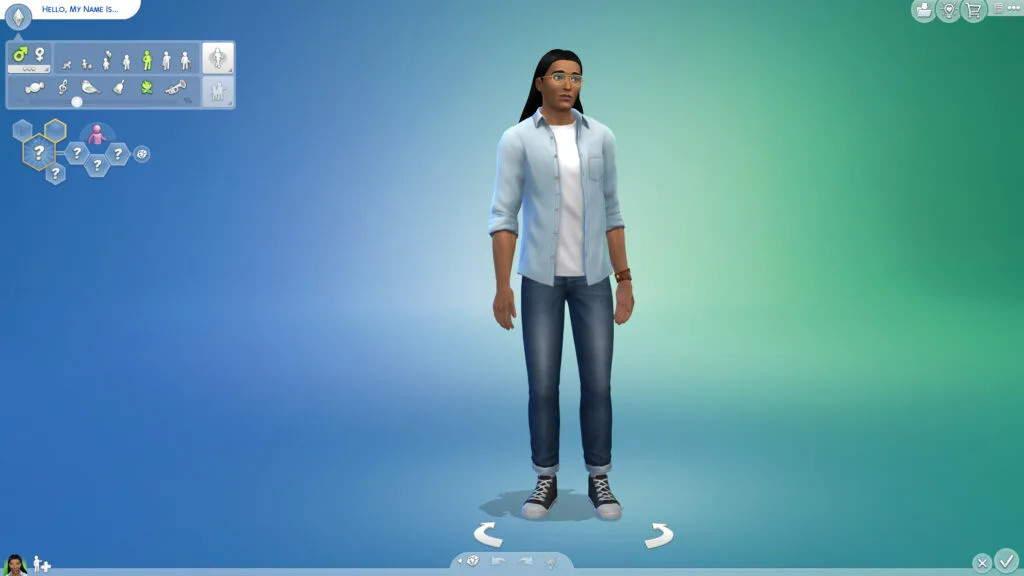
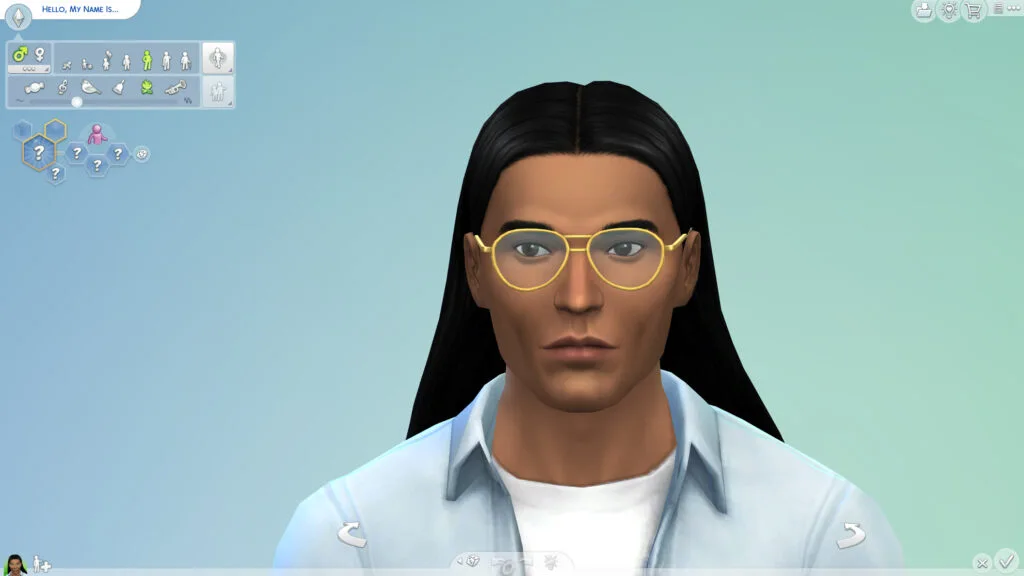
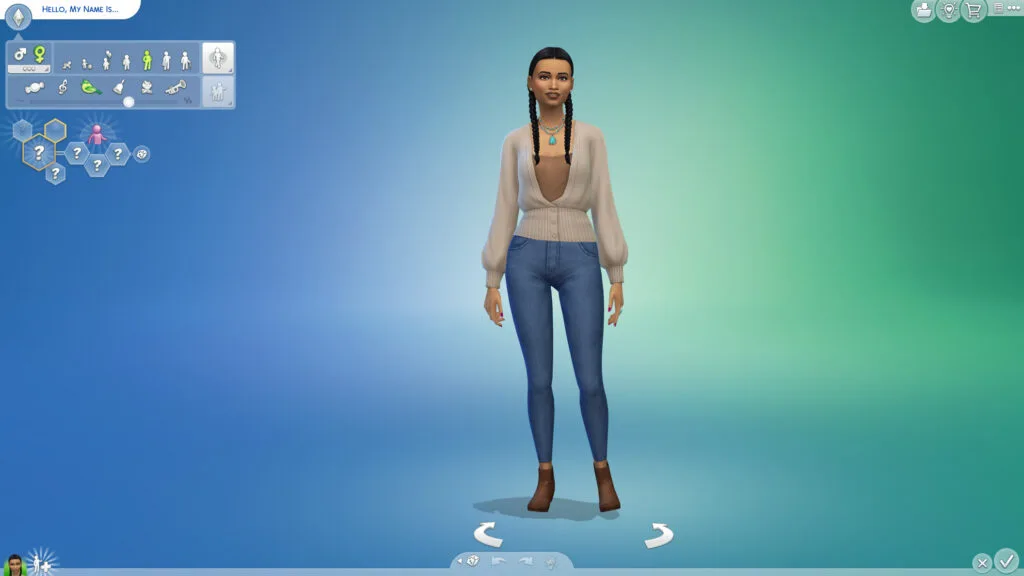
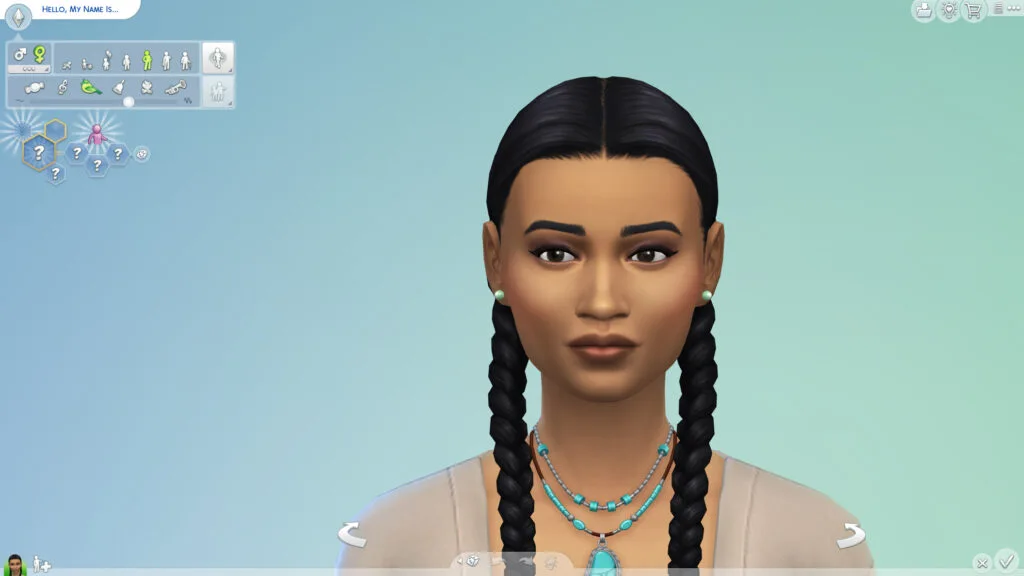
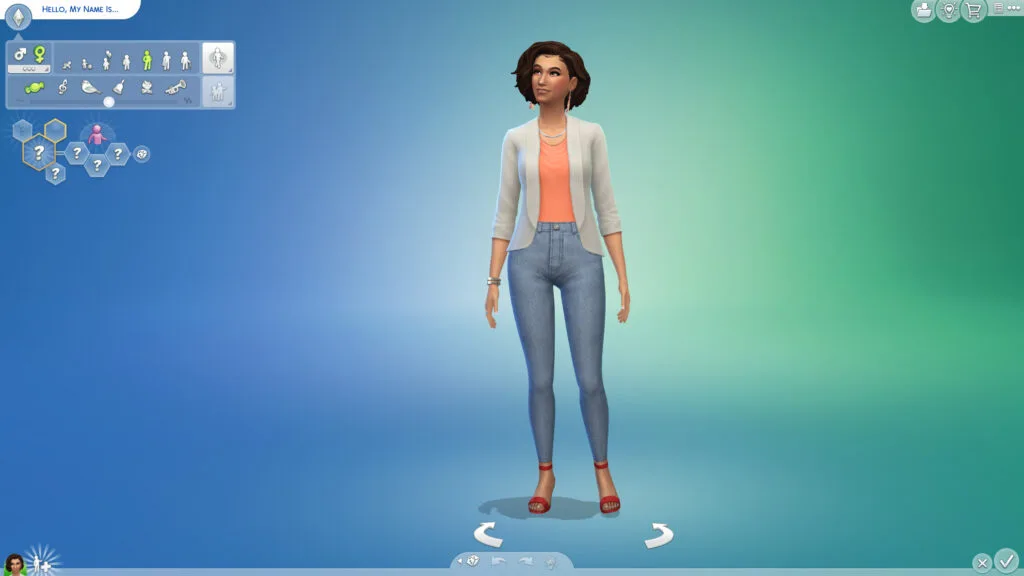
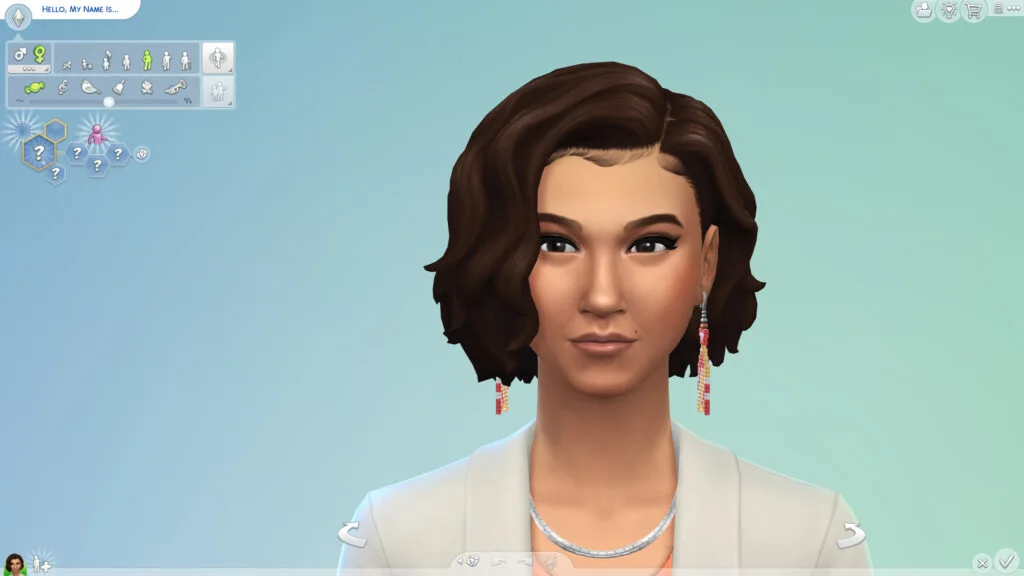
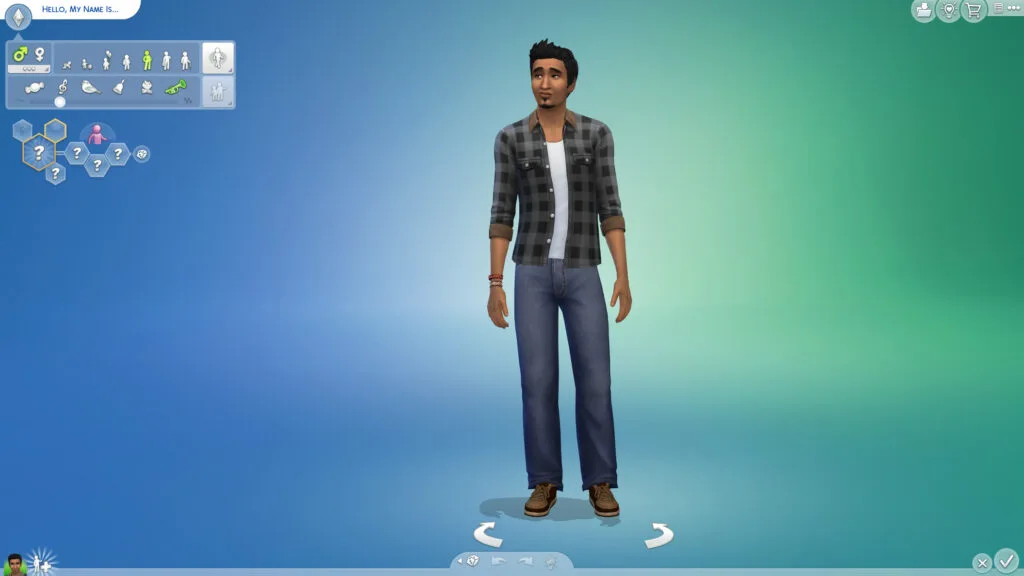
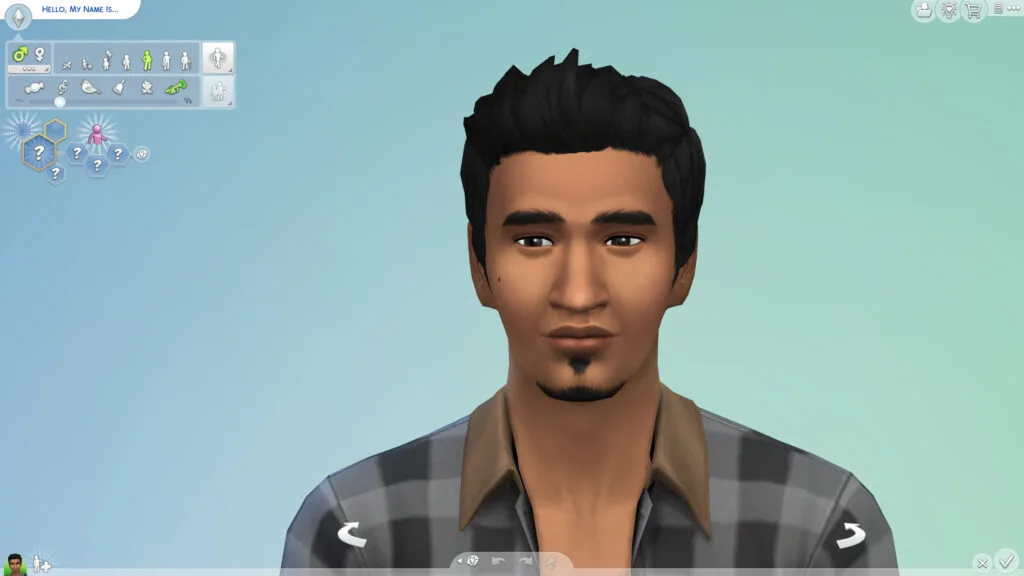
While I wasn't able to get Yuniel Suarez, I was able to reset until I saw every new CAS Starter Sim at least once!
Eight New CAS Accessories
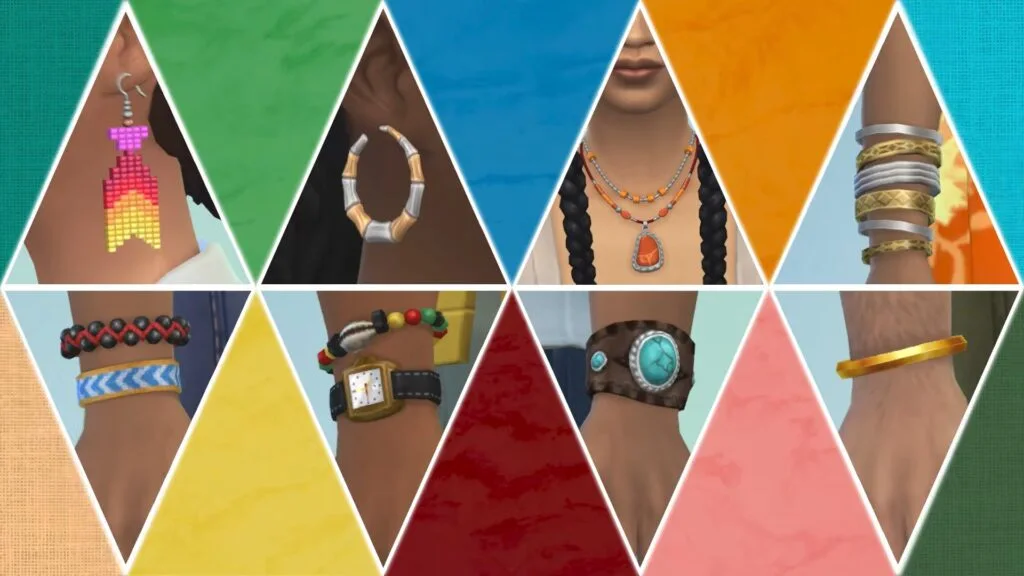
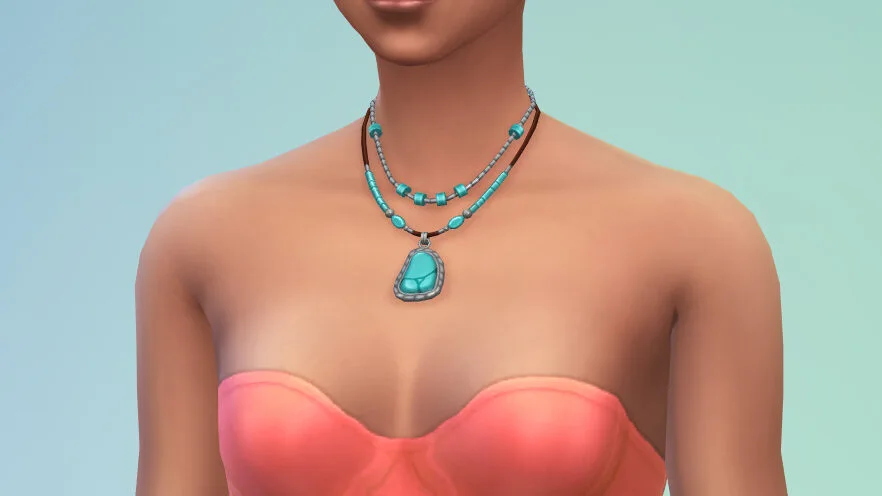
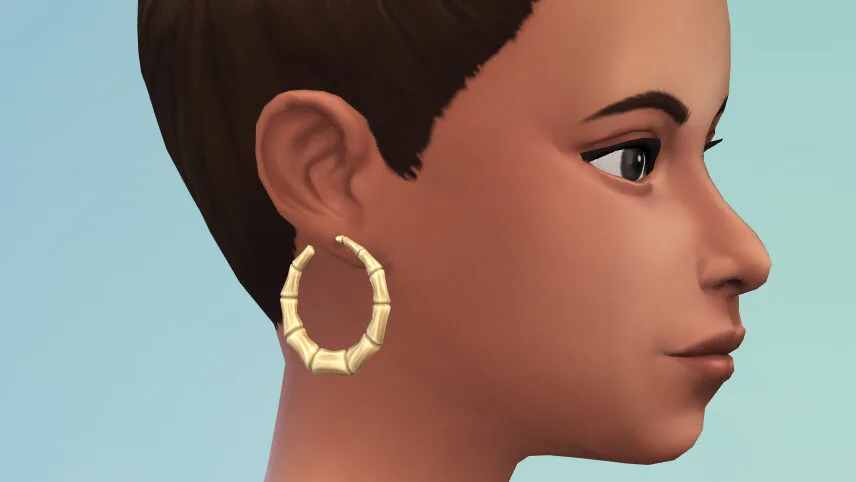
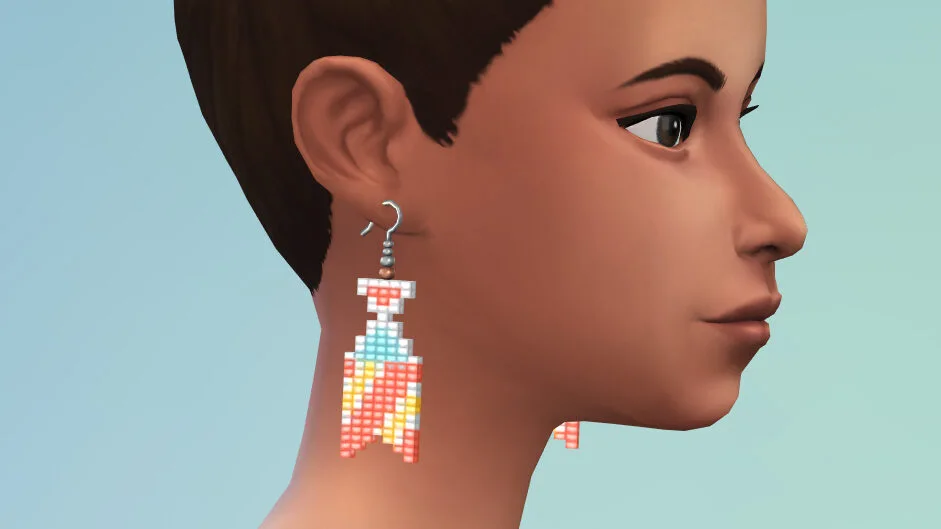
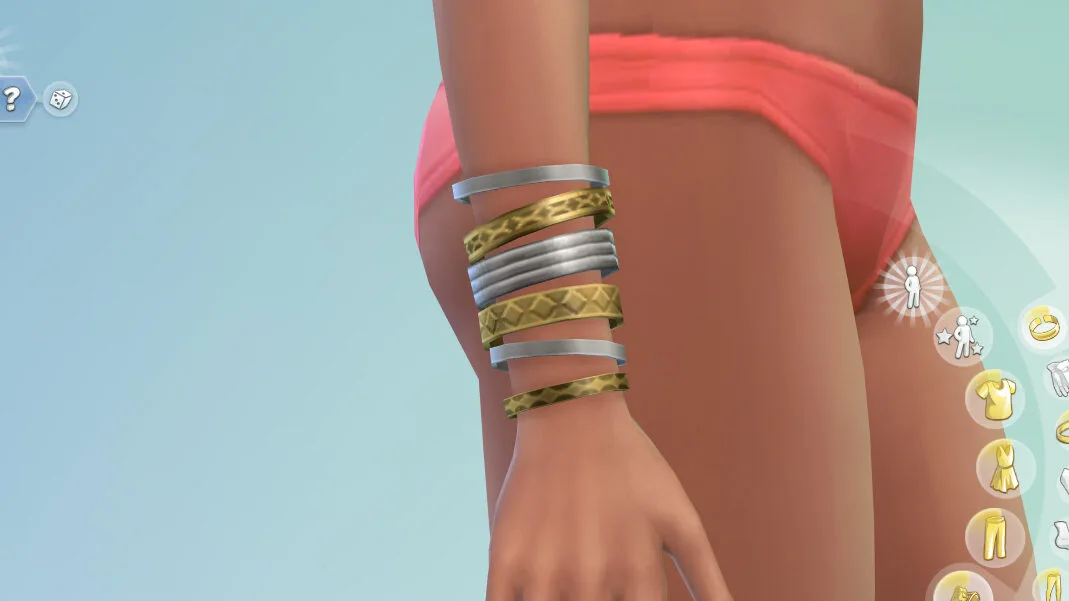
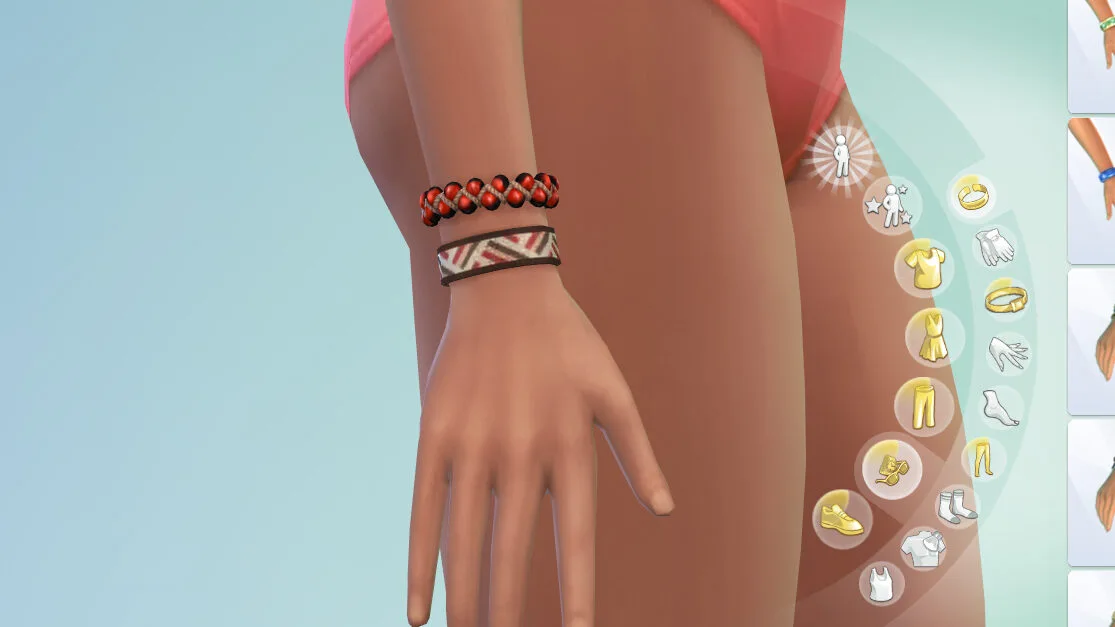
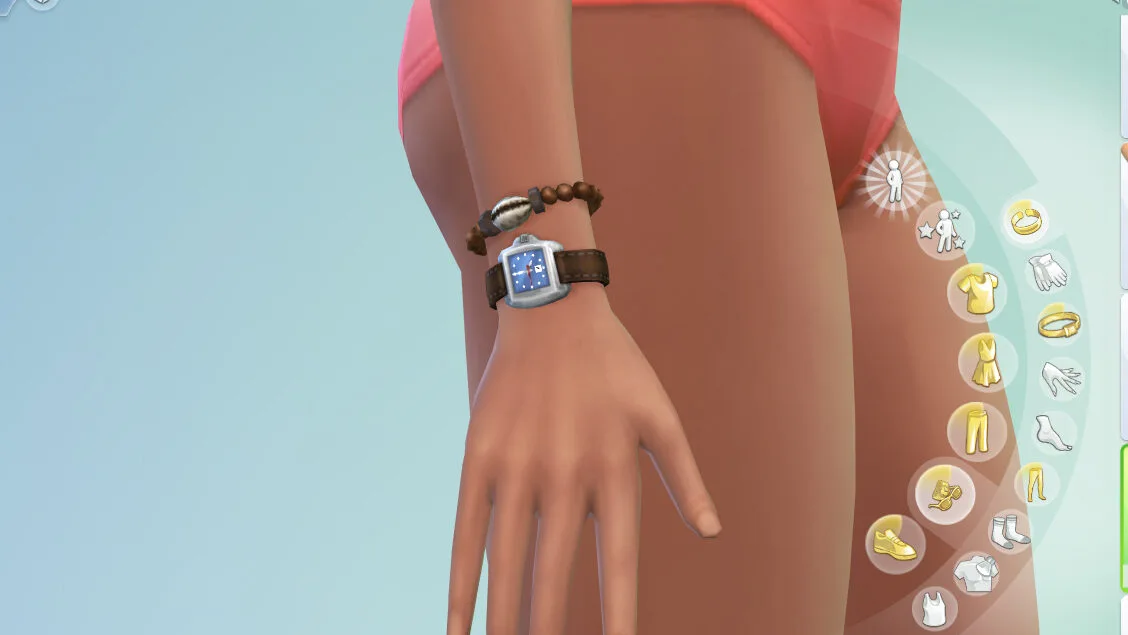
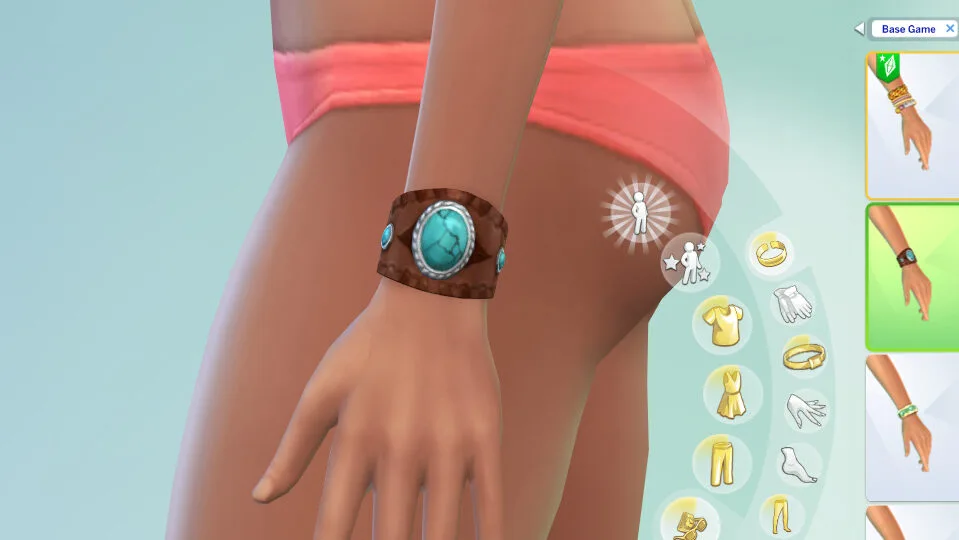
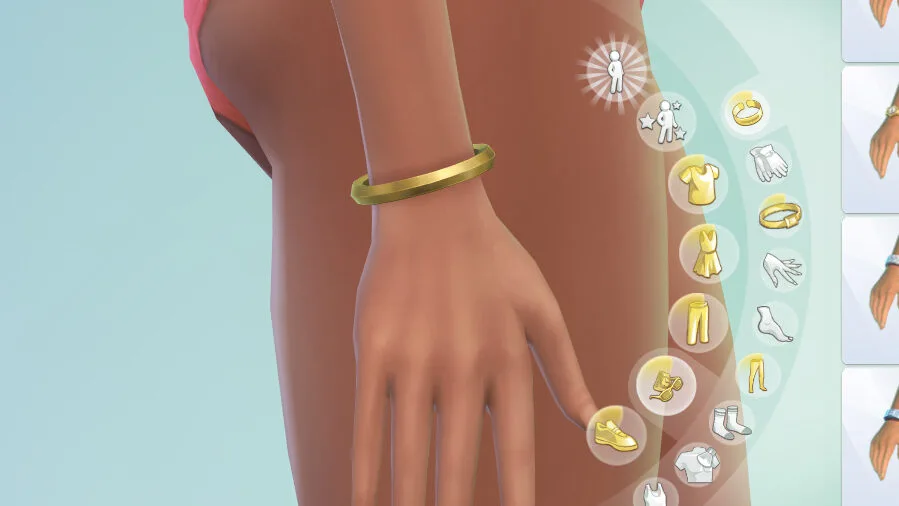
And part of the reason for these CAS Starter Sims is to show off the eight new accessories added to the base game through this update. Two sets of earrings, one necklace, and five watches/bracelets were added.
Autosave & Save Reminder Settings
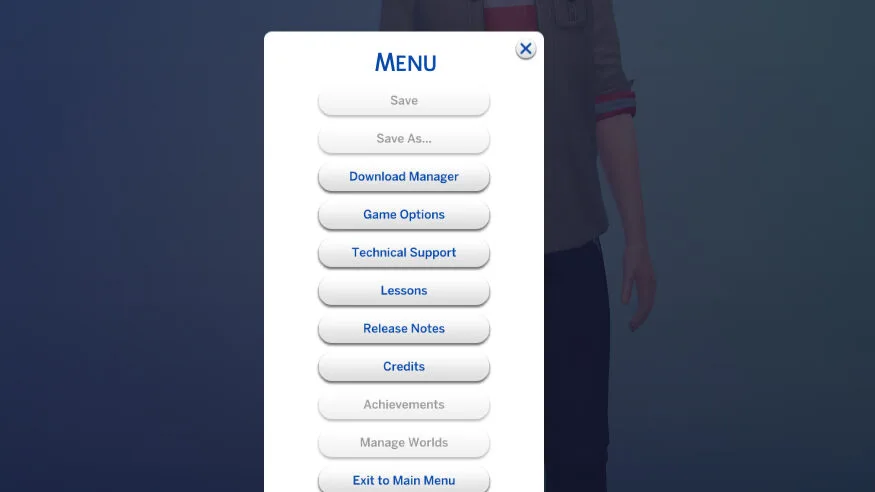
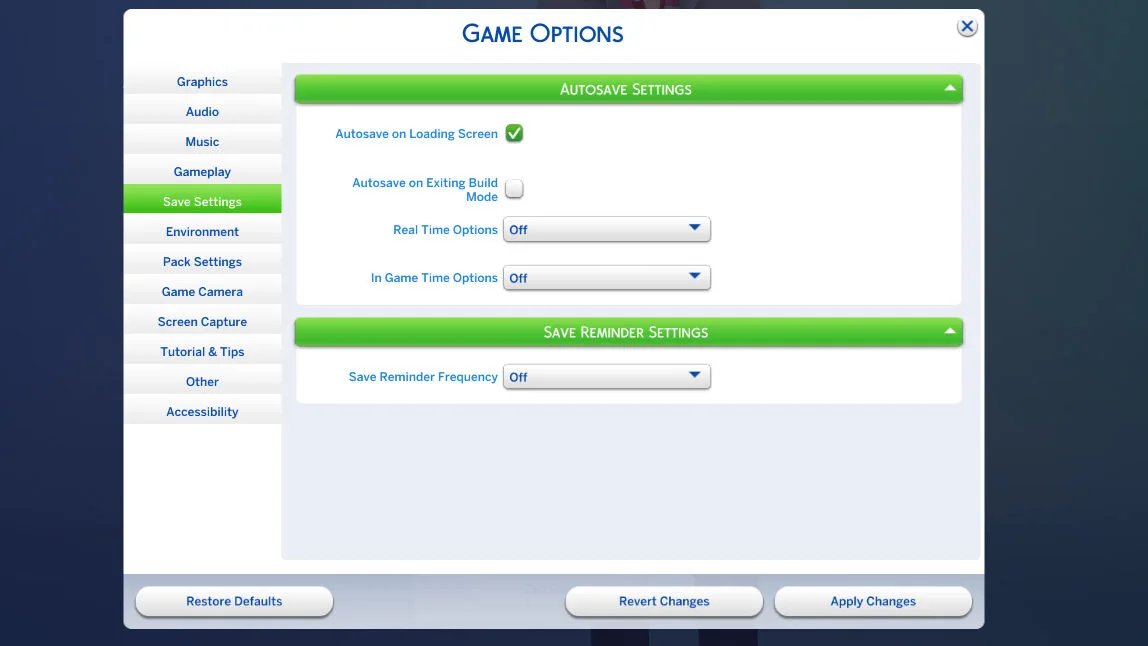
A new tab has appeared in the Options/Settings area of the Sims 4; Save Settings. These settings now allow you to customize as well as enable/disable the new autosave feature, save reminders (From the Save Reminder Gnome), and their specifics and durations.
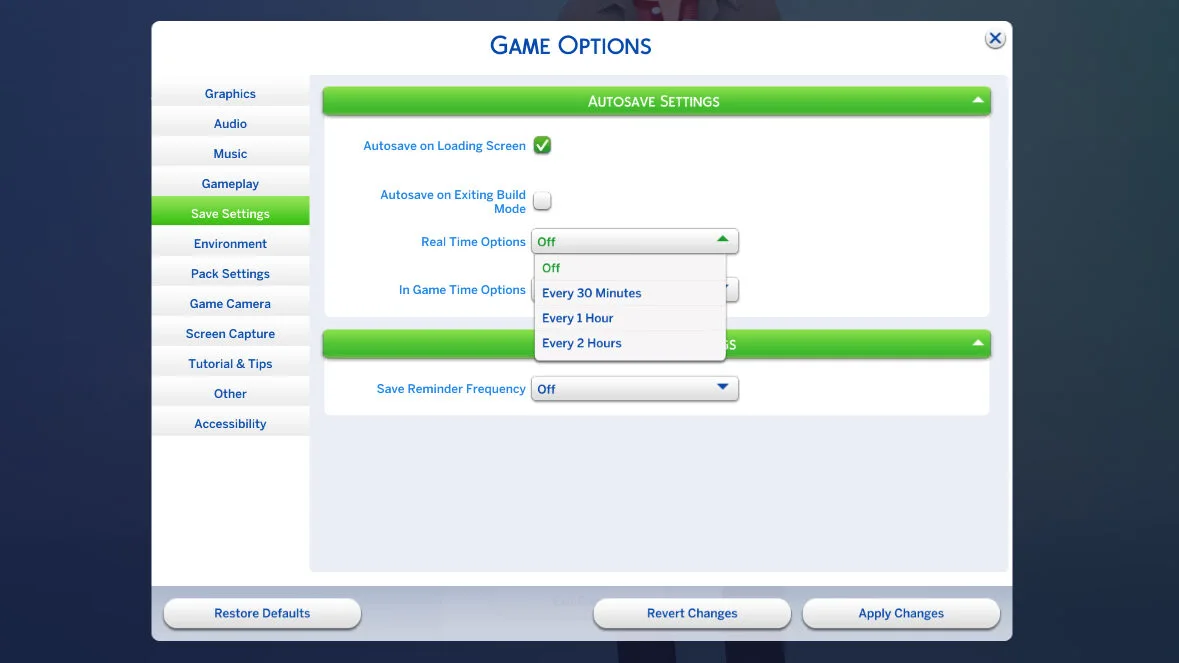
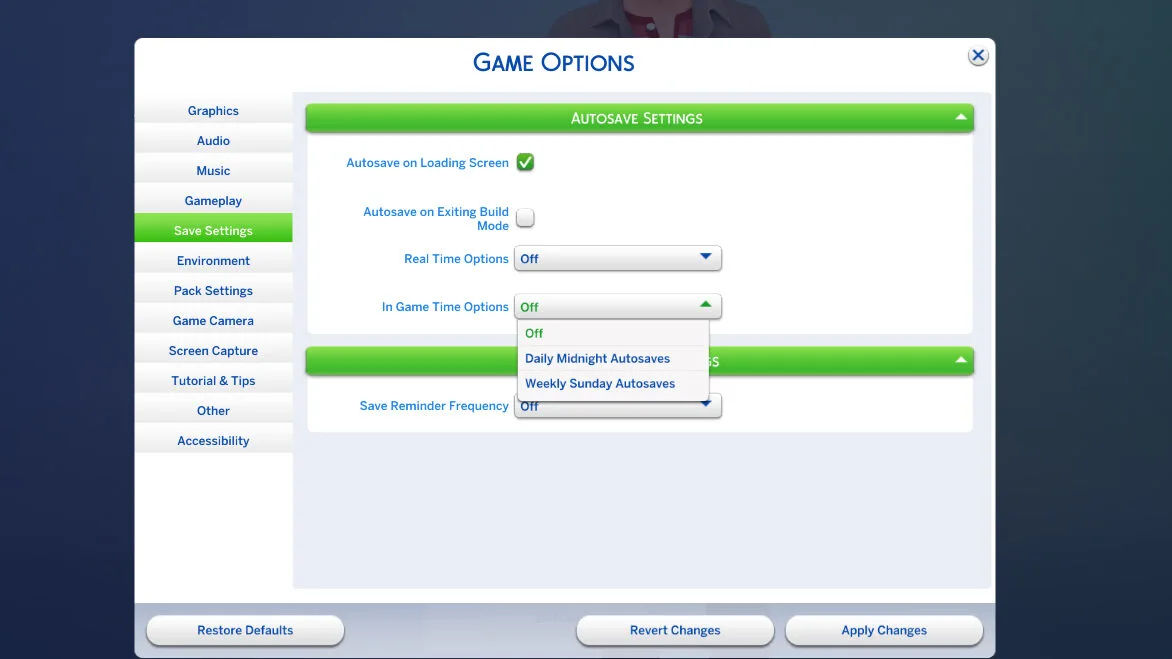
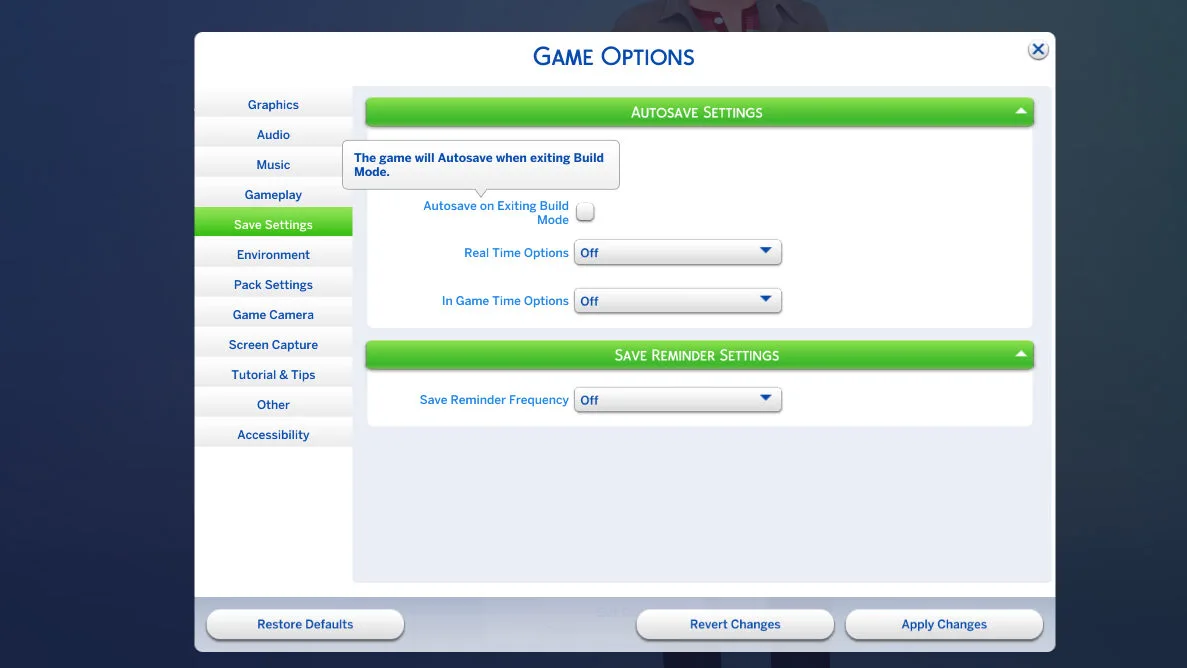
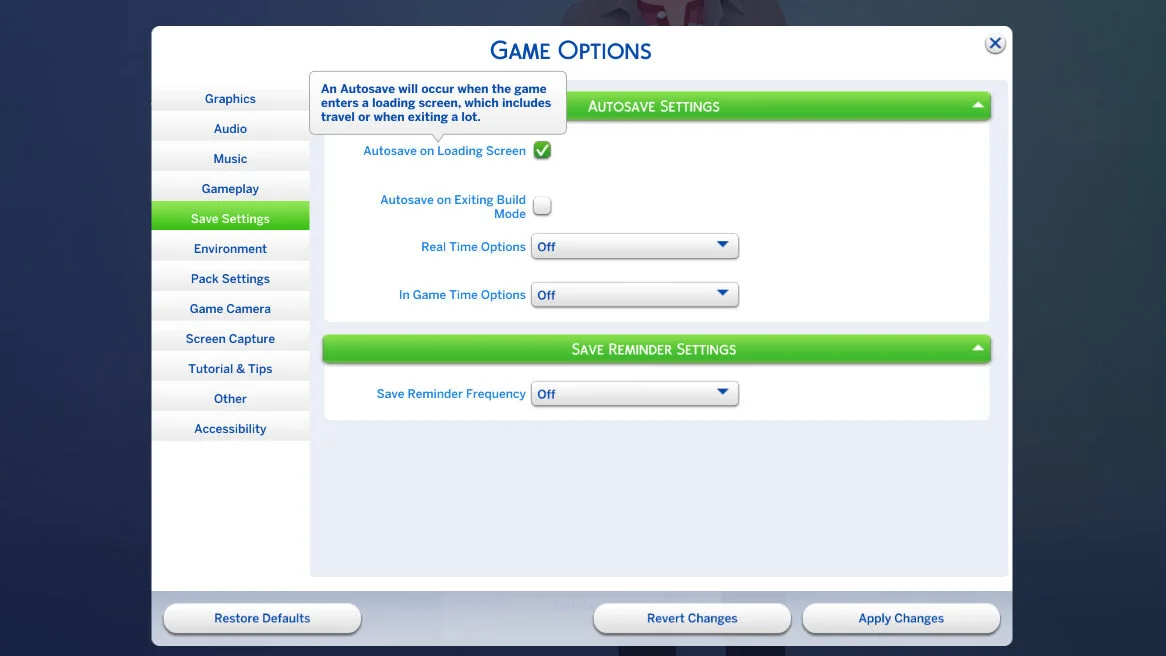
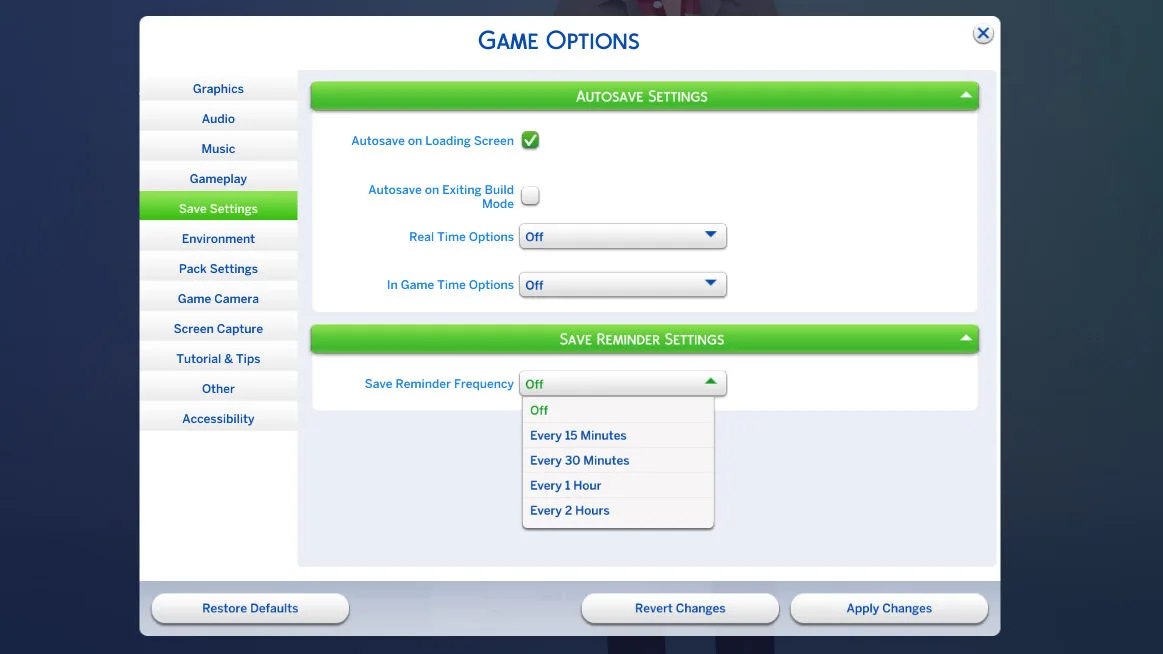
The settings outside of enabling or disabling include setting specific in-game or real-life intervals for reminders and autosaves, as well as being able to set up autosaves to happen under specific conditions, like upon leaving build mode.
Nordhaven Hobby Meet Up Notifications
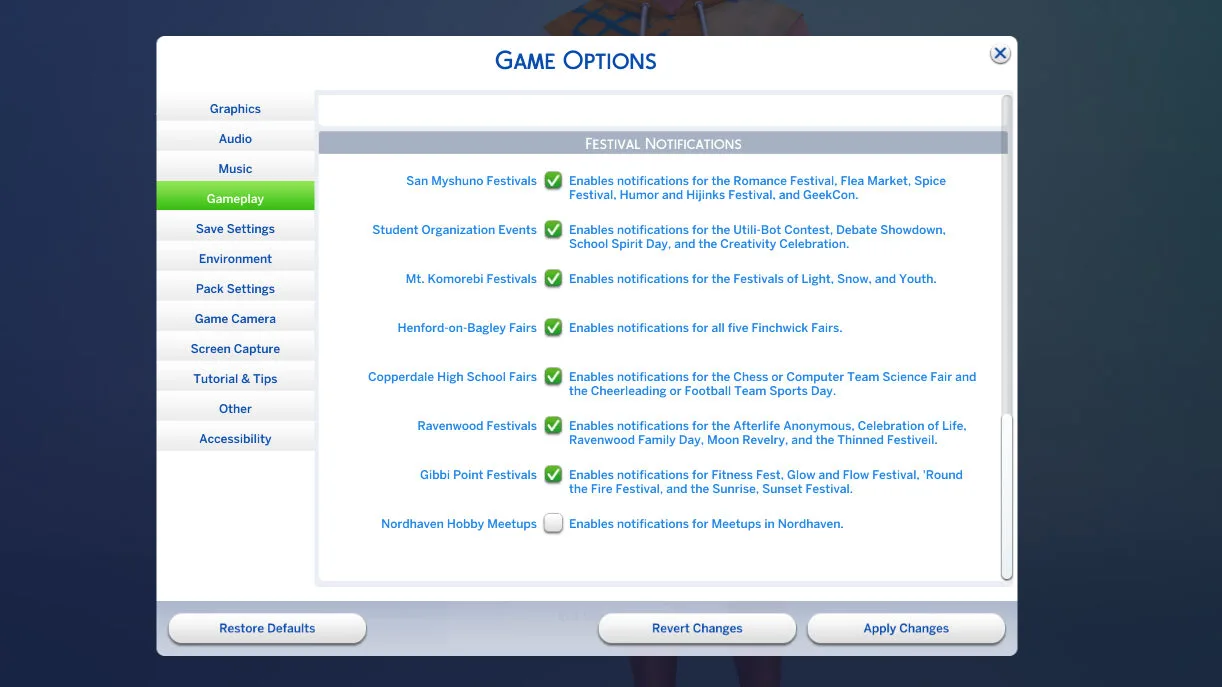
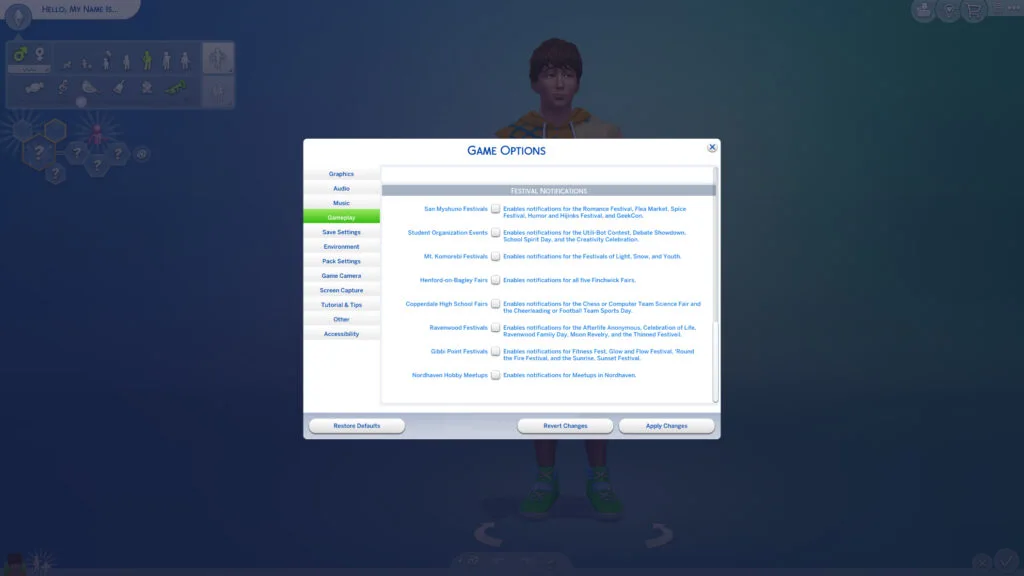
Like a previous update that added the ability to disable the repetitive festival notifications across the copious Sims 4 DLC, Nordhaven Hobby Meet Ups now have a toggle as well, allowing you to ignore them or just disable them if you don't want them for now. You can always go back in and enable, disable, re-enable, etc., to your heart's content.
Bug Fixes
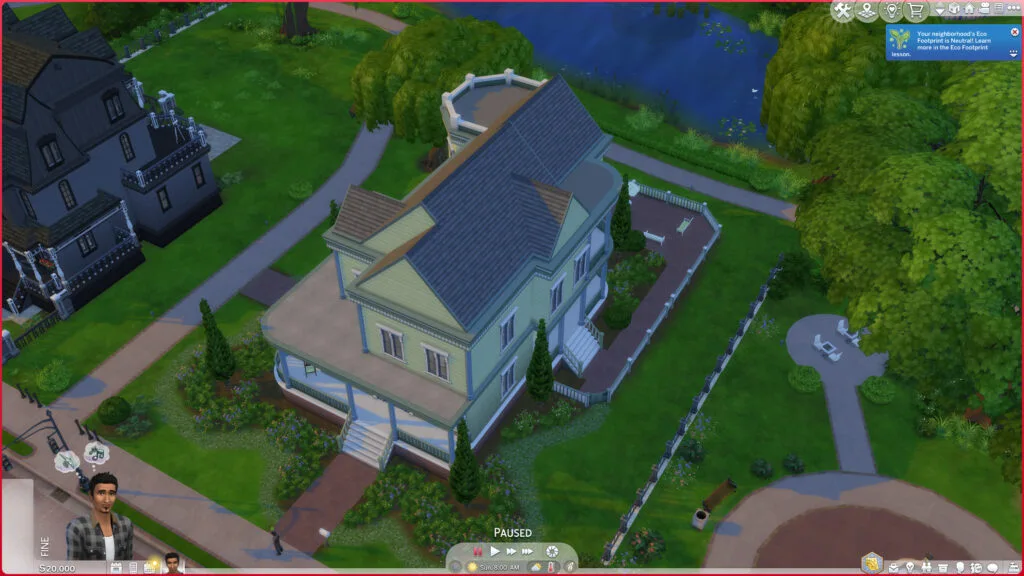
Not too many bugs were addressed with this update, with most of it going to adding the new features and items, as well as a few specific instances of bugs. The primary one was the roof bug introduced in the Sims 4 June patch, and it seems that it has been resolved.
From the official patch notes, here are the fixes implemented for issues that were highly upvoted on the EA Forums.
- [EA Forums] We've done extensive testing around ‘Corrupted Lots appearing in saves with a lot of Residential Rentals.’ This has been the top “Save Corruption” issue reported that we’ve been tracking. Using Memory Boost (which is now available for all players with this patch) we are no longer able to reproduce this issue on any of the saves we've collected. As we’ve addressed all other reports in this EA Forums thread, we’ll be closing the thread, but are watching for more feedback since reports like this are very hardware dependent and might vary depending on user setup.
There are some remaining visual issues we’ve noticed with the UI when a player had mods installed in a previous save but then removed them. - [EA Forums] We’ve resolved an issue where parts of a roof, or entire roof sections, could disappear when viewing upper floors in Build Mode. Roof pieces should now remain visible and render correctly regardless of the selected floor level.
- [EA Forums] We addressed a crash that could occur after playing for a few Sim hours relating to caching.
- We fixed a game crash that could occur after interacting with a Sim that was a member of the active Household.
Have you used and how do you feel about the autosave feature, as well as the new additions to Create-A-Sim? Let us know! Make sure to follow The Sims Community for up-to-date news on new features in The Sims and beyond!

7 Comments
I like the new premade sims. Happy to have more diverse bases and jewelry.
I wish we could customize our sims age and zodiac signs.
Really loving all the new elements that get added lately. Especially when it comes to more diversity :))
Are the bamboo earrings positioned oddly on the Sims ear or is that just my game?
Since this update I’m stuck in a ‘Game files corrupted and need repairing’ loop, whatever I do, with a completely vanilla game… Anyone else?
I am unable to launch Sims 4 following the update – there is a message that says there is a “failure to launch” on EA side. My game was working just fine prior to the update – now it will not launch. Any suggestions?
Check the executable at Virus total
It is said update has trojan
Welcome to Sims Community!
Our community is about connecting people through open and thoughtful conversations. We want our readers to share their views and exchange ideas in a safe space.
In order to do so, we've created a simple set of rules that will improve your experience. Simply put, keep it civil.
Your post will/might be rejected if it contains:
User accounts will/might be blocked if we notice:
So, how can you be a power user?
Thanks for reading our community guidelines. Please note that we're aware of certain issues with Sign In / Log In and Create Account / Email Confirmation issues. We're working behind-the-scenes on a new Account Creation process. Thank you for your patience and remember - freedom of speech is not freedom of reach