

There are plenty of heavily modded versions of The Sims 4 floating around the internet, but every now and then I stumble across one that makes me genuinely question whether we are all playing the same game.
That was pretty much my reaction when I came across this player video from NishaImanSims.
Life lately as a senior High School student living in Copperdale 🌲 pic.twitter.com/R5pWdZsKm8
— nisha (@NishaImanSims) August 2, 2026
Because yes, underneath all of this is still Copperdale in The Sims 4. But between the lighting, camera work, animations, detailed environments and some very meticulous work, it certainly doesn’t look like the game I see when I casually load into a household.
So naturally, I wanted to know how she did it.
And, more importantly, what would happen if I tried making it myself in The Sims 4?
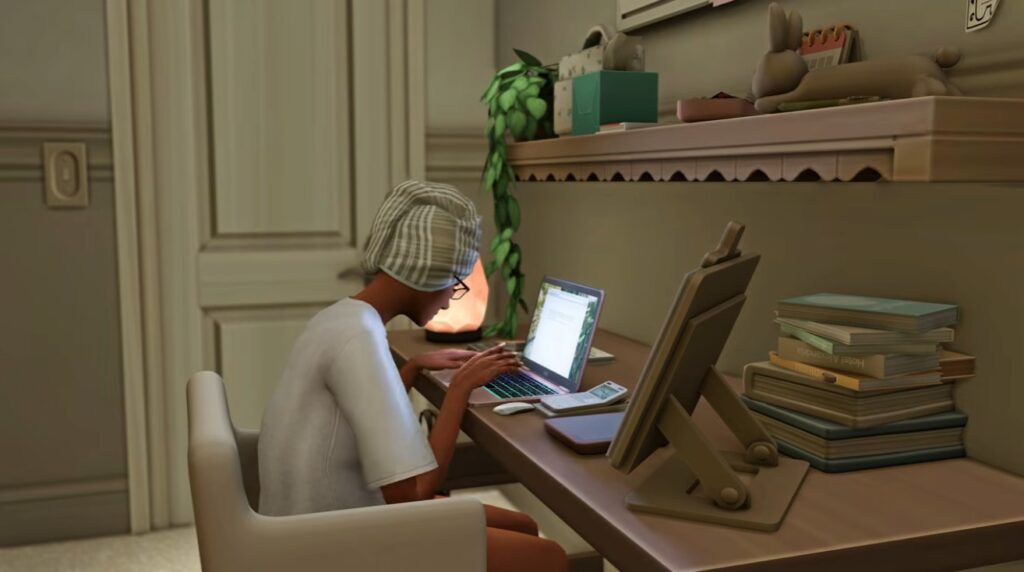
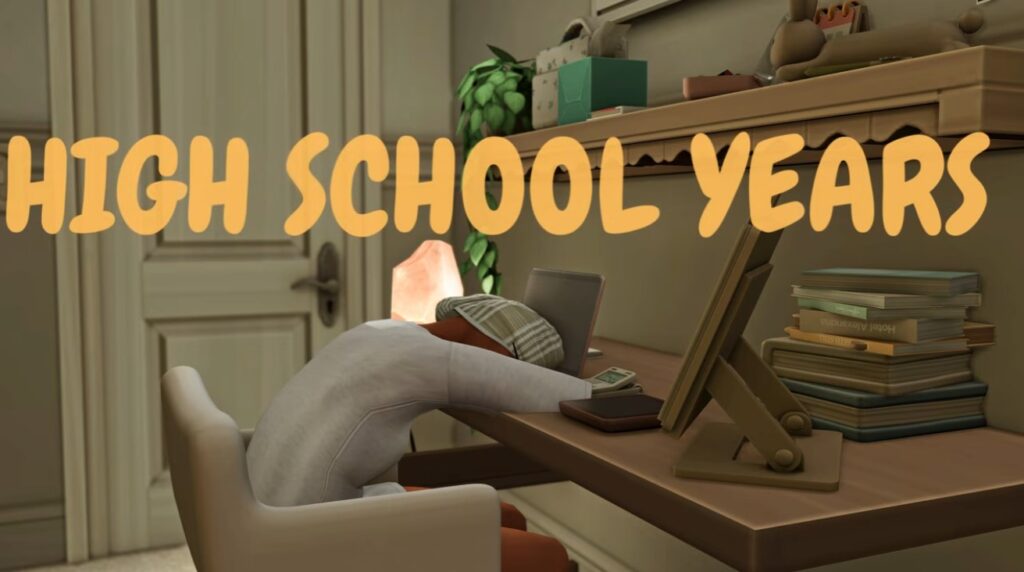
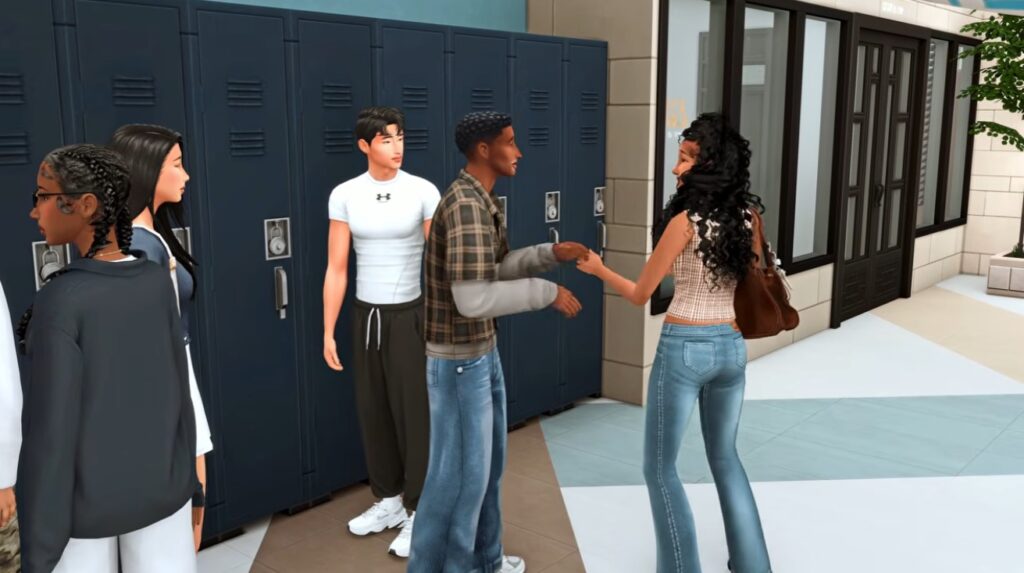
Table of Contents
Meet NishaImanSims



She isn't simply recording gameplay. She is staging scenes.
NishaImanSims is a storyteller and content creator whose content follows the lives of her Sims rather than simply documenting traditional gameplay. Her Patreon describes itself as a place for viewers to go deeper into her stories, with behind the scenes updates, sneak peeks and community involvement in future episodes.
More importantly, Nisha has openly discussed wanting to incorporate machinima and more cinematic scenes into her storytelling.
Machinima essentially means using a video game engine to create filmed or animated storytelling. Instead of simply recording whatever happens during gameplay, the game becomes your film set.
And once you look at Nisha's videos through that lens, everything starts making much more sense.
Her Sims 4 High School Years series follows Maya and her friends as they navigate high school and all the ups and downs that come with it. She mainly focuses on the world of Copperdale and everything it has to offer. Though she isn't just doing it through your normal gameplay, she is telling a story, she is directing scenes. She is making masterpieces.
So This Isn't Just Heavily Modded Gameplay for The Sims 4?
“Okay, what graphics mod is this?”... Nope! What we are looking at is a stack of different techniques. The character appearance - how you get your character looking their absolute best, dressed to the nines or perfectly done to suit their nerdy/preppy vibe, is one layer. Custom animations and poses that you place in to create scenes, movement and bring more life into the moment adds another layer.
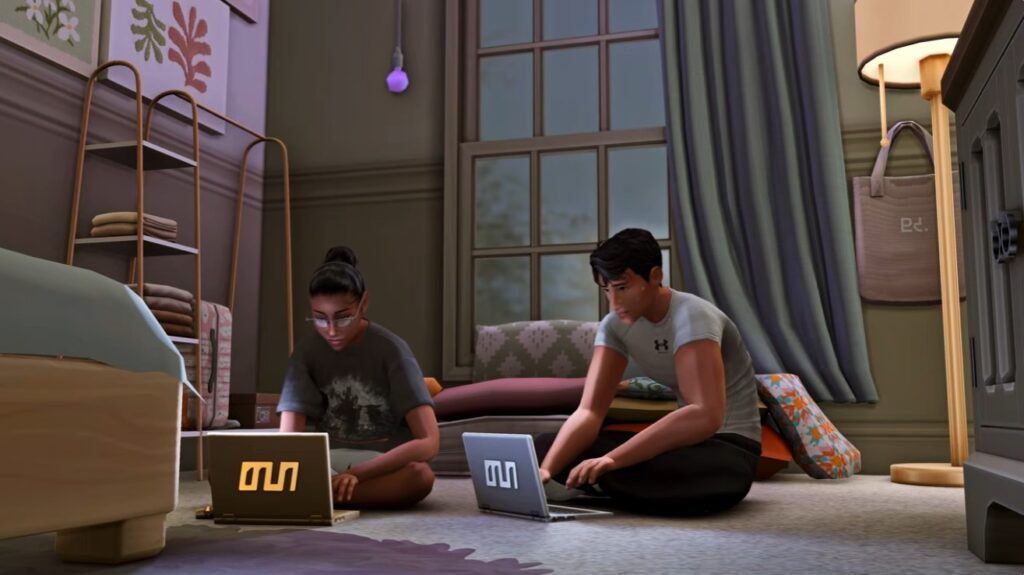
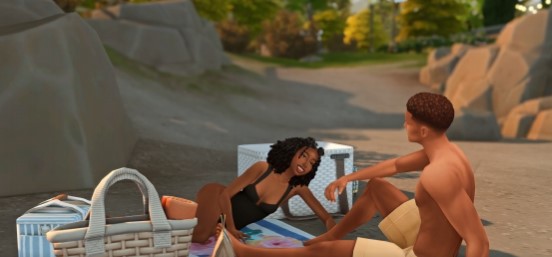
Lighting/ReShade plays a big part but it is yet another layer. The environment is another because these worlds have some really stunning spots hiding in plain sight. Camera placement and the angles you choose to position said camera is another. Editing too because at the end of the day, an artist must put their final magical touches on their artwork. And that is exactly what this is, artwork. You get the picture so far right? Layers, there is so much more that has gone into this video than just The Sims 4 gameplay and screenshots.
And when everything is combined, the original Sims 4 presentation becomes increasingly difficult to recognise.
Let's break this down, shall we? From Mods and custom content, to the Reshade/Gshade you might use, some specific camera work, editing and then the finished look - let's dive in!
Step One: I Needed The Same Mods
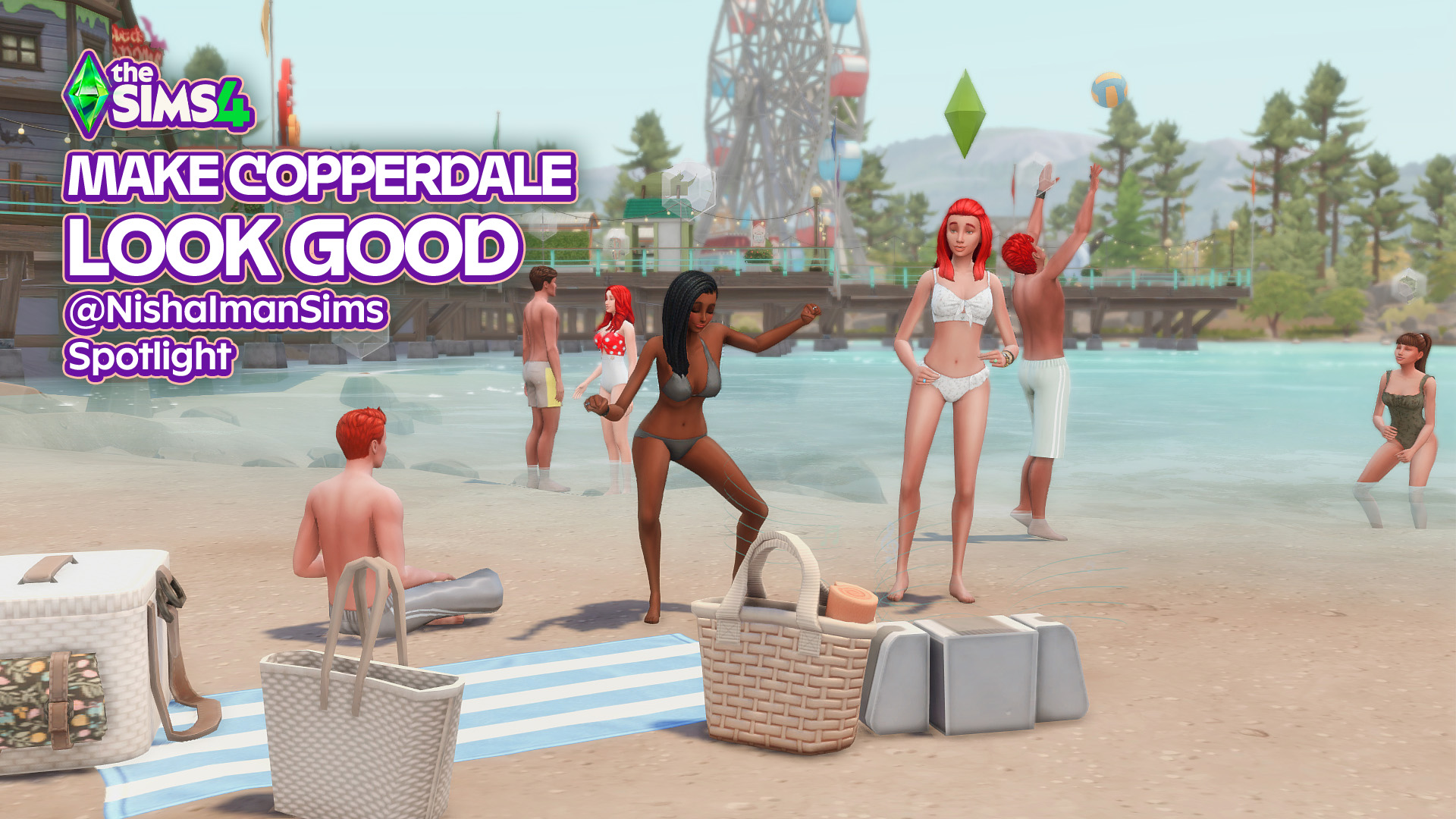
First up was finding all the specific mods used in this particular video. More than anything I was captivated by the first scene. Her Sims are at the beach in Copperdale, playing volleyball, sitting around chatting and playing around in the ocean. It's a film set, with every Sim in their place and every prop meticulously positioned.
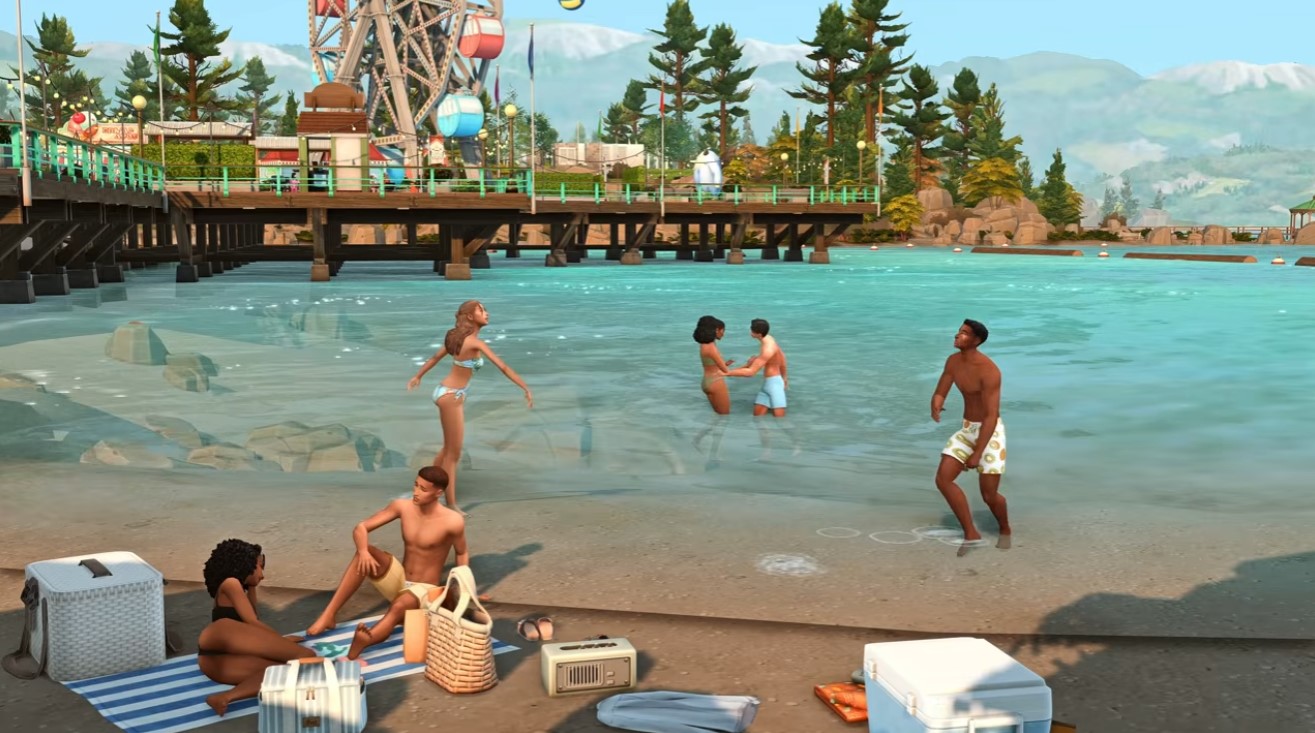
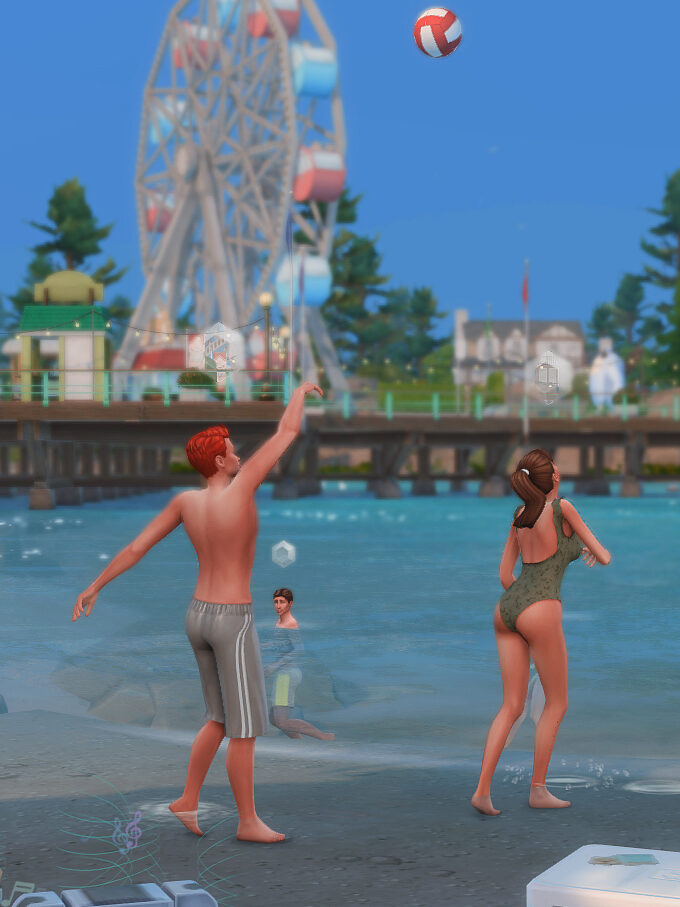
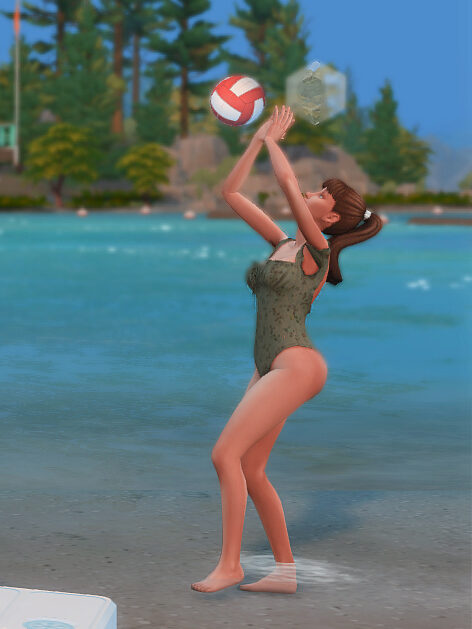
Vollyball mod - Utopya
The first scene showcases two Sims playing volleyball, something we don't naturally have in the game. This is a mod that adds a new activity for two Sims to engage in. The animations and different movements that come with this mod are fun to watch and see too.
Why it matters here: The volleyball gameplay is one of the first things you notice when the video begins to play. It brings height to the scene, activity, movement and helps widen the shot so your eye moves across the frame.
Do you actually need it? No, you don't NEED it, but how fun?
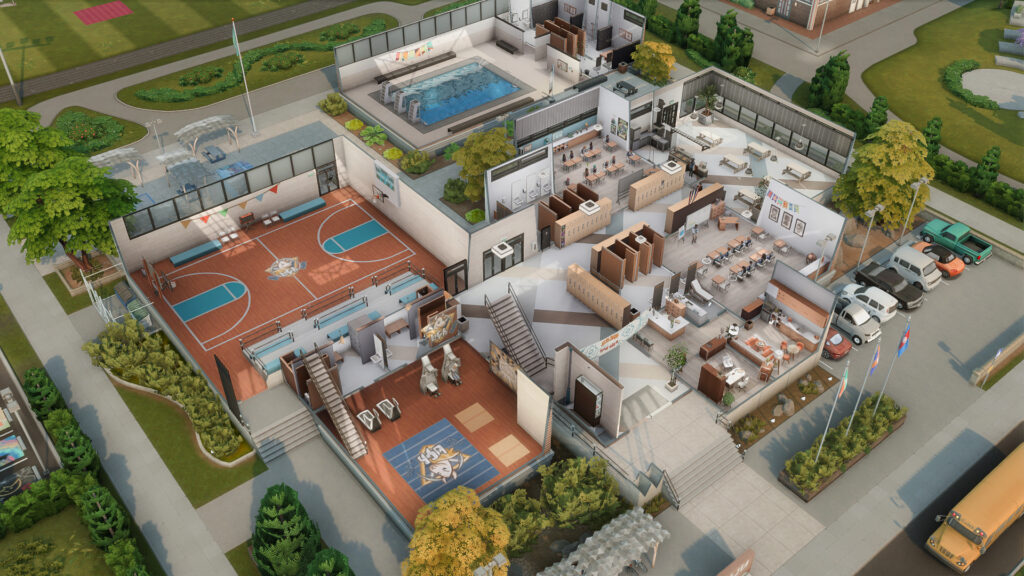
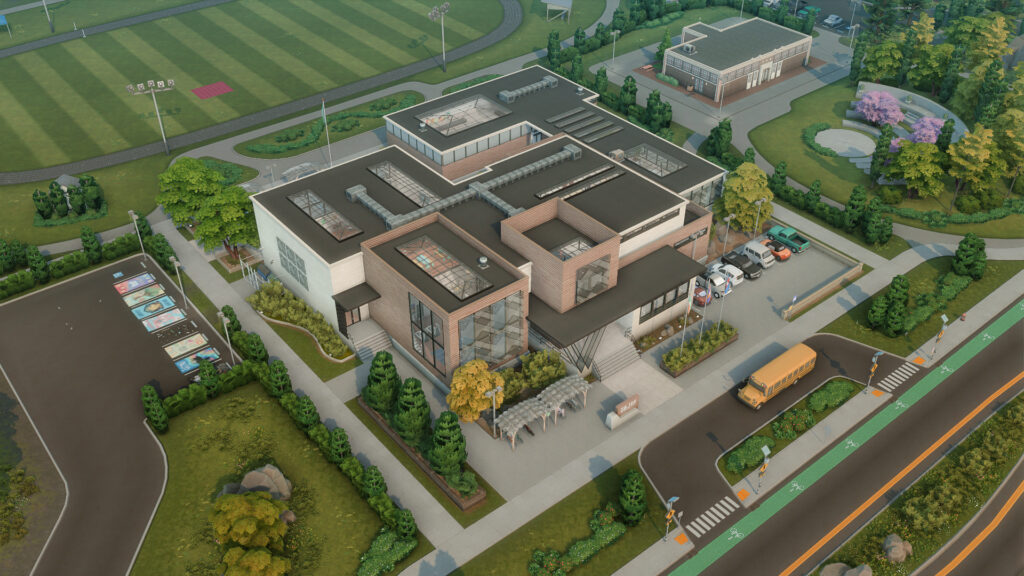
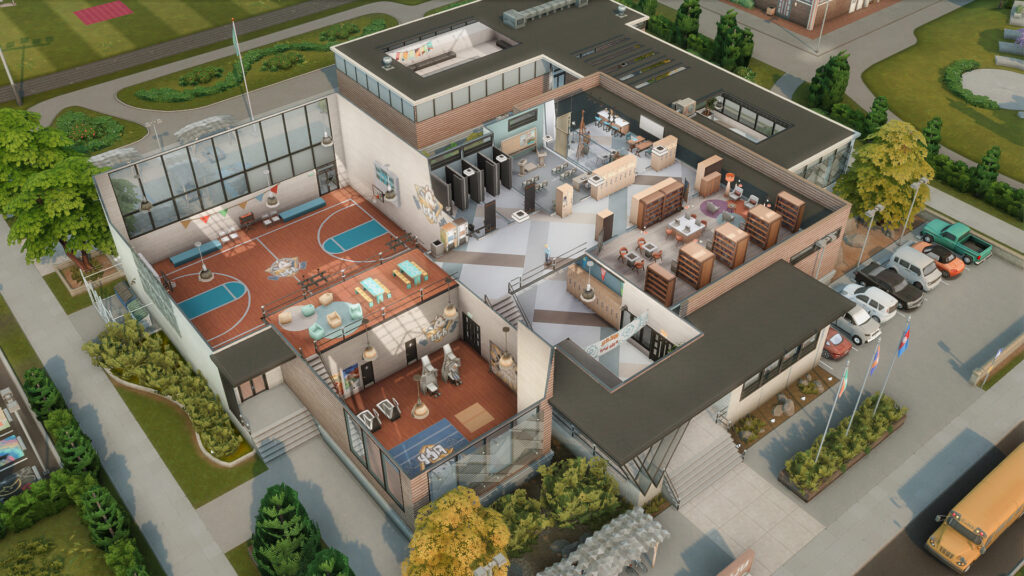
The next scene once we move away from the beach is one from the high school. The teens are standing around in the hallway, nothing out of place or out of the ordinary here but NishaImanSims has noted she uses a gallery build for her high school. More specifically she uses schnuck01's high school build which is one of my personal favorites too!
Girly Dance Animation - Steven Studios
This mod adds a fun dance animation for your Sims, it adds to the vibe of your gameplay, because who doesn't love a good dance party in your room with your friends?
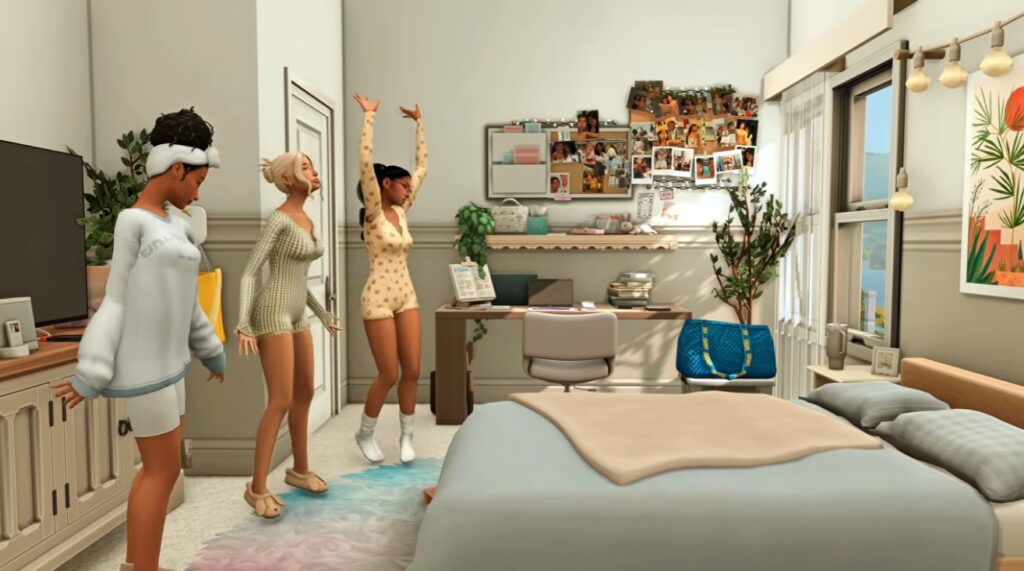
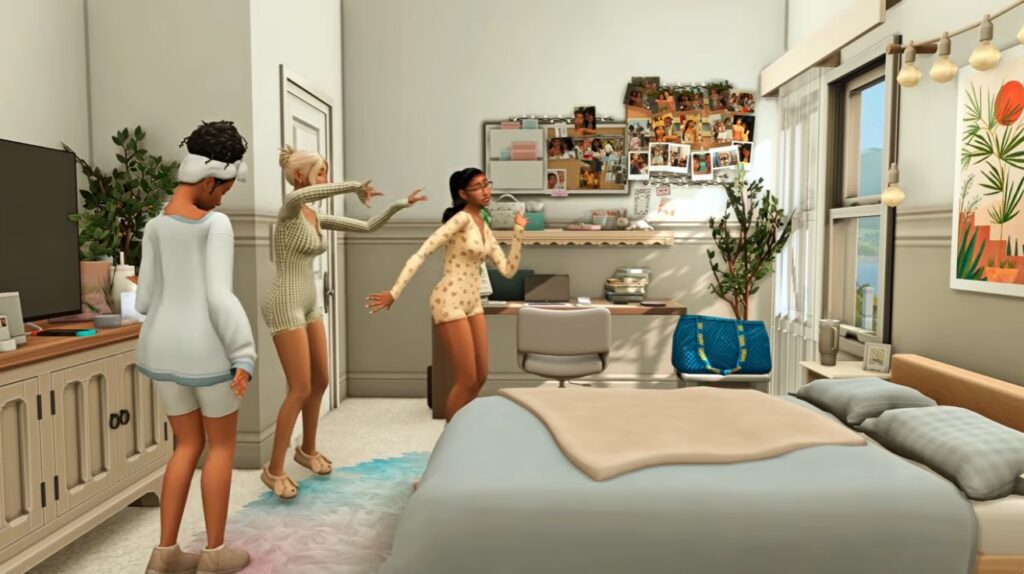
Why it matters here: The one scene in the video showcases this mod with NishaIman's main character and friends dancing in Maya's bedroom in a cute and girly way. It shows a cozy, intimate moment between friends where they can just relax and be themselves
Do you actually need it? No, you don't NEED it, but if you are looking for some fun and different animations and actions in your game this could be a fun addition.
Skate Anywhere mod by LittleMsSam
The next scene shows Maya, the main character of the series, and her two friends skating down a boardwalk. "Go Roller Skating" can be found under your Sims main menu bar, under "more choices...". It gives the same animation as skating in the designated rinks that come with The Sims 4 only now your Sims can do it freely down any path they find.
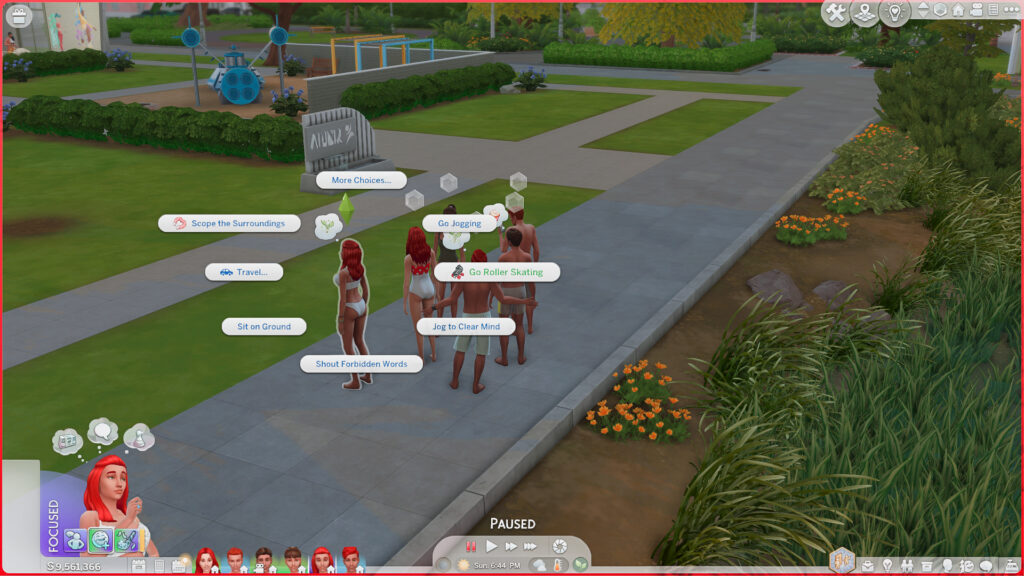
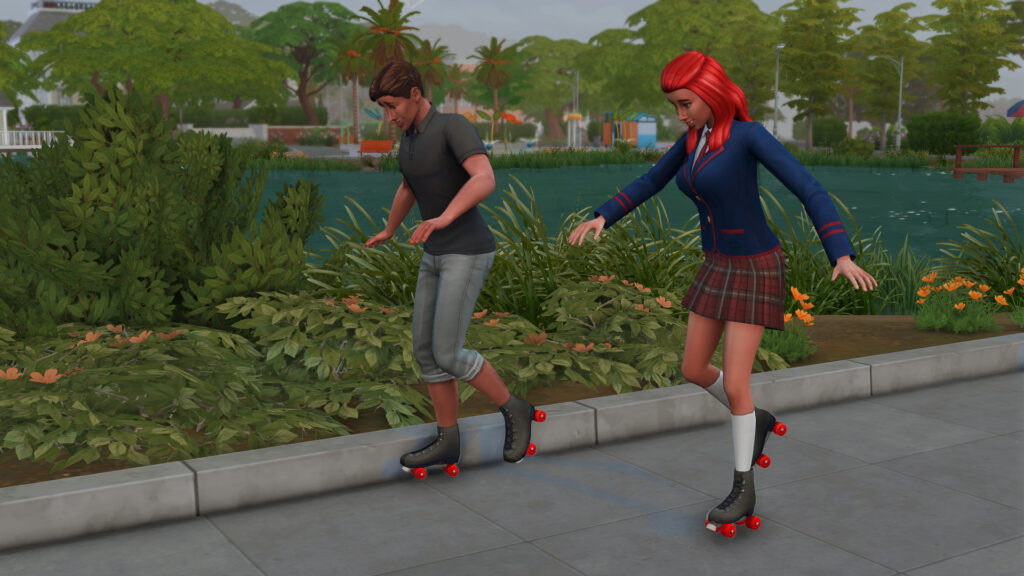
Why it matters here: Again this is another fun add on for animations and activities for your Sims to do. NishaImans' Sims seem to have the skating down and smooth where mine were still learning the basics of moving forward!
Do you actually need it? No, you don't NEED it, third times the charm with just adding more interactive things to your game.
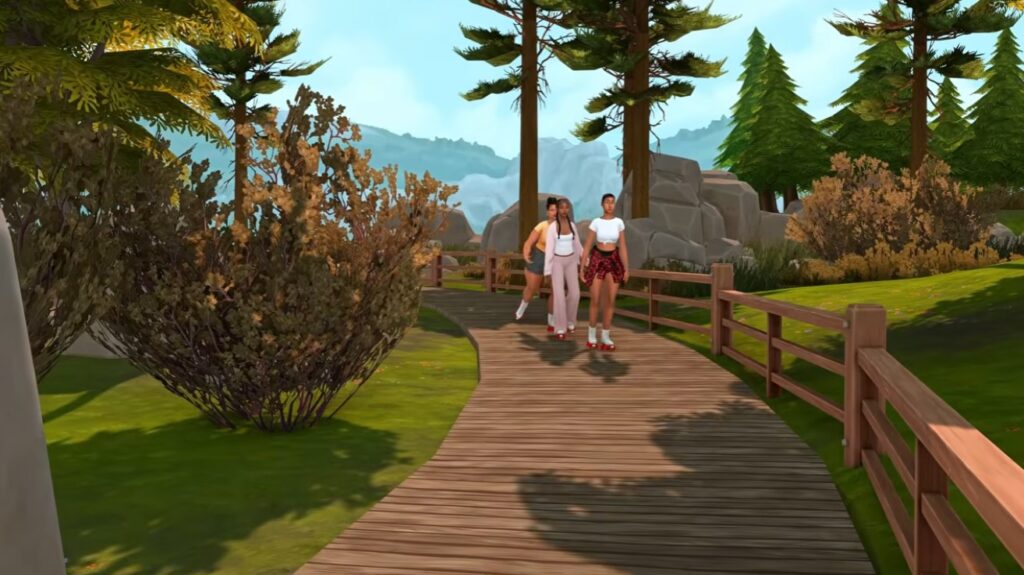
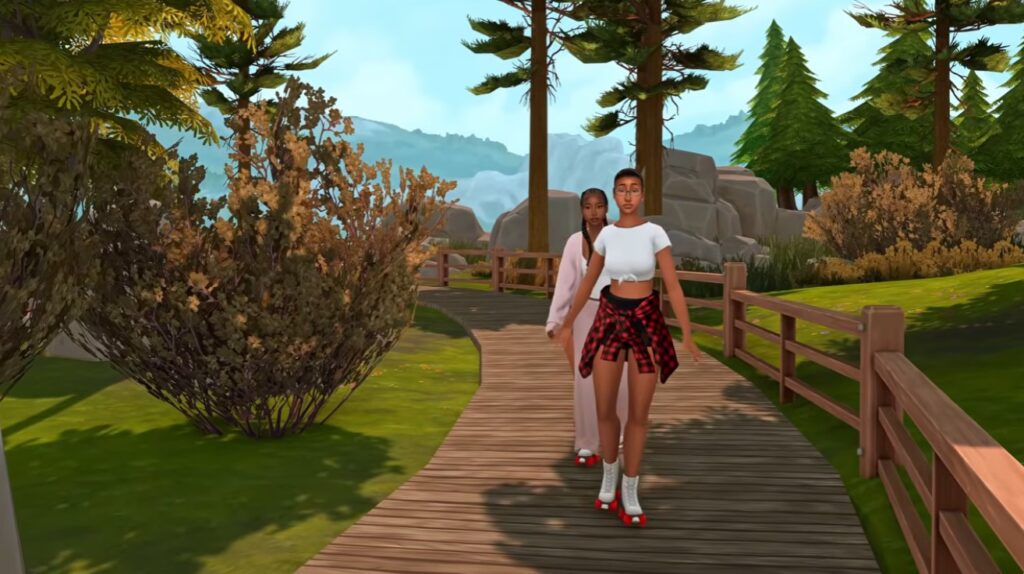
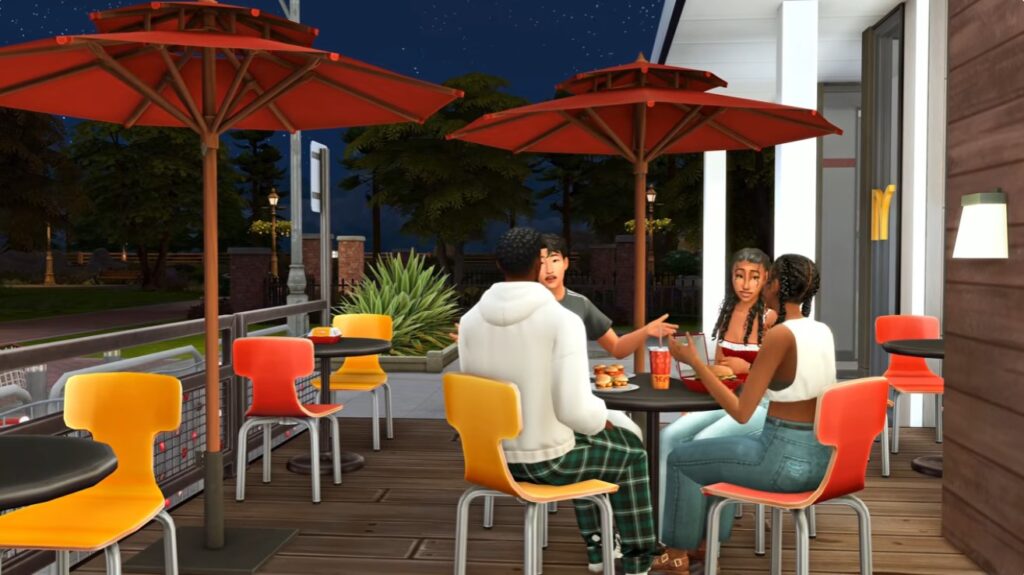
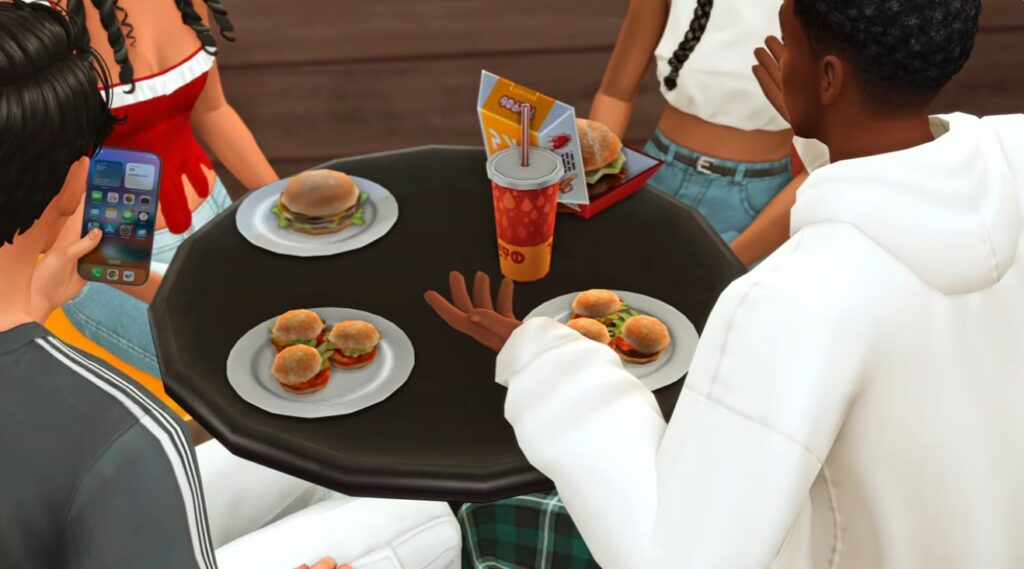
The next few scenes mix in some regular gameplay, with some custom content and overrides for food and phones, sprinkled in. Then last but not least...
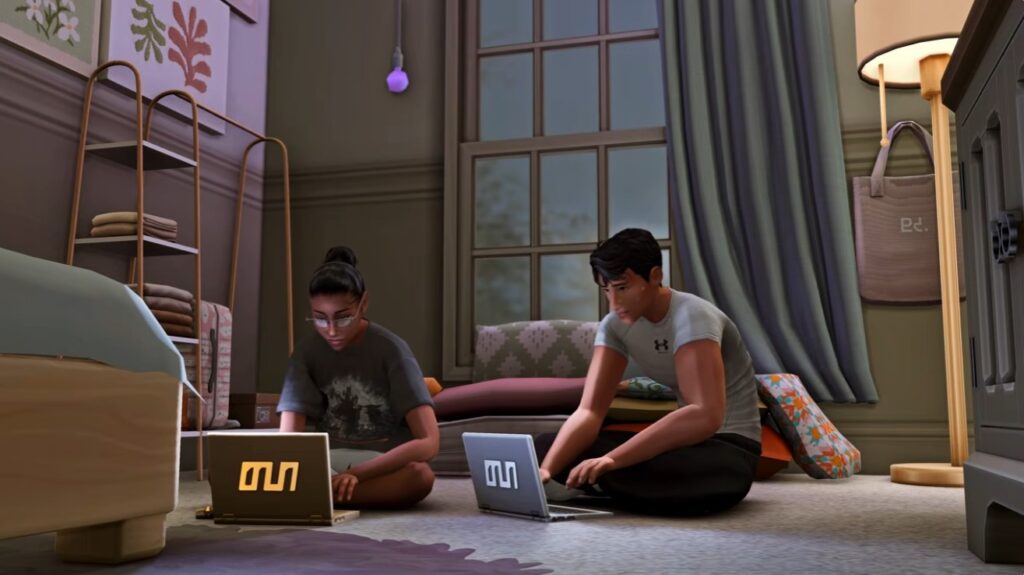
Nap on table mod - Simkatu
The final scene ends out with Maya finishing up her homework and then falling asleep at her table ontop of her laptop. You can find this interaction on any surface with a chair placed in-front of it. Click on the surface and the option to nap will pop up
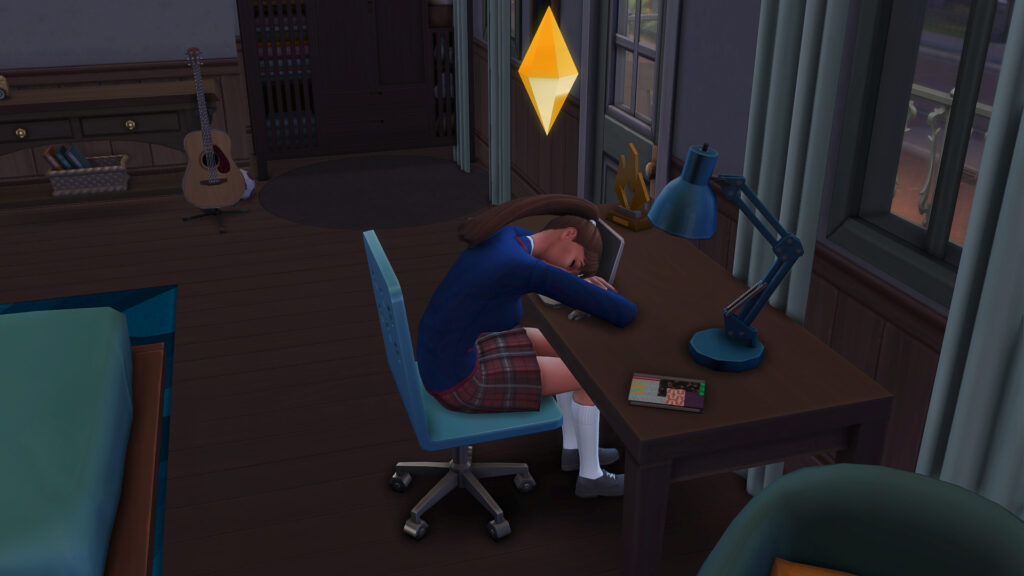
Why it matters here: I would like to think the relevance of this animation being added into the game is to show that after a long day of school/work followed by assignments/homework you are generally tired, and NishaImans Sim Maya just needs to rest her head briefly after some hard work.
Do you actually need it? No, but how relatable? I had a perfectly suitable desk in high school but I would do my homework on my bedroom floor and on the odd occasion I would fall asleep!
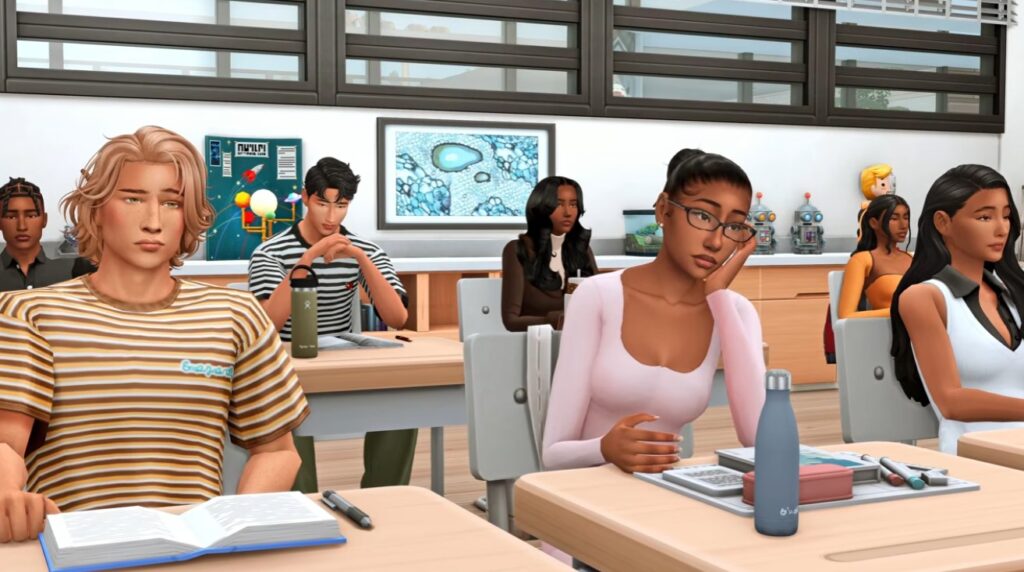
Recommendation: Interactive Classroom mod by FrequentlyBasic
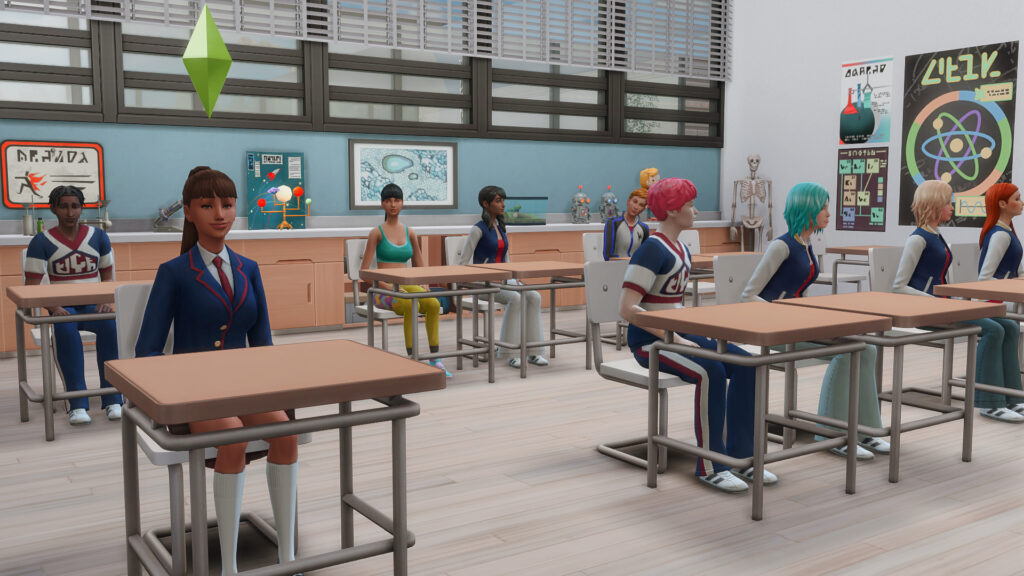
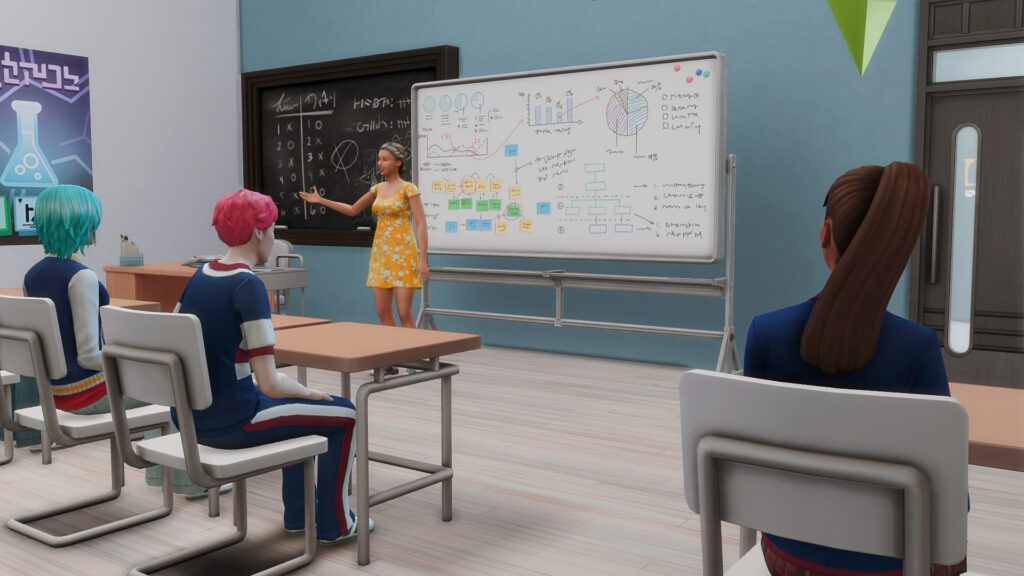
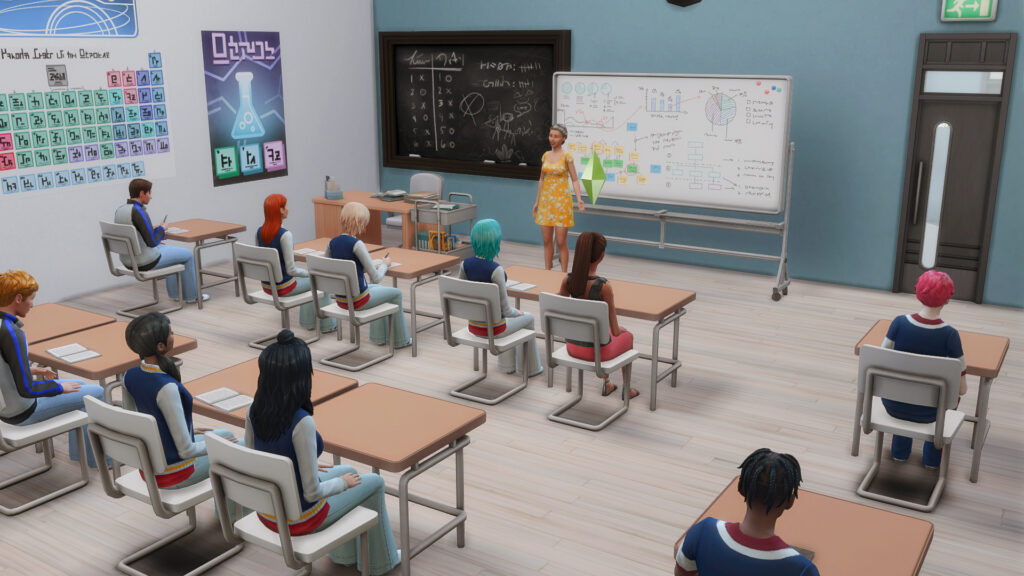
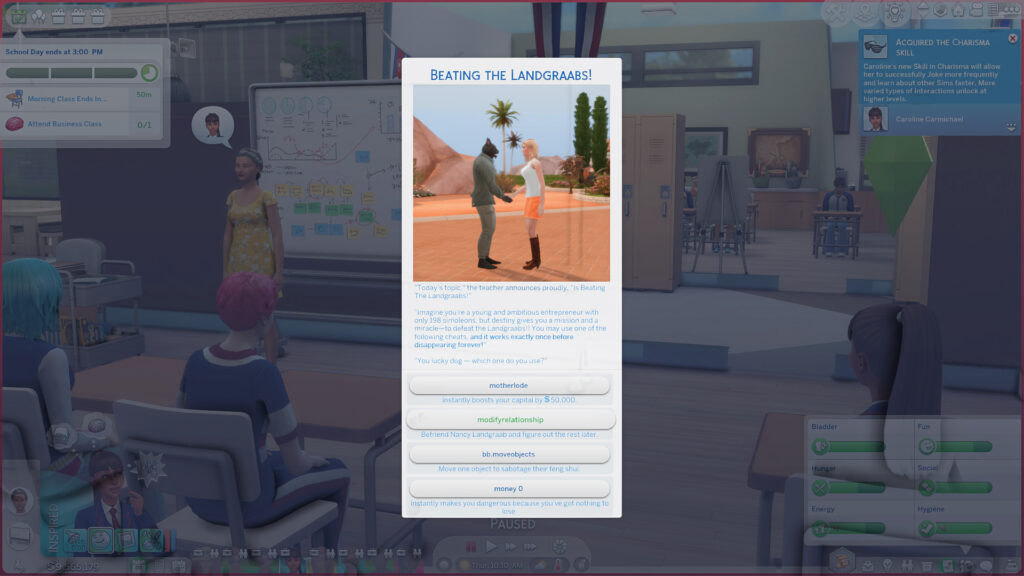
NishaImanSims has explained that in the classroom scenes she hasn't done anything too out of the ordinary with what you see. She has her sims posed using a pose player to get the perfect shot of her sims, just the way she wants them. But she does however recommend using the "Interactive Classroom" mod by FrequentlyBasic which gives your classrooms a more immersive experience and interactive element. Your Sims and others will be called on in class to answer questions and be more involved which adds a fun element to High School Years.
All other mods that Nisha uses are listed on this Tumblr post (at least for the first episode, each episode is listed on her Tumblr with a list of mods under each).
Step Two: Getting The Sims To Stop Acting Like Sims
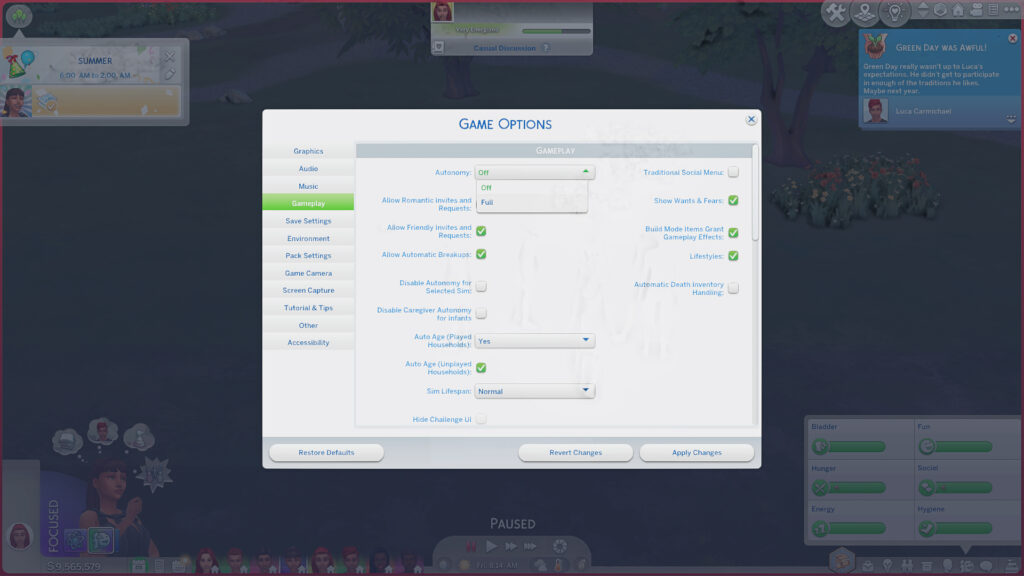
Gameplay control is a huge part of this whole process. Anything that lets the creator stop Sims wandering off to wash a glass halfway through their Oscar worthy performance is a game control but the main one I would suggest first and foremost is turning autonomy off in your gameplay menu. Normal Sims gameplay is chaotic because Sims are autonomous little weirdos. Machinima reverses that relationship. Instead of watching what Sims decide to do, the creator decides what the Sims need to do for the shot. This includes mainly the poses that the Sims are in, which is achieved by pose players and pose packs created by talented Simmers around the globe.
Ontop of that, a good UI mod can help you get rid of any negative buffs your Sims might have. Bad moods they might be in, needs that have been drained while trying to get everyone into position - all of this can be cleared with a click or a cheat that helps prepare your Sims for the scene.
Because gathering your Sims all in one place sometimes isn't enough as it is, sometimes you need a pose player or a teleport sim mod to place Sims exactly where you need them. There are plenty of pose packs out there, you can find a lot on CurseForge that could suit what you are after, just type in poses and a whole lot should show up. Not finding what you are looking for? Run the same search on Tumblr or Pinterest and you should find what you are looking for and so much more. And Scumbumbo has a Teleport Any Sim mod to help get your Sims into the perfect spots.
Another trick is to turn the headline effects off in-game which essentially makes the Plumbob that floats above your active Sim disappear. Trickier to keep track of who you are controlling and where they have wandered off to BUT very useful for screenshots and filming to get more immersive and into the scene.
Then There Is The ReShade
Reshade is probably one of the most popular things in the Sims gameplay. There are so many versions of Reshade that you could download and plenty of tutorials online and on YouTube for how to install it. There are also a variety of player edited ReShades like the one NishaImanSims uses which is the "Pearl" Preset by Pixelglam - ReShade can dramatically change the mood, but ReShade alone doesn't create the cinematic result.
ReShade is essentially a post processing tool that changes how your game looks on screen. Created by crosire, it lets you add effects like color correction, depth of field, improved shadows, sharper details and more. In simple terms, it is a bit like putting a very powerful filter over The Sims 4, except you have much more control over the finished look.
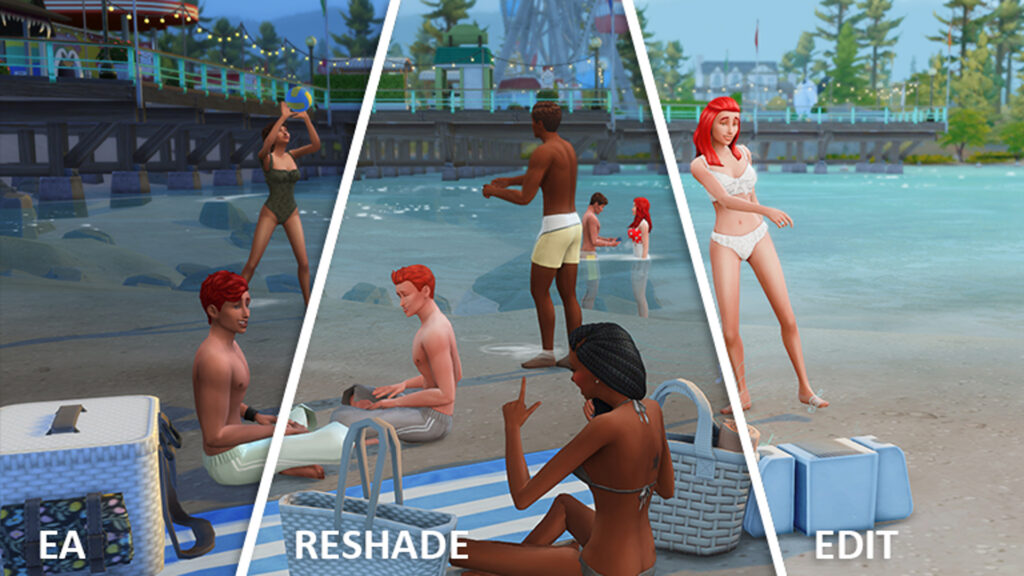
Now I am pretty sure my version of ReShade is broken to an extent... or Nisha has done some extra tweaking of her own to the ReShade preset to get it to look just the way she wants. I got mine looking beautiful, not quite the same as Nisha's, but still so so beautiful.
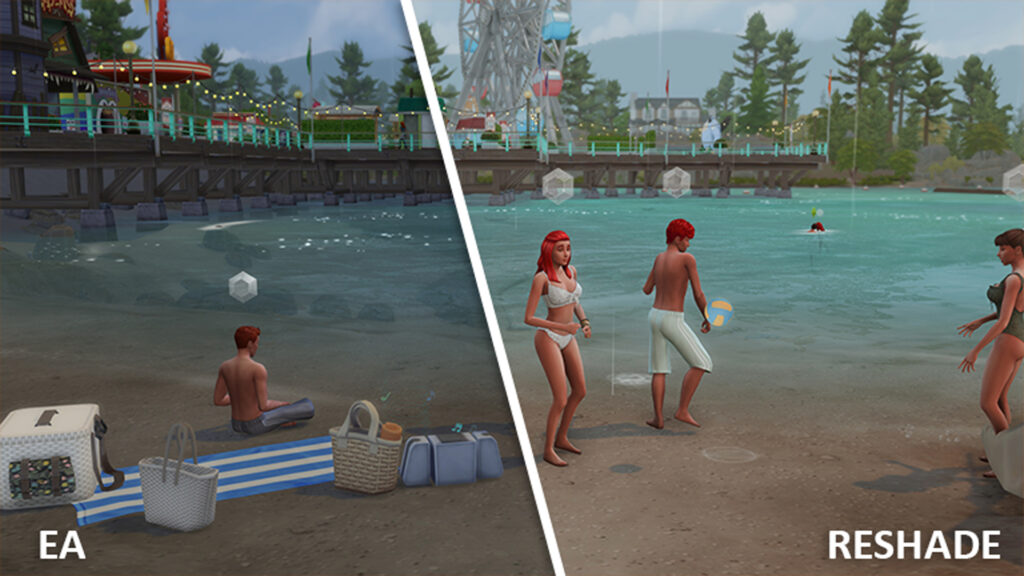
Please excuse the rain... typical Sims game doing things you aren't planning for.
Also The Lighting Is Doing More Than You Think
Speaking of the rain, a perfect day can also make for a great backdrop. Just like cheating away moods and buffs, a good mod can help you change the time of day, the type of weather as well as the temperature of the day. So I don't just mean lighting mods, ReShade or Gshade. I mean how all of the above can affect the light, even the worlds themselves have different lighting. In most cases a sunny middle of the day shot is your perfect setup for amazing lighting but not every scene will be picture perfect, so plan for those shots too.
Step Three: The World Is Basically A Film Set
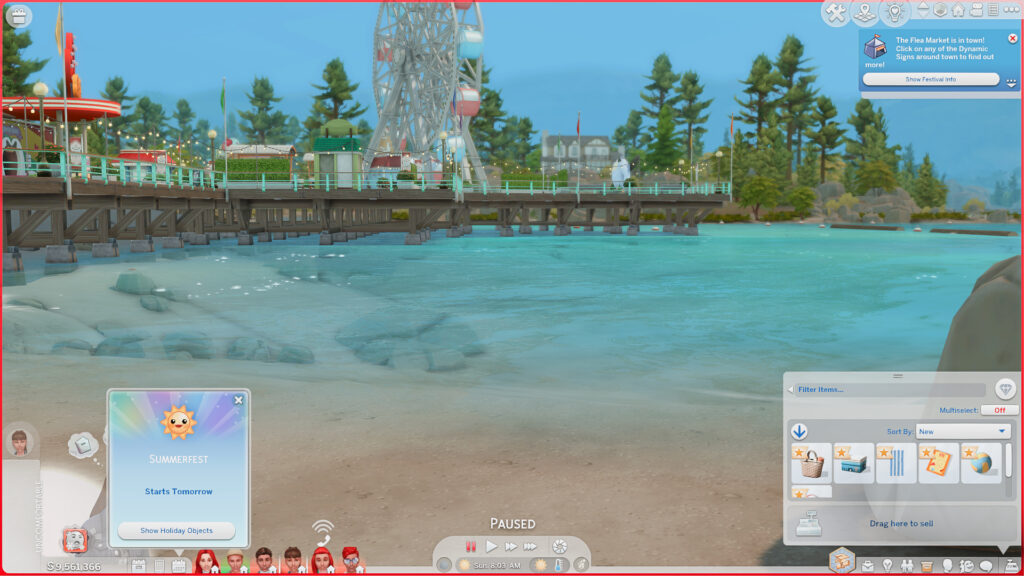
The world you play in can add a whole different dynamic in how your shots look. Keep an eye out for the out of place areas, the hidden gems, the perfectly curated areas the Sims team have setup. As I have previously mentioned, the lighting in each world is different too and should be kept in mind when using lighting mods/ReShade and doing editing after the fact. The Sims teams perfectly curated spots aren't the only areas to look out for, sometimes a lone little beach off to the side that seems like it may not be much might just be the perfect spot you have been looking for. They are everywhere - you just have to look!
Think about how you can add life to those spots with props and personal items. Think about angles and stories and how it can all come together as a perfect set, ready for the lights, the camera and the action.
The Camera Might Be The Most Important Mod Of All
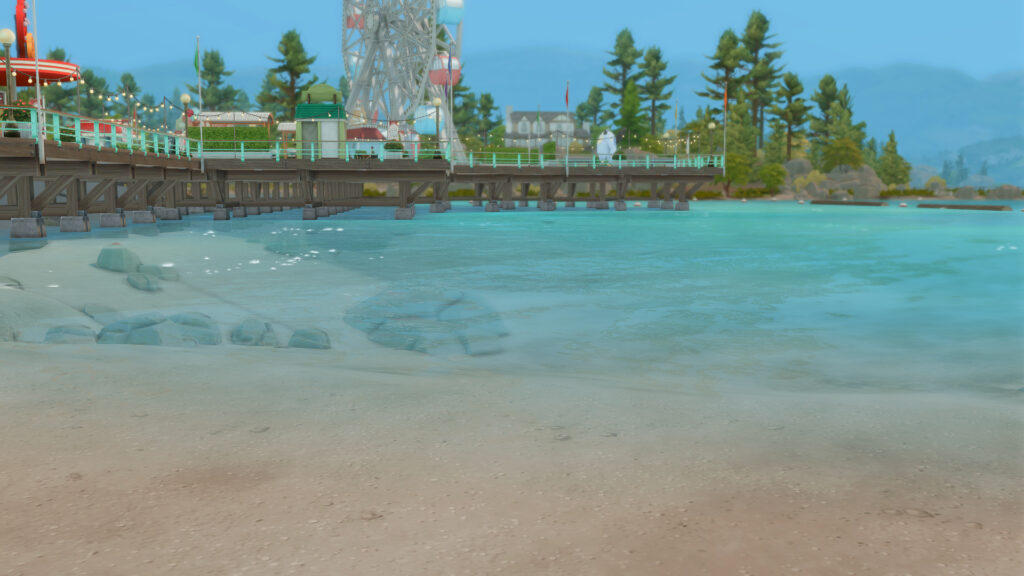
And now for the camera. Low angles, high angles, straight on shots. Depending on how you position the camera for your recording or screenshots plays a big part too. Angles create interest from the usual straight on shot so mixing the two together keeps an audiences attention. Low-angle shots are filmed from below, making a Sim look bigger, stronger, and more in control. It gives that main character/boss energy, like they’re dominating the scene.
High-angle shots are filmed from above, making a Sim look smaller, weaker, or more vulnerable. It can also show off the surroundings while giving that “my Sim is definitely not in control right now” energy and more an overview of a scene.
Eye-level shots keep the camera at a Sim’s eye level, creating a natural and neutral view. It feels like you’re right there with your Sim, without making them seem more powerful or vulnerable. Over-the-shoulder shots are filmed from behind one Sim while they face another, making conversations feel more natural and connected. It gives that “we’re actually in this conversation” vibe. POV shots show the scene through a Sim’s eyes, making it feel like you are the Sim and experiencing everything from their perspective.
Then there are the video elements too. Framing is one part but what about the actual camera movement? From static frames, slow pan in, to tracking shots, all of these elements add to the final piece in terms of interest, audience retention and storytelling.
Step Four: Recreating A NishaImanSims Shot
Nisha's own posts suggest there is quite a bit of preparation behind her storytelling. For one project, she described moving households into a new save, transferring friends, family and NPCs, setting up a whole Paris set, creating new Sims and even building an exclusive backstage area before recording. Getting the Sims ready for their big roles is also a massive part of this whole process and creating the perfect environment takes time.
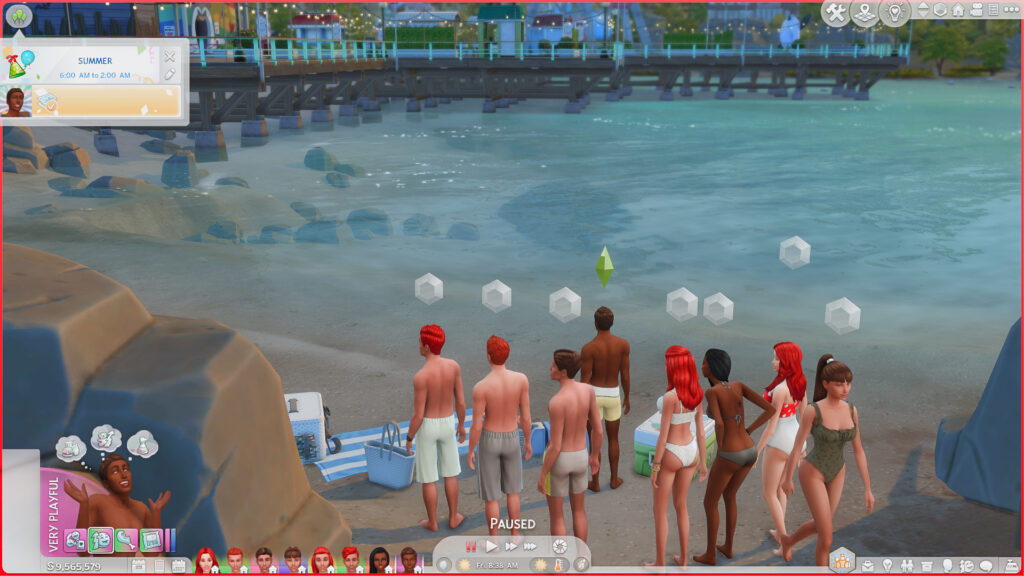
My first location from Nisha's video was a little beach cove in Copperdale. Views of the pier with all the rides and festivities as the backdrop. A cute strip of beach to work with. The outfits don't match perfectly but they are dressed in swimwear for a beautiful day out at the beach. Setting the time of day was made easy with a UI mod but placing the Sims? Well that required some fiddling, as did the setup of objects. This is where some extra mods come in to play.
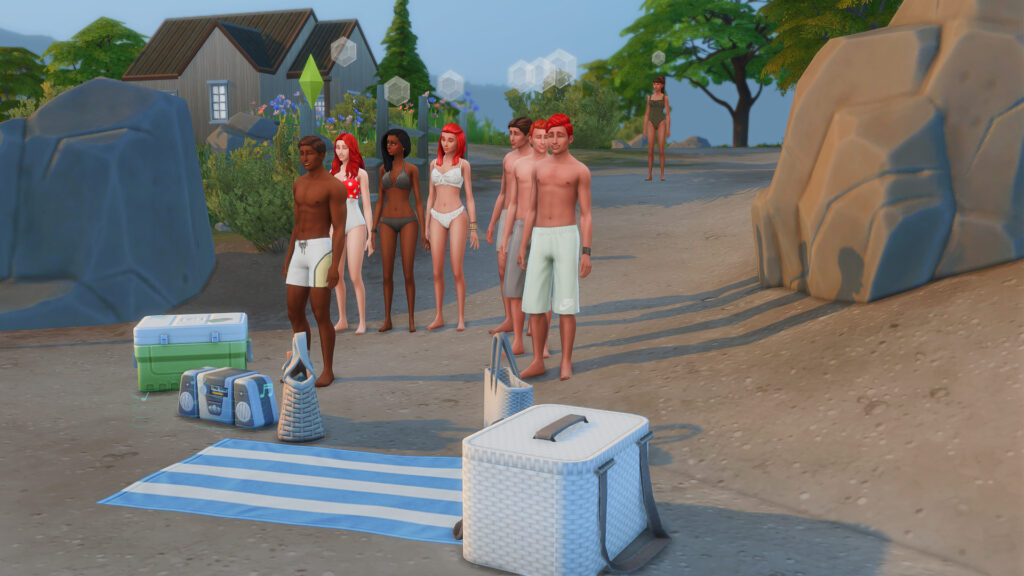
Placing the Sims required more than just getting them to all gather on the beach, because although they did that, they were all over the place. And with autonomy on some wondered off to do their own thing like play with clay, others were randomly showing things to other Sims on their phone or striking up games of rock, paper, scissors. So with autonomy off they all behaved a bit better. I didn't have pose packs installed that could have them sitting/lying on the ground having a conversation but for the most part I got them all where they needed to be... kind of.
It rained... mid trying to get the shot, after setting the time of day and sorting out everyones mood and getting the weather right... it rained. So that required another reset to get the rain to go away. Thank goodness for mods right! One or two random Sims wondered over but since there isn't anything specific to do here like fishing I didn't have to worry too much about them.
Placing props is another fun part. This is where the T.O.O.L mod by TwistedMexi comes in. You place all your objects down or move them out of your Sims inventory, using T.O.O.L you toggle the active object so it highlights in green and then you click the spot where you want it to go. From there it just requires a bit more tweaking to get it in the perfect spot and angle and then you are good to go!
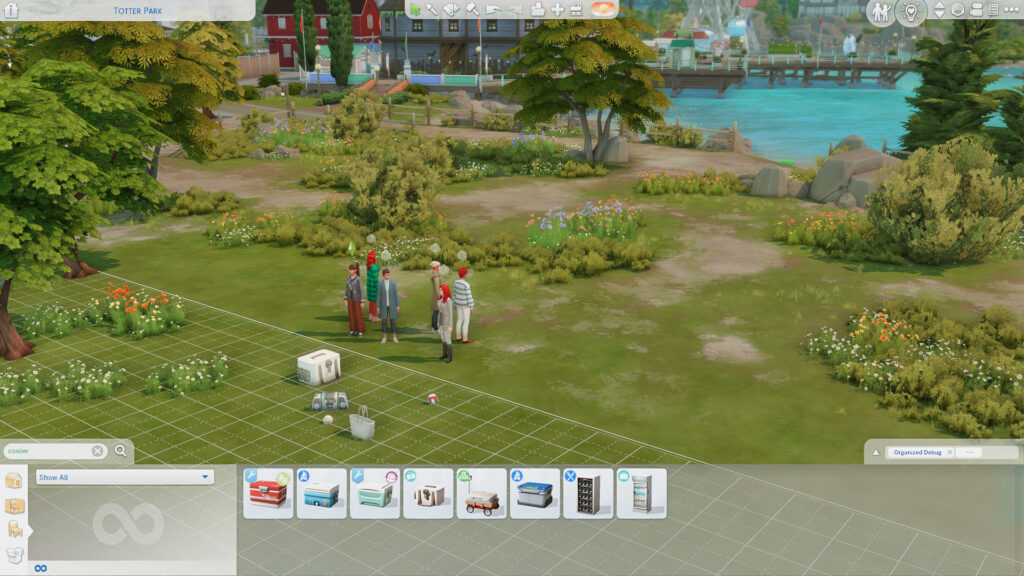
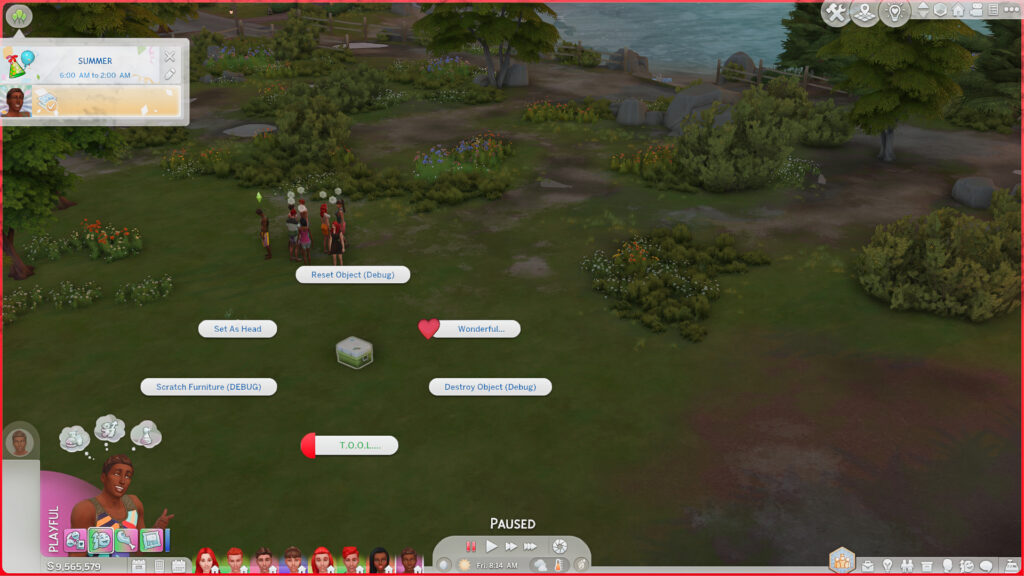
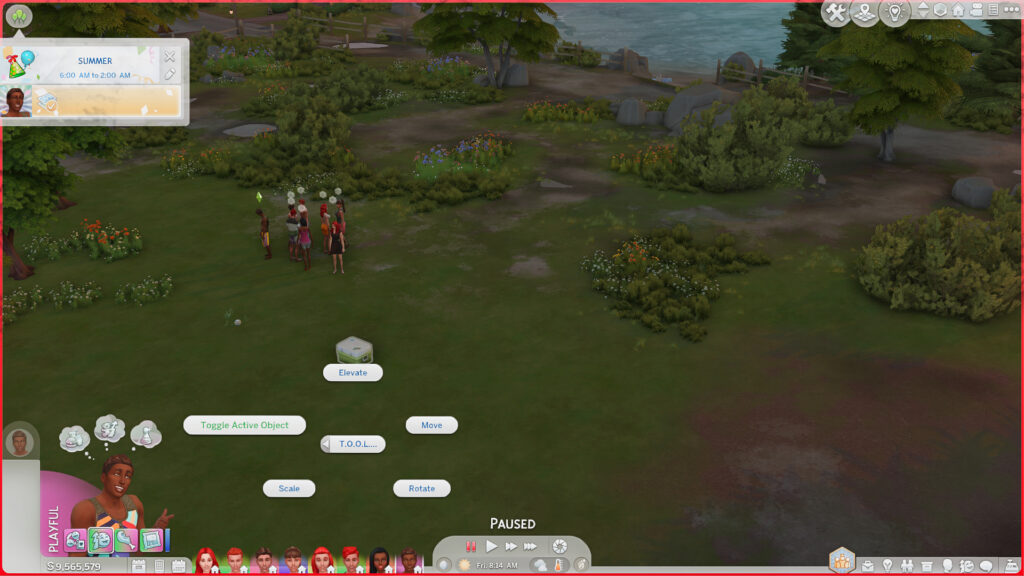
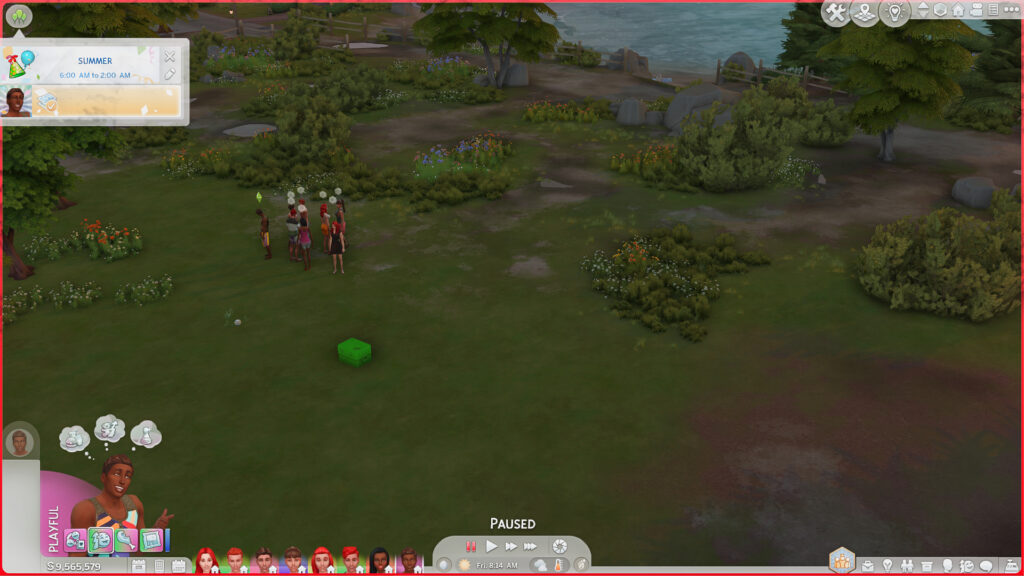
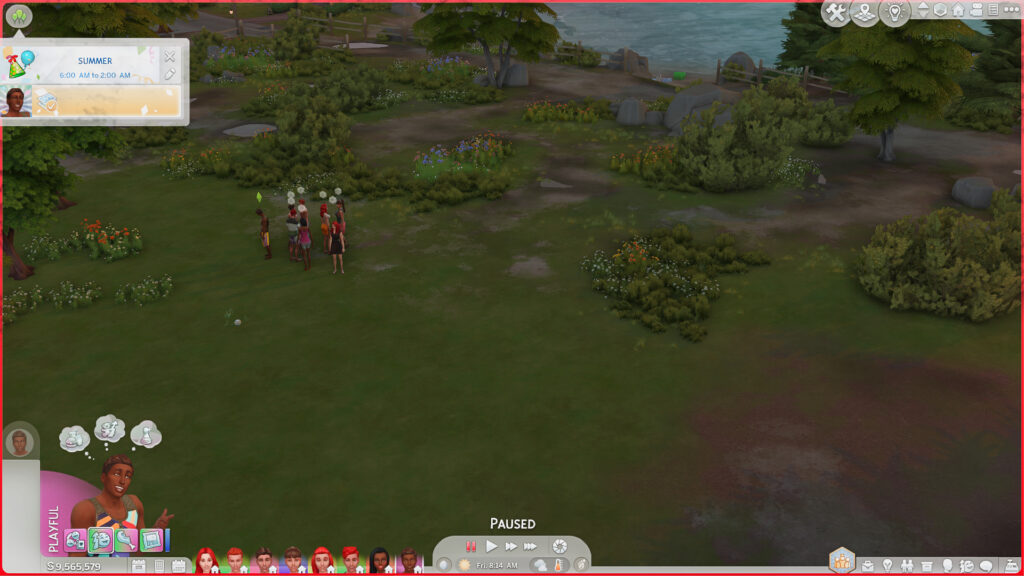
Once everything is in it's spot and your Sims are in position that is when the fun begins... or is it...
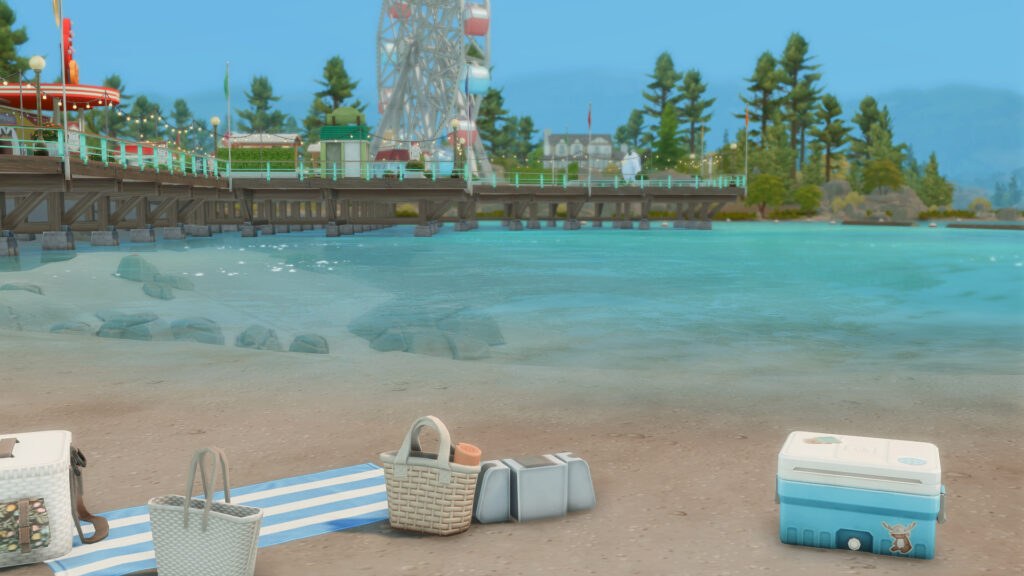
My Sims were facing the wrong direction in some instances, overlapping in others and just completely doing their interaction at the wrong time messing up the composition. Animations did not always line up. The camera or a Sim was clipping through something (the big rock to the right...). Lighting looking gorgeous from one direction and dreadful from another, or even the weather turning while trying to get the perfect screenshot which mine did, like I said - the rain decided to pop in and say hi.
I genuinely investigated how this was made, and I did struggle, and it did take a few trial and error moments and I did not get it as perfect as I would have liked... but I thoroughly enjoyed trying, failing, learning, and doing it all again! It isn't easy, NishaImanSims puts a lot of time and effort into these videos and it definitely pays off! They are beautifully crafted!
Recording It Is Another Skill Entirely
Camera work is the secret ingredient. Wide shots to establish location are used in the first frame. You get a feel of where they are, what they are doing and why they are there. Medium shots for conversations and interactions showcase a more intimate moment, showing what is happening inside the scene. Close ups to show the emotion or feel like you are part of the conversation.
Foreground objects to create depth. Background objects for more context. Everything has it's place in the framing and filming of the shot. Camera placement, the angle, we have spoken about this. They all play a big part in the final edit. All these things that may seem small are actually big decisions to make and keep track of along the way to make sure you get every shot from every angle to get the perfect outcome.
And Then It Leaves The Sims 4 Completely
Footage and filming once you have placed everything becomes the final piece of the puzzle. It isn't just about the screenshots in this case, it is about the footage you got along the way.
Cuts, pacing and transitions as well as cropping bring the audience into the film, keeping their attention and smoothly guiding them through the story. Then there is the music and any sound effects that may be applied. This also helps guide the audience with emotion and how the scene should come across and make you feel. Music is a powerful tool to help with atmosphere and setting the tone for a scene.
How shots are ordered to help tell the story and create a natural flow is important too. All of these things combined contribute to the illusion. Editing the video to make Copperdale in The Sims 4 stop looking like ordinary gameplay and start looking like a cinematic production is where NishaImanSims put her specific technique and final touches.
The finished aesthetic comes from a creator making hundreds of tiny decisions.
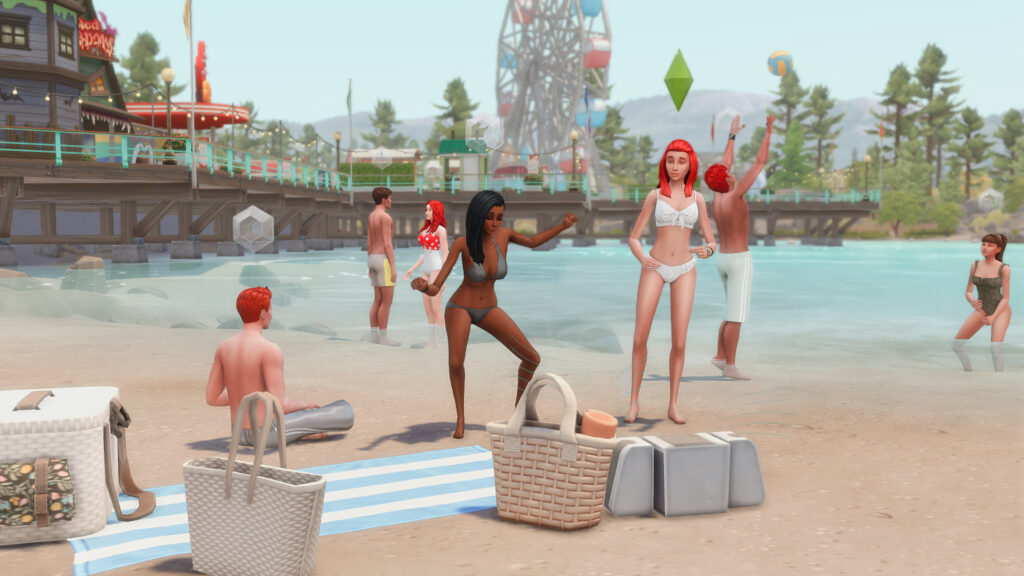
So at the end of the day it isn't just one magic mod, it is a bunch of choices being made along the way. Where should this Sim stand? Where should the camera be for this exact shot to make it impactful? What should be behind them, around them and with them? And so on... That is direction.
“So, Can You Make Your Sims Look Like This?”
The answer is absolutely yes! But keep in mind: the mods are the tools, Reshade provides the finish but Nisha is the director in this case. I can safely say that cinematic storytelling and machinima are intentional parts of her process, and that she has spent time refining her recording, editing and quality workflow. She has more than just skill, she has talent!
And that is probably the biggest difference between opening The Sims 4 to play it and opening The Sims 4 to create something like this. Apparently, The Sims 4 has been capable of looking like a movie this entire time. It just needed someone like NishaImanSims behind the camera.
Have you made some incredible edits/videos or machinimas for us to take a look at, I am always on the look out for new and fabulous things to showcase so let us know in the comments down below.



4 Comments
As a huge Sims fan, especially Sim 2 fan, since the series first came out, it’s interesting to see a new generation of players discover machinima
Looking realistic doesn’t equal looking good. I miss TS1 immensely coz it wasn’t going for realism, but whimsical.
Where was the fast food from?
What many people miss here is that while, yes, you can make the game look like that and look fun…it’s mostly just appearances and if you’re just playing it (vs doing a machinima or a story) it will still feel as lacking and boring as before.
Welcome to Sims Community!
Our community is about connecting people through open and thoughtful conversations. We want our readers to share their views and exchange ideas in a safe space.
In order to do so, we've created a simple set of rules that will improve your experience. Simply put, keep it civil.
Your post will/might be rejected if it contains:
User accounts will/might be blocked if we notice:
So, how can you be a power user?
Thanks for reading our community guidelines. Please note that we're aware of certain issues with Sign In / Log In and Create Account / Email Confirmation issues. We're working behind-the-scenes on a new Account Creation process. Thank you for your patience and remember - freedom of speech is not freedom of reach