Home Blog Page 102

The Sims 4 Story Starter Kit: Living Wild and Freegan

This Sim wants to live the millennial dream by going tiny!

Welcome to our fourteenth official Sims 4 Story Starter Kit! If you missed all the info on Story Starter Kits, you can read more about what they are and how they work in our introductory article!

This month, we’re bringing you a Sim who’s broken away from her wealthy upbringing to live the millennial dream! In a garden shed. Oh boy…

Story Starter Kit: Living Wild and Freegan

2023 01 30 14 47 38 547 SunflowerSyrupGShade

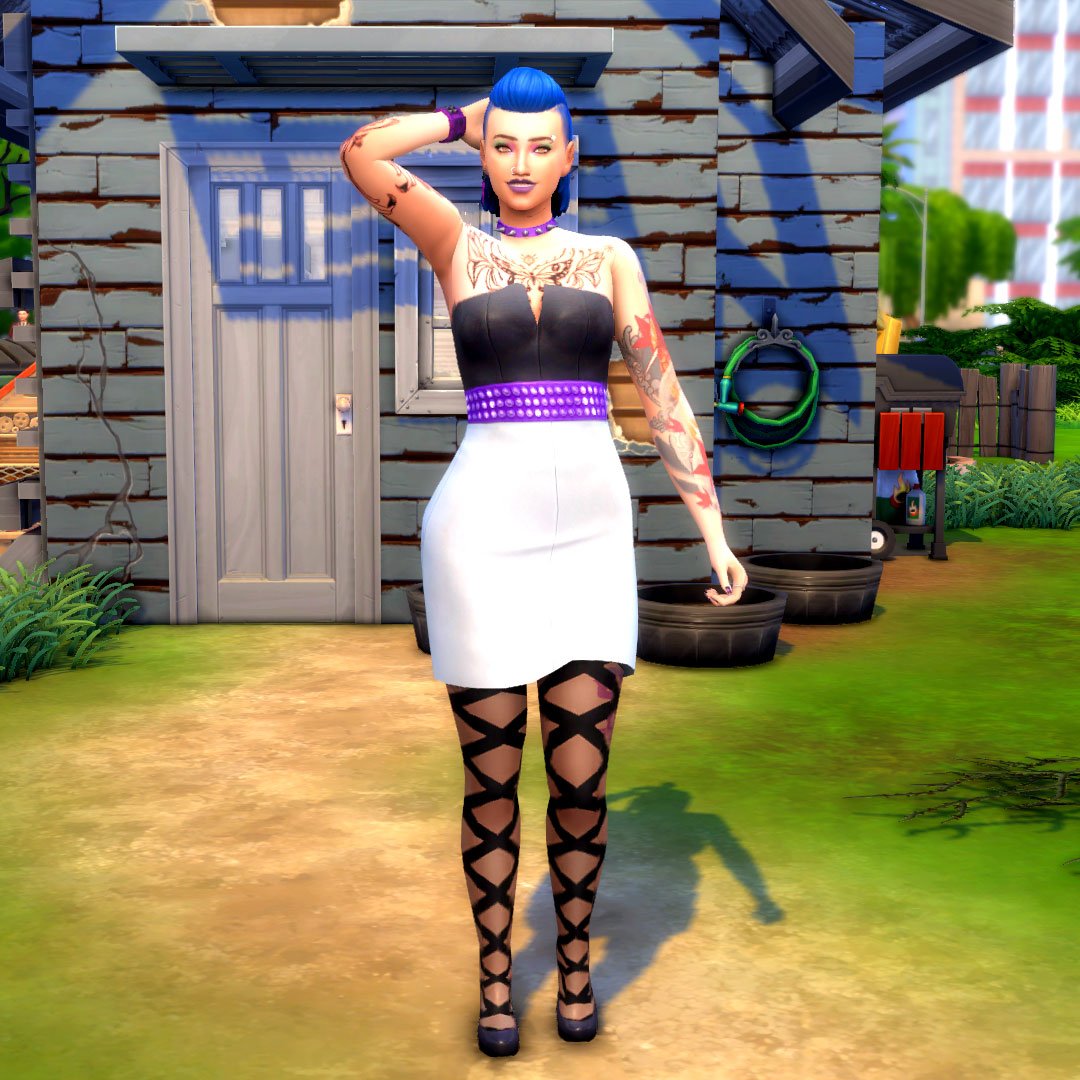
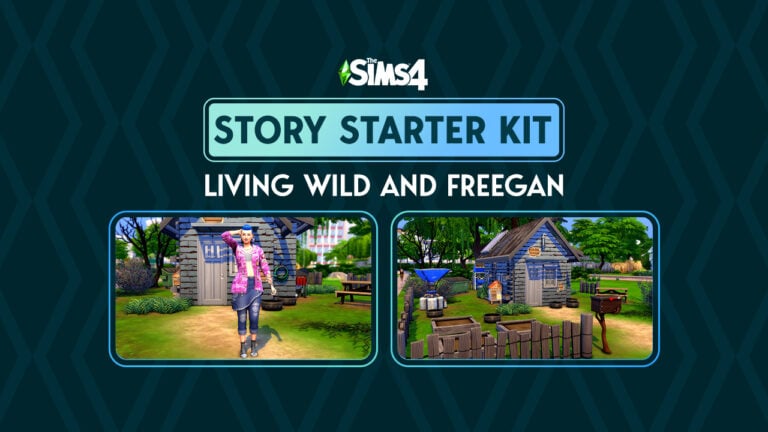
Growing up, Averie never really fit in with her well-to-do family. She was always too loud, too opinionated, too bossy, too much of everything and somehow, not enough of anything at the same time. Her family hated her clothes. They hated her hair. They hated her tattoos and piercings. It felt like they hated everything about her but they grudgingly agreed to pay for Averie’s college education. As long as she majored in something they approved of. They picked Economics for her in the hopes that getting a degree in something respectable would help their hopeless daughter make something of herself.

But Averie hated Economics with a passion. The more she learned about it, the more she felt like capitalism was a huge scam designed to keep rich people like her parents rich and poor people poor, no matter how hard they worked. The people at the bottom of this capitalist class structure traded away their lives in exchange for table scraps while their days were spent making billions for the people on top. She didn’t want that kind of life for herself or anyone else. She didn’t want any part in that kind of society at all.

She dropped out of university. Enraged, her parents cut her off from all support and disowned her for being such a colossal embarrassment to them. Averie spent six months couch surfing at friends’ places while she reluctantly saved up some money as a barista. Just until she could escape the rat race.

With the cost of housing at an all-time high, Averie knew she’d need to get creative if she ever wanted to secure a place to live. So when she discovered an abandoned garden shed in an empty field, the tired farmer it belonged to happily sold it and the surrounding plot of land to her for dirt cheap; he wanted to retire and none of his kids wanted to take over the farm. The old shed was a dump anyway and he just needed to be rid of it.

What will Averie do with her life now that she is the proud owner of her very own micro-home? Er… micro-shed? Anything she wants, of course! That’s the whole point of living a freegan lifestyle! If you’re not making any money or spending any money, you’re completely free of the capitalist dystopia society’s been brainwashed into accepting! Averie’s looking forward to growing her own food, supplying her own power and water, and making the most of her newfound life! Well… maybe she will need a little bit of cash here and there to make the shed livable but she’ll figure it out! YOLO, right?

Story Starter Kit Household Info:

Averie Canfield
  • Age: Young Adult
  • Pronouns: She/Her
  • Romantic Interests: Neither
  • WooHoo Interests: Neither
  • Romantic Exploration?: No
  • Traits: Self-Assured, Maker, Freegan, Muser (Bonus)
  • Aspiration: Master Maker
  • Likes: Purple, Blue, Alternative Music, Handiness, Video Gaming
  • Dislikes: Yellow, Pop Music, Cooking
  • Skills: Fabrication (5), Handiness (4), Gardening (2)
  • Career: Unemployed
  • Relationships: None
  • Packs Used: Eco Lifestyle, Vampires, Werewolves

Household Notes:

  • This Story Starter Kit household should be able to purchase their lot with their default starting funds. Make sure you import the family into CAS, then move them in. If you move them into a home straight from the Gallery, they will not have the funds I set for them.

It Has Potential

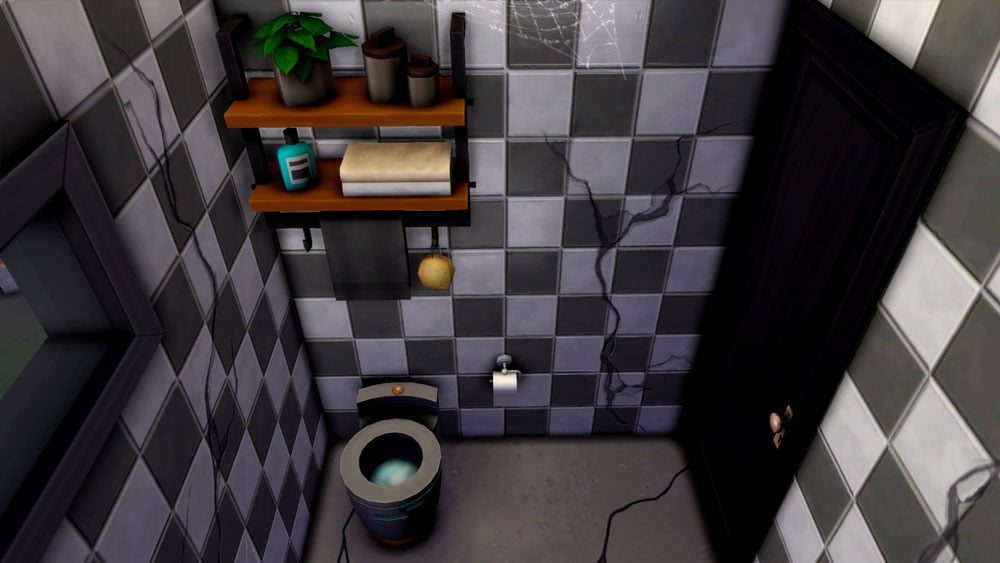
This old farmer’s shed was never intended for human habitation but with housing becoming more and more unaffordable for young Sims, desperate times call for desperate measures. There are big financial benefits to calling a garden shed home… if you don’t mind the water damage, cracked concrete floors, and spiders. Home sweet home!

Story Starter Kit Lot Info:

  • Lot Type: Tiny Home Residential (Micro Tier)
  • Price: §20,105
  • Size: 20×15
  • Beds: 1
  • Baths: 1
  • Lot Traits: None
  • Lot Challenges: None
  • Packs Used: Eco Lifestyle, Vampires, Werewolves, Tiny Living Stuff

Your Sims 4 Story Starter Kit is waiting for you! Get The Household and The Lot by downloading them from the official Gallery Website linked on the buttons below. Or, follow SnarkyWitch in the Gallery and look for Living Wild and Freegan and It Has Potential!

Credits:

Looking for last month’s Story Starter Kit? Check out A Royal Winterfest!
The Sims 4 gets updated support for Steam Deck

0

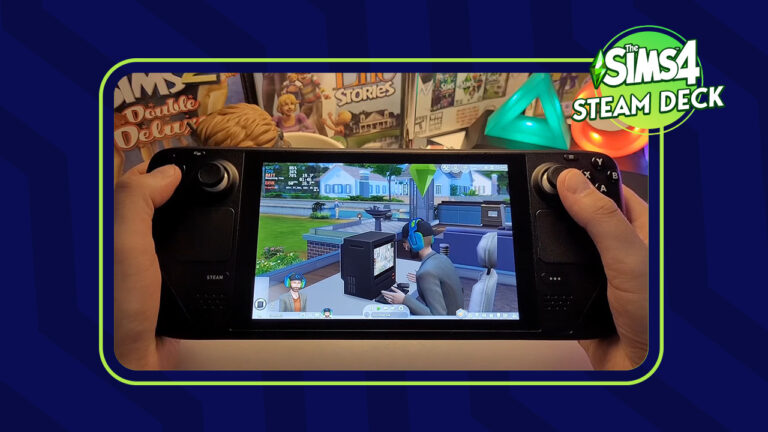
The Sims 4 is now on the road to become Steam Deck Verified!

The Sims 4 on the go is possible again with the latest update from Steam Deck!

In case you don’t know, Steam Deck is a gaming console released by Valve, a company behind the popular Steam online gaming platform. The handheld console got its release last year in February, with a growing library of supported video games.

overview3options
Steam Deck Console / Official Website

The general rule of this handheld console is simple – if it’s on the Steam library you probably can play it easily on this console. The support was not verified yet for The Sims 4, however players were able to set it up easily on their consoles.

Preview of Steam Deck Support for The Sims 4

Youtuber Deck Wizard has an excellent preview of what it’s like to play The Sims 4 on Steam Deck. Including an overview of what it’s like to use Build Mode and play in Live Mode.

The sensitivity controls could use a bit of an input, but generally the game seems to be running great on this handheld platform. Take a look:

The support for The Sims 4 was never fully given a green pass by the Steam Deck platform, but players could download and fully play it on their deck. That was until the switch from Origin to EA App, which completely crashed many EA games, not just The Sims.

The Sims 4 to be Re-Revalued for Steam Deck Verified Games

Last week it was confirmed by Overclock3D that EA App games can finally be played again on the Steam Deck. Read their report below:

LETTER 2 PATTERN e1675116678818

EA’s in the process of retiring their Origin PC client, replacing it with their new EA App. This move has caused a lot of problems for PC gamers on Linux and Steam Deck, as EA’s new EA App caused problems for the Proton compatibility layer, the software that makes many Windows PC games playable on Linux.

The good news today is that Proton has been updated to add support for EA’s new EA App, making several EA games playable once again on Linux and Valve’s Steam Deck. These games include Battlefield 1, Star Wars Jedi: Fallen Order, Titanfall 2, and The Sims 4. These games now use Proton’s Experimental branch by default on Steam Deck.

In time, we expect to see more EA games be rated as playable on Valve’s Steam Deck thanks to this new update. It just takes time for Valve to test and validate these games.

-Overclock3D

GamingonLinux has reported that Valve is soon about to re-revalue The Sims 4 and other EA titles for Steam Deck certified. Or as Valve calls it – Steam Deck Verified. Which reassures customers of Steam Deck for which games they can expect good playability.


Did you get a chance to play the new Steam Deck handheld console? What are your thoughts on the potential of The Sims 4 finally going handheld? Let us know in the comments below!

Sims 4 After School Activities: Achieve Childhood Success!

0

Keep your kids and teens occupied after school!

If you’re looking for ways your kids and teens can learn new skills and have fun outside school hours, you might want to consider signing them up for The Sims 4 after school activities. After school activities are great ways for your younger Sims to explore new interests. It’s also a great way to keep them out of your hair for a few extra hours a couple days a week if you’re more of a hands-off parent. We won’t judge.

If you need help deciding which Sims 4 after school activities are right for your kids and teens, read on! We’re going to show you how after school activities work, how to join them, and list every after school activity currently available in the game across every pack!

The Sims 4 After School Activities

All About Joining the Cheer Team in The Sims 4 High School

If you’re interested in having your Sims join Sims 4 after school activities, you will need certain DLC packs. After school activities are not a feature of the base game. If you do own at least one DLC pack that comes with an after school activity, your kids and teens can join them through the phone.

The Join After School Activity option is under the Business app on the cell phone with the rest of the career options. Sims 4 after school activities are treated like part-time careers that are exclusive to children and teens in The Sims 4. Some activities are not available to children but teens can join any activity. Both kids and teens can only be in one activity at a time.

Business App Phone

Once your Sim joins an activity, they can get promoted by completing daily tasks and building required skills. They also need to attend activity meetings several times a week. After school activities have three promotion levels, just like part time jobs.

To quit Sims 4 after school activities, use the phone under the Business app. If the Parenthood DLC is installed, quitting will lower your Sim’s Responsibility value.

Every School Activity in Every Pack

Now you know how to join and participate in Sims 4 after school activities. But which activity is the best for your Sim? Check out our quick breakdown below!

Click on any of the headings for a detailed overview of each individual after school activity!

Scouts

Scouts
  • DLC: Seasons
  • Ages: Children, Teens
  • Schedule: Saturday & Sunday; 2pm-4pm

In our opinion, Scouts is one of the most fun Sims 4 after school activities. A lot of it is active. Scouts receive a board where they can keep track of all their scouts badges. Earn badges by being a model young citizen, helping others, and working on self-improvement and self-sufficiency. Earning badges gets you promotions. Collect all the badges to become a Griffon Scout. Many of the tasks for this activity build character values too if Parenthood is installed.

Drama Club

Sims 4 After School Activities
  • DLC: Get Famous
  • Ages: Children, Teens
  • Schedule: Monday-Friday; 3:30pm-5:30pm

Drama Club is a great after school activity for your aspiring actors. It builds the Charisma and Acting skills, but it has a demanding schedule. Drama Club members need to attend meetings every single day after school. This means they have less time for homework and other hobbies. Both children and teens can join Drama Club, but children can’t be promoted to the top level.

Cheer Team

Cheer Team
  • DLC: High School Years
  • Ages: Teens
  • Schedule: Monday, Wednesday, Thursday; 3:30pm-5:30pm

Teens can join the cheer team after school. This after school activity focuses on the Fitness skill. This shouldn’t be a problem, given that practicing cheer routines is a daily task for this activity. Practicing cheer routines builds the Fitness skill. Attend cheerleading practice three days a week and also work on your cheer routines if you want to get promoted to Cheer Team Captain.

Football Team

Sims 4 After School Activities
  • DLC: High School Years
  • Ages: Teens
  • Schedule: Monday, Wednesday, Friday; 3:30pm-5:30pm

Naturally, the Football Team after school activity also focuses on the Fitness skill. This is no surprise, given that the daily task is to practice football throws. Practicing your football throws builds the Fitness skill. Your teens should get a football in their inventory to practice with when they join, but you can also buy one from the catalogue. Attend football practice three times a week and practice your football throws if you want to become Football Captain.

Chess Team

Chess Team
  • DLC: High School Years
  • Ages: Teens
  • Schedule: Monday, Tuesday, Thursday; 3:30pm-5:30pm

Join the Chess Team in high school to brush up on your Logic skill. Obviously, the daily task for this after school activity is to play chess. Playing chess will boost your Logic skill which you also need if you want to rise in the ranks to become Chess Team Captain. Being on the Chess Team allows you to request a Science Fair though the phone where you can compete in a chess puzzle.

Computer Team

Sims 4 After-School Activities
  • DLC: High School Years
  • Ages: Teens
  • Schedule: Monday, Tuesday, Thursday; 3:30pm-5:30pm

Join the Computer Team after school activity to build your Programming skill and give your teen Sims an excuse to spend more time on the computer. Attend meetings three times a week and practice programming on the computer to become captain of the school Computer Team! Being on the Computer Team allows you to request a school Science Fair where you can compete in a game competition.

The Benefits of After School Activities

So why bother signing kids and teens up for Sims 4 after school activities at all? Isn’t it just more unnecessary work for your young Sims and a distraction from homework? Well in our opinion, the benefits outweigh the drawbacks.

Sims 4 after school activities allow your young Sims to explore new interests and get a head start on building the skills they’ll need later in life. Being involved in Sims 4 after school activities can pave the way to university and beyond for your kids and teens. They also break up the day to day monotony of your usual routine with something more interactive and fun. Also, it’s a great way for kids and teens to make friends their own age!

Sims 4 after school activities not only improve kids’ and teens’ skills (and by extension, their chances of being accepted into distinguished university programs) but their social lives as well!


Are your teens sick of school and after school activities? You might be interested in learning how your teens can graduate early or drop out of high school!

New Update for The Sims 4 is coming very soon!

0

EA has scheduled a new Update for The Sims 4 on January 31st. Are Infants included?

POLICE SIREN

Before I begin with this post, please note to take anything mentioned here with a grain of salt and to keep your expectations set. Nothing is officially confirmed as of yet. This post contains information based on a confirmed Sims 4 Patch scheduled after the official Behind The Sims livestream.

Remember – It’s All Relative! 😉

We are just a few hours away until the first episode of Behind The Sims, with a new livestream format from The Sims Team that helps showcase new announcements, behind the scenes looks and more.

The livestream has been set for January 31st at 9AM Pacific Time. EA has confirmed that several Sims Franchise titles will be making an appearance, including The Sims HD (PC and Console) and Mobile Titles. So, what will The Sims Team include in their first Behind The Sims? We can speculate that with an inside developer look there will be new information for Project Rene / The Sims 5. If you’re a dedicated Sims 4 Player who’s looking for new announcements, a new Family-themed Expansion Pack is on the horizon for this quarter. Additionally with one of the biggest free updates for The Sims 4 – Infants!

Behind The Sims Promo Image
Get ready for an entire day of live coverage from Behind The Sims!

New The Sims 4 Update is coming January 31st!

The first update for The Sims 4 was thought to bring the Big Infants Update that was teased in the beginning of the year with the official Roadmap. However, it turned out to be a Bug Fixes Update.

But a new discovery by a popular modder @TurboDriver has started a new rounds of speculation about the potential release of The Sims 4 Infants Patch. It was discovered within the EA App / Origin platform that Maxis has a new The Sims 4 Update scheduled. Just an hour after the scheduled Behind The Sims!

https://twitter.com/WickedWhims/status/1618672705888485377

Will the new Update feature Infants?

After the previous speculation was debunked we can’t say anything for cetain. Still, it’s undeniable that a new Sims 4 Patch is waiting for players after Behind The Sims showcase.

Infants in The Sims 4- Preview
Infants in The Sims 4 are an entirely new Life Stage!

The last time The Sims Team released a life stage with a free Sims 4 Update was in January 2017, with no prior announcements, teasers or blog posts explaining the drop. The Infants Life Stage could have a similar premiere with the new livestream format explaining the feature in-depth before it goes live to the public.

When is the upcoming Sims 4 Update?

Everything mentioned above is pure speculation. Overall, what we can do now is patiently wait for Behind The Sims, and prepare our games for the new Sims 4 Update dropping January 31st.

Countdown to The Sims 4 Going Free: Release Info

Countdown to The Sims 4’s New Update

[janky target_time=”1675188000″ color=”#a82677″]

Want to stay in the loop? Stay tuned to Sims Community to be the first to know about News & Announcements from Behind The Sims!


So, do you think the upcoming Sims 4 Update will be the one everyone’s been patiently waiting? Join the discussion below!

The Sims 4 Kits: Making a Splash with Bathroom Clutter

Clutter your Bathrooms with a new The Sims 4 Kit!

It goes without saying that many players of The Sims 4 love clutter in their builds. Recently we’ve seen the addition of the Everyday Clutter Kit which added a variety of new clutter items. Now to kickstart a new year of content, we have The Sims 4 Bathroom Clutter Kit.

Now, you might be thinking ‘why has The Sims Team released another clutter, Kit?’ Well, it’s hard to truly say why, however it is nice to see even more clutter objects added to the game!

Bathroom Clutter Overview

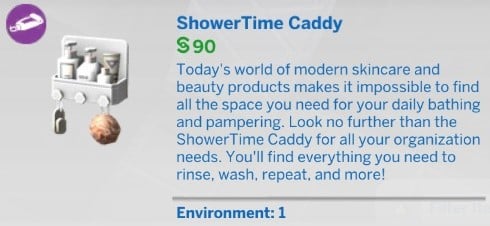
With over thirty new clutter objects, this new Sims 4 Kit adds a number of building possibilities. There is everything from new toothbrushes and toothpaste to towels, toilet paper, and adorable bathroom-themed wall decals!

Sims 4 Kits: Bathroom Clutter Overview

Additionally, we also get one new pre-made bathroom with this The Sims 4 Kit.

Sims 4 Kits: Bathroom Clutter Pre-Made Room

Cluttering your own bathrooms

For every bathroom that players create, there will be a number of different ways you can incorporate the new The Sims 4 Bathroom Clutter Kit into it. Regardless of how big or how small the space is, there will be a way.

Let’s take one of the pre-made Base Game bathrooms and give it a new lease of life using the new objects from the Kit!

Keeping it Classic

This is the Yearnings pre-made bathroom from the Base Game that costs $5,816. Rather than being a modern-looking bathroom space, it is more old-fashioned and in desperate need of a bit of a makeover!

Yearnings BG Bathroom

While wanting to keep the overall theme and feel of the bathroom as is, a bit of clutter wouldn’t go a-miss.

Deciding to stick with a similar sage green/neutral colour scheme, the additional clutter items helped to liven up this pre-made room. The changes kept the overall straightforward feel of the room just like it was before, without the new objects making things feel overwhelming for Sims.

BathroomClutterRemake1
BathroomClutterRemake2

Even though the changes were small, they definitely worked well in this mini-makeover.

A Modern Makeover

How about using this Bathroom Clutter in a more modern and everyday bathroom setting?

For this makeover, let’s take a look at the Itty-Bitty Bathroom from The Sims 4 Tiny Living. Coming in at $2,407 the small bathroom doesn’t have a great deal of space that you can add clutter.

TS4 x64 2023 01 25 14 45 58

Even though this room was tiny, it was a lot easier to add some bathroom clutter than initially thought!

Utilizing the free wall space was going to be the best option. The modular shelving options from The Sims 4 Dream Home Decorator Game Pack were perfect! They worked amazingly in the room, as well as being able to use multiple spaces to use!

The Sims 4 Tiny Livings meets Bathroom Clutter

While a few of the objects swapped positions from their original placements, everything came together in just the right way!

How can you get the most out of this new The Sims 4 Kit?

There are a number of ways you can use the new Bathroom Clutter, and not just in the bathroom! There are some objects from the Kit that would work well alongside other content in The Sims 4.

Combining objects from the Everyday Clutter and Bathroom Clutter Kits is an easy starting point. For instance, you can take the Plastik Organizers and incorporate them into your Teen Sims bedrooms on their dressers along with the hair dryer. Add the makeup and jewellery stands from the Everyday Clutter Kit and you are good to go!

Like wise, you could also do something similar using the same two objects from the Bathroom Clutter Kit and The Sims 4 Parenthood.

You can also combine a number of the decorative objects from The Sims 4 High School Years, Spa Day or Vintage Glamour. How about pairing it with another The Sims 4 Kit like Pastel Pop? The possibilities are endless as to how you can mix and match all the different objects together.

How about different ways of using the new objects?

While for the most part, you would place most of the objects on a counter within the bathroom, depending on how much space you have will have an impact on how you clutter your space.

For instance, you could utilize some empty wall space and use shelves to have those extra clutter objects.

TS4 x64 2023 01 25 13 04 19

You could even create a cupboard space within the bathroom to house the objects until your Sims would technically use them.

The Sims 4 Kits: Bathroom Clutter Cupboard/Laundry idea.

Why not mix and match the new wall decals with those from The Sims 4 Kids Room Stuff Pack. You could truly create the ultimate underwater Voidcritters themed Bathroom for your younger Sims!

The Sims 4 Kits: Bathroom Clutter x Kids Room Stuff Voidcritters

Altenrativley as we mentioned above you can use the objects within a bedroom space or on a dresser/vanity unit. You could even use them in a Spa setting!

Mods for all your Bathroom Clutter needs!

Sometimes even the smallest pieces of content like The Sims 4 Kits get the mods treatment. Even though this The Sims 4 Kit has only just been released, there are already a number of mods available. These mainly focus on general quality-of-life updates for the Kit overall.

You can find out more about all the mods that are currently available and where to get them here!

With two new The Sims 4 Kits recently released, both of these are available to purchase right now across all platforms.

Gain Instant Access to all Sims 4 Collectibles with this Lot!

Purchase all your missing collectibles at this retail store!

If you’re having trouble completing your Sims 4 collections and don’t mind spending some simoleons, this retail lot can help! Never again be stuck hunting for that last collectible to fill out your personal museum. This store has every single collection in the game from every pack to date! Sims 4 Unlock All Collectibles Lot is a very easy solution that will help out. Let’s begin!

sims 4 unlock all collectibles

The lot is called The Sims Collection Store and it was built by simmaddness. We have no idea how they managed to cram so many collectibles into a small 30×20 lot but we are so glad that they did! The small lot size means it can fit almost anywhere in your worlds and won’t eat up any of the precious few large lot sizes that we have.

The Sims 4: Unlock All Collectibles Lot

retail Lot by simmaddness

Since the lot is a fully functional retail store, all of the collectibles inside are for sale. Players who aren’t a fan of cheating and prefer a more roleplay style of gameplay will like this a lot. It’s not really cheating if your Sims still have to pay a pretty penny out of pocket to acquire those rare and valuable Sims 4 collections. It’s also a lot more fun to go to a shop and browse for what you need than just using cheats to pull the items out of the debug catalogue.

The store itself looks great, too! The storefront is very appealing to the eye and although the inside is very crowded with merchandise, the neat rows of shelving help to achieve a sense of flow throughout the store. It won’t look like an eyesore in your worlds at all.

Sims 4 Collections

This lot uses no custom content but you will need the Get To Work expansion. The lot won’t be functional as a retail store without it. The store contains all Sims 4 collections from all packs. You can use the lot without all the packs but some items will not show up.

You can download The Sims Collection Store from the Gallery right now! Click the button below to be taken to the download page and save it to your library!

Activities in The Sims 4 Ranked from Best to Worst

Last week, we posted a community poll asking you to decide the best and worst activities in The Sims 4, using the likes and dislikes as a guide. The poll ran for one week and a LOT of Simmers voted! This week, we’ve compiled all of the results from this poll to bring you our ranking of the best and worst Sims 4 activities… decided by you!

Some of the results are no surprise to us, others are a bit shocking but the Simmers have spoken so without further ado, let’s see what the most and least popular activities in The Sims 4 are!

Sims 4 Likes & Dislikes: Base Game Activities

The Sims 4 – Brand New Render!

We separated the poll between base game activities and DLC activities. Here are the results from the base game poll!

  1. Painting (1548 votes)
  2. Cooking (1505 votes)
  3. Gardening (1445 votes)
  4. Writing (818 votes)
  5. Fitness (710 votes)
  6. Handiness (635 votes)
  7. Video Gaming (620 votes)
  8. Photography (536 votes)
  9. Piano (502 votes)
  10. Programming (377 votes)
  11. Guitar (332 votes)
  12. Fishing (315 votes)
  13. Rocket Science (276 votes)
  14. Mixology (270 votes)
  15. Violin (165 votes)
  16. Mischief (150 votes)
  17. Comedy (82 votes)

Sims 4 Likes & Dislikes: DLC Pack Activities

The Sims 4 Spa Day coming July 14! (+ more info)

And these are the final results from the DLC pack poll!

  1. Wellness (1417 votes)
  2. Baking (1185 votes)
  3. Knitting (1103 votes)
  4. Singing (1040 votes)
  5. Acting (919 votes)
  6. Dancing (745 votes)
  7. Cross-stitch (588 votes)
  8. Media Production (538 votes)
  9. Snowboarding (504 votes)
  10. Rock Climbing (496 votes)
  11. Robotics (422 votes)
  12. Skiing (399 votes)
  13. Bowling (381 votes)
  14. Research & Debate (275 votes)
  15. DJ Mixing (195 votes)
  16. Pipe Organ (103 votes)

Surprised? Not surprised? Somewhere in the middle? Let’s break down the top three best and bottom two worst activities in each category!

Sims 4 Likes & Dislikes: Best of the Base Game

The Sims 4 My Wedding Stories: 100+ Screens from the Reveal

Painting

We’re a little surprised that Gardening is not first; however, we’re not surprised at all to see Painting in the top three. Creative skills are always popular and there’s so much your Sims can do with their finished paintings. They can sell them for a lot of simoleons or decorate their home with them. Lots of players want to collect every type of painting in the game so we definitely see why this is a popular activity.

Cooking

While cooking wouldn’t have been our top pick, we can still see why it’s so popular in second place. There are hundreds of recipes to learn and lots of funny cooking animations. The more DLC packs you have, the more recipes you can make. Some DLC packs even let you turn cooking into a self-owned business! With so many uses for cooking in the game, it rightfully earned its spot in the top three.

Gardening

We definitely thought this would be #1 but it falls in third place. Nevertheless, we are happy to see it in the top three. Gardening is easily the most versatile activity in the base game. The Gardening collection is the largest collection in the game and grafting combinations make collecting all the plants a challenging and rewarding past time. Plus there’s no shortage of ways to use what you’ve grown. Sell your produce to make a living, save money on cooking ingredients by cooking your own produce, and if you own the Seasons expansion, you can turn flower arranging into a full-time business. Also, you can get yourself a pet Cowplant! How cool is that, right?

Sims 4 Likes & Dislikes: Worst of the Base Game

Simmers Q&A: Five Minutes with EmSims81
This Sim appears to be saying hello to her new Voodoo Doll!

Mischief

We are quite surprised to see Mischief in the bottom two. It’s such a fun skill. Building it unlocks all kinds of hilarious interactions on Sims and objects. It allows klepto Sims to swipe bigger and better stuff. You can become partners in crime with another Sim which allows you to pull off pranks together. At higher levels of the skill, you can even bind Sims to voodoo dolls to torment them. We have a hard time seeing how that’s not tempting but maybe its low ranking is just a sign that most Simmers are nice to their Sims.

Comedy

We can’t say we’re shocked by this one. While it is fun to tell jokes and do comedy routines, the skill is a bit respective. All of the unlockable actions are just new jokes and longer comedy routines. The jokes have the same effect no matter which ones you tell and once you’ve seen one comedy act in this game, you’ve seen them all. This skill’s main purpose is mostly just to get promotions in the Entertainer career. It doesn’t offer much gameplay.

Sims 4 Likes & Dislikes: Best of DLC

The Sims 4 Spa Day: 130+ HQ Screens From The Refresh Trailer

Wellness

This was absolutely no surprise to us at all. The Wellness skill covers a broad range of activities. Yoga, meditation, and giving massages all build the Wellness skill. And since the Spa Day refresh, new activities have been added, making Wellness an even more enjoyable past time, like manicures, pedicures, and facial masks! Wellness absolutely deserves its #1 spot. We couldn’t agree with Simmers more.

Baking

Like Cooking, Baking is another fun culinary skill that deserves to be in the top three for DLC packs. It’s even more versatile than Cooking because your Sims can decorate their sugary treats after baking them to give them some extra personality. Baked goods are always popular as gifts and with Get To Work’s retail system, you can even run your own bakery. We agree with you, Simmers. We’re fans of this one, too.

Knitting

While we personally prefer cross-stitch, we can definitely see why knitting is the more popular activity. I’s a full 10 level skill and the amount of different things you can knit is astounding. Knit clothing items to add to the CAS catalogue for your whole family, decorate your home with hand-knit planters, décor, and even children’s toys, knit cozy onesies for babies, or start a crafty side hustle and sell what you knit on Plopsy. Knitting definitely deserves its #3 place for DLC packs.

Sims 4 Likes & Dislikes: Worst of DLC

Get Together Review

DJ Mixing

No surprises here. We have to agree that DJ Mixing is one of the most boring skills in the game. It’s a full 10 level skill but we have no idea why. Watching your Sim stand at a DJ booth doing the same handful of animations over and over again while they play car horn and dog barking sounds gets old almost immediately. Even when they learn better music, it’s still kind of just the same thing. We can think of so many better ways to spend our time in The Sims.

Pipe Organ

Okay, you got us. This surprised us. A LOT. We thought the Pipe Organ would fall somewhere in the middle of the list but instead, it’s dead last! Perhaps the allure of vampires has just faded over the years for players but we have to say… give the pipe organ a chance, guys! It’s a pretty cool instrument!

Do you agree with your fellow Simmers? Let us know in the comments, or check out some of our other community articles!

Behind The Sims Livestream set for January 31st

More Sims News coming next week. Get ready for Behind The Sims!

EA and Maxis have just announced on their social media their upcoming community livestream. Or rather redefined what their new community livestreams will look like!

In case you don’t know, The Sims Team held its first Behind The Sims Livestream on October 18th, 2022. The first of its kind, the Behind The Sims Summit helped showcase upcoming Sims 4 Packs, Updates, Features and even The Sims 5. The first livestream was accompanied by interesting segments and dance breaks, along with other Sims smartphone titles including The Sims Mobile and The Sims FreePlay.

Today, it’s been confirmed that this format of livestreams will continue to take affect, with more information on what to expect from the next livestream.

Behind The Sims Livestream Announcement

As The Sims evolves every day, so does how we bring you the latest from our teams! Sul Sul to Behind The Sims, a new community series following The Sims Summit. On Jan 31 @ 9 AM PST, tune in as we share exciting news, take you behind the scenes & more.

Behind The Sims Livestream Poster

The first Behind The Sims of 2023 stream will take place on The Sims’ official YouTube and Twitch Channel. We’ll make sure to keep you posted every step of the way for new Sims News & Updates!

Our team of authors will be ready to cover all the features, screens and behind the scenes looks shown during the livestream. So buckle up, circle your calendars for January 31st and let’s see what’s coming next for The Sims!

How to Browse Intelligence in The Sims 4

0

Learn how to browse intelligence as a secret agent!

The Sims 4 StrangerVille: Over 80 Screens from the Trailer / How to Browse Intelligence

If your Sims have chosen a career as a Secret Agent in The Sims 4 base game, you might have noticed Browse Intelligence Database pop up as one of their daily tasks. This task pops up again and again, starting at very low levels in the career. Your secret agent Sims will have to do this task almost daily in order to get promoted, so if you don’t know how to browse intelligence, you’re bound to have a hard time climbing the Secret Agent career ladder. Luckily, you’re in the right place to learn! We’re going to tell you exactly how to browse the intelligence database in the Secret Agent career!

How to Browse Intelligence in the Sims 4

browse intelligence

You can find the Browse Intelligence Database option on any computer under the Web category. This is probably why so many players have a hard time finding the option. It would make more sense to have it under the Career category on the computer. For whatever reason, it’s not. It’s in the Web category.

The Browse Intelligence Database option only appears if your Sim is in the Secret Agent career. Sims not in this career will not see this option under the Web category on the computer. It will have the Secret Agent career icon next to it to help you spot it faster.

To complete this work task, your Sim needs to do this activity for approximately two in-game hours so it’s a bit of a time sink. Unfortunately, it’s a necessary time sink if you want to get promoted. Get in the habit of performing the Browse Intelligence task in The Sims 4 every day and your Sims will be on the road to becoming a Diamond Agent or a Villain in no time at all!


Looking for more information on base game careers? Check out our full guide!

The Sims 4 Eco Lifestyle Cheats

Gain influence, change Evergreen Harbor’s look and more using these handy cheats!

The Sims 4 Eco Lifestyle: 130 HQ Gameplay Video Screens

The Sims 4 Eco Lifestyle doesn’t just come with a whole bunch of original gameplay completely new to the Sims series as a whole; it also comes with a whole bunch of cheats to help you explore this expansion much more quickly! These Sims 4 Eco Lifestyle cheats can change the Eco Footprint of your neighbourhood, instantly repeal annoying NAPs you don’t want active, give you infinite influence points, and even expand your traits and boost your career!

The Sims 4 Eco Lifestyle Cheats

130 HQ Gameplay Video Screens / Cheats / Cheats

Most of the following Sims 4 Eco Lifestyle cheats require testing cheats to be enabled first in order to work. On PC/Mac, hit CTRL+SHIFT+C to bring up the cheat console and type in testingcheats true. Then hit ENTER. On consoles, press all four back triggers at the same time to bring up the cheat console and type in the same cheat code. Then hit X/A (PS/Xbox) and confirm that you want to disable your trophies and achievements on your save by enabling testing cheats.

Ready to learn how to cheat your way through Eco Lifestyle? Check out all the useful cheat codes below!

Career Cheats

The Sims 4 Eco Lifestyle: 82 HQ Screens from the Trailer

The following cheats will allow you to make progress or go down a promotion level in the Civil Designer and Freelance Maker careers.

  • careers.promote careers_Adult_Freelancer_Agency_Maker – Gives your active Sim a raise as a Freelance Maker.
  • careers.promote careers_Adult_CivilDesigner – Gives your active Sim a promotion in the Civil Designer career.
  • careers.demote careers_Adult_CivilDesigner – Gives your active Sim a demotion in the Civil Designer Career

Trait Cheats

130 HQ Gameplay Video Screens / Cheats

The following Sims 4 Eco Lifestyle cheats will allow you to apply special hidden/reward traits to any Sim you want! Gain career reward traits without working for them or give specific Sims the NPC roles of Master Crafter, Eco Master, and Entrepreneur.

These trait cheats are the only cheats in this article that can be used without activating testing cheats. This means console players can use them without having to disable their trophies and achievements.

  • traits.equip_trait trait_makerNPC – Applies the hidden NPC role of Master Crafter to the active Sim. They may not retain this role if you continue to play as them.
  • traits.equip_trait trait_eco_master – Applies the hidden NPC role of Eco Master to the active Sim. They may not retain this role if you continue to play as them.
  • traits.equip_trait trait_entrepreneur – Applies the hidden NPC role of Entrepreneur to the active Sim. They may not retain this role if you continue to play as them.
  • traits.equip_trait trait_ChampionOfThePeople – Applies the career reward trait Champion of the People to the active Sim.
  • traits.equip_trait trait_EcoEngineer – Applies the career reward trait Eco Engineer to the active Sim.
  • traits.equip_trait trait_Nature_InfluentialIndividual – Applies the aspiration reward trait Influential Individual to the active Sim.
  • traits.equip_trait trait_MasterMaker – Applies the aspiration reward trait Muse of the Maker to the active Sim.
  • traits.equip_trait trait_Fizzyhead – Applies the Juice Fizzing skill reward trait Affizzionado to the active Sim

To remove any of these traits, just replace the word “equip” with “remove” and you can get rid of the trait if you don’t want your Sim to have it anymore.

Eco Lifestyle Skill Cheats

The Sims 4 Eco Lifestyle: 130 HQ Gameplay Video Screens

Eco Lifestyle comes with two new skills; Fabrication and Juice Fizzing. You can use the following Sims 4 Eco Lifestyle cheats to advance in these skills.

  • stats.set_skill_level AdultMinor_JuiceFizzing X – Set your Juice Fizzing skill level. Replace X with a number between 1 and 5.
  • stats.set_skill_level AdultMajor_Fabrication X – Set your Juice Fizzing skill level. Replace X with a number between 1 and 10.

Eco Footprint Cheats

130 HQ Gameplay Video Screens / Cheats

Changing your neighbourhood’s Eco Footprint is hard work… unless you use cheats, of course!

  • eco_footprint.set_eco_footprint_state 0 – Sets the eco footprint to a Green state.
  • eco_footprint.set_eco_footprint_state 1 – Sets the eco footprint to a Neutral state.
  • eco_footprint.set_eco_footprint_state 2 – Sets the eco footprint to an Industrial state.

Death Cheats

Sims 4 Eco Lifestyle - Death from Flies

If you want to kill your Sims, Eco Lifestyle offers two new ways to do that! Here are The Sims 4 Eco Lifestyle cheats for the pack’s death types.

Since these cheats are technically trait cheats, they can be used without enabling testing cheats.

  • traits.equip_trait trait_Ghost_Flies – Death by Flies
  • traits.equip_trait trait_Ghost_Beetle – Well Mixed Bug Drink

You can also instantly resurrect Sims the same way you remove traits. Just replace the word “equip” with “remove.”

SHIFT+Click Eco Lifestyle Cheats

130 HQ Gameplay Video Screens / Cheats

Eco Lifestyle’s most powerful cheats actually lie hidden in objects like the mailbox, community board, and fabricator. They just need to be unlocked first by enabling testing cheats. With testing cheats active, PC/Mac players can SHIFT+Click on a number of objects to bring up cheat options for them. On console, you can bring up the same options by pressing X+O (PS) or A+B (Xbox) while the cursor is hovering over an object.

  • Enact/Repeal NAPs – Bring up cheat options on a mailbox or community board to instantly enact or repeal NAPs without having to go through the voting or appeal process.
  • Choose Community Space Project – Bring up cheat options on a mailbox or community board and choose Instant Enact Community Space Project; you’ll be able to choose whether you want the local community space to be a maker space, a marketplace, or a community garden without having to go through the voting process.
  • Gain Influence Points – Bring up cheat options on a mailbox or community board and select Give Sim Influence. This gives your Sim 15 influence points. Use this cheat as many times as you want for infinite influence.
  • Get Bits and Pieces – Bring up cheat options on a fabricator machine and choose Give Bits and Pieces. You’ll get 50 bits and 50 pieces for a total of 100. Use this cheat as many times as you want for infinite bits and pieces.

Looking for tips, tricks, and guides for The Sims 4 Eco Lifestyle? Browse our Eco Lifestyle category!

Improve the quality of Sims 4 Bathroom Clutter Kit with these Mods!

Functional Light Switches, Lit Candles and more – check out the first Sims 4 Bathroom Clutter Mods!

Just a few short days after the release of Sims 4 Bathroom Clutter, the community was quick to throw in some major mod improvements for the Kit!

Some of the new objects from this Kit weren’t in their finest look, with the biggest dip being in the texture and mesh quality of the items.

The main approach to some of these objects is that they’re better when looked far away. After all, they’re just clutter items that should fill in the space. Still, the attention to some of the objects’ details, or lack thereof, makes the game’s art style immersion a bit harder to achieve.

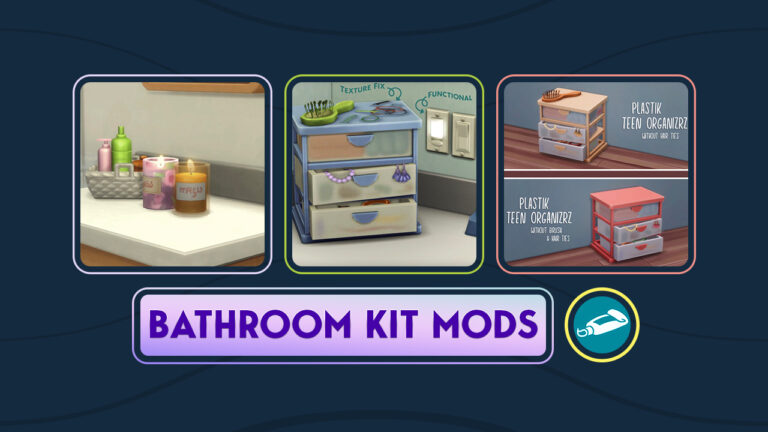
If you’ve gotten the new Kit or plan doing so, we recommend some of these Mods to help improve your immersion and add new function to the Kit’s items! There are 3 great Mods listed, including improvements to the Candle, Light Switch Functionality and various improvements for the organiser Clutter item.

Sims 4 Bathroom Clutter Mods

ScentsibleSim Scented Candle (lit up)

Why not have the new ScentsibleSim Scented Candle actually light up? This quick mod fix solution from SixamCC lets the new candle shine brighter.

ScentsibleSim Scented Candle Mod

Various Bathroom Kit Fixes

This all-in-one solution Mod pack from littledica contains several improvements. Including the added light function to the light switches and object texture improvements.

Various Bathroom Kit Fixes by littledica

Plastik Teen Organizrz Edits

PlasmaJanes has a brilliant solution for one of the organiser clutter items, completely removing the low quality hair ties from top! Including two versions – without the hair ties and without both hair ties and the brush.

Plastik Teen Organizrz CC Improvement

You can easily add these Mods and CC solutions to your Sims 4 game. After downloading linked .zip’s or .package files, extract them to Electronic Arts > The Sims 4 > Mods folder. The improvements will await you in your game!

Looking for more Custom Content for The Sims 4?

The Sims 4 Kits: Bathroom Clutter Overview

Solid concept. Flimsy execution.

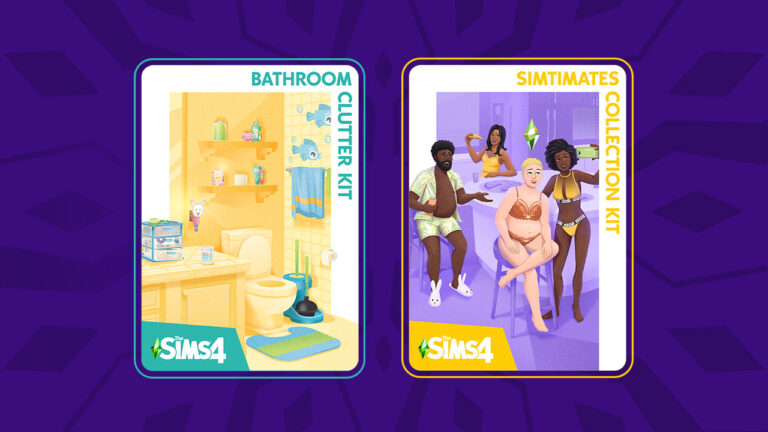
The Sims 4 recently added two new kits to its ever-growing DLC collection; the Simtimates Collection Kit and the Bathroom Clutter Kit. Both kits are designed to fill in gaps in content that currently exist in the game. The Bathroom Clutter Kit aims to fill out the sparse bathroom options available in Build/Buy through clutter pieces that personalise a bathroom space.

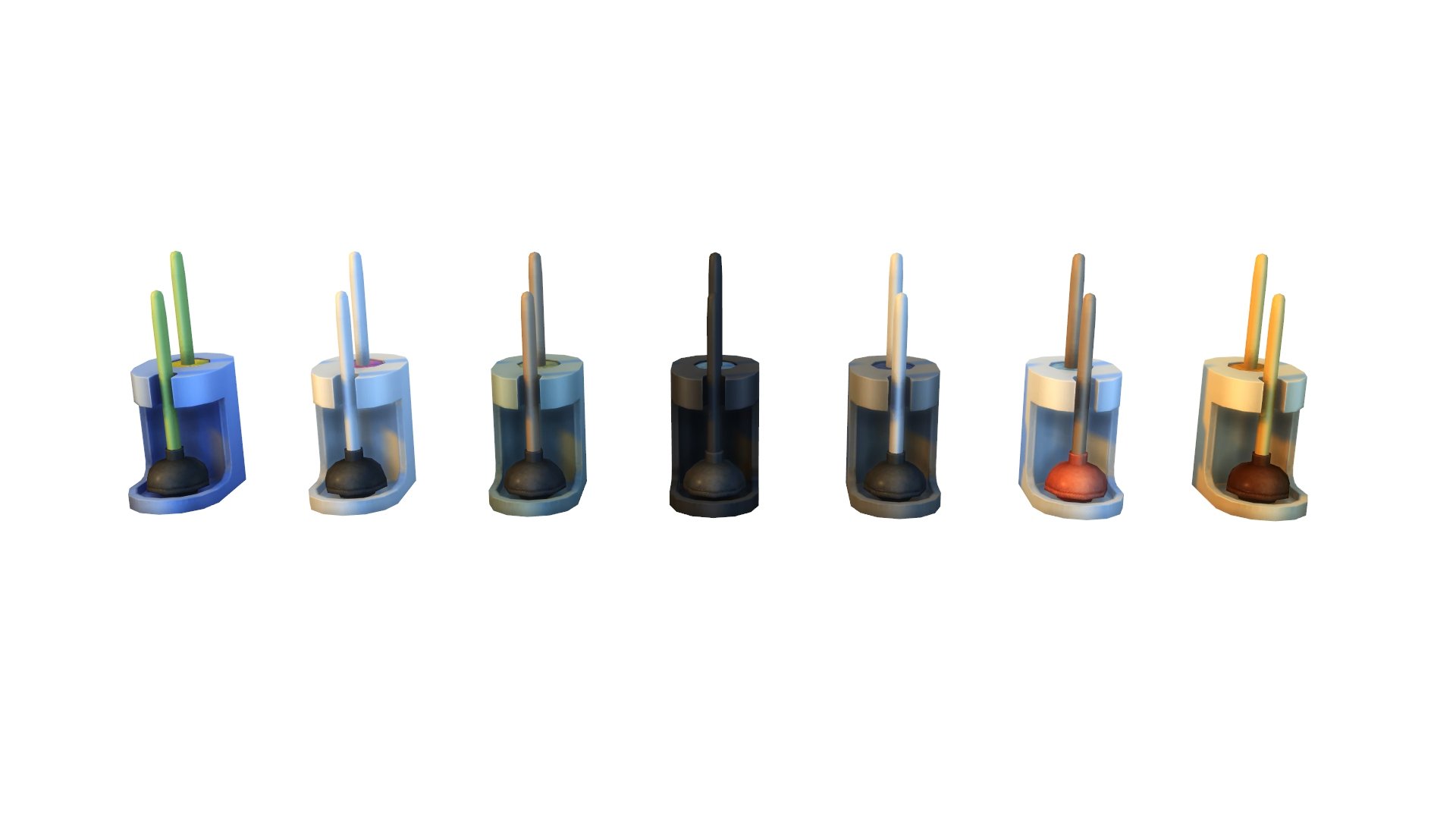
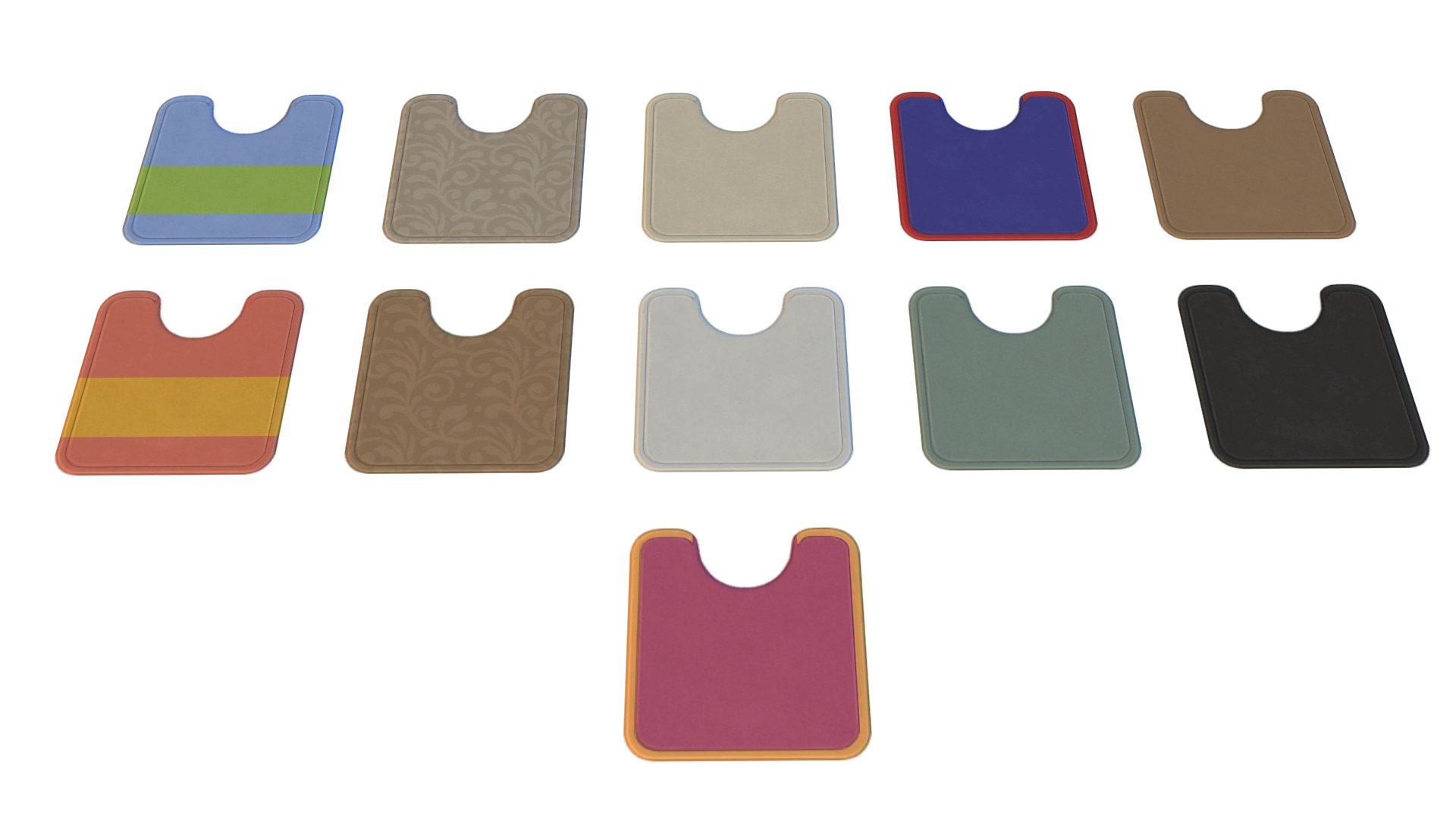
This Sims 4 kit comes with a total of 31 decorative objects for bathrooms, including toilet and bath mats, a new plunger and toilet brush combo, towels, electric toothbrushes, wall decals and many more odds and ends that one might find lying around someone’s bathroom. The items are intended to aid visual storytelling about the Sims that use the space. Many of the items have both neutral and more childlike colour options so they can be used in large, messy family bathrooms and in more tidy, polished bathrooms.

As usual, Sims Community has taken the liberty of compiling every catalogue entry for you! We also have close up shots of every item in-game in every available swatch. We’ve left no stone unturned with this Sims 4 kit so let’s dive right in and check out all the new objects!

The Sims 4 Kits: Bathroom Clutter Overview

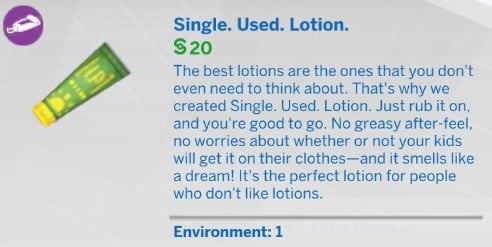
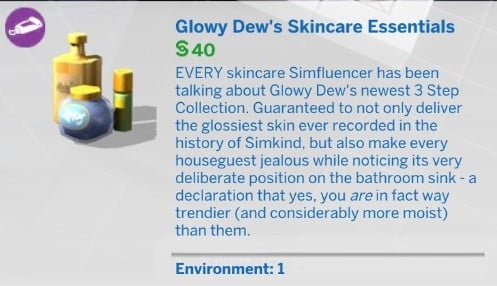
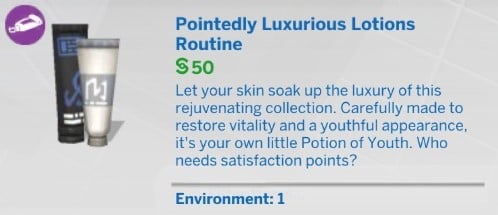
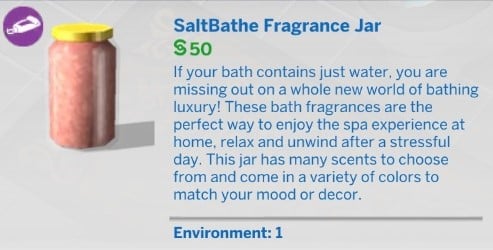
Catalogue Entries

Check out all the catalogue entries below!

In-Game Screens

Check out all the in-game close ups of every swatch below!

review icon

Our Review of The Sims 4 Bathroom Clutter Kit

We really wanted to love this Sims 4 kit. We did. And there are some aspects of this kit that we do love, but unfortunately, it falls short in several areas. We can’t deny that this is a solid concept for a kit. The last clutter kit got a wonderful review from us and we were excited about the possibilities for more visual storytelling in this kit.

In that respect, this kit delivers. There are so many charming little items that tell fantastic stories about the Sims that live there. The false teeth in a glass tells you that an elder lives in the household. The messy storage box bursting with jewellery and bobby pins points to the presence of a teenage girl in the home, and all of the adorable wall decals and voidcritter-themed objects are perfect for children. We must point out objects we needed, too, like a toilet plunger/brush and a mat that fits around toilets perfectly.

Blurry textures and low-poly meshes are NOT the vibe

So where did The Sims 4 Bathroom Clutter Kit go wrong? Well, it’s the quality of the objects for us. At first glance, everything seems amazing but when you stop and take a closer look at things, shortcuts become more apparent. Meshes are disappointingly low-poly even when playing on ultra graphics settings. Textures are blurry and in some cases, parts of objects have just been painted onto surfaces. You can see that some parts of the meshes are so flat that they disappear underneath our backdrop rug. The empty toothpaste and the hair dryer are the two worst offenders but there are so many other objects that just look fake the closer you look at them.

We realise The Sims Team needs to ensure their content runs well on multiple platforms, but this kit is still a huge step down in quality from the Everyday Clutter Kit, which had beautiful textures. If players are paying $5 for decorative clutter, that clutter should be of the highest quality. We don’t understand why the objects in this Sims 4 kit are not of the same quality as previous clutter kits. It’s sloppy and disappointing. There are also two light switches in this pack that serve no purpose; what a missed opportunity to add light dimmer controls to those objects. We just can’t recommend this kit for $5 unless The Sims Team fixes these issues. It’s a shame because otherwise, this would have been a fantastic kit. The concept was flawless, but the execution was lacking.


Looking for our Simtimates Collection Overview? Look no further!

The Sims 4 Sale: Save Big on Packs!

0

New Lunar Year, New Sale! Save on Expansions, Game and Stuff Packs for The Sims 4.

Electronic Arts has published a brand new Sale across platforms, celebrating the Lunar New Year.

The latest sale from EA offers various discounts on some of their biggest video game titles. Including The Sims 4!

The games included for The Sims 4 are what you would normally expect from a Sims Sale. Including Expansion Packs that are 50% off, Game Packs and Stuff Packs which are 30% off and more.

Down below we’ve listed all of the Sims Deals and Sales that you can get from EA’s latest New Lunar Year Sale. Check out the new prices lasting until February 2nd (PC & Mac) and January 31st (Consoles).

Sims 4 Sale – New Deals

The new deals for The Sims 4 Packs and Bundles include:

  • The Sims 4 Expansion Packs – 50% off (High School Years is 38% off)
  • The Sims 4 Game Packs – 30% off (Werewolves and My Wedding Stories is 25% off)
  • The Sims 4 Stuff Packs – 30% off
  • Premade Sims 4 Bundles – 20% off, including

Sims 4 Sale Promotion

Where to find the Deals

All deals listed above include official online retail stores that provide Sims 4 Packs. Including EA App, Steam, Microsoft Store and Playstation Store. You can also track them from your Sims 4 Main Menu!

The Sims 4 Kits: Simtimates Collection Overview

Eggplant undies? Eggplant undies!

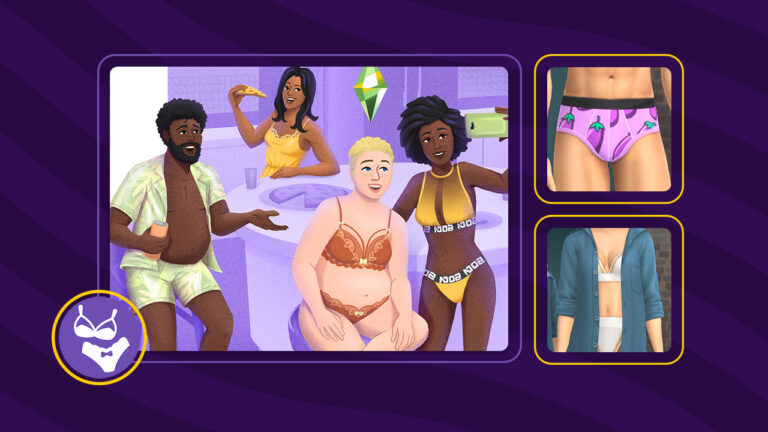
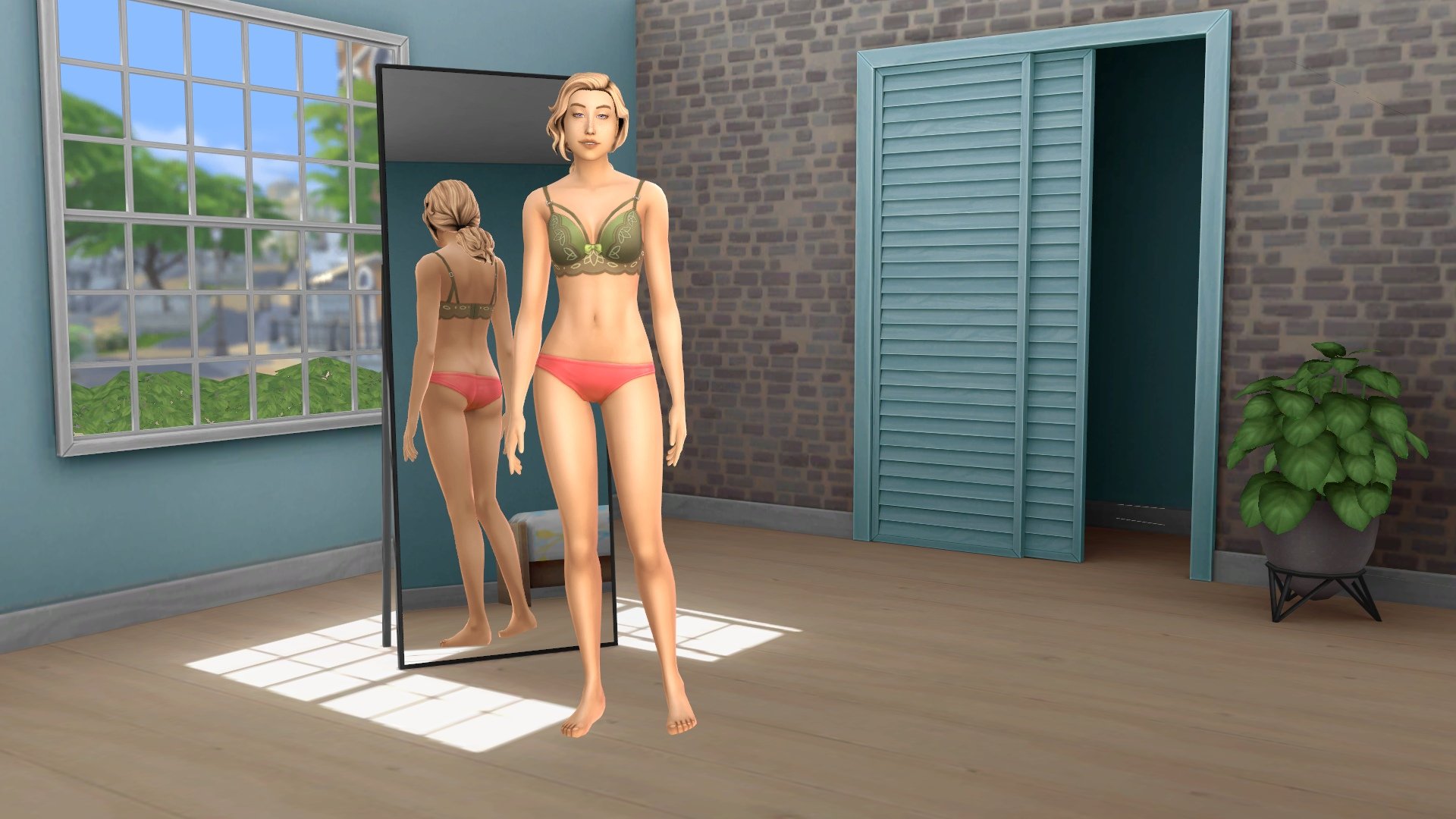
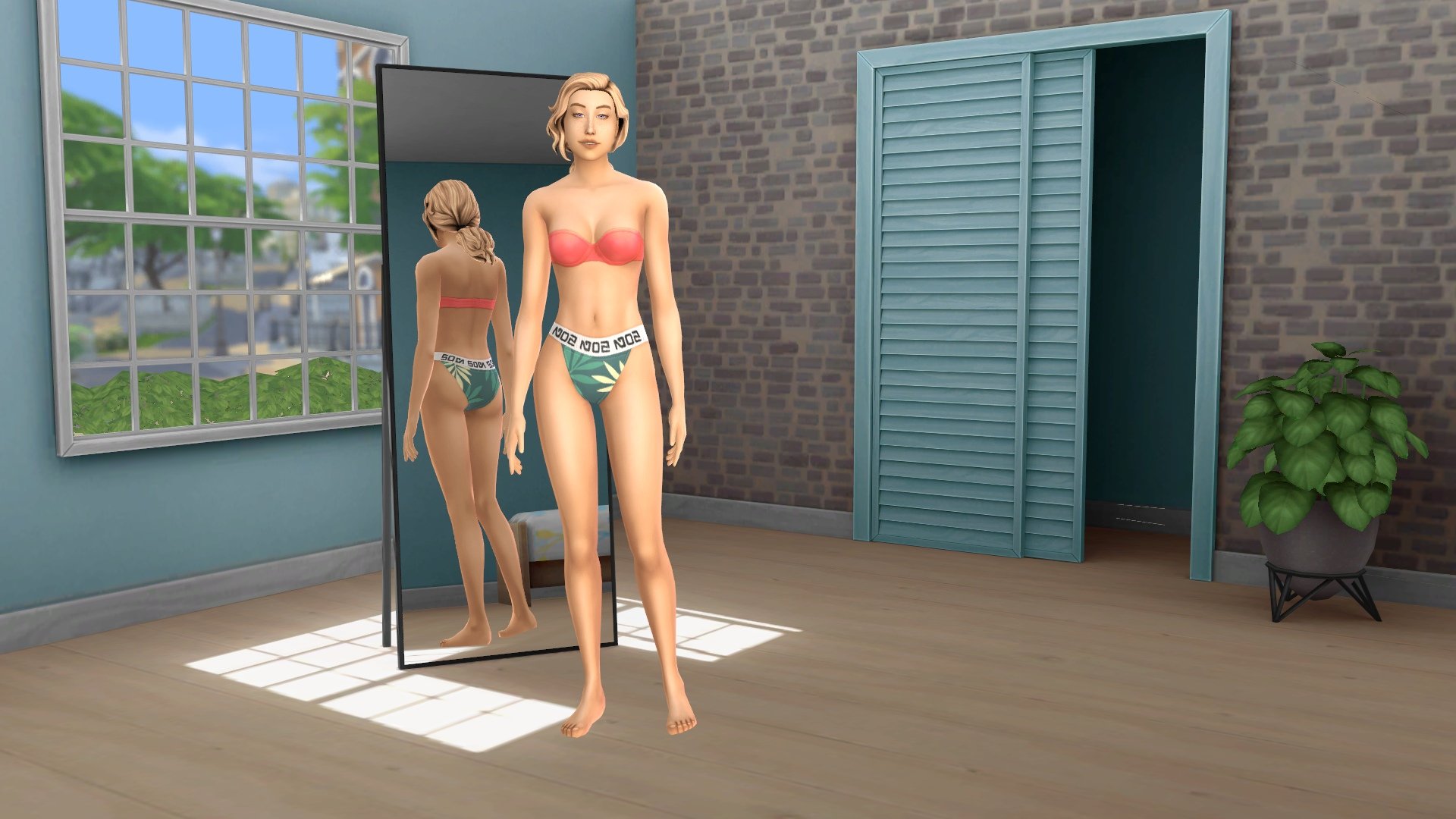
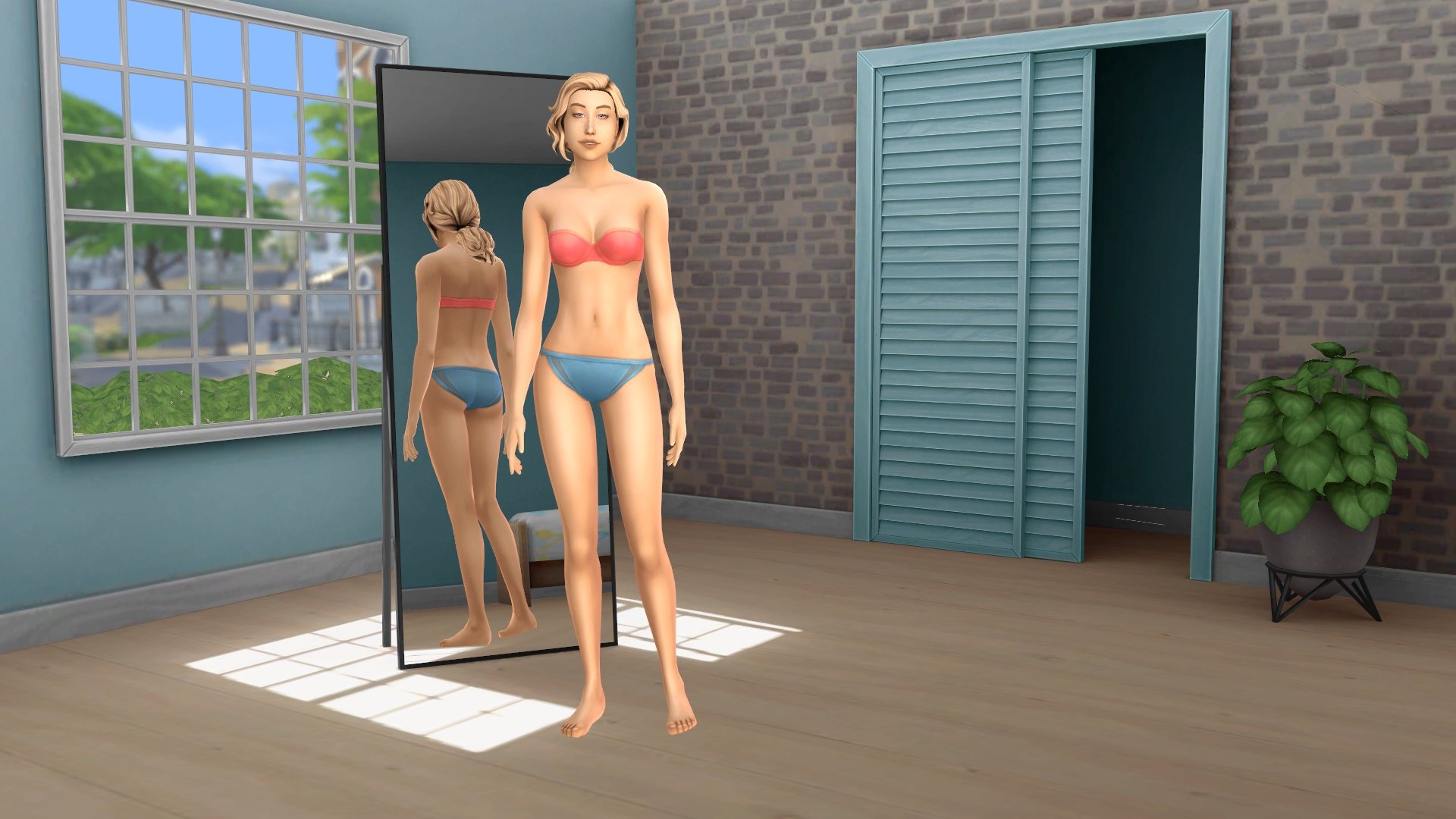
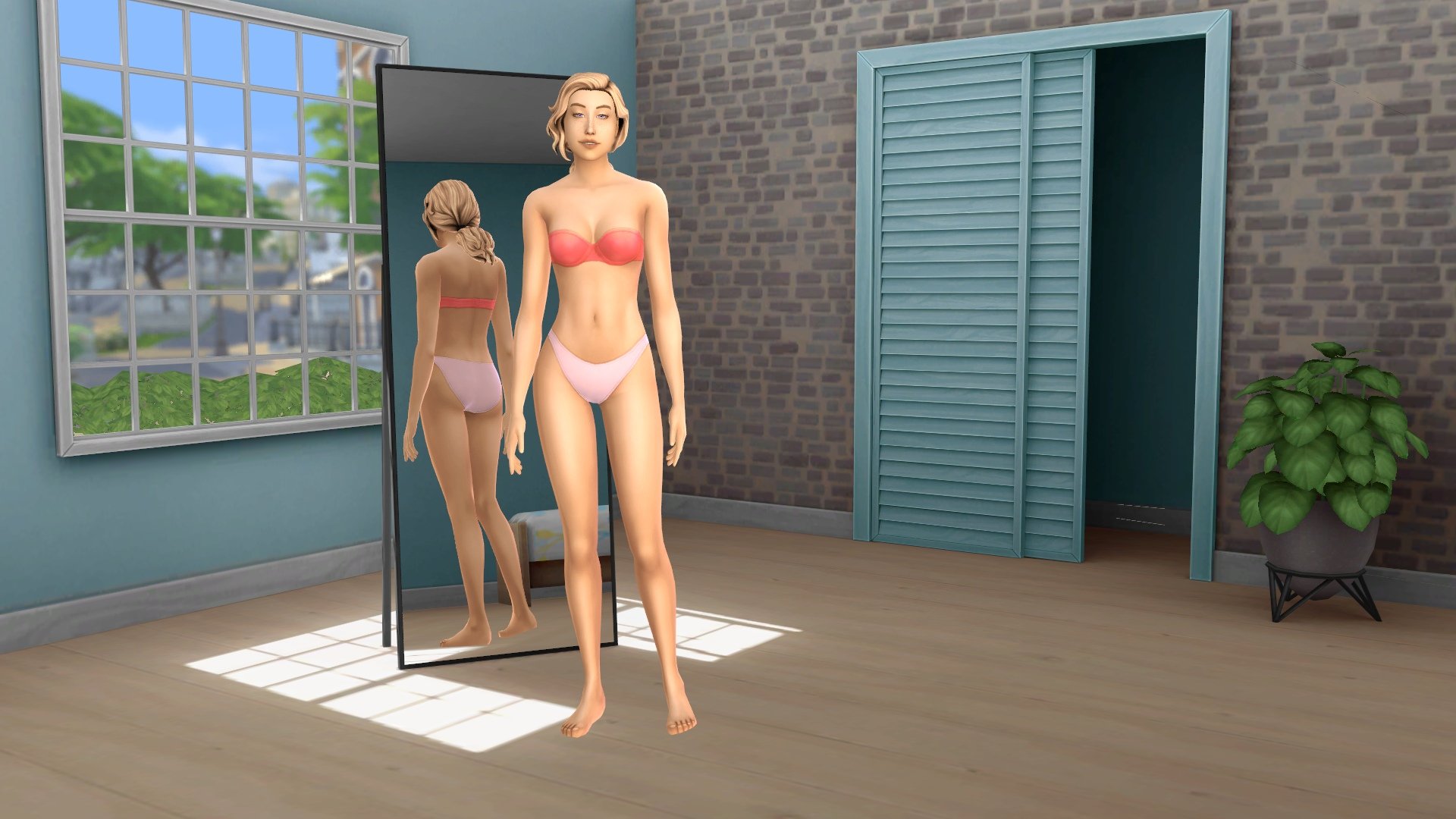
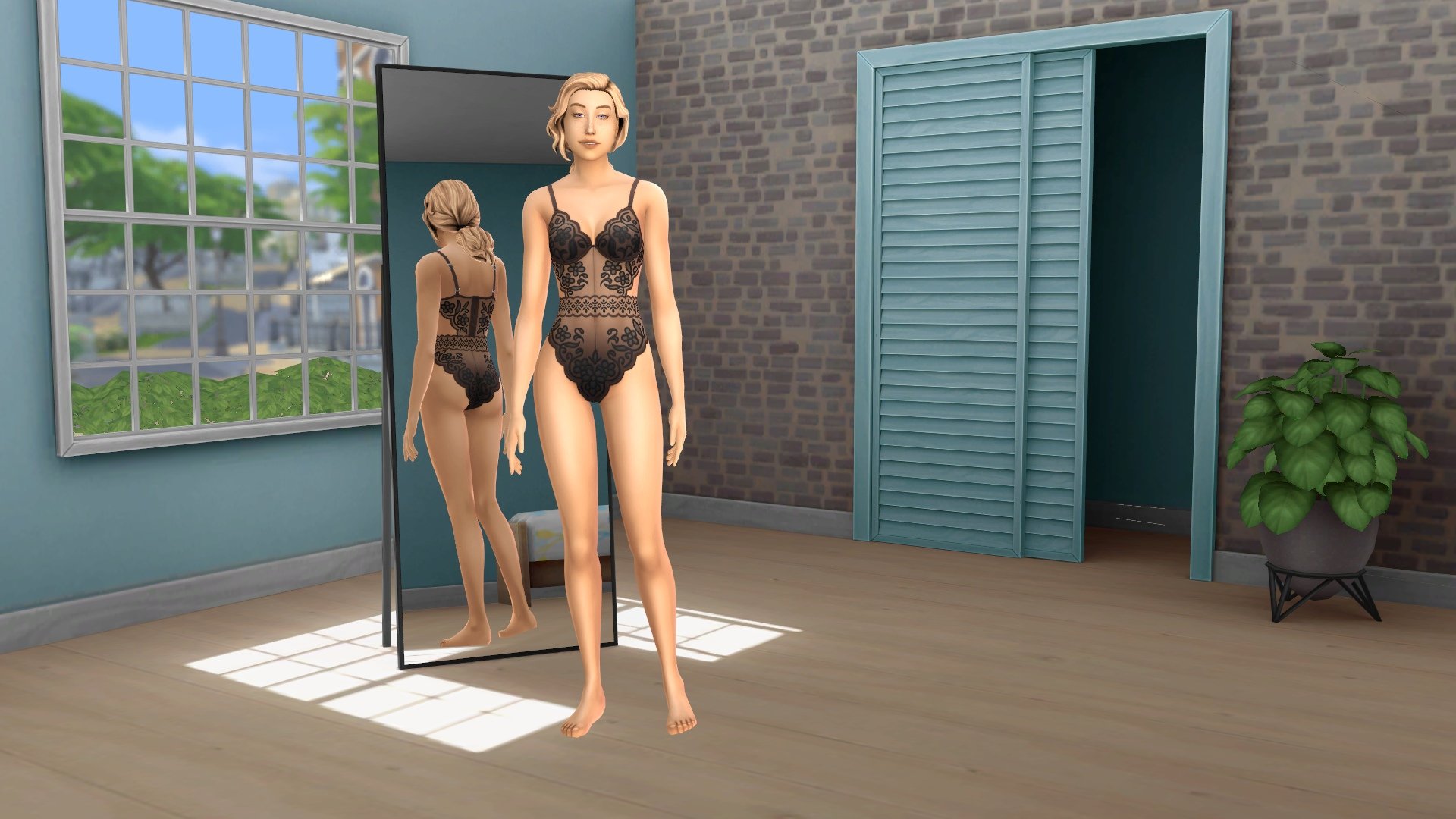
It’s time for a new Sims 4 CAS kit! This one is called The Sims 4 Simtimates Collection! As the title suggests, this kit caters to intimate underwear and lingerie for both feminine and masculine framed Sims. The Sims collaborated with popular underwear fashion brand, MeUndies, to design an intimate clothing collection that looks flattering on any body type. We love inclusive content! You know what we also love? Eggplant undies! Yup, this kit’s got ’em!

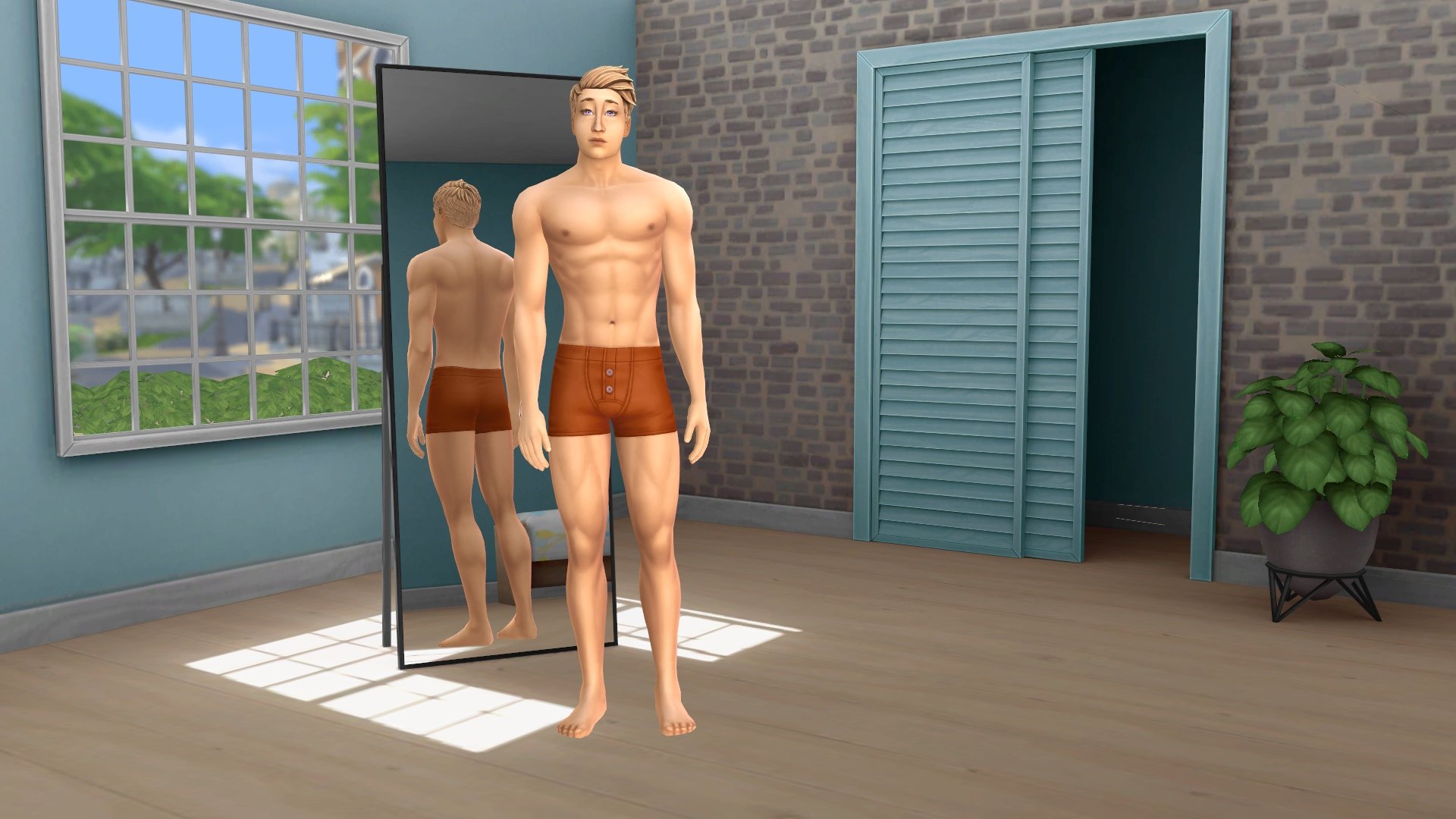
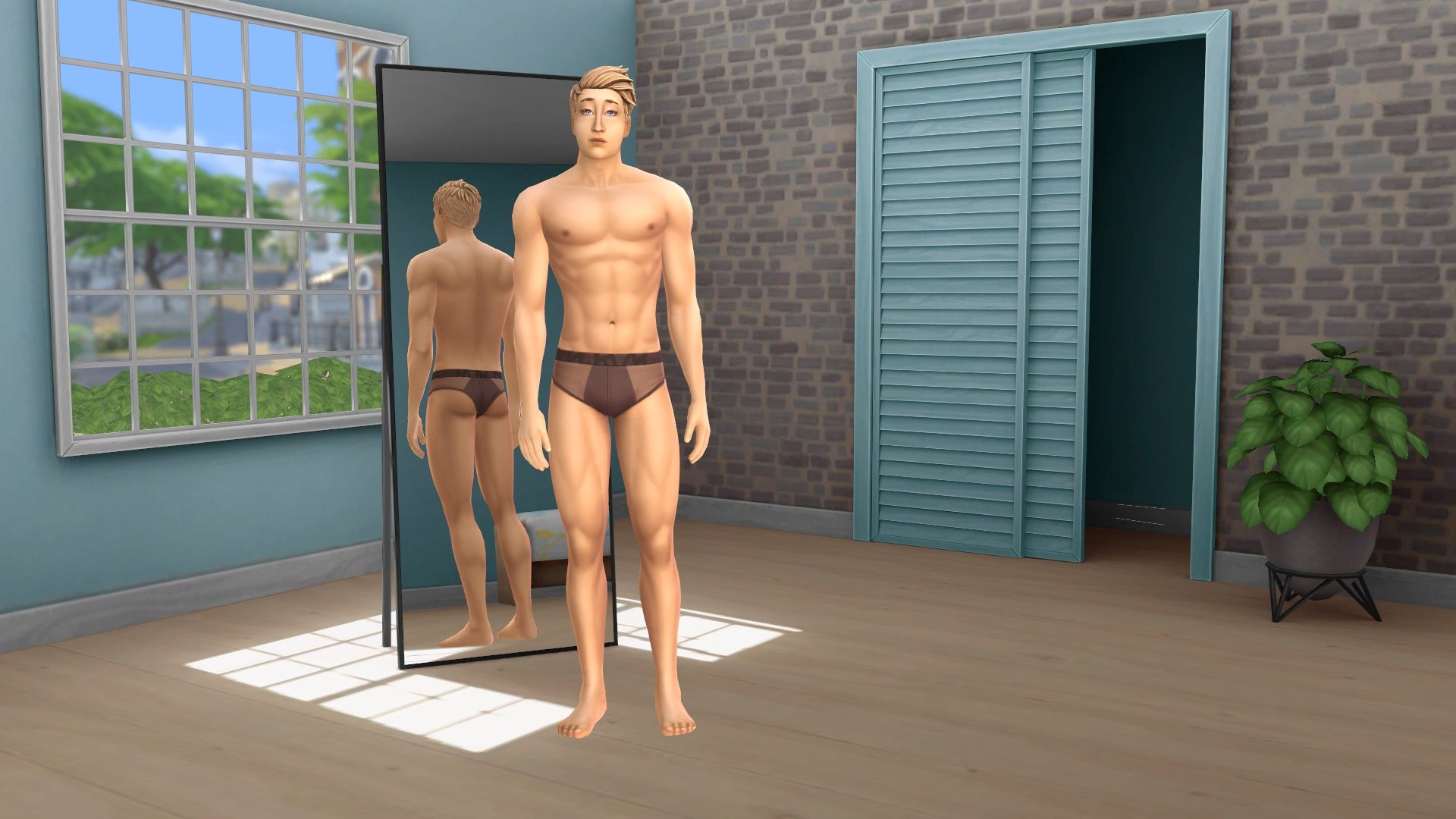
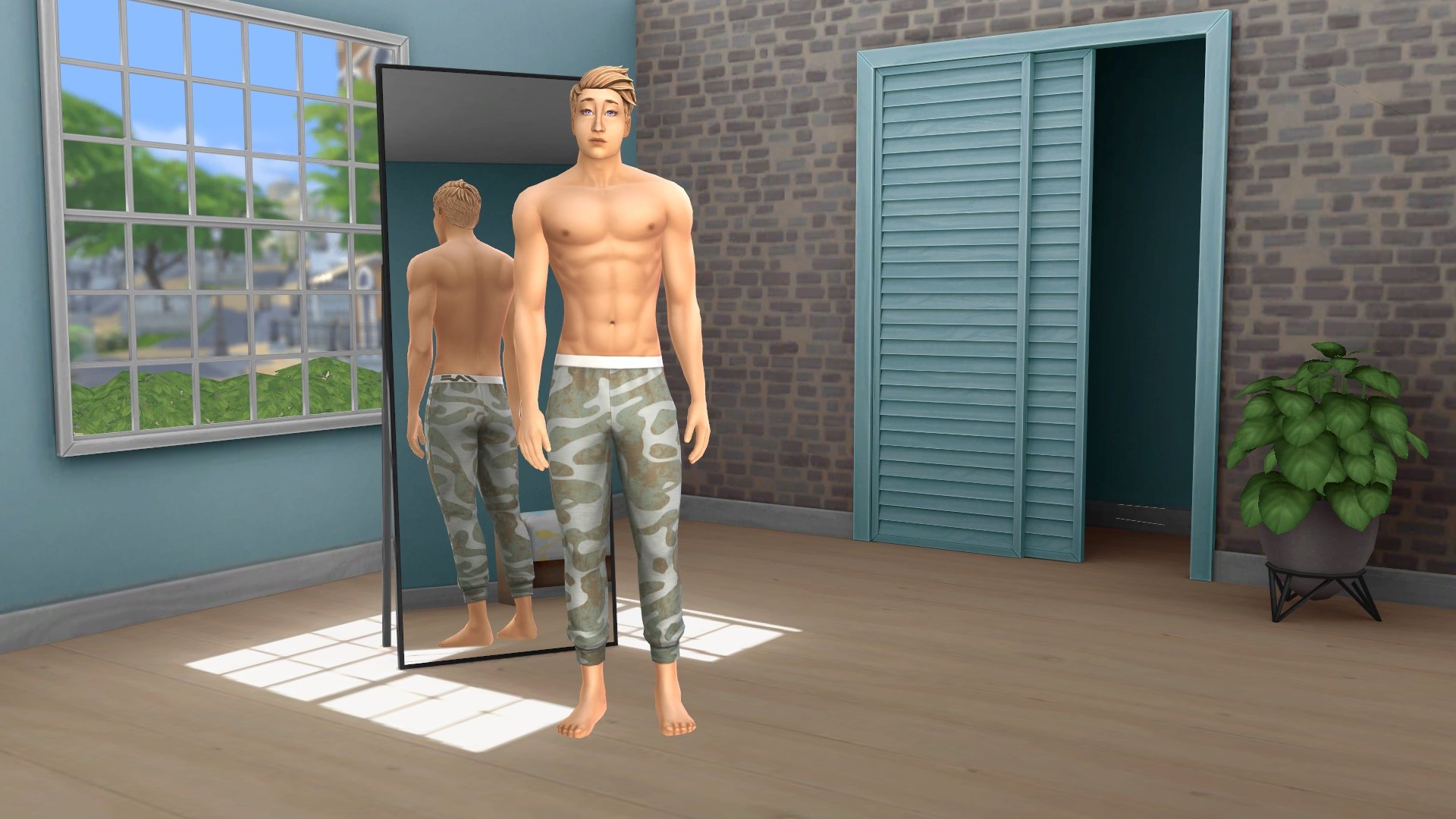
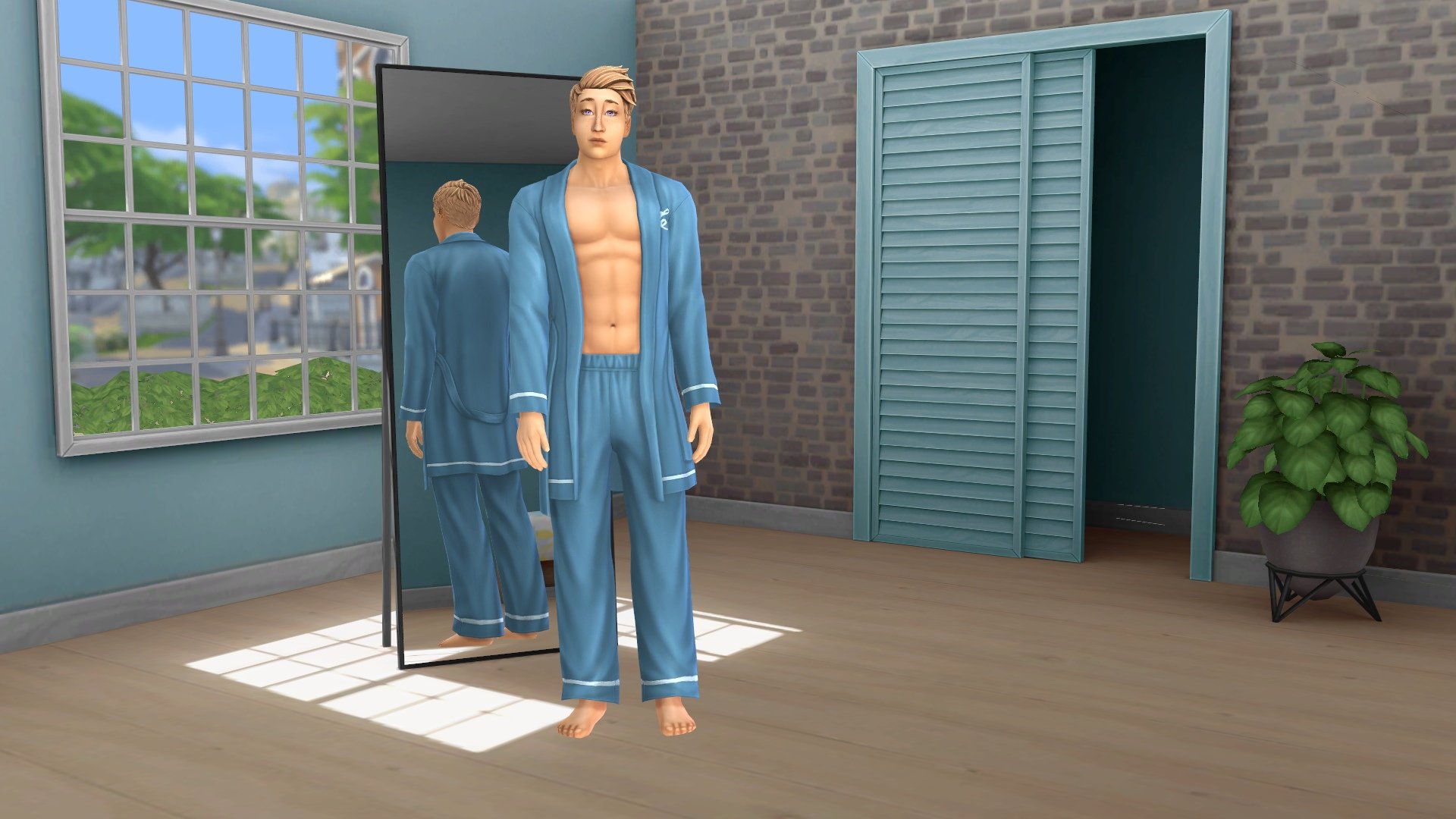
The Simtimates Collection Kit comes with a total of 24 tops, bottoms, and full body outfits for feminine and masculine adult Sims in the sleepwear category. It does not come with any new hairstyles, shoes/slippers, hats, or other accessories. It also does not come with any content for any age groups outside of teen-elder. This should come as no surprise, given the more adult nature of this particular kit. There are a lot of ways to mix and match different outfit combinations with this Sims 4 kit; most of the items are separate tops and bottoms, many of which look good together. There are a few full body outfit options to quickly dress your Sim, too.

Let’s check out each clothing item in The Sims 4 Simtimates Collection Kit!

Everything included with Sims 4 Simtimates Collection Kit

All items included in the Simtimates Collection Kit are pictured below in three of our personal favourite swatches; however, these are not all the swatches available. Almost every clothing piece in this kit comes with 12 or more swatches.

Feminine Tops (6)

Feminine Bottoms (5)

Adult Feminine Outfits (3)

Masculine Tops (1)

Masculine Bottoms (7)

Adult Masculine Outfits (1)

review icon

Our Review

If we’re being perfectly honest, we think this kit is worth the $5 price tag for the eggplant swatch undies alone. It’s hilarious and we never expected The Sims Team to do something so funny and a little risky in a kit like this that is already a little risqué. We love that slightly NSFW pop culture reference so much.

Eggplant undies aside, there is a lot to love about this Sims 4 CAS kit. For one thing, it fulfills a genuine gap in the game. It’s been eight years and up until now, we had next to nothing in the sleepwear category. And we certainly didn’t have much selection when it comes to flirty and sexy undergarments. Having more lingerie options is greatly appreciated. For another thing, the items are not exclusively flattering to slim body types. The cut and style of many of the items are designed to flatter larger Sims, too. This is so important for body positivity and a step in the right direction for The Sims Team. We have to give credit where credit is due. They really nailed it with that body positive approach.

We also really love the swatch selection. No, not just because of the eggplant undies. There’s an excellent balance of fun patterns, flirty patterns, and solid colours to suit any Sim’s personal taste in this Sims 4 Kit. Between the variety of cuts, styles, and swatches, your Sims can really express who they are with this kit. Elegant, sophisticated, flirty, fun, silly, there’s something for every kind of Sim.

Honestly, we can’t find a single thing about this kit that we don’t like! If we have any criticism, it’s probably that we would have liked to see closer to 30 or so items for this kit, since it doesn’t offer any accessories or options for other age groups. Still, we love what’s in the kit. It’s useful, it’s expressive and fun and inclusive! The Sims 4 Simtimates Collection gets a big thumbs up from us!


Check back with us for our Sims 4 Bathroom Clutter Kit overview, coming soon! In the meantime, why not check out our coverage of previous kits?

The Sims 4: New Kits Now Available!

0

Fancy Underwear and Clutter: The Sequel. The Sims 4’s latest Kits are out now!

ARTICLE UPDATE: EA released a new statement through The Sims Direct about the Kits not being available on the EA App. They’re working on resolving the issue.

Hey Simmers! Regarding today’s Kits release, we are currently experiencing some delays/errors when it comes to purchasing & accessing the two Kits across platforms. Please sit tight as the team works toward a resolution.

Fm2yVUmXoAIX2HZ


The Sims Team has just released their 18th and 19th Kit for The Sims 4!

The Bathroom Clutter Kit is the second Clutter Kit release for the game. This one focuses solely on clutter you’d find in a used Bathroom space. Check out some of the new objects previewed below:

The Simtimates Collection Kit is a CAS Kit, adding new clothing to Create A Sim. This Kit specifically focuses on intimate underwear and loungewear. Check out the previews:

You can check out the thumbnail objects and clothing preview of these Kits here!

Where to purchase the new Sims 4 Kits

Both Kits are now available for $4.99USD each, or a price equivalent to your local currency. The new Kits can be purchased from official online retail stores, including:

Sims 4 Bathroom Clutter Kit

Sims 4 Simtimates Collection Kit


Looking for a full preview of all the new items and swatches? Stick around on our Sims 4 Kits page!